Normal view

There are new articles available, click to refresh the page.
Before yesterdayMain stream

Antec Flux Rear Case Review

11 September 2026 at 09:00

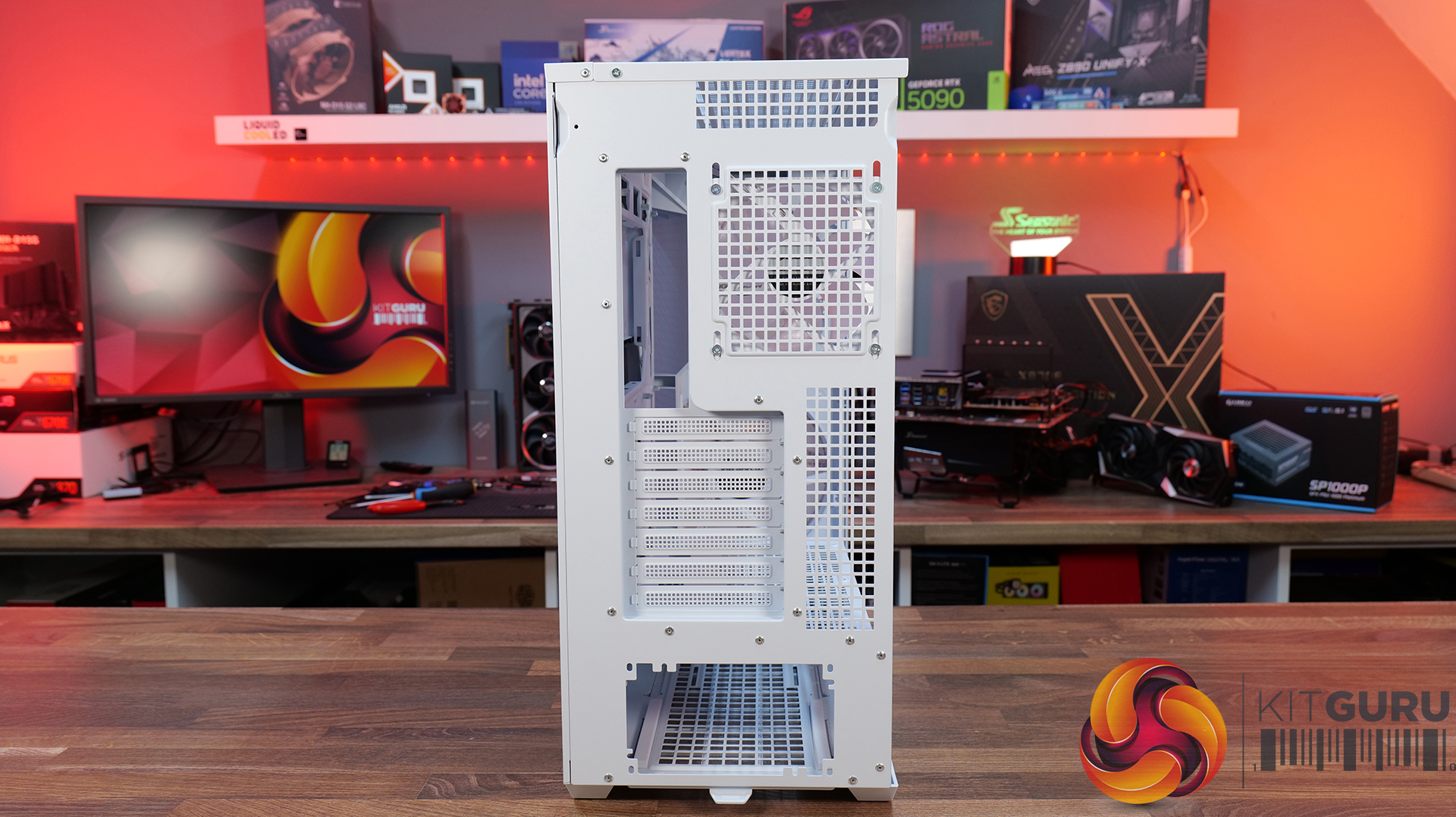
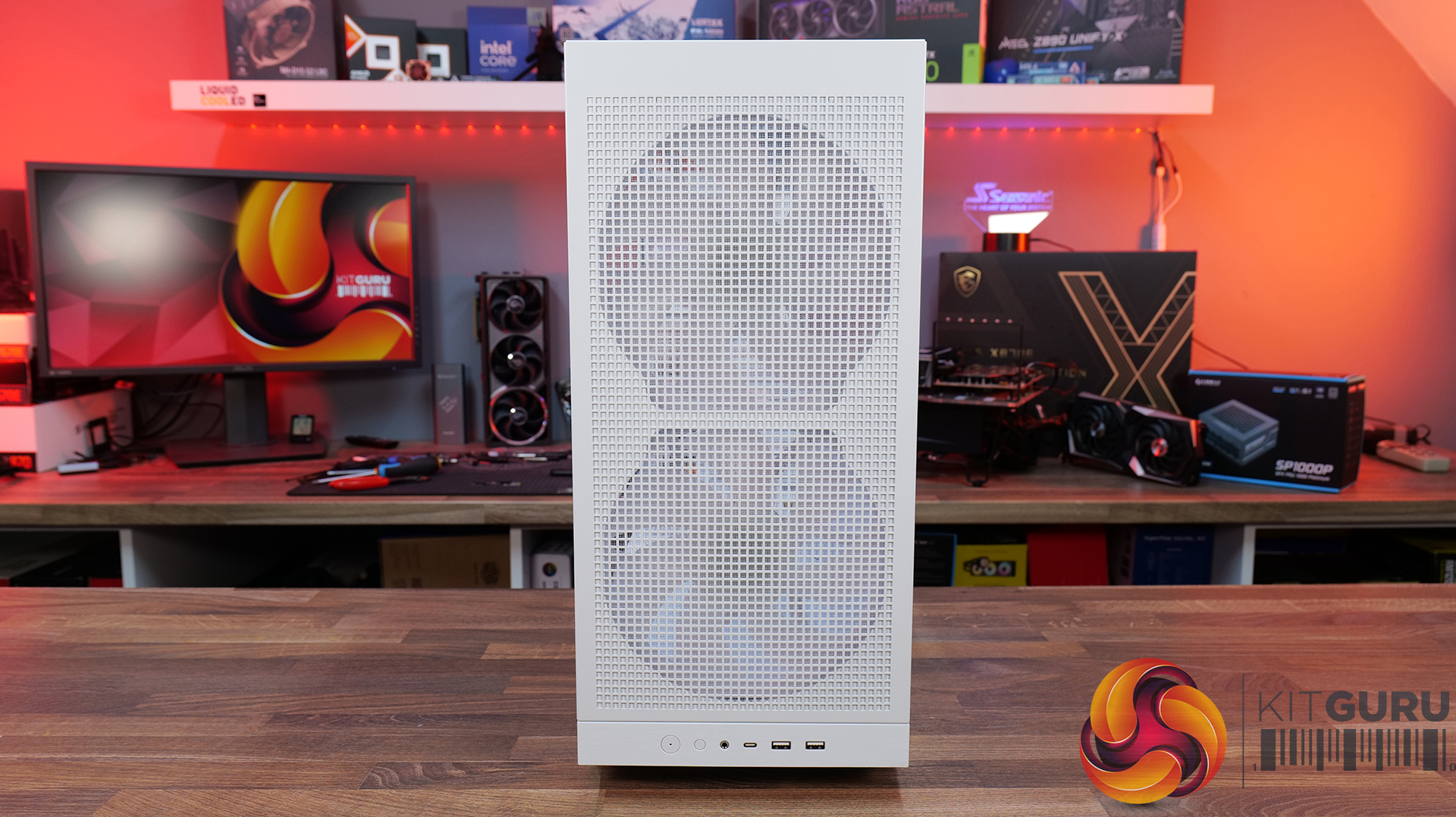
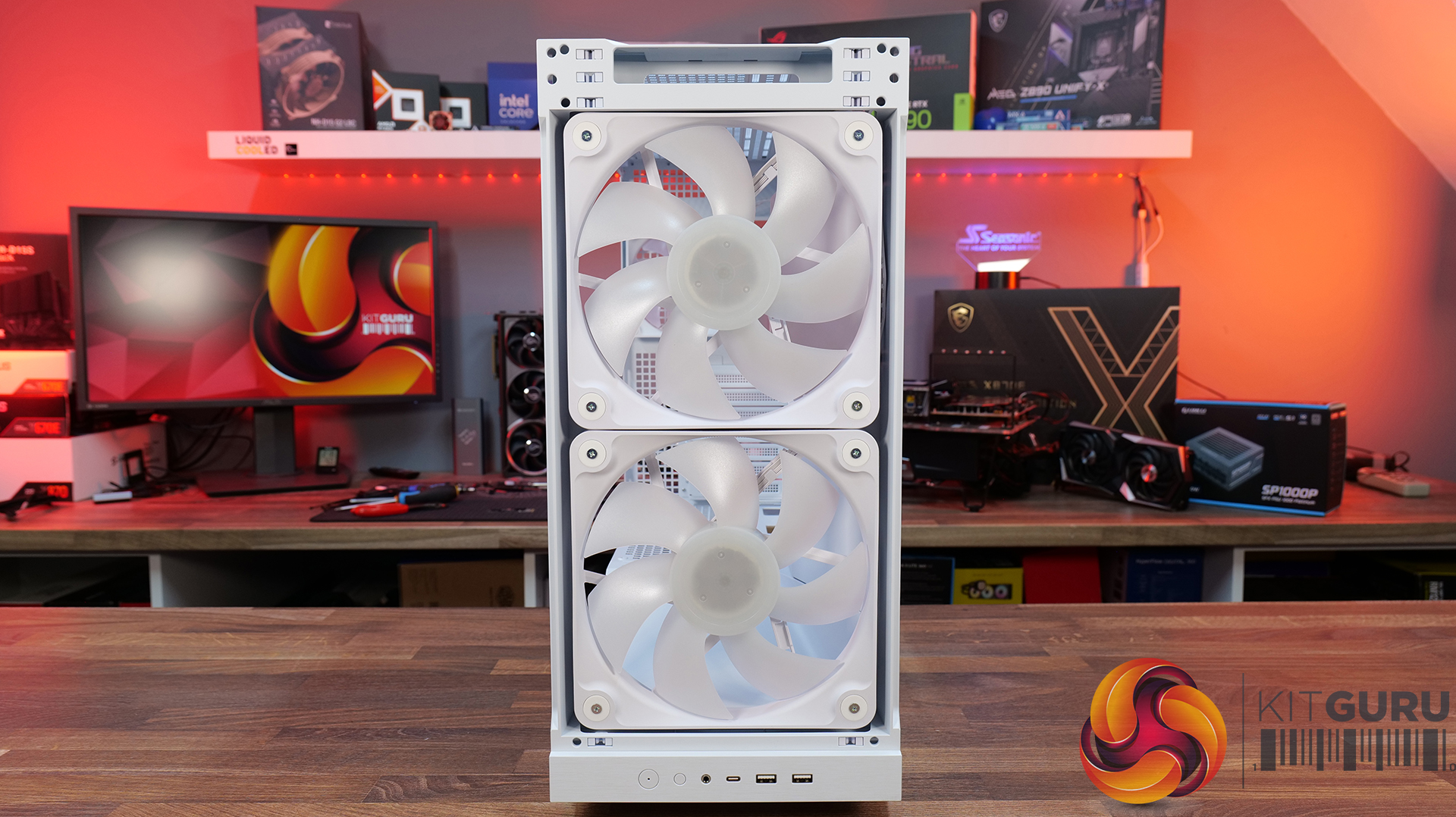
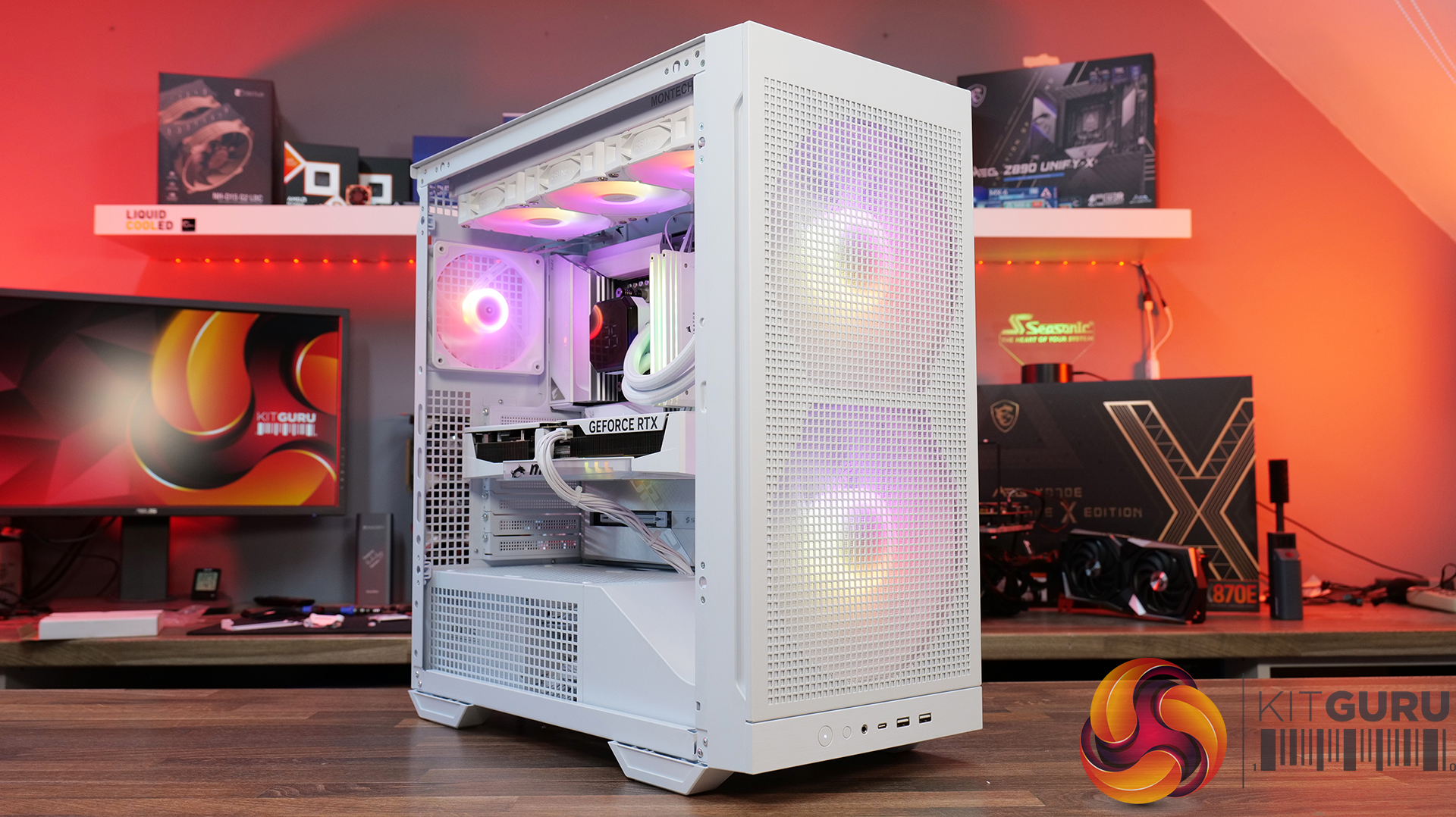
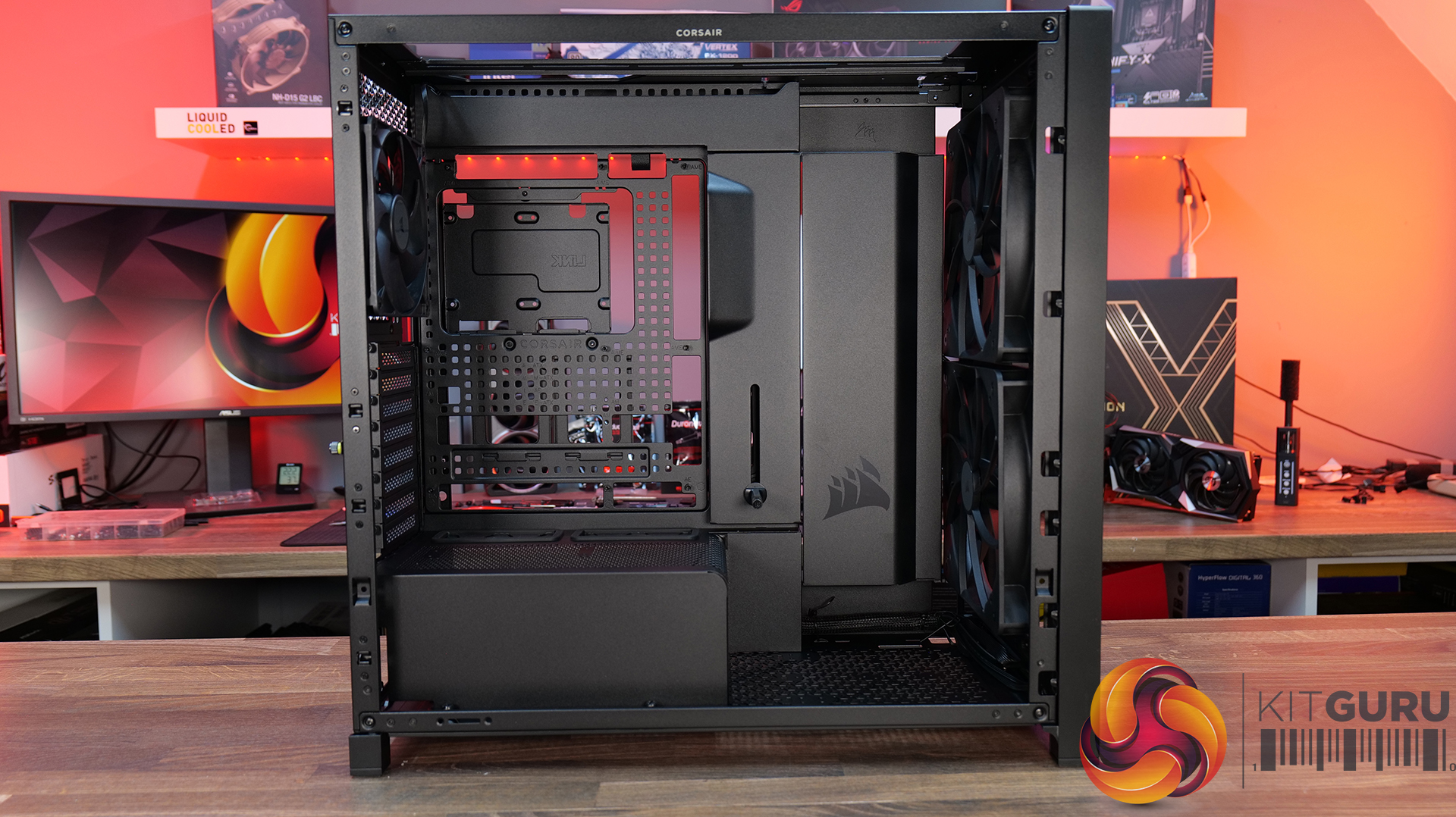
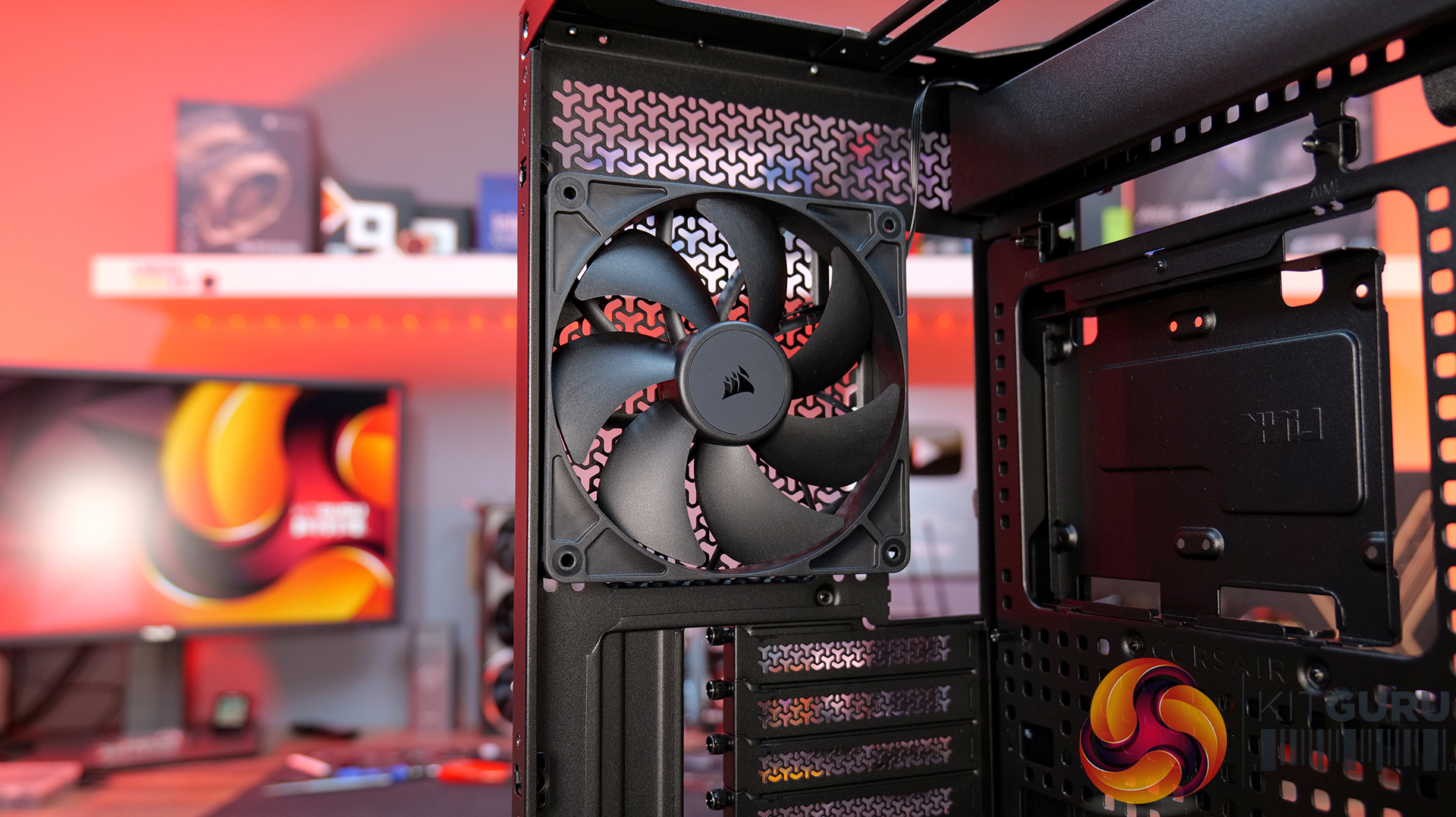
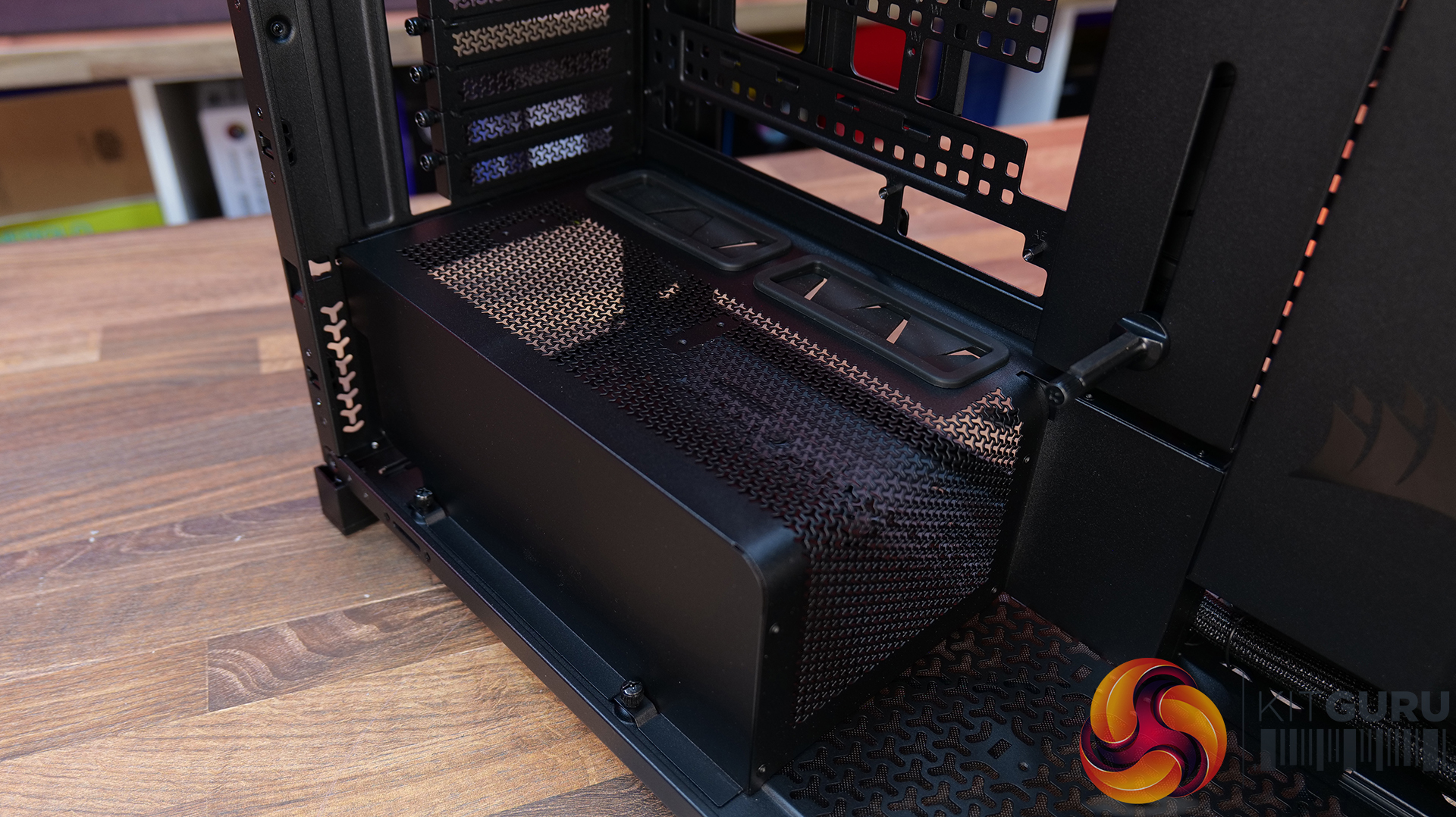
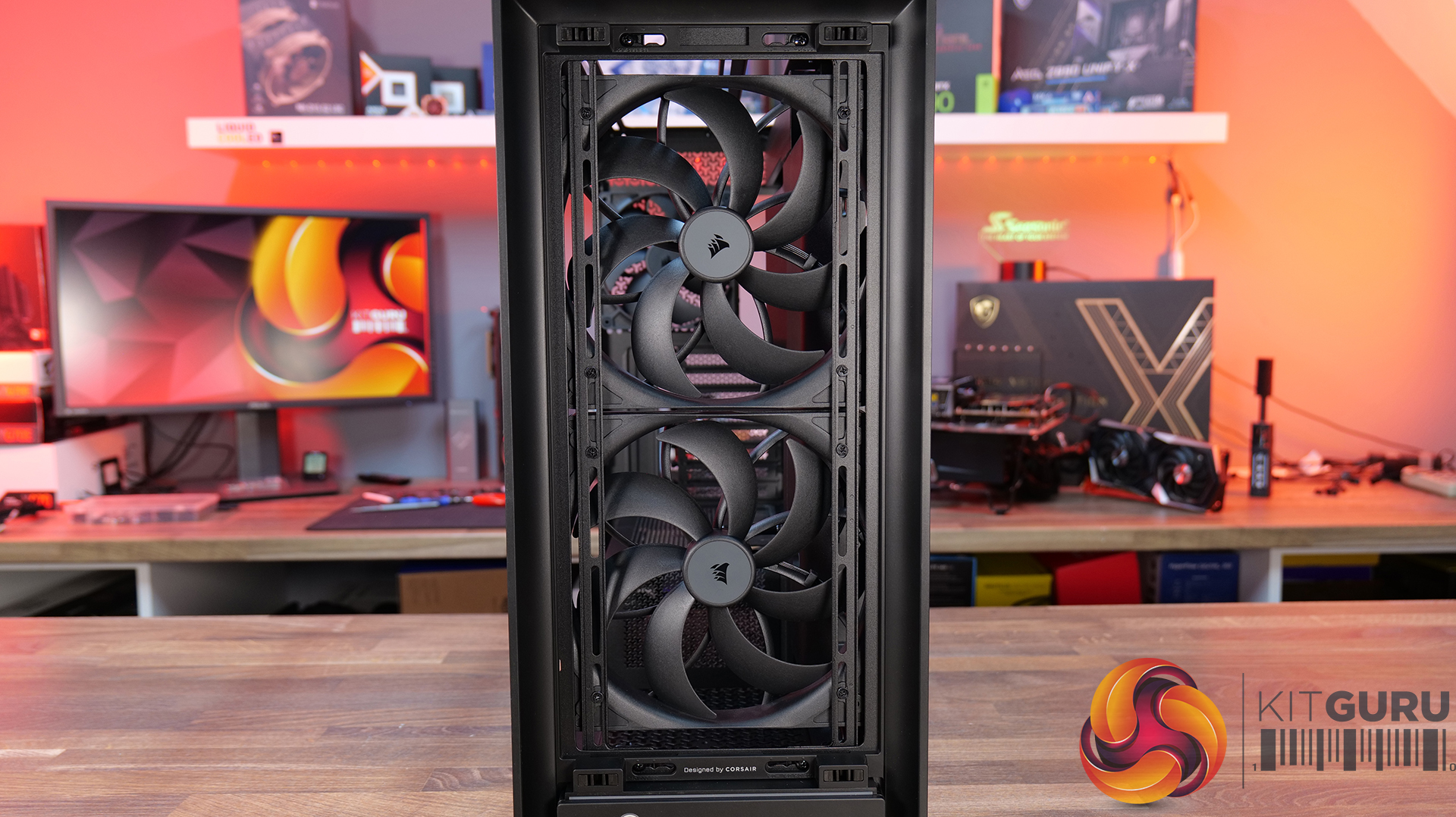
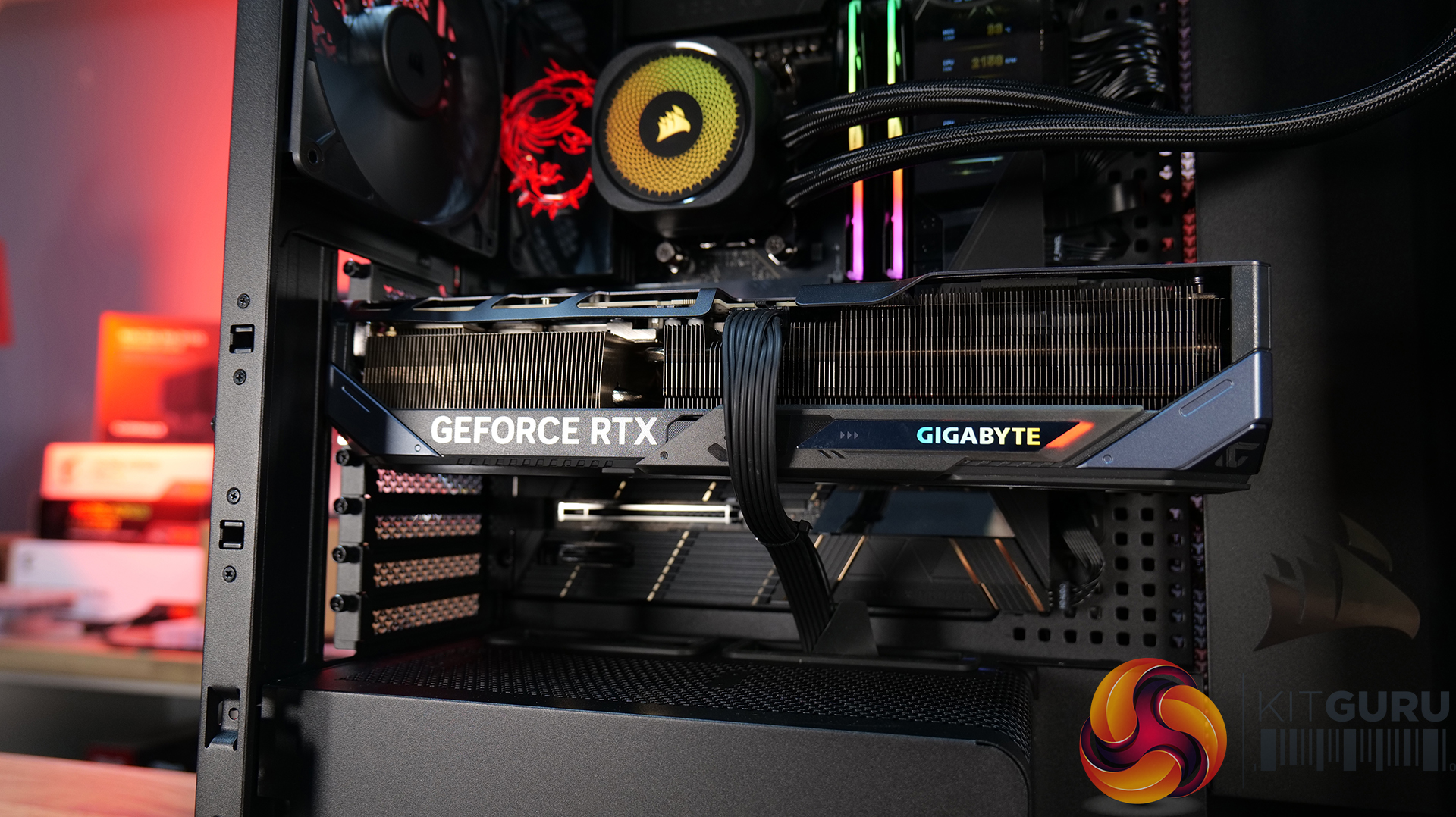
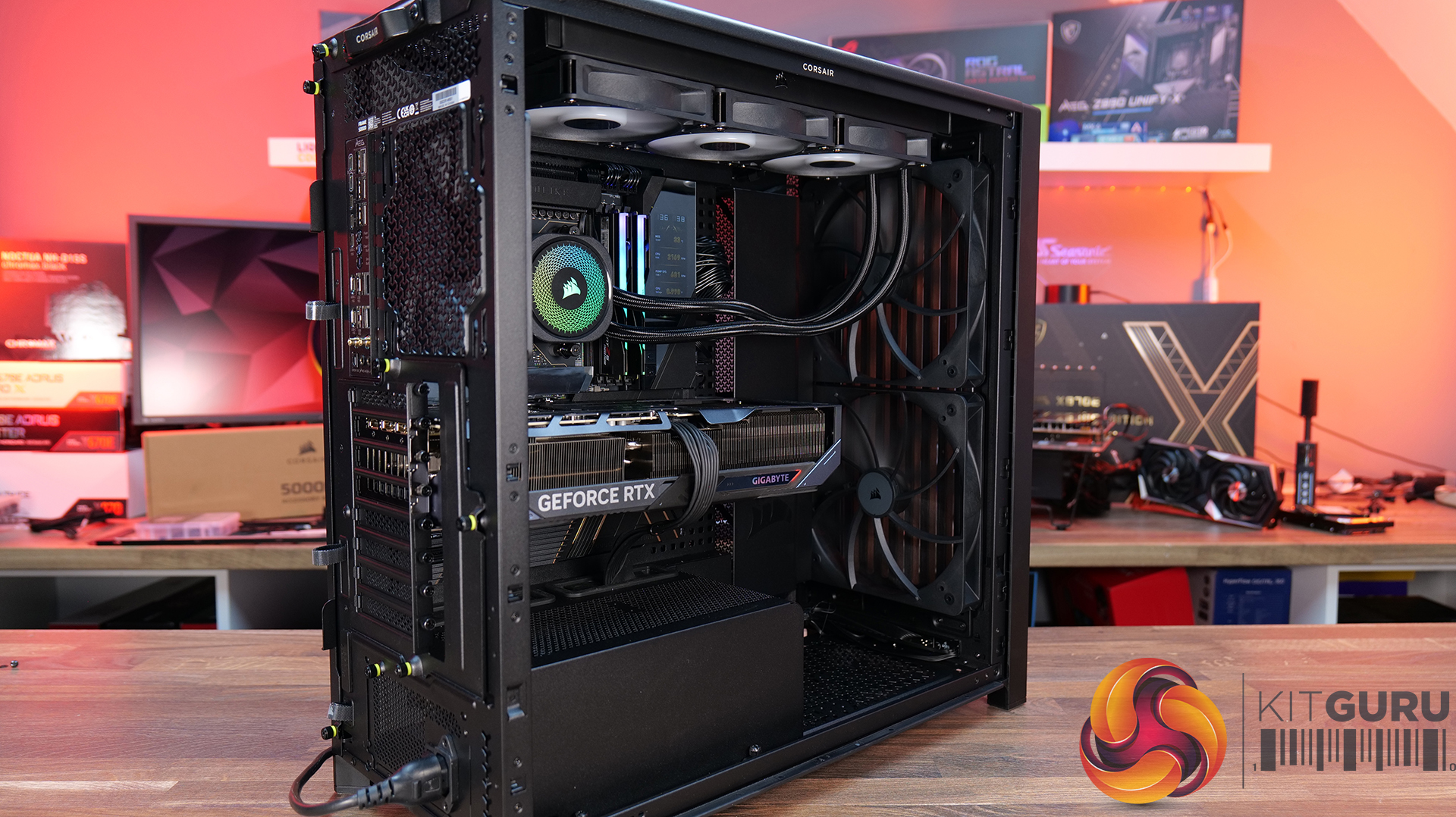
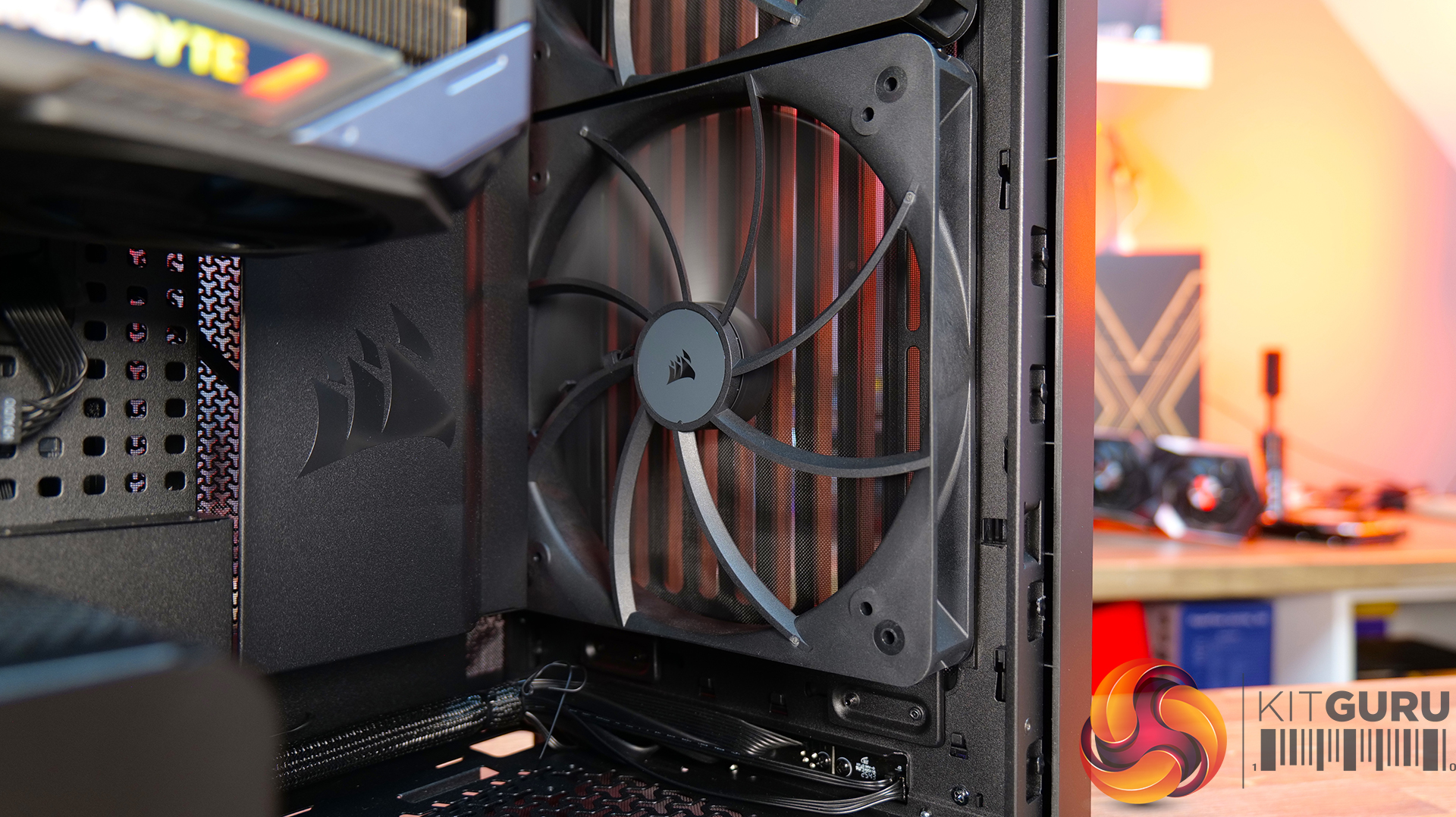
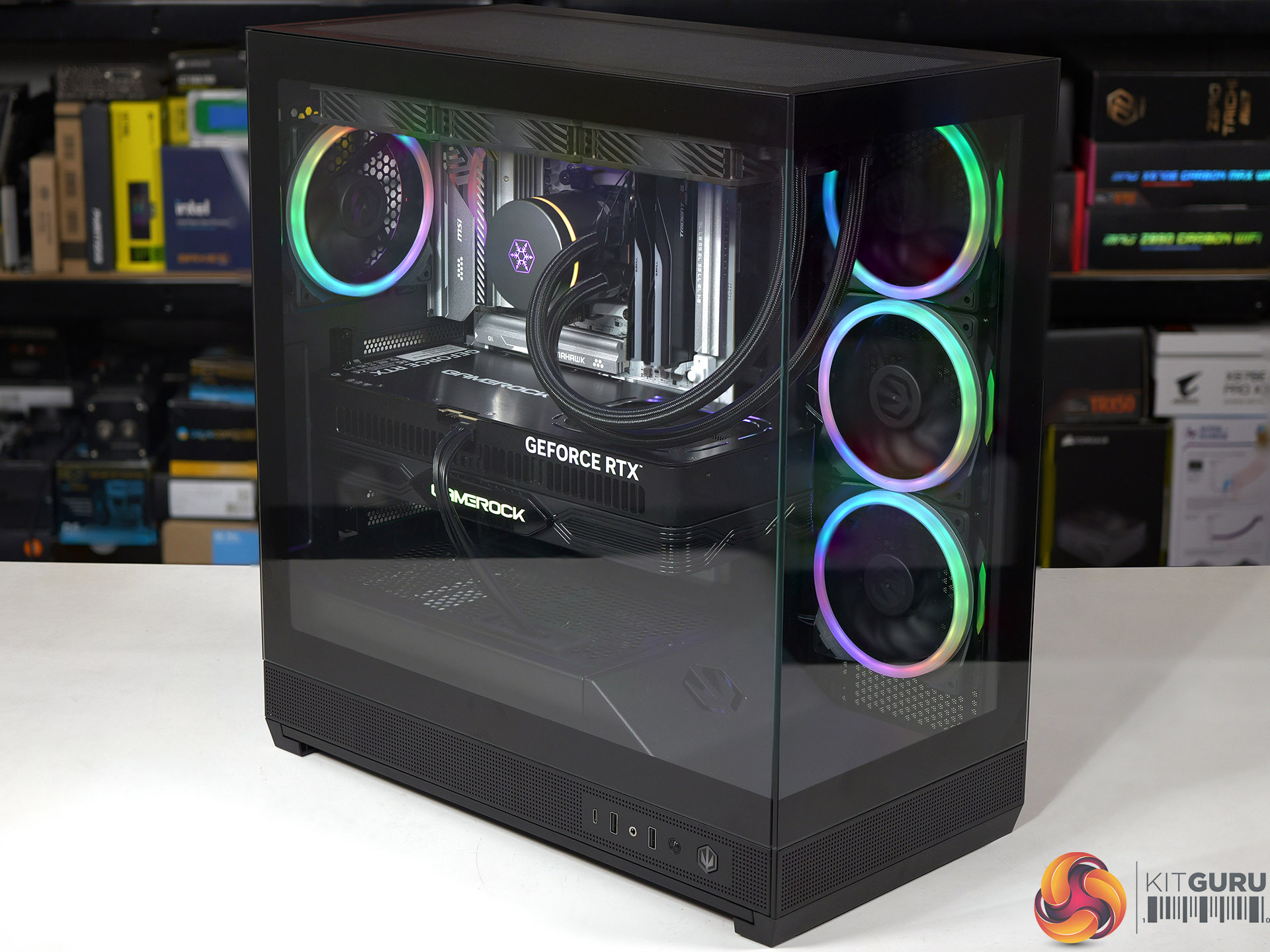
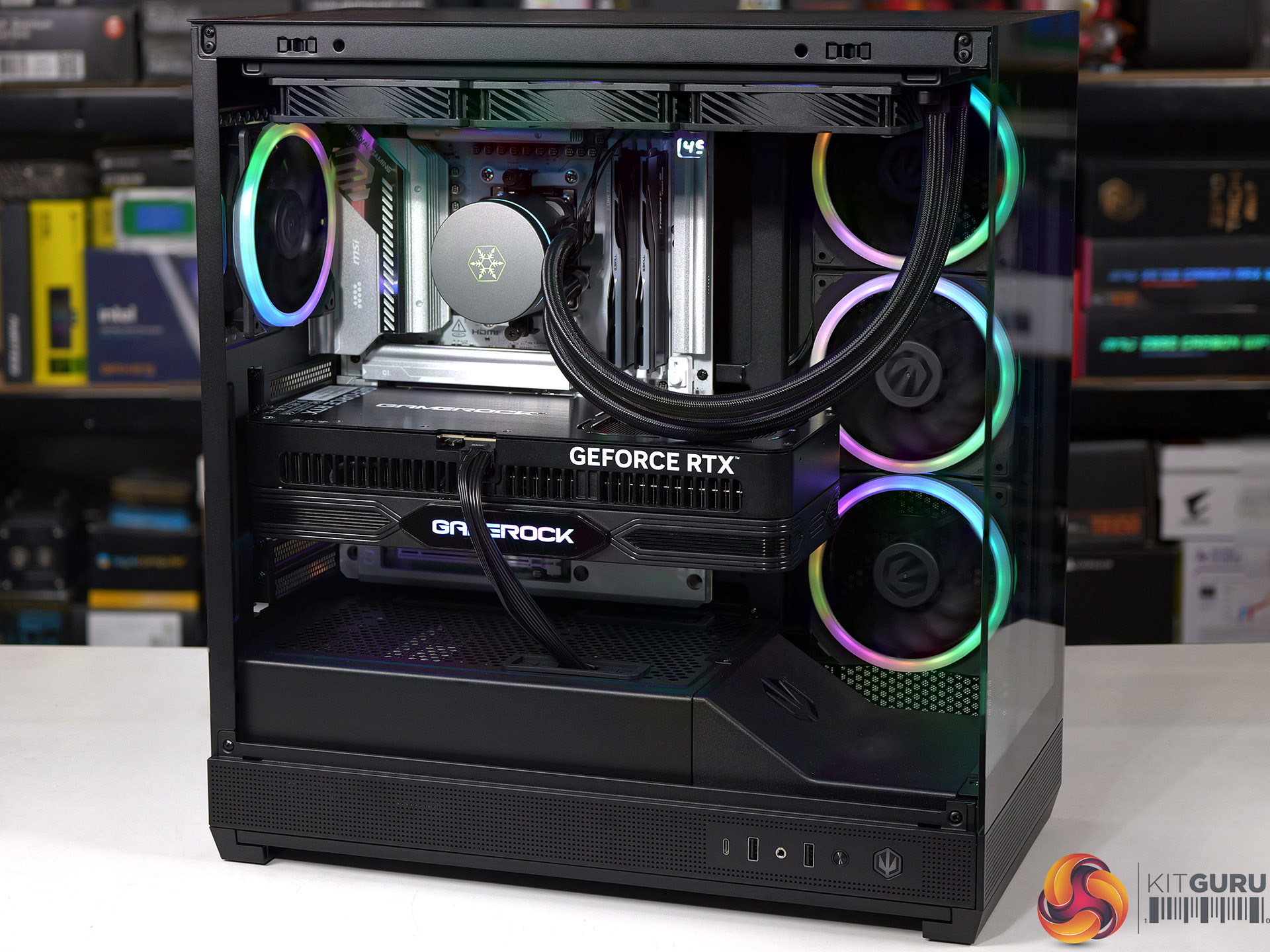
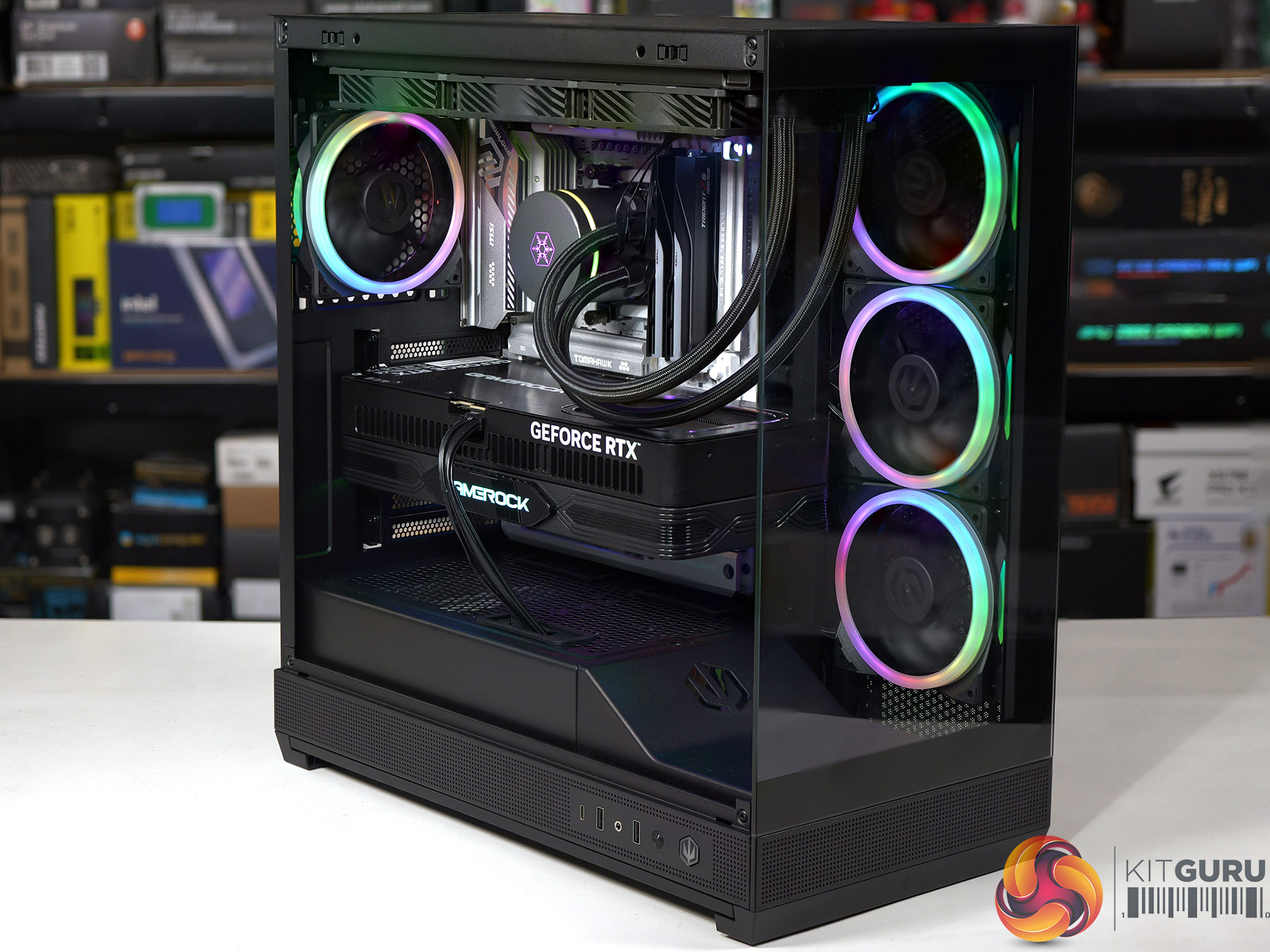
Antec gave the Flux Rear an unusual name, however there is solid thinking behind the decision. F-LUX is an abbreviation of Flow Luxury and the major feature of this case are the five PWM fans that come with the package. The three 140mm PWM ARGB fans are easy to spot, but the two 120mm PWM Reverse fans in the power supply shroud are less obvious.

Timestamps

00:00 Introduction
00:53 A look inside / Cooling support
03:27 Flip side / Cable Management
04:16 Building a Test PC
06:05 Smoke Air Flow Testing
06:46 Testing Methodology
07:02 Noise and Temperature Testing
08:17 Closing Thoughts

Main features

  • Flow Luxury: F-LUX Platform, abbreviation of Flow Luxury, features ultra case structure design for excellent airflow and 5 fans included, delivering enhanced GPU cooling performance.
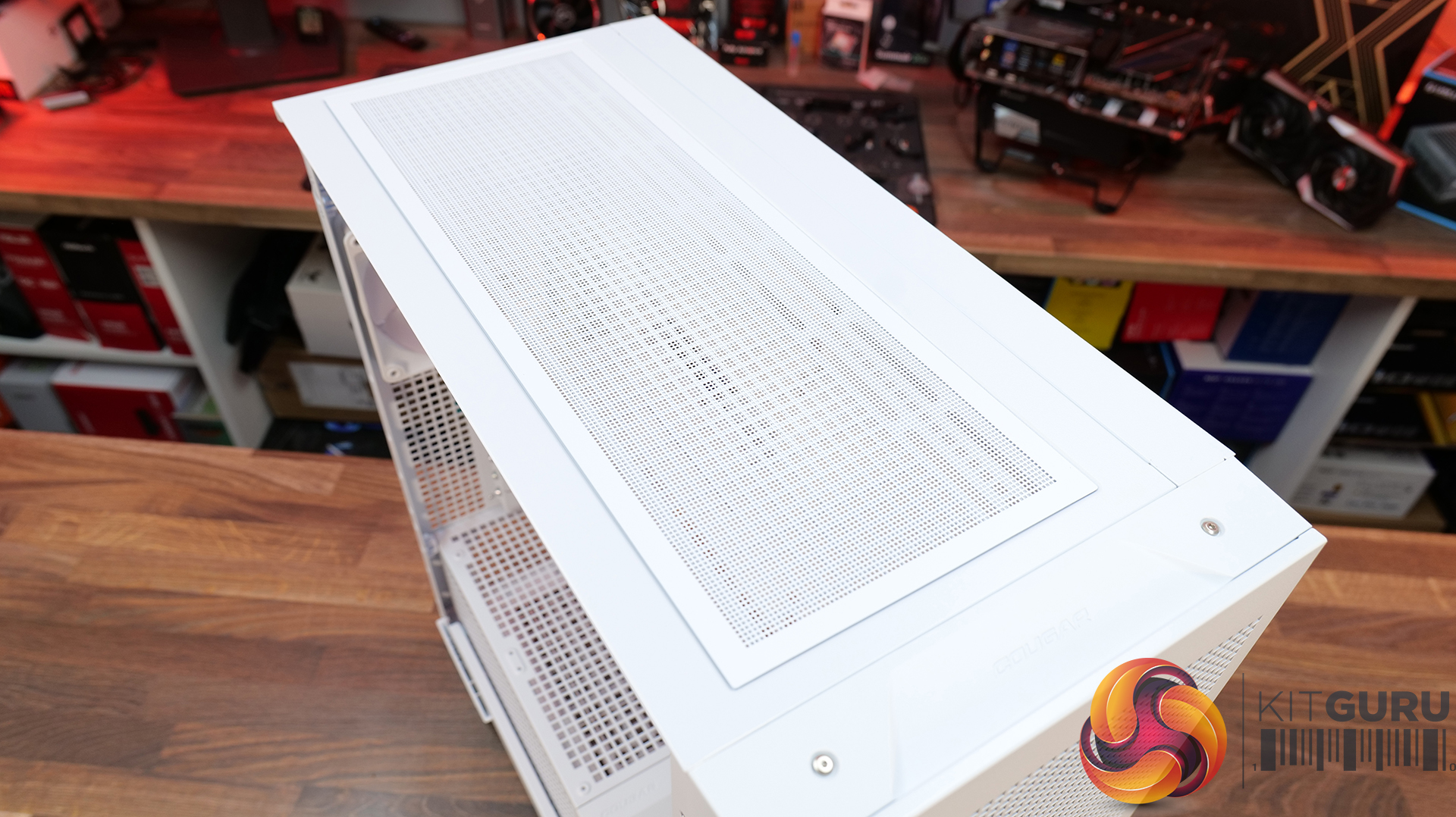
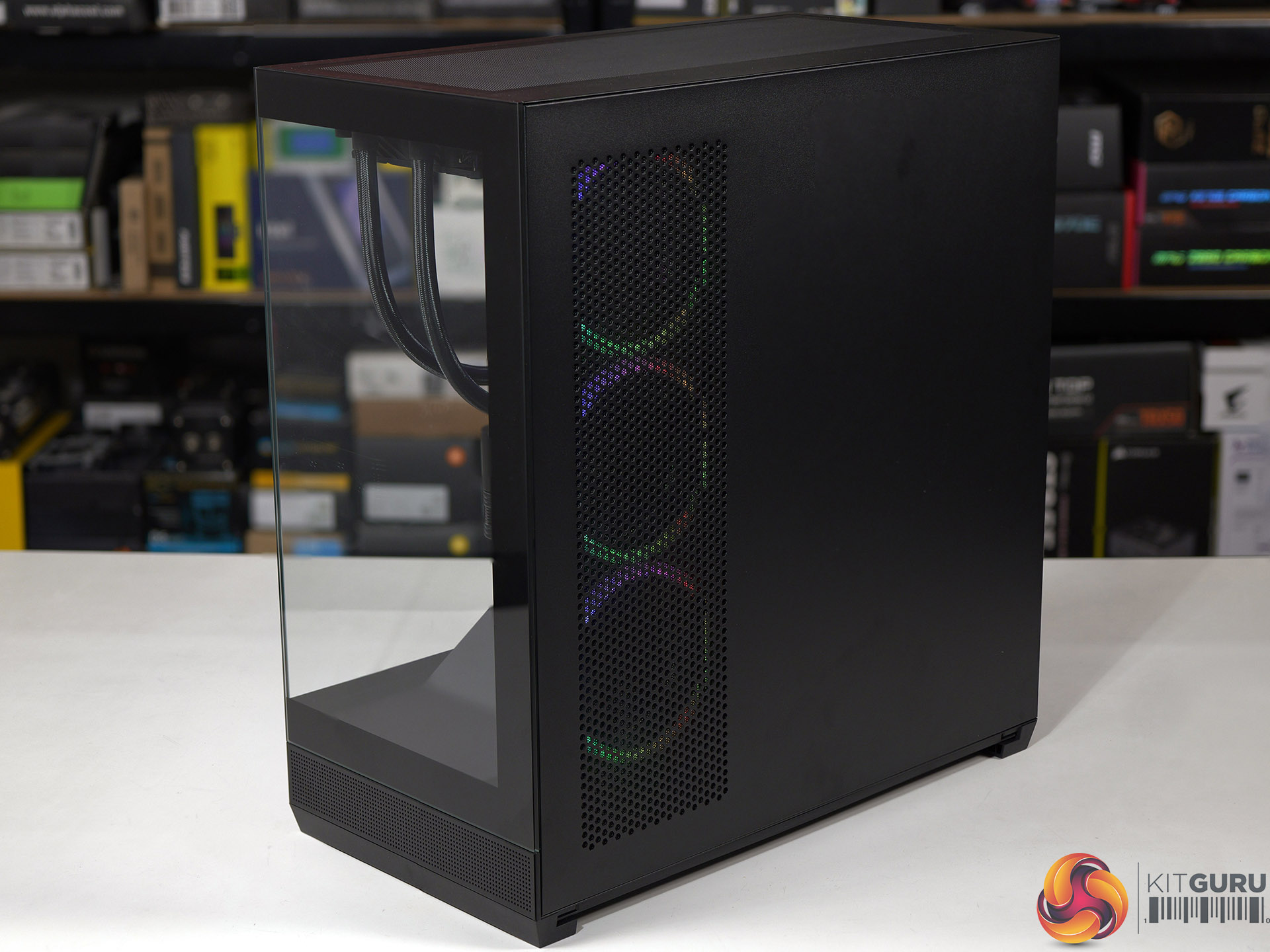
  • Flux Airflow: Multi-directional vent design, featuring extensive air intakes at the bottom, power supply chamber and lower sides, along with top vents and large-area mesh at the front, creating a dedicated Antec Flux airflow channel.
  • Pre-Installed 5 x High-Performance PWM Fans: 3x 140mm PWM ARGB, 2x 120mm PWM Reverse
  • Flux Vertical Cooling: Designed with a front-mounted PSU chamber, this layout opens up space for improved airflow at the bottom of the case, enhancing heat dissipation around the graphics card.
  • Flux Horizontal Cooling: Air intake via the front mesh provides a smooth venting channel throughout the case.
  • Optimised Chassis Design: The recessed front design enhances airflow while minimising noise for better thermal and acoustic performance.
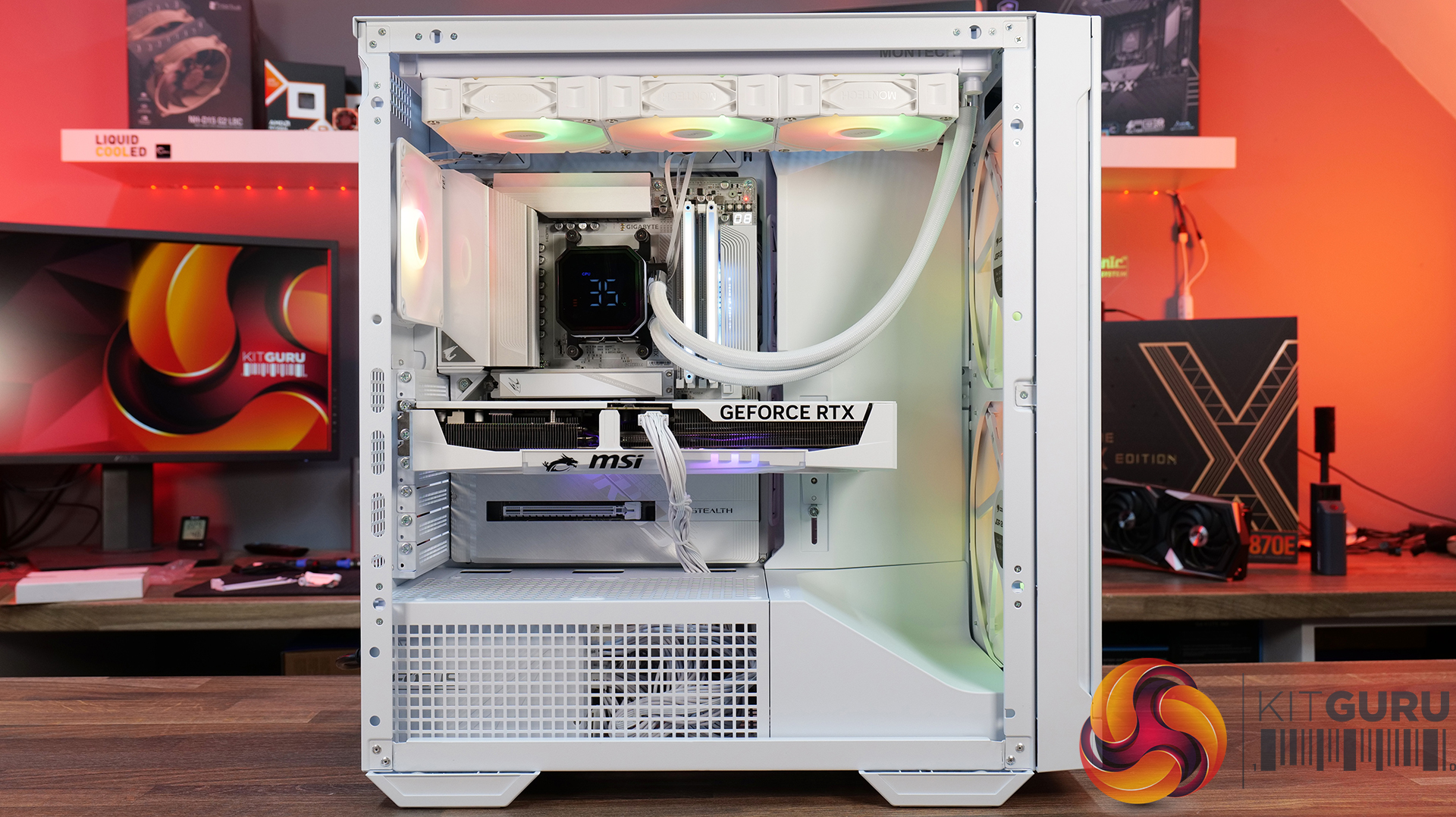
  • Supports 360mm water cooling at the top
  • Supports 140mm rear fan installation with radiator thickness ≤ 55mm.
  • Supports 120mm rear fan installation with radiator thickness between 55–70mm.

Specification:

  • Motherboard support: ATX, Micro-ATX, Mini-ITX (including rear connection)
  • Power supply support: ATX.
  • Expansion slots: 7.
  • Included fans: 2x 140mm front, 1x 140mm rear, 2x 120mm PSU shroud.
  • Fan mounts: 2x 140mm front, 3x 120mm/2x 140mm roof, 1x 120mm/140mm rear, 2x 120mm PSU shroud.
  • Radiator mounts: 280mm/360mm roof, 120mm rear.
  • 5.25-inch optical drive bays: None.
  • Internal drive bays: 1x 3.5-inch and 2x 2.5-inch.
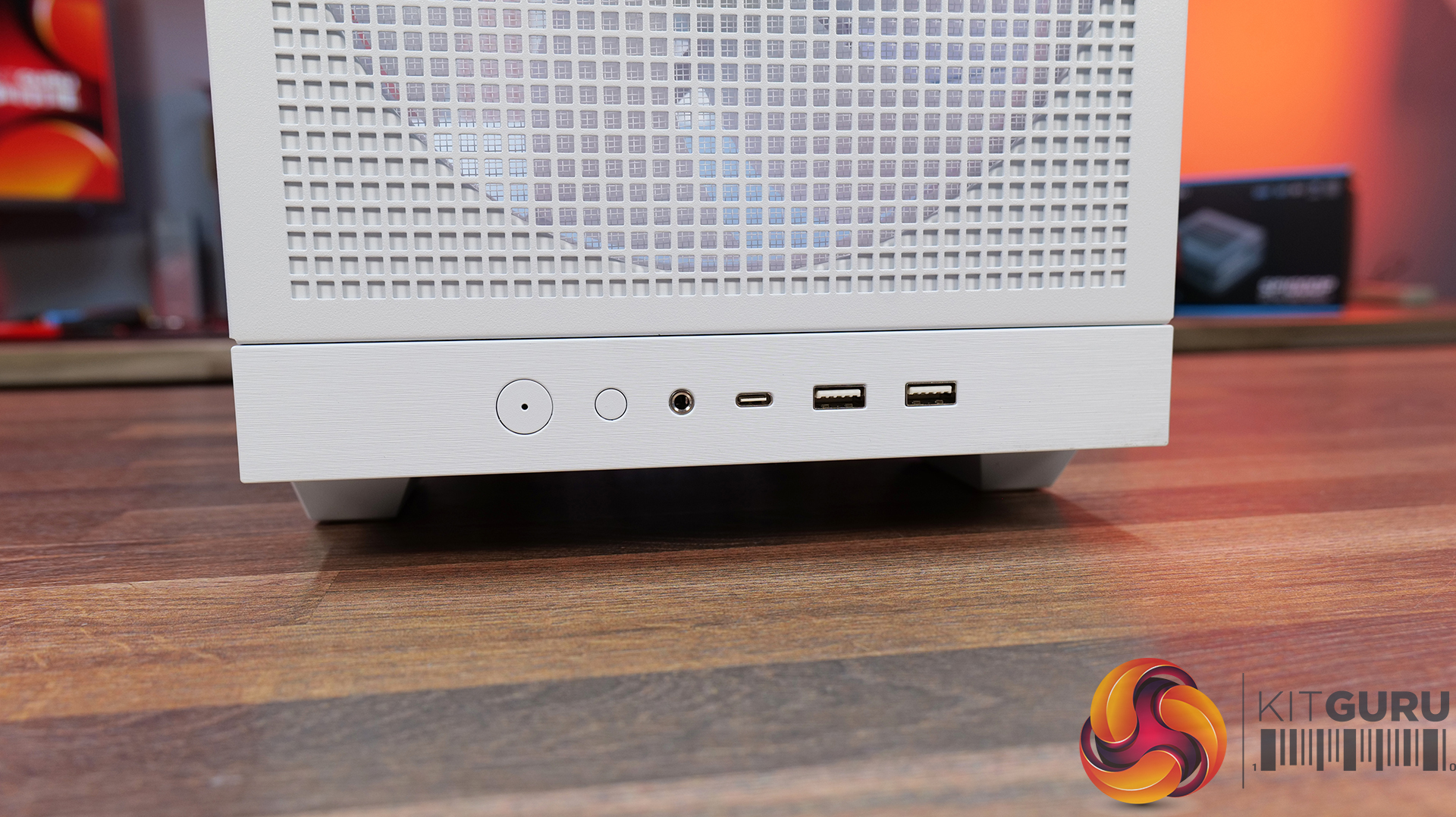
  • Front I/O ports: 2x USB 3.0 Type-A, 1x USB 3.2 Gen 2 Type-C, audio.
  • Dimensions: 460mm H x 460mm D x 240mm W.

Testing

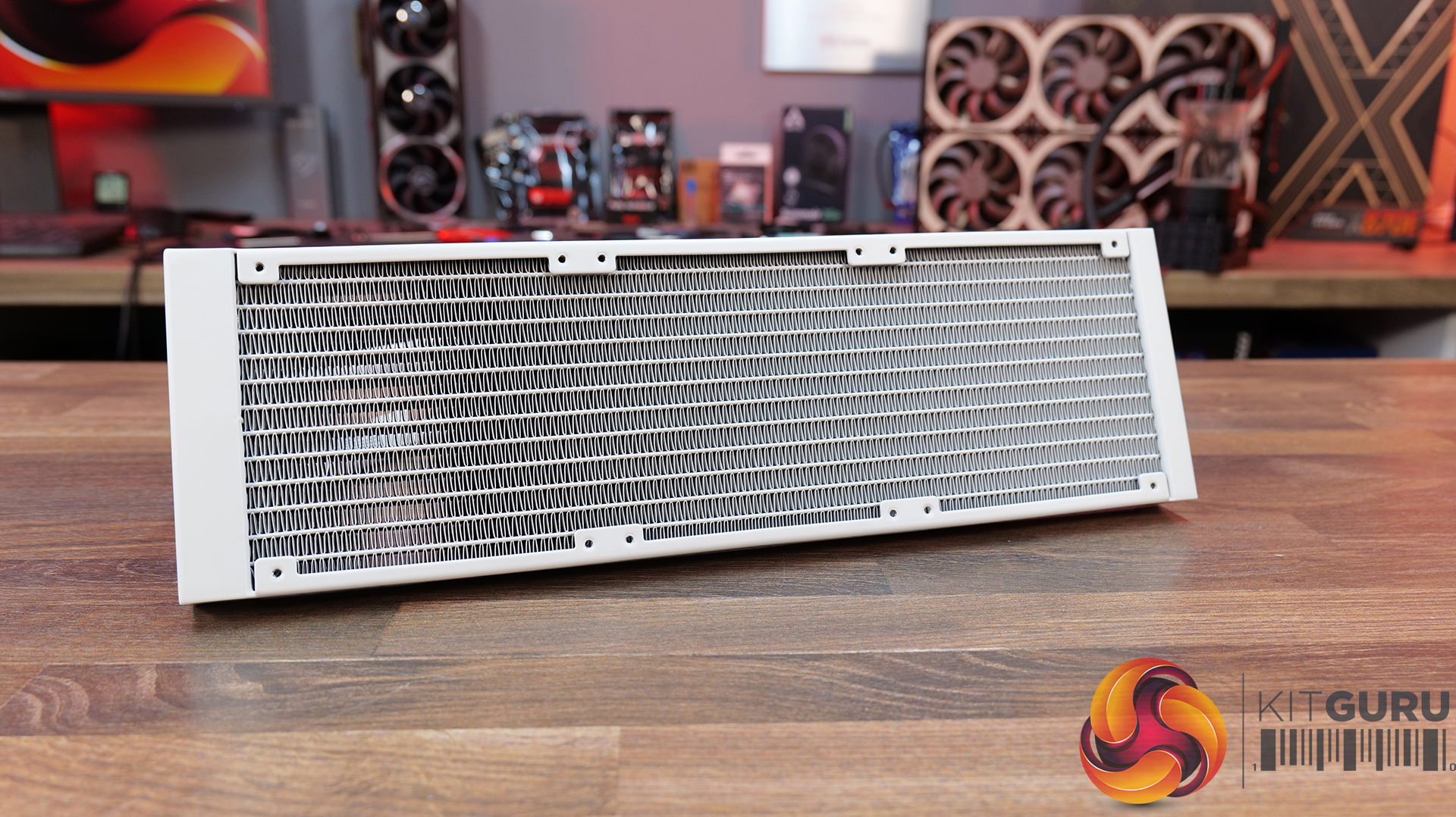
To put this case through its cooling paces we will be using a test system consisting of an AMD Ryzen 7 9850X3D, Palit RTX 5080 and an SSD. This system allows us to produce a substantial amount of heat and effectively test the Antec Flux Rear's cooling capabilities.

Test System:

  • Processor: AMD Ryzen 7 9850X3D
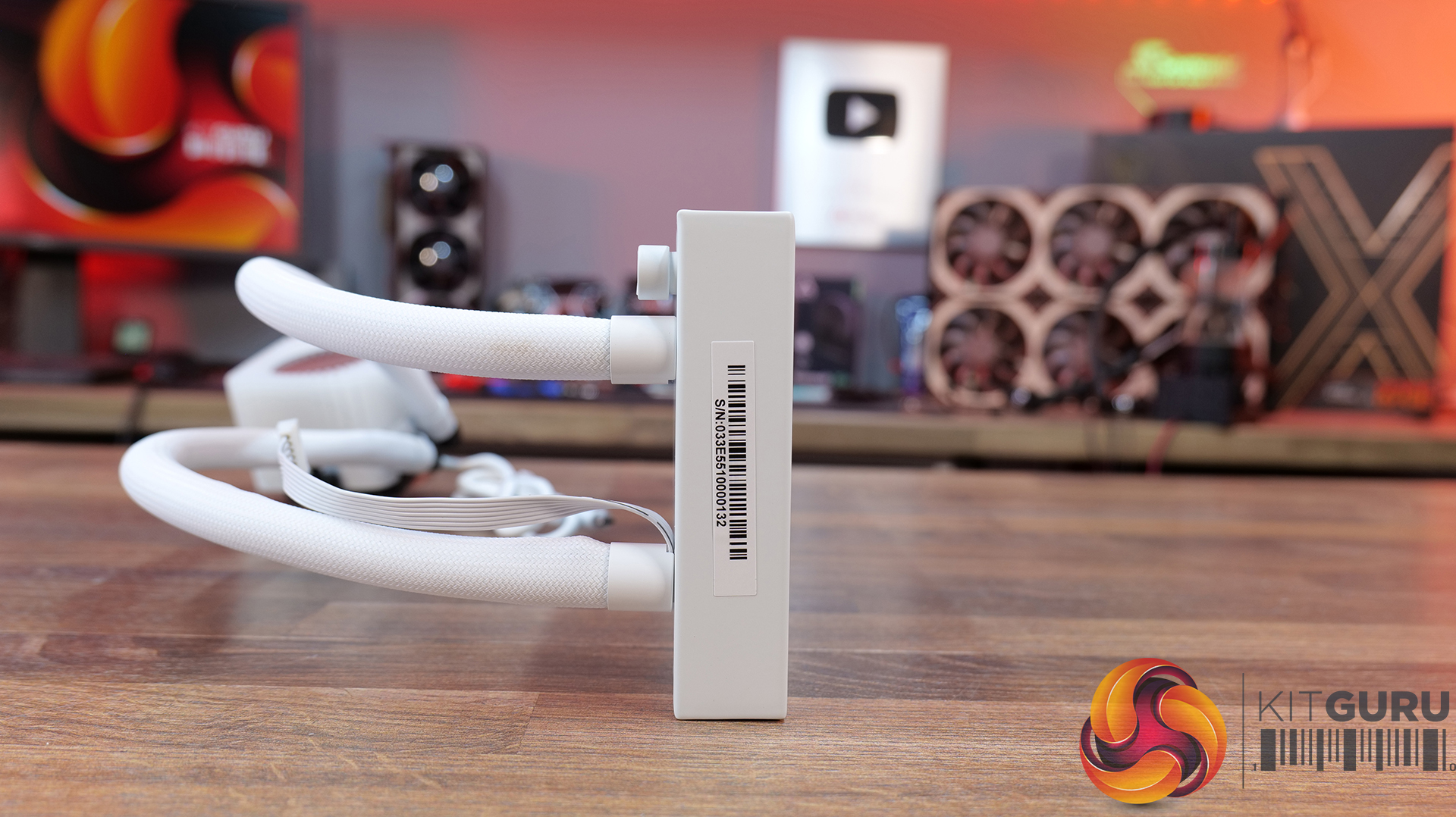
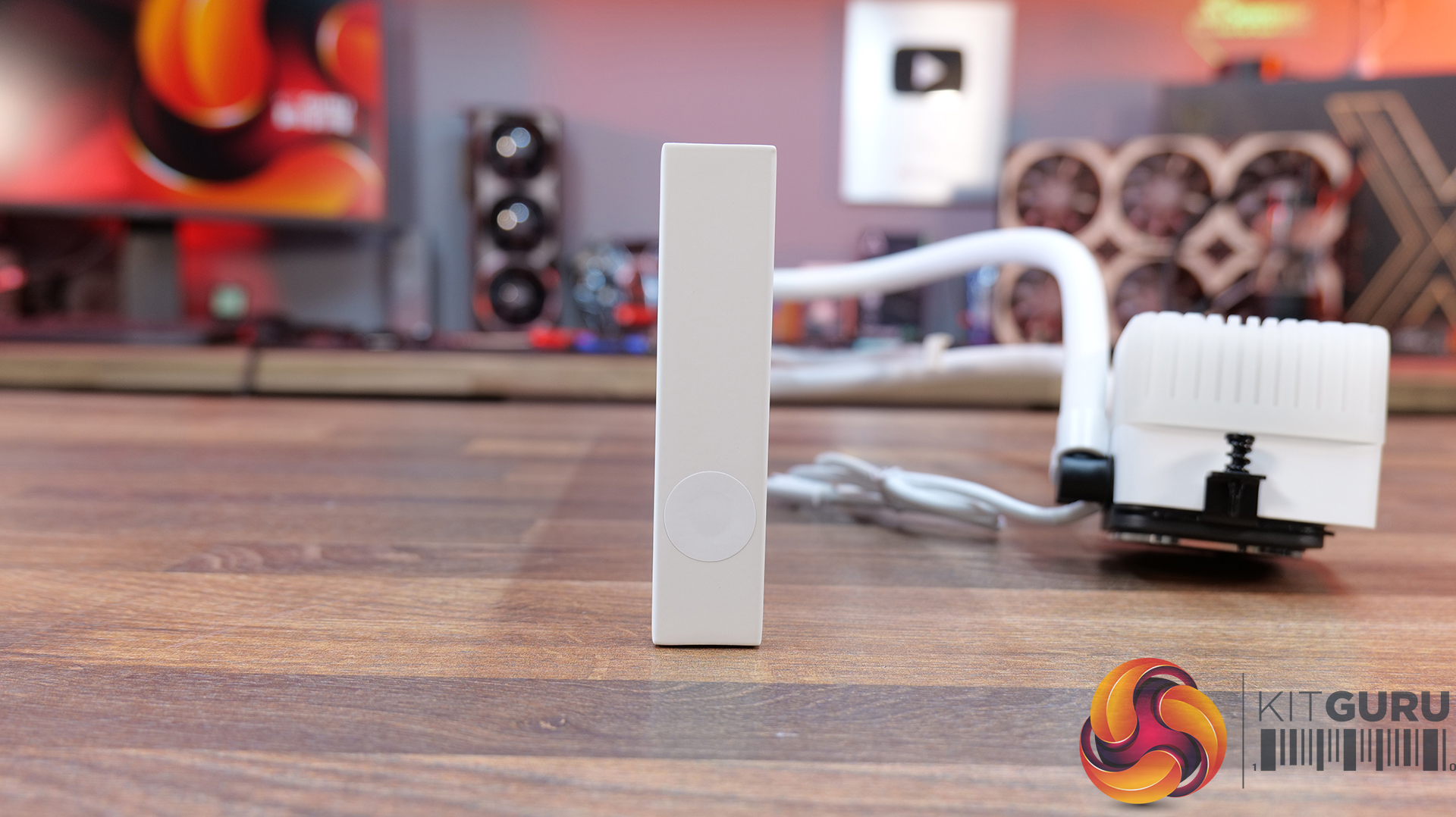
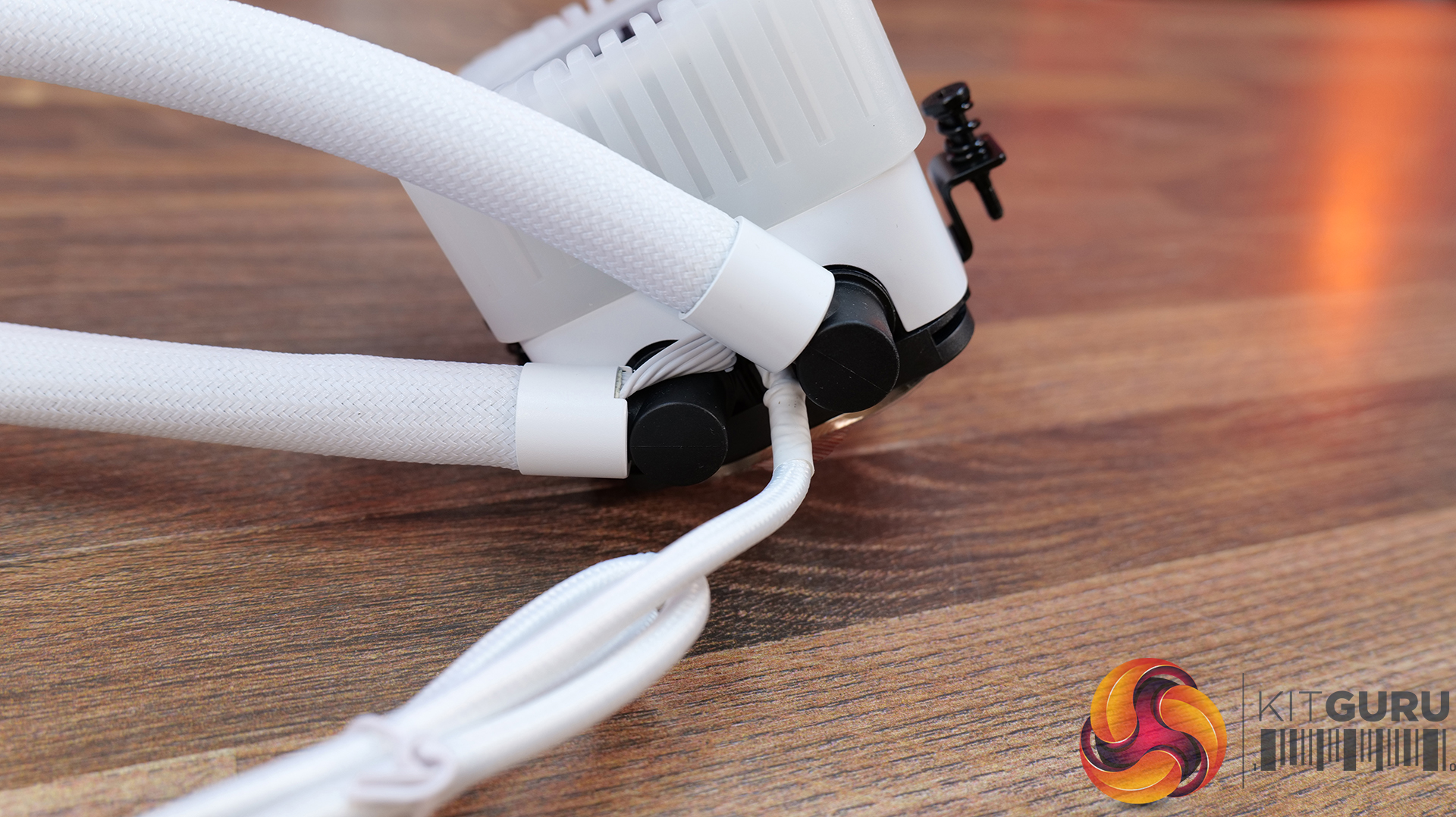
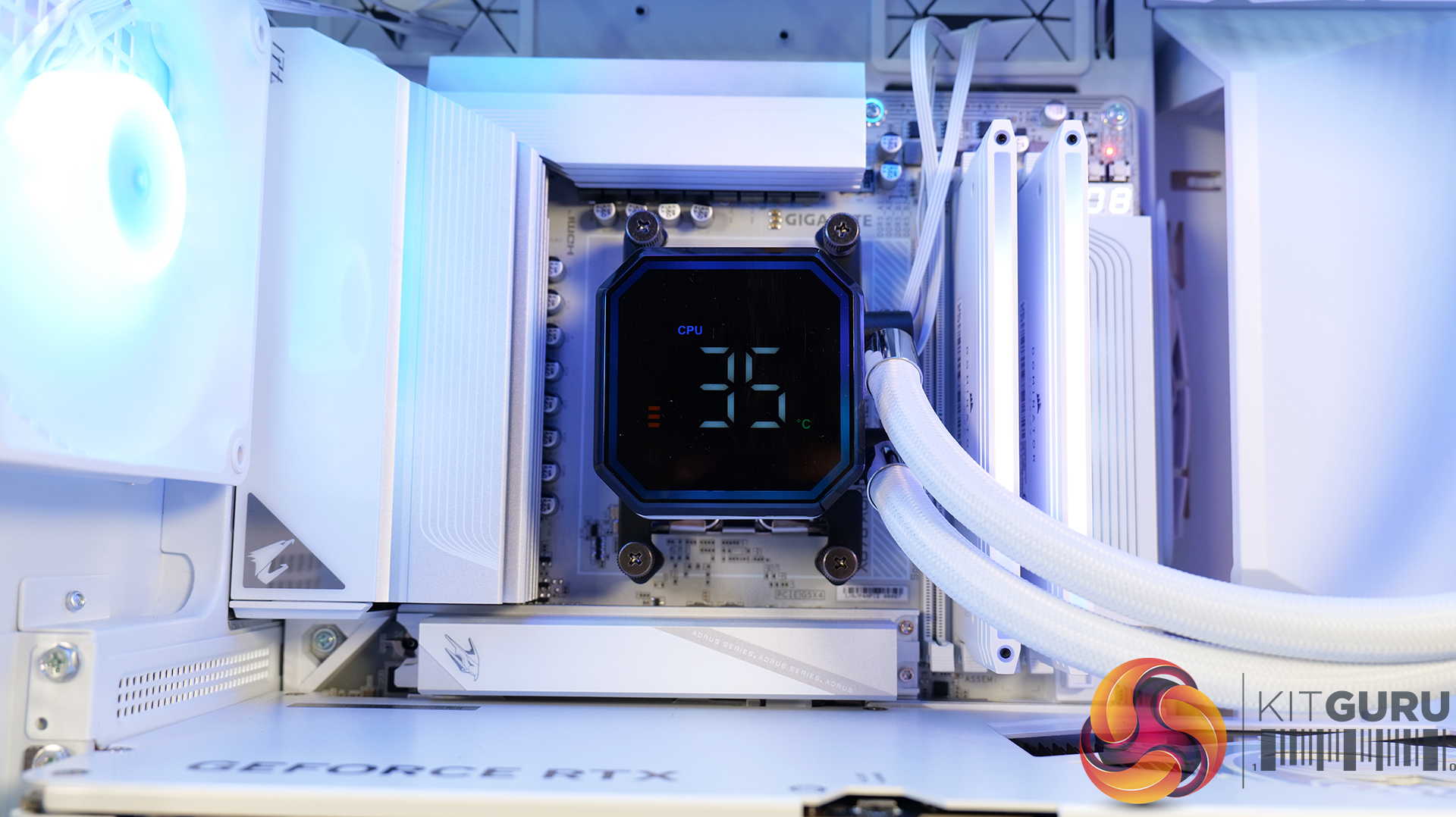
  • CPU Cooler: Montech HyperFlow ARGB 360
  • Motherboard: Gigabyte X870E Aorus Master X3D Ice
  • Memory: 32GB G.Skill Trident Z5 NeoX RGB DDR5-6000
  • Graphics card: Palit RTX 5080 Gamerock OC 16GB
  • Power supply: Deepcool PN1200M Gold
  • SSD: Crucial T700 Gen5 M.2 NVMe
  • OS: Windows 11

Cooling Performance

Cooling Performance Overview

The Antec Flux Rear did a decent job in our testing but it got noticeably louder as the fan speed increased. We found the best approach was to leave the fans running at a slow speed which meant the case performed well without causing any annoyance.

Closing Thoughts

It is relatively easy to review a case that is either excellent or appalling, but much tougher to deliver a verdict on a case that is fairly average. The Antec Flux Rear falls into that category as it has a reasonable specification and does a decent job but fails to leave a lasting impression.

We welcome the fact that the Flux Rear is supplied with five fans so all you need is a CPU cooler to complete the job. If Antec could have done something – anything – to make the Flux Rear memorable it would perhaps have scored higher but instead we feel it is likely to be forgotten.

You can buy the Antec Flux Rear for £85 HERE.

Pros:

  • Tool-free design makes the build easy.
  • Airflow is effective.
  • Decent access for cables.

Cons:

  • Build quality is marginal.
  • A PWM fan hub would sweeten the deal.

KitGuru says: Antec Flux Rear does a reasonable job at a reasonable price.

The post Antec Flux Rear Case Review first appeared on KitGuru.

Corsair reveals iCUE Link Titan II AIO coolers and RX II RGB fans

26 August 2026 at 13:00

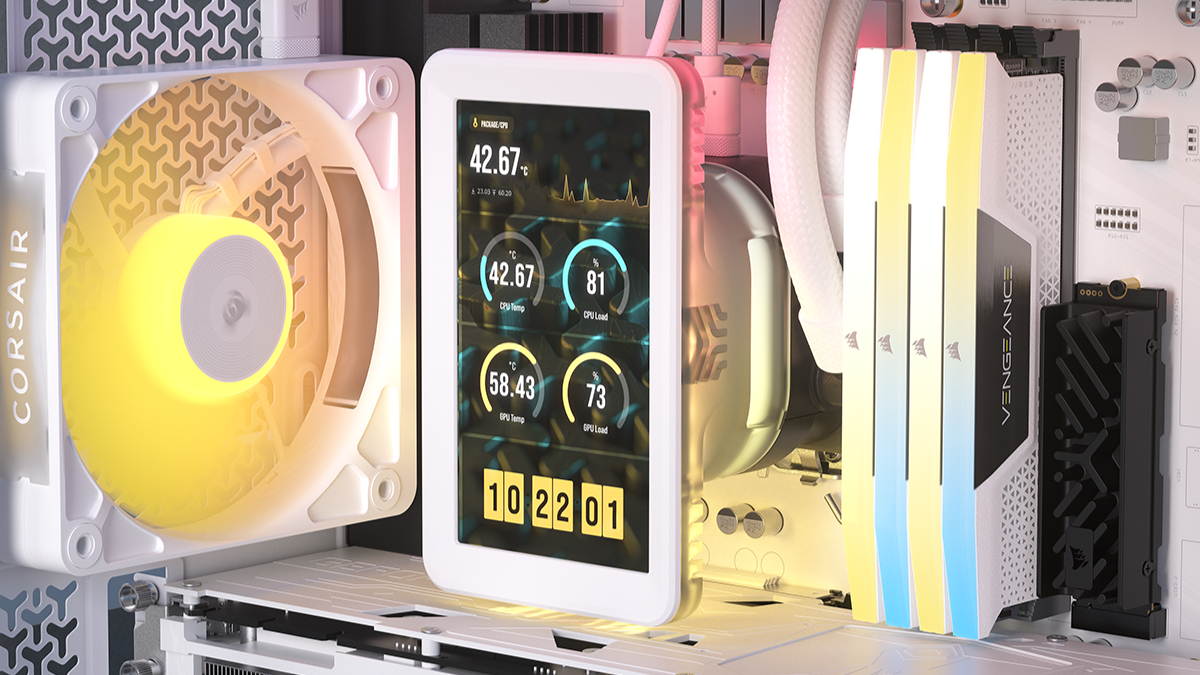
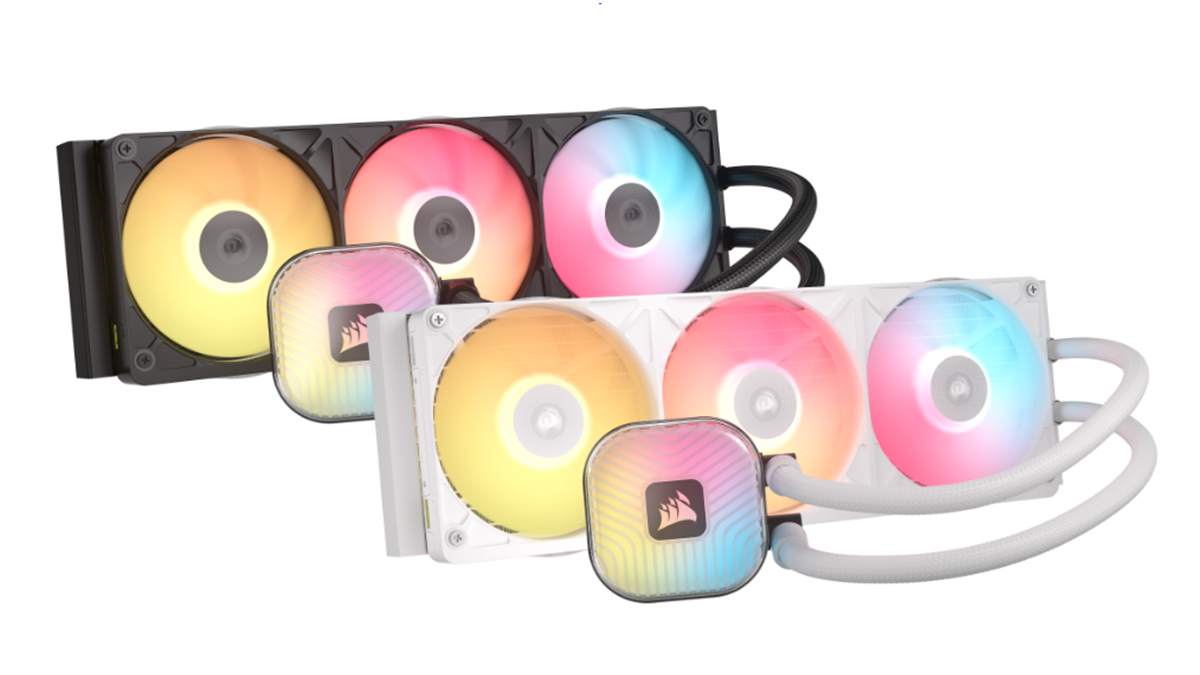
Corsair has launched the iCUE Link Titan II Series of AIO liquid CPU coolers, along with standalone RX II RGB fans and a standalone 5-inch LCD screen module. Featuring the new FlowDrive 2 pump and an optimised lower-fin-density radiator, the lineup includes both RX LCD and RX RGB variants designed to improve cooling efficiency while operating at lower noise levels.

Leading the range is the iCUE Link Titan II RX LCD, equipped with a 5‑inch IPS display (720×1280, 500 nits, 60Hz) capable of showing system telemetry or custom graphics, and can also function as a secondary monitor. The pump housing includes an integrated VRM‑assist fan and 52 addressable RGB LEDs. The RX RGB model drops the screen in favour of 20 pump‑cap LEDs and supports CapSwap modules. Both coolers ship with pre‑applied XTM70 thermal paste and pre‑attached mounting hardware.

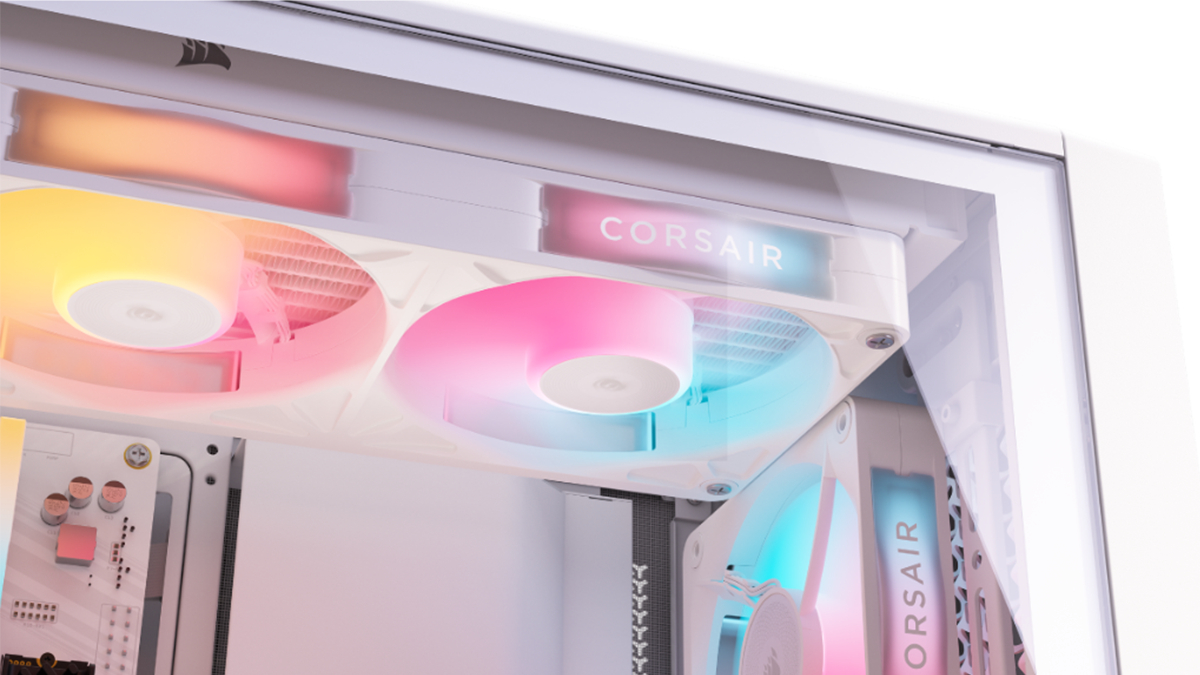
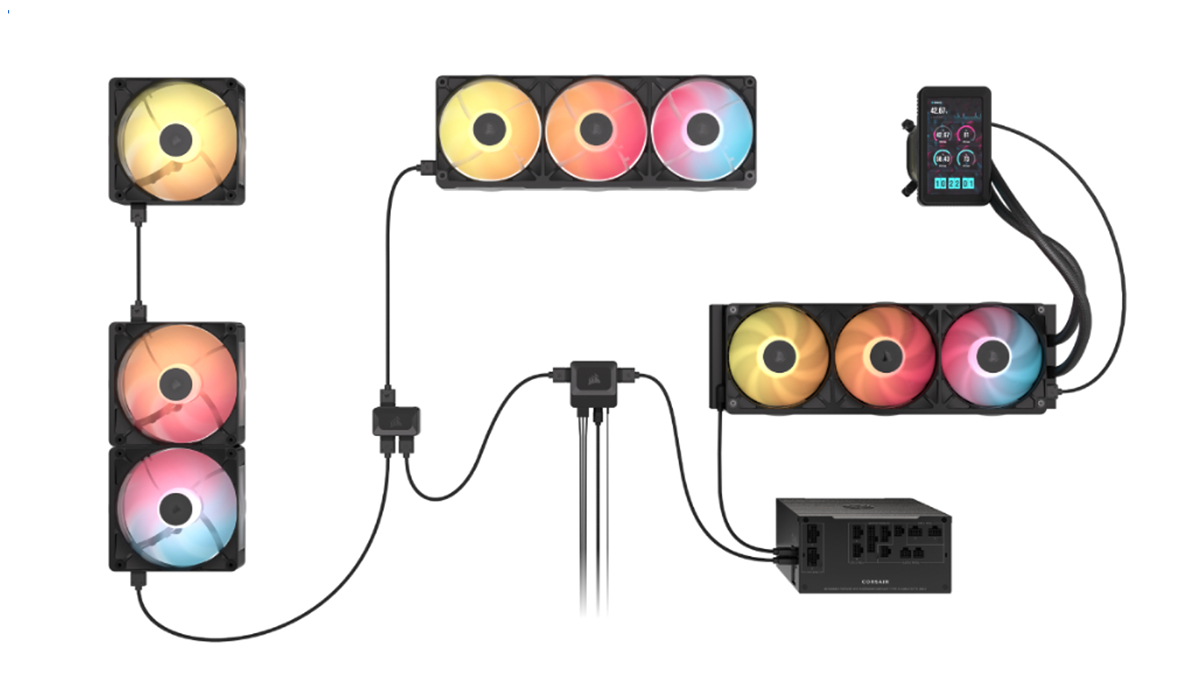
Corsair is also releasing standalone iCUE Link RX II RGB fans in 120mm, 140mm and 360mm Unified Frame formats. These include built‑in temperature monitoring, Magnetic Dome bearings and AirGuide vanes. In addition, the new 5‑inch LCD module is available separately as an upgrade for existing Titan and Titan II coolers.

Corsair’s warranty coverage is six years for Titan II coolers and five years for the standalone fans and LCD module. Pricing is set at £199.99/$239.99/€229.90 for the Titan II RX LCD, and £149.99/$179.99/€169.90 for the RX RGB model. The standalone LCD module is £74.99/$99.99/€89.90, while RX II fans start at £24.99/$34.99/€29.90.

KitGuru says: Interested in any of the new Corsair iCUE Link parts?

The post Corsair reveals iCUE Link Titan II AIO coolers and RX II RGB fans first appeared on KitGuru.

Snap-on LCD brings mini displays to any 120mm PC fan — Thermalright's Fan Frame Vision-1 lets you display information and custom themes on your case fans

If you can’t have enough RGB and LCD screens inside your PC case, Thermalright just announced another must-have accessory for your build. The Fan Frame Vision-1 is a magnetic clip-on screen that snaps onto most standard 120mm fans on the market. This fan accessory boasts a 3.69-inch IPS display, is available in black or white, and can be mounted horizontally or vertically. Unfortunately, this device isn’t available on Amazon yet, although more “adventurous” enthusiasts could get it off AliExpress for $37.14 apiece, making it more expensive than some of the best PC case fans you can buy today.

Although this accessory mounts in front of your case fans, Thermalright claims it offers enough clearance that it doesn't interfere with airflow. It connects to your PC via a USB 2.0 hub inside your case, although you could also attach it to a blank USB-A port with the included adapter if you’re already out of interfaces on your motherboard. It’s also integrated with Thermalright’s LCD software, TRCC, making it easy to customize what information and theme you see on the screen. Given that TRCC has also already been ported to Linux, you can enjoy this overload of screens on your gaming PC, even if you’ve stepped away from Windows and into SteamOS or other Linux builds designed for gaming.

This accessory pairs well with some of the best AIO coolers that come with their own screens, letting you create a unified theme across all your cooling solutions. Because it has a standardized design, you can mount it on most standard fans that use metal screws at each corner. The magnetic mounts on the Fan Frame Vision-1 would easily grab onto the heads of these screws, keeping the screen secure inside your case. Unfortunately, if you use larger fans, like the Thermalright TL-US24/36, you won’t be able to use this as an add-on, especially if they use offset screws. This means that the magnetic studs on the base of this accessory would have nothing to grab onto.

The Fan Frame Vision-1 and other similar LCD screen accessories won't bring any performance benefits to your PC build. But if you have an overpowered computer, these little extras wouldn’t hurt one bit. Besides, all that eye-candy would help remind you how much you’ve spent on your gaming computer, especially given the egregious prices on RAM and storage these days.

Arctic launches BioniX P12 and P14 ARGB fans with modular daisy-chaining

12 August 2026 at 13:30

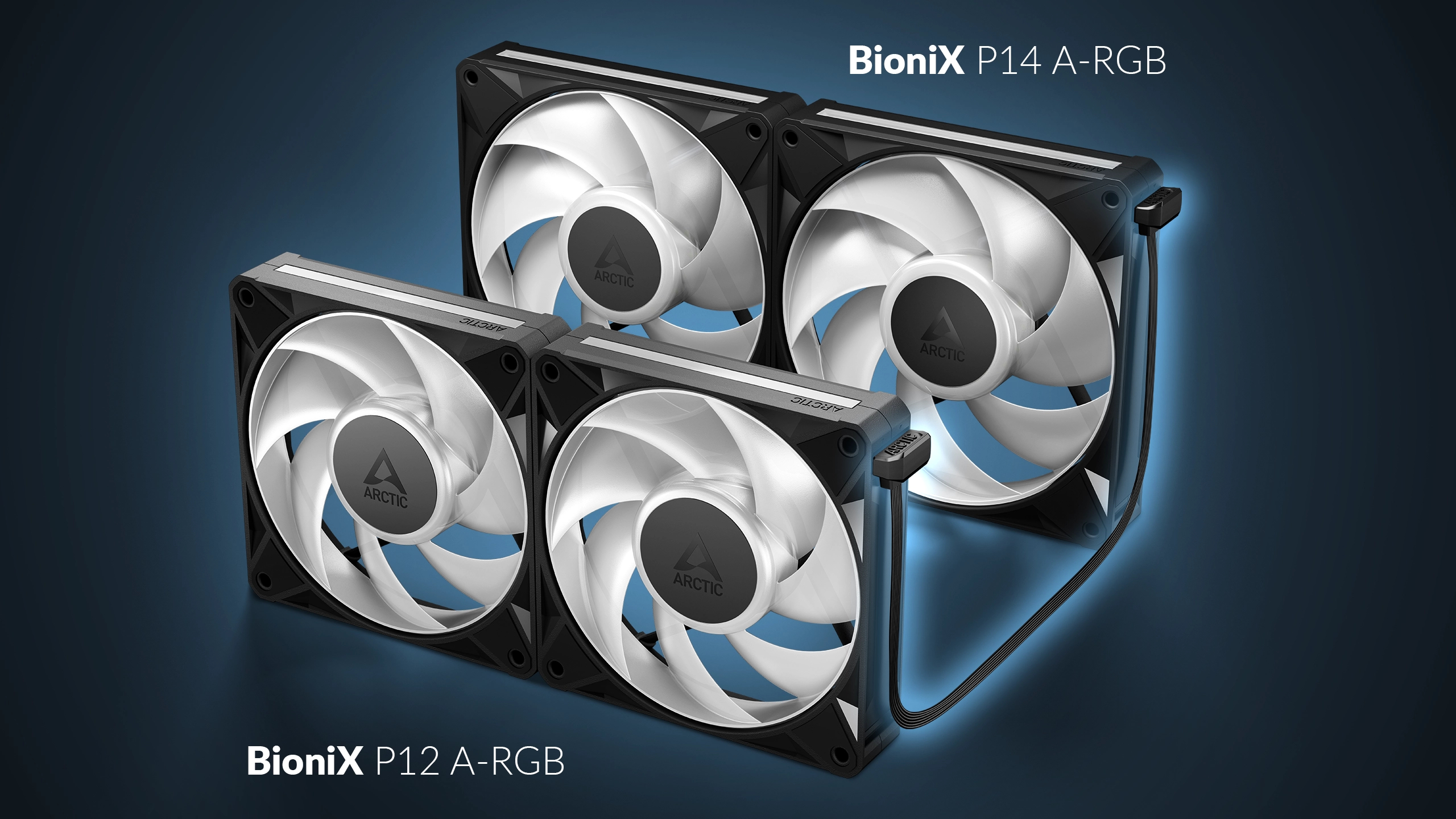
Arctic has announced the release of its new BioniX P12 and P14 A-RGB cooling fan series. Available now as a single-fan or three-pack, the fans feature modular daisy-chaining, P-series Pro performance, and integrated ARGB lighting in either 120mm or 140mm sizes.

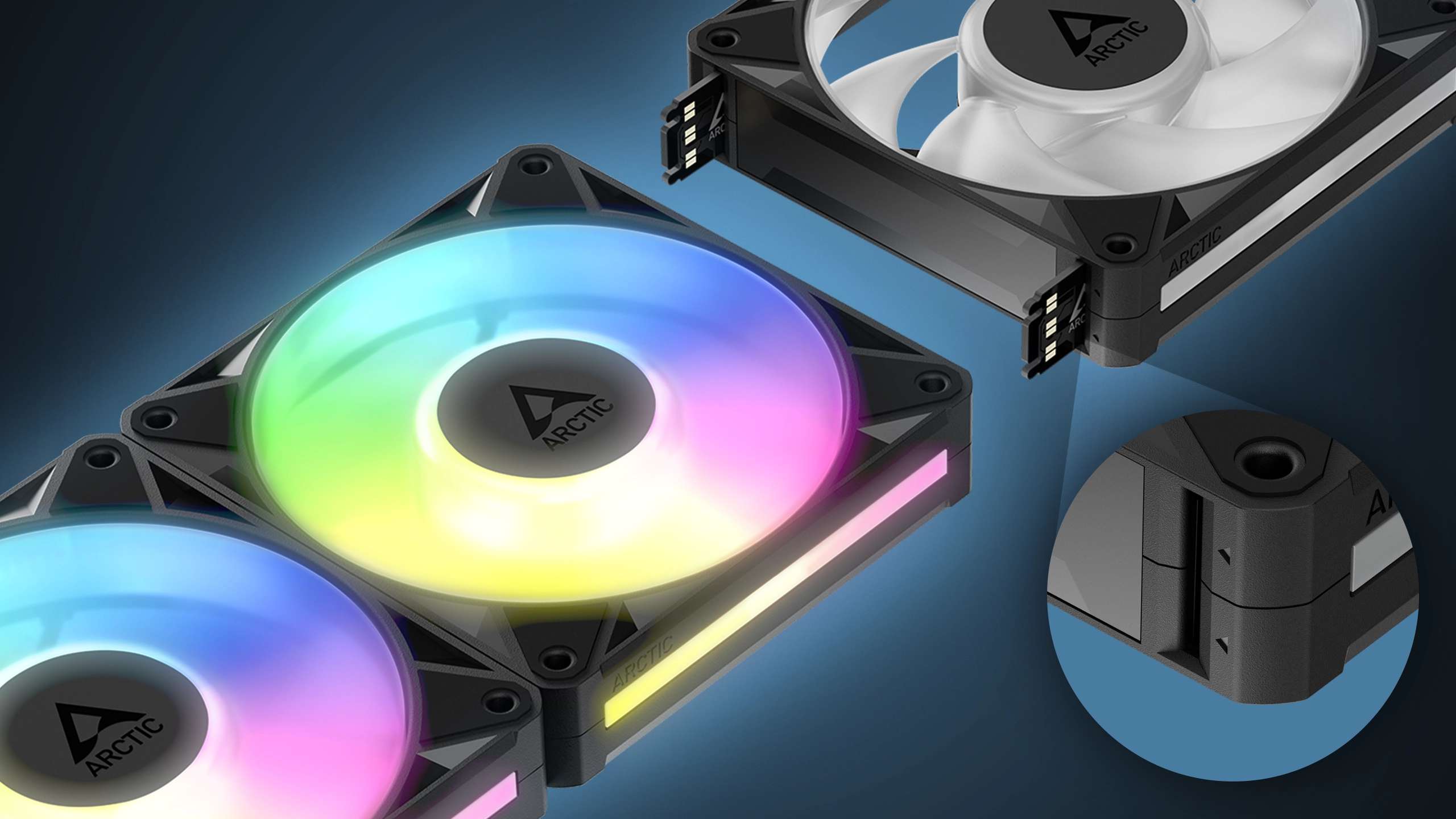
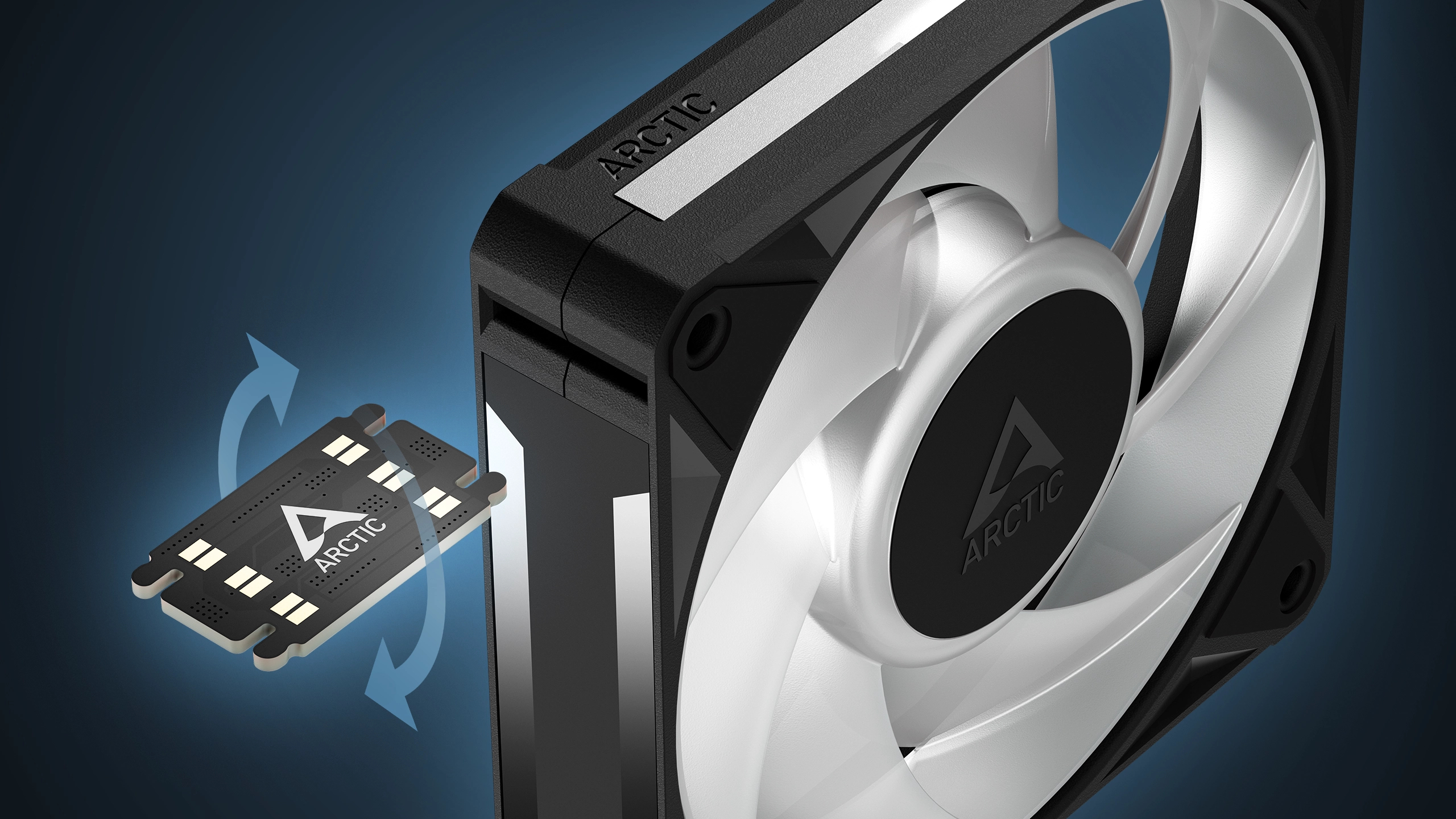
The new series relies on dual-sided, cartridge-style bridge modules to link fans directly together, alongside a bridge cable for connecting fans across different chassis zones at various angles. Arctic states the optimised airflow and high static pressure deliver cooling performance comparable to its P12 Pro line.

Illumination is handled by 16 A-RGB LEDs per fan set within a refreshed frame, featuring translucent detailing for visual effects and software synchronisation support through applications like SignalRGB. Black and white colour options are available across both the 120mm and 140mm size variants to fit different build aesthetics.

Arctic has confirmed that the entire BioniX P12/P14 A-RGB lineup is currently available on its webstore with an introductory 40% discount, bringing the price to €11.39 (down from €18.99) for the single-pack 120mm model and to €12.59 for the single-pack 140mm fan. The 120mm three-pack drops from its €49.99 MSRP to €29.99, while the 140mm three-pack goes down from €55.49 to €33.29.

Discuss on our Facebook page, HERE.

KitGuru says: The addition of modular daisy-chaining to Arctic's P-series design is a nice feature that should make for much cleaner cable management. Are you planning on grabbing a pack of these?

The post Arctic launches BioniX P12 and P14 ARGB fans with modular daisy-chaining first appeared on KitGuru.

GIGABYTE AORUS RTX 50 INFINITY Series Cards Are Now Available, Bringing RTX 5080, RTX 5070 Ti, And RTX 5070 INFINITY Editions

11 August 2026 at 13:05

Three AORUS GeForce RTX 50 Infinity Series graphics cards from Gigabyte are displayed against a dark background with the text 'NOW AVAILABLE'.

The recently showcased RTX 50 INFINITY graphics cards have been launched officially, including new 70 and 80-class SKUs. GIGABYTE Announces Availability of AORUS RTX 5080, RTX 5070 Ti, and RTX 5070 INFINITY Cards GIGABYTE has officially announced the availability of its AORUS GeForce RTX 5080, RTX 5070 Ti, and RTX 5070 INFINITY cards, expanding the lineup after releasing the flagship RTX 5090 INFINITY card nearly three months ago. The lineup was first showcased at Computex 2026, and GIGABYTE has brought the same design philosophy to the newer cards as seen on the RTX 5090 INFINITY. The GIGABYTE INFINITY cards utilize […]

Read full article at https://wccftech.com/gigabyte-aorus-rtx-50-infinity-series-cards-are-now-available/

be quiet! Light Loop IO LCD 360 AIO CPU Cooler Review

11 August 2026 at 11:00

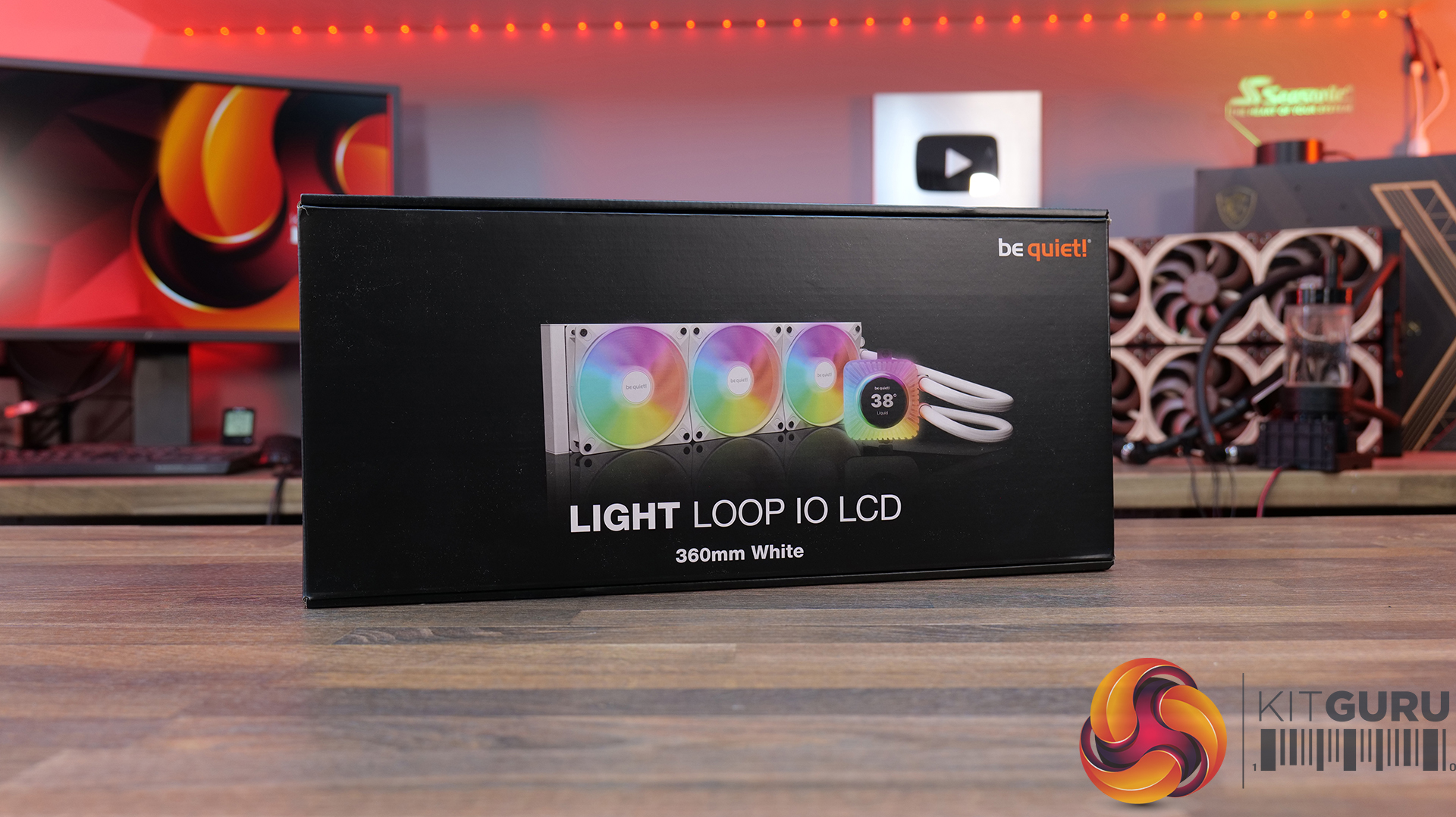
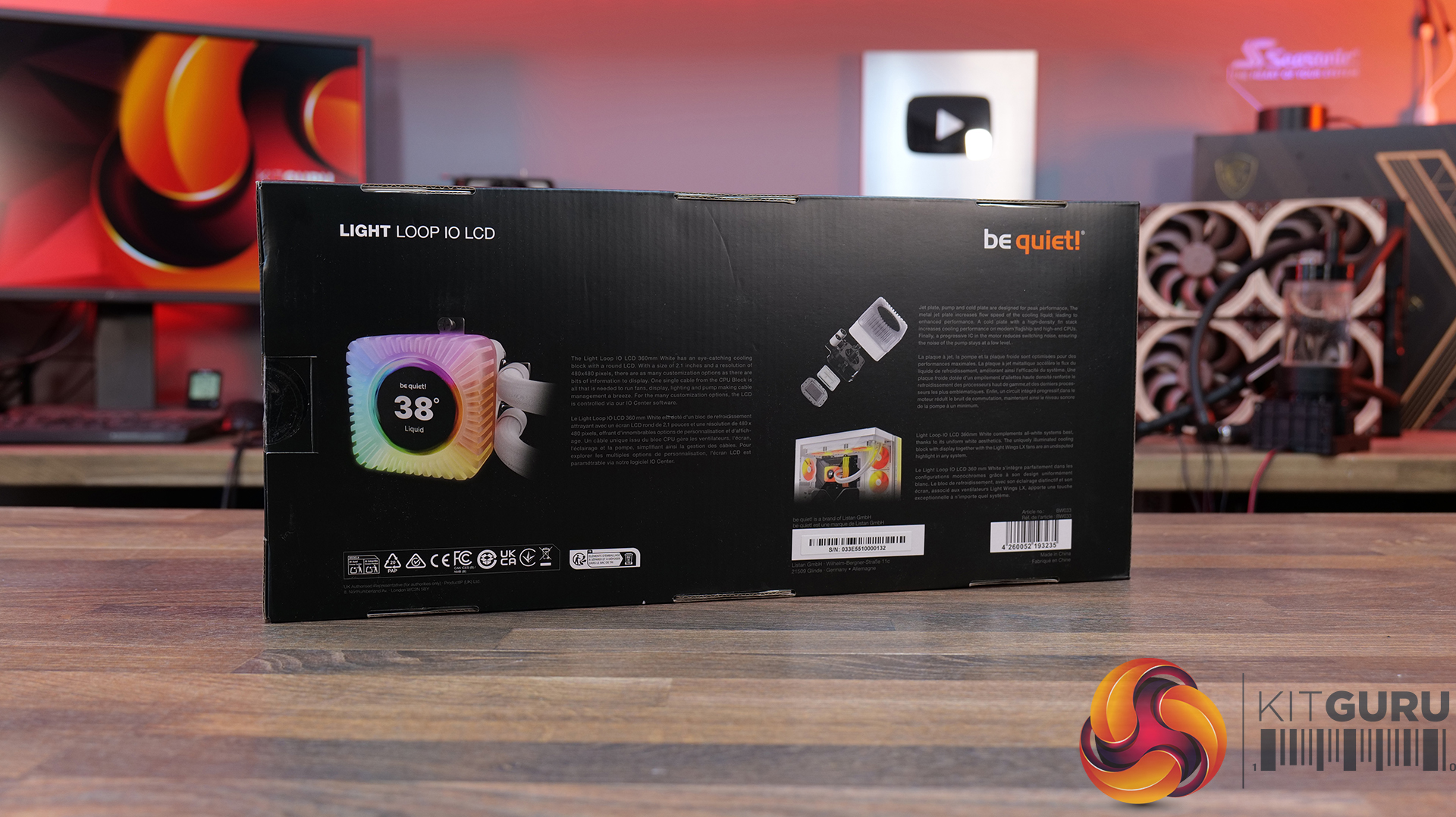
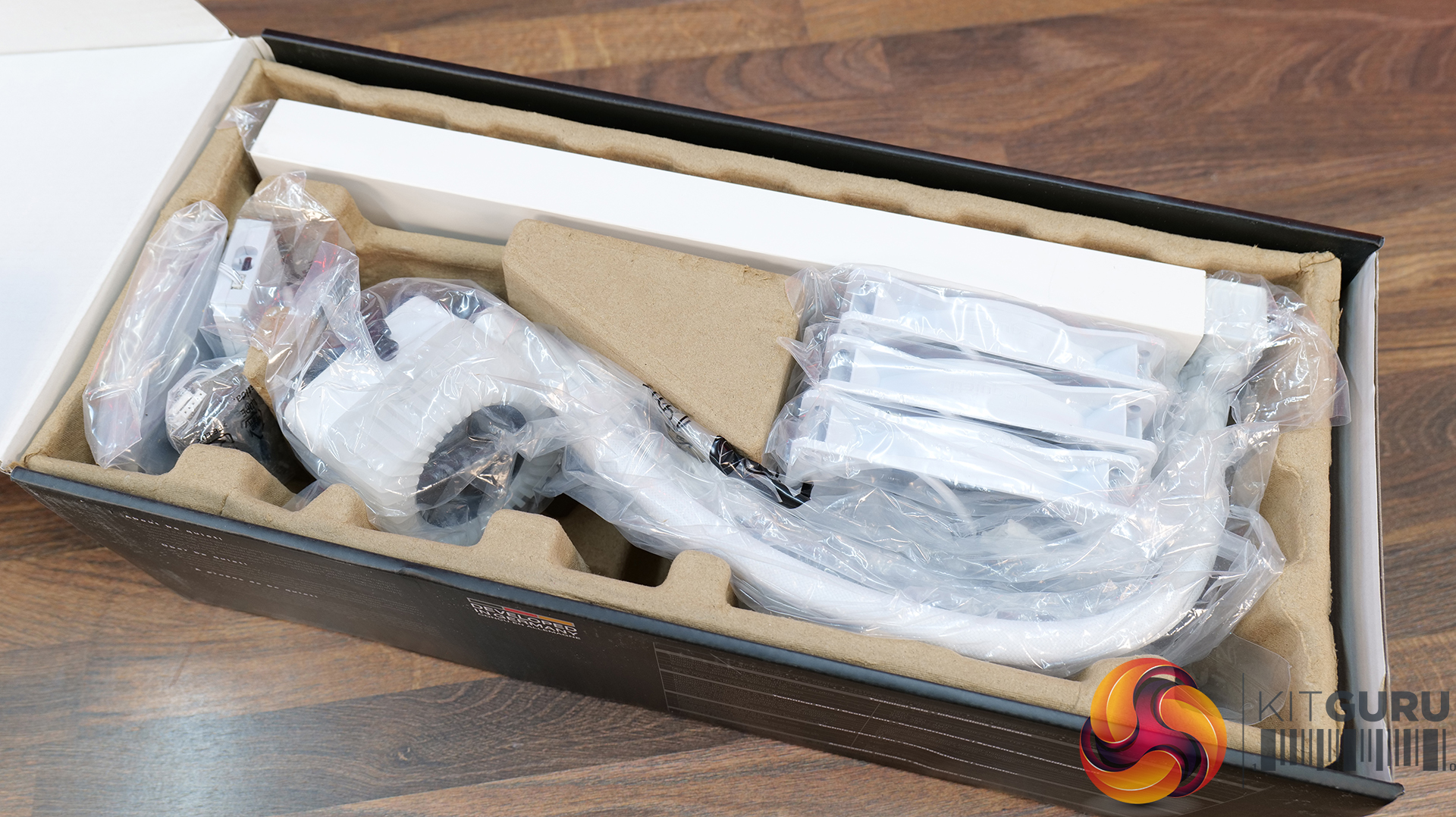
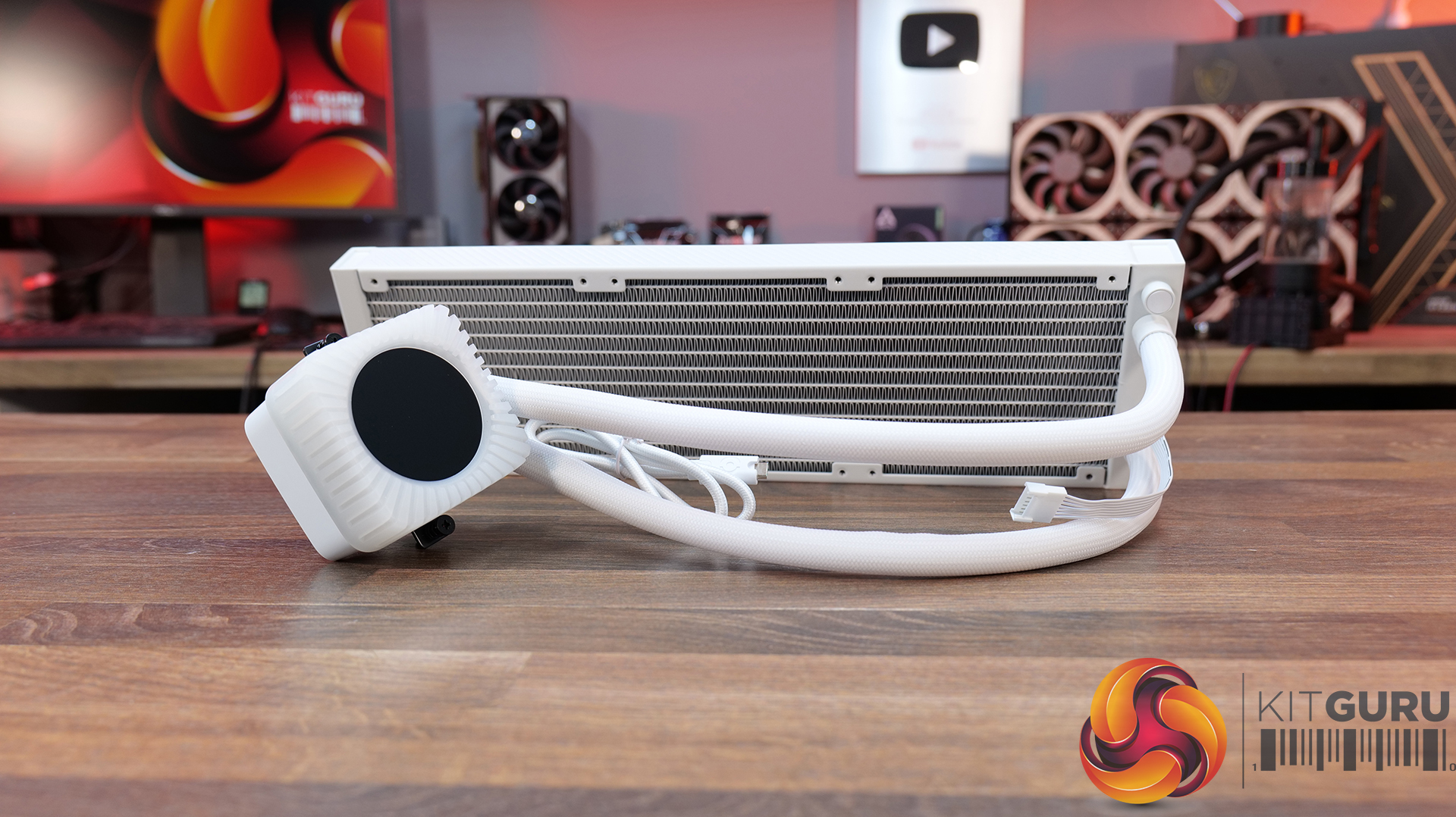
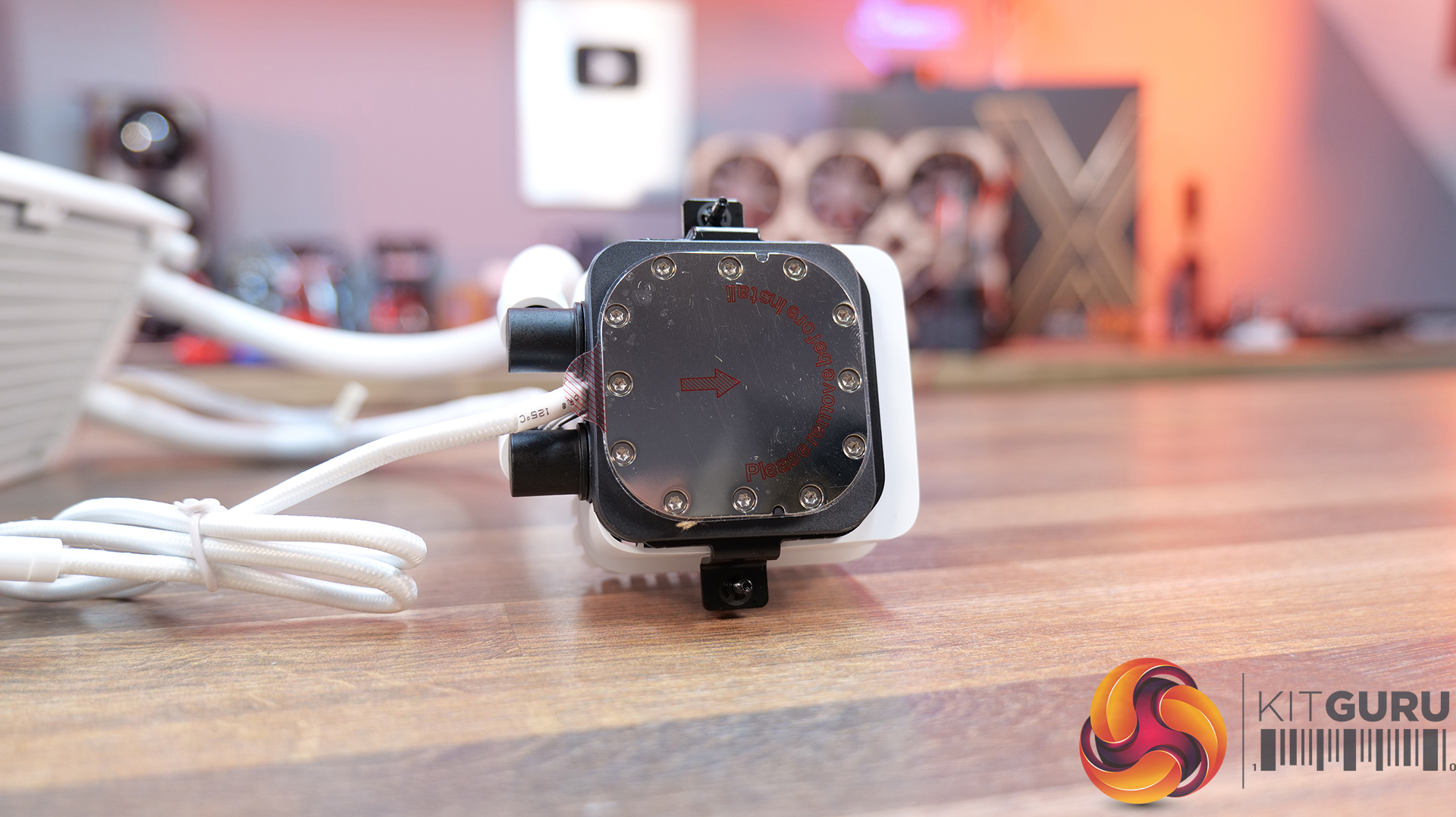
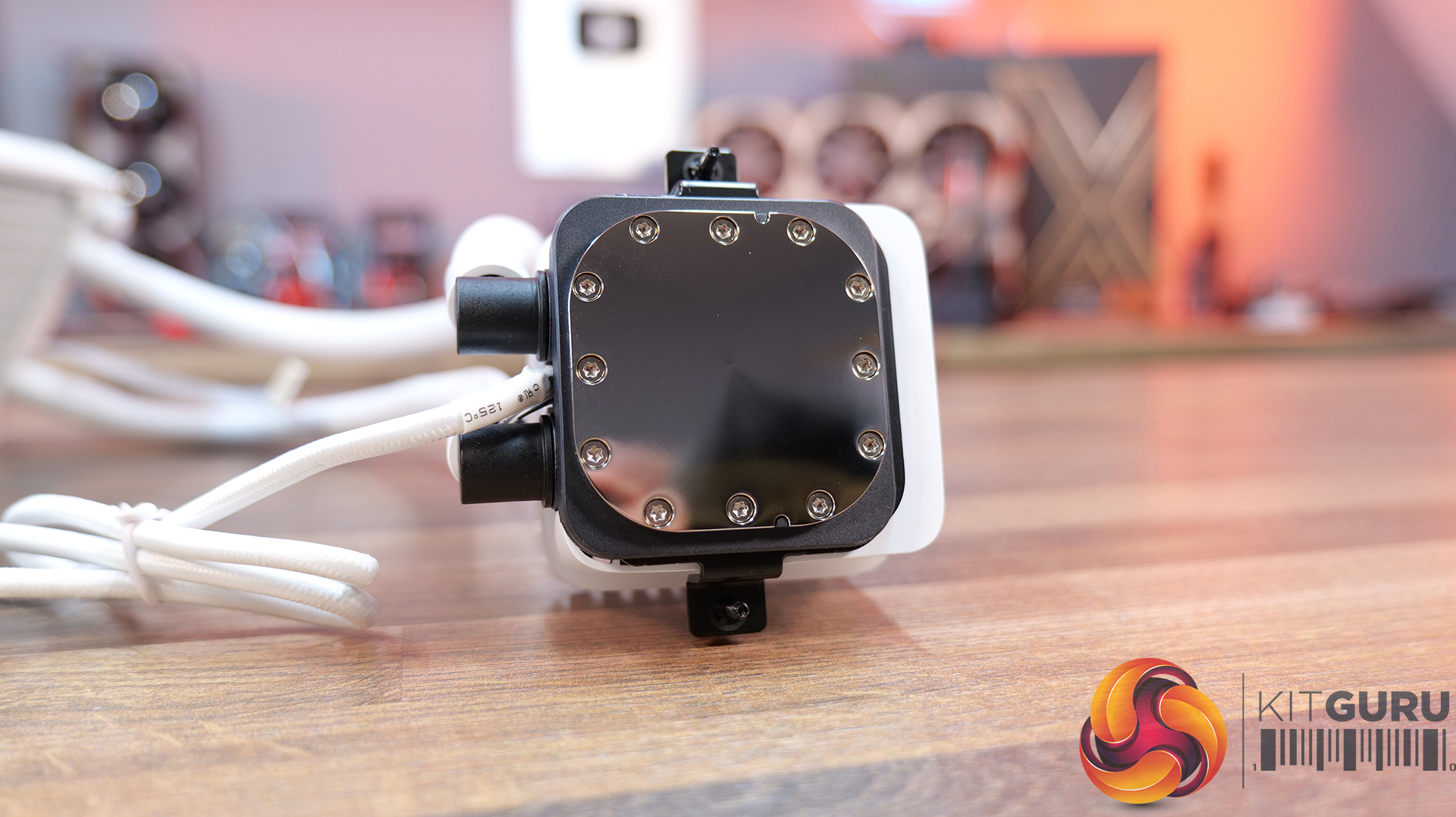
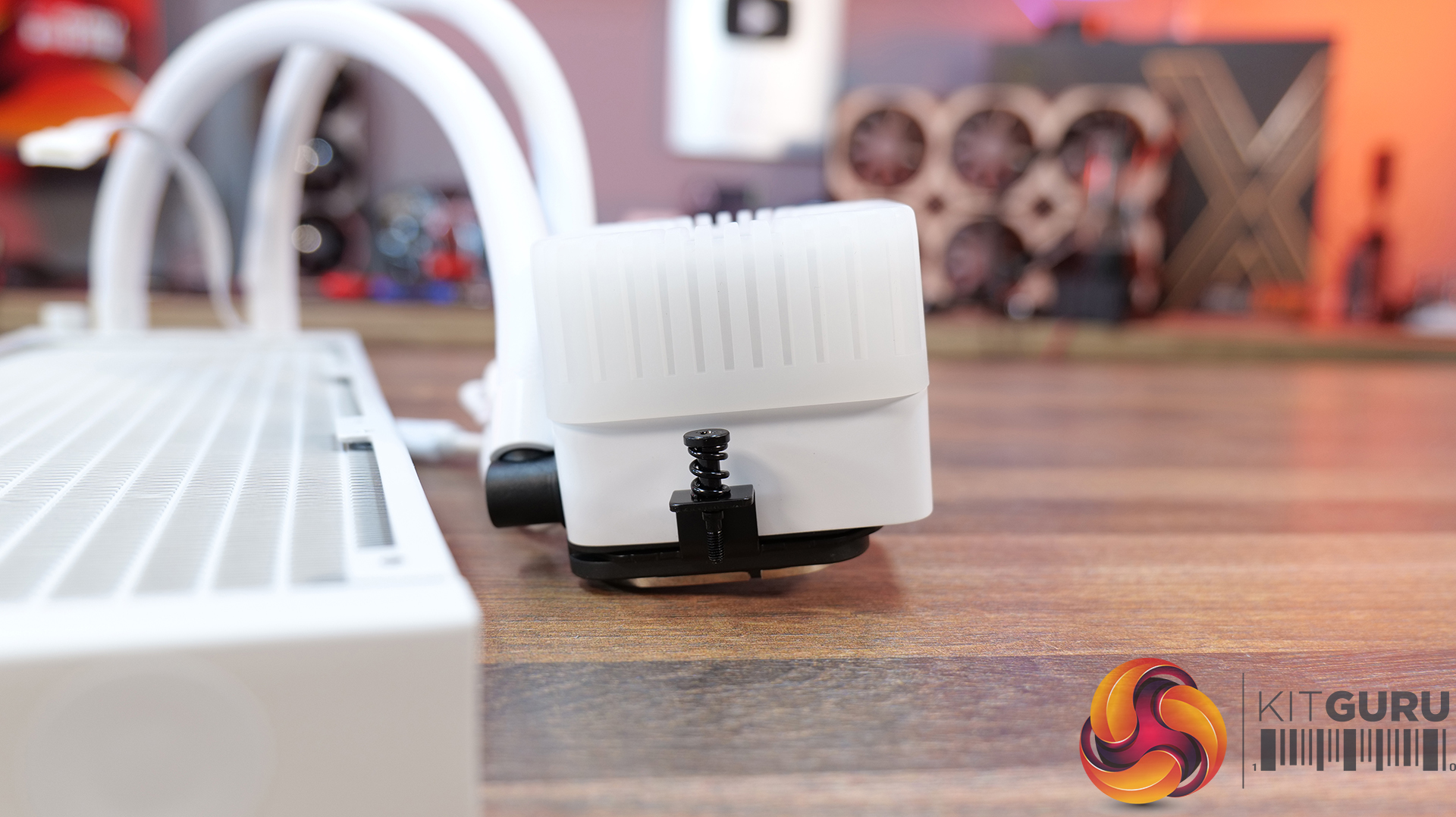
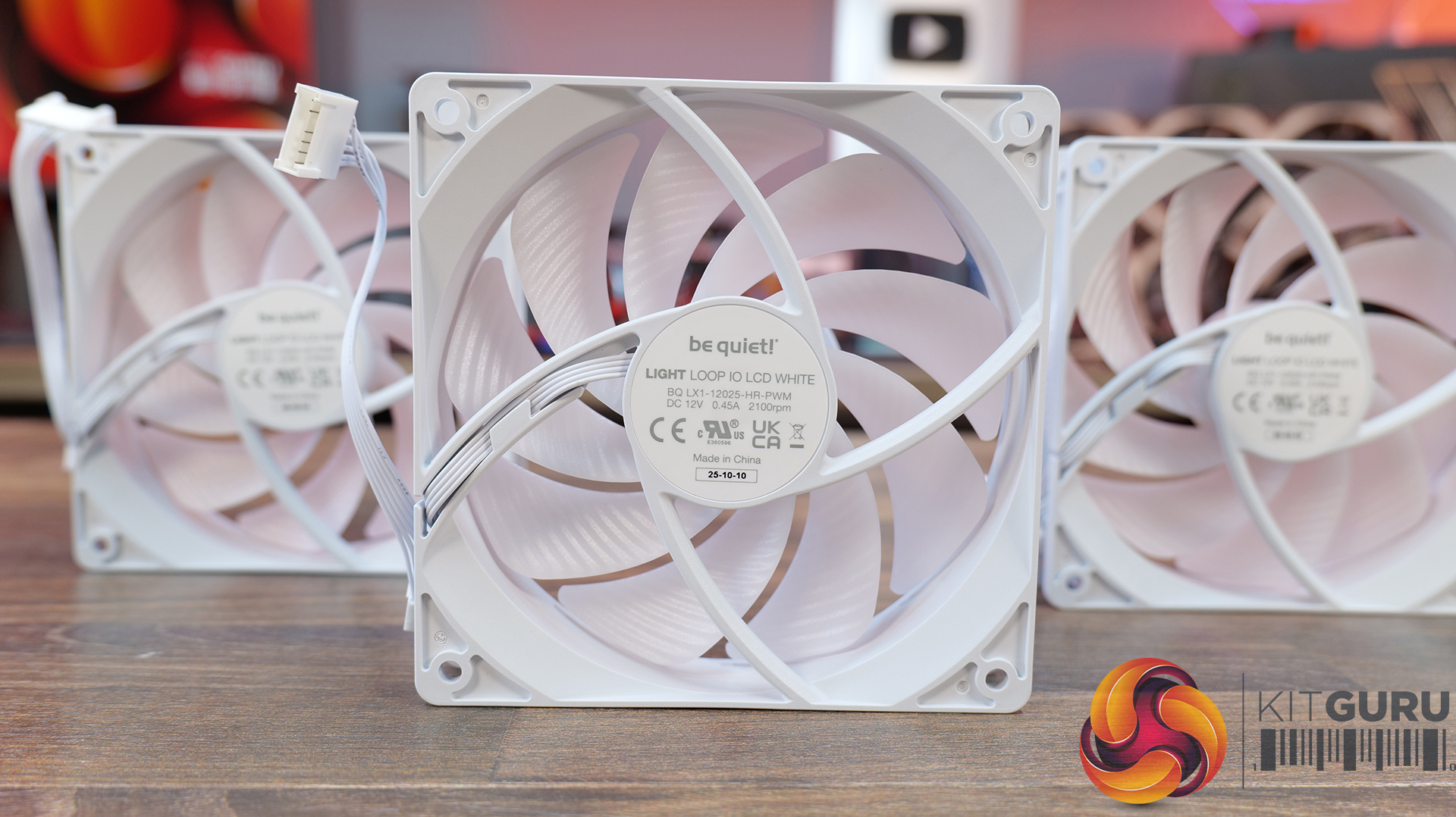
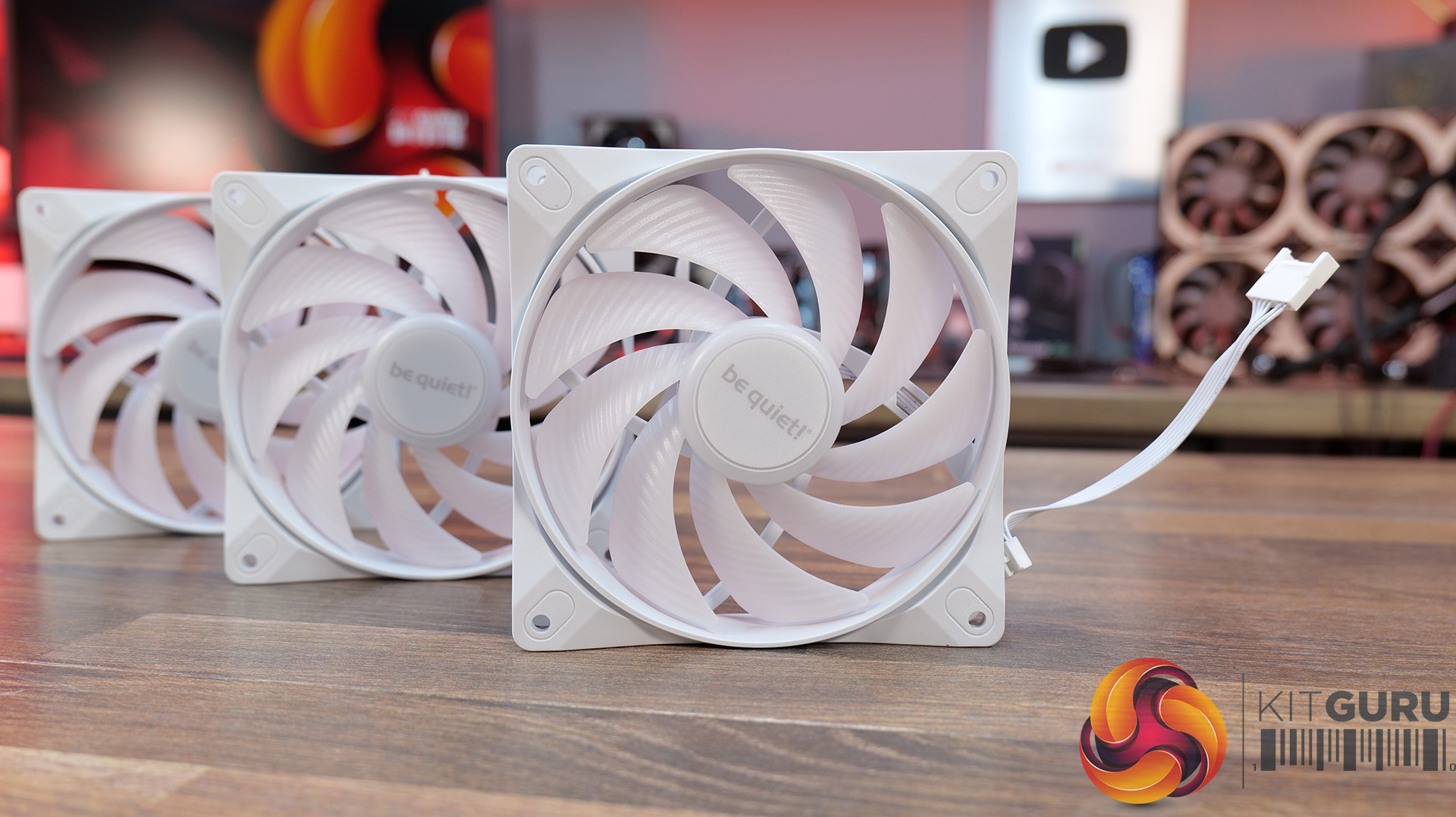
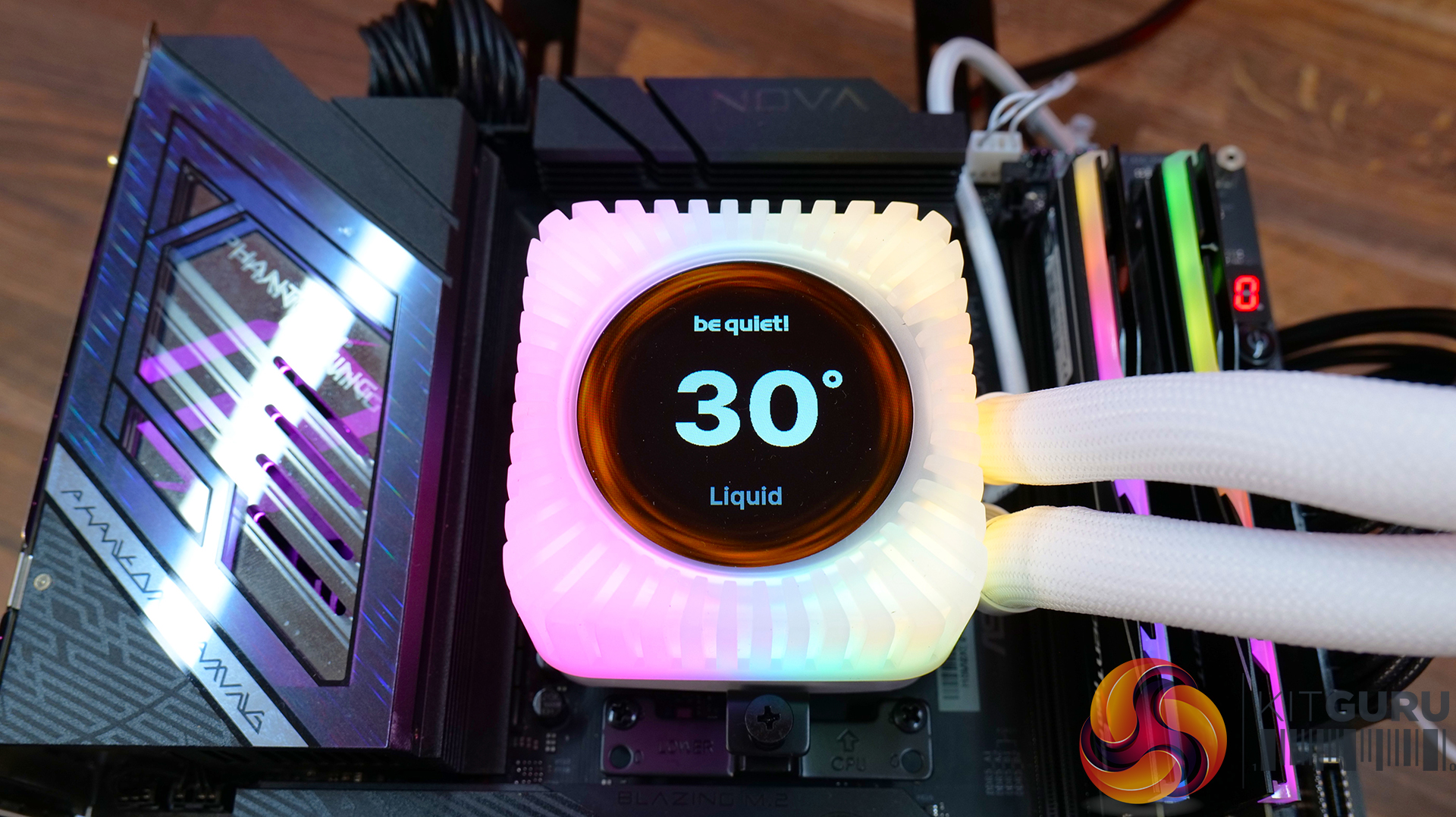
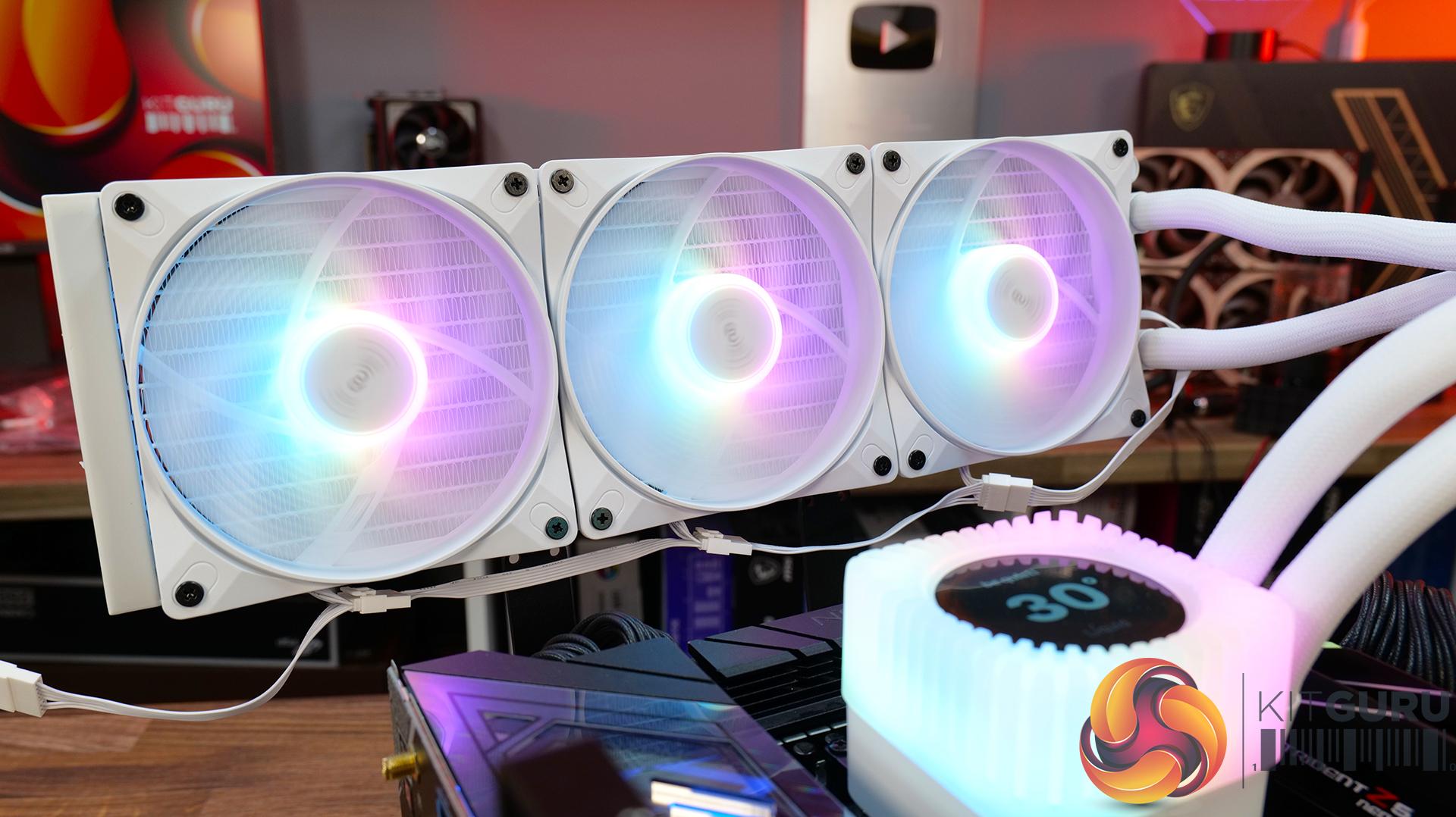
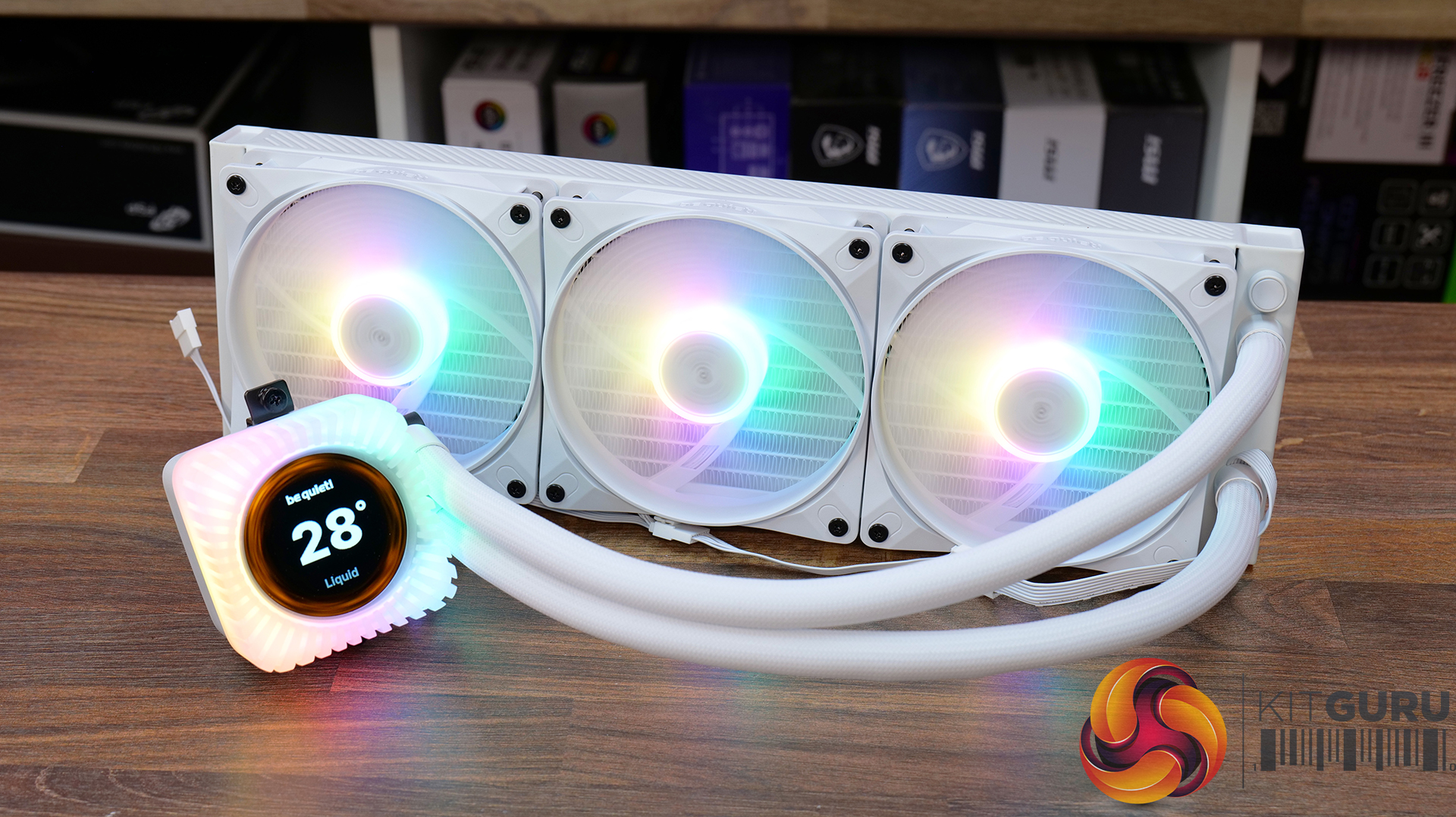
Today we're taking a look at the new be quiet! Light Loop IO LCD 360, a premium 360mm AIO liquid cooler designed to combine high-performance cooling with a fully customisable 2.1-inch IPS LCD and ARGB lighting. It also includes be quiet!'s new IO Controller for simplified cable management and complete software control. In this review, we'll be testing installation, build quality, acoustics and, of course, thermal performance to see how it stacks up against the competition.

Timestamps:

00:00 Introduction
00:47 Pricing and colours
01:40 Overview
02:07 Socket Support
02:22 360 Up Close
04:57 Tubing / fittings
05:32 Block / Display
06:41 Wiring / Fans
08:52 Accessories
10:04 Test System / Install
11:14 Thermal and Noise Performance
13:57 Worth buying?


Features:

  • 2.1-inch IPS LCD display – Light Loop IO LCD features a high-resolution 480 x 480 IPS display, which can show live system monitoring, custom images, GIFs and videos, with extensive customisation available through be quiet!'s IO Centre software.
  • Whisper-quiet cooling performance – A redesigned pump with an advanced integrated circuit, precision jet plate and high-density cold plate are combined with Light Wings LX high-speed fans to deliver high cooling performance while keeping operating noise to a minimum.
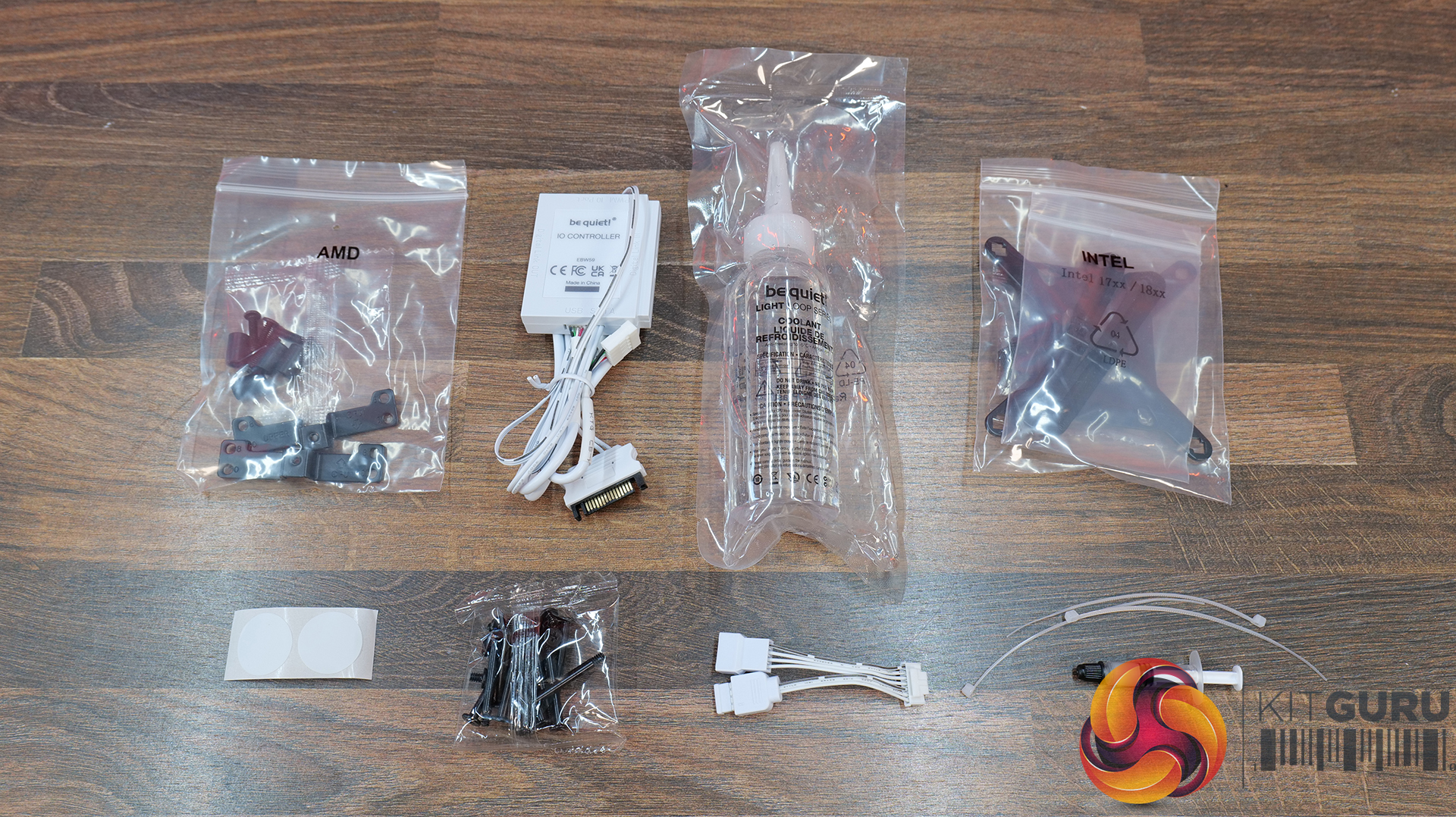
  • Clean installation and intelligent control – The included IO Controller carries power, PWM, ARGB and display signals over a single cable, while daisy-chained fans and hidden cabling make for a much cleaner build and simplified installation.

Specifications:

  • CPU Socket Compatibility: Intel LGA 1851 / 1700 / 1200 / 115X, AMD AM5 /AM4
  • Radiator Material: Aluminium
  • Radiator Dimensions: 397 x 120 x 27 (mm)
  • Pump Speed: 1500 2900 RPM
  • Cold Plate Material: Nickel-plated Copper
  • Pump Connector: IO Connector
  • Tubing Material: Low Evaporation EPDM
  • Fan Dimensions: 120 x 120 x 25 (mm)
  • Fan Speed: 2100 RPM (Max)
  • Air flow: 61.8 CFM
  • Air Pressure: 2.51 mm/H20
  • Fan Noise: 36.8 dBA @ 100% PWM
  • Fan Connector: Proprietary
  • Display: 480 x 480 IPS LCD 500 nits
  • Warranty: 3 Years

Test System Specifications:

The post be quiet! Light Loop IO LCD 360 AIO CPU Cooler Review first appeared on KitGuru.

Cougar MX600 Max RGB Case Review

7 August 2026 at 08:52

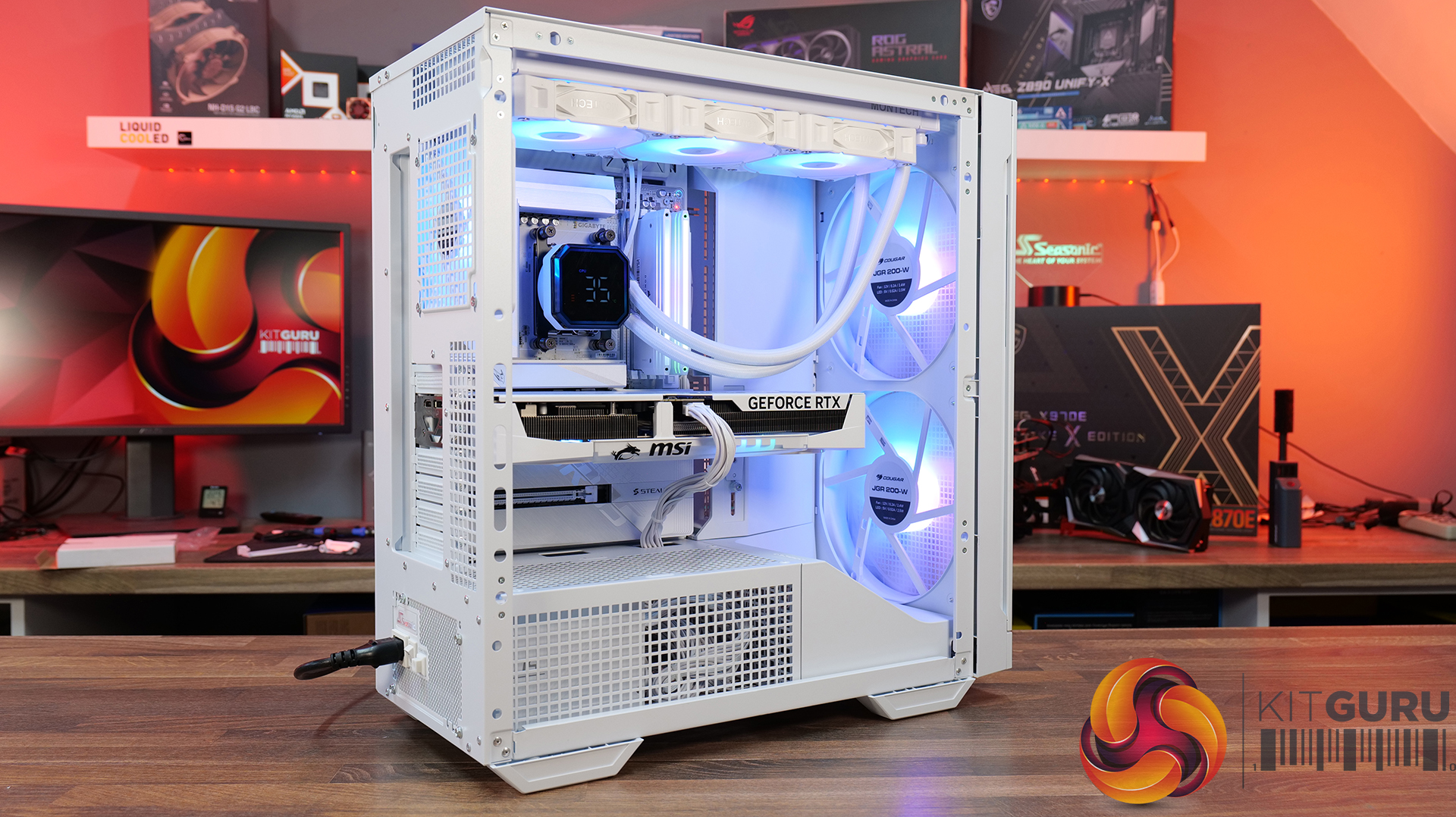
Today we're taking a look at the Cougar MX600 Max RGB, an airflow-focused mid-tower PC case designed for high-performance gaming systems. It comes equipped with two 200mm ARGB PWM front fans, supports graphics cards up to 400mm long, 360mm radiators in the top panel, and offers extensive compatibility for modern hardware. Cougar has also included features like a dual-curve airflow ramp, a modular front I/O panel and a detachable top cover to make building and maintenance easier. In this review, we'll find out if those features combine to make the MX600 Max RGB a case that's worth buying…

Timestamps:

00:00 Intro
00:55 Key details, pricing
01:49 Removing side panels
03:44 Front of the case
05:16 Internals – fan/rad support
07:09 Motherboard support
08:55 Cable management features + rear
10:04 Right-hand side area
13:13 Accessories + extras
14:00 Thermals + noise
16:31 Smoke visualisation
16:59 Closing thoughts

Features:

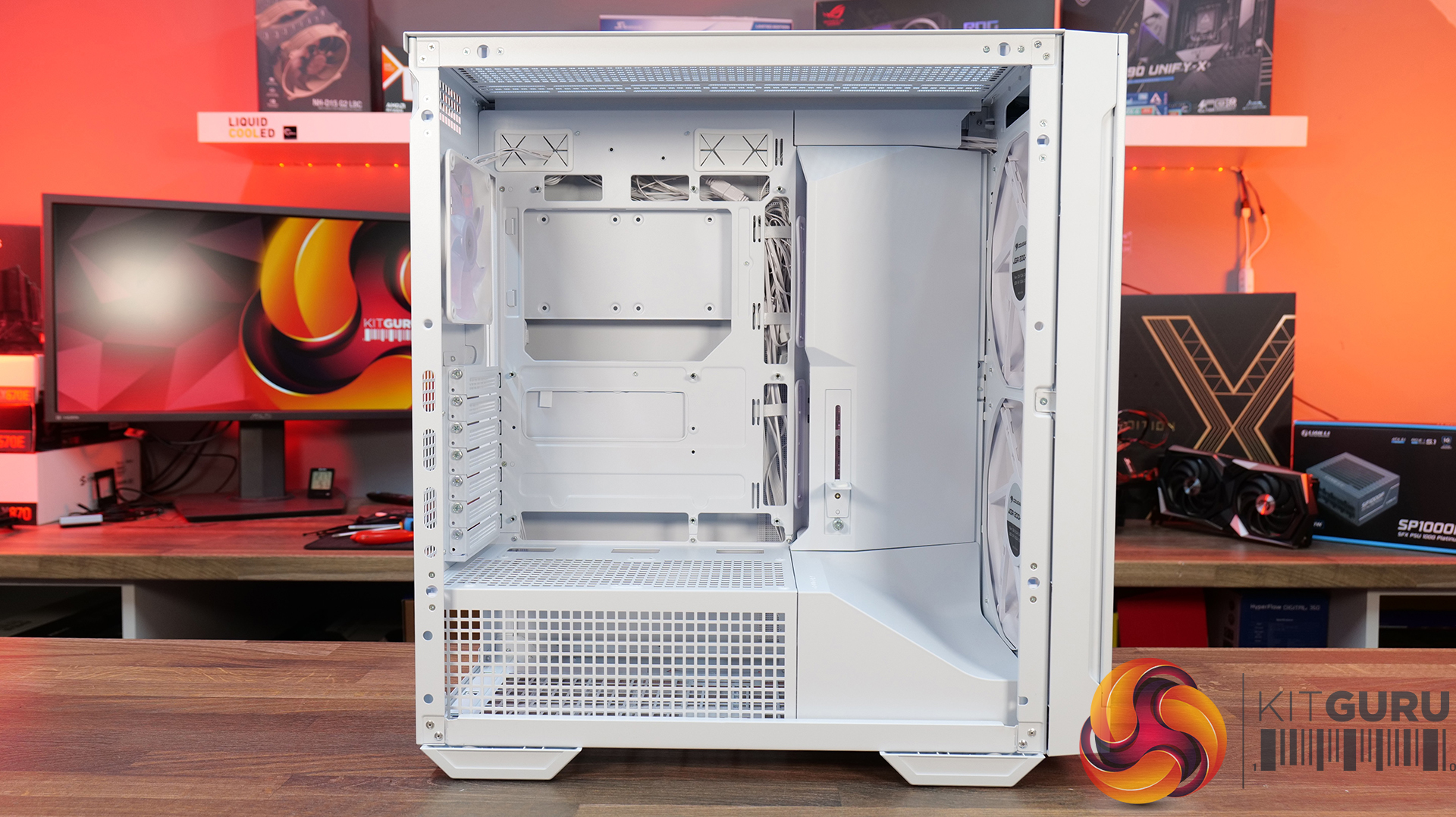
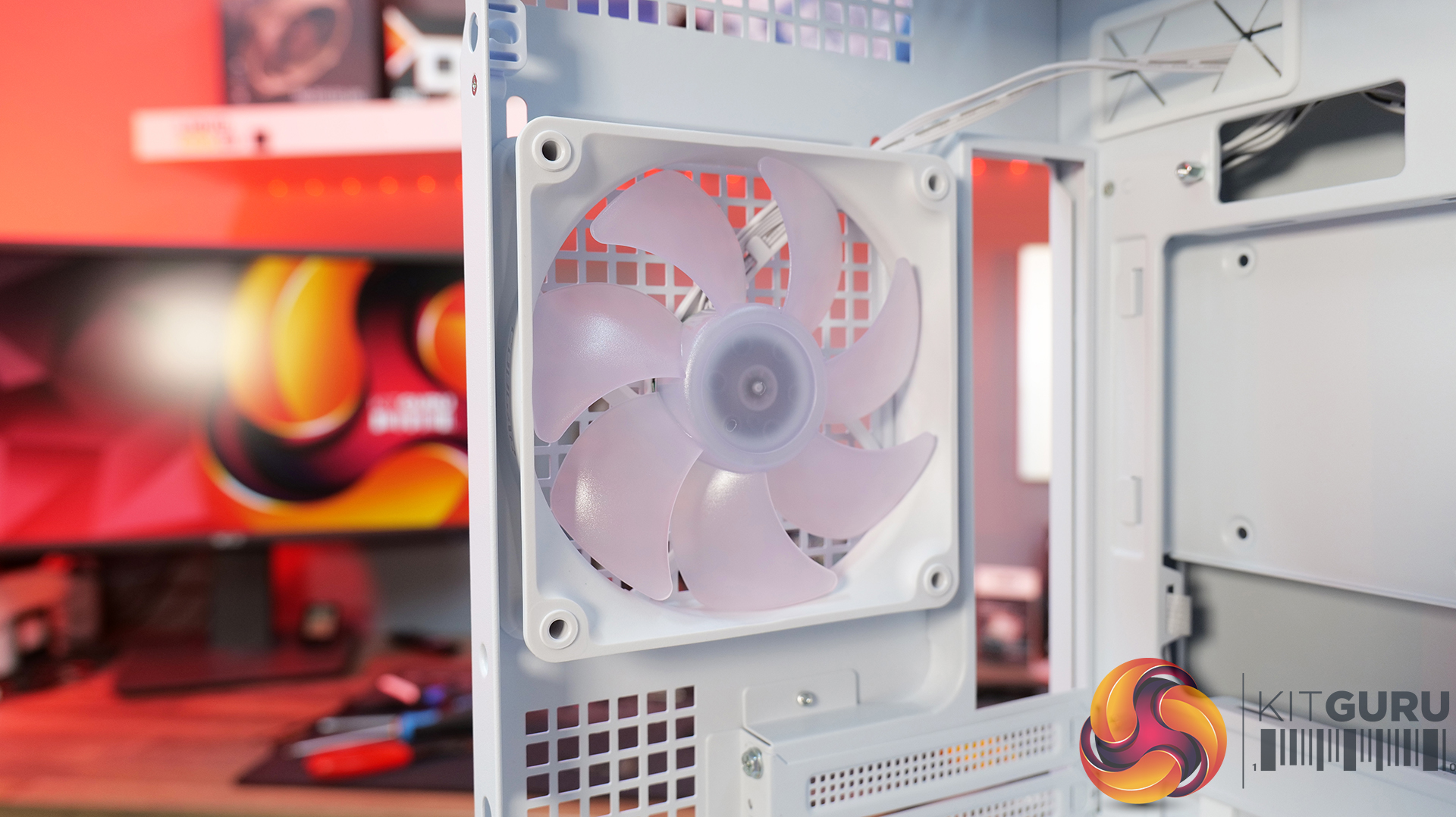
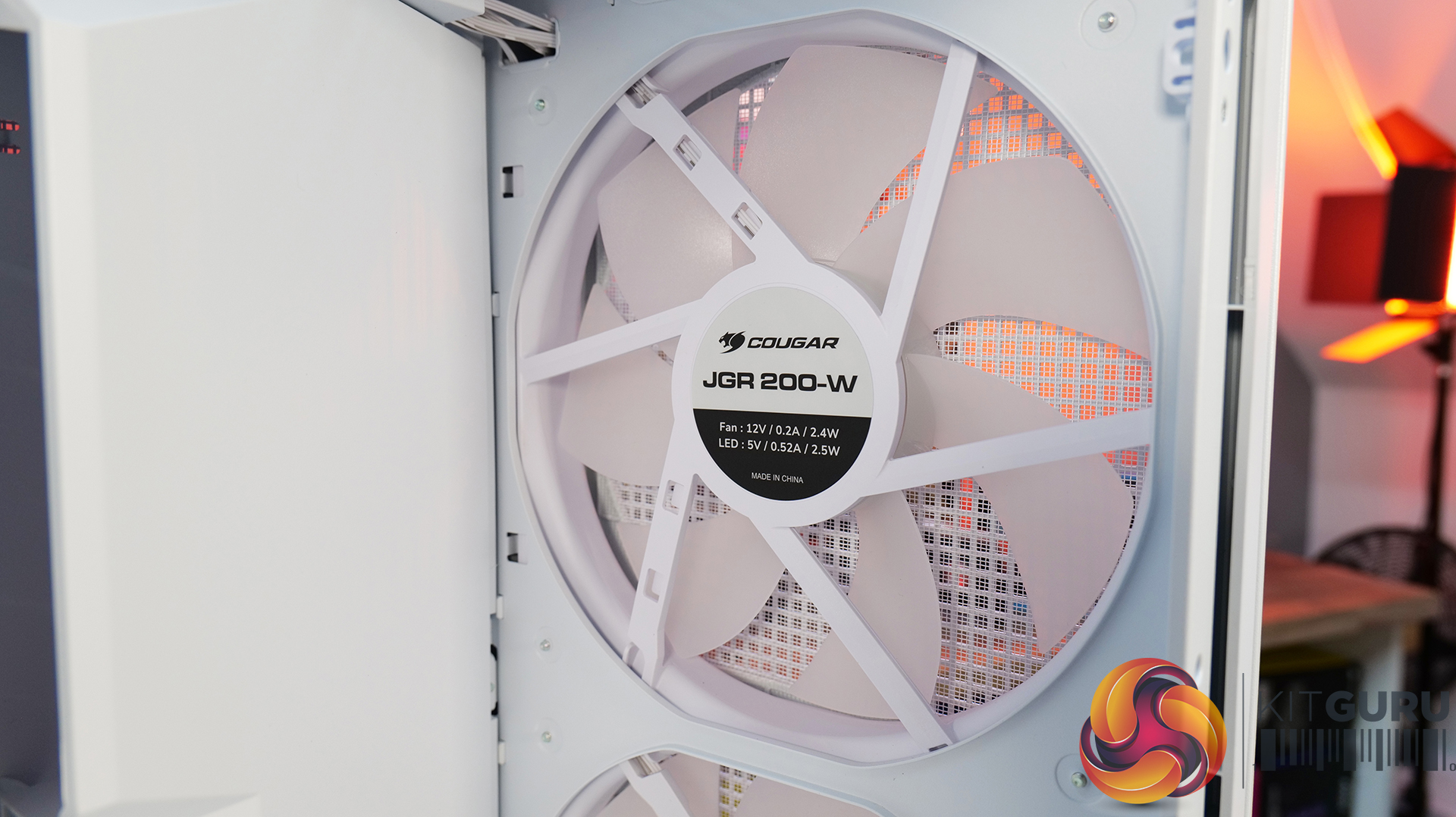
  • Airflow-First Design – The MX600 Max comes equipped with two huge 200mm ARGB PWM front fans and a 120mm ARGB PWM rear fan. Combined with Cougar's dual-curve airflow ramp and heavily ventilated front panel, designed to deliver airflow directly to the system's critical areas.
  • Excellent Hardware Compatibility – The MX600 Max supports graphics cards up to 400mm long, 360mm radiators in the roof, CPU coolers up to 170mm tall and Mini-ITX, Micro-ATX and ATX motherboards, giving you plenty of flexibility for a high-end build.
  • Designed to Make Building Easier – The fully detachable top cover simplifies radiator and fan installation while the modular front I/O panel can be mounted at the top or bottom of the case to suit your setup. Removable dust filters also make system maintenance much easier.

Specifications:

  • Case Type: Mid Tower
  • Dimensions (LxWxH): 235 x 514 x 482 (mm)
  • Materials: Steel, Plastic, Tempered Glass
  • Motherboard Support: Mini ITX / Micro ATX / ATX
  • Reverse Connector motherboard support: Yes
  • Expansion Slots: 7
  • Storage bays: 5” x 1, 2.5” x 4
  • Max GPU Length: 400mm
  • Max CPU Cooler Height: 170mm
  • PSU Type: ATX up to 200mm
  • Cable Routing Space: 35mm (Behind motherboard tray)
  • Supplied Fans: 2 x 200mm (Front) 1 x 120mm (Rear)
  • Fan Support: 120mm x 3 / 140mm x 2 (Top), 200mm x 2 (Front), 3 x 120mm with shroud reomved (R/H Side), 1 x 120mm (Rear), 120mm x 2 (Bottom)
  • Radiator Support: 360mm / 280mm / 240mm (Top)
  • Dust Filters: Front, Top, R/H Side, Bottom, PSU Shroud
  • Front I/O: USB 3.2 Gen 2×2 Type-C x 1, USB 3.0 Type-A x 2, 4 Pole Headset Audio Jack x 1, RGB Button
  • LCD Screen: N/A

Thermal Performance Testing

To simulate thermal demand, we run the Cinebench R23 multi-thread benchmark and 3DMark Speed Way stress test simultaneously in a loop for 30 minutes to load the system fully. This gives the CPU and GPU enough time to reach constant steady-state temperature. With this data, we can compare how the system handles the thermal demand and measure peak noise levels.

Thermal performance is measured with the case in various configurations, such as the default, with the tempered glass left-hand side panel removed and with the front panel removed to see how these configurations affect the CPU and GPU temperature. During testing, only stock case fans are used unless otherwise specified. All water pumps are set to maximum RPM and fans are set to a custom RPM curve by the Motherboard software/BIOS.

All temperature measurements are presented as Deltas – meaning the ambient temperature has been deducted from the CPU temperature, giving us a Delta. Data shown in the charts represents the average component temperature over the length of the test as measured by HWiNFO, and then the last 15 minutes of the data are calculated to get the average. The ambient temperature during thermal tests is between 19-20⁰C.

Test System Specification:

Thermal Performance Overview

We test case thermals using a 360mm AIO as exhaust at the top and with the case in several different fan configurations. The default configuration shown in the charts is with the top 360mm AIO cooler, 2 x 200m front intake fans, a single 120mm rear exhaust fan and with all case panels installed.

Thermal performance from the Cougar MX600 Max is very impressive overall. In its default configuration the case keeps both the CPU and GPU temperature under control at 55°C over ambient, showing that the pre-installed airflow setup is well optimised.

Removing the front and top panels and dust filters, produces no meaningful improvement, which tells us those panels cause very little restriction to airflow. The biggest improvement however, comes from fitting optional floor intake fans which reduce GPU temperature by 3°C compared to the default setup, while maintaining the same CPU temperature. This setup is ideal for optimising GPU performance.

Noise Output

Noise performance from the Cougar MX600 Max is also quite impressive. In its default configuration, the system reaches 47dBA under full load, which is a reasonable result given the large 200mm front intake fans and included cooling setup. Interestingly, removing the tempered glass side panel and adding floor intake drops noise output by 3dBA to 44dBA,  showing that the extra GPU cooling also reduces GPU fan speed and noise.

Removing the front panel, along with the front and top dust filter makes no difference to noise levels compared with the default setup, which shows that Cougar has done a good job optimising airflow through the chassis. The only configuration that increases noise is removing the front air scoop and adding side intake fans, which raises noise output to 49 dBA while offering no real thermal advantage.

Closing Thoughts

The Cougar MX600 Max is a very easy case to recommend. It does exactly what its design to do, offering high airflow and extensive hardware compatibility without overcomplicating the design. The pair of pre-installed 200mm PWM ARGB intake fans, combined with the mesh front panel, provide excellent cooling performance straight out of the box. There's very little to be gained from removing panels or filters, which indicates that Cougar has optimised the airflow well. If you're looking to optimise GPU cooling, fitting PSU shroud intake fans can knock a few degrees from GPU temperatures, but the gains are relatively small as the default cooling setup is already effective.

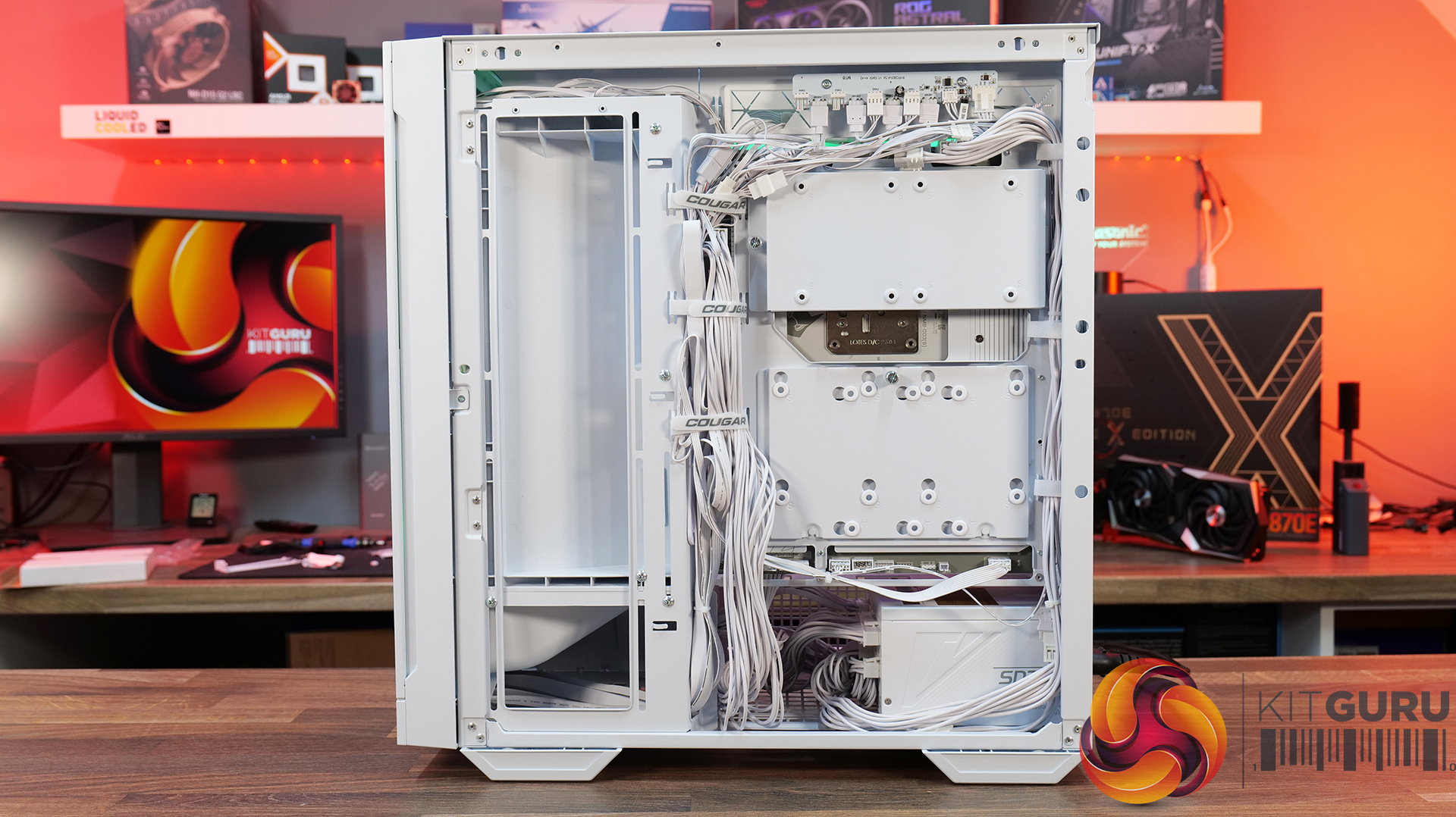
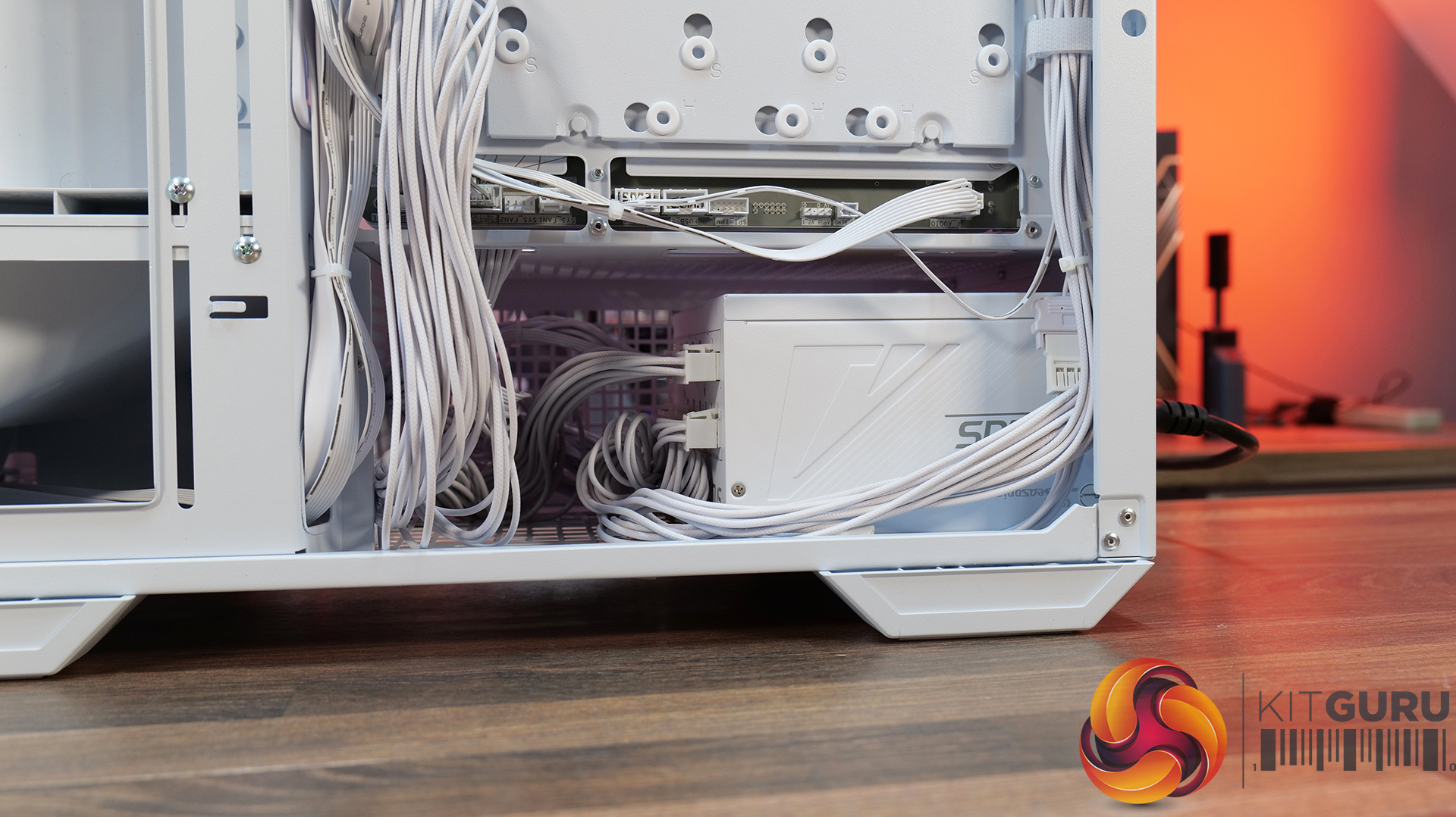
Hardware compatibility is another strong point. It supports graphics cards up to 400mm long, 360mm radiators in the roof, tall air coolers, back-connect motherboards and loads of 2.5” storage, so there's very little this case won't accommodate. Building inside the MX600 Max is straightforward too; there's loads of space to work, generous cable-routing cut-outs, plenty of clearance behind the motherboard tray and integrated Velcro straps helping to keep cables managed and looking tidy. The overall build quality is solid throughout which gives the MX600 Max a premium feel despite its competitive pricing.

There are only a couple of minor negative points to consider before buying. The first is the size of the chassis, it is a mid-tower, but feels bulky compared with some ATX cases that offer similar hardware support. It may not be ideal in terms of size to run it on a desktop space. The second is radiator support at the front of the case. Cougar has prioritised the large 200mm intake fans, which means there's no option to install a front-mounted radiator. For most users this won't matter, particularly given the excellent top-mounted 360mm radiator support, but it does reduce options for custom cooling.

Overall, the Cougar MX600 Max is an excellent airflow-focused chassis that gets the basics right. It combines solid thermal performance, sensible acoustics, good hardware compatibility, an easy building experience and great build quality with a sensible MSRP. Unless you specifically need front radiator support or a more compact chassis, the MX600 Max is easy to recommend and deserves to be considered alongside some of the best airflow cases in its price bracket.

Pros: 

  • Lots of space to work with.
  • Great thermals and low noise.
  • Included fan/rgb hub.
  • Good price.

Cons:

  • A little large for a mid tower.
  • No front radiator support.

KitGuru says: Unless you specifically need front radiator support or more compact dimensions, the Cougar MX600 Max is a serious contender if you're looking for a well-built, high-airflow chassis.

The post Cougar MX600 Max RGB Case Review first appeared on KitGuru.

Lian Li adds new UNI FAN FLEX models with dual‑sided infinity‑mirror lighting

31 July 2026 at 15:30

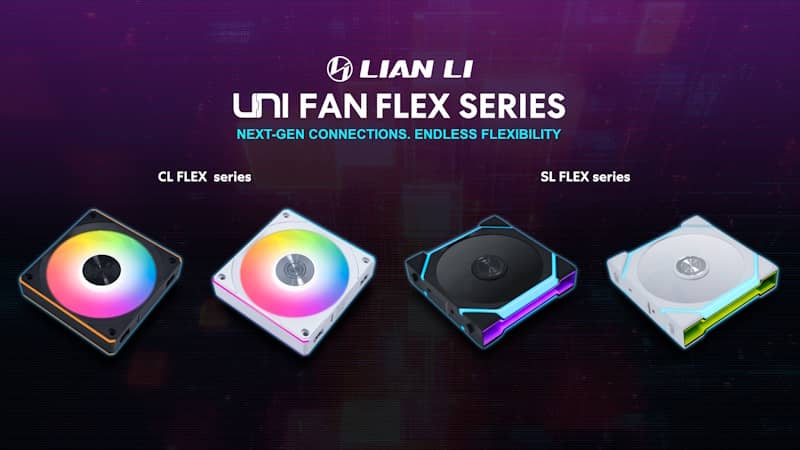
Lian Li already makes some of the best‑looking ARGB fans on the market, but today the company is adding to the roster with the new UNI FAN FLEX series, introducing updated SL FLEX and CL FLEX models.

The new SL FLEX and CL FLEX fans form the entry point to Lian Li’s wireless ecosystem, connecting through the updated FLEX Receiver. The receiver handles power via a standard 4‑pin PWM header and communicates wirelessly through L‑Connect 3, allowing users to control lighting and fan curves without additional cabling. It also supports a 5V 3‑pin ARGB mode for those who prefer motherboard‑controlled lighting. Each receiver can run up to four fans and is backward compatible with previous CL Wireless models.

The UNI FAN SL FLEX receives the biggest visual update, replacing its aluminium side plates with dual‑sided infinity‑mirror lighting. It features two lighting zones with 52 LEDs and operates at up to 2000 RPM, delivering 66.5CFM of airflow, 2.5mmH2O of static pressure and 29dBA. Standard and reverse‑airflow versions are available in both black and white.

The CL FLEX retains its established design but now ships with the FLEX Receiver for expanded control options. It reaches up to 2100 RPM and pushes 77.34CFM at 2.52mmH2O, making it the higher‑airflow option in the FLEX family. Like the SL FLEX, it comes in standard and reverse‑airflow variants.

Triple‑fan packs include the L‑Wireless Sync Controller, supporting up to 10 connected devices rather than four. The UNI FAN SL FLEX and CL FLEX are available starting today, priced at $21.99 / $69.99 for SL FLEX single / triple packs and $16.99 / $54.99 for CL FLEX single or triple packs.

KitGuru Says: Lian Li’s UNI FAN lineup has been hugely popular for both aesthetics and ease of installation. The new FLEX models look set to continue that trend, allowing PC builders to cut down on cables even further. 

The post Lian Li adds new UNI FAN FLEX models with dual‑sided infinity‑mirror lighting first appeared on KitGuru.

Corsair Frame 5000D Wood RS Case Review

24 July 2026 at 08:55

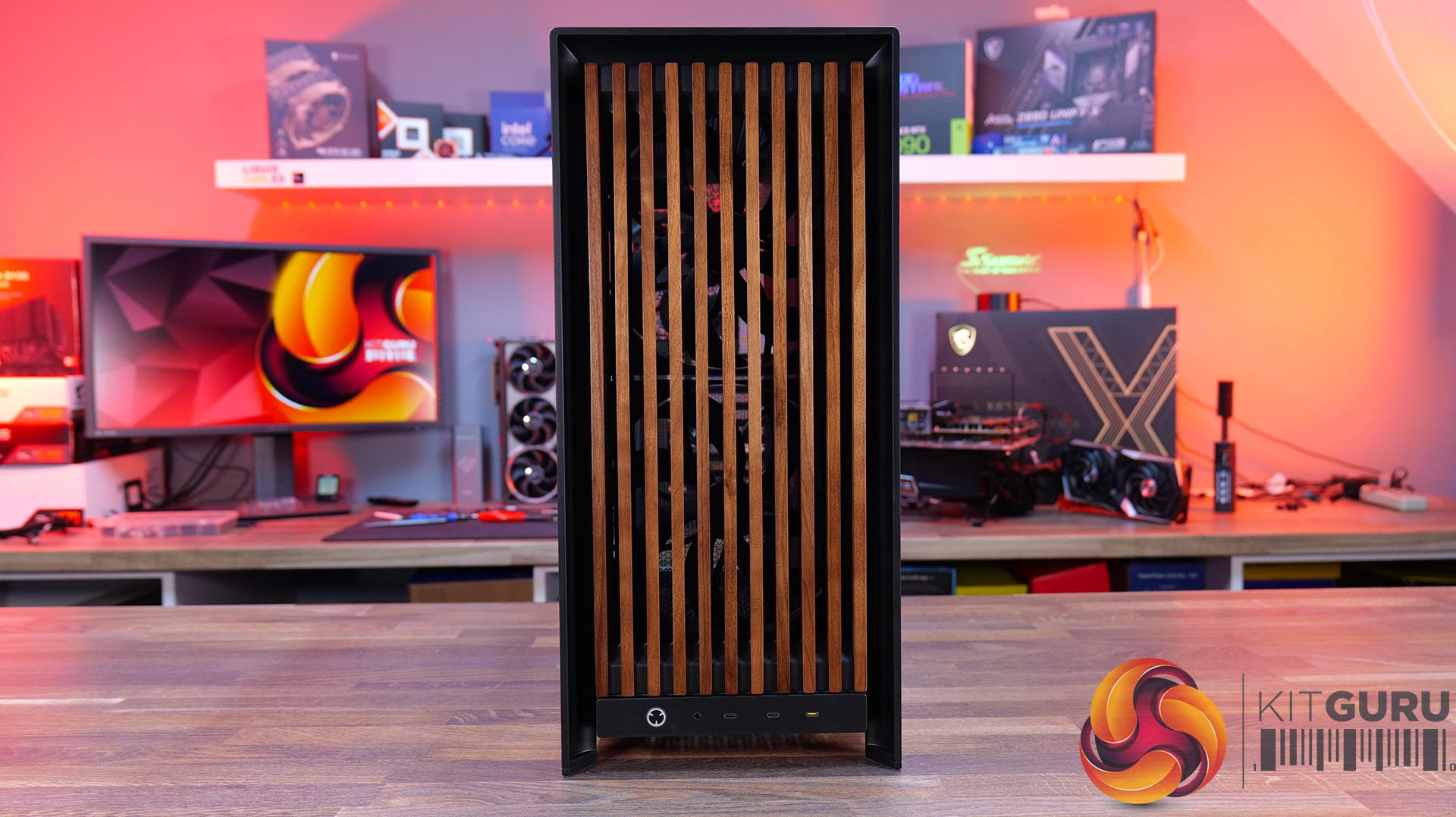
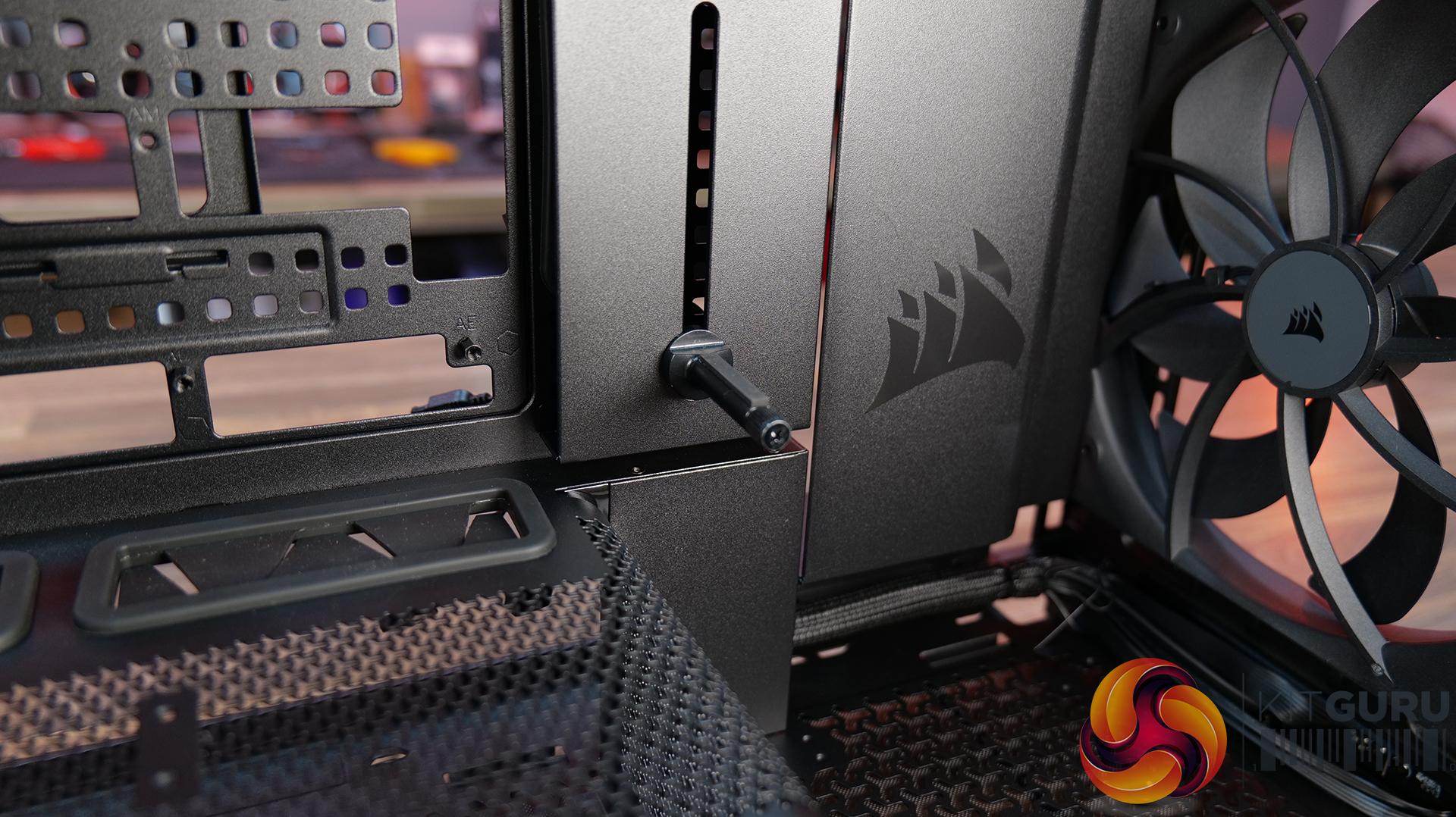
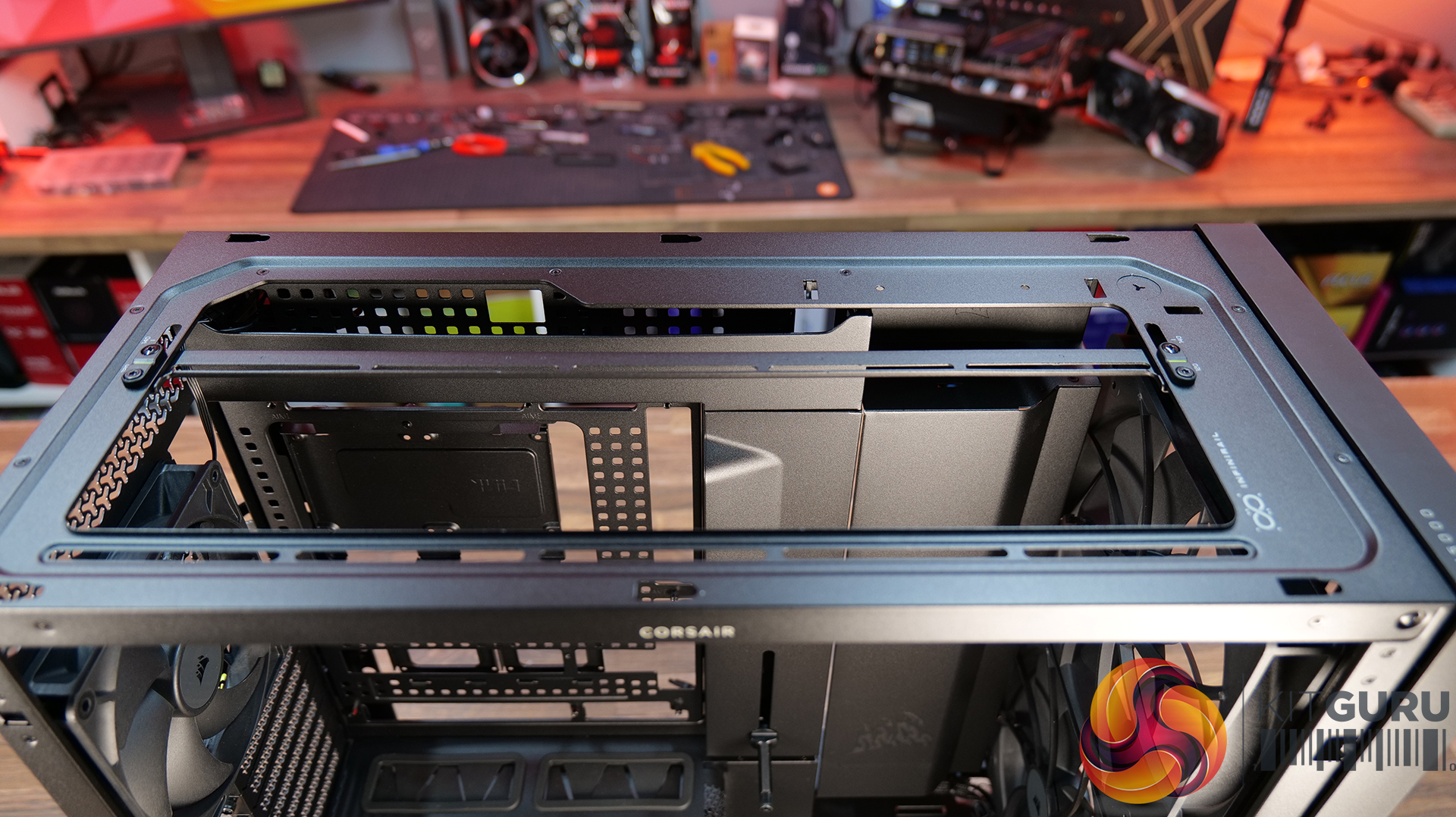
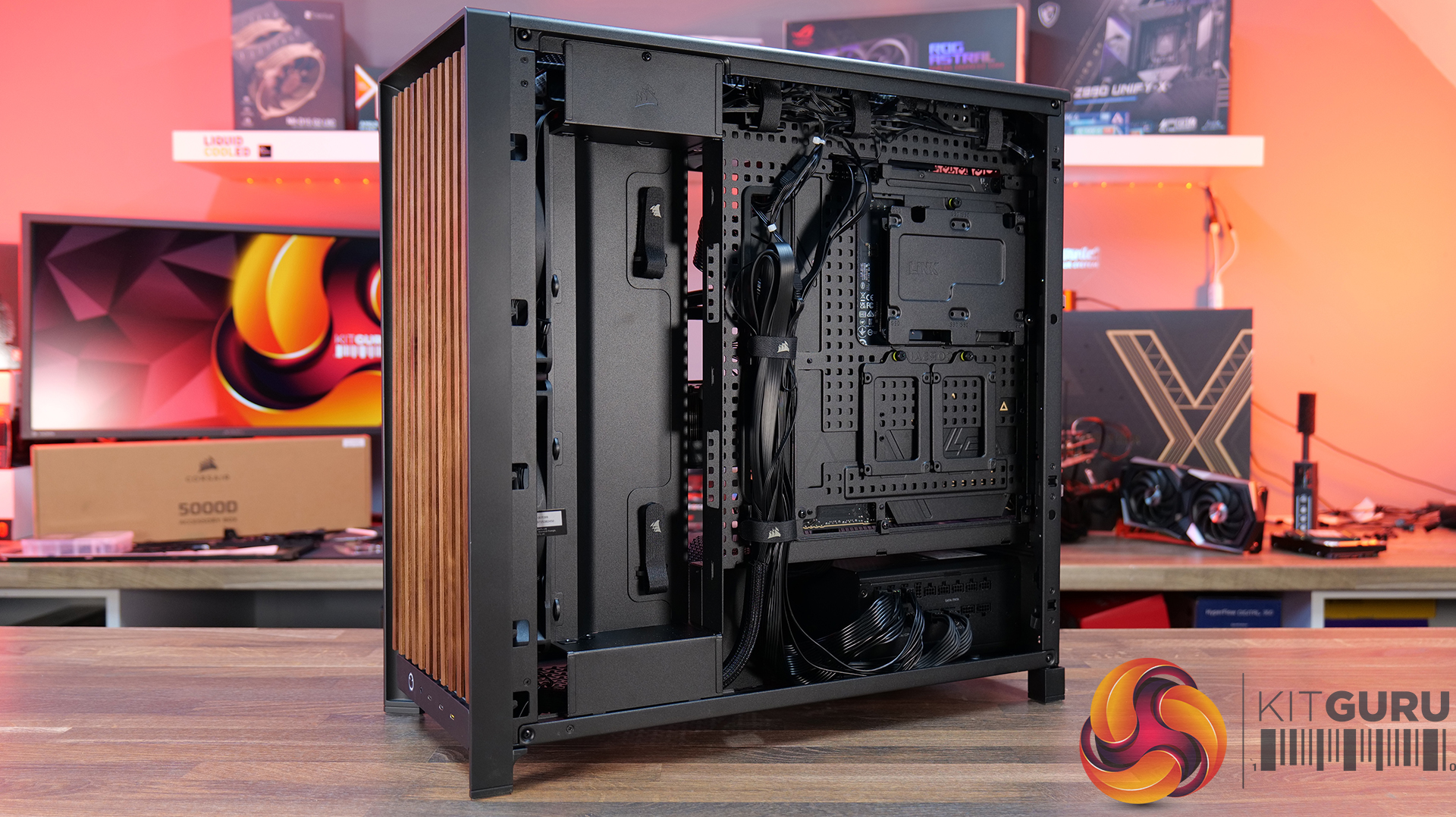
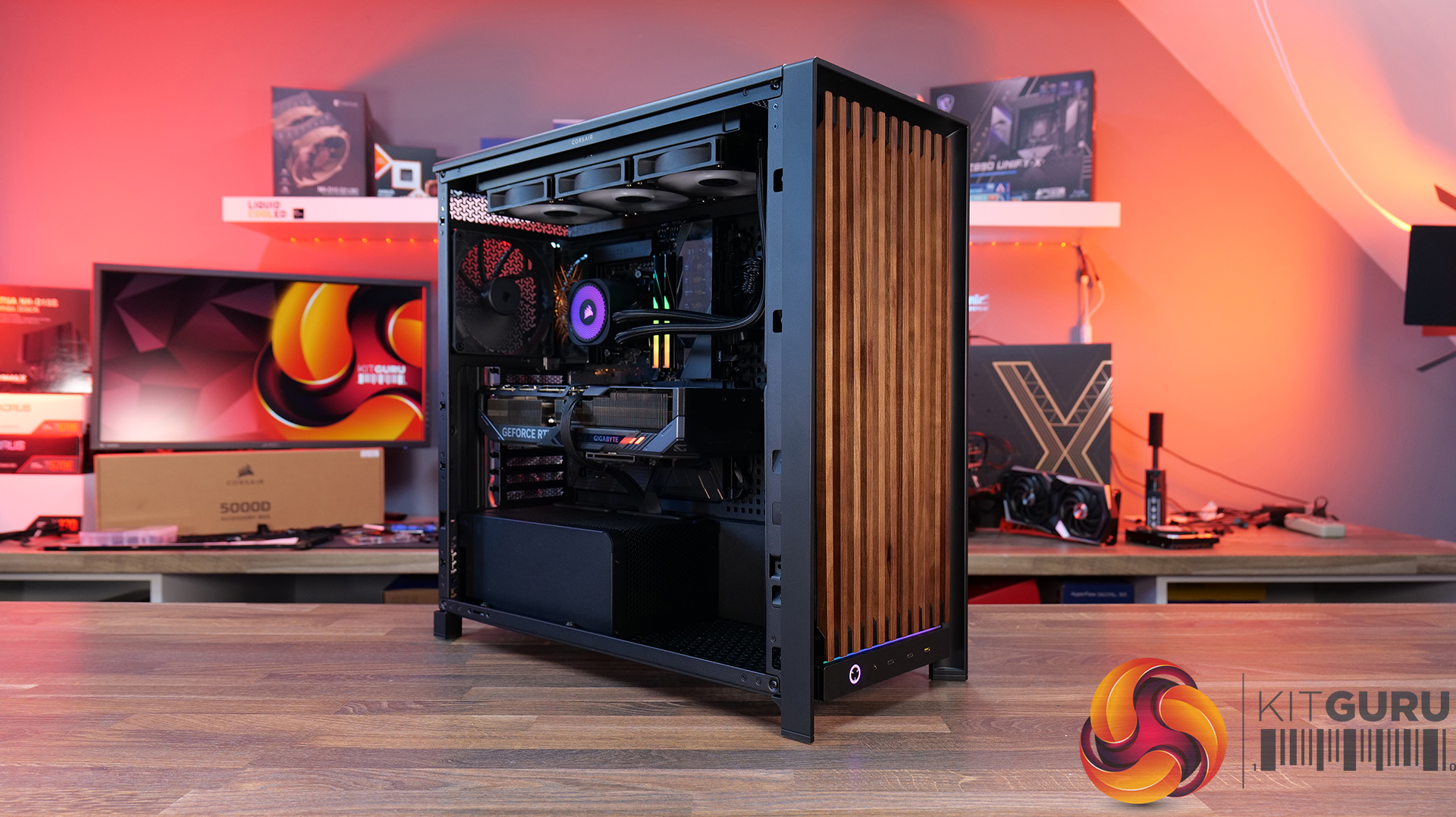
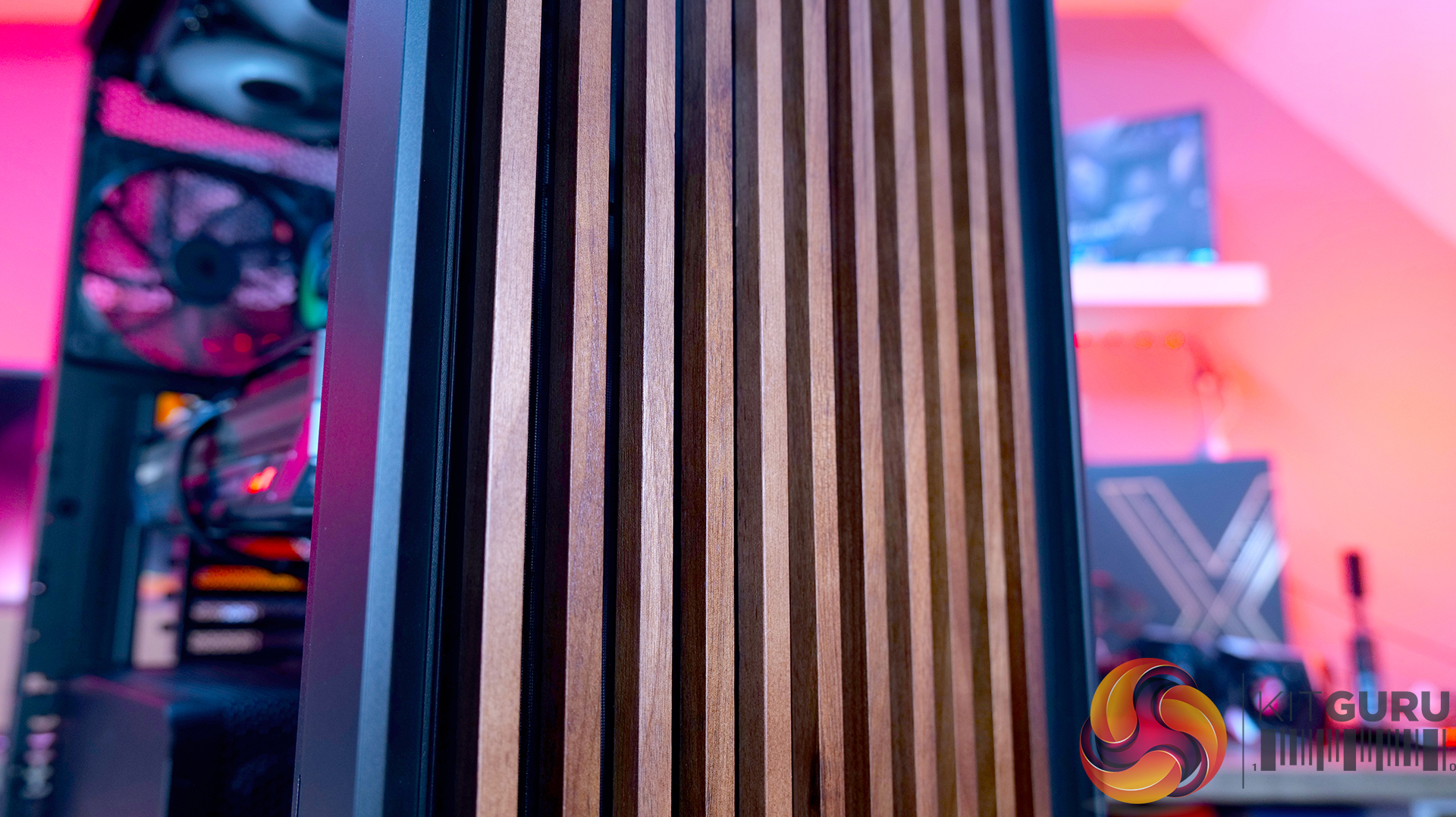
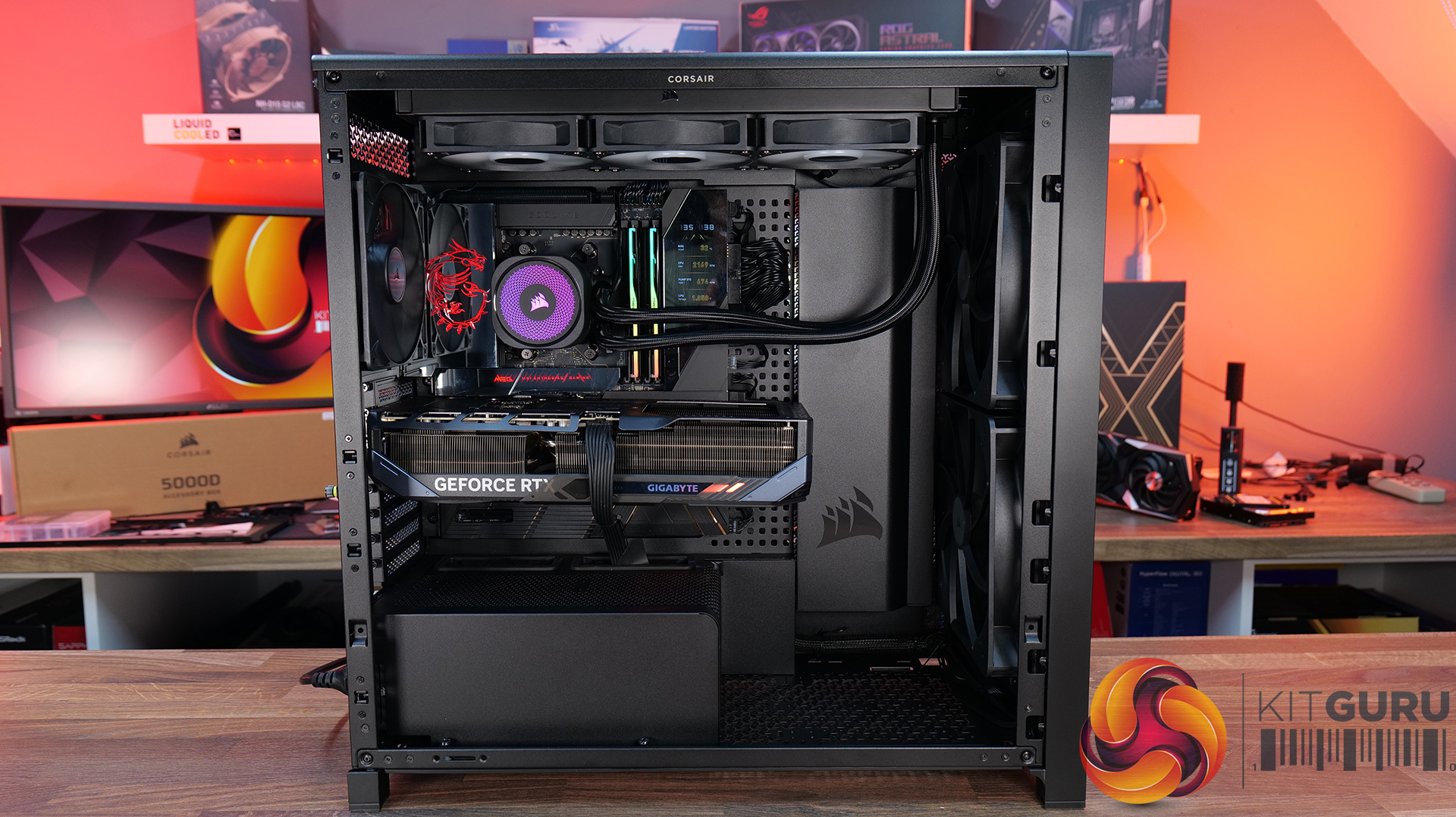
Today we're taking a look at the new Corsair Frame 5000D Wood RS PC case. At first glance it might just look like the regular Frame 5000D with a fancy wooden front, but Corsair has actually made a few interesting changes under the hood. Along with the solid wood front panel, you get a pair of huge 200mm intake fans, a full-length tempered glass side panel, a more compact PSU shroud, and an updated front I/O layout with three USB Type-C ports. So, is this just a cosmetic refresh, or has Corsair really improved one of its flagship cases? Let's find out.

Timestamps:

00:00 Introduction
00:50 Pricing and Info
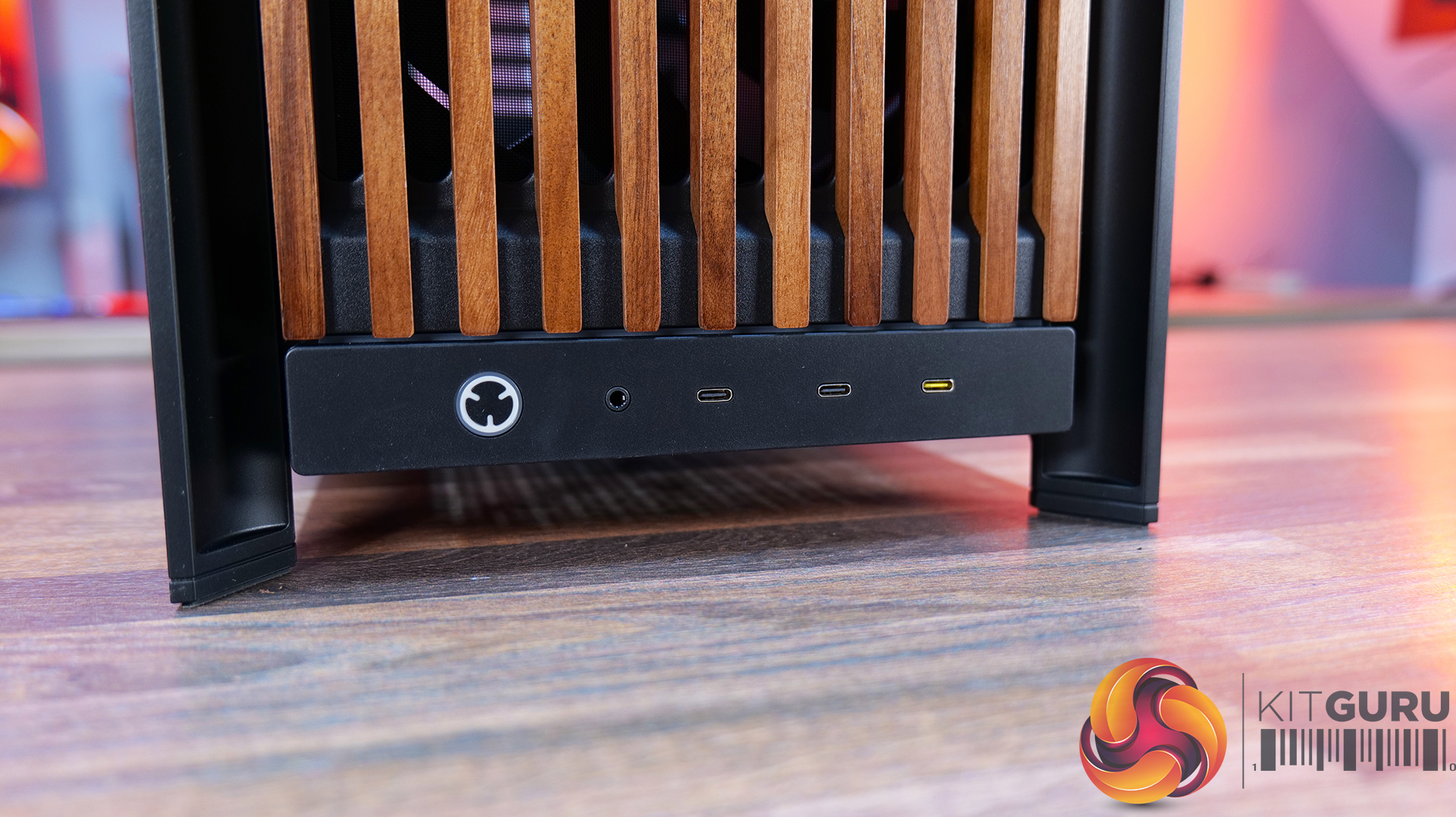
03:00 Front I/O
03:25 Features / Removing panels
04:35 Hardware / Cooling Support
06:01 Inside the Case / Options
07:21 Air Cooler Support
07:38 GPU Support
08:07 Motherboard Support
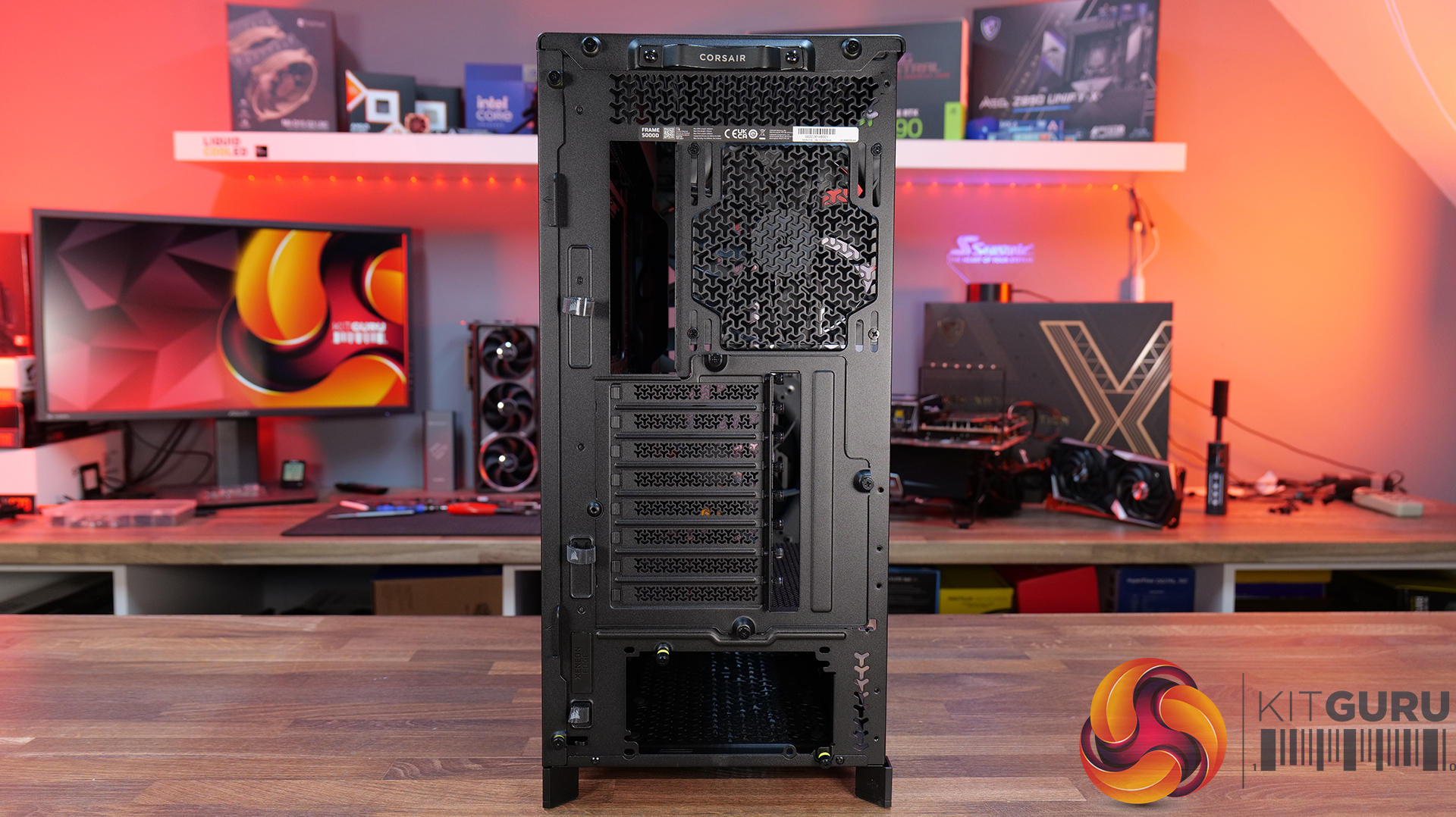
09:09 Back of Case
10:17 Cable Routing / Drives
13:00 Floor of Case
13:38 Accessories
15:10 Testing Methodology
15:40 Thermal and Noise Performance
17:05 Closing Thoughts

Features:

  • Real Wood, not Wood-effect – The standout feature of the Frame 5000D Wood RS is the new FSC-certified solid wood front panel. It gives the FRAME 5000D a much warmer, more premium look while still allowing plenty of airflow through the front of the chassis.
  • Big Fans, Low Noise – The original 140mm intake fans are swapped for a pair of massive 200mm RS200 fans that can shift plenty of air at lower RPM, keeping cooling performance high and noise low.
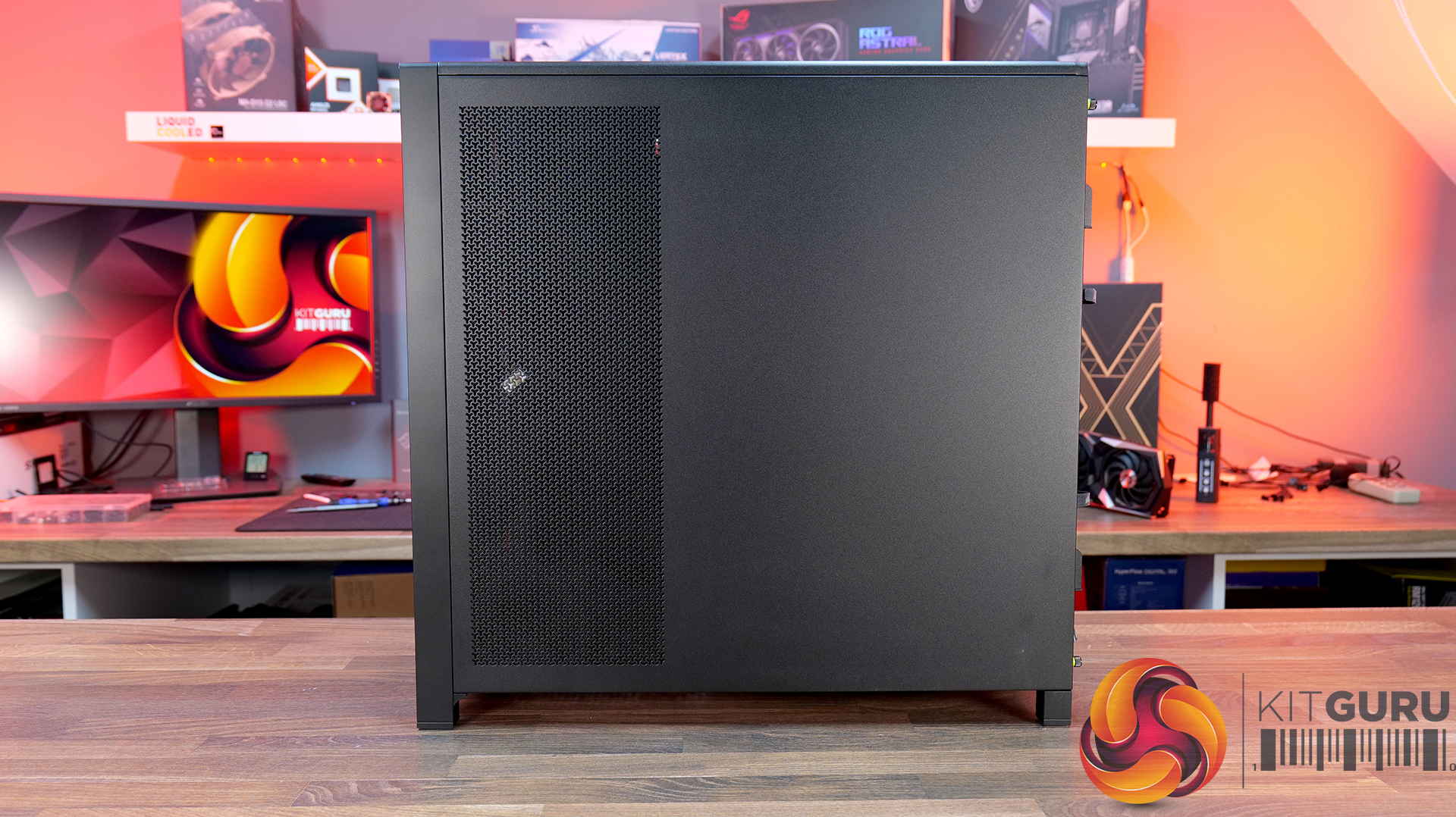
  • Cleaner Layout Inside and Out – A full-length tempered glass side panel, a more compact PSU shroud and updated front I/O with all USB Type-C connectivity all help modernise the Frame 5000D, giving you a better view of your hardware and a more up-to-date feature set.

Specifications:

  • Case Type: Full Tower
  • Dimensions (LxWxH): 542 x 250 x 556mm
  • Materials: Steel, Glass, Wood, Plastic
  • Motherboard Support: Mini-ITX, Micro-ATX, ATX, E-ATX
  • Reverse-connector motherboard support: Yes
  • Expansion Slots: 8 x Horizontal / 3 x vertical
  • Storage bays: 3.5” x 1, 2.5” x 4
  • Max GPU Length: 425mm (w/fans)
  • Max CPU Cooler Height: 175mm
  • PSU Type: ATX
  • Cable Routing Space:
  • Supplied Fans: 2X RS200, 1x RS140 pre-installed
  • Fan Support: 3 x 120mm,3 x 140mm (Top), 2 x 200mm, 3 x 120mm, 3 x 140mm (Front), 3 x 120mm, 3 x 140mm  (R/H Side), 1 x 120mm, 1 x 140mm  (Rear), 1 x 120mm (Bottom)
  • Radiator Support: 420mm 360mm 280mm 240mm (Top), 420mm 360mm 280mm 240mm (Front), 420mm 360mm 280mm 240mm (R/H Side), 140mm 120mm  (Rear)
  • Dust Filters: Front, bottom, right side
  • Font I/O: 2x USB 3.2 Gen1 Type-C (5Gb/s), 1x USB 3.2 Gen2x2 Type-C (20Gb/s), PWR Button, Combo Mic/Headphone Jack
  • LCD Screen: N/A

Thermal Performance Testing

To simulate thermal demand, we run the Cinebench R23 multi-thread benchmark and 3DMark Speed Way stress test simultaneously in a loop for 30 minutes to load the system fully. This gives the CPU and GPU enough time to reach constant steady-state temperature. With this data, we can compare how the system handles the thermal demand and measure peak noise levels.

Thermal performance is measured with the case in various configurations, such as the default, with the tempered glass left-hand side panel removed and with the front panel removed to see how these configurations affect the CPU and GPU temperature. During testing, only stock case fans are used unless otherwise specified. All water pumps are set to maximum RPM and fans are set to a custom RPM curve by the Motherboard software/BIOS.

All temperature measurements are presented as Deltas – meaning the ambient temperature has been deducted from the CPU temperature, giving us a Delta. Data shown in the charts represents the average component temperature over the length of the test as measured by HWiNFO, and then the last 15 minutes of the data are calculated to get the average. The ambient temperature during thermal tests is between 19-20⁰C.

Test System Specification:

Thermal Performance Overview

We test case thermals using a 360mm AIO as exhaust at the top and with the case in several different fan configurations. The default configuration shown in the charts is with the top 360mm AIO cooler, 2 x 200mm front intake fans and a single 140mm rear exhaust fan and with all case panels installed.

Thermal performance is about as good as you could expect for from a case like this. In the default configuration we see the CPU steady-state average at 55°C over ambient while the GPU is at 52°C . Adding extra side or floor intake fans doesn’t really change temperatures, just one or two degrees C drop on the GPU, suggesting the stock airflow is already well optimised.

Removing the tempered glass side panel makes almost no difference at all, shaving just a single degree off the CPU while leaving GPU temperatures unchanged. In other words, Corsair's pair of 200mm front intake fans are doing exactly what they're supposed to, delivering plenty of airflow straight out of the box without the need for additional fans or a change of configuration.

Noise Output

Noise follows a similar path to thermal performance; in this test, the case fans are fixed at low RPM, so they are virtually silent. The only noise comes from the CPU cooler and GPU fans. Since there isn't a massive change in temperature with the case in either configuration, the noise output stays pretty consistent.

Across all configurations, the idle noise is essentially identical; the only drop in load noise occurs with the glass side removed, as the CPU and GPU temperatures are at their lowest, but the drop in noise is just 1dBA, which is hardly noticeable in real-world situations. So, in terms of thermal performance, if you keep the case fan speed to a sensible level, noise is very well optimised out of the box.

Closing Thoughts

The Frame 5000D Wood RS is a worthy refresh of the original Corsair Frame 5000D. The addition of a real wood front panel gives it a much more premium look without sacrificing airflow, making it stand out from the mesh and tempered glass cases currently on the market. It feels like a more mature design, and the option of Black/Walnut or White/Oak should appeal to anyone looking to build a PC with either a black or white theme.

Performance is equally impressive. The pair of 200mm front intake fans provide excellent airflow while running at relatively low speeds, resulting in excellent cooling performance without generating excessive noise. Our testing showed little to be gained from removing panels or adding extra intake fans, which tells you Corsair has done a solid job of optimising the stock airflow configuration straight out of the box.

That said, the build experience isn't quite as polished as the cooling performance. Installing the motherboard proved more awkward than expected, with the motherboard backplate making it difficult to line everything up. Graphics card installation also felt unnecessarily fiddly, as the opening around the PCIe slots doesn't leave much room to manoeuvre cards into position, particularly if your motherboard has chunky rear-mounted heatsinks around the M.2 area. Neither issue is a deal-breaker, but they're the sort of frustrations you don't expect from a case at this price point.

Overall though, the positives outweigh the negatives. The Frame 5000D Wood RS looks great, it delivers excellent thermal performance and quiet operation, and retains all the flexibility of Corsair's modular Frame ecosystem. The installation quirks knock points off what is otherwise a very capable chassis. So if the mature aesthetics, airflow and upgradeability are your thing, this should be on your parts list for your next build, unless you need something smaller, the Frame 4000D Wood is your perfect alternative.

The Corsair Frame 5000D Wood RS is available to purchase now from Scan priced at £159.95 HERE.

Pros: 

  • Big front fans keep the system cool and quiet with great airflow.
  • Wood front gives a more premium look.
  • Lots of space for hardware and cooling.

Cons:

  • Motherboards with backplates can be difficult to install.
  • Graphics cards can be tight to get into the PCIe slot.
  • Quite large for a basic gaming system.

KitGuru says: Corsair has made some worthy changes to the Frame 5000D, which means it still offers great airflow and cooling but now with premium looks too!

The post Corsair Frame 5000D Wood RS Case Review first appeared on KitGuru.

DeepCool introduces CG590 Mesh 2F case with dual 160mm ARGB fans

21 July 2026 at 07:00

DeepCool has introduced the CG590 Mesh 2F, a new mid-tower chassis featuring a mesh front panel, a dual-chamber interior, and two pre-installed 160mm ARGB intake fans. The case is scheduled to launch in Japan soon, but a wider global release is expected. 
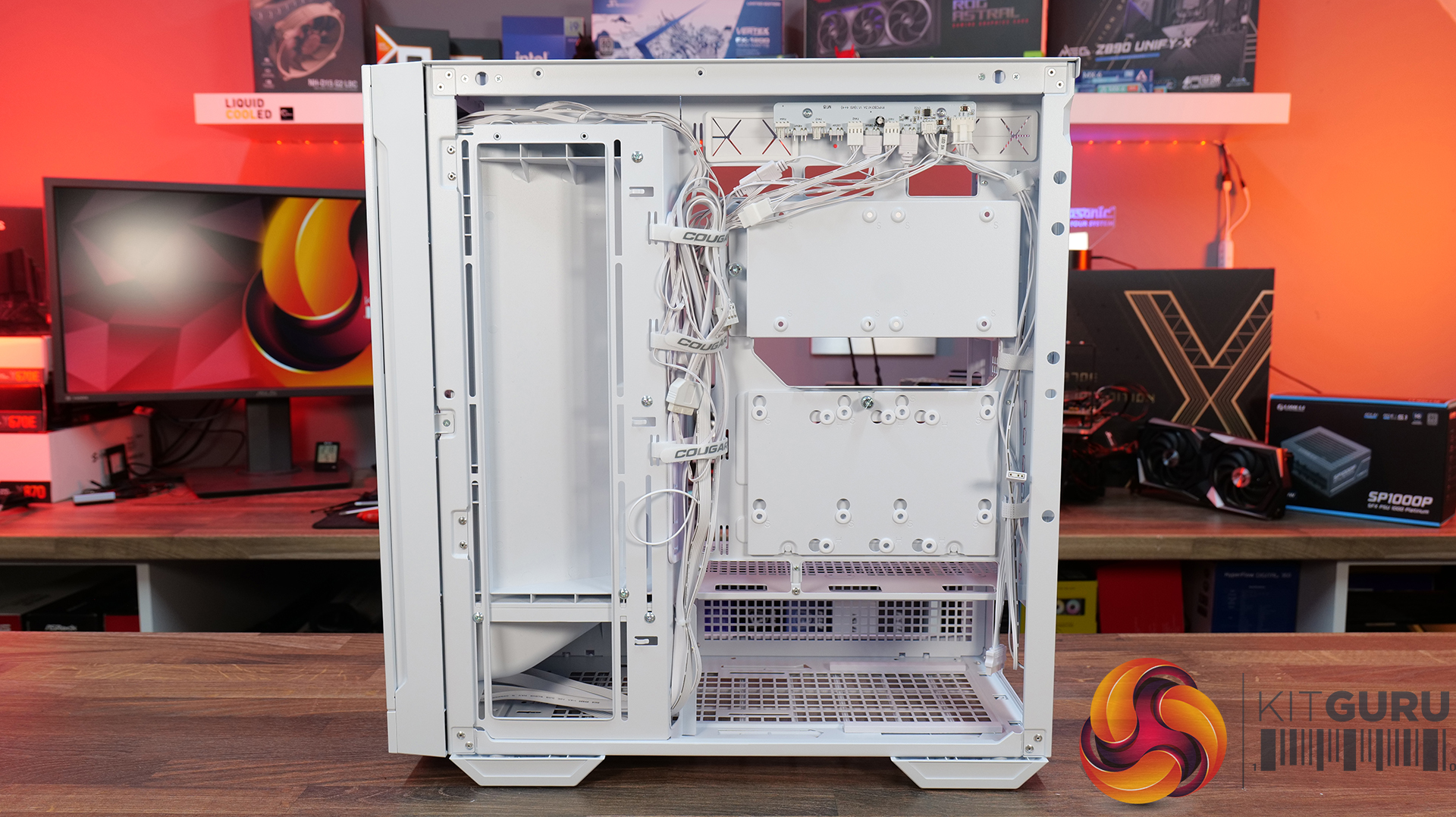
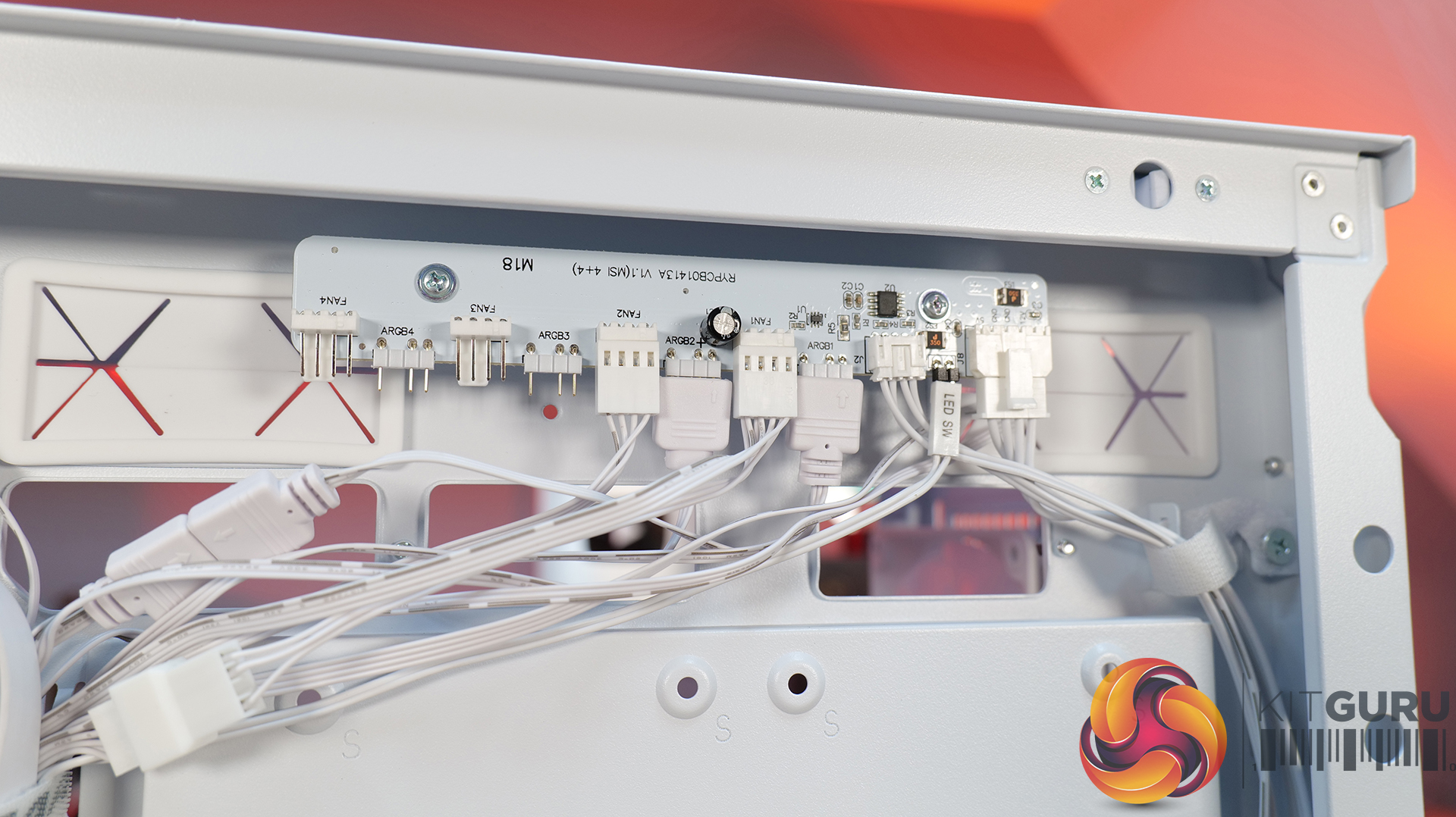
Designed for gaming and enthusiast systems, according to Guru3D, this enclosure uses a dual-chamber construction that separates the PSU and storage devices from the primary motherboard compartment. This layout creates a direct airflow path toward the graphics card and CPU cooler while reducing cable congestion. Fresh air is supplied by the two pre-installed 160mm front intake fans through the mesh panel.

Hardware supported includes ATX, mATX, and Mini-ITX motherboards, graphics cards up to 410mm in length, CPU air coolers up to 160mm tall, and PSUs up to 210mm long. DeepCool provides 45mm of cable-routing clearance behind the motherboard tray and includes native support for rear-connector motherboard designs. Cooling flexibility extends to various fan configurations, allowing up to three 120mm or two 140mm fans on top, three 120mm side fans, two 120mm rear fans, and three 120mm bottom fans. Liquid cooling setups can house radiators up to 360mm on the top, side, or bottom, with the top section also supporting 280mm options.
The front I/O panel integrates one USB-C 3.2 Gen 2 port, two USB-A 3.0 ports, and a combined audio jack. Deepcool will launch the CG590 Mesh 2F in Japan on July 24th, with an estimated retail price of $89. 

KitGuru Says: DeepCool's CG590 MESH 2F may offer a competitive feature set for its price bracket, particularly with its support for massive 160mm intake fans and rear-connector motherboards.

The post DeepCool introduces CG590 Mesh 2F case with dual 160mm ARGB fans first appeared on KitGuru.

Lian Li launches new UNI FAN FLEX and LCD FLEX PC fan lineup

13 July 2026 at 07:30

Lian Li has introduced the UNI FAN FLEX series, built around its updated FLEX Receiver platform for wireless and wired control, with a plethora of new TL FLEX and SL INF FLEX models to choose from.

The series is split into the TL FLEX and SL INF FLEX product lines. The SL INF FLEX models differ mainly through their RGB blade design, infinity mirror and dual‑sided frame layout. Lian Li also offers LCD variants,  the UNI FAN TL LCD FLEX and SL‑INF LCD FLEX, each equipped with a 1.8‑inch 400×400 display running at 60Hz with 500‑nit brightness and 512MB of onboard storage for animations and system readouts.

Connecting the optional USB cable enables full media uploads, including GIF and MP4 files, and provides direct control over lighting and fan speed without relying on wireless communication. The FLEX Receiver is powered via your motherboard's 12V PWM header and supports both L‑Wireless control and standard motherboard synchronisation via a 5V 3‑pin ARGB connection.

Performance varies across the lineup. The standard TL FLEX models use LCP blades and fluid‑dynamic bearings, reaching up to 2600RPM with 90CFM of airflow and 3.97mmH2O of static pressure. The SL INF FLEX fans top out at 2300RPM, delivering 67CFM and 3.4mmH2O. LCD variants run slightly slower due to the integrated display, with TL LCD FLEX models capped at 1900RPM and SL INF LCD FLEX models at 2000RPM. Reverse‑airflow versions are also available, so there is an option for just about every preference.

Both the TL FLEX and SL INF FLEX lines are now available, starting at £27 for a single TL FLEX fan, going all the way up to £126 for a 3‑pack of SL INF LCD FLEX models.

KItGuru Says: Which of these fans would you choose for a new PC build? 

The post Lian Li launches new UNI FAN FLEX and LCD FLEX PC fan lineup first appeared on KitGuru.

Endorfy Fishtank 6000 Corona Case Review

6 July 2026 at 11:44

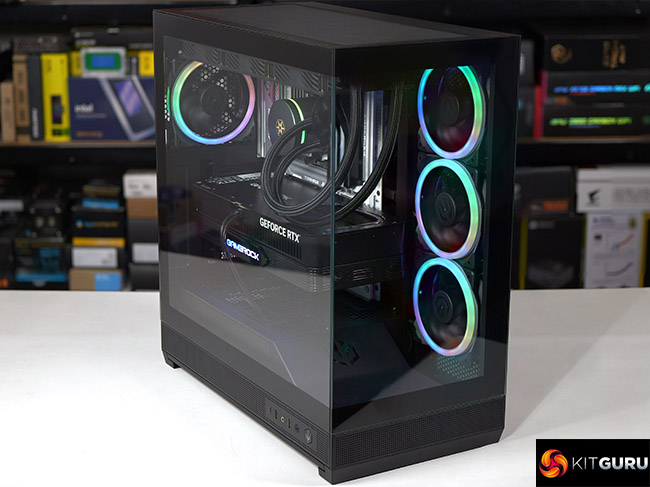
Endorfy showed us their prototype Fishtank 6000 case at Computex 2025 and asked whether we had any suggestions for a name for their new case. We had a good look, studied the glass at the front and side, admired the ARGB lighting and suggested they stuck with the development name of ‘Fishtank’. That’s the story, love it or hate it, KitGuru is responsible for the name…

Timestamps
00:00 Intro
00:51 Pricing and key info
01:21 Pulling off the panels…
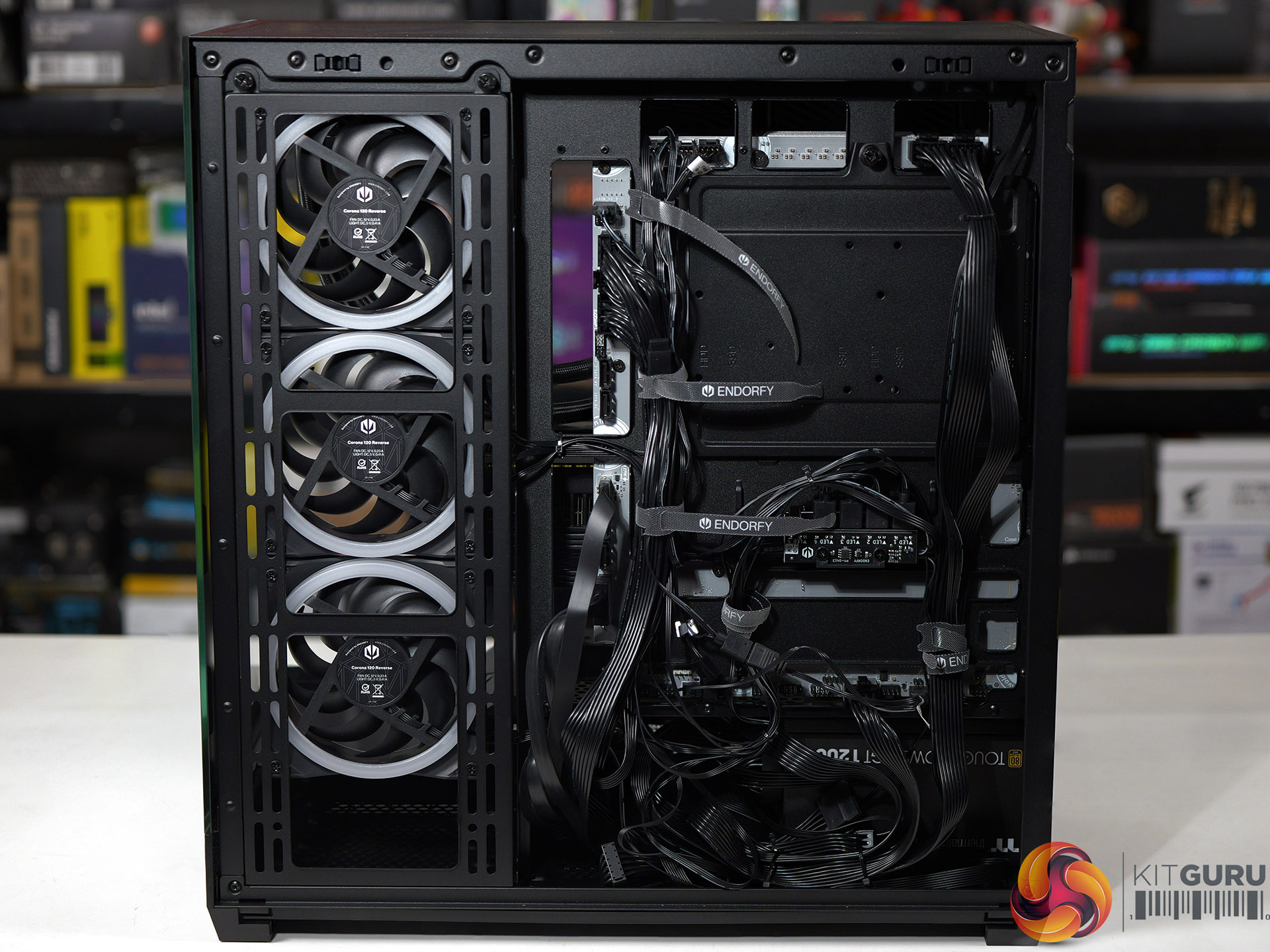
02:26 Mobo tray area
03:29 Test system hardware
04:04 PSU installation and an issue…
04:52 Time for the AIO + GPU
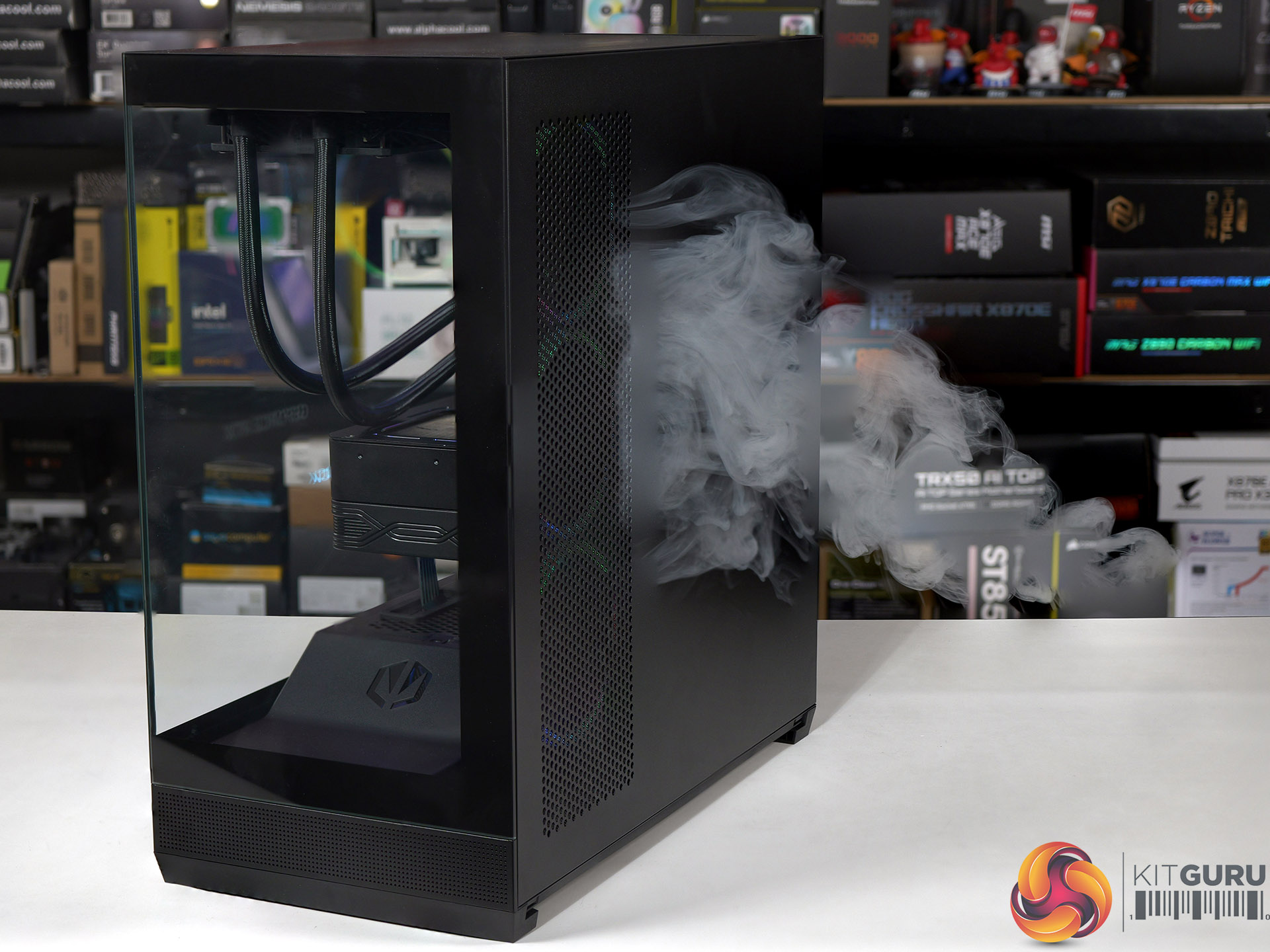
05:52 Smoke tests
06:35 Testing: thermals and noise
08:21 Leo’s closing thoughts
10:02 Pros and cons

Main features

  • Tower form factor with dual glass panel design
  • Tempered glass
  • Up to 4 PWM ARGB fans included
  • Good air and water cooling compatibility
  • Built-in PWM splitter and ARGB controller
  • USB Type-C connector
  • Support for vertical GPU mounts
  • Removable side AIO/fan mounting bracket

Specification:

  • Motherboard support: E-ATX (up to 280mm), ATX, Micro-ATX, Mini-ITX.
  • Power supply support: ATX.
  • Expansion slots: 7.
  • Included fans: 3x 120mm Endorfy Corona Reverse side intake, 1x 120mm Endorfy Corona rear exhaust.
  • Fan mounts: 3x 120mm/140mm side, 3x 120mm/140mm roof, 2x 120mm PSU shroud, 1x 120mm/140mm rear.
  • Radiator mounts: 280mm/360mm side, 360mm roof, 120mm rear.
  • 5.25-inch optical drive bays: None.
  • Internal drive bays: 1x 3.5-inch/2.5-inch, 1x 2.5-inch, 1x 3.5-inch.
  • Front I/O ports: 2x USB 3.0 type-A, 1x USB 3.1 type-C, audio.
  • Dimensions: 487mm H x 473mm D x 240mm W.

Testing

To put this case through its cooling paces we will be using a test system consisting of an AMD Ryzen 7 9850X3D, Palit RTX 5080 and an SSD. This system allows us to produce a substantial amount of heat and effectively test the Endorfy Fishtank 6000 Corona‘s cooling capabilities.

Test System:

  • Processor: AMD Ryzen 7 9850X3D
  • CPU Cooler: SilverStone IceMyst 360
  • Motherboard: MSI MAG X870E Tomahawk Max WiFi PZ
  • Memory: 32GB G.Skill Trident Z5 Neo RGB DDR5-6000
  • Graphics card: Palit GeForce RTX 5080 GameRock 16GB
  • Power supply: Thermaltake ToughPower GT 1200W Gold
  • SSD: Crucial T700 Pro M.2 NVMe
  • OS: Windows 11

Cooling Performance

Cooling Performance Overview

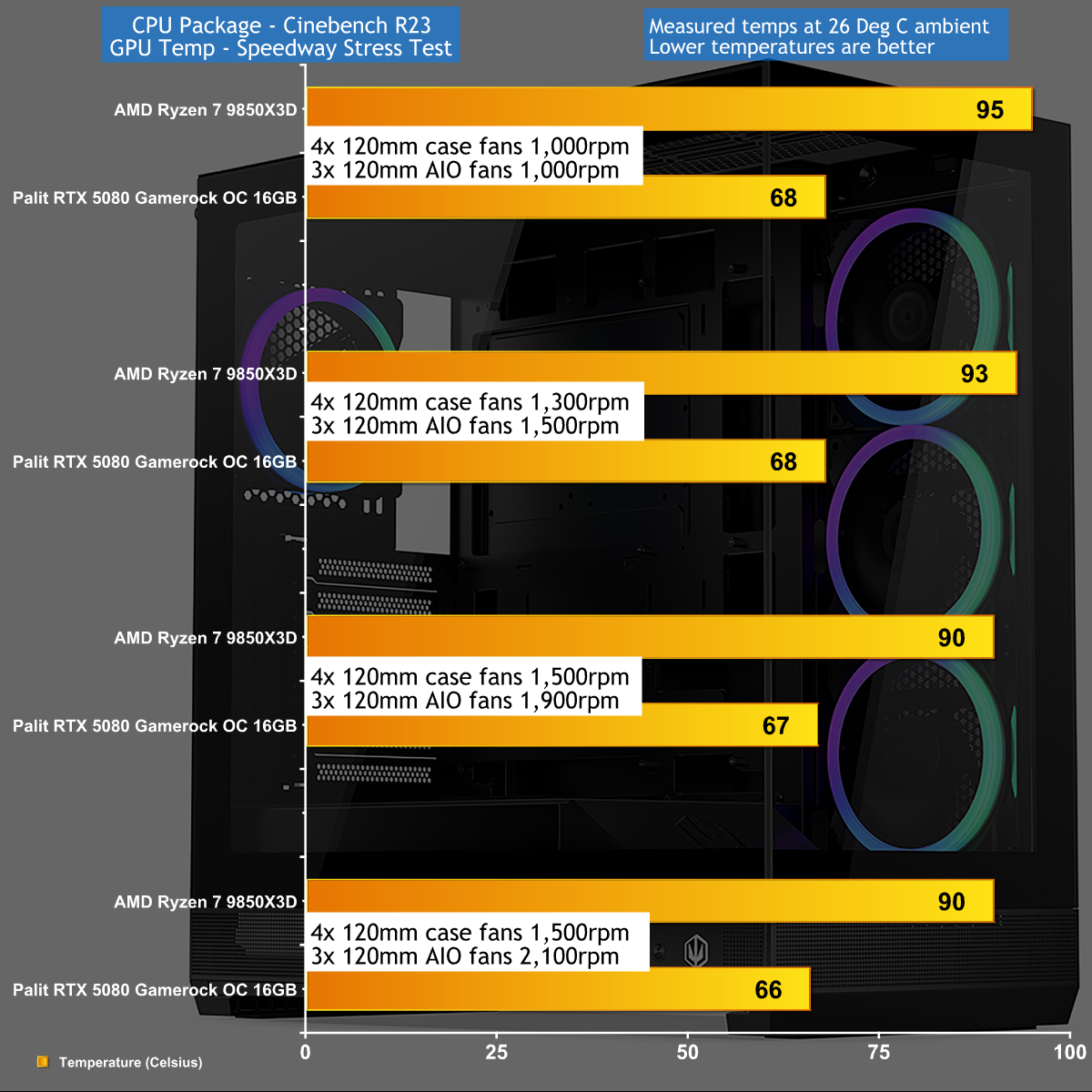
We tested in high ambient temperatures which stressed the Endorfy Fishtank 6000 Corona rather harshly. Even so we were disappointed how high we had to crank the fans to keep our Ryzen 7 CPU cool as we were dealing with a PC that was both hot and noisy. As we show in our video the airflow doesn't work very well and we are confident Endorfy could have achieved better results if they had tweaked the design.

Closing Thoughts

The main components of the Endorfy Fishtank 6000 Corona are absolutely fine. You can easily build a full-sized gaming PC in this case without any need for fiddling around or fighting cables around nasty corners.

It is also worth noting that Endorfy includes four 120mm Corona case fans that look very pleasant and which minimise your need to buy extra hardware.

The downside of the Fishtank 6000 is that the market is awash with similar PC cases with glass on two sides and ARGB fans in the side position. This means you need a very good reason to choose this particular case over the competition, and Endorfy hasn't delivered on that crucial point.

You can buy the Endorfy Fishtank 6000 Corona for £140 HERE.

Pros:

  • Plenty of room inside the case to build your PC.
  • Included ARGB fans give a decent light show.
  • Tidy styling and a smart appearance.

Cons:

  • Air flow and cooling seem to be hurt by the power supply housing.
  • Top fan rack is not removable.
  • We were unable to connect the front panel audio to our MSI Project Zero motherboard.
  • UK price is rather high.

KitGuru says: The Endorfy Fishtank 6000 Corona does a reasonable job but is nothing special.

The post Endorfy Fishtank 6000 Corona Case Review first appeared on KitGuru.

Noctua Confirms NL-LC1 Chromax.Black AIO Series; Should Arrive By The End Of This Year

4 July 2026 at 12:55

Three black cooling fans with a radiator are displayed next to a black CPU pump, labeled 'NL-LC1 Chromax.Black'.

The company confirmed it in an unusual way, but it seems legit, and as per the announcement, the coolers should arrive soon. Noctua Announces NL-LC1 Chromax.Black AIO Series Despite Exclusion From the Roadmap; The New Variant is Expected to Arrive This Year The Noctua's latest and first-ever AIO cooler series was dropped two weeks ago. The NL-LC1 is what Noctua aims for, superior cooling, which is available in various form factors. Whether you want to cool a mid-range or a high-end CPU, it offers the AIO in various sizes, including 240mm, 360mm, and 420mm for enthusiast-grade PCs. Built using the […]

Read full article at https://wccftech.com/noctua-confirms-nl-lc1-chromax-black-aio-series/

Computex 2026: Arctic shows new Freezer 61 coolers, Bionix P12/14 fans and Xtender Mini case

4 June 2026 at 14:00

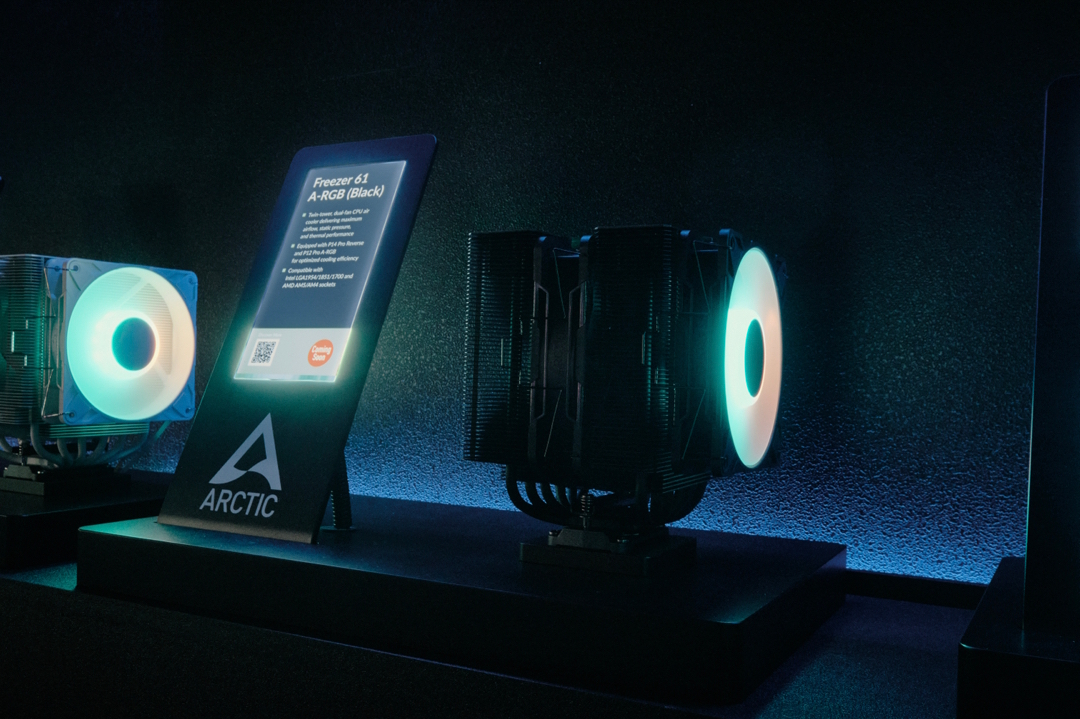
At Computex 2026, Arctic has revealed its upcoming hardware lineup, including the Freezer 61 CPU cooler series, a ten-channel fan controller, BioniX A-RGB fans, and the Xtender Mini PC case.

Available in black and white, the Freezer 61 CPU cooler features six heat pipes with a copper base. Arctic plans to offer the cooler in pull-pull or push-pull fan configurations, with A-RGB lighting options. These models include contact-frame support for both Intel and AMD platforms and are expected to launch in Q3 2026.

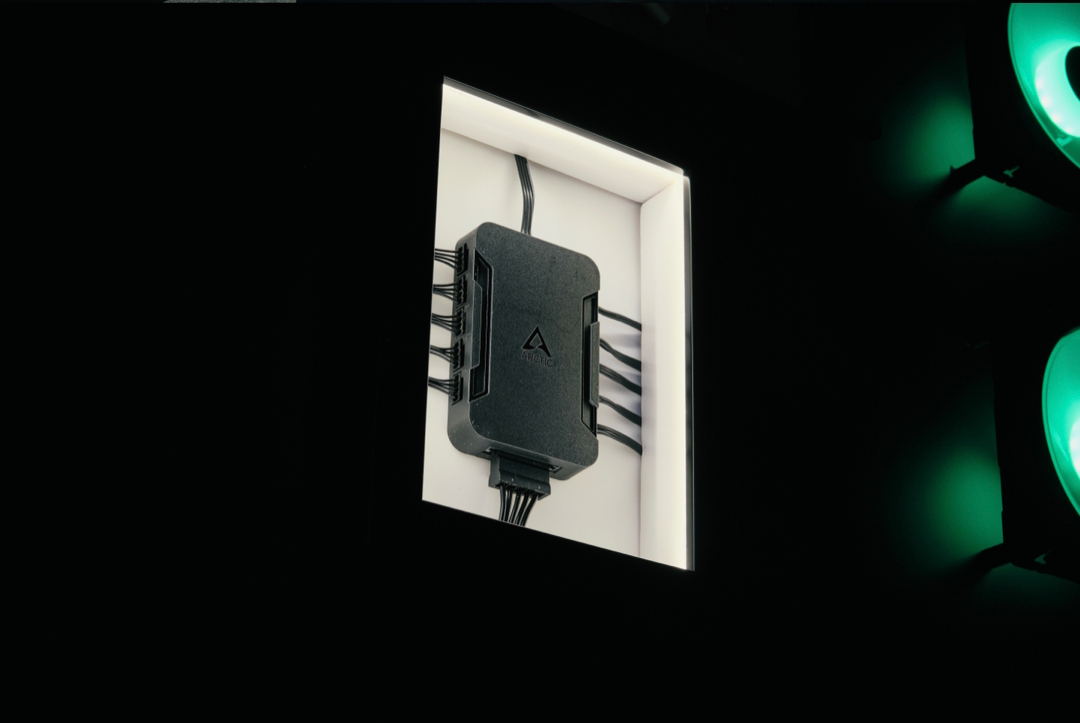
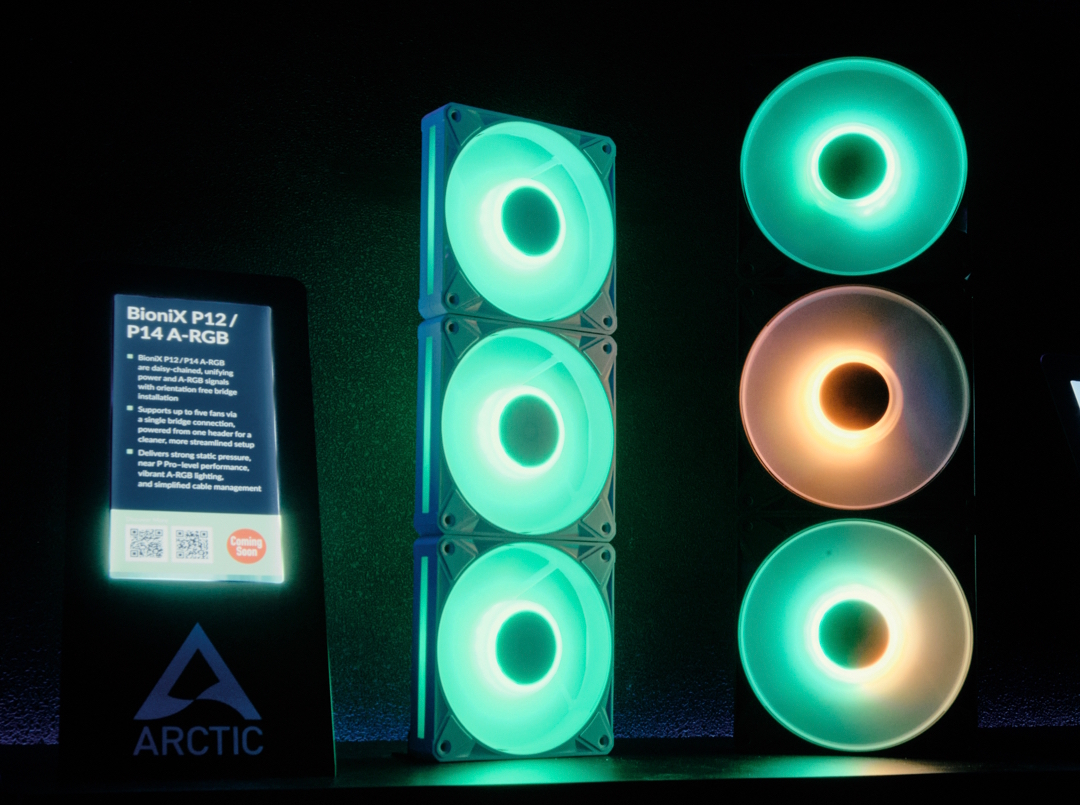
Also launching in Q3 2026 is a new fan controller capable of independent control and monitoring for 10 fans simultaneously. Still in the cooling segment, the new BioniX P12/P14 A-RGB Series fans minimise cable clutter via daisy-chain support. These fans pack 16 integrated A-RGB LEDs and claim to deliver P12 Pro-like performance.

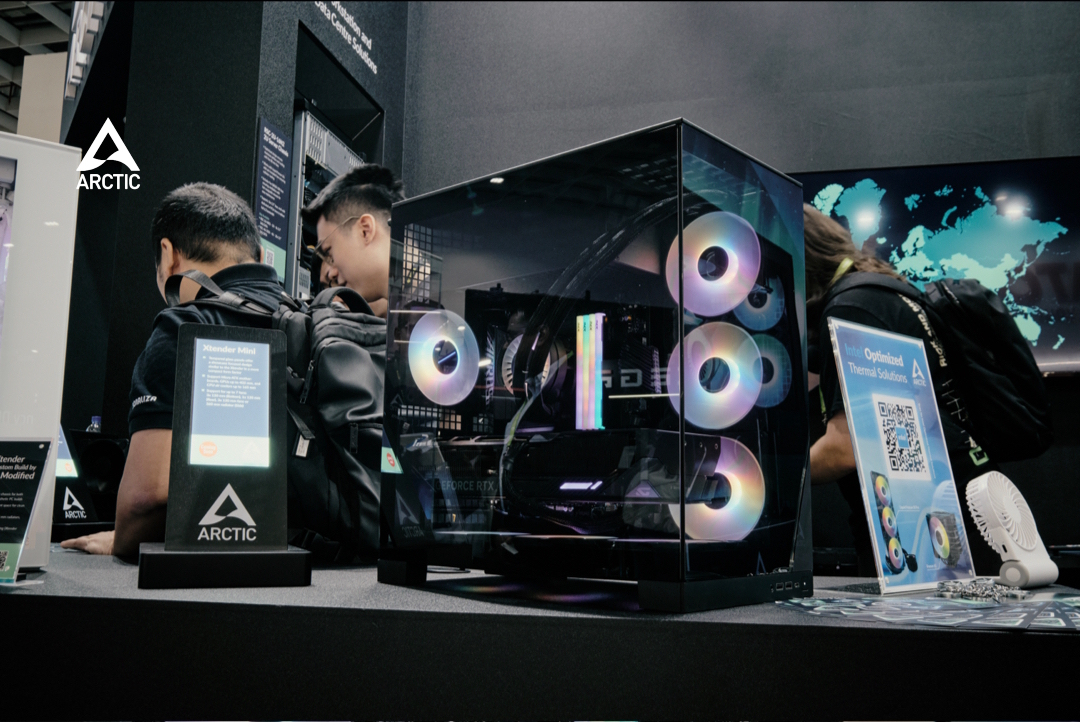
Arctic's also entering the compact case market with the Xtender Mini, a Micro-ATX model featuring two-sided tempered glass that's slated for a Q4 2026 release. It accommodates up to seven fans and ships with four pre-installed, including three 120mm reverse fans at the bottom and a single 120mm fan at the rear. It will even be available in bundles featuring the Liquid Freezer III Pro.

KitGuru says: We look forward to seeing how Arctic's new cooling gear and compact case perform when they launch later this year.

The post Computex 2026: Arctic shows new Freezer 61 coolers, Bionix P12/14 fans and Xtender Mini case first appeared on KitGuru.

GIGABYTE Launches ‘AORUS ELITE’ Liquid Coolers, Plus A Case That Can Double As Your Monitor

3 June 2026 at 11:05

A presenter introduces the 'AORUS ELITE AIO 360' liquid cooler on stage with an image of the product displayed on a large screen in the background.

Continuing on a string of product launches, GIGABYTE released its AORUS ELITE line of liquid coolers at Computex 2026, as well as the AORUS C510 Glass Infinity case. AORUS ELITE Liquid Coolers The AORUS ELITE lineup of liquid coolers comes with LCD 'Edge View' displays on the pump housing, that can display up to 4 of 11 real-time system stats (controllable through GIGABYTE's control center). Ringing the perimeter of the fan shroud are up to 87 LEDs (on the 360mm model; the 240mm model gets 58) that provide beautifully diffused and highly granular lighting. Speaking of the fans, GIGABYTE is […]

Read full article at https://wccftech.com/gigabyte-launches-aorus-elite-liquid-coolers-plus-a-case-that-can-double-as-your-monitor/

Fractal launches new Dynamic 3 fans with Gen 2 ARGB lighting

22 May 2026 at 16:30

Fractal has introduced the Dynamic 3 series fans, a new line of PWM cooling fans for mainstream and gaming desktop systems. Available in both 120mm and 140mm sizes, the series includes standard airflow, reverse airflow, ARGB, and non-RGB options.

The Dynamic 3 fans feature rifle bearings and swept blades designed for stable rotation and acoustic control. The range offers a wide selection of options, with black and white colourways across specific models, along with moulded centre caps and integrated daisy-chainable cabling to simplify cable tracking during multiple fan installations. The RGB-equipped variants support ARGB Gen 2 connectivity for customised lighting configurations.

The inclusion of reverse-airflow variants allows system builders to configure intake and exhaust positions while maintaining a uniform visual orientation, specifically targeting showcase layouts and dual-chamber desktop cases.

The Dynamic 3 fan series is priced according to the following configurations:

  • Dynamic 3 12 Black: $11.99
  • Dynamic 3 12 Reverse Black / White: $11.99
  • Dynamic 3 14 Black: $13.99
  • Dynamic 3 12 RGB Black / White: $14.99
  • Dynamic 3 12 Reverse RGB Black / White: $14.99
  • Dynamic 3 14 RGB Black / White: $16.99
  • Dynamic 3 12 RGB 3-Pack Black: $39.99
  • Dynamic 3 14 RGB 3-Pack Black: $44.99

KitGuru says: On the market for a set of PC fans? Interested in the new Dynamic 3 from Fractal?

The post Fractal launches new Dynamic 3 fans with Gen 2 ARGB lighting first appeared on KitGuru.

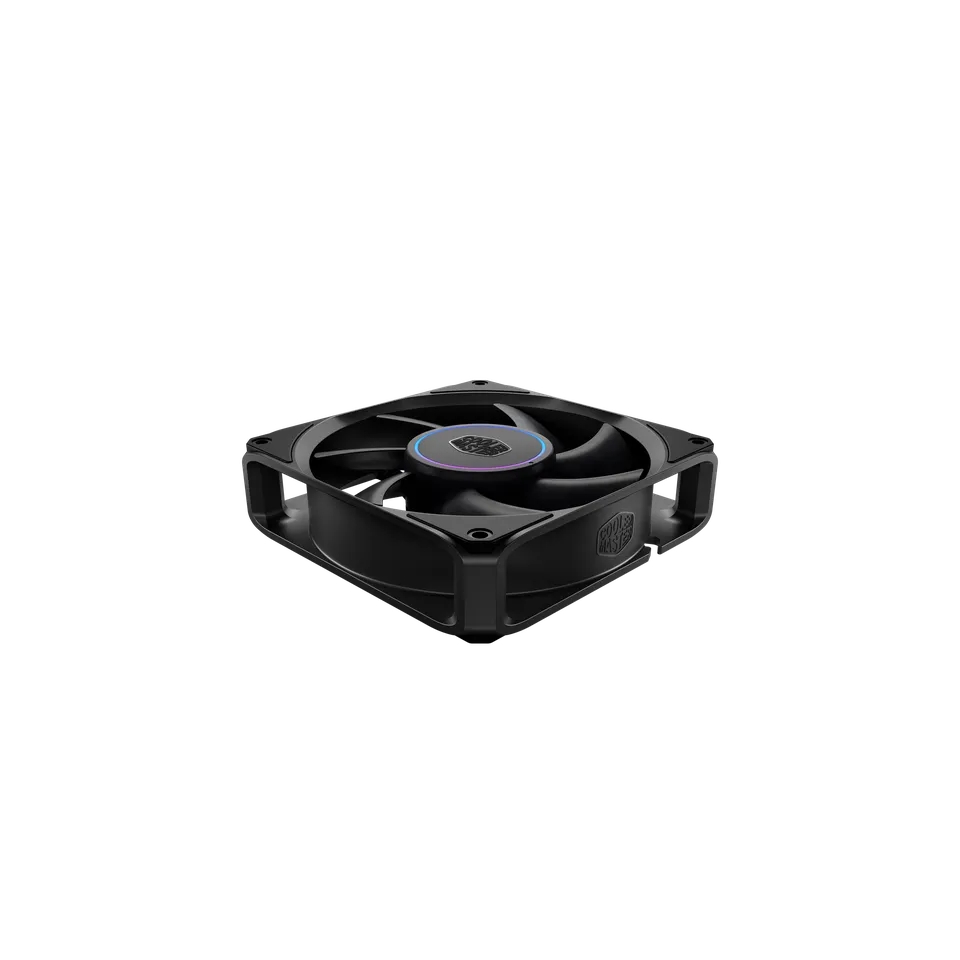
Cooler Master launches aluminium-framed MasterFan A and M

20 May 2026 at 17:00

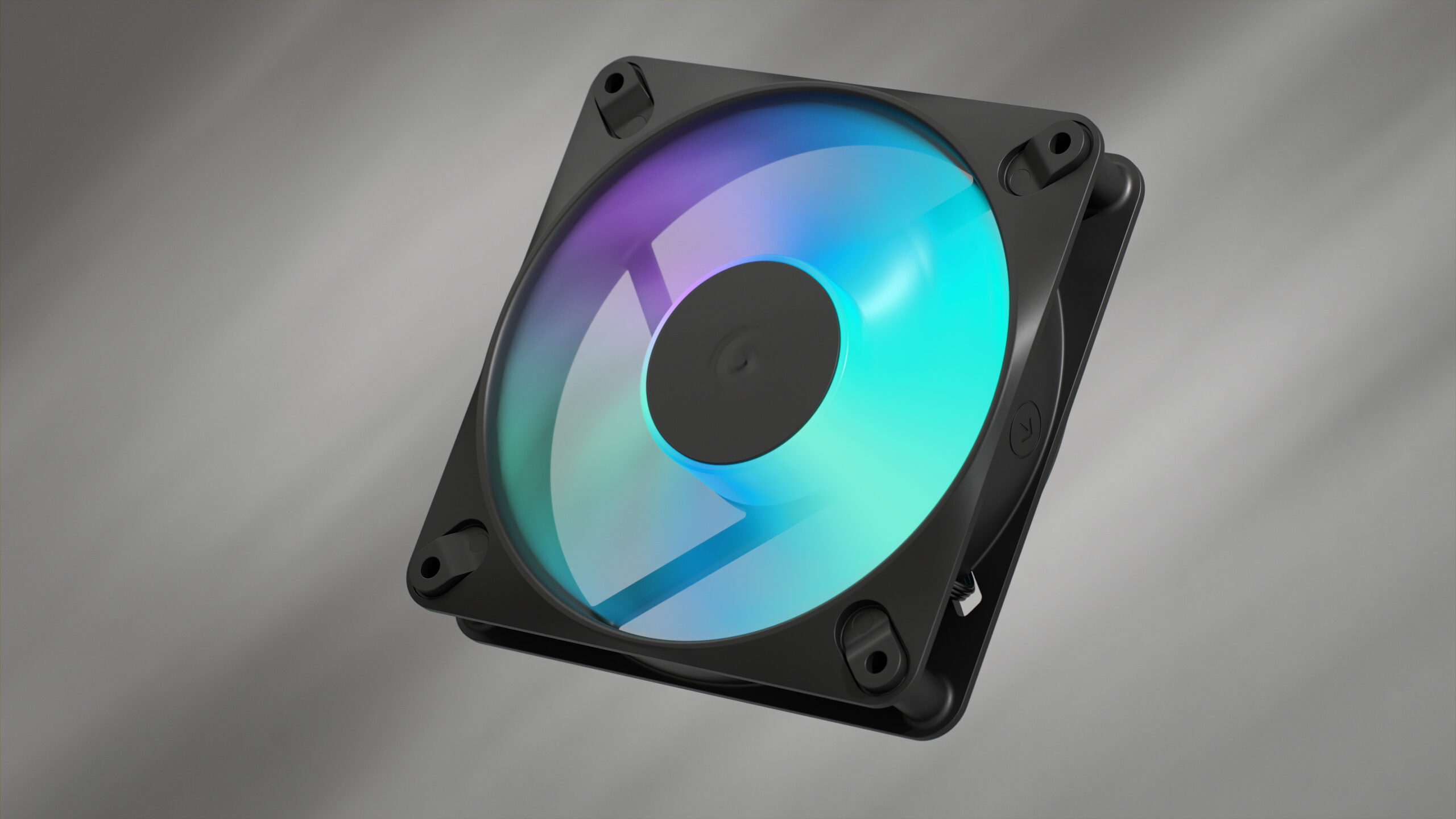
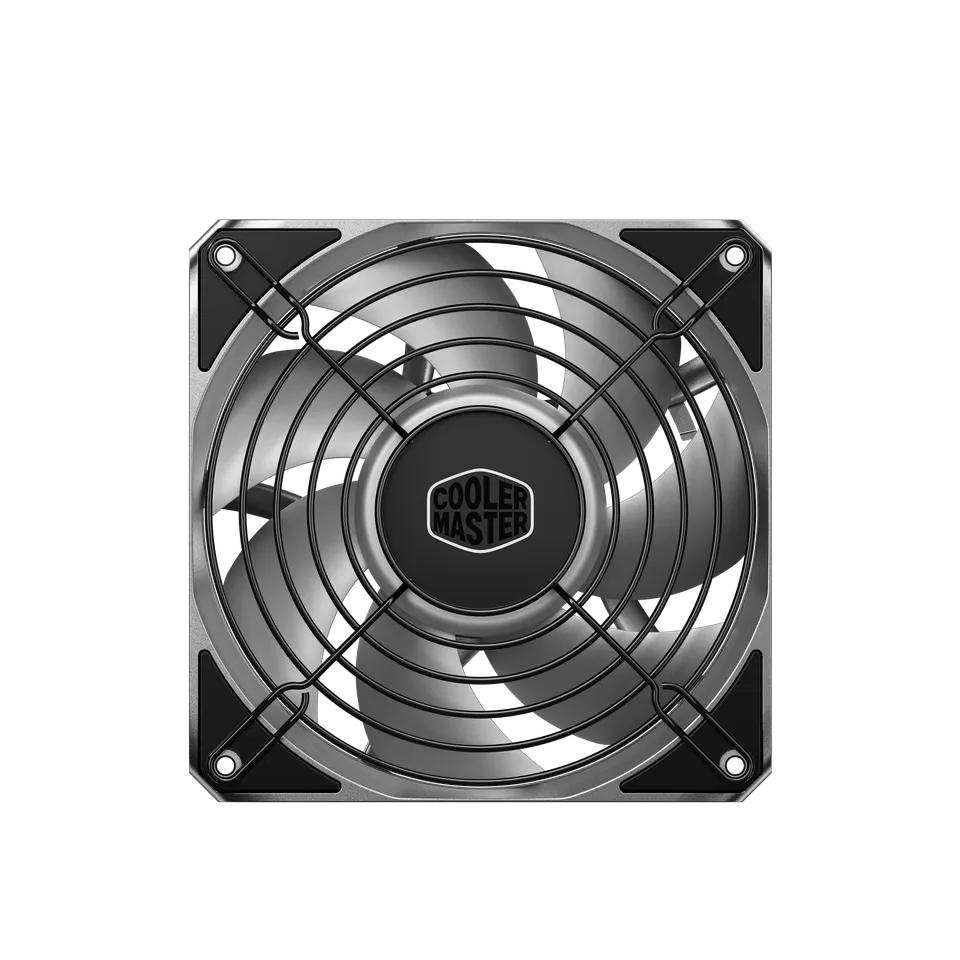
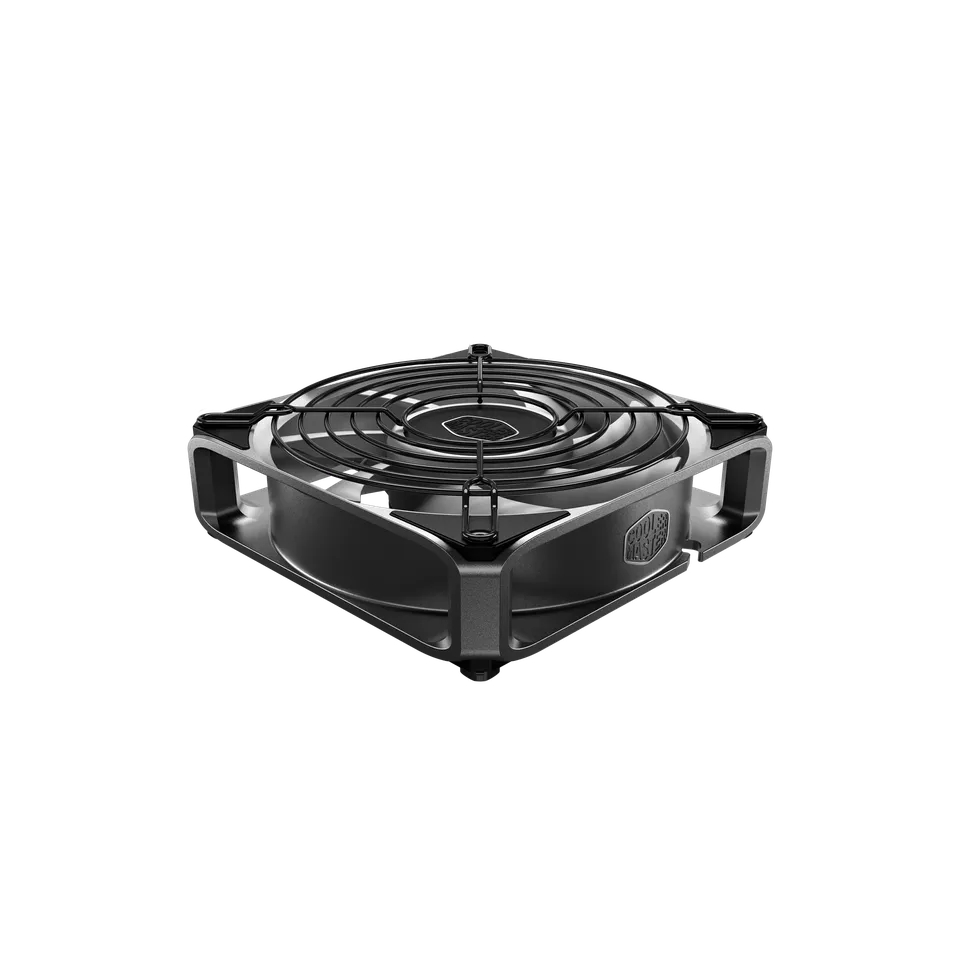
Cooler Master has announced the full specifications and pricing for its new MasterFan A and M Series cooling fans for the European market. Featuring engineering transferred from its enterprise AI computing division, these fans use a three-phase industrial-standard motor and an enterprise-grade Magnetic Dynamic Bearing (MDB) with active lubricant recycling.

The product lineup is divided into two distinct variants based on blade composition. The MasterFan A Series uses aluminium blades paired with a full-aluminium frame, which the company says is a first for the consumer category. As for the MasterFan M Series, it uses Liquid Crystal Polymer (LCP) blades within its full aluminium frame. Both variants feature a 30mm thickness, 4-point rack-mount-derived corner pads for vibration isolation, and center-hub ARGB lighting.

Performance specifications indicate a maximum speed of 4,000RPM, delivering up to 121.73CFM of airflow and 13.15mmH₂O of static pressure. A separate silent variant is also detailed, operating at a maximum speed of 2,500RPM to deliver up to 76.9 CFM of airflow.

The fans will be available in both 120mm and 140mm sizes through authorised retailers and distribution partners. The MasterFan M120/140 ARGB will be available for €17, the MasterFan A120 for €24, and the MasterFan A120 FC for €32.

Discuss on our Facebook page, HERE.

KitGuru says: It will be interesting to see how well these perform in real-world scenarios. 

The post Cooler Master launches aluminium-framed MasterFan A and M first appeared on KitGuru.

ARCTIC Brings Quiet and Powerful Cooling With New P12 Pro LN Fans

By: Bahleem
7 May 2026 at 16:52

ARCTIC has expanded its popular P12 Pro fan lineup with the launch of the new P12 Pro LN series. The latest cooling fans are designed for users who want strong airflow while keeping noise levels low during daily use and gaming.

The new P12 Pro LN fans come with an adjustable speed range from 450 RPM to 2000 RPM. This allows users to run the fans quietly during light workloads while still getting powerful cooling when needed. ARCTIC also added a 0 dB mode that automatically stops the fan when the PWM value goes below 5%, helping systems stay completely silent during low temperatures.

P12 Pro LN series
Arctic P12 Pro LN lineup 1

ARCTIC says the fans are available in three different versions, giving PC builders more options depending on their setup and cooling needs.

The company has also redesigned the fan frame to improve performance. According to ARCTIC, the updated design reduces manufacturing tolerances, which helps improve static pressure and airflow efficiency. This makes the P12 Pro LN series a good option for radiators, mesh panels, and fan grills where airflow resistance is usually higher.

The launch also comes during an important year for the company. ARCTIC is celebrating its 25th anniversary in 2026. To mark the occasion, the company plans to introduce special promotions, exclusive offers, and community activities throughout the anniversary period.

Arctic P12 Pro LN lineup pricing

Arctic P12 Pro LN lineup 3

With the new Arctic P12 Pro LN lineup, ARCTIC appears focused on delivering a balance of quiet operation, strong cooling, and better efficiency for modern gaming and workstation PCs.

Noctua explains why its chromax.black fans take so long to release

4 May 2026 at 16:00

Noctua has published a technical blog detailing why chromax.black versions of its fans often launch months or years after the standard brown and beige models. The company attributes these delays to the complex engineering required when introducing new pigments into the injection moulding process, which can alter material properties and disrupt the tolerances of its designs.

According to Noctua, its fans are designed with extremely tight tip clearances between the impeller and the frame, measuring approximately 0.5mm for 120mm fans and 0.7mm for 140mm fans. The company states that introducing third-party pigments can disrupt the structure of its Sterrox liquid-crystal polymer (LCP). Noctua claims that pigment particles possess unique characteristics that affect the behavior of the molten plastic during injection moulding, potentially leading to microscopic structural changes.

The manufacturer compares the process to the precision required in Formula 1 engineering rather than a simple aesthetic change. These material variations reportedly impact the results of Noctua's lab performance testing, necessitating extensive re-evaluation to ensure the black versions match the performance of the original designs.

Noctua confirmed it is currently preparing the chromax.black version of the NF-A12x25 G2, scheduled for release approximately 10 months after the launch of the original model. By comparison, the first-generation NF-A12x25 chromax.black took three years to reach the market, a delay the company attributed to a combination of engineering hurdles and pandemic-related logistical issues.

KitGuru says: Have you ever wondered why the Noctua chromax.black fans take so much longer to release? 

The post Noctua explains why its chromax.black fans take so long to release first appeared on KitGuru.
❌
❌