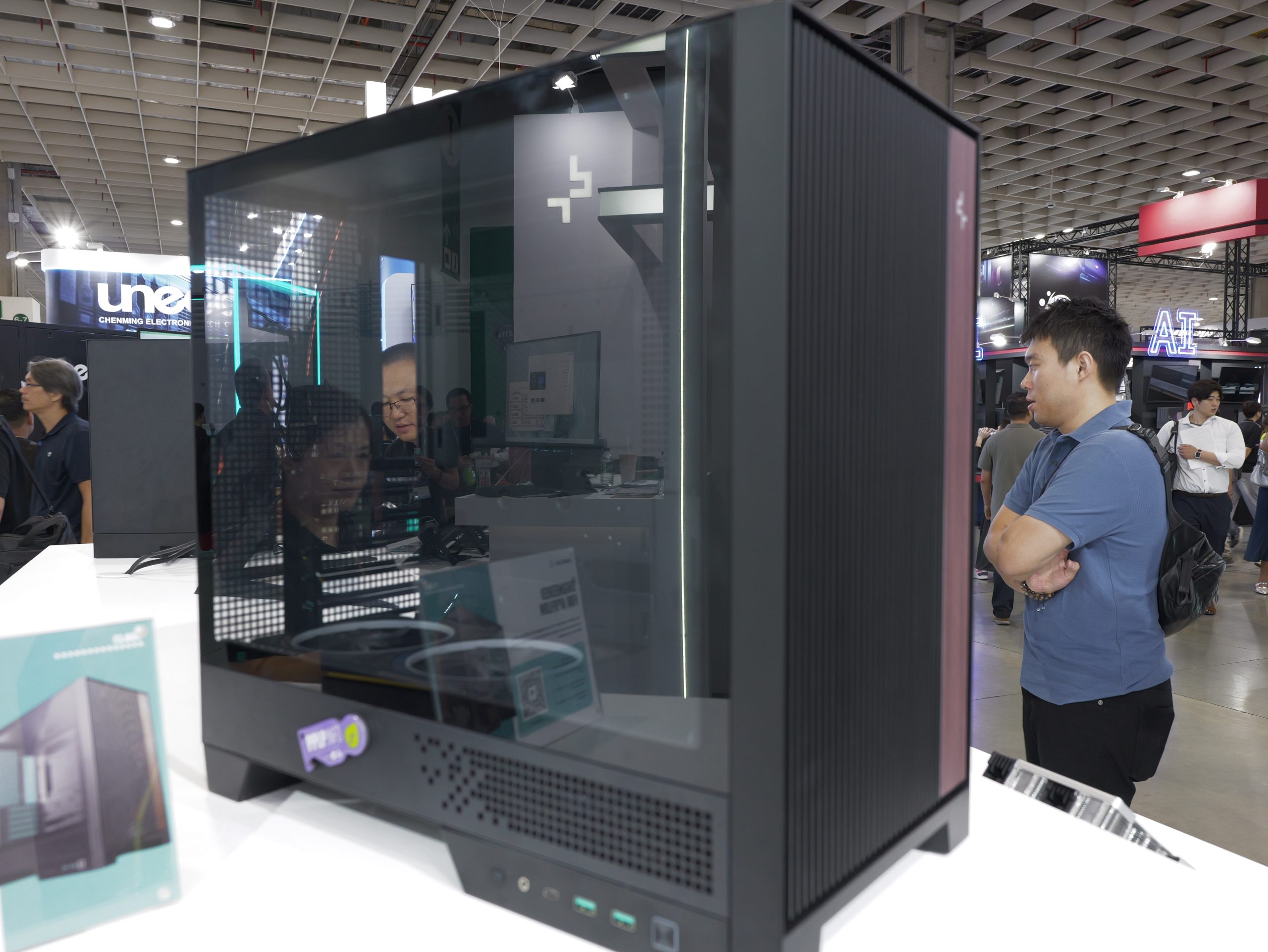
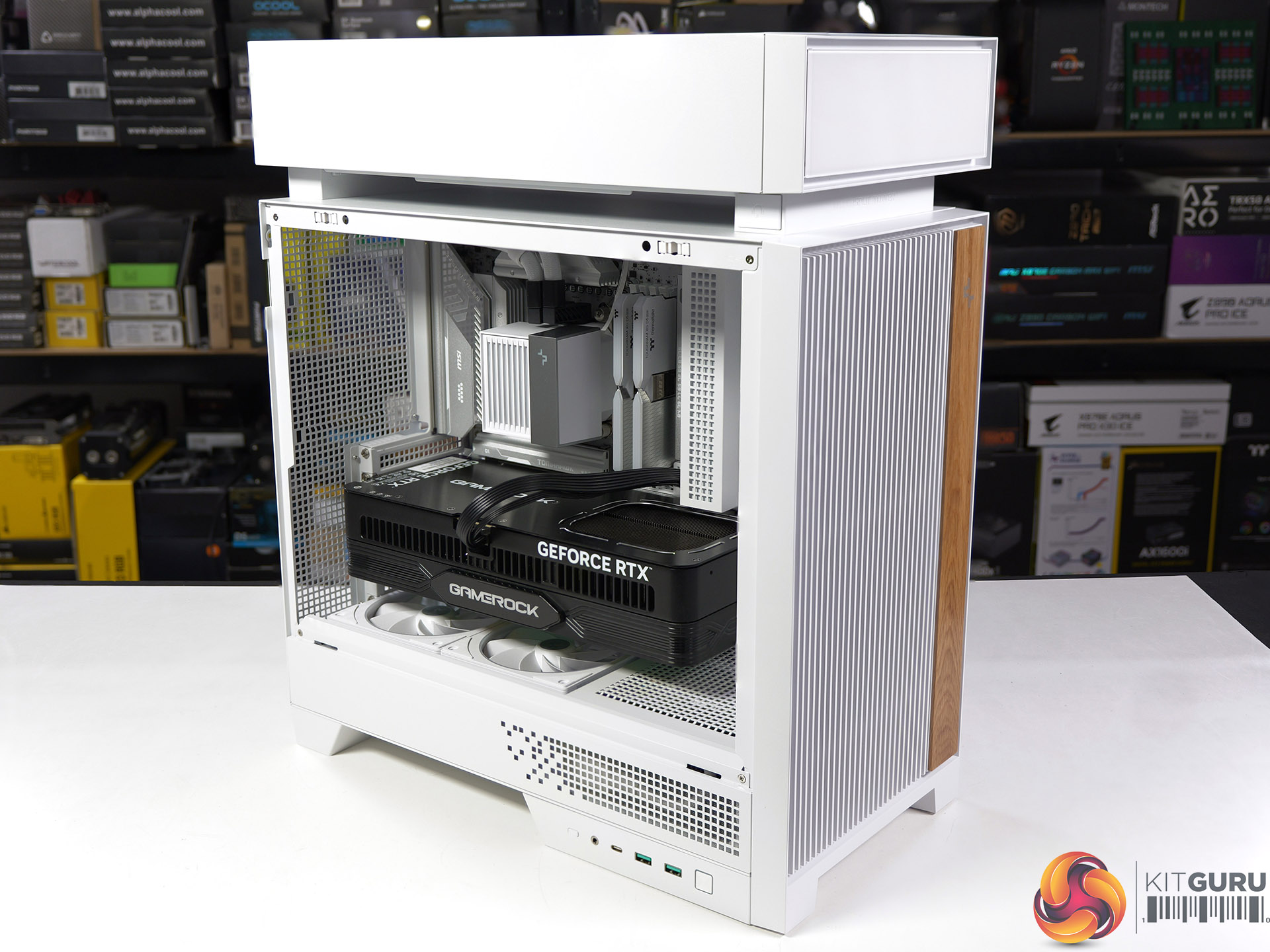
DeepCool has introduced the CG590 Mesh 2F, a new mid-tower chassis featuring a mesh front panel, a dual-chamber interior, and two pre-installed 160mm ARGB intake fans. The case is scheduled to launch in Japan soon, but a wider global release is expected.
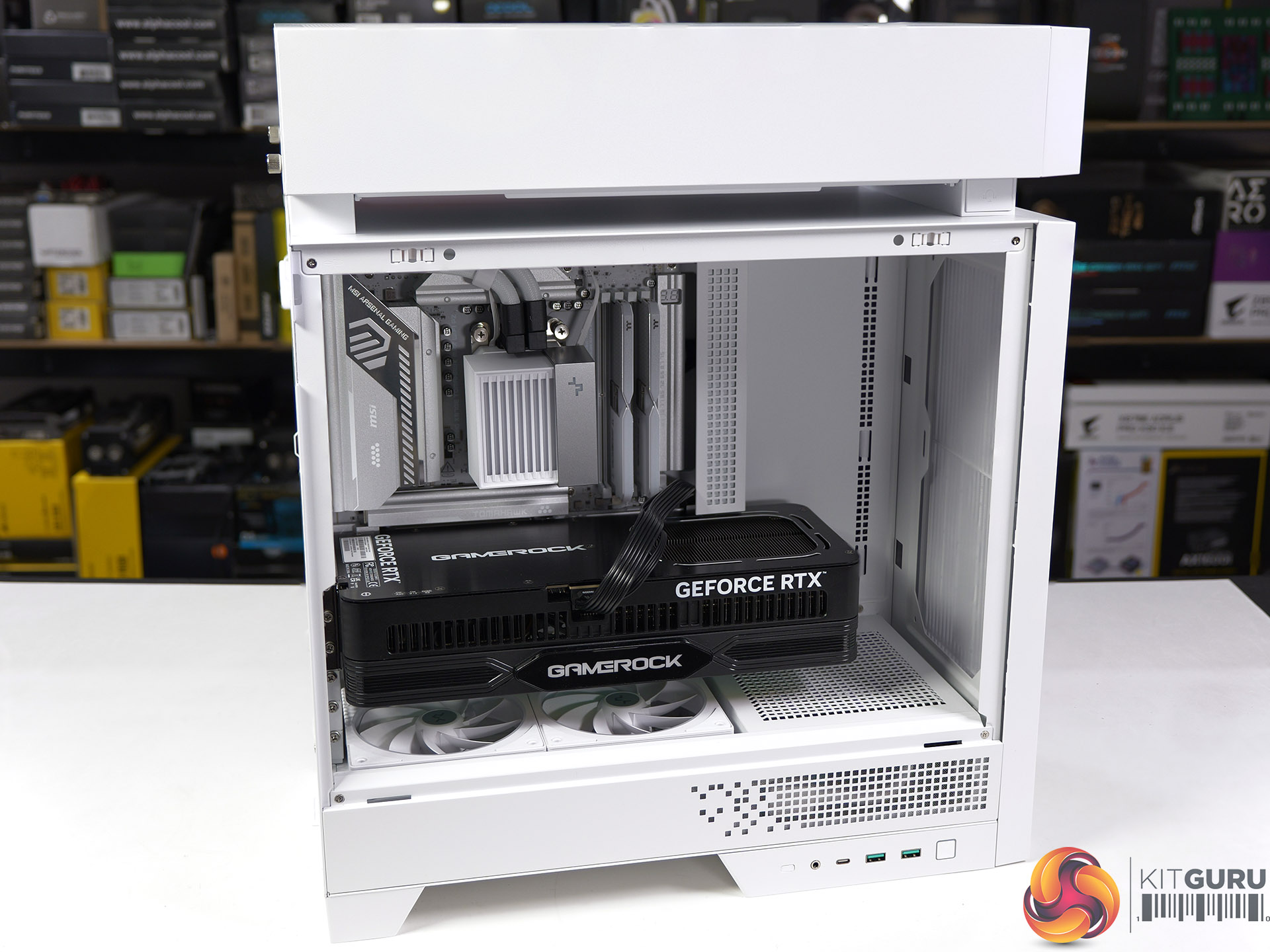
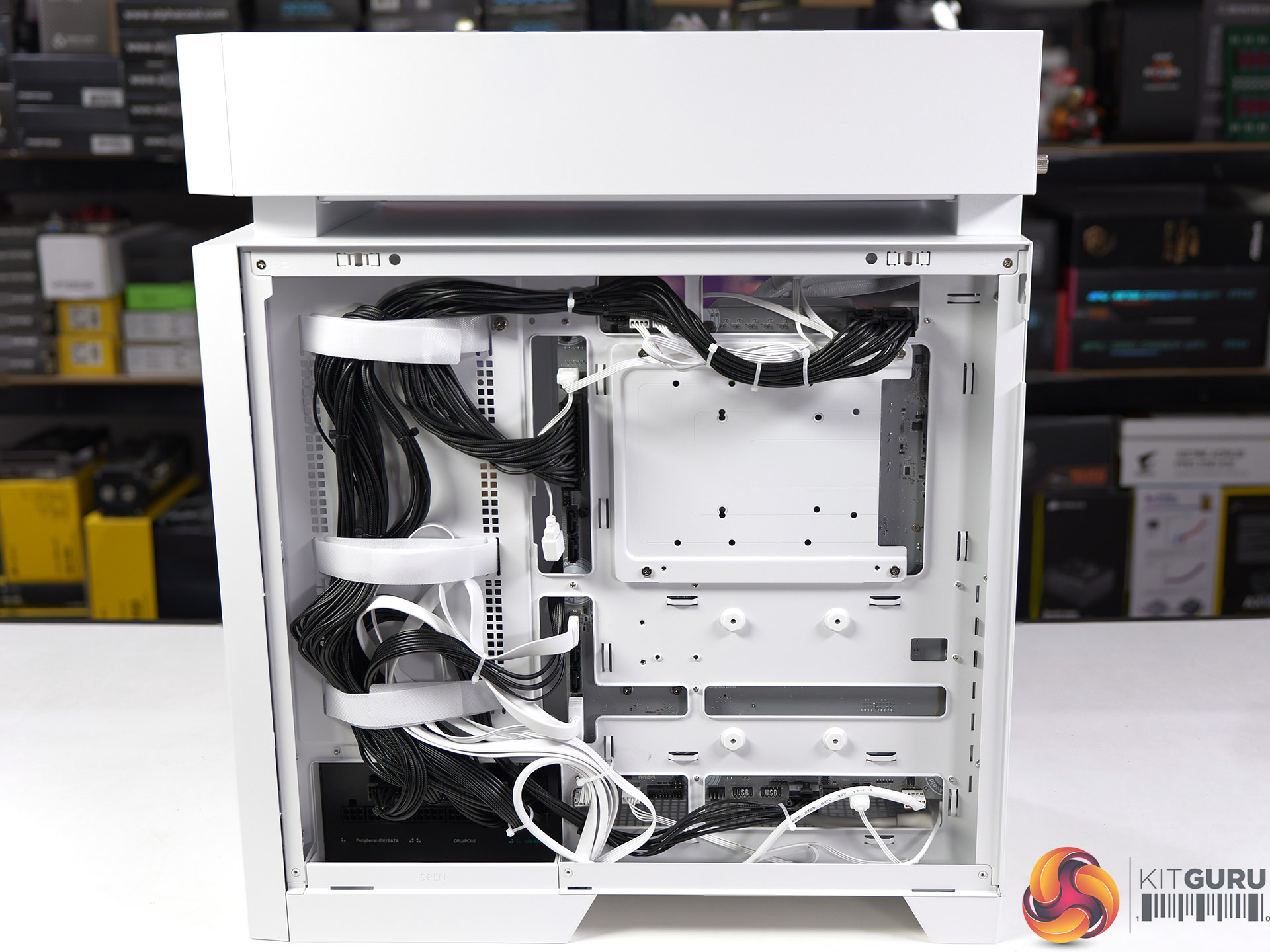
Designed for gaming and enthusiast systems, according to Guru3D, this enclosure uses a dual-chamber construction that separates the PSU and storage devices from the primary motherboard compartment. This layout creates a direct airflow path toward the graphics card and CPU cooler while reducing cable congestion. Fresh air is supplied by the two pre-installed 160mm front intake fans through the mesh panel.
Hardware supported includes ATX, mATX, and Mini-ITX motherboards, graphics cards up to 410mm in length, CPU air coolers up to 160mm tall, and PSUs up to 210mm long. DeepCool provides 45mm of cable-routing clearance behind the motherboard tray and includes native support for rear-connector motherboard designs. Cooling flexibility extends to various fan configurations, allowing up to three 120mm or two 140mm fans on top, three 120mm side fans, two 120mm rear fans, and three 120mm bottom fans. Liquid cooling setups can house radiators up to 360mm on the top, side, or bottom, with the top section also supporting 280mm options.
The front I/O panel integrates one USB-C 3.2 Gen 2 port, two USB-A 3.0 ports, and a combined audio jack. Deepcool will launch the CG590 Mesh 2F in Japan on July 24th, with an estimated retail price of $89.
KitGuru Says: DeepCool's CG590 MESH 2F may offer a competitive feature set for its price bracket, particularly with its support for massive 160mm intake fans and rear-connector motherboards.
Following on from our factory visit, Leo now takes an in-depth look at all of the new products they have brought to Computex, from a new AK700VC vapor chamber cooler and next-gen Assassin, to new workstation-grade hardware and more.
Watch via YouTube below:
Timestamps:
00:00 Assassin 5 Vision
01:04 AK700 VC and low profile cooler
02:23 Station X 620
02:37 CL600 Case
03:50 CH170 Plus
04:10 DeepCool Software
04:24 Silentnox Pro 360
05:03 CH690 LCD Case
05:22 LT360 Vision ARGB
06:02 More Fans
06:50 Prototype PC
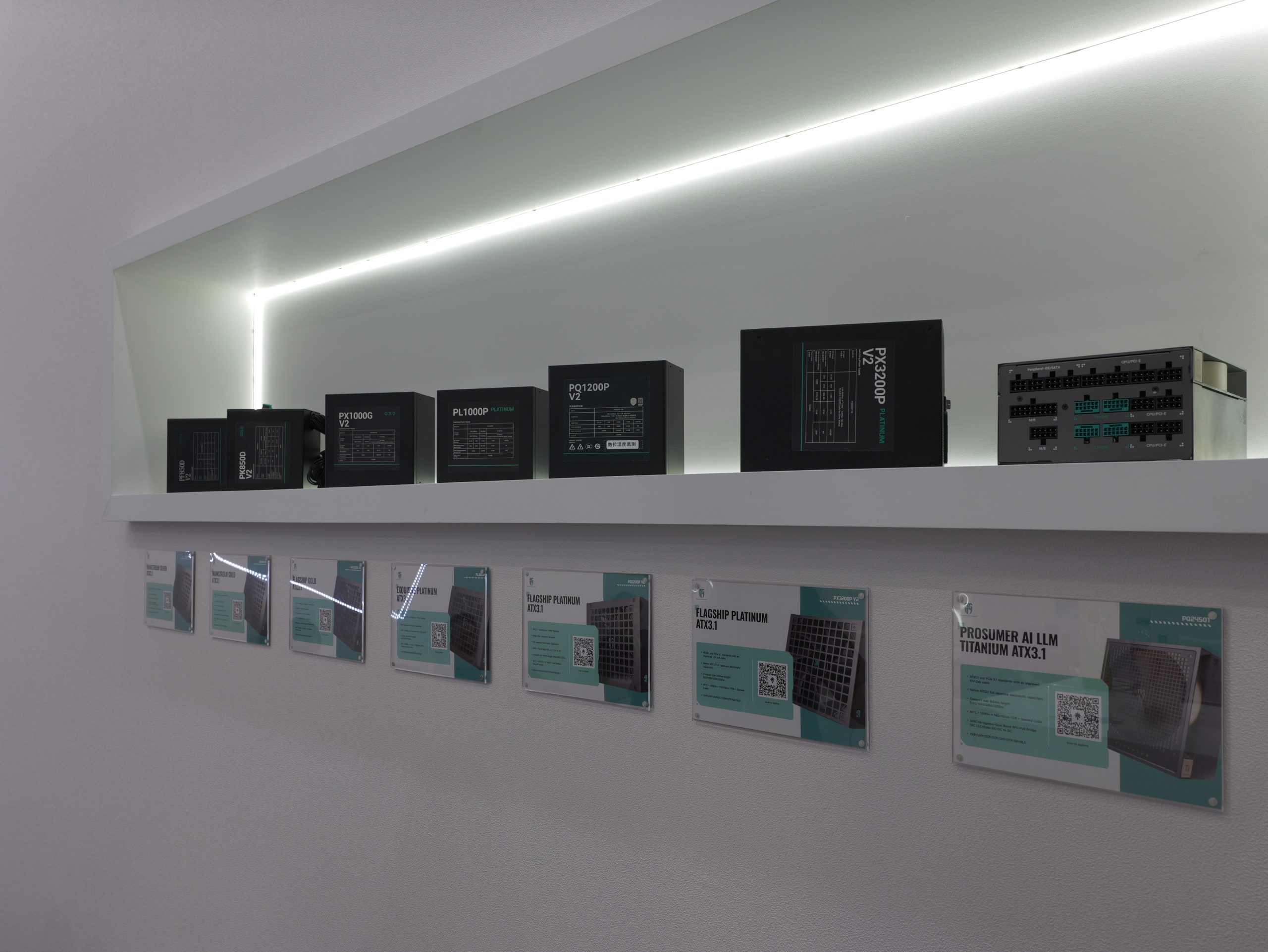
07:27 Power Supplies
08:26 Suspended fans
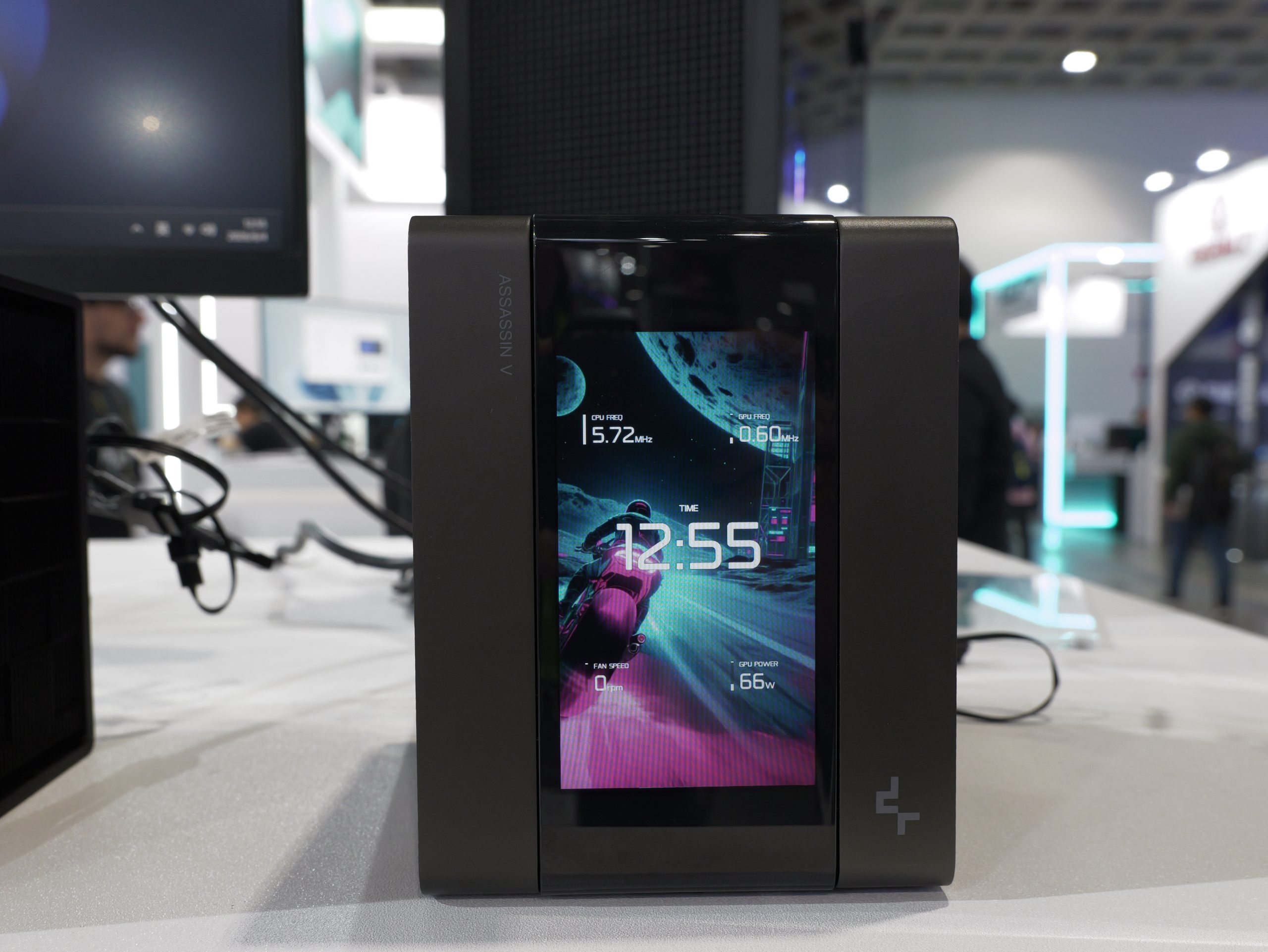
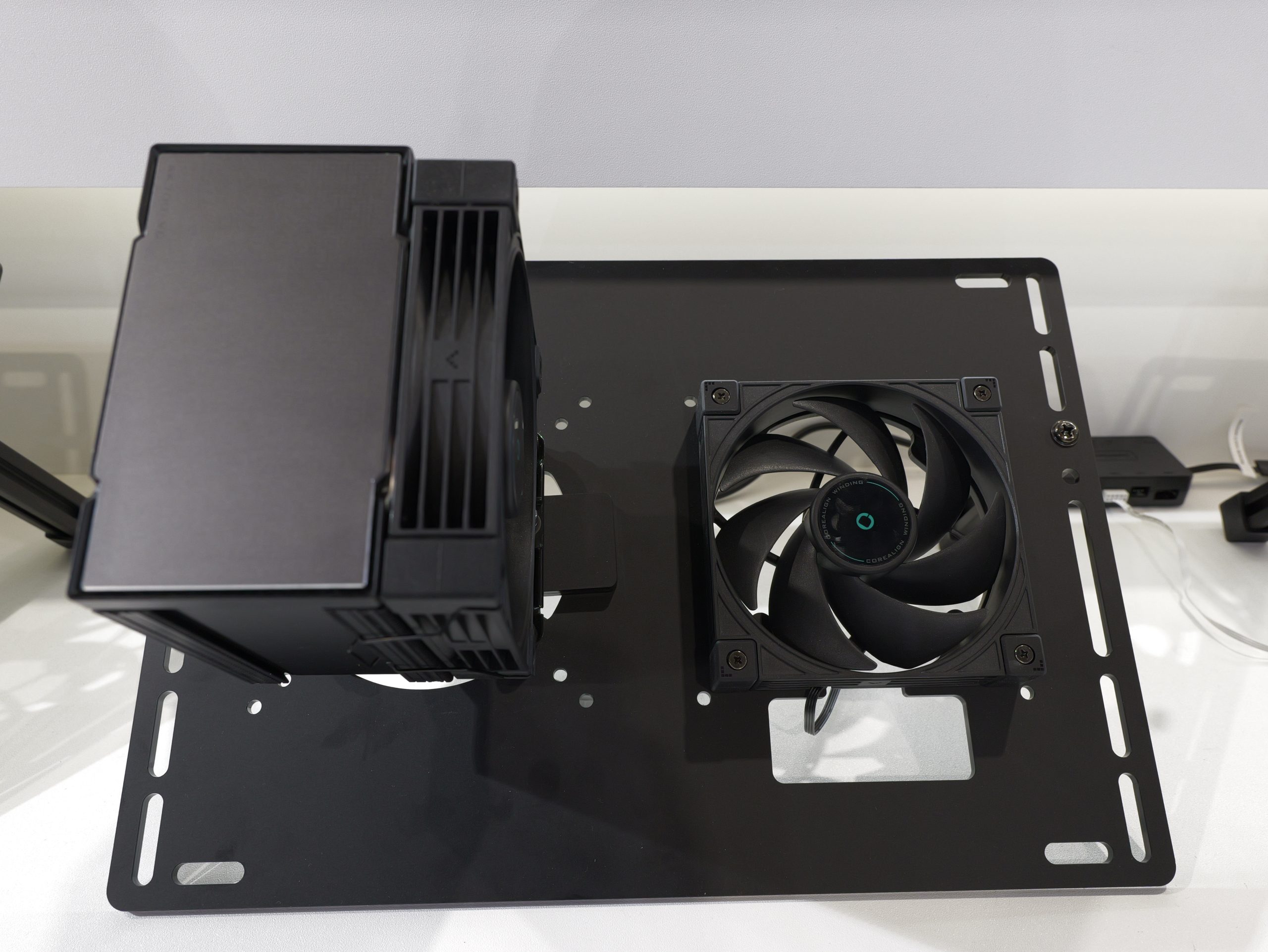
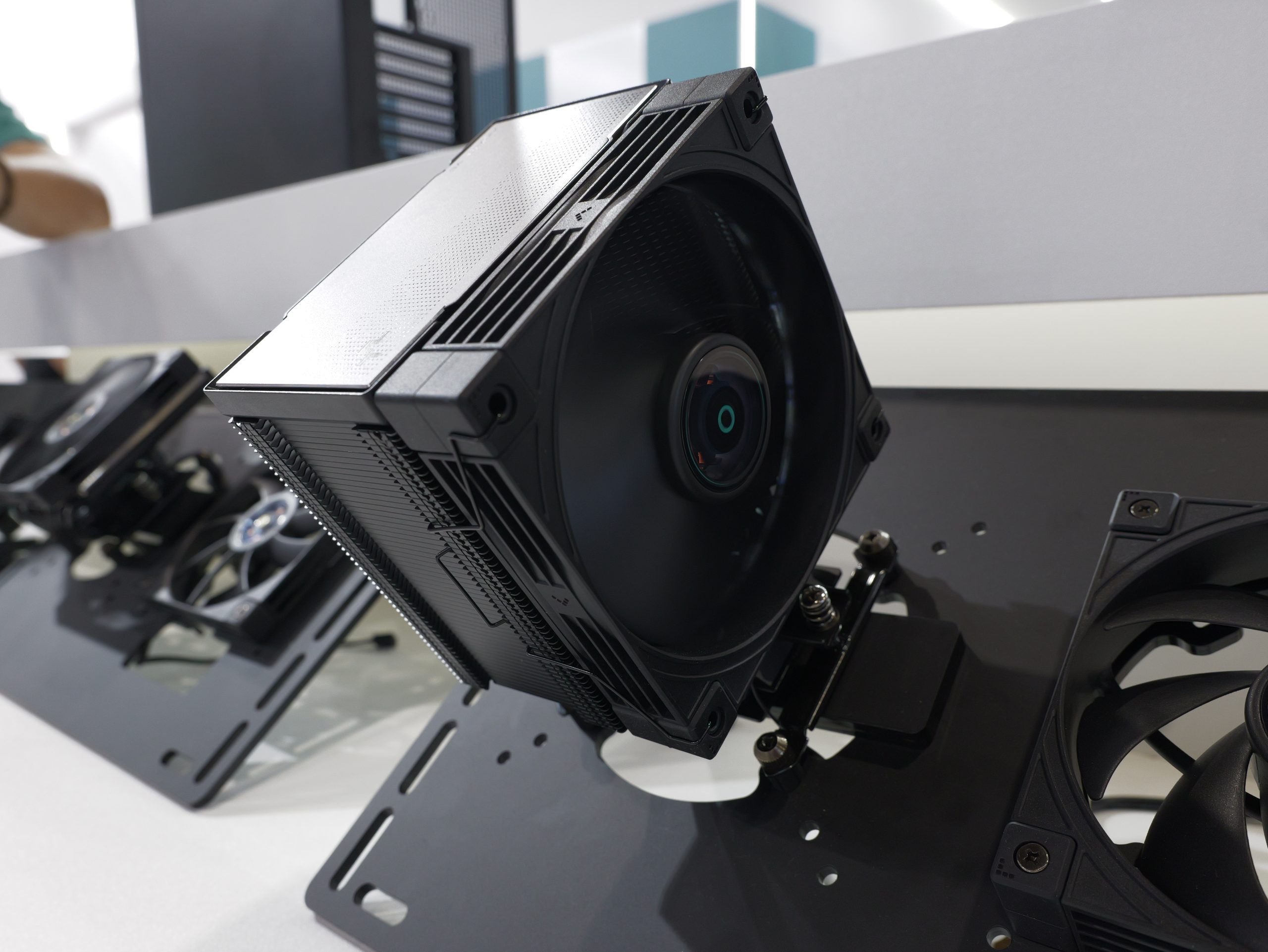
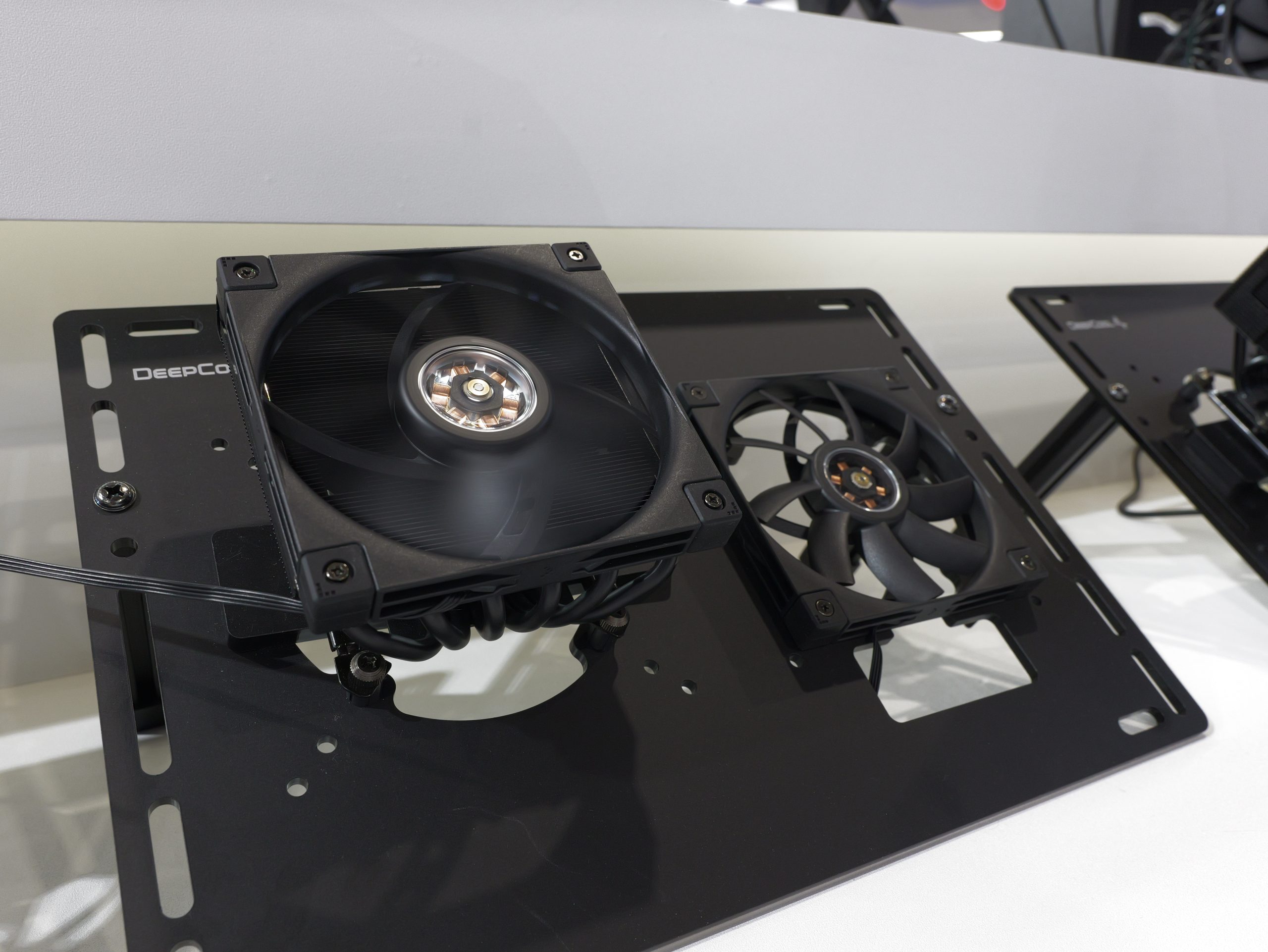
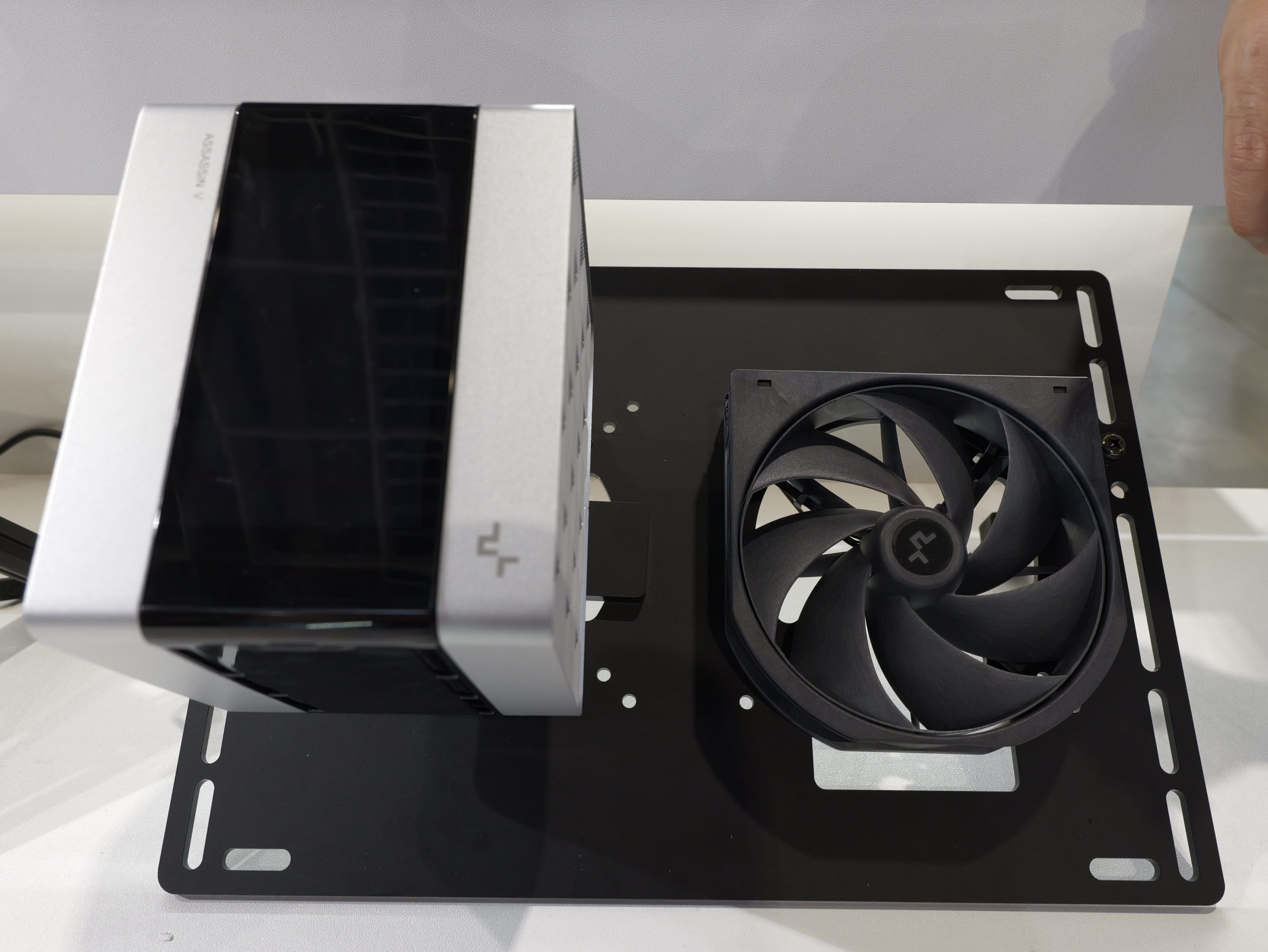
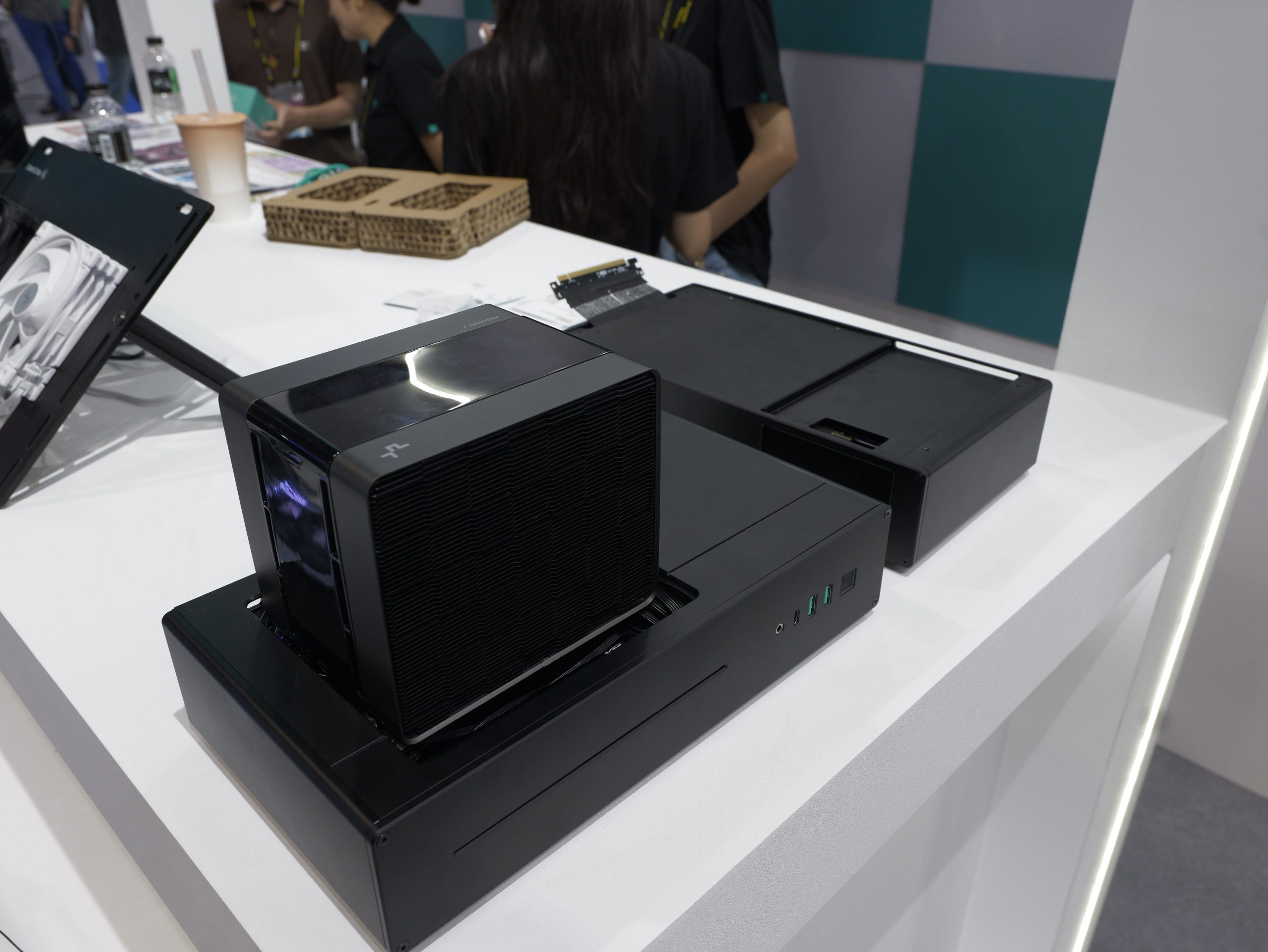
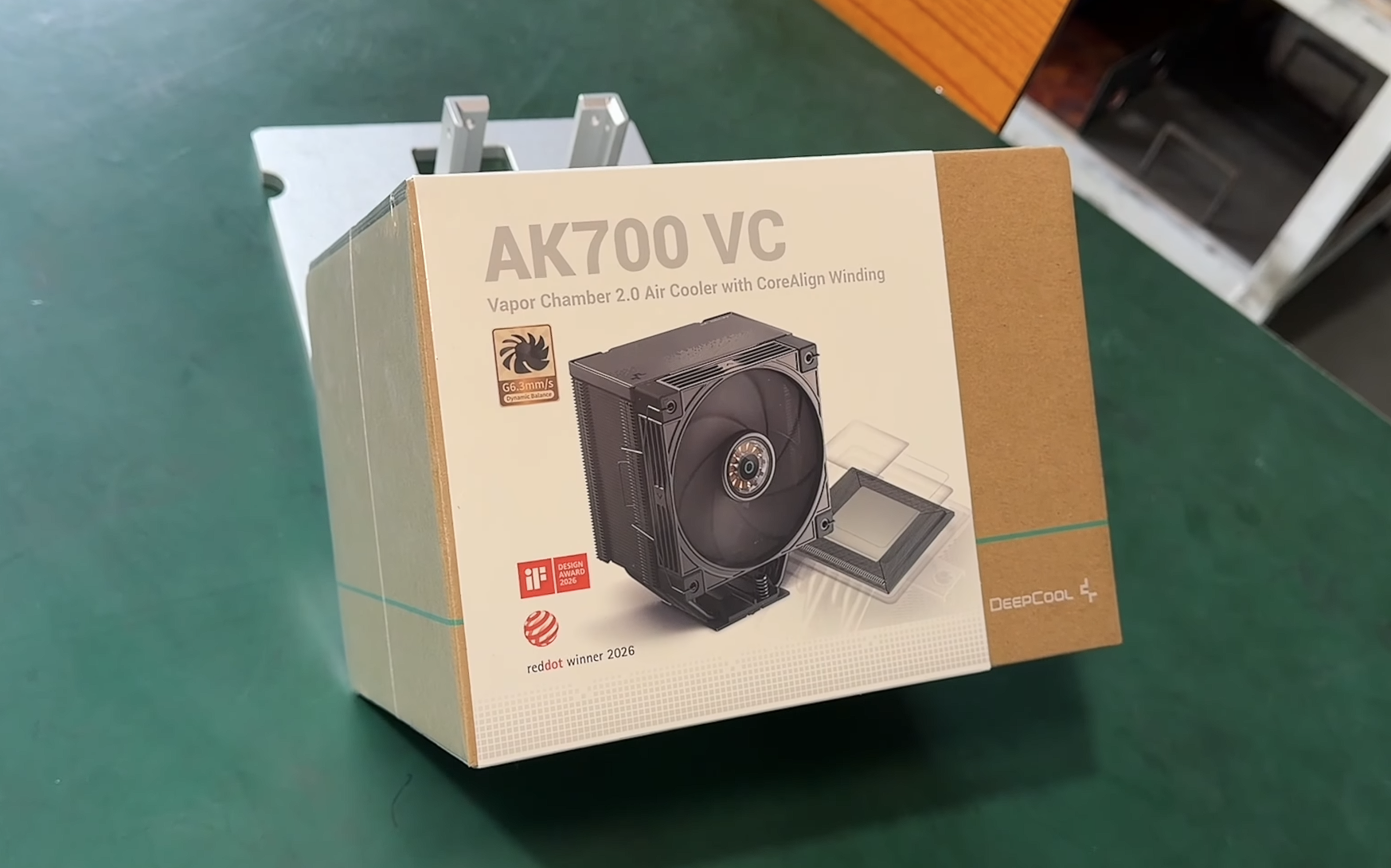
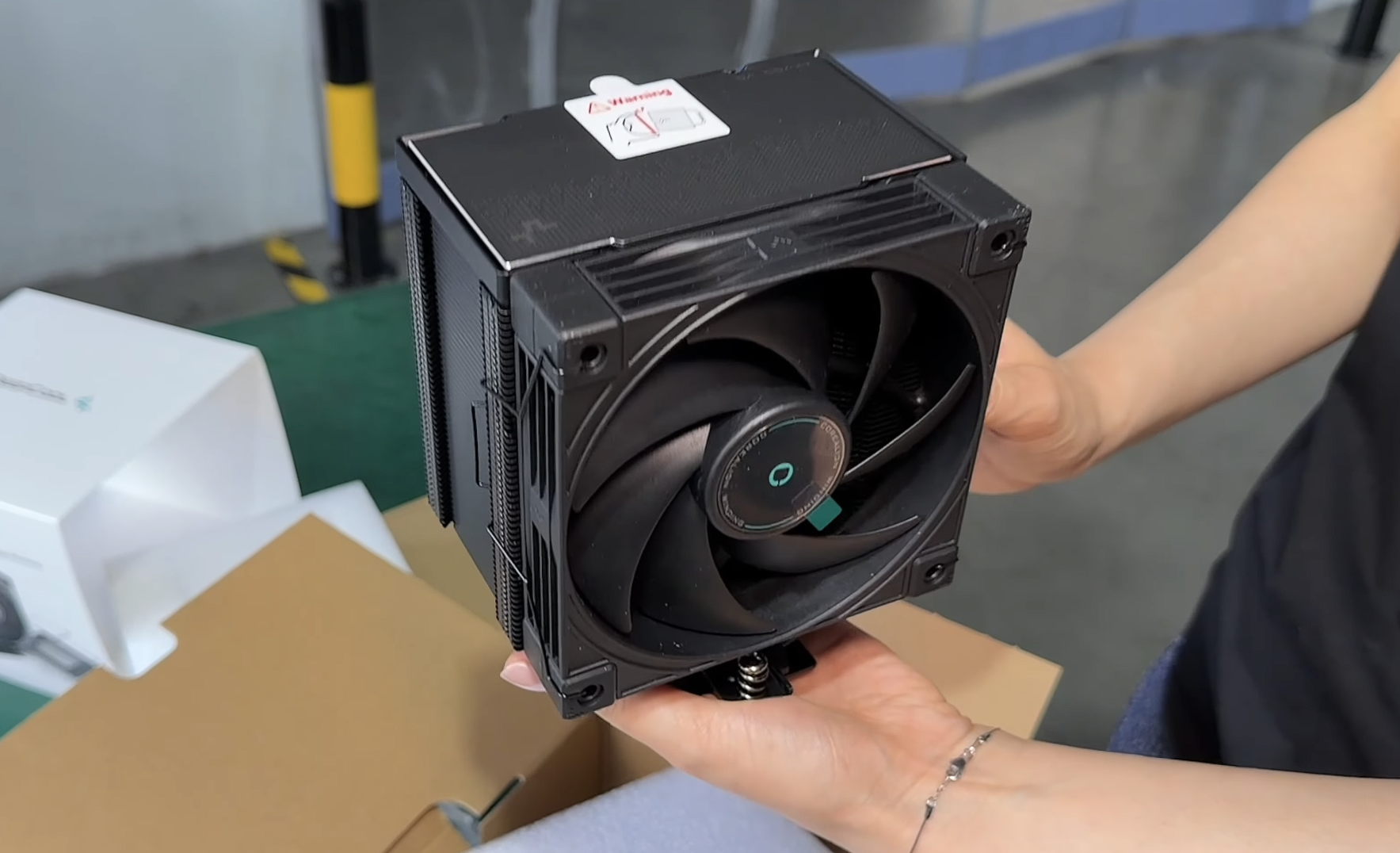
At Computex this year, DeepCool arrived armed with its new Assassin 5 Vision CPU cooler, utilising a new 2.0 Vapor Chamber design to improve heat transfer. As the Vision in the name implies, there is an LCD screen that sits on top of the cooler, giving you quick access to stats like CPU temperature and fan speed at a glance. DeepCool also has the AN600 VC for more compact systems, and the AK700 VC in black and white colour options.
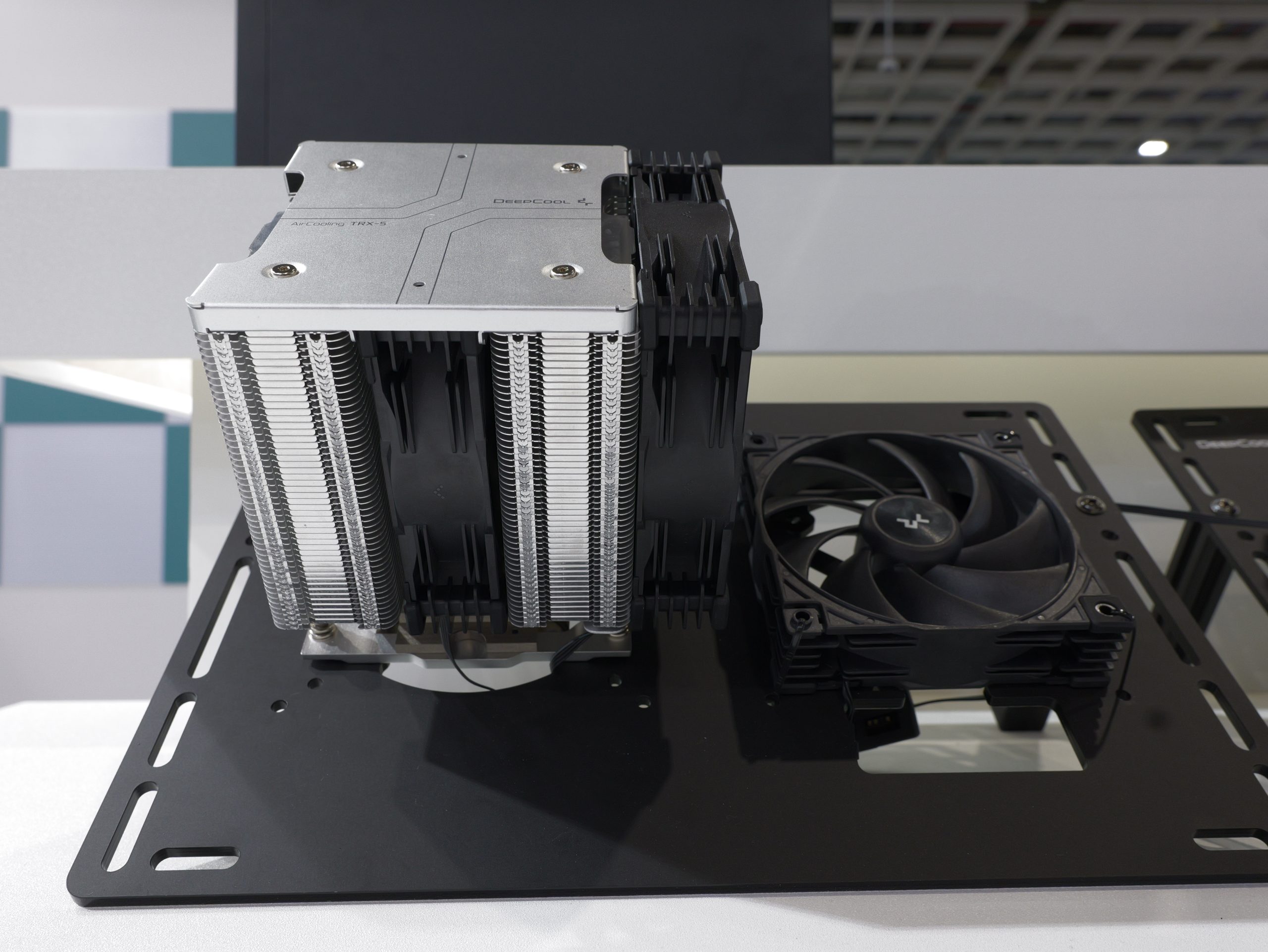
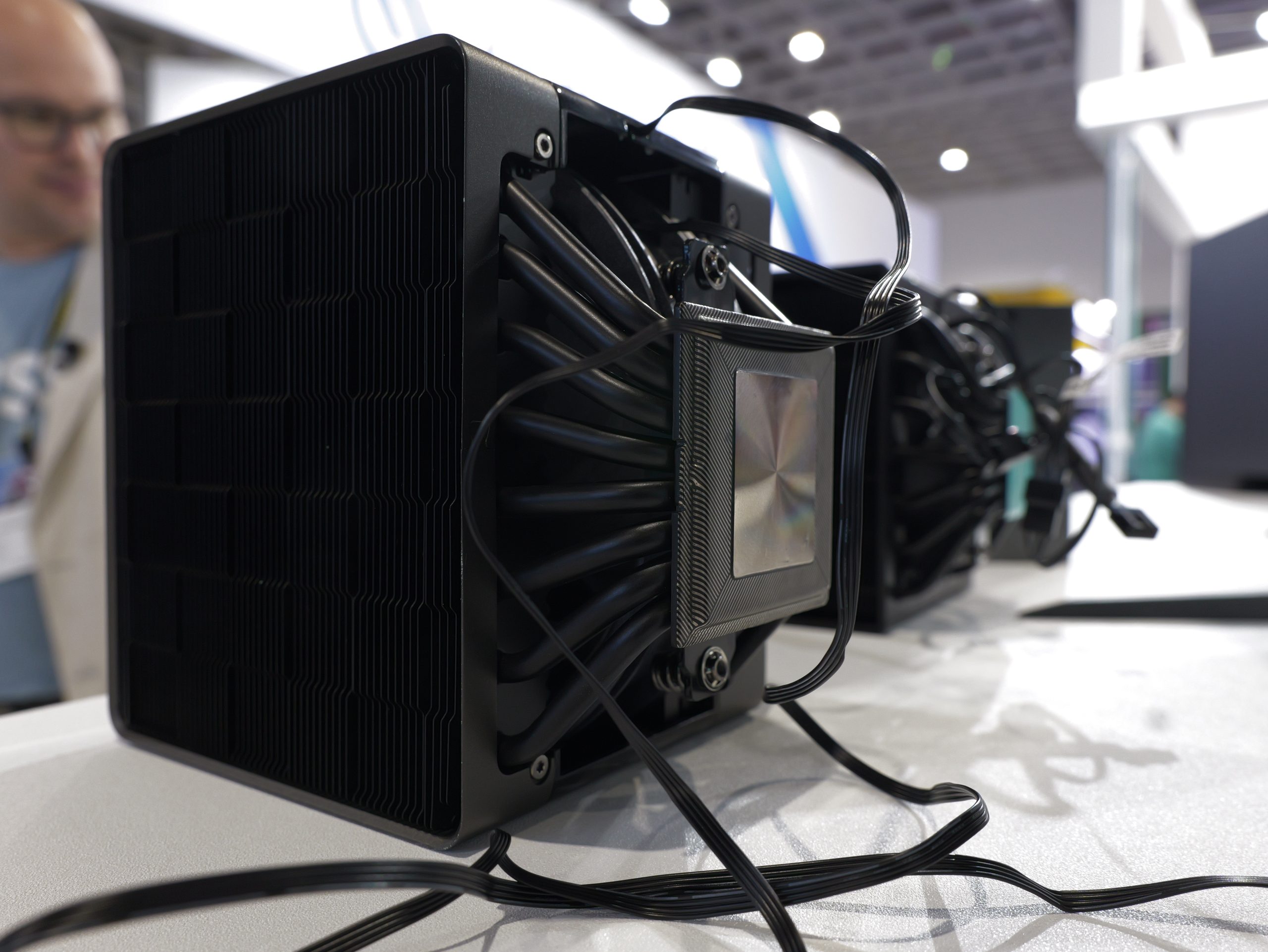
For the workstation crowd, DeepCool is launching the Station X 620, a new air cooler built specifically for extremely high core-count CPUs, capable of handling up to a 520W TDP.
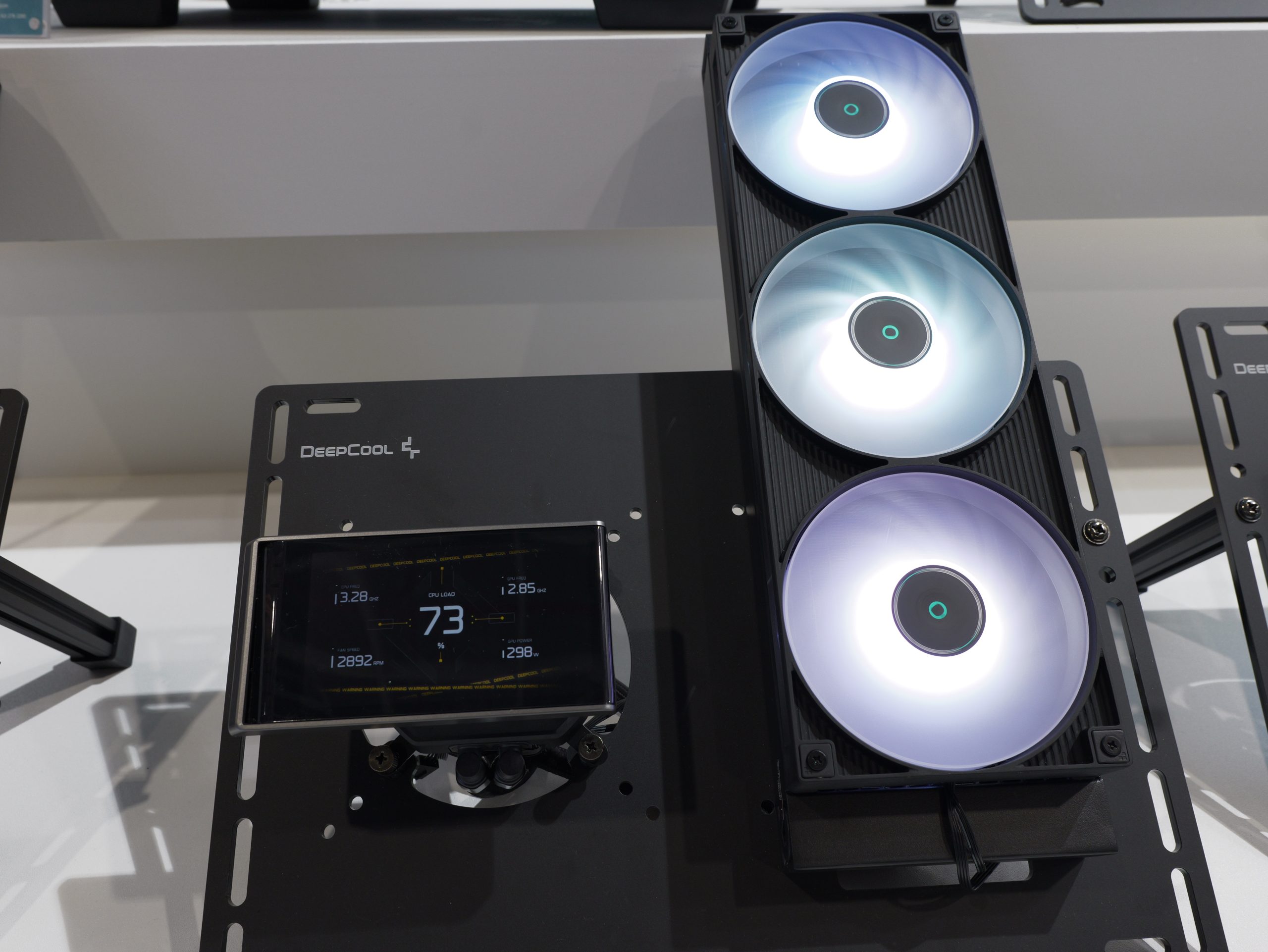
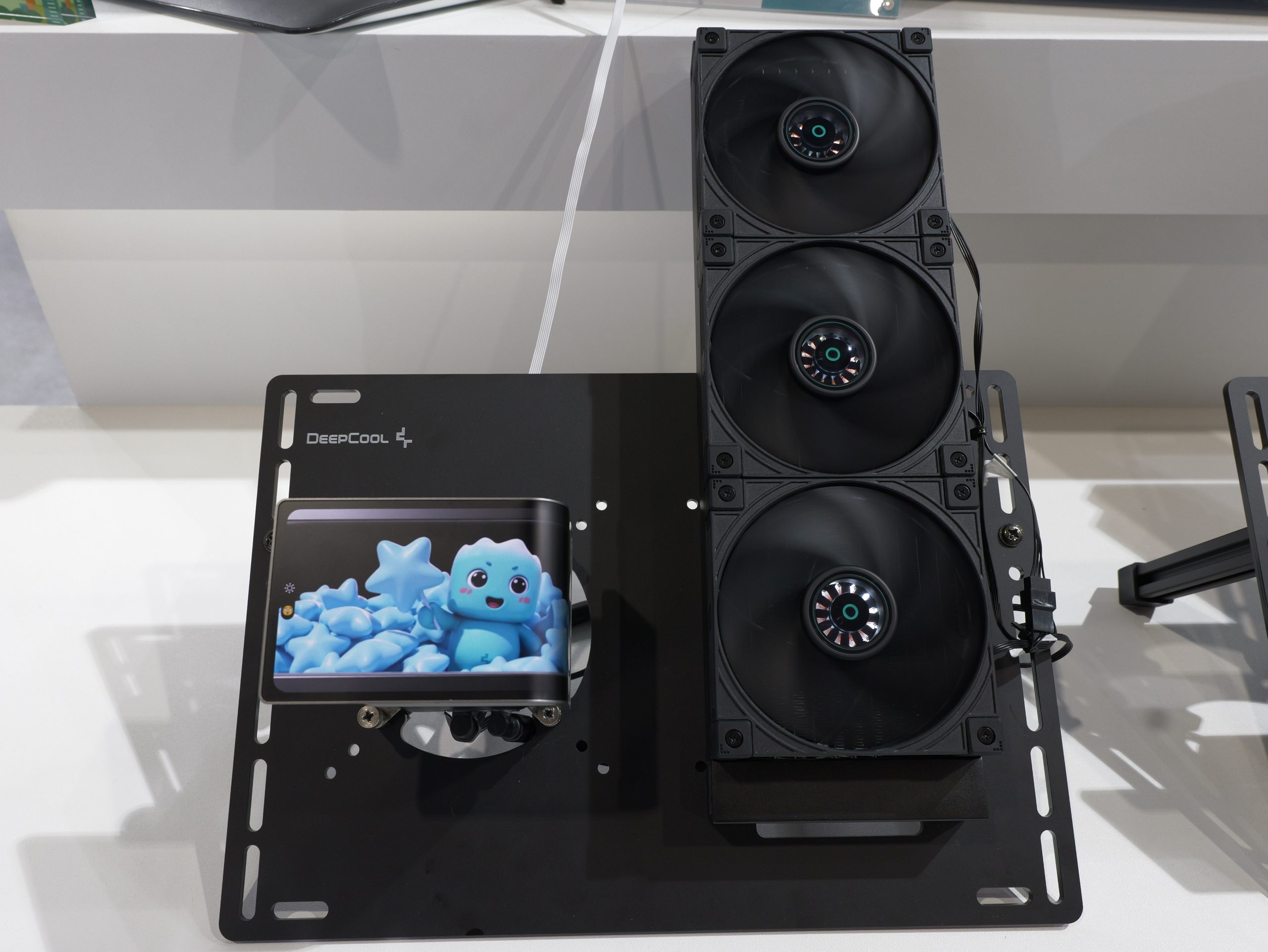
DeepCool also has its new SILENTNOX PRO 360 AIO, the very first from the company to feature a curved display on the pump block, with an even higher 2K resolution for better visuals.
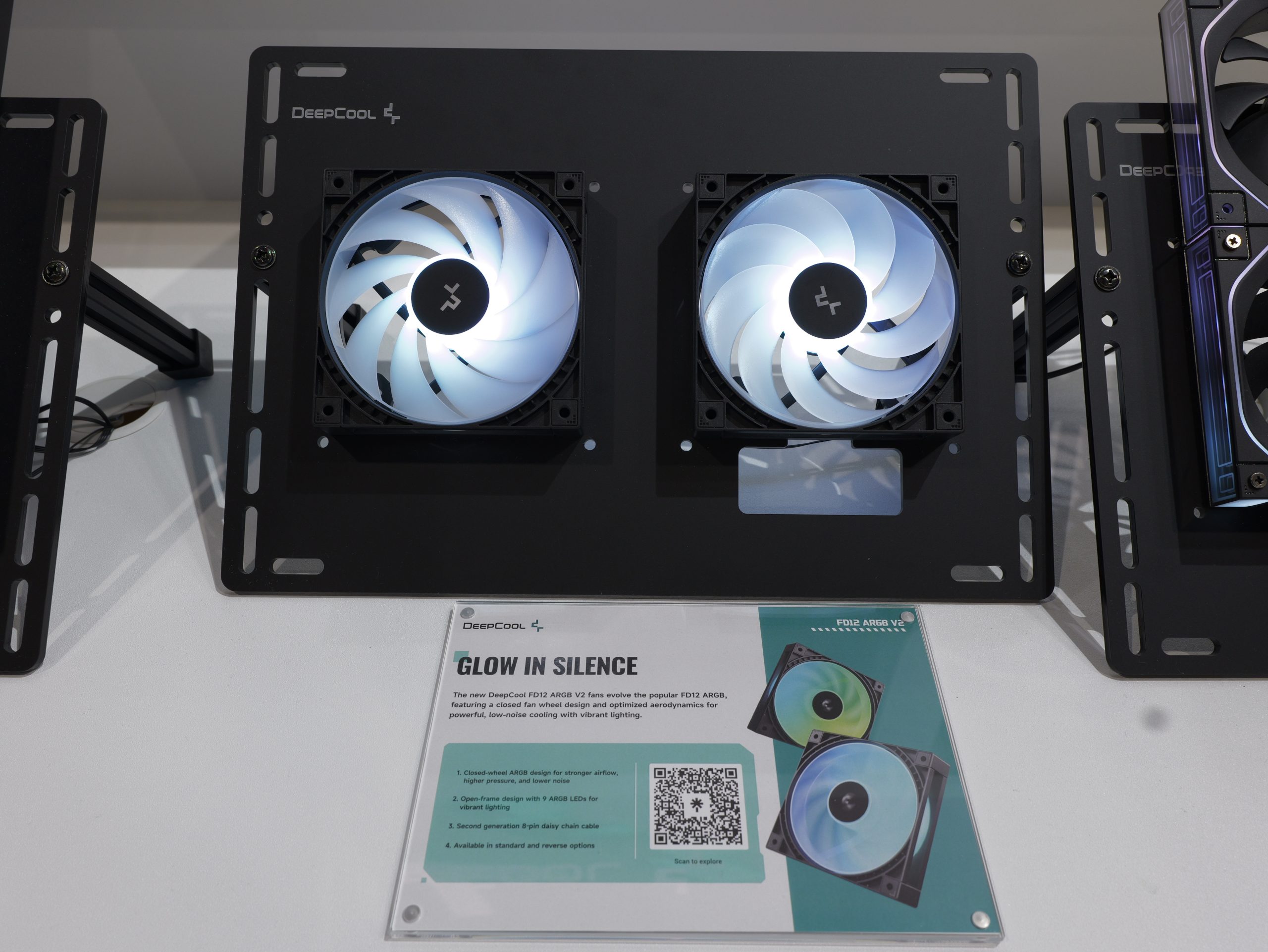
DeepCool’s latest fans employ new dynamic balancing standards to reduce vibrations and resonance, further improving acoustic performance.
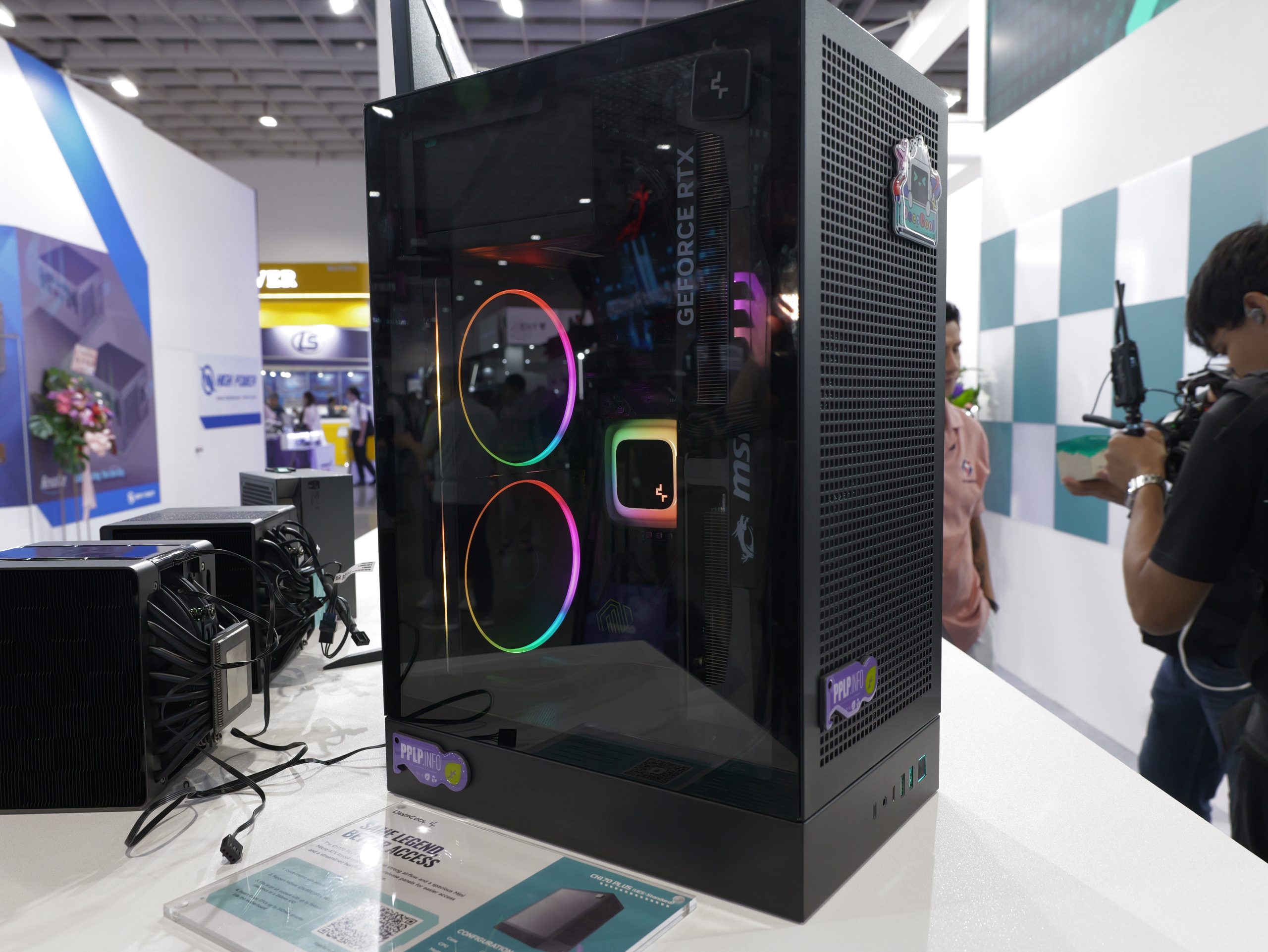
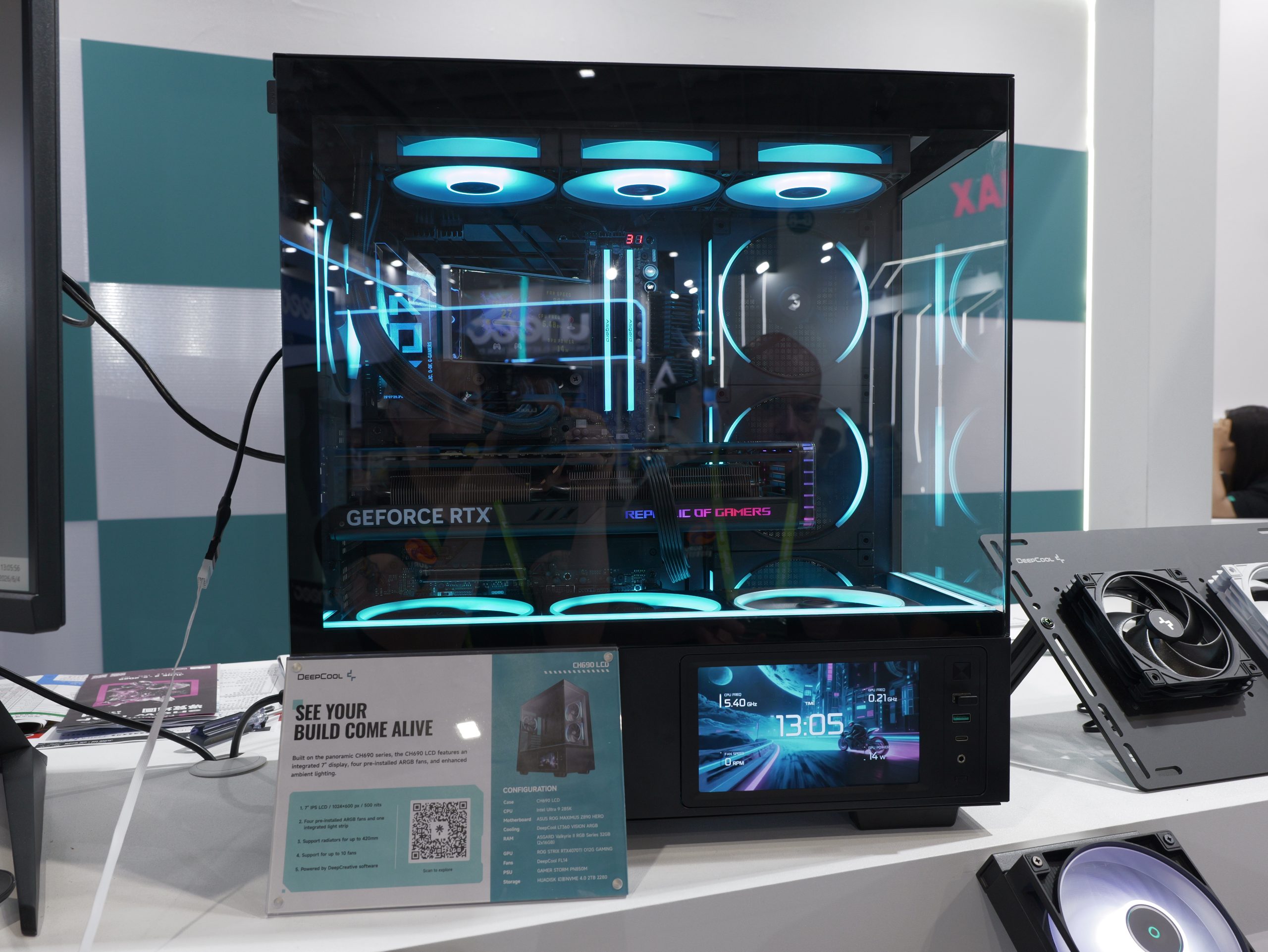
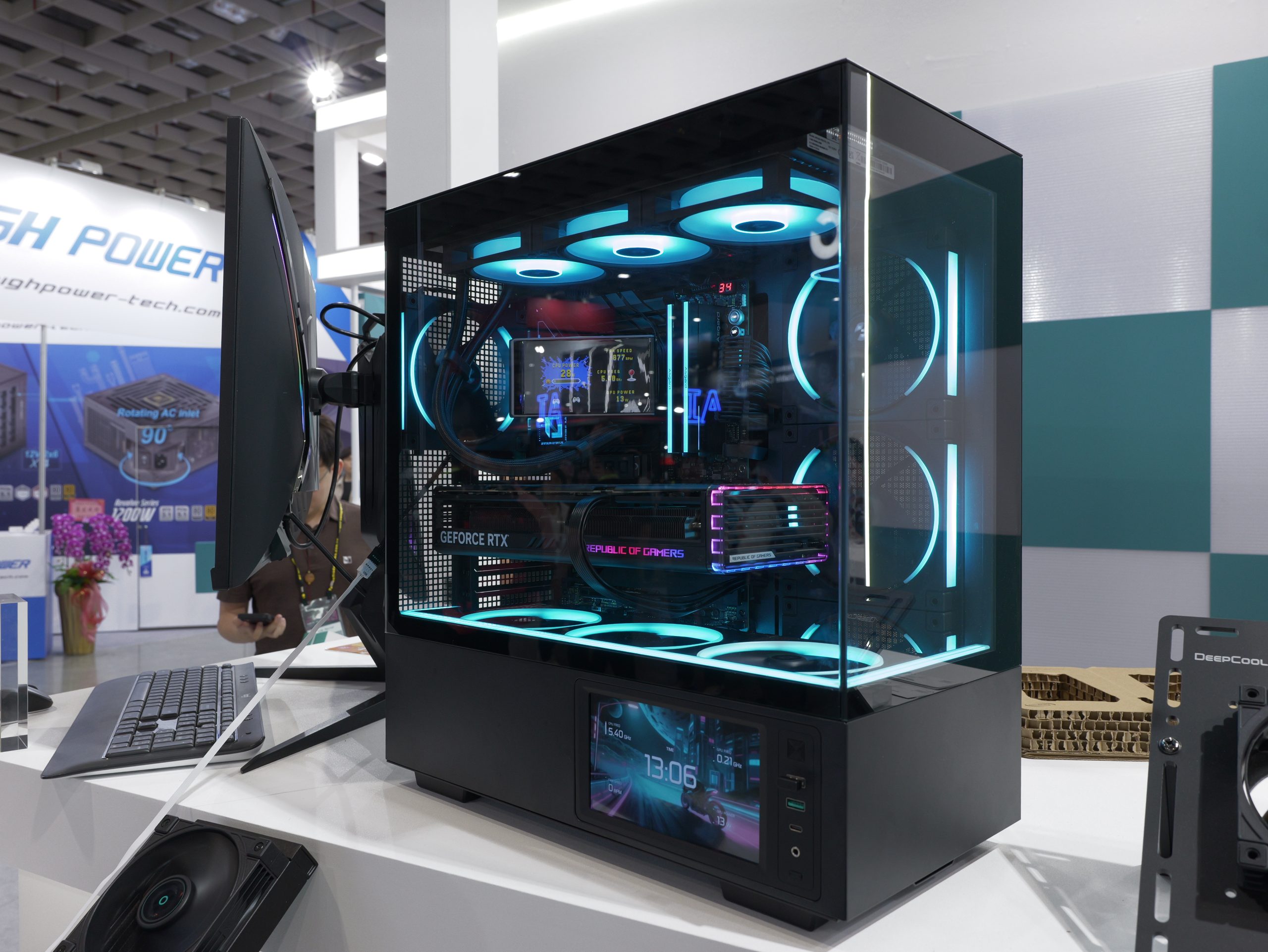
On the chassis front, DeepCool has the new CH690, designed for modern builds with a panoramic view of the internal components, alongside four pre-installed ARGB fans and an integrated display. There is also the CH170 Plus UES launching this year – an upgraded version of the compact chassis with new quick-release side panels for easier access to the internals for upgrades or maintenance.
KitGuru Says: What did you make of DeepCool's showing at Computex this year?
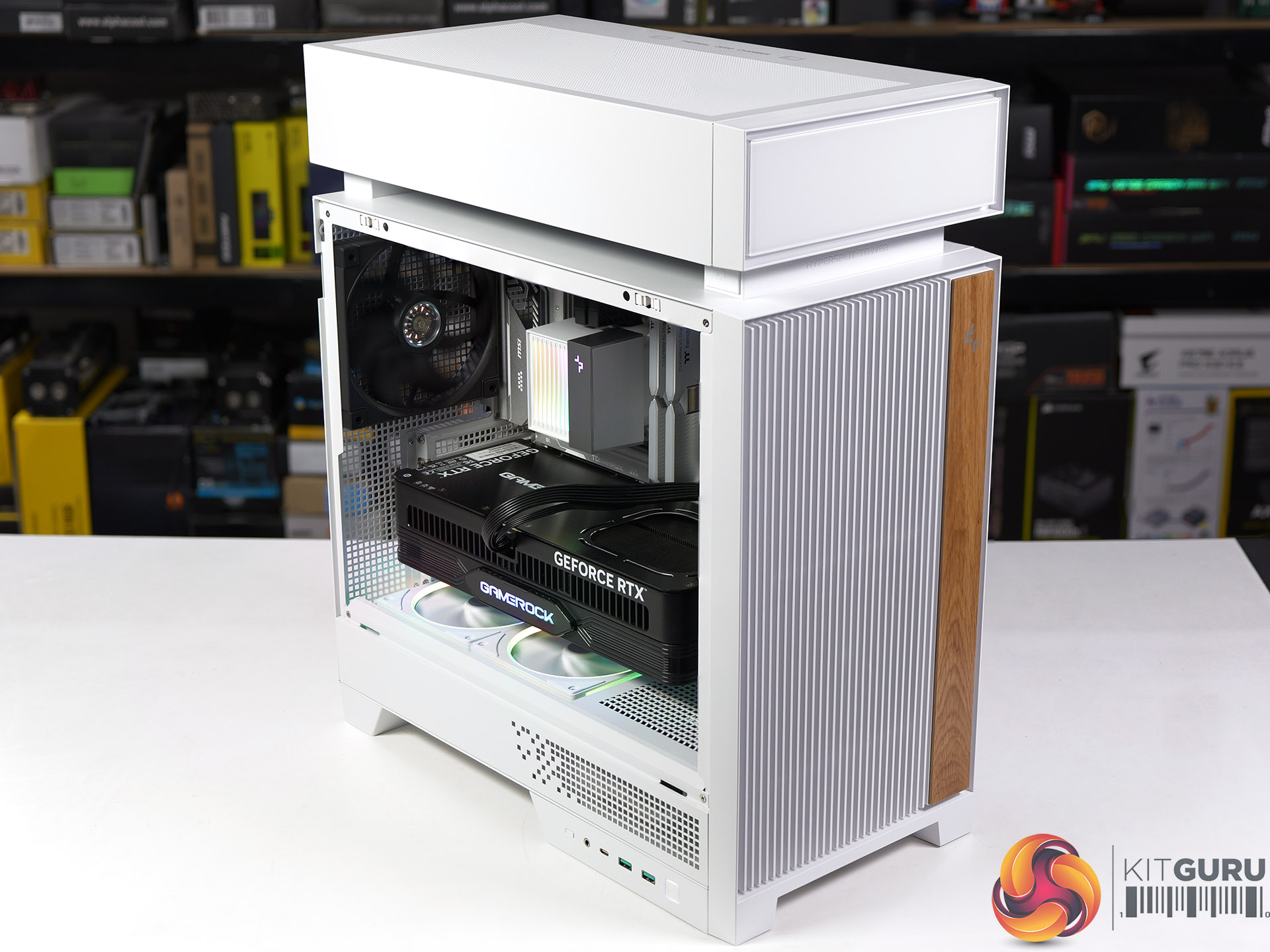
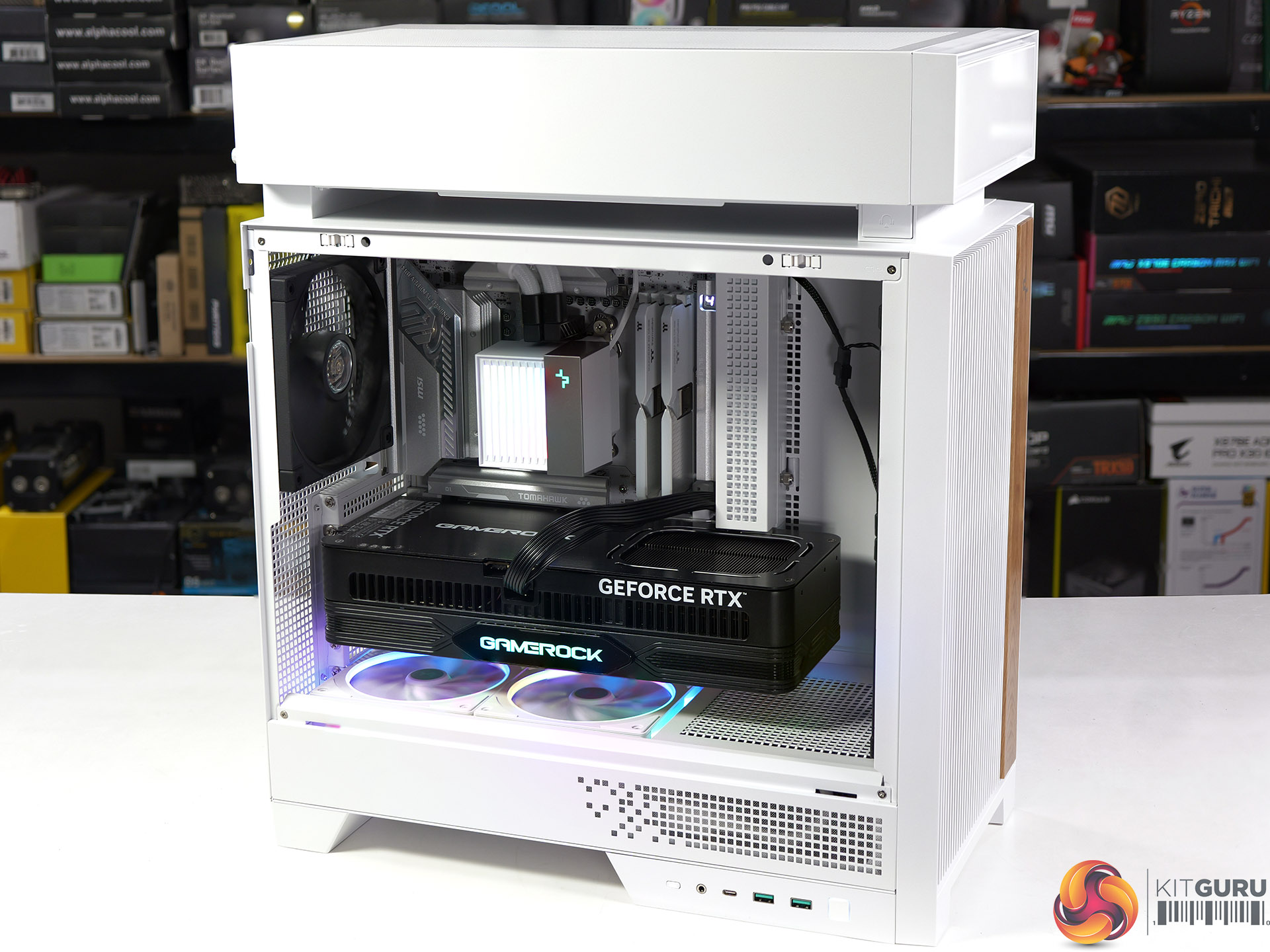
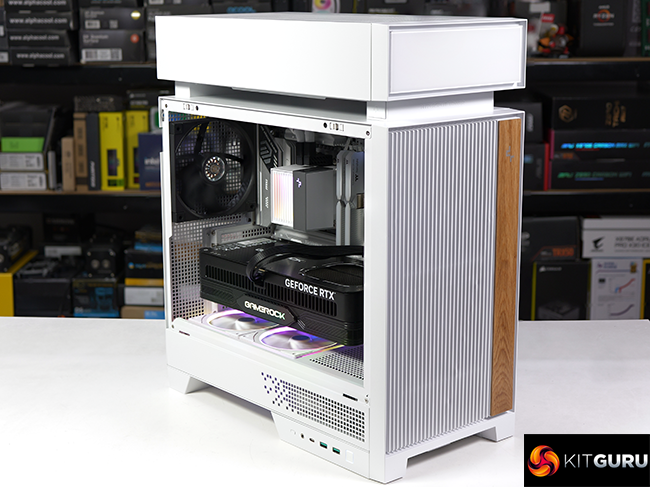
DeepCool has a solution to the problem where your CPU gets cooked by heat rising from your mighty 600W graphics card. That solution is named Hypersplit and it is the focus in our review of the DeepCool CL6600 PC case which comes complete with a 360mm AIO cooler.
Timestamps:
00:00 Start
00:55 Removing panels / AIO
05:11 Building a system inside the case
08:40 Noise, smoke and thermal testing
10:54 Leo’s Closing thoughts
Main features
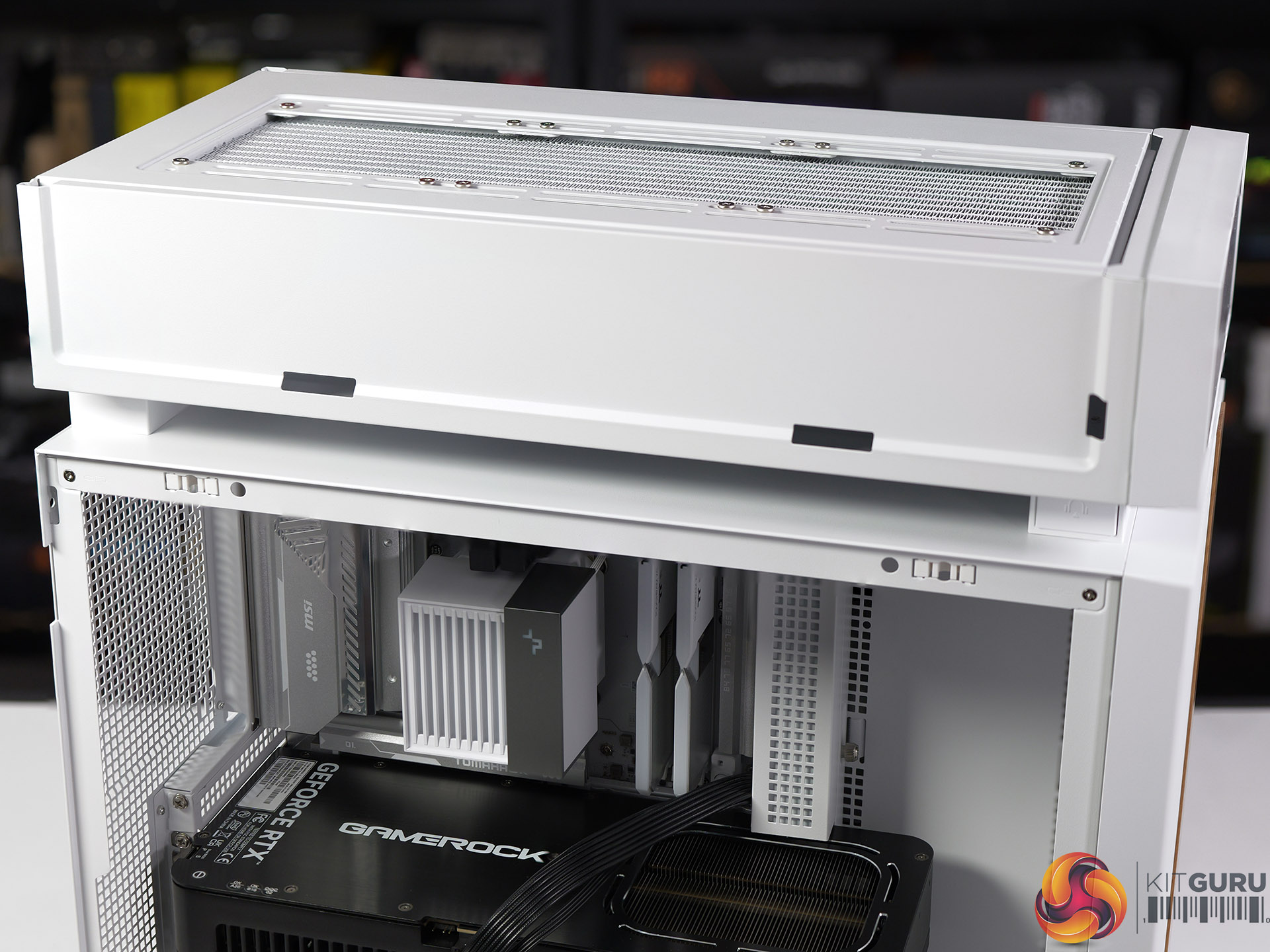
SPLIT FOR PERFECT FLOW: CL6600 keeps things cooler with a modular split-chamber layout. It places the radiator in its own zone, creating separate airflow paths for heat-generating components and letting the whole system run at its best.
BALANCE IN LAYERS: A raised top chamber redefines the overall silhouette while keeping space organised. Vertical grille bars at the front provide natural ventilation and create visual rhythm, with real wood adding an organic finish to the clean, modern aesthetic
Pre-installed 360mm ARGB Liquid Cooler: Advanced pump with adjustable speeds from 2500–3400 RPM, balancing high efficiency with quiet operation. Triple high-performance FDB fans on the radiator ensure steady, reliable airflow. DeepCool’s short-tube design keeps the main chamber neat and visually open.
Includes 2x FL12R SE ARGB Fans: Dual reverse-blade fans at the bottom nest lower to pull in fresh air without crowding your build.
Specification:
Motherboard support: ATX, Micro-ATX, Mini-ITX.
Power supply support: ATX, SFX-L, SFX.
Expansion slots: 7.
Included fans: 2x FL12R SE ARGB 120mm intakes in floor.
Front I/O ports: 1x USB 3.0 type-A, 1x USB 3.1 type-C, audio.
Dimensions: 453mm H x 409mm D x 217mm W.
Testing
To put this case through its cooling paces we will be using a test system consisting of an AMD Ryzen 7 9850X3D, Palit RTX 5080 and an SSD. This system allows us to produce a substantial amount of heat and effectively test the DeepCool CL6600‘s cooling capabilities.
Test System:
Processor: AMD Ryzen 7 9850X3D
CPU Cooler: included DeepCool 360mm AIO
Case fans: 3x DeepCool FT14
Motherboard: MSI MAG X870E Tomahawk Max WiFi PZ
Memory: Thermaltake ToughRAM XG D5 32GB DDR5-6000
Graphics card: Palit GeForce RTX 5080 Gaming OC
Power supply: DeepCool PN1200M 1200W Gold
SSD: Crucial T700 M.2 NVMe
OS: Windows 11
Cooling Performance
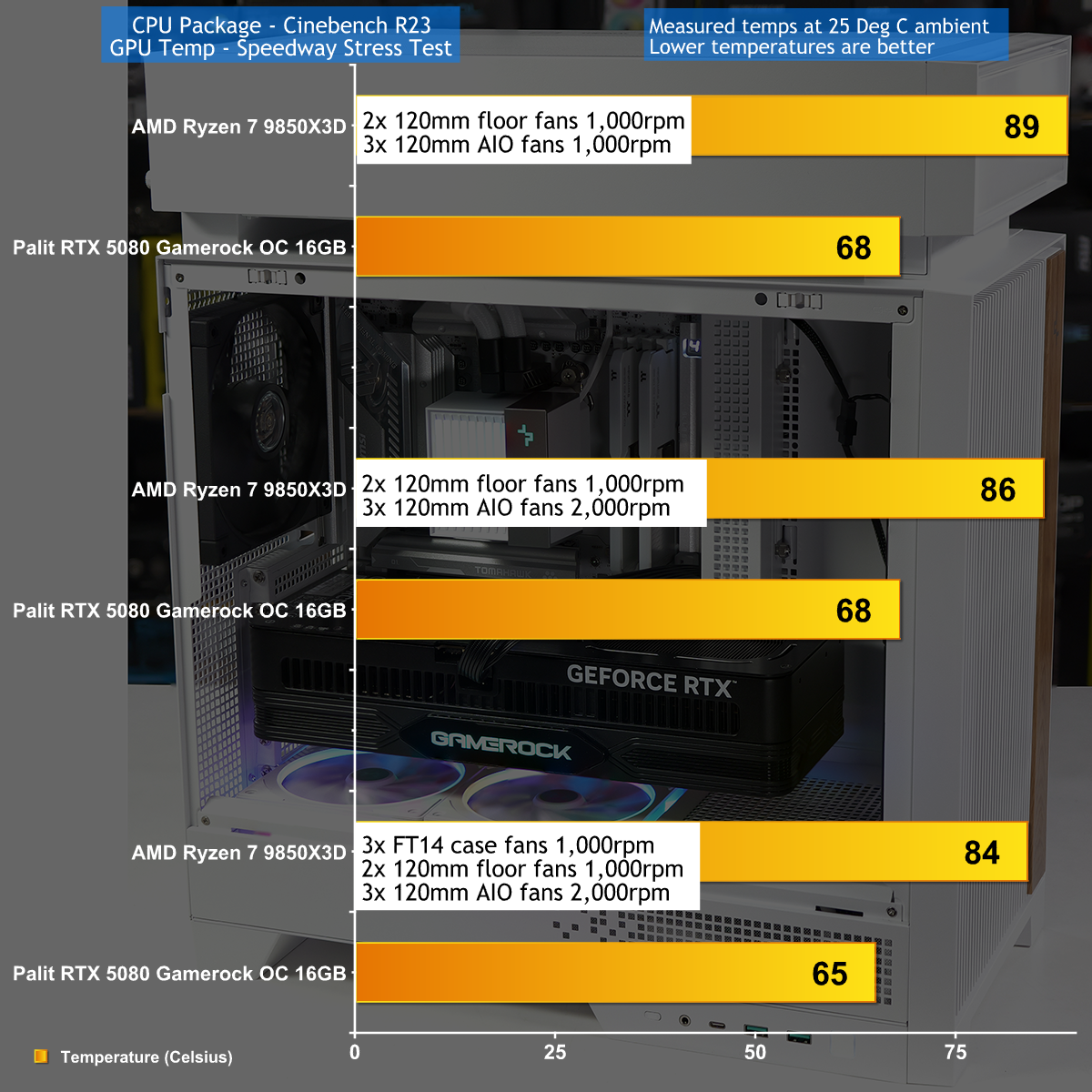
We can see the benefit of the separate Hypersplit chamber that houses the CPU cooler, but it is not all good news. The downside is that you get best results when you crank up the sped of the fans on the AIO cooler, which can get noisy. The benefit is that both the CPU and graphics card run at pleasingly low temperatures.
Closing Thoughts
We are familiar with the concept of a triple chamber case from our review of the Corsair Air 5400 which is an expensive case that works very well. By contrast the DeepCool CL6600 offers decent value for money and employs a simple design concept where the included AIO is housed in a separate chamber that sits on top of the case.
This approach works well and opens up the main chamber for your graphics card, but we have to talk about the looks of the CL6600 which are unusual and a bit quirky. Or rather, the main chamber is entirely conventional and looks good, but the Hypersplit chamber on top looks like a box has been dropped on top of your PC.
We don't see any way round this as it is fundamental to the design but the benefit is that this case and 360mm AIO cooler are delivered at a low price.
Ahead of Computex 2026, KitGuru was invited to an exclusive tour of the DeepCool’s latest production line – including an in-depth technical briefing on improvements to key products. In our video we go over DeepCool's next-generation vapour chamber coolers, new fan designs, as well as how DeepCool makes and tests its products.
Timestamps:
00:00 Deepcool Head Office
01:13 AK700 VC
03:03 Diffusion Bonding Oven
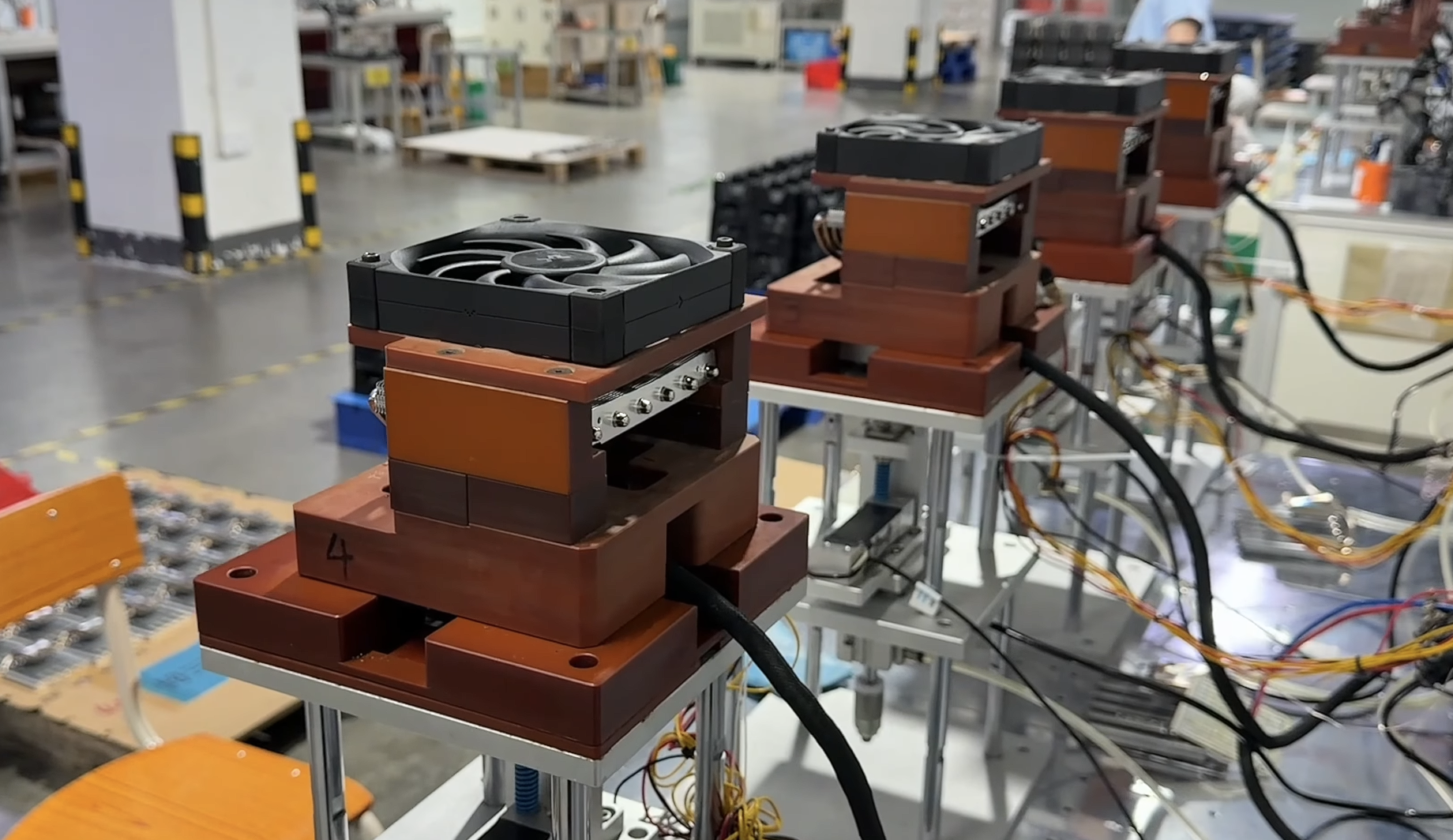
03:30 Manufacturing/Testing of the cooling system
06:20 Leakage and Heat Testing
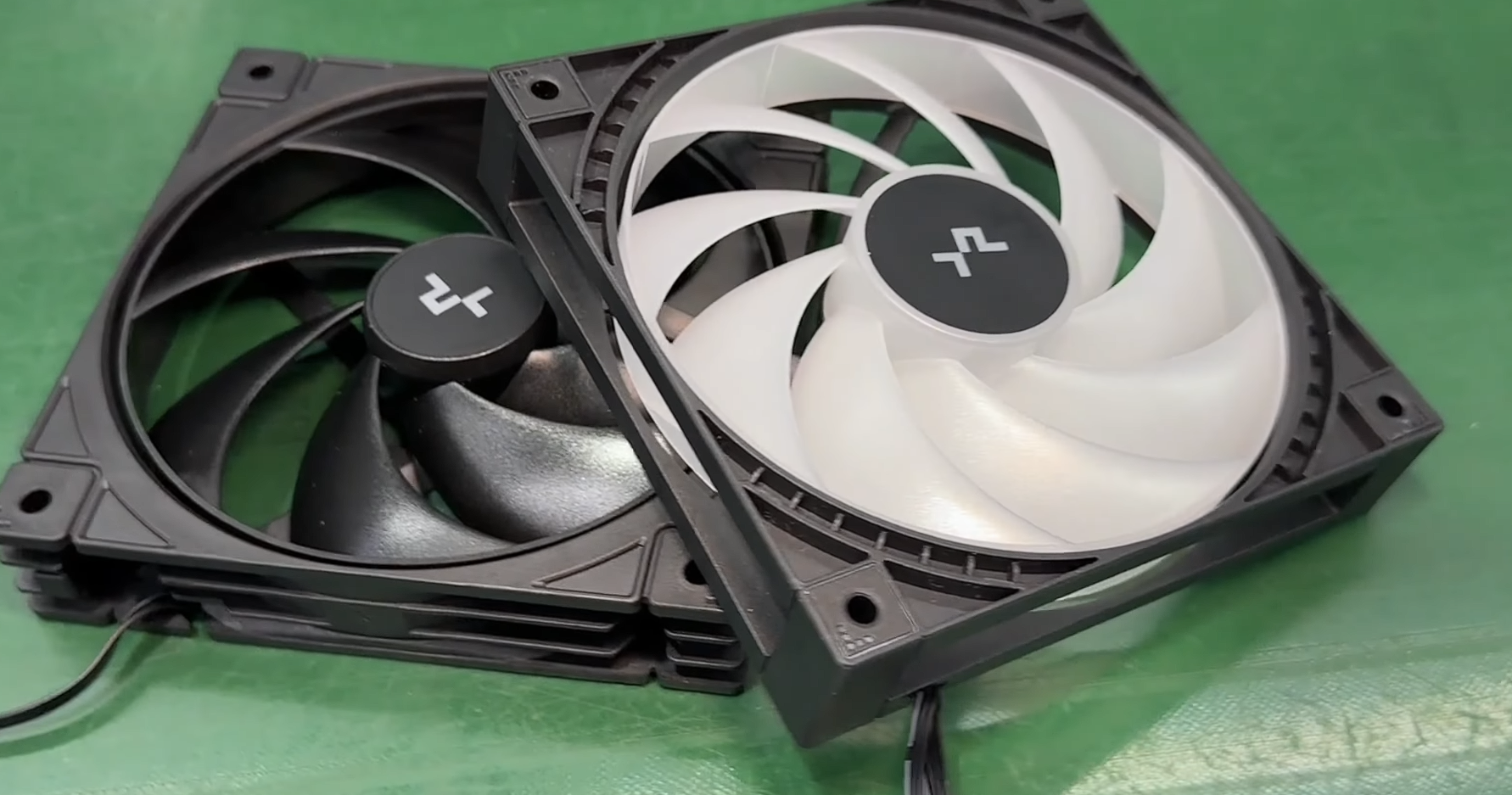
07:02 New Fan Design
08:24 Injection Moulding
09:51 Wheel Balancing / Assembly
12:46 Final touches
13:28 Packaging and final checks
DeepCool created its first vapour chamber cooler just over 2 years ago, but they believed that the results could be improved significantly. Towards the end of 2025, DeepCool recruited half a dozen engineers with a lot of experience in this technology, and work began on new designs, as well as investment in new production methods.
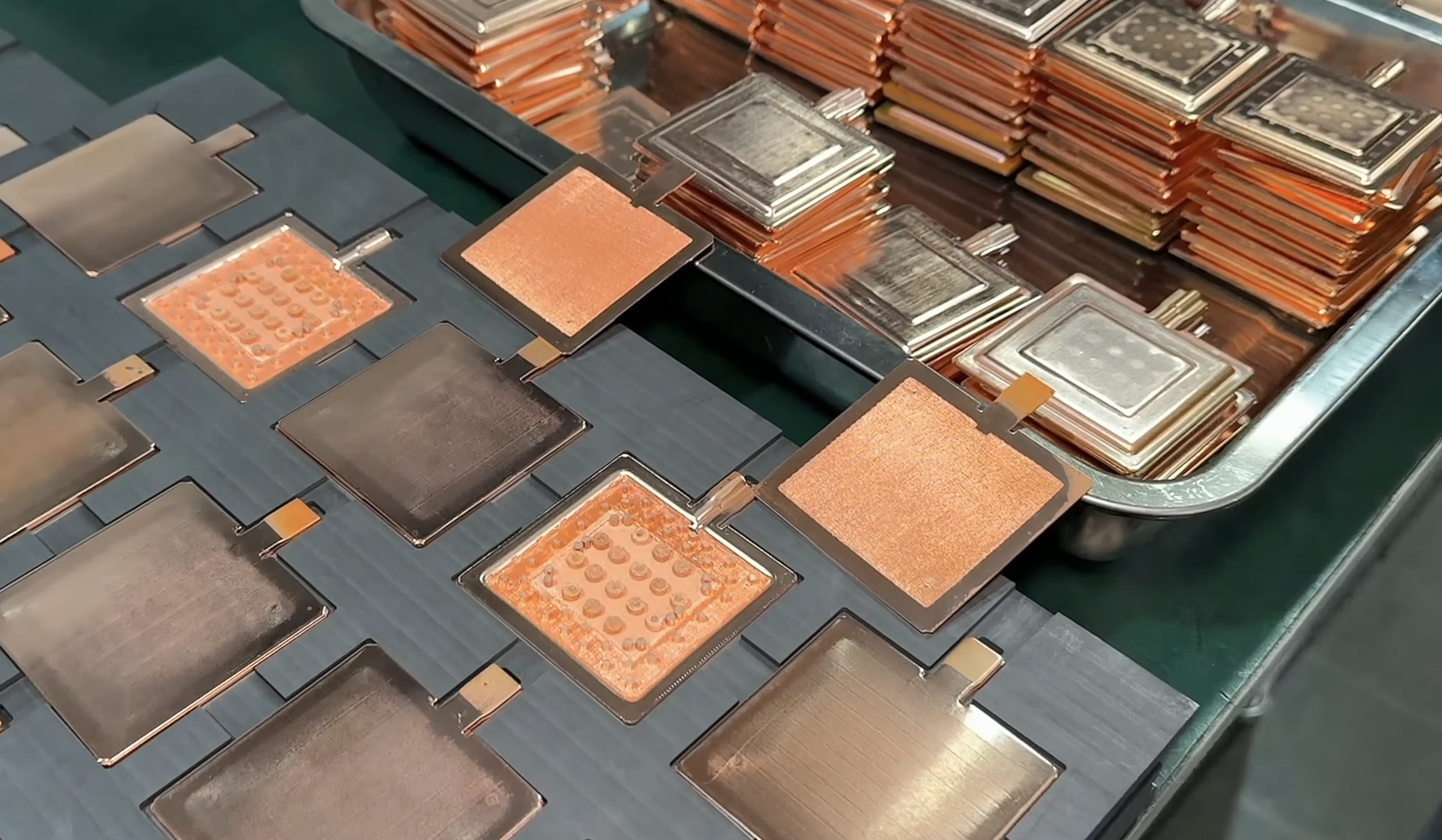
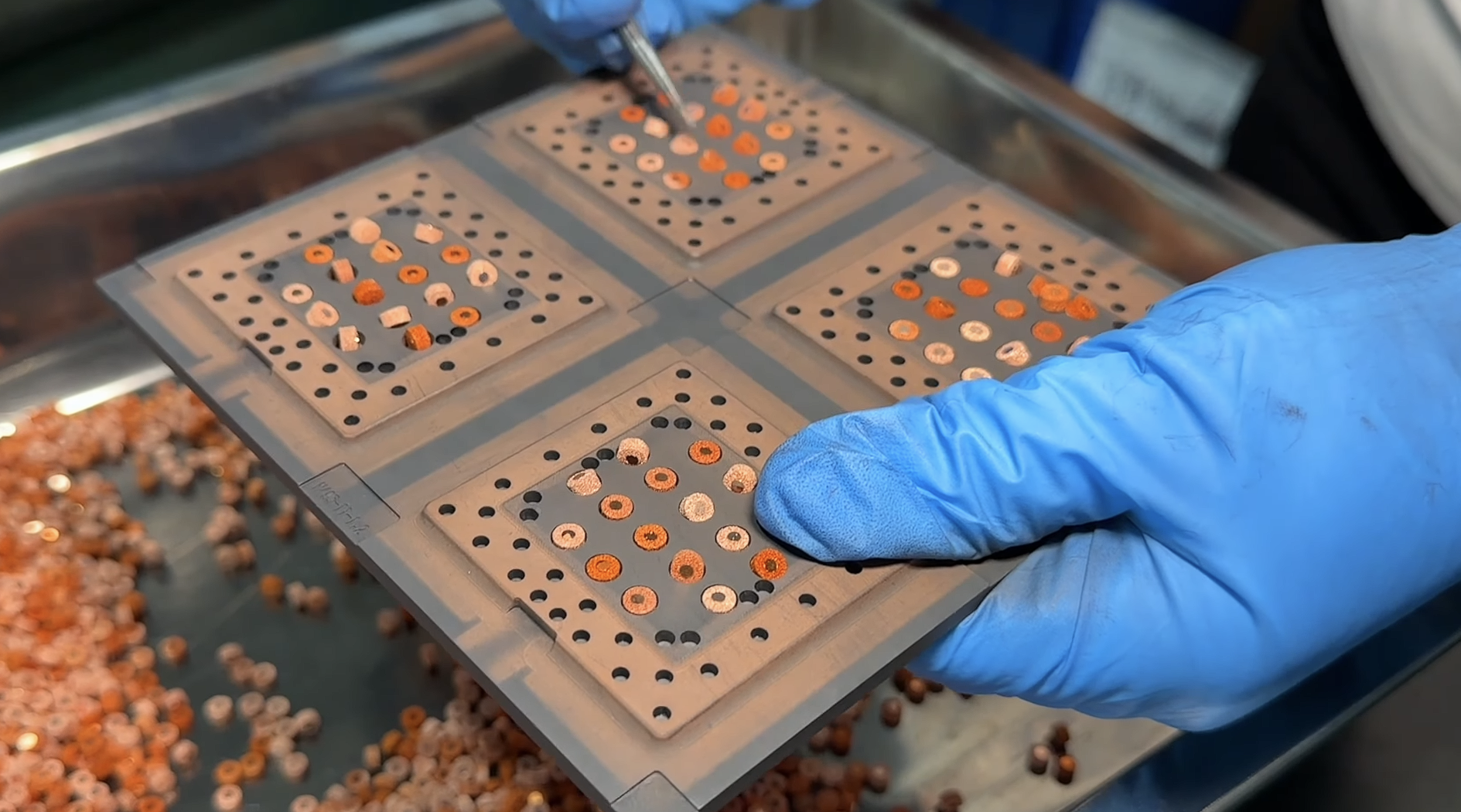
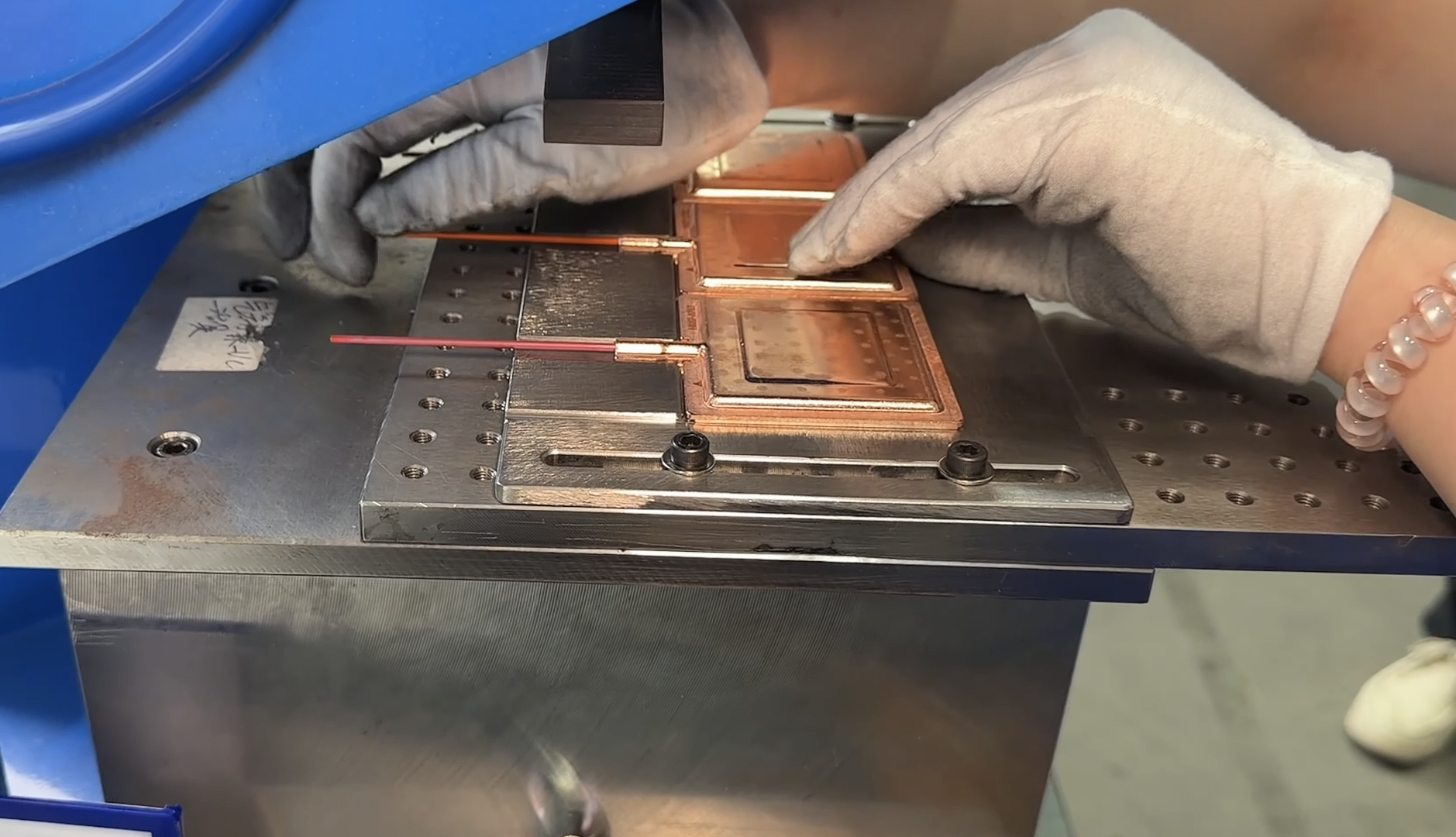
In a Vapour Chamber, the main chamber consists of a copper top and bottom. The top has to be melded with a specific mesh to allow for even heat dissipation and to encourage the vapour to condense in an endless cycle. The bottom of the chamber needs to have a combination of large and small pillars, which create flow patterns inside the unit. After that, the top and bottom parts need to be fused together at extremely high temperatures.
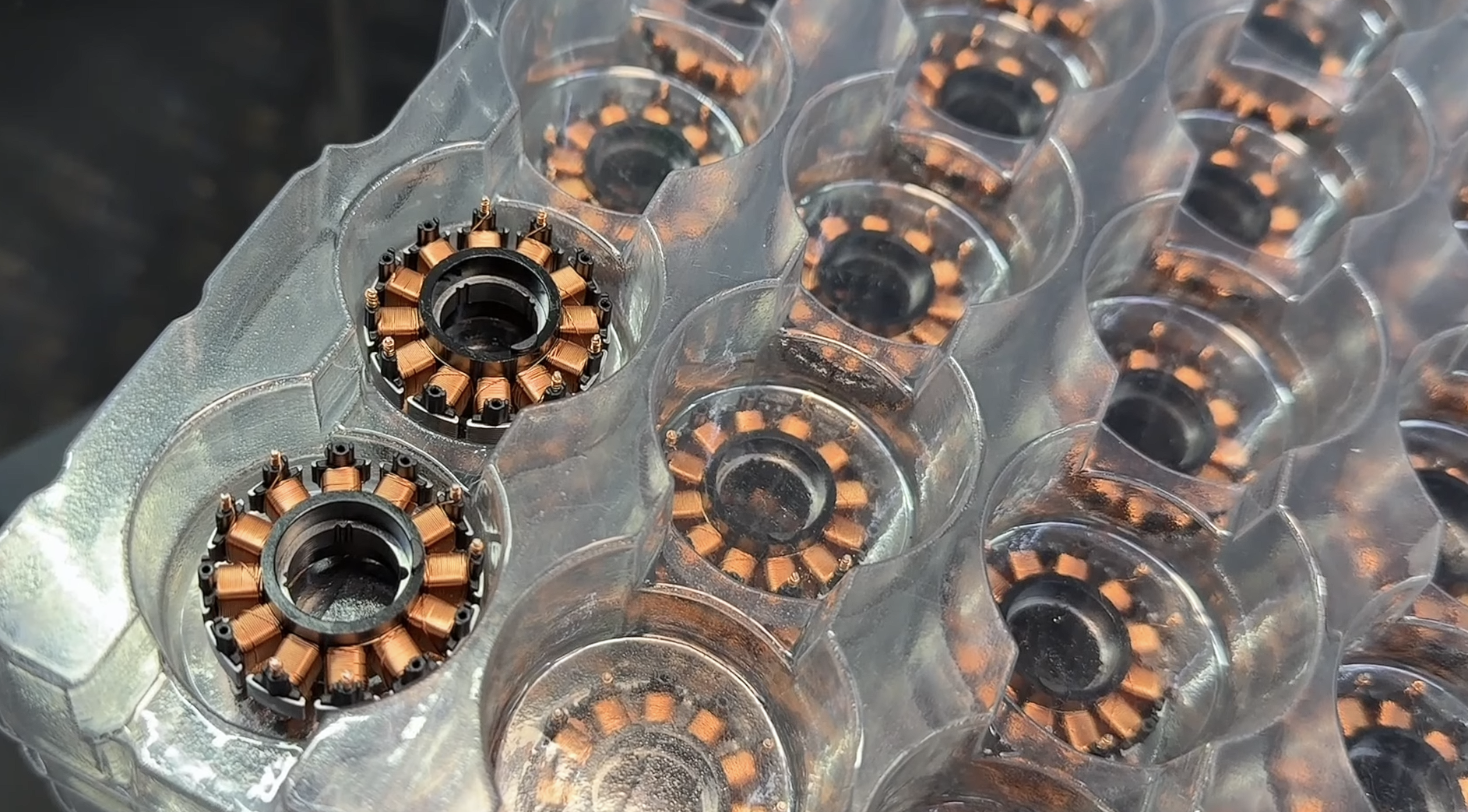
DeepCool also has its own injection moulding facility, which it uses for creating new fans. Through testing here, DeepCool has enabled new winding techniques for the wire in the core of its fans, and different material combinations for its fan blades. It has also managed to improve stability, reducing wobble and noise, while also bringing improvements to effective airflow.
We will see all of this come together at Computex 2026 with the reveal of the AK700 VC, DeepCool's new single-fan vapour chamber CPU cooler. At the event, DeepCool will also show off the new Assassin V cooler, which also has a new vapour chamber design.
KitGuru Says: We will see more of these products at Computex 2026, so keep an eye out for our coverage next week.
DeepCool has recently launched AG620 G2. This is a second generation of AG620 series coolers. The new cooler is now available in multiple configurations:
AG620 G2
AG620 G2 ARGB
AG620 G2 WH
AG620 G2 WH ARGB
AG620 G2 WH ARGB V2
AG620 G2 BK ARGB V2
DeepCool has retained the matrix fin array design on dual towers in these coolers and has bundled two fine-tuned 120mm fans with different speeds as well. This series is a tad below the premium AK620 G2 series. The top of the towers has stylish plastic covers that are removable.
The cooler is compatible with the Intel LGA1851/1700 and AMD AM4/AM5 sockets. I am taking a look at the base model, which is AG620 G2. It has an MSRP of USD 39.99 and has a 1-year warranty.
Specifications
Packaging
The packing box has a white color finish, and it differs from the high-end coolers from DeepCool. The cooler itself is nicely tucked between Styrofoam pads. The fans come pre-installed.
The overall dimension of the assembled cooler is 129x136x159mm (LxWxH). This is definitely a small footprint. The dimension of the heat sink is only 127x110x156mm (LxWxH). The net weight of the cooler is 1036 gm.
The top of both towers has a plastic cover with a stylish square box design. These are removable. One of the top covers has a DeepCool branding vertically on the side. This cooler has a silver finish, which is standard. You can get a white and black coated version as well, which could cost a bit more over the base model.
The outer sides of both towers have the same design and layout. DeepCool uses the same matrix fin array design as we have been seeing on their other coolers. The heatsink is an offset design with 45 aluminum fins on the main area and 5x fins with an inset. This provides better clearance from the heatsink itself for the RAM. The inner side of both towers has a straight line pattern.
The left and right sides of the towers are identical in layout. The fins have an interlocking mechanism on the sides. The middle section has an inset, and the sides have a raised surface. This is where the heads of the fan clips are rested on.
The DeepCool AG620 G2 has 6x copper heat pipes. Each pipe has a 6mm thickness. These are nickel-plated. The assembly is not soldered. They are making an evenly spread-out contact with the fins.
Now, I am showing the cross-bar or mounting plate installed over the base. You can see a heatspreader layout in this area. It has a spring-loaded screw on each end.
The base has a protective cover over it. The precision-machined copper base is nickel-coated. It is almost a mirror finish. The base is in a convex layout.
FANS
DeepCool has bundled two 120mm non-RGB, black edition fans with this cooler, with one particular change. Both fans have different operating speeds.
The peculiar design element of these fans is the all-black color scheme and square frame of these fans. Each fan has 7x blades. These blades are attached to an inner ring, which also rotates. The center has a DeepCool branding. Each mounting corner has a slim anti-vibration pad which runs the entire height of the fan.
A look at the backside of the fan shows a sloped design on the border. Each fan draws 0.15A at 12VDC. They are made in China and use Hydro bearings. A single fan has a 1.8W power draw.
Dotted design arrow markers show the direction in which blades spin. Striped design on the side frame is visible as well.
The fan is PWM regulated using a 4-pin PWM connector. The front fan also comes with a 3-pin socket so that both fans can be daisy-chained and connected to a single source for speed regulation.
A few pictures of the assembled cooler.
Installation
We are not covering the installation steps. You can use the user guide for that purpose. I only report my observations during the installation and removal of the cooler. Installation of this cooler on AM5 is a straightforward process, and I have no observations.
Clearance
We need to look at the clearance from multiple angles. Let’s start with the RAM.
The heatsink provides a universal clearance for the RAM. The fan will sit on top of a 44mm tall kit without disturbing the overall height of the cooler. However, any taller kit would require the front fan to be slid upward, increasing the overall height of the cooler.
I am reporting absolute temperature in the graph because the room temperature was at 22°C throughout the day. The testing is done on an open-air bench system. Once inside the chassis, the temperatures are expected to rise and would largely depend upon the optimal airflow inside the chassis.
Result
The AG620 G2 might not handle the extreme load of 243W on the 9900X, but it easily handled the 200W load on the same CPU. You can use this cooler for i5, i7, Ryzen 5, and Ryzen 7 series SKUs.
Conclusion
AG620 G2 is a second generation of budget air cooling from DeepCool. This series has improved the thermal performance over the previous generation and is available in multiple models, starting from the base model of simple AG620 G2 (No black/white color coating and no lighting). This is a dual-tower, dual-fan configuration. The socket support is Intel LGA1851/1700 and AMD AM4/AM5.
This cooler has a dimension of 129x136x159mm (LxWxH) with fans. The heatsink itself has a dimension of 127x110x156 mm (LxWxH). This shows a relatively small footprint. Its weight is 1036 gm.
The heatsink comprises 50 fins per tower, with the front tower having a 45+5 fin design. The 5 fins have an inset to provide universal RAM clearance. DeepCool has used nickel-plated 6×6 mm thick heat pipes, and the assembly is not soldered. The precision-machined copper base is nickel coated uses Core Touch Technology (CTT 2.0). The heat pipes make a hidden contact with the base.
Unlike the AK620 G2 NYX Digital that has a quad-segmented display on the top covers, the AG620 G2 comes with simple yet stylish removable plastic covers on top, with one having a DeepCool branding. The outer sides of the towers have a matrix fin array design, whereas the inner sides have a simple straight-line design.
Two non-RGB 120mm fans are provided with the cooler. Both have different rated speeds. One is rated for 500 to 2000 RPM ±10%, whereas the other is rated for 500 to 2200 RPM ±10%. The airflow rating is 63.56 and 70.09 CFM on both fans, respectively. The air pressure rating is 1.98 and 2.49 mmHg, respectively. They use a hydro bearing. The noise level is rated at ≤23.08 and ≤29.22 dB(A), respectively.
The overall installation of this cooler on AMD AM5 is simple and requires 10 items for the mounting kit. There is no clearance issue either on this cooler. The height is 159mm, which is also compatible with the majority of PC Cases.
This cooler has an MSRP of USD 39.99. It has a warranty period of 1 year. This cooler can handle Intel Core i5, i7, and AMD Ryzen 5 and Ryzen 7 SKUs, depending on the thermal load. It has handled a 200W load on Ryzen 9 9900X quite well, but struggled on a 243W load.
DeepCool has released a new cooler in the liquid cooling category. It is named LT360 Vision ARGB. The most striking feature is a large display screen measuring 4.5”. Clearly, DeepCool is following the industry trend where many manufacturers have released not one but multiple liquid coolers with a large display screen. Even some have released curved screens, but DeepCool has got you covered on that by providing a 90° rotation of the screen so that you always get to see what is on the screen.
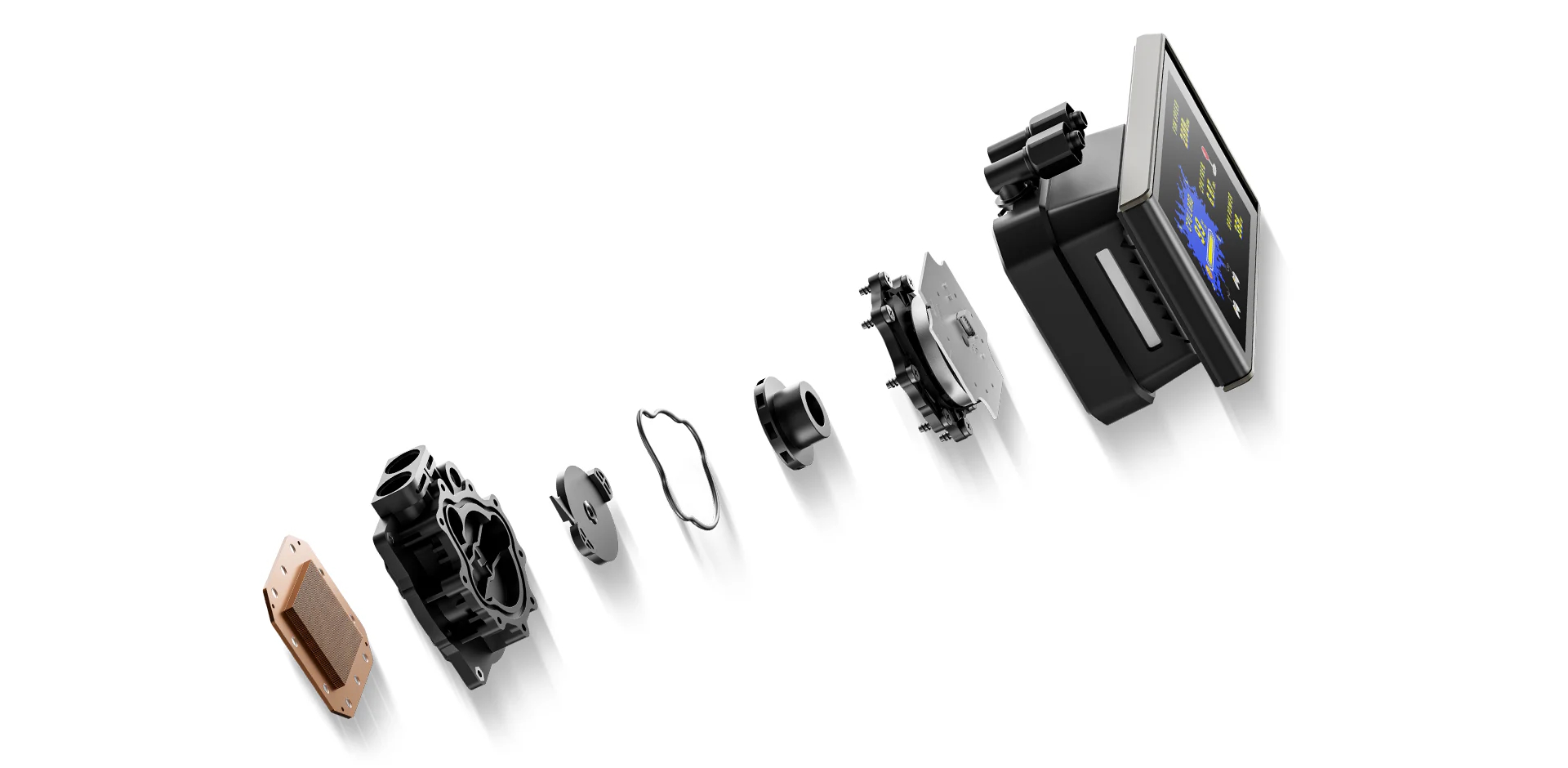
This cooler also features DeepCool’s sixth-generation pump, which uses a 3-phase, 6-slot, 4-pole motor with FOC control, delivering smoother and more efficient operation across a PWM-adjustable range of 2,500 to 3,400 RPM. DeepCool has also addressed the cold plate design with fine-tuned micro-fin geometry to maximize the heat transfer.
Another key feature is the introduction of new fans with follows closed-wheel design for 360° ARGB lighting, which looks good in person. These fans are rated for up to 2500 RPM speed, generating 75.33 CFM airflow at an air pressure of 2.41 mmAq with an impressive noise level of ≤33.66 dB(A).
This cooler requires DeepCreative software (latest version), providing a user-friendly interface and control options, including the ARGB lighting. This cooler is compatible with Intel LGA1700/1851 and AMD AM4/AM5 sockets. It has an MSRP of USD 139.99. It comes with a 5-year warranty.
Specifications
Packaging and Unboxing
The cooler is shipped inside a cardboard box with a leaflet or cover around the box. This is the standard DeepCool design or theme. The cooler and accessories are placed inside the main container.
It is time to take a closer look at each component of the main unit, starting with the radiator.
3x high-performance 120mm fans come pre-installed over the radiator. Each fan has a short length power cable that runs on one side of the housing. The connection comes daisy-chained from the factory.
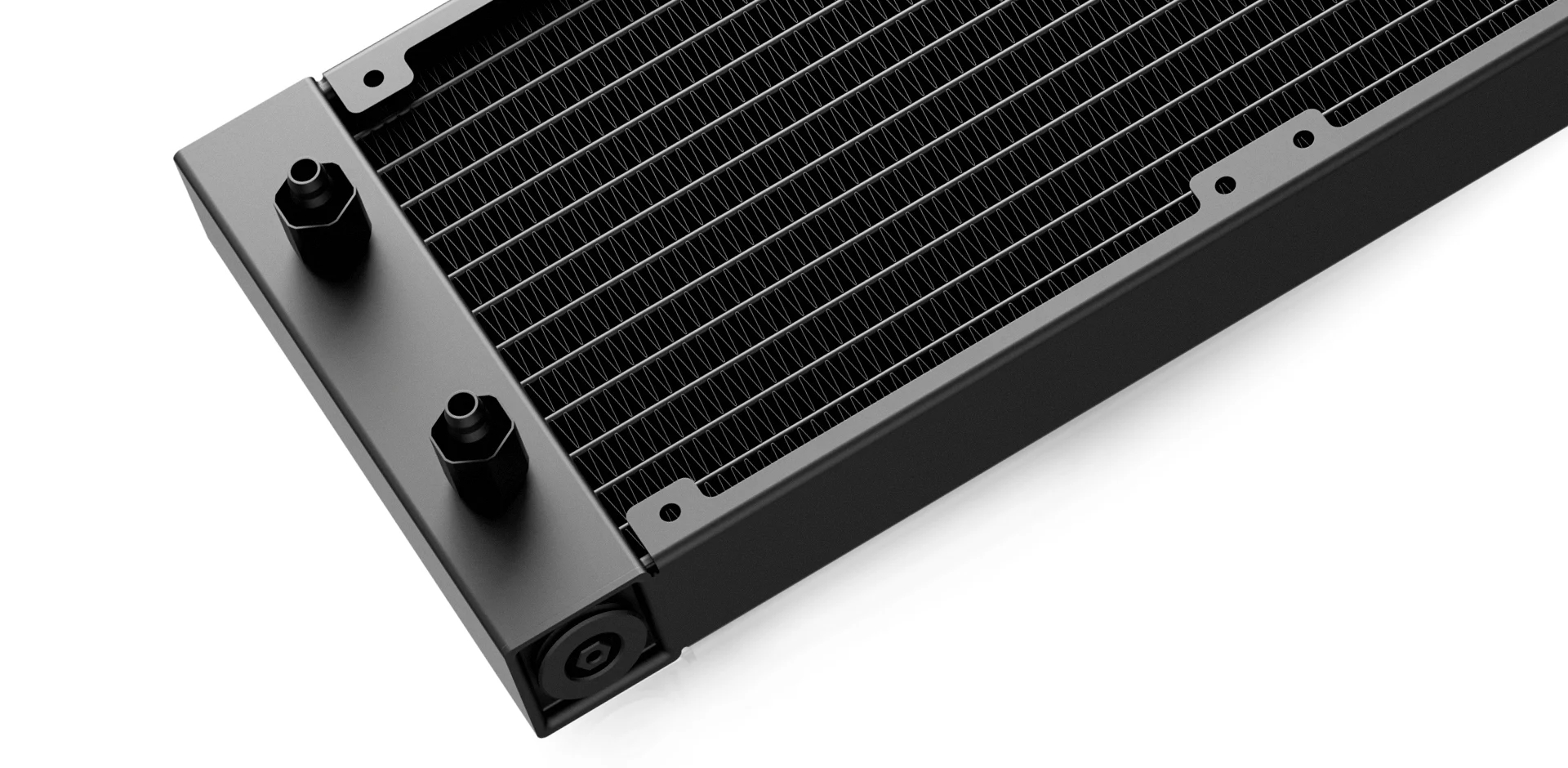
The cooler has an aluminum radiator measuring 402x120x27mm (LxWxH). The cooler has a total height of 52mm with the fans. The fin stack has a 20 FPI count and comprises 12 channels for the coolant flow. There is a 105mm standard gap between any two opposite end mounting holes. I did not see any bent or broken fin.
The tube connection on the radiator housing is well concealed using black, rounded clamps. There is a considerable gap between the two tube connections. Warranty and Serial number stickers are on the opposite end of the radiator.
The cooler also features Anti-Leak technology. I have been covering the Anti-Leak technology since its inception. The idea is to provide a mechanism that could effectively release the increased vacuum pressure inside the loop if the case be. Otherwise this increased pressure is likely to result in breakage and leakage.
The radiator housing has no branding on the side frame. The rubber tubes are covered under the nylon braided sleeves. These tubes run to approximate to 410mm in length. The tubes come equipped with clips for a clean look.
Block/Pump Head
The display screen is not removable, hence it sits over the top of the pump housing. It is a 4.5” IPS LCD type with 854×480 resolution. I was kinda expecting higher resolution. DeepCool has not mentioned the polling rate of the screen. It has a crisp display. The overall dimension of the pump top is 131x89x58mm (LxWxH).
The screen is attached to the pump top, and it is a swivel design, meaning the screen can be opened and tilted or rotated to one side (hinge side).
Here, I am showing the screen in full 90° tilt.
The top of the pump housing has a magnet to which the screen firmly attaches when fully closed. LT Vision text can be seen here. The line pattern is also visible over the pump housing.
The pump housing is made of ABS material, and you can see a diffuser inside the main housing. This diffuser is on three sides except the one with the hinge design. It is ARGB backlit.
The backside of the pump top has tube connections at 90° and can be rotated sideways. The cables come out from the side of the frame.
The pump is PWM regulated, which is a wise move. DeepCool has provided standard ARGB connectors (5V, 3-pin) for the ARGB lighting. You can also see a 9-pin USB 2.0 connector. This is required for the display screen control via DeepCreative software.
Speaking of the pump, this cooler features a 6th-generation pump from DeepCool that uses ceramic bearings and is powered by a 3-phase, 6-slot, 4-pole motor with FPC control that rotates up to 3400 RPM.
The unit base comes with pre-applied thermal paste. DeepCool has enlarged the cold plate and contact area for improved thermal efficiency.
This is how the block will look with the display screen installed.
FANS
DeepCool has provided 3x high-performance RGB fans with this cooler. Each fan has 9x blades attached to the outer ring. This ring is a part of the impeller assembly and rotates along. However, there is a considerable gap between the ring and the main frame. The center has DeepCool branding. The mounting corners have DeepCool’s standard design.
The backside of the frame has no slope design as I have seen on the Spartacus series coolers’ fans. A 4-armed assembly is visible in an angular manner, providing focused flow. These fans are made in China. They use Hydro Bearings. The fan is rated for 0.28A, taking 3.36W of power.
Each side of the fan has an open design showing a diffuser in what DeepCool referred to as Closed-Whel design. The frame is quite sturdy.
Each fan has a proprietary 8-pin connector and socket. The bundled extension cable has a standard 4-pin PWM connector, which is connected to your motherboard.
Installation
We don’t cover the installation steps. Please use the installation guide for that. We only mention observations recorded during installation.
I did not observe any issues in the installation of this cooler on the AM5 platform. It has the same mounting mechanism for AM5, which I have seen on DeepCool’s latest coolers.
Clearance
Make sure your PC Case has clearance for a 360mm AIO measuring 402x120x52mm.
Software
DeepCreative is a software that you need to download from the DeepCool website. You need to restart the PC in order for the software to pick the connected components correctly. On my first run without a restart, the software did not pick the Linker Controller.
The first page shows the sensor data from PC components. The second page lists the components. You can change the temperature unit under the settings. Firmware update is also provided in this section. Under the Devices, all the compatible or enabled devices will be shown. Click on the device you want to customize.
Please note that you can’t regulate the speed of the fans and pump from the software since this cooler does not fall under the AI Cooling category from DeepCool.
The display-related options are provided under the LT360 VISION Listing. You can customize the display screen there. You can display pictures or run videos, animations, GIFs, and can customize the sensor display.
Software provides the main categories:
D-Cast: Extends your desktop view on the screen [I never got it to work anyway]
Monitoring: Shows key sensor data on the screen.
Media: Displays videos, animations, pictures, etc
Video
I recorded a simple video showing the animation on the screen.
RGB Lighting
DeepCool uses a standard connector that would work with the RGB sync technology of motherboard manufacturers. Pictures are from ASRock X870E NOVA WiFi.
AMD Testing
The following configuration is used for thermal testing:
I am reporting absolute temperature in the graph because the room temperature was at 22°C throughout the day. The testing is done on an open-air bench system. Once inside the chassis, the temperatures are expected to rise and would largely depend upon the optimal airflow inside the chassis.
Result
The LT360 Vision ARGB offers a top-notch cooling performance, and its noise level is also good, making it quite an efficient noise-to-thermal cooler on the market.
Conclusion
DeepCool has released a new cooler named LT360 Vision aRGB. The word Vision indicates a display screen. This cooler has a 4.5” IPS screen with 854×480 resolution. I am not sure about the polling rate of the screen. This move is clearly strategically aligned with the current trend in the industry, where many manufacturers carry large screen-enabled liquid coolers. Some even have curved display screens. The salient feature of this screen, besides its crisp display, is a 90° tilt allowing the user to rotate the screen so that they can see the visuals in full regardless of the placement orientation of the PC Case on the desk.
This cooler is available in black and white in a 360mm size. It is compatible with Intel LGA1700/1851 and AMD AM4/AM5 sockets. Three 120mm ARGB fans come pre-installed and pre-wired over the radiator. The radiator has an overall dimension of 402x120x52mm with fans. It has 12 channels for coolant flow with a fin density of 20 FPI. Manufacturer uses rubber-tubing which runs to 410mm in length and has a black color nylon braided sleeve mesh. Needless to say, this cooler also features Anti-Leak technology.
The display screen is integrated into the pump housing. The pump itself is a sixth-generation design that has a 3-phase, 6-slot, and 4-pole motor with FOC control. It is rated for up to 3400 RPM. It is PWM regulated. In addition, DeepCool has provided a 3-sided ARGB lighting on the pump housing for which standard ARGB connectors are provided. A USB 2.0 connector is also provided for the software-based screen display. DeepCreative software is provided for customization.
Each fan is rated for 500 to 2500 RPM ± 10%. Airflow rating is 75.33 CFM, and air pressure rating is 2.41 mmAq. The noise level is rated at ≤ 33.66 dB(A). These fans use Hydro Bearings. The fan’s power draw is 3.36W. Pump’s power draw is 3.48W.
DeepCool has provided its standard mounting kit with this cooler. It is clear that the offset Intel mounting kit is only offered with the flagship Spartacus coolers. The installation of this cooler on the AMD AM5 socket is the same as on DeepCool’s recent coolers. It is a straightforward task but requires 14 items.
This cooler has an MSRP of USD 139.99, and it comes with a 5-year warranty. This cooler packs a good performance with excellent noise-to-thermal efficiency. The large display screen with ARGB fans provides excellent augmentation.
Earlier, I tested Spartacus 360 from DeepCool, and the cooler got my praise for excellent cooling performance and brilliant looks. Now, DeepCool has released its 420mm version using the same pump and 30mm thick 140mm size fans.
This cooler features DeepCool’s sixth-generation pump, which uses a 3-phase, 6-slot, 4-pole motor with FOC control, delivering smoother and more efficient operation across a PWM-adjustable range of 2,500 to 3,400 RPM. DeepCool has also addressed the cold plate design with fine-tuned micro-fin geometry to maximize the heat transfer.
This cooler also features the same 3.4” IPS LCD screen with 480×480 resolution to display your media, along with key statistics of the PC. Not only that, but DeepCool has been creative as they have used tubes and tube clips to route a single cable from the pump top towards the radiator and out, hence providing a neat and clean outlook. They have also included a Linker controller device, which sits between the AIO and the motherboard.
DeepCool seems to be focused more on Intel, as they have included a regular as well as offset mounting bracket for Intel LGA1851, with back mounting for which a specialized backplate is provided. AMD mounting is similar to what I have seen on its recent coolers.
DeepCreative software provided a simplified and user-friendly interface with customization and control options, including the ARGB lighting. This cooler is compatible with Intel LGA1700/1851 and AMD AM4/AM5 sockets. It has an MSRP of USD 214.99. It comes with a 5-year warranty.
Specifications
Packaging and Unboxing
The cooler is shipped inside a cardboard box with a leaflet or cover around the box. This is the standard DeepCool design or theme. The cooler and accessories are placed inside the main container.
The following are provided:
1x Cooler
1x Intel Backplate
2x Intel Mounting Brackets
2xAMD Mounting Brackets
4x AMD Standoff Screws
4x Nuts
1x Nut Locker
4x Intel Washers/Spacers
4x Screws for Mounting Brackets
12x Radiator Screws
1x Tube Clip
1x PWM Extension Cable
1x Linker to Motherboard Connecting Cable
1x User Guide
1x Information and Support Guide
Closer Look
It is time to take a closer look at each component of the main unit, starting with the radiator.
3x high-performance 140mm fans come pre-installed over the radiator. These are not RGB fans. Each fan has a short length power cable that runs on one side of the housing to set up a daisy-chain connection using a proprietary connector.
The cooler has an aluminum radiator measuring 462x140x27mm (LxWxH). The cooler has a total height of 57mm with the fans. The fin stack has a 20 FPI count and comprises 12 channels for the coolant flow. I did not see any bent or broken fin.
The tube connection on the radiator housing is well concealed using gunmetal gray rounded clamps. There is a considerable gap between the two tube connections. The opposite end of the radiator has a serial number and part number stickers.
The cooler also features Anti-Leak technology. I have been covering the Anti-Leak technology since its inception. The idea is to provide a mechanism that could effectively release the increased vacuum pressure inside the loop if the case be. Otherwise, this increased pressure is likely to result in breakage and leakage.
The radiator housing has no branding on the side frame. The rubber tubes are covered under the nylon braided sleeves. These tubes run to approximate to 465mm in length. The tubes come equipped with clips for a clean look.
DeepCool has been creative. They have provided 3x tube clips. Each clip has a center fold where the cable from the block is routed through. This way, these clips or catchers not only hold the tubes in place but also route the cable along the tube. This design cleverly hides the cable and provides a neat and clean outlook.
However, the length of the cable coming from the pump top is not sufficient to be routed along the tube length and reach the linker hub. An extension cable should have been provided, or the length of the cable should have been made as such.
Display Screen
The display screen is provided separately and uses a magnetic attachment. It makes contact with the pump top using a 6-pin connection. A pad is provided on the pump top.
The screen size is 3.4”. Its brightness is 750 nits with a resolution of 480 × 480x and has a color depth of 16.7M colors. Its refresh rate is 30Hz. I would have preferred more resolution, but still, this screen is adequate for a crisp display.
The housing is made of aluminum material and an overall dotted design bodes quite well with the aluminum shell, providing a stylish display screen. What is hidden is the ARGB LED strip and diffuser under the two sides of the top cover.
Editor’s Note: I am still not sure what these hidden ARGB LED strips would do on the pump housing!
Block/Pump Head
I must say that the pump top of this cooler, even without a display screen, looks quite vibrant despite the fact that it is a simple design. It has a dimension of 99x91x65mm (LxWxH). You can see a textured pattern on the top of the pump. 6-pin contact pad/pins are on the lower side of the frame.
The main housing seems to be made of aluminum, but it is ABS, and it has a fantastic, rounded finish. It has no stenciling or design pattern anywhere on the surface.
Looking at the rear of the unit, you can see 90° adapters on which the tubes are installed. They can be rotated for necessary adjustment during installation. A single flat cable can be seen coming out from the upper section of the base.
The pump and ARGB LEDs are controlled via a proprietary 10-pin connector for which a long-sleeved cable is provided. This connector goes to the Linker controller. This is the only caveat in the pump top side. This cooler does not have a dedicated connector for the pump.
Speaking of the pump, this cooler features a 6th-generation pump from DeepCool that uses ceramic bearings and is powered by a 3-phase, 6-slot, 4-pole motor with FPC control that rotates up to 3400 RPM.
The unit base comes with pre-applied thermal paste. DeepCool has enlarged the cold plate with 22% more surface area and contact area compared to the last generation for improved thermal efficiency.
This is how the block will look with the display screen installed.
Linker Controller
DeepCool has provided a controller with the cooler. It comes with a self-adhesive tape that has a magnet on the other side so that a magnetic attachment can be provided for the controller. 4x screws are also there in case you want to install this controller in the PC Case using screws.
This controller has 4x ports on one side labeled EXFAN and EXARGB 1 and 2. These ports are there in case you want to add PC Case fans to the controller for a single control.
The other side of the controller has a P/D labeled port to which the cable from the pump top is connected. The Sync labeled port uses a cable that connects the controller to the motherboard using a 4-pin fan connector and a 3-pin ARGB connector. The AIO Fan labeled header is for the AIO fans’ connector.
The pre-installed cables on the controller have a SATA connector and a 9-pin USB 2.0 header.
This picture illustrates the cable connection.
DeepCool has provided a Sync cable for the controller and motherboard, as well as the PWM extension cable for the AIO fans.
Fans
DeepCool has provided 3x high-performance non-RGB fans with this cooler. Each fan has 9x blades. The center has DeepCool branding. The mounting corners have DeepCool’s standard design. Each fan measures 140x140x30mm. These are rated for airflow of up to 112.5 CFM and 4.15 mmAq air pressure. The extra 5mm thickness is contributing to the high performance.
The backside of the frame shows a slope design on the border and 4-arms in an X shape providing focused flow. These fans are made in China. They use Hydro Bearings. The fan is rated for 0.35A, taking 4.2W of power.
Editor’s Note: Don’t daisy-chain connect all three fans to a motherboard fan header that is rated for 12W power in total.
The side frame shows a stripe design. The fans use a proprietary connector and socket.
Installation
We don’t cover the installation steps. Please use the installation guide for that. We only mention observations recorded during installation.
DeepCool has provided two mounting brackets for Intel. One bracket has an offset label. It provides a better coverage of hot spots on the die, hence providing better heat transfer. Installation of these brackets is convenient, and overall installation is even more convenient. I appreciate DeepCool for coming up with a unique but excellent mounting for Intel.
I did not observe any issues in the installation of this cooler on the AM5 platform. It has the same mounting mechanism for AM5, which I have seen on DeepCool’s latest coolers.
Clearance
Make sure your PC Case has clearance for a 420mm AIO measuring 462x140x57mm. The majority of the PC Chassis don’t have support for a 420mm radiator or liquid cooler.
Software
DeepCreative is a software that you need to download from the DeepCool website. You need to restart the PC in order for the software to pick the connected components correctly. On my first run without a restart, the software did not pick the Linker Controller.
The first page shows the sensor data from PC components. The second page lists the components. You can change the temperature unit under the settings. Firmware update is also provided in this section. Under the Devices, all the compatible or enabled devices will be shown. Click on the device you want to customize.
The display-related options are provided under SPARTACUS LCD Liquid Cooler Listing. You can customize the display screen there. You can display pictures or run videos, animations, GIFs, and can customize the sensor display.
You can tinker with the speed of fans, pump, and ARGB lighting from the SPARTACUS Linker listing. DeepCool has provided Digital Mode and Multimedia Mode to categorize the types of displays on the screen. In addition, there is a Zen control that will control and adjust various elements like brightness automatically. AI-based regulation is provided using DeepCreative’s proprietary AI-driven algorithm that tracks CPU load in real time and coordinates both fan and pump speeds to match the optimal fan speed curve. Please note that the fans will instantly shift to full speed when the CPU hits above 80 °C, and they automatically revert to preset mode once the CPU temp drops below 80 °C.
I recorded a simple video showing the animation on the screen.
The above pictures show the display in action.
RGB Lighting
I mentioned this in the review of Spartacus 360 that hidden ARGB lighting would not serve any purpose, and I am still putting it here.
Testing
The following configuration is used for thermal testing:
ASRock Phantom Gaming RX 7600 Graphics Card for Display
Biwin Black Opal X570 Pro 4TB NVMe SSD
Fractal Design ION+ 2P 860W Platinum PSU
Thermaltake Core P6 TG Snow Edition in an open frame layout
Here is the settings table for testing:
Settings
PBO Enabled [243W]
Clock (MHz)
Auto
Voltage (V)
Auto
Thermal Paste
Noctua NT-H2
Thermal Paste Application
Dots Method
Test Run Time
30 minutes
Idling Time
10 minutes
All Fans Speed
100% PWM Duty Cycle
Pump Speed
Stress Software
CINEBENCH R23.2
Monitoring Software
HWINFO64
I am reporting absolute temperature in the graph because the room temperature was at 22°C throughout the day. The testing is done on an open-air bench system. Once inside the chassis, the temperatures are expected to rise and would largely depend upon the optimal airflow inside the chassis.
Result
I must say this is the first 420mm liquid cooler in my testing experience that actually delivered an excellent performance. The fans’ noise is a bit loud, but using AI Silence or Performance mode, you can easily make these fans ramp up only under load, or you can use a custom fan curve in BIOS for that and enable sync to the motherboard in the software.
Conclusion
After testing Spartacus 360, I have taken a spin on Spartacus 420mm. It is compatible with Intel LGA1700/1851 and AMD AM4/AM5 sockets. The basic footprint of 420mm is identical to that of 360mm, but the major difference comes from the fans and, obviously, the radiator size.
The overall outlook is stealth, neutral, with a beautiful accented LCD screen. It comes with pre-installed non-RGB 30mm thick 140mm high-performance fans. The radiator has an overall dimension of 462x150x57mm with fans. It has 12 channels for coolant flow with a fin density of 20 FPI.
DeepCool uses rubber-tubing, which runs to 465mm in length and has a black nylon braided sleeve mesh. DeepCool has also provided three clips or catchers that not only bind the tubes but also provide a channel through which the single cable from the pump top is routed. Needless to say, this cooler also features Anti-Leak technology.
The pump top or pump head is a quite stylish and elegant design with a minimalistic approach. It has a 6-pin contact point on top to establish a connection with the magnetically mounted display screen. The pump itself is a sixth-generation design that has a 3-phase, 6-slot, and 4-pole motor with FOC control. It is rated for up to 3400 RPM and uses a ceramic shaft and bearing for durability. The other change comes in the cold plate and the contact surface, which are increased by 16% and 22%, respectively.
The screen module is an elegant design that bodes well with the overall theme of the cooler. It has a 3.4” screen with a resolution of 480×480 px using a 30Hz refresh rate. In my opinion, the refresh rate should be 60Hz for better polling.
DeepCool has provided a linker controller to which the cable connection from the pump top is required. Controller is SATA powered, and it is connected to the motherboard using a standard 4-pin PWM connector and a 3-pin, 5V, ARGB connector. DeepCreative software is provided for customization.
Fans are not RGB. Each fan is rated for 500 to 2000 RPM ± 10%, and they feature an auto stop function under 5% load. Airflow rating is 112.5 CFM, which is quite high compared to 79.89 CFM on Spartacus 360, and air pressure rating is 4.15 mmAq, which is higher than 3.30 mmAq on Spartacus 360. The noise level is rated at ≤ 32.89 dB(A). These fans use Hydro Bearings. The fan’s power draw is 4.2W. Pump’s power draw is 3.48W.
DeepCool has provided an offset mounting bracket in addition to the regular one for the Intel LGA1851 socket that provides better coverage of hot spots on the die, and it worked like a charm. Also, the installation is made super easy from the backside of the motherboard, for which a customized backplate is provided. I like this design.
The installation of this cooler on the AMD AM5 socket is the same as on DeepCool’s recent coolers. It is a straightforward task but requires 14 items. The installation on Intel requires only 10 items.
This cooler has an MSRP of USD 214.99, and it comes with a 5-year warranty. Dare me to say that this is the first 420mm cooler in my testing experience that has actually delivered an excellent thermal performance with almost 2.5°C compared to the Spartacus 360mm and taking a solid lead in our graphs.
Combine this thermal performance with the stealth design and brilliant LCD display, and you have got yourself a super good liquid cooling solution, provided your case supports this size liquid cooler, and don’t forget a 5-year warranty. No wonder if this cooler has won our top award, Must Have, which is equal to Editor’s Choice.
Pros:
Thermal Performance
3.4” Display Screen
Very Subtle A-RGB lighting
New 6th Gen Pump
Magnetic Display Mount
High-Performance 140mm non-RGB Fans
Simplified Cable Management
Compatible with Intel LGA1700/1851 sockets
Compatible with AMD AM4/AM5 sockets
Noise
Warranty
Excellent Mount for Intel
Convenient Installation
Cons:
Pricey
Almost Hidden ARGB Lighting
The length of the cable from the pump should be longer
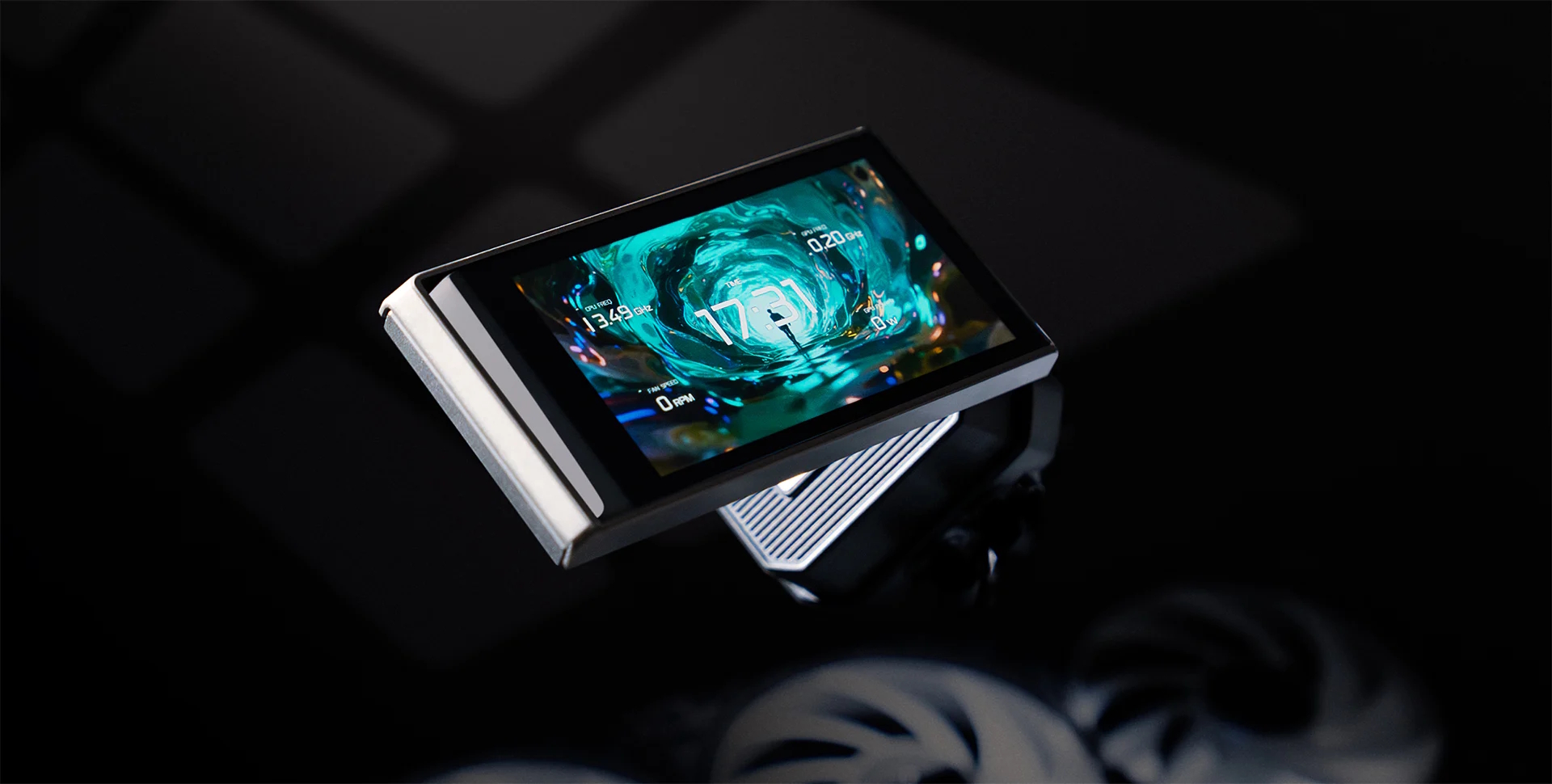
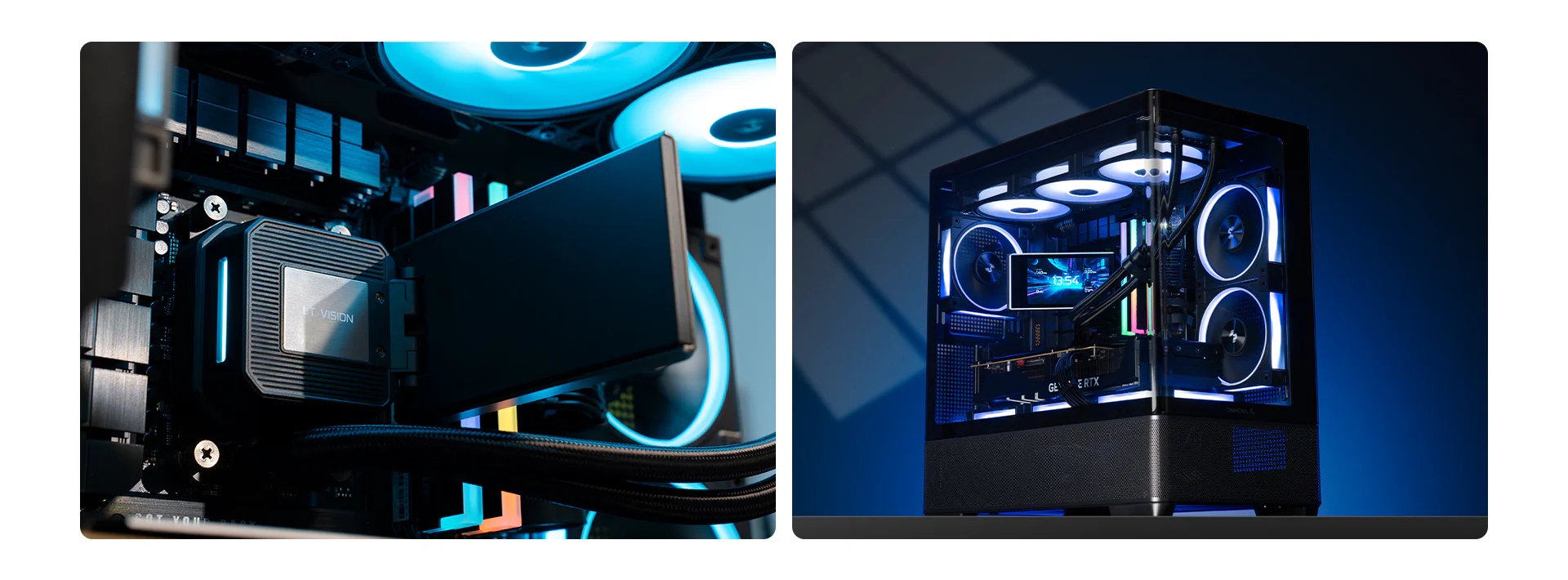
We've seen a lot of AIO CPU coolers with screens integrated into the CPU block. DeepCool is looking to make this the centrepiece of your build with the new LT360 Vision ARGB, which mounts a massive 4.5-inch IPS screen onto the cooler.
The centrepiece of this 360mm cooler is a 4.5-inch IPS display with an 854×480 resolution. Better yet, there are multiple mounting orientations and an included adjustable hinge lets you angle the display by up to 90°.
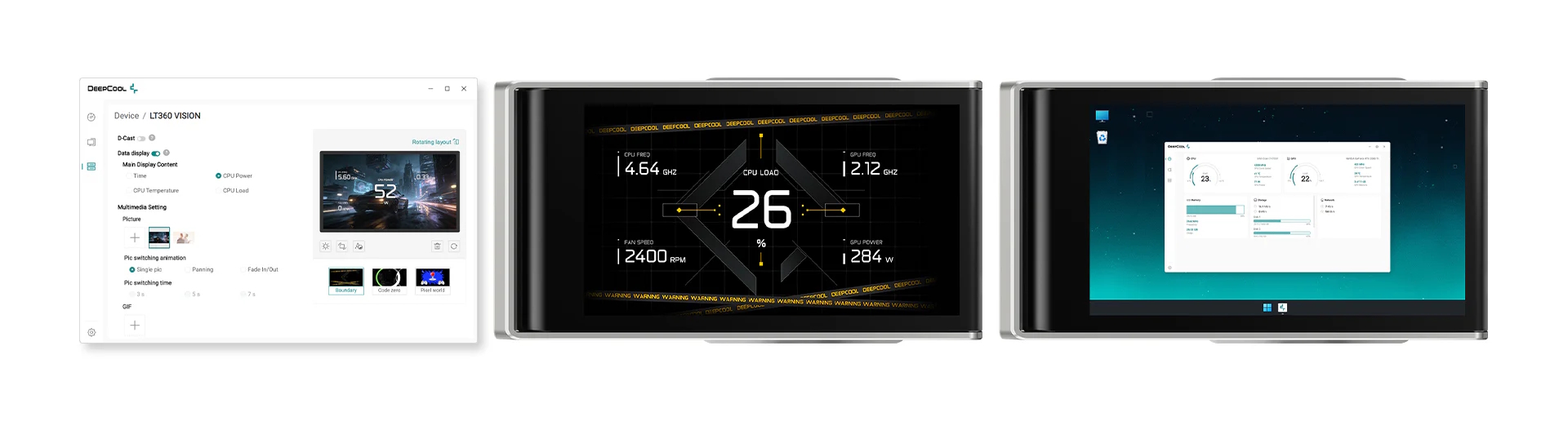
To manage the cooler, DeepCool has introduced its DeepCreative software suite. Beyond the standard fare of monitoring clock speeds or displaying cat GIFs, the software supports full MP4 video playback. Moreover, it features the D-Cast mode, a “screen extension” functionality that allows the pump display to act as a genuine secondary monitor within Windows.
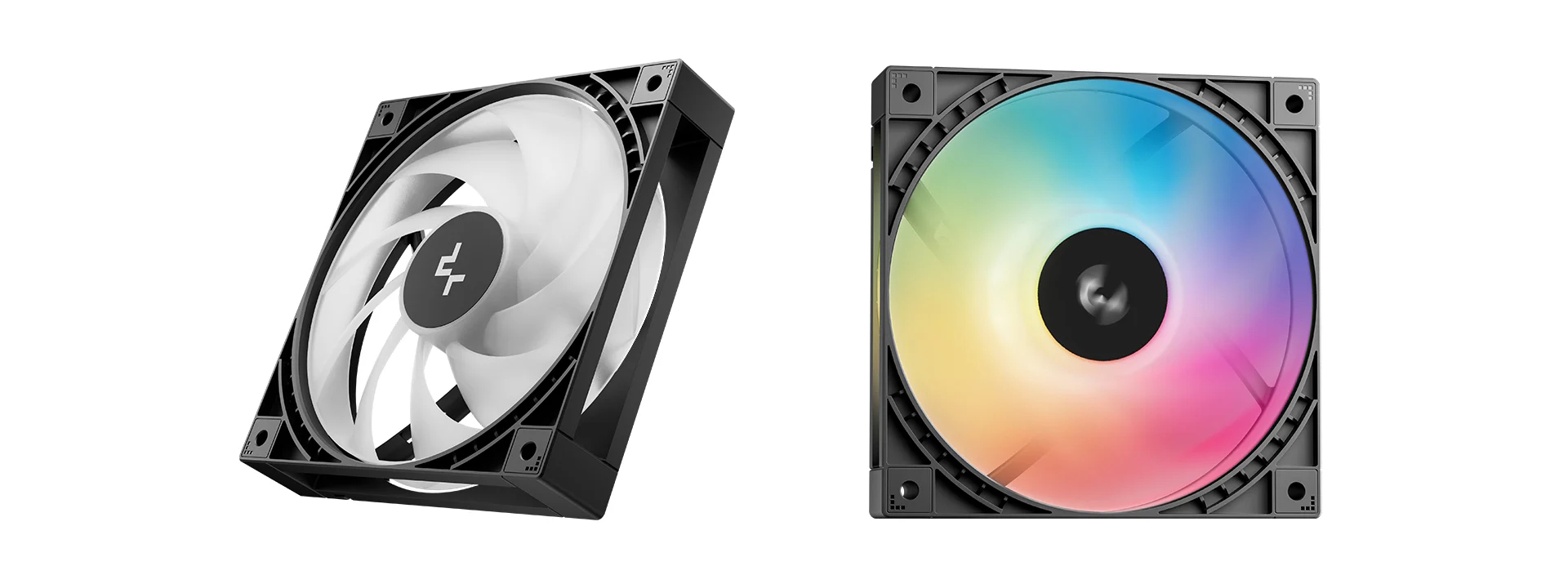
Underneath the visual flair of the LT360 Vision ARGB, DeepCool is using a 6th-generation pump with a 3-phase, 6-slot, 4-pole motor featuring FOC (Field Oriented Control), which allows it to reach up to 3,400 RPM. Moreover, the cooler uses the company's newly designed, open-frame ARGB fans with a fully enclosed ring-blade tip structure that promises improved airflow uniformity and lower noise levels.
KitGuru says: Would you like to put one of these into your system?

 Login
Login