Normal view

There are new articles available, click to refresh the page.
Before yesterdayMain stream

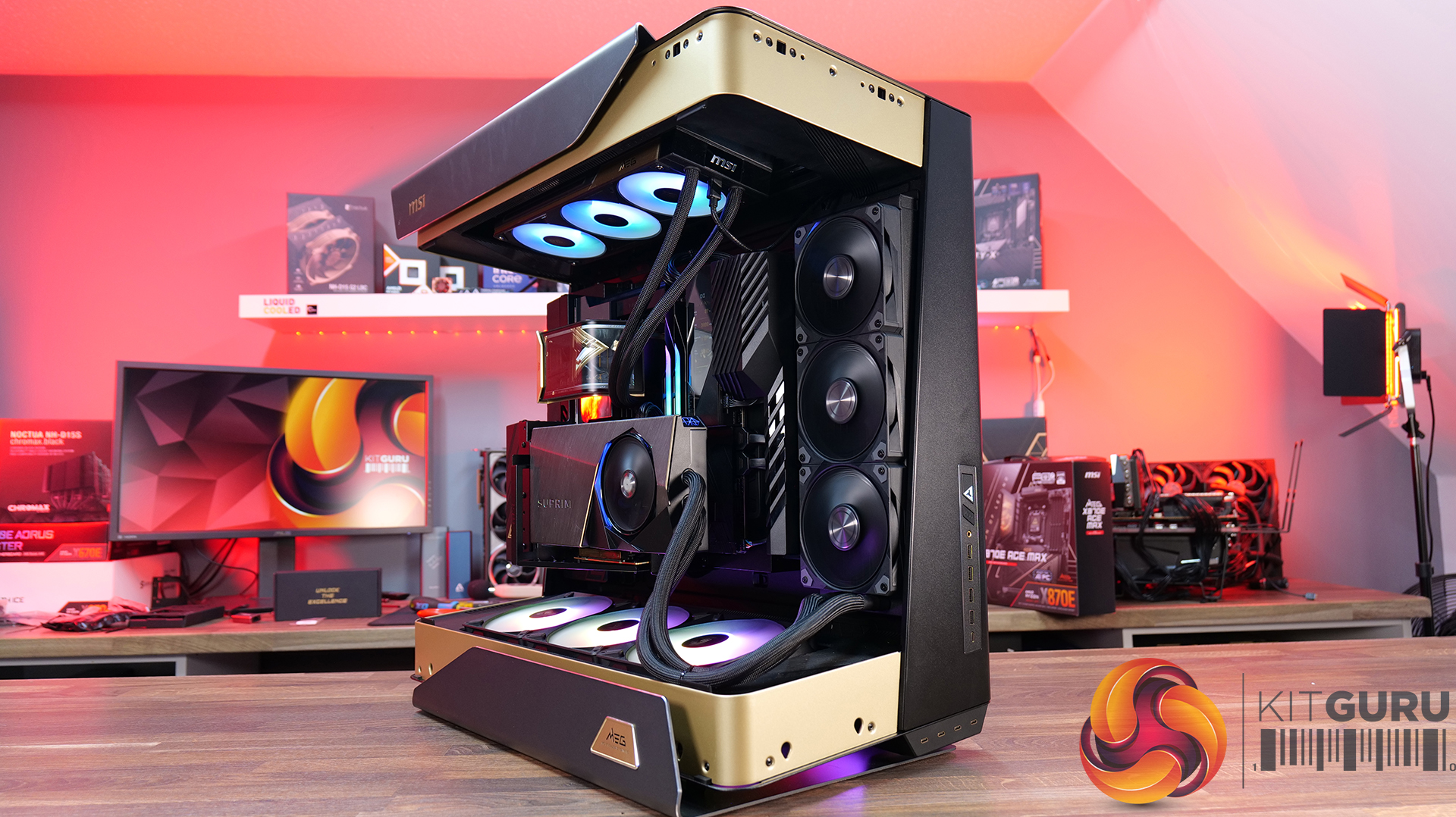
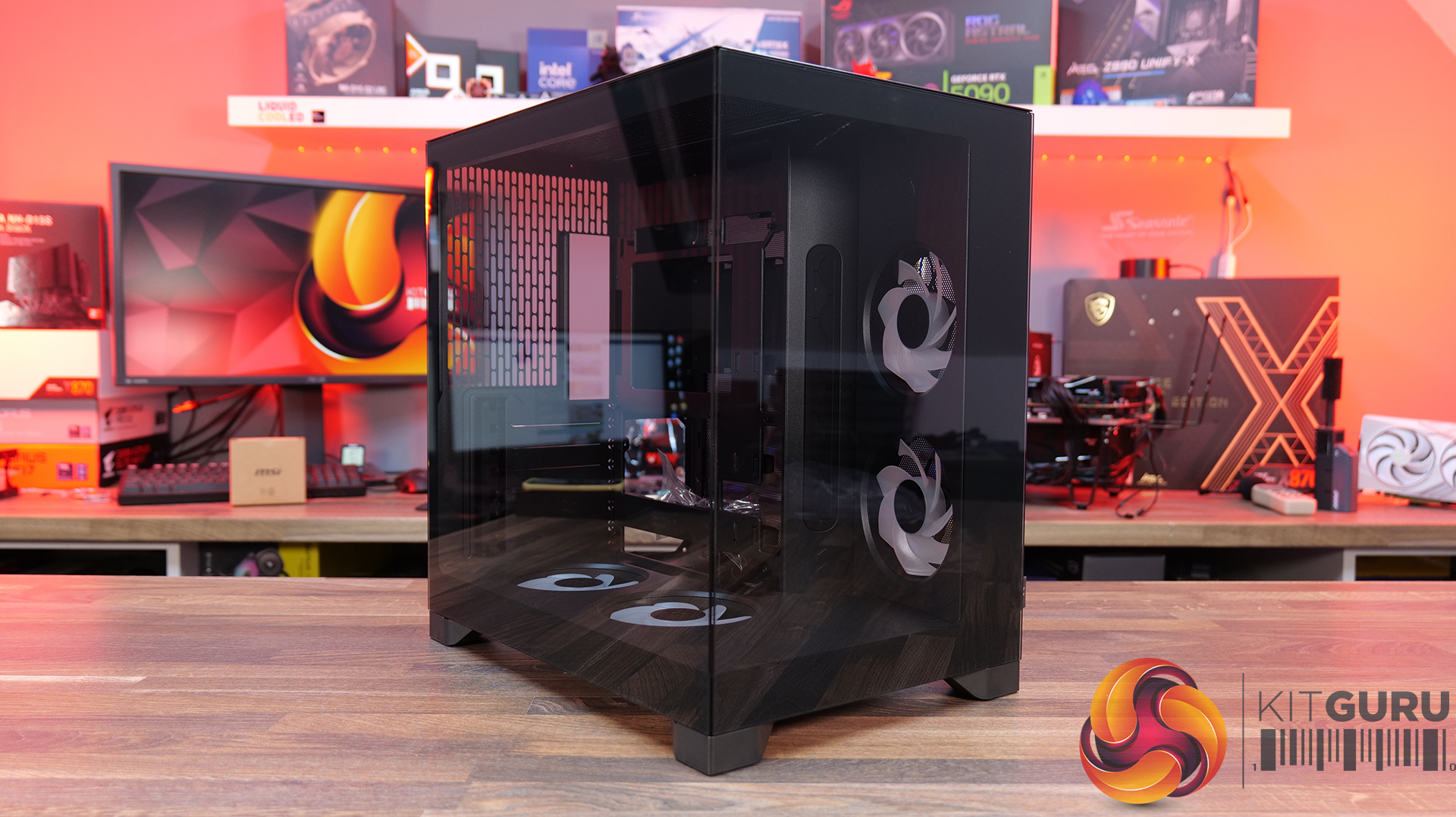
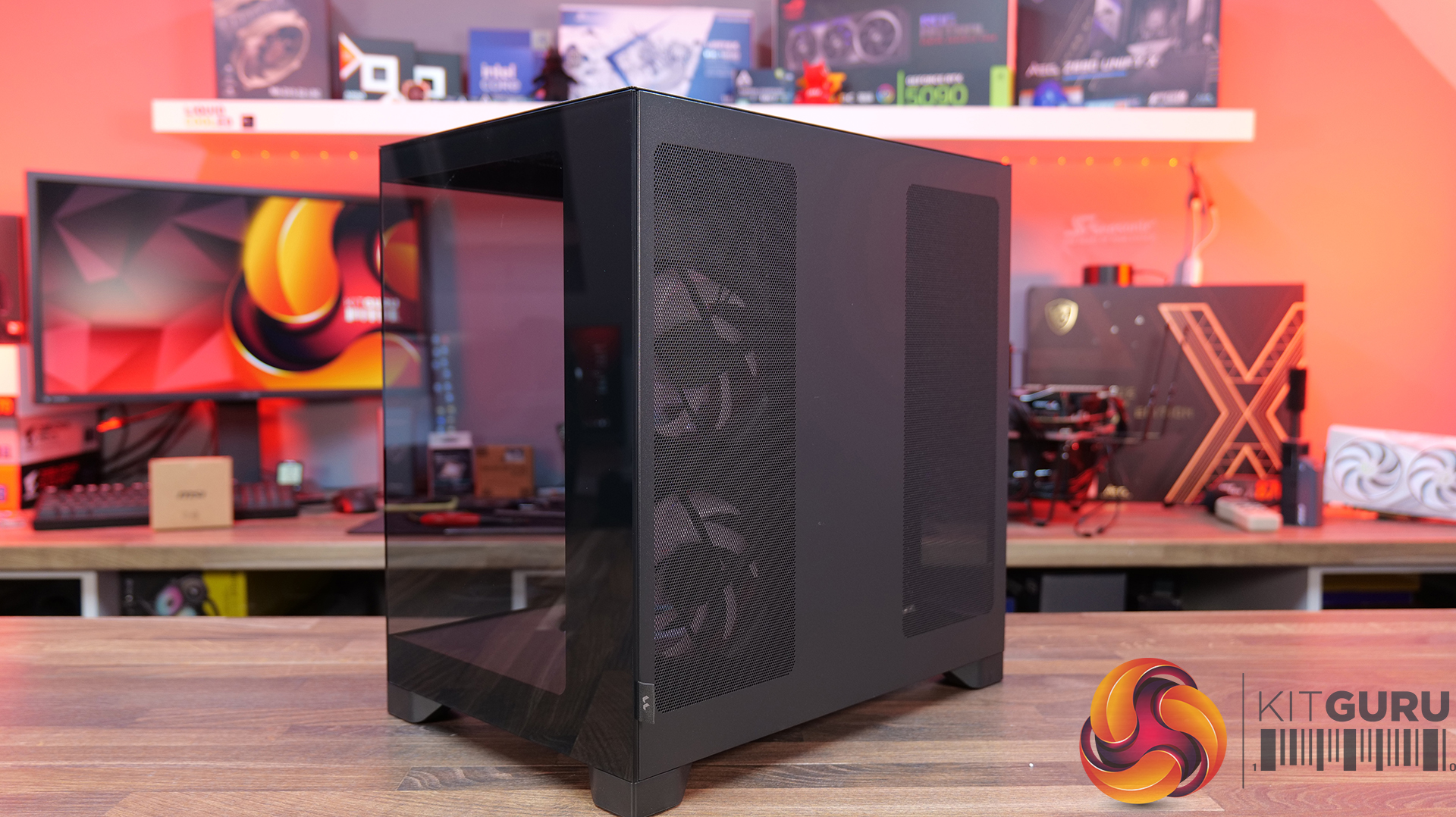
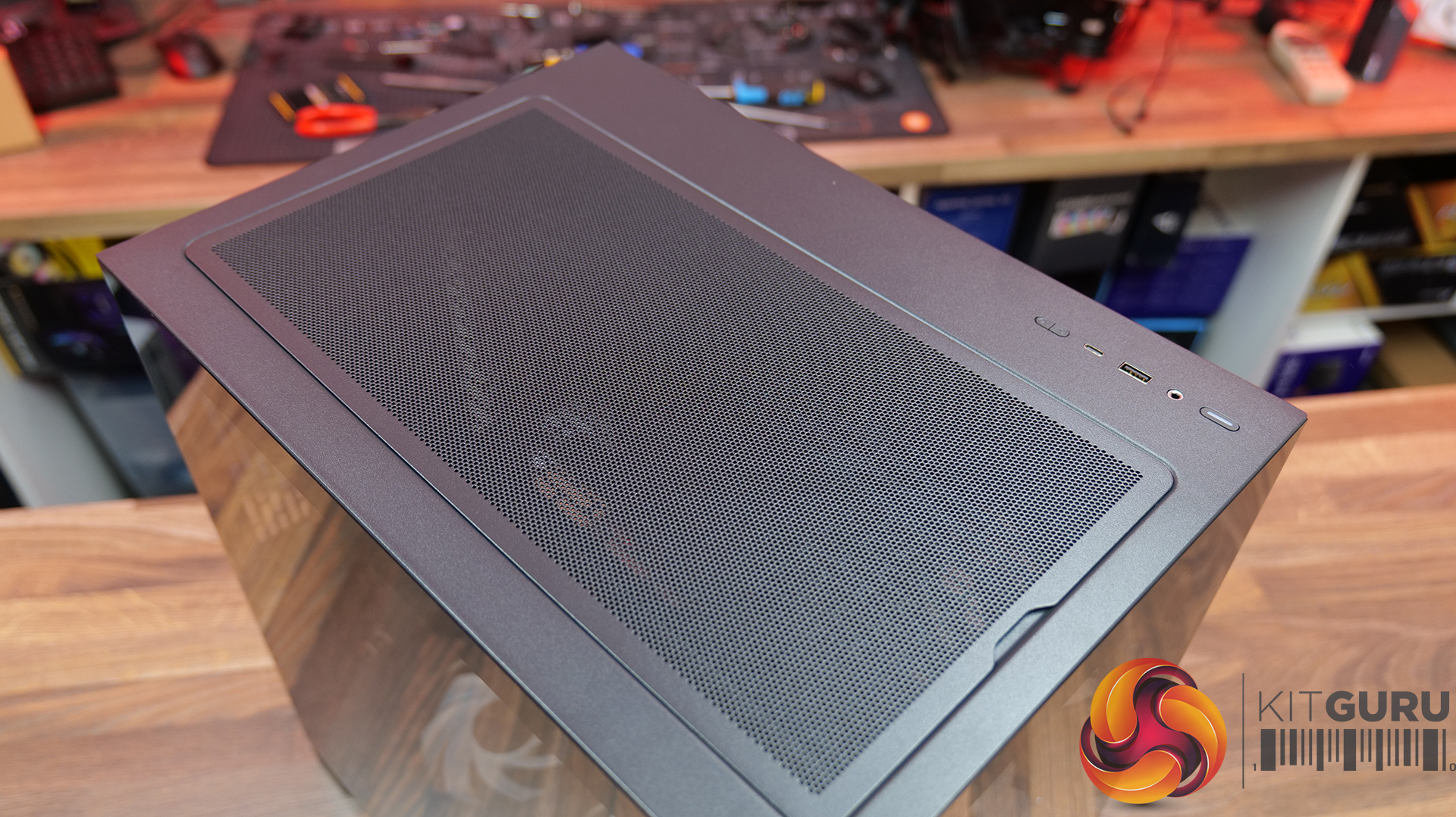
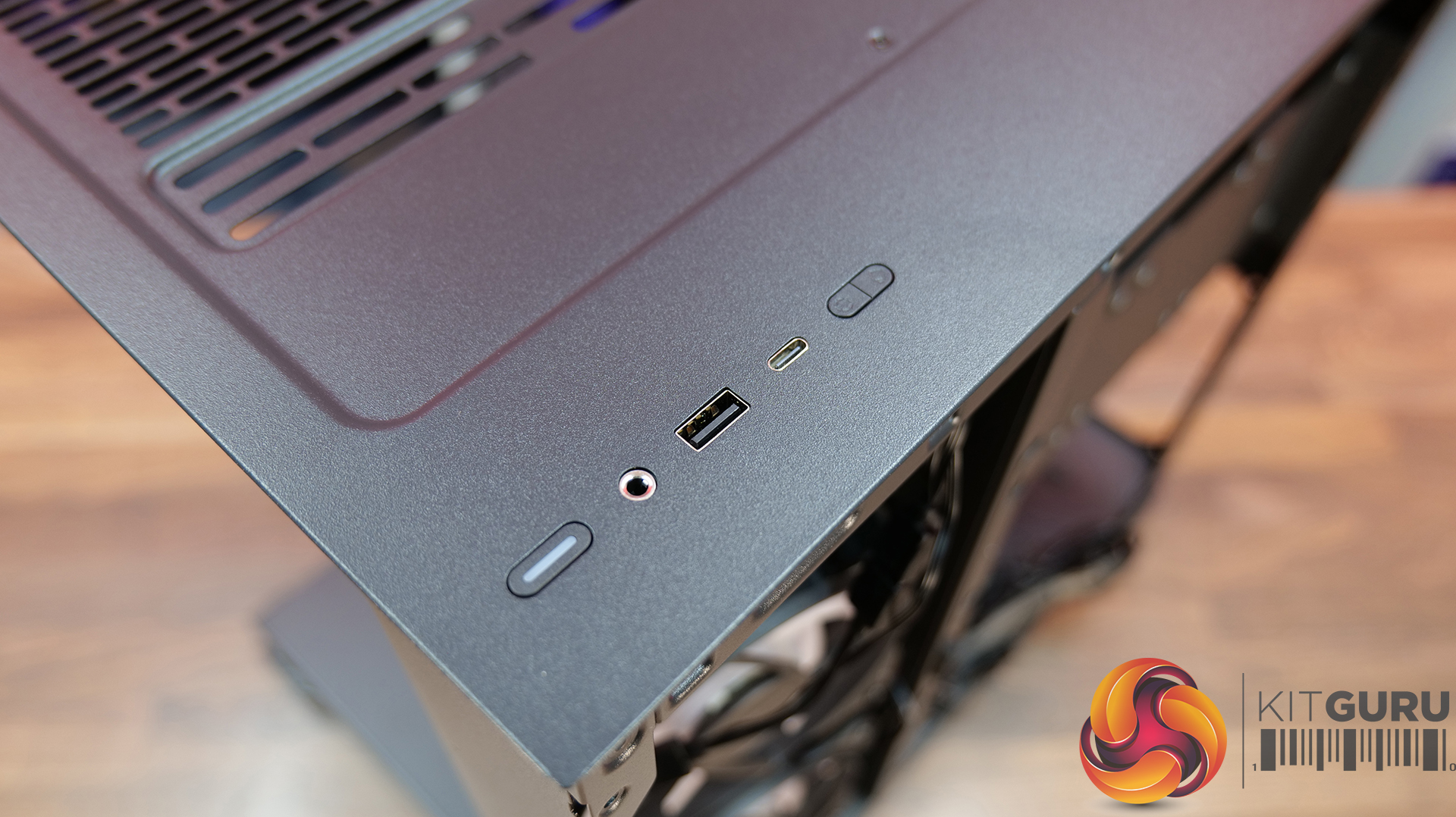
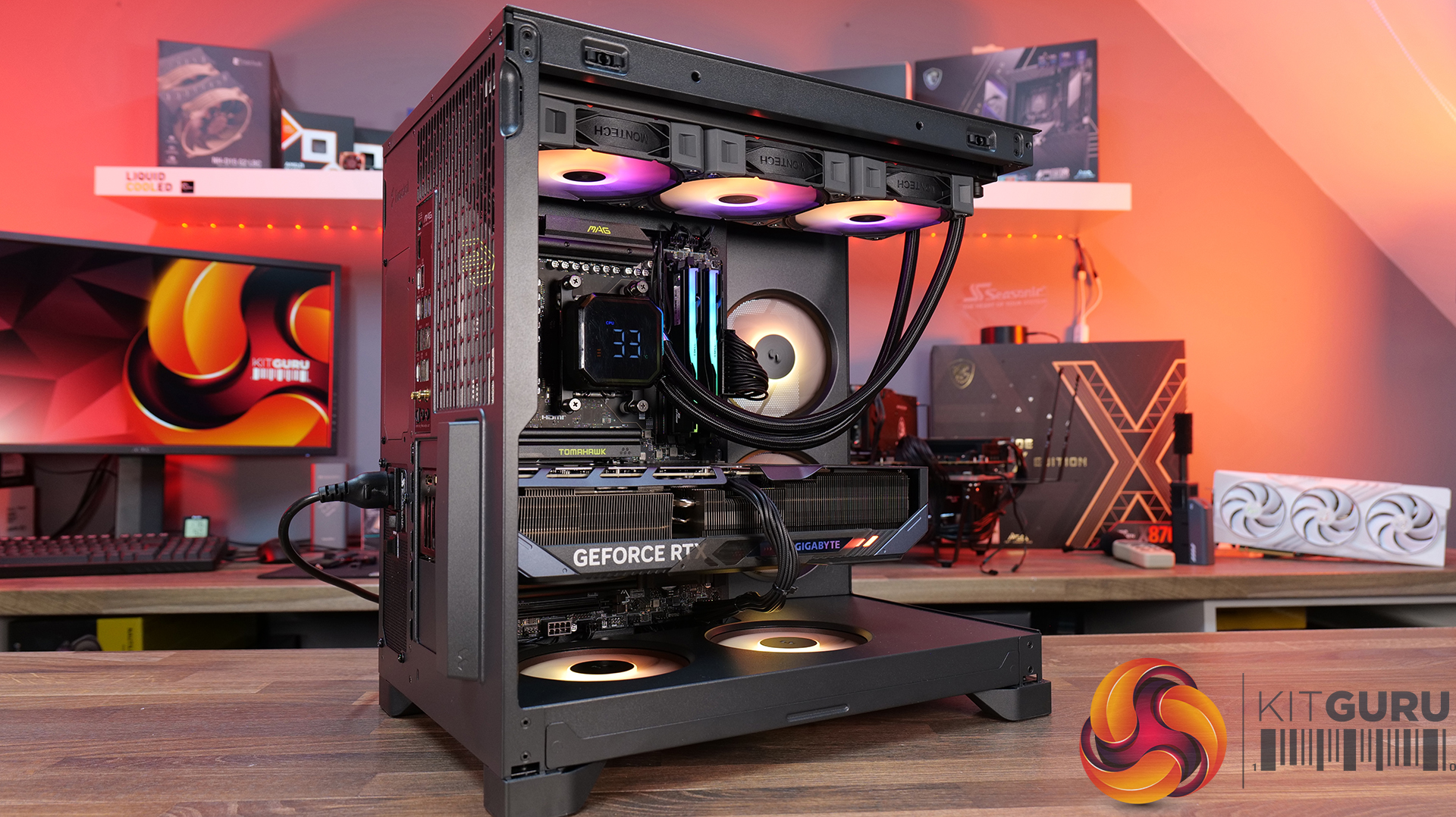
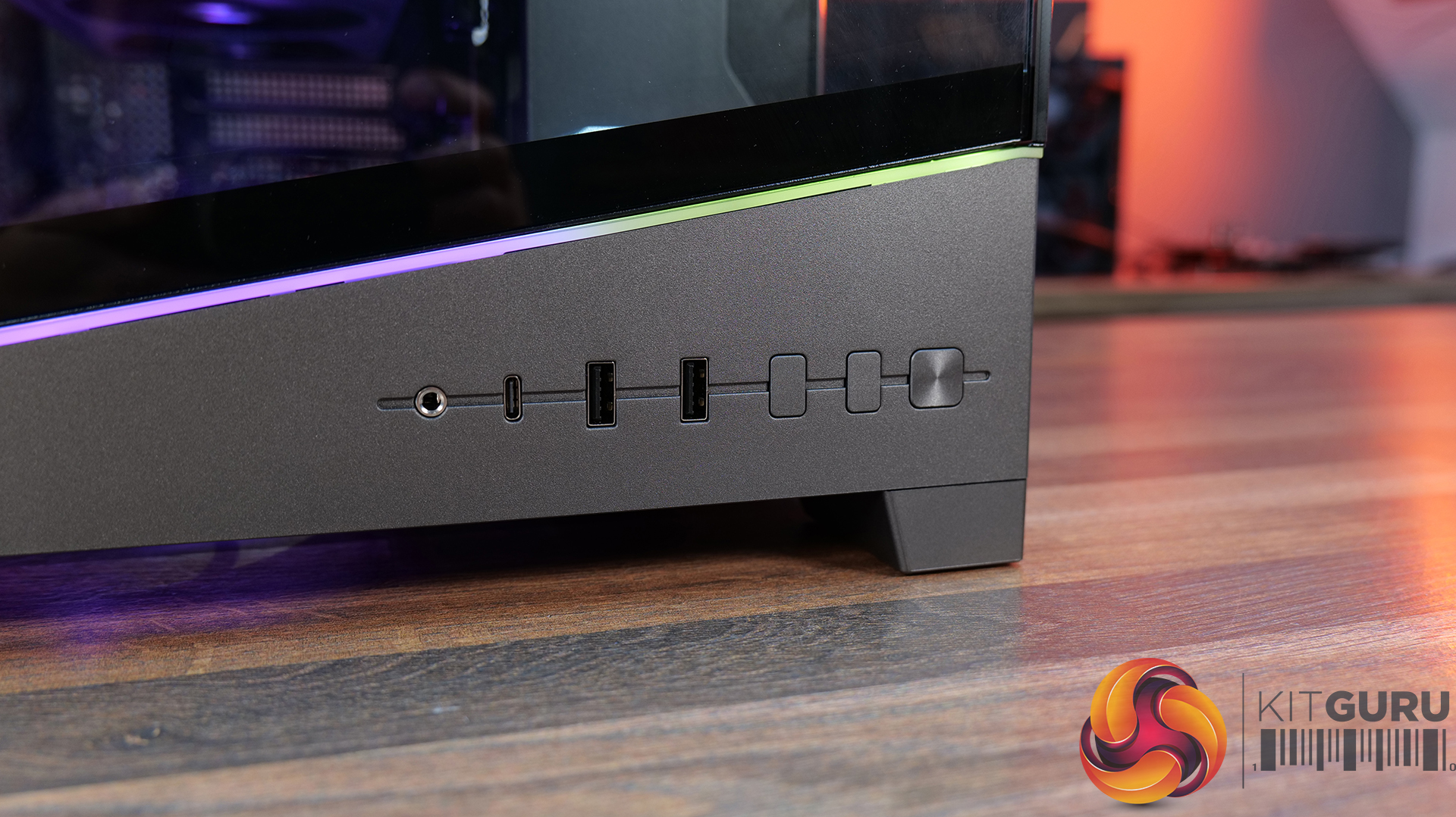
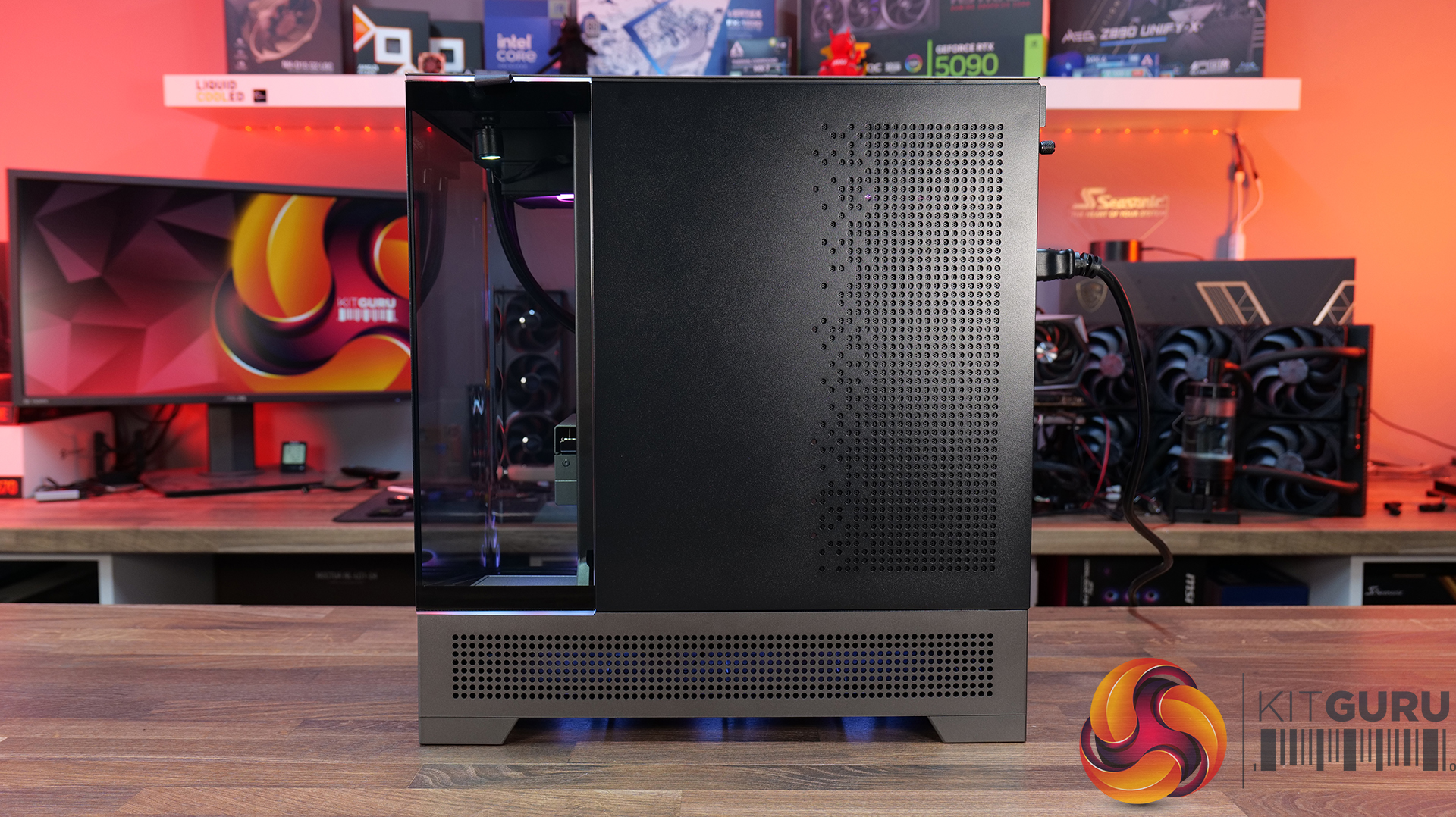
MSI MEG Maestro 900R Featured Build

7 September 2026 at 09:33

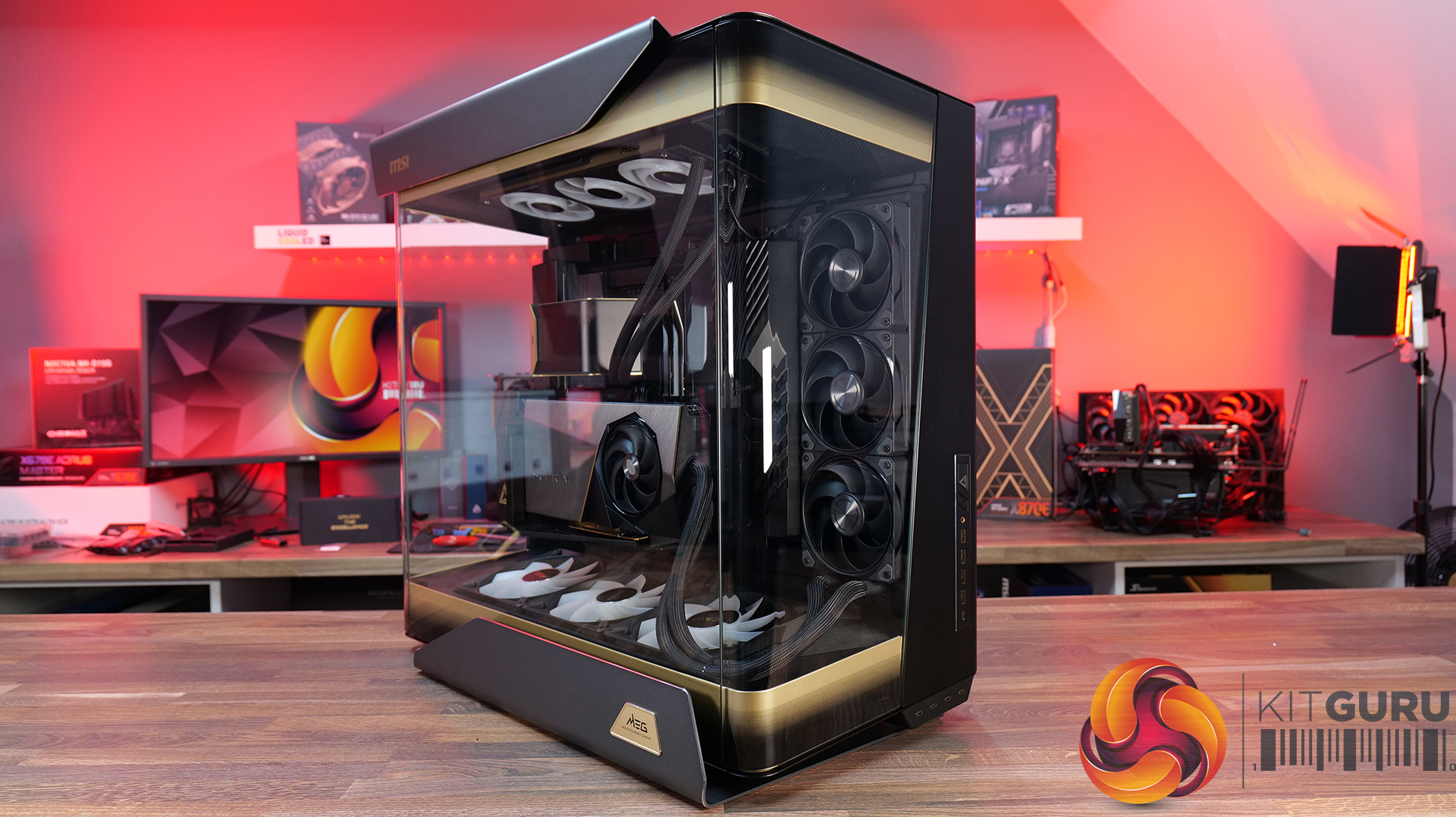
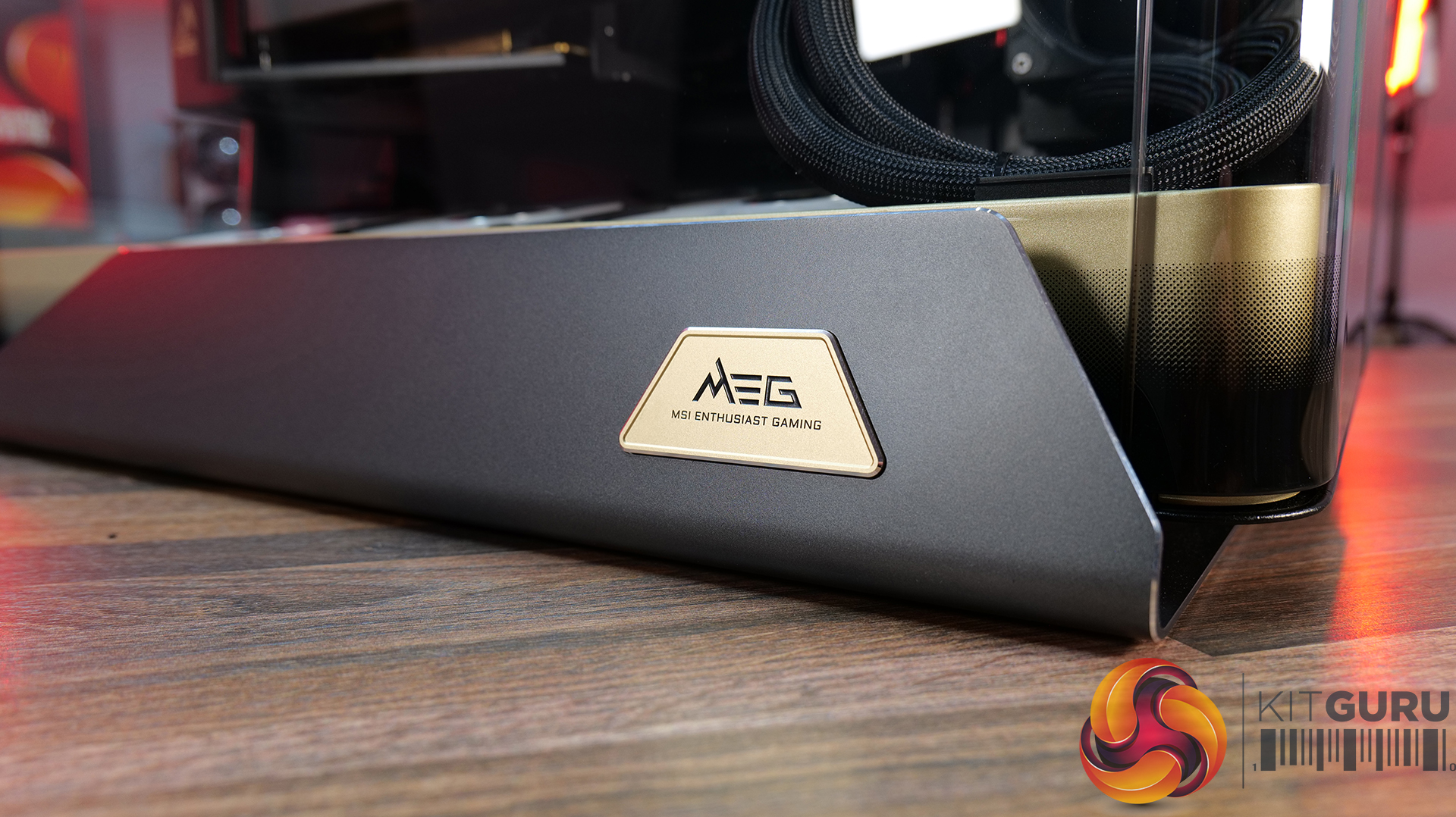
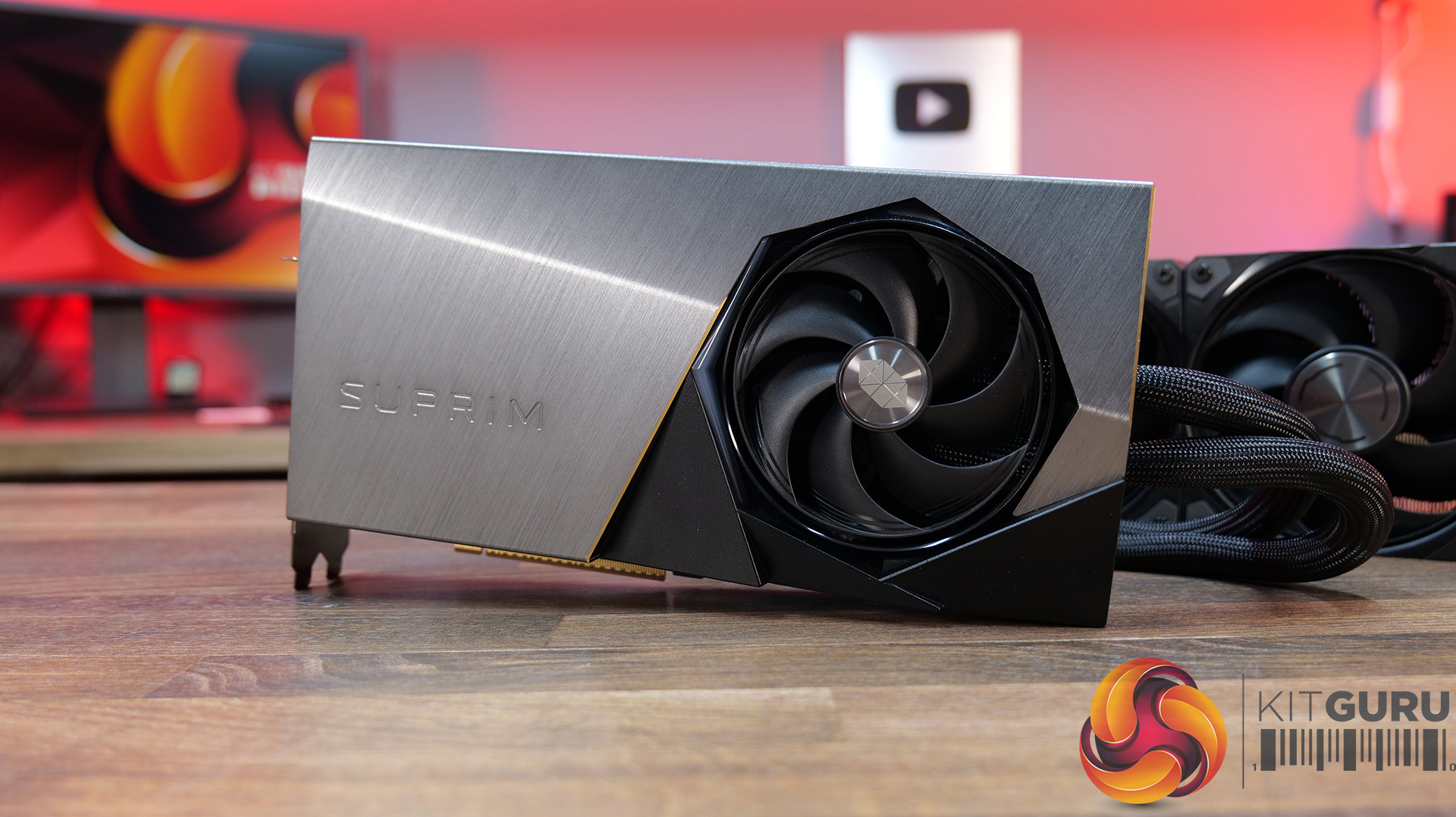
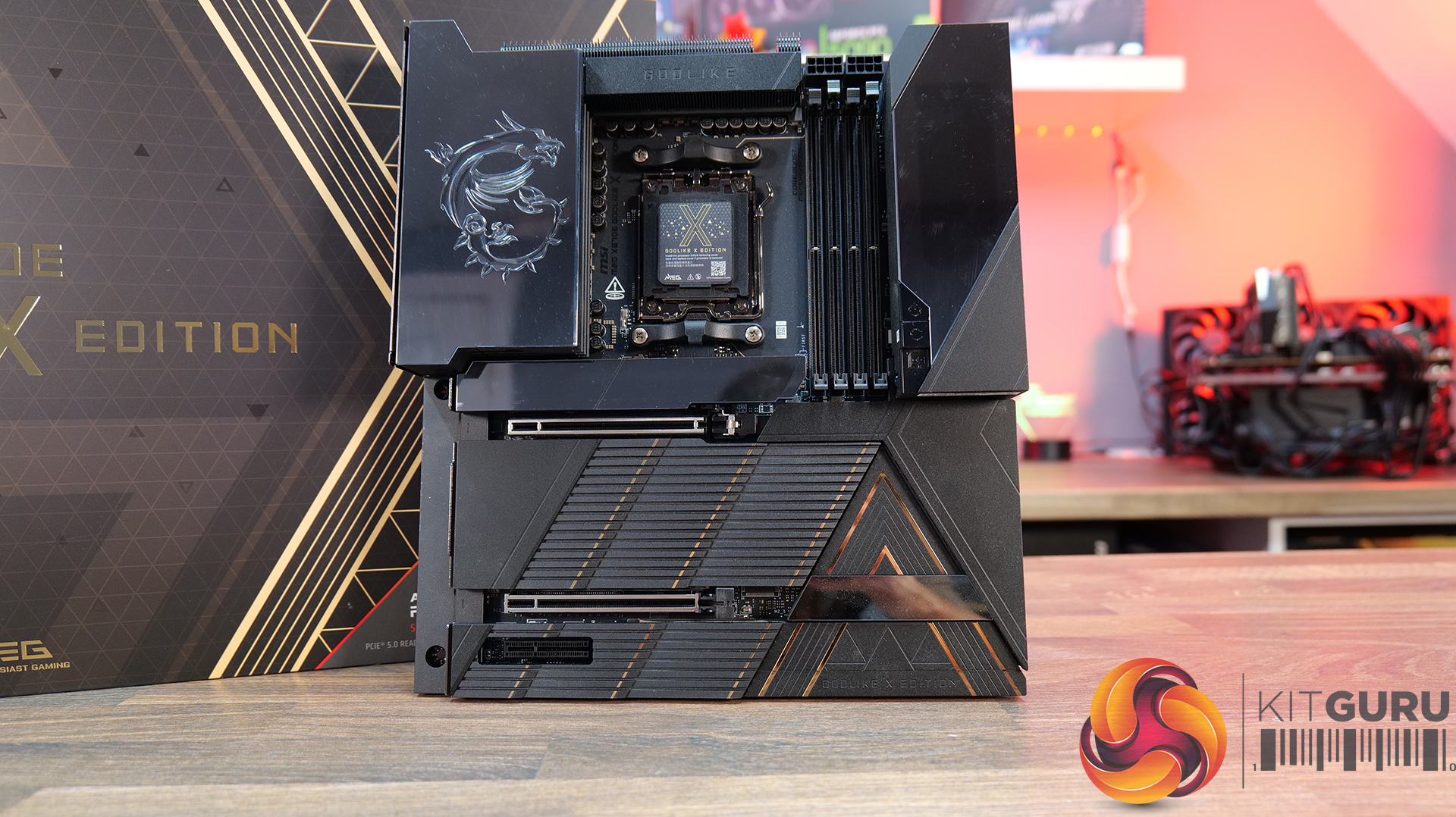
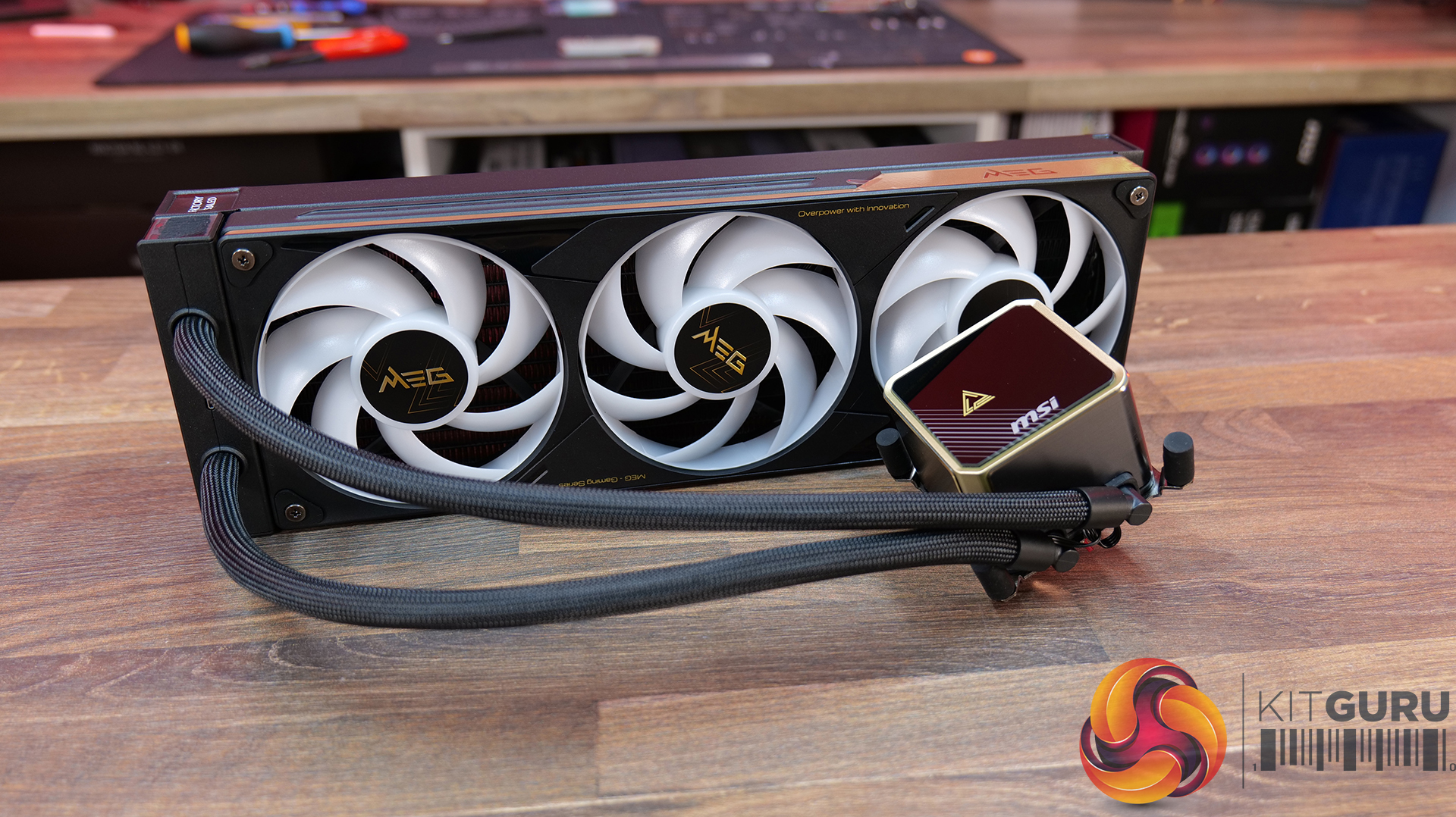
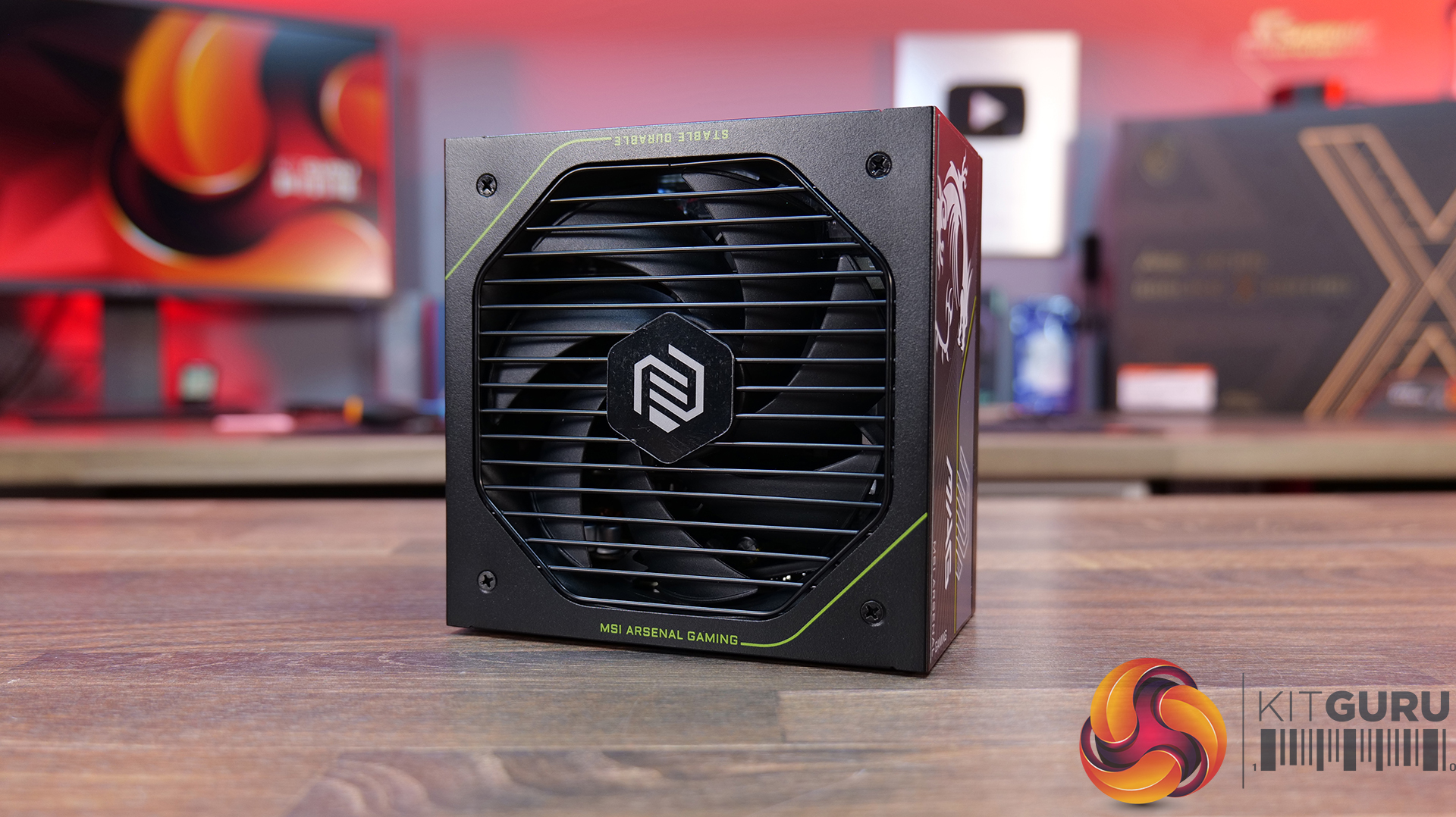
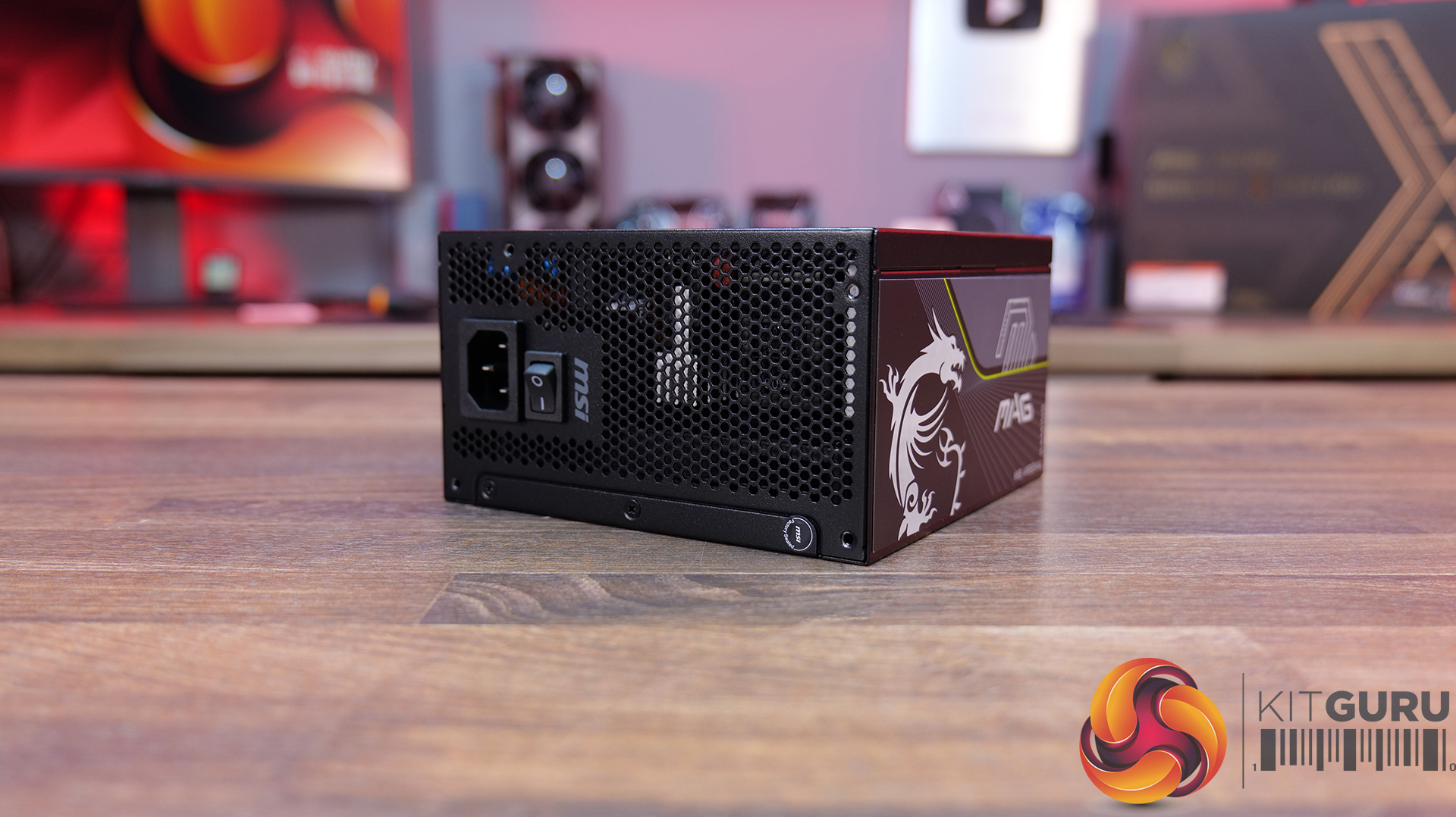
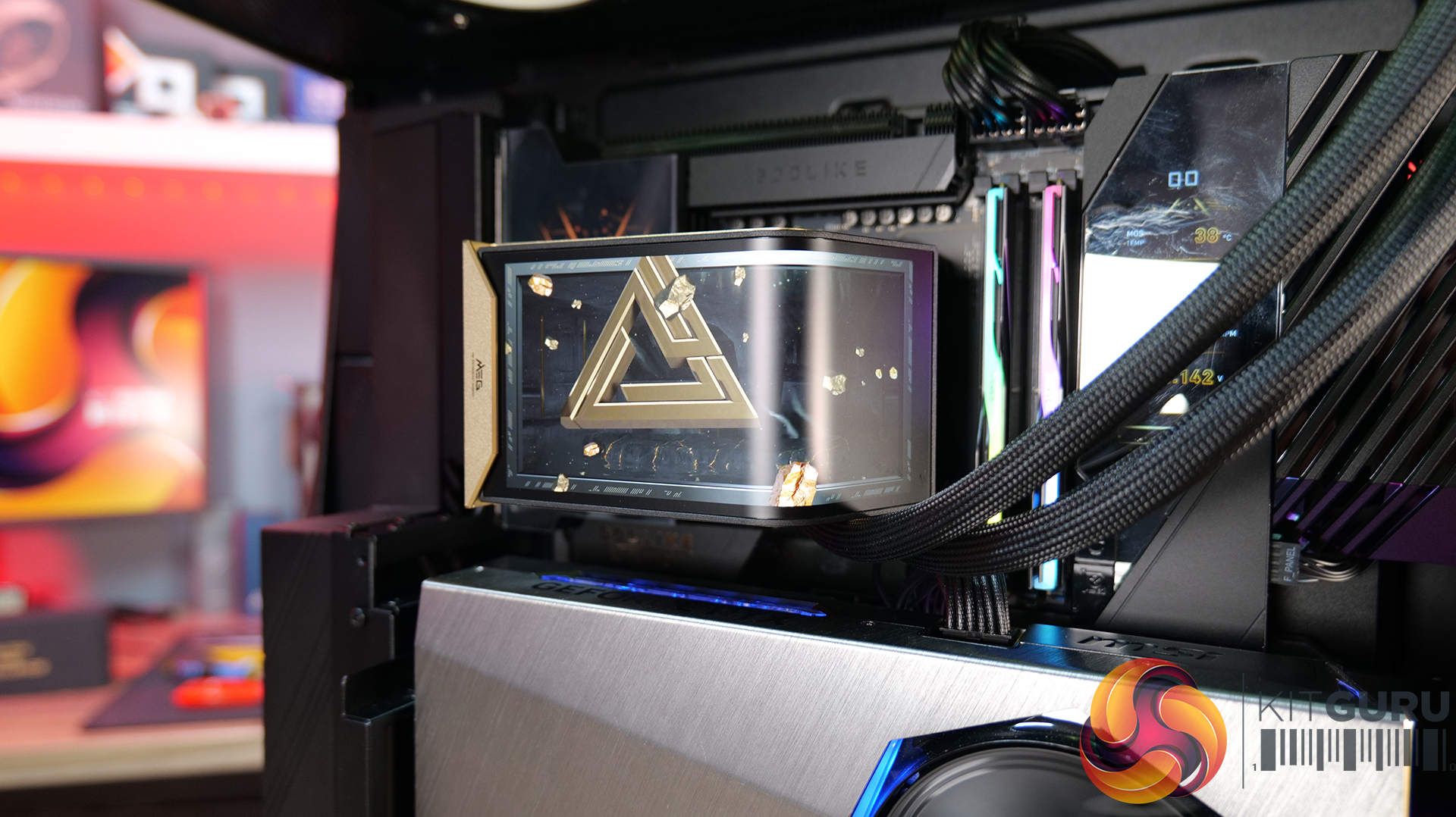
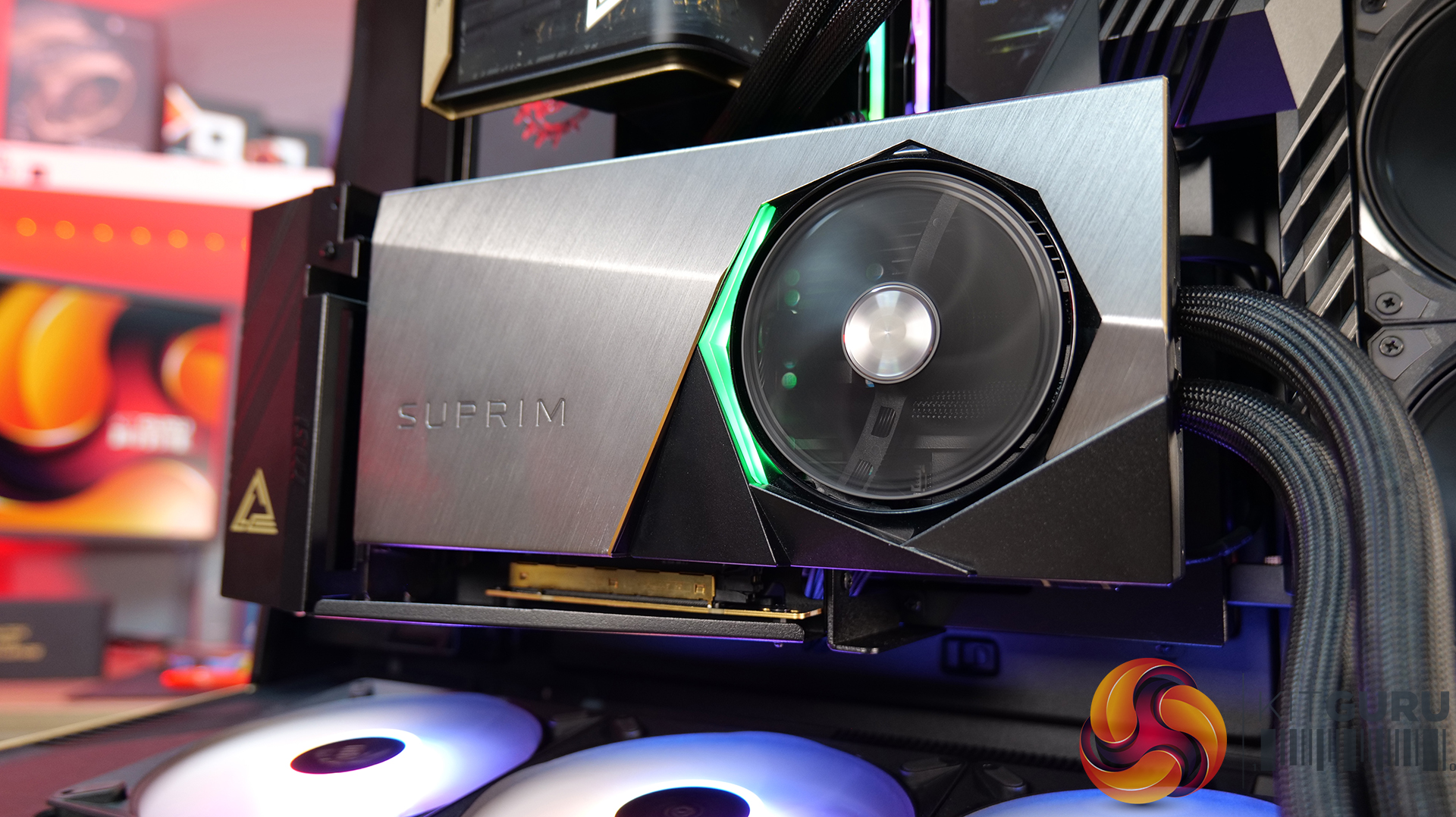
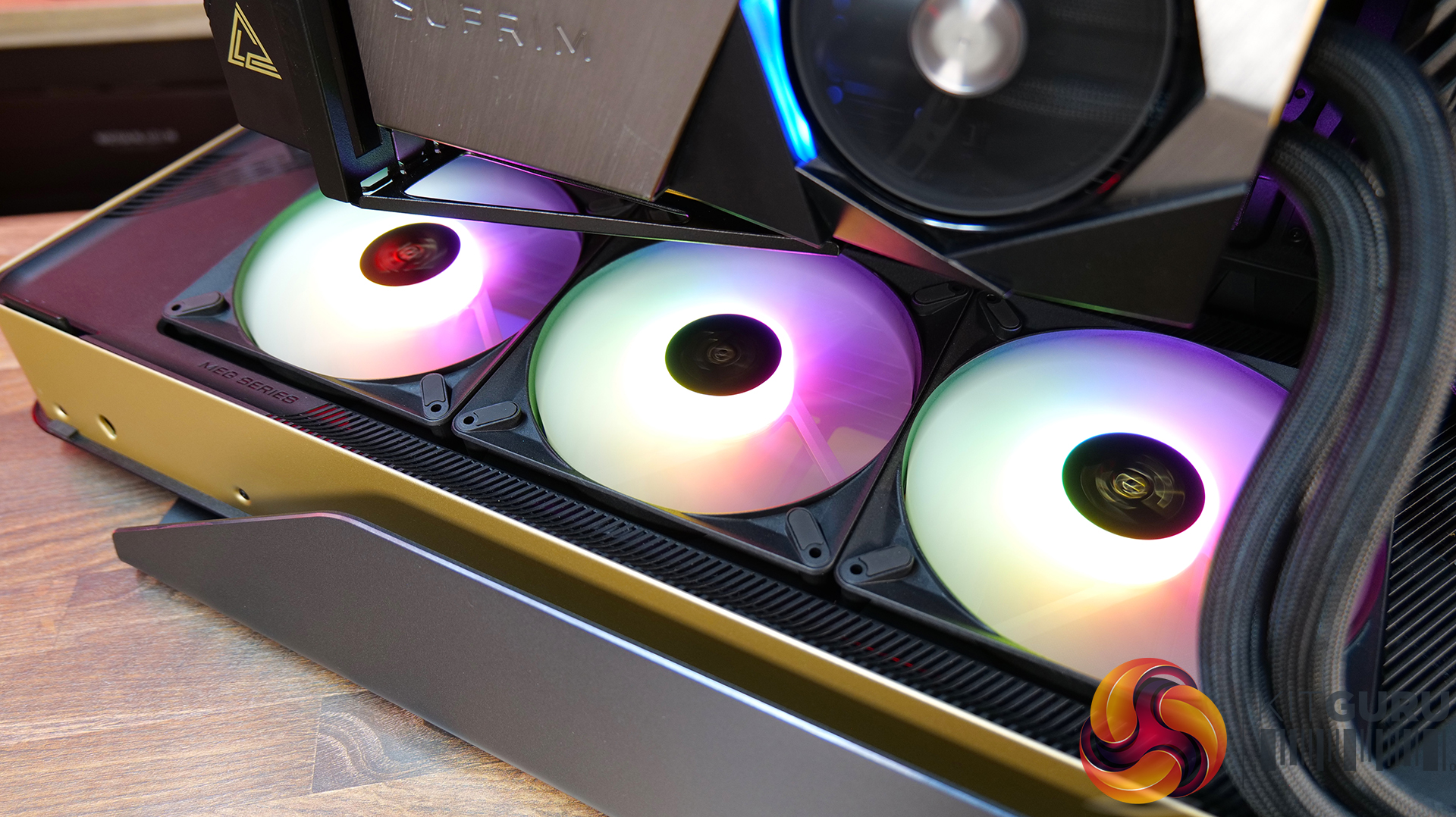
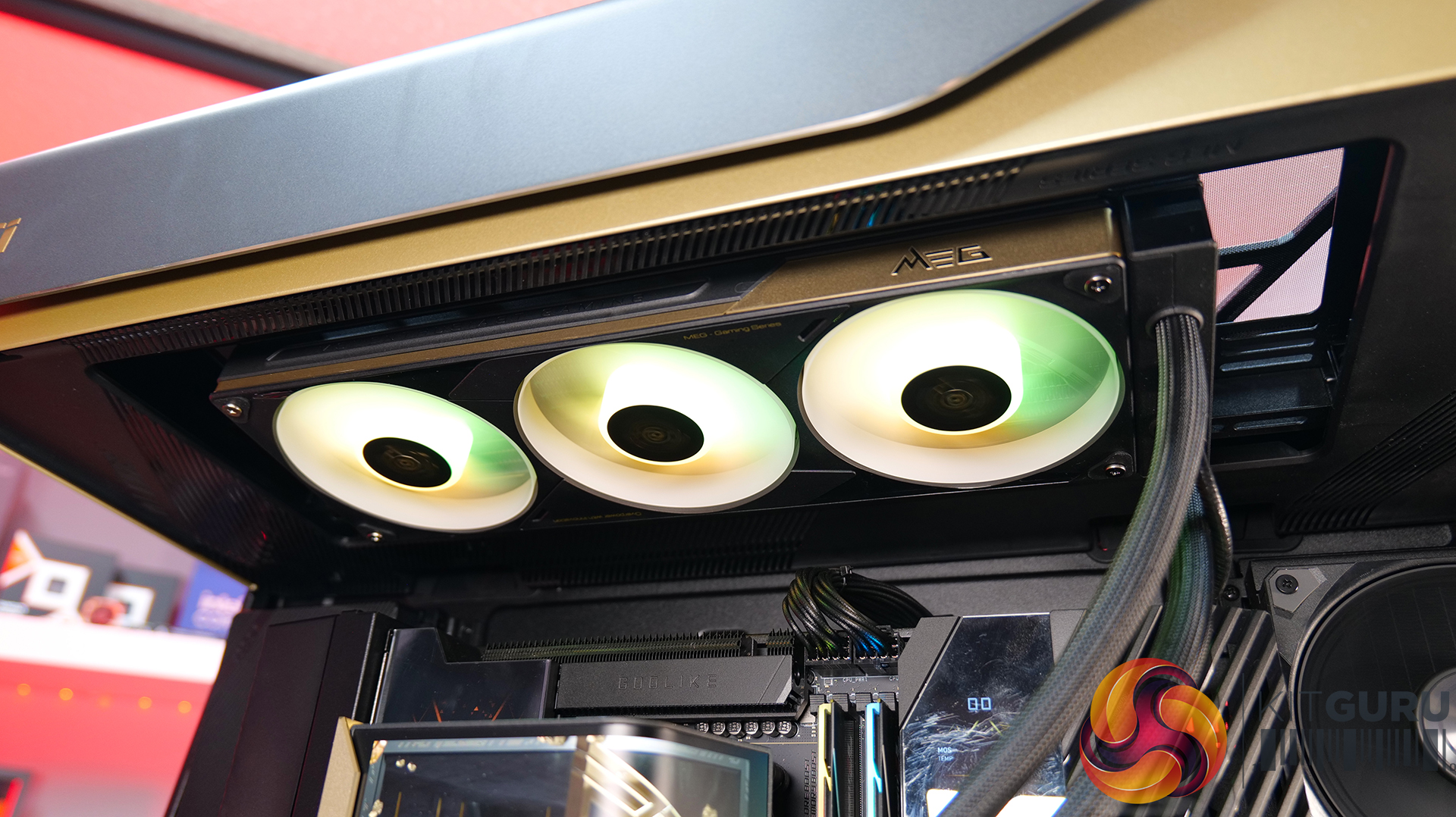
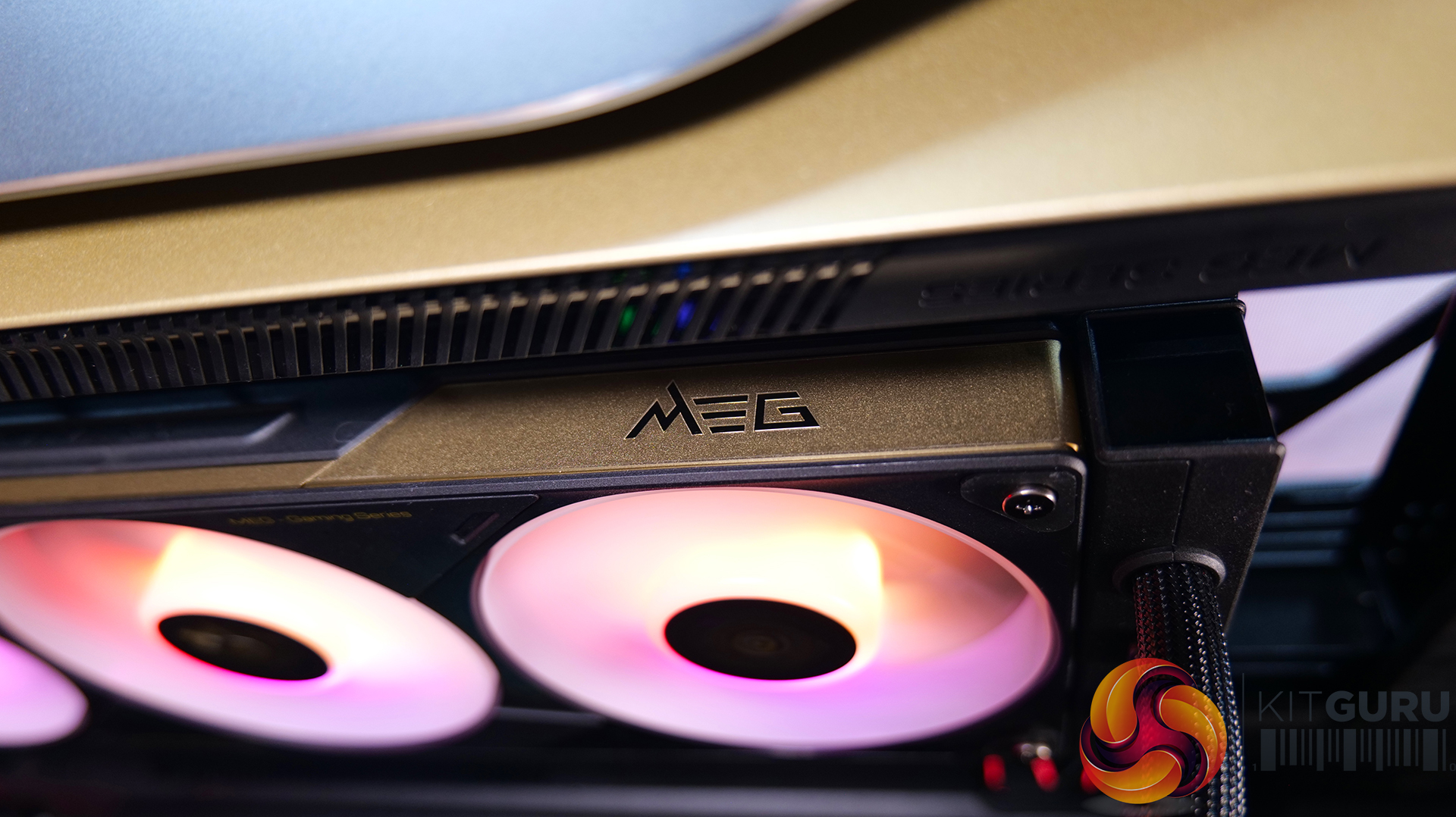
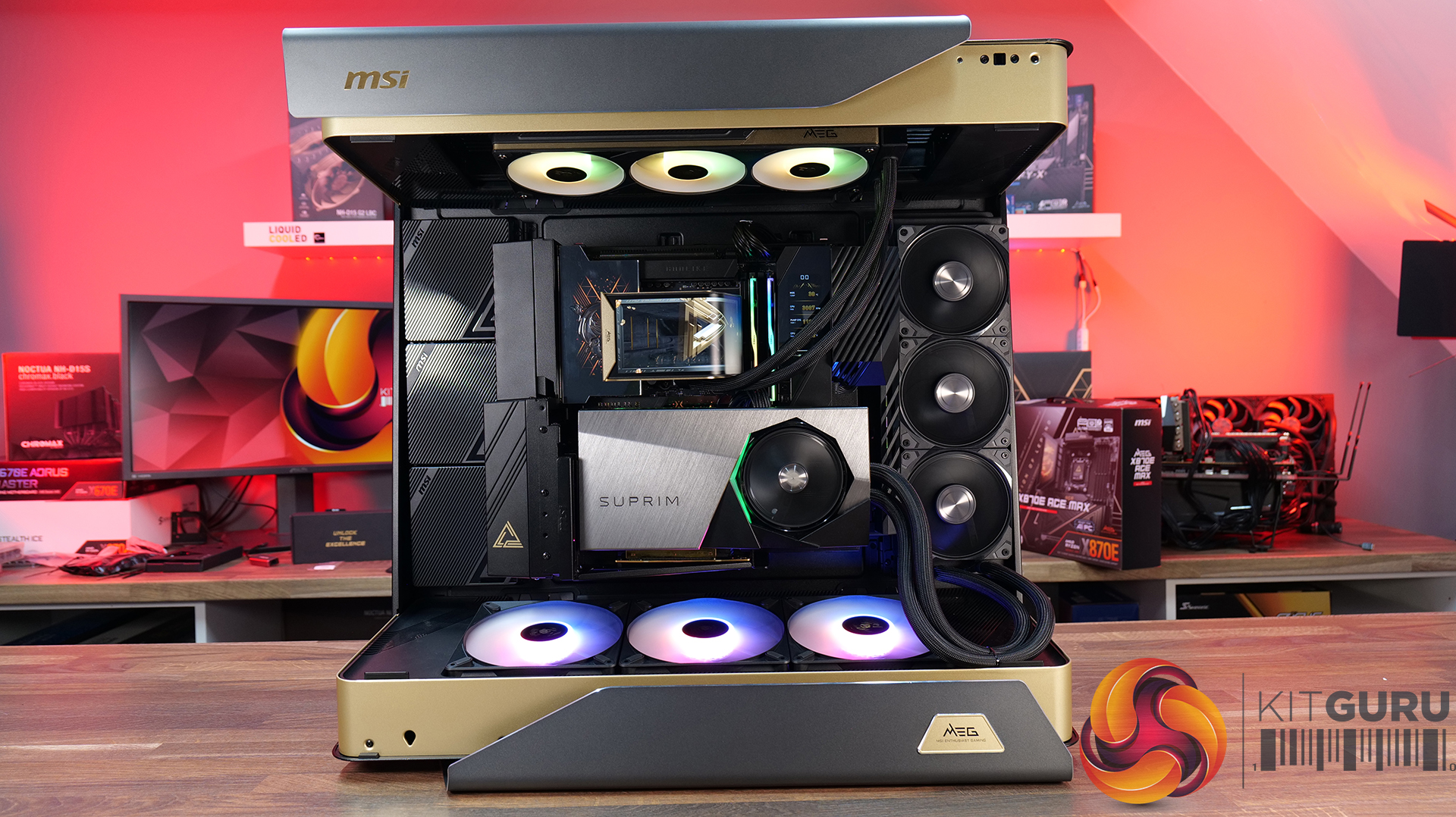
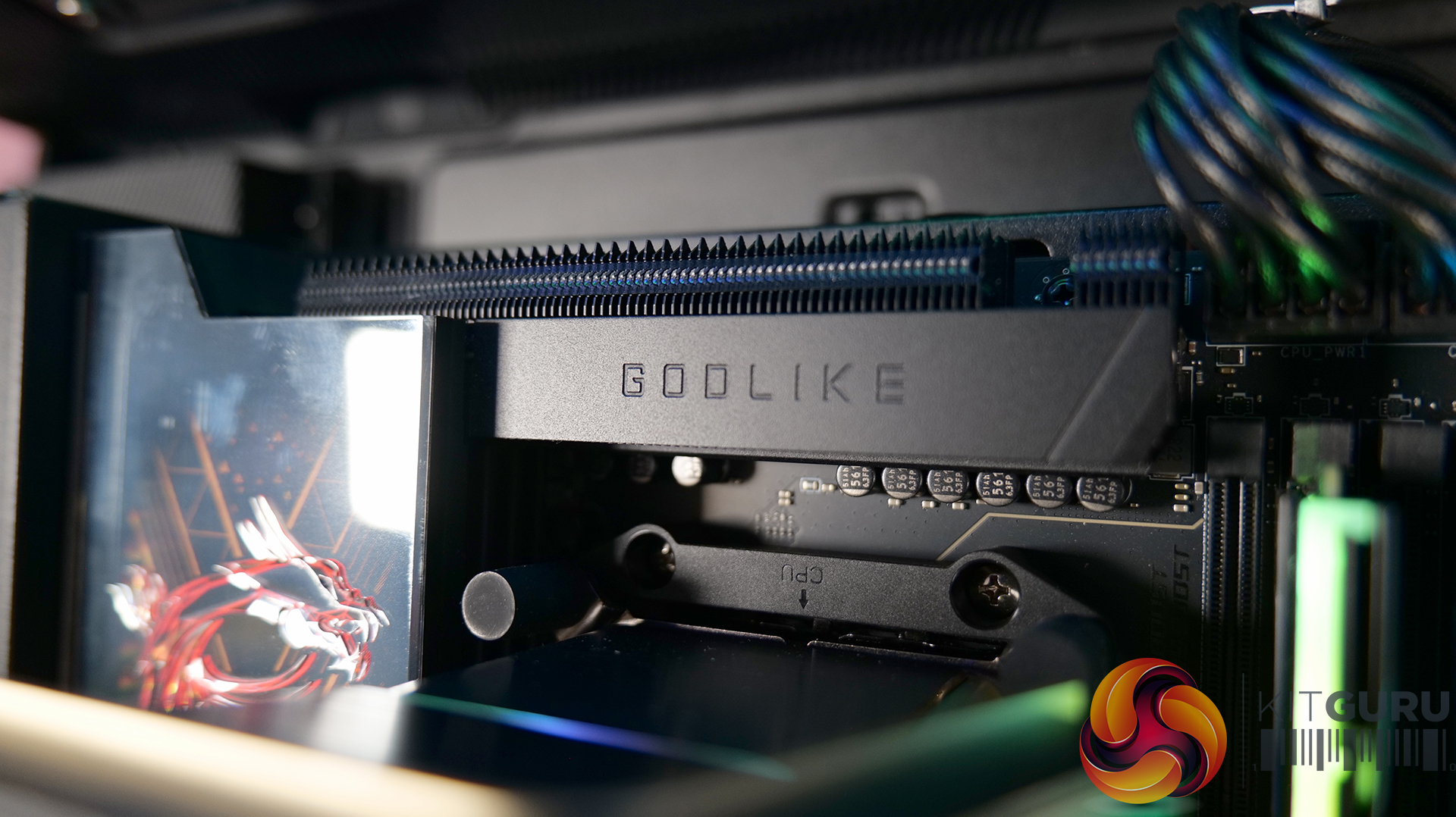
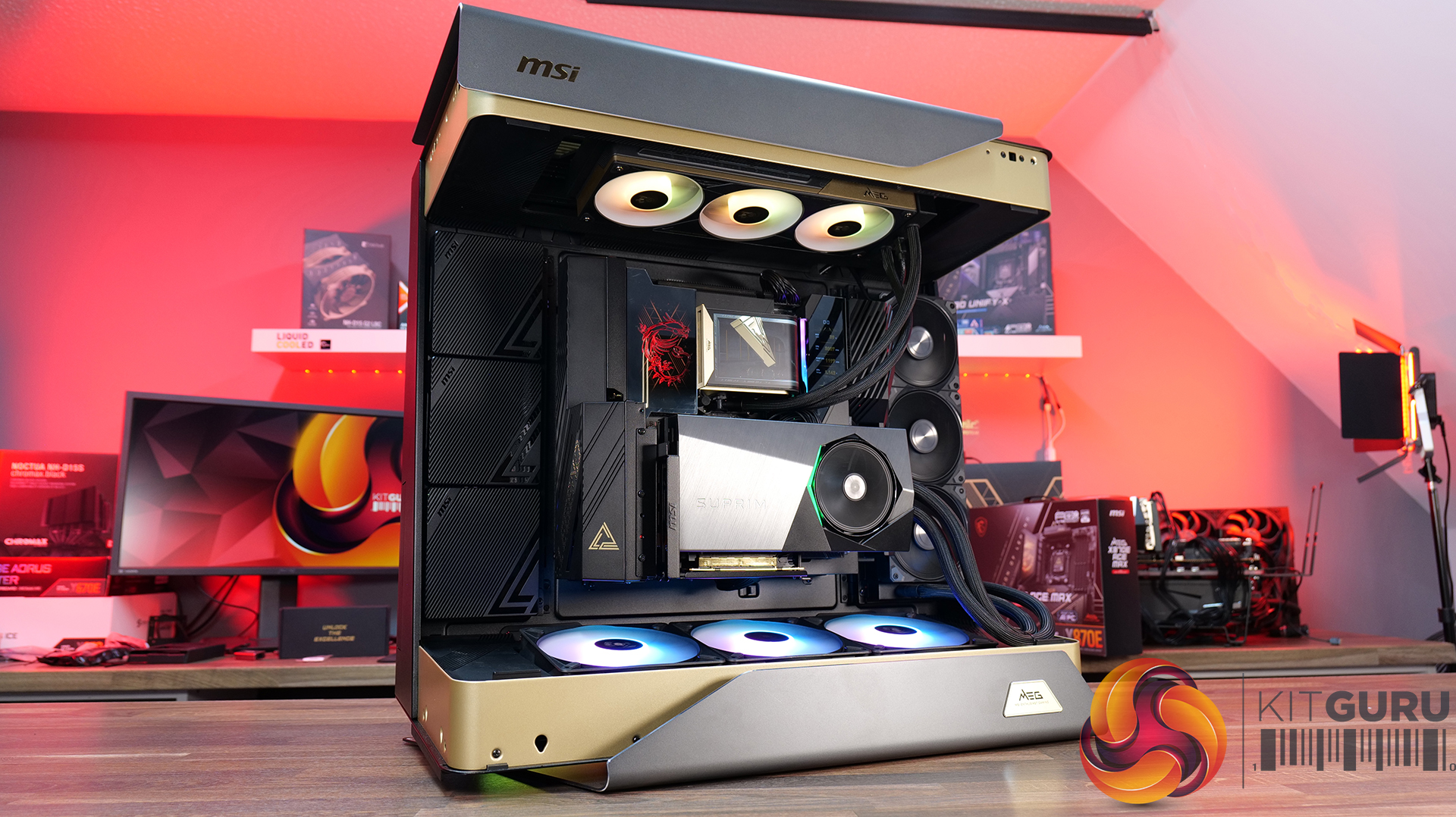
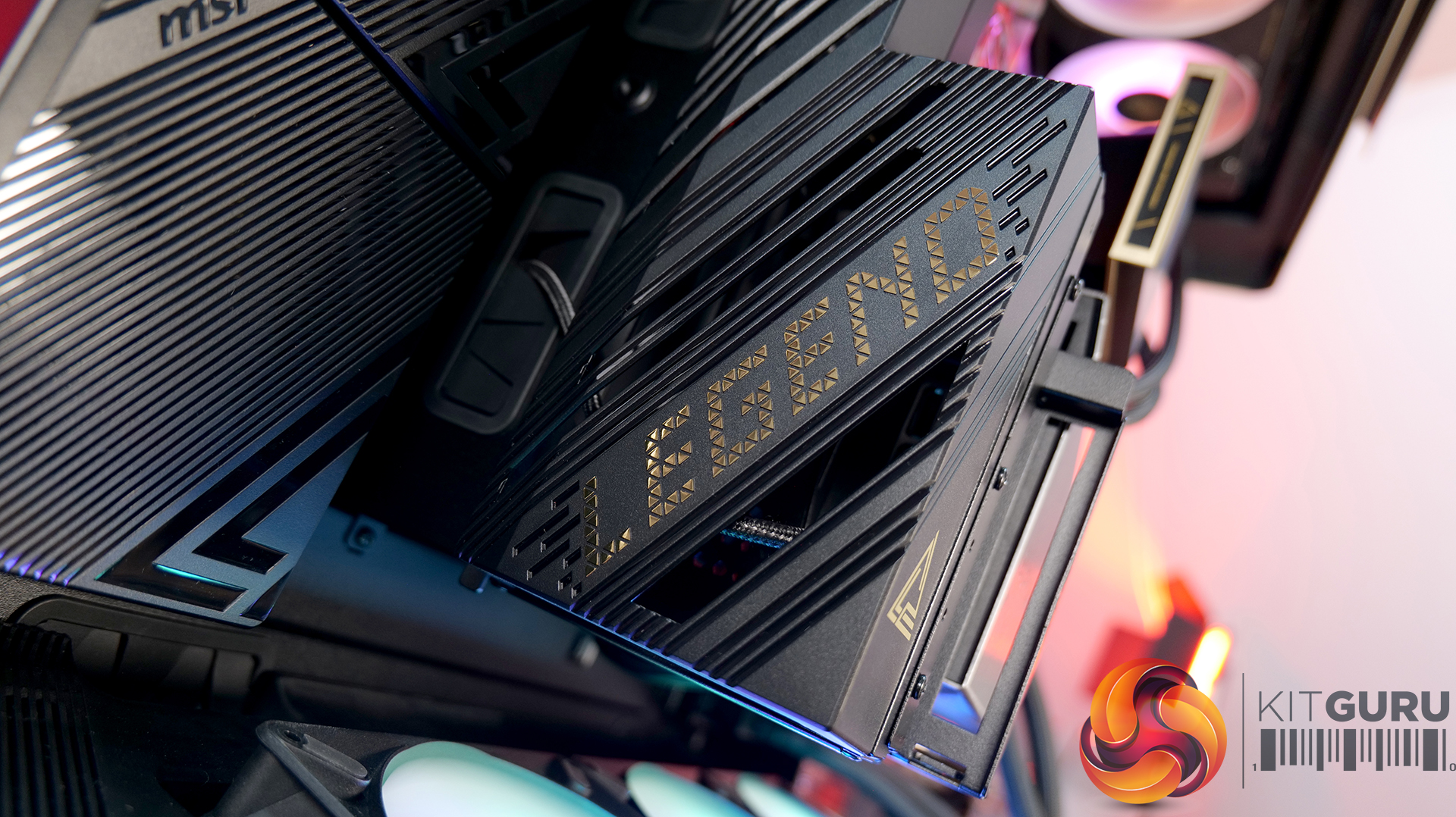
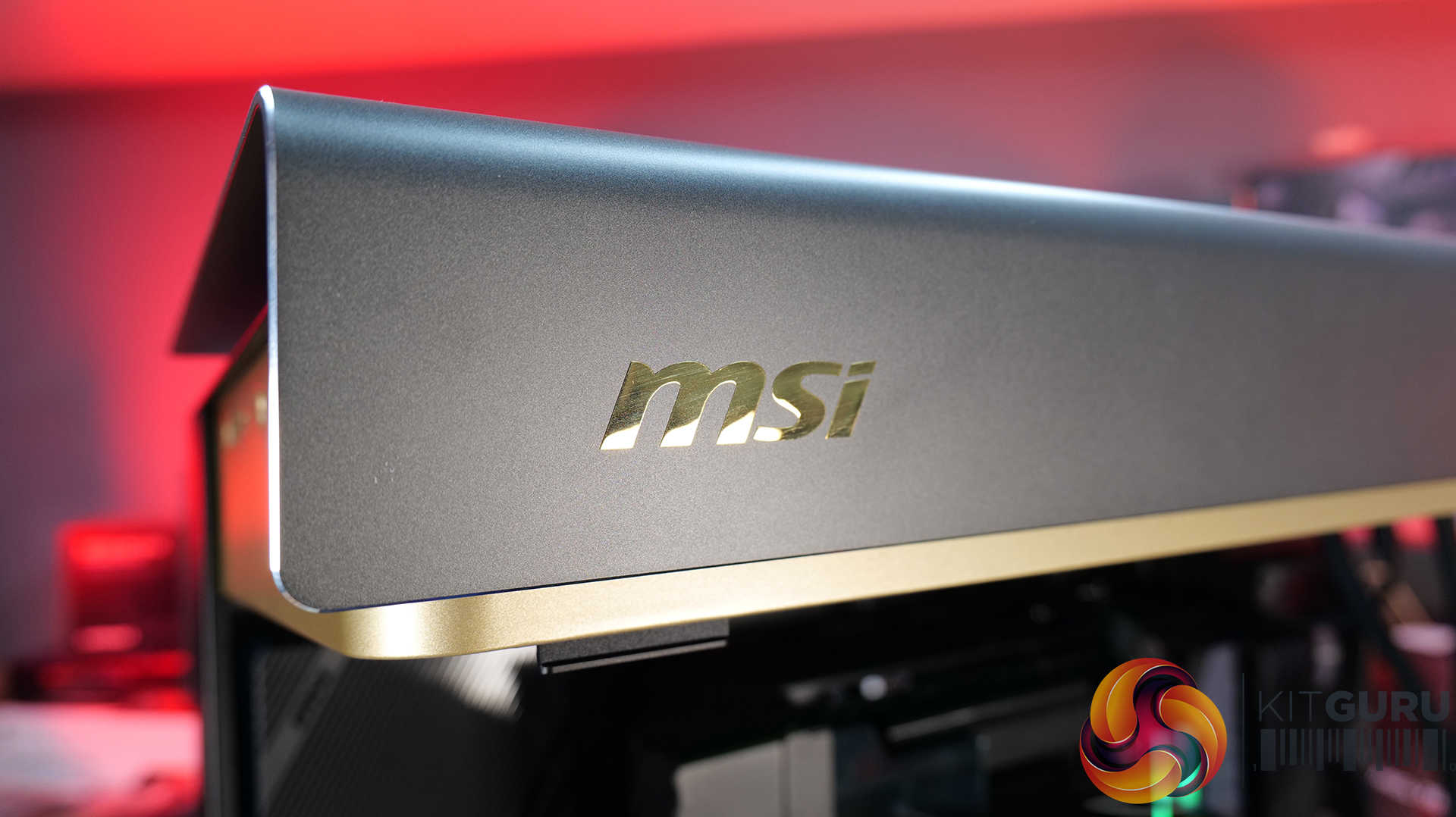
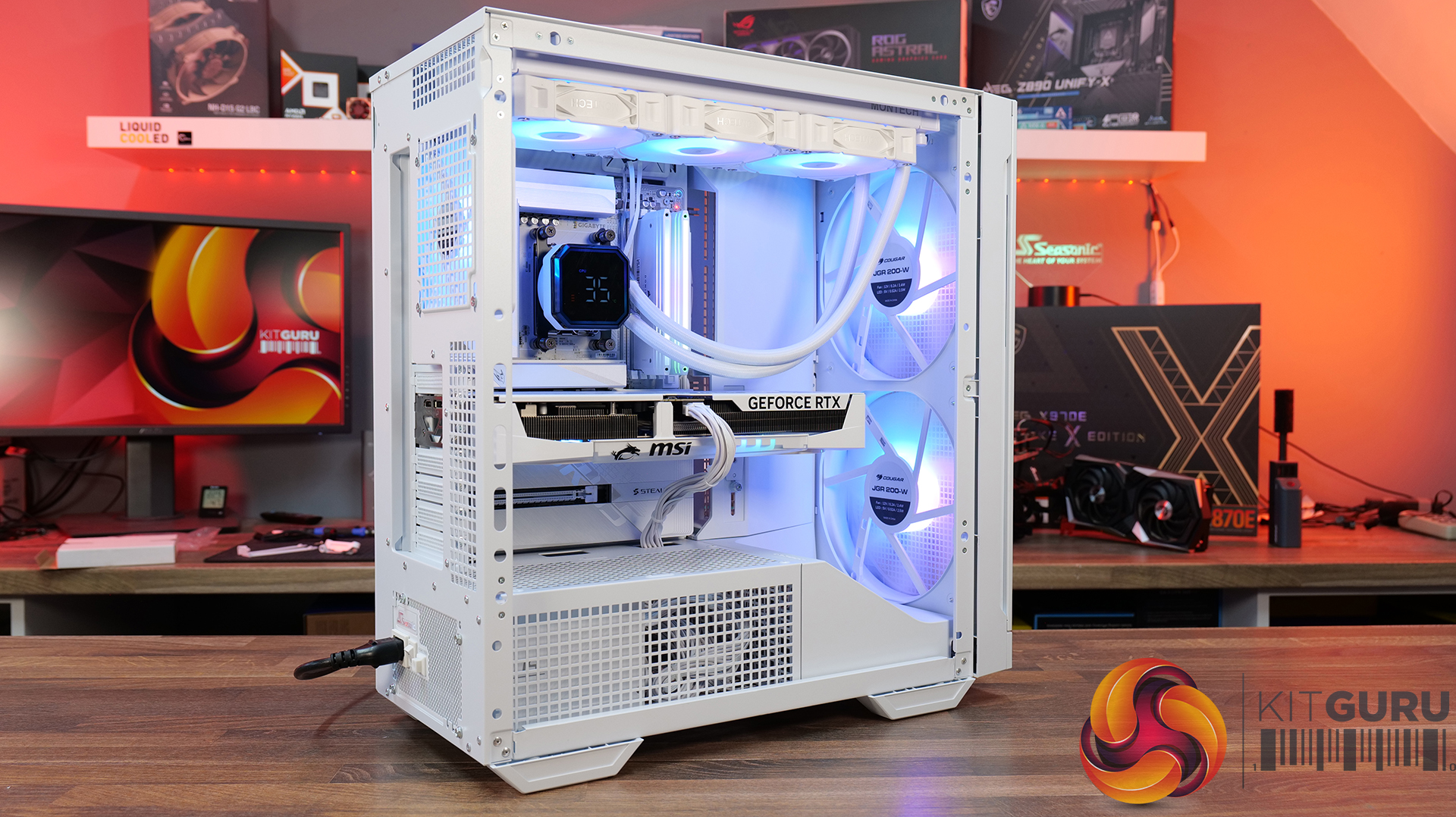
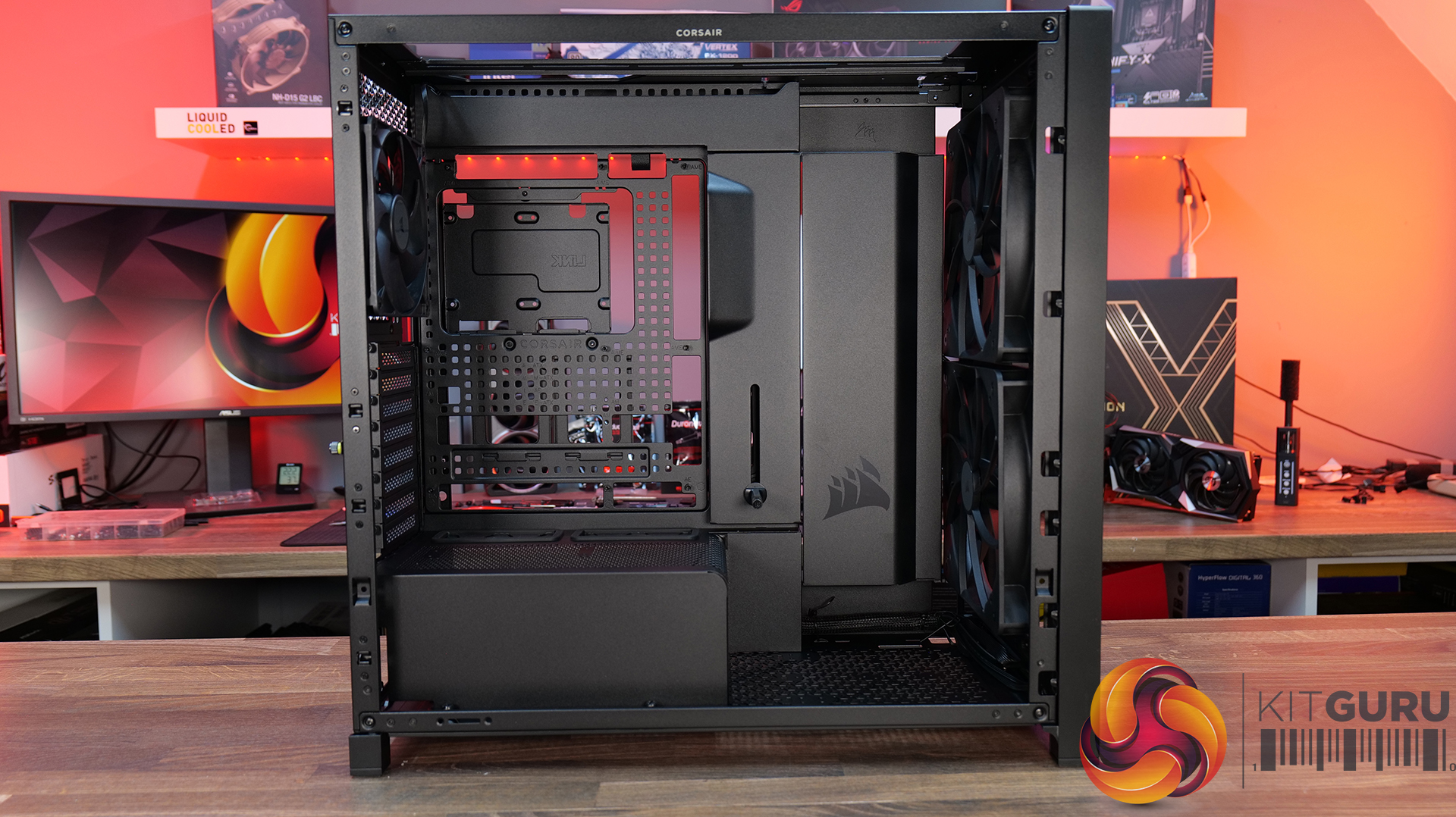
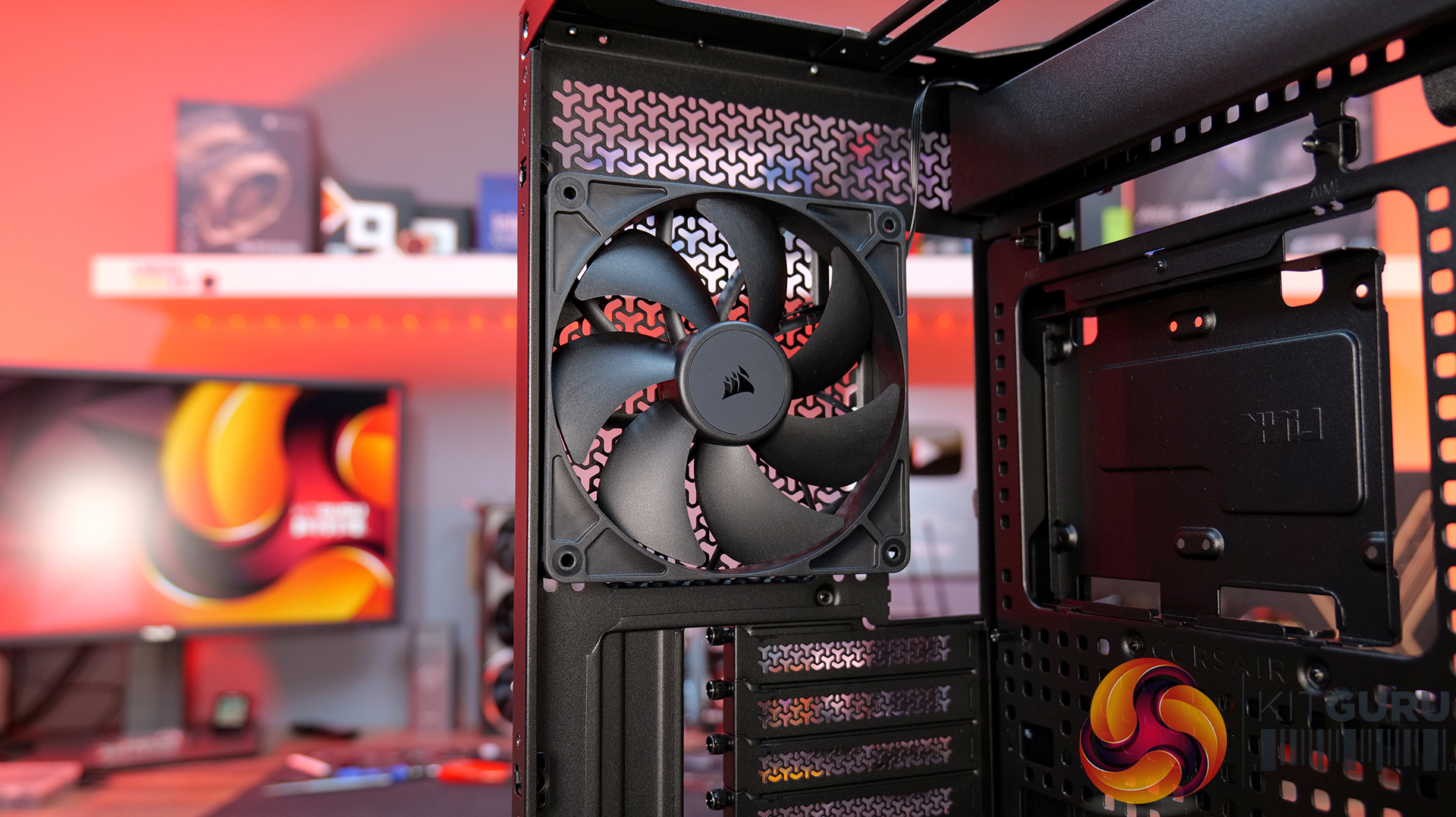
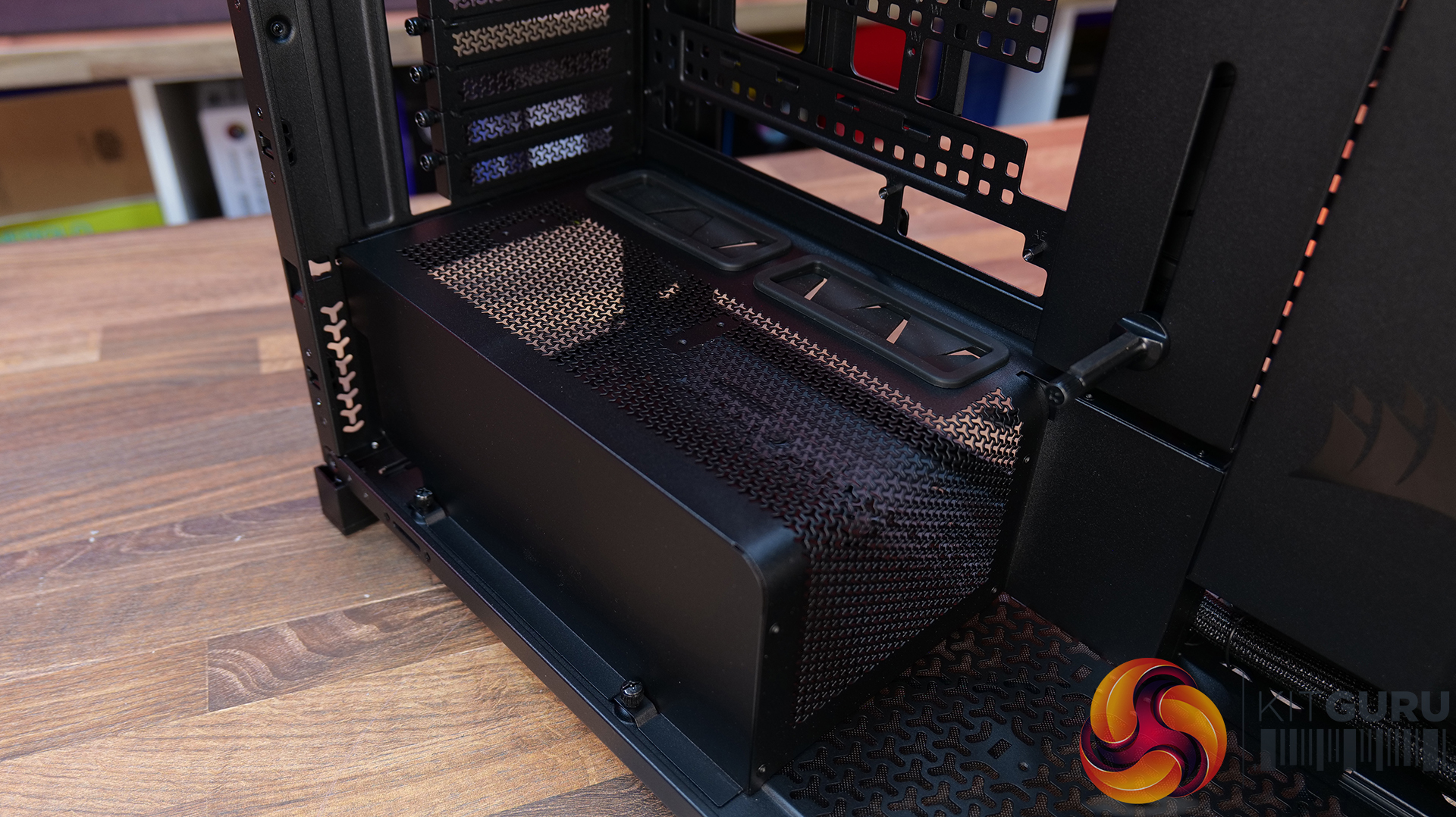
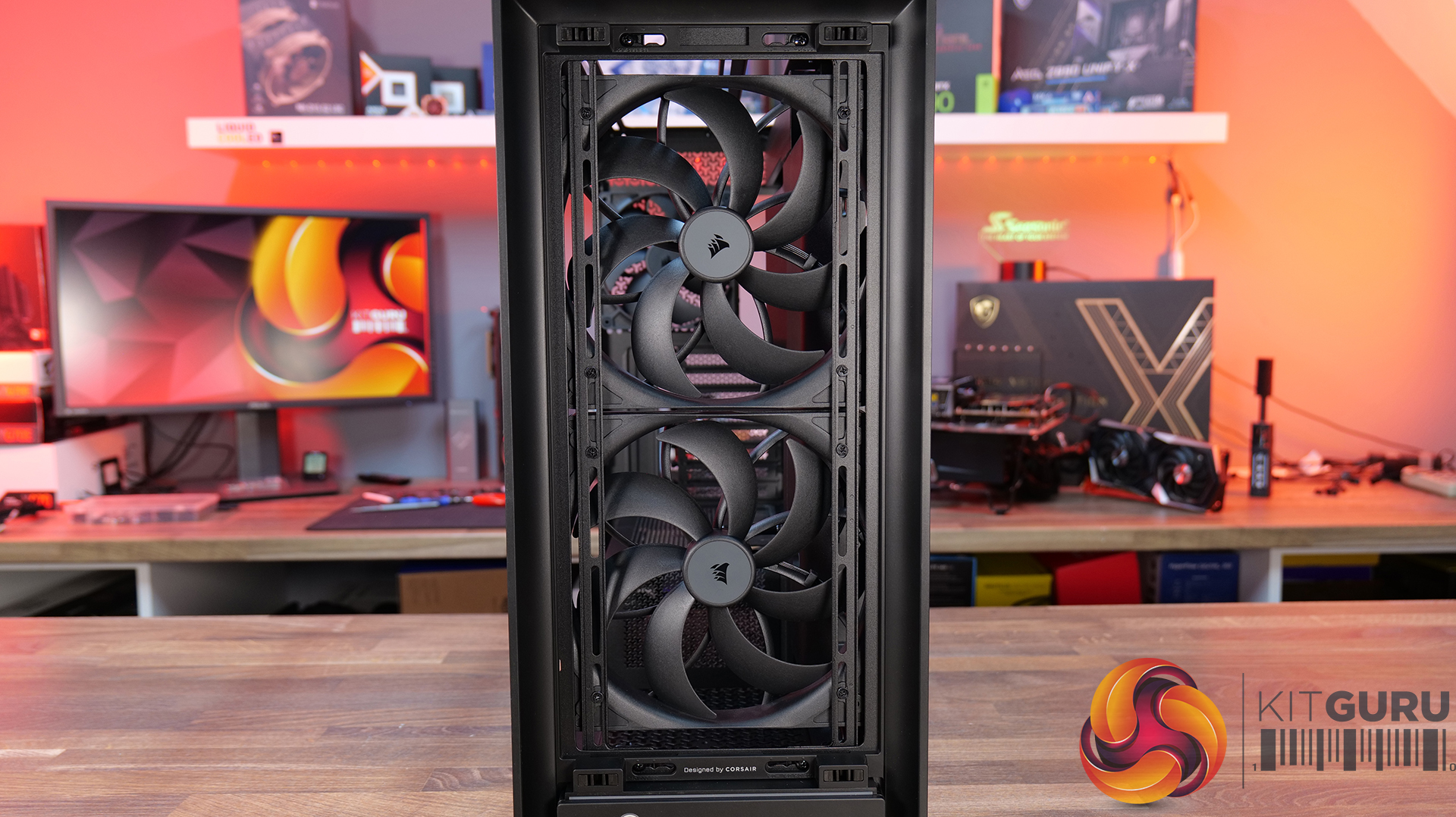
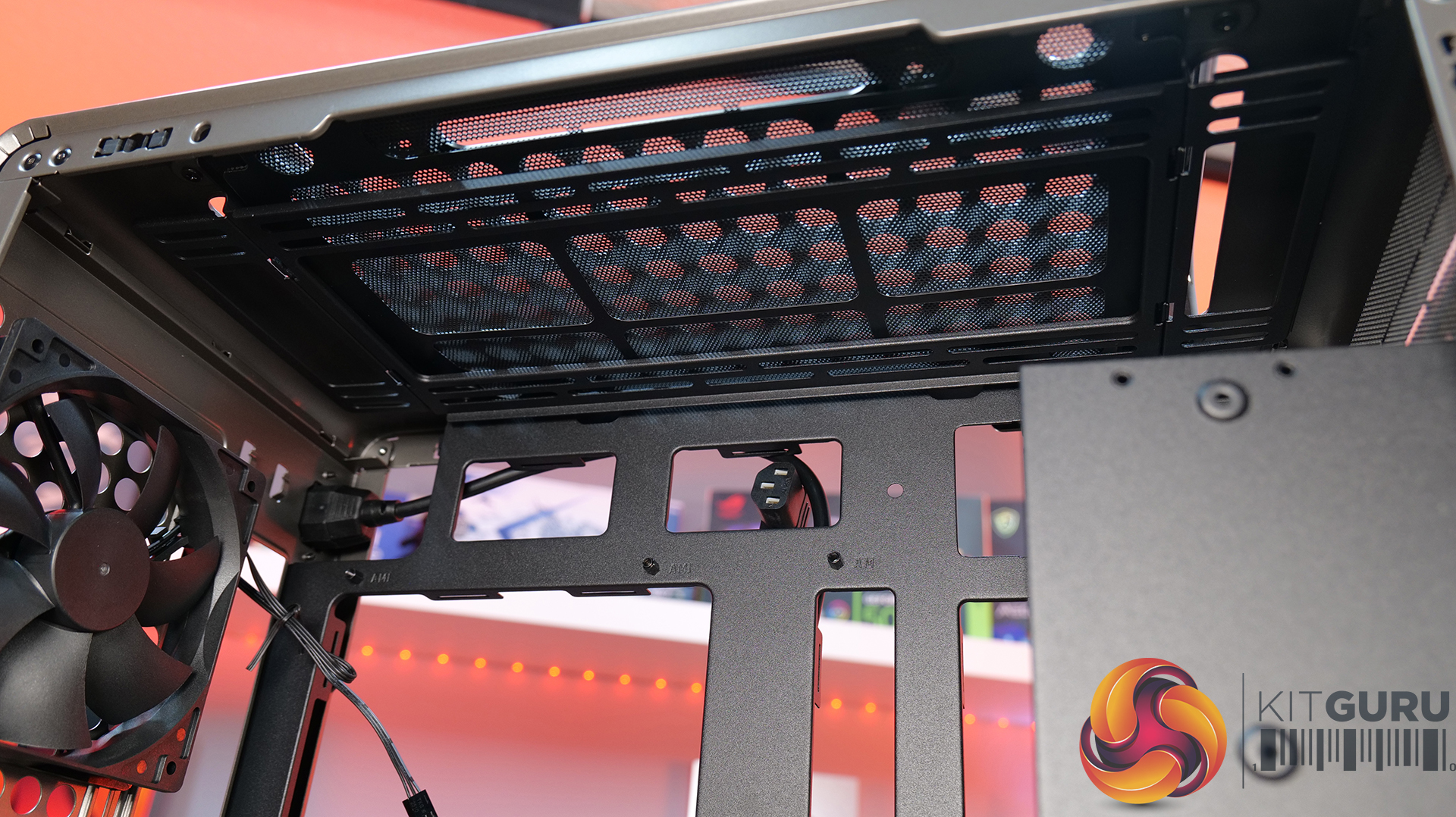
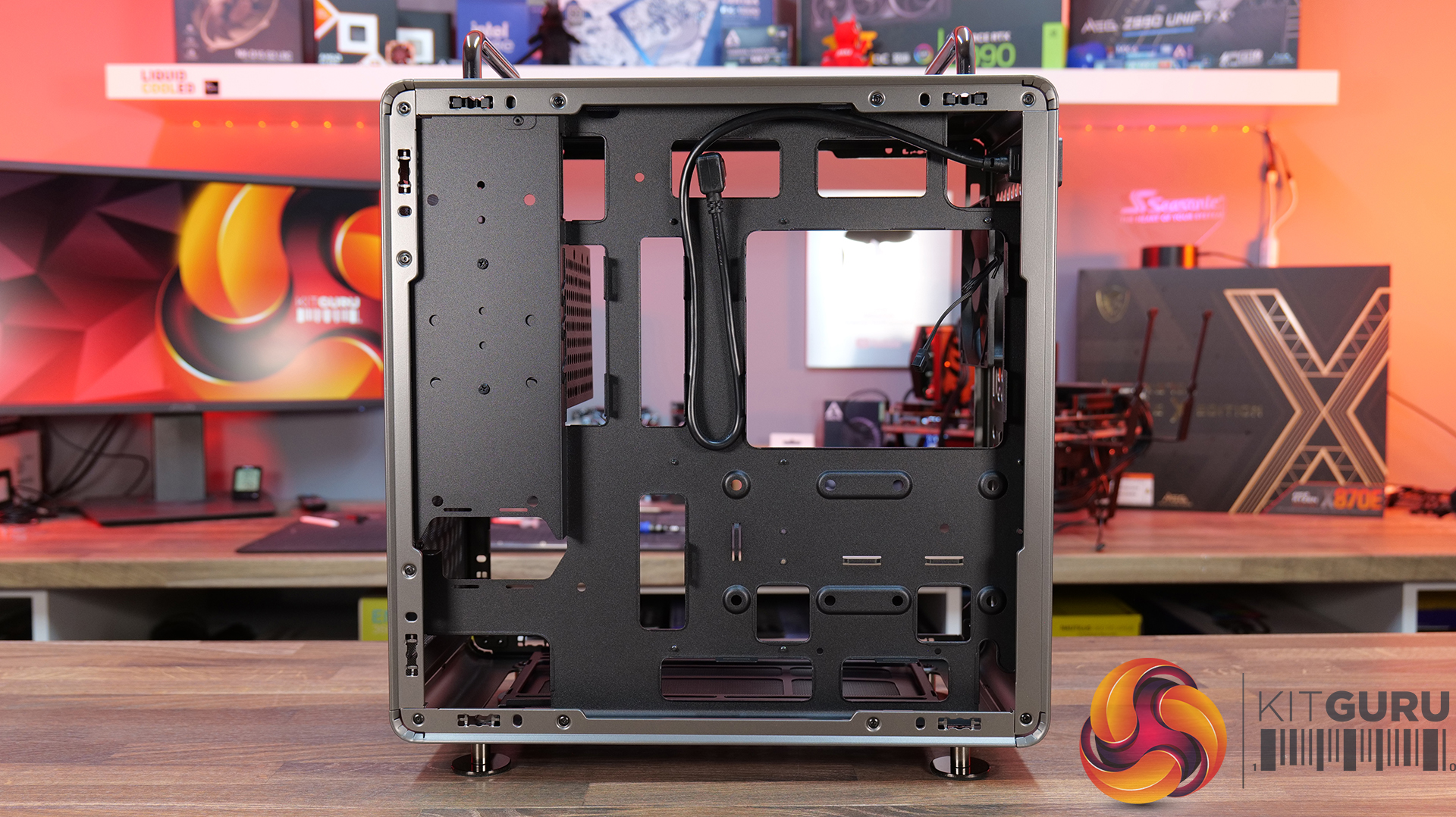
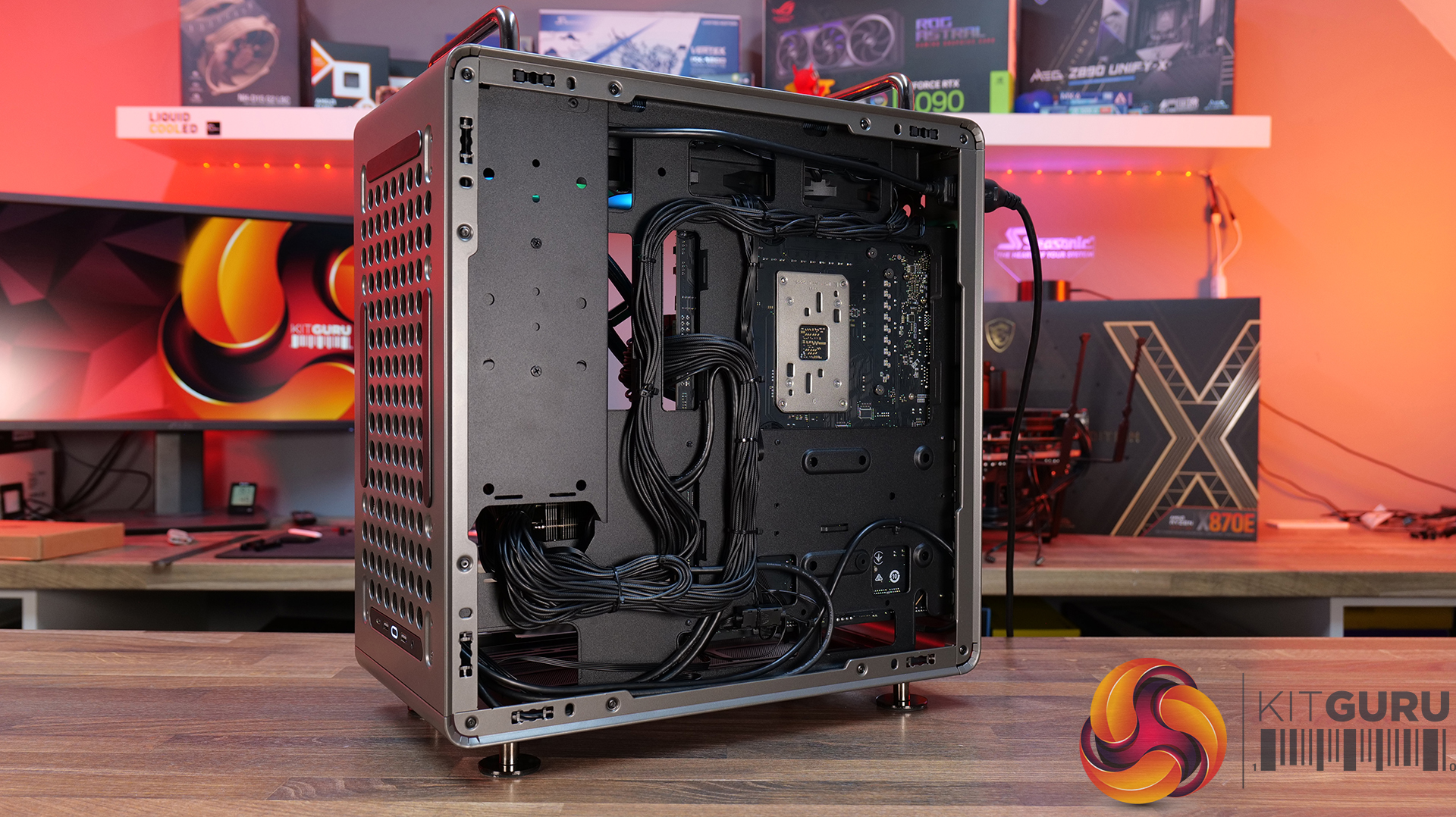
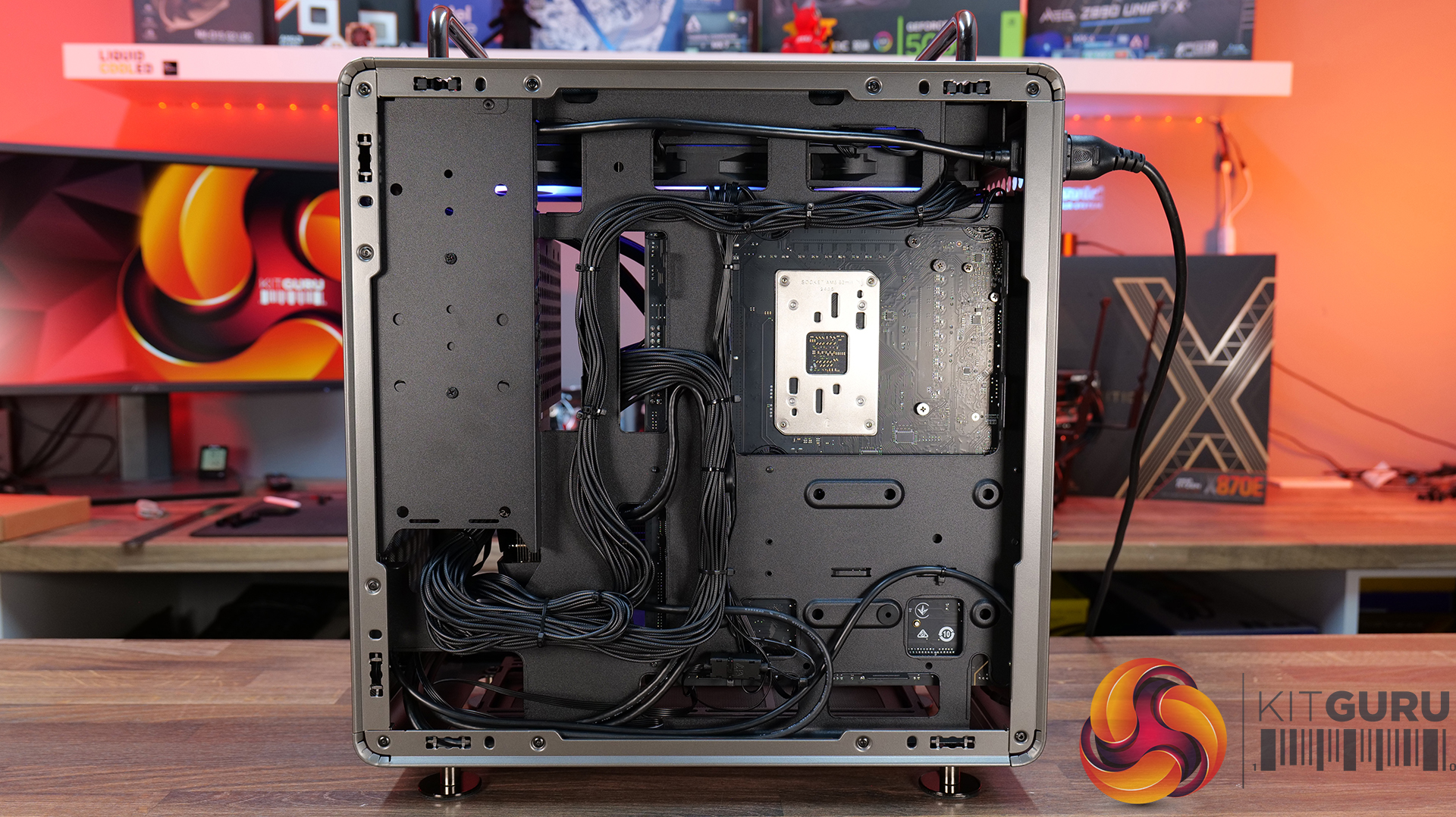
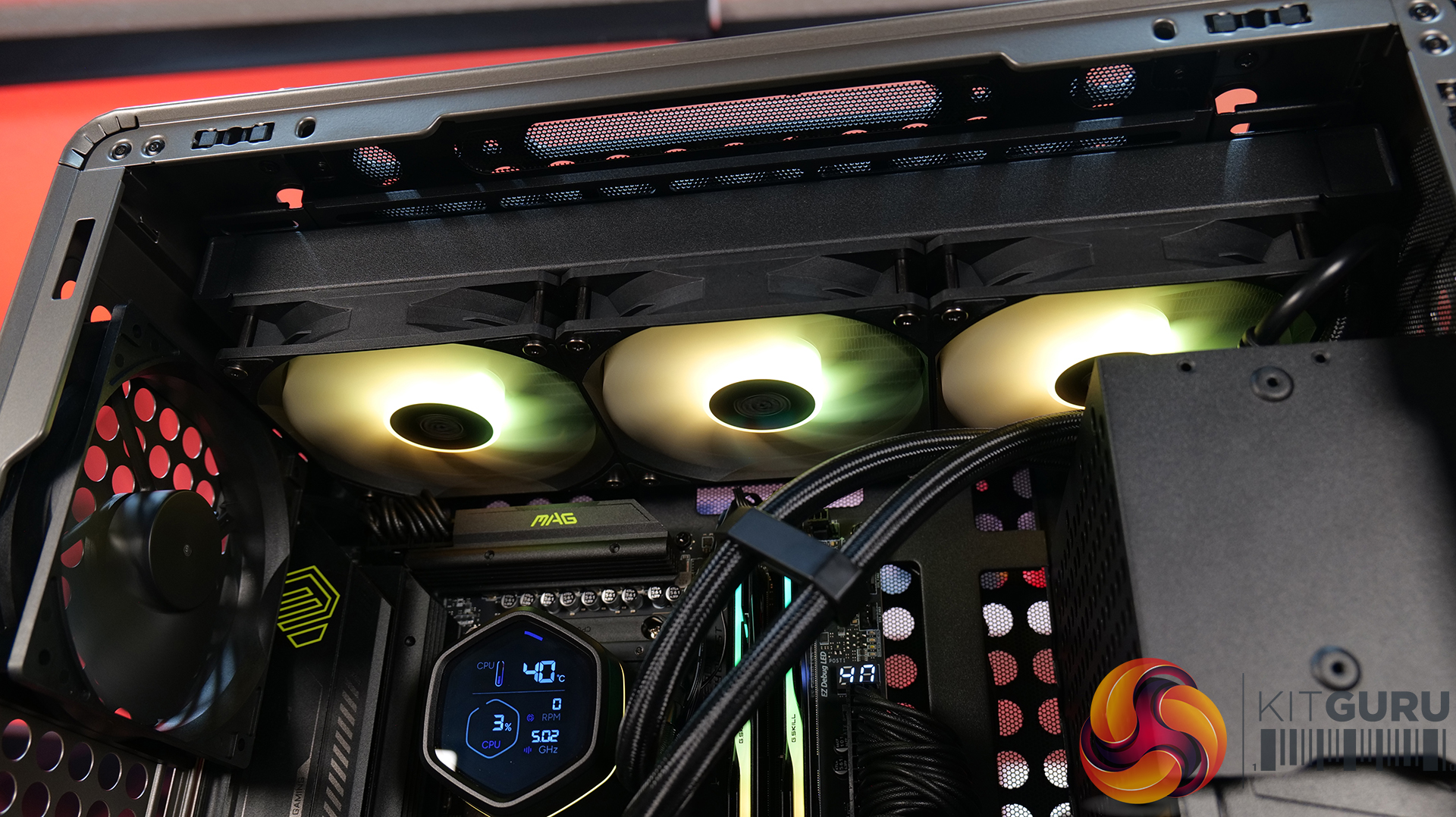
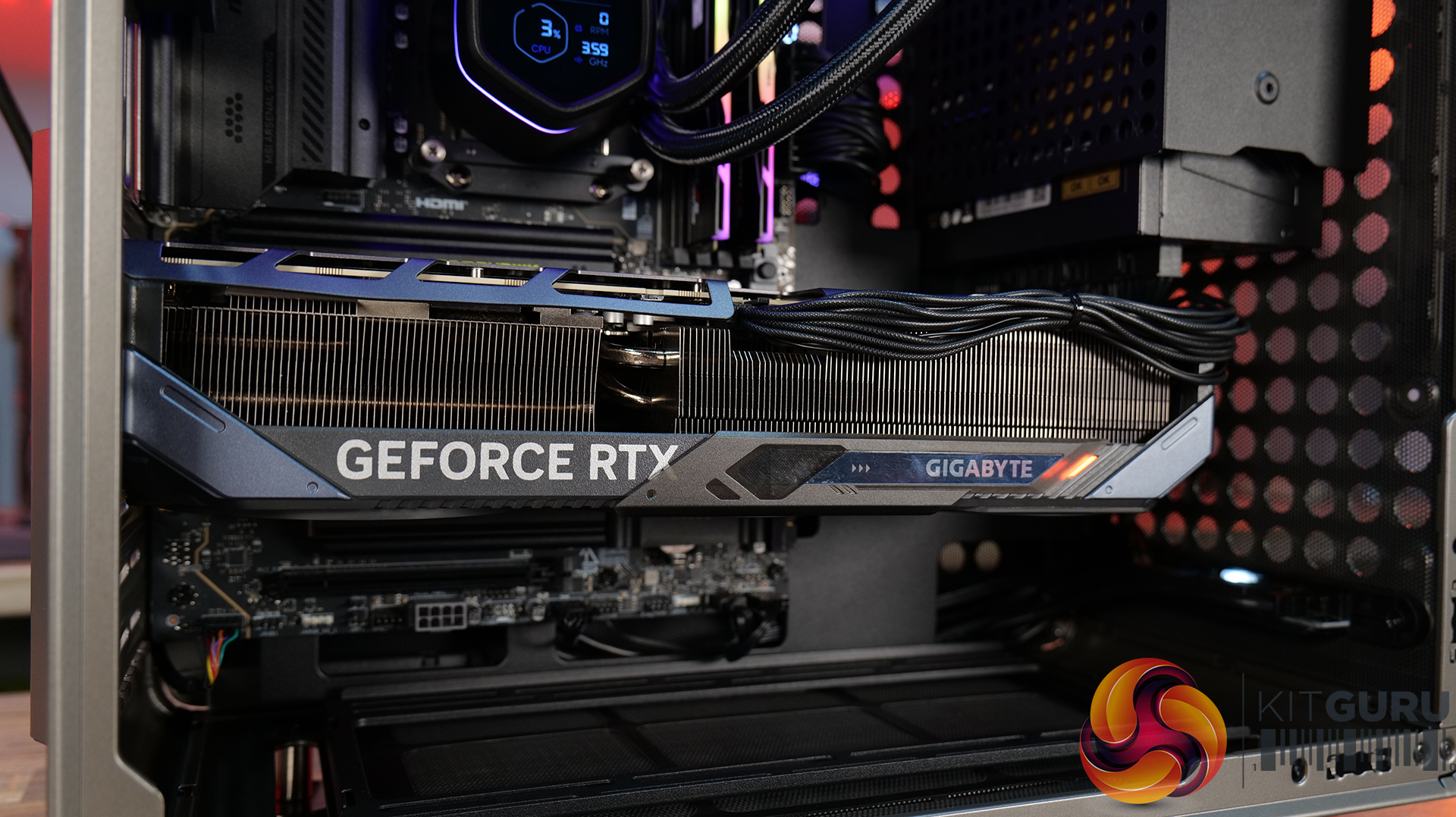
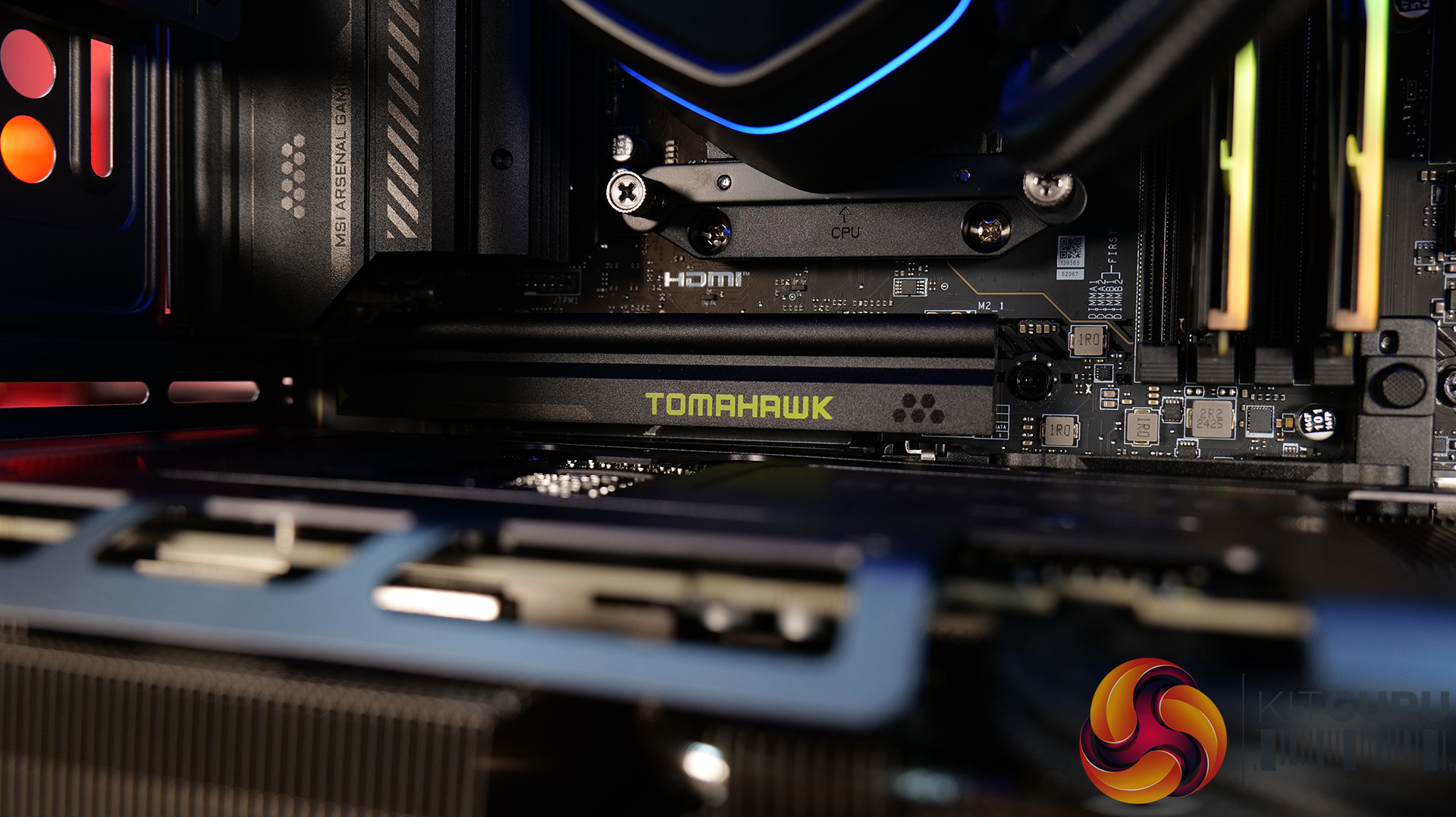
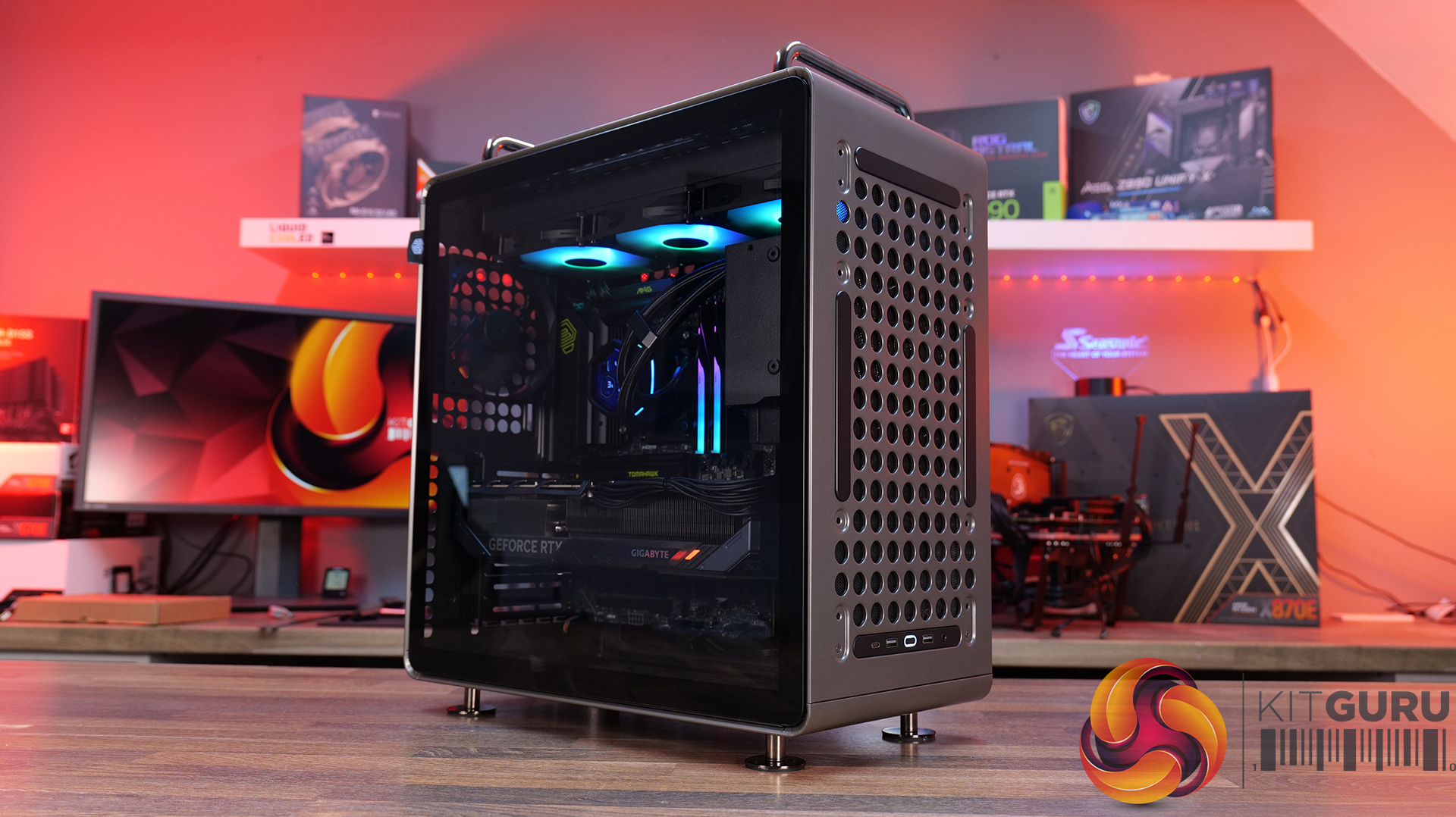
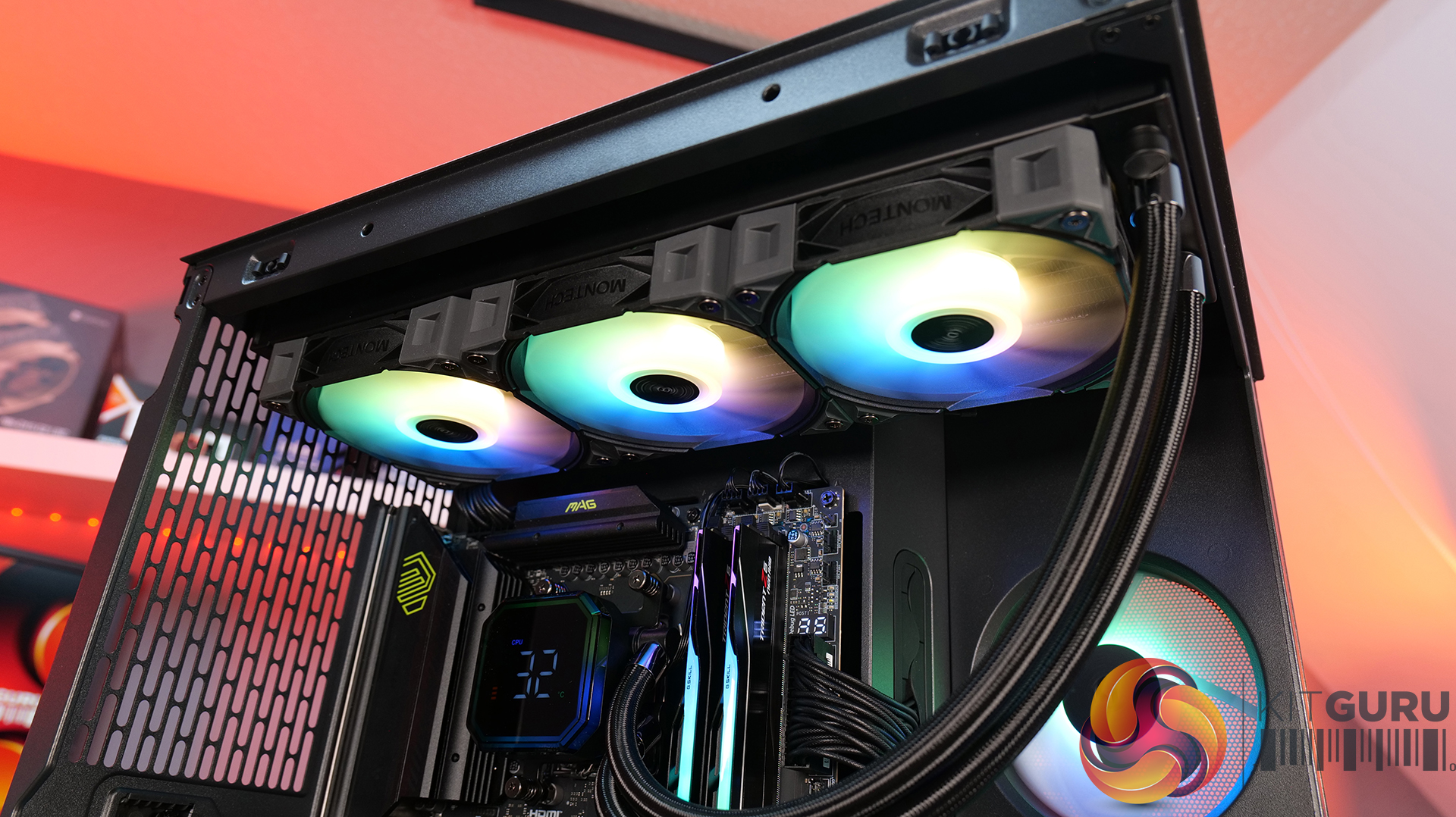
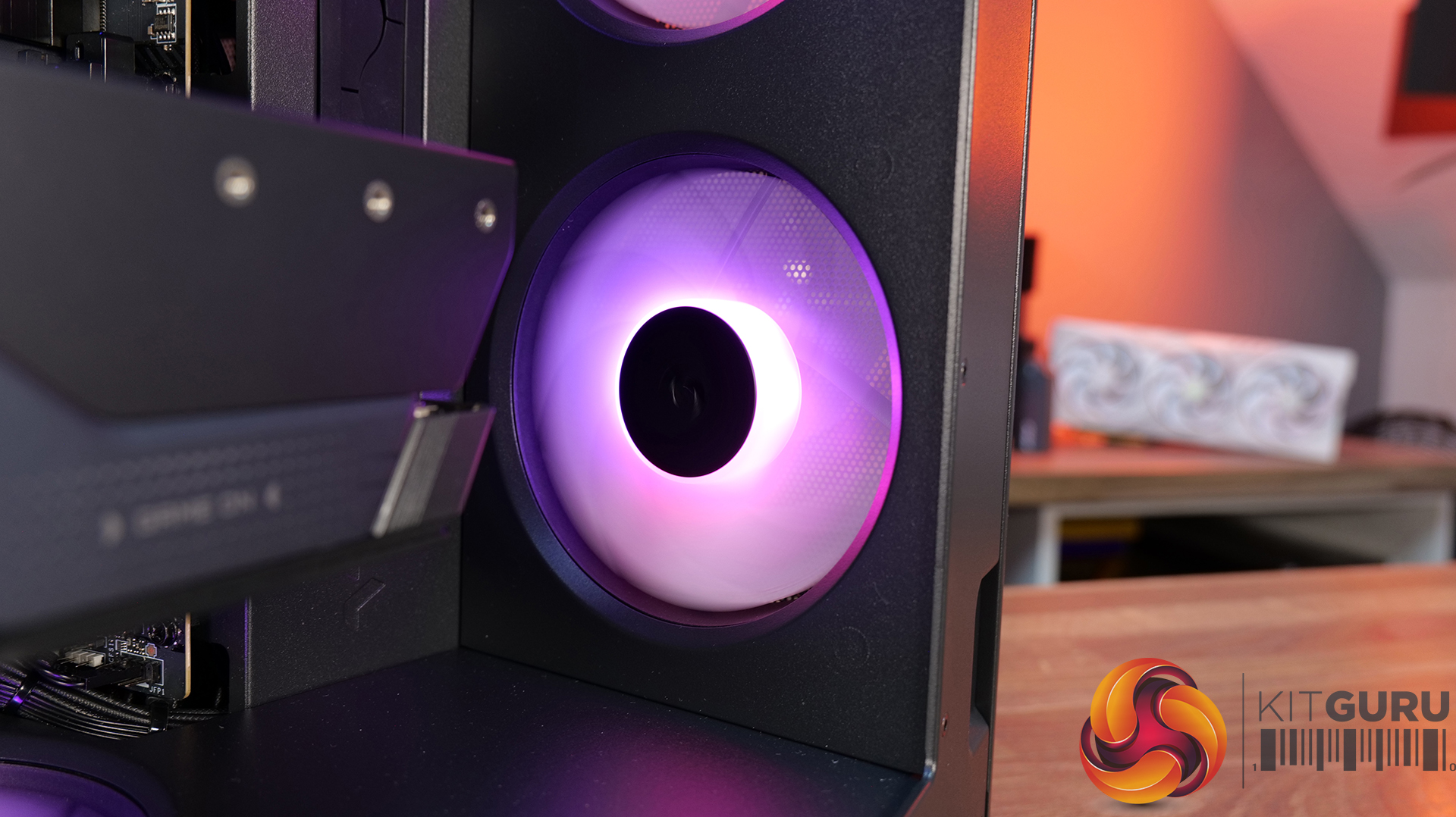
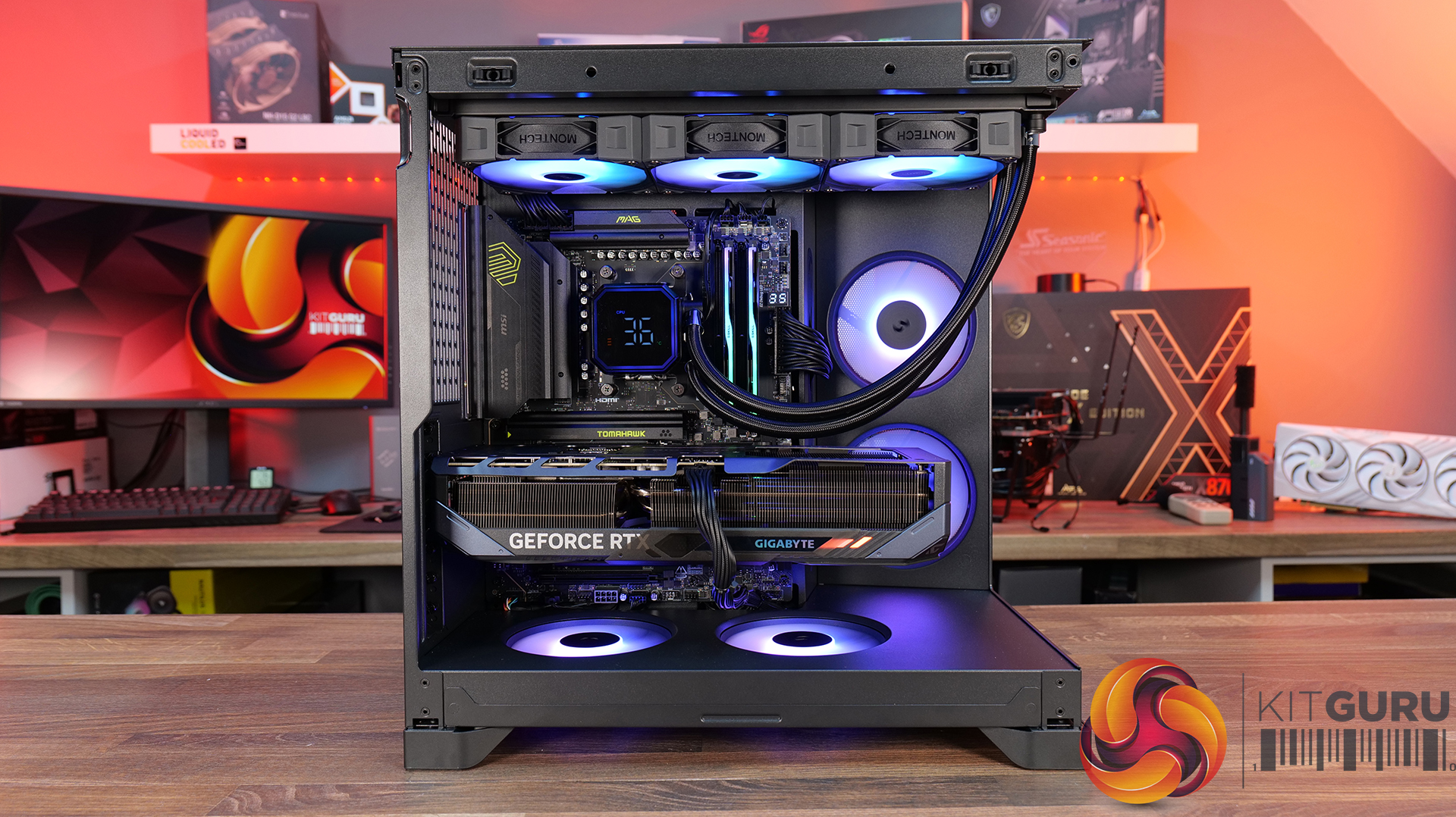
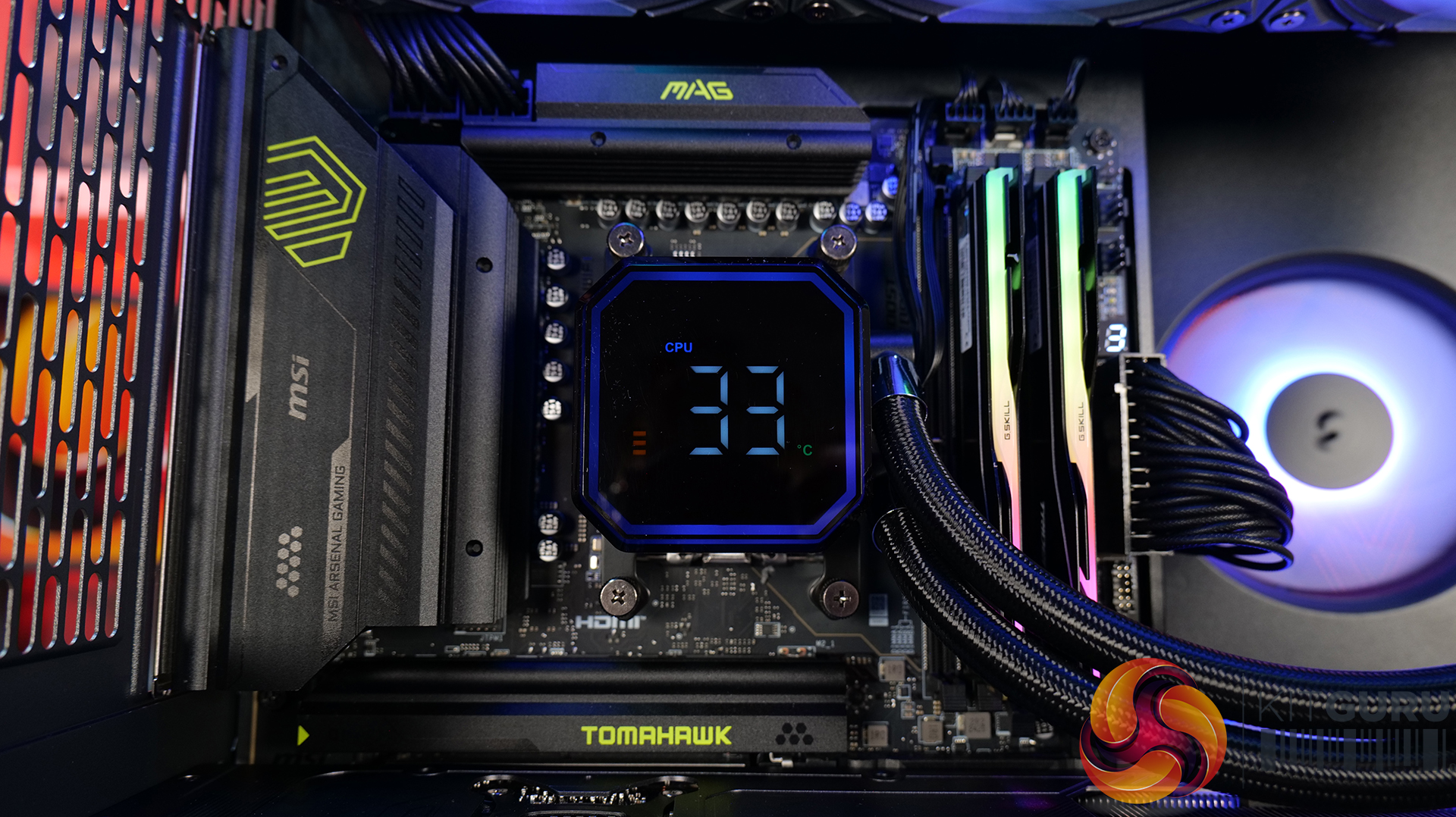
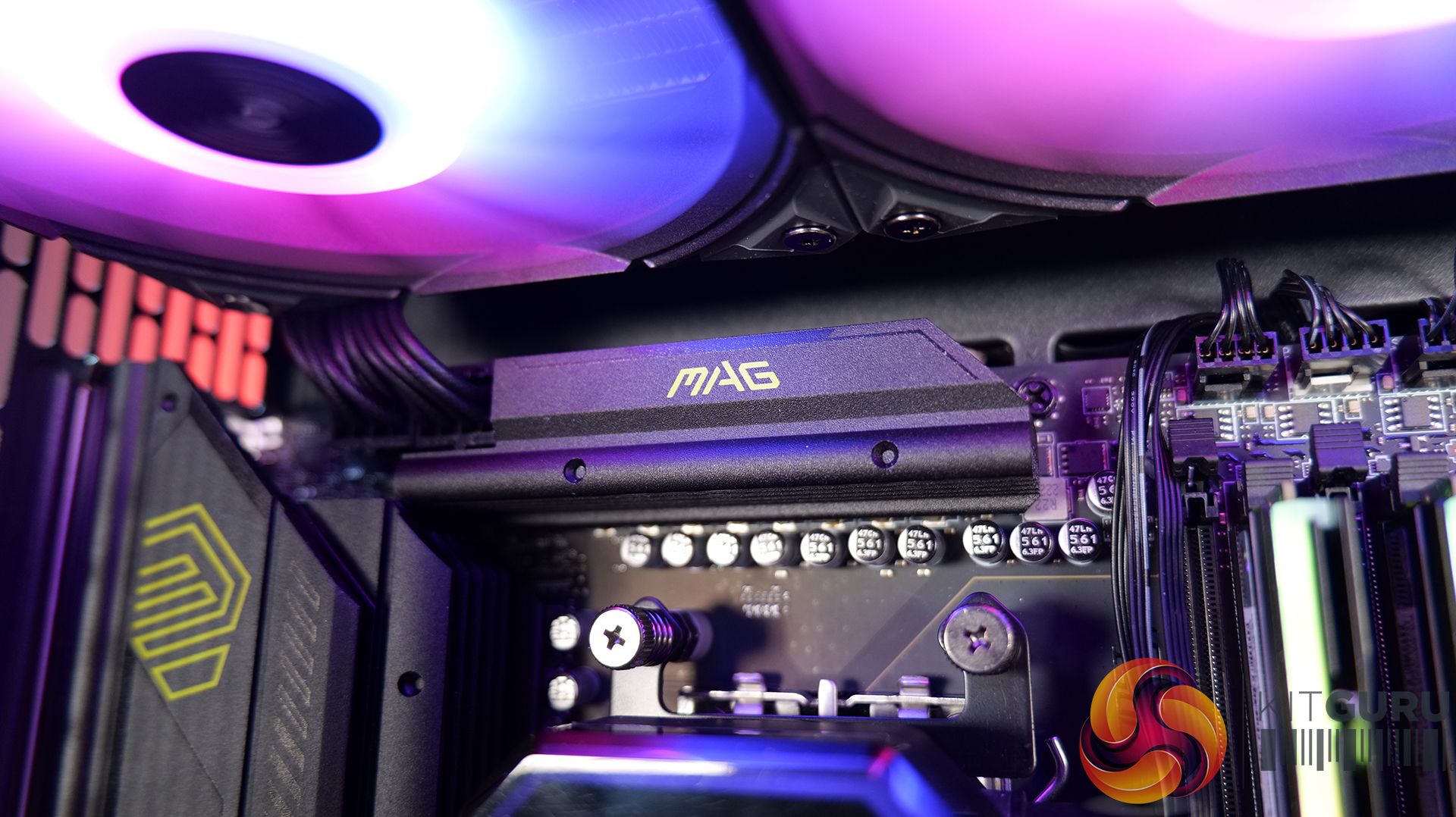
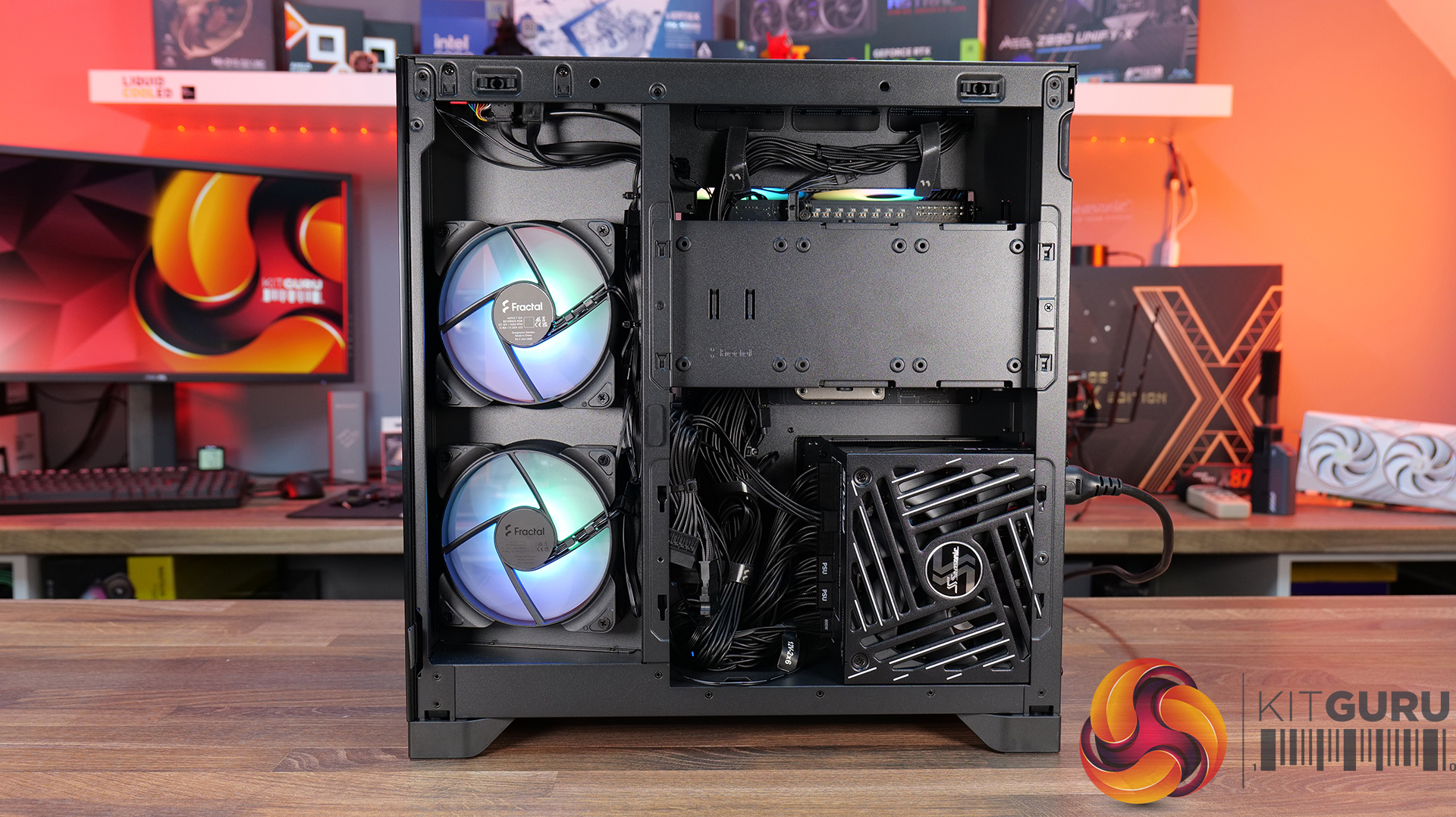
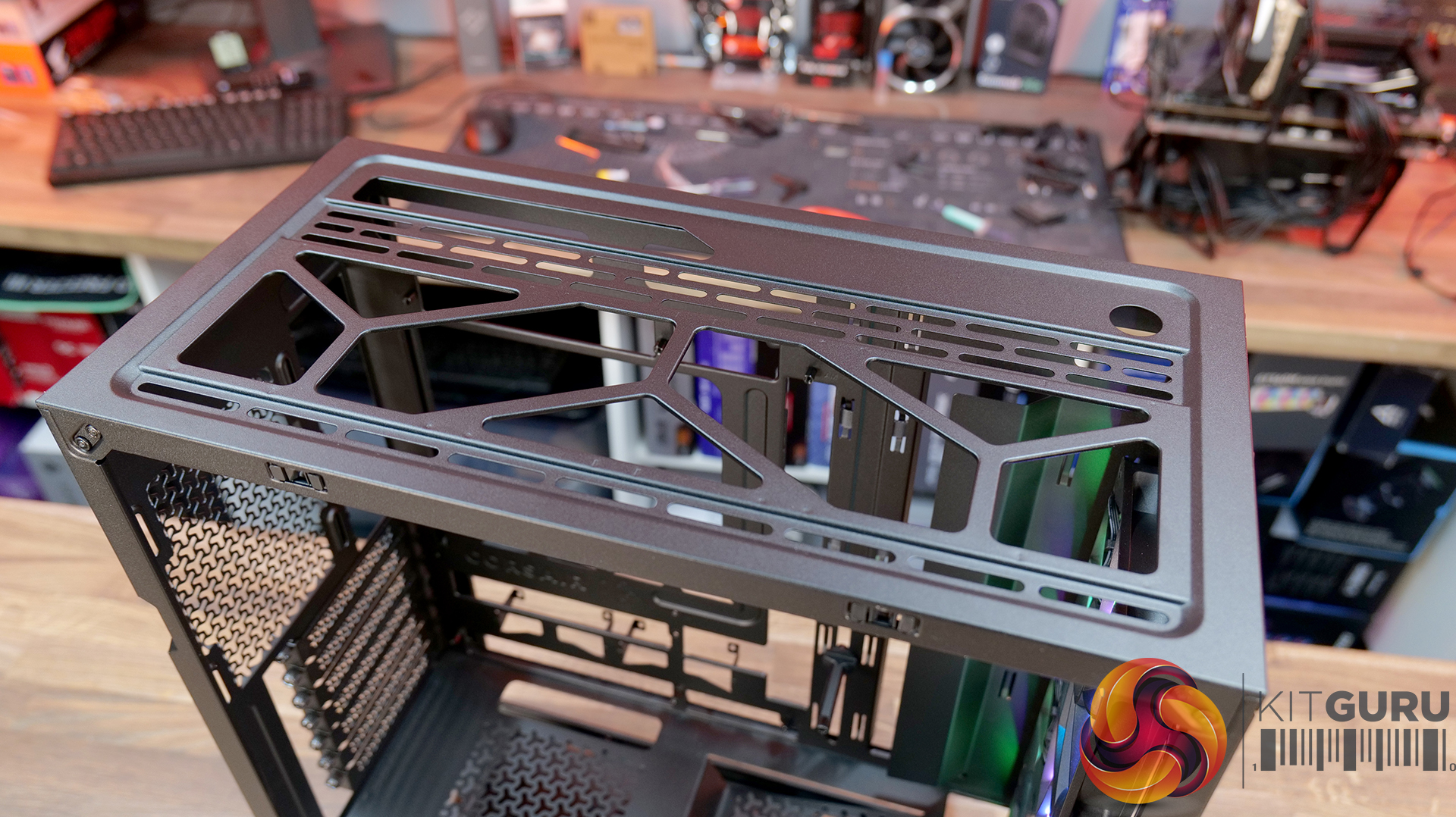
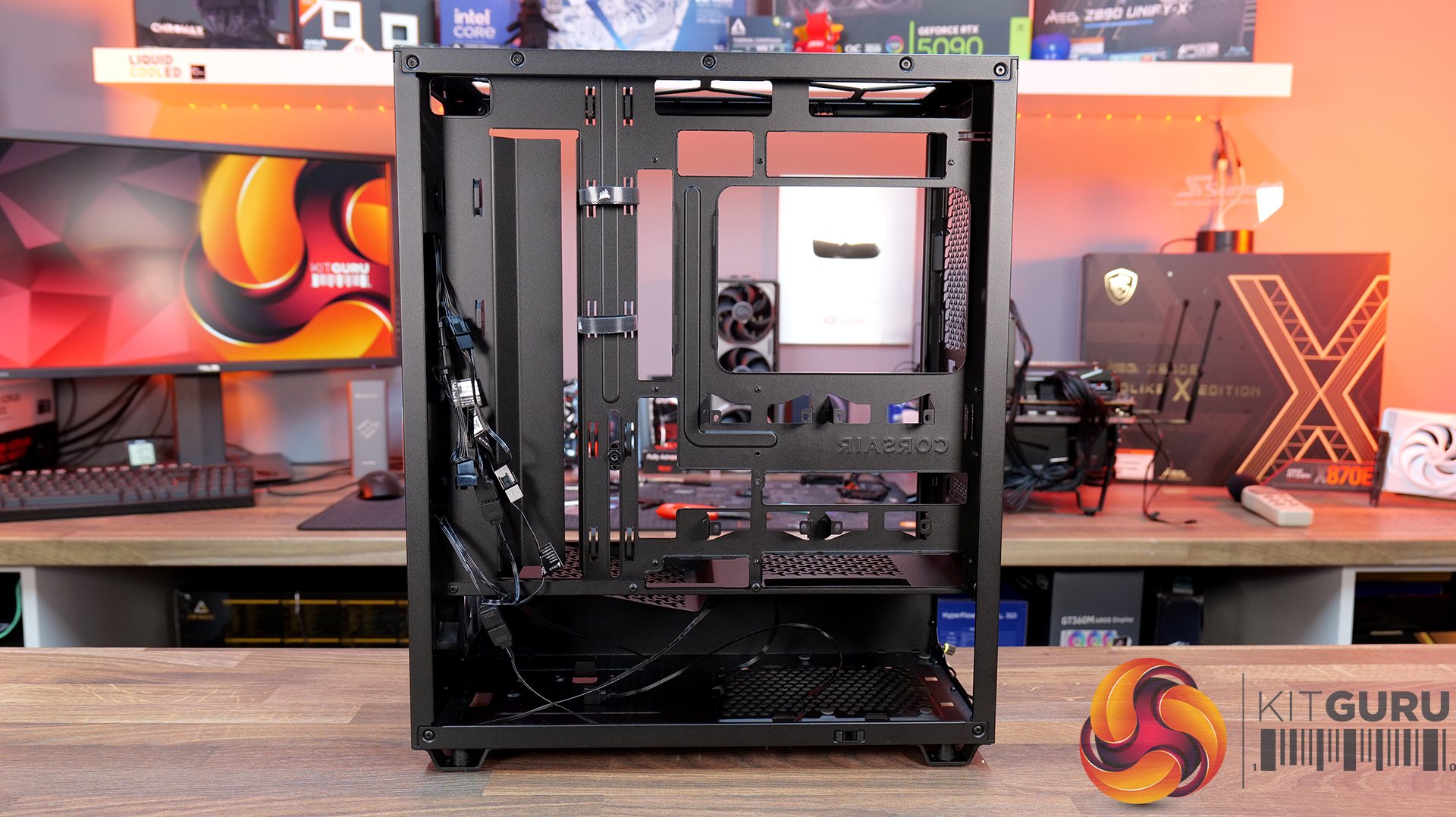
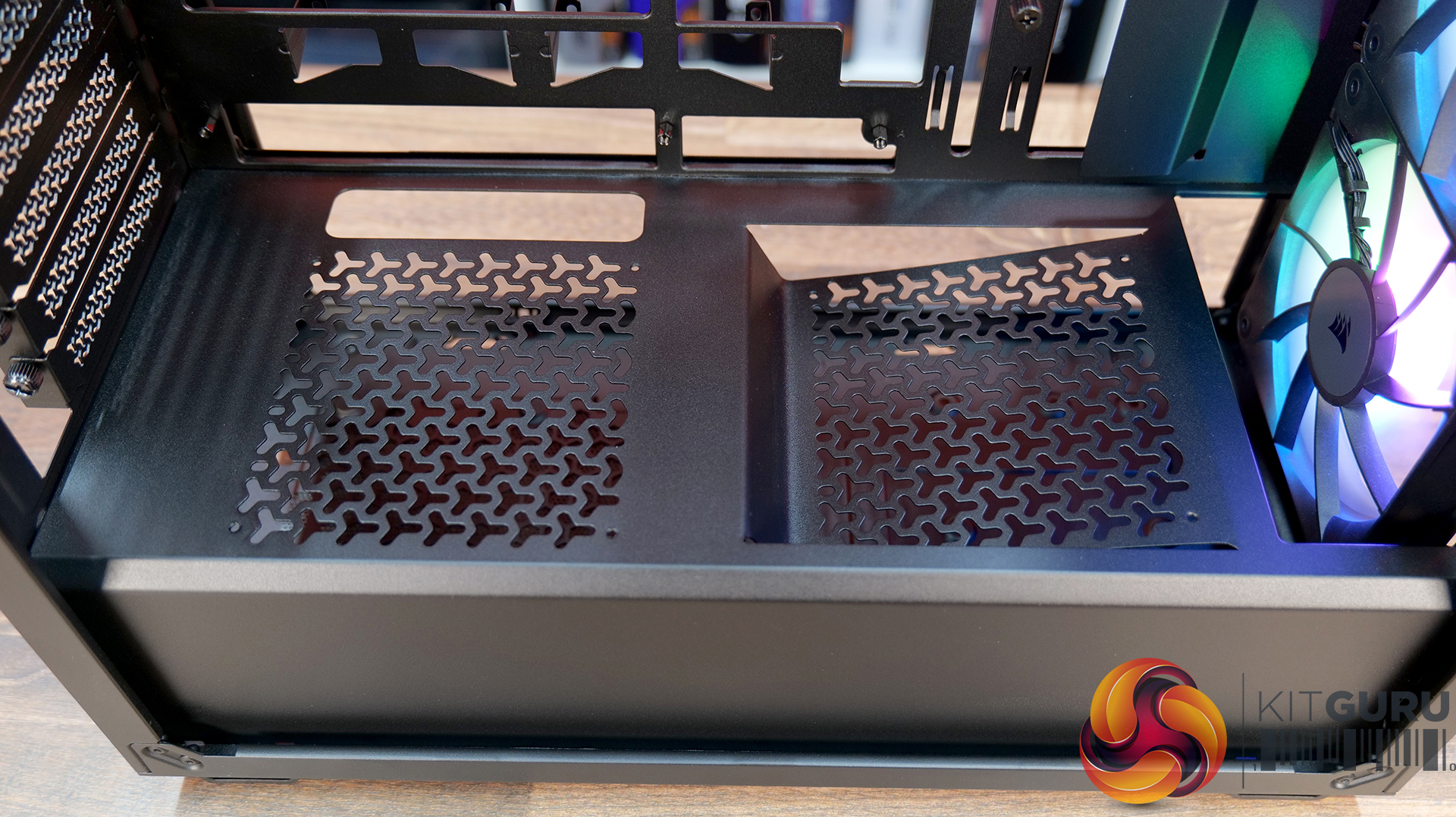
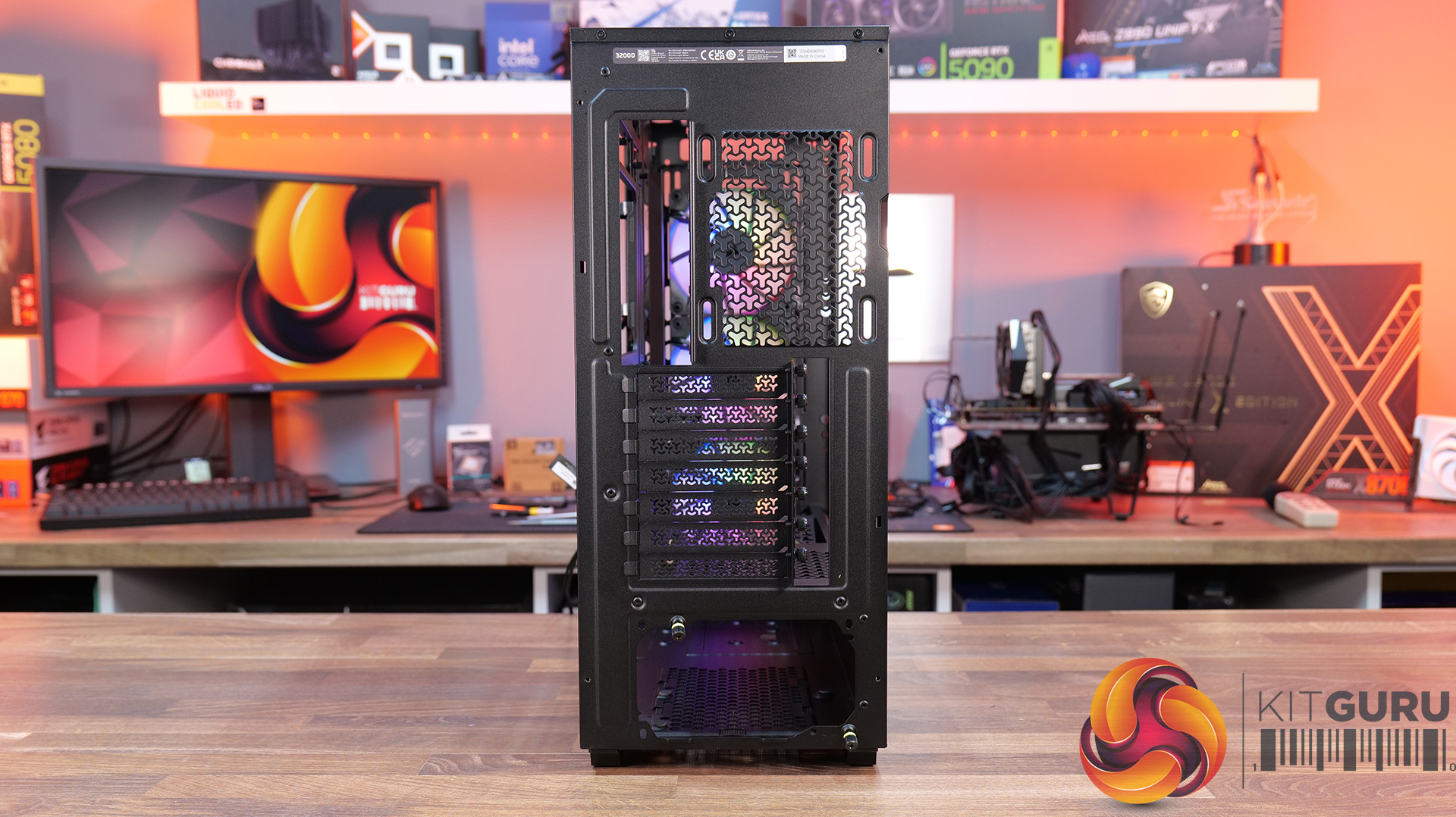
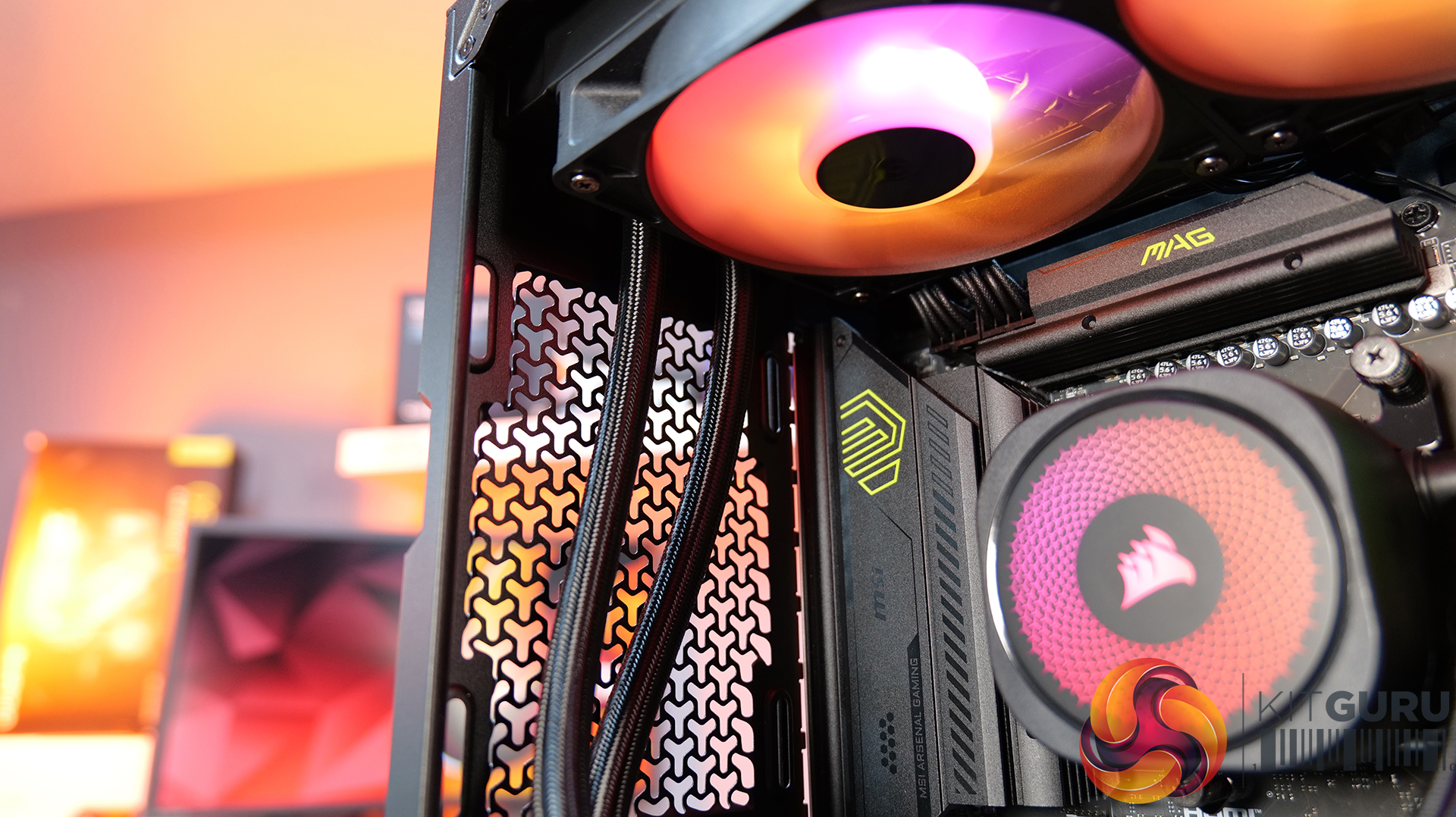
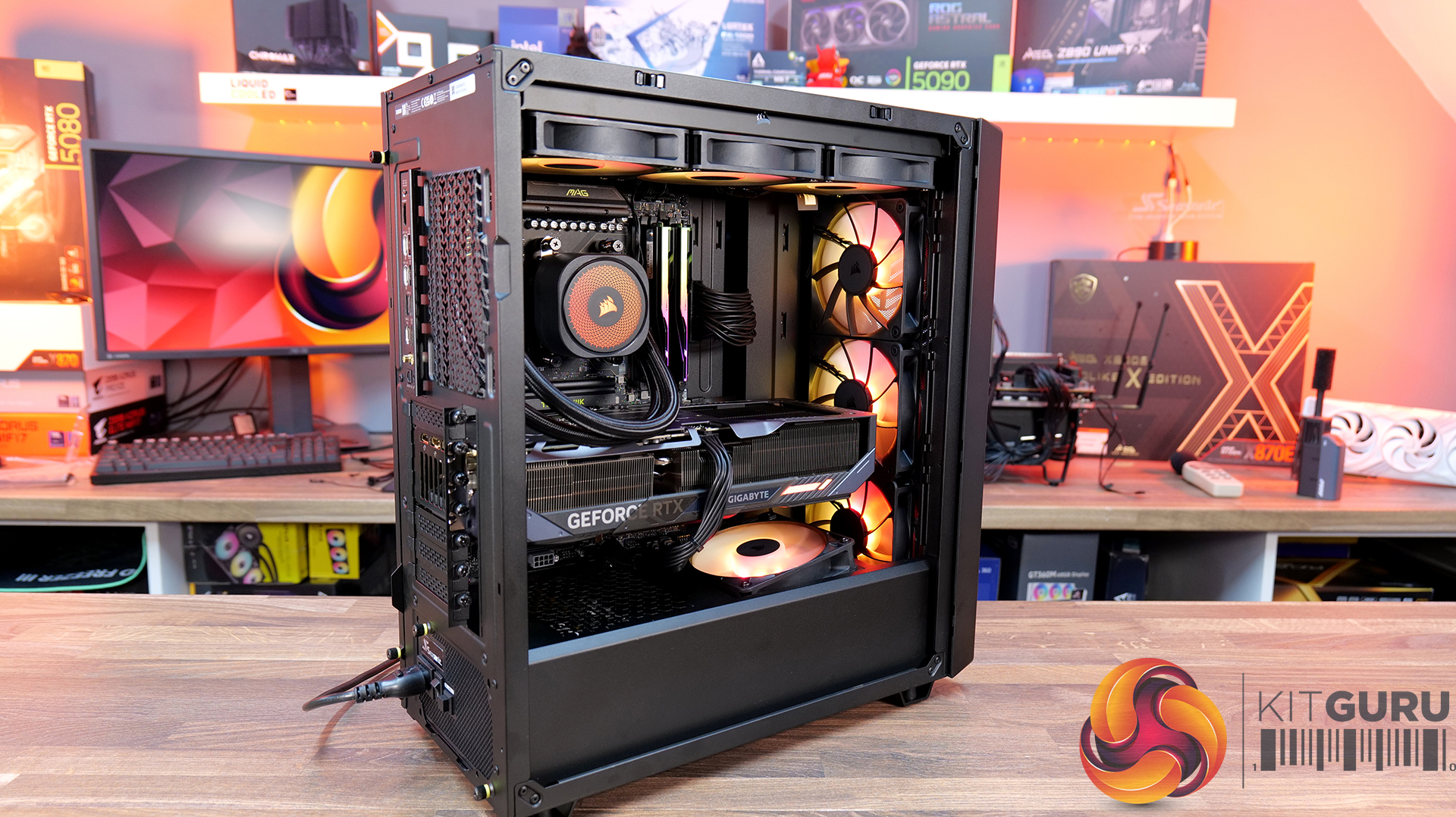
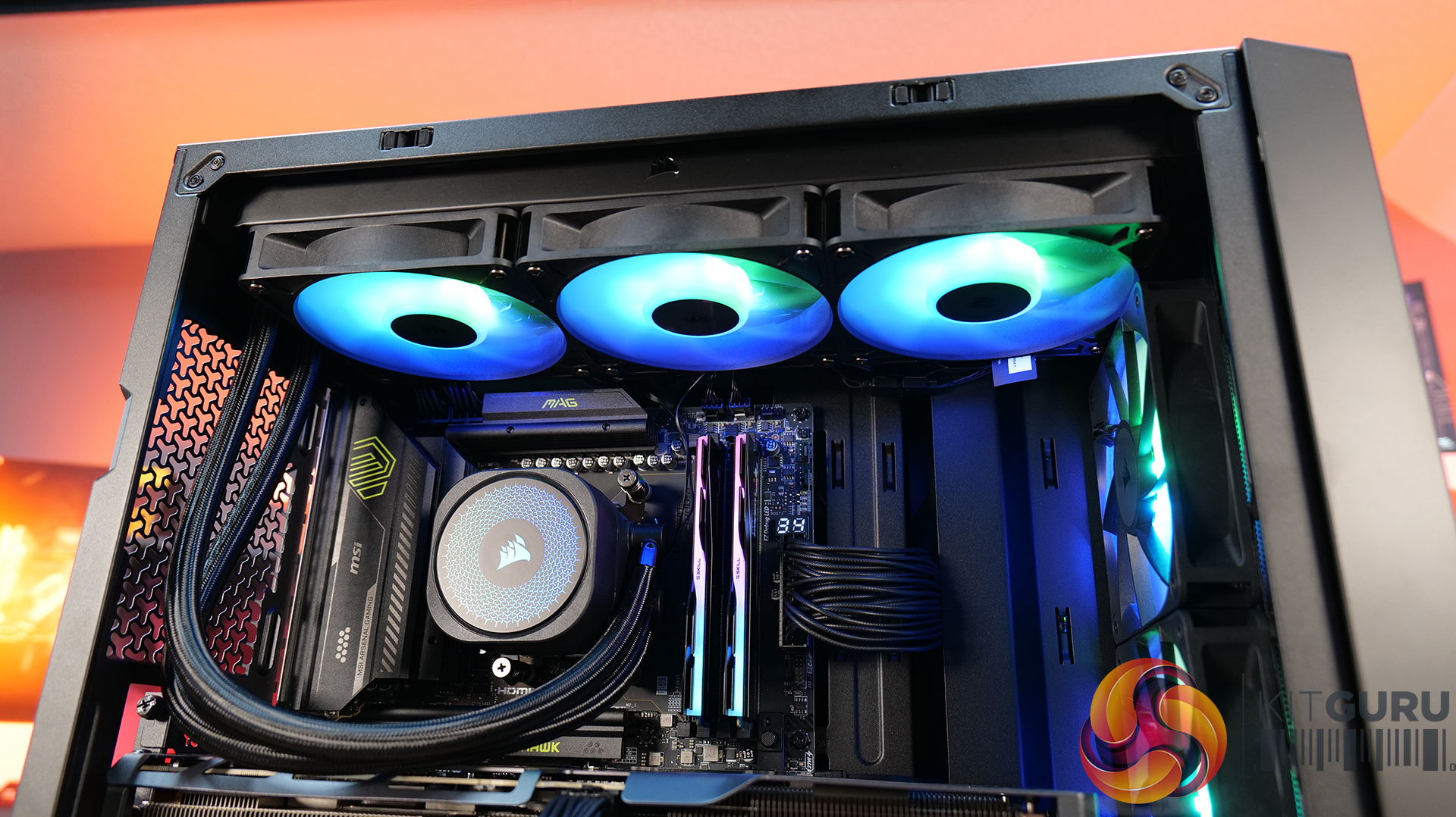
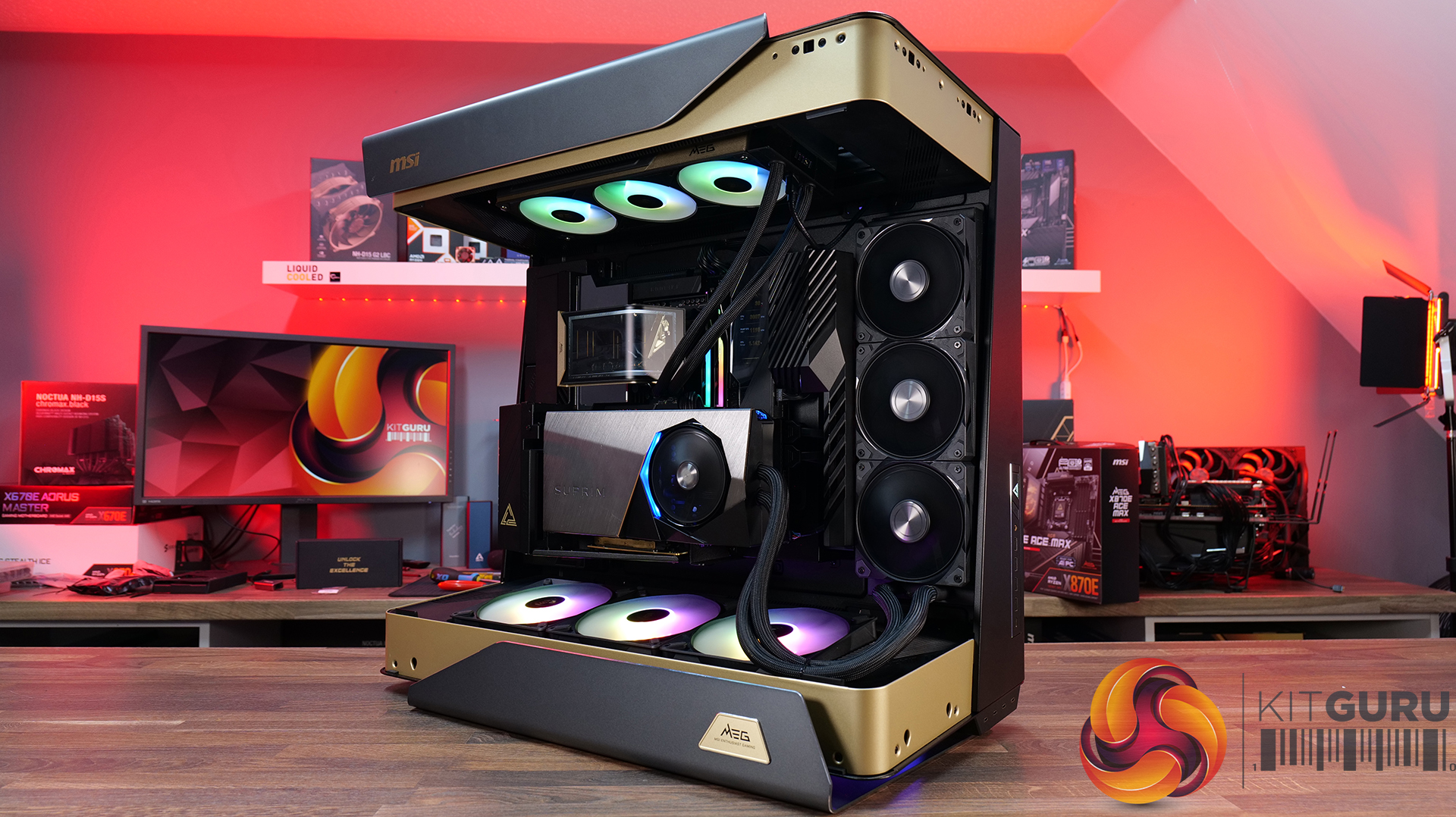
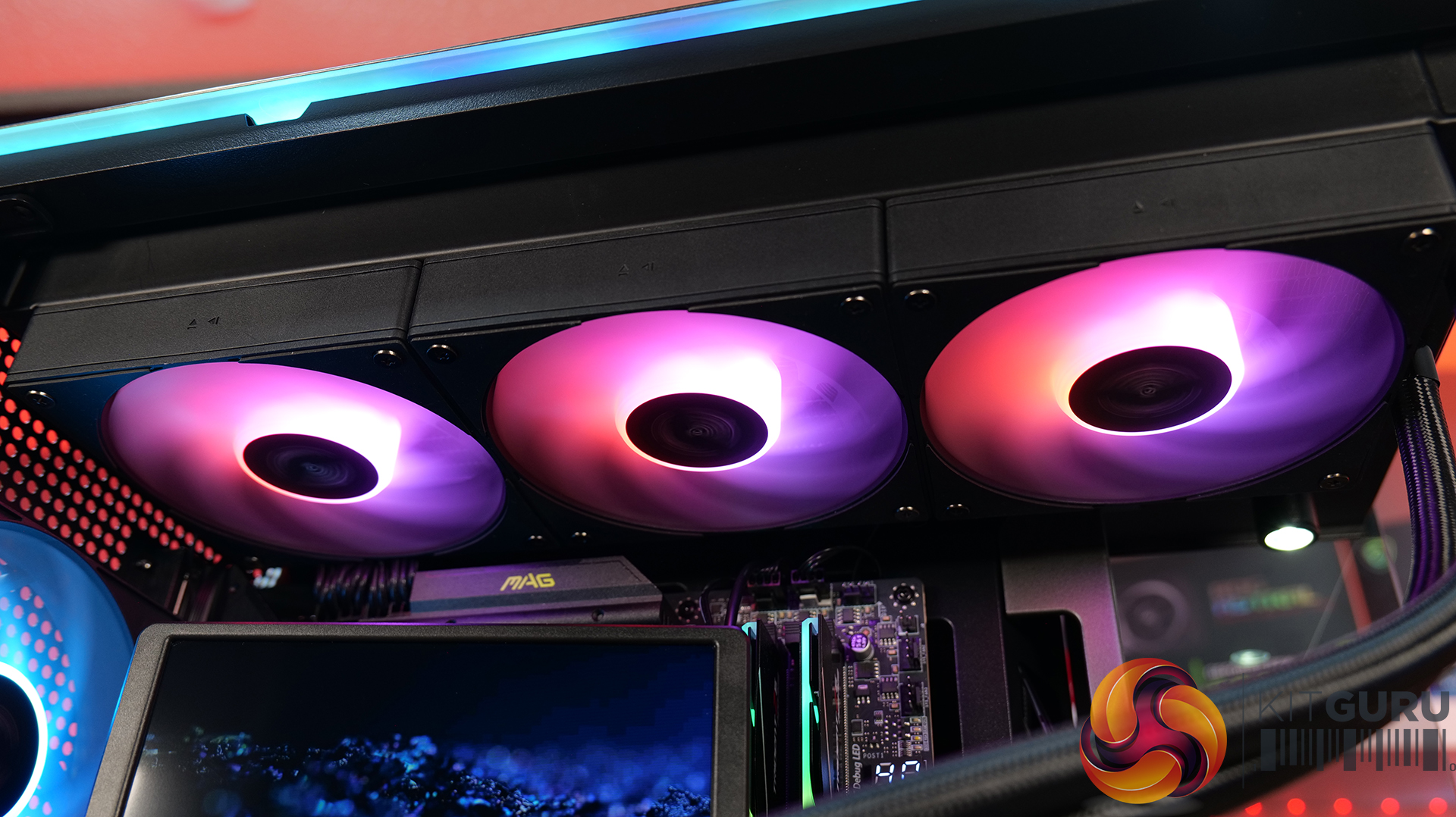
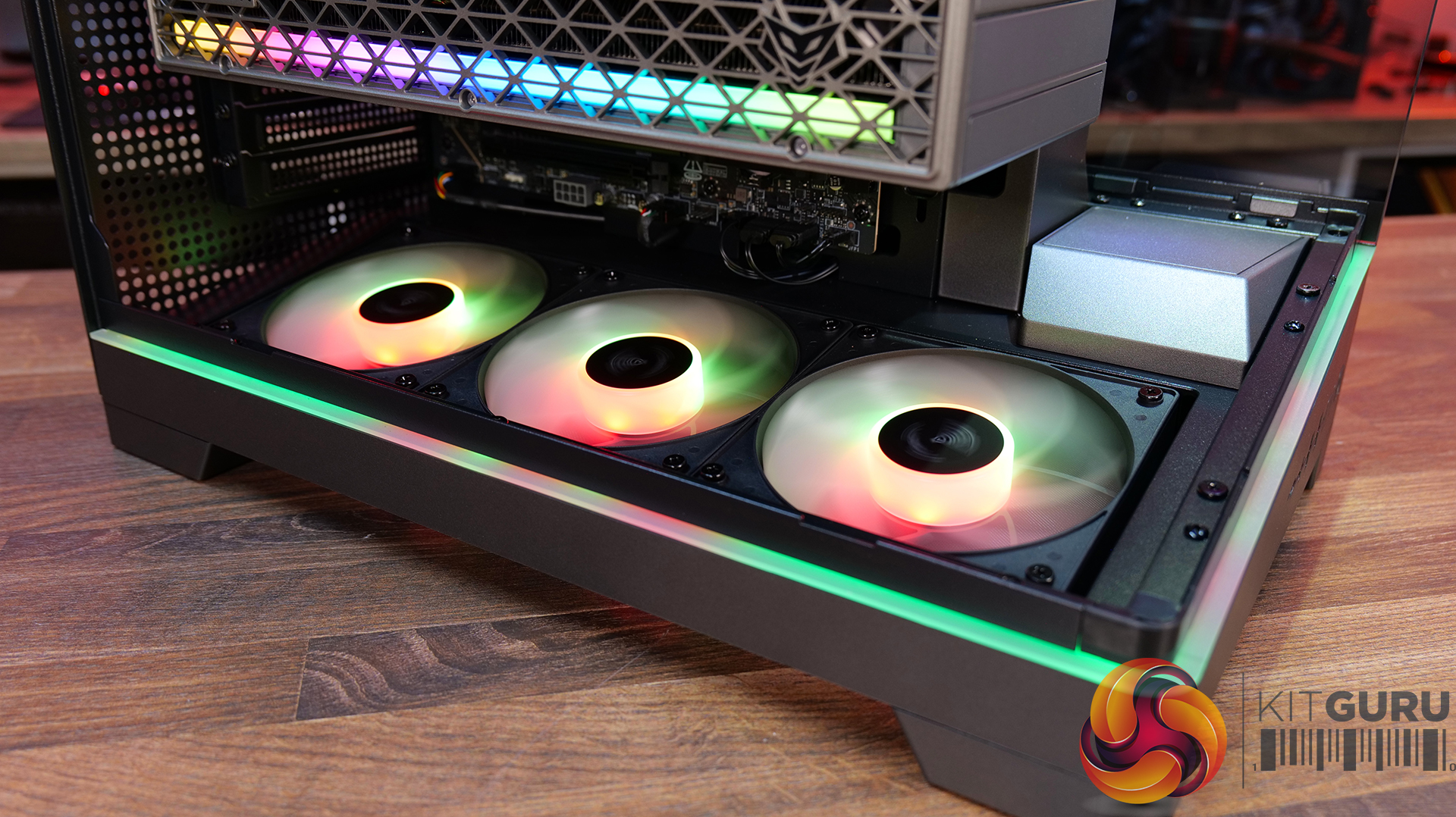
For our latest Featured Build, we’re going all-in with some of MSI’s most extreme hardware, including the massive MEG Maestro 900R chassis, the flagship MEG X870E Godlike X Edition motherboard and an RTX 5090 Suprim Liquid graphics card. CPU cooling comes courtesy of MSI’s MEG CoreLiquid E15 360mm AIO, and the system is powered by the MAG A1200PLS PSU. It’s big, it’s powerful and it’s completely over the top… so let’s get this monster build underway!
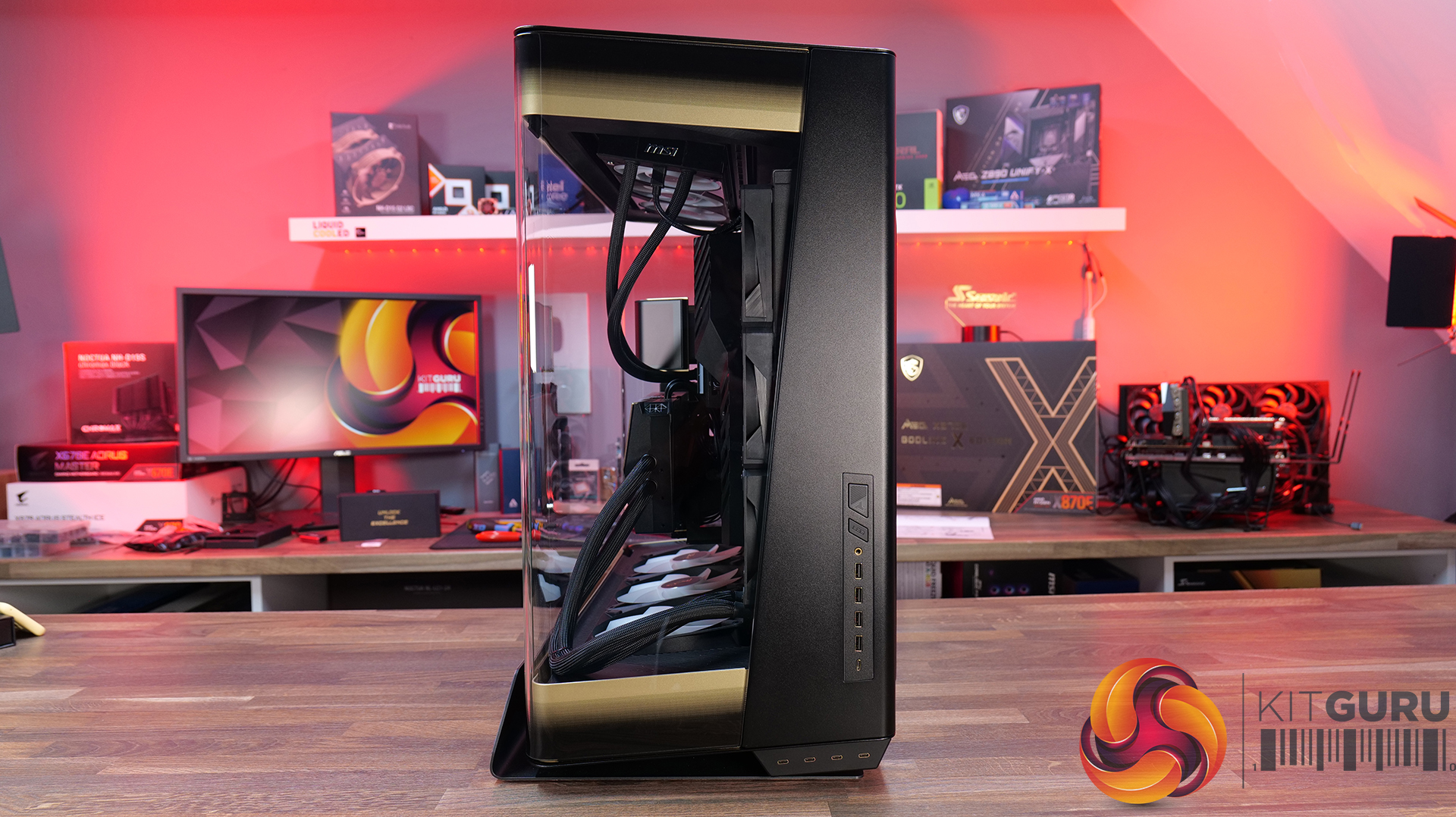
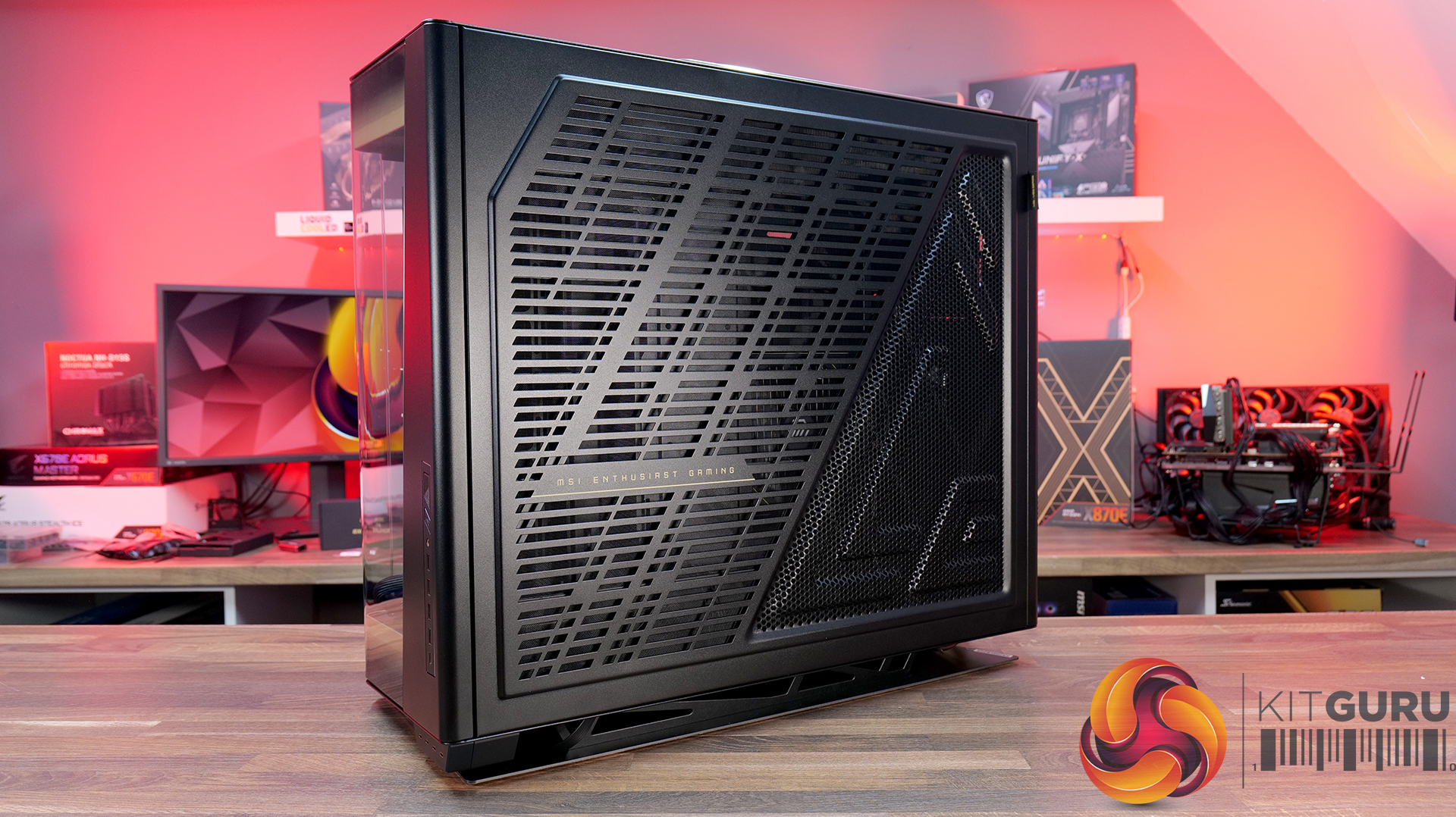
 

Case: MSI MEG Maestro 900R – Available HERE.

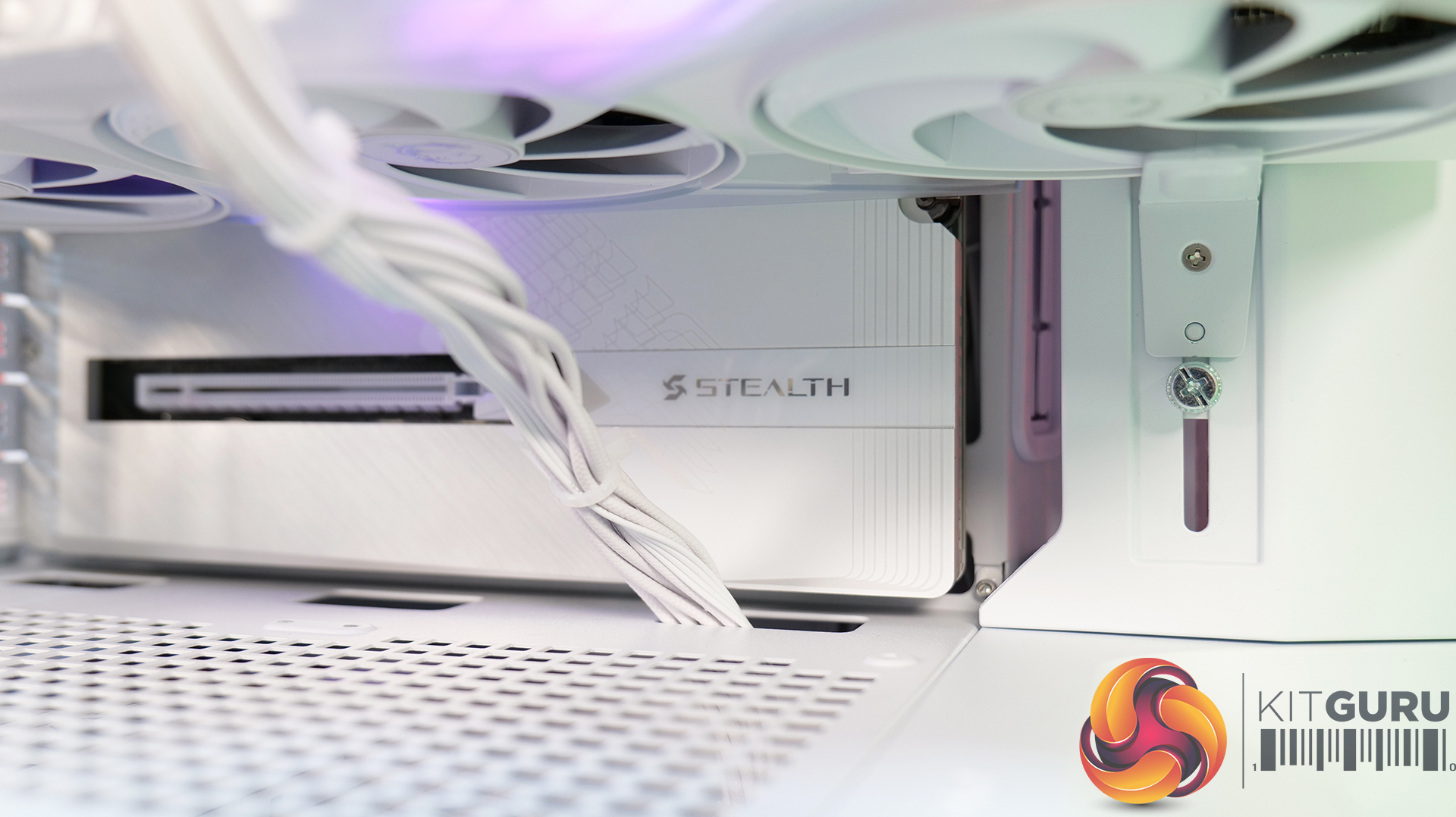
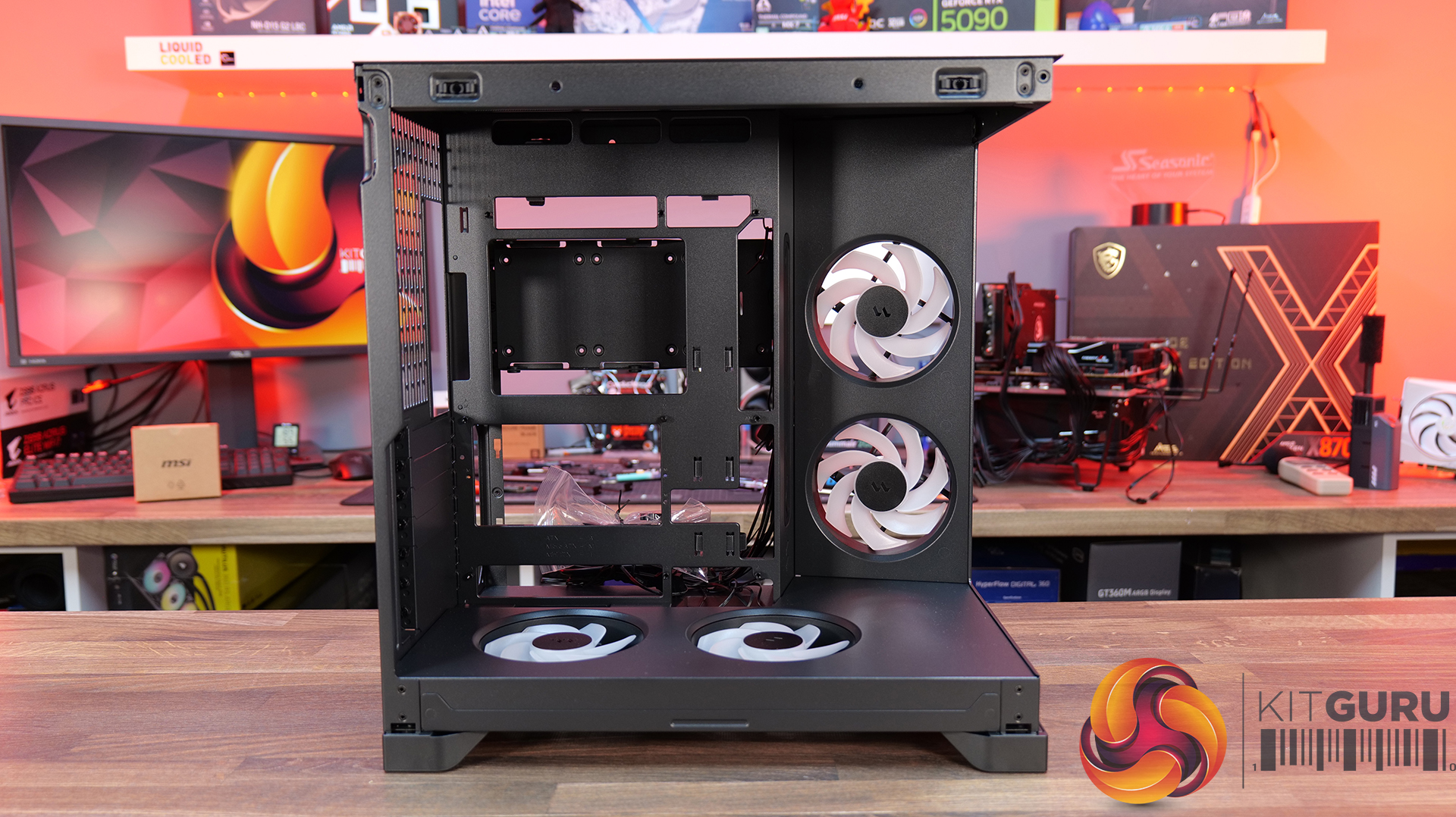
  • A Showcase Chassis: The MEG Maestro 900R uses a centre motherboard layout combined with three-sided panoramic tempered glass, placing high-end hardware into the focal point of the build rather than hiding it away inside a conventional box.
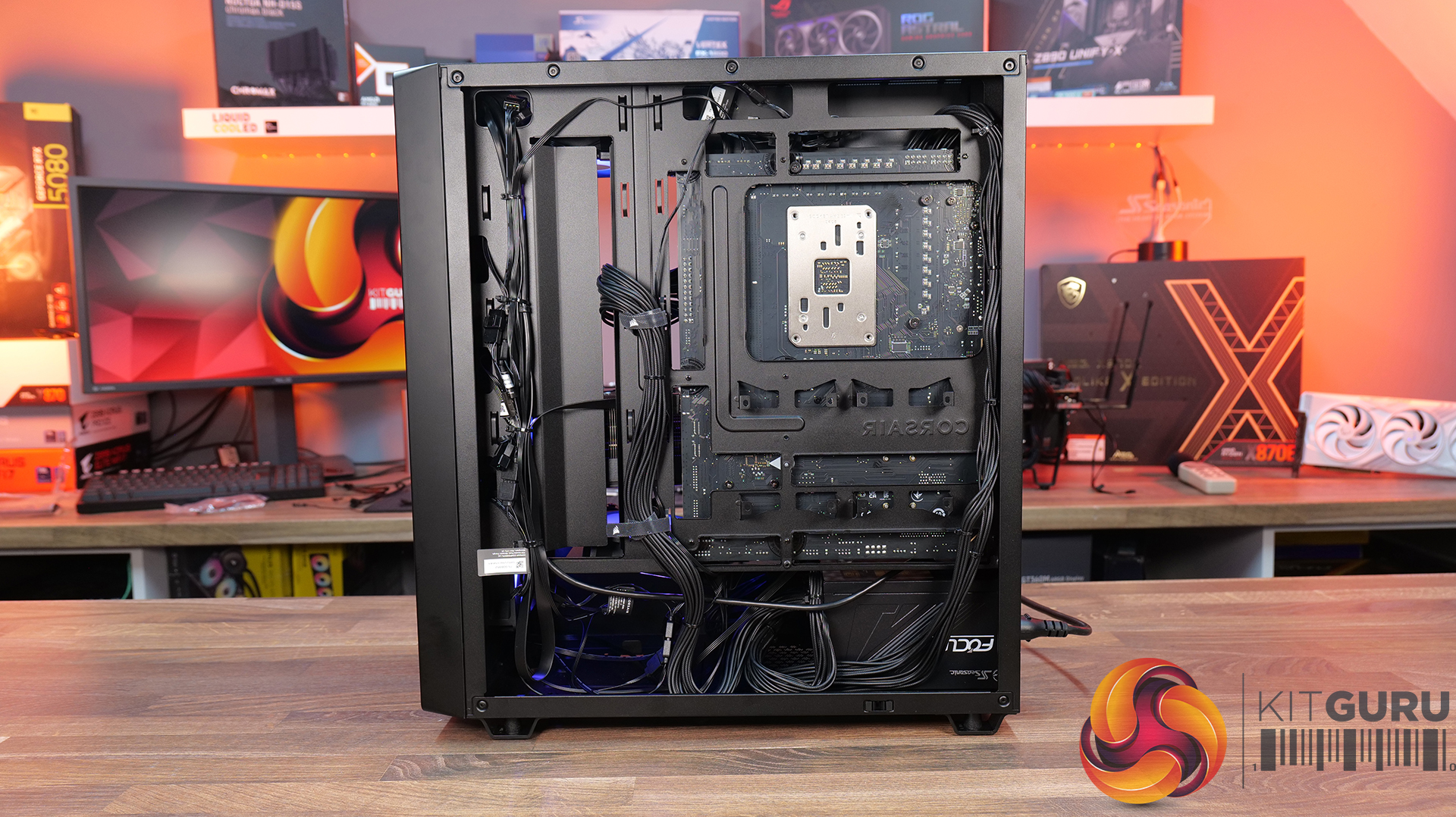
  • Flexible Building: A detachable motherboard tray can also be rotated into four different orientations, giving builders freedom to prioritise aesthetics, airflow or simply make the assembly process a little easier.
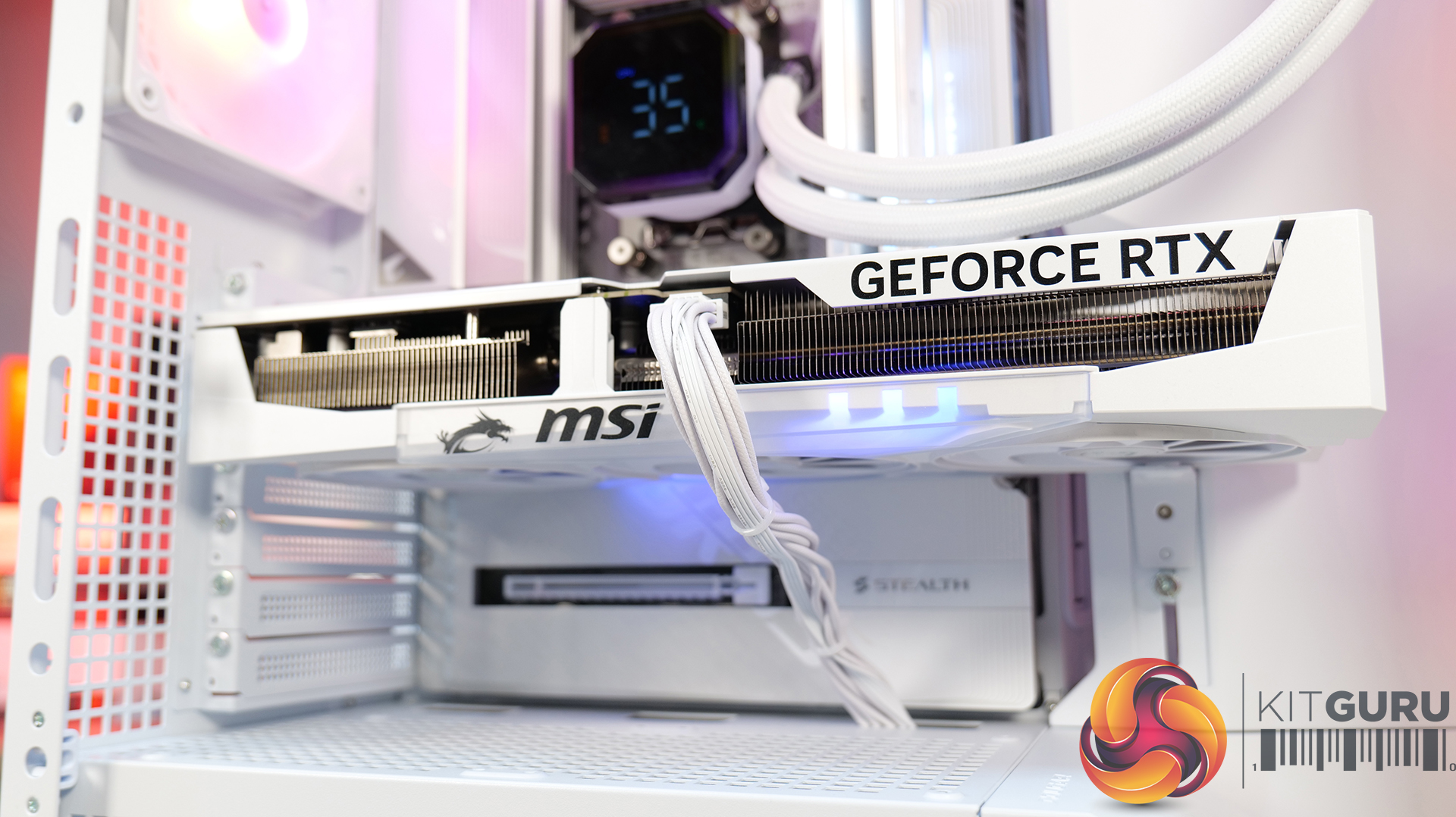
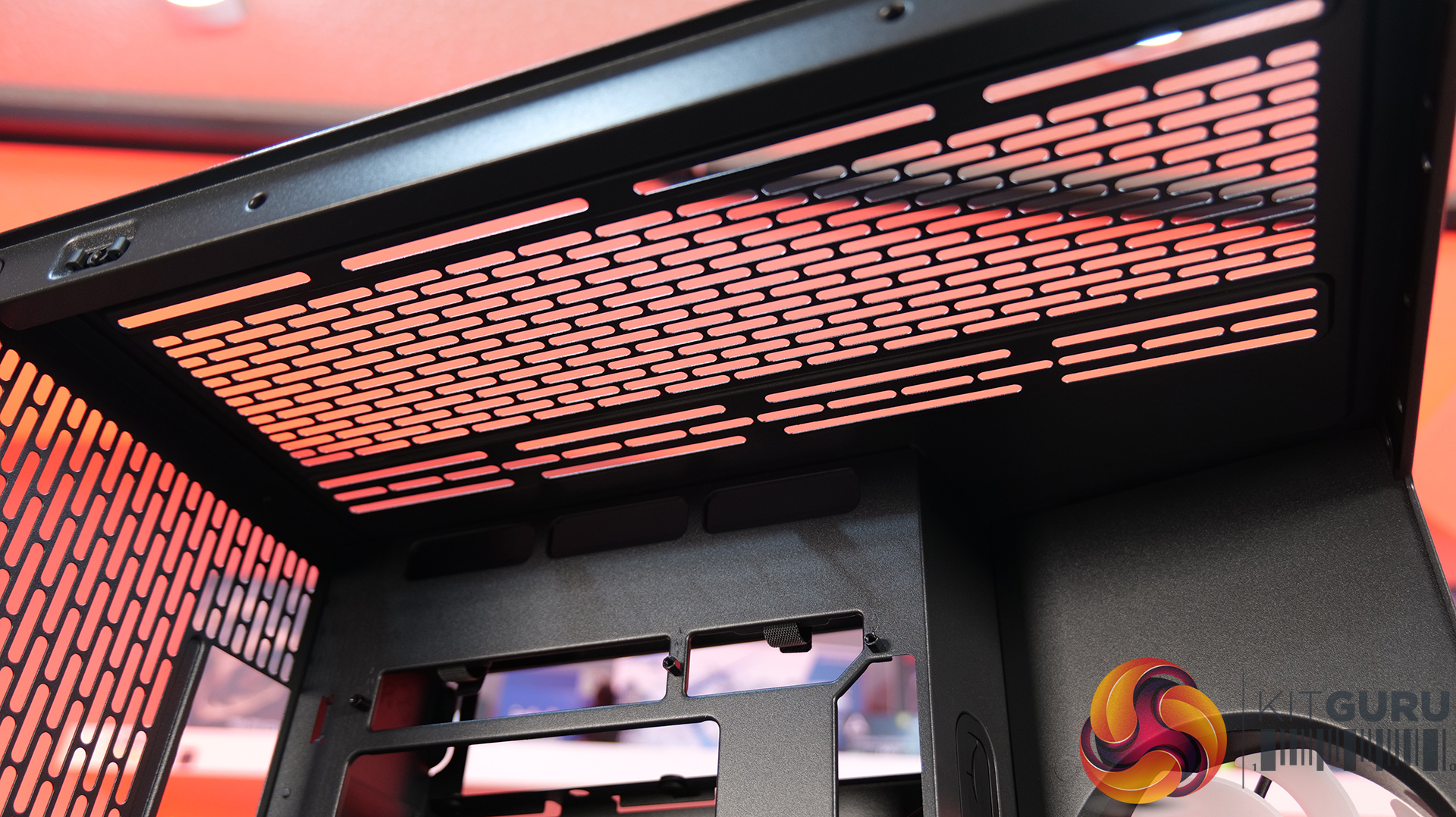
  • Built for Extreme Hardware: With support for up to 14 fans and dual 420mm radiators, along with vertical GPU mounting and included PCIe 5.0 riser cable, the Maestro 900R has the hardware support you'd expect from a flagship full-tower case.

Specifications

  • Case Form Factor: Full Tower
  • Motherboard Support: E-ATX / ATX / Micro-ATX / Mini-ITX
  • Expansion Slots: 8+3
  • Maximum GPU Length: 440 mm
  • Maximum CPU Cooler Height: 170 mm
  • Power Supply Support: ATX
  • Maximum PSU Length: 200 mm
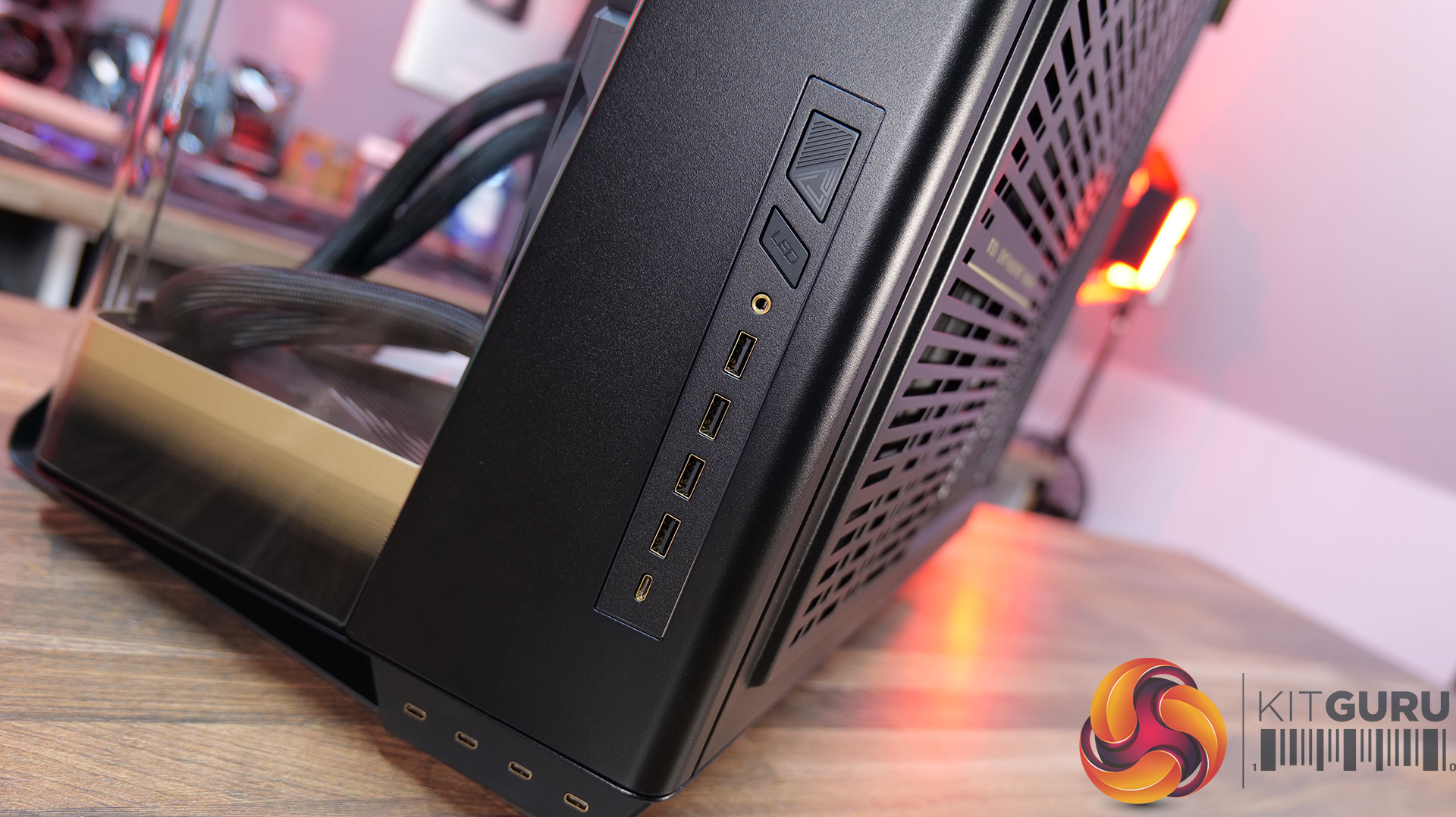
  • I/O Ports: 1x LED Switch Button, 1x Mic-in / Audio-out, 1x Power Button, 4x USB 5Gbps Type-A, 4x USB 10Gbps Type-C, 1x USB 20Gbps Type-C
  • Drive Support: Up to 9 x 2.5″ SSD, Up to 5 x 3.5″ HDD
  • Fan Support: Top: 4 x 120 mm / 3x 140 mm / 3 x 160 mm, Side: 6 x 120 mm, Bottom: 4 x 120 mm / 3 x 140 mm / 3 x 160 mm
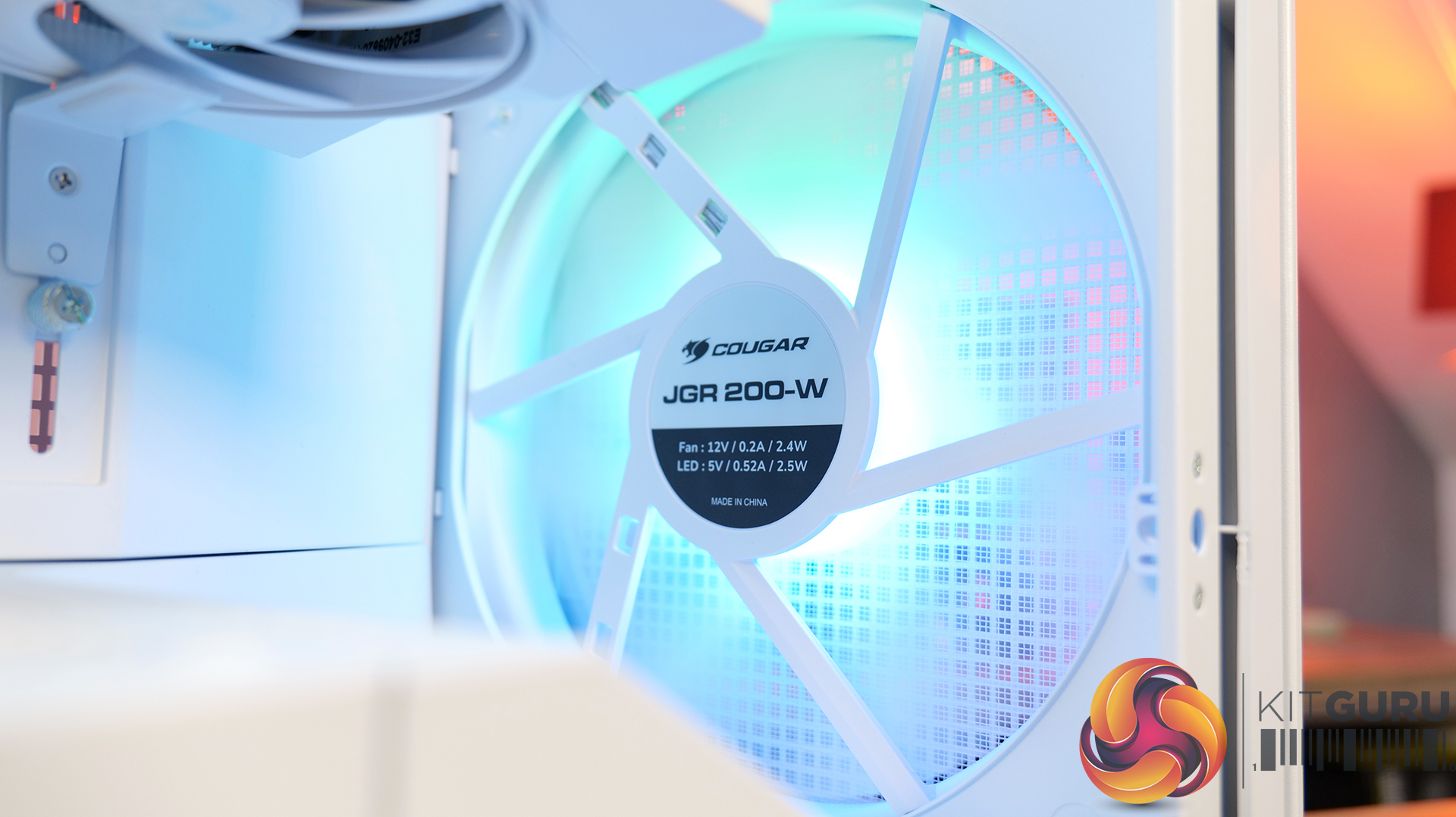
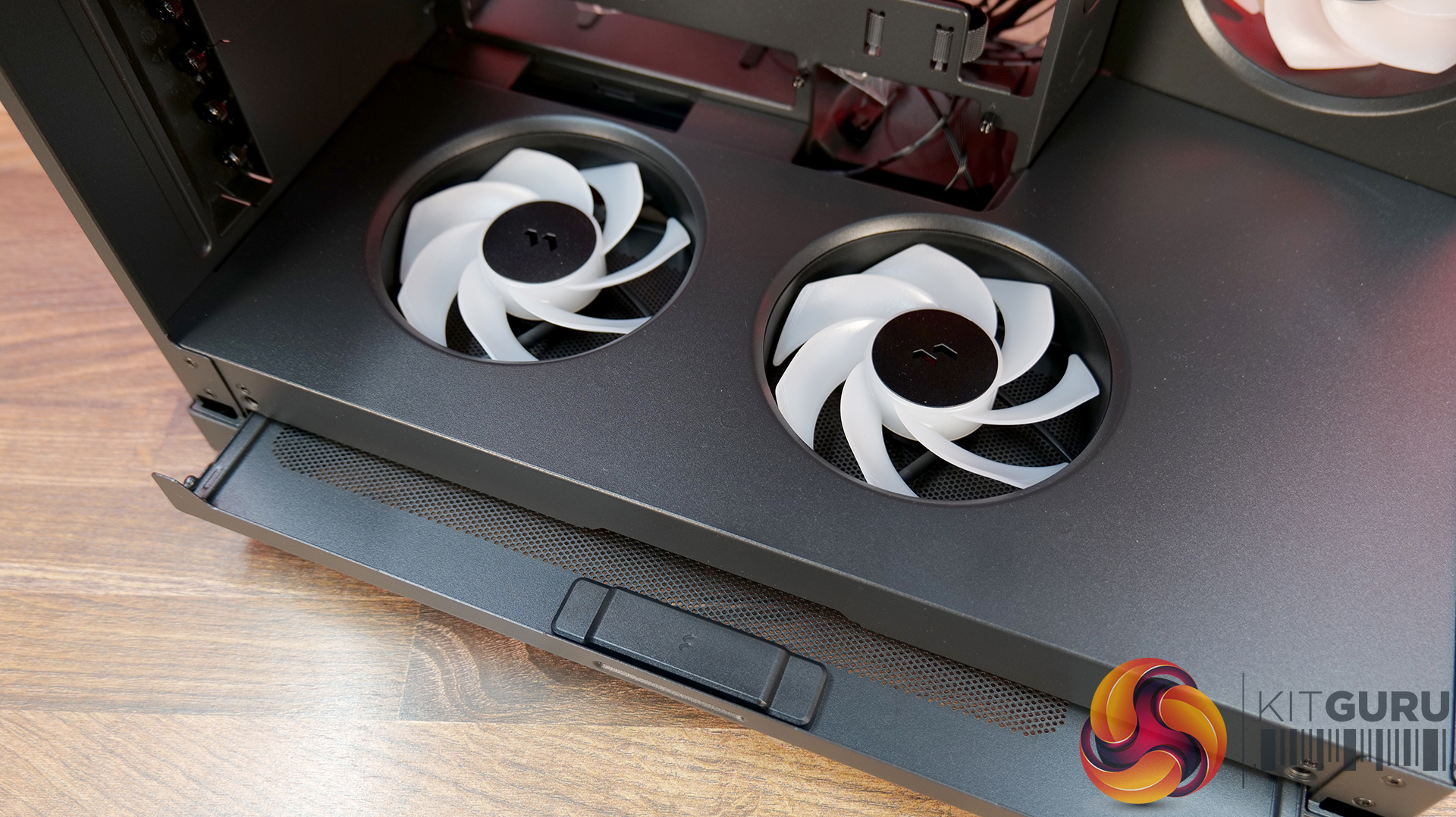
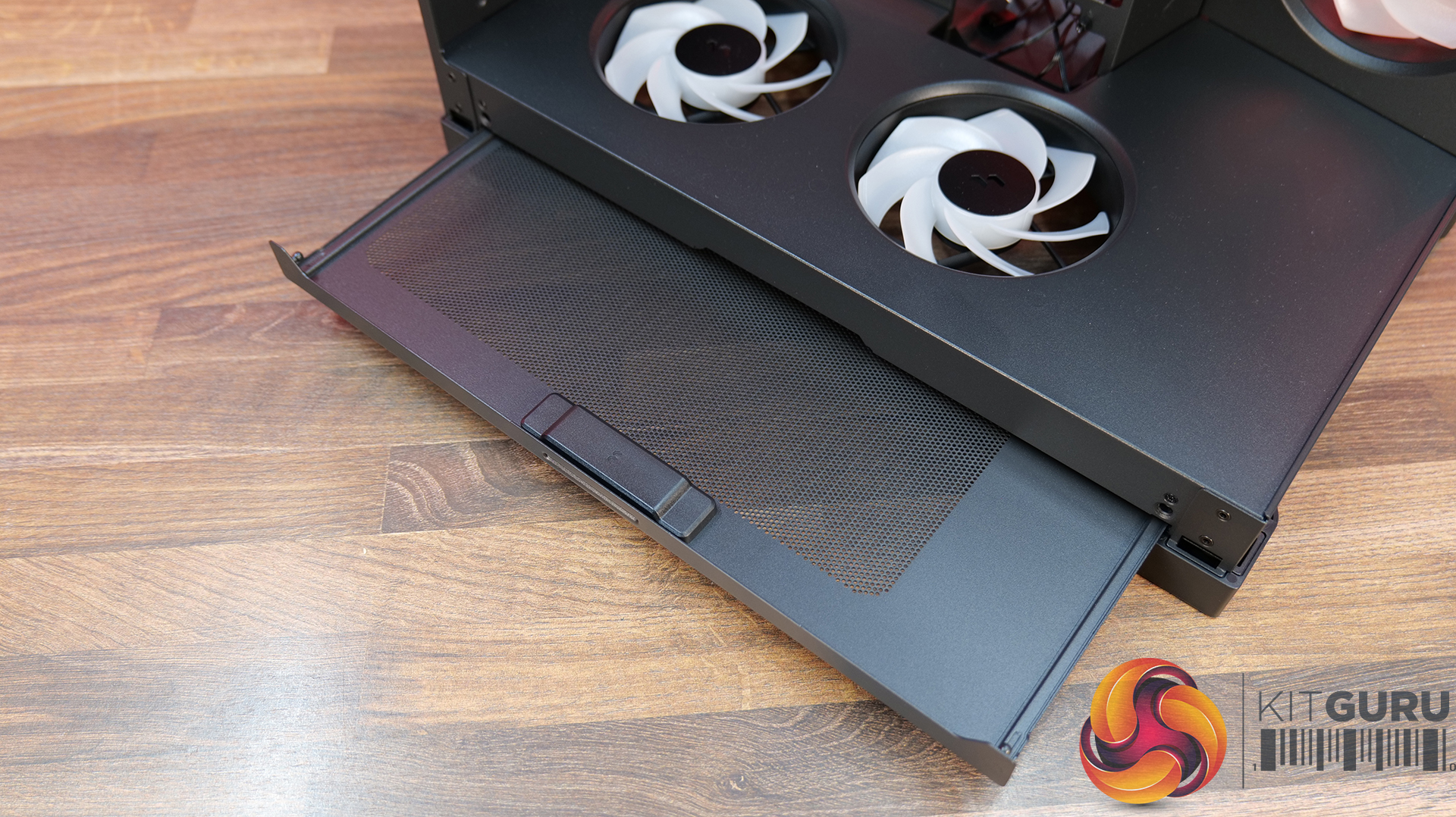
  • Pre-installed Fans: 3 x 160 mm ARGB fans at the bottom
  • Radiator Support: Top: 120 / 140 / 240 / 280 / 360 / 420 mm, Side: 120 / 240 / 360 mm, Bottom: 120 / 140 / 240 / 280 / 360 / 420 mm
  • Dimensions: 695 x 379 x 671 mm
  • Net Weight: 33 kg
  • Gross Weight: 38 kg

Graphics Card: MSI RTX 5090 SUPRIM LIQUID – Available HERE

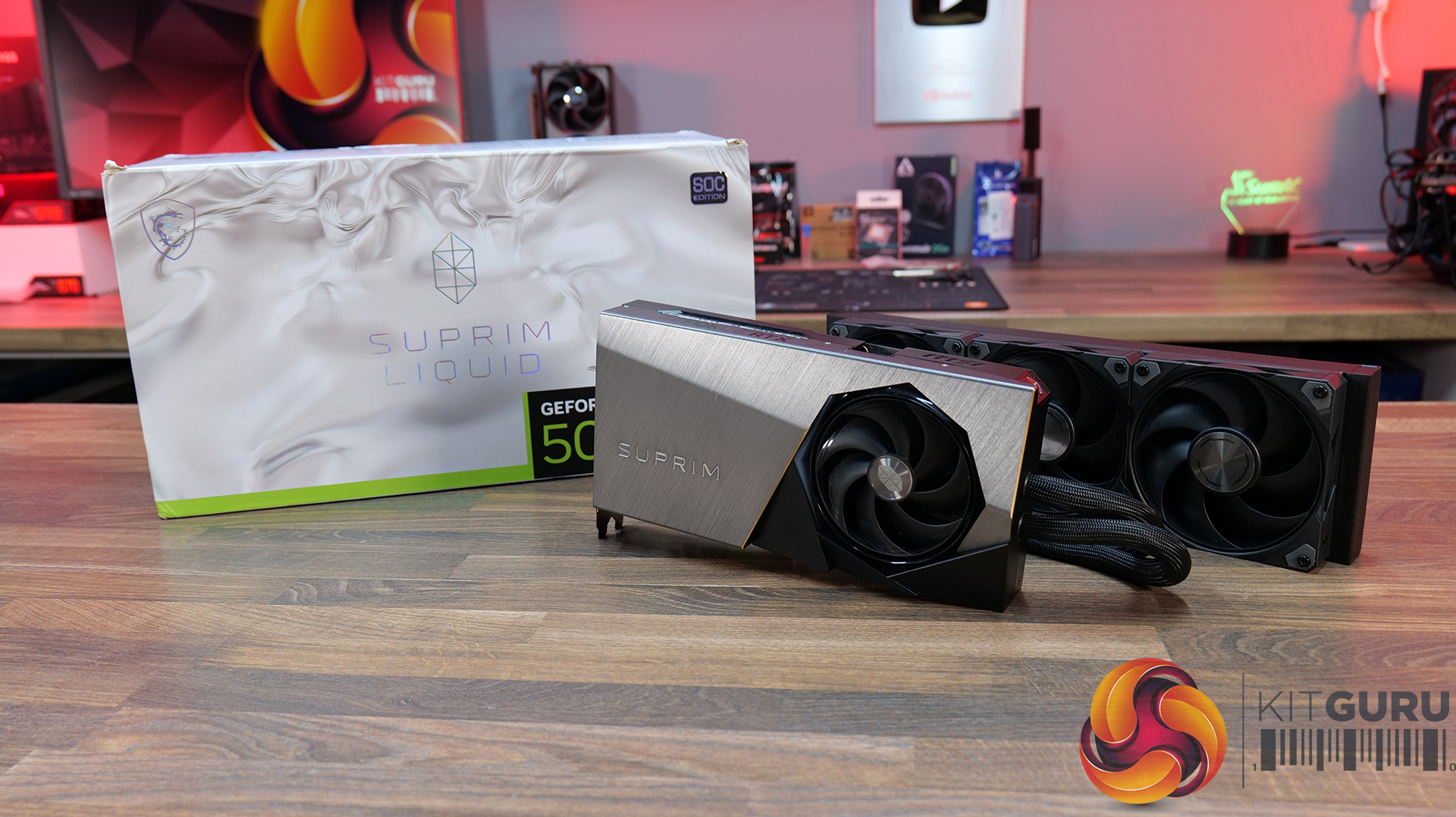
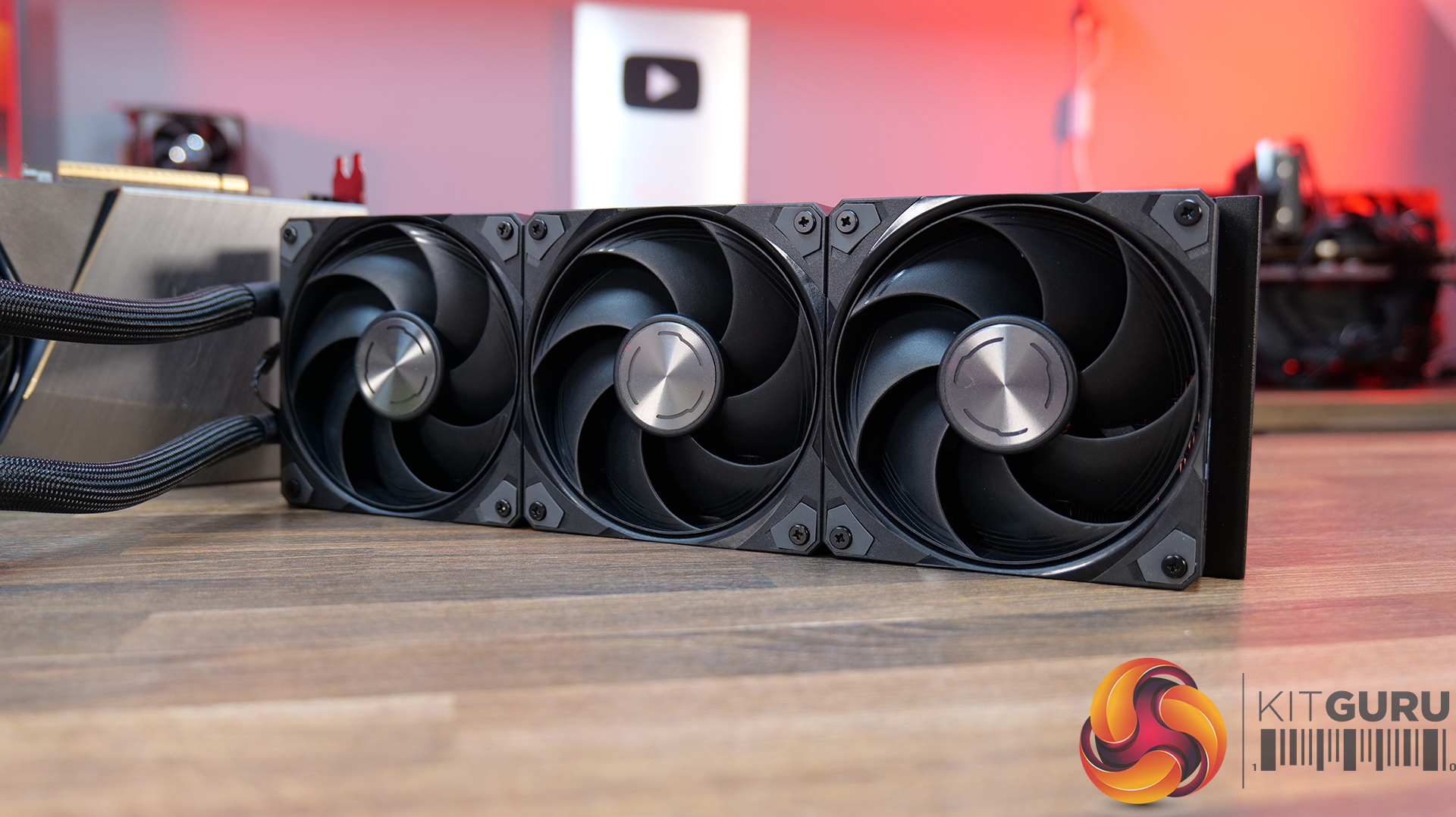
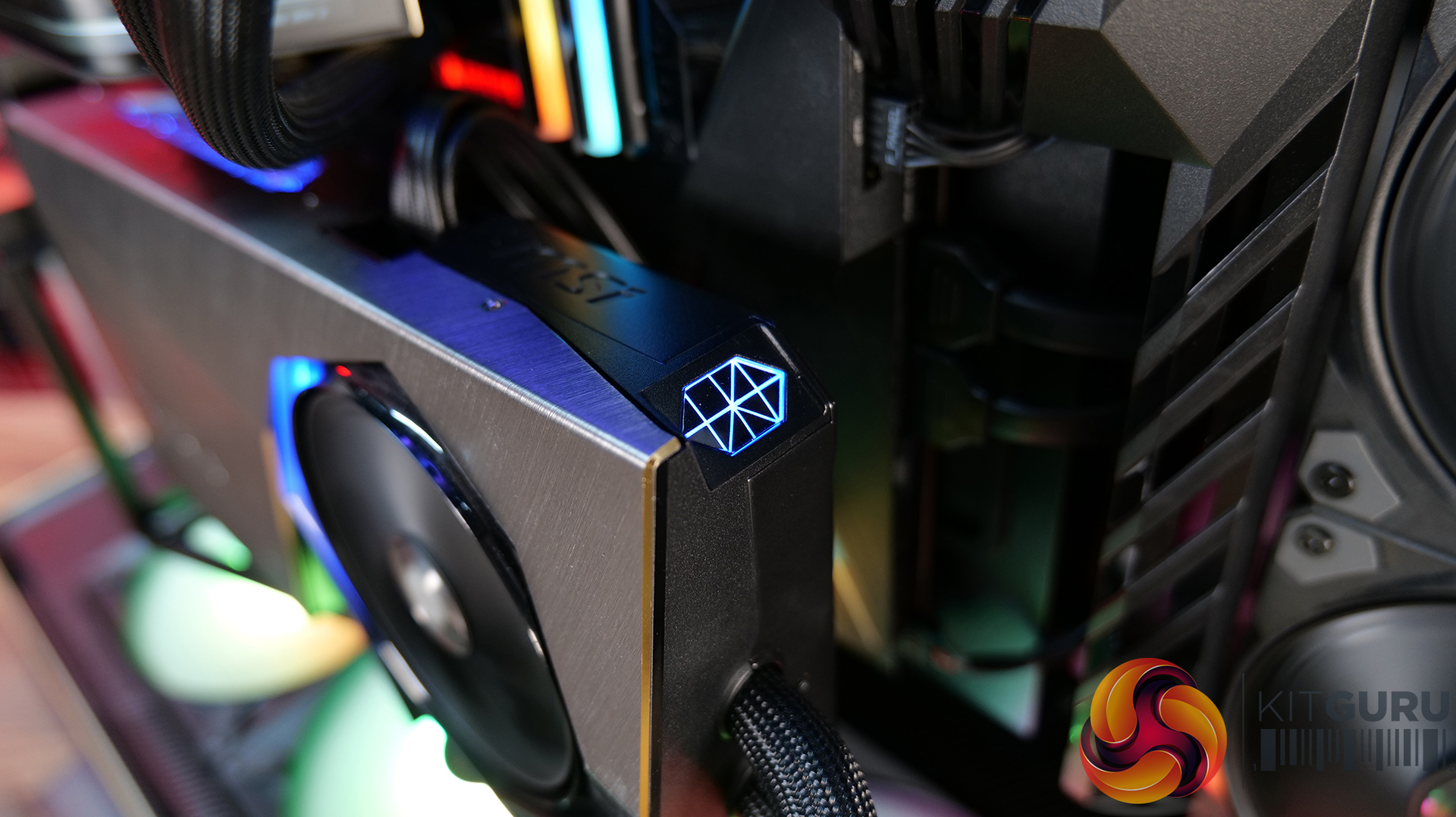
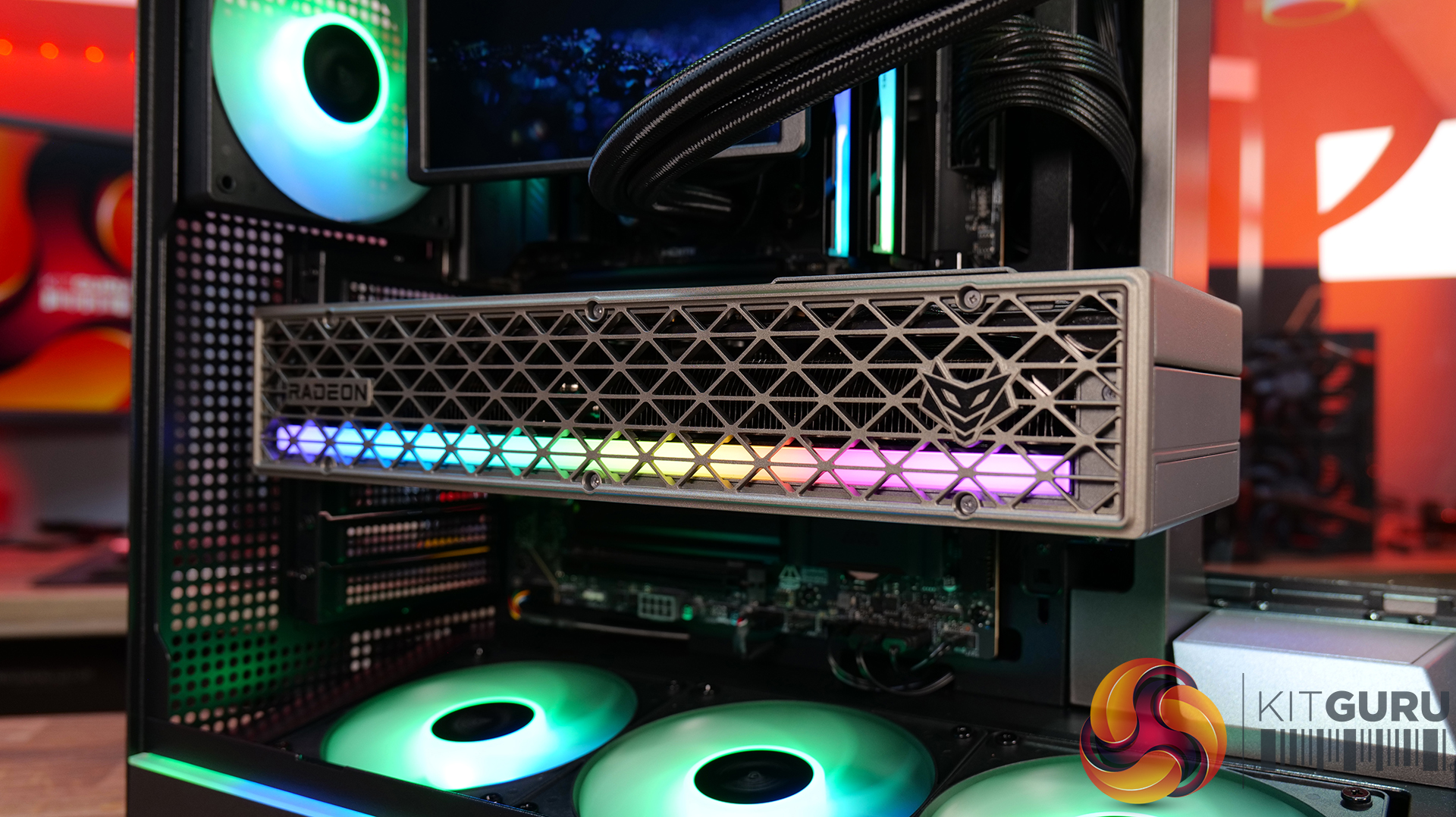
  • Hybrid Cooling: The SUPRIM LIQUID combines air and liquid cooling, with a patented water block covering the GPU and VRAM alongside a 360mm radiator and MSI STORMFORCE fans. A serious cooling solution for a serious GPU.
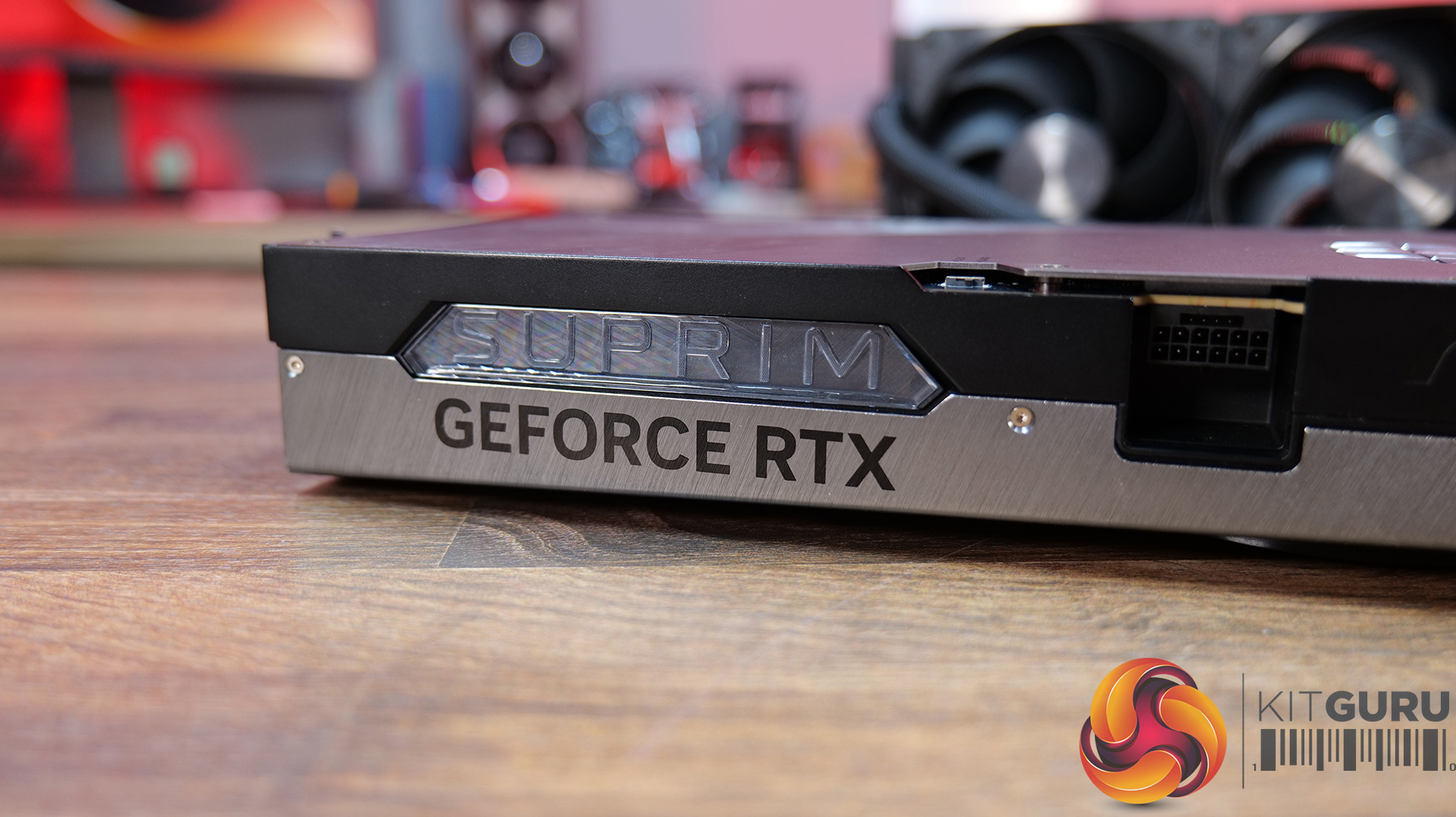
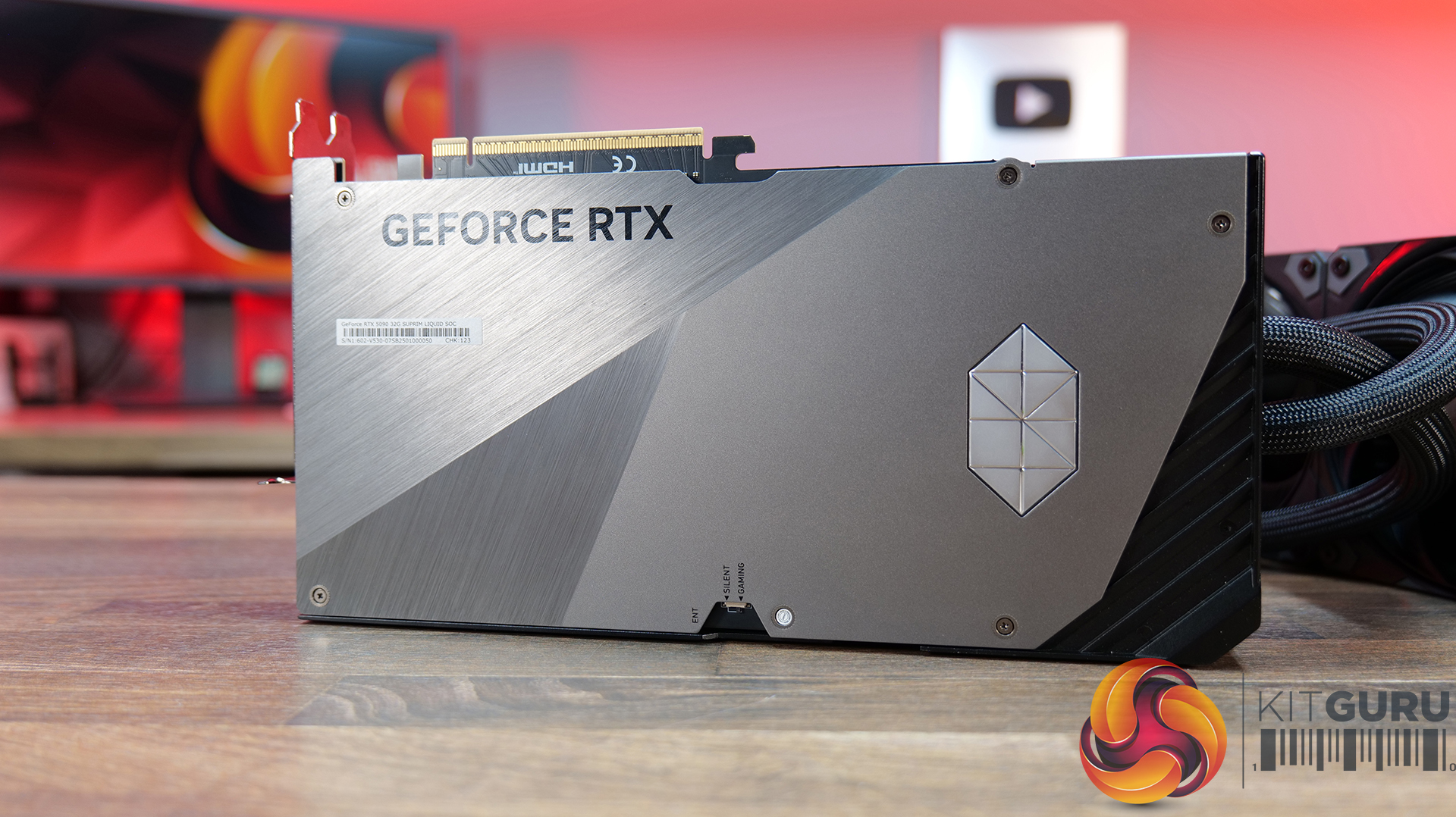
  • Flagship Design: MSI has gone all-out on build quality, with diamond-cut lines, polished and bevelled metal edges, a multi-finish metal backplate and integrated LED lighting. The RTX 5090 Suprim Liquid is clearly designed to look as premium as it performs.
  • Performance or Silence: Dual BIOS gives you the choice between Gaming mode for maximum performance or Silent mode when you want to keep noise down. The card also features HCI chokes, DrMOS power stages, high-quality thermal pads and a reinforced 2oz copper PCB.

Specifications

  • Graphics Processing Unit: NVIDIA GeForce RTX 5090
  • Interface: PCI Express Gen 5 x16
  • Core Clocks: Gaming Mode – Extreme Performance: 2580 MHz (MSI Center), Gaming Mode – Boost: 2565 MHz, Silent Mode – Extreme Performance: 2527 MHz (MSI Center), Silent Mode – Boost: 2512 MHz
  • CUDA Cores: 21,760
  • Memory Speed: 28 Gbps
  • Memory: 32GB GDDR7
  • Memory Bus: 512-bit
  • Outputs: 3x DisplayPort 2.1b, 1x HDMI 2.1b
  • HDCP Support: Yes
  • Power Consumption: Gaming Mode: 600 W, Silent Mode: 575 W
  • Power Connectors: 1x 16-pin (ATX 3.1 PSU recommended)
  • Recommended PSU: 1000 W
  • Card Dimensions: 280 x 148 x 51 mm
  • Radiator Dimensions: 394 x 121 x 55 mm
  • Tube Length: 450 mm
  • Weight: 2969 g (card) / 4273 g (package)
  • DirectX Version Support: 12 Ultimate
  • OpenGL Version Support:6
  • Maximum Displays: 4
  • G-SYNC Technology: Yes
  • Digital Maximum Resolution: 7680 x 4320
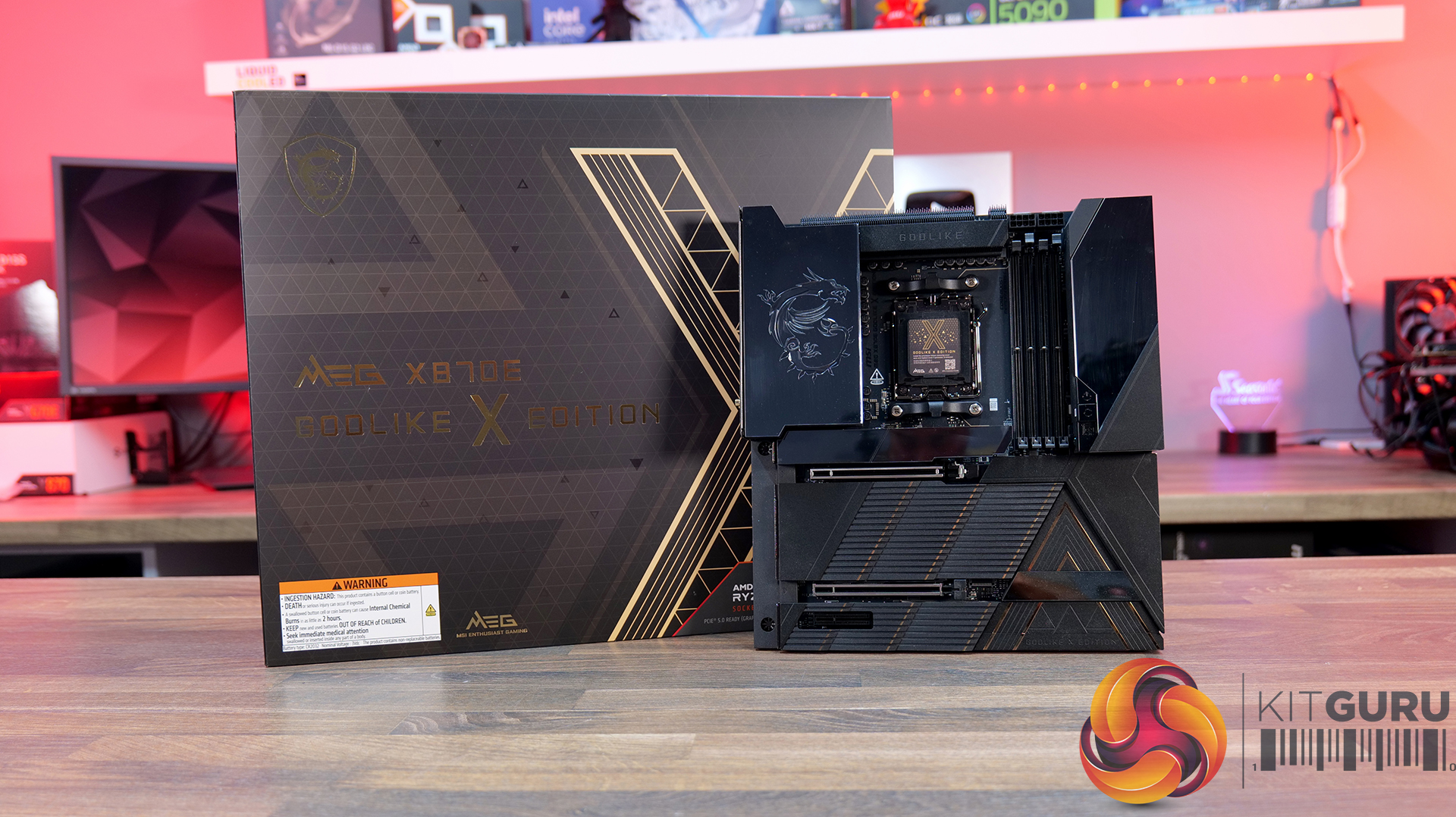
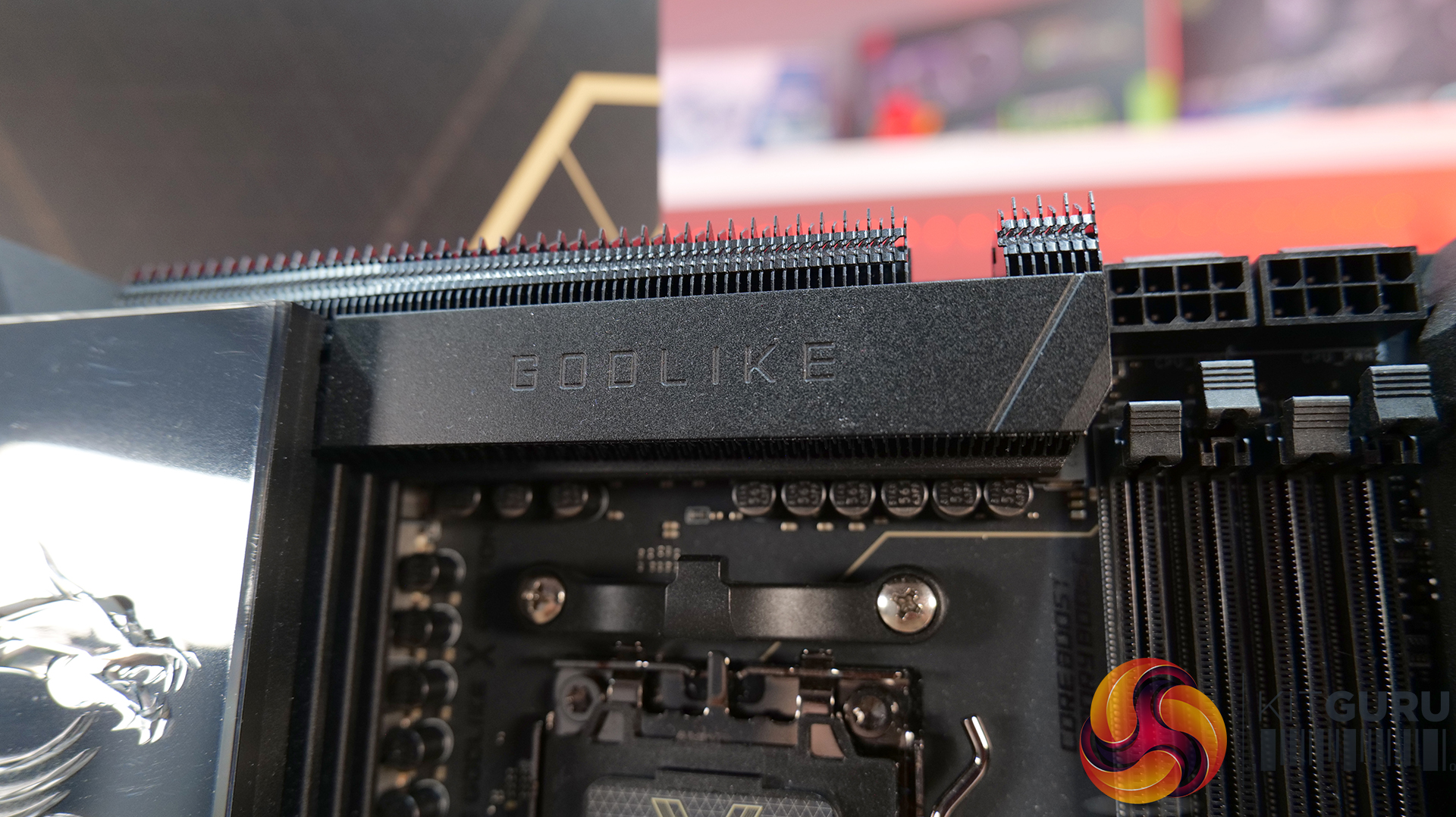
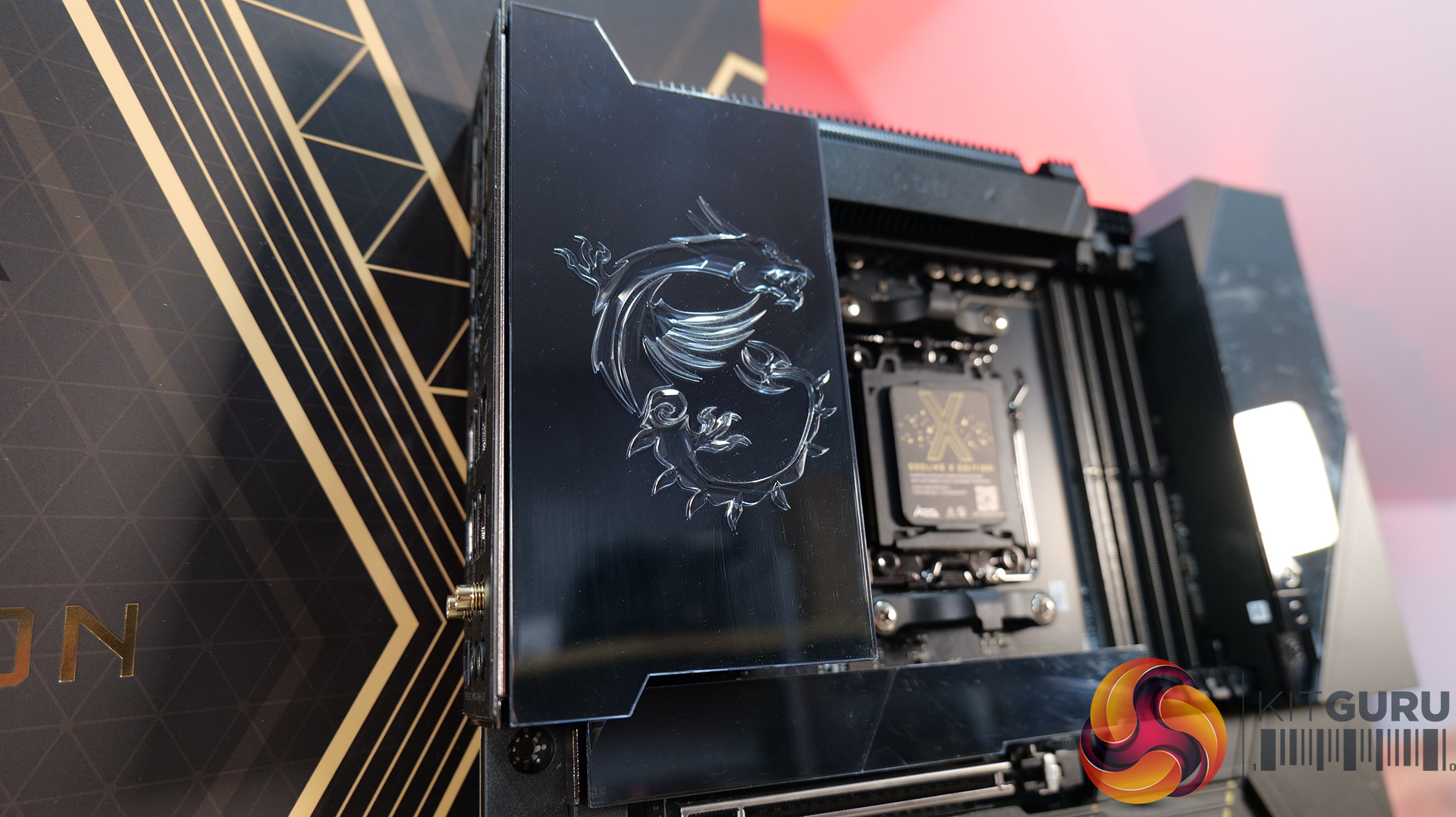
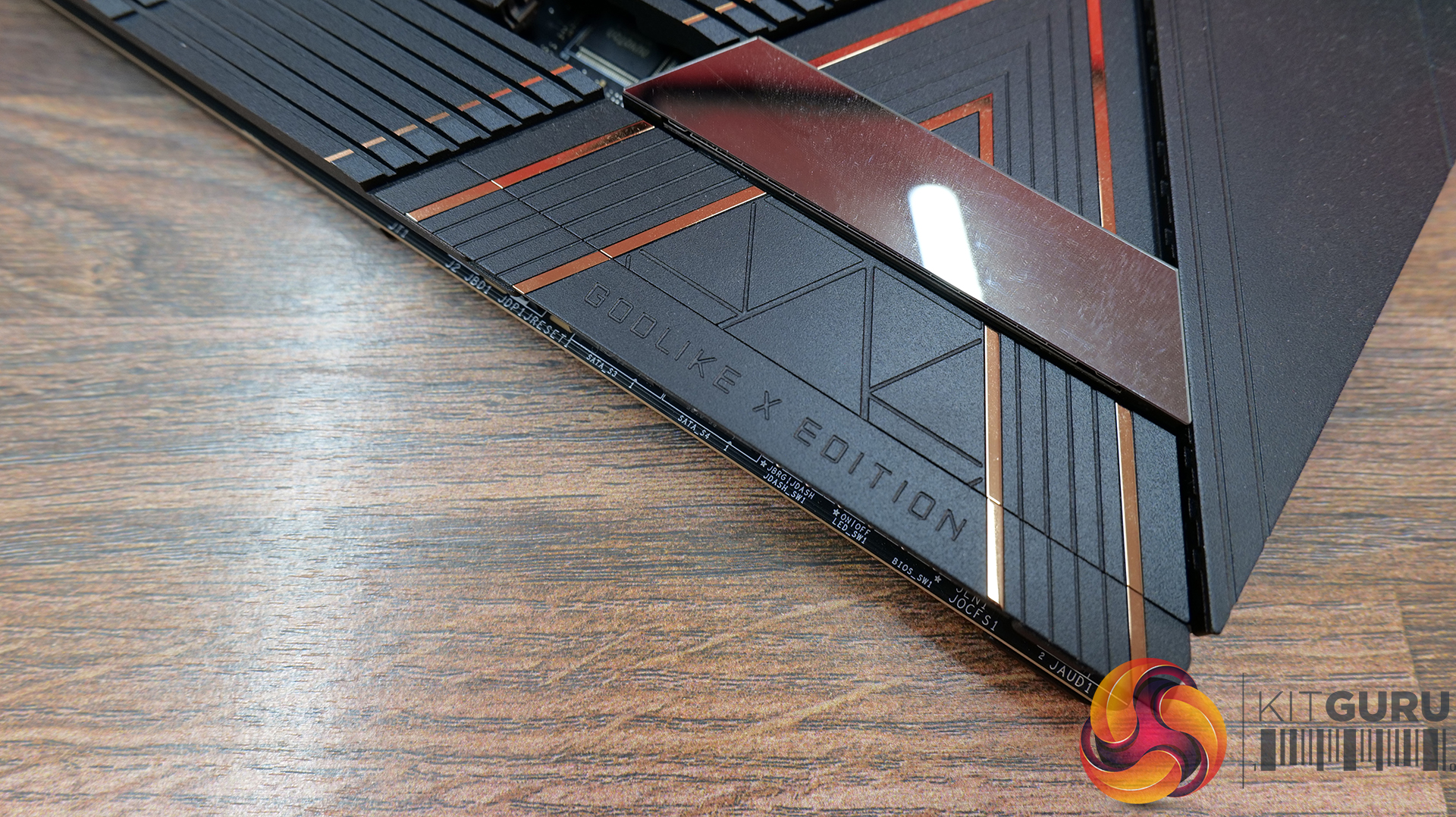
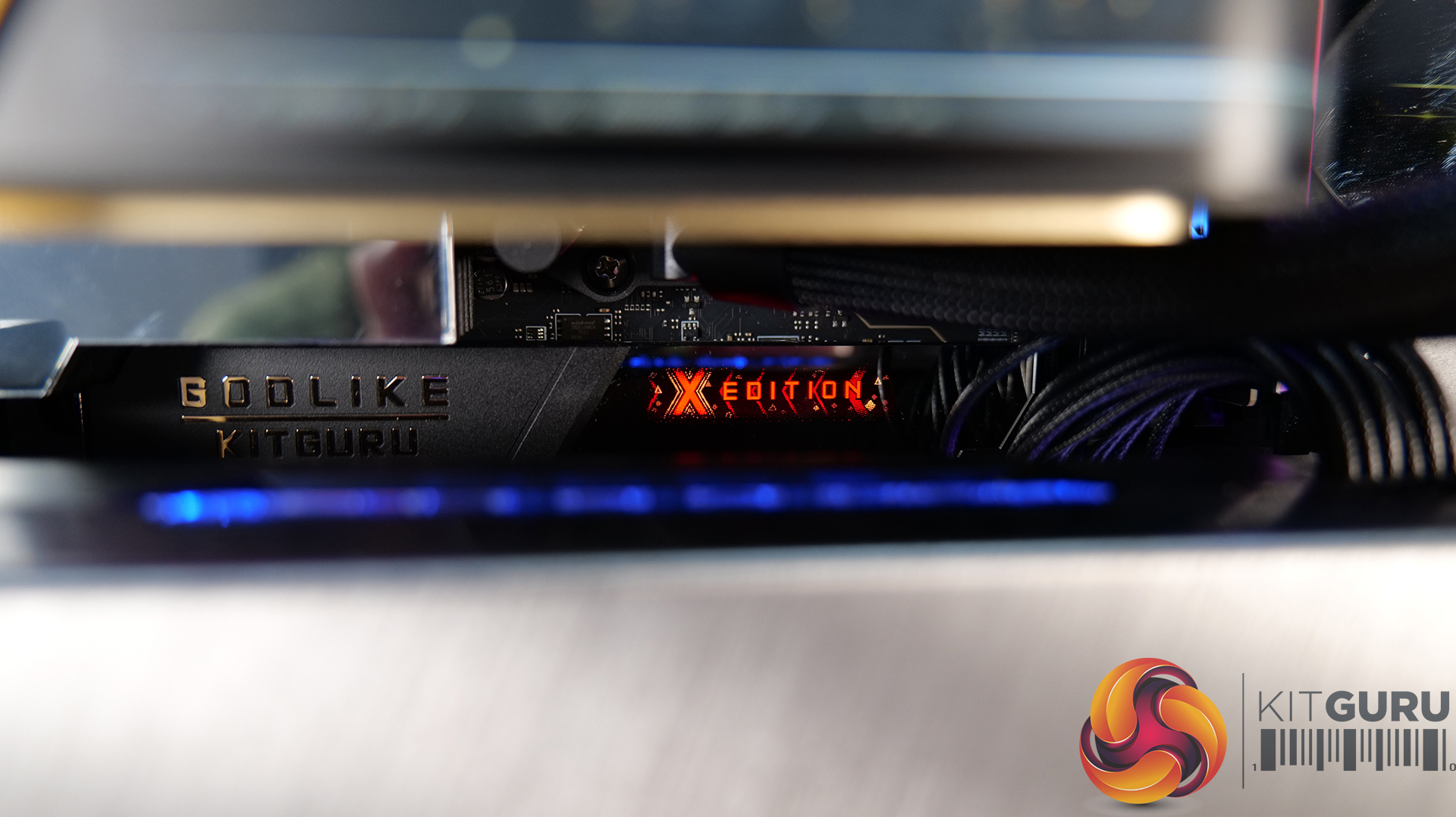
Motherboard: MSI MEG X870E Godlike X Edition – Available from Scan HERE.

  • Flagship X Edition: Featuring a 24+2+1 Duet Rail Power System, 110A Smart Power Stages, dual 8-pin CPU power connectors and a 10-layer 2oz copper PCB, so that this board can handle serious CPU performance and overclocking.
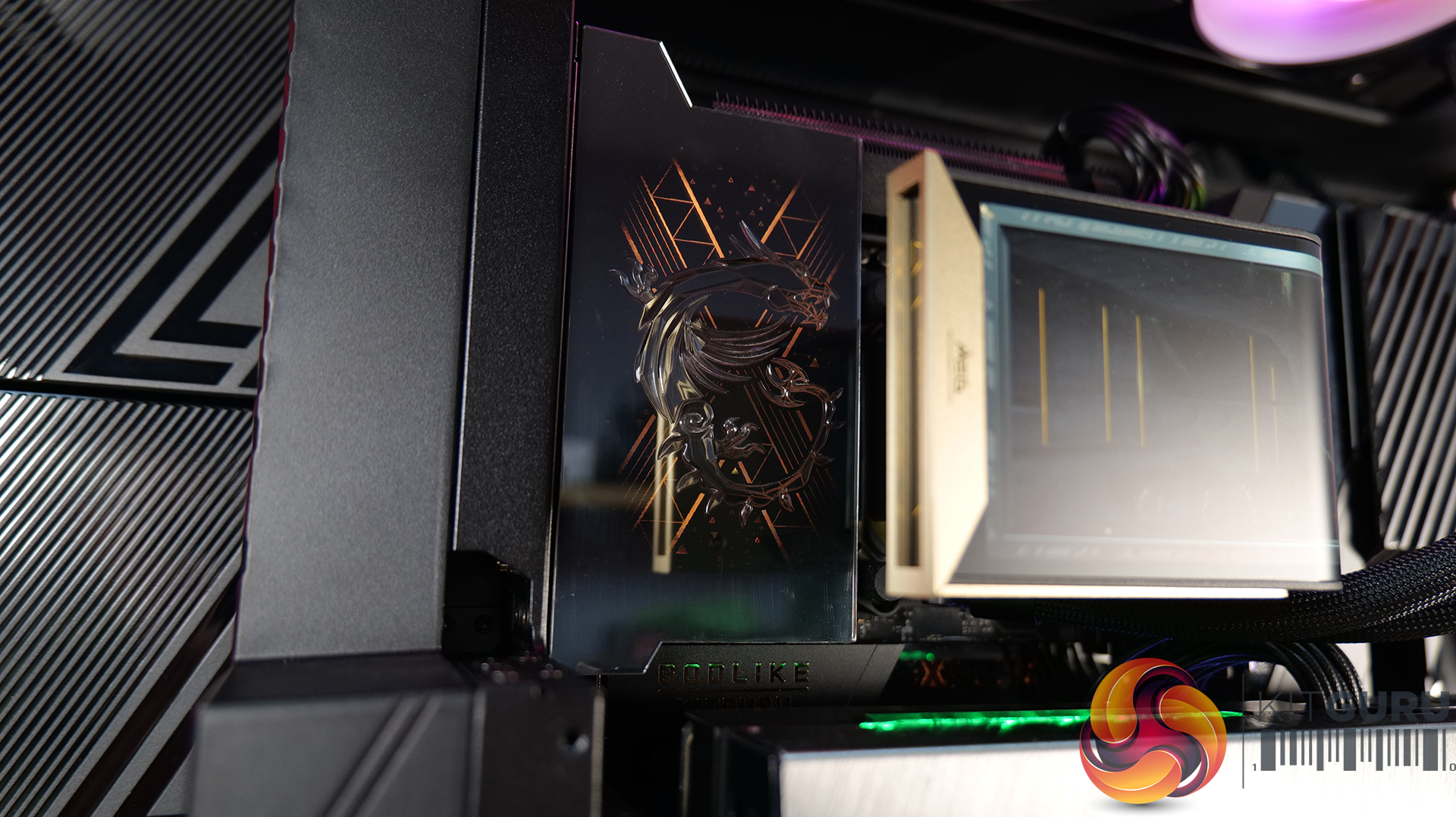
  • An Impressive Display: The 3.99-inch Dynamic Dashboard III LCD provides real-time hardware monitoring, troubleshooting information, BIOS update status and system clock functionality, while allowing for customisation. It's a superb addition for a flagship motherboard — helping it stand out in a showcase build.
  • Storage and Connectivity Galore: Five onboard M.2 slots, plus the included M.2 XPANDER-Z SLIDER GEN5 expansion card, adding another two Lightning Gen 5 M.2 slots. There’s also dual PCIe 5.0 slots, 10G and 5G LAN, Wi-Fi 7, USB4 and front-mounted USB 20Gbps with 60W USB Power Delivery.

Specifications

  • Chipset: AMD X870E
  • CPU Support: AMD Ryzen 9000 / 8000 / 7000 Series Desktop Processors
  • CPU Socket: AM5
  • Memory: 4x DDR5 UDIMM
  • Maximum Memory Capacity: 256GB
  • Memory Speed: DDR5 9200–5600 MT/s (OC) / 5600–4800 MT/s (JEDEC)
  • Memory Features: AMD EXPO, dual-channel mode, non-ECC unbuffered memory and CUDIMM support
  • Onboard Graphics: 2x USB Type-C DisplayPort via USB4, supporting up to 4K @ 60Hz
  • Expansion Slots: 2x PCIe x16, 1x PCIe x4, PCIe 5.0 support
  • Audio: Realtek ALC4082 Codec + ESS9219Q Combo DAC/HPA
  • Audio Support:1-channel USB high-performance audio, S/PDIF output and up to 32-bit/384kHz playback on the front panel
  • Storage: 7x onboard M.2 slots, 2x PCIe 5.0 x4, 3x PCIe 4.0 x4, 1x PCIe 4.0 x2, 1x additional PCIe 4.0 x4
  • Additional M.2 Storage: 2x PCIe 5.0 x4 M.2 slots via the M.2 XPANDER-Z SLIDER GEN5 card
  • SATA: 4x SATA 6Gbps
  • RAID: RAID 0, 1 and 10 for SATA; RAID 0, 1, 5 and 10 for M.2 NVMe
  • USB: 4x USB 2.0 (front), 4x USB 5Gbps Type-A (front), 8x USB 10Gbps Type-A (rear), 5x USB 10Gbps Type-C (rear), 1x USB 10Gbps Type-C (front),1x USB 20Gbps Type-C (front), 2x USB 40Gbps Type-C (rear)
  • LAN: 1x Marvell AQC113CS 10Gbps LAN + 1x Realtek 8126 5Gbps LAN
  • Wireless: Wi-Fi 7
  • Wi-Fi Speed: Up to 5.8Gbps
  • Wi-Fi Bands:4GHz / 5GHz / 6GHz (320MHz)
  • Bluetooth: Bluetooth 5.4
  • Internal I/O: CPU fan, 2x pump/system fan, thermal sensor connectors, RGB, front-panel connectors and additional USB headers
  • LED Features: Dynamic Dashboard III, EZ Digi-Debug LED and EZ LED Control switch
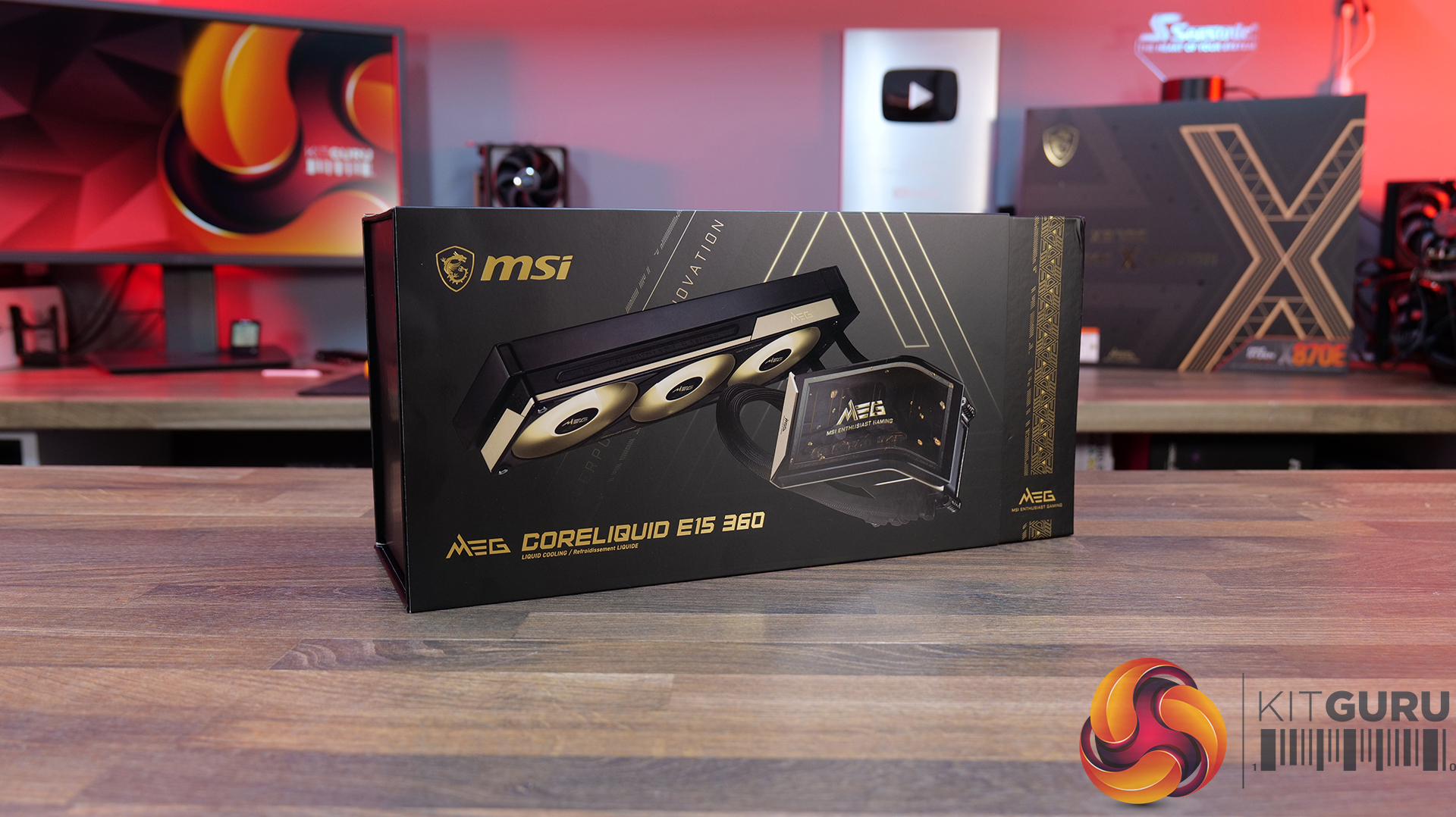
AIO CPU Cooler: MSI MEG CORELIQUID E15 360 – Available HERE.

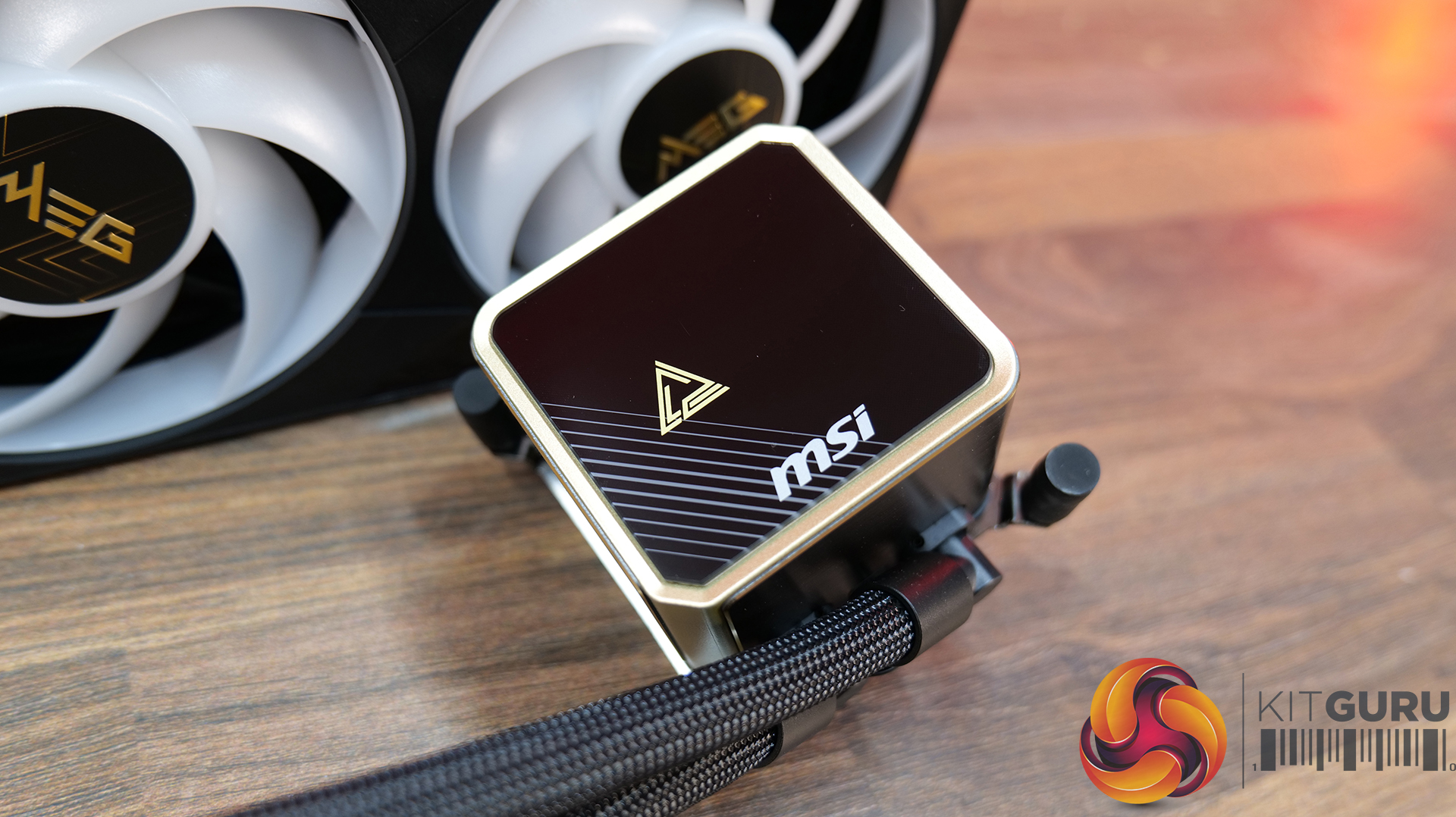
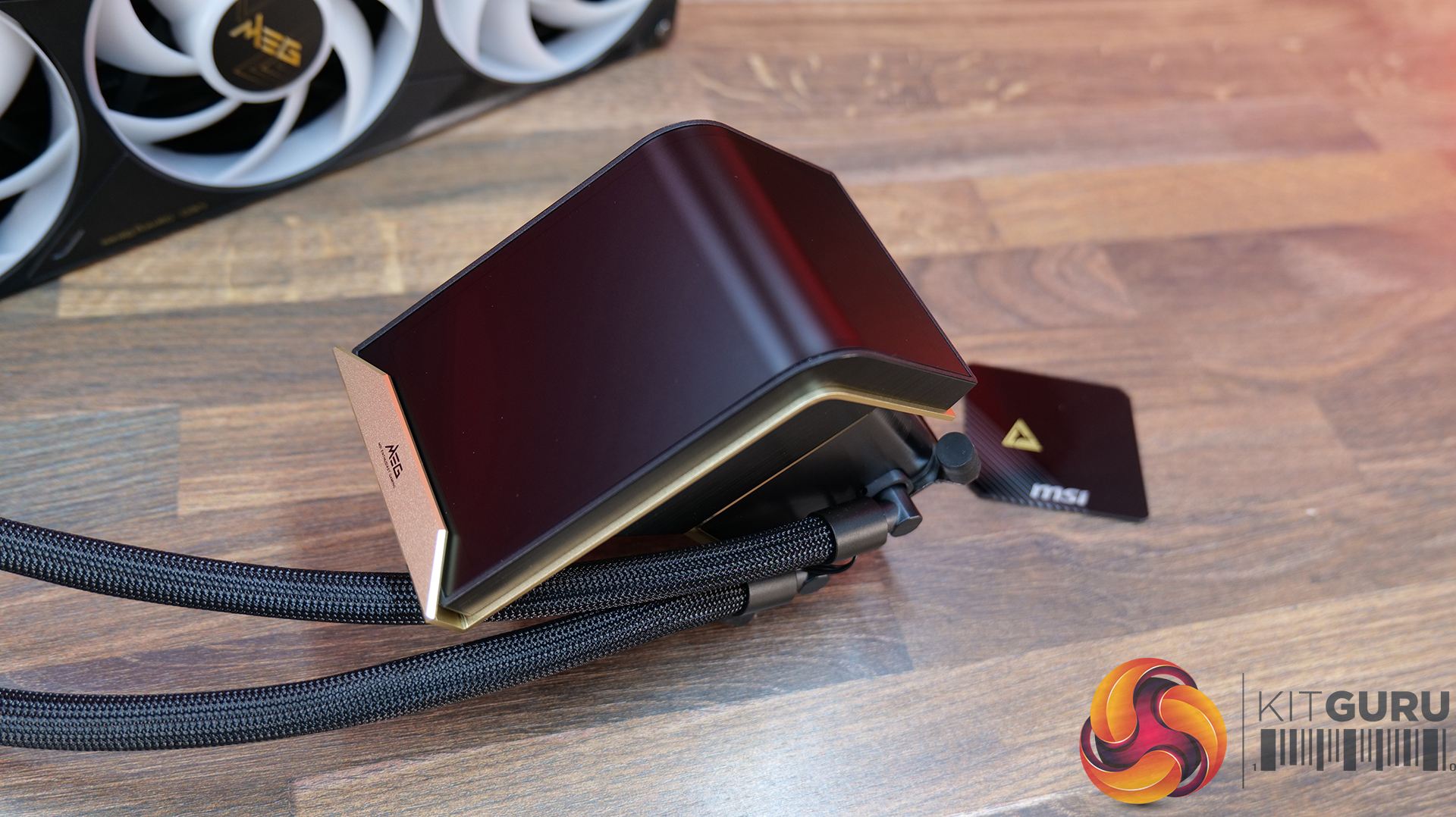
  • Curved Display: E15 360 features a huge 6.67-inch 2K AMOLED display with a 110-degree curved viewing angle, supporting custom animations, images and videos. It can operate in full-screen, split-screen or extended-display modes, making it more than just a fancy pump cover.
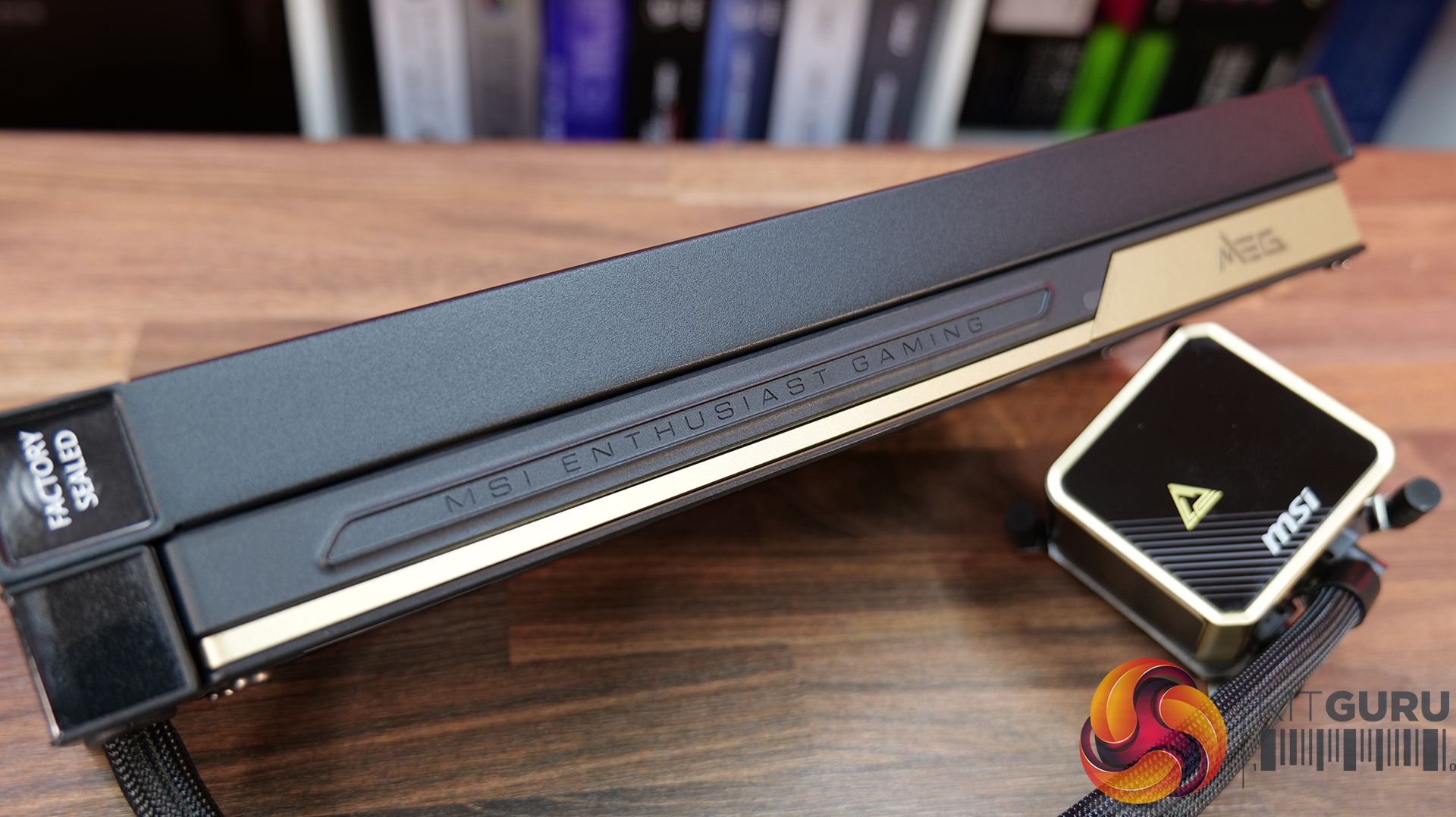
  • Laminar Focus Cooling: MSI’s three-fan setup uses Laminar Focus Technology, with the middle fan spinning in reverse to reduce turbulence, smooth out airflow and cut down noise. There’s also a 30mm-thick radiator and a cooling safeguard that automatically ramps up the remaining fans if one fails.
  • Clean Installation: Slick installation process with its EZ Conn single-cable design, connecting the screen, fans, ARGB and pump through one cable. The magnetic POGO-PIN screen also simplifies installation, while the 90-degree tube clips help keep the tubing looking neat and tidy.

Specifications

  • Pump Speed: 3000 ± 300 RPM
  • Load Current: 0.52 ± 0.104 A
  • Power Consumption: 6.24 ± 1.248 W
  • Life Expectancy: 50,000 hours at 40°C
  • CPU Block Dimensions: 71.63 x 68.5 x 64.97 mm
  • Display Size: 6.67″
  • Panel Type: OLED
  • Panel Resolution: 2240 x 1080
  • Radiator Size: 360 mm
  • Dimensions: 397 x 124.5 x 30 mm
  • Material: Aluminium
  • Tube Length: 390 mm
  • Tube Material: EPDM + IIR
  • Fan Dimensions: 362 x 125 x 28.4 mm
  • Fan Quantity: 3
  • Fan Speed: 800–2300 ± 230 RPM
  • Fan Airflow: 217.91 CFM
  • Fan Air Pressure: 3.84 mm-H₂O
  • Fan Noise: 39.58 dBA
  • Fan Bearing: FDB
  • Fan Life Expectancy: 40,000 hours at 40°C
  • Fan Rated Current: 0.68 ± 0.15 A (set)
  • Fan Power Consumption: 8.16 W (set)
  • LED: ARGB Gen2
  • CPU Socket Support: Intel: LGA 1700 / LGA 1851, AMD: AM5 / AM4
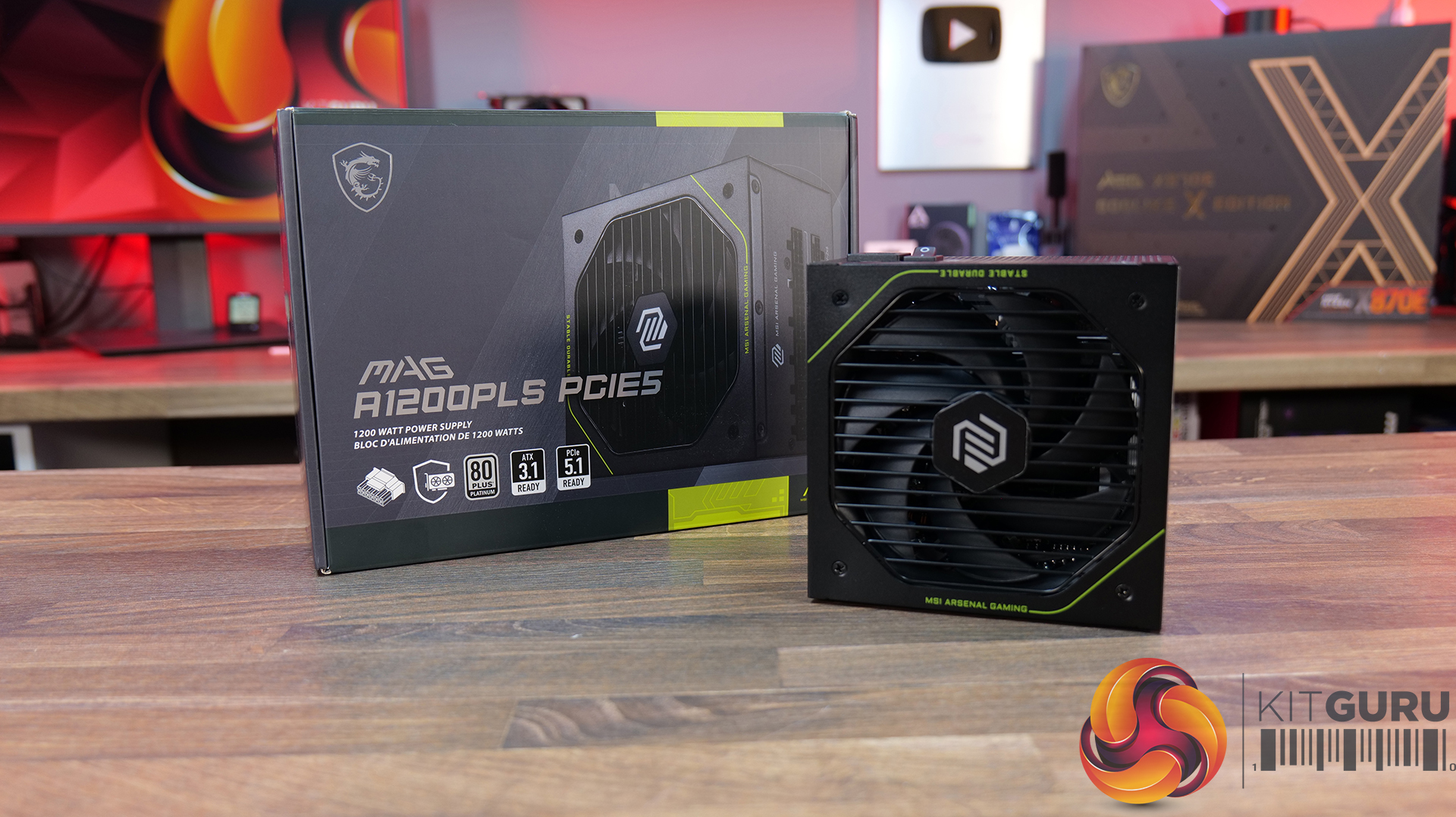
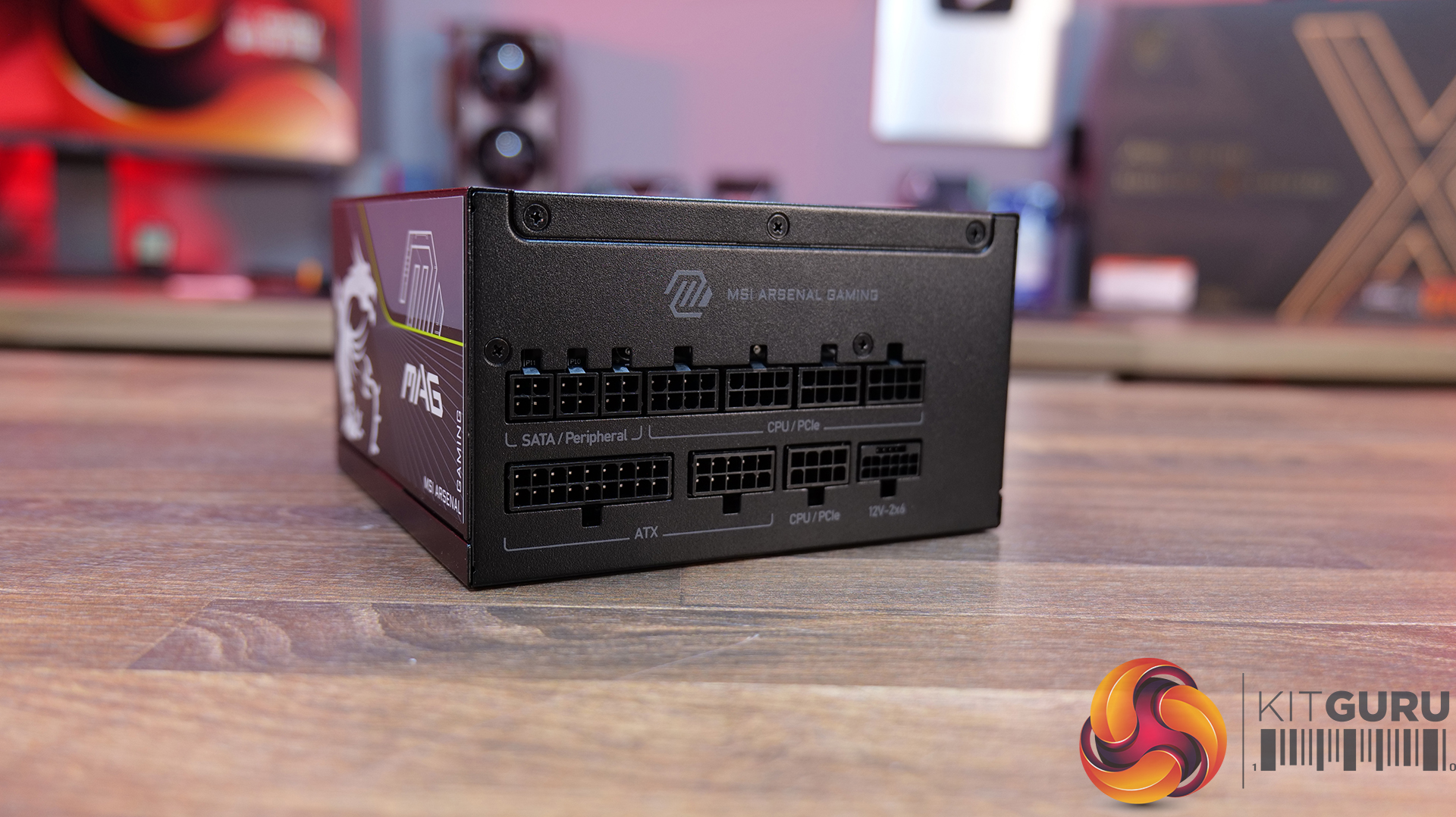
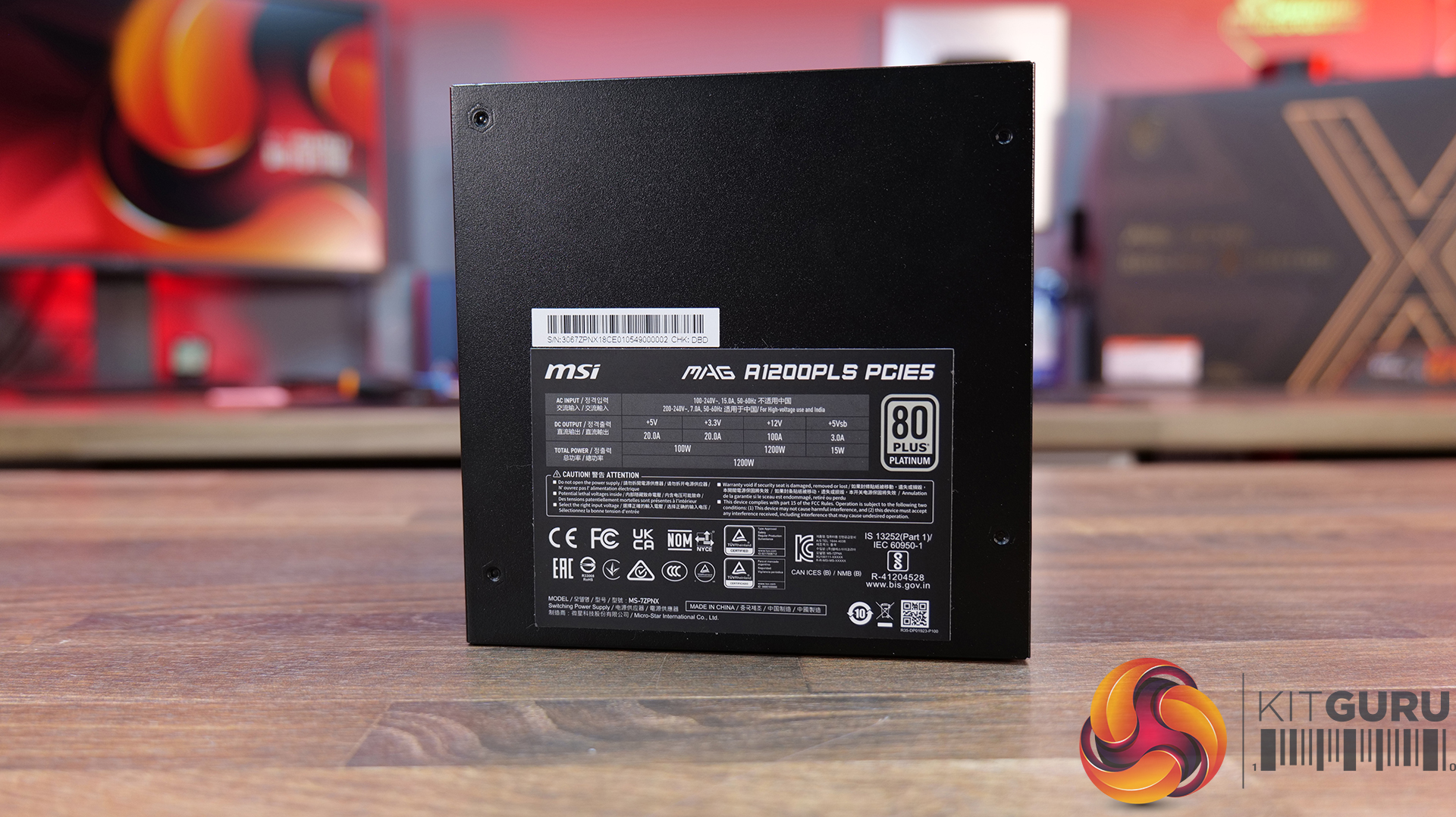
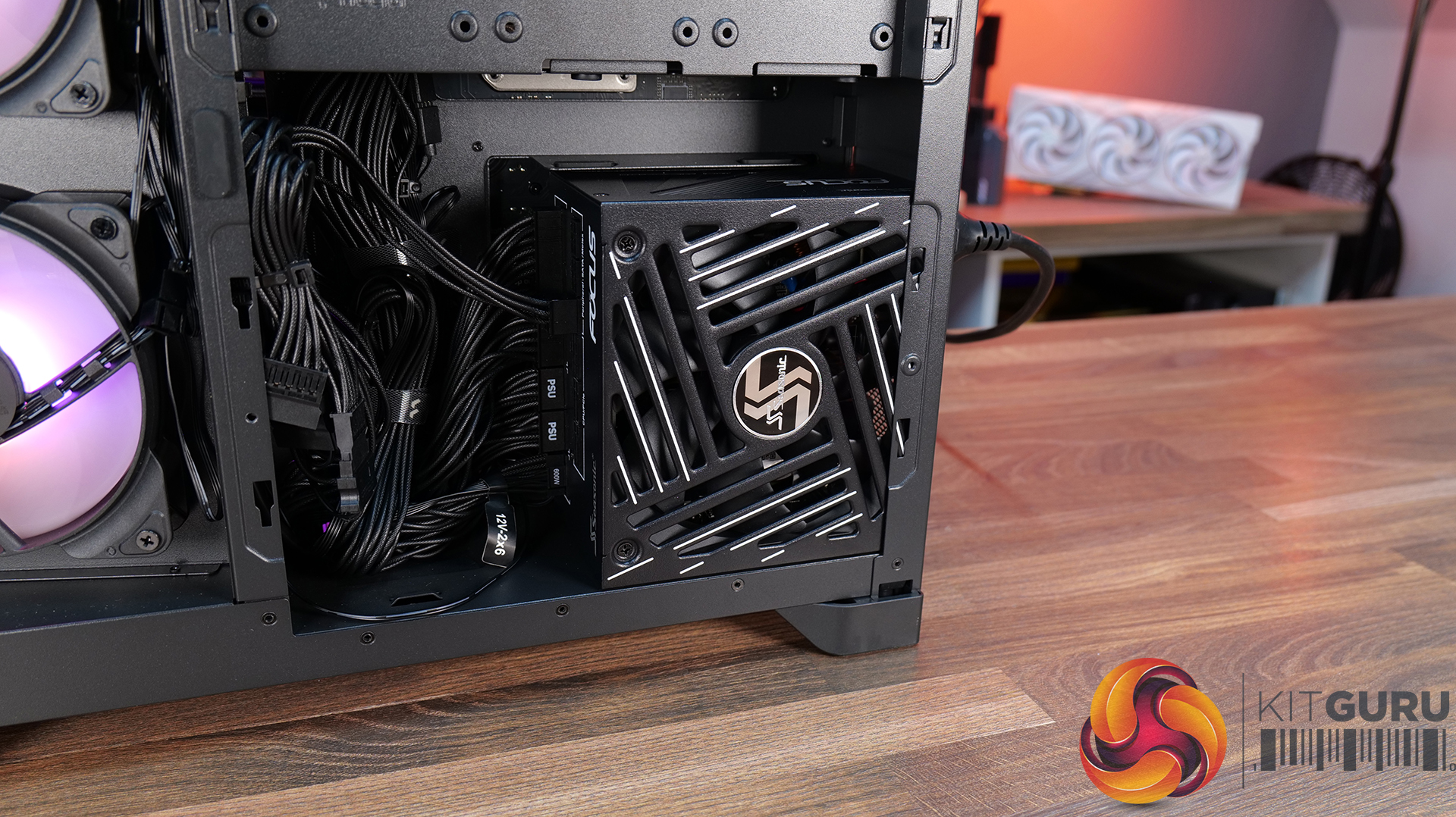
Power Supply: MSI MAG A1200PLS PCIE5 – Available from OCUK priced at £179.99 HERE.

  • Latest High-End GPU Ready: With 1200W of power, ATX 3.1 compliance and a native 12V-2×6 PCIe 5.1 connector capable of delivering up to 600W, the A1200PLS is designed with today’s most demanding GPUs in mind. It also supports up to 235% total power excursion and 3x GPU power excursion.
  • Platinum Power Delivery: MAG A1200PLS carries an 80 PLUS Platinum efficiency certification, while MSI uses a 135mm Fluid Dynamic Bearing fan to help keep noise levels down and maintain a longer fan lifespan. Plus a 105°C main capacitor for added durability.
  • Protection Built In: It’s equipped with GPU Safeguard, which monitors the 12V-2×6 connector and provides real-time alerts, alongside Fan Safeguard and a comprehensive set of protections including OCP, OTP, OPP, SCP, OVP, UVP, SIP and NLO. Plenty of protection for some seriously expensive hardware.

Specifications

  • Efficiency Rating: 80 PLUS Platinum
  • Power Output: 1200W
  • Modular: Fully Modular
  • Form Factor: ATX
  • Dimensions: 150 x 150 x 86 mm
  • PFC Type: Active PFC
  • Input Voltage Range: 100–240 VAC
  • Input Frequency Range: 50–60 Hz
  • Fan Size: 135 mm
  • Fan Bearing: Fluid Dynamic Bearing (FDB)
  • Protection: OVP, OCP, OTP, OPP, SCP, UVP, SIP, NLO
  • Connectors: 1x Mothertboard 24-pin, 1x EPS 4+4-pin + 1x 8-pin, 1x PCIe5 12+4-pin / 600W, 4x PCIe 6+2-pin, 6x SATA, 3x Molex 4-pin
Build Specification

KitGuru says: Is it possible to pack in any more high-end MSI hardware than this? The MEG Maestro 900R might be one of the most expensive PC cases we have ever seen, but it sure is one of a kind!

The post MSI MEG Maestro 900R Featured Build first appeared on KitGuru.
Gamdias Atlas P6 CG Featured Build

31 August 2026 at 09:00

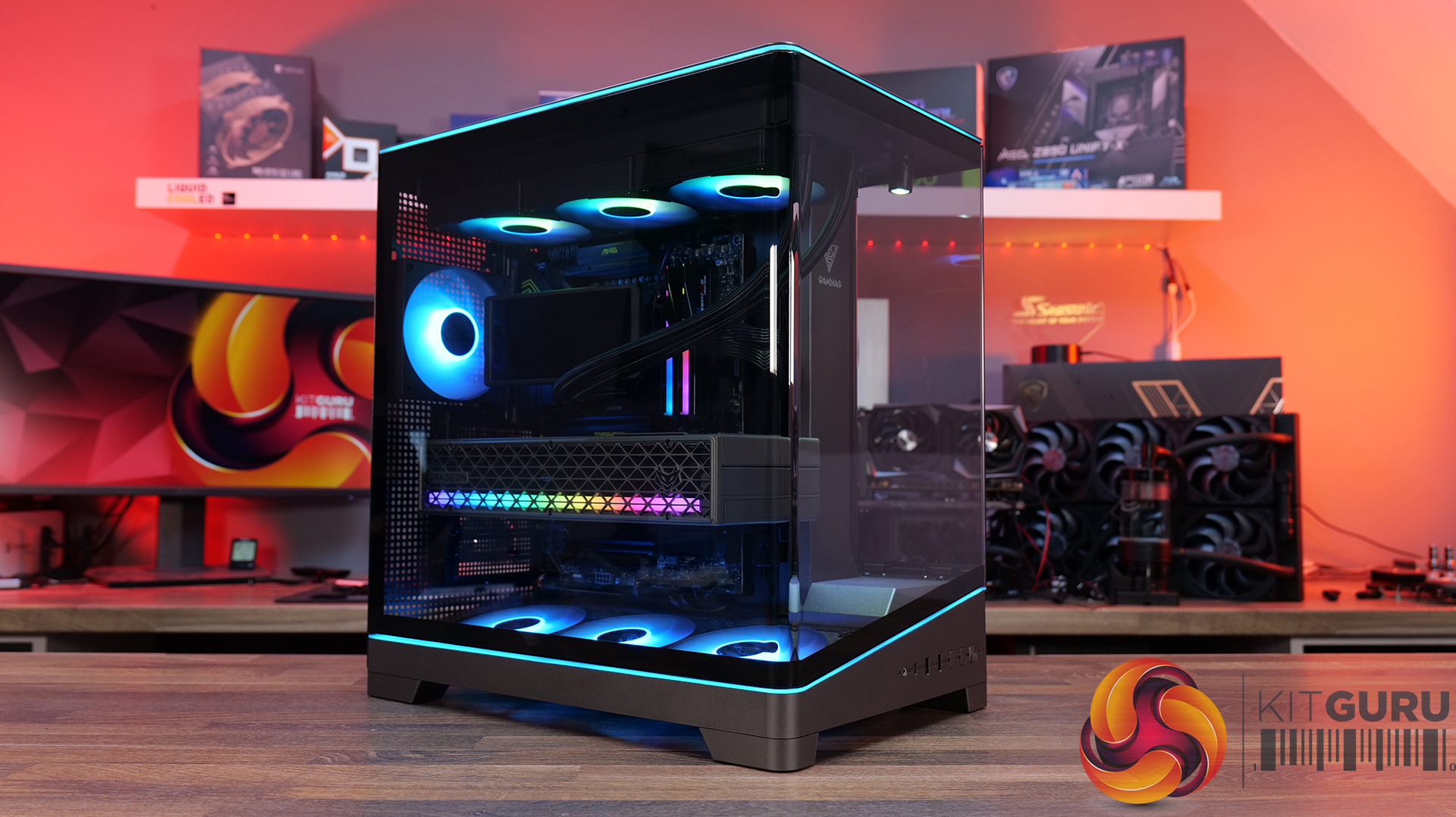
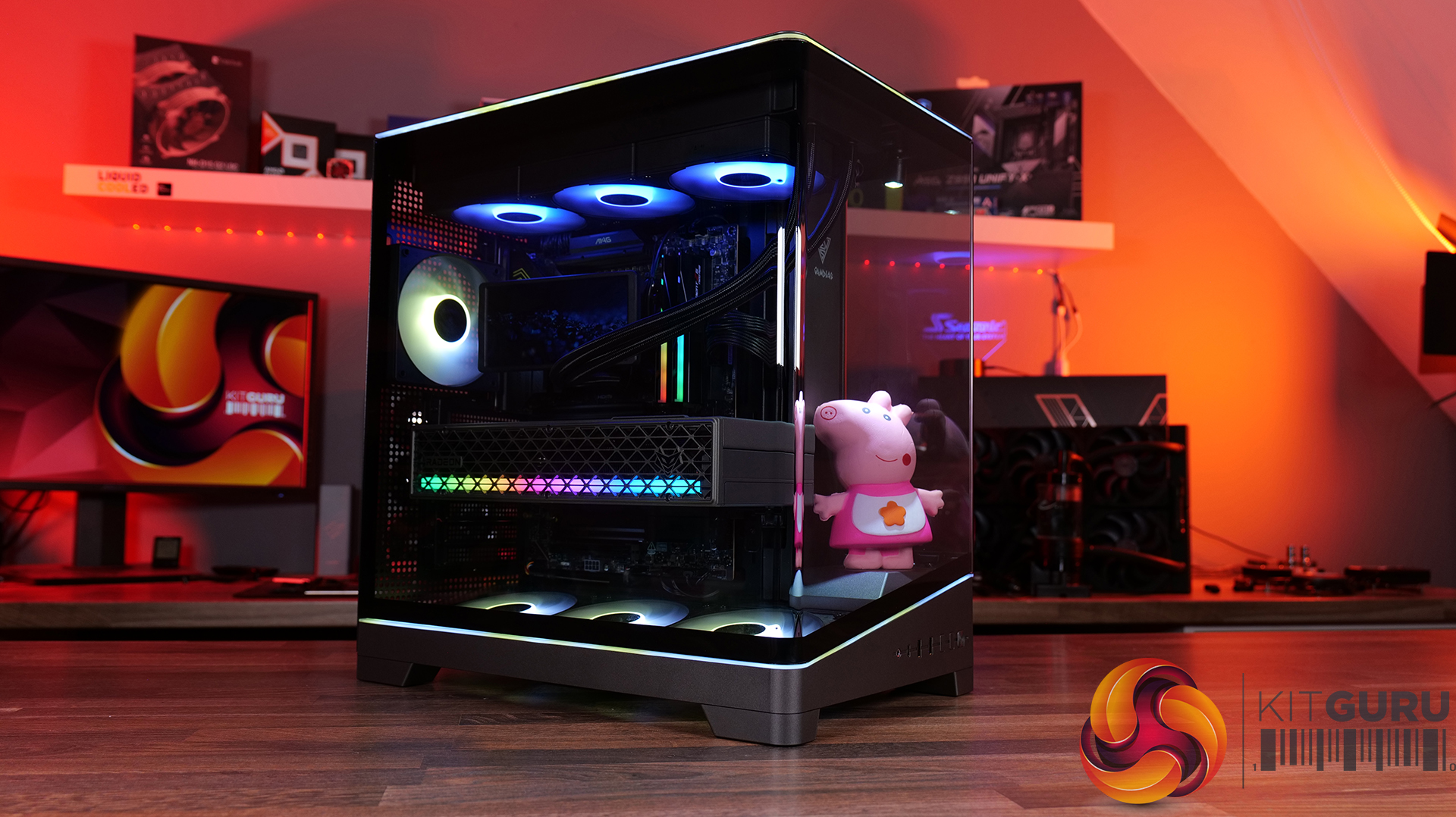
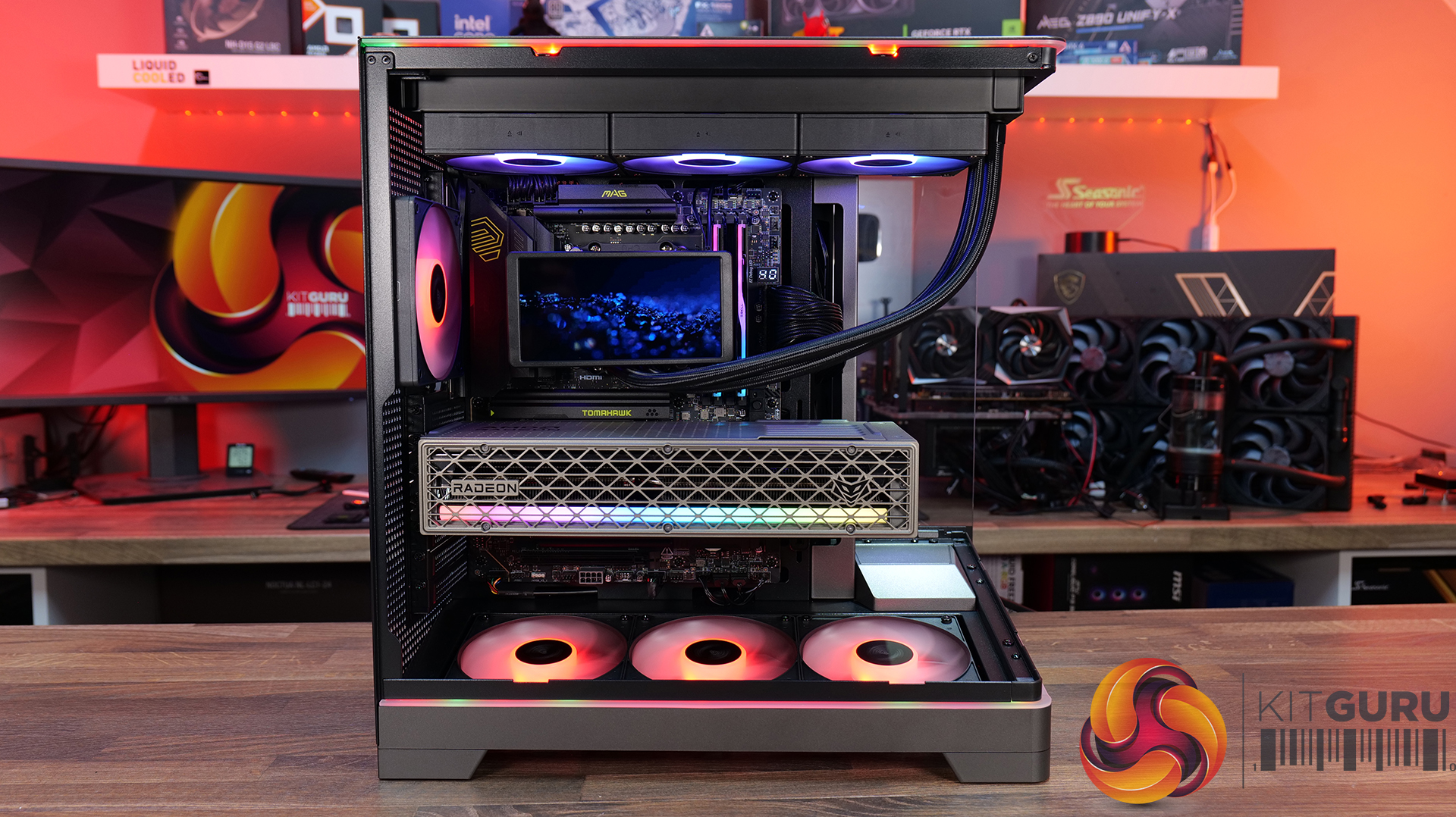
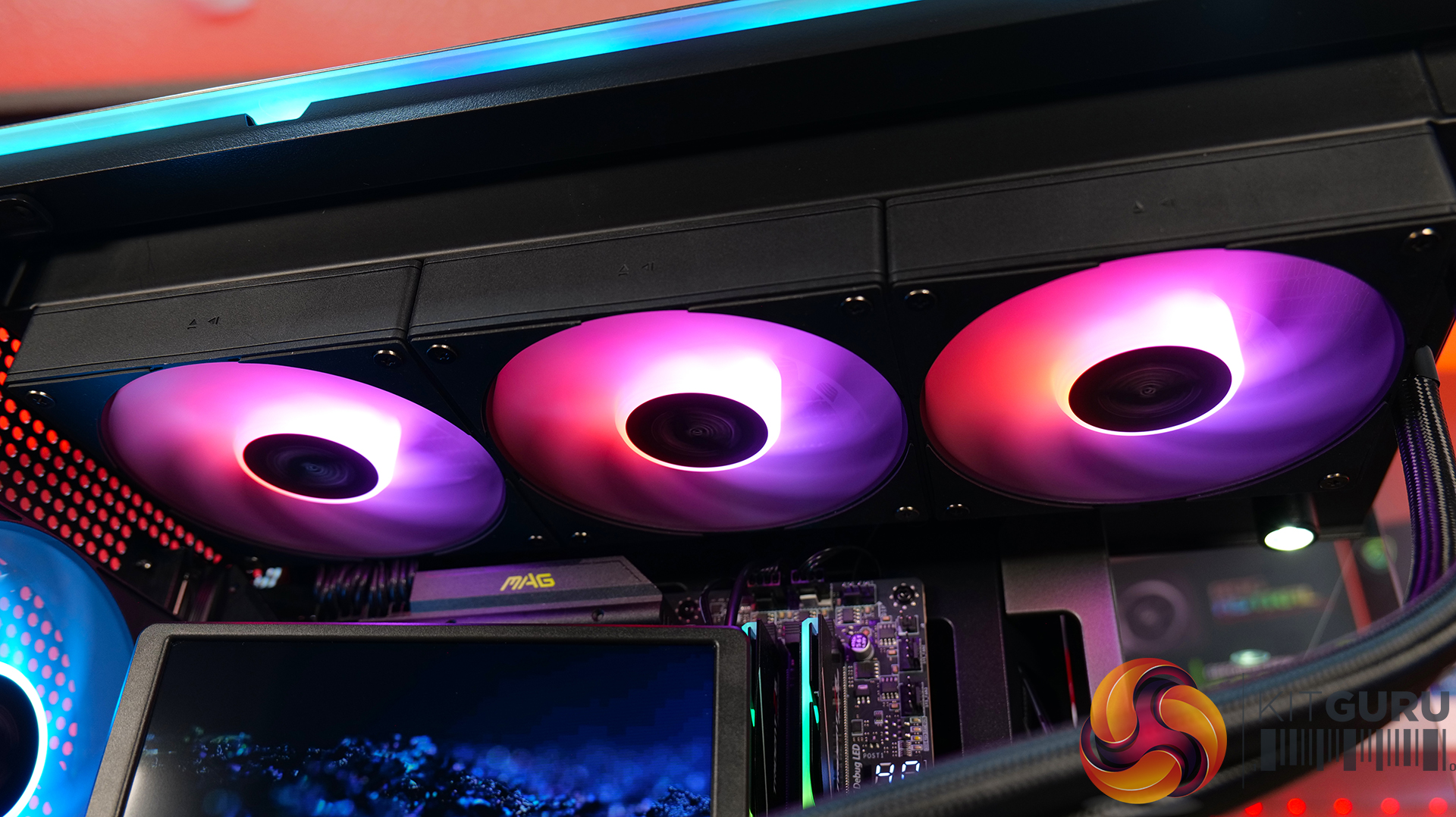
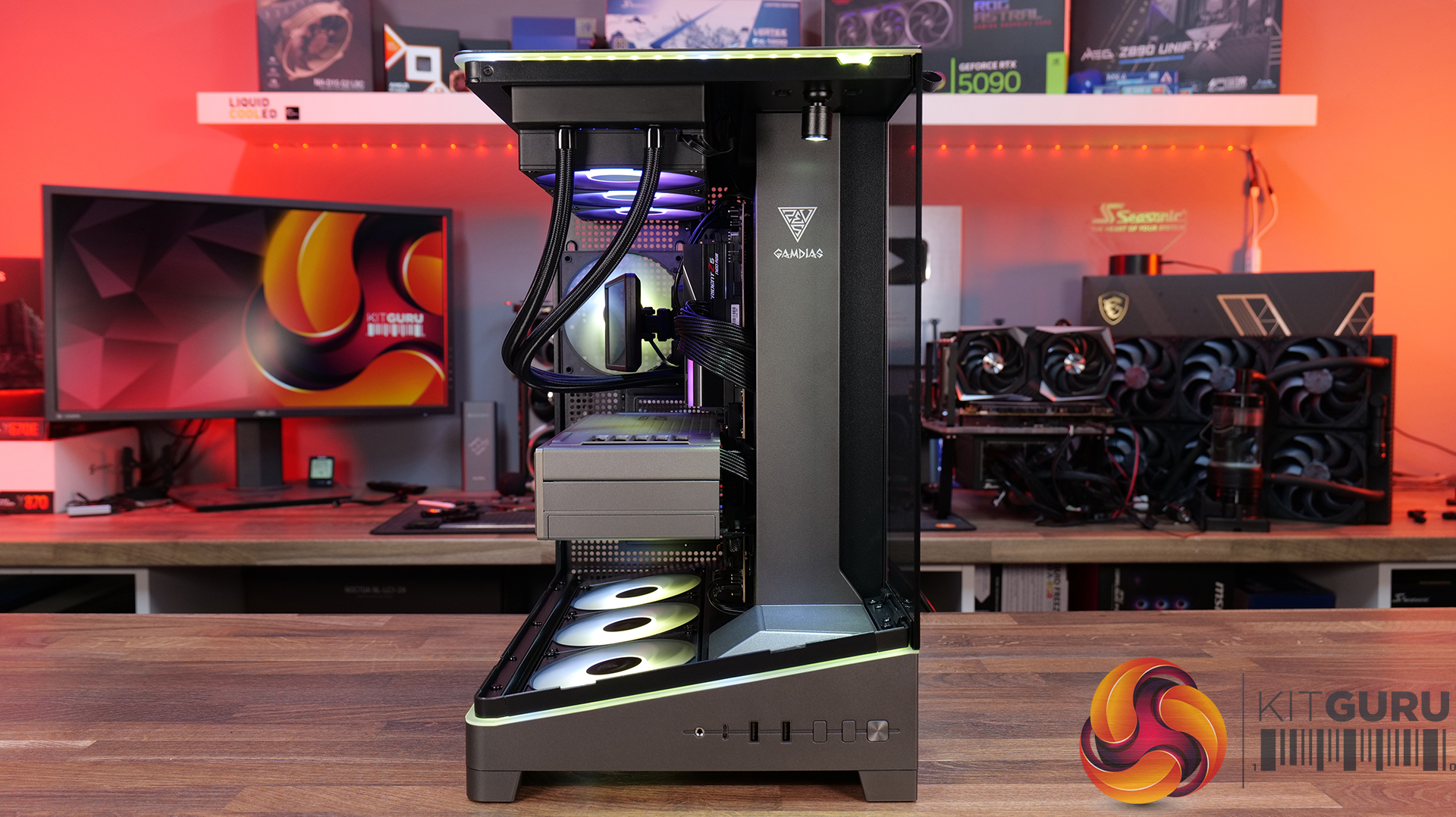
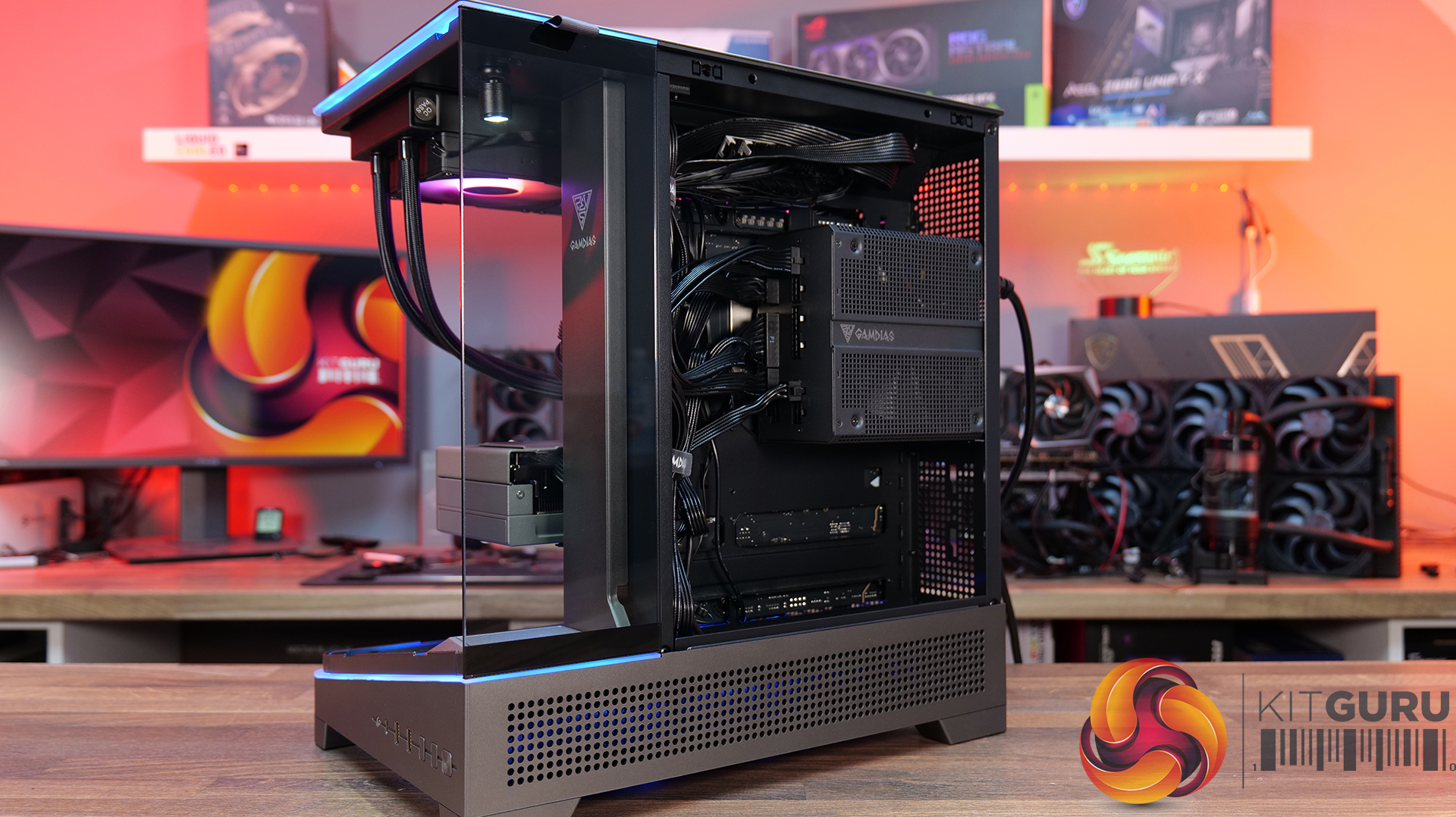
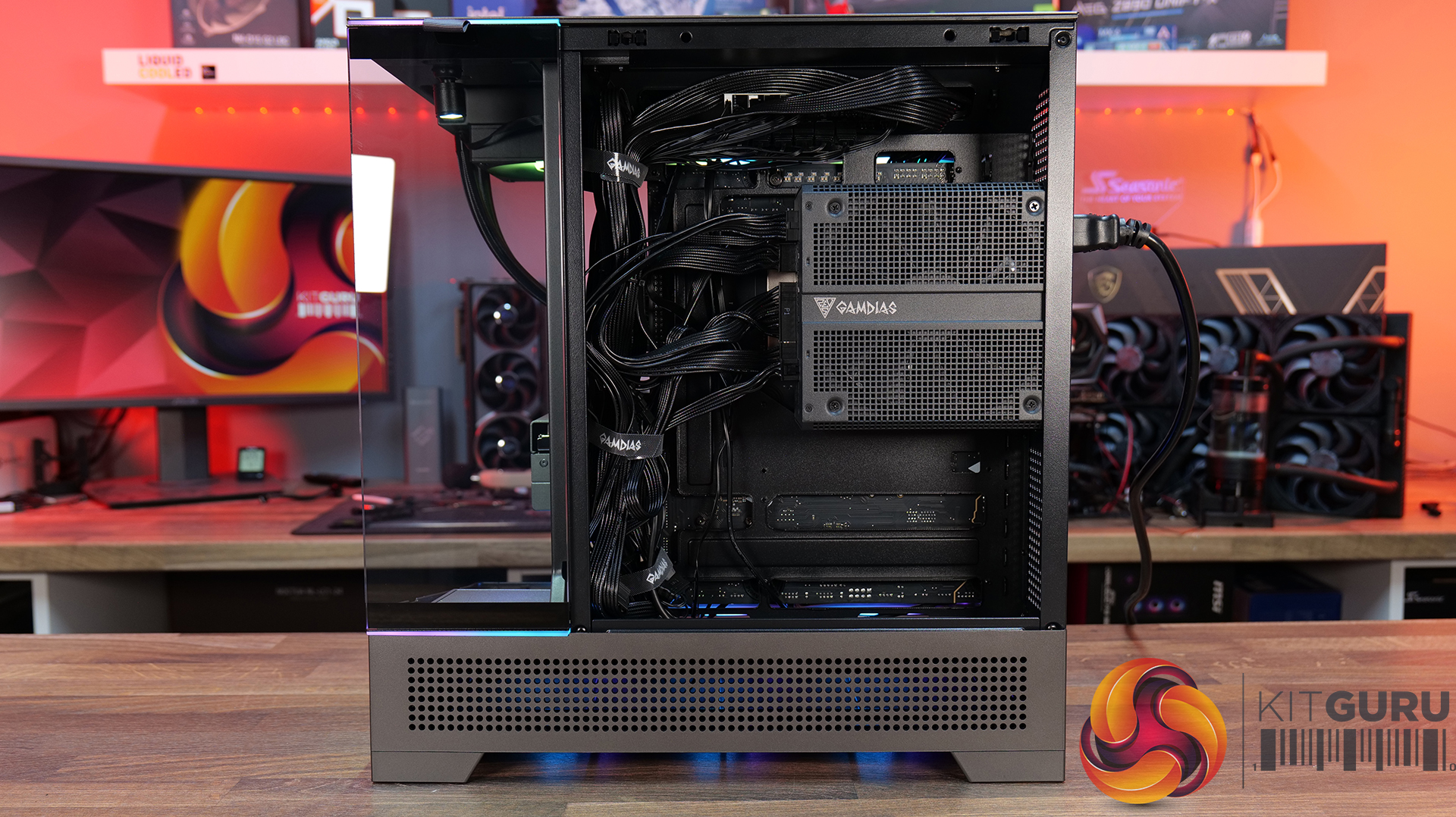
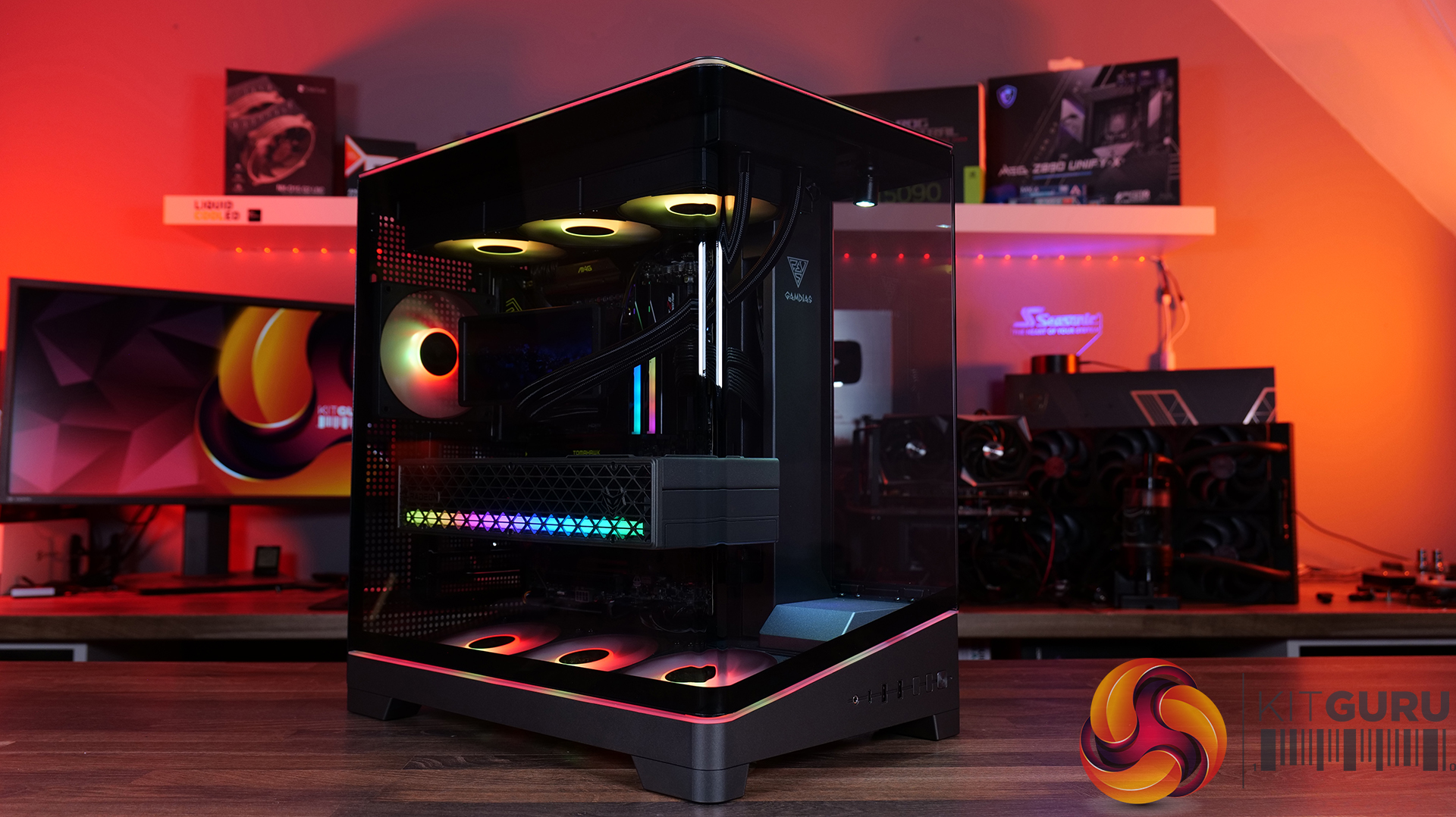
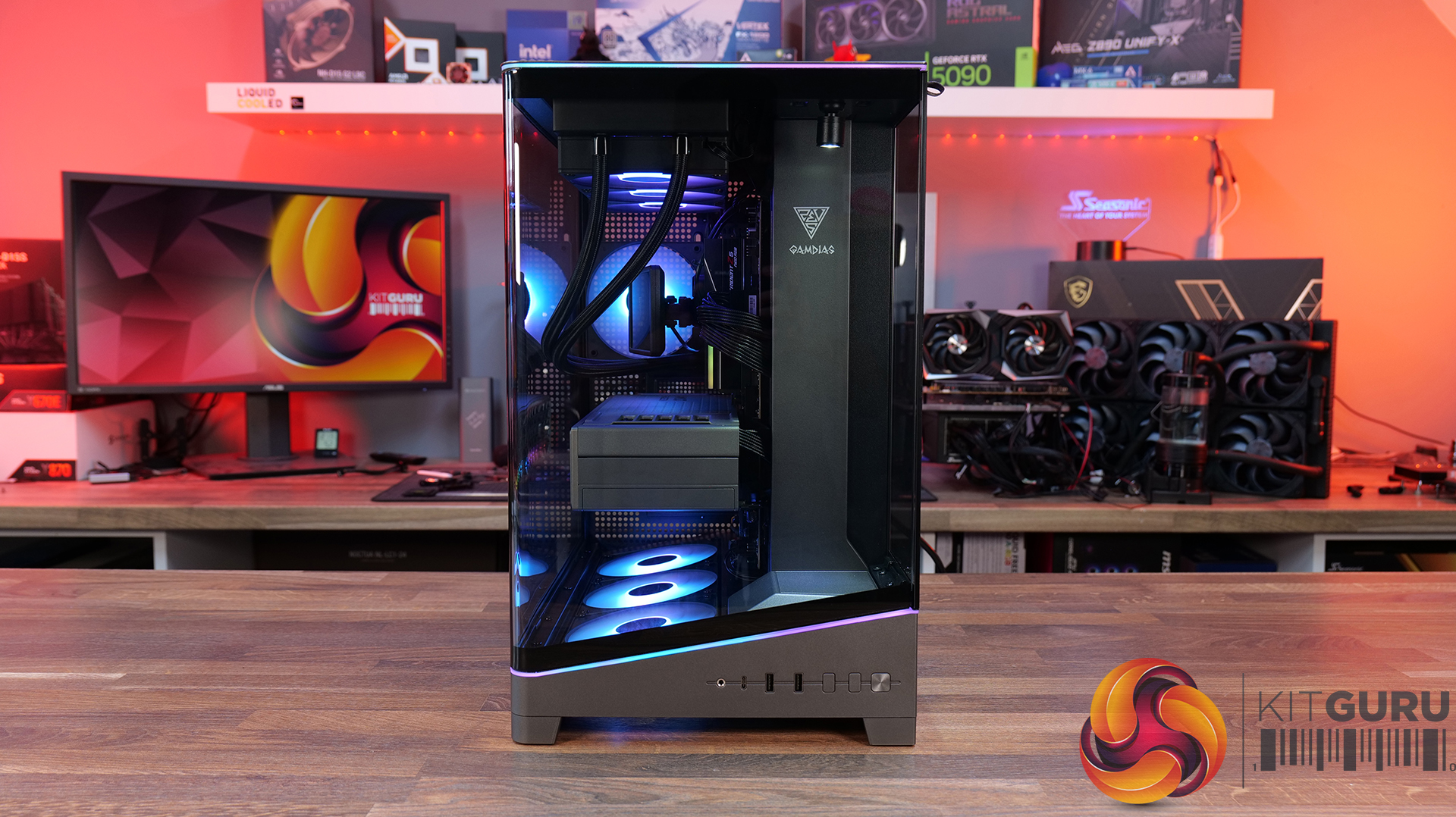
In our latest featured build video, we're putting together a seriously clean GAMDIAS sponsored PC, featuring the panoramic ATLAS P6 CG case, the CHIONE P5 Pro AIO cooler and the high-end THOR P2 1350P power supply. There's no talking, no music and no distractions, we're building the system ASMR style, so you can sit back and enjoy every click, snap and satisfying sound as the build comes together…

Case: Gamdias Atlas P6 CG – MSRP $159.90

  • Panoramic Showcase Design: The ATLAS P6 CG features a three-sided, columnless tempered glass layout with a one-piece curved glass panel, giving your components a clear 270-degree view. GAMDIAS has even included a dedicated display stage with an omnidirectional spotlight, so you can show off a favourite figure alongside the hardware.
  • Four ARGB Fans and Unique Airflow Layout: Cooling is handled by four pre-installed 120mm NOTUS M1 ARGB PWM fans, backed up by an 8-port PWM/ARGB hub. The case uses a chimney-style airflow design, with three bottom-mounted intake fans and a rear exhaust, while the slanted bottom intake is designed to direct airflow towards the GPU.
  • Built For High-End Hardware: The ATLAS P6 CG supports ATX motherboards, 360mm radiators and graphics cards up to 425mm long. It also supports connector-hidden motherboards for a cleaner-looking build, while the generous 90mm cable-routing space and adjustable GPU support bracket should make cable management and installation a little easier.

Specifications

  • Case Type: Mid Tower
  • Motherboard Support: ATX / Micro-ATX / Mini-ITX
  • Synchronization: 5V 3-Pin Addressable Header
  • Colour: Black
  • Expansion Slots: 7
  • Materials: SPCC / ABS / Tempered Glass
  • Windows: Front / Left / Right
  • Radiator Support: Top: 360mm / 280mm; Rear: 120mm
  • Fan Support: Top: 3 × 120mm / 2 × 140mm; Rear: 1 × 120mm; Bottom: 3 × 120mm
  • Pre-installed Fans: 1 × 120mm PWM ARGB rear fan; 3 × 120mm PWM ARGB bottom fans
  • Drive Bays: 2 × 3.5″ or 1 × 2.5″ + 1 × 3.5″ (HDD cage); 1 × 2.5″
  • I/O: 1 × USB Type-C, 2 × USB 3.0, 1 × HD Audio, 1 × LED Control, 1 × Showcase Lighting Switch
  • CPU Cooler Clearance: 165mm
  • Graphics Card Clearance: 425mm
  • PSU Clearance: 200mm
  • Dimensions (L × W × H): 432 × 285 × 465mm
  • Pre-installed Control Box: 8-port hub

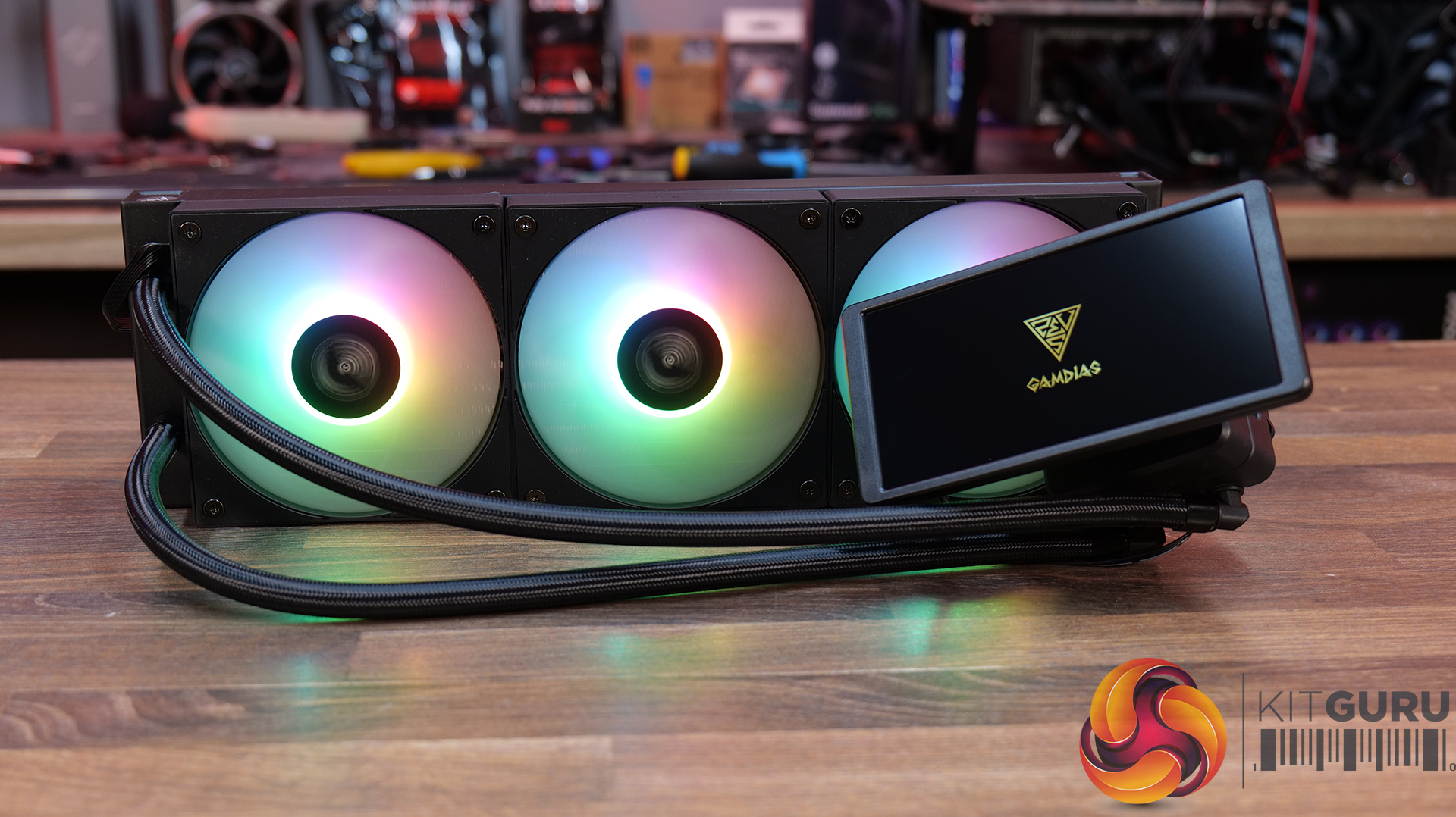
AIO CPU Cooler: CHIONE P5-360 PRO – MSRP $159.90

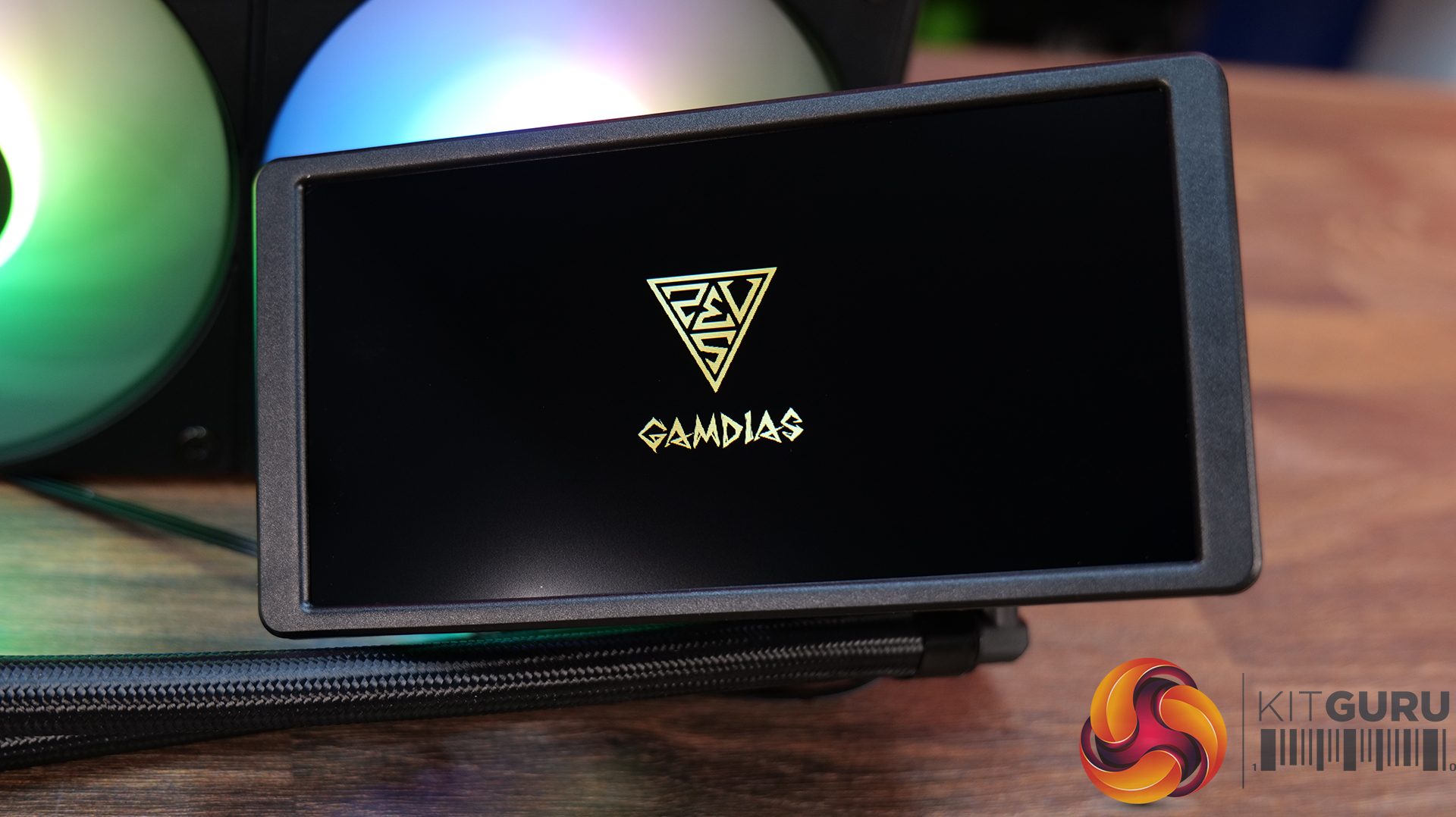
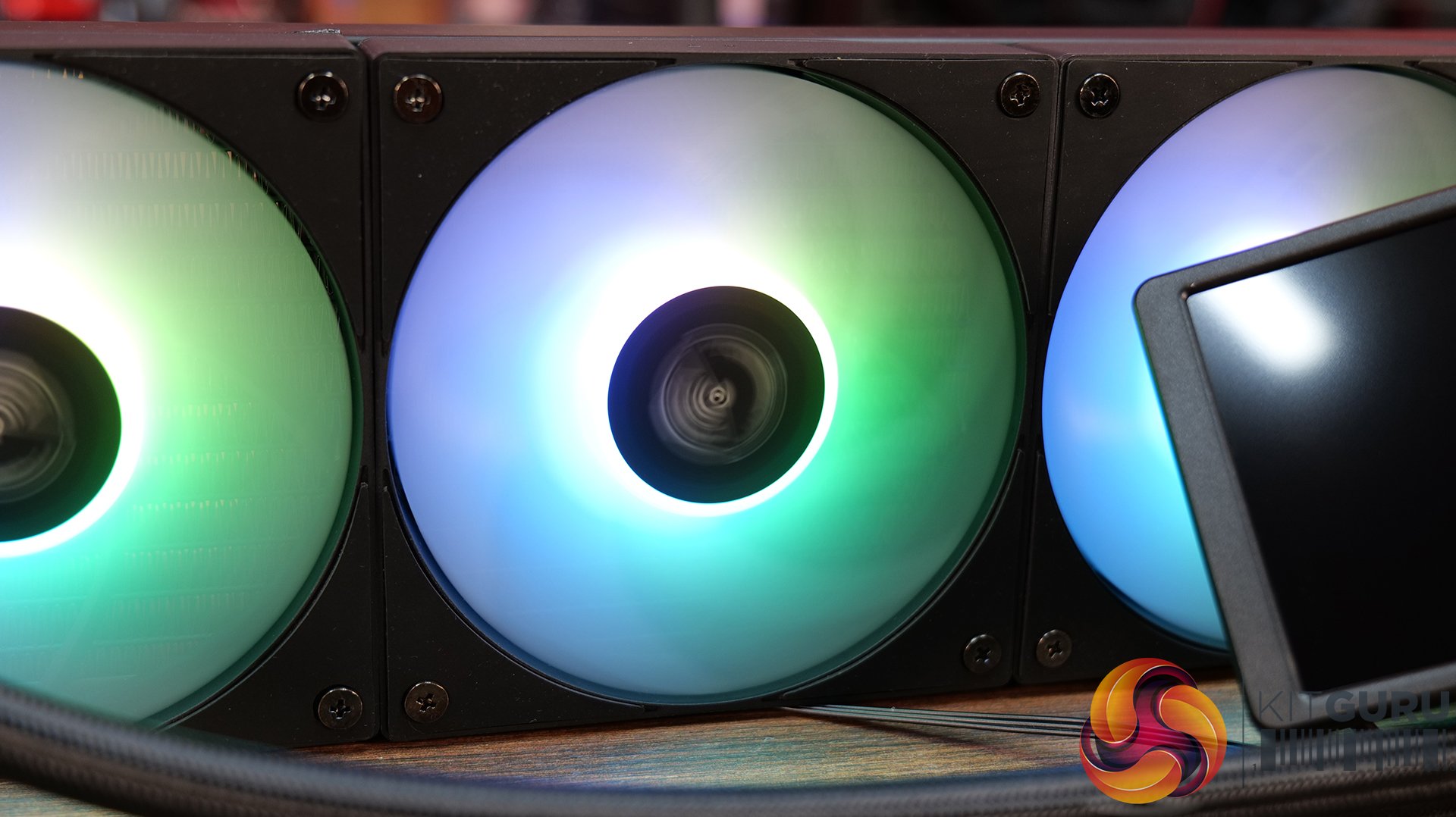
  • 4-inch Customisable IPS LCD Screen: CHIONE P5 Pro features a 3.4-inch, 480 × 480 IPS screen, which can display real-time system information alongside custom images and animated GIFs. The magnetic display is also rotatable, while GAMDIAS' ZEUS CAST software lets you adjust the orientation and brightness to suit your build.
  • Premium 360mm Cooling Setup: The CHIONE P5-360 combines a 360mm radiator with three 120mm hydraulic-bearing PWM fans with speeds up to 2200 RPM, for 81.81 CFM of airflow and 3.15 mmH₂O of static pressure. The cooler also features an upgraded copper coldplate with 0.12mm microflow channels and a pump running at up to 2700 RPM.
  • Keep Your Build Looking Clean: GAMDIAS has included hidden cable routing to reduce cable clutter. The cooler also supports 30 built-in lighting effects and motherboard ARGB synchronisation via a 5V 3-pin header, with support for the latest Intel LGA 1851 and AMD AM5 platforms.

Specifications

  • Socket Compatibility: Intel LGA 2066 / 2011-v3 / 2011 / 1851 / 1700 / 1200 / 1151 / 1150 / 1155 / 1156; AMD AM5 / AM4 / AM3+ / AM3 / AM2+ / AM2 / FM2+ / FM2 / FM1
  • Radiator Dimensions: 396 × 120 × 27 mm
  • Tube Material: EPDM
  • Base Plate Material: Copper
  • Radiator Material: Aluminium
  • Sleeved Tubing: Yes
  • Pump Rated Voltage: 12V
  • Pump Speed: 2700 RPM ±10%
  • Pump Connector: 4-pin
  • Fan Dimensions: 120 × 120 × 25 mm
  • Fan Speed: 400–2200 RPM ±10%
  • Noise Level: 11–34.91 dBA
  • Airflow: 81 CFM
  • Static Pressure: 15 mmH₂O
  • Bearing Type: Hydraulic Bearing
  • Rated Voltage: 12V (Fan) / 5V (LED)
  • Connector: PWM and 5V ARGB Sync
  • PWM Control: Yes
  • Motherboard RGB Sync: 5V 3-pin addressable (digital) RGB header only

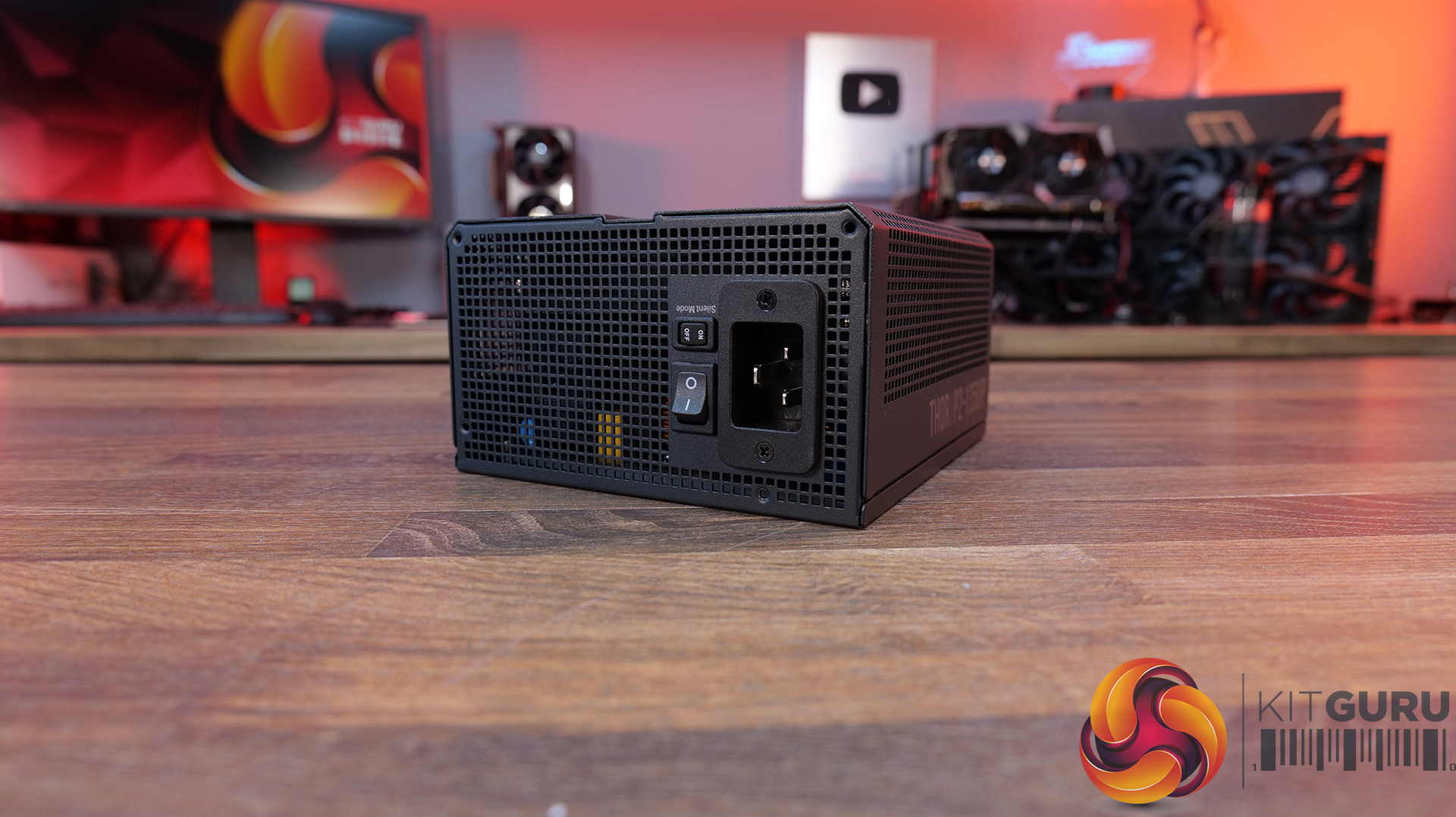
Power Supply: Gamdias THOR P2 1350P – MSRP $159.90

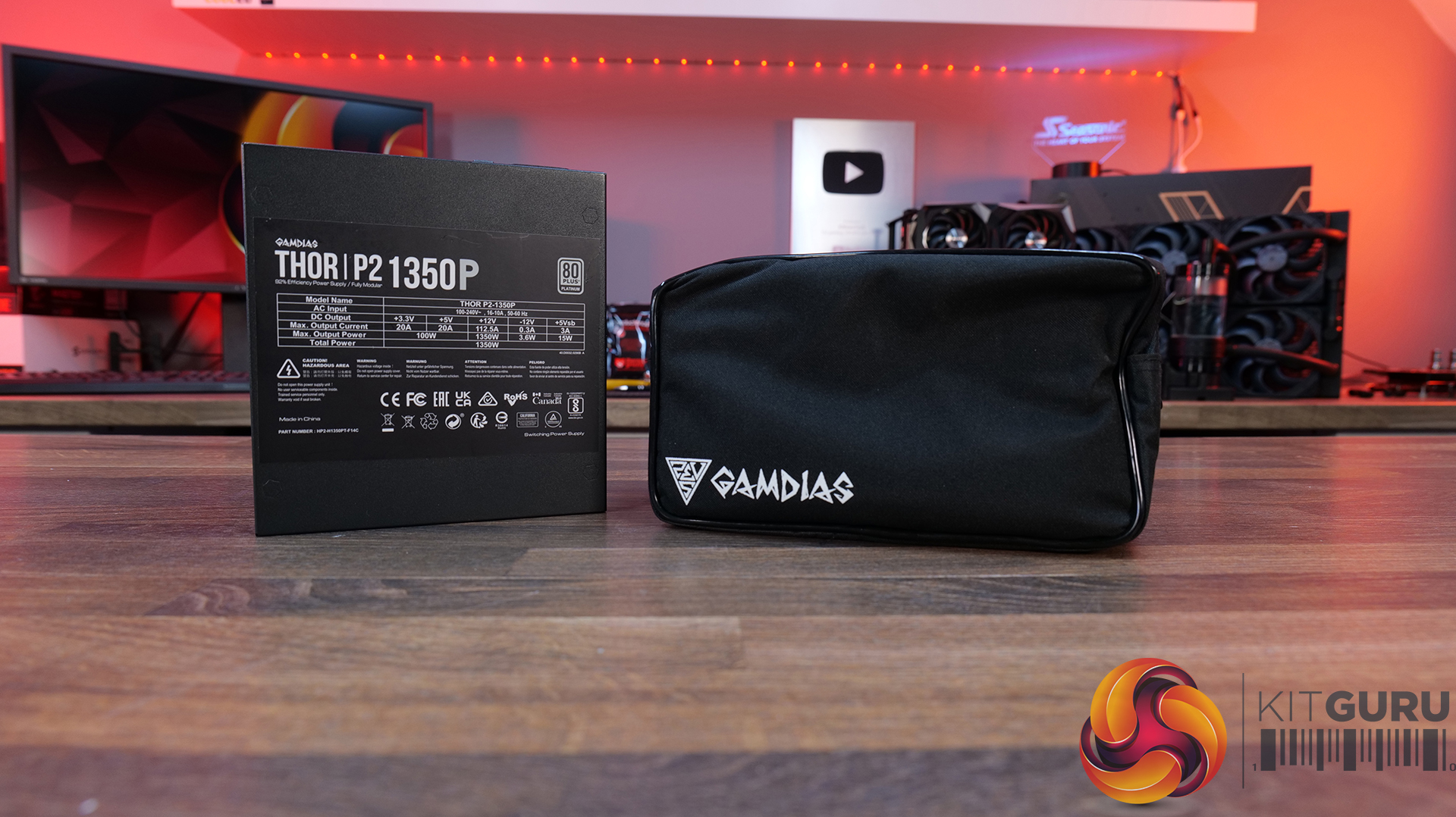
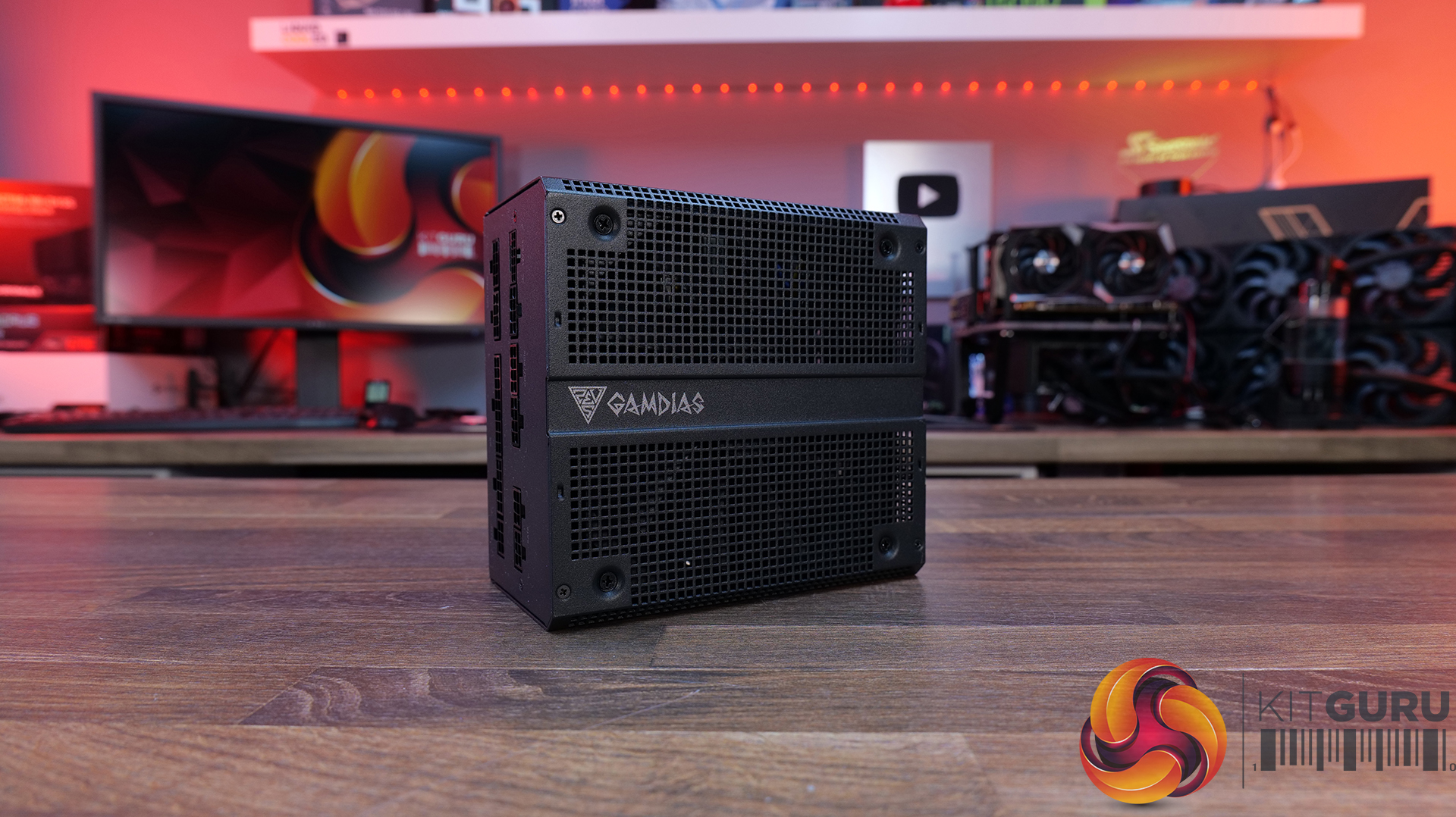
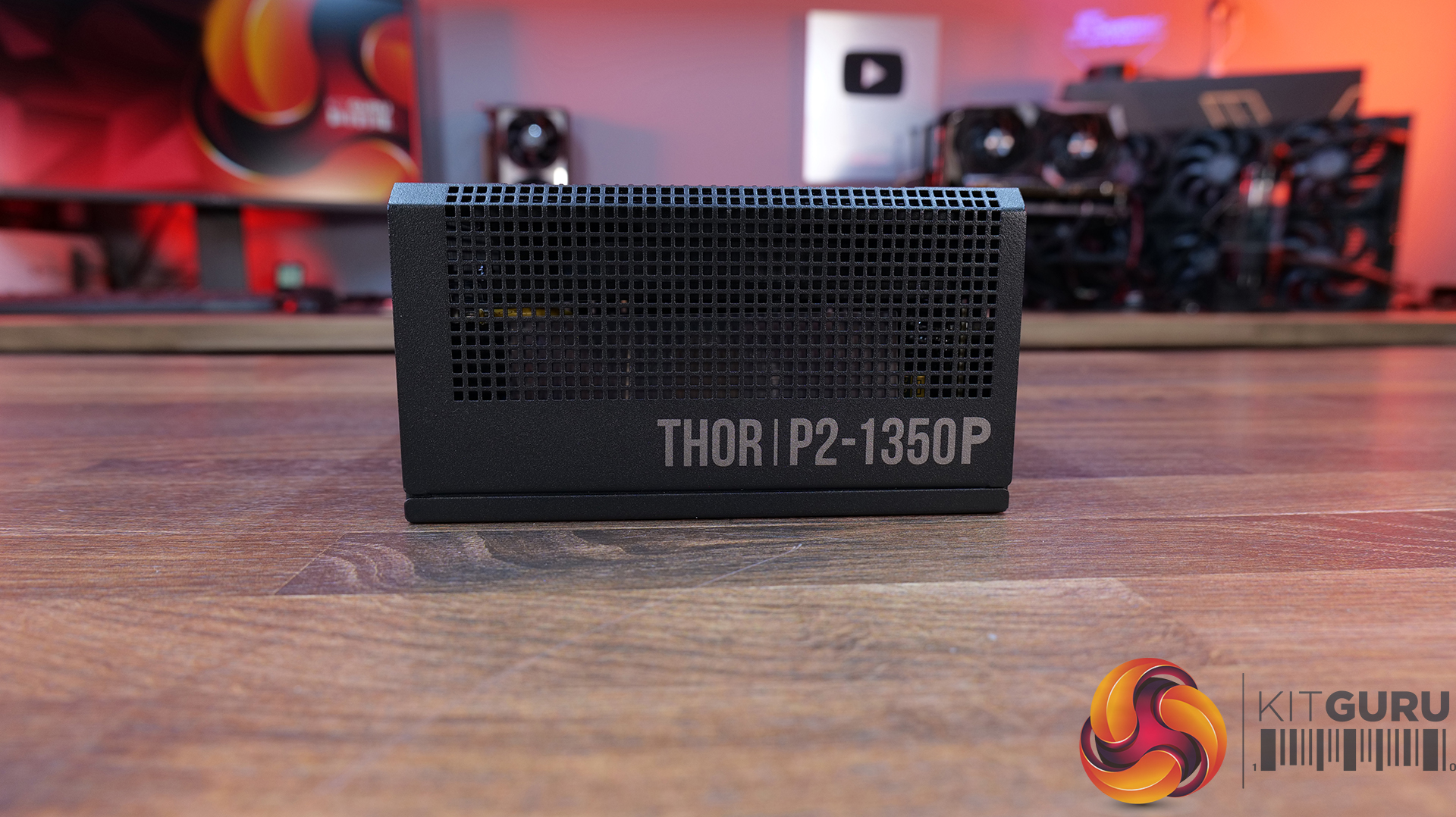
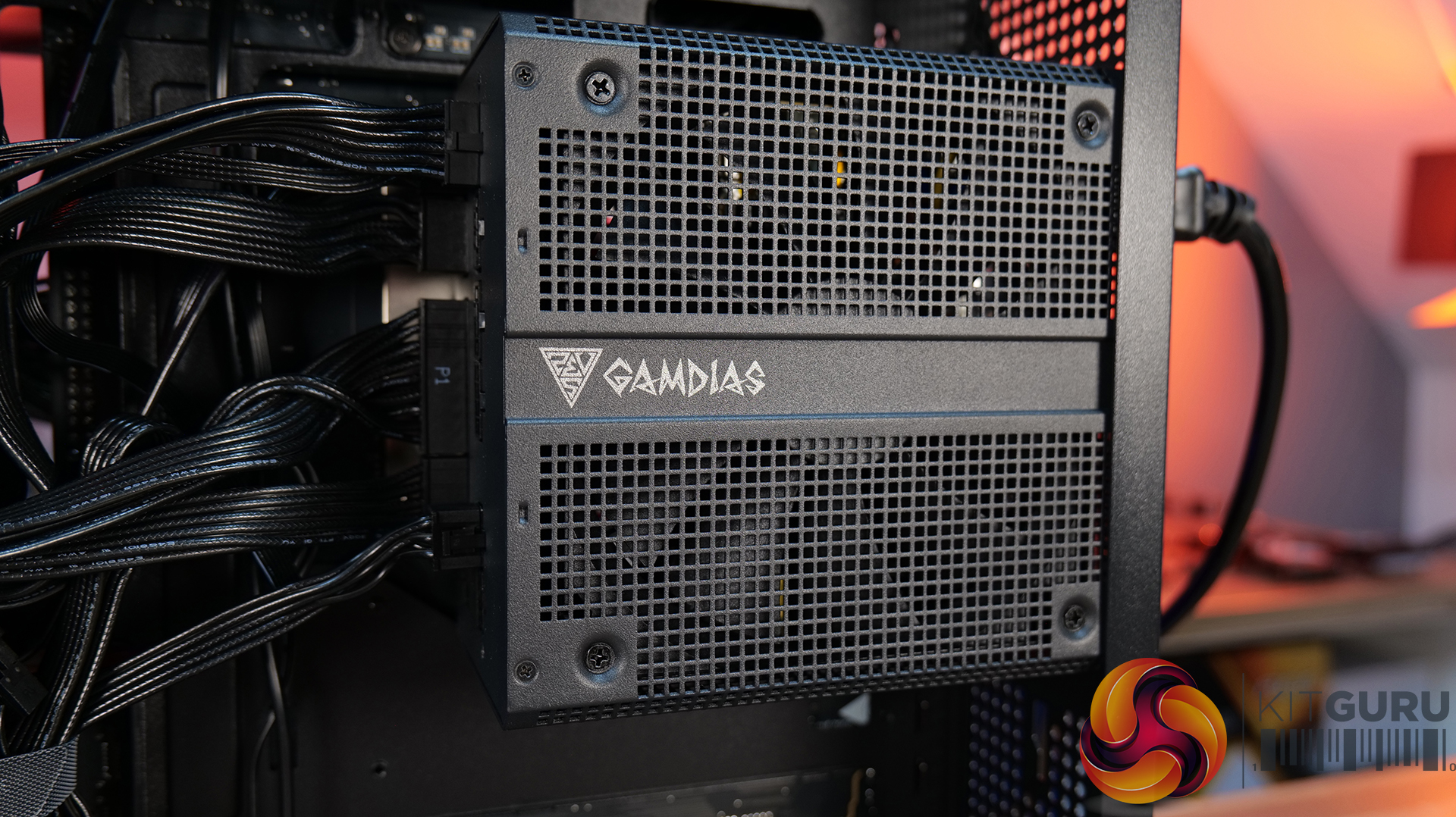
  • 1350W Platinum-Rated Power: The THOR P2-1350P is a serious high-end unit, combining a huge 1350W output with 80 PLUS Platinum efficiency, making it well suited to demanding gaming PCs and workstations.
  • Ready For Next-Generation GPUs: ATX 3.1 and PCIe Gen 5.1 compliance, plus a native 600W 12V-2×6 connector, the THOR P2-1350P is designed to handle the latest high-performance graphics cards and their demanding power requirements.
  • Premium Components, 12-year Warranty: GAMDIAS has equipped THOR P2 with 100% Japanese capacitors, a 135mm Fluid Dynamic Bearing fan with a Zero Fan mode at low loads, comprehensive electrical protections and an impressive 12-year warranty.

Specifications

  • Type: ATX 3.1
  • Efficiency: 80 PLUS Platinum
  • Power Factor Correction: APFC with a PF value of 0.99
  • Motherboard Sync Support: No
  • Dimensions (L × W × H): 160 × 150 × 86 mm
  • C6/C7 Power State Support: Yes
  • AC Input: 100–240V~, 16–10A, 50–60Hz
  • DC Outputs: +3.3V / +5V / +12V / -12V / +5Vsb
  • Maximum Output Current: 20A / 20A / 70.8A / 0.3A / 3A
  • Maximum Output Power: 100W / 1350W / 3.6W / 15W
  • Total Power: 1350W
  • Peak Power: 1755W
  • Protection: OVP / UVP / OPP / SCP / OCP / OTP
  • Main Power Connector: 1 × 20+4-pin
  • CPU Power Connectors: 1 × 4+4-pin and 1 × 8-pin
  • PCIe Connectors: 3 × 6+2-pin
  • 12V-2×6 Connector: 1 × 12+4-pin
  • SATA Connectors: 6
  • Molex Connectors: 2
  • Modular Design: Fully modular
  • Cables: Flat cables
  • Capacitors: Japanese capacitors

Build Specification

  • CPU – AMD Ryzen 7 9800X3D
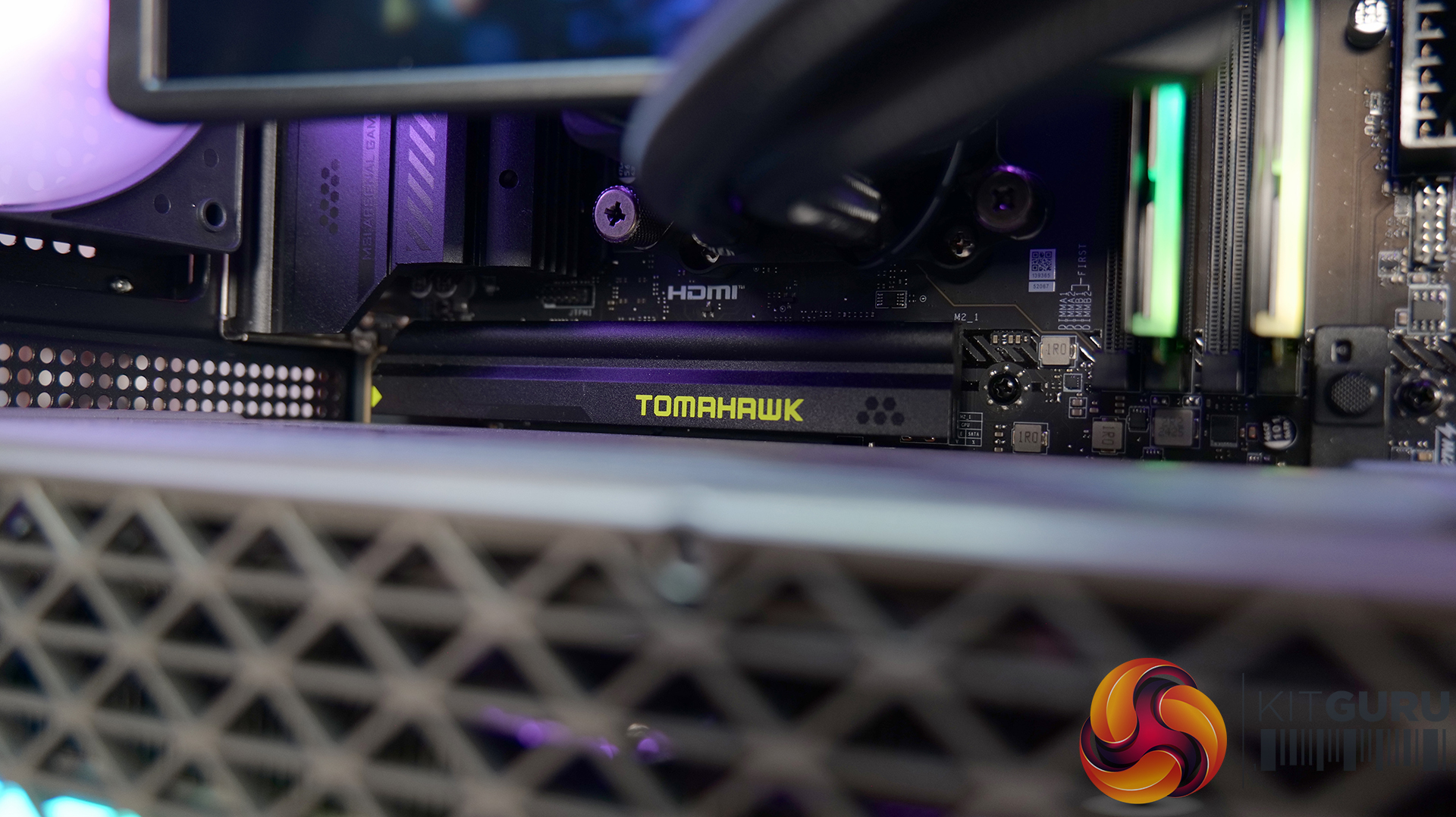
  • Motherboard – MSI MAG X870 Tomahawk WiFi
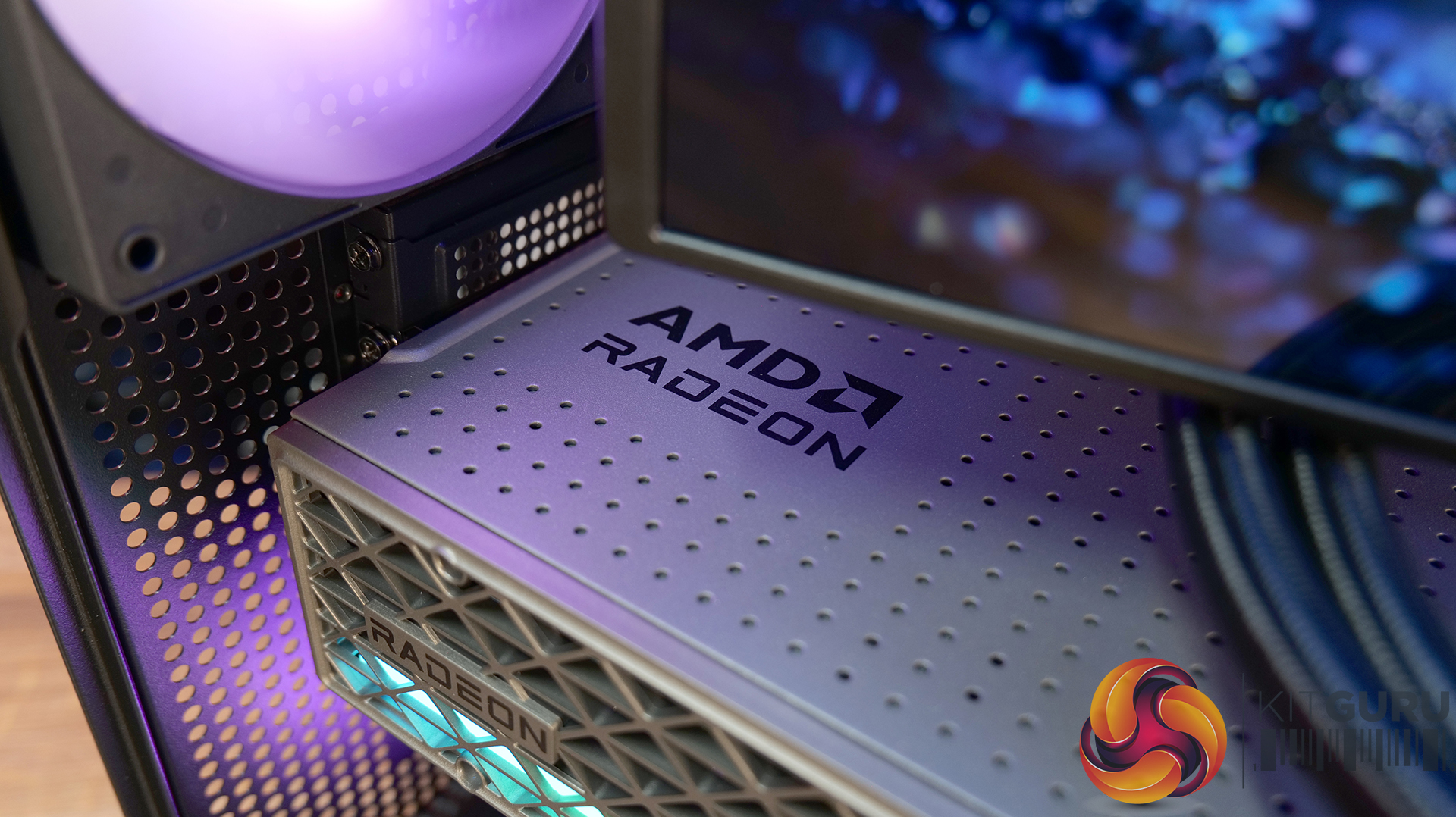
  • Graphics Card – Sapphire Radeon RX 9070XT Nitro+
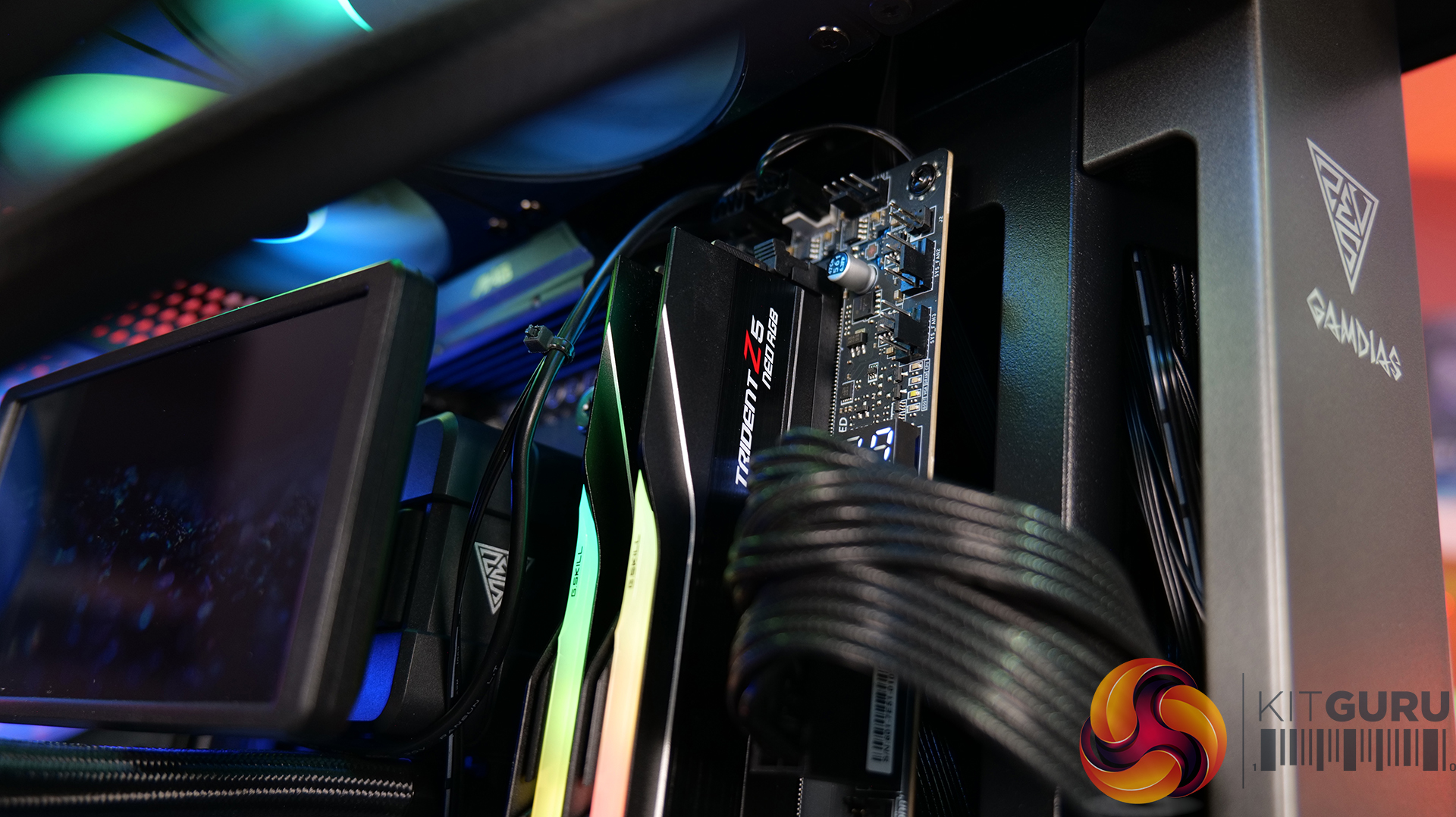
  • Memory – 32GB (2 x 16GB Modeuls) G.SKILL Trident Z5 RGB DDR5-6000
  • Storage – 1TB Corsair MP600 Elite PCIe Gen4 M.2 NVME SSD
  • CPU Cooler – Gamdias CHIONE P5-360 Pro AIO Liquid Cooler
  • Power Supply – Gamdias THOR P2 1350P ATX3.1 80+ Platinum
  • Chassis – Gamdias Atlas P6 CG
  • Operating System – Windows 11

KitGuru says: Gamdias' new Atlas P6 CG panoramic case works well with the CHIONE P5 Pro AIO screen and the THOR P2 1350P power supply has the grunt for any high-end gaming system.

The post Gamdias Atlas P6 CG Featured Build first appeared on KitGuru.
22-Year-Old Pentium 4 Liquid Cooler Works Flawlessly On Ryzen 7 9800X3D, But Heavy Workloads Show Why You Can’t Trust It

23 August 2026 at 15:20

A liquid cooling setup on a PC test bench featuring a NVIDIA GeForce RTX graphics card, Samsung memory labeled 'Trident Z5,' and a dual-fan radiator connected to a bottle with tubing.

A two decade old liquid cooler was tested on one of the best gaming processors in modern times and here is the result. Der8auer Deploys Q-Tec KS70 Liquid Cooler From 2004 on AMD Ryzen 7 9800X3D That Fits Inside the 5.25" Drive Bay and Works Flawlessly in Gaming Popular German overclocker and enthusiast Der8auer keeps coming up with interesting experiments, and this one is one of our favorites. If you are someone who loves innovative hardware from the early 2000s, then you would love to see the Q-Tec KS70 liquid cooler in action. For those who aren't aware, the Q-Tec […]

Read full article at https://wccftech.com/22-year-old-pentium-4-liquid-cooler-works-flawlessly-on-ryzen-7-9800x3d/

AMD’s Fastest Gaming CPUs Get $50-$130 Cuts At Newegg, As Every Ryzen X3D Now Ships With A Free Cooler

19 August 2026 at 15:53

The image shows an AMD Ryzen 7 7900X3D processor box labeled with 'AMD 3D V-Cache Technology' and '9000 Series Processor' on

The fastest gaming processors are now available at incredibly low prices, and users will also receive a free CPU cooler. AMD Ryzen 7 9800X3D Drops to $429 With a Free $79 AIO Cooler While Ryzen 9 9950X3D is Now at Just $569 on Newegg The world's fastest gaming processors have been witnessing price drops several times this year, allowing you to build a powerful gaming PC for the lowest price possible. While you may have missed it when these dropped to historic lows recently, we are back again with deeper discounts so that you can finally upgrade your PC to […]

Read full article at https://wccftech.com/amds-fastest-gaming-cpus-get-50-130-cuts-at-newegg/

Cougar MX600 Max RGB Case Review

7 August 2026 at 08:52

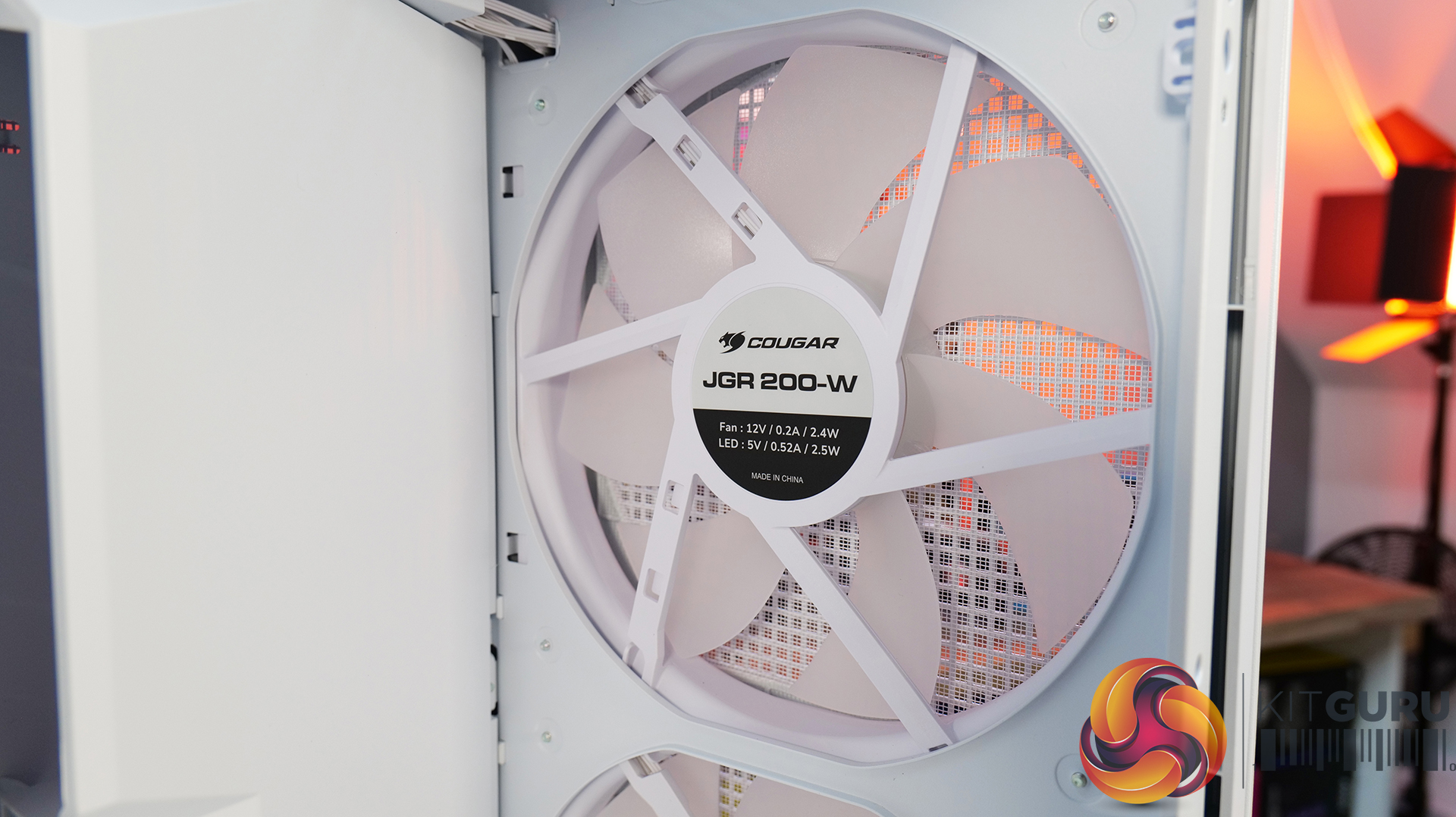
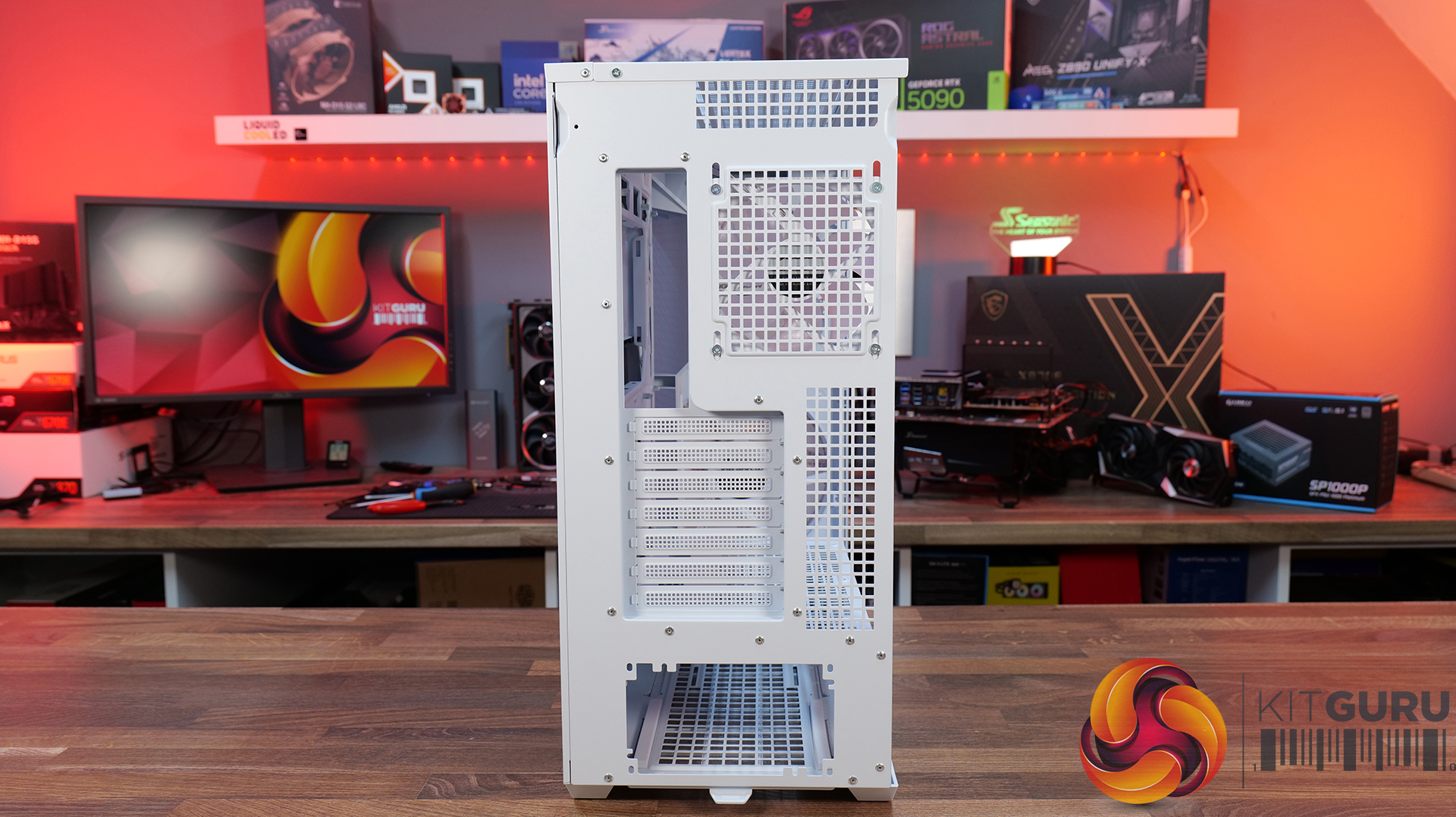
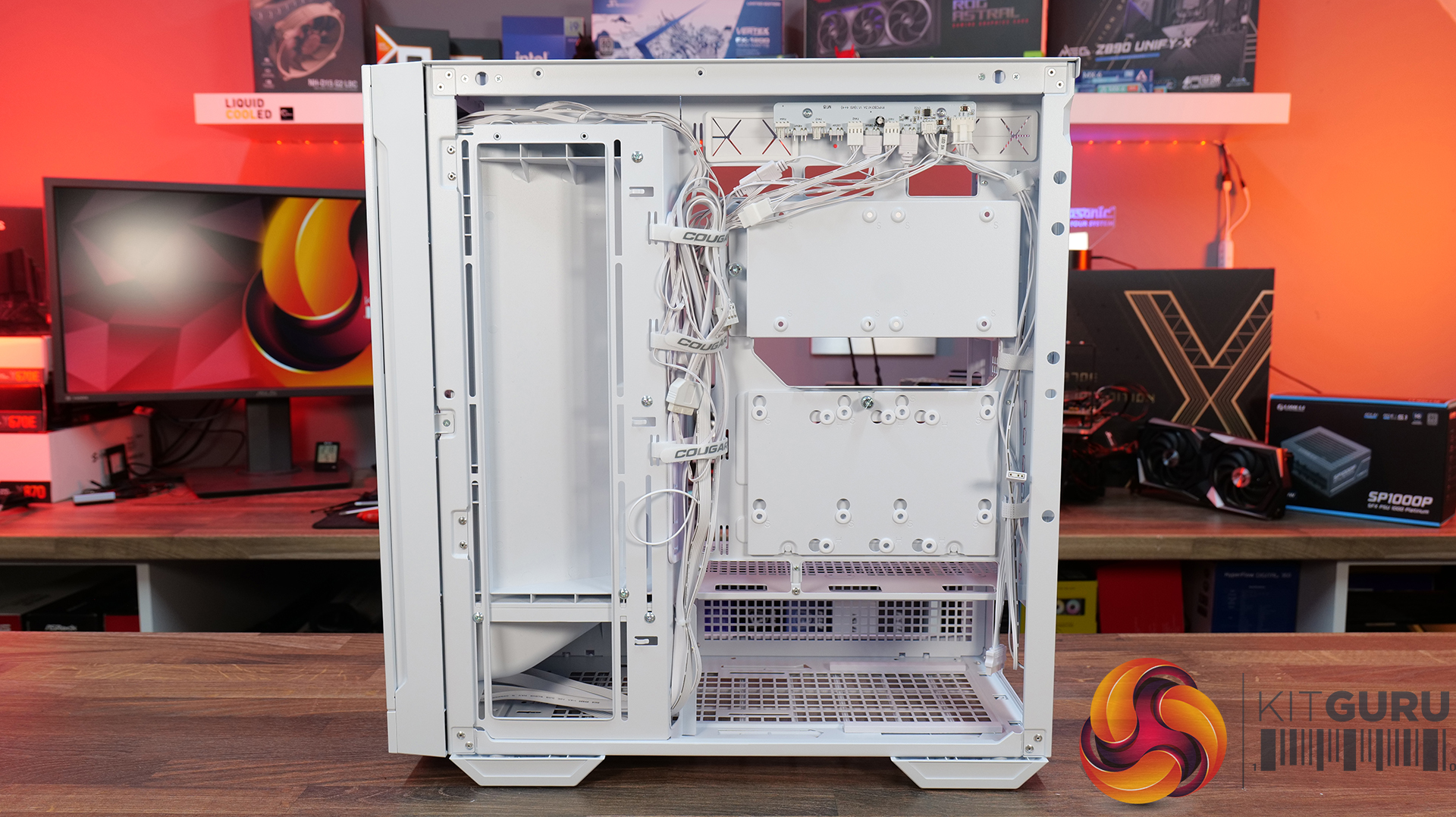
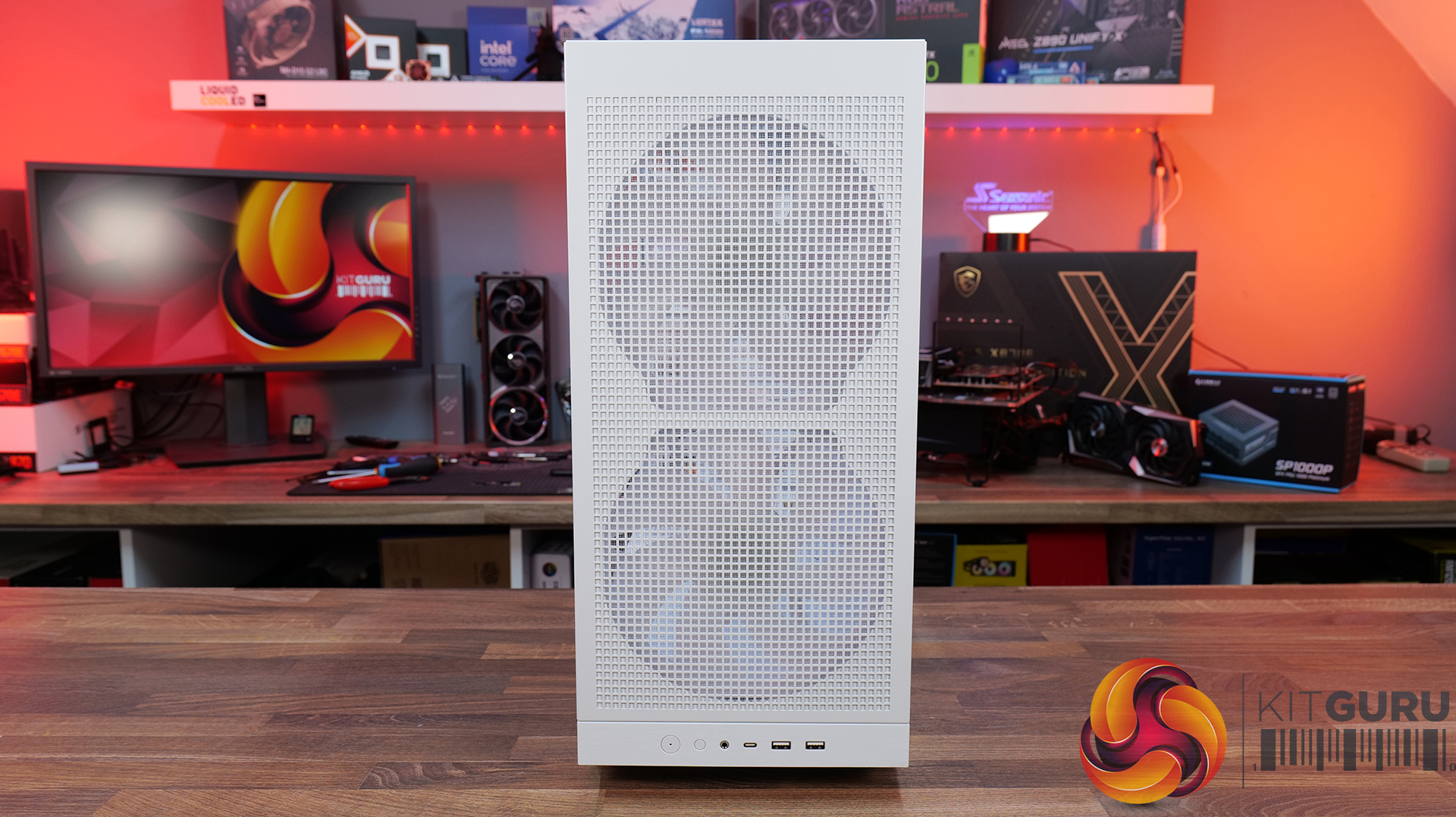
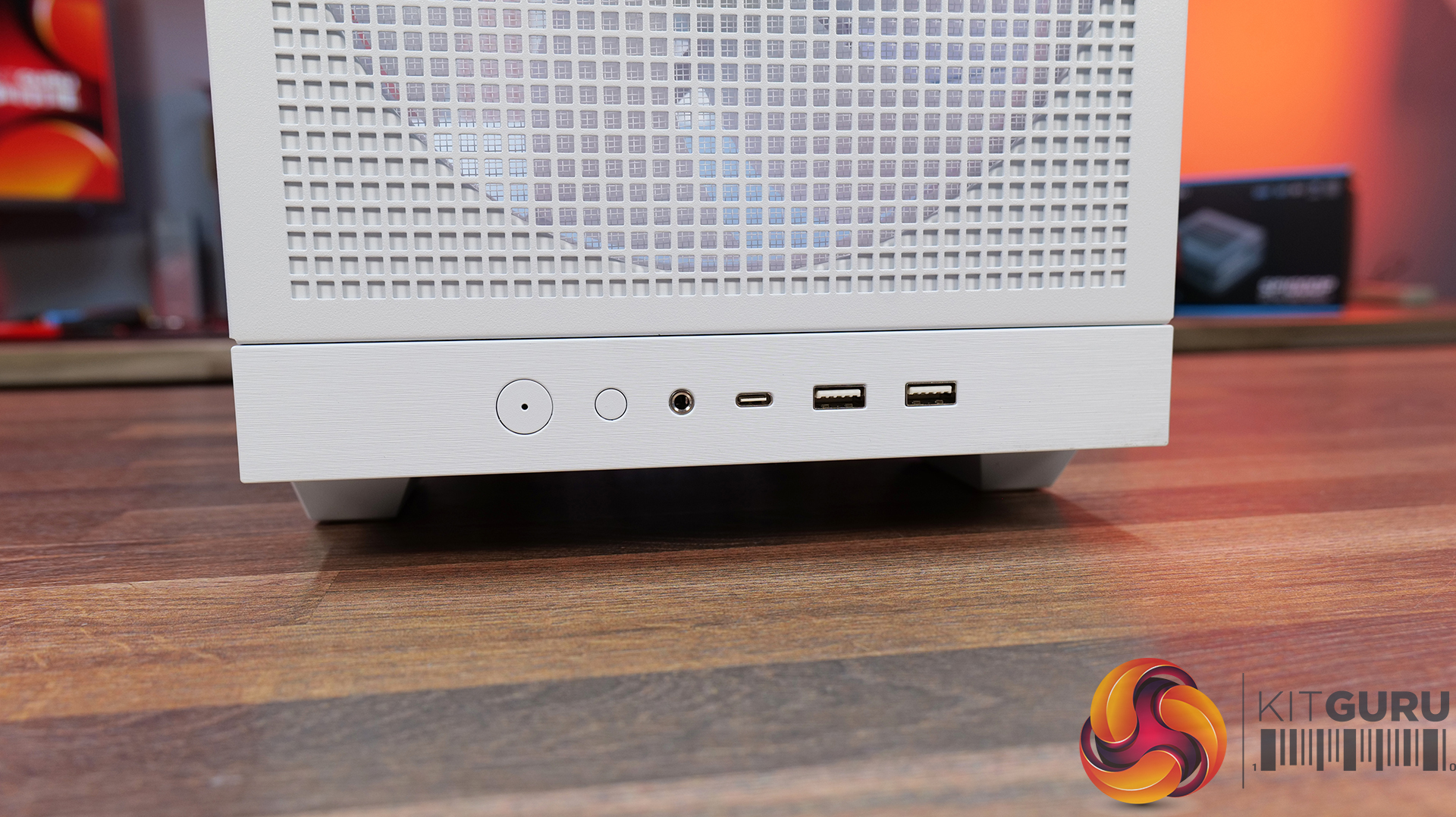
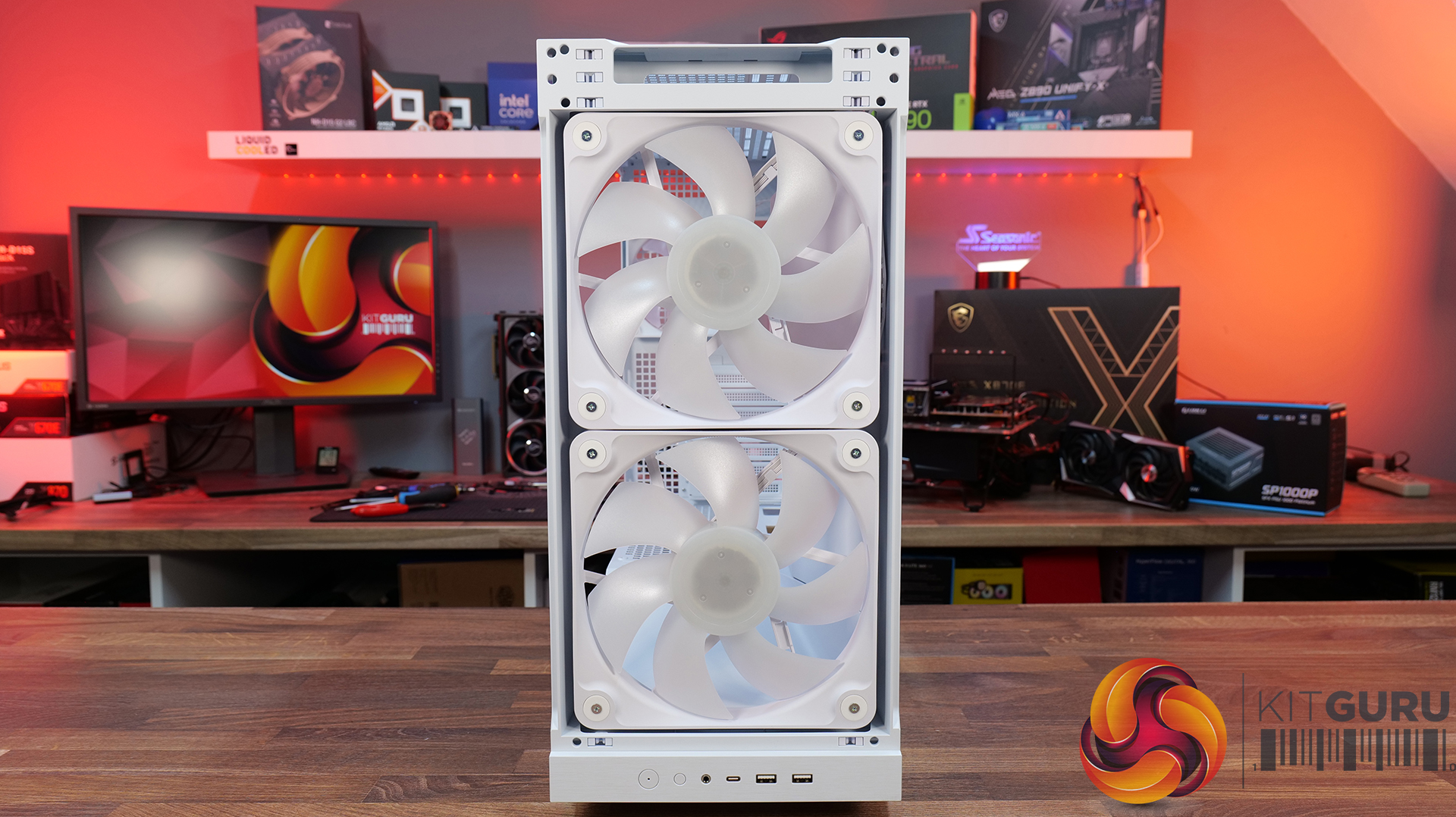
Today we're taking a look at the Cougar MX600 Max RGB, an airflow-focused mid-tower PC case designed for high-performance gaming systems. It comes equipped with two 200mm ARGB PWM front fans, supports graphics cards up to 400mm long, 360mm radiators in the top panel, and offers extensive compatibility for modern hardware. Cougar has also included features like a dual-curve airflow ramp, a modular front I/O panel and a detachable top cover to make building and maintenance easier. In this review, we'll find out if those features combine to make the MX600 Max RGB a case that's worth buying…

Timestamps:

00:00 Intro
00:55 Key details, pricing
01:49 Removing side panels
03:44 Front of the case
05:16 Internals – fan/rad support
07:09 Motherboard support
08:55 Cable management features + rear
10:04 Right-hand side area
13:13 Accessories + extras
14:00 Thermals + noise
16:31 Smoke visualisation
16:59 Closing thoughts

Features:

  • Airflow-First Design – The MX600 Max comes equipped with two huge 200mm ARGB PWM front fans and a 120mm ARGB PWM rear fan. Combined with Cougar's dual-curve airflow ramp and heavily ventilated front panel, designed to deliver airflow directly to the system's critical areas.
  • Excellent Hardware Compatibility – The MX600 Max supports graphics cards up to 400mm long, 360mm radiators in the roof, CPU coolers up to 170mm tall and Mini-ITX, Micro-ATX and ATX motherboards, giving you plenty of flexibility for a high-end build.
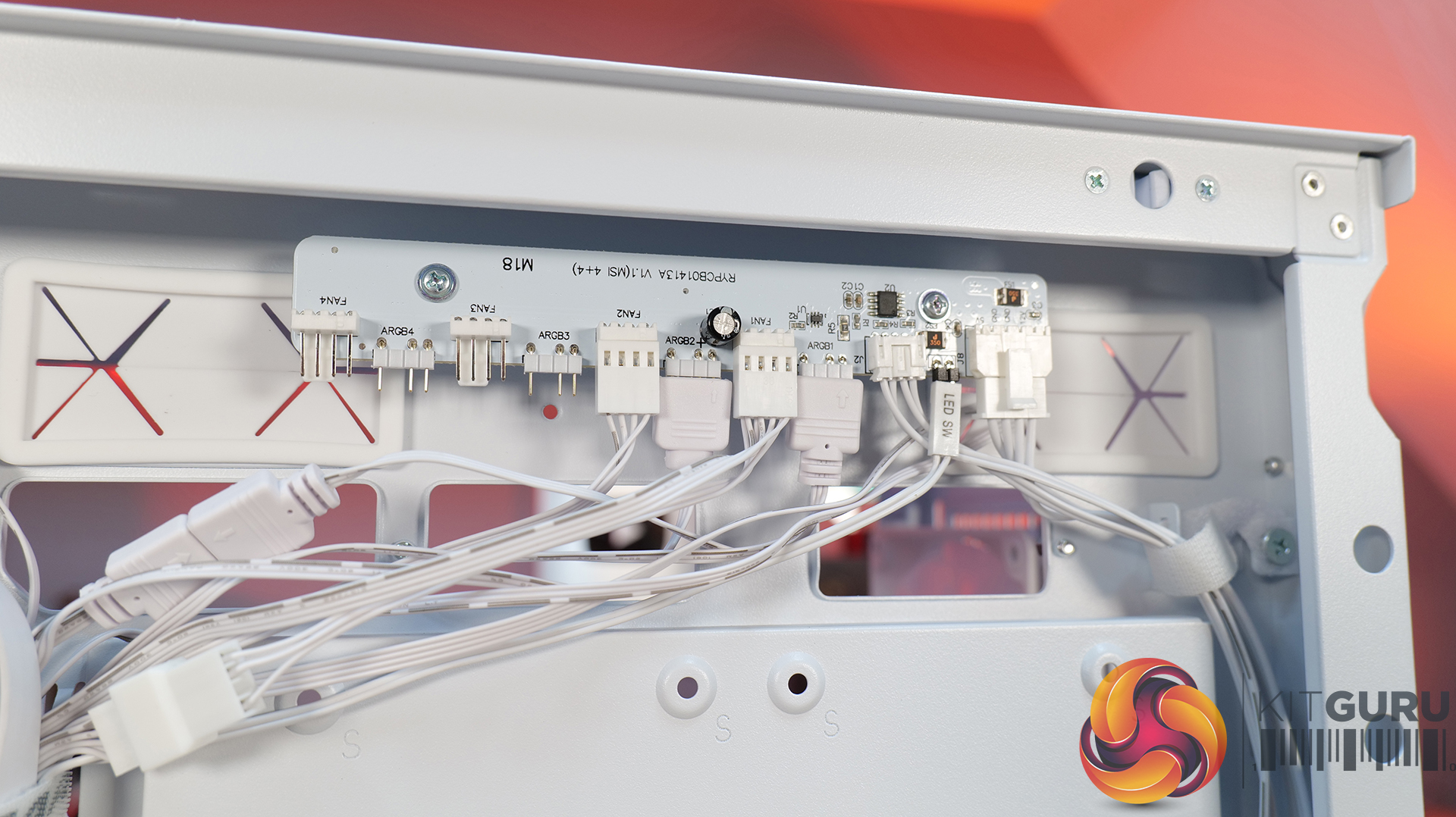
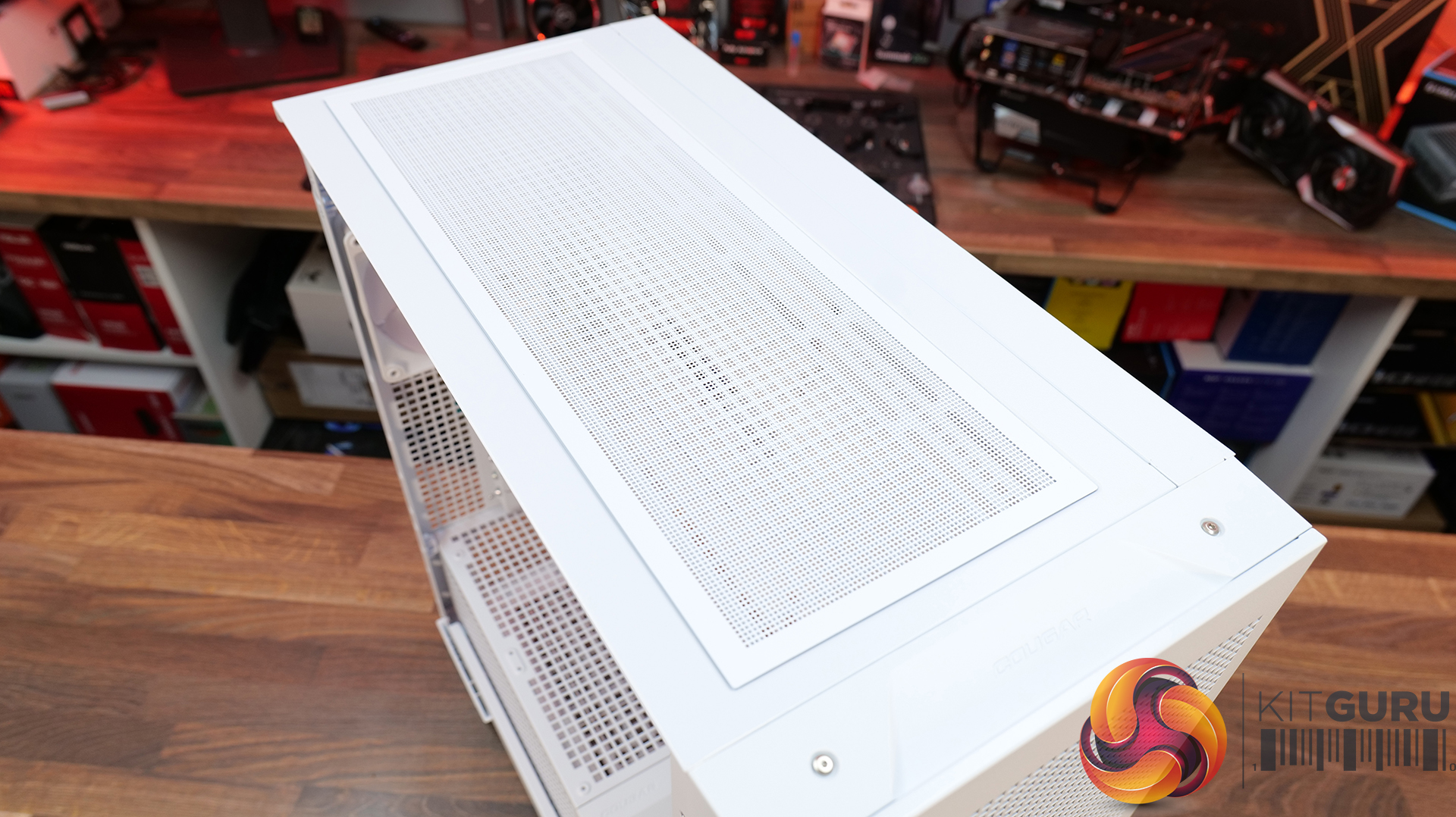
  • Designed to Make Building Easier – The fully detachable top cover simplifies radiator and fan installation while the modular front I/O panel can be mounted at the top or bottom of the case to suit your setup. Removable dust filters also make system maintenance much easier.

Specifications:

  • Case Type: Mid Tower
  • Dimensions (LxWxH): 235 x 514 x 482 (mm)
  • Materials: Steel, Plastic, Tempered Glass
  • Motherboard Support: Mini ITX / Micro ATX / ATX
  • Reverse Connector motherboard support: Yes
  • Expansion Slots: 7
  • Storage bays: 5” x 1, 2.5” x 4
  • Max GPU Length: 400mm
  • Max CPU Cooler Height: 170mm
  • PSU Type: ATX up to 200mm
  • Cable Routing Space: 35mm (Behind motherboard tray)
  • Supplied Fans: 2 x 200mm (Front) 1 x 120mm (Rear)
  • Fan Support: 120mm x 3 / 140mm x 2 (Top), 200mm x 2 (Front), 3 x 120mm with shroud reomved (R/H Side), 1 x 120mm (Rear), 120mm x 2 (Bottom)
  • Radiator Support: 360mm / 280mm / 240mm (Top)
  • Dust Filters: Front, Top, R/H Side, Bottom, PSU Shroud
  • Front I/O: USB 3.2 Gen 2×2 Type-C x 1, USB 3.0 Type-A x 2, 4 Pole Headset Audio Jack x 1, RGB Button
  • LCD Screen: N/A

Thermal Performance Testing

To simulate thermal demand, we run the Cinebench R23 multi-thread benchmark and 3DMark Speed Way stress test simultaneously in a loop for 30 minutes to load the system fully. This gives the CPU and GPU enough time to reach constant steady-state temperature. With this data, we can compare how the system handles the thermal demand and measure peak noise levels.

Thermal performance is measured with the case in various configurations, such as the default, with the tempered glass left-hand side panel removed and with the front panel removed to see how these configurations affect the CPU and GPU temperature. During testing, only stock case fans are used unless otherwise specified. All water pumps are set to maximum RPM and fans are set to a custom RPM curve by the Motherboard software/BIOS.

All temperature measurements are presented as Deltas – meaning the ambient temperature has been deducted from the CPU temperature, giving us a Delta. Data shown in the charts represents the average component temperature over the length of the test as measured by HWiNFO, and then the last 15 minutes of the data are calculated to get the average. The ambient temperature during thermal tests is between 19-20⁰C.

Test System Specification:

Thermal Performance Overview

We test case thermals using a 360mm AIO as exhaust at the top and with the case in several different fan configurations. The default configuration shown in the charts is with the top 360mm AIO cooler, 2 x 200m front intake fans, a single 120mm rear exhaust fan and with all case panels installed.

Thermal performance from the Cougar MX600 Max is very impressive overall. In its default configuration the case keeps both the CPU and GPU temperature under control at 55°C over ambient, showing that the pre-installed airflow setup is well optimised.

Removing the front and top panels and dust filters, produces no meaningful improvement, which tells us those panels cause very little restriction to airflow. The biggest improvement however, comes from fitting optional floor intake fans which reduce GPU temperature by 3°C compared to the default setup, while maintaining the same CPU temperature. This setup is ideal for optimising GPU performance.

Noise Output

Noise performance from the Cougar MX600 Max is also quite impressive. In its default configuration, the system reaches 47dBA under full load, which is a reasonable result given the large 200mm front intake fans and included cooling setup. Interestingly, removing the tempered glass side panel and adding floor intake drops noise output by 3dBA to 44dBA,  showing that the extra GPU cooling also reduces GPU fan speed and noise.

Removing the front panel, along with the front and top dust filter makes no difference to noise levels compared with the default setup, which shows that Cougar has done a good job optimising airflow through the chassis. The only configuration that increases noise is removing the front air scoop and adding side intake fans, which raises noise output to 49 dBA while offering no real thermal advantage.

Closing Thoughts

The Cougar MX600 Max is a very easy case to recommend. It does exactly what its design to do, offering high airflow and extensive hardware compatibility without overcomplicating the design. The pair of pre-installed 200mm PWM ARGB intake fans, combined with the mesh front panel, provide excellent cooling performance straight out of the box. There's very little to be gained from removing panels or filters, which indicates that Cougar has optimised the airflow well. If you're looking to optimise GPU cooling, fitting PSU shroud intake fans can knock a few degrees from GPU temperatures, but the gains are relatively small as the default cooling setup is already effective.

Hardware compatibility is another strong point. It supports graphics cards up to 400mm long, 360mm radiators in the roof, tall air coolers, back-connect motherboards and loads of 2.5” storage, so there's very little this case won't accommodate. Building inside the MX600 Max is straightforward too; there's loads of space to work, generous cable-routing cut-outs, plenty of clearance behind the motherboard tray and integrated Velcro straps helping to keep cables managed and looking tidy. The overall build quality is solid throughout which gives the MX600 Max a premium feel despite its competitive pricing.

There are only a couple of minor negative points to consider before buying. The first is the size of the chassis, it is a mid-tower, but feels bulky compared with some ATX cases that offer similar hardware support. It may not be ideal in terms of size to run it on a desktop space. The second is radiator support at the front of the case. Cougar has prioritised the large 200mm intake fans, which means there's no option to install a front-mounted radiator. For most users this won't matter, particularly given the excellent top-mounted 360mm radiator support, but it does reduce options for custom cooling.

Overall, the Cougar MX600 Max is an excellent airflow-focused chassis that gets the basics right. It combines solid thermal performance, sensible acoustics, good hardware compatibility, an easy building experience and great build quality with a sensible MSRP. Unless you specifically need front radiator support or a more compact chassis, the MX600 Max is easy to recommend and deserves to be considered alongside some of the best airflow cases in its price bracket.

Pros: 

  • Lots of space to work with.
  • Great thermals and low noise.
  • Included fan/rgb hub.
  • Good price.

Cons:

  • A little large for a mid tower.
  • No front radiator support.

KitGuru says: Unless you specifically need front radiator support or more compact dimensions, the Cougar MX600 Max is a serious contender if you're looking for a well-built, high-airflow chassis.

The post Cougar MX600 Max RGB Case Review first appeared on KitGuru.

GIGABYTE X870E and Ryzen 7 9800X3D Bundle Drops to $1,099 – Newegg Throws In a Free 240mm AIO

31 July 2026 at 10:24

The image shows a promotion for the X670E AORUS ELITE WIFI7 bundle, including Corsair Vengeance DDR5 RAM, an AMD Ryzen 7 processor, and other components, with logos for AORUS, newegg, and GIGABYTE visible.

An amazing deal for PC builders that saves nearly 200 bucks, thanks to the bundle deal by Newegg. AMD Ryzen 7 9800X3D, GIGABYTE X870E Motherboard, and 32 GB RAM with a Free 240mm AIO drops to just $1099 on Newegg Memory prices are rising continuously, and with another hike looming, it has become incredibly difficult to upgrade memory or build a PC from scratch. At the same time, some vendors are bundling several components together to provide a noticeable discount that makes it easier for users to build a PC from scratch. There is one such amazing bundle deal currently […]

Read full article at https://wccftech.com/gigabyte-x870e-and-ryzen-7-9800x3d-bundle-slides-to-1099-and-newegg-throws-in-a-free-240mm-aio/

Adata XPG Featured Micro ATX Build

31 July 2026 at 09:11

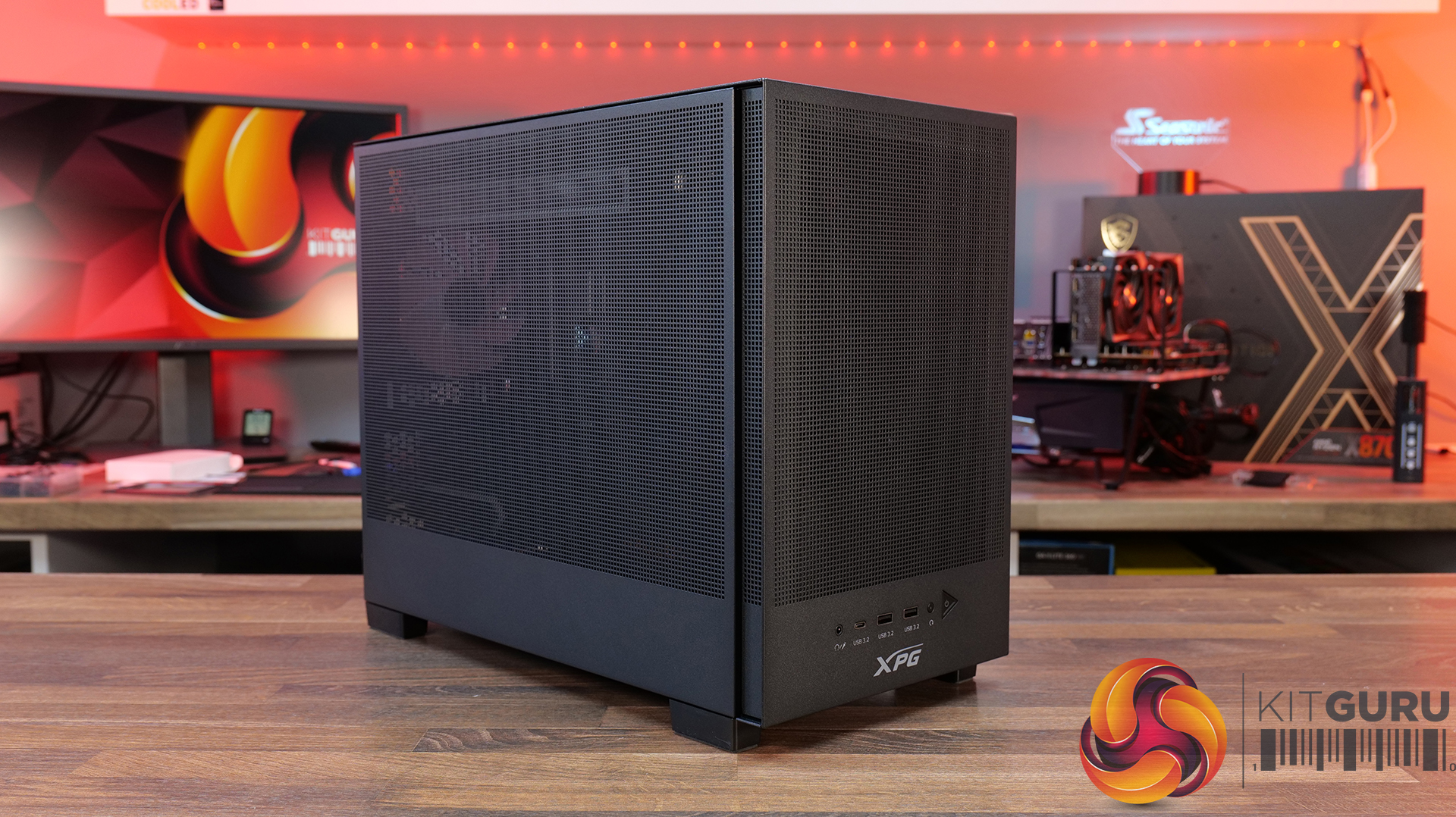
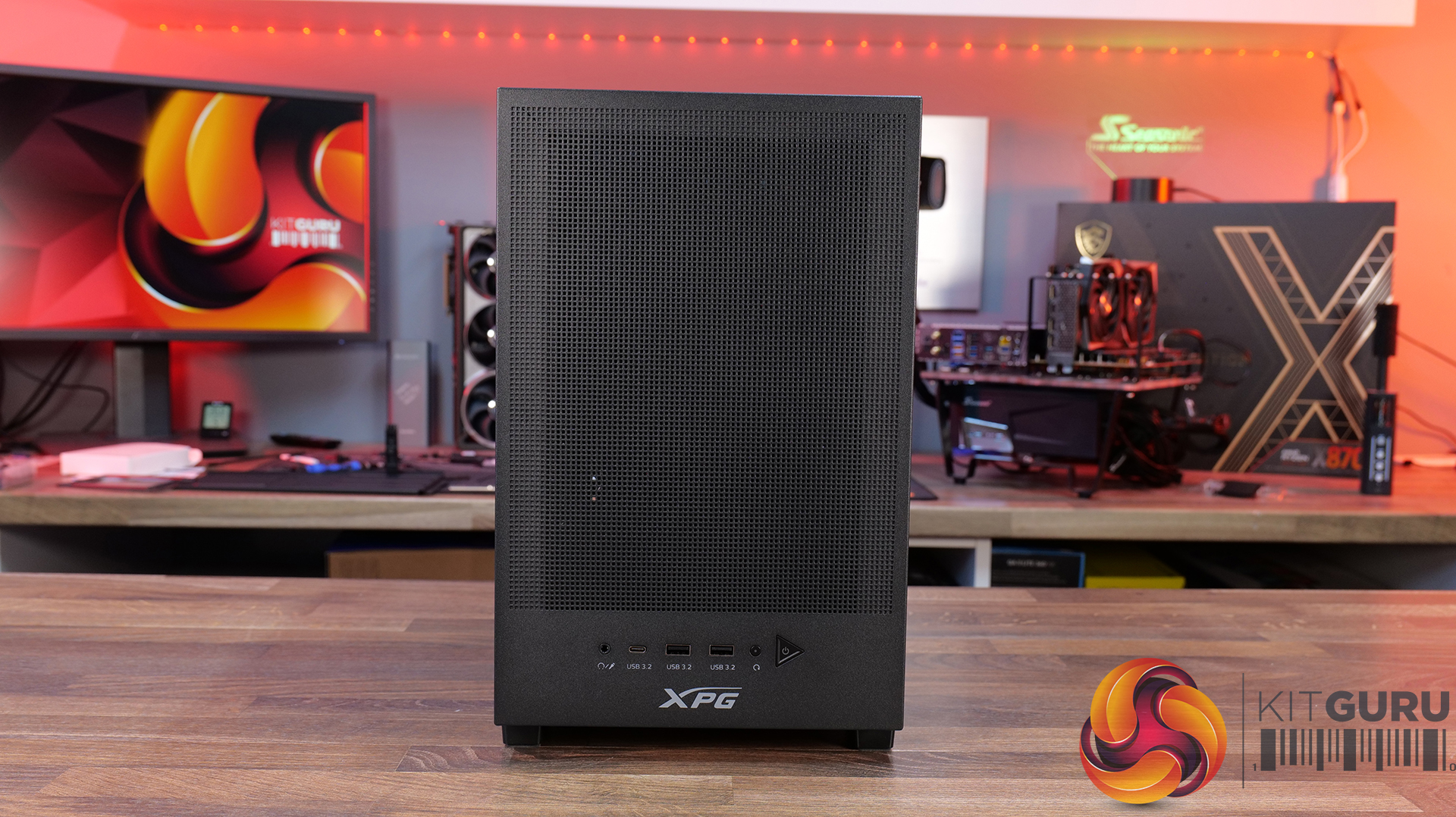
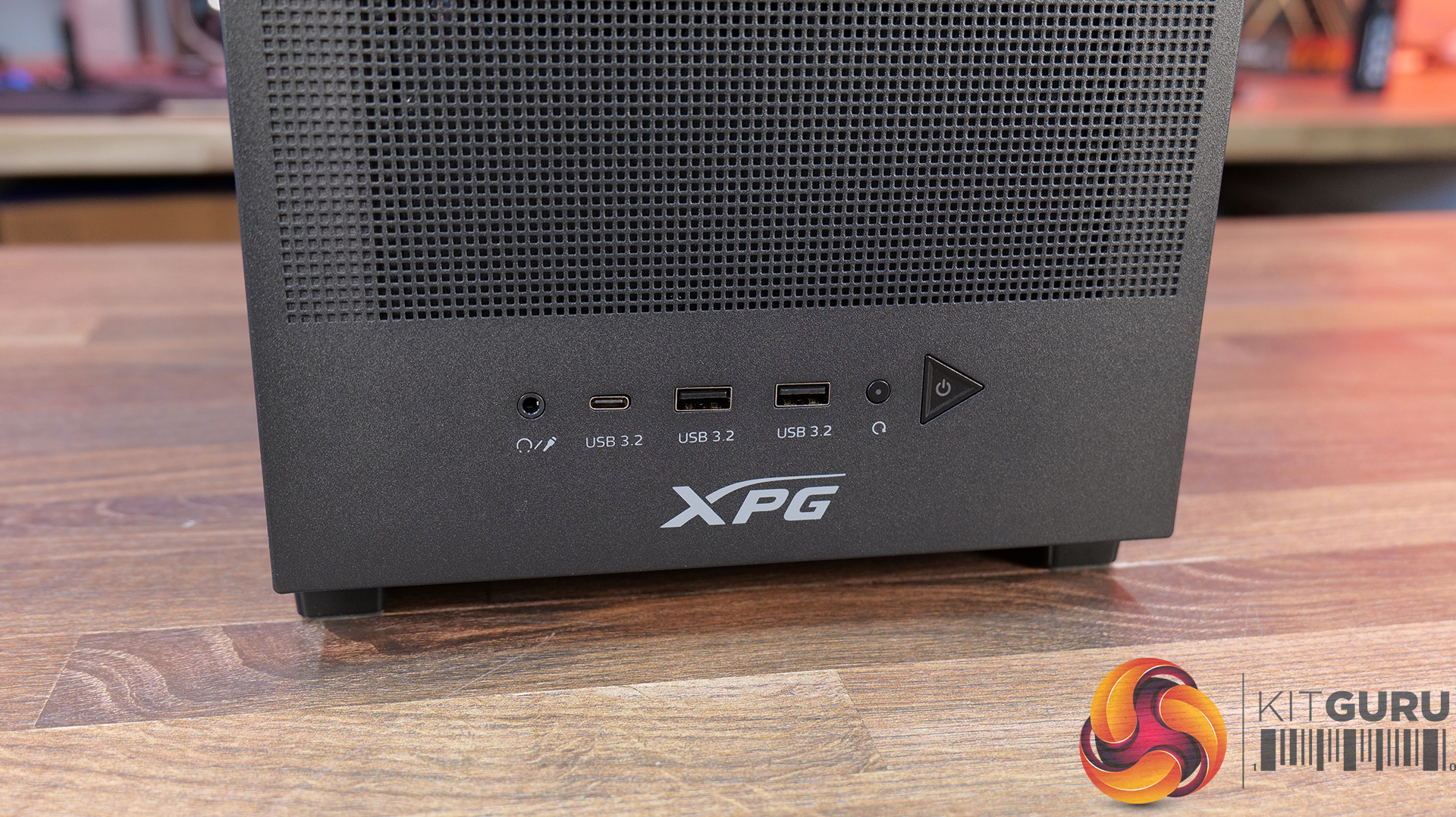
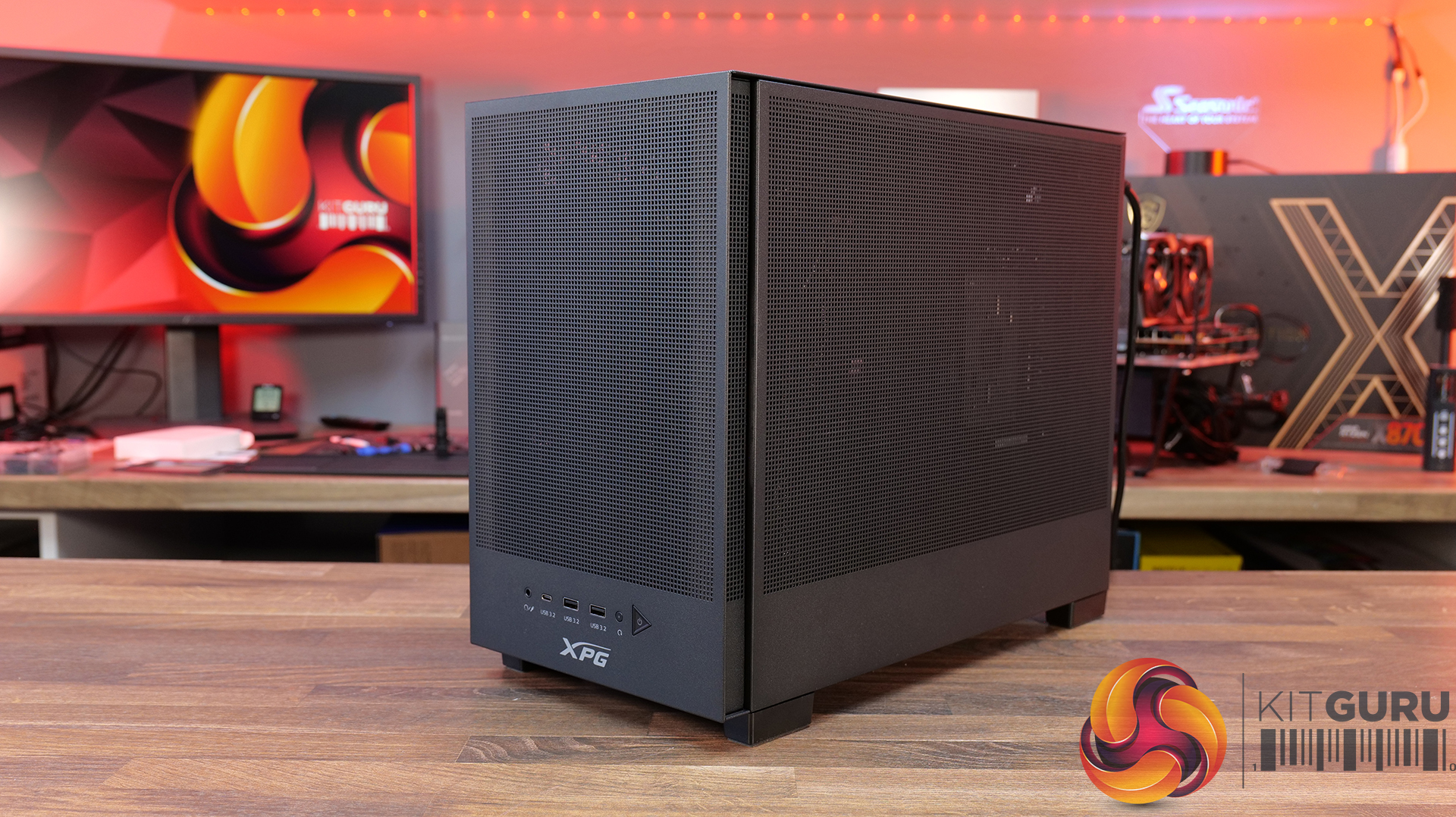
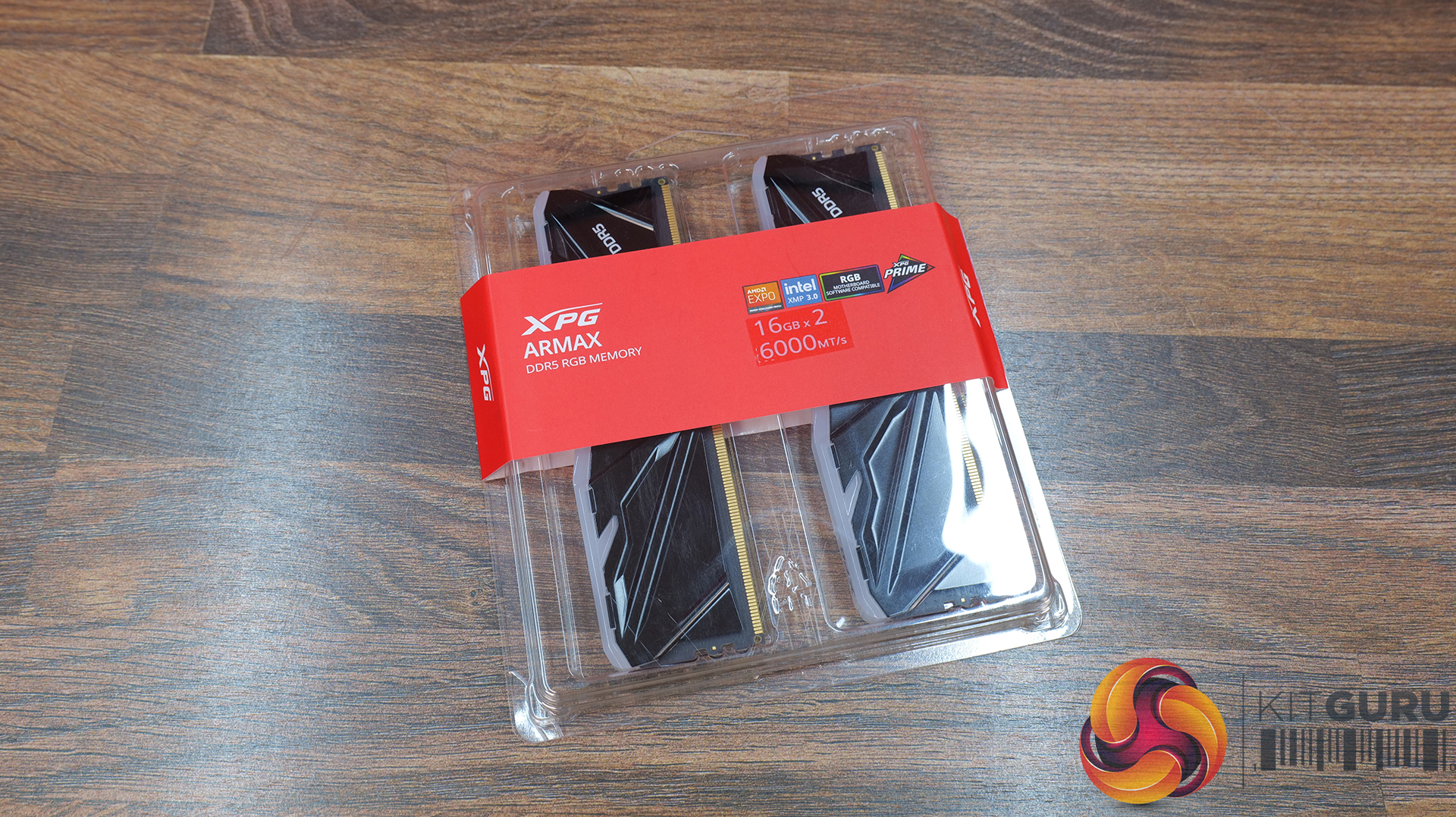
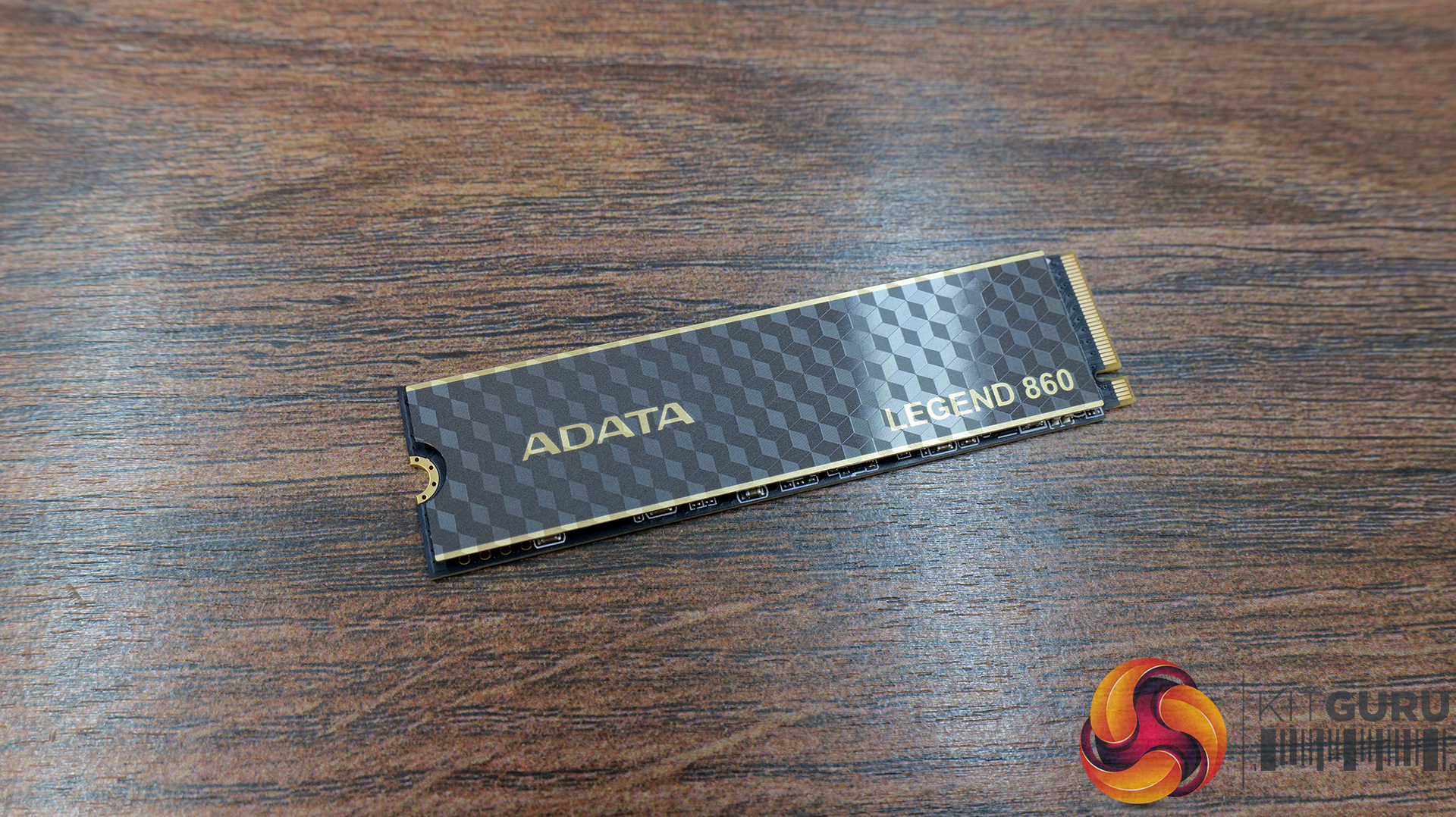
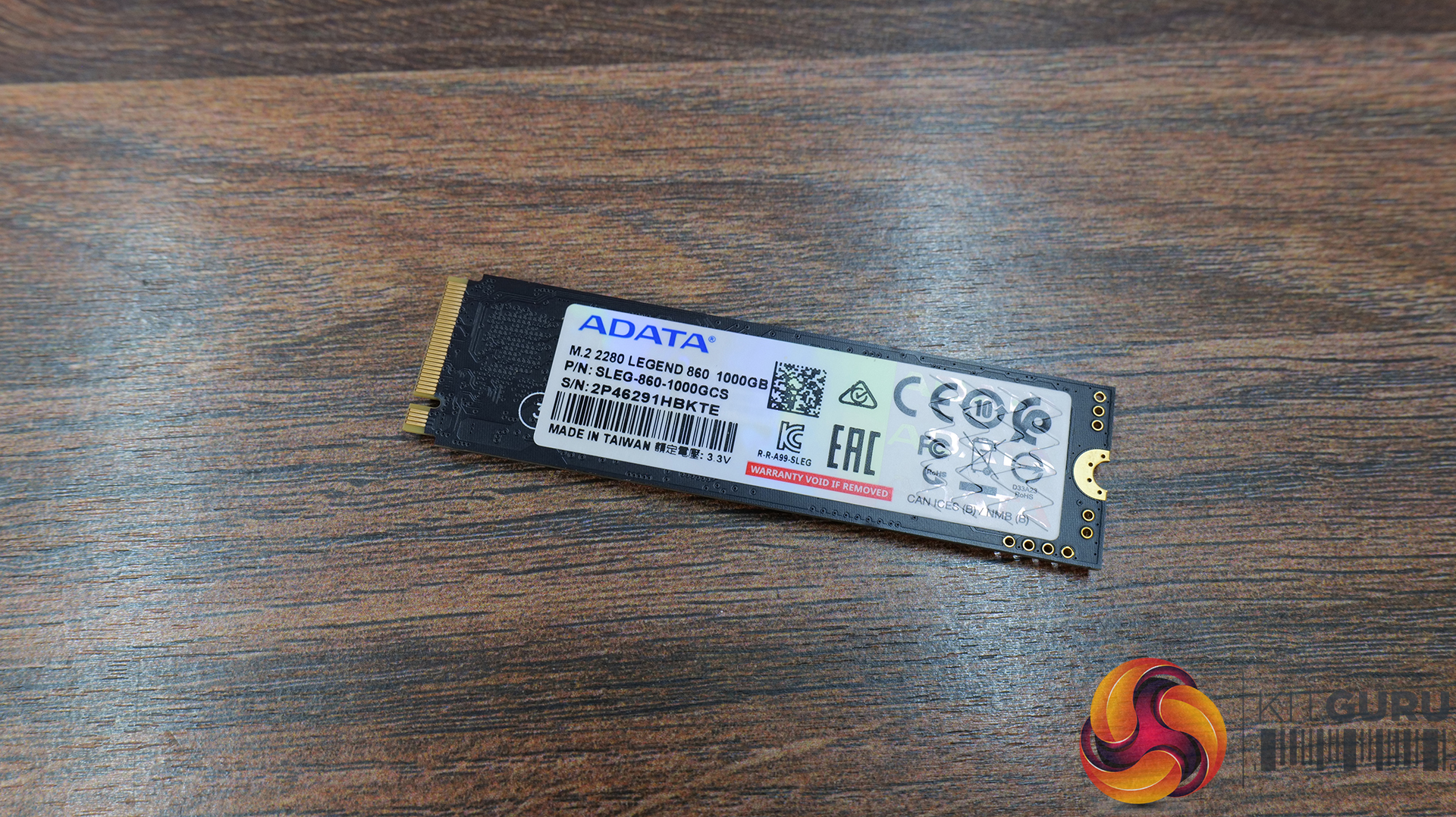
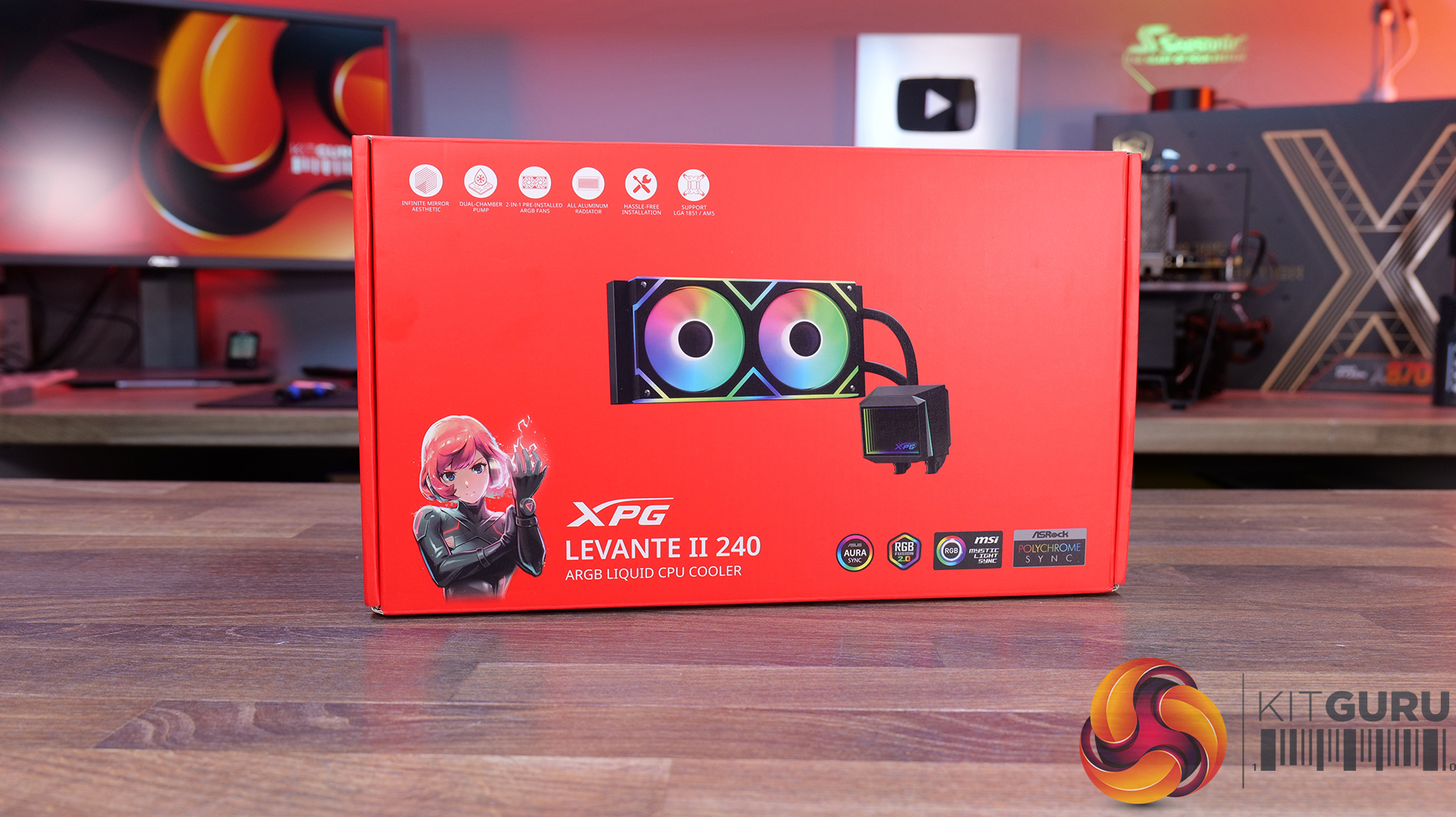
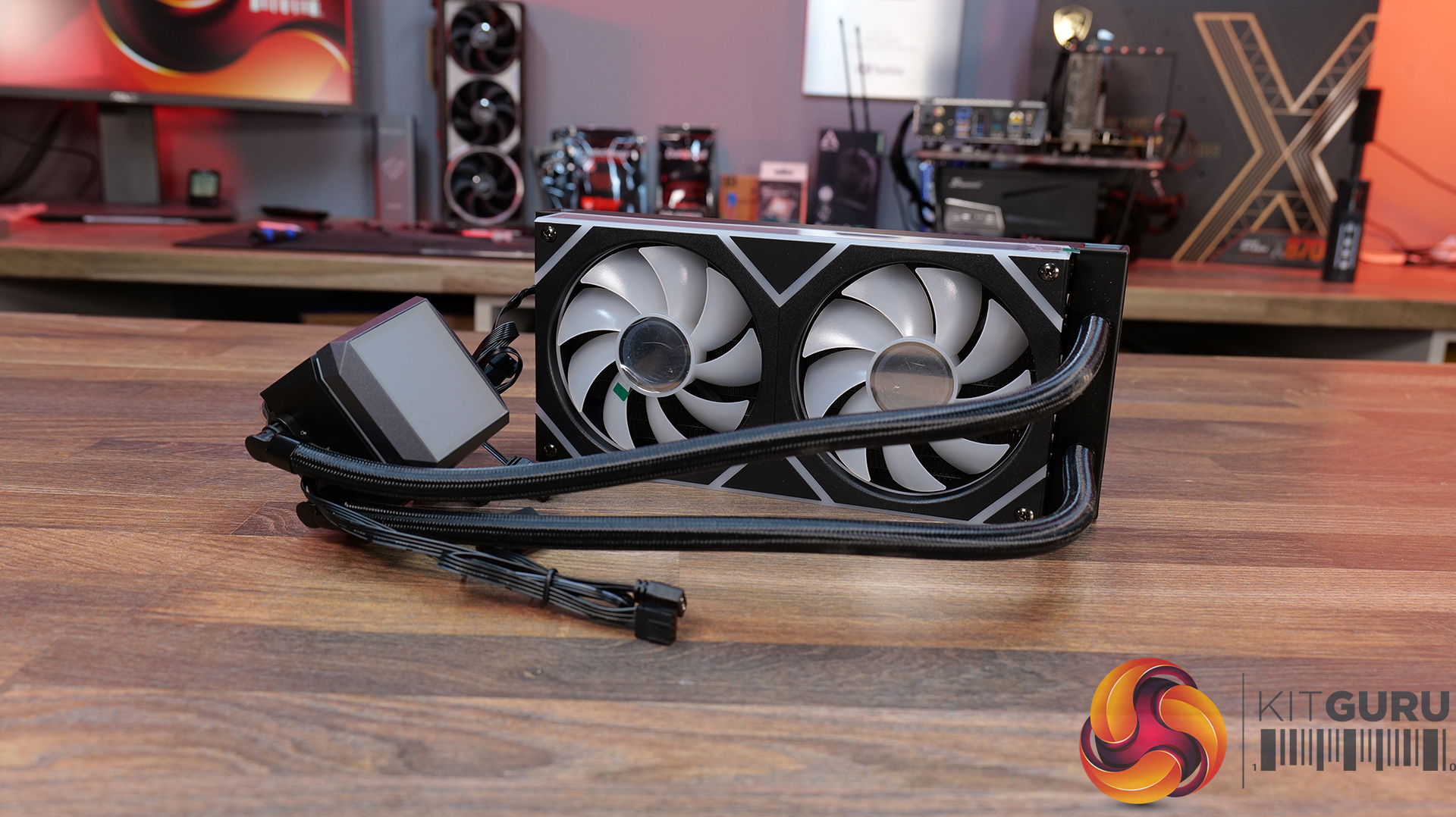
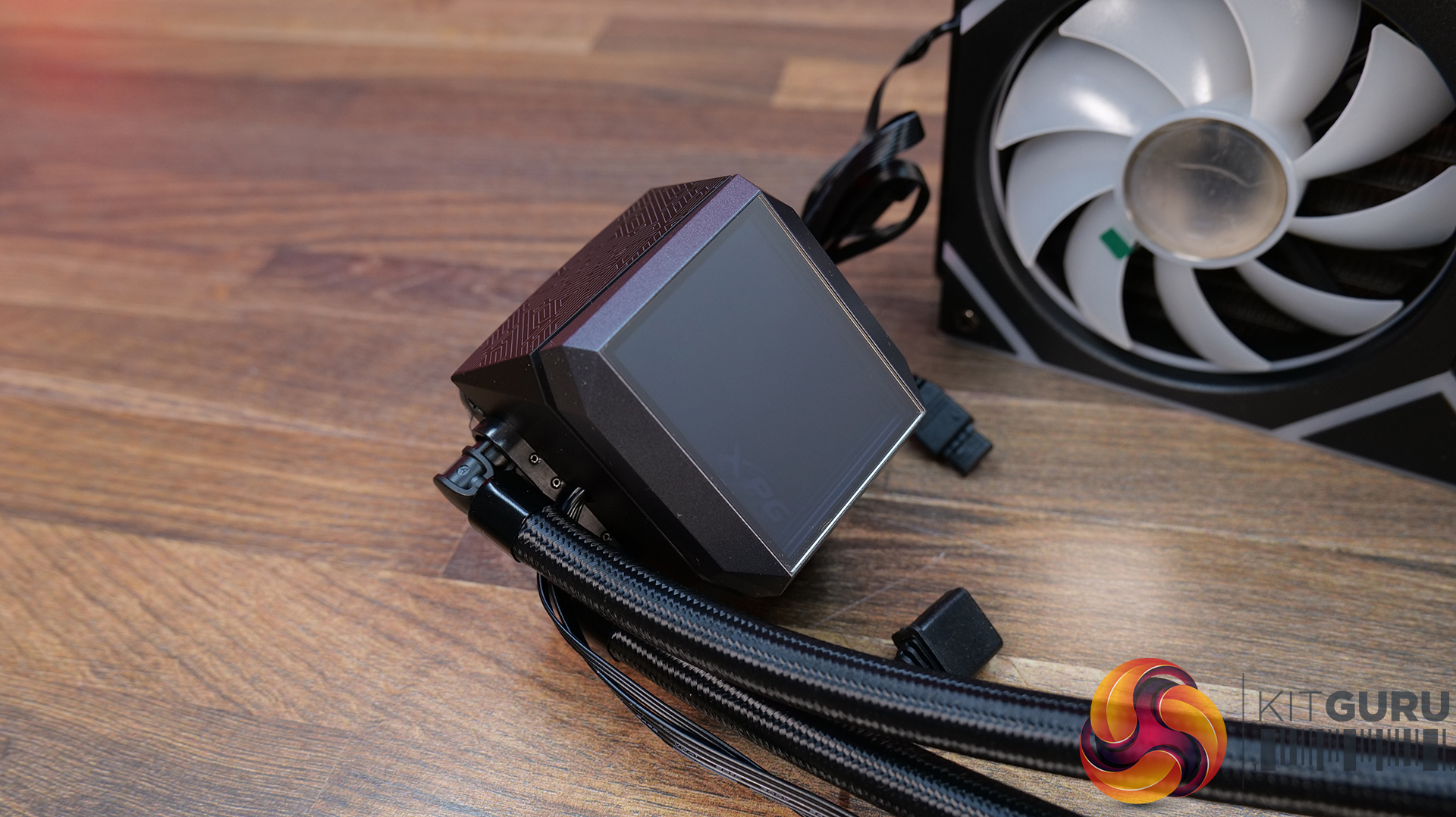
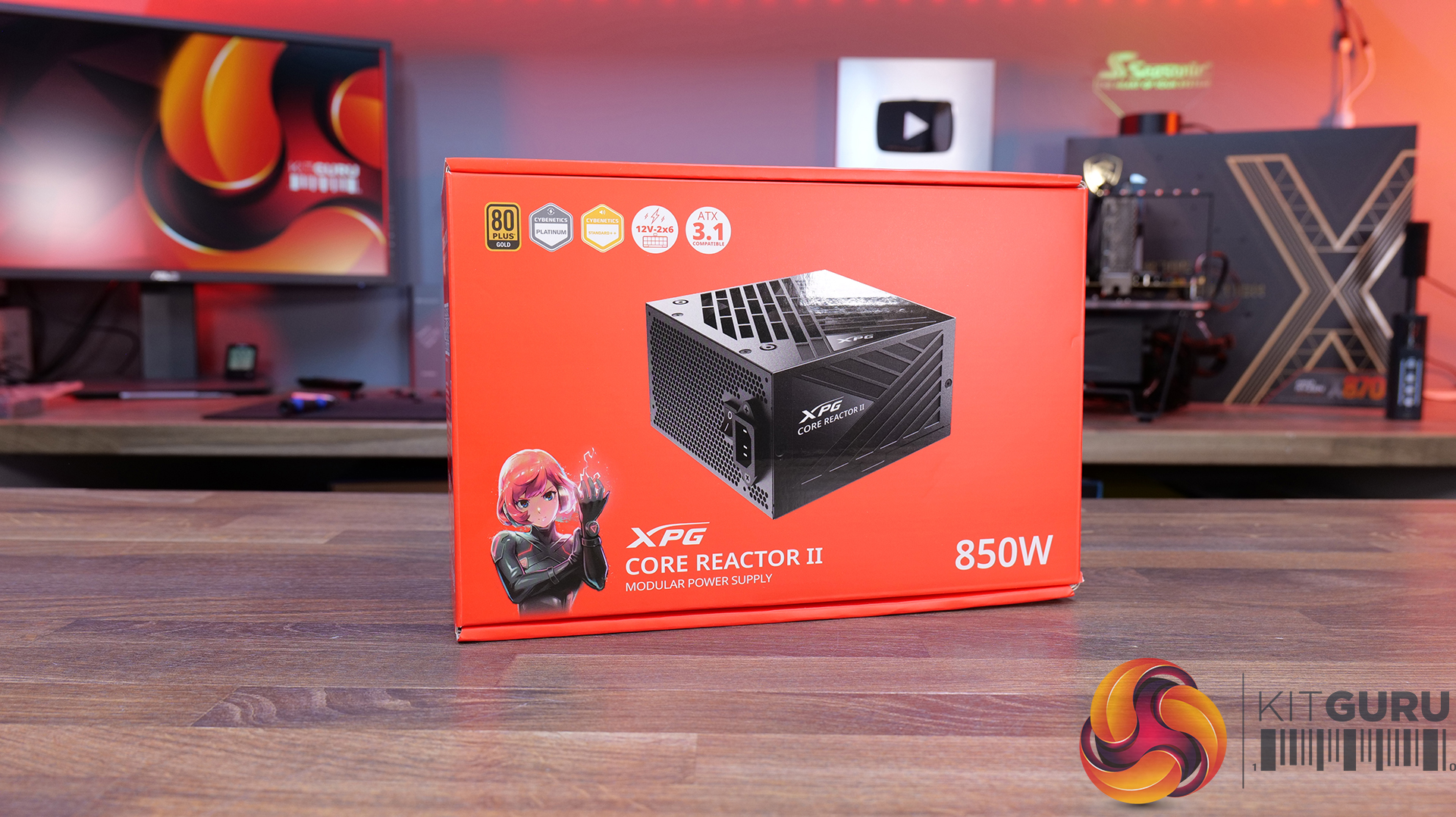
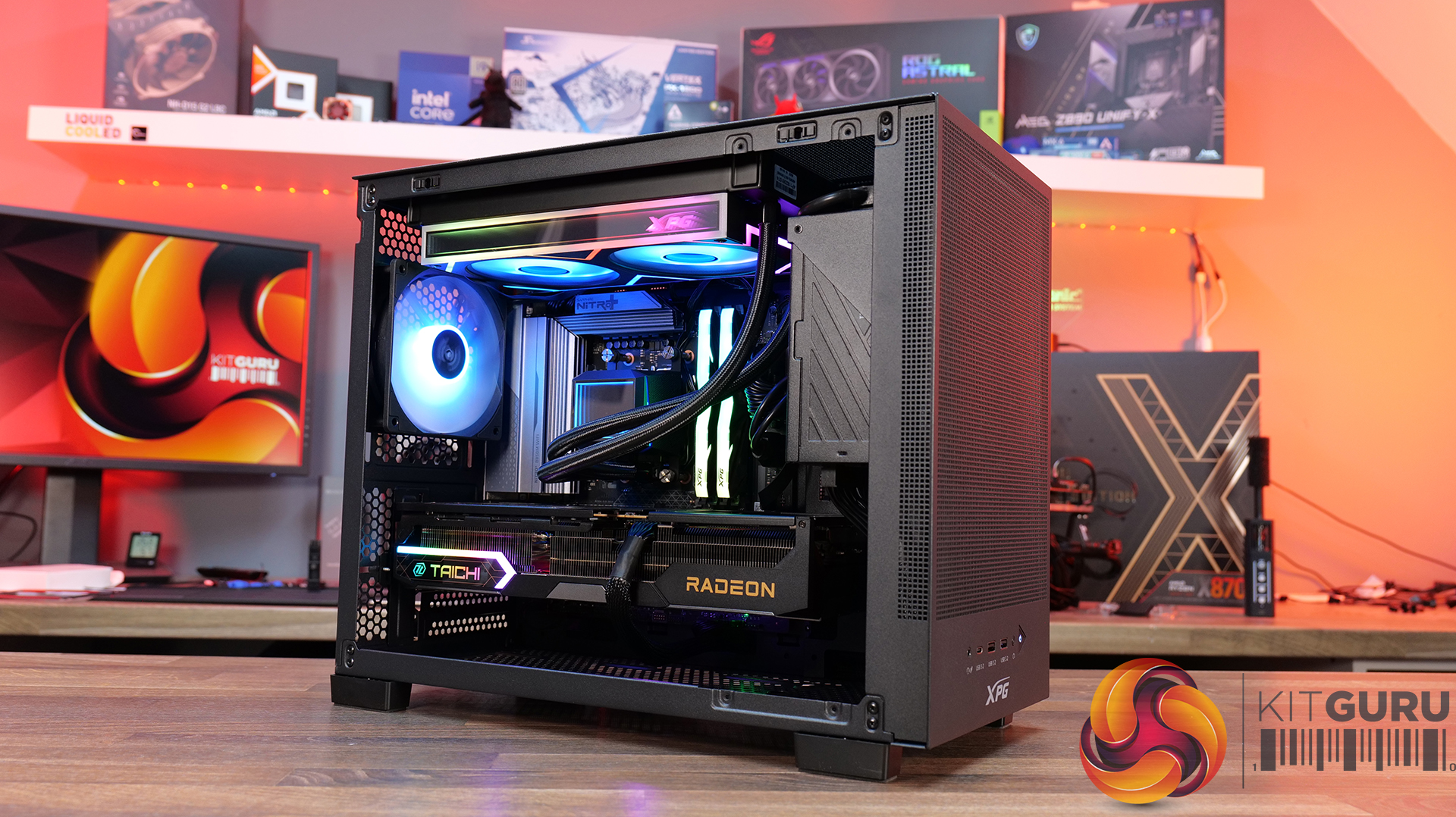
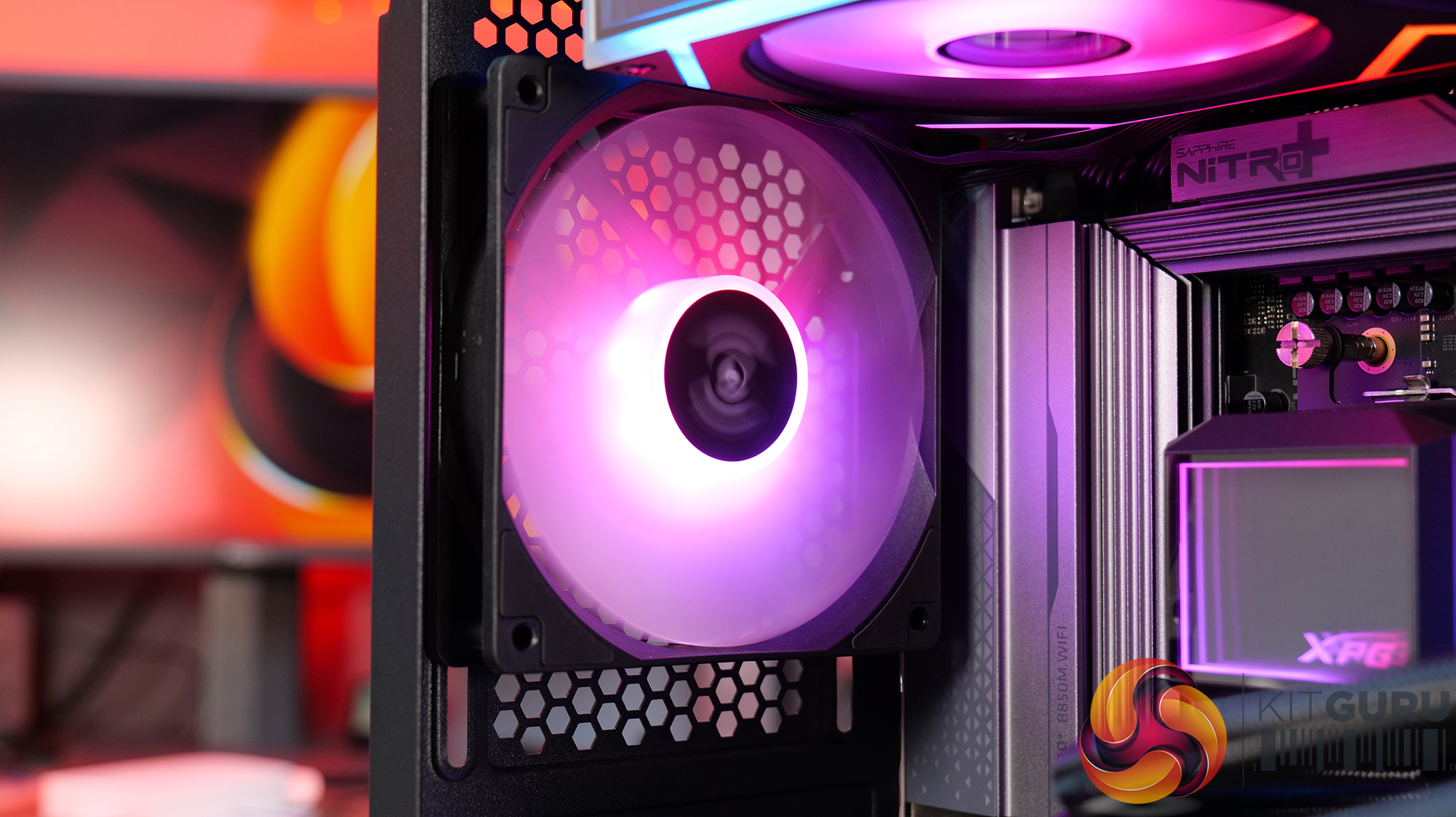
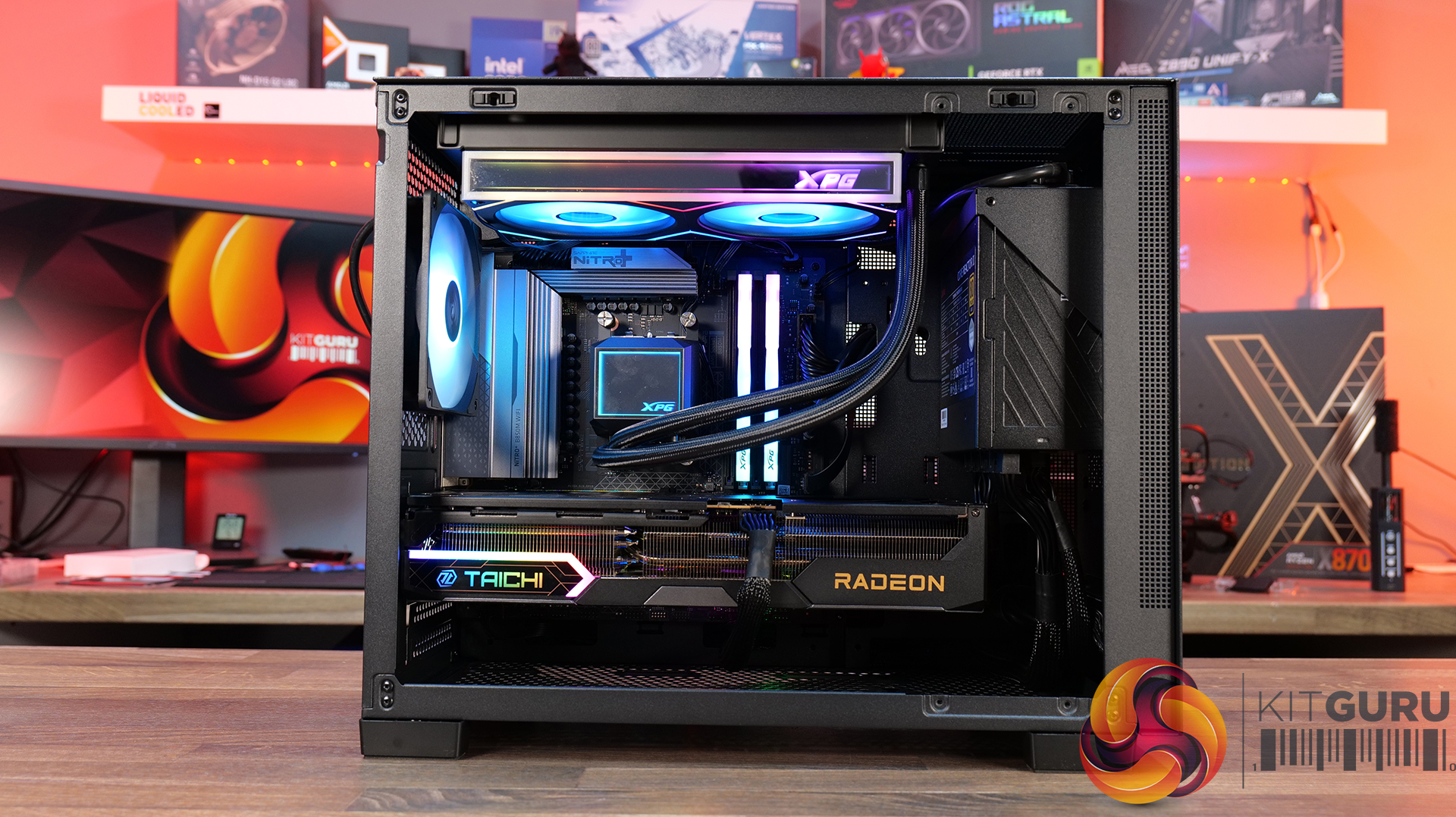
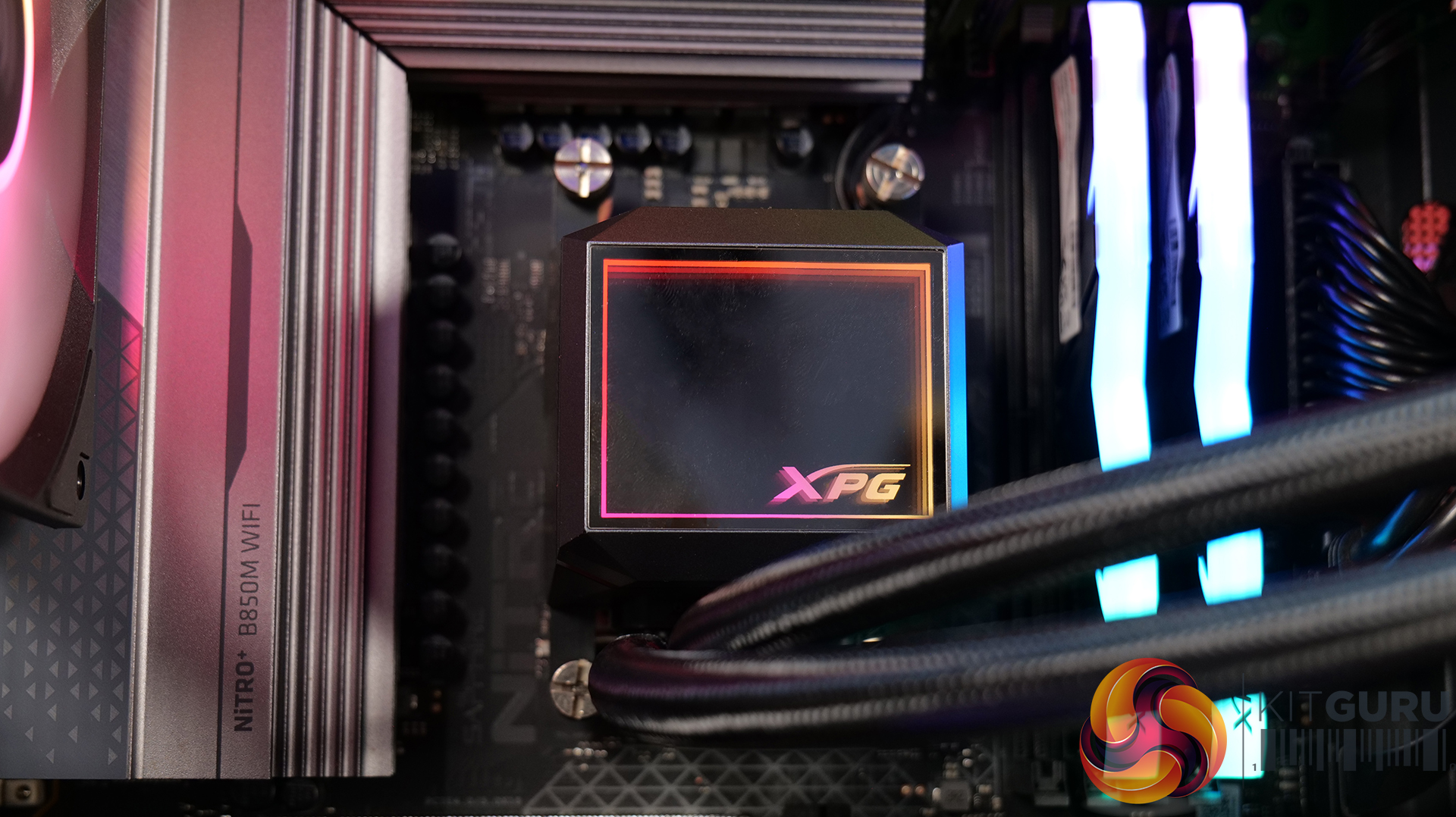
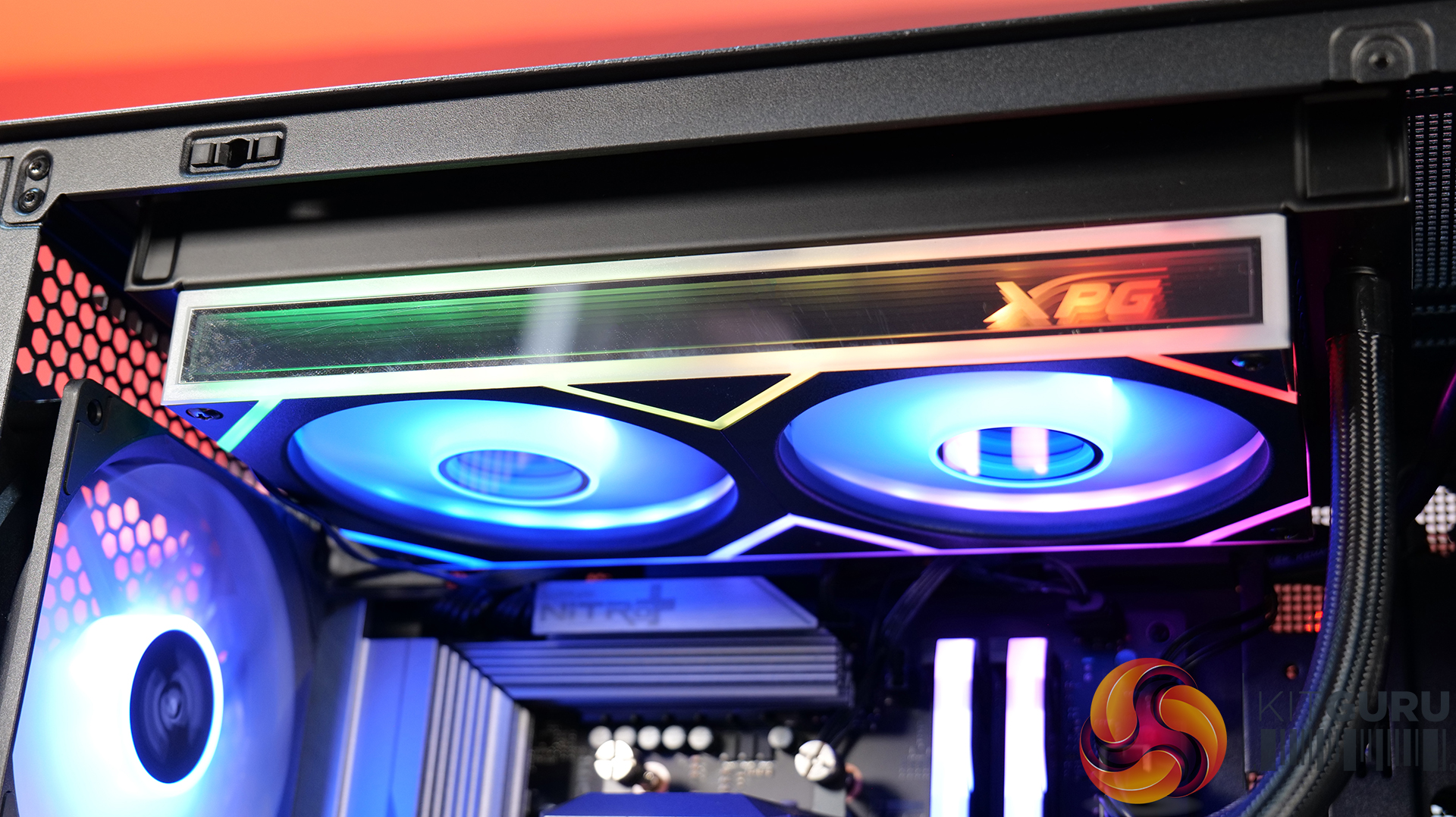
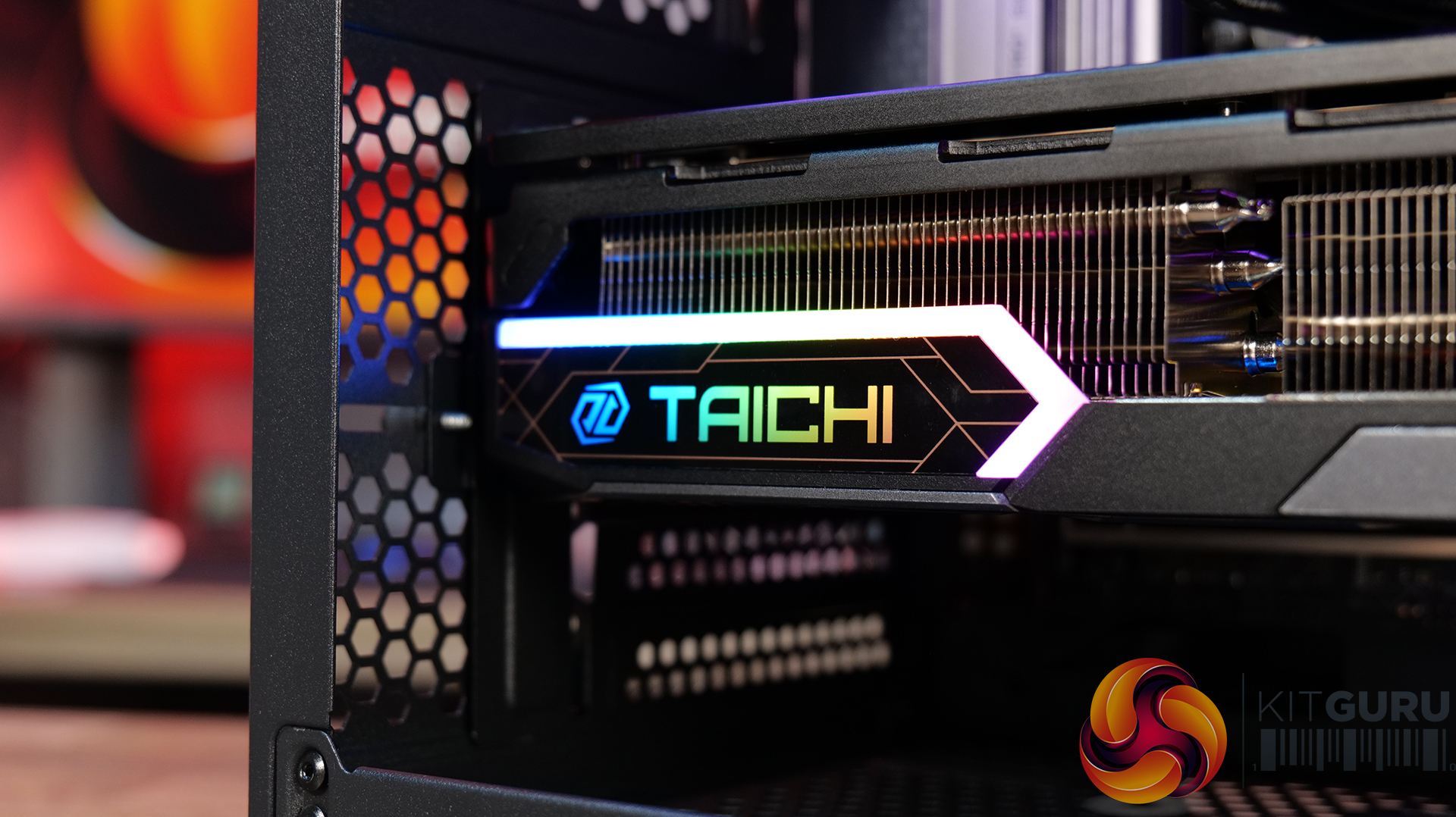
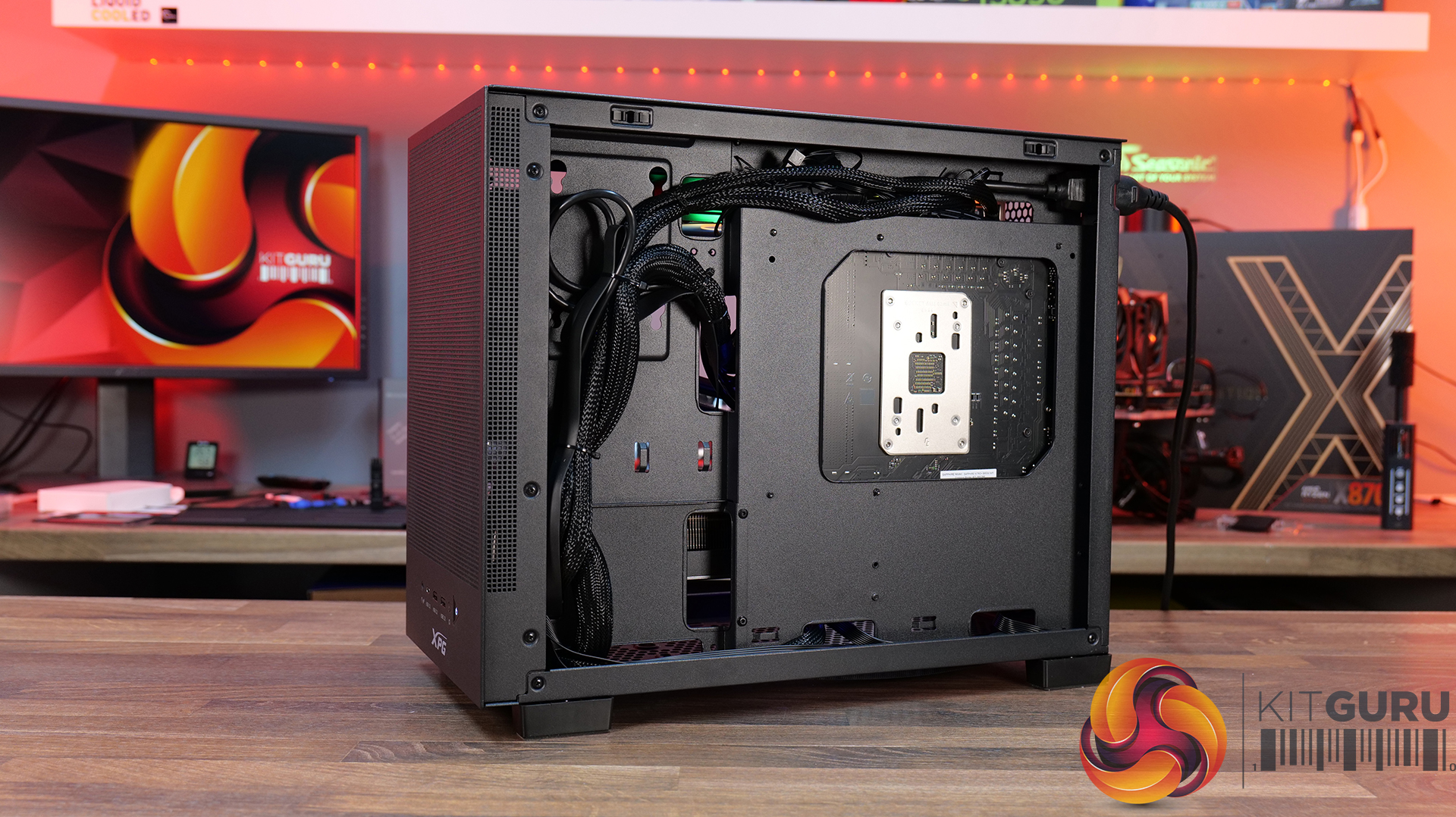
Since our last ADATA XPG featured build, there's been a lot of new hardware launched with an uptick in case vendors turning to the Micro ATX form factor again. Adata has a new Micro ATX chassis, the Valor Air and Mesh. For this featured build, we've picked up the Valor Mesh accompanied by some other Adata XPG hardware, including 32GB XPG ARMAX DDR5, an Adata Legend 860 M.2 SSD, Levante II 240mm AIO and the Core Reactor II power supply.

Case: Adata XPG VALOR Mesh Nano – MSRP $66.31

  • Compact Mesh-Front Airflow Design – The XPG VALOR Mesh Nano prioritises cooling with fully ventilated panels, allowing unrestricted airflow to high-performance components while maintaining a clean and understated aesthetic.
  • Small Form Factor, Big Hardware Support – Despite its compact footprint, the VALOR Mesh Nano supports high-end hardware, offering compatibility with large graphics cards, multiple cooling configurations and modern small form factor builds without feeling restrictive.
  • Builder-Friendly Interior Layout – Thoughtful cable management options and an uncluttered internal design make the VALOR Mesh Nano straightforward to build, helping first-timers and enthusiasts alike achieve a tidy, professional-looking system.

Specifications

  • Dimensions: 357 x 220 x 436mm
  • Available Colours: Black or White
  • Chassis Material: SPCC steel construction
  • Form Factor: Mid-tower design
  • Motherboard Support: Micro-ATX and Mini-ITX
  • Expansion Slots: 5
  • Storage Support: 2x 2.5-inch drives and 1x 3.5-inch drive
  • Front I/O: 1x USB 3.2 Type-C, 2x USB 3.2 Type-A, hybrid audio jack, power button and reset button
  • Included Cooling: 1x 120mm ARGB fan pre-installed
  • Fan Support: Up to 3x 120mm or 2x 140mm top fans, 1x 120mm rear fan and 2x 120mm bottom fans
  • Radiator Support: Up to 360mm or 240mm at the top, plus a 120mm rear radiator
  • Component Clearance: Supports GPUs up to 370mm, CPU air coolers up to 170mm tall and power supplies up to 170mm long
  • Weight:15kg

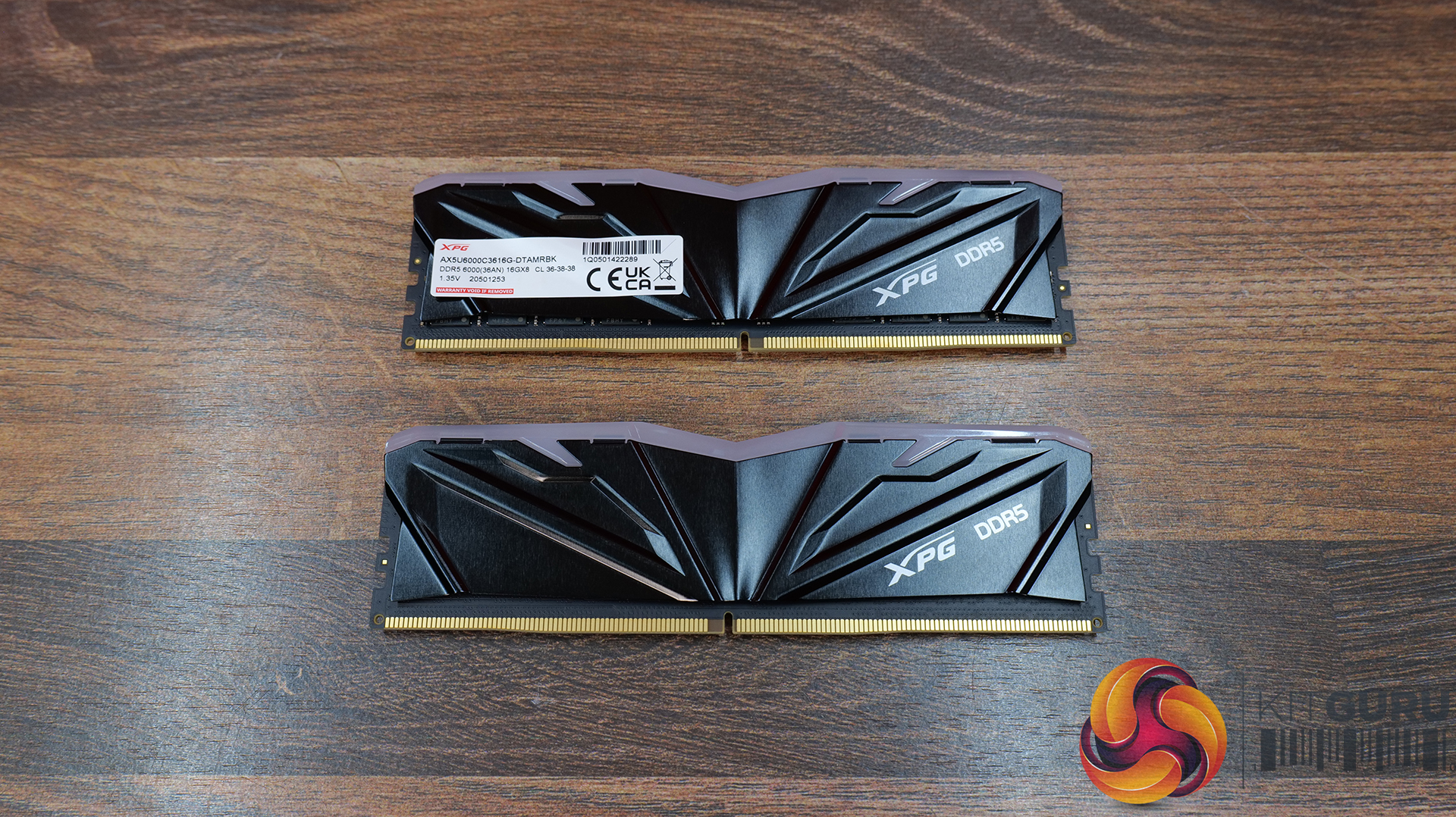
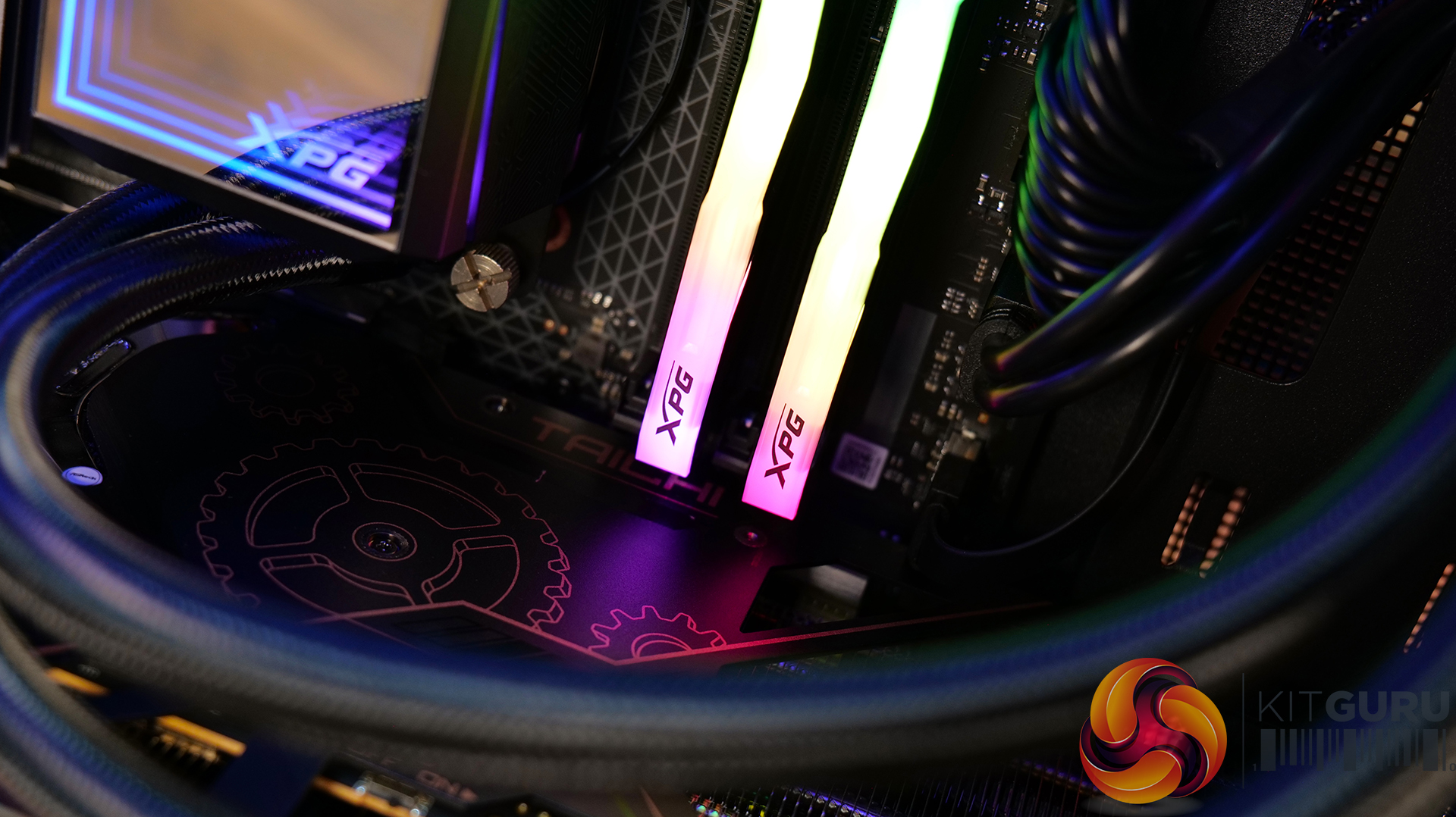
RAM: 32GB XPG ARMAX DDR5-6000 – Available from OcUK Priced at £449.99 HERE.

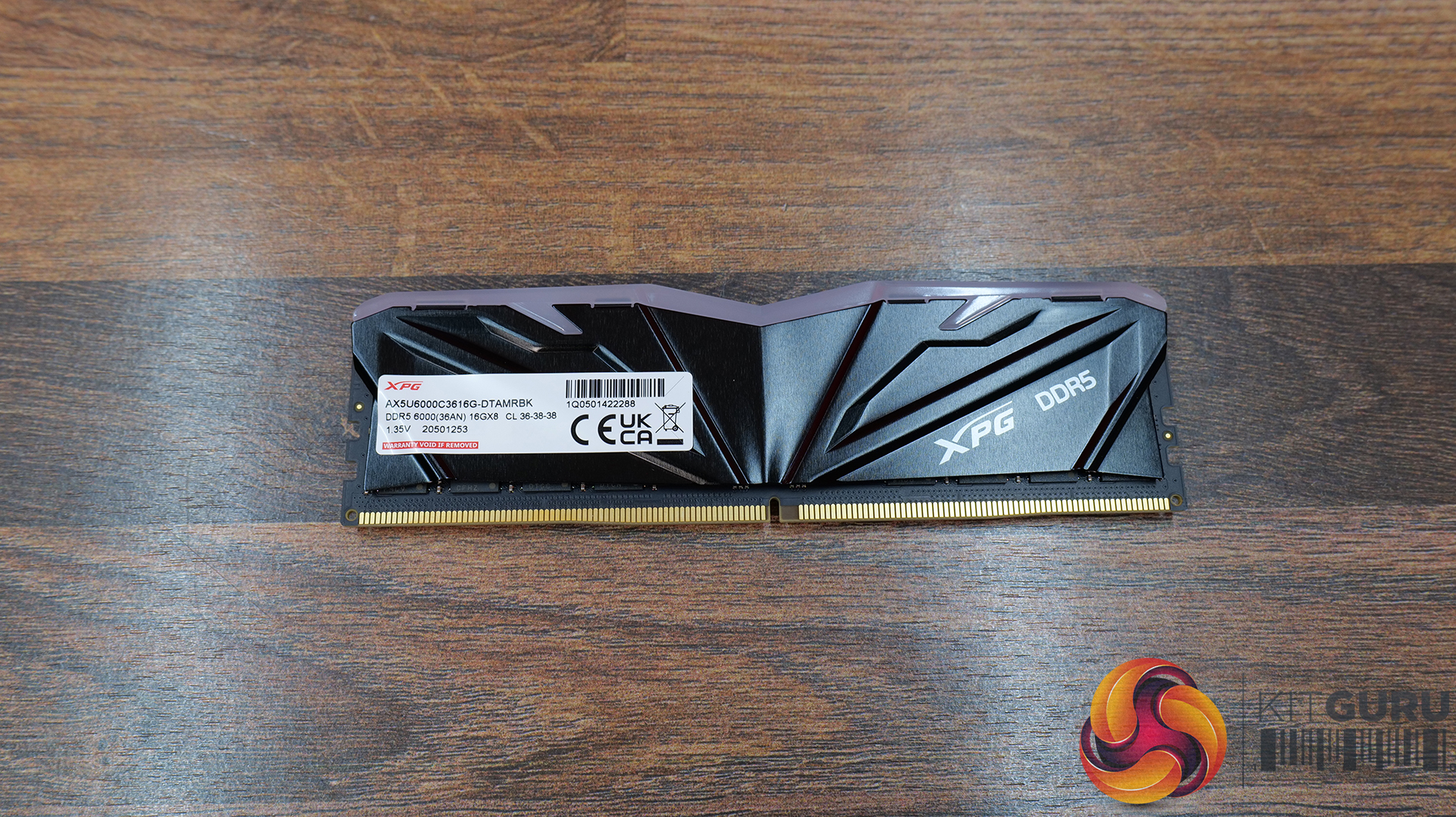
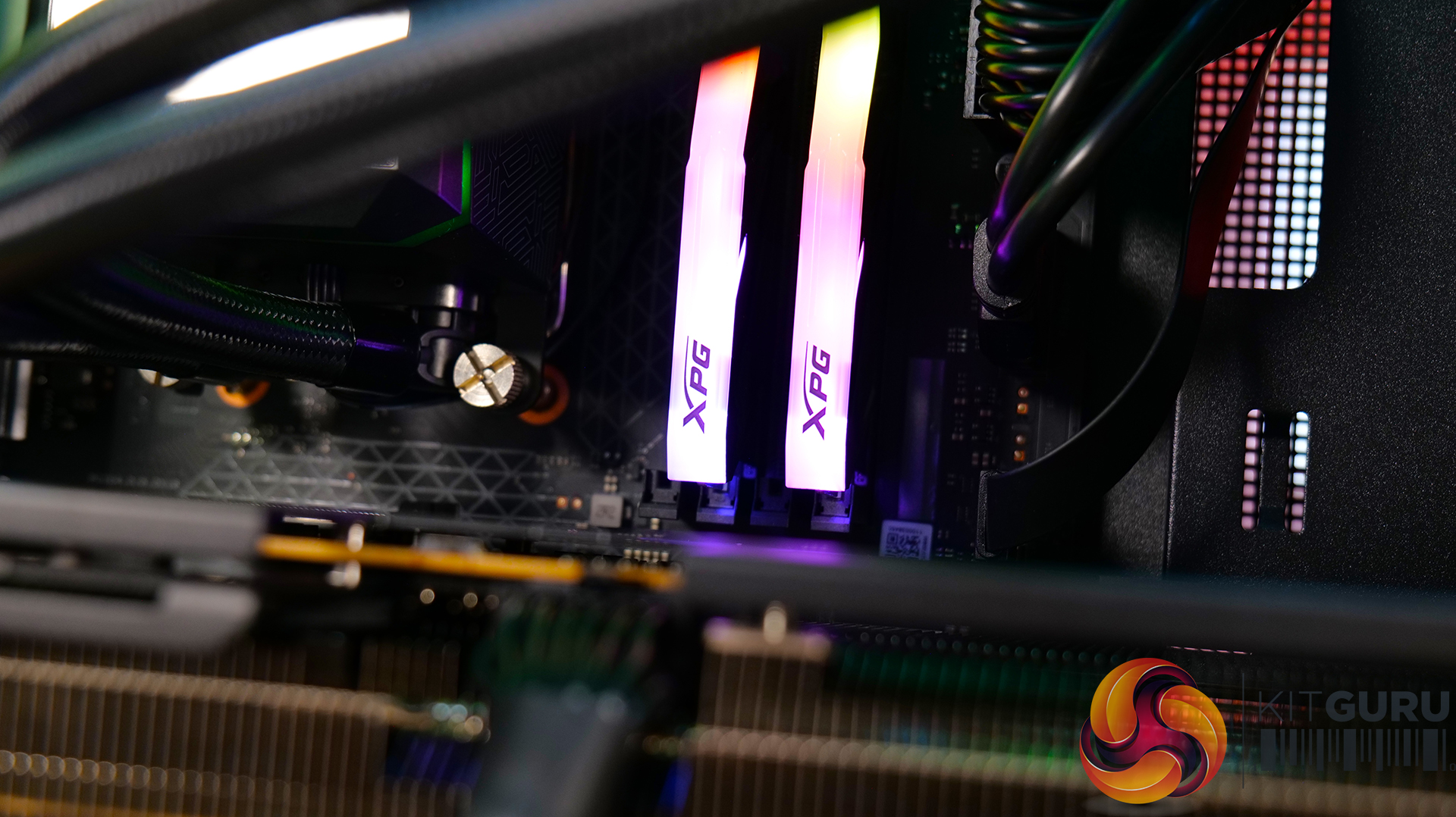
  • DDR5-6000 Sweet Spot Performance – Operating at DDR5-6000 MT/s, the ARMAX kit hits the current performance sweet spot for modern AMD gaming systems, delivering a boost over standard DDR5 specs.
  • Low-Profile, Cooler-Friendly Design – At just 39.5mm tall, the XRMAX heatspreader is designed to avoid conflicts with large tower coolers, making it particularly well-suited to compact and small form factor builds.
  • Simple One-Click Overclocking Support – Intel XMP 3.0 and AMD EXPO compatibility allow users to enable the overclocked memory profile directly within the BIOS, taking the hassle out of memory tuning.

Specifications

  • Memory Type: DDR5
  • Form Factor: U-DIMM
  • Colour: Black
  • Capacities Available: 16GB / 32GB
  • Tested Speeds: 5600 / 6000 MT/s
  • Tested CAS Latencies: CL36
  • Tested Operating Voltage: 1.1V – 1.4V
  • SPD Speed: 4800 MT/s
  • SPD CAS Latency: 36-38-38
  • SPD Voltage: 1.1V
  • Operating Temperature: 0°C – 85°C
  • Dimensions (L x W x H):35 x 39.49 x 8.5mm
  • Weight:16g / 46.74g (depending on kit)
  • Warranty: Limited lifetime warranty

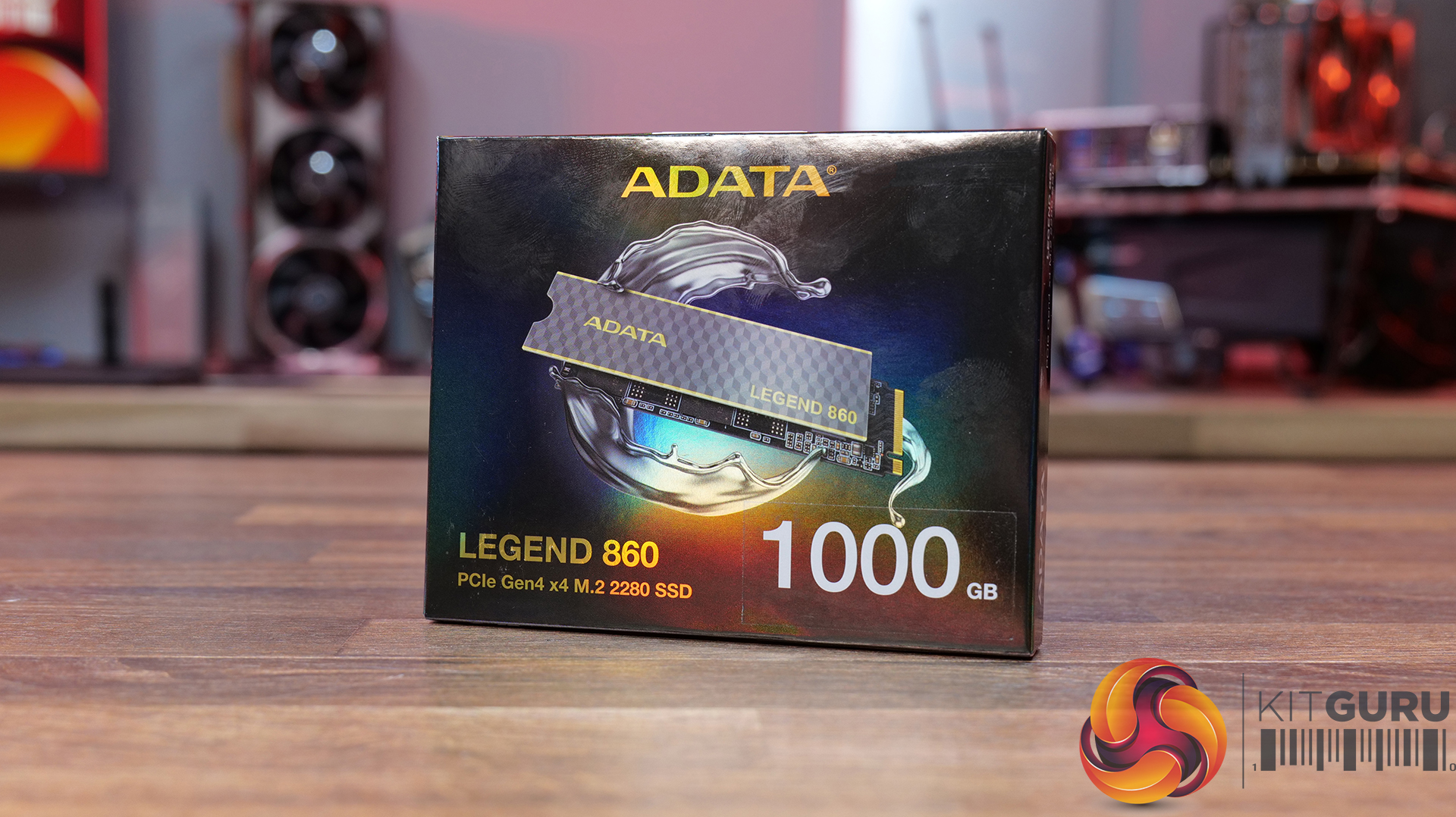
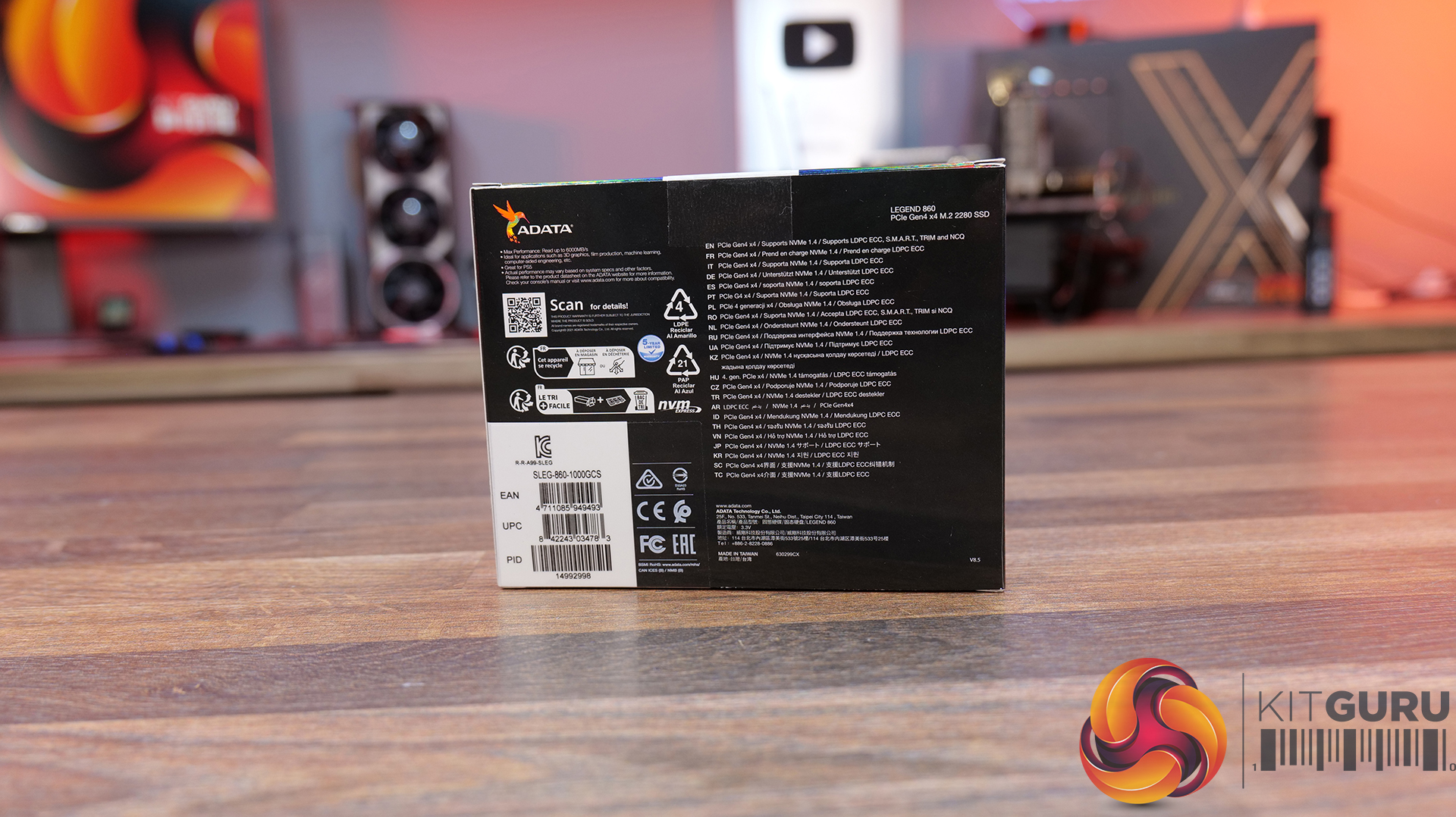
Storage: 1TB ADATA Legend 860 PCIe Gen4 x4 M.2 SSD – Available From OcUK Priced at £124.99 HERE.

  • PCIe Gen4 x4 Performance with up to 6,000MB/s Speeds – The LEGEND 860 features a PCIe 4.0 interface for sequential read speeds of up to 6,000MB/s and write speeds of up to 5,000MB/s, a noticeable uplift over older Gen3 and SAT SSDs for all workloads.
  • High-Capacity, Platform-Ready Storage Solution – Available in capacities up to 2TB, designed for gaming and creative systems, with high compatibility across the latest Intel and AMD platforms plus support for PS5 storage expansion.
  • Built for Reliability with Advanced Data Technologies – Equipped with SLC caching, Host Memory Buffer (HMB), and LDPC error correction to improve data integrity, responsiveness, and sustained performance under demanding workloads, backed by a 5-year warranty.

Specifications

  • Capacity: 500GB / 1TB / 2TB
  • Form Factor:2 2280
  • NAND Flash: 3D NAND
  • Interface: PCIe Gen4 x4
  • Sequential Read Speed (Max): Up to 6,000MB/s (PC/Laptop)
  • Sequential Write Speed (Max): Up to 5,000MB/s
  • Dimensions: 80 x 22 x 3.13mm (with heatsink) or 80 x 22 x 2.15mm (without heatsink)
  • Weight:5g (with heatsink) or 6.5g (without heatsink)
  • Operating Temperature: 0°C – 70°C
  • Storage Temperature: -40°C – 85°C
  • Shock Resistance: 1,500G / 0.5ms
  • MTBF: 2,000,000 hours
  • Endurance (Max Capacity): 640TBW
  • Warranty: 5-year limited warranty

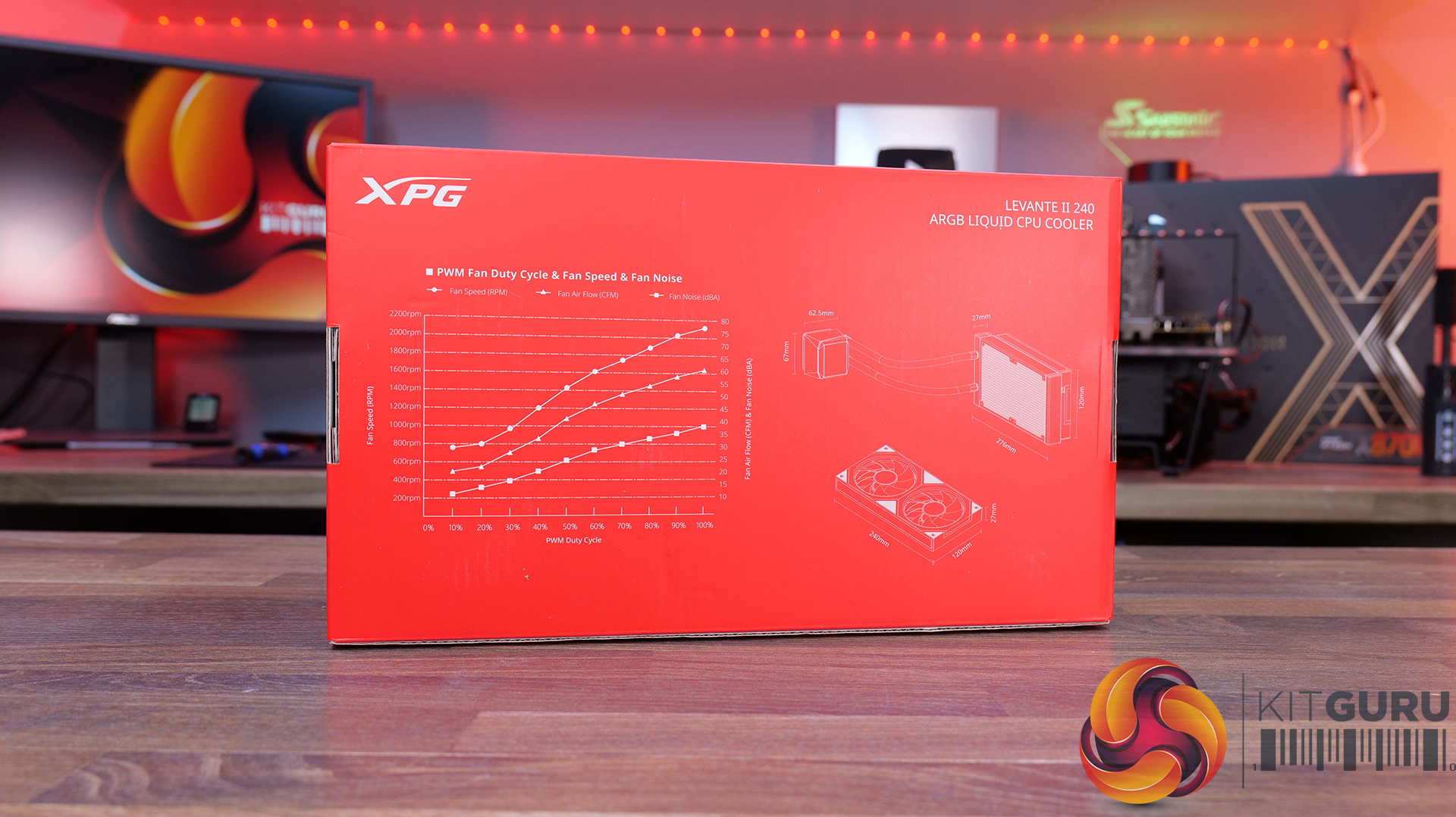
AIO CPU Cooler: XPG Levante II 240 ARGB – MSRP $123.56

  • Efficient 240mm AIO Cooling with Asetek Engineering – Built around a 240mm aluminium radiator paired with a copper cold plate and Asetek 7th Gen pump design, delivering strong thermal performance with efficient heat transfer and reliable CPU cooling.
  • High-Airflow Dual 120mm ARGB Fans – Equipped with dual-ring 120mm PWM ARGB fans operating up to 2000 RPM, 61.5 CFM of airflow and strong static pressure for effective heat dissipation.
  • Infinity Mirror ARGB Pump Design And Wide Platform Support – The pump features an infinity mirror aesthetic with addressable RGB lighting, while broad compatibility across modern Intel and AMD sockets ensures compatibility with a wide range of gaming systems.

Specifications

  • Water Block Dimensions:5 x 72.5 x 50mm
  • Water Block Material: Copper
  • Control Mode: PWM (Pulse Width Modulation)
  • Thermal Paste: Pre-applied
  • Tube Length: 400mm sleeved rubber tubing
  • Radiator Size: 240mm class (272 x 121 x 27mm)
  • Radiator Material: Aluminium
  • Fan Size: 120 x 120 x 25mm
  • Bearing Type: Fluid Dynamic Bearing
  • Fan Speed: 600 – 2000 RPM
  • Airflow: 61.5 CFM ±10%
  • Static Pressure: 1.42 mm H₂O ±10%
  • Noise Level: 18.17 dBA (average)
  • CPU Socket Support: AMD: AM5 / AM4, Intel: LGA 1851 / 1700 / 1200 / 115x
  • Protection Features: Auto-restart function
  • Weight: 1.79kg
  • Warranty: 5 years

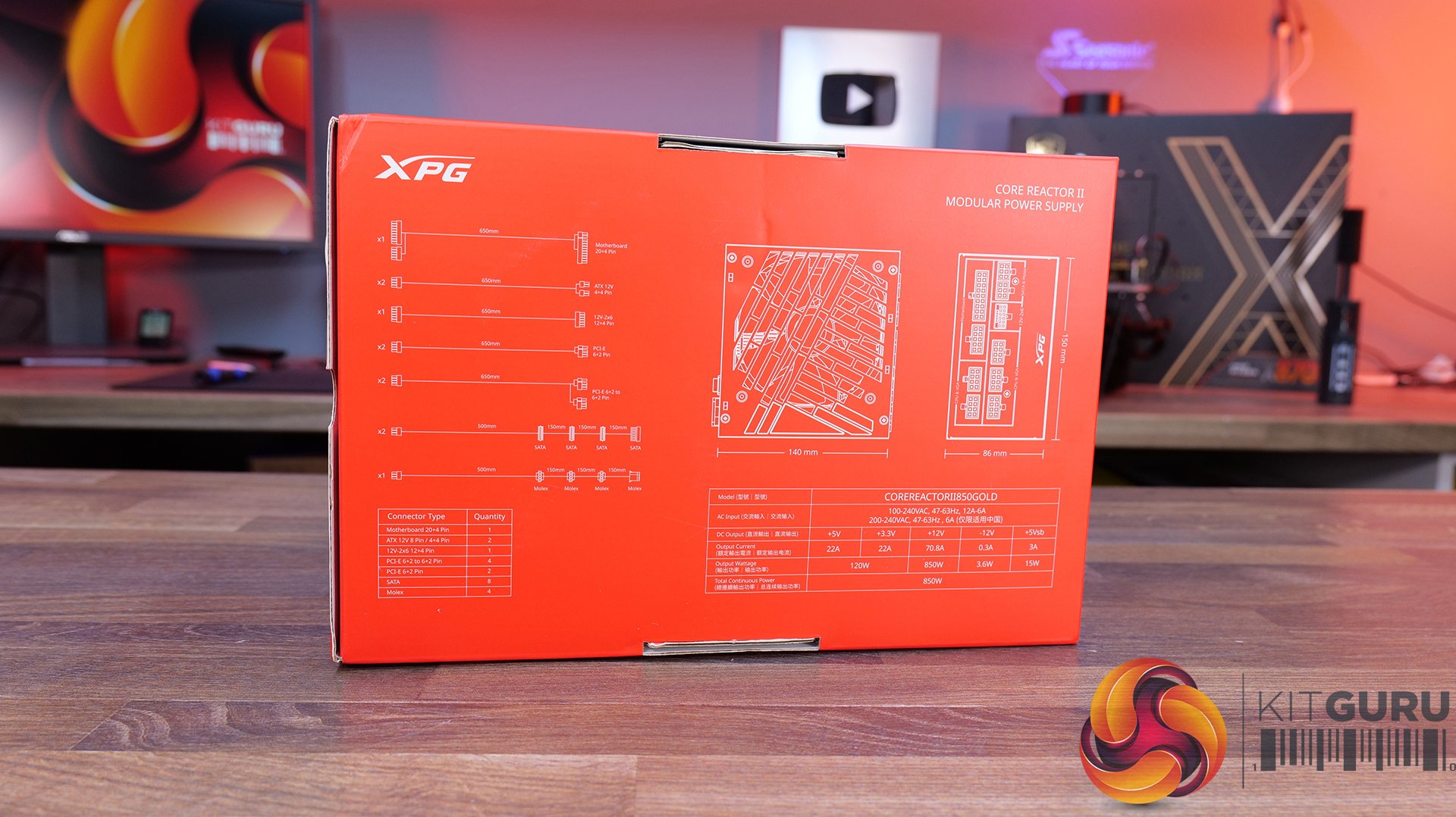
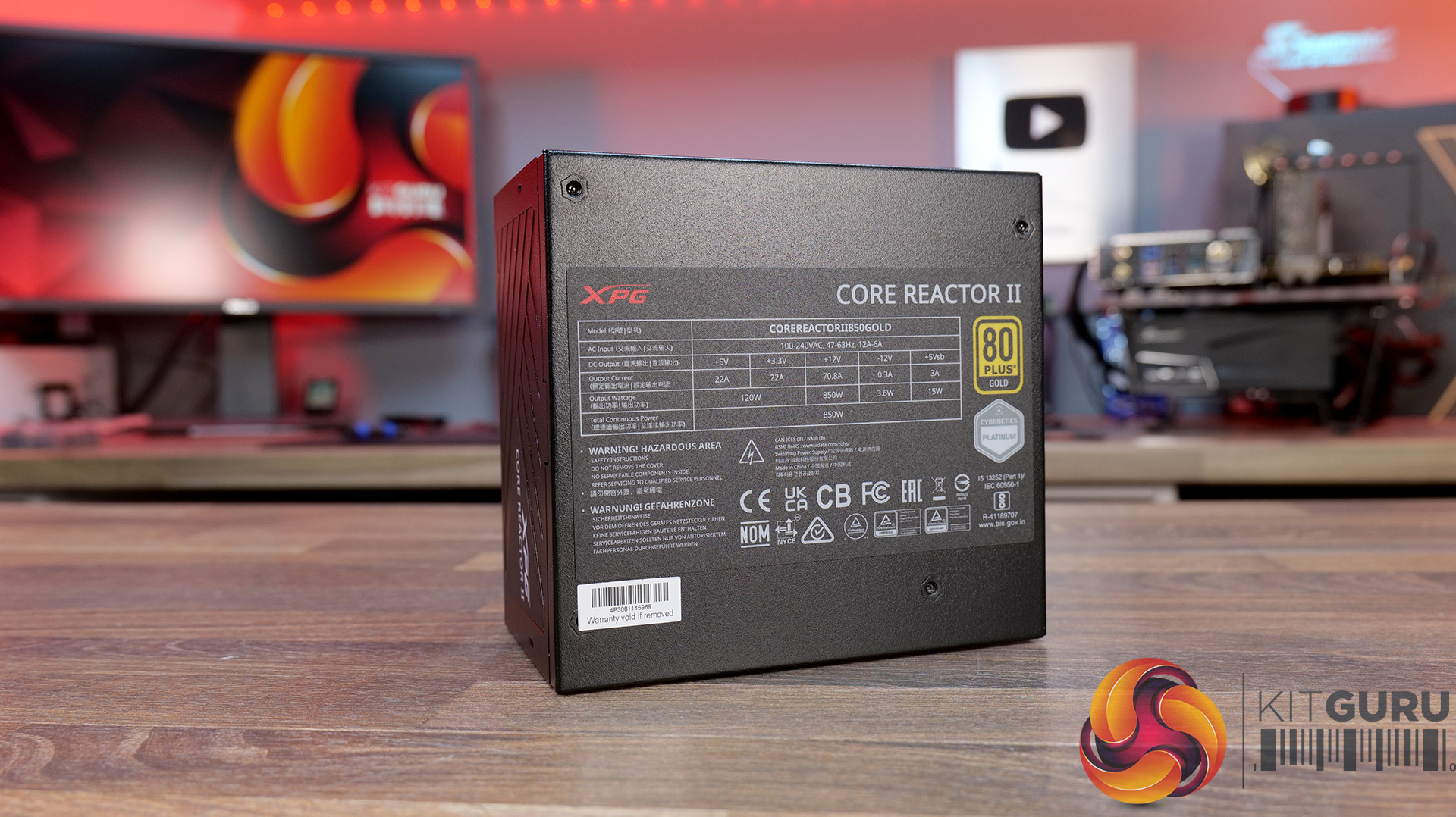
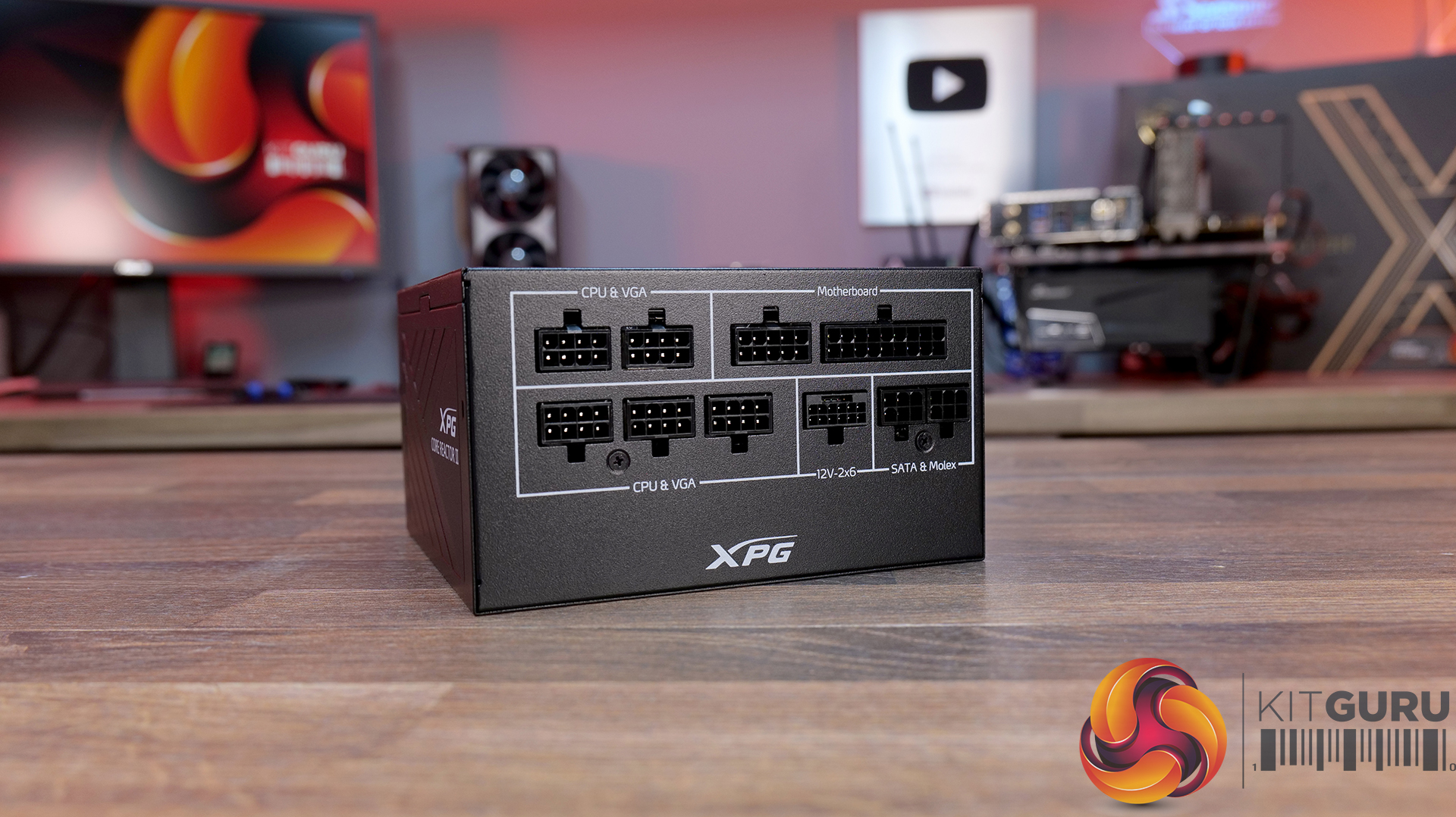
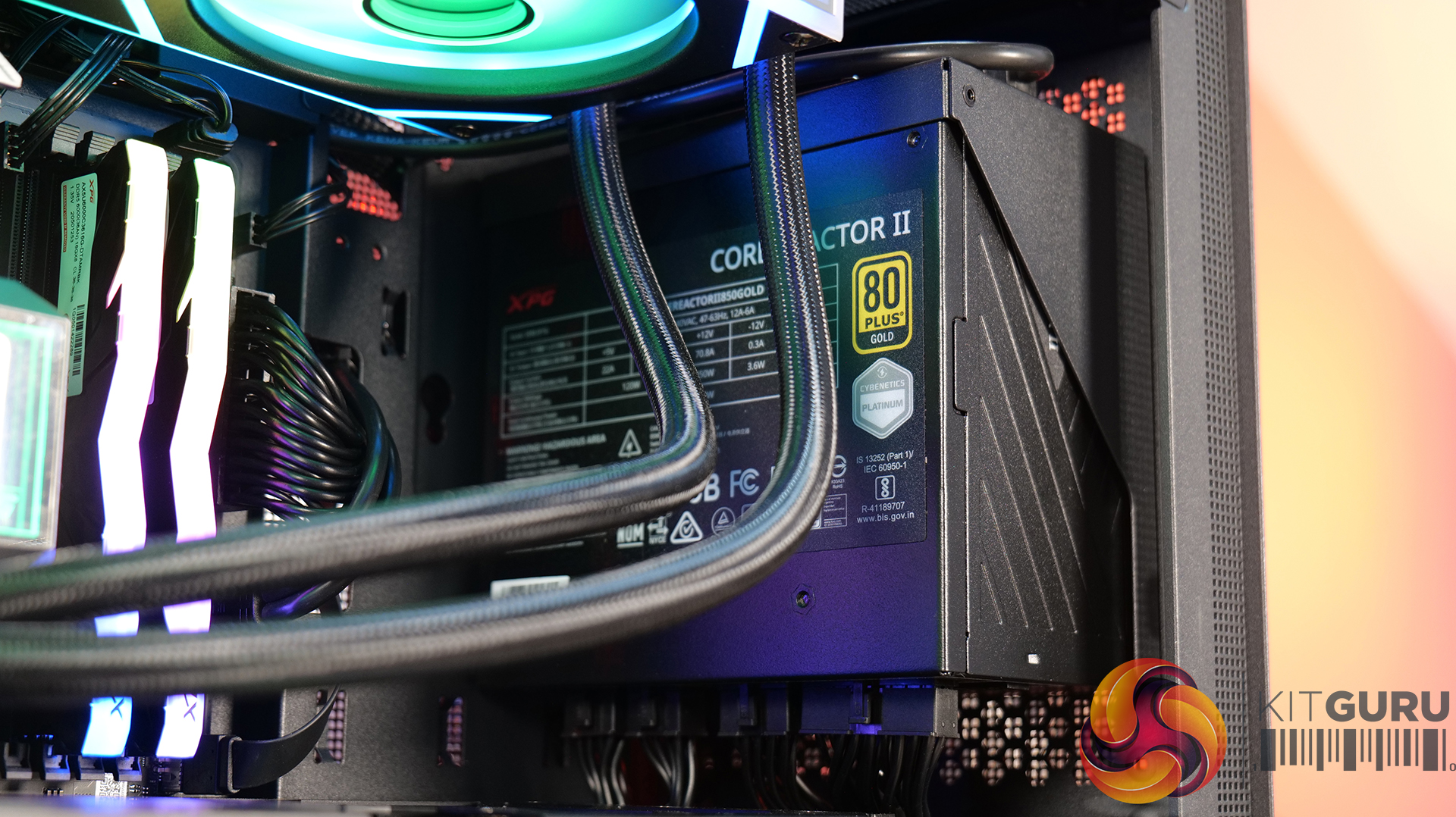
Power Supply: XPG Core Reactor II 850W 80+ Gold – MSRP $127.99

  • ATX 3.1 & PCIe 5.0 Ready Platform – Built to ATX 3.1 standards with native support for modern GPU power delivery, including 12VHPWR / 12V-2×6 connectivity, ensuring stable operation with next-gen graphics cards and transient load spikes.
  • 80 PLUS Gold Efficiency with High-End Electrical Design – Delivers 80 PLUS Gold efficiency alongside strong power regulation, high power factor (>0.99), and full DC-to-DC conversion architecture for consistent and efficient output across rails.
  • Fully-Featured Protection Suite & Long-Term Reliability – Features comprehensive protections including OCP, OVP, OPP, UVP, SCP, OTP, NLO and SIP, plus a high-quality FDB cooling fan and 100,000-hour MTBF for long-term system stability.

Specifications

  • ATX Standard: ATX 3.1
  • Efficiency Rating: 80 PLUS Gold
  • Cybenetics Rating: Platinum
  • Dimensions: 140 x 150 x 86mm
  • Input Voltage: 100–240V
  • Frequency: 47–63Hz
  • Power Factor (PFC): >0.99
  • Input Current: 850W: 12A
  • DC Output Rails: +12V / +5V / +3.3V / -12V / +5Vsb
  • +12V Rail Output:8A
  • Power Excursion: Up to 235% rated power (100μs peak handling)
  • Cooling: 120mm FDB fan
  • Connectors: 24-pin ATX: 1, EPS 8-pin: 2, PCIe 6+2-pin: 3, 12V-2×6, Molex: up to 4
  • Protections: OCP / OVP / OPP / OTP / UVP / SCP / NLO / SIP
  • Operating Temperature: up to 50°C
  • MTBF: 100,000 hours (full load)
  • Certifications: CE / CB / FCC / TUV / cTUVus / UKCA / EAC / CCC / RCM and more
  • Warranty: 10 years
  • Weight: 3.1kg (package total)

Build Specification

  • CPU AMD Ryzen 7 9800X3D
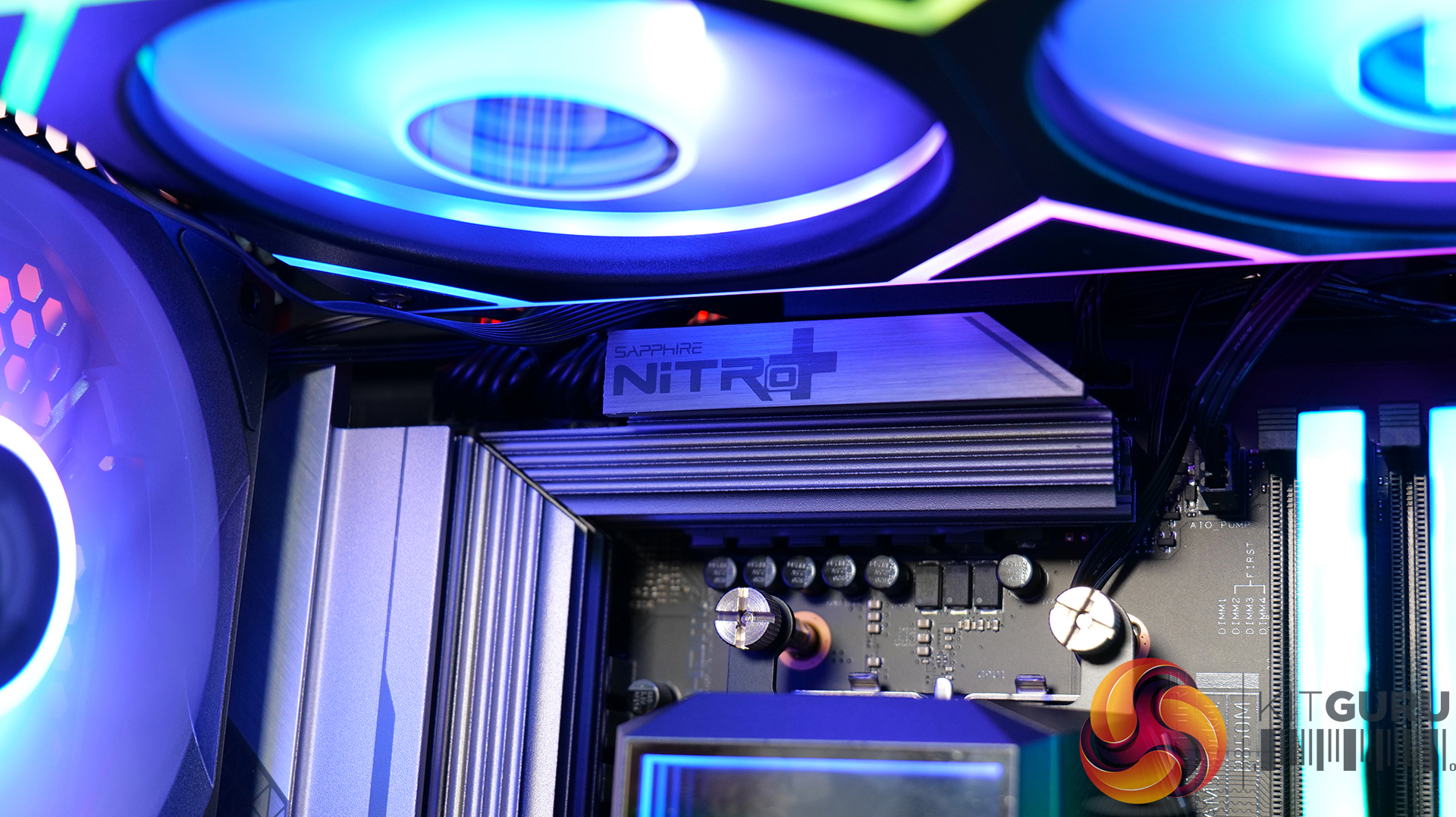
  • MotherboardSapphire Nitro+ B850M
  • Graphics Card – ASRock Taichi Radeon RX 9070XT
  • Memory – 32GB XPG ARMAX DDR5-6000
  • Storage – 1TB ADATA Legend 860 PCIe Gen4 x4 NVME M.2 SSD
  • CPU Cooler – XPG Levante 240 ARGB
  • Power Supply – XPG Core Reactor II 850W 80+ Gold
  • Chassis – XPG VALOR Mesh Nano
  • Operating System – Windows 11

KitGuru says: XPG has a packed arsenal of gaming parts through the XPG line. Check them out for your next build!

The post Adata XPG Featured Micro ATX Build first appeared on KitGuru.
MSI Says Its “High-Efficiency Mode” Is Sufficient To Replace EXPO ULL As It Achieves Similar Latency

30 July 2026 at 18:17

An MSI motherboard is displayed prominently with text reading 'High-Efficiency Mode' in a dynamic, dark-themed background.

The new feature reportedly reduces the latency significantly on the standard memory, eliminating any need for EXPO ULL. MSI Rolls Out High-Efficiency Mode With Four Presets to Reduce Memory Latency Without Needing AMD EXPO ULL AMD's new EXPO ULL (Ultra Low Latency) is the company's latest and enhanced EXPO memory profile that can optimize DDR5 memory timings for lower latency. This next level of optimization helps directly in memory-oriented workloads and in gaming, where applications can take advantage of tighter timings. The feature affects the sub-timings to minimize the latency on EXPO ULL memory modules, resulting in a performance boost […]

Read full article at https://wccftech.com/msi-rolls-out-high-efficiency-mode-for-standard-expo-ddr5-memory/

Corsair Frame 5000D Wood RS Case Review

24 July 2026 at 08:55

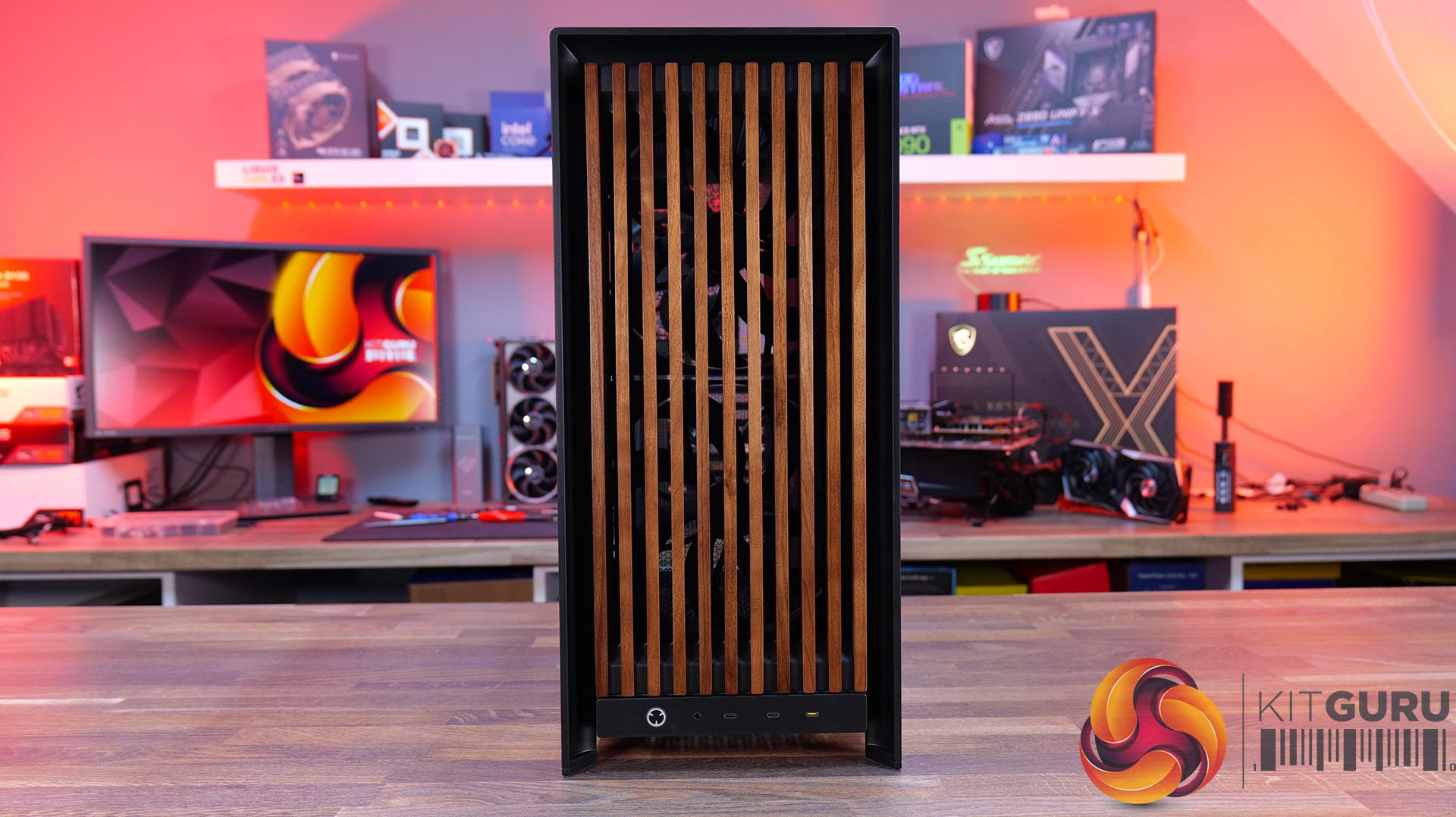
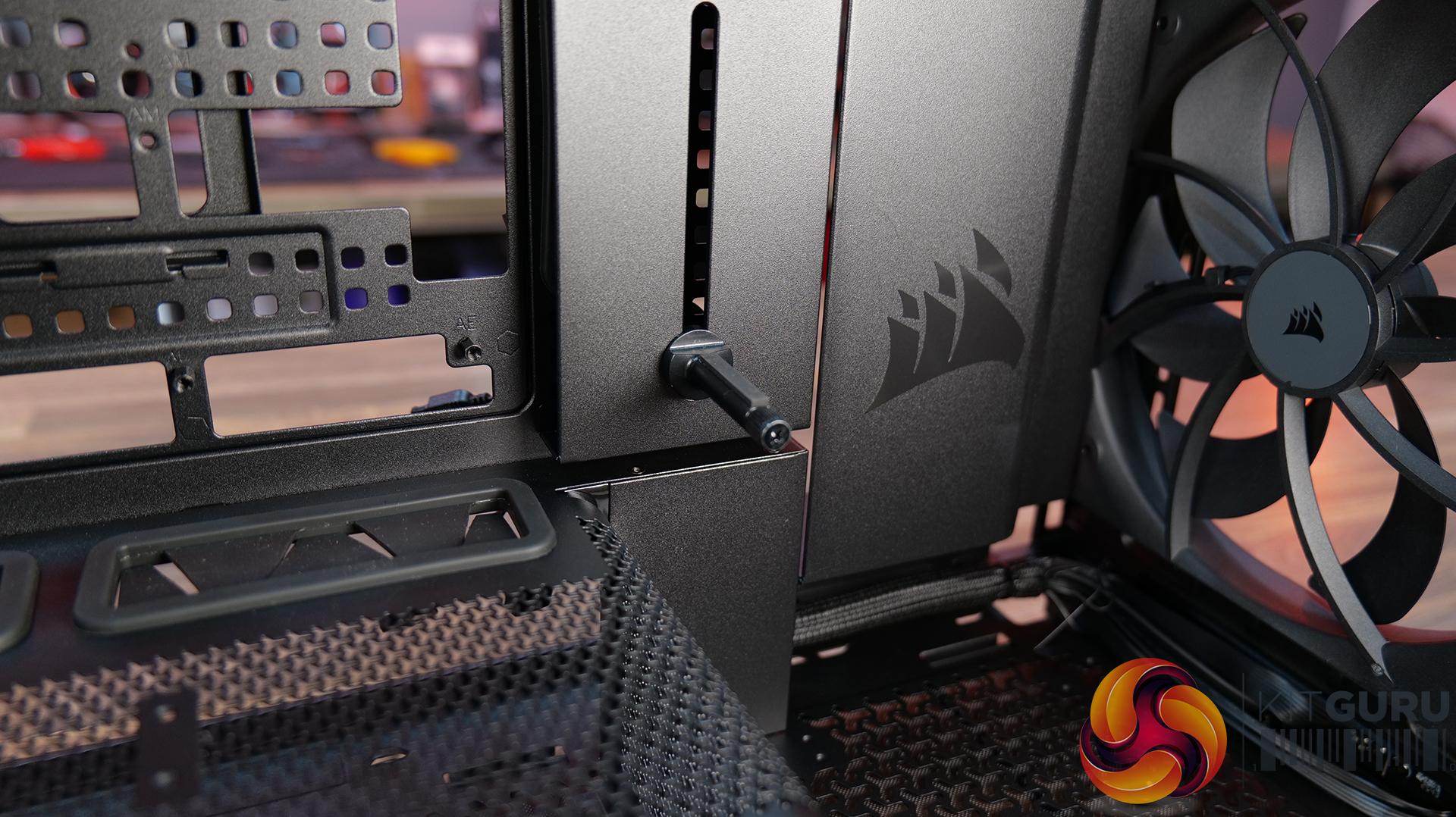
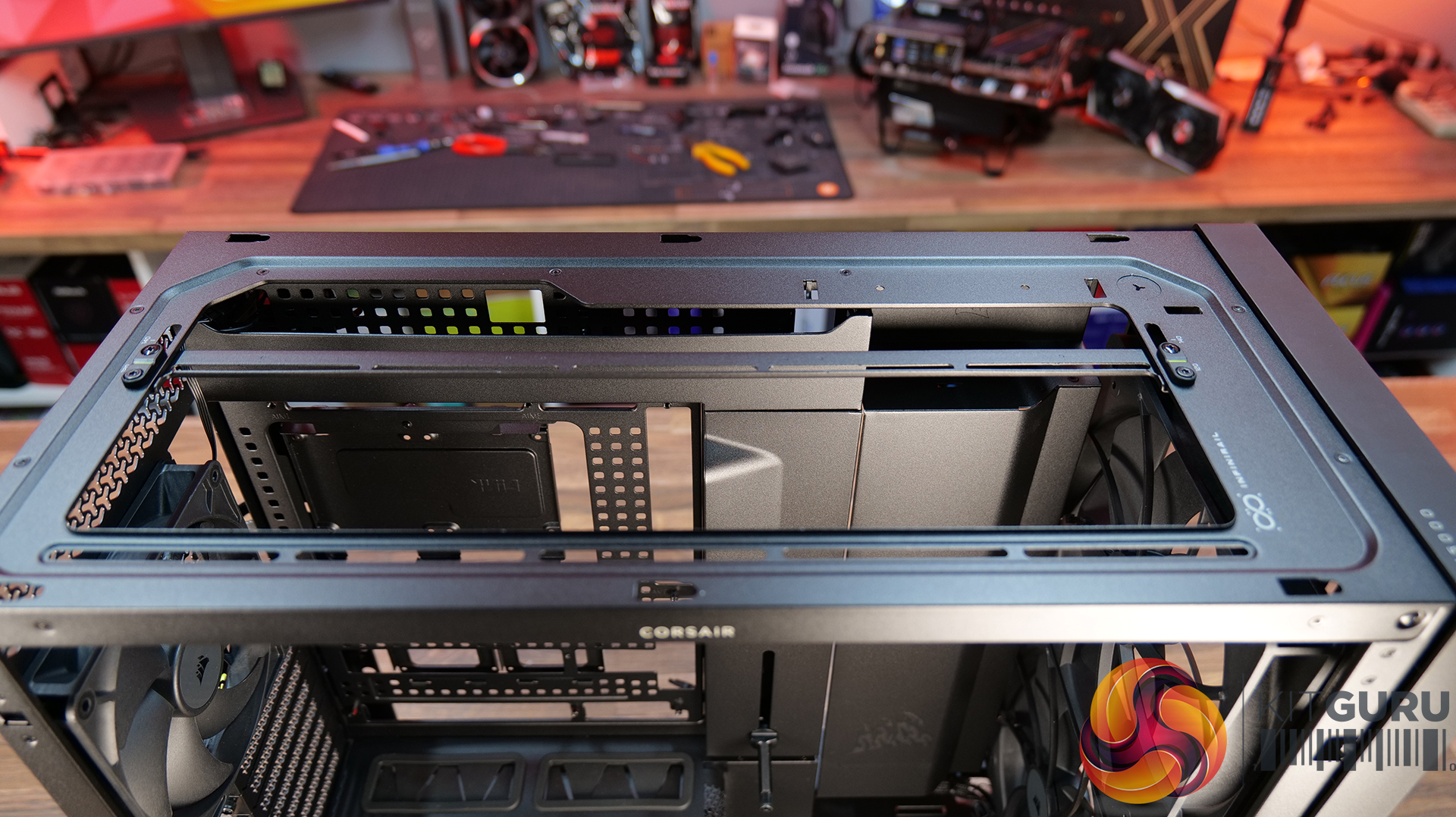
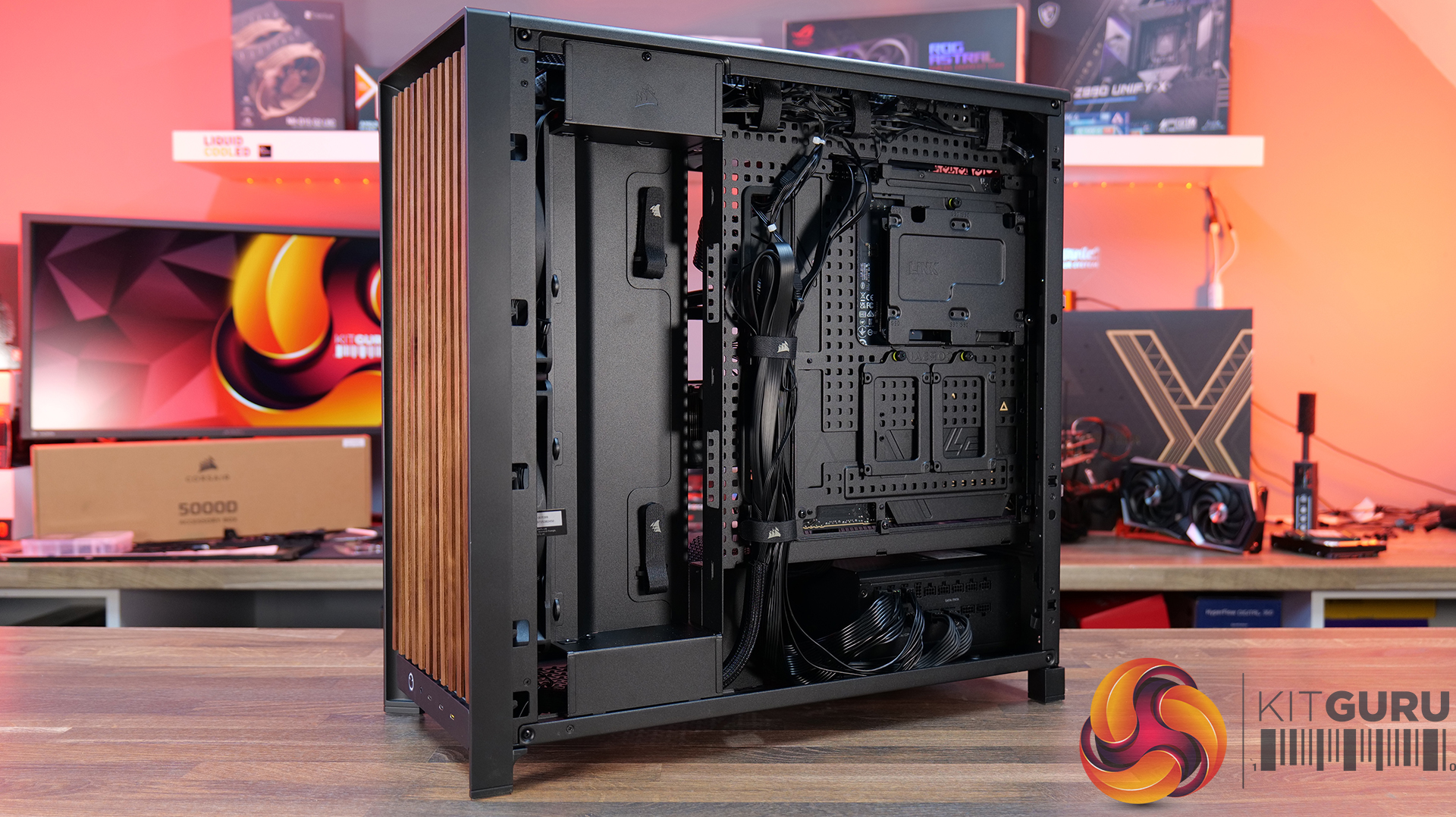
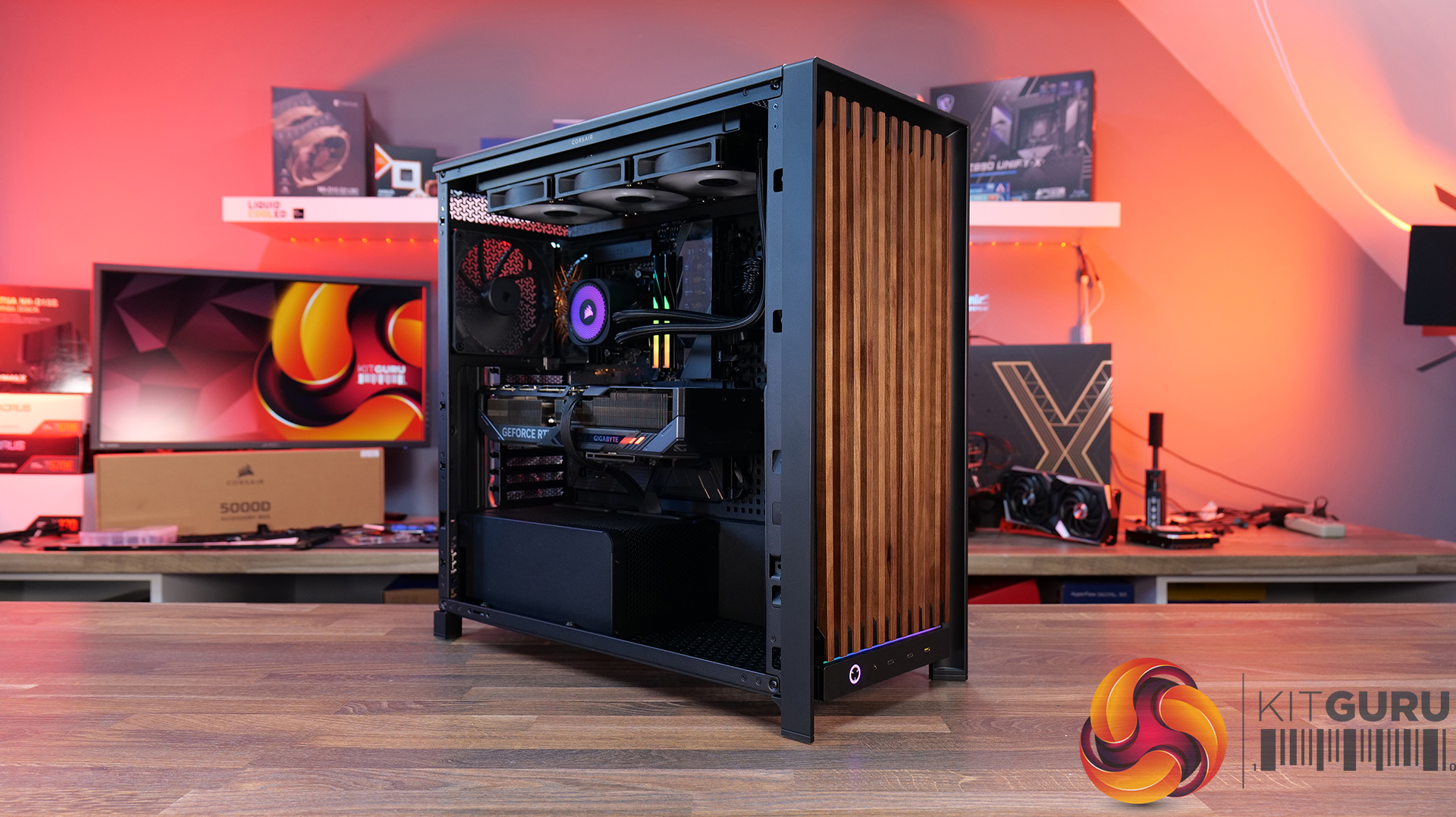
Today we're taking a look at the new Corsair Frame 5000D Wood RS PC case. At first glance it might just look like the regular Frame 5000D with a fancy wooden front, but Corsair has actually made a few interesting changes under the hood. Along with the solid wood front panel, you get a pair of huge 200mm intake fans, a full-length tempered glass side panel, a more compact PSU shroud, and an updated front I/O layout with three USB Type-C ports. So, is this just a cosmetic refresh, or has Corsair really improved one of its flagship cases? Let's find out.

Timestamps:

00:00 Introduction
00:50 Pricing and Info
03:00 Front I/O
03:25 Features / Removing panels
04:35 Hardware / Cooling Support
06:01 Inside the Case / Options
07:21 Air Cooler Support
07:38 GPU Support
08:07 Motherboard Support
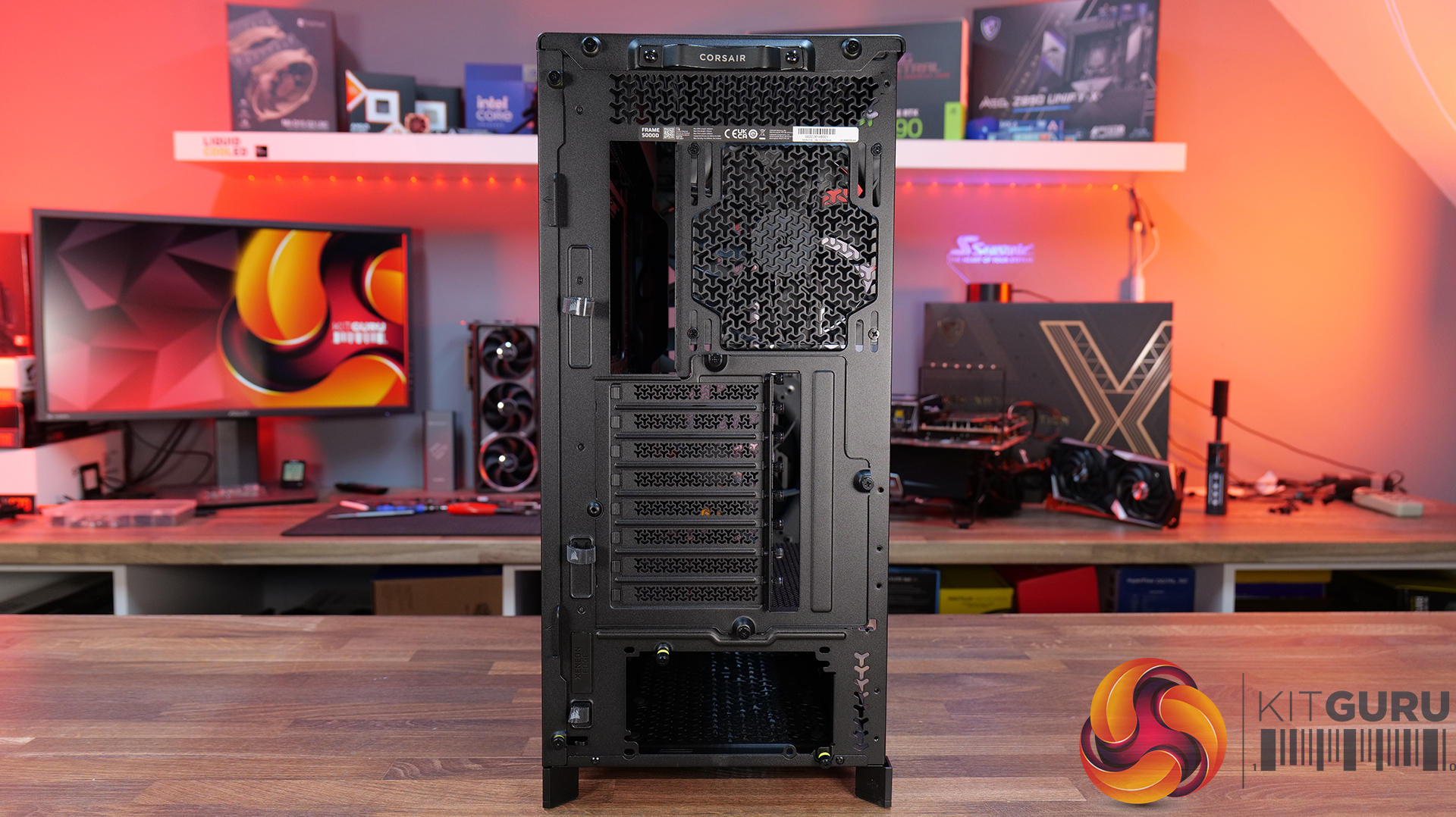
09:09 Back of Case
10:17 Cable Routing / Drives
13:00 Floor of Case
13:38 Accessories
15:10 Testing Methodology
15:40 Thermal and Noise Performance
17:05 Closing Thoughts

Features:

  • Real Wood, not Wood-effect – The standout feature of the Frame 5000D Wood RS is the new FSC-certified solid wood front panel. It gives the FRAME 5000D a much warmer, more premium look while still allowing plenty of airflow through the front of the chassis.
  • Big Fans, Low Noise – The original 140mm intake fans are swapped for a pair of massive 200mm RS200 fans that can shift plenty of air at lower RPM, keeping cooling performance high and noise low.
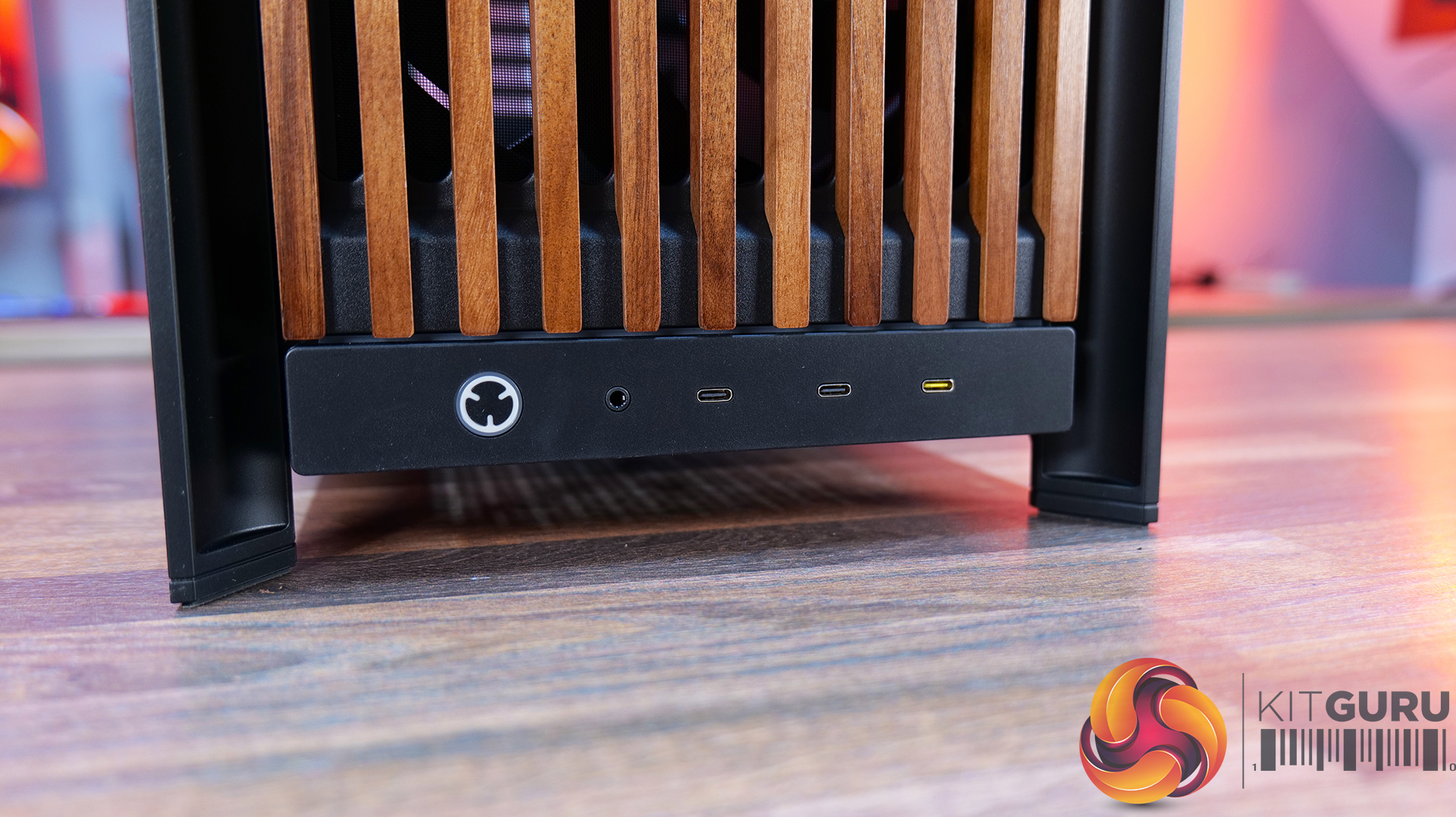
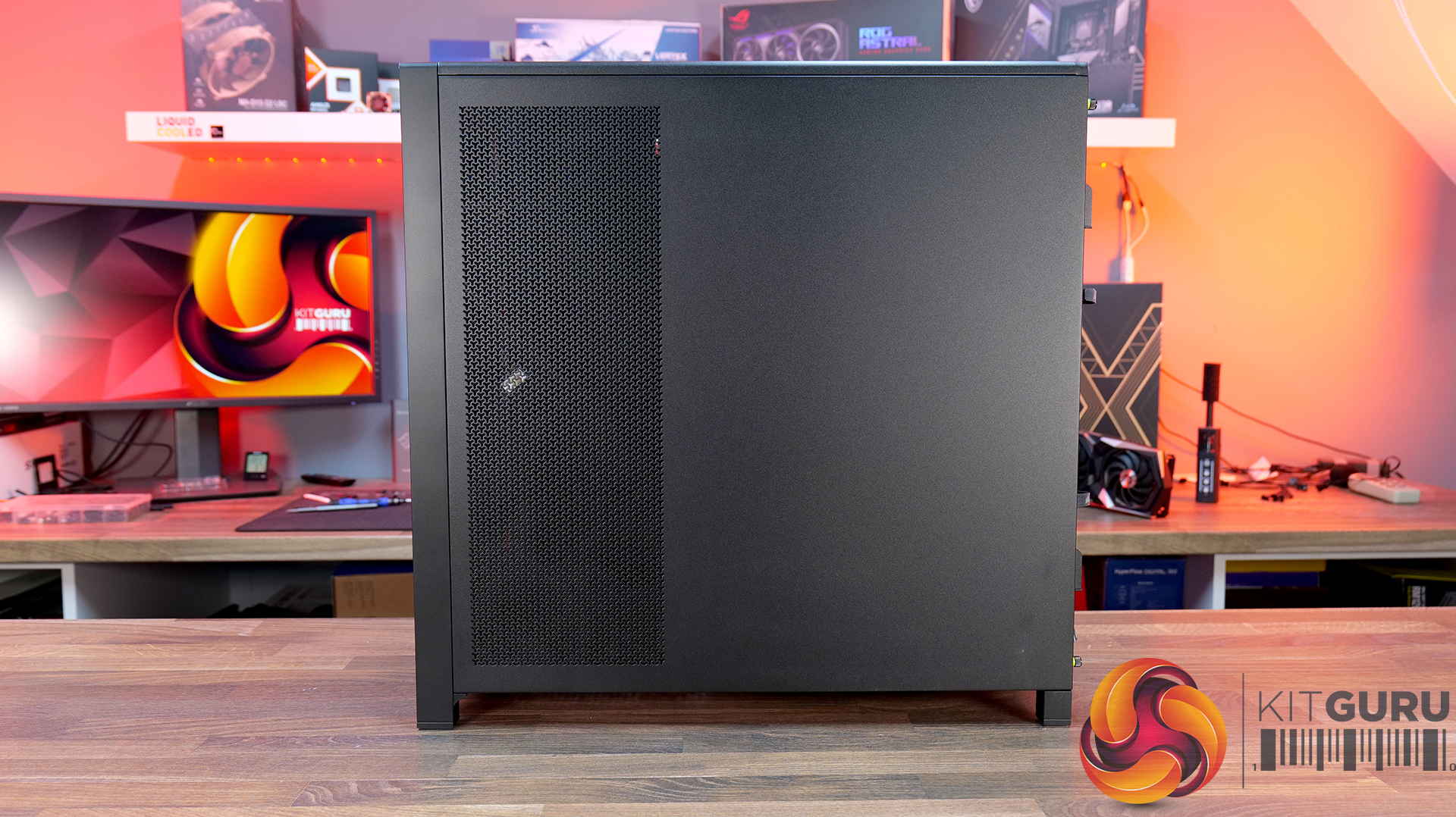
  • Cleaner Layout Inside and Out – A full-length tempered glass side panel, a more compact PSU shroud and updated front I/O with all USB Type-C connectivity all help modernise the Frame 5000D, giving you a better view of your hardware and a more up-to-date feature set.

Specifications:

  • Case Type: Full Tower
  • Dimensions (LxWxH): 542 x 250 x 556mm
  • Materials: Steel, Glass, Wood, Plastic
  • Motherboard Support: Mini-ITX, Micro-ATX, ATX, E-ATX
  • Reverse-connector motherboard support: Yes
  • Expansion Slots: 8 x Horizontal / 3 x vertical
  • Storage bays: 3.5” x 1, 2.5” x 4
  • Max GPU Length: 425mm (w/fans)
  • Max CPU Cooler Height: 175mm
  • PSU Type: ATX
  • Cable Routing Space:
  • Supplied Fans: 2X RS200, 1x RS140 pre-installed
  • Fan Support: 3 x 120mm,3 x 140mm (Top), 2 x 200mm, 3 x 120mm, 3 x 140mm (Front), 3 x 120mm, 3 x 140mm  (R/H Side), 1 x 120mm, 1 x 140mm  (Rear), 1 x 120mm (Bottom)
  • Radiator Support: 420mm 360mm 280mm 240mm (Top), 420mm 360mm 280mm 240mm (Front), 420mm 360mm 280mm 240mm (R/H Side), 140mm 120mm  (Rear)
  • Dust Filters: Front, bottom, right side
  • Font I/O: 2x USB 3.2 Gen1 Type-C (5Gb/s), 1x USB 3.2 Gen2x2 Type-C (20Gb/s), PWR Button, Combo Mic/Headphone Jack
  • LCD Screen: N/A

Thermal Performance Testing

To simulate thermal demand, we run the Cinebench R23 multi-thread benchmark and 3DMark Speed Way stress test simultaneously in a loop for 30 minutes to load the system fully. This gives the CPU and GPU enough time to reach constant steady-state temperature. With this data, we can compare how the system handles the thermal demand and measure peak noise levels.

Thermal performance is measured with the case in various configurations, such as the default, with the tempered glass left-hand side panel removed and with the front panel removed to see how these configurations affect the CPU and GPU temperature. During testing, only stock case fans are used unless otherwise specified. All water pumps are set to maximum RPM and fans are set to a custom RPM curve by the Motherboard software/BIOS.

All temperature measurements are presented as Deltas – meaning the ambient temperature has been deducted from the CPU temperature, giving us a Delta. Data shown in the charts represents the average component temperature over the length of the test as measured by HWiNFO, and then the last 15 minutes of the data are calculated to get the average. The ambient temperature during thermal tests is between 19-20⁰C.

Test System Specification:

Thermal Performance Overview

We test case thermals using a 360mm AIO as exhaust at the top and with the case in several different fan configurations. The default configuration shown in the charts is with the top 360mm AIO cooler, 2 x 200mm front intake fans and a single 140mm rear exhaust fan and with all case panels installed.

Thermal performance is about as good as you could expect for from a case like this. In the default configuration we see the CPU steady-state average at 55°C over ambient while the GPU is at 52°C . Adding extra side or floor intake fans doesn’t really change temperatures, just one or two degrees C drop on the GPU, suggesting the stock airflow is already well optimised.

Removing the tempered glass side panel makes almost no difference at all, shaving just a single degree off the CPU while leaving GPU temperatures unchanged. In other words, Corsair's pair of 200mm front intake fans are doing exactly what they're supposed to, delivering plenty of airflow straight out of the box without the need for additional fans or a change of configuration.

Noise Output

Noise follows a similar path to thermal performance; in this test, the case fans are fixed at low RPM, so they are virtually silent. The only noise comes from the CPU cooler and GPU fans. Since there isn't a massive change in temperature with the case in either configuration, the noise output stays pretty consistent.

Across all configurations, the idle noise is essentially identical; the only drop in load noise occurs with the glass side removed, as the CPU and GPU temperatures are at their lowest, but the drop in noise is just 1dBA, which is hardly noticeable in real-world situations. So, in terms of thermal performance, if you keep the case fan speed to a sensible level, noise is very well optimised out of the box.

Closing Thoughts

The Frame 5000D Wood RS is a worthy refresh of the original Corsair Frame 5000D. The addition of a real wood front panel gives it a much more premium look without sacrificing airflow, making it stand out from the mesh and tempered glass cases currently on the market. It feels like a more mature design, and the option of Black/Walnut or White/Oak should appeal to anyone looking to build a PC with either a black or white theme.

Performance is equally impressive. The pair of 200mm front intake fans provide excellent airflow while running at relatively low speeds, resulting in excellent cooling performance without generating excessive noise. Our testing showed little to be gained from removing panels or adding extra intake fans, which tells you Corsair has done a solid job of optimising the stock airflow configuration straight out of the box.

That said, the build experience isn't quite as polished as the cooling performance. Installing the motherboard proved more awkward than expected, with the motherboard backplate making it difficult to line everything up. Graphics card installation also felt unnecessarily fiddly, as the opening around the PCIe slots doesn't leave much room to manoeuvre cards into position, particularly if your motherboard has chunky rear-mounted heatsinks around the M.2 area. Neither issue is a deal-breaker, but they're the sort of frustrations you don't expect from a case at this price point.

Overall though, the positives outweigh the negatives. The Frame 5000D Wood RS looks great, it delivers excellent thermal performance and quiet operation, and retains all the flexibility of Corsair's modular Frame ecosystem. The installation quirks knock points off what is otherwise a very capable chassis. So if the mature aesthetics, airflow and upgradeability are your thing, this should be on your parts list for your next build, unless you need something smaller, the Frame 4000D Wood is your perfect alternative.

The Corsair Frame 5000D Wood RS is available to purchase now from Scan priced at £159.95 HERE.

Pros: 

  • Big front fans keep the system cool and quiet with great airflow.
  • Wood front gives a more premium look.
  • Lots of space for hardware and cooling.

Cons:

  • Motherboards with backplates can be difficult to install.
  • Graphics cards can be tight to get into the PCIe slot.
  • Quite large for a basic gaming system.

KitGuru says: Corsair has made some worthy changes to the Frame 5000D, which means it still offers great airflow and cooling but now with premium looks too!

The post Corsair Frame 5000D Wood RS Case Review first appeared on KitGuru.
AMD Ryzen 7 7700X3D 4.5 GHz “3D V-Cache” CPU Review: The Budget X3D Champ For AM5

16 July 2026 at 13:00

A close-up of an AMD Ryzen 7 7700X3D processor on an orange surface.

AMD's AM5 platform has been a solid entry, featuring some of the best chips on the market and a wide variety of entry-level and high-end options to select from. Despite the AM5 launch, AMD was still focusing on releasing the more mainstream and budget-tier solutions for the older AM4 socket, which still holds the majority share, but the company has recently started to launch affordable CPU options in its AM5 segment. The Ryzen 5 7600X was one such example. But with recent component price hikes, it has become even more vital to support older lineups. The commitment to AM4 remains […]

Read full article at https://wccftech.com/review/amd-ryzen-7-7700x3d-4-5-ghz-3d-v-cache-cpu-review-the-budget-x3d-champ-for-am5/

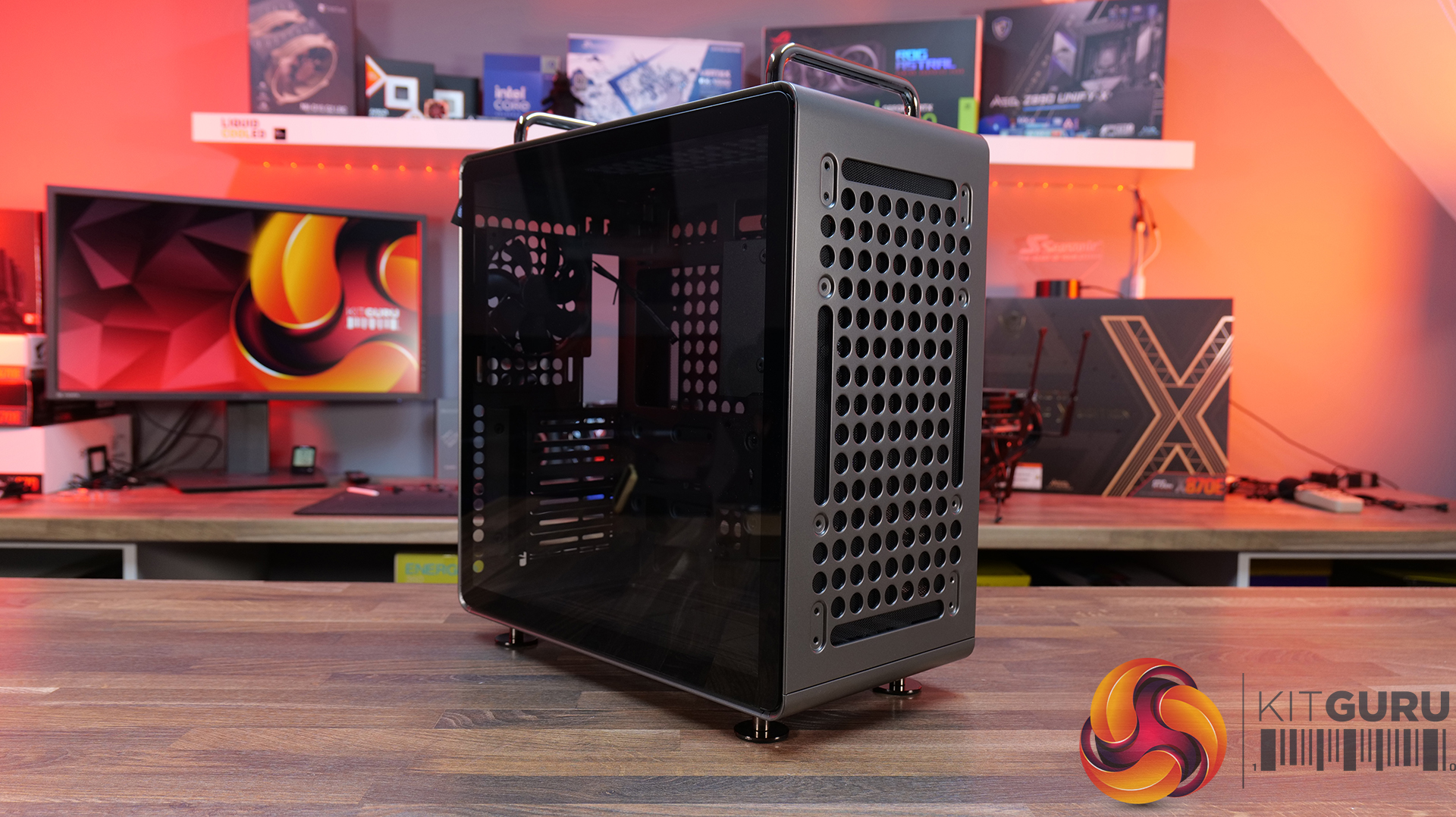
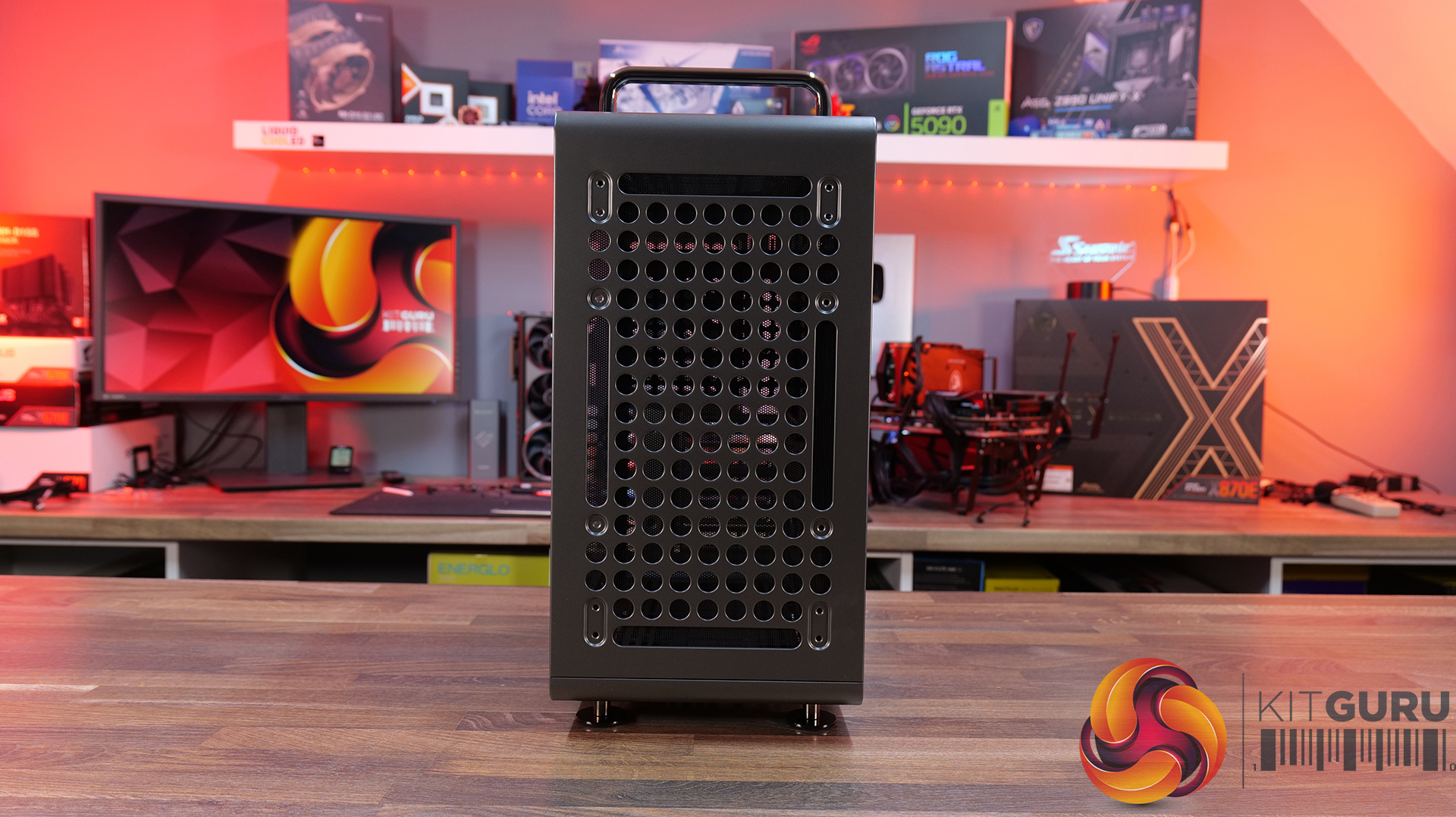
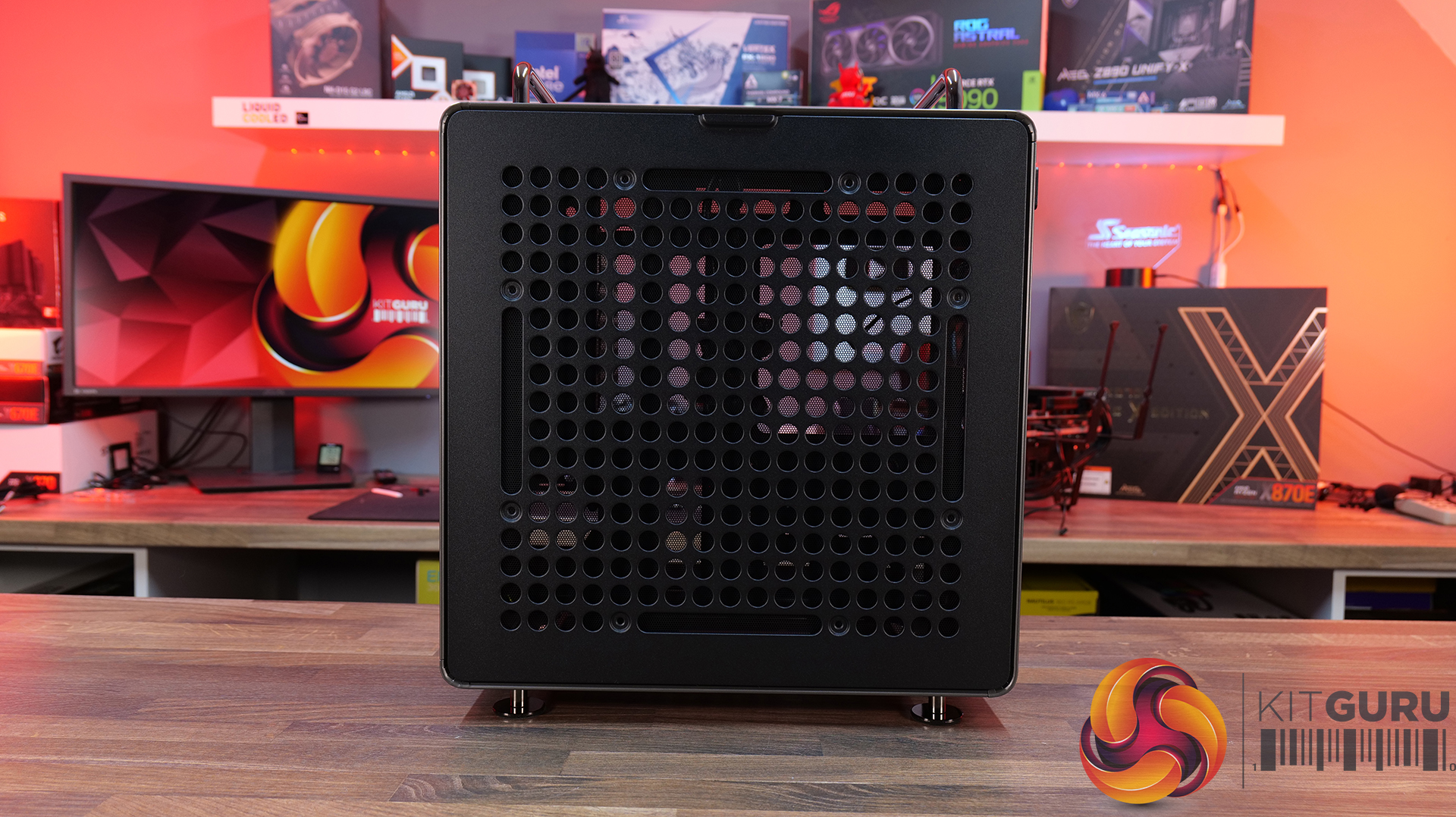
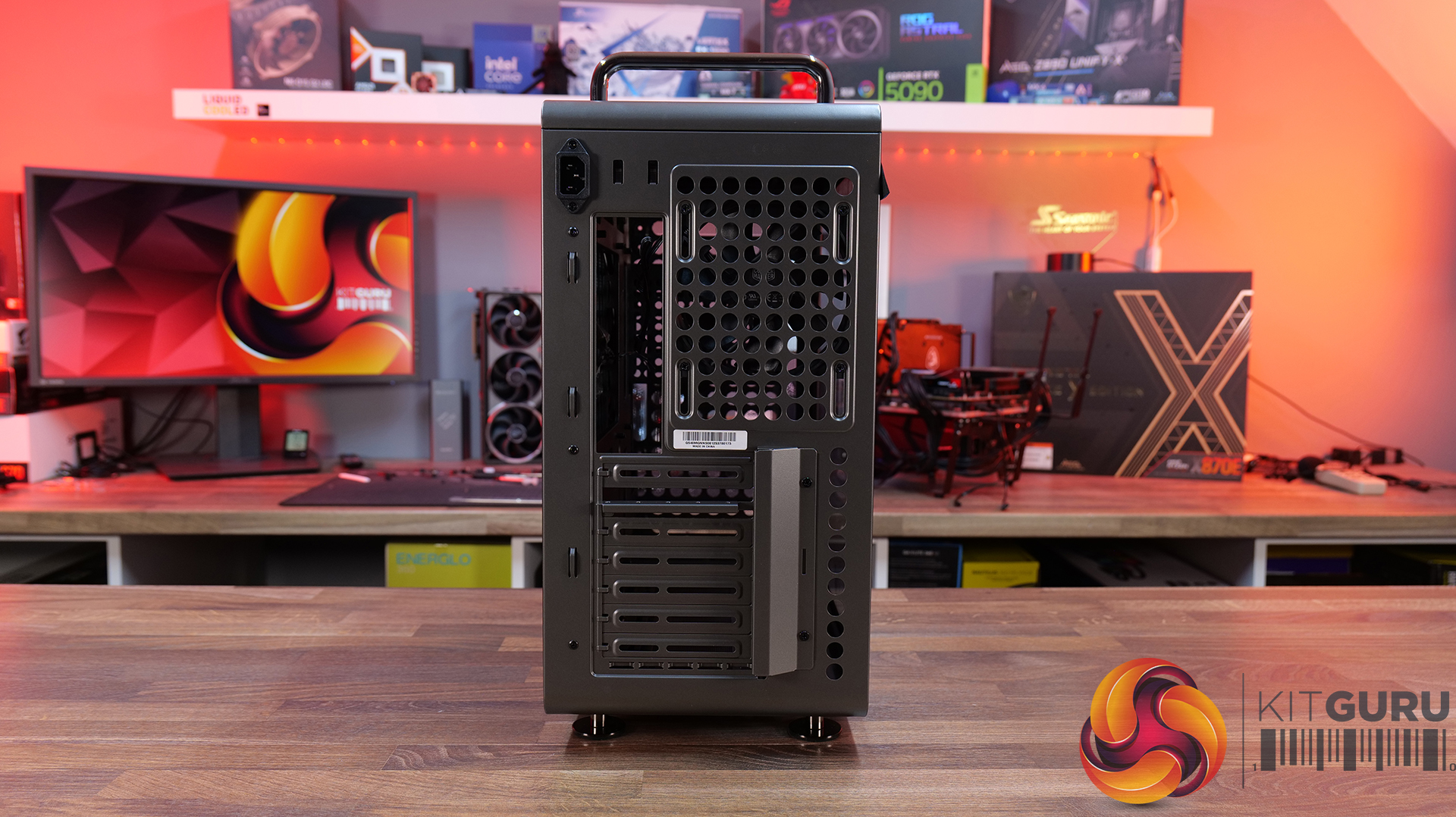
Cooler Master QUBE 540 Case Review

2 July 2026 at 09:50

Today we're looking at the Cooler Master QUBE 540 — an ATX case that's all about flexibility and customisation. Despite its unique layout, it supports graphics cards up to 415mm long, 360mm radiators, and even E-ATX motherboards, featuring a modular design that lets you switch orientations, relocate the I/O panel and handles, and even configure the internal layout to suit your build. Cooler Master is positioning the QUBE 540 as a case for creators, gamers and DIY builders. In this review, we’ll find out if all that flexibility translates into a genuinely great PC case, or not. Let's get into it.

Timestamps:

00:47 Details / Pricing / Hardware Support
02:44 Front I/O
02:59 Removing Panels / Dust Filters
05:04 Radiator / Cooling Support
07:43 Hardware (Mobo/GPU/Storage) Support
09:05 Rear of the case
09:49 Right hand side / Cable Management
11:27 Bottom of the case
12:20 Accessories > Customisation
13:47 Thermal and Noise Testing
15:55 Smoke test
16:34 Installation thoughts
18:58 Closing Thoughts

Features:

  • Highly Modular Design – The QUBE 540 can be configured in multiple ways, including horizontal or vertical orientation, with repositionable handles and I/O panel locations to suit different build setups.
  • Built for DIY Customisation – The case is designed around flexibility, with extensive fan and radiator support, removable panels and adaptable internal layouts that allow builders to tailor the system to their own requirements.
  • Exceptional Hardware Compatibility – There’s Support for motherboards up to E-ATX, graphics cards up to 415mm long and multiple 360mm radiator mounting positions, so there's plenty of room for high-performance hardware.

Specifications:

  • Case Type: Mid Tower
  • Dimensions (LxWxH):5 x 225 x 492.1mm
  • Volume: 64L
  • Materials: Steel, Glass
  • Motherboard Support: Mini-ITX, Micro-ATX, ATX, E-ATX (Up to 280mm wide)
  • Reverse Connector motherboard support: No
  • Expansion Slots: 7
  • Storage bays: 3.5” x 1, 2.5” x 2
  • Max GPU Length: Up to 415mm (without front fan)
  • Max CPU Cooler Height: Up to 172mm
  • PSU Type: ATX/SFX Up to 200mm
  • Cable Routing Space: 27mm clearance behind the motherboard tray
  • Supplied Fans: 1 x 120mm Rear
  • Fan Support: Up to 3 x 120mm or 2 x 140mm (without I/O panel) (Top), Up to 3 x 120mm or 2 x 140mm (without I/O panel) (Front), 1 x 120mm (Rear), Up to 3 x 120mm or 2 x 140mm (Bottom)
  • Radiator Support: 140 / 280 / 360mm (without I/O panel) (Top), 140 / 280 / 360mm (without I/O panel) (Front), 120mm (Rear), 140 / 280 / 360mm (without I/O panel) (Bottom)
  • Dust Filters: front, top and bottom
  • Font I/O: 2 x USB 3.2 Gen 1 Type-A, 1 x USB 3.2 Gen 2×2 Type-C, 1 x 3.5mm headset combo jack
  • LCD Screen: N/A

Thermal Performance Testing

To simulate thermal demand, we run the Cinebench R23 multi-thread benchmark and 3DMark Speed Way stress test simultaneously in a loop for 30 minutes to load the system fully. This gives the CPU and GPU enough time to reach constant steady-state temperature. With this data, we can compare how the system handles the thermal demand and measure peak noise levels.

Thermal performance is measured with the case in various configurations, such as the default, with the tempered glass left-hand side panel removed and with the front panel removed to see how these configurations affect the CPU and GPU temperature. During testing, only stock case fans are used unless otherwise specified. All water pumps are set to maximum RPM and fans are set to a custom RPM curve by the Motherboard software/BIOS.

All temperature measurements are presented as Deltas – meaning the ambient temperature has been deducted from the CPU temperature, giving us a Delta. Data shown in the charts represents the average component temperature over the length of the test as measured by HWiNFO, and then the last 15 minutes of the data are calculated to get the average. The ambient temperature during thermal tests is between 19-20⁰C.

Test System Specification:

  • CPU – AMD Ryzen 7 9800X3D
  • Motherboard – MSI MAG X870 Tomahawk WiFi
  • Graphics Card – Gigabyte RTX 5080 Gaming OC
  • Memory – 32GB (2 x 16GB modules) G.SKILL Trident Z5 Neo RGB DDR5-6000
  • Storage – 1TB Corsair MP600 Elite PCIE Gen4 NVMe M.2 SSD
  • CPU Cooler – Corsair Nautilus 360 RS ARGB AIO
  • Power Supply – Corsair
  • Case fans – Stock + 2 x Noctua NF-A12X25 G2
  • Chassis – Cooler Master
  • Operating System – Windows 11 24H2

Thermal Performance Overview

We test case thermals using a 360mm AIO as exhaust at the top and with the case in several different fan configurations. The default configuration shown in the charts is with the top 360mm AIO cooler, a single 120mm rear exhaust fan and with all case panels installed.

The QUBE 540 delivers respectable results overall, although airflow is restricted compared to a fully high-ariflow configuration. Removing the glass side panel from our test system records the lowest temperatures of 55°C over ambient on the CPU and 52°C on the GPU while running the case in its default configuration sees temperatures rise slightly to 60°C over ambient for the CPU and 57°C for the GPU, which is still a solid result.

Adding a pair of 120mm bottom intake fans shaved 2 – 3°C from both CPU and GPU temperatures, suggesting there is some benefit in adding bottom fans, though the gains are quite small. Switching to a vertical GPU has no impact on CPU thermals, while GPU temperature increases by just 1°C

Noise Output

At idle, noise output remains unchanged at 37dBA regardless of fan layout or GPU orientation. Under full load, the default configuration and vertical GPU setup both record 53dBA max noise, while adding a pair of 120mm bottom intake fans reduces noise output to 52dBA. Removing the glass panels yields the lowest recorded figure of 51 dBA due to cooler temperatures and lower fan speed, though the difference is small enough that it would be difficult to notice in normal use.

Overall, the results suggest that the QUBE 540 has a good balance between cooling performance and acoustics.

The Cooler Master QUBE 540 is a refreshing addition to the PC case market that currently feels overcrowded by high-airflow mesh-fronted towers or glass-covered dual-chamber “fish tank” designs. Rather than challenging either of those styles, Cooler Master has created something that feels genuinely different. The QUBE 540 combines a compact ATX footprint with an industrial-inspired look with an emphasis on flexibility, resulting in a chassis that stands out from the crowd while still appealing to mainstream enthusiasts.

The biggest selling point is customisation. Few cases on the market offer this level of configurability, with internal layout options, horizontal or vertical orientations, repositionable I/O panels, and support for a range of 3D-printable accessories. It encourages customisation, allowing builders to tailor the case to their exact needs. Whether you're looking to optimise airflow, create a unique showcase system or simply just build something different, the QUBE 540 provides options that most mainstream cases in this price range do not.

Hardware compatibility is impressive too. Despite its unorthodox layout, the QUBE 540 supports large E-ATX motherboards, graphics cards up to 415mm long, 360mm radiators and multiple fan layouts, making it suitable for high-end gaming or workstation builds. Thermal performance is decent too, it can keep temperatures well under control across most configurations. It's not a class-leading airflow case, but cooling is more than adequate for modern high-performance hardware.

There are some compromises, however. Front intake options are somewhat limited compared to traditional high airflow designs, and the PSU location creates a few restrictions when it comes to internal layout, GPU installation and airflow optimisation. Even so, these are minor drawbacks. Cooler Master deserves credit for bringing something genuinely interesting to a market saturated by the usual high airflow and dual-chamber designs. For users who value flexibility, customisation and a distinctive look over outright thermal performance, the QUBE 540 is an easy case to recommend.

The Cooler Master QUBE 540 is available to purchase now from Amazon UK Priced at £82.92 HERE.

Pros: 

  • A refreshing change from the usual all-mesh or glass-front cases.
  • Loads of configuration and customisation options.
  • Good hardware support, even with the slightly unorthodox layout.
  • Very easy to swap layouts and orientation.

Cons:

  • Front fan intake is limited.
  • There are some compromises depending on the PSU position.

KitGuru says: Even though the QUBE 540 is a relatively simple design, the ease of changing layouts and orientations, great hardware support and the massive customisation and distinctive looks make it a refreshing change for PC builders.

The post Cooler Master QUBE 540 Case Review first appeared on KitGuru.
World’s Fastest Gaming Processor, AMD Ryzen 7 9850X3D, Drops To $454 For The First Time

16 May 2026 at 11:36

AMD Ryzen 7 9850X3D 5.6 GHz 3D V-Cache CPU Leak: 5% Faster Vs 9800X3D & 20% Faster Vs 7800X3D In PassMark 1

If you have been waiting for a great CPU deal, now is the time to act and buy the world's fastest gaming processor for $45 less. Newegg Sheds $45 From AMD Ryzen 7 9850X3D, Resulting in Price Drop $499 to just $454, Allowing Gamers to Save and Build the Fastest Gaming Build AMD did a wonderful job with the AMD Ryzen 7 9850X3D, delivering even better gaming performance than the 9800X3D could. Even though the performance difference isn't huge, the 9850X3D has successfully dethroned the 9800X3D as the best gaming processor. The CPU launched earlier this year at a price […]

Read full article at https://wccftech.com/amd-ryzen-7-9850x3d-drops-to-454-for-the-first-time/

Newegg Quietly Bundles A Free $64 Corsair PSU With The Ryzen 7 9800X3D At $419

13 May 2026 at 11:52

A Corsair power supply unit is displayed alongside an AMD Ryzen 7 processor box with an illuminated orange background.

The fastest gaming processor has now hit one of the lowest prices ever and comes with a free power supply to power your rig. Newegg Bundles Corsair CX750M Power Supply With AMD Ryzen 7 9800X3D at Just $419 The world's fastest gaming processor is once again at an all-time low. Since the launch of Ryzen 7 9850X3D, the Ryzen 7 9800X3D has been listed for around $450 or lower on major retailers, but sometimes it slips below $430. Once again, the processor is available at $419 on Newegg, but this time with a free component. AMD Ryzen 7 9800X3D at […]

Read full article at https://wccftech.com/newegg-quietly-bundles-a-free-64-corsair-psu-with-the-ryzen-7-9800x3d-at-419/

AMD’s Ryzen 7 7800X3D Hits Its Lowest 2026 Price At $324, Undercutting The 9800X3D By $126 For Gamers

2 May 2026 at 14:33

AMD Ryzen 7 7800X3D Available For Less Than $300 In China, B650 Motherboard Combo For $450 1

One of the best gaming processors has dropped to its lowest price in 2026, but it's a limited-time deal. AMD Ryzen 7 7800X3D Drops to $324 on Amazon; The Best Gaming Processor for Sub-$350 Price Tag Not just Ryzen 7 9800X3D, the launch of newer and faster processors has resulted in price drops across various Ryzen chips, including previous-gen CPUs. AMD Ryzen 7 7800X3D is still one of the best gaming chips that trades blows with Ryzen 7 9800X3D, but is significantly cheaper right now. While the processor launched at a hefty price tag of $350, it got discounts after […]

Read full article at https://wccftech.com/amd-ryzen-7-7800x3d-hits-its-lowest-2026-price-at-324/

Fractal Pop 2 Vision Case Review

29 April 2026 at 13:00

Today we’re checking out the Fractal Pop 2 Vision PC case. It’s a mid-tower chassis built around a dual-chamber design, aiming for a clean look with minimal clutter. You get four pre-installed Aspect 12X Reverse fans, support for large GPUs and 360mm radiators, plus a build-friendly layout with tool-free panel access and plenty of cable management space. On paper it looks like a solid mix of Fractal style and practicality, but does it actually deliver? Let’s find out.

Timestamps:

00:00 Intro
00:52 Meet the Pop 2 Vision
01:32 Key features
03:04 Starting the teardown
05:30 Inside the main chamber
07:47 Hardware compatibility
09:23 Back of the case
10:09 Behind the mobo tray
12:08 Quick look at the bottom
12:29 Included accessories
13:20 Test setup
13:42 Thermal + noise results
15:29 James’ thoughts on the installation process
17:36 Closing thoughts

Features:

  • Full-vision Design: Dual-chamber layout and panoramic glass panels combine for a clean, clutter-free showcase build, with hidden cabling and pre-routed fans.
  • Serious hardware support: Space for GPUs up to 412 mm and top-mounted radiators up to 360 mm, giving flexibility for high-end gaming or water-cooled setups.
  • Cooling sorted out of the box: Fractal includes four Aspect 12X Reverse fans as standard, for optimal airflow and tidy-looking visual presentation.
  • Builder-friendly features: Tool-free panel access, a magnetic top filter, generous cable routing space with straps and grommets, plus support for reverse-connector motherboards.

Specifications:

  • Case Type: Dual Chamber Chassis
  • Dimensions (LxWxH): 434 x 297 x 441 mm
  • Materials: Steel, Tempered Glass, Plastic
  • Motherboard Support: ATX / mATX / Mini-ITX
  • Reverse Connector motherboard support: Yes
  • Expansion Slots: 7
  • Storage bays: 3.5” x 1, 2.5” x 3
  • Max GPU Length: 412mm
  • Max CPU Cooler Height: 172mm
  • PSU Type: ATX up to 190mm
  • Cable Routing Space: 93mm
  • Cable Routing Grommet: Yes
  • Hook-and-loop straps: Yes, 5 pcs
  • Supplied Fans: 4 x Aspect 12X Reverse RGB BK
  • Fan Support: 2 x 120 mm (Front/Right), 3 x 120 mm or 2 x 140 mm (Top), 1 x 120 mm (Rear), 2 x 120 mm (Bottom)
  • Radiator Support: Up to 280 / 360 mm (Top), 1 x 120mm (Rear)
  • Dust Filters: 1 x Top, 1 x Bottom, 1 x Perforated Side Panel
  • Front I/O: 1 x USB Type-A 5 Gbps, 1 x USB Type-C 5 Gbps, 1 x Audio/Mic Combo Jack
  • LCD Screen: N/A

Thermal Performance Testing

To simulate thermal demand, we run the Cinebench R23 multi-thread benchmark and 3DMark Speed Way stress test simultaneously in a loop for 30 minutes to load the system fully. This gives the CPU and GPU enough time to reach constant steady-state temperature. With this data, we can compare how the system handles the thermal demand and measure peak noise levels.

Thermal performance is measured with the case in various configurations, such as the default, with the tempered glass left-hand side panel removed and with the front panel removed to see how these configurations affect the CPU and GPU temperature. During testing, only stock case fans are used unless otherwise specified. All water pumps are set to maximum RPM and fans are set to a custom RPM curve by the Motherboard software/BIOS.

All temperature measurements are presented as Deltas – meaning the ambient temperature has been deducted from the CPU temperature, giving us a Delta. Data shown in the charts represents the average component temperature over the length of the test as measured by HWiNFO, and then the last 15 minutes of the data are calculated to get the average. The ambient temperature during thermal tests is between 19-20⁰C.

Test System Specification:

  • CPU – AMD Ryzen 7 9800X3D
  • Motherboard – MSI X870 Tomahawk WiFi
  • Graphics Card – Gigabyte RTX 5080 Gaming OC
  • Memory – 32GB (2 x 16GB Modules) G.SKILL Trident Z5 Neo RGB DDR5-6000
  • Storage – 1TB Corsair MP600 Elite PCIE Gen4 NVMe M.2 SSD
  • CPU Cooler – Montech HyperFlow Digital 360
  • Power Supply – Seasonic Focus GX 1000 ATX3
  • Case fans – Stock (Fractal Aspect 12X Reverse RGB BK)
  • Chassis – Fractal Pop 2 Vision
  • Operating System – Windows 11 24H2

Thermal Performance Overview

We test case thermals using a 360mm AIO as exhaust at the top and with the case in several different fan configurations. The default configuration shown in the charts is with the top 360mm AIO cooler, 2 x 120mm side and bottom intake fans and with all case panels installed.

Looking at the thermals first, the Fractal Pop 2 Vision shows solid performance overall, with a few minor differences between configurations. With all glass panels removed, the CPU temperature is 54°C above ambient, and the GPU is at 50°C. With the case in the default configuration, temperatures rise slightly to 57°C over ambient on the CPU and 52°C on the GPU, so out-of-the-box airflow is clearly doing a decent job.

Removing the top mesh panel doesn’t change temperatures much, but removing the floor intake has an impact, pushing the CPU to 58°C and the GPU to 55°C over ambient, highlighting how important the bottom intake is for keeping GPU temperatures in check.

Noise Output

Looking at the noise results, it's pretty well controlled overall with only small differences between configurations. In the default setup, max noise is 50 dBA under load and 37 dBA at idle, which is normal for a dual-chamber case running this hardware and cooling setup.

Removing the glass panels or the top mesh panel drops load noise slightly to 49 dBA due to cooler temperatures and slightly lower fan speed. Disabling the floor intake fans pushes noise up to 52 dBA, likely due to the fans working a bit harder to compensate. At idle though it’s consistent across the board at 37 dBA.

Closing Thoughts

For a first attempt at a modern ATX dual-chamber case, the Fractal Pop 2 Vision PC Case looks to be decent value, assuming it becomes available at its suggested MSRP on launch. Build quality is a big positive as the chassis feels very solid throughout, plus the design strikes a nice balance between understated styling and full-vision aesthetic from the panoramic glass, with the recessed fans keeping things  looking clean inside the main chamber.

In terms of hardware support, there’s a lot to like here too, with 40mm+ clearance for large graphics cards, support for 360mm radiators and AIOs up top, alongside compatibility with reverse-connector ATX and mATX motherboards, so it’s flexible enough for a wide range of modern builds. It’s also generally easy to work in, with a good amount of internal space and sensible layout choices that make cable management simple and tidy presentation easy to achieve.

That said, there are some minor downsides. Some features you might expect at this price point are missing – there’s no proper fan hub included, no integrated GPU support bracket, and fan flexibility is a bit limited, with the bottom and side mounts restricted to 120mm units only. On top of that, front I/O is a little sparse, offering just a single Type-A and one Type-C port, where many cases still provide a bit more Type-A connectivity normally.

So while it’s not a completely perfect design, the core features and build quality are done well. If you’re after a dual-chamber case that prioritises clean looks, solid build quality and good hardware compatibility, the Pop 2 Vision makes a strong case for itself. While it may not give the absolute chart-topping thermals of a high airflow mesh case, with a 360mm top AIO, cooling is also pretty decent for a dual-chamber chassis.

The Fractal Pop 2 Vision has a £87.99 MSRP for the RGB model (as reviewed).

Pros: 

  • Four reverse-blade fans pre-installed.
  • Good hardware support, including reverse-connect motherboards.
  • Easy to build with.
  • Competitive MSRP.

Cons:

  • Limited side/floor fan choice.
  • No fan hub included.
  • No integrated GPU support bracket.

KitGuru says: Fractal has done a good job with the Pop 2 Vision, for the suggested MSRP it offers a good value, a solid base for your new gaming system and with the recessed fans, it looks pretty cool too.

The post Fractal Pop 2 Vision Case Review first appeared on KitGuru.
AMD’s $900 Ryzen 9 9950X3D2 Dual Edition Flops In Reviews, Losing To A Chip Half Its Price In Gaming

21 April 2026 at 17:05

AMD Ryzen 9 9950X3D2 Dual Edition CPU Is Now Available - The Fastest Dual X3D Stacked Chip On The Planet 1

For half the price, the AMD Ryzen 7 9800X3D does a much better job at gaming than the new dual X3D edition Ryzen 9000X3D chip. Several Independent Tests Revealed Little to No Performance Gains in Gaming or Productivity With the $900 Ryzen 9 9950X3D2 Dual Edition Typically, almost every Ryzen generation brings some kind of performance uplifts, and even though we didn't see much growth in gaming performance going from Ryzen 7000 to 9000, the Zen 5 family did provide a helpful boost in productivity. On the other hand, the AMD Ryzen 9 9950XD2 Dual Edition is one of the […]

Read full article at https://wccftech.com/amds-900-ryzen-9-9950x3d2-dual-edition-flops-in-reviews-losing-to-a-chip-half-its-price-in-gaming/

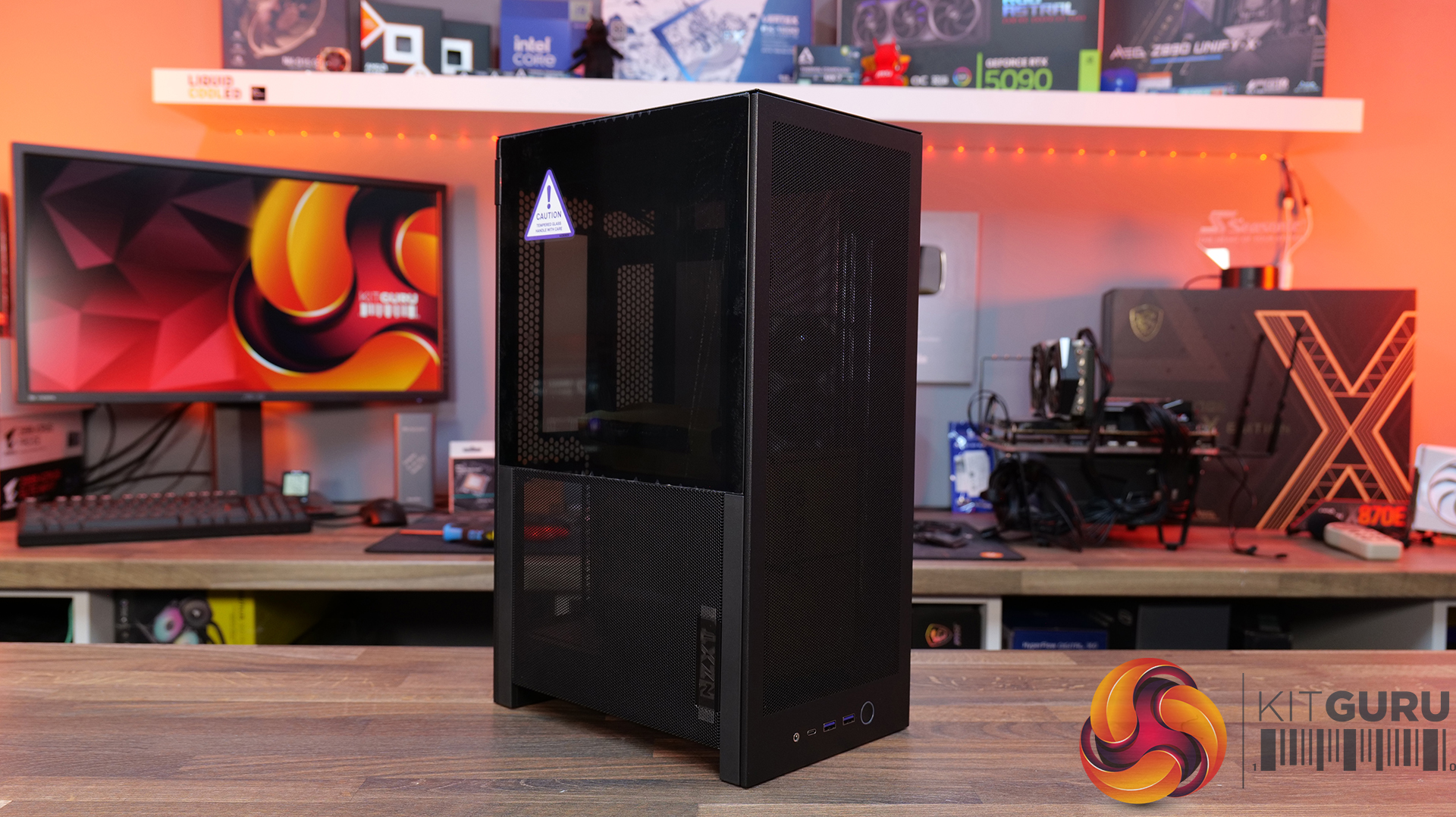
NZXT H2 Flow PC Case Review

31 March 2026 at 12:22

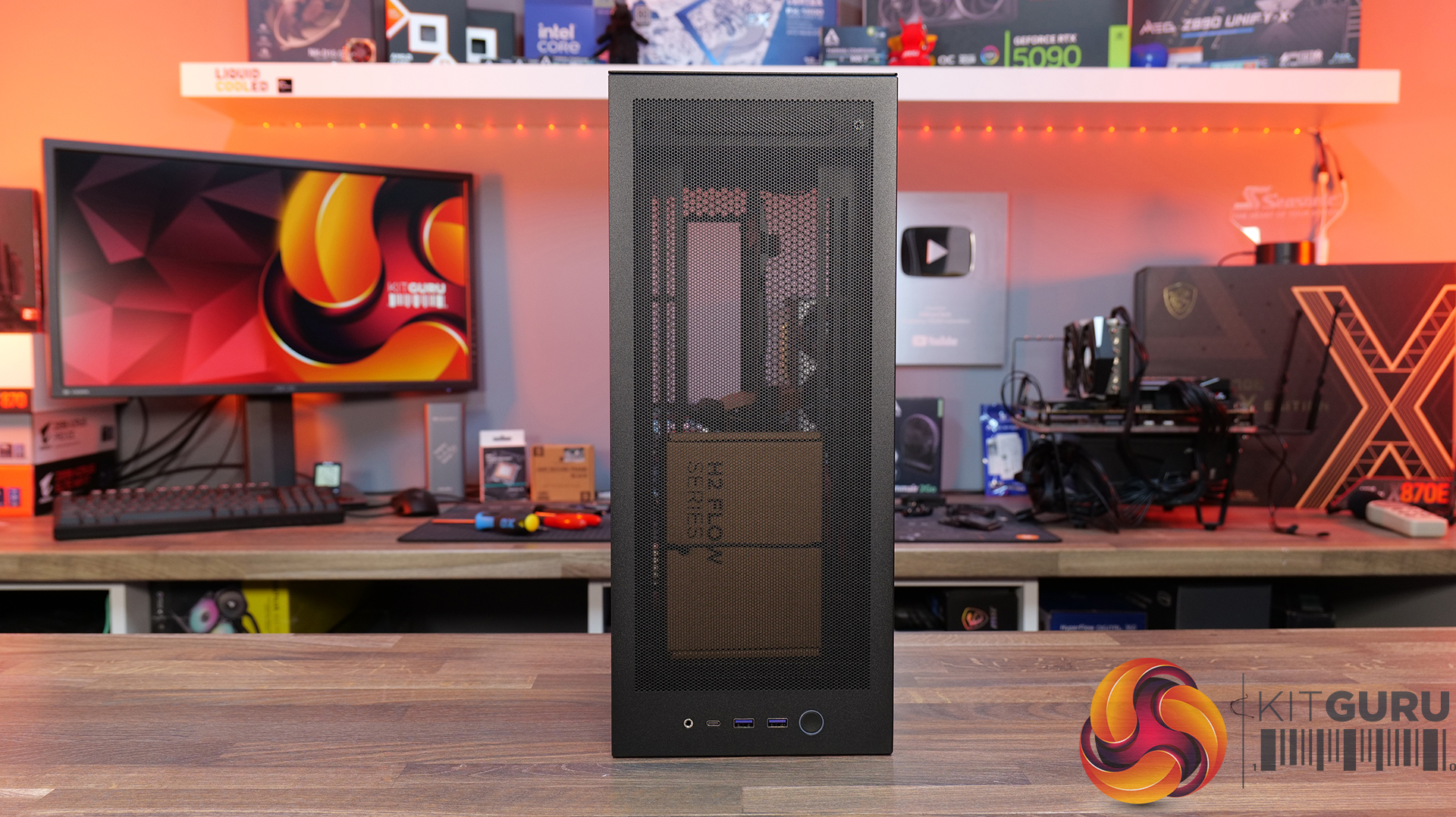
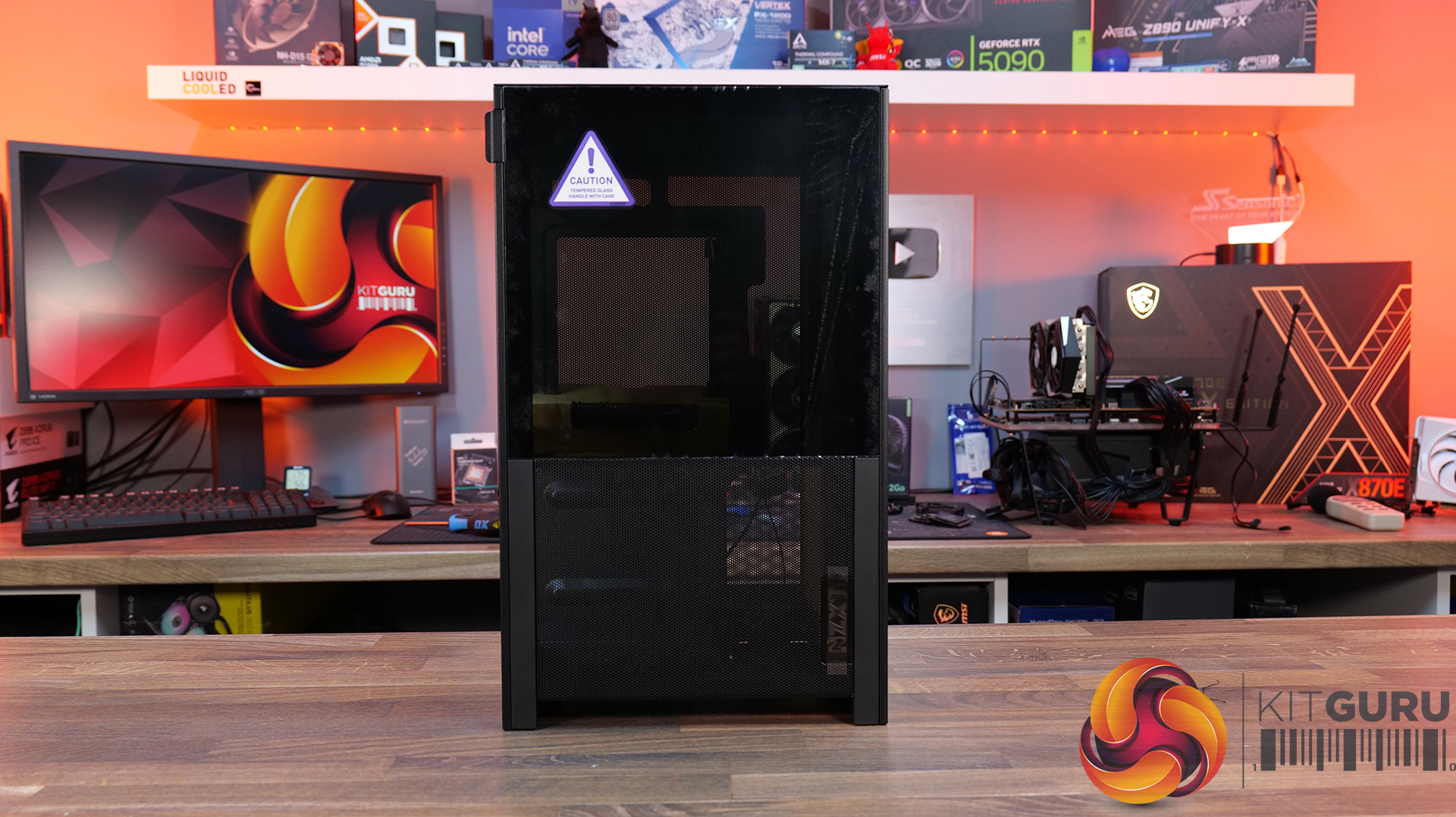
Today we’re checking out the new H2 Flow case from NZXT. It’s a small-form-factor chassis designed to focus on cooling performance while maintaining the clean, minimal looks NZXT is known for. It has a full mesh panels, support for high-end hardware and according to NZXT, a layout aimed at making the build process as straightforward as possible. There’s even support for several fan and radiator configurations, so on paper at least, it looks like NZXT is addressing one of the biggest criticisms of its previous ITX case. But how well does it actually perform? Let’s find out.

Timestamps:

00:00 Intro
00:50 Pricing and details
01:34 Overview / Dimensions / Materials
02:10 Panels / A look Inside
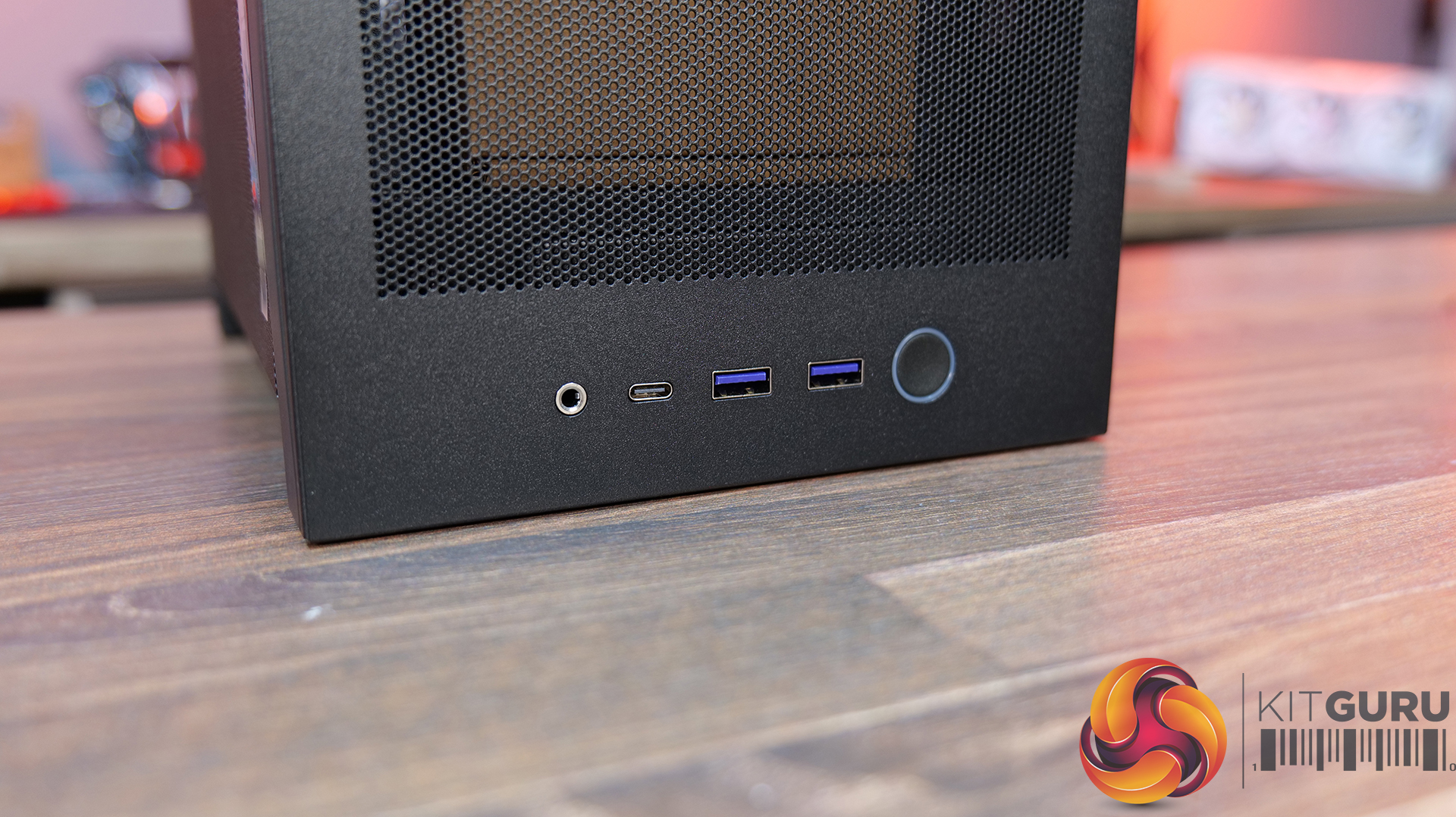
04:20 Front IO
04:56 Cooling Support
06:27 Motherboard and PSU support
07:03 Cable Management support
08:14 Graphics Card and some issues
11:45 Motherboard layout and air flow
12:37 Cable Management features
12:52 Power Supply / Drive support
13:46 Building inside the case / accessories
14:41 Thermal and Noise Performance
16:16 James thoughts

Features:

  • High-airflow mesh design: Ultra-fine mesh panels on multiple sides maximise air flow while also helping to filter dust, keeping components cool and clean.
  • Strong liquid cooling support: Designed primarily for AIO setups, with support for up to a 280mm front-mounted radiator to keep thermals under control in a compact system.
  • Compact footprint, high-end compatibility: Despite the small 20.7L layout, it supports GPUs up to 331mm and 3-slots wide, making it capable of handling modern high-performance hardware.
  • Builder-friendly design: the H2 Flow Features tool-less panels, smart cable management, pre-installed fans, and a PCIe 5.0 riser cable, all aimed at making the build process quick and straightforward.

Specifications:

  • Case Type: Small Form Factor
  • Dimensions (HxWxD): 435 mm x 181 mm x 263 mm
  • Materials: Steel, tempered glass
  • Motherboard Support: Mini-ITX
  • Back-connect motherboard support: N/A
  • Expansion Slots: 3 (Standard Vertical)
  • Storage bays: 2 x 2.5”
  • Max GPU Length: 331mm
  • Max GPU Thickness: 65mm
  • Max GPU Width: 150mm
  • Max CPU Cooler Height: 75mm
  • PSU Type: SFX up to 130mm
  • Cable Management: Fixed Velcro Straps / Zip Ties Included
  • Supplied Fans: 2 x F120Q (Top)
  • Fan Support: 2 x 120 / 2 x 140mm (Front), 2 x 120mm (Top),
  • Radiator Support: up to 280mm (Top)
  • Font I/O: 1 x USB 3.2 Gen2x2 Type-C, 2 x USB 3.2 Type-A, 1 x combined 3.5mm Auio/Mic jack
  • LCD Screen: N/A

Thermal Performance Testing

To simulate thermal demand, we run the Cinebench R23 multi-thread benchmark and 3DMark Speed Way stress test simultaneously in a loop for 30 minutes to load the system fully. This gives the CPU and GPU enough time to reach constant steady-state temperature. With this data, we can compare how the system handles the thermal demand and measure peak noise levels.

Thermal performance is measured with the case in various configurations, such as the default, with the tempered glass left-hand side panel removed and with the front panel removed to see how these configurations affect the CPU and GPU temperature. During testing, only stock case fans are used unless otherwise specified. All water pumps are set to maximum RPM and fans are set to a custom RPM curve by the Motherboard software/BIOS.

All temperature measurements are presented as Deltas – meaning the ambient temperature has been deducted from the CPU temperature, giving us a Delta. Data shown in the charts represents the average component temperature over the length of the test as measured by HWiNFO, and then the last 15 minutes of the data are calculated to get the average. The ambient temperature during thermal tests is between 19-20⁰C.

Test System Specification:

Thermal Performance Overview

We test case thermals using a 280mm AIO as the intake at the front and with the case in several different fan configurations. The default configuration shown in the charts is with the Front 280mm AIO cooler, 2 x 120mm top exhaust fans and with all case panels installed.

Looking at the thermal results, the H2 Flow delivers pretty solid performance overall, with some interesting quirks. With the side panels removed, we see CPU temperature at 61°C over ambient and 39°C on the GPU. In the default configuration with all panels installed, CPU temperature increases to 65°C over ambient on the CPU and 41°C on the GPU, so out of the box airflow seems reliable, but there's some restriction.

Switching the top fans to intake doesn’t help CPU temperature at all and pushes GPU temperatures up a couple of degrees. Using an AIO as exhaust at the front sees CPU temperatures climb to 68°C, although GPU temps drop back down to 39°C in this configuration, so there’s a bit of a trade-off depending on your setup.

Noise Output

Moving on to noise output, again the H2 performs quite consistently. With the side panels removed we see a maximum load noise level of 41dBA, rising slightly to 42dBA in the default setup with all side panels installed, due to increased temperatures and higher fan speeds.

Switching the top fans to intake doesn’t change things at all, but using the AIO as exhaust pushes noise up slightly to 43dBA, due to higher CPU temperature and AIO fan speed. However, an increase of 1dBA shouldn’t be too noticeable in real-world scenarios. At idle, everything sits between 36 – 37dBA regardless of configuration, so overall the H2 Flow delivers controlled acoustics — its not the quietest case we’ve tested, but certainly nothing much to complain about either.

Closing Thoughts

Overall, the H2 Flow is a bit of a mixed bag, but there are some positives worth highlighting. The compact footprint is one of its best features — it takes up less space desk space than mid-towers and some compact SFF cases with horizontal layouts, which will appeal to users who are working with a smaller desk setup. At the same time, NZXT has done a solid job with cooling support, with compatibility for 280mm AIOs and 140mm fans, so you don’t have to sacrifice cooling for desk space, which is great and a big improvement on its predecessor, the H1.

Building inside the case is mostly a smooth experience. System installation is straightforward, there’s a decent amount of space to work with given the overall size, and cable routing is handled reasonably well for the most part. There are clear channels for running cables, which work well. It's not the most radical design, nor does it include any genuinely innovative ideas, but NZXT has clearly put some thought into making the build process as painless as possible for most users.

That said, there are a few downsides that hold it back. One of those issues is GPU compatibility — the maximum graphics card length is quite restrictive; it's an improvement on the H1 at 331mm, but a lot of current high-end cards simply won’t fit. There are also some concerns around build quality. The motherboard tray has excessive flex, the PCIe riser cable fouls the motherboard tray and the back of the GPU, some of the outer panels feel a bit weak, and small details like the Velcro straps don’t properly secure the 24-pin cable, even though generally cable management is good.

There are a few usability niggles too. Removing a graphics card can be awkward due to the limited access to the PCIe retaining latch, which you only notice when removing the graphcis card. There's only a small cutout in the chassis frame to get a finger in to release the PCIe latch, you may be tempted to use a tool and pry it open, which can result in damage. So while the H2 Flow gets things right in terms of size, airflow, and ease of use, the compromises — particularly around GPU support and build quality mean it doesn’t quite hit the mark.

The NZXT H2 Flow is available to purchase now from Scan priced at £129.98 HERE.

Pros: 

  • Decent cooling support
  • Small footprint.
  • Easy system installation.

Cons:

  • Max graphics card space limits options.
  • Build quality issues.
  • Cable management Velcro straps are a bit weak.
  • A little expensive.

KitGuru says: The H2 Flow is certainly an improvement in terms of cooling compared to the H1, but it still falls short in some areas, which makes it difficult to recommend. The potential for a solid small form factor case is there, but there's still room for improvement.

The post NZXT H2 Flow PC Case Review first appeared on KitGuru.
Antec Flux Pro Noctua Edition PC Case Review

22 March 2026 at 13:19

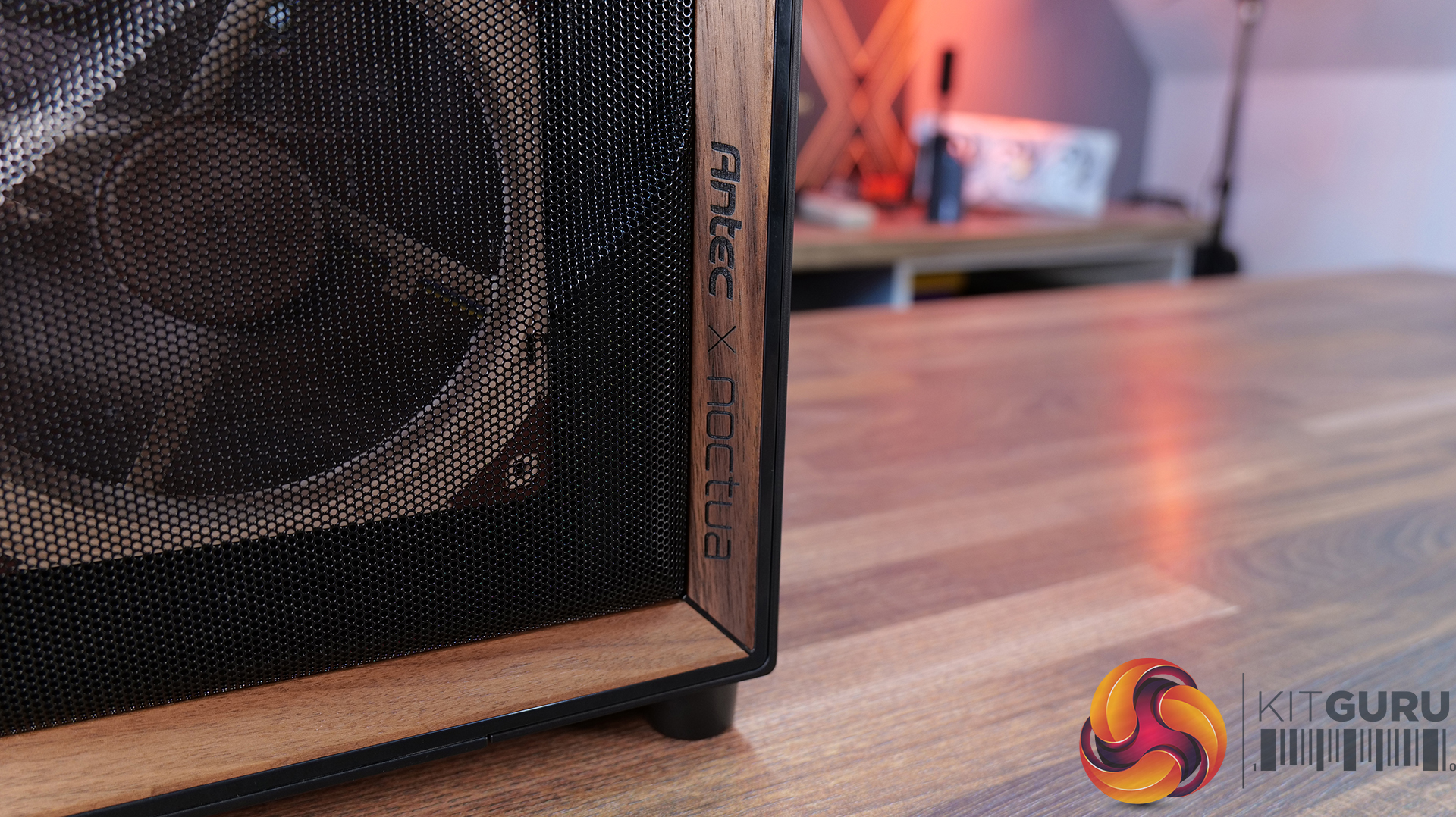
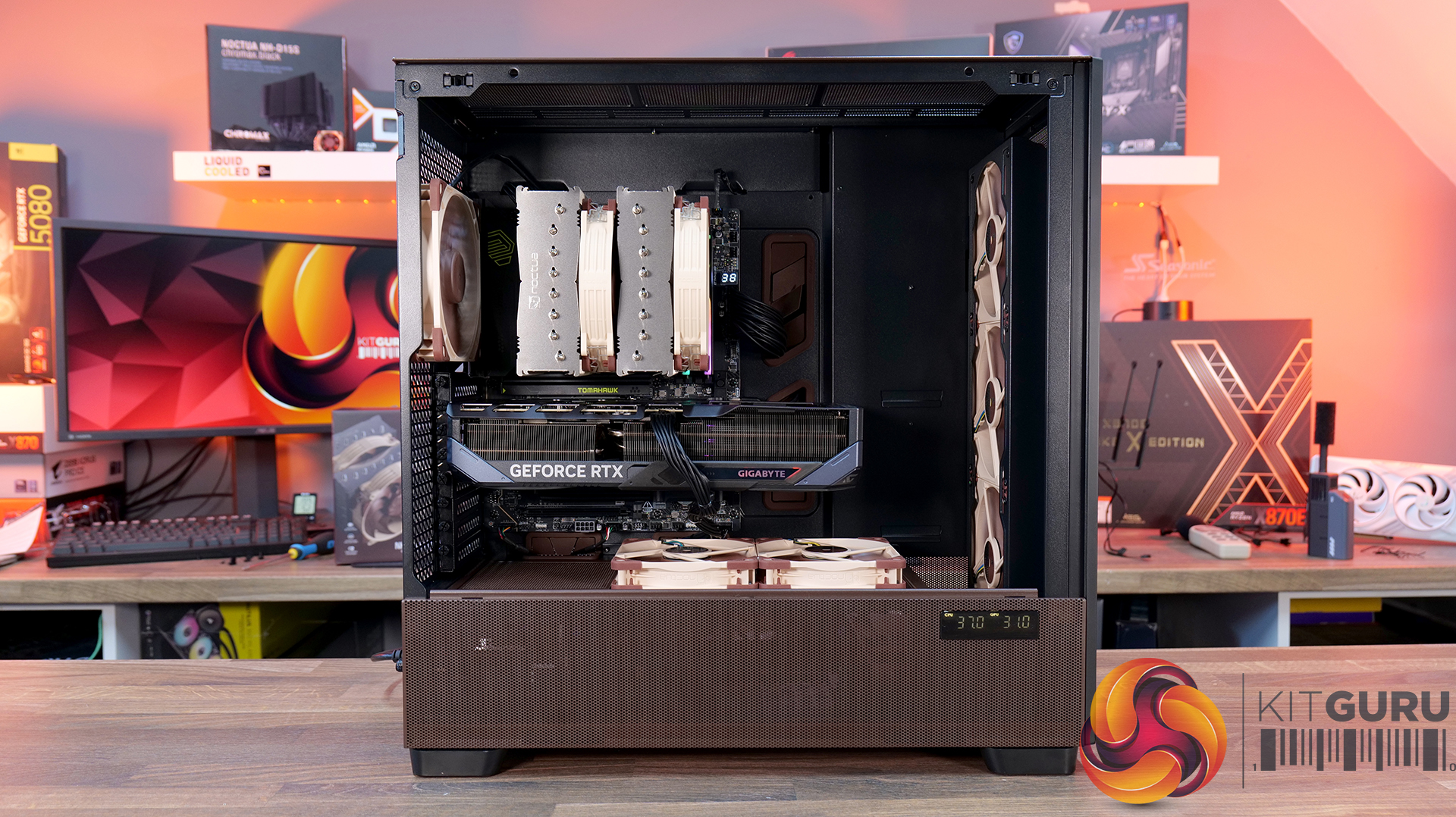
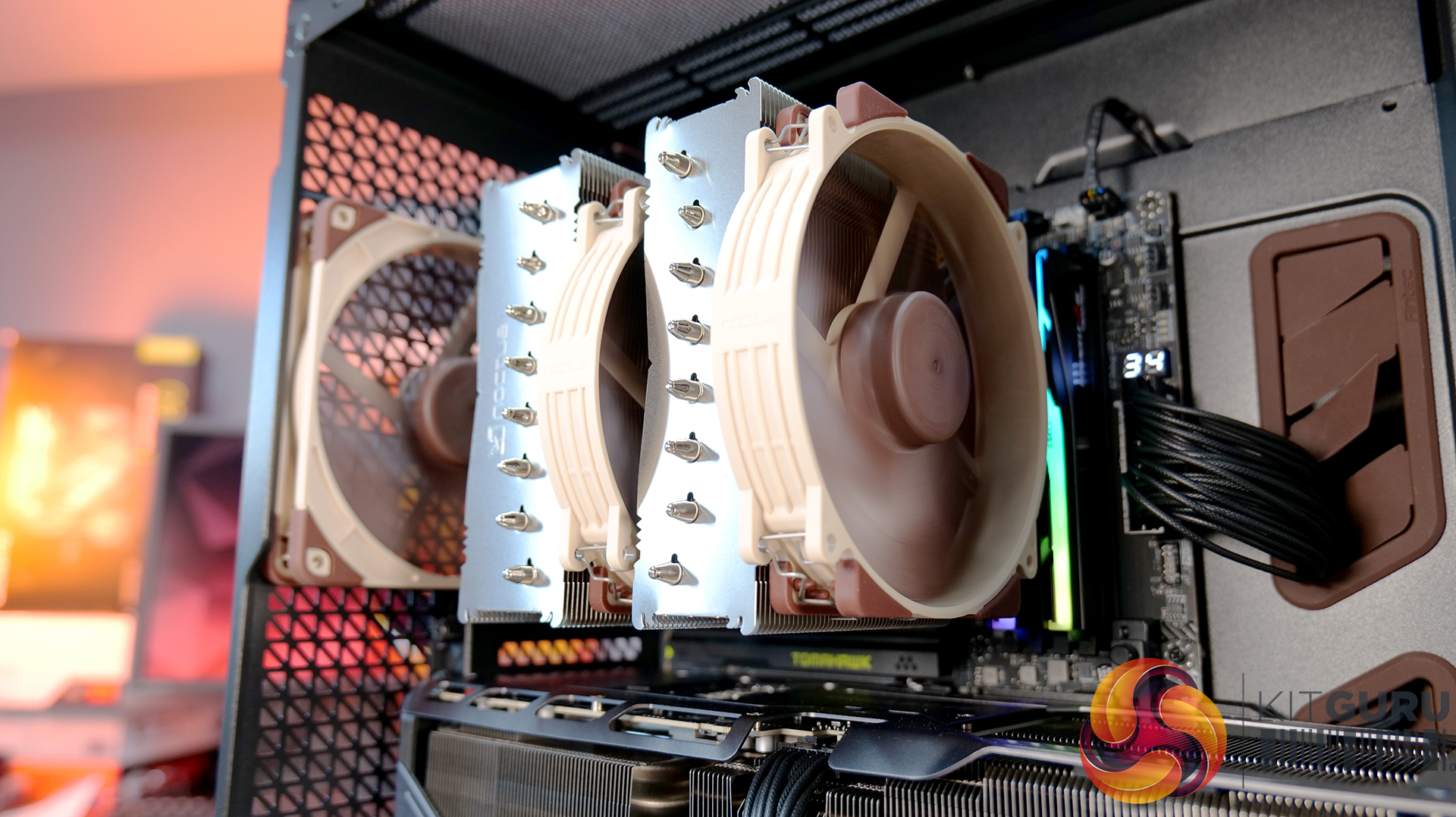
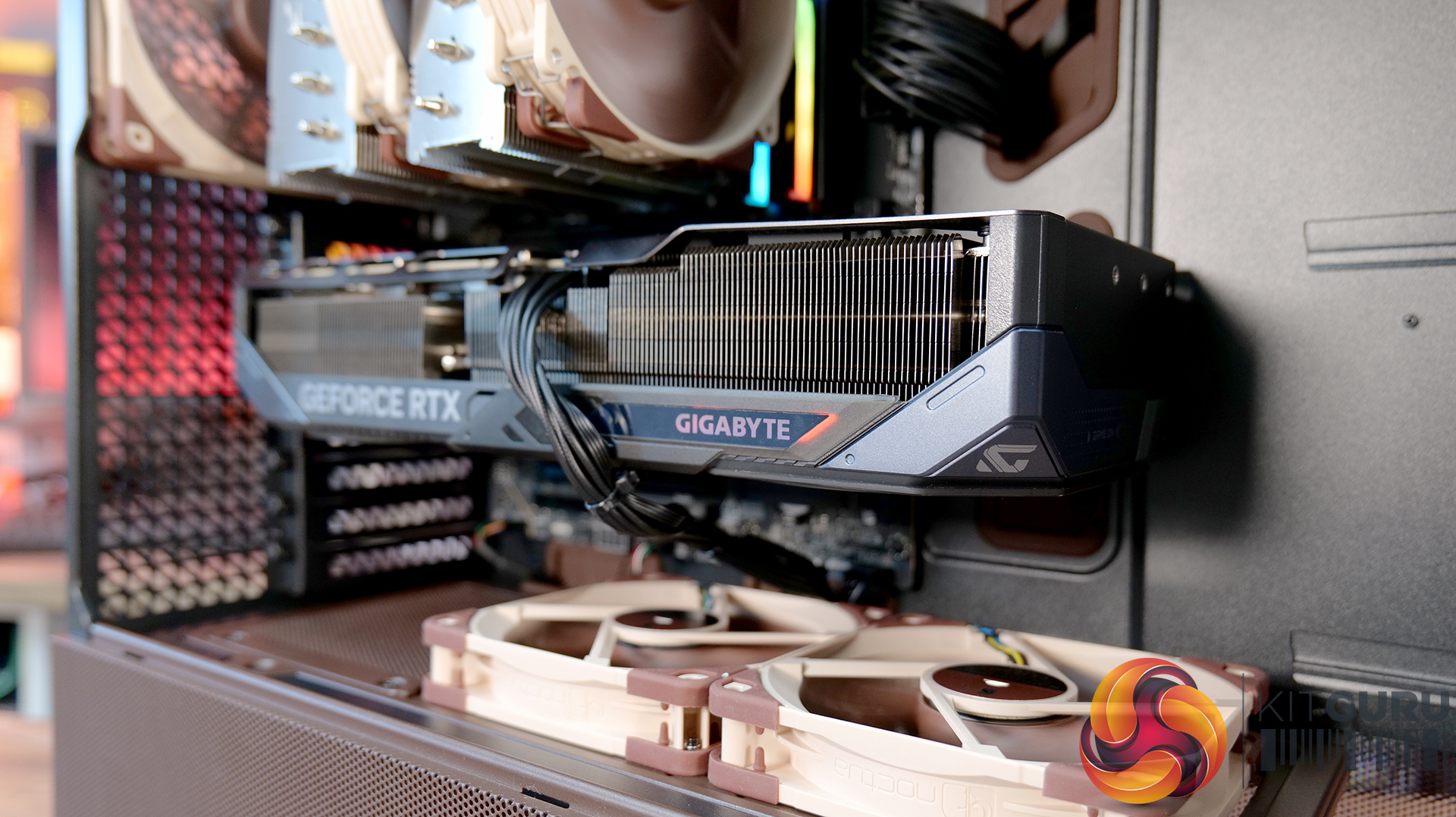
Today we’re taking a look at the Antec Flux Pro Noctua Edition, a full-tower case designed around high airflow and low-noise performance. It combines Antec’s Flux Pro chassis with a set of pre-installed Noctua G2 fans, tuned to deliver strong cooling with minimal acoustic impact. The case features extensive ventilation and support for large radiators, high-end GPUs, and oversized air coolers. In this review, we’ll be checking build quality, layout, and thermal performance to see how it stacks up.

Timestamps:

00:00 Start
00:44 Pricing / Costs
01:38 Accessories
02:02 Dimensions
02:14 Materials / Build
03:00 Recommended Fan Config
03:19 Front I/O (top)
03:47 Temperature display
04:27 Getting Inside the case / Colours
07:13 Install Options
12:27 Rotated PSU Design
13:36 Right hand side / drive positions
17:10 Floor of the case
17:55 Testing Methodology
19:08 Thermal and Noise Performance
21:09 Visual Airflow demo and thoughts
23:22 Closing Thoughts

Features:

  • Pre-installed Noctua G2 fans – Includes four Noctua NF-A14x25 G2 and two NF-A12x25 G2 premium fans, delivering high-end airflow straight out of the box.
  • Optimised for low noise operation – Noctua’s Extensive lab testing and offset fan speeds are designed to reduce vibration and “beat frequency” hum for quieter performance.
  • Integrated fan hub and clean wiring – It also comes with a pre-wired NA-FH1 fan hub for synchronised control and simplified cable management.
  • High-airflow Flux Pro chassis design – Flux Pro Noctua Edition is built on a low-airflow-resistance platform designed to maximise cooling efficiency for high-performance systems.

Specifications:

  • Case Type: ATX Full Tower
  • Dimensions (LxWxH): 530 x 245 x 546 mm
  • Materials: Steel, Tempered Glass, Walnut Wood, Silicone, Plastic
  • Motherboard Support: STX, Mini-ITX, µATX, ATX, E-ATX (Max 280mm)
  • Back-connect motherboard support: No
  • Expansion Slots: 8
  • Storage bays: 5” x 2 / 2.5/3.5” x 4
  • Max GPU Length: 455mm
  • Max CPU Cooler Height: 190mm
  • PSU Type: ATX up to 470mm (300mm with HDD) (180mm Rotated 90°)
  • Cable Routing Space: 5mm
  • Supplied Fans: 3x NF-A14x25 G2 PWM (Front), 2x NF-A12x25 G2 PWM (PSU shroud), 1x NF-A14x25 G2 PWM (rear)
  • Fan Support: 3 x 120 / 3 x 140mm (Front), 3 x 120 /  3 x 140mm (Top), 2 x 120 / 2 x 140mm (Bottom), 1 x 120 / 1 x 140mm (Rear) 3 x 120mm (PSU Shroud)
  • Radiator Support: 120/140/240/280/360/420 mm (Front/Top), 120/140mm (Rear/Bottom), 120/240/360mm (PSU Shroud)
  • Dust Filters:
  • Font I/O: 1x USB-C 3.1 (10 Gbit/s), 2x USB-A 3.0 (5 Gbit/s), 3.5 mm headphone/mic combo jack, Power / Reset / Temperature / Display Switch
  • LCD Screen: Yes – Temperature Display

Thermal Performance Testing

To simulate thermal demand, we run the Cinebench R23 multi-thread benchmark and 3DMark Speed Way stress test simultaneously in a loop for 30 minutes to load the system fully. This gives the CPU and GPU enough time to reach constant steady-state temperature. With this data, we can compare how the system handles the thermal demand and measure peak noise levels.

Thermal performance is measured with the case in various configurations, such as the default, with the tempered glass left-hand side panel removed and with the front panel removed to see how these configurations affect the CPU and GPU temperature. During testing, only stock case fans are used unless otherwise specified. All water pumps are set to maximum RPM and fans are set to a custom RPM curve by the Motherboard software/BIOS.

All temperature measurements are presented as Deltas – meaning the ambient temperature has been deducted from the CPU temperature, giving us a Delta. Data shown in the charts represents the average component temperature over the length of the test as measured by HWiNFO, and then the last 15 minutes of the data are calculated to get the average. The ambient temperature during thermal tests is between 19-20⁰C.

Test System Specification:

Thermal Performance Overview

We tested the case thermals using a Noctua NH-D15 G2 LBC / 360mm AIO as the exhaust at the top and with the case in several different fan configurations. The default configuration shown in the charts is with the Noctua NH-D15 G2 LBC CPU cooler, 3 x 140mm front intake fans, 2 x 120mm PSU shroud intake fans, 1 x 140mm rear exhaust fan and with all panels installed.

Thermal performance from the Flux Pro Noctua Edition is generally very strong. In the default configuration, CPU temperatures average 56°C over ambient, with the GPU at 45 °C. There is a clear improvement over the air-cooled setup when using a top-mounted 360mm AIO. This is due to the AIO's increased cooling power rather than any limitation of the case.

However, in the air-cooled setup, adding top fans as exhaust negatively affects CPU thermals, raising temperatures to 58°C, suggesting an airflow disruption. Adding a 120mm top intake fan can have a minor improvement in CPU temperature, but GPU temperature is unchanged with both top fan configurations, so leaving top fans out completely is fine.

GPU temperature remains consistent across most setups at around 45°C over ambient, highlighting the effectiveness of the case’s airflow design in the recommended configuration. Removing the PSU shroud fans leads to a small increase in GPU temperature at 48°C. Overall, the results show that the case performs best with balanced airflow in the default configuration, delivering solid all-around thermal performance.

Noise Output

Noise performance is fairly consistent across test configurations, with load noise at 46 dBA in the default setup, which doesn’t really change whether you switch to top intake or add extra exhaust fans. Noise shifts slightly when you remove the PSU shroud fans or install a top-mounted AIO, increasing to 48 dBA under load, suggesting those configurations introduce a bit of fan noise from the GPU cooler and from the AIO compared with the default configuration and using the D15 G2 air cooler.

Idle noise, however, is rock solid across the board at 36 dBA. Overall, it’s a pretty well-balanced acoustic in any configuration, but clearly best optimised in the recommended Noctua configuration.

Closing Thoughts

The Antec Flux Pro Noctua Edition is a case that does exactly what it sets out to do — deliver strong airflow, great cooling and low noise performance. In testing, it handles both CPU and GPU thermals with ease, and more importantly, it manages to keep noise levels impressively low, not just at idle, but also under load. Something that case manufacturers don’t always get right with pre-installed fan configurations. However, the Noctua Fans are not pre-installed; this is the job of the user. They arrive in a separate box.

A big part of that comes down to the included Noctua fans. You’re getting a set of high-quality NF-A12x25 and NF-A14x25 G2 units, along with a Noctua fan hub, all designed to work together. Build quality is exactly what you’d expect from an Antec/Noctua partnership, and the colour scheme is carried throughout the case, giving it a very distinct look that suits the whole package very well and will no doubt please Noctua enthusiasts.

In terms of compatibility, there’s plenty to like here too, including support for dual 420mm radiator installation, as well as generous clearance for large air coolers such as the Noctua NH-D15 G2 and high-end graphics cards. So whether you’re building a high-performance air-cooled system or going all-in with liquid cooling, the Flux Pro has the space and layout to handle it. But this means the case is quite large with Full tower dimensions, not ideally suited to placement on top of the desk.

That said, it’s not without its downsides. At around £350, it’s a very expensive case; at that price, you start to expect a bit more in terms of features. There’s no integrated GPU support bracket, no back-connect motherboard support, and some of the internal panels — particularly the top and front fan mounting brackets could be more intuitive to remove. Even so, if your main priority is excellent cooling performance with low noise levels straight out of the box, the Antec Flux Pro Noctua Edition is a very capable, premium option.

The Antec Flux Pro Noctua Edition is available to purchase now from Amazon priced at £348.90 HERE.

Pros: 

  • Great thermal performance and low noise.
  • Very high-quality fans included.
  • Built-in fan hub.

Cons:

  • Expensive.
  • Missing basic key features such as an integrated GPU support arm, tool-free parts, and back-connect motherboard support.
  • Fans are not pre-installed.

KitGuru says: If you have the cash to splash on a case and want a large chassis with great cooling and low noise, then this might be ideal, especially for Noctua enthusiasts. But in the current economic conditions, it could be money better spent on core system components.

The post Antec Flux Pro Noctua Edition PC Case Review first appeared on KitGuru.
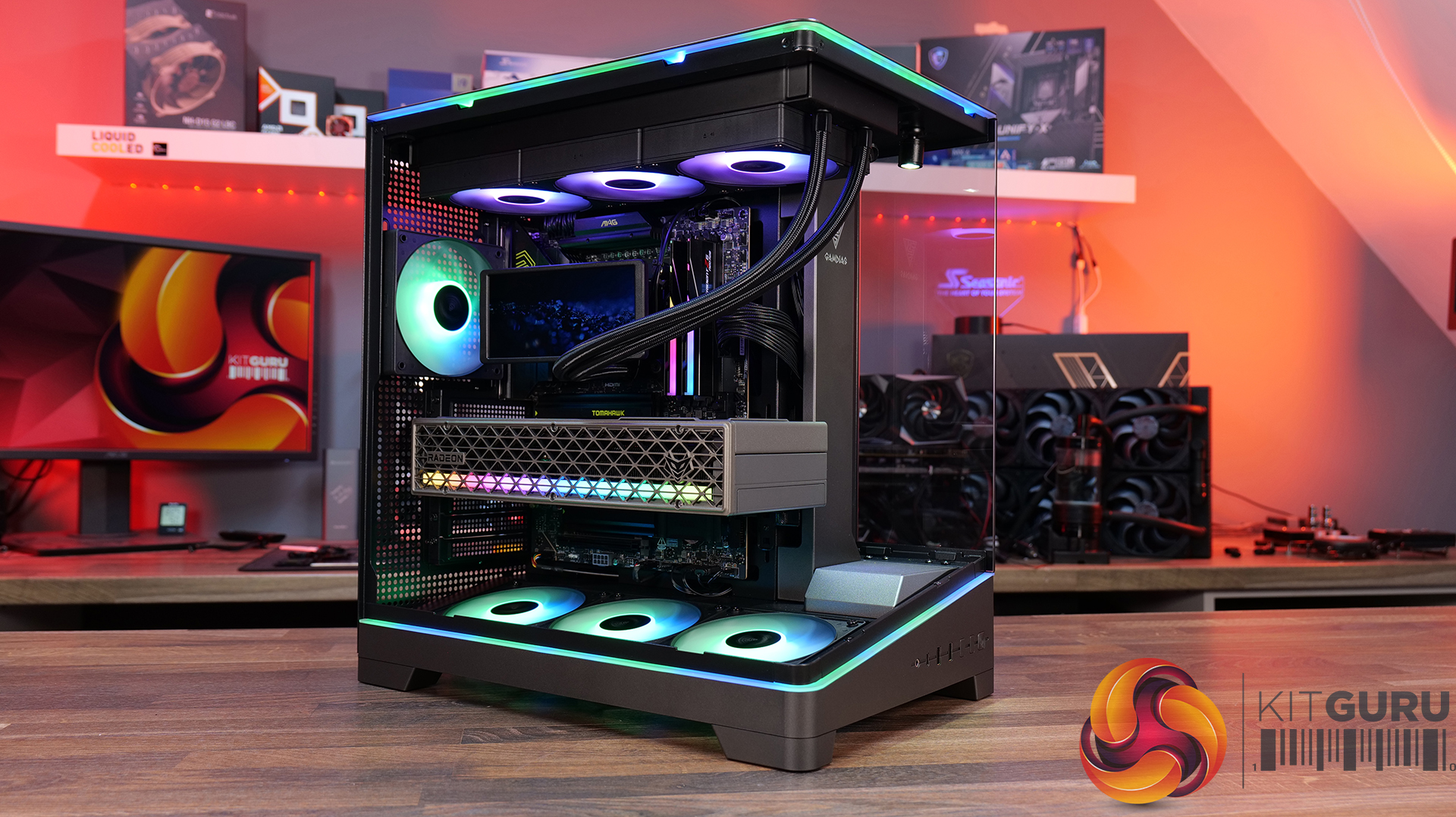
Corsair 3200D RS ARGB Case Review

19 March 2026 at 13:00

Today we’re checking out the new 3200D case from Corsair. It’s a compact mid-tower chassis aiming to combine strong airflow with the latest builder-friendly features, including support for 360mm radiators, reverse-connection motherboards, and graphics cards up to 370mm long. In this RS ARGB version, you also get three included fans, a tempered glass side panel, and a built-in GPU support bracket. But how well does it actually perform? Let’s find out.

Timestamps:

00:00 Intro
00:48 Meet the 3200D – pricing and variants
01:19 Key specs
03:08 Accessing internals
05:34 Cooling and hardware support
07:51 At the back of the case
08:22 Behind the mobo tray
11:02 The case floor
11:48 Accessories and setup
12:24 Thermals and noise
13:34 James’ thoughts so far
14:45 Some compromises made…
16:19 USB 2.0?! And a potential explanation…
19:24 Last minor negative
19:55 Closing thoughts

Features:

  • Strong Cooling Potential – Supports up to nine 120mm fans with three RS120 ARGB fans included out of the box and 360mm radiators are supported front and top.
  • Reverse-Connector Motherboard Support – Compatible with reverse-connector motherboards, helping create clean builds with minimal visible cabling.
  • GPU-Focused Design – Includes a built-in GPU anti-sag stabilisation arm and angled PSU-shroud fan mount to direct airflow toward the graphics card.

Specifications:

  • Case Type: ATX Mid Tower
  • Dimensions (LxWxH): 476 x 214 x 446mm
  • Materials: Steel, Plastic, Tempered Glass
  • Motherboard Support: ATX / mATX, Mini-ITX
  • Back-connect motherboard support: Yes
  • Expansion Slots: 7
  • Storage bays: 2 x 2.5” / 1 x 3.5”
  • Max GPU Length: 370mm
  • Max CPU Cooler Height: 165mm
  • PSU Type: ATX up to 180mm
  • Pre-installed Fans: 3 x RS120 ARGB (Front)
  • Fan Support: 3 x 120 / 2 x 140mm (Top), 3 x 120 / 2 x 140mm (Front), 2 x 120mm (Bottom), 1 x 120mm (Rear)
  • Radiator Support: 360 / 280 / 240mm (Top), 360 / 280 / 240mm (Front)
  • Dust Filters: Front / Bottom / Top
  • Front I/O: 1 x USB 3.2 Gen 2 Type-C (20Gbps), 1 x USB 2.0 Type-A, 3.5mm Audio and Mic Combo Jack, Power Button
  • LCD Screen: N/A

Thermal Performance Testing

To simulate thermal demand, we run the Cinebench R23 multi-thread benchmark and 3DMark Speed Way stress test simultaneously in a loop for 30 minutes to load the system fully. This gives the CPU and GPU enough time to reach constant steady-state temperature. With this data, we can compare how the system handles the thermal demand and measure peak noise levels.

Thermal performance is measured with the case in various configurations, such as the default, with the tempered glass left-hand side panel removed and with the front panel removed to see how these configurations affect the CPU and GPU temperature. During testing, only stock case fans are used unless otherwise specified. All water pumps are set to maximum RPM and fans are set to a custom RPM curve by the Motherboard software/BIOS.

All temperature measurements are presented as Deltas – meaning the ambient temperature has been deducted from the CPU temperature, giving us a Delta. Data shown in the charts represents the average component temperature over the length of the test as measured by HWiNFO, and then the last 15 minutes of the data are calculated to get the average. The ambient temperature during thermal tests is between 19-20⁰C.

Test System Specification:

Thermal Performance Overview

We tested the case thermals with a 360mm AIO as the exhaust at the top and in several different configurations. The default configuration shown in the charts is with the 360mm AIO at the top, 3 x 120mm RS ARGB fans at the front as intake and with all panels installed.

Looking at the thermal results, the 3200D performs consistently across all of our test configurations. With the case in its default setup, we saw CPU temperatures of 52°C and GPU temperatures of 47°C above ambient, which are solid out of the box results.

Removing the glass side panel or the dust filters doesn't make a meaningful difference, suggesting airflow through the chassis is already quite unrestricted by default. Interestingly, adding bottom fans shaves a few degrees off the GPU temperature, dropping it to 44°C, which shows that directing airflow toward the graphics card can provide a small benefit.

Noise Output

Moving on to noise output, results are again consistent across the different configurations. In the default setup the system measures 49 dBA under full load, while idle noise sits at a steady 36 dBA regardless of configuration.

Removing the dust filters or the glass side has little impact, with load noise varying only slightly from 49 to 50 dBA. The configuration with bottom fans installed produces the lowest load noise at 48 dBA, suggesting the additional airflow allows the GPU fans to work a little less aggressively under load, lowering overall system noise.

Closing Thoughts

Taken as a whole, the Corsair 3200D is a solid addition to the affordable airflow-focused case market. In our testing it delivers strong thermal performance with little variation in performance across configurations, so the case is well optimised for airflow and cooling straight out of the box. Build quality is also impressive for the price point, with a sturdy overall feel and a generally clean, understated design that should appeal to a wide range of consumers.

Hardware support is positive too, as the case manages to squeeze in high-end components despite its fairly compact mid-tower footprint. There’s room for large graphics cards, decent CPU cooler clearance, 360mm AIOs and support for several motherboard formats, which helps make the 3200D a flexible platform for mainstream gaming builds. While the interior layout does involve a few compromises due to the case dimensions, overall it still offers a fairly straightforward building experience.

That said, there are a few areas where the design feels slightly underdeveloped. The 360mm top radiator support is there technically, but compatibility can be limited depending on radiators and fan size, plus installation itself is a little awkward without a detachable top panel or radiator/fan bracket. Similarly, the front I/O feels somewhat dated with the inclusion of a USB 2.0 Type-A port, where a USB 3.0 connection would make more sense for a modern chassis. This could come down to the choice of reverse connector motherboard support and tight right-hand side clearance for cable management, although Corsair suggests otherwise.

There are also some smaller usability quirks to be aware of. The included GPU support bracket may not work with some graphics cards, particularly those with fans that extend lower than the shroud, plus there's no fan/ARGB hub included. However, these drawbacks don’t completely undermine what the Corsair 3200D does well. With strong airflow performance, solid build quality and good overall hardware support, it remains a capable budget builder-friendly case – even if a few design tweaks could have made it a much stronger contender.

The Corsair 3200D RS ARGB is has an MSRP of £79.99 here in the UK.

Pros:

  • Strong airflow and cooling,
  • Solid build quality at this price point.
  • Good hardware support for its size, even with the compromises with a top 360 rad.

Cons:

  • Top 360 radiator compatibility is limited, and installation can be awkward.
  • USB 2.0 Type-A should be upgraded to USB 3.0.
  • No detachable top rad/fan mount.
  • GPU support bracket not compatible/interferes with fans on some graphics cards.
  • No fan/ARGB hub included.

KitGuru says: Corsair almost nailed it with the 3200D, it has great cooling potential and hardware support, but some extra attention to detail would have resulted in a more well-rounded case.

The post Corsair 3200D RS ARGB Case Review first appeared on KitGuru.
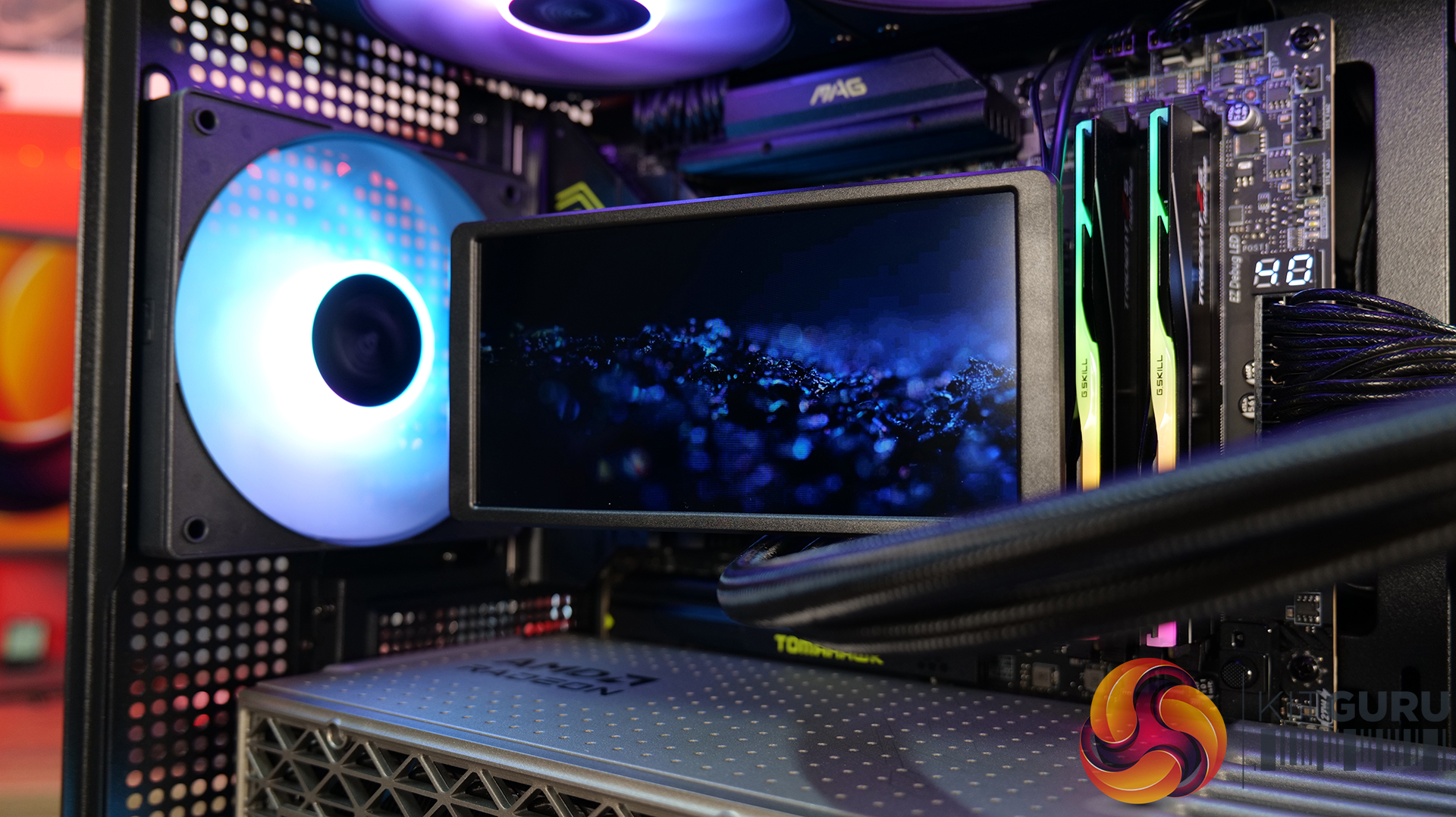
❌
❌