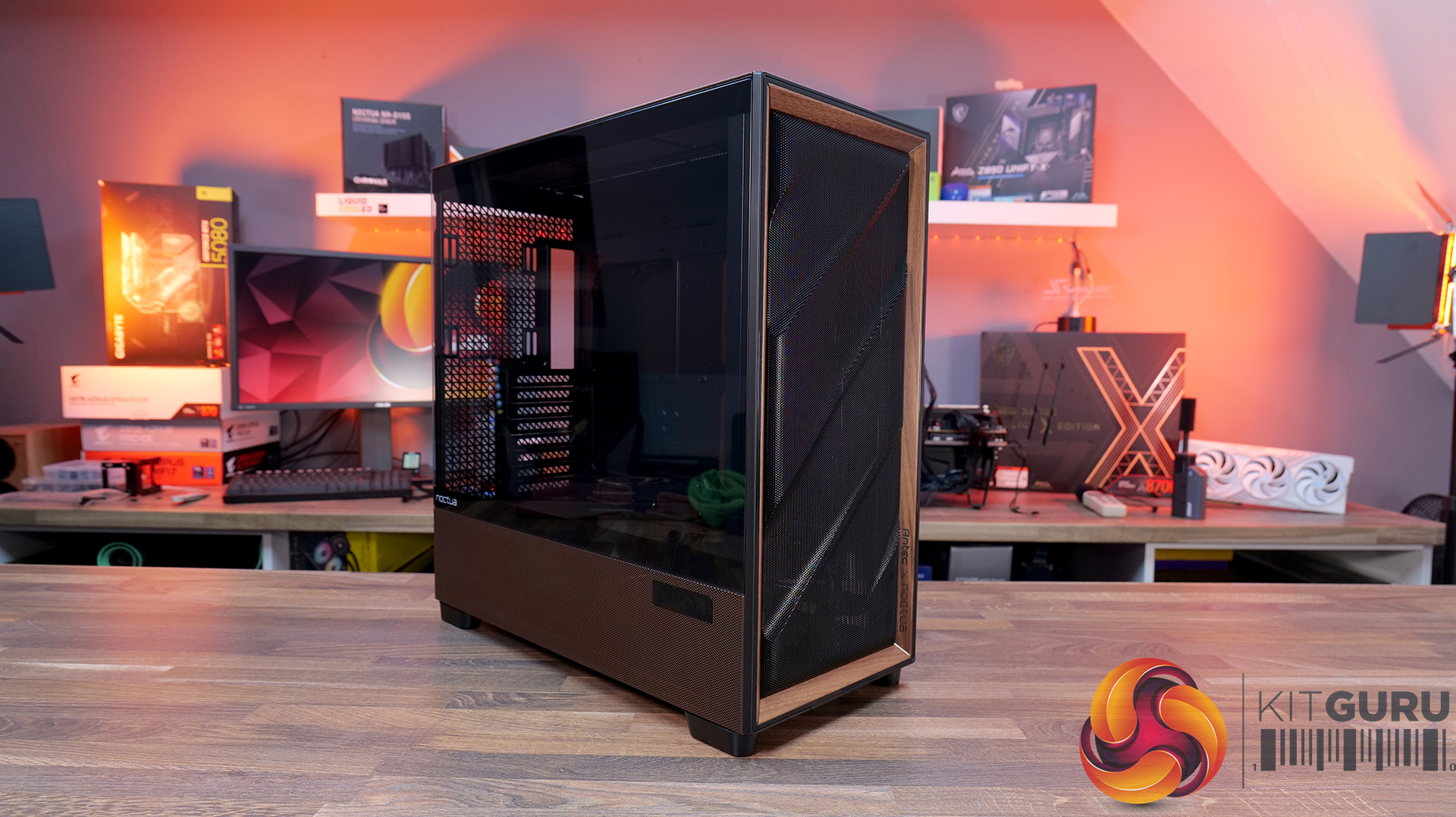
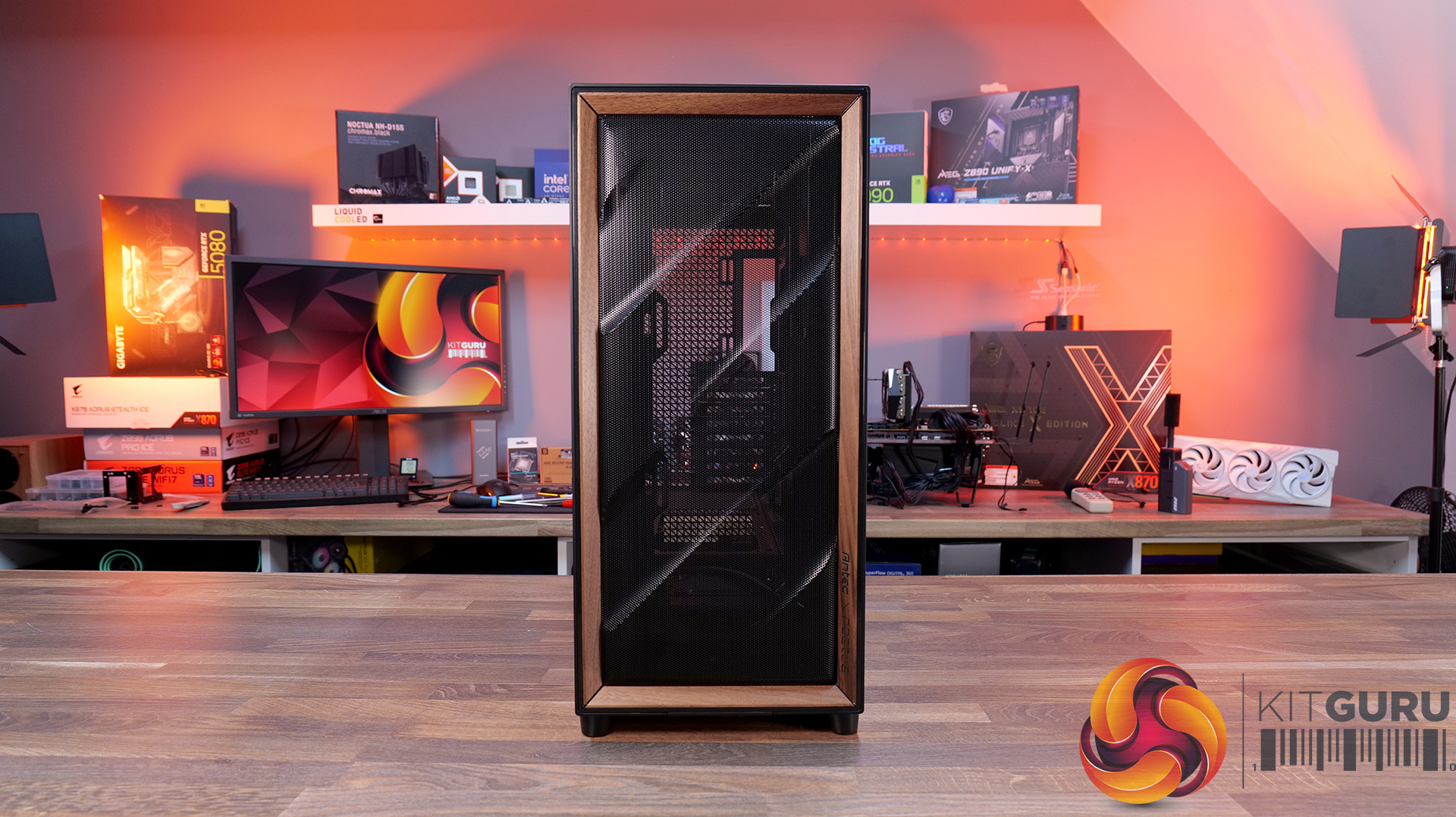
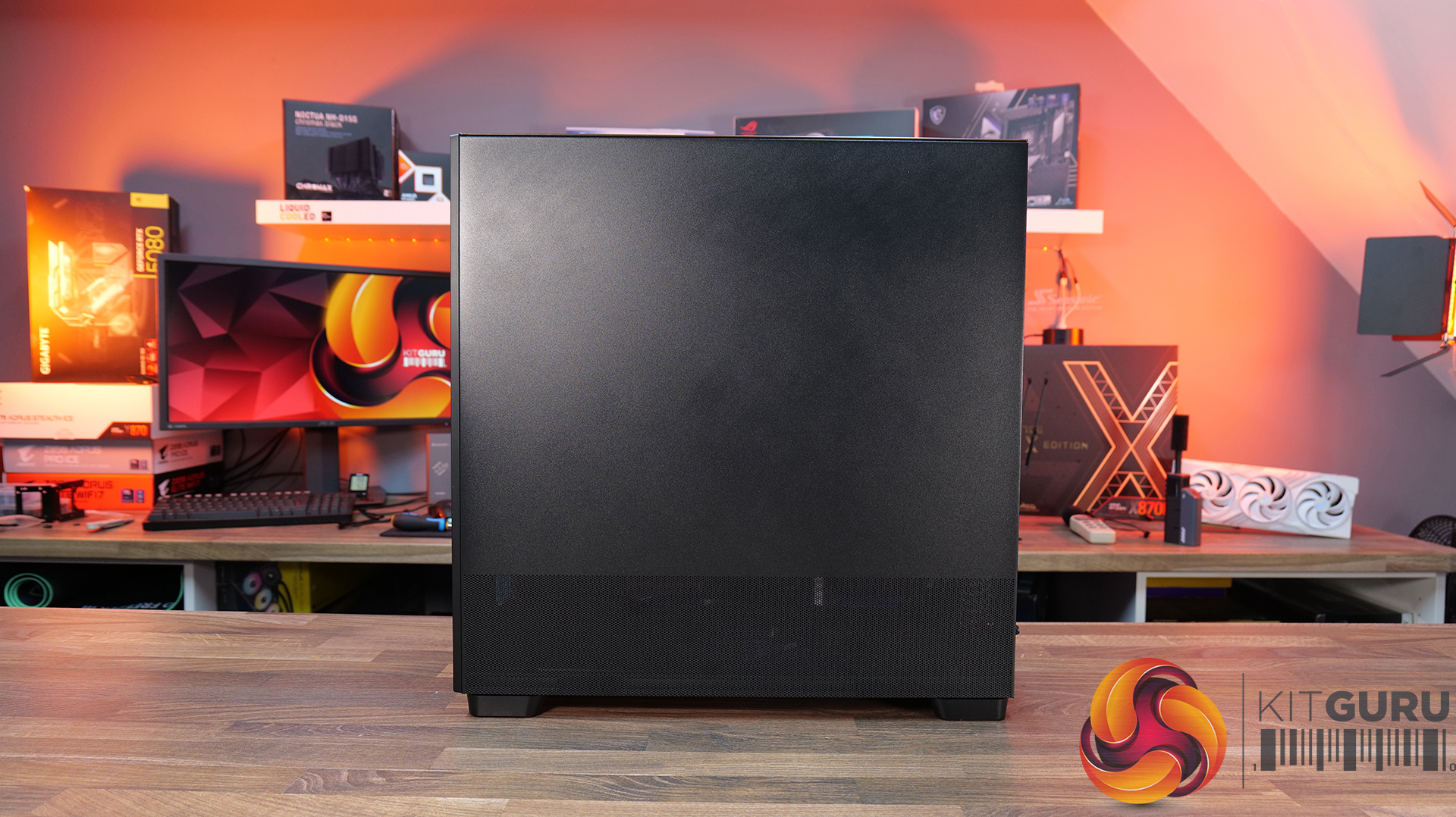
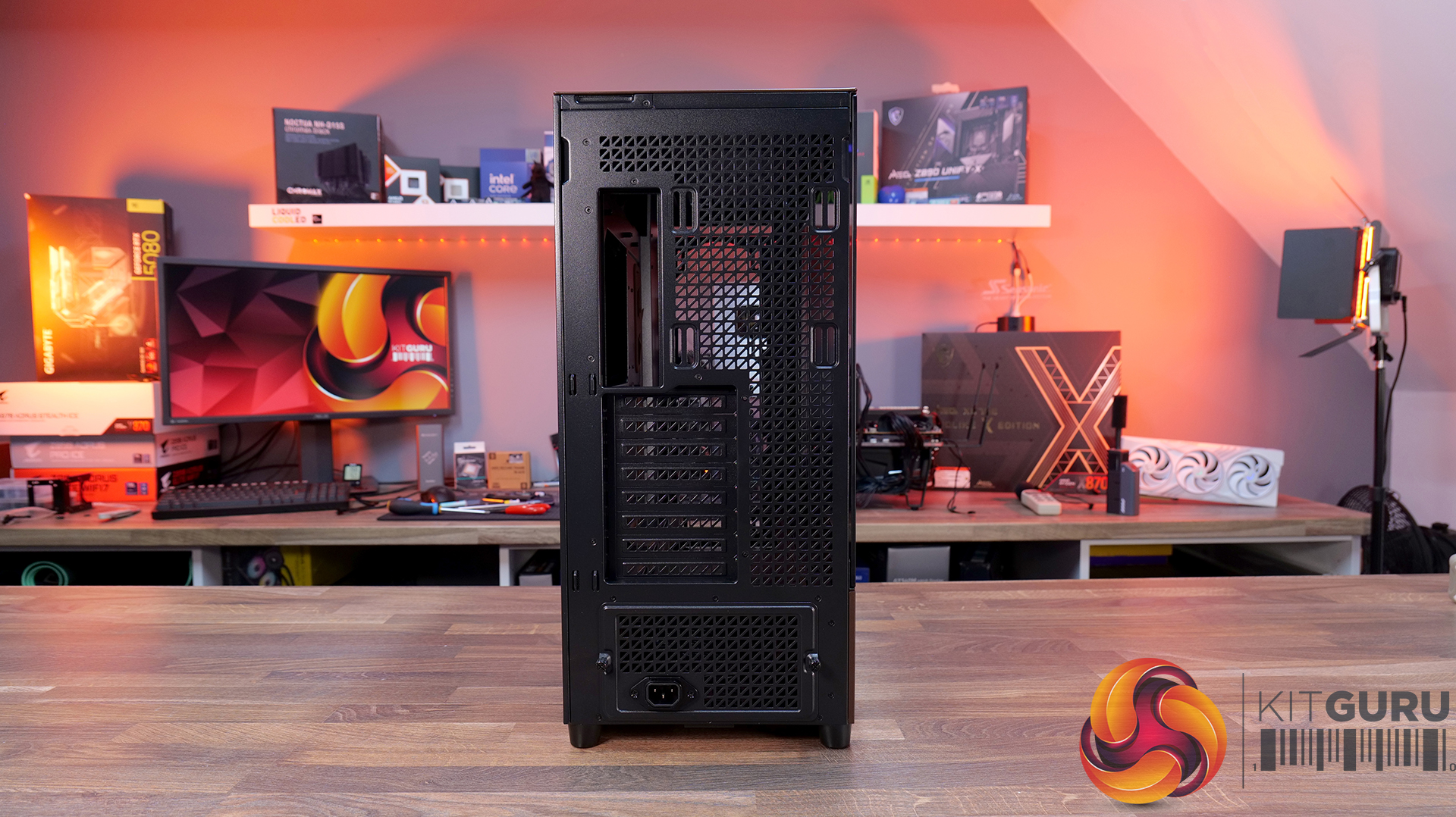
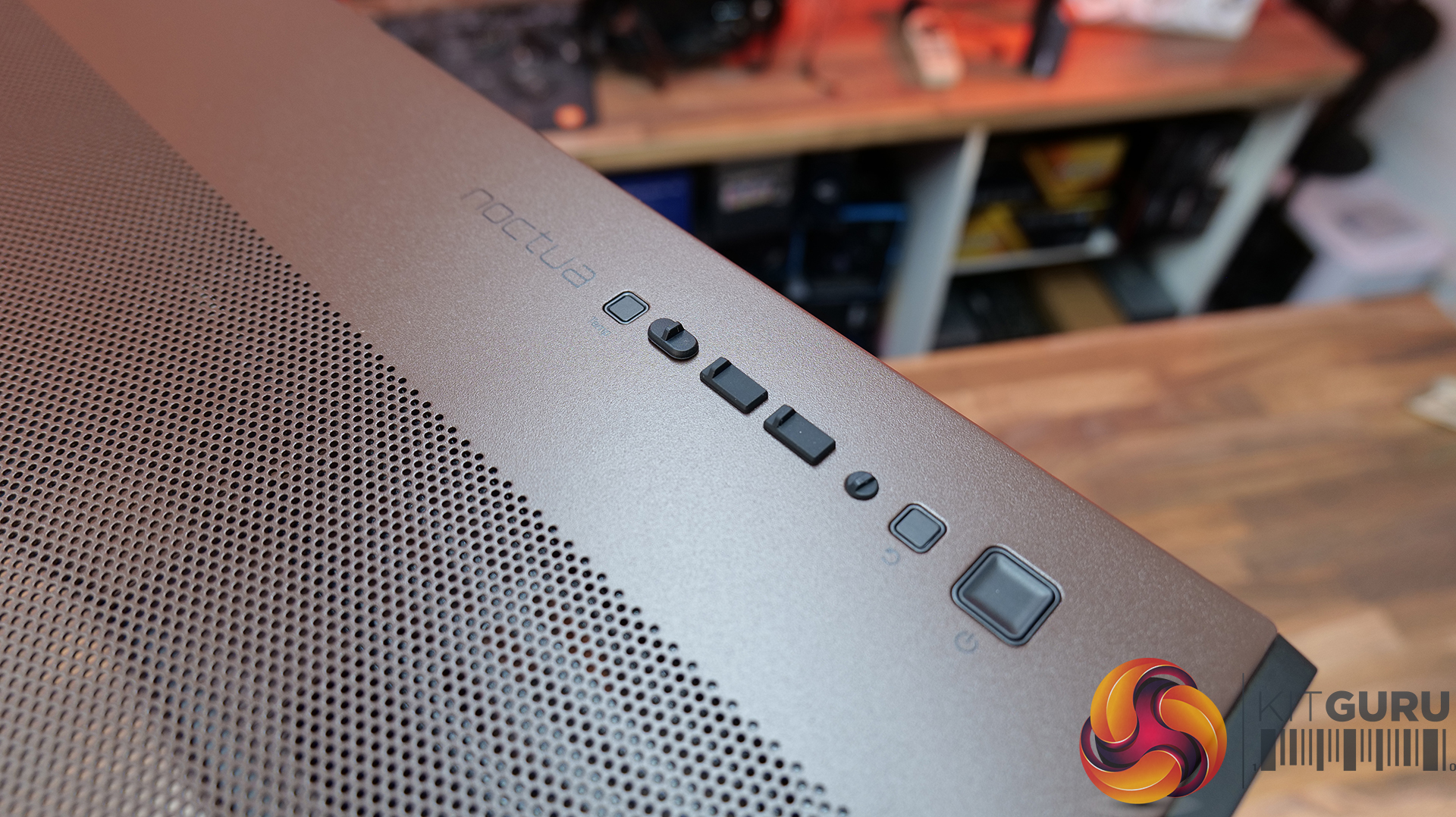
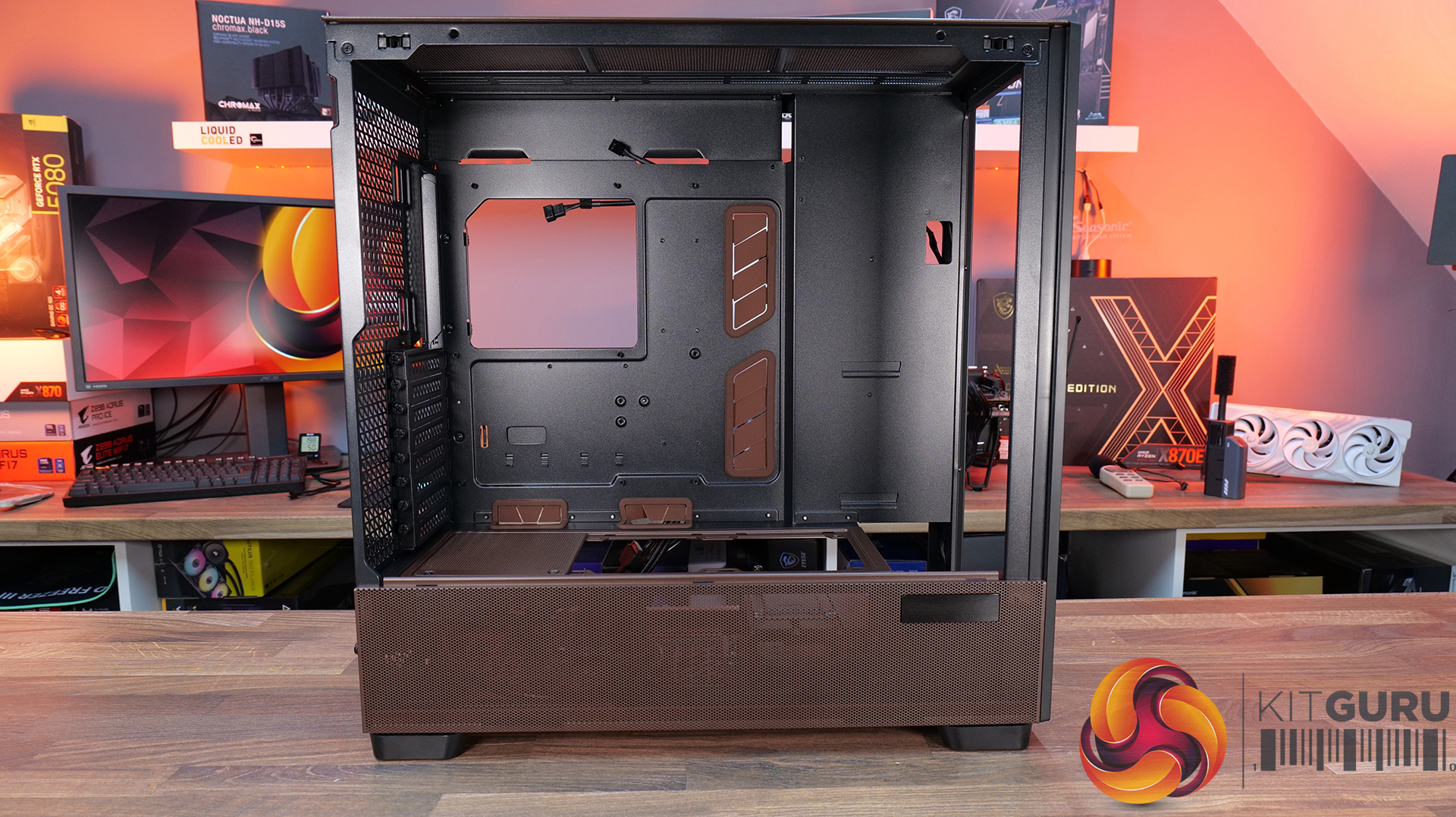
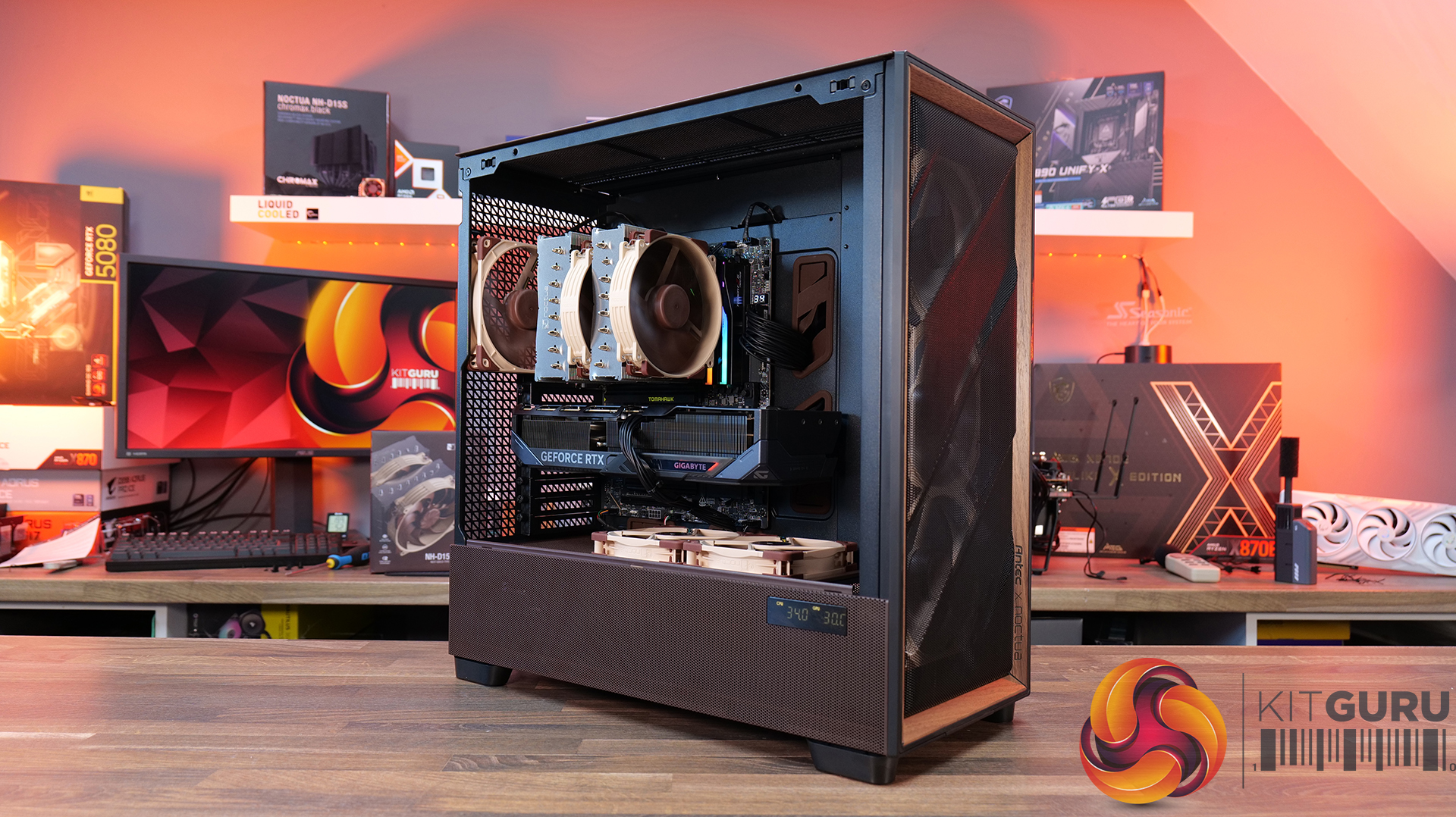
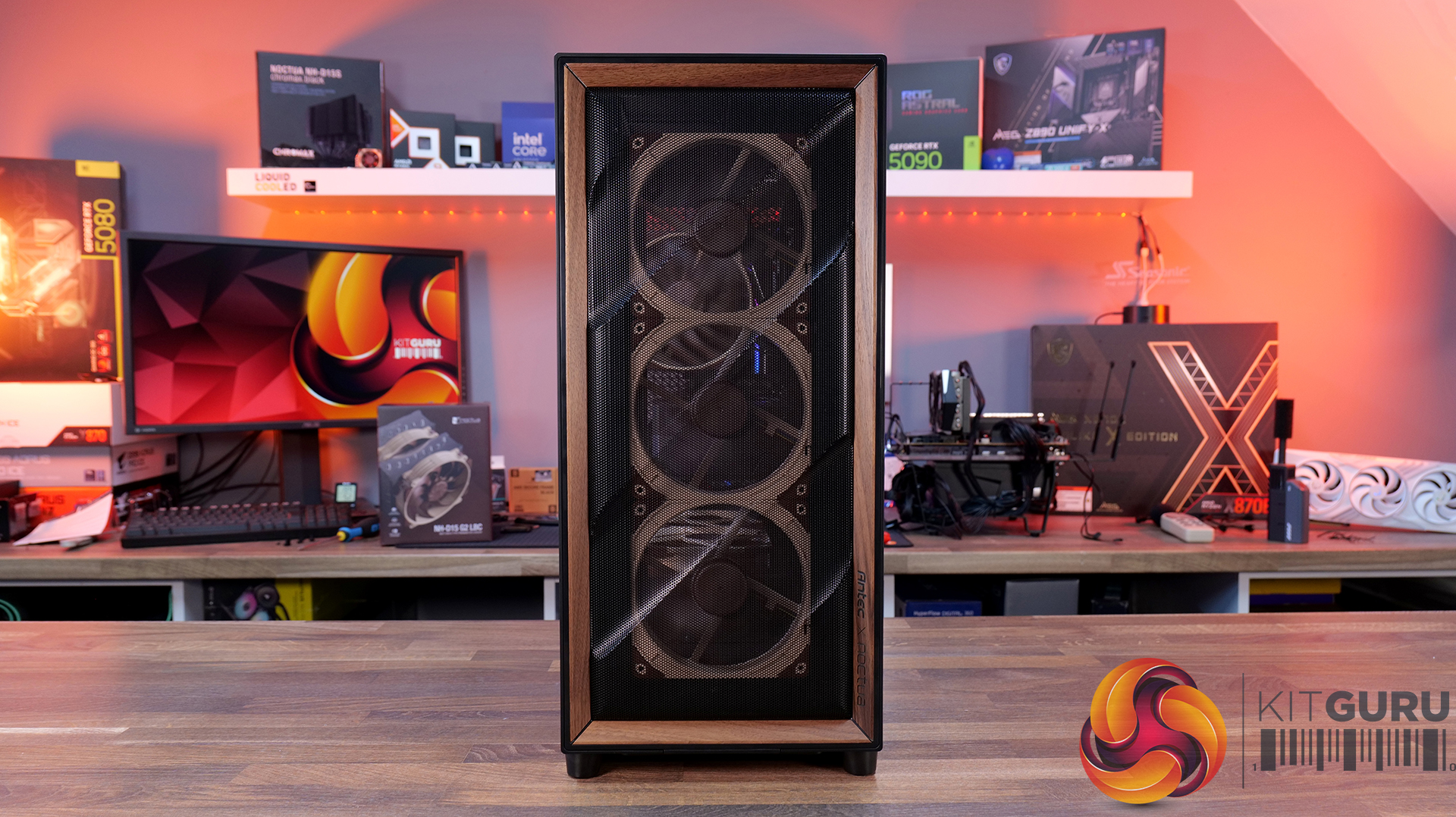
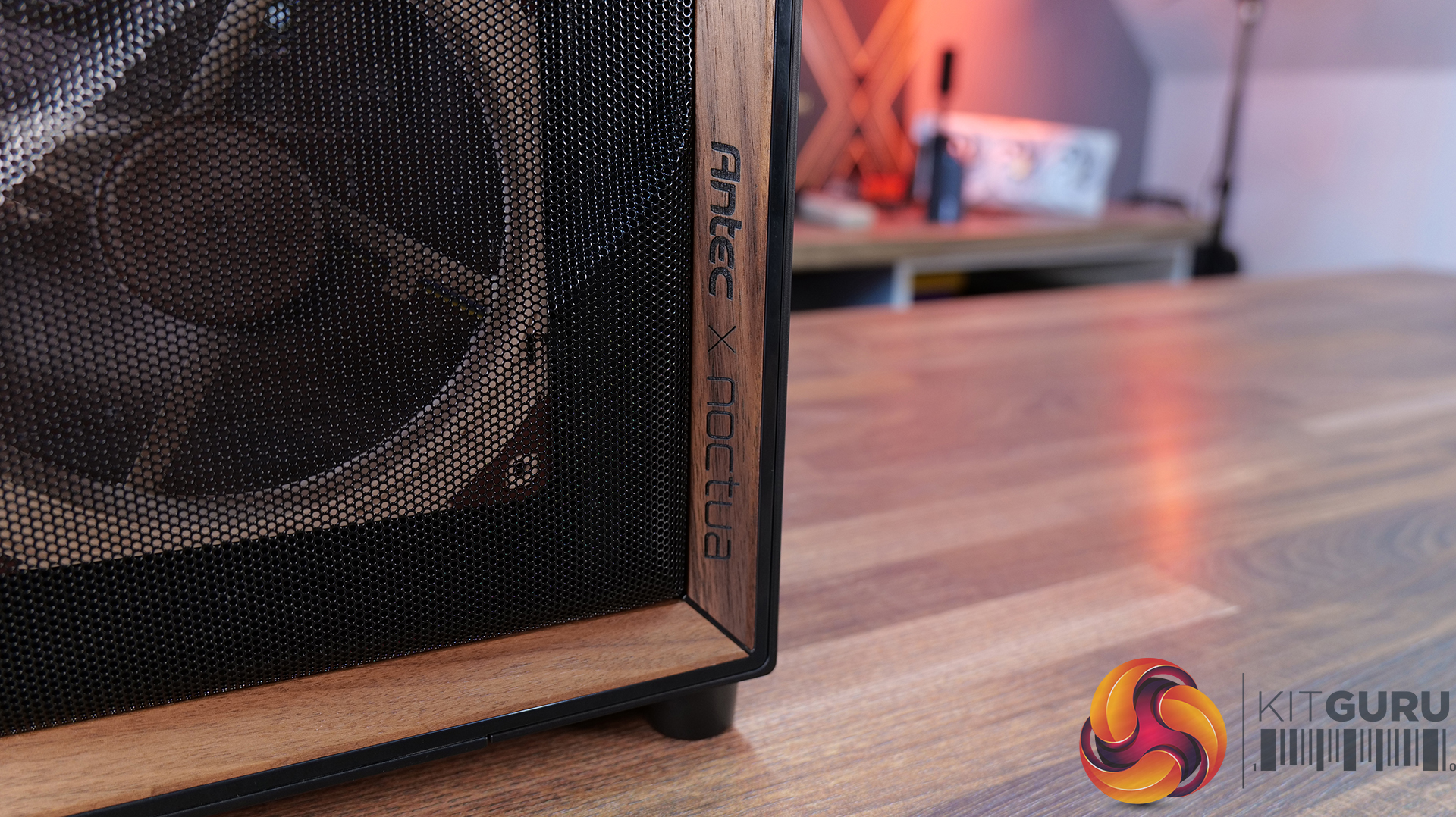
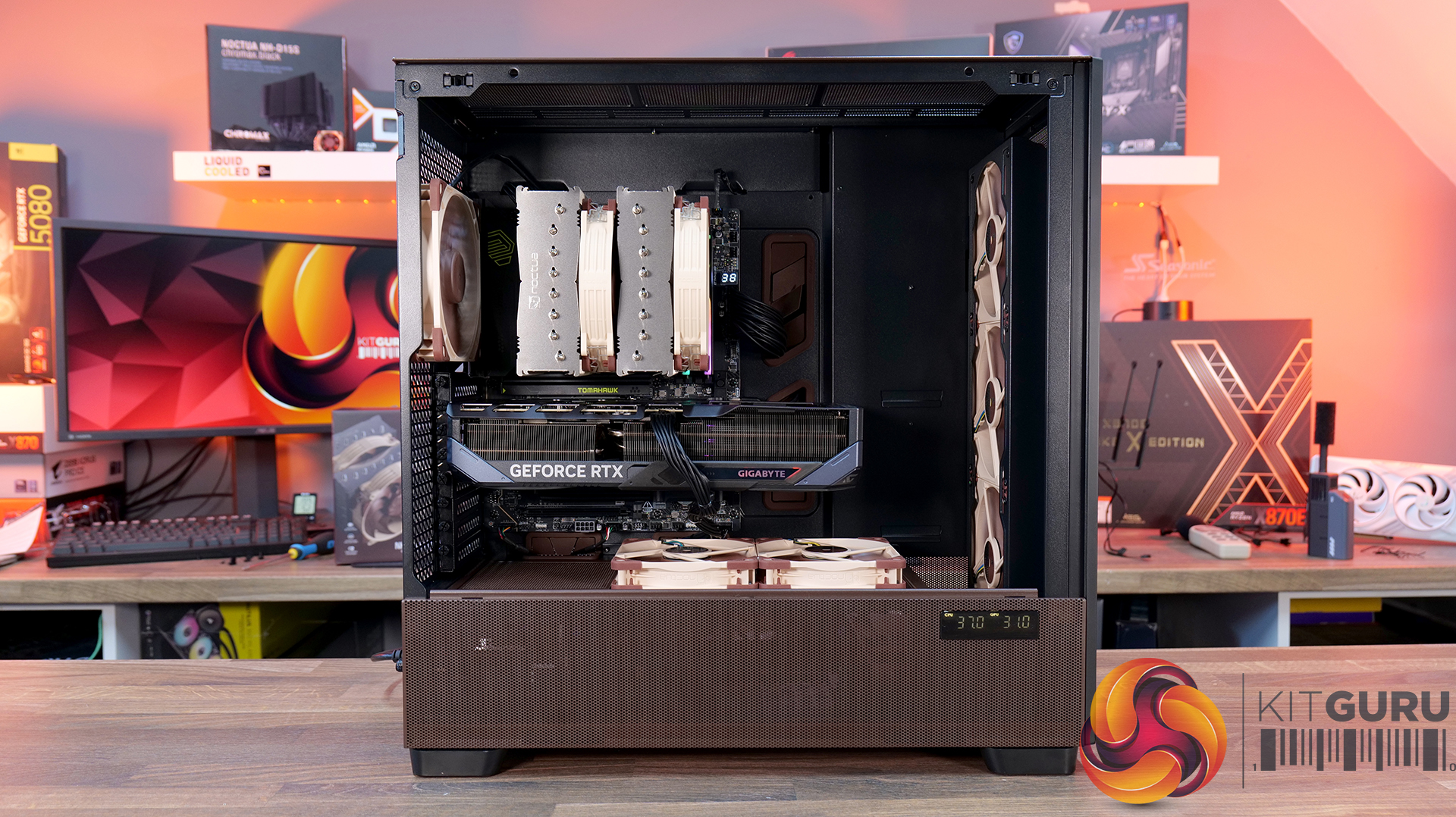
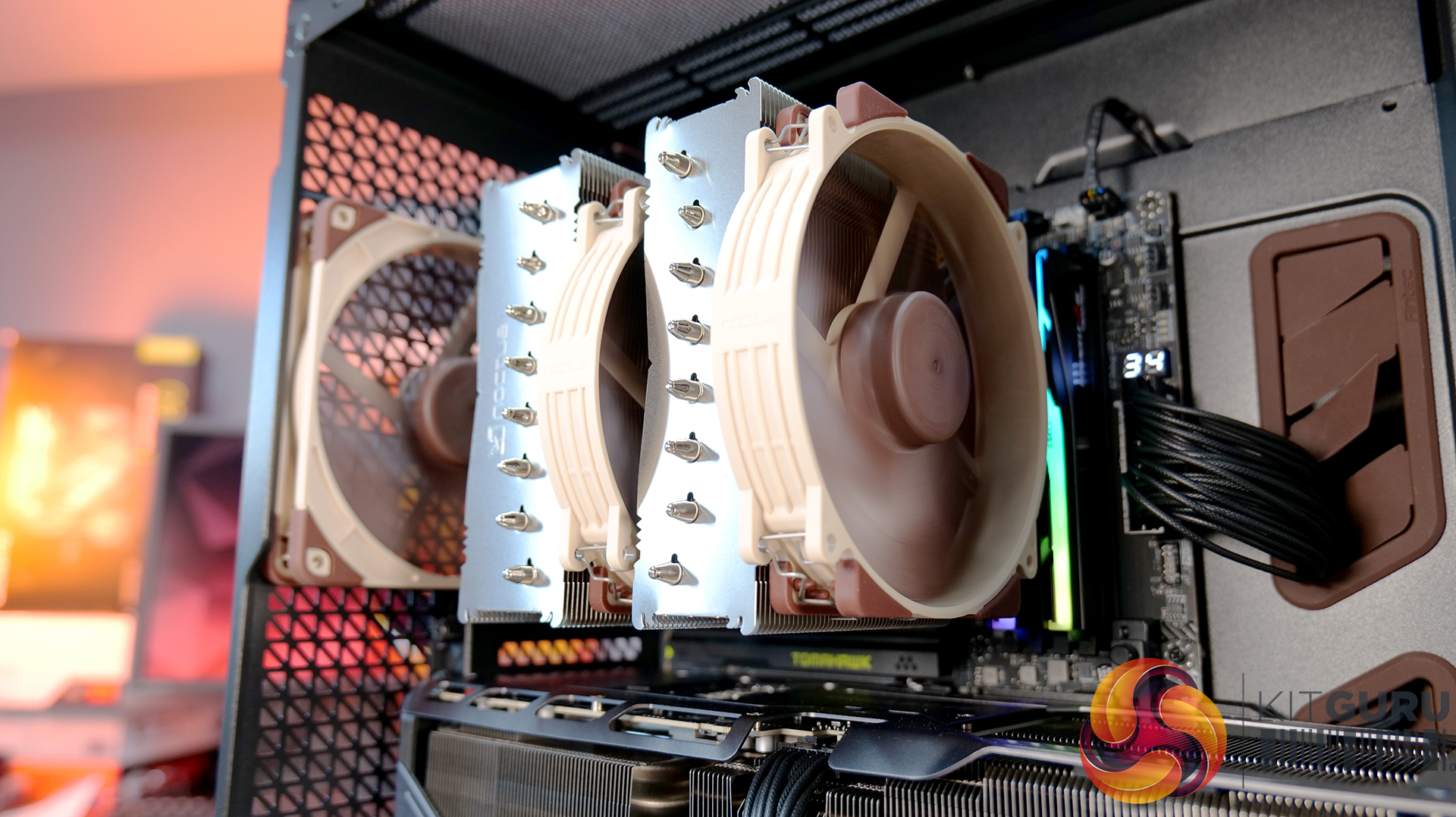
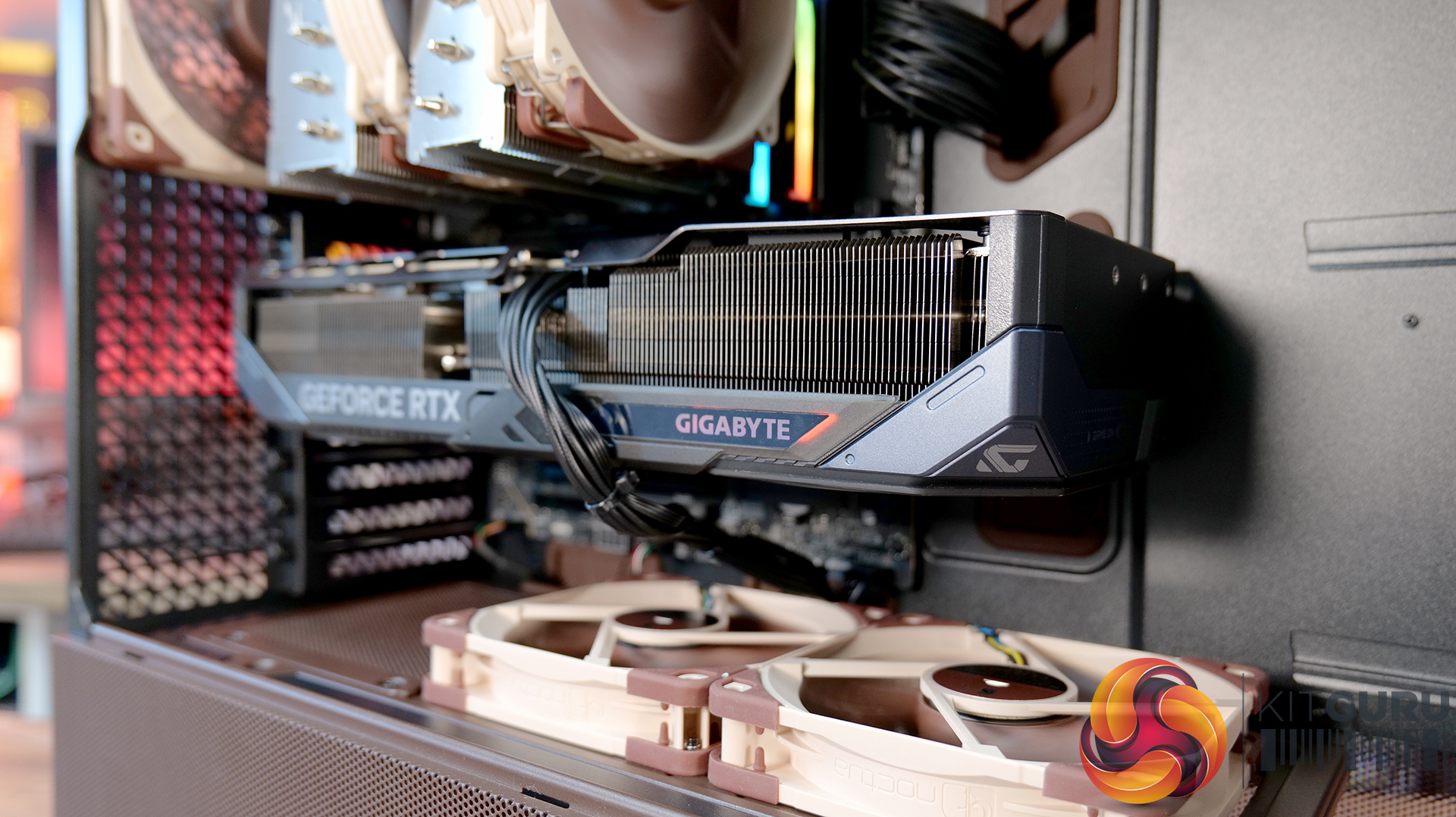
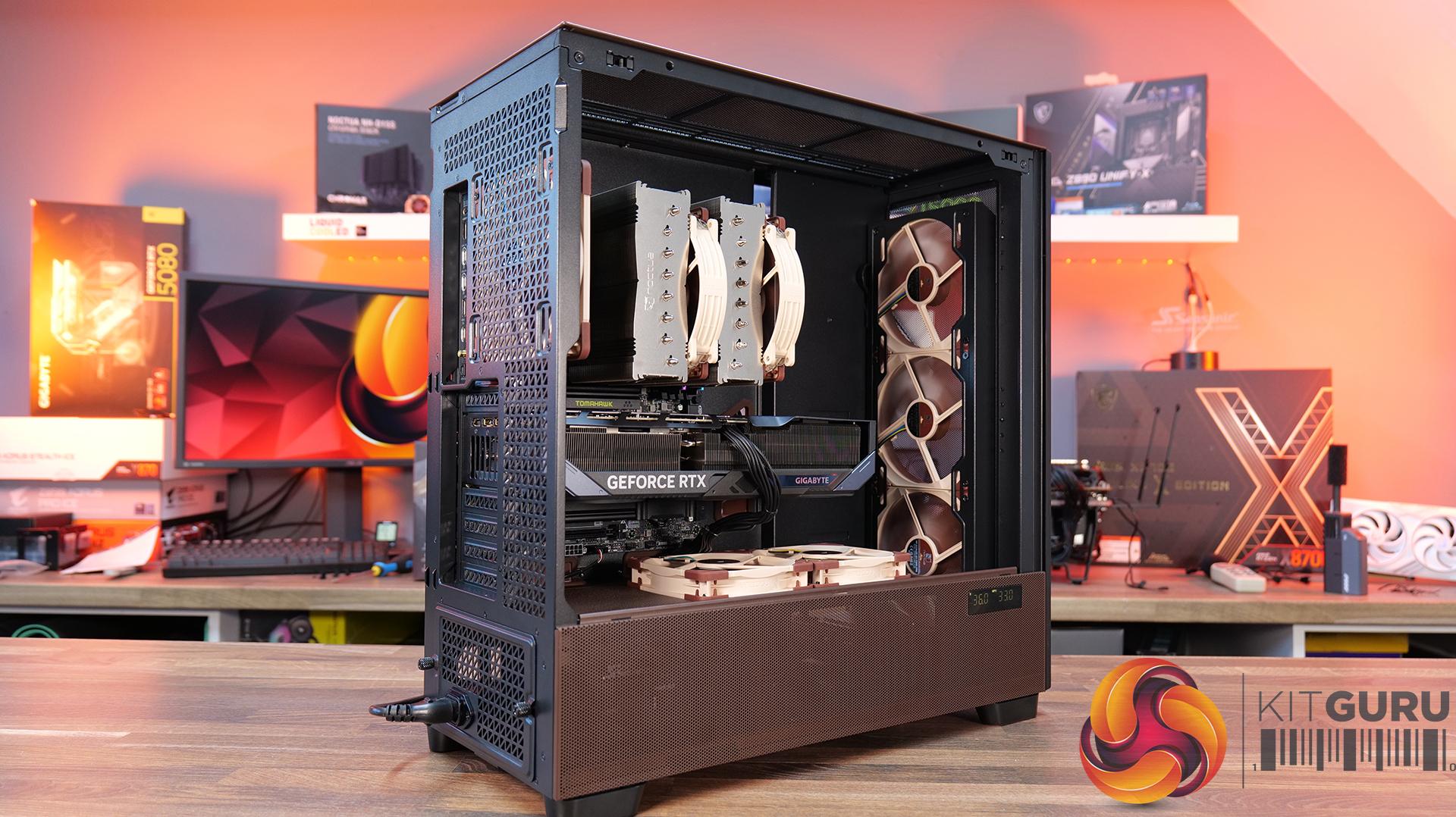
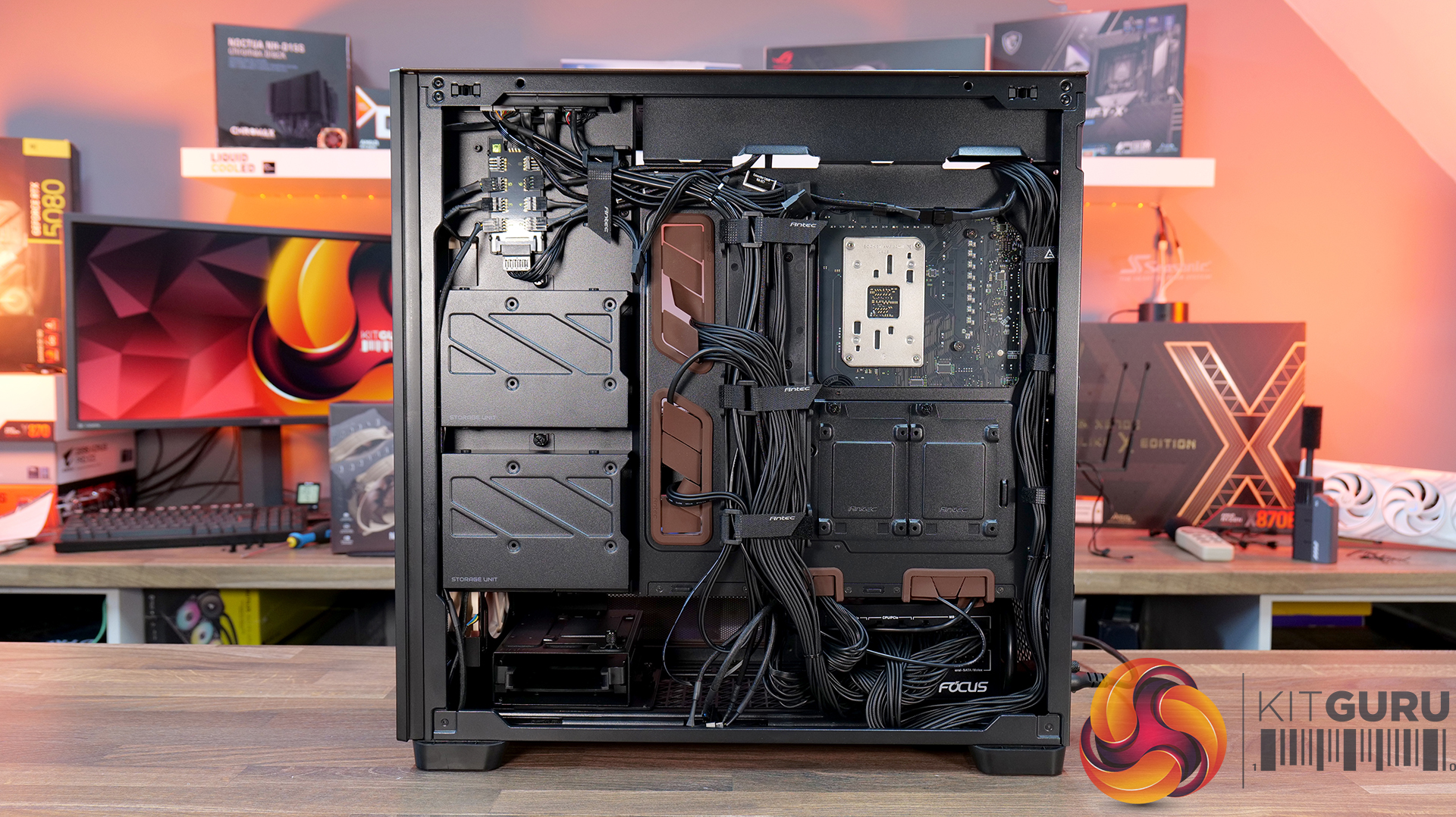
Today we’re taking a look at the Antec Flux Pro Noctua Edition, a full-tower case designed around high airflow and low-noise performance. It combines Antec’s Flux Pro chassis with a set of pre-installed Noctua G2 fans, tuned to deliver strong cooling with minimal acoustic impact. The case features extensive ventilation and support for large radiators, high-end GPUs, and oversized air coolers. In this review, we’ll be checking build quality, layout, and thermal performance to see how it stacks up.
Timestamps:
00:00 Start
00:44 Pricing / Costs
01:38 Accessories
02:02 Dimensions
02:14 Materials / Build
03:00 Recommended Fan Config
03:19 Front I/O (top)
03:47 Temperature display
04:27 Getting Inside the case / Colours
07:13 Install Options
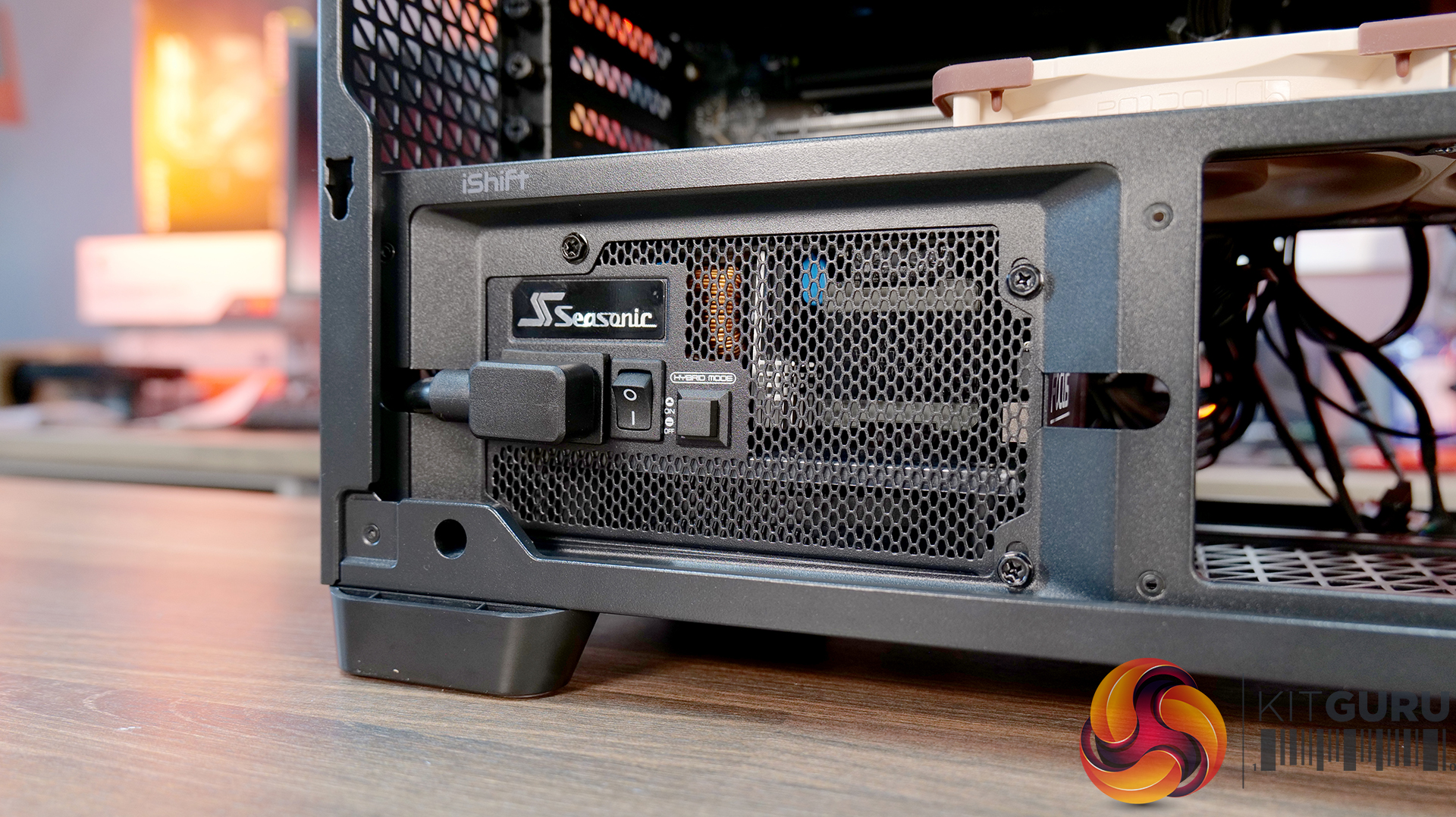
12:27 Rotated PSU Design
13:36 Right hand side / drive positions
17:10 Floor of the case
17:55 Testing Methodology
19:08 Thermal and Noise Performance
21:09 Visual Airflow demo and thoughts
23:22 Closing Thoughts

Features:
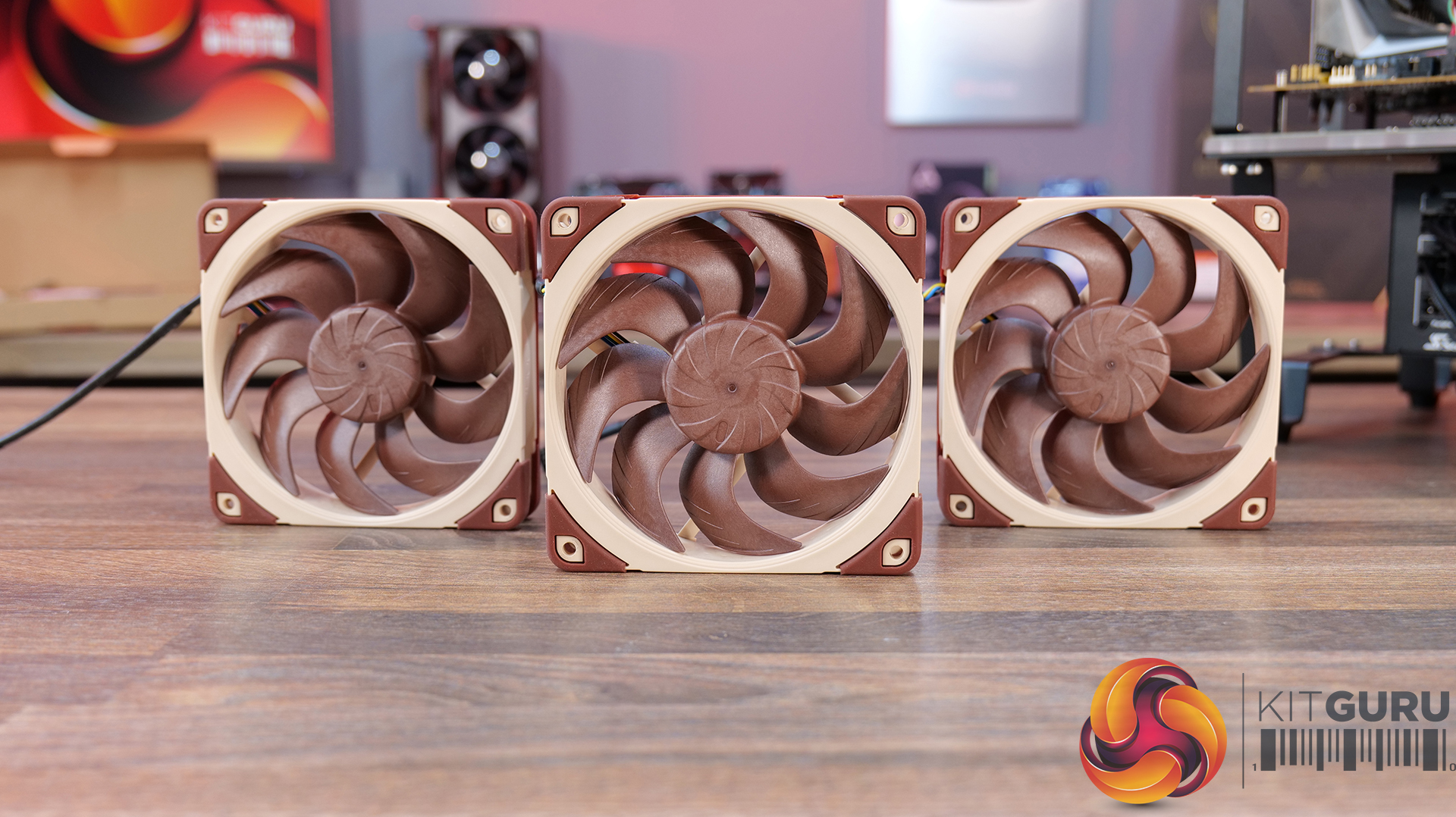
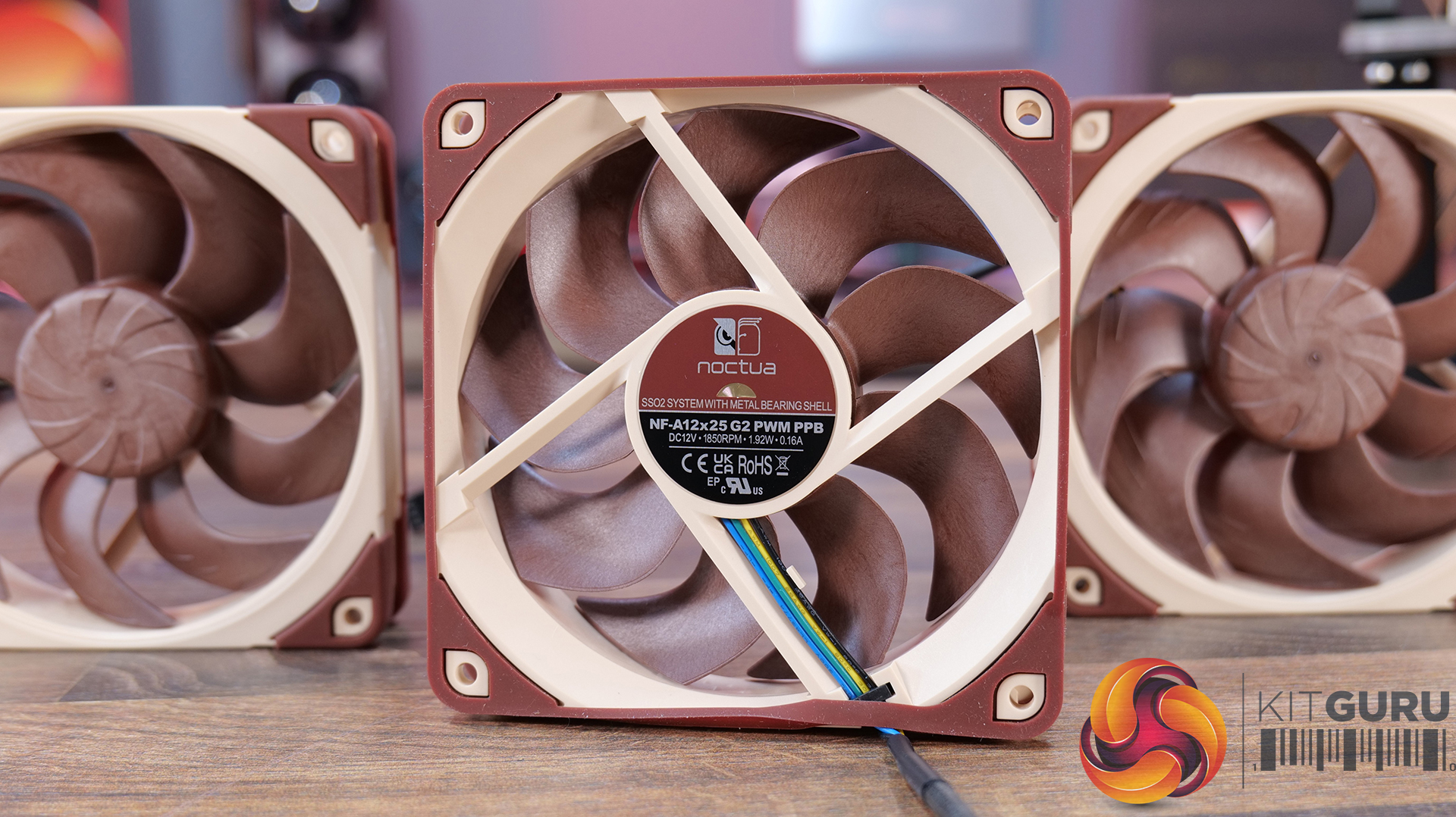
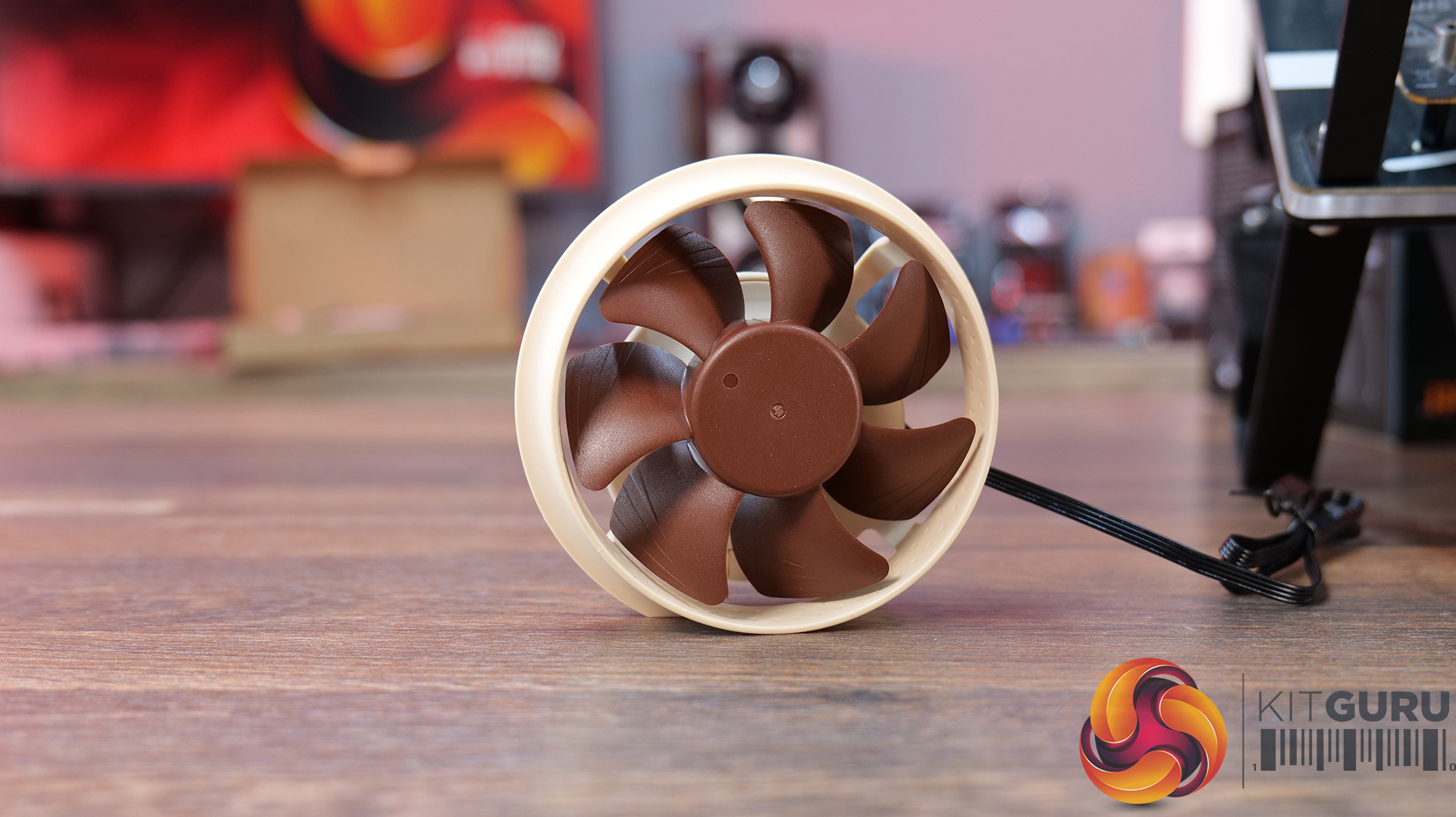
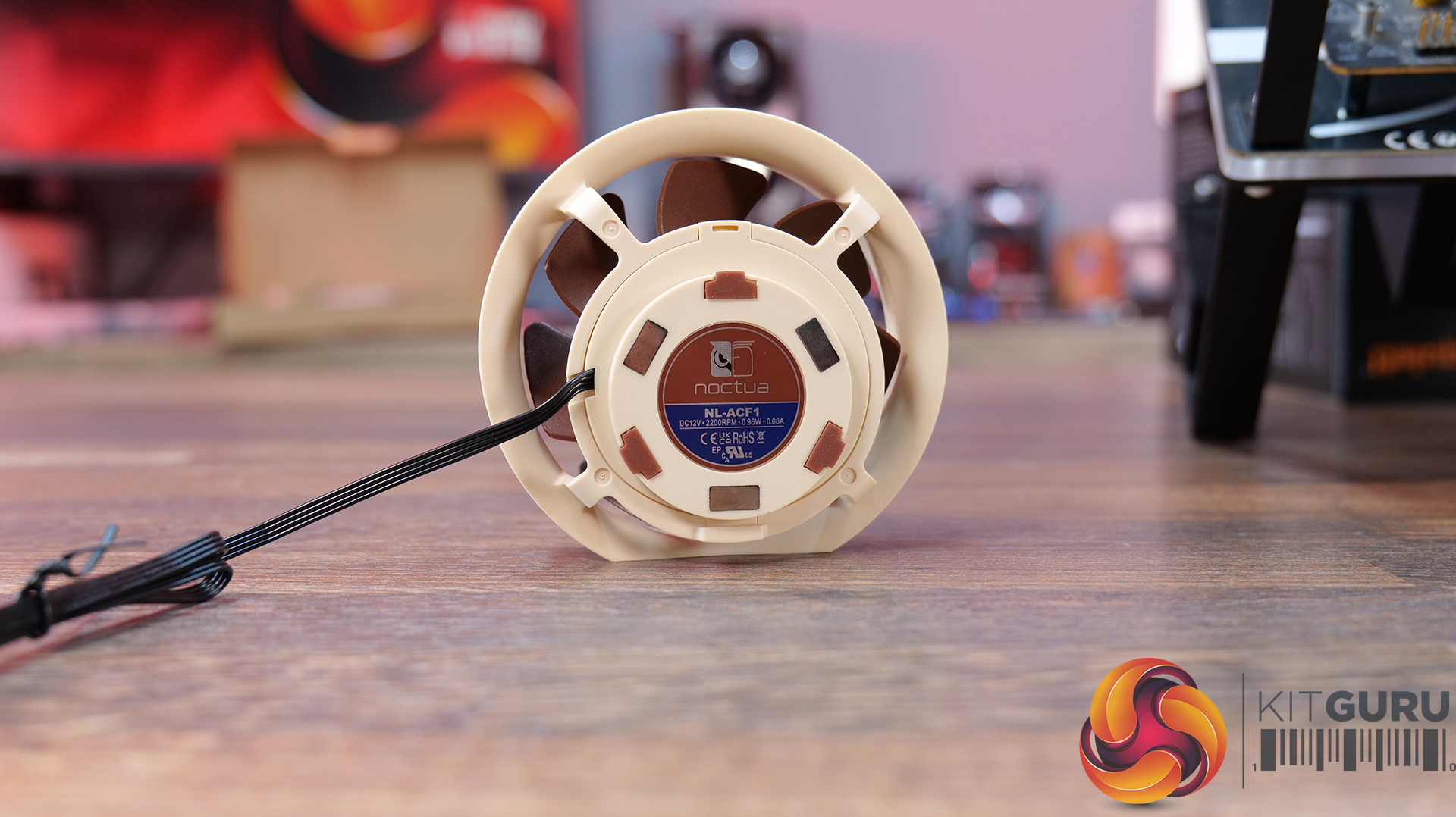
- Pre-installed Noctua G2 fans – Includes four Noctua NF-A14x25 G2 and two NF-A12x25 G2 premium fans, delivering high-end airflow straight out of the box.
- Optimised for low noise operation – Noctua’s Extensive lab testing and offset fan speeds are designed to reduce vibration and “beat frequency” hum for quieter performance.
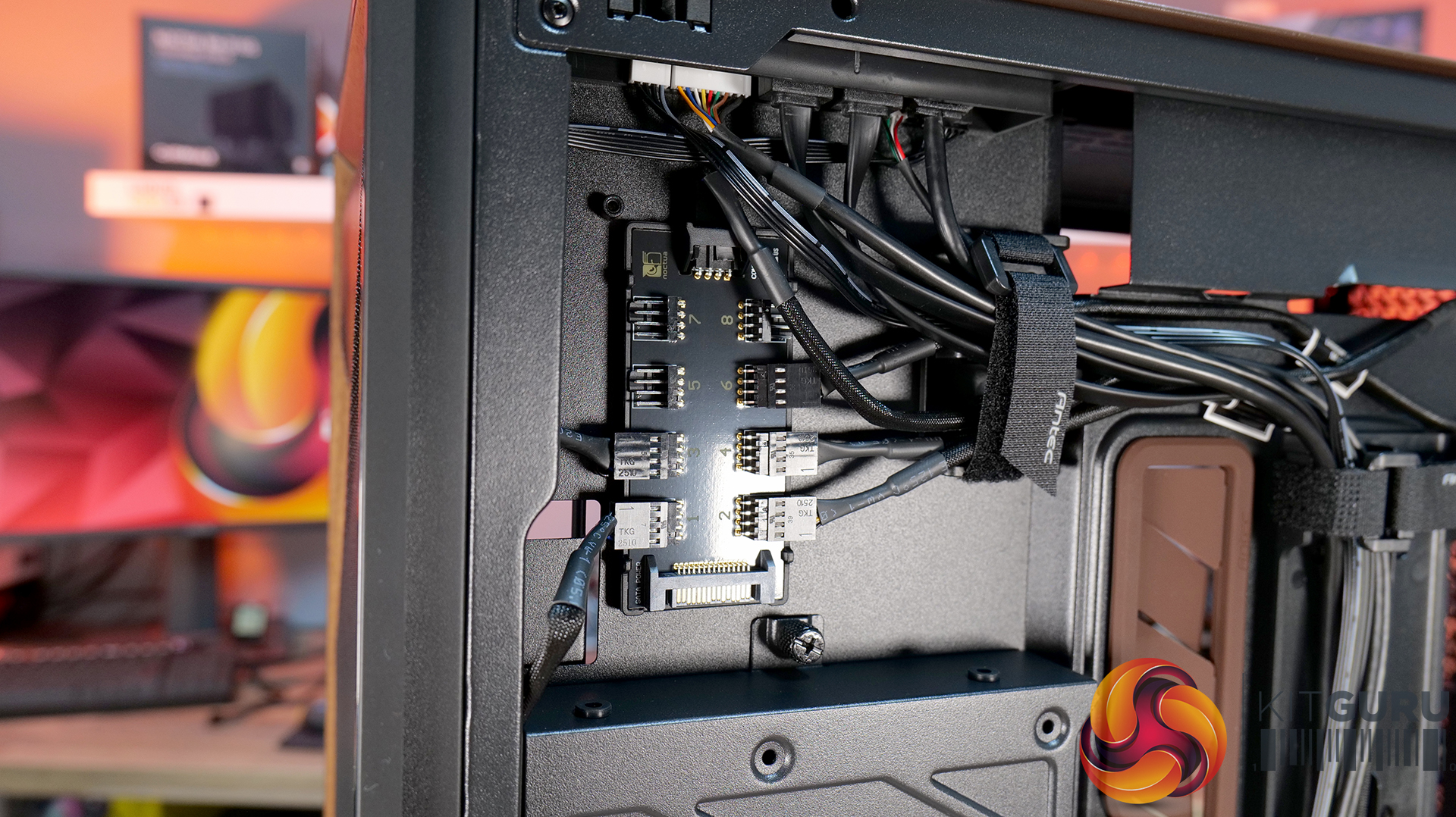
- Integrated fan hub and clean wiring – It also comes with a pre-wired NA-FH1 fan hub for synchronised control and simplified cable management.
- High-airflow Flux Pro chassis design – Flux Pro Noctua Edition is built on a low-airflow-resistance platform designed to maximise cooling efficiency for high-performance systems.
Specifications:
- Case Type: ATX Full Tower
- Dimensions (LxWxH): 530 x 245 x 546 mm
- Materials: Steel, Tempered Glass, Walnut Wood, Silicone, Plastic
- Motherboard Support: STX, Mini-ITX, µATX, ATX, E-ATX (Max 280mm)
- Back-connect motherboard support: No
- Expansion Slots: 8
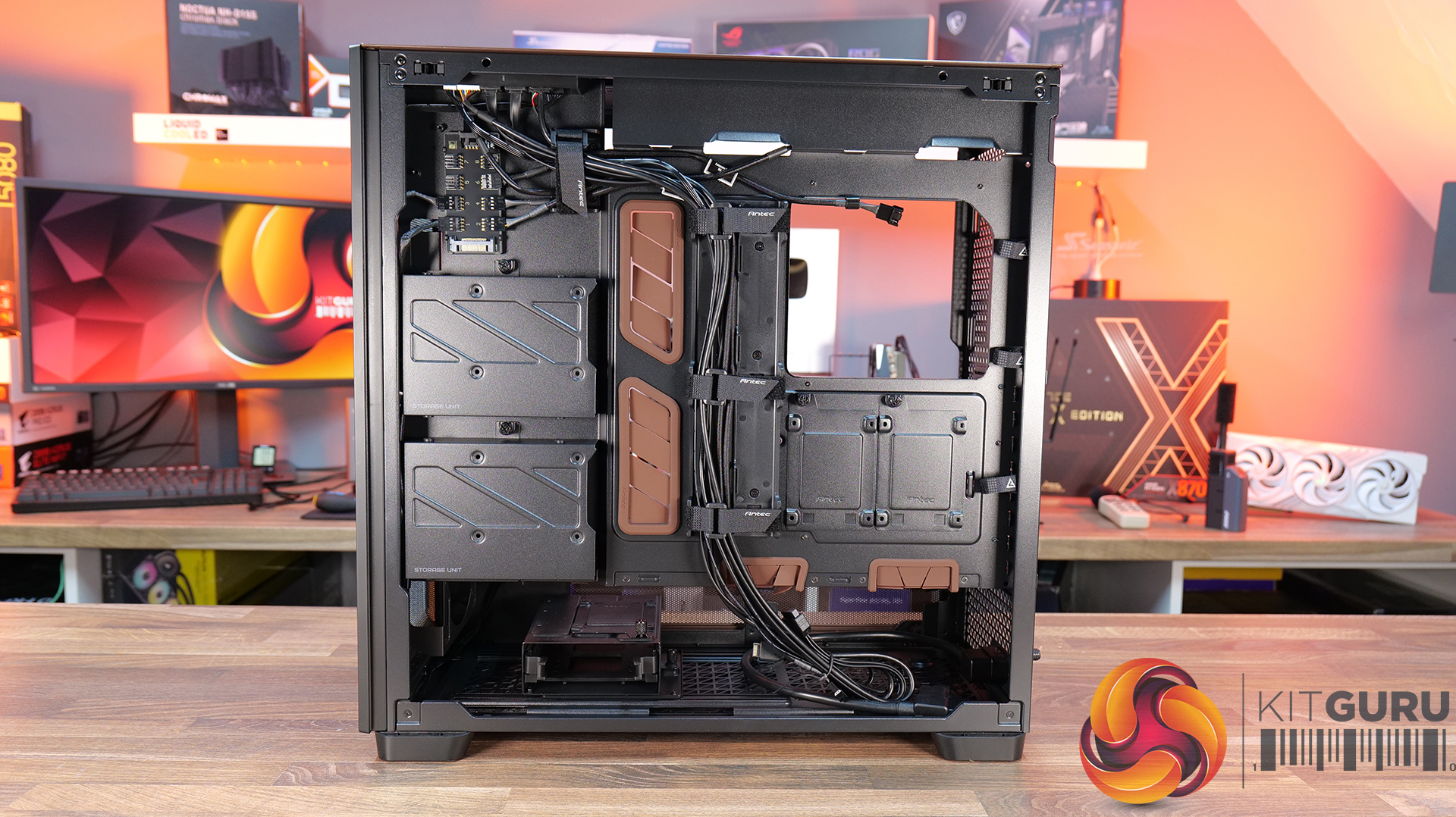
- Storage bays: 5” x 2 / 2.5/3.5” x 4
- Max GPU Length: 455mm
- Max CPU Cooler Height: 190mm
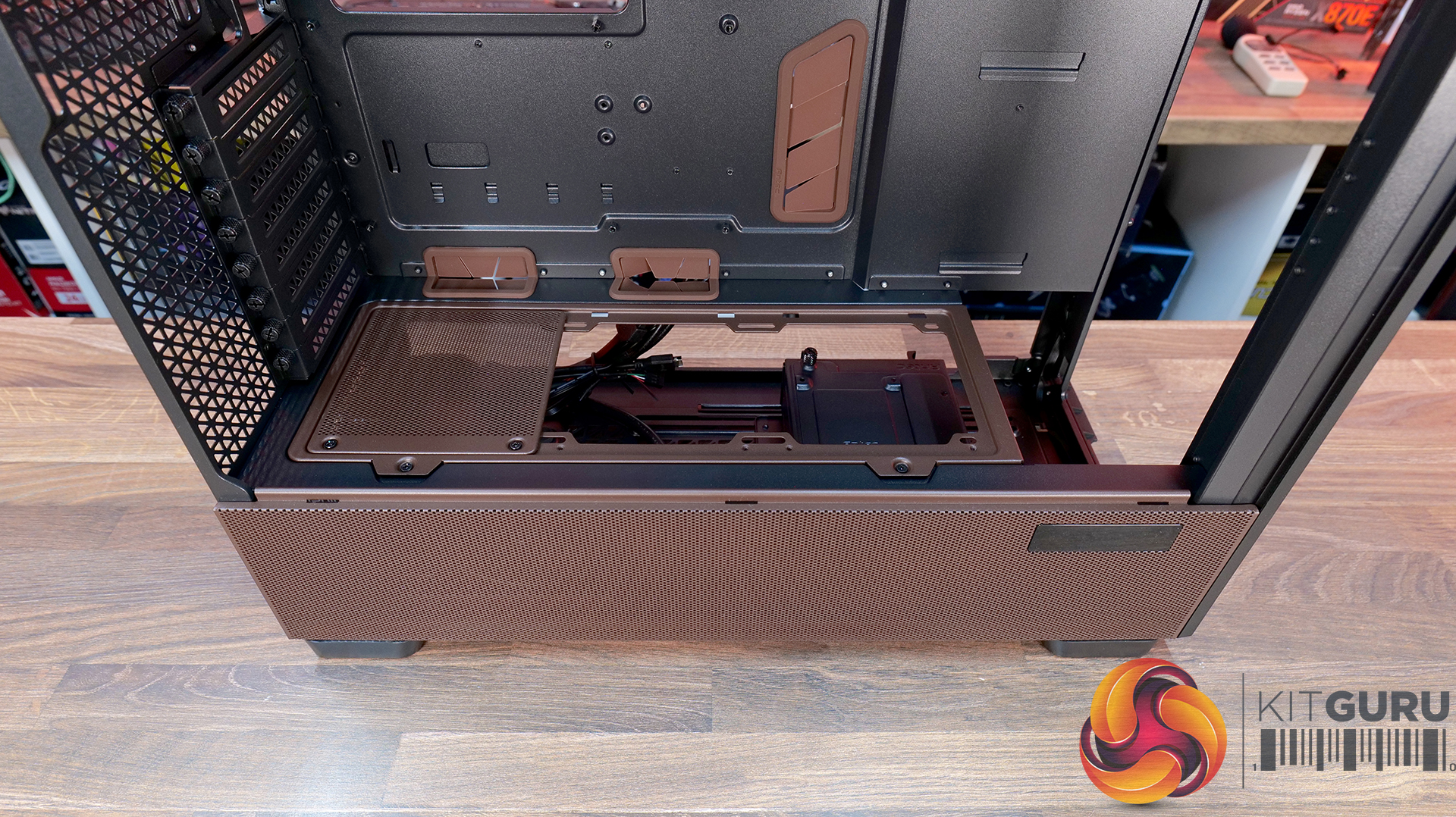
- PSU Type: ATX up to 470mm (300mm with HDD) (180mm Rotated 90°)
- Cable Routing Space: 5mm
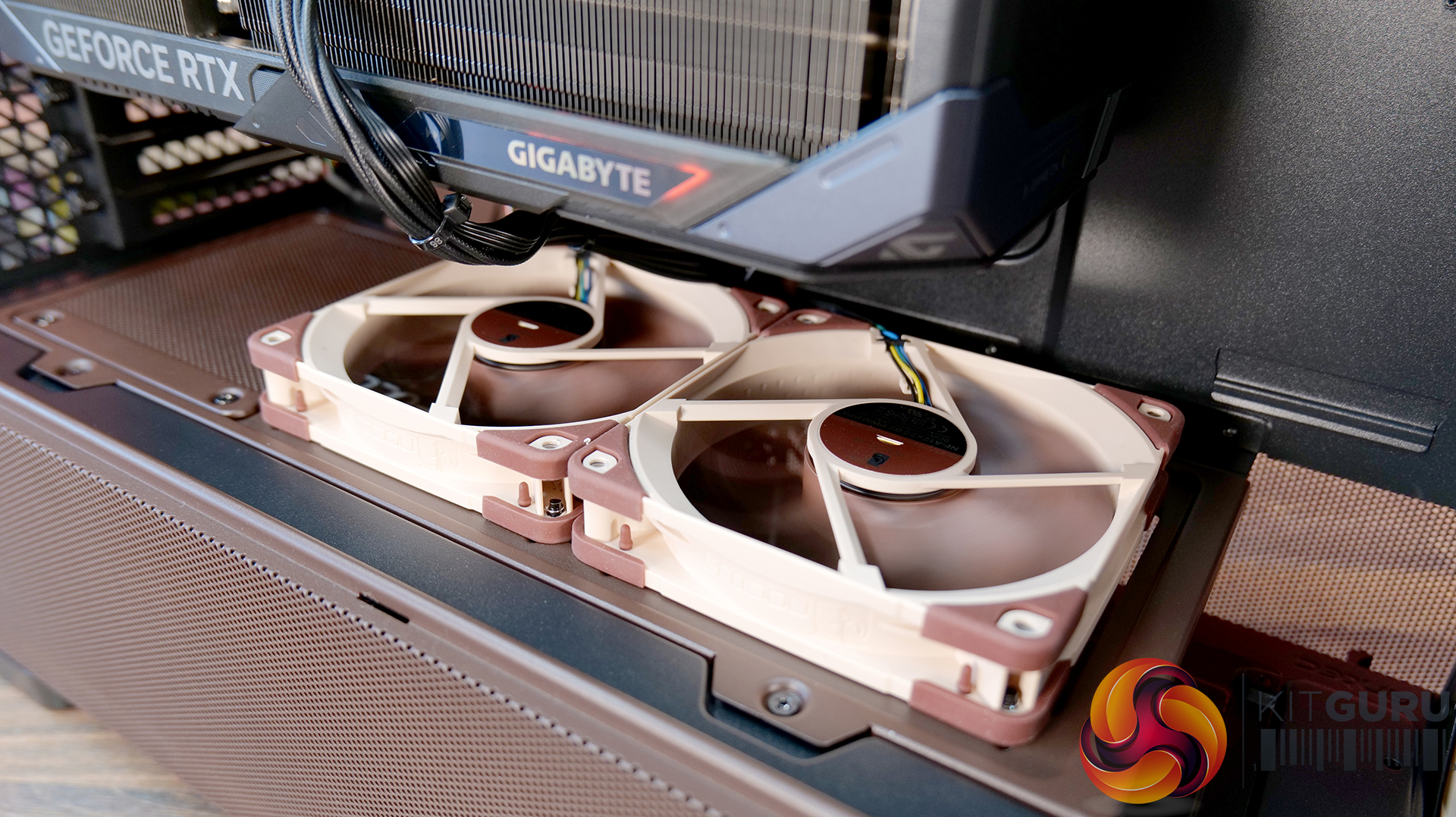
- Supplied Fans: 3x NF-A14x25 G2 PWM (Front), 2x NF-A12x25 G2 PWM (PSU shroud), 1x NF-A14x25 G2 PWM (rear)
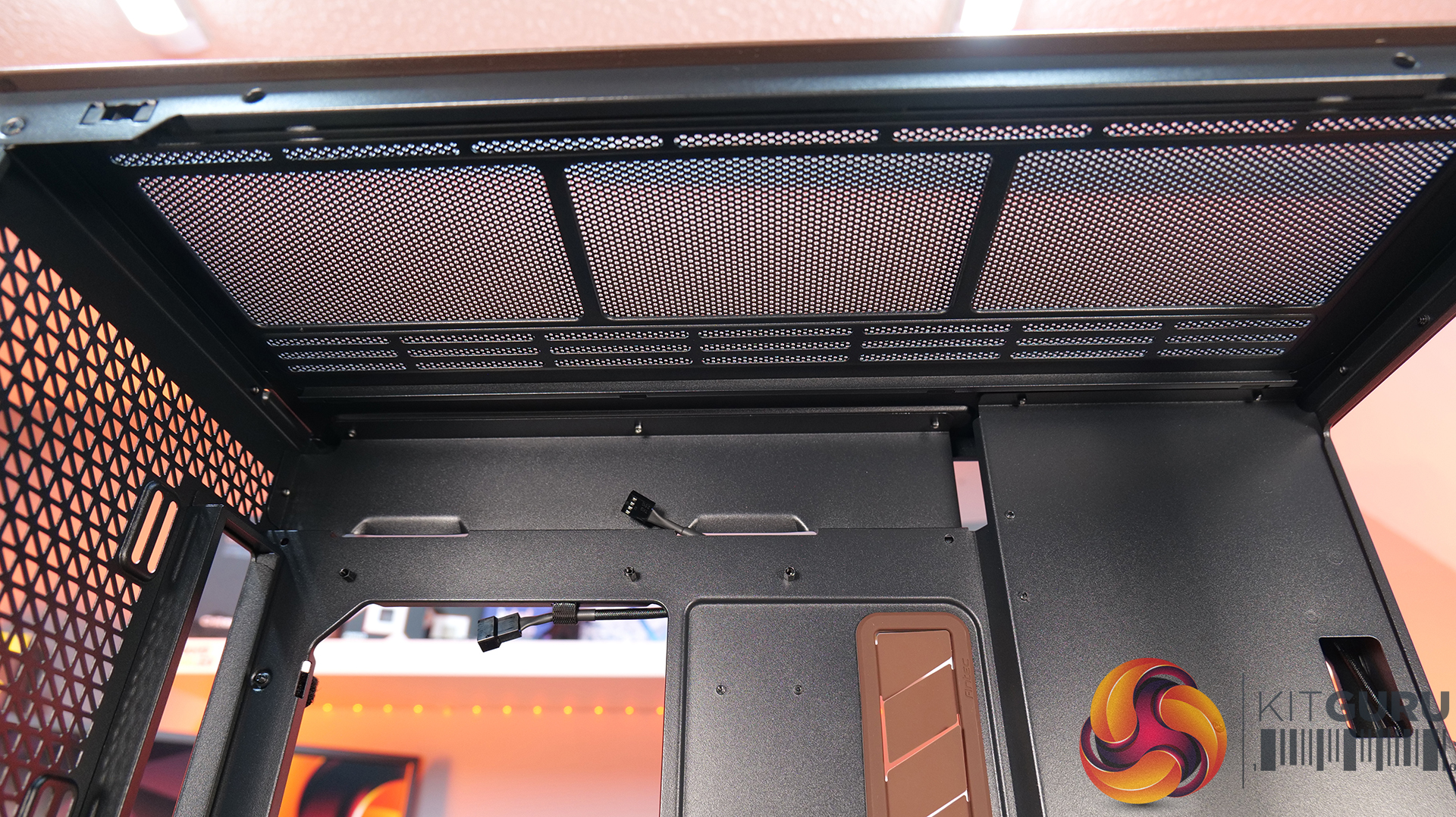
- Fan Support: 3 x 120 / 3 x 140mm (Front), 3 x 120 / 3 x 140mm (Top), 2 x 120 / 2 x 140mm (Bottom), 1 x 120 / 1 x 140mm (Rear) 3 x 120mm (PSU Shroud)
- Radiator Support: 120/140/240/280/360/420 mm (Front/Top), 120/140mm (Rear/Bottom), 120/240/360mm (PSU Shroud)
- Dust Filters:
- Font I/O: 1x USB-C 3.1 (10 Gbit/s), 2x USB-A 3.0 (5 Gbit/s), 3.5 mm headphone/mic combo jack, Power / Reset / Temperature / Display Switch
- LCD Screen: Yes – Temperature Display
Thermal Performance Testing
To simulate thermal demand, we run the Cinebench R23 multi-thread benchmark and 3DMark Speed Way stress test simultaneously in a loop for 30 minutes to load the system fully. This gives the CPU and GPU enough time to reach constant steady-state temperature. With this data, we can compare how the system handles the thermal demand and measure peak noise levels.
Thermal performance is measured with the case in various configurations, such as the default, with the tempered glass left-hand side panel removed and with the front panel removed to see how these configurations affect the CPU and GPU temperature. During testing, only stock case fans are used unless otherwise specified. All water pumps are set to maximum RPM and fans are set to a custom RPM curve by the Motherboard software/BIOS.
All temperature measurements are presented as Deltas – meaning the ambient temperature has been deducted from the CPU temperature, giving us a Delta. Data shown in the charts represents the average component temperature over the length of the test as measured by HWiNFO, and then the last 15 minutes of the data are calculated to get the average. The ambient temperature during thermal tests is between 19-20⁰C.
Test System Specification:
Thermal Performance Overview
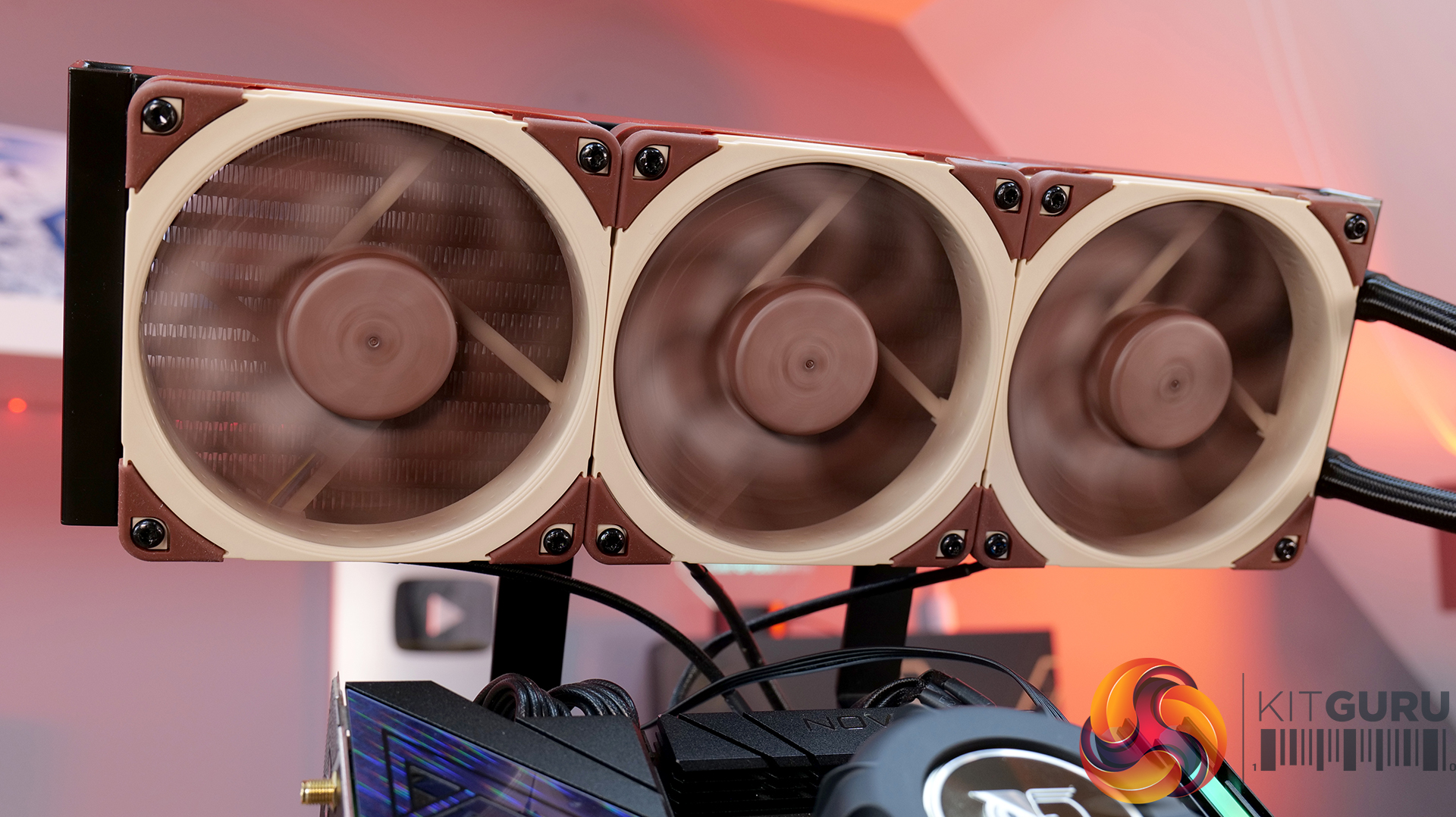
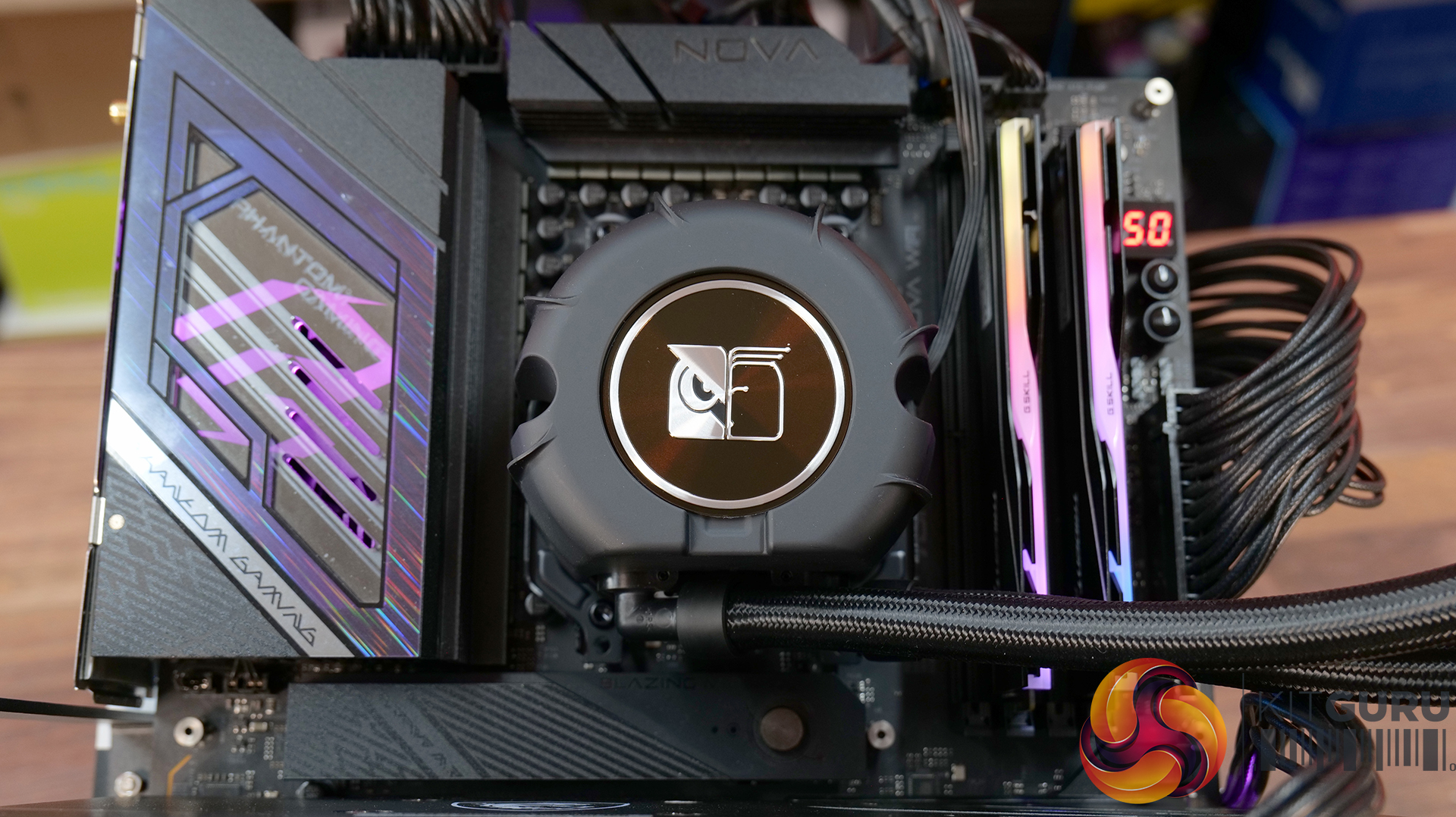
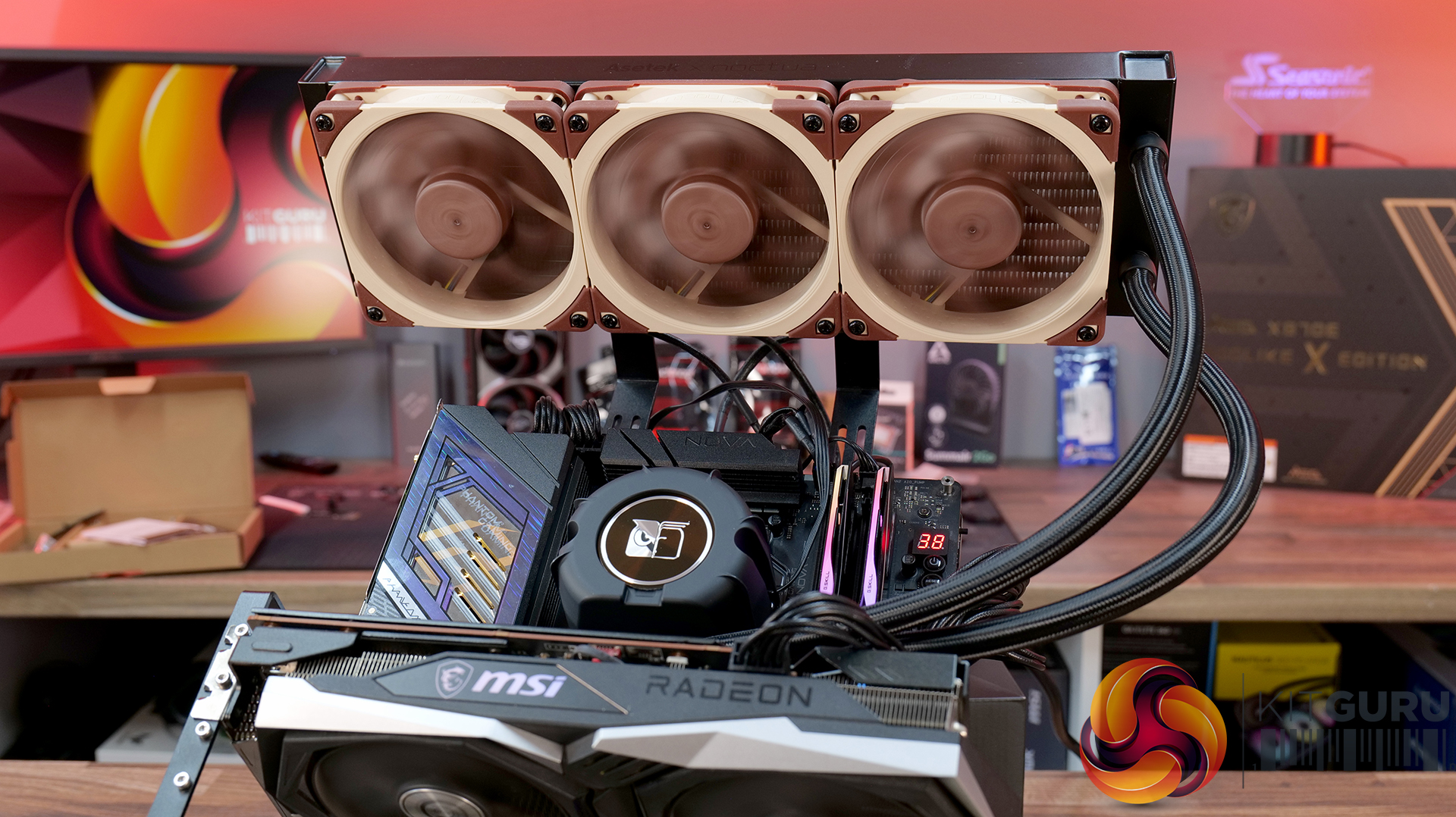
We tested the case thermals using a Noctua NH-D15 G2 LBC / 360mm AIO as the exhaust at the top and with the case in several different fan configurations. The default configuration shown in the charts is with the Noctua NH-D15 G2 LBC CPU cooler, 3 x 140mm front intake fans, 2 x 120mm PSU shroud intake fans, 1 x 140mm rear exhaust fan and with all panels installed.
Thermal performance from the Flux Pro Noctua Edition is generally very strong. In the default configuration, CPU temperatures average 56°C over ambient, with the GPU at 45 °C. There is a clear improvement over the air-cooled setup when using a top-mounted 360mm AIO. This is due to the AIO's increased cooling power rather than any limitation of the case.
However, in the air-cooled setup, adding top fans as exhaust negatively affects CPU thermals, raising temperatures to 58°C, suggesting an airflow disruption. Adding a 120mm top intake fan can have a minor improvement in CPU temperature, but GPU temperature is unchanged with both top fan configurations, so leaving top fans out completely is fine.
GPU temperature remains consistent across most setups at around 45°C over ambient, highlighting the effectiveness of the case’s airflow design in the recommended configuration. Removing the PSU shroud fans leads to a small increase in GPU temperature at 48°C. Overall, the results show that the case performs best with balanced airflow in the default configuration, delivering solid all-around thermal performance.
Noise Output
Noise performance is fairly consistent across test configurations, with load noise at 46 dBA in the default setup, which doesn’t really change whether you switch to top intake or add extra exhaust fans. Noise shifts slightly when you remove the PSU shroud fans or install a top-mounted AIO, increasing to 48 dBA under load, suggesting those configurations introduce a bit of fan noise from the GPU cooler and from the AIO compared with the default configuration and using the D15 G2 air cooler.
Idle noise, however, is rock solid across the board at 36 dBA. Overall, it’s a pretty well-balanced acoustic in any configuration, but clearly best optimised in the recommended Noctua configuration.
Closing Thoughts
The Antec Flux Pro Noctua Edition is a case that does exactly what it sets out to do — deliver strong airflow, great cooling and low noise performance. In testing, it handles both CPU and GPU thermals with ease, and more importantly, it manages to keep noise levels impressively low, not just at idle, but also under load. Something that case manufacturers don’t always get right with pre-installed fan configurations. However, the Noctua Fans are not pre-installed; this is the job of the user. They arrive in a separate box.
A big part of that comes down to the included Noctua fans. You’re getting a set of high-quality NF-A12x25 and NF-A14x25 G2 units, along with a Noctua fan hub, all designed to work together. Build quality is exactly what you’d expect from an Antec/Noctua partnership, and the colour scheme is carried throughout the case, giving it a very distinct look that suits the whole package very well and will no doubt please Noctua enthusiasts.
In terms of compatibility, there’s plenty to like here too, including support for dual 420mm radiator installation, as well as generous clearance for large air coolers such as the Noctua NH-D15 G2 and high-end graphics cards. So whether you’re building a high-performance air-cooled system or going all-in with liquid cooling, the Flux Pro has the space and layout to handle it. But this means the case is quite large with Full tower dimensions, not ideally suited to placement on top of the desk.
That said, it’s not without its downsides. At around £350, it’s a very expensive case; at that price, you start to expect a bit more in terms of features. There’s no integrated GPU support bracket, no back-connect motherboard support, and some of the internal panels — particularly the top and front fan mounting brackets could be more intuitive to remove. Even so, if your main priority is excellent cooling performance with low noise levels straight out of the box, the Antec Flux Pro Noctua Edition is a very capable, premium option.
The Antec Flux Pro Noctua Edition is available to purchase now from Amazon priced at £348.90 HERE.
Pros:
- Great thermal performance and low noise.
- Very high-quality fans included.
- Built-in fan hub.
Cons:
- Expensive.
- Missing basic key features such as an integrated GPU support arm, tool-free parts, and back-connect motherboard support.
- Fans are not pre-installed.
KitGuru says: If you have the cash to splash on a case and want a large chassis with great cooling and low noise, then this might be ideal, especially for Noctua enthusiasts. But in the current economic conditions, it could be money better spent on core system components.
The post
Antec Flux Pro Noctua Edition PC Case Review first appeared on
KitGuru.

 Login
Login