Normal view

There are new articles available, click to refresh the page.
Before yesterdayMain stream

Montech TG3 Case Review: Budget Winner

8 July 2026 at 09:22

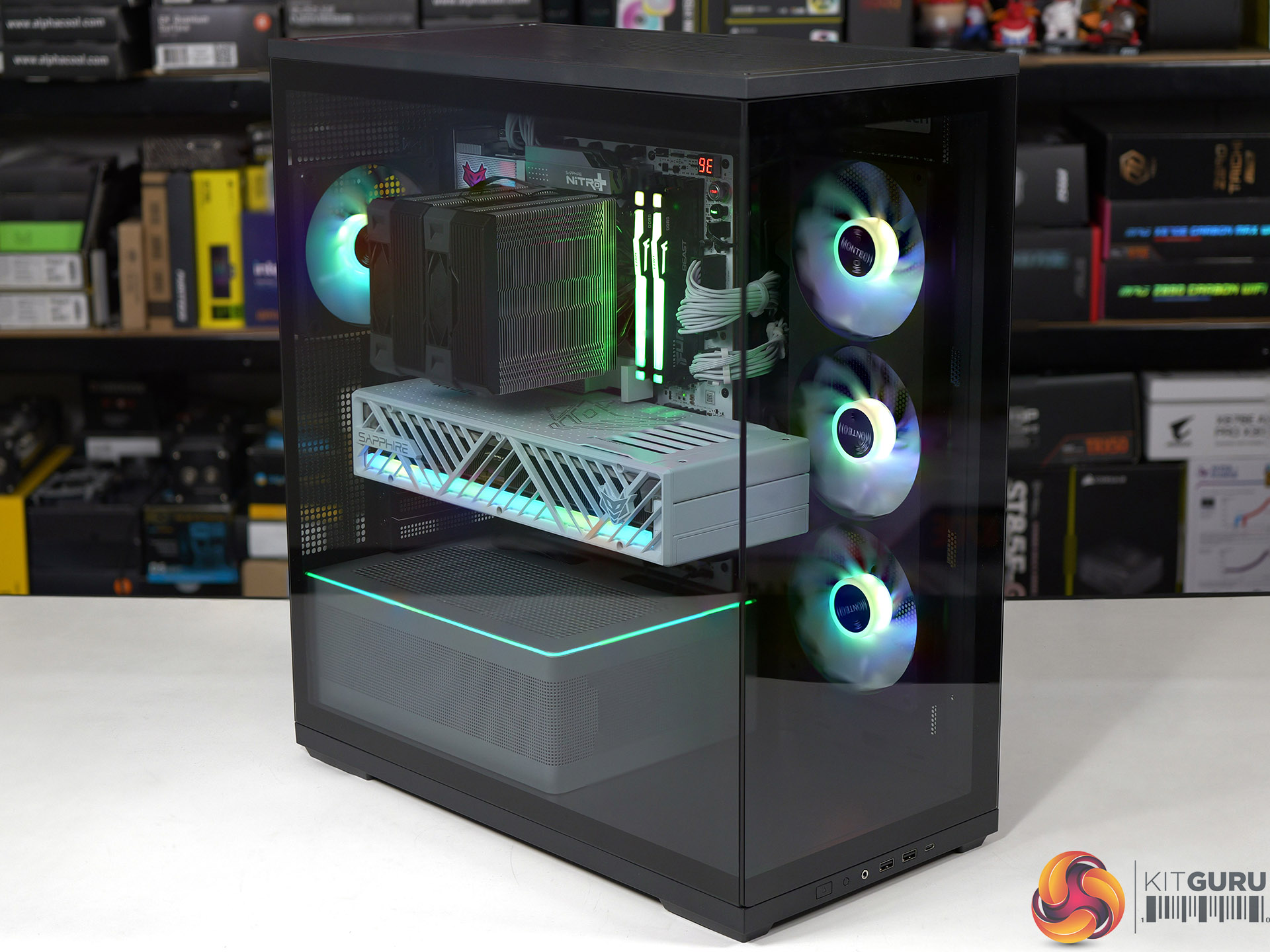
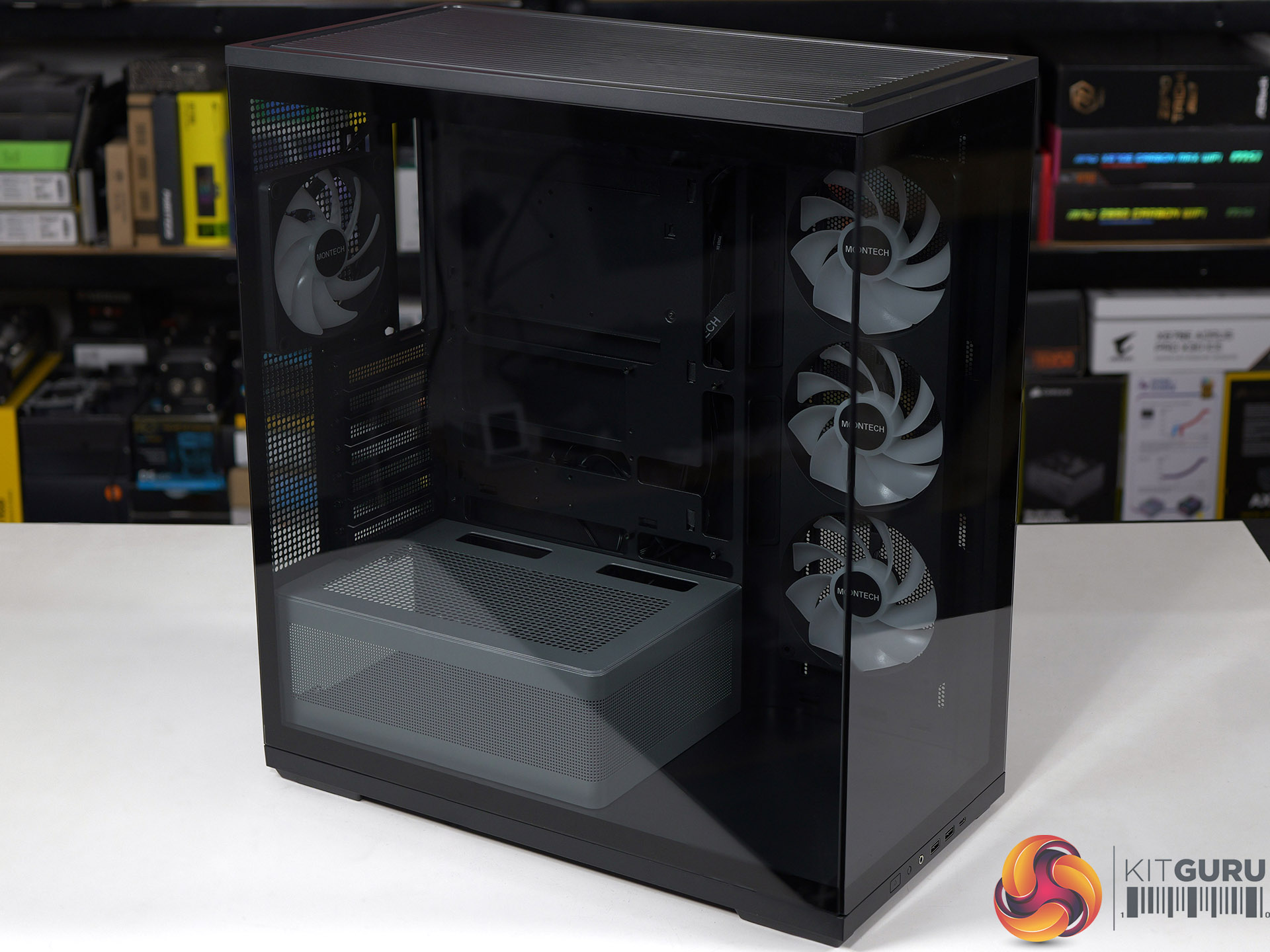
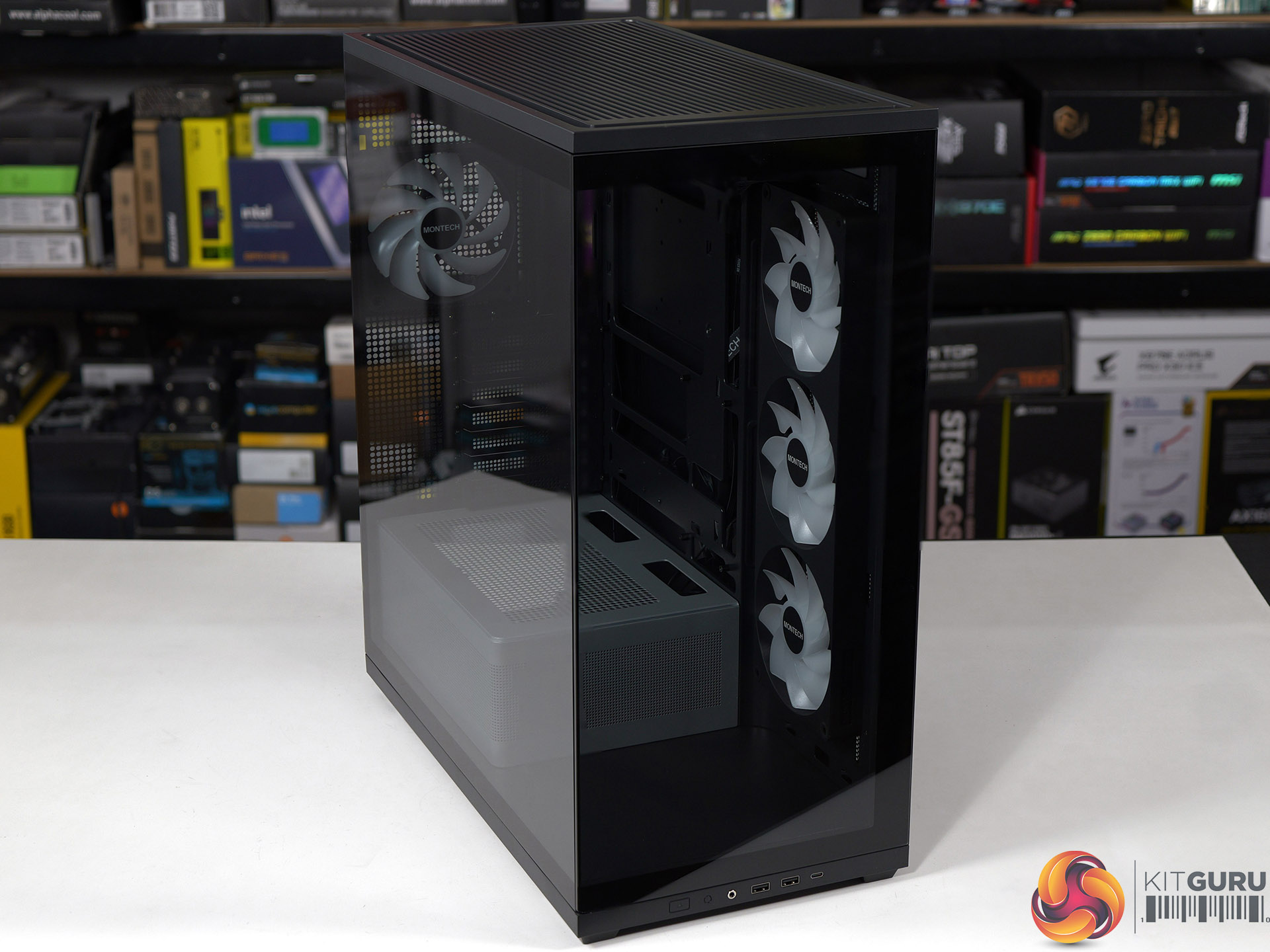
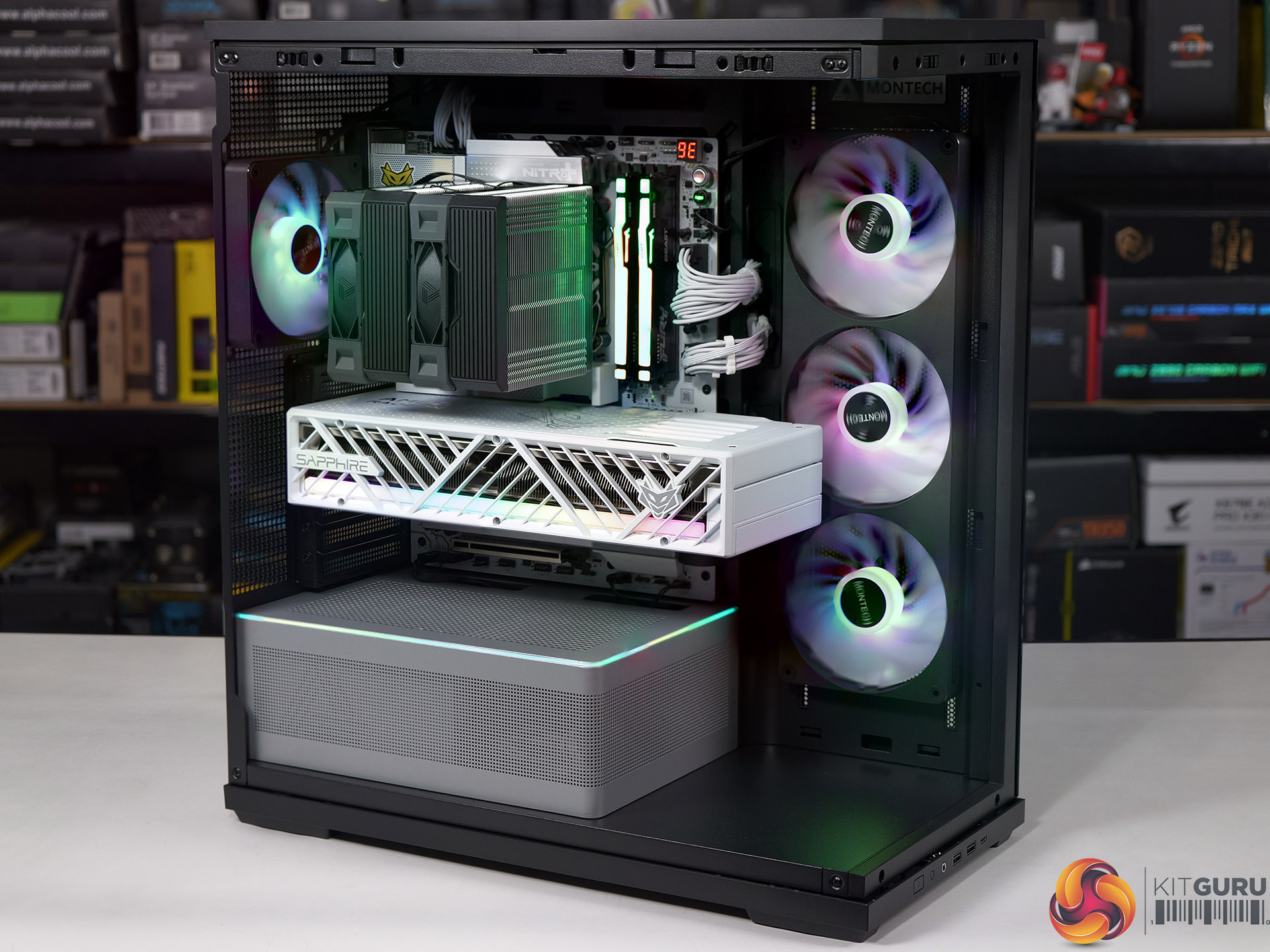
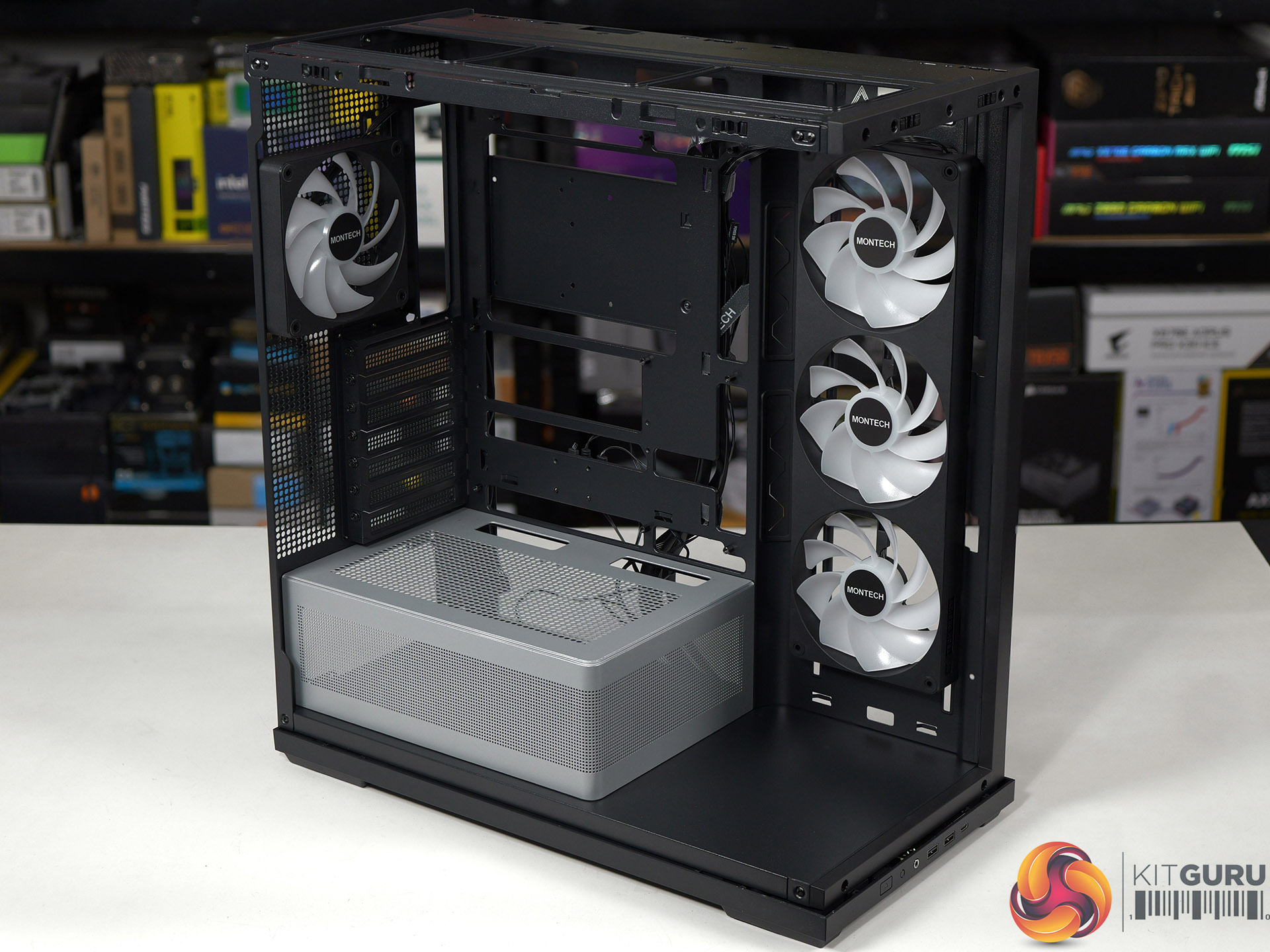
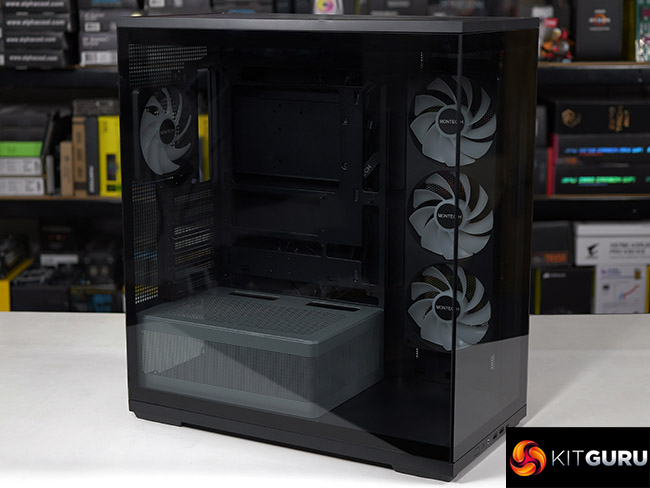
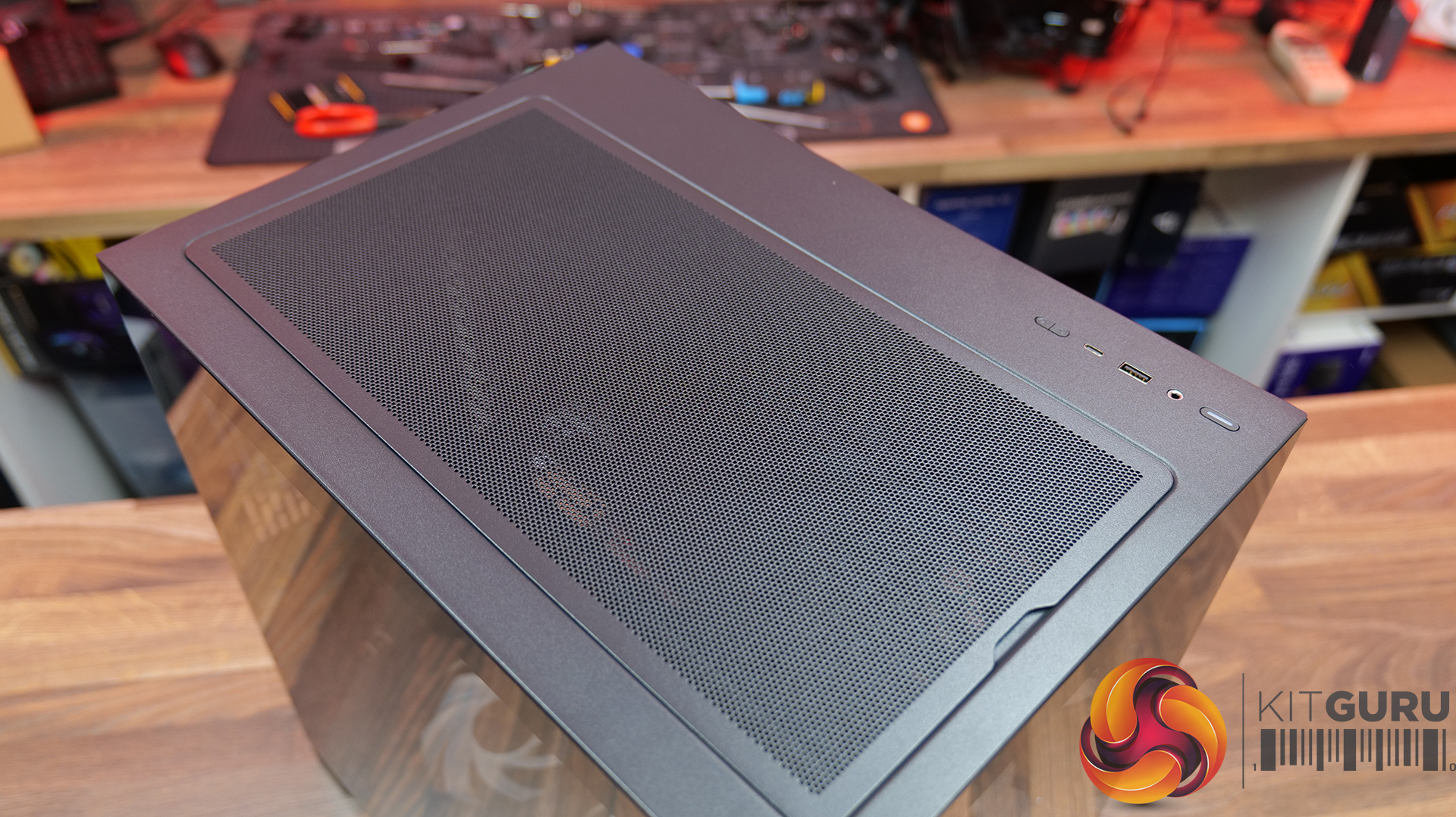
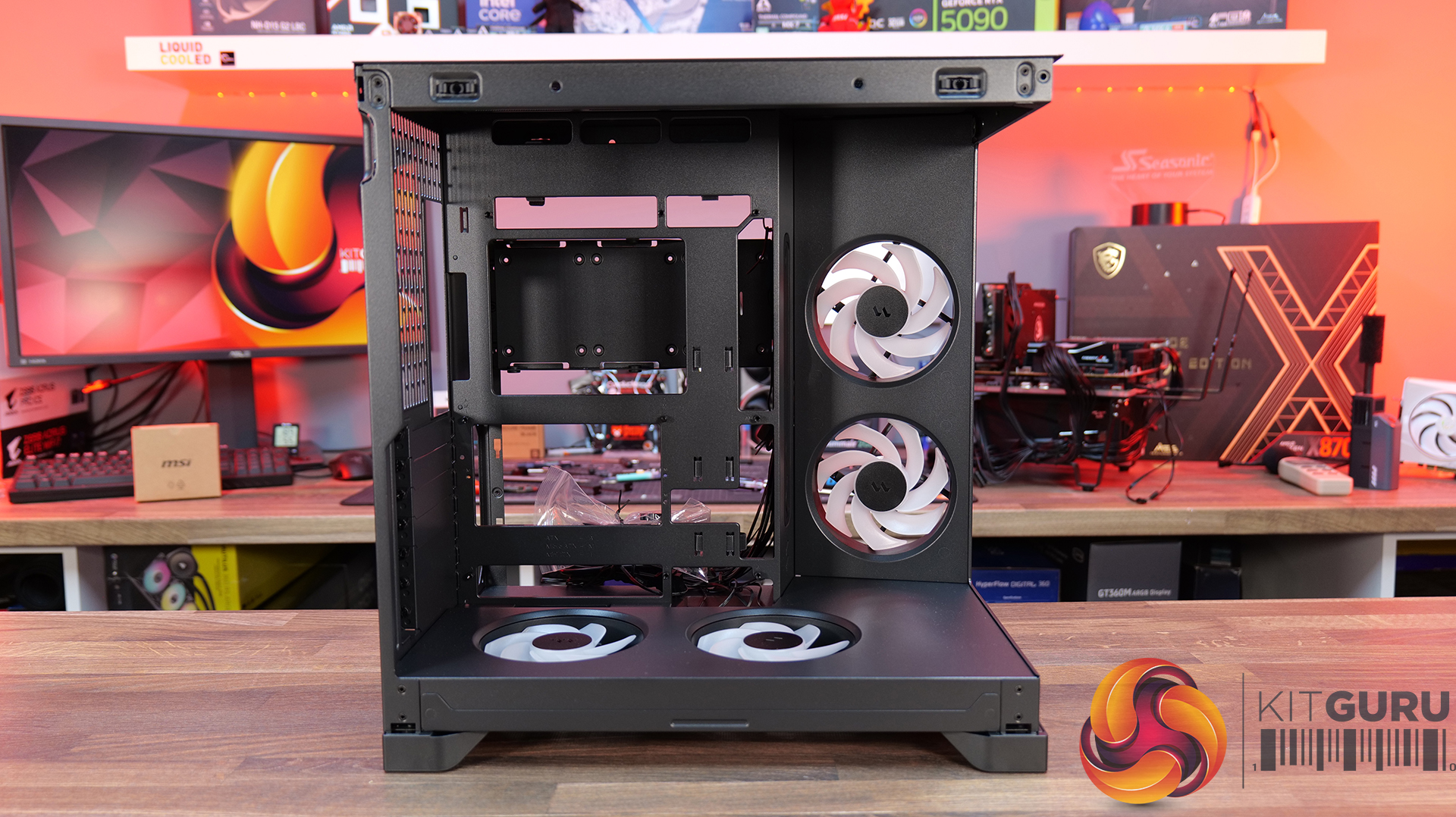
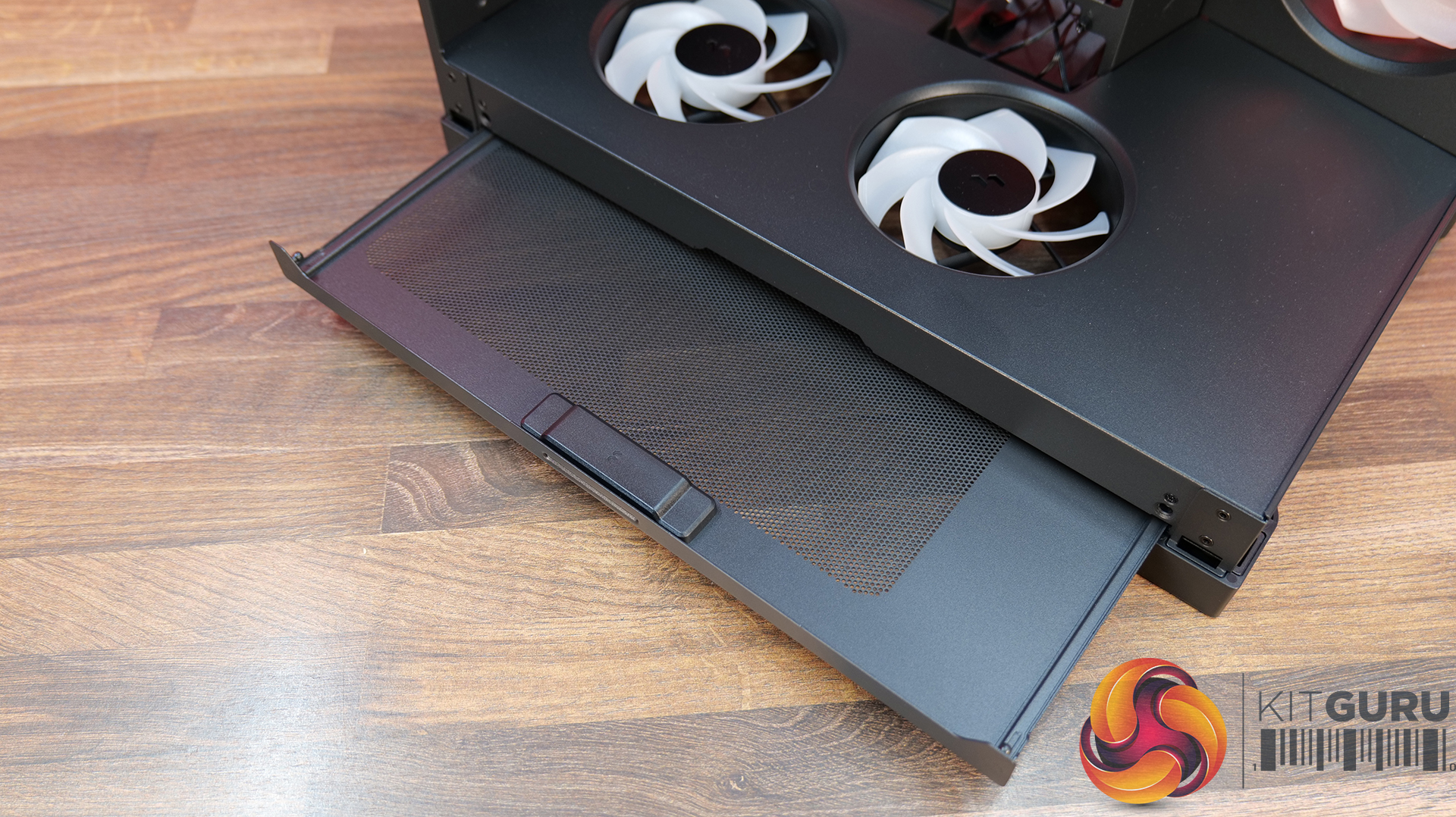
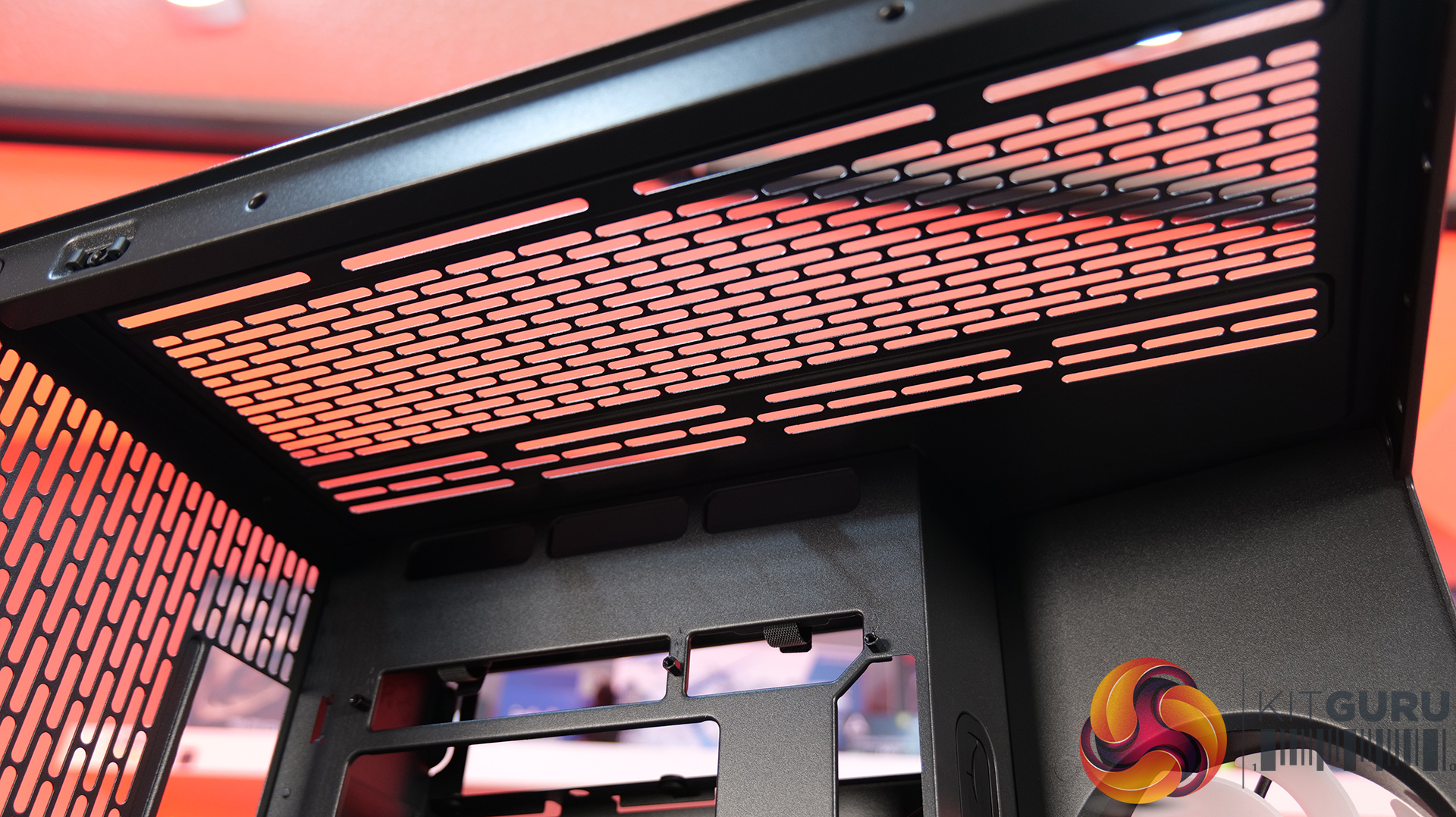
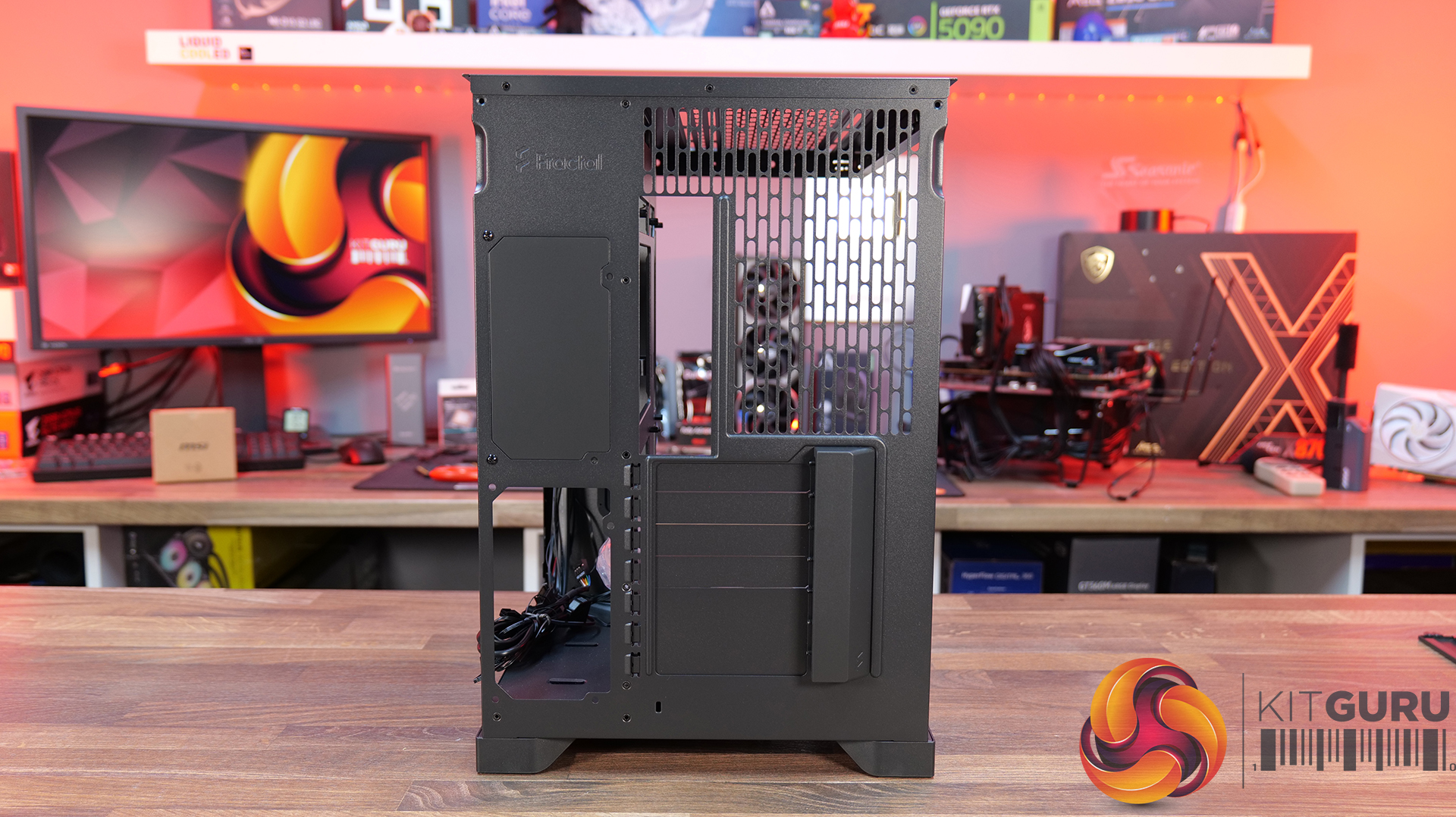
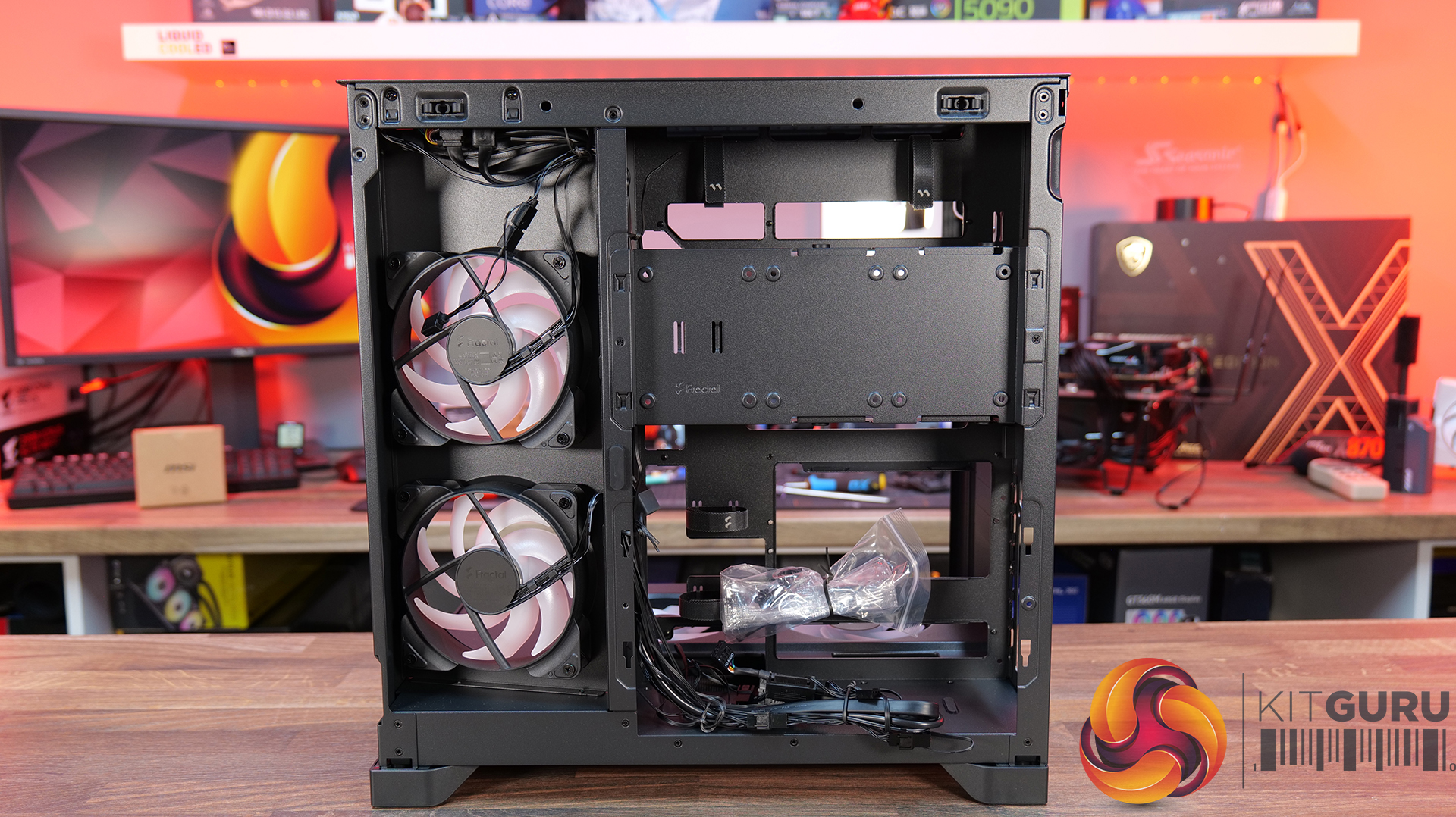
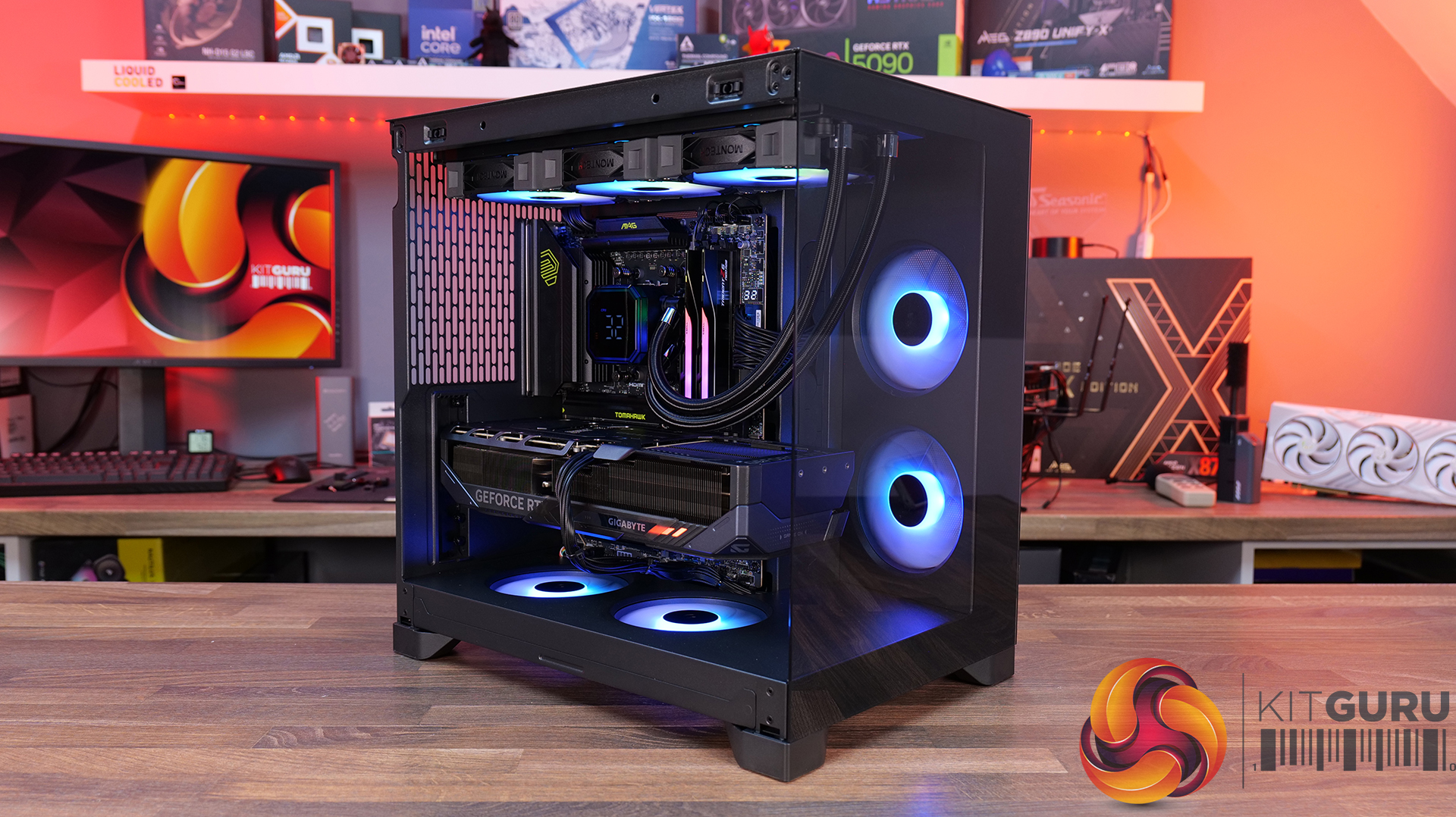
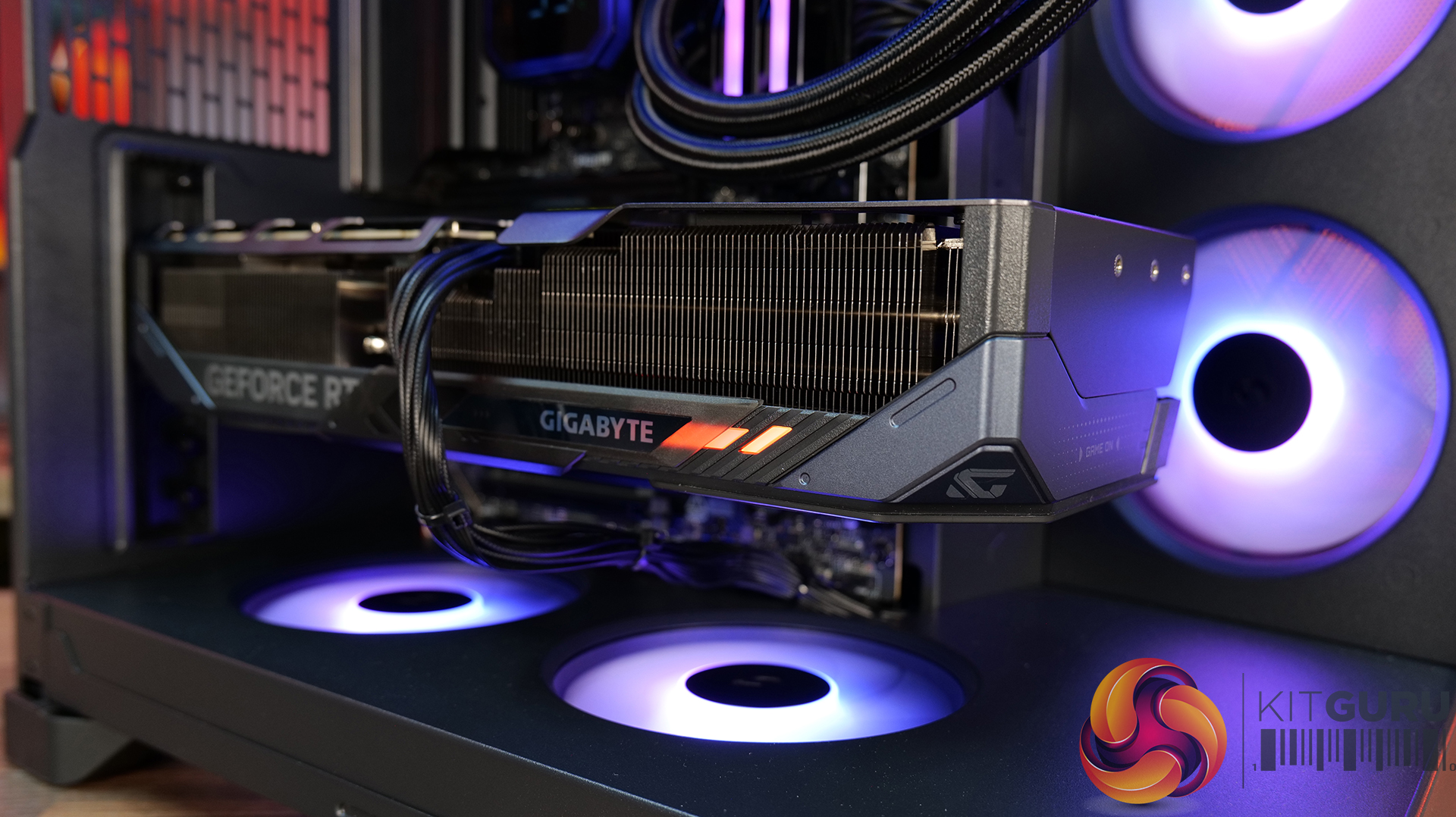
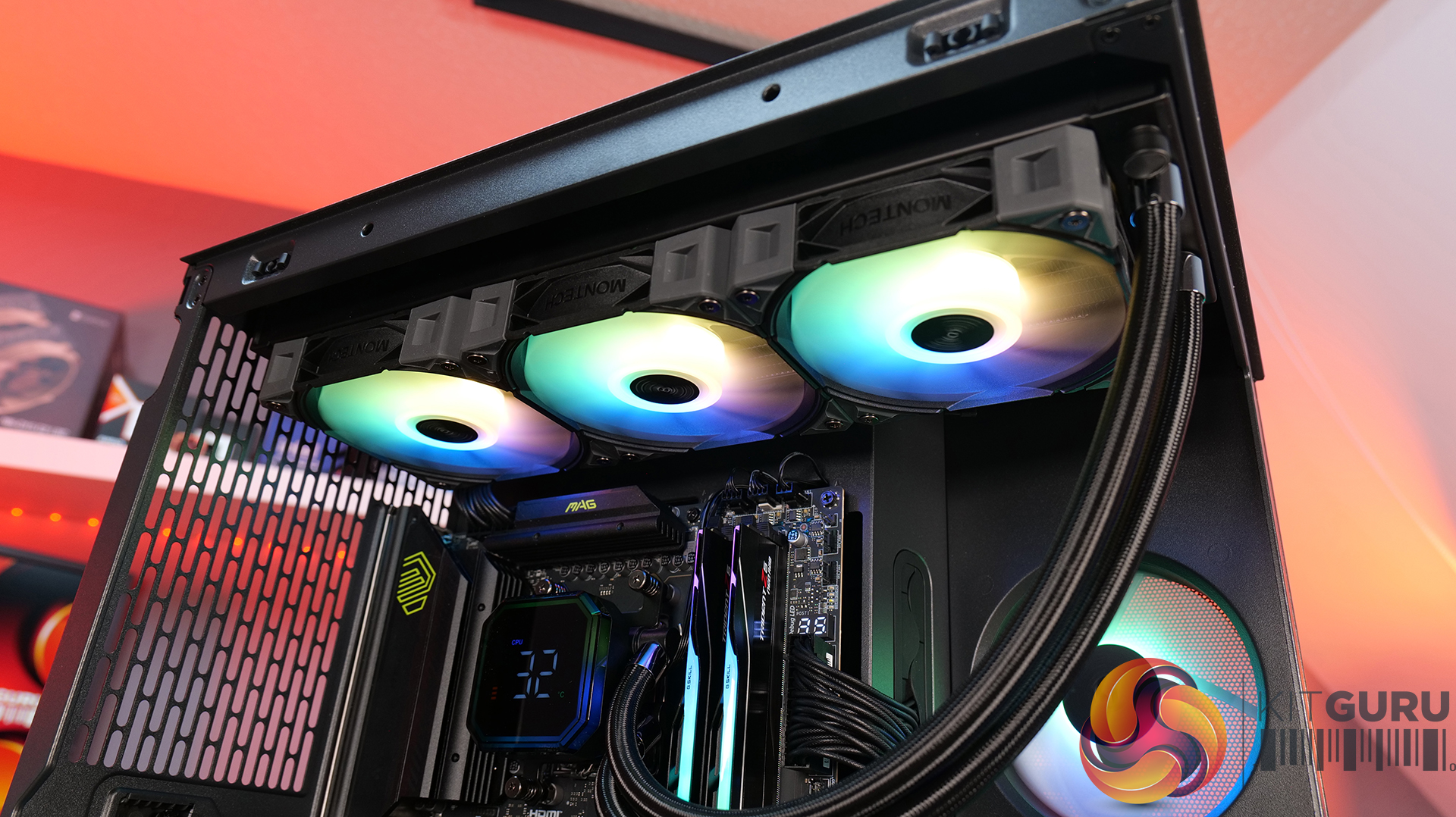
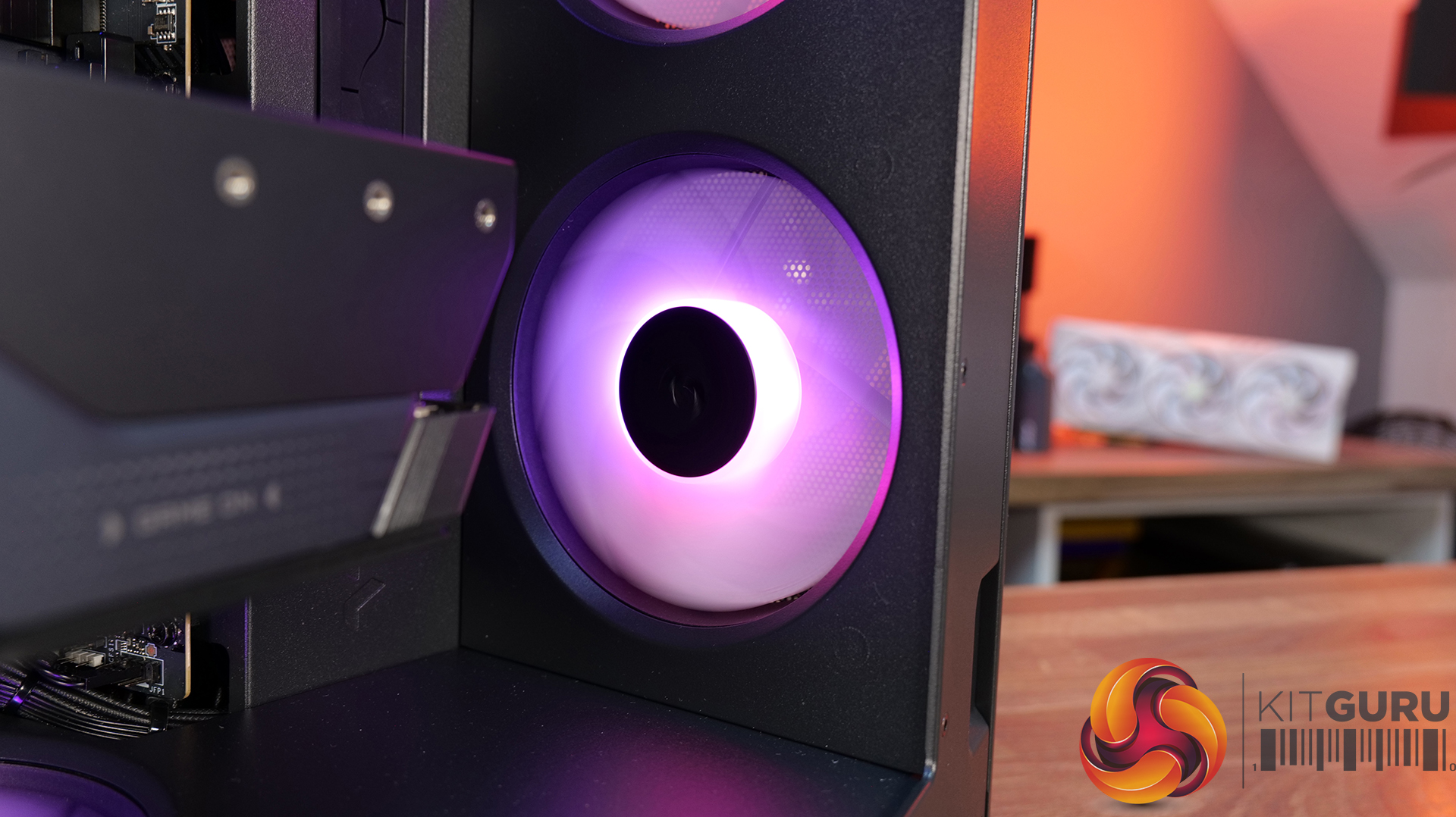
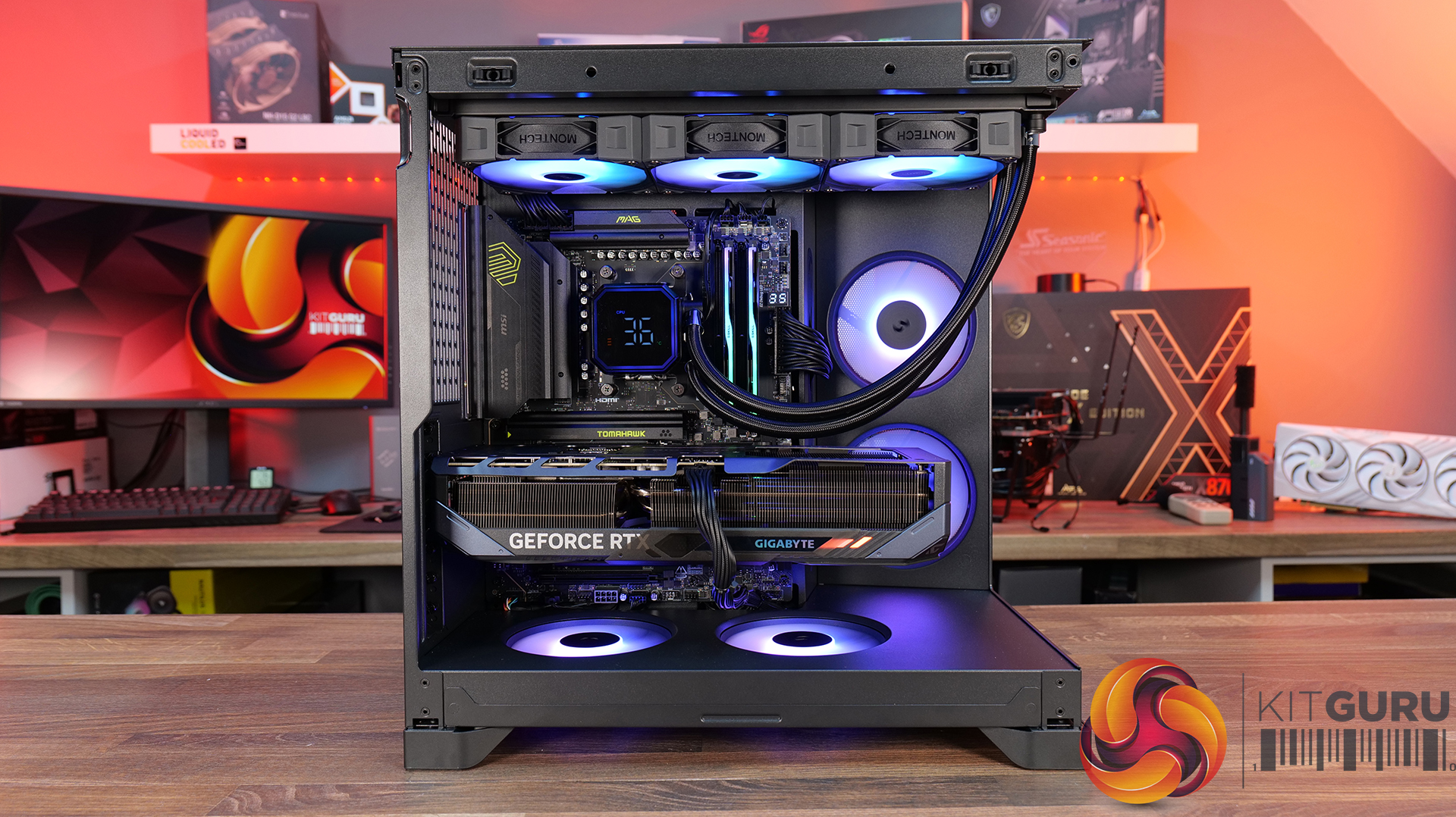
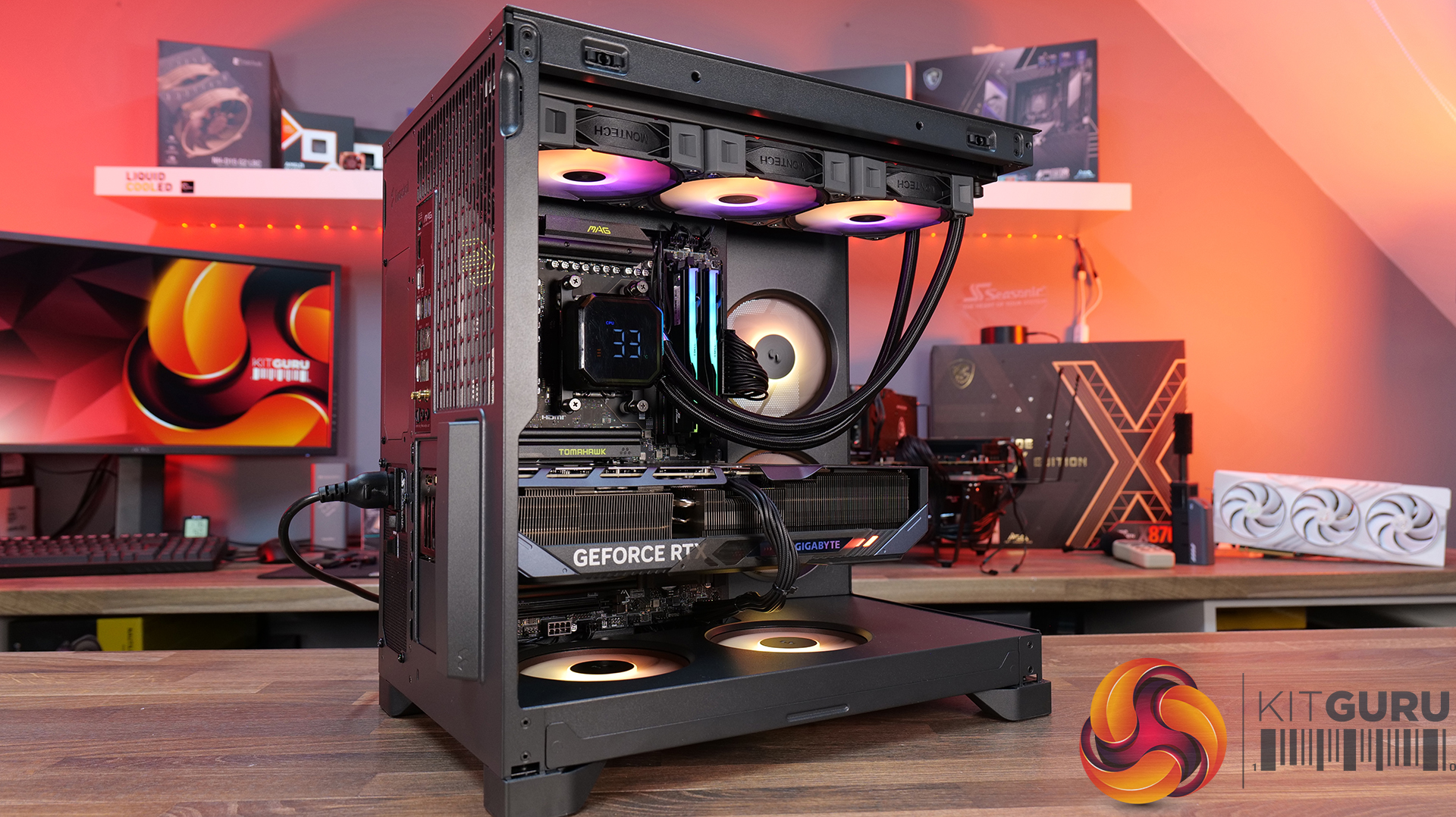
It has been a year since we first saw the budget TG3 on show at Computex 2025 and we have finally got our hands on a sample for review. The main components are a unibody 360mm fan in the side of the case with two glass panels and RGB lighting galore. The shock is that this case is remarkably cheap, but despite that it is solidly built and offers decent quality.

Time stamps
00:00 Start
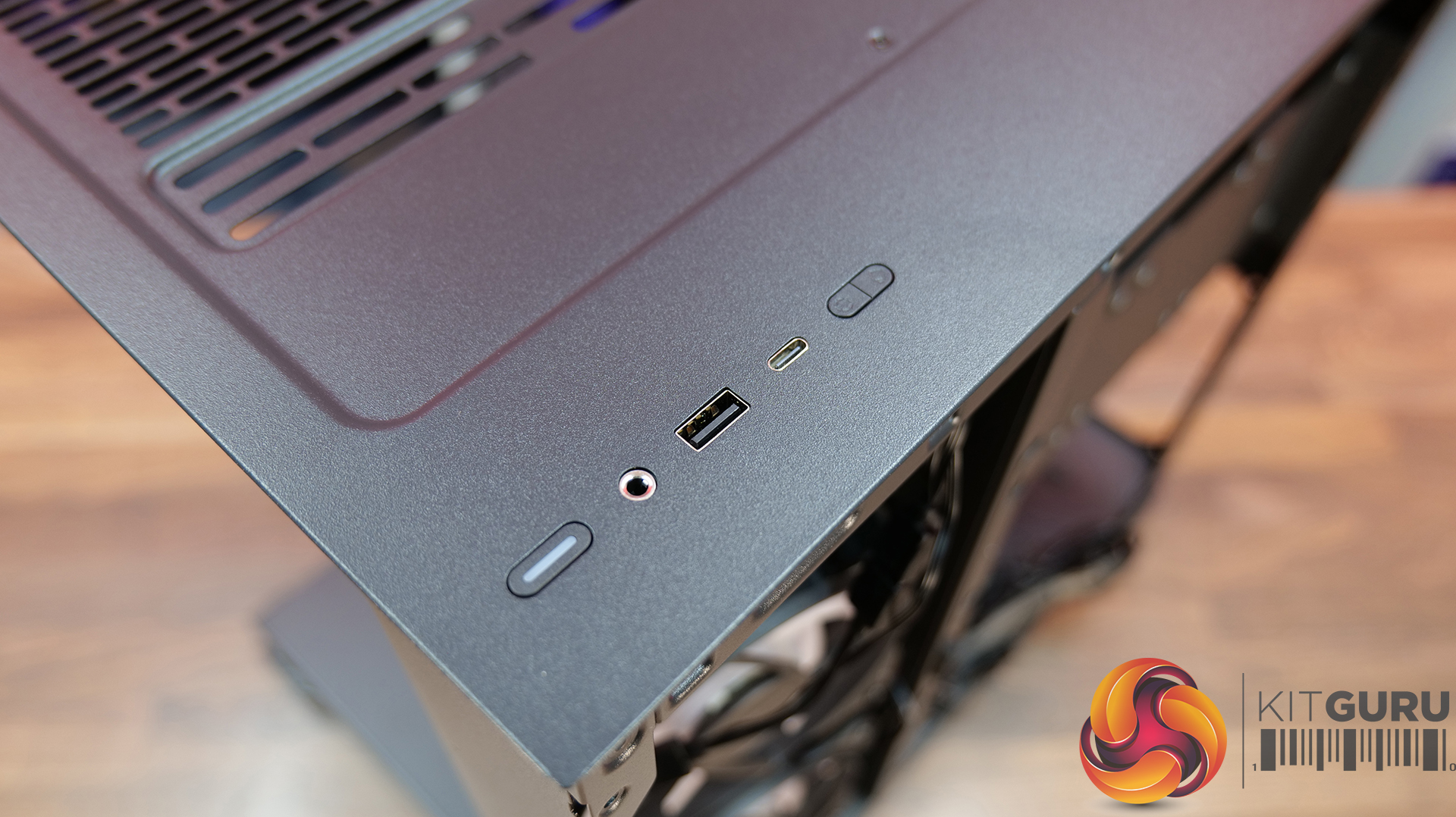
00:49 Strip down / A look inside / Front I/O
02:44 Motherboard Support
03:20 Installing a system
05:44 Smoke test for airflow
06:15 Thermal and Noise Testing
08:35 PSU change
09:14 Closing Thoughts

Main features

  • Tiered Bottom Layout with ARGB Lighting
  • Showcase Surface for Personalised Builds
  • Pre-installed GF U Unibody Fans for Cleaner Layout
  • Future-Proof GPU Compatibility
  • Back-Connect Ready
  • Spacious interior with a clean, minimalist exterior

Specification:

  • Motherboard support: ATX, Micro-ATX, Mini-ITX with support for rear connections.
  • Power supply support: ATX, SFX-L, SFX.
  • Expansion slots: 7.
  • Included fans: 1x 360mm side intake GF360 U REV, 1x 120mm rear exhaust GF120 U.
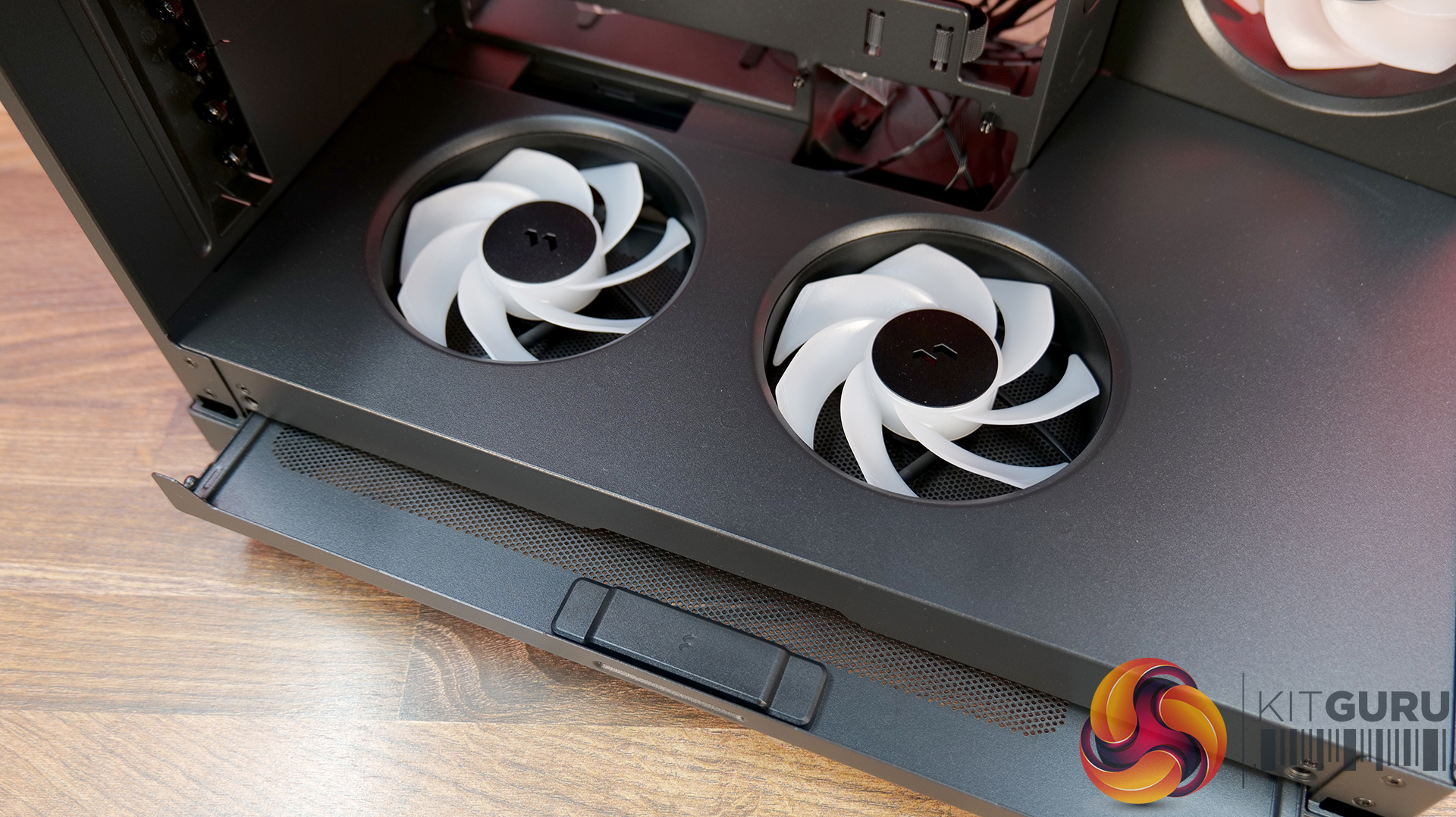
  • Fan mounts: 3x 120mm side, 3x 120mm/140mm roof, 1x 120mm/140mm rear, 2x 120mm PSU shroud.
  • Radiator mounts: 240mm side, 360mm/280mm roof, 120mm rear.
  • 5.25-inch optical drive bays: None.
  • Internal drive bays: 1x 3.5-inch, 2x 2.5-inch.
  • Front I/O ports: 2x USB 3.0 Type-A, 1x USB 3.1 Type-C, audio.
  • Dimensions: 523mm H x 465mm D x 239mm W.

Testing

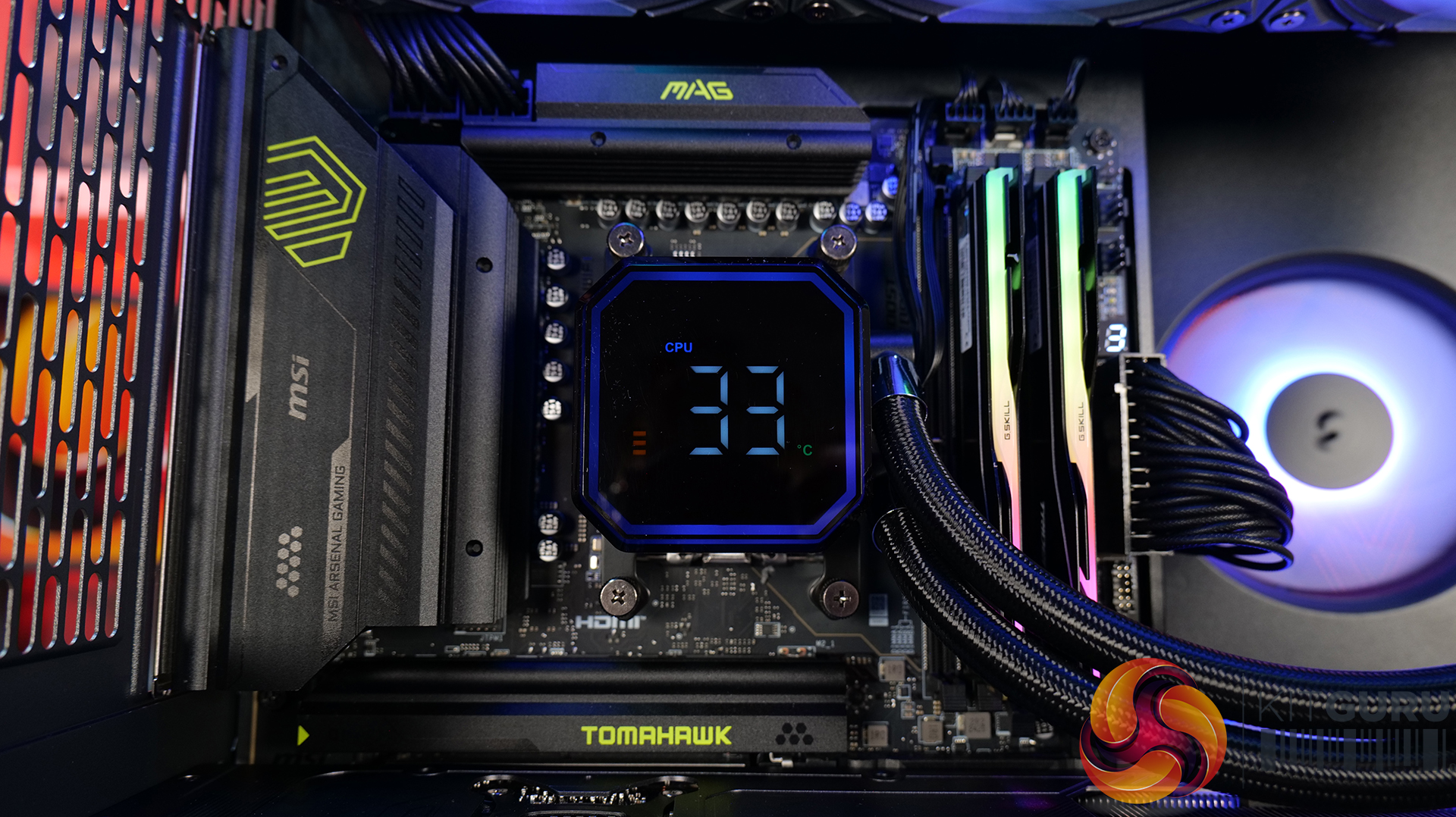
To put this case through its cooling paces we will be using a test system consisting of an AMD Ryzen 7 9850X3D, Sapphire Nitro+ X870EA PhantomLink motherboard and an SSD. This system allows us to produce a substantial amount of heat and effectively test the Montech TG3‘s cooling capabilities.

Test System:
Processor: AMD Ryzen 7 9850X3D
CPU Cooler: Montech NX600
Motherboard: Sapphire Nitro+ X870EA PhantomLink Polar Edition
Memory: 32GB Kingston Fury Beast DDR5-6000
Graphics card: Sapphire Nitro+ Radeon RX 9070 XT 16GB
Power supply: Montech Century II Gold 1050
SSD: Crucial T705 Gen 5 M.2 NVMe
OS: Windows 11

Cooling Performance

Cooling Performance Overview

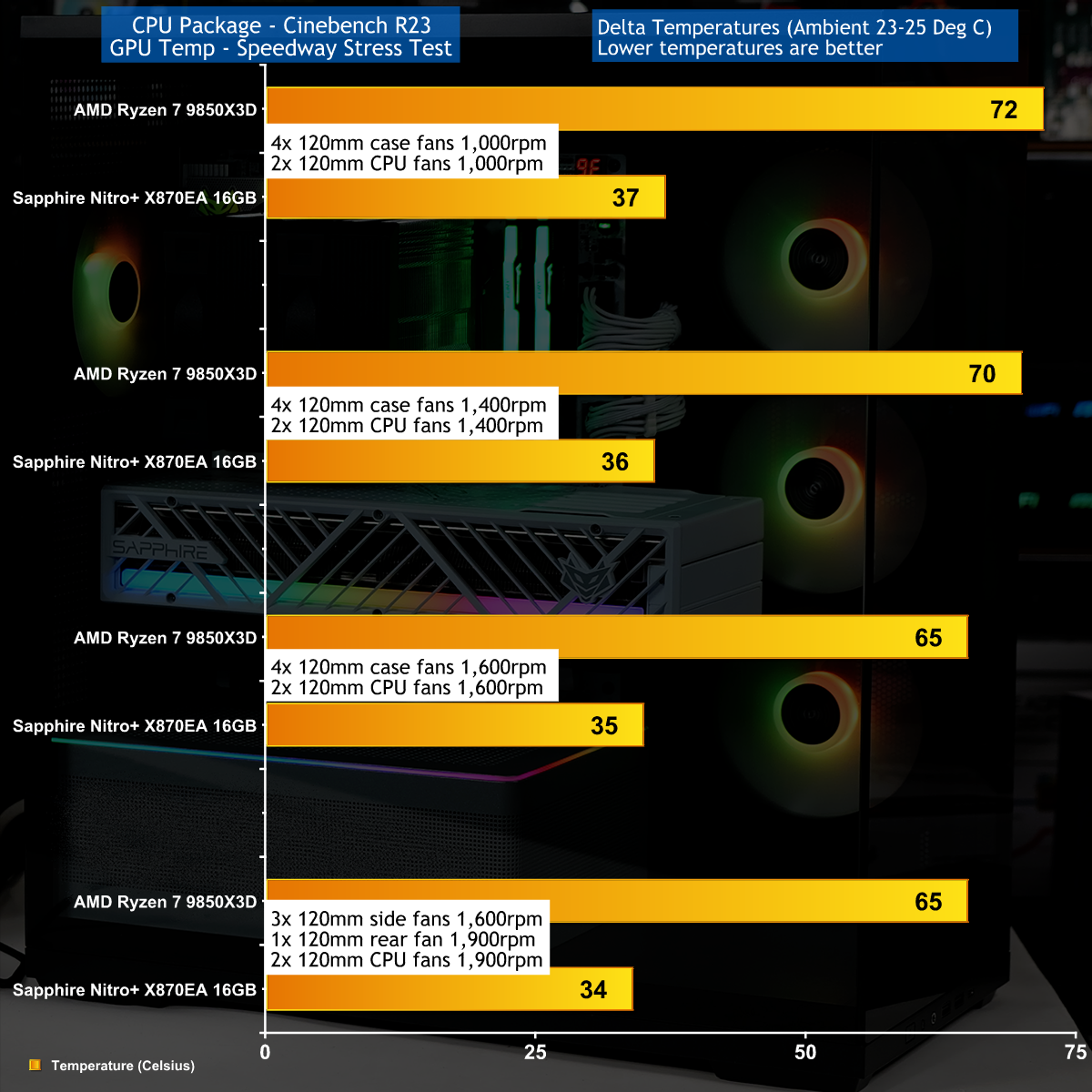
We stressed the Montech TG3 with a combination of Speedway Stress test and Cinebench R23 that drew 560W-580W at the wall socket. Our Sapphire RX 9070 XT graphics card was nice and cool under full load while the AMD Ryzen 7 9850X3D was slightly warmer than we wanted.

Closing Thoughts

The Montech TG3 uses a layout that follows the same conventions as a great many other ATX tower cases. You have glass on the front and main panels, with cooling air drawn in from the right hand side through 3x 120mm fans. Inside the main compartment the power supply shroud stops short of those side fans to give you the full benefit of the ARGB light show.

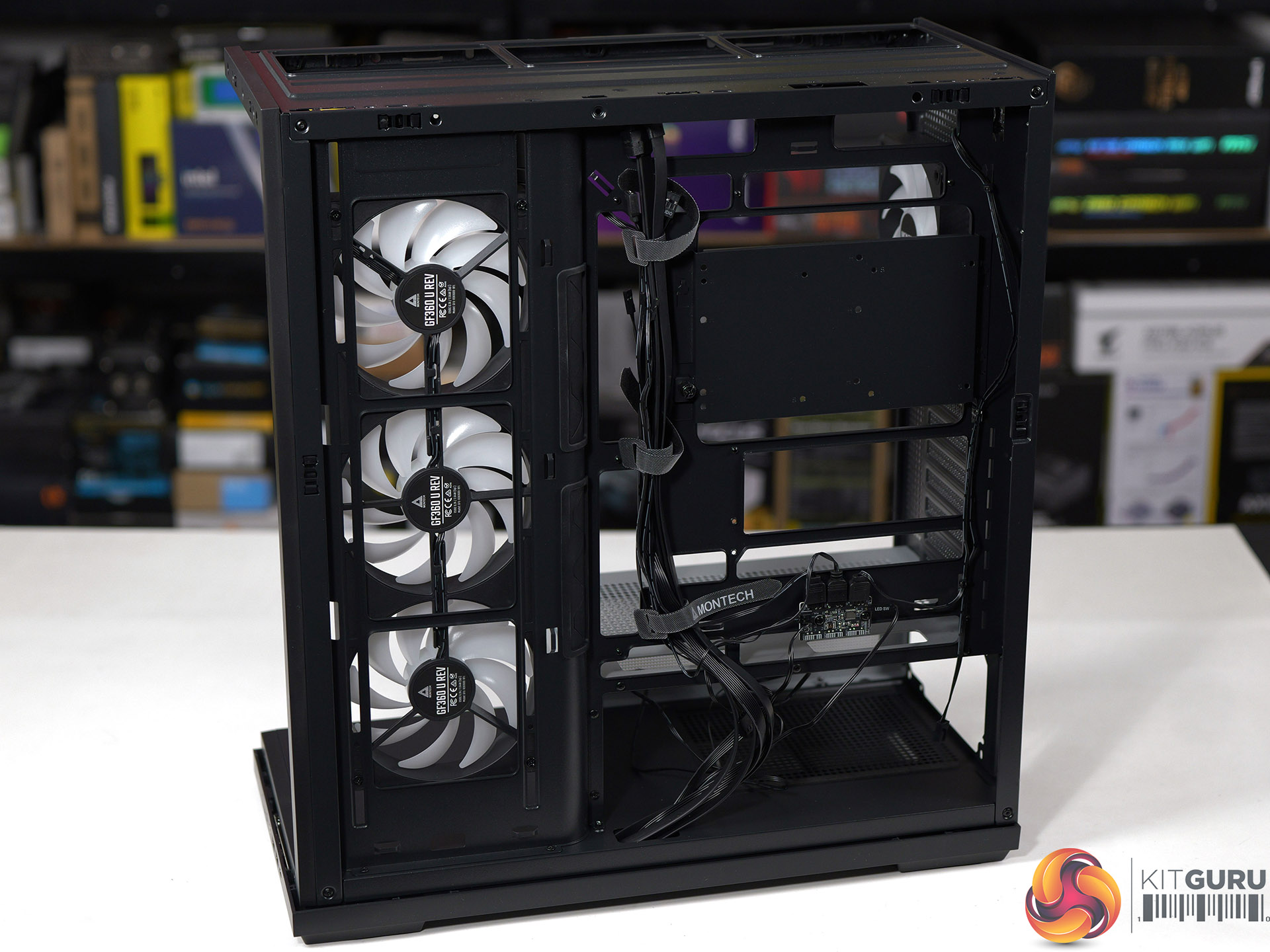
In other words there is nothing about the TG3 that is unusual, and the only curiosity are those side fans that use a unibody design to tidy up the cabling and reduce the number of installation screws.

This makes it quite amazing to us that Montech has managed to launch the TG3 at a mere £49.99 in the UK and we understand that will be $59.99 in the USA.

You can buy the Montech TG3 for £49.99 HERE.

Pros:

  • Very low price.
  • Good amount of room in the main chamber to assemble your PC.
  • Decent build quality.

Cons:

  • The cooling is nothing special.
  • When you crank up the fans the TG3 gets noisy.
  • The main components are riveted together.

KitGuru Says: The Montech TG3 is a decent case at a crazy low price. 
The post Montech TG3 Case Review: Budget Winner first appeared on KitGuru.

Endorfy Fishtank 6000 Corona Case Review

6 July 2026 at 11:44

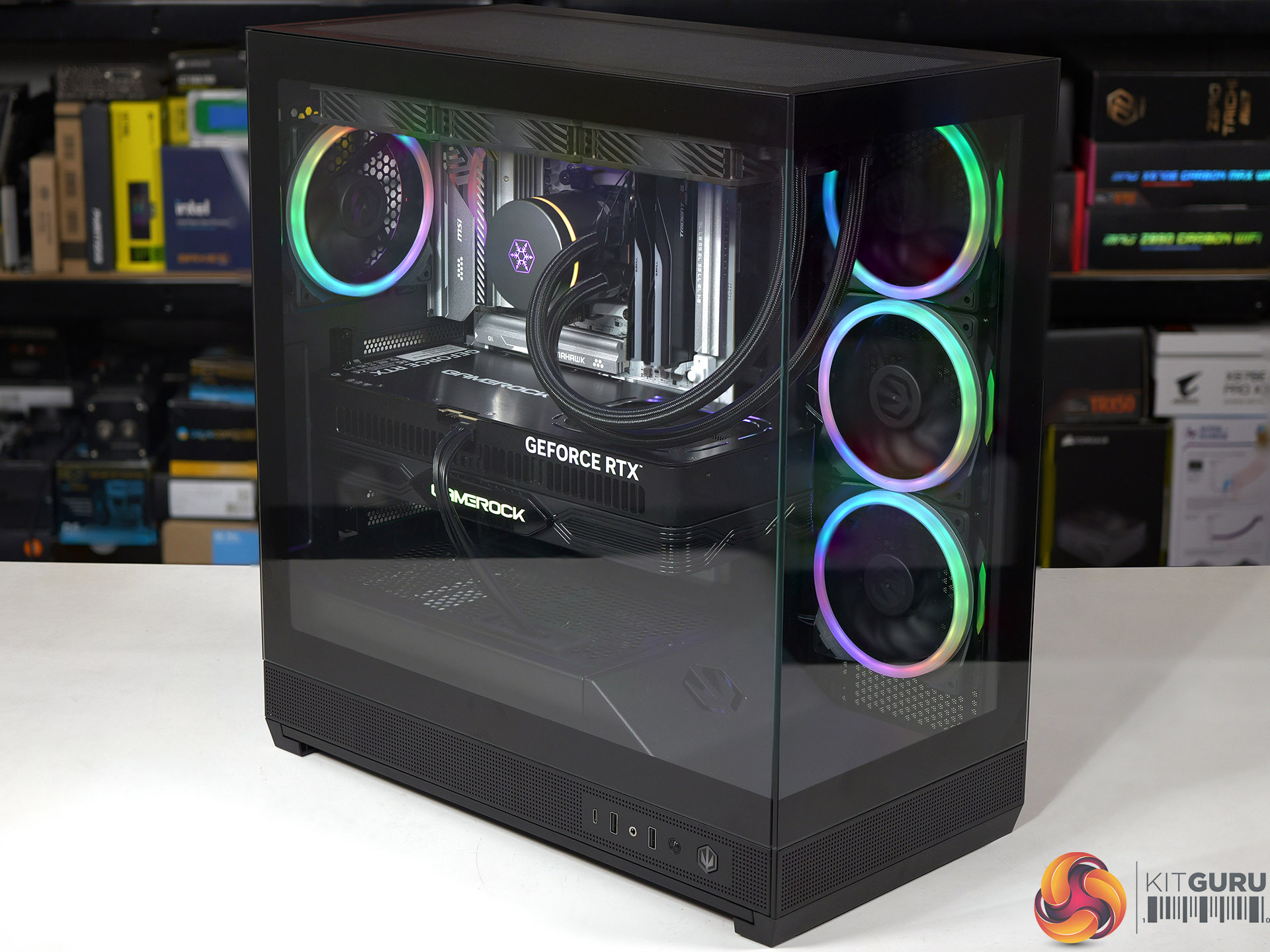
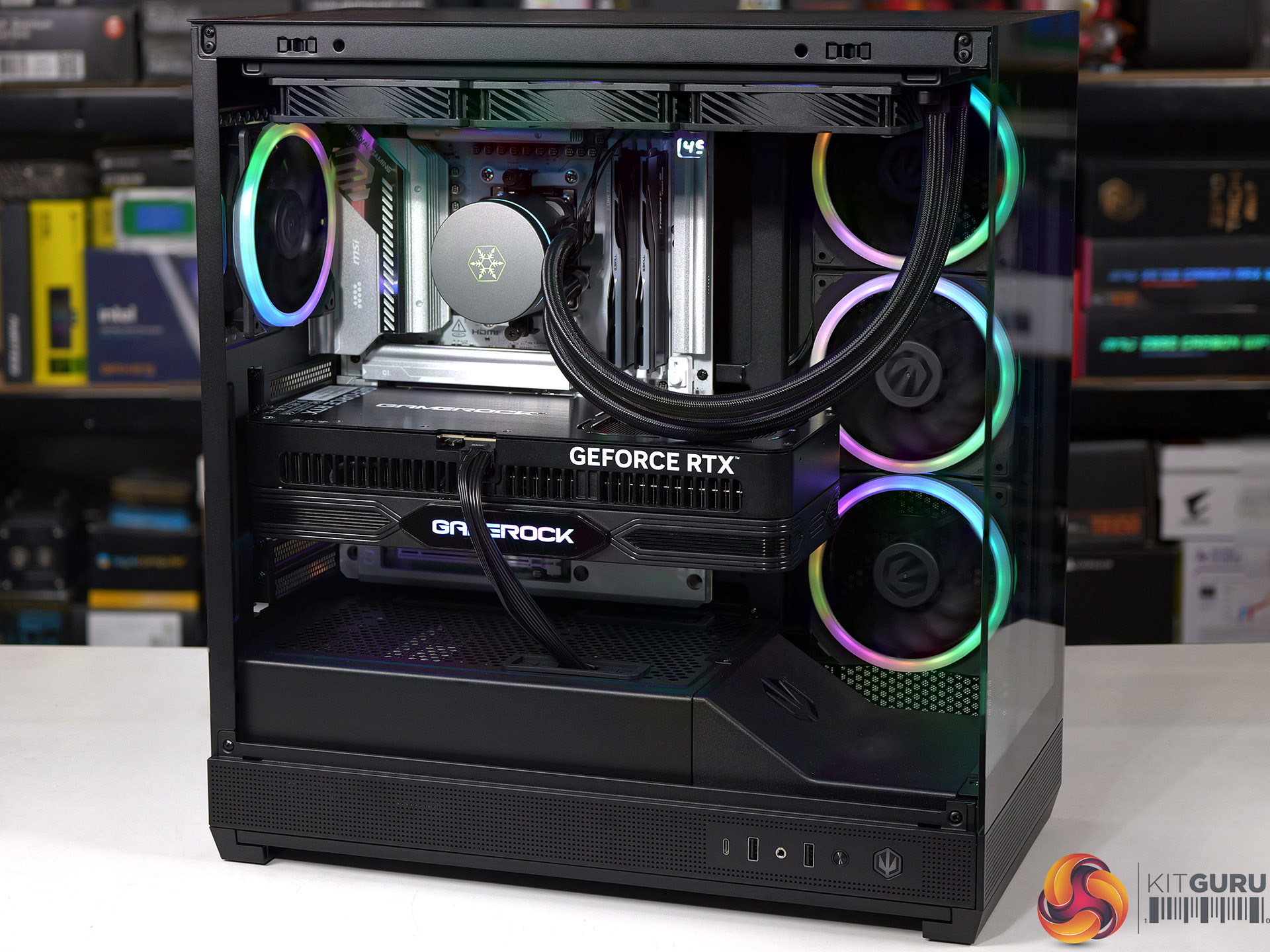
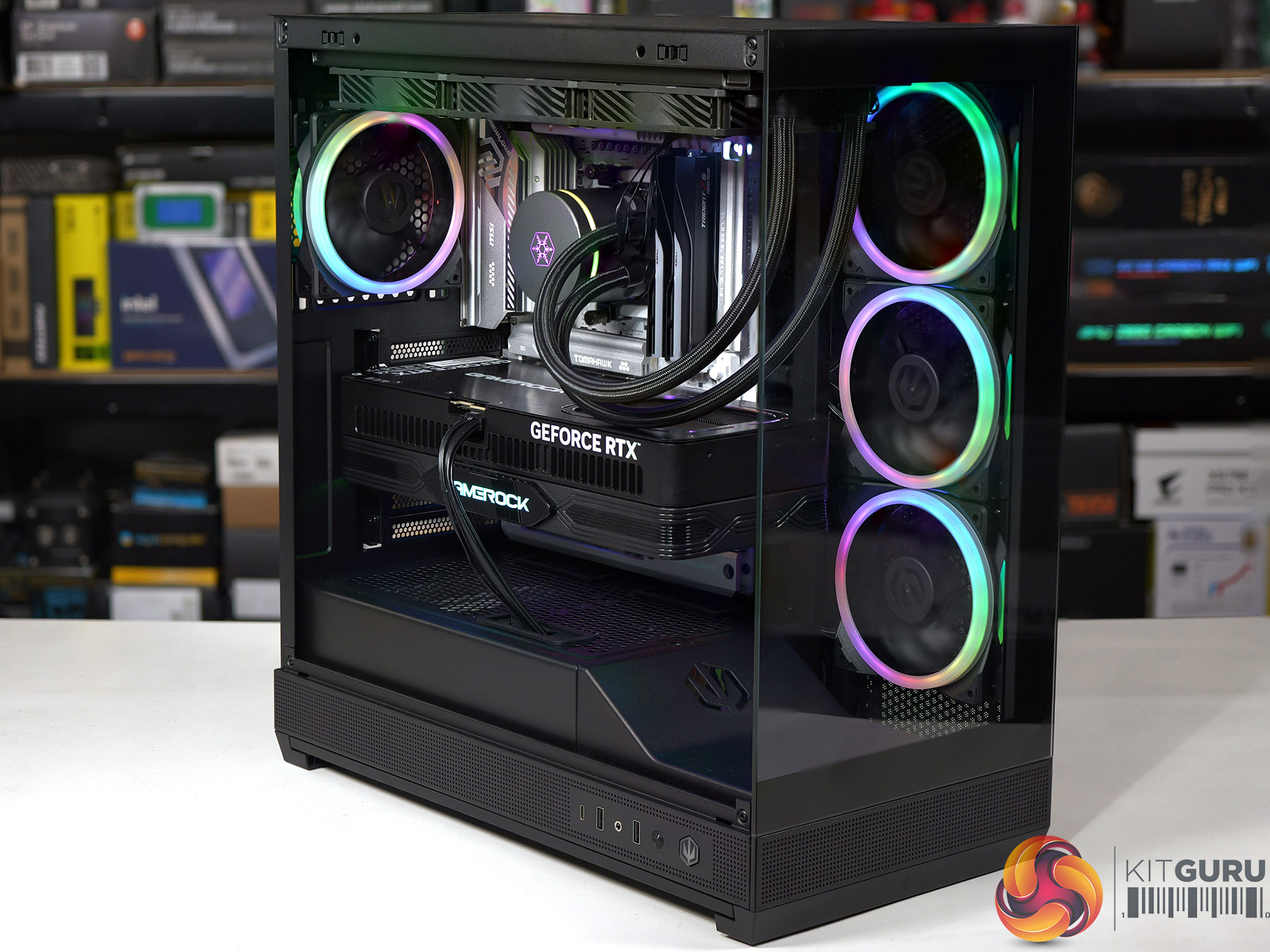
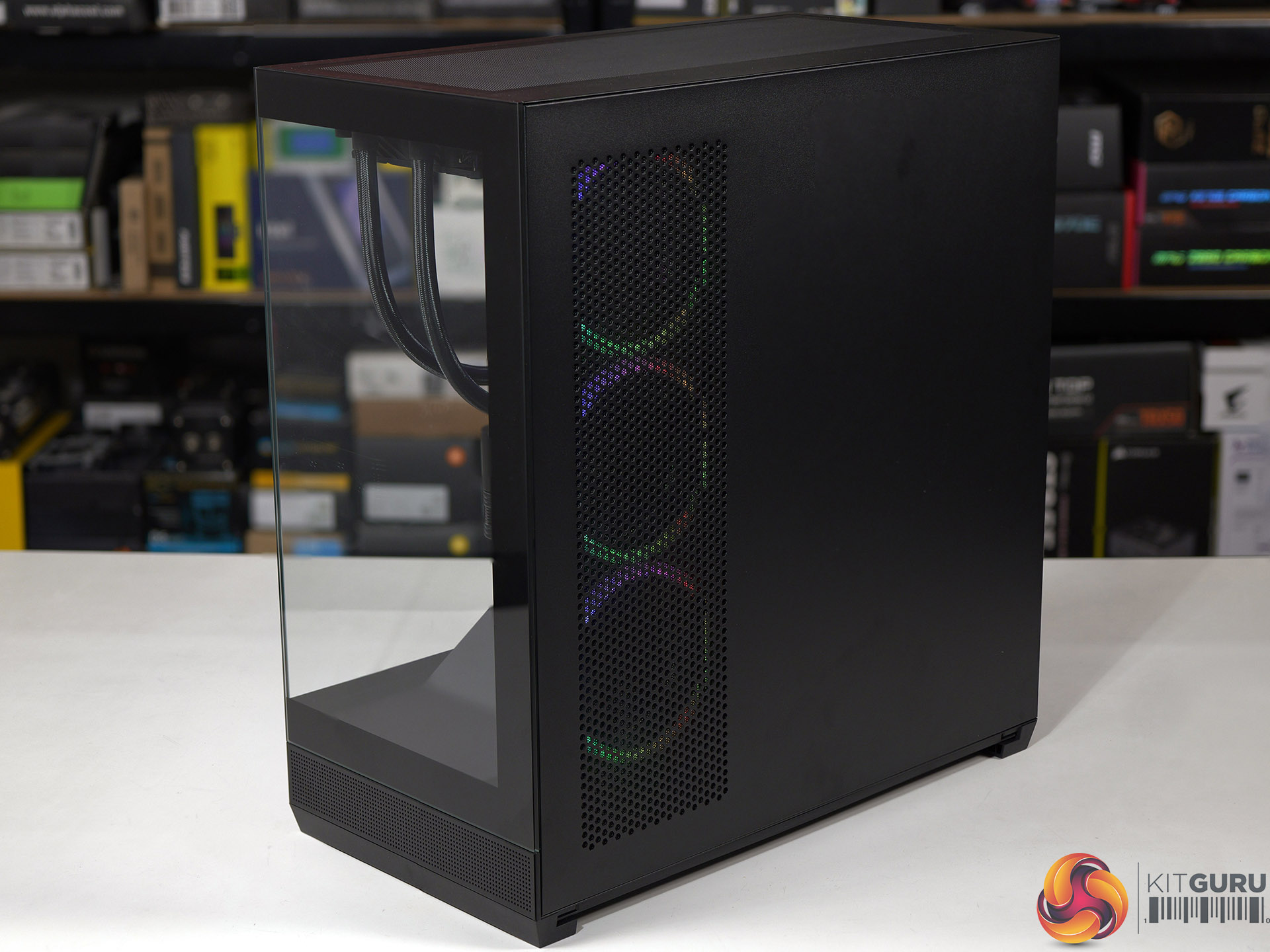
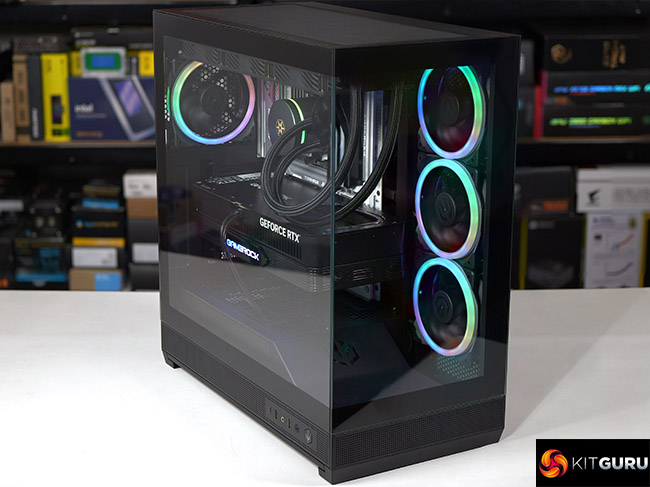
Endorfy showed us their prototype Fishtank 6000 case at Computex 2025 and asked whether we had any suggestions for a name for their new case. We had a good look, studied the glass at the front and side, admired the ARGB lighting and suggested they stuck with the development name of ‘Fishtank’. That’s the story, love it or hate it, KitGuru is responsible for the name…

Timestamps
00:00 Intro
00:51 Pricing and key info
01:21 Pulling off the panels…
02:26 Mobo tray area
03:29 Test system hardware
04:04 PSU installation and an issue…
04:52 Time for the AIO + GPU
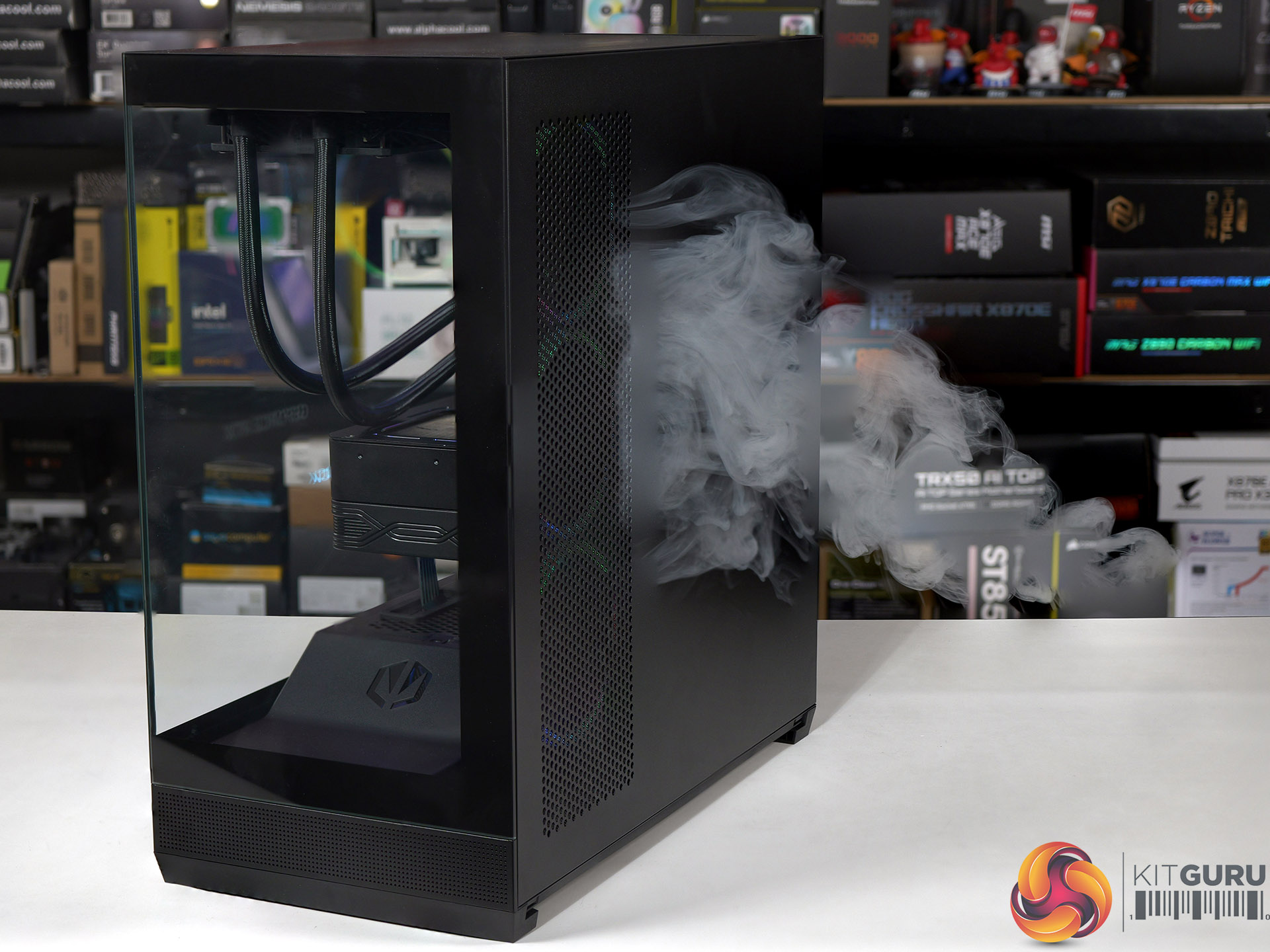
05:52 Smoke tests
06:35 Testing: thermals and noise
08:21 Leo’s closing thoughts
10:02 Pros and cons

Main features

  • Tower form factor with dual glass panel design
  • Tempered glass
  • Up to 4 PWM ARGB fans included
  • Good air and water cooling compatibility
  • Built-in PWM splitter and ARGB controller
  • USB Type-C connector
  • Support for vertical GPU mounts
  • Removable side AIO/fan mounting bracket

Specification:

  • Motherboard support: E-ATX (up to 280mm), ATX, Micro-ATX, Mini-ITX.
  • Power supply support: ATX.
  • Expansion slots: 7.
  • Included fans: 3x 120mm Endorfy Corona Reverse side intake, 1x 120mm Endorfy Corona rear exhaust.
  • Fan mounts: 3x 120mm/140mm side, 3x 120mm/140mm roof, 2x 120mm PSU shroud, 1x 120mm/140mm rear.
  • Radiator mounts: 280mm/360mm side, 360mm roof, 120mm rear.
  • 5.25-inch optical drive bays: None.
  • Internal drive bays: 1x 3.5-inch/2.5-inch, 1x 2.5-inch, 1x 3.5-inch.
  • Front I/O ports: 2x USB 3.0 type-A, 1x USB 3.1 type-C, audio.
  • Dimensions: 487mm H x 473mm D x 240mm W.

Testing

To put this case through its cooling paces we will be using a test system consisting of an AMD Ryzen 7 9850X3D, Palit RTX 5080 and an SSD. This system allows us to produce a substantial amount of heat and effectively test the Endorfy Fishtank 6000 Corona‘s cooling capabilities.

Test System:

  • Processor: AMD Ryzen 7 9850X3D
  • CPU Cooler: SilverStone IceMyst 360
  • Motherboard: MSI MAG X870E Tomahawk Max WiFi PZ
  • Memory: 32GB G.Skill Trident Z5 Neo RGB DDR5-6000
  • Graphics card: Palit GeForce RTX 5080 GameRock 16GB
  • Power supply: Thermaltake ToughPower GT 1200W Gold
  • SSD: Crucial T700 Pro M.2 NVMe
  • OS: Windows 11

Cooling Performance

Cooling Performance Overview

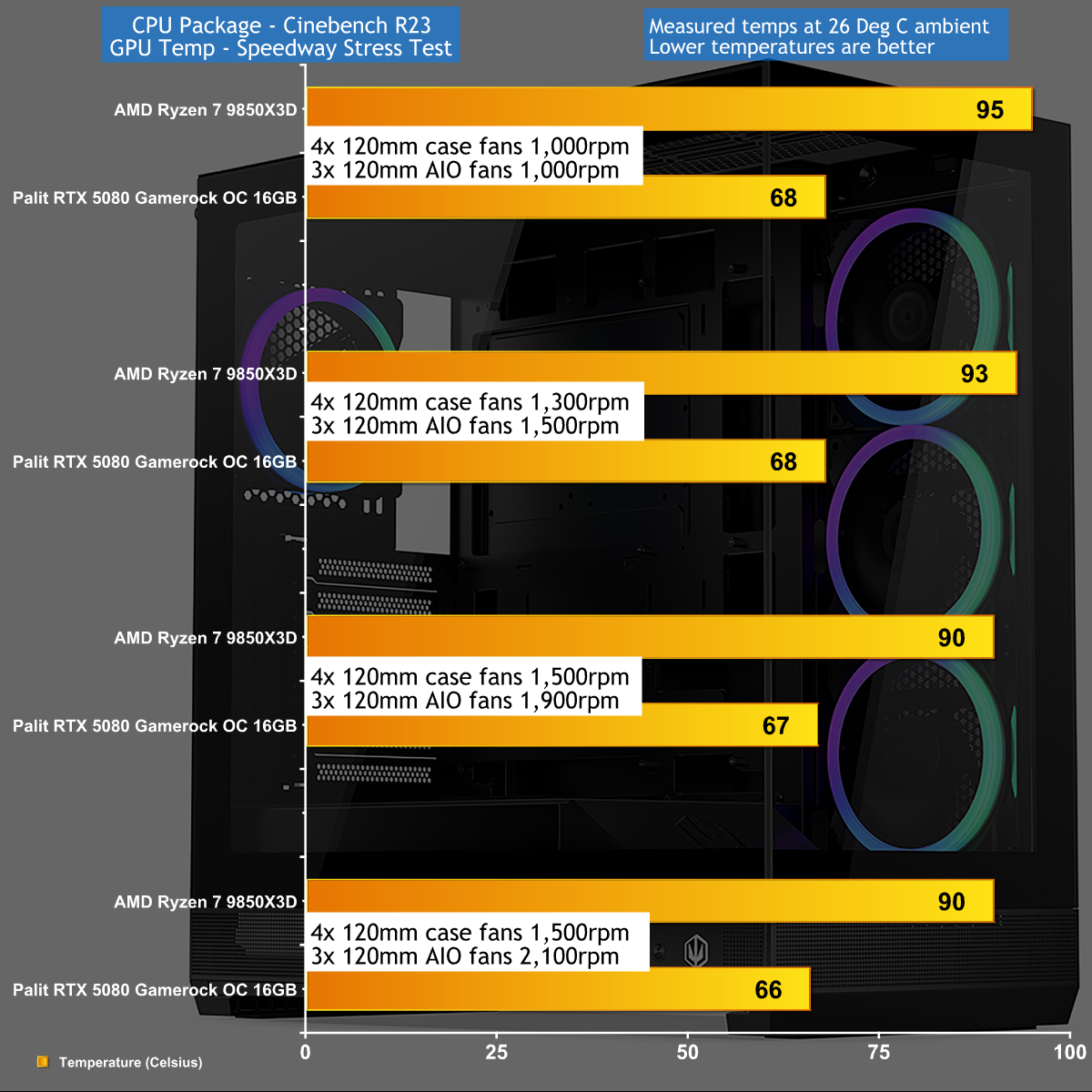
We tested in high ambient temperatures which stressed the Endorfy Fishtank 6000 Corona rather harshly. Even so we were disappointed how high we had to crank the fans to keep our Ryzen 7 CPU cool as we were dealing with a PC that was both hot and noisy. As we show in our video the airflow doesn't work very well and we are confident Endorfy could have achieved better results if they had tweaked the design.

Closing Thoughts

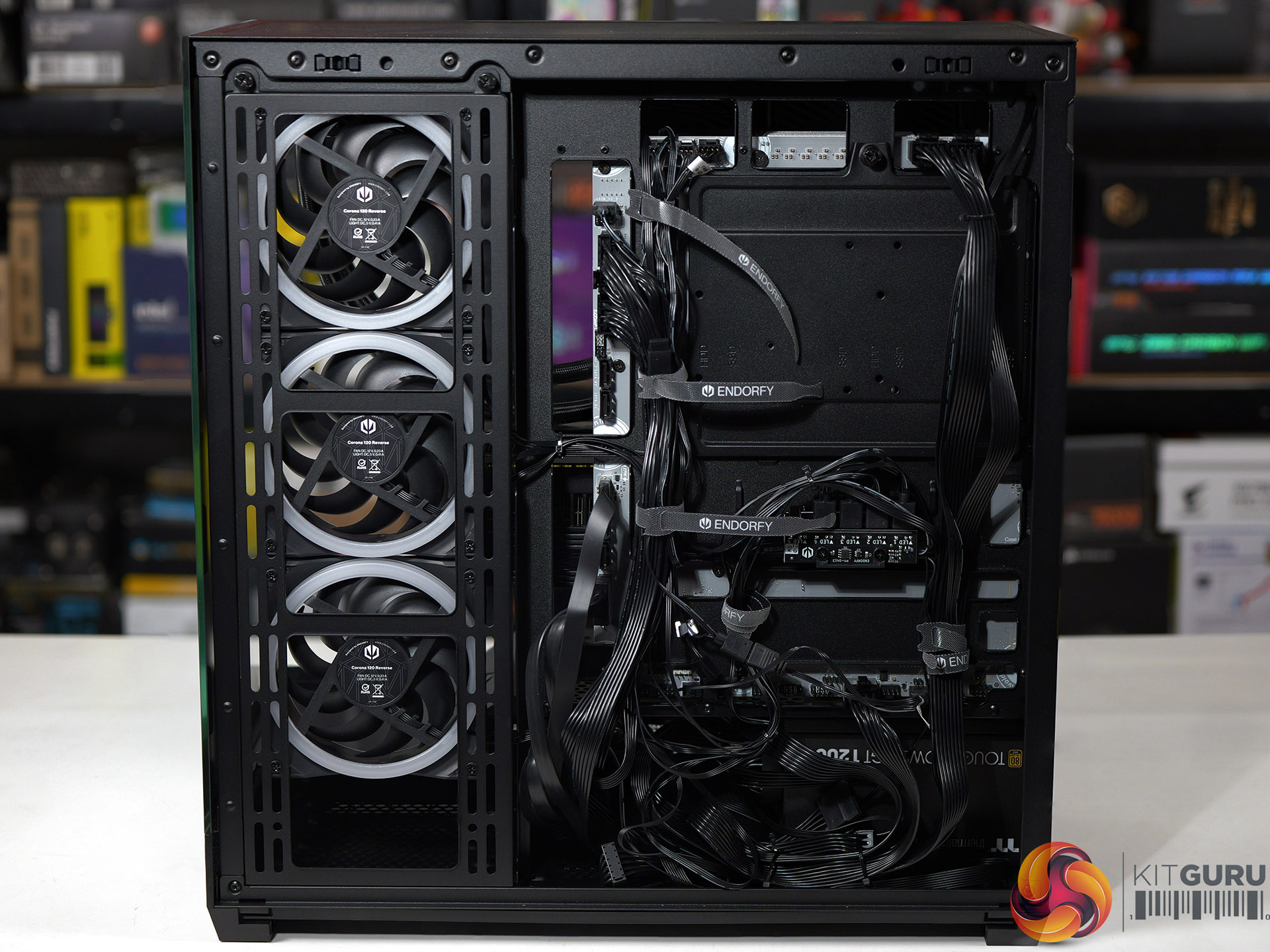
The main components of the Endorfy Fishtank 6000 Corona are absolutely fine. You can easily build a full-sized gaming PC in this case without any need for fiddling around or fighting cables around nasty corners.

It is also worth noting that Endorfy includes four 120mm Corona case fans that look very pleasant and which minimise your need to buy extra hardware.

The downside of the Fishtank 6000 is that the market is awash with similar PC cases with glass on two sides and ARGB fans in the side position. This means you need a very good reason to choose this particular case over the competition, and Endorfy hasn't delivered on that crucial point.

You can buy the Endorfy Fishtank 6000 Corona for £140 HERE.

Pros:

  • Plenty of room inside the case to build your PC.
  • Included ARGB fans give a decent light show.
  • Tidy styling and a smart appearance.

Cons:

  • Air flow and cooling seem to be hurt by the power supply housing.
  • Top fan rack is not removable.
  • We were unable to connect the front panel audio to our MSI Project Zero motherboard.
  • UK price is rather high.

KitGuru says: The Endorfy Fishtank 6000 Corona does a reasonable job but is nothing special.

The post Endorfy Fishtank 6000 Corona Case Review first appeared on KitGuru.

Corsair 2800X RS-R ARGB Budget Micro-ATX Case

30 June 2026 at 13:16

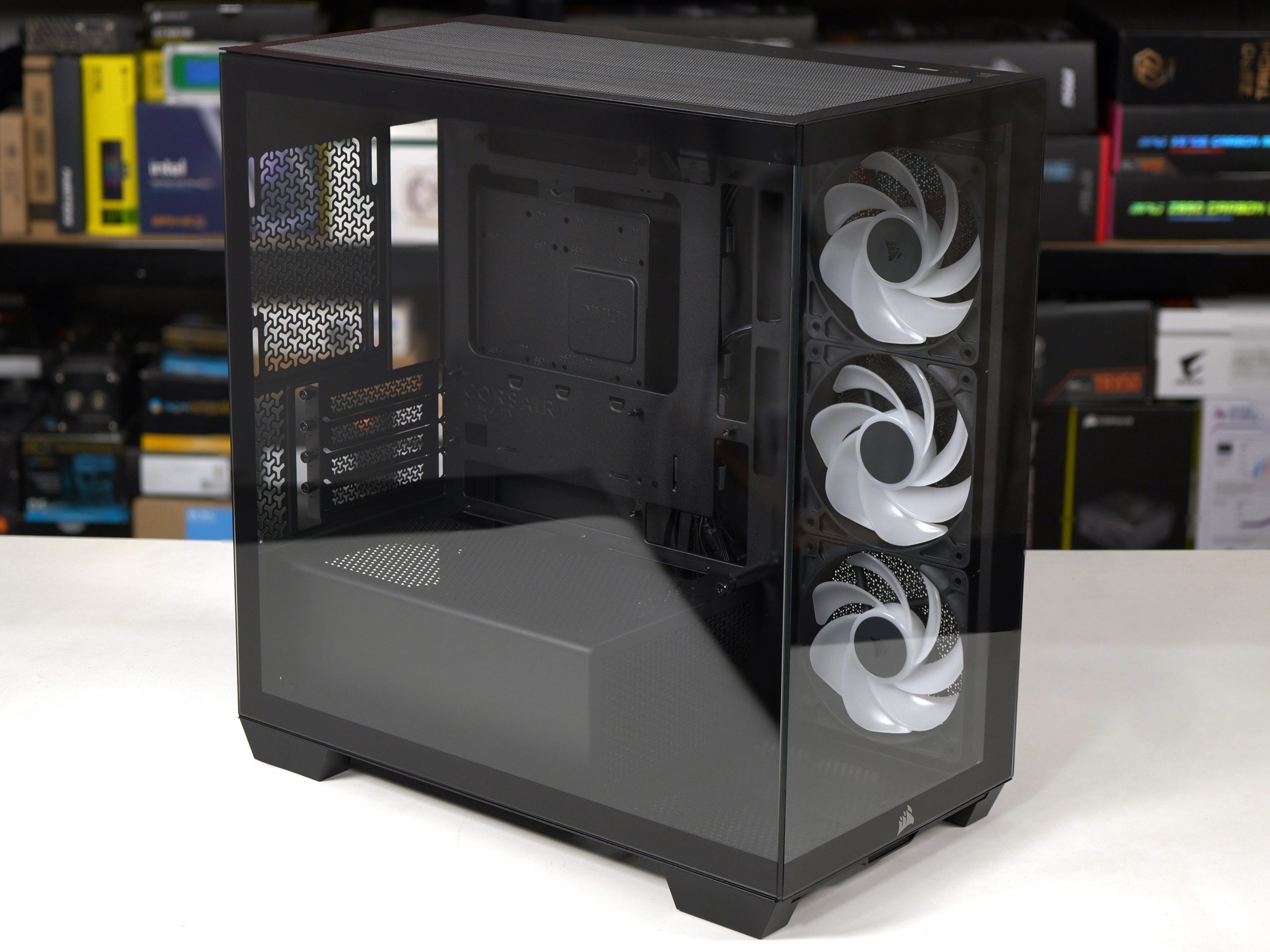
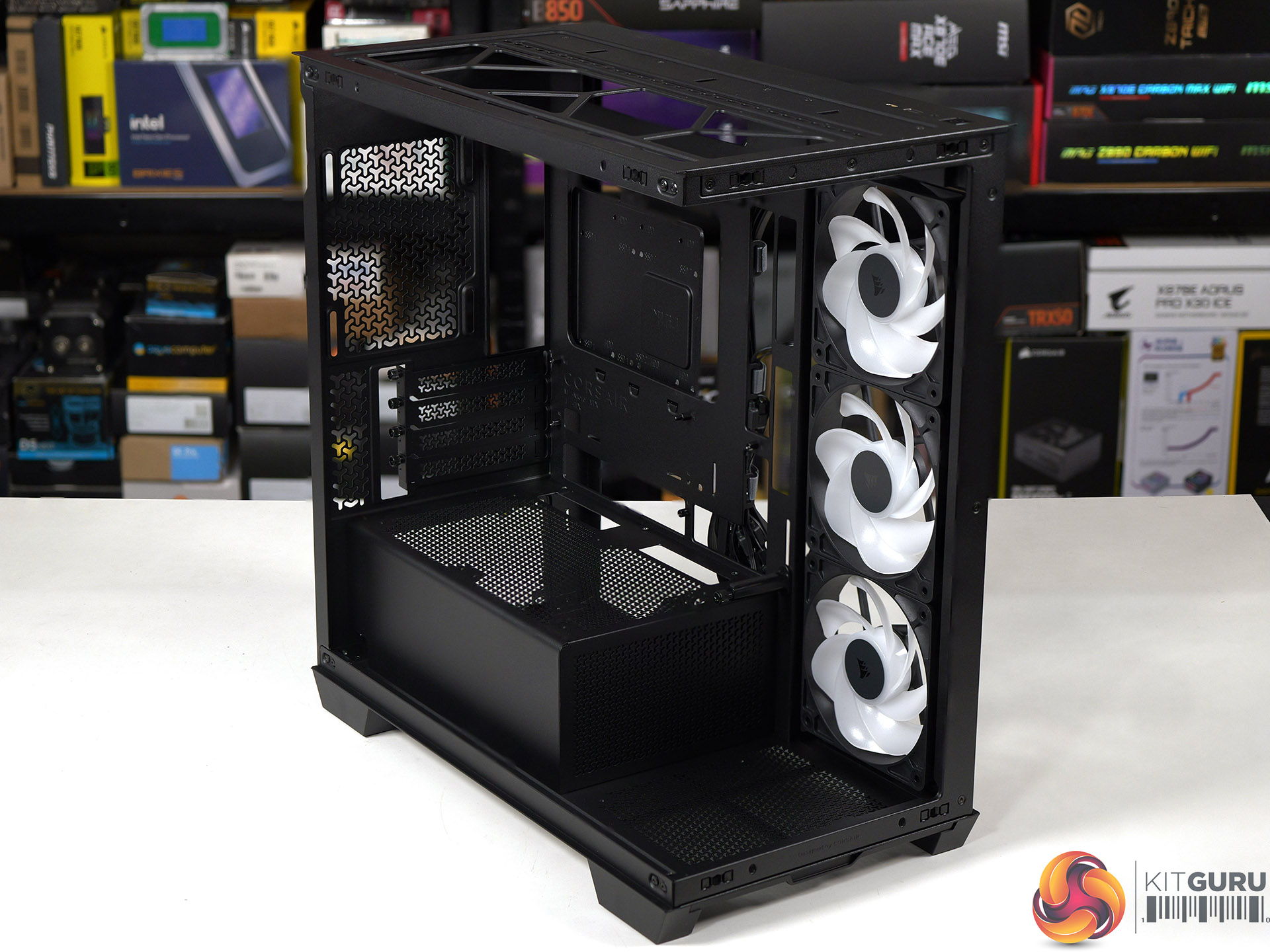
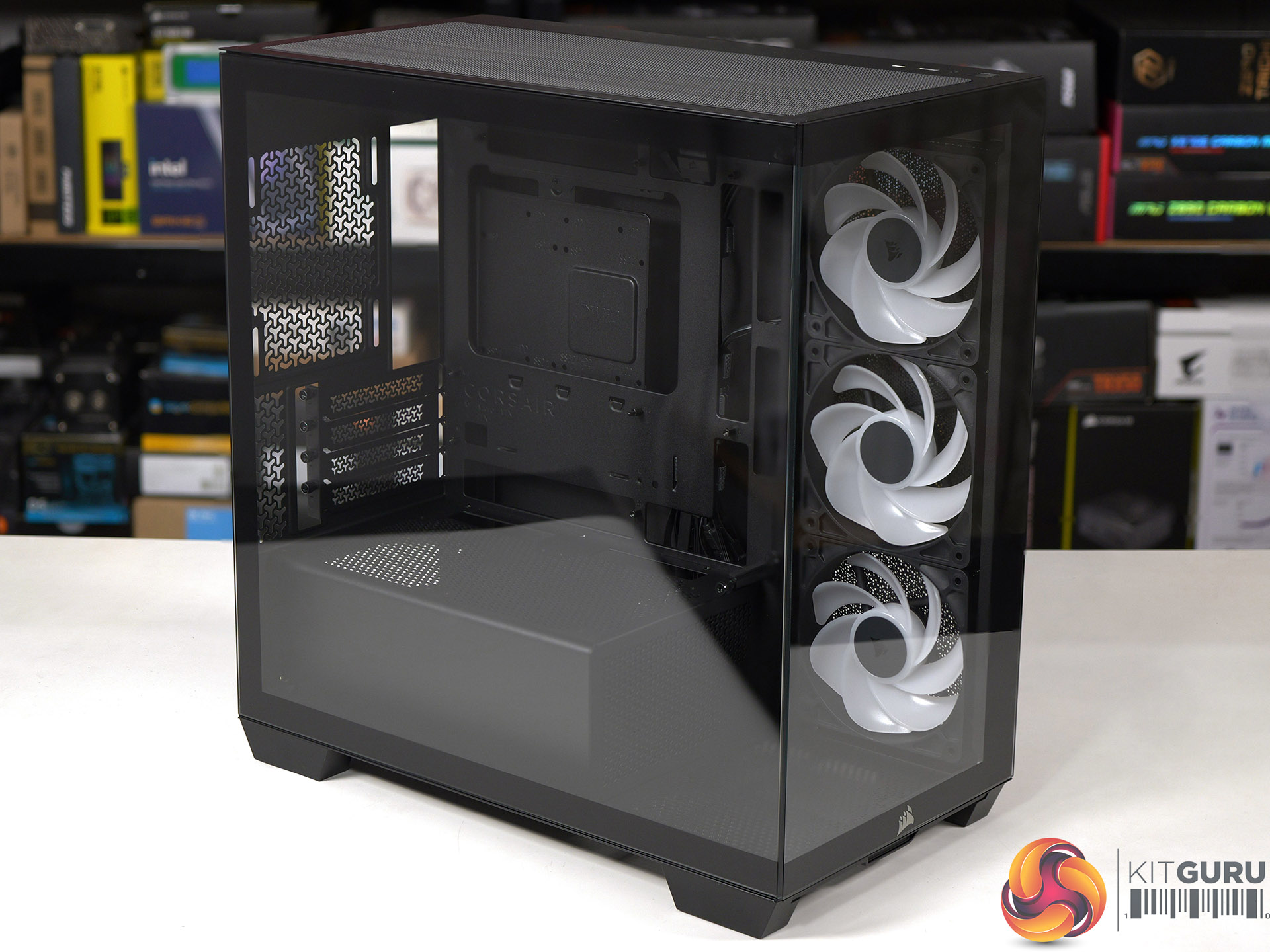
At Computex we were shown the Micro-ATX Corsair 2800X, however we were vague about the price and said ‘it will be priced towards the budget end of the scale'. The reason we were vague is that Corsair wasn't 100% sure they would be able to deliver the 2800X at the price they were discussing, and they wanted some wiggle room in case their plans changed. Today we can announce the news that Corsair has indeed delivered the 2800X exactly as they hoped and also, it's rather good.

Time stamps
00:00 Start
00:39 Overview / disassembly / cooler support
02:37 Building a system inside
04:30 Airflow smoke test
05:10 Thermal and noise testing
06:45 Leo discusses thermals
09:04 Micro ATX Thoughts
11:28 Space and routing
12:42 Closing Thoughts

Main features

  • Micro-ATX Chassis – Today’s Micro-ATX motherboards are packed with features and are all that’s needed for a powerful PC, and the smaller size makes the 2800X easier to fit on any size desk.
  • 360mm Radiator Support – Despite its compact footprint, the 2800X has enough room in the top for a 360mm radiator, so you can cool even the most powerful CPUs with an AIO or custom cooling setup.
  • 3x RS120-R ARGB PWM Fans Included – Three reverse-rotor RS120-R fans are pre-installed in the side for unobstructed ARGB lighting with simple motherboard connectivity for syncing fan speeds and lighting without the need for a separate fan controller.
  • Room for up to 10x 120mm Fans – Ample room for full-system cooling with 3x fan mounts in the side and top, 1x in the rear for exhaust, 2x on the PSU shroud for boosted GPU cooling and 1x in the bottom to ensure great internal airflow.
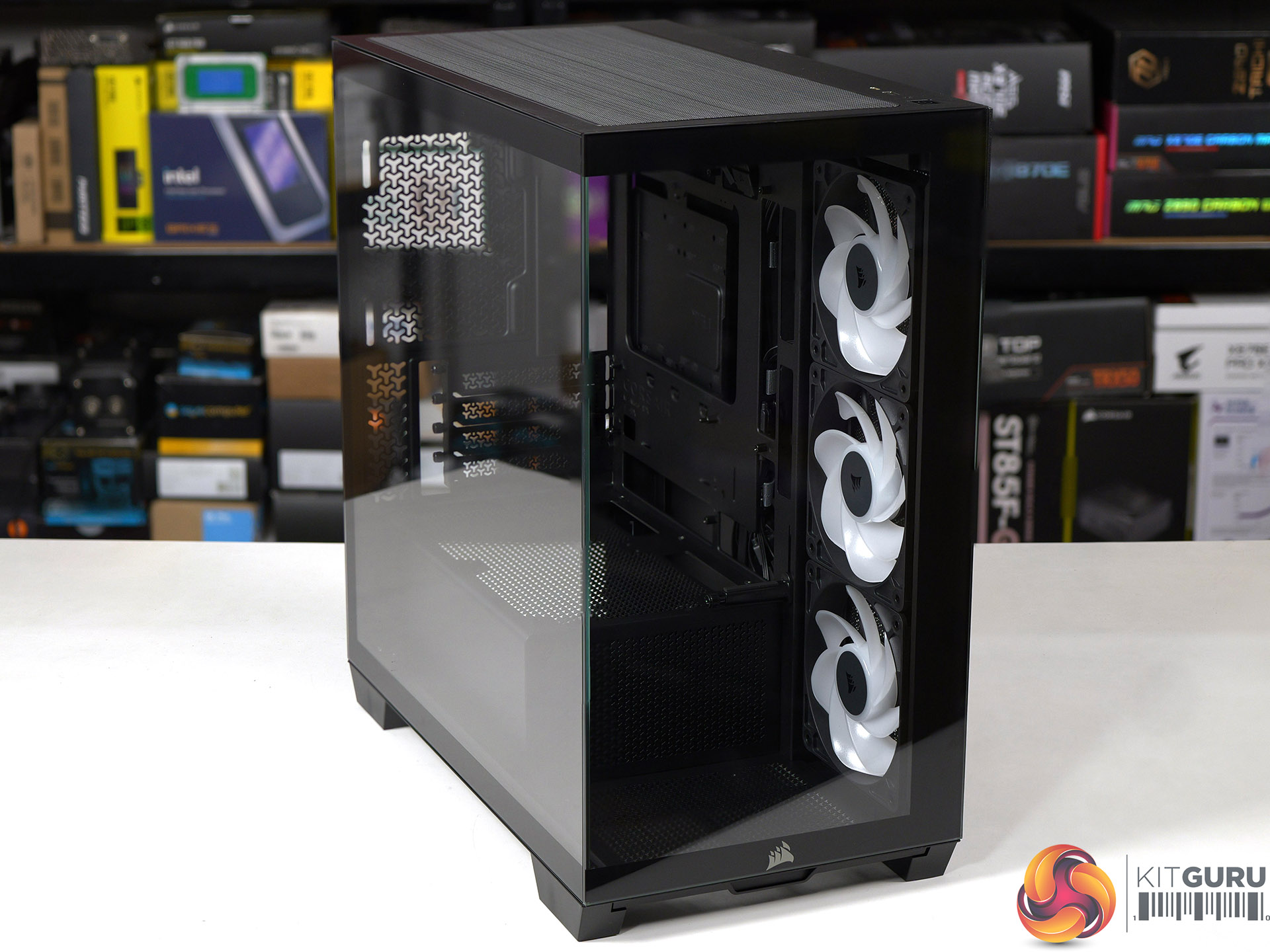
  • Wraparound Tempered Glass Panels – The front and side panels are tempered glass for a classic “fishbowl” look that prioritises viewing one’s hardware, tidy cabling, and RGB lighting in all their glory.
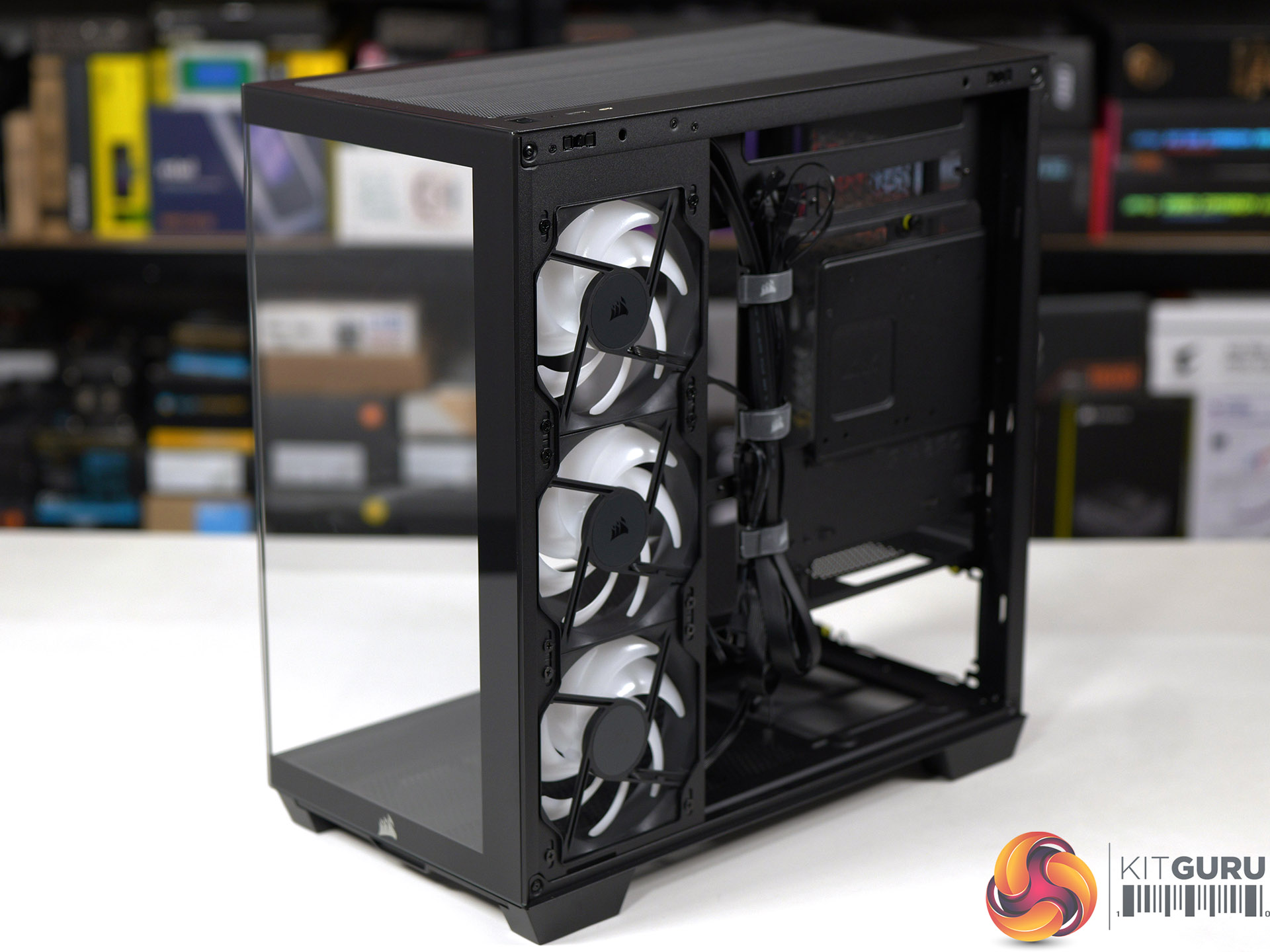
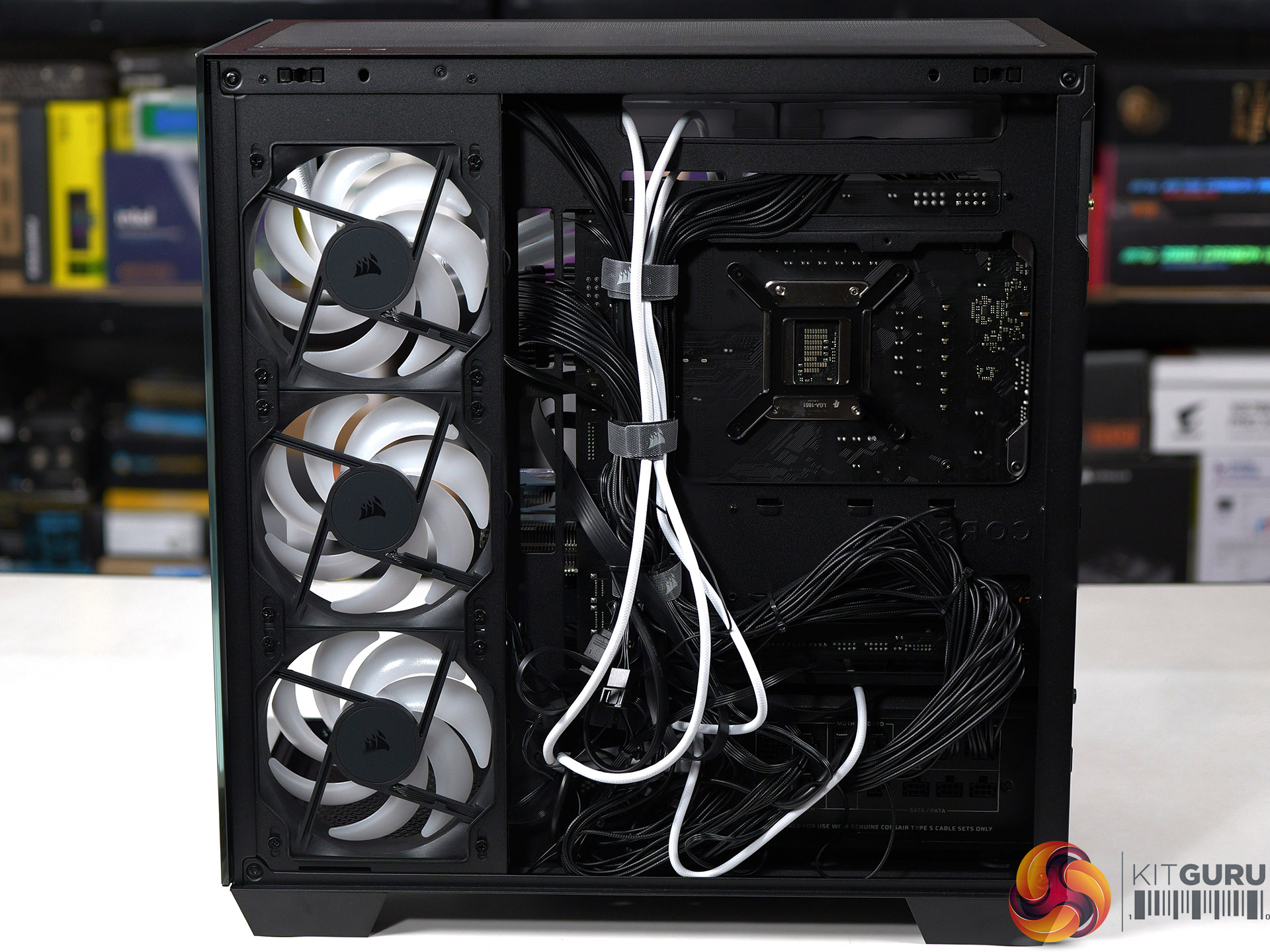
  • Reverse-Connector Motherboard Support – Hide all of your cables and simplify your build with a reverse-connector mATX build.
  • Room for Oversized GPUs – The spacious interior has 410mm of GPU clearance so even the biggest GPUs have plenty of room to breathe.
  • Built-In GPU Support – The 2800X RS-R includes a built-in GPU Anti-sag Stabilisation Arm in the side panel that is adjustable up or down to protect both the GPU and your PCIe slot.
  • Add More Storage – A combination drive plate lets you easily add more storage and supports 1x 3.5” HDD or 2x 2.5” SSDs.
  • Fast Top-Mounted I/O – The top-mounted I/O offers 1x USB 3.2 Gen 1 Type-A for wide compatibility and a USB 3.2 Gen 2×2 Type-C port cable of up to 20Gb/s of bandwidth, which is 4x the speed of USB 3.0.

Specification:
Motherboard support: Micro-ATX, Mini-ITX.
Power supply support: ATX.
Expansion slots: 4.
Included fans: 3x 120mm RS120-R side intake.
Fan mounts: 3x 120mm side, 2x 140mm/3x 120mm roof, 1x 120mm rear, 1x 120mm floor, 2x 120mm PSU shroud.
Radiator mounts: 360mm/280mm roof, 240mm side, 120mm rear.
5.25-inch optical drive bays: None.
Internal drive bays: 1x 3.5-inch or 2x 2.5-inch.
Front I/O ports: 1x USB 3.2 Gen 1 Type-A, 1x USB 3.2 Gen 2×2 Type-C, audio.
Dimensions: 436mm H x 447mm D x 232mm W.

Testing
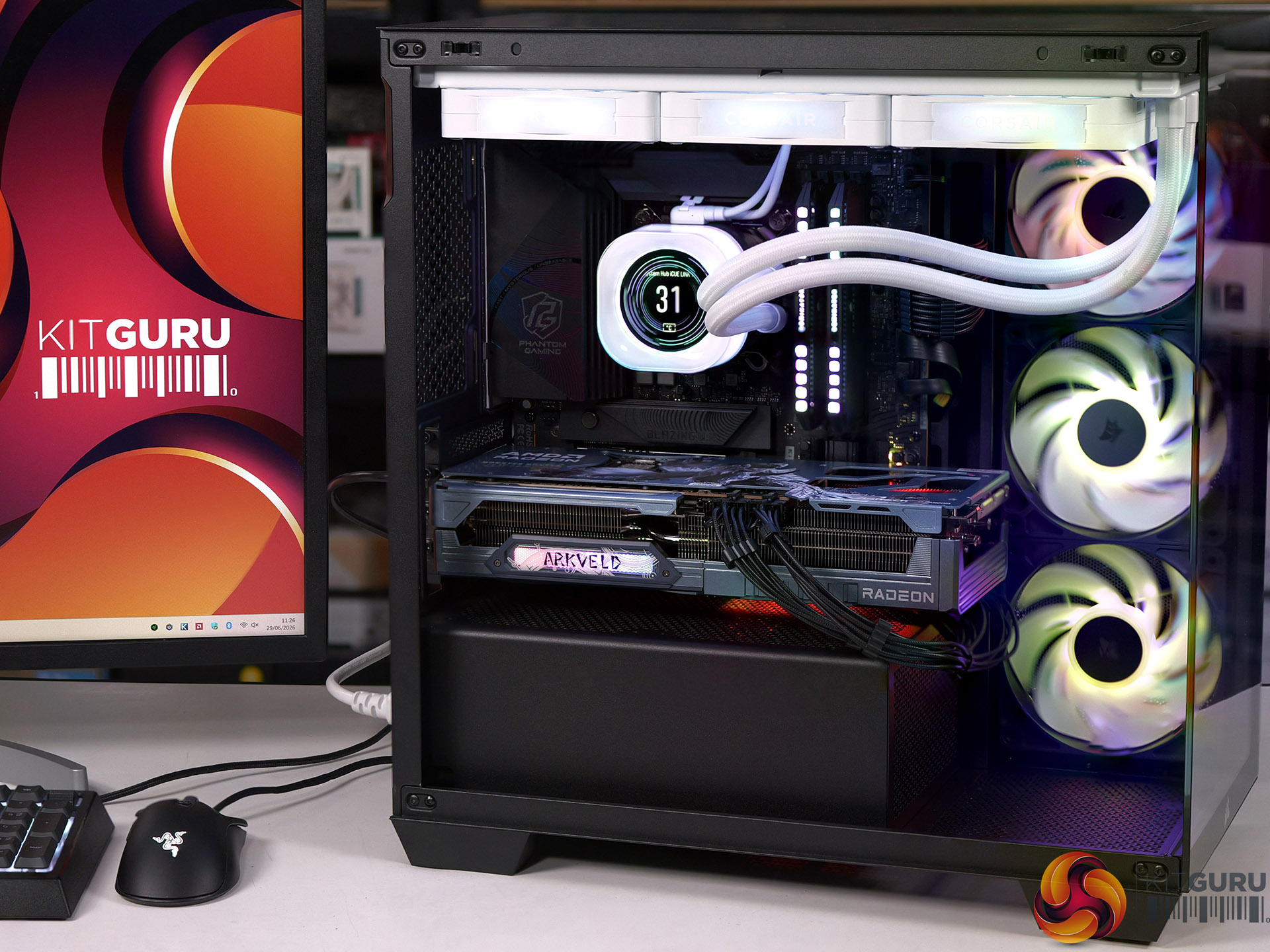
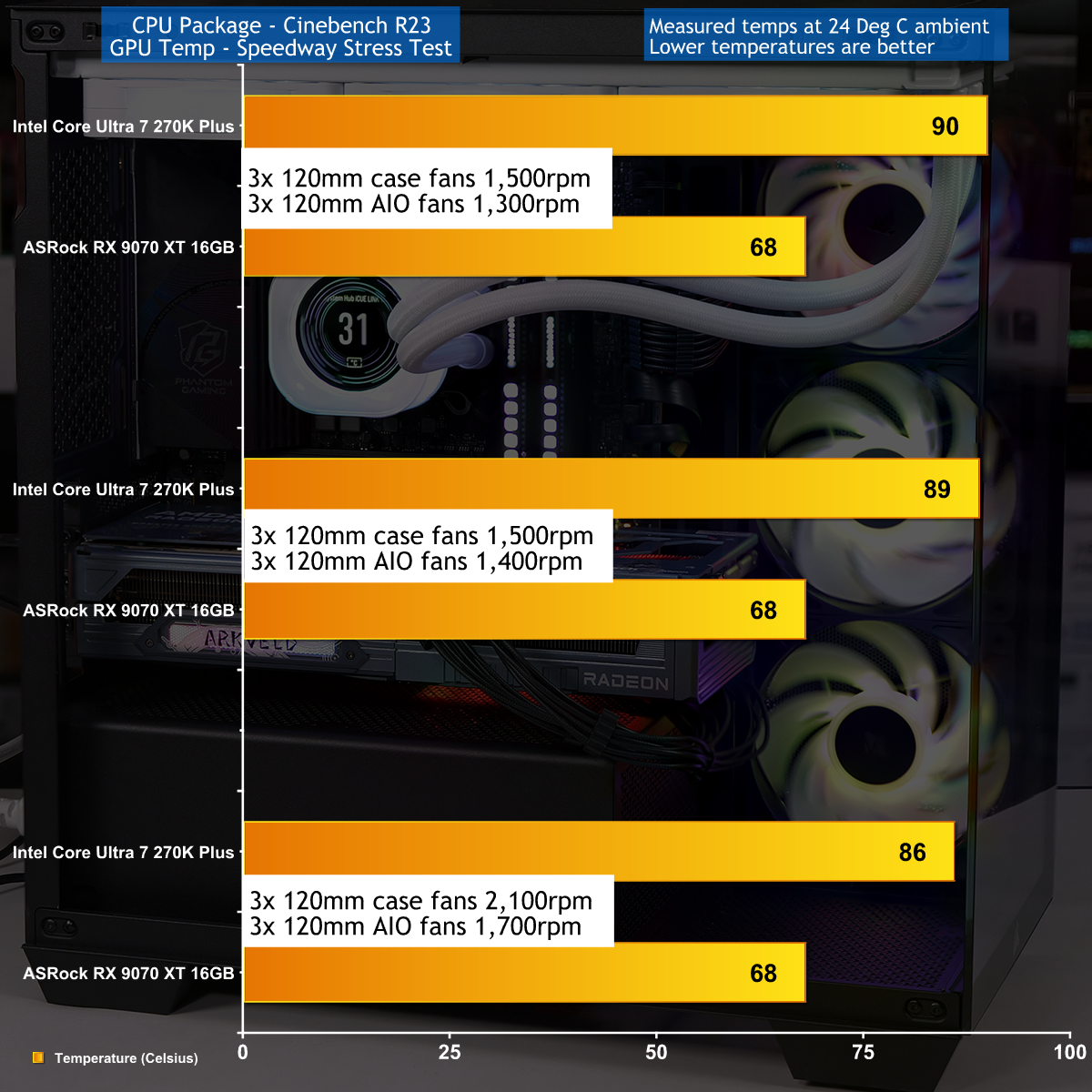
To put this case through its cooling paces we will be using a test system consisting of an Intel Core Ultra 7 270K Plus processor, ASRock RX 9070 XT graphics card and an SSD. This system allows us to produce a substantial amount of heat and effectively test the Corsair 2800X RS-R ARGB's cooling capabilities.

Test System:
Processor: Intel Core Ultra 7 270K Plus
CPU Cooler: Corsair iCUE Link Titan 360 RX LCD
Motherboard: ASRock Phantom Gaming Z890M Riptide WiFi
Memory: 32GB Corsair Dominator Platinum RGB DDR5-7000
Graphics card: ASRock AMD Radeon RX 9070 XT 16GB Monster Hunter Wilds
Power supply: Corsair HX1000i Shift
SSD: Corsair MP600 Elite M.2 NVMe
OS: Windows 11

Cooling Performance

Cooling Performance Overview

During our testing we stressed the Corsair 2800X RS-R ARGB with a gaming PC that drew 670W at the wall socket. This feels like the extreme end of the scale for a mid-range gaming PC, and we imagine many people using this 2800X case will stress the cooling far more lightly. As you will see in our video the cooling system performed perfectly well, and while it was nothing special it did the job that we required.

Closing Thoughts

Corsair has done a decent job with the 2800X RS-R ARGB by delivering a single chamber case with two glass panels and three ARGB fans at a competitive budget price. The build quality is good and the case feels solid, even with the panels removed, and have good access while you are building your PC.
We found no specific problems while we were testing the Corsair 2800X RS-R ARGB and are confident your buying decision will come down to detail choices. For example, do you want a PWM fan hub or do you consider it essential to grommets in the cable management holes. Overall we were happy with this case and consider it a solid contender.

You can buy the Corsair 2800X RS-R ARGB for £69.99

Pros:

  • Low price and decent value for money
  • Solid build quality and the panels are easy to remove and replace.
  • Micro-ATX form factor leads to a more compact PC

Cons:

  • Micro-ATX restricts your choice of motherboards
  • Space for cables is tight, especially with a rear connection motherboard.
  • Cooling is rather average

KitGuru says: The Corsair 2800X RS-R ARGB is a good choice for a compact Micro-ATX PC build. 

The post Corsair 2800X RS-R ARGB Budget Micro-ATX Case first appeared on KitGuru.

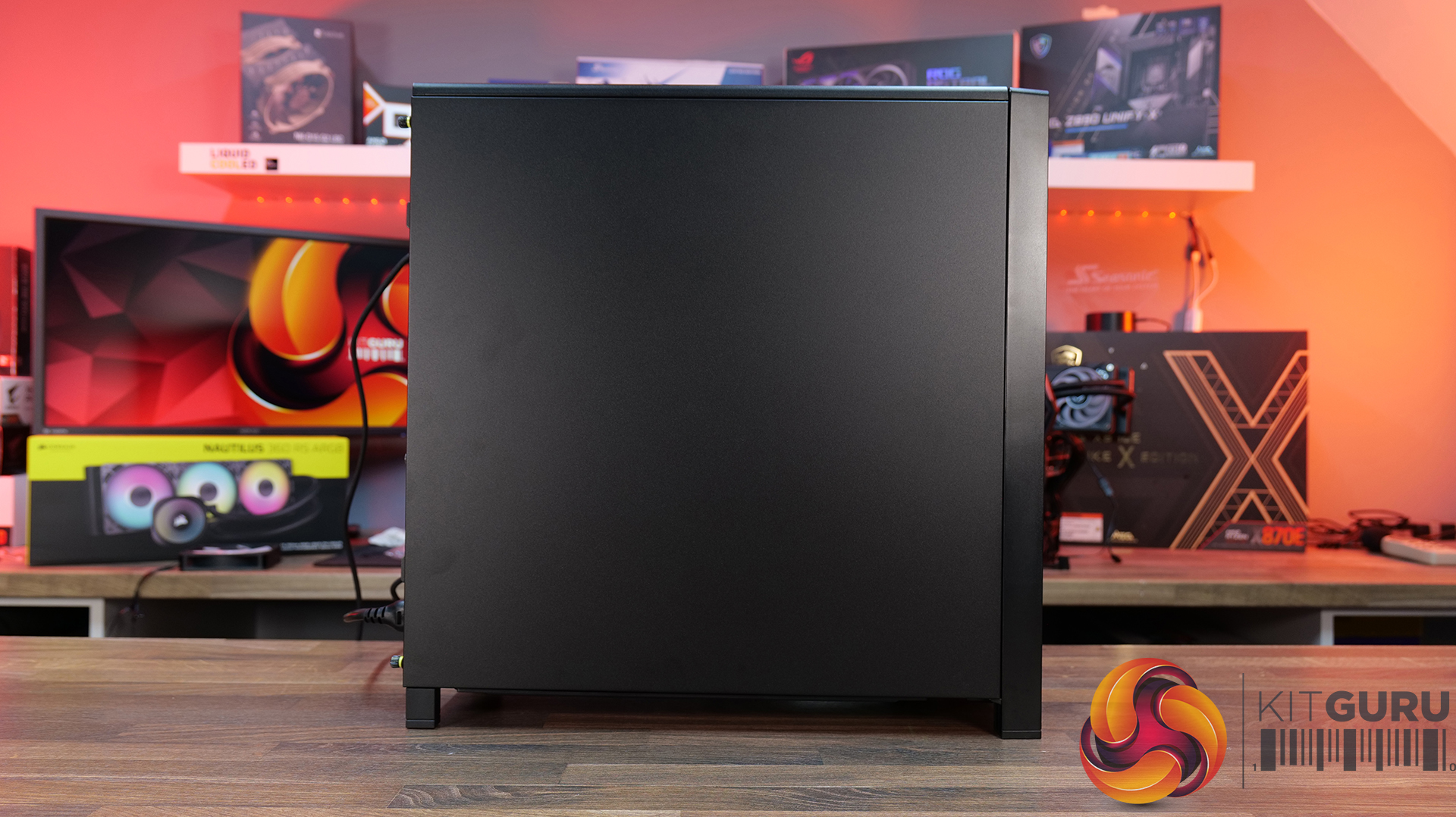
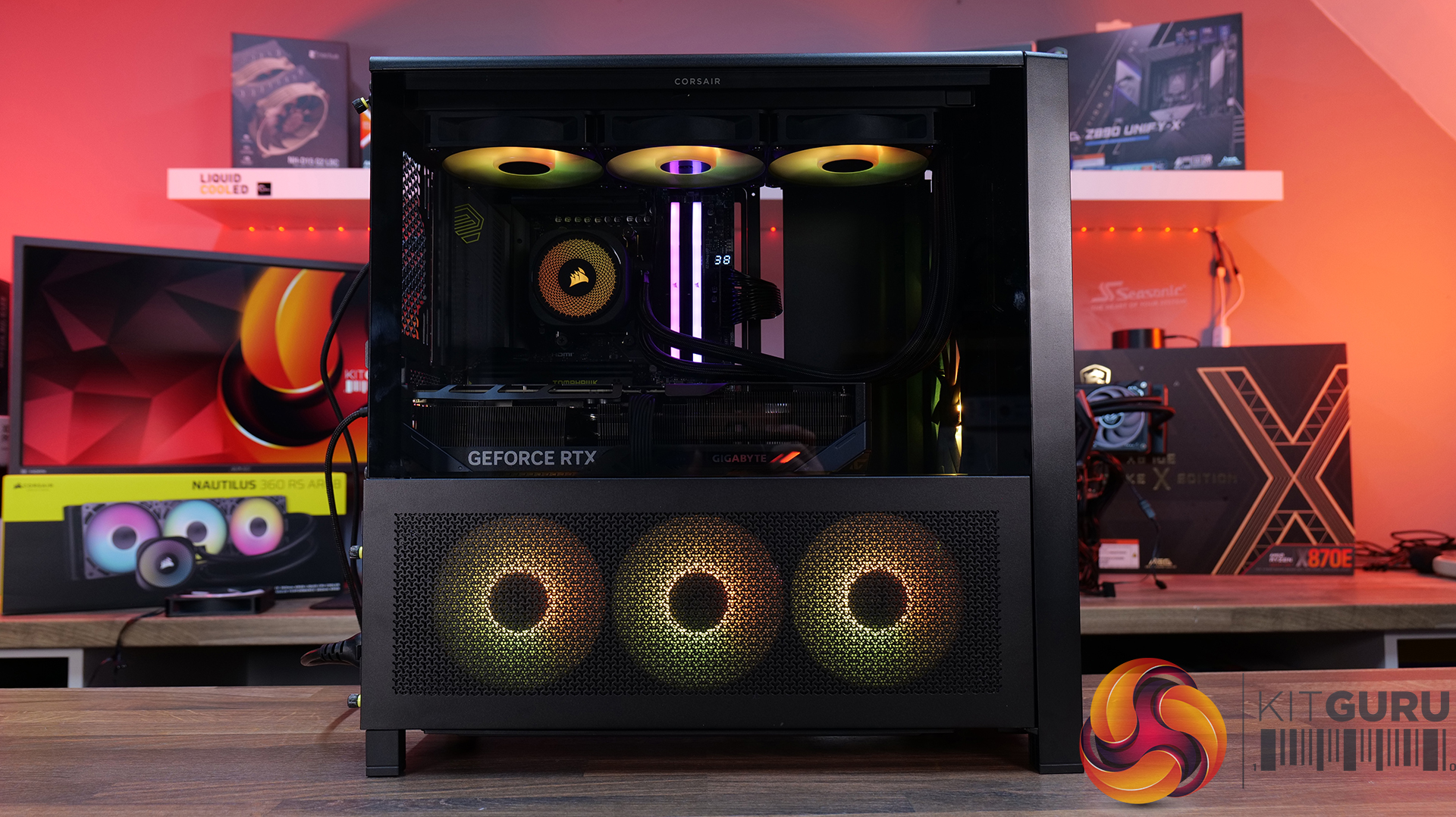
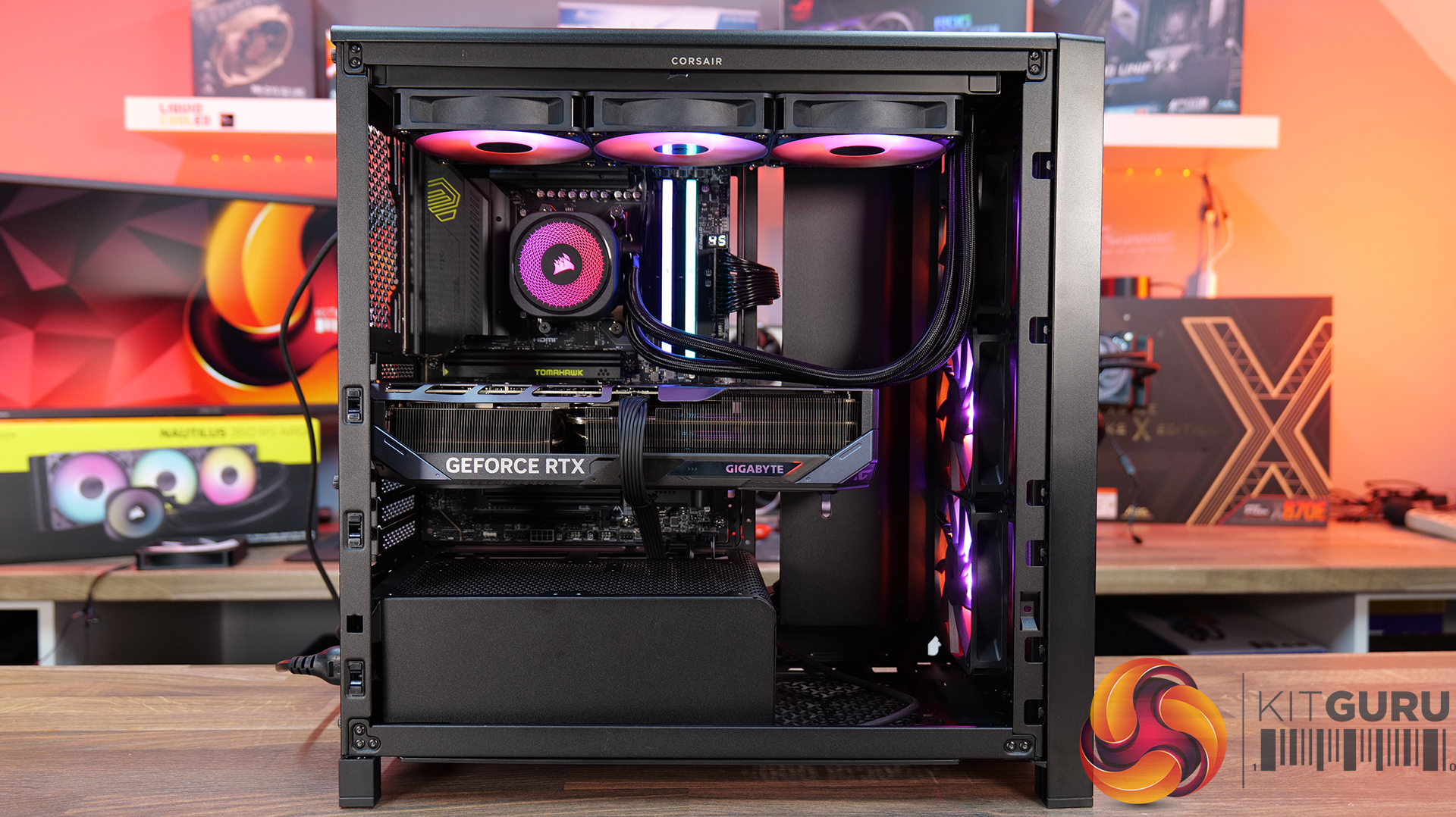
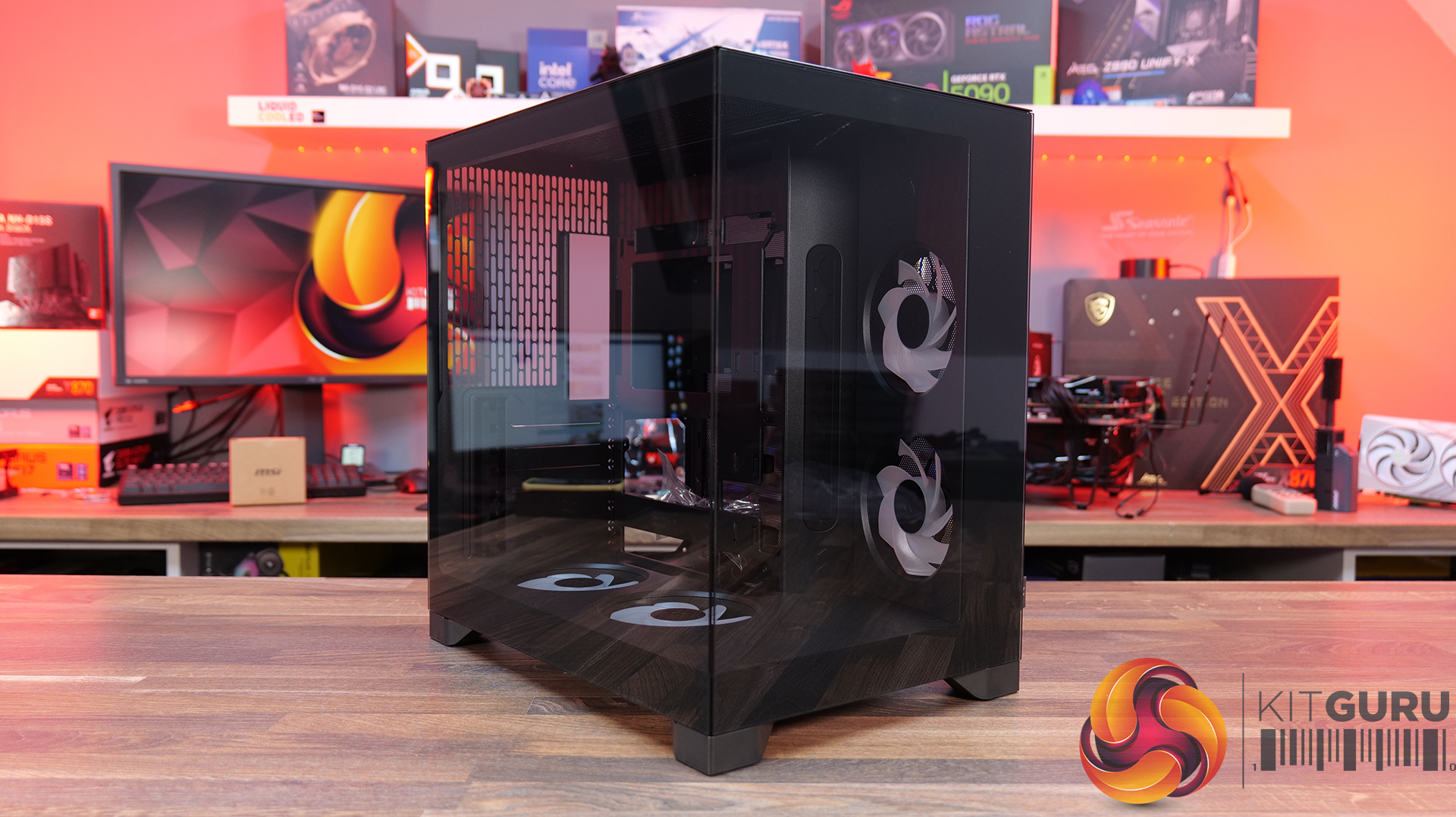
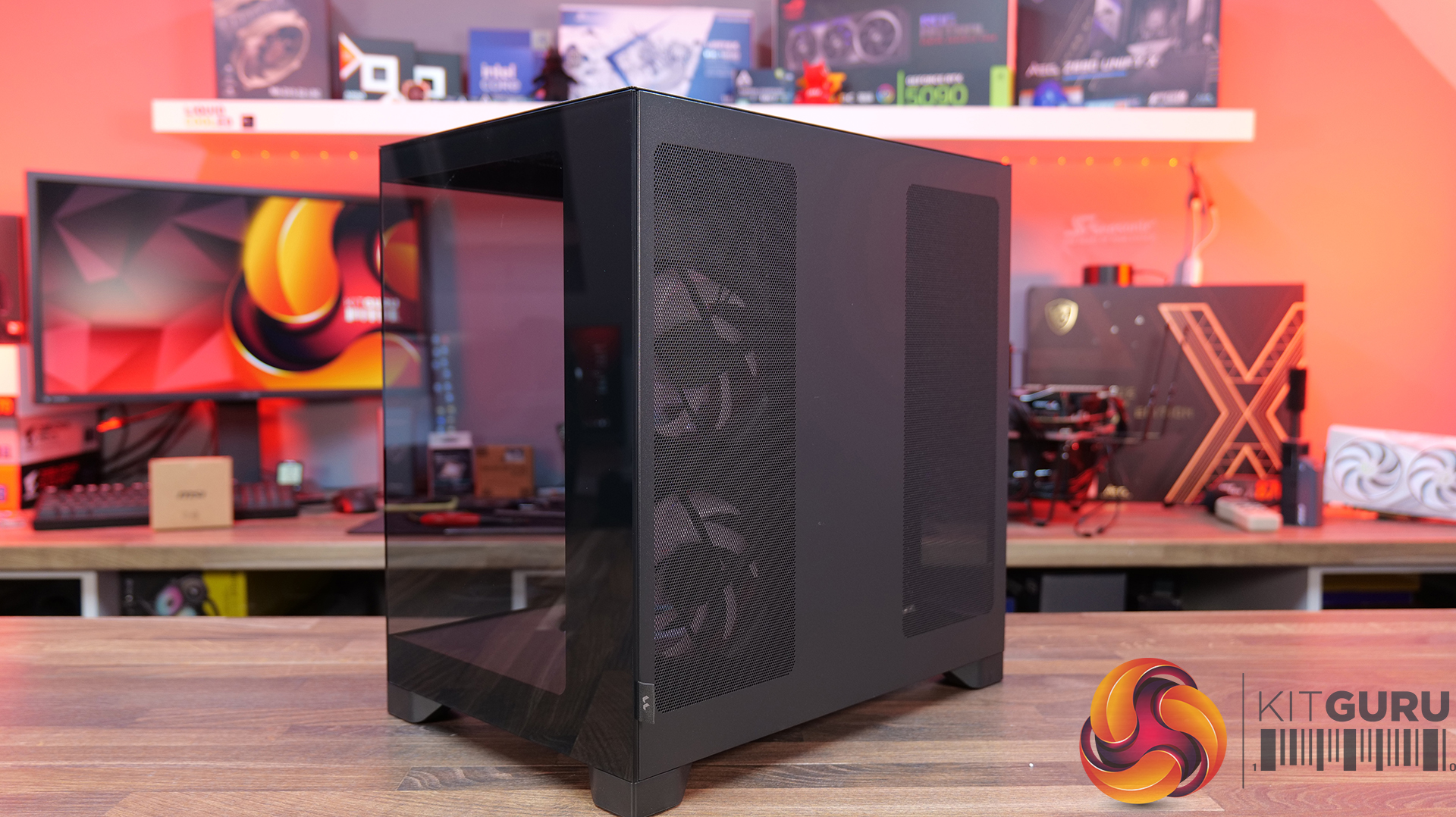
Corsair Frame 4000 Series Accessories Hands-On

27 May 2026 at 09:54

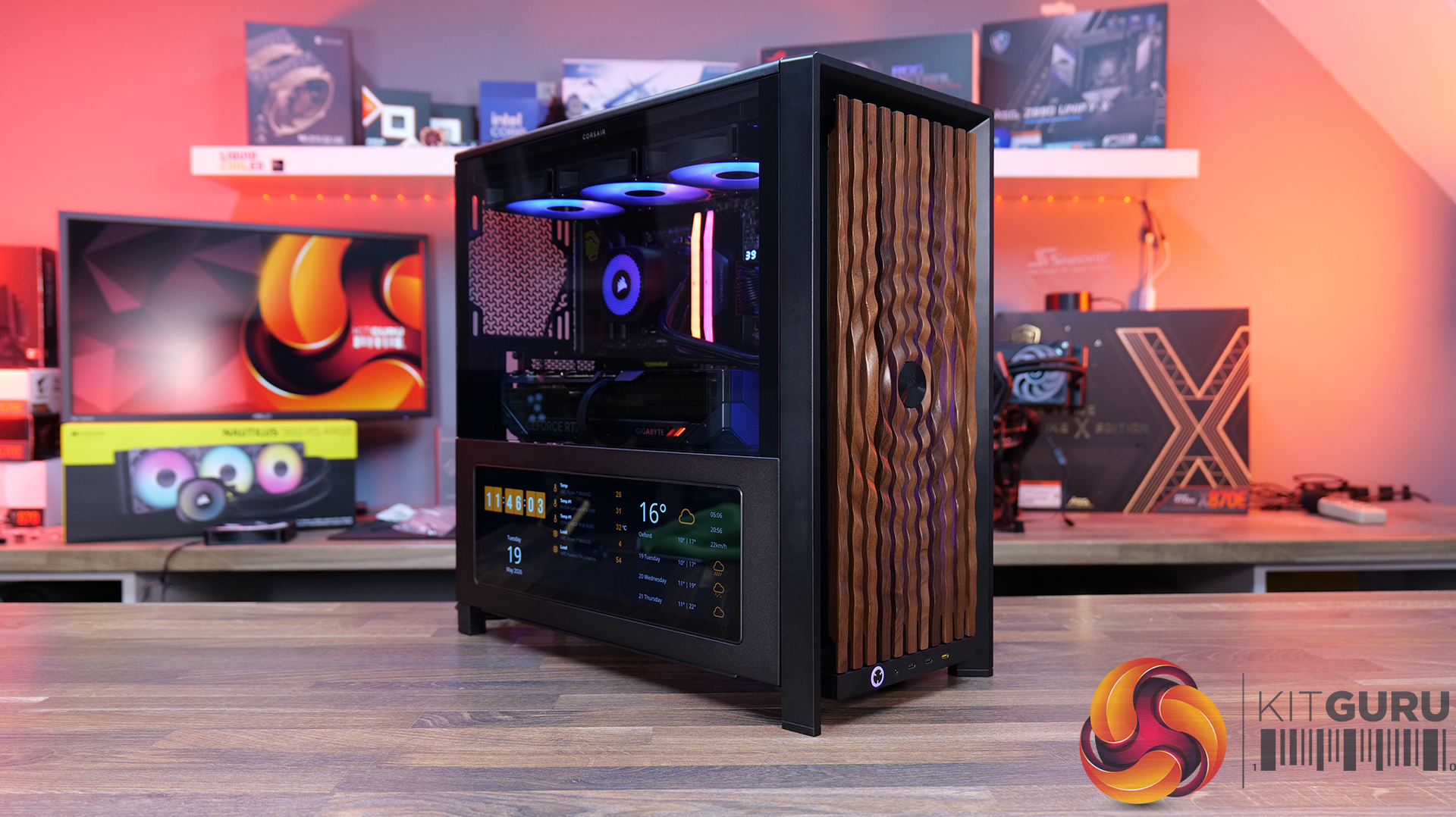
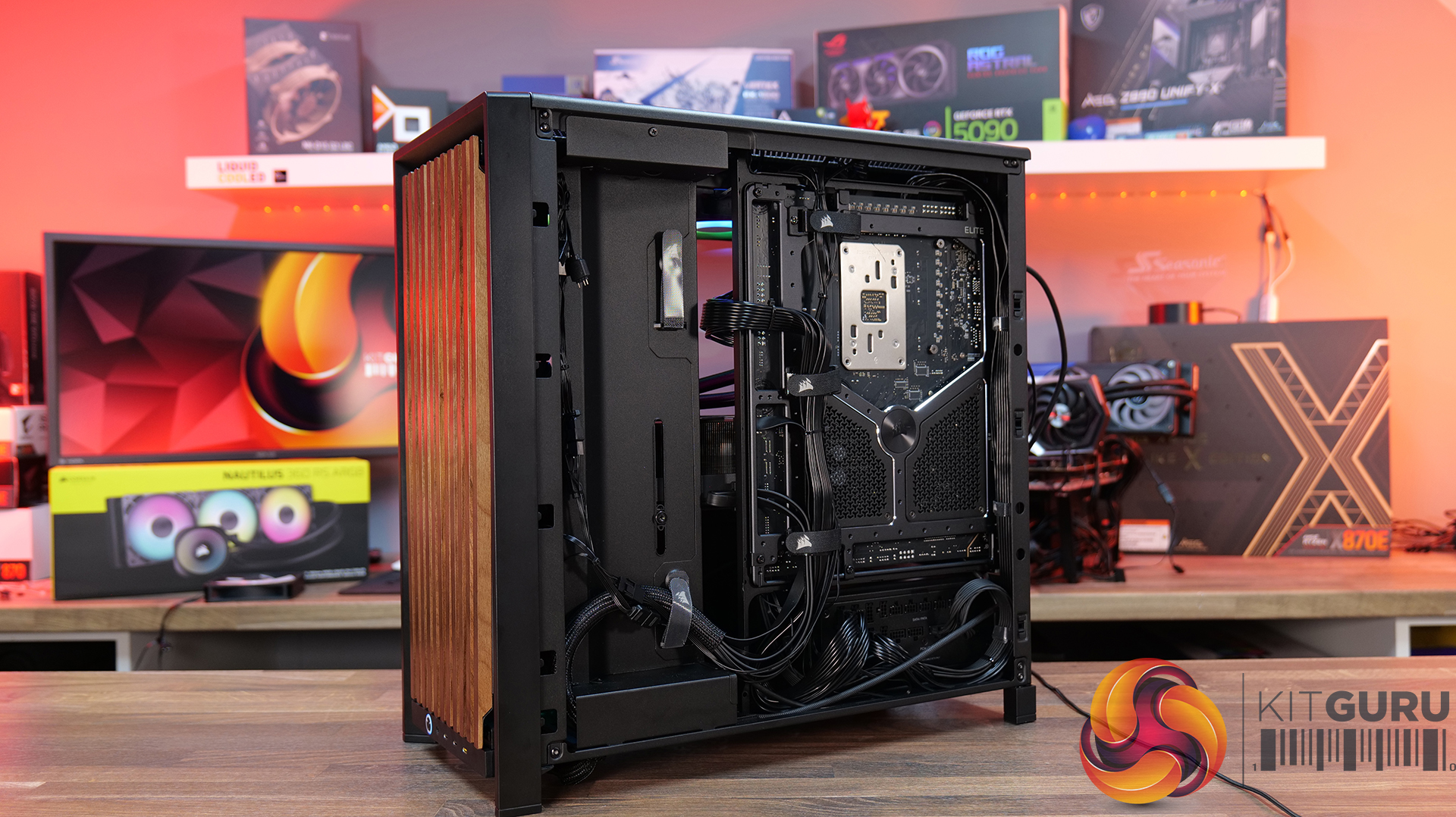
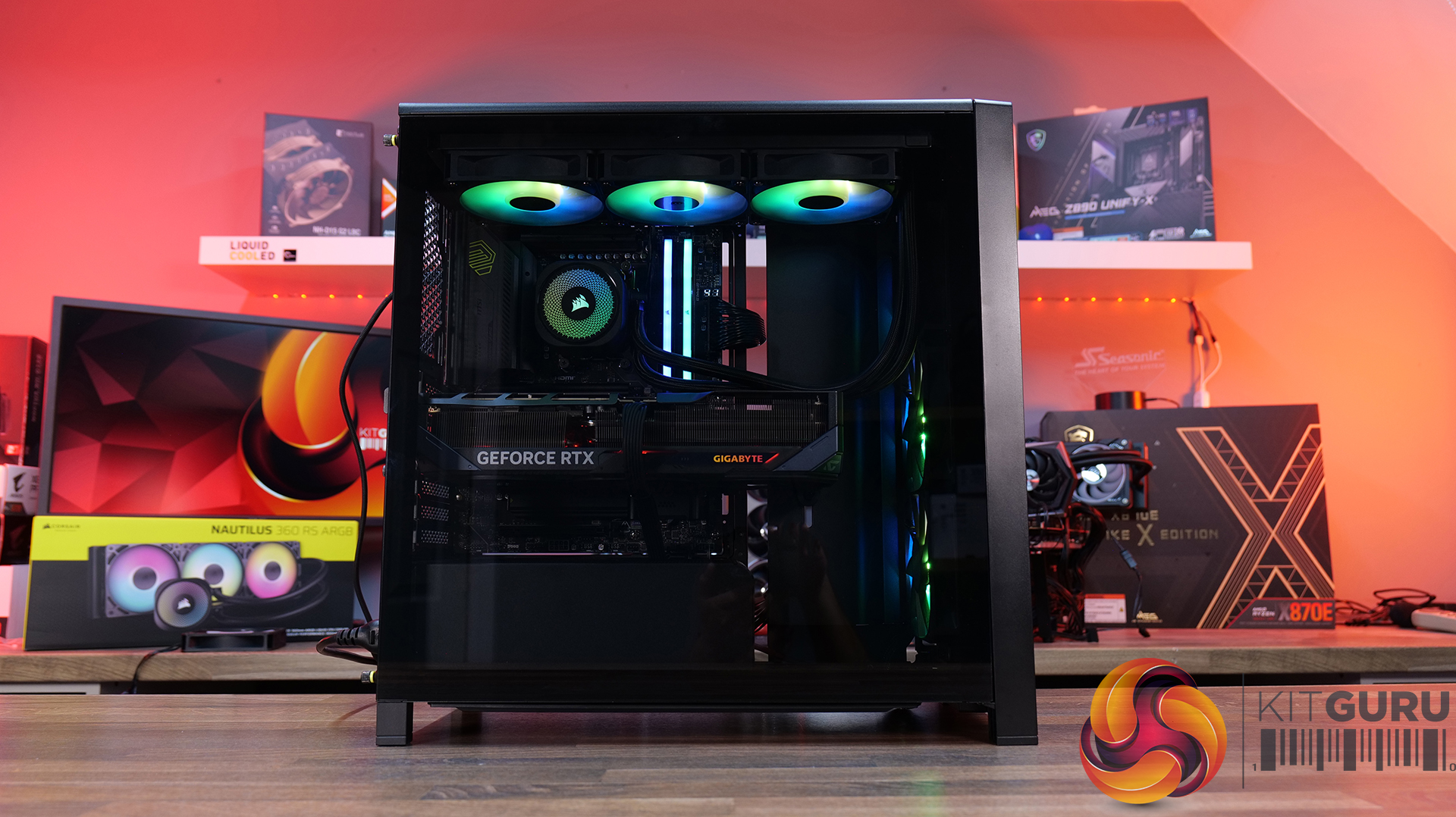
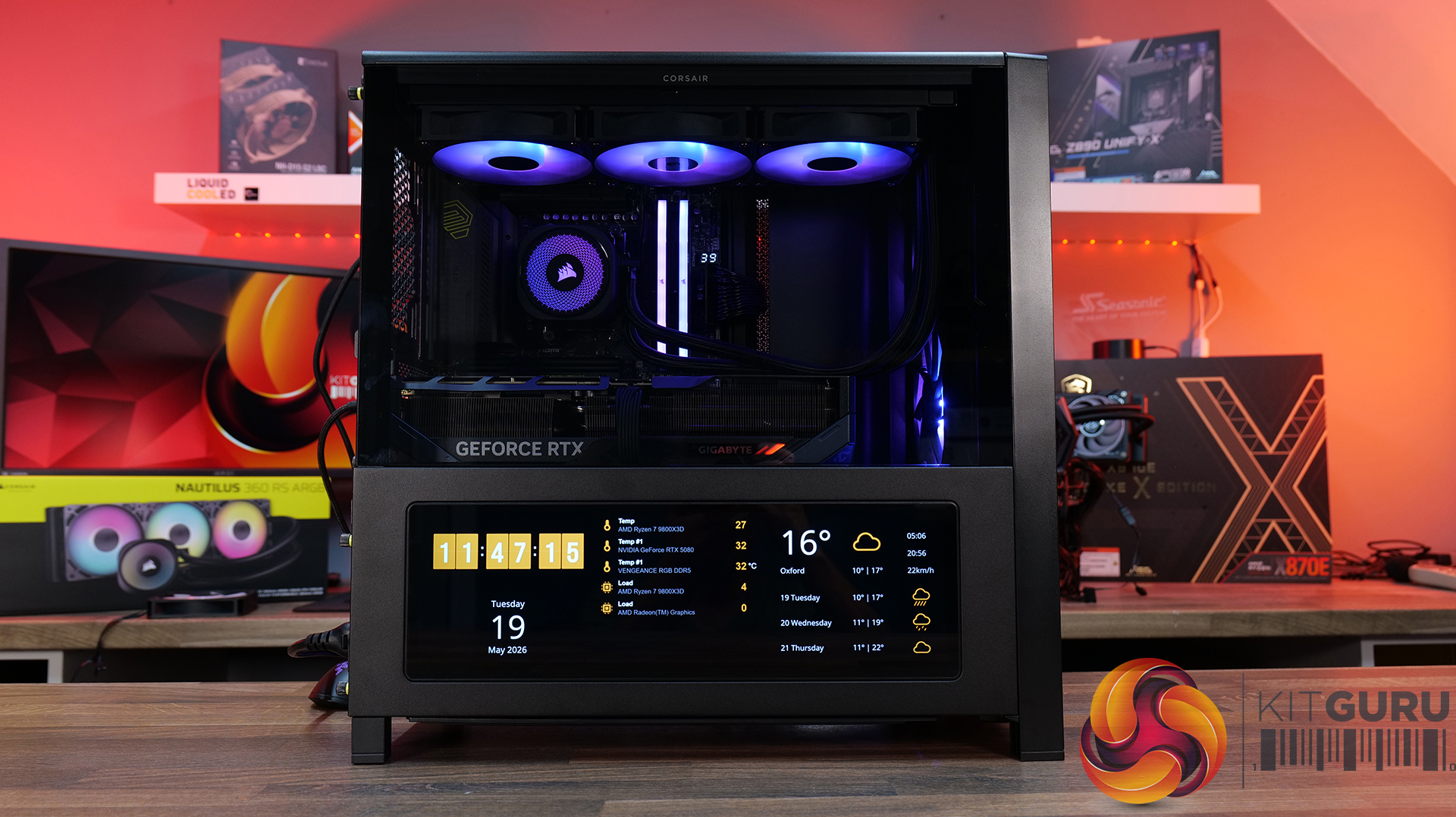
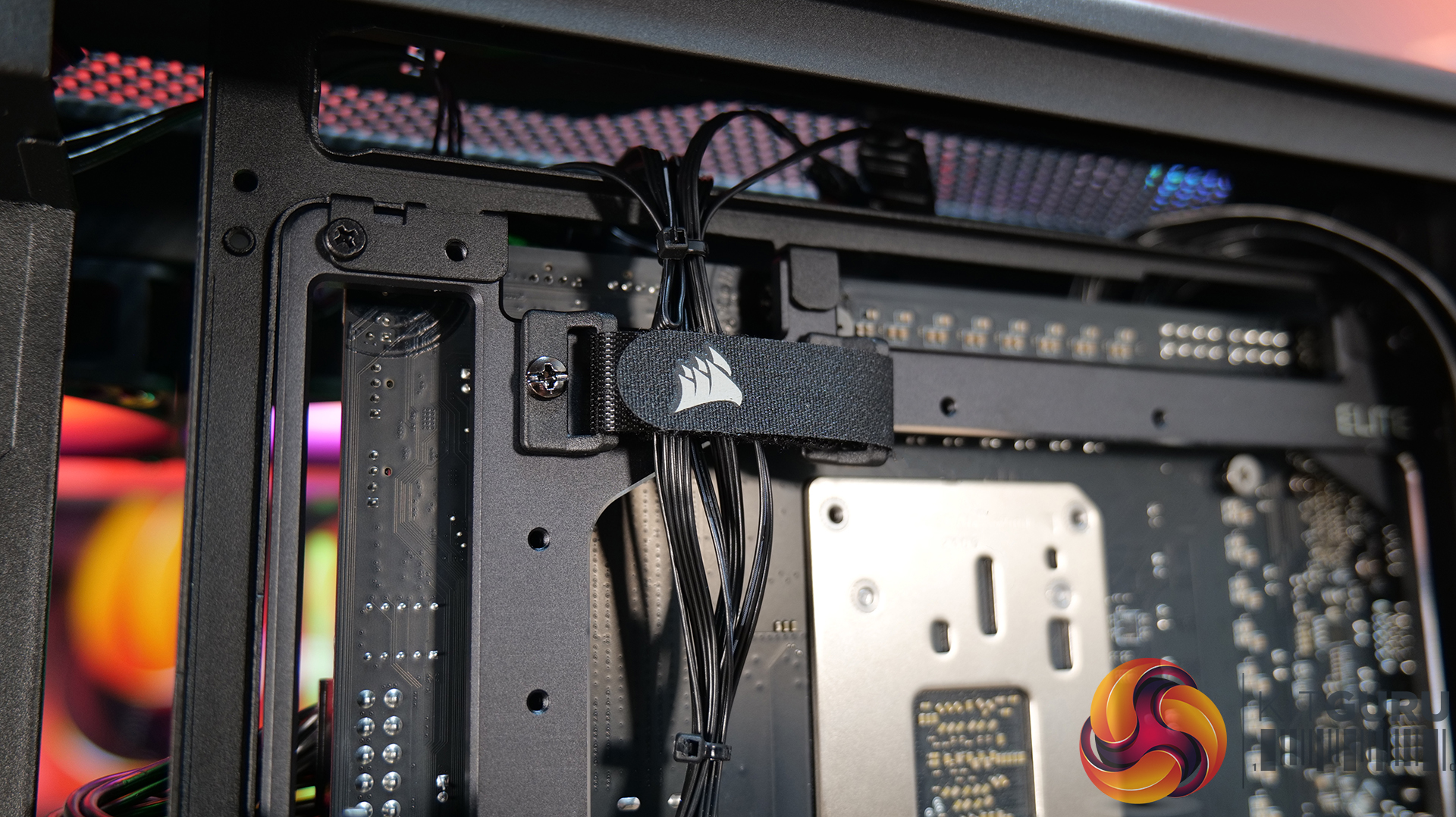
Today we’re looking at the new accessory ecosystem for the Corsair Frame 4000 case series. I reviewed the Frame 4000D about a year ago when Corsair first introduced its modular chassis design, now the company is expanding that idea with a range of upgrade parts and customisation options. New accessories include alternative front and side panels, replacement motherboard trays, a redesigned power supply shroud, plus an updated front I/O panel with improved USB connectivity. Corsair is clearly pushing the Frame platform as something you can maybe evolve rather than replace outright… but how useful are these upgrades, and are any of them worth buying? Let’s find out.

Timestamps:

00:00 Start
00:56 Accessories Overview
01:52 Alternative Motherboard Trays
03:33 Front Panel Options
08:18 Side Panel Options
13:43 Alternative Power Supply Shroud
14:27 Front I/O Panel (ELITE)
15:53 James' Thoughts

Frame 4000 Series Accessories: Corsair Frame Configurator

  • Elite Front Panel I/O – $24.99 / £29.99
  • Rapid Route 2.0 Motherboard tray – $9.99 / £10.82
  • ELITE Motherboard Tray – Meteorite Aluminium – $79.99 / £69.99
  • Full Tempered Glass Side Panel – $19.99 / £21.65
  • Flat Steel Side Panel – $14.99 / £16.24
  • LCD Mounting Kit – $39.99 / £29.99
  • Cold Air Intake Kit – $39.99 / £29.99
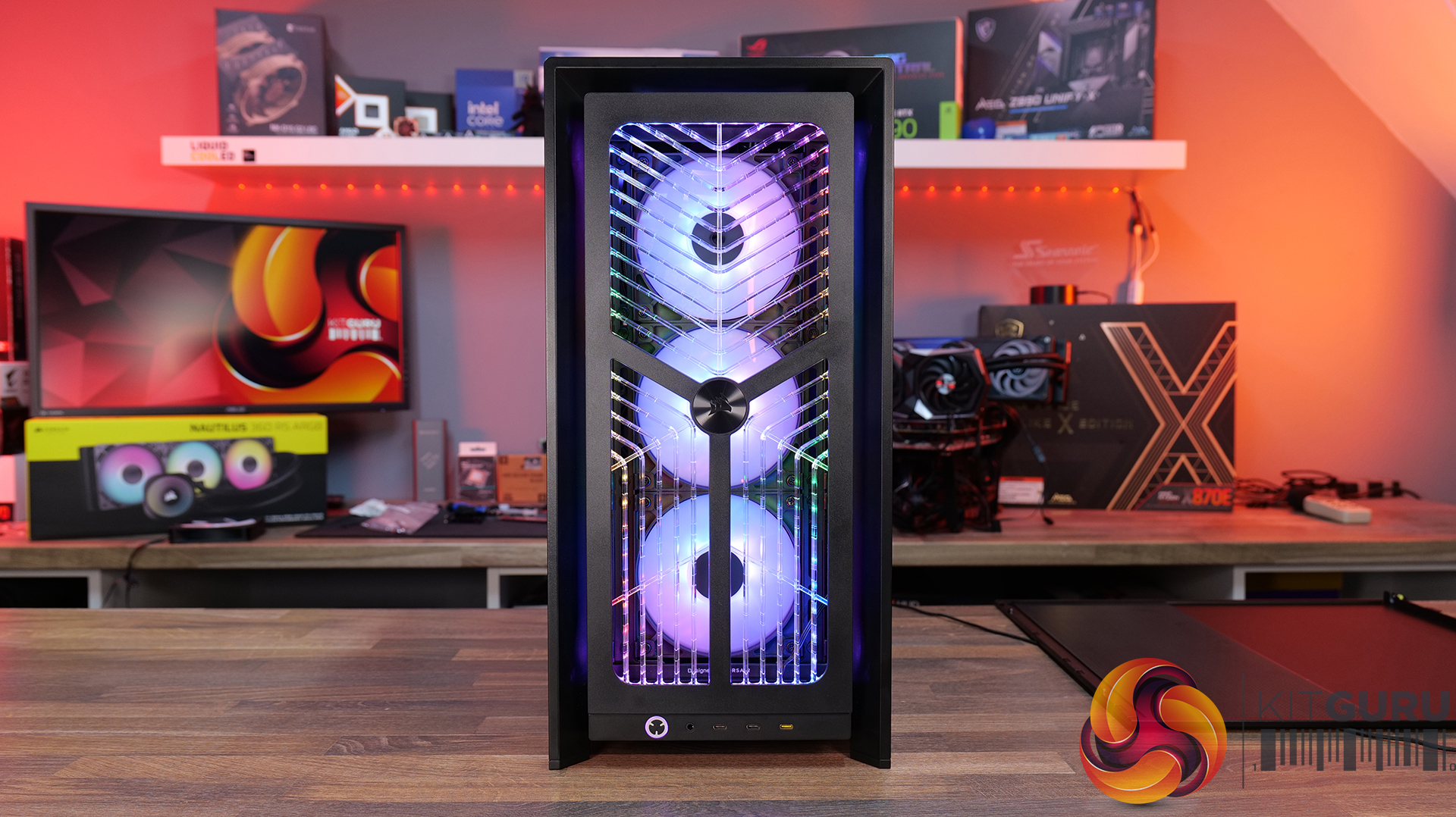
  • RGB FLOW Front Panel – $19.99 / £21.65
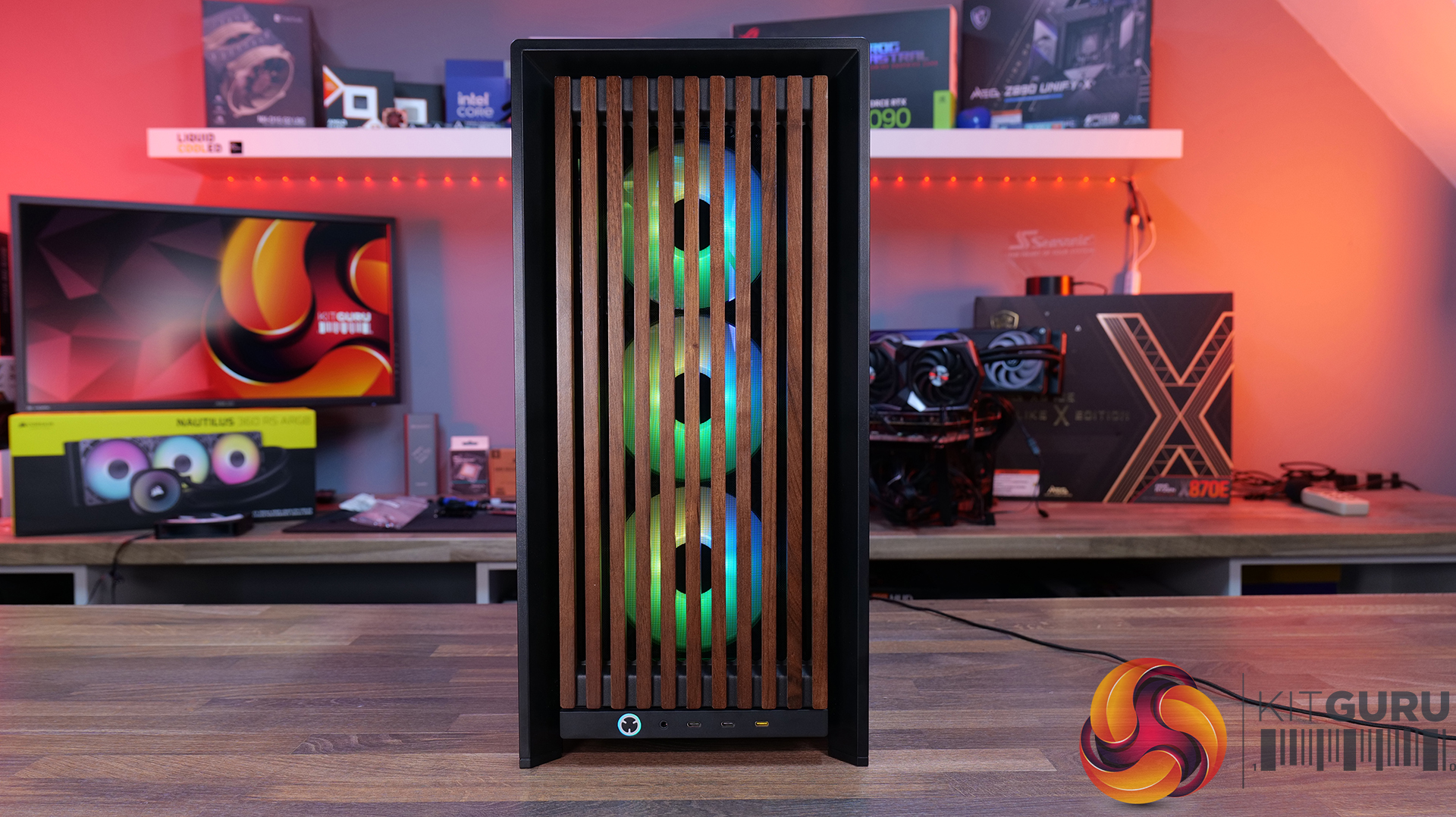
  • WOOD Front Panel – $29.99 / £29.99
  • ELITE WOOD Front Panel – $49.99 / £59.99
  • Flat Glass Front Panel – $19.99 / £21.65
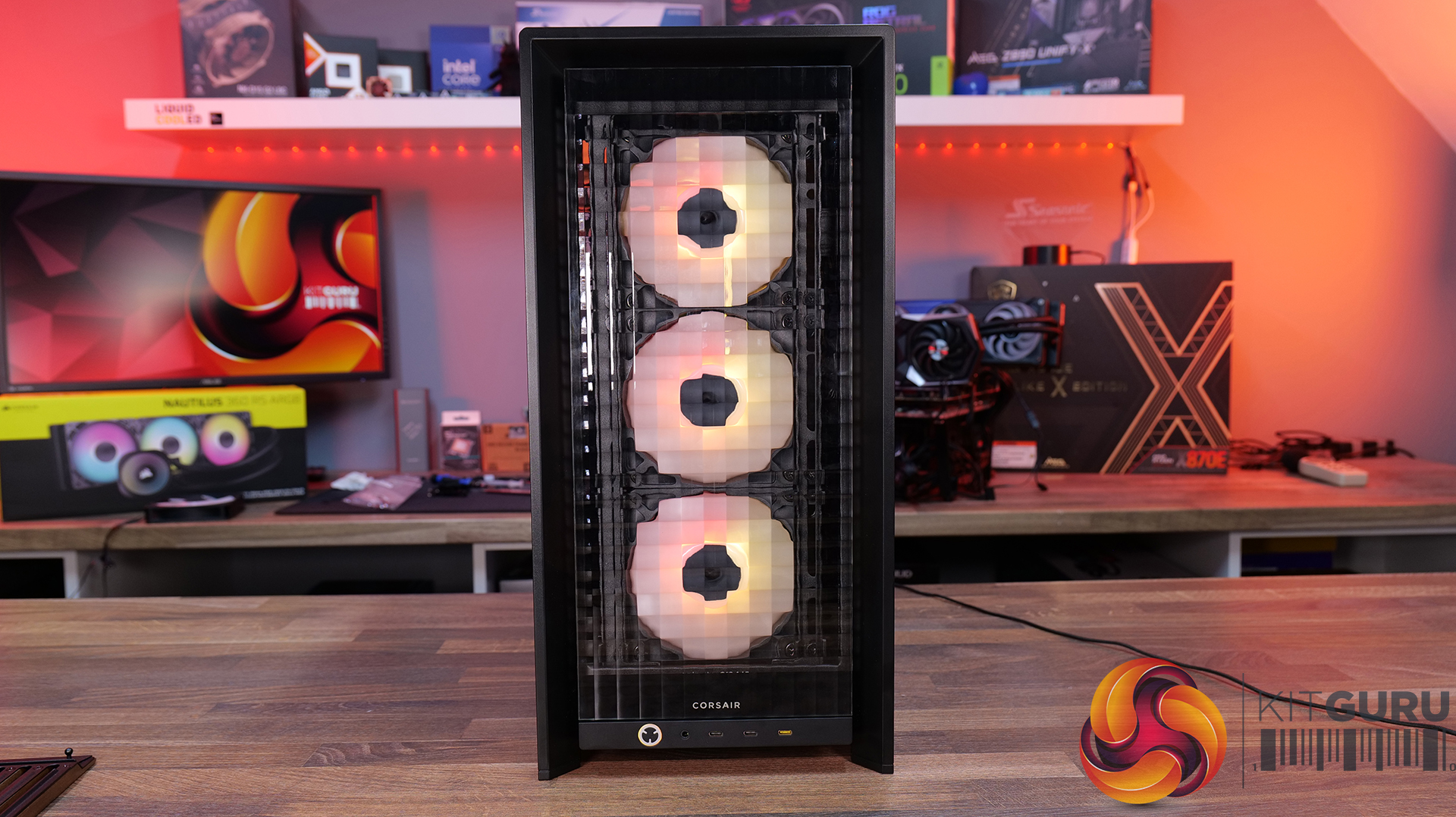
  • Series Pixel Glass Front Panel – $19.99 / £21.65
  • Compact PSU Shroud – $14.99 / £16.24

Front I/O:

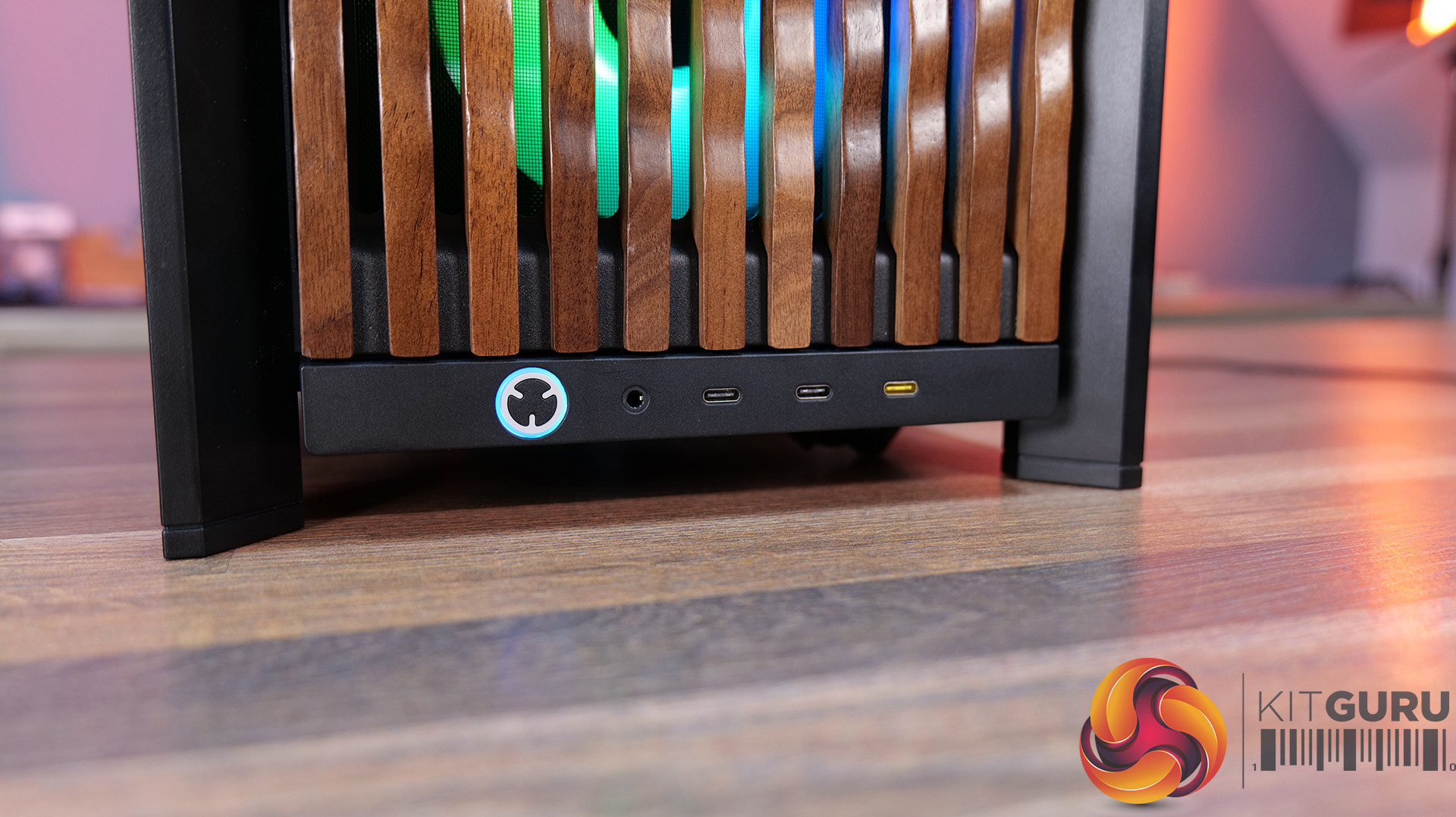
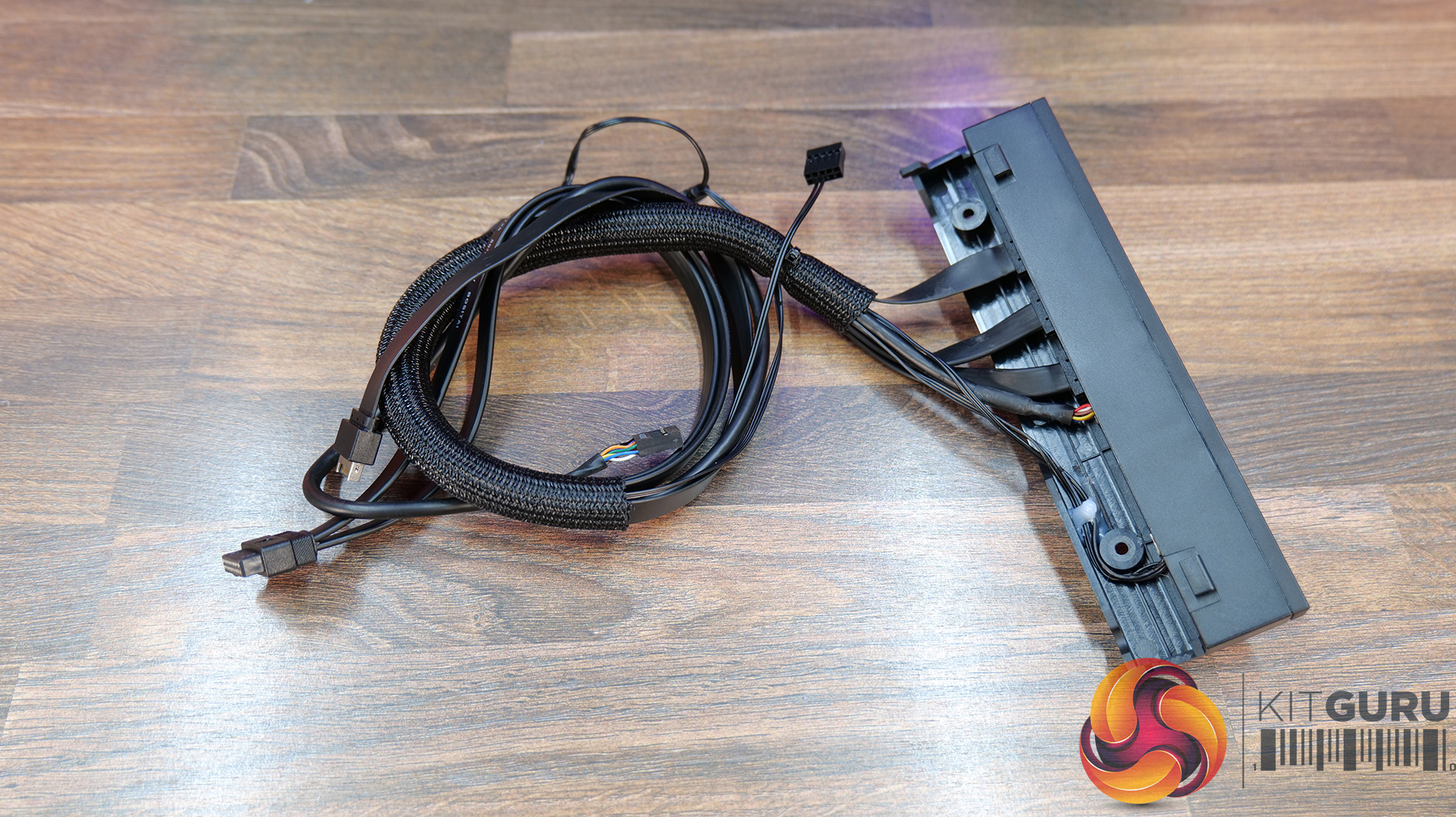
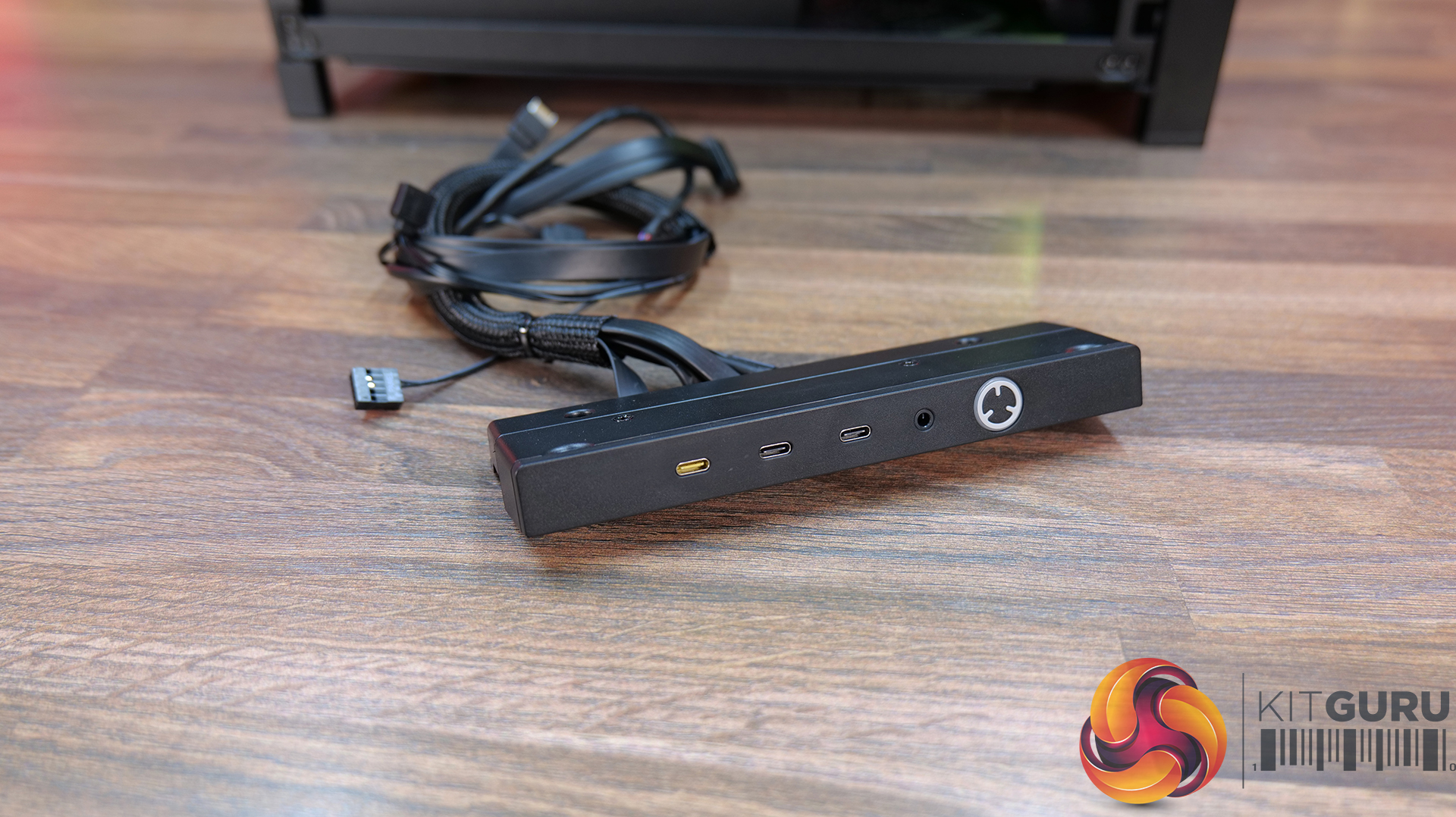
  • Elite Front Panel I/O: Comes with 3 x USB Type C Ports (1x USB 3.2 Gen 2×2 Type-C 20Gb/s port and 2x USB 3.2 Gen 1 Type-C 5Gb/s ports)  and a swappable MX-Style Green mechanical power button. The standard Front I/O comes with 1 x USB Type-C port and 2 x USB Type-A ports.

Motherboard Tray Options:

  • RapidRoute 2.0 Motherboard Tray – A Pegboard motherboard tray designed to make cable management easy, allowing the user to move and rotate the ratcheting cable ties for customised cable management.
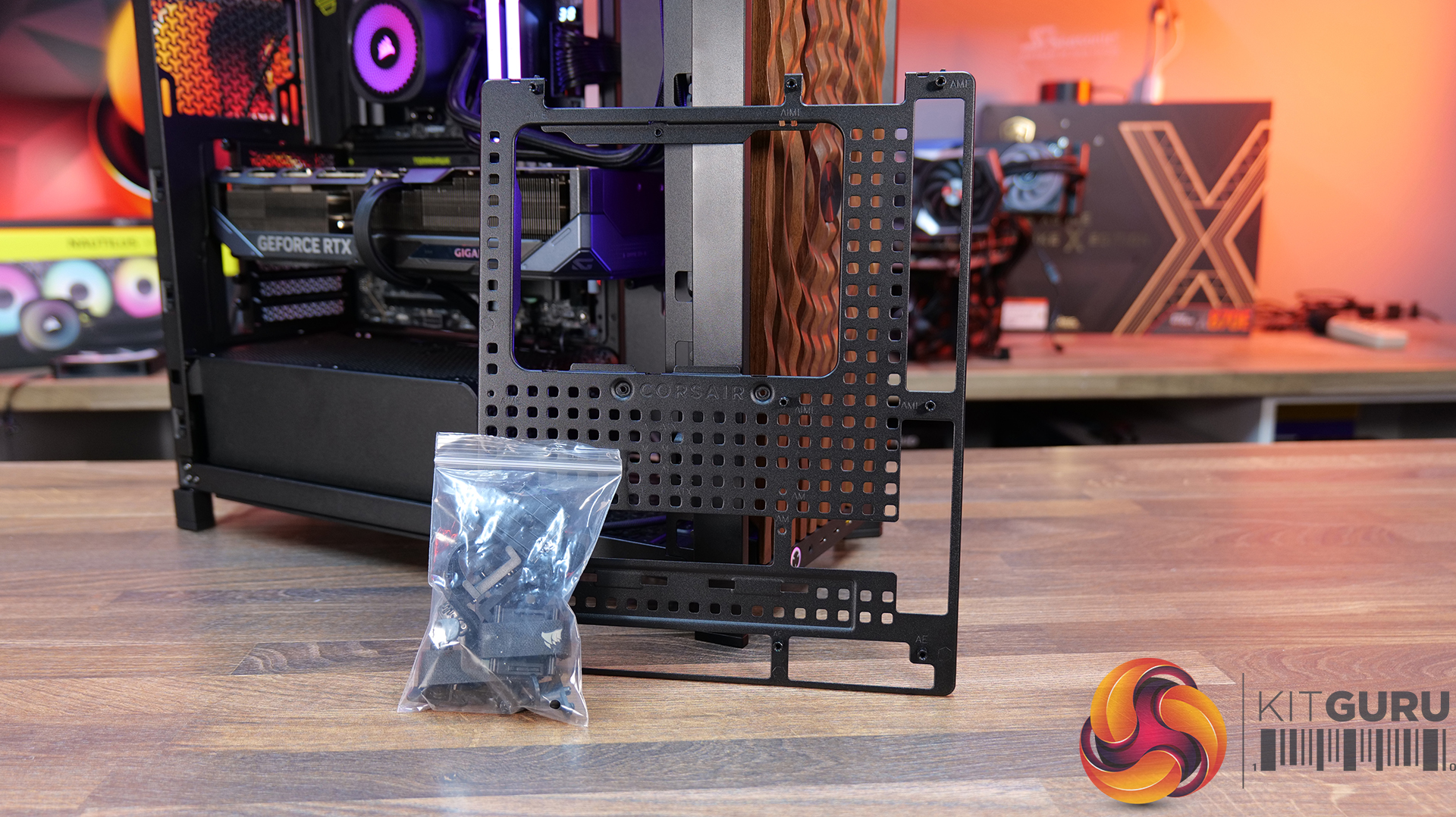
  • ELITE Motherboard Tray – Meteorite Aluminium – Premium motherboard tray made from a single piece of aluminium, high rigidity and light weight with diamond cut edges – Supports E-ATX, ATX, Micro ATX, including reverse connector boards.

Front Panel options:

  • RGB FLOW Front Panel – High air flow front panel with built-in RGB lighting -completely different look from the stock 3D-Y design.
  • Flat Glass Front Panel – Solid glass for showing off front fans.
  • Pixel Glass Front Panel – A full glass panel that allows unobstructed RGB lighting and creates a pixelated visual.
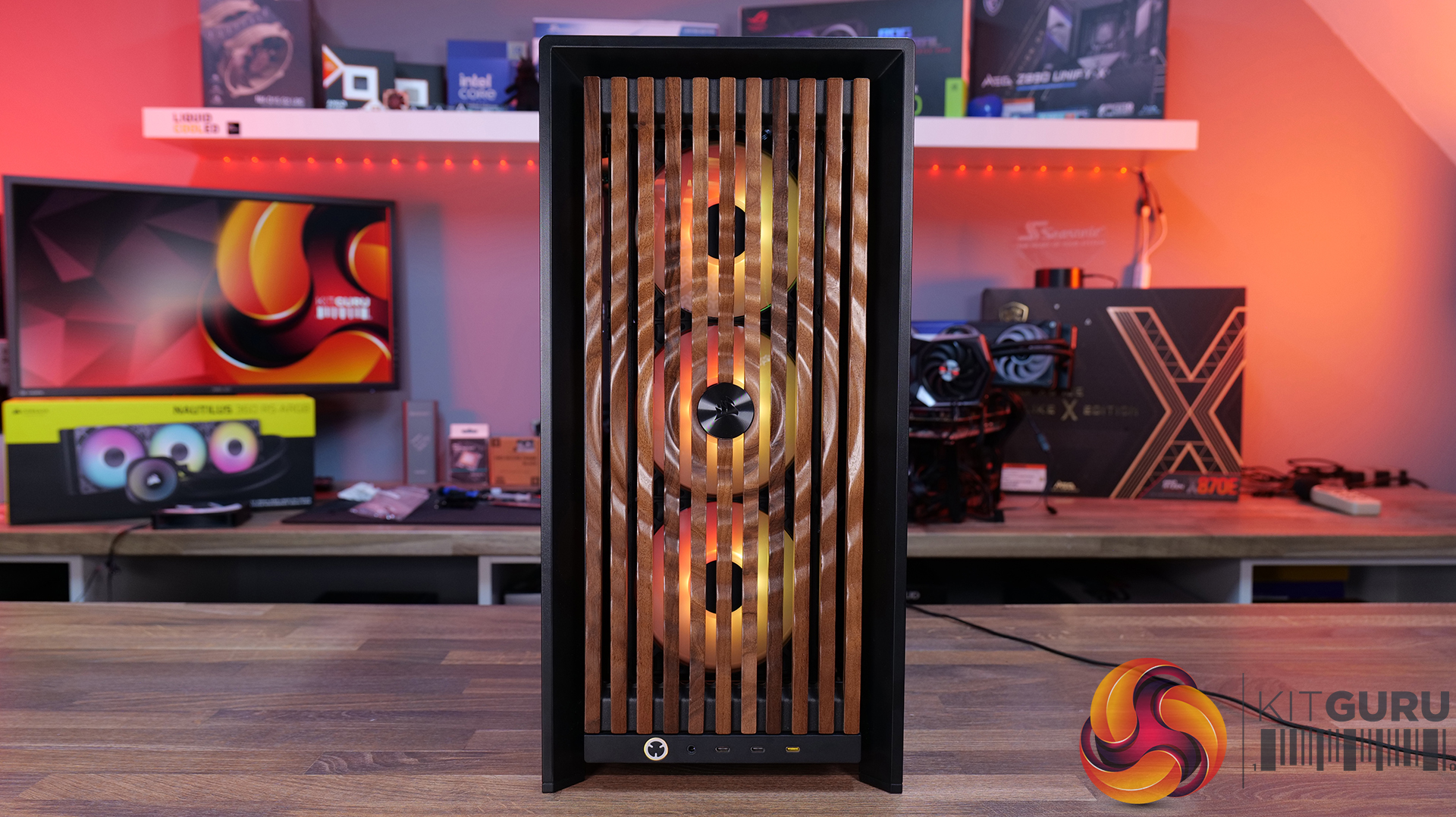
  • Wood Front Panel – Made using real FSC certified wooden slats for a natural look, but still retaining great airflow  – available in black/walnut or white/oak.
  • ELITE Wood Front Panel – again made from fsc certified wooden slats with a wavy parametric design and a central Corsair logo – also available in black/walnut or white/oak.

Side Panels Options:

  • Full Glass Side Panel – ideal if you want to show off your whole system; you can even run it with the PSU shroud completely removed for a more retro look and to show off your power supply.
  • Flat steel Side Panel – if you don’t want to see inside at all.
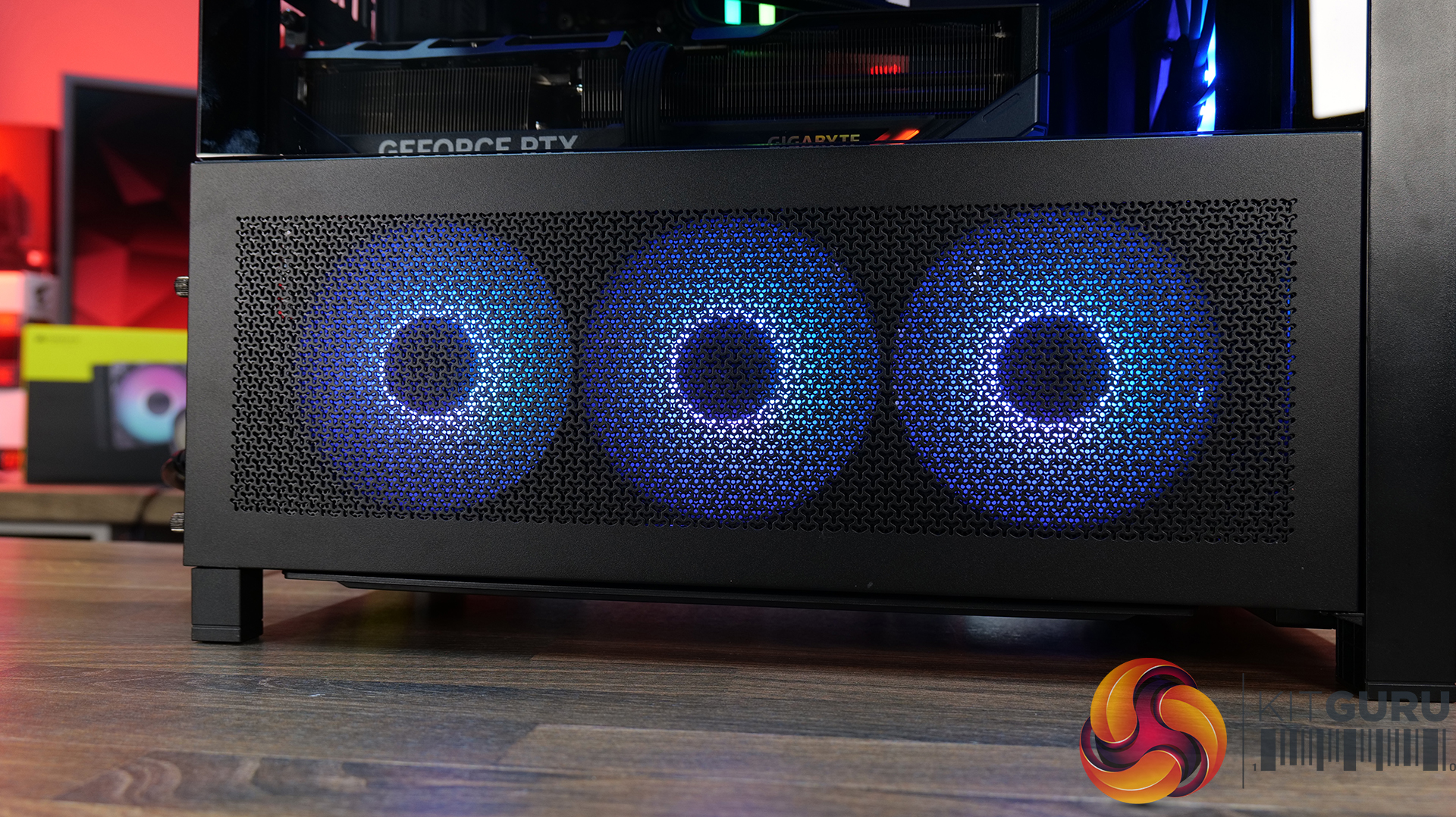
  • Cold Air Intake Kit – 2/3 glass and a fan bracket for 3 x 120mm fans.
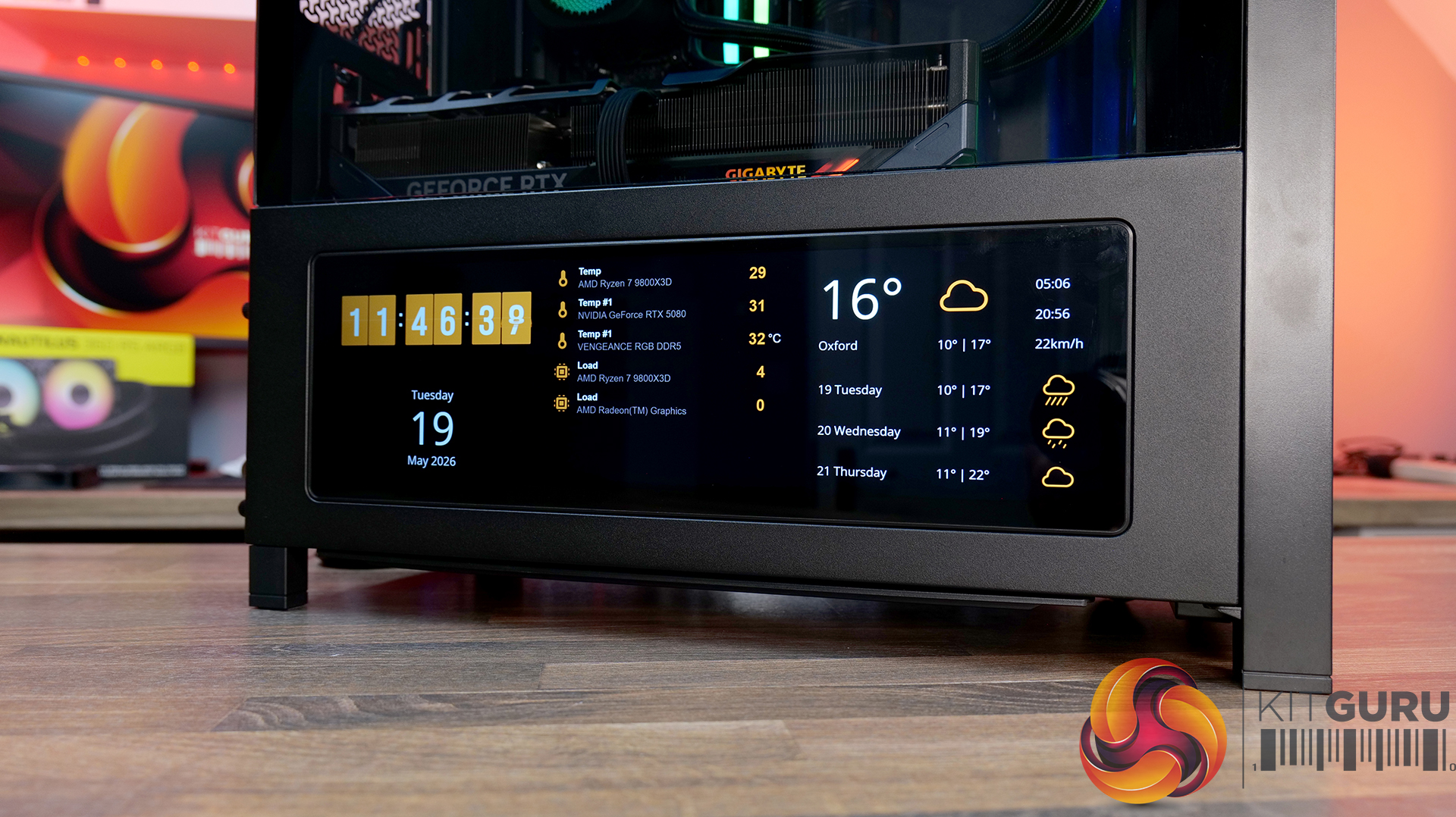
  • LCD Mounting Kit – 2/3 glass and a slot to fit the Xenon Edge 14.5” LCD touchscreen – plus all cables for internal connectivity.

PSU Shroud:

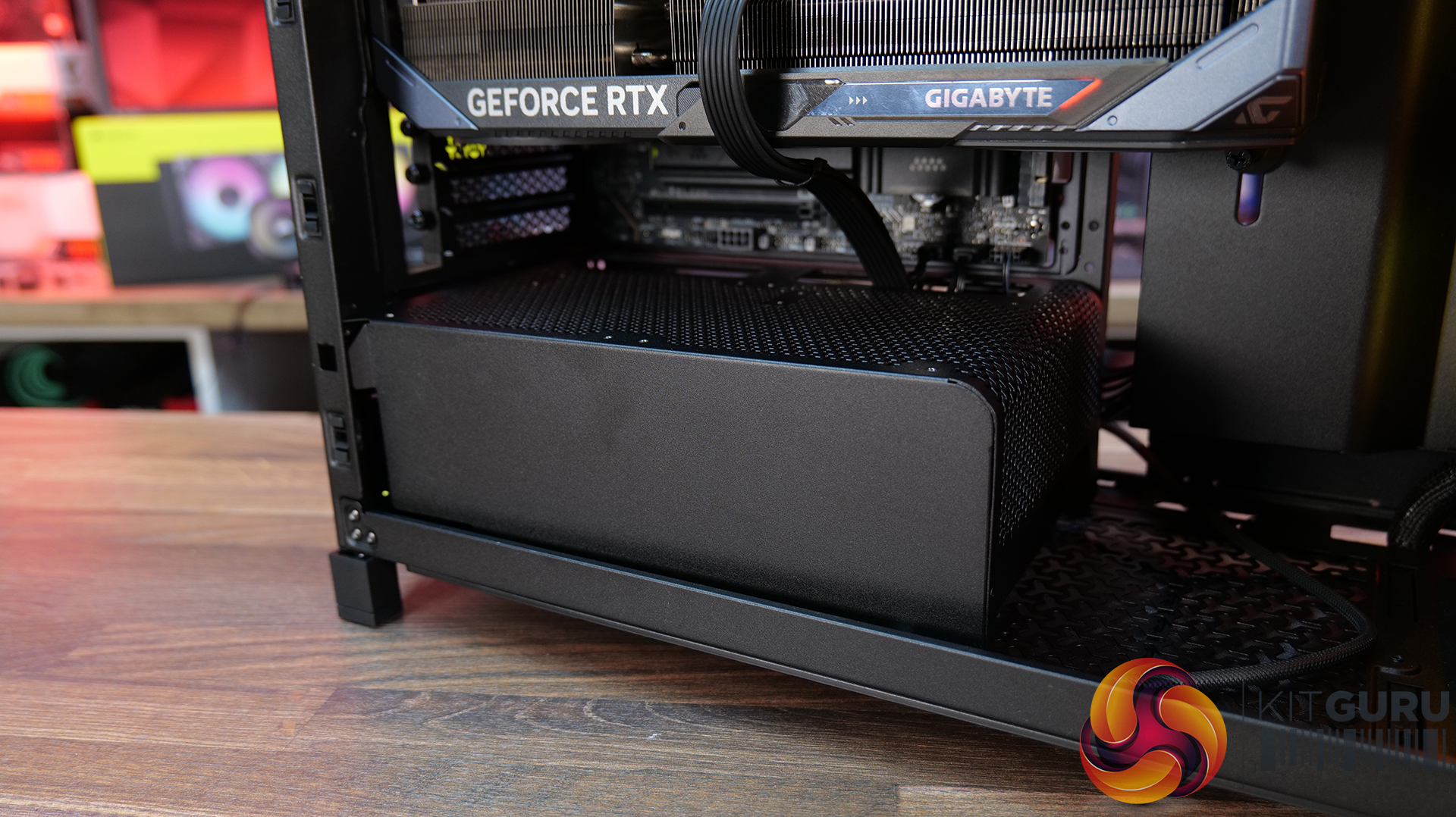
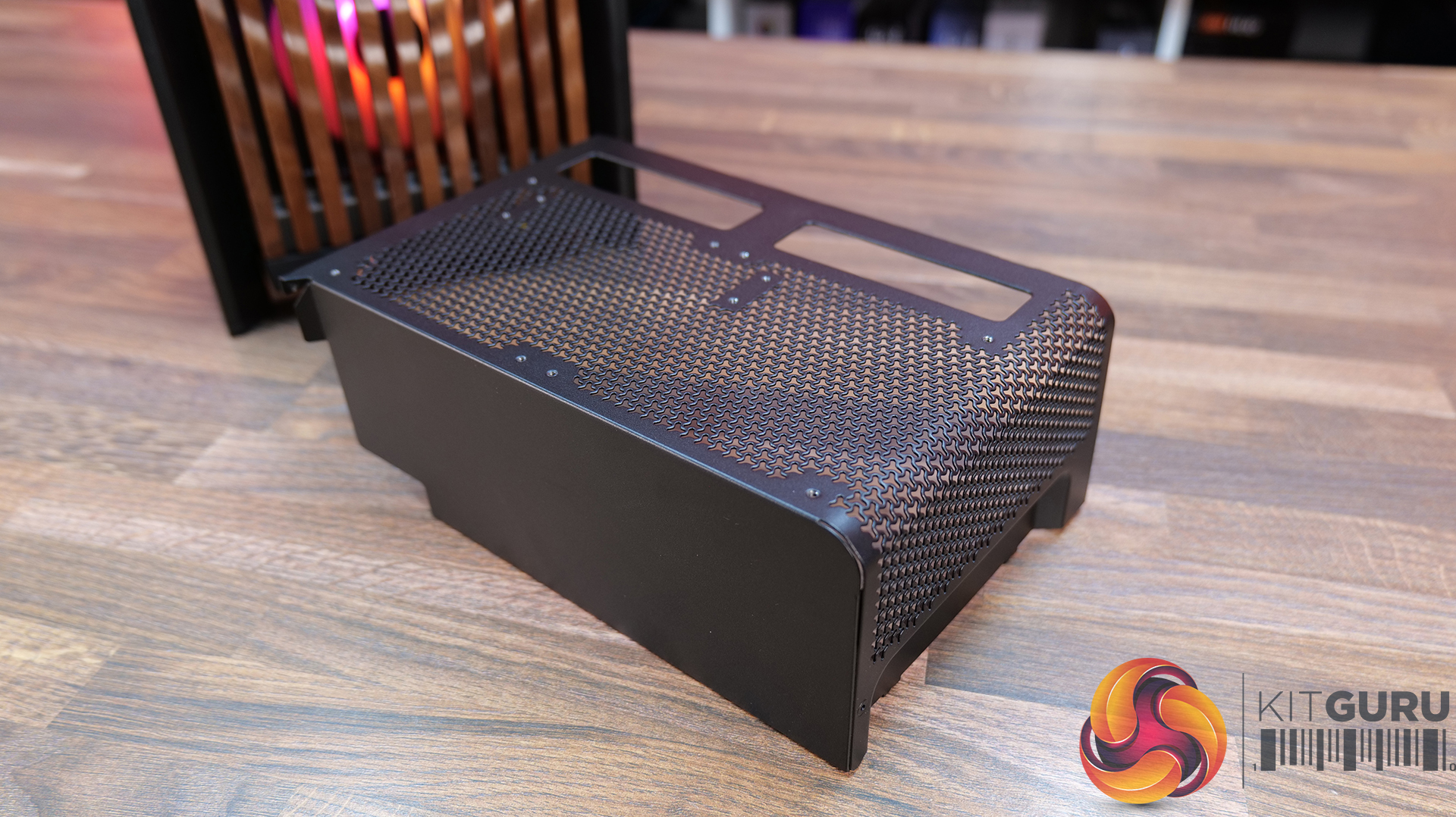
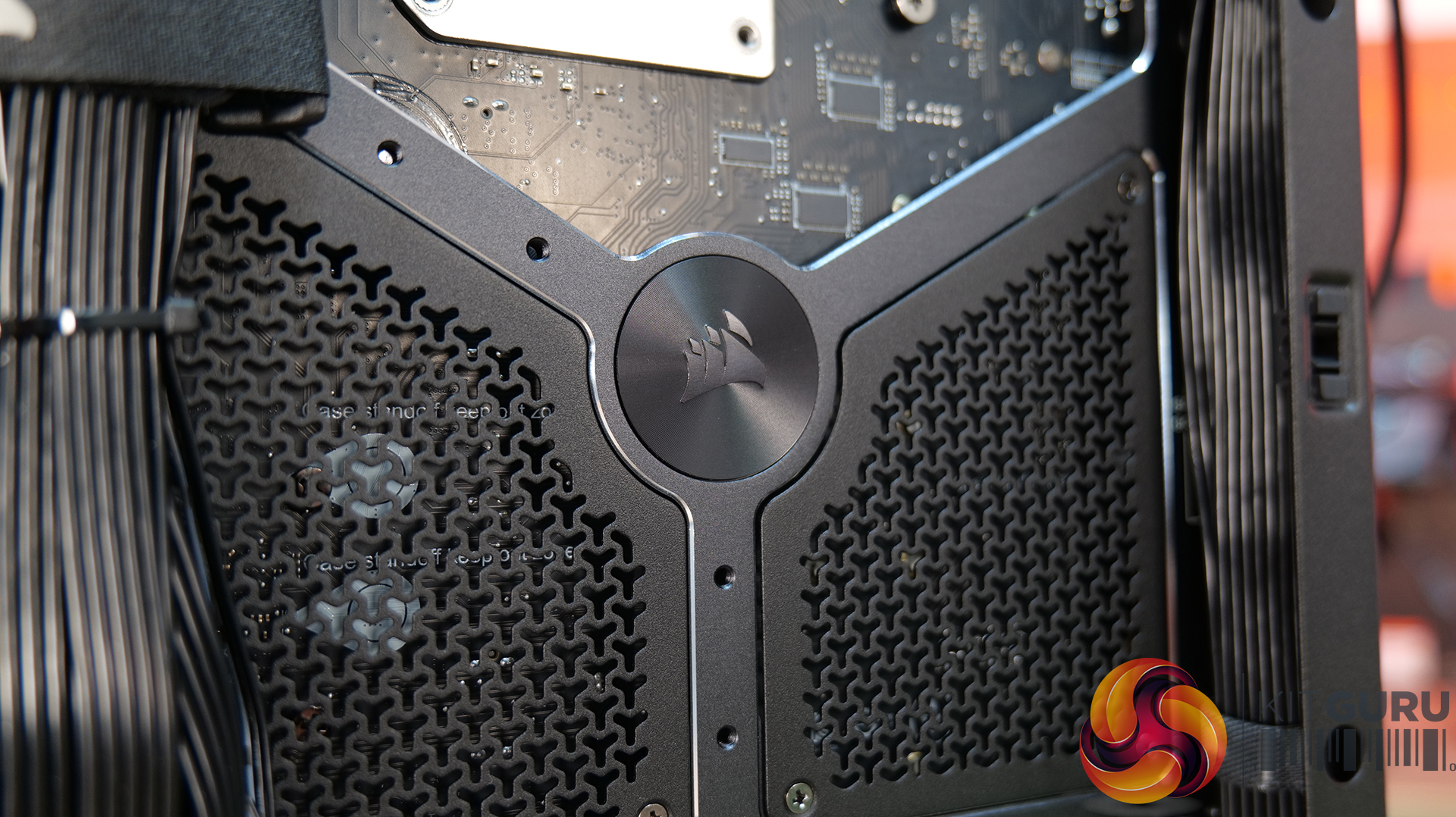
  • Compact PSU Shroud – ideal for pairing with the tempered glass front panels to show off your build. Mesh design with 2 x 120mm fan mounts on top. The standard 4000D/X case comes with a full-length power supply shroud.

Build Specification

KitGuru says: There's a decent range of accessories to fit most users' budgets, but if you want the full high-end, premium look with the Xenon Edge display its going to work out quite expensive. But if your taste of PC cases is all about aesthetics, it might be a price worth paying?

The post Corsair Frame 4000 Series Accessories Hands-On first appeared on KitGuru.

Pixel’s Tensor Chips Can Easily Handle Liquid Glass, But Google’s Approach Promises One Benefit, Preventing This UI Transition

7 May 2026 at 01:15

Google's Tensor chips can easily run Liquid Glass, but the company chooses not to

Google’s Sameer Samat, the Android chief, has already confirmed that the company’s Android 17 will not be a Liquid Glass makeover, but don’t believe that this is because those Tensor chips powering the Pixel family are underpowered in any manner. Sure, these SoCs are slower than current-generation competitors, but running Apple’s latest UI shouldn’t be a problem for them. It’s just that Google has a different way of how its Android platform should look and behave, and there’s actually a major benefit for users for the company sticking to Material You. Google is highly conservative in background processing, which helps preserve […]

Read full article at https://wccftech.com/google-tensor-chips-can-run-liquid-glass-but-they-will-not-because-of-one-reason/

Fractal Pop 2 Vision Case Review

29 April 2026 at 13:00

Today we’re checking out the Fractal Pop 2 Vision PC case. It’s a mid-tower chassis built around a dual-chamber design, aiming for a clean look with minimal clutter. You get four pre-installed Aspect 12X Reverse fans, support for large GPUs and 360mm radiators, plus a build-friendly layout with tool-free panel access and plenty of cable management space. On paper it looks like a solid mix of Fractal style and practicality, but does it actually deliver? Let’s find out.

Timestamps:

00:00 Intro
00:52 Meet the Pop 2 Vision
01:32 Key features
03:04 Starting the teardown
05:30 Inside the main chamber
07:47 Hardware compatibility
09:23 Back of the case
10:09 Behind the mobo tray
12:08 Quick look at the bottom
12:29 Included accessories
13:20 Test setup
13:42 Thermal + noise results
15:29 James’ thoughts on the installation process
17:36 Closing thoughts

Features:

  • Full-vision Design: Dual-chamber layout and panoramic glass panels combine for a clean, clutter-free showcase build, with hidden cabling and pre-routed fans.
  • Serious hardware support: Space for GPUs up to 412 mm and top-mounted radiators up to 360 mm, giving flexibility for high-end gaming or water-cooled setups.
  • Cooling sorted out of the box: Fractal includes four Aspect 12X Reverse fans as standard, for optimal airflow and tidy-looking visual presentation.
  • Builder-friendly features: Tool-free panel access, a magnetic top filter, generous cable routing space with straps and grommets, plus support for reverse-connector motherboards.

Specifications:

  • Case Type: Dual Chamber Chassis
  • Dimensions (LxWxH): 434 x 297 x 441 mm
  • Materials: Steel, Tempered Glass, Plastic
  • Motherboard Support: ATX / mATX / Mini-ITX
  • Reverse Connector motherboard support: Yes
  • Expansion Slots: 7
  • Storage bays: 3.5” x 1, 2.5” x 3
  • Max GPU Length: 412mm
  • Max CPU Cooler Height: 172mm
  • PSU Type: ATX up to 190mm
  • Cable Routing Space: 93mm
  • Cable Routing Grommet: Yes
  • Hook-and-loop straps: Yes, 5 pcs
  • Supplied Fans: 4 x Aspect 12X Reverse RGB BK
  • Fan Support: 2 x 120 mm (Front/Right), 3 x 120 mm or 2 x 140 mm (Top), 1 x 120 mm (Rear), 2 x 120 mm (Bottom)
  • Radiator Support: Up to 280 / 360 mm (Top), 1 x 120mm (Rear)
  • Dust Filters: 1 x Top, 1 x Bottom, 1 x Perforated Side Panel
  • Front I/O: 1 x USB Type-A 5 Gbps, 1 x USB Type-C 5 Gbps, 1 x Audio/Mic Combo Jack
  • LCD Screen: N/A

Thermal Performance Testing

To simulate thermal demand, we run the Cinebench R23 multi-thread benchmark and 3DMark Speed Way stress test simultaneously in a loop for 30 minutes to load the system fully. This gives the CPU and GPU enough time to reach constant steady-state temperature. With this data, we can compare how the system handles the thermal demand and measure peak noise levels.

Thermal performance is measured with the case in various configurations, such as the default, with the tempered glass left-hand side panel removed and with the front panel removed to see how these configurations affect the CPU and GPU temperature. During testing, only stock case fans are used unless otherwise specified. All water pumps are set to maximum RPM and fans are set to a custom RPM curve by the Motherboard software/BIOS.

All temperature measurements are presented as Deltas – meaning the ambient temperature has been deducted from the CPU temperature, giving us a Delta. Data shown in the charts represents the average component temperature over the length of the test as measured by HWiNFO, and then the last 15 minutes of the data are calculated to get the average. The ambient temperature during thermal tests is between 19-20⁰C.

Test System Specification:

  • CPU – AMD Ryzen 7 9800X3D
  • Motherboard – MSI X870 Tomahawk WiFi
  • Graphics Card – Gigabyte RTX 5080 Gaming OC
  • Memory – 32GB (2 x 16GB Modules) G.SKILL Trident Z5 Neo RGB DDR5-6000
  • Storage – 1TB Corsair MP600 Elite PCIE Gen4 NVMe M.2 SSD
  • CPU Cooler – Montech HyperFlow Digital 360
  • Power Supply – Seasonic Focus GX 1000 ATX3
  • Case fans – Stock (Fractal Aspect 12X Reverse RGB BK)
  • Chassis – Fractal Pop 2 Vision
  • Operating System – Windows 11 24H2

Thermal Performance Overview

We test case thermals using a 360mm AIO as exhaust at the top and with the case in several different fan configurations. The default configuration shown in the charts is with the top 360mm AIO cooler, 2 x 120mm side and bottom intake fans and with all case panels installed.

Looking at the thermals first, the Fractal Pop 2 Vision shows solid performance overall, with a few minor differences between configurations. With all glass panels removed, the CPU temperature is 54°C above ambient, and the GPU is at 50°C. With the case in the default configuration, temperatures rise slightly to 57°C over ambient on the CPU and 52°C on the GPU, so out-of-the-box airflow is clearly doing a decent job.

Removing the top mesh panel doesn’t change temperatures much, but removing the floor intake has an impact, pushing the CPU to 58°C and the GPU to 55°C over ambient, highlighting how important the bottom intake is for keeping GPU temperatures in check.

Noise Output

Looking at the noise results, it's pretty well controlled overall with only small differences between configurations. In the default setup, max noise is 50 dBA under load and 37 dBA at idle, which is normal for a dual-chamber case running this hardware and cooling setup.

Removing the glass panels or the top mesh panel drops load noise slightly to 49 dBA due to cooler temperatures and slightly lower fan speed. Disabling the floor intake fans pushes noise up to 52 dBA, likely due to the fans working a bit harder to compensate. At idle though it’s consistent across the board at 37 dBA.

Closing Thoughts

For a first attempt at a modern ATX dual-chamber case, the Fractal Pop 2 Vision PC Case looks to be decent value, assuming it becomes available at its suggested MSRP on launch. Build quality is a big positive as the chassis feels very solid throughout, plus the design strikes a nice balance between understated styling and full-vision aesthetic from the panoramic glass, with the recessed fans keeping things  looking clean inside the main chamber.

In terms of hardware support, there’s a lot to like here too, with 40mm+ clearance for large graphics cards, support for 360mm radiators and AIOs up top, alongside compatibility with reverse-connector ATX and mATX motherboards, so it’s flexible enough for a wide range of modern builds. It’s also generally easy to work in, with a good amount of internal space and sensible layout choices that make cable management simple and tidy presentation easy to achieve.

That said, there are some minor downsides. Some features you might expect at this price point are missing – there’s no proper fan hub included, no integrated GPU support bracket, and fan flexibility is a bit limited, with the bottom and side mounts restricted to 120mm units only. On top of that, front I/O is a little sparse, offering just a single Type-A and one Type-C port, where many cases still provide a bit more Type-A connectivity normally.

So while it’s not a completely perfect design, the core features and build quality are done well. If you’re after a dual-chamber case that prioritises clean looks, solid build quality and good hardware compatibility, the Pop 2 Vision makes a strong case for itself. While it may not give the absolute chart-topping thermals of a high airflow mesh case, with a 360mm top AIO, cooling is also pretty decent for a dual-chamber chassis.

The Fractal Pop 2 Vision has a £87.99 MSRP for the RGB model (as reviewed).

Pros: 

  • Four reverse-blade fans pre-installed.
  • Good hardware support, including reverse-connect motherboards.
  • Easy to build with.
  • Competitive MSRP.

Cons:

  • Limited side/floor fan choice.
  • No fan hub included.
  • No integrated GPU support bracket.

KitGuru says: Fractal has done a good job with the Pop 2 Vision, for the suggested MSRP it offers a good value, a solid base for your new gaming system and with the recessed fans, it looks pretty cool too.

The post Fractal Pop 2 Vision Case Review first appeared on KitGuru.

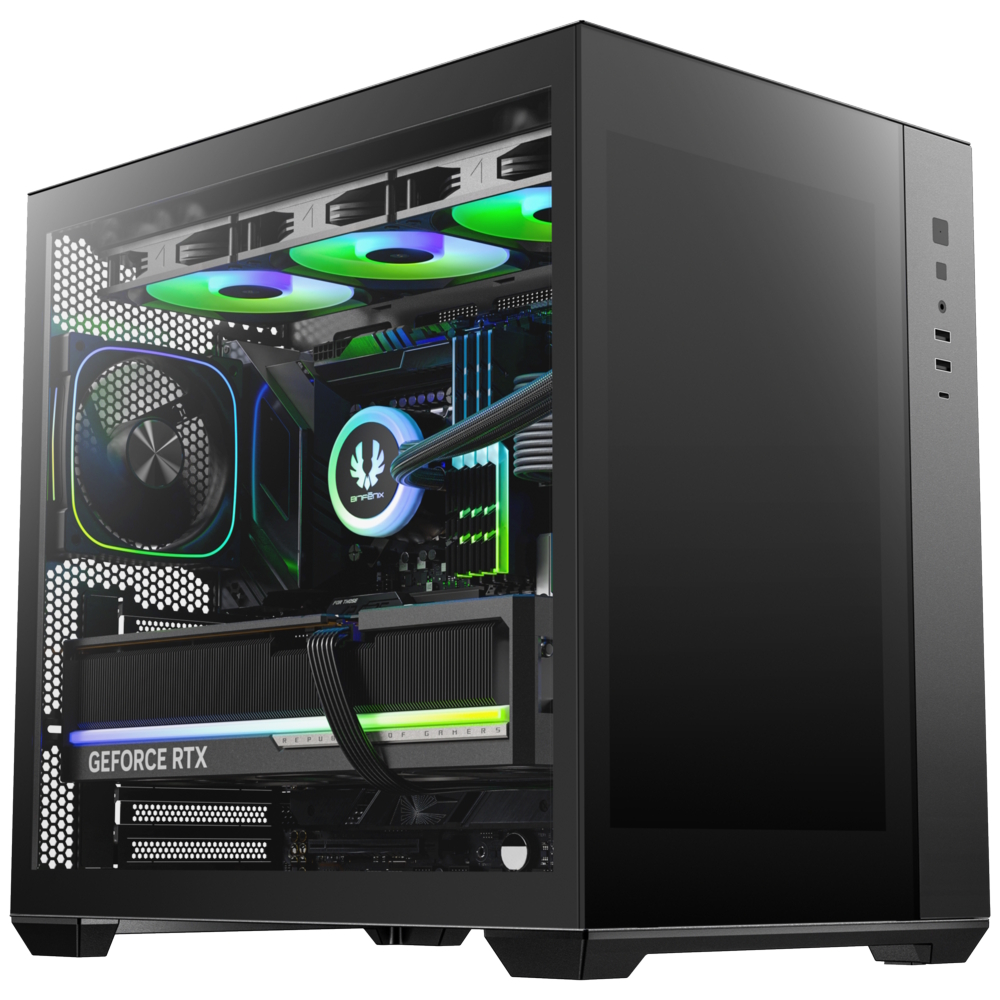
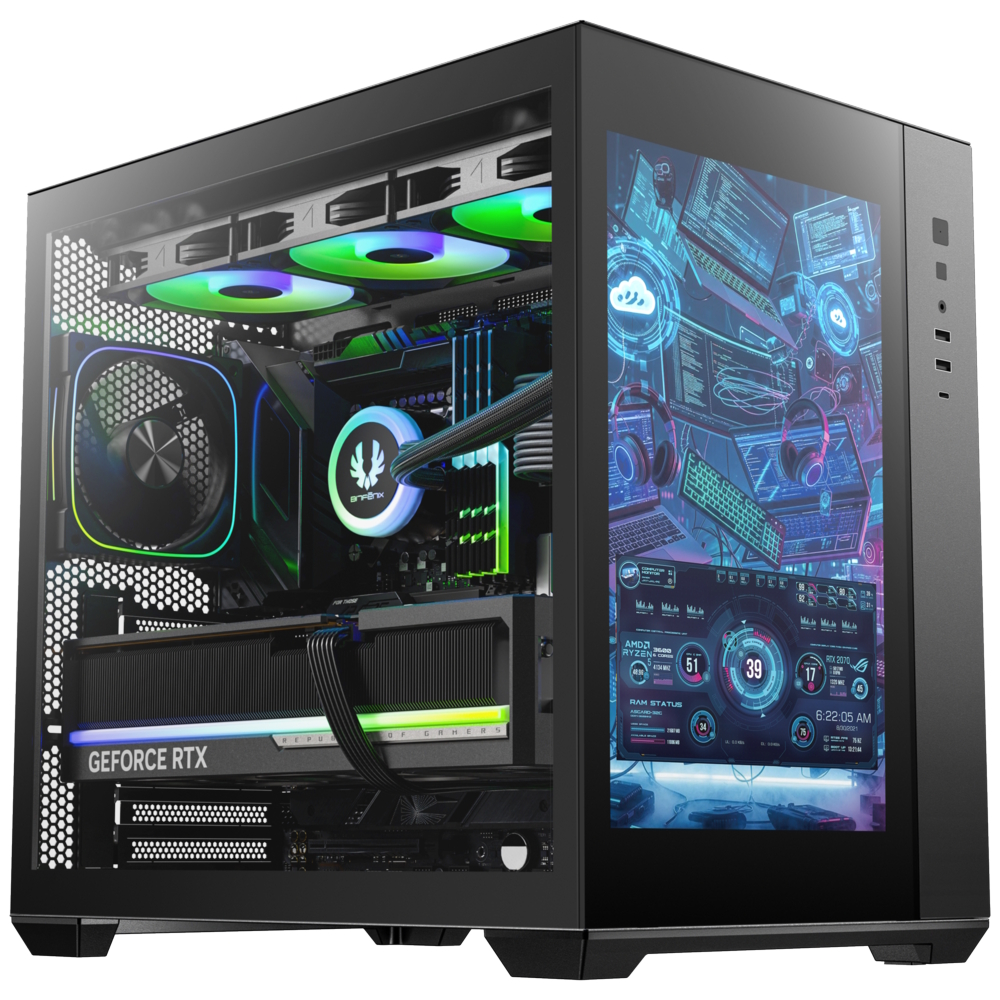
BitFenix introduces the ALD case featuring an integrated 14-Inch 1200p IPS display

28 April 2026 at 16:30

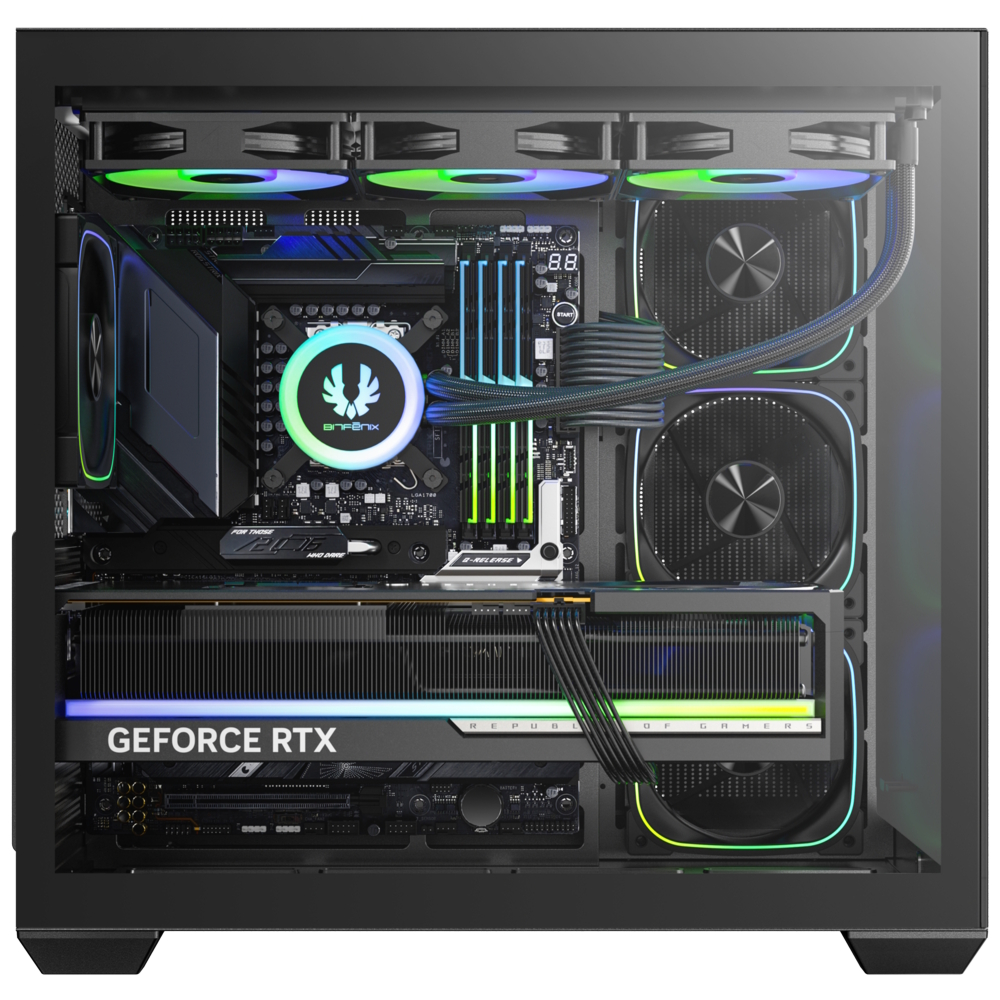
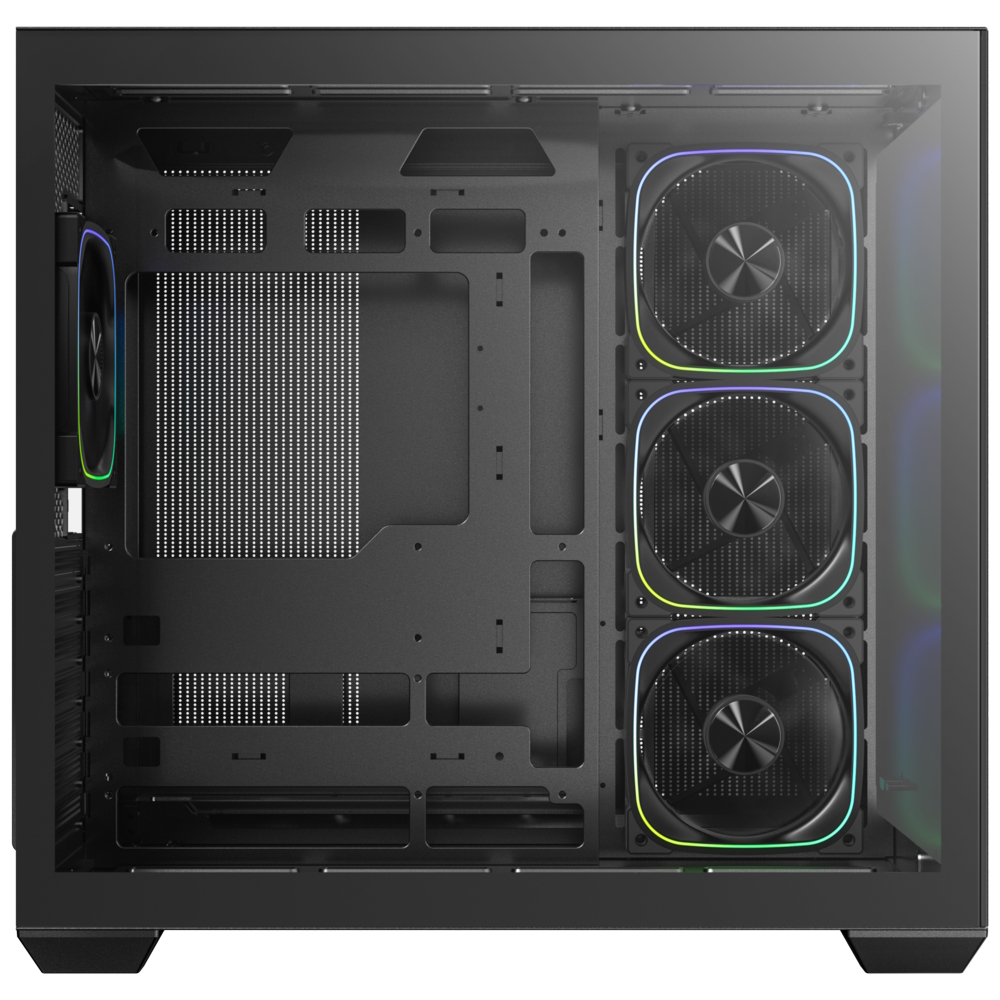
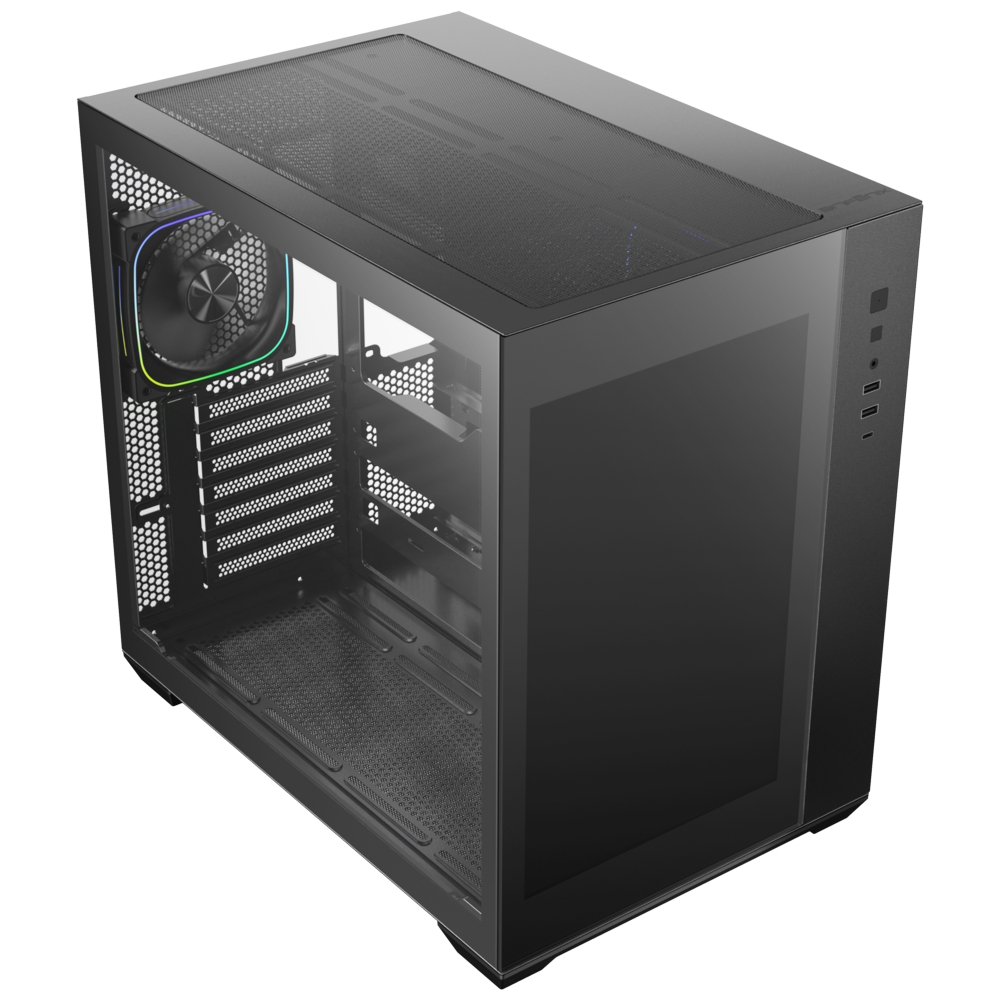
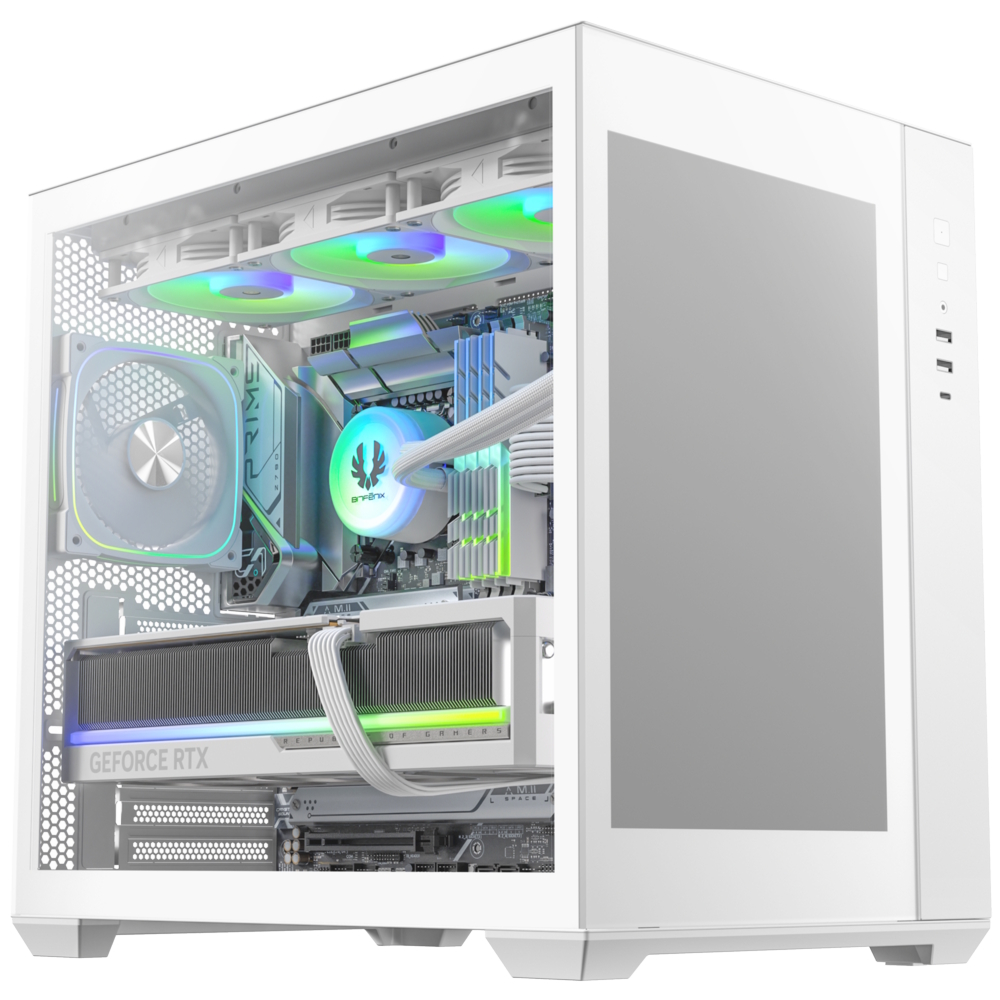
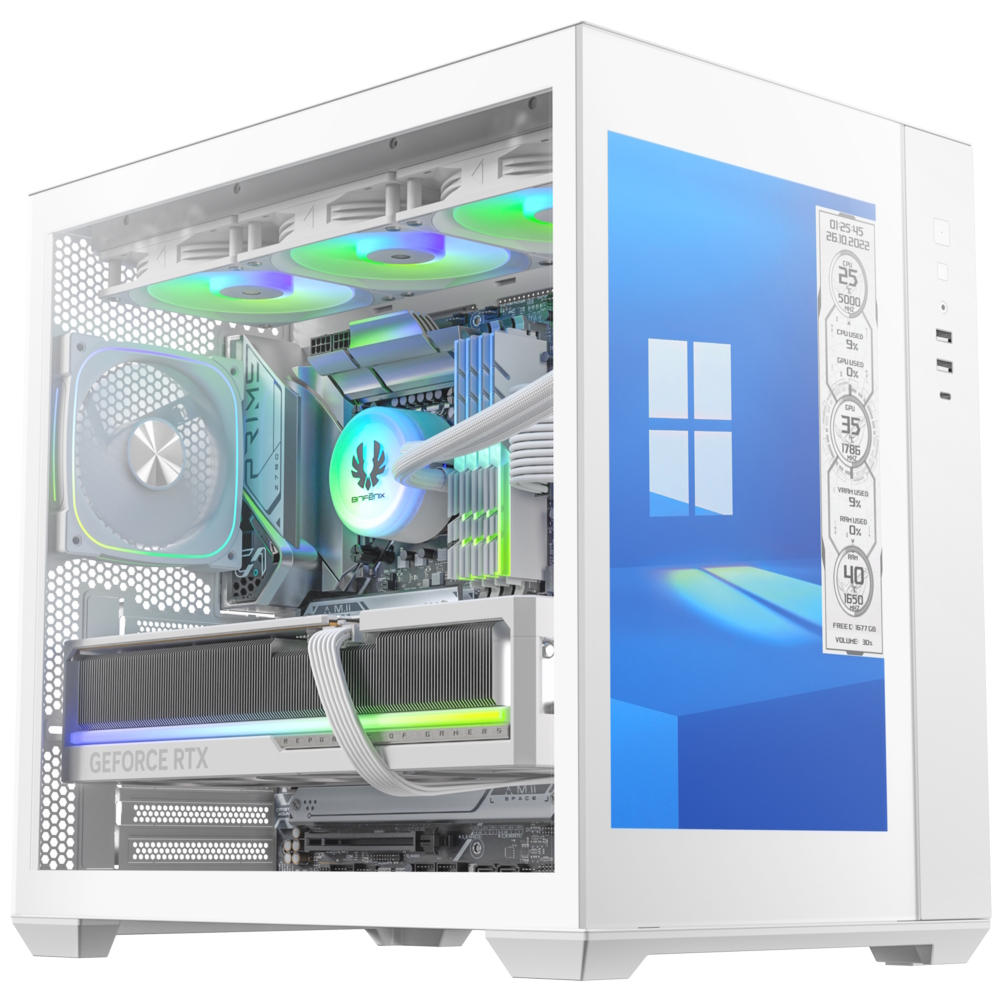
BitFenix has unveiled its latest case, the ALD, a dual-chamber model that integrates a 14-inch IPS display in the front panel. With its size and 1920 x 1200 resolution, this display can even work as a monitor.

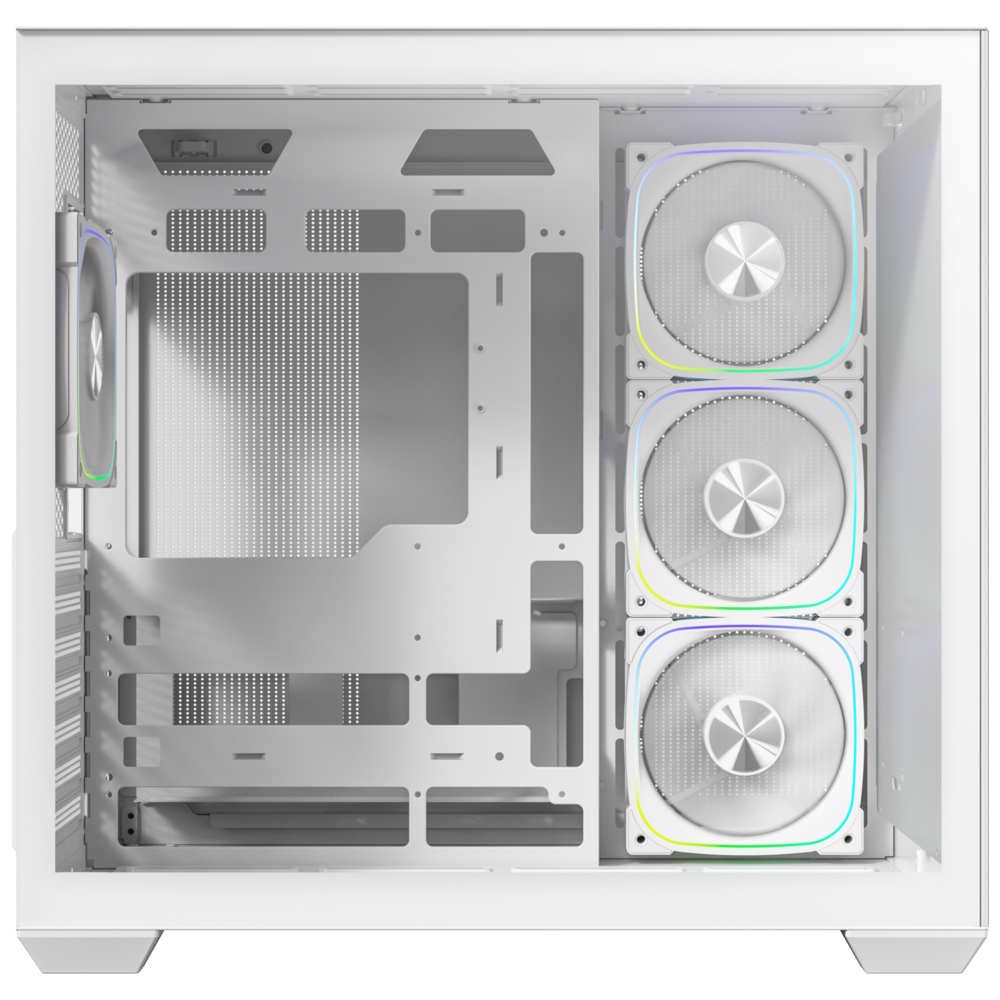
ALD's (via Vortez) large-format panel serves as a secondary desktop, allowing users to display real-time system diagnostics, custom animated dashboards, or multimedia content directly on the front of their PC. Beyond its standout screen, the ALD features compatibility with back-Connect) motherboards, which move cable headers to the rear to create a clutter-free interior. The dual-chamber layout further assists in thermal efficiency and aesthetics by isolating the PSU and storage behind the motherboard tray, leaving 99mm of cable management depth.

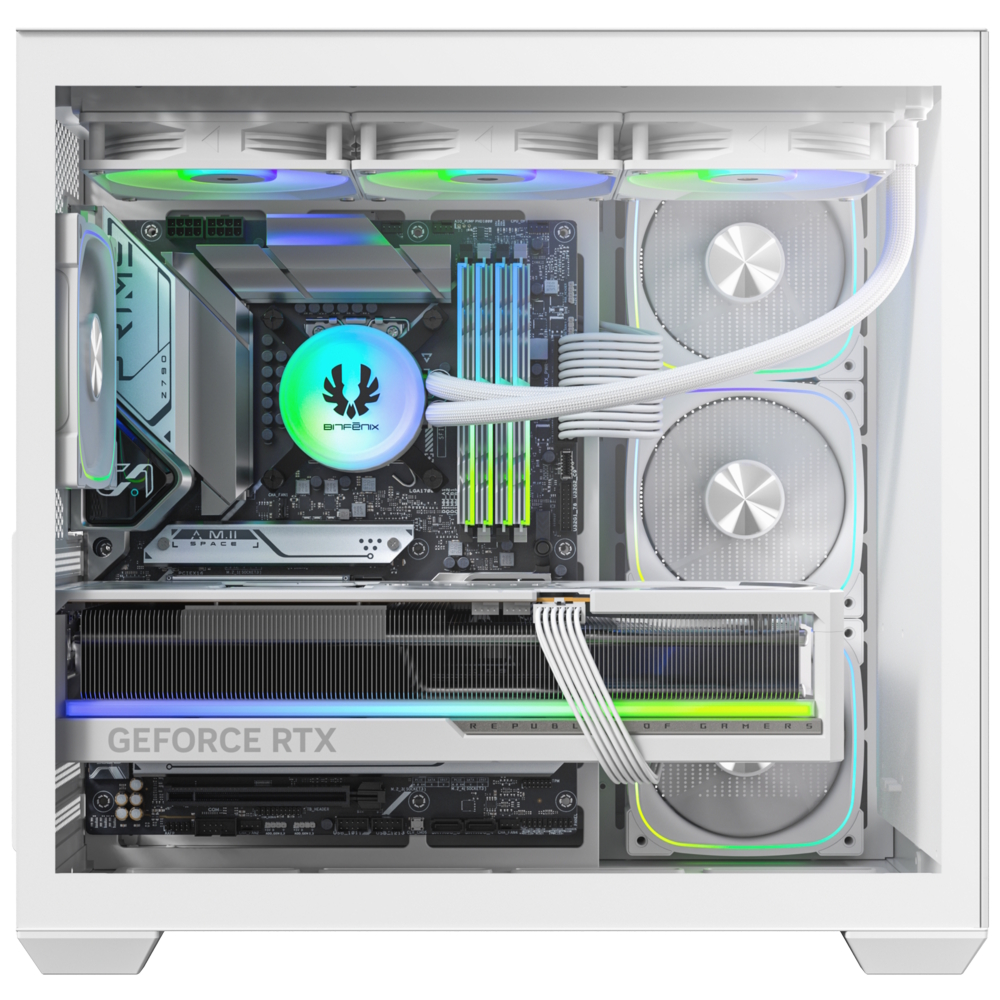
The case comes pre-equipped with a balanced fan configuration: three 120mm ARGB reverse-fans on the side/motherboard panel and one 120mm ARGB fan at the rear for exhaust. Additionally, the ALD supports up to 360mm radiators on both the top and motherboard panels simultaneously. Hardware clearances are equally generous, supporting graphics cards up to 400mm in length and CPU tower coolers up to 175mm in height.

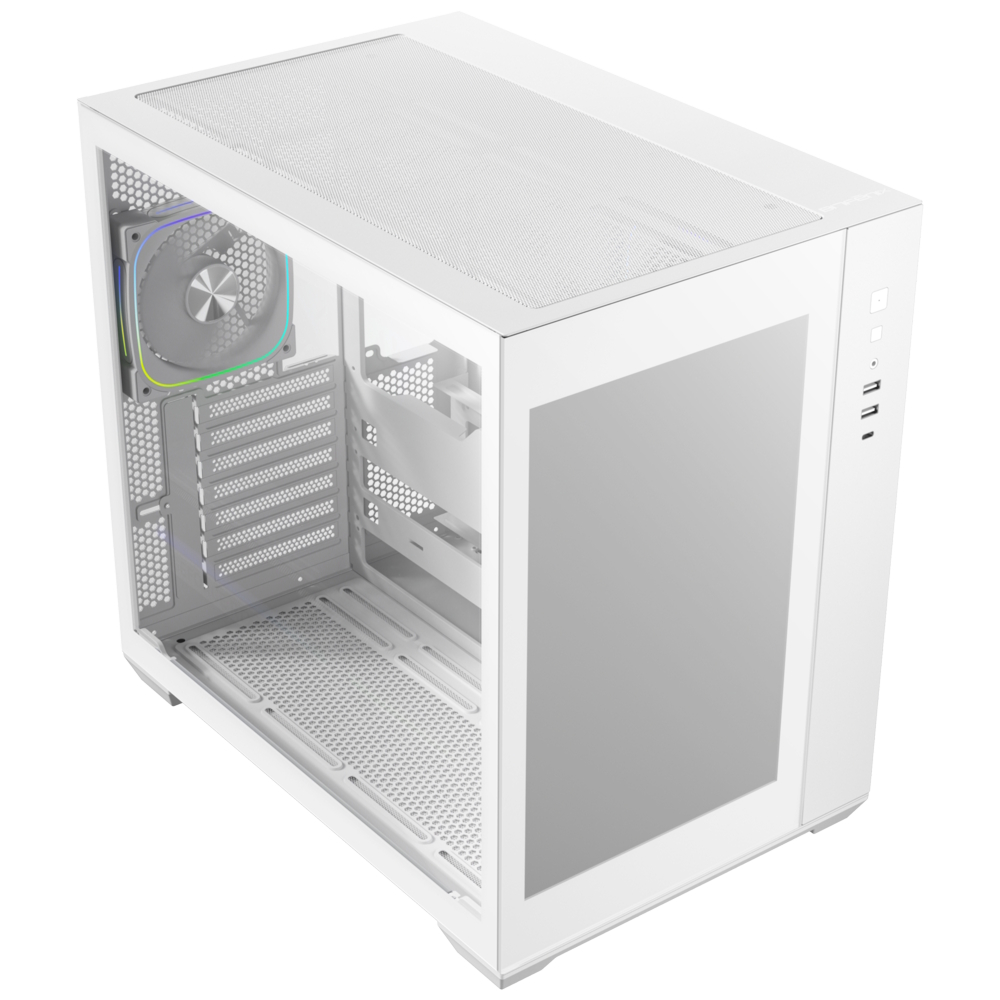
Available in both black and white finishes, the ALD features modern I/O connectivity, including a USB-C 3.1 port, two USB-A 3.0 ports, and a legacy USB-A 2.0 port. Storage support includes one 3.5-inch drive and two 2.5-inch SSDs.

KitGuru says: With a massive 14-inch screen built right into the front, do you see this replacing a secondary monitor?

The post BitFenix introduces the ALD case featuring an integrated 14-Inch 1200p IPS display first appeared on KitGuru.

New 1.9mm Razer Atlas Pro sets a new benchmark for thin gaming surfaces

22 April 2026 at 15:30

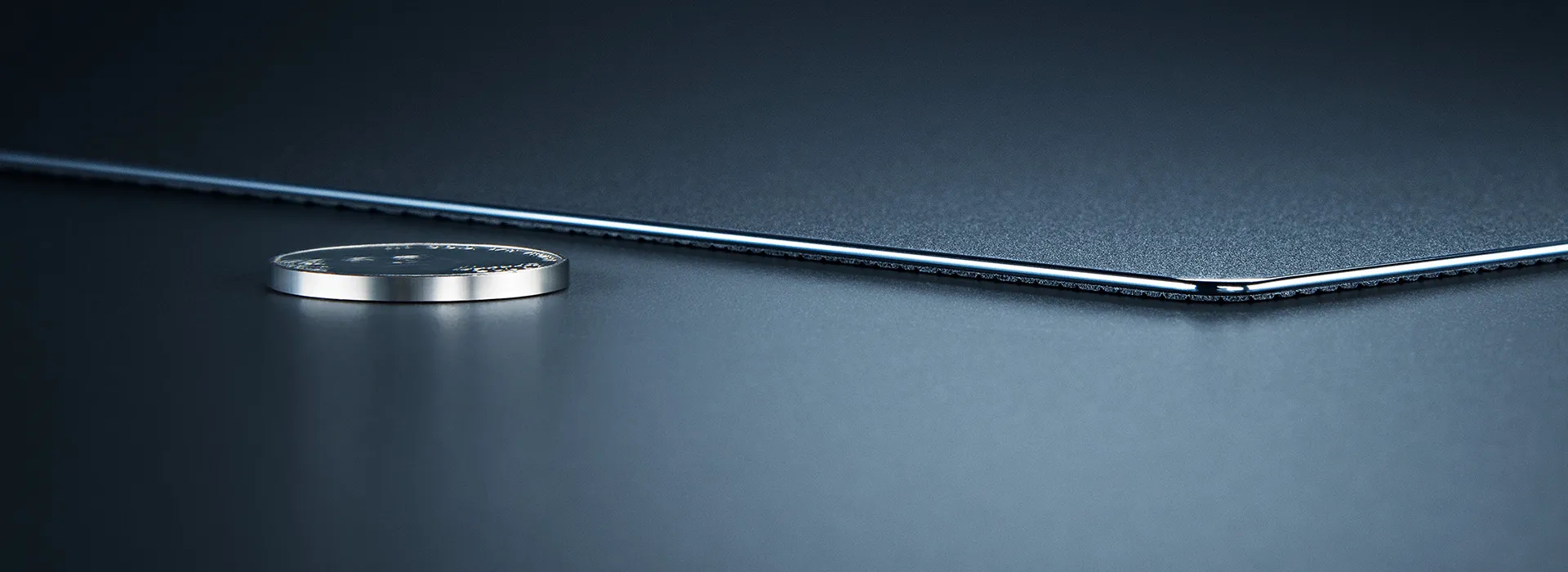
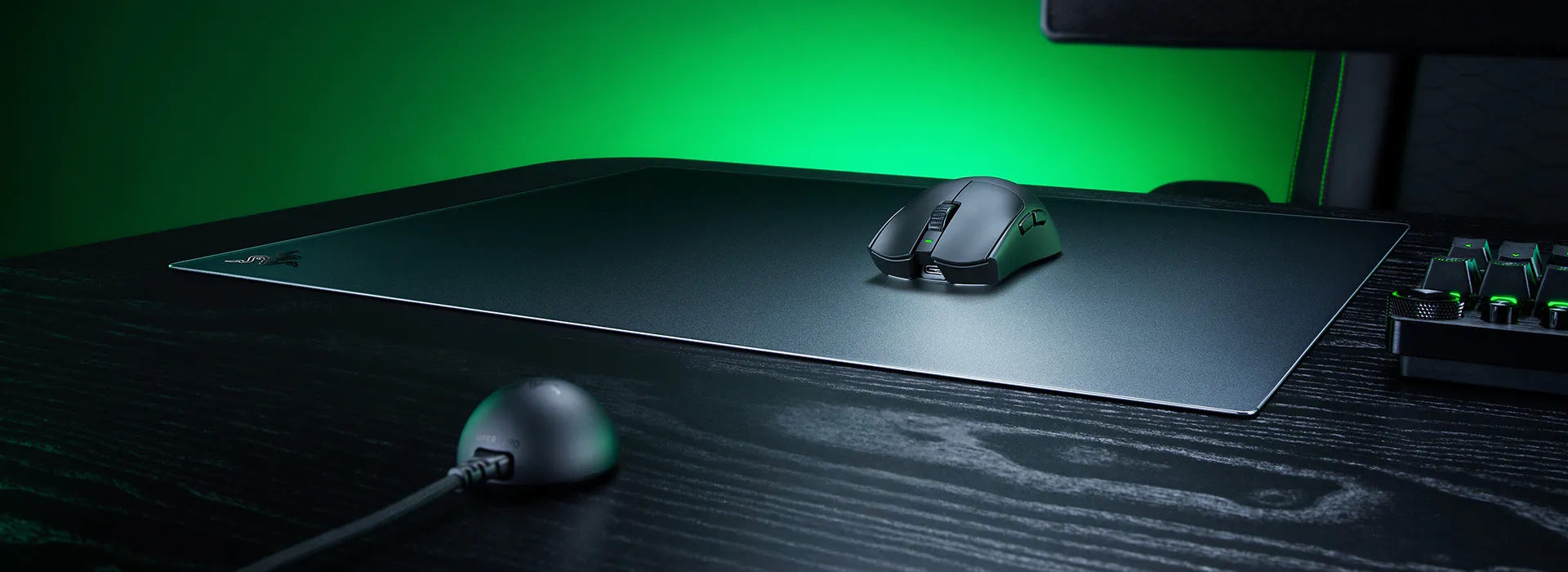
Razer has officially unveiled the Atlas Pro, a tempered glass gaming mouse mat that claims the title of the world's thinnest in its category. With a thickness of just 1.9mm, including its full-coverage rubber base, the mat is designed to sit nearly flat with the desk surface.
The glass layer of the Atlas Pro measures only 1.1mm, a significant engineering reduction from the 3-5mm range typically seen in the glass mat market. This ultra-low profile is intended to improve long-term ergonomics by minimising the height difference between the desk and the mouse, thereby supporting a more natural wrist posture.
Beyond its physical profile, the Atlas Pro is engineered for precision, with a 2μm etched texture. Developed in partnership with leading sensor manufacturers, this surface treatment ensures consistent, accurate tracking for high-end optical sensors across a range of sensitivities. The mat offers an expanded 500 x 400mm surface area, which provides 11% more space than the original Razer Atlas to accommodate the wide, sweeping movements common in competitive FPS play.
Durability remains a core focus despite the reduced thickness. The mat is constructed from premium tempered glass with a 9H hardness rating on the Mohs hardness scale, making it highly scratch-resistant. The surface is finished with a protective coating for easy cleaning and features CNC-milled rounded edges to prevent wrist irritation. A full-coverage anti-slip rubber base provides a stable foundation and helps dampen the acoustic feedback of mouse swipes.

The Razer Atlas Pro is available immediately with a retail price of £129.99/$129.99/€139.99.

Discuss on our Facebook page, HERE.

KitGuru says: Will this trend toward ultra-thin hard surfaces eventually make traditional thick cloth pads feel a bit like relics of the past, or will there always be a place for them, given how much cheaper they are?

The post New 1.9mm Razer Atlas Pro sets a new benchmark for thin gaming surfaces first appeared on KitGuru.

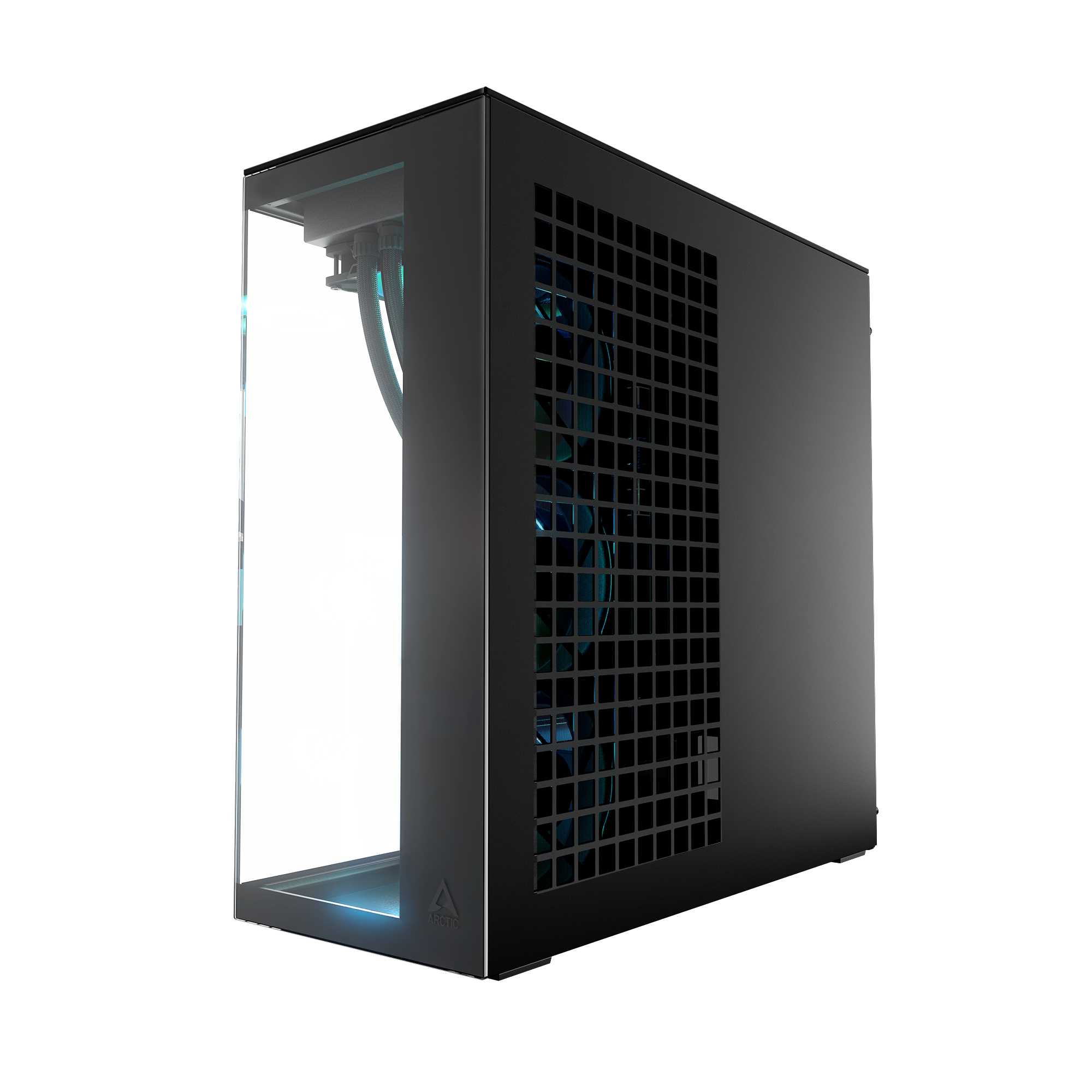
Arctic launches Clear Glass variant of the Xtender black case

9 April 2026 at 15:50

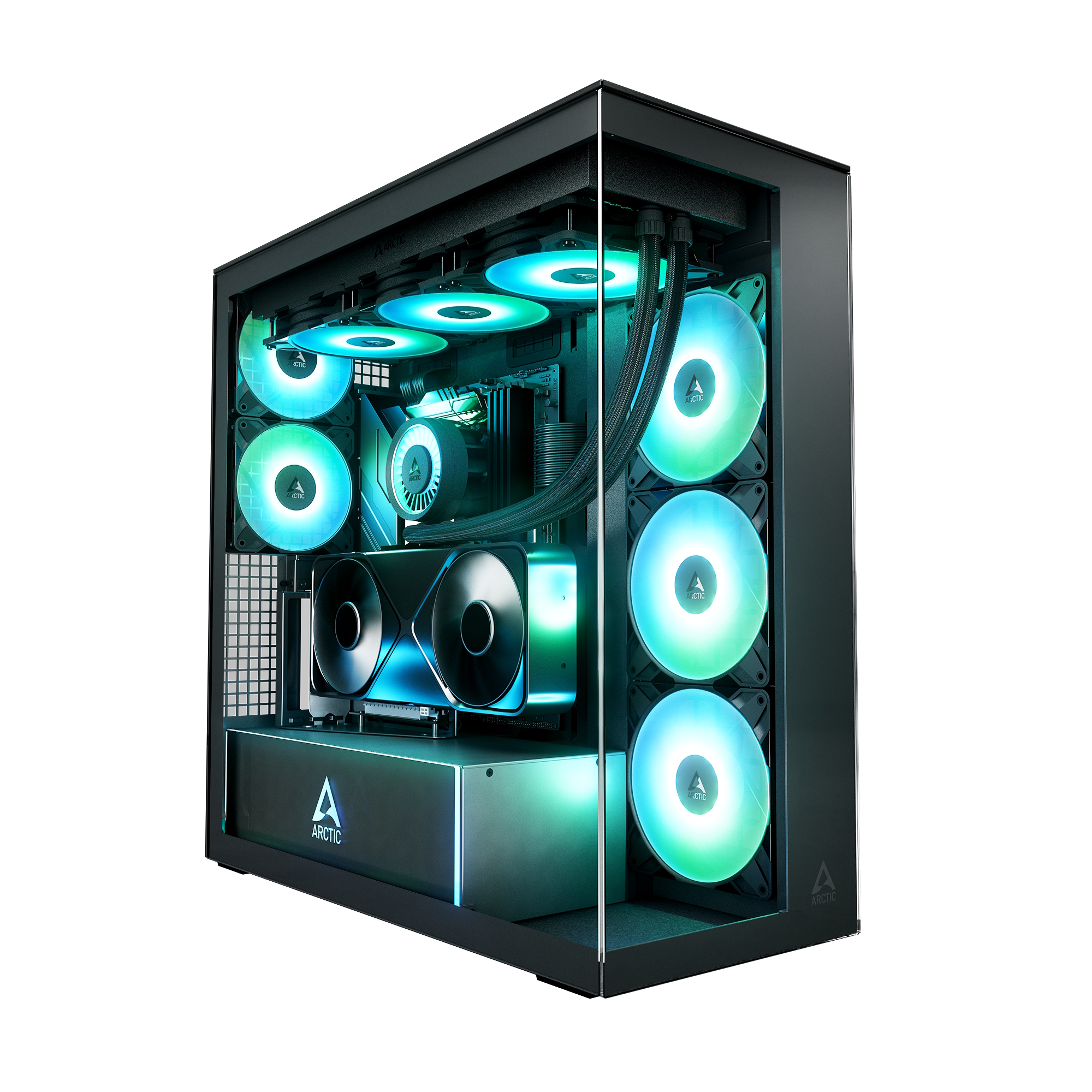
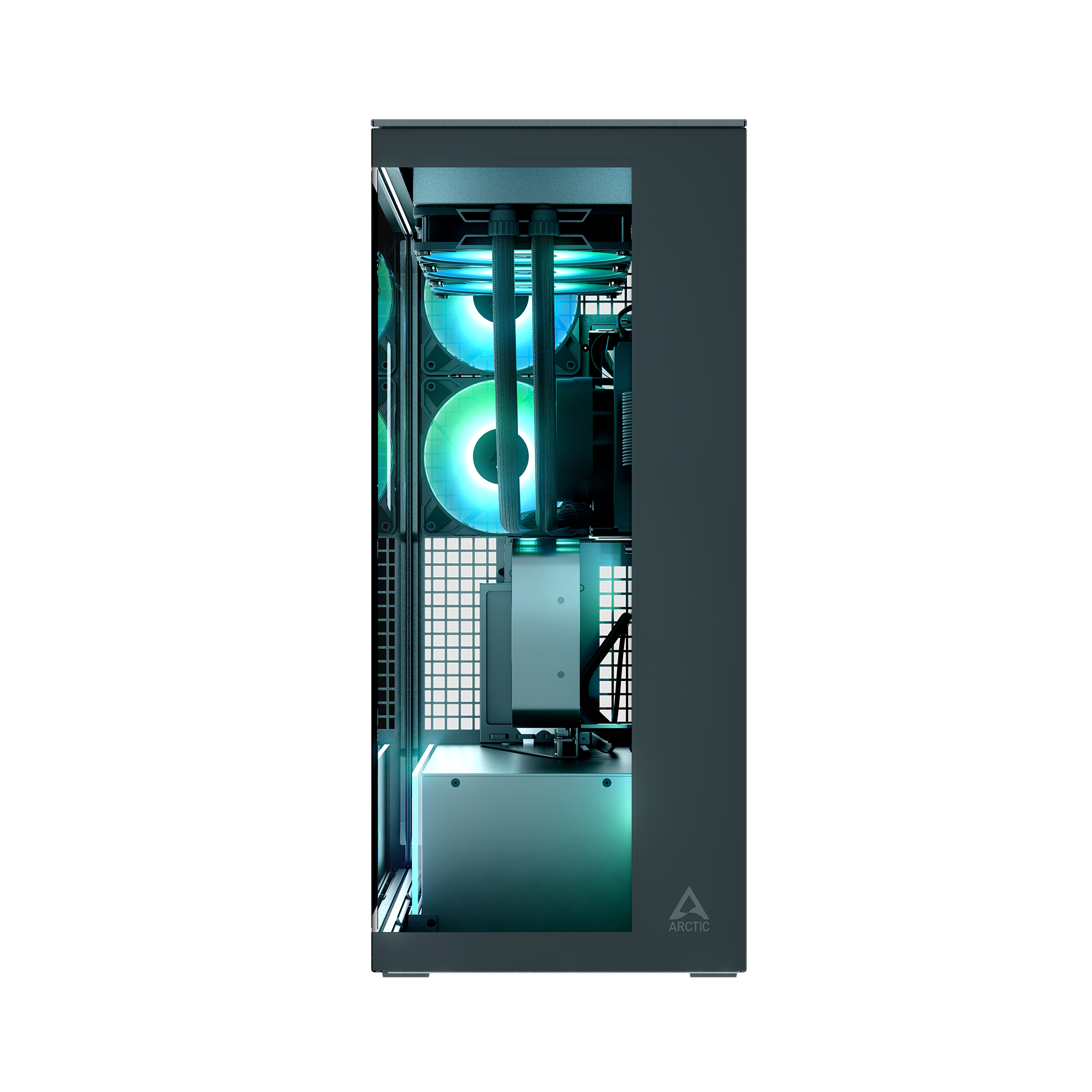
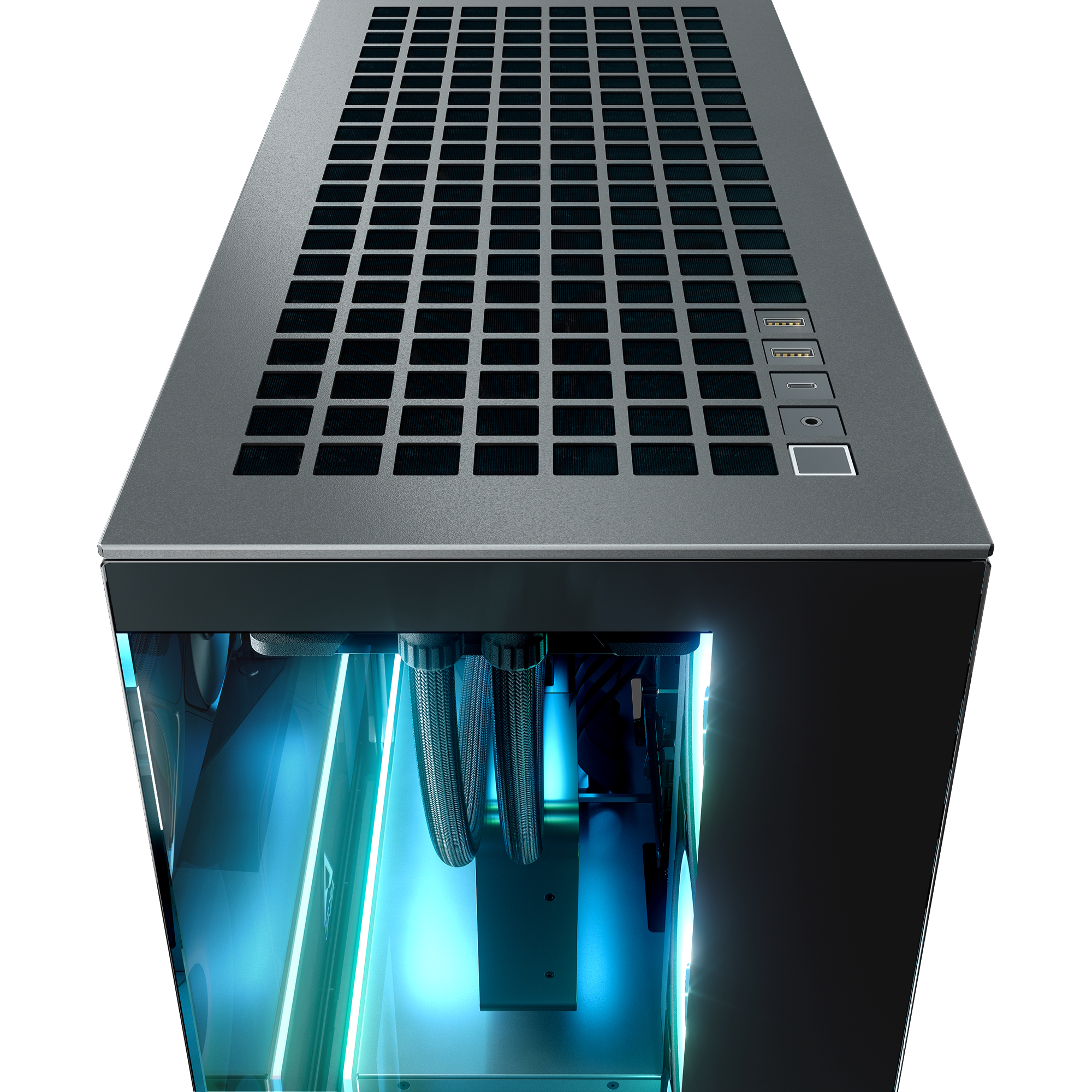
Arctic is expanding its case lineup with another variant of the Xtender case. The newly released Xtender Black clear glass provides an even greater look inside of the PC from multiple angles, making it a great option for RGB-heavy builds. 

The chassis is constructed from black SECC steel, providing a rigid foundation for the tempered-glass panels that wrap around the front and left sides. Under the hood, this mid-tower is spacious, supporting motherboards up to E-ATX and providing ample clearance for graphics cards up to 482mm long. This is particularly impressive for a mid-tower, as it comfortably accommodates even the largest flagship GPUs currently on the market.

Cooling is another major pillar of the design, with the case shipping with five of Arctic's latest ARGB LED fans pre-installed. This includes two P12 Pro (120mm) and three P14 Pro Reverse (140mm) fans. It also supports up to two 420mm radiators simultaneously along the top and front-right panels, a feat usually reserved for much larger full-tower cases. For those who want to show off their GPU's shroud, Arctic is offering a VG (Vertical GPU) variant that includes the new Accelero Vertical GPU Mount. This mount is also available as a standalone purchase for existing Xtender owners who want to upgrade later.

Arctic is launching the Xtender series with a tiered pricing model that rewards early adopters. The standard Xtender Black is officially priced at €146.65, though it is currently running a 25% discount in celebration of its 25th anniversary, bringing the price down to €109.99.

Discuss on our Facebook page, HERE.

KitGuru says: Do you prefer the new Clear Glass variant over the older Mirror and Tinted Glass models?

The post Arctic launches Clear Glass variant of the Xtender black case first appeared on KitGuru.

Apple Shows Its Cards, Plans To Move The Production Of Its Upcoming Baltra ASIC In-House

7 April 2026 at 14:40

A close-up image of an Apple chip with a metallic finish and the Apple logo in the center, surrounded by abstract circuit

Apple generally tries to keep its cards hidden, preferring a grand unveiling, replete with mega-flourishes, to a gradual trickle of information and unvarnished product launches. However, when you have a supply chain as expansive as Apple's, leaks abound nonetheless. And today, we've received a juicy tidbit regarding the tech giant's intentions for its upcoming ASIC, dubbed Baltra. Apple intends to move the production of its upcoming AI ASIC in-house According to a South Korean publication, Samsung Electro-Mechanics (SEMCO) - a company that specializes in core electronic components, multilayer ceramic capacitors, and chip substrates - has provided samples of its glass […]

Read full article at https://wccftech.com/apple-shows-its-cards-plans-to-move-the-production-of-its-upcoming-baltra-asic-in-house/

Corsair unveils its first ever glass mousepad

29 March 2026 at 11:03

Corsair is officially expanding its presence in the peripheral market with a refresh of its MM mousepad family. The new lineup introduces three distinct tiers, headlined by the company's first foray into the premium glass segment: the MM Glass Large. 

Measuring 400mm x 500mm, the MM Glass Large is the flagship of the range. Constructed from tempered glass, it features a 0.2μm micro-etched surface to provide maximum speed without the “skating” feeling that can lead to a lack of control. To address common complaints regarding glass pads, Corsair has applied a matte sound-dampening treatment to reduce the high-pitched “clacking” of mouse feet. The pad is held in place by a 1mm polyurethane base and features CNC-sculpted rounded edges to prevent cable snagging.

For those who prefer a more traditional feel, the MM Pro Control offers a cloth alternative. These pads utilise a high-density, micro-textured woven surface. Unlike the thinner glass model, the Pro Control features a 4mm-thick polyurethane base, providing significant cushioning for the user's wrist. These pads are hand-washable and feature stitched anti-fray edges for added longevity.

Completing the lineup is the MM Anti-Fray Cloth series. These pads feature a micro-weave surface. Unlike the polyurethane bases of the higher tiers, these rely on a natural rubber foundation. This series offers the broadest range of sizes, spanning from Medium (320mm x 300mm) to 3XL (1220mm x 590mm), ensuring there is an option for you, no matter the size of your desk.

All mousepads are now available in black and grey. The MM Glass Large hits the retail market at £89.99/$99.99/€99.99, the MM Pro Control Medium at £24.99/$29.99/€29.99, the MM Pro Control Large at £49.99/$59.99/€54.99, and the MM Anti-Fray Cloth starting at £11.99/$12.99/€12.99 for the Medium size.

Discuss on our Facebook page, HERE.

KitGuru says: Corsair's entry into the glass mousepad space is a significant milestone. At £90, it's a premium investment, but one that promises to outlast many cloth pads.

The post Corsair unveils its first ever glass mousepad first appeared on KitGuru.

Apple’s Has No Plans To Abandon Liquid Glass, Whether We Like It Or Oppose It, With ‘Years Of Gradual Improvements’ Expected For All Platforms

15 March 2026 at 12:43

Apple will not abandon Liquid Glass, says latest report

A mammoth-sized software revamp for all of Apple’s operating systems was previewed at last year’s WWDC keynote, called Liquid Glass, and where technology titans were laser-focused on AI, the Cupertino firm went all in to introduce its fresh UI makeover. Unfortunately, the change was received by a mixed bag of reviews, and given that there are times when Apple is required to listen to its customer base, there was a sliver of a possibility that the company would revert to the previous design. Sadly, those expecting a backtrack of the software are going to be disappointed because a new report […]

Read full article at https://wccftech.com/apple-will-not-abandon-liquid-glass-will-receive-years-of-gradual-improvements/

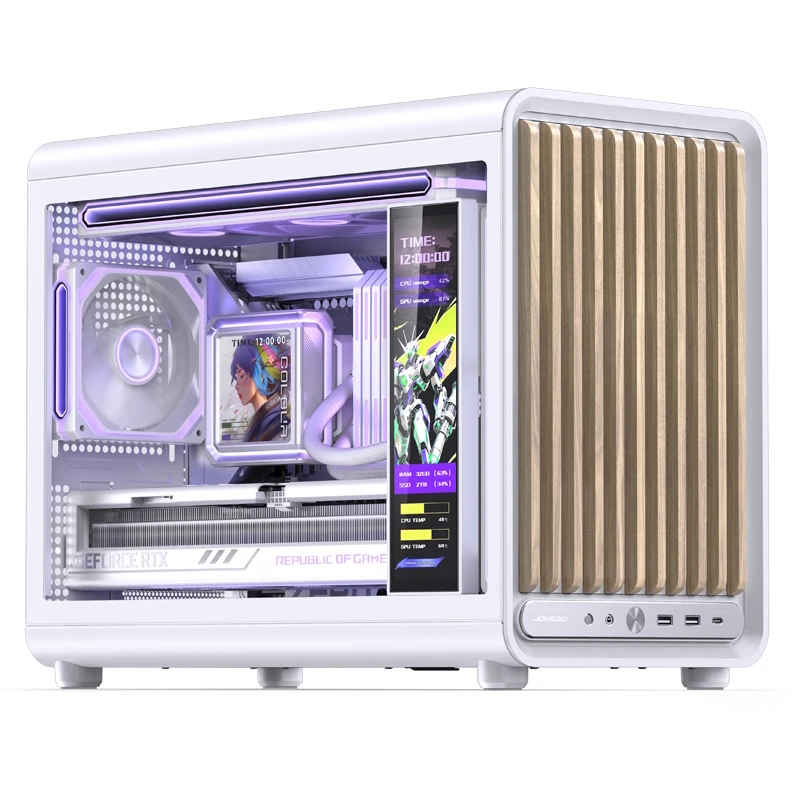
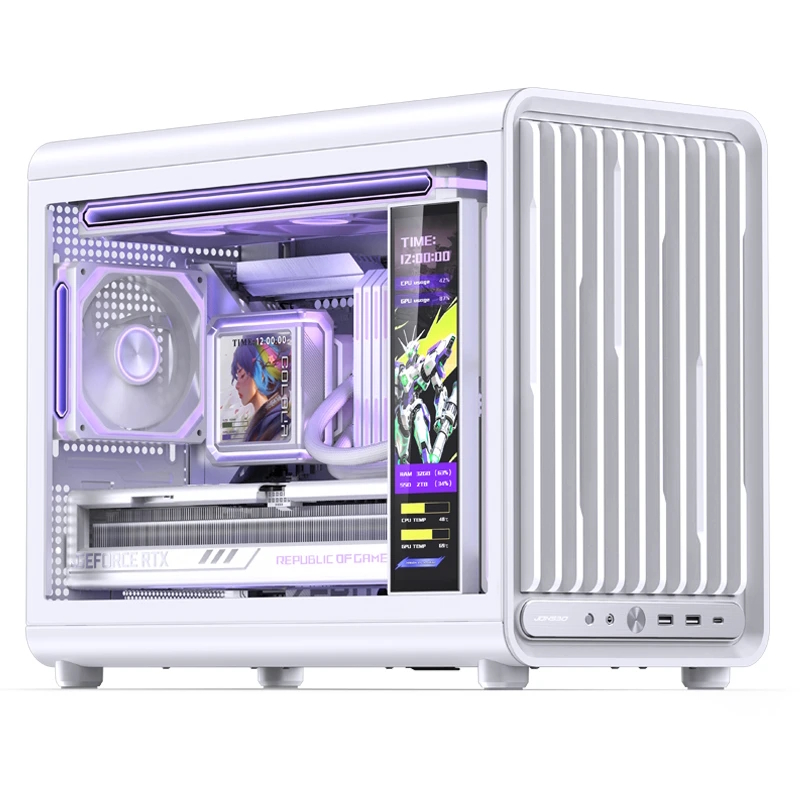
Jonsbo’s new D33 mATX case series includes two wood variants

10 March 2026 at 15:30

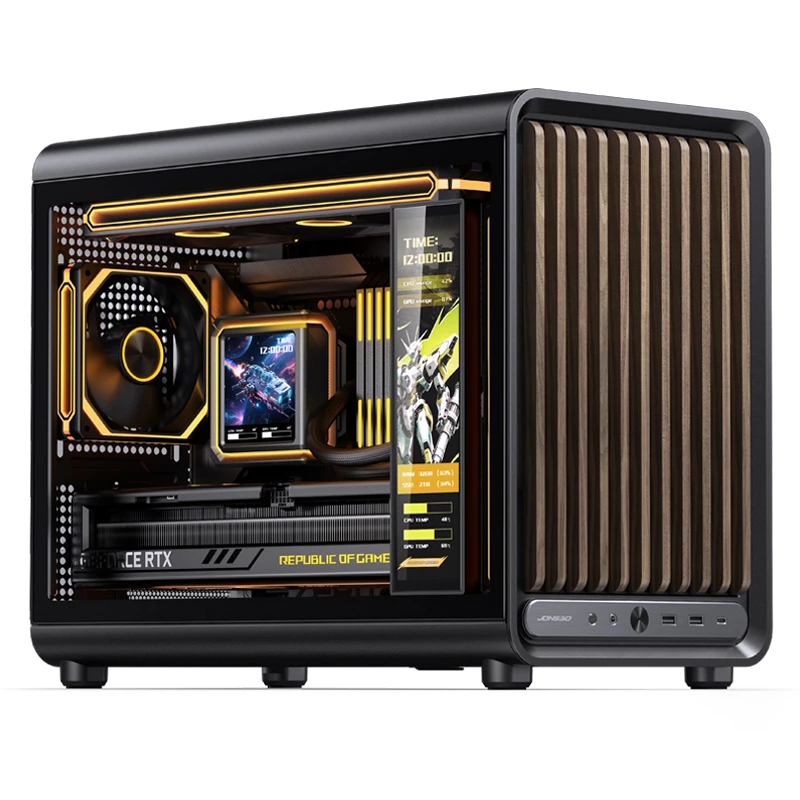
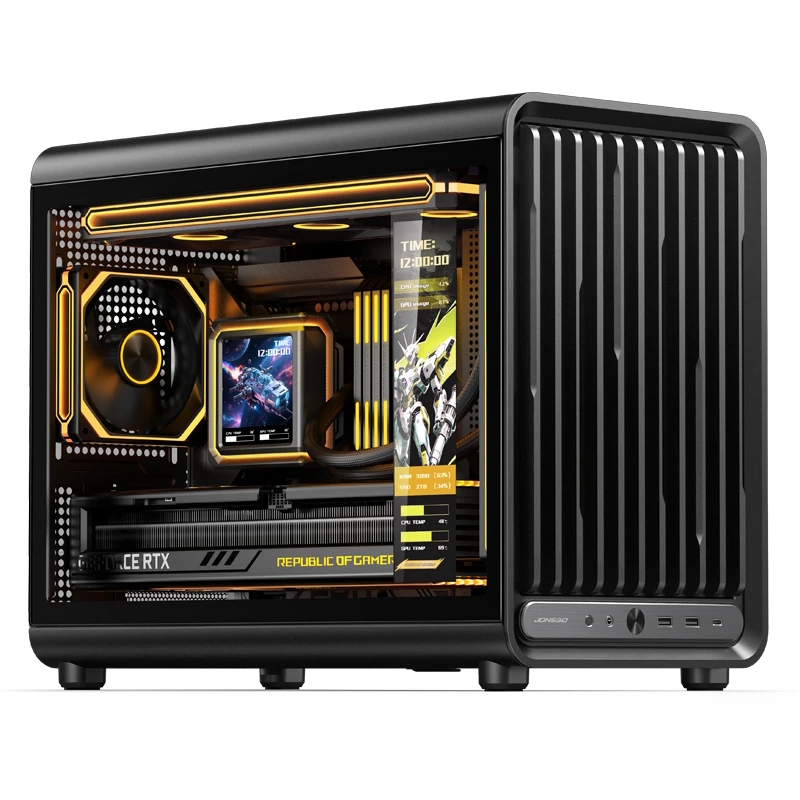
Jonsbo is expanding its case lineup with the launch of the D33 and its wood-accented sibling, the D33 Wood. These Micro-ATX cases are built for enthusiasts who want a “furniture look” without sacrificing the cooling potential required for modern high-end hardware.

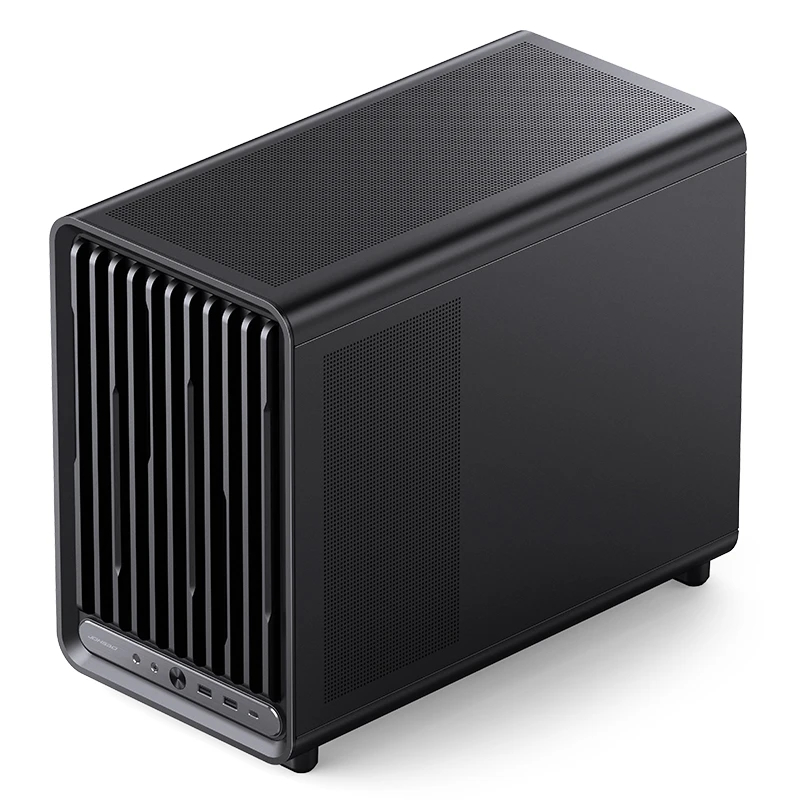
Available in black and white across both variants, the D33 series features a compact footprint of 455 x 238.2 x 368.4mm. The standard D33 features a plastic front panel defined by bevelled vertical bars. For the D33 Wood, Jonsbo swaps these for genuine wood slats, utilising a light oak-like wood for the white chassis and a darker walnut-toned wood for the black version. While the wood variant uses straight bars rather than bevelled edges, both models maintain a clean, integrated I/O panel that includes a USB-C port, two USB-A 3.0 ports, and a power button.

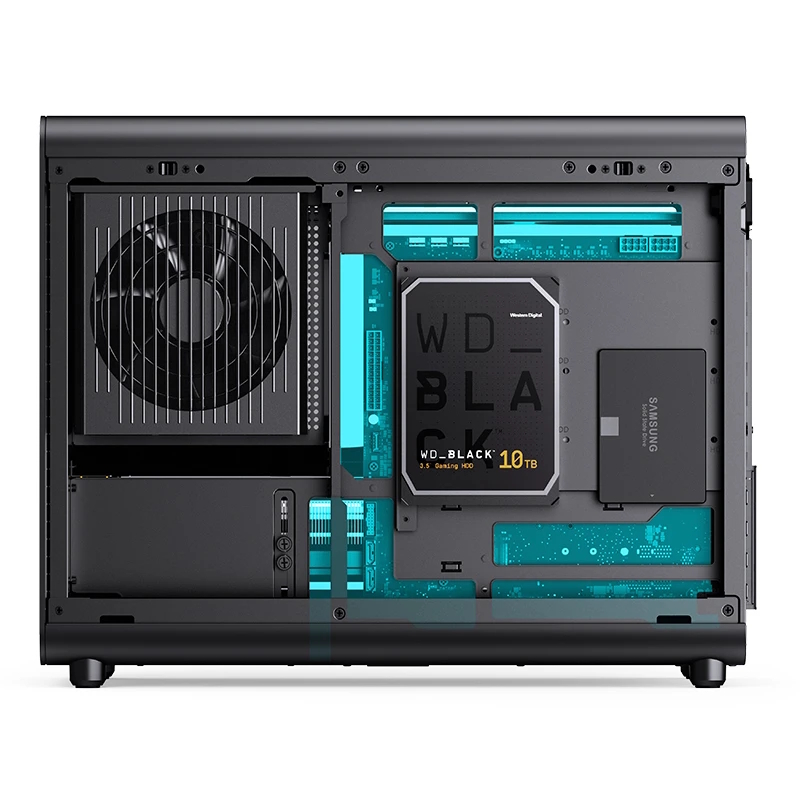
The D33 natively supports motherboards with rear-mounted connectors, such as the MSI Project Zero or Asus BTF series. To accommodate these boards, Jonsbo has engineered a large, component-free zone behind the motherboard tray for routing. This focus on a clean interior does come with a slight trade-off in storage, as the case relies on a single bracket behind the CPU backplate that can hold two 2.5-inch or 3.5-inch drives. However, this layout leaves the bottom of the chassis open for three 120mm intake fans and two 120 or 140mm fans on the front, depending on whether you're using an ATX or an SFX PSU.

Regarding cooling, the cases use a “sandwich” mounting system for top-mounted radiators. Rather than bolting the cooling kit directly to the chassis frame, the fans, mounting plate, and radiator are layered together into a single module that then attaches to the top panel. While this requires a bit more assembly time than a traditional mount, it allows the D33 to support a full 360mm radiator in a Micro-ATX frame. For those who prefer air cooling, the case offers 172 mm of clearance for CPU towers. Lastly, there's space for PSUs up to 160 mm long and cards up to 435 mm long.

KitGuru says: If you're planning to downsize your build, the D33 looks like a potentially good option for a compact case.

The post Jonsbo’s new D33 mATX case series includes two wood variants first appeared on KitGuru.
❌
❌