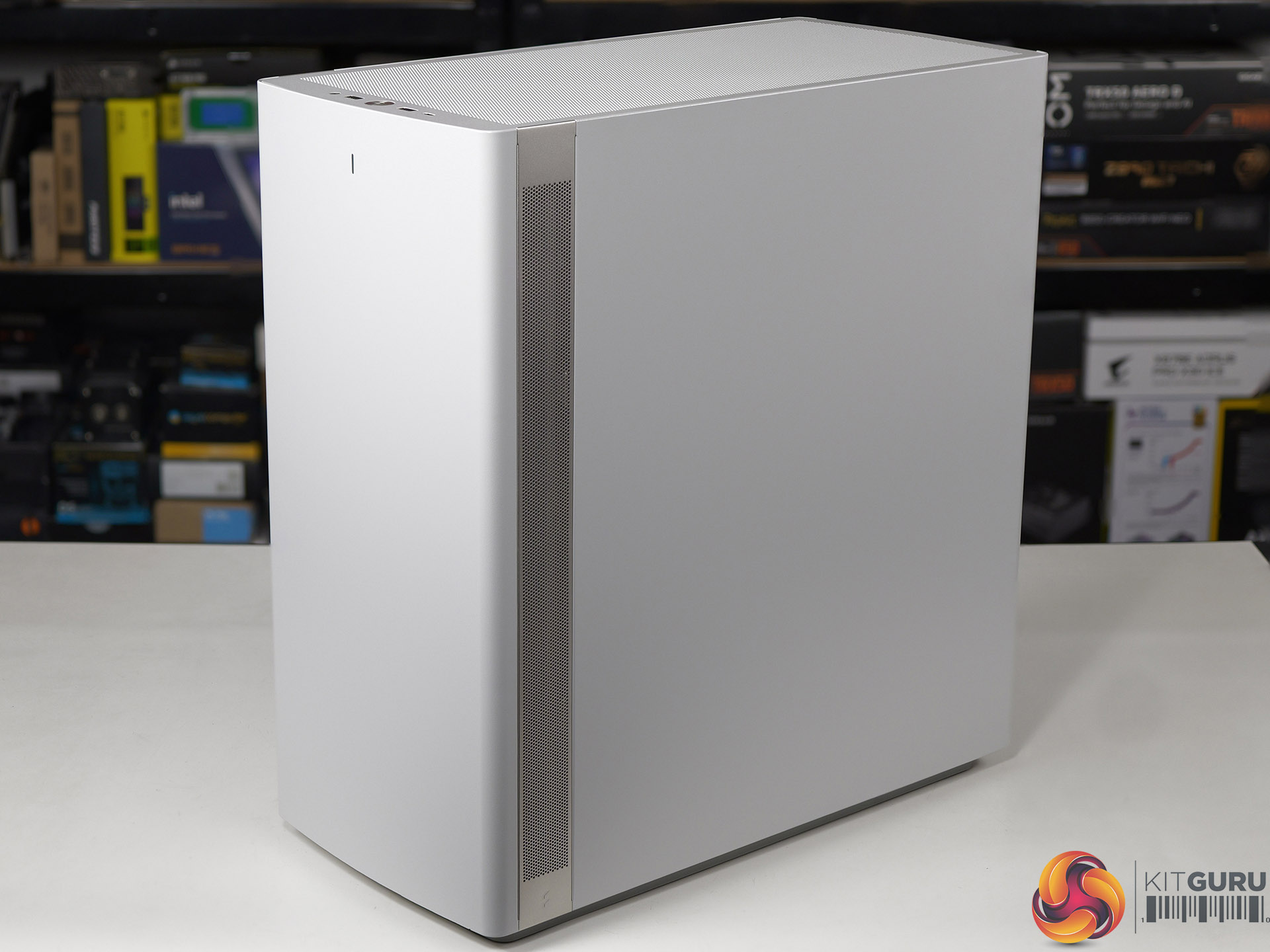
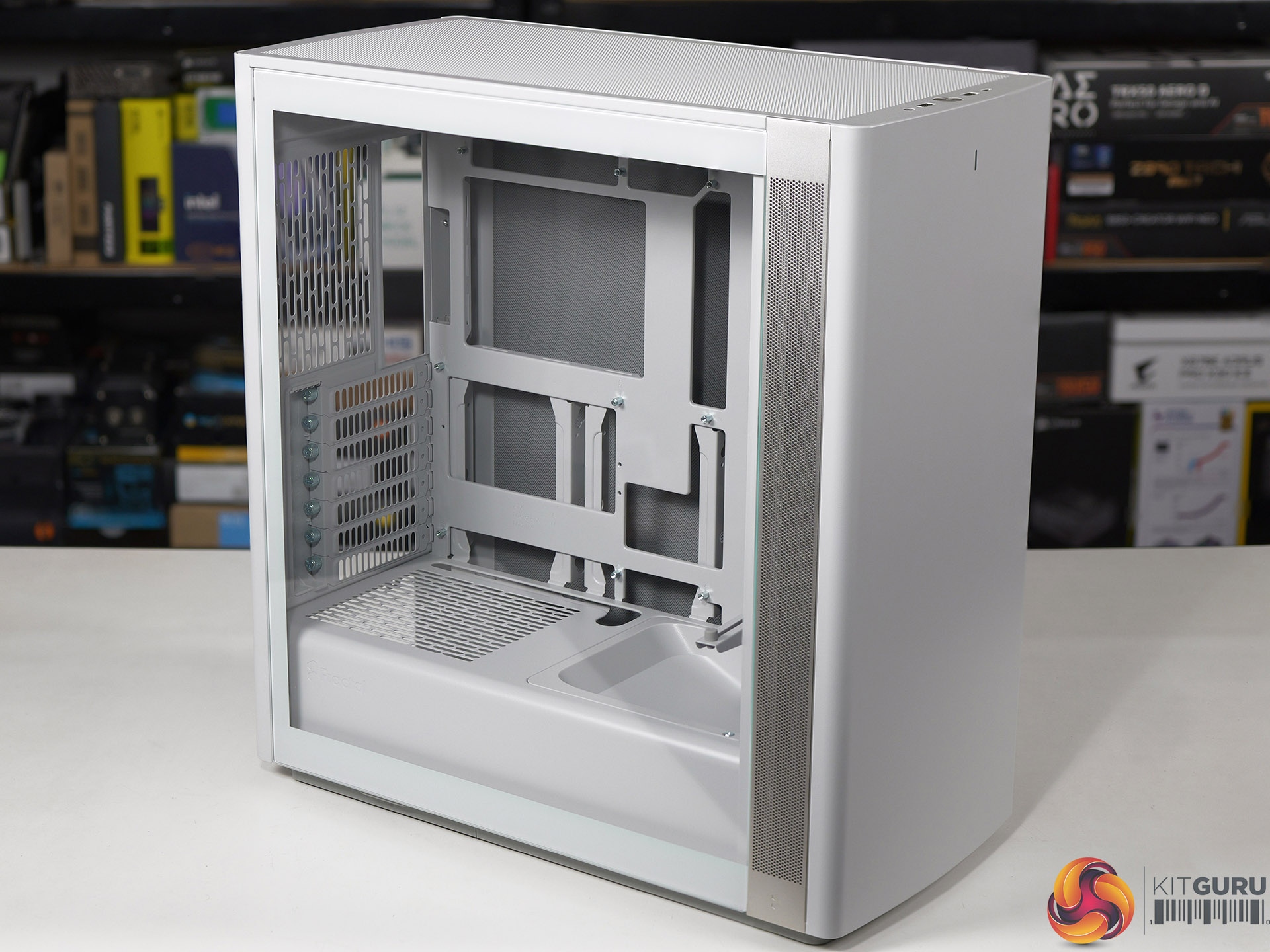
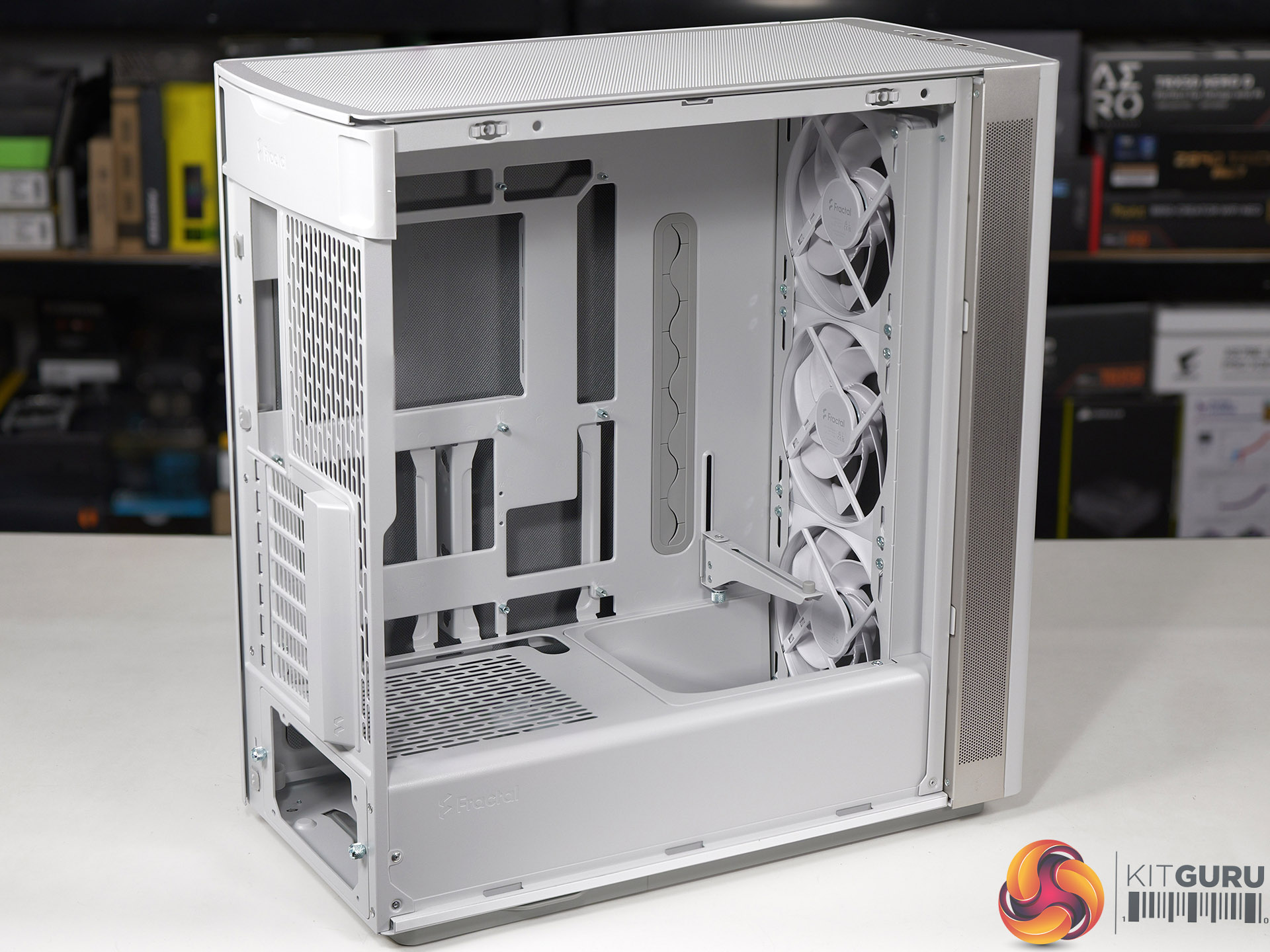
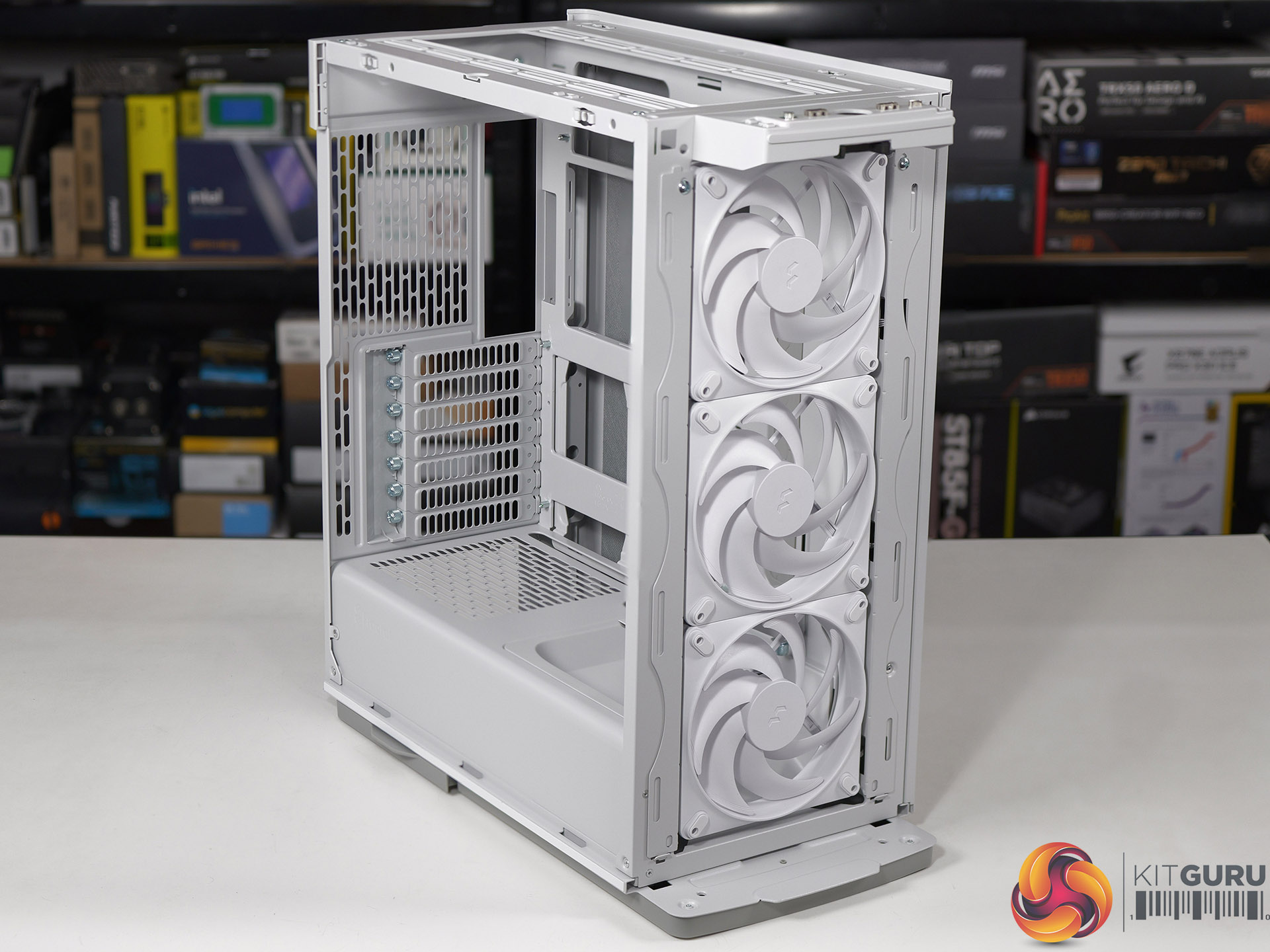
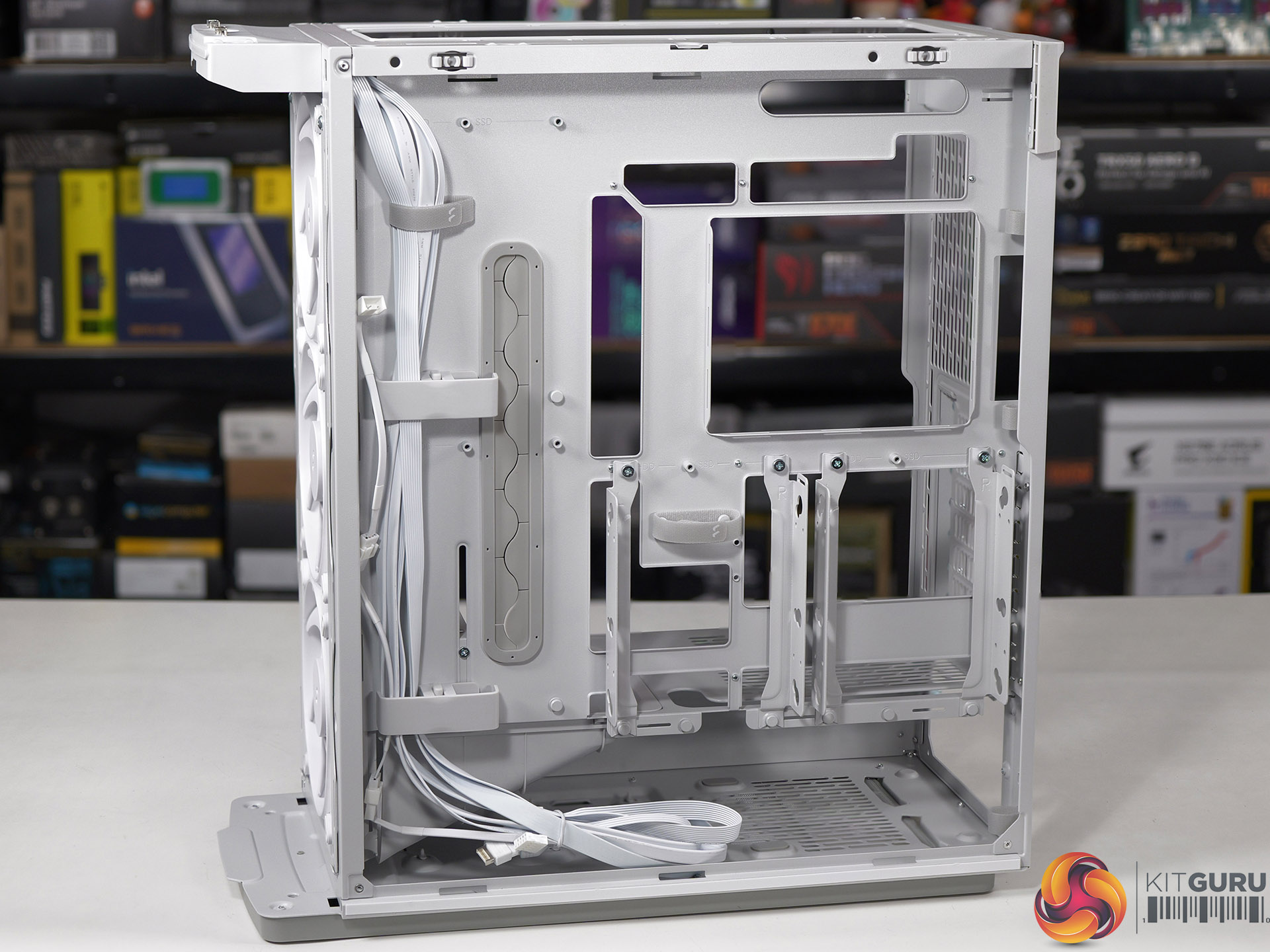
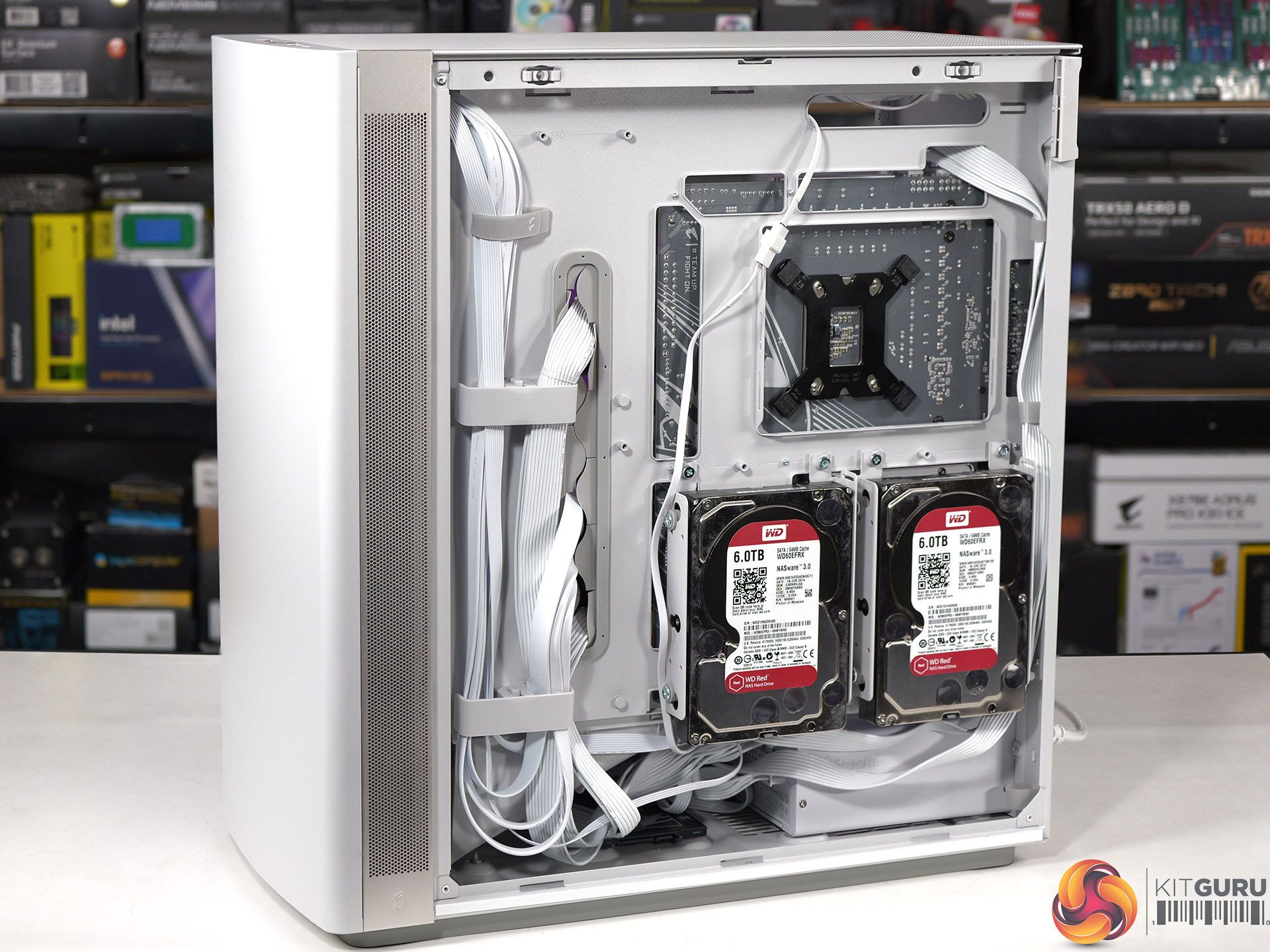
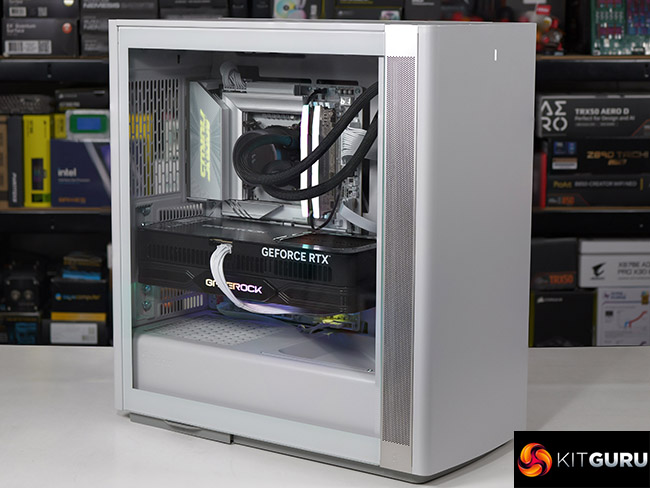
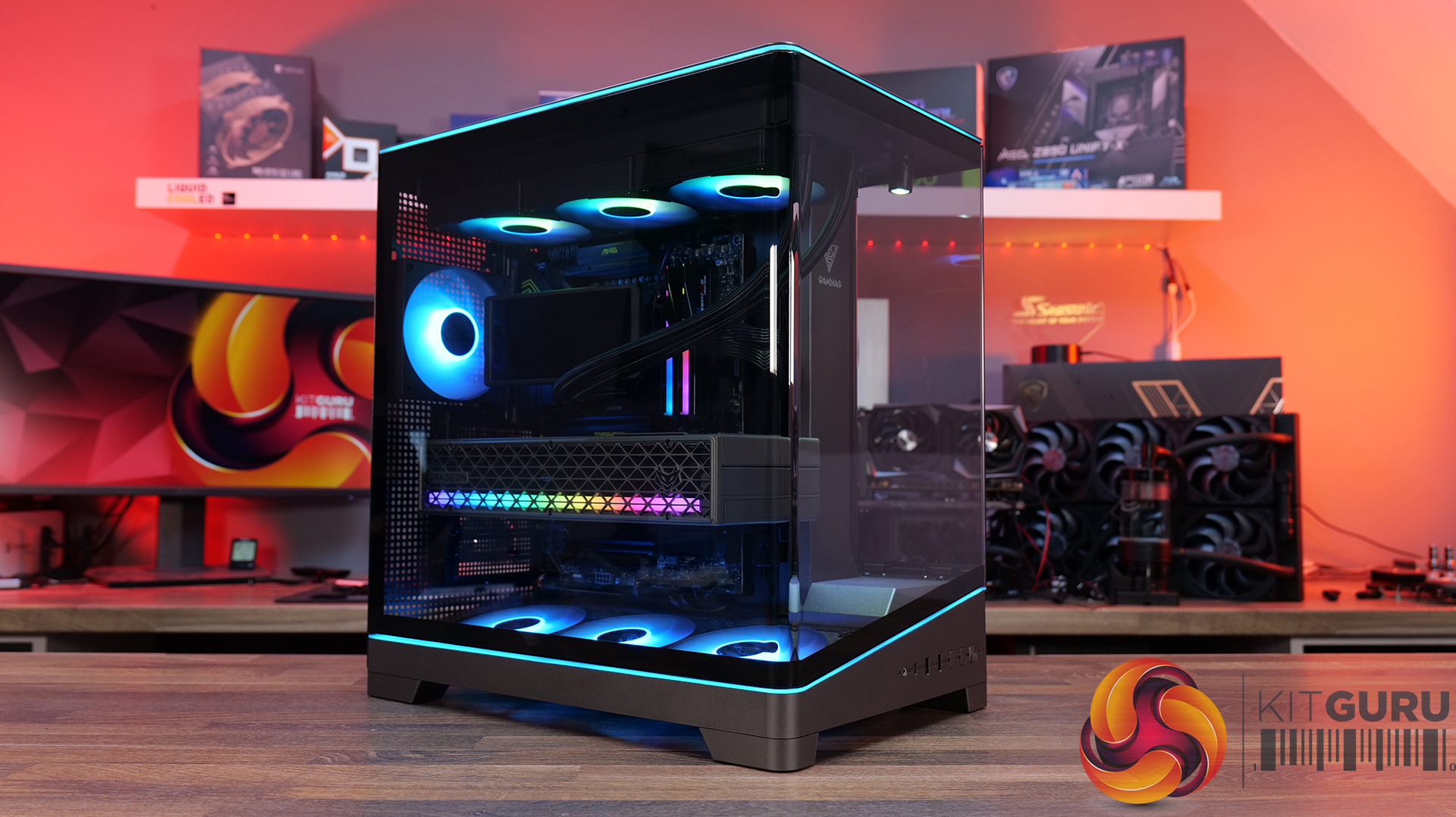
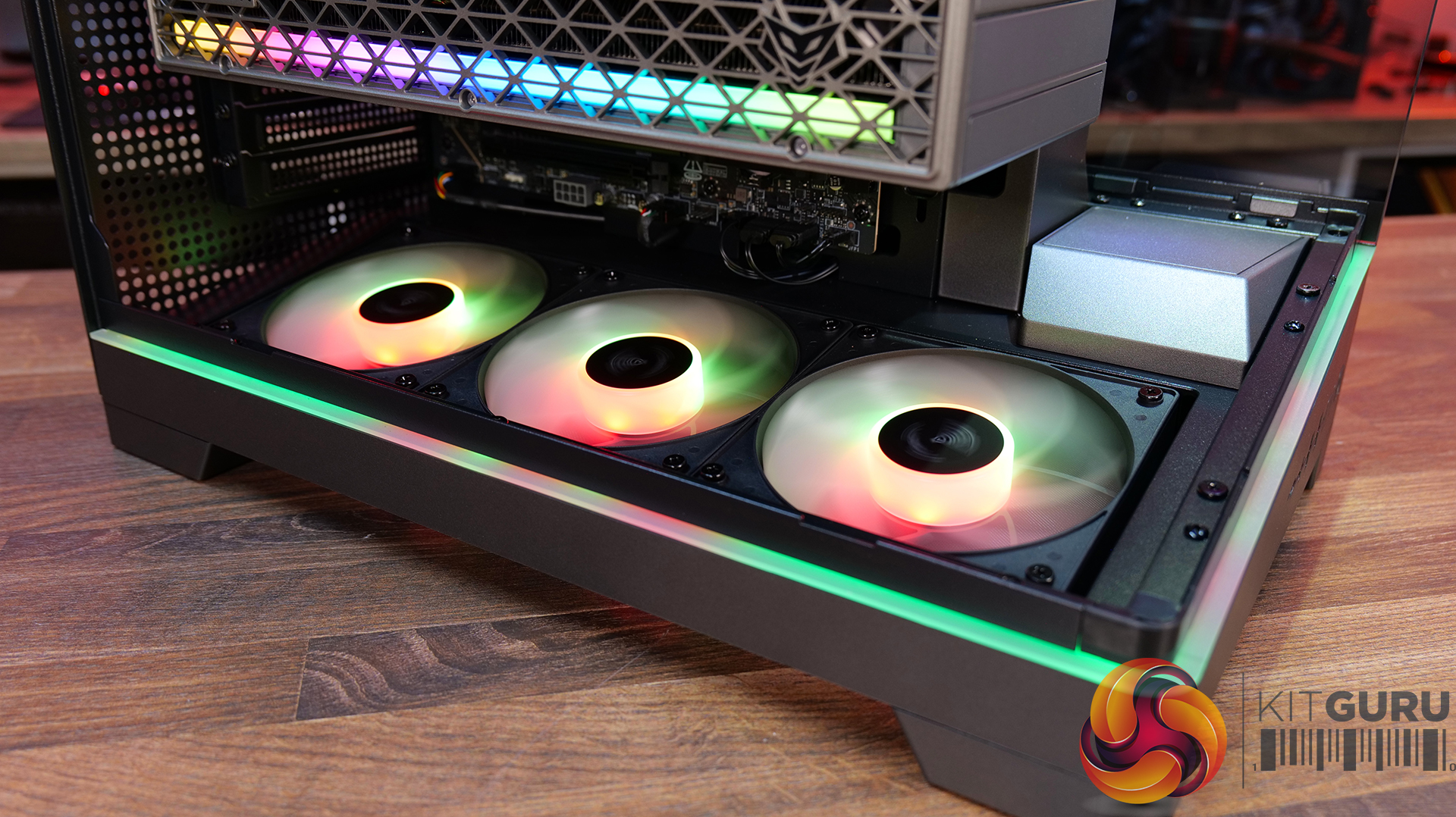
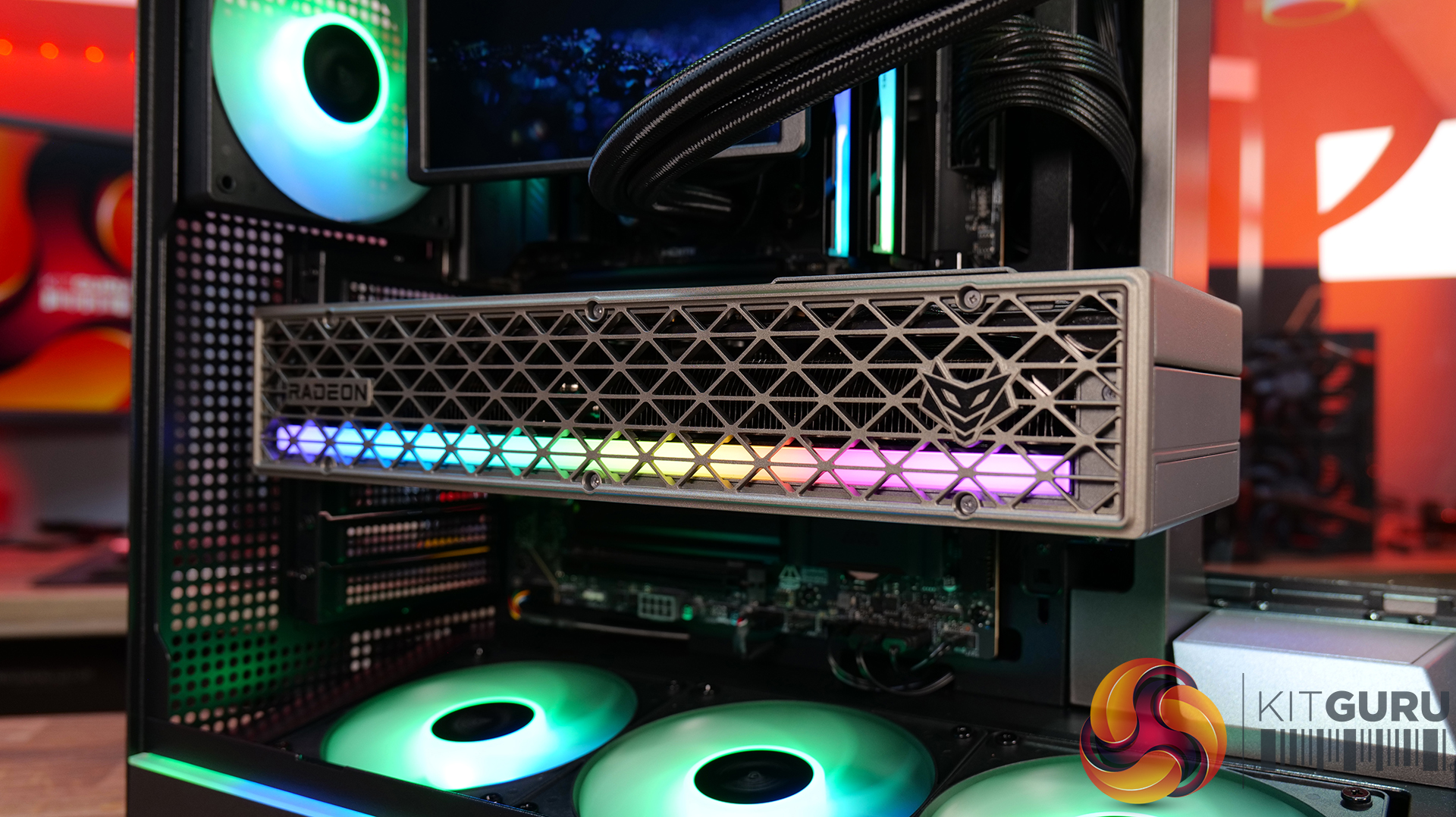
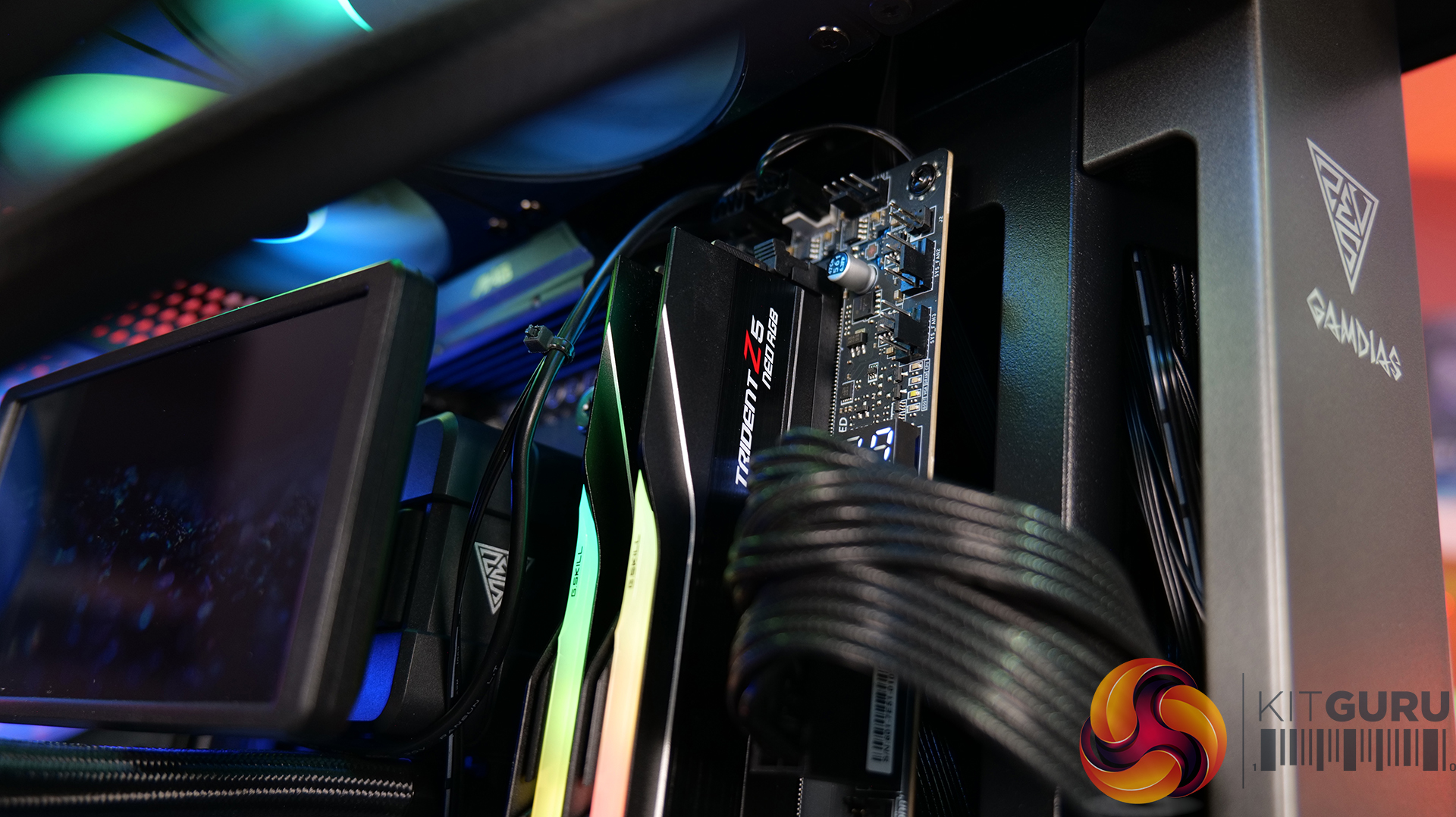
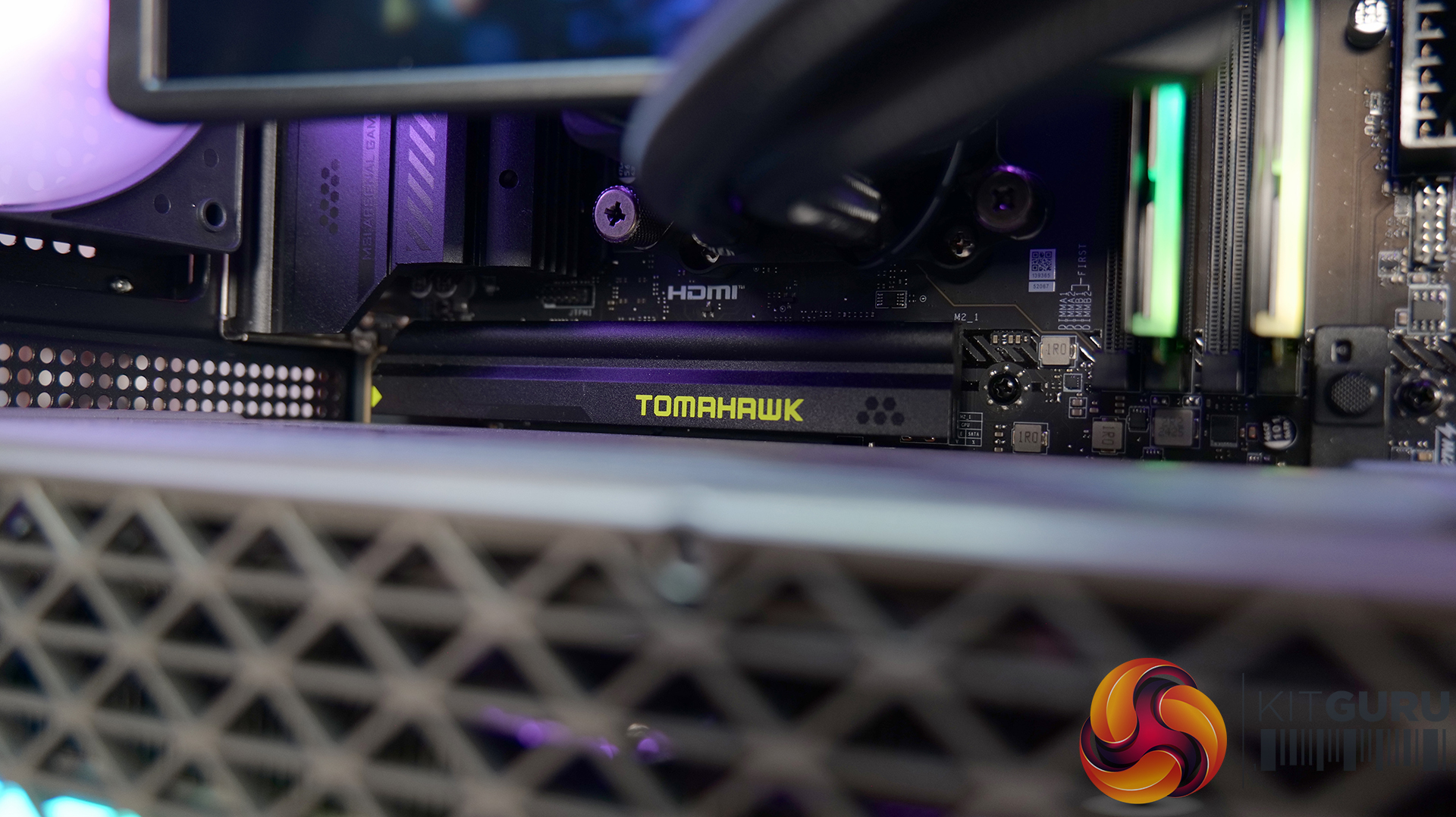
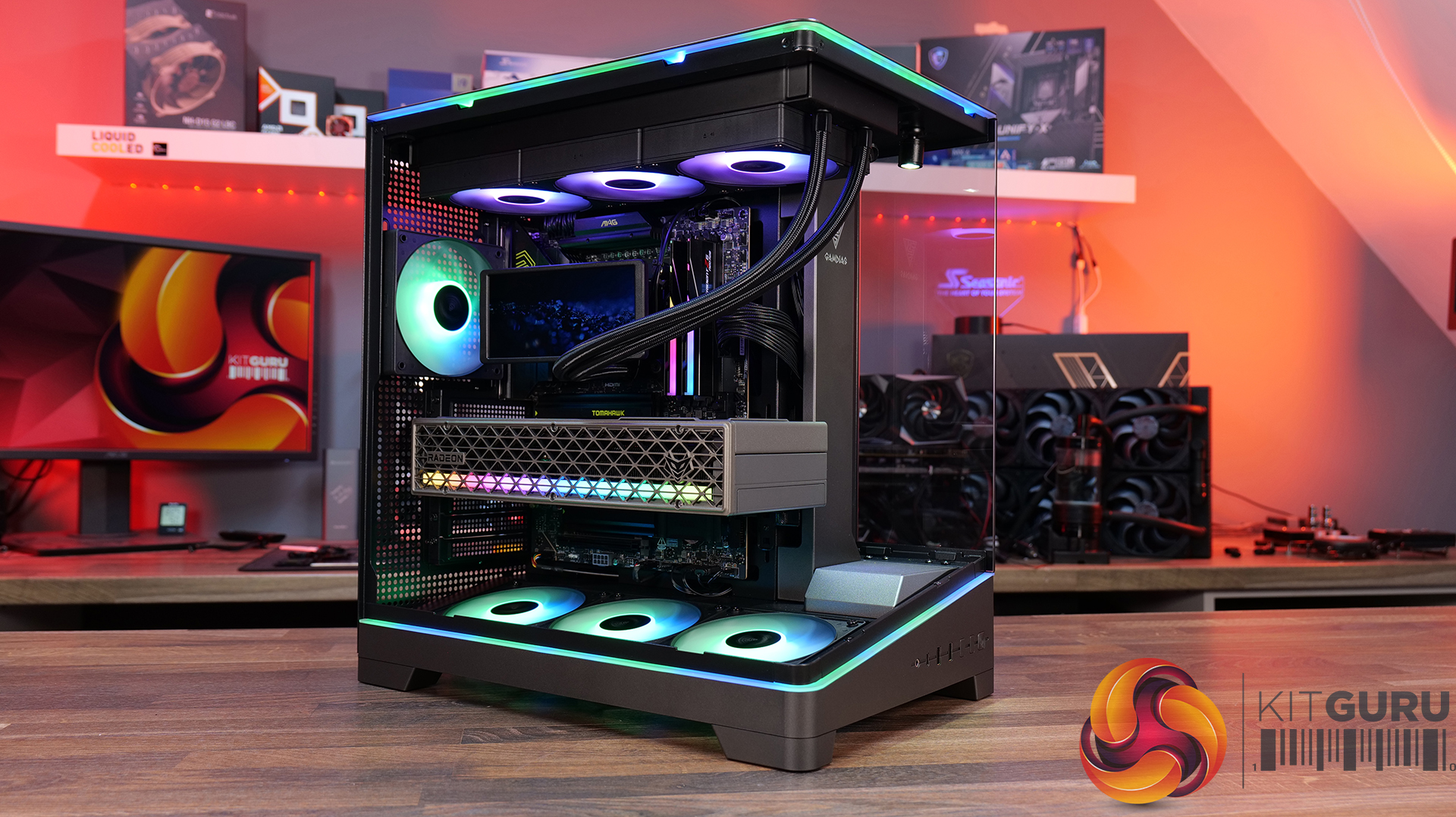
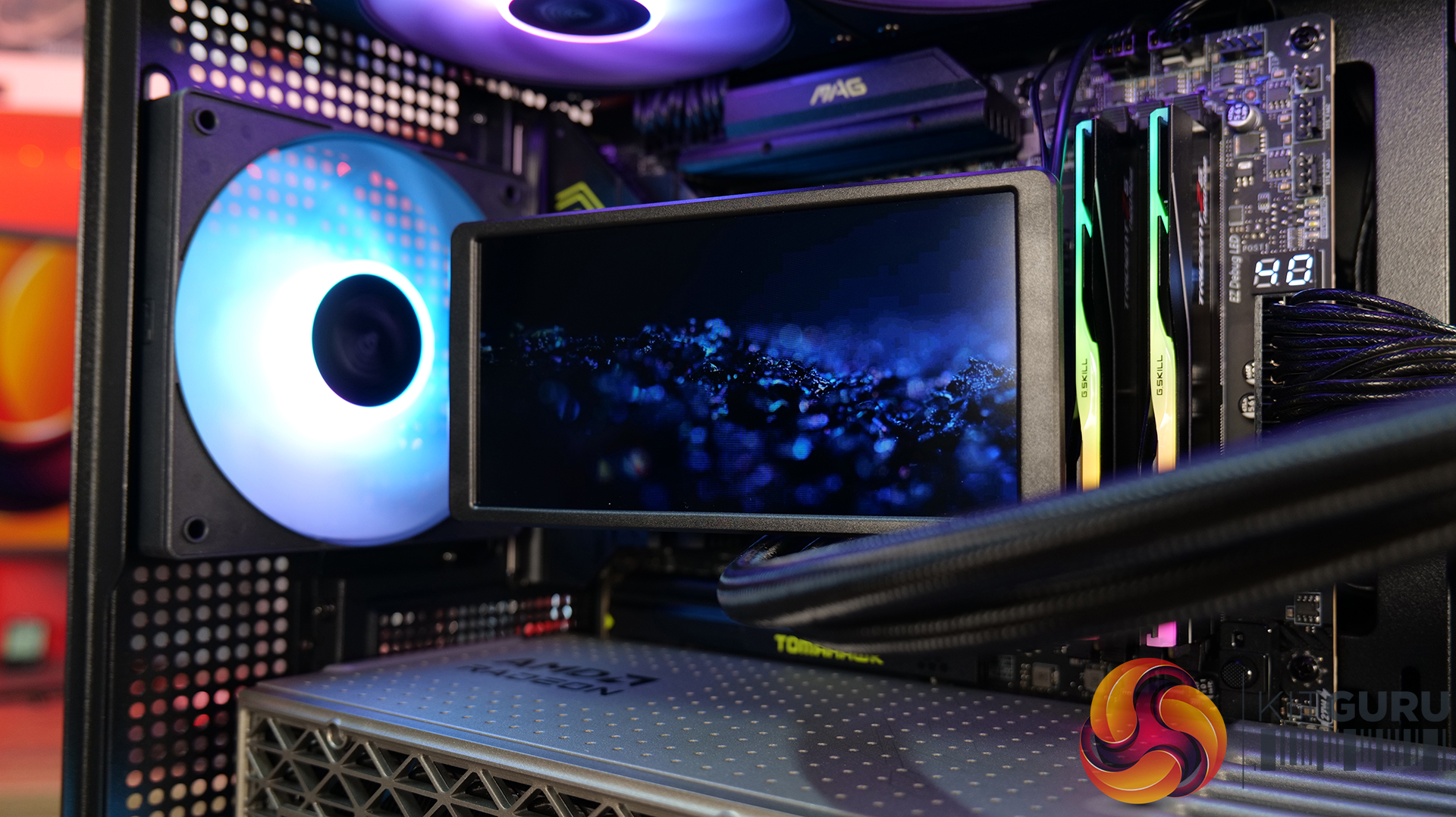
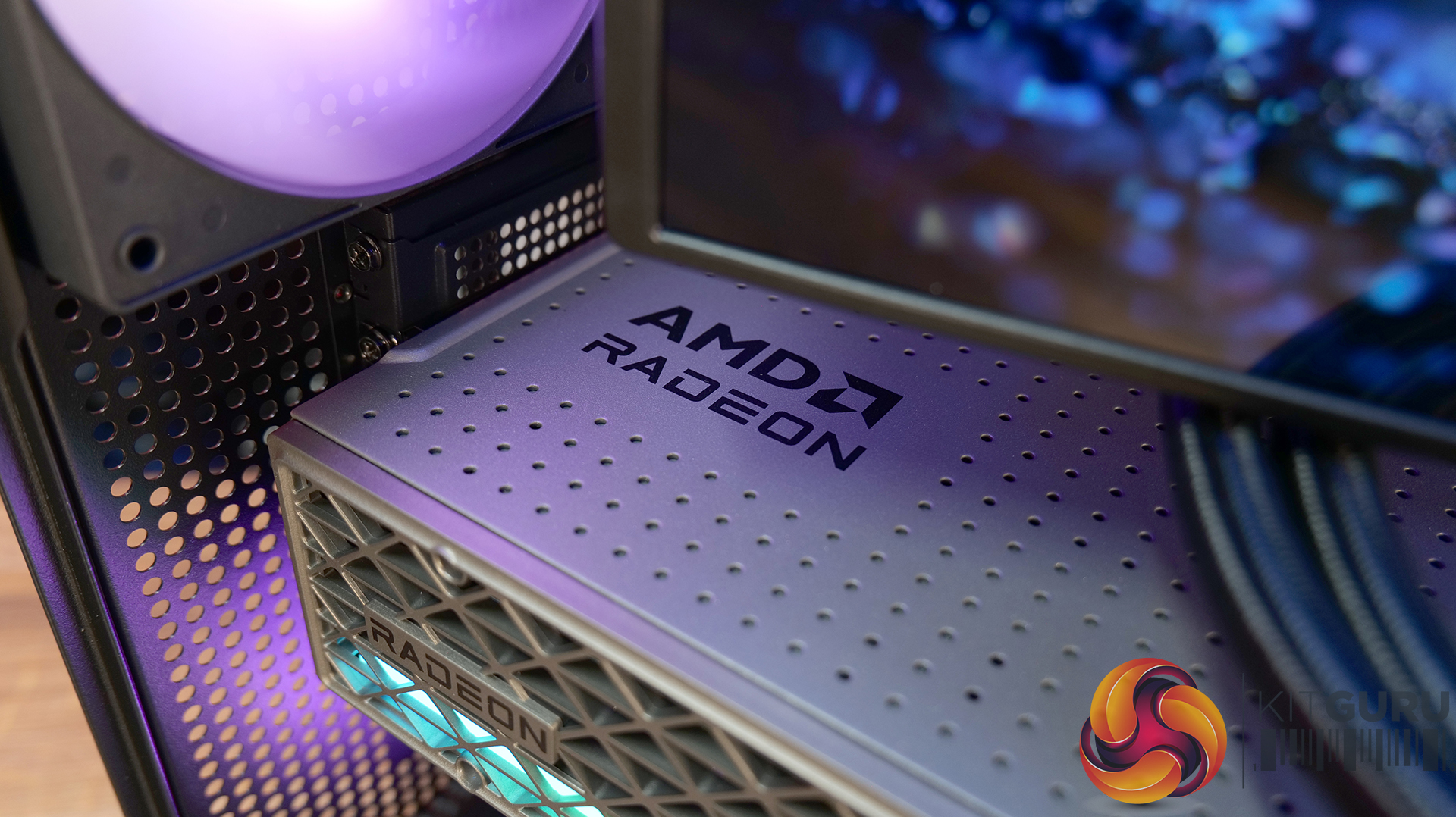
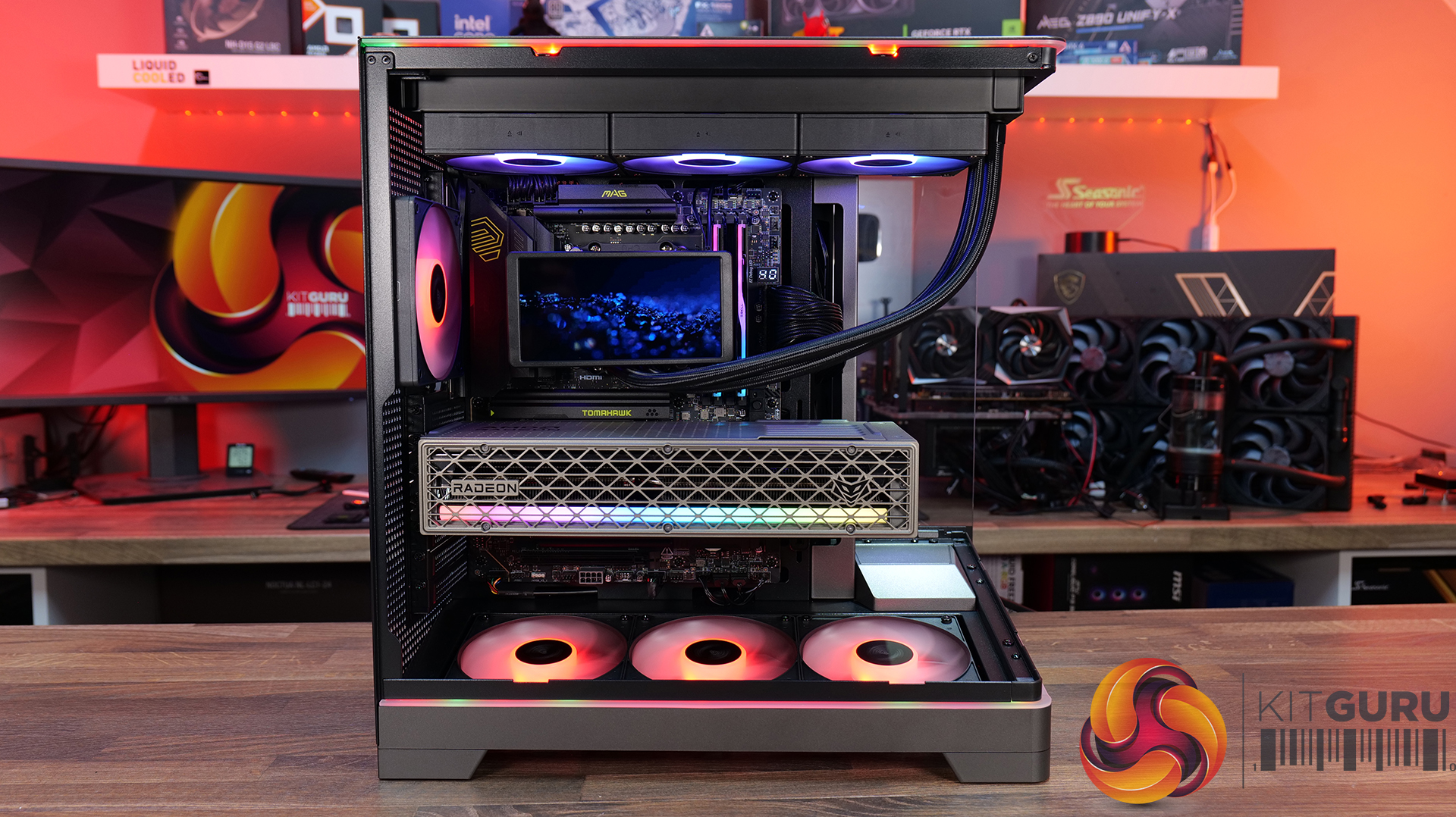
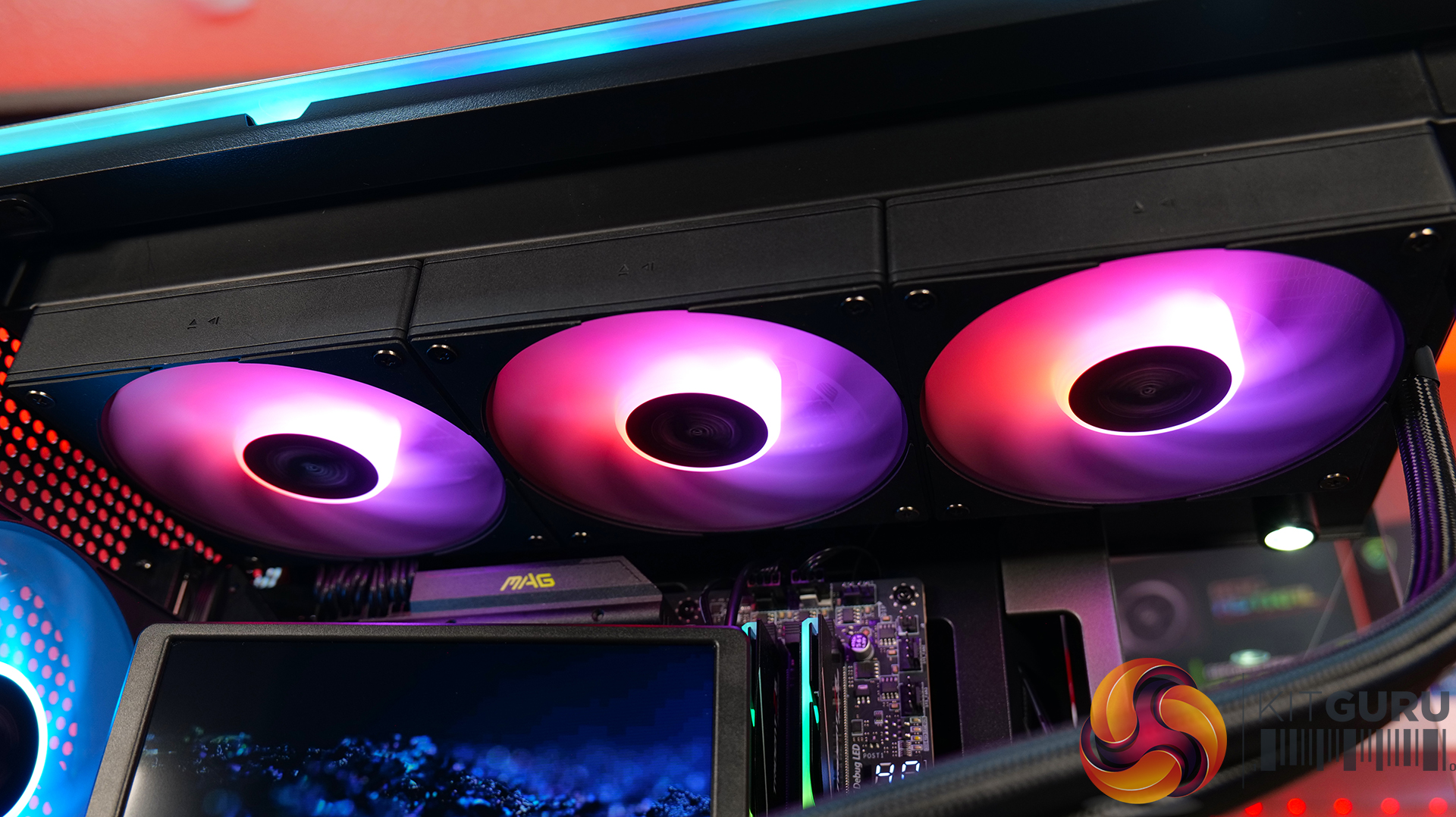
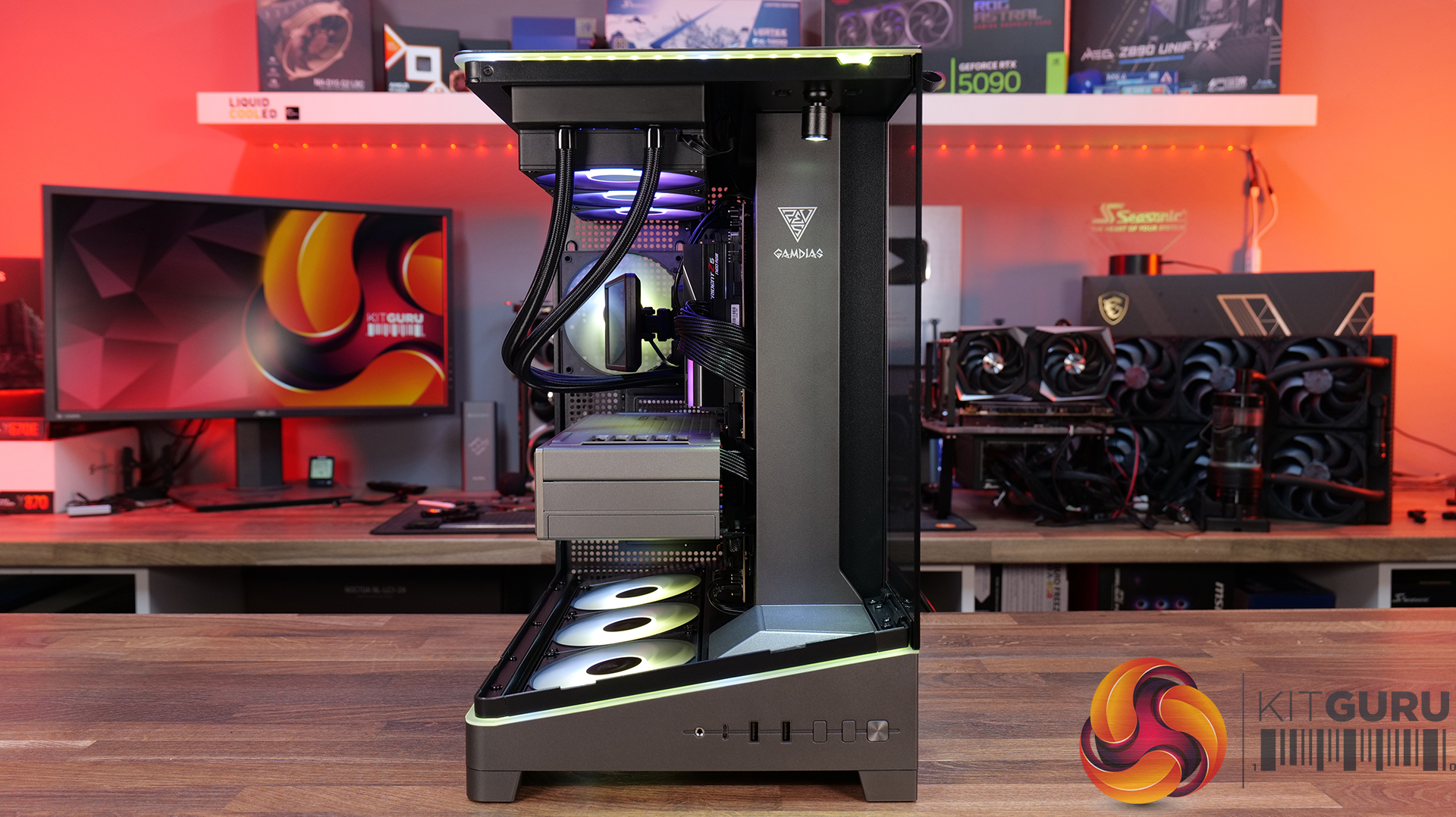
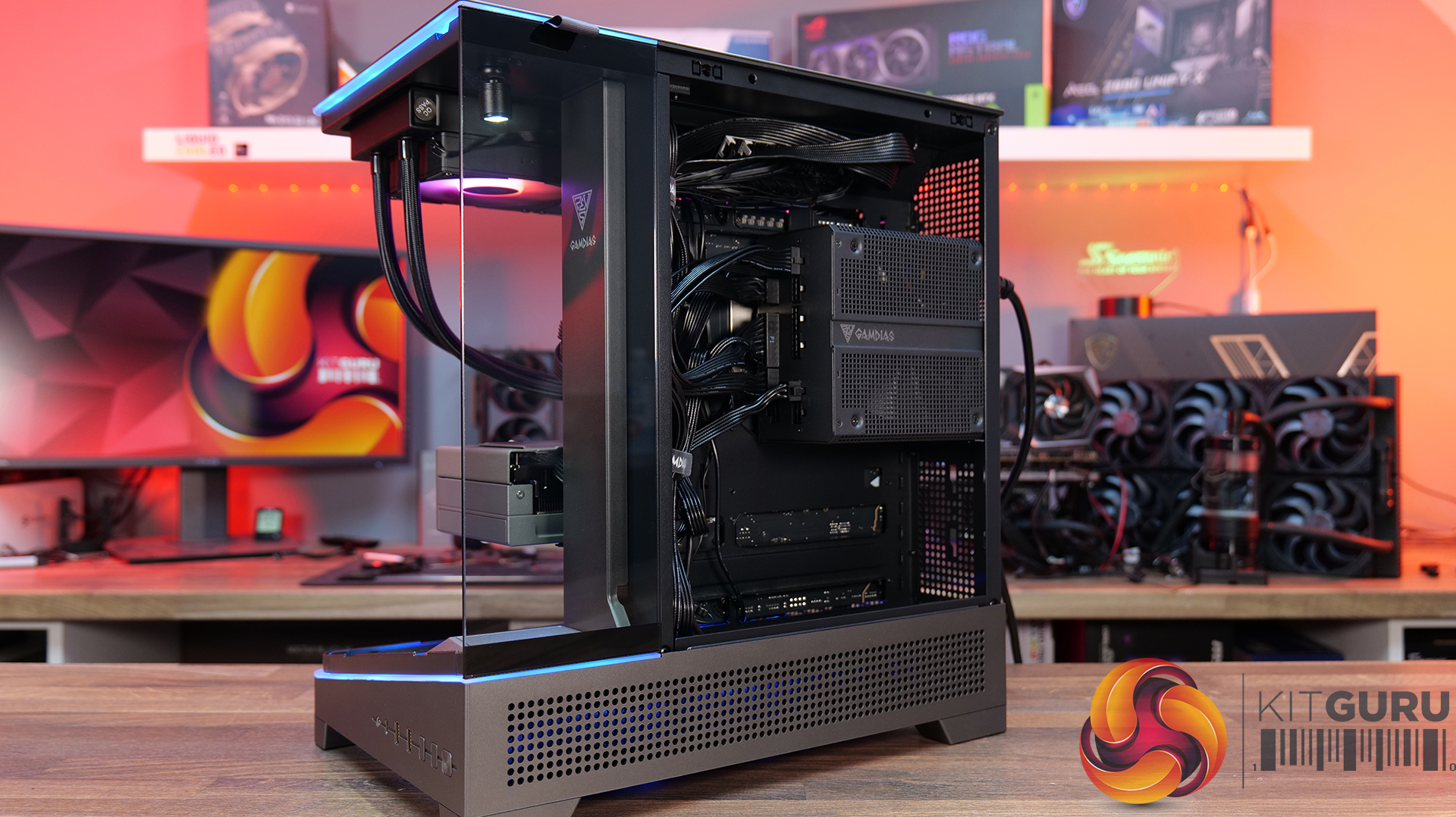
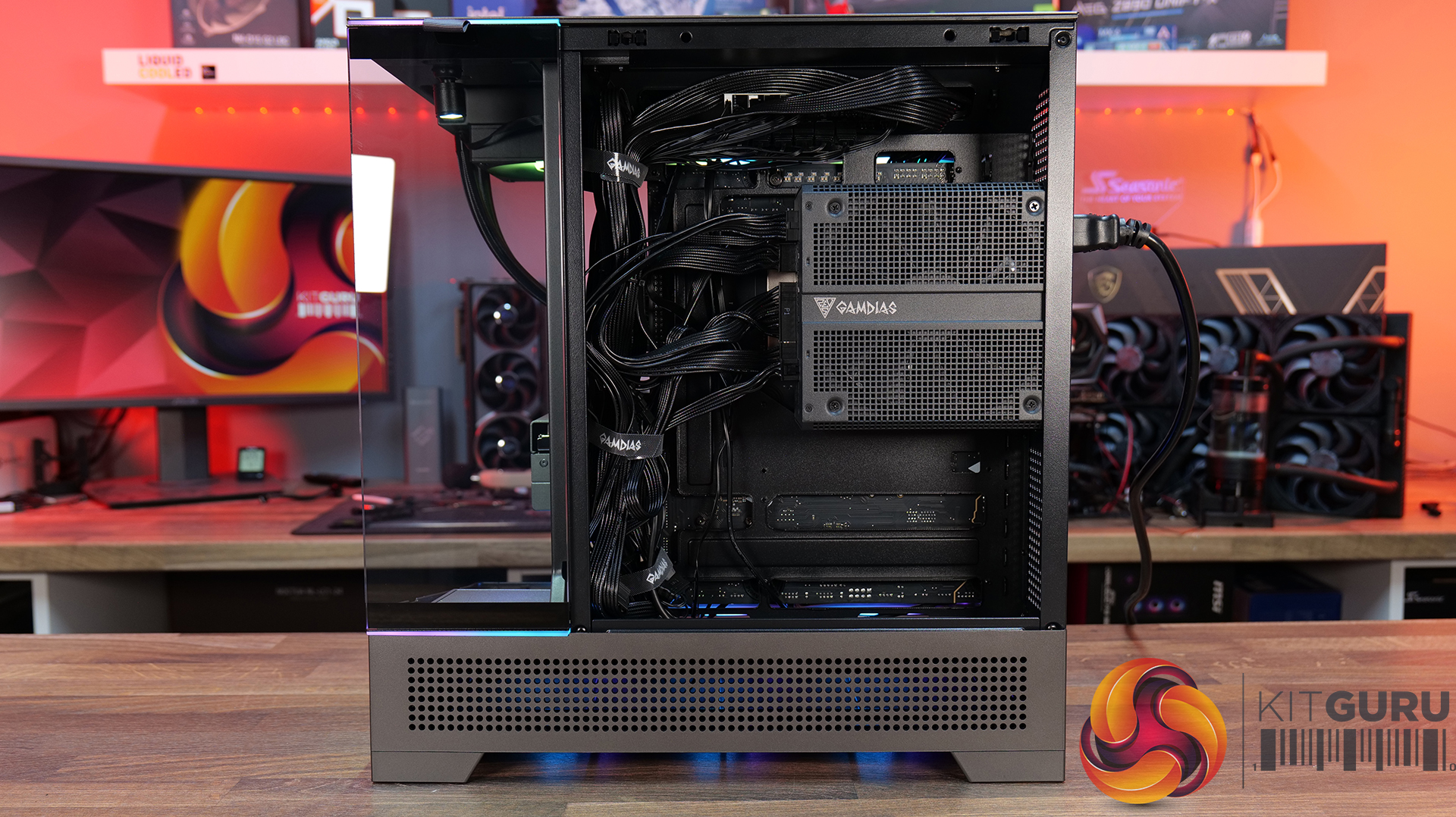
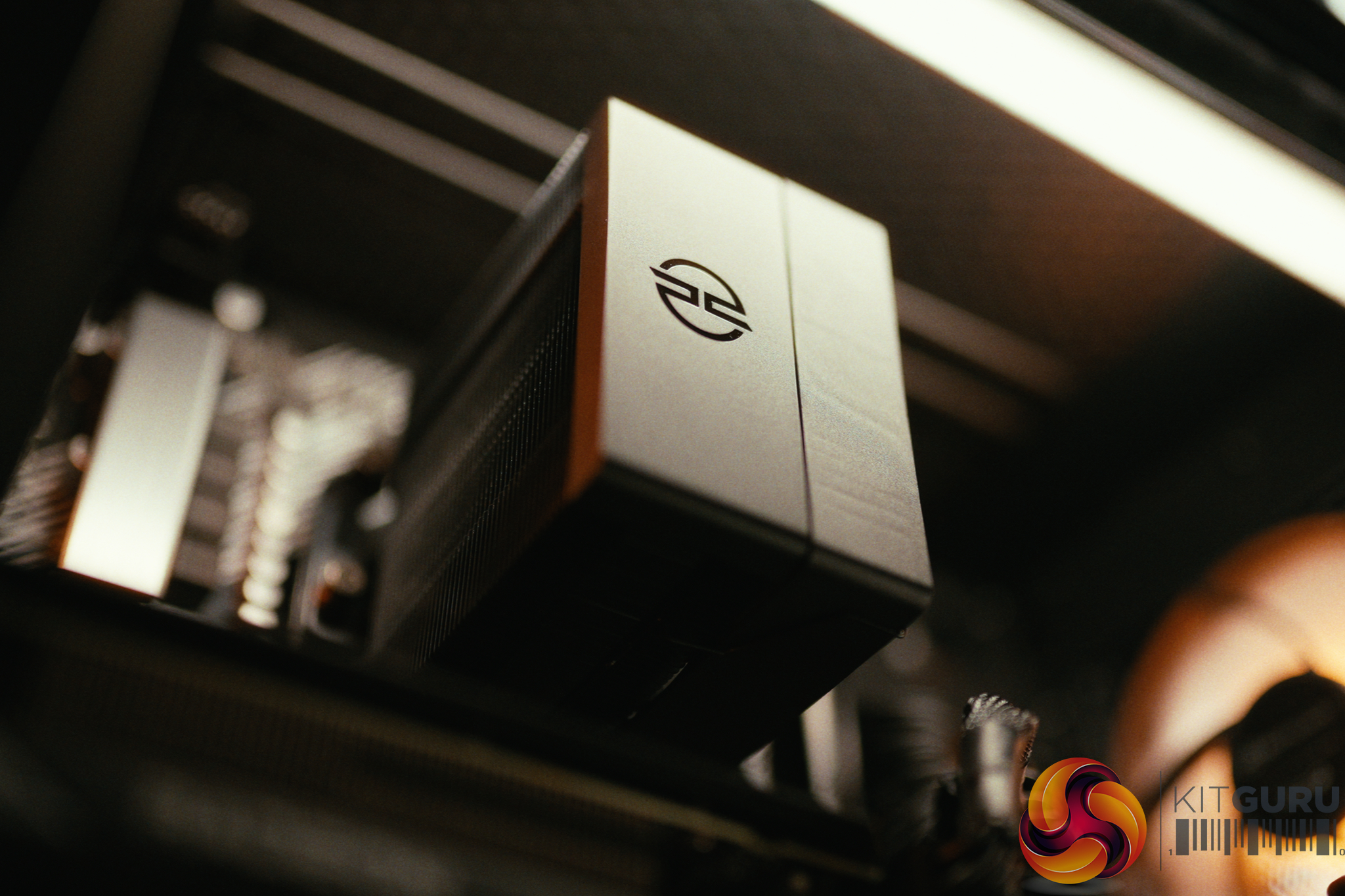
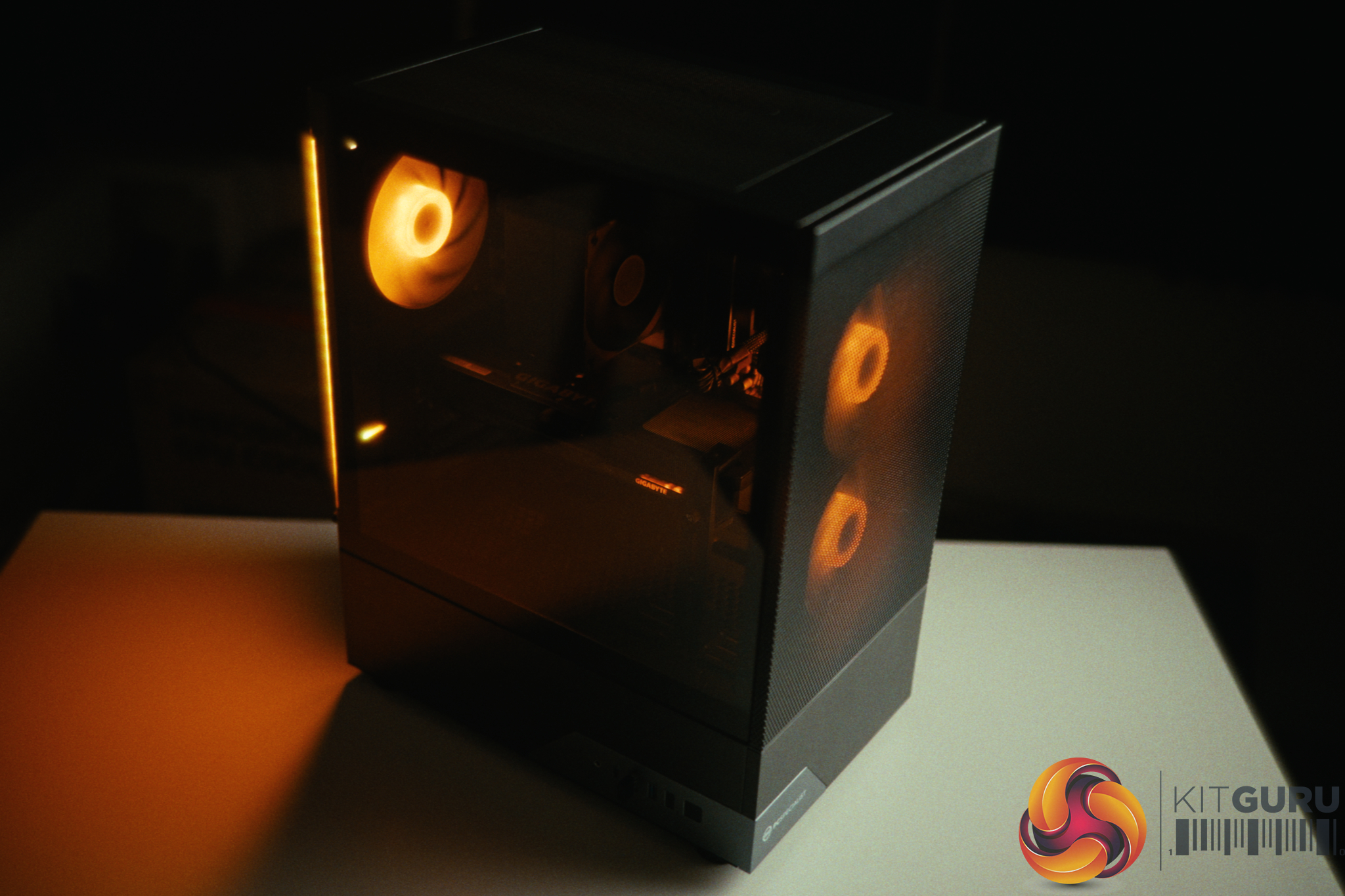
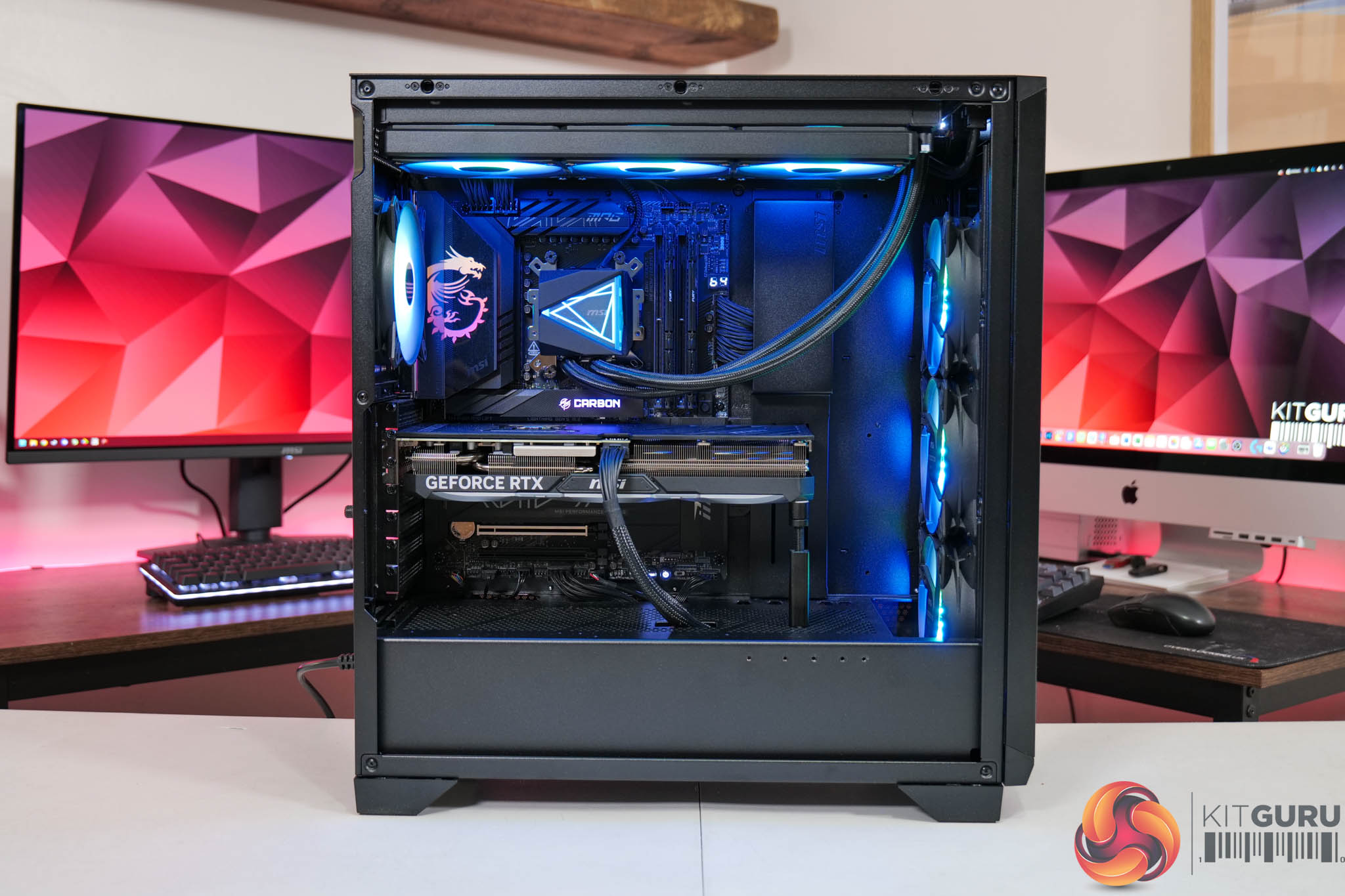
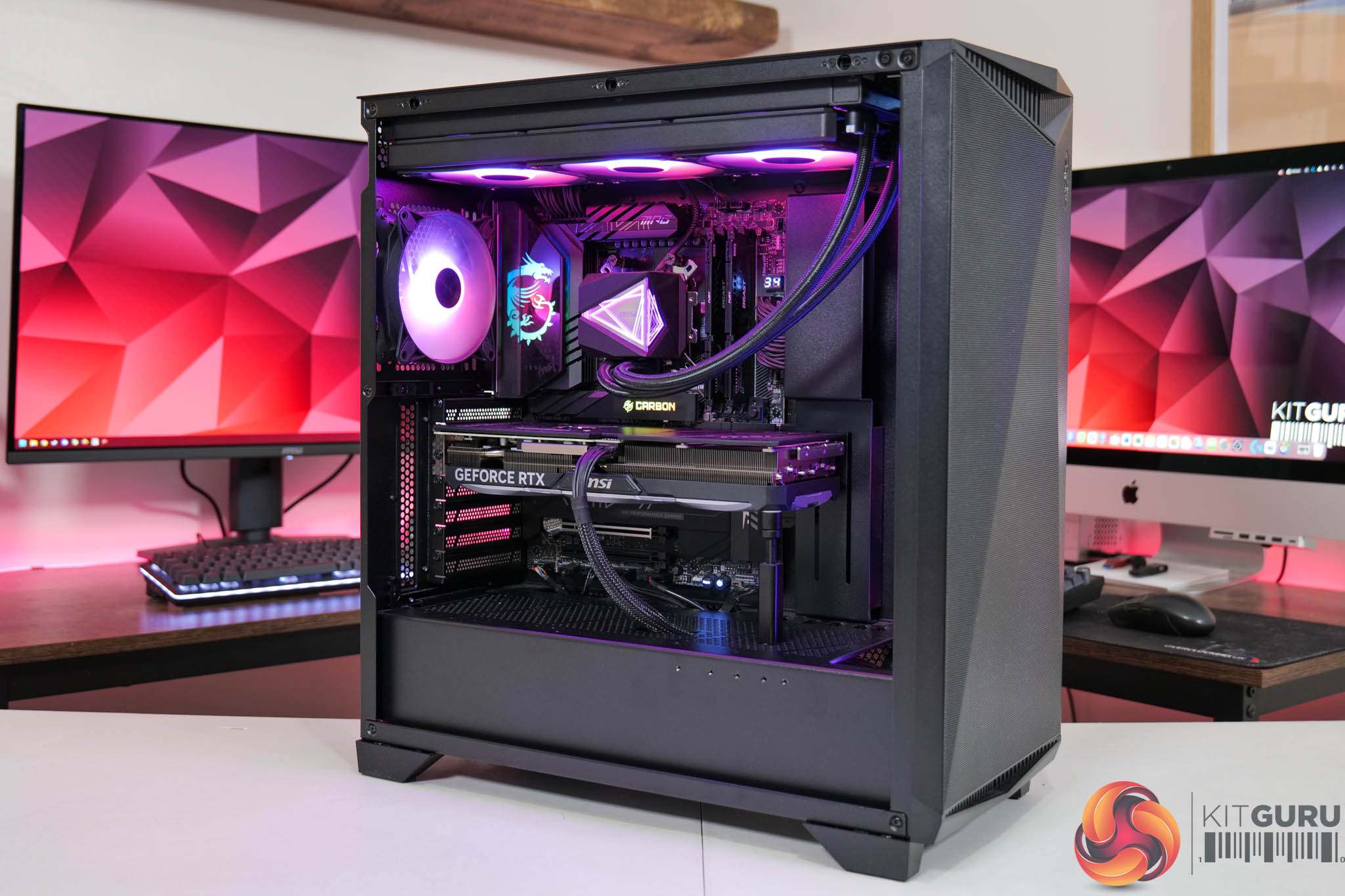
Antec gave the Flux Rear an unusual name, however there is solid thinking behind the decision. F-LUX is an abbreviation of Flow Luxury and the major feature of this case are the five PWM fans that come with the package. The three 140mm PWM ARGB fans are easy to spot, but the two 120mm PWM Reverse fans in the power supply shroud are less obvious.
Timestamps
00:00 Introduction
00:53 A look inside / Cooling support
03:27 Flip side / Cable Management
04:16 Building a Test PC
06:05 Smoke Air Flow Testing
06:46 Testing Methodology
07:02 Noise and Temperature Testing
08:17 Closing Thoughts
Main features
Flow Luxury: F-LUX Platform, abbreviation of Flow Luxury, features ultra case structure design for excellent airflow and 5 fans included, delivering enhanced GPU cooling performance.
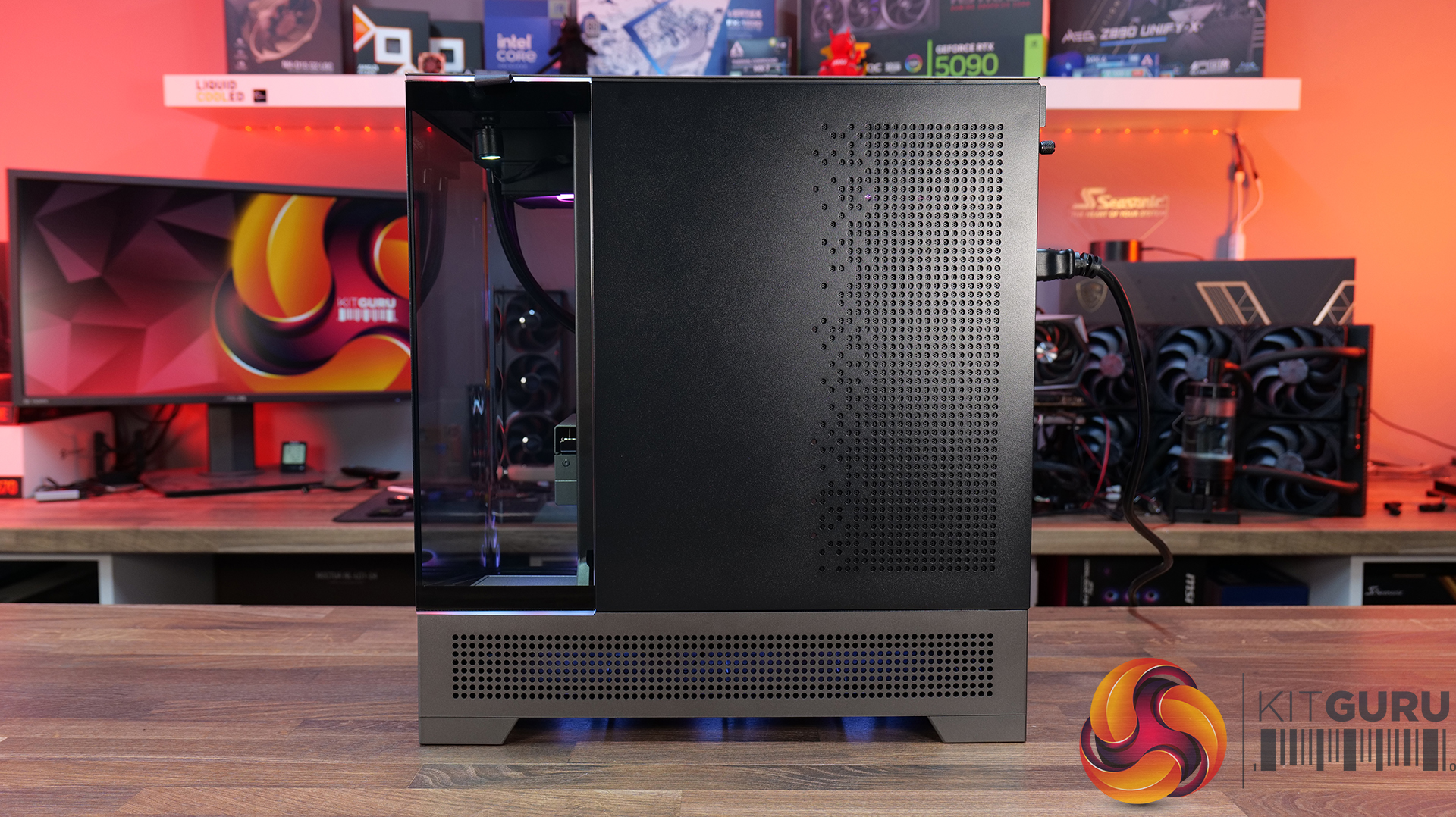
Flux Airflow: Multi-directional vent design, featuring extensive air intakes at the bottom, power supply chamber and lower sides, along with top vents and large-area mesh at the front, creating a dedicated Antec Flux airflow channel.
Flux Vertical Cooling: Designed with a front-mounted PSU chamber, this layout opens up space for improved airflow at the bottom of the case, enhancing heat dissipation around the graphics card.
Flux Horizontal Cooling: Air intake via the front mesh provides a smooth venting channel throughout the case.
Optimised Chassis Design: The recessed front design enhances airflow while minimising noise for better thermal and acoustic performance.
Supports 360mm water cooling at the top
Supports 140mm rear fan installation with radiator thickness ≤ 55mm.
Supports 120mm rear fan installation with radiator thickness between 55–70mm.
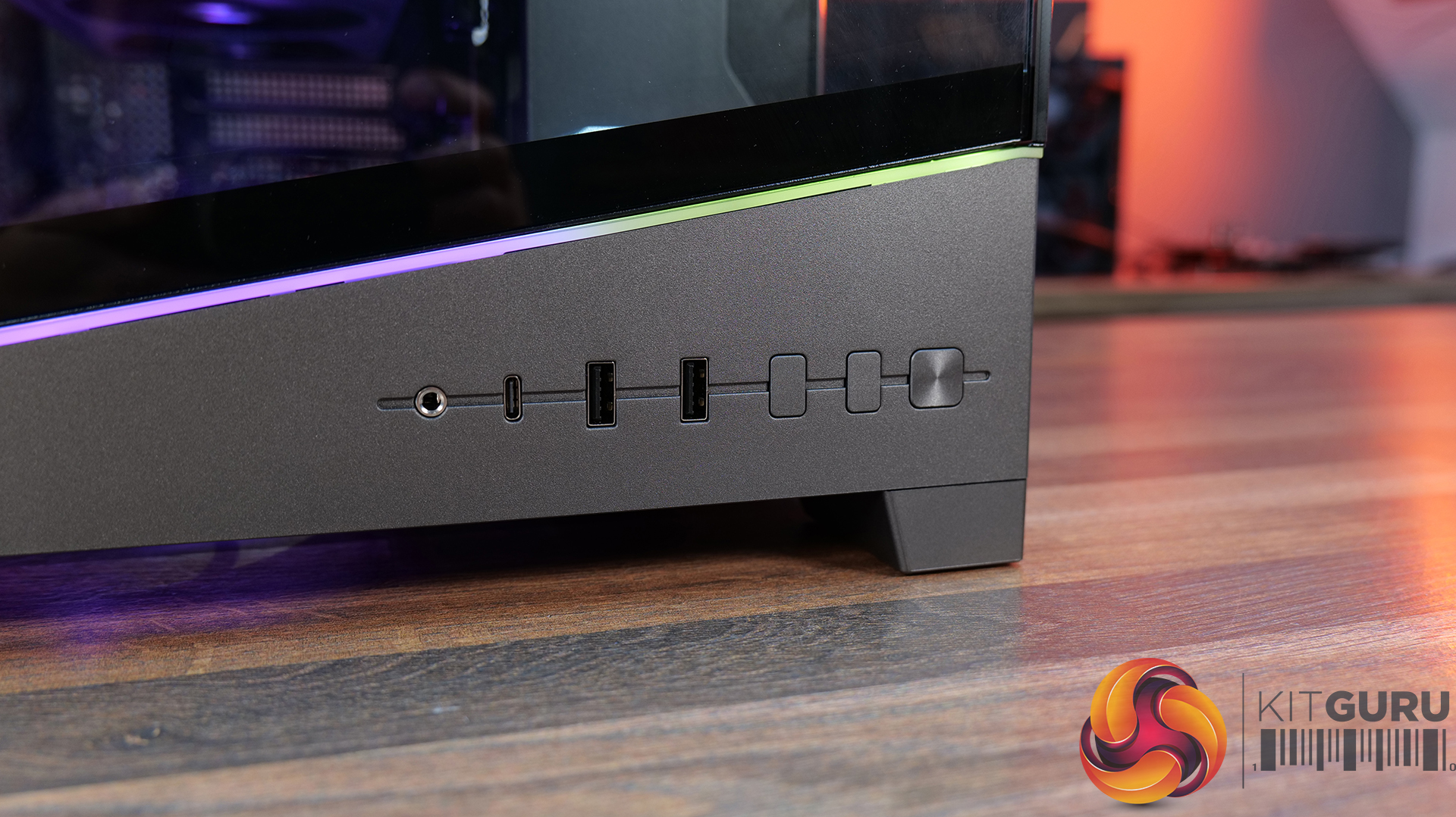
Front I/O ports: 2x USB 3.0 Type-A, 1x USB 3.2 Gen 2 Type-C, audio.
Dimensions: 460mm H x 460mm D x 240mm W.
Testing
To put this case through its cooling paces we will be using a test system consisting of an AMD Ryzen 7 9850X3D, Palit RTX 5080 and an SSD. This system allows us to produce a substantial amount of heat and effectively test the Antec Flux Rear's cooling capabilities.
The Antec Flux Rear did a decent job in our testing but it got noticeably louder as the fan speed increased. We found the best approach was to leave the fans running at a slow speed which meant the case performed well without causing any annoyance.
Closing Thoughts
It is relatively easy to review a case that is either excellent or appalling, but much tougher to deliver a verdict on a case that is fairly average. The Antec Flux Rear falls into that category as it has a reasonable specification and does a decent job but fails to leave a lasting impression.
We welcome the fact that the Flux Rear is supplied with five fans so all you need is a CPU cooler to complete the job. If Antec could have done something – anything – to make the Flux Rear memorable it would perhaps have scored higher but instead we feel it is likely to be forgotten.
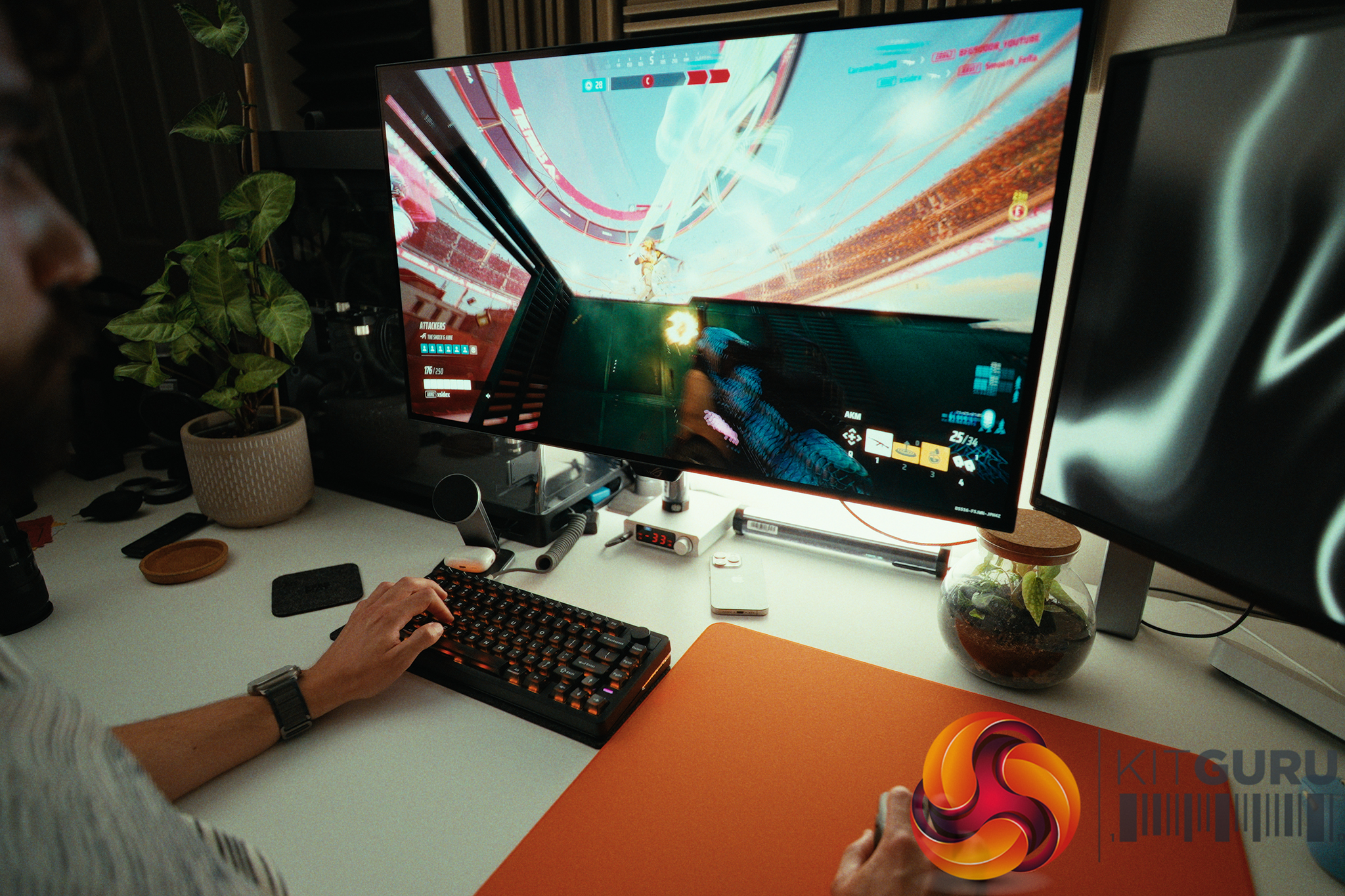
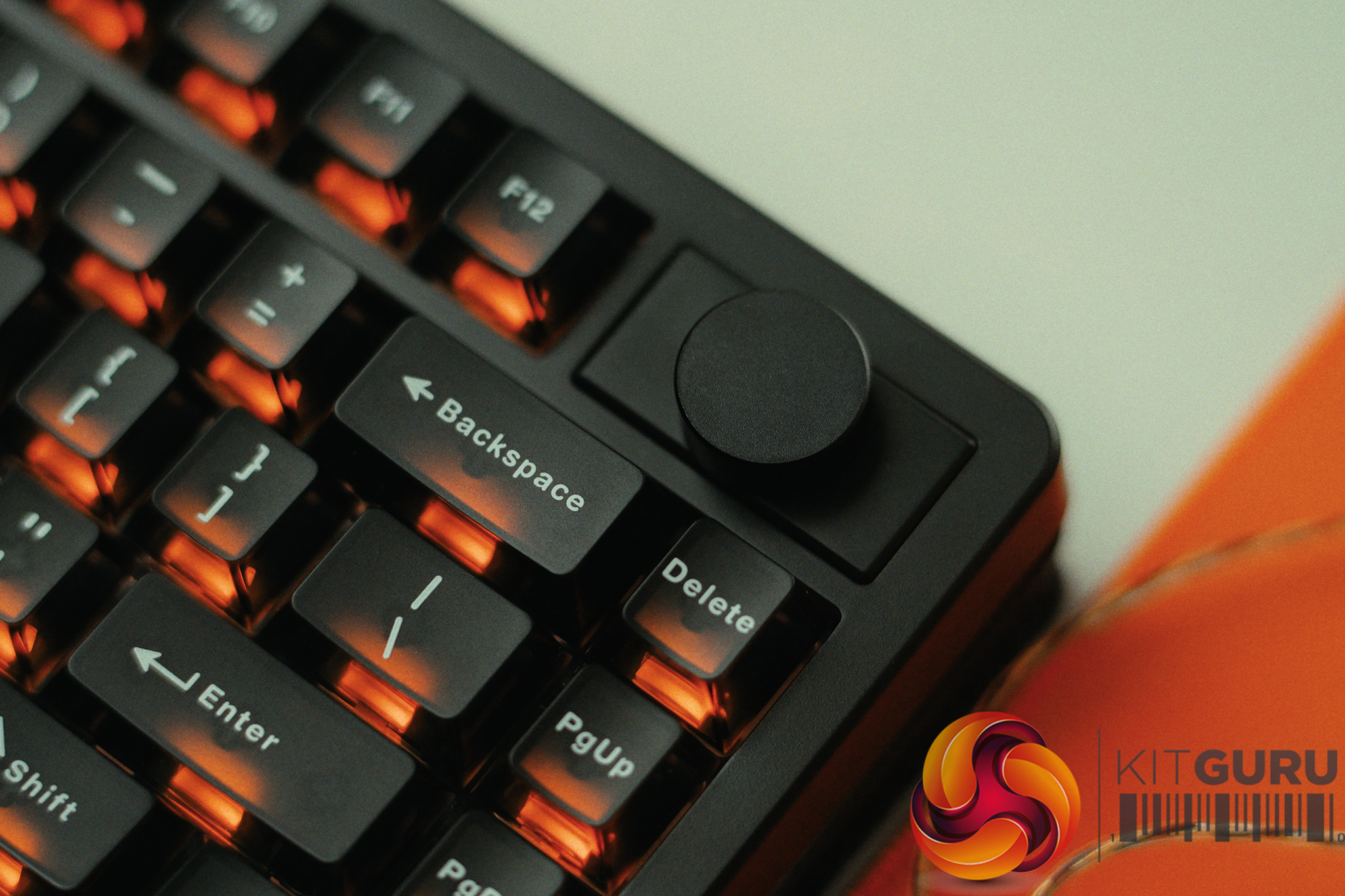
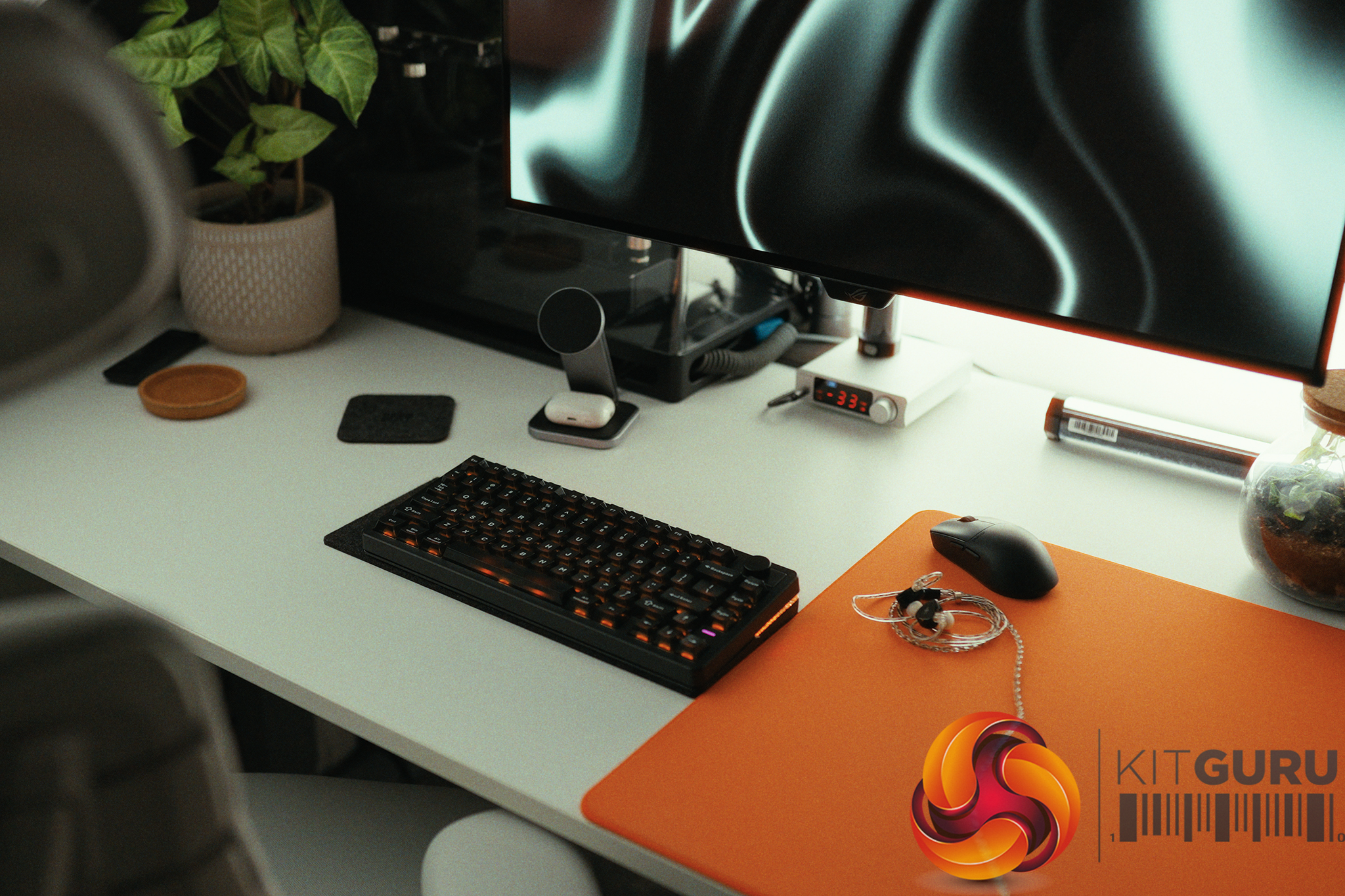
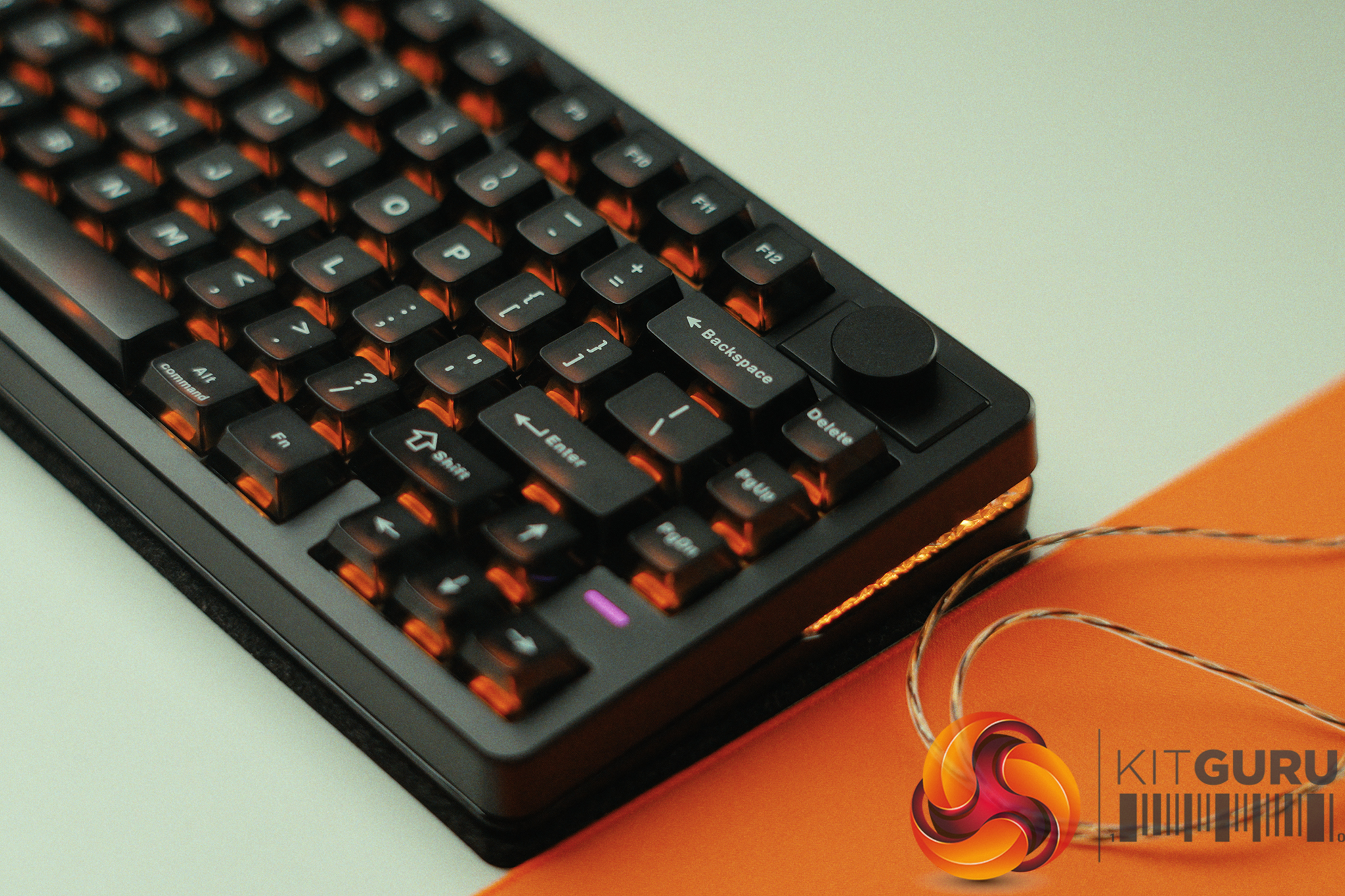
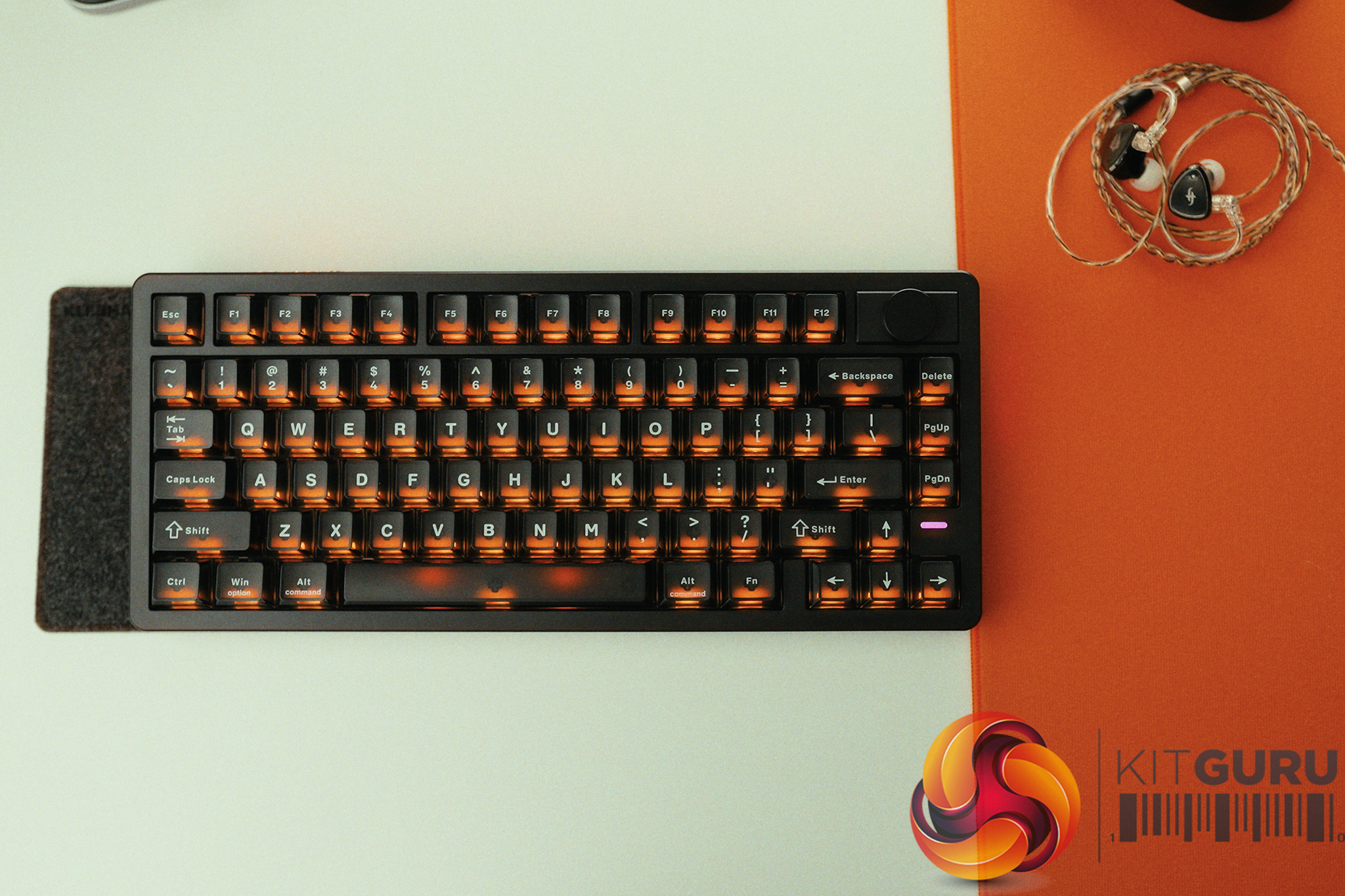
The Epomaker HE75 V2 promises the holy grail of 2026 gaming keyboard specs: a wireless, 75% layout Hall Effect board equipped with a massive 8000mAh battery, all for under £90. On paper, it looks like an incredible budget powerhouse poised to challenge keyboards twice its price. But does the real-world user experience actually live up to the impressive physical hardware, or are there frustrating compromises hiding beneath the surface?
Switches: EPOMAKER Creamy Jade HE Switches (Hall Effect).
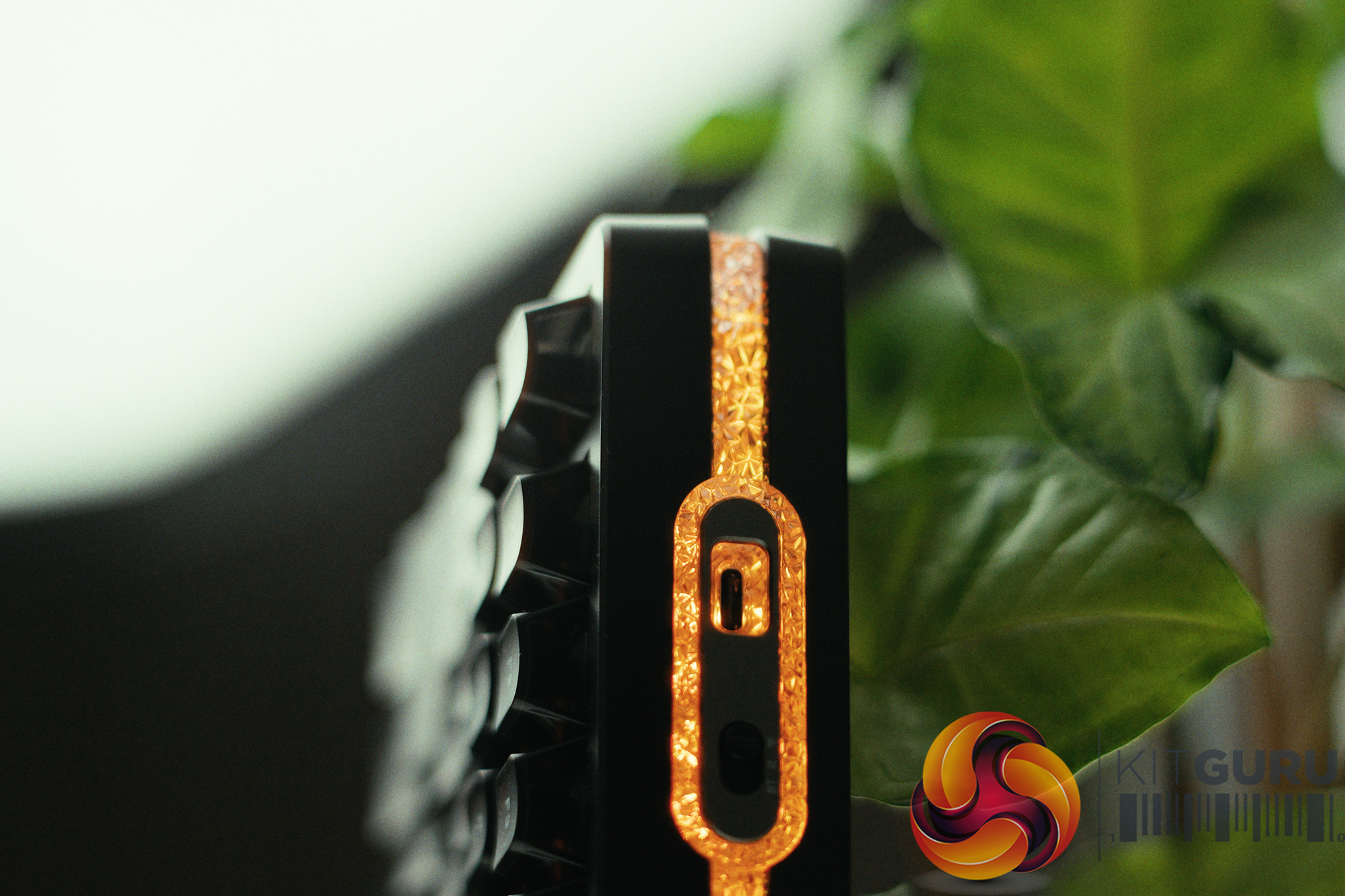
Connectivity: 2.4GHz Wireless, Bluetooth, and Wired USB-C.
Polling Rate: Up to 8,000Hz (1,000Hz recommended).
Battery: 8000mAh (2x4000mAh).
Keycaps: Semi-transparent (PC material).
Acoustics: Pre-lubed switches, zero-rattle stabilizers, and internal PE foam sheet.
Closing Thoughts
The Epomaker HE75 V2 is a keyboard that delivers incredible hardware and value but is ultimately held back by a lack of software testing and attention to detail. On the physical front, it is a triumph. For under £90, you are getting a wireless Hall Effect keyboard with butter-smooth switches, perfectly tuned stabilizers with absolutely zero rattle, and a deep, marbly acoustic profile. When we put it through a 240fps end-to-end click latency test, the HE75 V2 at 1000Hz (14.46ms wired / 16.54ms wireless) actually beat out my personal premium custom Hall Effect board by a few ms.
Interestingly the keyboard was fastest in the 1000Hz mode then on the 8000Hz mode (14.46ms vs 15.96ms) which means at the very least that 8000Hz offers, once again, an exceptionally small improvement.
However, the user experience surrounding that hardware is highly frustrating. First, despite the fact the 8000mAh battery is massive (and lasts at least 1 week with all the bells and whistles cranked to the max), it charges at a painfully slow 3W, meaning a full charge takes nearly 24 hours. Worse still is the firmware and software implementation. A hardcoded shortcut (FN + Shift) disables Rapid Trigger entirely, but the desktop driver fails to reflect this change and still shows the feature as “enabled”.
If you accidentally fat-finger this combination, you lose a crucial feature without any visual warning on your monitor. Combine this with a clunky, unresponsive app interface, and you are left with a fantastic piece of hardware that feels like it skipped the final QA testing phase.
You can buy the Epomaker HE75 V2 for under £90 HERE.
Pros:
Incredible value for a wireless Hall Effect gaming keyboard.
Fantastic click latency.
Smooth “Creamy Jade” switches and perfectly tuned, zero-rattle stabilizers out of the box.
Massive 8000mAh battery easily lasts a full week on 2.4GHz, even with RGB.
Cons:
Hardcoded FN + Shift shortcut accidentally disables Rapid Trigger without updating the software UI.
Painfully slow 3W charging speed means a full recharge takes nearly 24 hours.
Terrible software UI makes adjusting switch actuation depths unnecessarily frustrating.
Plastic chassis and PE foam design means it lacks a unique acoustic character.
KitGuru says: The Epomaker HE75 V2 offers top-tier Hall Effect performance and brilliant acoustics for an unbeatable price, but frustrating firmware bugs hold it back from true perfection.
The SANDISK NAS 800, unveiled late last month as part of Sandisk’s new storage portfolio, is the first PCIe Gen 5 internal solid-state drive (SSD) purpose-built for network-attached storage (NAS) servers. It’s also currently the only one of its kind, as Seagate seems to have phased out its NAS SSDs. ...
Noctua has landed in the water cooling market with three liquid coolers:
NL-LC1-24 [240mm]
NL-LC1-36 [360mm]
NL-LC1-42 [420mm]
Noctua has used the high-performance, flagship pump Emma V2 Gen 8 from Asetek. Noctua has customized the pump housing design to absorb maximum sound coming from the pump by introducing three layers of acoustic foam. Focus of Noctua and Asetek is clearly on the pump, which is the heart of any cooling solution – in addition to the other components.
Noctua has also introduced three modes for the pump motor speed. An integrated temperature sensor based on the loop’s temperature is introduced, against which the safety measures are factory-set. Units are designed in a way that they self-bleed at every startup, reducing the risk of air bubbles trapped in the pump.
The radiator uses non-louvered fins, which makes them ideal for Noctua NF-A12/14 PWM G2 fans. EPDM tubes are used with a low permeation rate. Each size of the cooler comes with related NF-A series fans corresponding to that size. The base of the pump housing features a CU100 copper-based cold plate. It is not nickel-plated.
Optionally, you can buy the NL-ACF1 fan that would come in handy for near-socket component cooling. The fan uses a magnetic attachment, making its handling super convenient. I was expecting to see the chromax.black edition fans on these coolers, but Noctua has stuck with standard colors. This means the chromax edition of these coolers is expected anytime. These coolers are compatible with AMD AM4/AM5 and Intel LGA 1700/1851/1954 [Future-proofing].
Noctua offers 6-year warranty on these coolers. I will be covering 360mm and 420mm in this content. The MSRP of NL-LC1-36 is USD/Euro 249.95, and that of NL-LC1-42 is USD/Euro 279.90. These are steep prices, which Noctua may need to reconsider if these coolers have to compete in the diversified liquid cooler market. You would see many LCD display coolers costing less while offering more bling in a cost-effective manner. Noctua’s argument would be strong low-noise performance that is hard to compete against.
Specifications
Packaging and Unboxing
The coolers come inside a cardboard box which has Noctua’s standard color theme. Egged carton holds the cooler and accessories for safe shipping. Once the box is opened, you can see an overleaf that has a Noctua logo plate in the center. The fans are provided in a separate box. They could have been installed on the radiator in this price range, as per current trends. The accessories are provided in a separate box, which we are accustomed to.
It is time to take a closer look at each component of the main units starting with the radiators.
The NL-LC1-36 has a radiator size of 399.5x120x30mm with a total thickness of 59mm with the fans. The NL-LC1-42 has a radiator size of 459.5×143.7x30mm. It also has the same total thickness of 59mm. The fin stack has a 20 FPI count and comprises 12 channels for coolant flow. There is 105mm standard gap between any two opposite end mounting holes.
Noctua uses non-louvered fins, which have low flow impedance, making them suitable for NF-A12/14 PWM G2 fans, which generate less air velocity at high speed. The overall build quality is good and I did not see any bent or broken fins.
The tube connections on the radiator housing are well concealed using black rounded clamps. The gap between these connections is considerable. The near head does not have any serial number sticker or other data. The far chamber has this data.
Noctua uses Astek x Noctua branding on the side frame of the radiator. Noctua has used EPDM tubes with low permeation rate so that they last for good given the warranty period of 6 years. The NL-LC1-36 has a tube length of 410mm where NL-LC1-42 has a tube length of 450mm. The outer diameter is 12.5mm and the inner diameter is 7 mm, with a minimum bend radius of 26mm. Speaking of the coolant, it comprises 22% propylene glycol and 78% water. Its inhibitors include Anti-Freeze, Anti-Corrosion, and Anti-Biological.
Block/Pump Head
The pump housing is almost circular in design. The pump top height is 70mm. You can see an inset over the top with Notua branding in the center. This is where you will place the bundled metal plate. The embossed logo helps the user identify the right orientation of the metal plate. This is magnetic mounting. The cutout with a further inset is useful for removing the metal plate. The power cable comes from the side of the main housing.
Noctua has provided a spring-loaded screws mounting mechanism in the pump housing. They have smartly provided insets on the sides so that a screwdriver can easily access the screws without affecting the overall dimensions of the housing. You won’t see any branding on all sides of the housing.
Noctua has implemented a mechanism to reduce the pump noise to max for which they have used the NL-PNA1 pump noise absorber, which integrates three layers of acoustic foam. Acoustic Foam is deployed to absorb high-frequency sound waves. It is a soft and porous material. The NL-PNA1 pump noise absorber can improve acoustics both by reducing sound pressure levels (SPL) and by shifting the pump’s sound signature towards lower frequency ranges that most people perceive as less distracting.
The first layer is of acoustic foam, which absorbs high-frequency sounds. The major component is a dense barrier, which is a second layer. It blocks and reflects the sound waves. The final layer of acoustic foam isolates the dense barrier from the substrate. These barriers are installed over the pump motor inside the housing.
The backside of the pump top has tube connections in 90° and can be rotated sideways. The tubes are flexible, and sliding the tube connection is convenient as well.
The slider button is located on the rear of the pump housing. You can also see porous acoustic foam right above the switch. The pump profiles include:
Quiet: 750 to 2100 RPM
Balanced: 750 to 2600 RPM
Manual: 750 to 3400 RPM
The pump is PWM regulated. However, complete PWM range is only available under Manual mode. As mentioned above, these units employ the Asetek Emma V2 platform with Gen8 pump. This pump uses a three-phase motor with a centrifugal impeller type and a ceramic sleeve and shaft.
Safety Features:
Noctua has integrated a sensor in the loop to monitor coolant temperature. Some important safety-related aspects are:
The pump will not go below 750 RPM even if the PWM range is set below 20%.
The pump has a nominal minimum speed of 750 RPM (20% PWM). It will operate at this speed as long as the liquid temperature remains below 45°C.
If the temperature crosses 45°C, the speed of the pump will start increasing accordingly automatically.
As soon as liquid temperature reaches 55°C, the pump will automatically operate at its full speed of 3400 RPM.
If the pump detects 0% PWM signal for any reason, it will operate at full speed.
On every startup, the pump will run at its full 100% speed for some 50 seconds to bleed the loop, and then it will come down to the user-set mode.
These coolers using the Emma V2 platform feature a cold plate made of 99.95% high-purity CU100 copper. The cold plate has a large 32.5×22.5mm array of skived micro-fins. This is a dense fin stack providing better thermal dissipation and coverage of the die. A distributor is used for even flow of coolant on both sides of the cold plate.
FANS
The NL-LC1-36 comes with three Noctua’s high-performance next-generation NF-A12x25 PWM G2 fans. The NL-LC1-42 comes with three NF-A14x25 PWM G2 fans. We have already covered these fans in detail in separate reviews; hence I will not go into the details. Click on the names of the fans above to check the dedicated reviews.
Installation
Noctua did not reinvent the wheel here; rather relies on its tested and trialed SecuFirm2+ mounting kit for the liquid coolers. This is a wise move. Noctua wants to prevent any flex in the mounting parts that could impact the contact pressure. However, this results in Noctua using a two-point contact method.
The mounting kit offers offset mounting options for both AMD and Intel platforms to maximize performance via direct coverage of the hot spot areas/die on the respective SKU.
Overall, installation is simple and convenient, and I did not notice any issues during installation and removal of these coolers.
Clearance
Make sure your PC Case has clearance for 360mm and 420mm coolers, particularly the 420mm, since not all cases support this size.
Noctua NL-ACF1 Fan
Noctua has also provided an optional accessory for these liquid coolers. This is a pump top-mounted fan that blows air towards the near socket area, including the VRM, RAM, and M.2 SSD, and even the EPS connectors.
According to Noctua, the near-socket components do not necessarily require additional cooling, but providing extra airflow to them makes it possible to keep them at the same temperature levels while reducing the RPM speed of case fans.
Installation of this fan is quite simple. It has magnetic placement. Just put it on the pump top and connect the PWM cable to the fan header. Yes, you will need an additional fan header for this fan if you want to regulate it manually, or you can combine it with other fans, subject to power ratings.
Testing
The following configuration is used for thermal testing:
I am reporting absolute temperature in the graph because the room temperature was at 22°C throughout the day. The testing is done on an open-air bench system. Once inside the chassis, the temperatures are expected to rise and would largely depend on the optimal airflow inside the chassis.
Result
I have tested NL-LC1-36 using all three modes (Quiet, Balanced, and Manual), whereas the NL-LC1-42 was tested with Manual mode only. Also, the VRM fan is tested on the NL-LC1-36 only to make its case. In quiet mode, the NL-LC1-36 reached 80.9°C with only 0.2°C margin over the Game Max cooler.
The NL-LC1-36 in Balanced mode did 79.7°C, competing against the former topper of our graph, which 420mm cooler from DeepCool. The NL-LC1-36 did a fantastic job of 78.5°C in manual mode, making it a number one performer in the 360mm category. The NL-LC1-42 did marginally well comparing with NL-LC1-36 but it is right now on the number 1 slot in our graphs.
The selling point here is the noise-to-performance ratio. Noctua coolers with fans and pump at 100% PWM range are silent compared to other coolers in the graph. This is what makes these coolers a compelling, excellent cooling solution for your requirements. Clearly, these coolers have more head room for higher TDP.
Conclusion
I remember the days, when I used to install Noctua fans on Corsair AIOs for better acoustic and thermal performance. Fast forward to 2026 and Noctua makes its entry in the liquid cooler segment. This entry, though expensive but brings an excellent and powerful cooling solution on the market while sticking with Noctua’s colors. The new coolers are named NL-LC1, followed by a two-digit code representing the size of the radiator like 24 for 240mm, 36 for 360mm and so on.
We have tested NL-LC1-36 and NL-LC1-42 coolers this time. These are 360mm and 420mm size coolers that are compatible with AMD AM4/AM5 and Intel LGA1700/1851/1954 sockets. Noctua has bundled its high-performance NF-A12x25 PWM G2 with 360mm cooler and NF-A14x25 PWM G2 in 420mm cooler. These are the best fans from Noctua at present and provide an excellent noise-to-performance ratio.
For the pump, Noctua has employed the Asetek Emma V2 Gen8 platform, which is Asetek’s flagship pump solution for liquid coolers. Noctua’s customization comes in the form of three layered sound dampening/noise absorbing foams with a dense barrier that sits right on top of the pump inside the main housing. This pump uses a three-phase motor with a centrifugal impeller type and a ceramic sleeve and shaft.
Noctua has introduced three modes for pump speed regulation: Quiet, Balanced, and Manual. A slider switch is provided on the rear of the pump housing. For a complete and wide PWM range, use Manual mode. In our testing, the quiet mode also provides highly competitive performance from these coolers.
An integrated sensor monitors the liquid temperature and uses built-in safety features under certain conditions like pump operating at 100% PWM range if the coolant temperature crosses 55°C. Similarly, when coolant temperature starts crossing 45°C, the pump speed also starts increasing accordingly.
The NL-LC1-36 features an aluminum radiator of size 399.5x120x30mm, whereas the NL-LC1-42 has a radiator size of 459.5×143.7x30mm. Both have a total thickness of 59mm each. Noctua has used a non-louvered fin design.
The EPDM tubes with low permeation rate are used on these coolers. The NL-LC1-36 has a tube length of 410mm where NL-LC1-42 has a tube length of 450mm. Speaking of the coolant, it comprises 22% propylene glycol and 78% water.
Noctua has also introduced an optional fan accessory named NL-ALF1, which can be mounted on top of the pump housing for additional airflow to near-socket areas. In our testing, this fan reduces the VRM temperatures from 57°C to 48°C at the same thermal load and ambient temperature. It also reduces the temperature of EPS connectors by 8°C, showing its practicality and usefulness.
Noctua has used its SecuFirm2+ mounting kit. This kit also offers offset mounting for AMD- and Intel-supported sockets for maximum cooling potential. This kit requires 10 items to install mounting hardware on an AM5 socket. The cooler uses two-point contact.
Coming to the question of the actual performance of these coolers, the graph is self-explanatory. The NL-LC1-42 and NL-LC1-36 are sitting on top of the graph using manual mode. The NL-LC1-36 with its balanced mode, offers competitive performance against a 420mm AIO from the competition. All in all, these coolers offer an excellent noise-to-performance ratio with good TDP headroom.
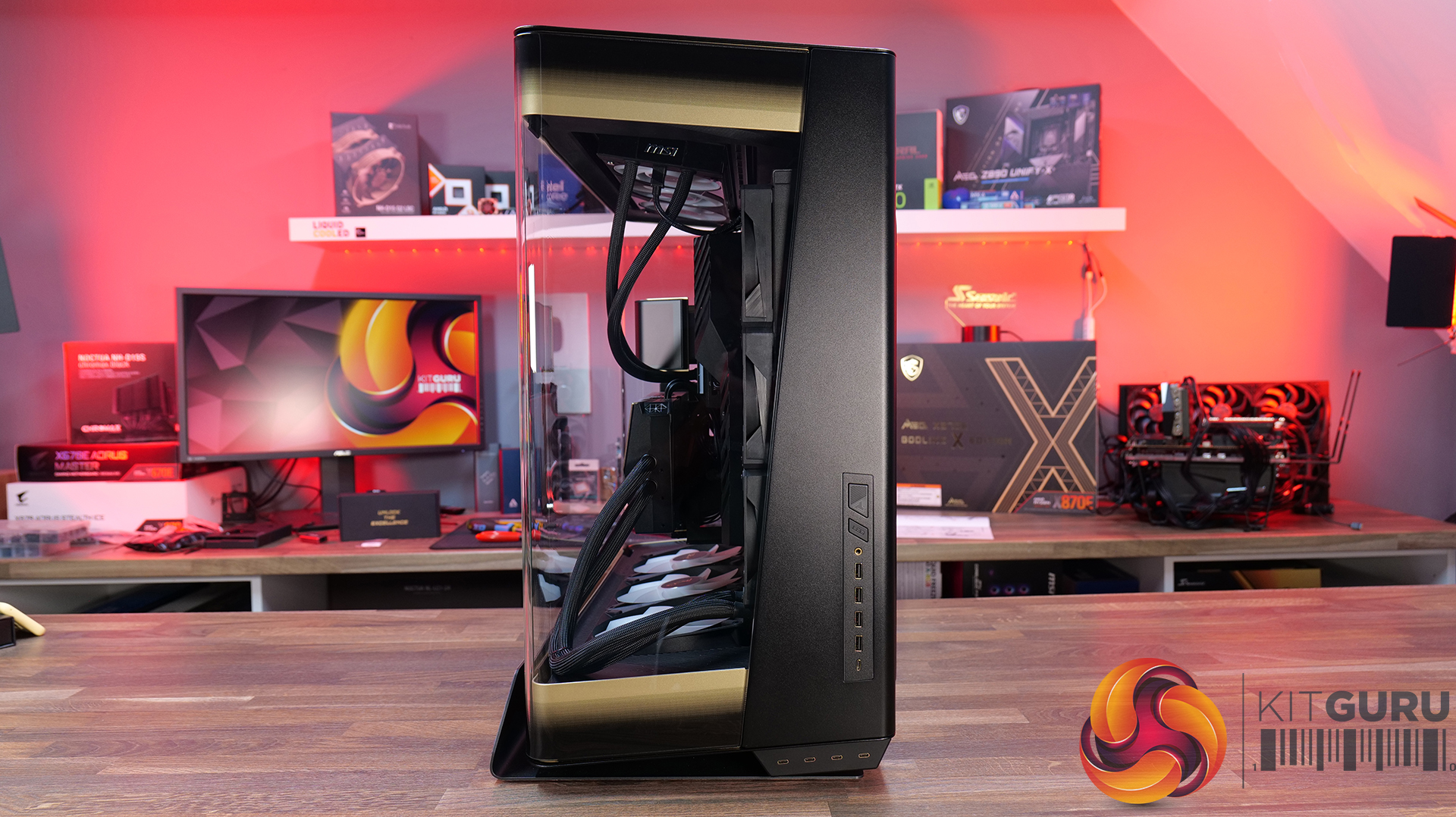
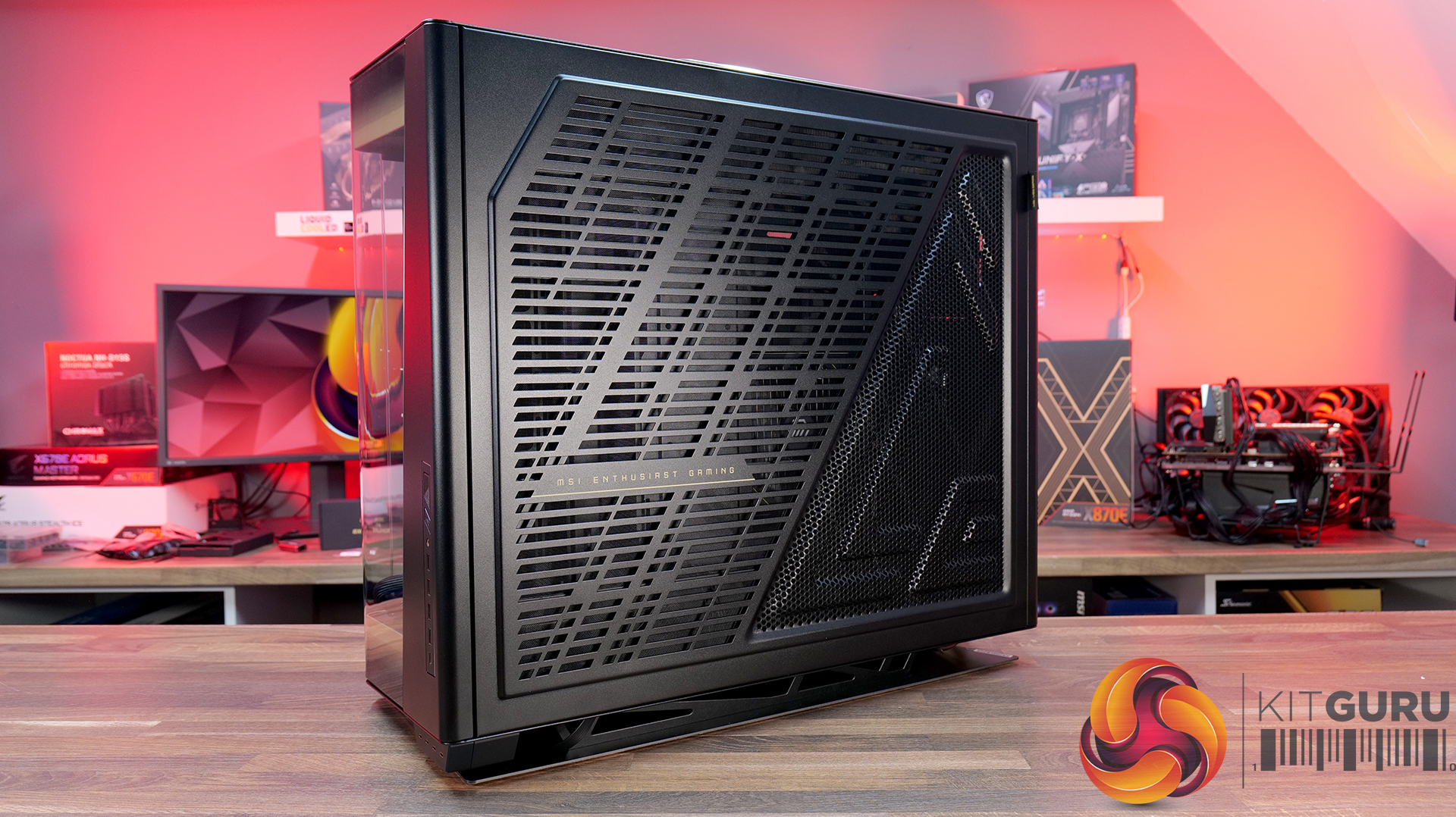
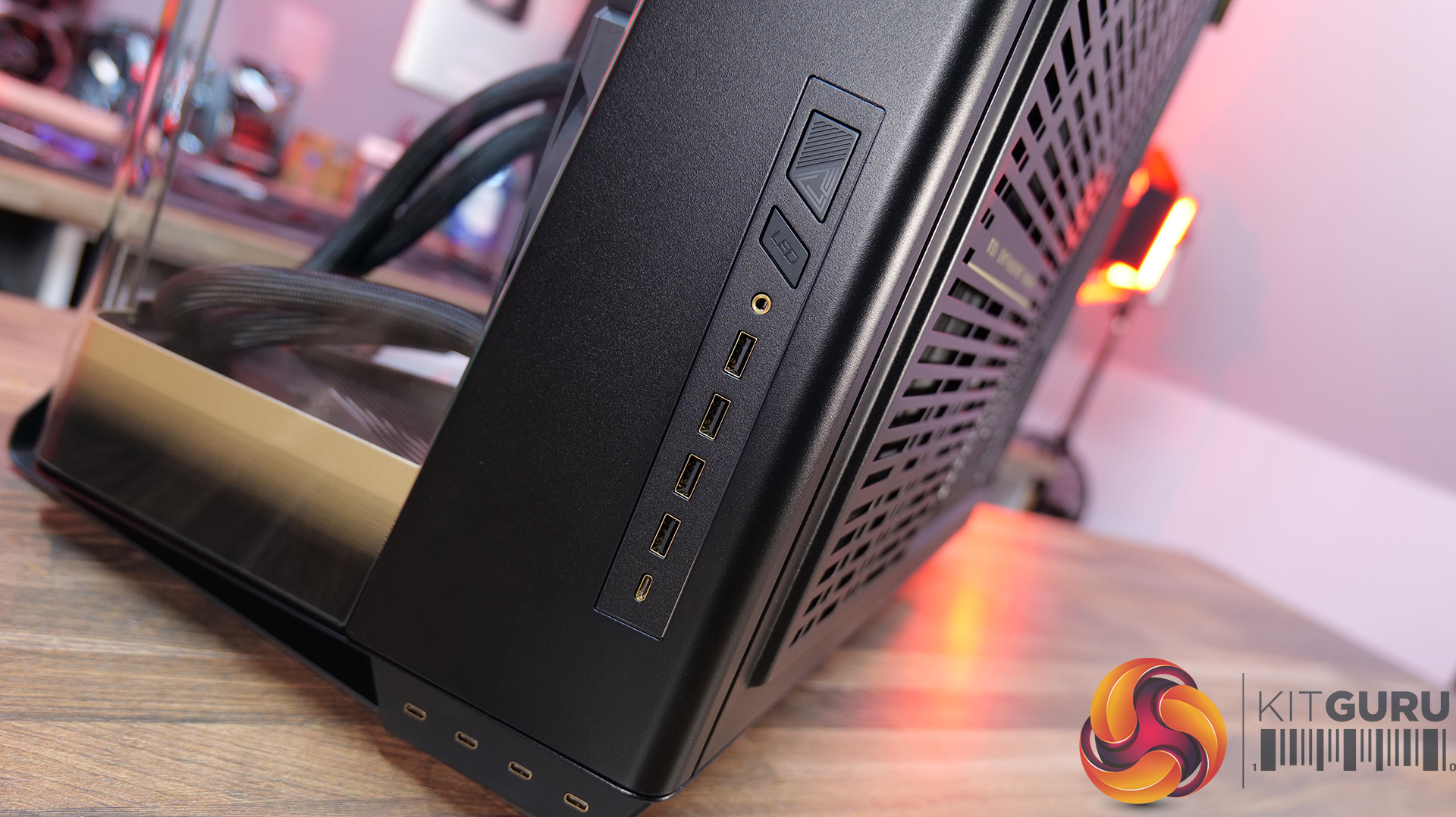
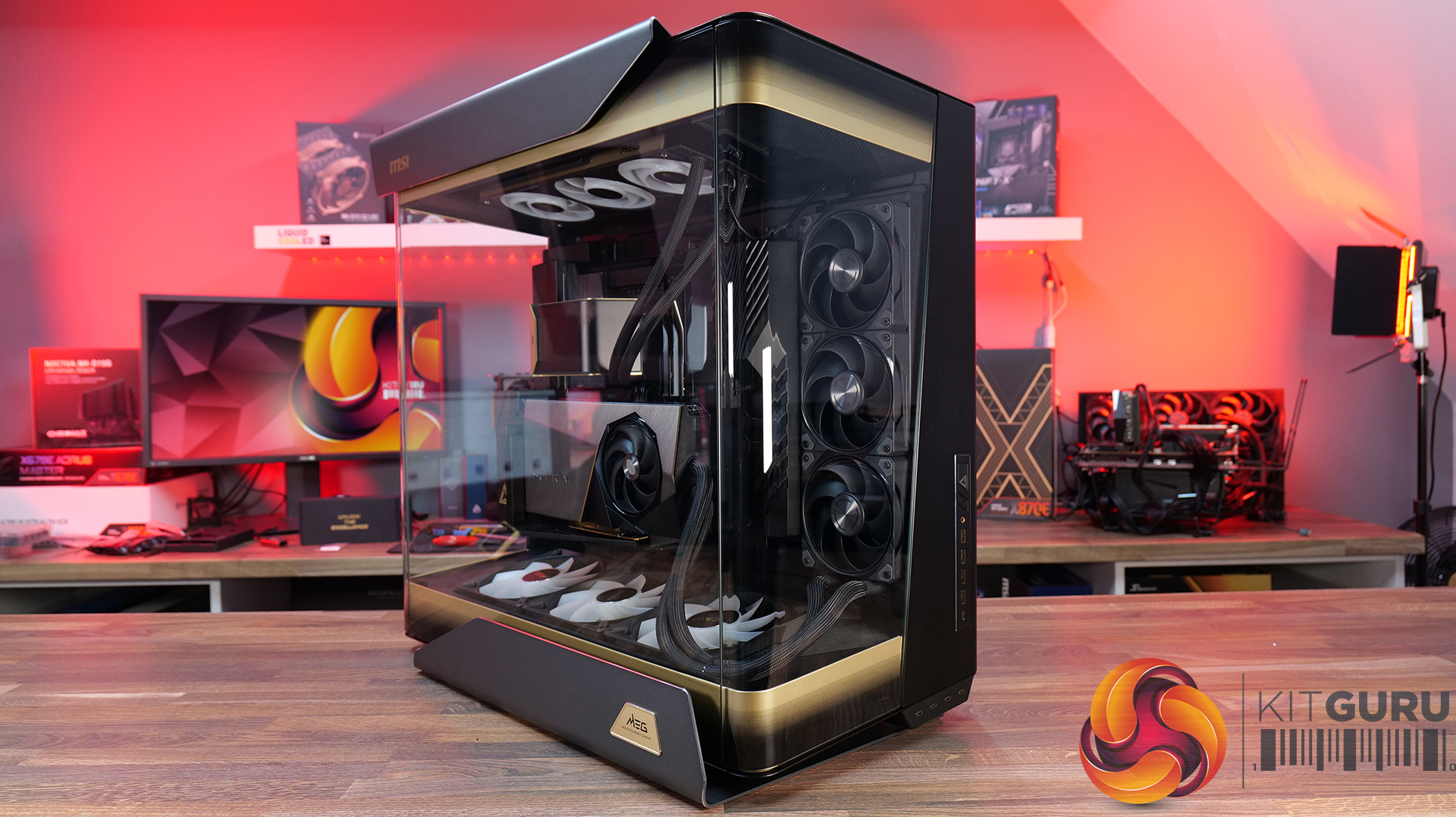
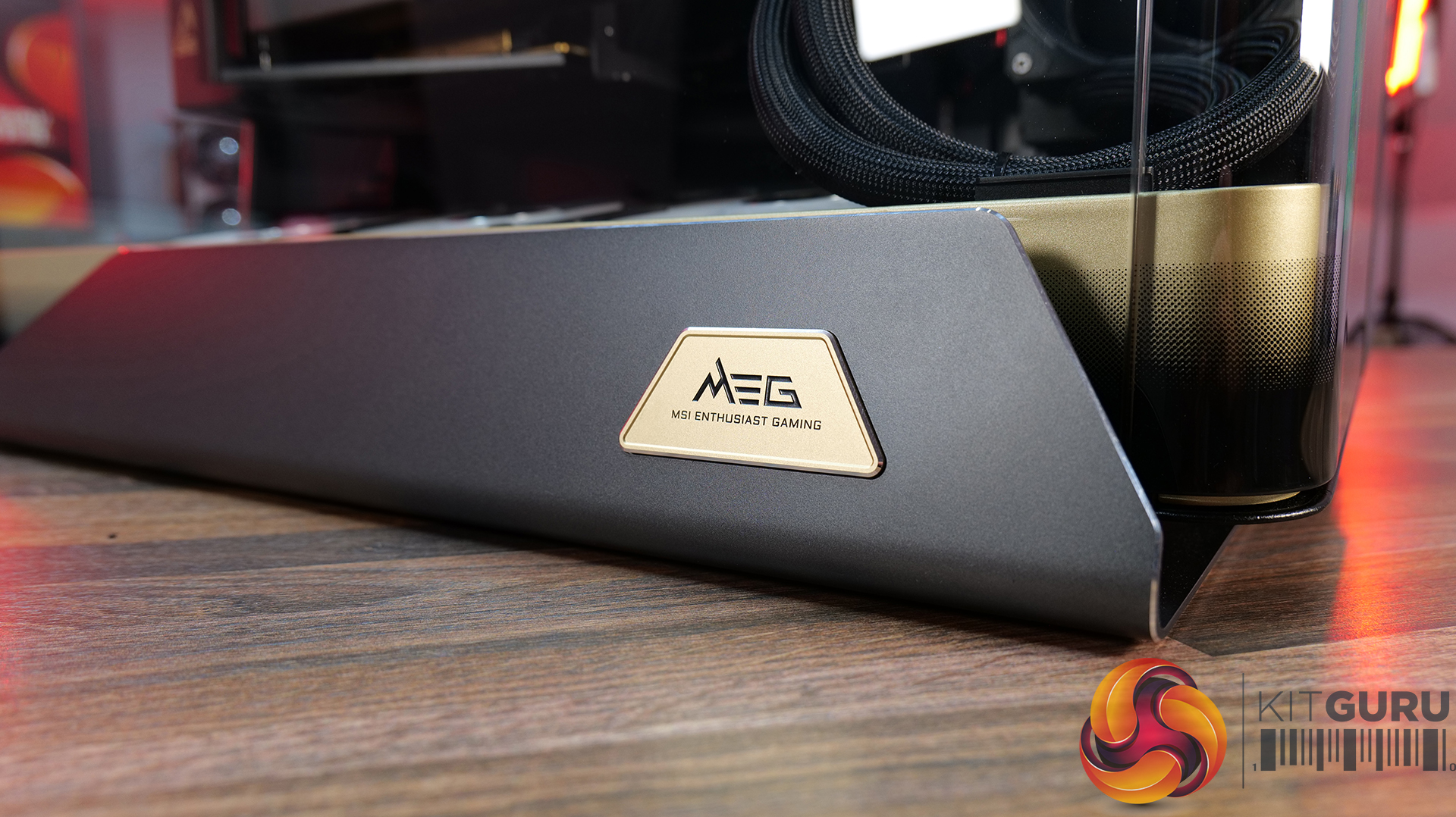
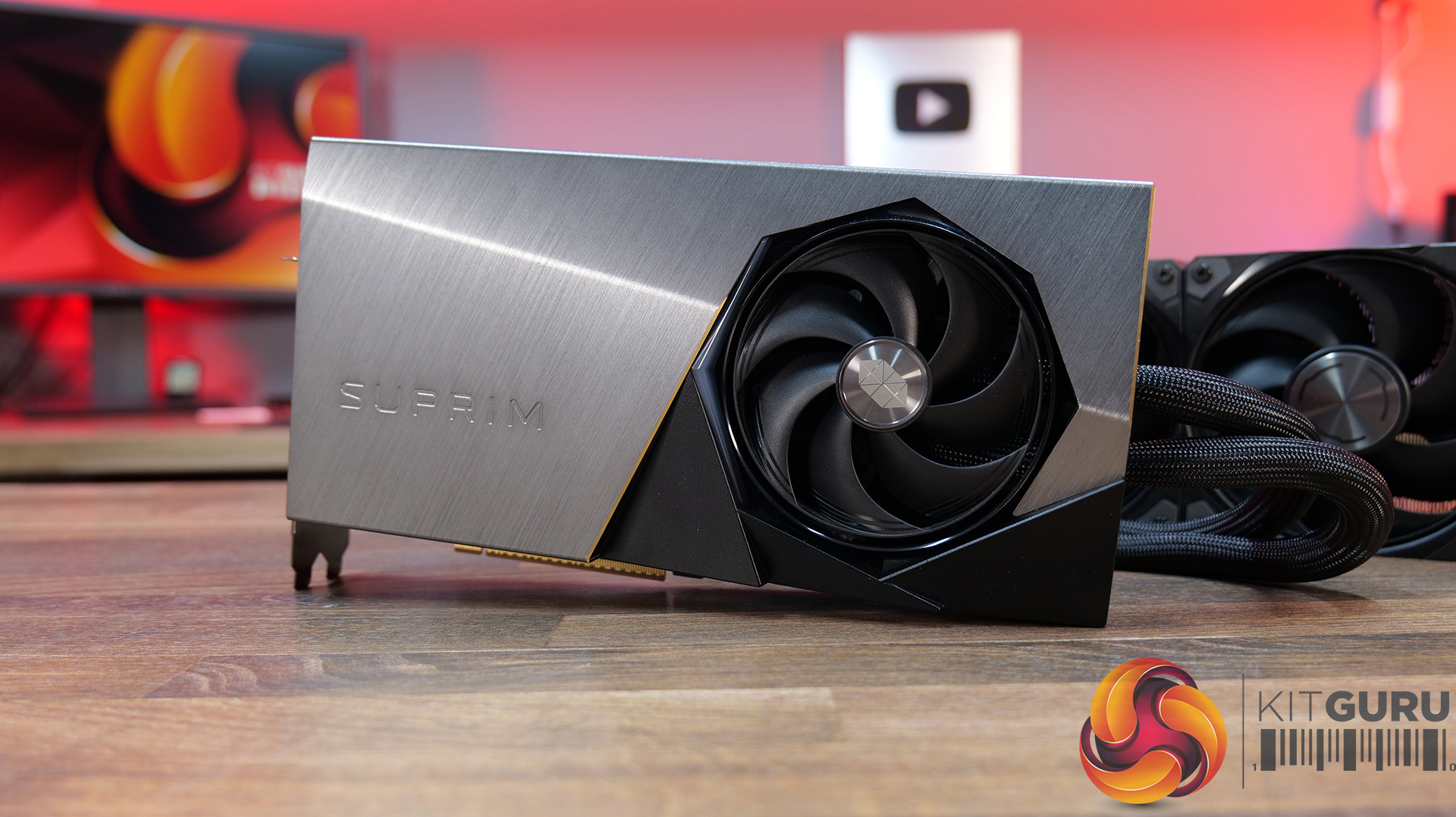
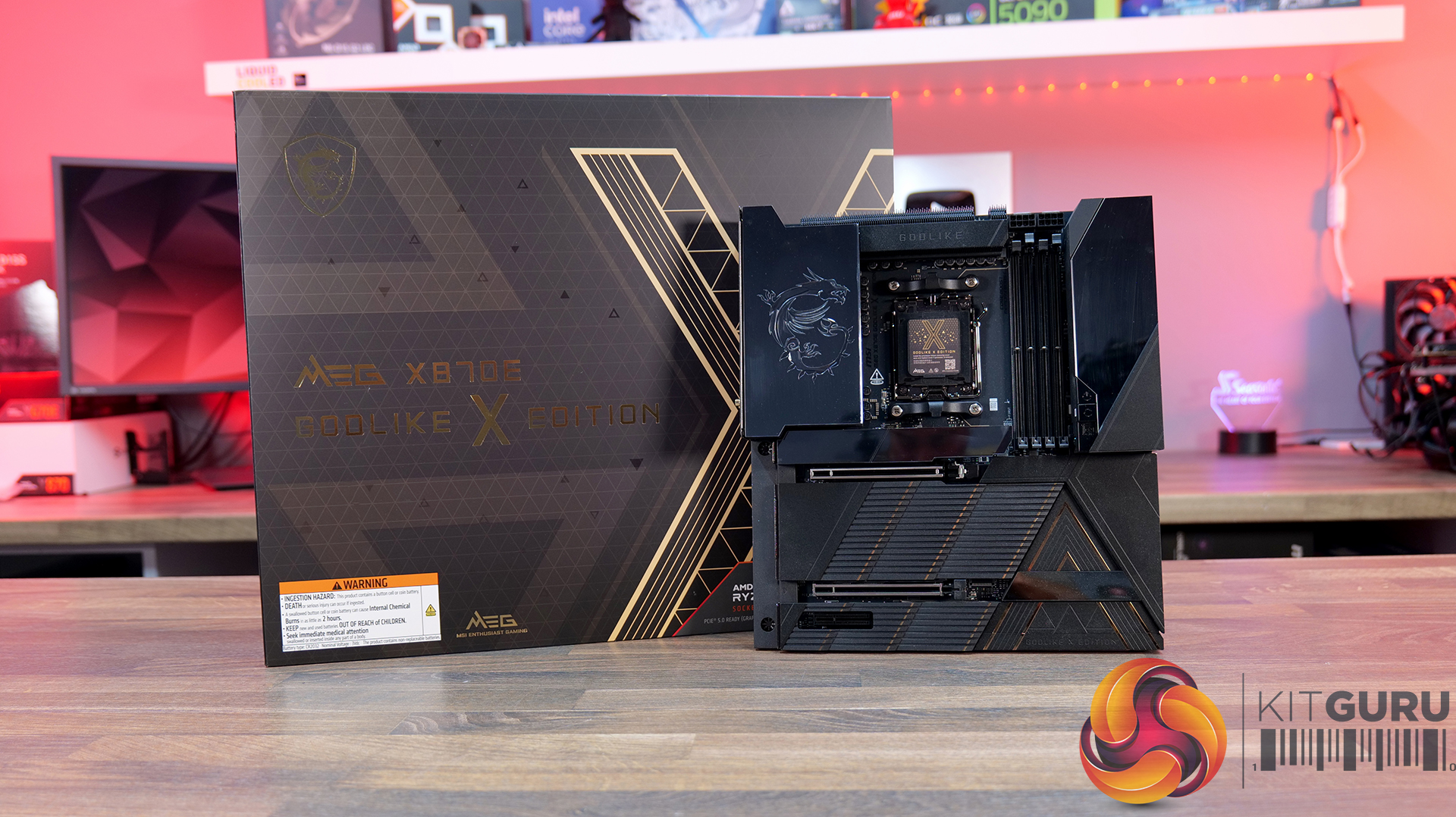
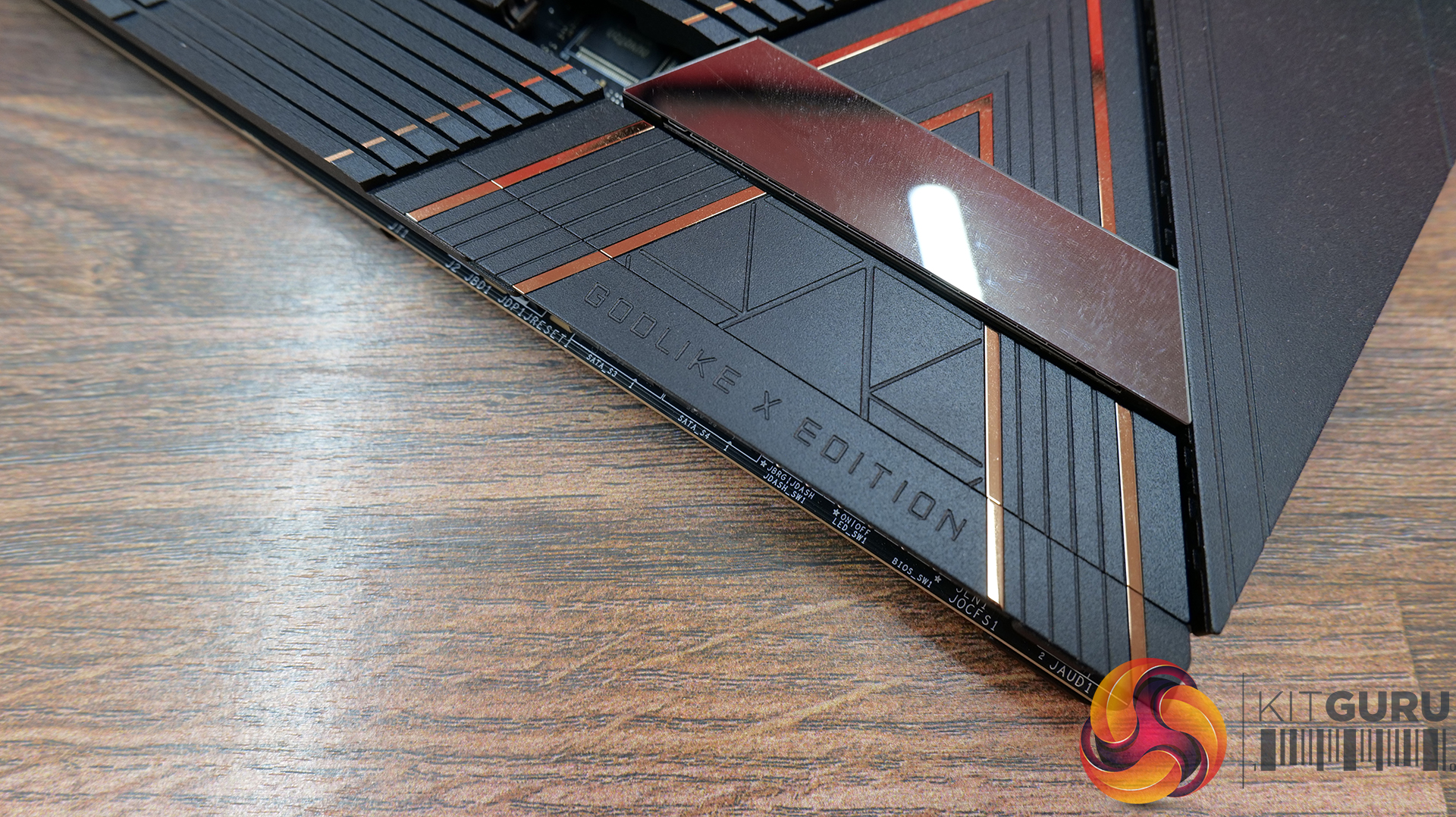
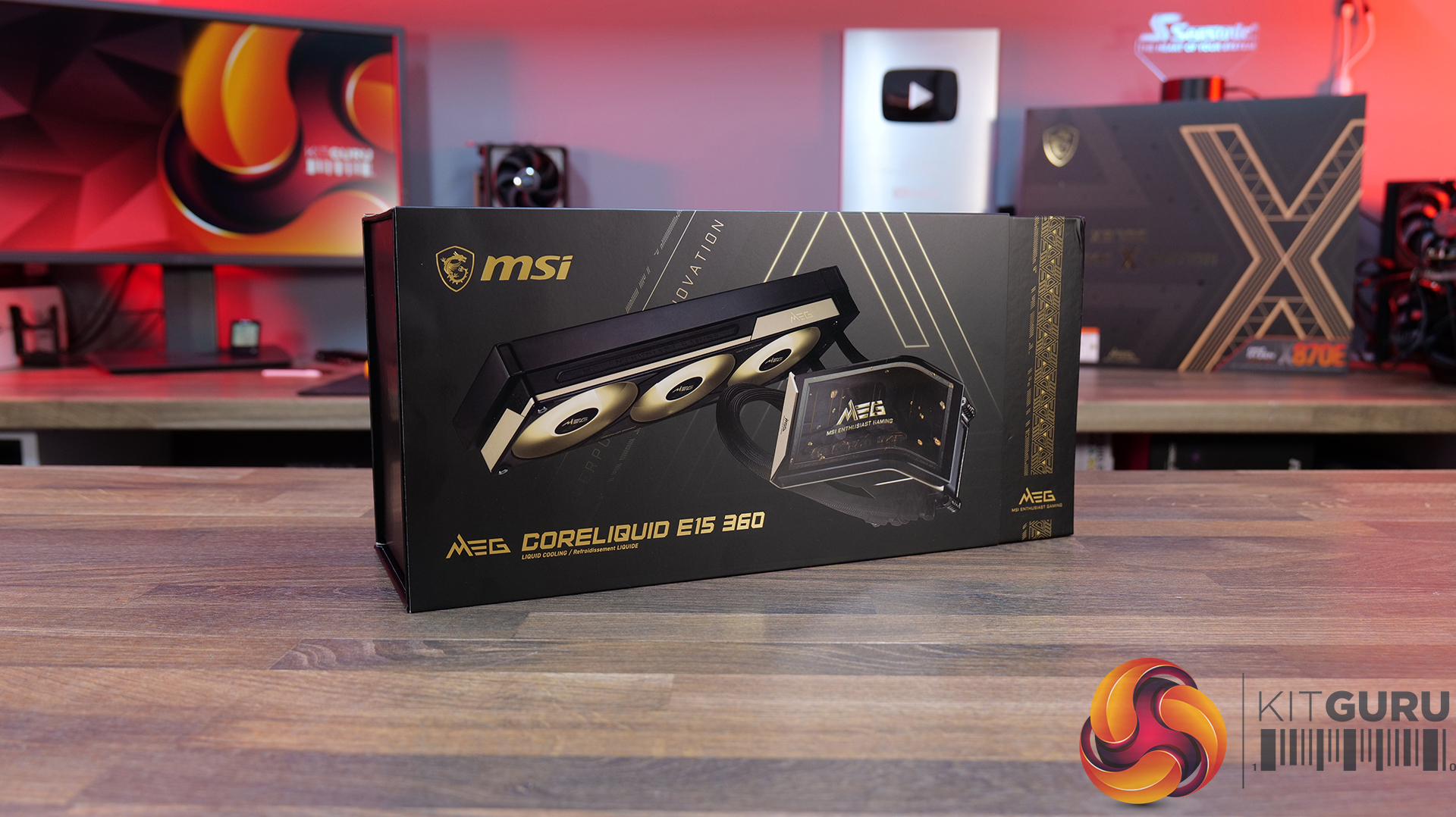
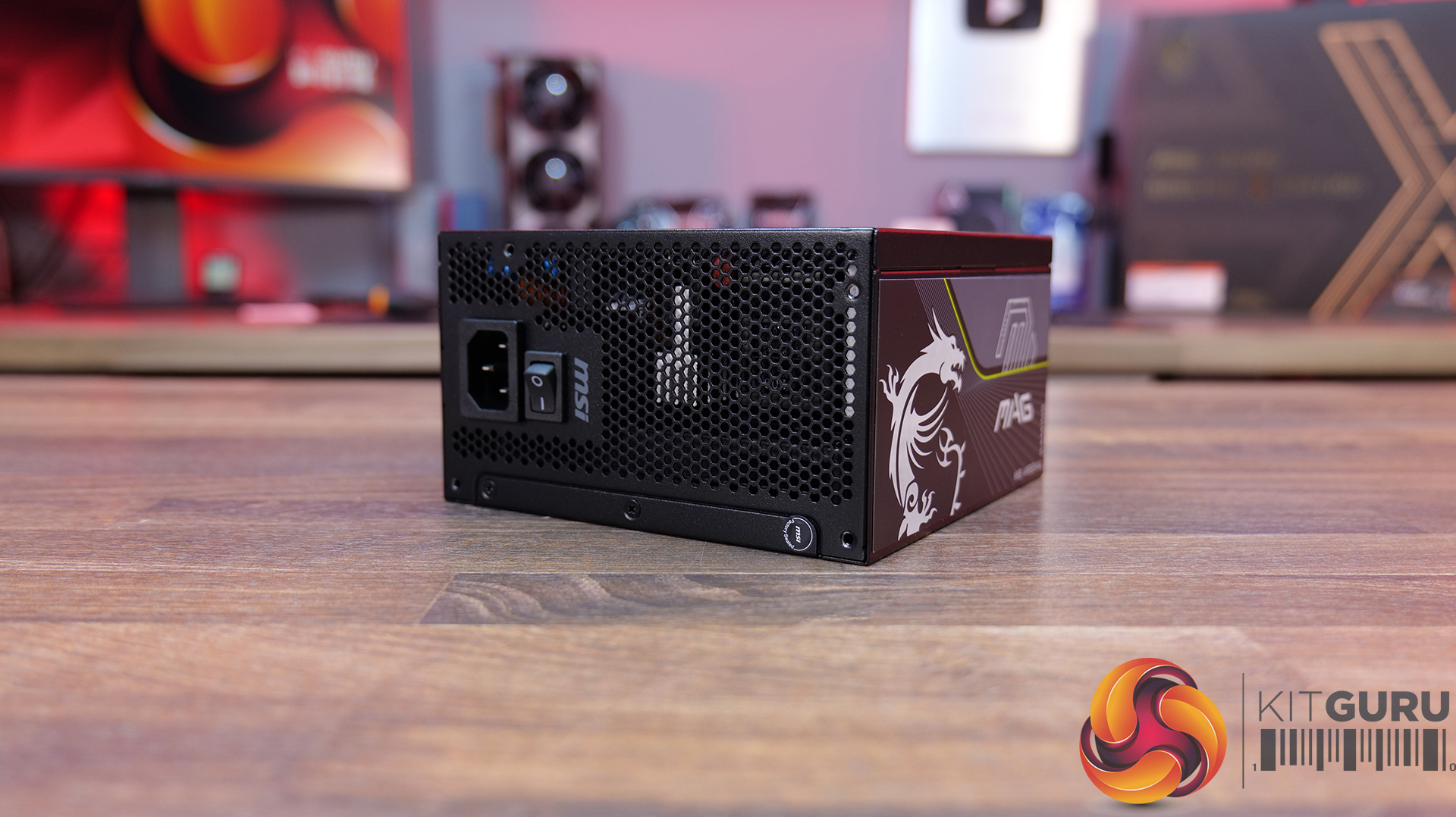
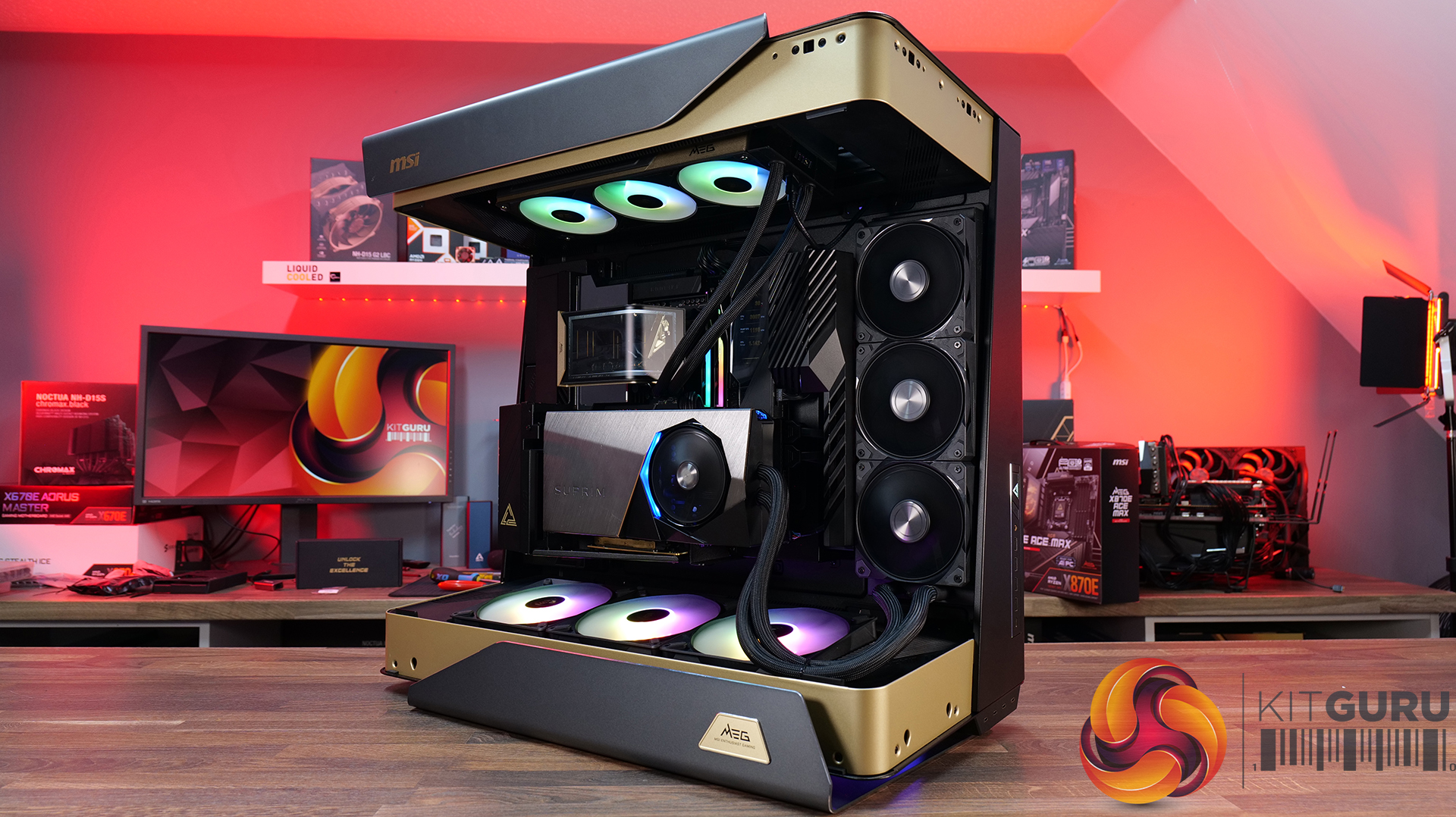
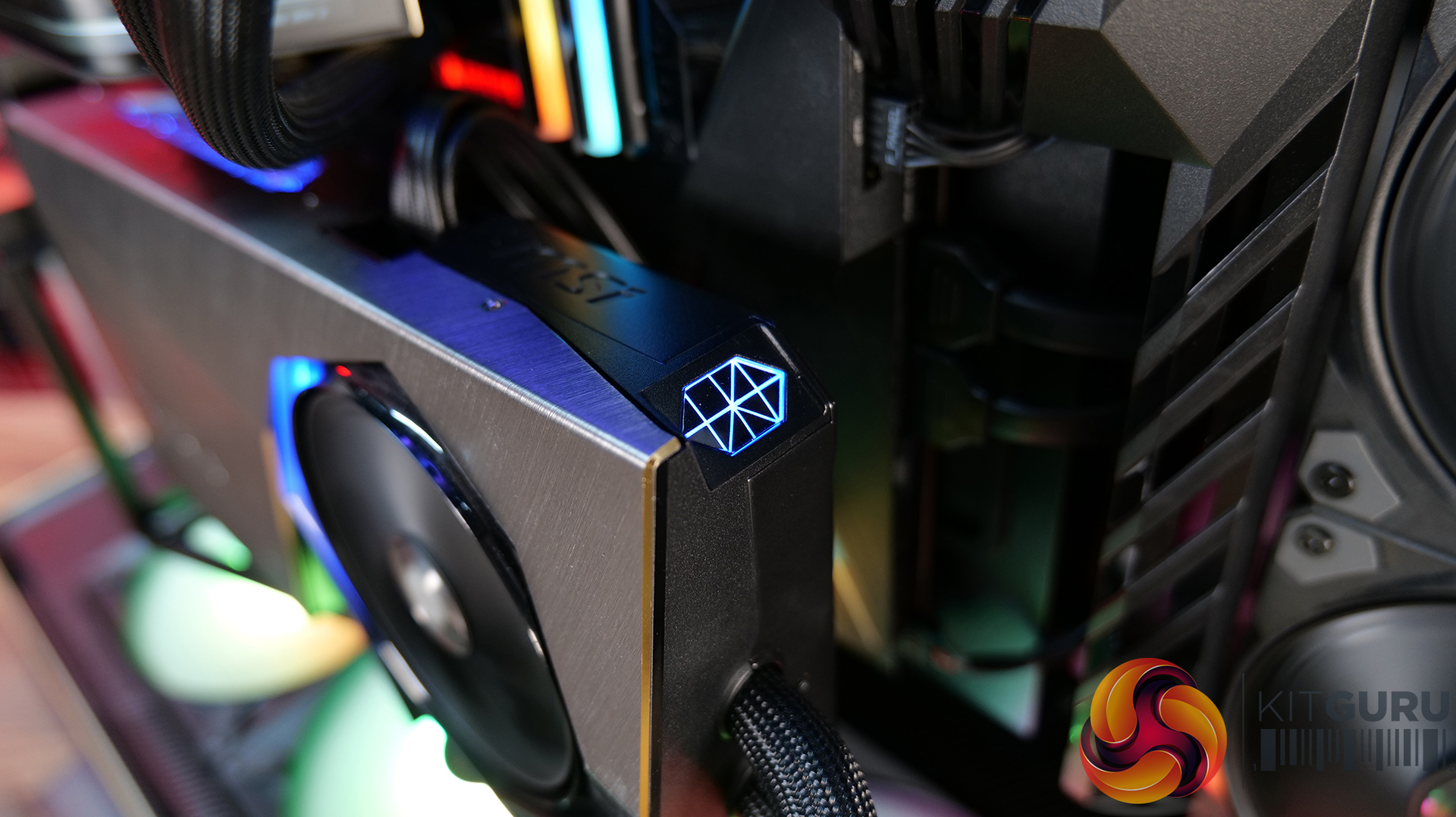
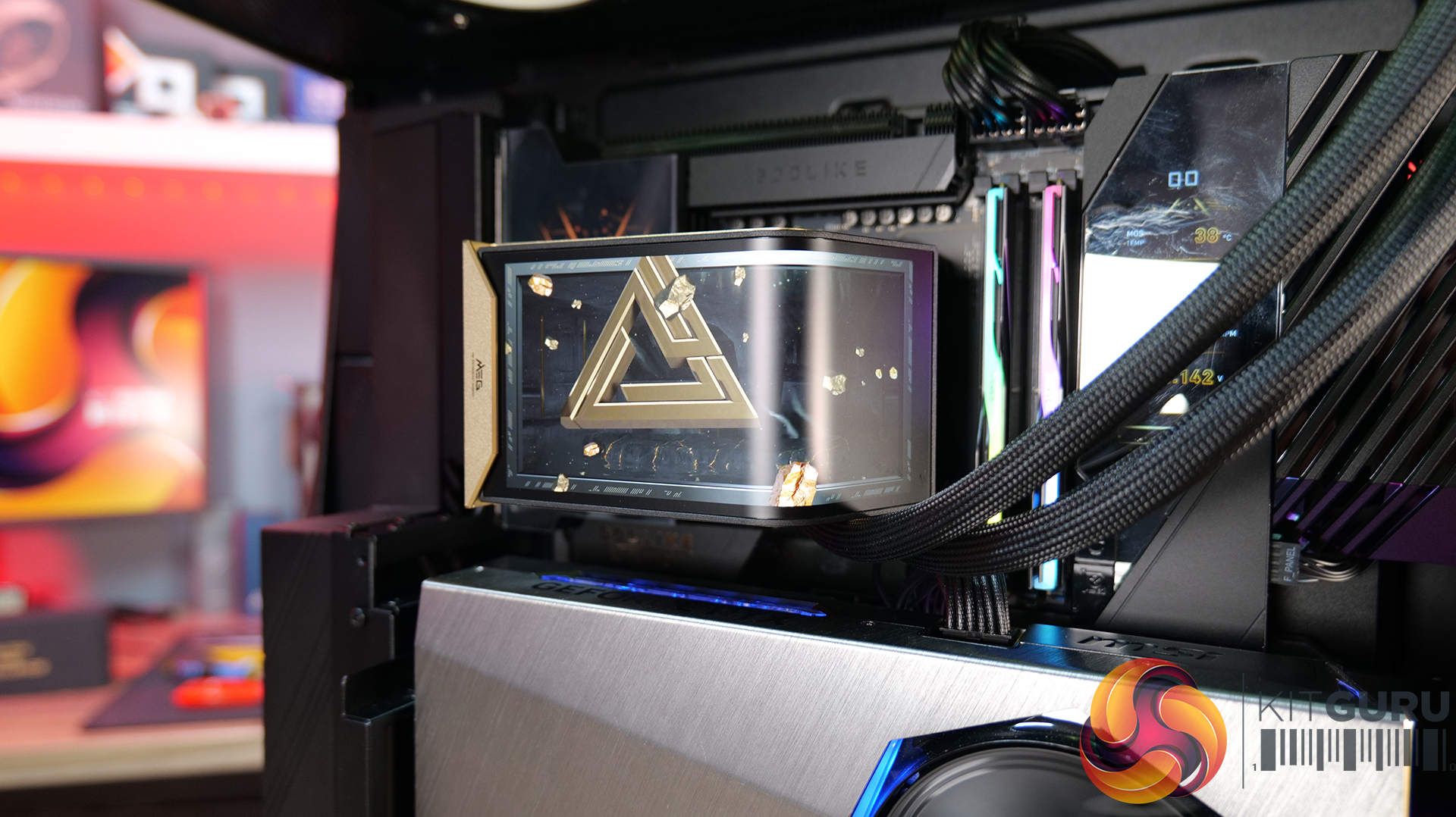
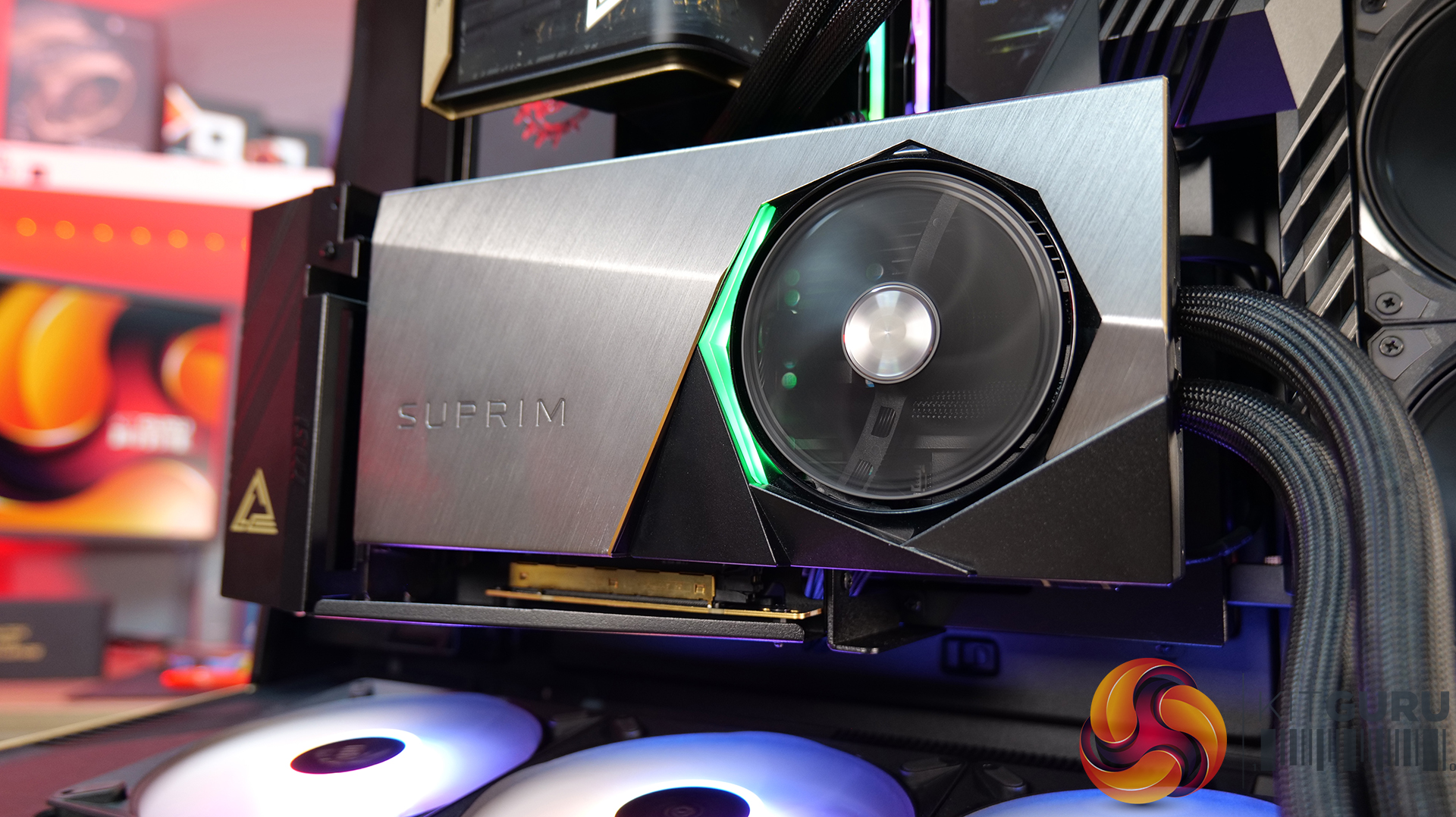
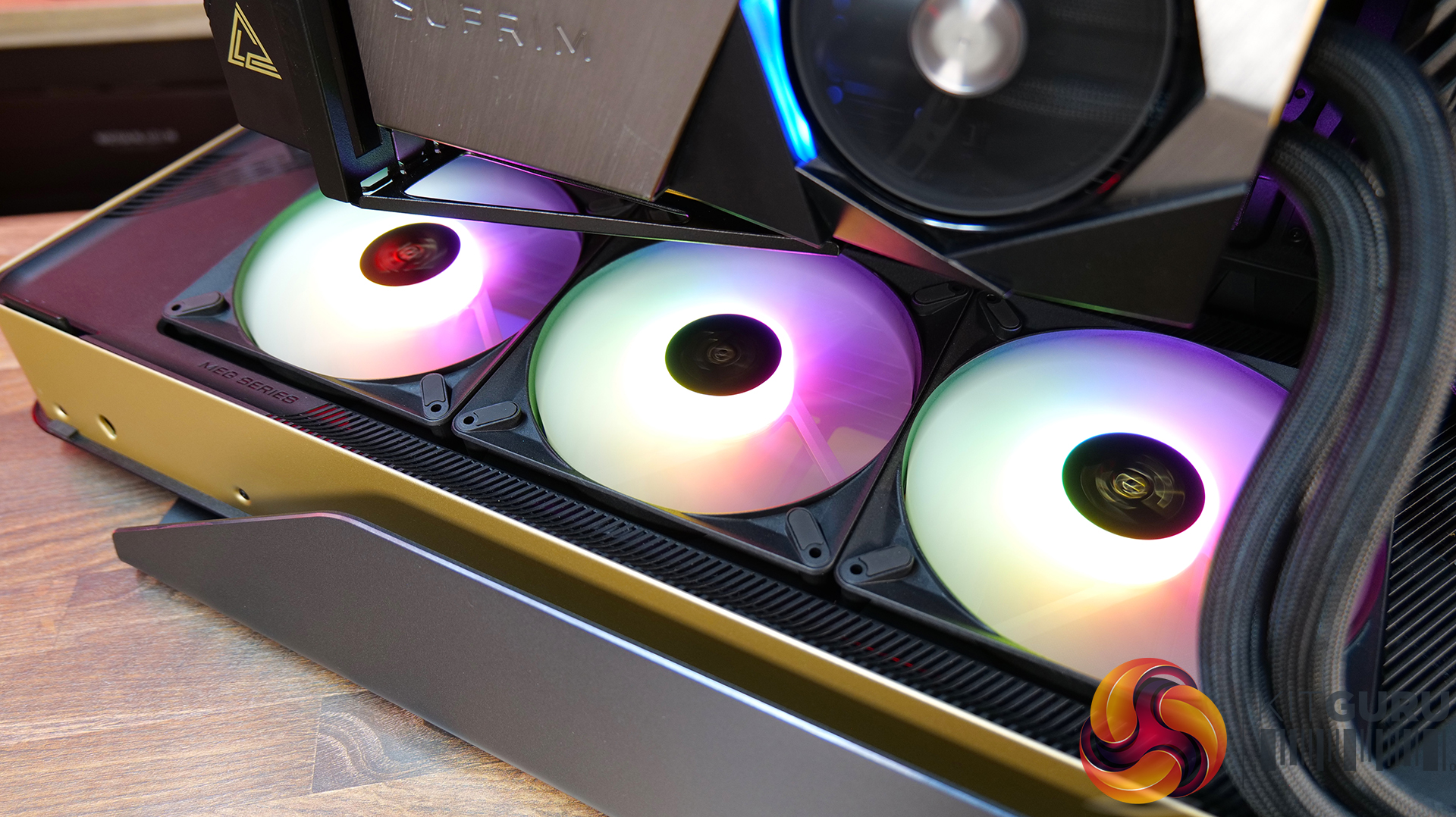
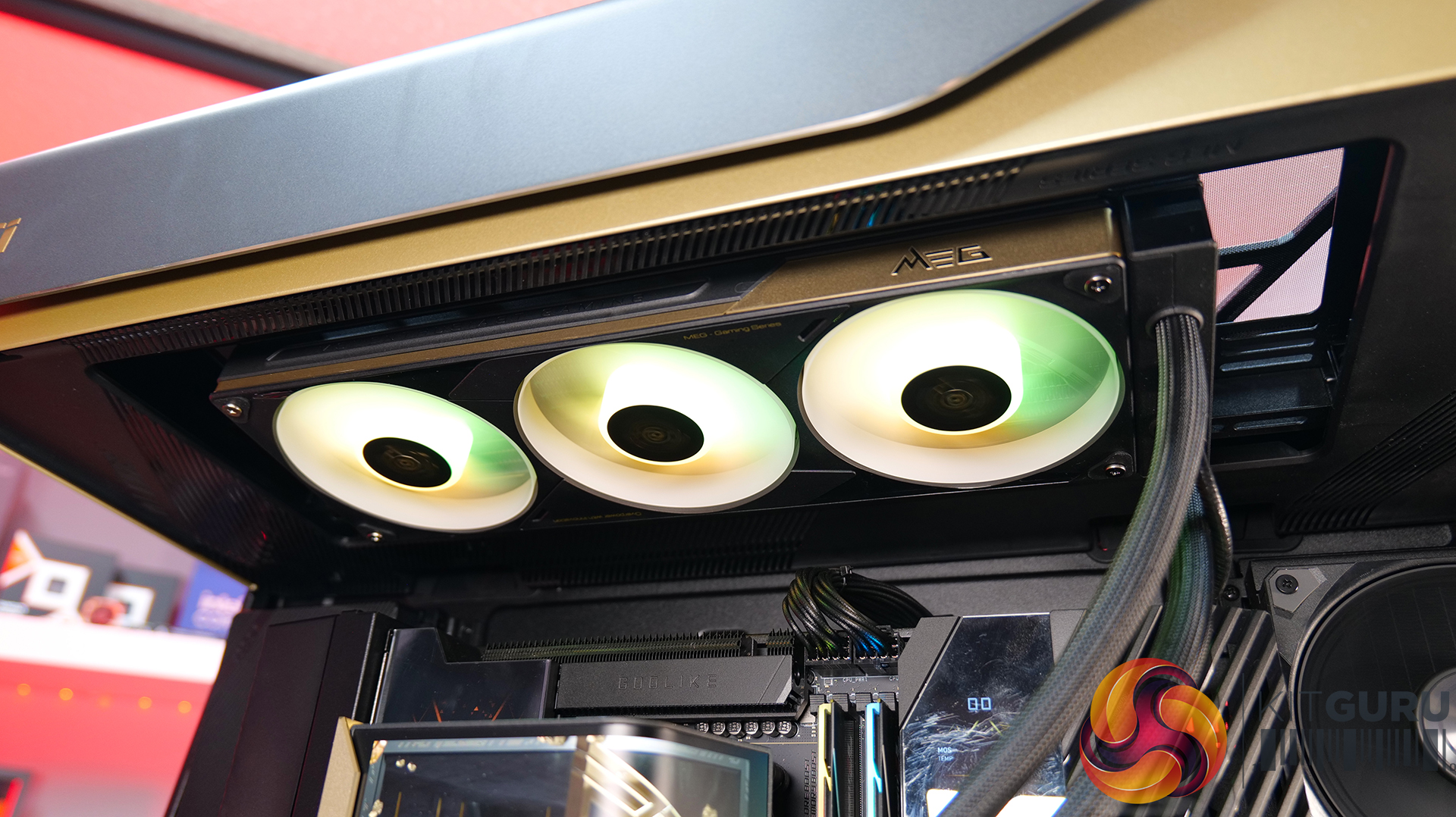
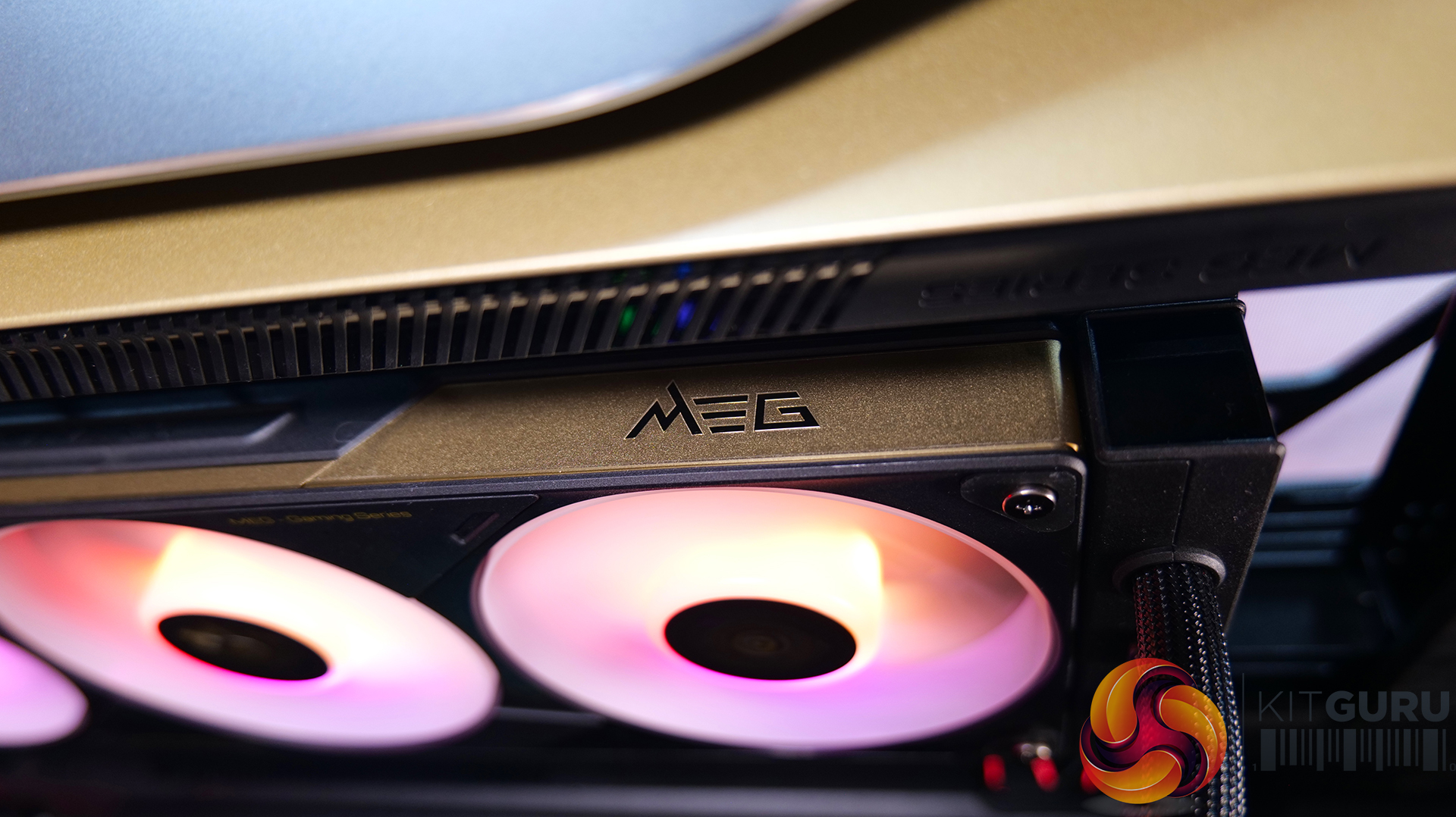
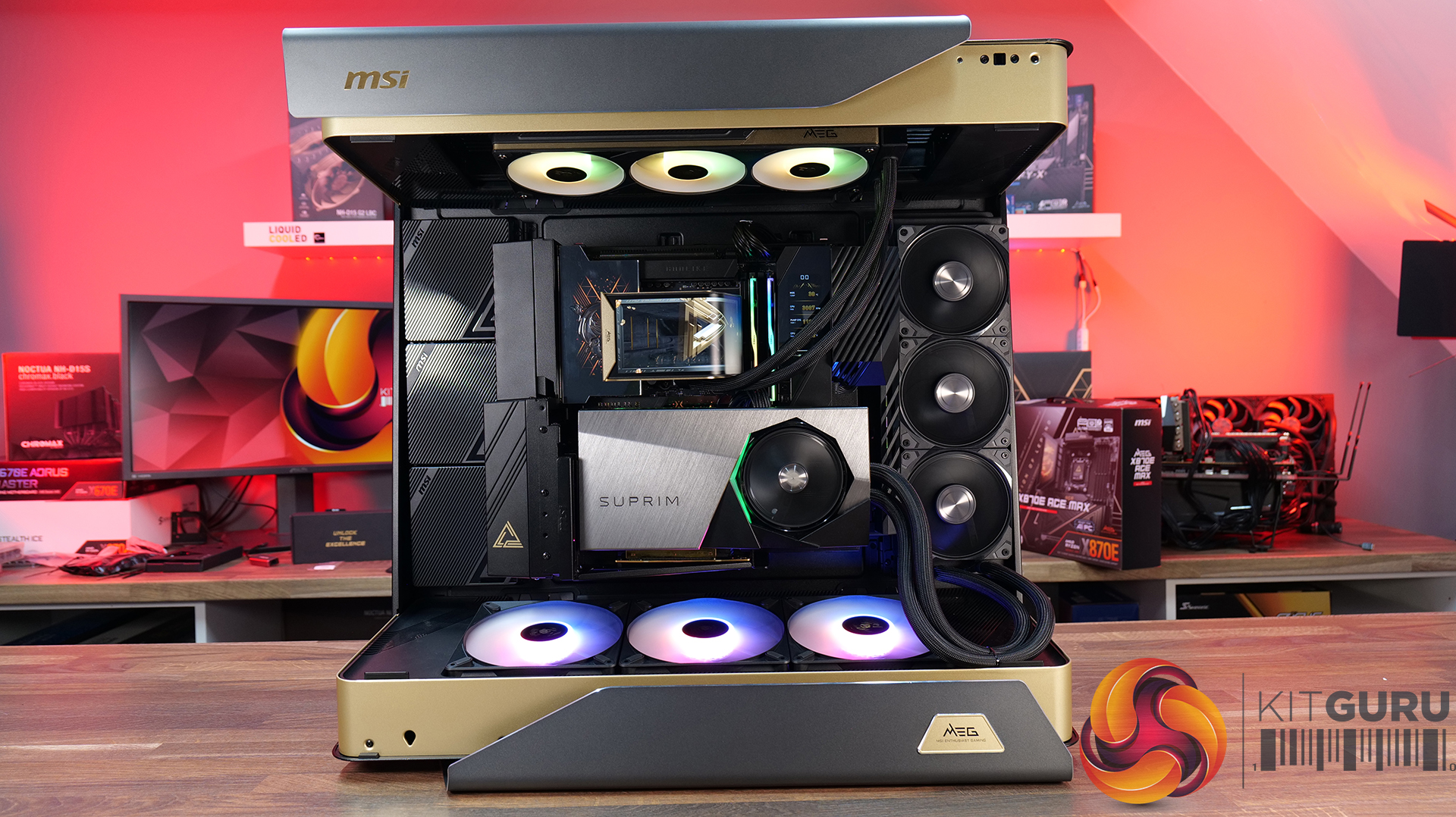
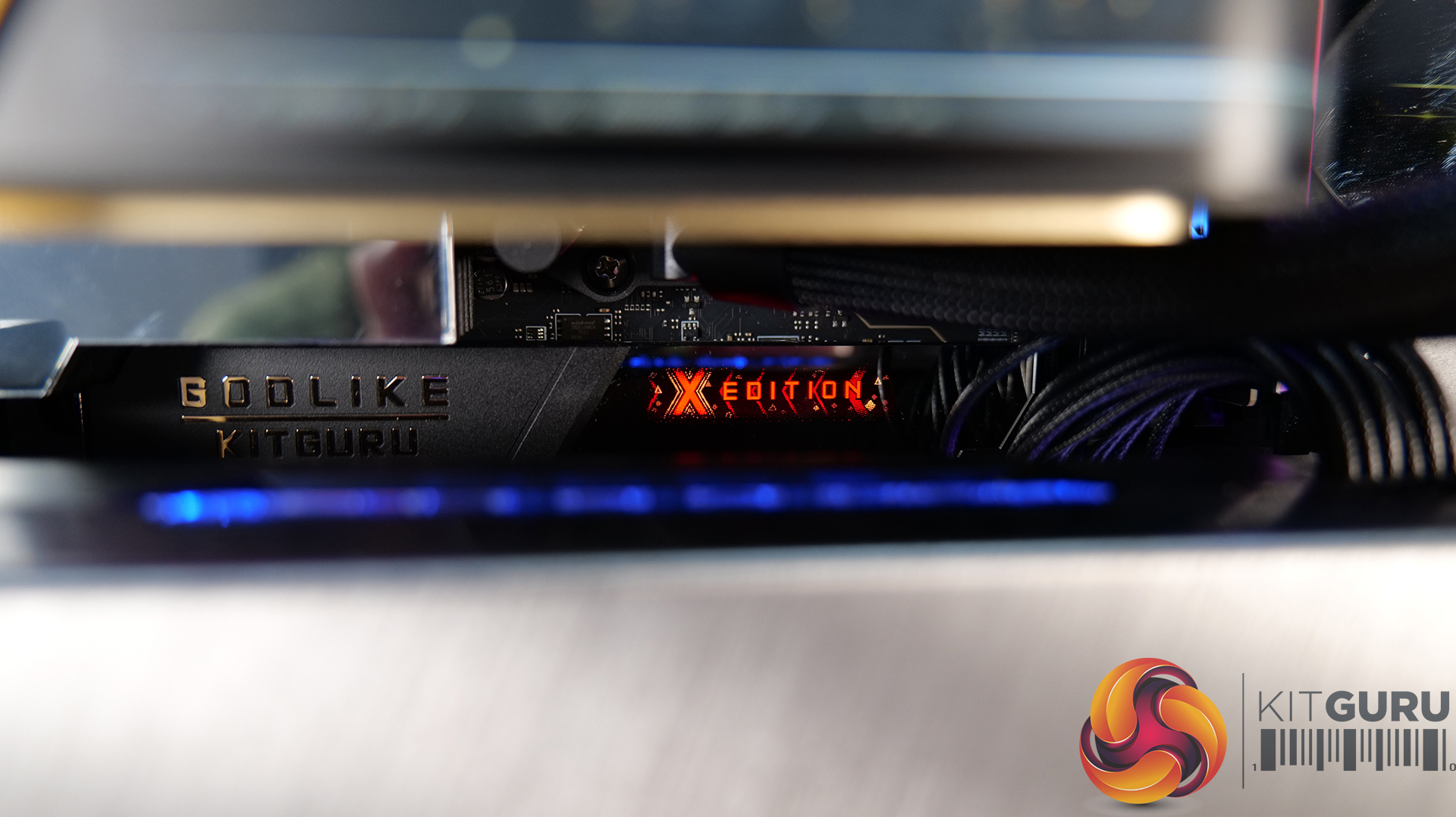
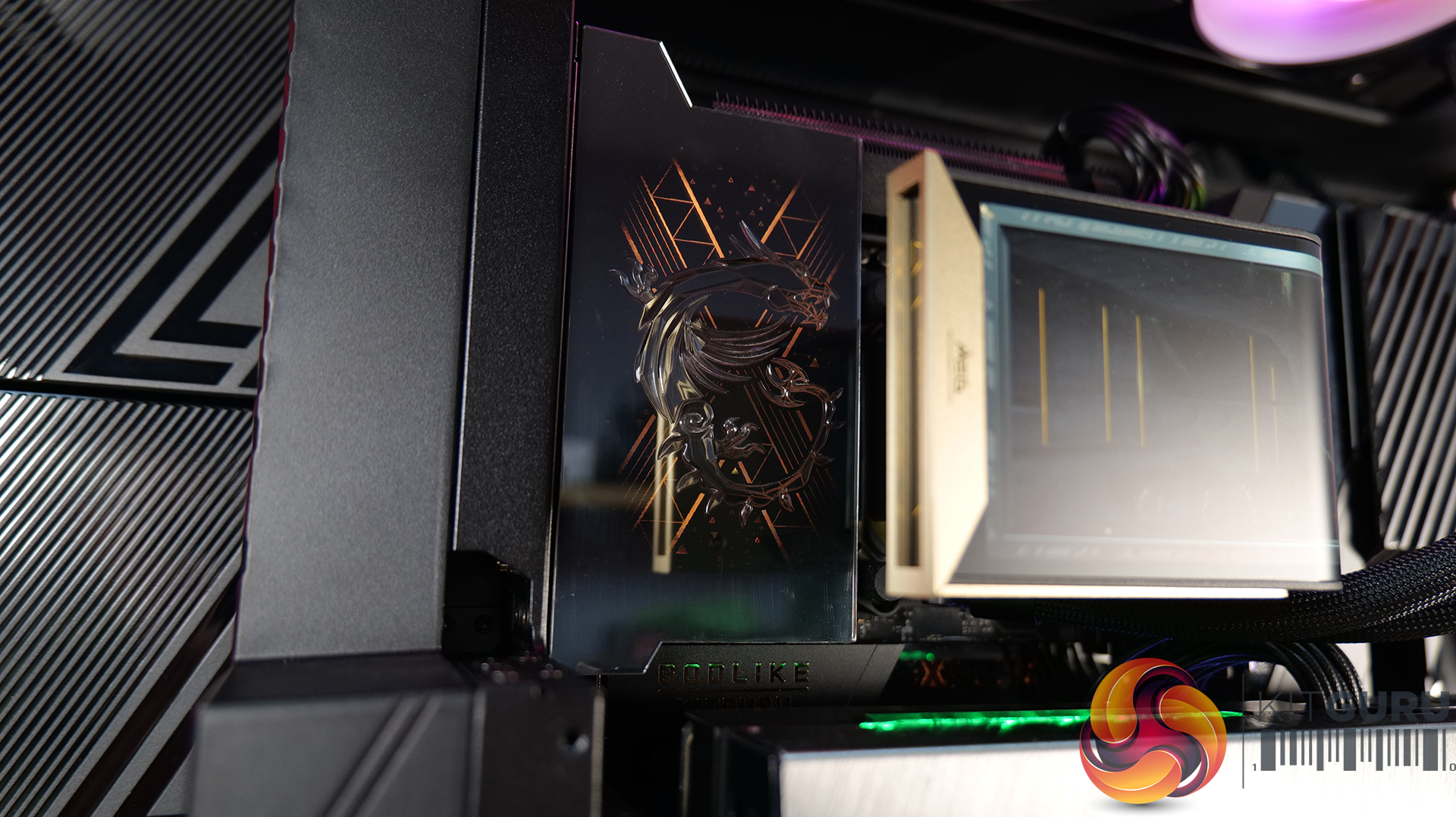
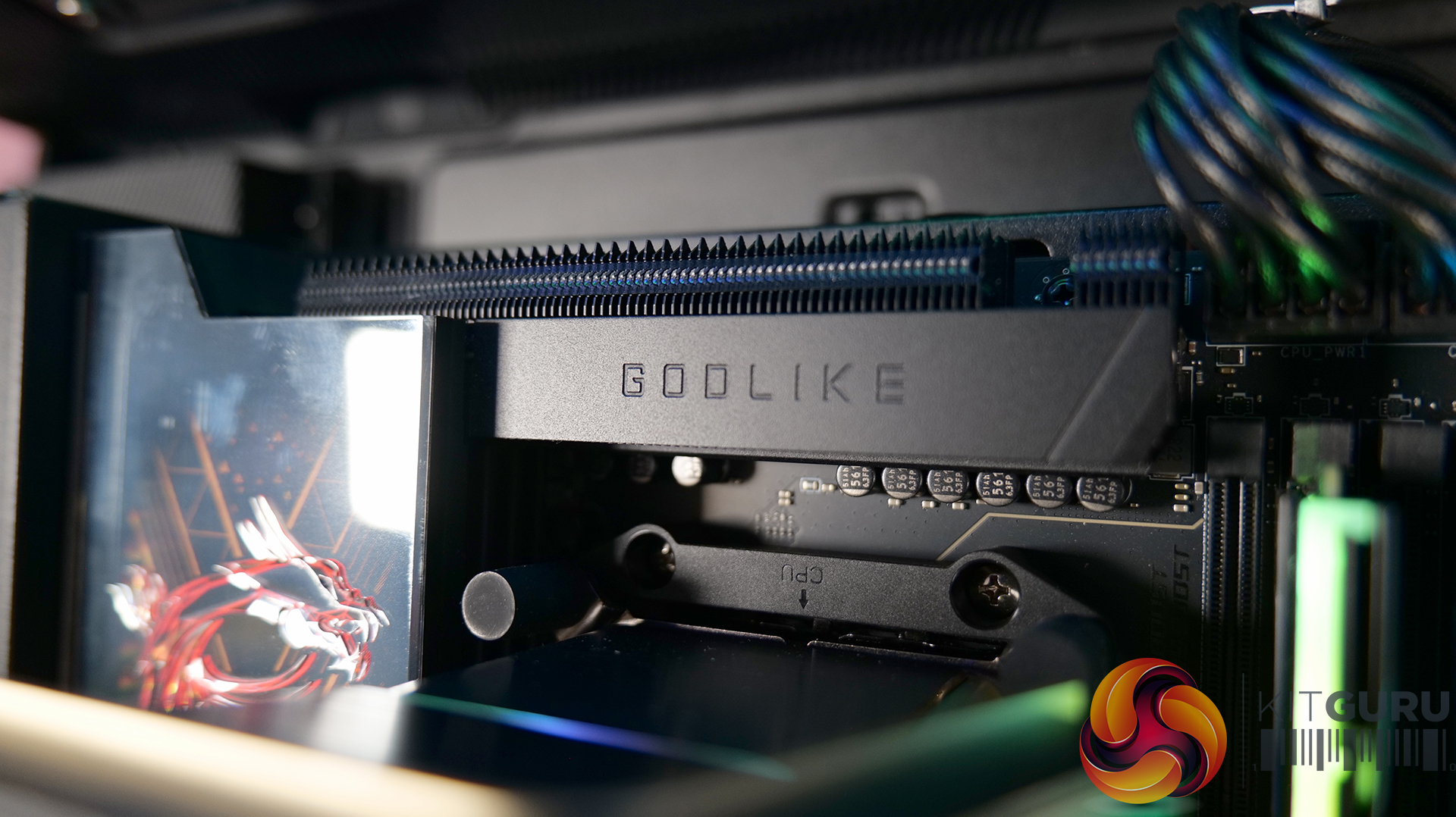
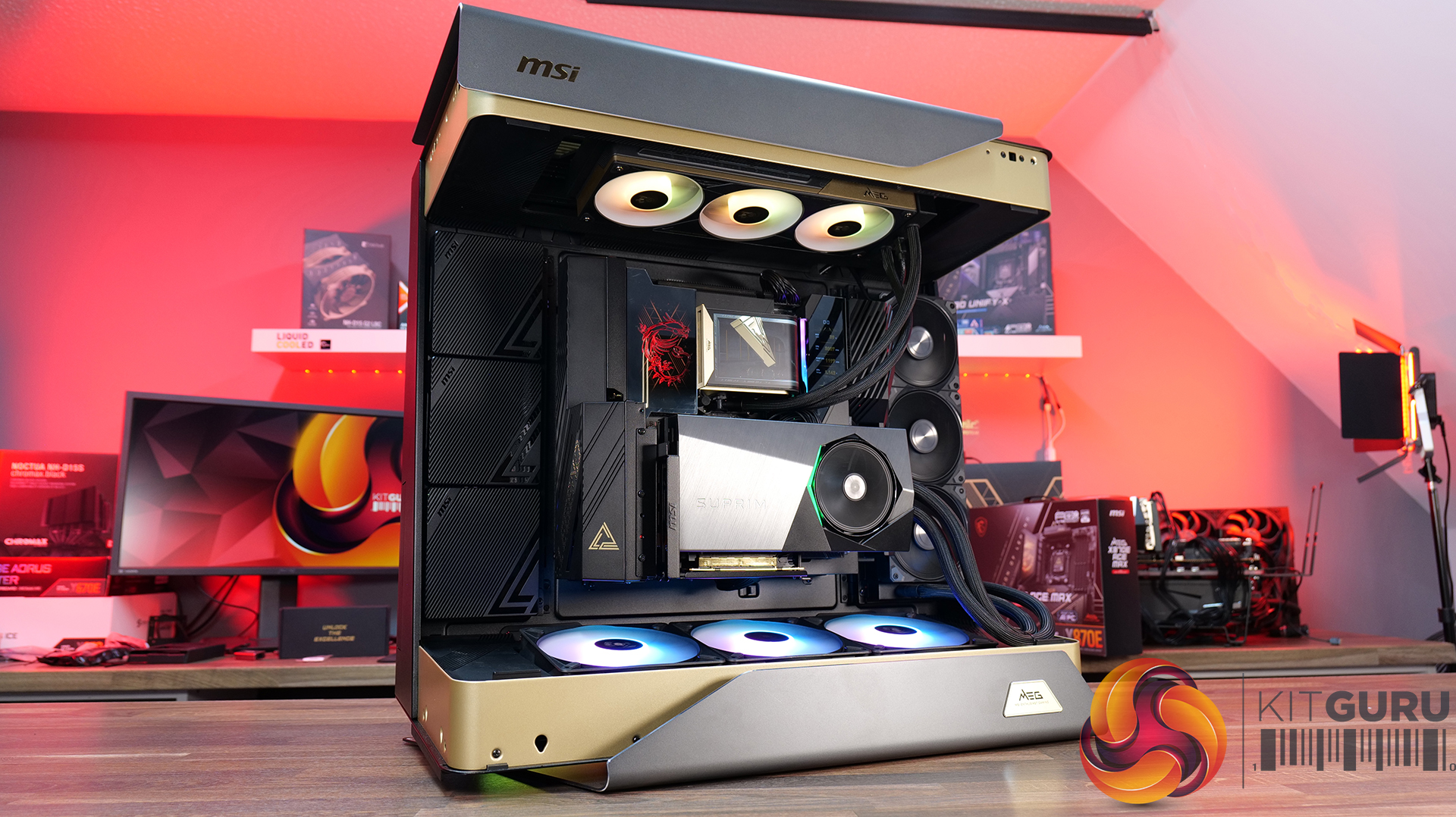
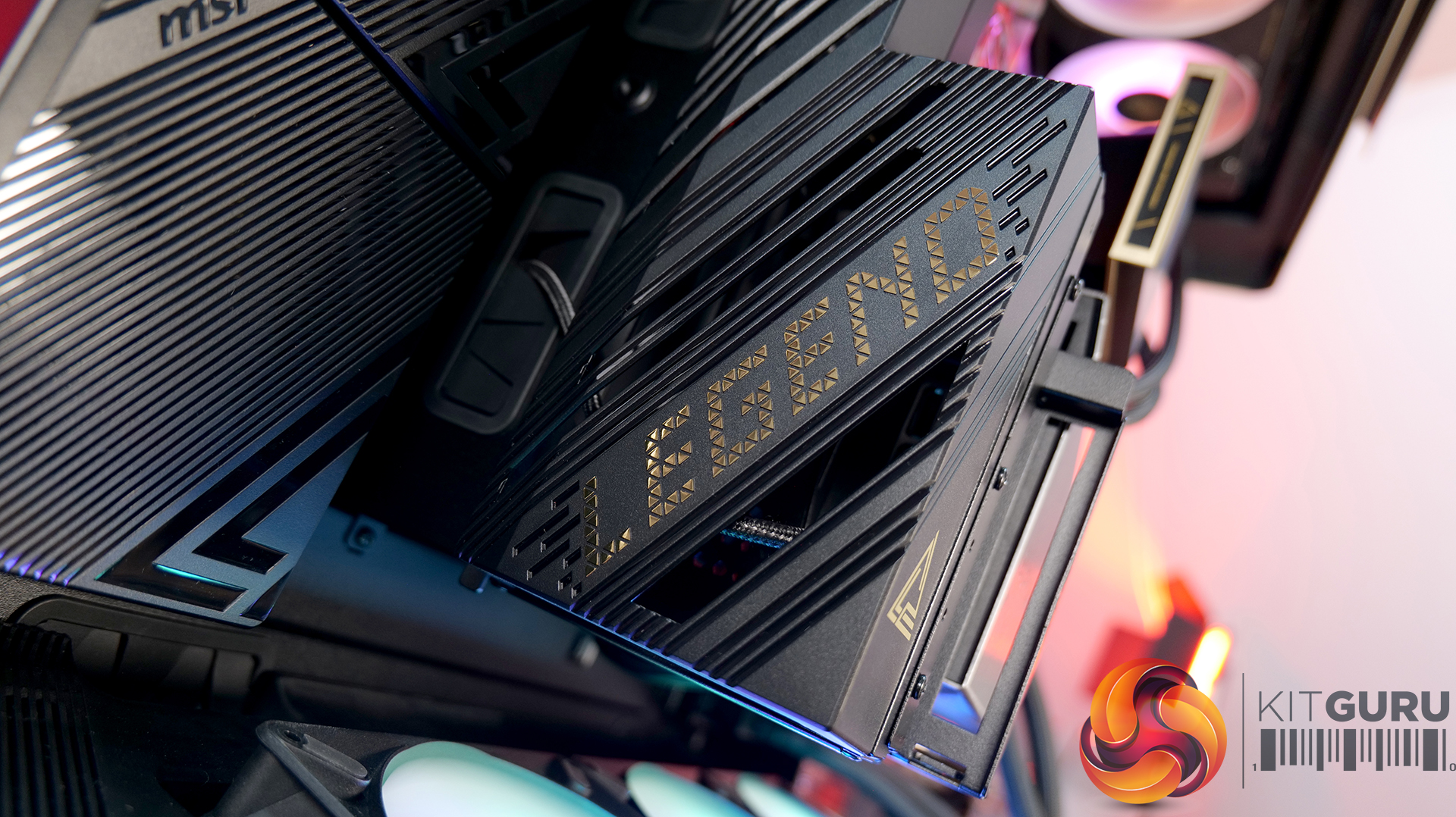
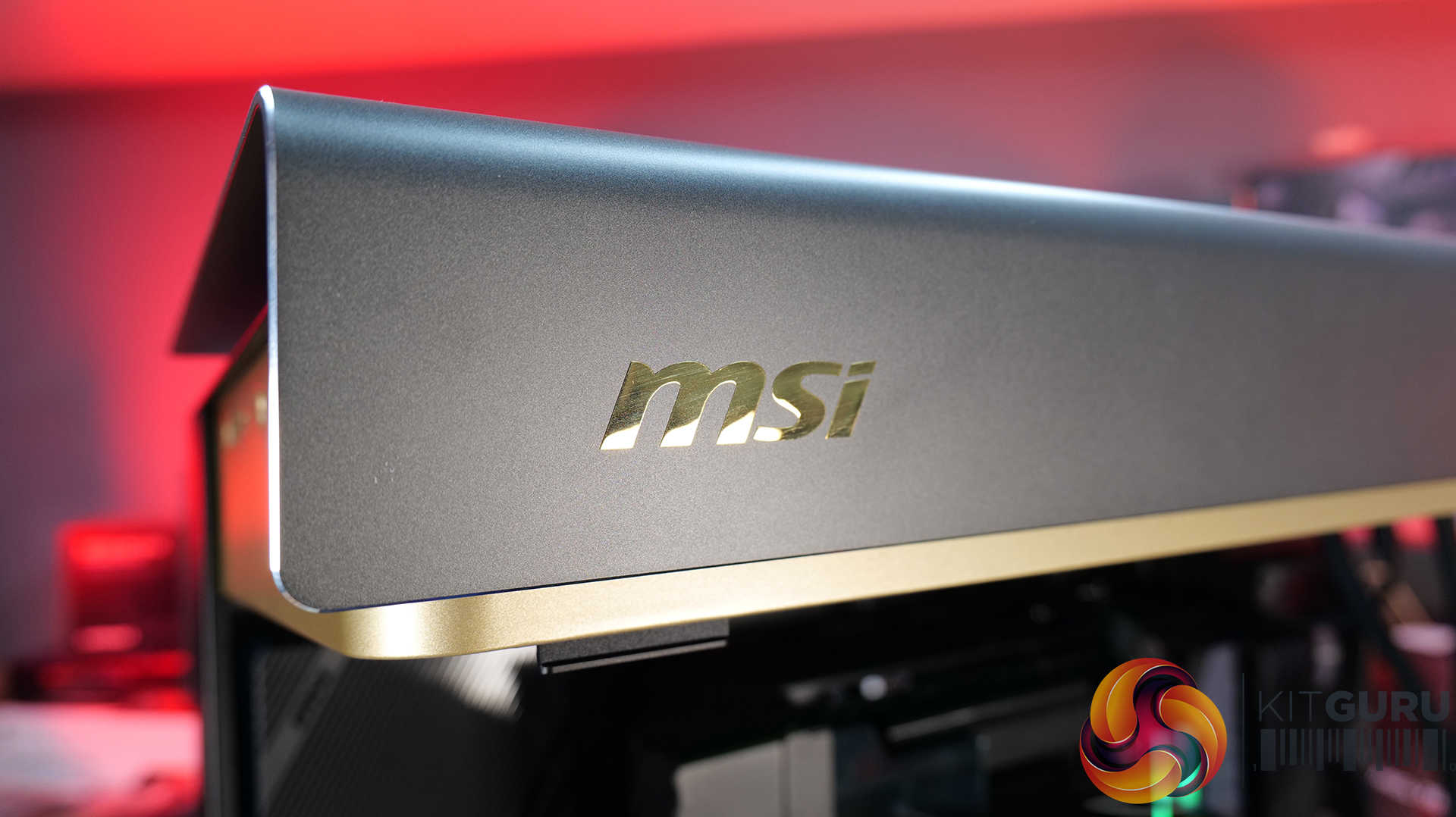
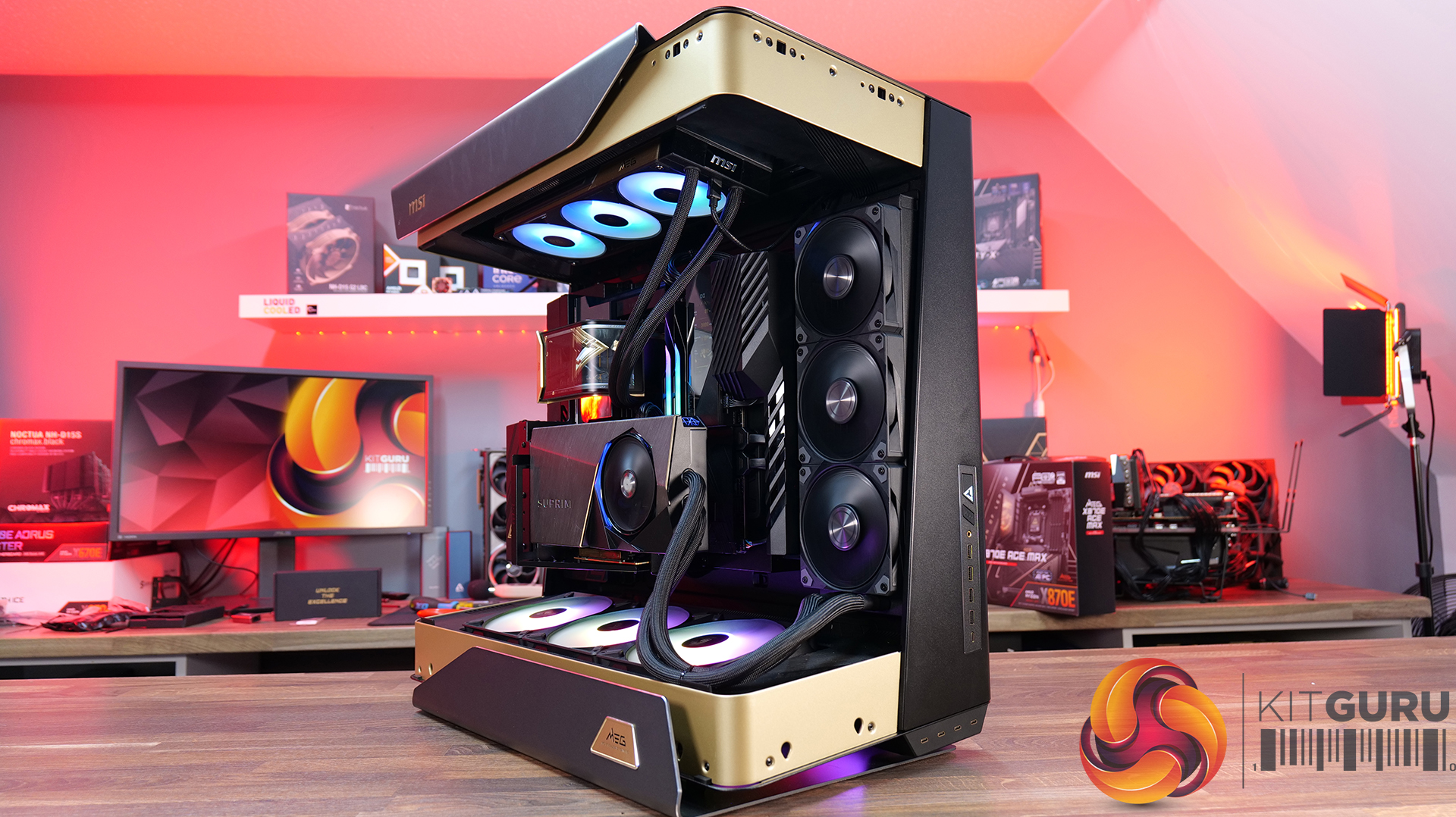
For our latest Featured Build, we’re going all-in with some of MSI’s most extreme hardware, including the massive MEG Maestro 900R chassis, the flagship MEG X870E Godlike X Edition motherboard and an RTX 5090 Suprim Liquid graphics card. CPU cooling comes courtesy of MSI’s MEG CoreLiquid E15 360mm AIO, and the system is powered by the MAG A1200PLS PSU. It’s big, it’s powerful and it’s completely over the top… so let’s get this monster build underway!
A Showcase Chassis: The MEG Maestro 900R uses a centre motherboard layout combined with three-sided panoramic tempered glass, placing high-end hardware into the focal point of the build rather than hiding it away inside a conventional box.
Flexible Building: A detachable motherboard tray can also be rotated into four different orientations, giving builders freedom to prioritise aesthetics, airflow or simply make the assembly process a little easier.
Built for Extreme Hardware: With support for up to 14 fans and dual 420mm radiators, along with vertical GPU mounting and included PCIe 5.0 riser cable, the Maestro 900R has the hardware support you'd expect from a flagship full-tower case.
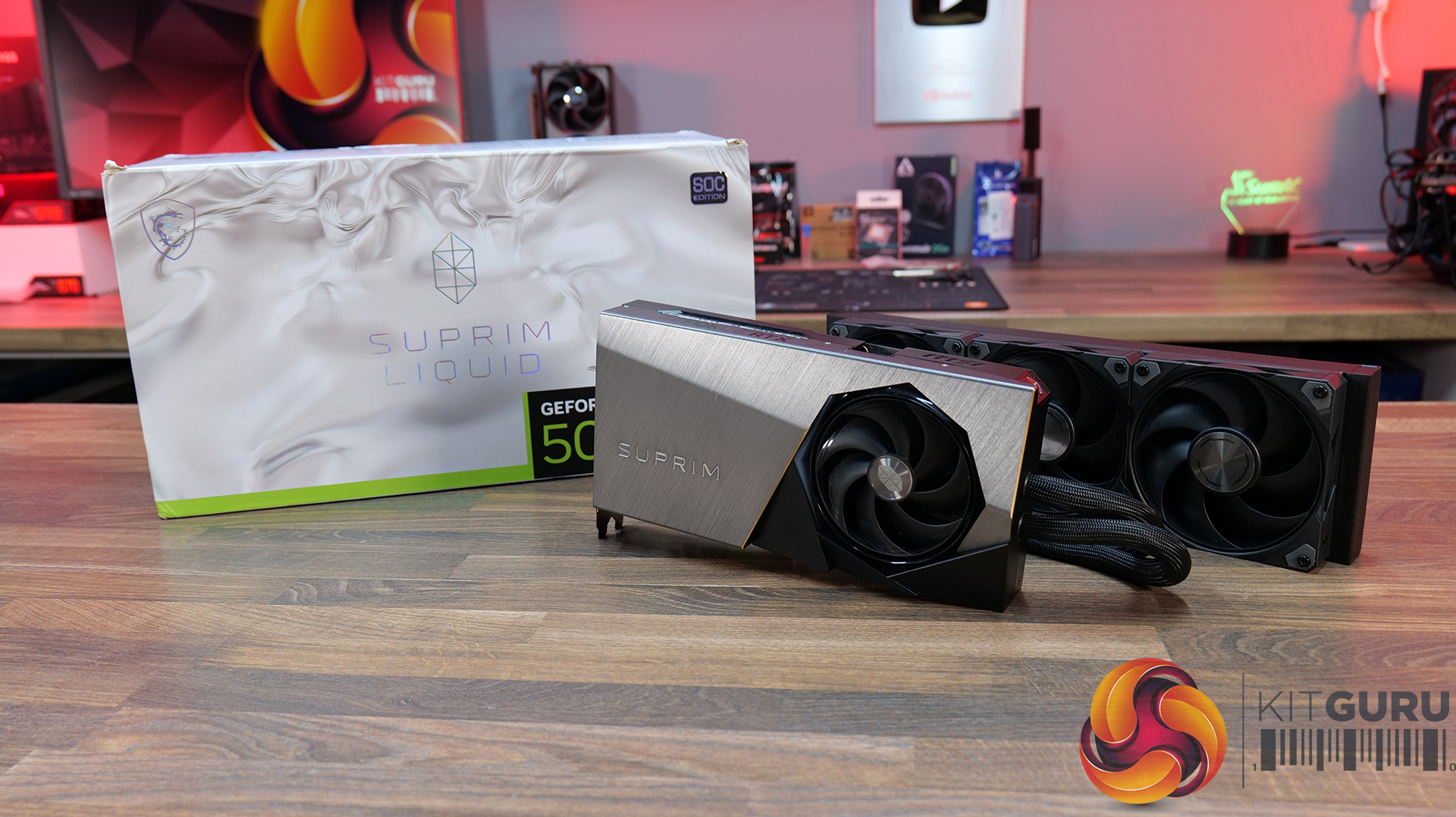
Graphics Card: MSI RTX 5090 SUPRIM LIQUID – Available HERE.
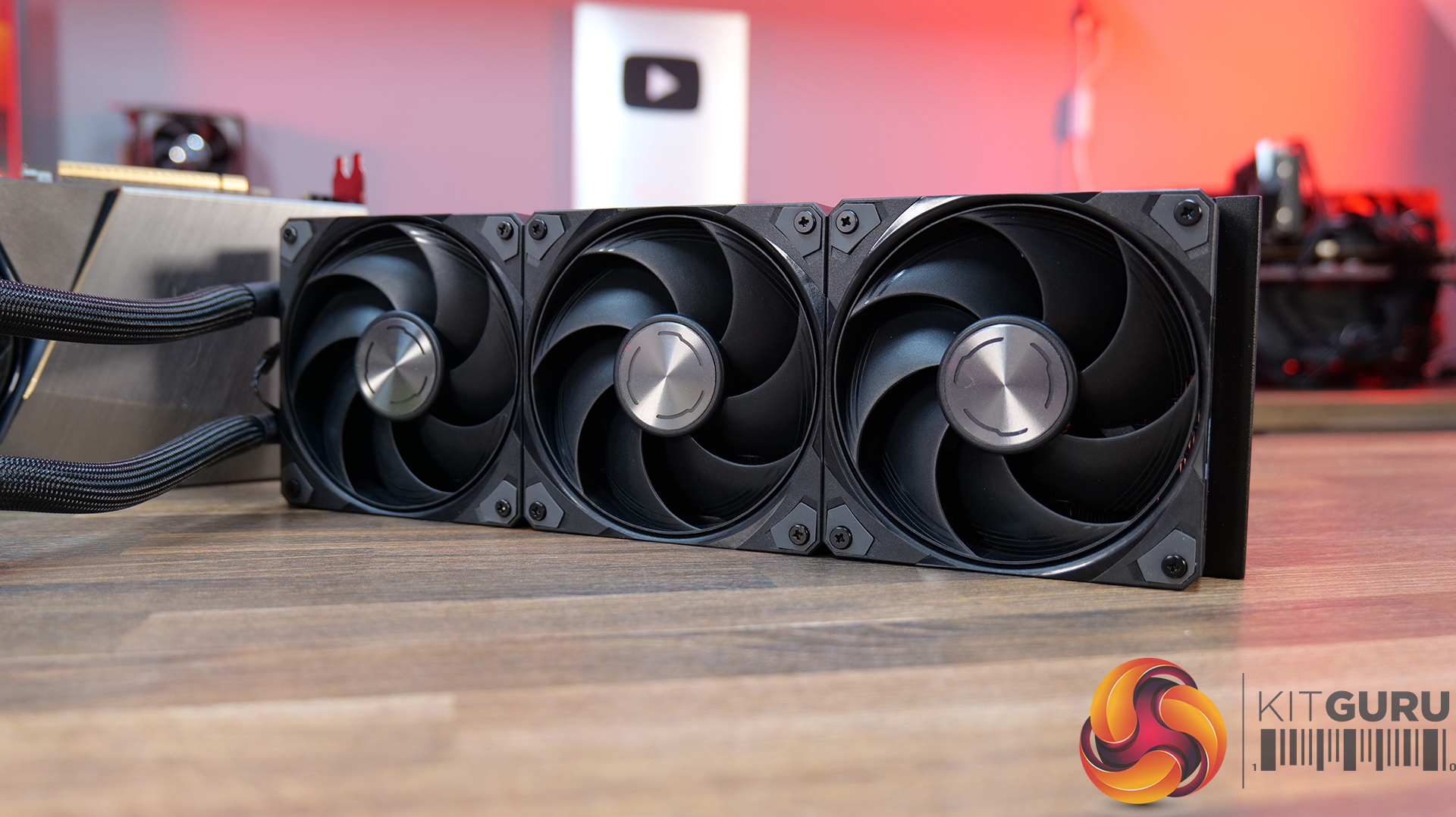
Hybrid Cooling: The SUPRIM LIQUID combines air and liquid cooling, with a patented water block covering the GPU and VRAM alongside a 360mm radiator and MSI STORMFORCE fans. A serious cooling solution for a serious GPU.
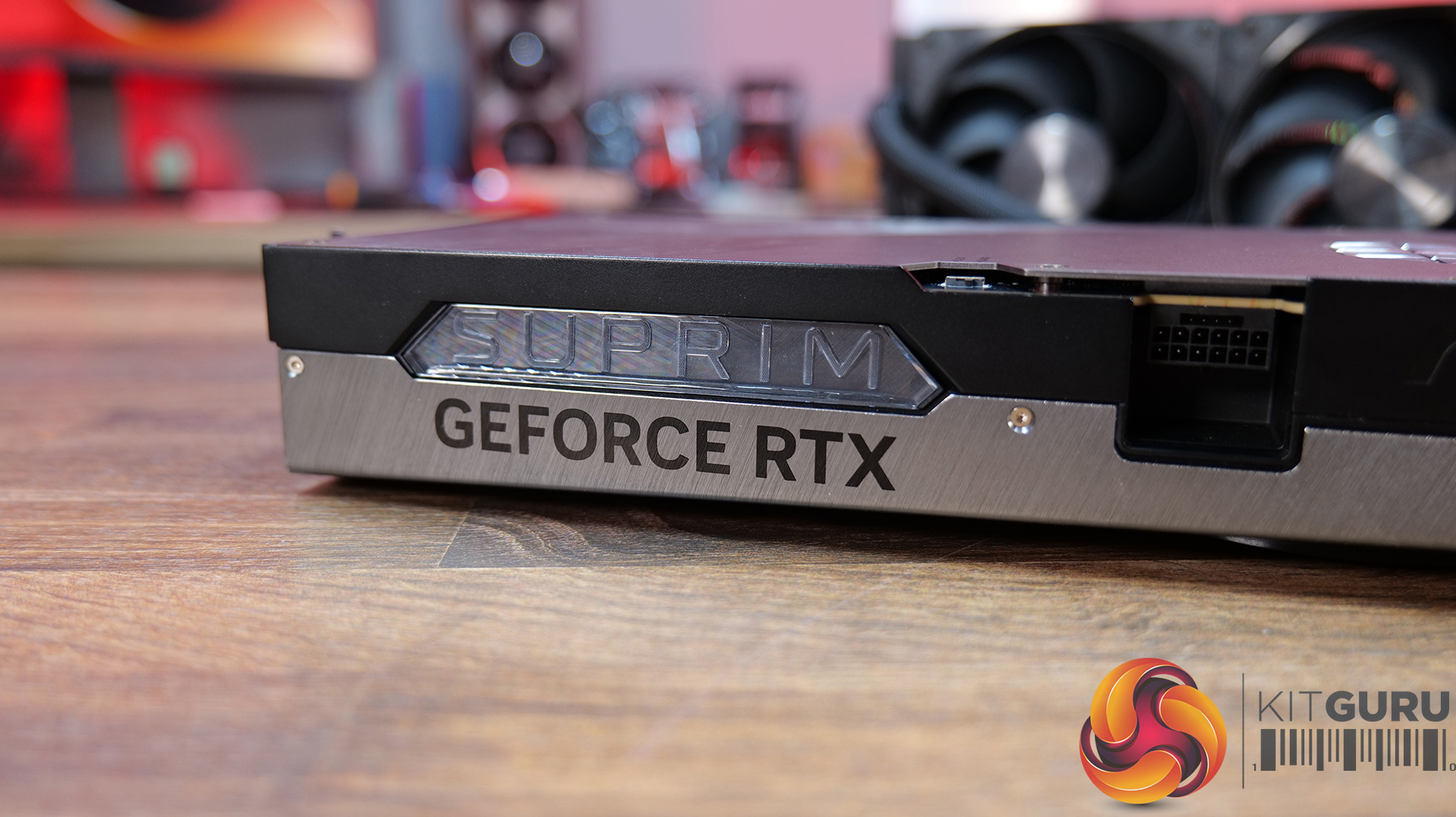
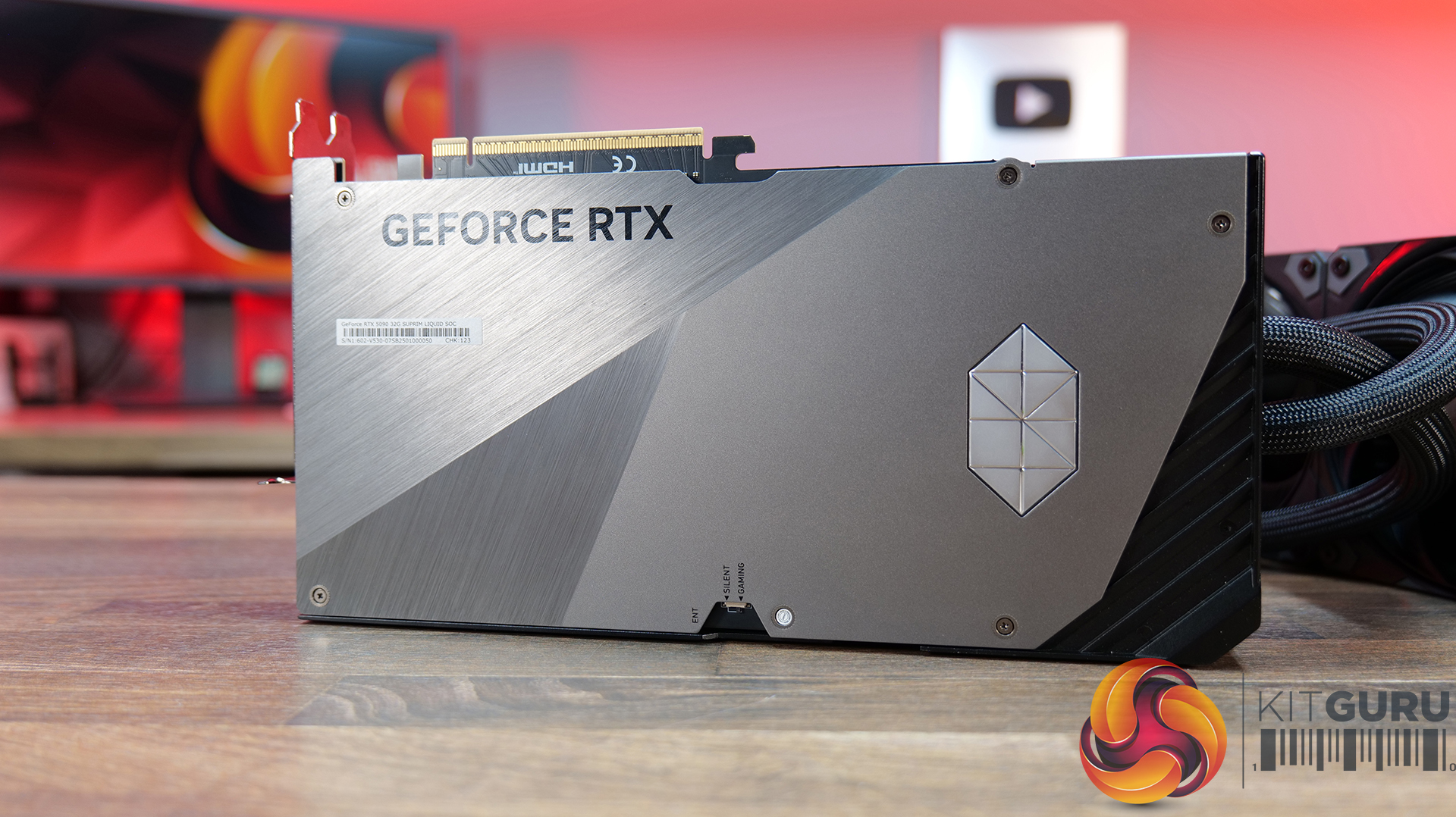
Flagship Design: MSI has gone all-out on build quality, with diamond-cut lines, polished and bevelled metal edges, a multi-finish metal backplate and integrated LED lighting. The RTX 5090 Suprim Liquid is clearly designed to look as premium as it performs.
Performance or Silence: Dual BIOS gives you the choice between Gaming mode for maximum performance or Silent mode when you want to keep noise down. The card also features HCI chokes, DrMOS power stages, high-quality thermal pads and a reinforced 2oz copper PCB.
Power Consumption: Gaming Mode: 600 W, Silent Mode: 575 W
Power Connectors: 1x 16-pin (ATX 3.1 PSU recommended)
Recommended PSU: 1000 W
Card Dimensions: 280 x 148 x 51 mm
Radiator Dimensions: 394 x 121 x 55 mm
Tube Length: 450 mm
Weight: 2969 g (card) / 4273 g (package)
DirectX Version Support: 12 Ultimate
OpenGL Version Support:6
Maximum Displays: 4
G-SYNC Technology: Yes
Digital Maximum Resolution: 7680 x 4320
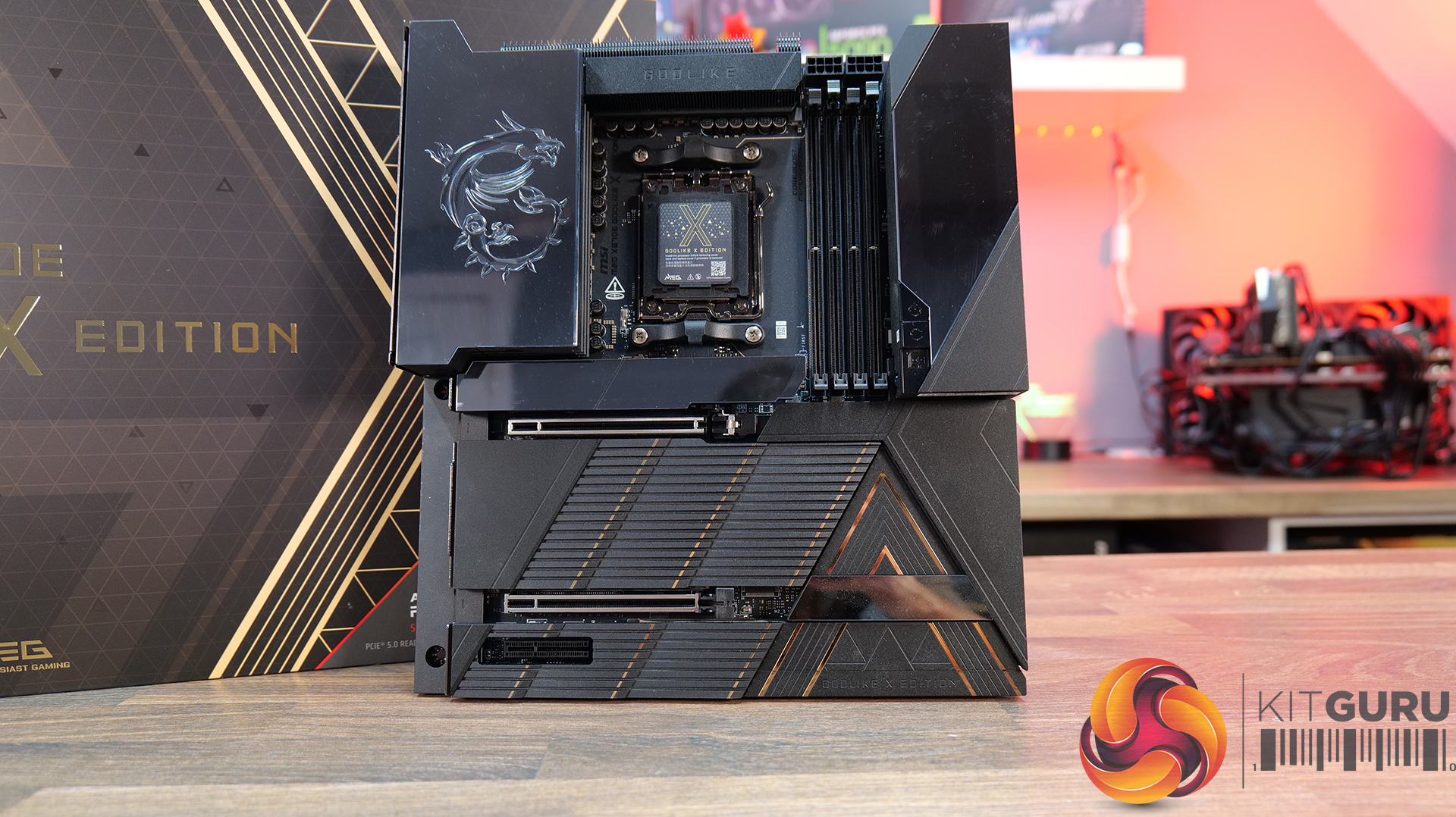
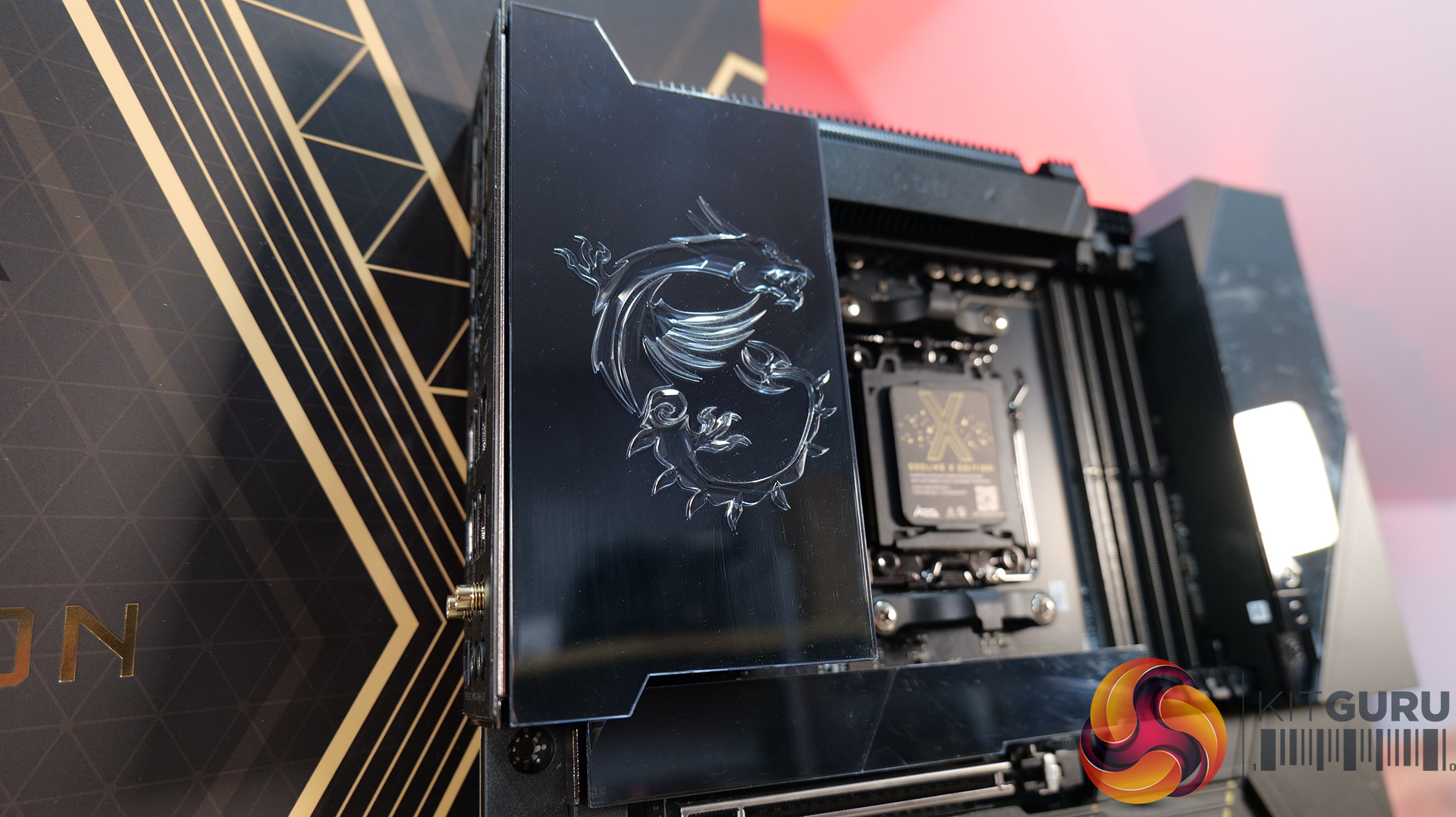
Motherboard: MSI MEG X870E Godlike X Edition – Available from Scan HERE.
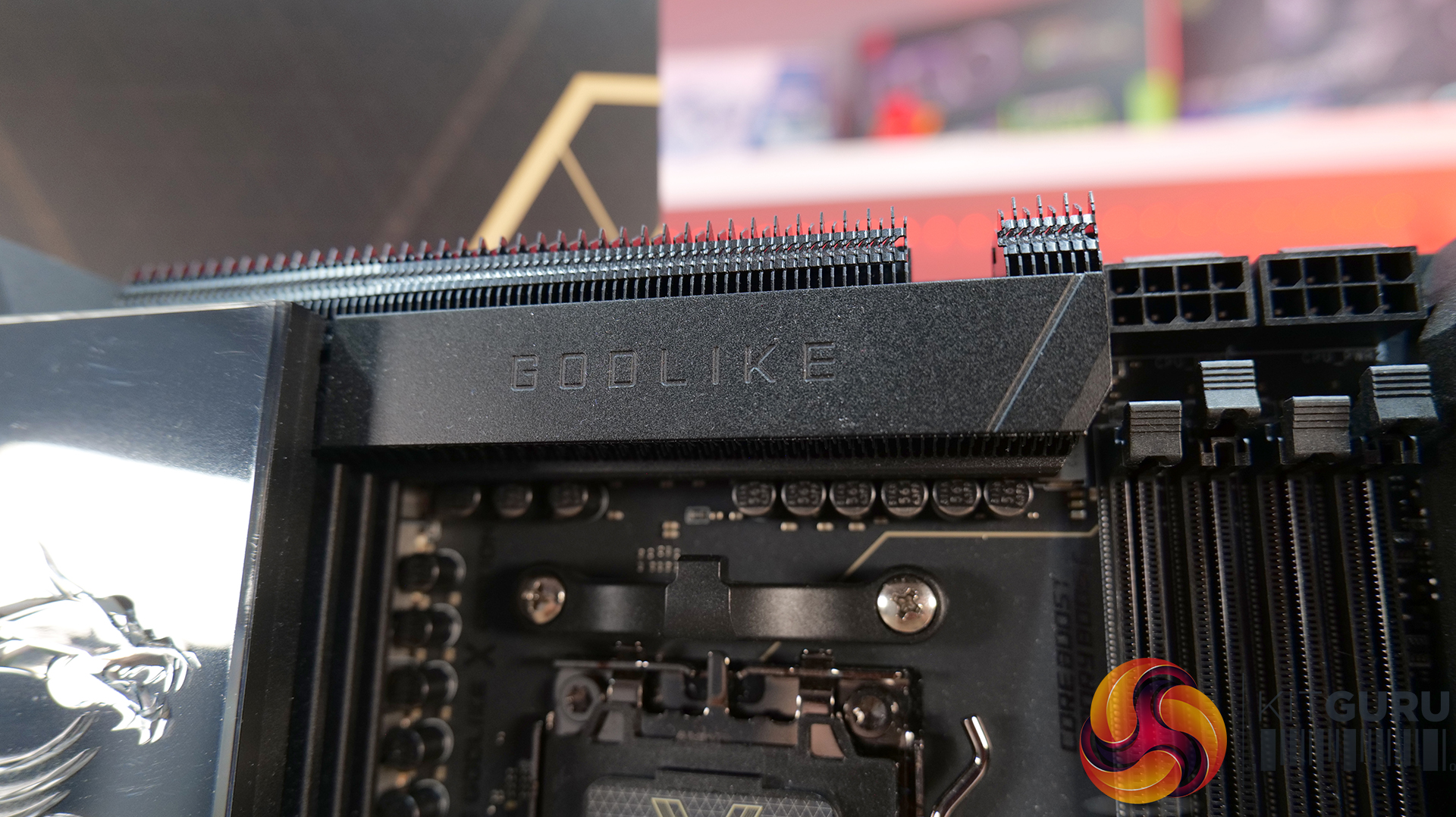
Flagship X Edition: Featuring a 24+2+1 Duet Rail Power System, 110A Smart Power Stages, dual 8-pin CPU power connectors and a 10-layer 2oz copper PCB, so that this board can handle serious CPU performance and overclocking.
An Impressive Display: The 3.99-inch Dynamic Dashboard III LCD provides real-time hardware monitoring, troubleshooting information, BIOS update status and system clock functionality, while allowing for customisation. It's a superb addition for a flagship motherboard — helping it stand out in a showcase build.
Storage and Connectivity Galore: Five onboard M.2 slots, plus the included M.2 XPANDER-Z SLIDER GEN5 expansion card, adding another two Lightning Gen 5 M.2 slots. There’s also dual PCIe 5.0 slots, 10G and 5G LAN, Wi-Fi 7, USB4 and front-mounted USB 20Gbps with 60W USB Power Delivery.
Specifications
Chipset: AMD X870E
CPU Support: AMD Ryzen 9000 / 8000 / 7000 Series Desktop Processors
Additional M.2 Storage: 2x PCIe 5.0 x4 M.2 slots via the M.2 XPANDER-Z SLIDER GEN5 card
SATA: 4x SATA 6Gbps
RAID: RAID 0, 1 and 10 for SATA; RAID 0, 1, 5 and 10 for M.2 NVMe
USB: 4x USB 2.0 (front), 4x USB 5Gbps Type-A (front), 8x USB 10Gbps Type-A (rear), 5x USB 10Gbps Type-C (rear), 1x USB 10Gbps Type-C (front),1x USB 20Gbps Type-C (front), 2x USB 40Gbps Type-C (rear)
LAN: 1x Marvell AQC113CS 10Gbps LAN + 1x Realtek 8126 5Gbps LAN
Wireless: Wi-Fi 7
Wi-Fi Speed: Up to 5.8Gbps
Wi-Fi Bands:4GHz / 5GHz / 6GHz (320MHz)
Bluetooth: Bluetooth 5.4
Internal I/O: CPU fan, 2x pump/system fan, thermal sensor connectors, RGB, front-panel connectors and additional USB headers
LED Features: Dynamic Dashboard III, EZ Digi-Debug LED and EZ LED Control switch
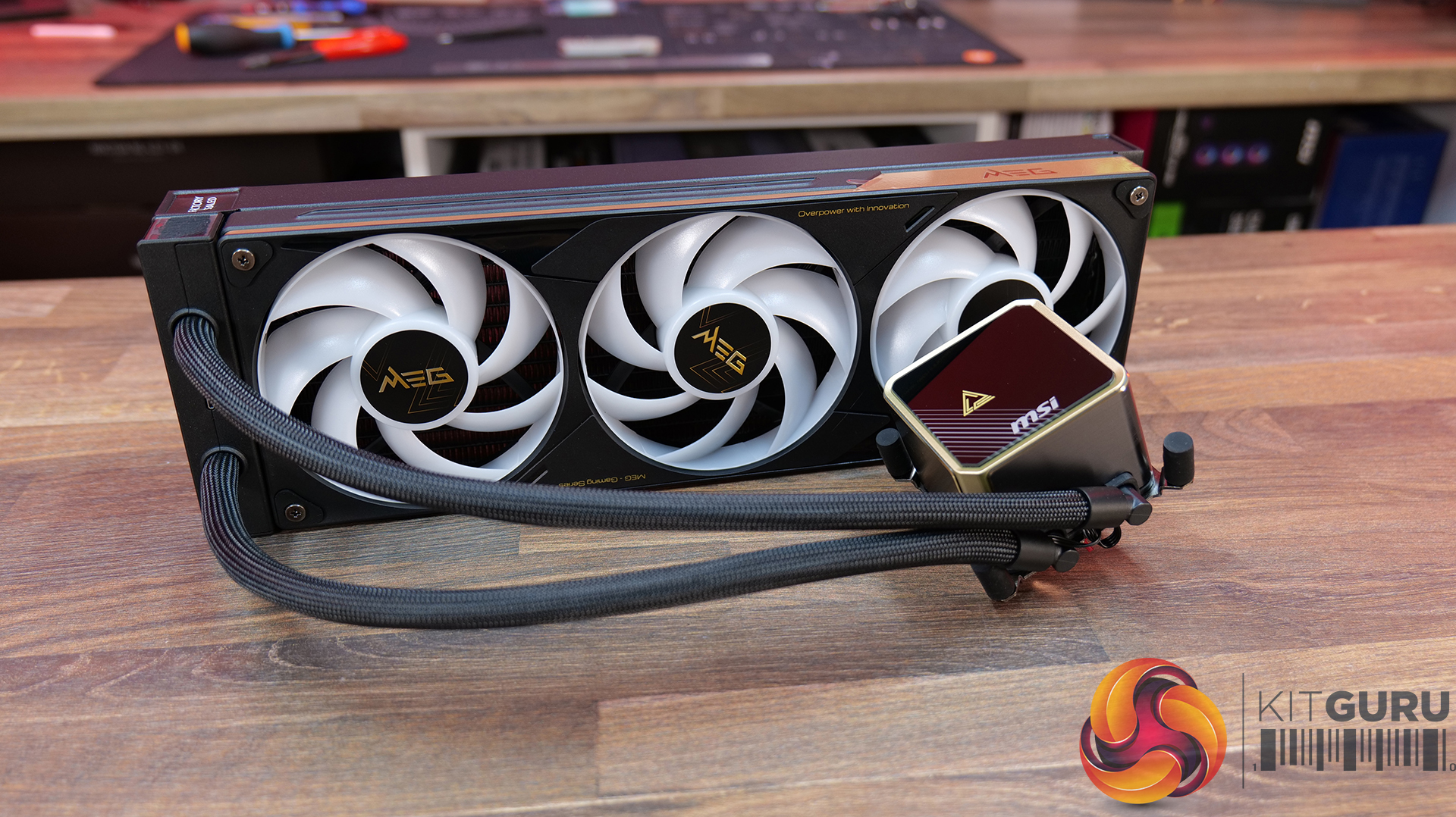
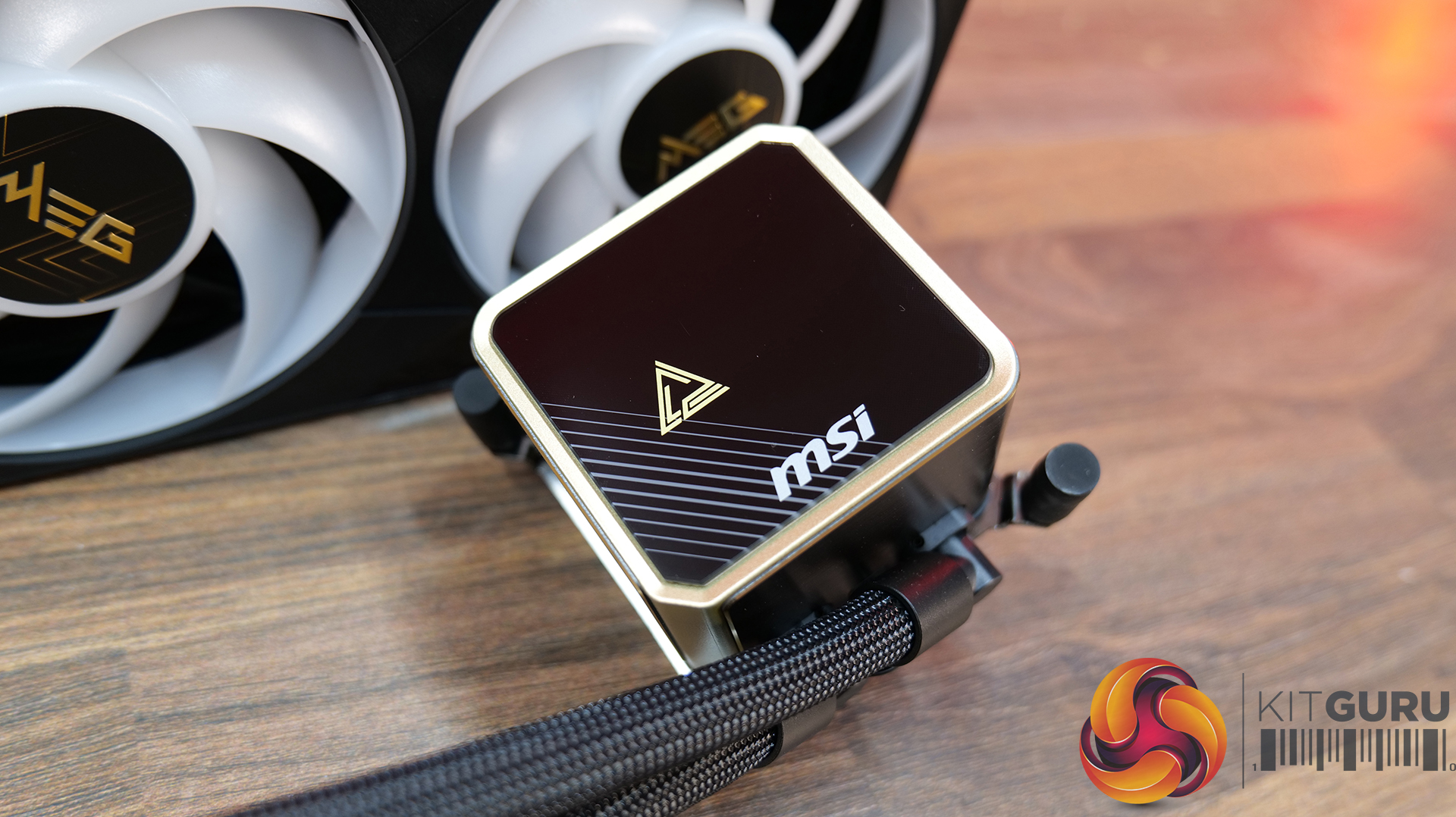
AIO CPU Cooler: MSI MEG CORELIQUID E15 360 – Available HERE.
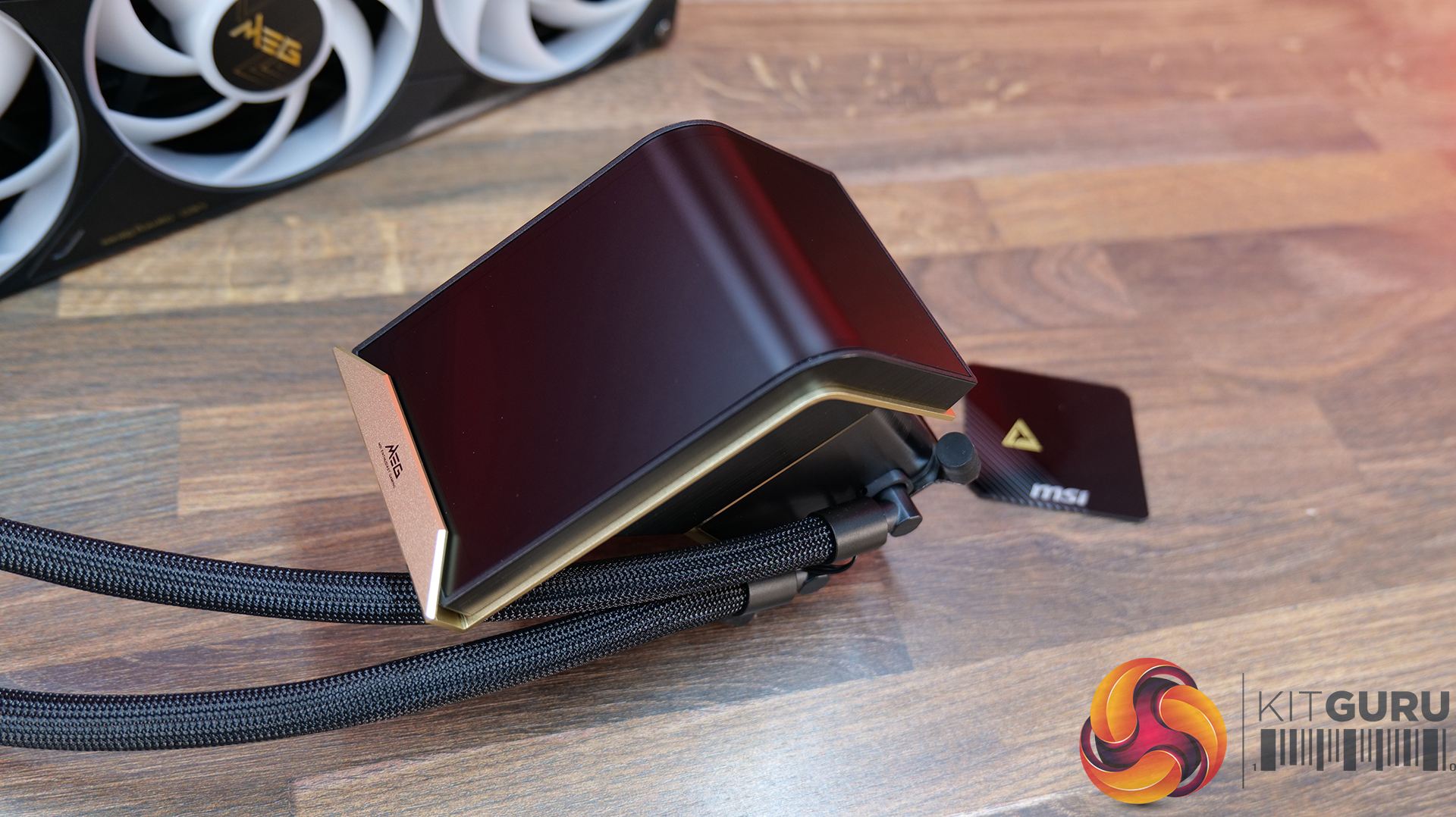
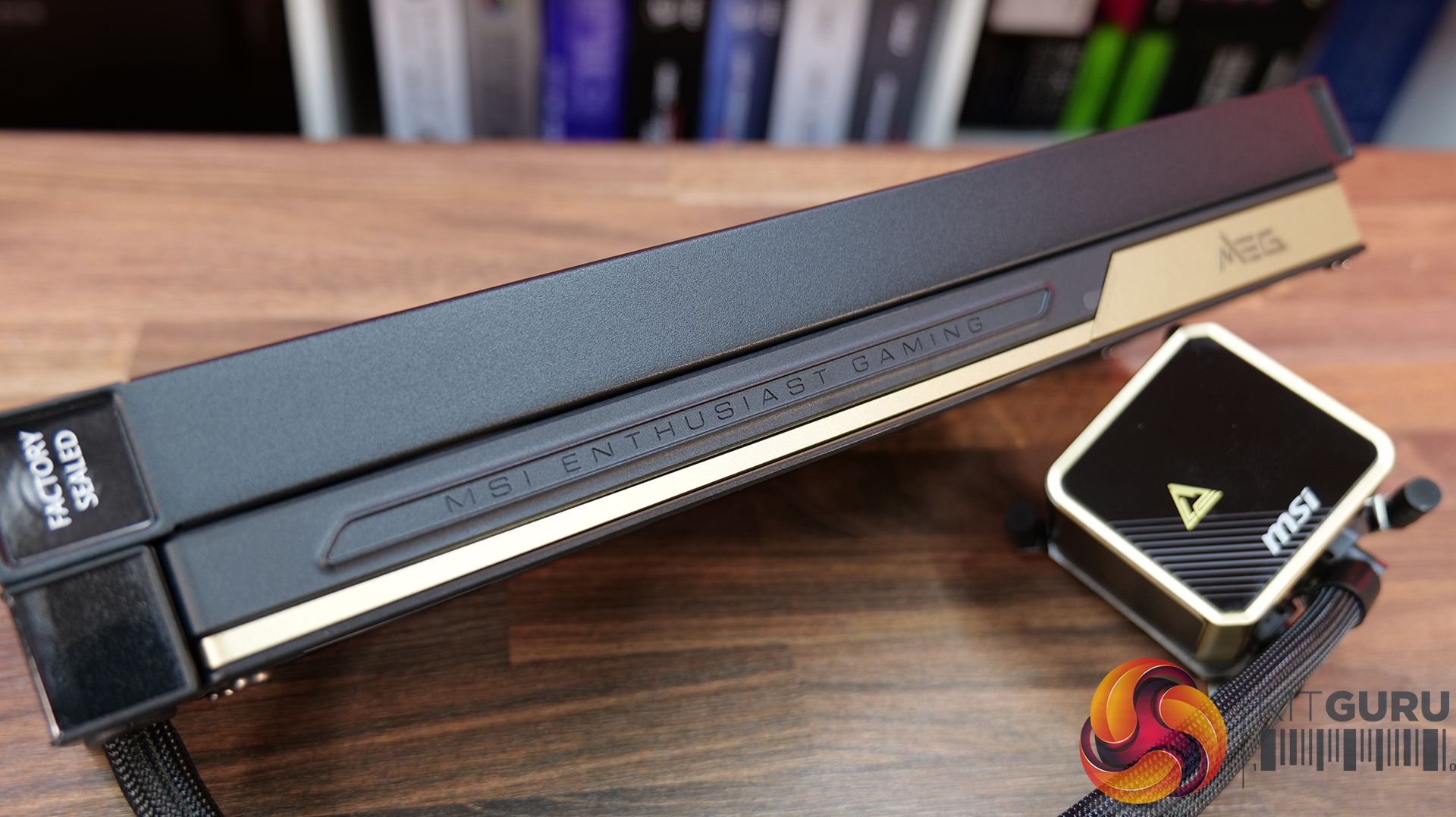
Curved Display: E15 360 features a huge 6.67-inch 2K AMOLED display with a 110-degree curved viewing angle, supporting custom animations, images and videos. It can operate in full-screen, split-screen or extended-display modes, making it more than just a fancy pump cover.
Laminar Focus Cooling: MSI’s three-fan setup uses Laminar Focus Technology, with the middle fan spinning in reverse to reduce turbulence, smooth out airflow and cut down noise. There’s also a 30mm-thick radiator and a cooling safeguard that automatically ramps up the remaining fans if one fails.
Clean Installation: Slick installation process with its EZ Conn single-cable design, connecting the screen, fans, ARGB and pump through one cable. The magnetic POGO-PIN screen also simplifies installation, while the 90-degree tube clips help keep the tubing looking neat and tidy.
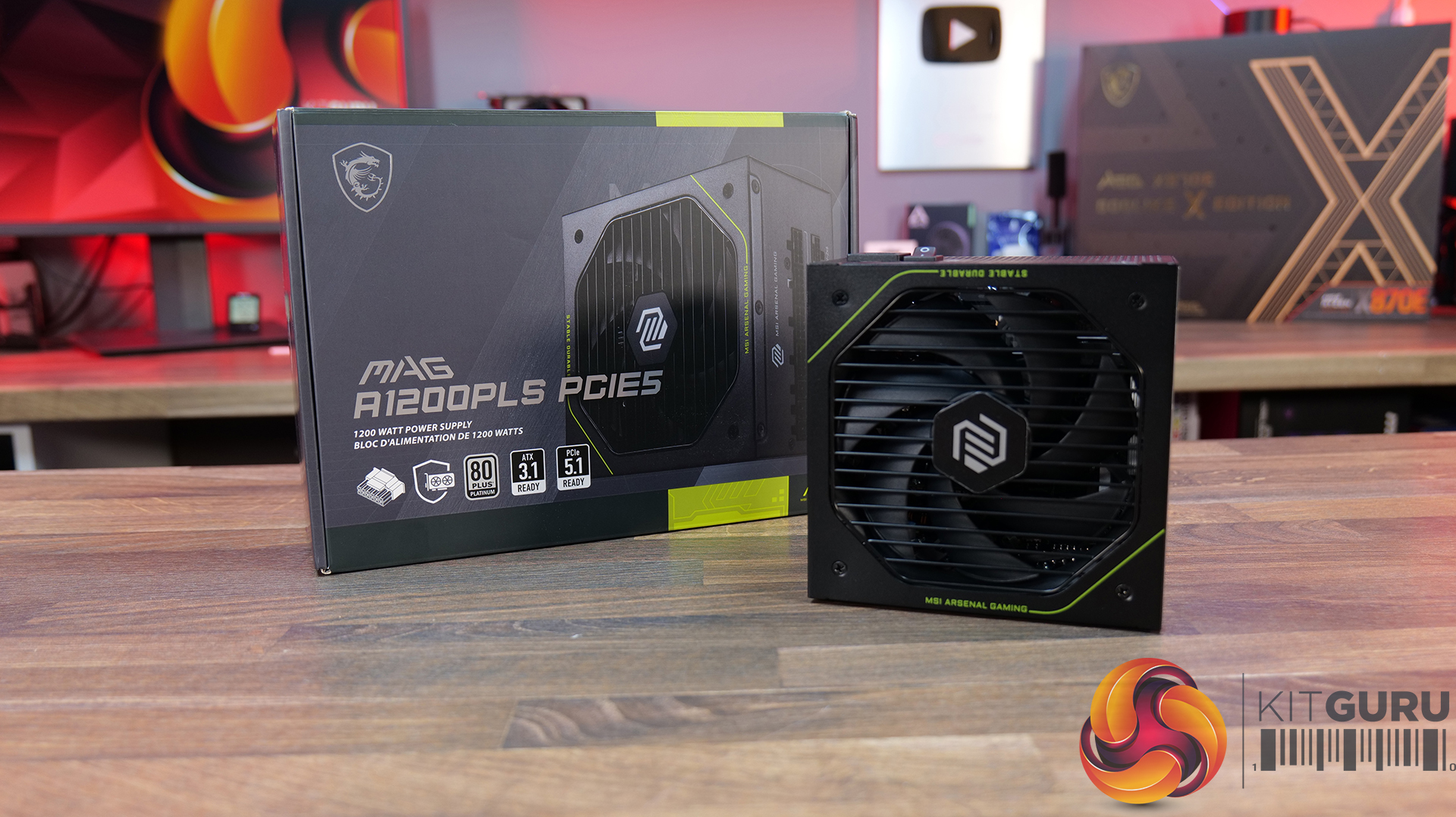
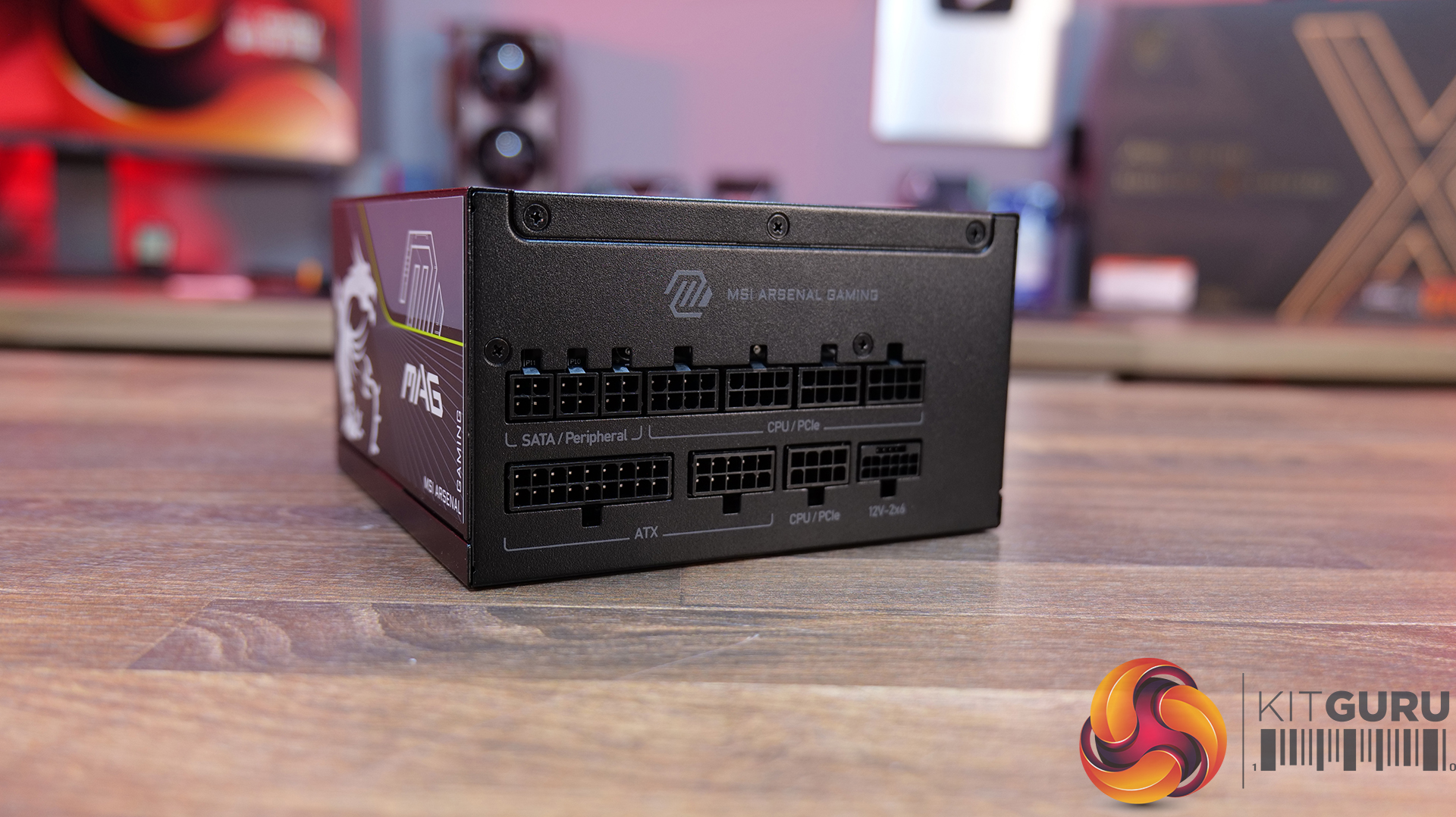
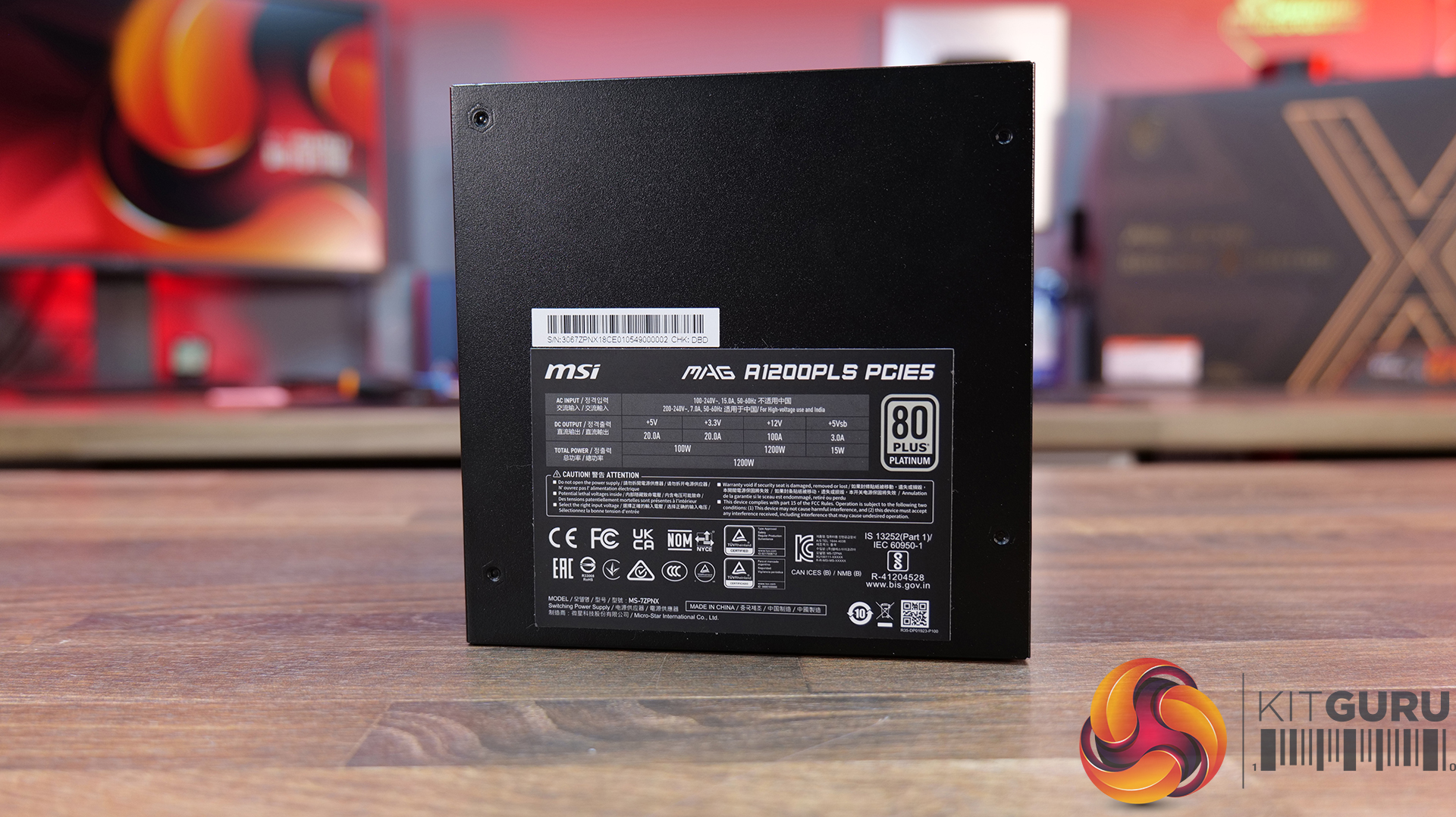
Power Supply: MSI MAG A1200PLS PCIE5 – Available from OCUK priced at £179.99 HERE.
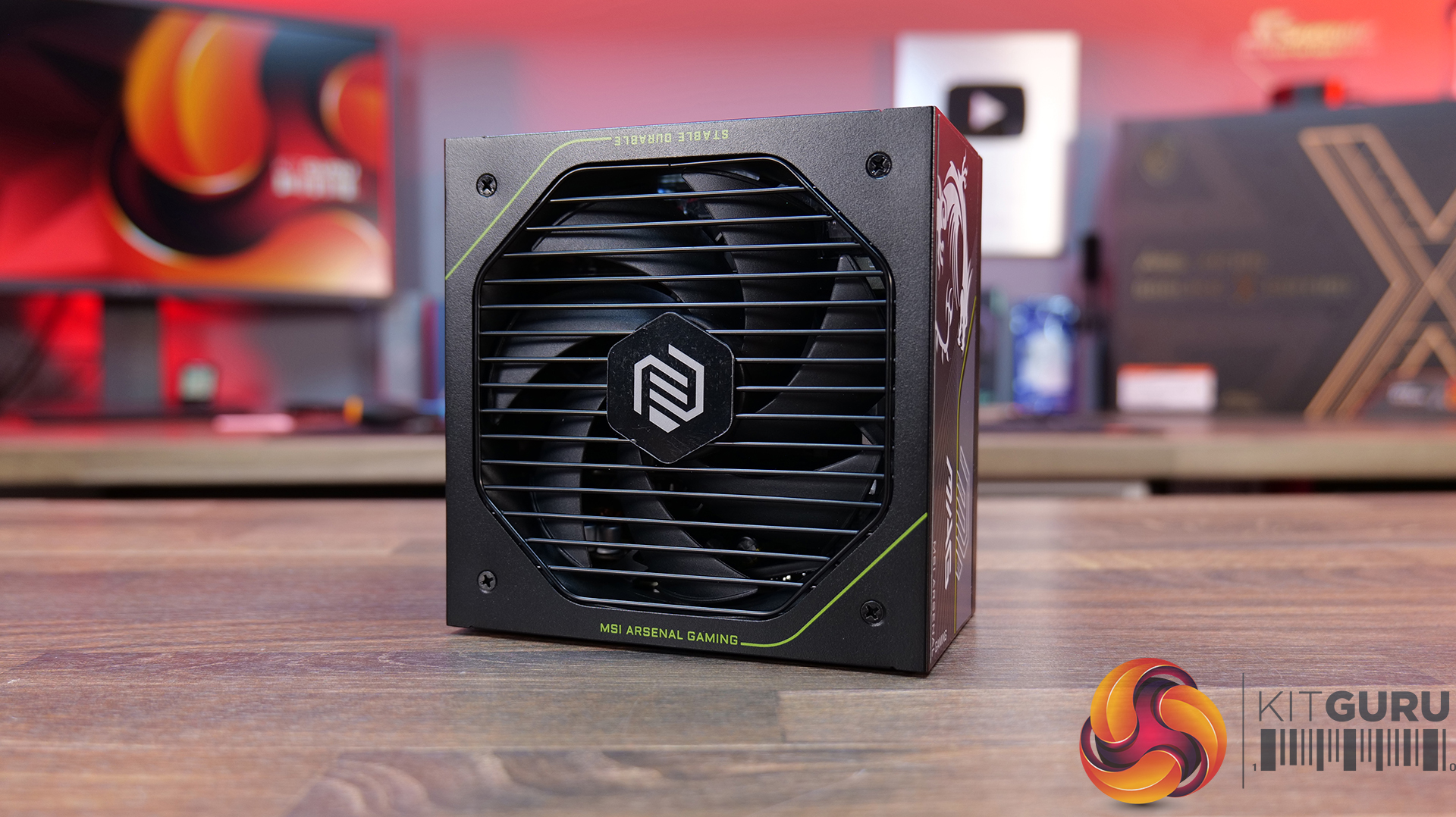
Latest High-End GPU Ready: With 1200W of power, ATX 3.1 compliance and a native 12V-2×6 PCIe 5.1 connector capable of delivering up to 600W, the A1200PLS is designed with today’s most demanding GPUs in mind. It also supports up to 235% total power excursion and 3x GPU power excursion.
Platinum Power Delivery: MAG A1200PLS carries an 80 PLUS Platinum efficiency certification, while MSI uses a 135mm Fluid Dynamic Bearing fan to help keep noise levels down and maintain a longer fan lifespan. Plus a 105°C main capacitor for added durability.
Protection Built In: It’s equipped with GPU Safeguard, which monitors the 12V-2×6 connector and provides real-time alerts, alongside Fan Safeguard and a comprehensive set of protections including OCP, OTP, OPP, SCP, OVP, UVP, SIP and NLO. Plenty of protection for some seriously expensive hardware.
KitGuru says: Is it possible to pack in any more high-end MSI hardware than this? The MEG Maestro 900R might be one of the most expensive PC cases we have ever seen, but it sure is one of a kind!
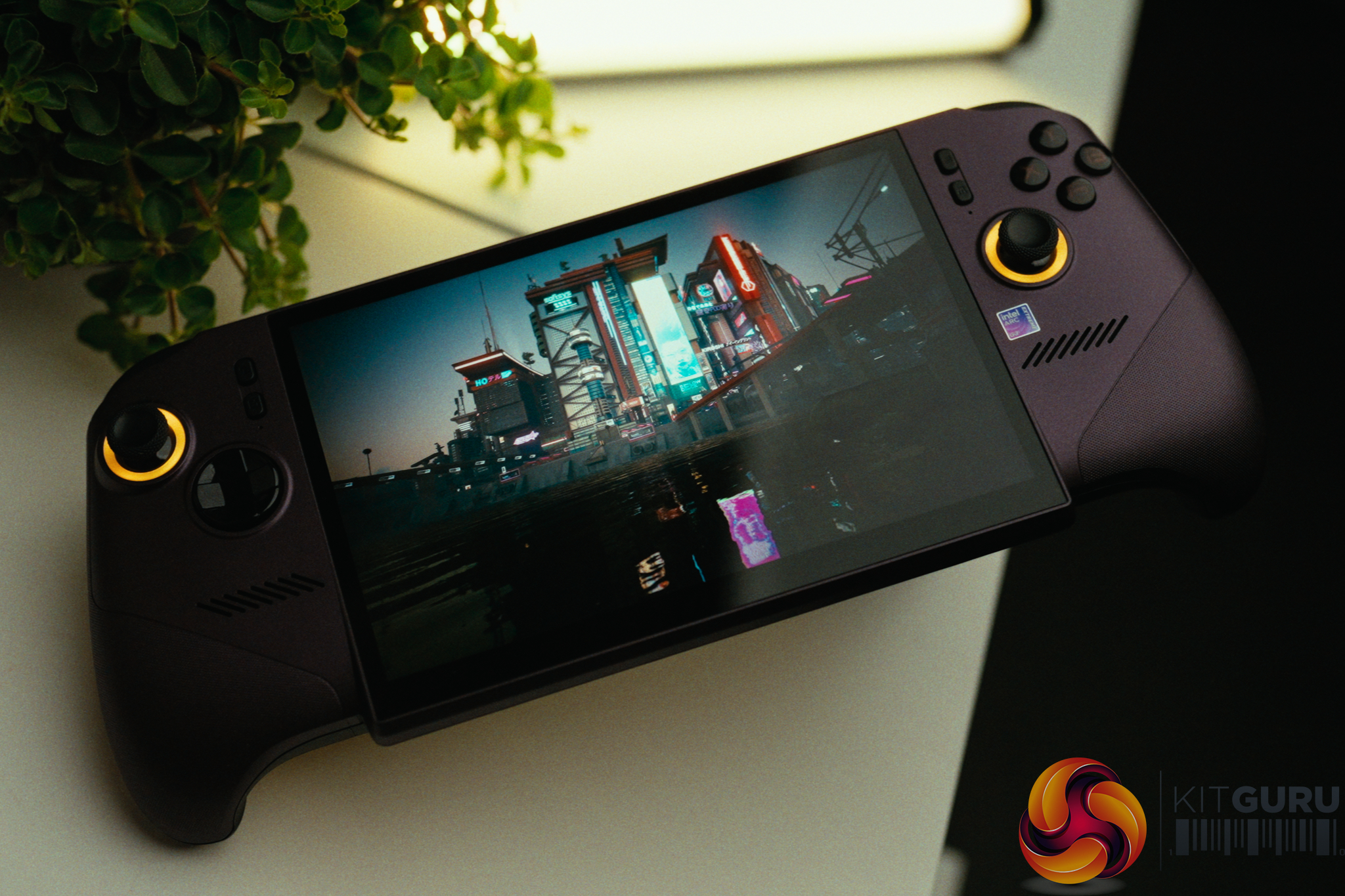
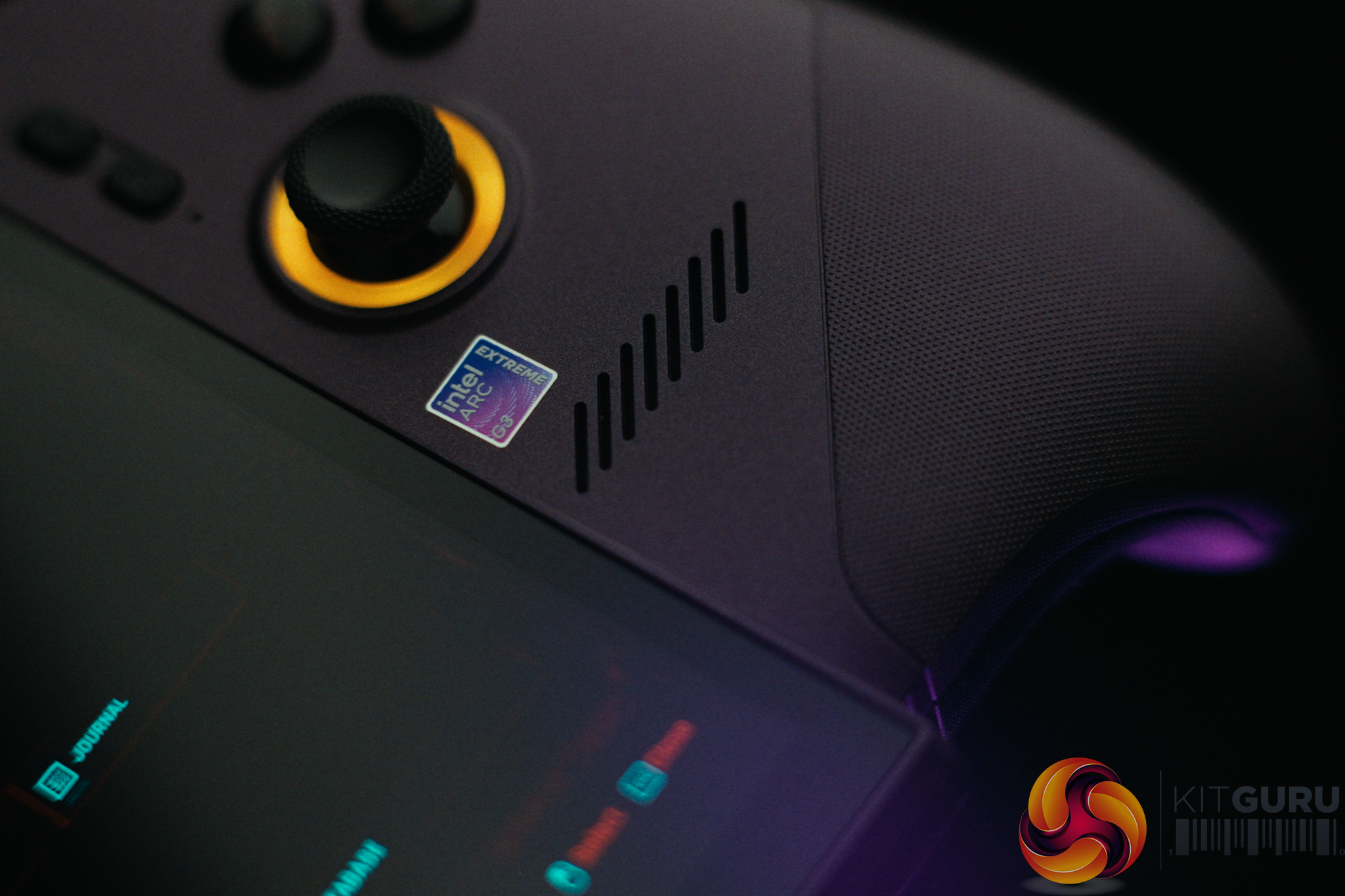
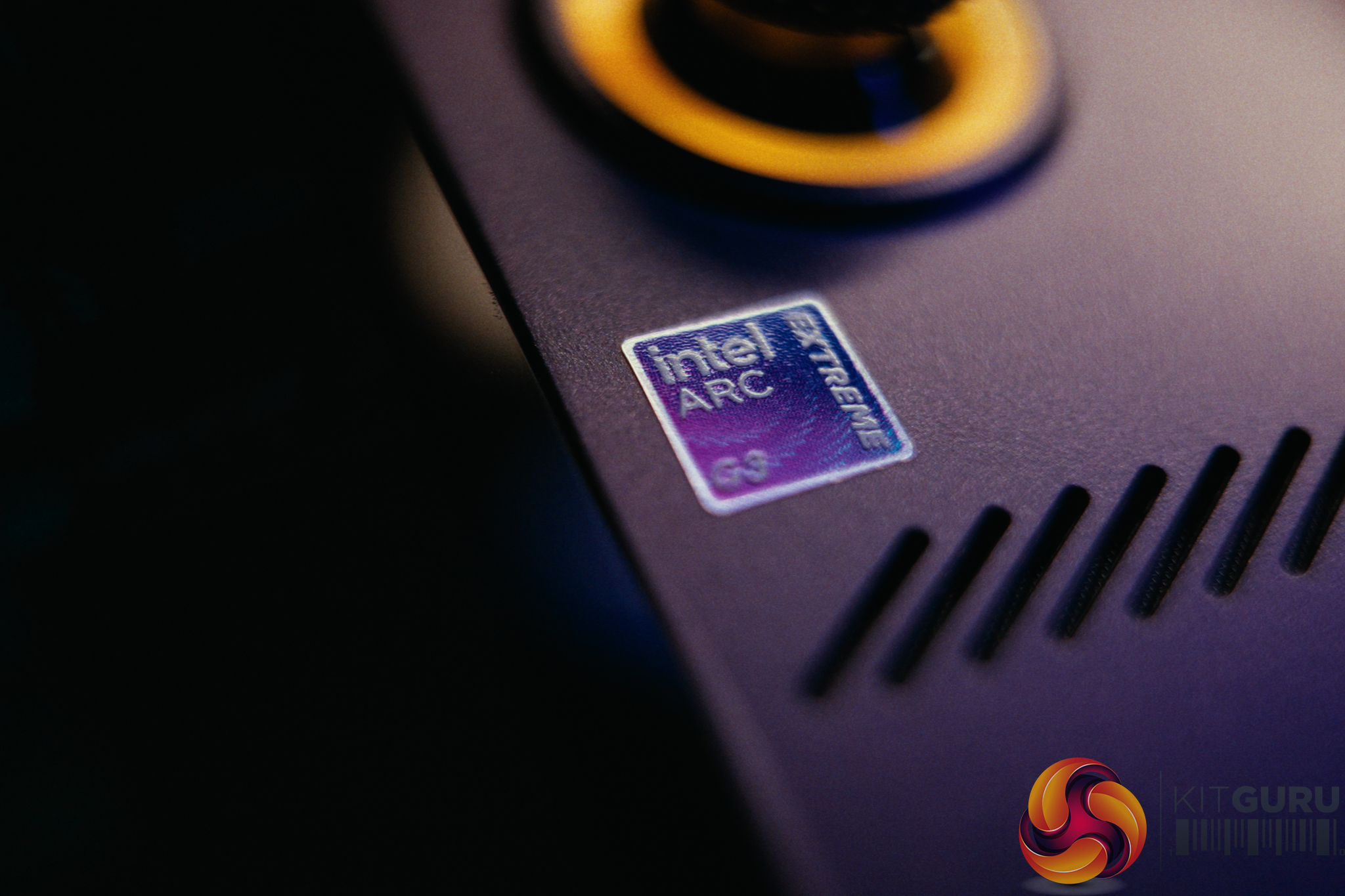
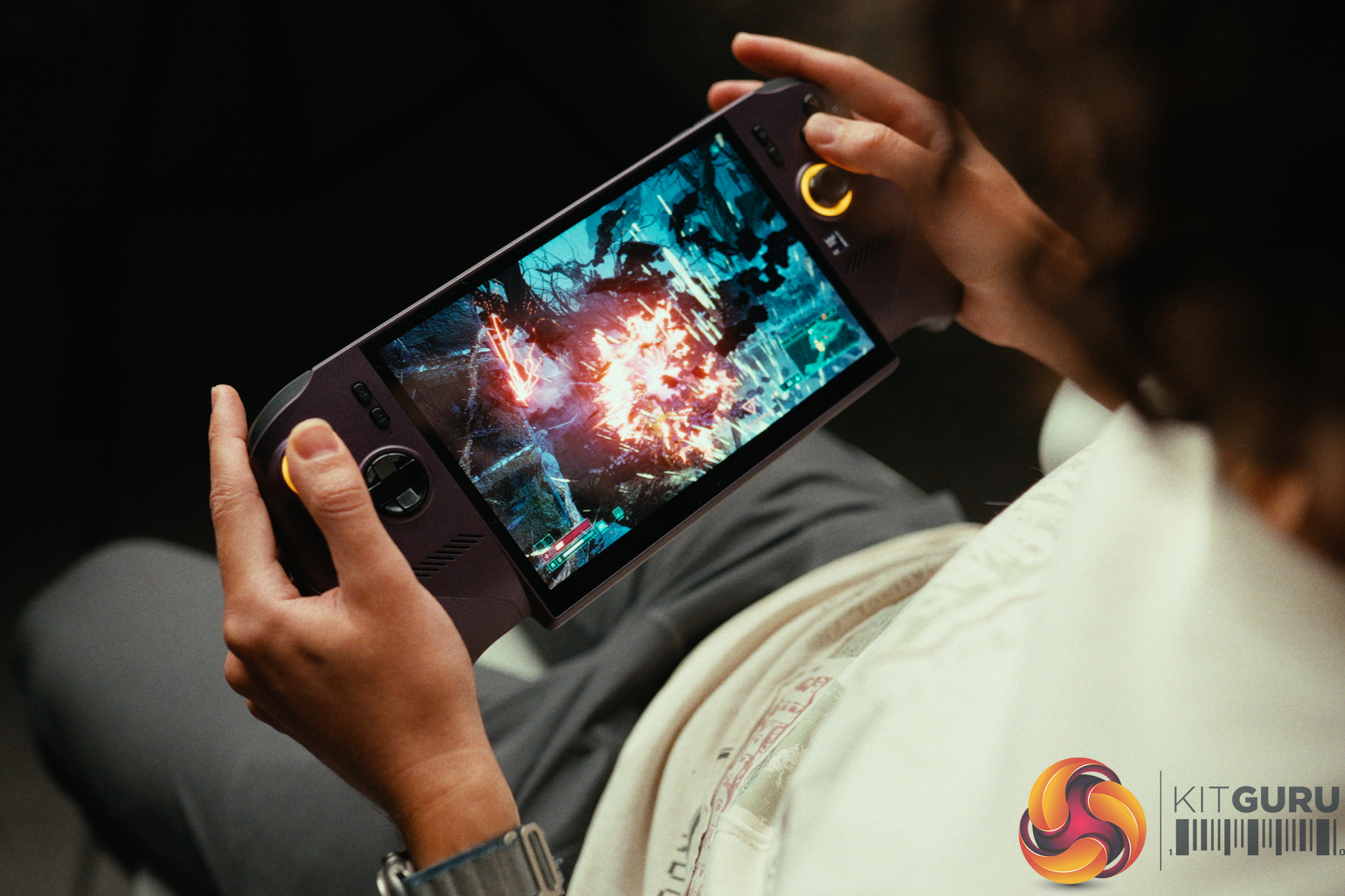
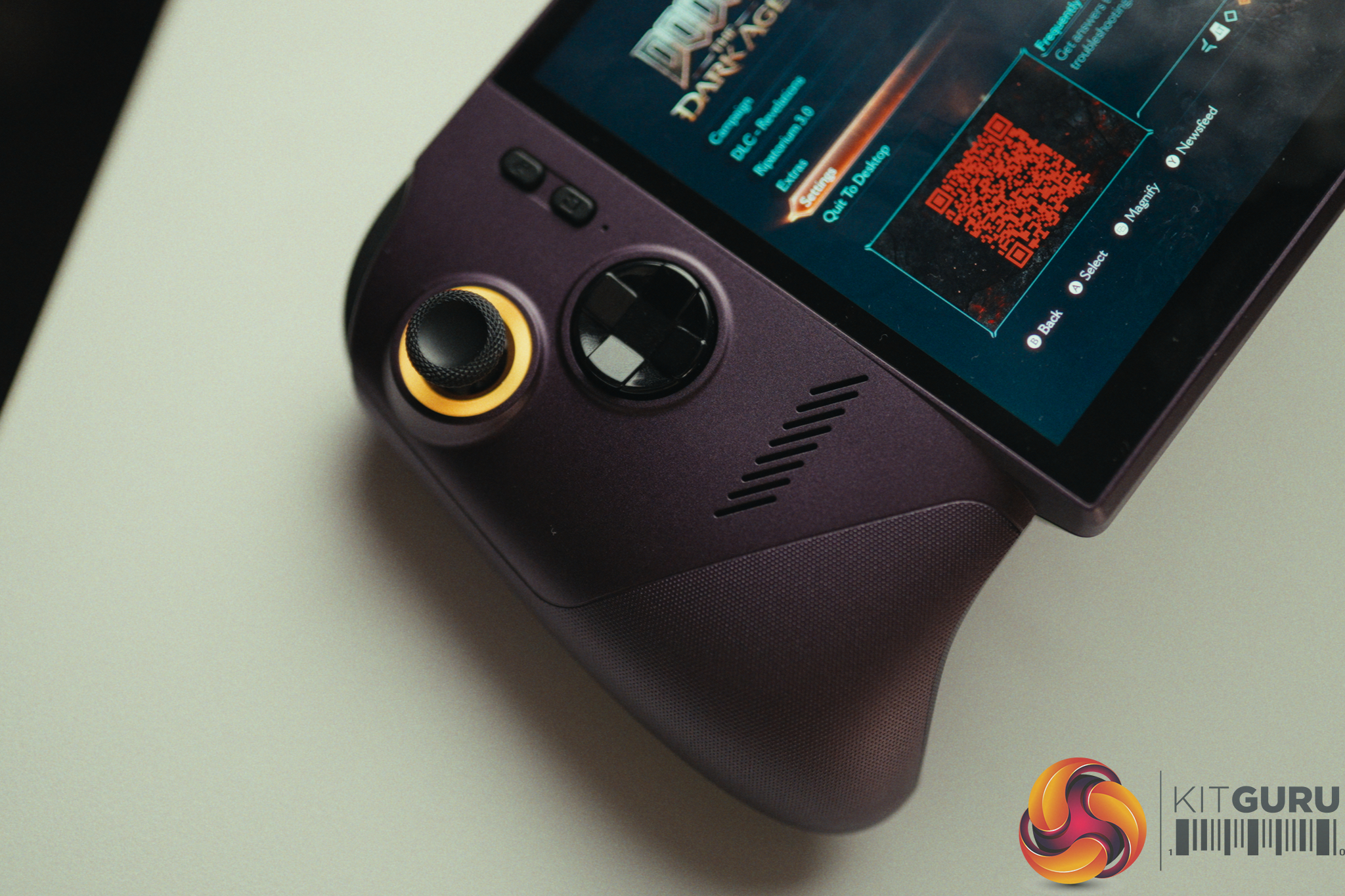
The MSI Claw 8 EX AI+ arrives with a staggering £1400 price tag and a bold promise to redefine handheld gaming. Powered by Intel's brand-new Arc G3 Extreme APU and backed by a massive 80Wh battery and a 120Hz display, on paper it certainly looks like a portable powerhouse. But with the shadow of Windows 11 looming over the handheld form factor, does this incredible hardware actually deliver a cohesive gaming experience, or is it severely let down by its own operating system?
Timestamps:
00:00 Intro
01:09 Core specs
01:57 Performance analysis
03:38 The screen + battery
05:14 Speakers (with soundtest!)
06:14 Controls, vibration motor, Hall effect!
07:35 Quick-fire other thoughts
10:42 The software…
12:36 Can Linux fix it?
15:25 Closing thoughts
Battery: 80Wh with 65W USB-C Charging (Dual Type-C ports).
Controls: Hall Effect analog sticks & Triggers
Connectivity: Intel Wi-Fi 7 BE213, Bluetooth v6
Operating System: Windows 11
Closing Thoughts
The MSI Claw 8 EX AI+ is a device of extreme highs and frustrating lows. On the hardware front, the new Intel Arc G3 Extreme APU is an absolute marvel. It intelligently balances power between the CPU and the new B390 GPU, allowing us to run Cyberpunk 2077 on the High preset at 80fps using Performance XeSS upscaling. Paired with a massive 80Wh battery, crisp speakers, and Hall Effect analog sticks that guarantee no stick drift, it fundamentally redefines the performance limits of a handheld. You even get full performance on battery down to 10% charge.
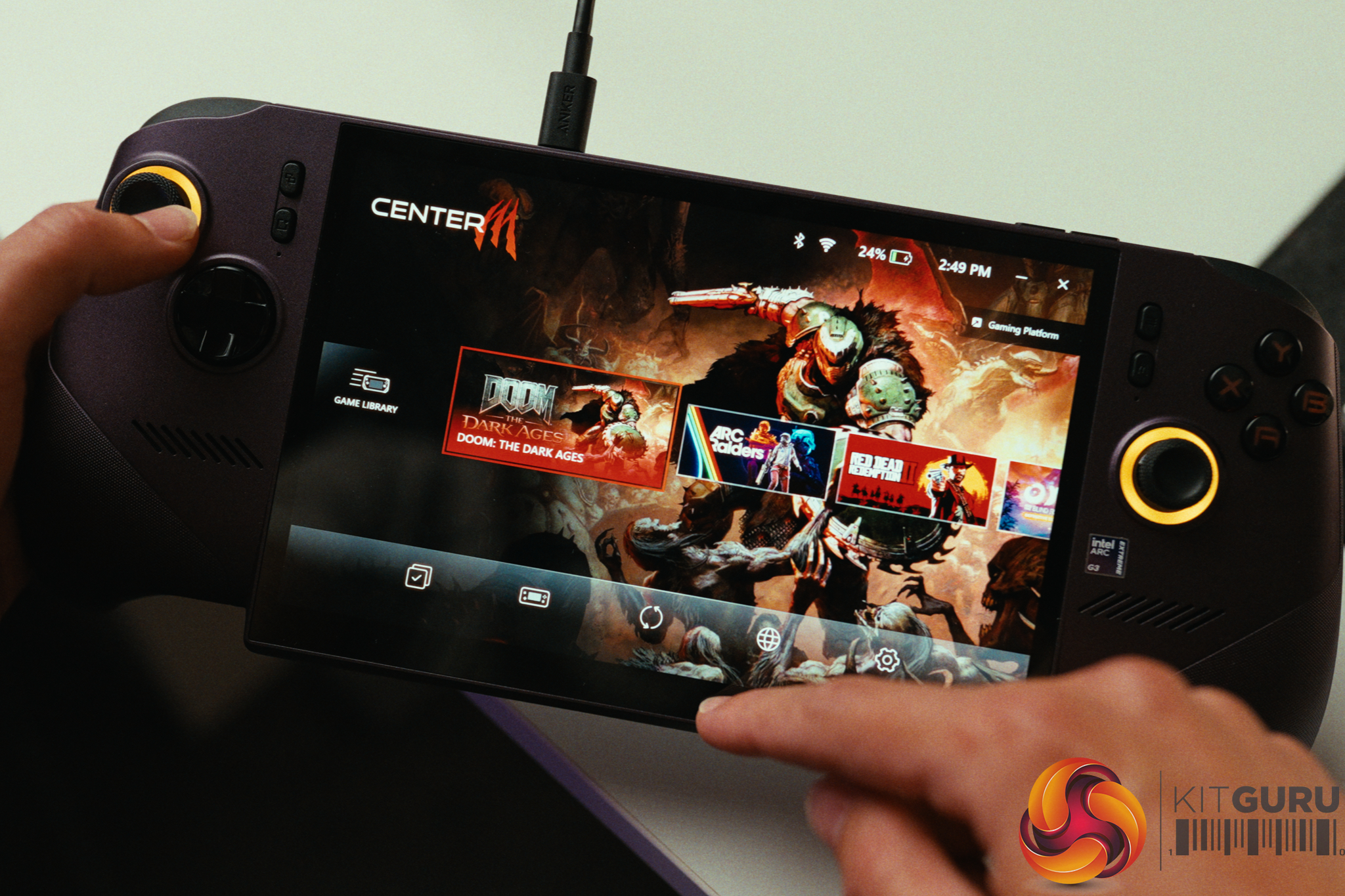
However, a gaming handheld is only as good as its software, and this is where the Claw lands flat on its face. Windows 11 completely ruins the portable experience. The device routinely woke up from sleep on its own (I even had it hotbox itself in my backpack on multiple occasions) and basic reboots were constantly delayed by aggressive background updates and who knows what else. The mix of Xbox, MSI Command Center, and standard Windows overlays creates a convoluted user experience.
We attempted to fix the software woes by installing CachyOS Handheld Edition (Linux). While this miraculously solved the sleep issues and standby battery drain, the Intel Arc G3 Extreme platform is simply too new. The Linux drivers cannot yet match the gaming performance of Windows 11. Until the Linux drivers mature, you are stuck fighting Windows on a £1,400 device, preventing this powerful handheld from getting the recommendation the hardware deserves.
Massive 80Wh battery allows for 2+ hours of heavy AAA gaming with maxed out TDP or 6+ hours on lighter titles.
Hall Effect analog sticks completely eliminate the risk of stick drift.
Surprisingly crisp, loud internal speakers with a decent amount of body.
Delivers full gaming performance on battery power.
Cons:
Windows 11 experience is poor (randomly wakes from sleep, excessive background updates).
The 1920×1200 IPS screen isn't bright enough for outdoor use and drains battery faster.
Very expensive at £1400.
Linux gaming drivers for the new APU are currently too immature to match Windows 11 performance.
Bulky design with protruding analog sticks makes it difficult to pack in a bag.
Handles get noticeably warm during long sessions, causing sweaty palms.
KitGuru says: The MSI Claw 8 EX AI+ features revolutionary hardware and incredible gaming performance, but it is fundamentally crippled by a frustrating Windows 11 experience and an eyebrow-raising price tag.
Our first look at the new Fractal Design Define One set alarm bells ringing. Where, we wondered, is the mesh panel that allows plenty of airflow and what’s with the solid front? Join us as we work our way through this new case and figure out whether Fractal Design has done a good job.
Time stamps
00:00 Intro
00:41 Meet the Define One
01:05 Panel removal
03:18 The Summit series
04:25 Inside the Summit
06:38 GPU differences between our cases
07:25 Our build hardware
09:16 Thermal + acoustic testing
11:04 Leo discusses the AIO cooler
11:52 Pros and cons
Main features
Closed-front design balancing cooling capability with a clean, refined exterior finish.
Minimalist expression with subtle curvature and fine-patterned aluminium side intake vents
Includes three pre-installed LCP-blade Momentum 14 fans for quiet, reliable performance.
Space for graphics cards up to 368 mm in length and includes an adjustable support bracket.
Compatible with front-mounted radiators up to 360 mm and top mounted up to 280 mm.
Features an integrated front air guide that helps direct airflow toward the graphics card.
Offers a smooth build experience with tool-less access and removable top and front brackets.
Includes adjustable cable straps, aligners, and a routing grommet for a neatly finished build.
Supports E-ATX motherboards up to 277 mm and reverse connector motherboards up to ATX.
Provides a noise and vibration-dampened gaming experience with bitumen-lined side panels and airflow engineering.
Accessible front I/O includes a USB Type-C port, two USB Type-A ports, and an audio jack.
Internal drive bays: 2x 3.5-inch or 4x 2.5-inch, plus 2x 2.5-inch.
Front I/O ports: 2x USB 3.1 Type-A 5 Gbps, 1x USB 3.2 Type-C 20 Gbps, audio.
Dimensions: 500mm H x 482mm D x 235mm W.
Testing
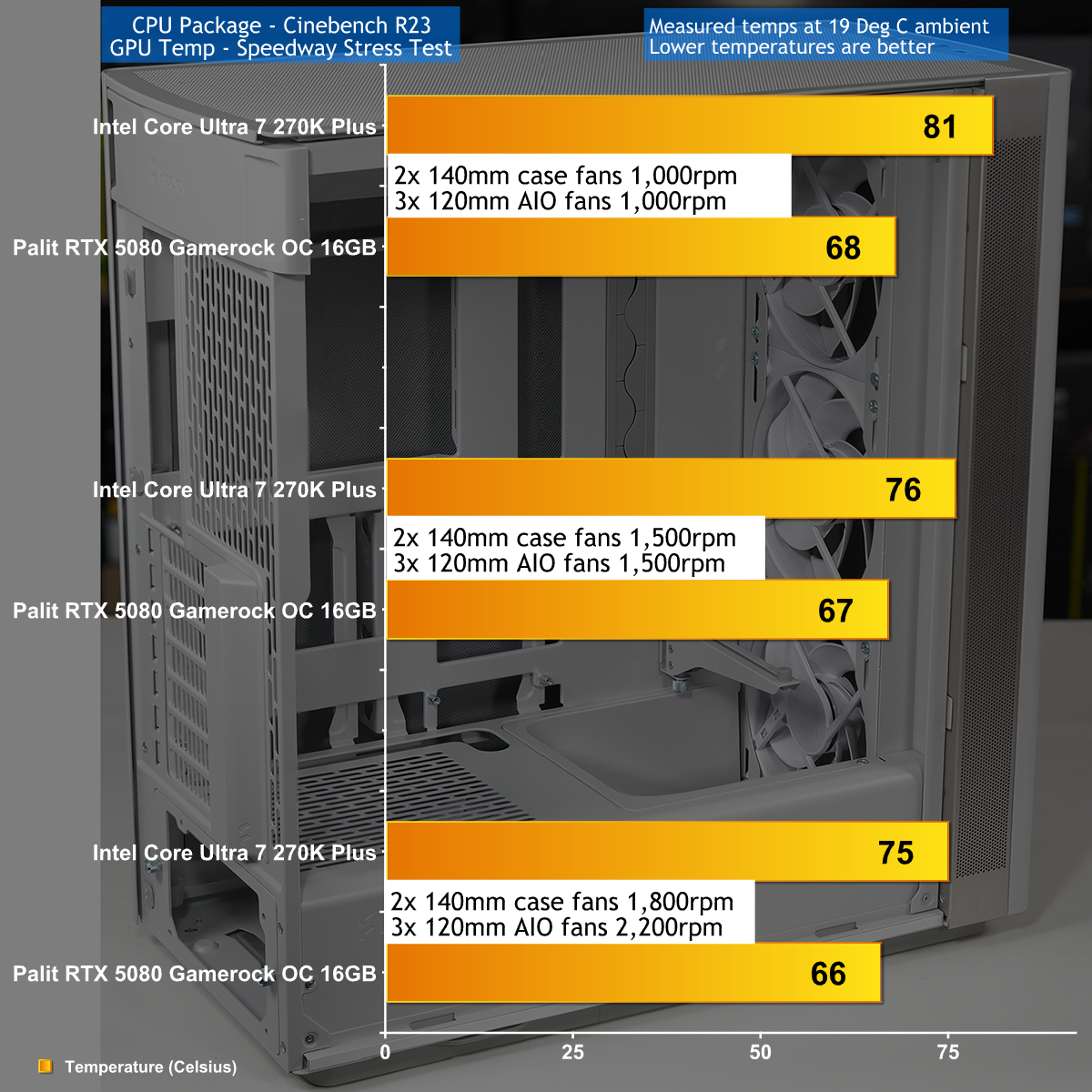
To put this case through its cooling paces we will be using a test system consisting of an Intel Core Ultra 7 270K Plus processor, a Palit RTX 5080 graphics card and an SSD. This system allows us to produce a substantial amount of heat and effectively test the Fractal Design Define One TG‘s cooling capabilities.
Testing the Fractal Design Define One was interesting as it worked well and was also reasonably quiet. We initially had our concerns about the nature of the front panel as it looks rather closed, however in practice it works effectively. The other feature that relates to cooling is the scoop in front of the power supply that is intended to guide air to the graphics card. It seems to work well and also looks rather stylish.
Closing Thoughts
Our review of the Fractal Define Define One TG started in the usual way with an initial assessment and then improved with every hour that we worked with the case. We ended up with a single negative point about the lack of support for a 360mm cooler in the roof of the case. As you will see when you watch our video, this is a point we make when we discuss the specification, then we forget about it and then we are rudely reminded.
Apart from that small faux pas we were very pleased with the Define One. Every feature that Fractal Design boasts about works well and even the features they don't mention also work well. How the heck can that release mechanism for the front panel not have a name? I guess we just have to put it down to Scandinavian understatement.
You will be able to buy the Fractal Design Define One TG for $154.99.
Pros:
Clever cable management system.
Smartly styled front panel has good airflow.
Solid build quality.
Noise deadening works well.
Cons:
Does not support a 360mm AIO in the roof.
KitGuru says: Fractal Design has delivered a winner in the Define One.
Ubiquiti today introduced a new consumer-grade mesh category, the UniFi Whole Home WiFi. Its first product is the UniFi Home Wi-Fi 7, which consists of bundled packs of the UniFi Express 7 (model UX7) as true MLO-enabled mesh systems. UniFi Home Wi-Fi 7 is available as a 2-pack (UX7-2) or ...
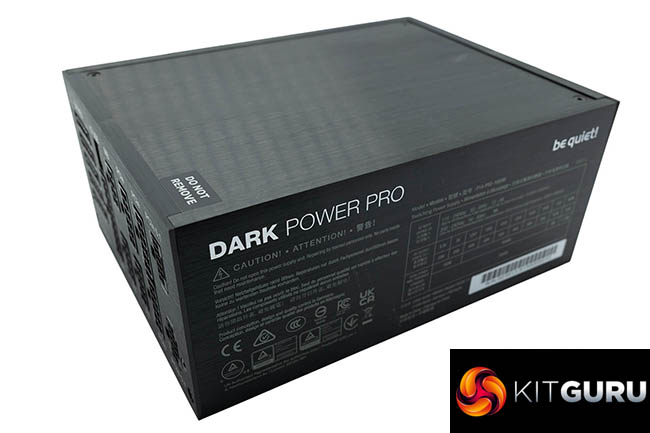
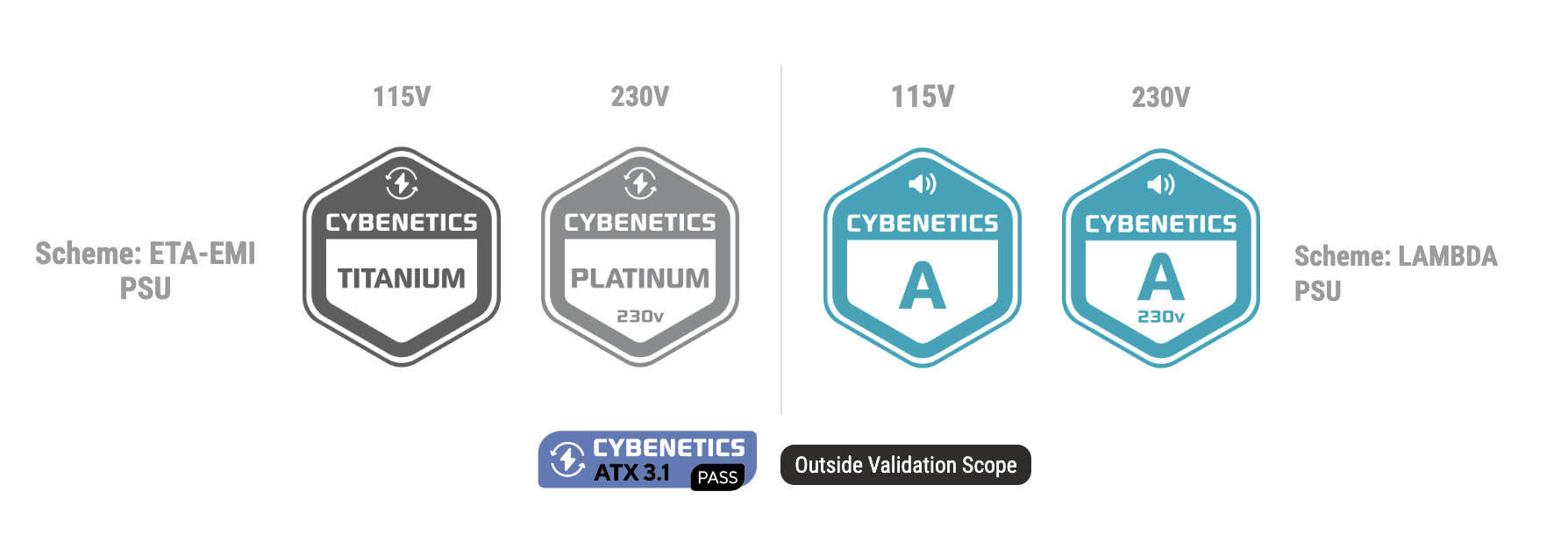
Today we take a look at a new flagship power supply from be quiet!, the Dark Power Pro 14 IO, in 1600W capacity. This unit is fully modular, has a Titanium/Platinum certification from Cybenetics and has a 10-year warranty. This unit also has software connectivity to control and monitor the PSU in be quiet!'s IO Center.
Highlights:
Software connectivity to control and monitor the PSU in be quiet! IO Center
Active and semi-passive cooling can also be selected with the software
Aluminum heat sink to support the semi-passive cooling concept and improve longevity of the components
80 PLUS® Titanium and Cybenetics Titanium efficiency (up to 94.9%)
Silent Wings fan for virtually inaudible operation
Fully digital control and Active Rectifier + full bridge LLC technology for unmatched signal stability
Easy software-controlled rail configuration and power monitoring
ATX 3.1 PSU with full support for PCIe 5.1 GPUs and GPUs with 6+2-pin connector
Full-mesh front upholds the high air circulation abilities
Modular single sleeved cables for maximum convenience
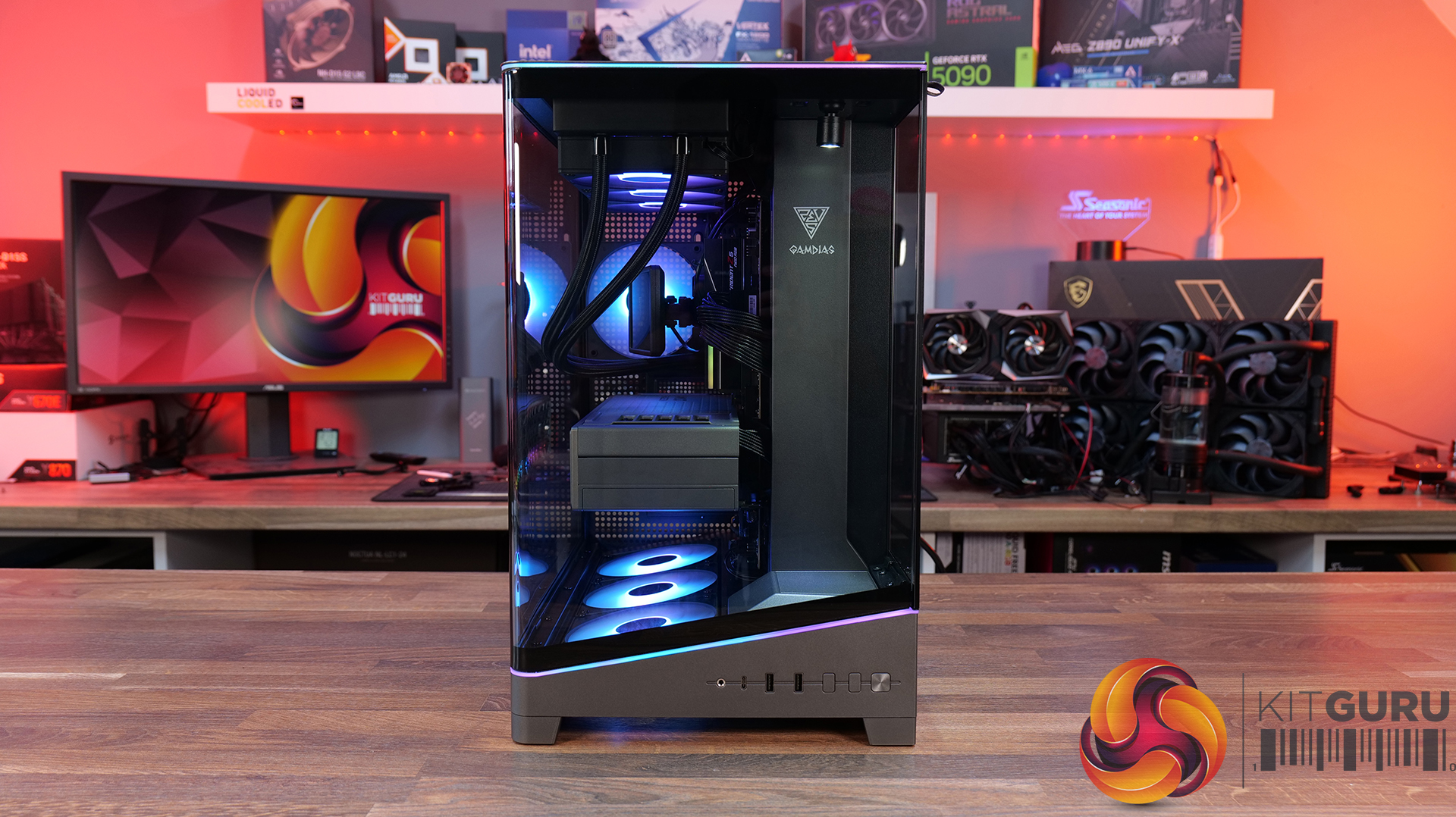
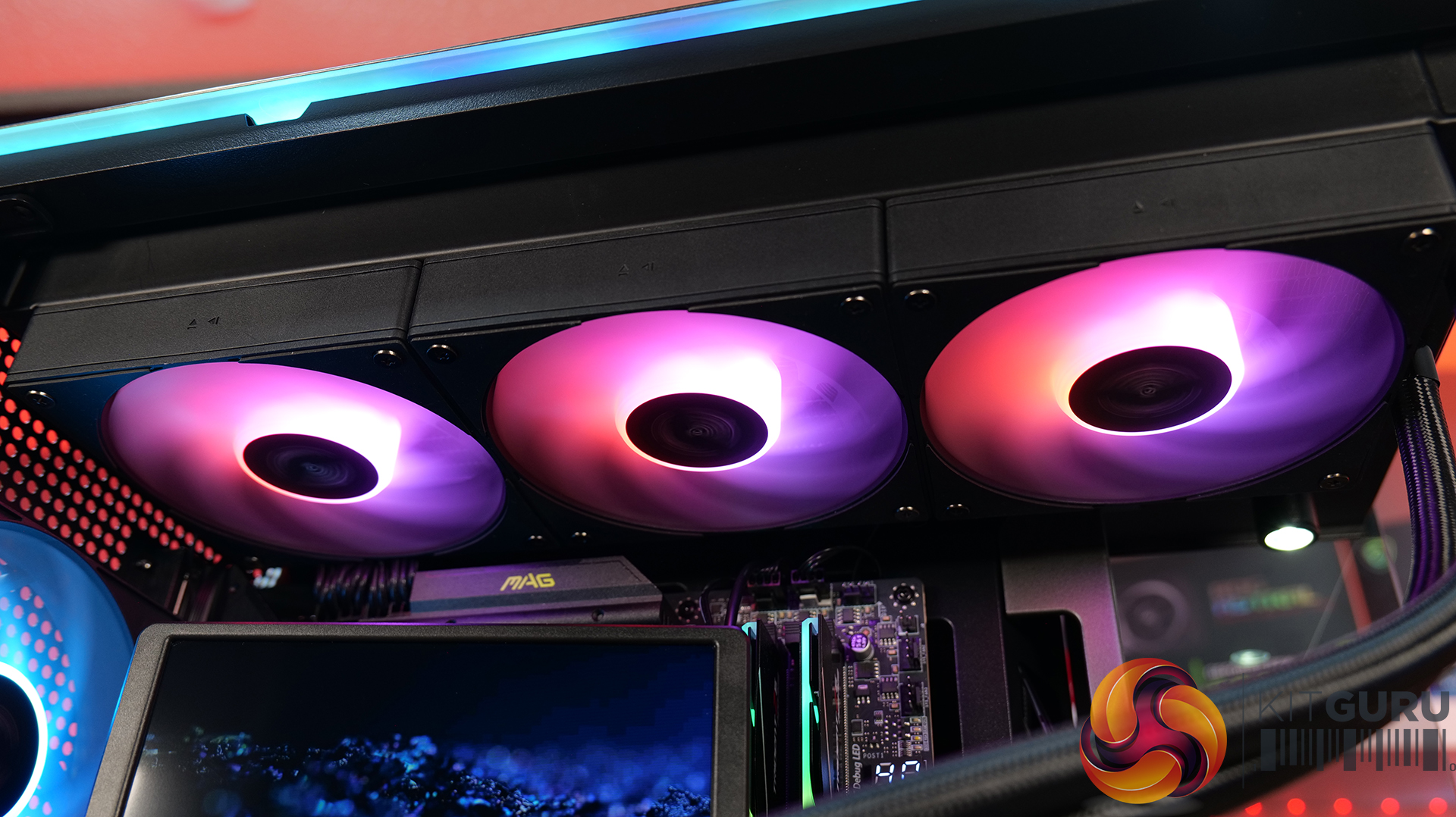
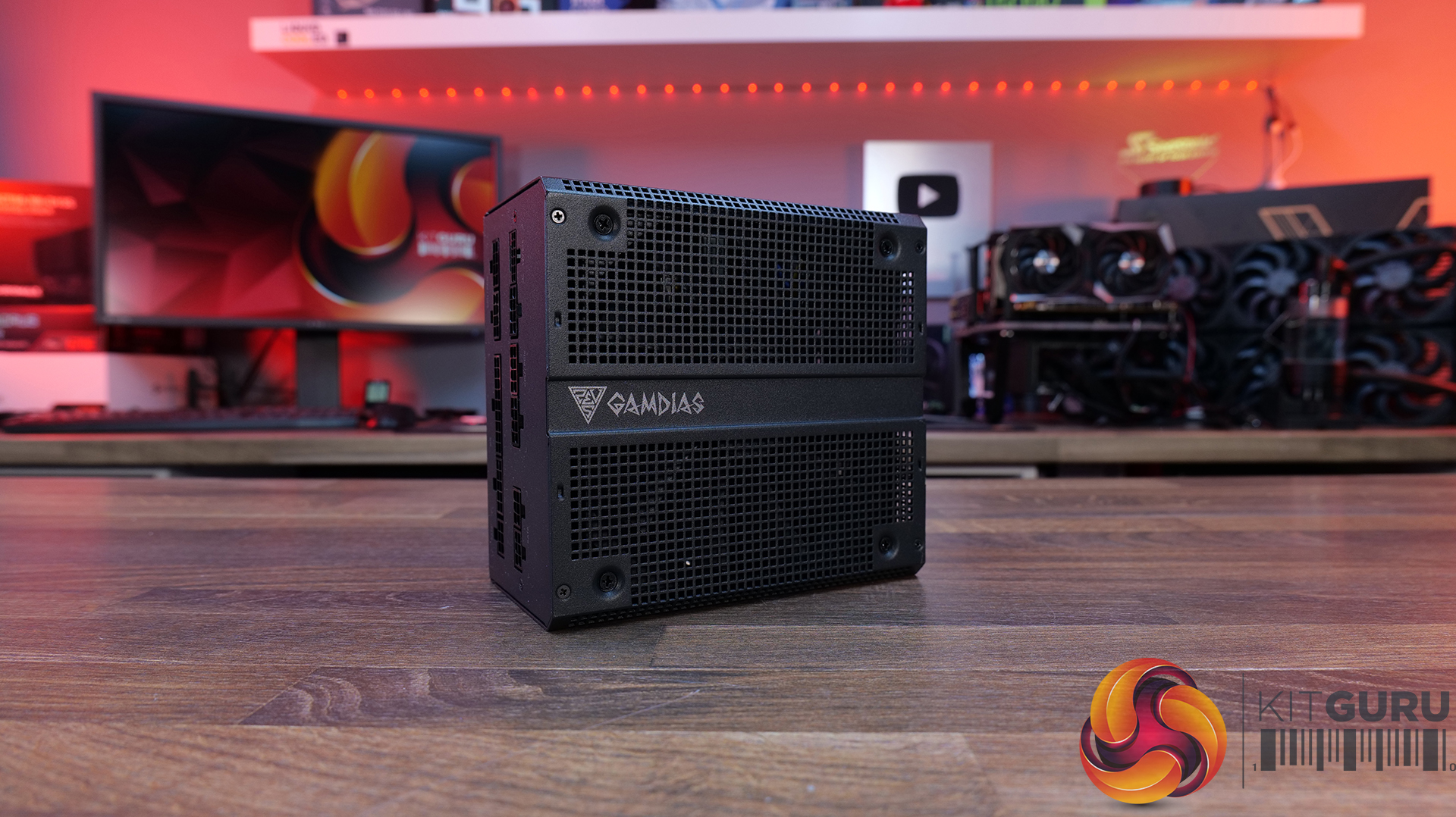
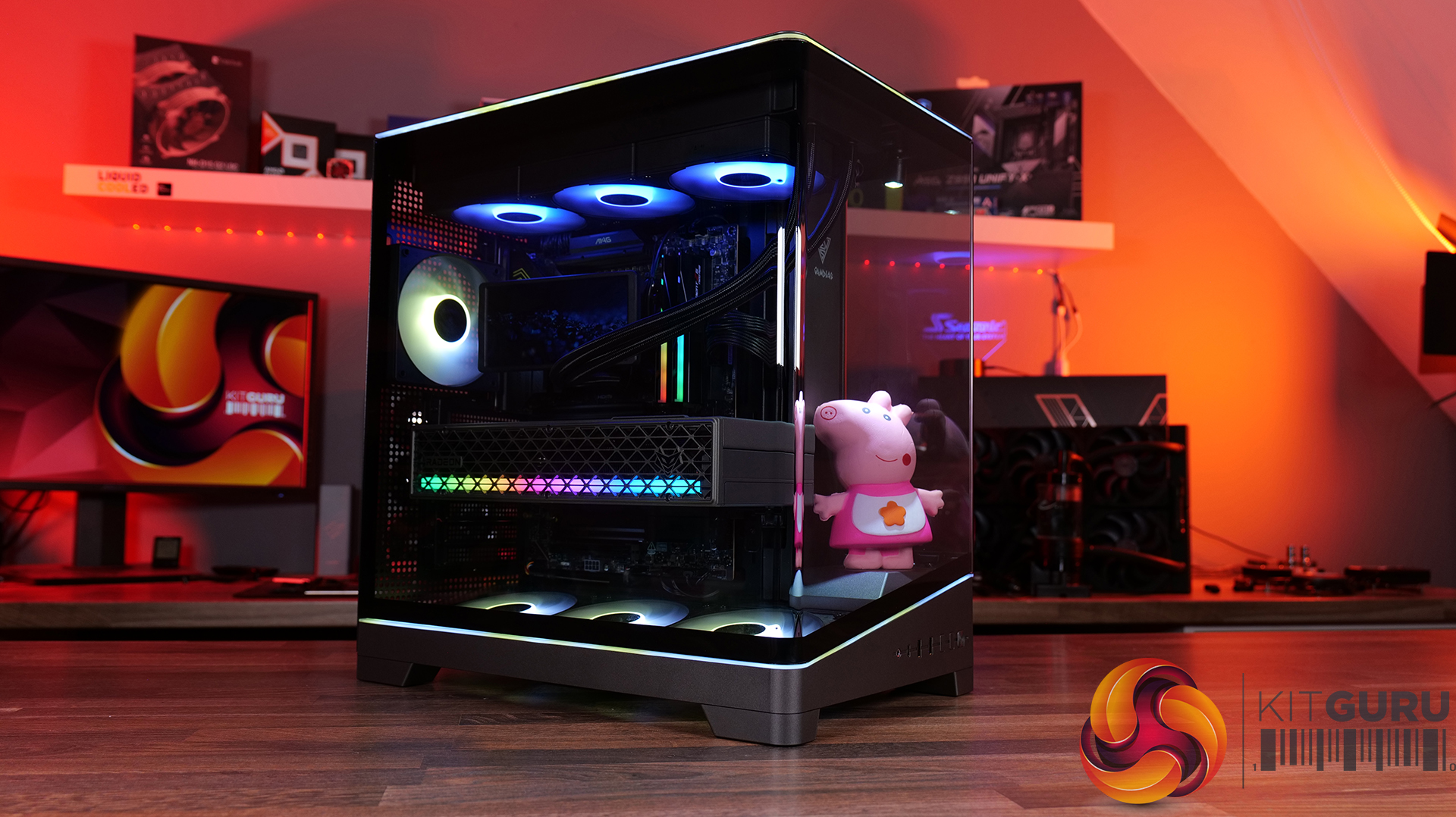
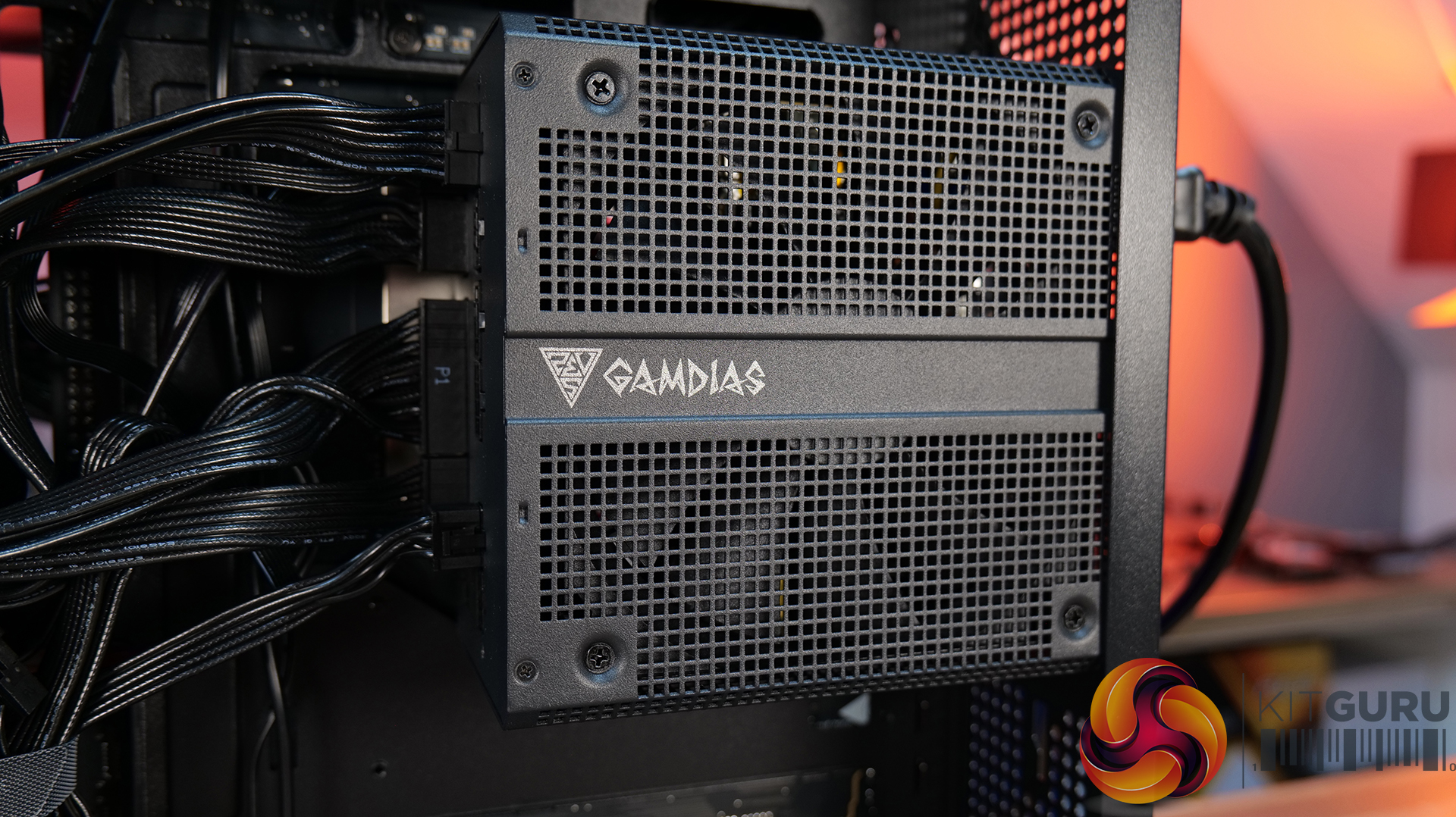
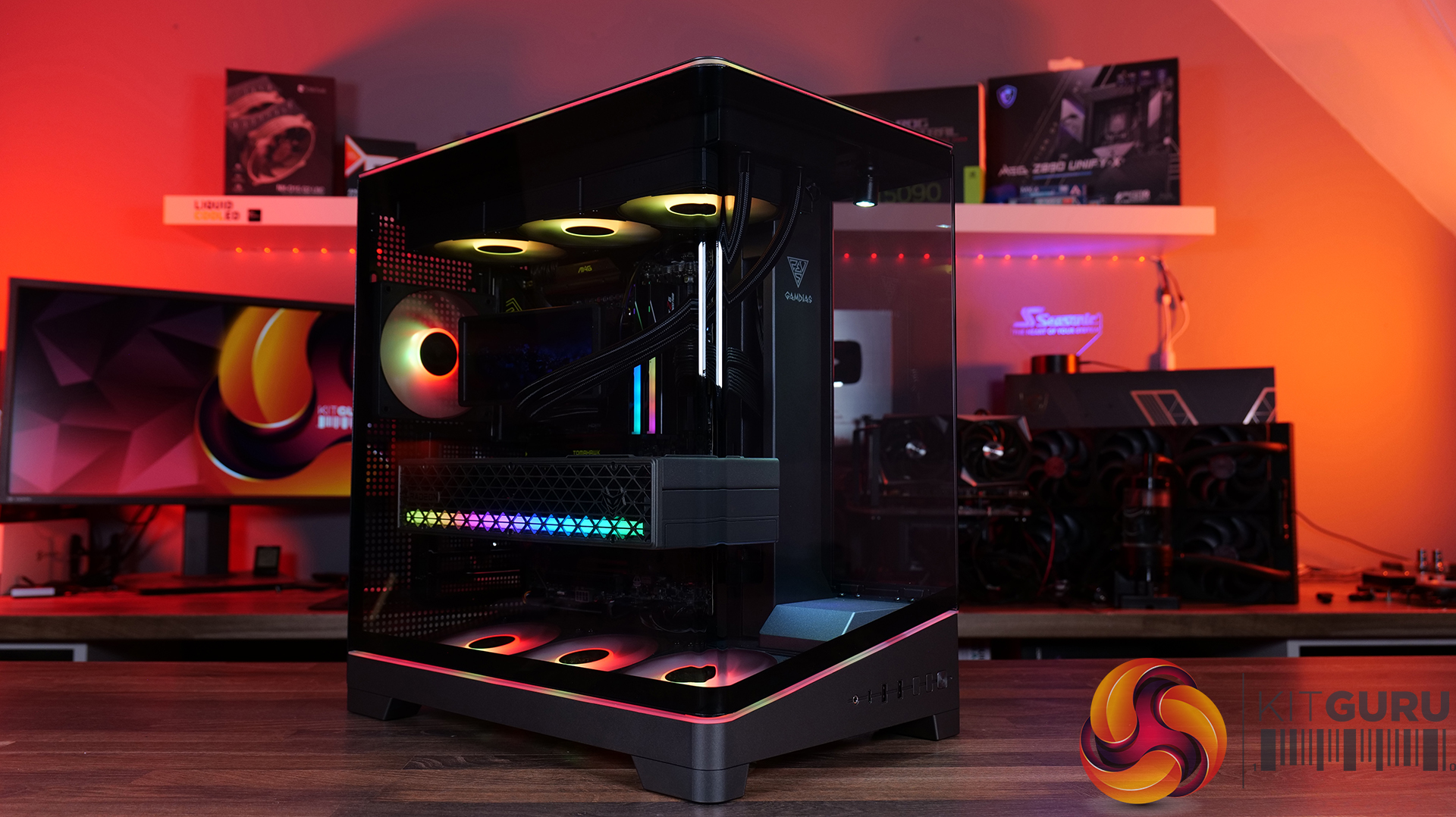
In our latest featured build video, we're putting together a seriously clean GAMDIAS sponsored PC, featuring the panoramic ATLAS P6 CG case, the CHIONE P5 Pro AIO cooler and the high-end THOR P2 1350P power supply. There's no talking, no music and no distractions, we're building the system ASMR style, so you can sit back and enjoy every click, snap and satisfying sound as the build comes together…
Case: Gamdias Atlas P6 CG – MSRP $159.90
Panoramic Showcase Design: The ATLAS P6 CG features a three-sided, columnless tempered glass layout with a one-piece curved glass panel, giving your components a clear 270-degree view. GAMDIAS has even included a dedicated display stage with an omnidirectional spotlight, so you can show off a favourite figure alongside the hardware.
Four ARGB Fans and Unique Airflow Layout: Cooling is handled by four pre-installed 120mm NOTUS M1 ARGB PWM fans, backed up by an 8-port PWM/ARGB hub. The case uses a chimney-style airflow design, with three bottom-mounted intake fans and a rear exhaust, while the slanted bottom intake is designed to direct airflow towards the GPU.
Built For High-End Hardware: The ATLAS P6 CG supports ATX motherboards, 360mm radiators and graphics cards up to 425mm long. It also supports connector-hidden motherboards for a cleaner-looking build, while the generous 90mm cable-routing space and adjustable GPU support bracket should make cable management and installation a little easier.
I/O: 1 × USB Type-C, 2 × USB 3.0, 1 × HD Audio, 1 × LED Control, 1 × Showcase Lighting Switch
CPU Cooler Clearance: 165mm
Graphics Card Clearance: 425mm
PSU Clearance: 200mm
Dimensions (L × W × H): 432 × 285 × 465mm
Pre-installed Control Box: 8-port hub
AIO CPU Cooler: CHIONE P5-360 PRO – MSRP $159.90
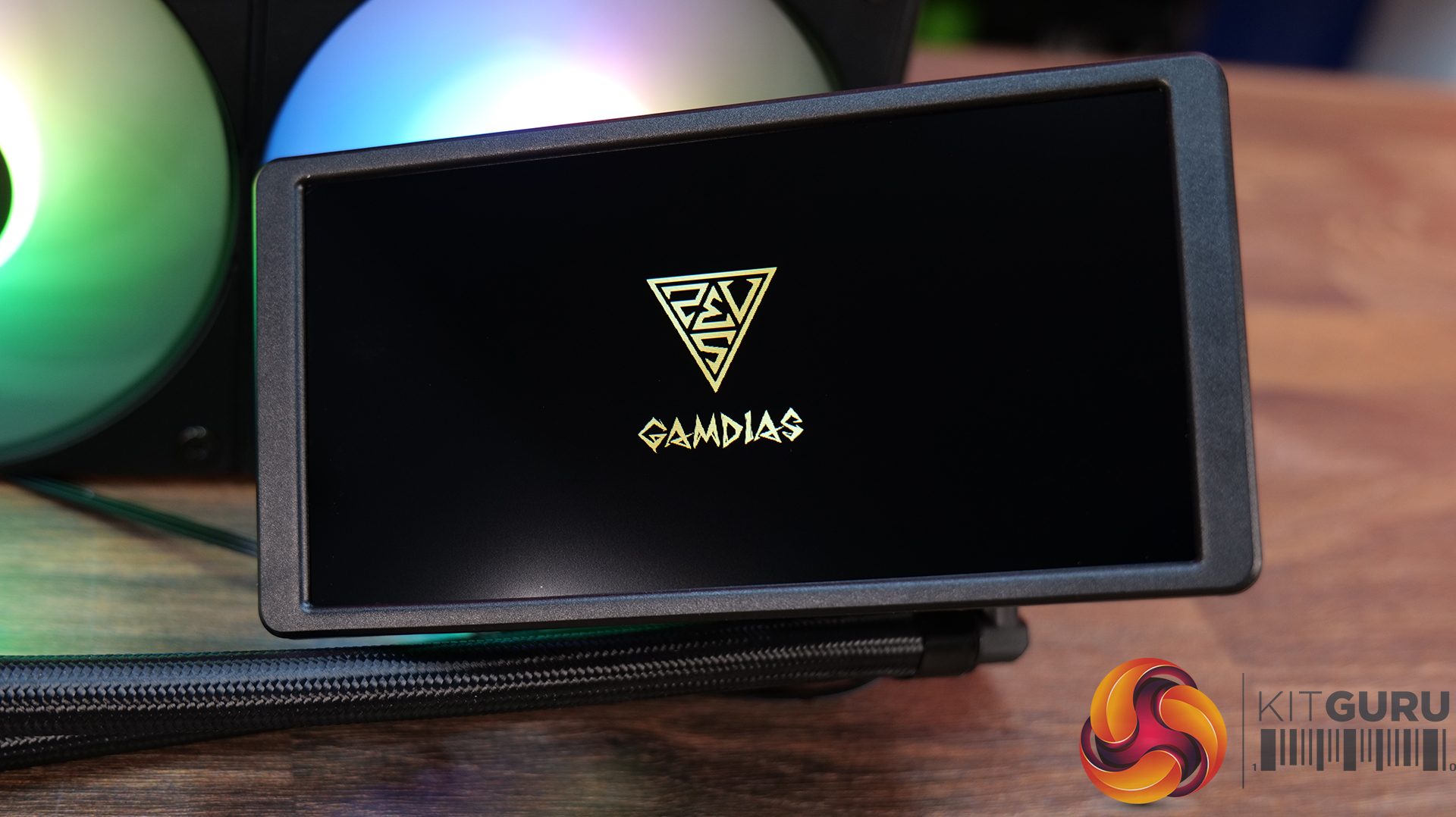
4-inch Customisable IPS LCD Screen: CHIONE P5 Pro features a 3.4-inch, 480 × 480 IPS screen, which can display real-time system information alongside custom images and animated GIFs. The magnetic display is also rotatable, while GAMDIAS' ZEUS CAST software lets you adjust the orientation and brightness to suit your build.
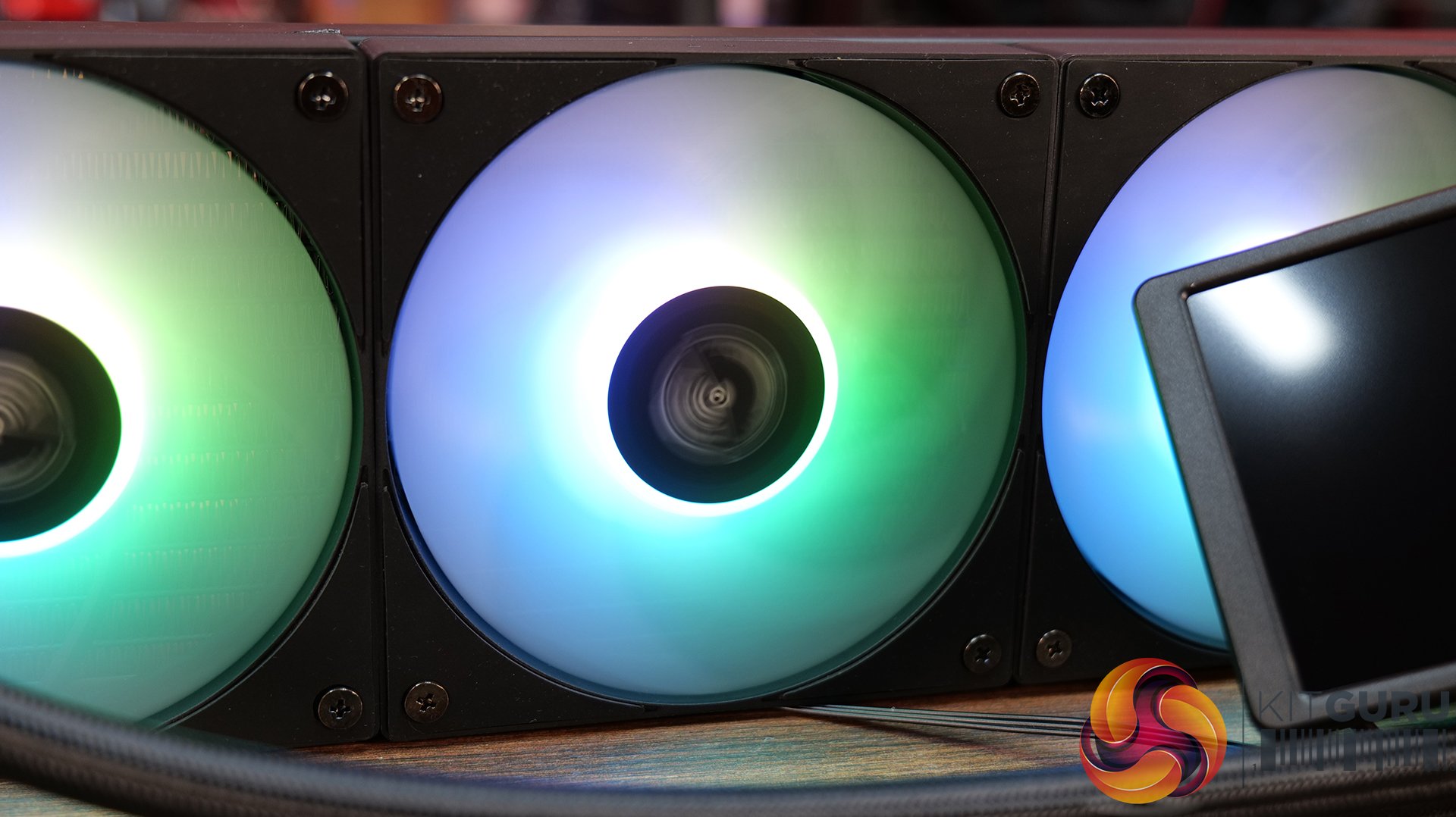
Premium 360mm Cooling Setup: The CHIONE P5-360 combines a 360mm radiator with three 120mm hydraulic-bearing PWM fans with speeds up to 2200 RPM, for 81.81 CFM of airflow and 3.15 mmH₂O of static pressure. The cooler also features an upgraded copper coldplate with 0.12mm microflow channels and a pump running at up to 2700 RPM.
Keep Your Build Looking Clean: GAMDIAS has included hidden cable routing to reduce cable clutter. The cooler also supports 30 built-in lighting effects and motherboard ARGB synchronisation via a 5V 3-pin header, with support for the latest Intel LGA 1851 and AMD AM5 platforms.
Motherboard RGB Sync: 5V 3-pin addressable (digital) RGB header only
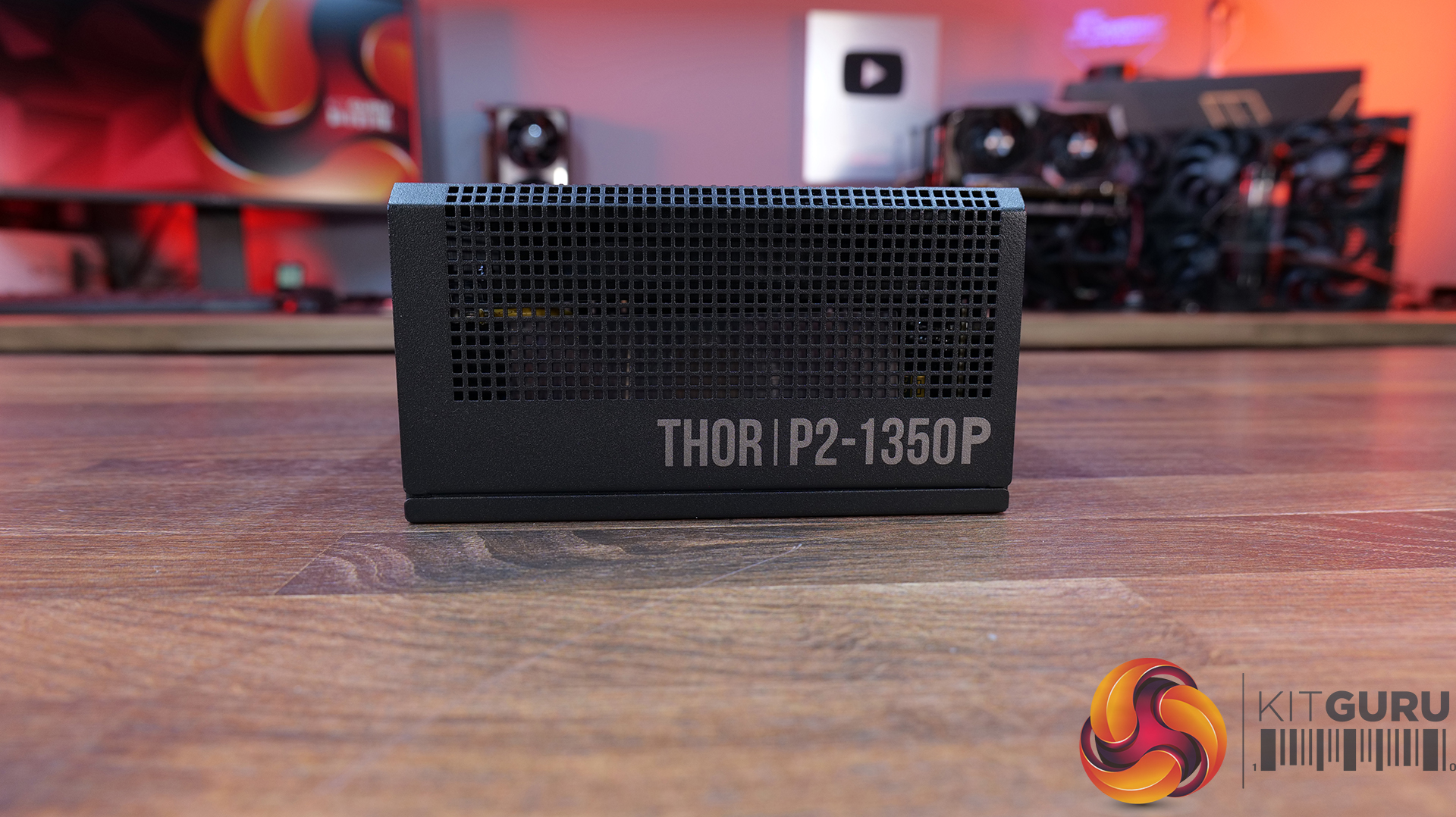
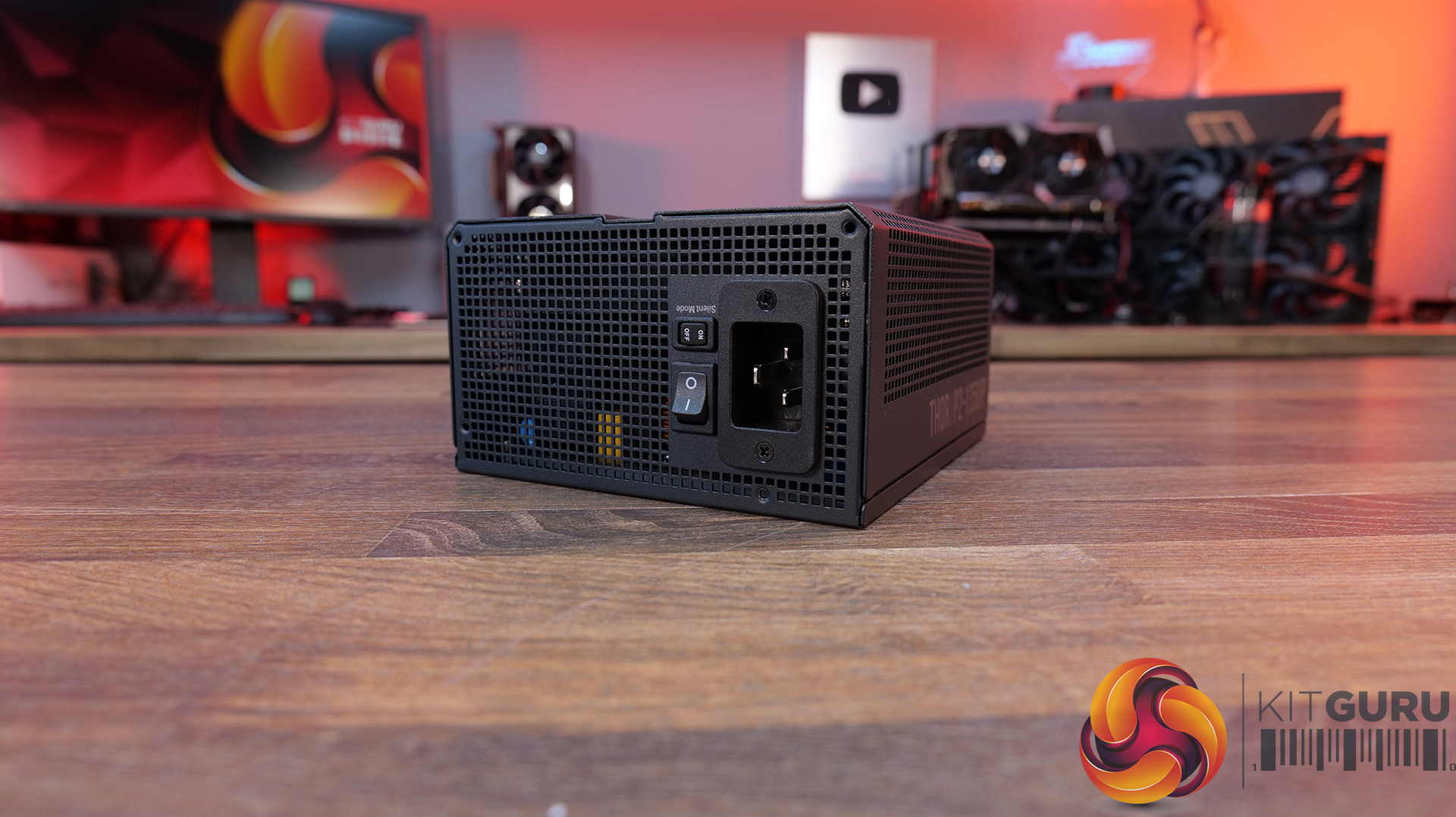
Power Supply: Gamdias THOR P2 1350P – MSRP $159.90
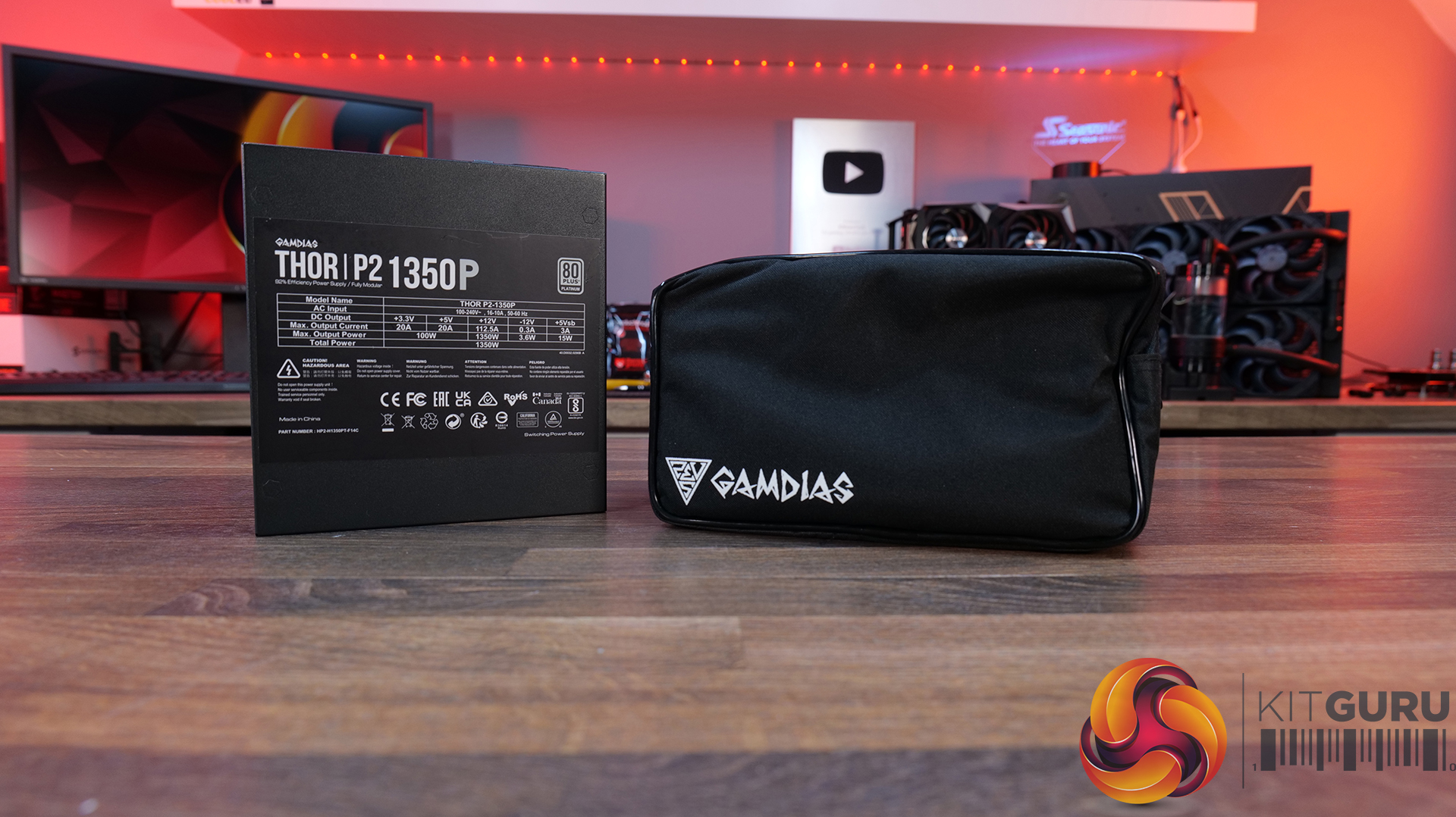
1350W Platinum-Rated Power: The THOR P2-1350P is a serious high-end unit, combining a huge 1350W output with 80 PLUS Platinum efficiency, making it well suited to demanding gaming PCs and workstations.
Ready For Next-Generation GPUs: ATX 3.1 and PCIe Gen 5.1 compliance, plus a native 600W 12V-2×6 connector, the THOR P2-1350P is designed to handle the latest high-performance graphics cards and their demanding power requirements.
Premium Components, 12-year Warranty: GAMDIAS has equipped THOR P2 with 100% Japanese capacitors, a 135mm Fluid Dynamic Bearing fan with a Zero Fan mode at low loads, comprehensive electrical protections and an impressive 12-year warranty.
Specifications
Type: ATX 3.1
Efficiency: 80 PLUS Platinum
Power Factor Correction: APFC with a PF value of 0.99
CPU Cooler – Gamdias CHIONE P5-360 Pro AIO Liquid Cooler
Power Supply – Gamdias THOR P2 1350P ATX3.1 80+ Platinum
Chassis – Gamdias Atlas P6 CG
Operating System – Windows 11
KitGuru says: Gamdias' new Atlas P6 CG panoramic case works well with the CHIONE P5 Pro AIO screen and the THOR P2 1350P power supply has the grunt for any high-end gaming system.
Ubiquiti today announced the availability of its UniFi Travel Router Long-Range (model UTR-LR). As the name suggests, it’s an upgrade to the original UTR that came out late last year: it’s a UTR with a significant boost in range. In return, the UTR-LR is slightly thicker and a tad heavier. ...
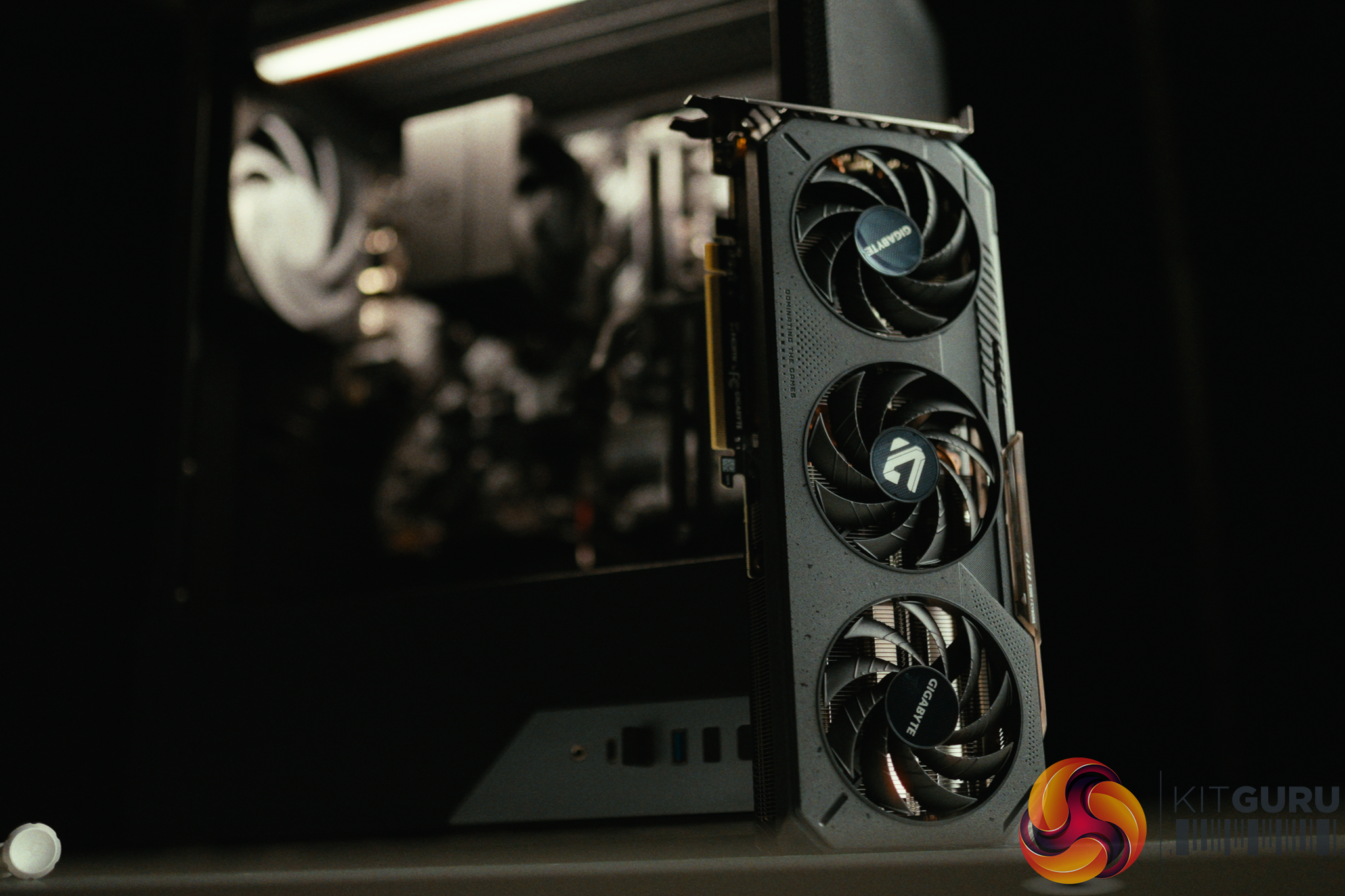
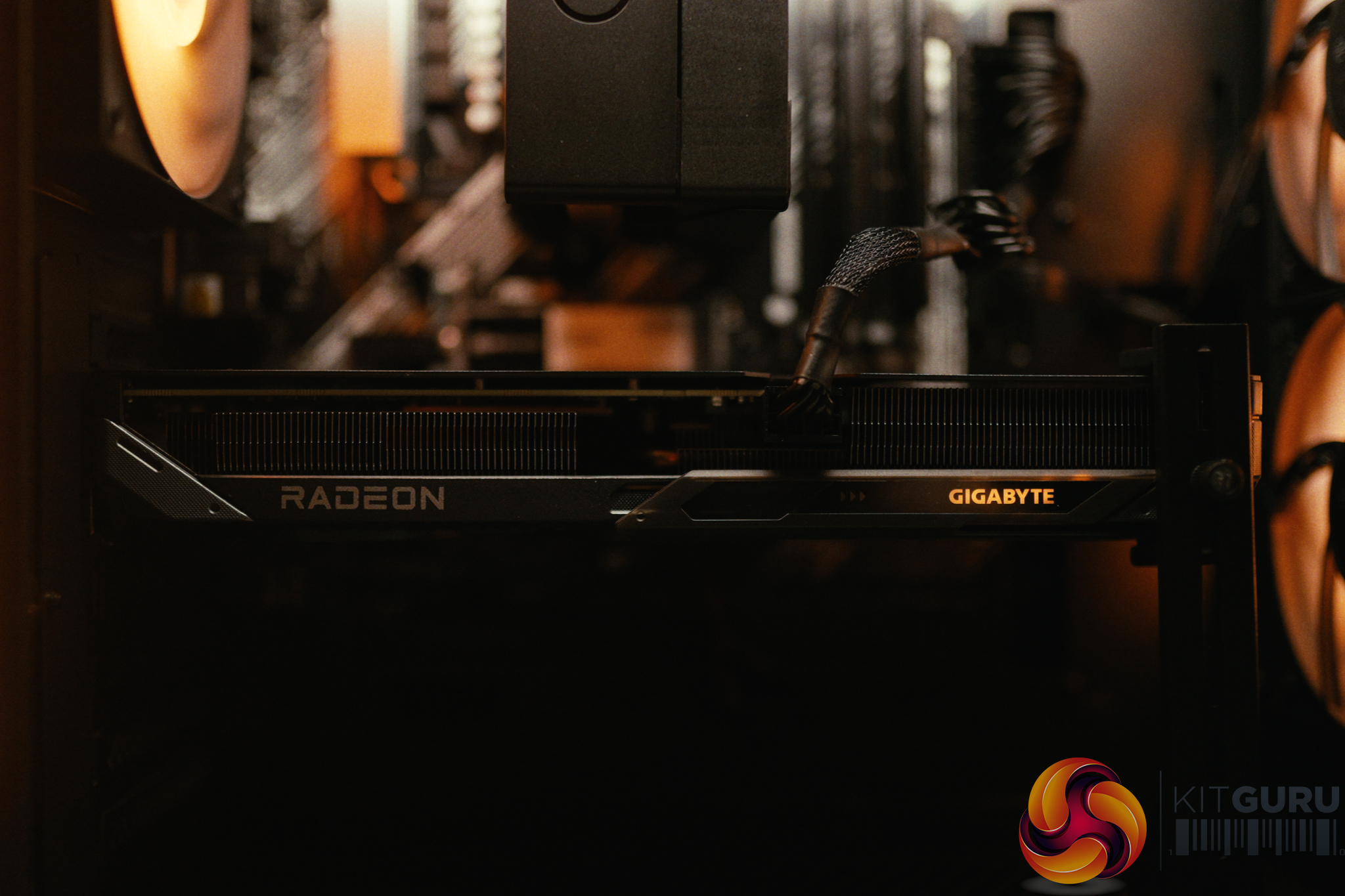
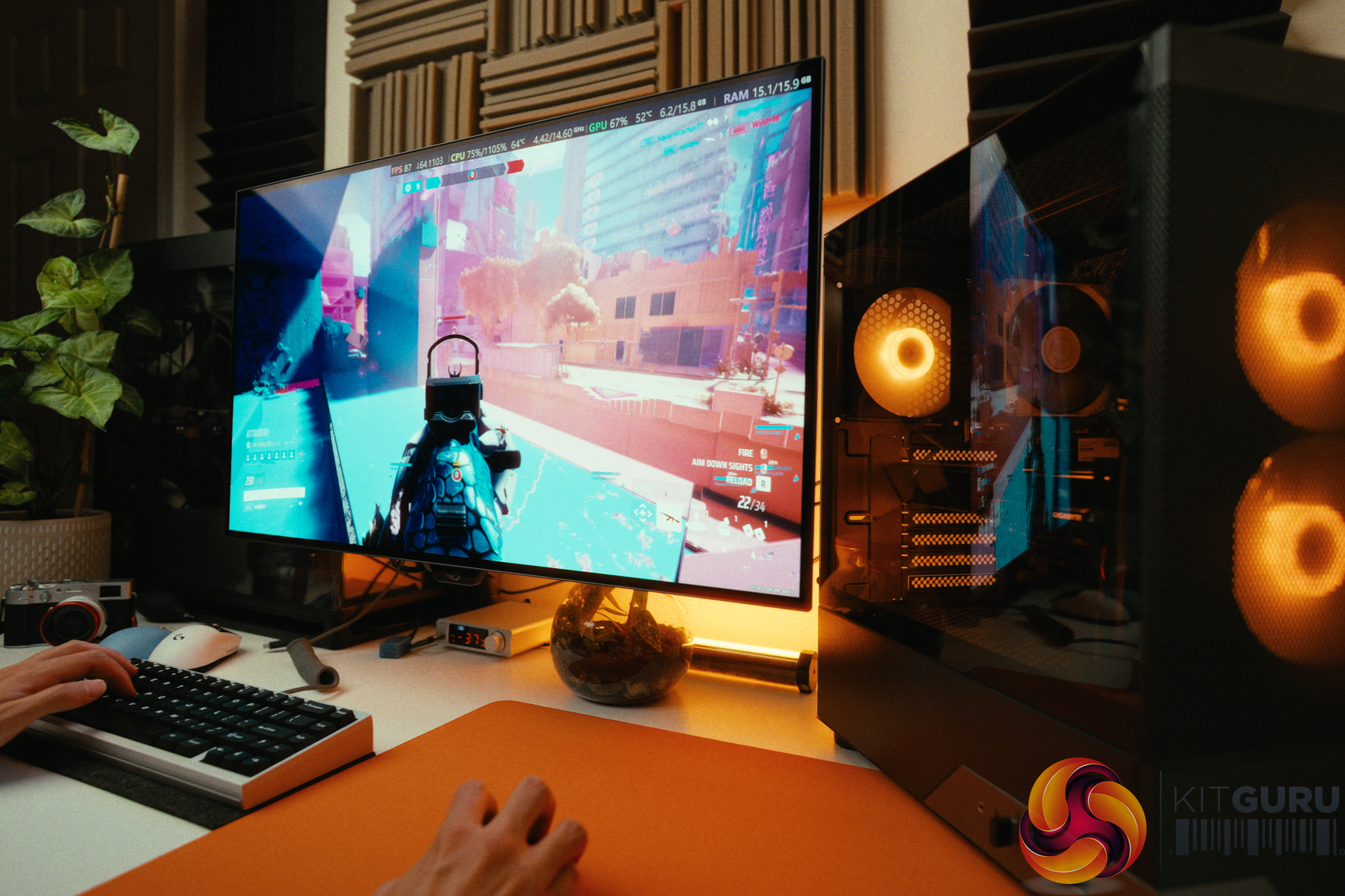
The PCSpecialist Momentum Pro enters the market at £1099 as part of a Back to School promotion, attempting to strike a delicate balance between price and performance in 2026. By pairing older AM4 components with a modern AMD RX 9060 XT, it looks like a calculated compromise for budget-conscious gamers targeting 1080p and 1440p. But does relying on a last-gen CPU, DDR4 memory, and a budget motherboard hold this machine back, or is it exactly the kind of balanced configuration students and gamers need right now?
Timestamps:
00:00 Intro
01:39 A message for the parents…
03:44 The hardware
05:09 The are compromises…
06:23 SSD + memory performance
07:21 A520 motherboard
09:00 Memory upgrade + build quality
10:05 Closing thoughts
Specifications:
Processor: AMD Ryzen 7 5700X.
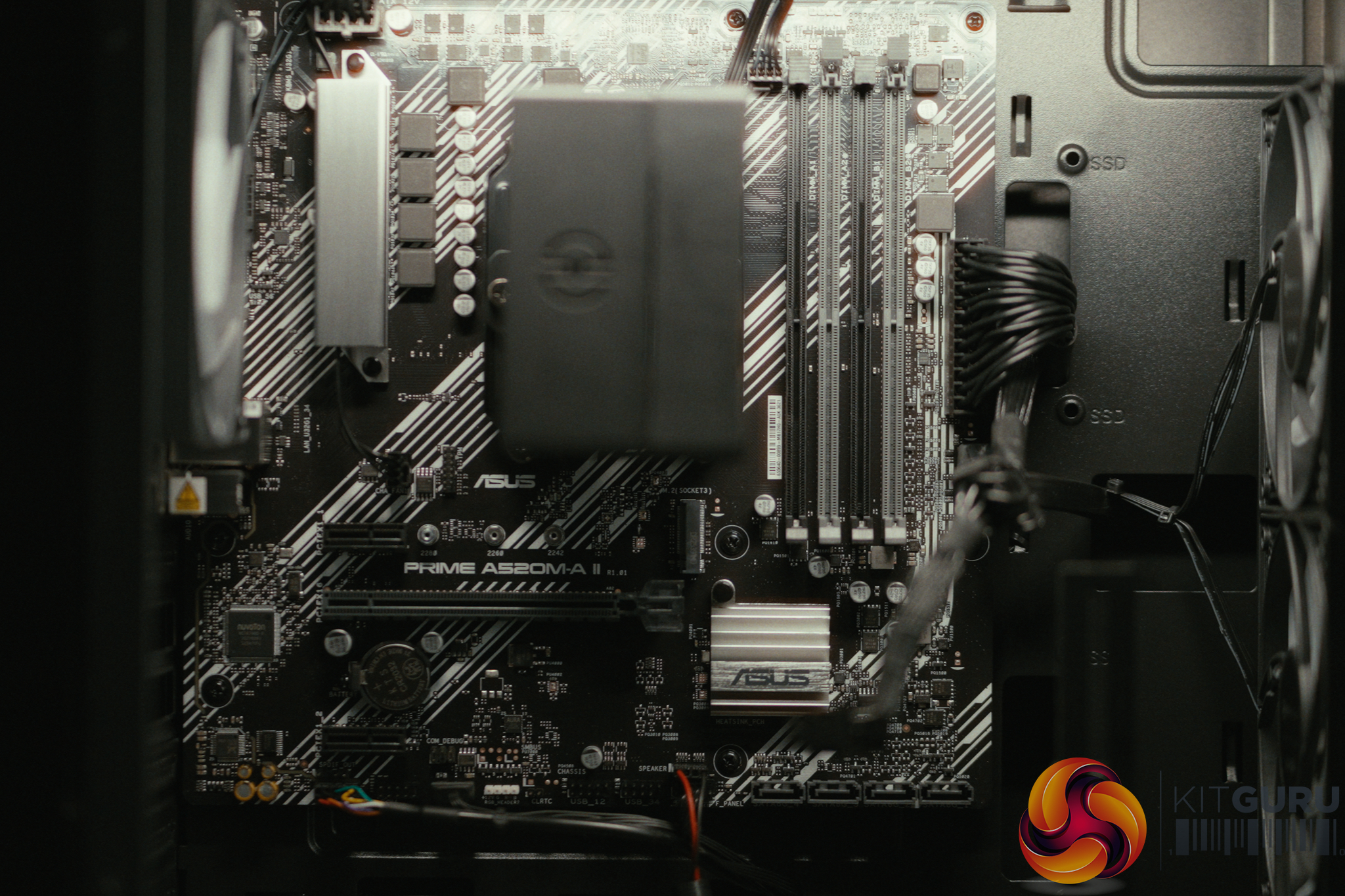
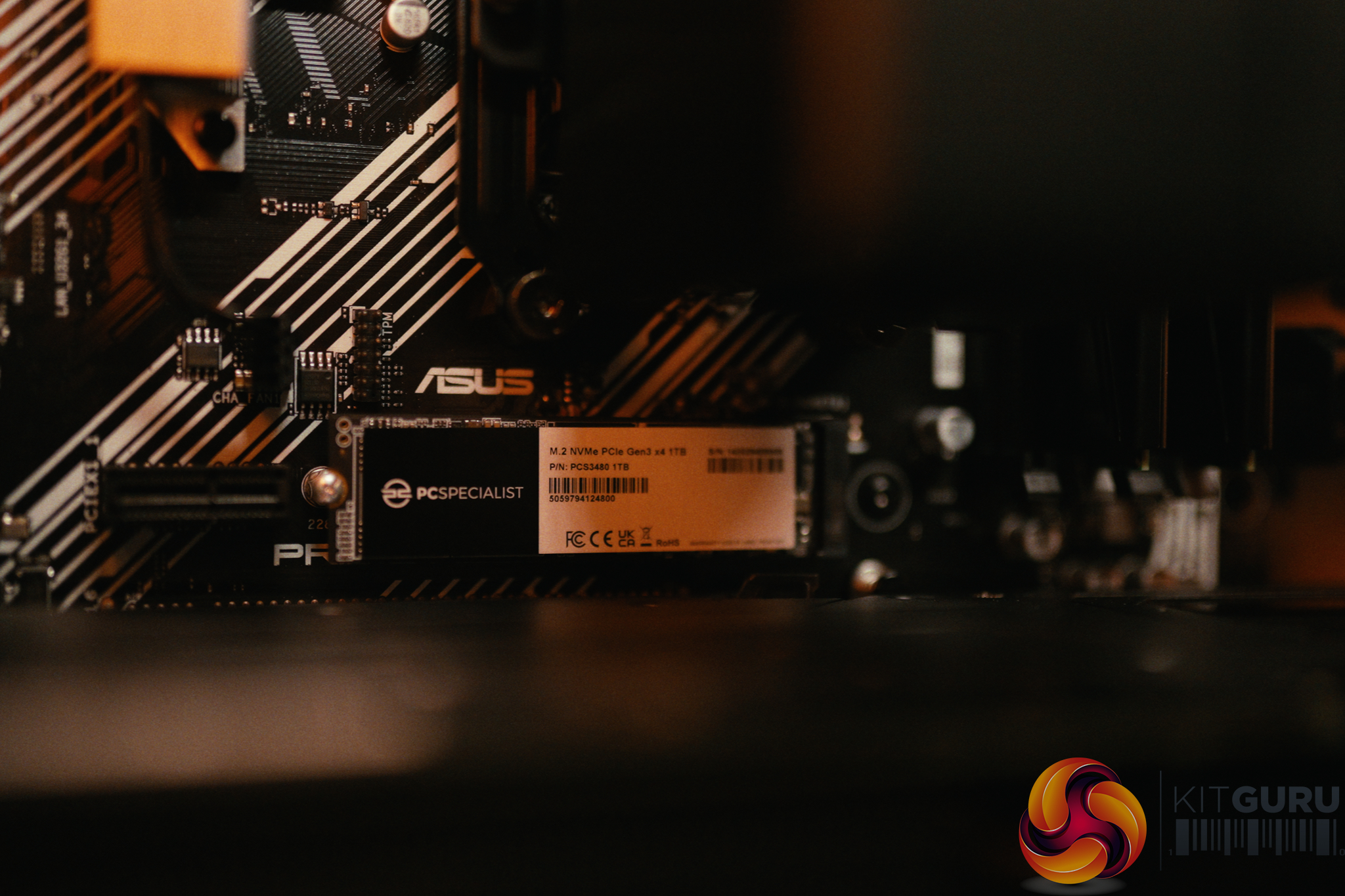
Motherboard: ASUS PRIME A520M-A II/CSM (PCIe Gen 3).
Operating System: Windows 11 Home (BitLocker enabled by default).
Closing Thoughts
The PCSpecialist Momentum Pro is a machine defined by its compromises, but they are mostly the right ones for 2026. By utilizing the older AM4 platform, DDR4 memory, and a Ryzen 7 5700X, PCSpecialist managed to squeeze the highly capable 16GB RX 9060 XT into a £1099 budget. In our testing, this allowed the Momentum Pro to nearly match the gaming performance of the last PCSpecialist build that we tested a few months back that retailed for £600 more. In day to day use it easily chews through 1080p and 1440p titles like Cyberpunk 2077 and Returnal.
The assembly quality remains fantastic, with great cable management and cool, quiet operation.
However, corners – understandably – had to be cut to hit the price point. The biggest disappointment is the ASUS A520 motherboard. Not only does it limit you to PCIe Gen 3 speeds (which hampers future SSD upgrades, though it barely affects the GPU), but it also locks users out of AMD's Precision Boost Overdrive (PBO). The 5700X has massive thermal headroom in this build, but it's not possible undervolt it or raise the conservative 77W power limit to get free performance. Furthermore, the included USB WiFi dongle is poor and needs to be replaced if you rely on WiFi. We're also not keen on seeing Norton installed out of the box.
Nonetheless, if you are a parent looking for a machine that can handle schoolwork, coding, and heavy gaming right out of the box, this is a fantastic deal. Just make sure to plug in an Ethernet cable and spend a few minutes uninstalling the bloatware.
You can buy the PCSpecialist Momentum Pro for £1099 HERE.
Pros:
The RX 9060 XT with 16GB VRAM provides excellent 1080p and 1440p gaming performance.
Fantastic assembly quality, cable management, and quiet cooling.
Smart compromises keep the price at a highly competitive £1099.
The motherboard retains 4 RAM slots for easy future upgrades to 32GB.
Cons:
The A520 motherboard locks out PBO, preventing free CPU performance tweaks.
Included USB WiFi dongle is slow and should be replaced or bypassed with Ethernet.
Motherboard is limited to PCIe Gen 3, limiting future SSD upgrades.
Pre-installed bloatware (Norton) and default BitLocker actively harm system performance.
KitGuru says: The Momentum Pro proves that pairing last-gen components with a modern GPU is a winning strategy for budget gamers, provided you can look past a restrictive motherboard.
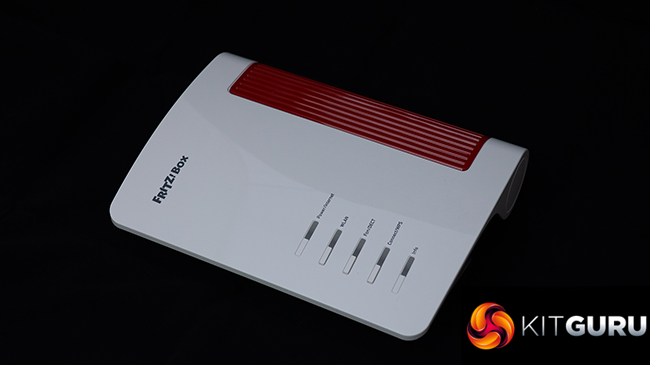
We've generally been impressed by AVM wireless broadband routers here at KitGuru. They're a little quirky, but performance is generally good and the features are top of the pile, with unique telephony and smart home capabilities. Since we last looked at one of the company's products, the AVM name has disappeared and now it's just FRITZ! This doesn't mean any change in ownership, however, just a simplification. Speaking of simplifying things, the FRITZ!Box 4690 is for people who already have a cable modem or fibre, so don't want the complication of a device with this built in. It's intended to deliver the fastest home networking to an already rapid broadband connection.
The FRITZ!Box 4690 returns to the wave-like design we've seen in many previous routers, such as the AVM FRITZ!Box 7690. Apart from the lack of a built-in VDSL/ADSL 2+ modem, the 4690 has a very similar specification to the 7690, although it also lacks the latter's support for Zigbee, a wireless standard for controlling smart home devices such as lightbulbs, roller blinds, temperature and motion sensors, smart plugs, and switches. It does still offer the signature FRITZ!Box support for telephony, however.
With its focus on users with an existing fast broadband modem, the WAN connection is 10Gbit, but you get a second of these and all the remaining LAN connections deliver 2.5Gbit. WiFi 7 is of course supported, albeit only in dual-band form. The 4690 is BE7000 rated, combining 5,760Mbits/sec at 5GHz and 1,200Mbits/sec at 2.4GHz. There's no 6GHz signal with this router, unlike the AVM FRITZ!Box 5690 Pro. There are optional extras to create a mesh network, too, although units to test this weren't supplied for our review.
Telephony options include two RJ11 phone ports on the back plus a single German TAE on the side. You also get a single USB 3.0 connection for media server storage, NAS options, or mobile data backup. All this comes in at around £330, which is pricey for a router but not one with this range of features available. Read on to see how the promising specifications shape up in reality.
The FRITZ!Box 4690 is available from Amazon UK for £330.31 inc VAT.
Specification:
Wireless protocols: MU-MIMO with 802.11b/g/n/be 2.4GHz, 802.11a/n/ac/ax/be 5GHz
Performance: BE7000 (5,760 + 1,200 Mbits/sec)
Antenna Configuration: 4×4 internal antennas
Ports: 3 x 2.5Gigabit Ethernet LAN, 1 x 10Gigabit Ethernet LAN, 1 x 10Gigabit Ethernet WAN, 1 x USB 3.0, 2 x RJ11 phone, 1 x TAE phone
If you’ve been holding off on getting a Wi-Fi 7 router because Wi-Fi 8 is on the horizon, the wait is almost over. ASUS today announced its first round of Wi-Fi 8 hardware, featuring not one, not two, but three options: two standalone routers and one ZenWiFi mesh system. In ...
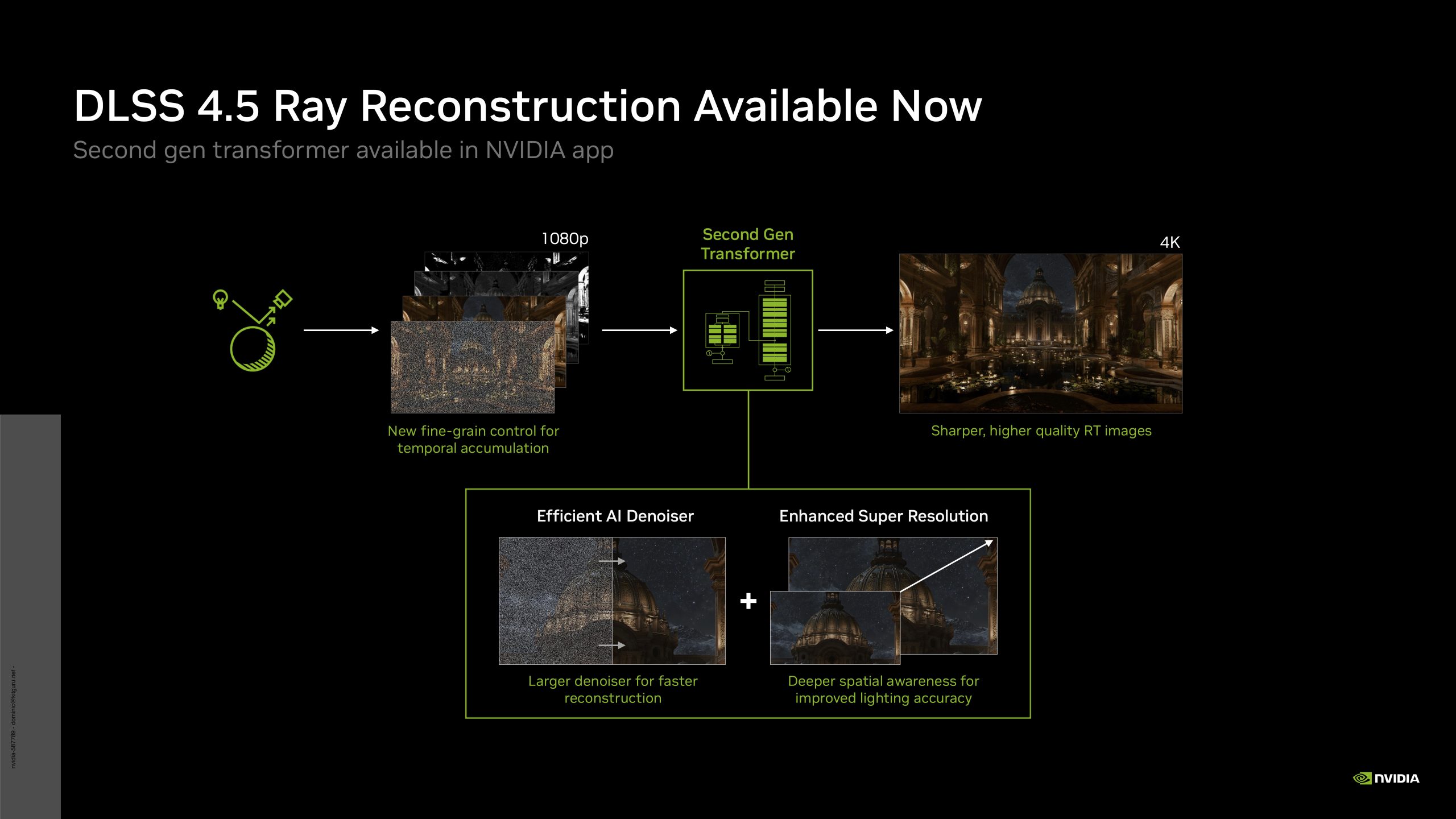
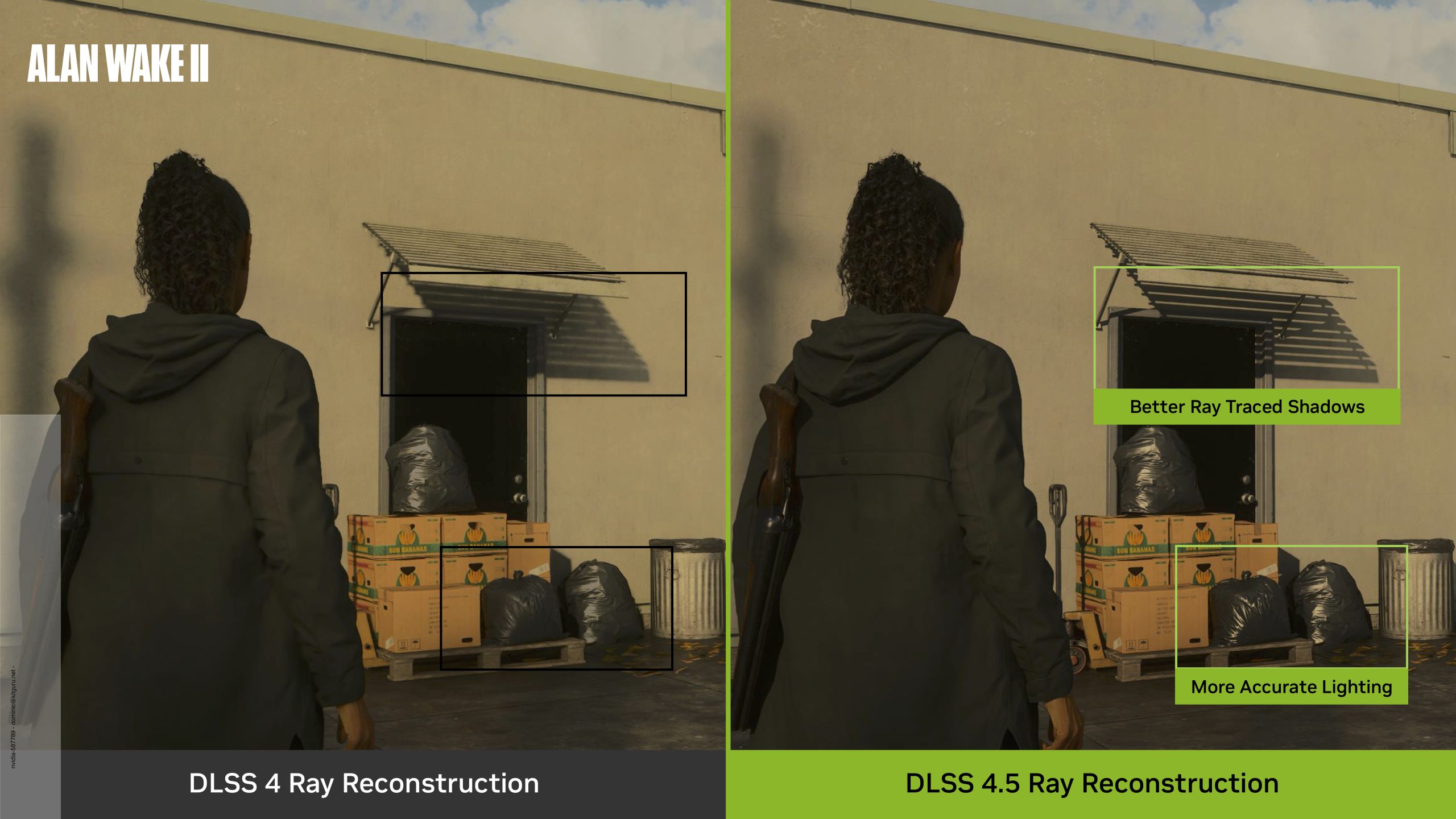
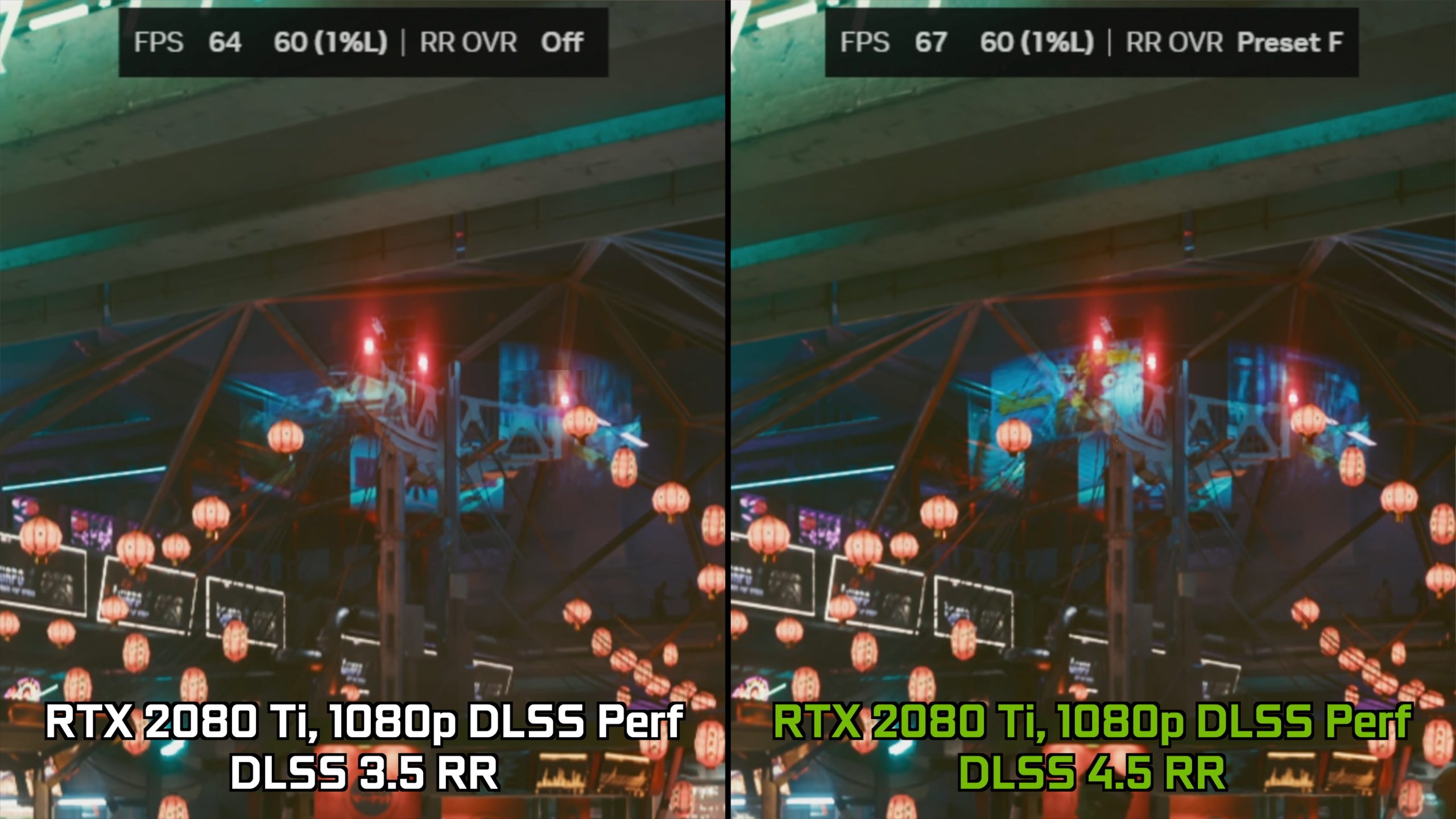
Today, Nvidia is launching DLSS 4.5 Ray Reconstruction, an update to the original Ray Reconstruction model that arrived nearly three years ago. We first got wind of this at Computex 2026 and DLSS 4.5 Ray Reconstruction is available now in certain games, though just like with DLSS Super Resolution, it does require use of the Override function within the Nvidia App. We went hands-on with early access to the technology, so join us as we take a first look at what it can do…
Timestamps
00:00 Intro
00:46 Video outline
01:47 Test setup
03:03 Image quality – overall detail improvements
04:07 Fine object handling – ghosting/shimmering
05:39 Reflection detail
06:10 Resident Evil Requiem motion examples
06:38 Light changes in Cyberpunk
07:27 Performance data
08:30 Closing thoughts
First things first, if you want to catch up on what exactly Ray Reconstruction is and how it works, do check out our original analysis from 2023 as it is still very relevant today. What we're focusing on here, however, is what difference the DLSS 4.5 update makes compared to the prior DLSS 4.0 Ray Reconstruction model. Nvidia claims that ‘DLSS 4.5 Ray Reconstruction introduces a second-generation transformer model with 35% more compute capability and 20% more parameters while maintaining similar performance to the previous model', which certainly sounds good on paper – we're here to see exactly what that means for image quality in games.
Test System:
We test using a custom built system powered by MSI, based on AMD's Zen 5 platform. You can view the Powered by MSI store on AWD-IT's website HERE.
RTX 5090 was used for all gameplay footage capture using the latest 610.88 driver.
Image Quality Examples
For a full look at image quality, be sure to watch the video at the top of this page, both to see more examples but also to see how Ray Reconstruction handles motion. Note: The below are 4K screenshots. Please zoom in using your browser if you want to enlarge the image.
Performance
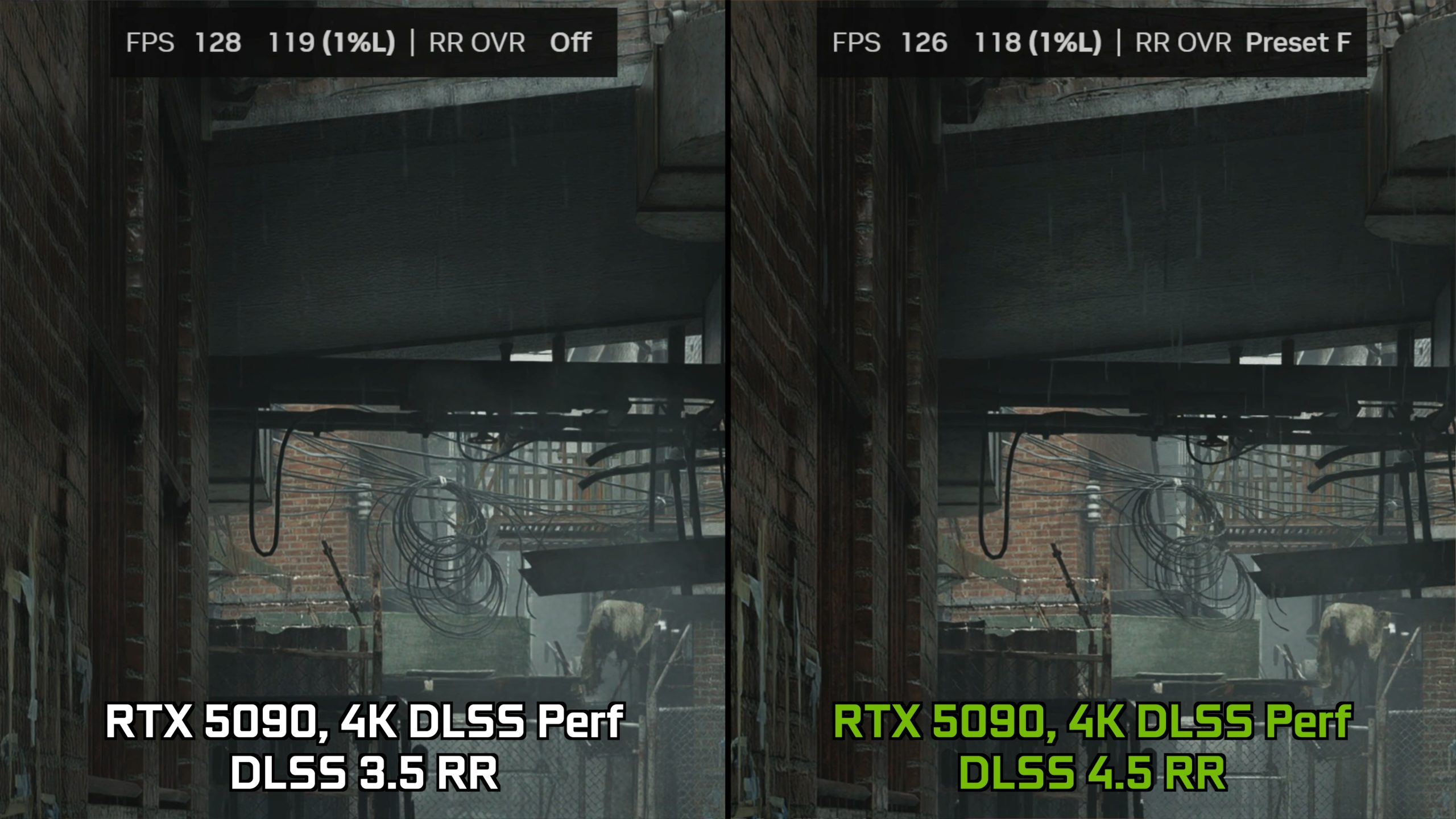
As shown in the video, we observed only a negligible performance cost when using DLSS 4.5 Ray Reconstruction with both an RTX 5090 and RTX 4090 at 4K resolution. However, what is odd is that, despite Nvidia suggesting we should see more of a performance hit on 20 and 30-series hardware, we actually saw a small performance improvement on both the RTX 3090 and RTX 2080 Ti in their respective tests. I'm not sure if this is a quirk of my testing or if others will find the same thing, but it was repeatable so I have included it here.
Closing Thoughts
After this admittedly relatively brief look at DLSS 4.5 Ray Reconstruction, I have to say I am pretty impressed by what I’ve seen. I wouldn't say that I've been blown away from the improvements made with the new model – certainly not in the same way as I was comparing RR off to RR on when the technology first launched, but I suppose that is to be expected.
Instead, what we’ve seen is more like going from DLSS 3 Super Resolution, to DLSS 4 – meaning the improvements may not be revolutionary, but they are still very welcome and do improve certain image quality characteristics that can be associated with DLSS technologies – including temporal instability, ghosting or shimmering, as well as general sharpness and detail.
With that in mind then, it’s really hard not to be impressed by the new DLSS 4.5 Ray Reconstruction update. As shown in the video, there are still some issues present, but by and large we have seen a number of improvements across the board, all without any real performance cost, too. In my view, that is an absolute win for the end user, and shows us the best of Nvidia – supporting GPUs all the way back to the RTX 20-series with new updates, completely free, that have basically no downside. Let’s hope that doesn’t stop any time soon.
KitGuru says: Let us know if you will be trying the new update!
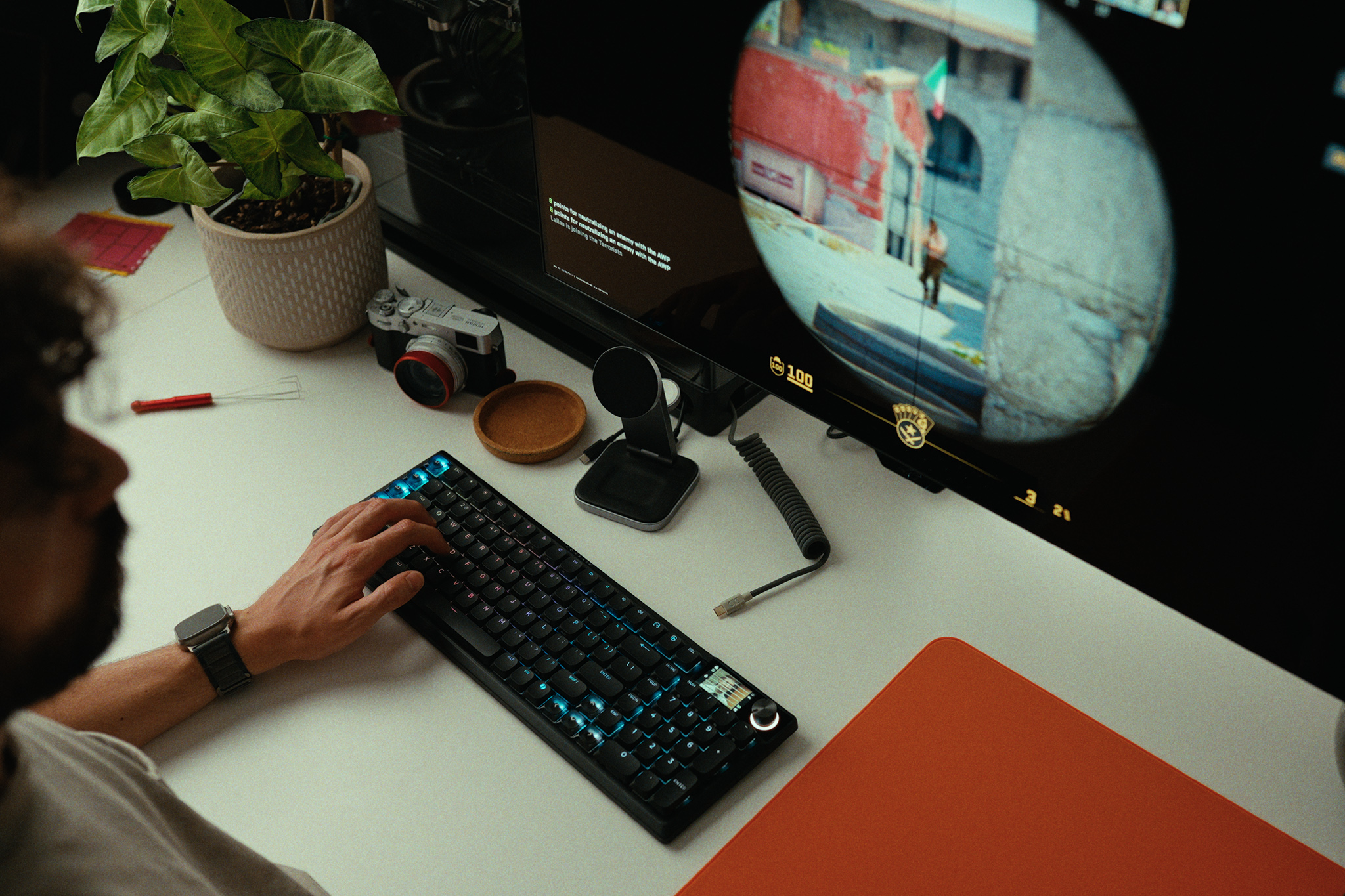
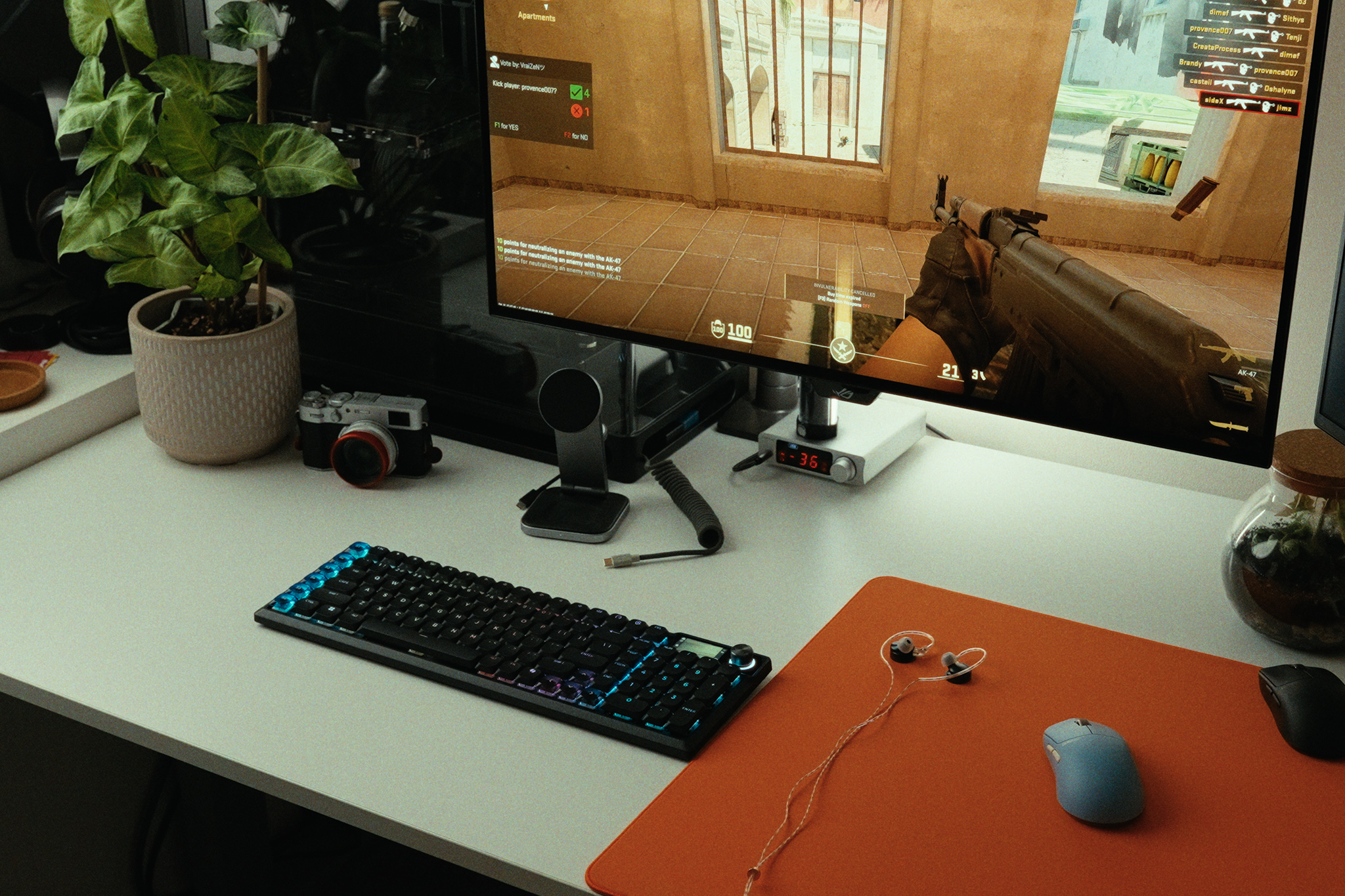
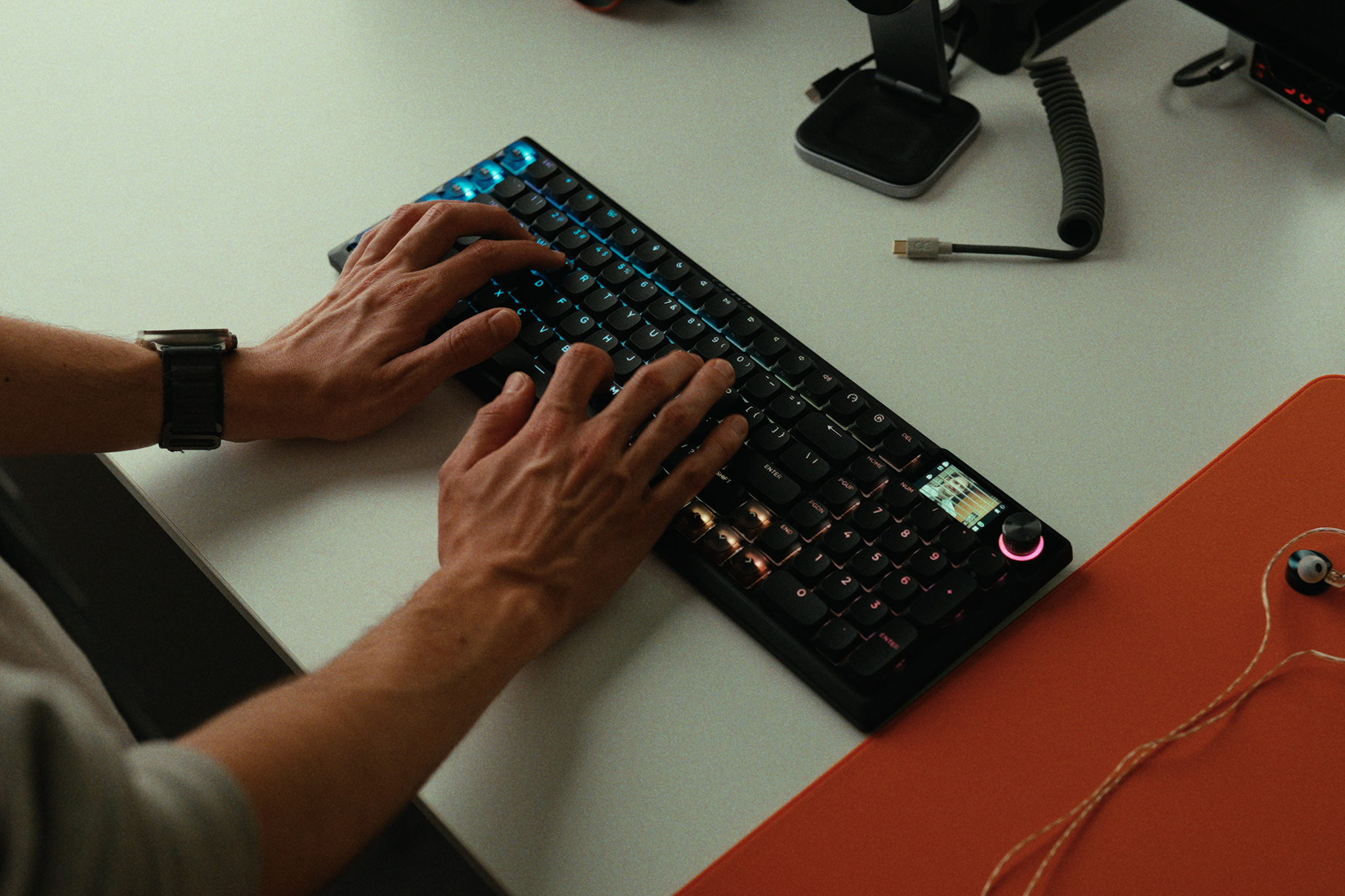
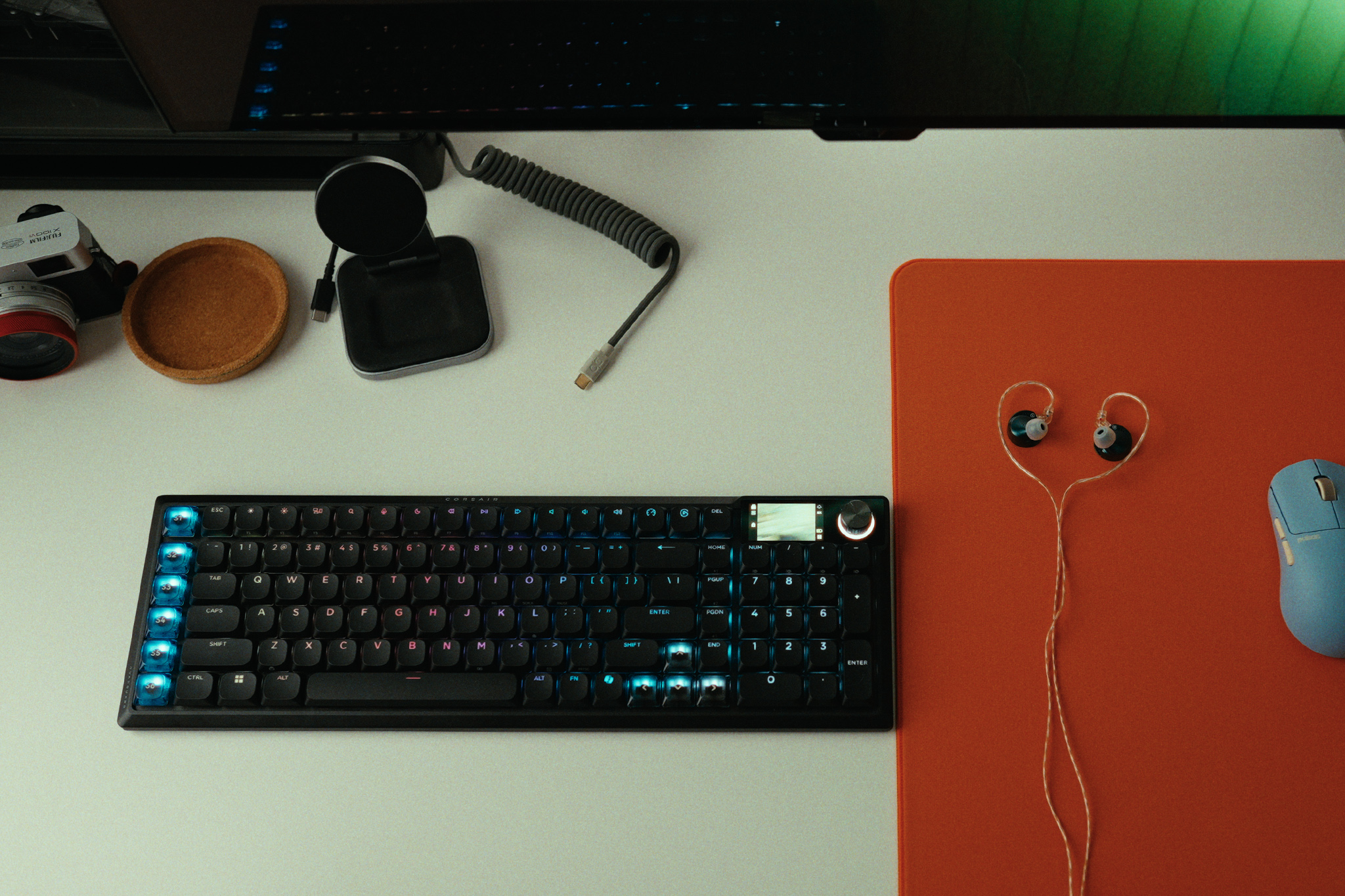
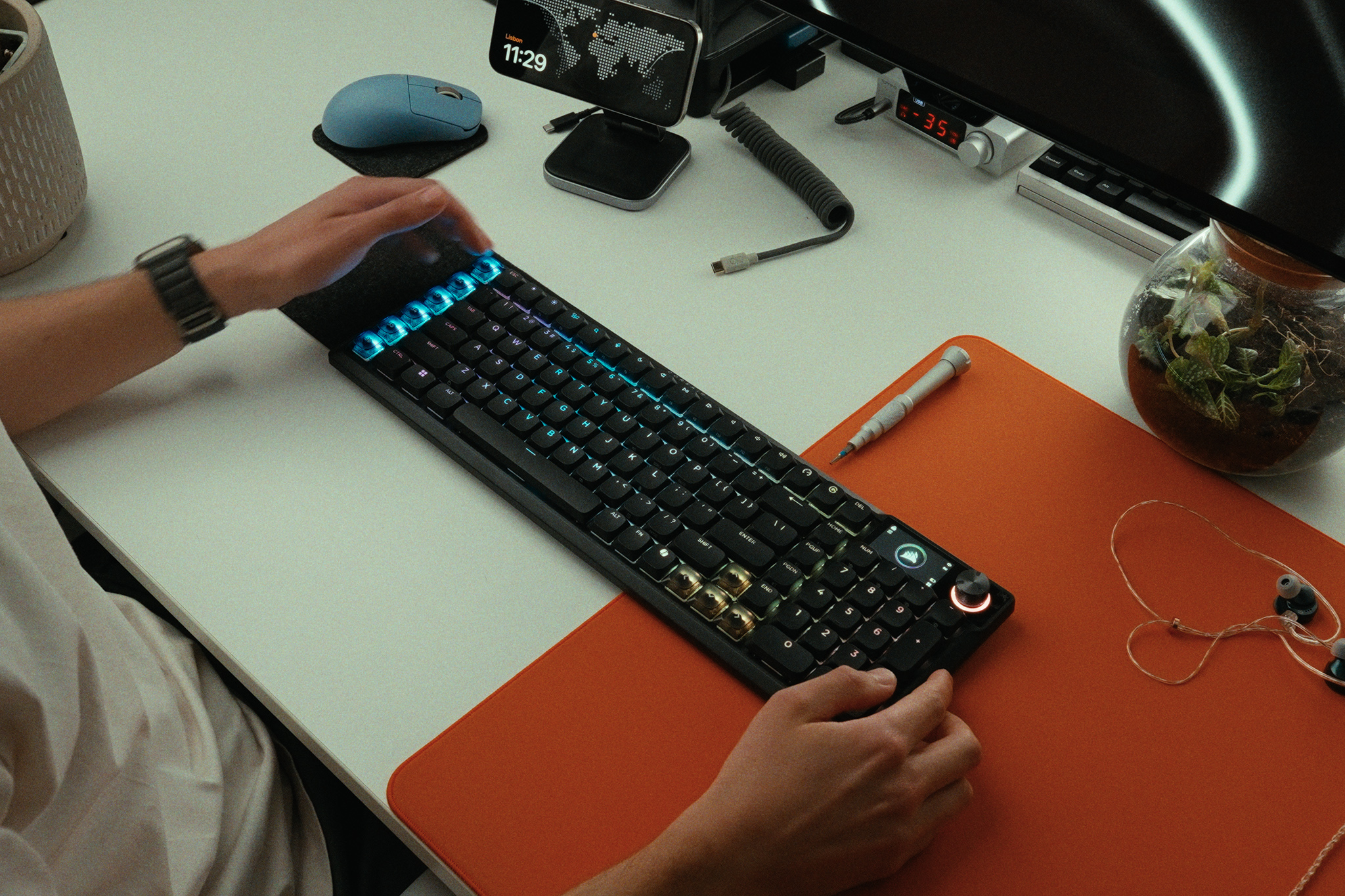
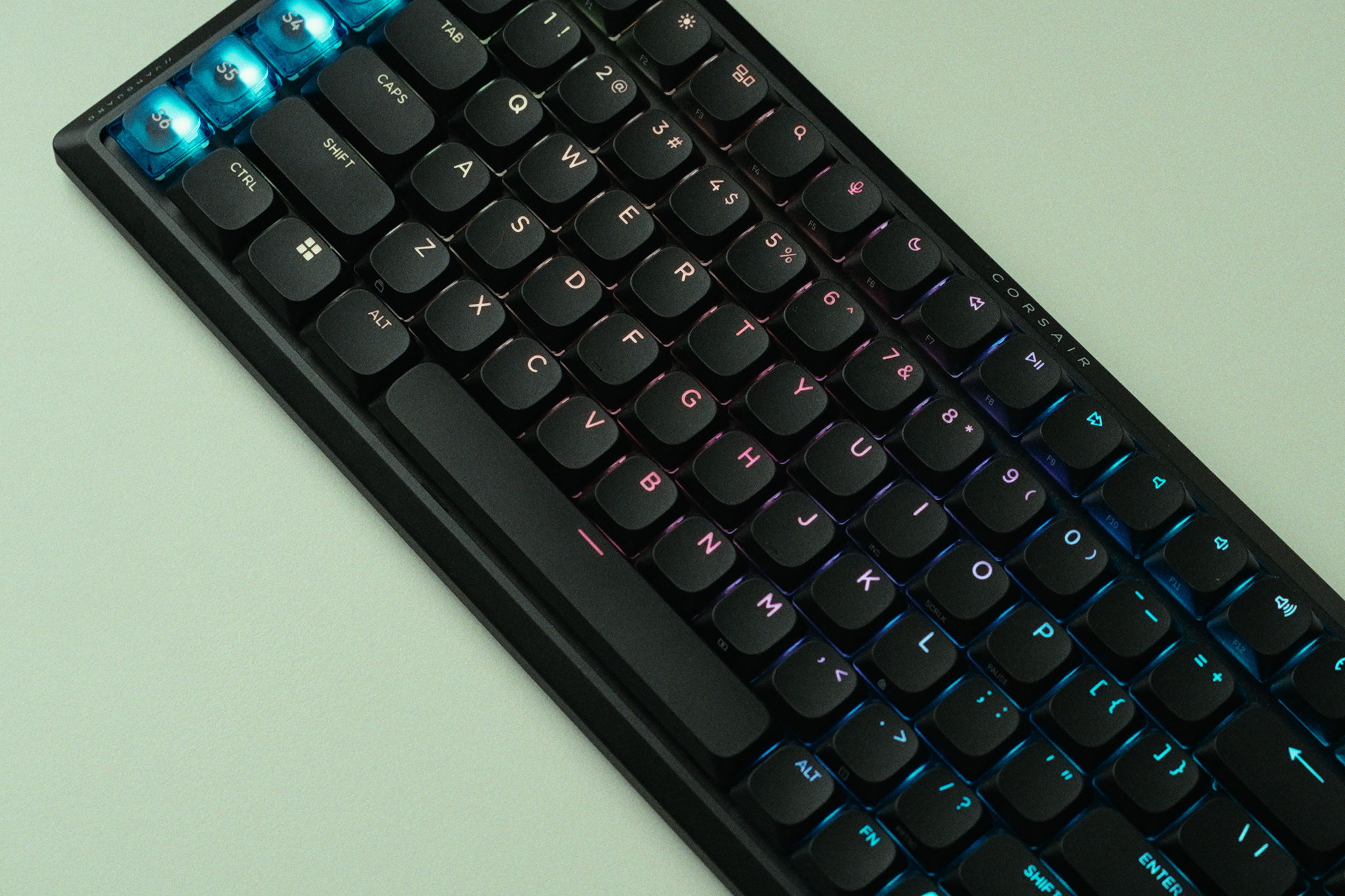
The Corsair Vanguard Air 99 Wireless is an ambitious attempt to pack almost every premium keyboard feature under the sun into one sleek, low-profile chassis. Retailing at a hefty £239 MSRP, it features smooth low profile optical switches, a bright integrated screen, per-key RGB, and an 8,000Hz polling rate. But by opting for optical switches over Hall Effect in the name of battery life, has Corsair actually delivered a coherent wireless experience, or is this keyboard crippled by frustrating compromises?
Timestamps:
00:00 Intro
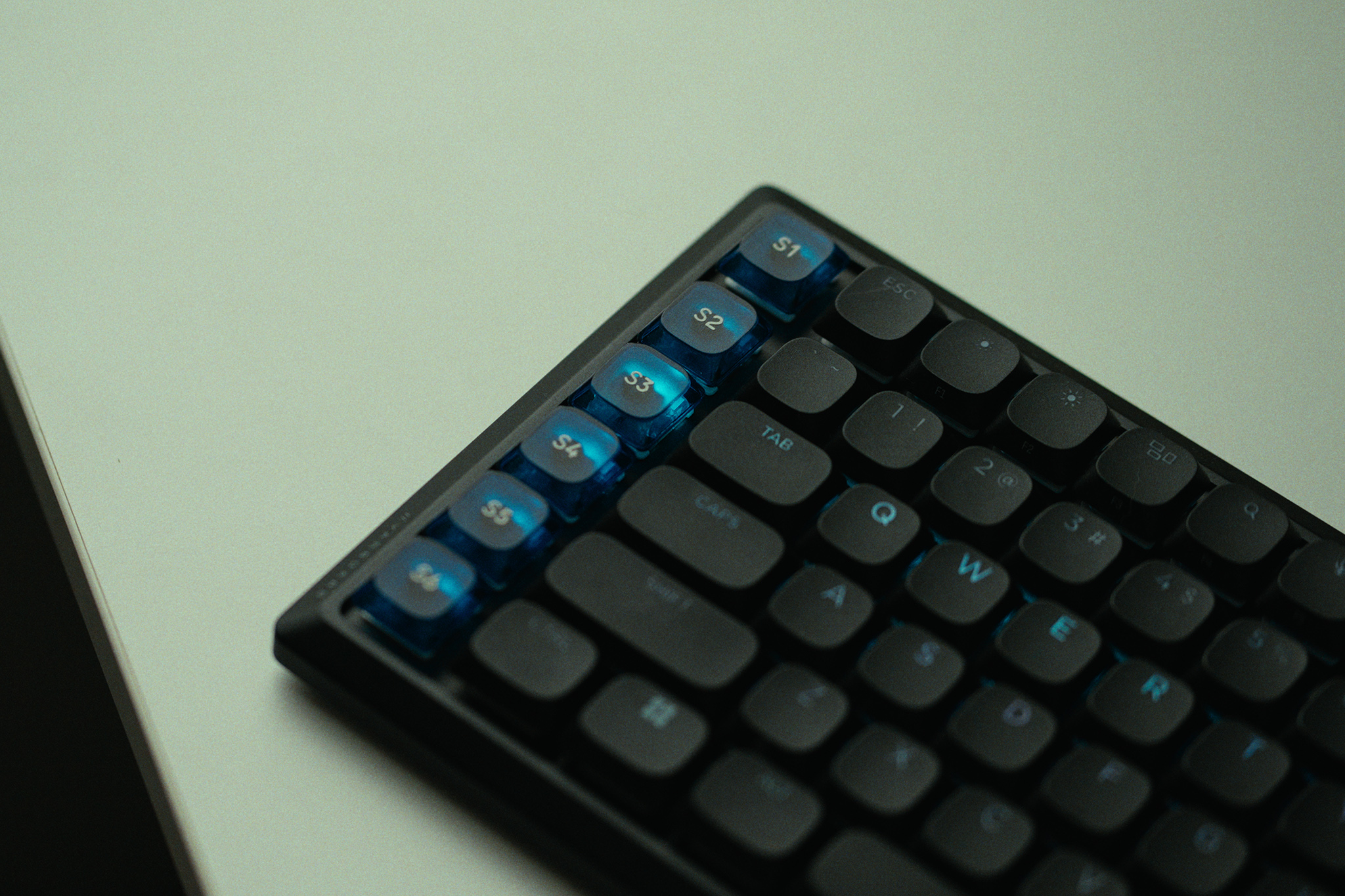
01:01 Streamdeck functionality
02:34 Corsair web hub
03:22 OPX low-profile switches + keycaps
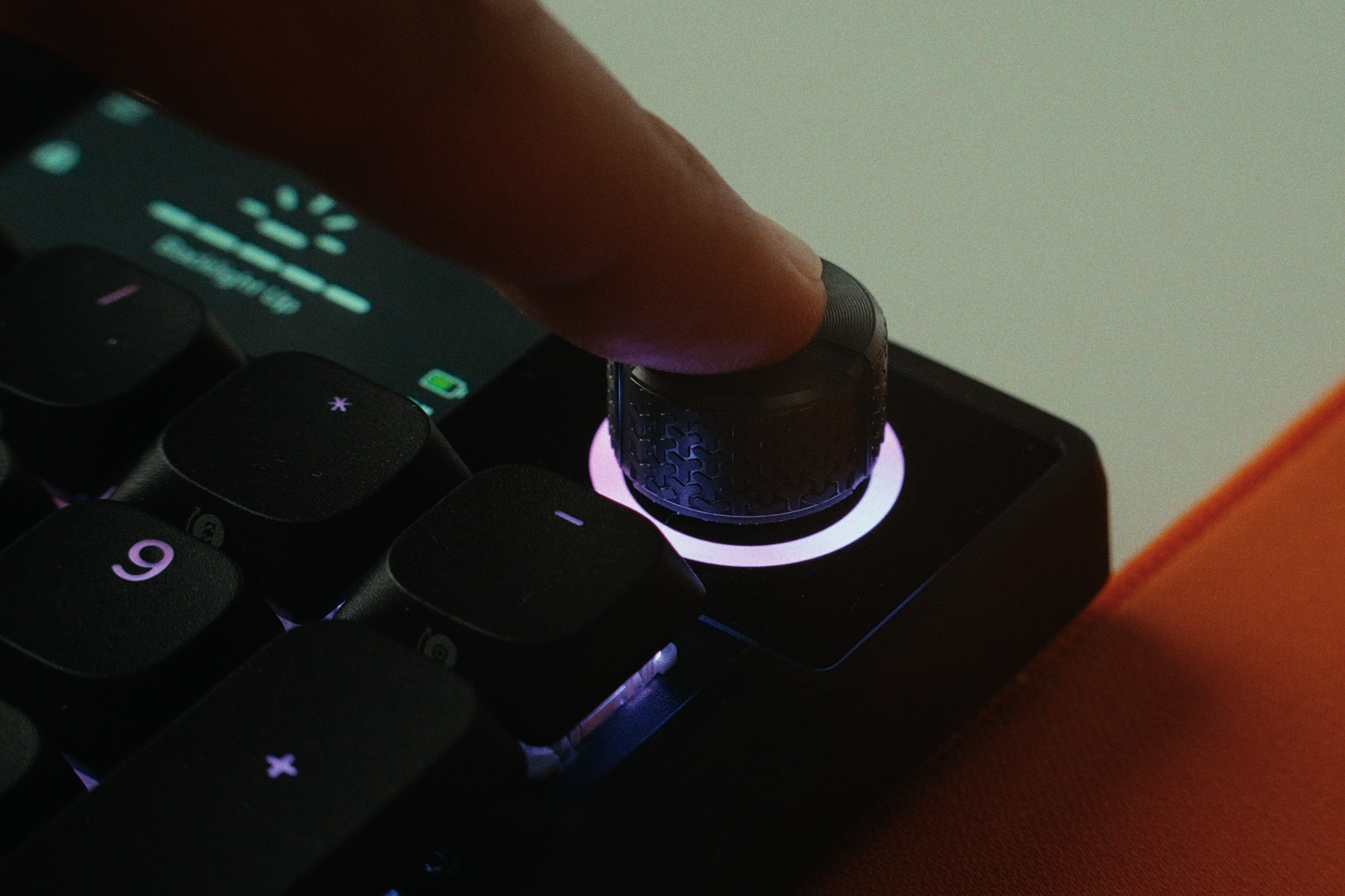
04:31 Screen, rotary dial and RGB
05:46 Pricing discussion
06:42 A cascade of bad decisions…
09:04 Slow wireless reconnection
10:04 Actual keyboard experience
11:05 Rattly stabilisers…
11:46 Closing thoughts
Software: iCUE, CORSAIR Web Hub, and Elgato Stream Deck app.
Battery Life: Up to 57 hours without RGB and at 1000Hz
Closing Thoughts
The Corsair Vanguard Air 99 Wireless is a product in conflict with itself. On paper, it looks like a productivity and gaming powerhouse. Its integration into the Corsair and Elgato ecosystems is fantastic, allowing you to configure custom macro keycaps with remarkable ease. The OPX low-profile optical switches are smooth and snappy, offering a quick 1.5mm actuation that feels right at home if you prefer laptop-style keyboards. I also love Corsair's push toward the Web Hub, which gives you near feature parity without forcing you to keep the bulky iCUE desktop app running at all times.
However, the hardware compromises are baffling. I think Corsair skipped Hall Effect switches to save battery life, but then added a bright screen, per-key RGB, and an 8KHz polling rate. The result? The battery dies in roughly 10 hours of typical use if you use all of those features, and then takes a painfully slow three and a half hours to recharge. Because it dies so fast, you will likely leave it plugged in permanently, making the omission of true Rapid Trigger Hall Effect switches a massive missed opportunity for gamers. The software-based Snap Tap feature simply isn't a replacement for Rapid Trigger, and utilizing it can even get you kicked from competitive games like CS2.
Throw in intensely rattly stabilizers that constantly tick as you type, a slow 3 to 5 second wake-from-sleep delay, and a strange wireless interference with other wireless mice, and this keyboard becomes very hard to recommend. Even at its occasional discounted promotional price of £189, there are simply too many better, more focused alternatives on the market.
You can buy the Corsair Vanguard Air 99 Wireless for £239 HERE.
Pros:
Excellent Stream Deck integration with distinct, dedicated macro keycaps.
The screen and per-key RGB are bright and easily visible in daylight.
OPX optical switches are smooth and responsive right out of the box.
The Web Hub software is a great, lightweight alternative to iCUE.
Cons:
Terrible battery life and very slow charging (maxes out at just 7.1W).
Lacks Hall Effect switches (and genuine Rapid Trigger) at a premium gaming price point.
Stabilizers are intensely rattly, ruining the acoustic and typing experience.
Wireless dongle caused bizarre interference and lag with other high-end gaming mice.
Frustratingly slow to wake from sleep, often missing the first few keystrokes.
KitGuru says: The Corsair Vanguard Air 99 Wireless attempts to do it all, but terrible battery life, rattly stabilizers, and the lack of Hall Effect switches make it a confusing and overpriced package.
Here at KitGuru we have reviewed plenty of OLED monitors over the last few months, but the market has been moving at such a rapid rate it is easy to lose track of the best options. Today we're simplifying matters by publishing our top picks for OLED monitors in 2026 – so whether you're looking for an ultrawide, 4K, or budget option, here are our top recommendations…
USB Type-C: 1x Type-C (DP Alt Mode) with 98W Power Delivery
USB Type-A: 2x USB 5Gbps Type-A
USB Type-B: 1x USB 5Gbps Type-B
ETD: 12/B-12/M
MSRP: £999/$1,099
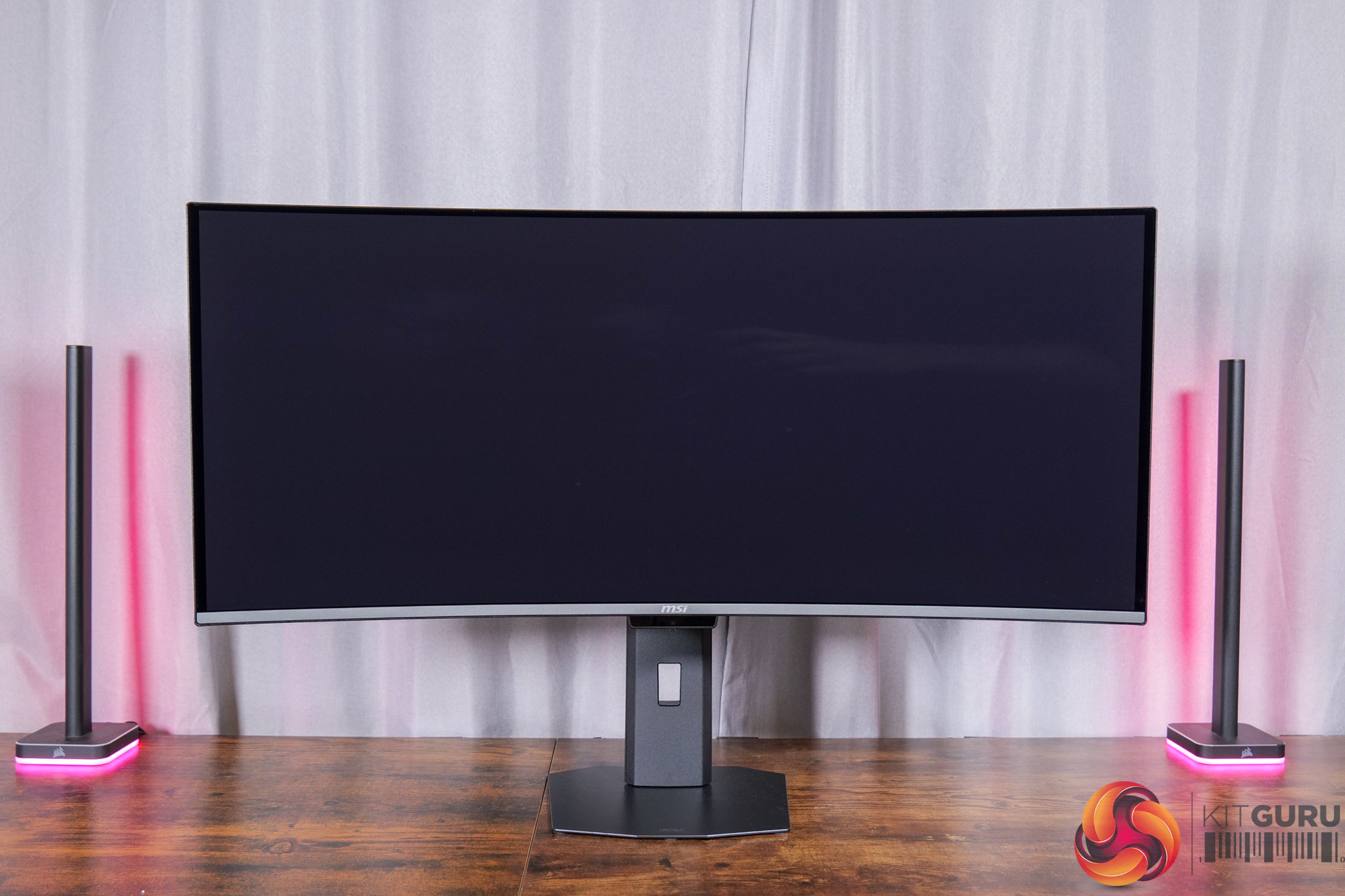
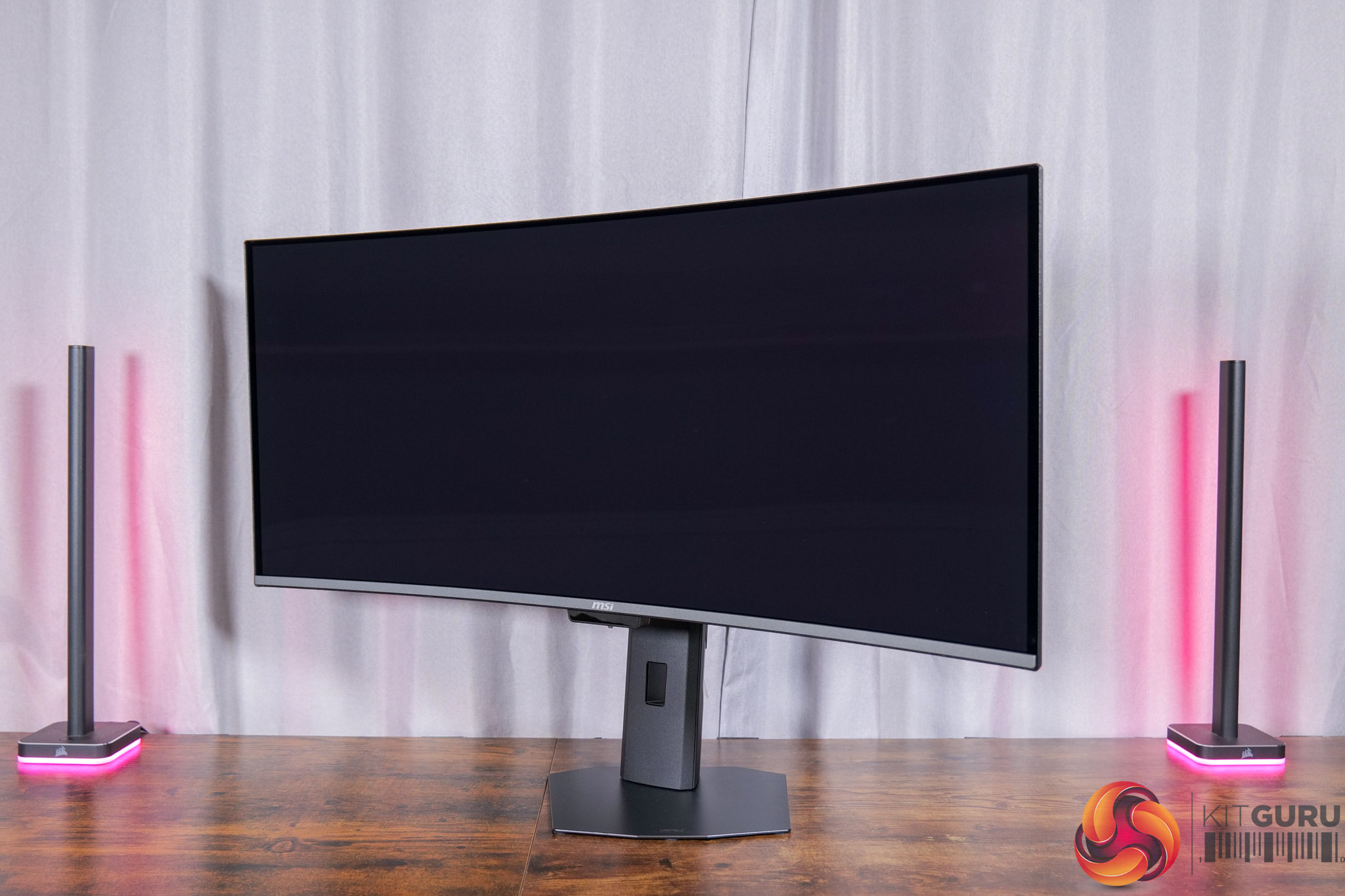
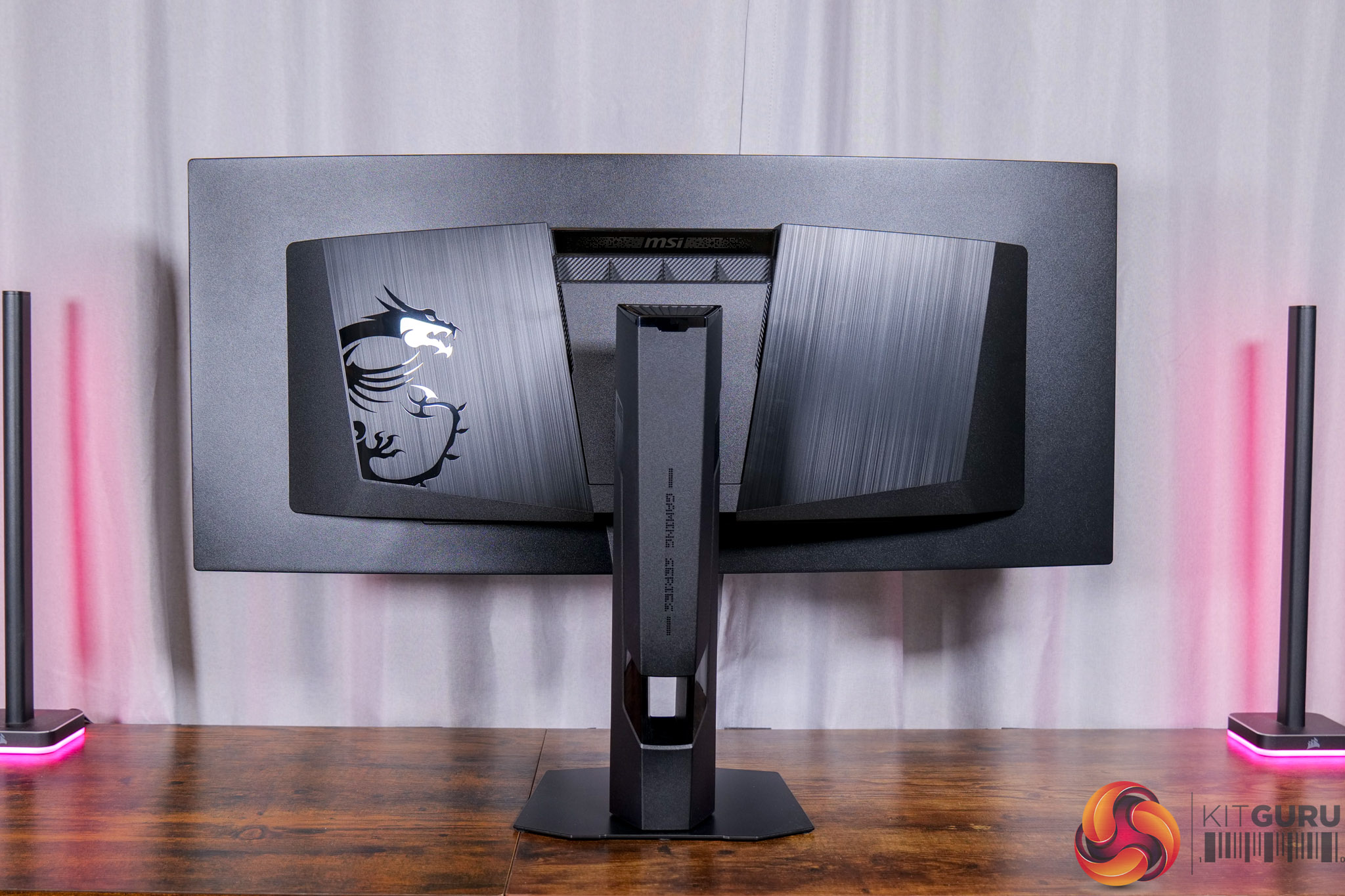
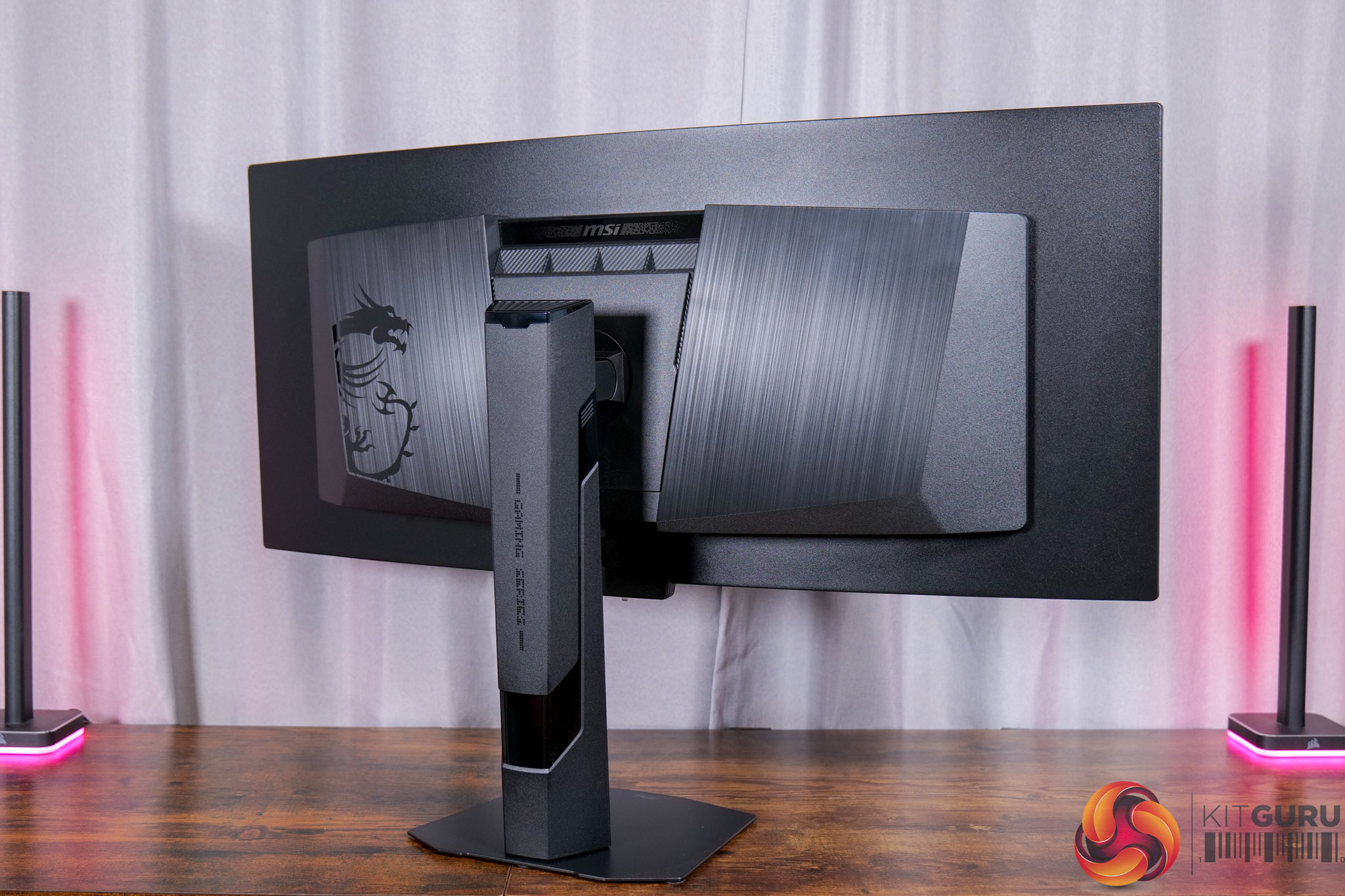
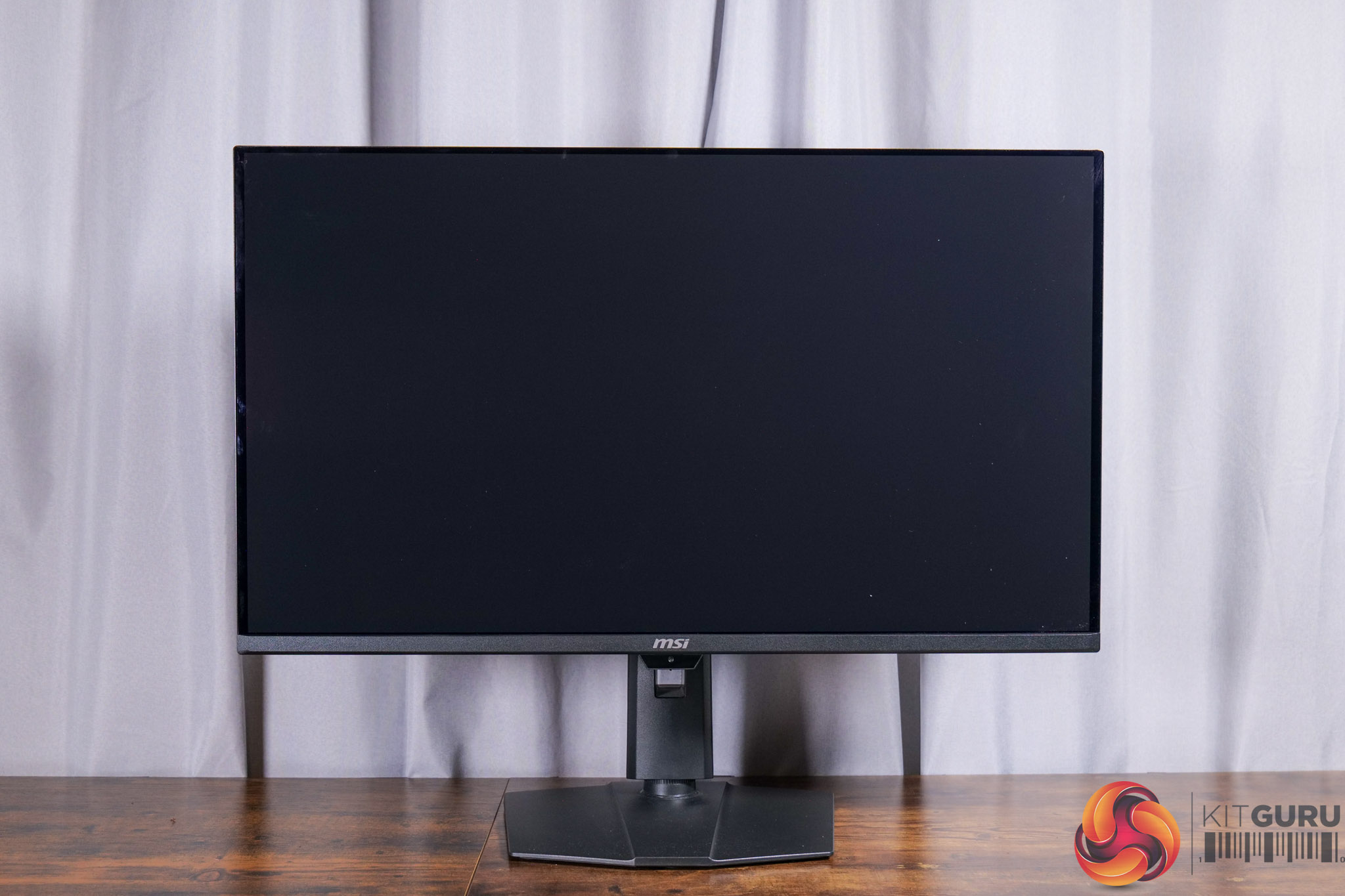
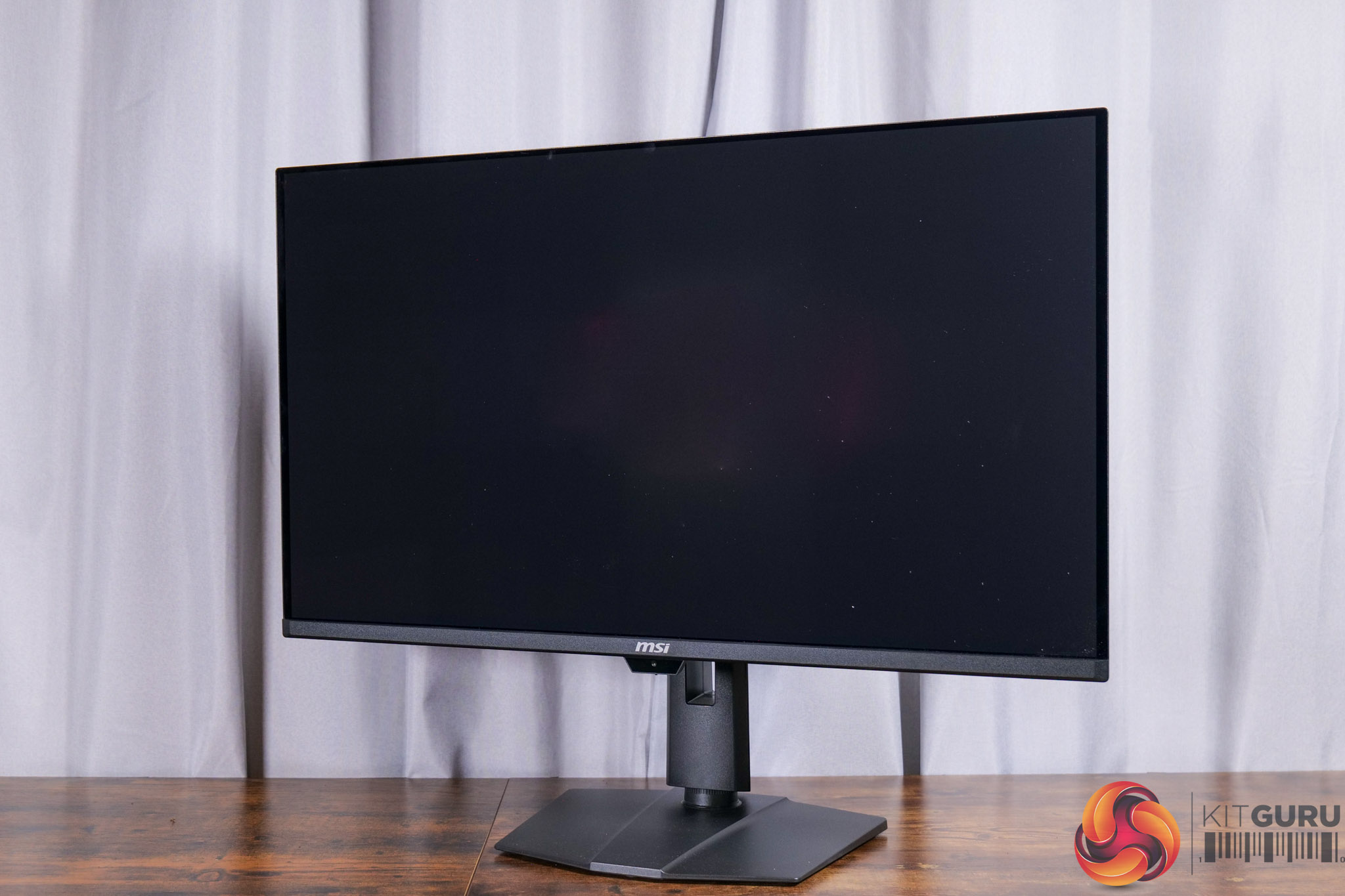
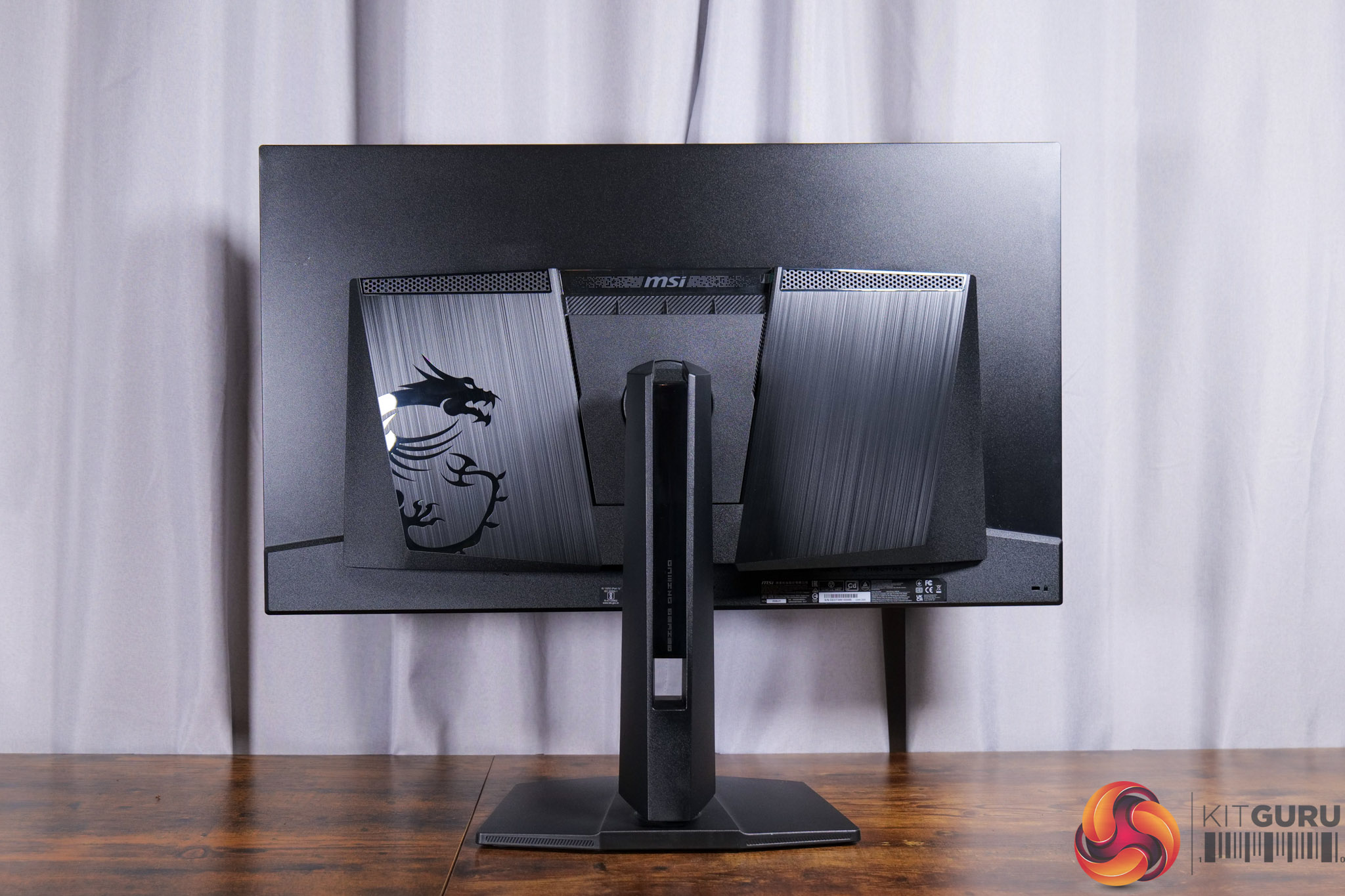
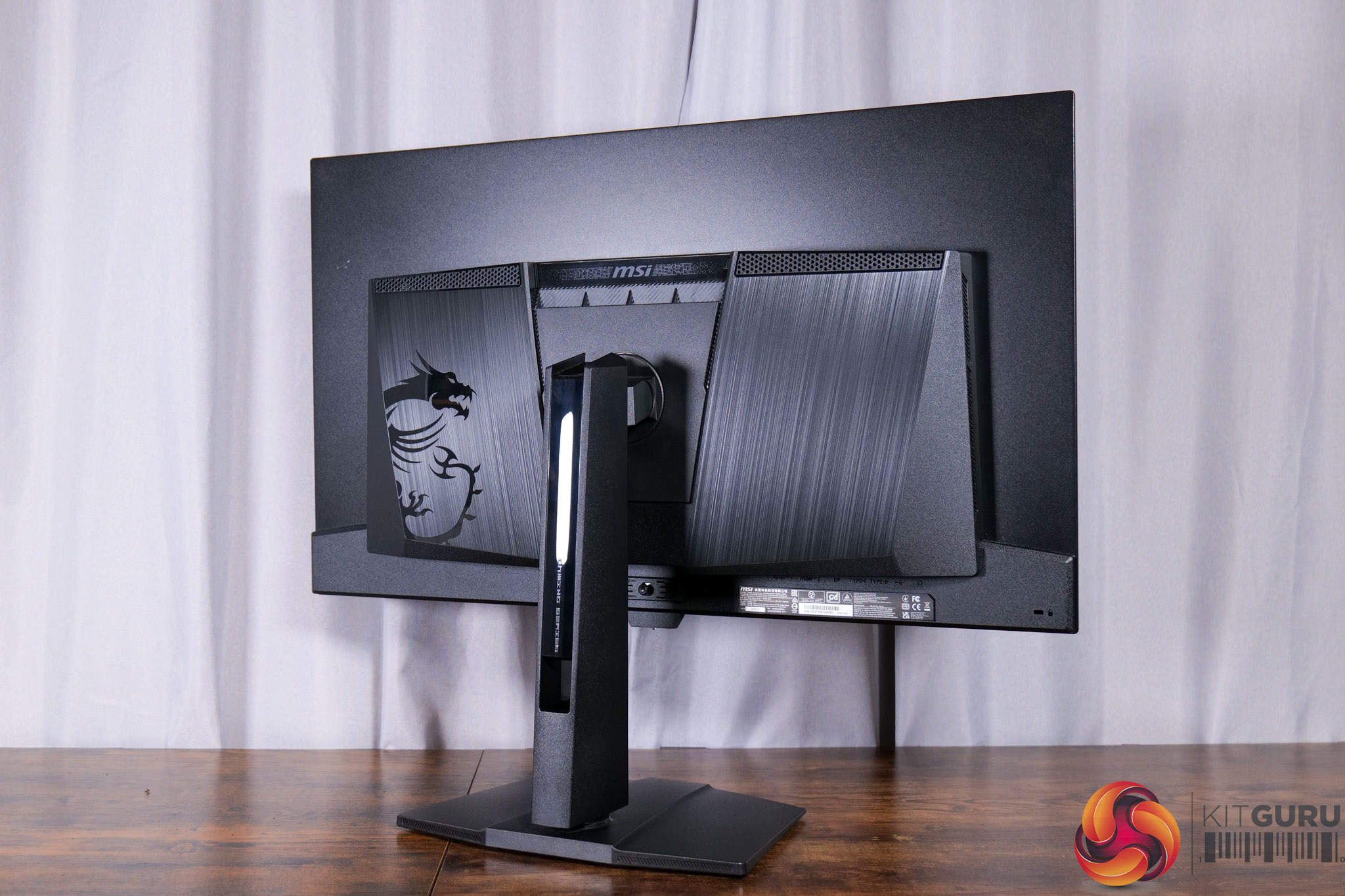
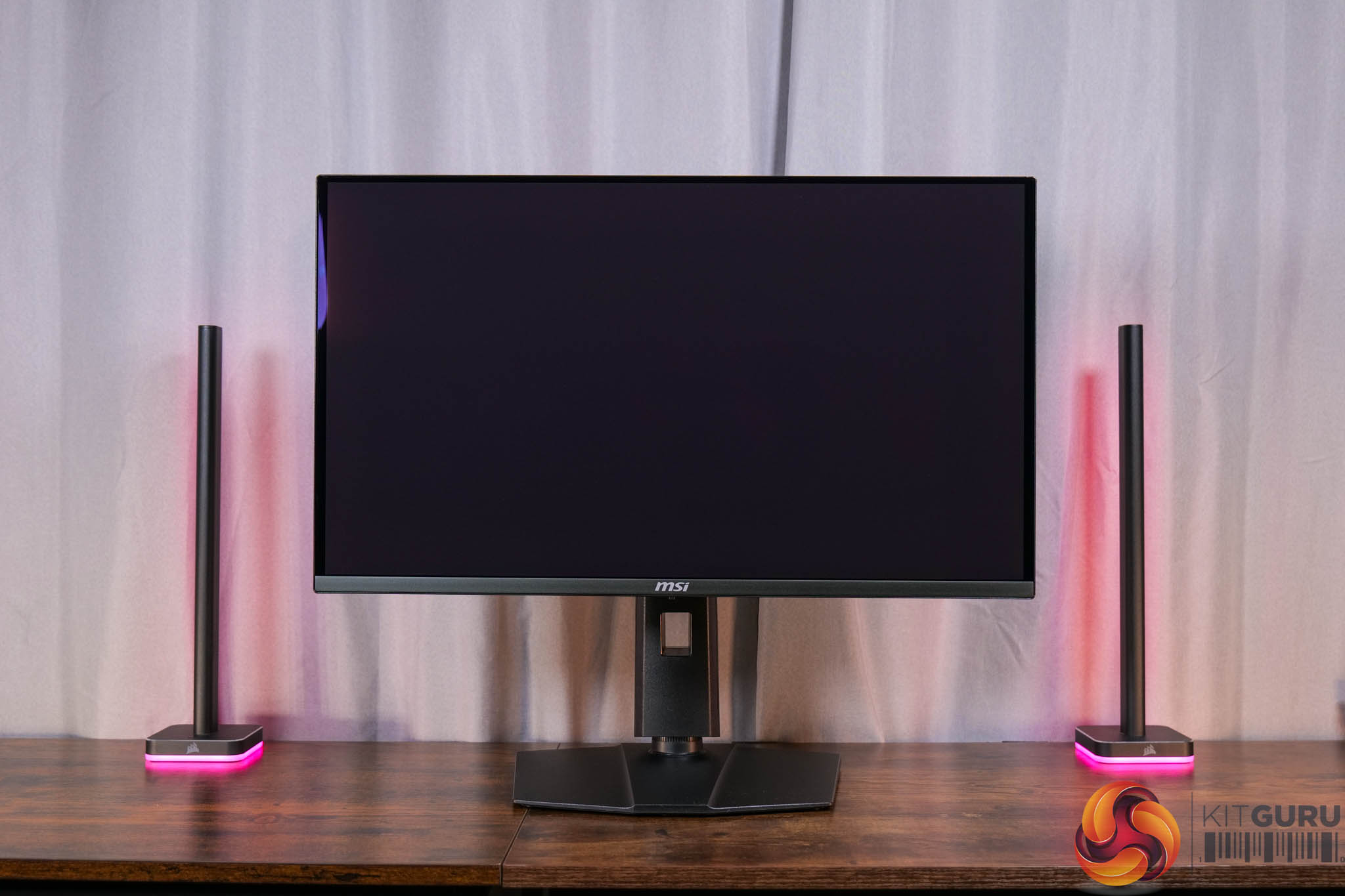
MSI kicked the year off with a bang thanks to the launch of its MPG 341CQR X36. This monitor is built on a 5th Gen QD-OLED panel from Samsung, unlocking a wide array of benefits compared to previous QD-OLED ultrawides. There's a new RGB stripe sub-pixel layout for one, eliminating any fringing around text. Brightness has also increased, given we measured up to 321 nits in SDR usage, but over 1300 nits in HDR. On top of that (literally, in this case!), there's a new panel coating which helps to improve perceived black depth in brighter environments, while also removing that magenta tint that could be visible on older QD-OLEDs.
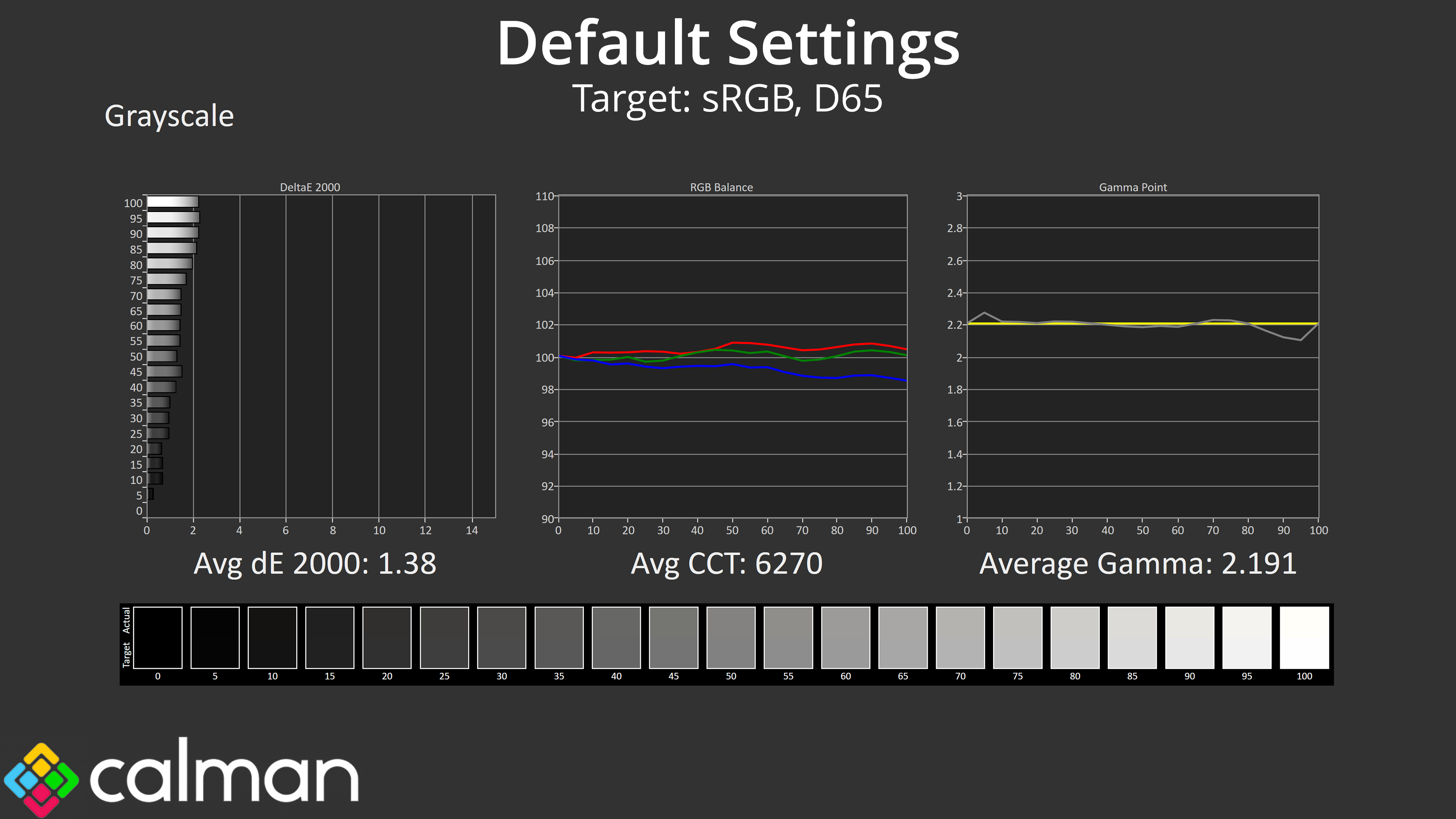
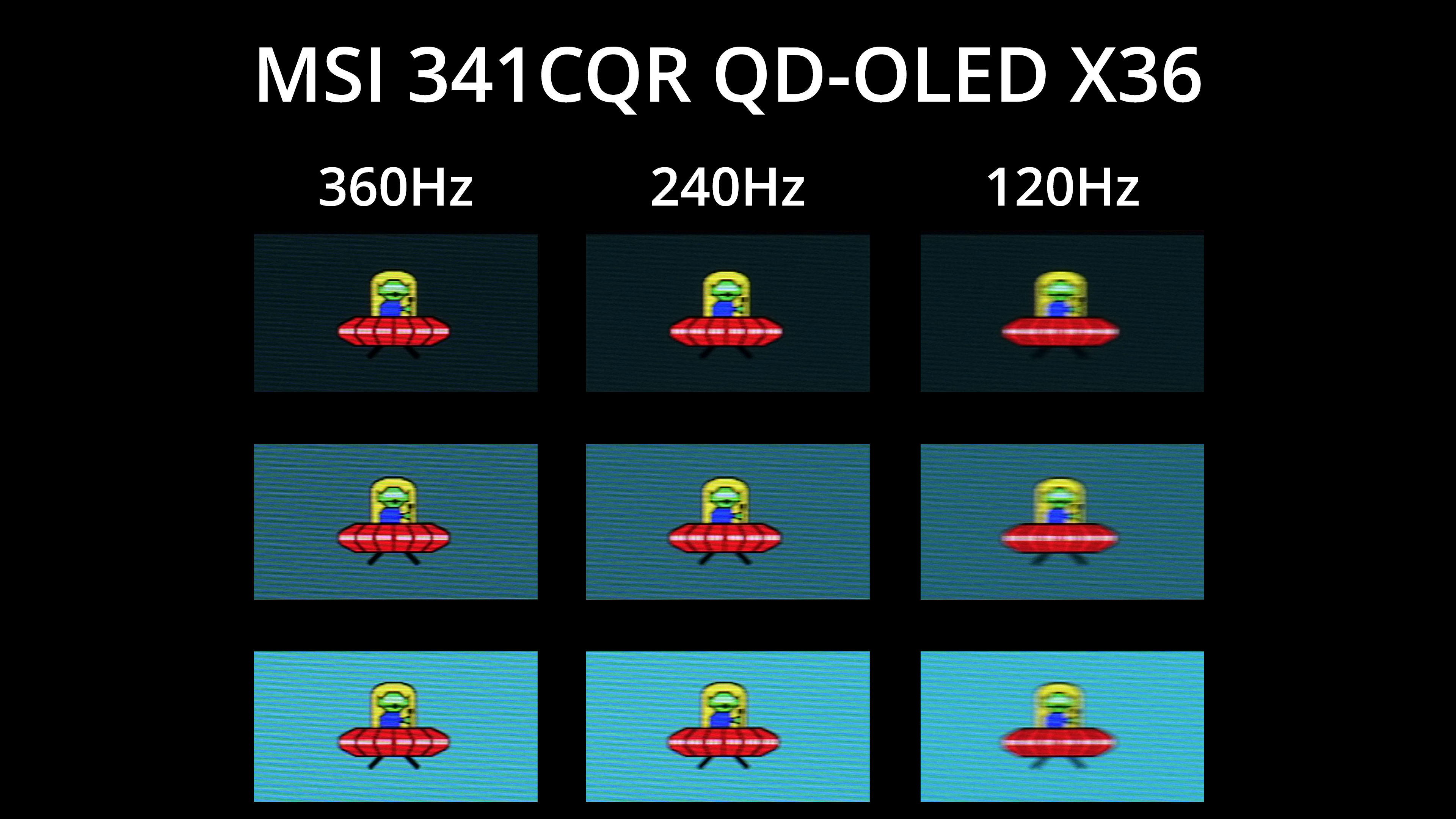
MSI also nailed the factory calibration with excellent colour balance and gamma tracking, while this is the fastest ultrawide OLED monitor we have tested, given it now clocks in with a 360Hz refresh rate – and of course that means motion clarity is a real step up compared to older, 240Hz models.
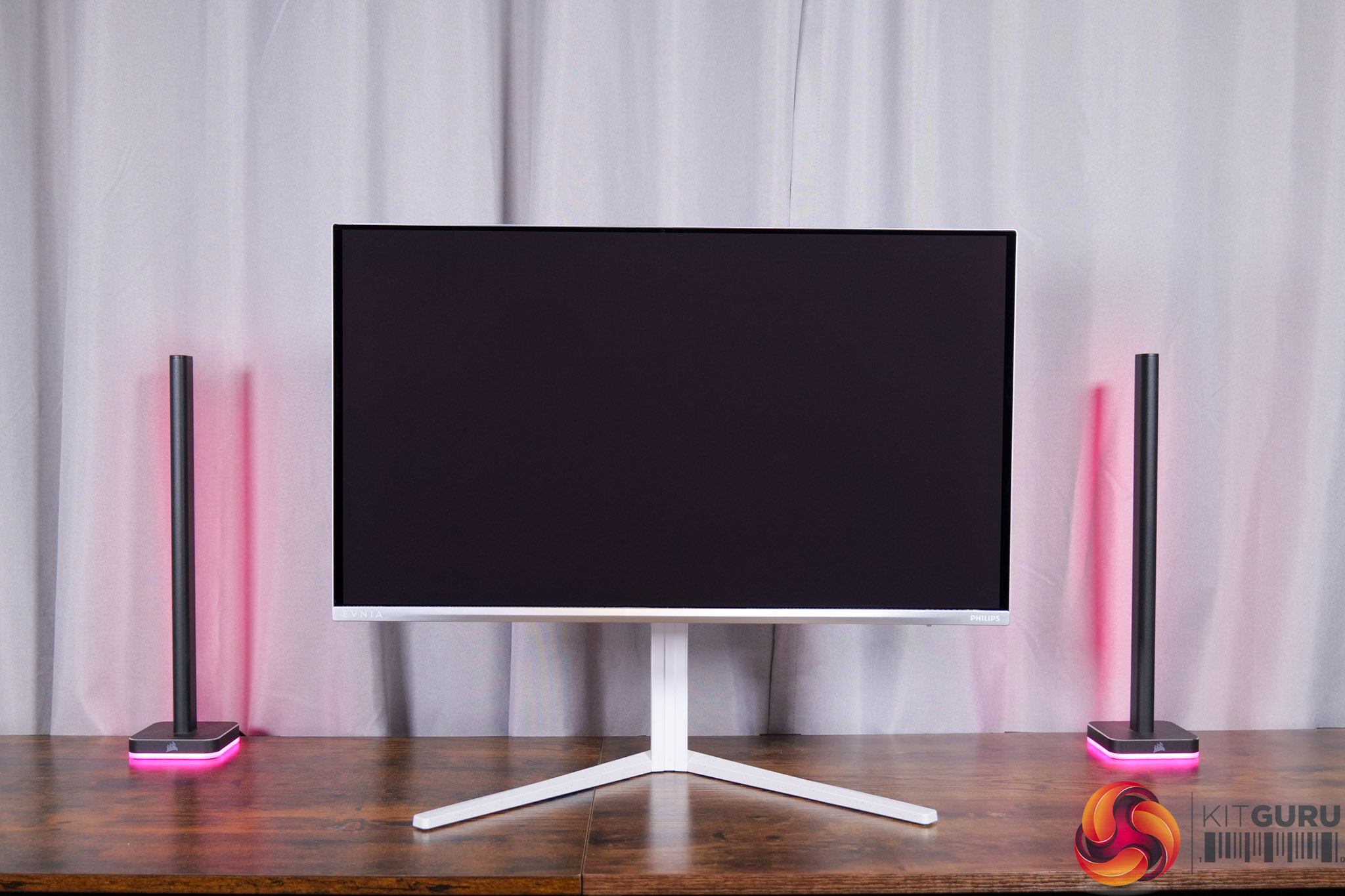
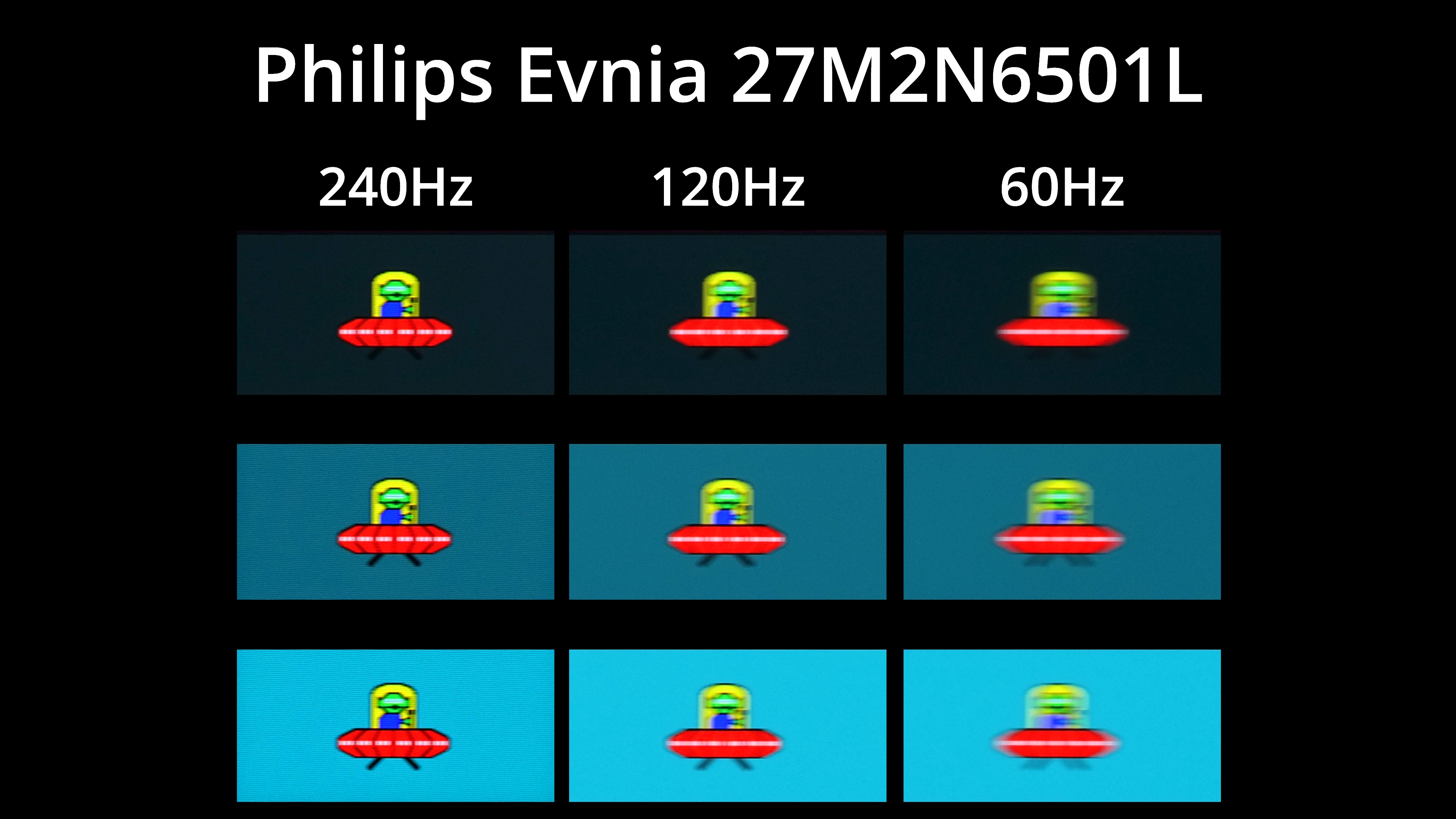
When we first reviewed the Philips Evnia 27M2N6501L, we thought it was a very intriguing monitor, promising a low price but most of what makes an OLED such an attractive proposition. It's only got better in recent months, however, as the price has continued to fall and it's now on sale for just £320. For that money you get a 1440p/240Hz QD-OLED panel, promising all the usual OLED benefits – infinite contrast, excellent motion clarity, zero ghosting – without paying through the teeth for a more expensive option.
It comes pretty well tuned from the factory, too, and gaming performance is as good as we'd expect considering the specs.
Of course, however, there are compromises and the main one is brightness. We measured a peak of just 201 nits in SDR, while HDR tops out at 412 nits – so you don't get quite the same eye-popping experience as you would from other models which can hit 1000+ nits. It's also limited in terms of connectivity, with just 1x DisplayPort 1.4 and HDMI 2.0, rather than HDMI 2.1. But if you can look past those negative points, it's still the most affordable OLED monitor we've ever seen, making it worthy of a place on this shortlist.
MSI's MPG 322UR X24 is the newest model to make the list, launching only in the last couple of months. It's also based on Samsung Display's newest 4K QD-OLED panel, this time based on 4th Gen Penta Tandem technology, and that brings with it the same DarkArmor Film coating and improvements to brightness that we saw from the MPG 341CQR X36 earlier in the year.
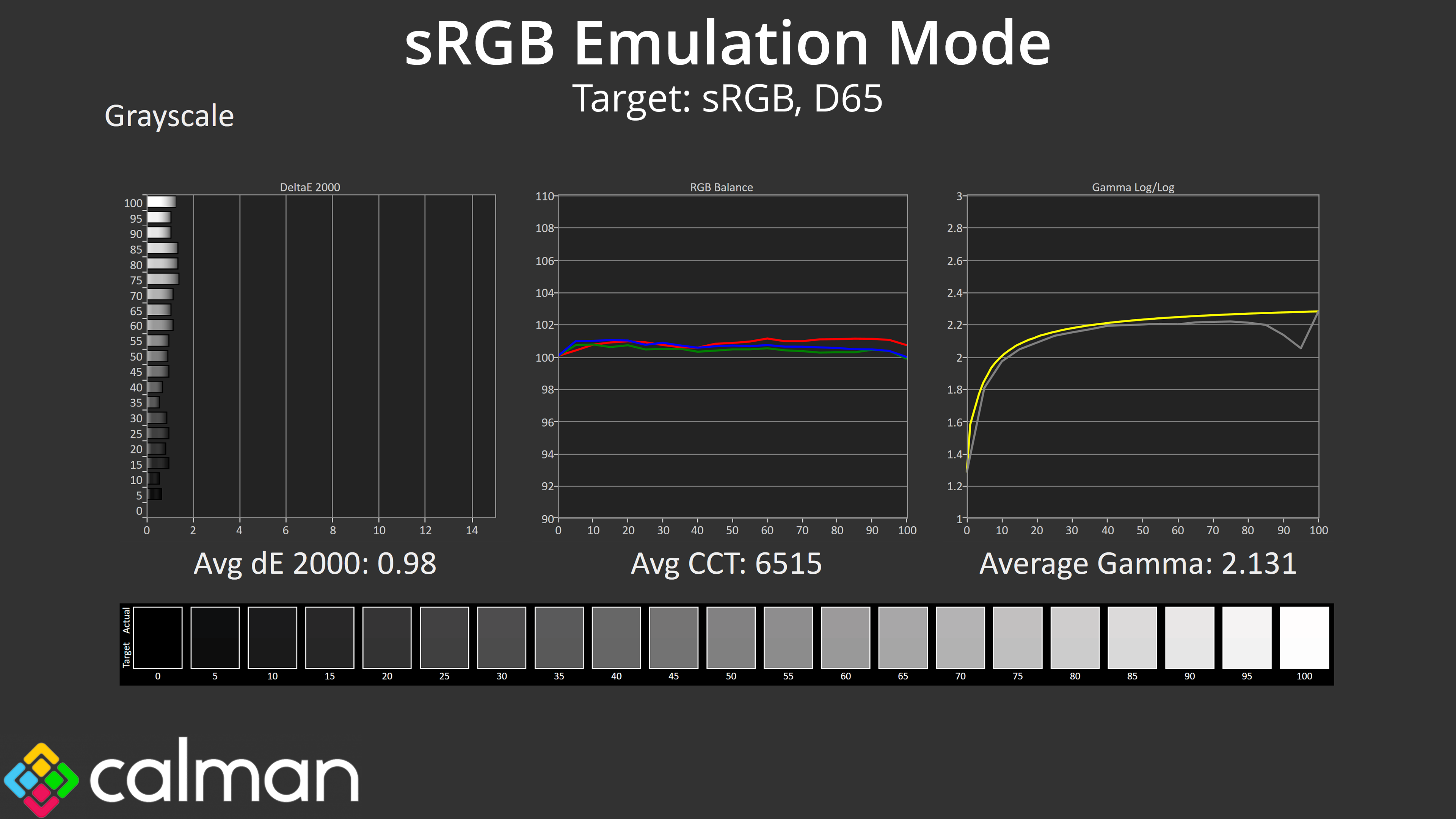
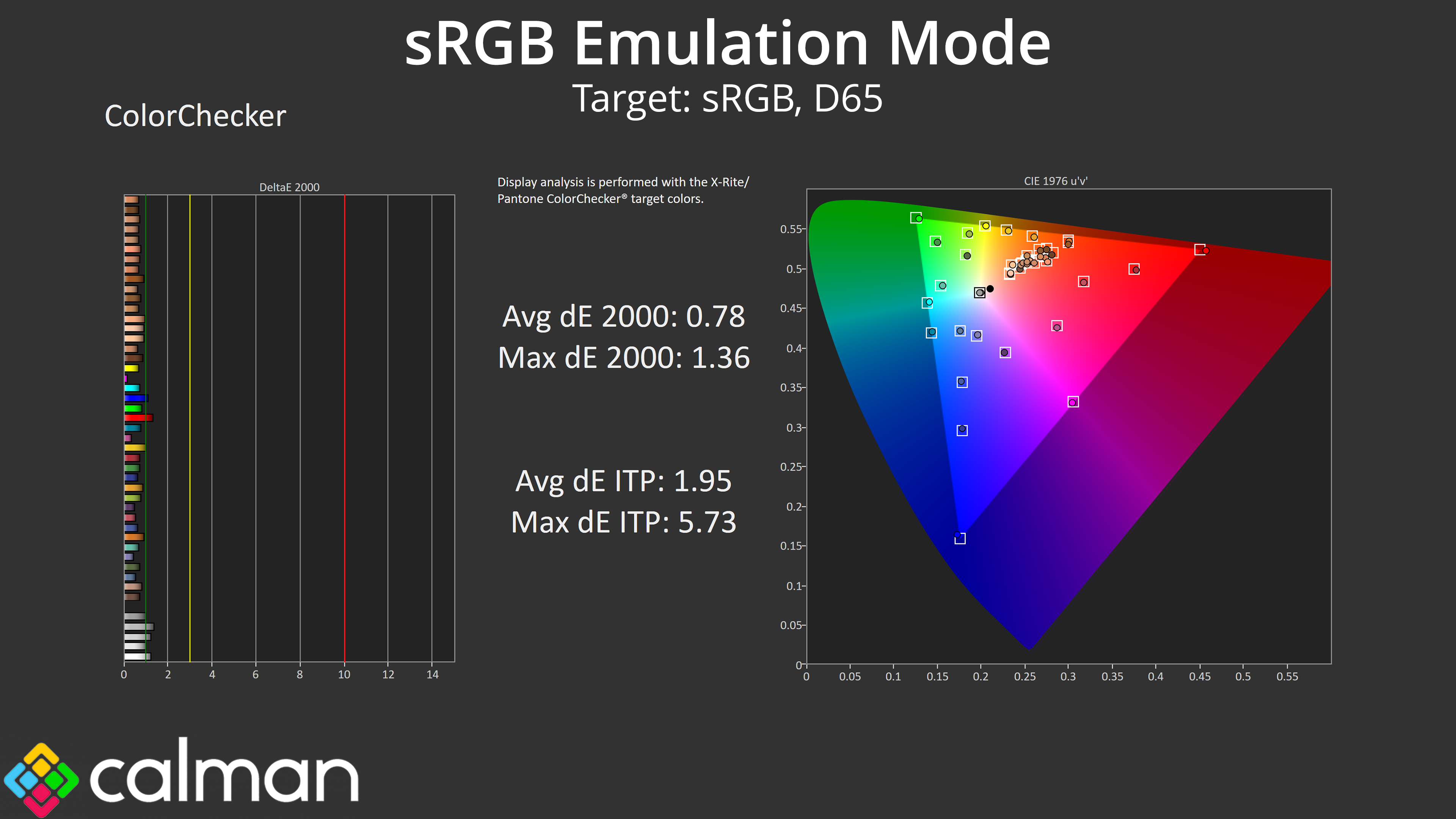
It's otherwise a very feature-rich screen, with plenty of updated OLED Care options, a revamped OSD design and all the modern connectivity options you would expect to see. MSI has also done a superb job with the sRGB emulation mode, given we saw an average colour accuray deltaE 2000 of less than 1.
Factor in the price of £849 MSRP – though it's currently on sale for £799 – and things have come a long way since the MPG 321URX first hit the market at £1399 back in 2024. For 4K gaming experience, this is up there with the very best.
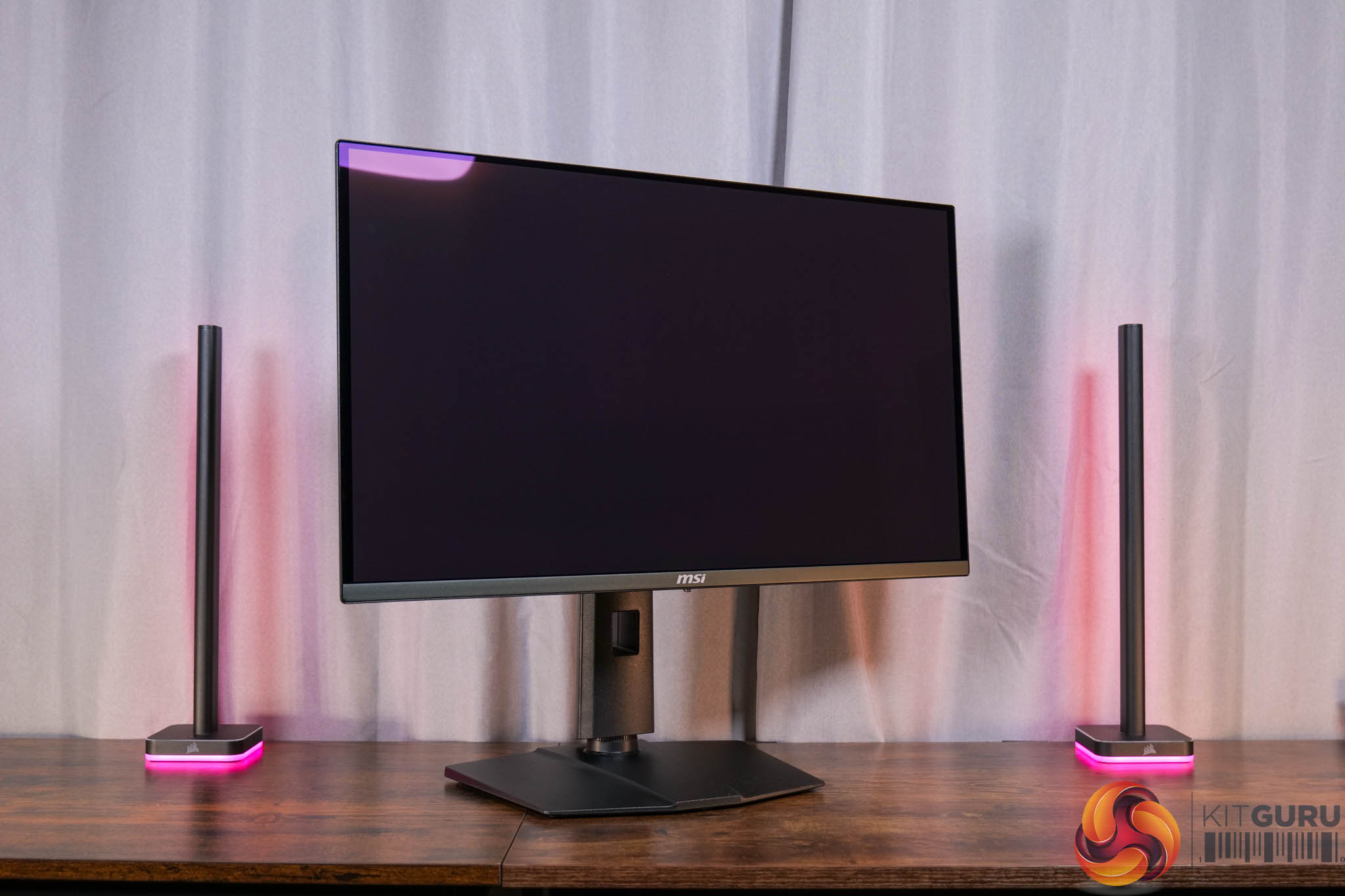
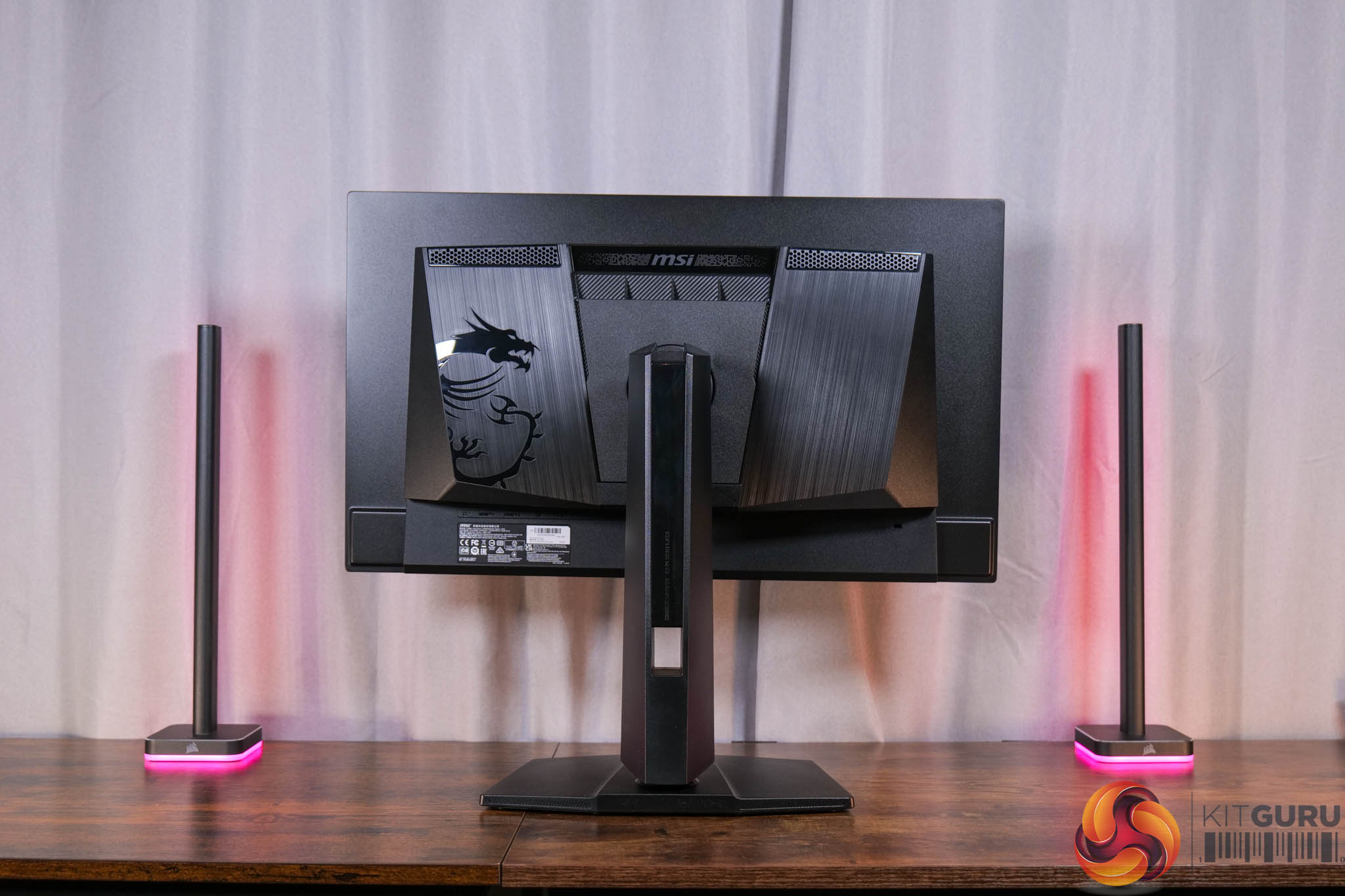
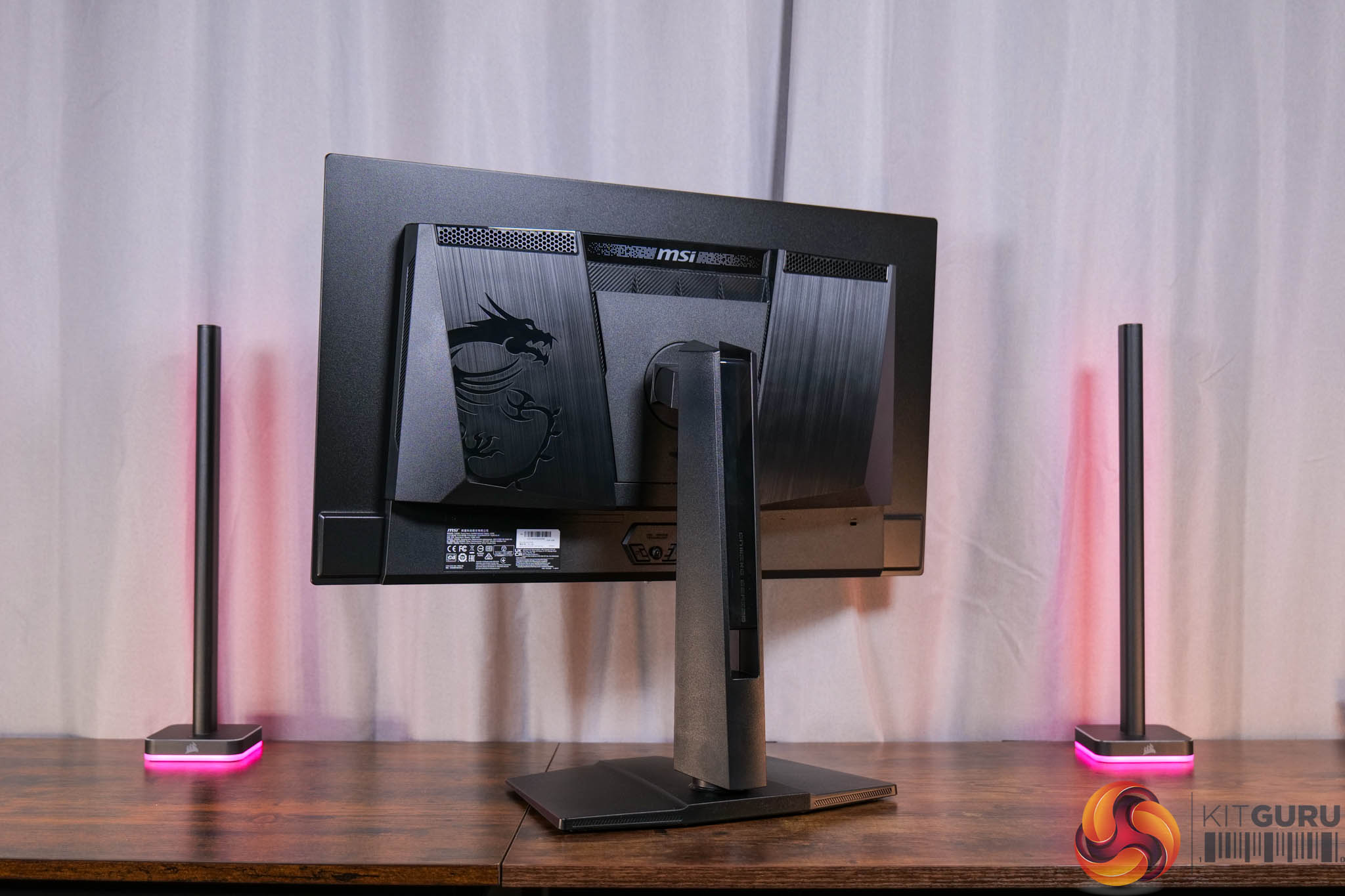
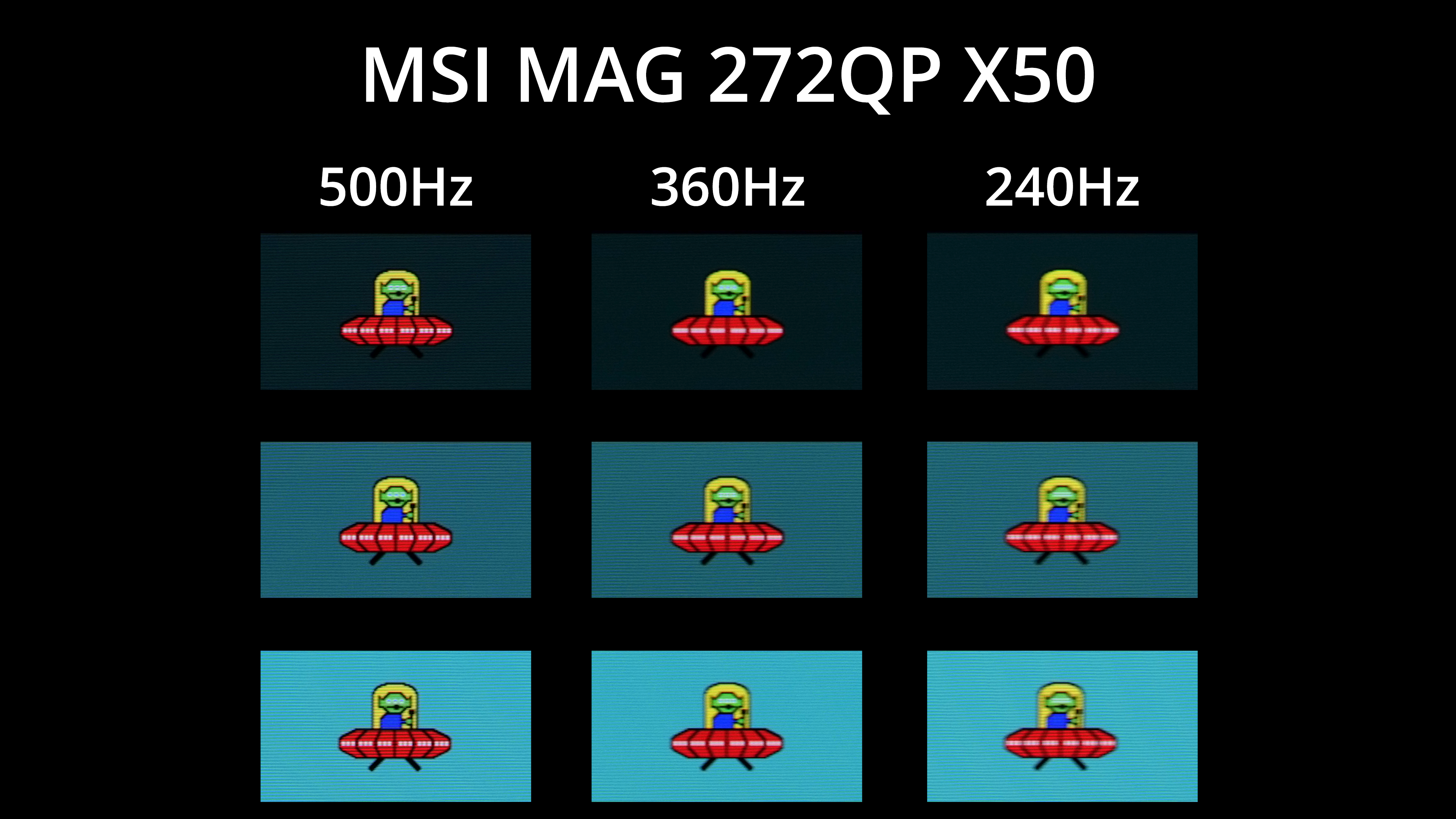
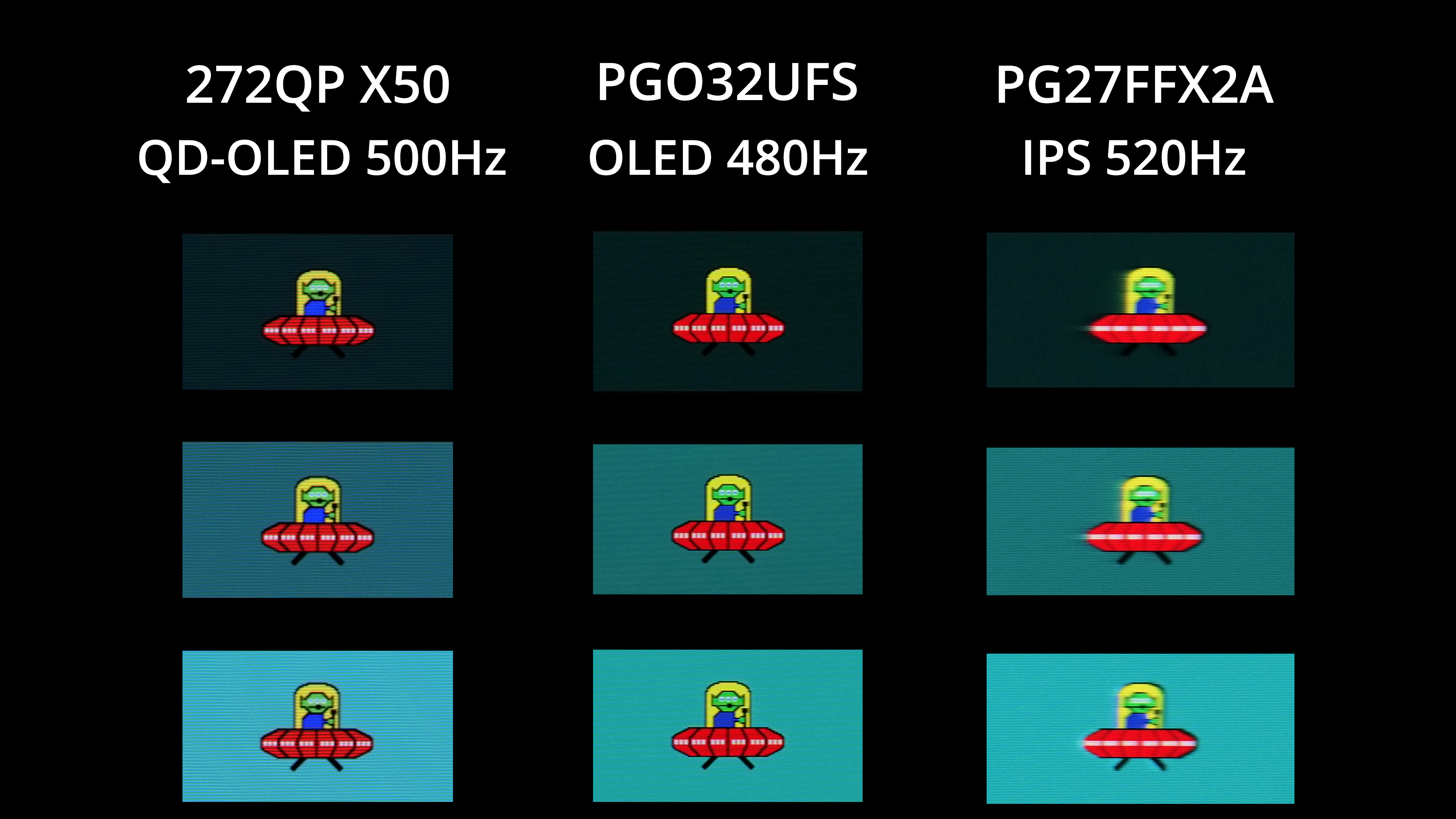
We reviewed MSI's MAG 272QP X50 towards the end of 2025 and it still maintains its key selling point today – that being its 500Hz refresh rate. It does have other selling points, such as enhanced brightness by 3rd Gen QD-OLED standards, while its factory calibration and sRGB emulation mode are also very solid.
However, this monitor is all about speed, as the 500Hz refresh rate unlocked a level of motion clarity we hadn't seen before on an OLED. Granted, it's not always easy to drive games at 500fps – but if you primarily play competitive titles like CS2 or Rocket League, then this would be well worth looking into.
Even mid-way through 2026, OLEDs haven't got much faster – there are some 540Hz models, and some that can do 720Hz but only if the resolution drops to 720p – whereas the 272QP X50 is 500Hz at 1440p.
A.I. Assistant technology: AI Visual, Dynamic Crosshair, Dynamic Shadow Boost
DisplayPort 1.4 DSC: 1x
HDMI 2.1 (FRL): 2x
Earphone jack: Yes
USB hub: 2x USB 3.2 Gen1 Type-A
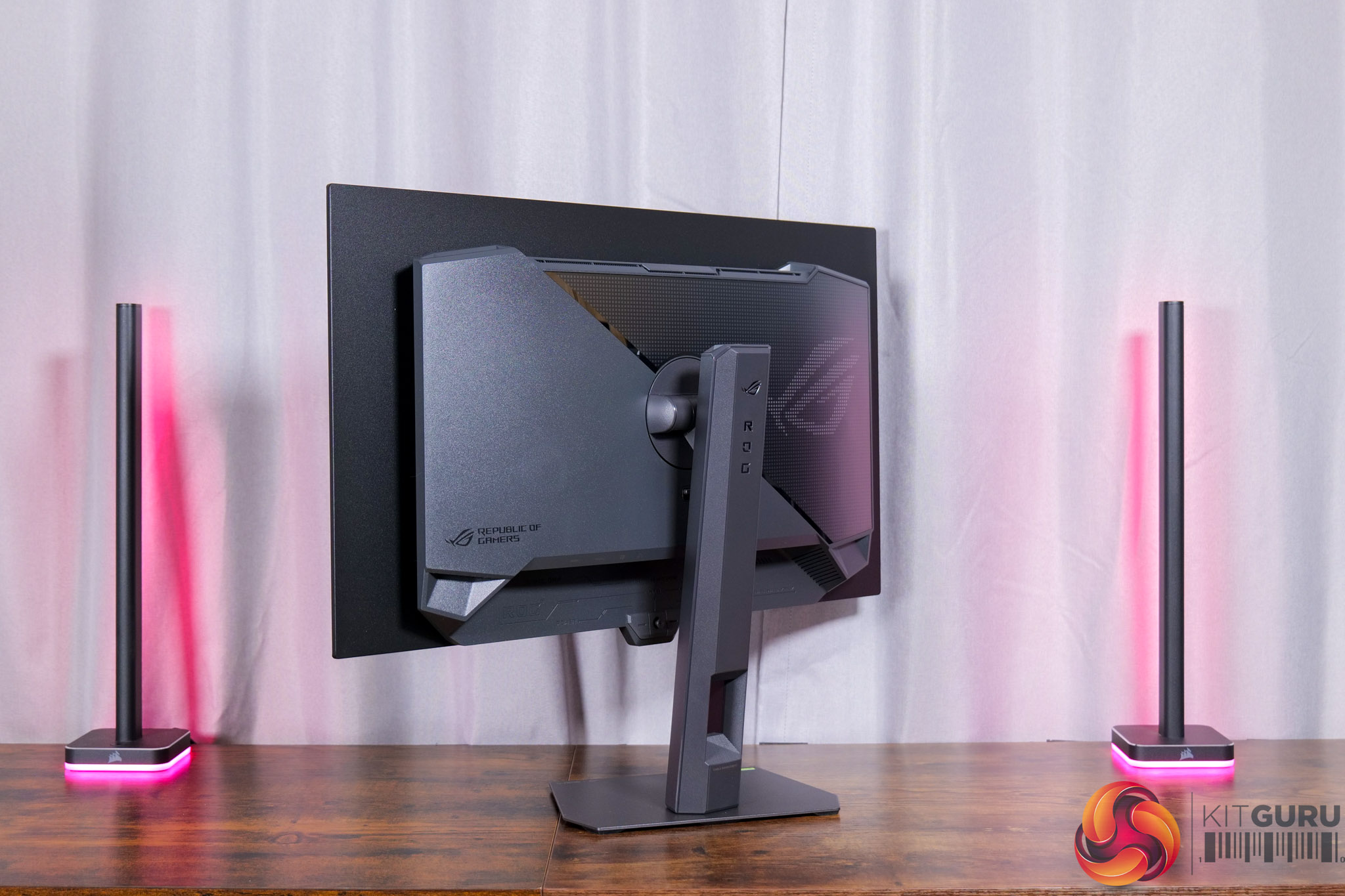
ASUS' ROG Xg27AQWMG may not sound super sexy on paper – with a 1440p/280Hz refresh rate being fairly middle-of-the-road, especially compared to the 272QP X50. However, it does a number of things extremely well, and is delivered at a reasonable price, making it well worth a place on this list.
For one, the design is excellent, while ASUS' factory calibration is also solid. On top of that, it features a TrueBlack Glossy coating, delivering the deepest perceived black levels – even in brightly lit rooms.
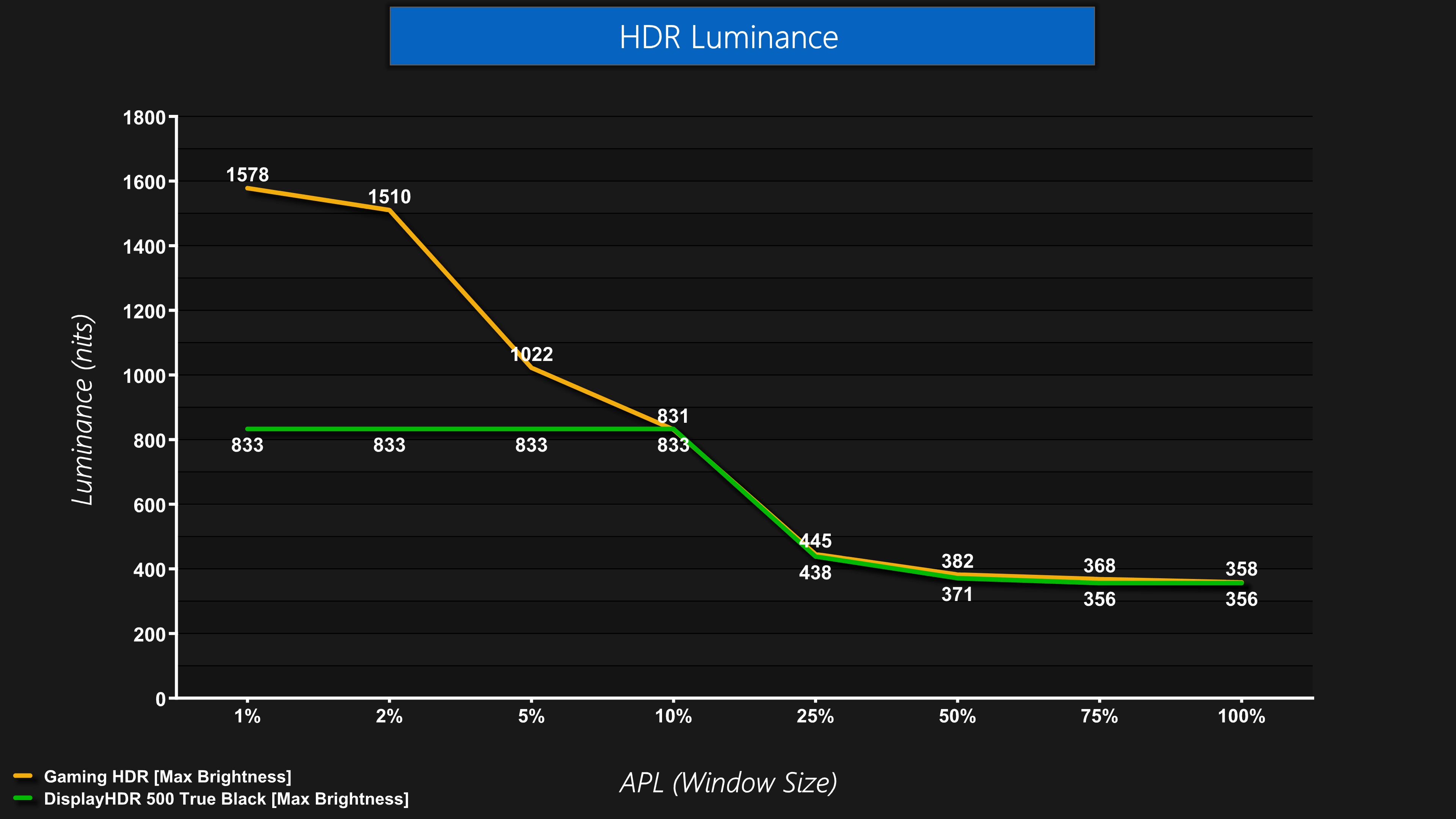
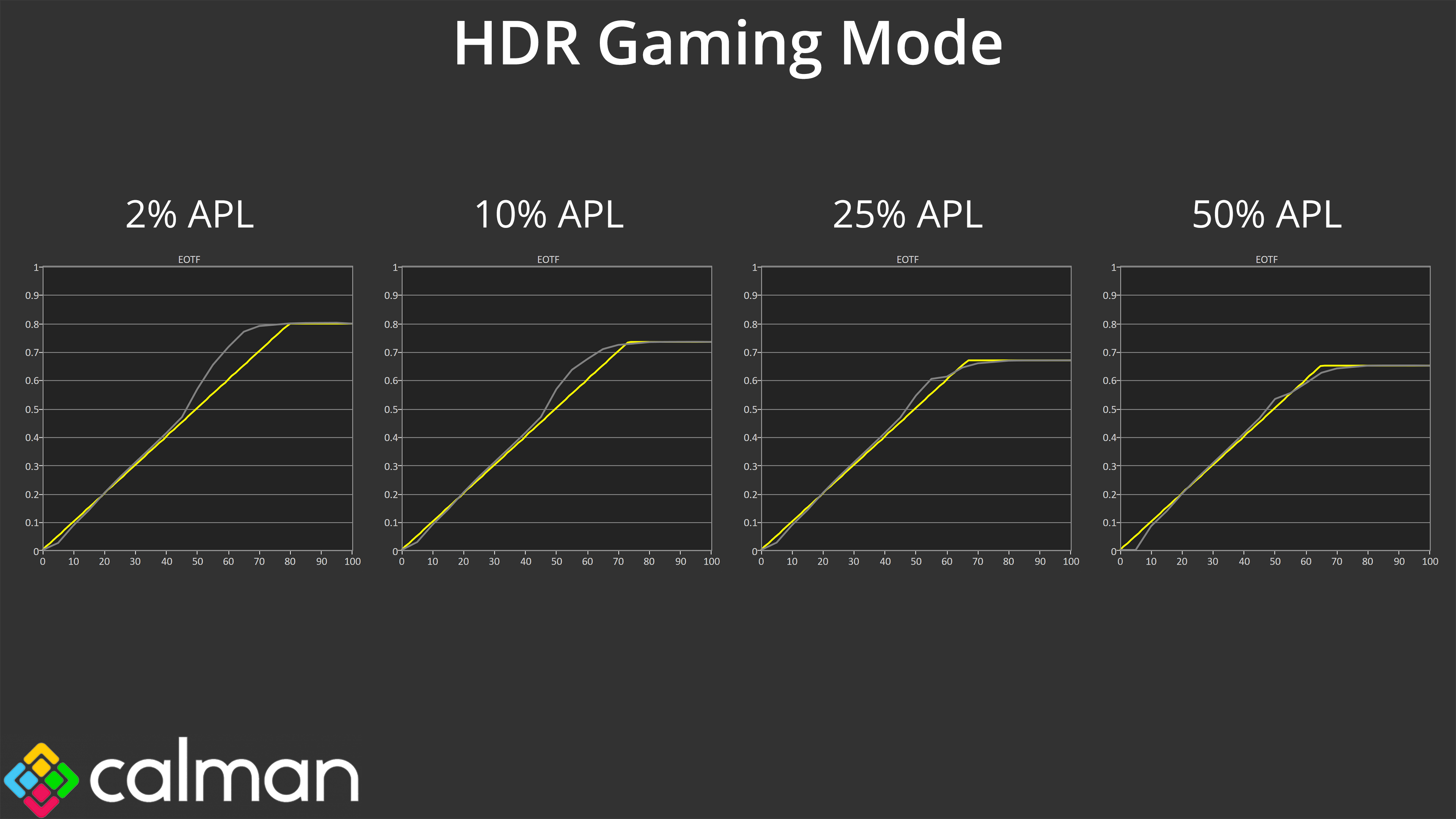
I was most impressed with its HDR capabilities though, considering it hits almost 1600 nits brightness, but maintains excellent EOTF tracking across the board when using the HDR Gaming mode. Factor in the superb sRGB mode as well, and for £479 it really is an excellent all-rounder.
I/O: 2x Thunderbolt 4 (Daisy Chain), 1x HDMI 2.1, 1x USB 3.2 Gen2 Type-A, 1x USB 3.2 Gen2 Type-C, USB-C Power Delivery up to 96W
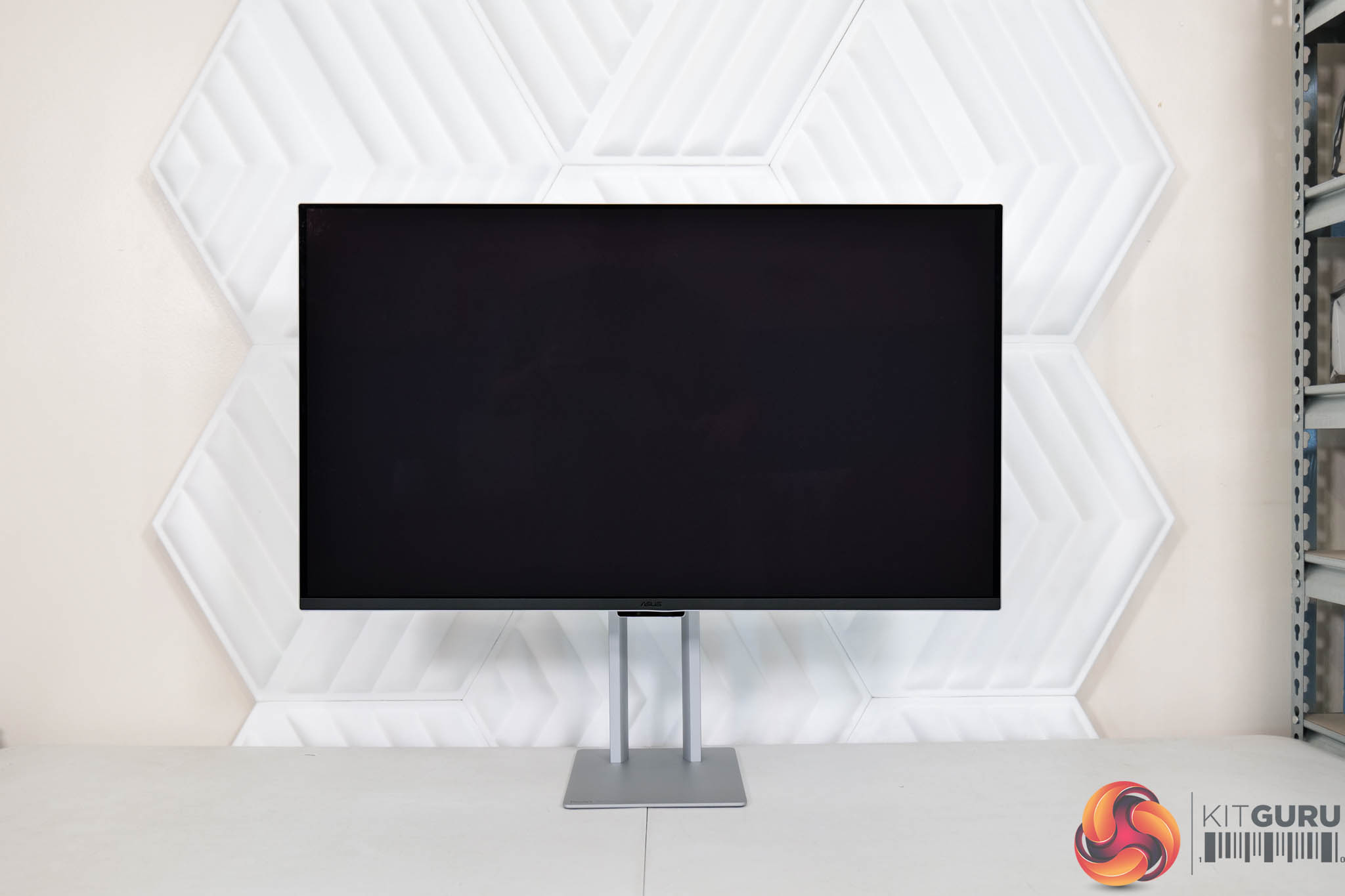
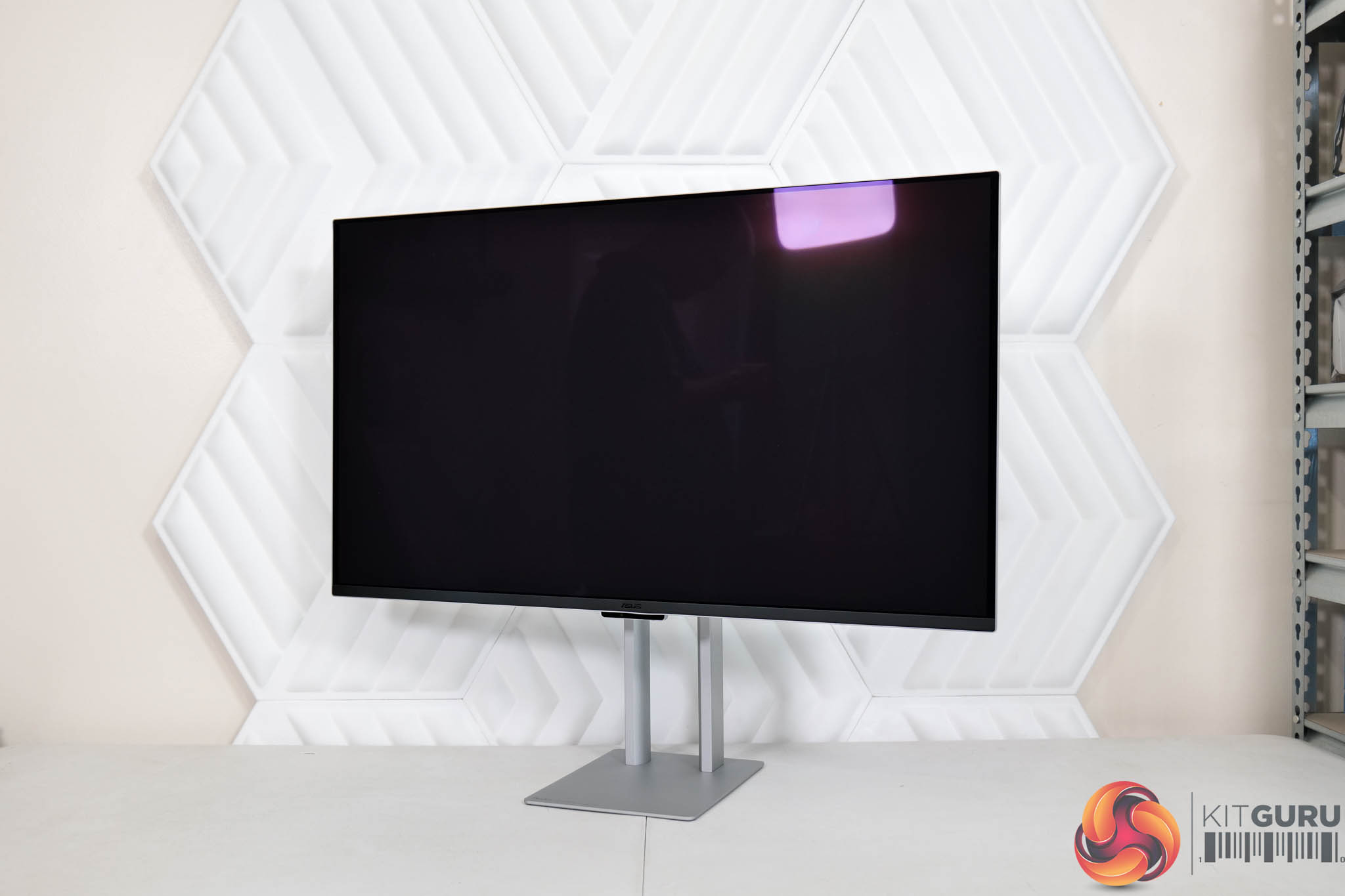
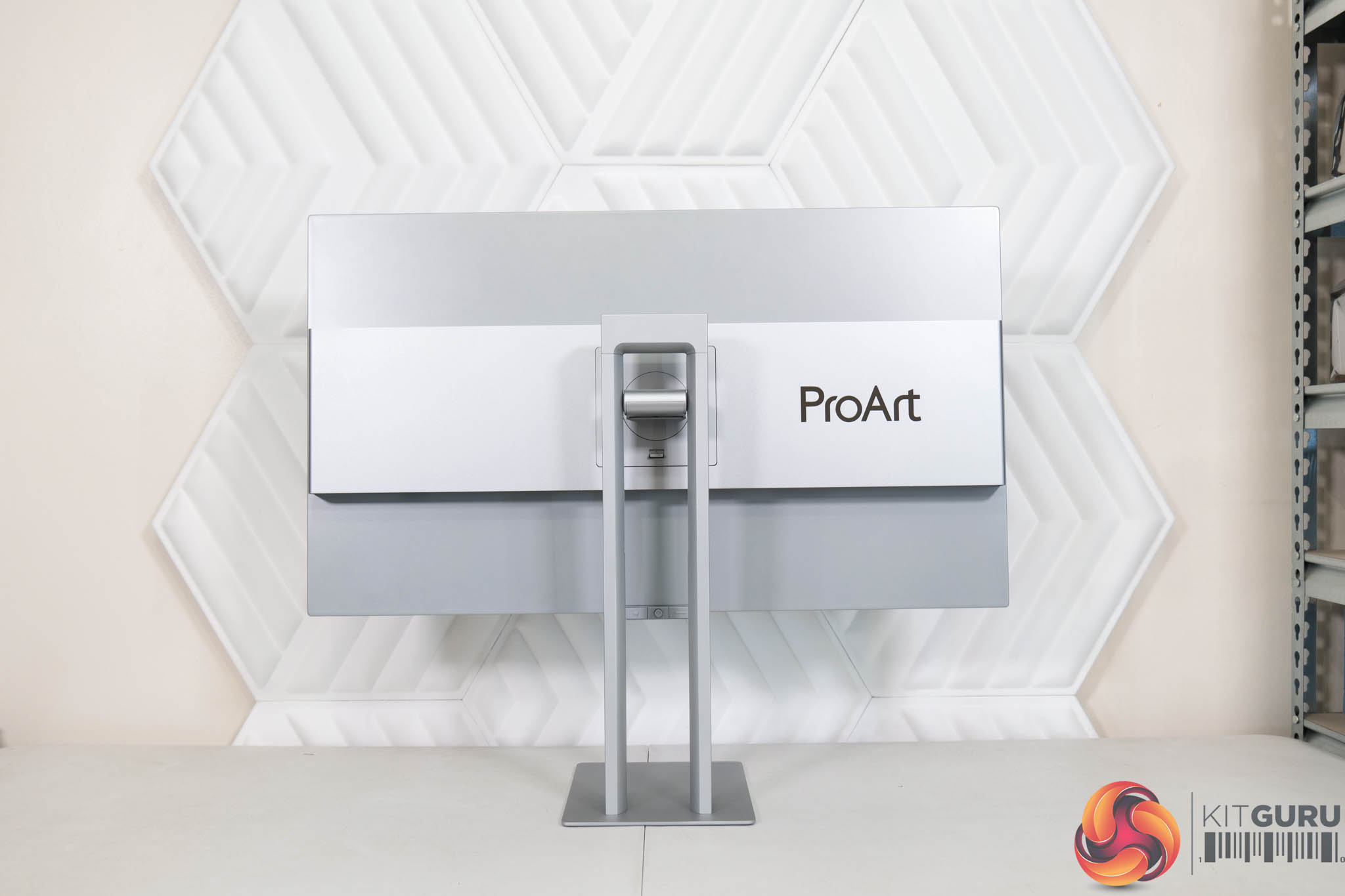
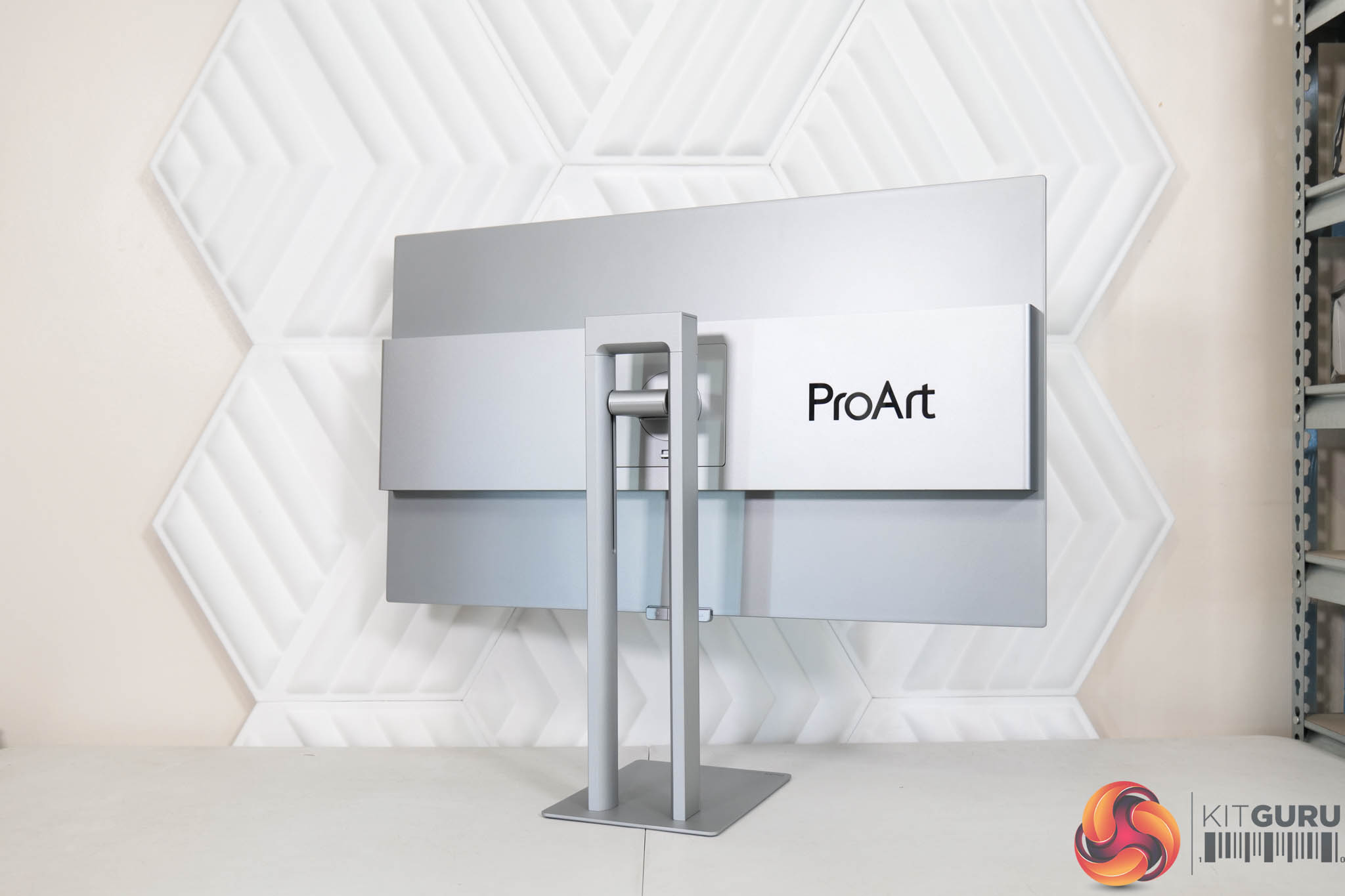
Our last monitor on this list is something a bit different – not one aimed at gamers, but the professional market. It still shares a lot of DNA with gaming screens given the underlying QD-OLED panel is the same, but the ASUS ProArt PA32UCDM brings with it a whole host of features designed to appeal to pros and content creators.
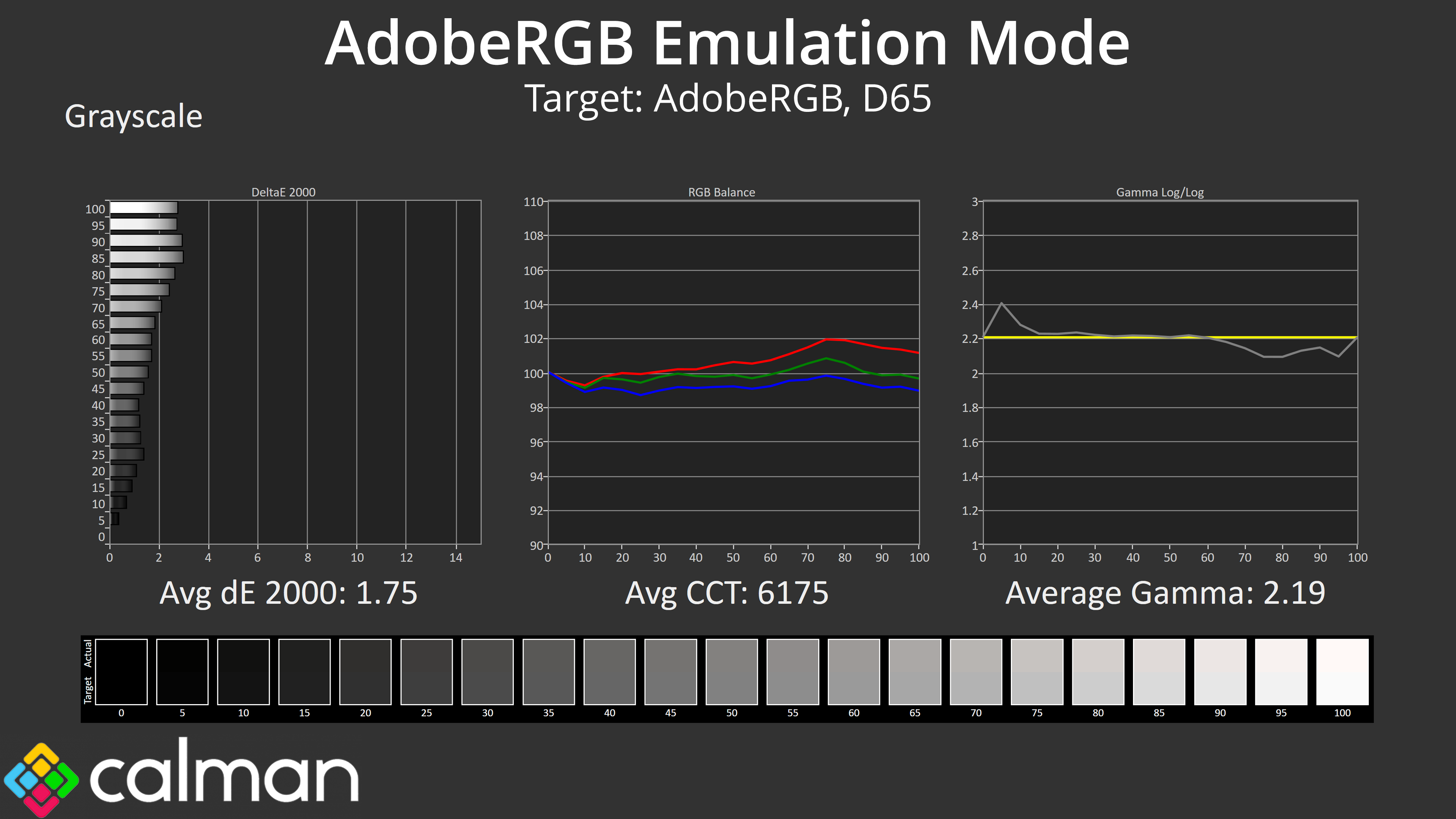
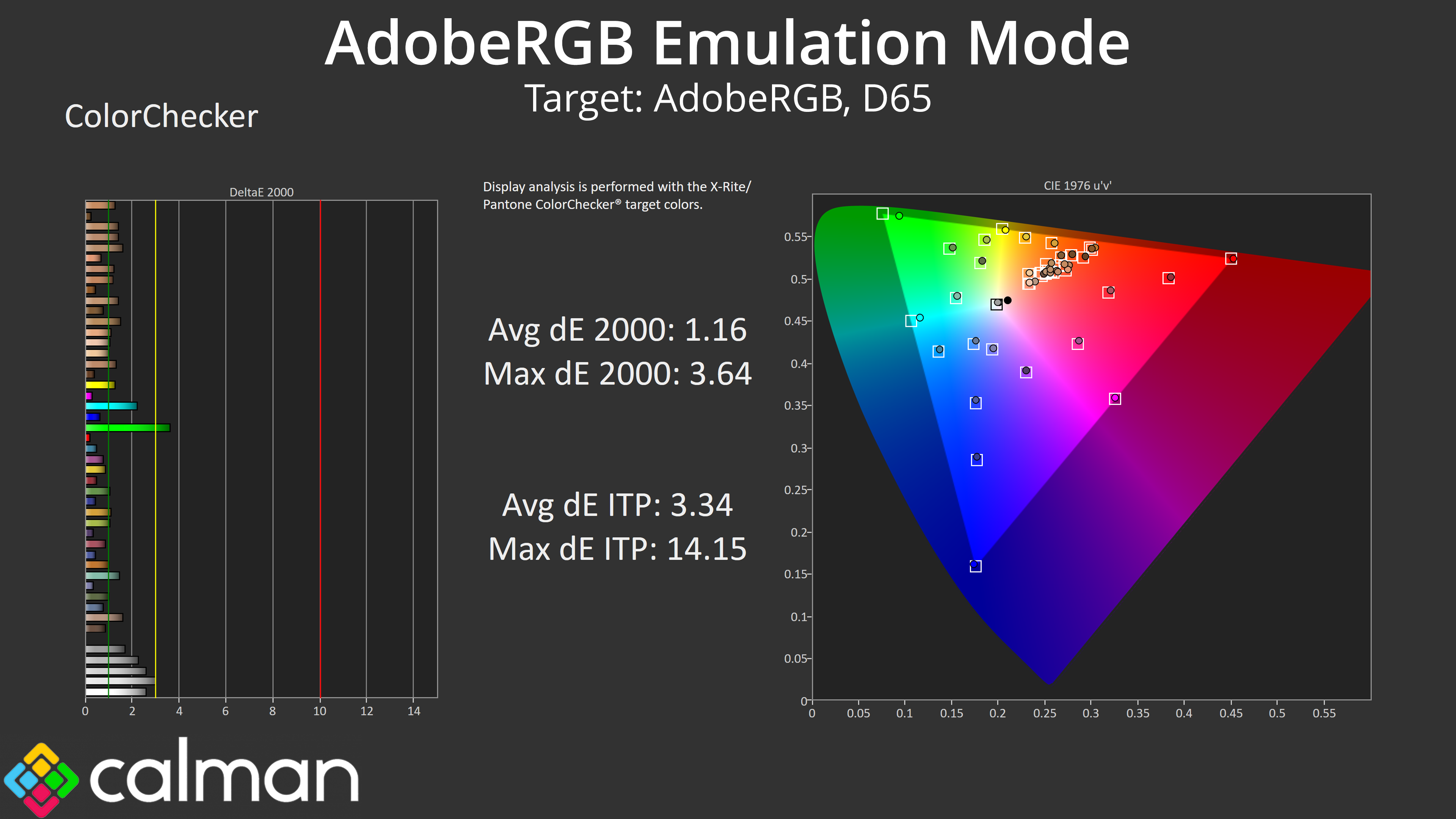
For one, it sports a lovely and refined design which helps set it apart from its gaming counterparts. Its Adobe RGB emulation mode is particularly good, too, while we can't ignore the pair of Thunderbolt 4 ports. The OSD is as feature-rich as they come, with a huge variety of modes and features all designed to make life easier for professional users.
The price has also dropped significantly since we first reviewed the PA32UCDM. It initially hit the market at £1600, but can now be found for £1099 – still very expensive, but much more palatable compared to the gaming competition.
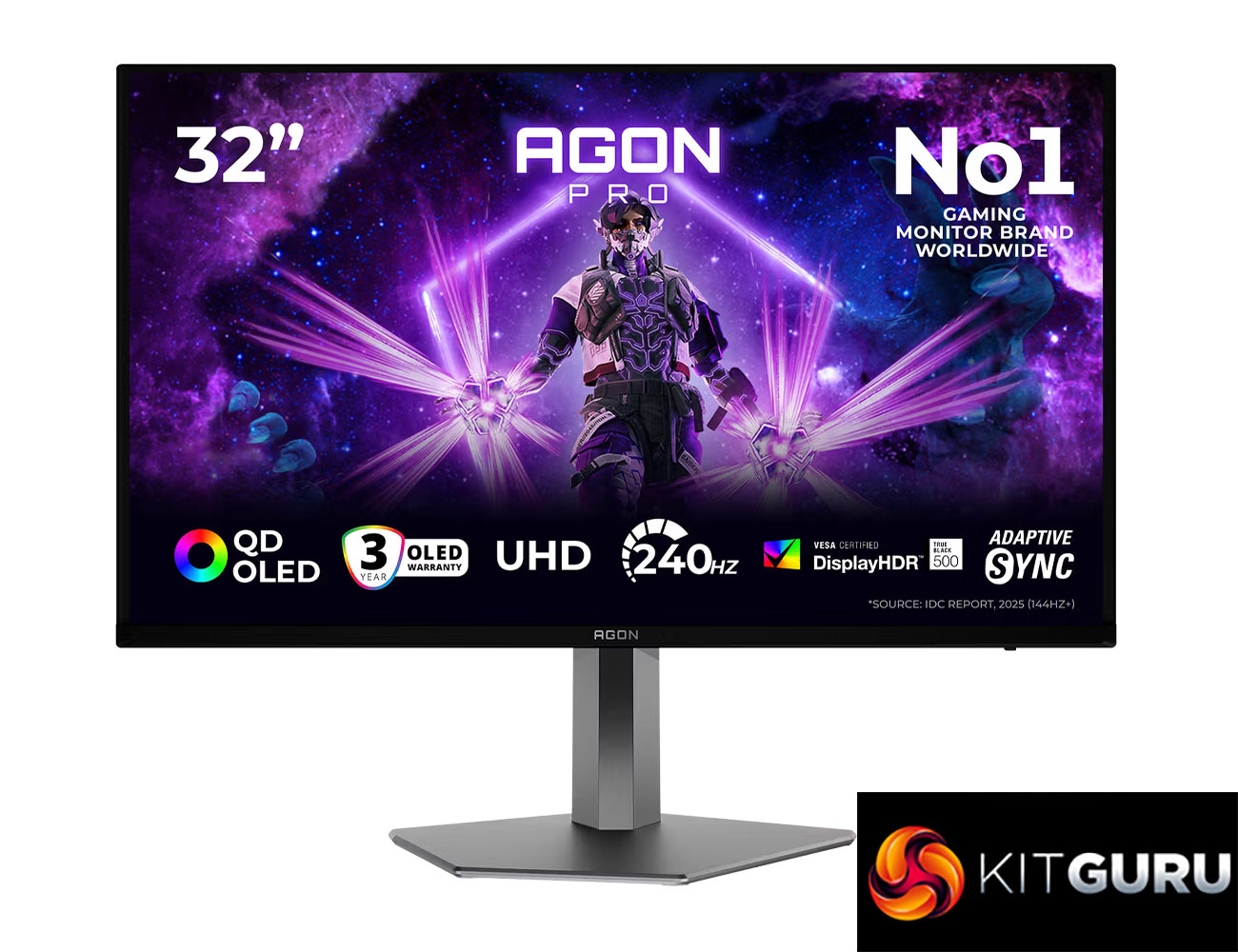
Today we are back with another review of a 4th Gen Penta Tandem QD-OLED monitor. This time we are checking out AOC's AG326UZD2, utilising the same 32in 4K/240Hz panel that we saw in our recent coverage of MSI's MPG 322UR X24. That means it's packing in all the same panel improvements – including higher brightness, True Black 500 certification for HDR, and the new QuantumBlack panel coating. It also comes in at a lower price* than the MSI, so is it worth buying?
So yes, to clarify that point around pricing, technically the AOC Agon Pro AG326UZD2is cheaper than MSI's MPG 322UR X24, given it ships with a £799 MSRP, compared to £849 for the MSI. However, the 322UR X24 is currently on sale for £799, so the two are going head-to-head at the same price-point. Let's find out how they compare…
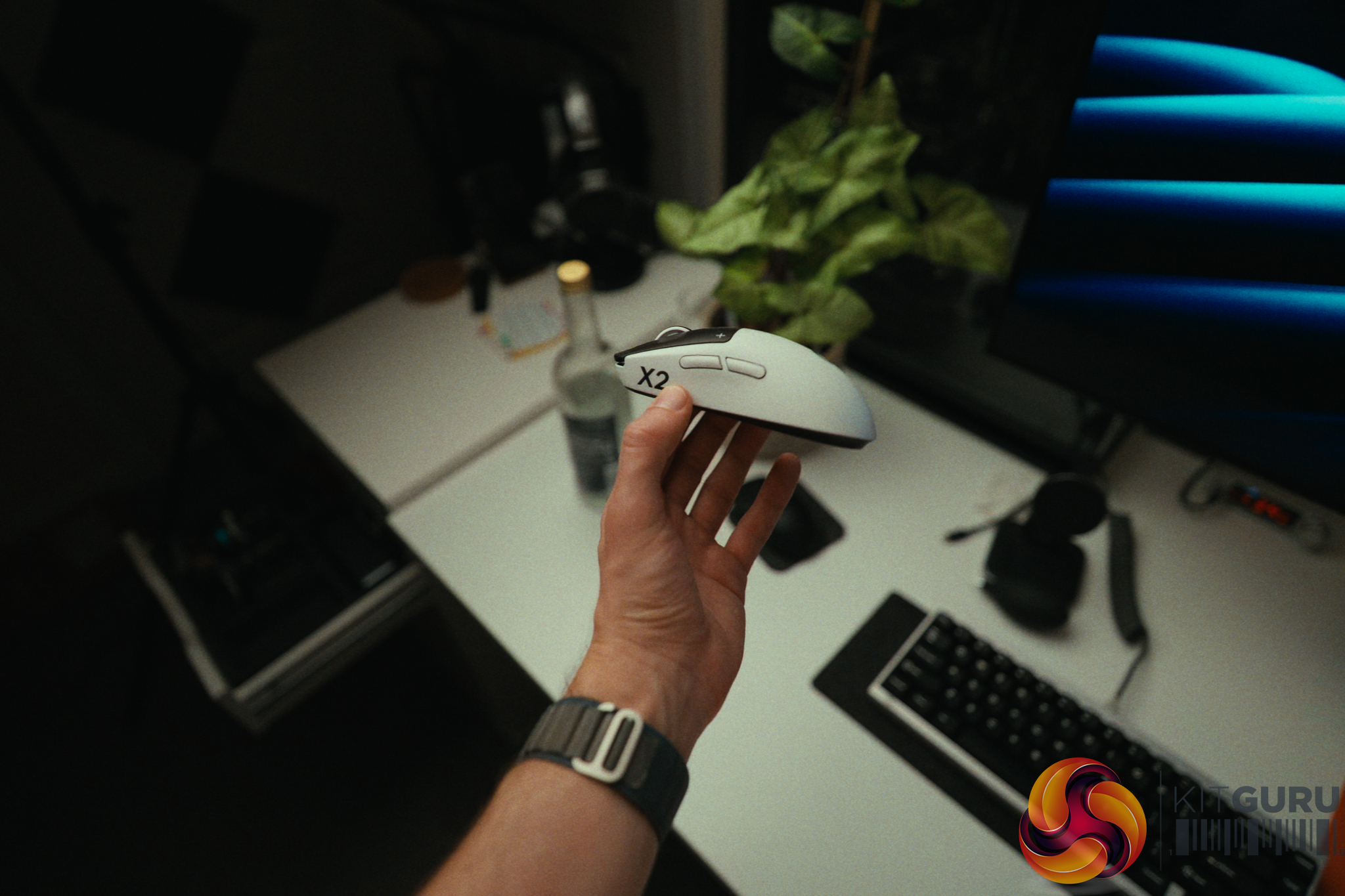
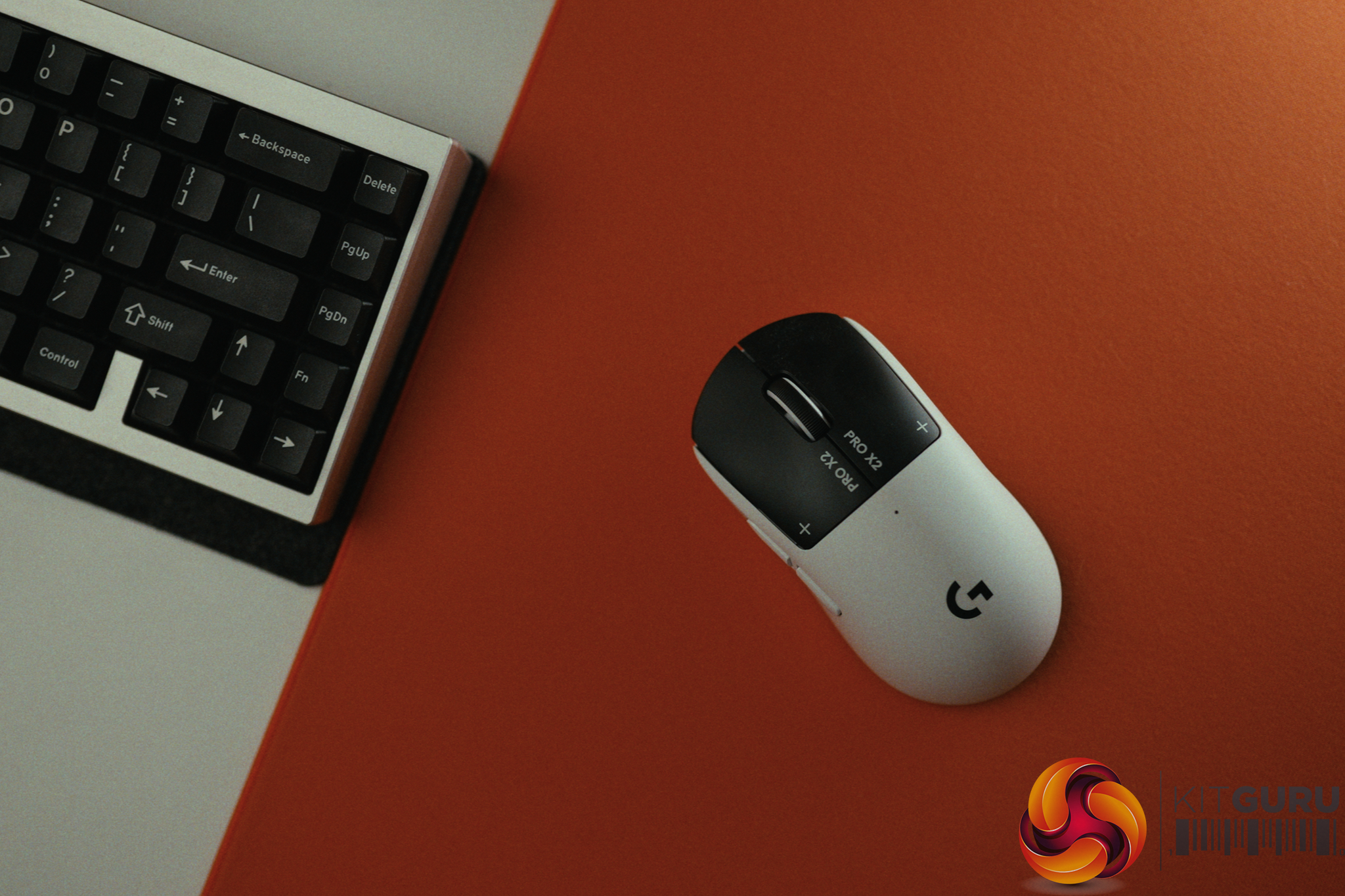
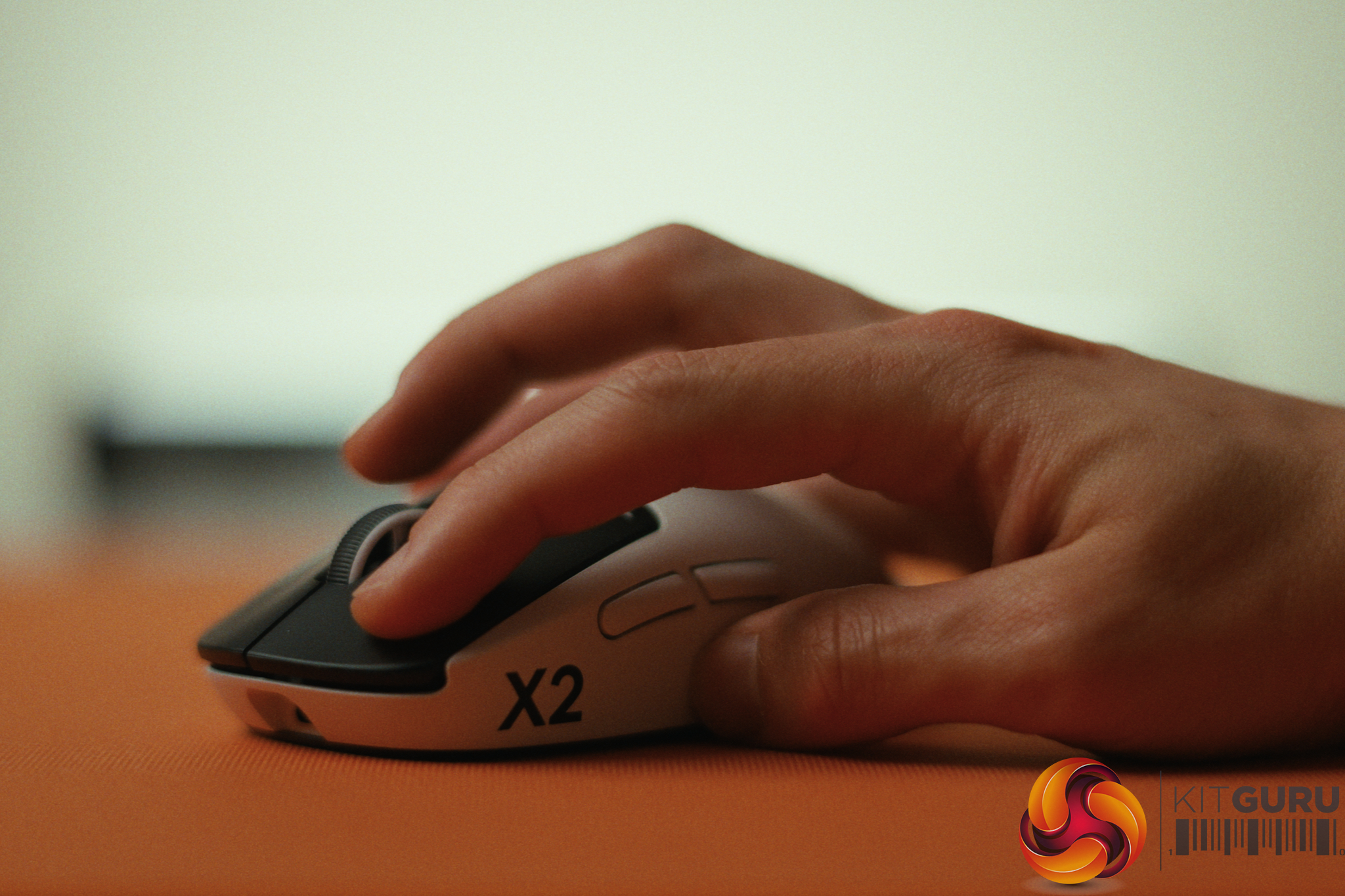
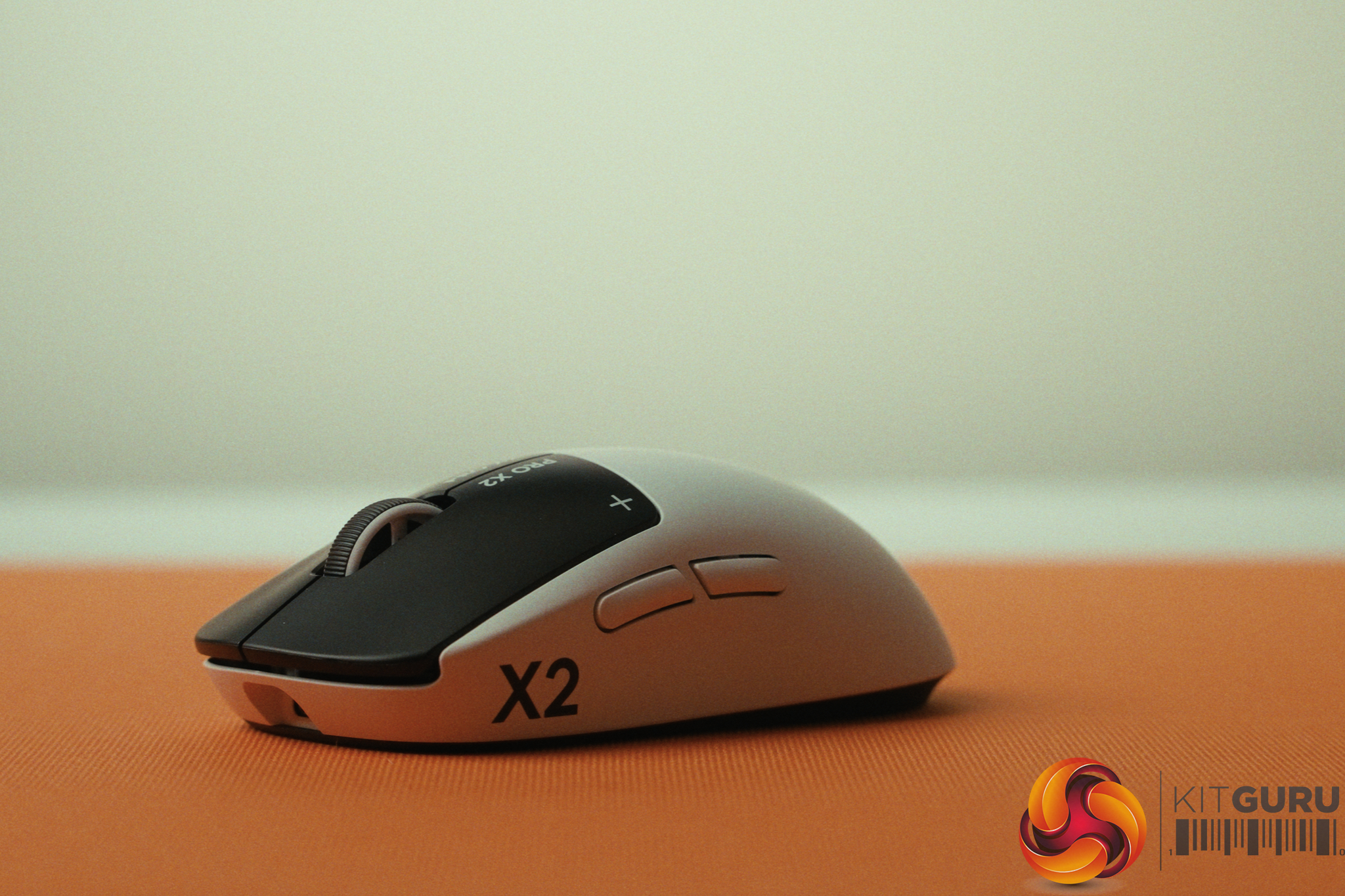
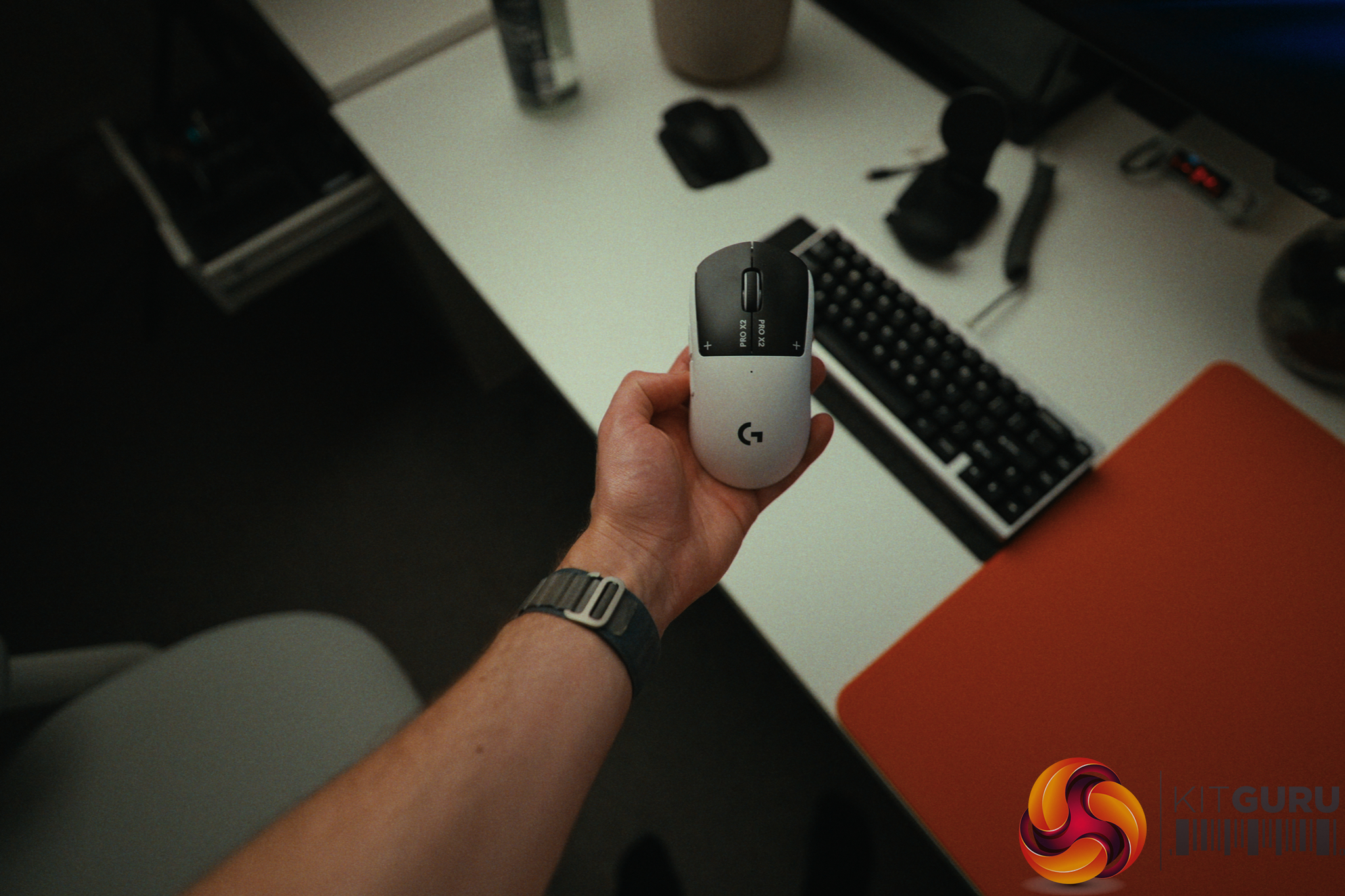
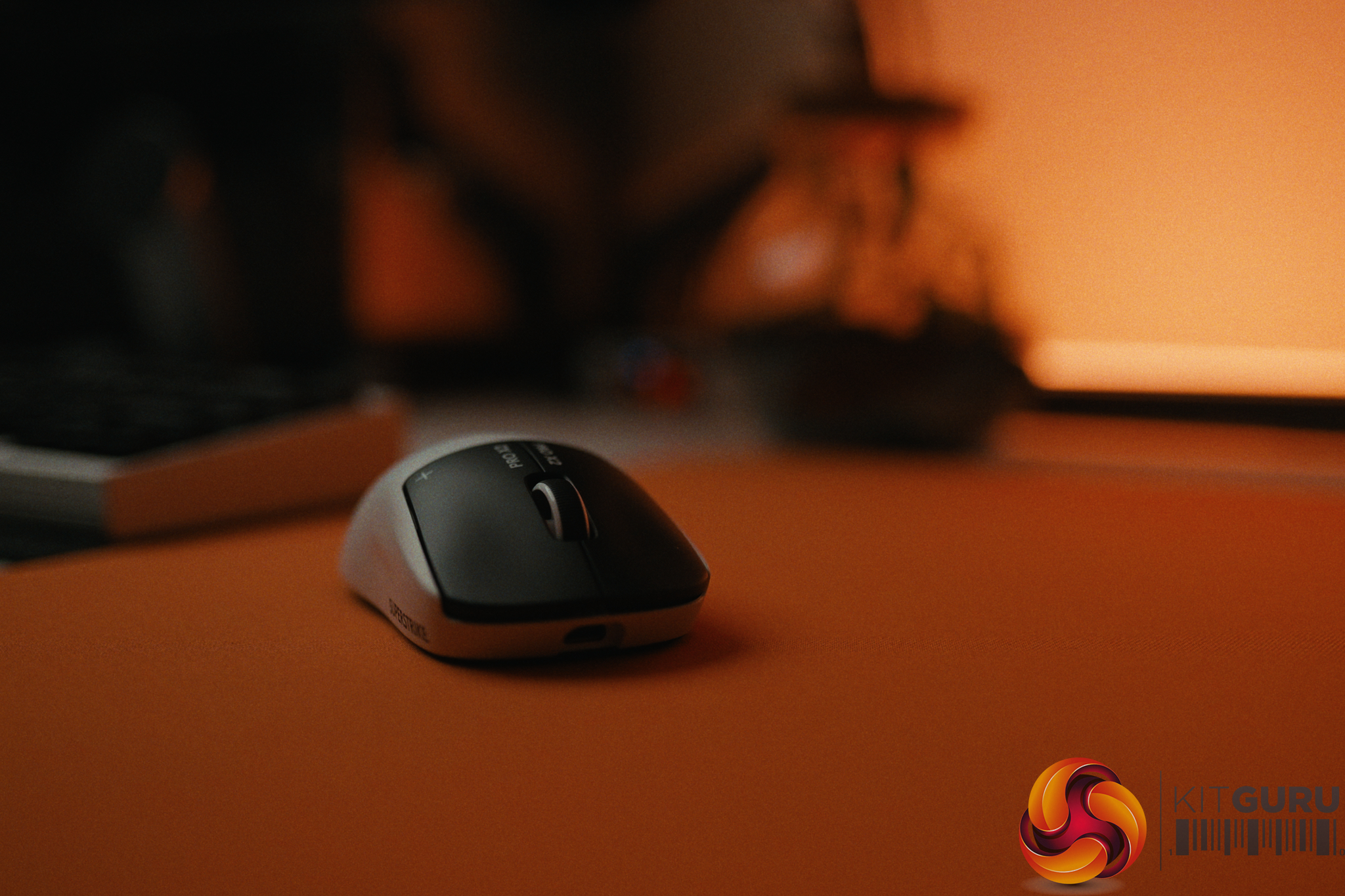
When Logitech announced the G Pro X2 Superstrike, they made a bold claim: an unprecedented 30ms competitive latency advantage thanks to their new Haptic Induction Trigger System (HITS). On paper, dropping 30ms of latency is the equivalent of jumping from 30fps to over 300fps in game. It sounds like the holy grail of competitive gaming peripherals. But after spending three months daily-driving this mouse, does this revolutionary tech actually translate to real-world aiming performance, or is it just clever marketing?
Timestamps:
00:00 Intro
00:55 30ms improvements?!
02:00 The tech and how it works
04:05 Rapid trigger + haptics
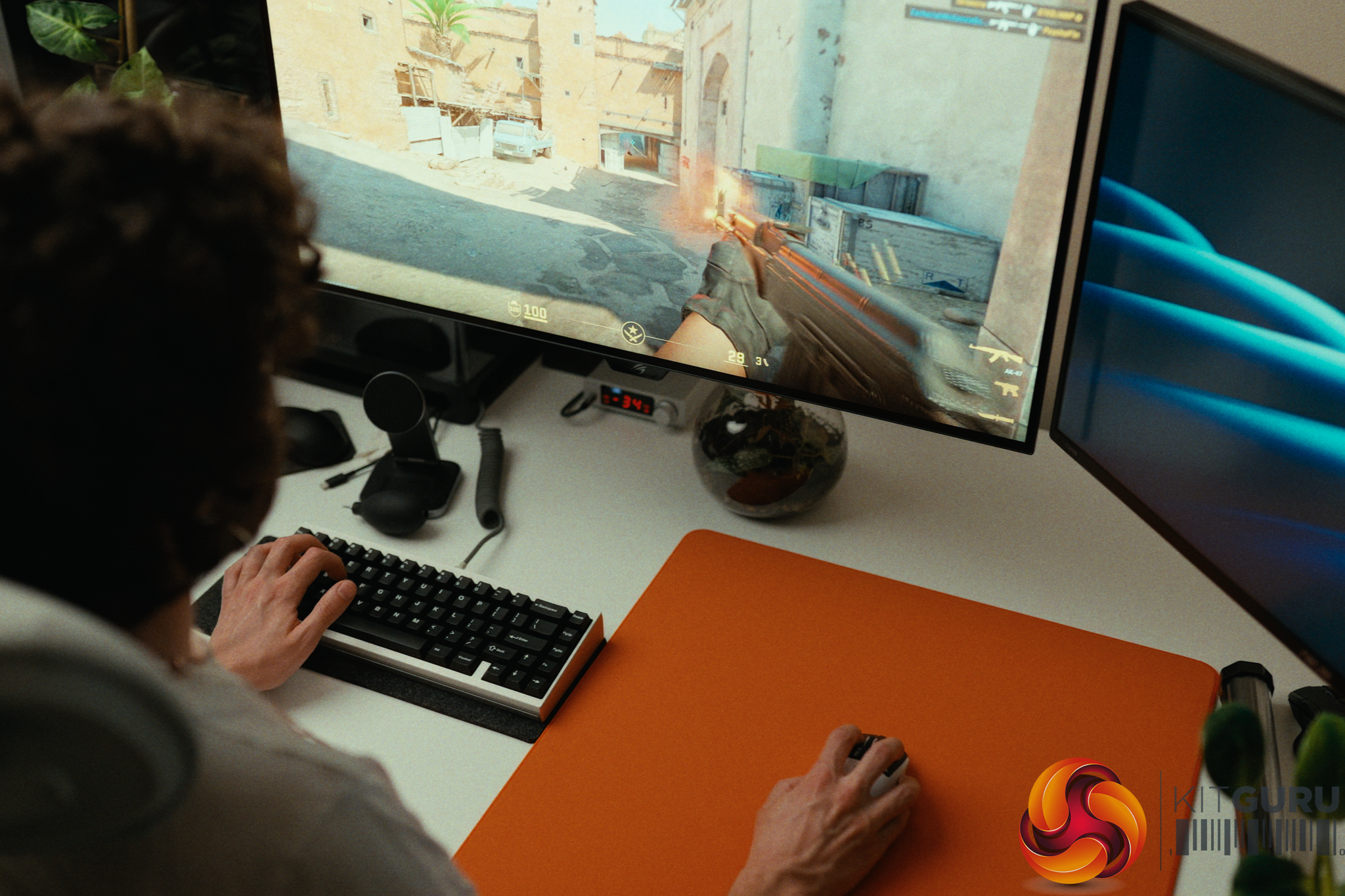
06:57 Real-world experience
08:52 Other aspects of the mouse
12:08 Closing thoughts
Specifications:
Weight: 62g (Front-heavy balance).
Main Switches: HITS (Haptic Induction Trigger System) with adjustable actuation and feedback.
Sensor: HERO 2
Shape: Symmetrical “Potato” shape (right-handed side buttons).
Polling Rate: Up to 8000Hz Wireless.
Coating: Grippy matte finish.
Skates: PTFE (Stock thickness is slightly thin).
Battery: Up to 90h
Closing Thoughts
The Logitech G Pro X2 Superstrike introduces incredibly cool technology that undoubtedly raises the ceiling for the entire peripheral industry, much like Hall Effect switches did for keyboards. The HITS triggers allow you to digitally adjust actuation depth, rapid trigger sensitivity, and the physical haptic feedback (which feels remarkably similar to a MacBook trackpad). Setting the Rapid Trigger aggressively makes spam-clicking semi-auto weapons outrageously fast and absolutely deadly.
However, the 30ms latency advantage comes with a massive caveat. To achieve it, you have to run the actuation point at its absolute lowest setting, which forces you to completely unlearn the natural habit of pre-tensioning your fingers before a shot. I did a bunch of real world test but I also ran a human benchmark reflex test every couple of days for over three months and the Superstrike actually fell 5.55ms *behind* my Pulsar X2 Crazylight.
Once I backed the actuation off to a more controllable 3/10, the experience was lovely, but I cannot confidently say it resulted in hitting shots I would have otherwise missed.
Outside of the triggers, this is very much a classic “Superlight” experience, for better or worse. The premium wireless performance, exceptional 2kHz battery life, and grippy coating are fantastic. Conversely, the side buttons remain disappointingly mushy, the stock skates are a bit thin, and the safe “potato” shape still gets in the way during tracking-heavy games for claw and fingertip grippers. Furthermore, housing the haptic engines up front means the 62g weight is no longer perfectly centered, resulting in a noticeably front-heavy balance.
Ultimately, if you play tactical shooters like CS2 where a single well-timed click is everything, it is worth checking out for yourself. But if you play tracking-heavy games, you might feel more at home with a lighter, smaller and better-balanced alternative.
You can buy the Logitech G Pro X2 Superstrike for £159.99 HERE.
Pros:
HITS technology offers unprecedented customization for actuation, rapid trigger, and haptic feedback.
Rapid trigger makes spam-clicking semi-auto weapons outrageously fast.
Premium wireless sensor with exceptional battery life at 2000Hz.
Coating is very grippy and feels great in the hand.
Cons:
The 30ms latency claim requires unlearning finger pre-tensioning and doesn't easily translate to real-world reflexes.
The haptic trigger hardware shifts the balance, making the 62g mouse noticeably front-heavy.
Side buttons remain mushy and feel out of place next to the premium haptic main clicks.
The classic safe shape isn't ideal for tracking-heavy games using fingertip or claw grips.
KitGuru says: The G Pro X2 Superstrike's haptic triggers are an impressive leap forward for the industry, but they won't magically make you a gaming god overnight.

 Login
Login