Normal view

There are new articles available, click to refresh the page.
Today — 28 July 2026Main stream

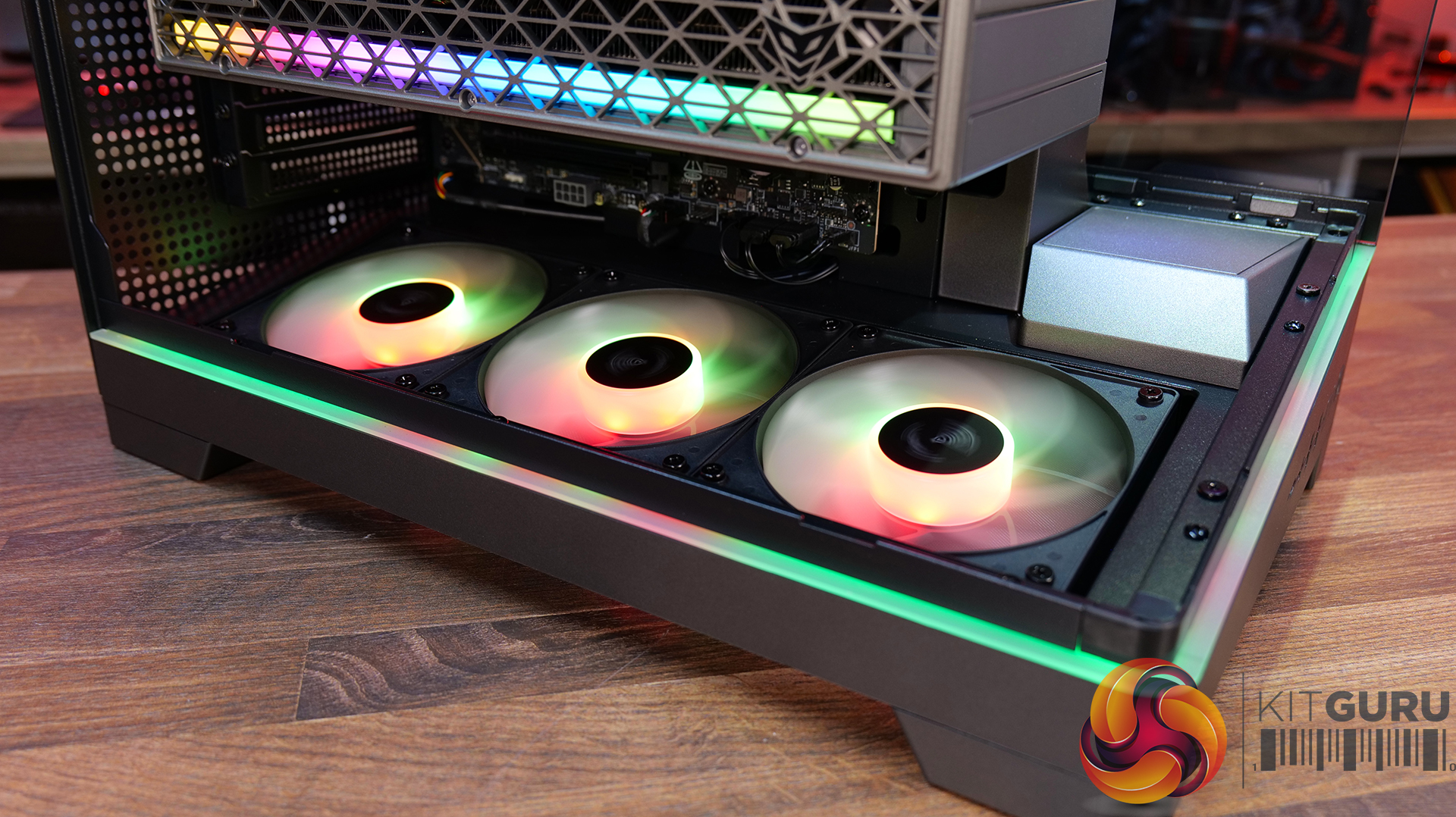
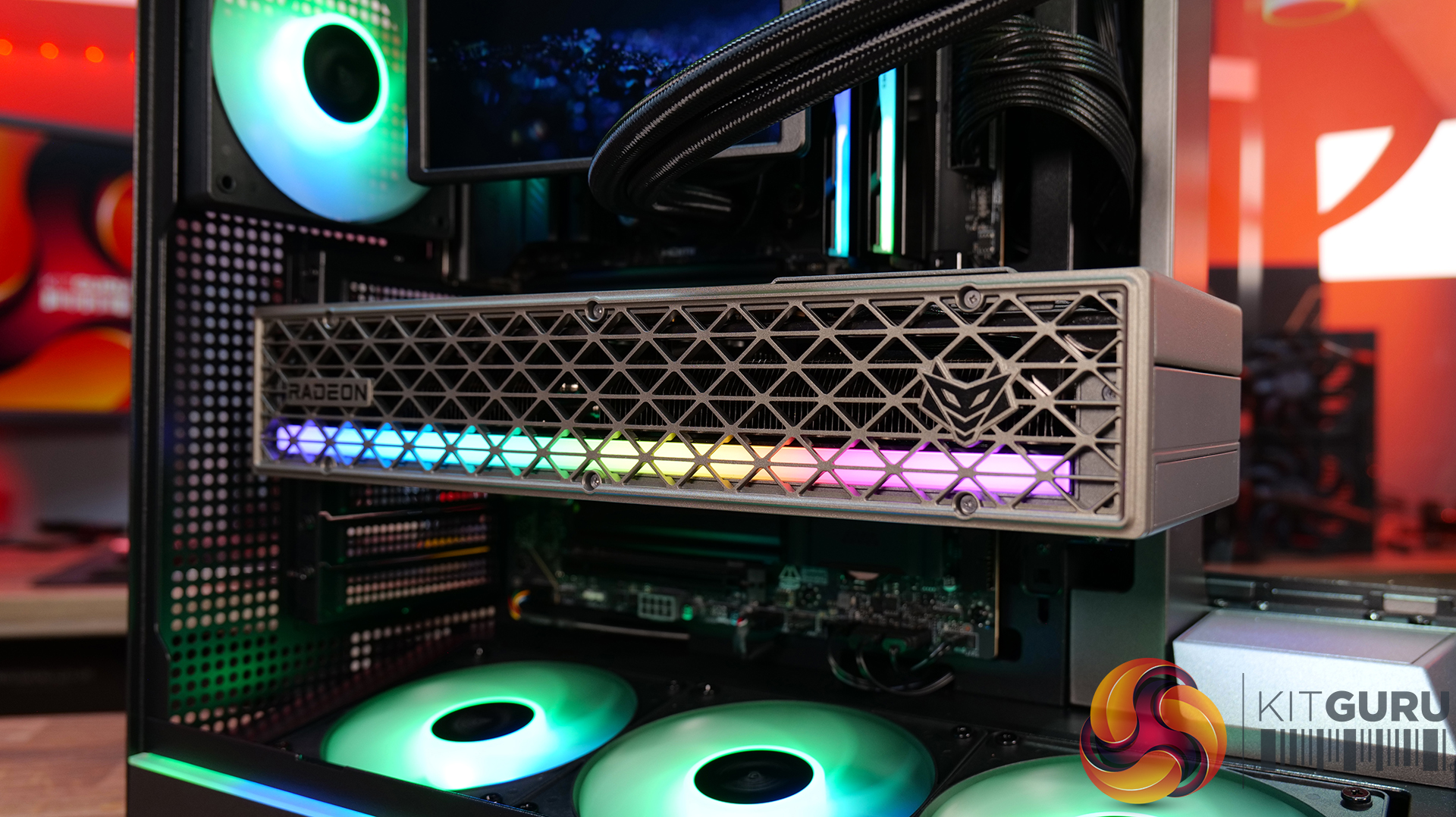
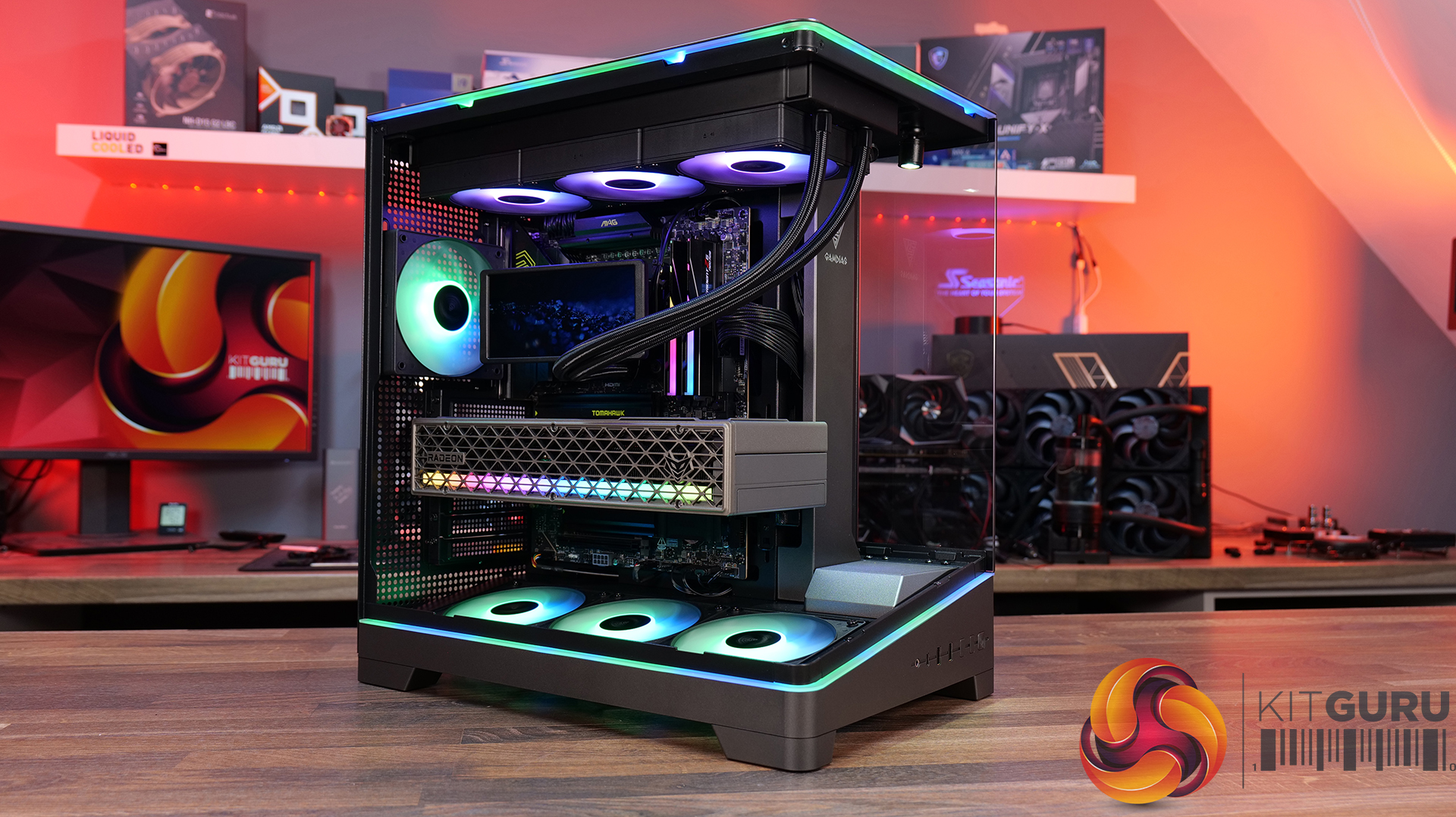
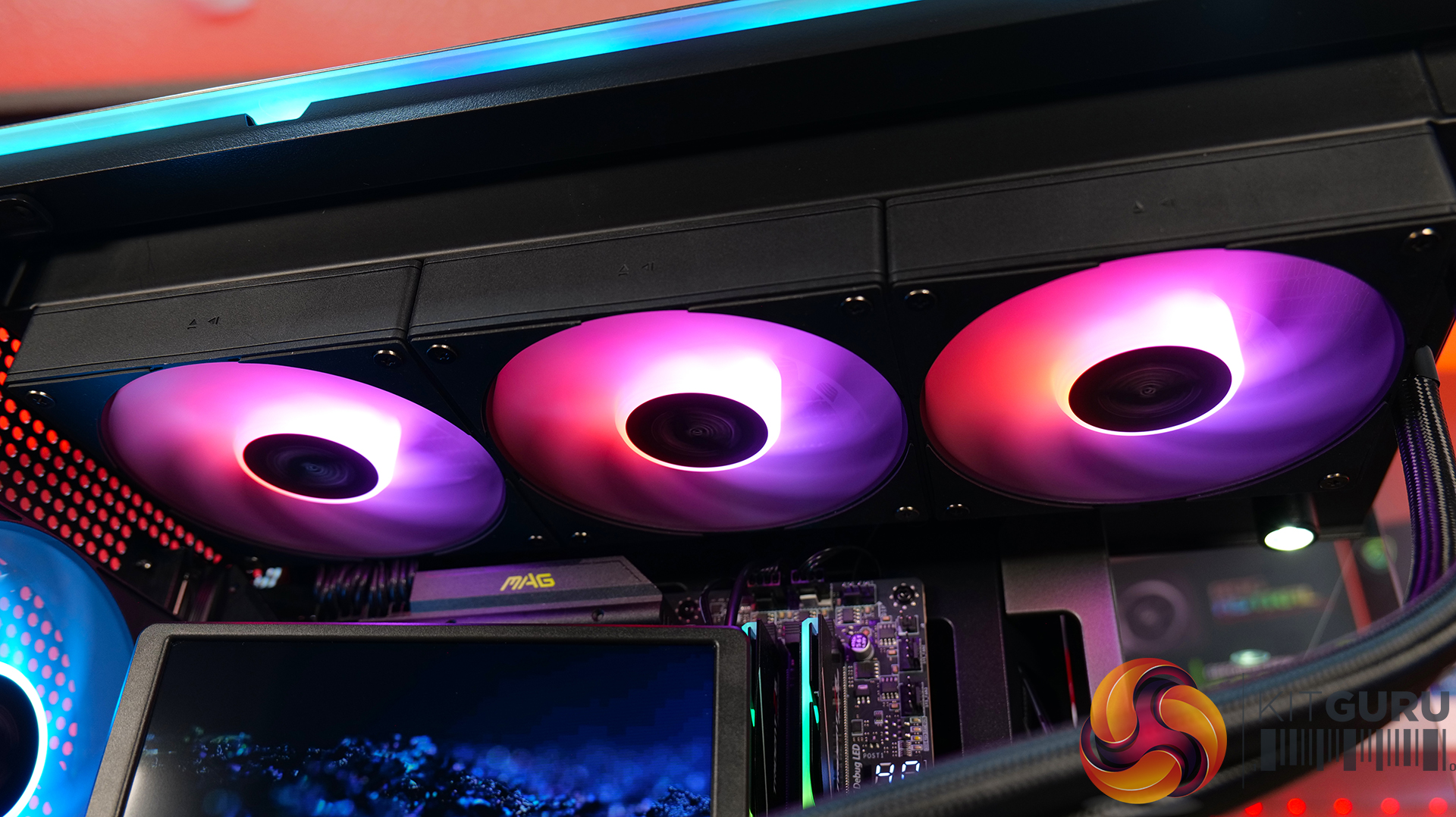
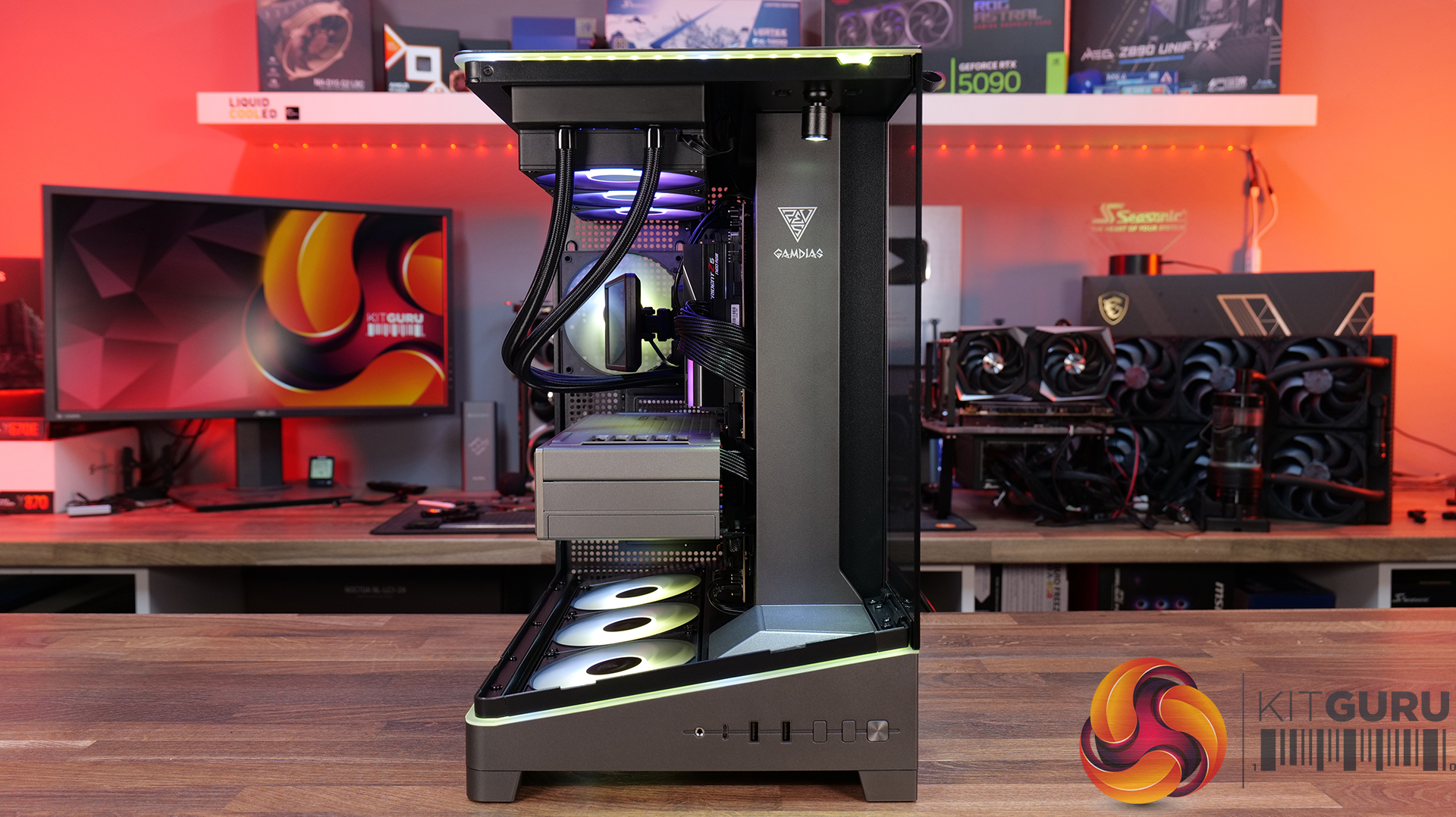
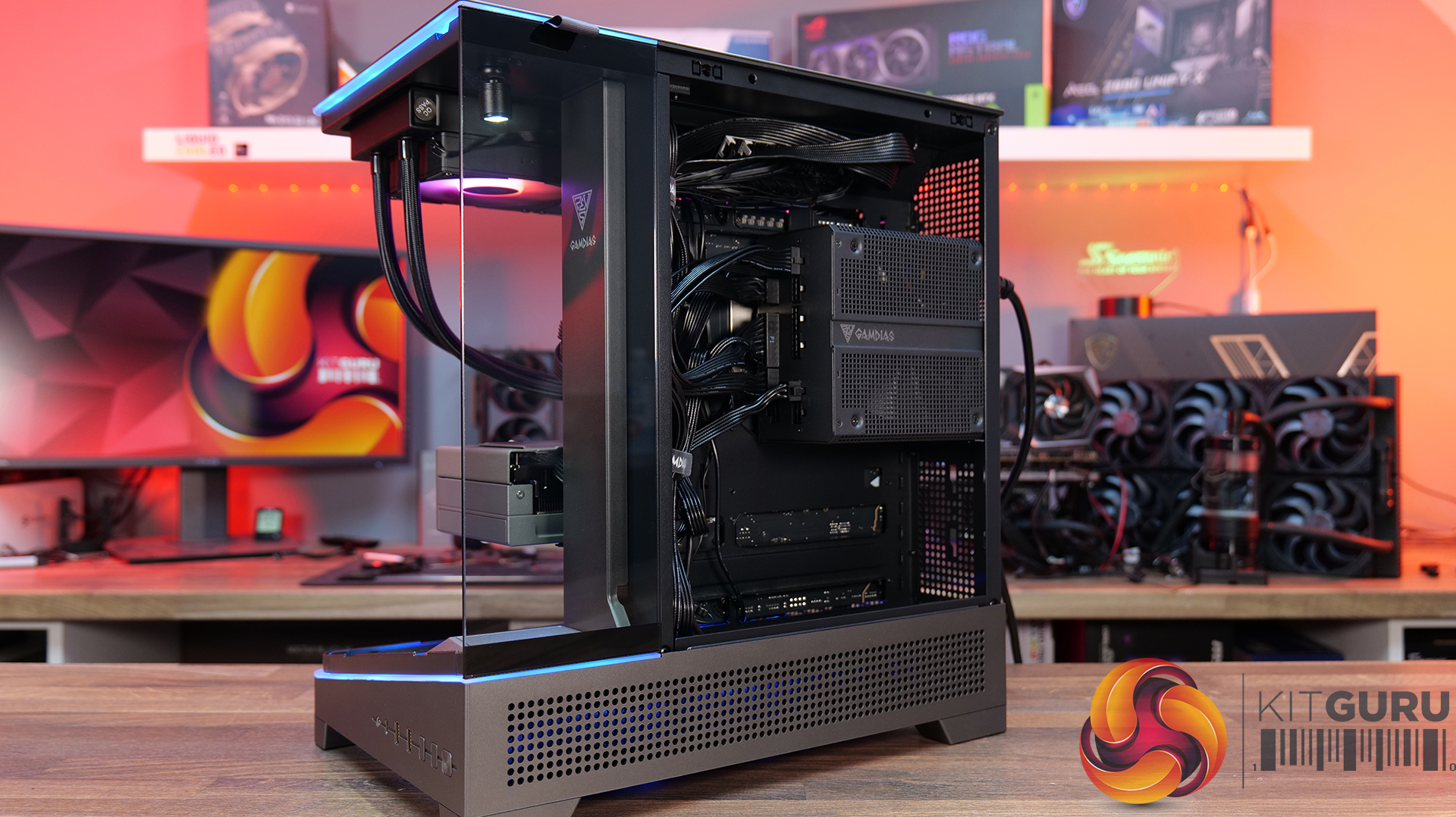
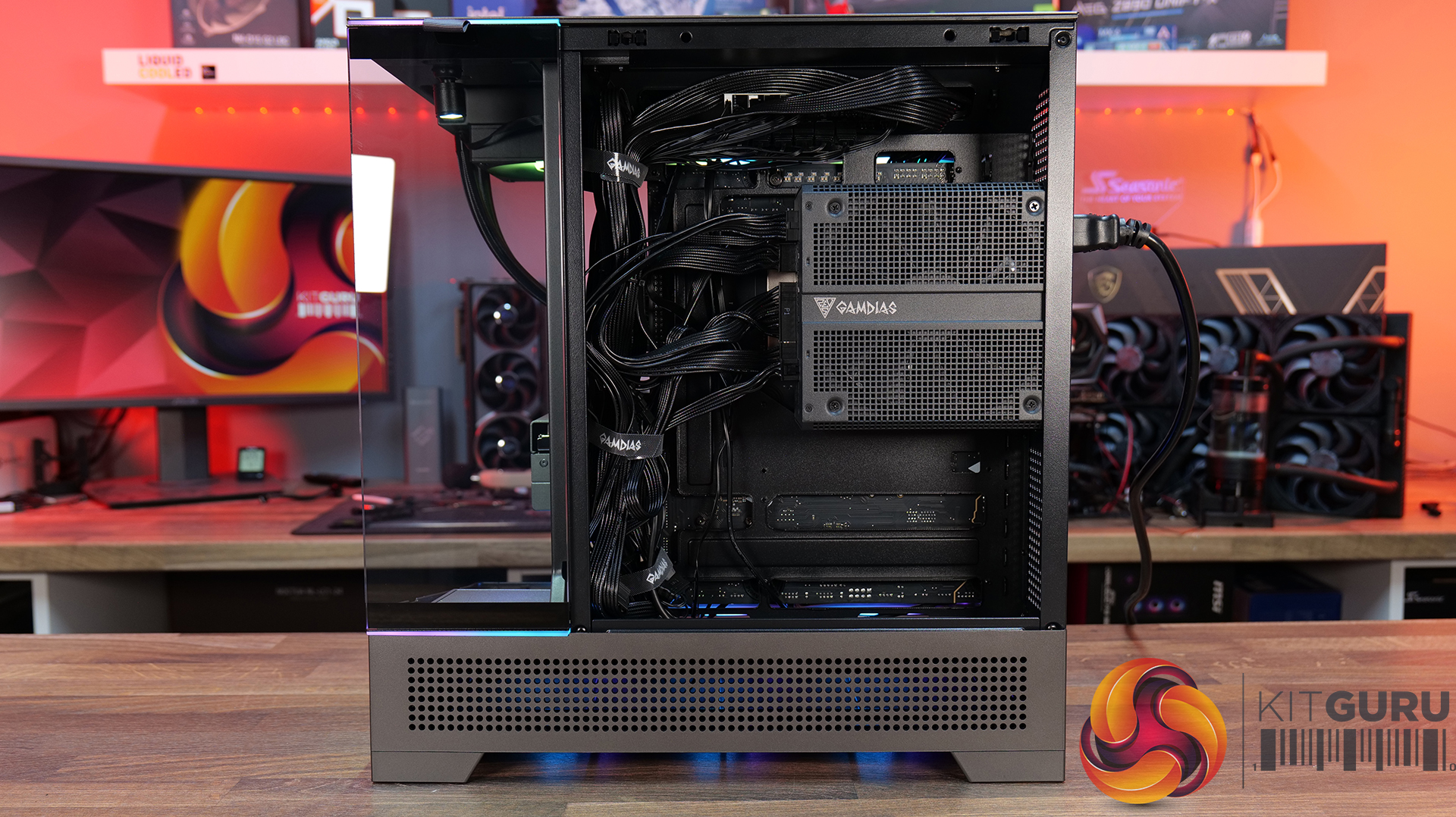
CyberPowerPC Infinity U7 Plus Review (270K Plus + 5070 Ti)

27 July 2026 at 10:04

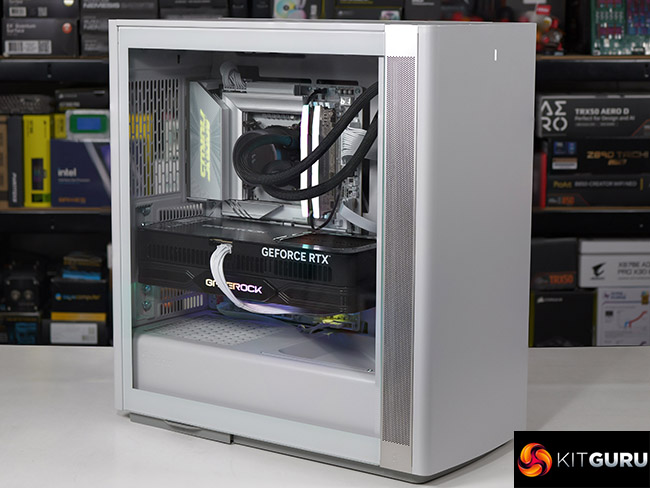
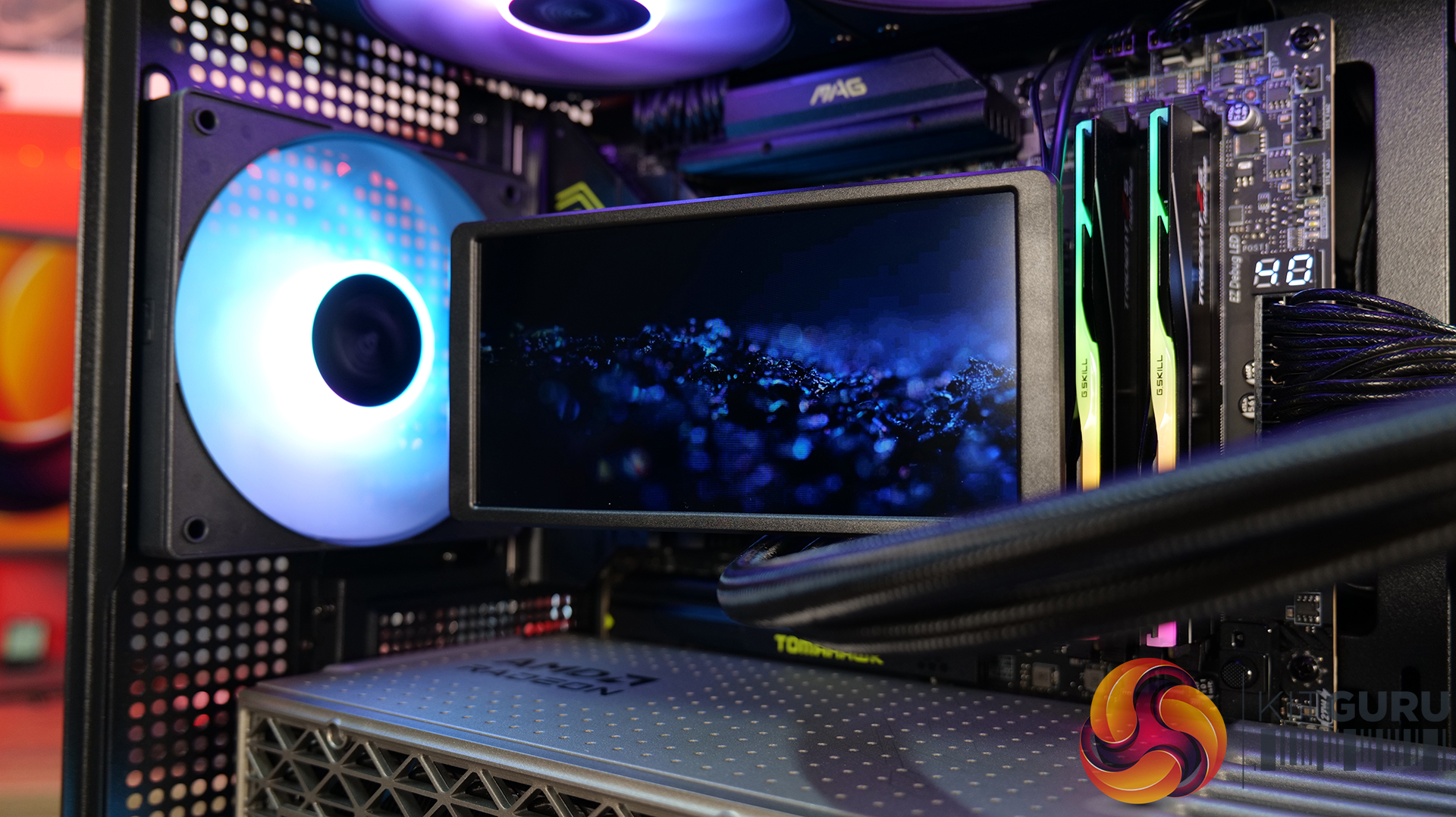
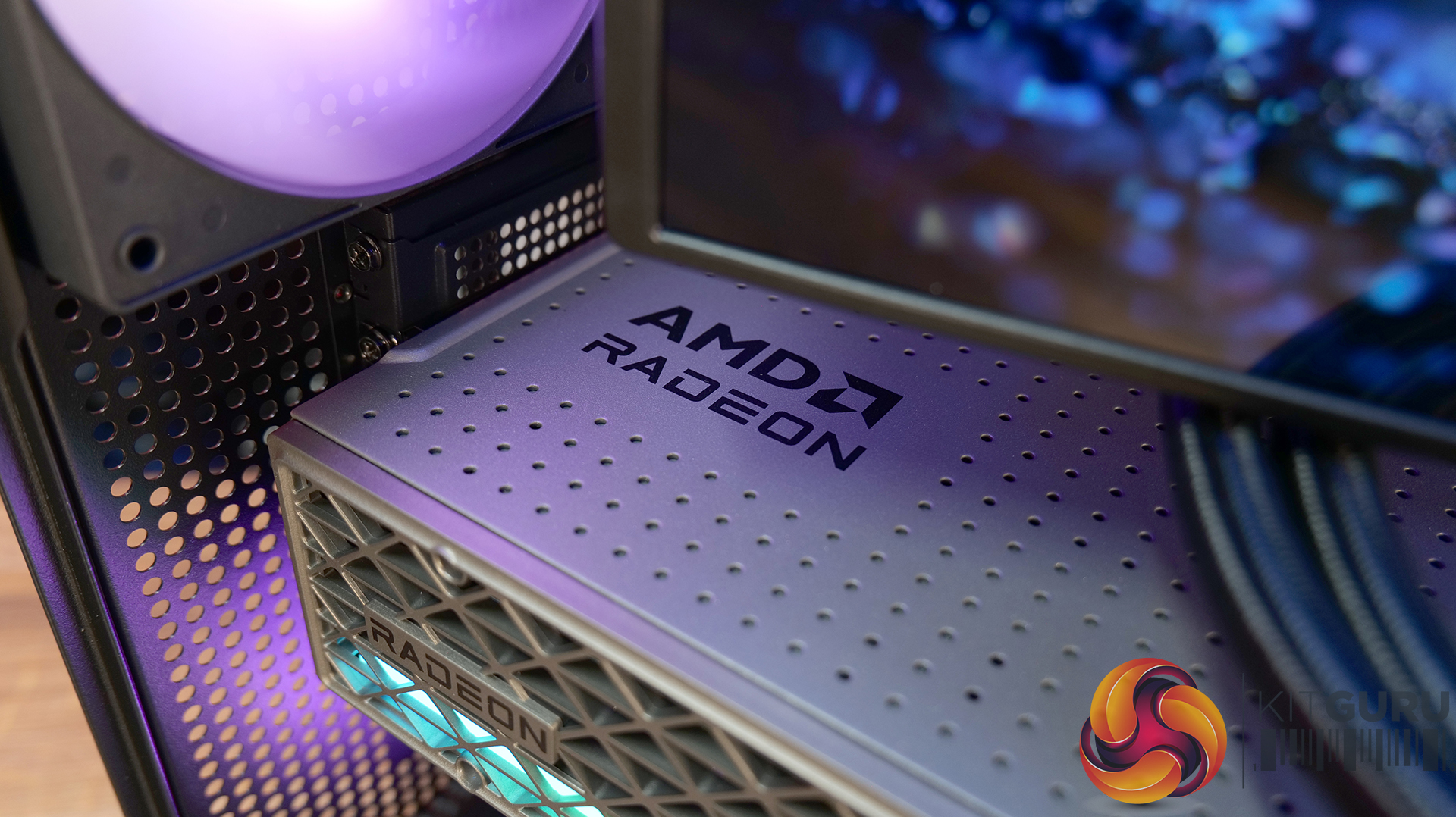
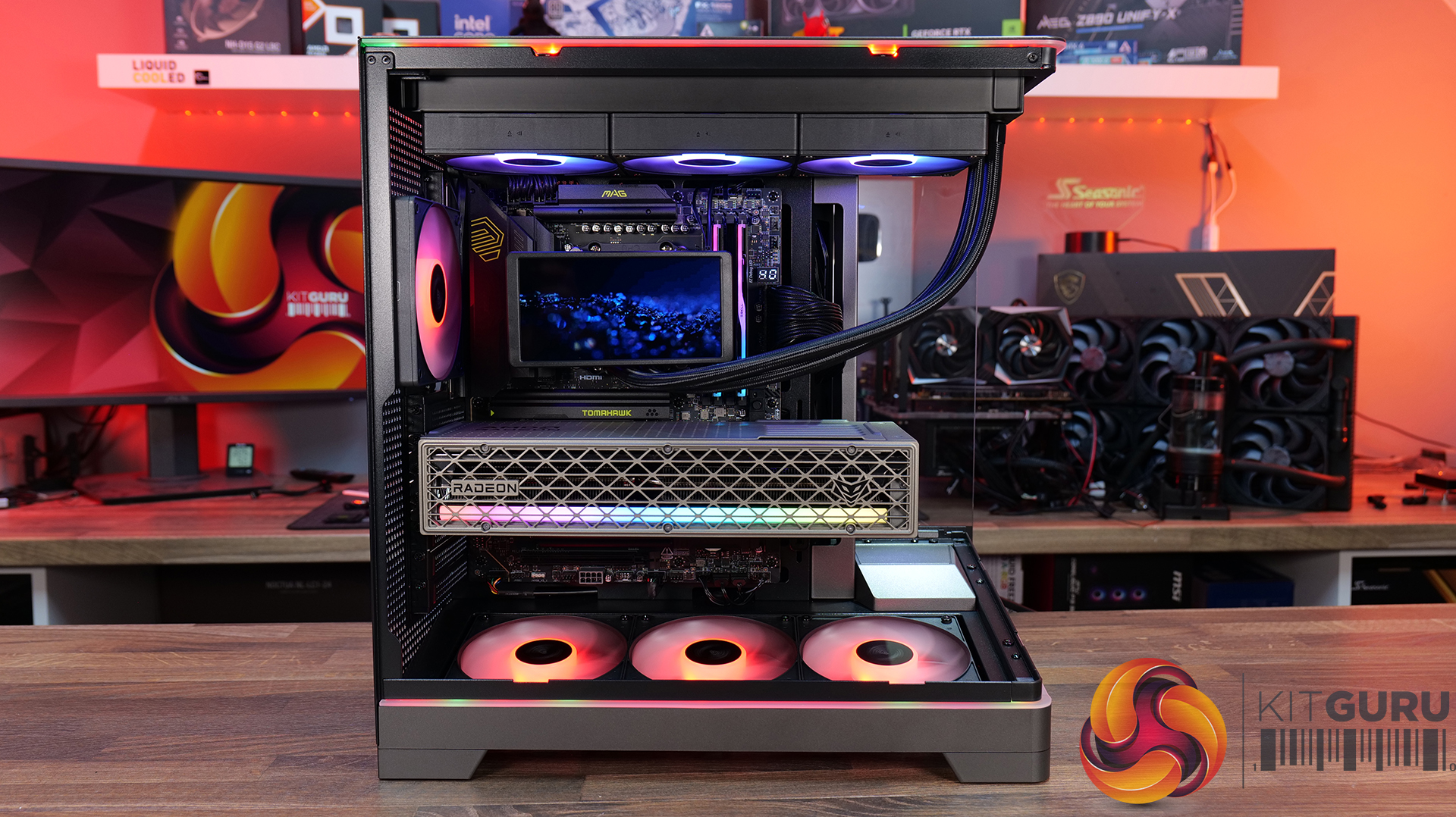
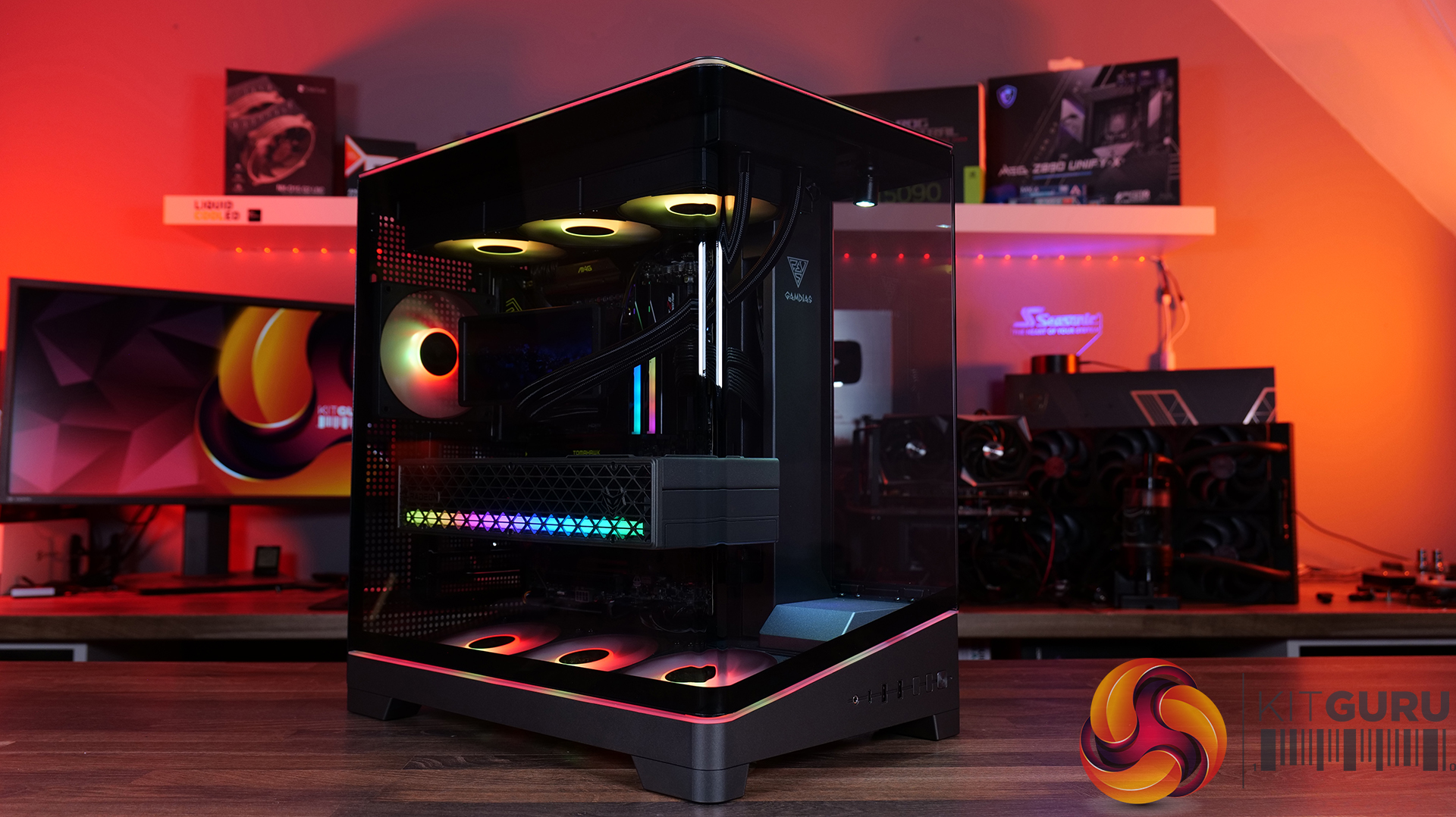
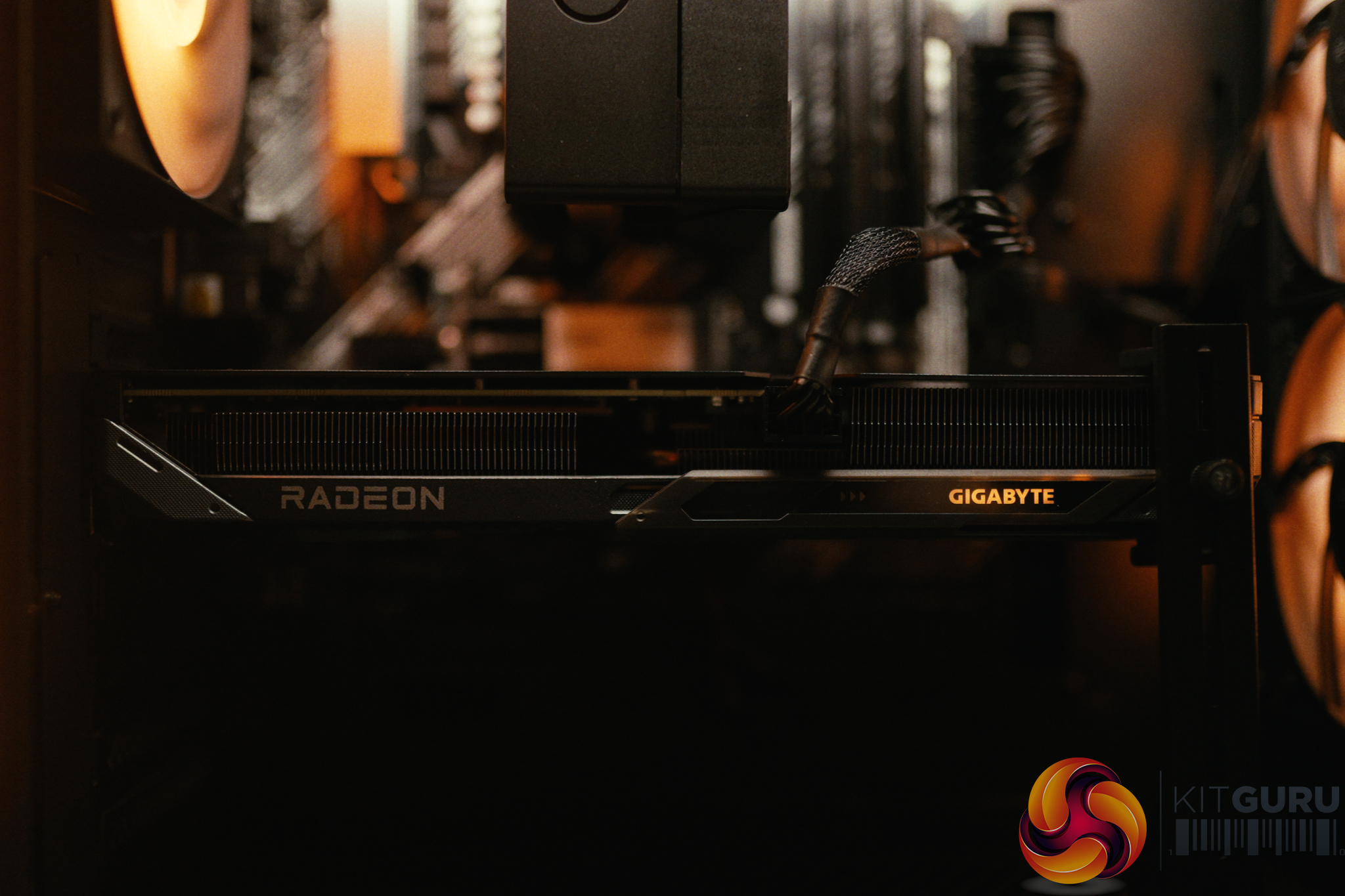
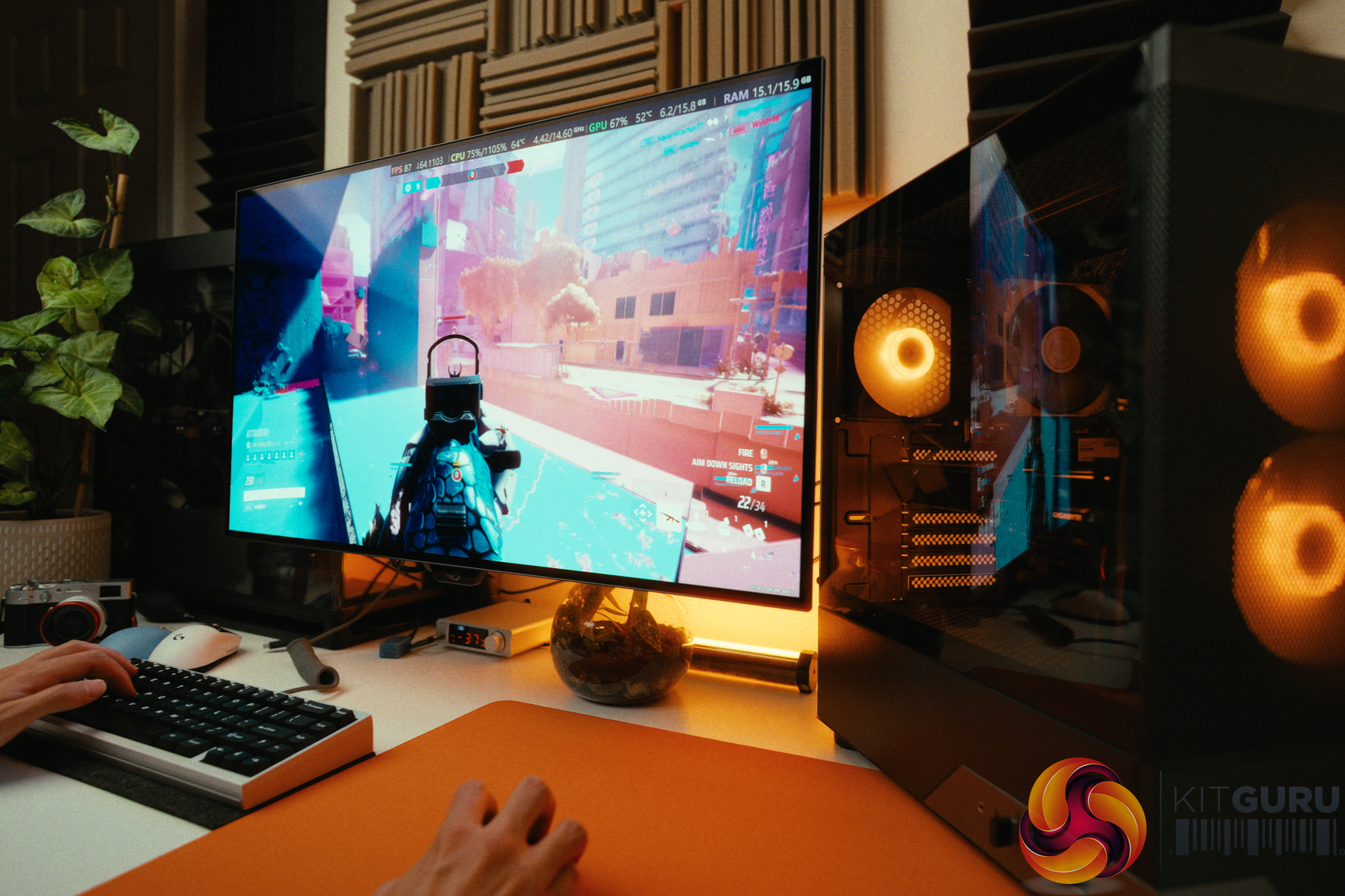
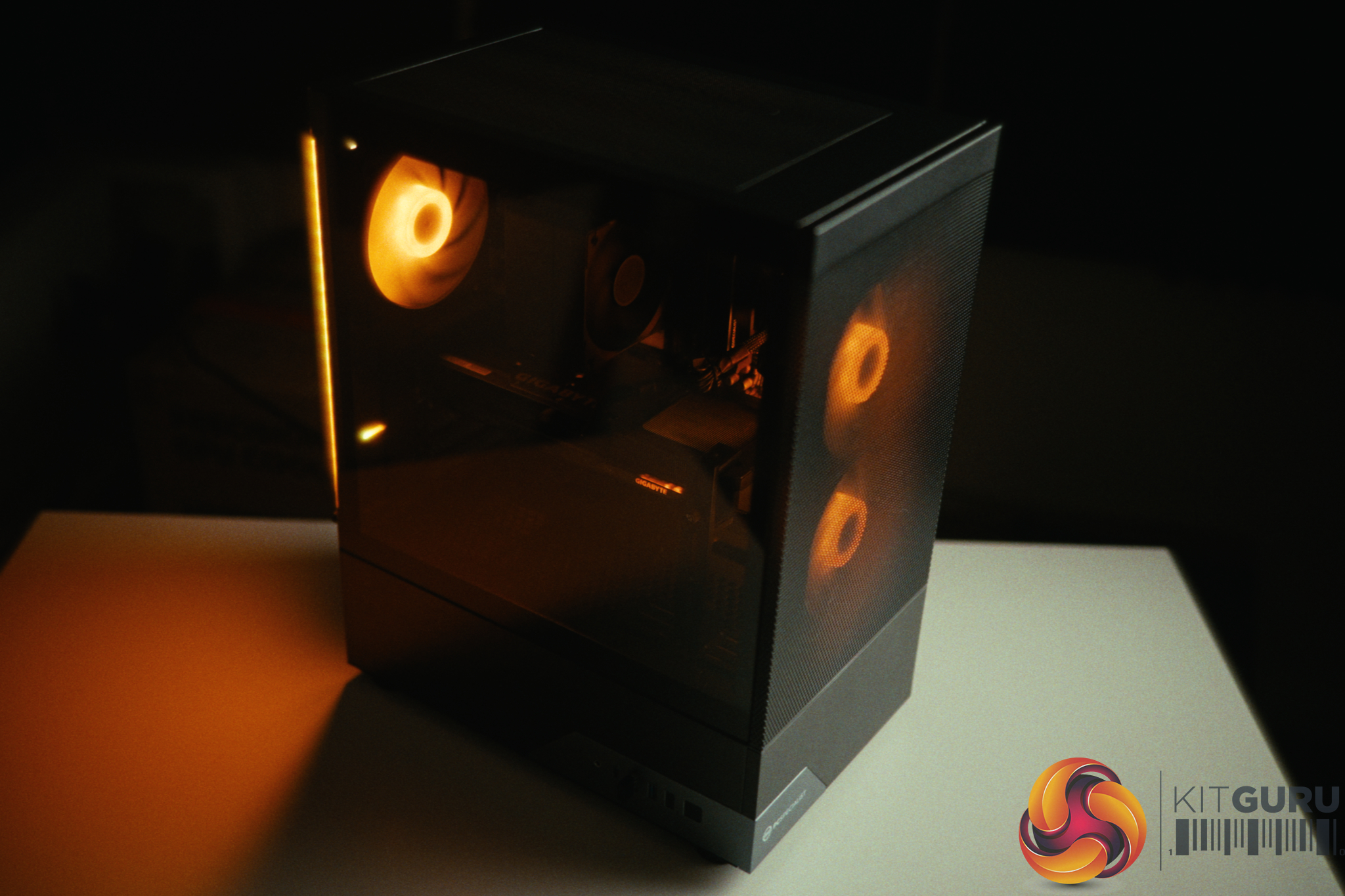
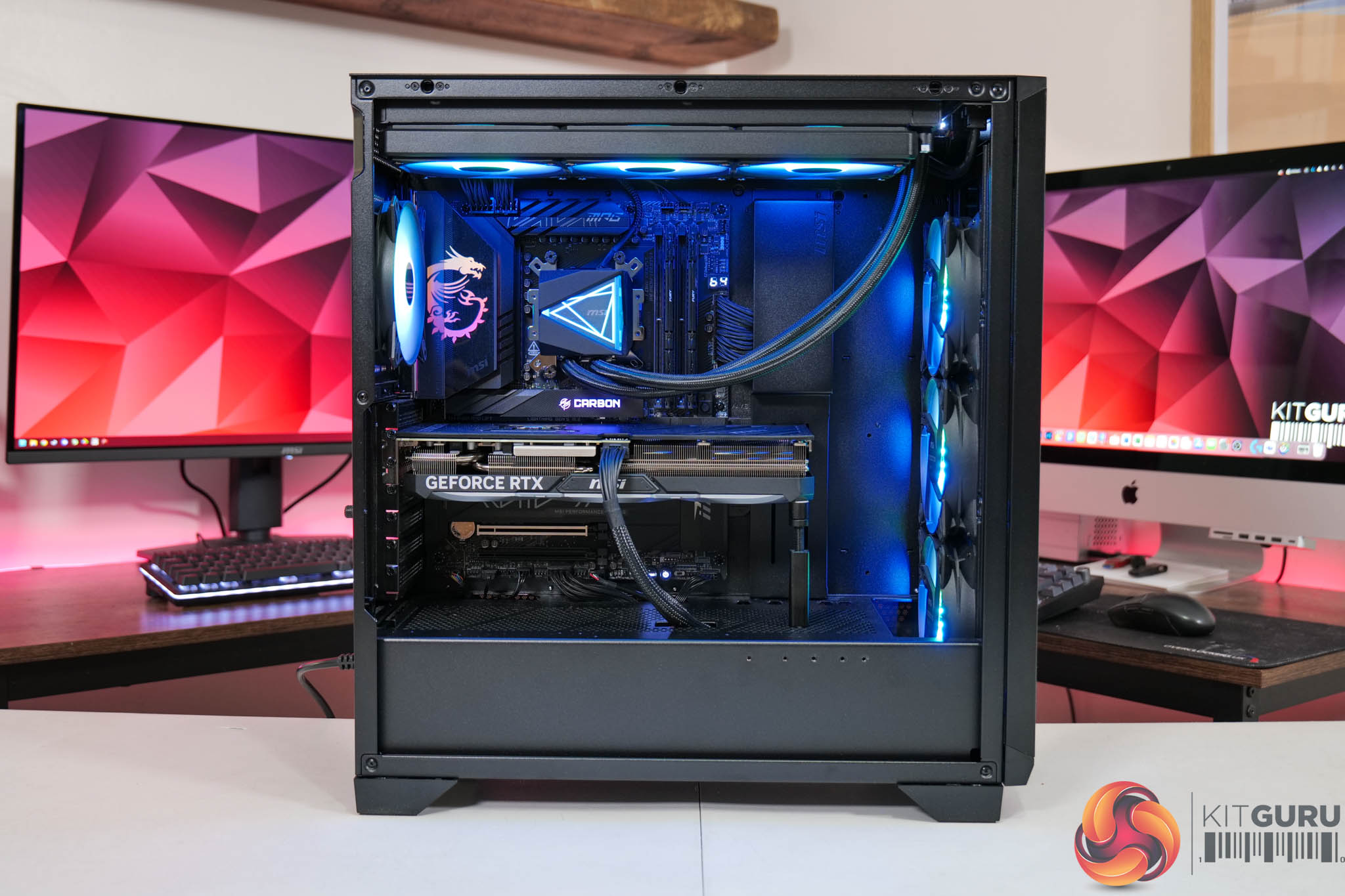
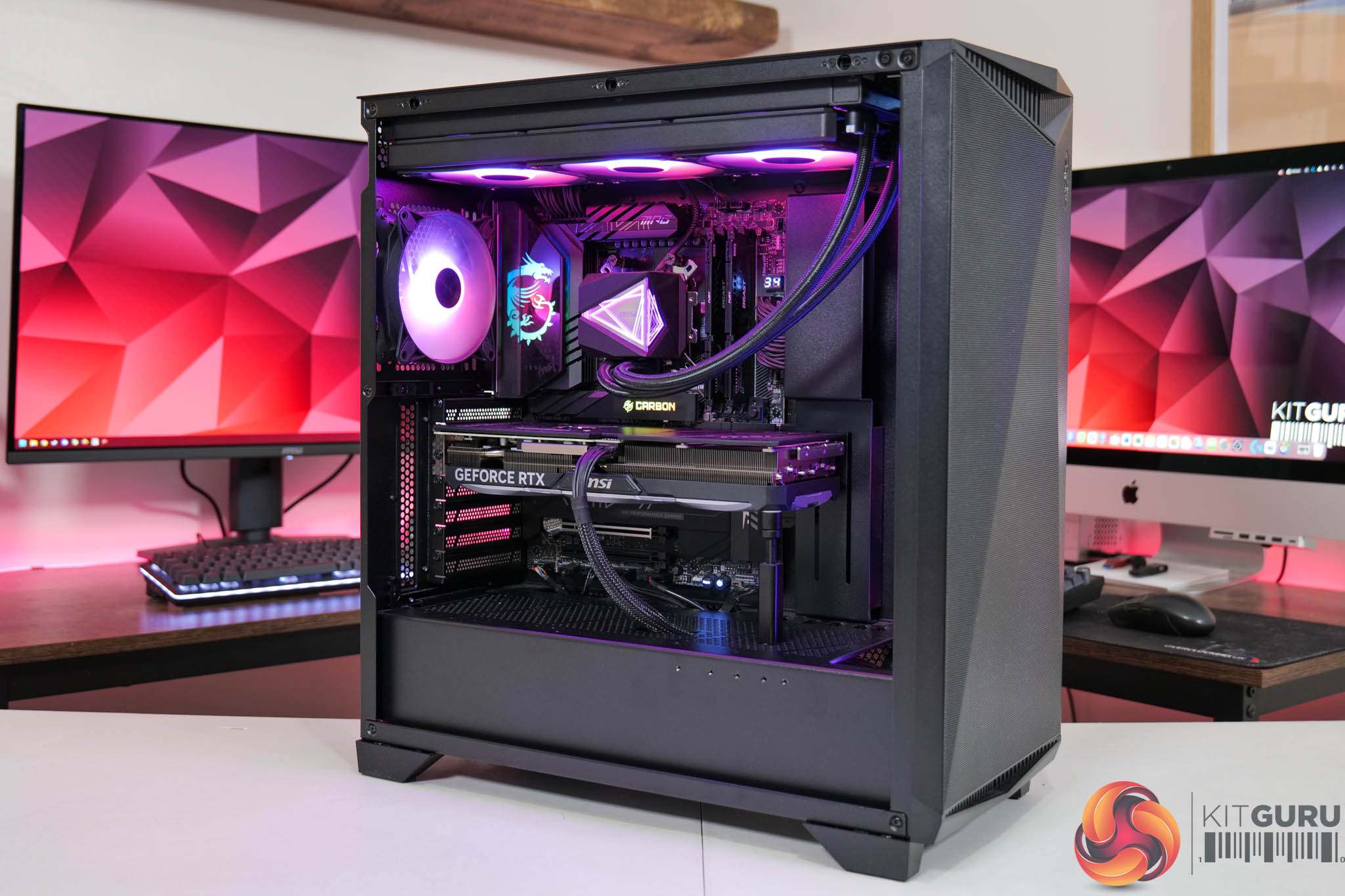
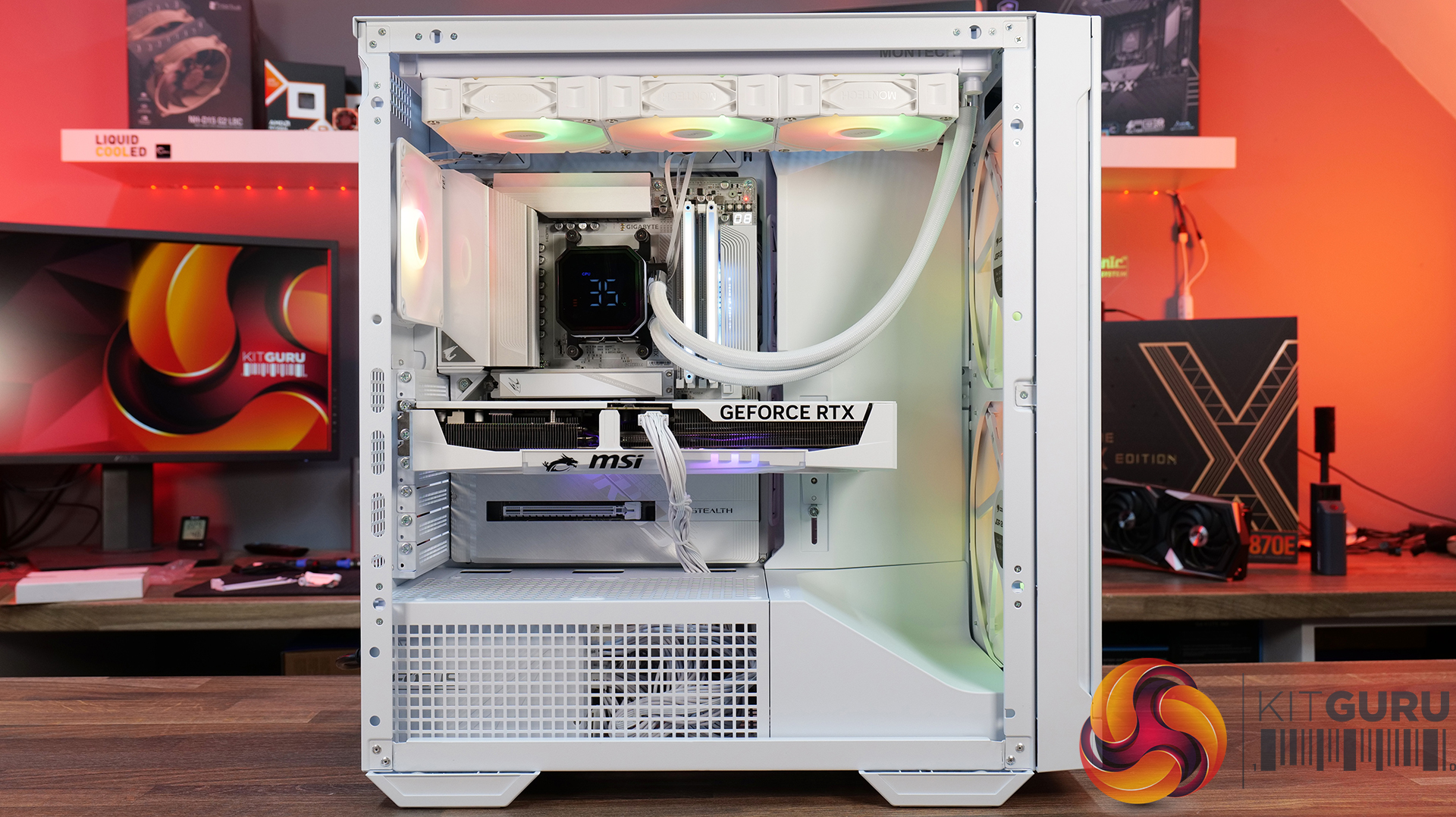
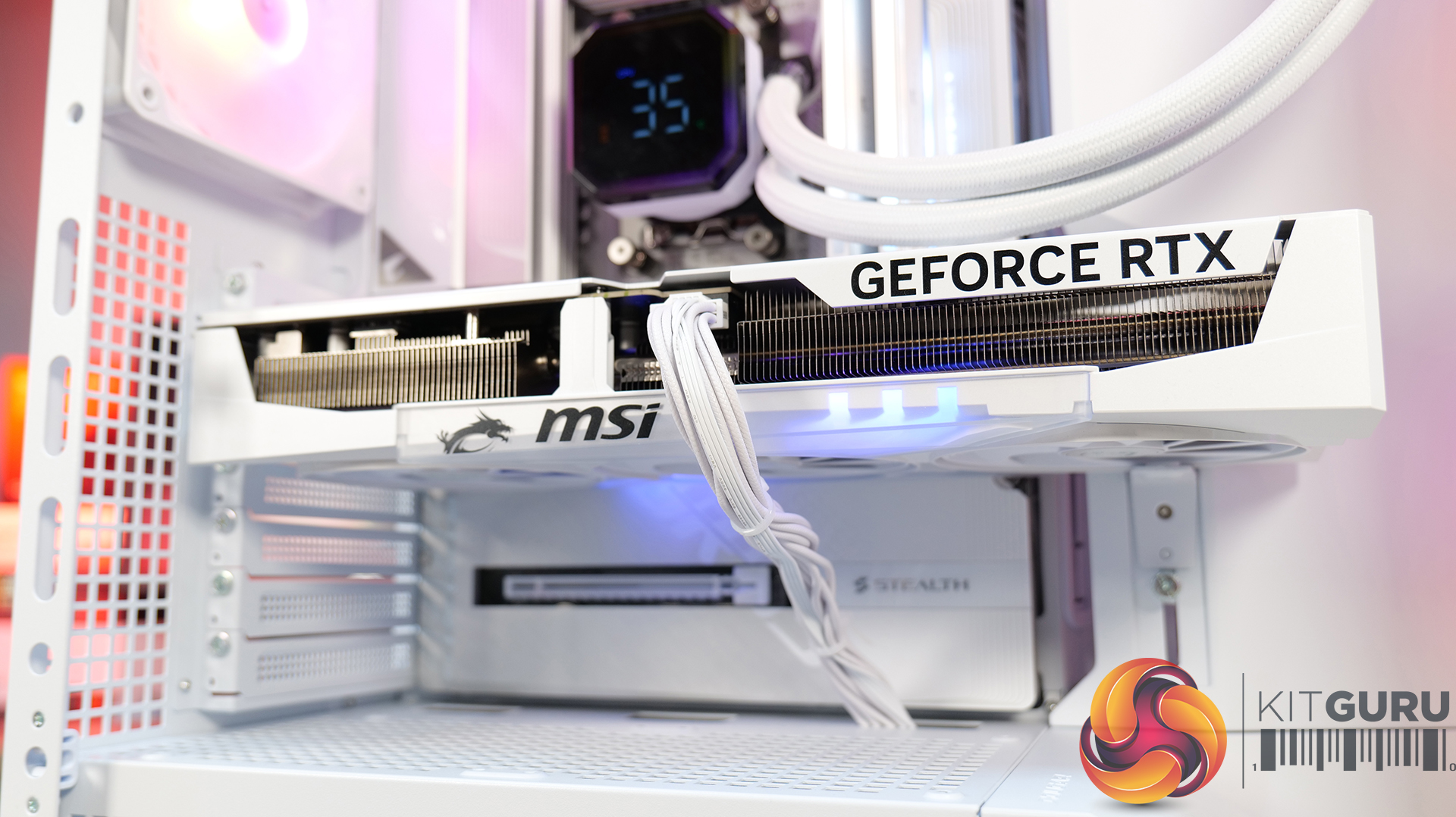
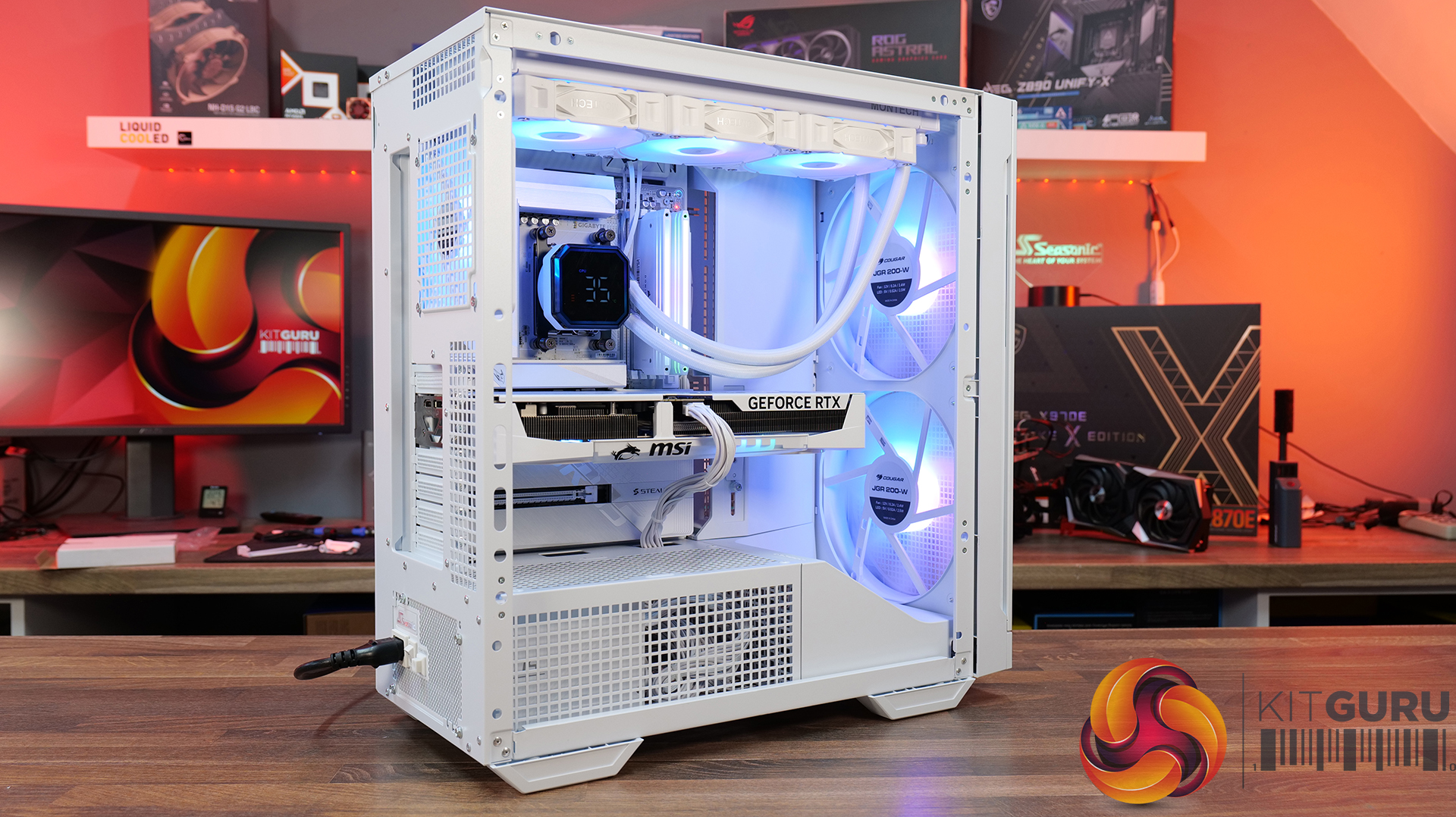
Today we are checking out the CyberPowerPC Infinity U7 Plus, a gaming prebuilt that comes with Intel’s 270K Plus CPU, an RTX 5070 Ti and 32GB of DDR5. What makes this interesting, though, is that it’s priced at £2099 – the exact same figure as the last CyberPower system we reviewed, but that only came with an RTX 5070… so how has CyberPower done it? We’re going to take a close look at this system and find out…

Timestamps

00:00 Intro
00:47 Recapping our last CyberPower review
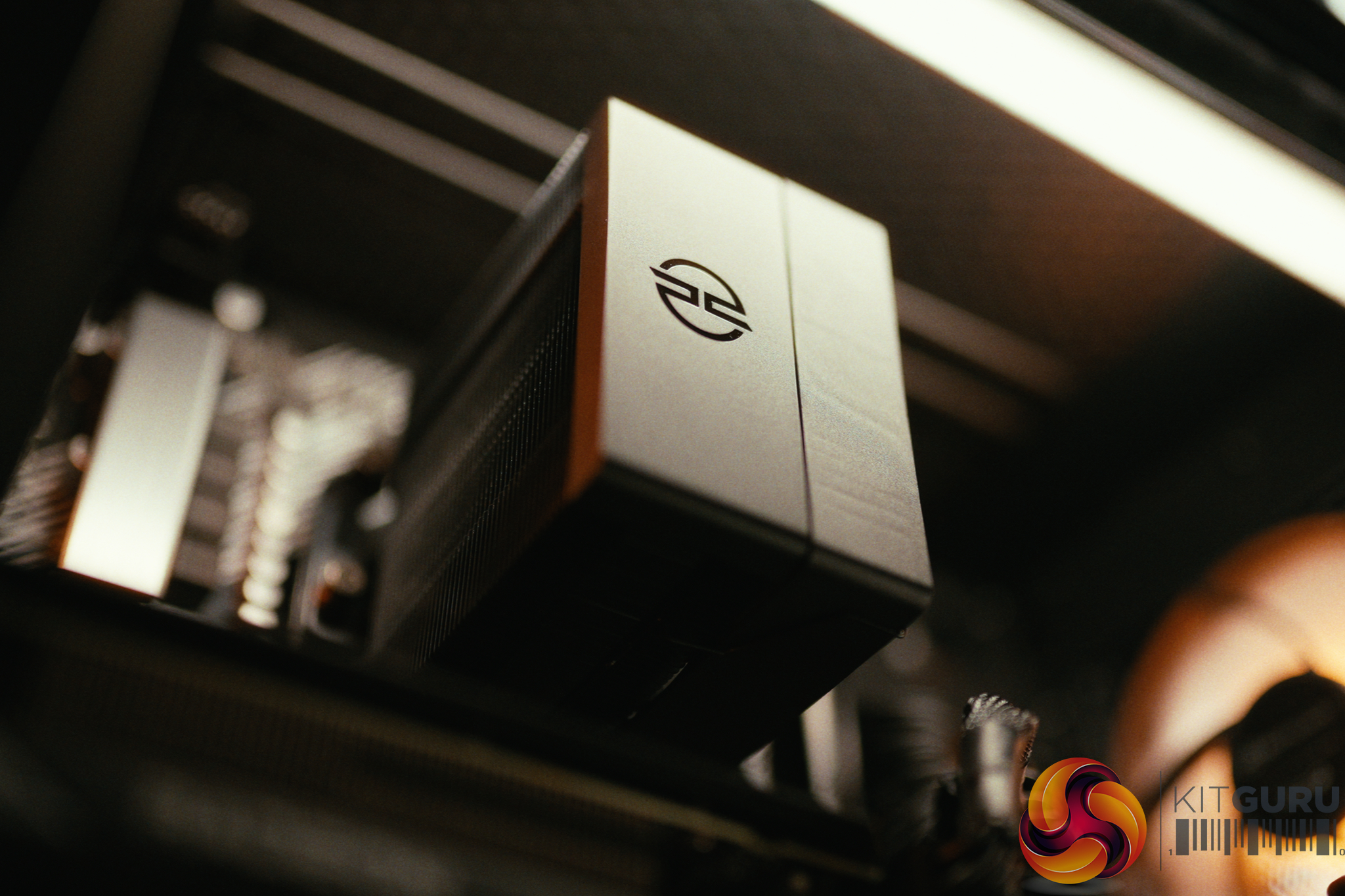
01:41 New MA-01 chassis
02:18 CPU, AIO, memory
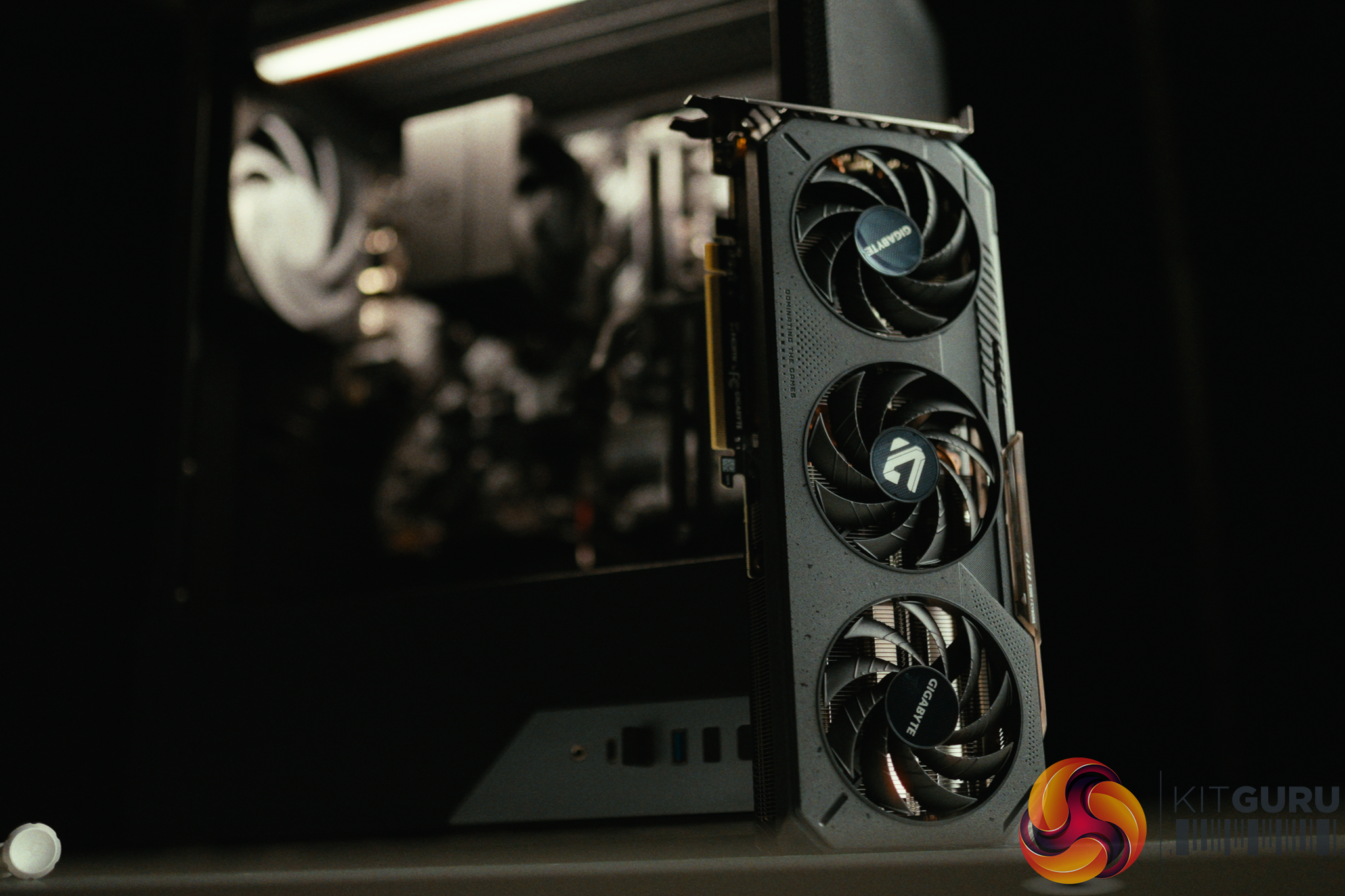
03:18 SSD + GPU
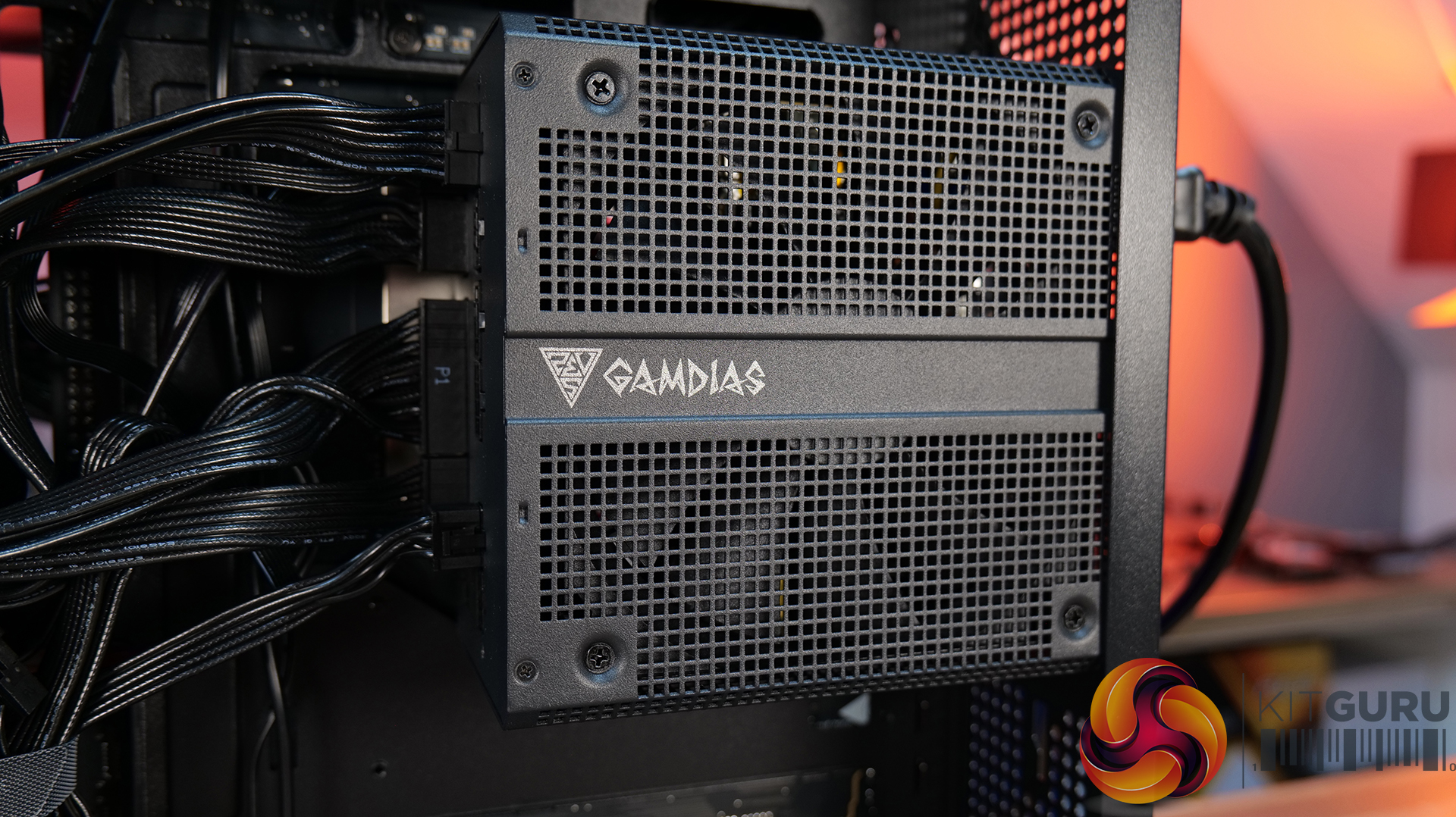
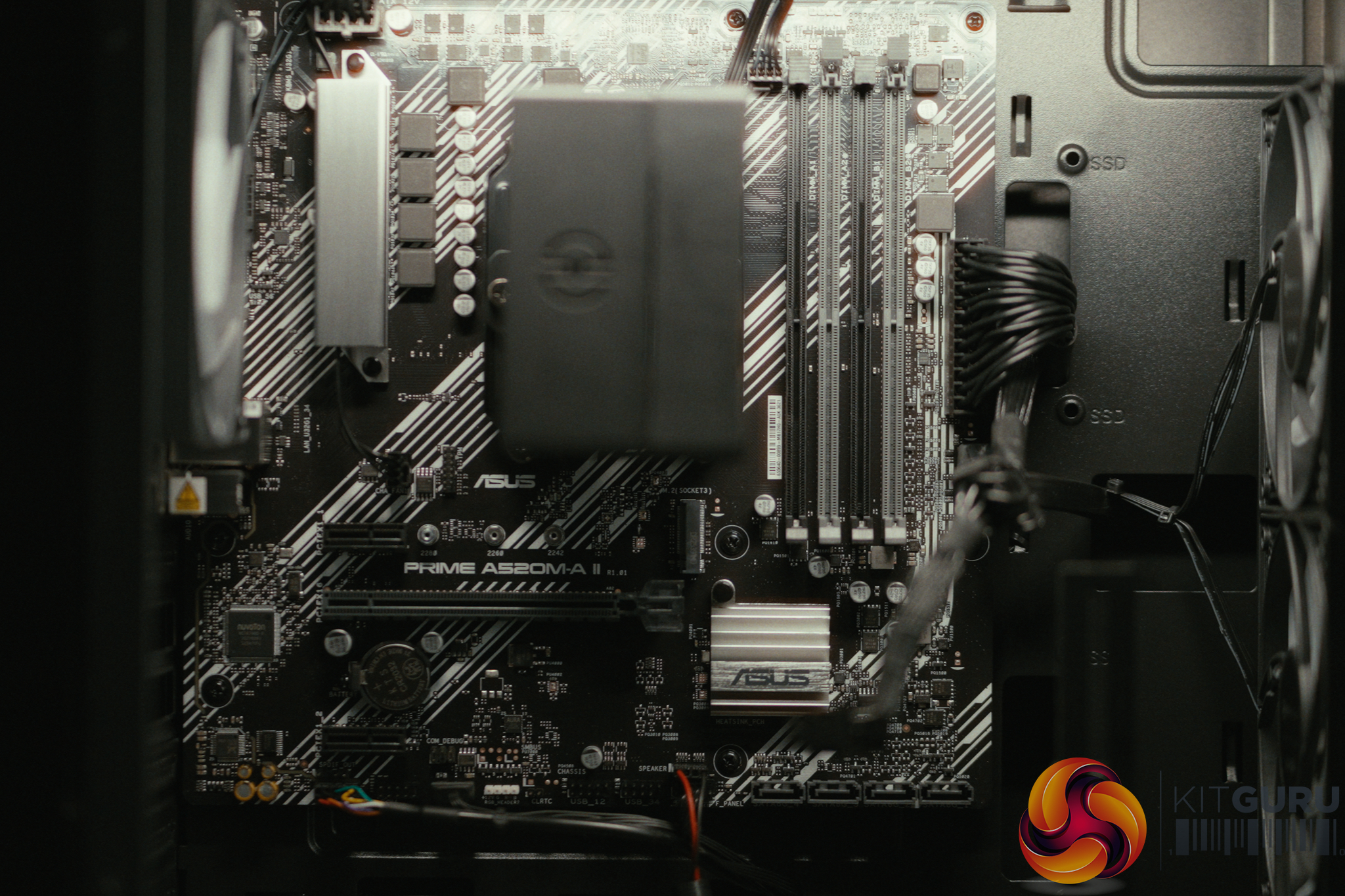
04:19 Mobo, PSU + build
05:16 CPU, GPU behaviour
06:27 Noise and thermal imaging camera
07:03 CPU + system benchmarks
07:27 Gaming benchmarks: 5070 Ti vs 5070
10:22 4K gaming performance
12:25 Closing thoughts

  • Special offers: Norton 360 VPN & Security for Gamers (1-year licence), Treeapp tree planting contribution
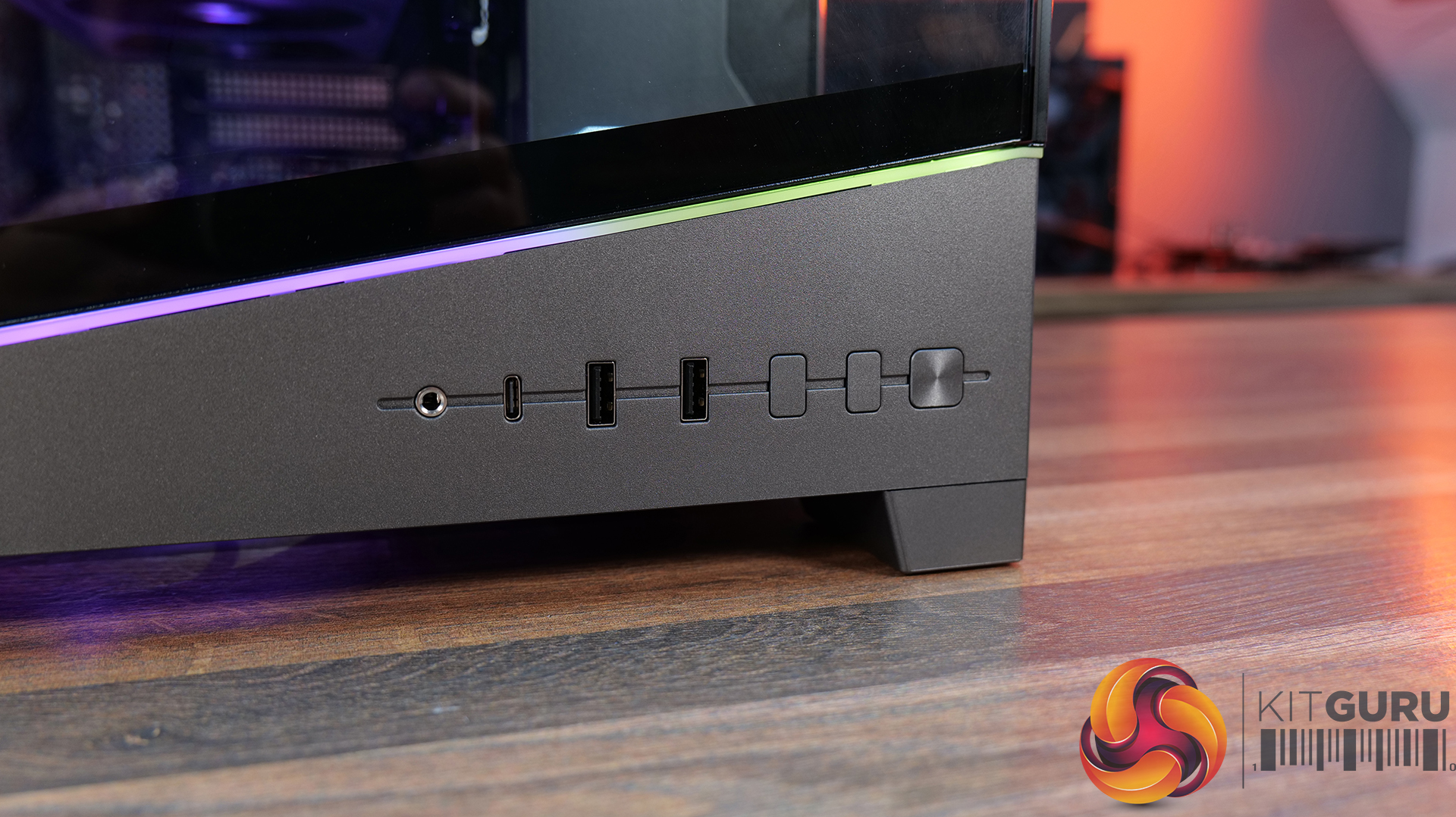
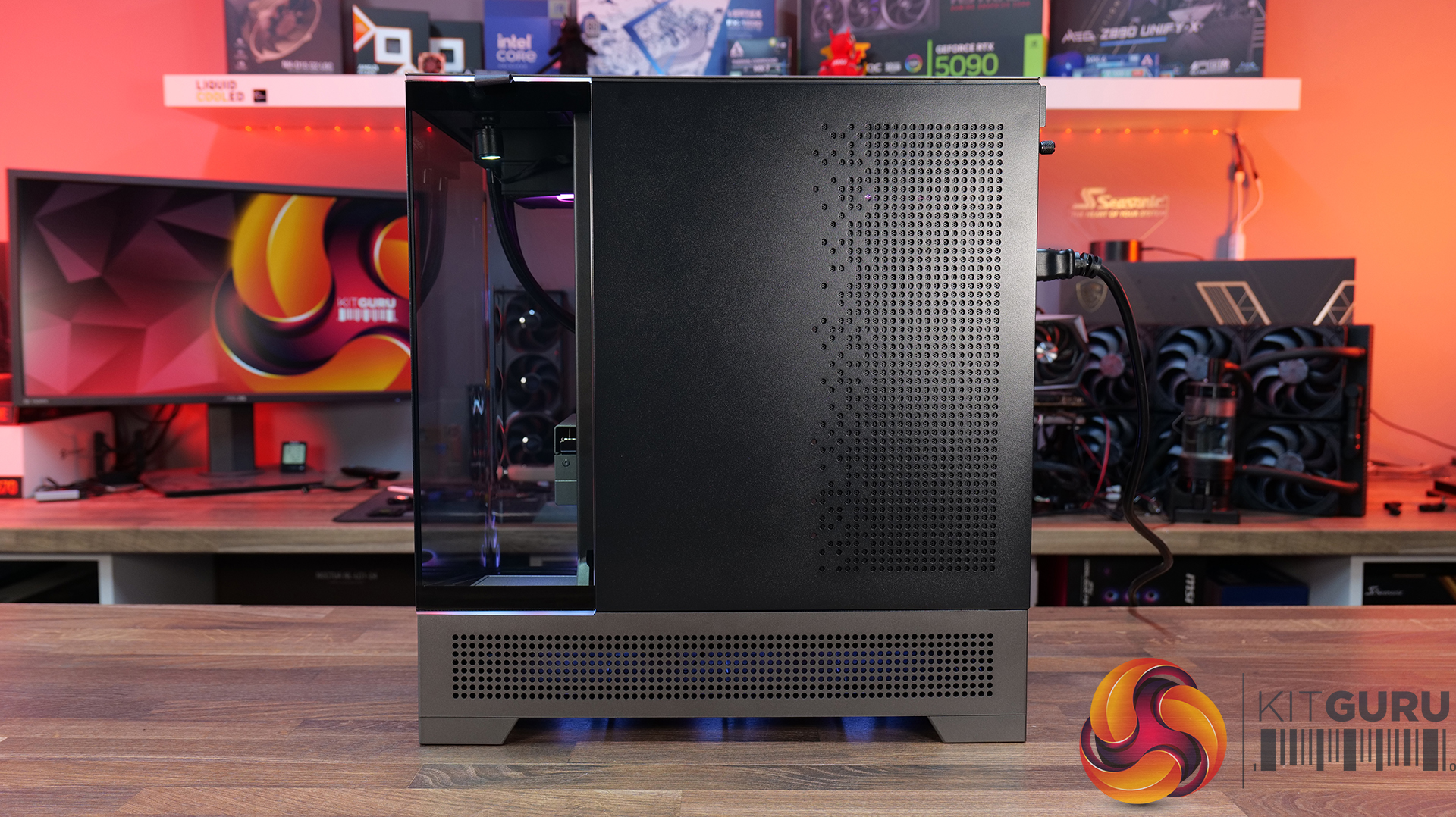
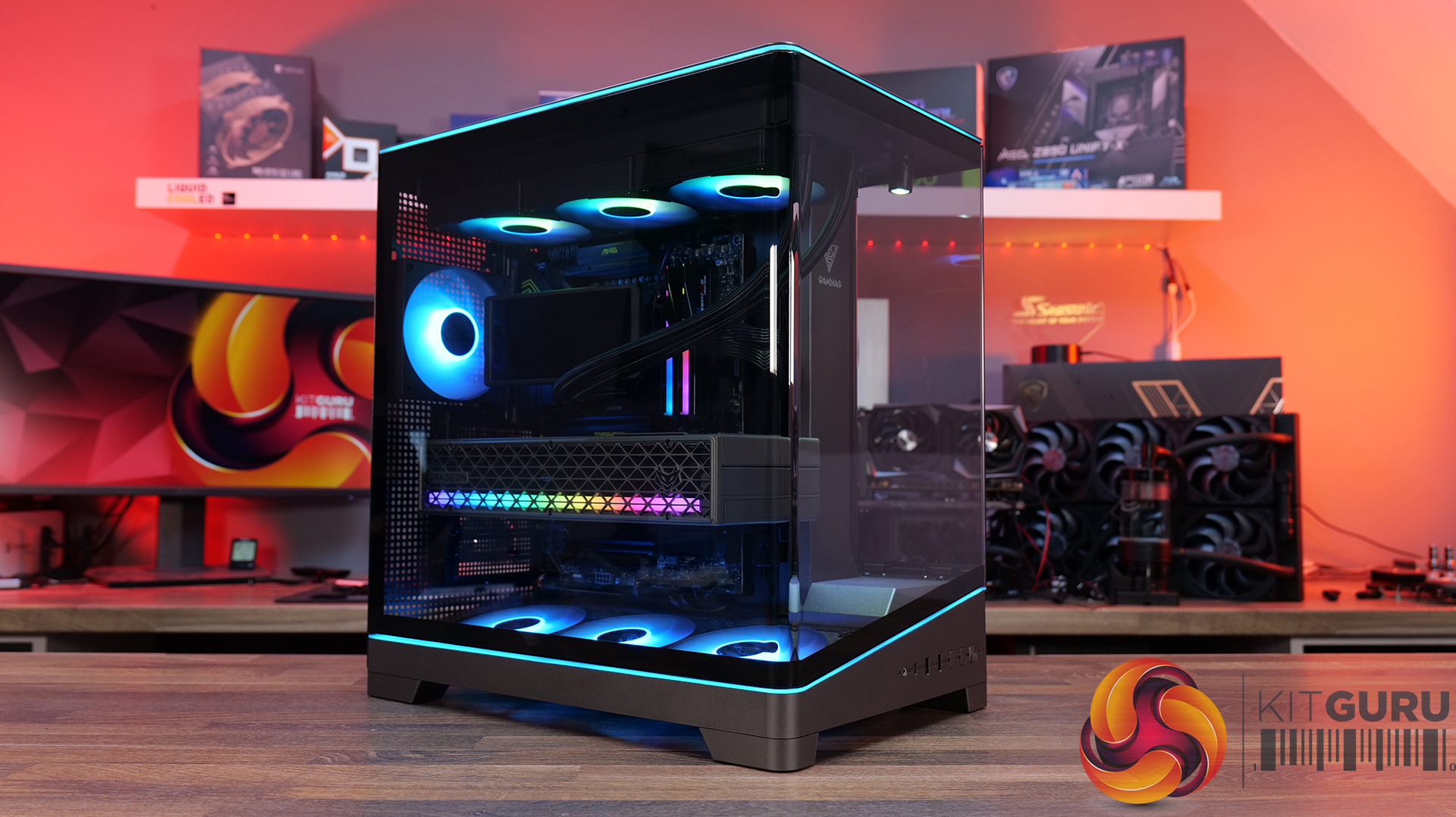
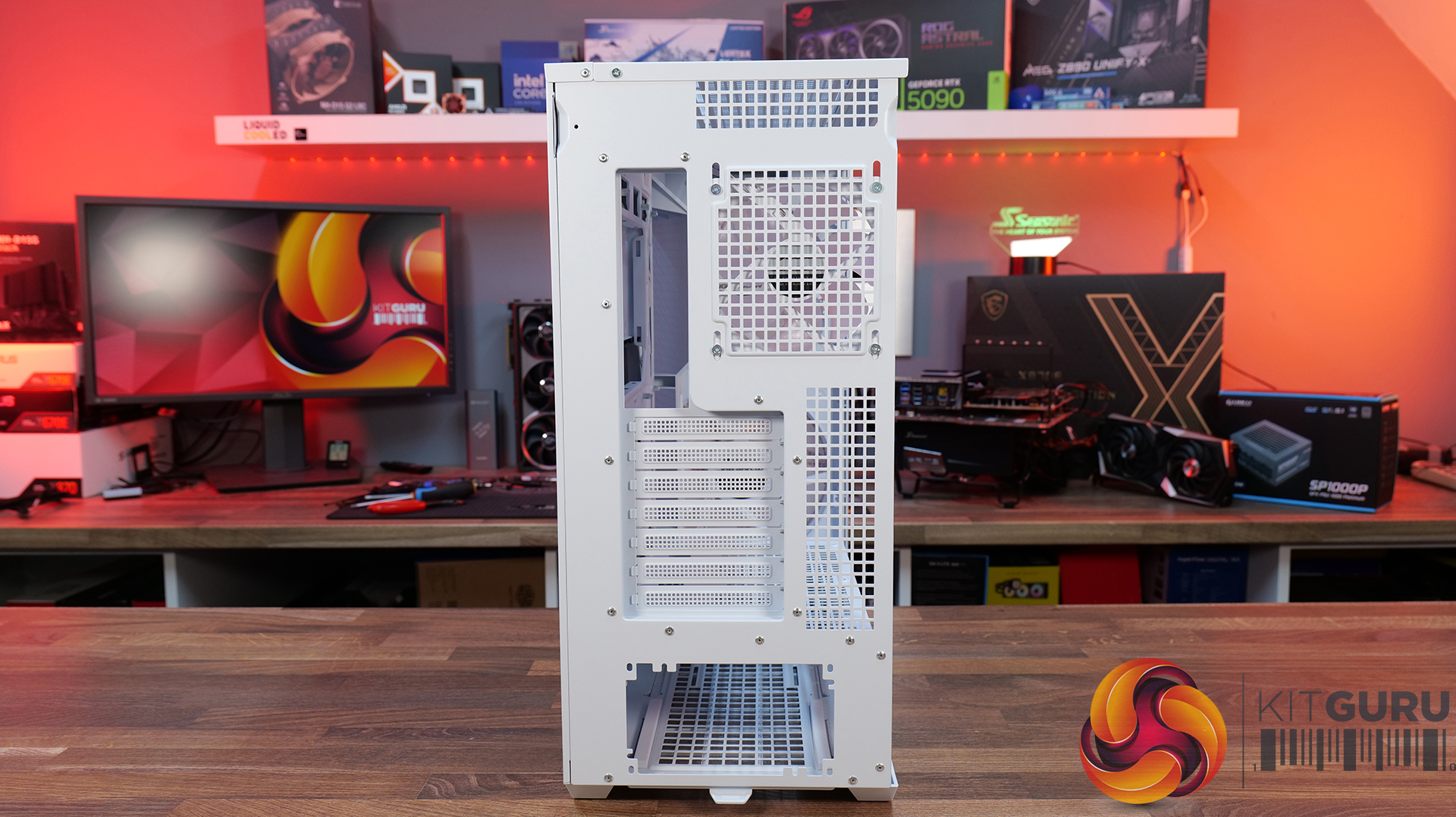
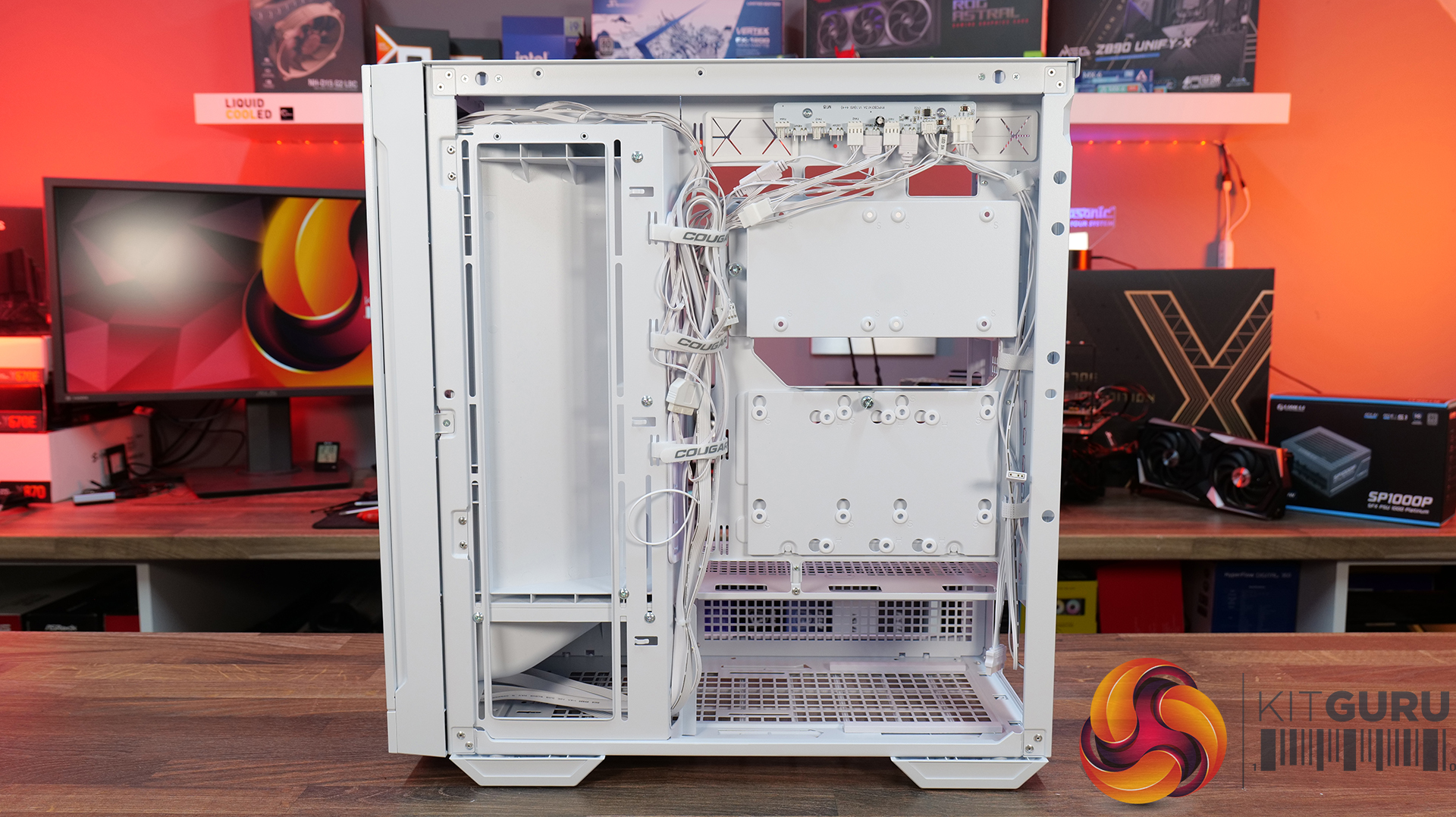
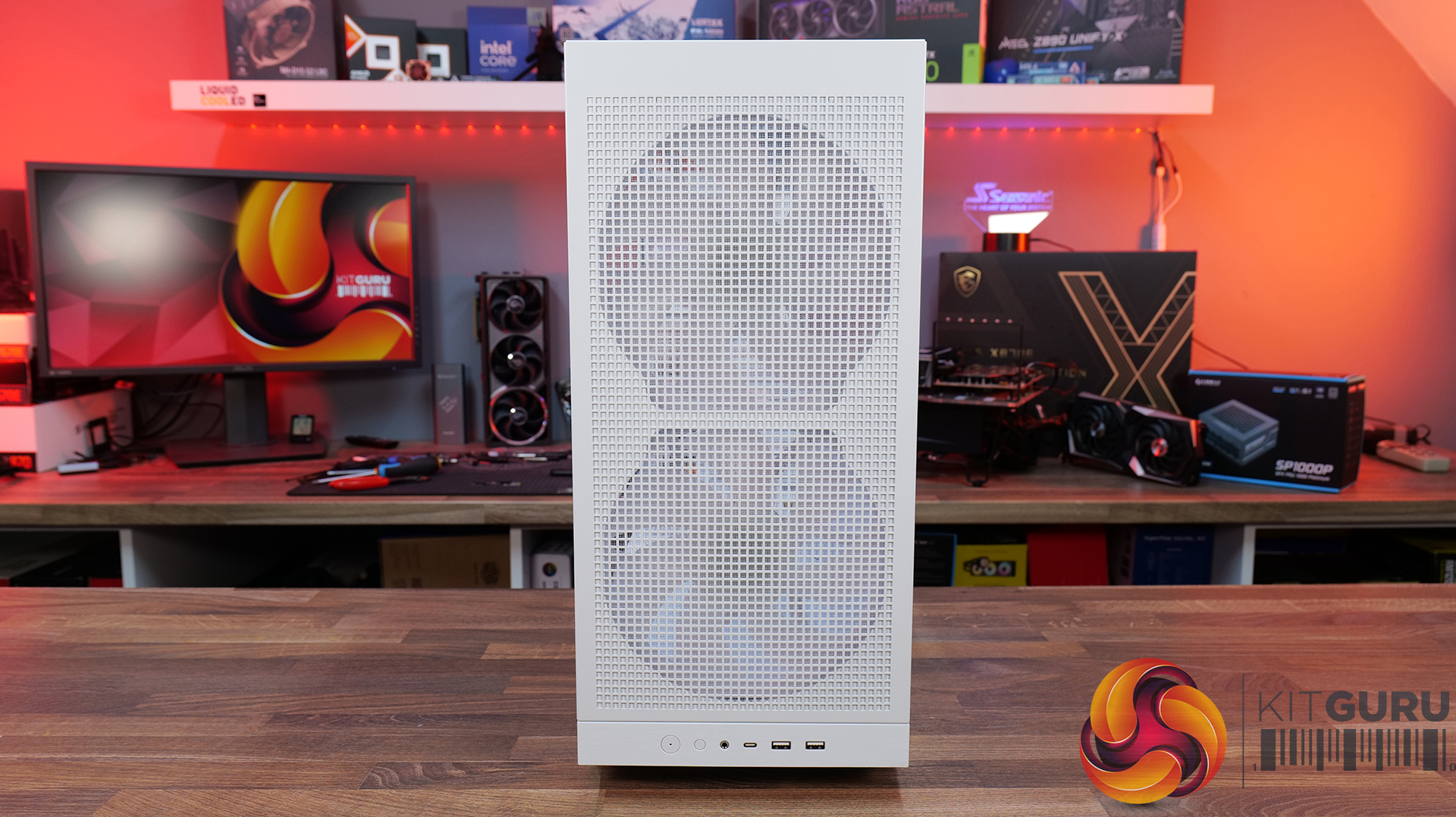
  • Case: CyberPowerPC MA-01 Mid-Tower Gaming Case (Steel Gray, includes 6x ARGB 120mm fans)
  • Processor (CPU): Intel® Core™ Ultra 7 270K Plus (24 cores: 8P up to 5.50GHz, 16E up to 4.70GHz, 125W TDP, 40MB cache, Intel Graphics)
  • CPU promotion: Intel 26Q2-05 Spring Game Bundle (digital)
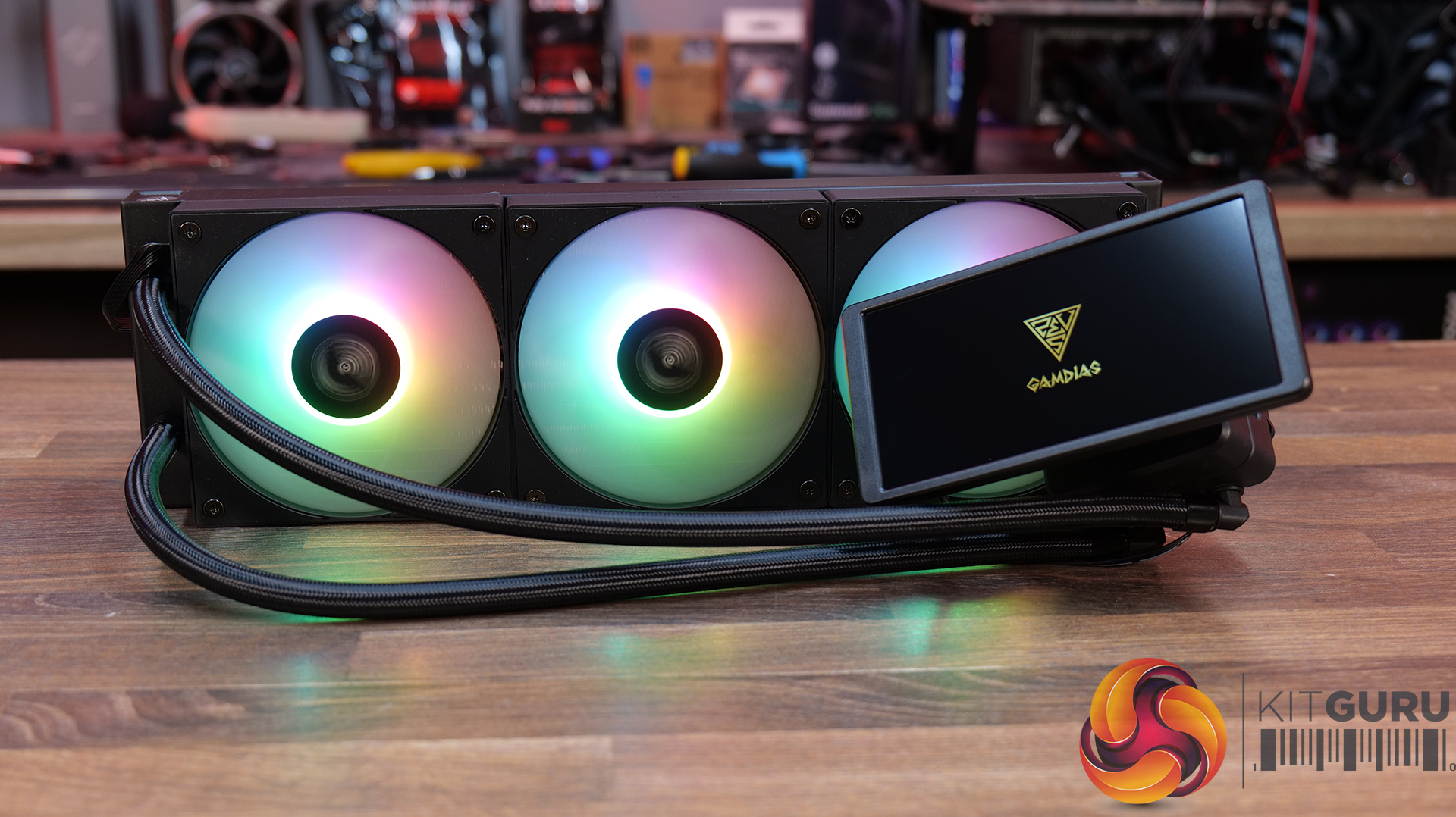
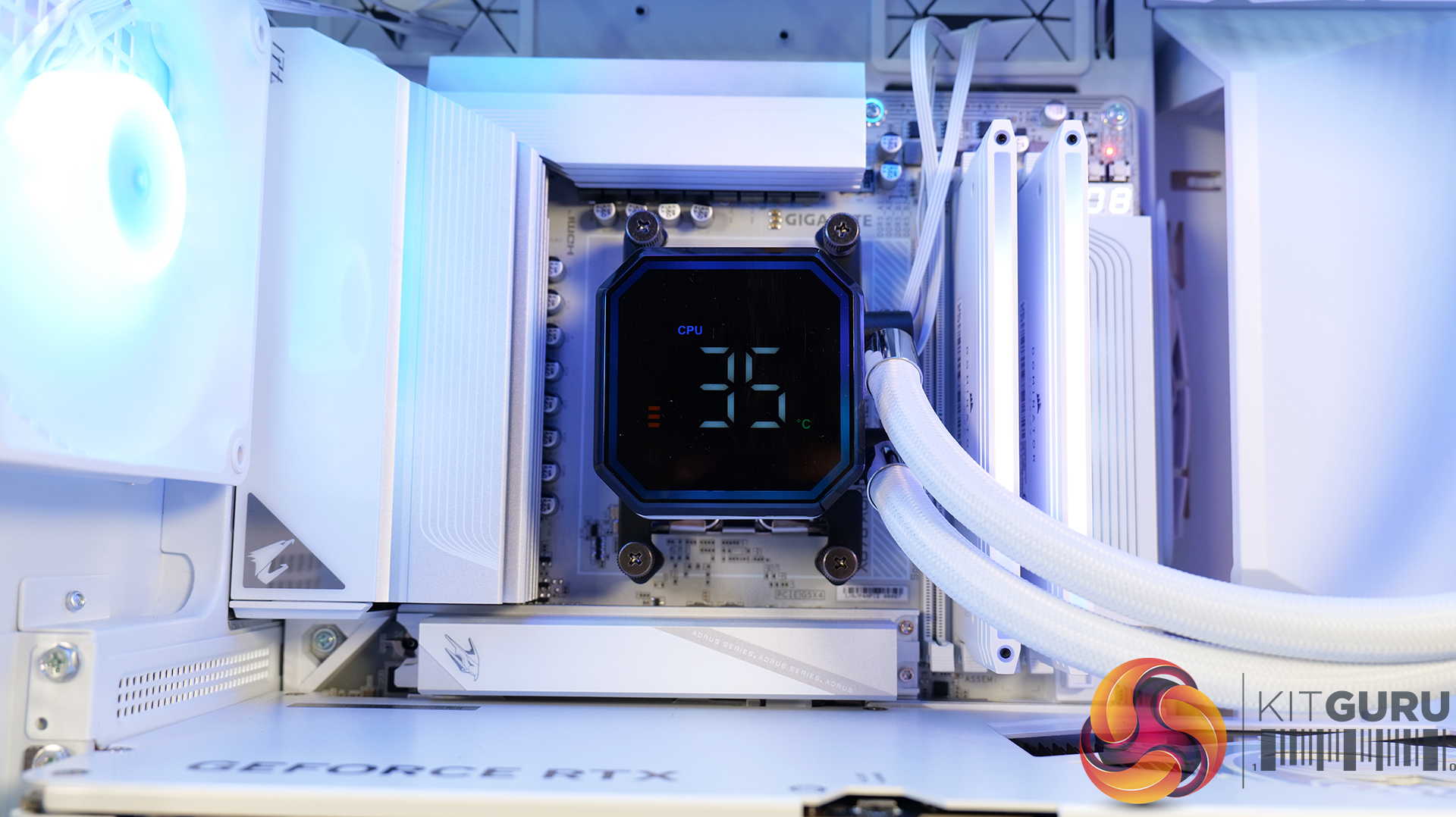
  • CPU cooling: CyberPowerPC Elite ARGB 360mm AIO liquid cooler (black)
  • Cooling upgrades: Thermal Grizzly premium thermal paste
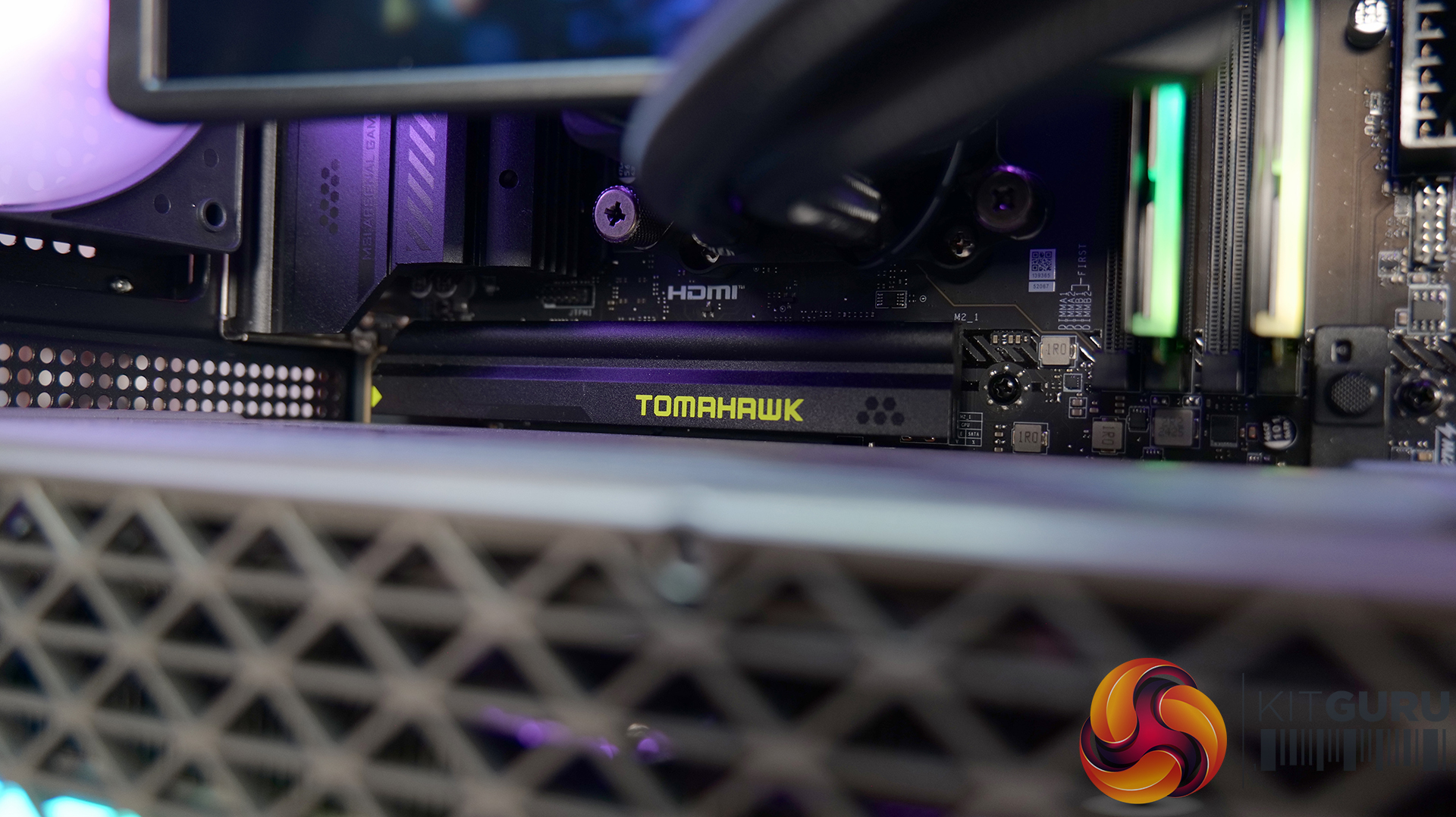
  • Motherboard: MSI PRO Z890-S WiFi (ATX, PCIe 5.0, USB 3.2, 3x M.2)
  • Freebies: Intel 26Q2-10 Motherboard Game Bundle
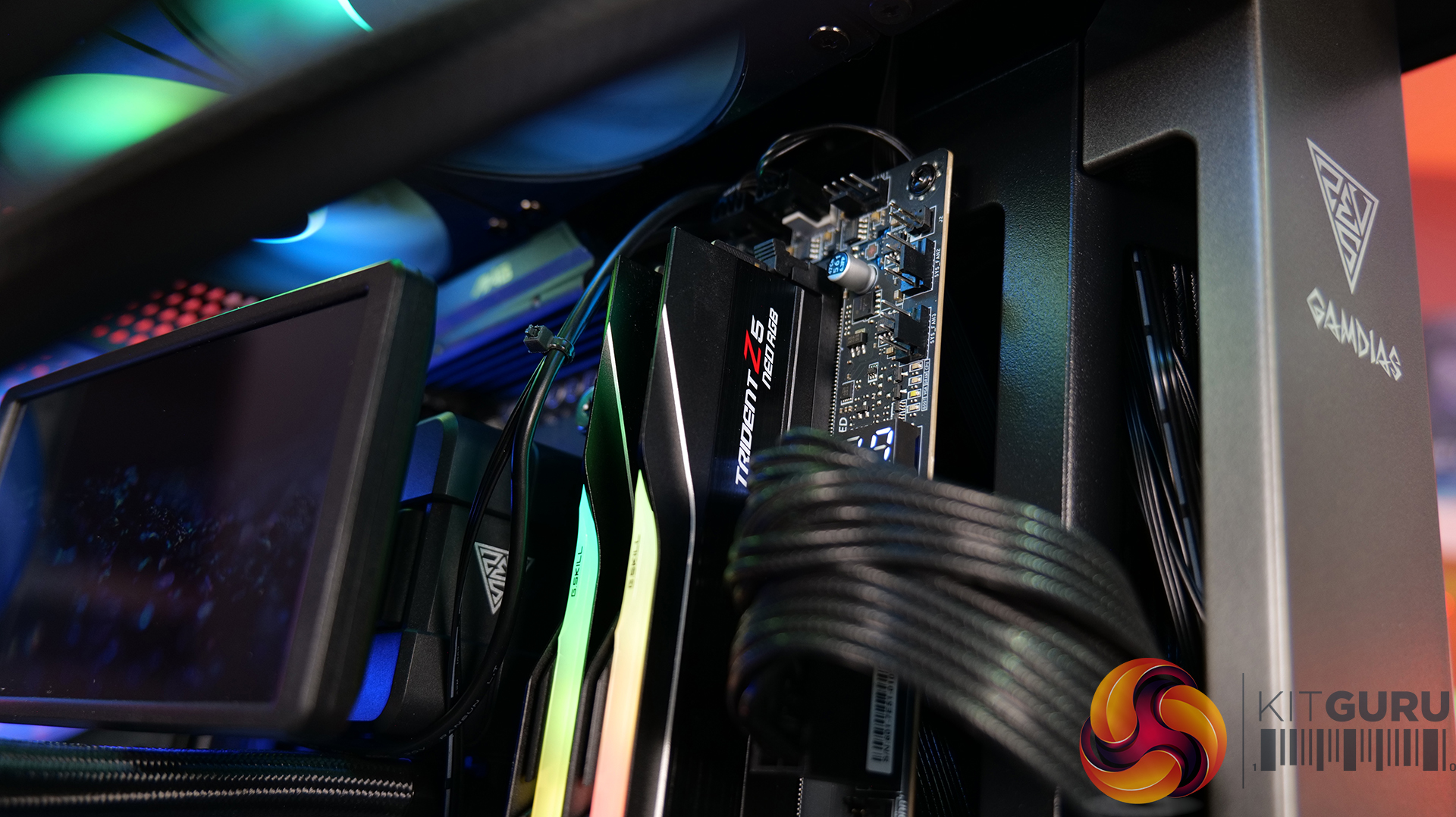
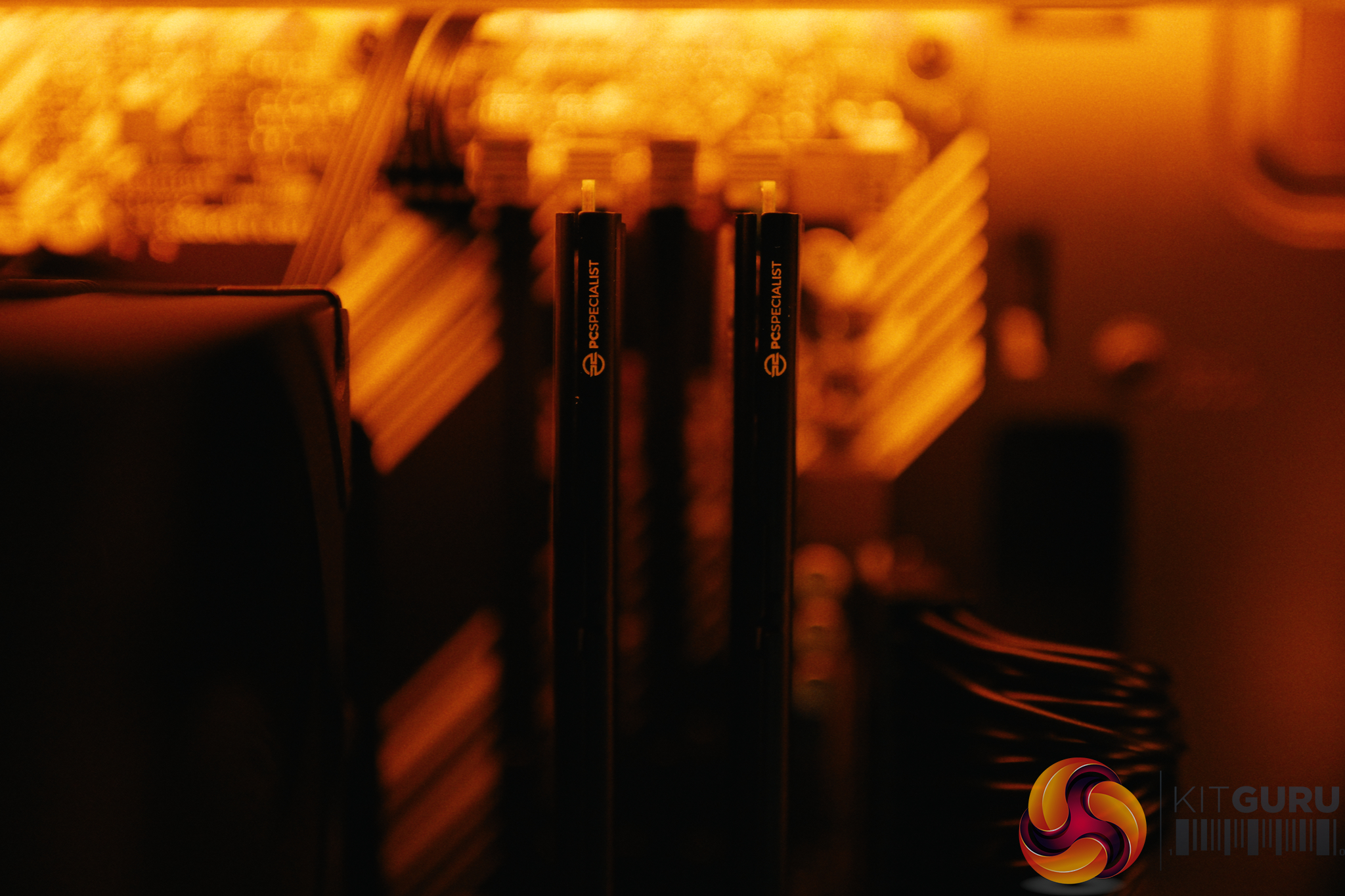
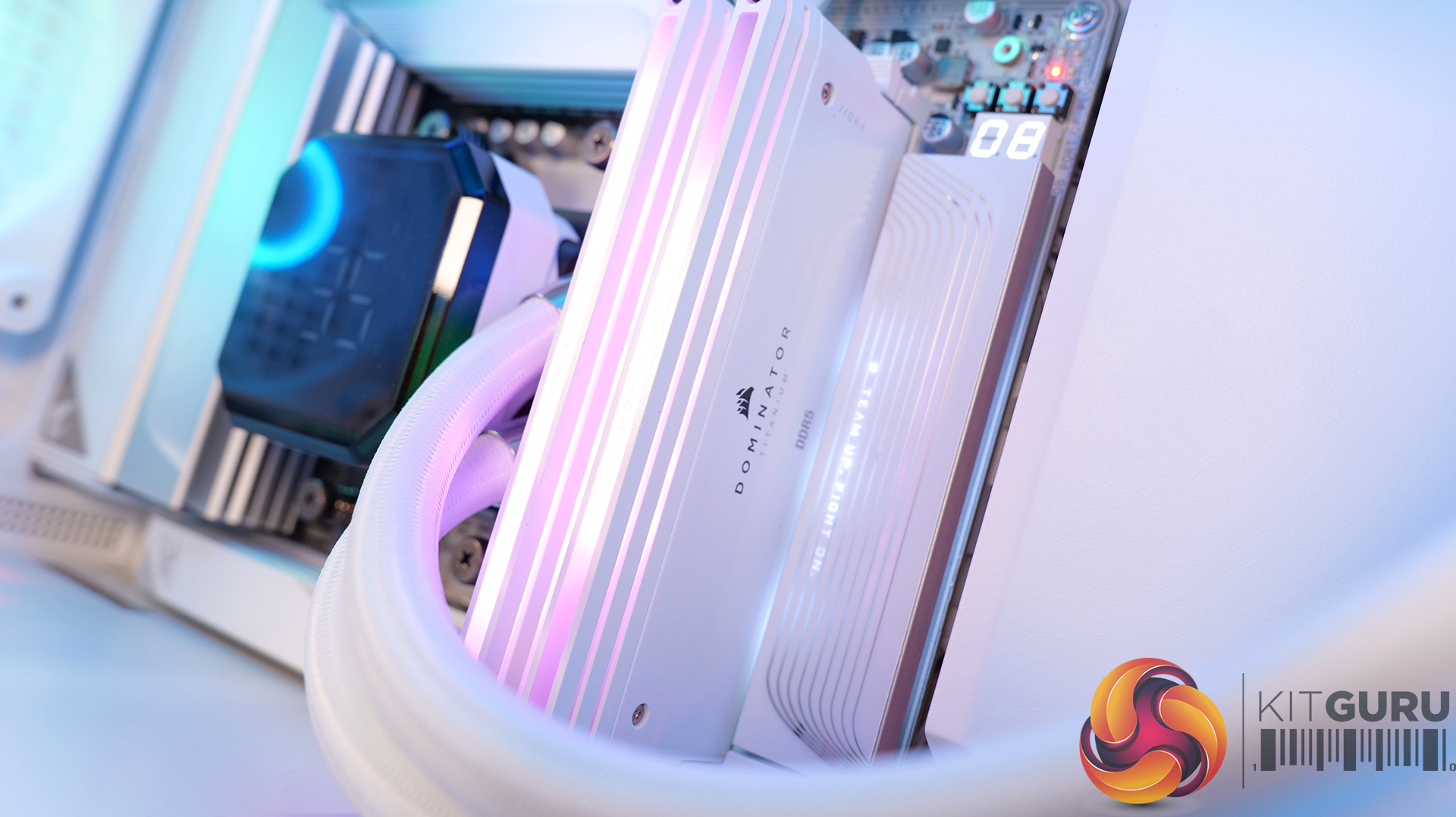
  • Memory (RAM): 32GB DDR5 5600MT/s (2x16GB)
  • Graphics card (GPU): NVIDIA® GeForce RTX™ 5070 Ti 16GB
  • Power supply: Cooler Master Elite 850W 80+ Gold fully modular
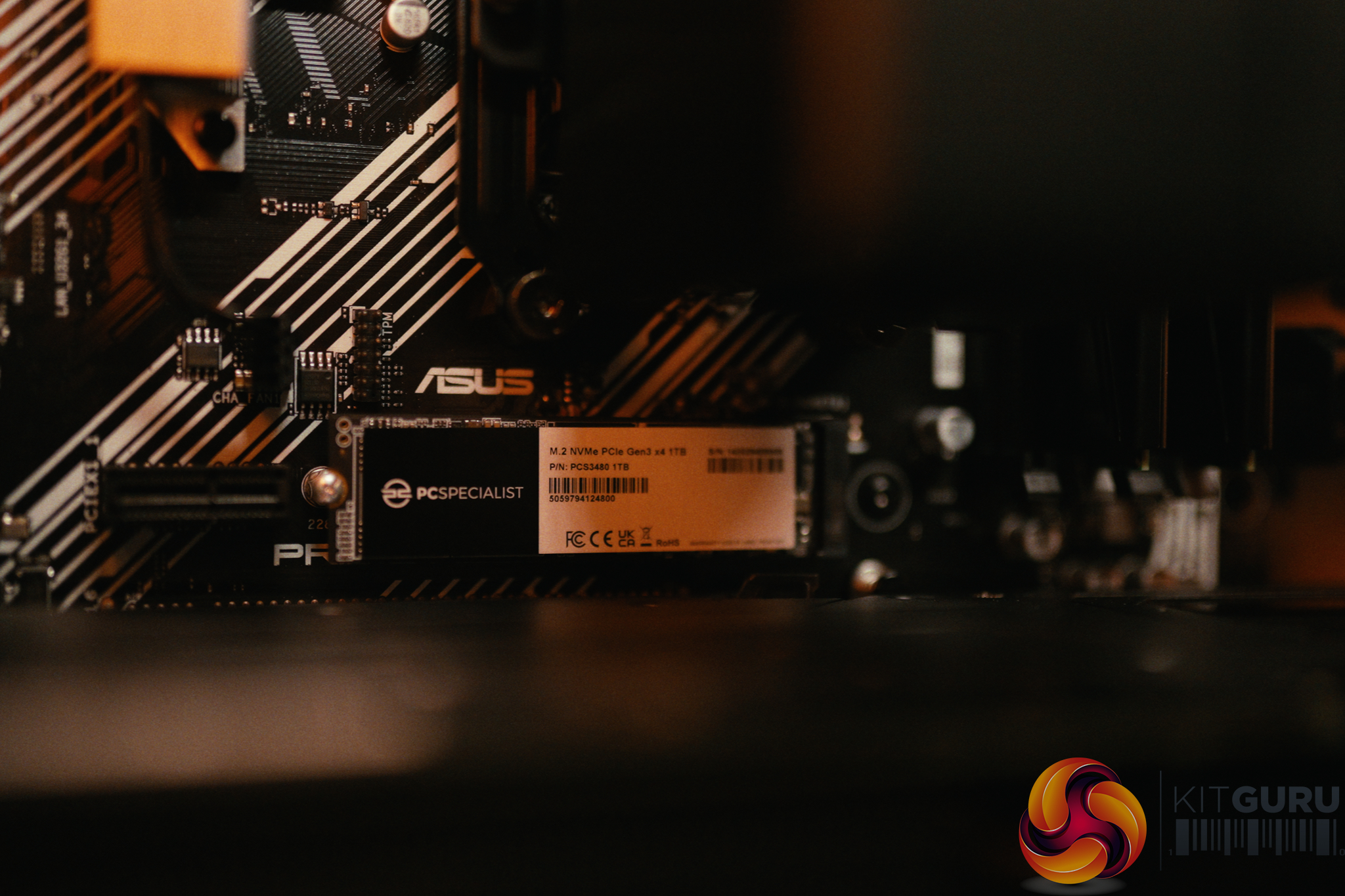
  • Primary storage: 2TB NVMe Gen4 SSD
  • Sound: High-definition onboard audio
  • Bluetooth: USB Bluetooth dongle
  • Operating system: Windows 11 Home (no recovery media)
  • Fast track service: Ready to ship same business day if order confirmed by 2PM
  • Warranty: 5 years labour, 2 years parts, 12 months collect & return, lifetime technical support

You can buy the Infinity U7 Plus from CyberPowerPC for £2099 HERE.

Pros

  • Cheaper than building it yourself.
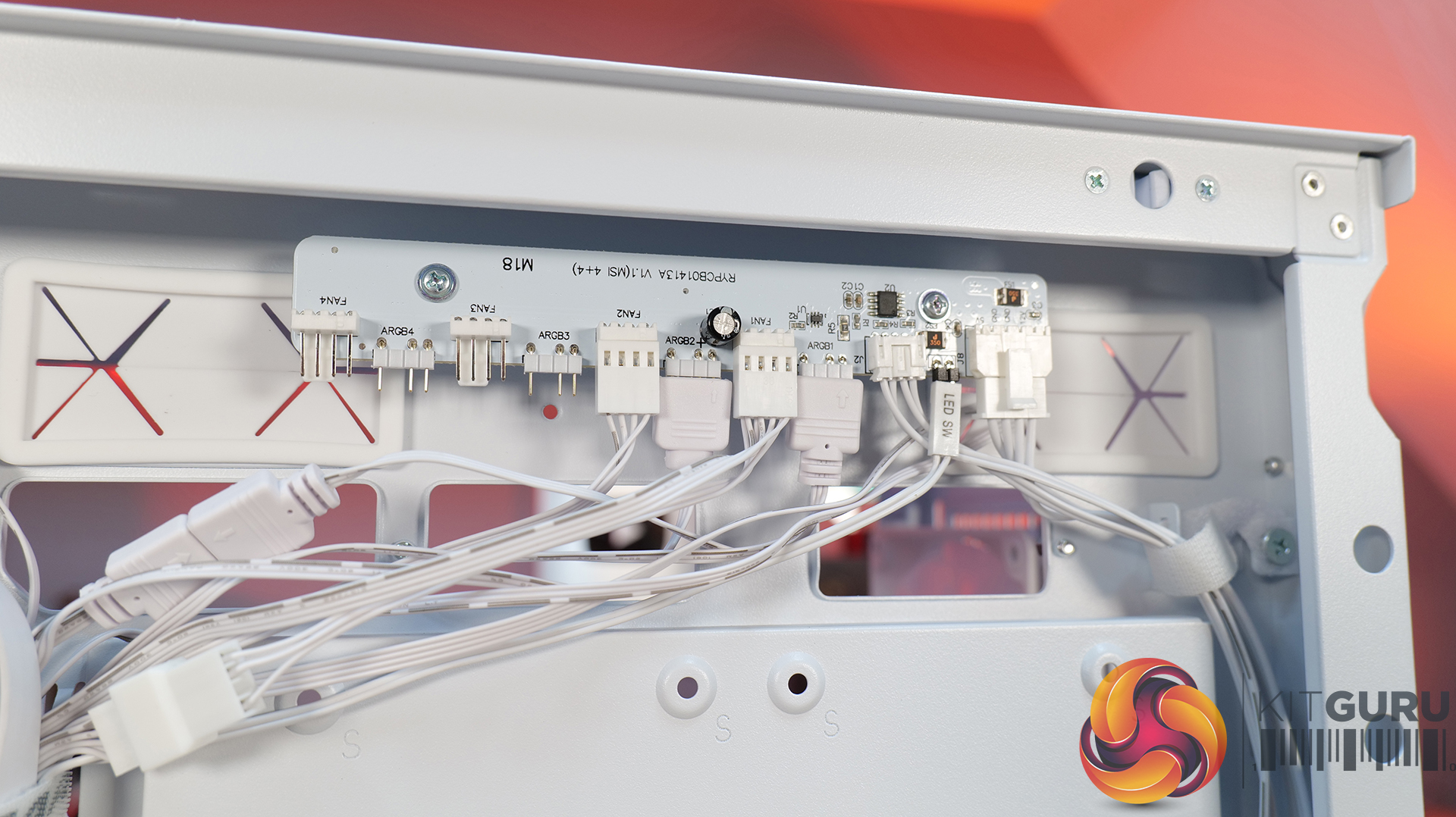
  • Clean chassis with knob-controlled RGB.
  • Great for 1440p or 4K gaming.
  • RTX 5070 Ti offers peace of mind with its 16GB framebuffer.
  • Runs quiet and cool.
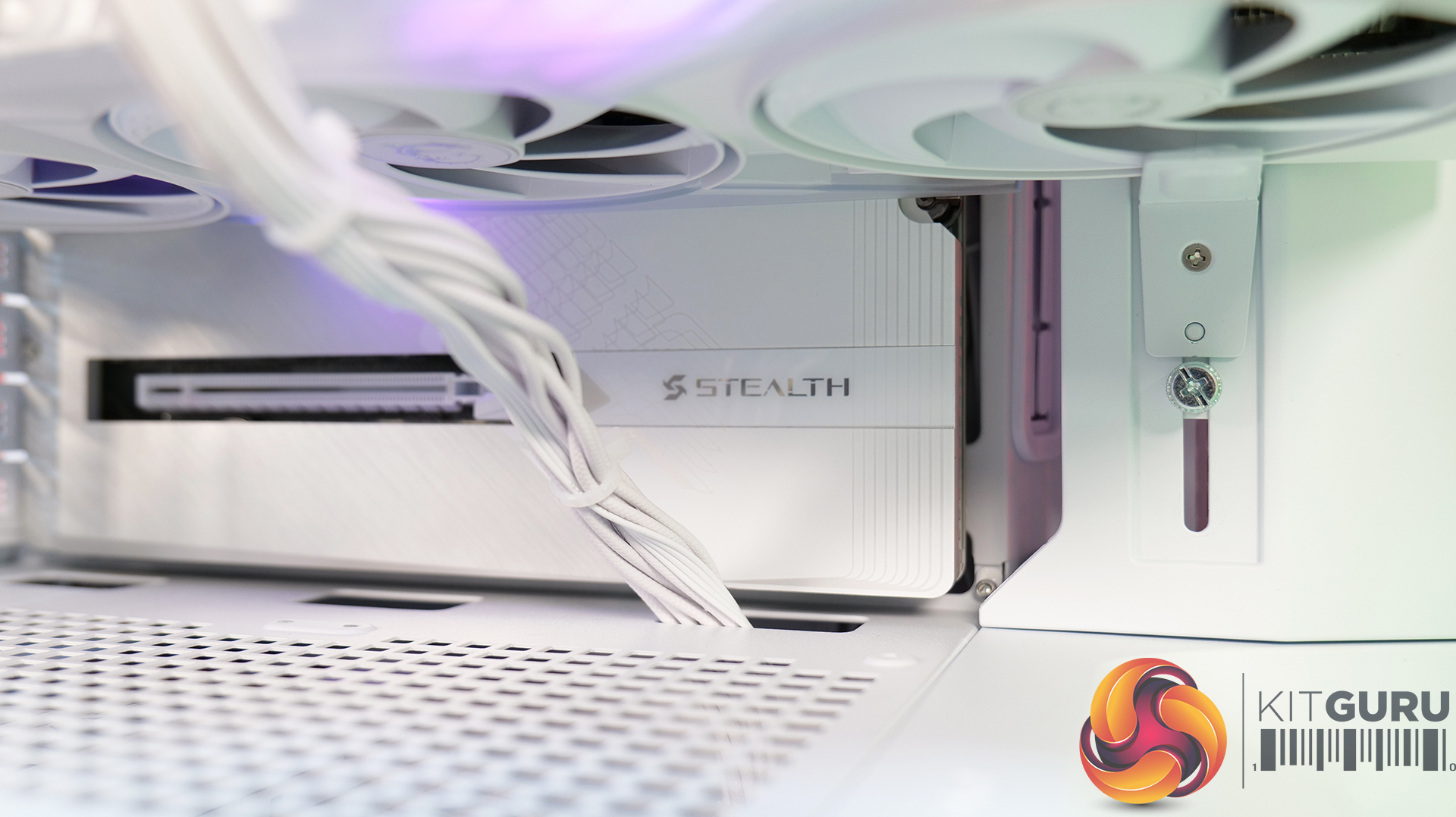
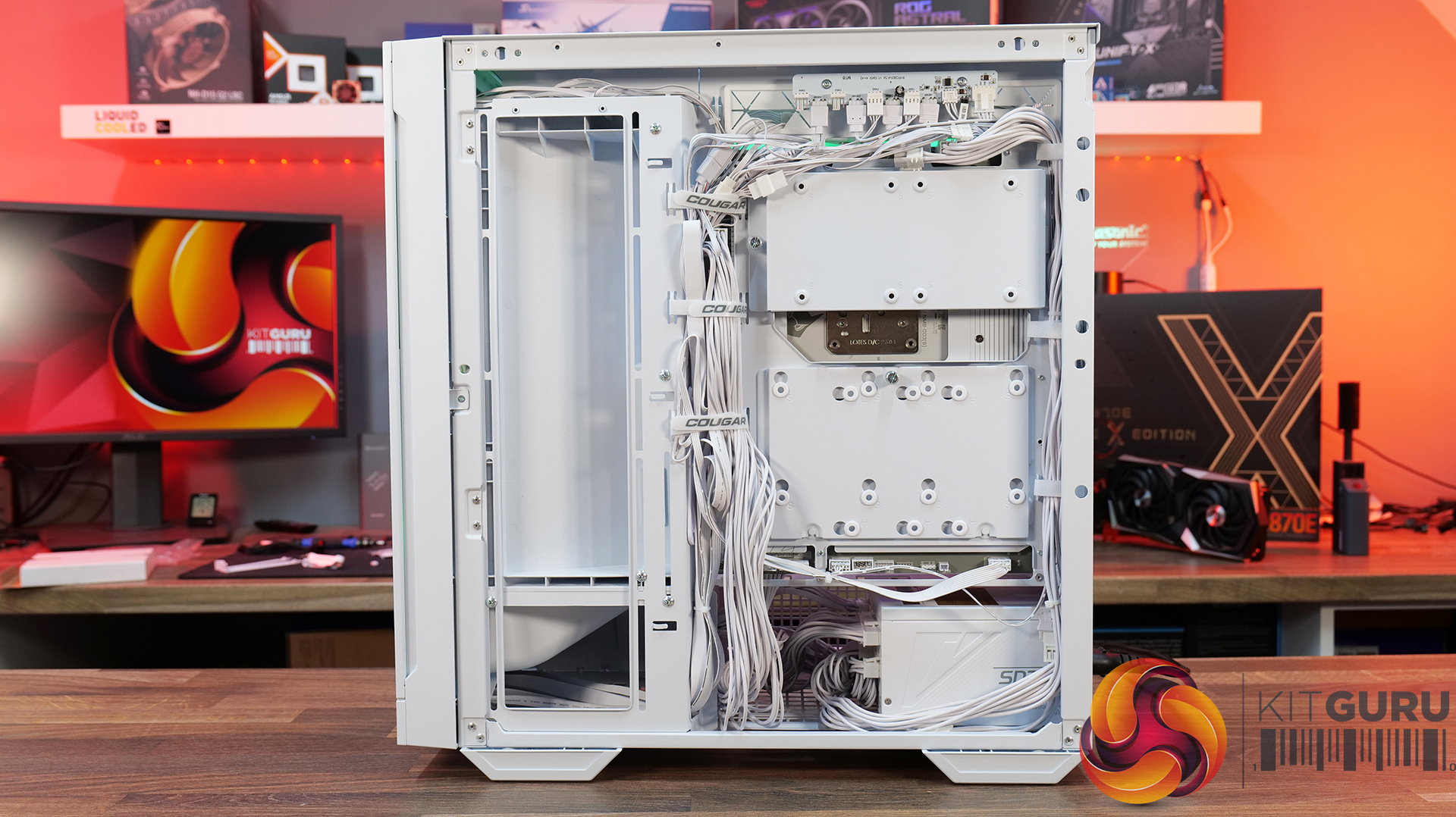
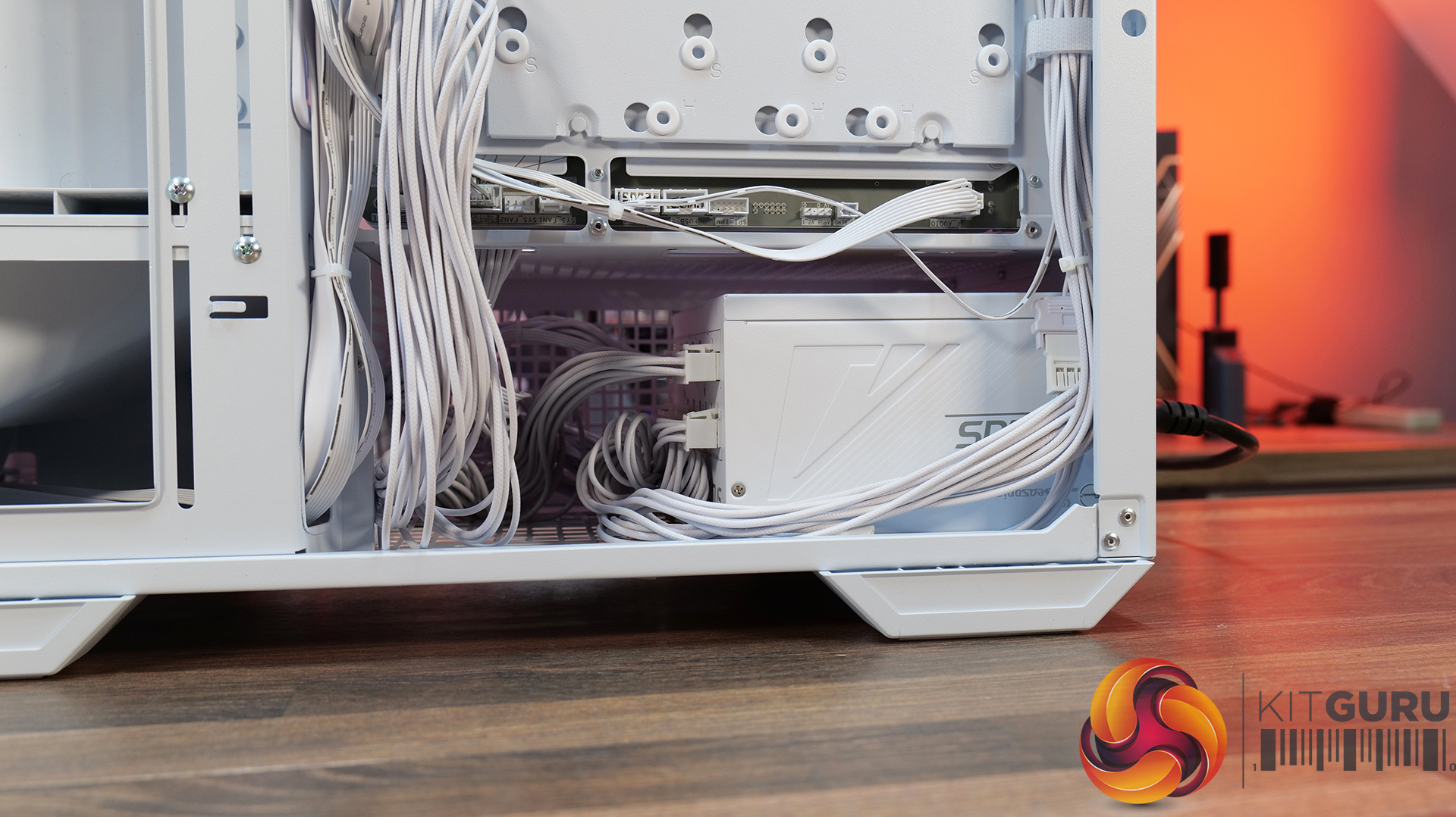
  • Tidy cable management on front and back.

Cons

  • Memory isn't the fastest at DDR5-5600 CL40.

KitGuru says: It's very hard to argue with the spec on offer from the Infinity U7 Plus, and the fact that it's cheaper to buy this than build an equivalent system yourself makes it a bit of a no-brainer.

The post CyberPowerPC Infinity U7 Plus Review (270K Plus + 5070 Ti) first appeared on KitGuru.
Before yesterdayMain stream

Corsair Frame 5000D Wood RS Case Review

24 July 2026 at 08:55

Today we're taking a look at the new Corsair Frame 5000D Wood RS PC case. At first glance it might just look like the regular Frame 5000D with a fancy wooden front, but Corsair has actually made a few interesting changes under the hood. Along with the solid wood front panel, you get a pair of huge 200mm intake fans, a full-length tempered glass side panel, a more compact PSU shroud, and an updated front I/O layout with three USB Type-C ports. So, is this just a cosmetic refresh, or has Corsair really improved one of its flagship cases? Let's find out.

Timestamps:

00:00 Introduction
00:50 Pricing and Info
03:00 Front I/O
03:25 Features / Removing panels
04:35 Hardware / Cooling Support
06:01 Inside the Case / Options
07:21 Air Cooler Support
07:38 GPU Support
08:07 Motherboard Support
09:09 Back of Case
10:17 Cable Routing / Drives
13:00 Floor of Case
13:38 Accessories
15:10 Testing Methodology
15:40 Thermal and Noise Performance
17:05 Closing Thoughts

Features:

  • Real Wood, not Wood-effect – The standout feature of the Frame 5000D Wood RS is the new FSC-certified solid wood front panel. It gives the FRAME 5000D a much warmer, more premium look while still allowing plenty of airflow through the front of the chassis.
  • Big Fans, Low Noise – The original 140mm intake fans are swapped for a pair of massive 200mm RS200 fans that can shift plenty of air at lower RPM, keeping cooling performance high and noise low.
  • Cleaner Layout Inside and Out – A full-length tempered glass side panel, a more compact PSU shroud and updated front I/O with all USB Type-C connectivity all help modernise the Frame 5000D, giving you a better view of your hardware and a more up-to-date feature set.

Specifications:

  • Case Type: Full Tower
  • Dimensions (LxWxH): 542 x 250 x 556mm
  • Materials: Steel, Glass, Wood, Plastic
  • Motherboard Support: Mini-ITX, Micro-ATX, ATX, E-ATX
  • Reverse-connector motherboard support: Yes
  • Expansion Slots: 8 x Horizontal / 3 x vertical
  • Storage bays: 3.5” x 1, 2.5” x 4
  • Max GPU Length: 425mm (w/fans)
  • Max CPU Cooler Height: 175mm
  • PSU Type: ATX
  • Cable Routing Space:
  • Supplied Fans: 2X RS200, 1x RS140 pre-installed
  • Fan Support: 3 x 120mm,3 x 140mm (Top), 2 x 200mm, 3 x 120mm, 3 x 140mm (Front), 3 x 120mm, 3 x 140mm  (R/H Side), 1 x 120mm, 1 x 140mm  (Rear), 1 x 120mm (Bottom)
  • Radiator Support: 420mm 360mm 280mm 240mm (Top), 420mm 360mm 280mm 240mm (Front), 420mm 360mm 280mm 240mm (R/H Side), 140mm 120mm  (Rear)
  • Dust Filters: Front, bottom, right side
  • Font I/O: 2x USB 3.2 Gen1 Type-C (5Gb/s), 1x USB 3.2 Gen2x2 Type-C (20Gb/s), PWR Button, Combo Mic/Headphone Jack
  • LCD Screen: N/A

Thermal Performance Testing

To simulate thermal demand, we run the Cinebench R23 multi-thread benchmark and 3DMark Speed Way stress test simultaneously in a loop for 30 minutes to load the system fully. This gives the CPU and GPU enough time to reach constant steady-state temperature. With this data, we can compare how the system handles the thermal demand and measure peak noise levels.

Thermal performance is measured with the case in various configurations, such as the default, with the tempered glass left-hand side panel removed and with the front panel removed to see how these configurations affect the CPU and GPU temperature. During testing, only stock case fans are used unless otherwise specified. All water pumps are set to maximum RPM and fans are set to a custom RPM curve by the Motherboard software/BIOS.

All temperature measurements are presented as Deltas – meaning the ambient temperature has been deducted from the CPU temperature, giving us a Delta. Data shown in the charts represents the average component temperature over the length of the test as measured by HWiNFO, and then the last 15 minutes of the data are calculated to get the average. The ambient temperature during thermal tests is between 19-20⁰C.

Test System Specification:

Thermal Performance Overview

We test case thermals using a 360mm AIO as exhaust at the top and with the case in several different fan configurations. The default configuration shown in the charts is with the top 360mm AIO cooler, 2 x 200mm front intake fans and a single 140mm rear exhaust fan and with all case panels installed.

Thermal performance is about as good as you could expect for from a case like this. In the default configuration we see the CPU steady-state average at 55°C over ambient while the GPU is at 52°C . Adding extra side or floor intake fans doesn’t really change temperatures, just one or two degrees C drop on the GPU, suggesting the stock airflow is already well optimised.

Removing the tempered glass side panel makes almost no difference at all, shaving just a single degree off the CPU while leaving GPU temperatures unchanged. In other words, Corsair's pair of 200mm front intake fans are doing exactly what they're supposed to, delivering plenty of airflow straight out of the box without the need for additional fans or a change of configuration.

Noise Output

Noise follows a similar path to thermal performance; in this test, the case fans are fixed at low RPM, so they are virtually silent. The only noise comes from the CPU cooler and GPU fans. Since there isn't a massive change in temperature with the case in either configuration, the noise output stays pretty consistent.

Across all configurations, the idle noise is essentially identical; the only drop in load noise occurs with the glass side removed, as the CPU and GPU temperatures are at their lowest, but the drop in noise is just 1dBA, which is hardly noticeable in real-world situations. So, in terms of thermal performance, if you keep the case fan speed to a sensible level, noise is very well optimised out of the box.

Closing Thoughts

The Frame 5000D Wood RS is a worthy refresh of the original Corsair Frame 5000D. The addition of a real wood front panel gives it a much more premium look without sacrificing airflow, making it stand out from the mesh and tempered glass cases currently on the market. It feels like a more mature design, and the option of Black/Walnut or White/Oak should appeal to anyone looking to build a PC with either a black or white theme.

Performance is equally impressive. The pair of 200mm front intake fans provide excellent airflow while running at relatively low speeds, resulting in excellent cooling performance without generating excessive noise. Our testing showed little to be gained from removing panels or adding extra intake fans, which tells you Corsair has done a solid job of optimising the stock airflow configuration straight out of the box.

That said, the build experience isn't quite as polished as the cooling performance. Installing the motherboard proved more awkward than expected, with the motherboard backplate making it difficult to line everything up. Graphics card installation also felt unnecessarily fiddly, as the opening around the PCIe slots doesn't leave much room to manoeuvre cards into position, particularly if your motherboard has chunky rear-mounted heatsinks around the M.2 area. Neither issue is a deal-breaker, but they're the sort of frustrations you don't expect from a case at this price point.

Overall though, the positives outweigh the negatives. The Frame 5000D Wood RS looks great, it delivers excellent thermal performance and quiet operation, and retains all the flexibility of Corsair's modular Frame ecosystem. The installation quirks knock points off what is otherwise a very capable chassis. So if the mature aesthetics, airflow and upgradeability are your thing, this should be on your parts list for your next build, unless you need something smaller, the Frame 4000D Wood is your perfect alternative.

The Corsair Frame 5000D Wood RS is available to purchase now from Scan priced at £159.95 HERE.

Pros: 

  • Big front fans keep the system cool and quiet with great airflow.
  • Wood front gives a more premium look.
  • Lots of space for hardware and cooling.

Cons:

  • Motherboards with backplates can be difficult to install.
  • Graphics cards can be tight to get into the PCIe slot.
  • Quite large for a basic gaming system.

KitGuru says: Corsair has made some worthy changes to the Frame 5000D, which means it still offers great airflow and cooling but now with premium looks too!

The post Corsair Frame 5000D Wood RS Case Review first appeared on KitGuru.
MSI MAG A1200PLS Platinum PSU Review

23 July 2026 at 08:30

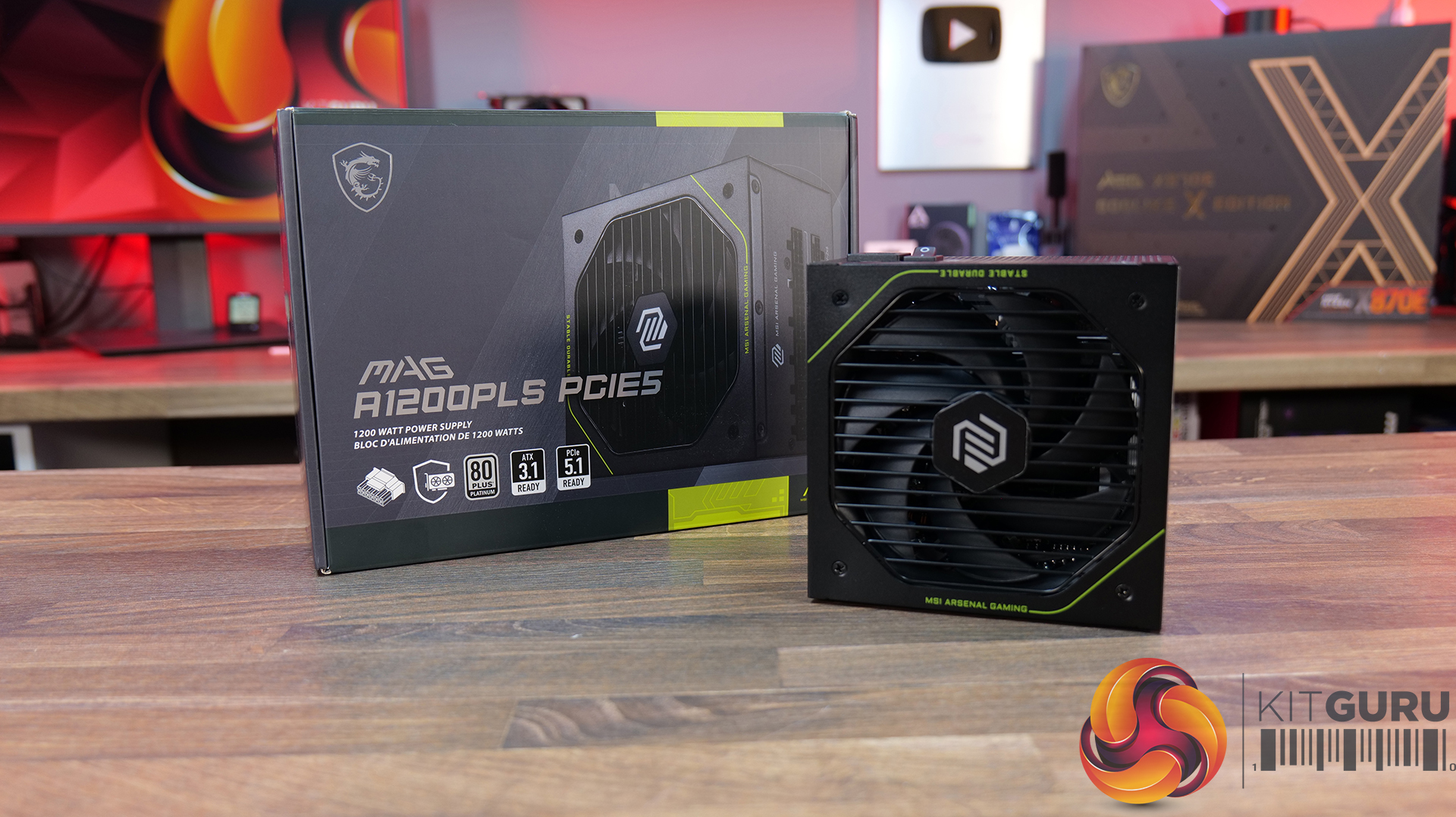
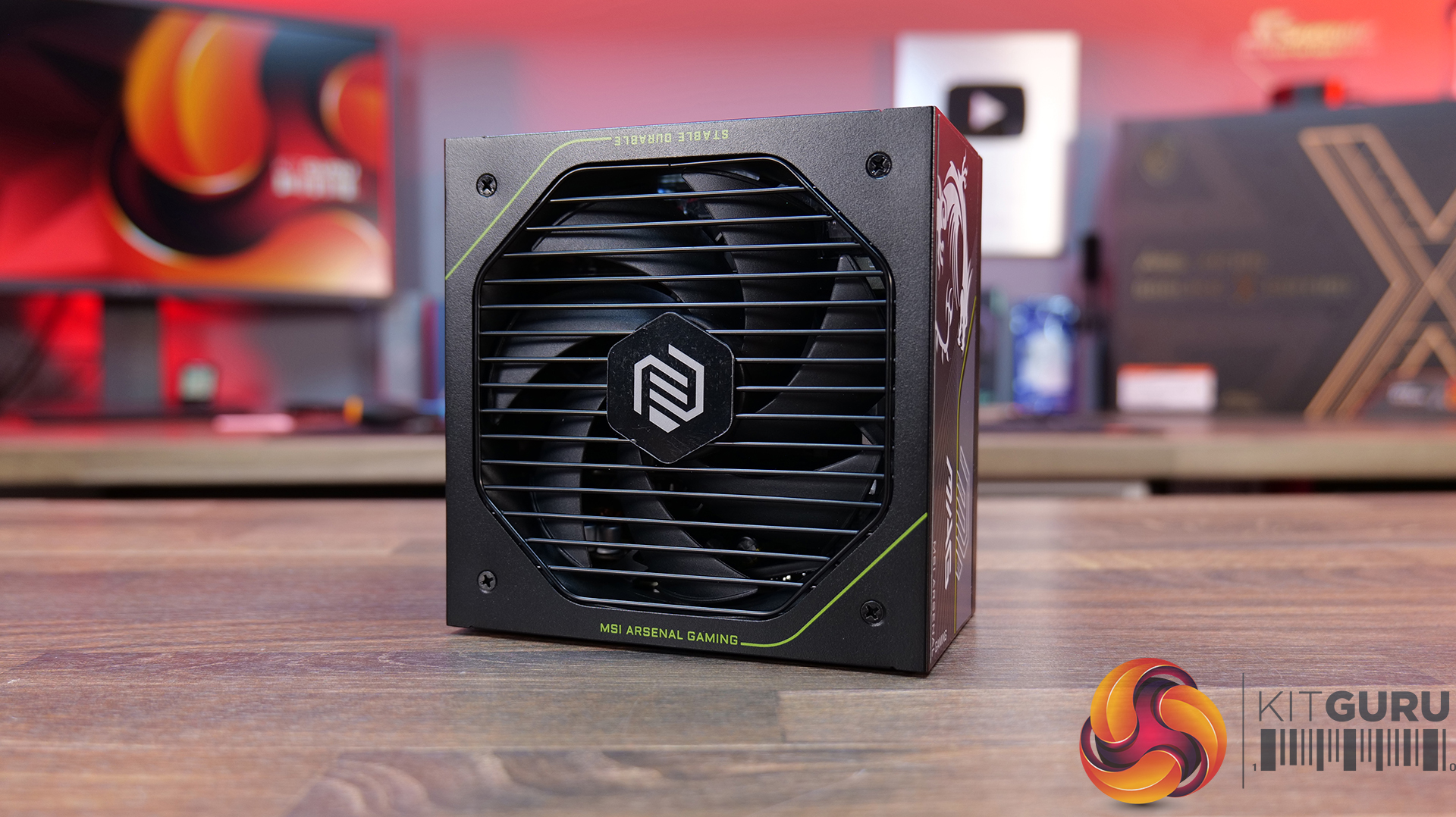
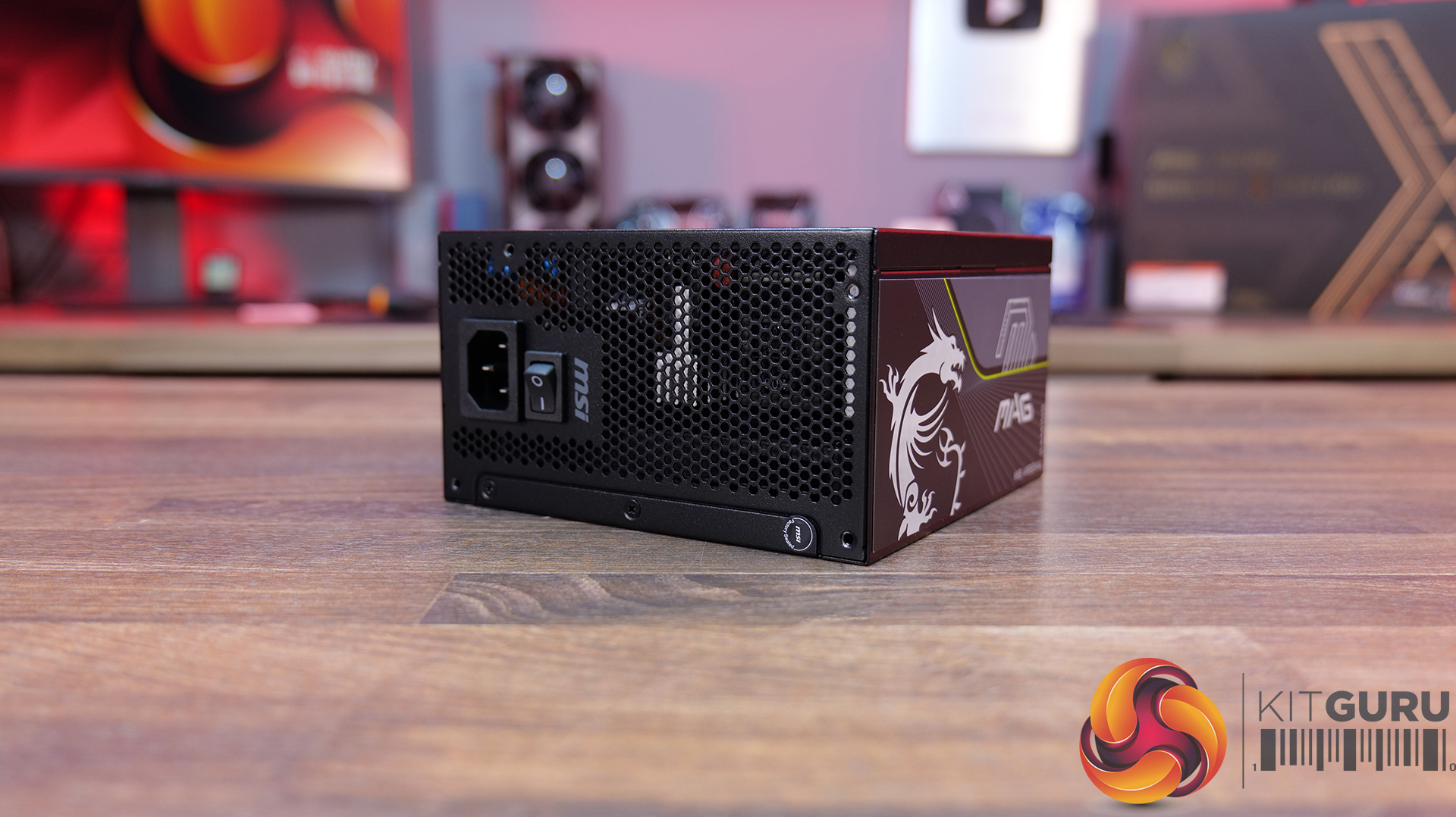
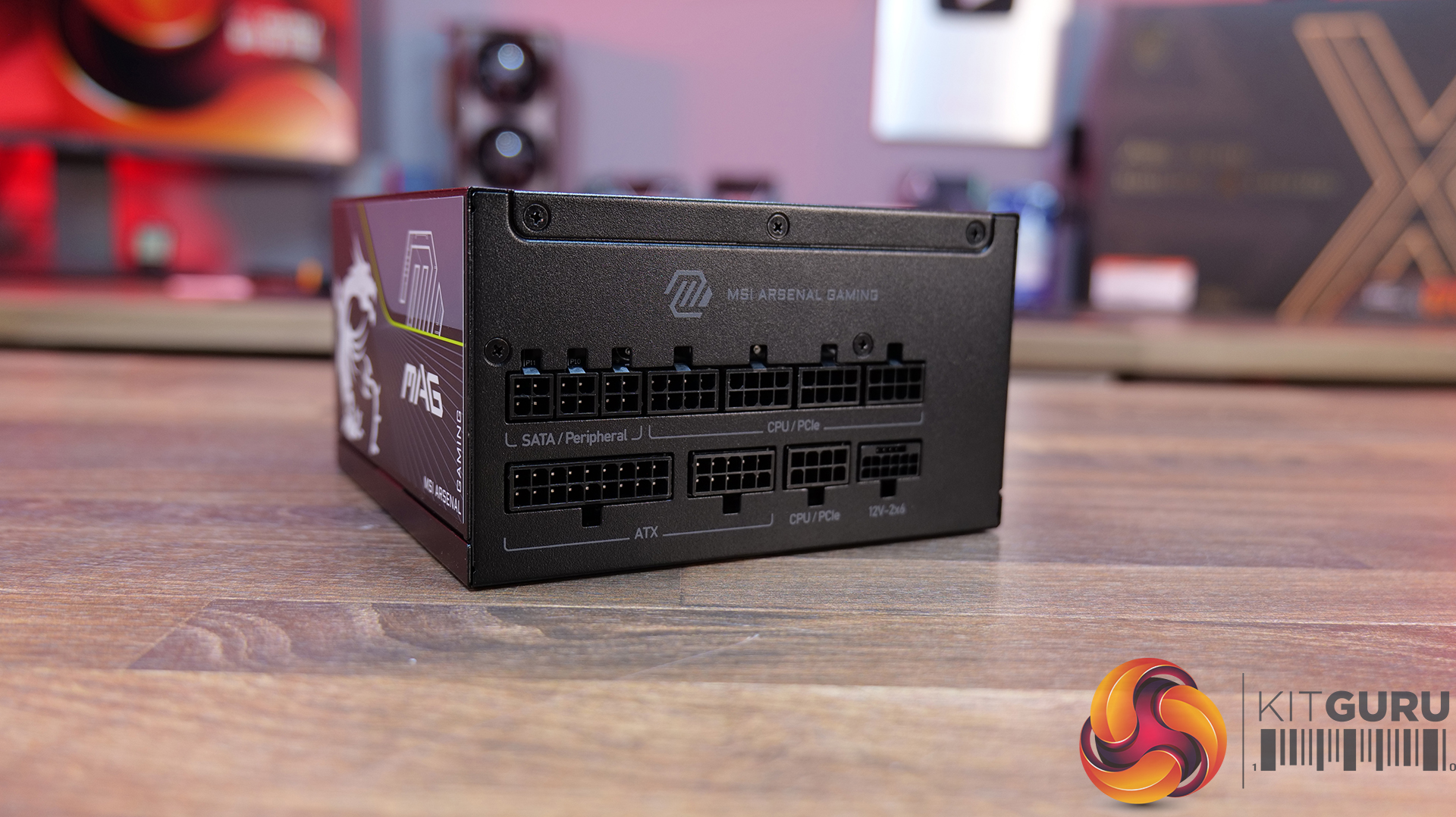
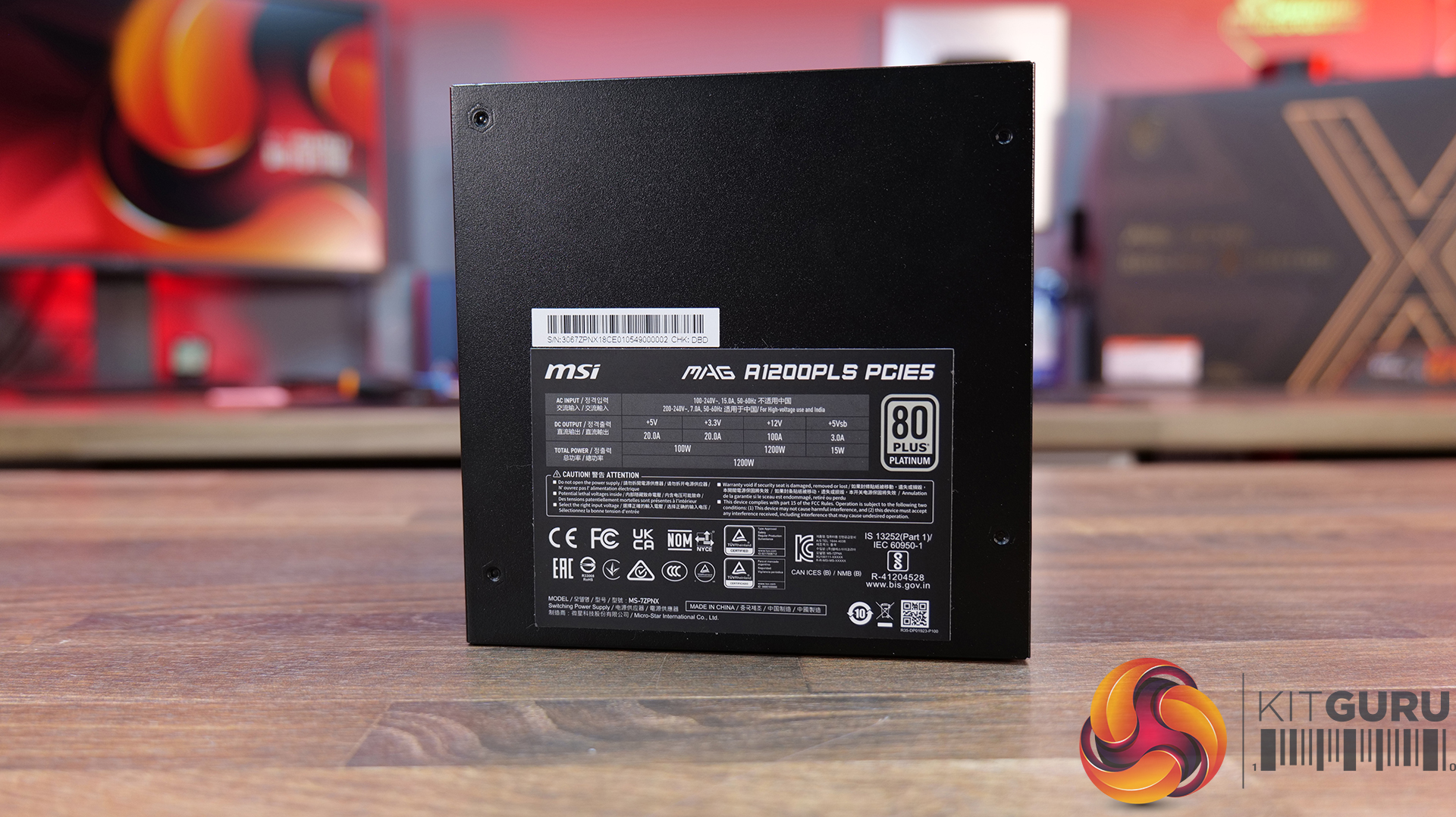
Today we are taking a look at one of the latest power supplies to join MSI's PLS range, the MAG A1200PLS, a 1200W Platinum-rated unit. To address ongoing concerns surrounding the 12V-2×6 power connector, MSI has incorporated its new GPU Safeguard technology, which monitors the connector for abnormal current conditions and provides an immediate audible warning if an issue is detected. The same buzzer system also monitors the cooling fan and will alert the user should a fan failure occur.

The MAG A1200PLS is a fully modular unit and is currently on sale in the UK for around £180 inc vat.

MSI MAG A1200PLS Features:

GPU SAFEGUARD
Featuring built-in overcurrent protection for the 12V-2×6 interface, the buzzer provides real-time warnings to alert users of any abnormalities.

FAN SAFEGUARD
The integrated fan failure protection immediately detects when the fan stops spinning. A buzzer will then sound, alerting you to the problem and preventing the power supply from overheating.

DUAL COLOR 12V-2×6 CONNECTOR
With its vibrant yellow connector, you can easily see if the cable is fully plugged in, which helps guarantee a secure connection.

OPTIMIZED SOUND LEVEL
This power supply is designed for quiet operation, delivering low noise levels like in the midnight, ensuring a serene computing experience free from disturbances.

EMBOSSED JACKET CABLE
The embossed cables are exceptionally flexible for easy routing and cable management, while also offering superior durability and a premium look.

The post MSI MAG A1200PLS Platinum PSU Review first appeared on KitGuru.
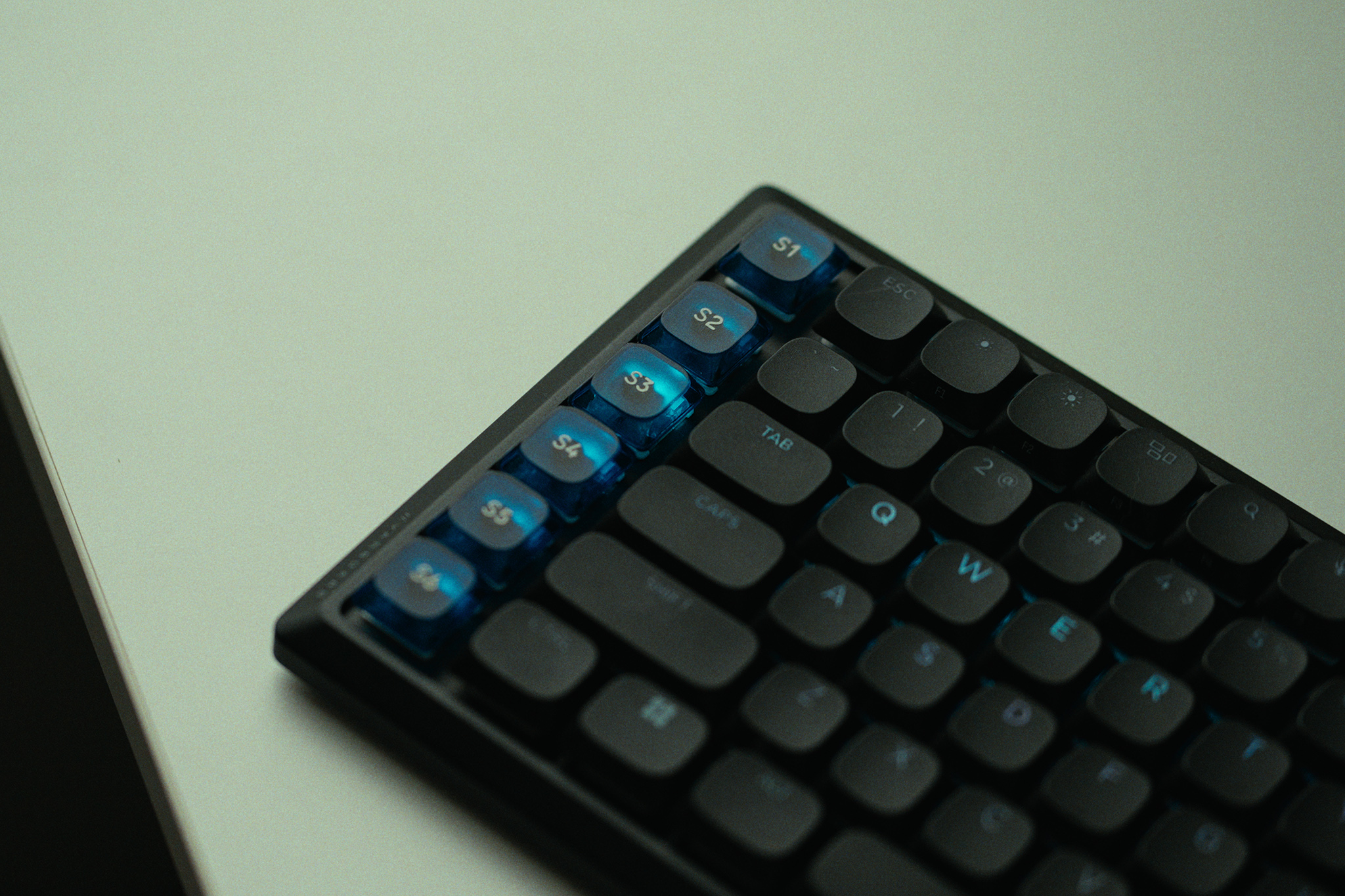
Wooting 60HE V2 Keyboard Review

22 July 2026 at 12:47

The Wooting 60HE V2 is one of the most talked-about hall effect keyboards on the market, and for good reason. Built around magnetic switches and packed with features like rapid trigger, adjustable actuation and SOCD, it’s aimed squarely at competitive gamers. But with a price tag to match its reputation, does it actually deliver where it matters?

Timestamps:

00:00 Intro
01:20 Key info + pricing
02:24 Design
04:33 Let’s talk gaming features
07:10 Internals + DIY elements
08:25 Soundtest
09:39 Wootility web software
11:48 Closing thoughts

Specifications

  • Switches – Lekker Tikken Medium
  • Keycaps – PBT, ABS and Dye-sub options available
  • Case – ABS or Aluminium
  • Stabilisers – Screw-in stabiliser
  • Switch Plate – FR4
  • Sandwich Pad – HD Poron Sandwich & Silicone Friction Fit Pad
  • PCBA – GH60 (60%)
  • Cable – 2 meter USB-C to C nylon braided cable
  • Dimensions – 305 x 115 mm | 12.0 x 4.5 inch – 28.6mm (H) front height with OEM keycap
  • Weight
    • Aluminium version: 945 grams
    • ABS version: 606 grams

You can buy the 60HE V2 directly from Wooting starting at £155 HERE.

Pros:

  • Exceptional gaming performance.
  • Deep customisation options.
  • Premium build quality.
  • Excellent software (Wootility).
  • Strong community support.

Cons:

  • Expensive.
  • Does take some time to dial it in fully.
  • SOCD banned in some games.

KitGuru says: The 60HE V2 is the best gaming keyboard we've tested. It delivers excellent performance and stellar build quality.

The post Wooting 60HE V2 Keyboard Review first appeared on KitGuru.

AOC Q27G4ZR Review (Budget 1440p/260Hz)

20 July 2026 at 09:00

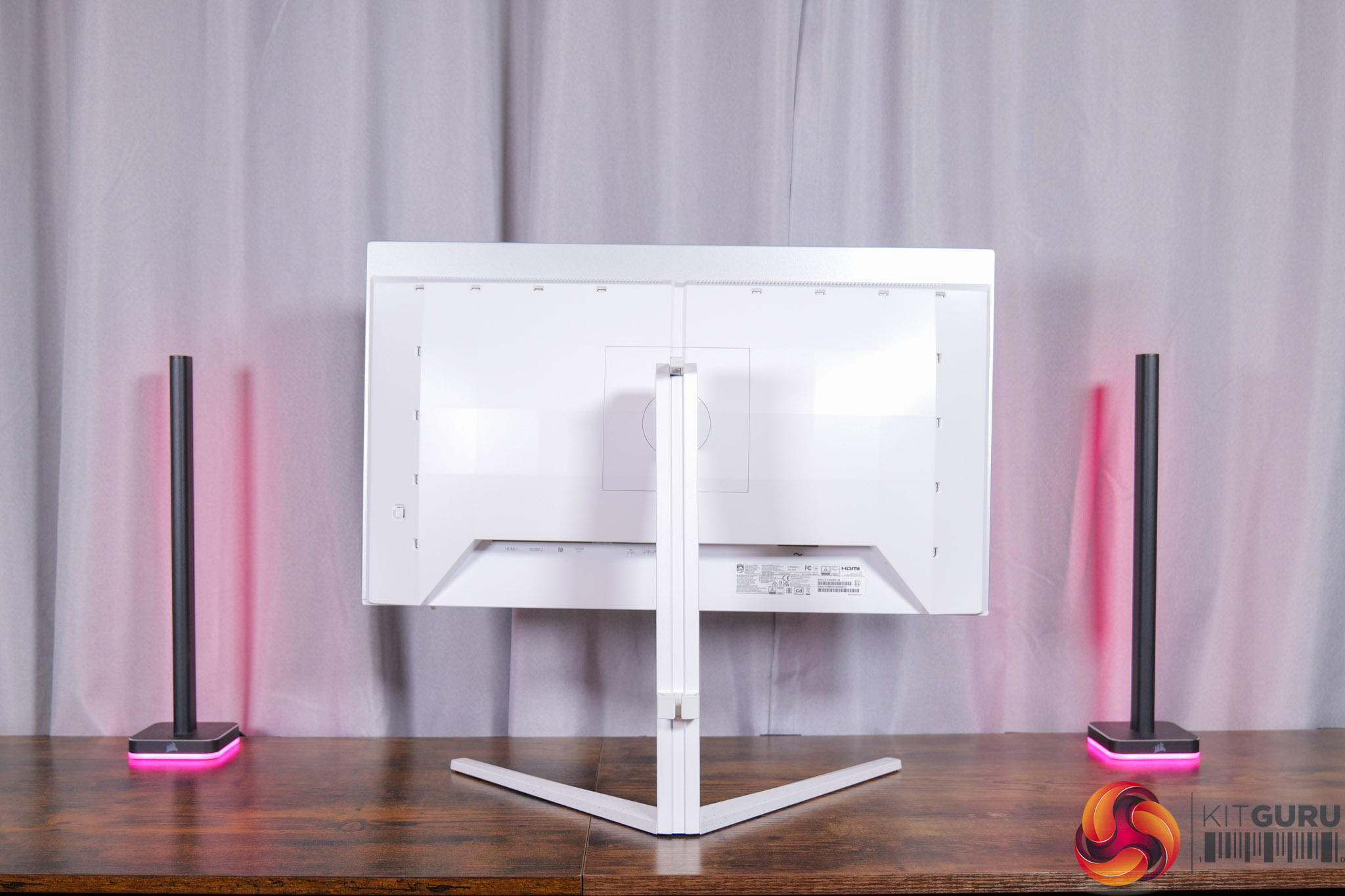
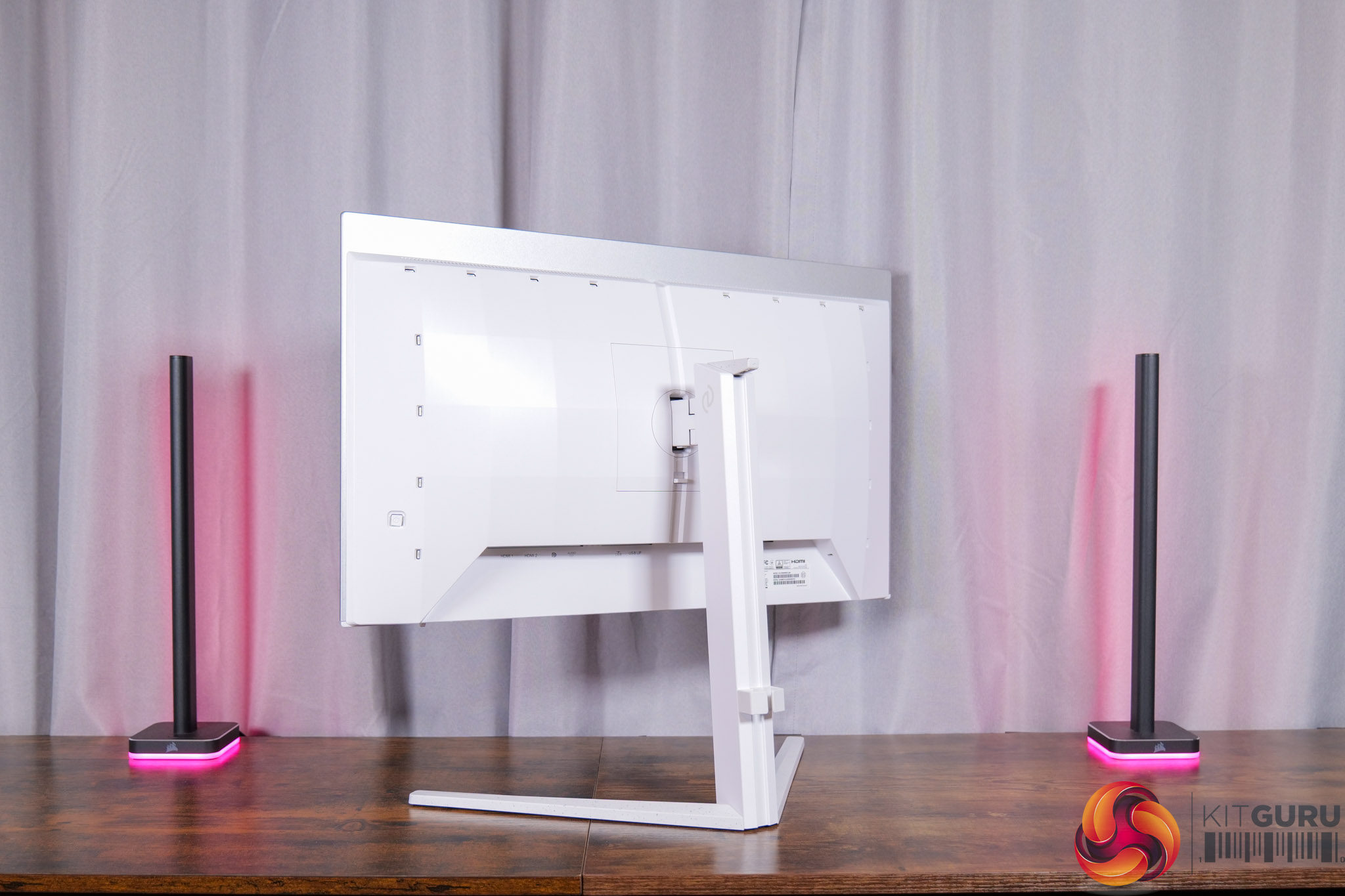
Today we're taking a break from high-end OLED and mini LED monitors to focus on something more affordable. But despite retailing for just £179 here in the UK, AOC's Q27G4ZR has an impressive spec sheet, packing in a 27in IPS panel with a 1440p resolution and 260Hz refresh rate, alongside G-Sync Compatible certification and a claimed 1ms response time. Let's find out exactly how good this screen really is…

Timestamps:

00:00 Intro
00:51 Key details
01:24 Design + ergonomics
02:10 Connectivity options (are very budget)
02:51 OSD navigation
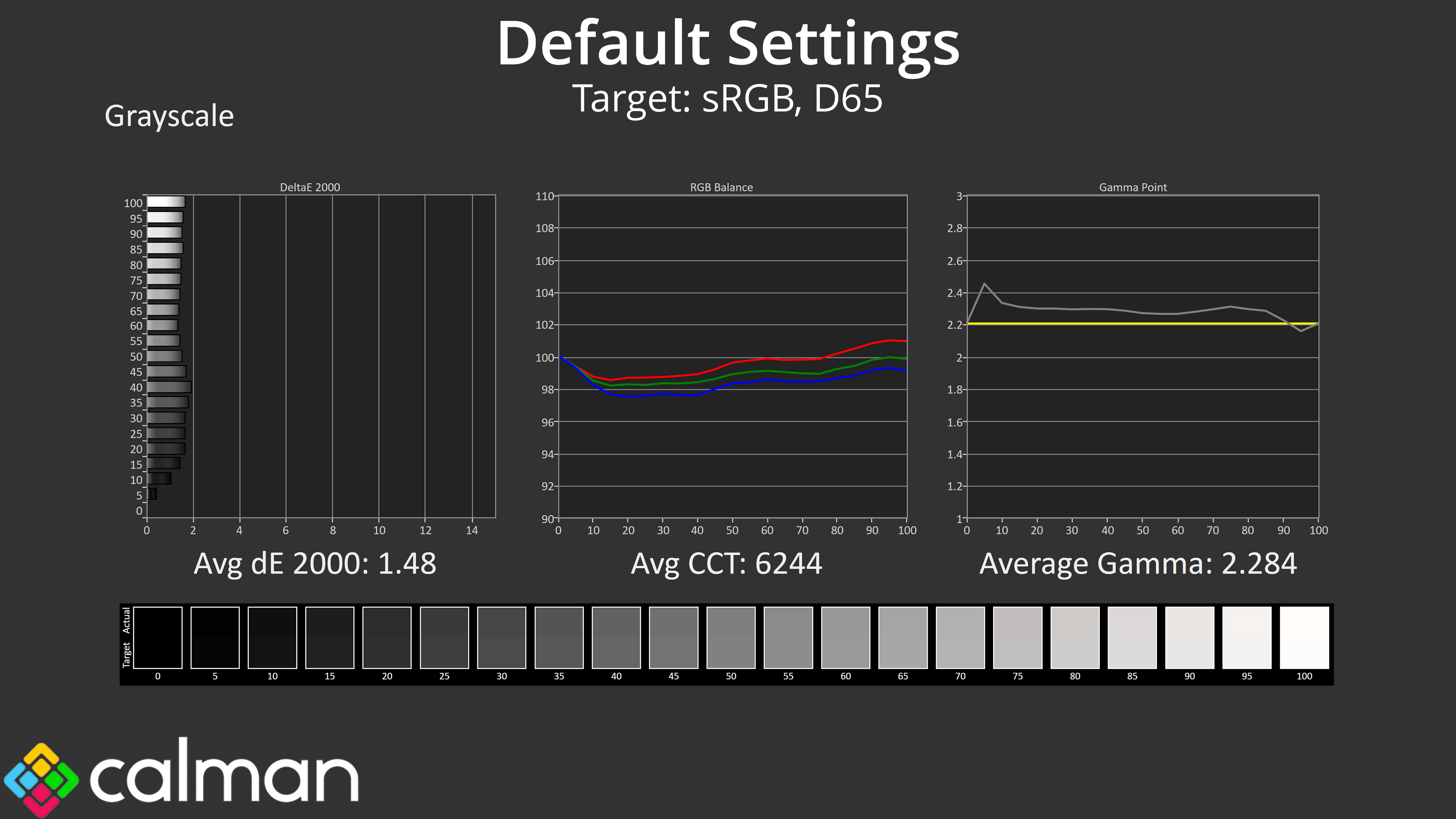
03:53 Factory calibration analysis
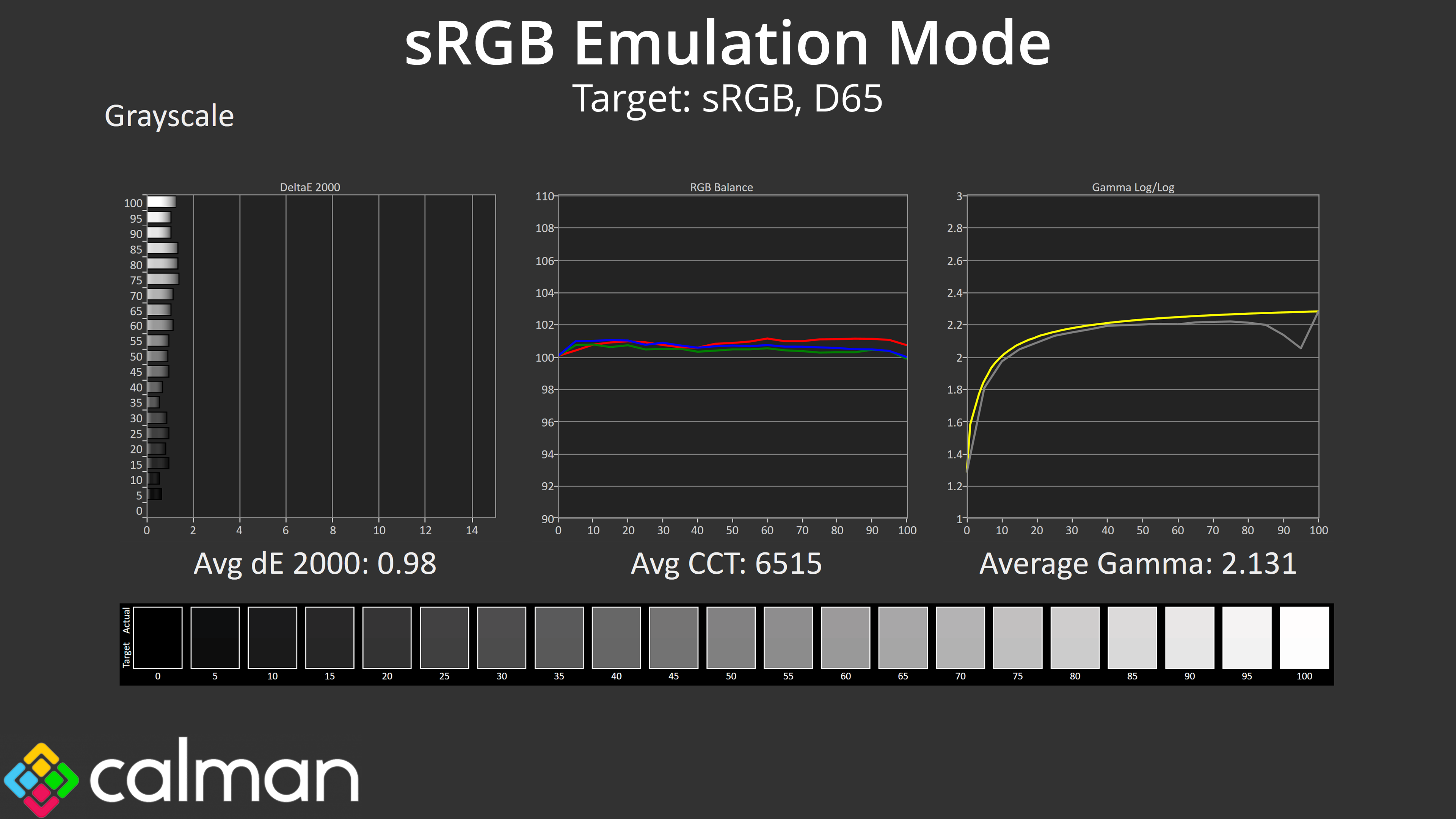
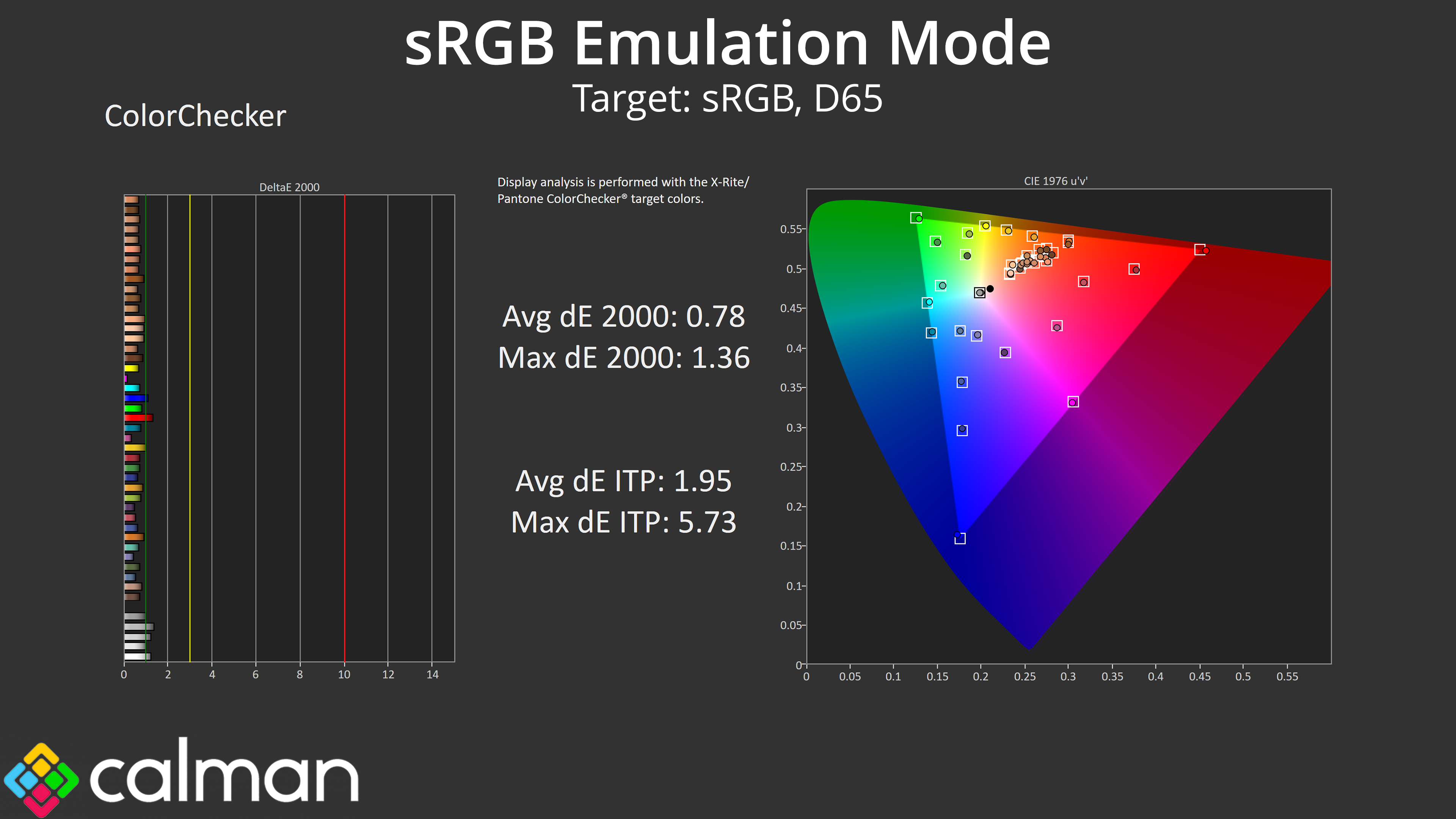
05:59 sRGB mode + calibration
07:15 Response time testing
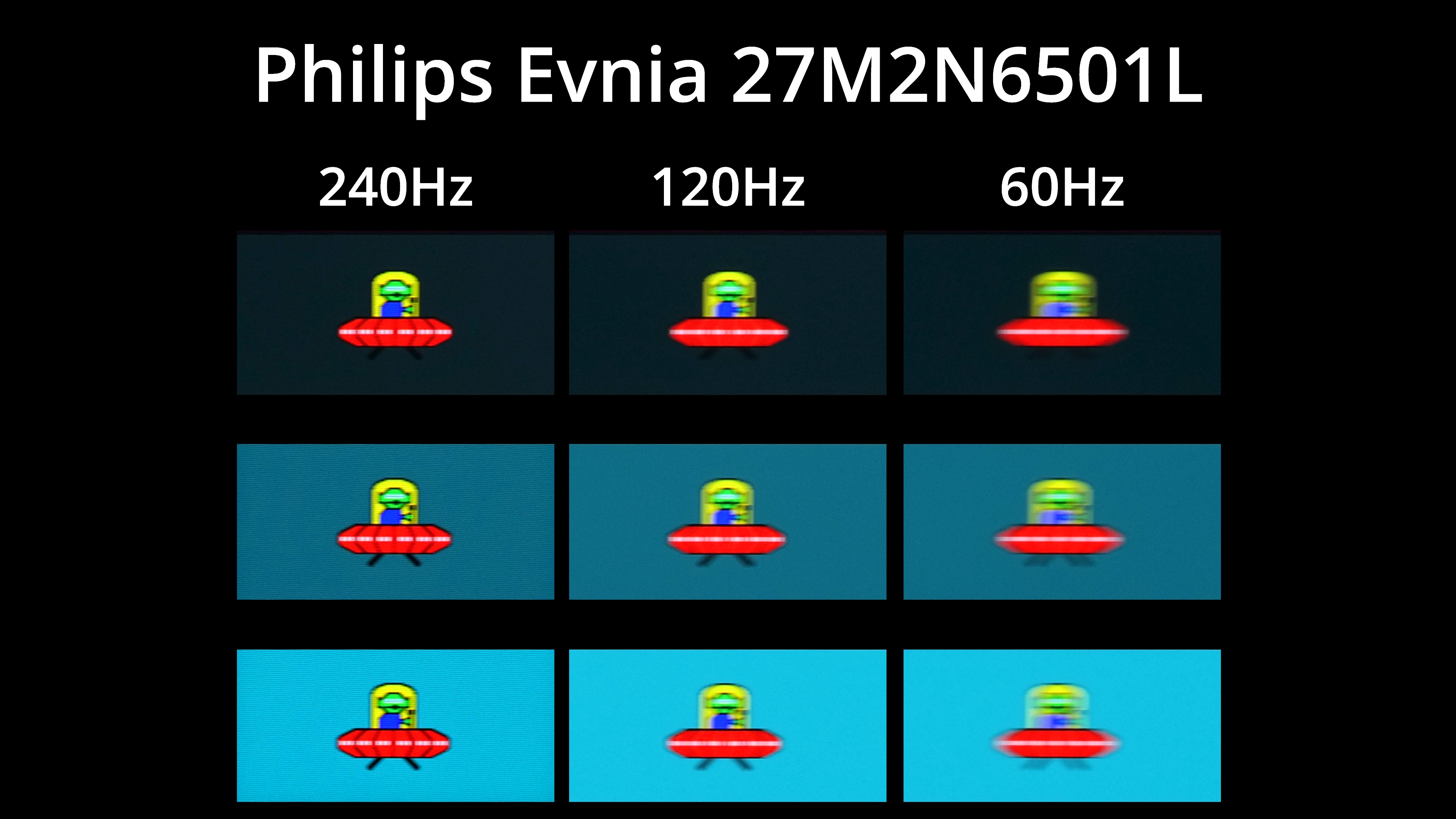
09:13 Motion clarity (BlurBusters UFO)
09:53 Real-world gaming experience
11:09 Closing thoughts

If the spec and price of the AOC Q27G4ZR sound familiar, it certainly has a number of similarities when compared to the Philips Evnia 27M2N3501PA that we reviewed at the end of last year, and it's an almost certainty that both screens are using the same panel.

Still, we know from experience that's no guarantee of similar performance, so let's take a closer look and find out if the Q27G4ZR is worth buying.

Specification:

  • Screen size: 27.0″ / 68.58 cm
  • Flat / Curved: Flat
  • Panel treatment: Antiglare (AG)
  • Pixel pitch: 0.2331 mm
  • Pixels per inch: 108.8
  • Panel resolution: 2560 x 1440
  • Aspect ratio: 16:9
  • Panel type: Fast IPS
  • Backlight type: WLED
  • Max refresh rate: 260Hz OC / 240Hz native
  • Response time (GtG): 1 ms
  • Response time (MPRT): 0.3 ms
  • Static contrast ratio: 1000:1
  • Dynamic contrast ratio: 80M:1
  • Viewing angle (CR10): 178 / 178
  • Display colours: 16.7 Million
  • Brightness: 400 cd/m²
  • Sync technology (VRR): Adaptive Sync
  • NVIDIA G-SYNC: NVIDIA G-SYNC Compatible
  • HDMI: HDMI 2.0 x 2
  • DisplayPort: DisplayPort 1.4 x 1
  • Audio output: Headphone out (3.5mm)
  • Digital signal frequency (vertical): HDMI 48–144Hz / DP 48–260Hz
  • Digital signal frequency (horizontal): HDMI 30k–230kHz / DP 30k–400kHz
  • HDR: VESA Certified DisplayHDR™ 400
  • Blue light technology: Low Blue Mode
  • Colour space (sRGB) CIE 1976: 123.6%
  • Colour space (DCI-P3) CIE 1976: 95.2%
  • Colour space (Adobe RGB) CIE 1976: 91.4%
  • Flicker-free: Flicker Free
  • Bezel colour (front): Black
  • Cabinet colour (backside): Black, Red
  • Cabinet finishing (backside): Matt
  • Removable stand: Yes
  • Speaker power: 2 W x 2
  • Kensington lock: Yes
  • VESA wallmount: 100 x 100
  • Tilt: -3° ±2° ~ 21° ±2°
  • Height adjust: 130 mm
  • Swivel: -28° ±2° ~ 28° ±2°
  • Pivot: -90° ±2° ~ 90° ±2°
The post AOC Q27G4ZR Review (Budget 1440p/260Hz) first appeared on KitGuru.
AMD Ryzen 7 7700X3D Review: Zen 4 in 2026?!

16 July 2026 at 13:00

When AMD announced the Ryzen 7 7700X3D at Computex 2026 we were baffled. This CPU uses Zen 4 technology that launched early in 2022 and is slightly slower than the Ryzen 7 7800X3D that we reviewed in 2023. Furthermore it requires the use of DDR5 memory which currently sells for crazy high prices and that makes the idea of saving a small amount of money on your CPU fairly pointless. Wait until the end of the video and you will find there is a real kick in the pants.

Timestamps
00:00 Introduction
00:56 Leo's Analysis on this launch
03:29 Moving from to Ryzen 7 2700X to 5800X3D?
08:20 7700X3D Analysis
10:22 Adding the 7800X3D
11:37 Adding the 9850X3D
13:05 Speed Run
13:48 Launch Pricing Mess and Verdict

Performance and Testing

Test systems:
CPU: Ryzen 7 2700X, Ryzen 7 5800X3D
Motherboard: Asus TUF Gaming X570-Plus
Memory: 16GB G.Skill FlareX DDR4-3200
Graphics: Gigabyte RTX 2060 Super 8GB

CPU: Ryzen 7 7700X3D, Ryzen 7 7800X3D, Ryzen 7 9850X3D
Motherboard: Asus ProArt B850-Creator WiFi Neo
Memory: 32GB G.Skill Trident Z5 Neo DDR5-6000

Common parts:
CPU cooler: Phanteks Glacier One 360
Graphics card: PowerColor Red Devil Radeon RX 9070 XT 16GB
Power supply: Antec Signature 2200W

Cinebench 2026 Multi Core

In Cinebench 2026 Multi Core we see the Ryzen 7 7700X3D performs fairly poorly, exactly as we would expect. This is a relatively weak 8-core CPU that relies on 3D V-Cache to give decent gaming performance, however that technology provides no help in Cinebench.

Far Cry 6 at 1080p

Far Cry 6 at 1080p is an interesting test for the Ryzen 7 7700X3D as it shows the AM5 platform has a distinct advantage over AM4 in gaming. The result is that this weak Zen 4 CPU performs well, despite its obvious limitations.

Cyberpunk 2077 at 1080p

Cyberpunk 2077 at 1080p shows a significant gap between each of the CPUs and an impressive 203fps on average for the Ryzen 7 7700X3D.

Closing Thoughts

AMD's launch in 2026 of the Ryzen 7 7700X3D with Zen 4 technology and 1st Gen 3D V-Cache makes sense, provided you come at things from a specific direction.

Imagine you are building a new gaming PC and want to keep costs to a minimum while also keeping an eye of the upgrade path to Zen 6 and possibly to Zen 7. In that context a slow Zen 4 CPU with 3D technology could fill a particular niche.

The problem is money. If you are saving £30 or £40 on the CPU while spending an extra £250 on a kit of DDR5 memory things looks a bit bleak.

The wheels completely fell off this particular vehicle when AMD announced that Ryzen 7 7700X3D will go on sale at exactly the same price (£294.99 SEP) you currently pay for Ryzen 7 7800X3D. This is madness as it immediately renders the Ryzen 7 7700X3D as a pointless product.

You will be able to buy the Ryzen 7 7700X3D for £294.99.

Pros

  • Decent gaming performance thanks to 3D V-Cache technology.
  • There are heaps of Socket AM5 motherboards that are compatible with this CPU.
  • This CPU offers an easy upgrade path to Zen 6 next year.

Cons

  • The price makes no sense.
  • DDR5 memory is horribly expensive.

KitGuru says: AMD Ryzen 7 7700X3D could be an interesting entry point to AM5 gaming, however their pricing strategy has mucked things up entirely.

The post AMD Ryzen 7 7700X3D Review: Zen 4 in 2026?! first appeared on KitGuru.
Lian Li B4 mATX PC Case Review

14 July 2026 at 10:28

Today we're looking at the Lian Li B4 mATX – a compact, 21.3-litre Micro-ATX case developed in collaboration with DAN Cases. Despite its small footprint, it supports Micro-ATX motherboards, graphics cards up to 358mm long, both ATX and SFX power supplies, and even a 360mm AIO. It also offers the choice of a mesh or real wood front panel, along with the option to run the case horizontally or vertically to better suit your setup. Lian Li is aiming to deliver the hardware compatibility of a much larger chassis in a compact SFF design. In this review, we'll find out if the B4 mATX can deliver on that promise, or not. Let's get into it.

Timestamps:

00:00 Introduction
00:58 Versions / Prices / Extras
01:51 Physical Dimensions / Front I/O
02:26 Removing panels
03:42 Cooling Support
06:25 GPU Anti Sag Bracket / GPU Support
07:25 Motherboard and CPU Air Cooler Support
08:22 Storage Compatibility
08:54 Back of the case
09:53 Left hand side of case
10:38 James thoughts on the layout
11:38 Accessories
12:22 Vertical AeroDeck
13:18 Thermal and Acoustic Performance Testing
15:11 Smoke Test
15:48 Thoughts on Installation
18:38 Closing Thoughts

Features:

  • Compact 21.3-litre Micro-ATX design with support for Micro-ATX motherboards, graphics cards up to 358mm long, plus the option to position the case horizontally or vertically.
  • Strong hardware compatibility including support for ATX or SFX power supplies, up to a 360mm side-mounted AIO with an SFX PSU, and CPU air coolers up to 162mm tall.
  • Choice of mesh or real wood front panels combined with modular brackets, pre-installed slim fans and flexible cooling layouts designed to maximise performance in a compact chassis.

Specifications:

  • Case Type: Micro ATX
  • Dimensions (LxWxH): 420mm x 191mm x 288mm
  • Materials: Steel, Wood (Walnut / Beech), Plastic
  • Motherboard Support: Micro-ATX, Mini-ITX
  • Reverse Connector motherboard support: No
  • Expansion Slots: 4
  • Storage bays: Front 2.5” SSD x 1, Bottom 3.5” HDD x 1 or 2.5” SSD x 1
  • Max GPU Length: 358mm
  • Max CPU Cooler Height: 162mm (168mm without side fan bracket)
  • PSU Type: ATX/SFX
  • Cable Routing Space: N/A
  • Supplied Fans: 120 x 120 x 15mm (x2)
  • Fan Support: 120mm x 2 (Top), 120mm x 1 (Front, With SFX PSU Only), 120mm x 3 / 140mm x 2 (L/H Side With SFX PSU), 120mm x 2 / 140mm x 2 (L/H Side With ATX PSU), 120mm x 1 (Rear), 120 mm x 3 / 140mm x 2 (Bottom)
  • Radiator Support: Side 360mm (with SFX PSU), 240mm (With ATX PSU)
  • Dust Filters: Bottom
  • Font I/O: USB 3.0 Type A x 2, Power Button x 1, Audio x 1, USB 3.2 Type C x 1

Thermal Performance Testing

To simulate thermal demand, we run the Cinebench R23 multi-thread benchmark and 3DMark Speed Way stress test simultaneously in a loop for 30 minutes to load the system fully. This gives the CPU and GPU enough time to reach constant steady-state temperature. With this data, we can compare how the system handles the thermal demand and measure peak noise levels.

Thermal performance is measured with the case in various configurations, such as the default, with the tempered glass left-hand side panel removed and with the front panel removed to see how these configurations affect the CPU and GPU temperature. During testing, only stock case fans are used unless otherwise specified. All water pumps are set to maximum RPM and fans are set to a custom RPM curve by the Motherboard software/BIOS.

All temperature measurements are presented as Deltas – meaning the ambient temperature has been deducted from the CPU temperature, giving us a Delta. Data shown in the charts represents the average component temperature over the length of the test as measured by HWiNFO, and then the last 15 minutes of the data are calculated to get the average. The ambient temperature during thermal tests is between 19-20⁰C.

Test System Specification:

Thermal Performance Overview

We test case thermals using a 360mm AIO as Intake at the side and with the case in several different fan configurations. The default configuration shown in the charts is with the side-mounted 360mm AIO cooler and 2 x 120 mm x 15 mm top exhaust fans and with all case panels installed.

Thermal performance good overall, with the B4 mATX delivering consistent CPU and GPU temperatures across all four test configurations. The default AIO setup performs well, but removing the top fans results in a increase to both CPU and GPU temperatures, so those exhaust fans play an important role in the case's airflow design.

Running the case vertically with the optional AeroDeck produces the best GPU temperature while matching the lowest CPU result, so the additional cost could be a worthwhile improvement to graphics cooling. most interestingly, removing the top, front and side panels offers no benefit over the AeroDeck configuration, indicating that the B4 mATX's airflow is well optimised in its standard configuration.

Noise Output

Acoustically, the B4 mATX offers a balance between cooling performance and noise, with only slight variation between the different test configurations. The default setup produces the same idle noise level as both the AeroDeck and top fan removed configurations, while load noise remains close across test configurations.

The vertical AeroDeck configuration is slightly quieter under load due to the lower GPU temperature and fan speed, but the differences are small enough that they're unlikely to be too noticeable in day-to-day use.

Closing Thoughts

Considering its compact dimensions, Lian Li has packed an impressive amount of hardware support into the B4 mATX including large 4 slot graphics cards, ATX power supplies and up to a 360mm AIO, making it more versatile than some small form factor chassis in this price bracket. There’s a good balance between compact dimensions and practicality, giving enthusiasts flexibility without forcing them into buying expensive SFX power supplies or low-profile cooling solutions.

Thermal performance is respectable too. While the B4 mATX isn't class-leading in terms of cooling, it does an adequate job for a chassis of this size and should have no trouble handling high-performance gaming hardware when configured correctly. Combined with the excellent build quality we've come to expect from Lian Li, the chassis feels well engineered, with premium materials and a solid build for the MSRP asking price.

That said, the B4 mATX isn't without compromise. As with many compact cases, component compatibility depends heavily on the exact hardware combination you choose. Installing larger graphics cards, radiators or longer power supplies can have a knock-on effect elsewhere in the build, so planning your component selection is essential. Cable management is also more challenging than it should be, with limited routing space making it difficult to achieve a clean build, while some cables can easily get in the way of the top fans if you're not careful during assembly too.

There are also a couple of smaller details that could have been better executed. The included GPU anti-sag bracket is a useful feature, but its compatibility with some graphics cards is limited. None of these issues are deal breakers, it’s still a very capable compact chassis.

Overall though, the Lian Li B4 mATX delivers a solid combination of build quality, hardware compatibility and sensible pricing, making it an easy case to recommend for anyone wanting to build a powerful mATX gaming system without taking up too much desk space.

The Lian Li B4 mATX is available to purchase now from Scan priced at £73.99 HERE.

Pros: 

  • Can support high-end hardware depending on configuration.
  • For a compact case, cooling support is good.
  • Build quality is excellent.

Cons:

  • GPU anti-sag arm is incompatible with some graphics cards.
  • Hardware compromises depending on configurations.
  • Cable routing is awkward and some cables can get trapped in fans.

KitGuru says: For a small case, the B4 mATX packs in some good features but there are some hardware compromises depending on what setup you run though this is to be expected from such a compact mATX case.

The post Lian Li B4 mATX PC Case Review first appeared on KitGuru.
LiberNovo Omni Pro Review

13 July 2026 at 12:10

The LiberNovo Omni Pro enters the premium office chair market with an eye-watering £849 starting price and a feature set that reads like a tech product – with it's motorized backrest, built-in stretch mode, active seat ventilation, and a USB-C battery bank to power it all. But do these electronic additions actually improve the daily seating experience, or are they just expensive gimmicks masking a standard ergonomic chair?

Timestamps:

00:00 Intro
01:10 Assembly
02:15 Omni Stretch mode
03:47 Ergonomic adjustments
04:49 Active ventilation + fan
07:05 Battery life…
08:32 Using the chair in different situations
12:33 Thing that could be improved…
15:46 Price + warranty discussion
17:17 Closing thoughts

Specifications:

  • Upholstery: Glacier White Danish Gabriel Atlantic Fabric.
  • Electronic Features: Motorized backrest (With Omni Stretch mode), Active cooling fan.
  • Power Supply: Removable 32.4Wh USB-C Power Bank.
  • Accessories: Optional £94 matching footrest.
  • Warranty: 5 years on chair components / 2 years on electronics.

Closing Thoughts

The LiberNovo Omni Pro is a chair that genuinely expands what an office chair can be. By integrating motorised adjustments, you can perfectly dial in your posture with the push of a button, whether you are leaning forward for competitive gaming or fully reclined with the optional footrest to watch an F1 race. The active cooling and Omni Stretch mode lean far more toward “genuinely useful” than “gimmick,” and the overall comfort provided by the soft, breathable fabric and well-designed frame is exceptional. I particularly loved that the armrests move dynamically with the backrest recline, a feature more brands need to adopt.

However, at £943 for the full setup (including the footrest), the warranty situation is a tough pill to swallow. While the physical chair gets 5 years of coverage, the electronics—the very components that make this chair special—are only covered for 2 years.

Despite this, if you have the budget, this is one of the most versatile and comfortable chairs I have ever tested.

You can buy the LiberNovo Omni Pro starting at £849 here:

  1. US: https://bit.ly/4uZqPqm
  2. UK: https://bit.ly/4eCqHHs

Pros:

  • Massive versatility with highly adjustable, comfortable seating positions.
  • Omni Stretch mode and motorized backrest are genuinely useful features.
  • Armrests move perfectly in tandem with the backrest recline.
  • Battery life from the removable USB-C power bank (lasted a full month and counting).

Cons:

  • Disappointing 2-year warranty on the electronics given the premium price.
  • Out-of-the-box height adjustment bug required manual disassembly to fix.
  • Battery bank charges very slowly (under 10W).

KitGuru says: The LiberNovo Omni Pro is an incredibly comfortable and versatile chair with features that actually enhance the user experience, but it is a little held back by only 2 years of electronics warranty.

The post LiberNovo Omni Pro Review first appeared on KitGuru.
ASUS ROG Pelta Wireless Headset Review

9 July 2026 at 08:38

The ASUS ROG Pelta Wireless is a mid-range gaming headset that takes a slightly different approach to sound, offering a flatter out-of-the-box profile with plenty of room for customisation. With strong wireless connectivity, excellent comfort, and a lightweight version of Armoury Crate handling the software side, it looks solid on paper. But how well does it actually perform in real-world use, and is it worth the asking price?

Timestamps:

00:00 Intro
01:00 Pricing
01:26 Design first impressions
02:39 Comfort in use
03:10 Sound quality
04:53 Mic + soundtest!
06:43 Connectivity options
08:02 Battery life
08:53 ArmoryCrate Gear software
10:32 Closing thoughts

Specifications

  • Product type: Wireless headset
  • Usage: Gaming
  • Connectivity: 2.4GHz wireless, Bluetooth, USB-C
  • Platforms: PC, Mac, PlayStation 4, PlayStation 5, Nintendo Switch, iPad, iOS, Android, Bluetooth devices
  • Drivers: 50mm titanium-plated diaphragm
  • Impedance: 32 ohm
  • Frequency response: 20Hz – 20kHz
  • Channel: Stereo
  • Microphone pickup pattern: Unidirectional
  • Microphone sensitivity: -40 dB
  • Microphone frequency response: 100Hz – 10kHz
  • AI noise cancelling microphone: No
  • Active noise cancellation: No
  • Lighting: RGB (Aura Sync)
  • Battery: 900 mAh
  • Foldable: No
  • Weight: 309g
  • Carry case: No
  • Extra ear cushions: No
  • Colour: Black
  • Cable: USB-C to USB-A charging cable (1.8m)
  • Accessories: 2.4GHz USB-C dongle, USB-C to USB-A adapter, USB-C to USB-A charging cable, quick start guide, warranty booklet

You can buy the ROG Pelta Wireless Headset directly from ASUS for £124.99 HERE.

Pros:

  • Excellent comfort, among the best in class.
  • Highly customisable sound with effective EQ and tuning options.
  • Strong wireless connectivity with 2.4GHz and Bluetooth support.
  • Good battery life with fast charging capability.
  • Armoury Crate Gear is lightweight and easy to use.

Cons:

  • Requires software tuning to get the best audio performance.
  • Build is mostly plastic despite premium pricing.
  • Mic quality is only average.

KitGuru says: The ROG Pelta Wireless is an extremely comfortable headset with good audio performance once adjusted in Armoury Crate Gear.

The post ASUS ROG Pelta Wireless Headset Review first appeared on KitGuru.
Montech TG3 Case Review: Budget Winner

8 July 2026 at 09:22

It has been a year since we first saw the budget TG3 on show at Computex 2025 and we have finally got our hands on a sample for review. The main components are a unibody 360mm fan in the side of the case with two glass panels and RGB lighting galore. The shock is that this case is remarkably cheap, but despite that it is solidly built and offers decent quality.

Time stamps
00:00 Start
00:49 Strip down / A look inside / Front I/O
02:44 Motherboard Support
03:20 Installing a system
05:44 Smoke test for airflow
06:15 Thermal and Noise Testing
08:35 PSU change
09:14 Closing Thoughts

Main features

  • Tiered Bottom Layout with ARGB Lighting
  • Showcase Surface for Personalised Builds
  • Pre-installed GF U Unibody Fans for Cleaner Layout
  • Future-Proof GPU Compatibility
  • Back-Connect Ready
  • Spacious interior with a clean, minimalist exterior

Specification:

  • Motherboard support: ATX, Micro-ATX, Mini-ITX with support for rear connections.
  • Power supply support: ATX, SFX-L, SFX.
  • Expansion slots: 7.
  • Included fans: 1x 360mm side intake GF360 U REV, 1x 120mm rear exhaust GF120 U.
  • Fan mounts: 3x 120mm side, 3x 120mm/140mm roof, 1x 120mm/140mm rear, 2x 120mm PSU shroud.
  • Radiator mounts: 240mm side, 360mm/280mm roof, 120mm rear.
  • 5.25-inch optical drive bays: None.
  • Internal drive bays: 1x 3.5-inch, 2x 2.5-inch.
  • Front I/O ports: 2x USB 3.0 Type-A, 1x USB 3.1 Type-C, audio.
  • Dimensions: 523mm H x 465mm D x 239mm W.

Testing

To put this case through its cooling paces we will be using a test system consisting of an AMD Ryzen 7 9850X3D, Sapphire Nitro+ X870EA PhantomLink motherboard and an SSD. This system allows us to produce a substantial amount of heat and effectively test the Montech TG3‘s cooling capabilities.

Test System:
Processor: AMD Ryzen 7 9850X3D
CPU Cooler: Montech NX600
Motherboard: Sapphire Nitro+ X870EA PhantomLink Polar Edition
Memory: 32GB Kingston Fury Beast DDR5-6000
Graphics card: Sapphire Nitro+ Radeon RX 9070 XT 16GB
Power supply: Montech Century II Gold 1050
SSD: Crucial T705 Gen 5 M.2 NVMe
OS: Windows 11

Cooling Performance

Cooling Performance Overview

We stressed the Montech TG3 with a combination of Speedway Stress test and Cinebench R23 that drew 560W-580W at the wall socket. Our Sapphire RX 9070 XT graphics card was nice and cool under full load while the AMD Ryzen 7 9850X3D was slightly warmer than we wanted.

Closing Thoughts

The Montech TG3 uses a layout that follows the same conventions as a great many other ATX tower cases. You have glass on the front and main panels, with cooling air drawn in from the right hand side through 3x 120mm fans. Inside the main compartment the power supply shroud stops short of those side fans to give you the full benefit of the ARGB light show.

In other words there is nothing about the TG3 that is unusual, and the only curiosity are those side fans that use a unibody design to tidy up the cabling and reduce the number of installation screws.

This makes it quite amazing to us that Montech has managed to launch the TG3 at a mere £49.99 in the UK and we understand that will be $59.99 in the USA.

You can buy the Montech TG3 for £49.99 HERE.

Pros:

  • Very low price.
  • Good amount of room in the main chamber to assemble your PC.
  • Decent build quality.

Cons:

  • The cooling is nothing special.
  • When you crank up the fans the TG3 gets noisy.
  • The main components are riveted together.

KitGuru Says: The Montech TG3 is a decent case at a crazy low price. 

The post Montech TG3 Case Review: Budget Winner first appeared on KitGuru.
Endorfy Fishtank 6000 Corona Case Review

6 July 2026 at 11:44

Endorfy showed us their prototype Fishtank 6000 case at Computex 2025 and asked whether we had any suggestions for a name for their new case. We had a good look, studied the glass at the front and side, admired the ARGB lighting and suggested they stuck with the development name of ‘Fishtank’. That’s the story, love it or hate it, KitGuru is responsible for the name…

Timestamps
00:00 Intro
00:51 Pricing and key info
01:21 Pulling off the panels…
02:26 Mobo tray area
03:29 Test system hardware
04:04 PSU installation and an issue…
04:52 Time for the AIO + GPU
05:52 Smoke tests
06:35 Testing: thermals and noise
08:21 Leo’s closing thoughts
10:02 Pros and cons

Main features

  • Tower form factor with dual glass panel design
  • Tempered glass
  • Up to 4 PWM ARGB fans included
  • Good air and water cooling compatibility
  • Built-in PWM splitter and ARGB controller
  • USB Type-C connector
  • Support for vertical GPU mounts
  • Removable side AIO/fan mounting bracket

Specification:

  • Motherboard support: E-ATX (up to 280mm), ATX, Micro-ATX, Mini-ITX.
  • Power supply support: ATX.
  • Expansion slots: 7.
  • Included fans: 3x 120mm Endorfy Corona Reverse side intake, 1x 120mm Endorfy Corona rear exhaust.
  • Fan mounts: 3x 120mm/140mm side, 3x 120mm/140mm roof, 2x 120mm PSU shroud, 1x 120mm/140mm rear.
  • Radiator mounts: 280mm/360mm side, 360mm roof, 120mm rear.
  • 5.25-inch optical drive bays: None.
  • Internal drive bays: 1x 3.5-inch/2.5-inch, 1x 2.5-inch, 1x 3.5-inch.
  • Front I/O ports: 2x USB 3.0 type-A, 1x USB 3.1 type-C, audio.
  • Dimensions: 487mm H x 473mm D x 240mm W.

Testing

To put this case through its cooling paces we will be using a test system consisting of an AMD Ryzen 7 9850X3D, Palit RTX 5080 and an SSD. This system allows us to produce a substantial amount of heat and effectively test the Endorfy Fishtank 6000 Corona‘s cooling capabilities.

Test System:

  • Processor: AMD Ryzen 7 9850X3D
  • CPU Cooler: SilverStone IceMyst 360
  • Motherboard: MSI MAG X870E Tomahawk Max WiFi PZ
  • Memory: 32GB G.Skill Trident Z5 Neo RGB DDR5-6000
  • Graphics card: Palit GeForce RTX 5080 GameRock 16GB
  • Power supply: Thermaltake ToughPower GT 1200W Gold
  • SSD: Crucial T700 Pro M.2 NVMe
  • OS: Windows 11

Cooling Performance

Cooling Performance Overview

We tested in high ambient temperatures which stressed the Endorfy Fishtank 6000 Corona rather harshly. Even so we were disappointed how high we had to crank the fans to keep our Ryzen 7 CPU cool as we were dealing with a PC that was both hot and noisy. As we show in our video the airflow doesn't work very well and we are confident Endorfy could have achieved better results if they had tweaked the design.

Closing Thoughts

The main components of the Endorfy Fishtank 6000 Corona are absolutely fine. You can easily build a full-sized gaming PC in this case without any need for fiddling around or fighting cables around nasty corners.

It is also worth noting that Endorfy includes four 120mm Corona case fans that look very pleasant and which minimise your need to buy extra hardware.

The downside of the Fishtank 6000 is that the market is awash with similar PC cases with glass on two sides and ARGB fans in the side position. This means you need a very good reason to choose this particular case over the competition, and Endorfy hasn't delivered on that crucial point.

You can buy the Endorfy Fishtank 6000 Corona for £140 HERE.

Pros:

  • Plenty of room inside the case to build your PC.
  • Included ARGB fans give a decent light show.
  • Tidy styling and a smart appearance.

Cons:

  • Air flow and cooling seem to be hurt by the power supply housing.
  • Top fan rack is not removable.
  • We were unable to connect the front panel audio to our MSI Project Zero motherboard.
  • UK price is rather high.

KitGuru says: The Endorfy Fishtank 6000 Corona does a reasonable job but is nothing special.

The post Endorfy Fishtank 6000 Corona Case Review first appeared on KitGuru.
Cooler Master QUBE 540 Case Review

2 July 2026 at 09:50

Today we're looking at the Cooler Master QUBE 540 — an ATX case that's all about flexibility and customisation. Despite its unique layout, it supports graphics cards up to 415mm long, 360mm radiators, and even E-ATX motherboards, featuring a modular design that lets you switch orientations, relocate the I/O panel and handles, and even configure the internal layout to suit your build. Cooler Master is positioning the QUBE 540 as a case for creators, gamers and DIY builders. In this review, we’ll find out if all that flexibility translates into a genuinely great PC case, or not. Let's get into it.

Timestamps:

00:47 Details / Pricing / Hardware Support
02:44 Front I/O
02:59 Removing Panels / Dust Filters
05:04 Radiator / Cooling Support
07:43 Hardware (Mobo/GPU/Storage) Support
09:05 Rear of the case
09:49 Right hand side / Cable Management
11:27 Bottom of the case
12:20 Accessories > Customisation
13:47 Thermal and Noise Testing
15:55 Smoke test
16:34 Installation thoughts
18:58 Closing Thoughts

Features:

  • Highly Modular Design – The QUBE 540 can be configured in multiple ways, including horizontal or vertical orientation, with repositionable handles and I/O panel locations to suit different build setups.
  • Built for DIY Customisation – The case is designed around flexibility, with extensive fan and radiator support, removable panels and adaptable internal layouts that allow builders to tailor the system to their own requirements.
  • Exceptional Hardware Compatibility – There’s Support for motherboards up to E-ATX, graphics cards up to 415mm long and multiple 360mm radiator mounting positions, so there's plenty of room for high-performance hardware.

Specifications:

  • Case Type: Mid Tower
  • Dimensions (LxWxH):5 x 225 x 492.1mm
  • Volume: 64L
  • Materials: Steel, Glass
  • Motherboard Support: Mini-ITX, Micro-ATX, ATX, E-ATX (Up to 280mm wide)
  • Reverse Connector motherboard support: No
  • Expansion Slots: 7
  • Storage bays: 3.5” x 1, 2.5” x 2
  • Max GPU Length: Up to 415mm (without front fan)
  • Max CPU Cooler Height: Up to 172mm
  • PSU Type: ATX/SFX Up to 200mm
  • Cable Routing Space: 27mm clearance behind the motherboard tray
  • Supplied Fans: 1 x 120mm Rear
  • Fan Support: Up to 3 x 120mm or 2 x 140mm (without I/O panel) (Top), Up to 3 x 120mm or 2 x 140mm (without I/O panel) (Front), 1 x 120mm (Rear), Up to 3 x 120mm or 2 x 140mm (Bottom)
  • Radiator Support: 140 / 280 / 360mm (without I/O panel) (Top), 140 / 280 / 360mm (without I/O panel) (Front), 120mm (Rear), 140 / 280 / 360mm (without I/O panel) (Bottom)
  • Dust Filters: front, top and bottom
  • Font I/O: 2 x USB 3.2 Gen 1 Type-A, 1 x USB 3.2 Gen 2×2 Type-C, 1 x 3.5mm headset combo jack
  • LCD Screen: N/A

Thermal Performance Testing

To simulate thermal demand, we run the Cinebench R23 multi-thread benchmark and 3DMark Speed Way stress test simultaneously in a loop for 30 minutes to load the system fully. This gives the CPU and GPU enough time to reach constant steady-state temperature. With this data, we can compare how the system handles the thermal demand and measure peak noise levels.

Thermal performance is measured with the case in various configurations, such as the default, with the tempered glass left-hand side panel removed and with the front panel removed to see how these configurations affect the CPU and GPU temperature. During testing, only stock case fans are used unless otherwise specified. All water pumps are set to maximum RPM and fans are set to a custom RPM curve by the Motherboard software/BIOS.

All temperature measurements are presented as Deltas – meaning the ambient temperature has been deducted from the CPU temperature, giving us a Delta. Data shown in the charts represents the average component temperature over the length of the test as measured by HWiNFO, and then the last 15 minutes of the data are calculated to get the average. The ambient temperature during thermal tests is between 19-20⁰C.

Test System Specification:

  • CPU – AMD Ryzen 7 9800X3D
  • Motherboard – MSI MAG X870 Tomahawk WiFi
  • Graphics Card – Gigabyte RTX 5080 Gaming OC
  • Memory – 32GB (2 x 16GB modules) G.SKILL Trident Z5 Neo RGB DDR5-6000
  • Storage – 1TB Corsair MP600 Elite PCIE Gen4 NVMe M.2 SSD
  • CPU Cooler – Corsair Nautilus 360 RS ARGB AIO
  • Power Supply – Corsair
  • Case fans – Stock + 2 x Noctua NF-A12X25 G2
  • Chassis – Cooler Master
  • Operating System – Windows 11 24H2

Thermal Performance Overview

We test case thermals using a 360mm AIO as exhaust at the top and with the case in several different fan configurations. The default configuration shown in the charts is with the top 360mm AIO cooler, a single 120mm rear exhaust fan and with all case panels installed.

The QUBE 540 delivers respectable results overall, although airflow is restricted compared to a fully high-ariflow configuration. Removing the glass side panel from our test system records the lowest temperatures of 55°C over ambient on the CPU and 52°C on the GPU while running the case in its default configuration sees temperatures rise slightly to 60°C over ambient for the CPU and 57°C for the GPU, which is still a solid result.

Adding a pair of 120mm bottom intake fans shaved 2 – 3°C from both CPU and GPU temperatures, suggesting there is some benefit in adding bottom fans, though the gains are quite small. Switching to a vertical GPU has no impact on CPU thermals, while GPU temperature increases by just 1°C

Noise Output

At idle, noise output remains unchanged at 37dBA regardless of fan layout or GPU orientation. Under full load, the default configuration and vertical GPU setup both record 53dBA max noise, while adding a pair of 120mm bottom intake fans reduces noise output to 52dBA. Removing the glass panels yields the lowest recorded figure of 51 dBA due to cooler temperatures and lower fan speed, though the difference is small enough that it would be difficult to notice in normal use.

Overall, the results suggest that the QUBE 540 has a good balance between cooling performance and acoustics.

The Cooler Master QUBE 540 is a refreshing addition to the PC case market that currently feels overcrowded by high-airflow mesh-fronted towers or glass-covered dual-chamber “fish tank” designs. Rather than challenging either of those styles, Cooler Master has created something that feels genuinely different. The QUBE 540 combines a compact ATX footprint with an industrial-inspired look with an emphasis on flexibility, resulting in a chassis that stands out from the crowd while still appealing to mainstream enthusiasts.

The biggest selling point is customisation. Few cases on the market offer this level of configurability, with internal layout options, horizontal or vertical orientations, repositionable I/O panels, and support for a range of 3D-printable accessories. It encourages customisation, allowing builders to tailor the case to their exact needs. Whether you're looking to optimise airflow, create a unique showcase system or simply just build something different, the QUBE 540 provides options that most mainstream cases in this price range do not.

Hardware compatibility is impressive too. Despite its unorthodox layout, the QUBE 540 supports large E-ATX motherboards, graphics cards up to 415mm long, 360mm radiators and multiple fan layouts, making it suitable for high-end gaming or workstation builds. Thermal performance is decent too, it can keep temperatures well under control across most configurations. It's not a class-leading airflow case, but cooling is more than adequate for modern high-performance hardware.

There are some compromises, however. Front intake options are somewhat limited compared to traditional high airflow designs, and the PSU location creates a few restrictions when it comes to internal layout, GPU installation and airflow optimisation. Even so, these are minor drawbacks. Cooler Master deserves credit for bringing something genuinely interesting to a market saturated by the usual high airflow and dual-chamber designs. For users who value flexibility, customisation and a distinctive look over outright thermal performance, the QUBE 540 is an easy case to recommend.

The Cooler Master QUBE 540 is available to purchase now from Amazon UK Priced at £82.92 HERE.

Pros: 

  • A refreshing change from the usual all-mesh or glass-front cases.
  • Loads of configuration and customisation options.
  • Good hardware support, even with the slightly unorthodox layout.
  • Very easy to swap layouts and orientation.

Cons:

  • Front fan intake is limited.
  • There are some compromises depending on the PSU position.

KitGuru says: Even though the QUBE 540 is a relatively simple design, the ease of changing layouts and orientations, great hardware support and the massive customisation and distinctive looks make it a refreshing change for PC builders.

The post Cooler Master QUBE 540 Case Review first appeared on KitGuru.
Corsair 2800X RS-R ARGB Budget Micro-ATX Case

30 June 2026 at 13:16

At Computex we were shown the Micro-ATX Corsair 2800X, however we were vague about the price and said ‘it will be priced towards the budget end of the scale'. The reason we were vague is that Corsair wasn't 100% sure they would be able to deliver the 2800X at the price they were discussing, and they wanted some wiggle room in case their plans changed. Today we can announce the news that Corsair has indeed delivered the 2800X exactly as they hoped and also, it's rather good.

Time stamps
00:00 Start
00:39 Overview / disassembly / cooler support
02:37 Building a system inside
04:30 Airflow smoke test
05:10 Thermal and noise testing
06:45 Leo discusses thermals
09:04 Micro ATX Thoughts
11:28 Space and routing
12:42 Closing Thoughts

Main features

  • Micro-ATX Chassis – Today’s Micro-ATX motherboards are packed with features and are all that’s needed for a powerful PC, and the smaller size makes the 2800X easier to fit on any size desk.
  • 360mm Radiator Support – Despite its compact footprint, the 2800X has enough room in the top for a 360mm radiator, so you can cool even the most powerful CPUs with an AIO or custom cooling setup.
  • 3x RS120-R ARGB PWM Fans Included – Three reverse-rotor RS120-R fans are pre-installed in the side for unobstructed ARGB lighting with simple motherboard connectivity for syncing fan speeds and lighting without the need for a separate fan controller.
  • Room for up to 10x 120mm Fans – Ample room for full-system cooling with 3x fan mounts in the side and top, 1x in the rear for exhaust, 2x on the PSU shroud for boosted GPU cooling and 1x in the bottom to ensure great internal airflow.
  • Wraparound Tempered Glass Panels – The front and side panels are tempered glass for a classic “fishbowl” look that prioritises viewing one’s hardware, tidy cabling, and RGB lighting in all their glory.
  • Reverse-Connector Motherboard Support – Hide all of your cables and simplify your build with a reverse-connector mATX build.
  • Room for Oversized GPUs – The spacious interior has 410mm of GPU clearance so even the biggest GPUs have plenty of room to breathe.
  • Built-In GPU Support – The 2800X RS-R includes a built-in GPU Anti-sag Stabilisation Arm in the side panel that is adjustable up or down to protect both the GPU and your PCIe slot.
  • Add More Storage – A combination drive plate lets you easily add more storage and supports 1x 3.5” HDD or 2x 2.5” SSDs.
  • Fast Top-Mounted I/O – The top-mounted I/O offers 1x USB 3.2 Gen 1 Type-A for wide compatibility and a USB 3.2 Gen 2×2 Type-C port cable of up to 20Gb/s of bandwidth, which is 4x the speed of USB 3.0.

Specification:
Motherboard support: Micro-ATX, Mini-ITX.
Power supply support: ATX.
Expansion slots: 4.
Included fans: 3x 120mm RS120-R side intake.
Fan mounts: 3x 120mm side, 2x 140mm/3x 120mm roof, 1x 120mm rear, 1x 120mm floor, 2x 120mm PSU shroud.
Radiator mounts: 360mm/280mm roof, 240mm side, 120mm rear.
5.25-inch optical drive bays: None.
Internal drive bays: 1x 3.5-inch or 2x 2.5-inch.
Front I/O ports: 1x USB 3.2 Gen 1 Type-A, 1x USB 3.2 Gen 2×2 Type-C, audio.
Dimensions: 436mm H x 447mm D x 232mm W.

Testing
To put this case through its cooling paces we will be using a test system consisting of an Intel Core Ultra 7 270K Plus processor, ASRock RX 9070 XT graphics card and an SSD. This system allows us to produce a substantial amount of heat and effectively test the Corsair 2800X RS-R ARGB's cooling capabilities.

Test System:
Processor: Intel Core Ultra 7 270K Plus
CPU Cooler: Corsair iCUE Link Titan 360 RX LCD
Motherboard: ASRock Phantom Gaming Z890M Riptide WiFi
Memory: 32GB Corsair Dominator Platinum RGB DDR5-7000
Graphics card: ASRock AMD Radeon RX 9070 XT 16GB Monster Hunter Wilds
Power supply: Corsair HX1000i Shift
SSD: Corsair MP600 Elite M.2 NVMe
OS: Windows 11

Cooling Performance

Cooling Performance Overview

During our testing we stressed the Corsair 2800X RS-R ARGB with a gaming PC that drew 670W at the wall socket. This feels like the extreme end of the scale for a mid-range gaming PC, and we imagine many people using this 2800X case will stress the cooling far more lightly. As you will see in our video the cooling system performed perfectly well, and while it was nothing special it did the job that we required.

Closing Thoughts

Corsair has done a decent job with the 2800X RS-R ARGB by delivering a single chamber case with two glass panels and three ARGB fans at a competitive budget price. The build quality is good and the case feels solid, even with the panels removed, and have good access while you are building your PC.

We found no specific problems while we were testing the Corsair 2800X RS-R ARGB and are confident your buying decision will come down to detail choices. For example, do you want a PWM fan hub or do you consider it essential to grommets in the cable management holes. Overall we were happy with this case and consider it a solid contender.

You can buy the Corsair 2800X RS-R ARGB for £69.99

Pros:

  • Low price and decent value for money
  • Solid build quality and the panels are easy to remove and replace.
  • Micro-ATX form factor leads to a more compact PC

Cons:

  • Micro-ATX restricts your choice of motherboards
  • Space for cables is tight, especially with a rear connection motherboard.
  • Cooling is rather average

KitGuru says: The Corsair 2800X RS-R ARGB is a good choice for a compact Micro-ATX PC build. 

The post Corsair 2800X RS-R ARGB Budget Micro-ATX Case first appeared on KitGuru.
Geekom A9 Max 2026 Mini PC Review (Ryzen AI 9 HX 470)

29 June 2026 at 10:50

What was meant to be a straightforward review of Geekom's A9 Max (2026) turned into something quite different. On paper it is very similar to the 2025 model we reviewed last September, the main difference being that CPU has been upgraded from the AMD Ryzen AI 9 HX 370, to the HX 470. It's a small spec bump, so we were expecting perhaps a 5% boost to performance. Instead, we found things were dramatically worse with the new model, so we had to dig a little deeper and find out what was going on…

While we do a greater analysis in the video, to cut to the chase, it all boils down to the memory configuration. It is not at all made clear on the product page, but despite both the 2025 and 2026 models shipping with 32GB DDR5 5600 SODIMM memory, the 2025 unit has a 2x16GB dual-channel configuration, whereas the 2026 model uses just a single 32GB stick. Be sure to check out the video as we assess what this means for the new A9 Max.

Timestamps

00:00 Intro
00:51 2025 vs 2026 A9 Max models
01:12 The root cause…
02:18 Testing setup
02:59 Benchmarks!
05:12 Gaming performance is hit hard
06:14 CPU clock behaviour
06:50 Discussion around the memory situation
07:54 Geekom responded to us
08:21 One other change (SSD)
09:03 No other design changes
09:25 Closing thoughts

Specification:

  • Form factor: 135 x 132 x 46.9 mm
  • CPU: AMD Ryzen™ AI 9 HX 470
  • CPU TDP: 54W
  • Graphics: AMD Radeon™ 890M
  • Memory: High-speed DDR5, expandable up to 128GB
  • Audio: HDA codec
  • Storage: 1x M.2 2280 NVMe PCIe 4.0 x4 SSD slot, 1x M.2 2230 NVMe PCIe 4.0 x4 SSD slot
  • I/O ports:
    • 1x rear USB 3.2 Gen 2 Type-A
    • 1x rear USB 2.0 Type-A
    • 3x front USB 3.2 Gen 2 Type-A
    • 1x front USB 3.2 Gen 2 Type-A (Always On)
    • 1x rear USB4 Type-C with DisplayPort Alt Mode and Power Delivery input
    • 1x rear USB4 Type-C with DisplayPort Alt Mode
    • 1x front 3.5mm stereo headset jack
    • 2x rear RJ45
    • 2x rear HDMI 2.1 FRL
    • 1x rear DC input
    • 1x power button
    • 1x Kensington lock
    • 1x SD 4.0 card reader
  • Ethernet: 2x 10/100/1000/2500Mbps RJ45
  • Ethernet LED indicators: 10/100Mbps off, 1000Mbps orange, 2500Mbps green
  • Wireless: M.2 Wi-Fi 7 and Bluetooth 5.4
  • Kensington lock: Yes
  • Security: Supports dTPM 2.0
  • Battery: RTC coin-cell battery
  • Power adapter: 120W, 19V power adapter with region-specific IEC C5 AC cord
  • PCBA dimensions: 127.6 x 127.2 x 1.6 mm
  • Certifications: CE, FCC, CB, CCC, SRRC, RoHS
  • Operating system: Microsoft Windows 11 24H2 64-bit
  • Modern Standby: Supported
  • Accessory: VESA mount, 121.8 x 116.5 x 1.0 mm

The A9 Max is listed for £1545 on Geekom's website, while it is also on Amazon HERE.

Pros

  • Broadly unchanged since the 2025 model.
  • Still a tiny and sleek chassis.
  • Runs cool and quiet in Normal mode.

Cons

  • Geekom has switched to single-channel memory, significantly hurting performance out of the box.
  • We also noted a QLC-based SSD, rather than the SLC drive in our 2025 unit.
  • Although out of Geekom's control, pricing has risen tremendously since we reviewed the 2025 model.
  • Still lacks front USB-C or OcuLink.

KitGuru says: Geekom's unfortunate decision to opt for single-channel memory out of the box is a significant backwards step. The underlying hardware is still highly competent, but a lot of users would be better off with the dual-channel 2025 A9 Max.

The post Geekom A9 Max 2026 Mini PC Review (Ryzen AI 9 HX 470) first appeared on KitGuru.
Epomaker RT100 Pro Review

26 June 2026 at 09:24

The Epomaker RT100 Pro enters the market at £129, heavily targeting your nostalgic trend genes. Appart from the retro aesthetic it comes with a  detachable screen, tri-mode connectivity, and a promise of premium acoustics right out of the box, it looks like a compelling package on paper. But beneath the Instagram-friendly exterior and the heavy layers of sound dampening, does the RT100 Pro actually deliver a cohesive daily typing experience, or is it just masking deeper hardware and software flaws?

Timestamps:

00:00 Intro
01:09 Why it isn’t for Carlos…
02:19 Soundtest + acoustic profile
04:31 The small details need improvement
08:06 Other ‘retro’ elements
09:19 The software…
11:59 We have UPDATES!
16:48 Closing thoughts

Specifications:

  • Form Factor: Full-sized layout with Numpad.
  • Connectivity: 2.4GHz Wireless, Bluetooth, and Wired USB-C.
  • Keycaps: PBT (Retro styling).
  • Switches & Stabs: Pre-lubed switches and pre-lubed plate-mounted stabilizers.
  • Acoustics: Heavy on the internal silicone dampening and PE foam sheets.
  • Features: Detachable mini smart and per-key RGB.

Closing Thoughts

The Epomaker RT100 Pro is a masterclass in masking plastic hardware with clever acoustic tricks, but it frustrated me the more I looked past the surface. To its credit, the keyboard sounds genuinely plesant out of the box. By stuffing the plastic shell with PE foam and thick silicone, and pairing that with smooth, pre-lubed switches and stabilizers, Epomaker has achieved a deep, marbly “thock” that many people can spend hours trying to replicate.

However, the heavily advertised detachable screen is poorly executed; it is incredibly dim, features muted colors, and completely loses its internal clock settings the moment it is detached or the keyboard battery dies. Furthermore, the plastic chassis feels cheap and prone to creaking, making the keyboard difficult to modify because removing any internal foam leaves the components feeling entirely too loose.

The worst offender proved to be the Epomaker software. Initially, in order to use features like the CPU monitor on the screen, you are forced to give the app full Windows Administrator rights. Once launched, it also silently starts multiple strange background services (with names like “screen_capture_service.exe”, “keyboard_monitor_service.exe” and “rhythm_service.exe”.

Thankfully, we reached out to Epomaker with our concerns and the company issued an update for the software, so such background services are now only started when needed for certain keyboard RGB settings, which is absolutely the right approach as things like the screen_capture_service.exe caused my GPU to spike by 20W at idle with random CPU spikes to boot and around 200mb of RAM permanently. In game the impact is even worse at around 20% performance drop.

Ultimately, for £129, the RT100 Pro nails keyboard basics but ends up being a frustrating experience as there is still lots of room for improvement when it comes to the software.

You can buy the Epomaker RT100 Pro for £129 HERE.

Pros:

  • Well tuned, deep, and marbly acoustic profile right out of the box.
  • Versatile tri-mode connectivity (2.4GHz, Bluetooth, Wired).
  • Simple PBT keycaps that fit the retro aesthetic well.

Cons:

  • Mediocre and sometimes resource-heavy software that focuses on quantity of features instead of quality implementation.
  • The detachable screen is dim, loses its time settings when without power, and struggles to sync basic GIFs.
  • Glossy plastic shell feels cheap and relies entirely on foam to hide its flaws.
  • Per-key RGB is incredibly dim and arguably unnecessary for a retro board.

KitGuru says: The Epomaker RT100 Pro looks great on a desk and sounds fantastic out of the box, but it is ultimately let down by a gimmicky screen and mediocre software.

KitGuru Worth Considering Award

The post Epomaker RT100 Pro Review first appeared on KitGuru.
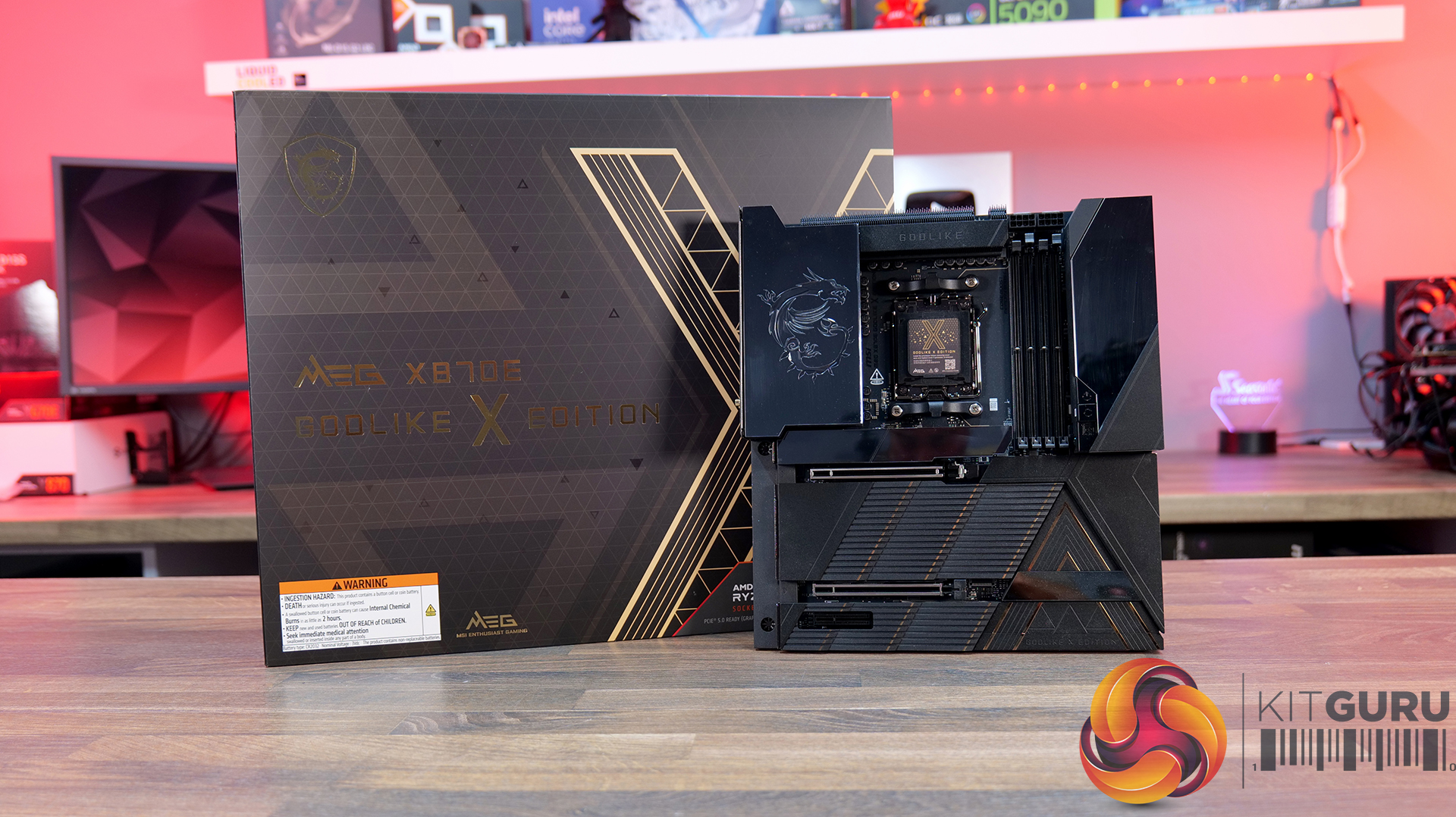
Noctua NL-LC1-360 360mm AIO CPU Cooler Review

24 June 2026 at 11:42

Today we're taking a look at something that has been a very long time coming – the NL-LC1-36, Noctua's first-ever all-in-one liquid CPU cooler. It's built around Asetek's EMMA V2 platform, paired with several Noctua-specific enhancements including NF-A12x25 G2 fans, a dedicated pump noise absorber, SecuFirm2+ mounting hardware and an optional auxiliary fan designed to improve airflow around nearby motherboard components. As expected, Noctua is aiming the focus on acoustics, reliability and attention to detail that made its air coolers so popular over the years, but now implementing that into liquid cooling. In this review, we'll be testing installation, build quality, acoustics and, of course, thermal performance to see how the NL-LC1-36 compares against the best 360mm AIO coolers currently on the market.

Timestamps:

00:00 Start
01:11 Versions and pricing
02:06 Product information
03:56 The Mode Switch / Sound Tests
04:56 Top Cover and fan accessory
06:12 Coldplate and fitment
06:50 James thoughts so far
07:12 The Fans / kit
09:07 Accessories
10:27 Setting up the test system
12:33 Noise Output
13:20 CPU Temperature – Manual OC, 100% fans
13:58 CPU Temperature – Manual OC, 40dBA
14:37 CPU Temp and Clocks – PBO
15:21 James Closing Thoughts

Features:

  • Based on Asetek’s Emma V2 Platform – Asetek’s flagship pump that uses a closed impeller design for improved efficiency and performance. Compared with its predecessor Emma V2 provides 58% higher flow rate, and 124% higher head pressure as well as offering a 40% reduction in energy consumption.
  • Equipped with Noctua NL-PNA1 Pump Noise Absorber – Improved pump acoustics by reducing SPL and shifting the pump's sound signature towards lower, less distracting noise frequency.
  • High Purity Copper Cold Plate – Manufactured from 99.95% CU110 copper with a large 32.5 x 22.5mm micro-skived fin array.
  • Noctua NF-A12/A14x25 G2 Fans Included – All Noctua NL-LC1 series AIO’s include Noctua NF-A12 or A14 X25 G2 fans

Specifications:

  • CPU Socket Compatibility: AMD AM5/AM4, Intel LGA1700/LGA1851
  • Radiator Material: Aluminium
  • Radiator Dimensions: 400x120x30mm
  • CPU Block/Pump Dimensions:
  • Pump Speed: 750~3400 RPM (±10 %) Max (Manual Mode)
  • Cold Plate Material: Micro Skived Copper
  • Pump Connector: 4-Pin PWM
  • Tubing Material: EPDM with braided sleeving
  • Tubing Length: 410mm
  • Fan Dimensions: 120 x120 x25mm
  • Fan Speed: 0 – 1800 rpm
  • Air flow: 63.15 CFM
  • Air Pressure: 3.14 mm H₂O
  • Fan Noise: 22.5 dB(A) (Per Fan)
  • Fan Connector: 4 – Pin PWM
  • Warranty: 6 years

Test System Specifications:

The post Noctua NL-LC1-360 360mm AIO CPU Cooler Review first appeared on KitGuru.
June 2026 AIO CPU Cooler Round Up Multi Review

22 June 2026 at 10:15

Today we’re going big on AIO coolers – seven of them in fact! We’ve got new hardware from ASRock, Cooler Master, CPS PCCOOLER, DeepCool, Enermax and Sudokoo to look at, all featuring integrated pump-mounted displays and targeting a wide range of price points. In this multi-review, we’ll be looking at thermals, noise, build quality and value for money to find out which ones are genuinely impressive, and which ones are just flashy-looking screens with a pump attached.

Timestamps:

00:00 Intro
00:44 ASRock Challenger 360 Digital
07:40 ASRock Phantom Gaming 360 LCD
14:56 Cooler Master MasterLiquid Core Nex Digital 360 Black ARGB
21:01 CPS PCCOOLER GT360M ARGB Display
26:23 Deepcool Spartacus 360
31:20 Enermax Liqmax IV 360
35:07 Sudokoo Energlo 360
40:10 General installations
40:44 Thermal + acoustic performance
44:49 Closing thoughts

ASROCK Challenger 360 Digital – CCL £88.99 black HERE – £95.99 White HERE.

Features

  • 3-inch digital display with real-time monitoring — Challenger 360 Digital features an integrated pump-top display showing key system stats like CPU temperature, frequency and pump speed.
  • Next-gen pump design — With 3-phase, 6-slot, 4-pole motor and a dual-side inlet design and a precision copper cold plate for optimal coolant and efficient heat dissipation.
  • Streamlined installation — Pre-mounted fans, hidden cable routing and a universal mounting system, alongside features like ring-frame fan blades and 0dB fan stop support to balance airflow performance with quieter operation.

Specification:

  • CPU Socket Compatibility: AMD AM5, AM4 | Intel LGA1851, LGA1700
  • Radiator Material: Aluminium
  • Radiator Dimensions: 394 x 119.6 x 27 mm
  • CPU Block/Pump Dimensions: 85 x 84.1 x 53.5 mm
  • Pump Speed: 1200–3200 ±10% RPM
  • Cold Plate Material: Mico-Skived Copper
  • Pump Connector: 4-pin PWM
  • Fan Dimensions: 120 x 120 x 25.4 mm
  • Fan Speed: 0–2100 ±10% RPM
  • Air flow: 6 CFM
  • Air Pressure: 77 mmH₂O
  • Fan Noise: 31 dB(A)
  • Fan Connector: 4-pin PWM
  • LCD Screen: 3-inch segment LED display
  • Warranty: 6 years (AIO cooler module)

Pros:

  • The digital display is bright and easy to read data.
  • Reasonable noise at max fan speed.
  • Daisy-chained fans reduce cable clutter.

Cons:

  • Light bleed from the LEDs on the fans is not well diffused.
  • Requires a driver to run the screen.
  • No screen rotation.

Rating: 8.5.

ASRock Phantom Gaming 360 LCD – CCL £169.99 HERE.

Features

  • 4-inch full-colour LCD — Equipped with a full-coverage display that shows real-time system stats, images or animations, all configurable through ASRock’s Polychrome Display software.
  • Next-gen cooling system with dual-inlet design — 3-phase, 6-slot, 4-pole pump, paired with a dual-side inlet cooling path for improved thermal efficiency and more consistent temperatures under load.
  • 360° Halo ARGB fan system — Integrated halo lighting with a single-cable fan design, combining high airflow FDB fans with streamlined cable management for cleaner installs and synchronised lighting.

Specification:

  • CPU Socket Compatibility: AMD AM5, AM4 | Intel LGA1851, LGA1700
  • Radiator Material: Aluminium
  • Radiator Dimensions: 397 x 120 x 32 mm
  • CPU Block/Pump Dimensions: 4 x 86 x 107.6 mm
  • Pump Speed: 1200 – 3100 ± 10% RPM
  • Cold Plate Material: Micro-Skived Copper
  • Pump Connector: PWM (4-Pin)
  • Fan Dimensions: 362 x 123 x 28 mm
  • Fan Speed: 0 – 2400 ± 10% RPM
  • Air flow: 28 CFM
  • Air Pressure: 11 mmH20
  • Fan Noise: 4 dB(A)
  • Fan Connector: PWM (4-Pin)
  • VRM Fan Dimensions: 70 x 70 x 25 mm
  • VRM Fan Speed: 3000 ± 10% RPM (Max)
  • VRM Fan Connector: PWM (4-Pin)
  • LCD Screen: 4” IPS LCD, 480 x 480, 60Hz, 24-bit, 250 cd/m2
  • Warranty: 6 Years (AIO Cooler Module), 2 years (Display Module)

Pros:

  • Decent-looking screen with plenty of customisation options.
  • Solid cooling performance.
  • Single-frame fan looks neat with minimal wiring.

Cons:

  • CPU block is very tall.
  • Quite loud at max fan speed.
  • Requires several software apps to operate the screen, RGB and fan speed.

Rating: 7.5.

Cooler Master MasterLiquid Core Nex Digital 360 Black ARGB – OcUK £89.99 HERE.

Features

  • Hexagonal digital display with real-time system monitoring — MasterLiquid Core NEX Digital 360 features an integrated top-mounted screen capable of displaying CPU/GPU temperatures, usage, fan speeds and pump RPM via Cooler Master’s MasterCTRL software.
  • Refined dual chamber pump architecture — Featuring Cooler Master’s updated G9R dual chamber design with improved water pressure and optimised coolant flow for enhanced heat transfer efficiency.
  • Simplified all-in-one installation — Pre-installed fans, streamlined cabling, pre-applied thermal paste and pre-mounted brackets help reduce installation complexity while maintaining a cleaner overall system build.

Specification:

  • CPU Socket Compatibility: Intel LGA 1851 / 1700 / 1200 / 1156 / 1155 / 1151 / 1150, AMD AM5 / AM4
  • Radiator Material: Aluminium
  • Radiator Dimensions: 394 x 119.6 x 27.2 mm
  • CPU Block/Pump Dimensions: 6 x 78.5 x 68.6 mm
  • Pump Speed (Max): 3200 ±10% RPM
  • Tubing Length: 400mm
  • Cold Plate Material: Micro-Skived Copper
  • Pump Connector: 3-Pin ARGB + 4-Pin PWM
  • Fan Dimensions: 120 x 120 x 25 mm
  • Fan Speed: 650–1750 RPM ±10%
  • Air flow: 4 m³/h (71.9 CFM) Max
  • Air Pressure: 86 mmH₂O Max
  • Fan Noise: 2 dBA Max
  • Fan Bearing: Rifle Bearing
  • Fan Connector: 7-Pin PWM + ARGB
  • LCD Screen: LED Digital Display, 50.1 x 54.4 mm, 120 cd/m²
  • Screen Connector: USB 2.0 9-Pin
  • Warranty: 5 Years

Pros:

  • Daisy-chained fans reduce wiring.
  • Quick and easy.
  • Clear and easy to read display.

Cons:

  • Very loud at max fan speed.
  • Average 40 dba thermal performance.
  • Some Cable clutter at the CPU block.

Rating: 7.

CPS PCCOOLER GT360M ARGB Display – £85.99 Amazon in black or white HERE.

Features

  • 5-inch high-resolution LCD display — GT360M ARGB Display features a customisable IPS screen capable of showing real-time system monitoring data, animations, wallpapers and video playback through CPS control software support.
  • Next-generation ceramic bearing pump design — Equipped with a second-generation large chamber pump, ultra-fine micro water channels and an all-ceramic bearing structure designed to improve coolant flow, reduce operational noise and extend long-term durability.
  • Streamlined cable management and installation — Factory pre-installed fans, integrated hidden wiring and a quick-release mounting system help simplify the build process while maintaining a cleaner overall system appearance.

Specification:

  • CPU Socket Compatibility: Intel LGA115X / 1200 / 1700 / 1851, AMD AM4 / AM5
  • Radiator Material: Aluminium
  • Radiator Dimensions: 394 x 120 x 27 mm
  • CPU Block/Pump Dimensions: 5 x 90 x 85 mm
  • Pump Speed (Max): 2600 RPM ±10%
  • Cold Plate Material: Mico-Skived Copper
  • Pump Connector: 4-Pin
  • Fan Dimensions: 120 x 120 x 25 mm
  • Fan Speed: 500–2200 RPM ±10%
  • Air flow: 8 CFM
  • Air Pressure: 2 mmH₂O
  • Fan Noise: 15–33.7 dB(A)
  • Fan Bearing: Hydro Bearing
  • Fan Connector: 4-Pin PWM
  • LCD Screen: 8-inch, IPS, 320 × 240 pixels
  • Warranty: 3 Years

Pros:

  • Solid cooling performance.
  • Daisy-chained fans neaten up wiring.
  • Decent Price.

Cons

  • A little loud at max fan speed.
  • Screen customisation is limited.
  • Screen brightness and clarity aren’t the best.

Rating: 8.

Deepcool Spartacus 360 – £159.99 HERE.

Features

  • 4-inch IPS LCD with modular customisation — SPARTACUS 360 features a 480×480 IPS display with 16.7 million colours, supports system monitoring layouts, GIFs, video playback and dynamic graph modes through DeepCreative software integration.
  • 6th-generation pump with AI-tuned cooling control — Equipped with a 3-phase, 6-slot, 4-pole Gen 6 pump and DeepCreative AI algorithms that dynamically tune pump and fan speeds for quieter operation and up to 320W of heat dissipation performance.
  • Semi-integral blade fans with streamlined connectivity — High-performance 120mm fans use a reinforced semi-integral blade design for improved airflow stability and lower noise, while DeepCool’s single 10-pin connection design dramatically cuts cable clutter during installation.

Specification:

  • CPU Socket Compatibility:
  • Radiator Material: Aluminium
  • Radiator Dimensions: 402 × 120 × 27 mm
  • CPU Block/Pump Dimensions: 99 × 91 × 65 mm
  • Pump Speed: 500–3400 RPM ±10%
  • Cold Plate Material: Micro-Skived Copper
  • Pump Connector: 4-Pin PWM
  • Tube Length: 410 mm
  • Fan Dimensions: 120 × 120 × 25 mm
  • Fan Speed: 500–2500 RPM ±10% – 0% Mode below 5% PWM duty
  • Air flow: 89 CFM
  • Air Pressure: 30 mmAq
  • Fan Noise: ≤32.23 dB(A)
  • Fan Connector: 4-Pin PWM
  • Bearing Type: Hydro Bearing
  • LCD Screen: 4-inch TFT LCD, 480 × 480 pixels
  • LED Type: Addressable RGB LED
  • LED Connector: 3-Pin (+5V-D-G)
  • Warranty: 5 Years

Pros:

  • Single cable at the pump gives a clean look.
  • Screen looks great.
  • Has a high-quality feel to it.

Cons:

  • Very loud at max fan speed.
  • No individual fan and pump speed adjustment using DeepCool software.
  • No extra thermal paste included.

Rating: 7.5.

Enermax Liqmax IV 360 – Amazon £56.54 HERE.

Features

  • Magnetic rotatable digital display with real-time monitoring — LIQMAX IV 360 features a magnetic pump-top status display that can be manually rotated for cleaner orientation while providing live CPU temperatures, fan speeds and system monitoring data.
  • Patented dual-chamber pump with Gen.2 Xtreme technology — ENERMAX pairs a larger 35% expanded copper base with its Gen.2 Xtreme Pump design, delivering a claimed 31% increase in coolant flow rate and cooling capacity rated up to 390W TDP.
  • Quiet high-performance cooling setup — PWM-controlled radiator fans and pump operation are tuned to balance airflow and acoustics, with 500–1800RPM fan speeds and low-noise operation designed to keep high-end systems under control.

Specification:

  • CPU Socket Compatibility: Intel LGA 1851 / 1700 / 115x / 2066, AMD AM5 / AM4
  • Radiator Material: Aluminium
  • Radiator Dimensions: 394 x 120 x 27 mm
  • Pump Speed: 1500 – 3100RPM
  • Cold Plate Material: Micro Skived Copper
  • Pump Connector:
  • Fan Dimensions: 120 x 120 x 26.8 mm
  • Fan Speed: 500–1800 RPM ±10%
  • Air flow: 03 CFM
  • Air Pressure: 4 mmH₂O
  • Fan Noise: 46 dBA
  • Fan Connector: 4-Pin PWM
  • LCD Screen: Digital Display
  • Warranty: 3 years

Pros:

  • Good value.
  • Easy installation and minimal software setup.
  • Functional but minimal aesthetics.

Cons:

  • Minimal screen customisation.
  • No RGB.
  • Short Warranty.

Rating: 7.

Sudokoo Energlo 360 – Amazon UK £121.99 HERE.

Features

  • Segmented pump display with real-time system monitoring — ENERGLO 360 features a pump top-mounted modular segmented screen on the that displays CPU temperature and system status in real time, without requiring external software.
  • High-performance PWM pump with wide speed control range — Equipped with a high-performance pump with a speed range of 2500–3400 RPM, designed for efficient thermal transfer while maintaining quiet operation.
  • 360mm triple-fan cooling array with high airflow performance — Includes three 120mm PWM fans delivering up to 73.41 CFM airflow with strong static pressure, optimised for high-efficiency cooling at high-demand workloads.

Specification:

  • CPU Socket Compatibility: Intel LGA1851 / 1700 / 1200 / 1151 / 1150 / 1155, AMD AM5 / AM4
  • Radiator Material: Aluminium
  • Radiator Dimensions: 402 × 120 × 27 mm
  • CPU Block/Pump Dimensions: 96 × 81 × 80 mm
  • Pump Speed: 2500–3400 RPM ±10%
  • Cold Plate Material: Micro Skived Copper
  • Pump Connector: 4-Pin PWM
  • Tubing Length: 410 mm
  • Fan Dimensions: 120 × 120 × 25 mm
  • Fan Speed: 500–2500 RPM ±10%
  • Air flow: 41 CFM
  • Air Pressure: 69 mmAq
  • Fan Noise: ≤35.63 dB(A)
  • Fan Connector: 4-Pin PWM
  • Bearing Type: Fluid Dynamic Bearing
  • LCD Screen: Yes
  • Warranty: 5 years

Pros:

  • Nice-looking display
  • Feels high quality
  • CPU block customisation is a nice touch.

Cons:

  • Quite loud.
  • Software can be a bit fussy if your Windows isn’t up to date.
  • RGB strips make the fans very bulky – might be a problem for space in some cases.

Rating: 7.5.

Test System Specifications:

  • CPU – AMD Ryzen 9 9950X
  • Motherboard – ASRock Phantom Gaming X870E Nova WiFi
  • Memory: 32GB (2 x 16GB Modules) G.SKILL Trident Z5 RGB DDR5-6000
  • Graphics card: MSI Radeon RX 6600 XT Gaming X
  • Storage: 1TB Corsair MP600 Elite PCIe Gen4x4 NVME M.2 SSD
  • Power Supply: Seasonic Prime TX-1000
  • Chassis: Open Test Bench
  • Thermal Compound: Arctic MX-6
  • O/S: Windows 11 Version 24H2

Testing Methodology:

We are primarily focusing on the performance of each cooler at 100% fan speed and also when locked to 40dBA noise output. We will focus on cooling performance using a manual overclock with all-core frequency and VCORE locked to 5.2GHz/1.3V (AMD) and 5.5GHz/1.3V (Intel) and Precision Boost Overdrive performance.

  • The test data is logged using HWINFO and the final 10 minutes of the data is calculated to find the average CPU temperature and CPU clock multiplier (AMD PBO Test) and then plotted in the charts.
  • For testing, we use a 30-minute looped run of Cinebench R23 and record the steady-state CPU temperature at the end of the test. This ensures that the CPU has had ample time to warm up and reach a steady state under all of the coolers.
  • The ambient is maintained at 19-21 degrees Celsius. Where there is variation beyond this temperature range, we add extra repeated tests to ensure consistency. However, this is well controlled now with A/C.
  • We also test each cooler with at least two fresh installs (typically three) to mitigate the likelihood of poor mounting spoiling results.
  • Ambient temperature and humidity are controlled via a mini split air conditioning system inside the test room. Ambient temperature is maintained between 19-20°C; temperature delta figures are shown in the charts (ambient temperature is deducted from the measured component temperature).

Test Results:

Acoustics

We will start by looking at noise output which gives us a good indication of thermal performance based on noise.

When looking at noise output with the fans and pump operating at max speed, there’s quite a wide spread between the coolers on test. The quietest is the ASRock Challenger 360 Digital at 47dBA, which puts it among the quieter coolers in our database overall. The Enermax Liqmax IV 360 also performs well at 48dBA, while the CPS PCCOOLER GT360M ARGB Display sits in the middle at 51dBA.

At the louder end of the chart are the ASRock Phantom Gaming 360 LCD and Cooler Master MasterLiquid Core Nex 360 ARGB both at 52dBA, which is noticeable but still quite typical for 360mm liquid coolers running flat out. The Sudokoo Energlo 360 comes in slightly higher at 53dBA, while the loudest cooler of this group is the DeepCool Spartacus 360 at 55dBA. That’s definitely getting loud enough to be quite distracting.

Thermal Performance: AMD Ryzen 9 9950X

With fans and pumps still running at max speed, thermal performance from the coolers on test is competitive, with only  2°C  separating the best and worst results in this test. Leading the pack are the CPS PCCOOLER GT360M ARGB Display, DeepCool Spartacus 360 and Sudokoo Energlo 360, all at  59°C CPU over ambient under steady-state load, which places them among the top performing AIOs in our chart overall.

Just behind are the ASRock Challenger 360 Digital and Phantom Gaming 360 LCD, alongside the Cooler Master ML Core Nex 360 ARGB, with all three producing a 60°C delta result. While not chart-topping, the difference in real-world terms is small and well within the range you would expect from good 360mm liquid coolers. The Enermax Liqmax IV 360 Display trails slightly at 61°C, though again the margin is minimal.

At a noise-normalised level of 40dBA, the thermal results provide a clearer indication of efficiency once acoustics are taken into account. At the top we see the ASRock Challenger 360 Digital and Phantom Gaming 360 LCD, both with a 63°C delta, placing them in the top end of the chart. Just behind them is the Sudokoo Energlo 360 at 64°C over ambient, followed by the CPS PCCOOLER GT360M ARGB Display and the DeepCool Spartacus 360 at 65°C. suggesting similar efficiency once acoustics are equalised.

Further back is the Enermax Liqmax IV 360 at 66°C over ambient, while the Cooler Master MasterLiquid Core Nex 360 ARGB trails slightly further at 67°C. These results indicate both models lose efficiency when limited to a 40dBA noise target, relying more heavily on higher fan speeds to maintain thermal performance.

Switching to AMD PBO testing, the results reflect a more real-world scenario where we see how effectively coolers can maintain boost clocks under sustained load. The strongest results come from the ASRock Phantom Gaming 360 LCD, which posts a 52.5x clock multiplier and 63°C delta, placing it among the top-performing units in the PBO test. The ASRock Challenger 360 Digital follows with the same clock multiplier but just 1°C higher delta so basically producing the same CPU performance.

Just below is the Deepcool Spartacus with the same 52.5x clock multiplier at 65°C and the Sudokoo Energlo at 66°C delta, again with a 52.5 x multiplier. Further back with a clock multiplier of 52.4x are the Cooler Master ML Coer Nex Digital at 64°C delta, the CPS PCCOOLER GT360M at 64°C and the Enermax trails at 66 °C over ambient. While these results place them behind the best coolers, the clock multipliers are narrow enough that, under AMD PBO conditions, all of the tested 360mm AIOs deliver similar sustained boost behaviour.

KitGuru says:  In terms of real-world performance, all of these coolers are quite closely matched. However, in terms of best value for money, I'd go with the ASRock Challenger 360 Digital as it combines good thermals, low max fan speed noise and a decent-looking screen at a reasonable price.

The post June 2026 AIO CPU Cooler Round Up Multi Review first appeared on KitGuru.
MSI Prestige 14 AI+ Review (Intel Panther Lake Core Ultra X7)

19 June 2026 at 09:00

KitGuru started strongly with Intel Panther Lake when we reviewed the 2026 version of Asus Zenbook Duo, however the price was rather steep at £2,500. Today we are reviewing an MSI Prestige that should offer most of the performance we saw in the Zenbook Duo while simultaneously saving £1,000 on the cost. That sounds amazing!

Time stamps

00:00 Start
00:42 Panther Lake recap
03:40 Some specs / connectivity / ports
05:49 Battery / Charger / Weight
06:01 Comparisons – port speeds
07:28 OLED panel
08:01 Geekbench 6
08:28 Cinebench 2026
08:59 Points Per Watt
09:12 7ZIP Benchmark
09:28 Aida 64 Memory Bandwidth
09:58 Assassins Creed Mirage
10:47 Cyberpunk 2077
11:34 PC Mark 10 Battery Test
12:09 Keyboard
12:32 Pricing
14:00 Closing Thoughts

Specification:

CPU Intel Core Ultra X7 358H, 16 cores (4 P-cores + 8 E-cores + 4 Low Power E-cores), 16 threads, up to 4.8GHz, 18MB cache, up to 50 NPU TOPS
Display 14-inch, 16:10, 1920 x 1200, OLED, glossy, non-touch
Graphics Intel Arc B390 GPU
Memory 32GB LPDDR5x DDR5-8533
Storage 1TB M.2 NVMe PCIe Gen4
Webcam IR FHD (1080p) webcam with HDR, 3DNR+, 3-mic array
Wireless Killer Wi-Fi 7 + Bluetooth v6
Audio 2x 2W Speaker, 2x 2W Woofer

I/O Ports
Left side: 2x Thunderbolt 4 USB-C with DisplayPort and 100W charging, HDMI 2.1
Right side: 2x USB-A 3.2 Gen2, 3.5mm headset jack

Battery 4-Cell 81Whr
Power adapter 65W PD adapter
Dimensions (WxDxH) 315.6mm x 221.9mm x 11.9-13.9 mm
Weight 1.3kg + 200g for power adapter
OS Windows 11 Pro

Performance and Testing

Geekbench 6 Multi Core

In Geekbench 6 Multi Core the MSI does a decent job and is only a few percent behind the new Zenbook Duo and hugely expensive HP Zbook Ultra G1a. This gives us confidence the Intel Core Ultra X7 358H has decent all-round performance.

Cinebench 2026 Multi Core

Cinebench 2026 Multi Core shows the difference between the Core Ultra X9 388H and Core Ultra X7 358H, which boils down to power draw and clock speed. The Core Ultra X7 in the MSI does a good job but the Core Ultra X9 is more impressive.

Assassin's Creed Mirage at 1,920×1,200 with XeSS Frame Generation

We show a few gaming graphs in our video but this one of Assassin's Creed Mirage at 1,920×1,200 with XeSS Frame Generation tells an important tale. The Asus Zenbook Duo with Core Ultra X9 sneaks past the 60fps mark to deliver a tolerable gaming experience while the MSI cannot quite make it to 50fps. When you consider these two laptops have the same number of CPU cores and the same graphics, we can see the importance of power and clock speed.

Battery Life

Intel has done a superb job with the battery life of their new Panther Lake laptop chips. The MSI impressed us hugely when the battery kept going and going, nearly matching the Zenbook Duo which comes equipped with two batteries.

Closing Thoughts

The MSI Prestige 14 AI+ is a conventional 14-inch laptop that is pleasingly thin and light. The main point of interest is the brand new Intel Core Ultra X7 358H processor with B390 graphics, and as we explain in our video this is very close to the top tier of Panther Lake silicon. It came as something of a surprise in our testing when we saw the impact of lower power draw and lower clock speeds that differentiate the Core Ultra X7 from Core Ultra X9.

One area of unalloyed good news is the battery life which runs for more than 22 hours of solid work. If you just want to watch videos we are confident it will last two days, this means you could take the laptop on a short holiday and leave the charger at home. The other features of the MSI Prestige 14 AI+ are all fine, which means our major gripe is that we expect this laptop will sell for more than £1,500.

We estimate the MSI Prestige 14 AI+ will sell for £1,550 inc VAT.

Pros

  • Excellent battery life.
  • Slender and lightweight chassis.
  • Decent performance and a healthy improvement over Core Ultra 200.

Cons

  • The OLED screen is adequate but unimpressive.
  • Ports and connectors are rather close together.
  • The price is fairly steep for a thin and light laptop.

KitGuru says: The MSI Prestige 14 AI+ is a decent everyday laptop that struggles when it comes to gaming.

The post MSI Prestige 14 AI+ Review (Intel Panther Lake Core Ultra X7) first appeared on KitGuru.
Computex 2026: KitGuru interviews AMD’s Bill Alverson

16 June 2026 at 08:58

While at Computex 2026, Leo had a chance to chat with AMD's Bill Alverson to get more details on the new AMD EXPO Ultra Low Latency memory profiles. We also spend some time checking out an LN2-colled RX 9060 XT and get a first-hand look at an overclocking world record being broken.

Watch via YouTube below:

Timestamps:
00:00 AMD EXPO ULL
02:51 LN2 on an 9060 XT!
04:04 World record beaten – attempt 2!

We saw some of the first EXPO ULL DDR5 kits in action over the course of Computex, including G.Skill's new Trident X5 NeoX kit, offering DDR5-6000 speeds at as low as CL26 latency.

Watch to the end of the video to see an attempt to push an RX 9060 XT to 5GHz using LN2!

KitGuru Says: Thanks to Bill for taking the time to get on camera with us. We look forward to seeing more from AMD in the months ahead. 

The post Computex 2026: KitGuru interviews AMD’s Bill Alverson first appeared on KitGuru.
❌
❌