Normal view

There are new articles available, click to refresh the page.
Before yesterdayMain stream

Noctua NL-LC1-36 and NL-LC1-42 Liquid Coolers Review: Impressive Performance

By: John S
7 September 2026 at 21:07

Introduction

Noctua NL LC1 36 Noctua Liquid Coolers

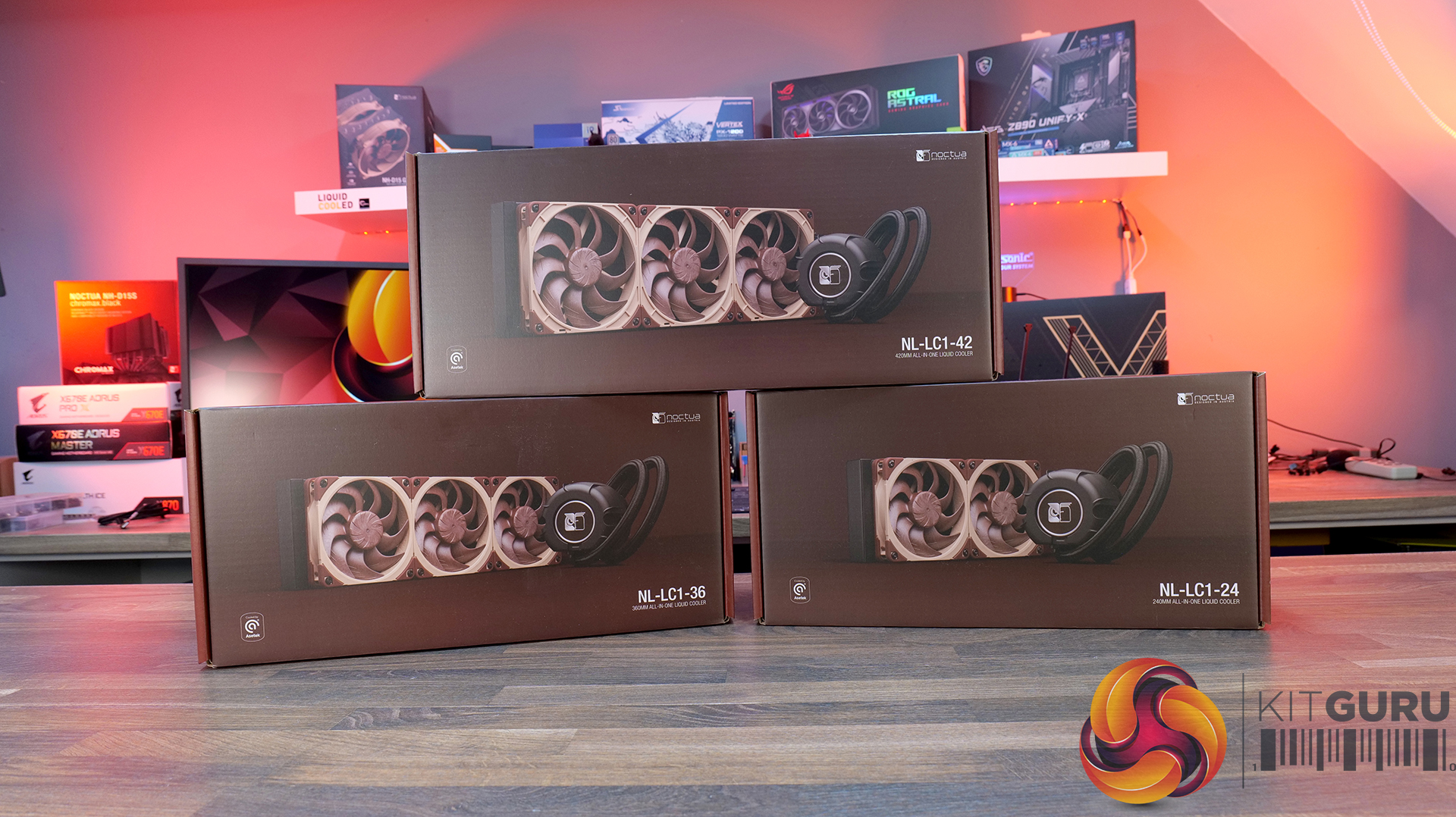
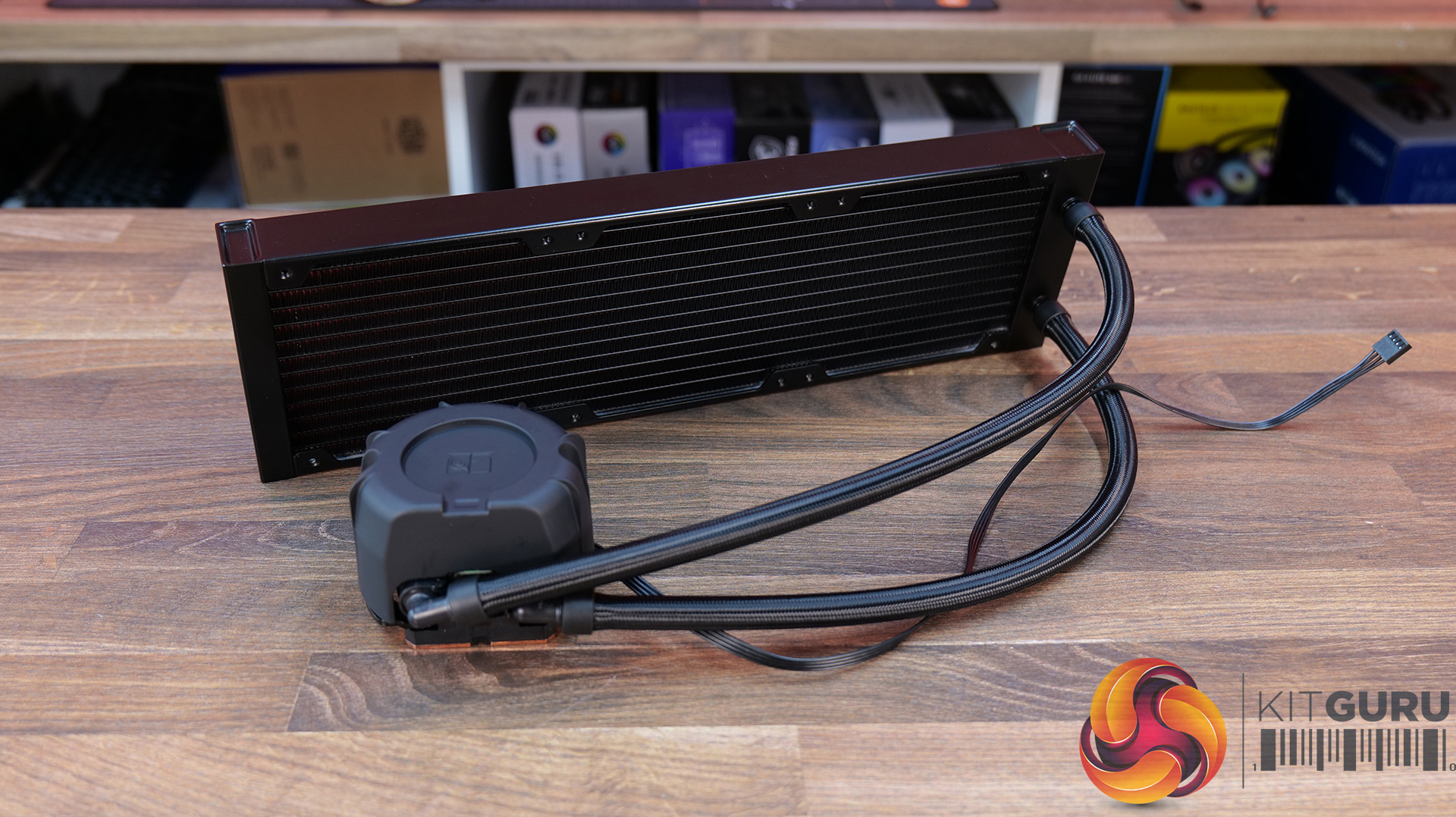
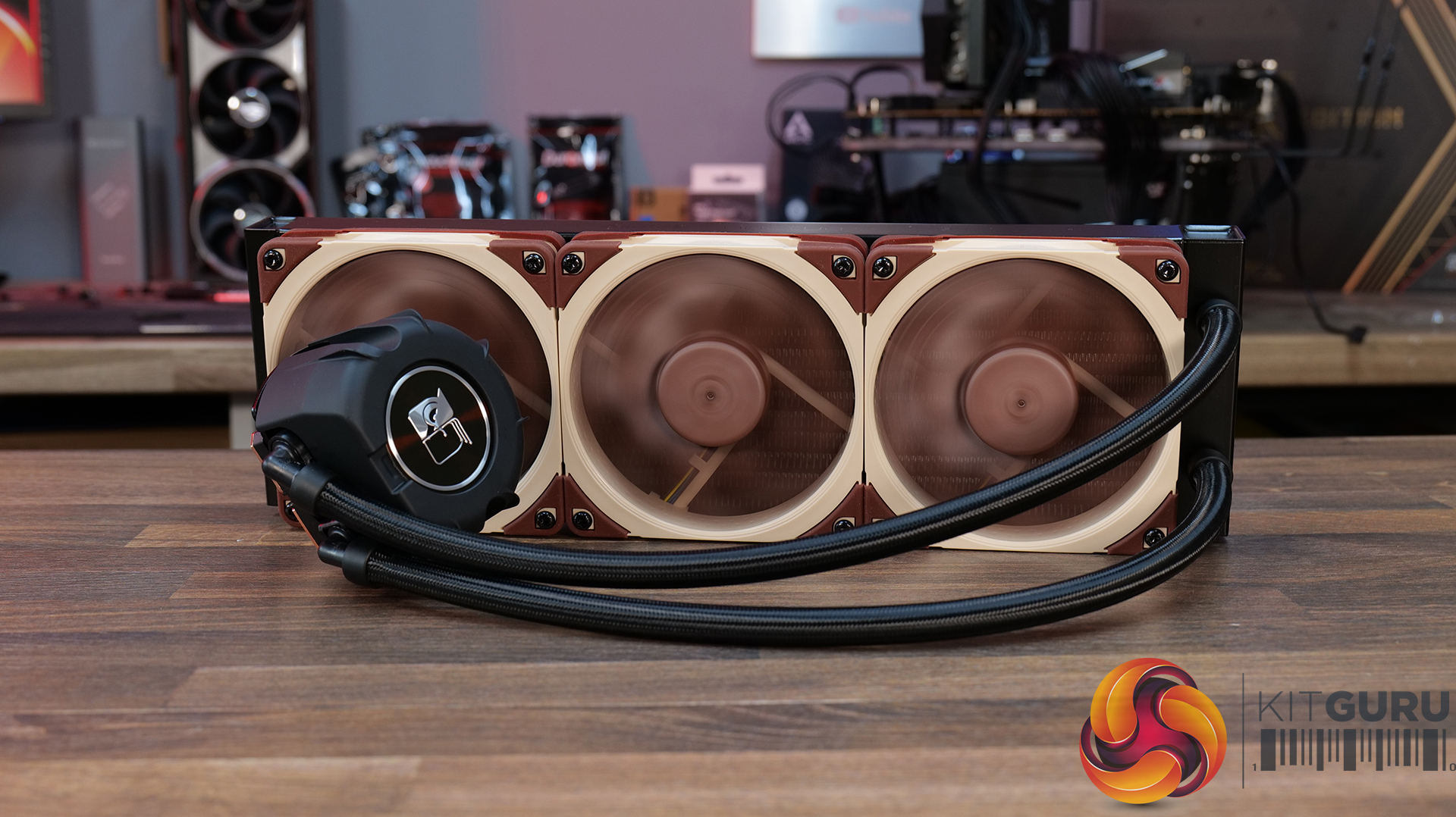
Noctua has landed in the water cooling market with three liquid coolers:

  • NL-LC1-24 [240mm]
  • NL-LC1-36 [360mm]
  • NL-LC1-42 [420mm]

Noctua has used the high-performance, flagship pump Emma V2 Gen 8 from Asetek. Noctua has customized the pump housing design to absorb maximum sound coming from the pump by introducing three layers of acoustic foam. Focus of Noctua and Asetek is clearly on the pump, which is the heart of any cooling solution – in addition to the other components.

Noctua has also introduced three modes for the pump motor speed. An integrated temperature sensor based on the loop’s temperature is introduced, against which the safety measures are factory-set. Units are designed in a way that they self-bleed at every startup, reducing the risk of air bubbles trapped in the pump.

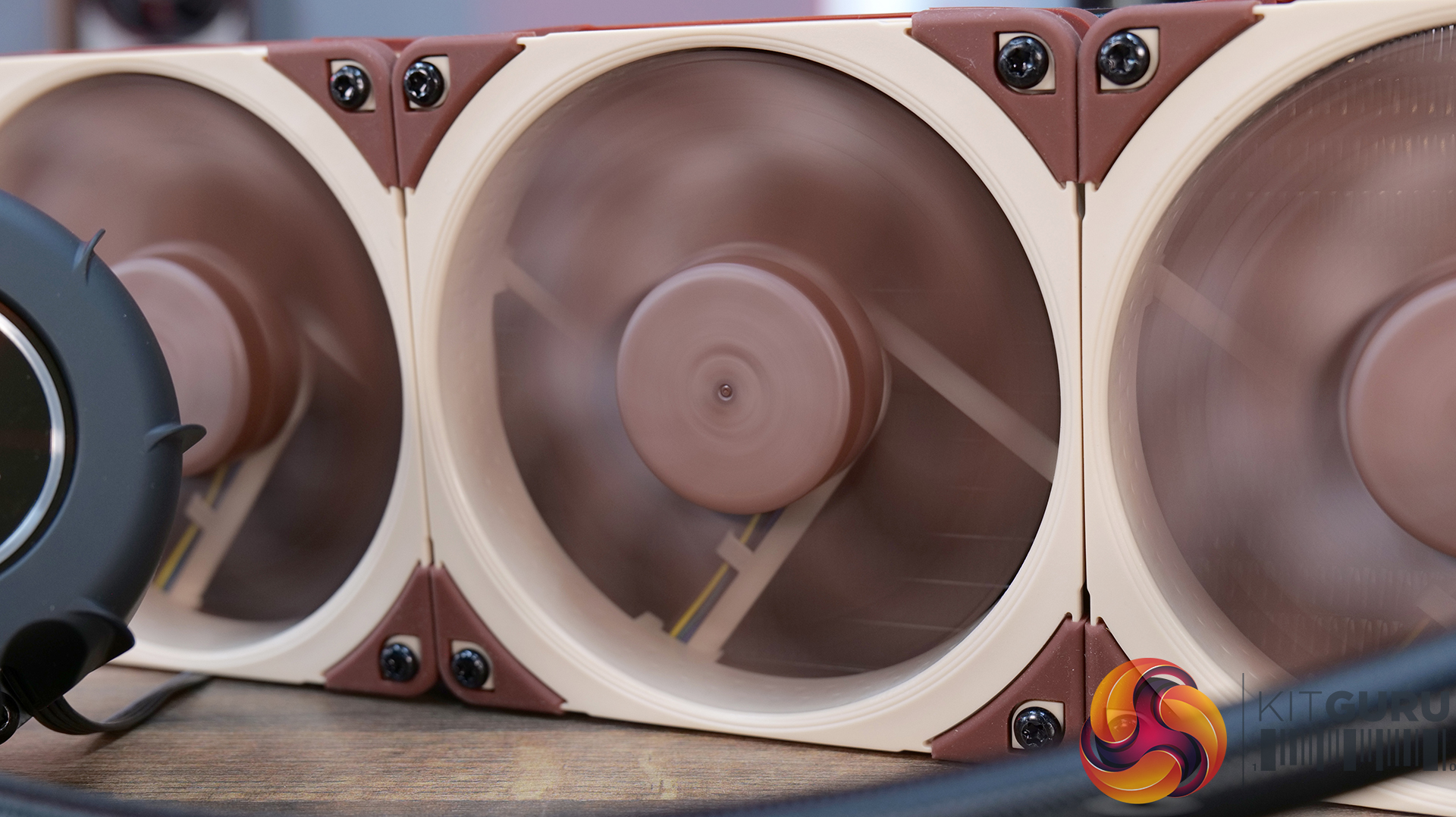
The radiator uses non-louvered fins, which makes them ideal for Noctua NF-A12/14 PWM G2 fans. EPDM tubes are used with a low permeation rate. Each size of the cooler comes with related NF-A series fans corresponding to that size. The base of the pump housing features a CU100 copper-based cold plate. It is not nickel-plated.

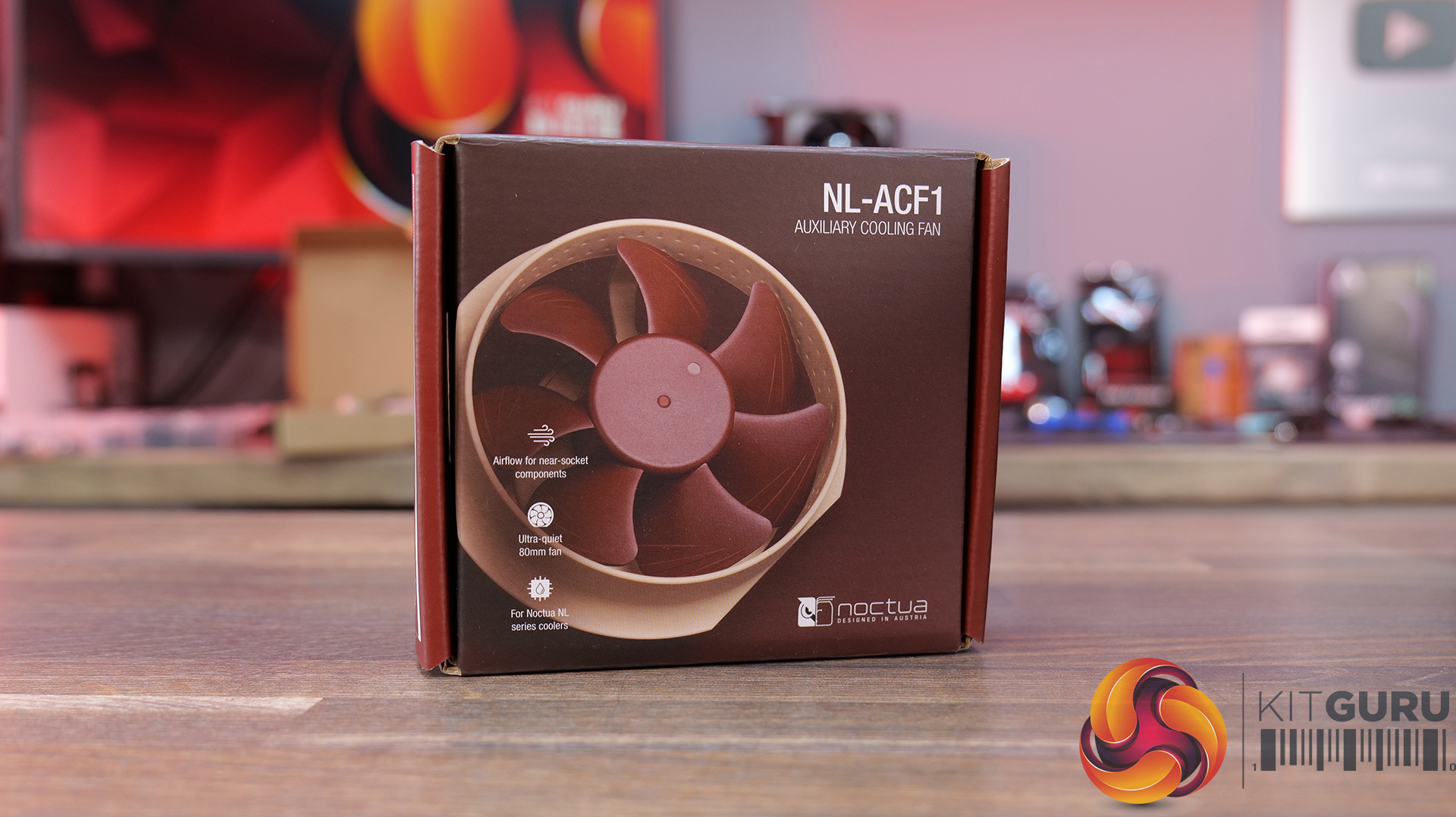
Optionally, you can buy the NL-ACF1 fan that would come in handy for near-socket component cooling. The fan uses a magnetic attachment, making its handling super convenient. I was expecting to see the chromax.black edition fans on these coolers, but Noctua has stuck with standard colors. This means the chromax edition of these coolers is expected anytime. These coolers are compatible with AMD AM4/AM5 and Intel LGA 1700/1851/1954 [Future-proofing].

Noctua offers 6-year warranty on these coolers. I will be covering 360mm and 420mm in this content. The MSRP of NL-LC1-36 is USD/Euro 249.95, and that of NL-LC1-42 is USD/Euro 279.90. These are steep prices, which Noctua may need to reconsider if these coolers have to compete in the diversified liquid cooler market. You would see many LCD display coolers costing less while offering more bling in a cost-effective manner. Noctua’s argument would be strong low-noise performance that is hard to compete against.

Specifications

image 5
image 6
image 7

Packaging and Unboxing

Noctua NL LC1 42 Packing Box 1
Noctua NL LC1 42 Packing Box 2
Noctua NL LC1 42 Packing Box 3
Noctua NL LC1 42 Packing Box 4
Noctua NL LC1 42 Packing Box 5
Noctua NL LC1 36 Packing Box 1

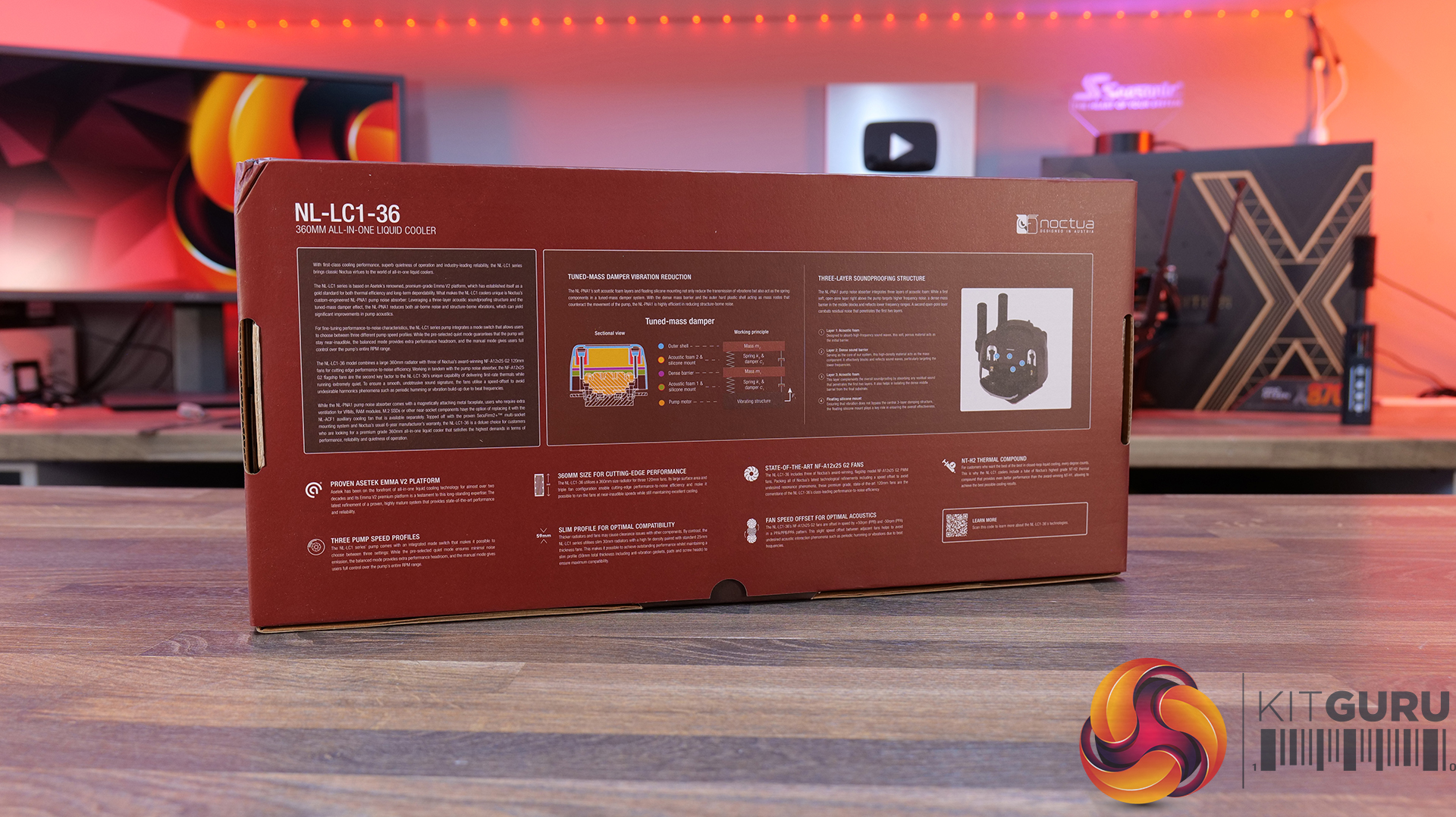
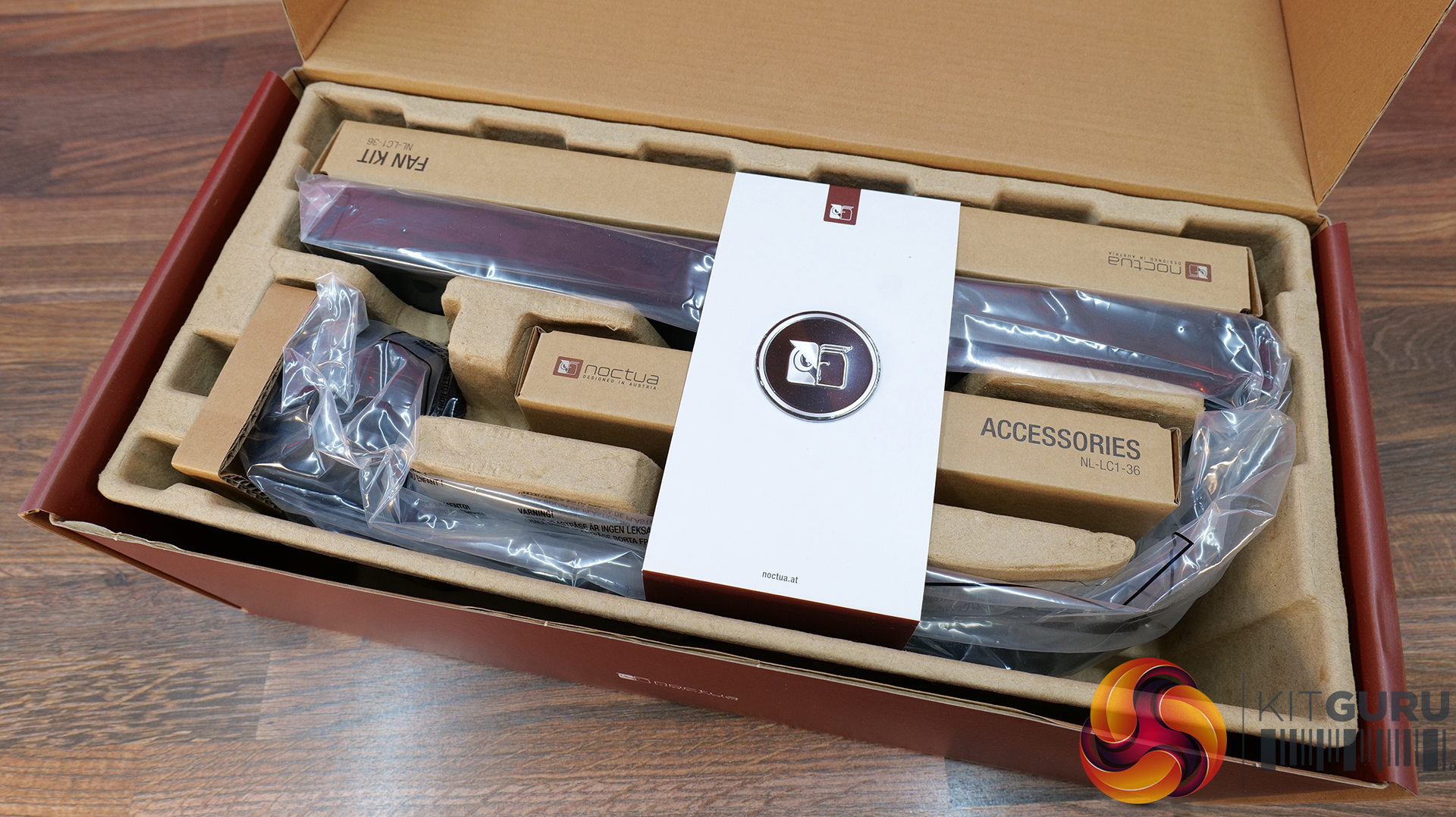
The coolers come inside a cardboard box which has Noctua’s standard color theme. Egged carton holds the cooler and accessories for safe shipping. Once the box is opened, you can see an overleaf that has a Noctua logo plate in the center. The fans are provided in a separate box. They could have been installed on the radiator in this price range, as per current trends. The accessories are provided in a separate box, which we are accustomed to.

Noctua NL LC1 36 Accessories
Noctua NL LC1 36 Accessory Box

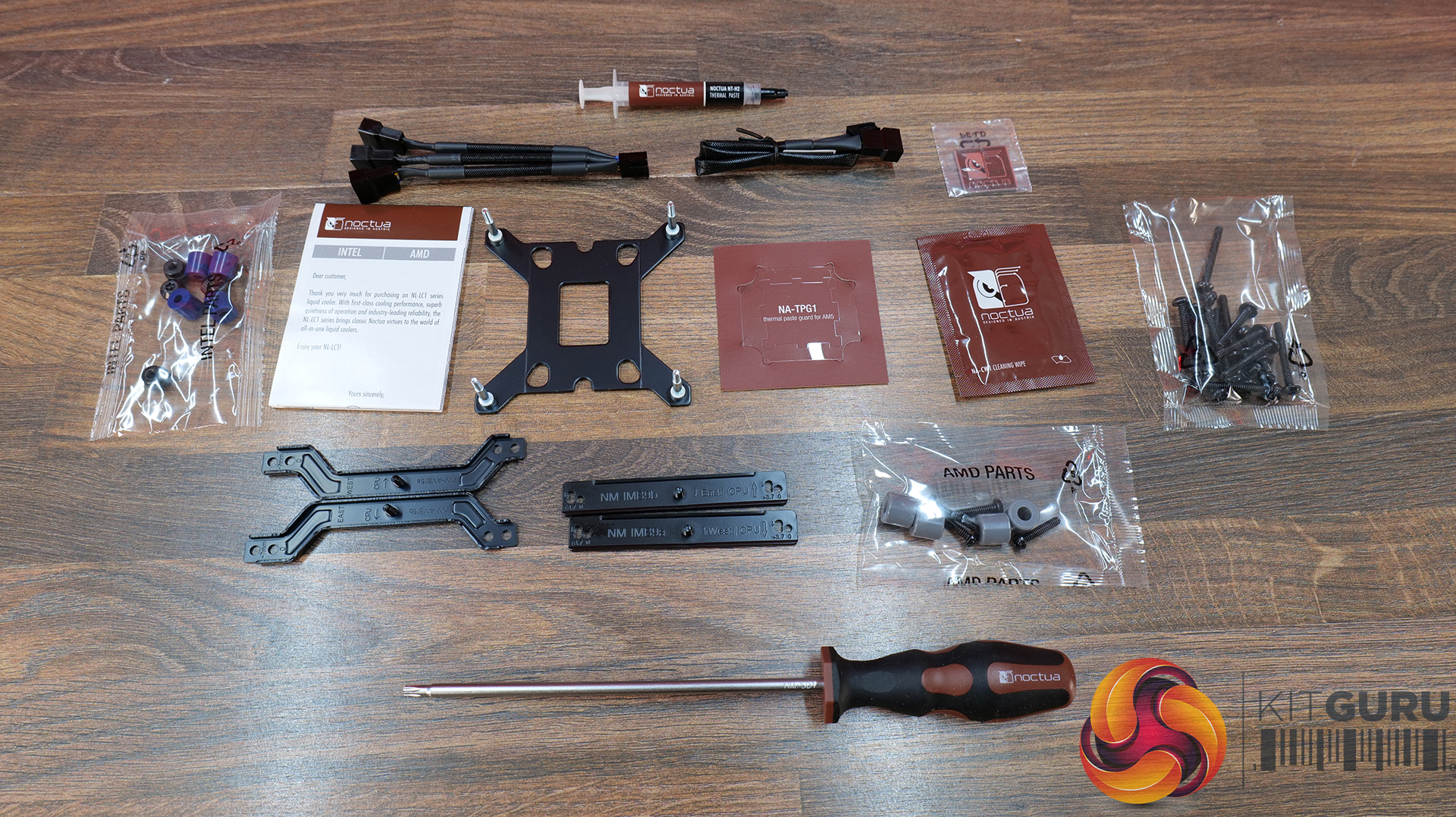
The following accessories are provided:

  • NL-LC1-36 closed-loop liquid cooler with NL-PNA1 pump noise absorber [For 360mm]
  • NL-LC1-42 closed-loop liquid cooler with NL-PNA1 pump noise absorber [For 420mm]
  • Metal Noctua logo faceplate
  • 3x NF-A12x25 G2 PWM fans with speed-offset (PPA/PPB/PPA) [For 360mm]
  • 3x NF-A14x25 G2 PWM fans with speed-offset (PPA/PPB/PPA) [For 420mm]
  • 3x NA-AVG1 anti-vibration gaskets (pre-installed)
  • NA-SC1 3-way splitter cable
  • NA-EC1 30cm extension cable
  • Fan and radiator mounting screws (Torx® T20)
  • SecuFirm2+™ multi-socket mounting system with offset options for
  • AMD AM5/AM4 and Intel LGA1851/1700
  • NM-SD1 Torx® T20 screwdriver
  • NT-H2 thermal compound
  • NA-CW1 cleaning wipe
  • NA-TPG1 thermal paste guard for AMD AM5
  • Noctua metal case badge

Closer Look

It is time to take a closer look at each component of the main units starting with the radiators.

Noctua NL LC1 36 Radiator 1
Noctua NL LC1 42 Radiator 1

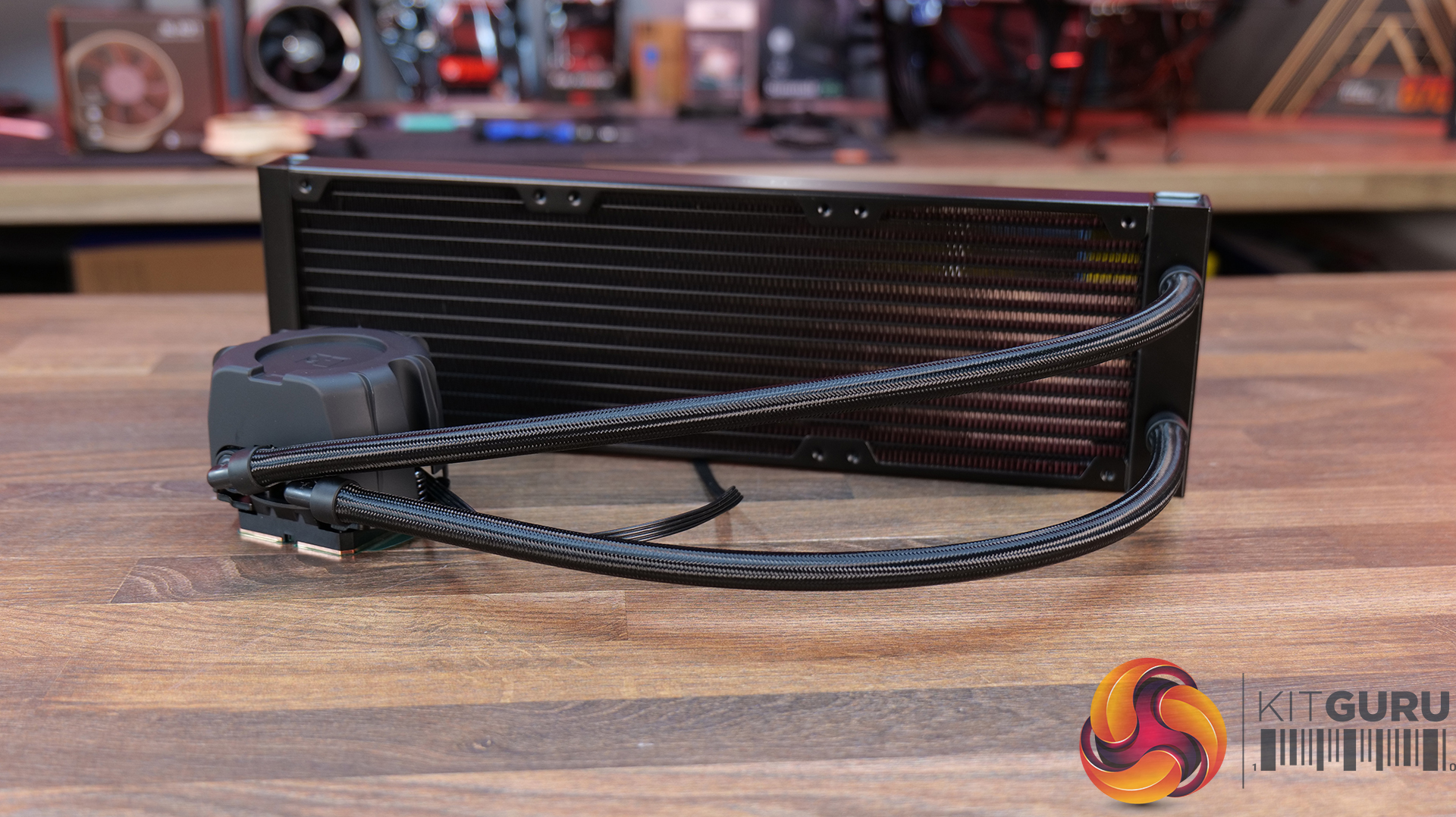
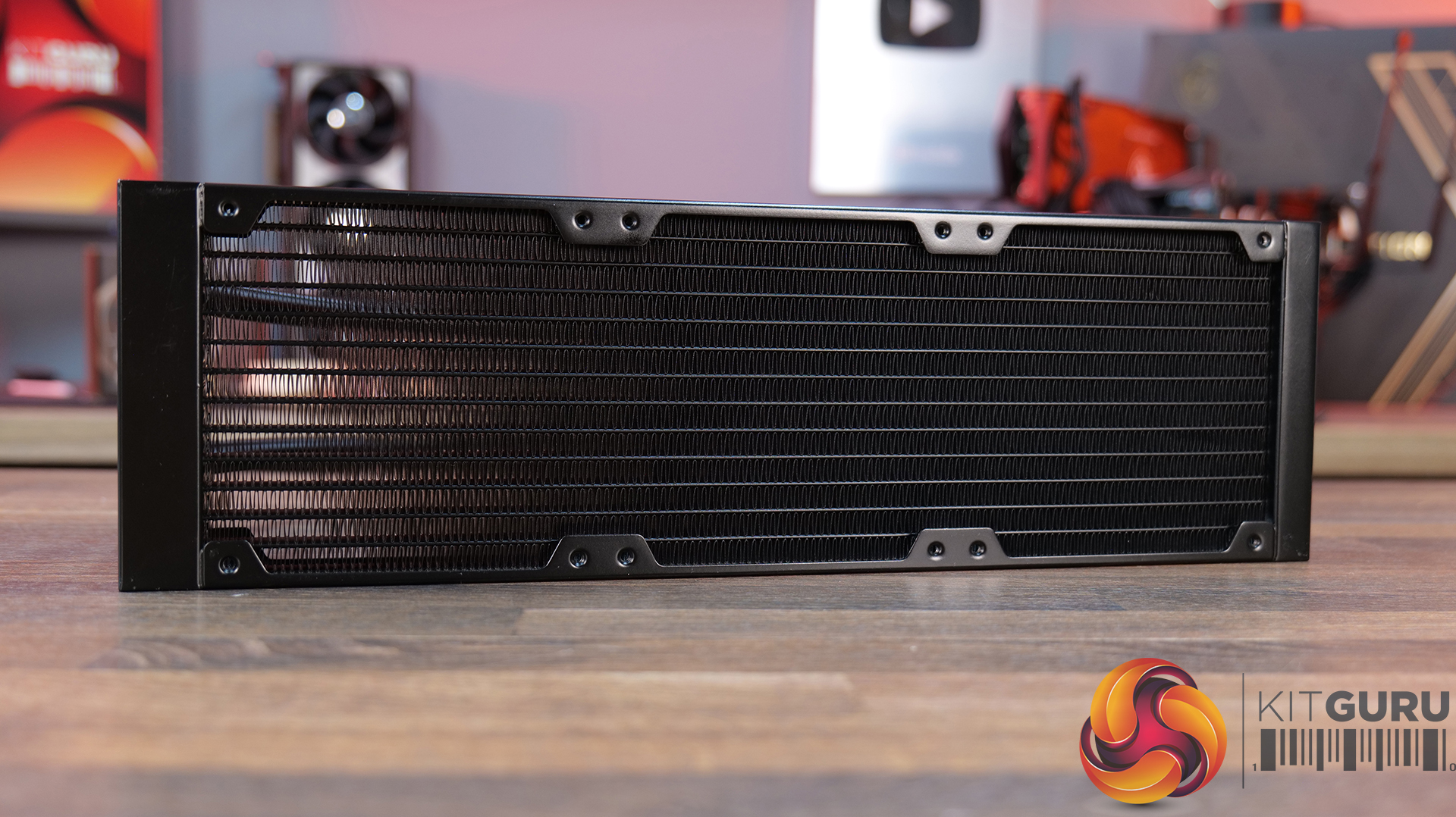
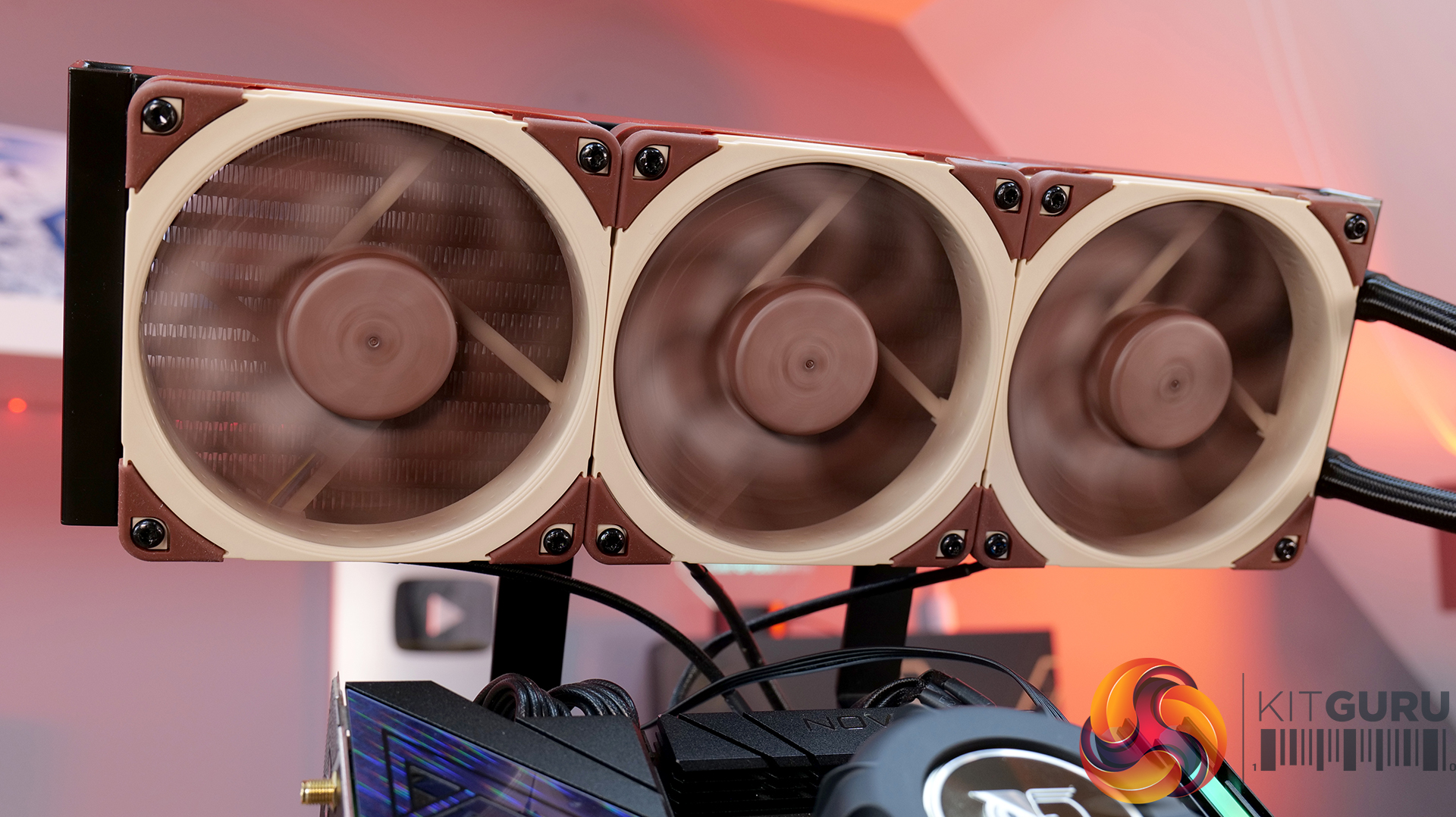
The NL-LC1-36 has a radiator size of 399.5x120x30mm with a total thickness of 59mm with the fans. The NL-LC1-42 has a radiator size of 459.5×143.7x30mm. It also has the same total thickness of 59mm. The fin stack has a 20 FPI count and comprises 12 channels for coolant flow. There is 105mm standard gap between any two opposite end mounting holes.

Noctua uses non-louvered fins, which have low flow impedance, making them suitable for NF-A12/14 PWM G2 fans, which generate less air velocity at high speed. The overall build quality is good and I did not see any bent or broken fins.

Noctua NL LC1 42 Radiator 2

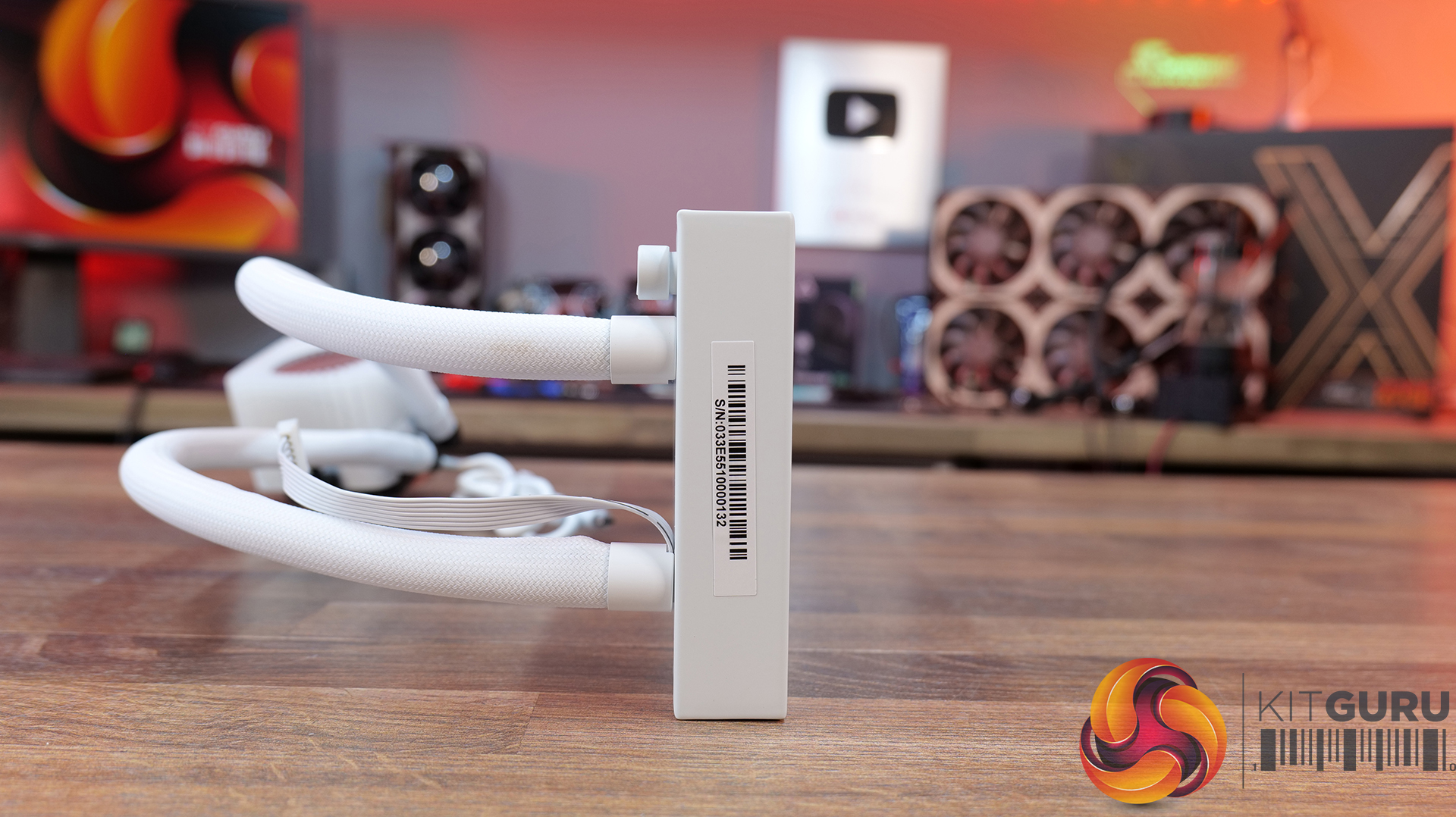
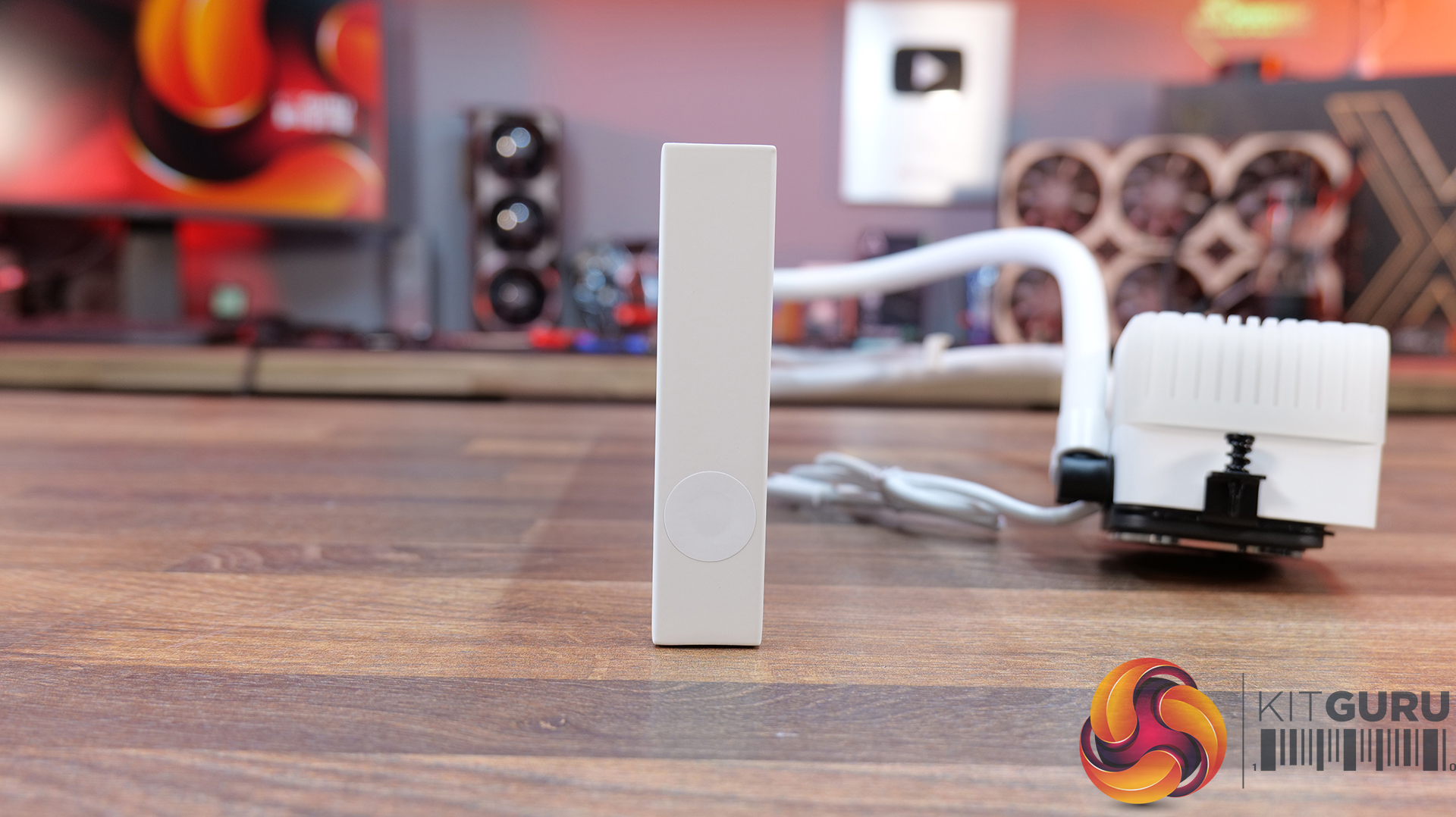
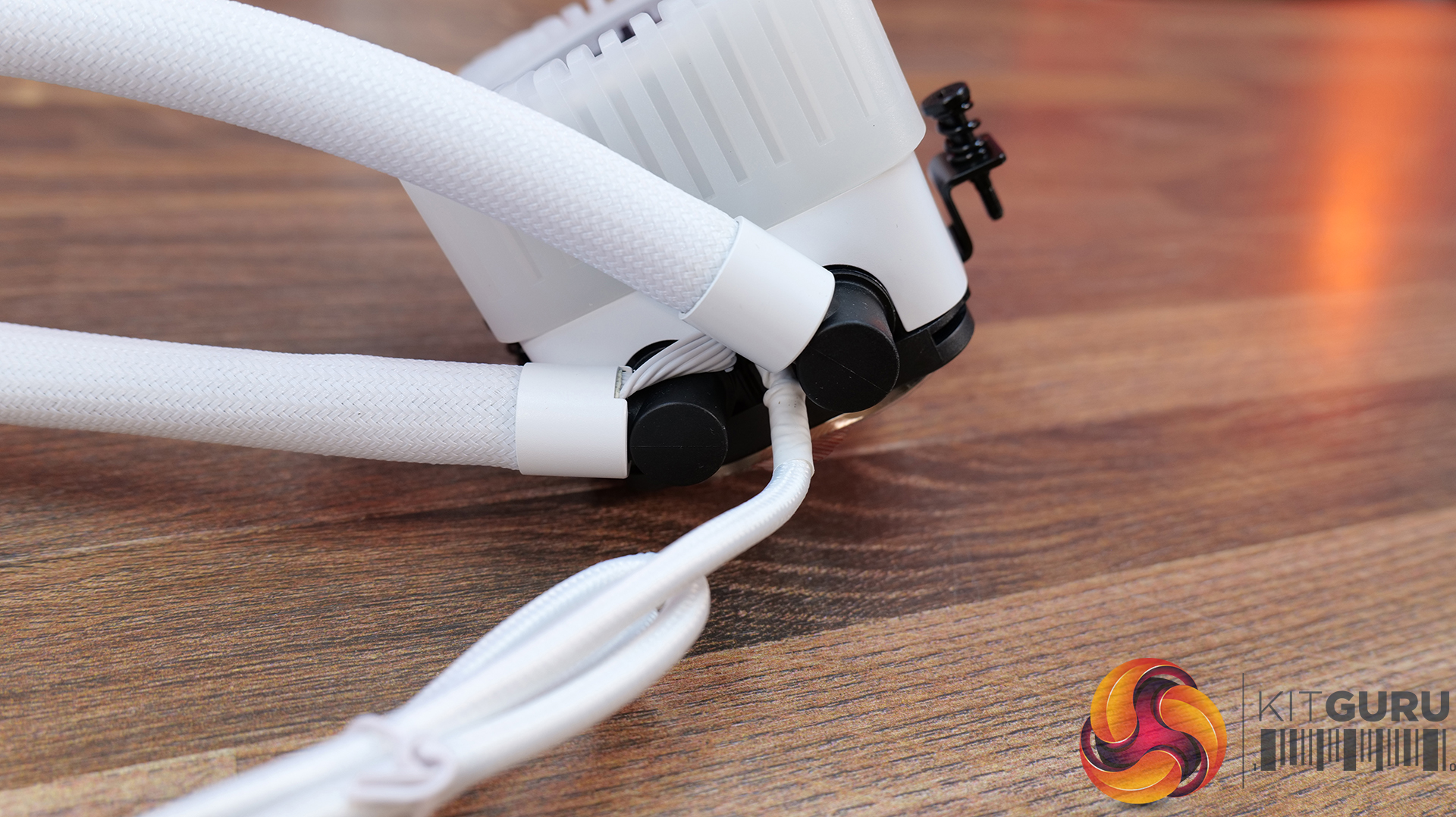
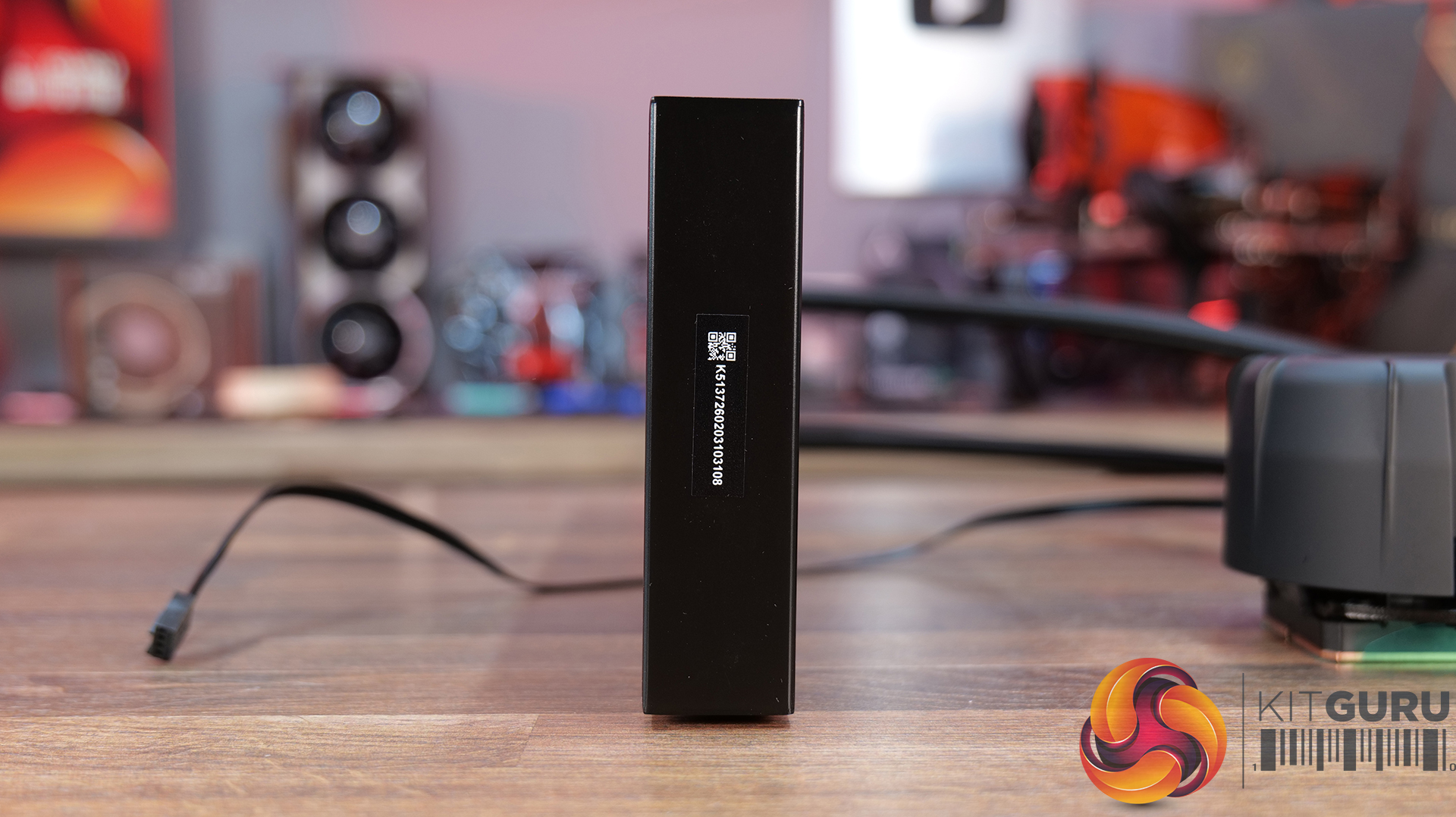
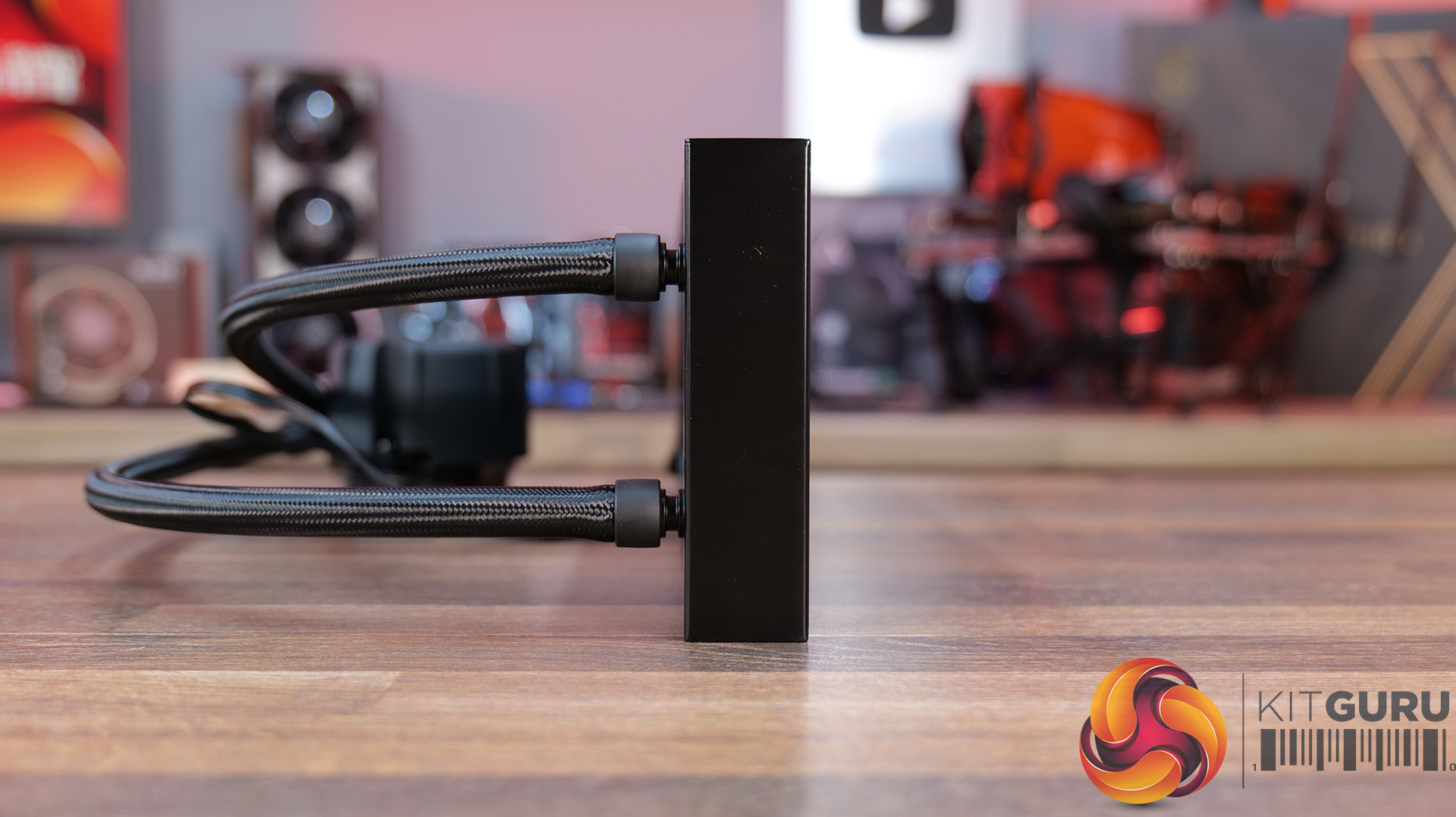
The tube connections on the radiator housing are well concealed using black rounded clamps. The gap between these connections is considerable. The near head does not have any serial number sticker or other data. The far chamber has this data.

Noctua NL LC1 42 Radiator 3
Noctua NL LC1 36 Radiator 4

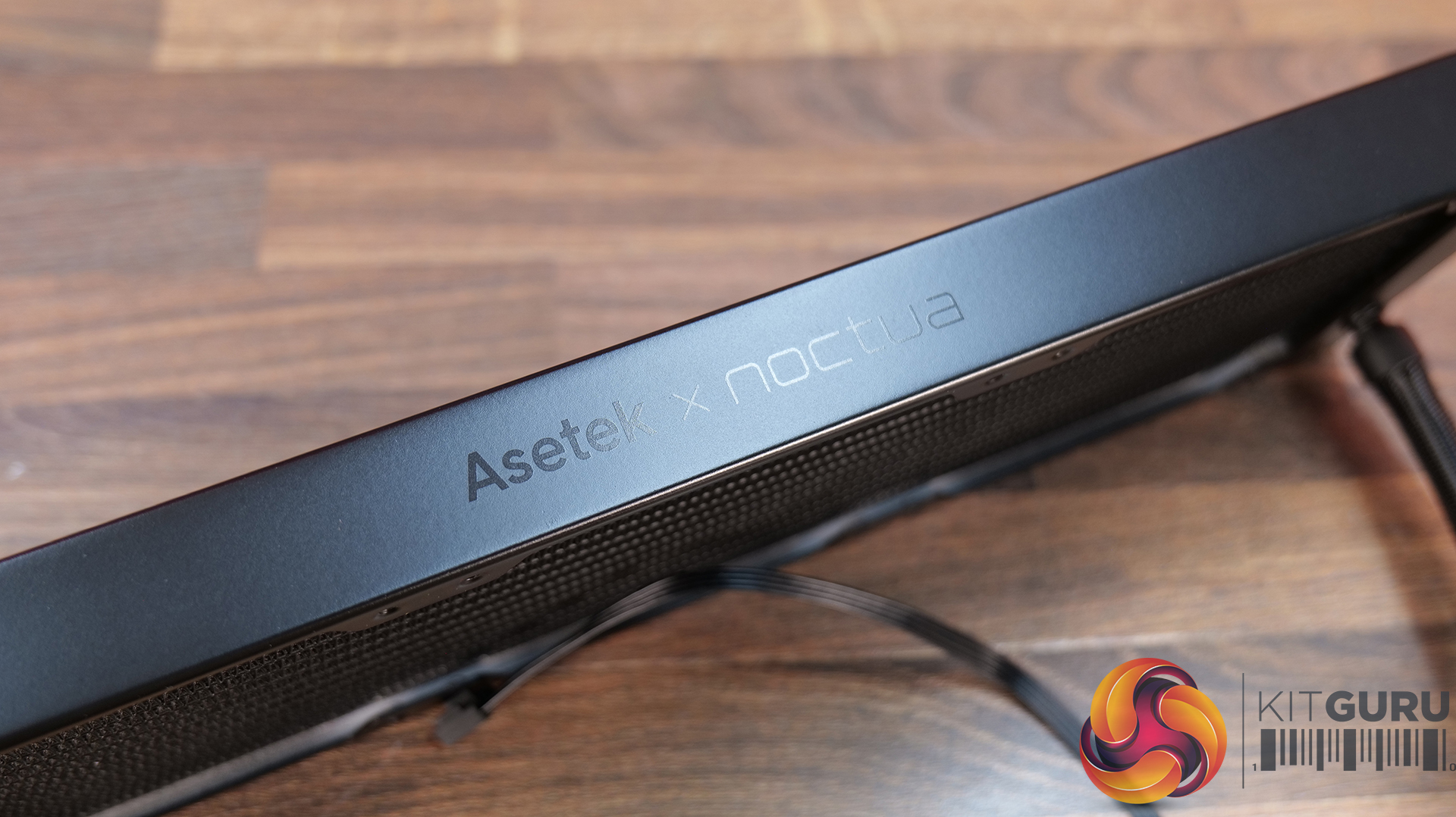
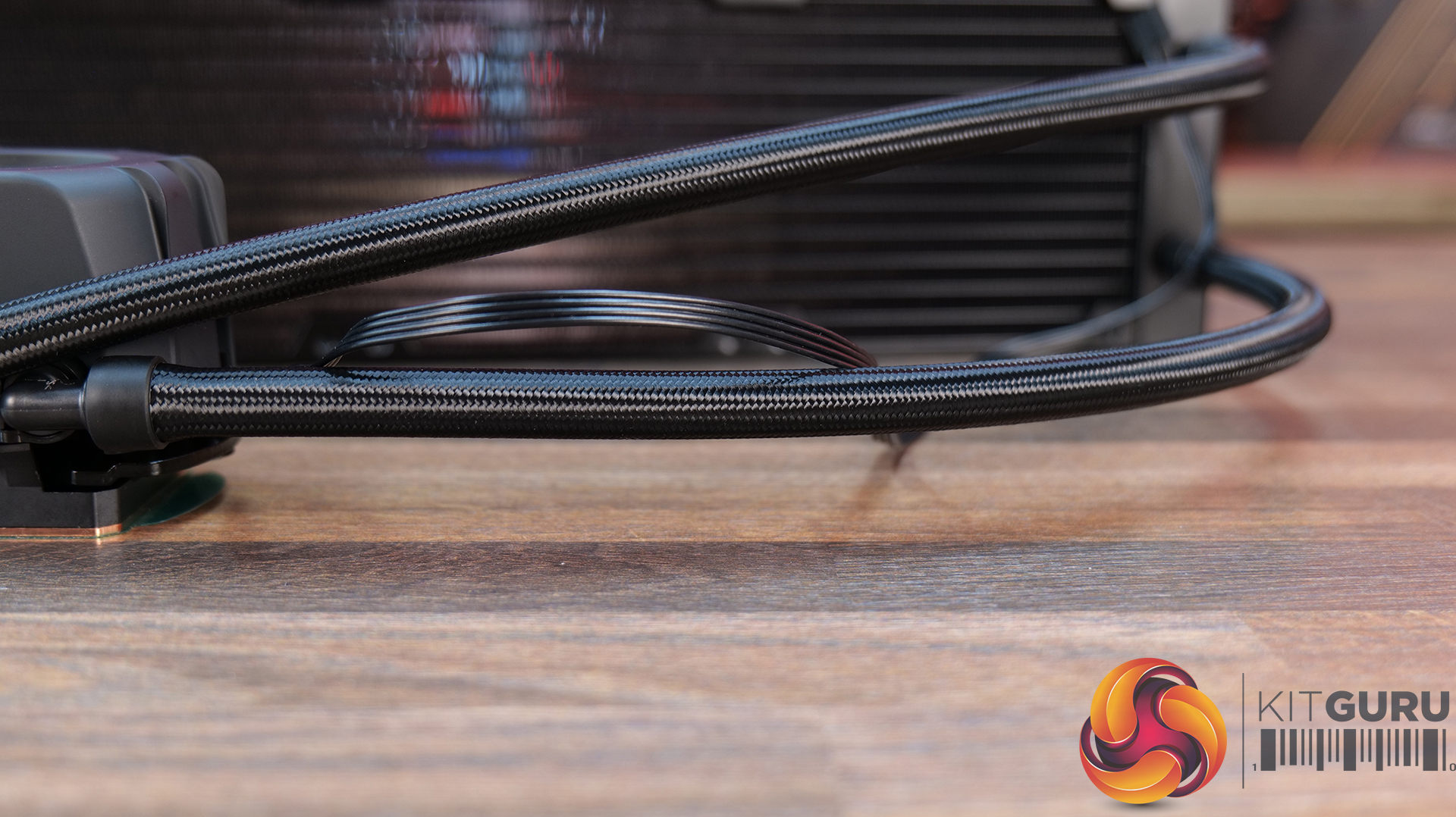
Noctua uses Astek x Noctua branding on the side frame of the radiator. Noctua has used EPDM tubes with low permeation rate so that they last for good given the warranty period of 6 years. The NL-LC1-36 has a tube length of 410mm where NL-LC1-42 has a tube length of 450mm. The outer diameter is 12.5mm and the inner diameter is 7 mm, with a minimum bend radius of 26mm. Speaking of the coolant, it comprises 22% propylene glycol and 78% water. Its inhibitors include Anti-Freeze, Anti-Corrosion, and Anti-Biological.

Block/Pump Head

Noctua NL LC1 36 Pump Top 1
Noctua NL LC1 36 Pump Top 4
Noctua NL LC1 36 Logo Plate 1
Noctua NL LC1 36 Logo Plate

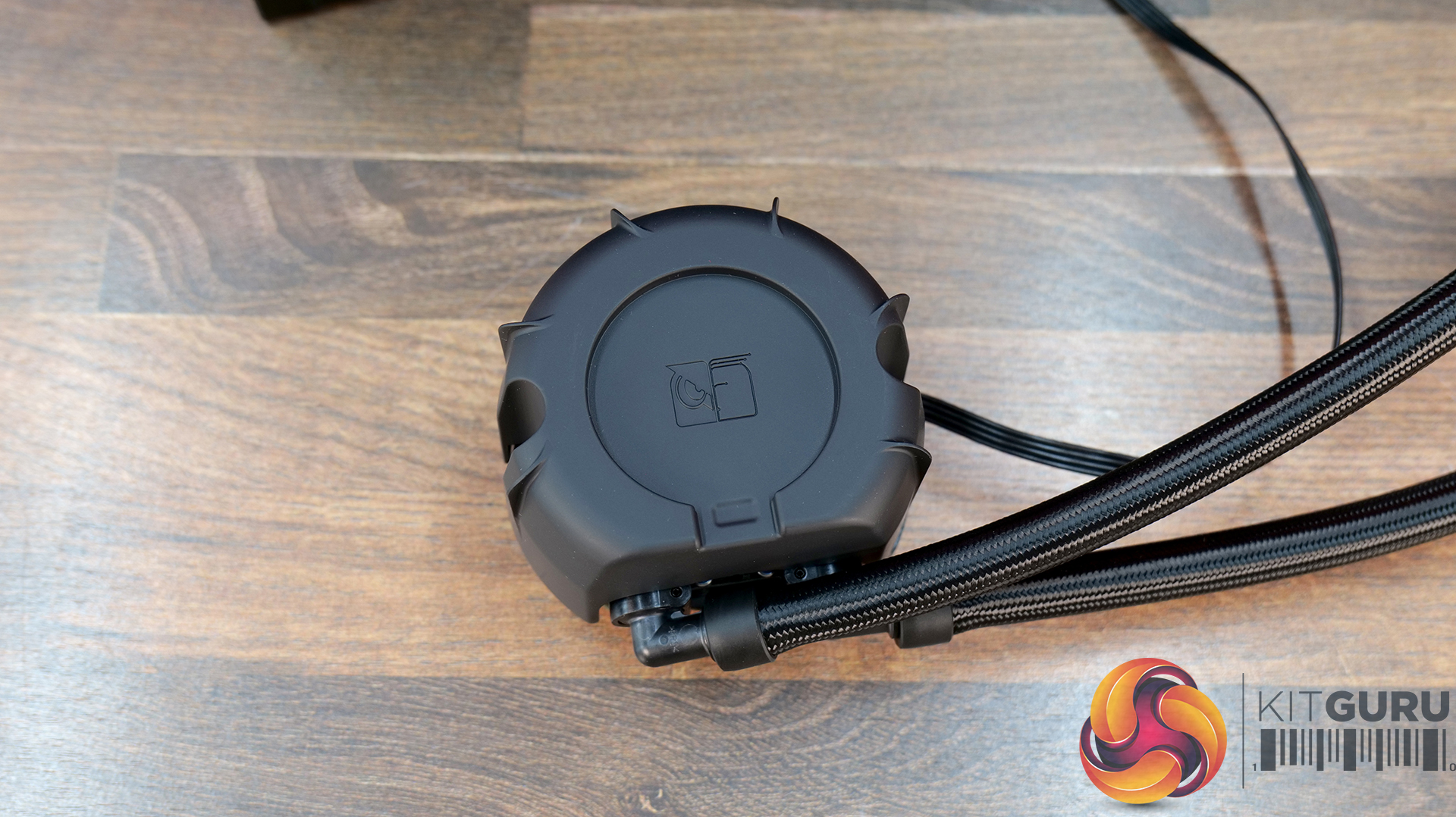
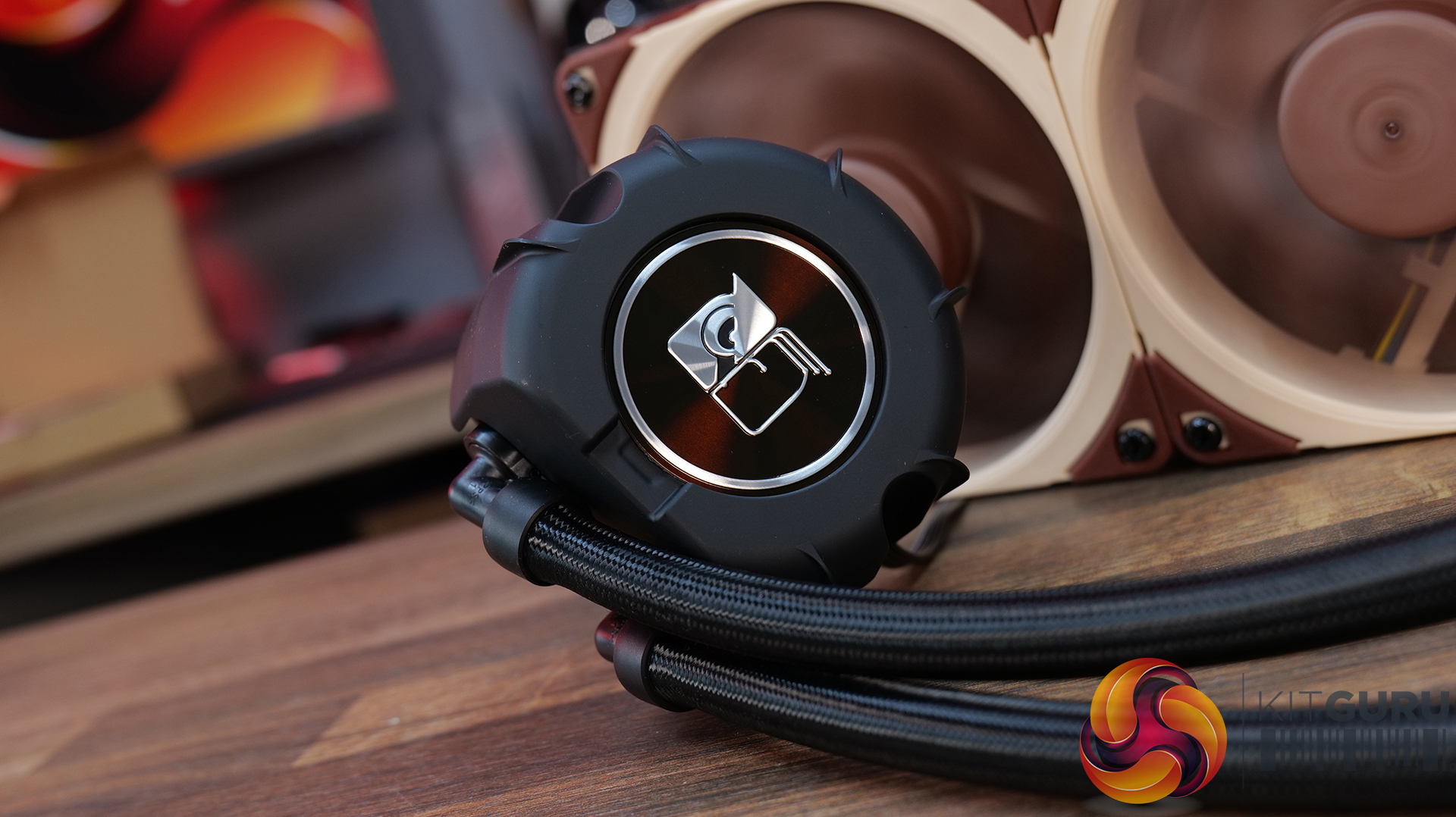
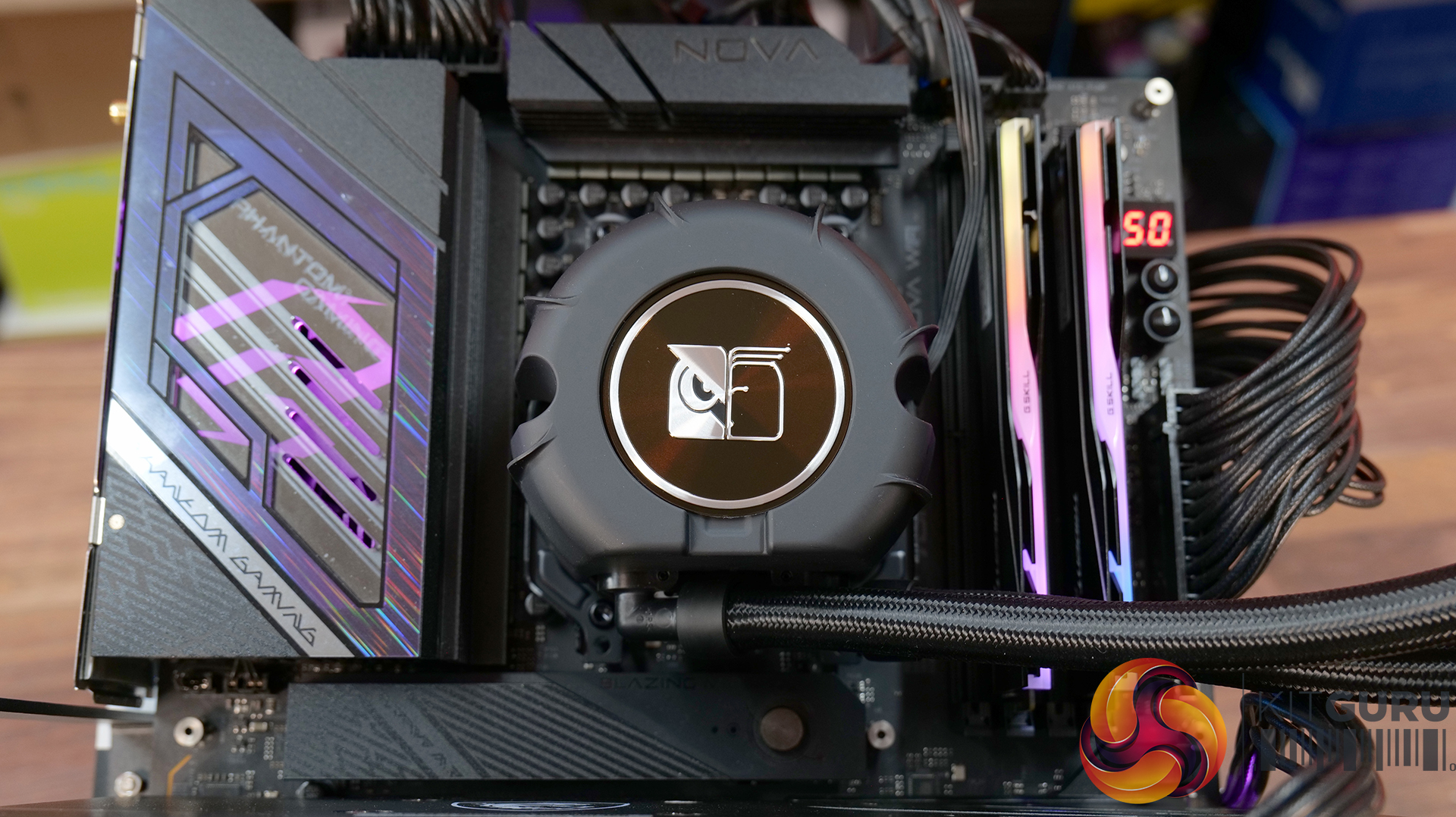
The pump housing is almost circular in design. The pump top height is 70mm. You can see an inset over the top with Notua branding in the center. This is where you will place the bundled metal plate. The embossed logo helps the user identify the right orientation of the metal plate. This is magnetic mounting. The cutout with a further inset is useful for removing the metal plate. The power cable comes from the side of the main housing.

Noctua NL LC1 36 Pump Top 2
Noctua NL LC1 36 Pump Top 3

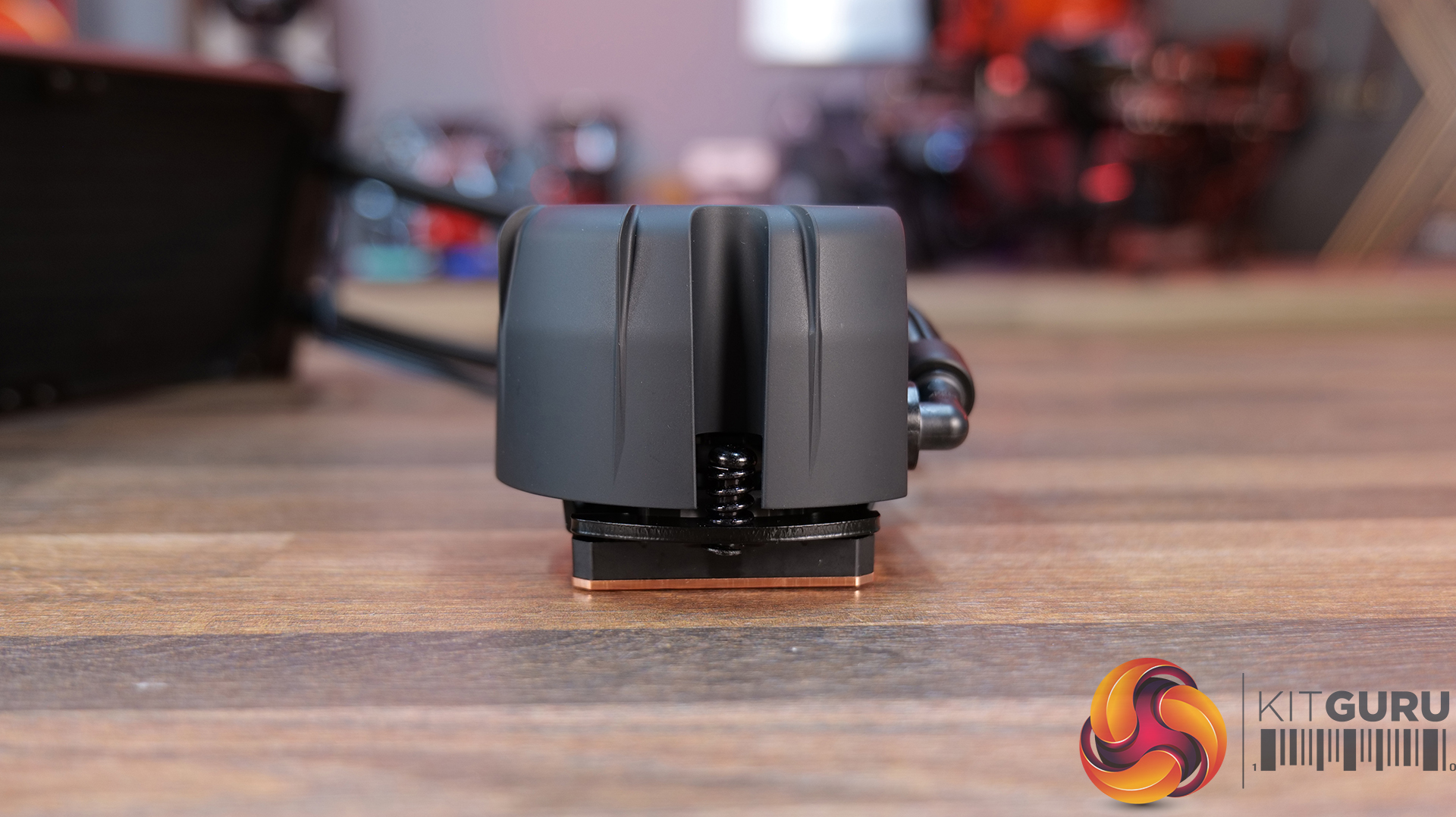
Noctua has provided a spring-loaded screws mounting mechanism in the pump housing. They have smartly provided insets on the sides so that a screwdriver can easily access the screws without affecting the overall dimensions of the housing. You won’t see any branding on all sides of the housing.

3 Layer Sound Proofing 1
3 Layer Sound Proofing 2
3 Layer Sound Proofing

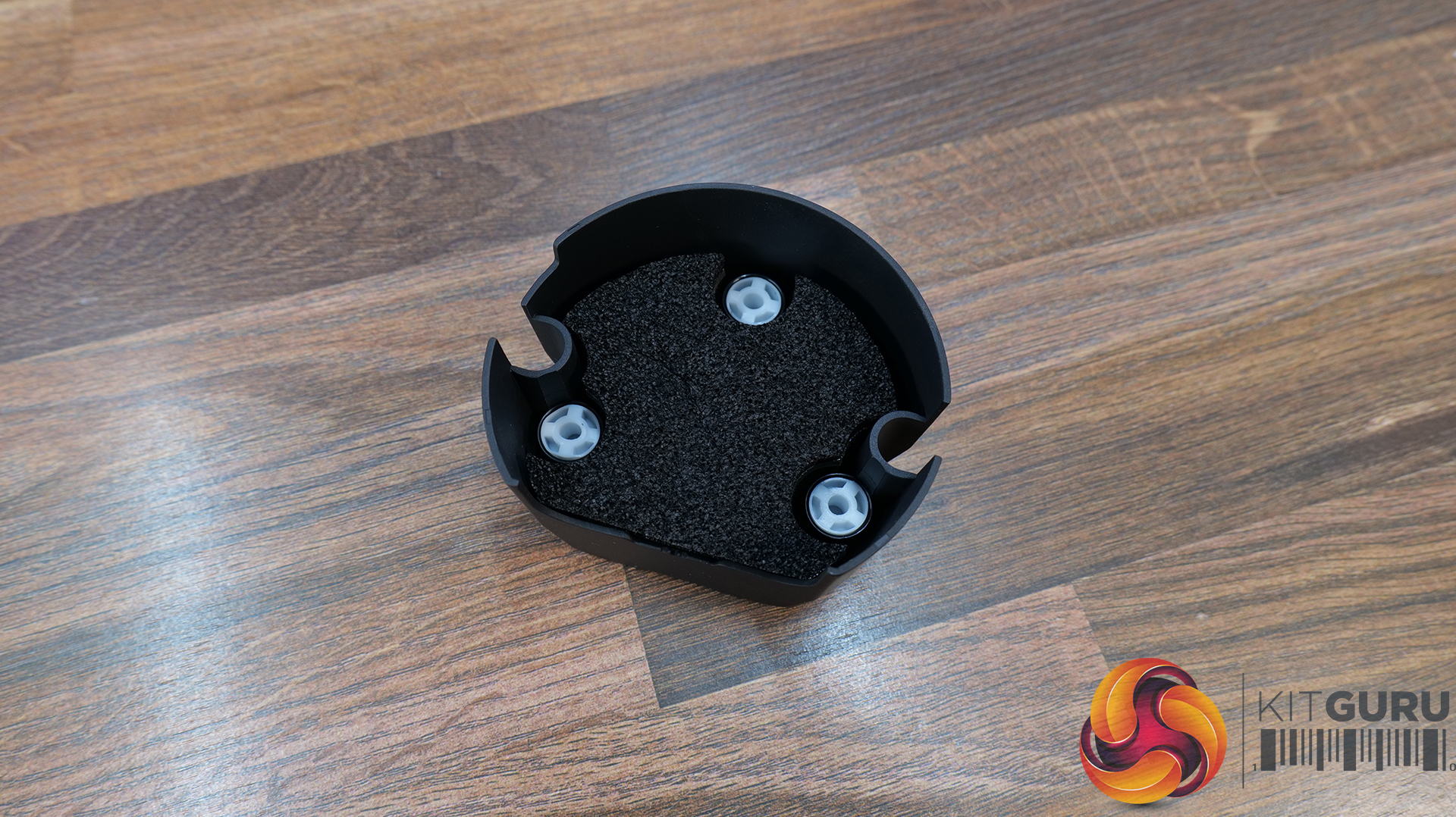
Noctua has implemented a mechanism to reduce the pump noise to max for which they have used the NL-PNA1 pump noise absorber, which integrates three layers of acoustic foam. Acoustic Foam is deployed to absorb high-frequency sound waves. It is a soft and porous material. The NL-PNA1 pump noise absorber can improve acoustics both by reducing sound pressure levels (SPL) and by shifting the pump’s sound signature towards lower frequency ranges that most people perceive as less distracting.

The first layer is of acoustic foam, which absorbs high-frequency sounds. The major component is a dense barrier, which is a second layer. It blocks and reflects the sound waves. The final layer of acoustic foam isolates the dense barrier from the substrate. These barriers are installed over the pump motor inside the housing.

Noctua NL LC1 36 Pump Top 5

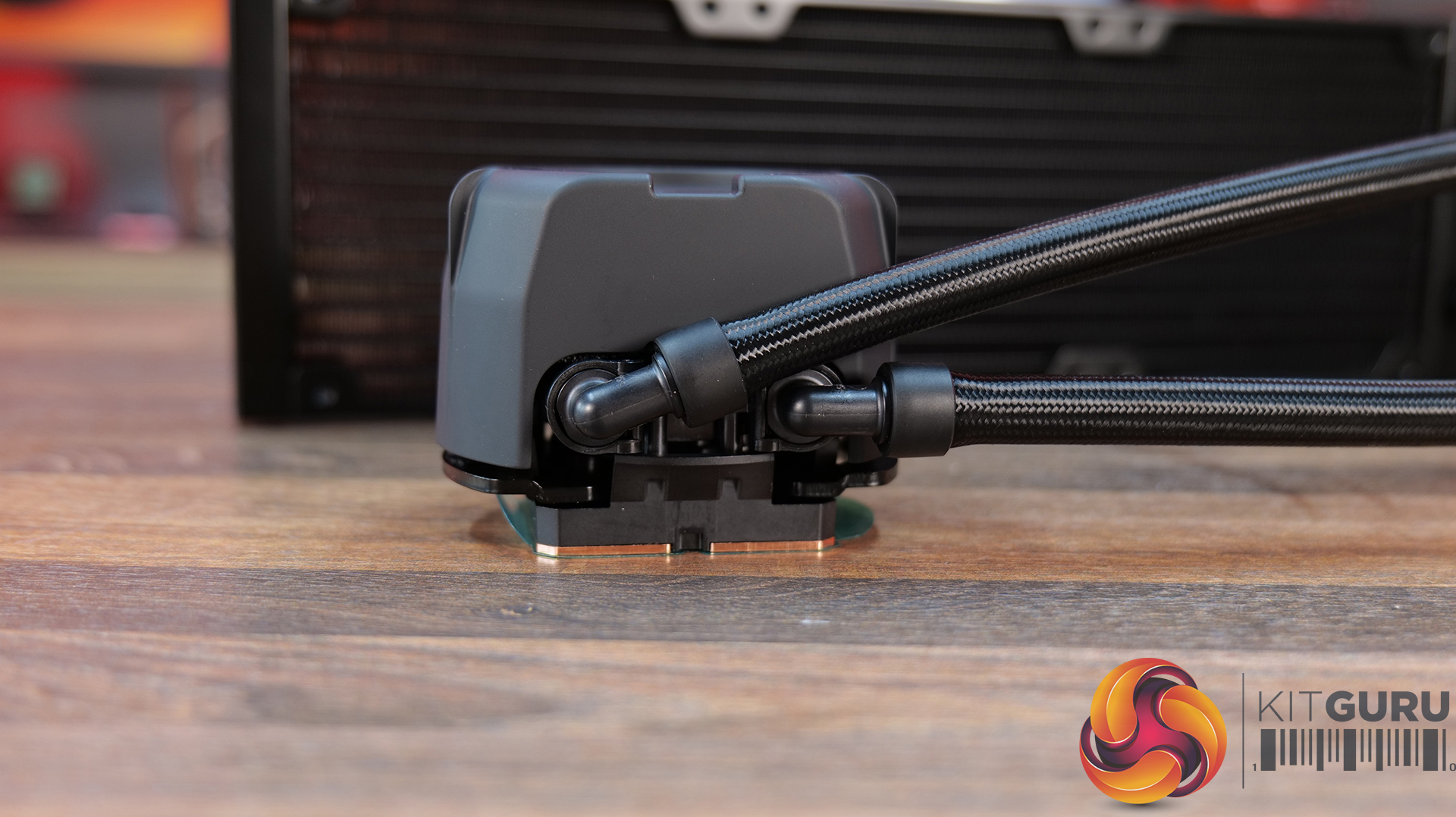
The backside of the pump top has tube connections in 90° and can be rotated sideways. The tubes are flexible, and sliding the tube connection is convenient as well.

Noctua NL LC1 36 Pump Top Speed Switch 1

The slider button is located on the rear of the pump housing. You can also see porous acoustic foam right above the switch. The pump profiles include:

Quiet: 750 to 2100 RPM

Balanced: 750 to 2600 RPM

Manual: 750 to 3400 RPM

Noctua NL LC1 36 Pump 6 1

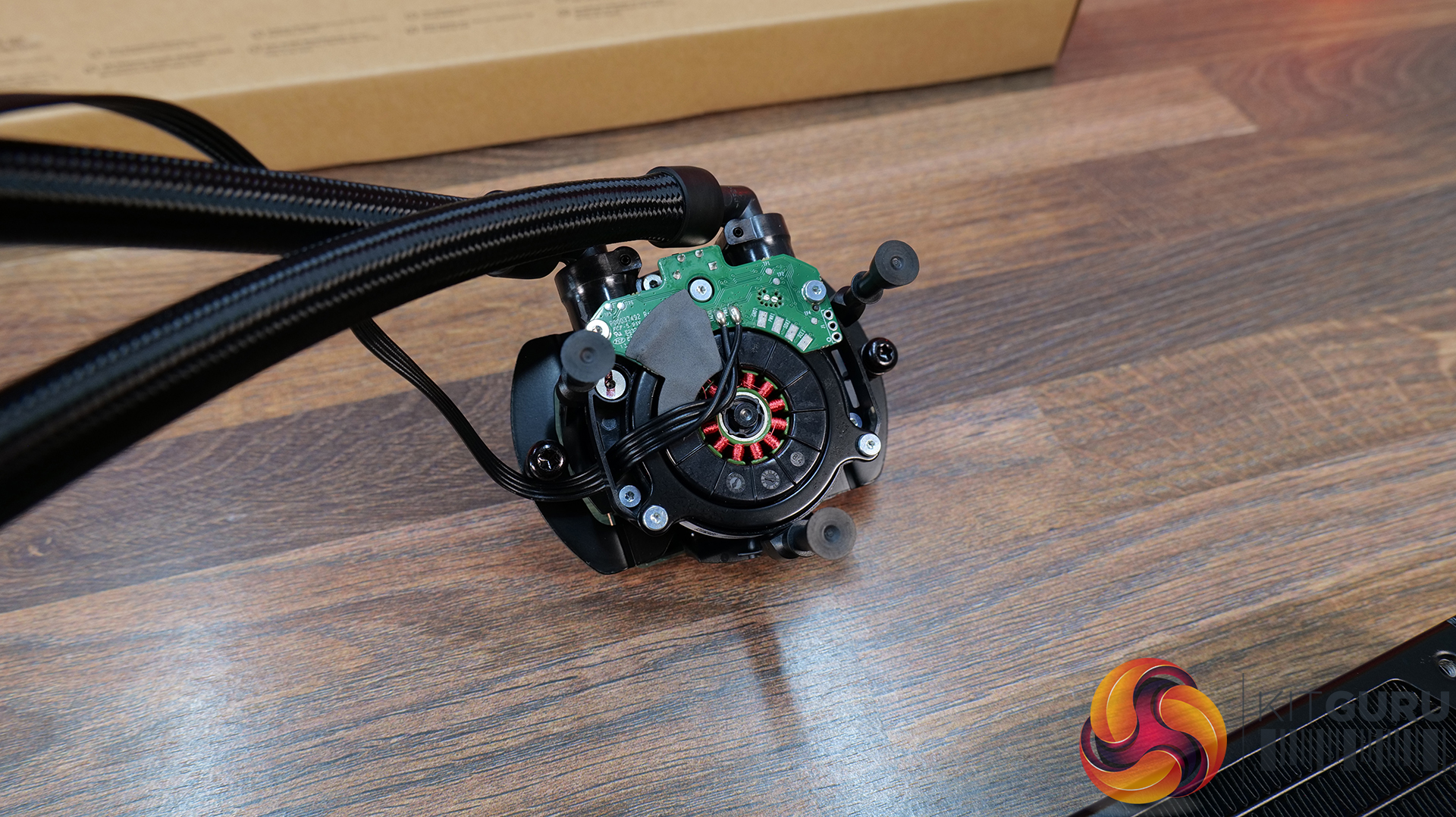
The pump is PWM regulated. However, complete PWM range is only available under Manual mode. As mentioned above, these units employ the Asetek Emma V2 platform with Gen8 pump. This pump uses a three-phase motor with a centrifugal impeller type and a ceramic sleeve and shaft.

Safety Features:

Noctua has integrated a sensor in the loop to monitor coolant temperature. Some important safety-related aspects are:

  • The pump will not go below 750 RPM even if the PWM range is set below 20%.
  • The pump has a nominal minimum speed of 750 RPM (20% PWM). It will operate at this speed as long as the liquid temperature remains below 45°C.
  • If the temperature crosses 45°C, the speed of the pump will start increasing accordingly automatically.
  • As soon as liquid temperature reaches 55°C, the pump will automatically operate at its full speed of 3400 RPM.
  • If the pump detects 0% PWM signal for any reason, it will operate at full speed.
  • On every startup, the pump will run at its full 100% speed for some 50 seconds to bleed the loop, and then it will come down to the user-set mode.
Noctua NL LC1 36 Pump Top 6
Noctua NL LC1 36 Pump Top 7

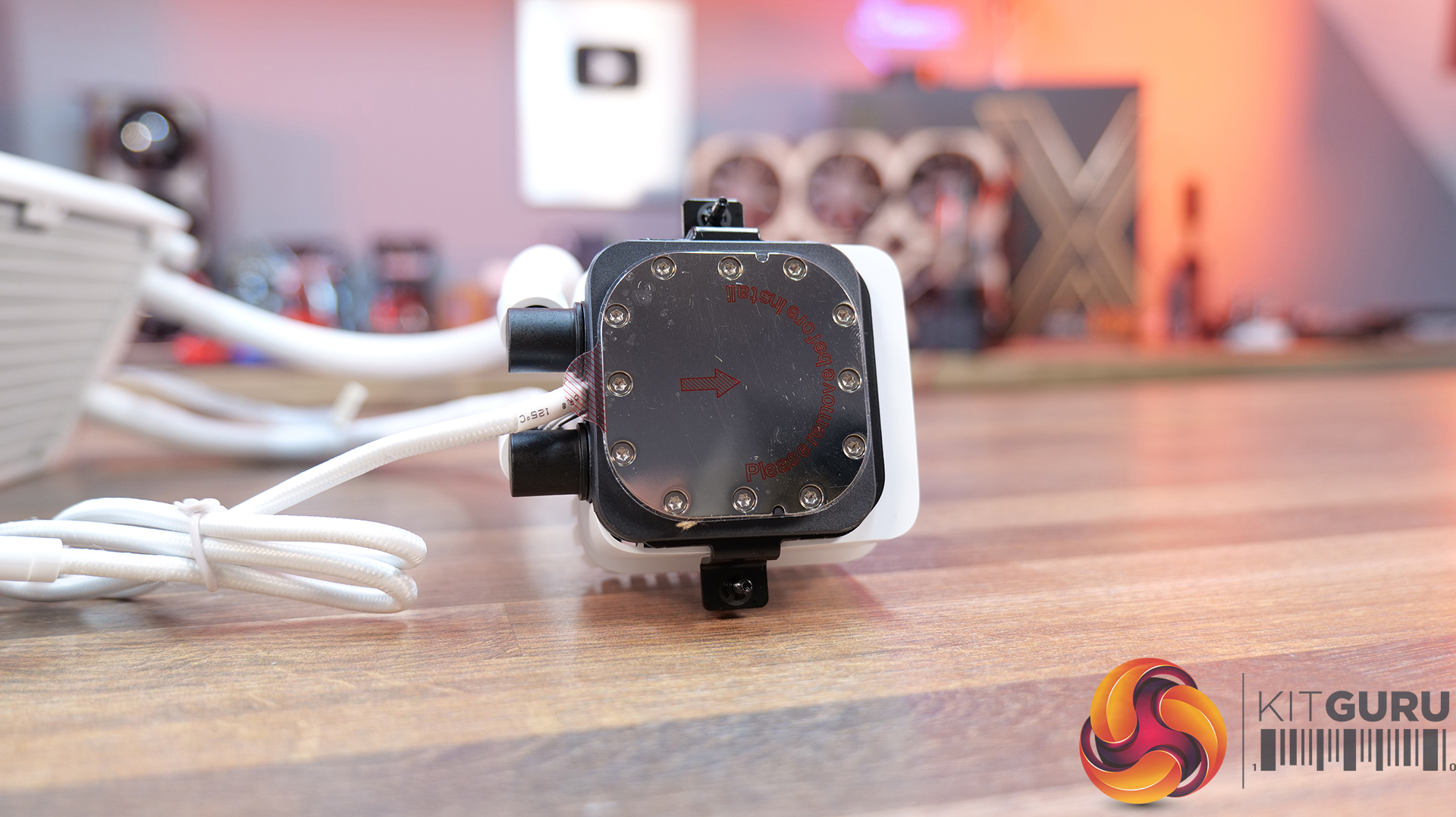
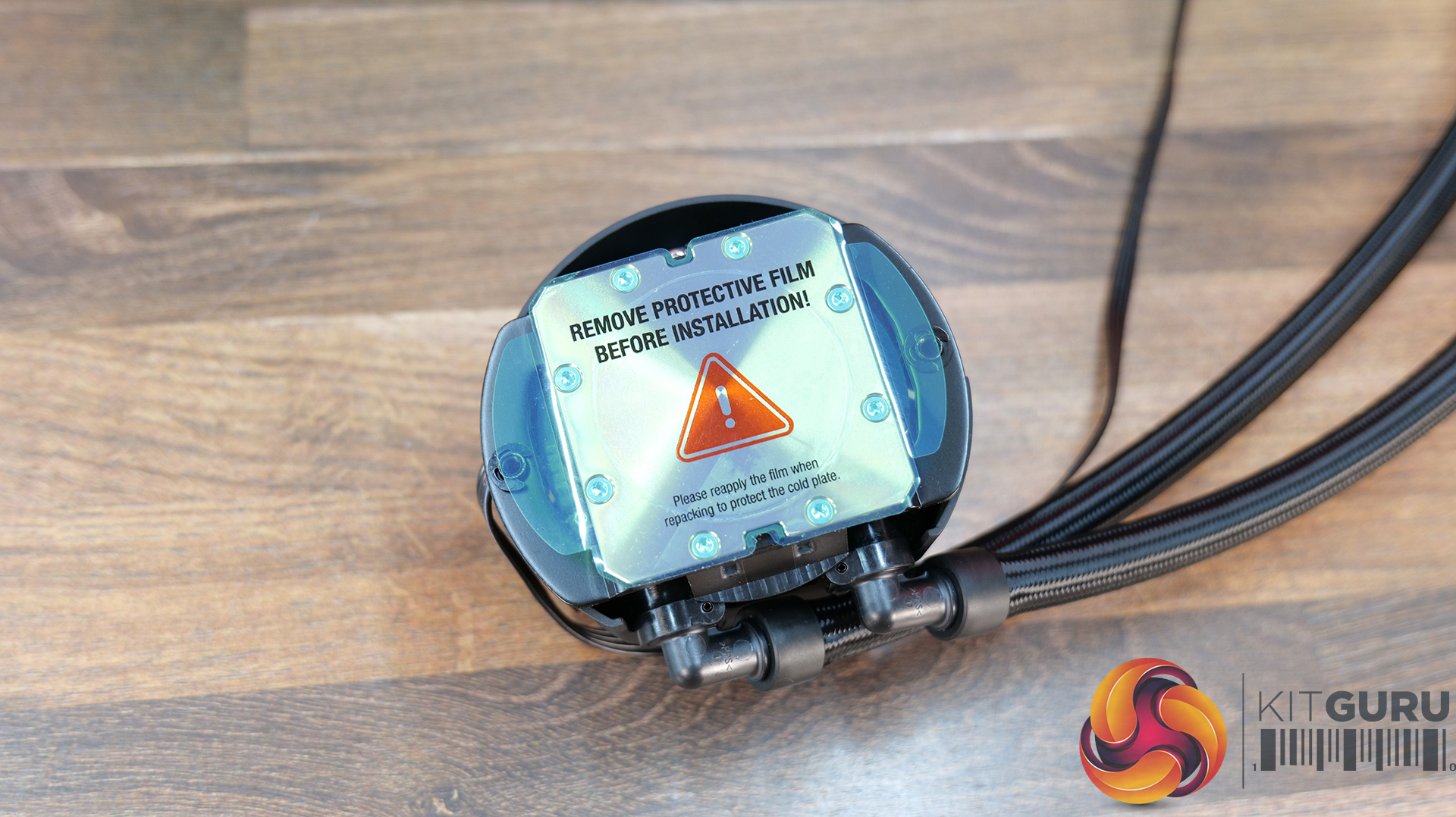
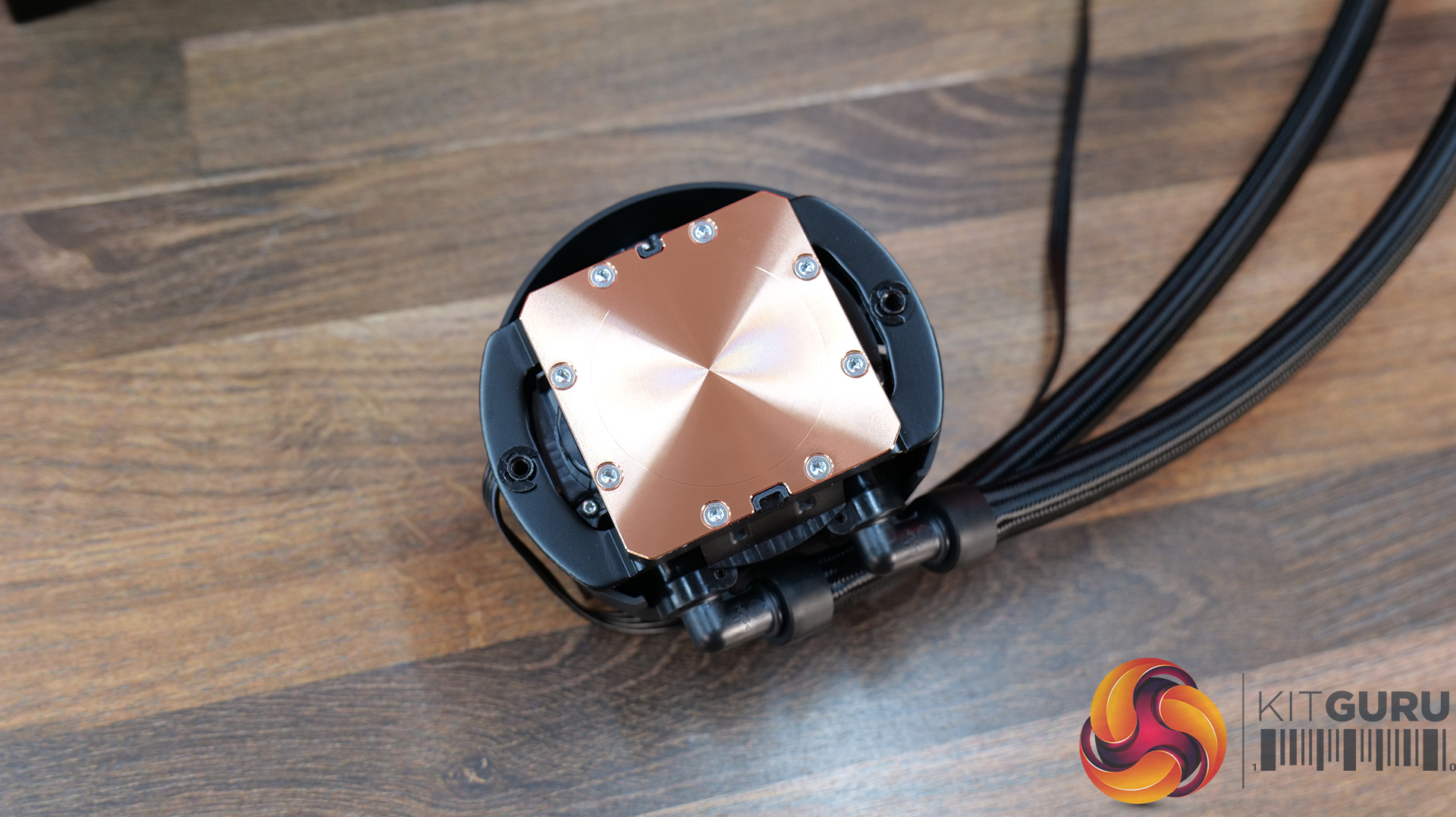
These coolers using the Emma V2 platform feature a cold plate made of 99.95% high-purity CU100 copper. The cold plate has a large 32.5×22.5mm array of skived micro-fins. This is a dense fin stack providing better thermal dissipation and coverage of the die. A distributor is used for even flow of coolant on both sides of the cold plate.

FANS

Noctua NL LC1 36 Fan 1
Noctua NL LC1 42 Fan 1

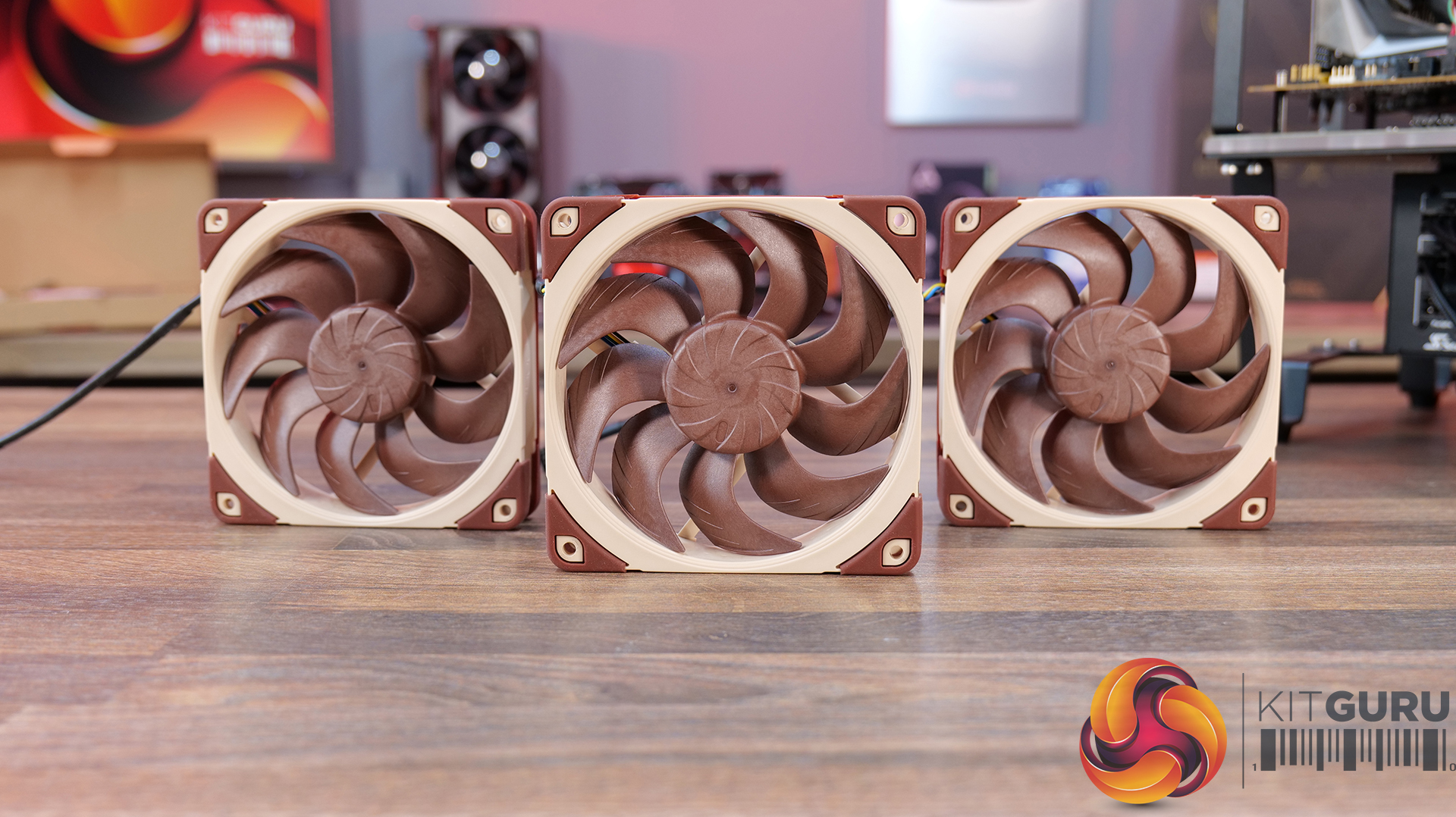
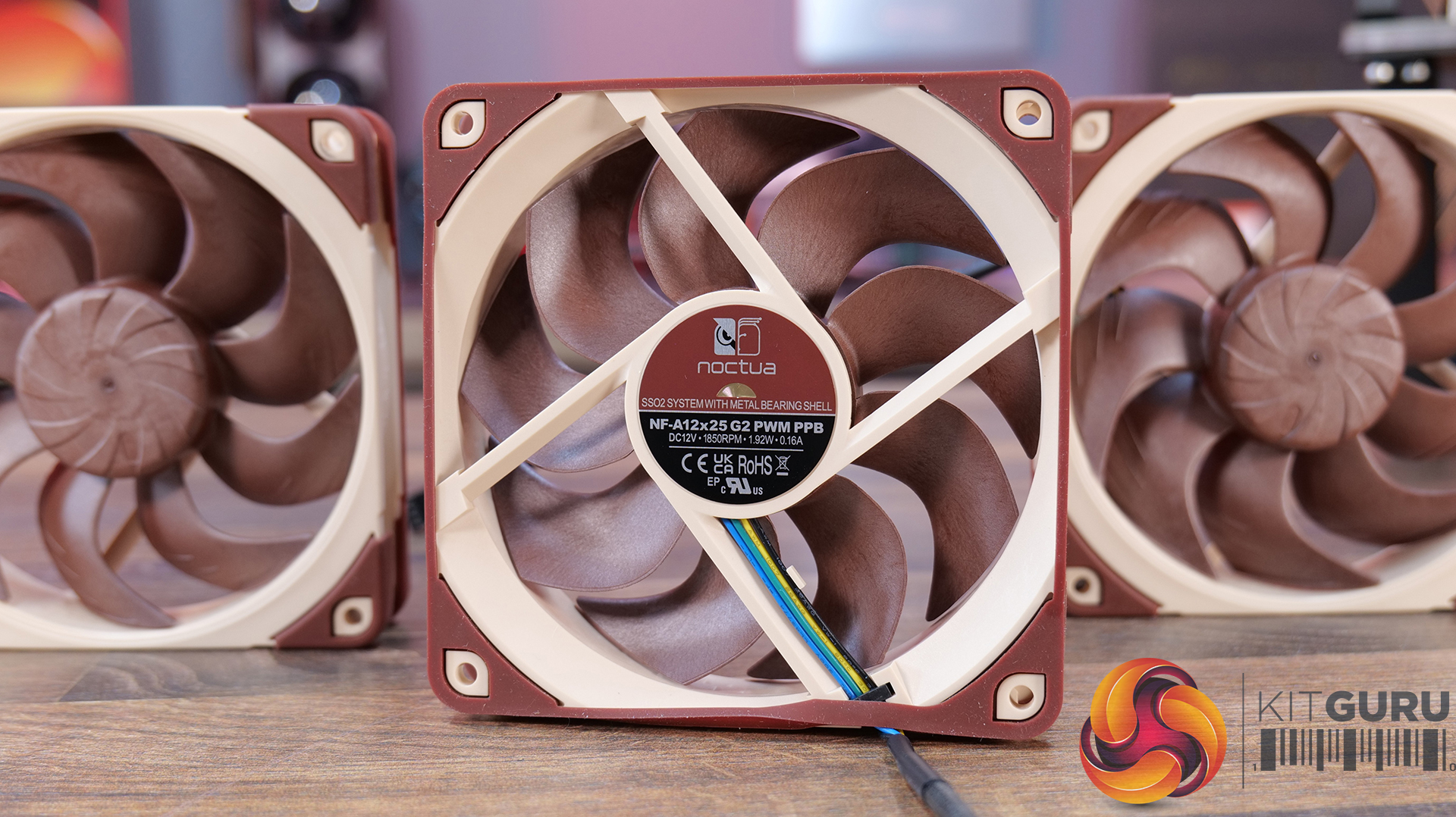
The NL-LC1-36 comes with three Noctua’s high-performance next-generation NF-A12x25 PWM G2 fans. The NL-LC1-42 comes with three NF-A14x25 PWM G2 fans. We have already covered these fans in detail in separate reviews; hence I will not go into the details. Click on the names of the fans above to check the dedicated reviews.

Installation

Noctua NL LC1 42 Installation

Noctua did not reinvent the wheel here; rather relies on its tested and trialed SecuFirm2+ mounting kit for the liquid coolers. This is a wise move. Noctua wants to prevent any flex in the mounting parts that could impact the contact pressure. However, this results in Noctua using a two-point contact method.

Noctua NL LC1 36 Backplate
Noctua NL LC1 36 Mounting Brackets AMD
Noctua NL LC1 36 Mounting Brackets Intel

The mounting kit offers offset mounting options for both AMD and Intel platforms to maximize performance via direct coverage of the hot spot areas/die on the respective SKU.

Overall, installation is simple and convenient, and I did not notice any issues during installation and removal of these coolers.

Clearance

Make sure your PC Case has clearance for 360mm and 420mm coolers, particularly the 420mm, since not all cases support this size.

Noctua NL-ACF1 Fan

Noctua NL ACF1 Box Opened
Noctua NL ACF1 Contents
Noctua NL ACF1 Packing Box
Noctua NL ACF1 PWM Connector
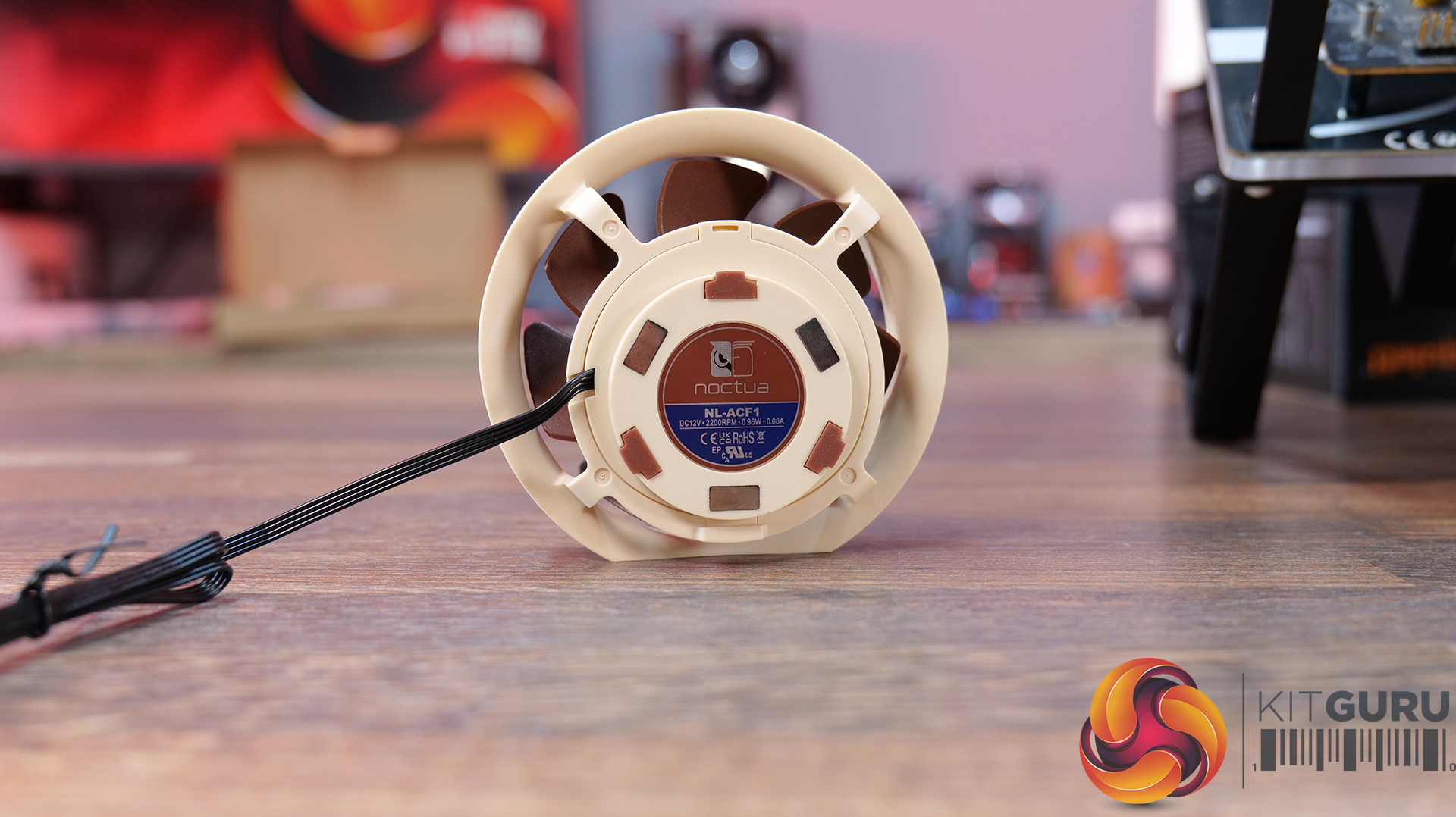
Noctua NL ACF1 Rear View
Noctua NL ACF1 Top View

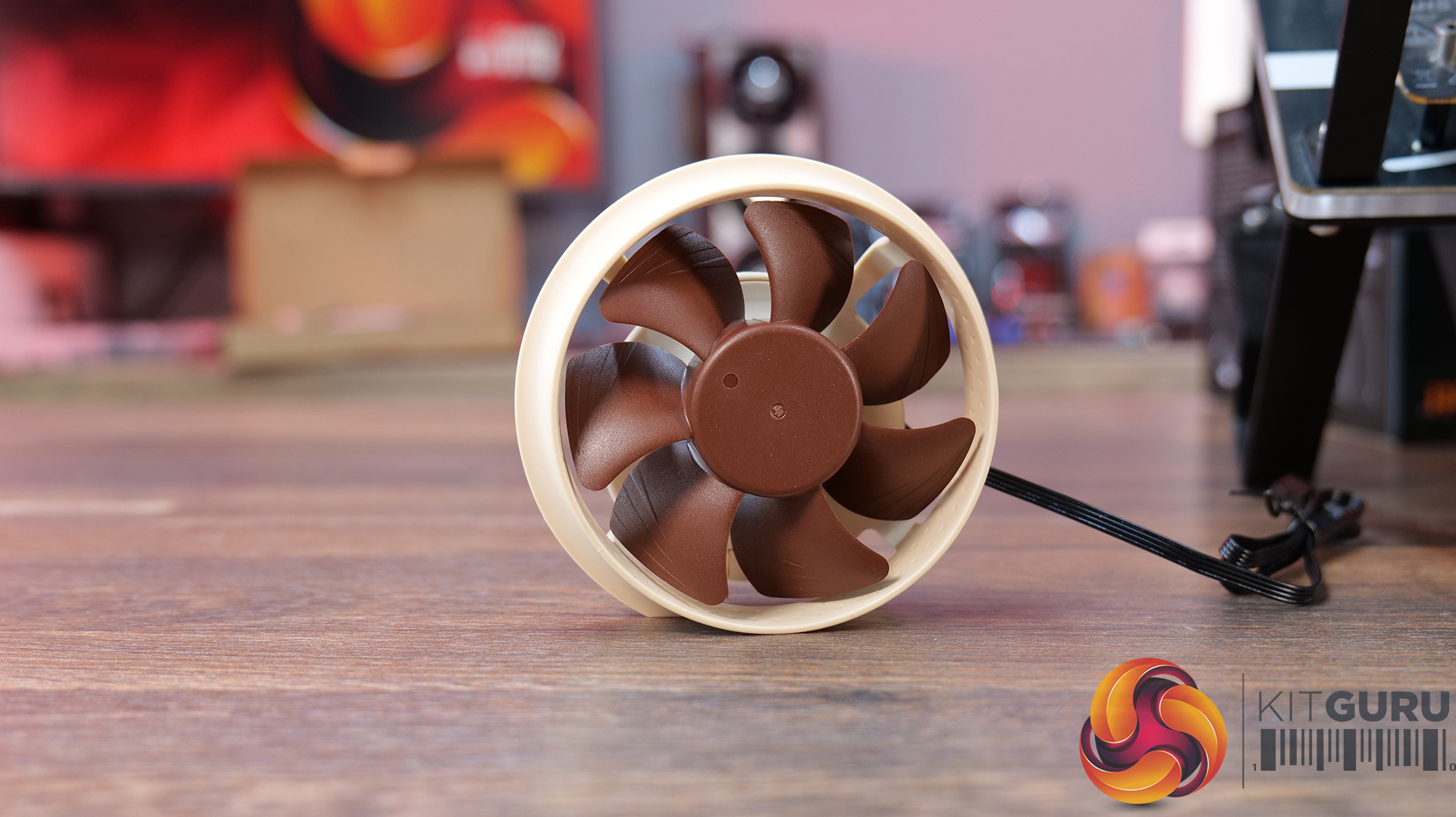
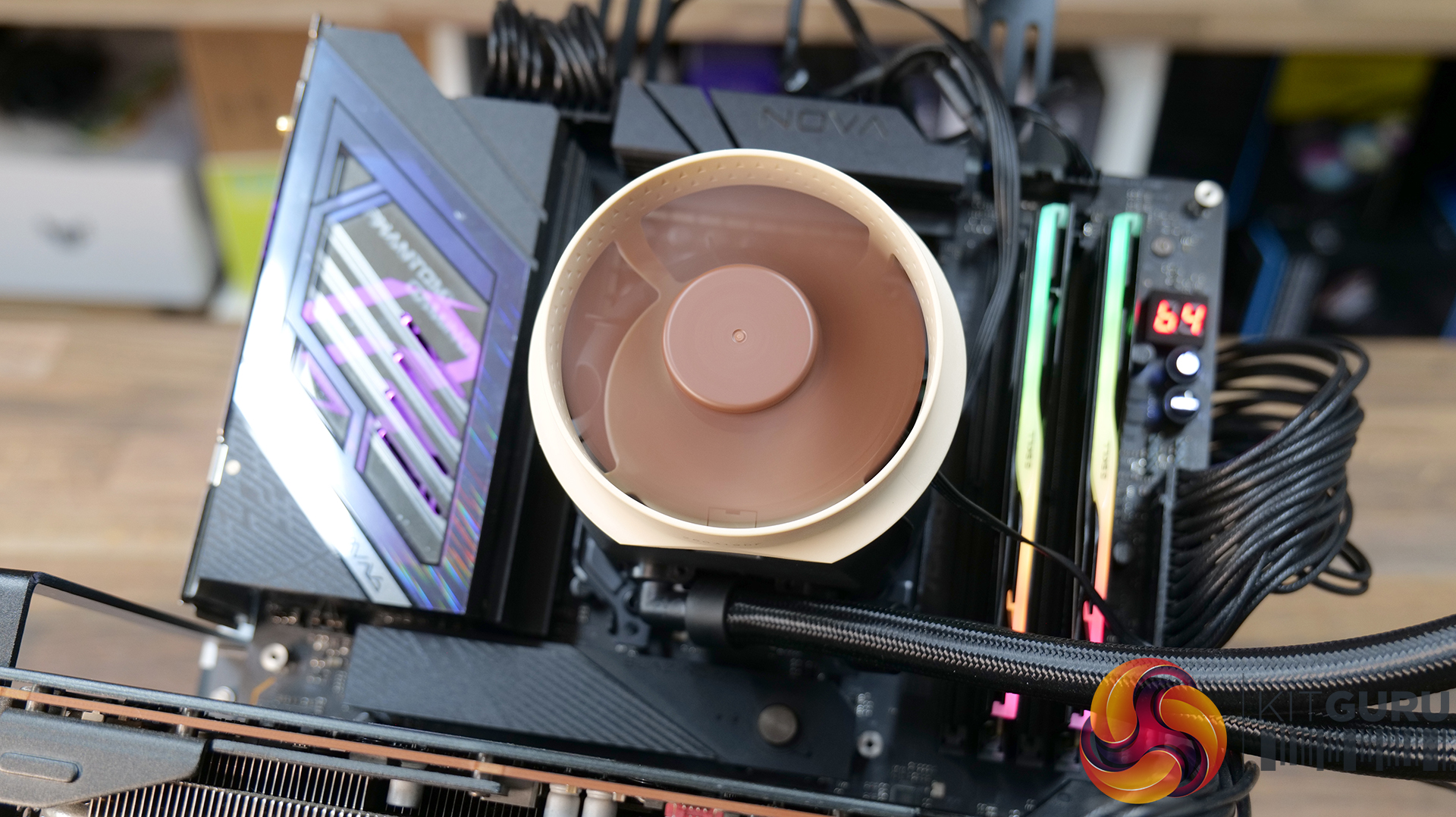
Noctua has also provided an optional accessory for these liquid coolers. This is a pump top-mounted fan that blows air towards the near socket area, including the VRM, RAM, and M.2 SSD, and even the EPS connectors.

According to Noctua, the near-socket components do not necessarily require additional cooling, but providing extra airflow to them makes it possible to keep them at the same temperature levels while reducing the RPM speed of case fans.

Noctua NL ACF1 Installed 1
Noctua NL ACF1 Installed 2

Installation of this fan is quite simple. It has magnetic placement. Just put it on the pump top and connect the PWM cable to the fan header. Yes, you will need an additional fan header for this fan if you want to regulate it manually, or you can combine it with other fans, subject to power ratings.

Testing

The following configuration is used for thermal testing:

  • AMD Ryzen 9 9900X
  • ASRock X870E NOVA WiFi
  • GSkill TridentZ NEO RGB 32GB 6400MHz CL30 DDR5 kit
  • ASRock Phantom Gaming RX 7600 Graphics Card for Display
  • Biwin Black Opal X570 Pro 4TB NVMe SSD
  • Fractal Design ION+ P2 860W Platinum
  • Thermaltake Core P6 TG Snow Edition in an open frame layout
Noctua NL LC1 36 Test Setup

Here is the settings table for testing:

SettingsPBO Enabled [243W]
Clock (MHz)Auto
Voltage (V)Auto
Thermal PasteNoctua NT-H2
Thermal Paste ApplicationDots Method
Test Run Time30 minutes
Idling Time10 minutes
All Fans Speed100% PWM Duty Cycle
Pump Speed
Stress SoftwareCINEBENCH R23.2
Monitoring SoftwareHWINFO64
Noctua NL LC1 42 Test Setup

I am reporting absolute temperature in the graph because the room temperature was at 22°C throughout the day. The testing is done on an open-air bench system. Once inside the chassis, the temperatures are expected to rise and would largely depend on the optimal airflow inside the chassis.

Result

Noctua NL LC1 36 Thermal Performance

I have tested NL-LC1-36 using all three modes (Quiet, Balanced, and Manual), whereas the NL-LC1-42 was tested with Manual mode only. Also, the VRM fan is tested on the NL-LC1-36 only to make its case. In quiet mode, the NL-LC1-36 reached 80.9°C with only 0.2°C margin over the Game Max cooler.

The NL-LC1-36 in Balanced mode did 79.7°C, competing against the former topper of our graph, which 420mm cooler from DeepCool. The NL-LC1-36 did a fantastic job of 78.5°C in manual mode, making it a number one performer in the 360mm category. The NL-LC1-42 did marginally well comparing with NL-LC1-36 but it is right now on the number 1 slot in our graphs.

The selling point here is the noise-to-performance ratio. Noctua coolers with fans and pump at 100% PWM range are silent compared to other coolers in the graph. This is what makes these coolers a compelling, excellent cooling solution for your requirements. Clearly, these coolers have more head room for higher TDP.

Conclusion

I remember the days, when I used to install Noctua fans on Corsair AIOs for better acoustic and thermal performance. Fast forward to 2026 and Noctua makes its entry in the liquid cooler segment. This entry, though expensive but brings an excellent and powerful cooling solution on the market while sticking with Noctua’s colors. The new coolers are named NL-LC1, followed by a two-digit code representing the size of the radiator like 24 for 240mm, 36 for 360mm and so on.

We have tested NL-LC1-36 and NL-LC1-42 coolers this time. These are 360mm and 420mm size coolers that are compatible with AMD AM4/AM5 and Intel LGA1700/1851/1954 sockets. Noctua has bundled its high-performance NF-A12x25 PWM G2 with 360mm cooler and NF-A14x25 PWM G2 in 420mm cooler. These are the best fans from Noctua at present and provide an excellent noise-to-performance ratio.

For the pump, Noctua has employed the Asetek Emma V2 Gen8 platform, which is Asetek’s flagship pump solution for liquid coolers. Noctua’s customization comes in the form of three layered sound dampening/noise absorbing foams with a dense barrier that sits right on top of the pump inside the main housing. This pump uses a three-phase motor with a centrifugal impeller type and a ceramic sleeve and shaft.

Noctua has introduced three modes for pump speed regulation: Quiet, Balanced, and Manual. A slider switch is provided on the rear of the pump housing. For a complete and wide PWM range, use Manual mode. In our testing, the quiet mode also provides highly competitive performance from these coolers.

An integrated sensor monitors the liquid temperature and uses built-in safety features under certain conditions like pump operating at 100% PWM range if the coolant temperature crosses 55°C. Similarly, when coolant temperature starts crossing 45°C, the pump speed also starts increasing accordingly.

The NL-LC1-36 features an aluminum radiator of size 399.5x120x30mm, whereas the NL-LC1-42 has a radiator size of 459.5×143.7x30mm. Both have a total thickness of 59mm each. Noctua has used a non-louvered fin design.

The EPDM tubes with low permeation rate are used on these coolers. The NL-LC1-36 has a tube length of 410mm where NL-LC1-42 has a tube length of 450mm. Speaking of the coolant, it comprises 22% propylene glycol and 78% water.

Noctua has also introduced an optional fan accessory named NL-ALF1, which can be mounted on top of the pump housing for additional airflow to near-socket areas. In our testing, this fan reduces the VRM temperatures from 57°C to 48°C at the same thermal load and ambient temperature. It also reduces the temperature of EPS connectors by 8°C, showing its practicality and usefulness.

Noctua has used its SecuFirm2+ mounting kit. This kit also offers offset mounting for AMD- and Intel-supported sockets for maximum cooling potential. This kit requires 10 items to install mounting hardware on an AM5 socket. The cooler uses two-point contact.

Coming to the question of the actual performance of these coolers, the graph is self-explanatory. The NL-LC1-42 and NL-LC1-36 are sitting on top of the graph using manual mode. The NL-LC1-36 with its balanced mode, offers competitive performance against a 420mm AIO from the competition. All in all, these coolers offer an excellent noise-to-performance ratio with good TDP headroom.

Pros:

  • Excellent Thermal Performance
  • Asetek Emma V2 Gen8 Pump
  • Three Layers Foam Coating
  • Integrated Thermal Sensor
  • Built-in Protection Features
  • High-Performance NF-A12/14×25 PWM G2 Fans
  • SecuFirm2+ Mounting Kit
  • Regular+Offset Mounting Brackets
  • Compatible with Intel LGA1700/1851/1954 sockets
  • Compatible with AMD AM4/AM5 sockets
  • Noise Performance
  • 6-Year Warranty

Cons:

  • Price
  • Noctua could have used chromax.black fans
Enos Tech Silent Cooling Award
Enos Tech Performance Award
Enos Tech Design Award
Enos Tech Expensive Award

MSI MEG Maestro 900R Featured Build

7 September 2026 at 09:33

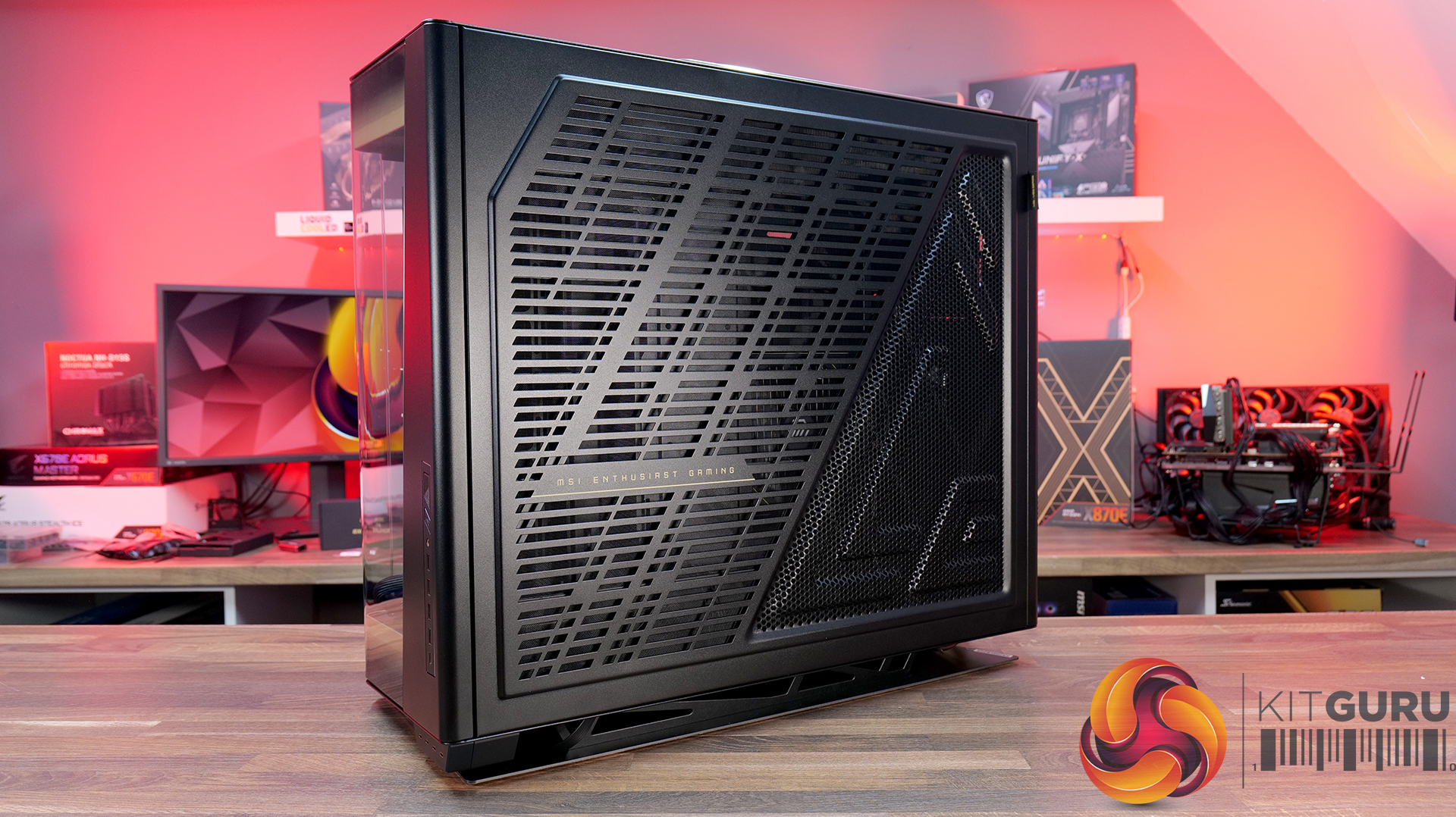
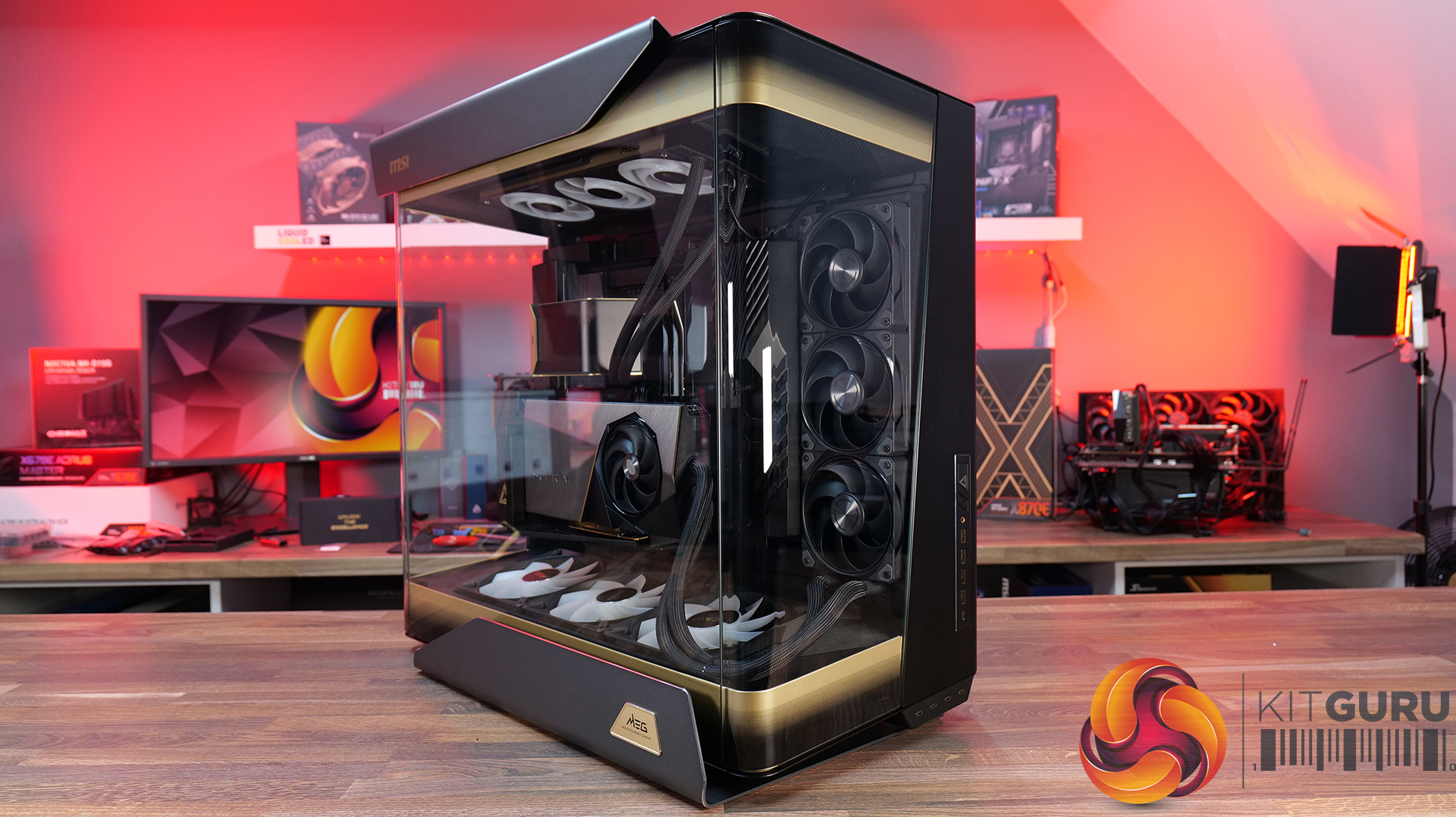
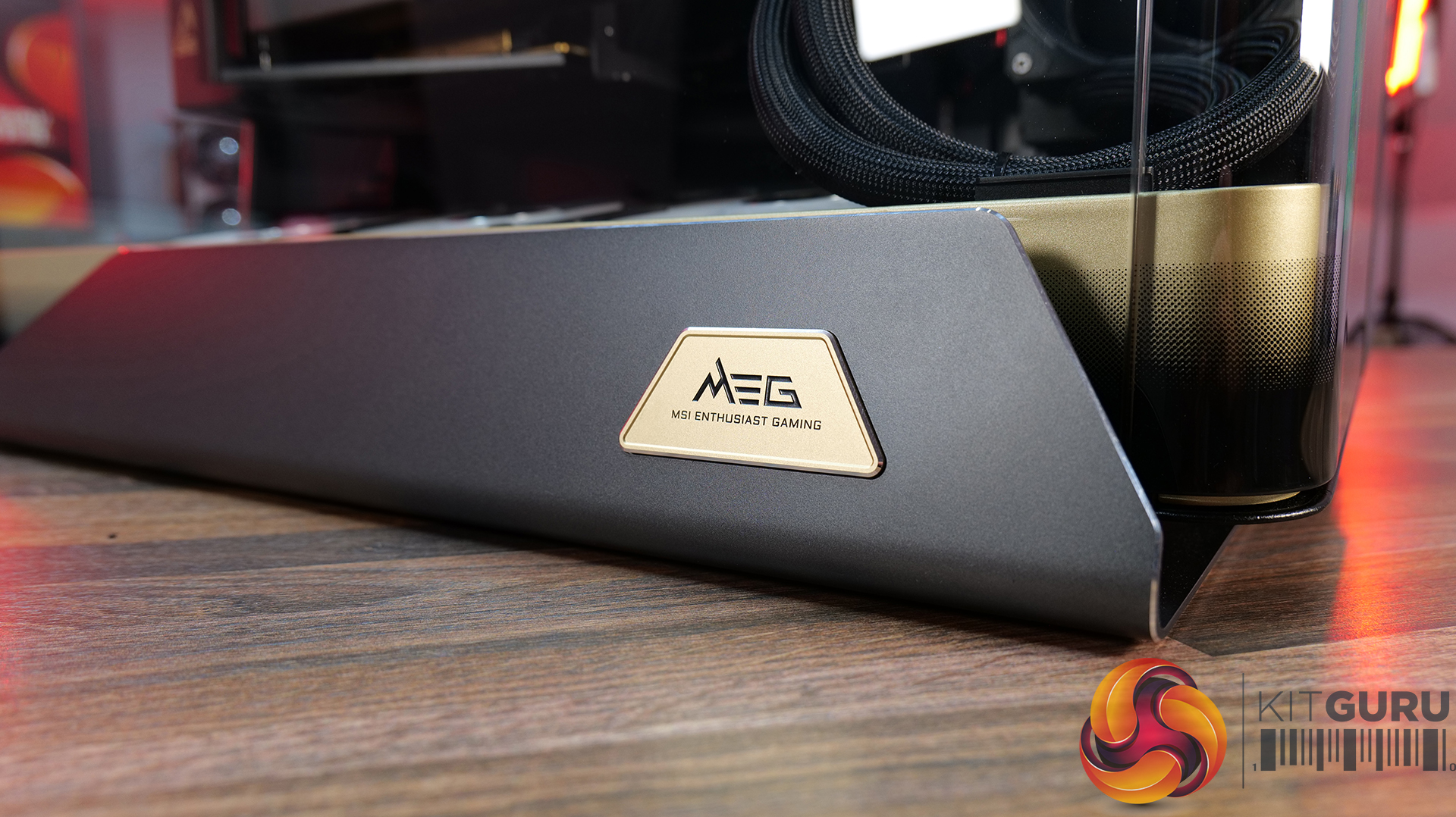
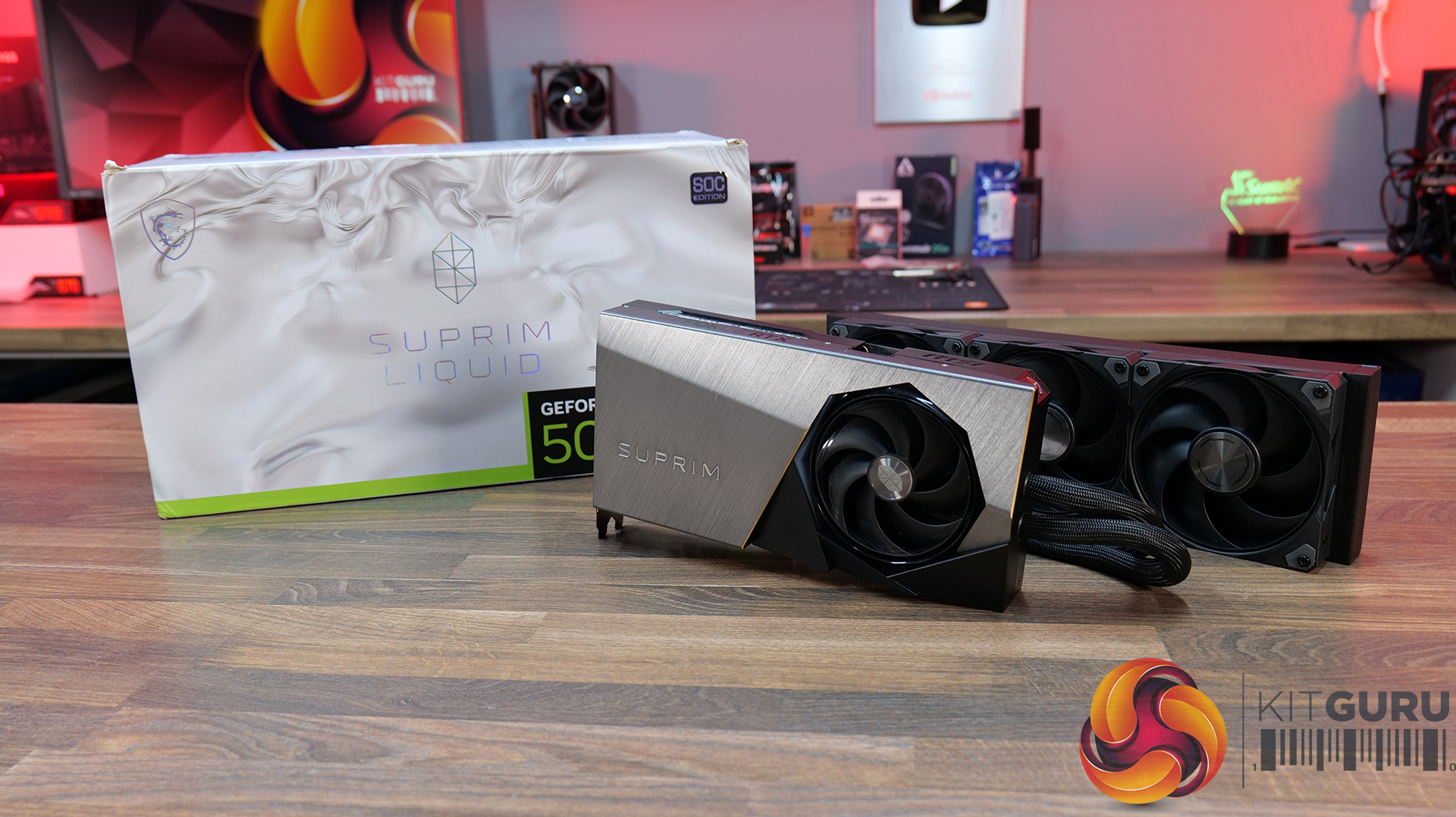
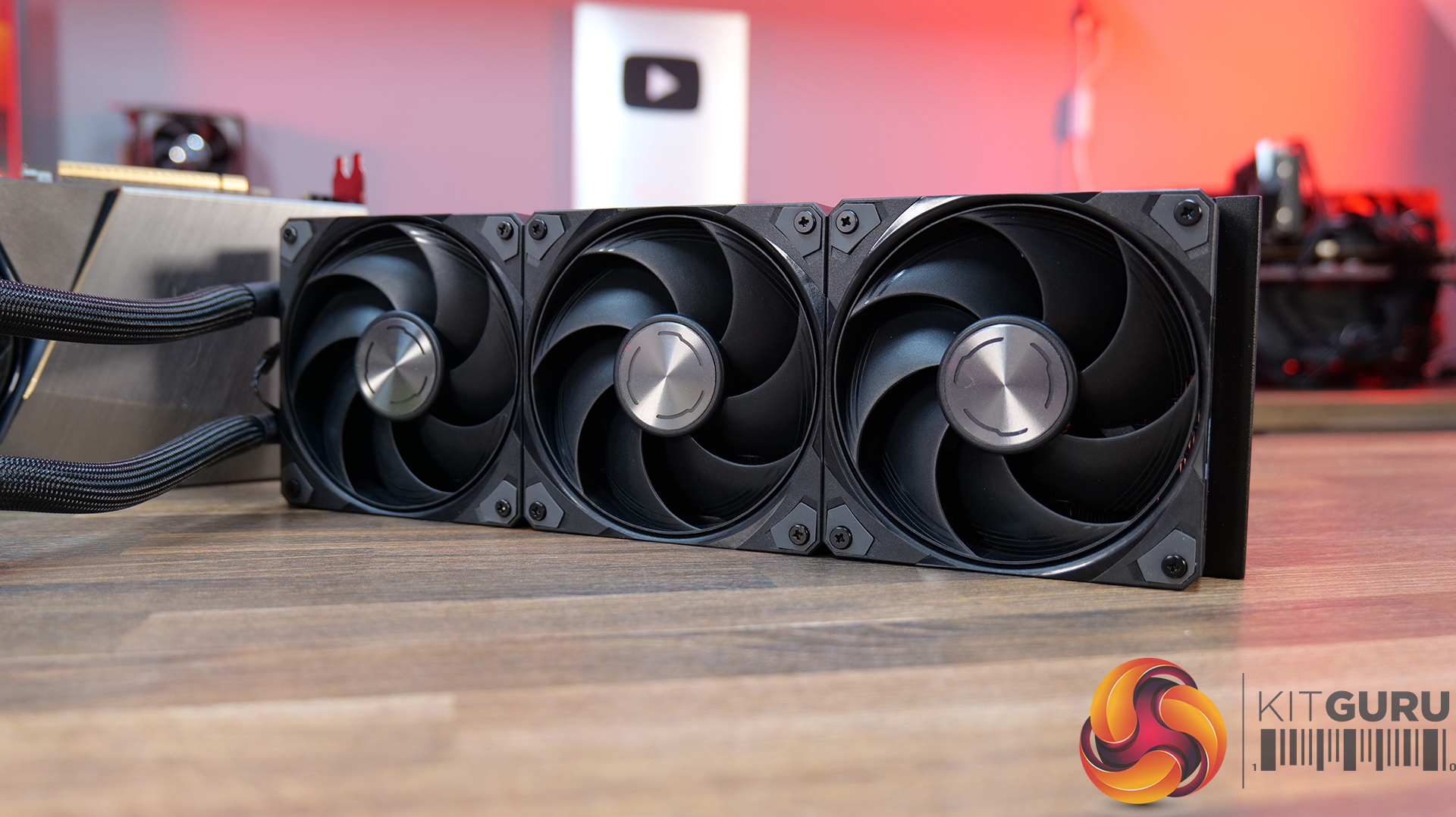
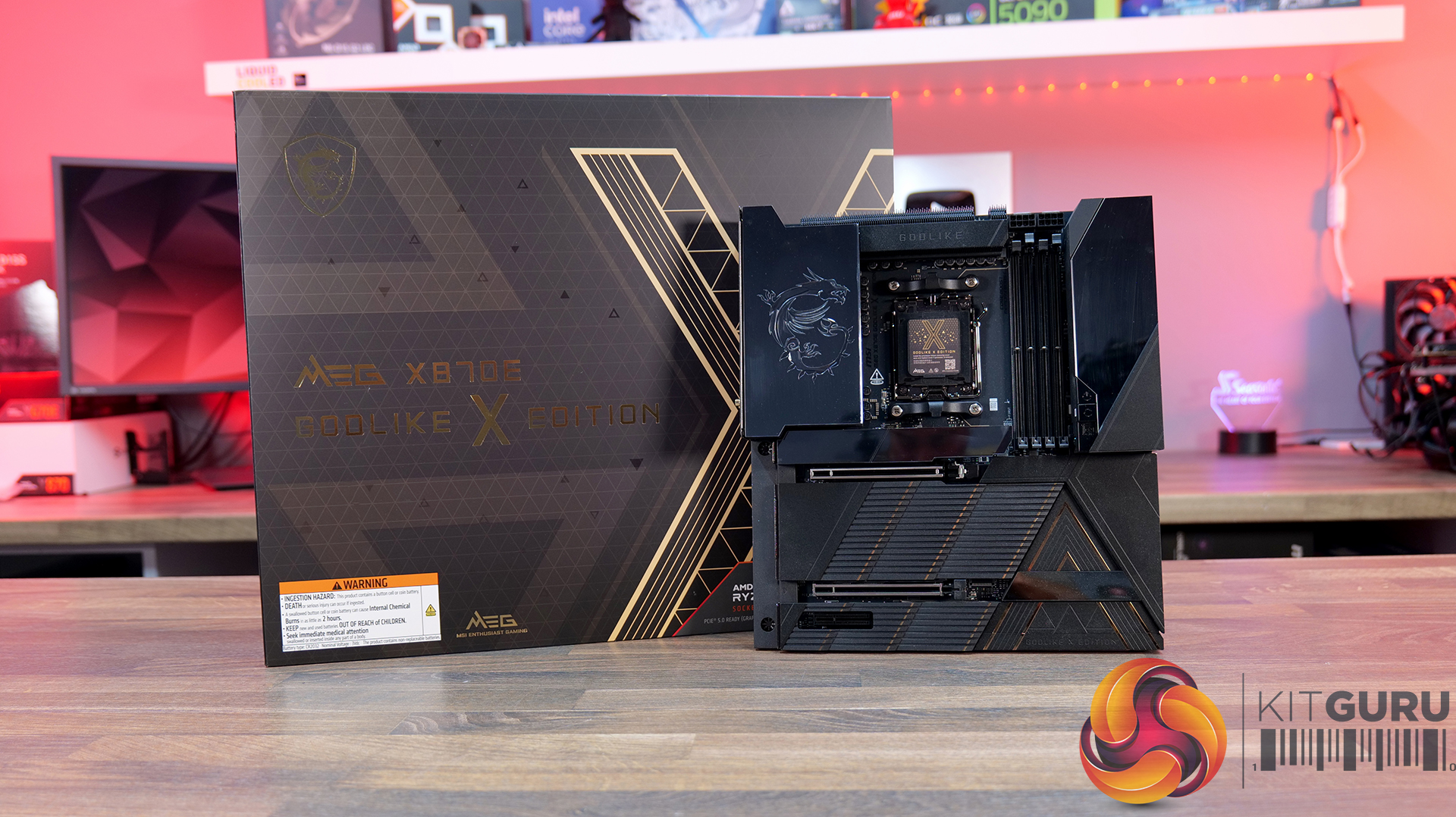
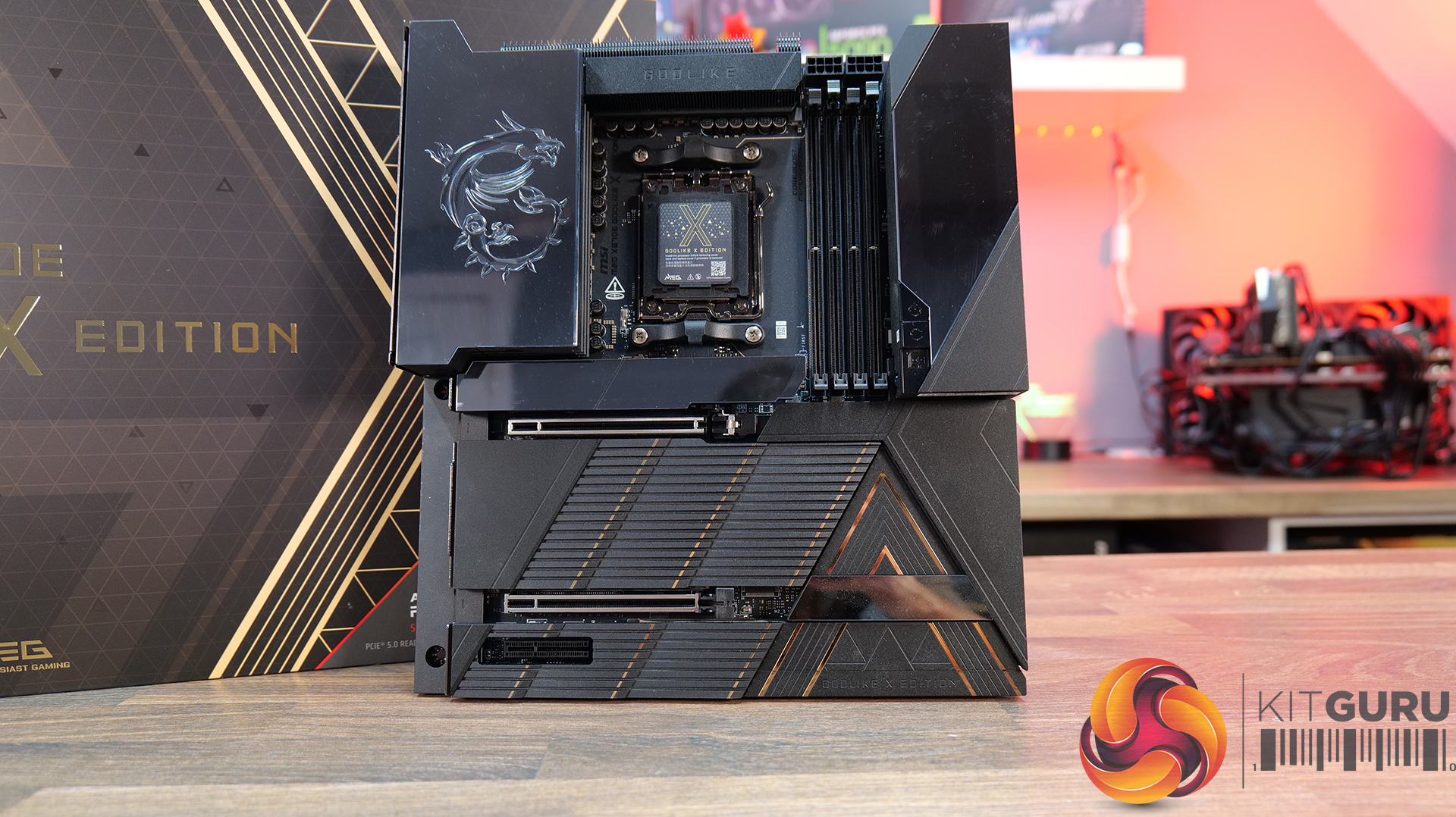
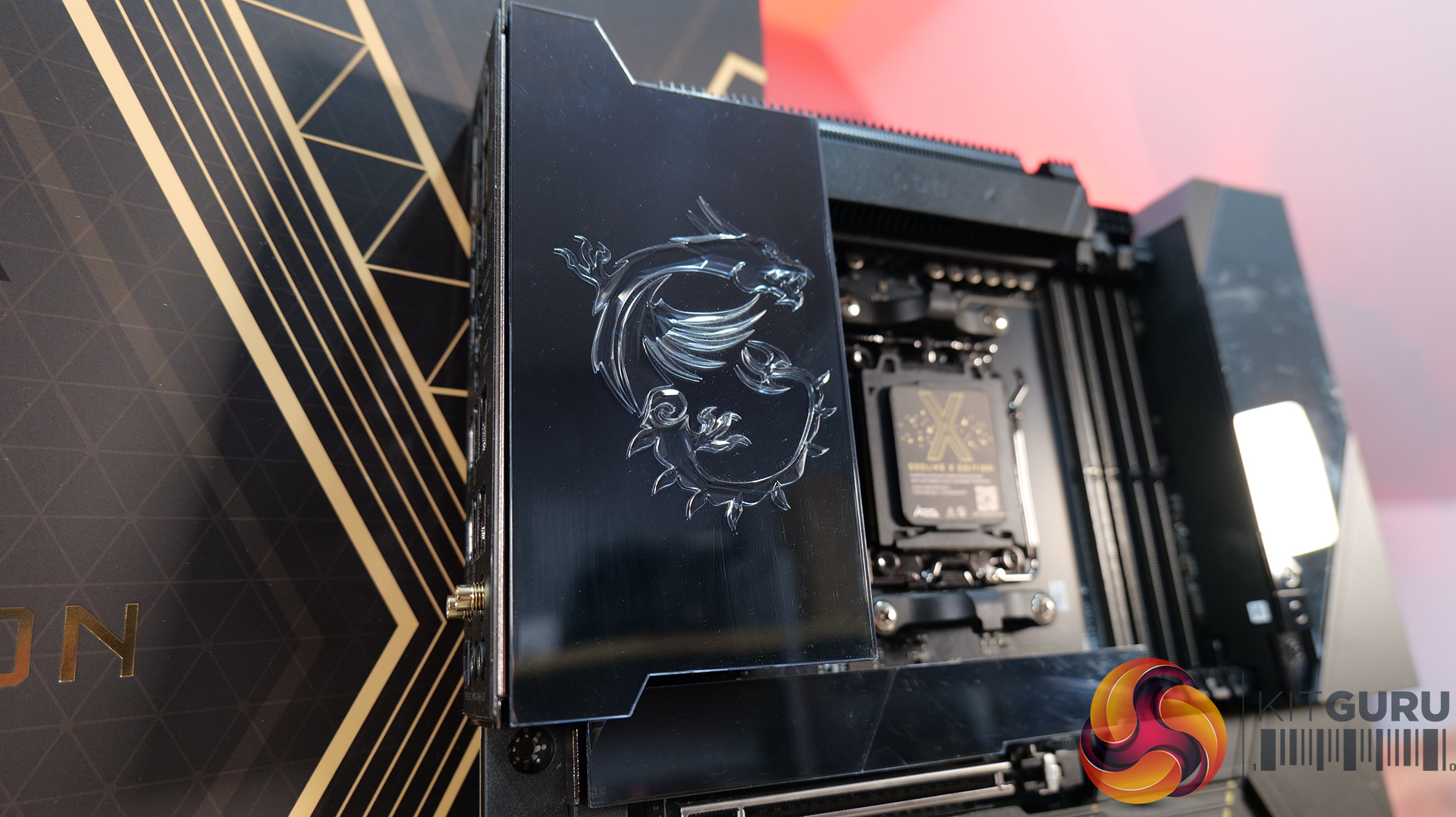
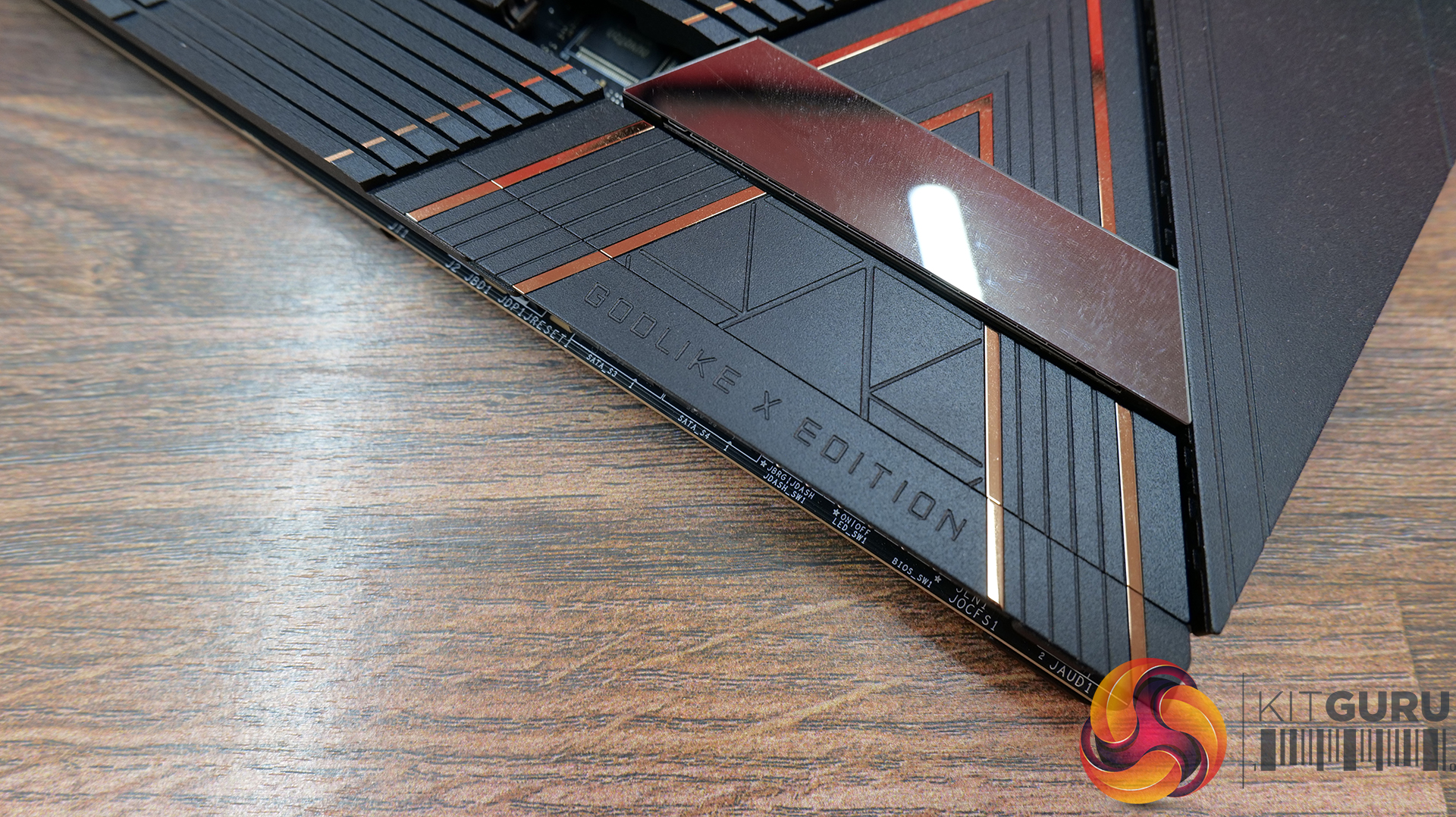
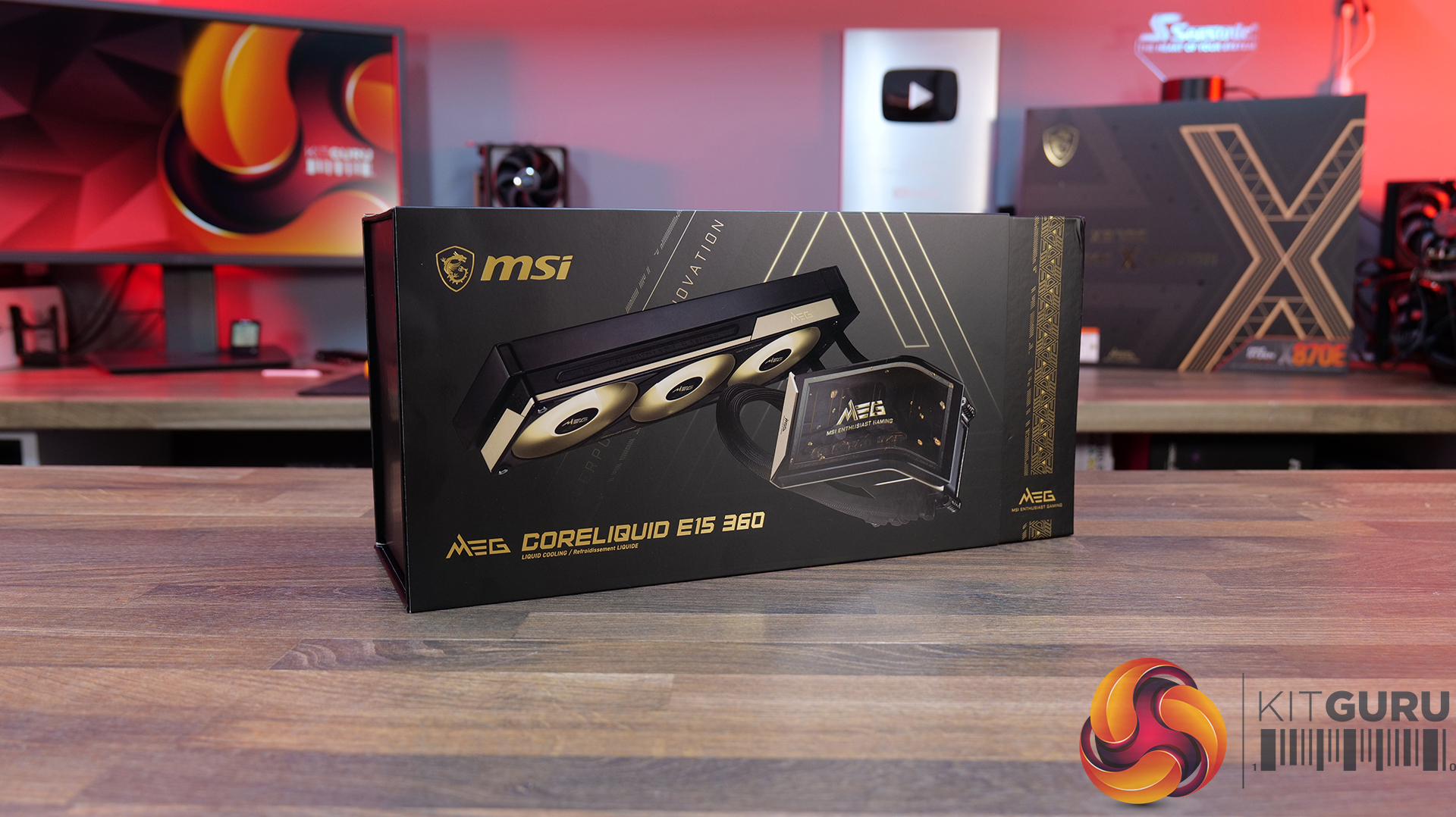
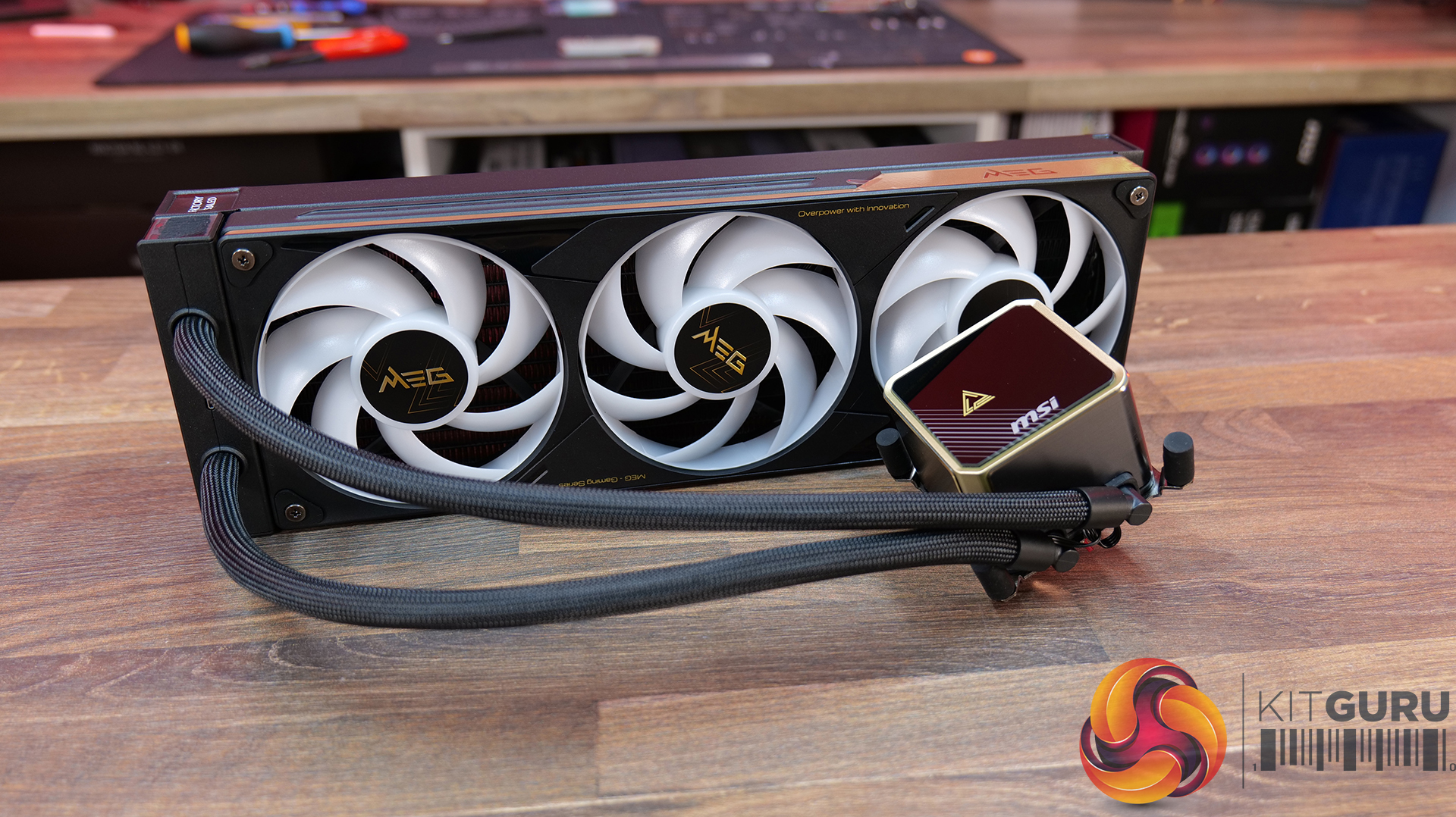
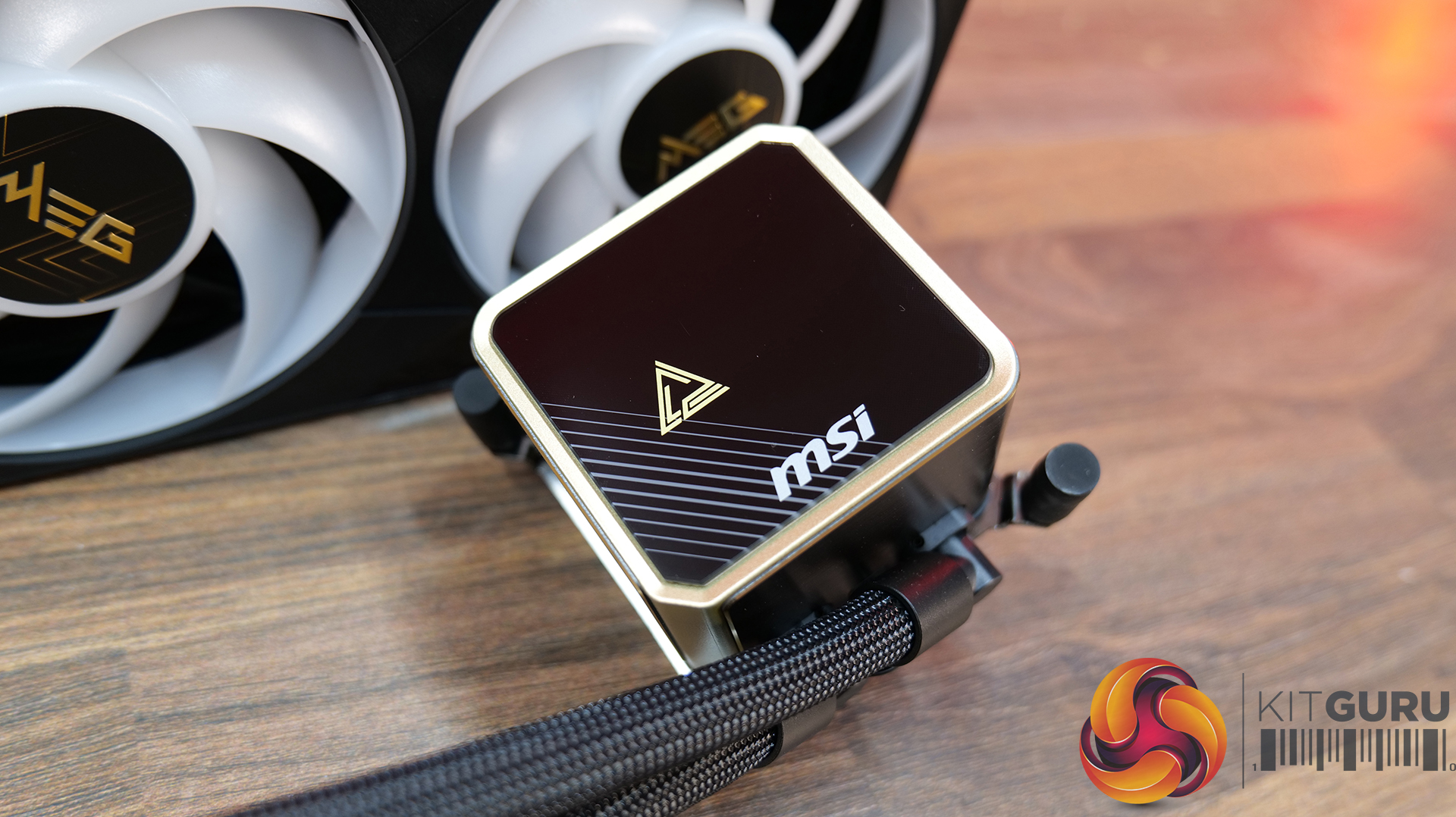
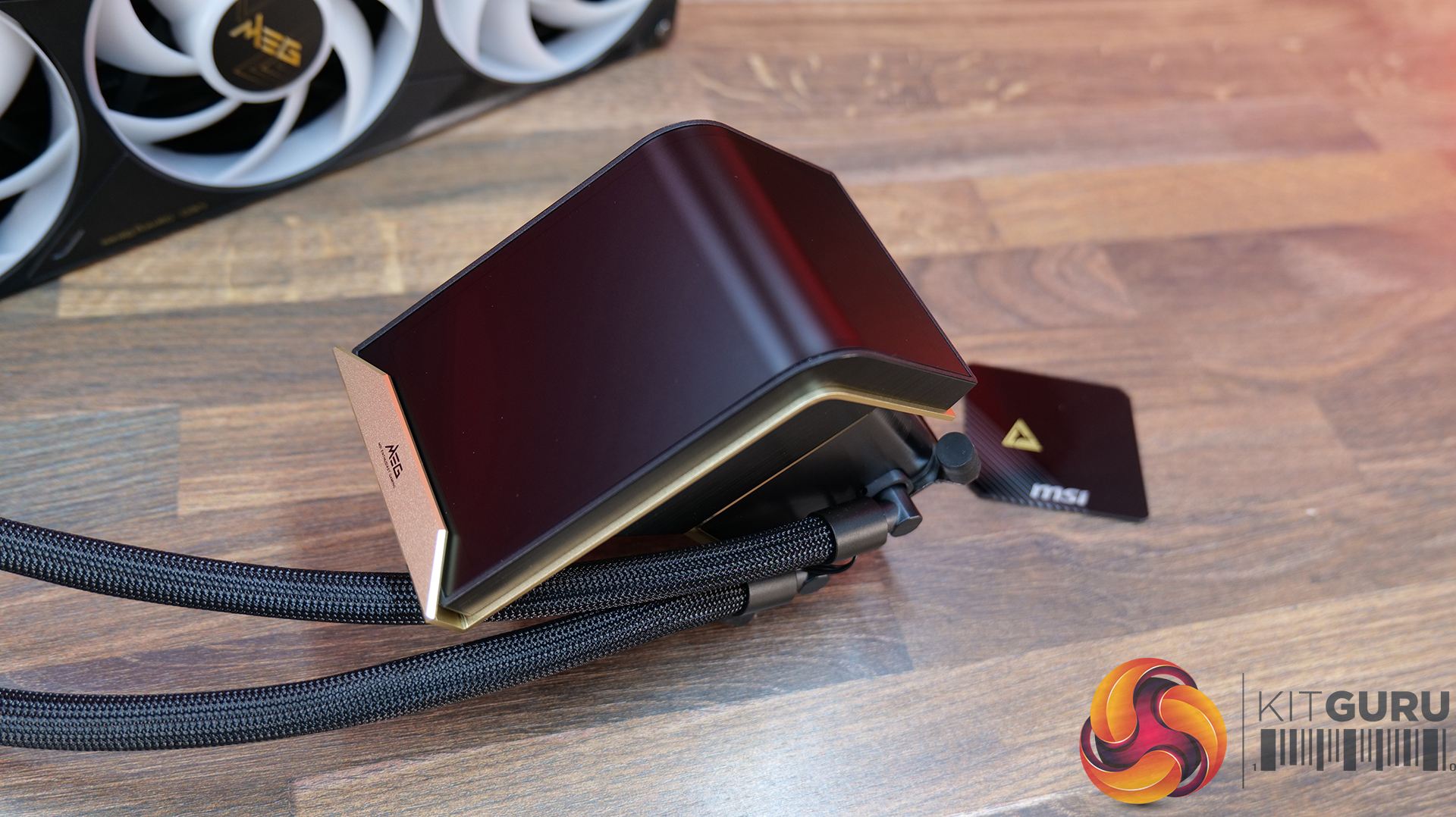
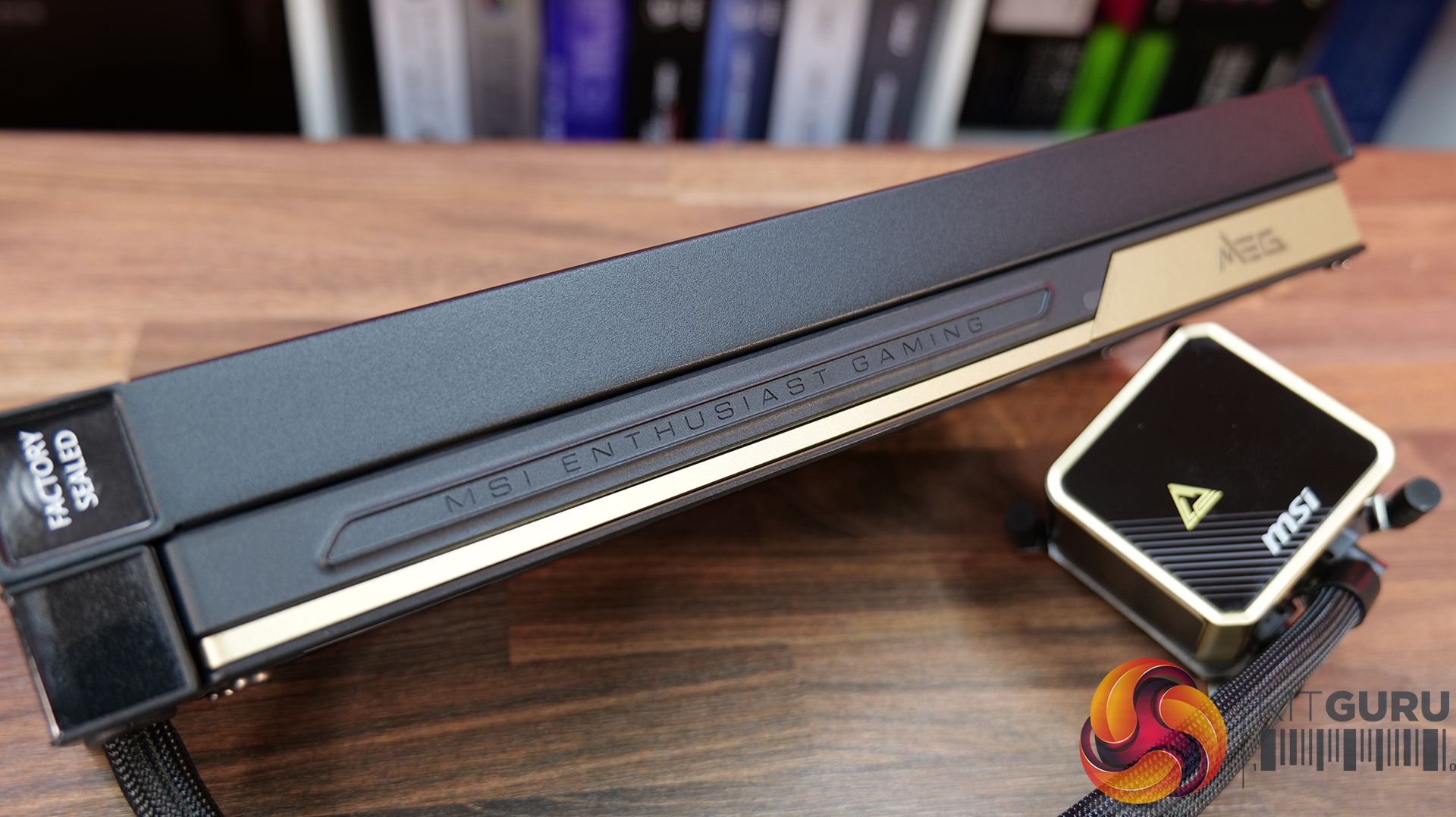
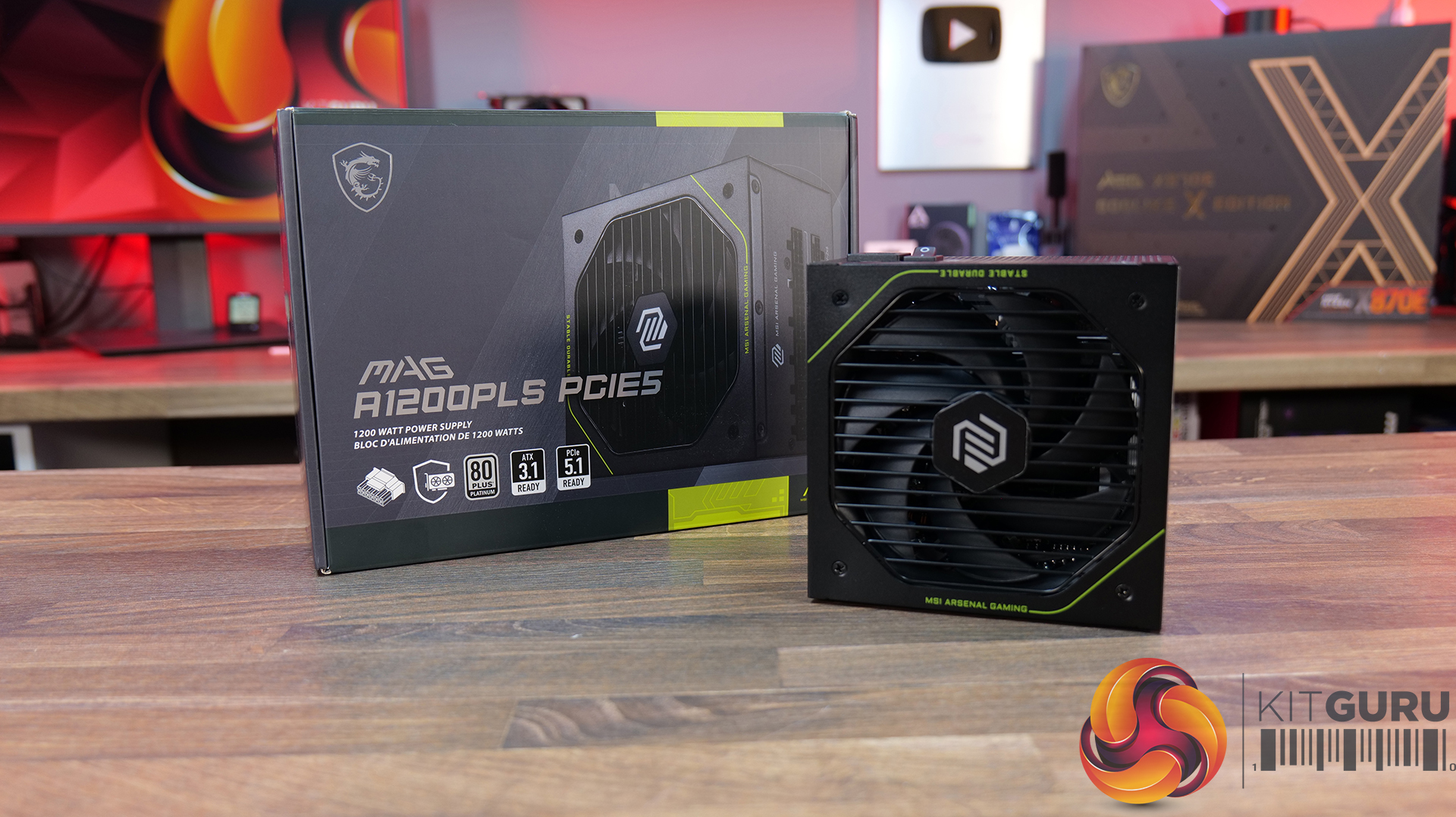
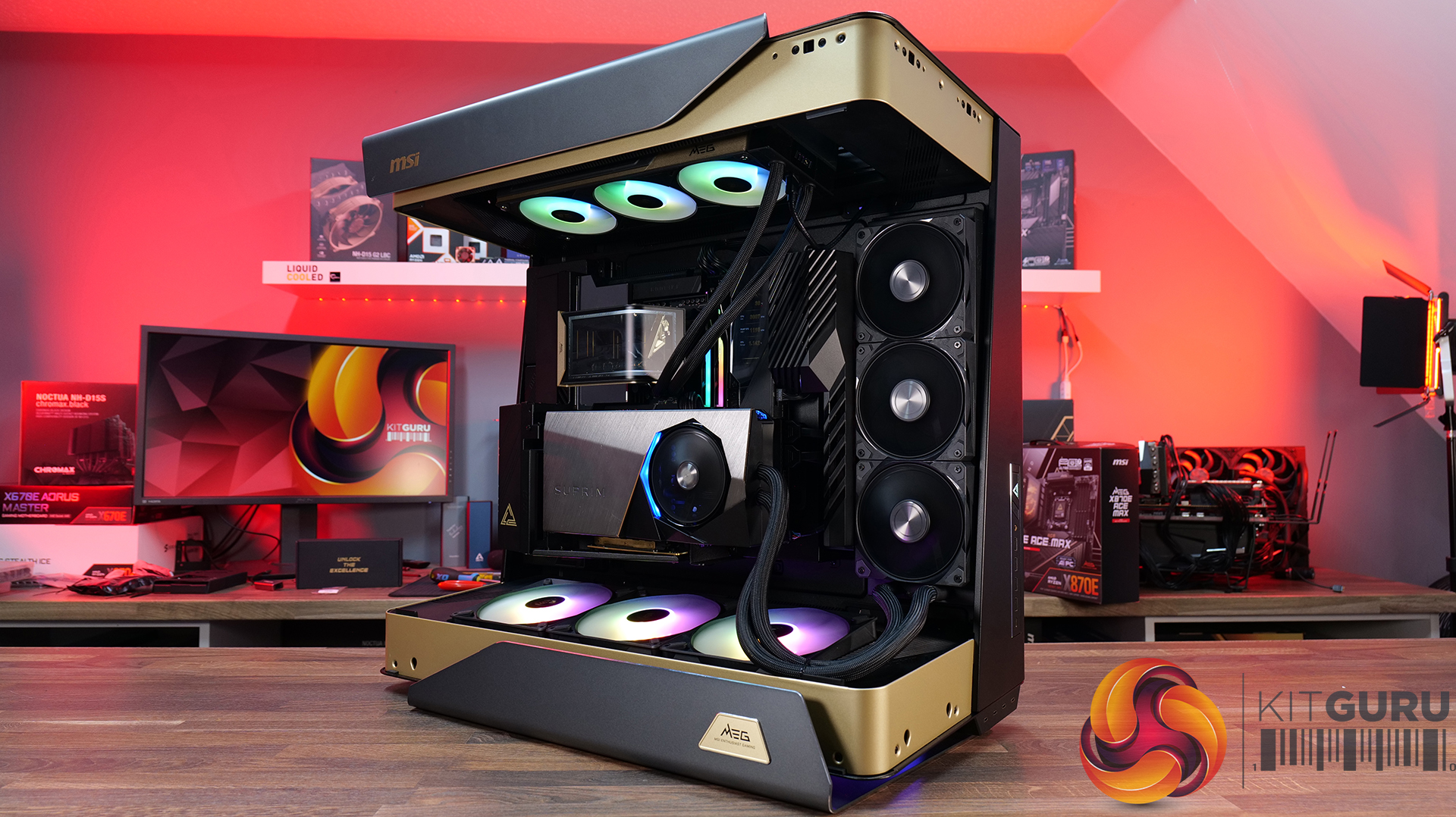
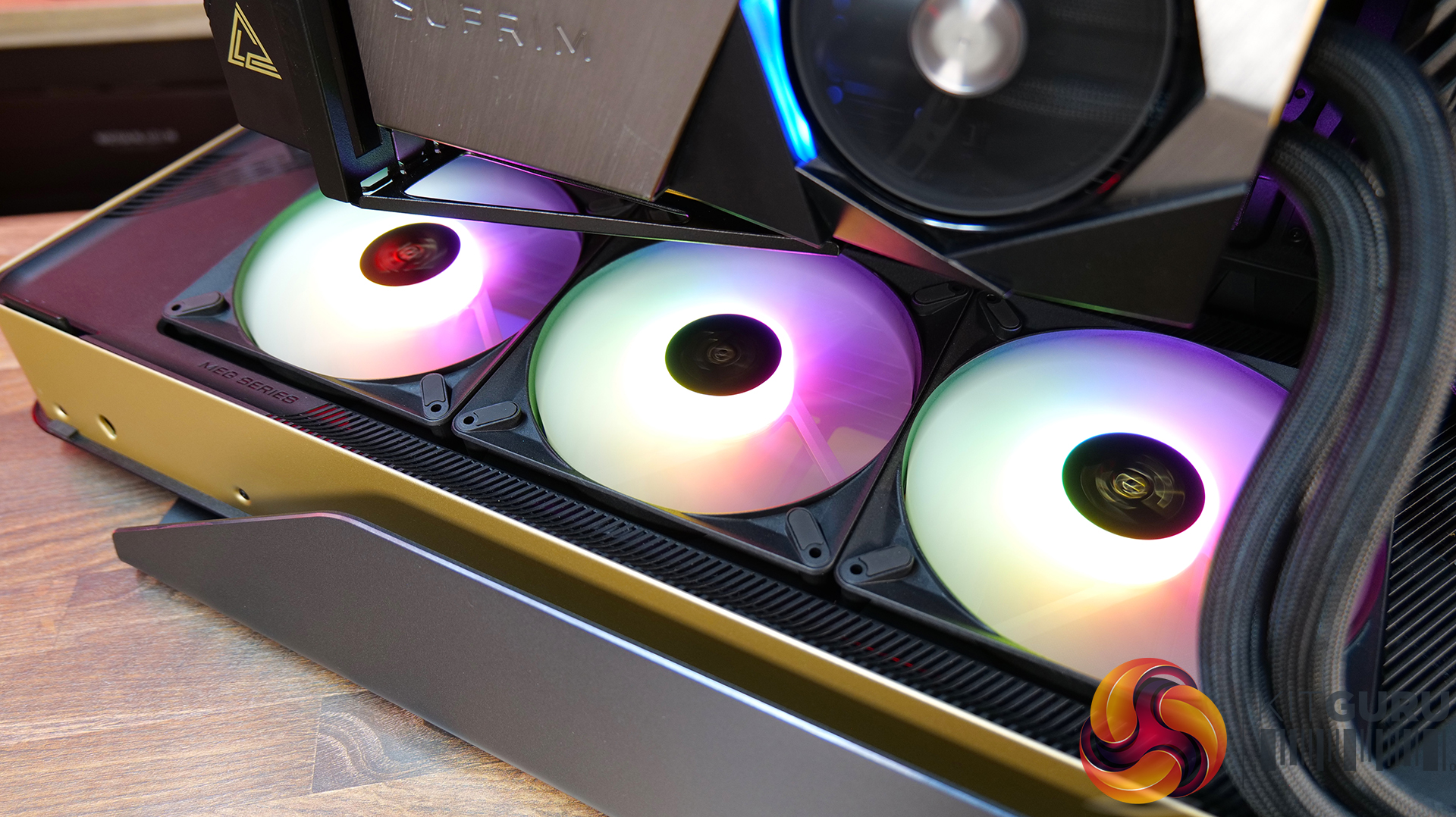
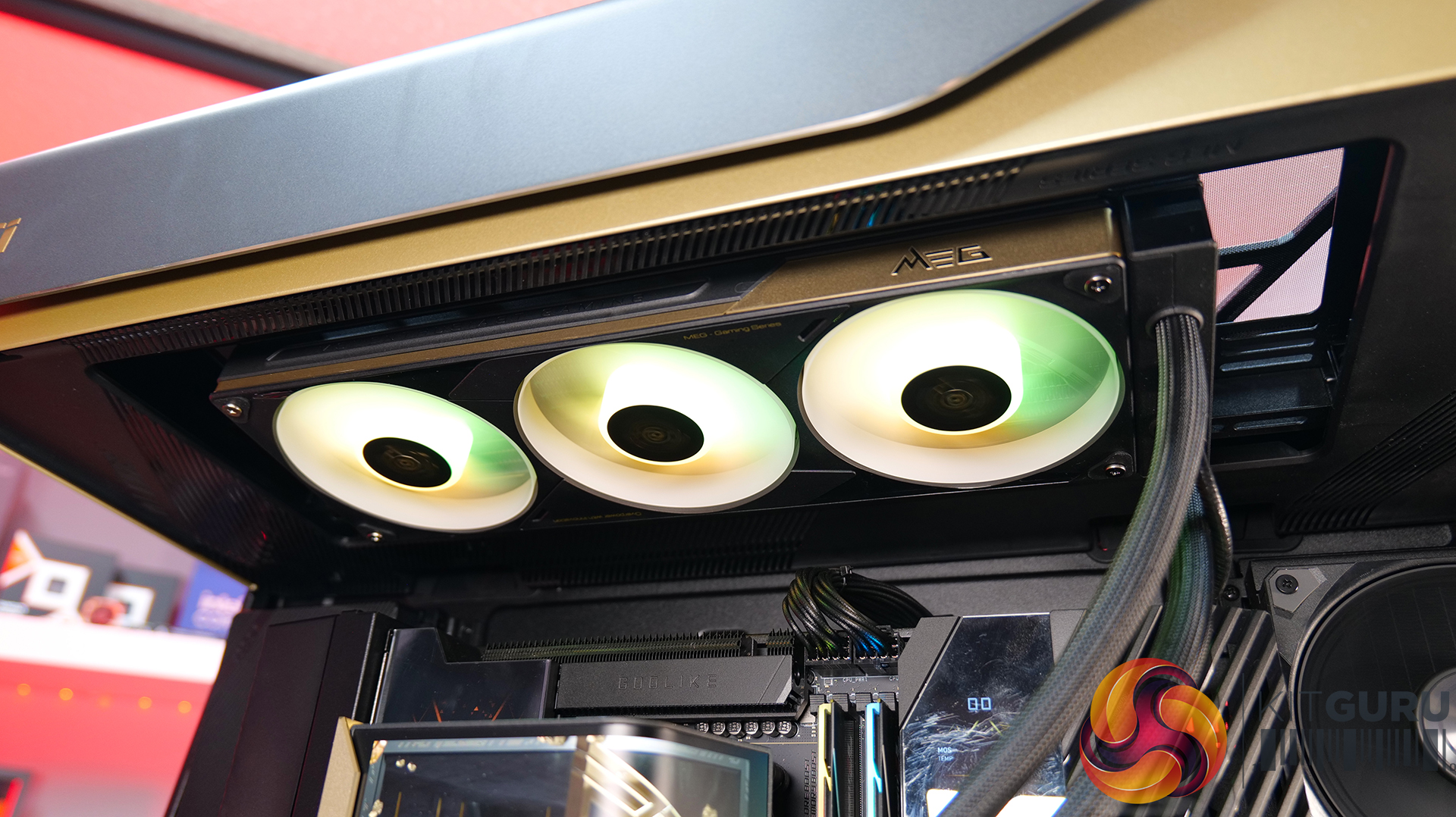
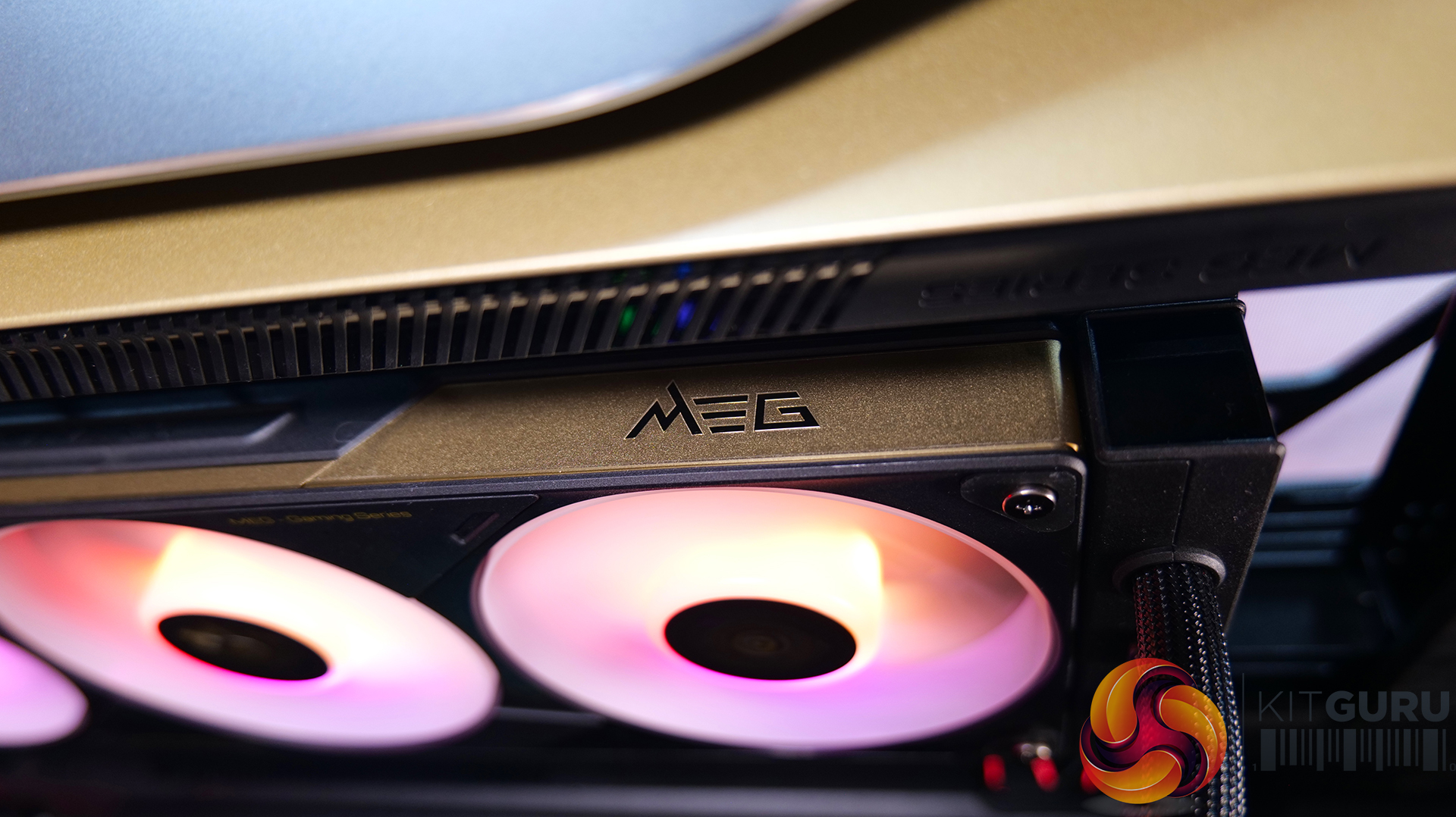
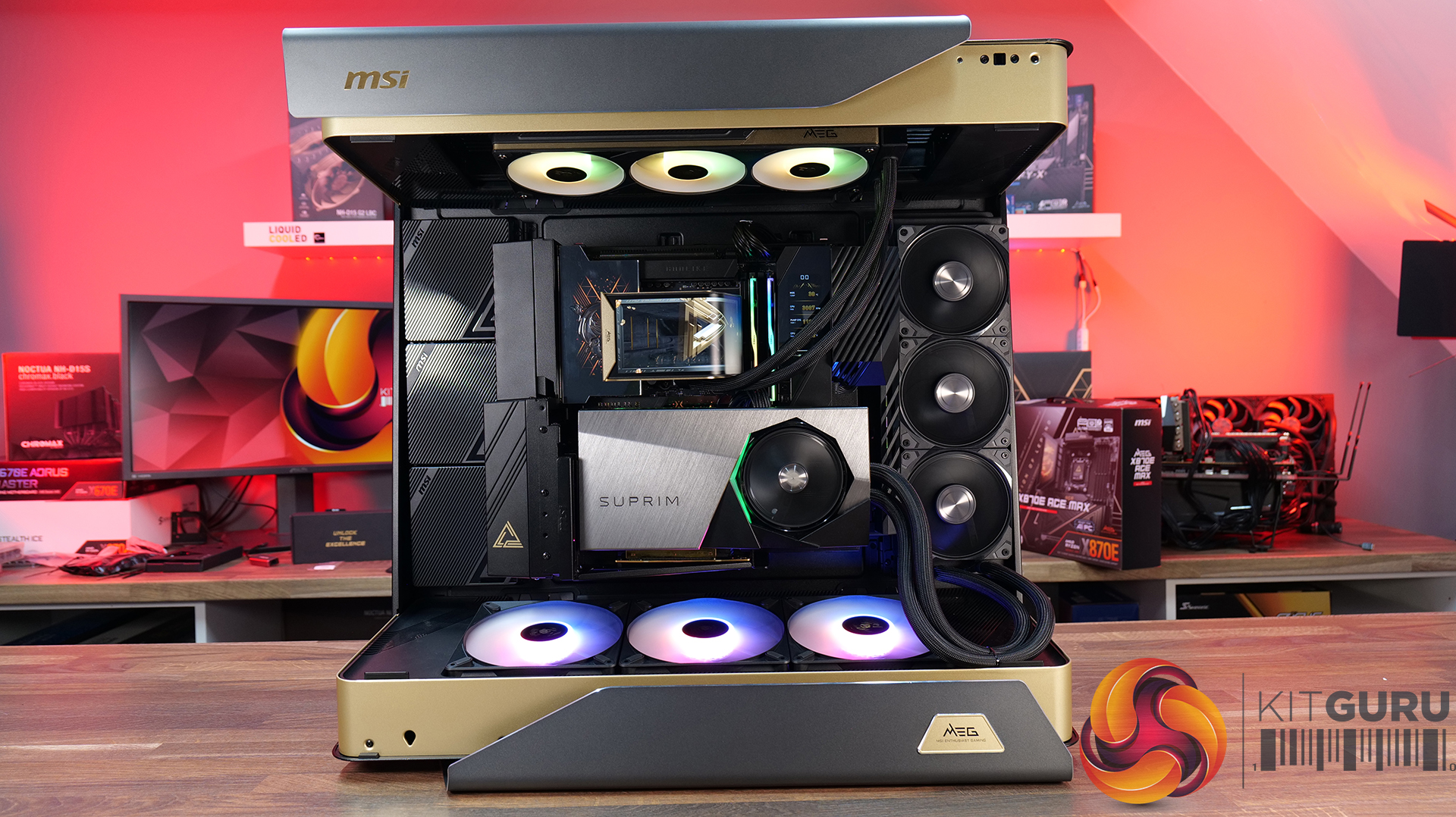
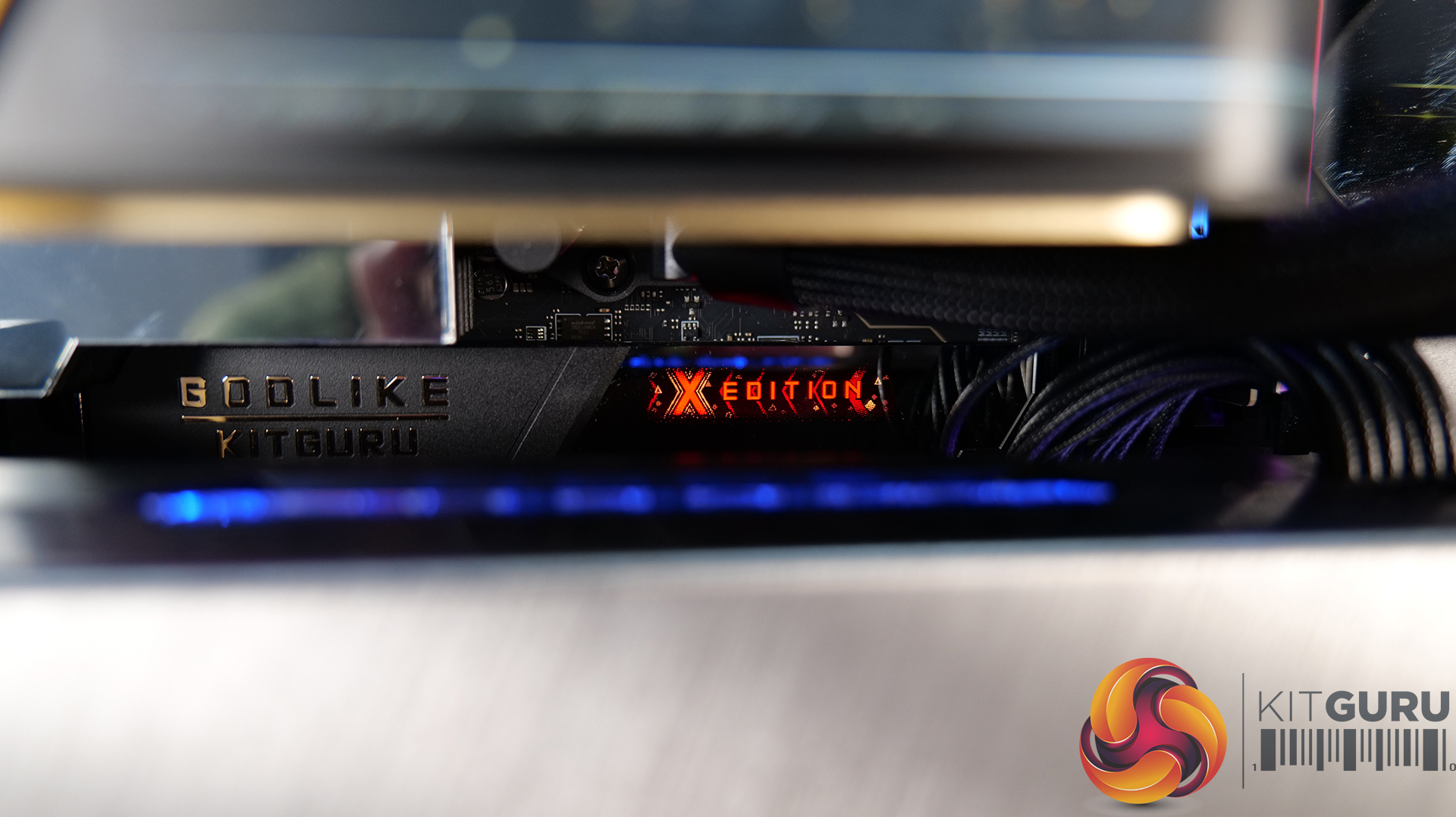
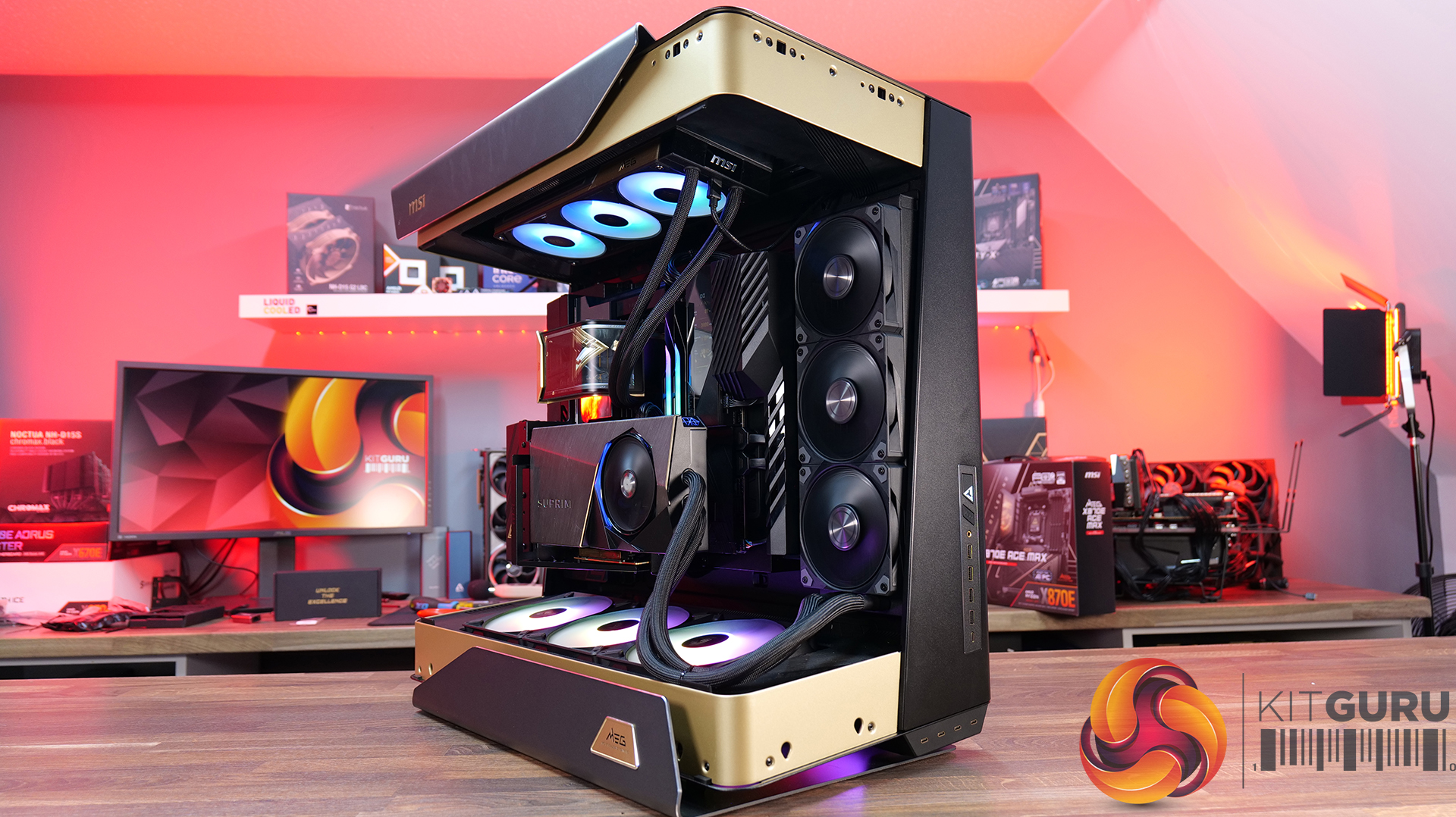
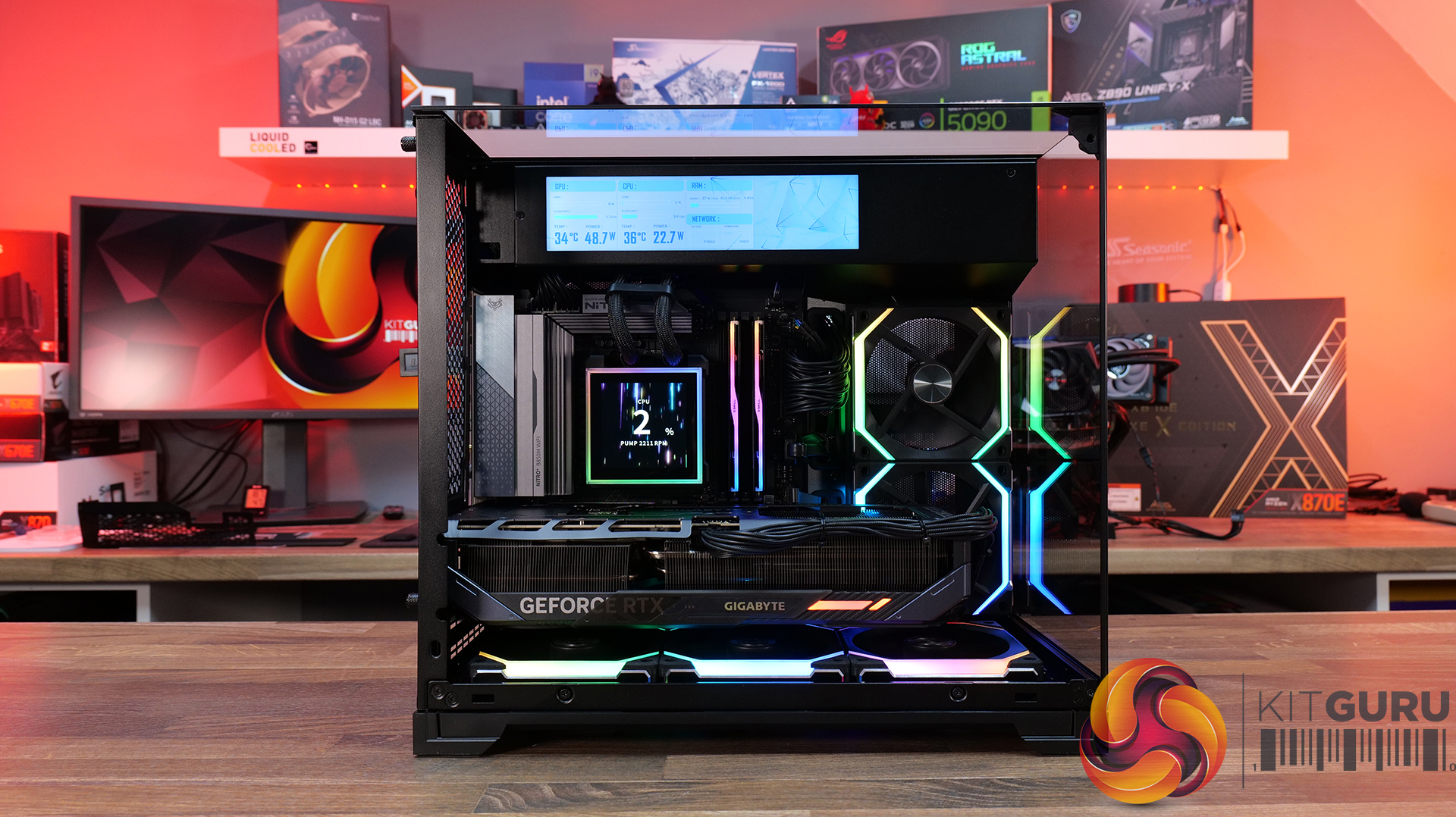
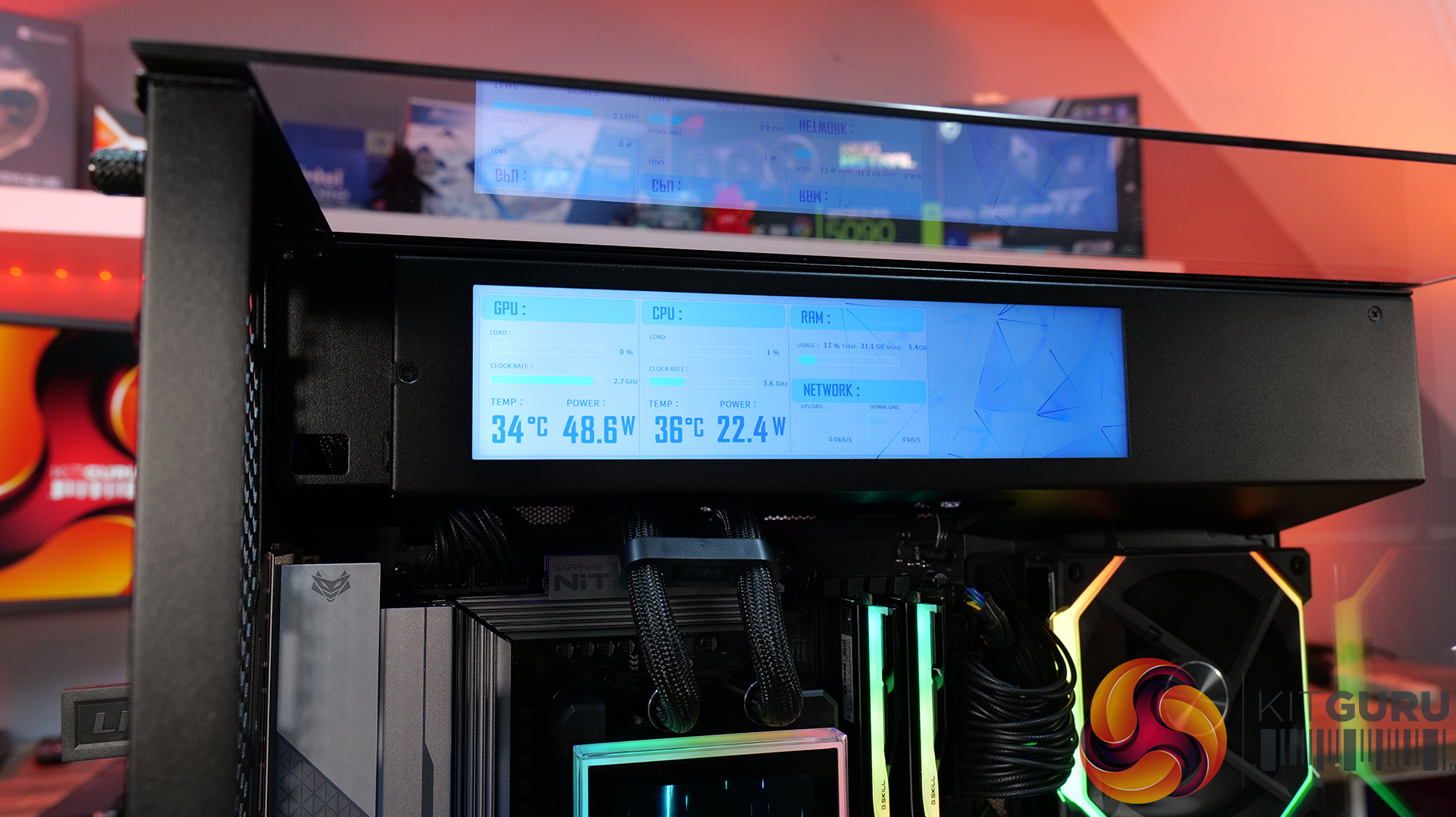
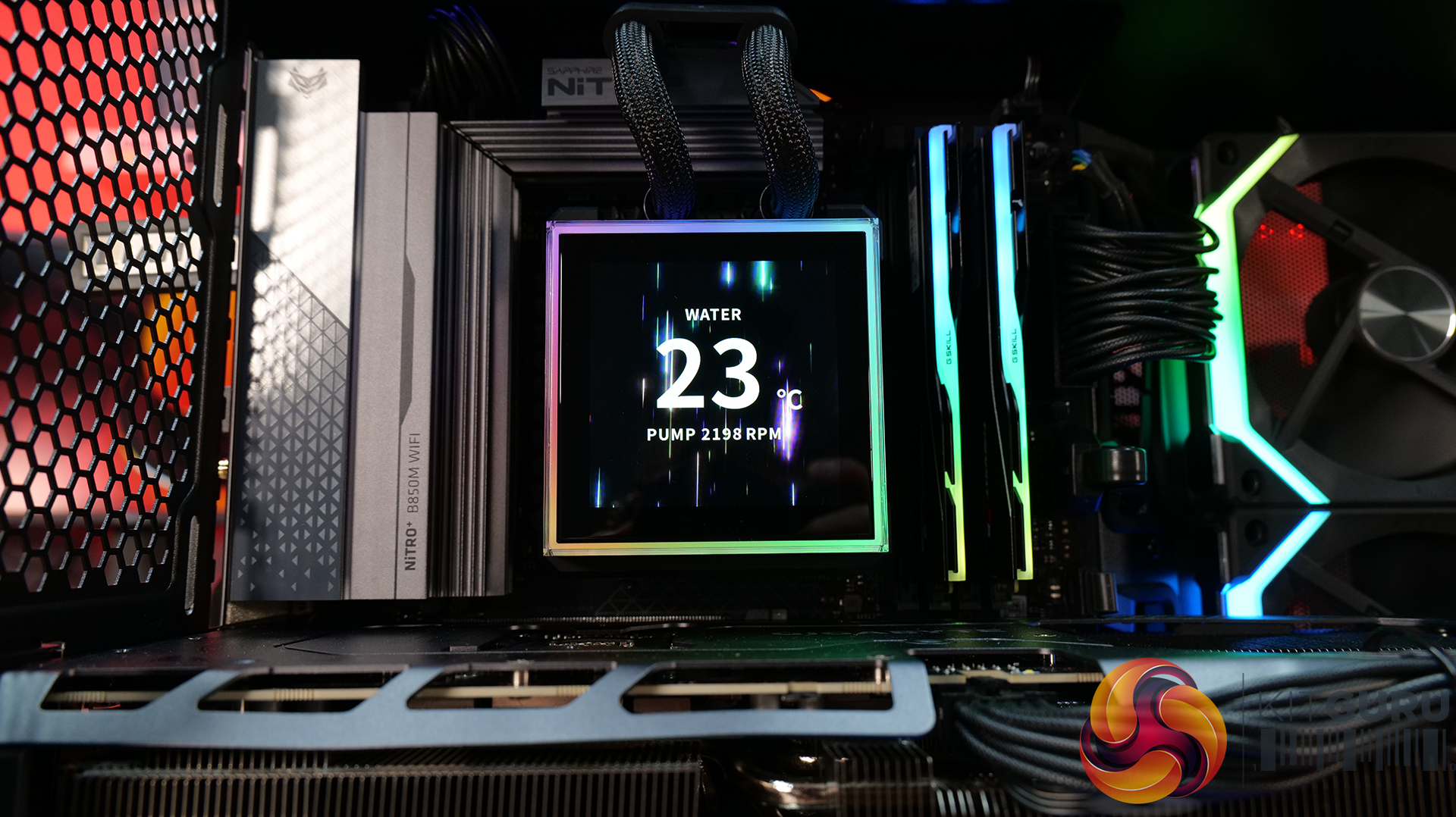
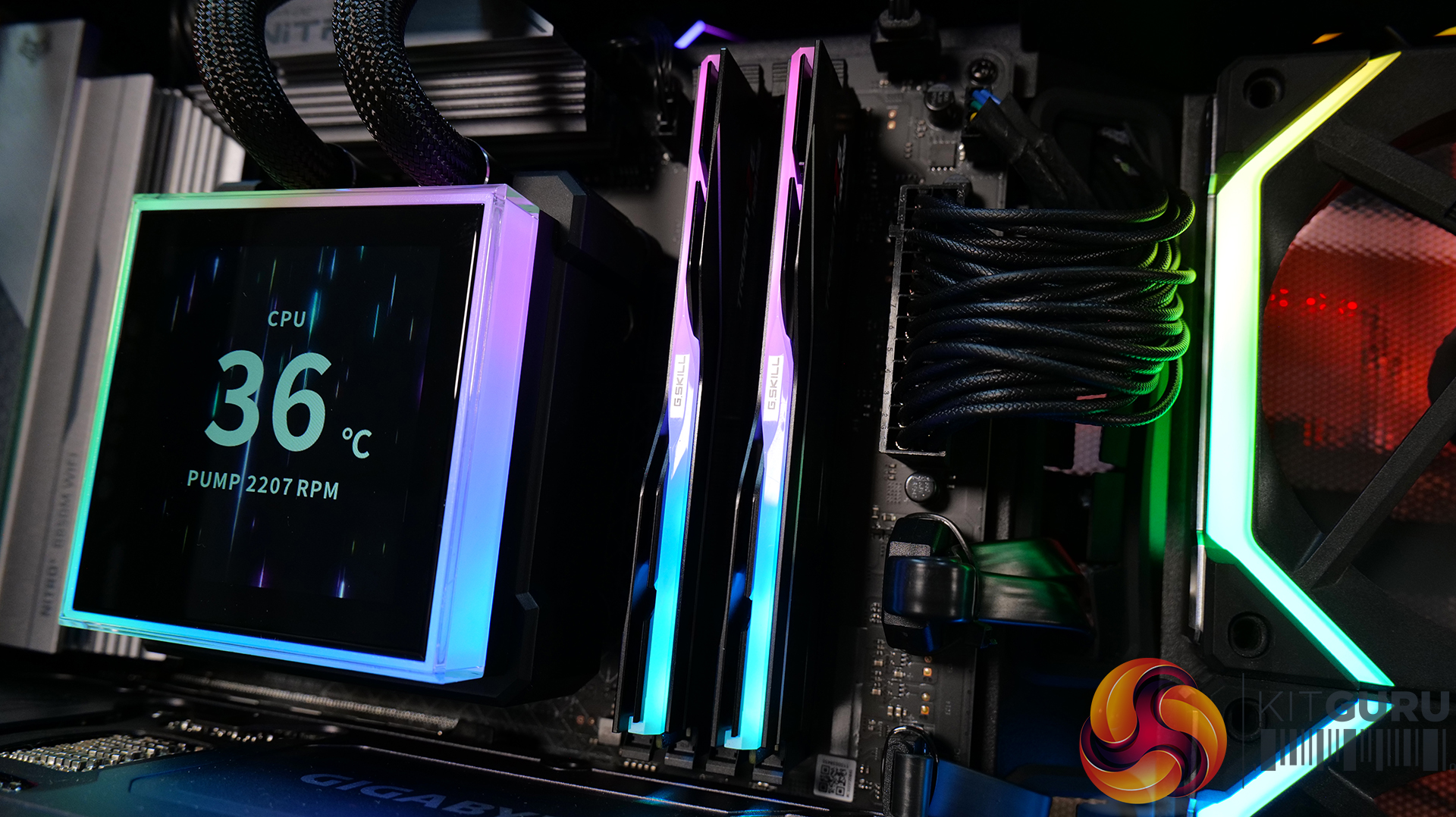
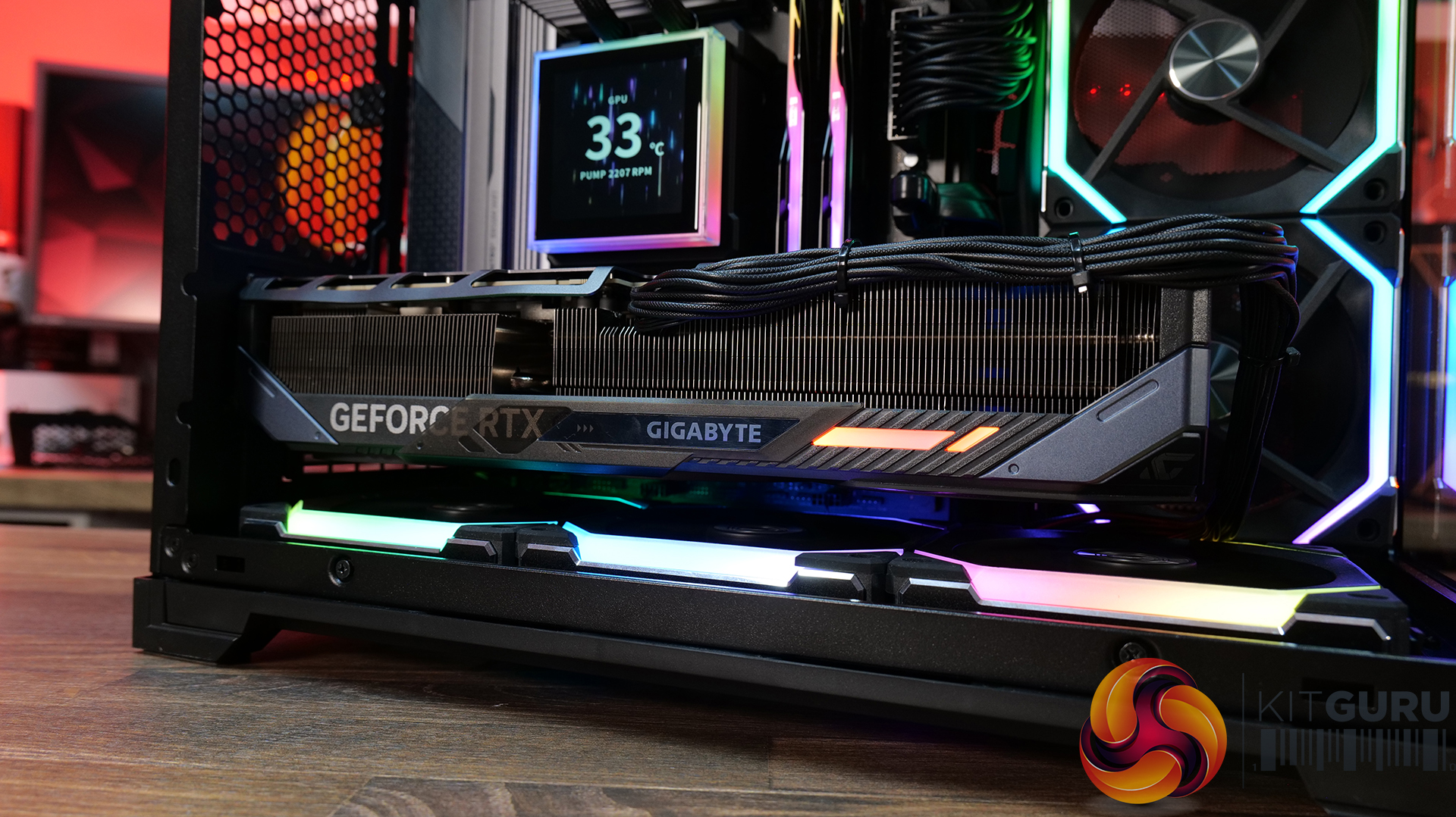
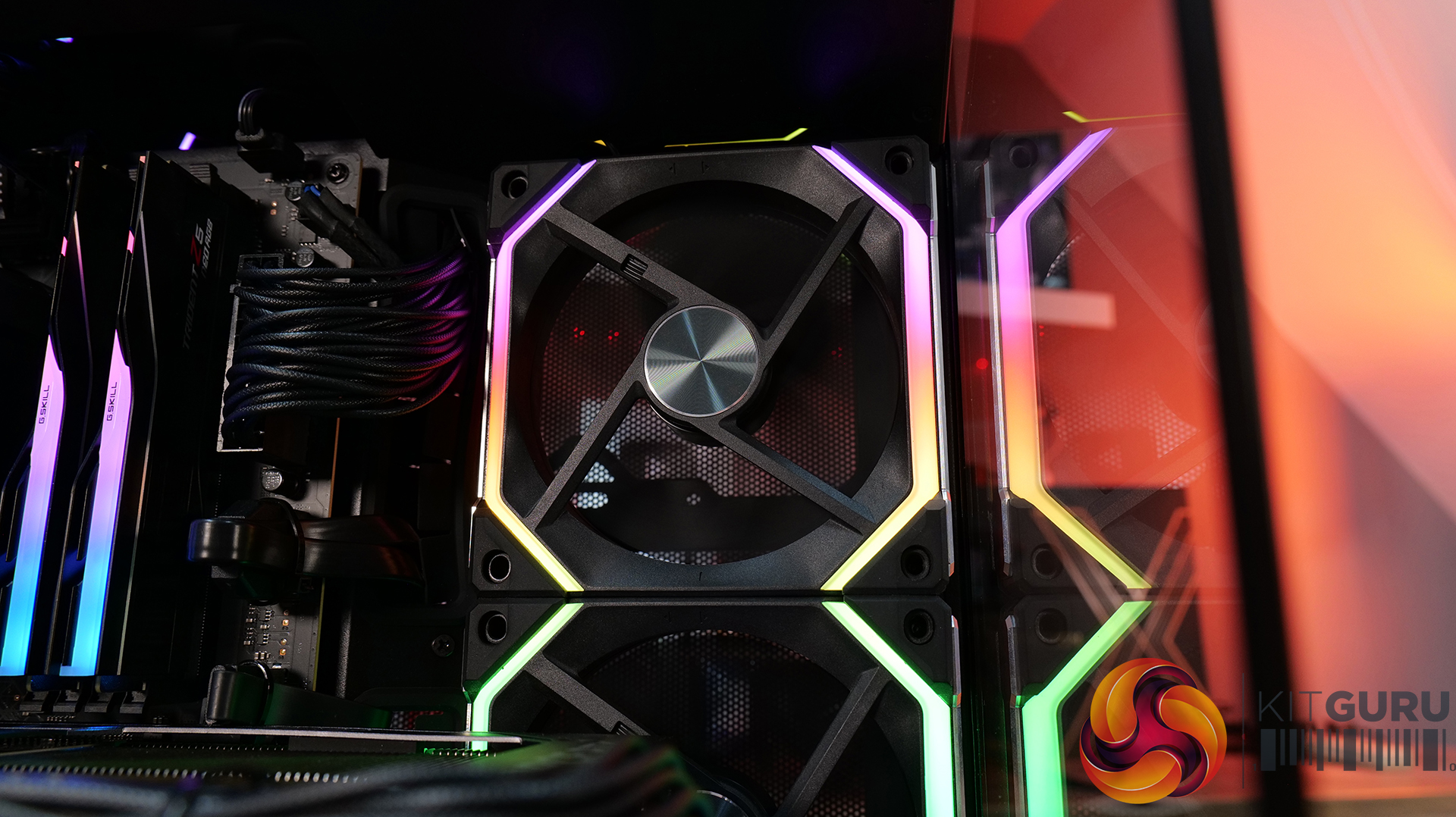
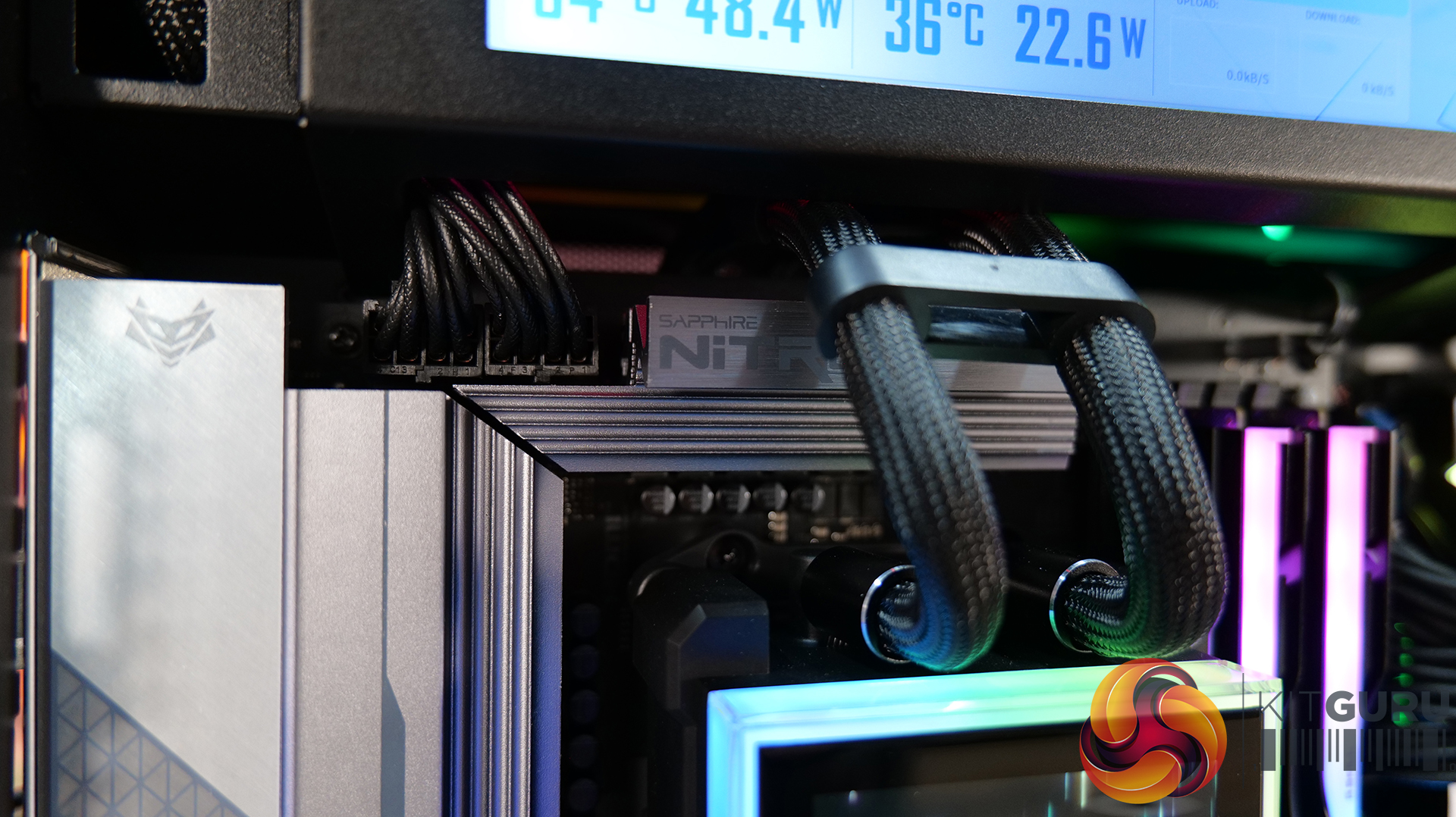
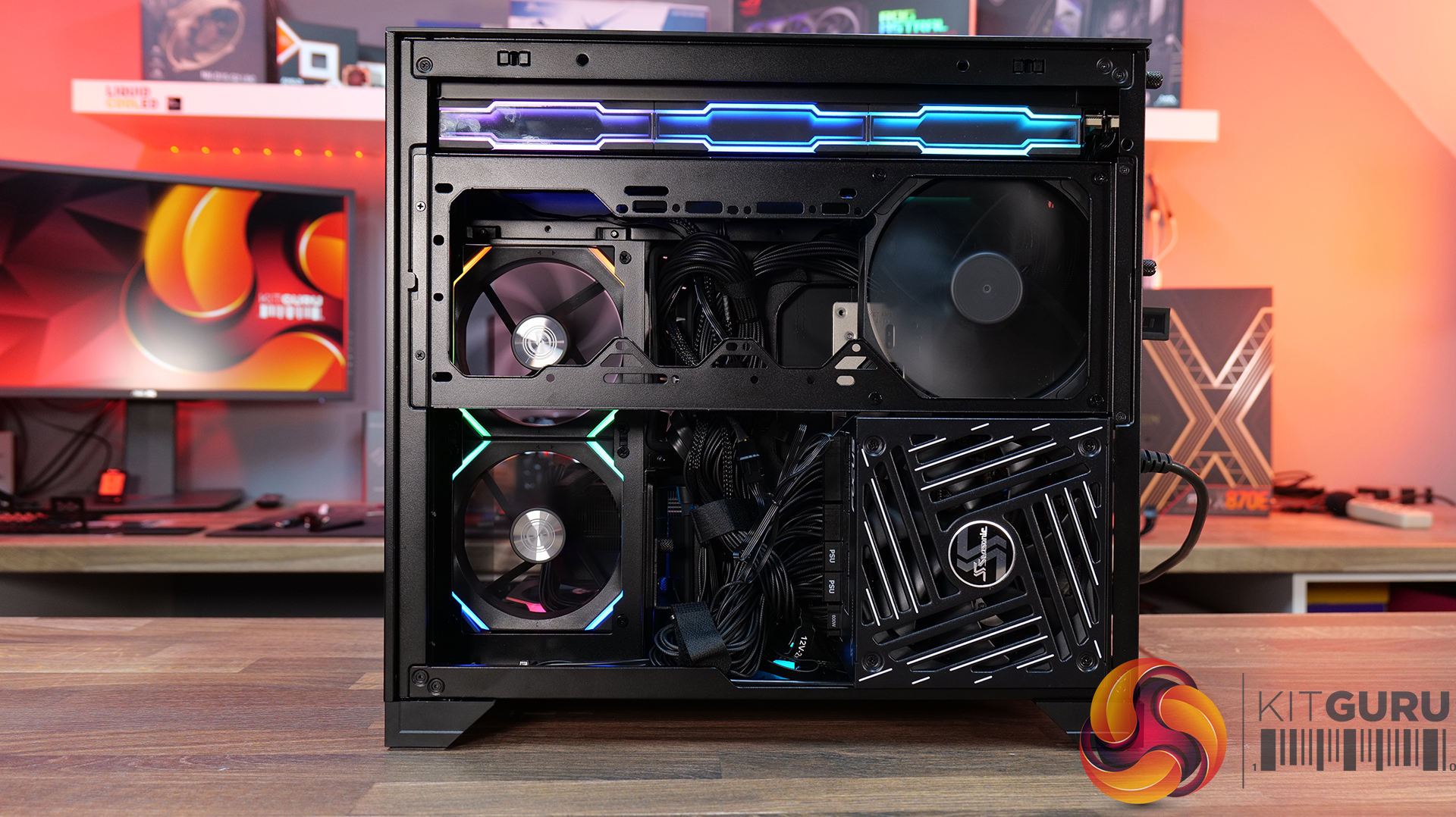
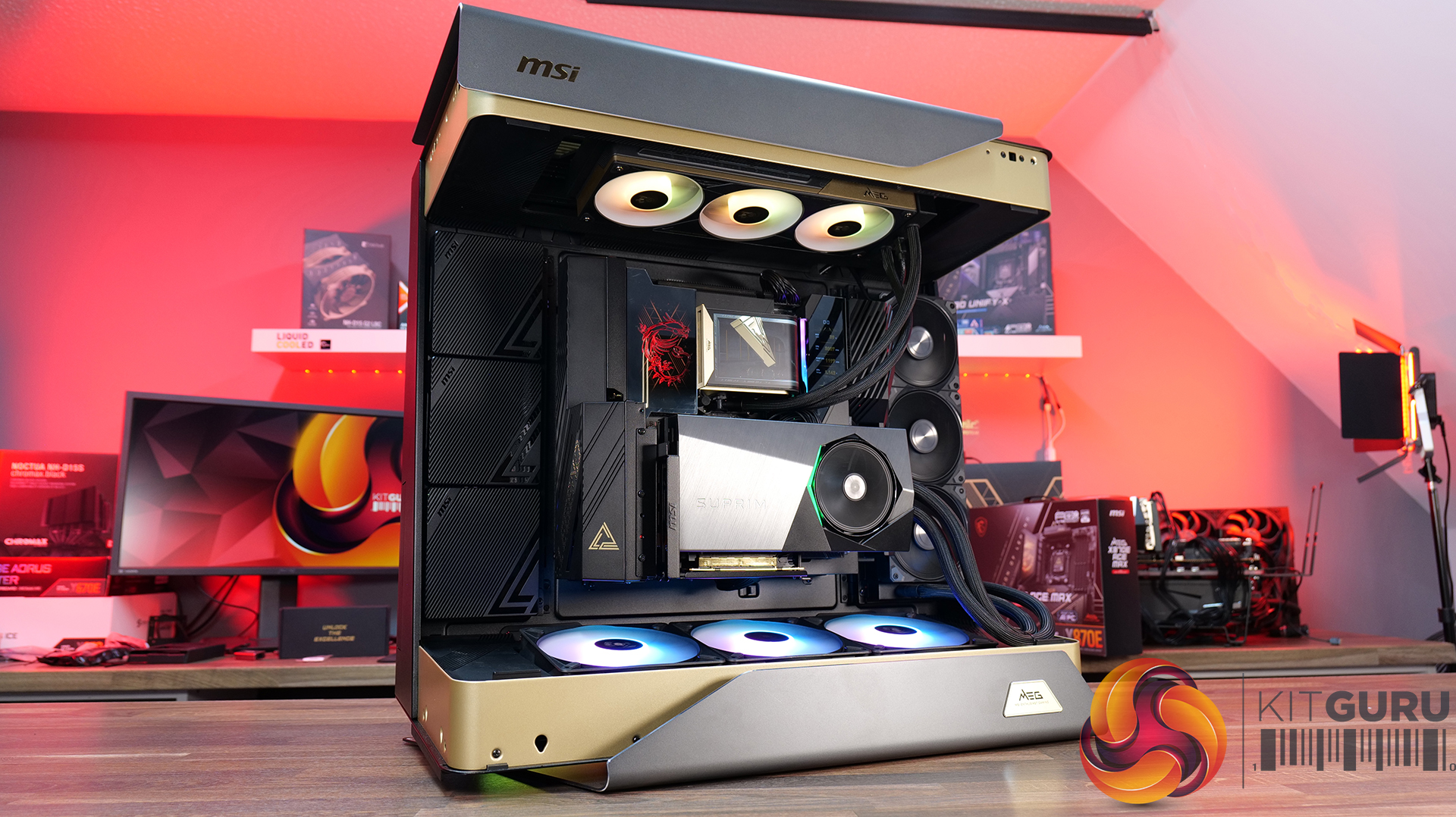
For our latest Featured Build, we’re going all-in with some of MSI’s most extreme hardware, including the massive MEG Maestro 900R chassis, the flagship MEG X870E Godlike X Edition motherboard and an RTX 5090 Suprim Liquid graphics card. CPU cooling comes courtesy of MSI’s MEG CoreLiquid E15 360mm AIO, and the system is powered by the MAG A1200PLS PSU. It’s big, it’s powerful and it’s completely over the top… so let’s get this monster build underway!


Case: MSI MEG Maestro 900R – Available HERE.

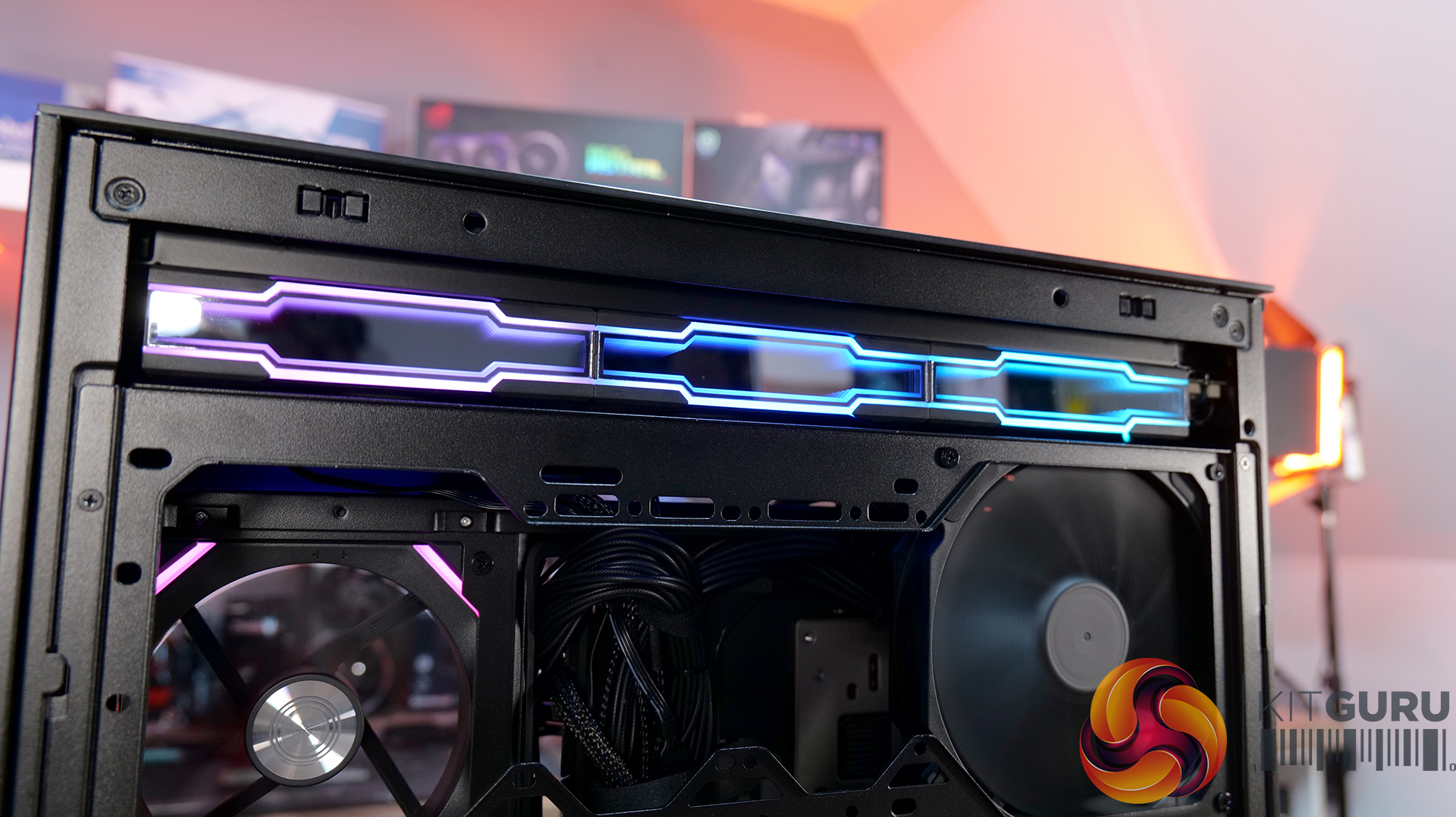
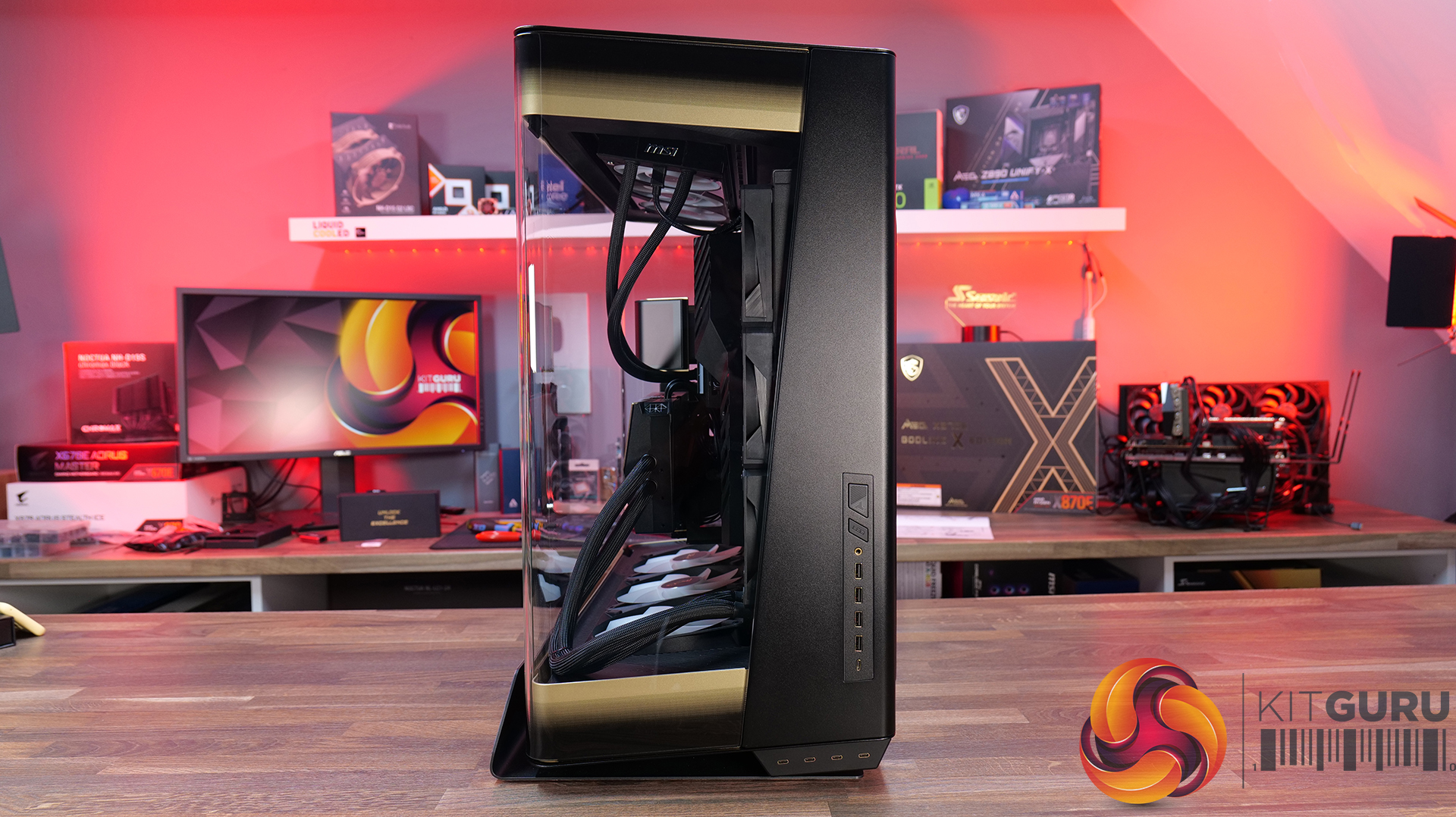
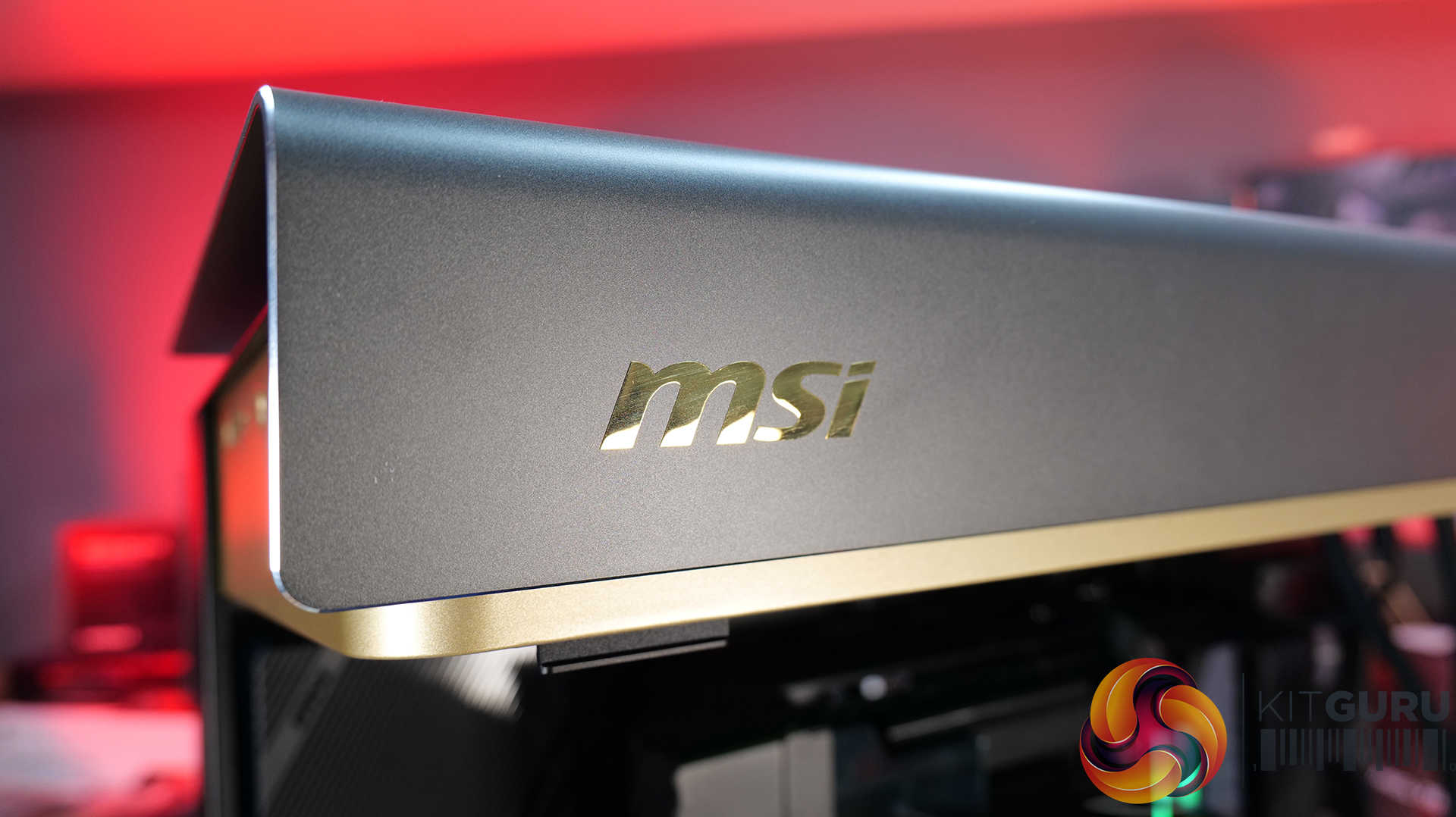
  • A Showcase Chassis: The MEG Maestro 900R uses a centre motherboard layout combined with three-sided panoramic tempered glass, placing high-end hardware into the focal point of the build rather than hiding it away inside a conventional box.
  • Flexible Building: A detachable motherboard tray can also be rotated into four different orientations, giving builders freedom to prioritise aesthetics, airflow or simply make the assembly process a little easier.
  • Built for Extreme Hardware: With support for up to 14 fans and dual 420mm radiators, along with vertical GPU mounting and included PCIe 5.0 riser cable, the Maestro 900R has the hardware support you'd expect from a flagship full-tower case.
Specifications

  • Case Form Factor: Full Tower
  • Motherboard Support: E-ATX / ATX / Micro-ATX / Mini-ITX
  • Expansion Slots: 8+3
  • Maximum GPU Length: 440 mm
  • Maximum CPU Cooler Height: 170 mm
  • Power Supply Support: ATX
  • Maximum PSU Length: 200 mm
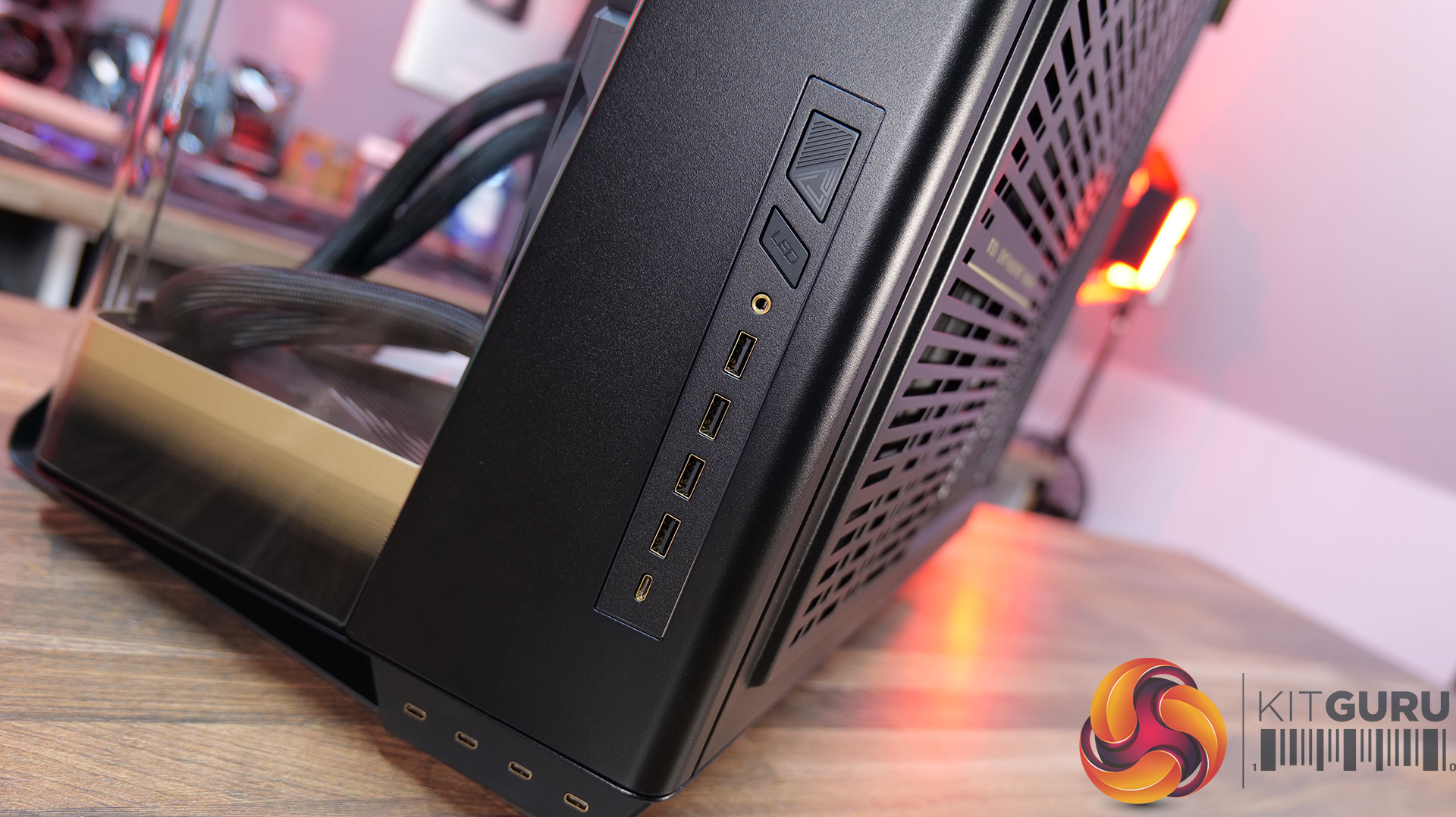
  • I/O Ports: 1x LED Switch Button, 1x Mic-in / Audio-out, 1x Power Button, 4x USB 5Gbps Type-A, 4x USB 10Gbps Type-C, 1x USB 20Gbps Type-C
  • Drive Support: Up to 9 x 2.5″ SSD, Up to 5 x 3.5″ HDD
  • Fan Support: Top: 4 x 120 mm / 3x 140 mm / 3 x 160 mm, Side: 6 x 120 mm, Bottom: 4 x 120 mm / 3 x 140 mm / 3 x 160 mm
  • Pre-installed Fans: 3 x 160 mm ARGB fans at the bottom
  • Radiator Support: Top: 120 / 140 / 240 / 280 / 360 / 420 mm, Side: 120 / 240 / 360 mm, Bottom: 120 / 140 / 240 / 280 / 360 / 420 mm
  • Dimensions: 695 x 379 x 671 mm
  • Net Weight: 33 kg
  • Gross Weight: 38 kg

Graphics Card: MSI RTX 5090 SUPRIM LIQUID – Available HERE

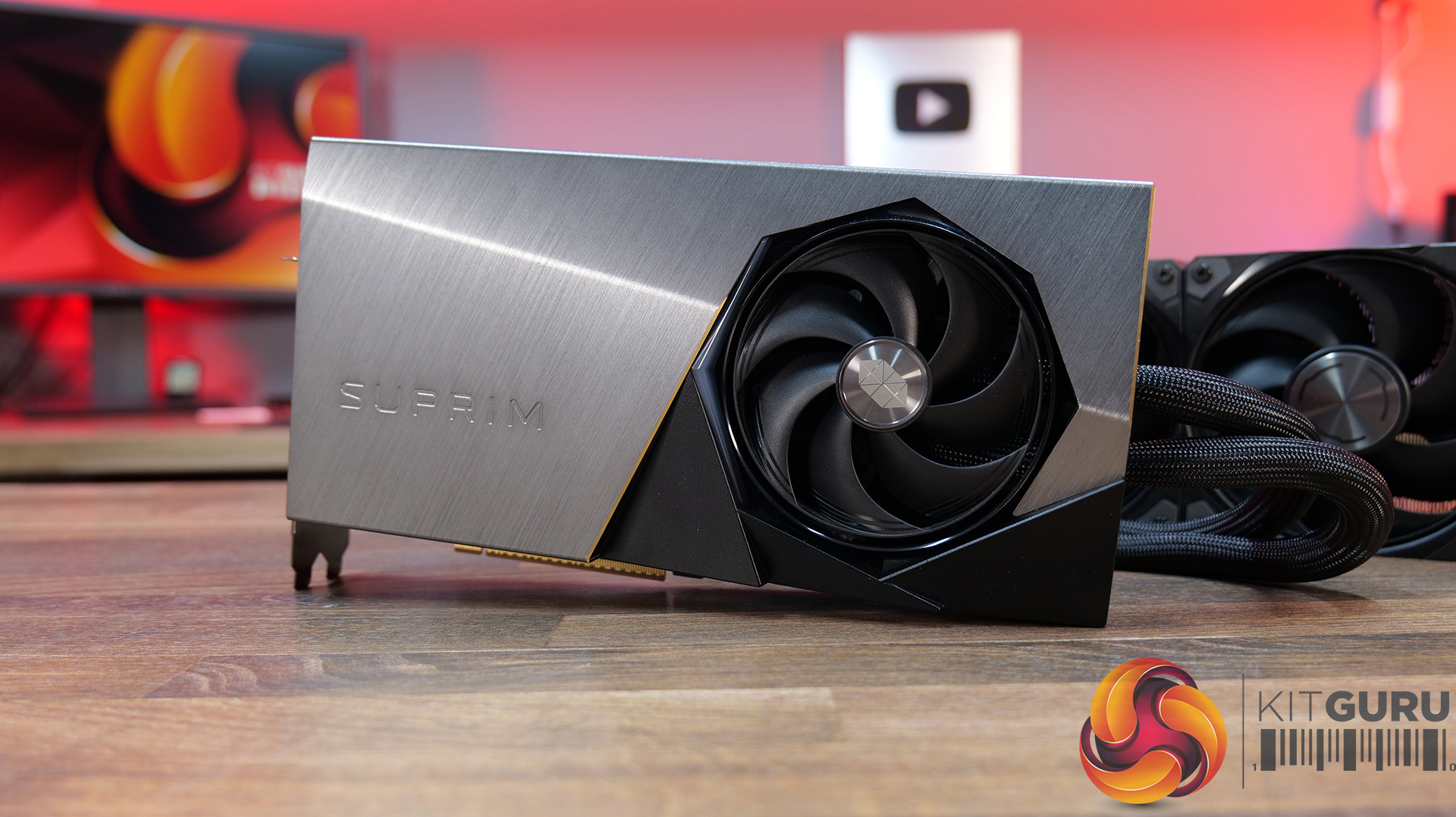
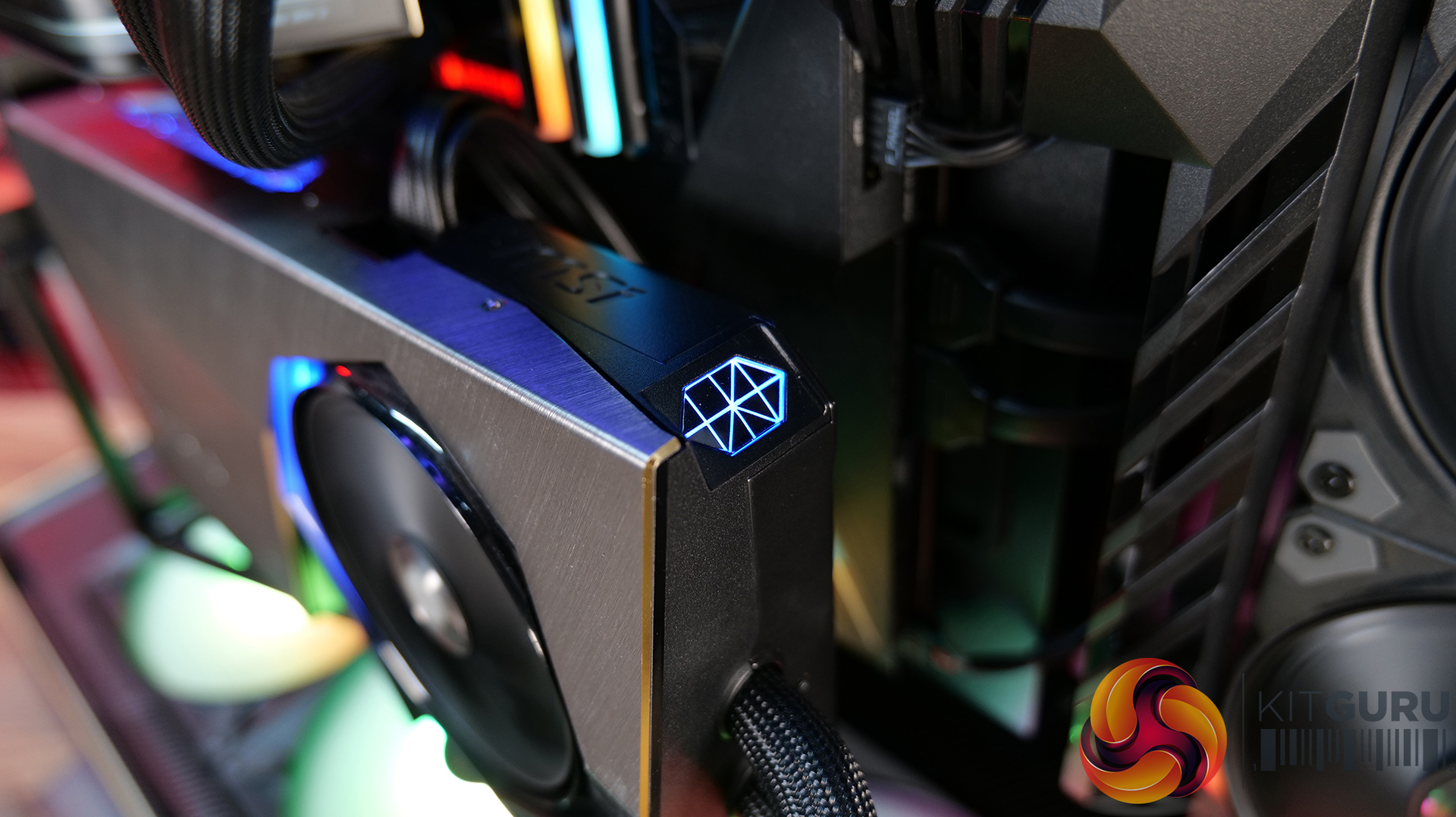
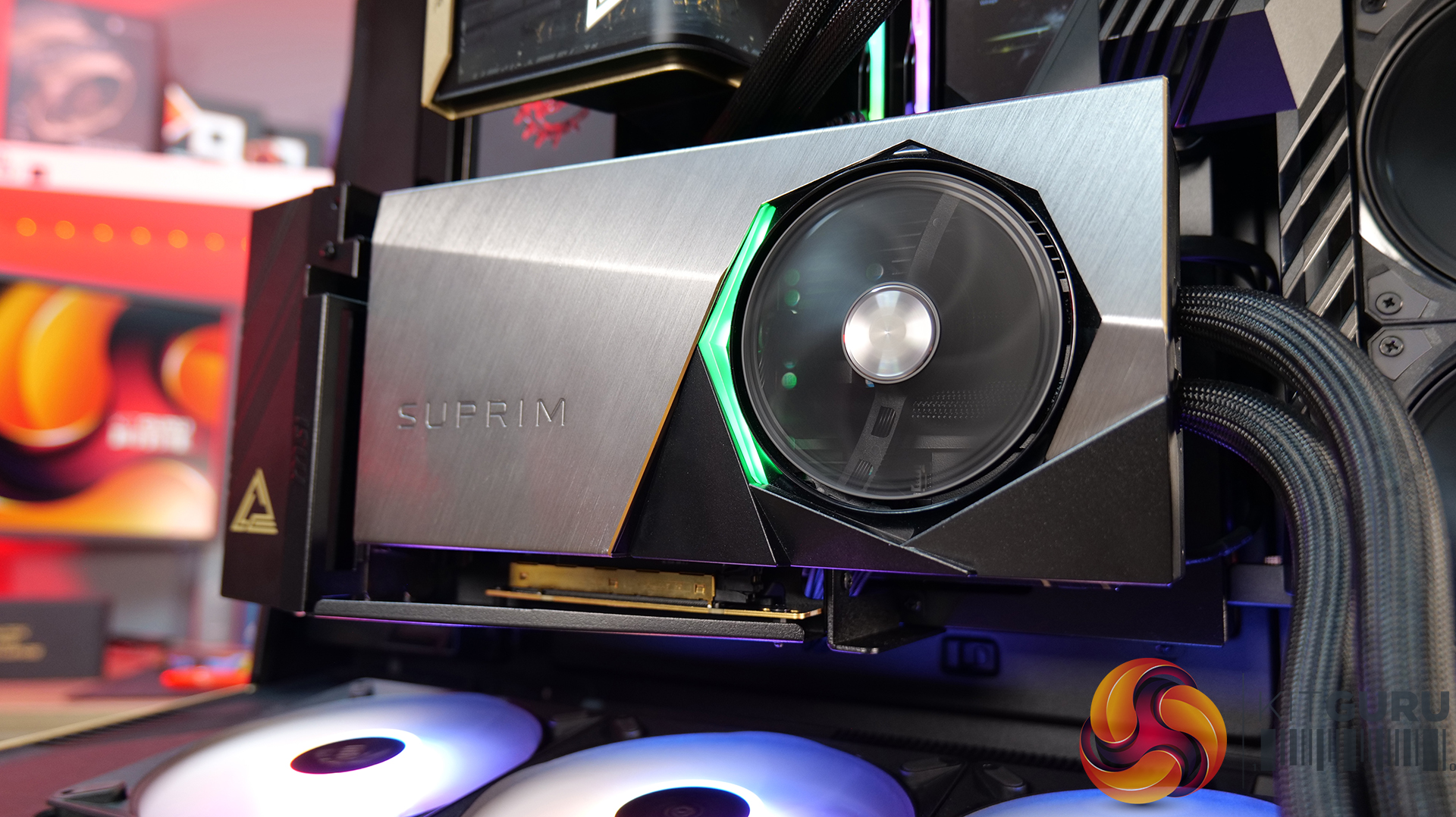
  • Hybrid Cooling: The SUPRIM LIQUID combines air and liquid cooling, with a patented water block covering the GPU and VRAM alongside a 360mm radiator and MSI STORMFORCE fans. A serious cooling solution for a serious GPU.
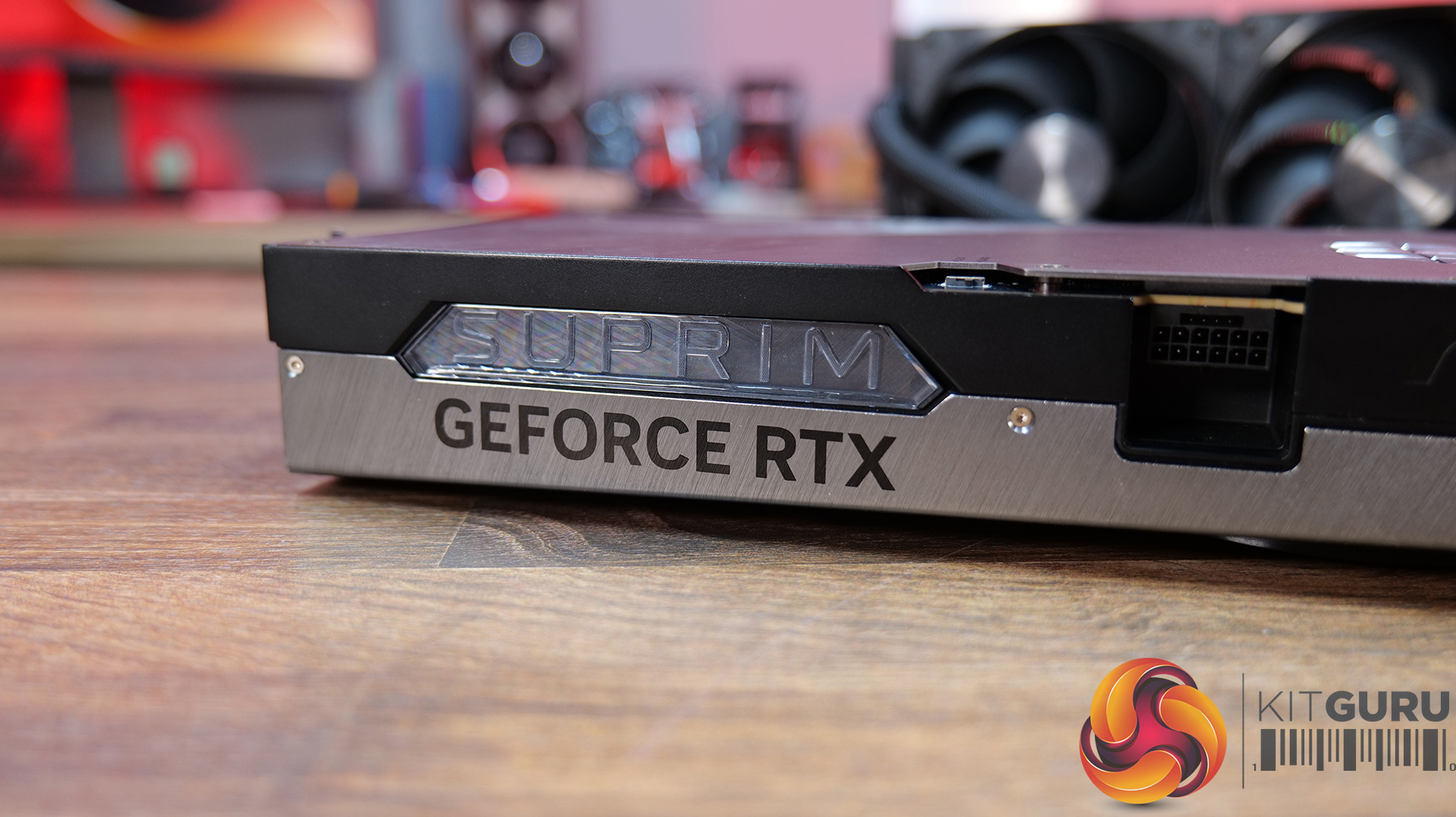
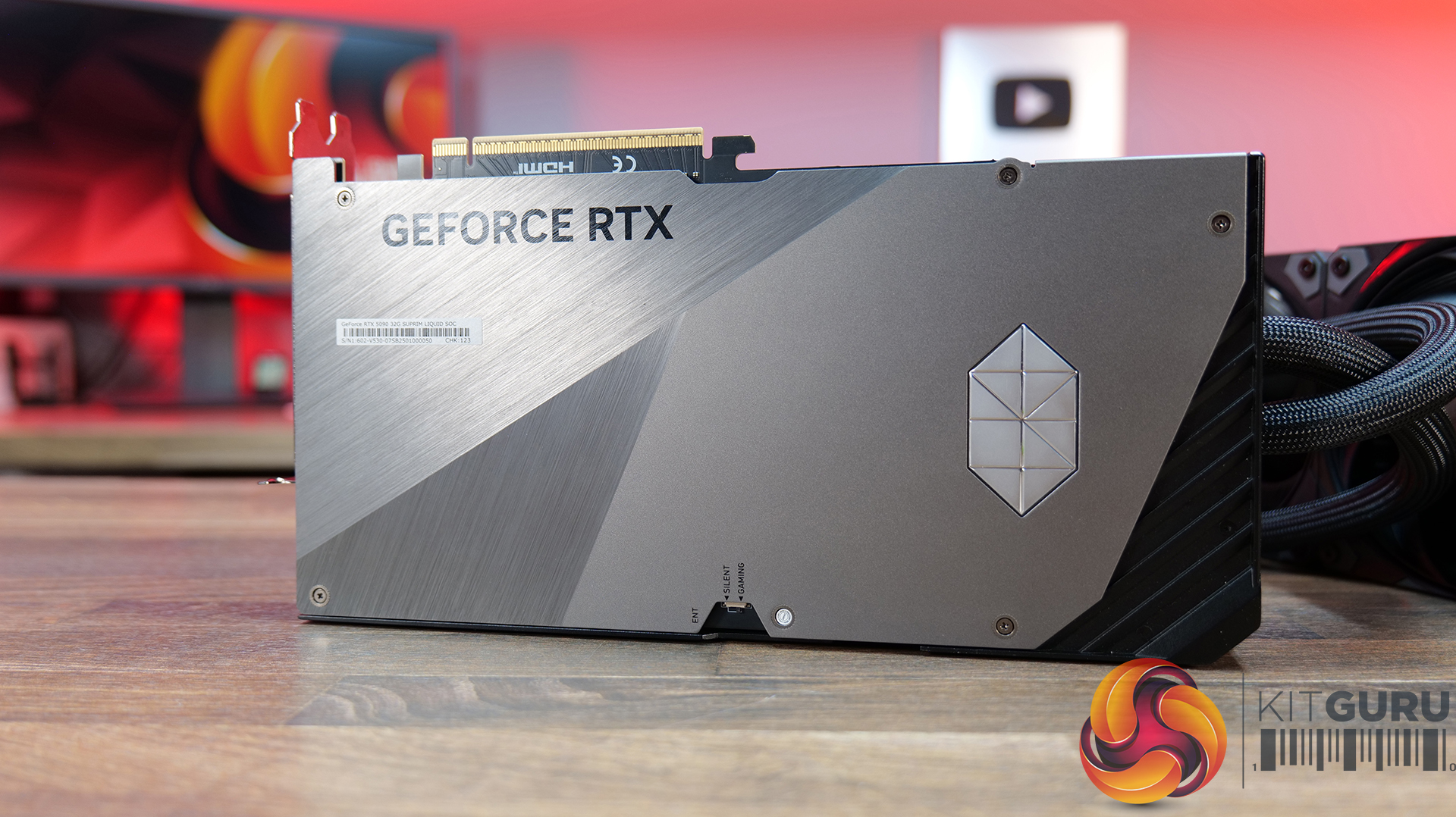
  • Flagship Design: MSI has gone all-out on build quality, with diamond-cut lines, polished and bevelled metal edges, a multi-finish metal backplate and integrated LED lighting. The RTX 5090 Suprim Liquid is clearly designed to look as premium as it performs.
  • Performance or Silence: Dual BIOS gives you the choice between Gaming mode for maximum performance or Silent mode when you want to keep noise down. The card also features HCI chokes, DrMOS power stages, high-quality thermal pads and a reinforced 2oz copper PCB.

Specifications

  • Graphics Processing Unit: NVIDIA GeForce RTX 5090
  • Interface: PCI Express Gen 5 x16
  • Core Clocks: Gaming Mode – Extreme Performance: 2580 MHz (MSI Center), Gaming Mode – Boost: 2565 MHz, Silent Mode – Extreme Performance: 2527 MHz (MSI Center), Silent Mode – Boost: 2512 MHz
  • CUDA Cores: 21,760
  • Memory Speed: 28 Gbps
  • Memory: 32GB GDDR7
  • Memory Bus: 512-bit
  • Outputs: 3x DisplayPort 2.1b, 1x HDMI 2.1b
  • HDCP Support: Yes
  • Power Consumption: Gaming Mode: 600 W, Silent Mode: 575 W
  • Power Connectors: 1x 16-pin (ATX 3.1 PSU recommended)
  • Recommended PSU: 1000 W
  • Card Dimensions: 280 x 148 x 51 mm
  • Radiator Dimensions: 394 x 121 x 55 mm
  • Tube Length: 450 mm
  • Weight: 2969 g (card) / 4273 g (package)
  • DirectX Version Support: 12 Ultimate
  • OpenGL Version Support:6
  • Maximum Displays: 4
  • G-SYNC Technology: Yes
  • Digital Maximum Resolution: 7680 x 4320

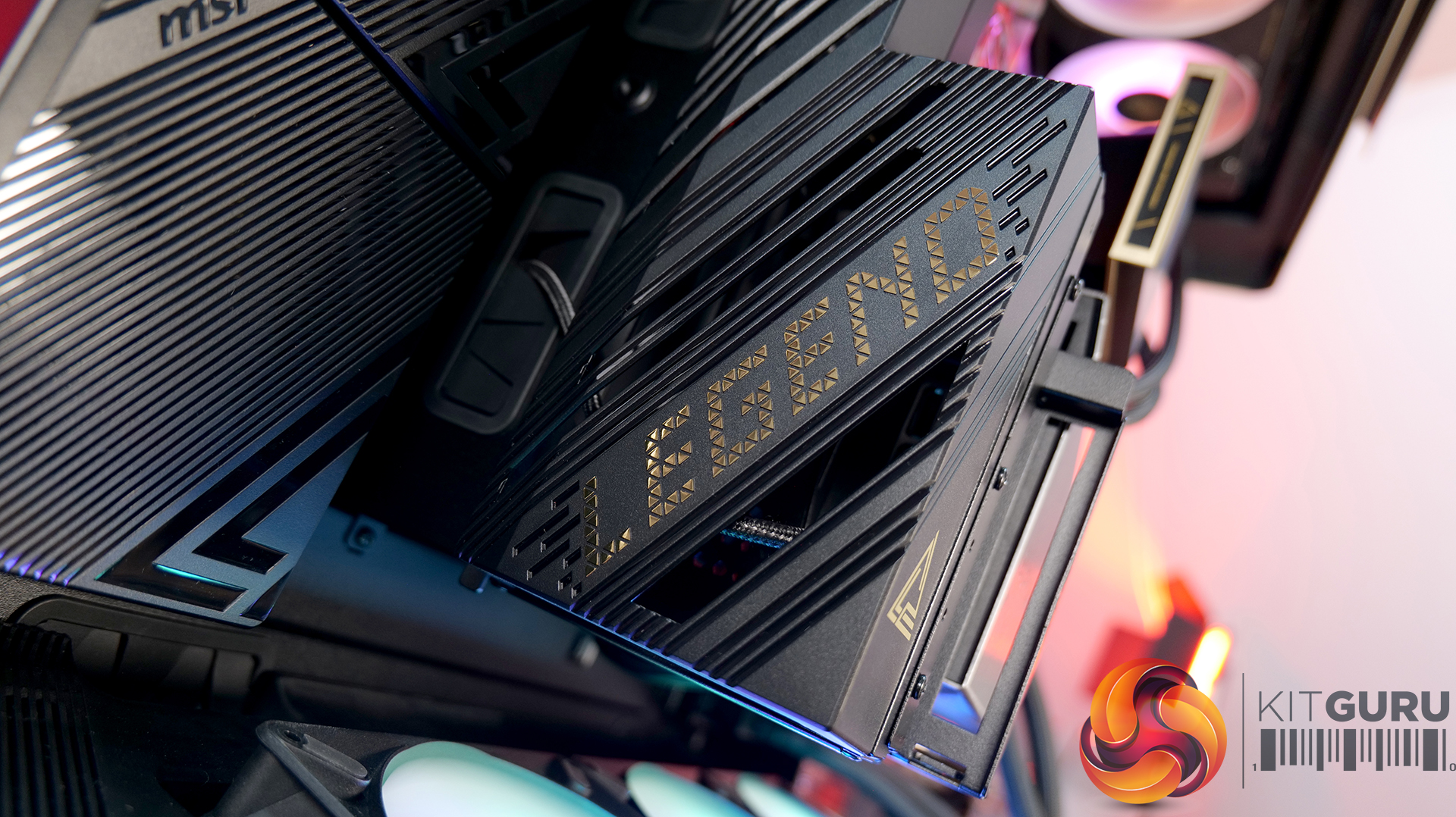
Motherboard: MSI MEG X870E Godlike X Edition – Available from Scan HERE.

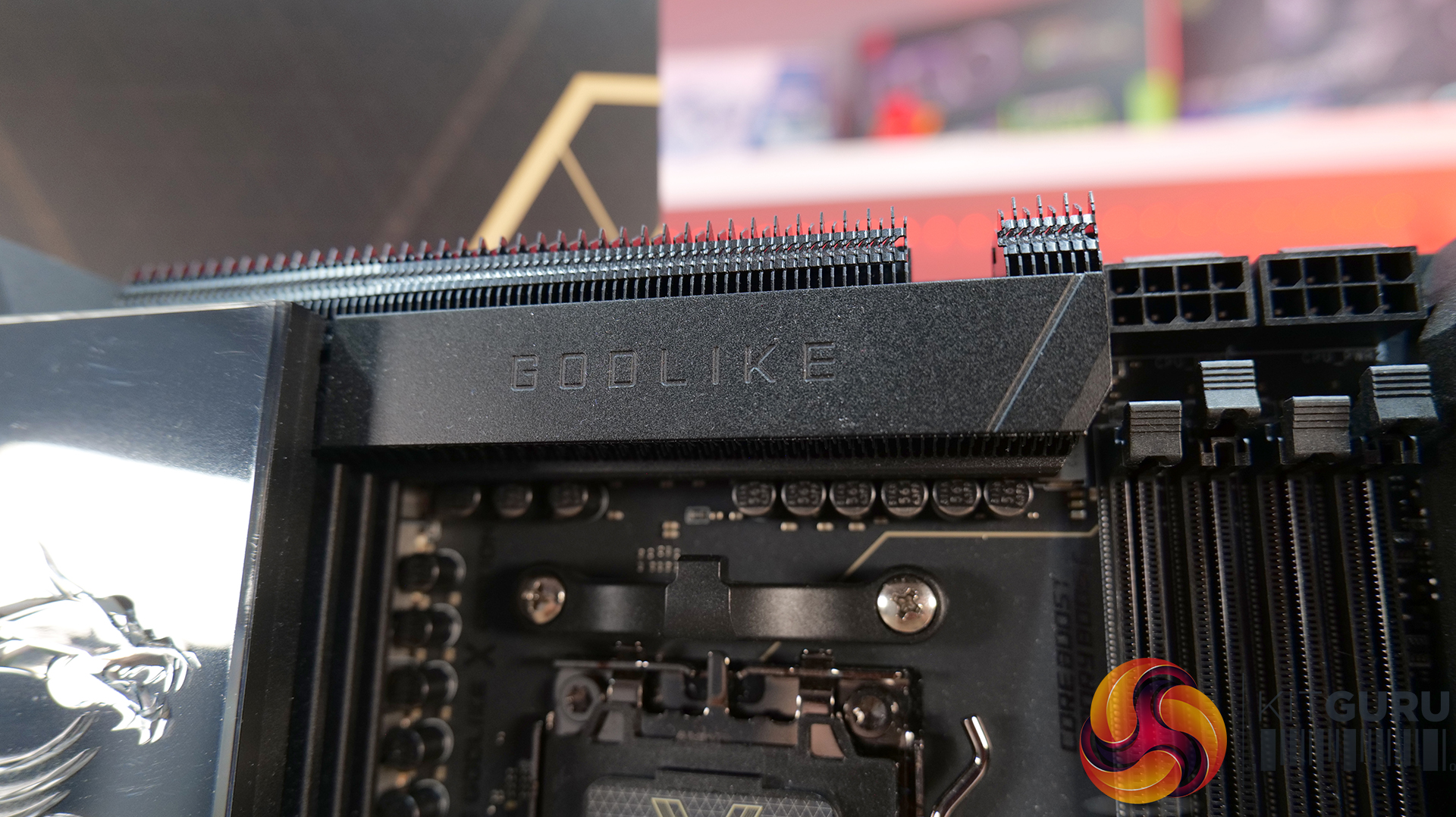
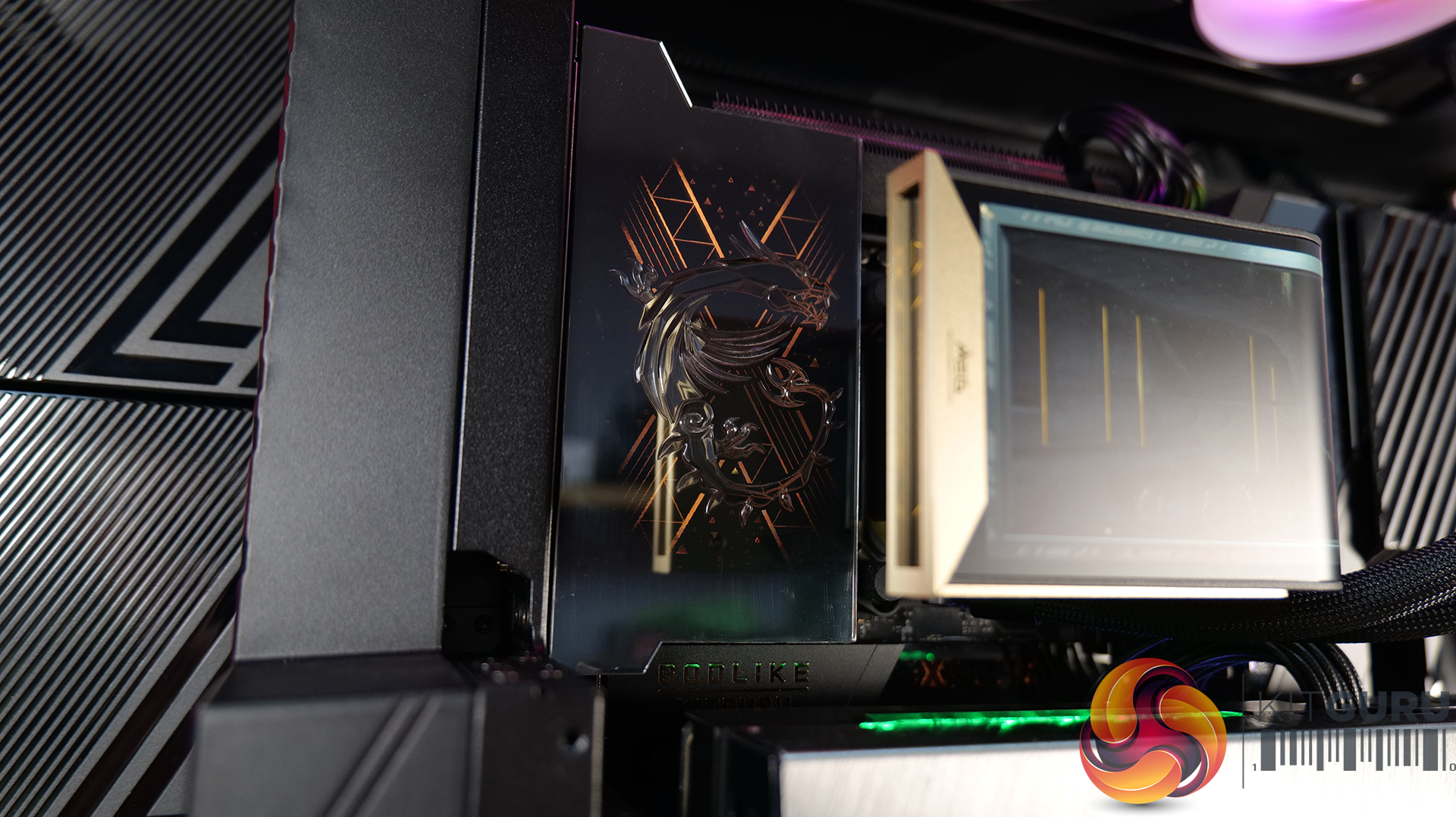
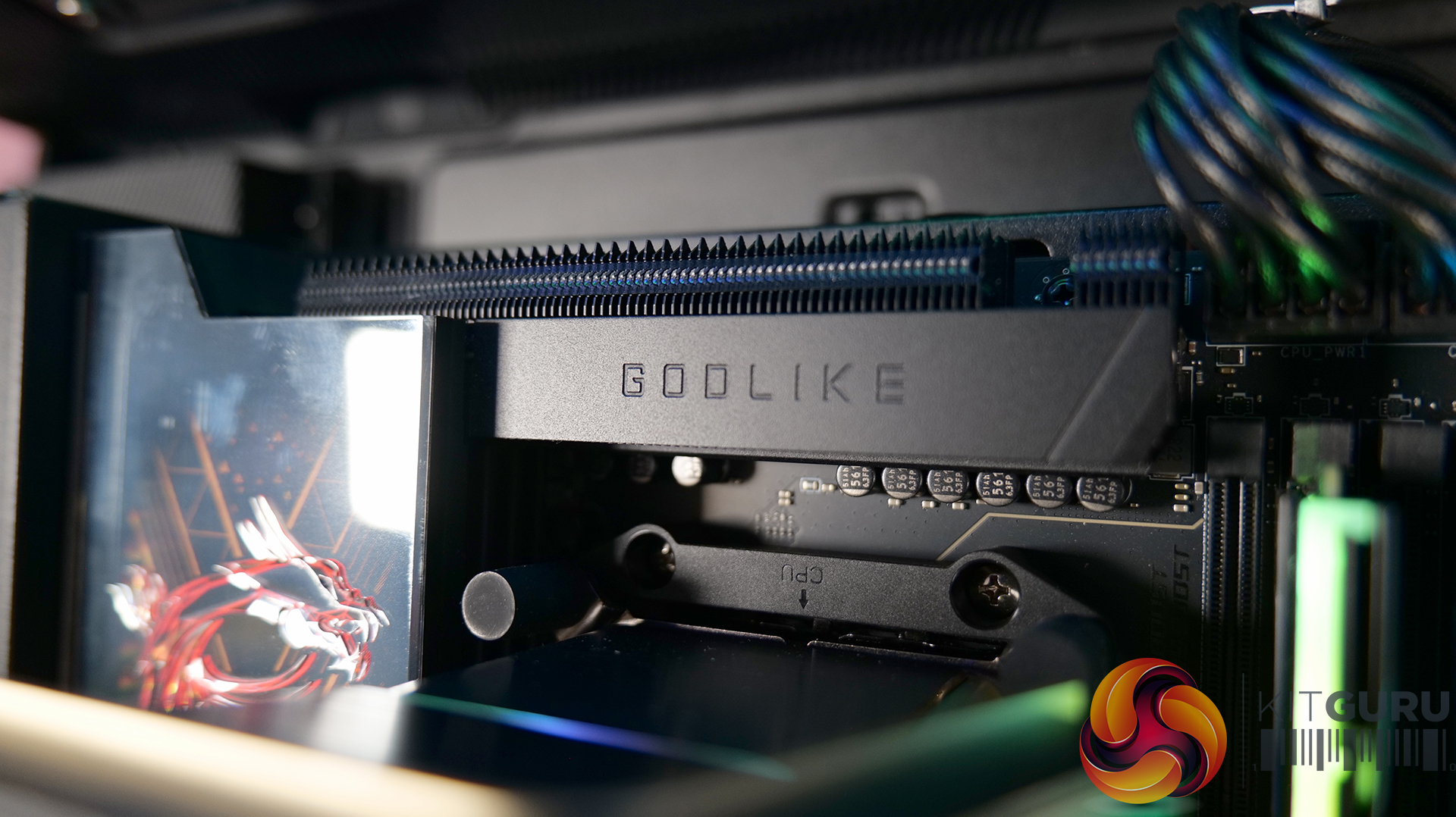
  • Flagship X Edition: Featuring a 24+2+1 Duet Rail Power System, 110A Smart Power Stages, dual 8-pin CPU power connectors and a 10-layer 2oz copper PCB, so that this board can handle serious CPU performance and overclocking.
  • An Impressive Display: The 3.99-inch Dynamic Dashboard III LCD provides real-time hardware monitoring, troubleshooting information, BIOS update status and system clock functionality, while allowing for customisation. It's a superb addition for a flagship motherboard — helping it stand out in a showcase build.
  • Storage and Connectivity Galore: Five onboard M.2 slots, plus the included M.2 XPANDER-Z SLIDER GEN5 expansion card, adding another two Lightning Gen 5 M.2 slots. There’s also dual PCIe 5.0 slots, 10G and 5G LAN, Wi-Fi 7, USB4 and front-mounted USB 20Gbps with 60W USB Power Delivery.

Specifications

  • Chipset: AMD X870E
  • CPU Support: AMD Ryzen 9000 / 8000 / 7000 Series Desktop Processors
  • CPU Socket: AM5
  • Memory: 4x DDR5 UDIMM
  • Maximum Memory Capacity: 256GB
  • Memory Speed: DDR5 9200–5600 MT/s (OC) / 5600–4800 MT/s (JEDEC)
  • Memory Features: AMD EXPO, dual-channel mode, non-ECC unbuffered memory and CUDIMM support
  • Onboard Graphics: 2x USB Type-C DisplayPort via USB4, supporting up to 4K @ 60Hz
  • Expansion Slots: 2x PCIe x16, 1x PCIe x4, PCIe 5.0 support
  • Audio: Realtek ALC4082 Codec + ESS9219Q Combo DAC/HPA
  • Audio Support:1-channel USB high-performance audio, S/PDIF output and up to 32-bit/384kHz playback on the front panel
  • Storage: 7x onboard M.2 slots, 2x PCIe 5.0 x4, 3x PCIe 4.0 x4, 1x PCIe 4.0 x2, 1x additional PCIe 4.0 x4
  • Additional M.2 Storage: 2x PCIe 5.0 x4 M.2 slots via the M.2 XPANDER-Z SLIDER GEN5 card
  • SATA: 4x SATA 6Gbps
  • RAID: RAID 0, 1 and 10 for SATA; RAID 0, 1, 5 and 10 for M.2 NVMe
  • USB: 4x USB 2.0 (front), 4x USB 5Gbps Type-A (front), 8x USB 10Gbps Type-A (rear), 5x USB 10Gbps Type-C (rear), 1x USB 10Gbps Type-C (front),1x USB 20Gbps Type-C (front), 2x USB 40Gbps Type-C (rear)
  • LAN: 1x Marvell AQC113CS 10Gbps LAN + 1x Realtek 8126 5Gbps LAN
  • Wireless: Wi-Fi 7
  • Wi-Fi Speed: Up to 5.8Gbps
  • Wi-Fi Bands:4GHz / 5GHz / 6GHz (320MHz)
  • Bluetooth: Bluetooth 5.4
  • Internal I/O: CPU fan, 2x pump/system fan, thermal sensor connectors, RGB, front-panel connectors and additional USB headers
  • LED Features: Dynamic Dashboard III, EZ Digi-Debug LED and EZ LED Control switch

AIO CPU Cooler: MSI MEG CORELIQUID E15 360 – Available HERE.

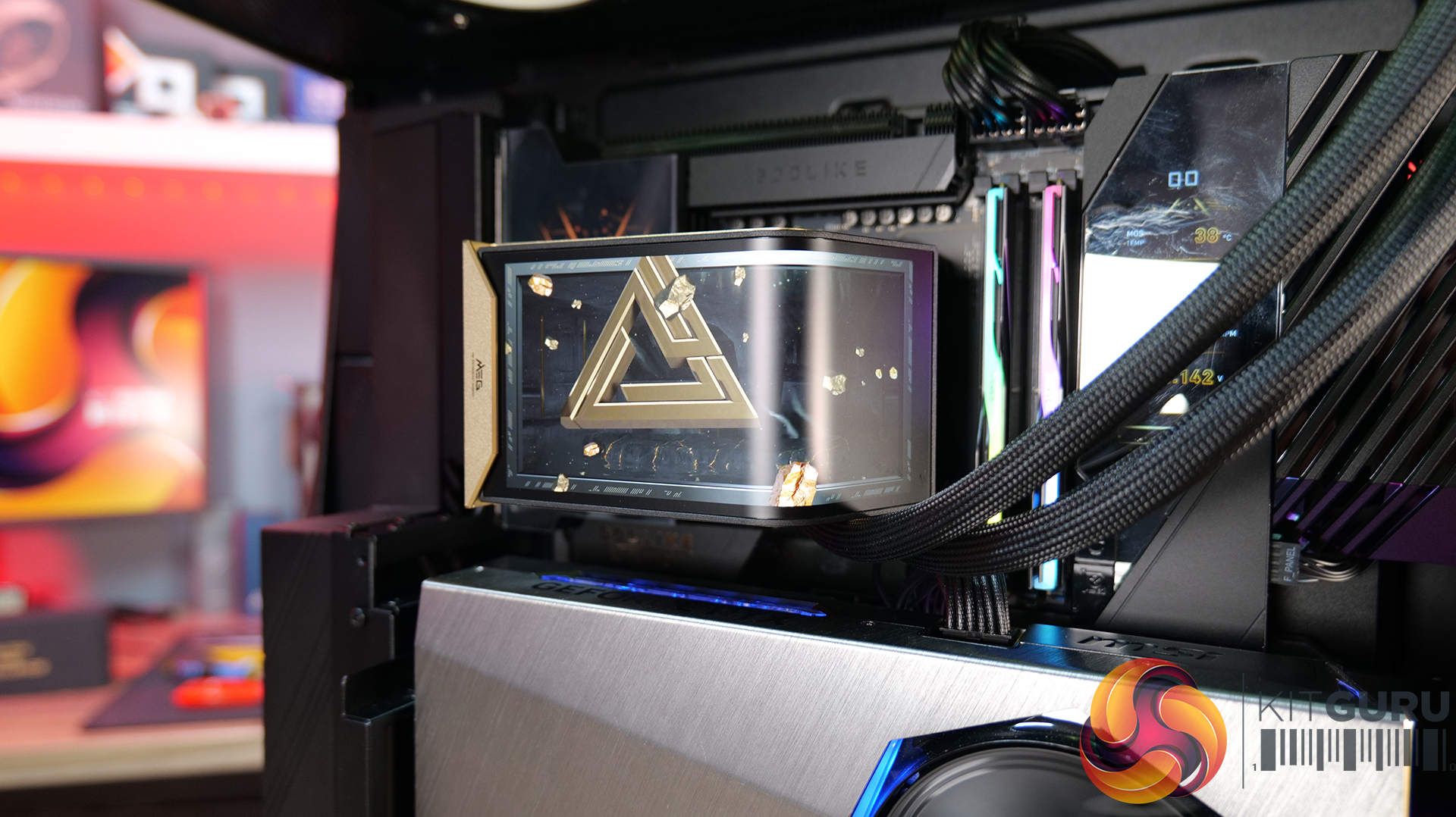
  • Curved Display: E15 360 features a huge 6.67-inch 2K AMOLED display with a 110-degree curved viewing angle, supporting custom animations, images and videos. It can operate in full-screen, split-screen or extended-display modes, making it more than just a fancy pump cover.
  • Laminar Focus Cooling: MSI’s three-fan setup uses Laminar Focus Technology, with the middle fan spinning in reverse to reduce turbulence, smooth out airflow and cut down noise. There’s also a 30mm-thick radiator and a cooling safeguard that automatically ramps up the remaining fans if one fails.
  • Clean Installation: Slick installation process with its EZ Conn single-cable design, connecting the screen, fans, ARGB and pump through one cable. The magnetic POGO-PIN screen also simplifies installation, while the 90-degree tube clips help keep the tubing looking neat and tidy.

Specifications
  • Pump Speed: 3000 ± 300 RPM
  • Load Current: 0.52 ± 0.104 A
  • Power Consumption: 6.24 ± 1.248 W
  • Life Expectancy: 50,000 hours at 40°C
  • CPU Block Dimensions: 71.63 x 68.5 x 64.97 mm
  • Display Size: 6.67″
  • Panel Type: OLED
  • Panel Resolution: 2240 x 1080
  • Radiator Size: 360 mm
  • Dimensions: 397 x 124.5 x 30 mm
  • Material: Aluminium
  • Tube Length: 390 mm
  • Tube Material: EPDM + IIR
  • Fan Dimensions: 362 x 125 x 28.4 mm
  • Fan Quantity: 3
  • Fan Speed: 800–2300 ± 230 RPM
  • Fan Airflow: 217.91 CFM
  • Fan Air Pressure: 3.84 mm-H₂O
  • Fan Noise: 39.58 dBA
  • Fan Bearing: FDB
  • Fan Life Expectancy: 40,000 hours at 40°C
  • Fan Rated Current: 0.68 ± 0.15 A (set)
  • Fan Power Consumption: 8.16 W (set)
  • LED: ARGB Gen2
  • CPU Socket Support: Intel: LGA 1700 / LGA 1851, AMD: AM5 / AM4

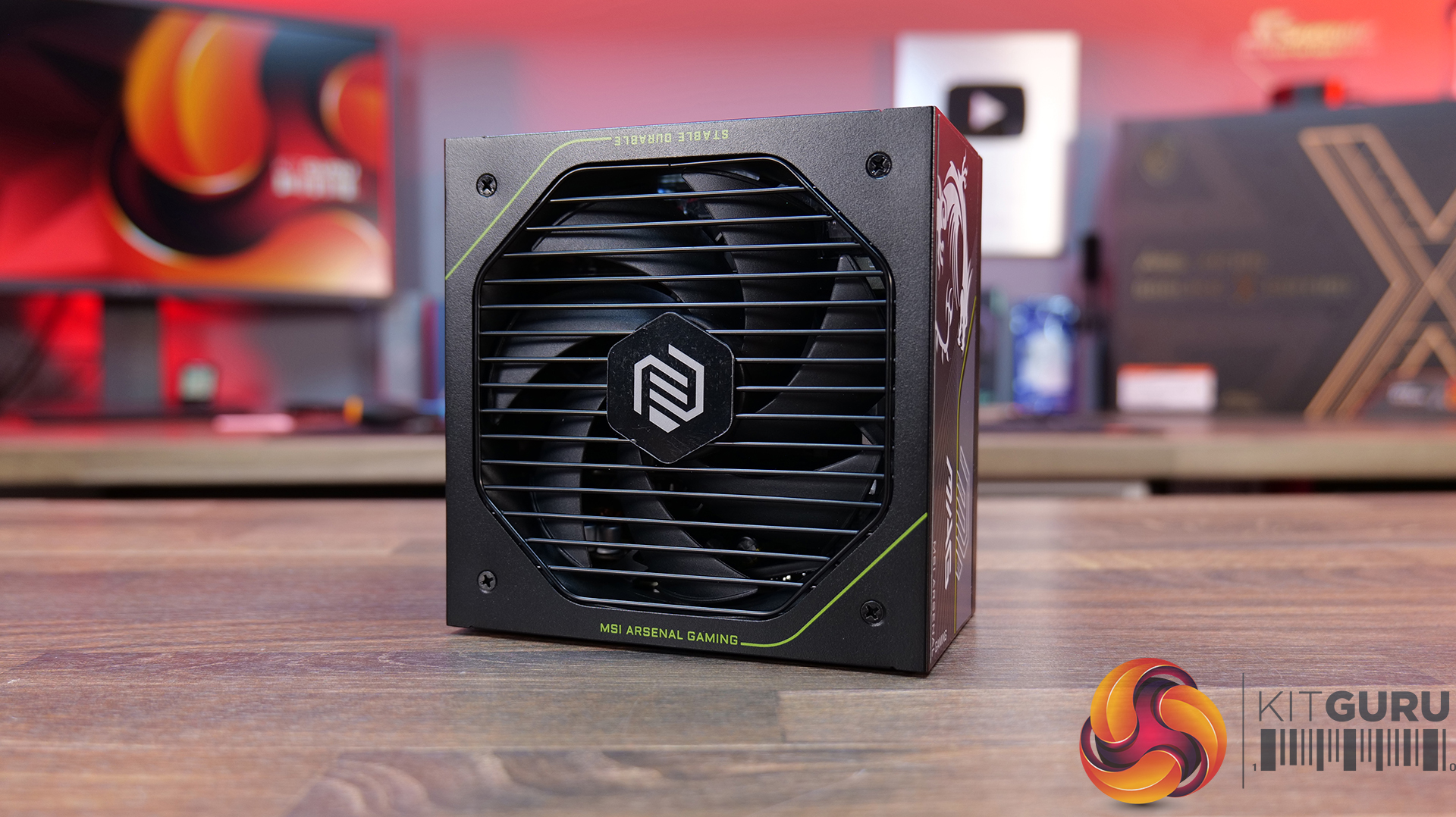
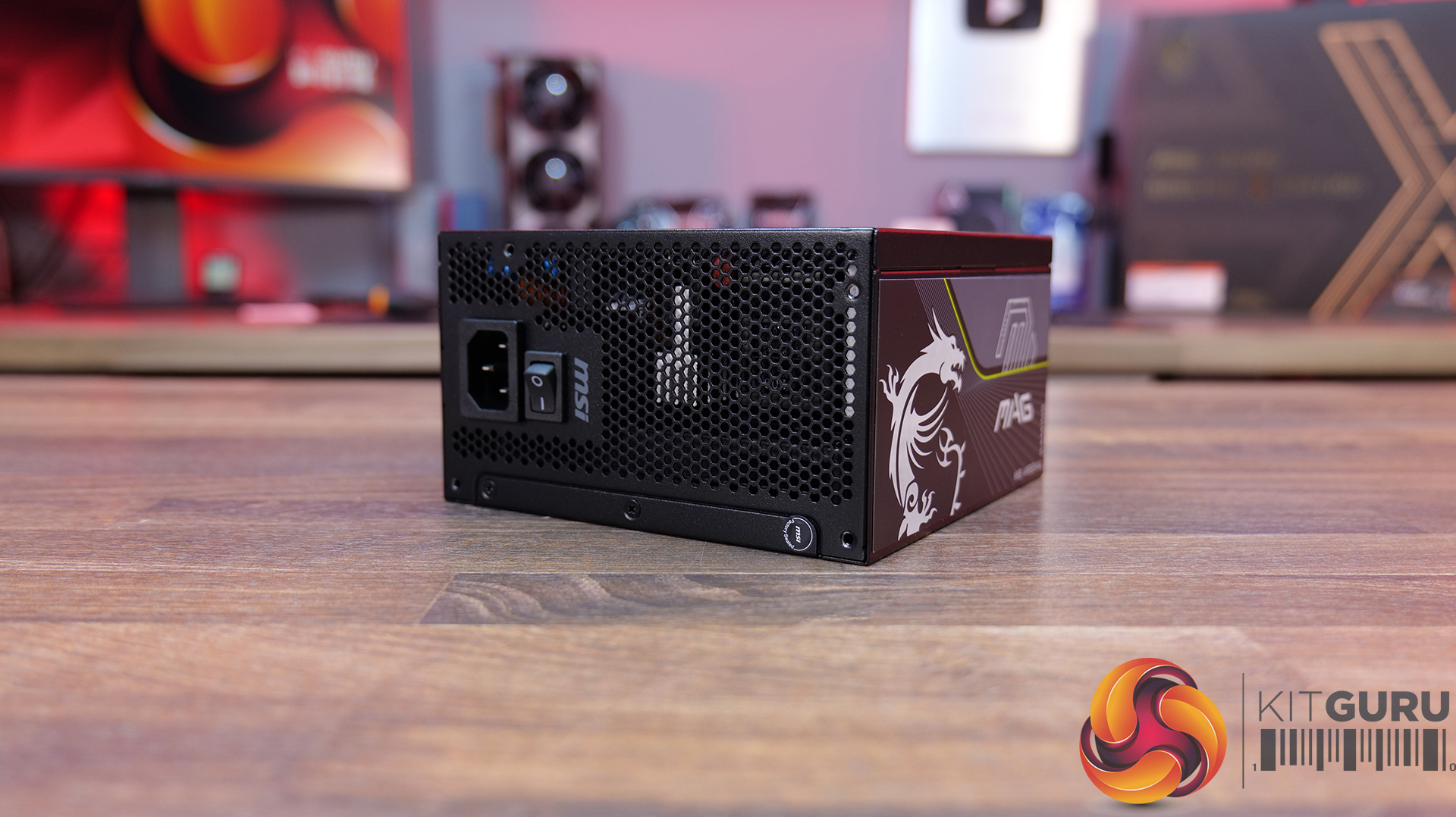
Power Supply: MSI MAG A1200PLS PCIE5 – Available from OCUK priced at £179.99 HERE.

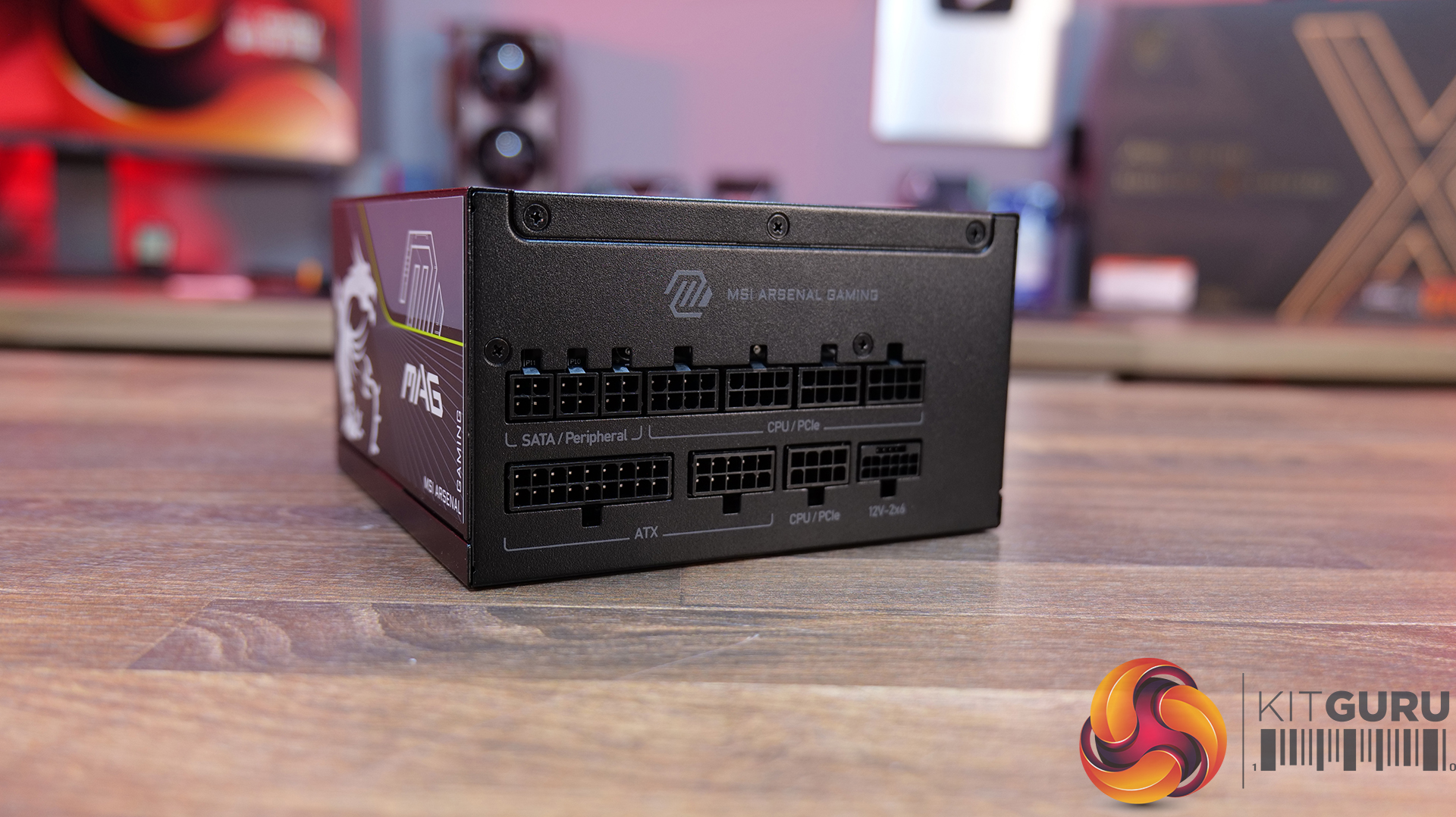
  • Latest High-End GPU Ready: With 1200W of power, ATX 3.1 compliance and a native 12V-2×6 PCIe 5.1 connector capable of delivering up to 600W, the A1200PLS is designed with today’s most demanding GPUs in mind. It also supports up to 235% total power excursion and 3x GPU power excursion.
  • Platinum Power Delivery: MAG A1200PLS carries an 80 PLUS Platinum efficiency certification, while MSI uses a 135mm Fluid Dynamic Bearing fan to help keep noise levels down and maintain a longer fan lifespan. Plus a 105°C main capacitor for added durability.
  • Protection Built In: It’s equipped with GPU Safeguard, which monitors the 12V-2×6 connector and provides real-time alerts, alongside Fan Safeguard and a comprehensive set of protections including OCP, OTP, OPP, SCP, OVP, UVP, SIP and NLO. Plenty of protection for some seriously expensive hardware.

Specifications

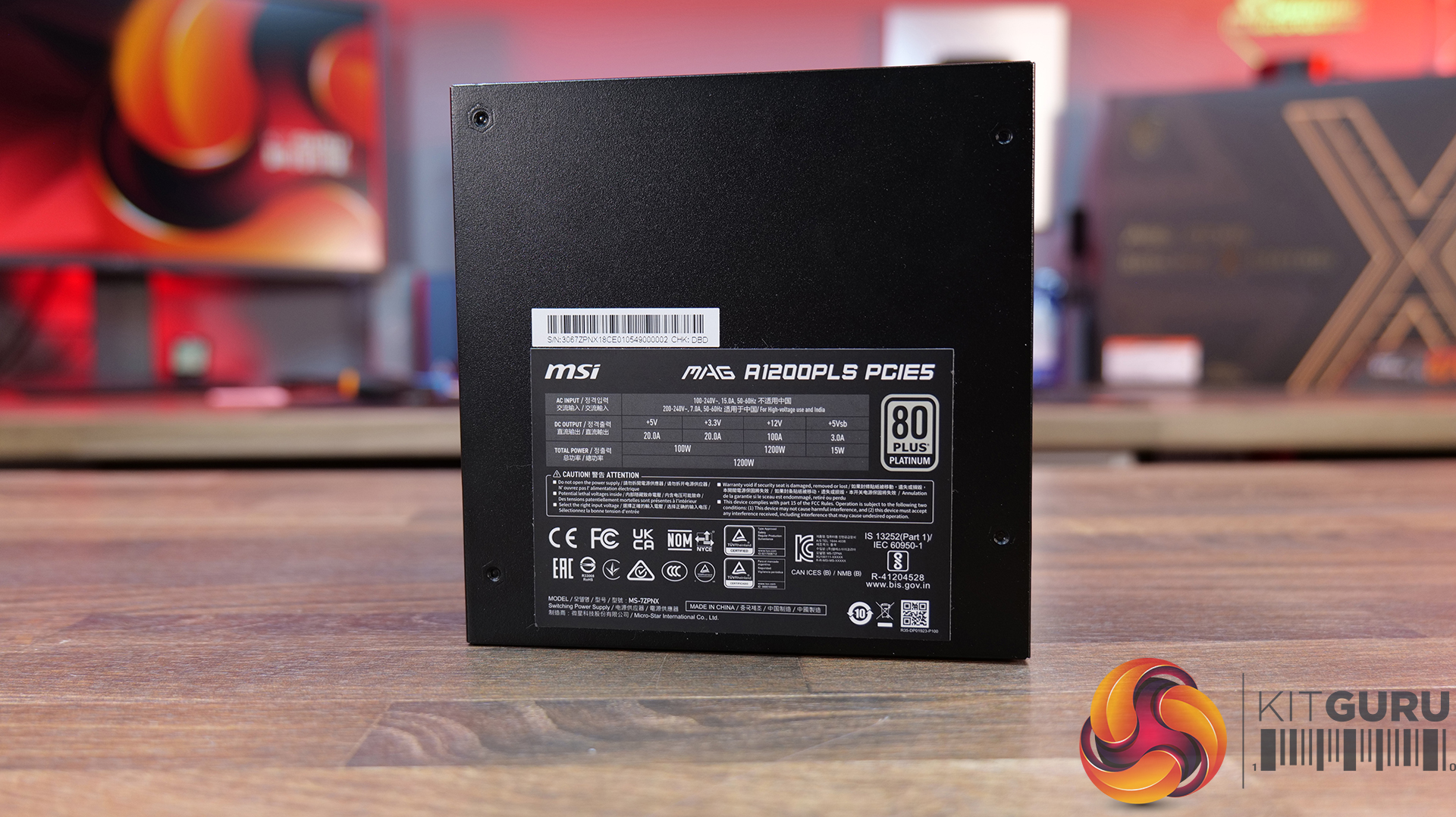
  • Efficiency Rating: 80 PLUS Platinum
  • Power Output: 1200W
  • Modular: Fully Modular
  • Form Factor: ATX
  • Dimensions: 150 x 150 x 86 mm
  • PFC Type: Active PFC
  • Input Voltage Range: 100–240 VAC
  • Input Frequency Range: 50–60 Hz
  • Fan Size: 135 mm
  • Fan Bearing: Fluid Dynamic Bearing (FDB)
  • Protection: OVP, OCP, OTP, OPP, SCP, UVP, SIP, NLO
  • Connectors: 1x Mothertboard 24-pin, 1x EPS 4+4-pin + 1x 8-pin, 1x PCIe5 12+4-pin / 600W, 4x PCIe 6+2-pin, 6x SATA, 3x Molex 4-pin

Build Specification

KitGuru says: Is it possible to pack in any more high-end MSI hardware than this? The MEG Maestro 900R might be one of the most expensive PC cases we have ever seen, but it sure is one of a kind!

The post MSI MEG Maestro 900R Featured Build first appeared on KitGuru.

Alphacool Core 2 LT AIO offers a slim radiator for compact PCs

30 August 2026 at 10:00

Alphacool is updating its entry‑level AIO lineup with the Core 2 LT, a successor to the Eisbaer LT series built around a slim 25mm copper radiator and modular components taken from the company’s custom‑loop range.

The cooler uses a NexXxoS ST25 full‑copper radiator, giving it a thinner profile than most 240mm and 360mm AIOs while still using a full‑copper design. Alphacool pairs this with its Core DC‑LT 3 PWM pump mounted directly to the block, capable of speeds up to 3800RPM.

Flexible TPV tubing and rotary fittings are included too, which should make installation a little easier in tighter, more compact PC cases. The AIO also comes with pre-installed Alphacool Core 120mm fans, which spin at up to 4000RPM, pushing a very high 119.8 CFM, so there should be plenty of airflow.

Pricing for the Core 2 LT AIO cooler sits at €149.98 for the 240mm model and €164.98 for the 360mm version.

KitGuru Says: Do you prefer slim radiators for compact builds, or do you stick with standard 27mm units?

The post Alphacool Core 2 LT AIO offers a slim radiator for compact PCs first appeared on KitGuru.

ASRock Debuts Rock Series AIO Coolers In Digital And ARGB Variants, Featuring 240mm And 360mm Radiators

24 August 2026 at 15:30

ASRock Rock Series AIO Liquid Cooler is displayed with its dual and triple fan configurations alongside the text 'Simplicity meets rock-solid stability.'

ASRock has launched a brand new AIO series called "Rock", delivering several new AIO coolers in both black and white color schemes. ASRock Launches Rock AIO Series, Bringing 8 Variants, Including Four Digital and Four ARGB 240mm and 360mm Coolers for Everyday Use Popular hardware manufacturer ASRock has just expanded its existing cooler lineup by introducing an all-new series called Rock. The Rock series AIO coolers are aimed at everyday PC builds, and according to the company, it is designed for users who are looking for a clean and "no-nonsense" setup with "rock-solid" stability. We don't know what exactly "rock-solid" […]

Read full article at https://wccftech.com/asrock-debuts-rock-series-aio-coolers/

AMD’s Fastest Gaming CPUs Get $50-$130 Cuts At Newegg, As Every Ryzen X3D Now Ships With A Free Cooler

19 August 2026 at 15:53

The image shows an AMD Ryzen 7 7900X3D processor box labeled with 'AMD 3D V-Cache Technology' and '9000 Series Processor' on

The fastest gaming processors are now available at incredibly low prices, and users will also receive a free CPU cooler. AMD Ryzen 7 9800X3D Drops to $429 With a Free $79 AIO Cooler While Ryzen 9 9950X3D is Now at Just $569 on Newegg The world's fastest gaming processors have been witnessing price drops several times this year, allowing you to build a powerful gaming PC for the lowest price possible. While you may have missed it when these dropped to historic lows recently, we are back again with deeper discounts so that you can finally upgrade your PC to […]

Read full article at https://wccftech.com/amds-fastest-gaming-cpus-get-50-130-cuts-at-newegg/

Noctua Doesn’t Want To Spend Resources On Cooler Beautification; Says It Prioritizes Quality And Performance

18 August 2026 at 13:51

Noctua NH-D15 G2 CPU Cooler Official: Next-Gen Flagship With New Design & New Fans For $150 1

The company explains why it doesn't treat RGB as one of its priorities when it comes to its cooling products. Noctua Says It's Unlikely That the Company Will Ever Produce RGB Cooling Products; Wants to Focus More on Performance and Quality Popular cooler manufacturer Noctua has revealed its plans for the product design when it comes to aesthetics. Noctua remains one of the handful of cooler makers that haven't released an RGB-equipped cooling product despite remaining in the industry for more than two decades. From fans to air coolers, and now AIO cooling solutions, the company has it all for […]
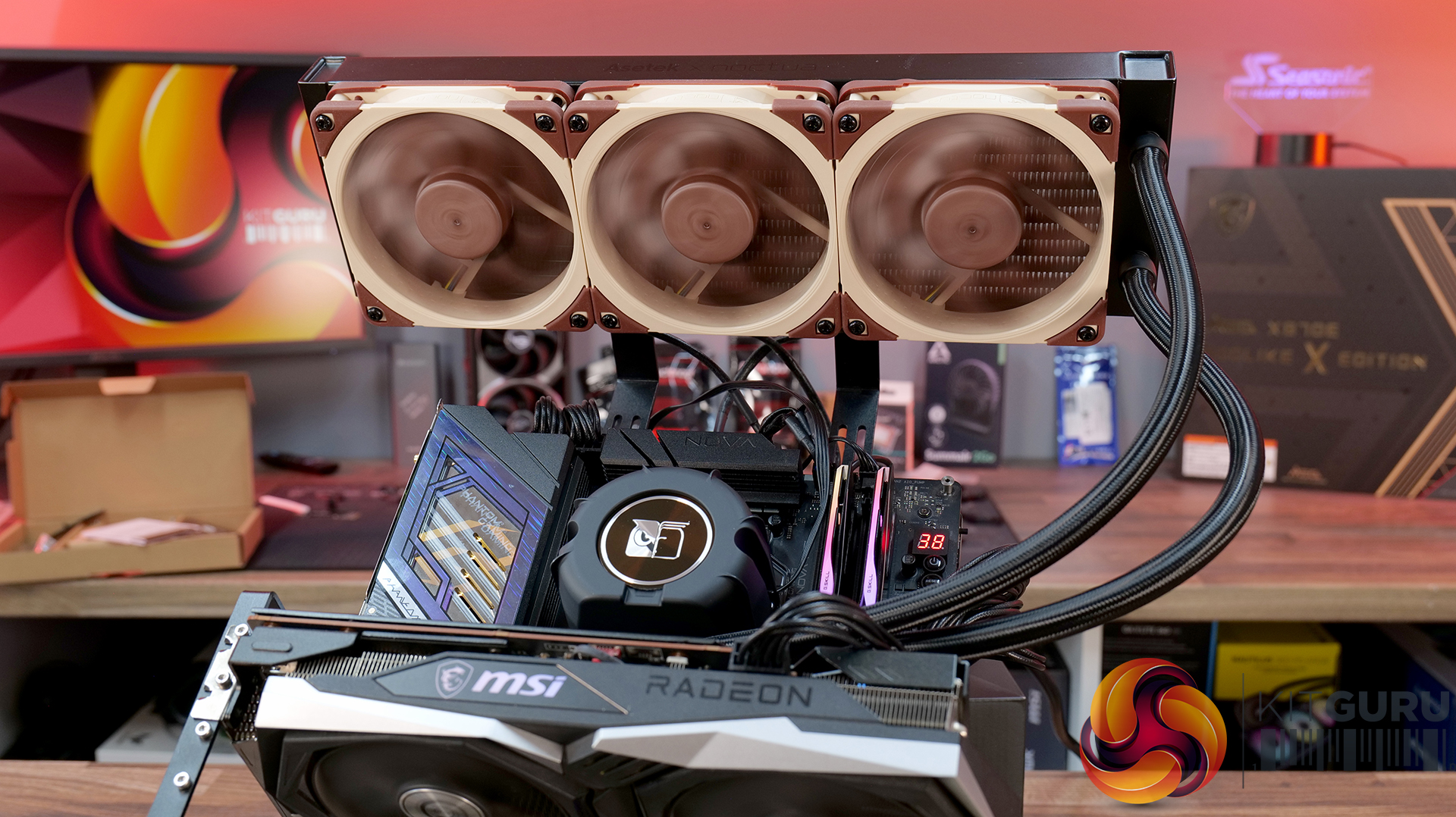
Read full article at https://wccftech.com/noctua-doesnt-want-to-spend-resources-on-cooler-beautification/

be quiet! Light Loop IO LCD 360 AIO CPU Cooler Review

11 August 2026 at 11:00

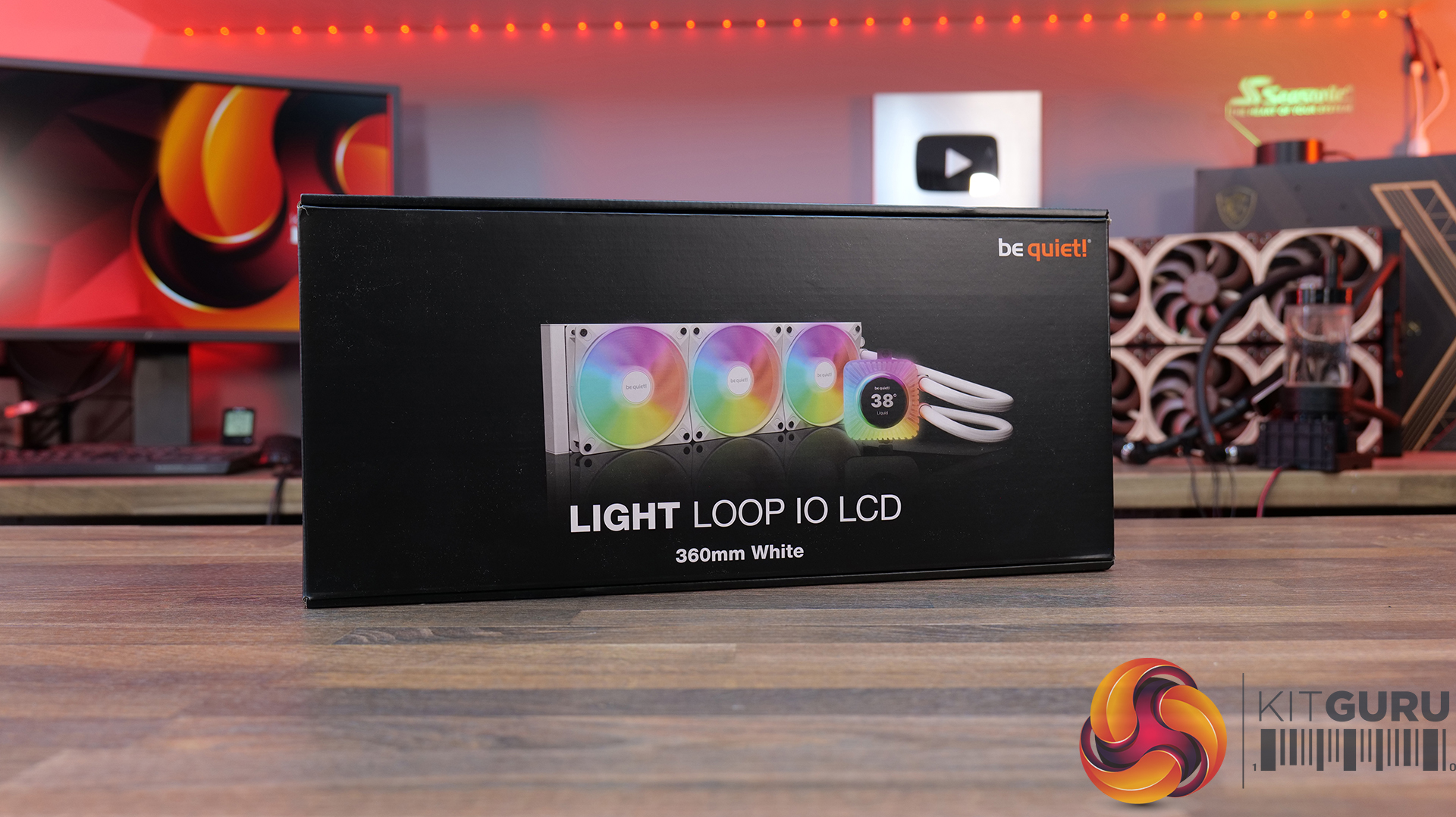
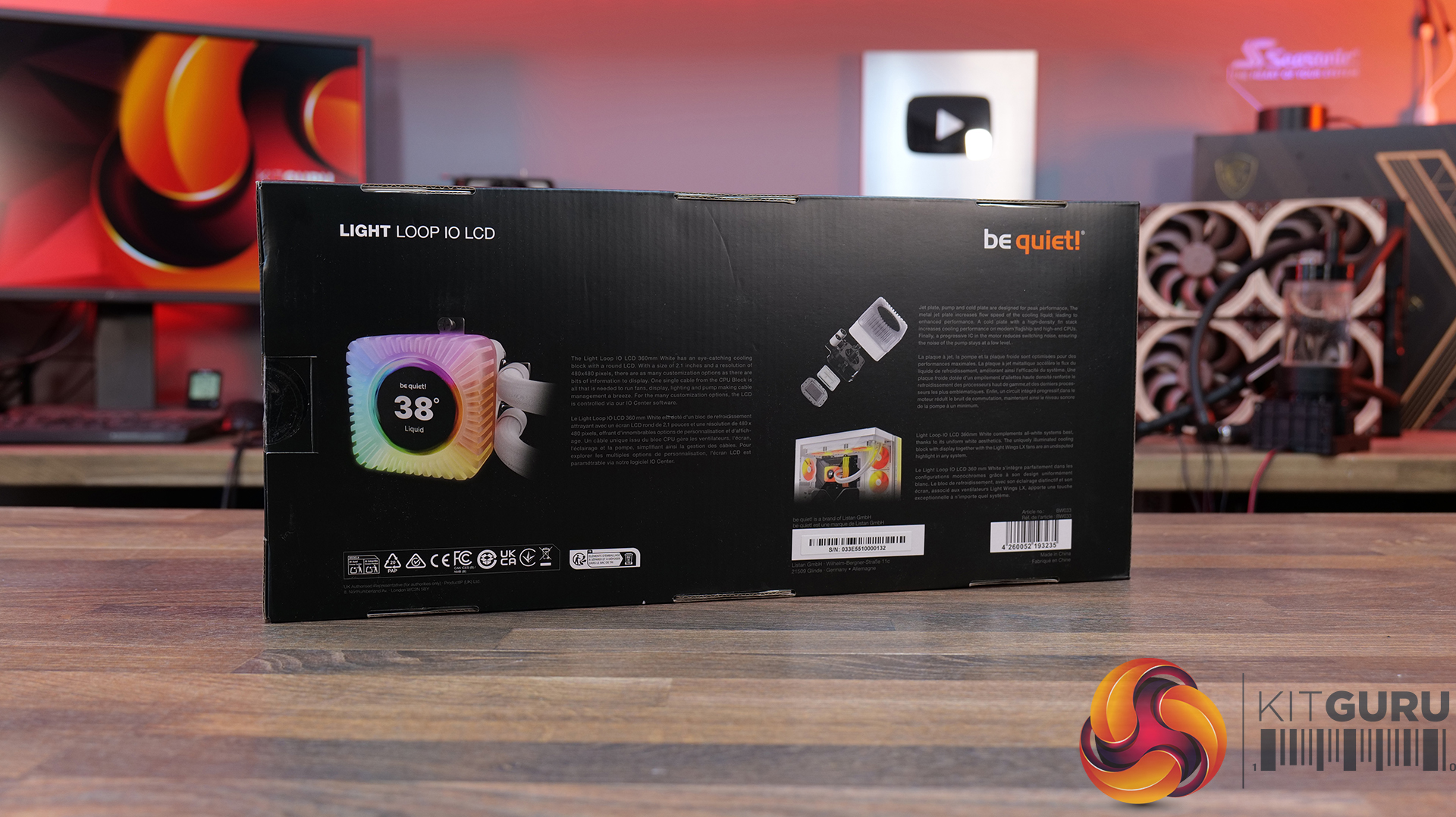
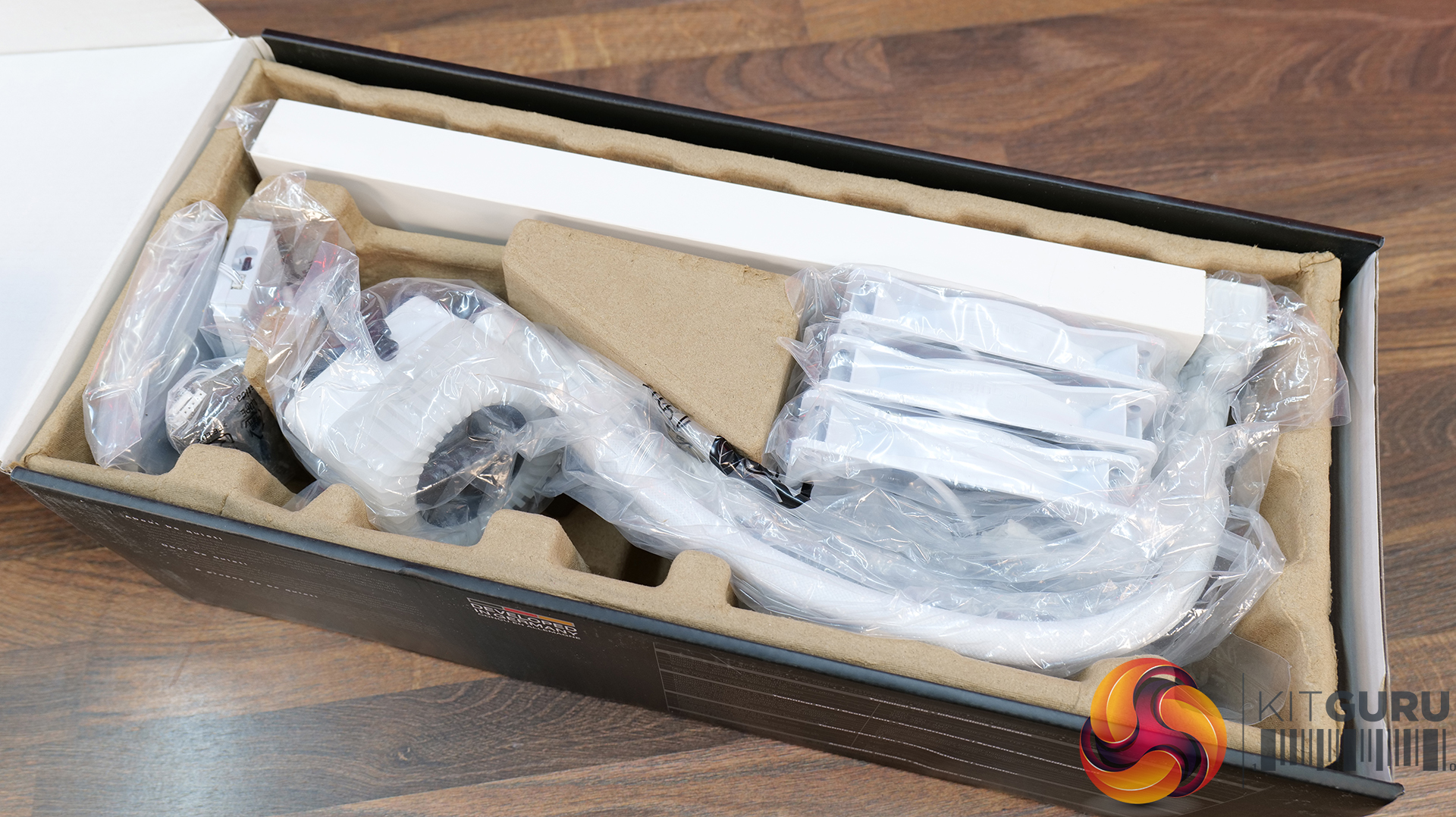
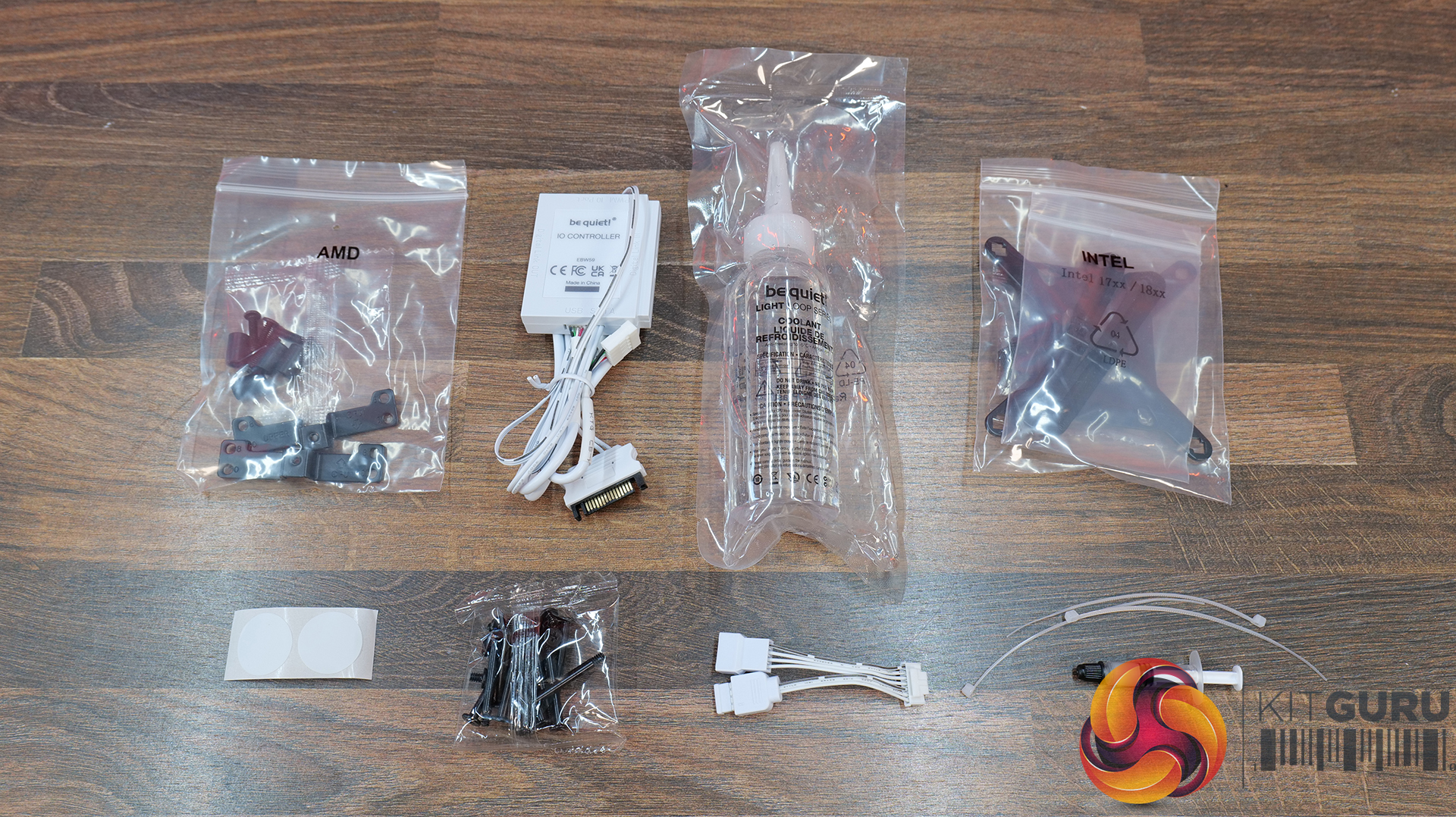
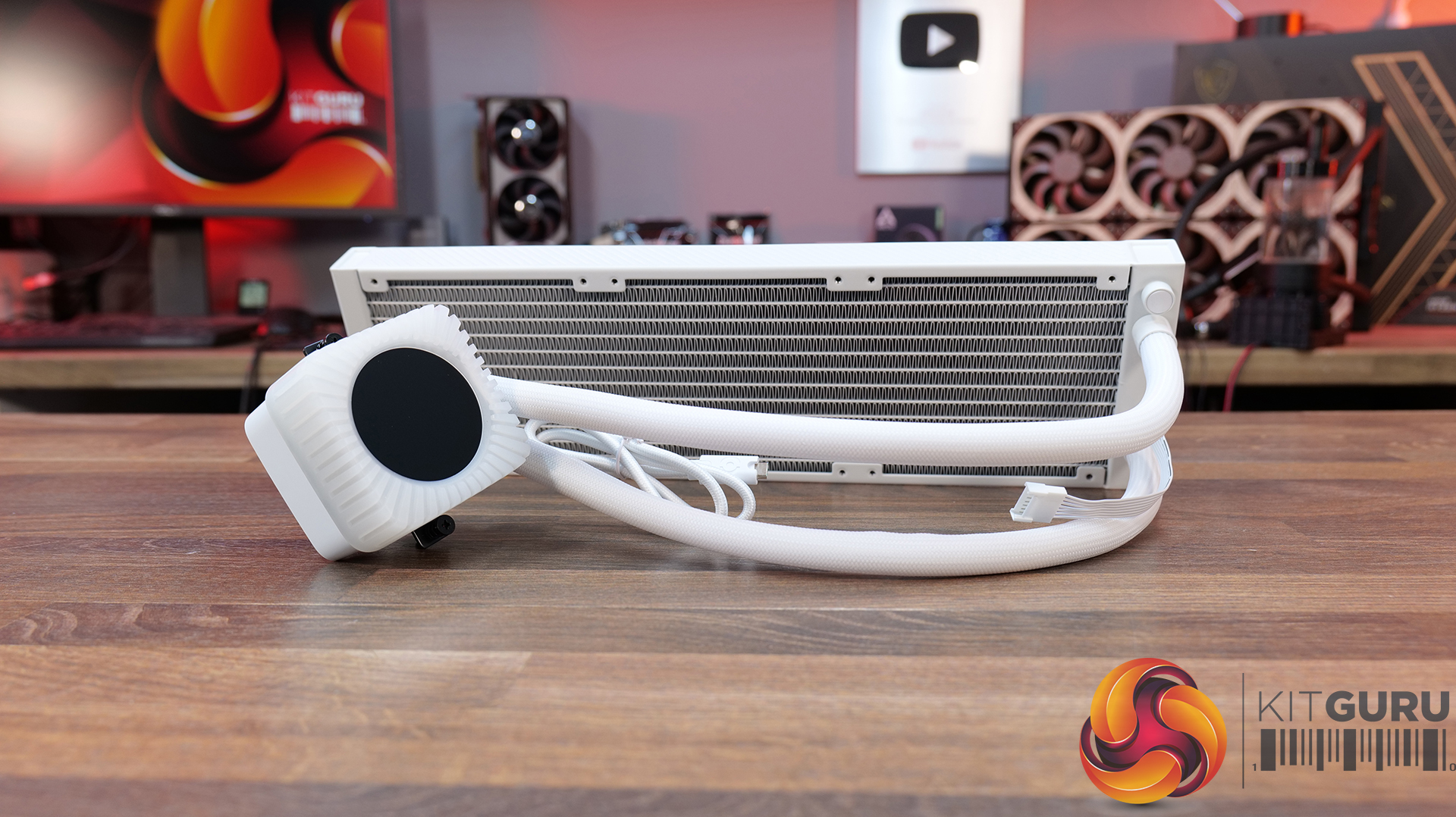
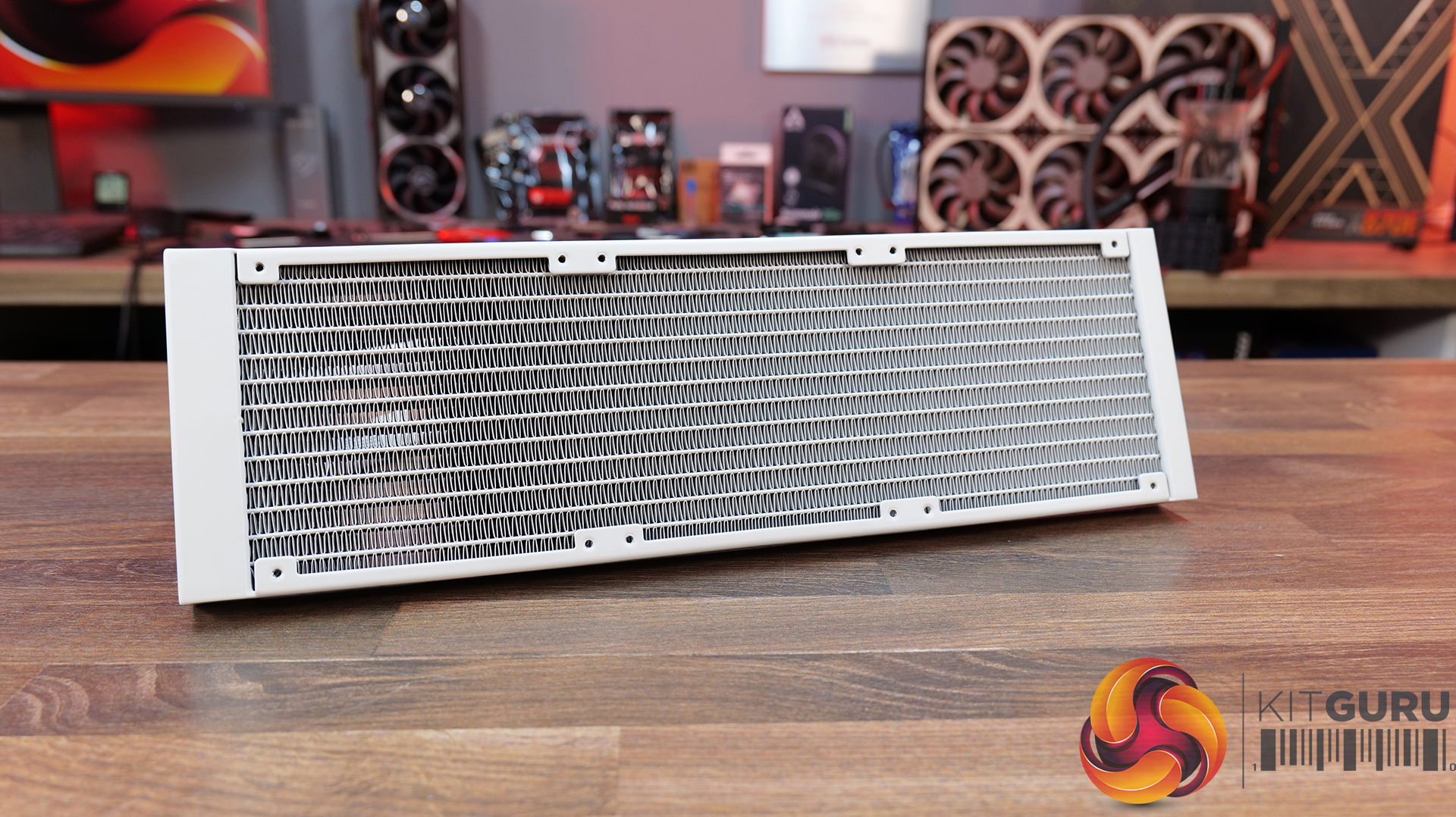
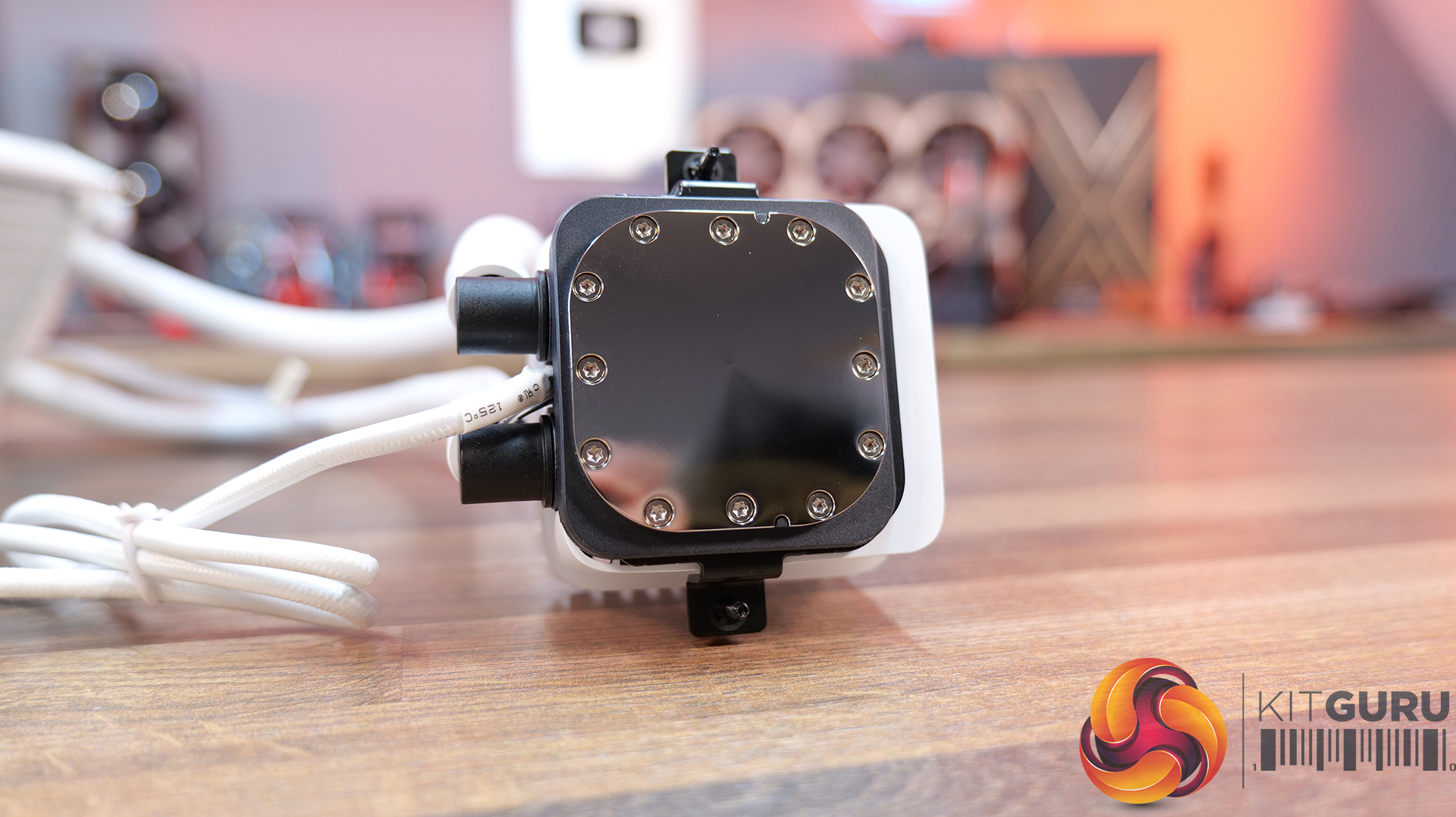
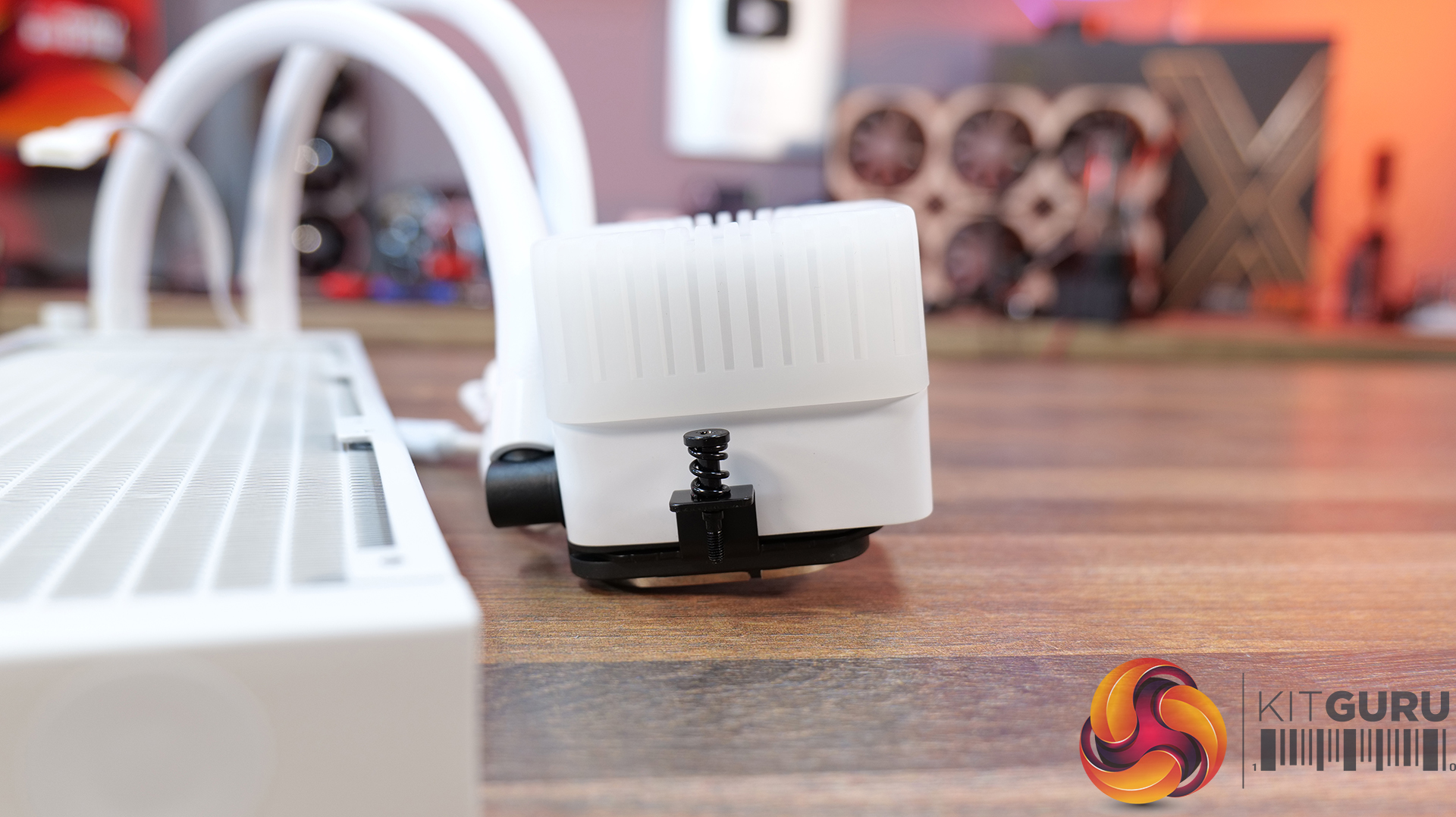
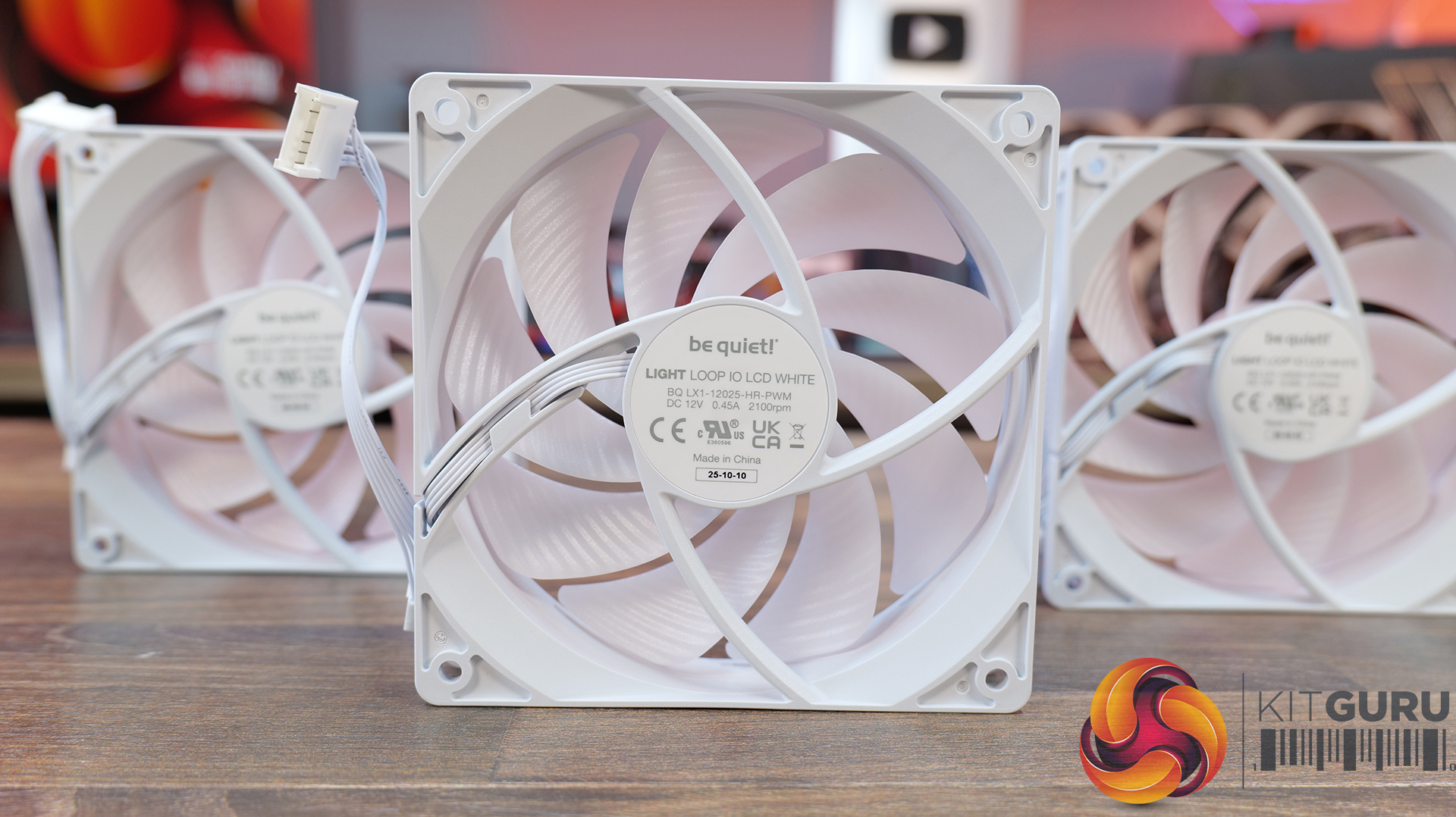
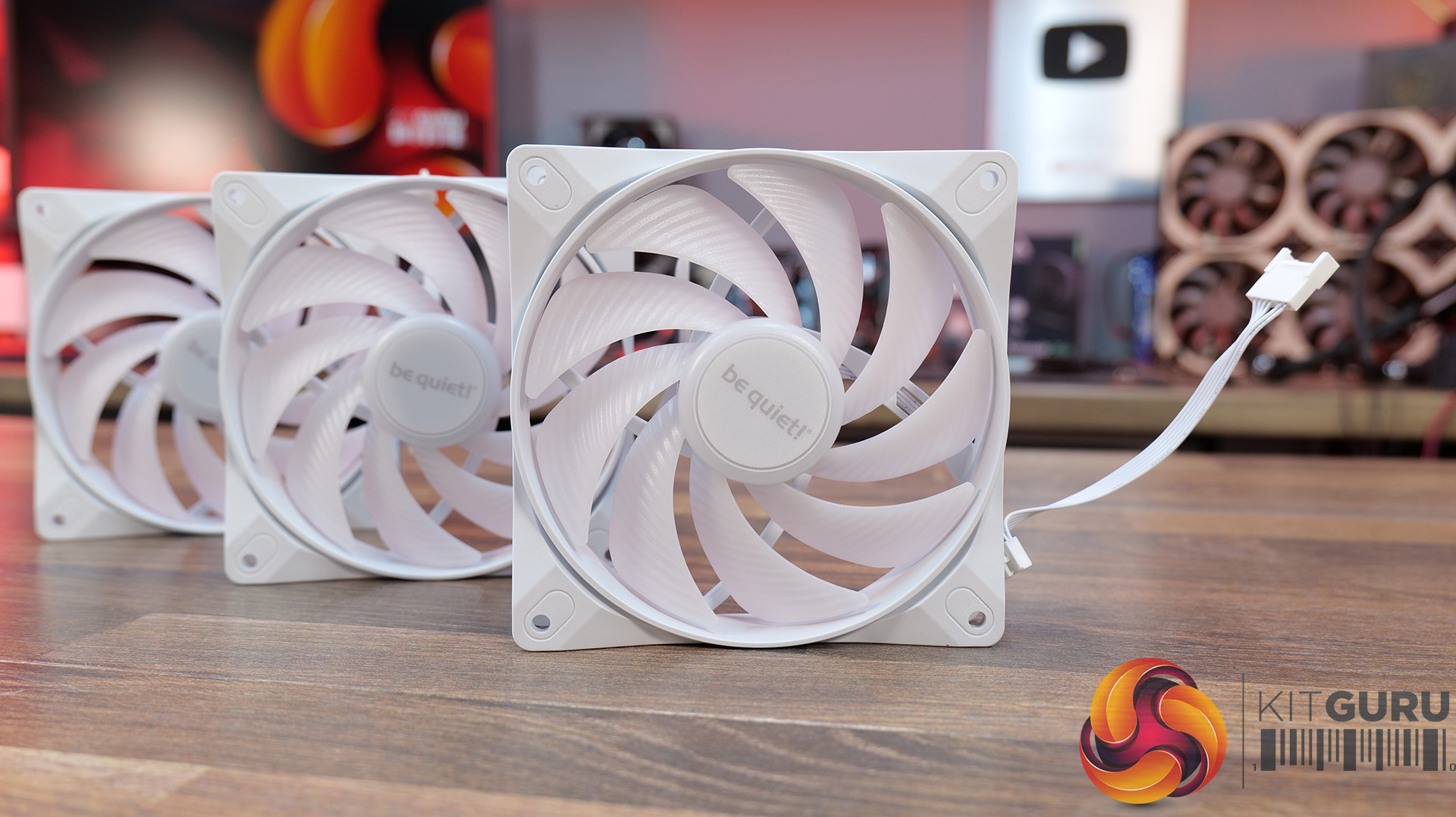
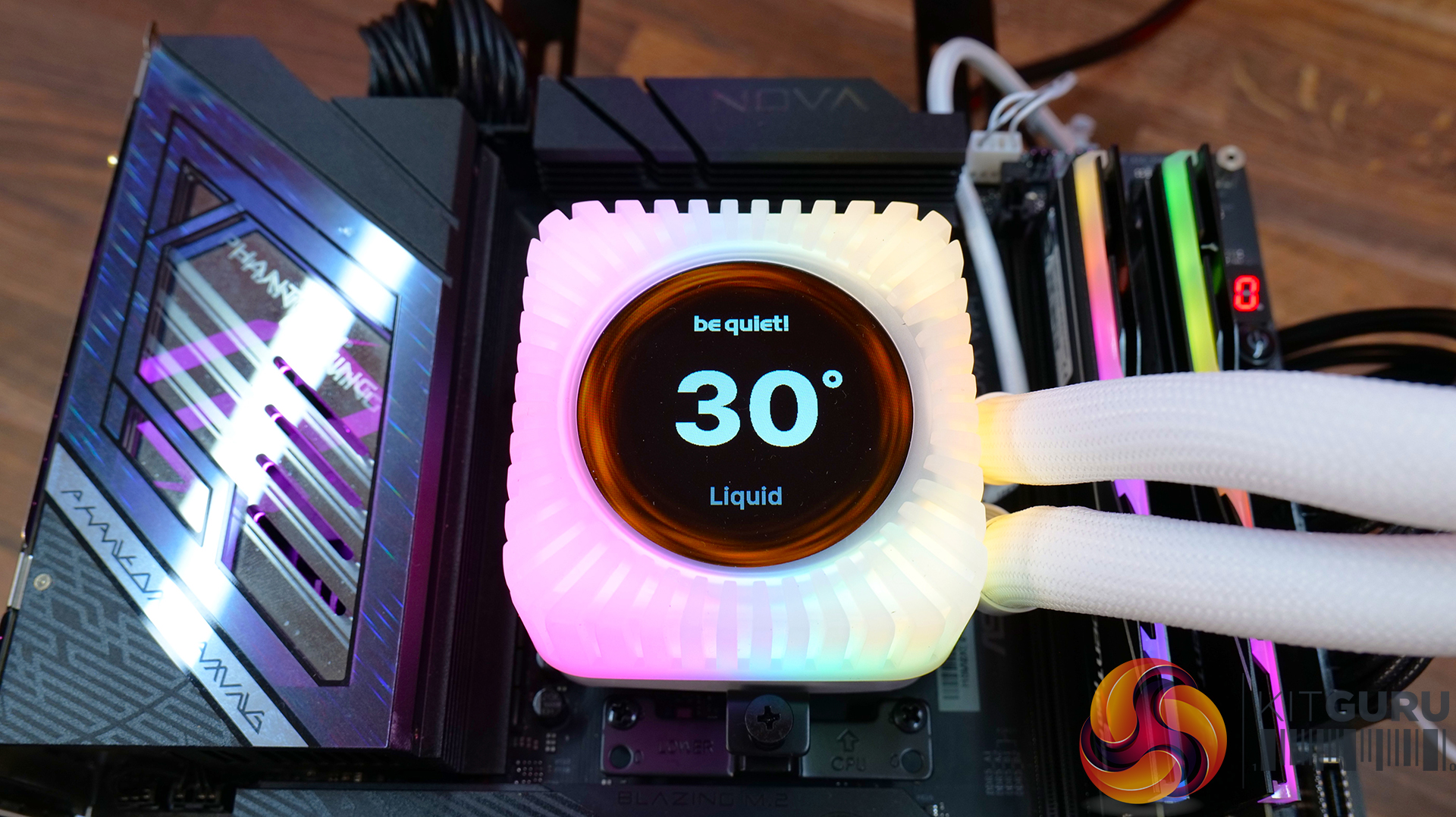
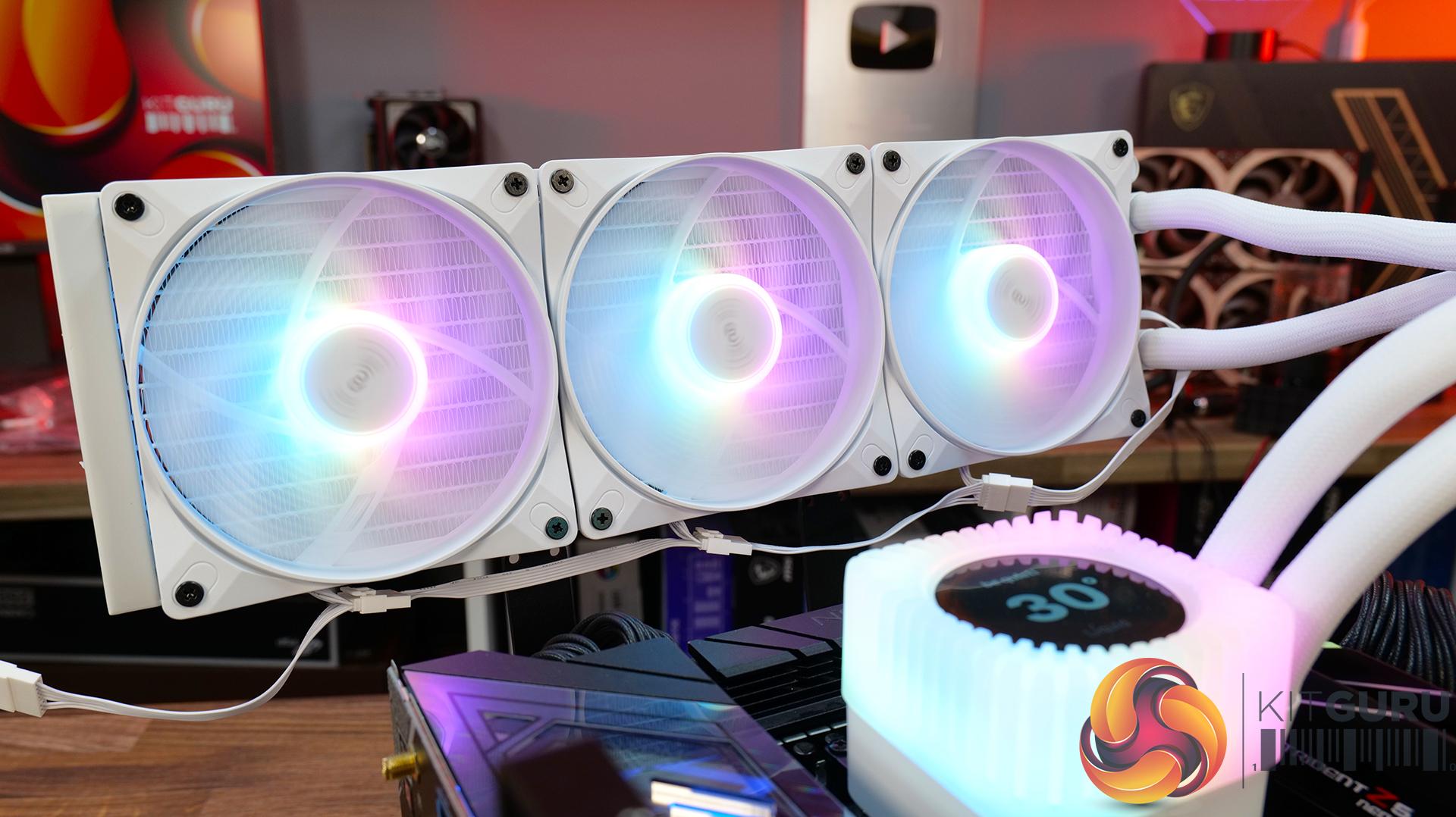
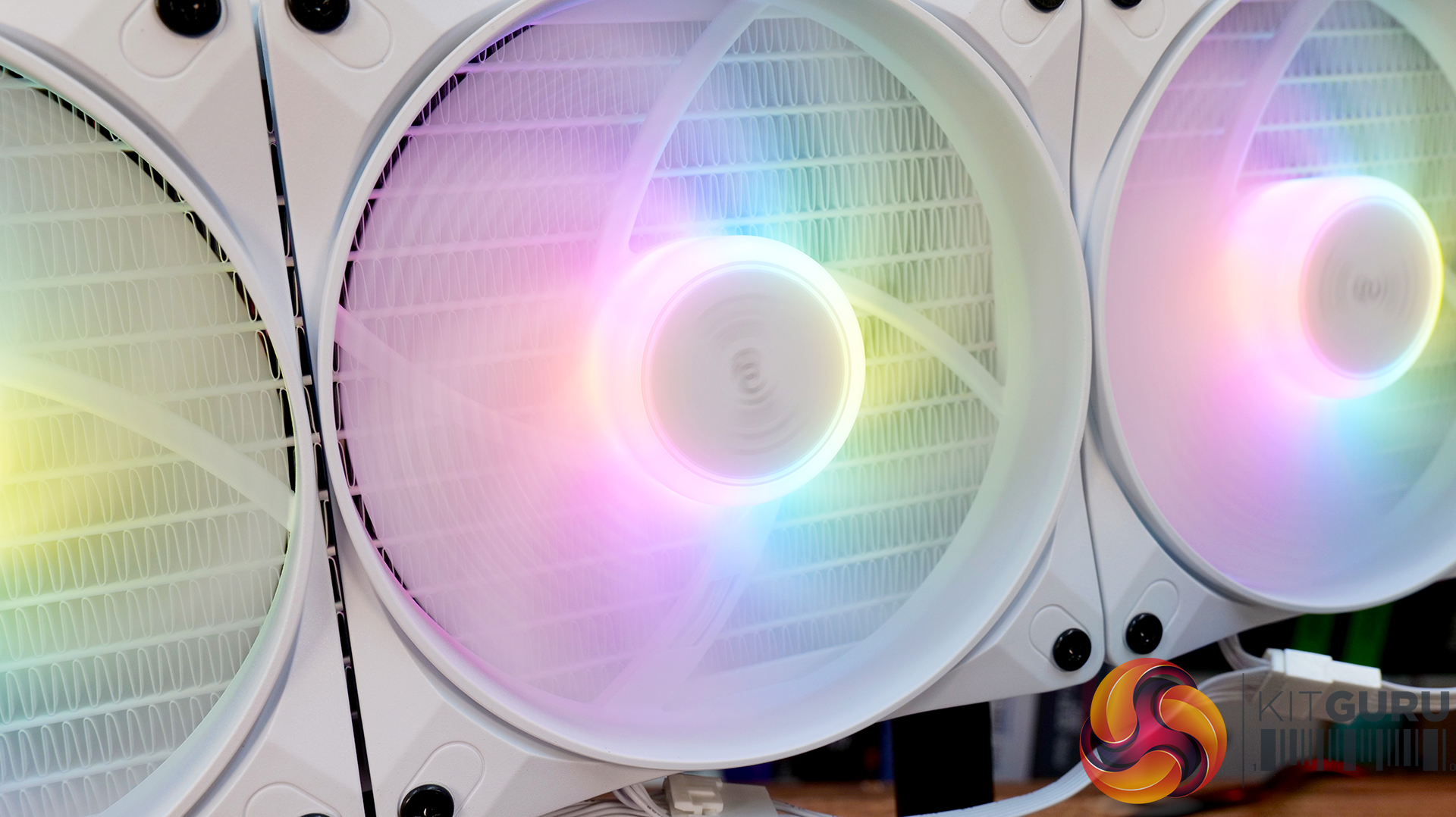
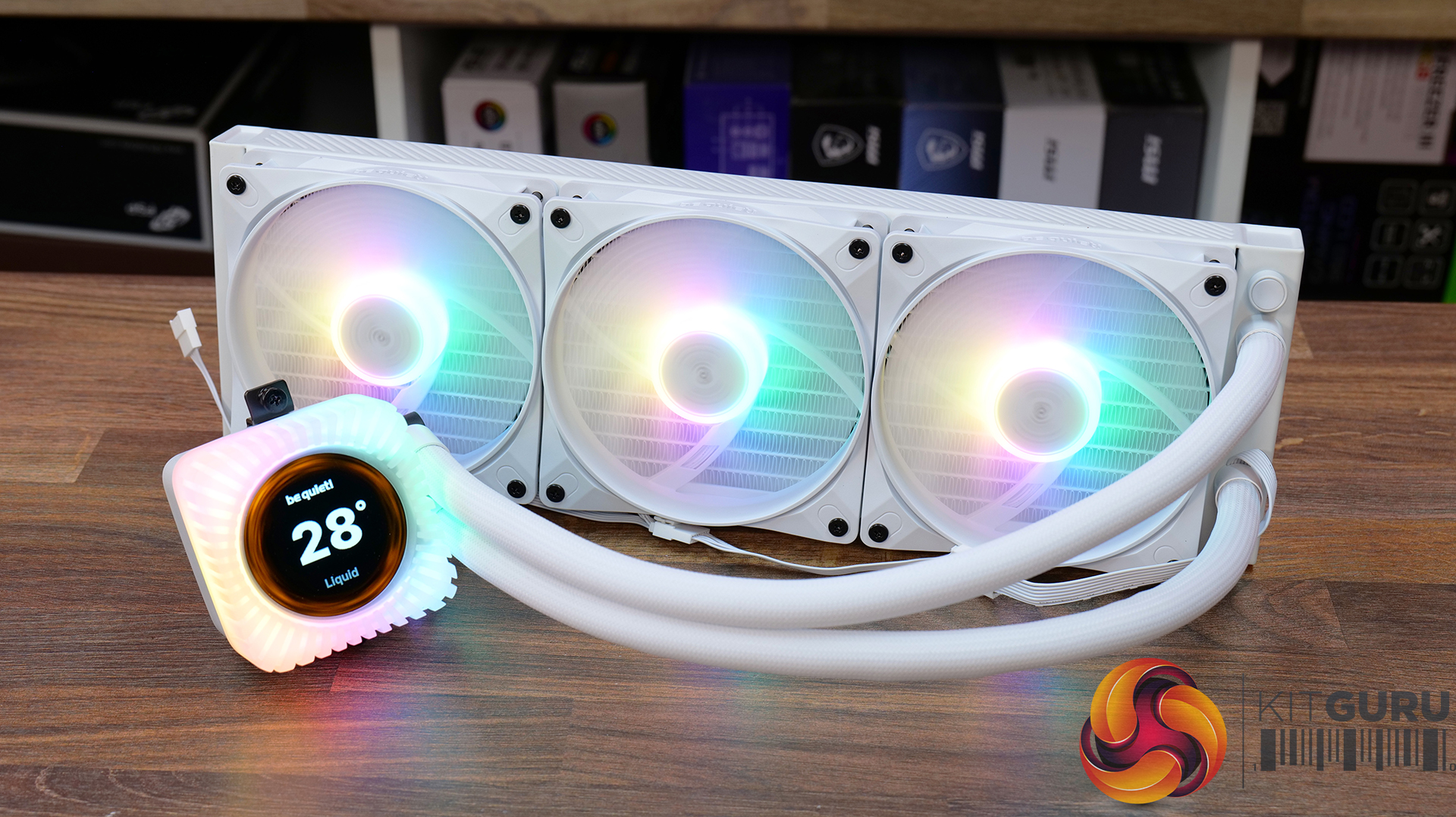
Today we're taking a look at the new be quiet! Light Loop IO LCD 360, a premium 360mm AIO liquid cooler designed to combine high-performance cooling with a fully customisable 2.1-inch IPS LCD and ARGB lighting. It also includes be quiet!'s new IO Controller for simplified cable management and complete software control. In this review, we'll be testing installation, build quality, acoustics and, of course, thermal performance to see how it stacks up against the competition.

Timestamps:

00:00 Introduction
00:47 Pricing and colours
01:40 Overview
02:07 Socket Support
02:22 360 Up Close
04:57 Tubing / fittings
05:32 Block / Display
06:41 Wiring / Fans
08:52 Accessories
10:04 Test System / Install
11:14 Thermal and Noise Performance
13:57 Worth buying?


Features:

  • 2.1-inch IPS LCD display – Light Loop IO LCD features a high-resolution 480 x 480 IPS display, which can show live system monitoring, custom images, GIFs and videos, with extensive customisation available through be quiet!'s IO Centre software.
  • Whisper-quiet cooling performance – A redesigned pump with an advanced integrated circuit, precision jet plate and high-density cold plate are combined with Light Wings LX high-speed fans to deliver high cooling performance while keeping operating noise to a minimum.
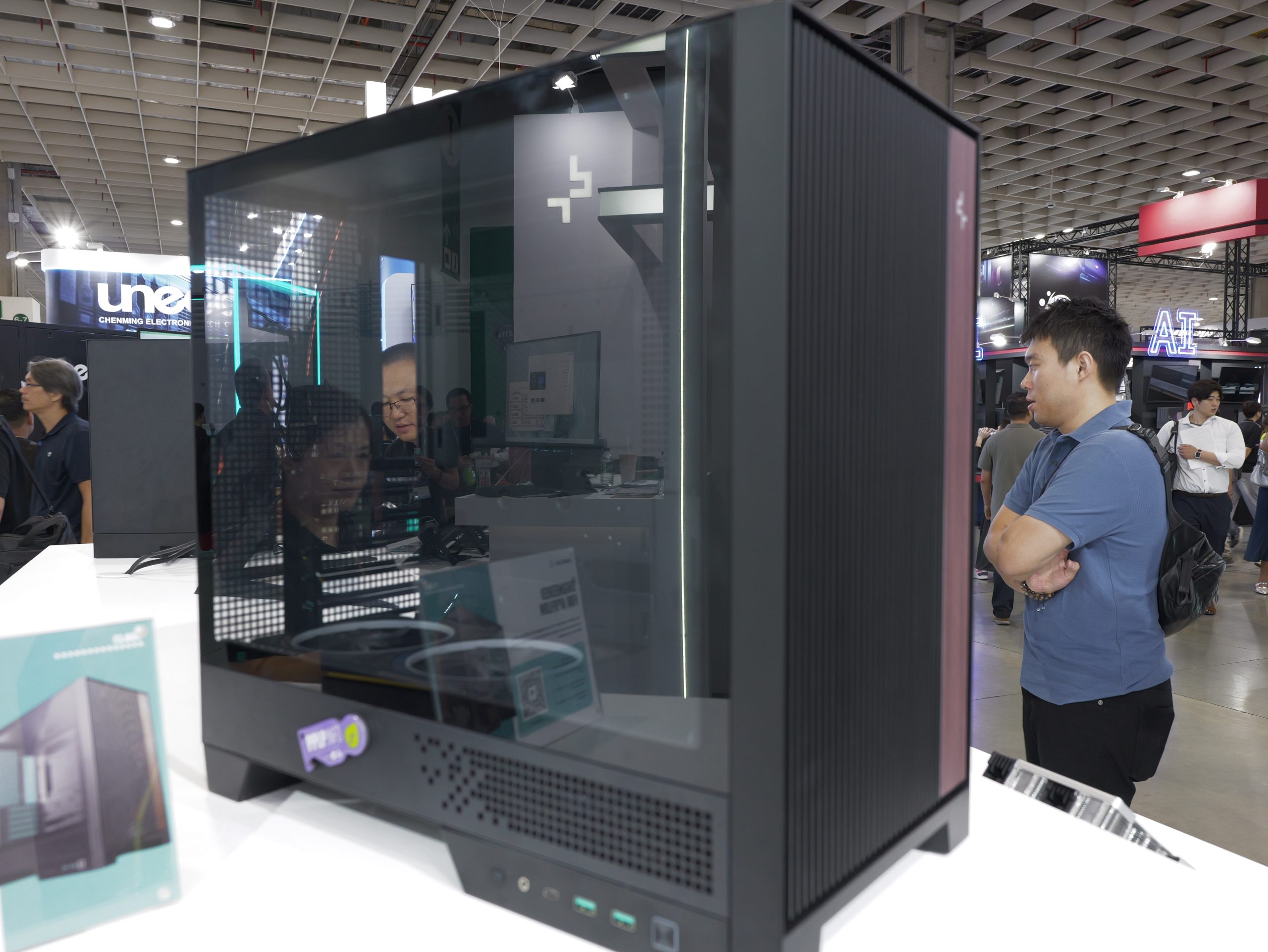
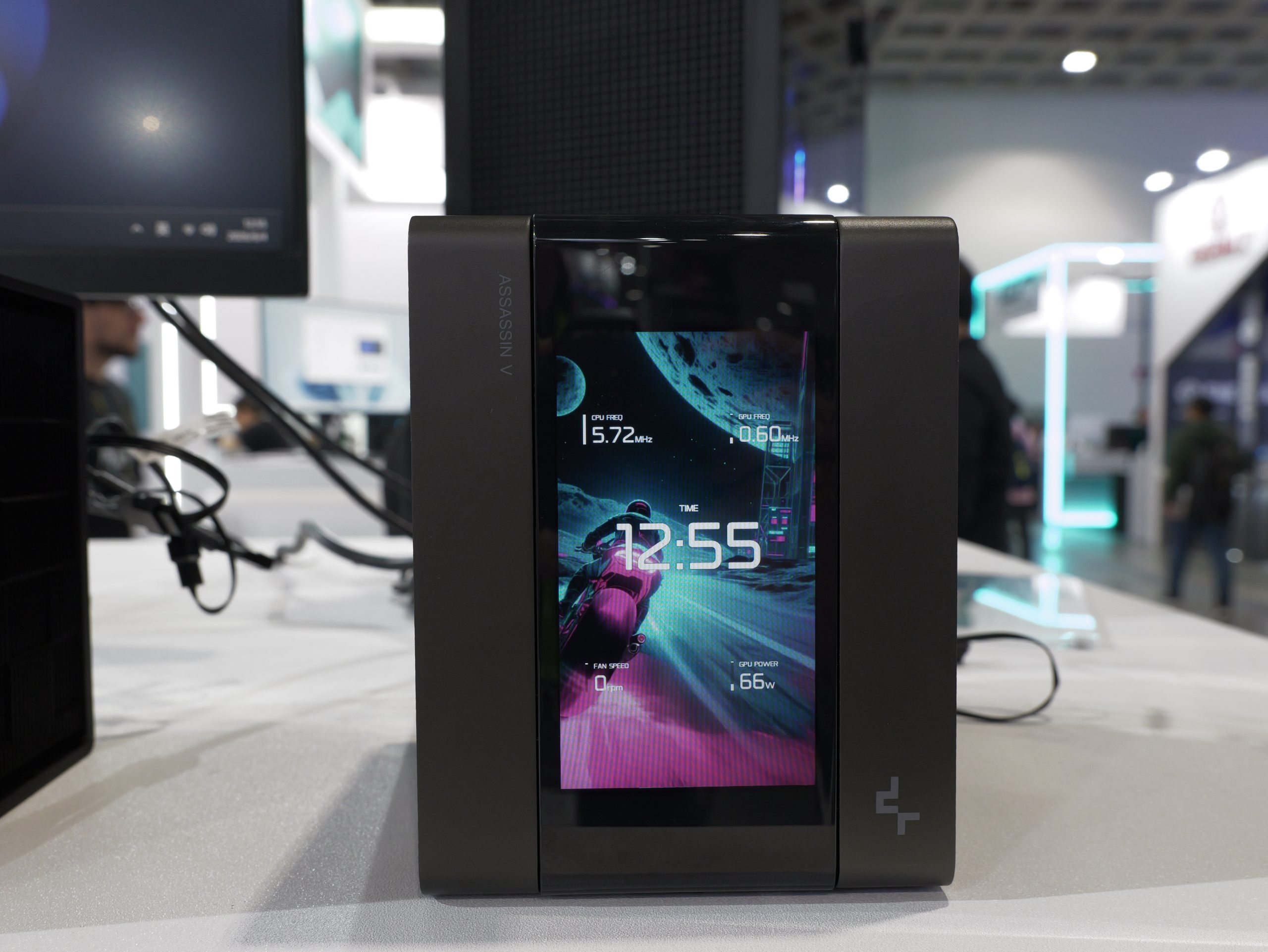
  • Clean installation and intelligent control – The included IO Controller carries power, PWM, ARGB and display signals over a single cable, while daisy-chained fans and hidden cabling make for a much cleaner build and simplified installation.
Specifications:

  • CPU Socket Compatibility: Intel LGA 1851 / 1700 / 1200 / 115X, AMD AM5 /AM4
  • Radiator Material: Aluminium
  • Radiator Dimensions: 397 x 120 x 27 (mm)
  • Pump Speed: 1500 2900 RPM
  • Cold Plate Material: Nickel-plated Copper
  • Pump Connector: IO Connector
  • Tubing Material: Low Evaporation EPDM
  • Fan Dimensions: 120 x 120 x 25 (mm)
  • Fan Speed: 2100 RPM (Max)
  • Air flow: 61.8 CFM
  • Air Pressure: 2.51 mm/H20
  • Fan Noise: 36.8 dBA @ 100% PWM
  • Fan Connector: Proprietary
  • Display: 480 x 480 IPS LCD 500 nits
  • Warranty: 3 Years

Test System Specifications:

The post be quiet! Light Loop IO LCD 360 AIO CPU Cooler Review first appeared on KitGuru.

Chieftec launches Iceberg Pro AIO with added VRM + SSD cooling

6 August 2026 at 16:00

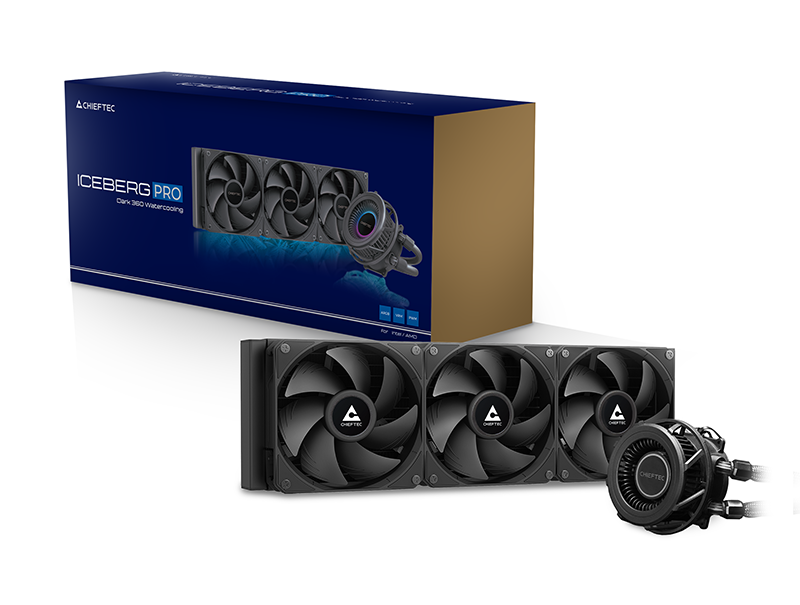
Chieftec is stepping up its cooling lineup with the new ICEBERG PRO, a 360mm AIO aimed at high‑performance PC builds and distinguished by a rare addition – an integrated centrifugal fan designed to cool VRMs, M.2 SSDs and nearby memory modules.

While most AIOs focus solely on CPU thermals, the ICEBERG PRO takes a broader approach by actively cooling surrounding motherboard components. The centrifugal fan sits inside the pump housing and pushes airflow across the VRM area. The cooler pairs this with a performance‑optimised pump head and a 360mm radiator.

Chieftec’s Snap‑On Interlocking PWM fans aim to simplify installation by reducing cable clutter, making it easier to keep builds tidy. The radiator fans and VRM fan can reach up to 2200RPM, while the pump operates at up to 2700RPM via PWM control. The copper cold plate supports a wide range of Intel and AMD sockets, including LGA1851, LGA1700 and AM5, ensuring compatibility with current‑generation platforms.
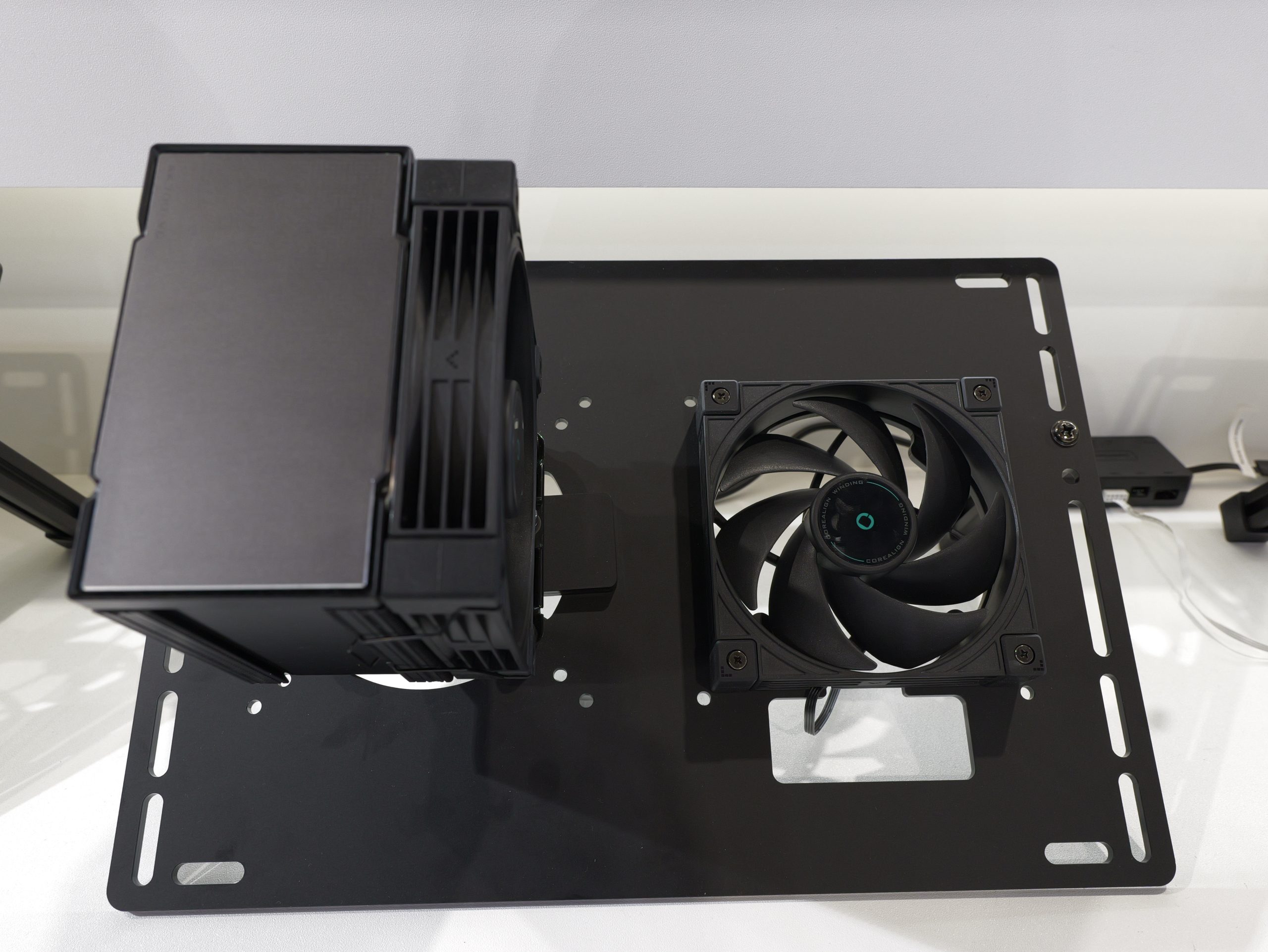
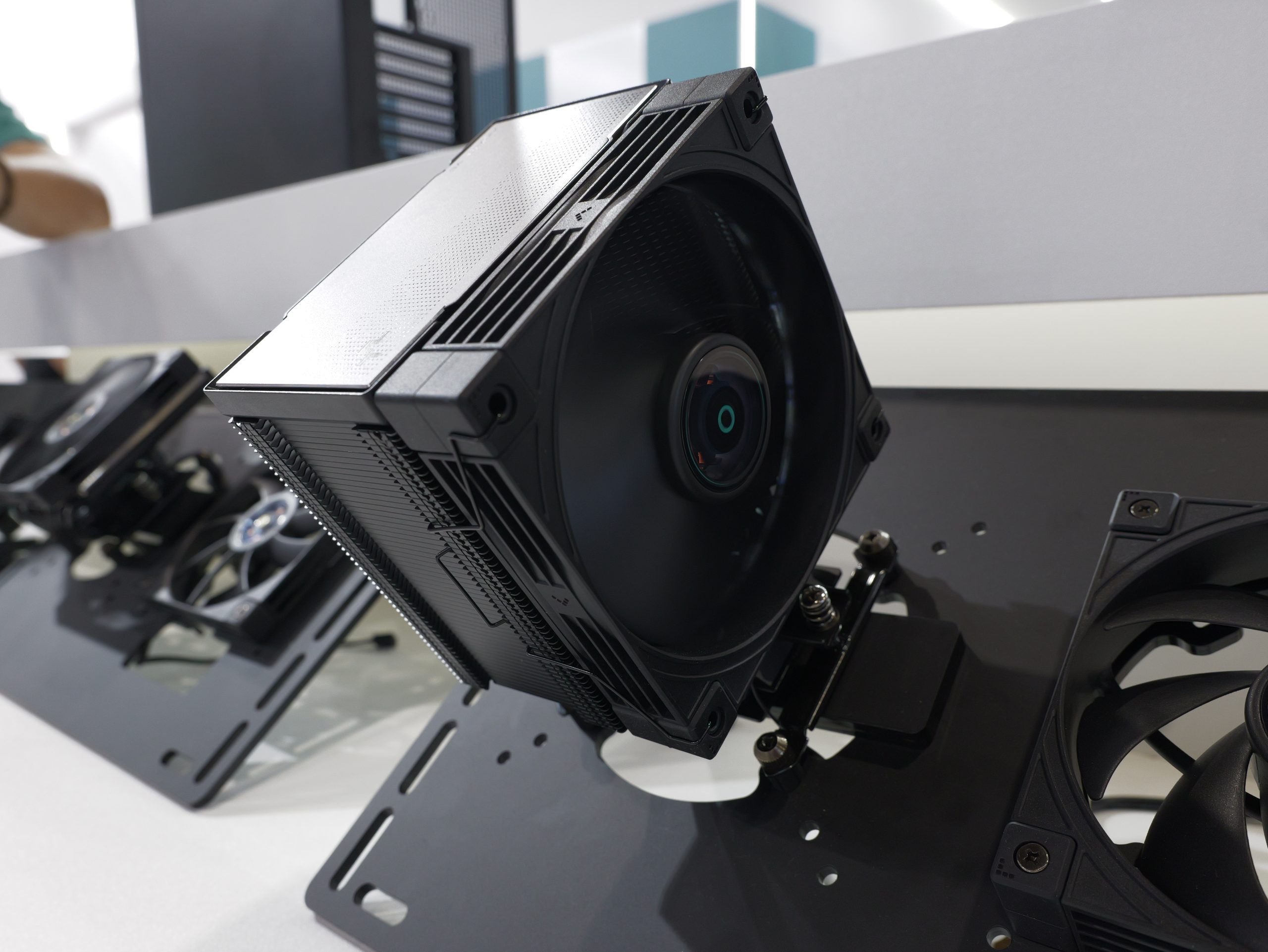
The ICEBERG PRO Series is available in two finishes, an ARGB model with lighting across the pump and fans, and a DARK edition for users who prefer a stealthy build.

KitGuru Says: The integrated VRM fan is an uncommon feature and could appeal to users pushing high‑coreCPUs. Are you considering a 360mm AIO for your next upgrade?

The post Chieftec launches Iceberg Pro AIO with added VRM + SSD cooling first appeared on KitGuru.

be quiet! launches new Light Loop IO LCD liquid coolers

28 July 2026 at 13:01

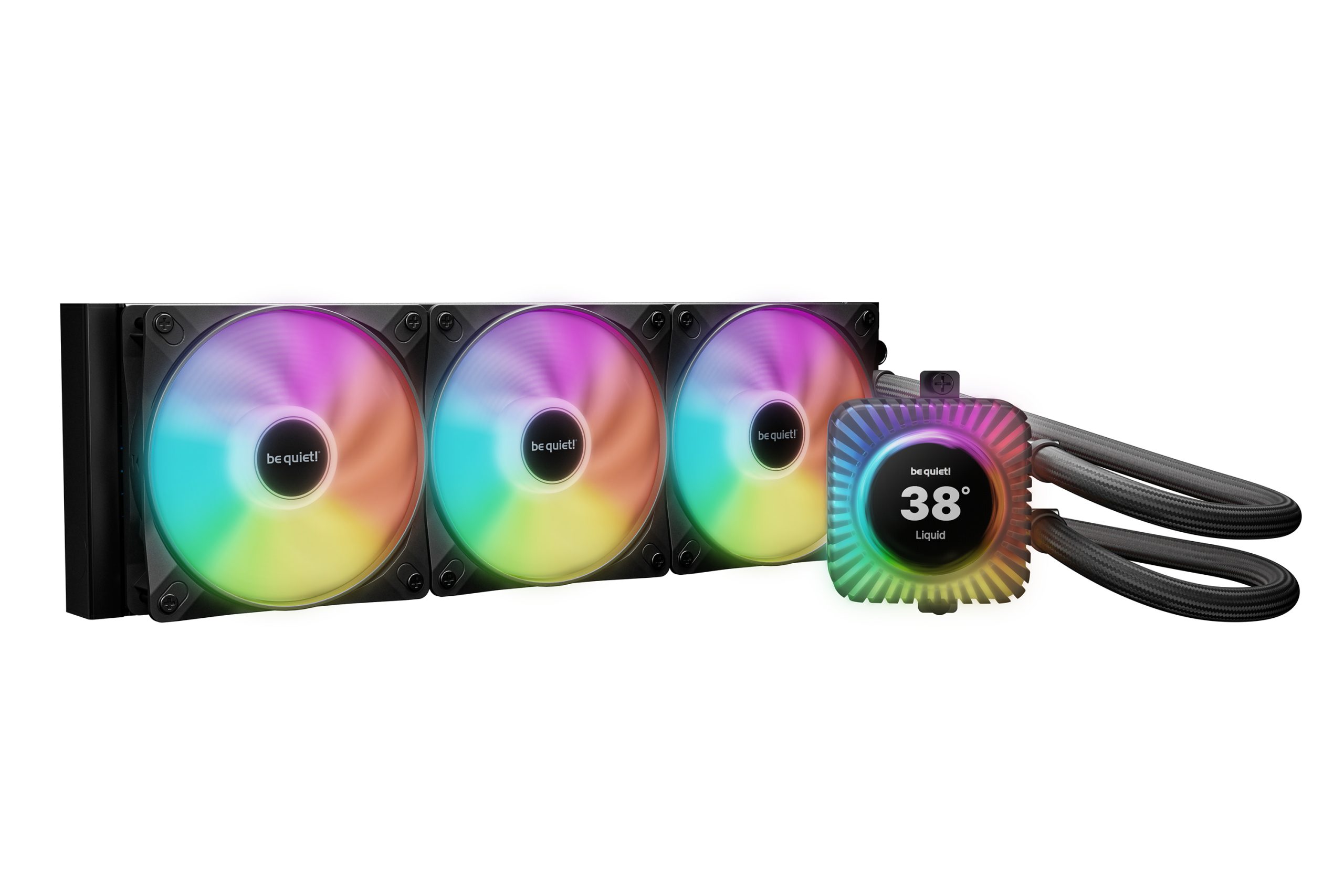
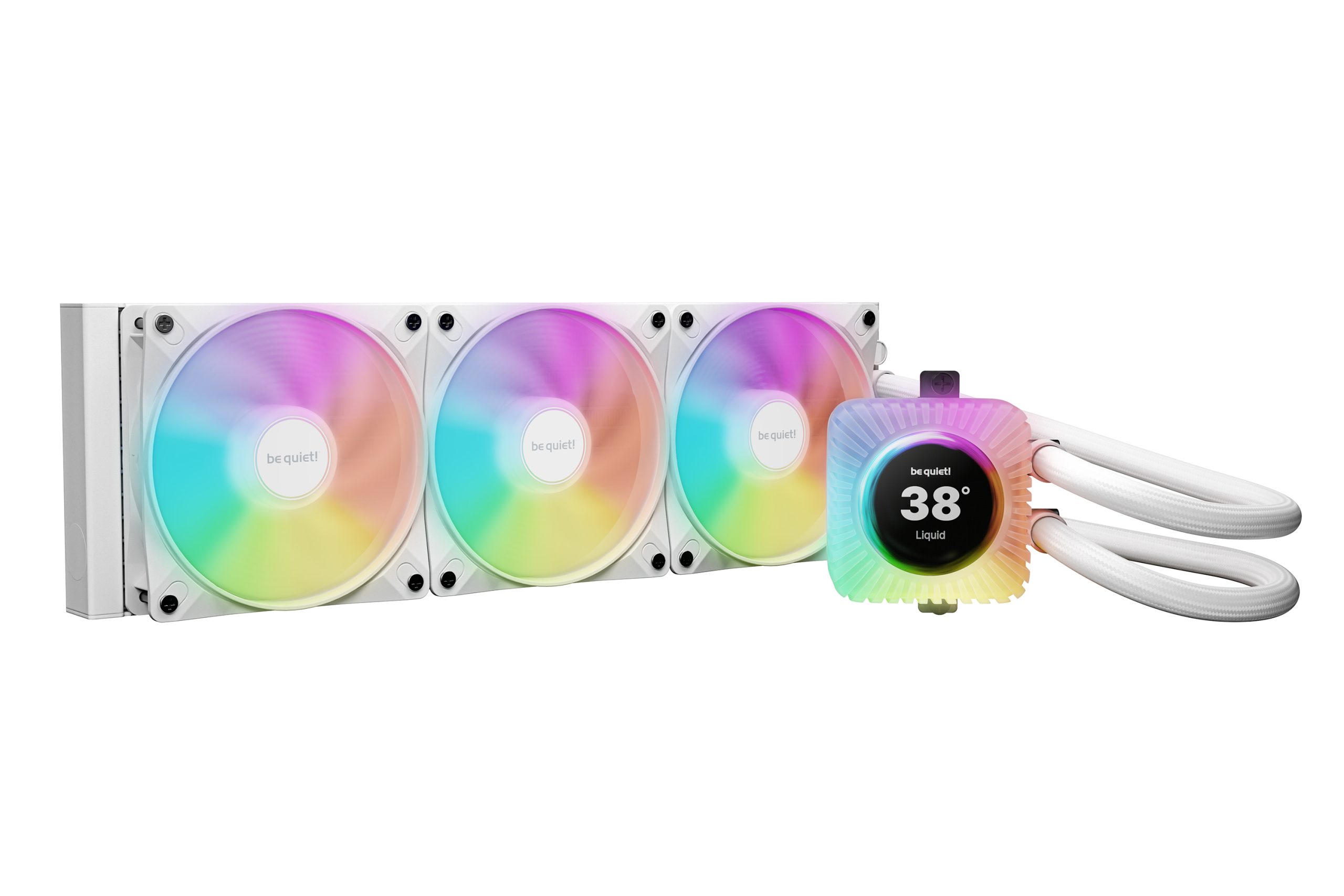
be quiet! is expanding its Light Loop AIO series with a new model that introduces a customisable LCD display for the first time. The Light Loop IO LCD arrives in 240mm and 360mm sizes with black and white colour options, with prices starting at £159.99. 

The Light Loop IO LCD builds on the existing Light Loop design with a redesigned CPU block that adds a new 2.1‑inch IPS display. Like other display-equipped AIOs, this small display is capable of showing custom images or GIFs to add a personal touch to your build, or you can use it to display real-time system stats like CPU temperature. The cooler also ships with an updated IO Controller that hooks into be quiet!'s IO Center software, allowing you to set up custom lighting presets and fan profiles.

The pump and cold plate have also been refined for improved liquid flow and reduced noise, while the included Light Wings LX PWM high‑speed fans should provide strong airflow, along with extra ARGB lighting.

The Light Loop IO LCD also introduces several quality‑of‑life improvements, including hidden fan cabling along the tubes for a cleaner build, flexible sleeved tubing for easier installation and an accessible refill port with an included coolant bottle to support long‑term maintenance.

The Light Loop IO LCD AIO will be available starting from the 11th of August, priced at £159.99 for the 240mm model or £179.99 for the 360mm version. There is no price difference between the black and white colour options.

KitGuru Says: be quiet! makes some of the best-looking coolers around. Will you be considering the new Light Loop IO LCD for your next build? 

The post be quiet! launches new Light Loop IO LCD liquid coolers first appeared on KitGuru.

AMD’s 10th Anniversary Ryzen 7 5800X3D Effectively Drops Below $300 As Newegg Bundles A Free Cooler

14 July 2026 at 14:46

The image shows an AMD Ryzen 7 5000 series processor box with text 'Processor includes AMD 3D V-Cache technology,' an MSI cooler with RGB fans, and the phrase 'RYZEN 7 PERFECT PAIR!' in the background.

If you were waiting to buy AMD Ryzen's 10th Anniversary edition Ryzen 7 5800X3D, now is the best time. AMD Ryzen 7 5800X3D is Now Available for $349 on Newegg, Coupled With a Free MSI 240mm AIO Valued at $70 Right after the launch of AMD's Ryzen 10th Anniversary Ryzen 7 5800X3D edition, they started appearing on eBay for over $500. Even though the processor was officially launched for $349, scalpers tried to take advantage of this situation and started earning hundreds of dollars on the launch by relisting the CPU on eBay. Since the launch, the availability of the […]

Read full article at https://wccftech.com/amds-10th-anniversary-ryzen-7-5800x3d-effectively-drops-below-300-as-newegg-bundles-a-free-cooler/

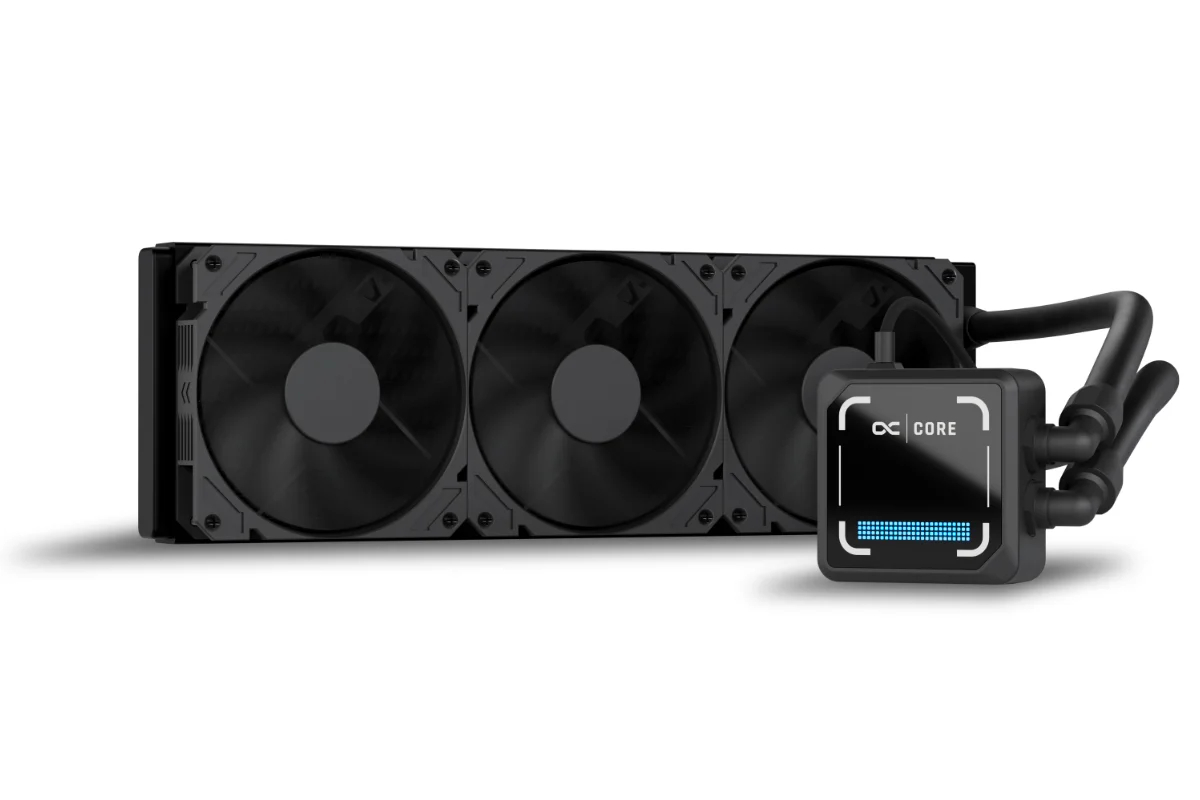
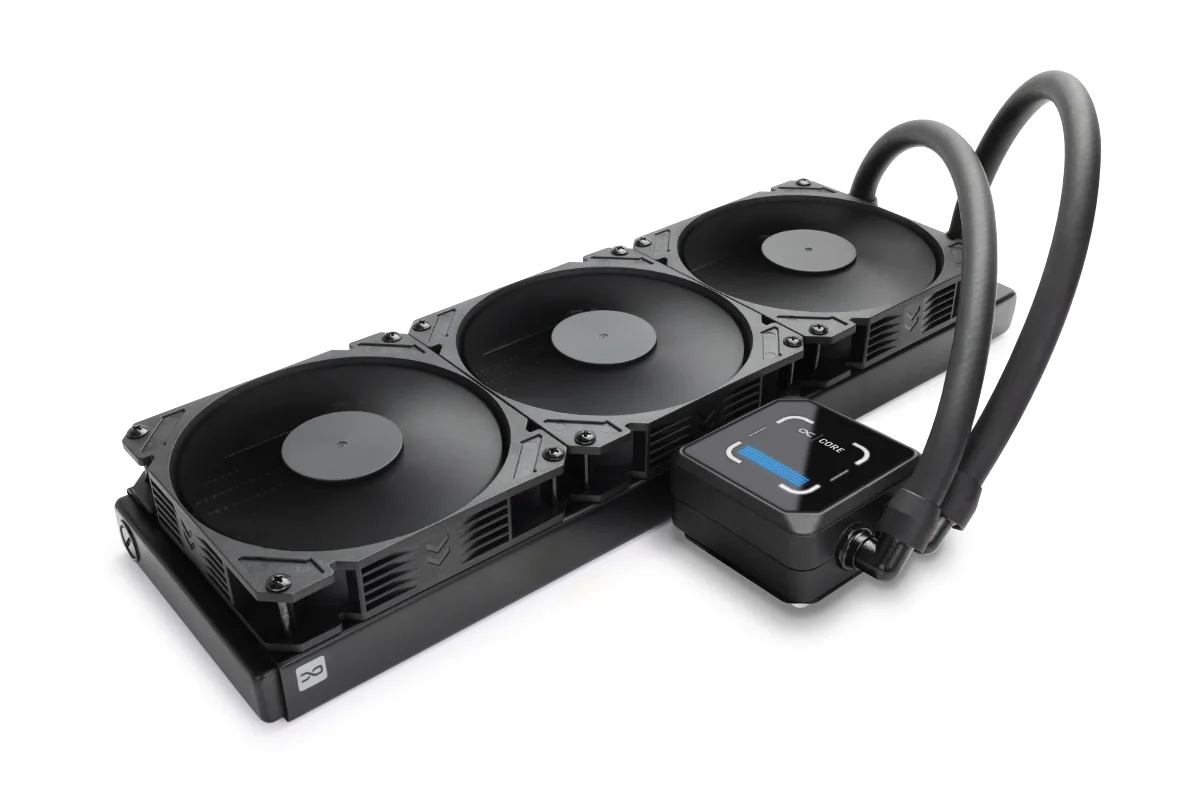
Noctua Confirms NL-LC1 Chromax.Black AIO Series; Should Arrive By The End Of This Year

4 July 2026 at 12:55

Three black cooling fans with a radiator are displayed next to a black CPU pump, labeled 'NL-LC1 Chromax.Black'.

The company confirmed it in an unusual way, but it seems legit, and as per the announcement, the coolers should arrive soon. Noctua Announces NL-LC1 Chromax.Black AIO Series Despite Exclusion From the Roadmap; The New Variant is Expected to Arrive This Year The Noctua's latest and first-ever AIO cooler series was dropped two weeks ago. The NL-LC1 is what Noctua aims for, superior cooling, which is available in various form factors. Whether you want to cool a mid-range or a high-end CPU, it offers the AIO in various sizes, including 240mm, 360mm, and 420mm for enthusiast-grade PCs. Built using the […]

Read full article at https://wccftech.com/noctua-confirms-nl-lc1-chromax-black-aio-series/

Noctua NL-LC1-360 360mm AIO CPU Cooler Review

24 June 2026 at 11:42

Today we're taking a look at something that has been a very long time coming – the NL-LC1-36, Noctua's first-ever all-in-one liquid CPU cooler. It's built around Asetek's EMMA V2 platform, paired with several Noctua-specific enhancements including NF-A12x25 G2 fans, a dedicated pump noise absorber, SecuFirm2+ mounting hardware and an optional auxiliary fan designed to improve airflow around nearby motherboard components. As expected, Noctua is aiming the focus on acoustics, reliability and attention to detail that made its air coolers so popular over the years, but now implementing that into liquid cooling. In this review, we'll be testing installation, build quality, acoustics and, of course, thermal performance to see how the NL-LC1-36 compares against the best 360mm AIO coolers currently on the market.

Timestamps:

00:00 Start
01:11 Versions and pricing
02:06 Product information
03:56 The Mode Switch / Sound Tests
04:56 Top Cover and fan accessory
06:12 Coldplate and fitment
06:50 James thoughts so far
07:12 The Fans / kit
09:07 Accessories
10:27 Setting up the test system
12:33 Noise Output
13:20 CPU Temperature – Manual OC, 100% fans
13:58 CPU Temperature – Manual OC, 40dBA
14:37 CPU Temp and Clocks – PBO
15:21 James Closing Thoughts

Features:

  • Based on Asetek’s Emma V2 Platform – Asetek’s flagship pump that uses a closed impeller design for improved efficiency and performance. Compared with its predecessor Emma V2 provides 58% higher flow rate, and 124% higher head pressure as well as offering a 40% reduction in energy consumption.
  • Equipped with Noctua NL-PNA1 Pump Noise Absorber – Improved pump acoustics by reducing SPL and shifting the pump's sound signature towards lower, less distracting noise frequency.
  • High Purity Copper Cold Plate – Manufactured from 99.95% CU110 copper with a large 32.5 x 22.5mm micro-skived fin array.
  • Noctua NF-A12/A14x25 G2 Fans Included – All Noctua NL-LC1 series AIO’s include Noctua NF-A12 or A14 X25 G2 fans

Specifications:

  • CPU Socket Compatibility: AMD AM5/AM4, Intel LGA1700/LGA1851
  • Radiator Material: Aluminium
  • Radiator Dimensions: 400x120x30mm
  • CPU Block/Pump Dimensions:
  • Pump Speed: 750~3400 RPM (±10 %) Max (Manual Mode)
  • Cold Plate Material: Micro Skived Copper
  • Pump Connector: 4-Pin PWM
  • Tubing Material: EPDM with braided sleeving
  • Tubing Length: 410mm
  • Fan Dimensions: 120 x120 x25mm
  • Fan Speed: 0 – 1800 rpm
  • Air flow: 63.15 CFM
  • Air Pressure: 3.14 mm H₂O
  • Fan Noise: 22.5 dB(A) (Per Fan)
  • Fan Connector: 4 – Pin PWM
  • Warranty: 6 years

Test System Specifications:

The post Noctua NL-LC1-360 360mm AIO CPU Cooler Review first appeared on KitGuru.

The Corsair New Product Release Computex 2026 Suite Tour | Computex 2026 Post Update

By: Les Tokar
19 June 2026 at 17:51

Business longevity and success don’t happen without strong relationships. While review sites must remain impartial, long-term professional connections often help foster collaboration and mutual respect. Corsair and The SSD Review are a perfect example of this. Over the years, our relationship has extended far beyond SSD reviews. Corsair has played a key role in nearly …

The post The Corsair New Product Release Computex 2026 Suite Tour | Computex 2026 Post Update appeared first on The SSD Review.

EINAREX Launches New ORBIT AIO Liquid Cooler With Built In System Monitoring

By: Bahleem
8 June 2026 at 11:04

EINAREX has officially introduced the new ORBIT AIO liquid cooler series. The company says the new cooler is designed to give users both strong cooling performance and real time system monitoring in a single product.

Modern gaming and creator PCs are becoming more powerful every year. Because of this, many users rely on extra software or monitoring tools to keep track of system temperatures and performance. The new ORBIT AIO liquid cooler series aims to make that process easier by displaying important hardware information directly on the cooler itself.

ORBIT AIO liquid cooler series.

One of the main highlights of the ORBIT AIO liquid cooler is its built in circular digital display. Located on the pump block, the screen can show CPU temperature, GPU temperature, CPU usage, and RAM usage in real time. This allows users to check important system information at a glance without leaving their game or work application.

EINAREX ORBIT AIO liquid cooler series 2
EINAREX ORBIT AIO liquid cooler series 3
EINAREX ORBIT AIO liquid cooler series 4

EINAREX says the display is designed to be easy to read while also adding a modern look to the system. The circular design helps the cooler stand out and creates a clean focal point inside the PC.

The ORBIT series is not only focused on monitoring features. It is also built to deliver reliable cooling performance for gaming, content creation, and everyday use. The cooler is based on the company’s VERTEX platform and uses a pure copper cold plate along with a pump that can reach speeds of up to 2800 RPM. This setup helps move heat away from the processor efficiently, even during demanding workloads.

Support for the latest Intel and AMD processors ensures the cooler is ready for both current and upcoming PC builds.

Cooling performance is further supported by EINAREX EX12A fans. These fans use Fluid Dynamic Bearing technology and are designed to provide strong airflow and static pressure while keeping noise levels under control. This makes the ORBIT suitable for users who want a balance between performance and quiet operation.

The new cooler will be available in both 240 mm and 360 mm radiator sizes. Buyers will also be able to choose between black and white colour options. According to EINAREX, the design fits well with modern PC cases, including panoramic and dual chamber systems where appearance is an important part of the build.

The EINAREX ORBIT AIO liquid cooler series will be available through selected distributors and partners worldwide. Availability may vary depending on the region.

Computex 2026: DeepCool reveals new Assassin 5, new vapor chamber coolers and more

8 June 2026 at 09:00

Following on from our factory visit, Leo now takes an in-depth look at all of the new products they have brought to Computex, from a new AK700VC vapor chamber cooler and next-gen Assassin, to new workstation-grade hardware and more.

Watch via YouTube below:

Timestamps:
00:00 Assassin 5 Vision
01:04 AK700 VC and low profile cooler
02:23 Station X 620
02:37 CL600 Case
03:50 CH170 Plus
04:10 DeepCool Software
04:24 Silentnox Pro 360
05:03 CH690 LCD Case
05:22 LT360 Vision ARGB
06:02 More Fans
06:50 Prototype PC
07:27 Power Supplies
08:26 Suspended fans

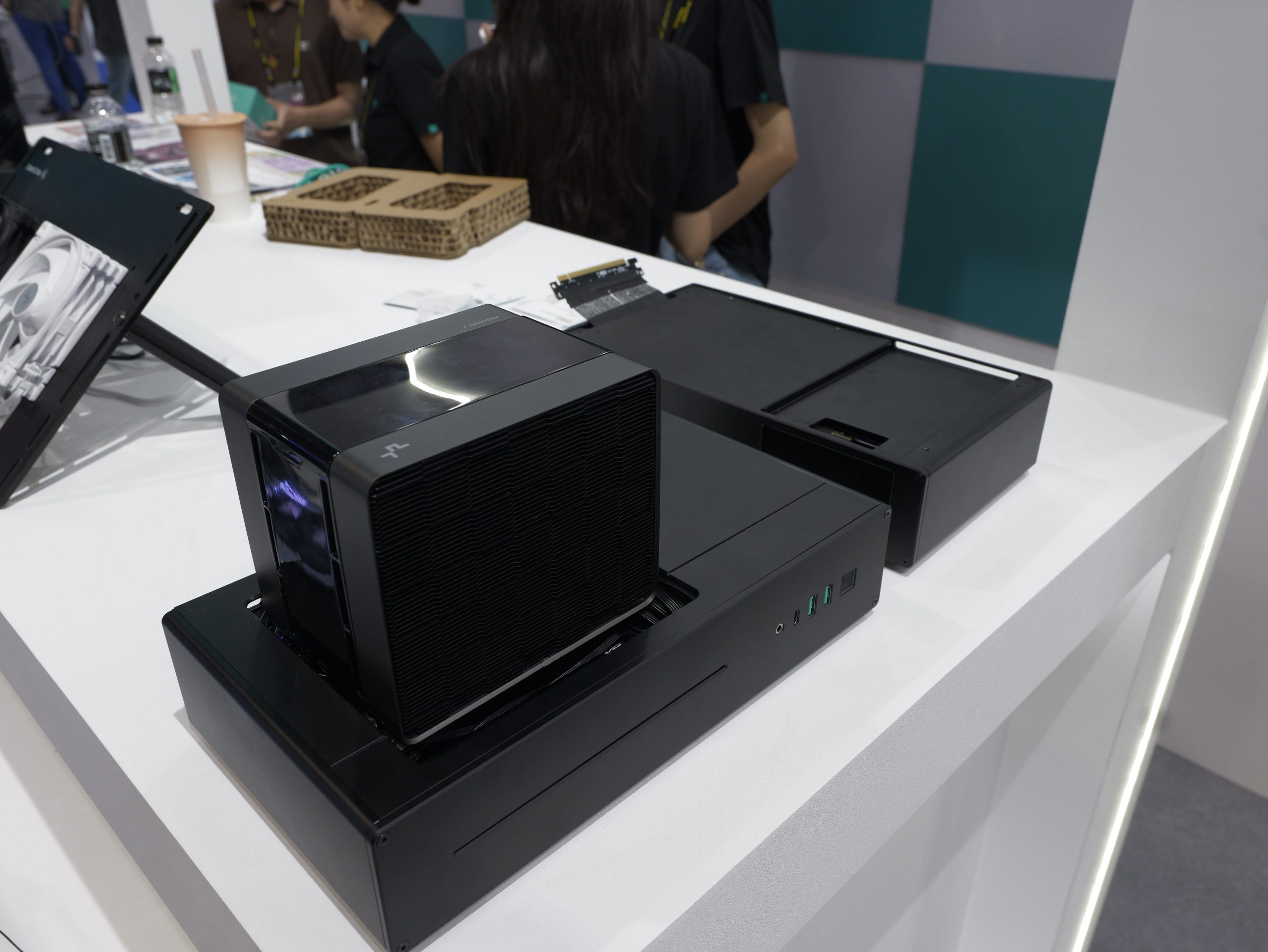
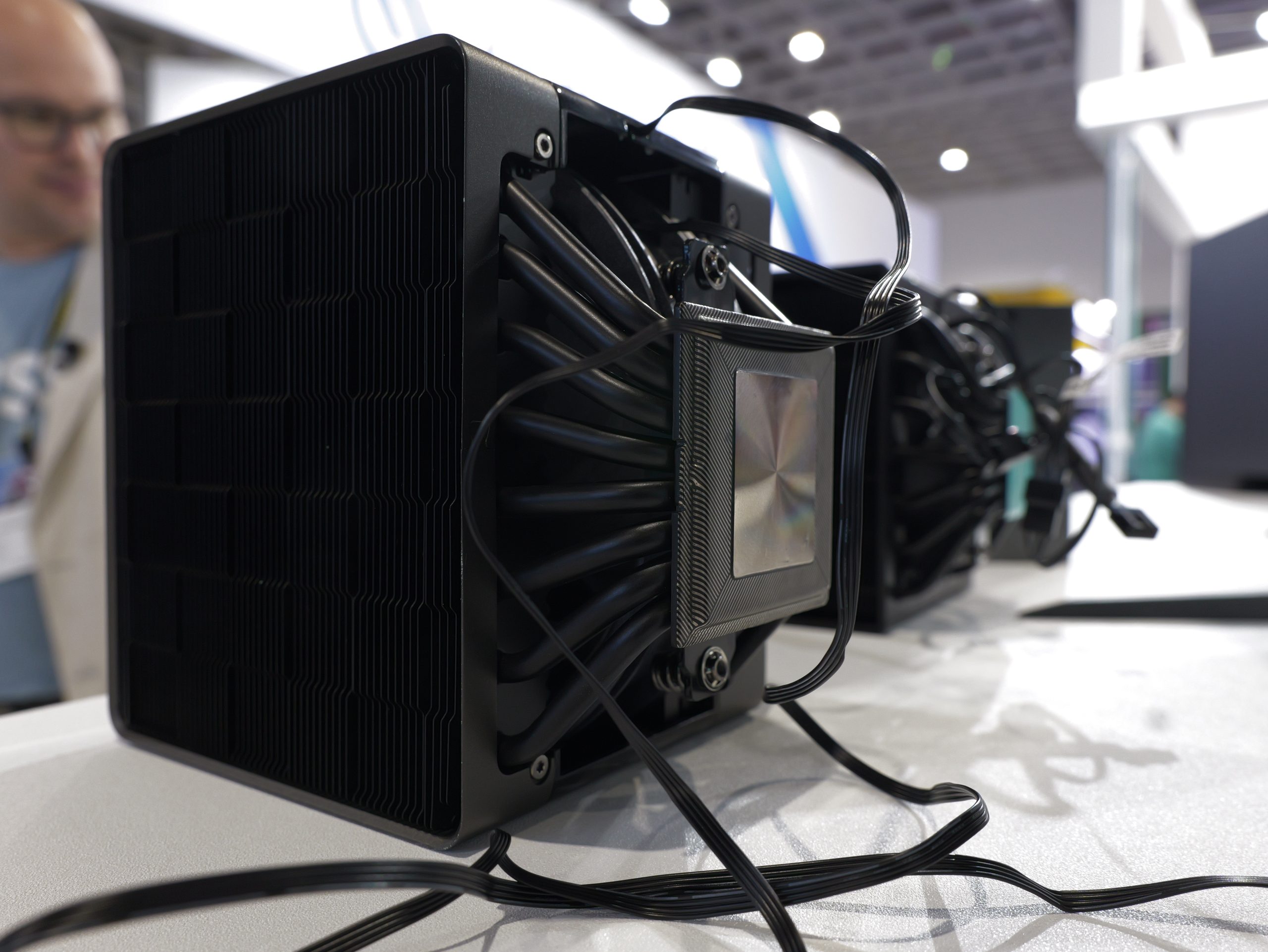
At Computex this year, DeepCool arrived armed with its new Assassin 5 Vision CPU cooler, utilising a new 2.0 Vapor Chamber design to improve heat transfer. As the Vision in the name implies, there is an LCD screen that sits on top of the cooler, giving you quick access to stats like CPU temperature and fan speed at a glance. DeepCool also has the AN600 VC for more compact systems, and the AK700 VC in black and white colour options.

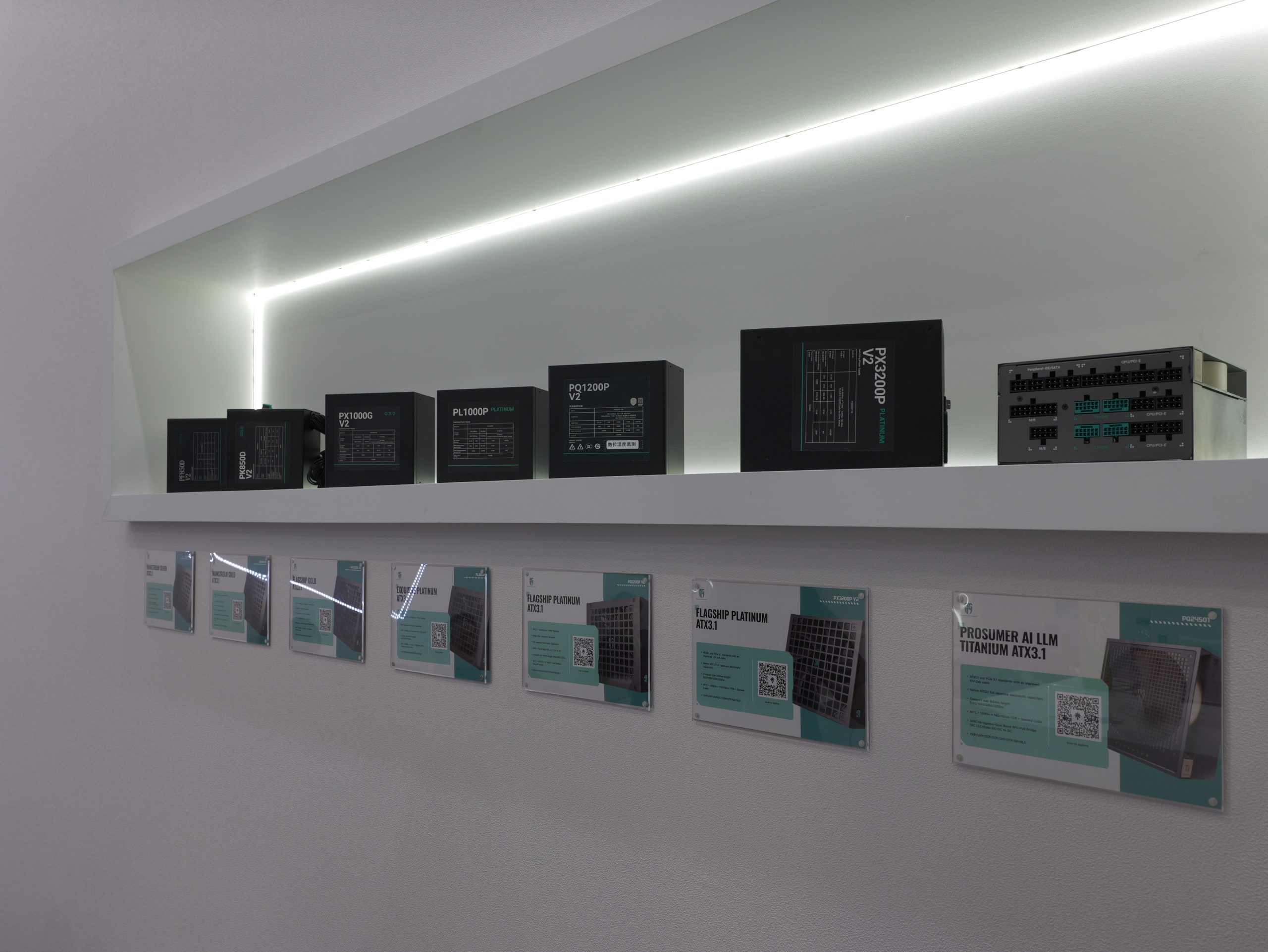
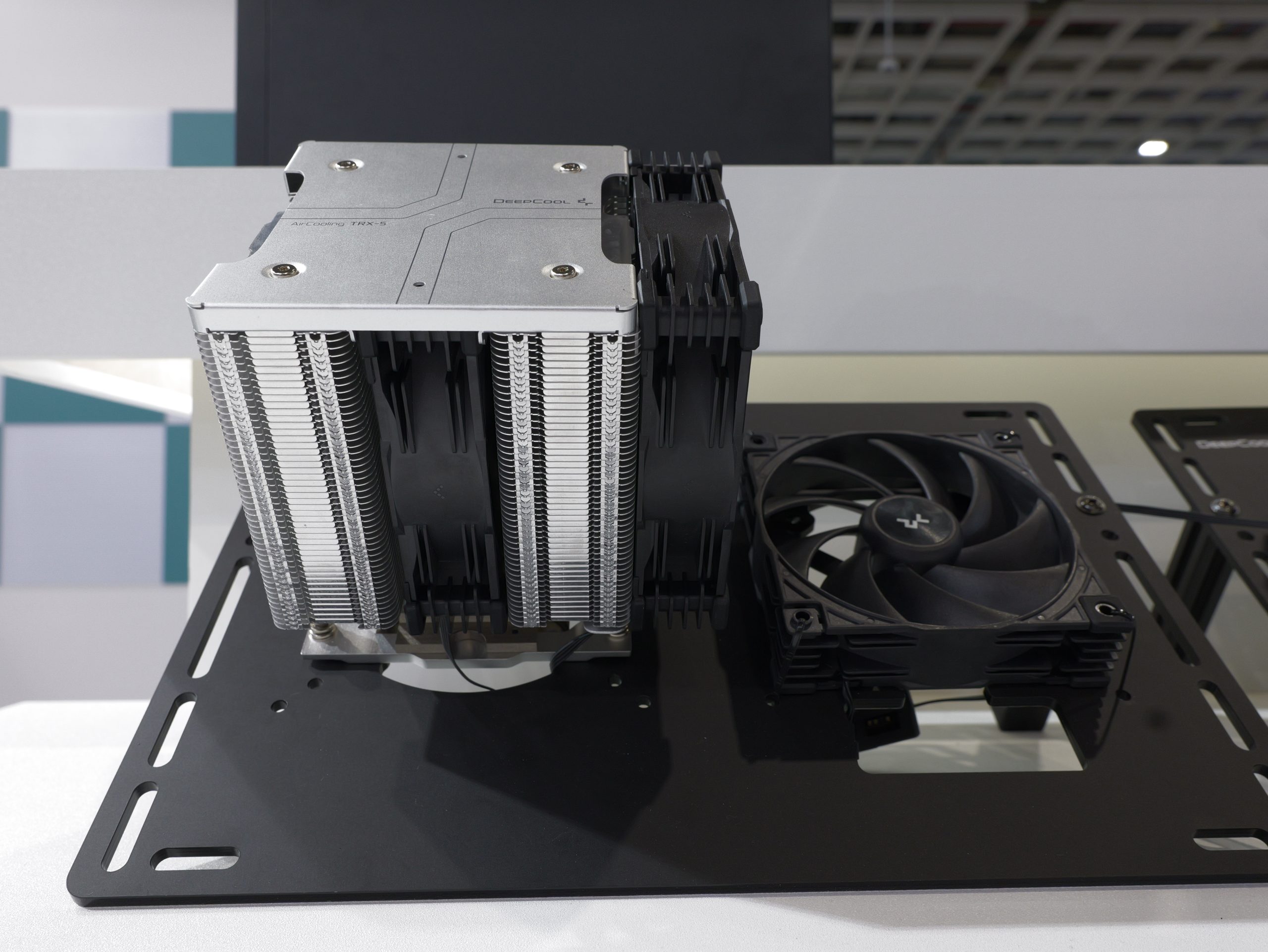
For the workstation crowd, DeepCool is launching the Station X 620, a new air cooler built specifically for extremely high core-count CPUs, capable of handling up to a 520W TDP.

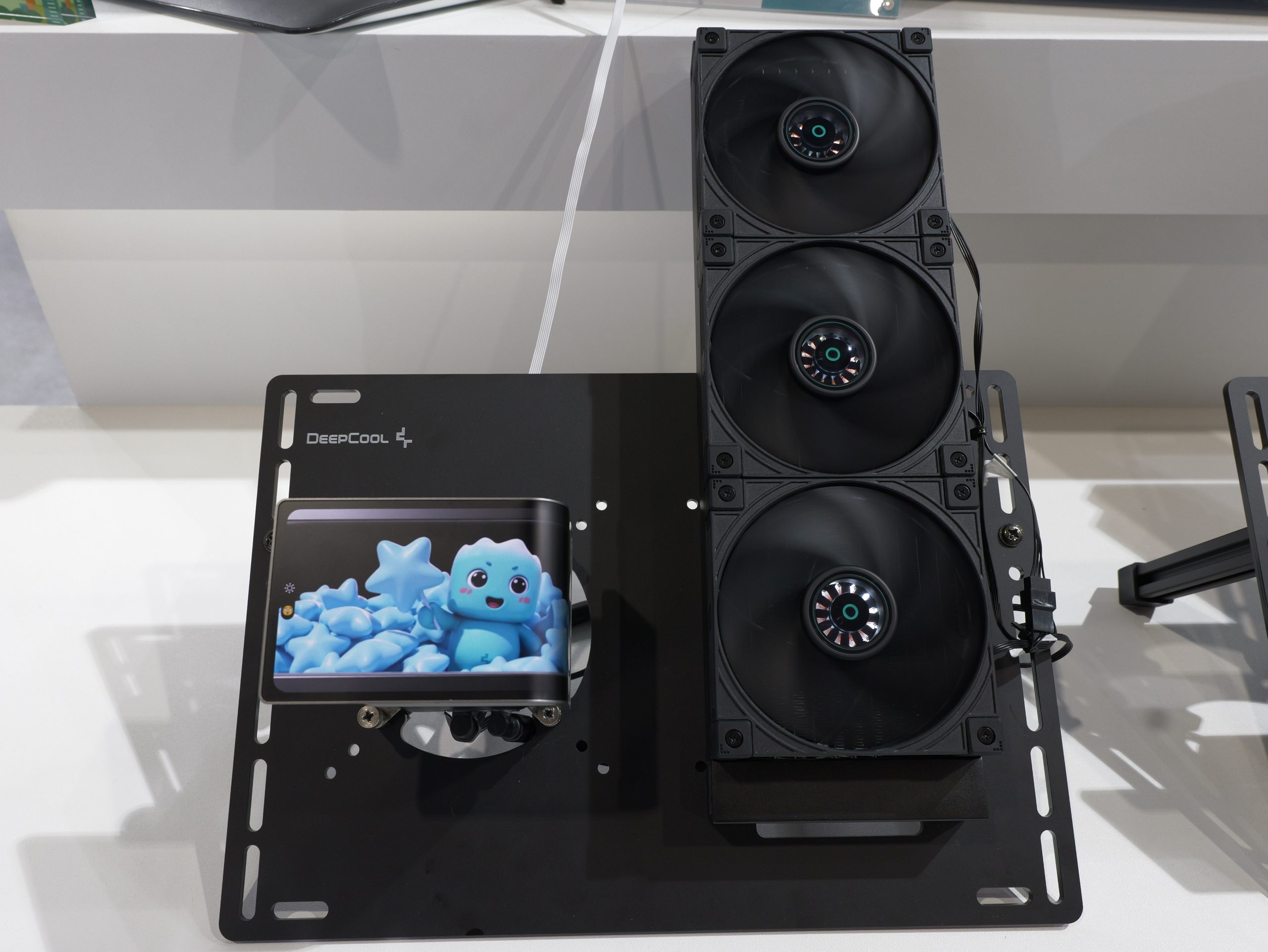
DeepCool also has its new SILENTNOX PRO 360 AIO, the very first from the company to feature a curved display on the pump block, with an even higher 2K resolution for better visuals.

DeepCool’s latest fans employ new dynamic balancing standards to reduce vibrations and resonance, further improving acoustic performance.

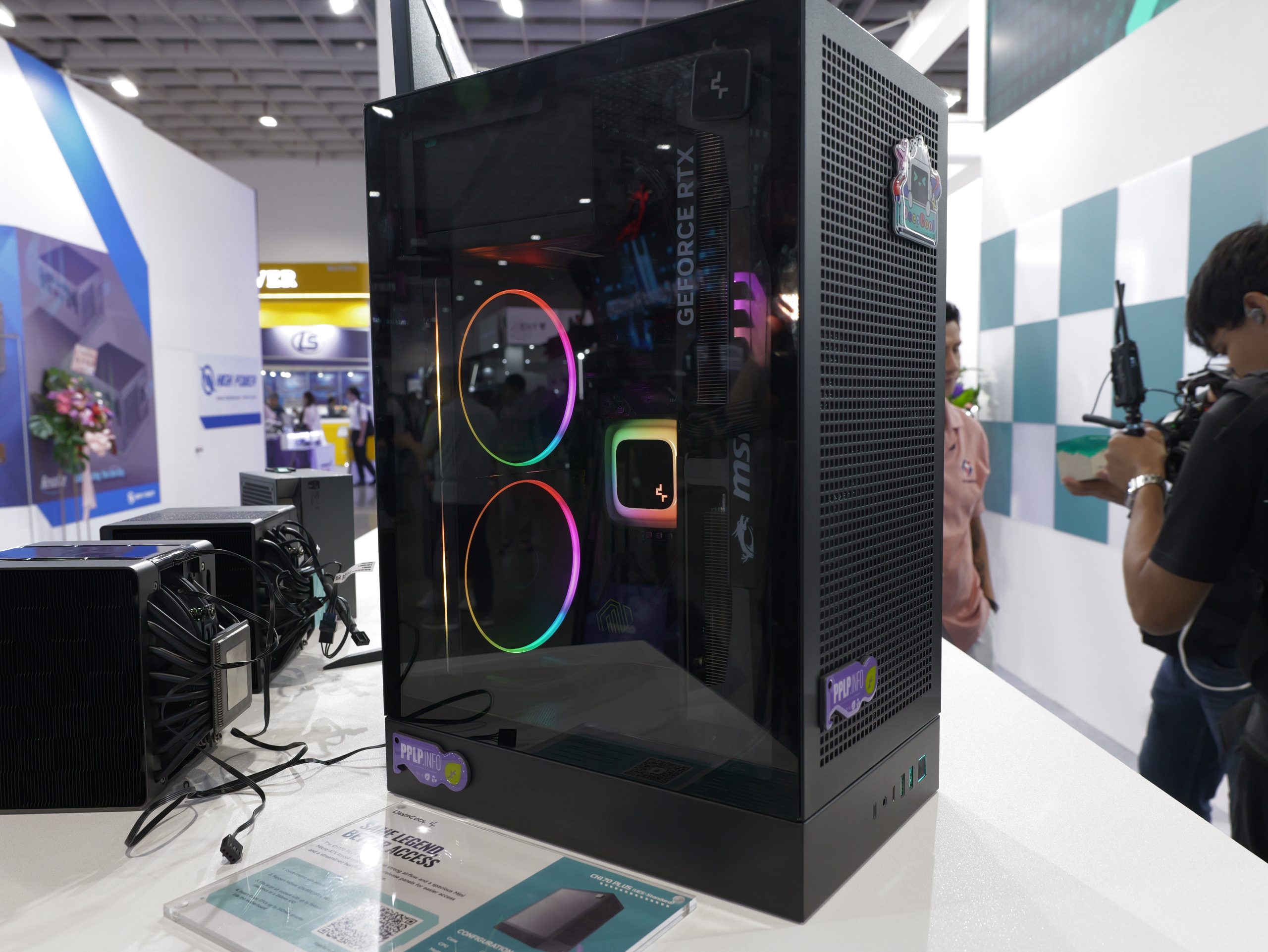
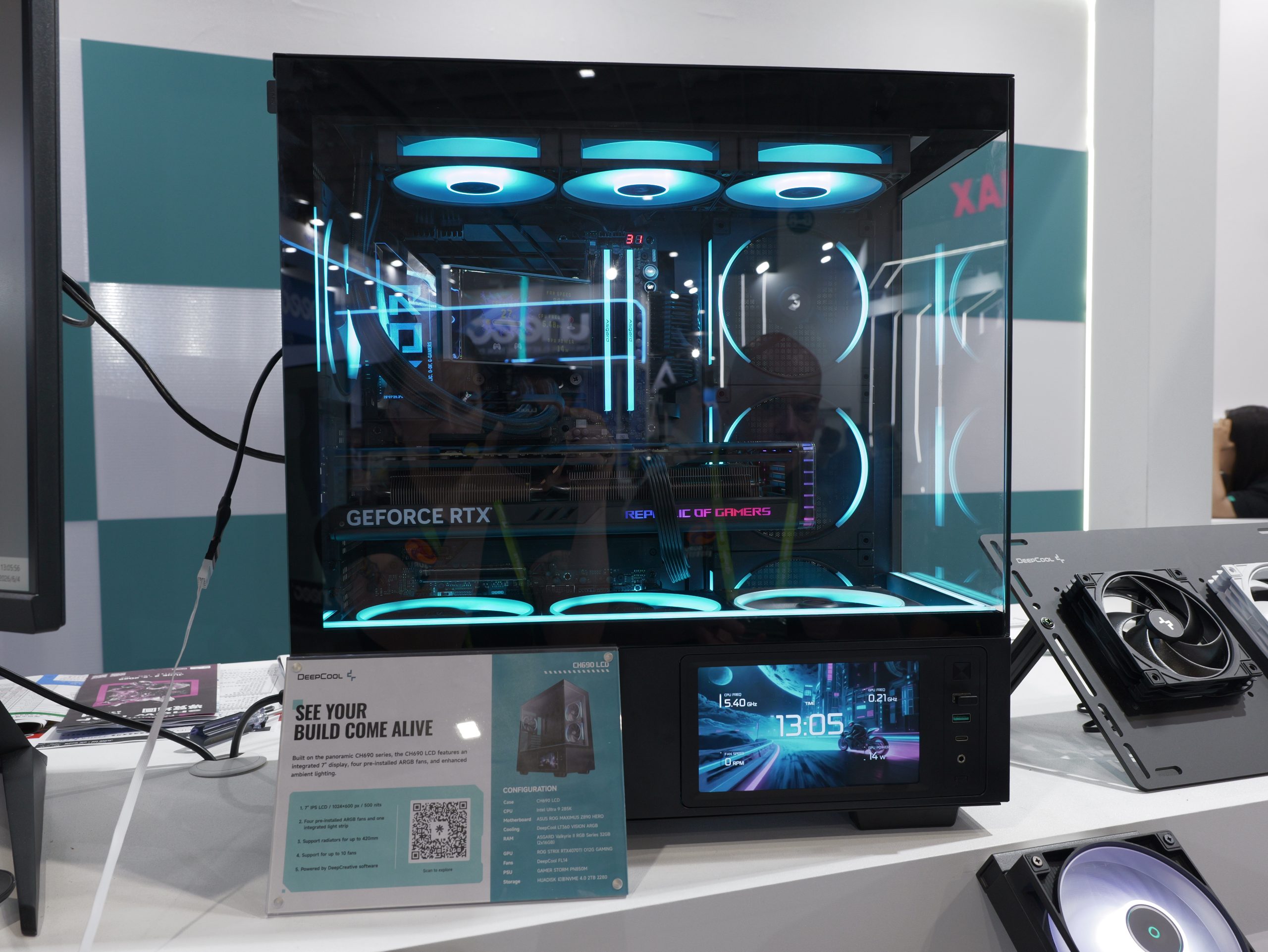
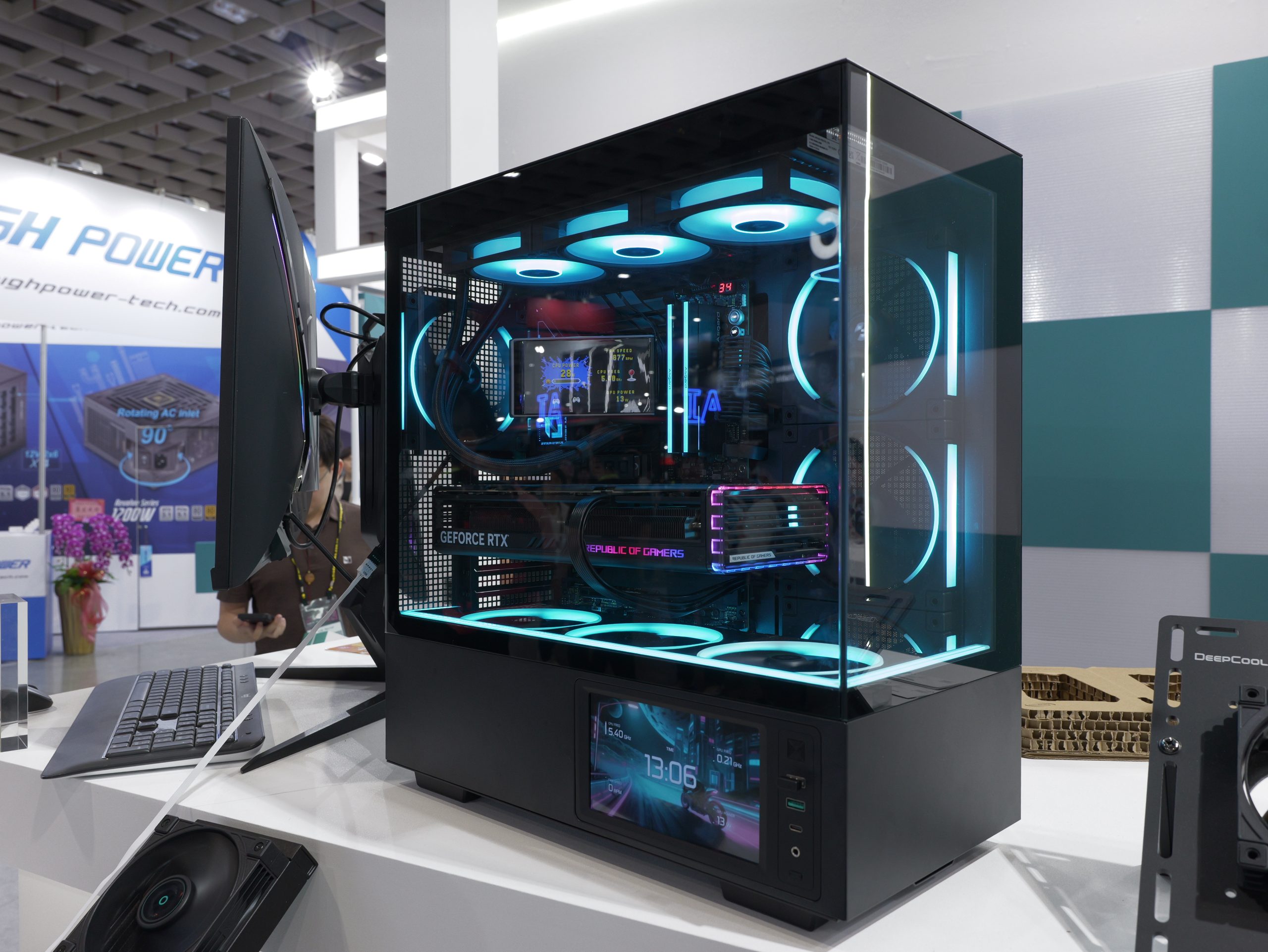
On the chassis front, DeepCool has the new CH690, designed for modern builds with a panoramic view of the internal components, alongside four pre-installed ARGB fans and an integrated display. There is also the CH170 Plus UES launching this year – an upgraded version of the compact chassis with new quick-release side panels for easier access to the internals for upgrades or maintenance.

KitGuru Says: What did you make of DeepCool's showing at Computex this year?

The post Computex 2026: DeepCool reveals new Assassin 5, new vapor chamber coolers and more first appeared on KitGuru.

ASTRA LZ360 ARGB BK Review: Innovative Matrix Display-Equipped 360mm AIO

6 June 2026 at 19:59

A gaming PC setup features an MSI Tomahawk Max motherboard, a Crucial P1 M.2 drive, and an AMD Radeon graphics card, with RGB lighting effects illuminating the interior.

AIO coolers are no longer limited to just radiator sizes and fancy LED lights; they have evolved in terms of design to the point where AIOs can serve multiple purposes at the same time. I have lost count of how many display-equipped AIOs I have seen in the past few years, and while it's great to see AIOs evolving like crazy, it also makes it difficult to choose the right one. As far as performance is concerned, most AIOs get the job done, but some are noisy, while some offer premium cooling performance, albeit with a high price tag. We […]

Read full article at https://wccftech.com/review/astra-lz360-argb-bk-review/

ZOTAC Marks 20 Years With a Gold-Themed RTX 5070 Ti, Two RTX 5080 Liquid-Cooled Prototypes, & The World’s Smallest PC With A Desktop 5080

5 June 2026 at 01:48

A ZOTAC GAMING graphics card with triple fans and a gold-colored design is displayed on a stand in an exhibition setting.

ZOTAC has displayed its latest RTX 50 innovations, and the world's smallest PC featuring a desktop-grade RTX 5080 graphics card. Two Prototype Graphics Cards & Two "20th Anniversary Edition" Products Showcased By ZOTAC At Computex First up, we have the ZOTAC Gaming GeForce RTX 5070 Ti SOLID SFF OC Edition, which takes the original design and gives it a new gold-themed trim. The card features the same 2-slot design with Icestorm 2.0 cooling, an SFF-Ready Enthusiast GeForce design, and also comes with a Power safety light that ensures the card is plugged in correctly. The backplate on this card is […]

Read full article at https://wccftech.com/zotac-marks-20-years-gold-themed-rtx-5070-ti-two-rtx-5080-prototypes-worlds-smallest-pc-with-desktop-5080/

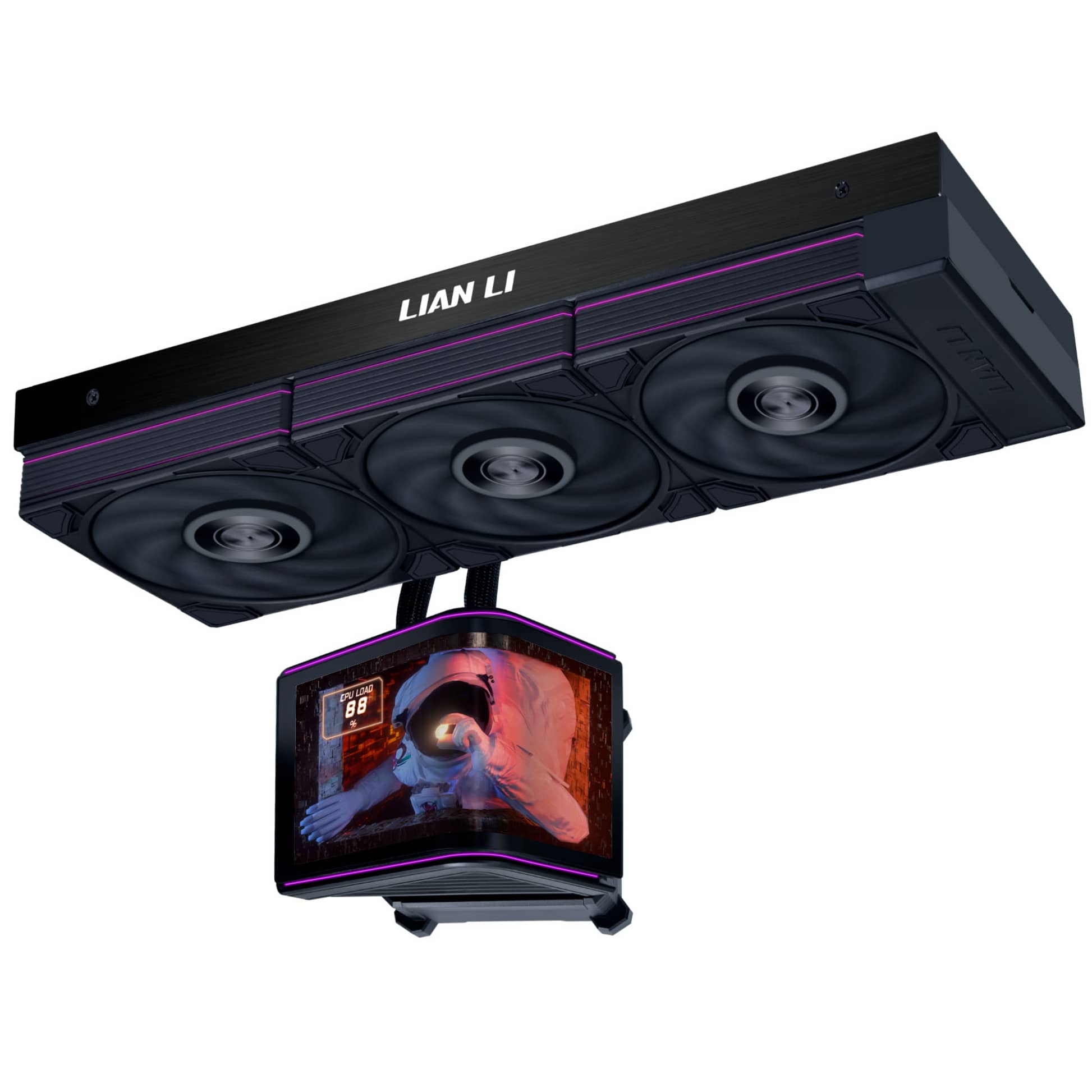
Lian Li launches new HydroShift II AIOs with curved OLED displays

22 May 2026 at 16:00

Lian Li has introduced the HydroShift II OLED Curved 360, a new AIO liquid cooler built around a motorised 6.67‑inch curved 2K OLED display and offered in three configurations: the 360TL at $339.99 / €339.99, the 360P28 at $299.99 / €299.99, and a fanless version at $279.99 / €279.99.

The cooler’s OLED panel features a 2288×1048 resolution, up to 500 nits brightness and a diffused ARGB light strip. It is mounted on a dual‑axis motorised mechanism that provides vertical lift and up to 45 degrees of tilt, all controlled through L‑Connect 3. Users can apply full‑screen, split‑view or triple‑split layouts, upload custom media, enable system monitoring, or use the display as a secondary screen. The display module attaches magnetically via a pogo‑pin connector, allowing it to be removed or swapped without powering down the system.

Lian Li offers three versions of the cooler. The HydroShift II OLED Curved 360TL includes UNI FAN TL FLEX fans with LCP blades and speeds up to 2600 RPM. The 360P28 model uses UNI FAN P28 V2 fans, capable of 3000 RPM and paired with a receiver offering five selectable speed ranges and an RPM‑based colour indicator. The fanless variant is designed for builders who prefer to use their own fans. All models include a pump Turbo mode that increases speed to 2800 RPM for heavier workloads.

The cooler maintains Lian Li’s clean aesthetic with side‑mounted tubing, hidden wiring and adjustable routing. A slim 24mm‑thick 360mm radiator improves case compatibility while retaining full‑size cooling capacity.

The new Lian Li HydroShift II OLED Curved 360 AIO liquid coolers are expected to be available before the end of the month. You can pre-order one now through OCUK.

KitGuru Says: Will you be opting for an AIO with a display on top for your next build?

The post Lian Li launches new HydroShift II AIOs with curved OLED displays first appeared on KitGuru.

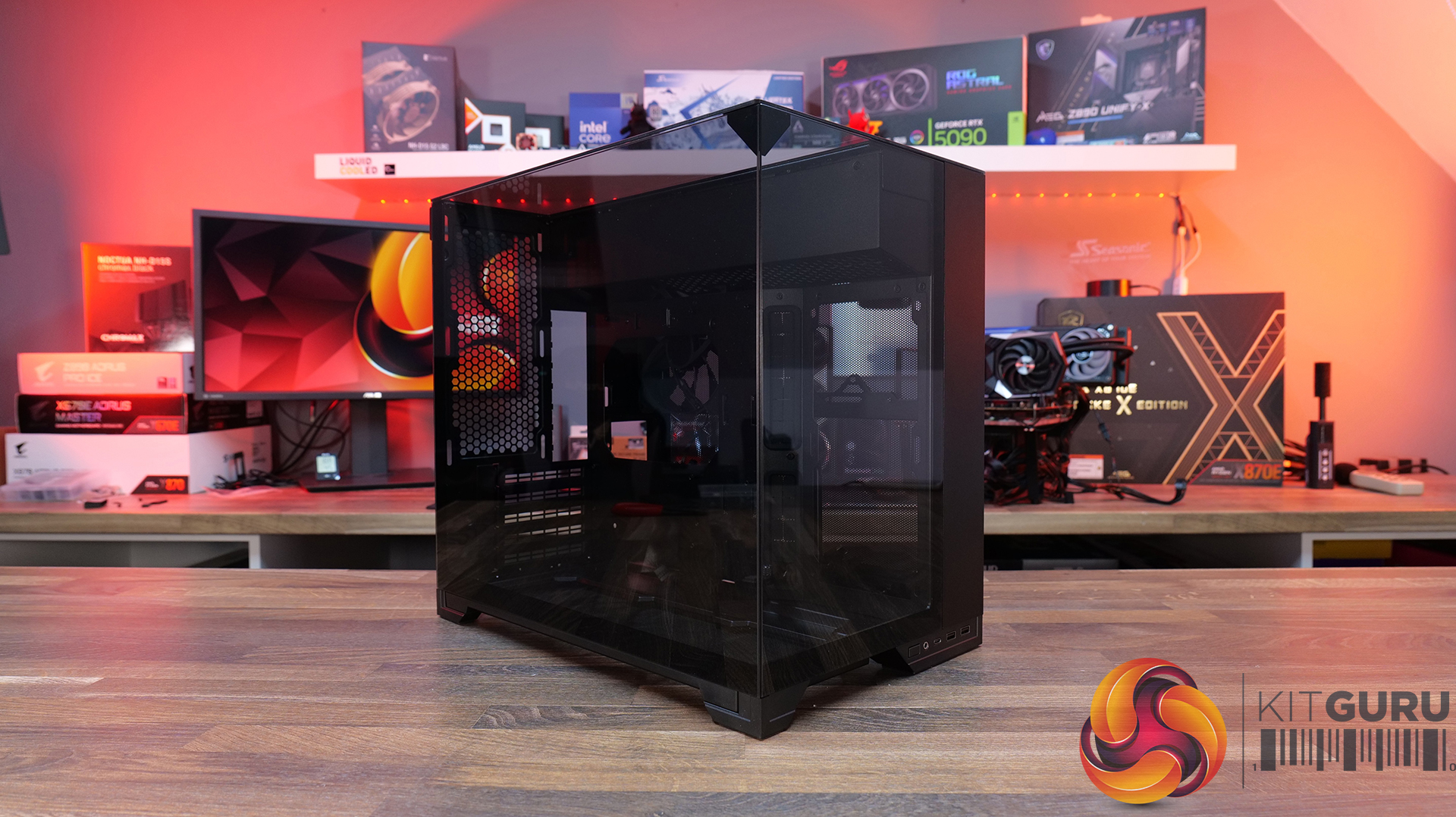
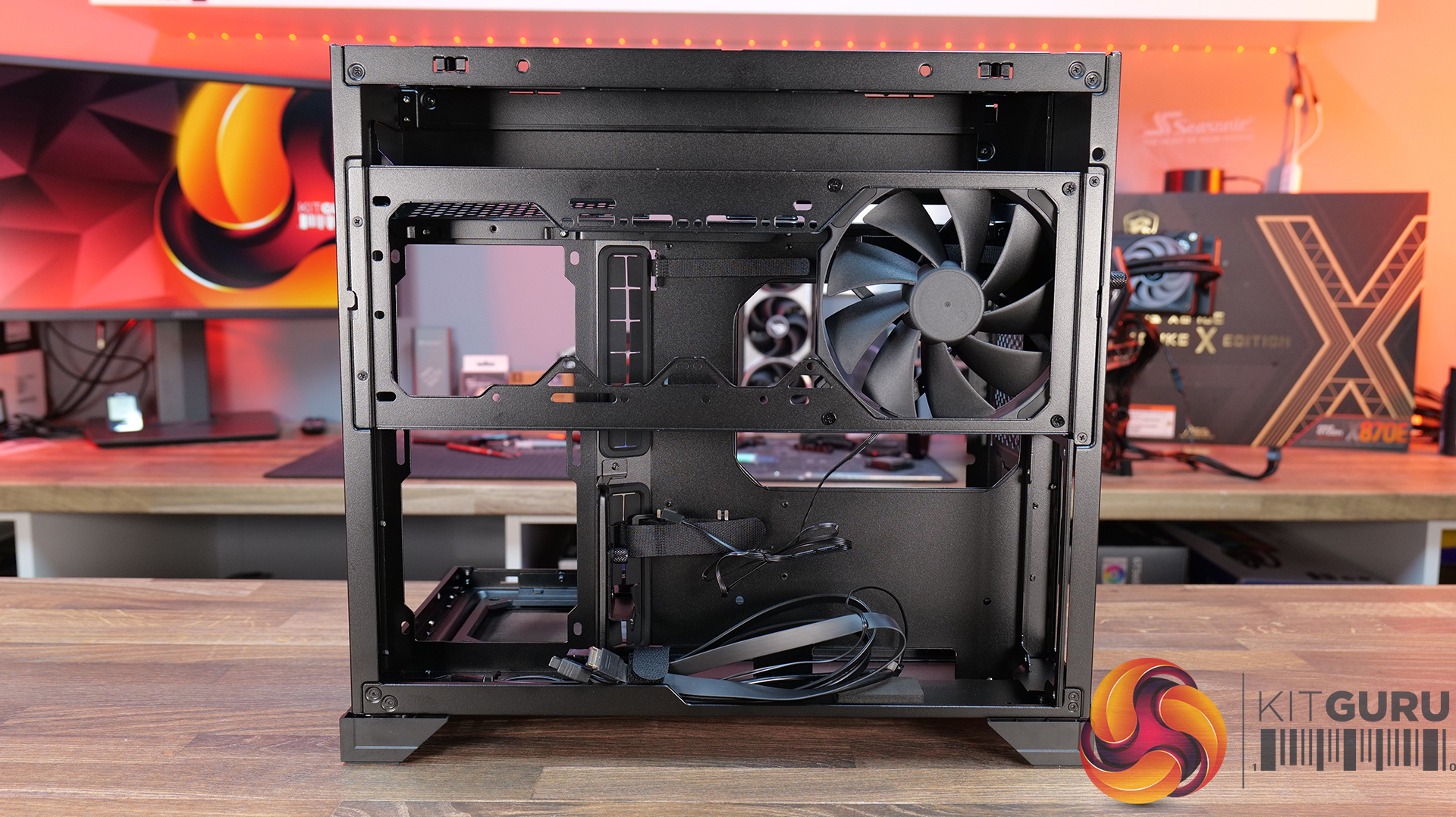
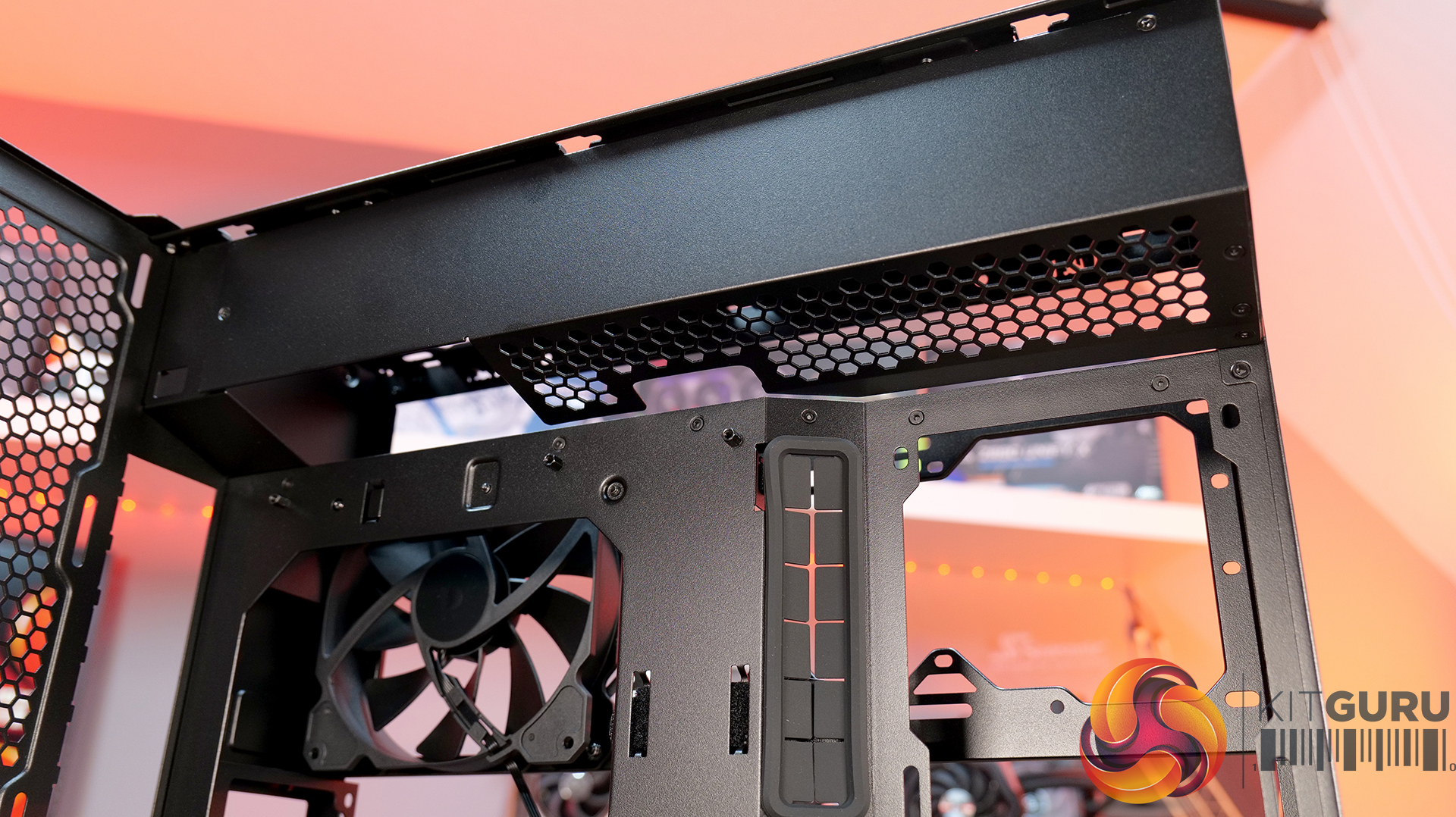
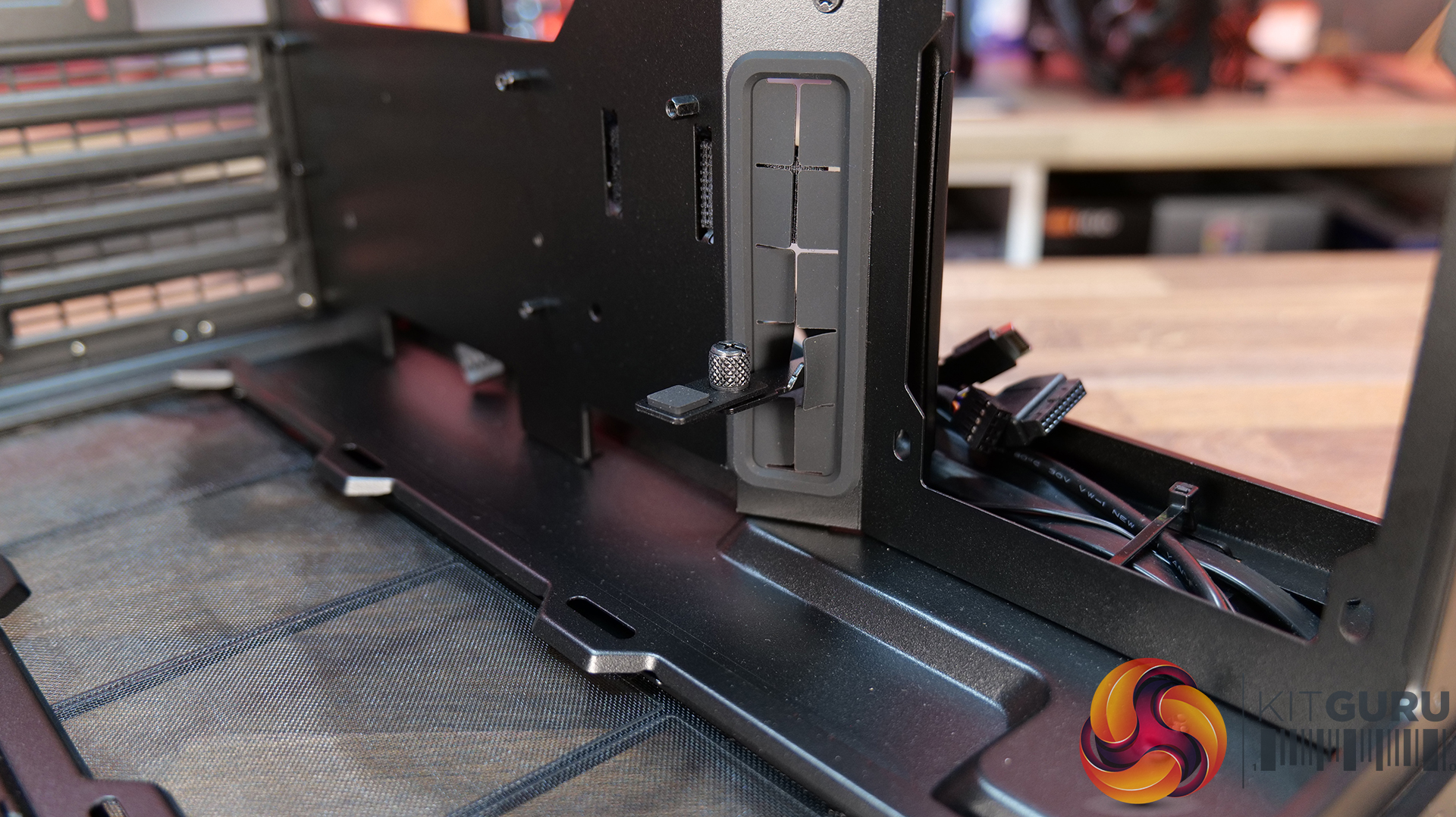
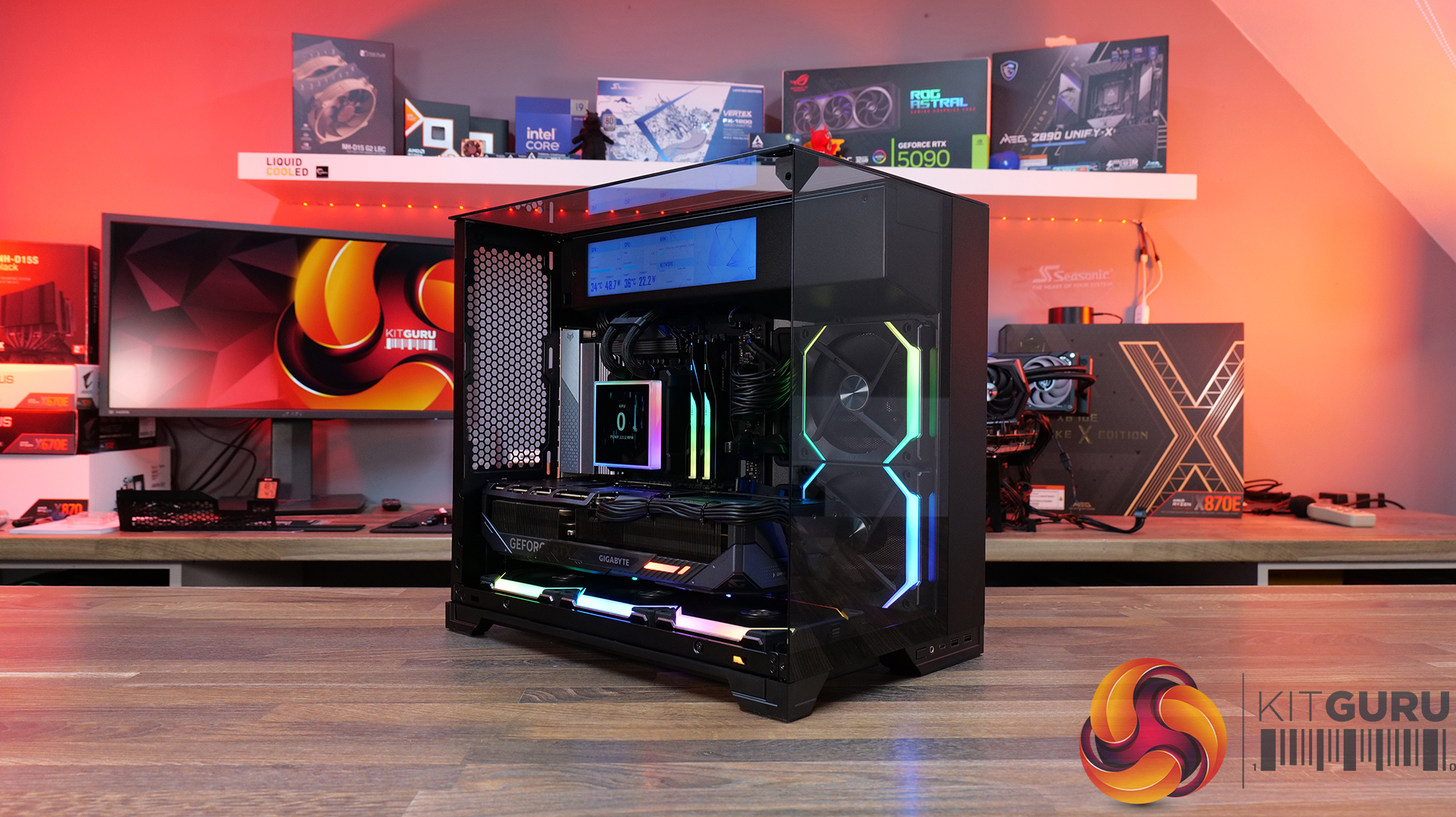
Lian Li O11 Vision-M PC Case Review

21 May 2026 at 13:00

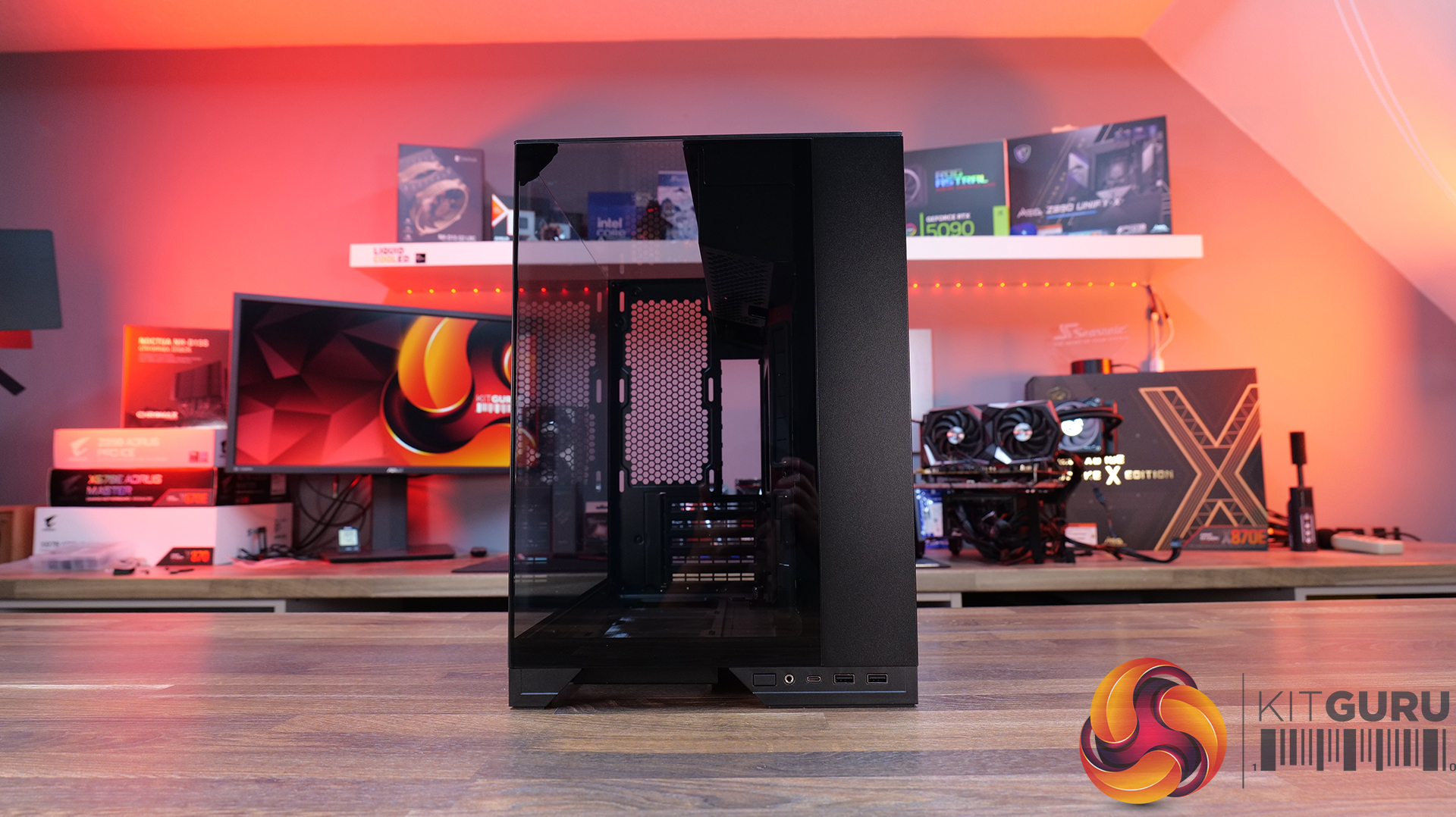
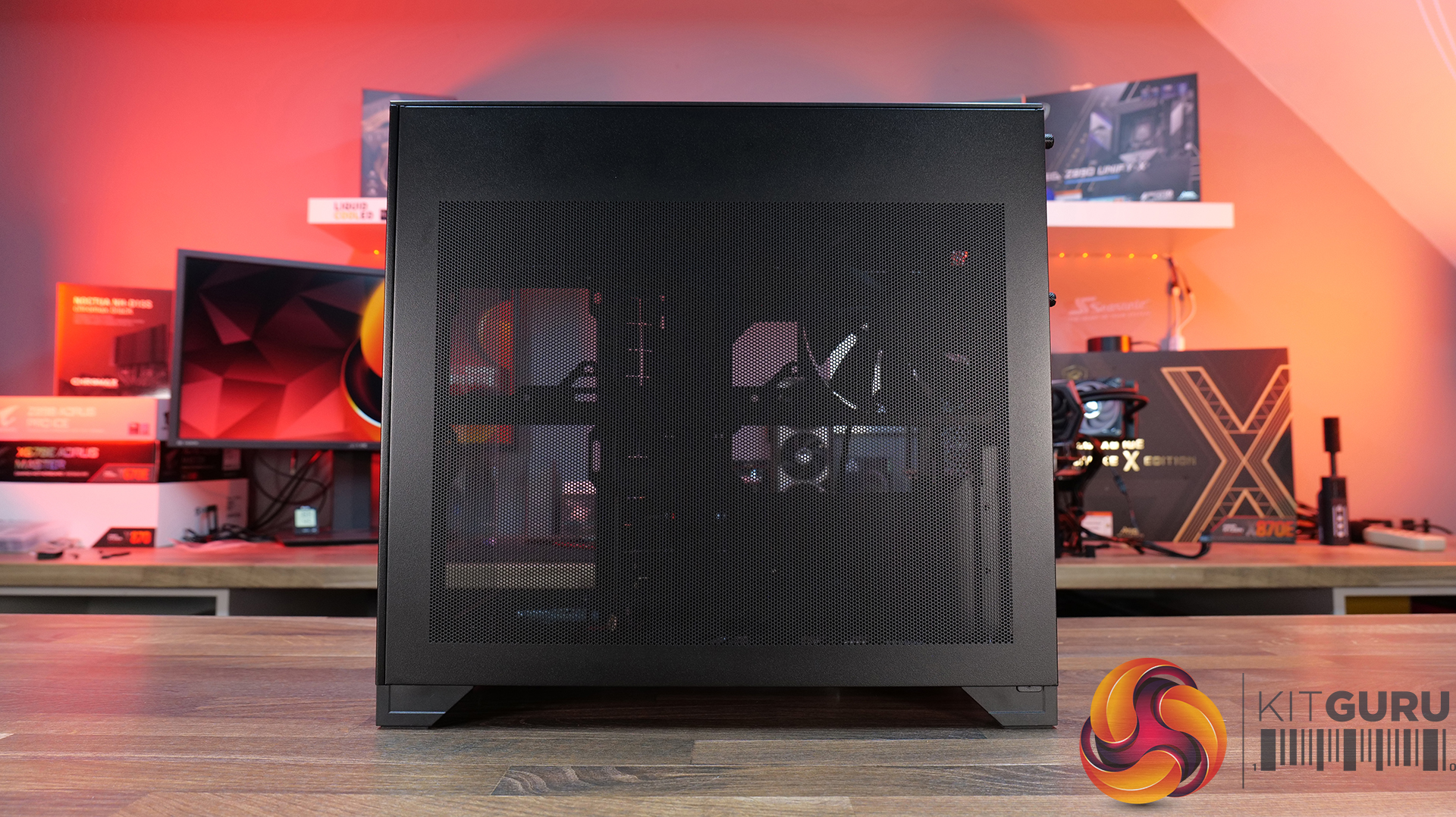
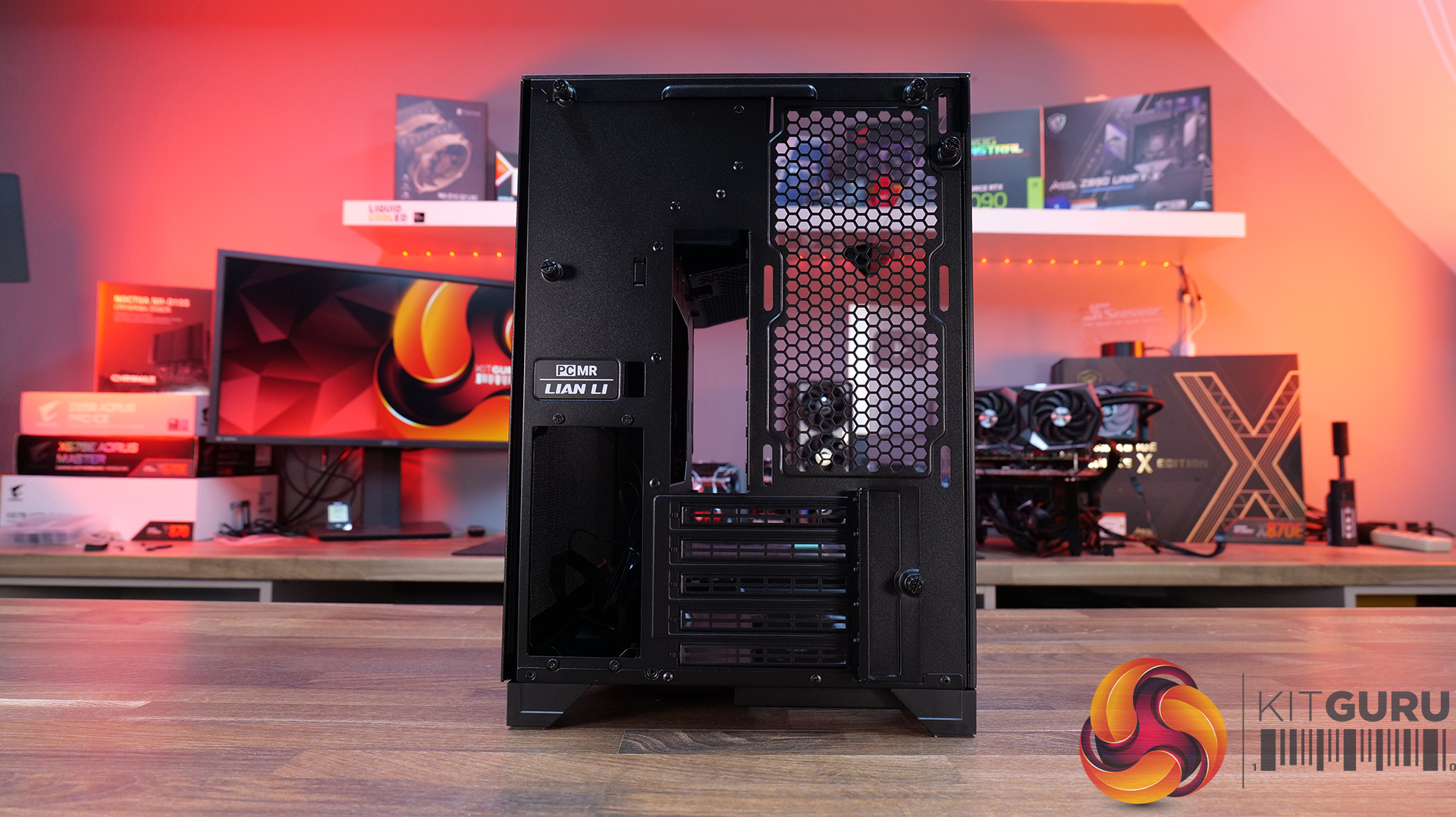
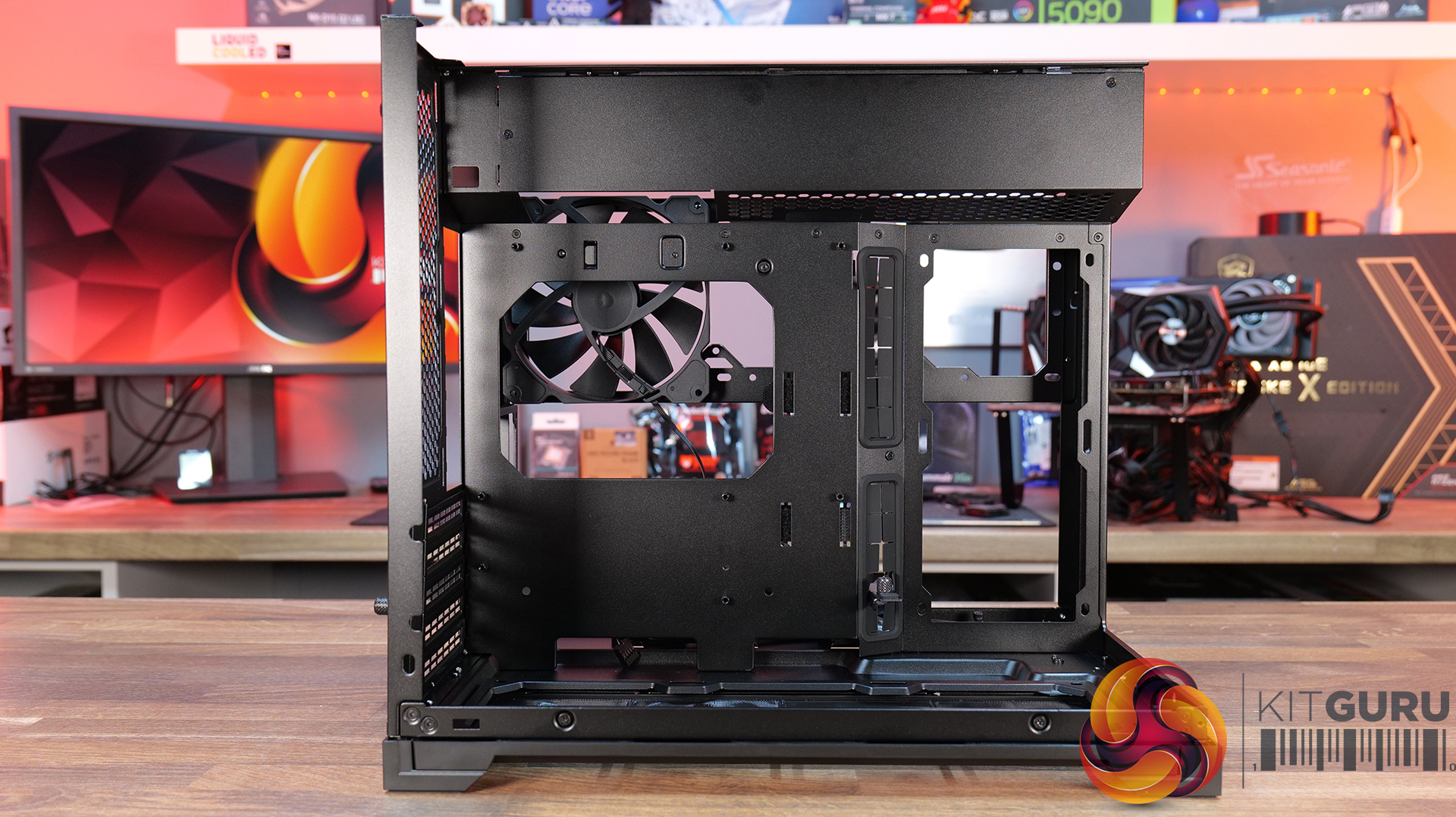
Today, we’re looking at the new Lian Li O11 Vision-M PC case. It’s a compact dual-chamber chassis built around a full glass design, with a clean-looking showcase style. You get support for micro-ATX and mini-ITX motherboards, graphics cards up to 410mm, 360mm radiators, and air coolers up to 162mm tall, plus a hidden top radiator compartment to keep things looking tidy without compromising cooling. On paper, it looks like the perfect blend of compact size, strong hardware support, and the signature O11 aesthetic… but does it actually deliver? Let’s find out.

Timestamps:

00:00 Start
00:57 Pricing / colours
01:41 Overview / Dimensions / Materials
02:31 Front I/O
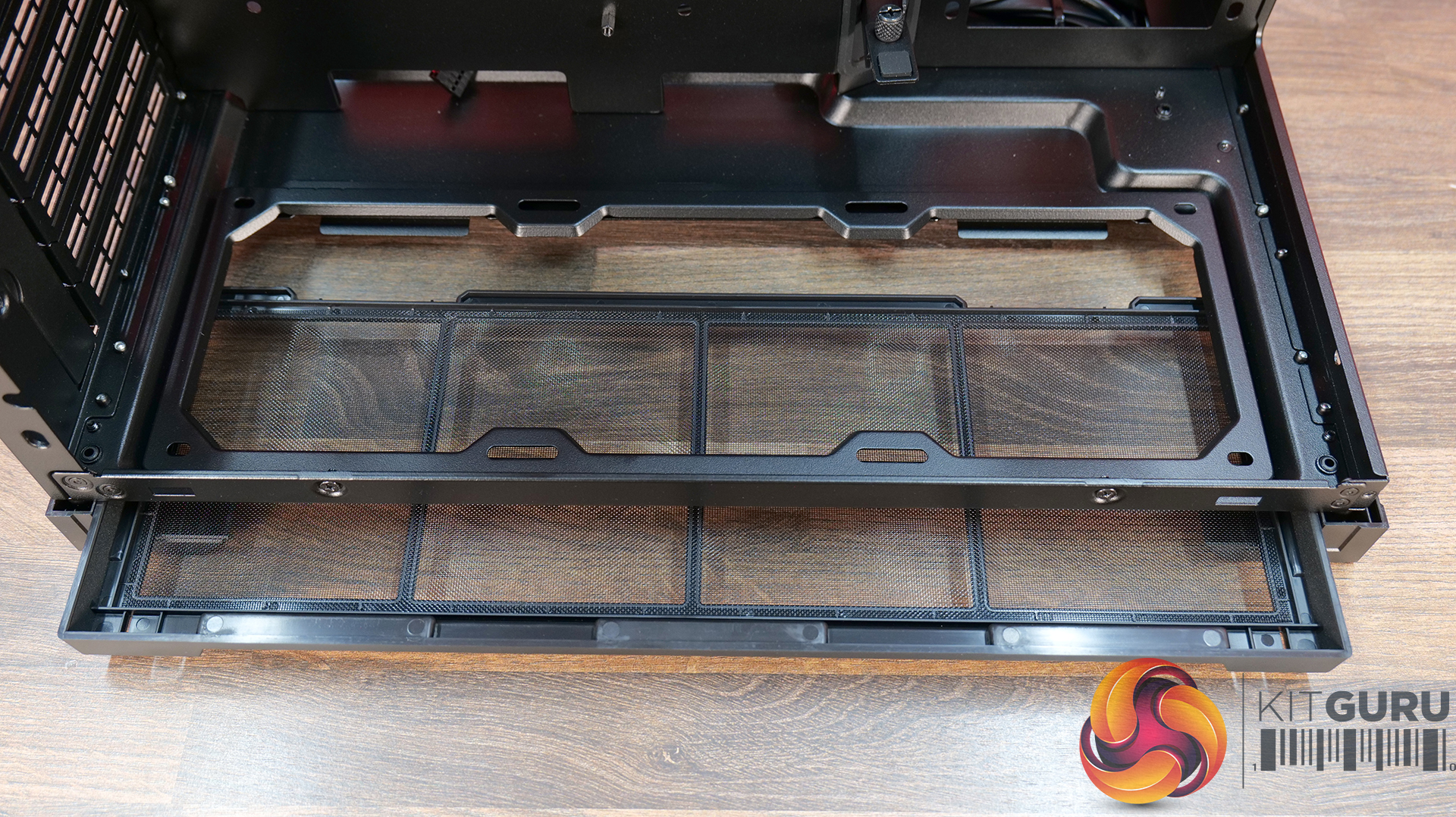
02:53 Panel removal / filters
04:34 Motherboard and GPU support
05:19 Bottom tray / filter system
05:41 Cooling Fan / Radiator Support
07:20 Vented Shroud and LCD Screen
08:09 Cable Management
09:00 Rear of the case
09:32 Side Compartment / PSU
10:54 Drive install / cable shroud options
11:54 Top radiator bracket
12:56 GPU Bracket / no reverse MB support
13:59 Bottom of the case / accessories
15:00 3D Printable parts
15:37 Thermal and Noise Performance
17:15 Smoke Test & Thoughts
18:05 Installation / Closing Thoughts

Features:

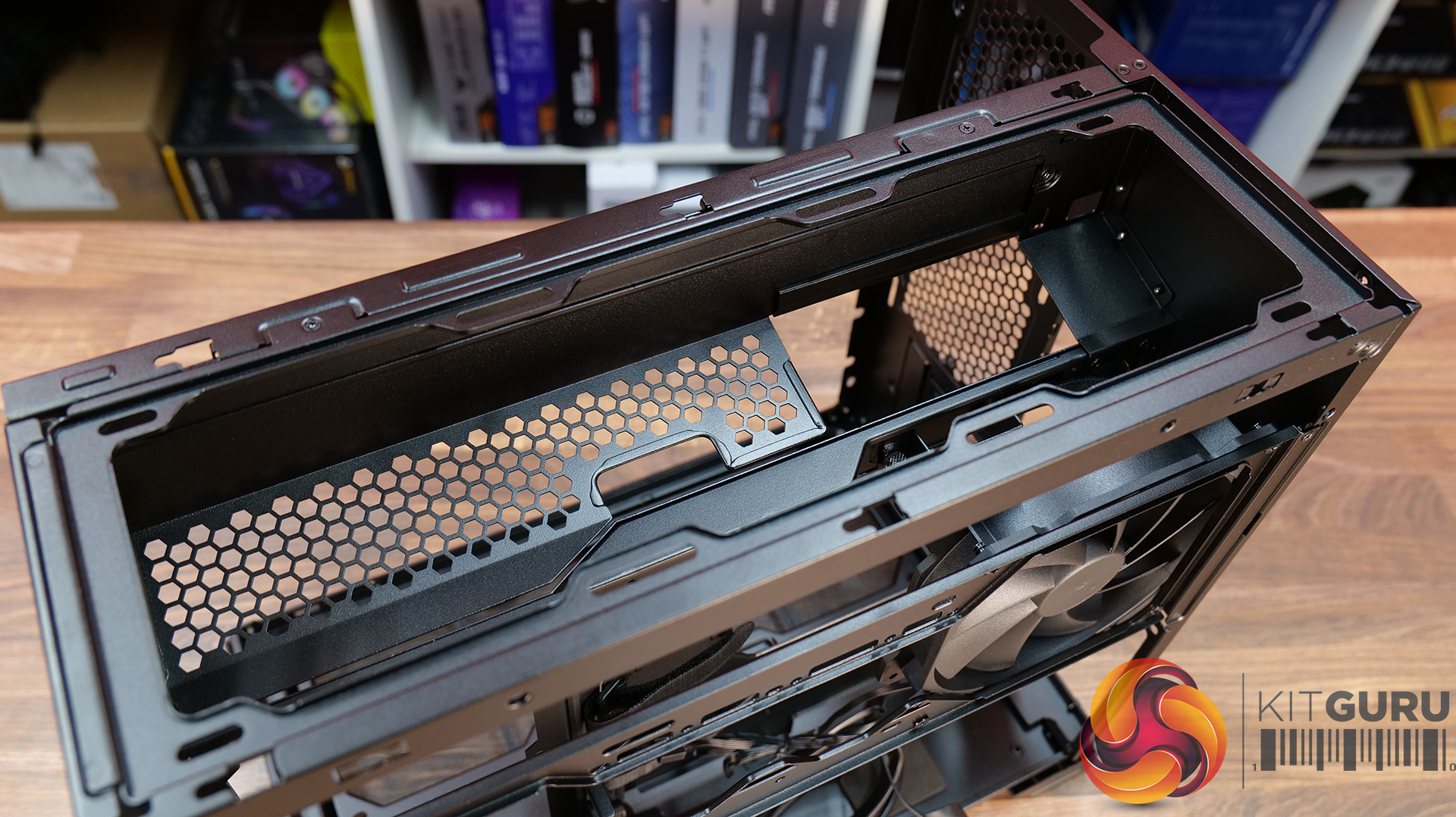
  • Ventilated Top Glass – Integrated mesh cut-out vent aligned with the top radiator for top heat exhaust flow and minimal heat buildup from internal system components.
  • Modular Divider – A removable divider panel gives the user the choice of a clean, separate dual-chamber look or a more open layout. With the divider panel installed, accessories such as an LCD screen can be easily mounted.
  • Hidden AIO Compartment – Designed to hide the AIO radiator and route tubing out of the way, hidden from view in the main chamber for an ultra clean look.
  • Compact but high-end hardware support – Including mATX or Mini ITX motherboards, up to 410mm long graphics cards, 162mm tall air coolers and up to 360mm radiator support.

Specifications:

  • Case Type: Micro ATX
  • Dimensions (DxWxH): 419.6mm x 275.1mm x 395.2mm
  • Materials: Steel, 4.0mm Tempered Glass, 3.0mm Tempered Glass, Aluminum
  • Motherboard Support: Micro-ATX, Mini-ITX
  • Reverse Connector motherboard support: No
  • Expansion Slots: 5
  • Storage bays: 3.5” HDD x 1 + 2.5” SSD x 2 or 2.5” SSD x 3
  • Max GPU Length: 410mm
  • Max CPU Cooler Height: 162mm
  • PSU Type: ATX (Under 202mm)
  • Cable Routing Grommet: Yes (Motherboard Side)
  • Hook-and-loop straps: Yes
  • Supplied Fans: 140mm x 1 (Pre-installed)
  • Fan Support: 120mm x 3 (Top) 120mm x 2 (Side) 120 mm x 3 (Bottom) 120 mm x 2 (Rear) 140mm x 1 (Second Chamber)
  • Radiator Support: 360mm / 240mm (Top)
  • Dust Filters: Removable bottom dust tray x 1
  • Front I/O: Power Button x 1, USB 3.0 Type A x 2, USB 3.2 Type C x 1, Audio x 1
  • LCD Screen (O11 Vision-M Digital): Yes, IPS LCD, 9.2”, 60 Hz, 1920×462, 500nits

Thermal Performance Testing

To simulate thermal demand, we run the Cinebench R23 multi-thread benchmark and 3DMark Speed Way stress test simultaneously in a loop for 30 minutes to load the system fully. This gives the CPU and GPU enough time to reach constant steady-state temperature. With this data, we can compare how the system handles the thermal demand and measure peak noise levels.

Thermal performance is measured with the case in various configurations, such as the default, with the tempered glass left-hand side panel removed and with the front panel removed to see how these configurations affect the CPU and GPU temperature. During testing, only stock case fans are used unless otherwise specified. All water pumps are set to maximum RPM and fans are set to a custom RPM curve by the Motherboard software/BIOS.

All temperature measurements are presented as Deltas – meaning the ambient temperature has been deducted from the CPU temperature, giving us a Delta. Data shown in the charts represents the average component temperature over the length of the test as measured by HWiNFO, and then the last 15 minutes of the data are calculated to get the average. The ambient temperature during thermal tests is between 19-20⁰C.

Test System Specification:

Thermal Performance Overview

We test case thermals using a 360mm AIO as exhaust at the top and with the case in several different fan configurations. The default configuration shown in the charts is with the top 360mm AIO cooler, 2 x 120mm side intake, 3 x 120mm bottom intake fans and with all case panels installed.

The O11 Vision-M performs well considering the dual-chamber layout and the number of glass panels it has. In the default configuration, CPU and GPU temperatures measure 54°C and 51°C over ambient respectively. Removing the glass side panel or right-side mesh makes little difference to overall results, suggesting that the stock airflow setup is already very well optimised. The hidden AIO placement keeps heat away from the radiator and CPU temperatures benefit from it.

Bottom intake fans are relatively important for GPU cooling. Removing the floor intake pushes GPU temperatures up to 55°C above ambient, while every other configuration stays very consistent around the 50–52°C mark. So for a compact dual-chamber case with this much glass, thermal performance is genuinely solid.

Noise Output

Noise performance is consistent across the board too, with the O11 Vision-M sat at 48dBA under full load in most configurations, while idle noise mostly stays fixed at 37dBA. Removing the right-side mesh panel drops load noise slightly to 47dBA, while removing the floor intake fans pushes it up to 49dBA, likely due to the GPU fans working harder to compensate for reduced airflow and slightly raised temperature.

The case has very balanced airflow regardless of configuration changes, and no major spikes in noise. Overall, for a compact dual chamber with multiple glass panels, the O11 Vision-M delivers solid acoustic performance without sacrificing cooling.

Closing Thoughts

Taken as a whole, the Lian Li O11 Vision-M is a very well-designed compact dual-chamber chassis that does a good job of balancing aesthetics, cooling performance and hardware compatibility. Despite the reduced footprint compared with larger O11 variants, there’s still support crammed in for high-end hardware, including 410mm graphics cards, 360mm radiators or AIOs, up to 13 fans and large CPU air coolers. Plus, thermal performance remains consistently strong even with the use of multiple glass panels.

The standout feature is the hidden top radiator compartment. Not only does it help maintain a clean showcase-style appearance that the O11 Vision series is known for, but it also works well from a cooling perspective without restricting airflow. The digital version looks impressive, with the integrated 9.2-inch LCD screen feeling more refined and useful than the gimmicky implementations we sometimes see from competitors. This screen fits in with the design of the case perfectly.

However there are a few compromises, such as clearance around the top radiator mount being very tight, so not every 360mm AIO will fit without issue. Checking dimensions before buying is essential. The smaller internal layout also means there’s a more specific hardware installation order required during the build process, which increases build time a little compared to similar dual-chamber cases with more space.

At $70 MSRP for the standard version, the O11 Vision-M offers good value considering the excellent build quality, cooling performance and hardware support it provides. Even the $130 digital version feels reasonably priced given the quality of the integrated display. While it’s technically compatible with Mini-ITX systems, due to its dimensions, it feels more like a compact Micro-ATX case than a true ITX chassis. Even so, if you want a compact case with strong airflow, premium aesthetics and high-end hardware support, the O11 Vision-M is an easy one to recommend.

The Lian Li O11 Vision-M has a £69.99 (black) MSRP for the regular model and $129.99 for the digital version with a 9.2″ LCD.

Pros: 

  • The hidden AIO compartment gives a clean look.
  • Good cooling options for a small dual-chamber glass case.
  • Screen integration on the digital version is excellent.

Cons:

  • Tight tolerance for top AIO support makes installation fiddly and means that some AIOs will be incompatible.
  • Not small enough to be considered for ITX builds.
  • The installation process takes a little more time than in some similar cases.

KitGuru says:  This is one of the best mATX cases we have seen for a long time. It's packed with high-end cooling options as well as that hidden radiator compartment which gives a clean look to the build. Plus, it's competitively priced too.

The post Lian Li O11 Vision-M PC Case Review first appeared on KitGuru.
❌
❌