Normal view

There are new articles available, click to refresh the page.
Before yesterdayMain stream

Lian Li O11 Vision-M PC Case Review

21 May 2026 at 13:00

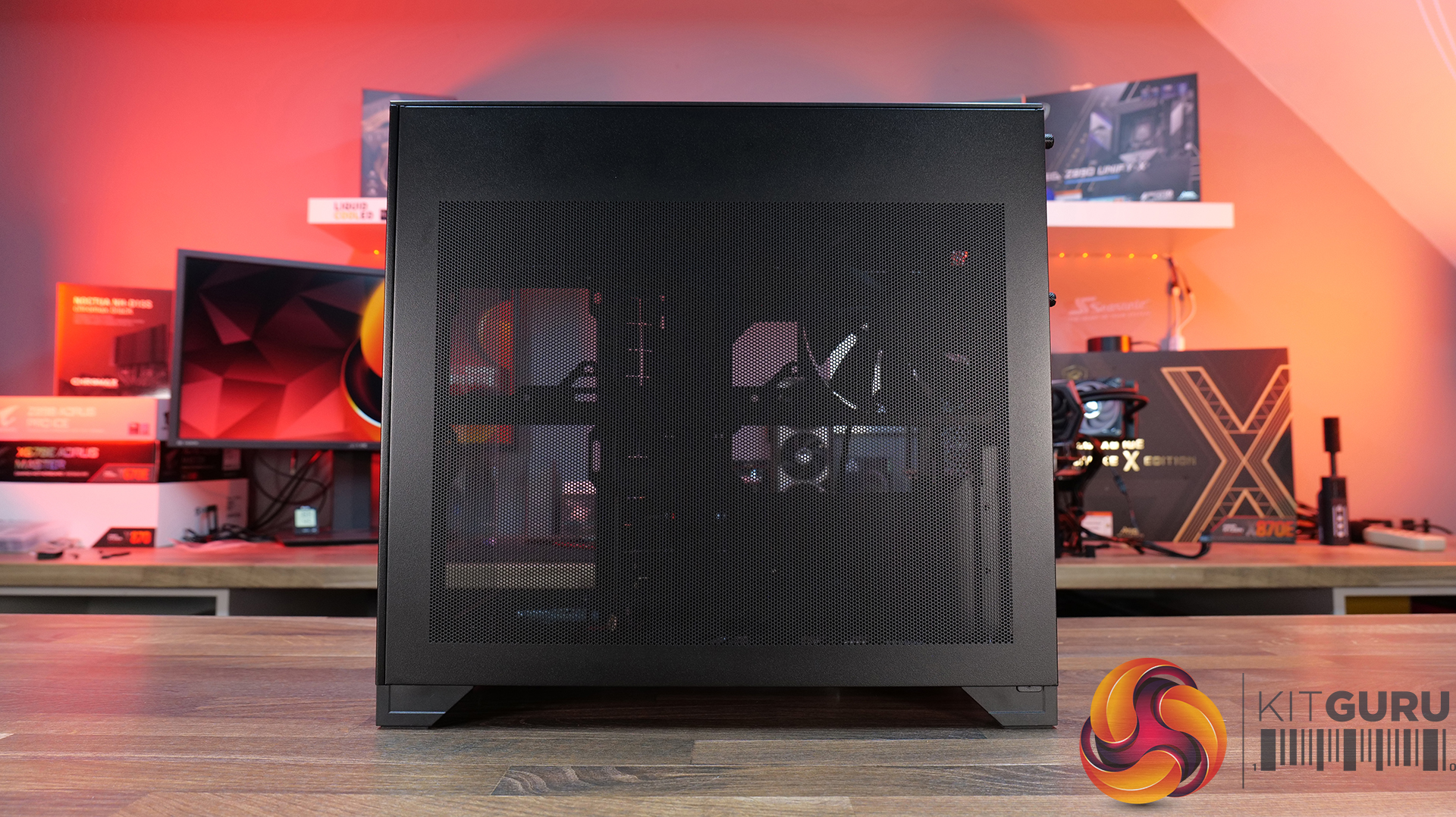
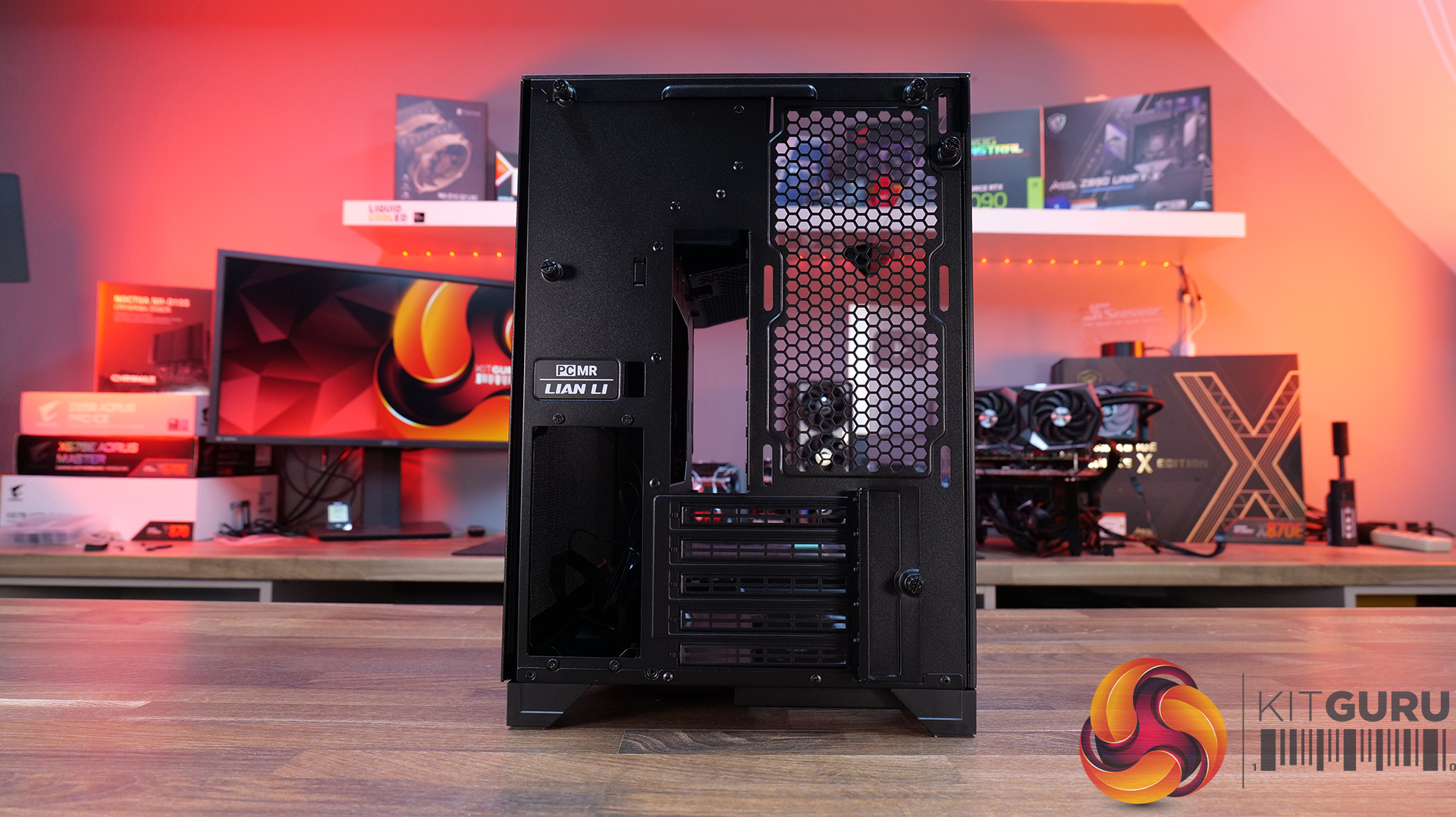
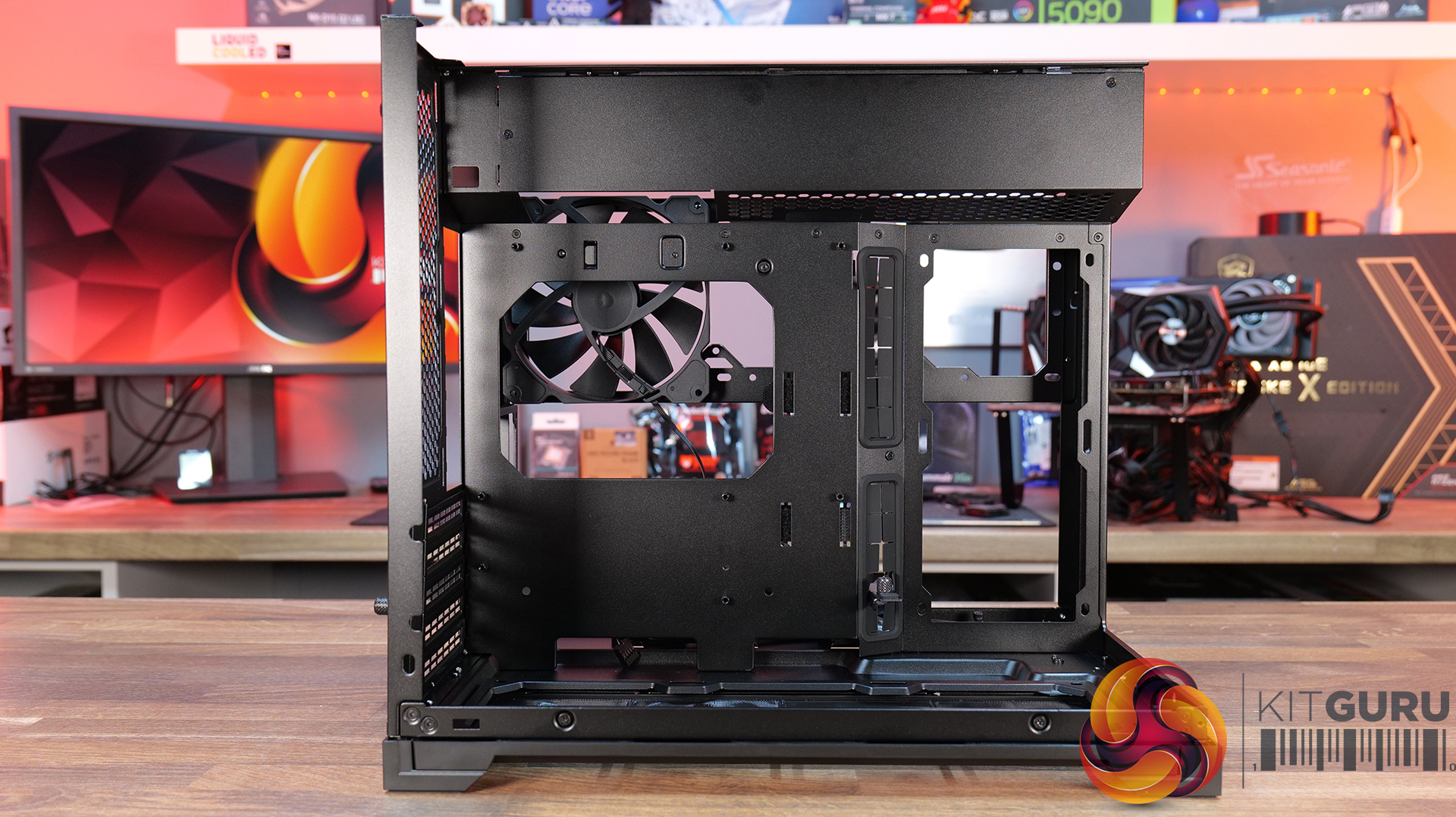
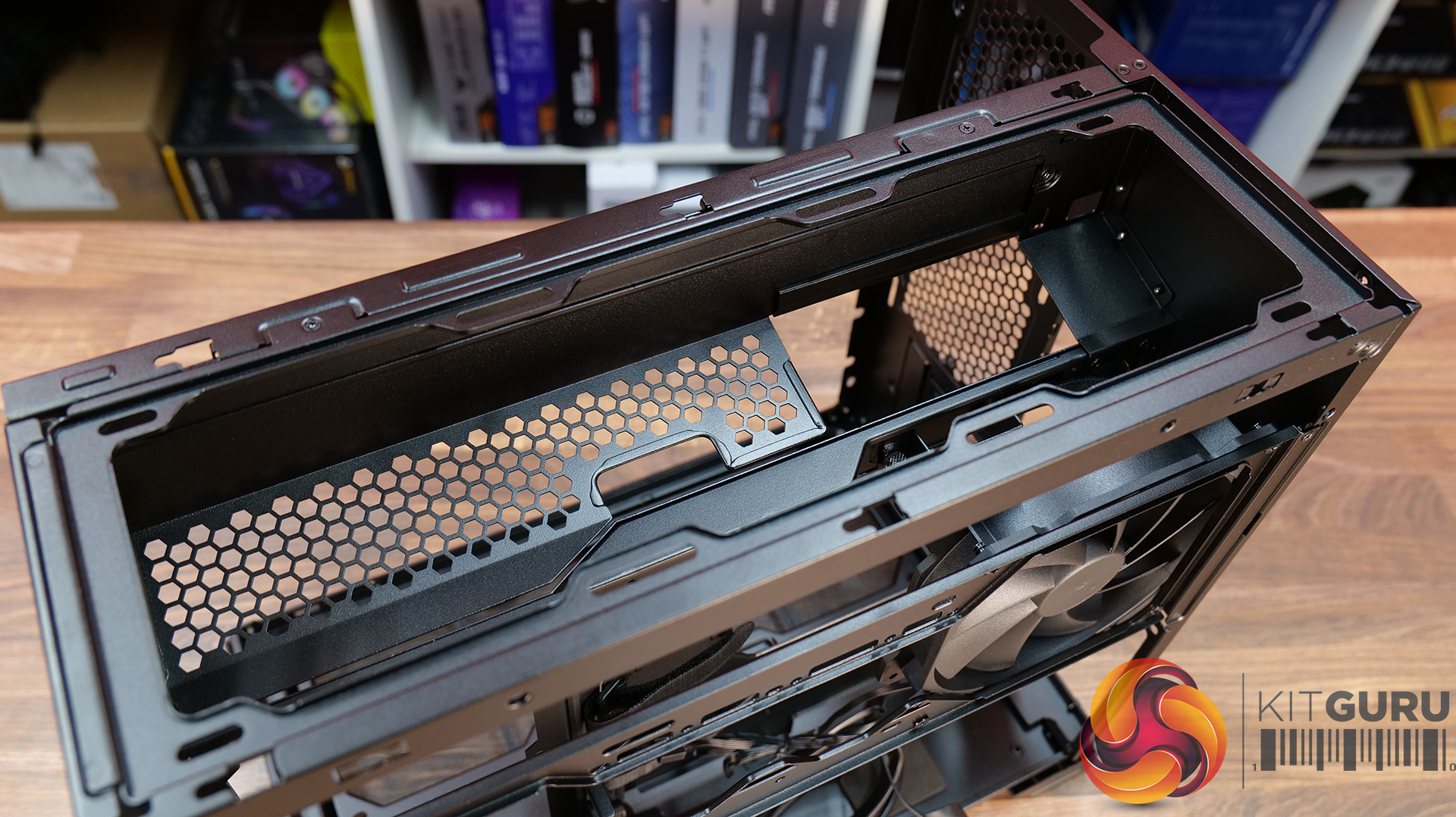
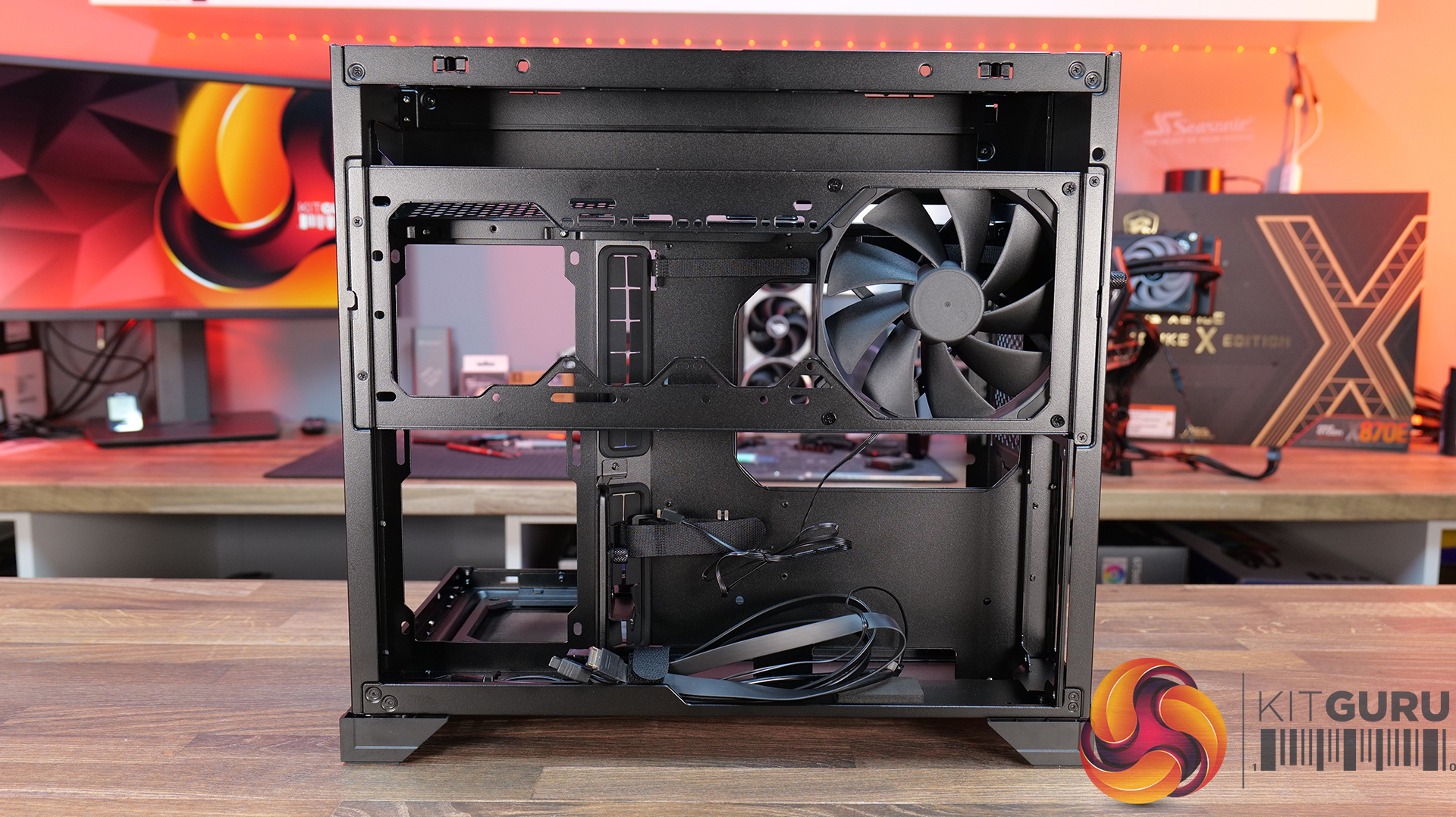
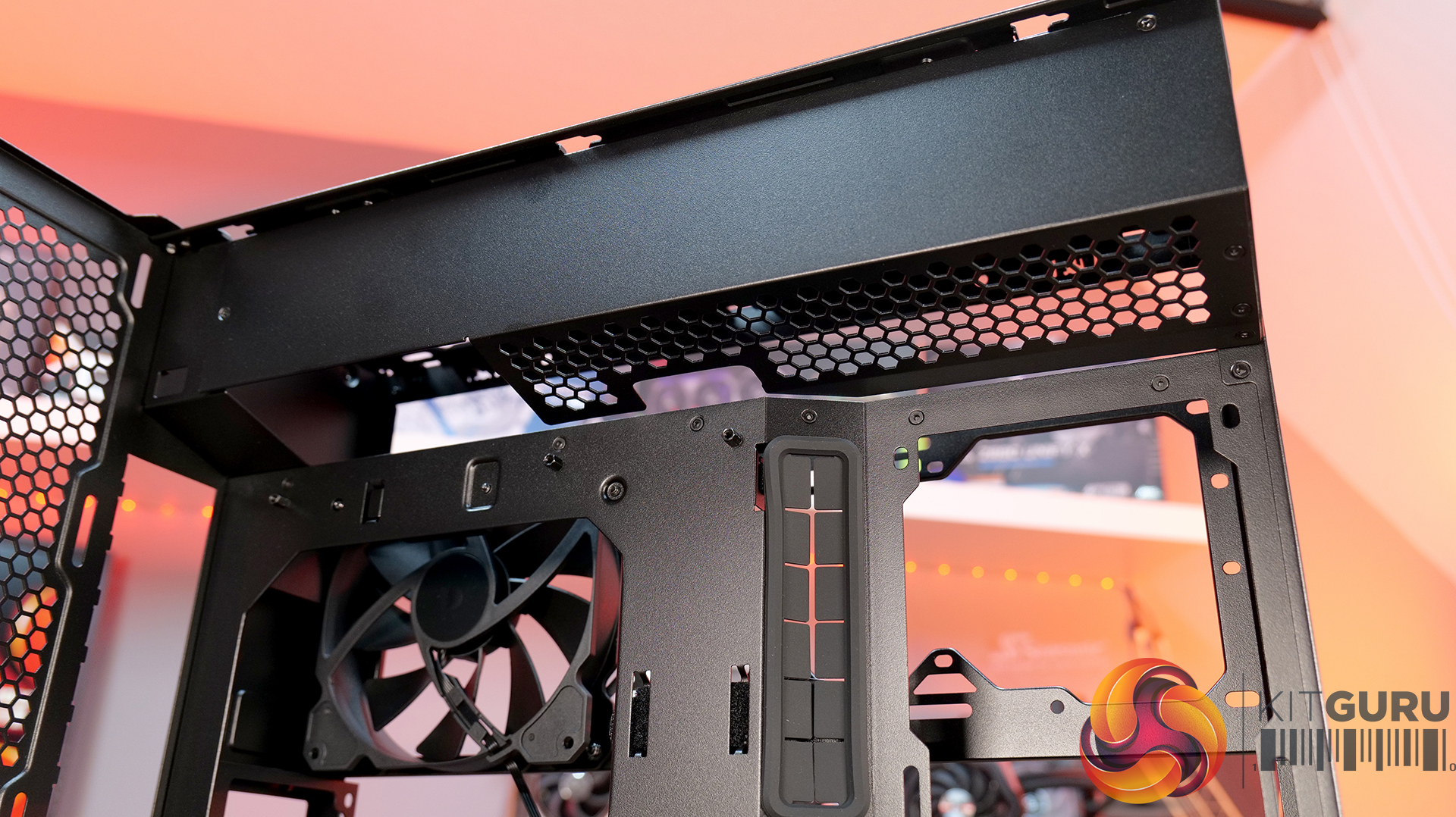
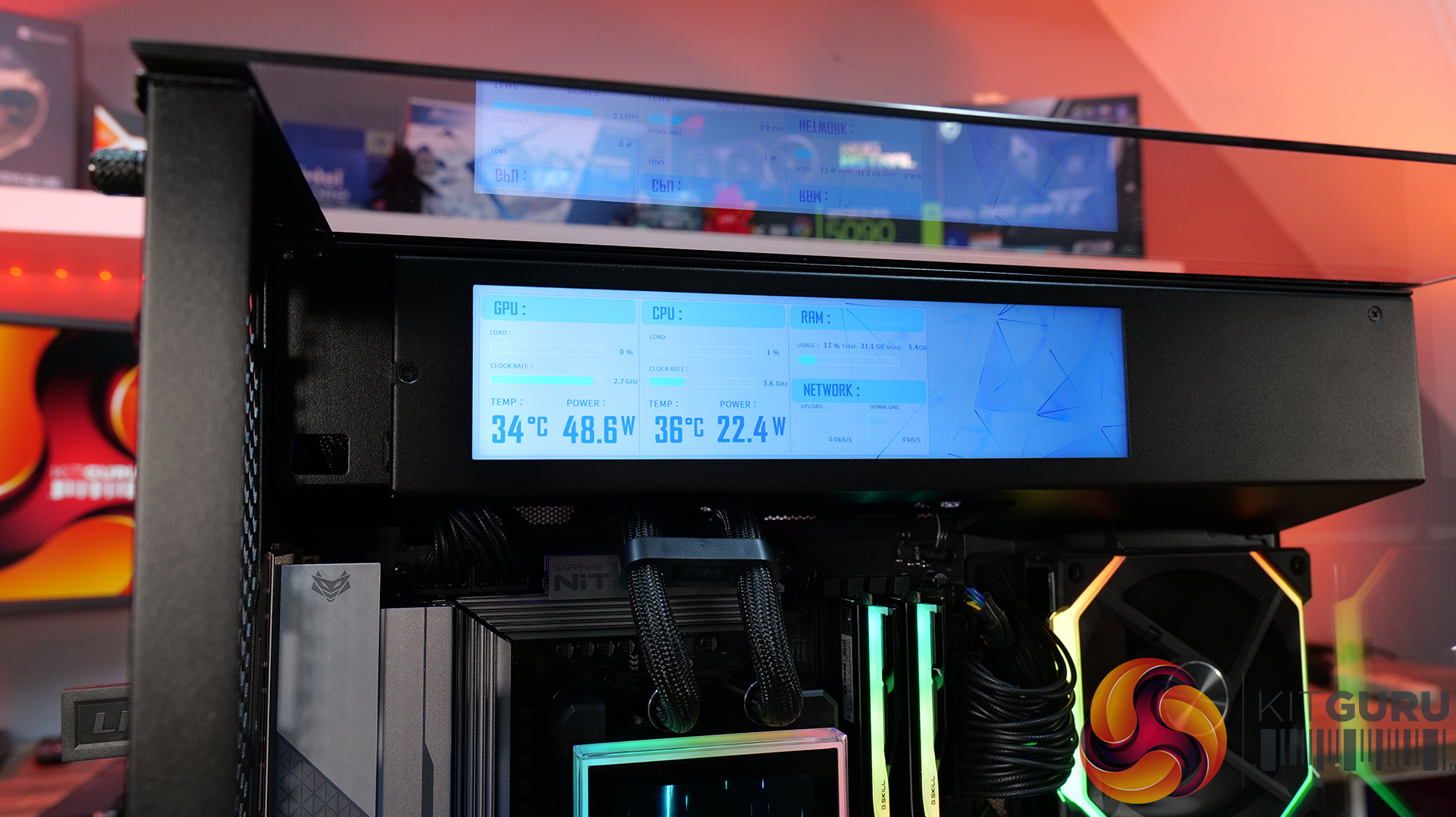
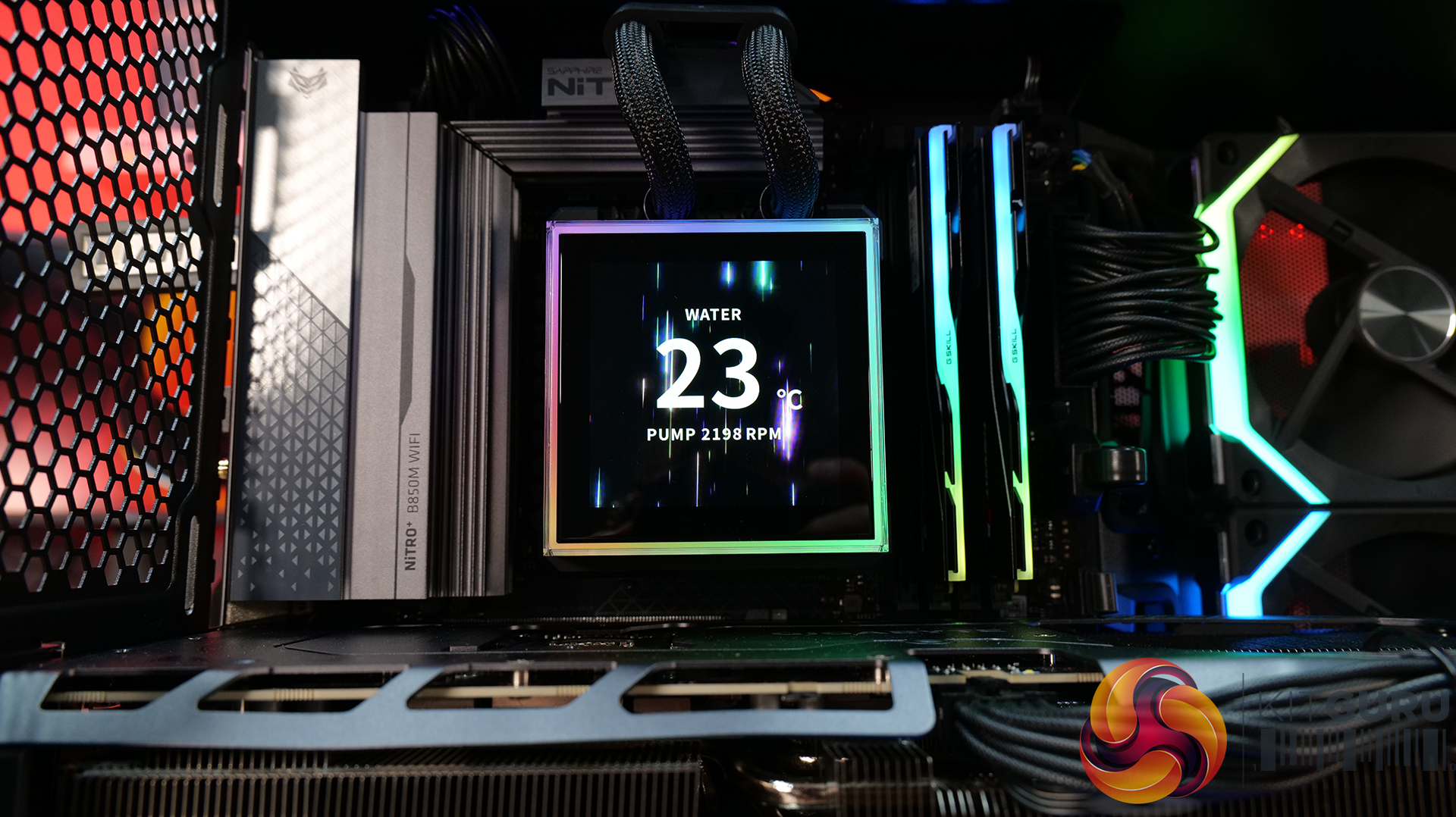
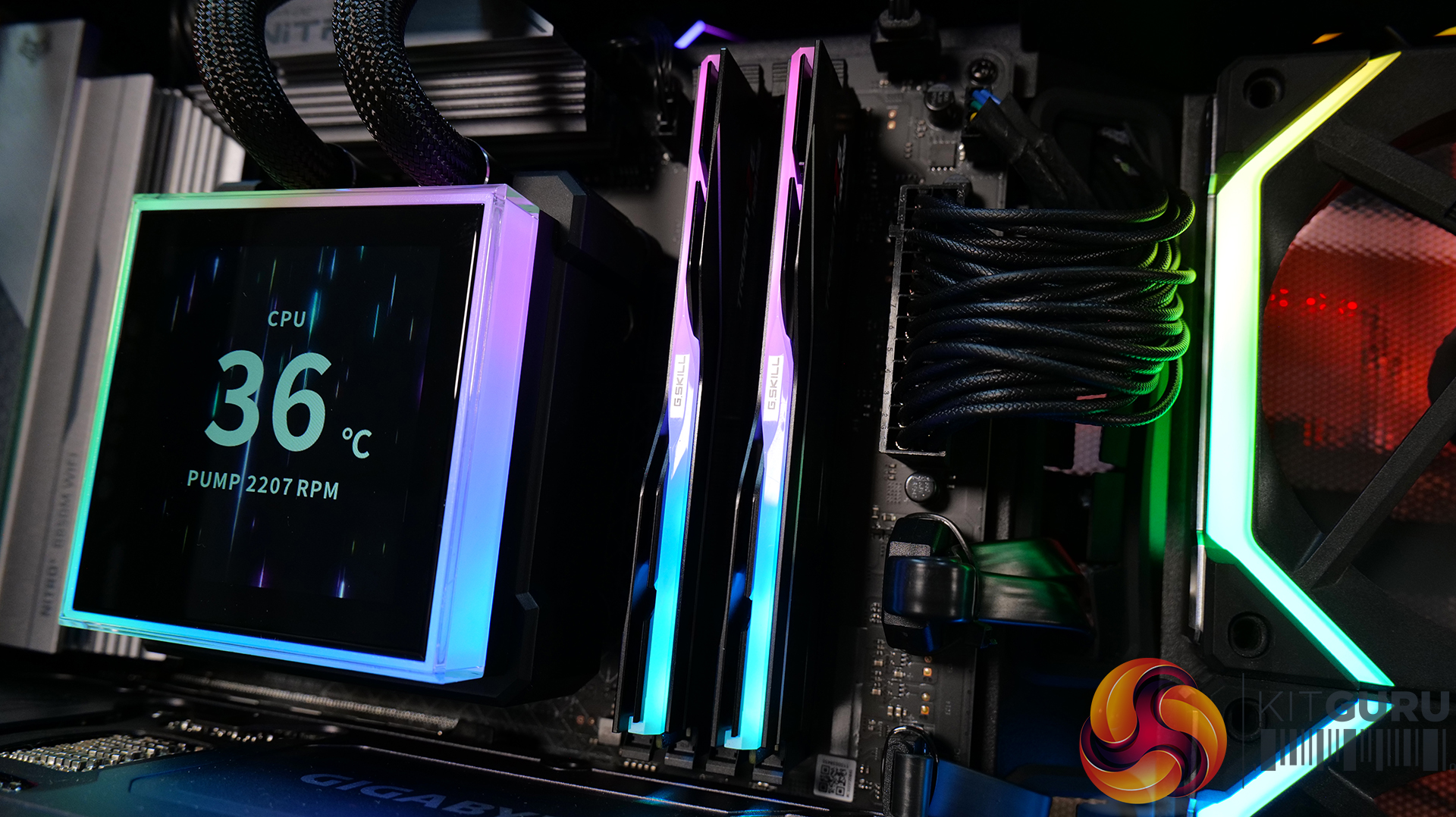
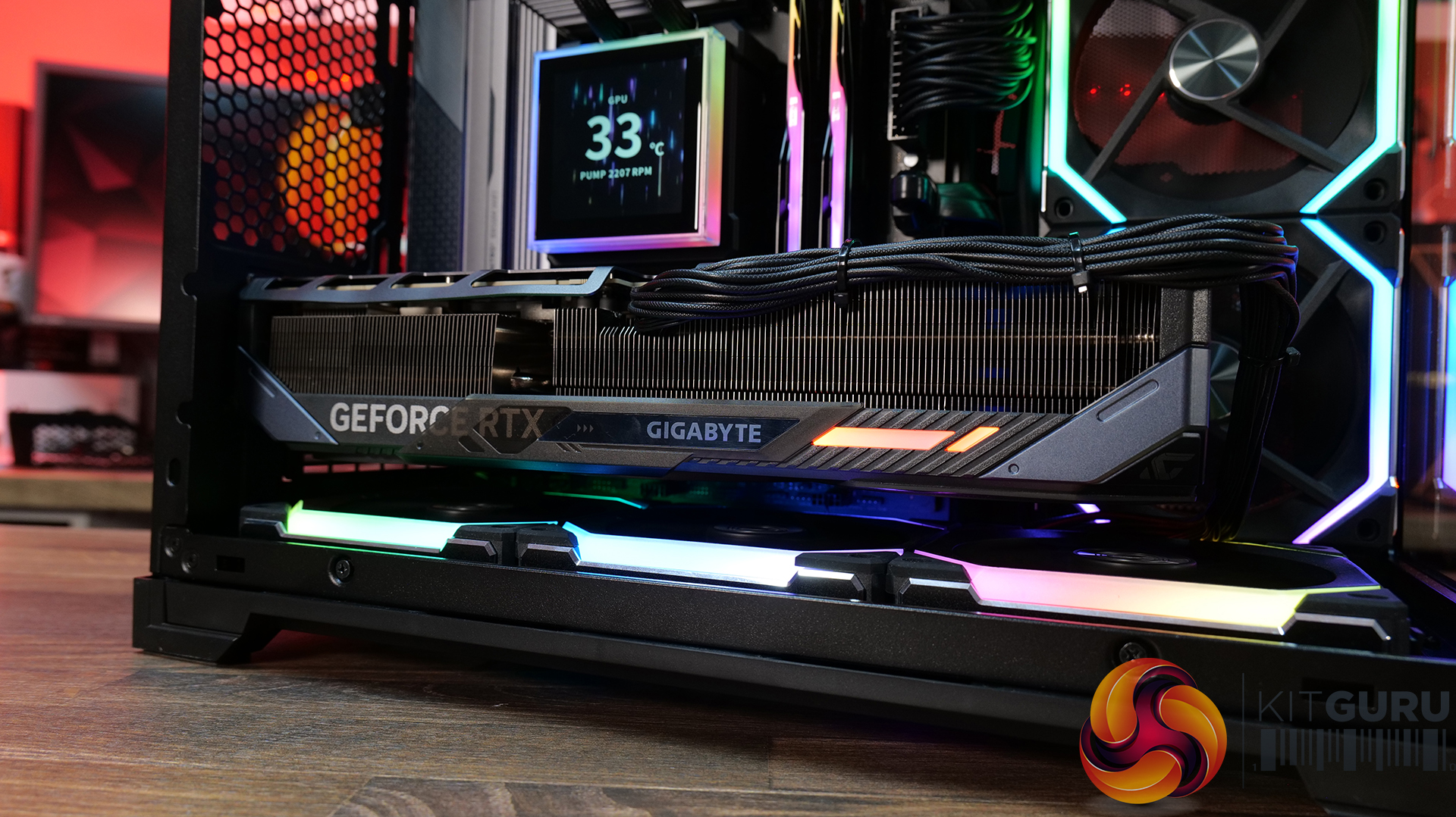
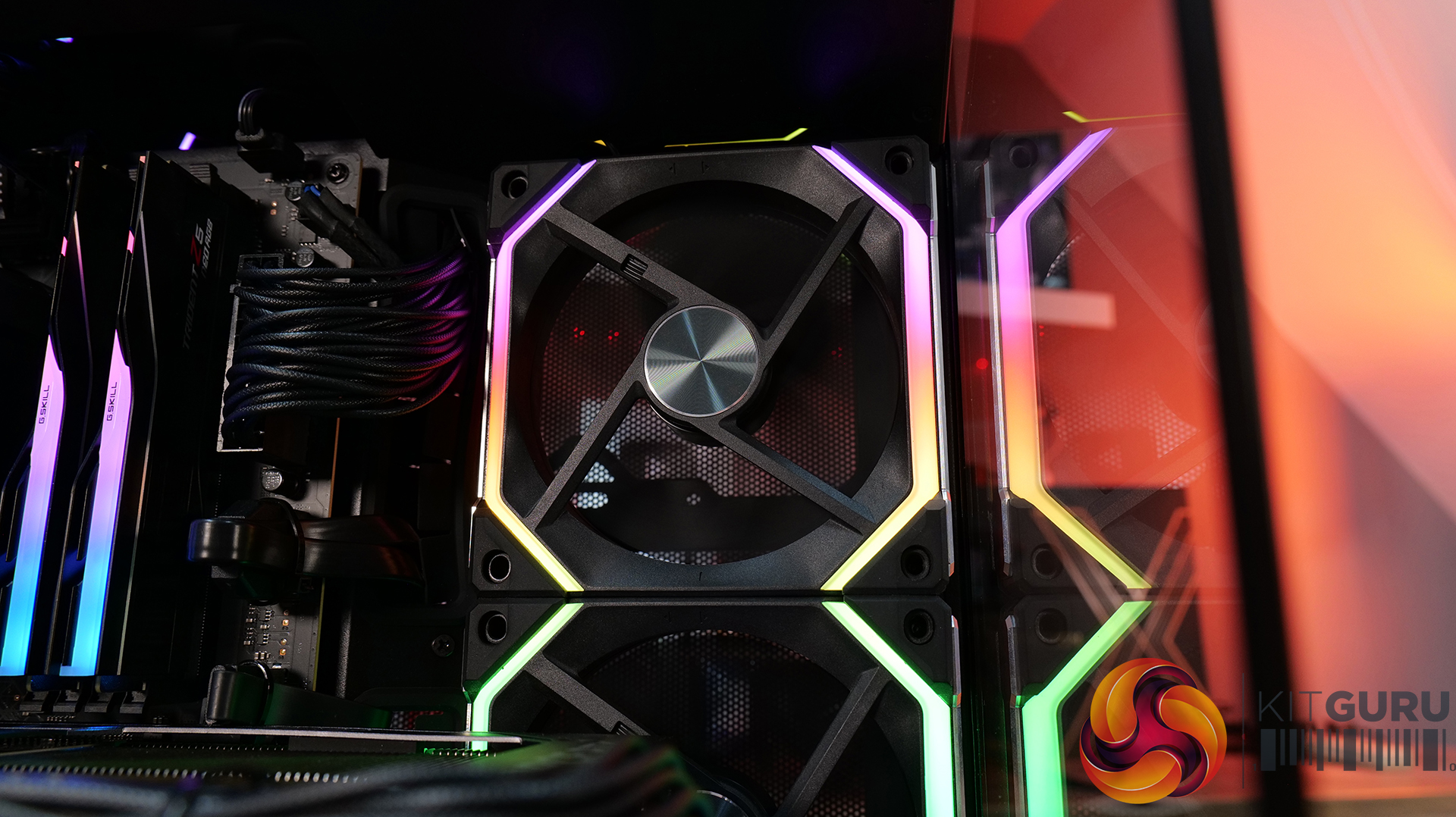
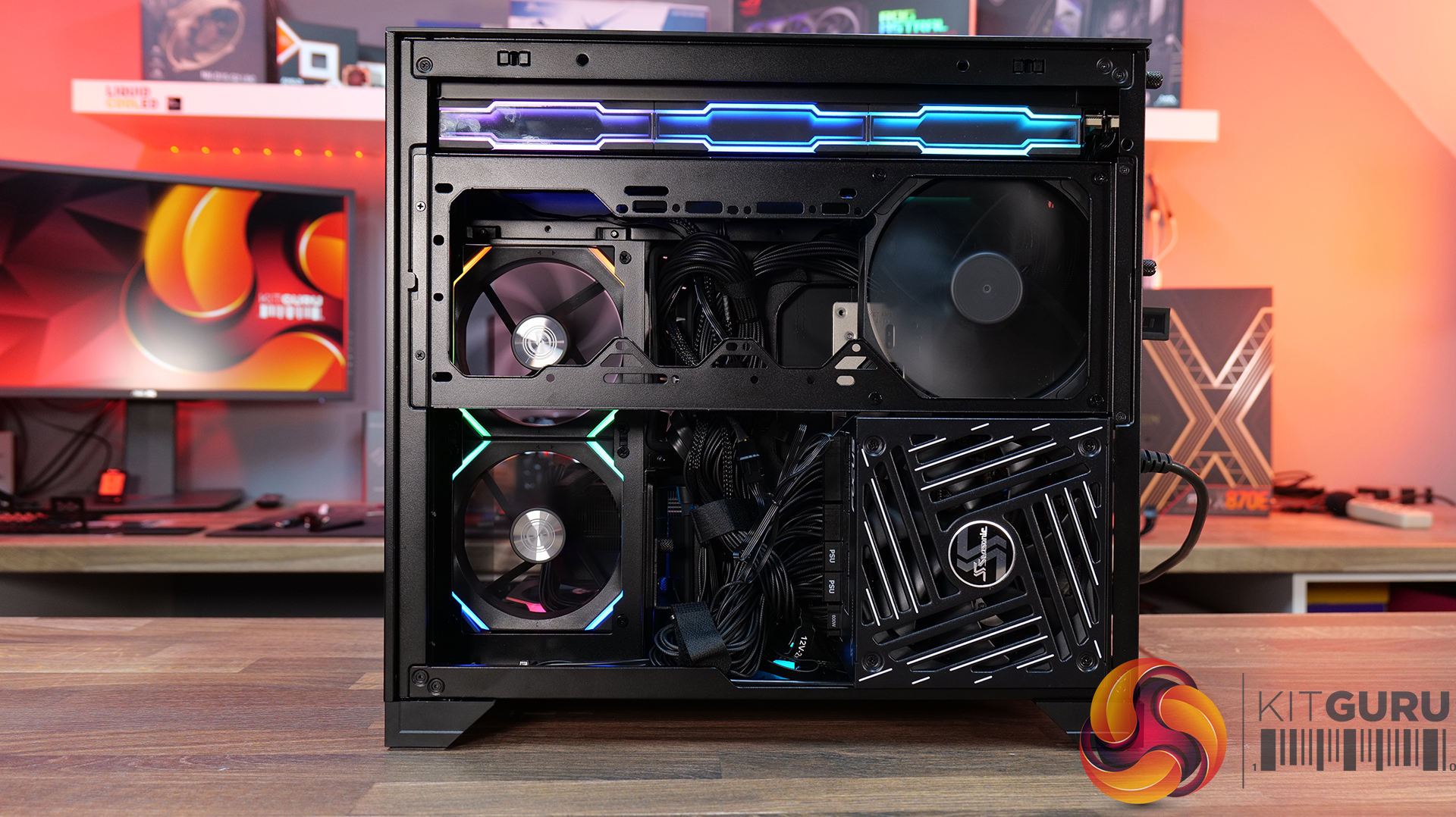
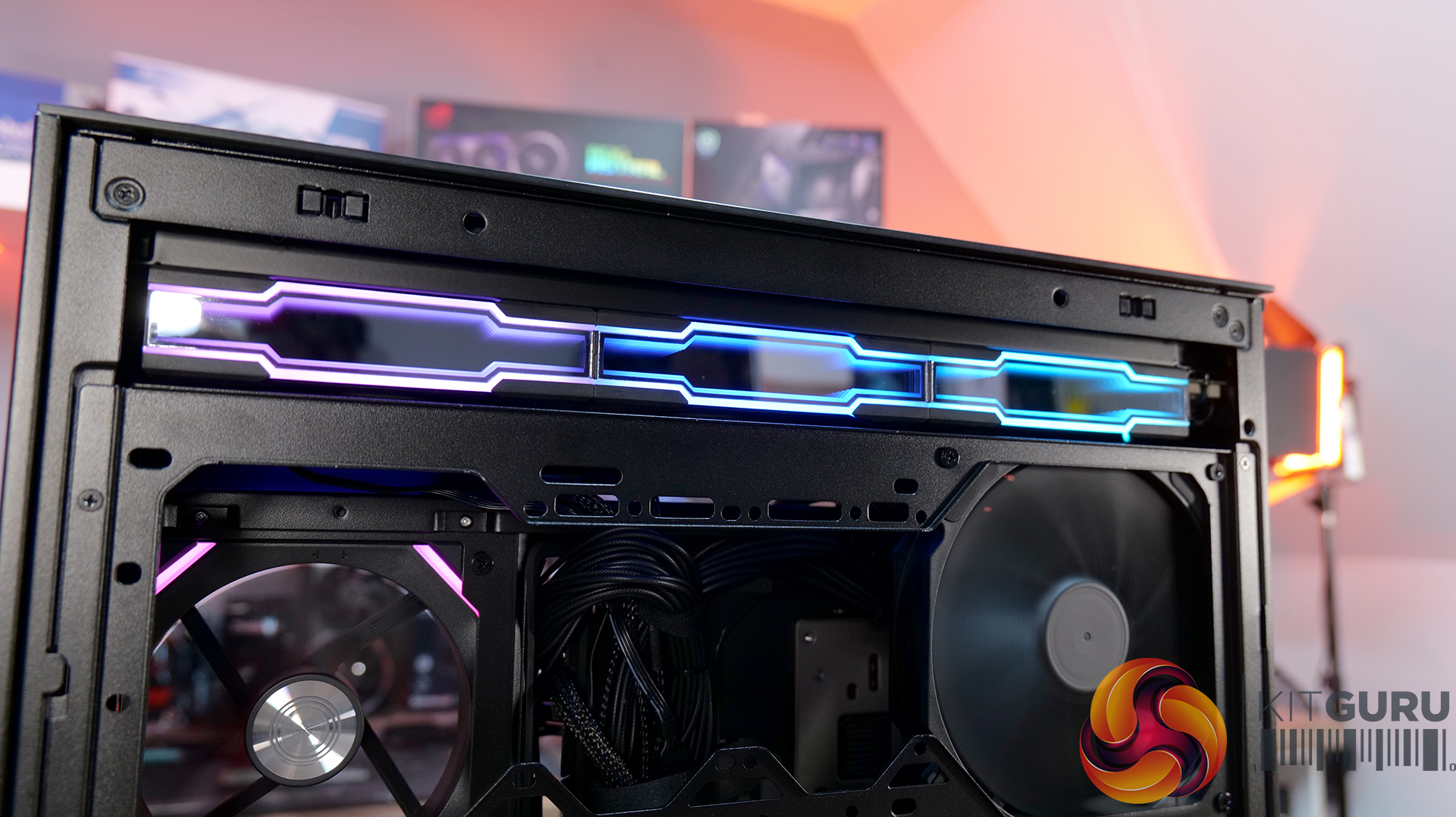
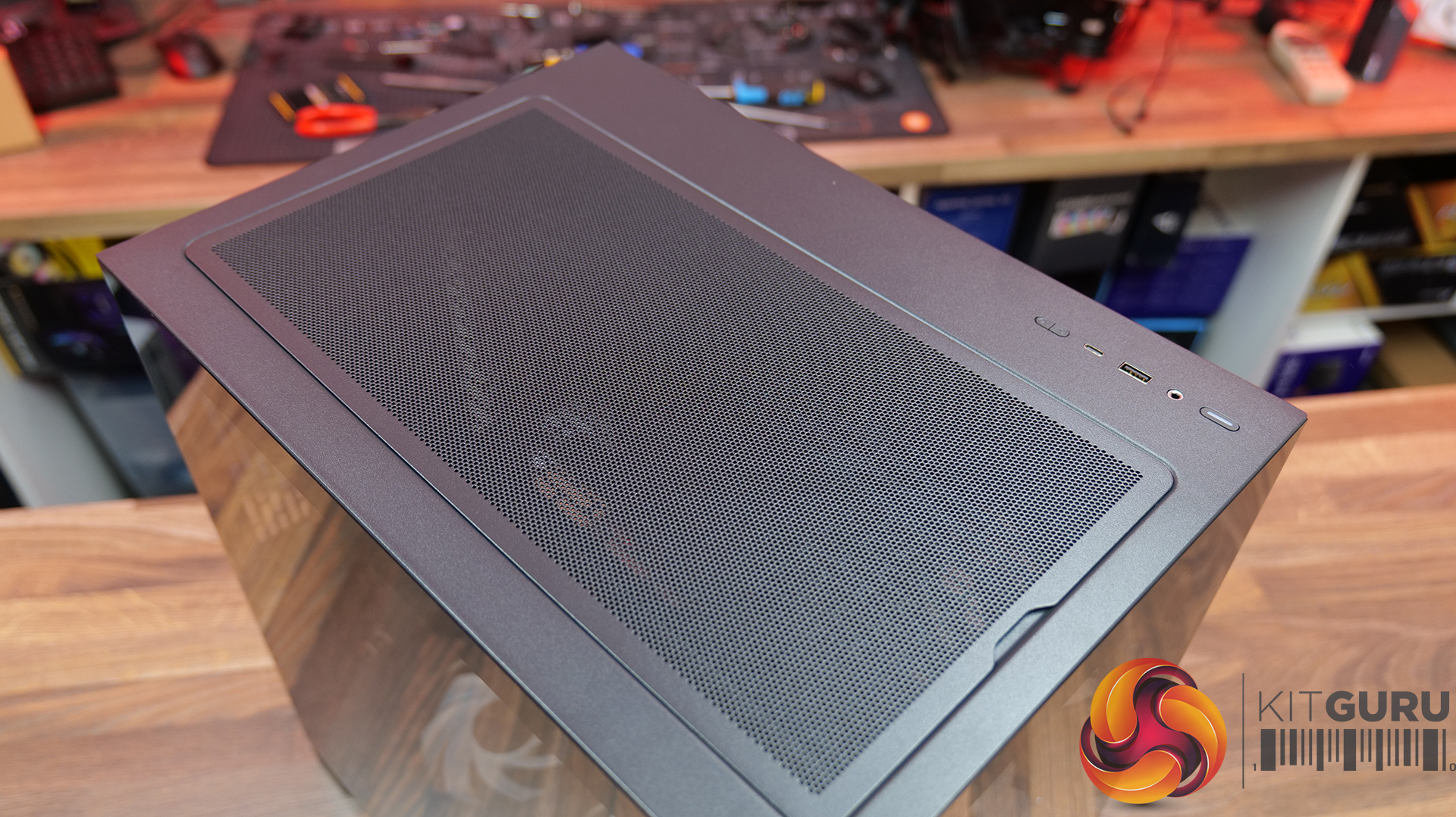
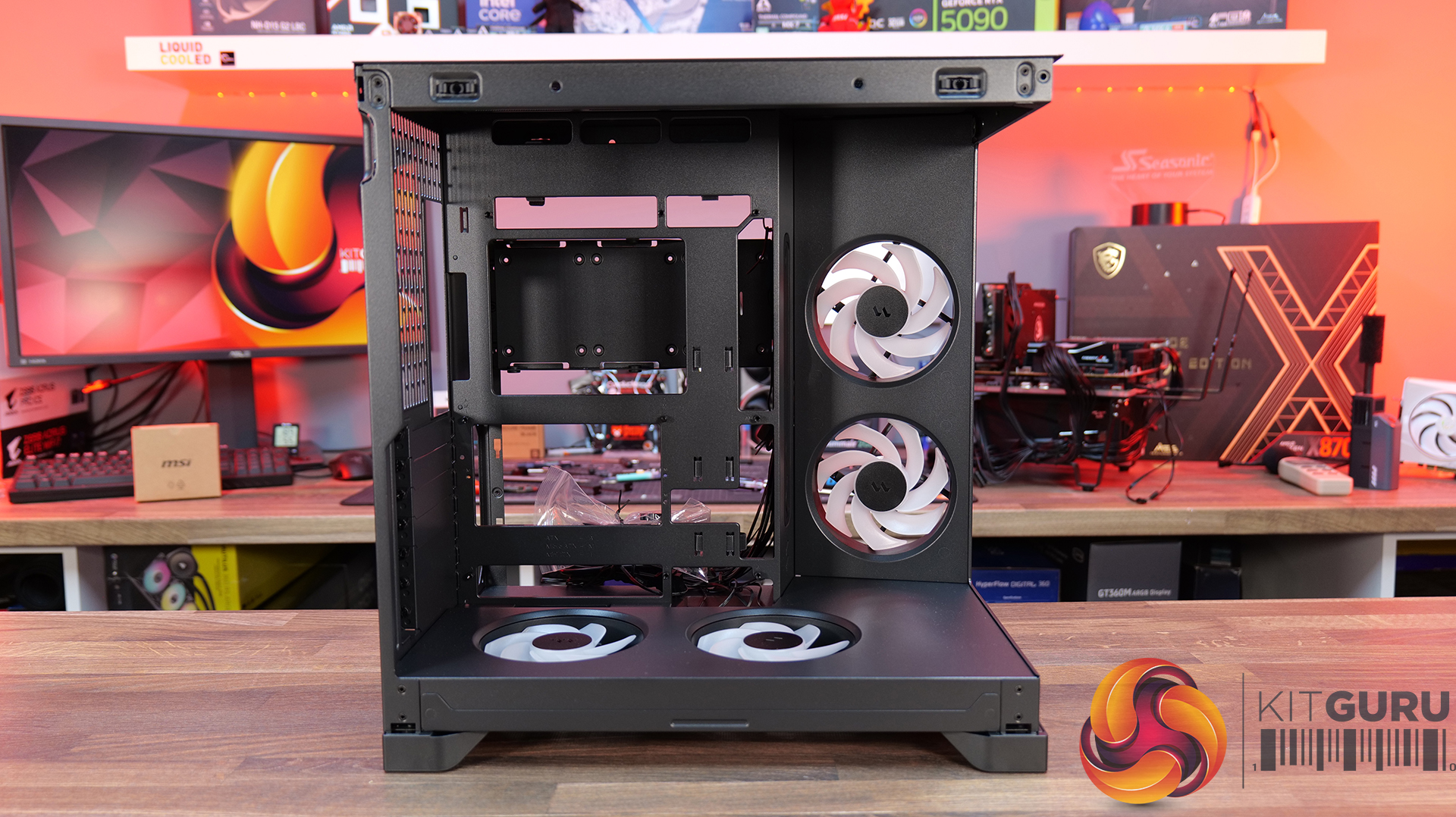
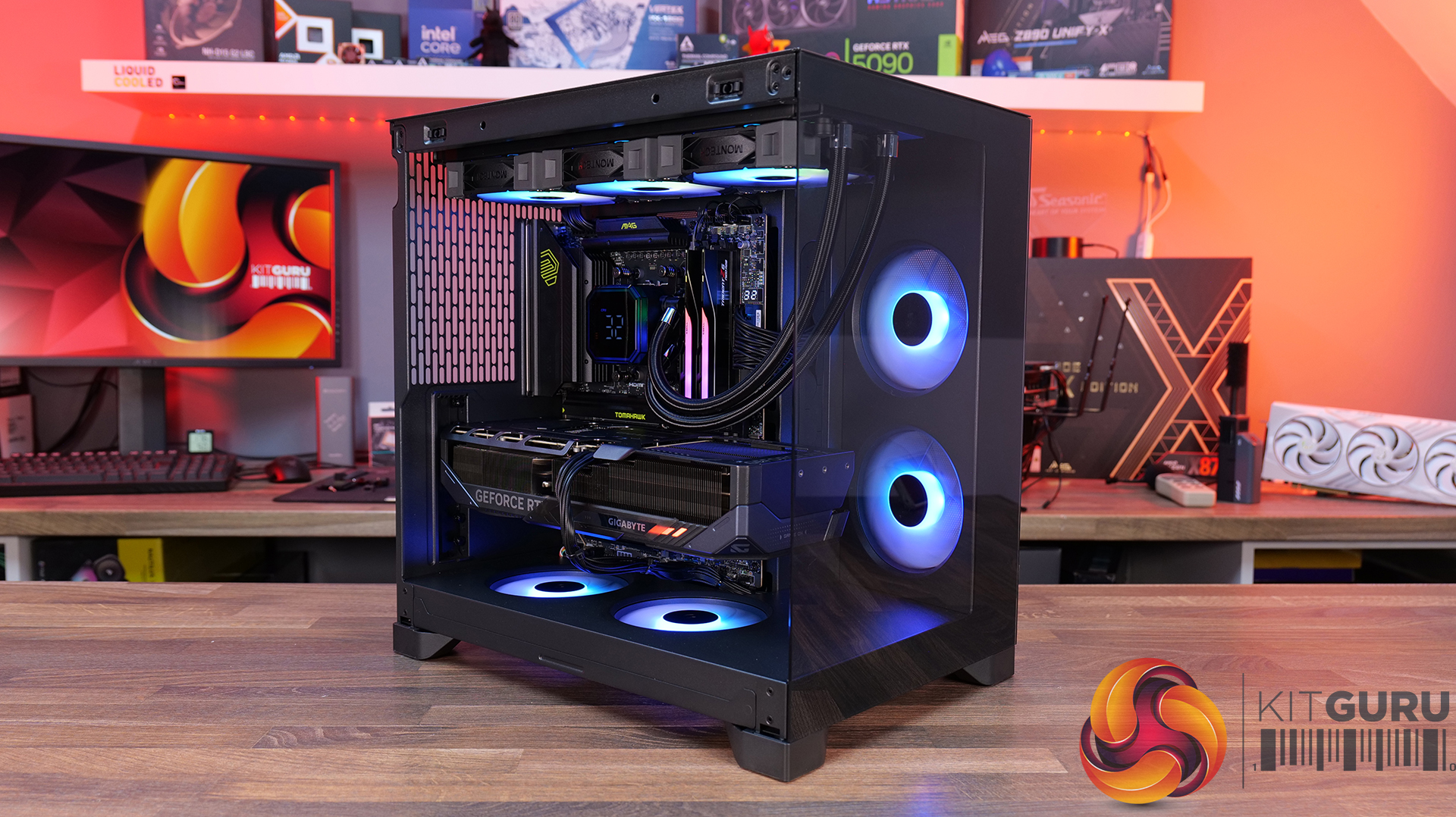
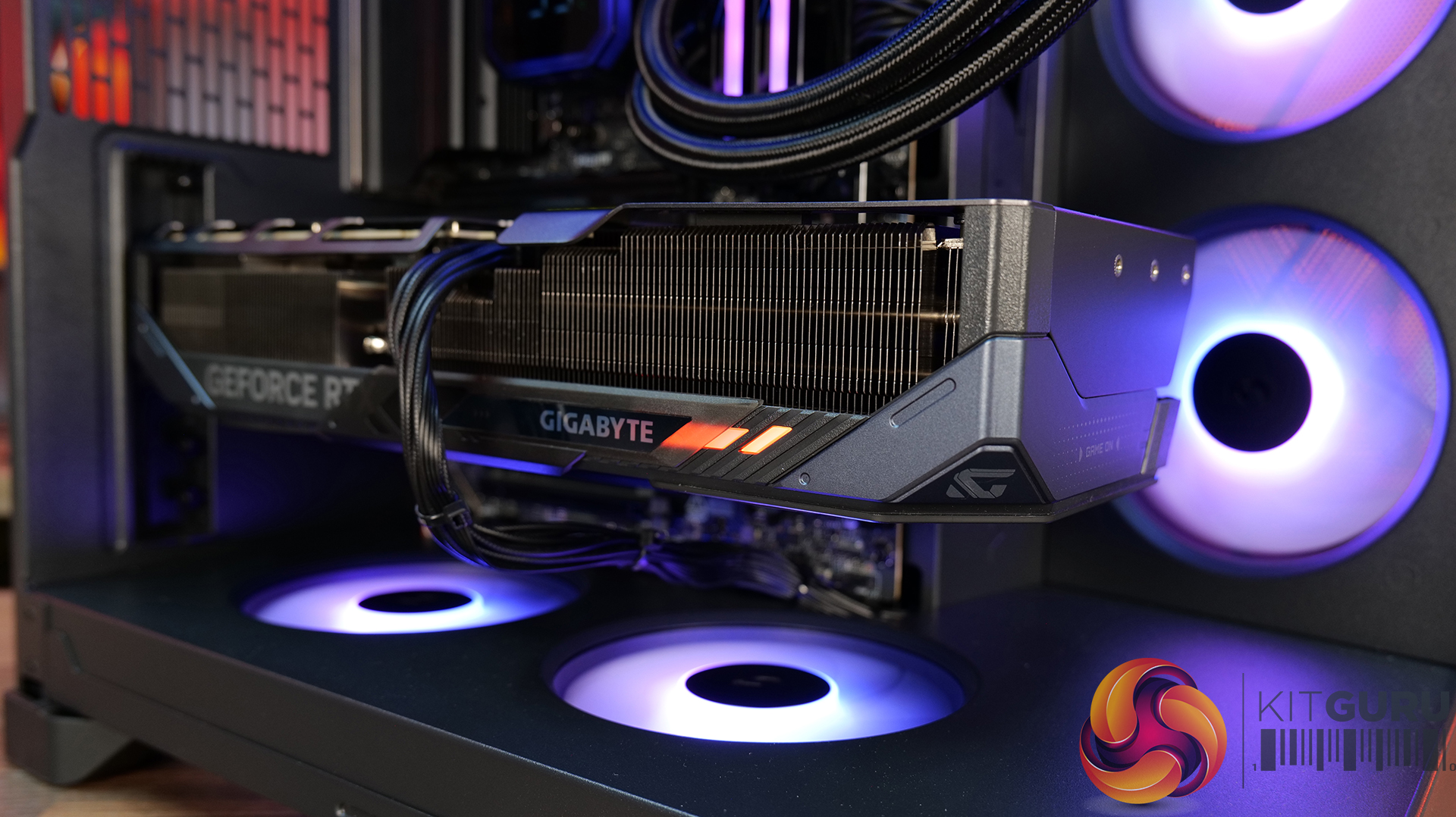
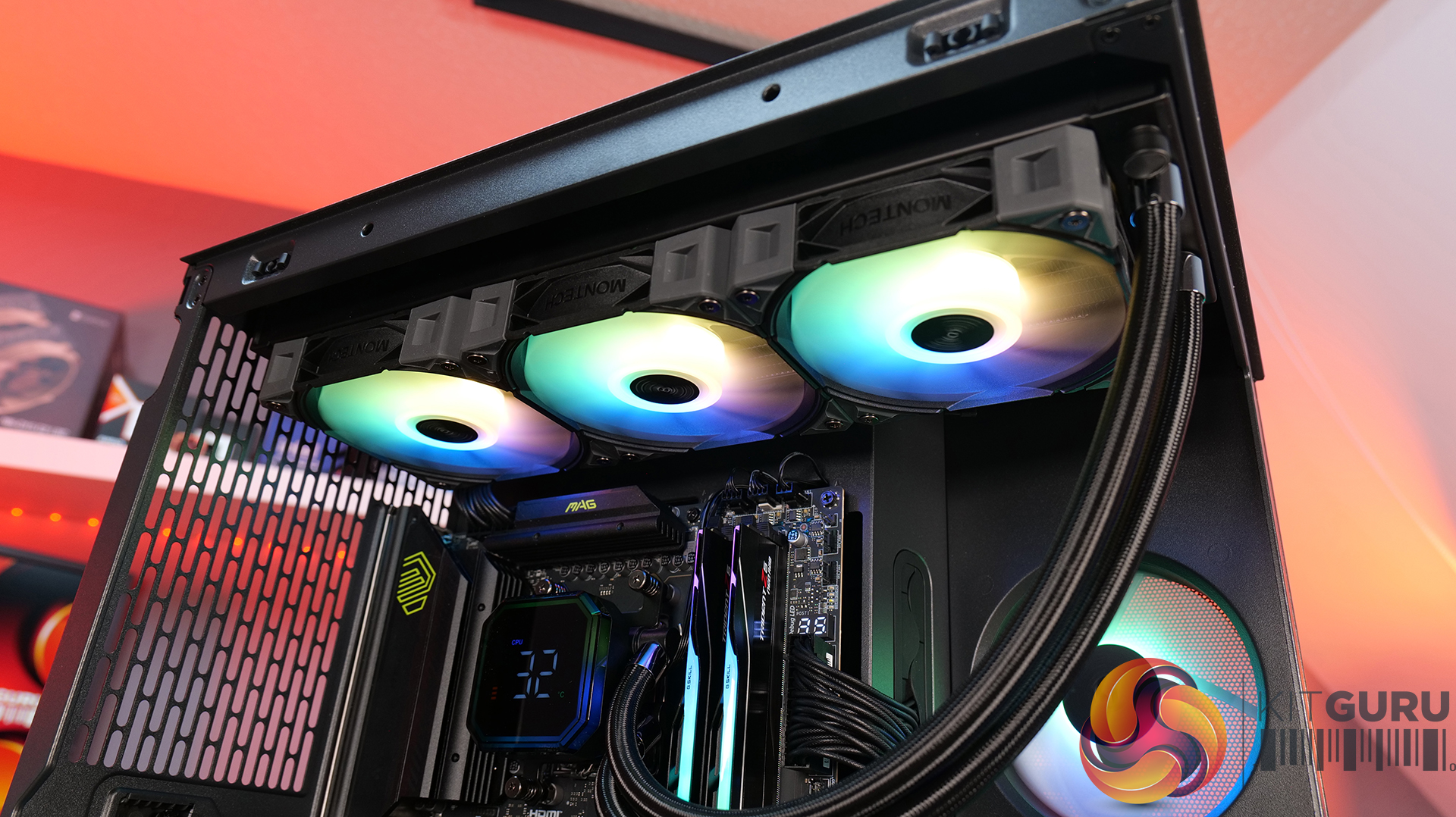
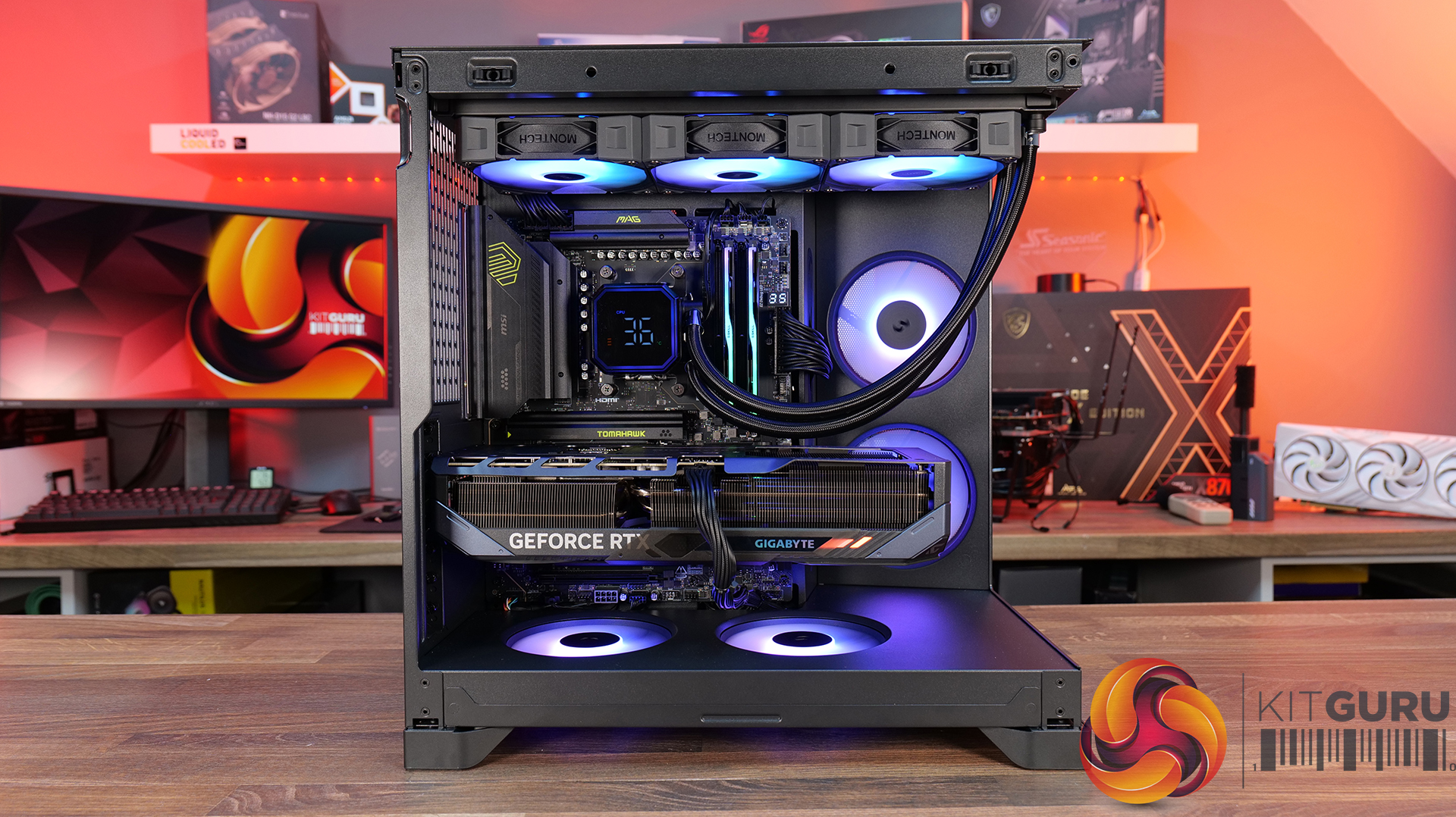
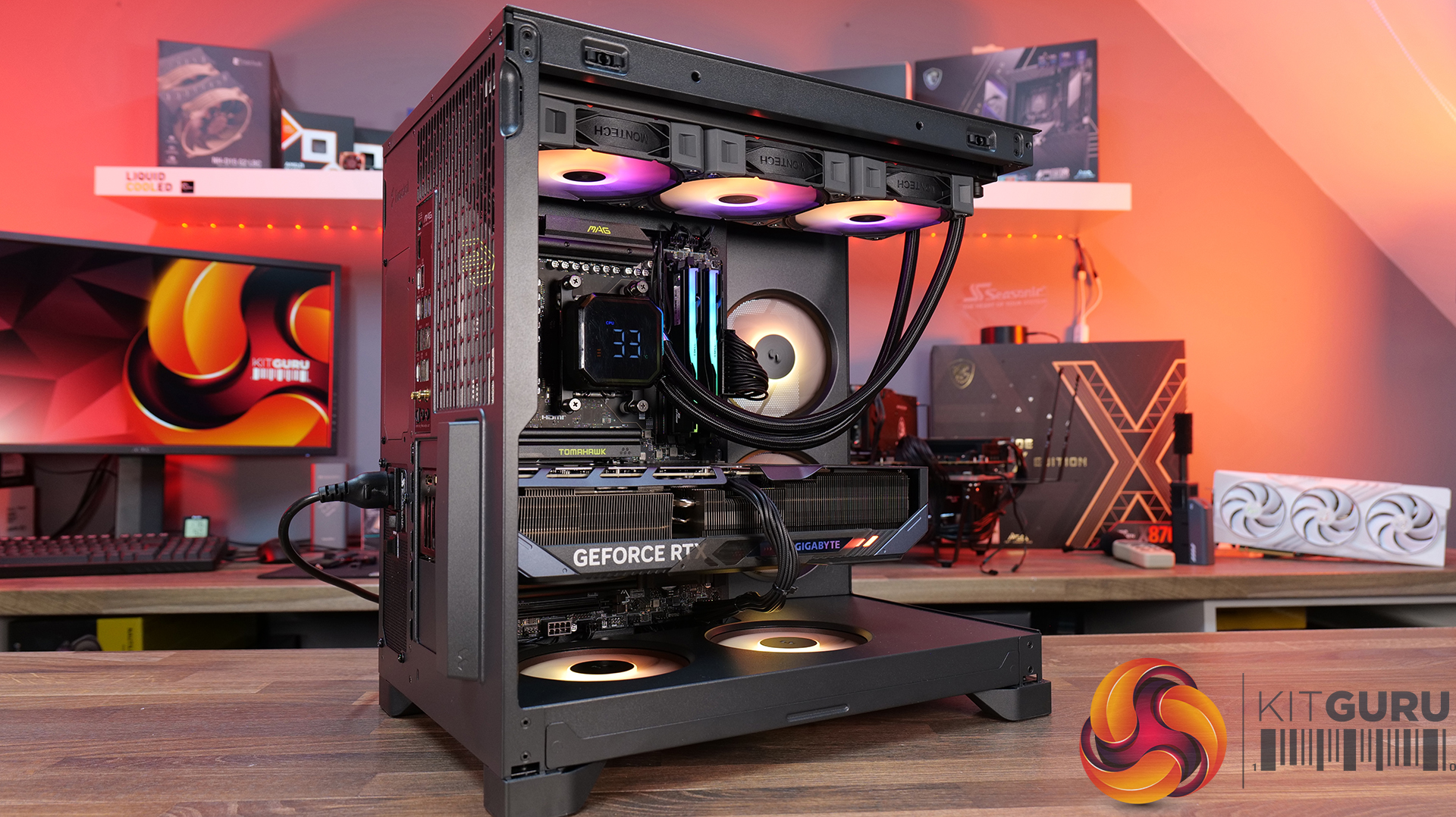
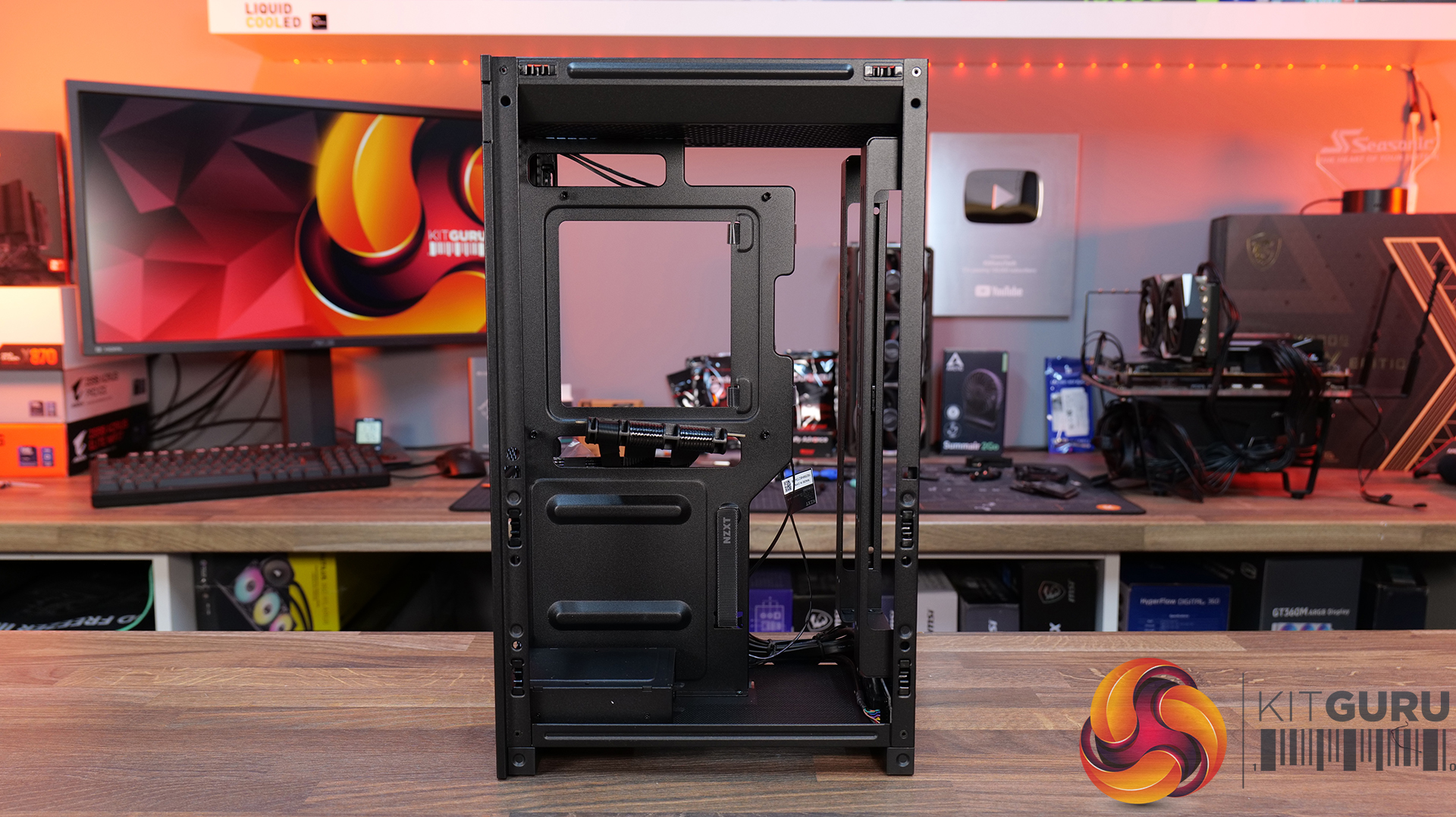
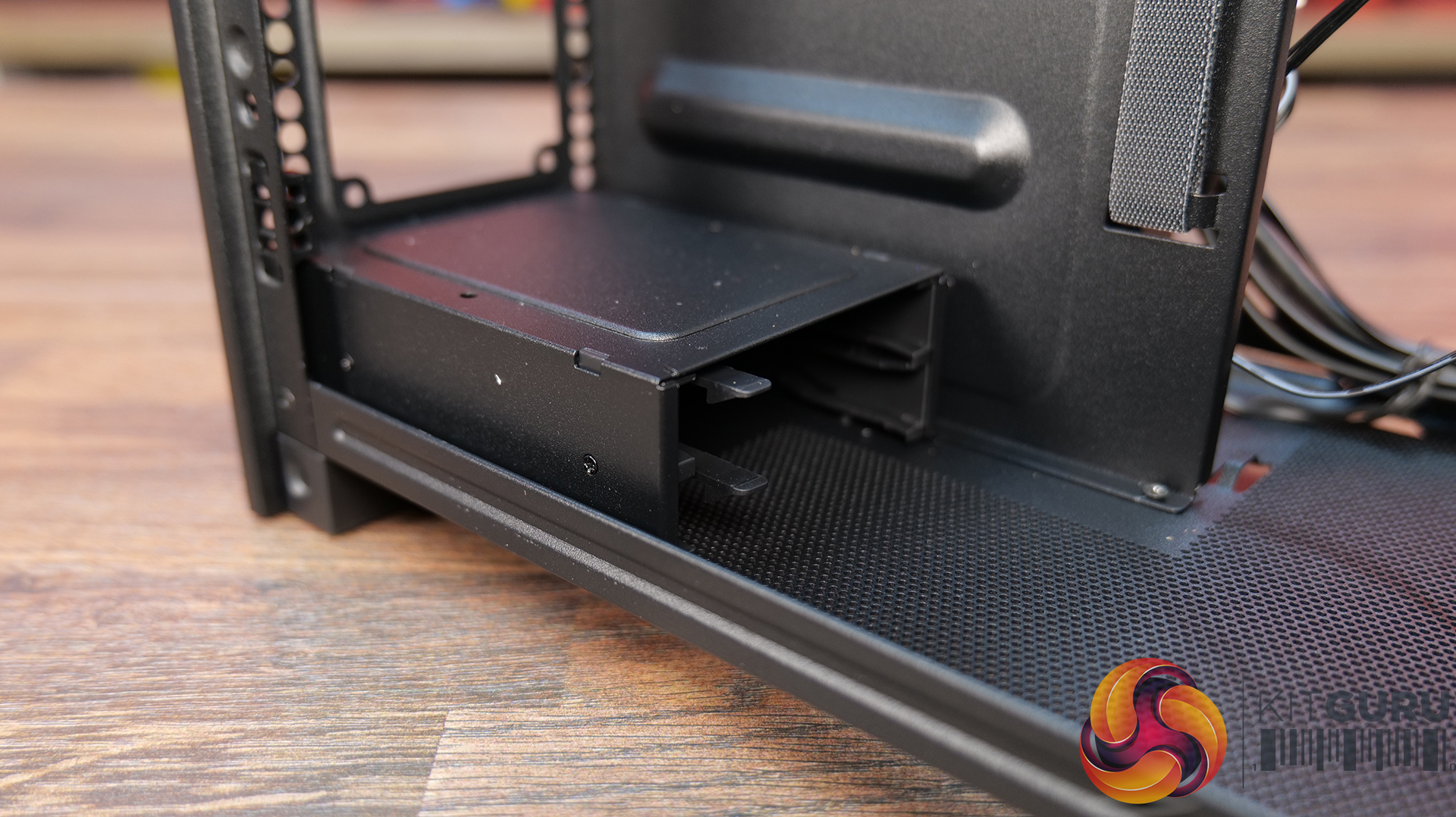
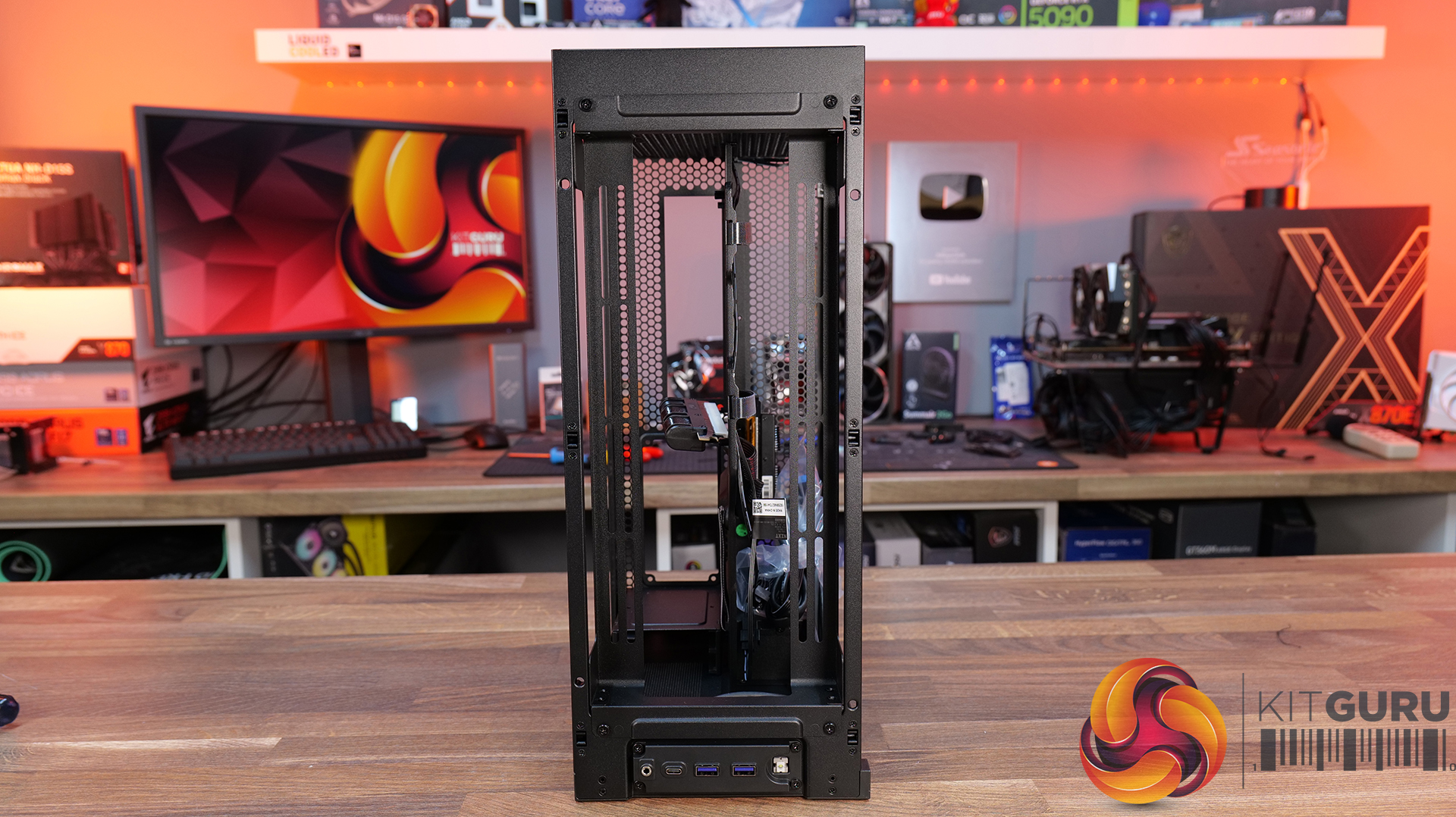
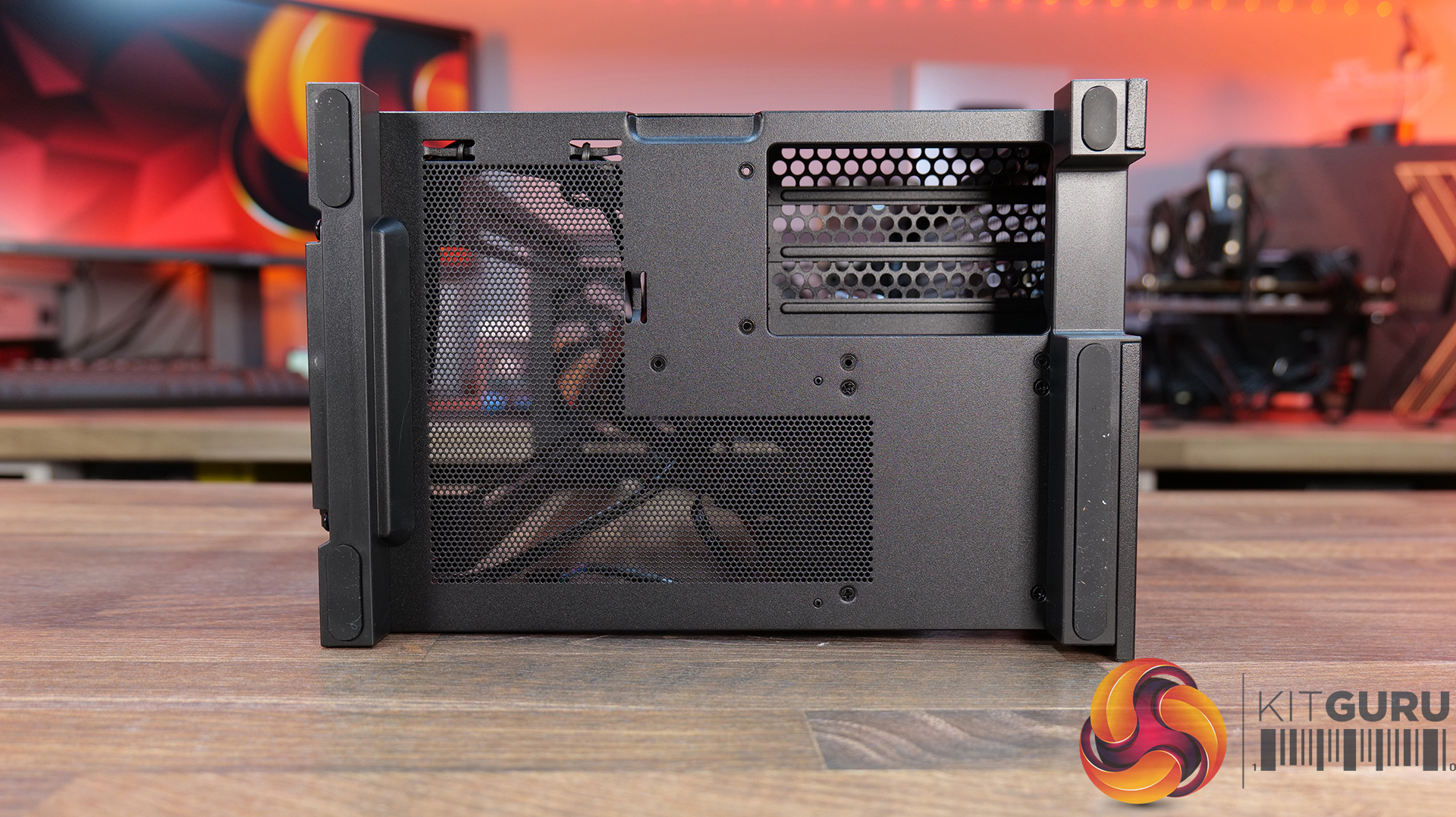
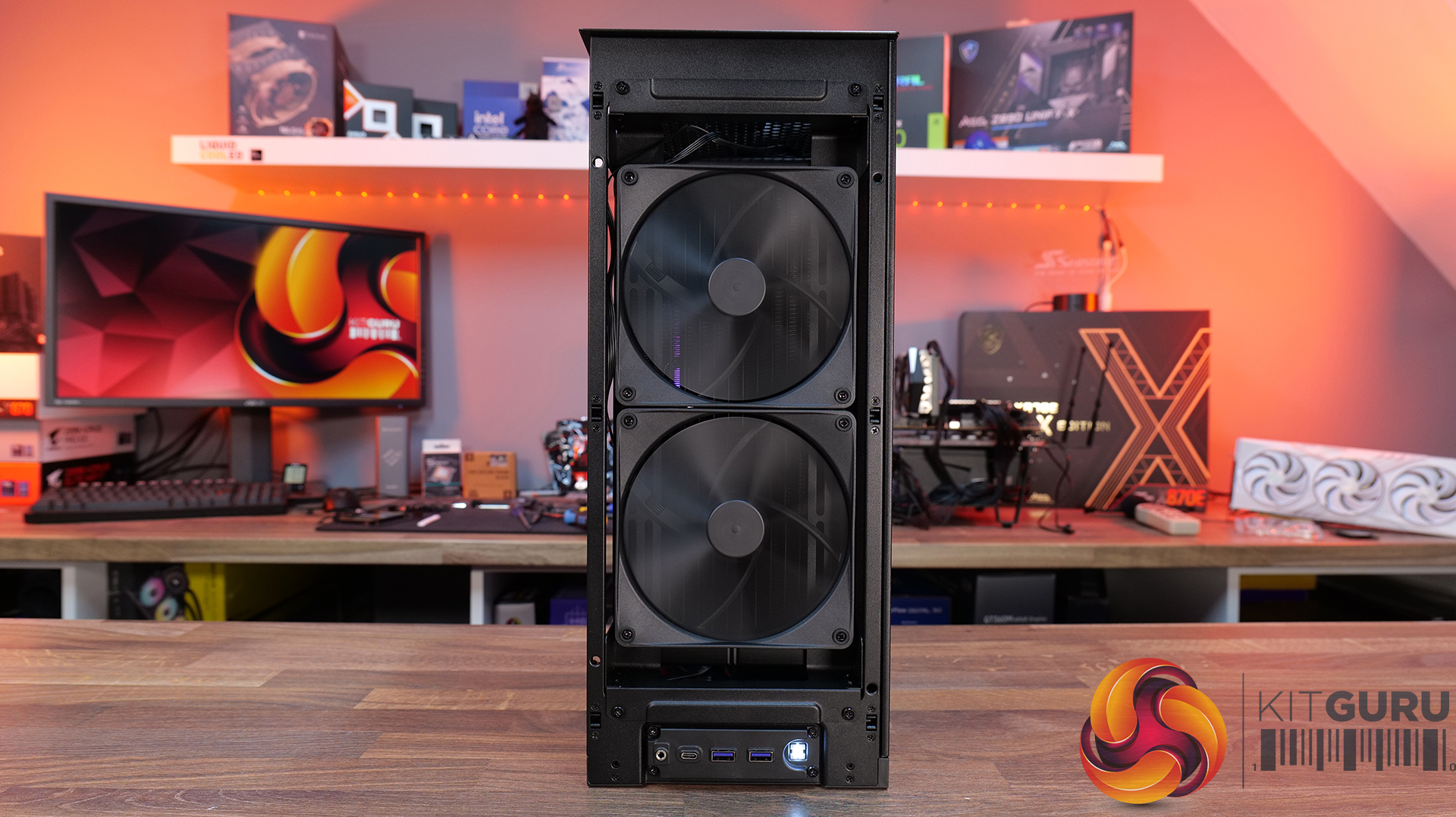
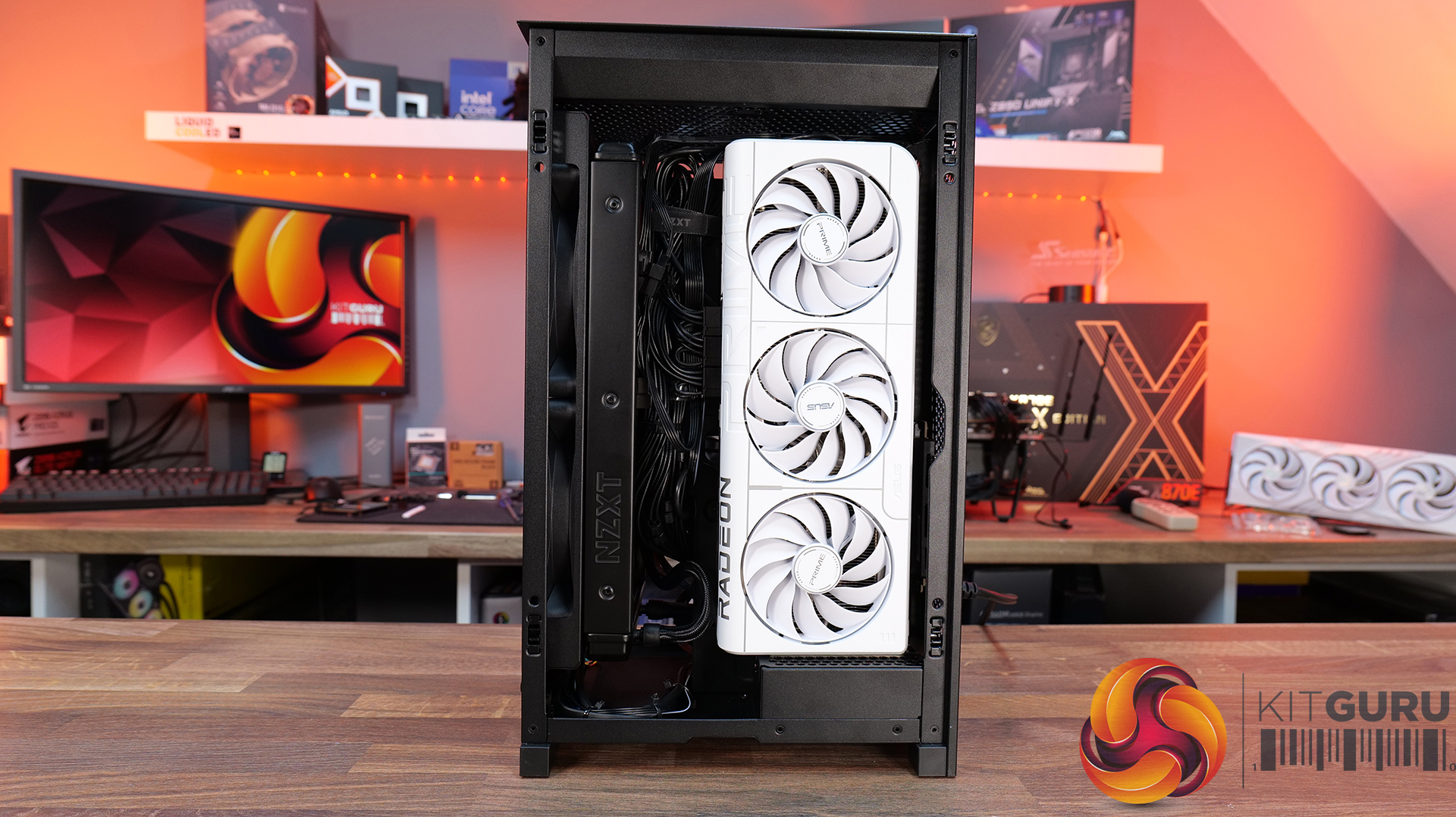
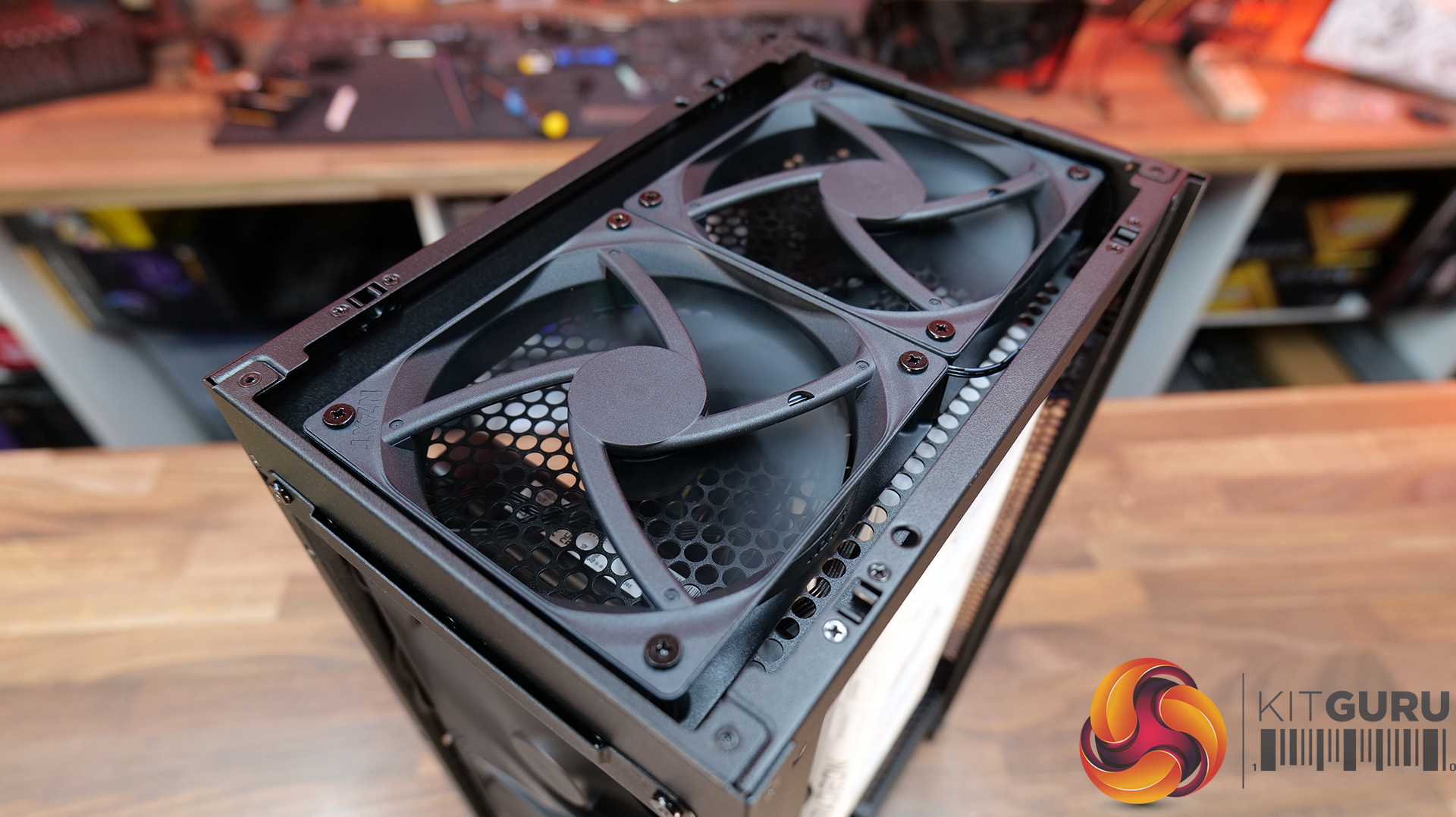
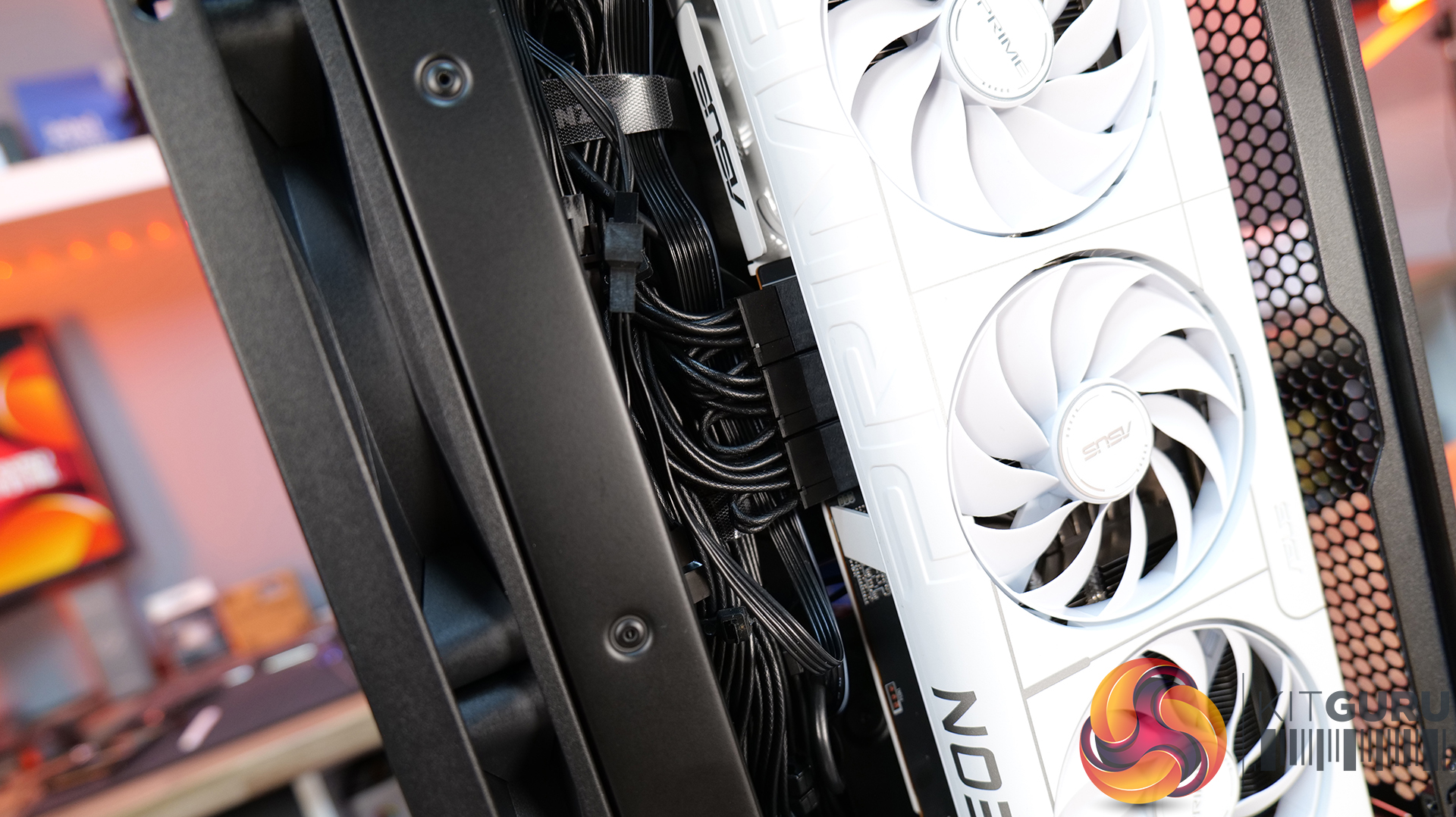
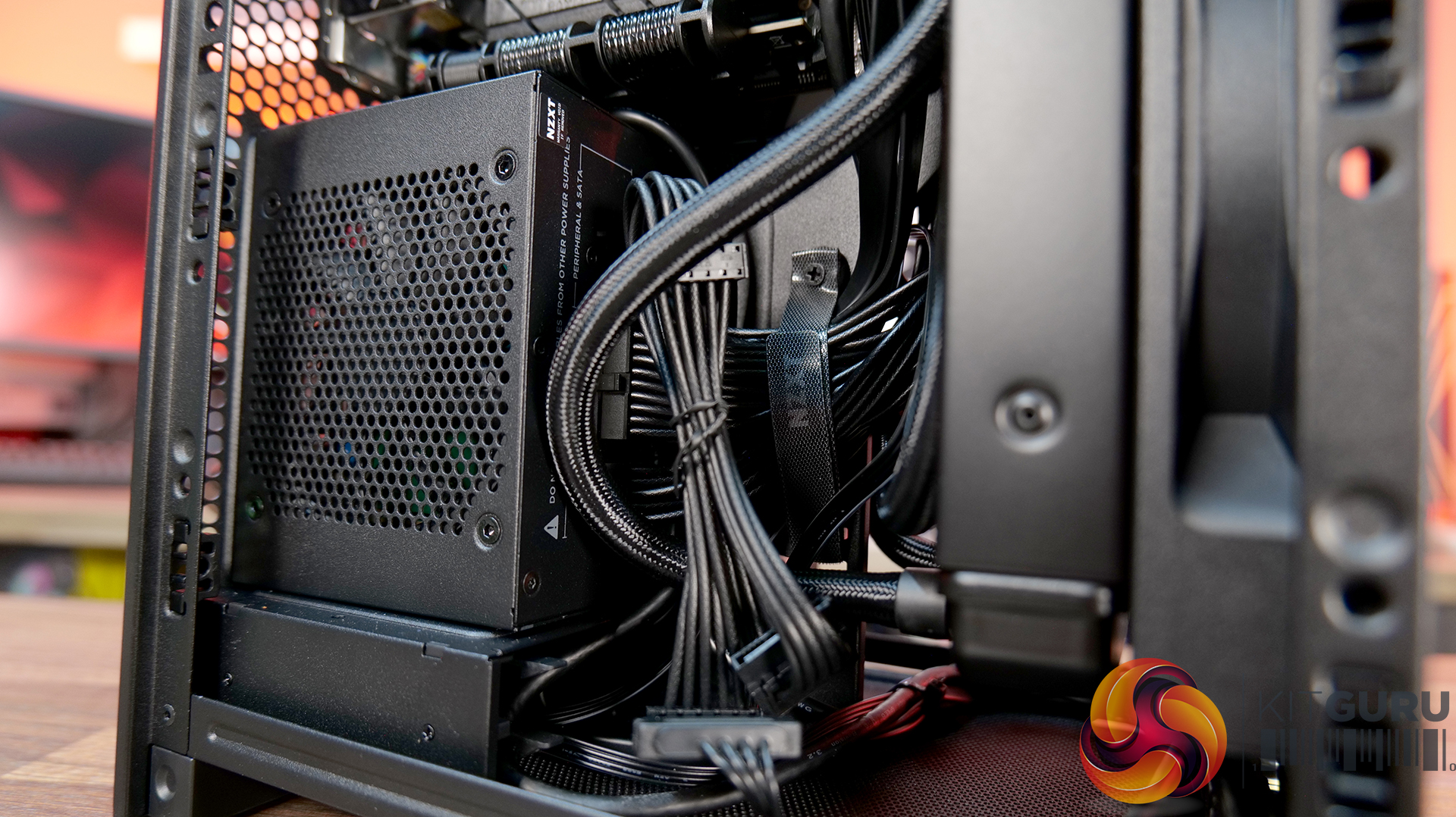
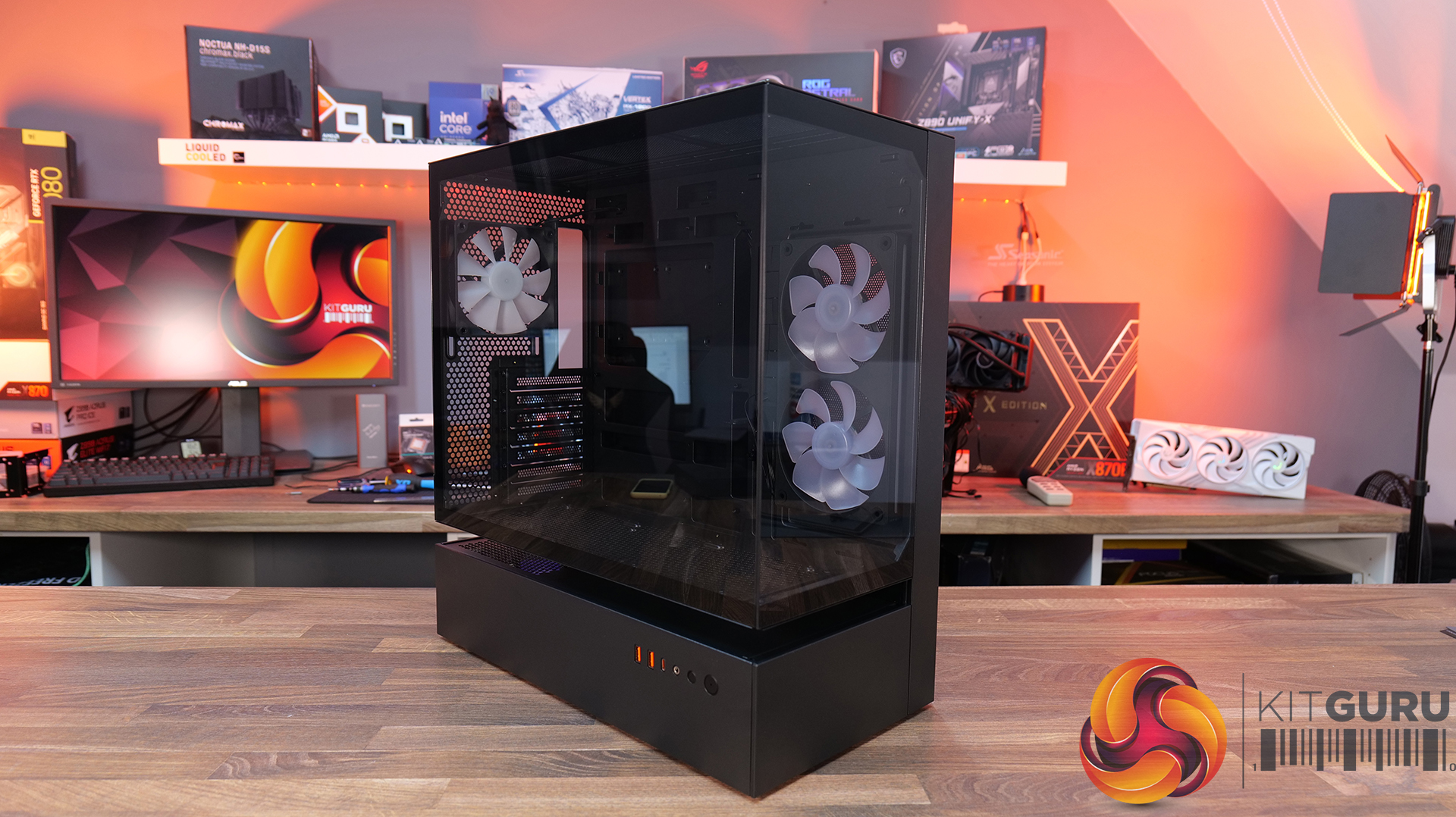
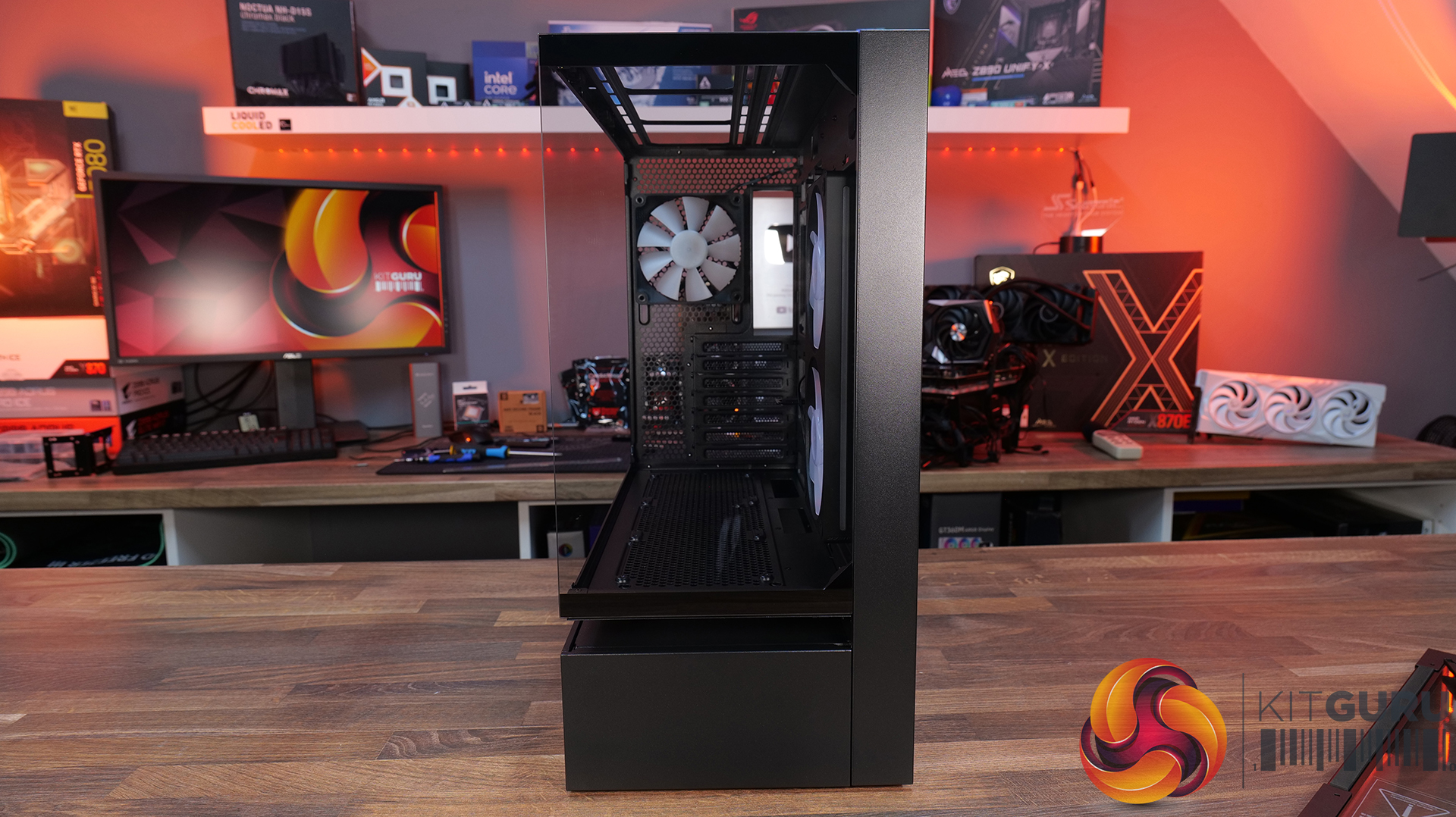
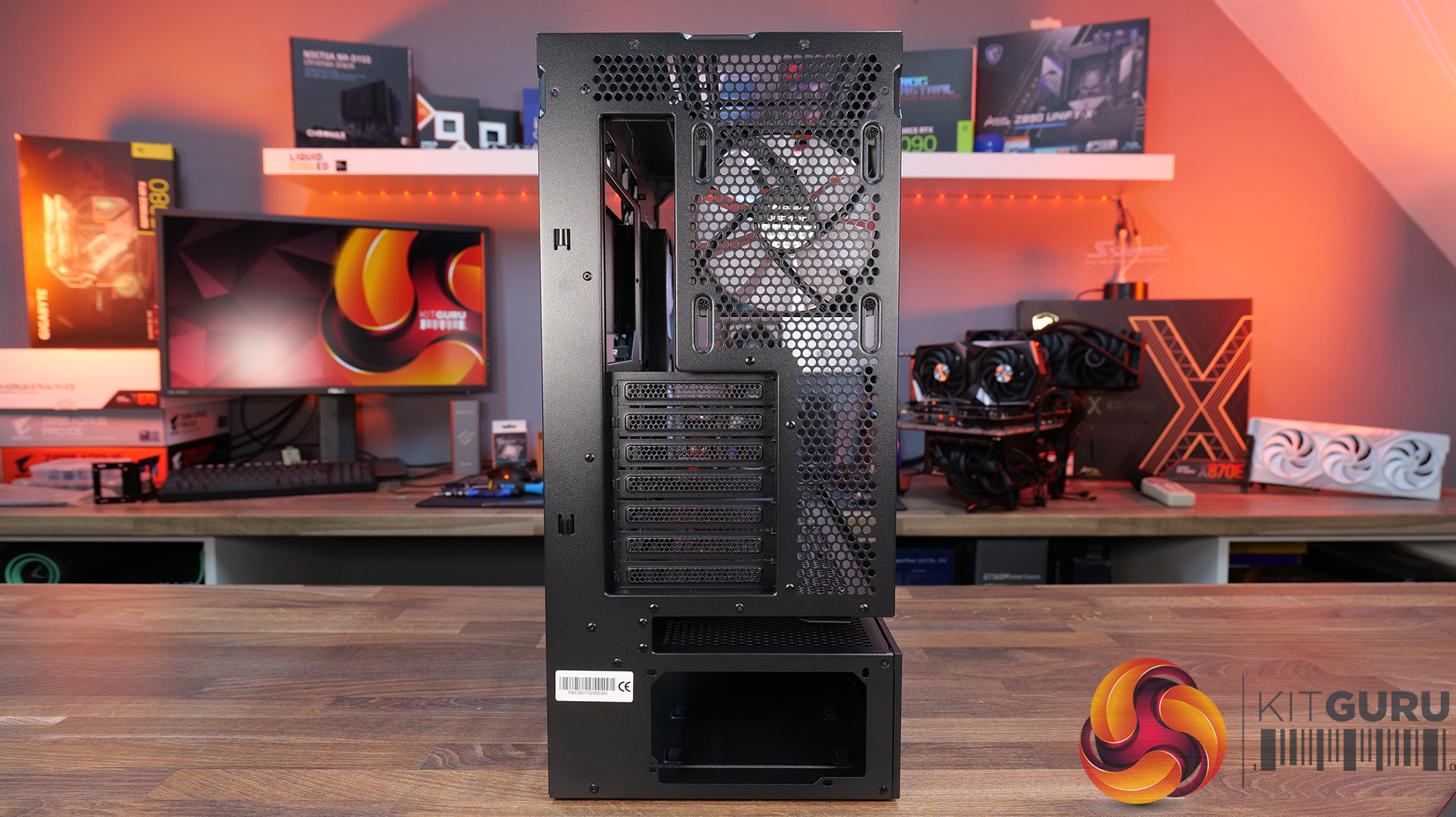
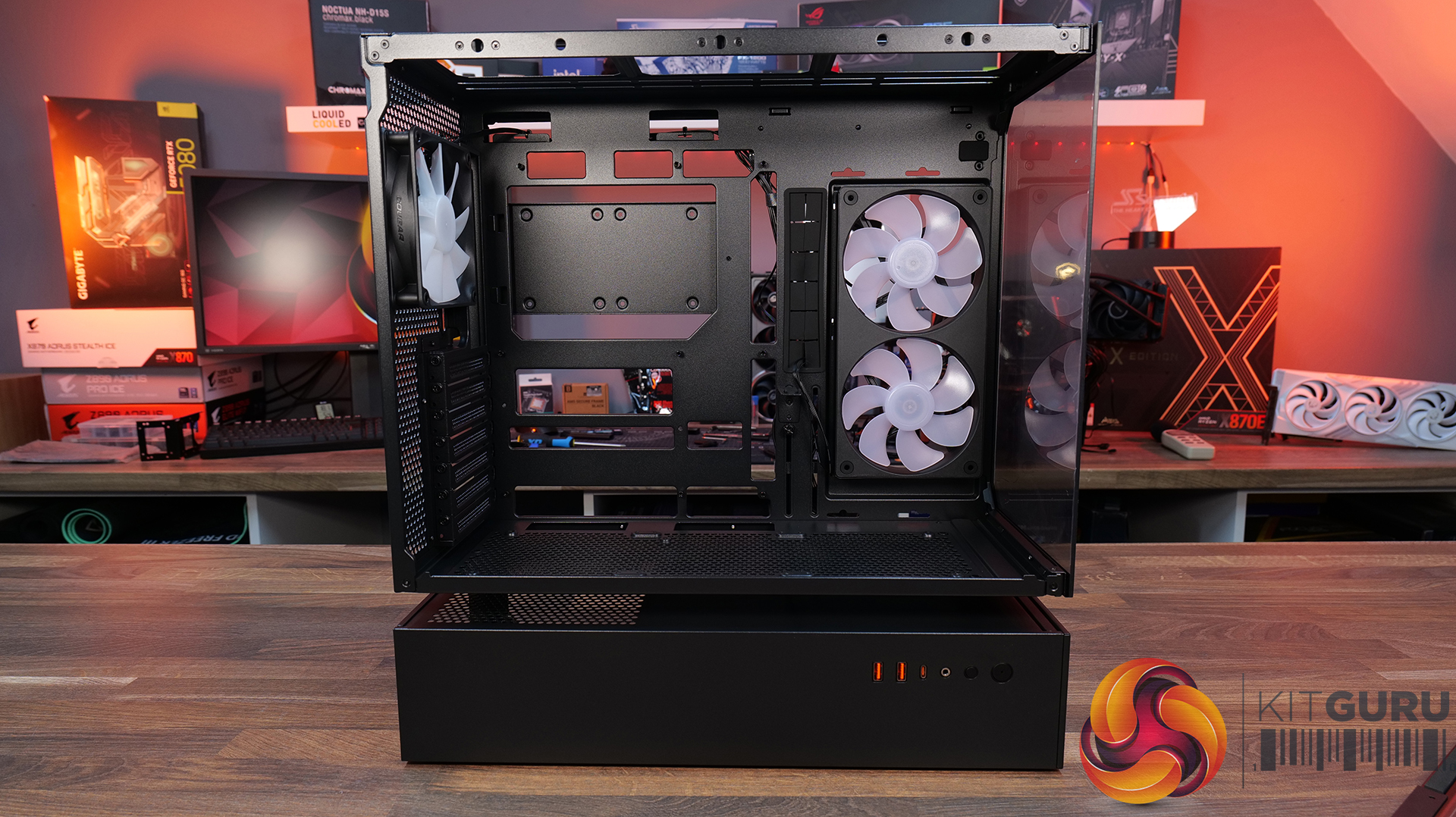
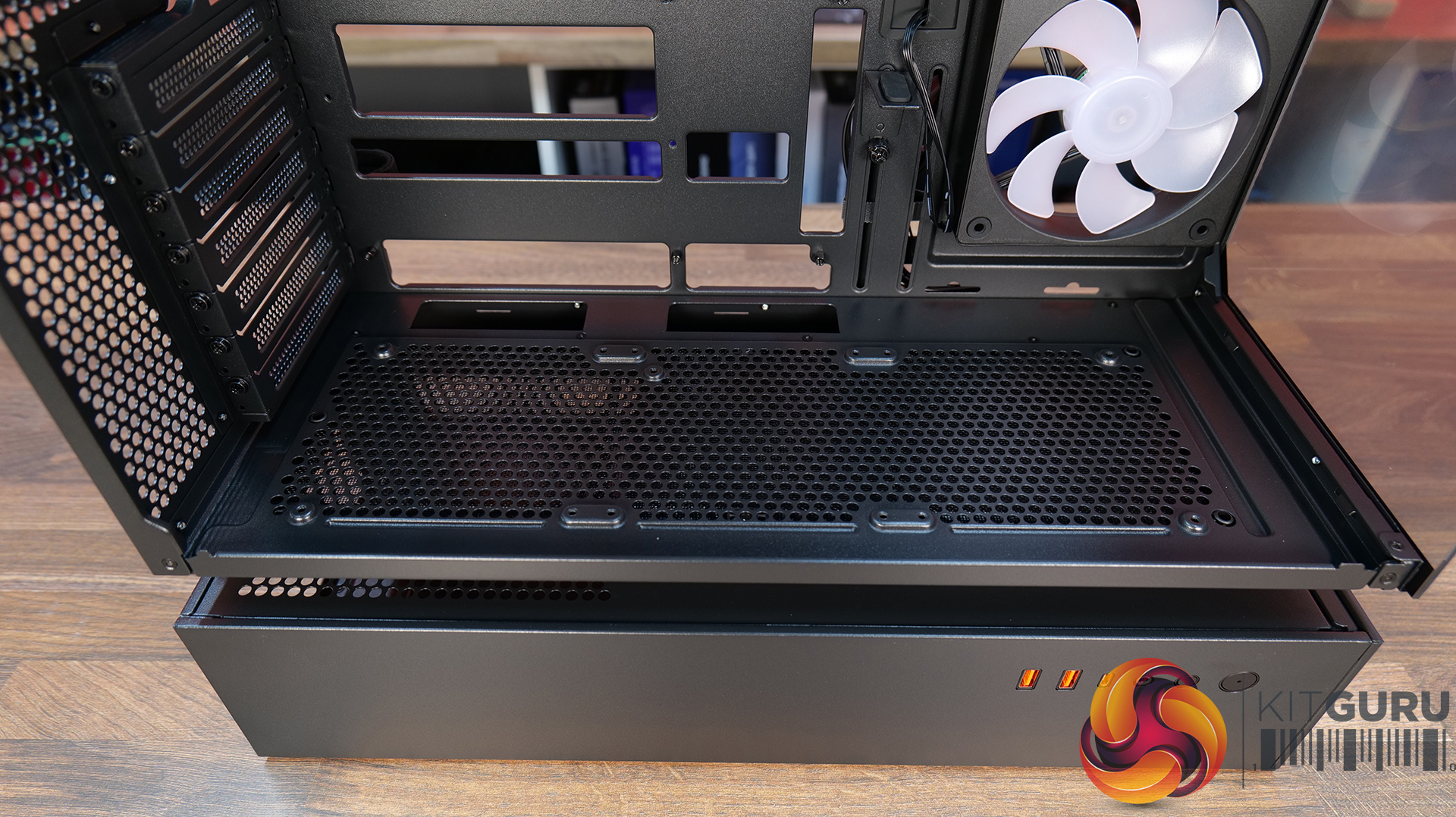
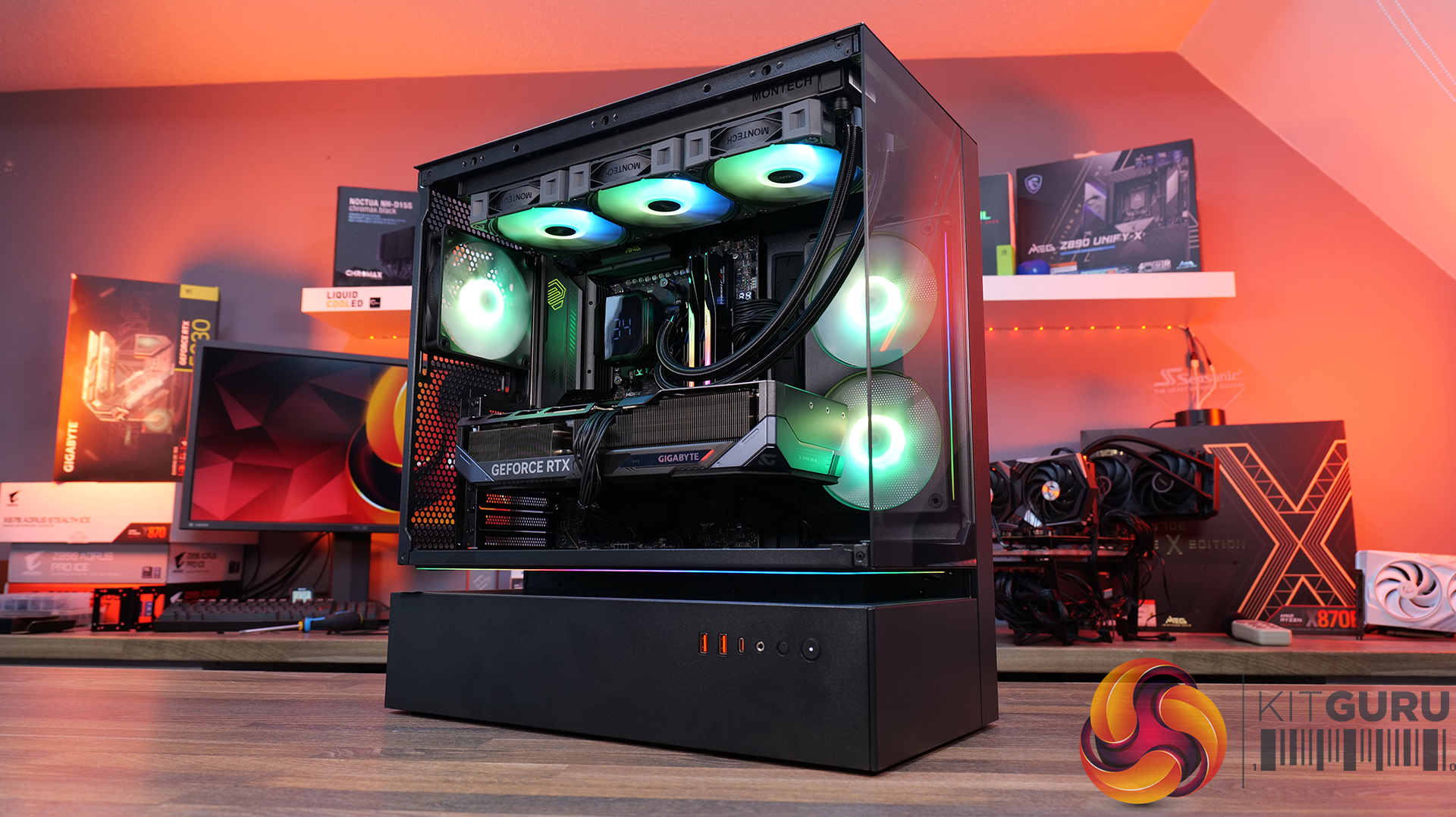
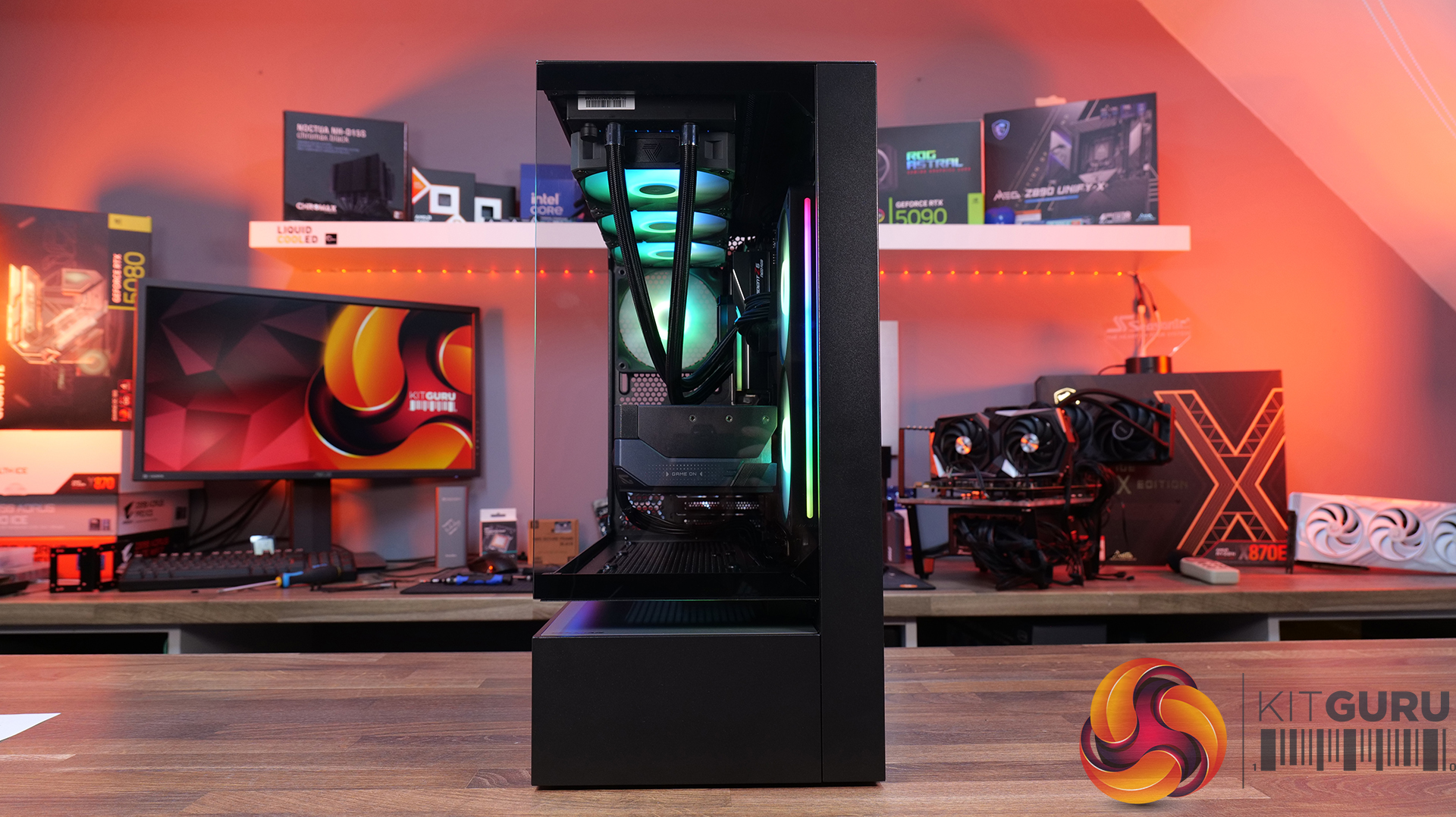
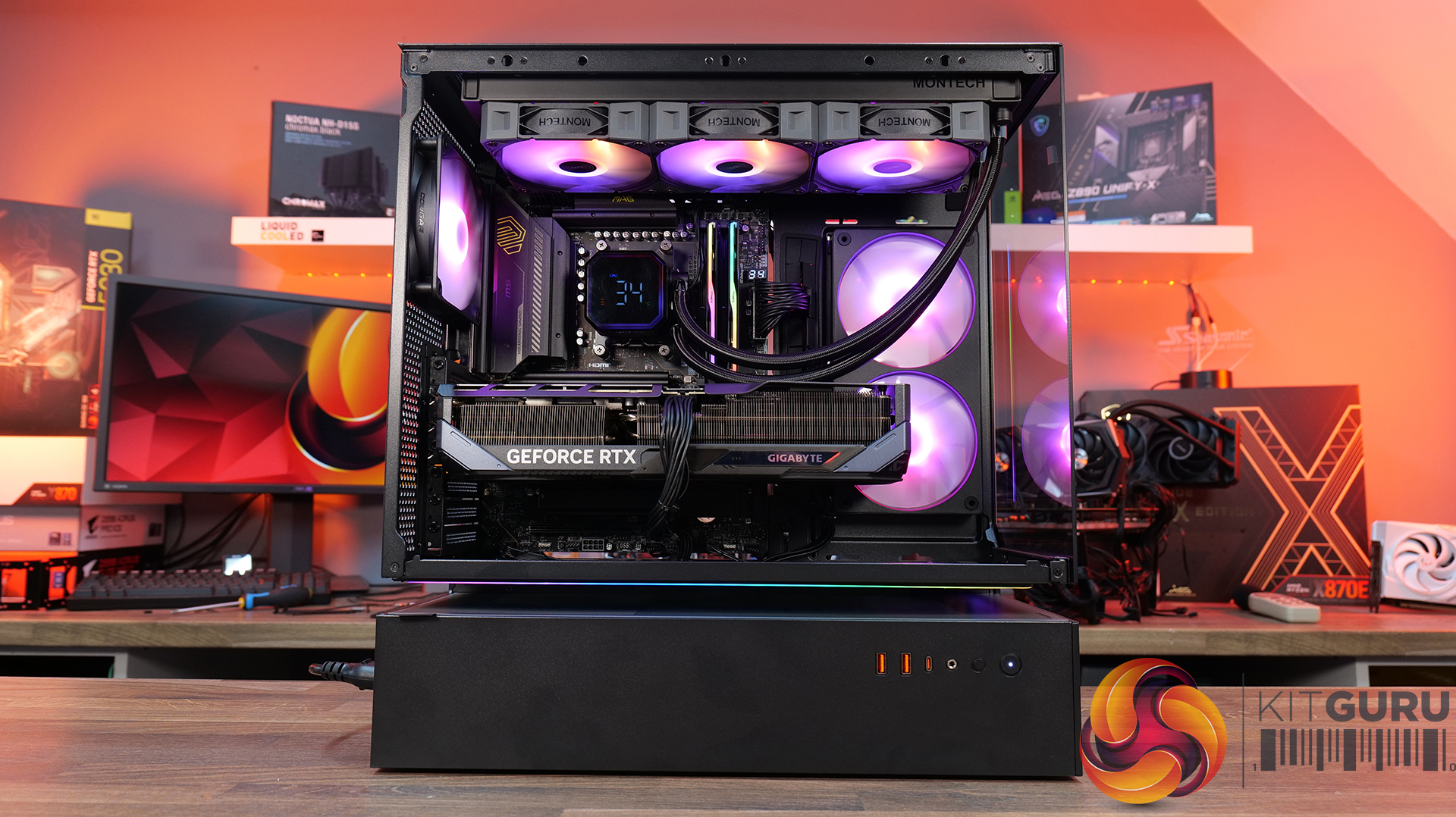
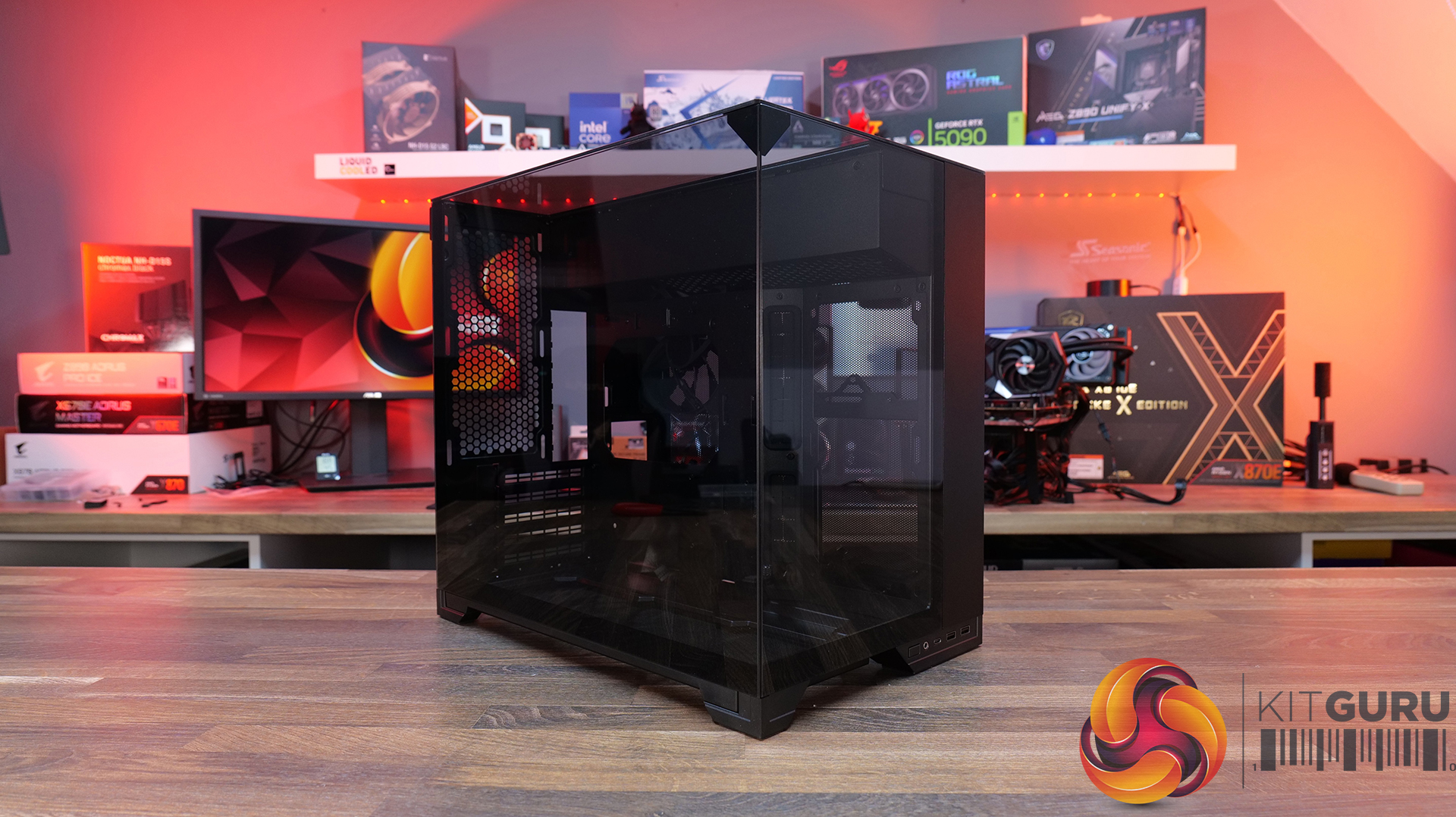
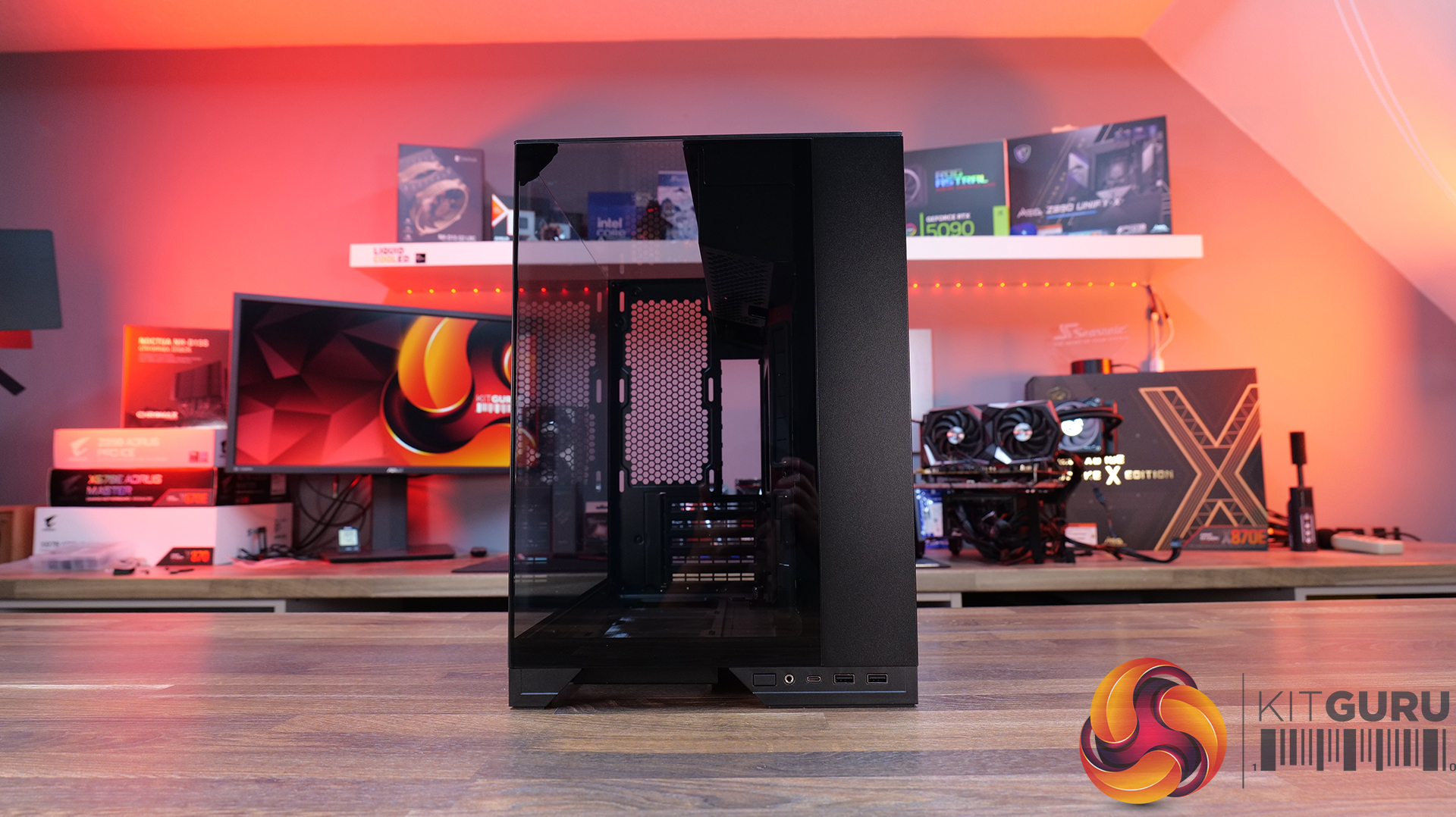
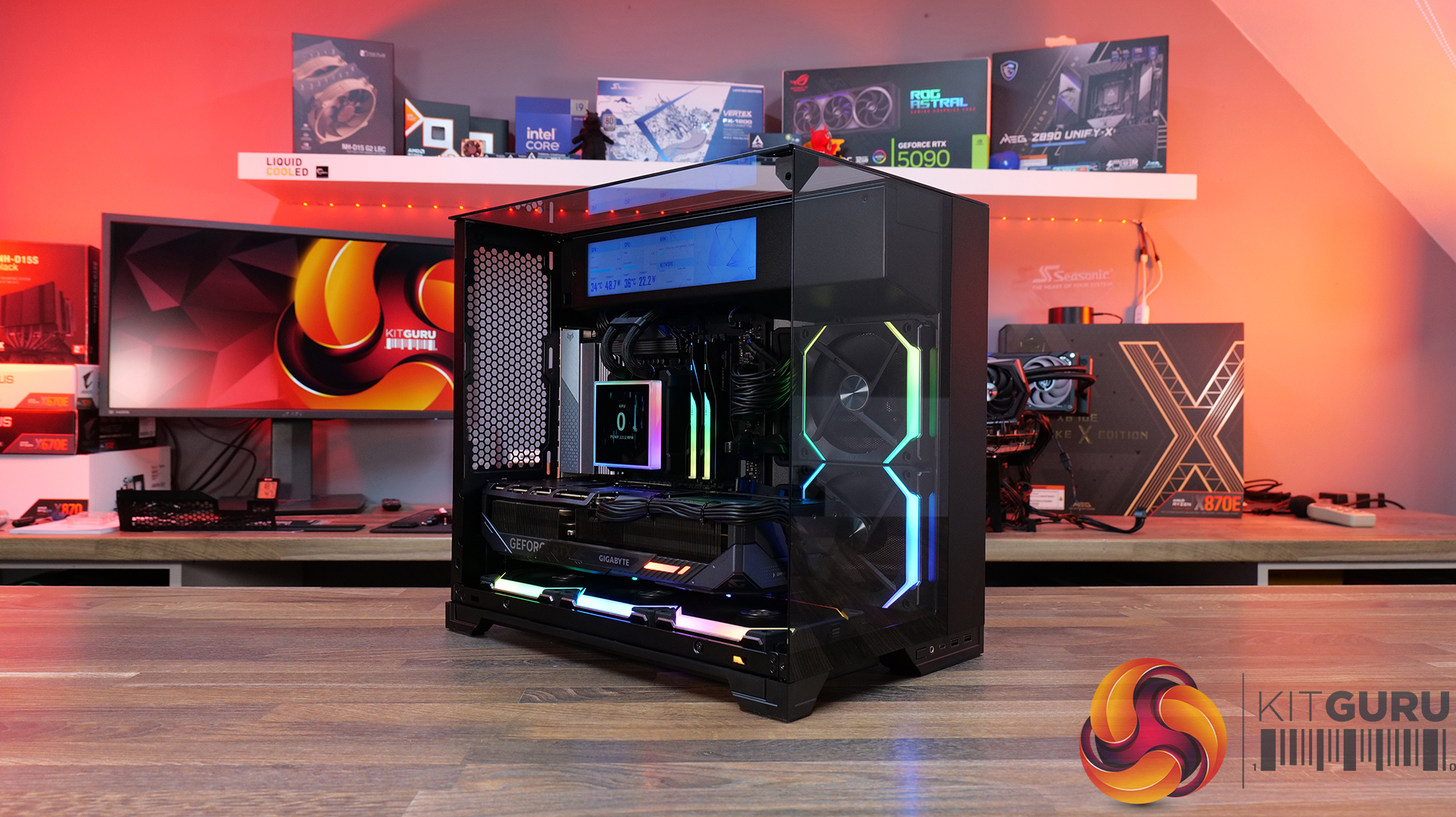
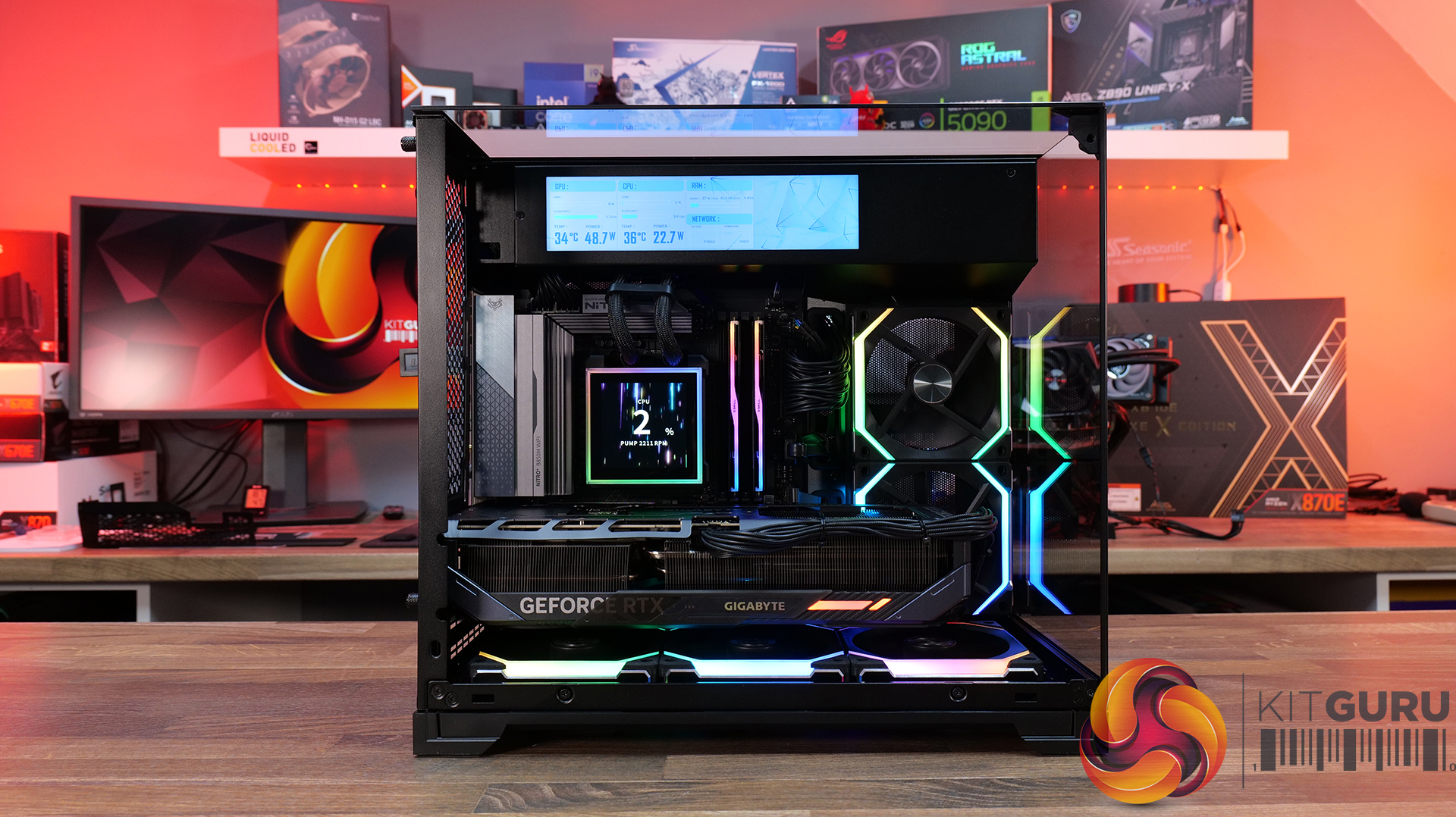
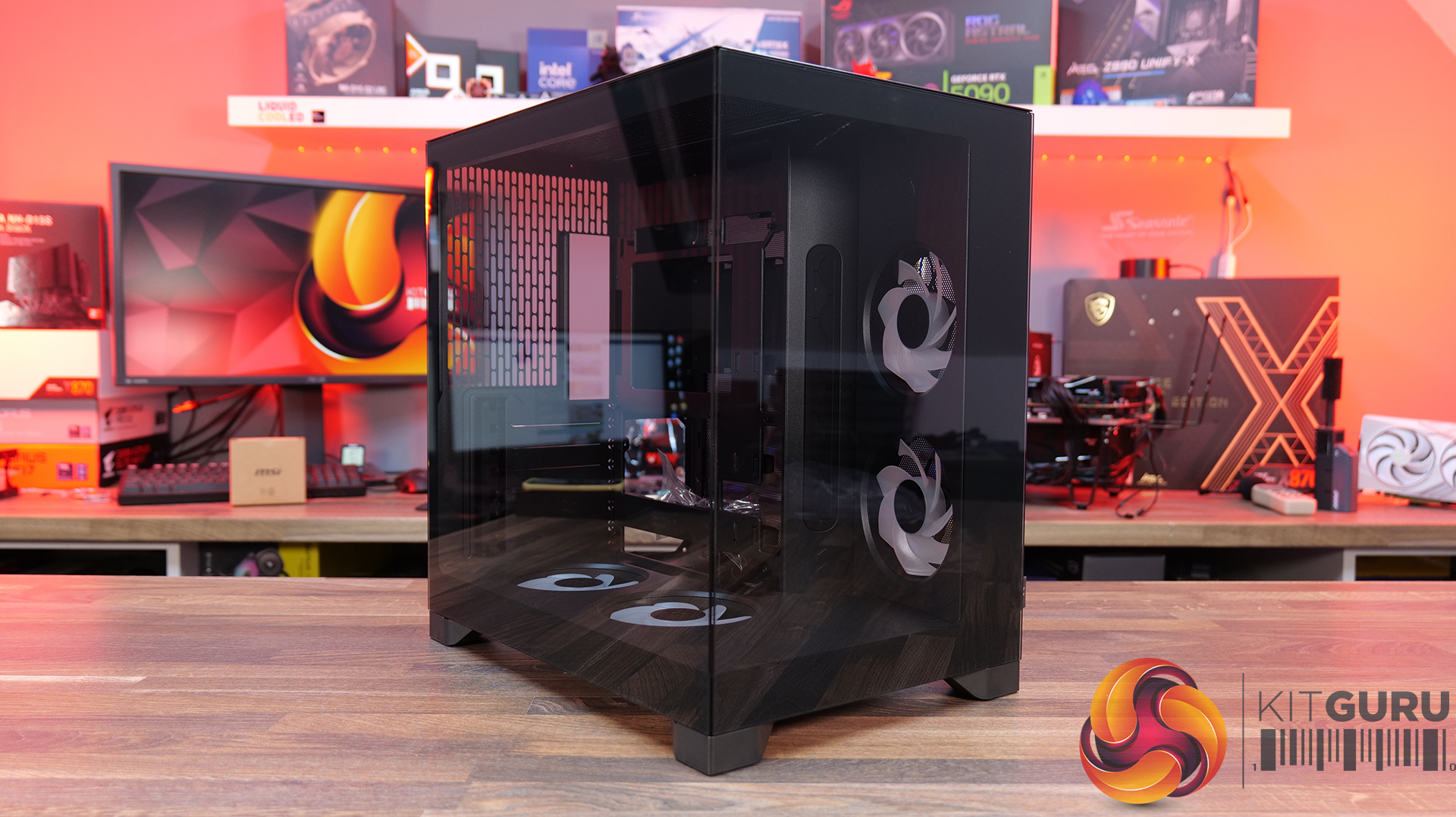
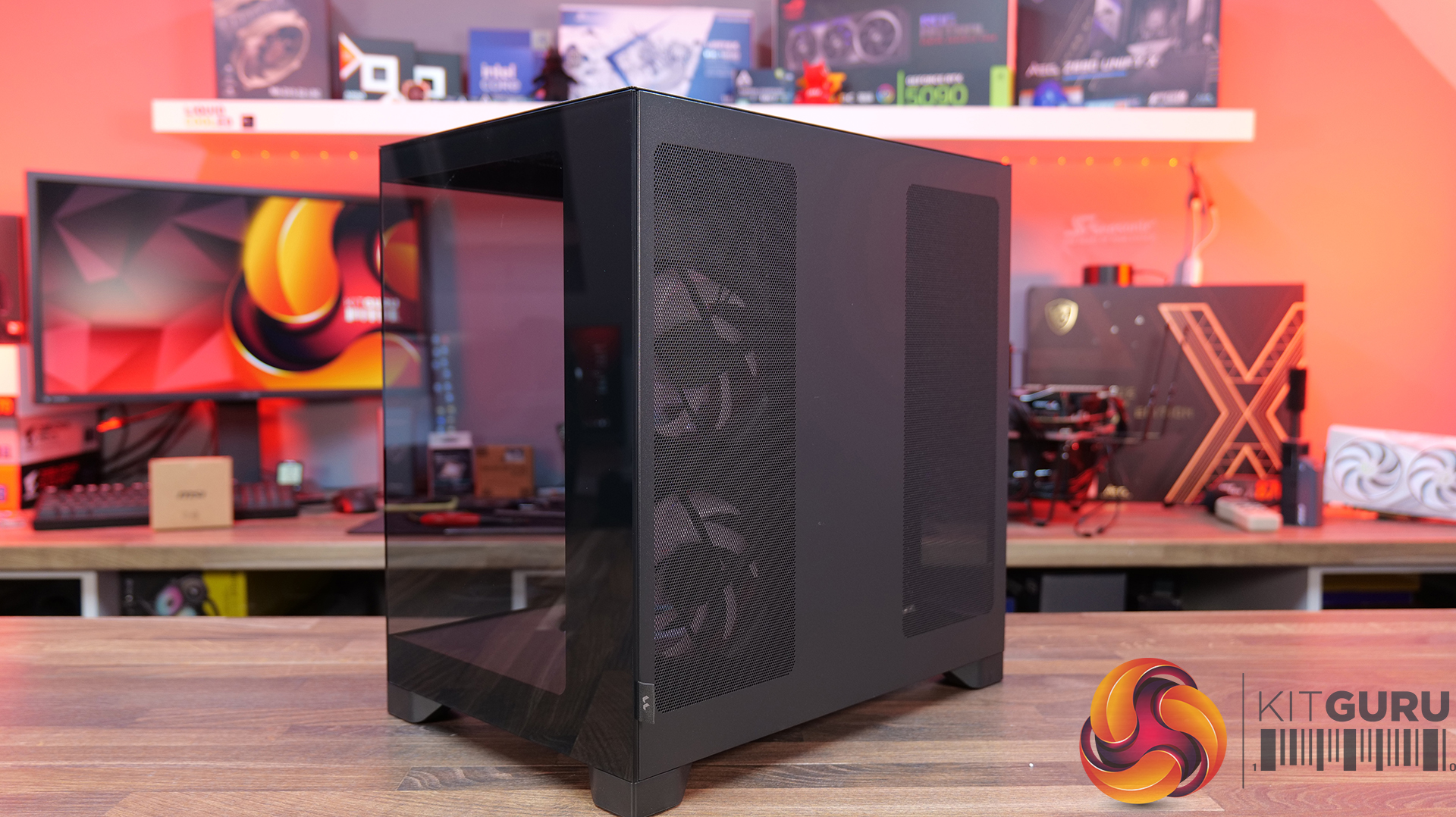
Today, we’re looking at the new Lian Li O11 Vision-M PC case. It’s a compact dual-chamber chassis built around a full glass design, with a clean-looking showcase style. You get support for micro-ATX and mini-ITX motherboards, graphics cards up to 410mm, 360mm radiators, and air coolers up to 162mm tall, plus a hidden top radiator compartment to keep things looking tidy without compromising cooling. On paper, it looks like the perfect blend of compact size, strong hardware support, and the signature O11 aesthetic… but does it actually deliver? Let’s find out.

Timestamps:

00:00 Start
00:57 Pricing / colours
01:41 Overview / Dimensions / Materials
02:31 Front I/O
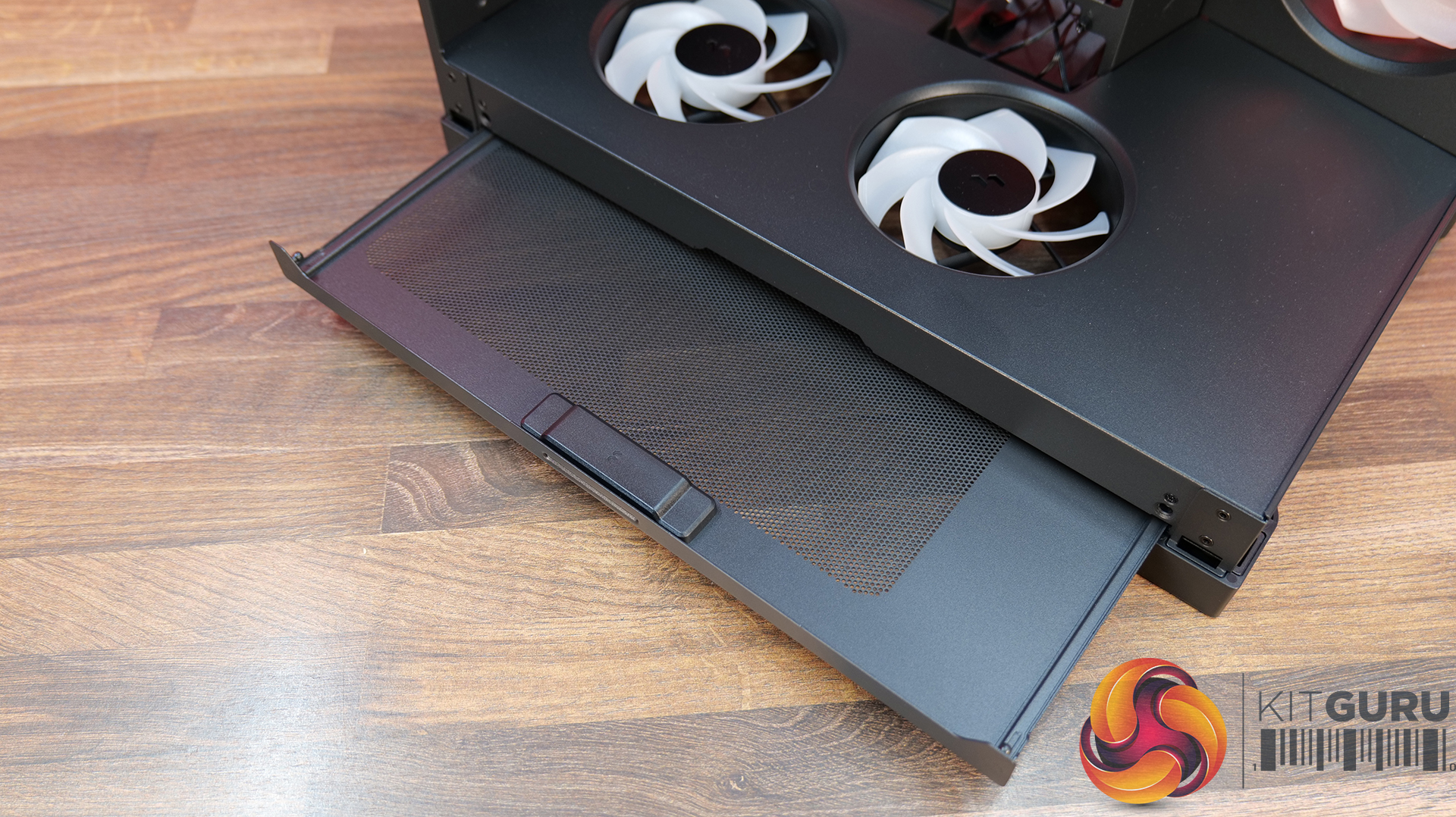
02:53 Panel removal / filters
04:34 Motherboard and GPU support
05:19 Bottom tray / filter system
05:41 Cooling Fan / Radiator Support
07:20 Vented Shroud and LCD Screen
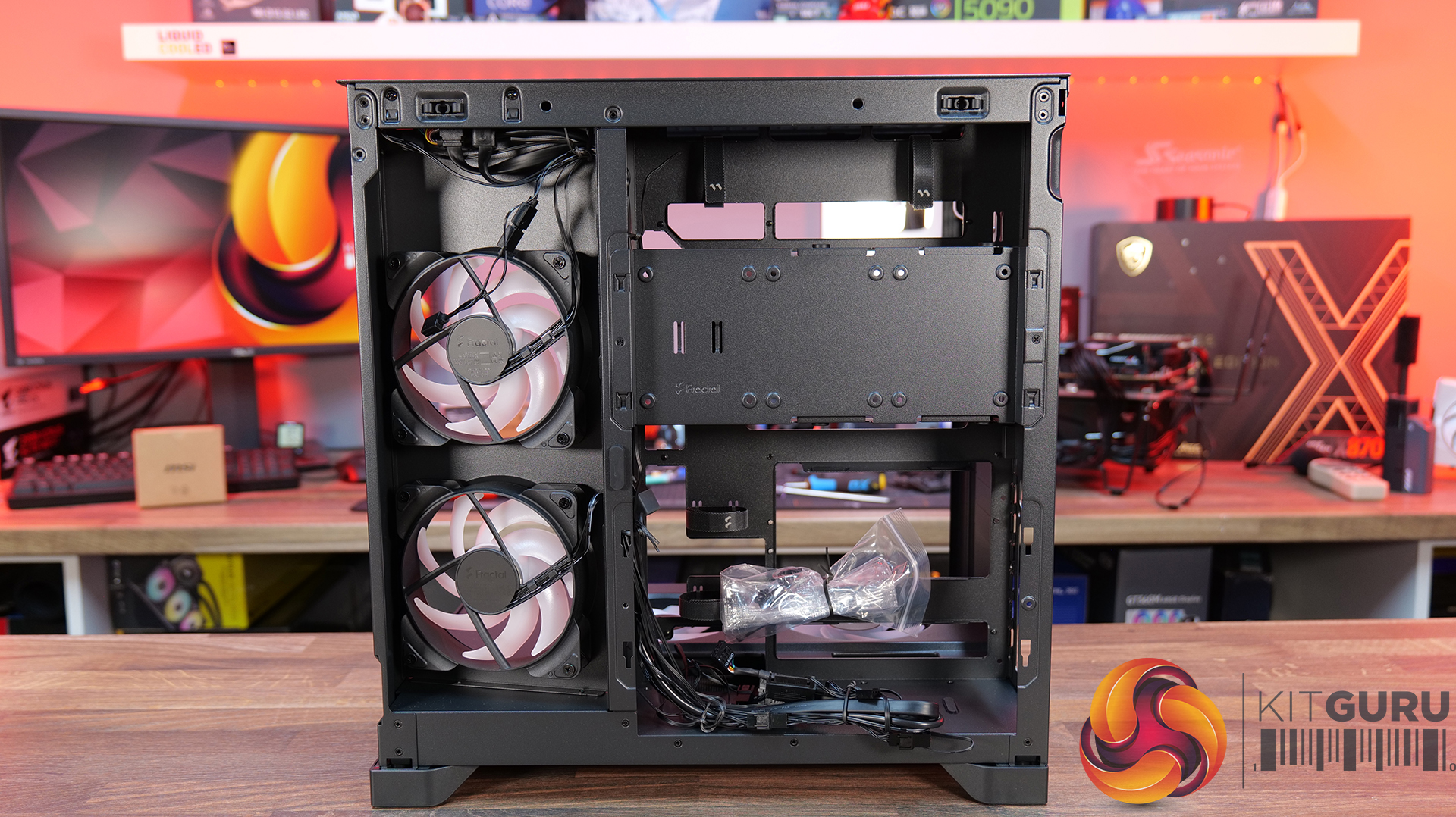
08:09 Cable Management
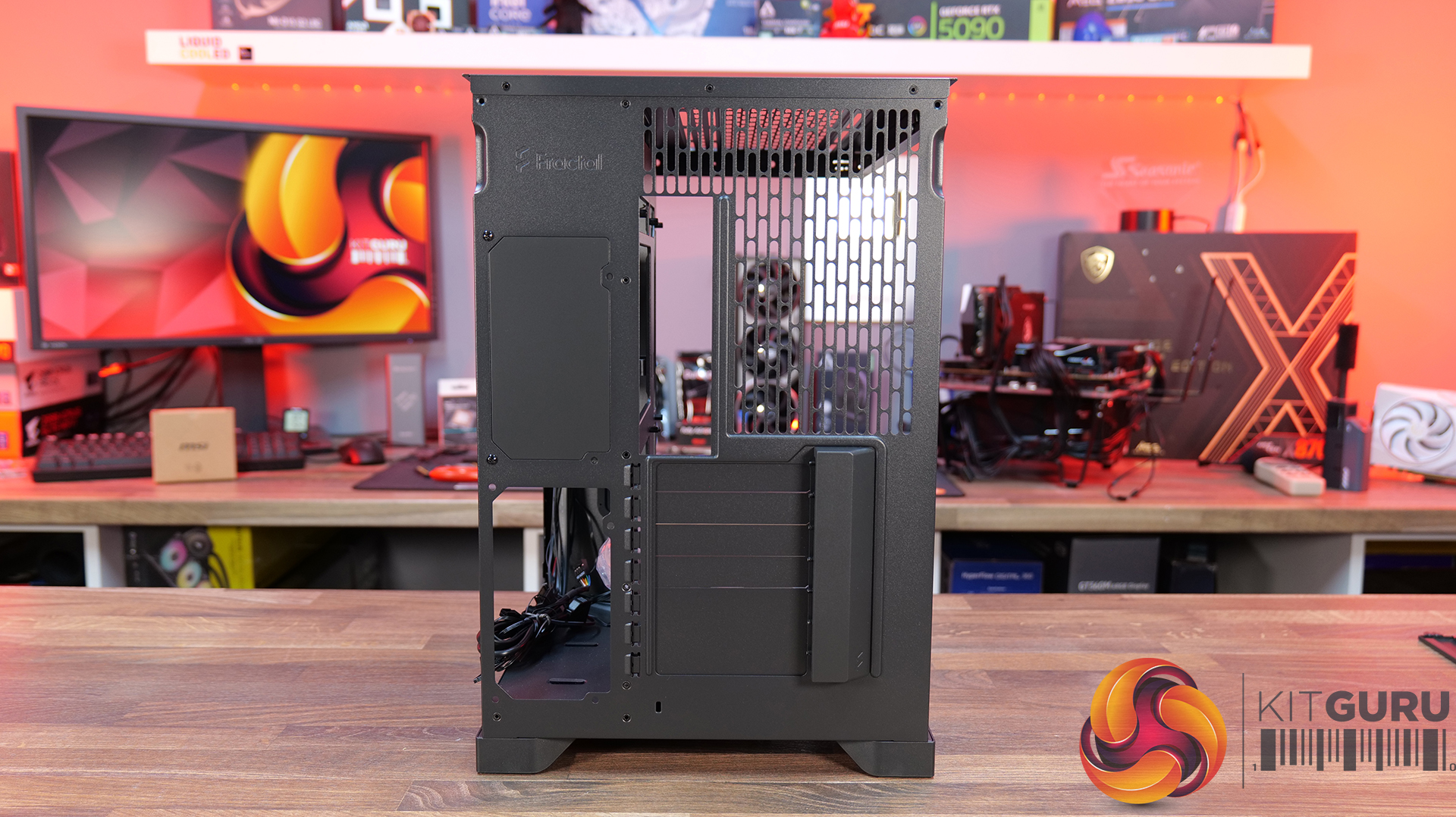
09:00 Rear of the case
09:32 Side Compartment / PSU
10:54 Drive install / cable shroud options
11:54 Top radiator bracket
12:56 GPU Bracket / no reverse MB support
13:59 Bottom of the case / accessories
15:00 3D Printable parts
15:37 Thermal and Noise Performance
17:15 Smoke Test & Thoughts
18:05 Installation / Closing Thoughts
Features:

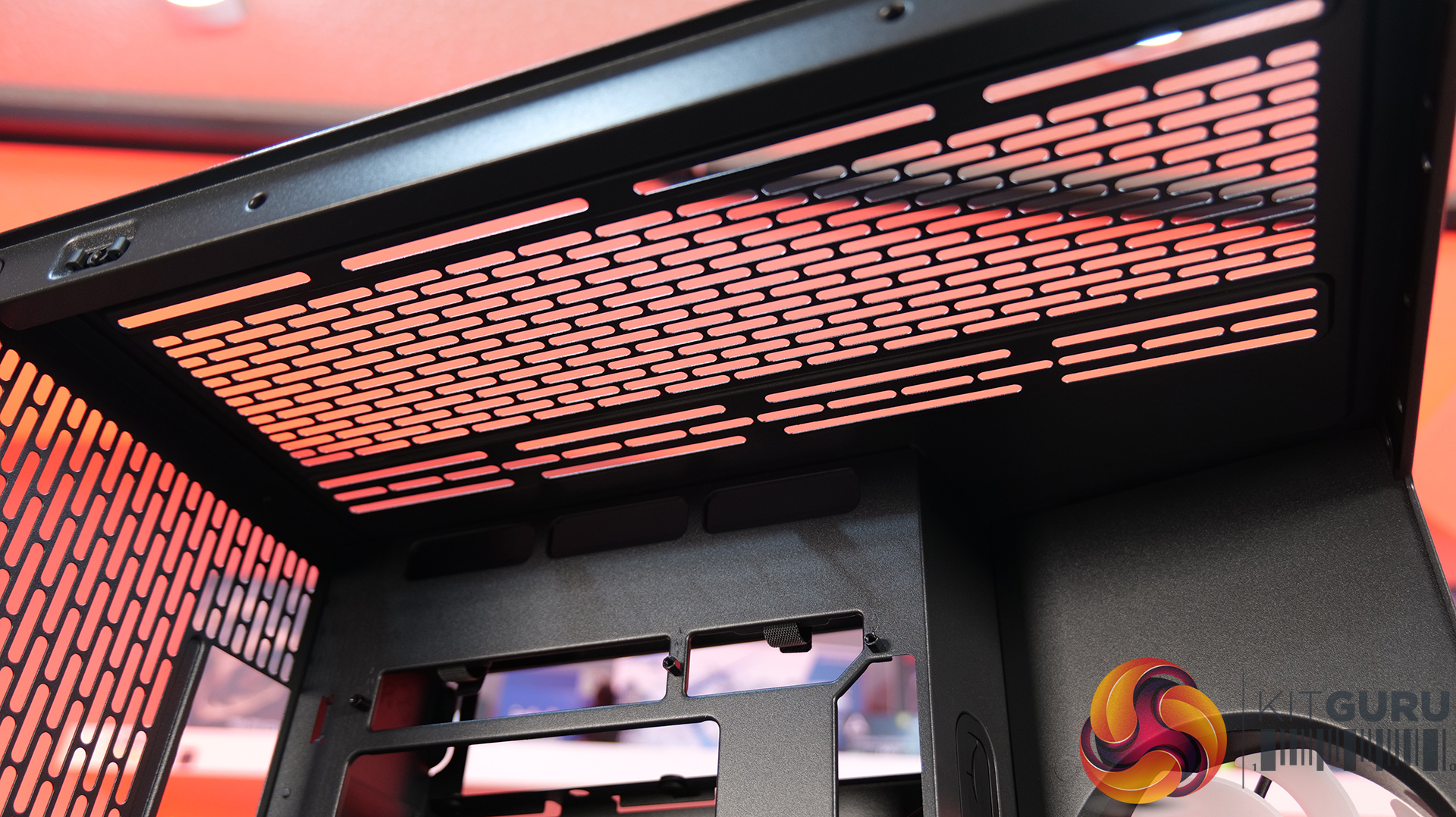
  • Ventilated Top Glass – Integrated mesh cut-out vent aligned with the top radiator for top heat exhaust flow and minimal heat buildup from internal system components.
  • Modular Divider – A removable divider panel gives the user the choice of a clean, separate dual-chamber look or a more open layout. With the divider panel installed, accessories such as an LCD screen can be easily mounted.
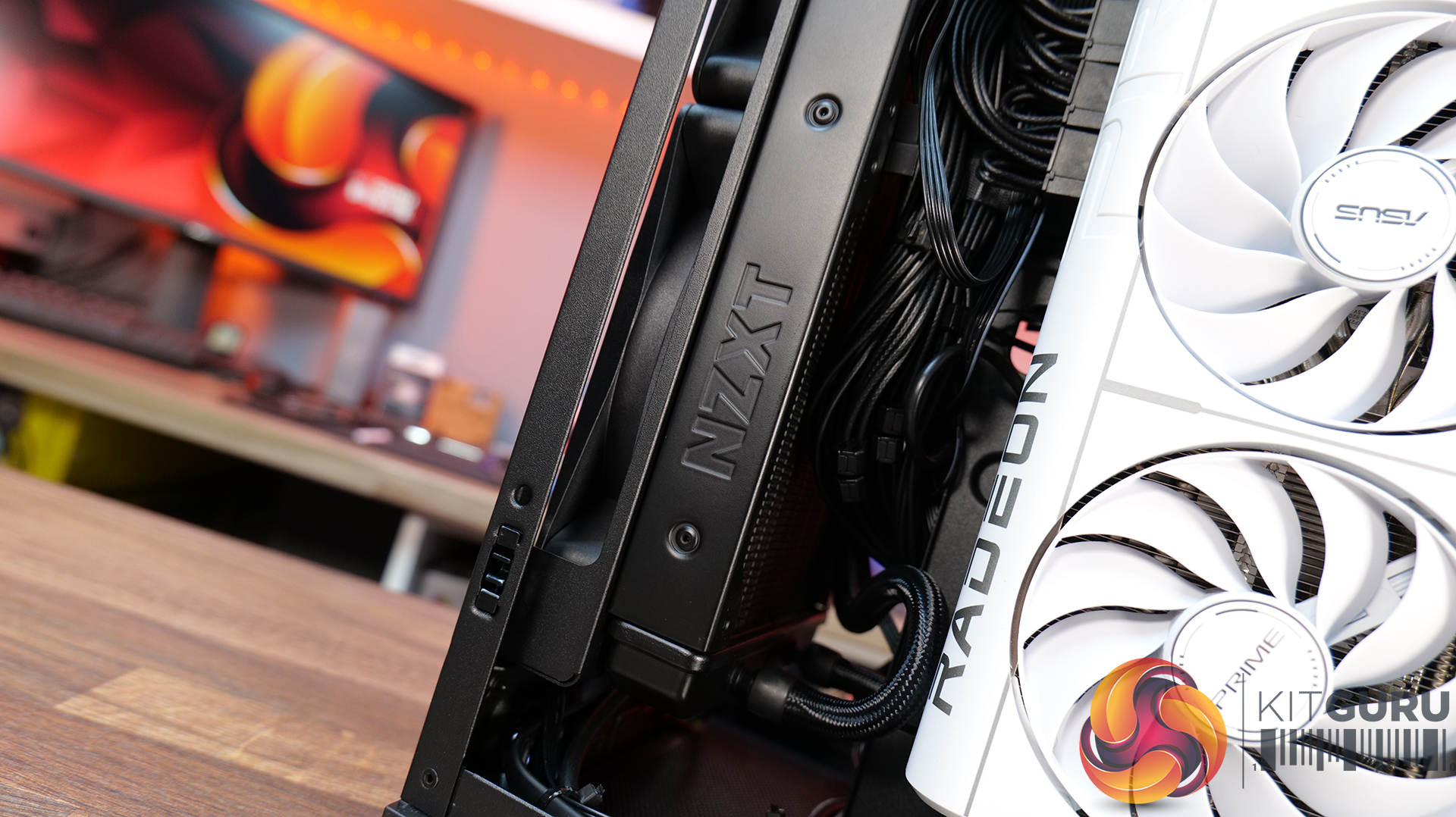
  • Hidden AIO Compartment – Designed to hide the AIO radiator and route tubing out of the way, hidden from view in the main chamber for an ultra clean look.
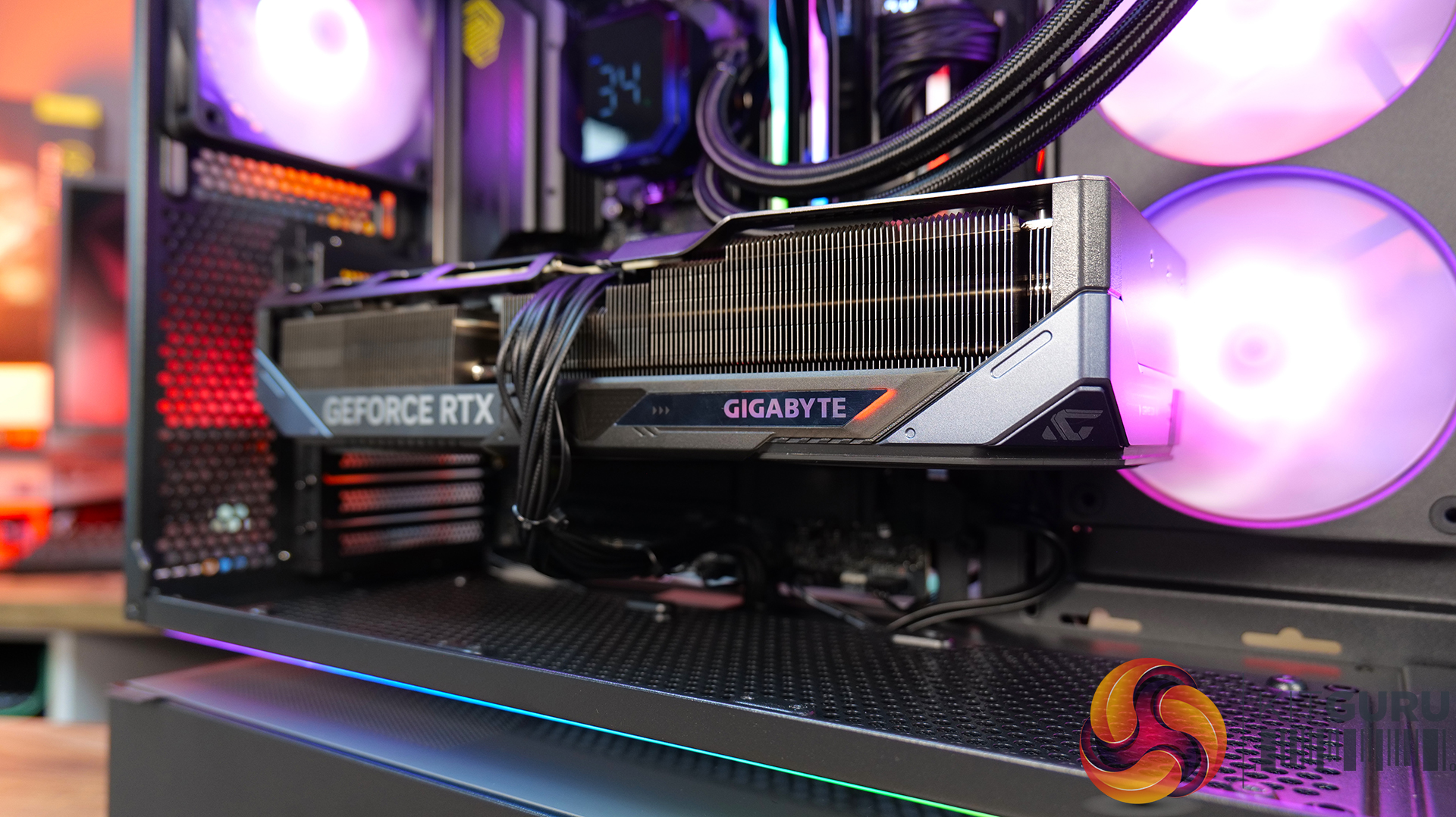
  • Compact but high-end hardware support – Including mATX or Mini ITX motherboards, up to 410mm long graphics cards, 162mm tall air coolers and up to 360mm radiator support.
Specifications:

  • Case Type: Micro ATX
  • Dimensions (DxWxH): 419.6mm x 275.1mm x 395.2mm
  • Materials: Steel, 4.0mm Tempered Glass, 3.0mm Tempered Glass, Aluminum
  • Motherboard Support: Micro-ATX, Mini-ITX
  • Reverse Connector motherboard support: No
  • Expansion Slots: 5
  • Storage bays: 3.5” HDD x 1 + 2.5” SSD x 2 or 2.5” SSD x 3
  • Max GPU Length: 410mm
  • Max CPU Cooler Height: 162mm
  • PSU Type: ATX (Under 202mm)
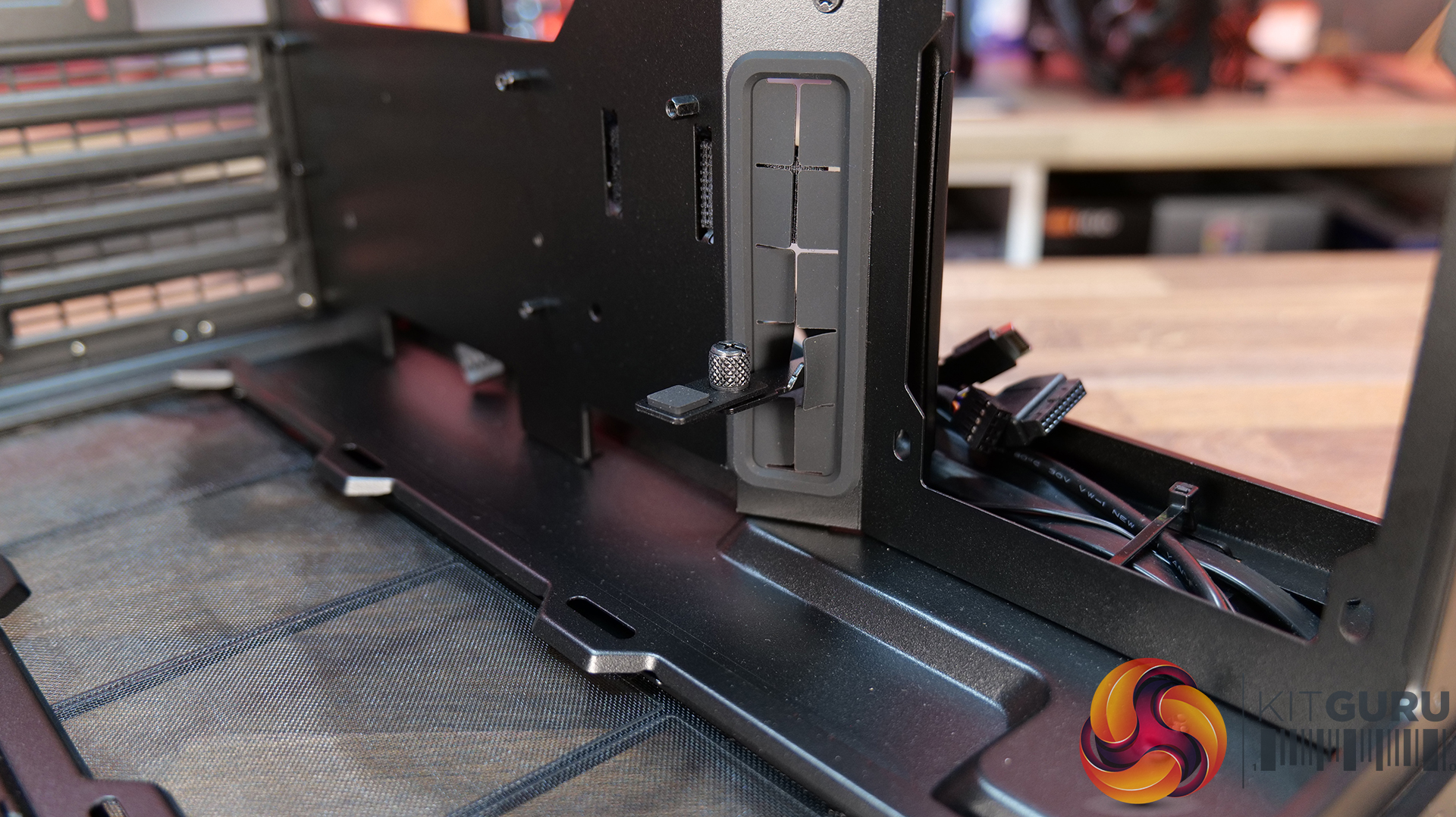
  • Cable Routing Grommet: Yes (Motherboard Side)
  • Hook-and-loop straps: Yes
  • Supplied Fans: 140mm x 1 (Pre-installed)
  • Fan Support: 120mm x 3 (Top) 120mm x 2 (Side) 120 mm x 3 (Bottom) 120 mm x 2 (Rear) 140mm x 1 (Second Chamber)
  • Radiator Support: 360mm / 240mm (Top)
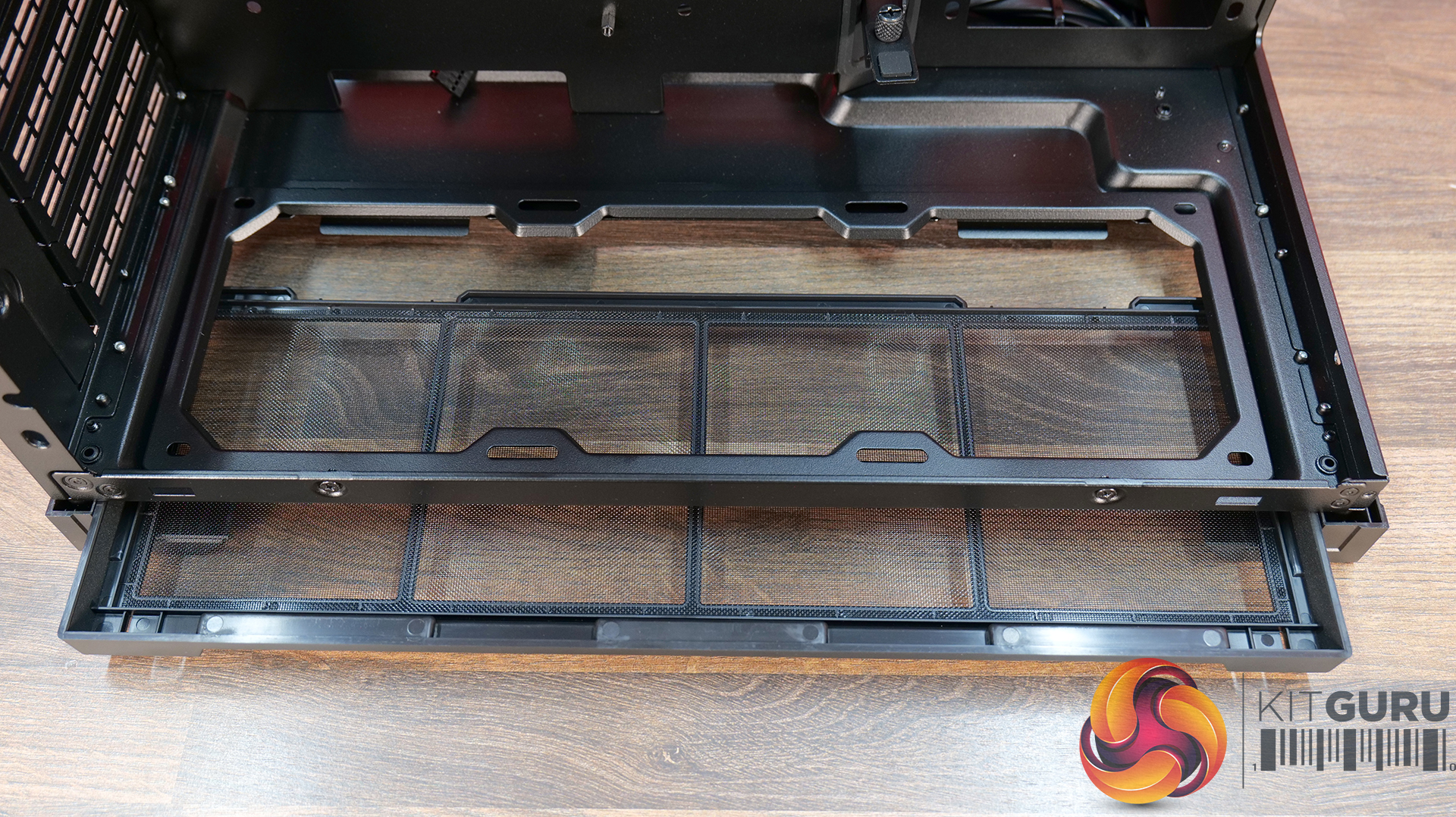
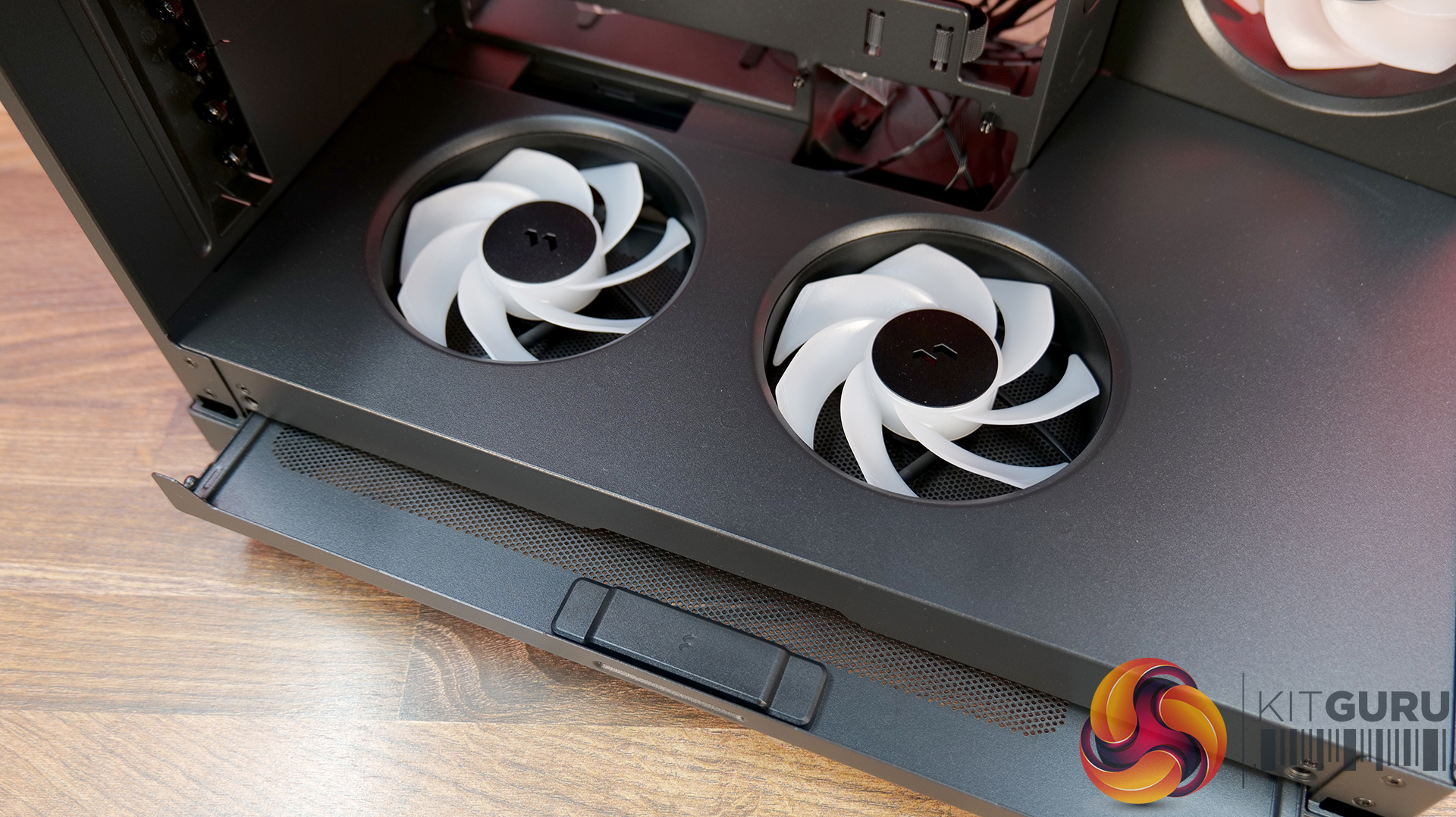
  • Dust Filters: Removable bottom dust tray x 1
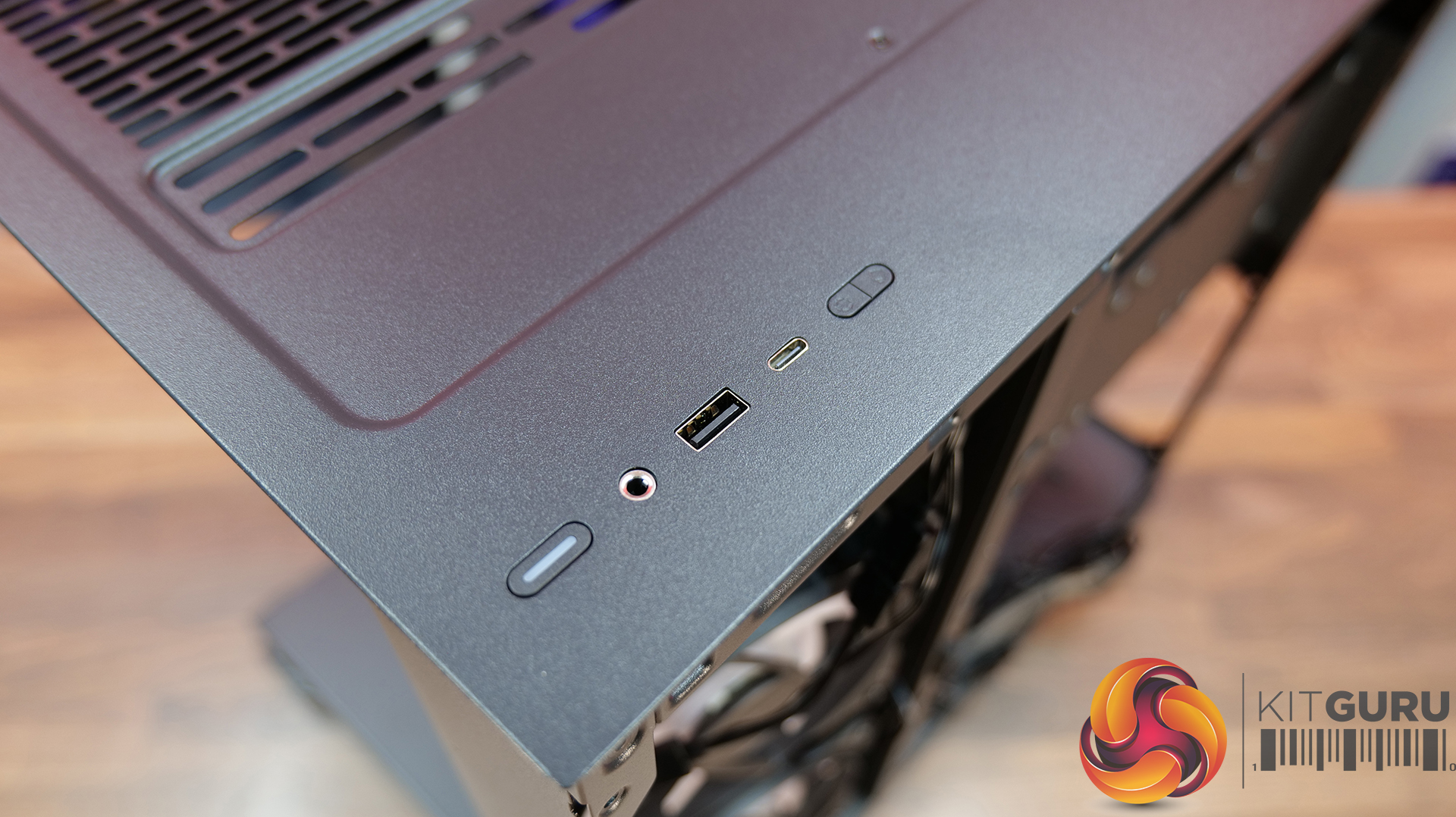
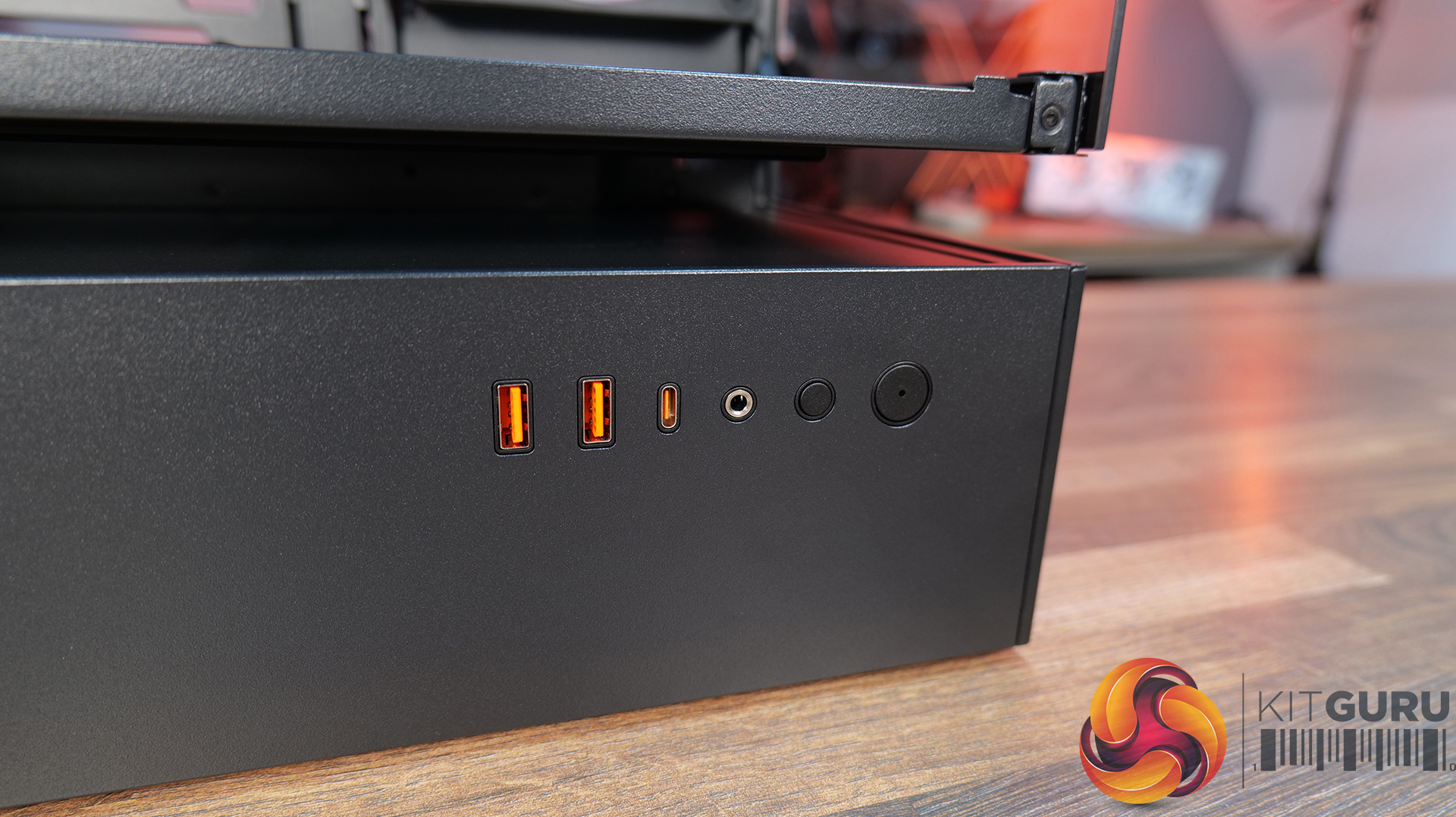
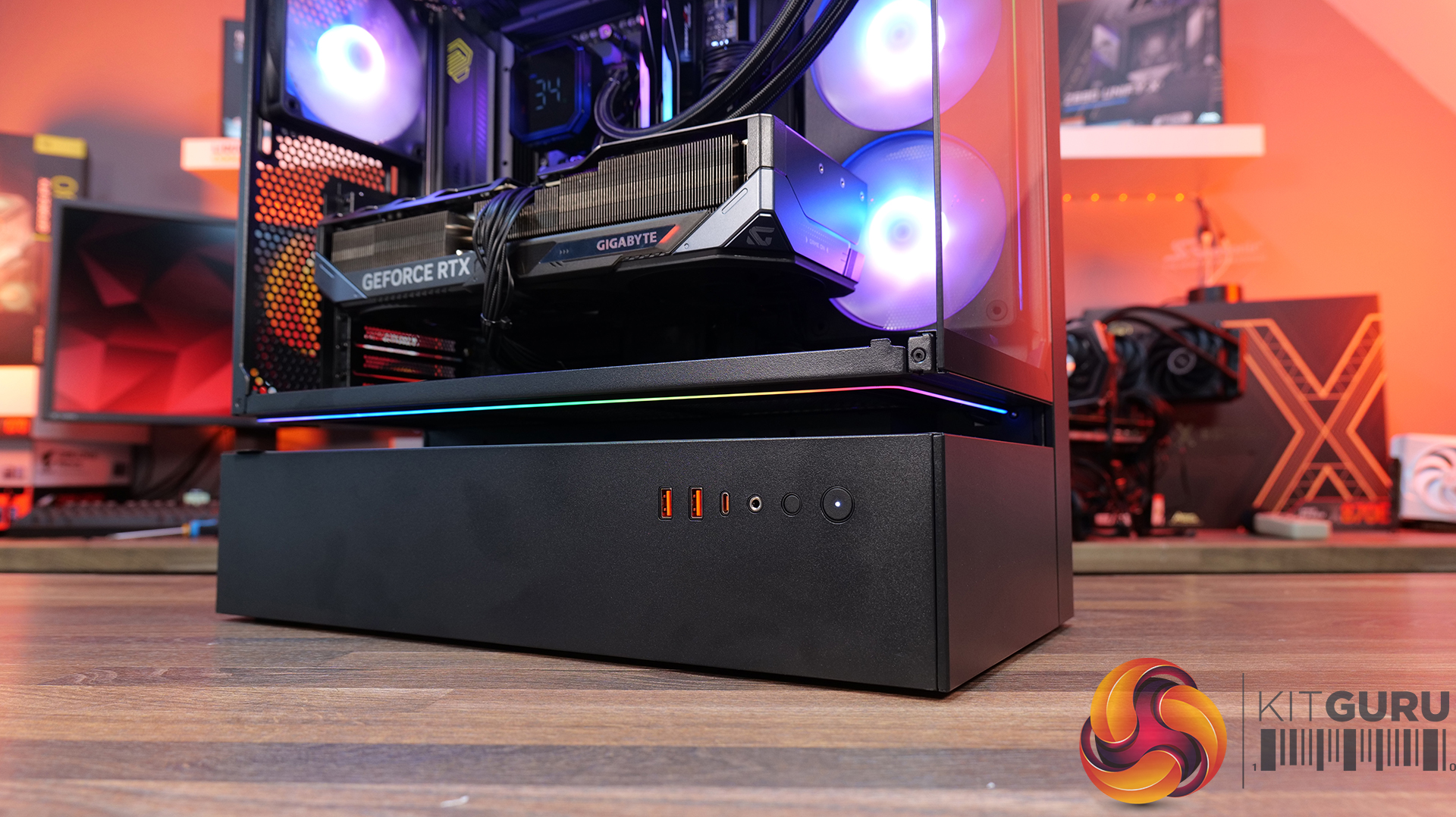
  • Front I/O: Power Button x 1, USB 3.0 Type A x 2, USB 3.2 Type C x 1, Audio x 1
  • LCD Screen (O11 Vision-M Digital): Yes, IPS LCD, 9.2”, 60 Hz, 1920×462, 500nits

Thermal Performance Testing

To simulate thermal demand, we run the Cinebench R23 multi-thread benchmark and 3DMark Speed Way stress test simultaneously in a loop for 30 minutes to load the system fully. This gives the CPU and GPU enough time to reach constant steady-state temperature. With this data, we can compare how the system handles the thermal demand and measure peak noise levels.

Thermal performance is measured with the case in various configurations, such as the default, with the tempered glass left-hand side panel removed and with the front panel removed to see how these configurations affect the CPU and GPU temperature. During testing, only stock case fans are used unless otherwise specified. All water pumps are set to maximum RPM and fans are set to a custom RPM curve by the Motherboard software/BIOS.

All temperature measurements are presented as Deltas – meaning the ambient temperature has been deducted from the CPU temperature, giving us a Delta. Data shown in the charts represents the average component temperature over the length of the test as measured by HWiNFO, and then the last 15 minutes of the data are calculated to get the average. The ambient temperature during thermal tests is between 19-20⁰C.

Test System Specification:

Thermal Performance Overview

We test case thermals using a 360mm AIO as exhaust at the top and with the case in several different fan configurations. The default configuration shown in the charts is with the top 360mm AIO cooler, 2 x 120mm side intake, 3 x 120mm bottom intake fans and with all case panels installed.

The O11 Vision-M performs well considering the dual-chamber layout and the number of glass panels it has. In the default configuration, CPU and GPU temperatures measure 54°C and 51°C over ambient respectively. Removing the glass side panel or right-side mesh makes little difference to overall results, suggesting that the stock airflow setup is already very well optimised. The hidden AIO placement keeps heat away from the radiator and CPU temperatures benefit from it.

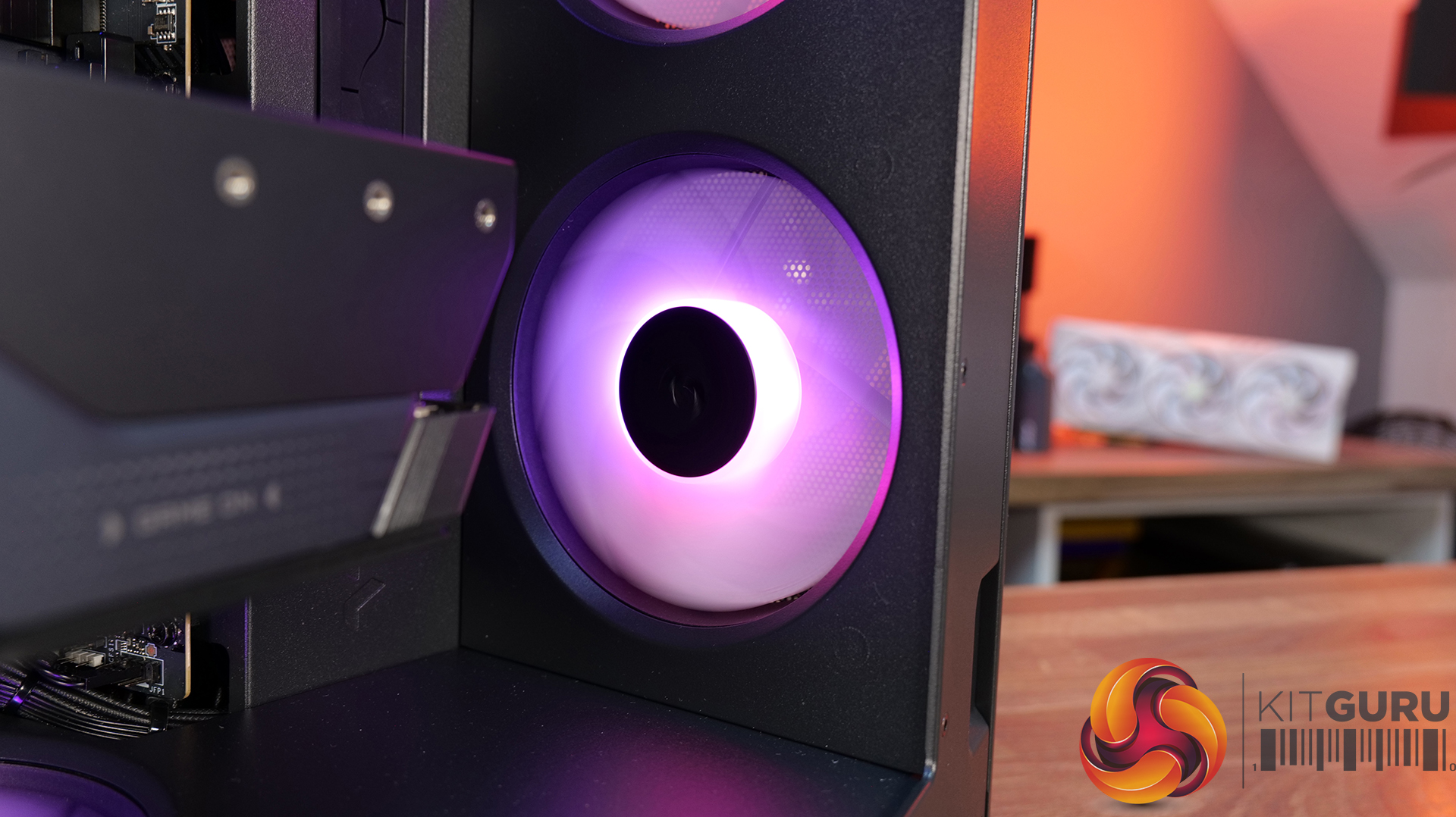
Bottom intake fans are relatively important for GPU cooling. Removing the floor intake pushes GPU temperatures up to 55°C above ambient, while every other configuration stays very consistent around the 50–52°C mark. So for a compact dual-chamber case with this much glass, thermal performance is genuinely solid.

Noise Output

Noise performance is consistent across the board too, with the O11 Vision-M sat at 48dBA under full load in most configurations, while idle noise mostly stays fixed at 37dBA. Removing the right-side mesh panel drops load noise slightly to 47dBA, while removing the floor intake fans pushes it up to 49dBA, likely due to the GPU fans working harder to compensate for reduced airflow and slightly raised temperature.

The case has very balanced airflow regardless of configuration changes, and no major spikes in noise. Overall, for a compact dual chamber with multiple glass panels, the O11 Vision-M delivers solid acoustic performance without sacrificing cooling.

Closing Thoughts

Taken as a whole, the Lian Li O11 Vision-M is a very well-designed compact dual-chamber chassis that does a good job of balancing aesthetics, cooling performance and hardware compatibility. Despite the reduced footprint compared with larger O11 variants, there’s still support crammed in for high-end hardware, including 410mm graphics cards, 360mm radiators or AIOs, up to 13 fans and large CPU air coolers. Plus, thermal performance remains consistently strong even with the use of multiple glass panels.

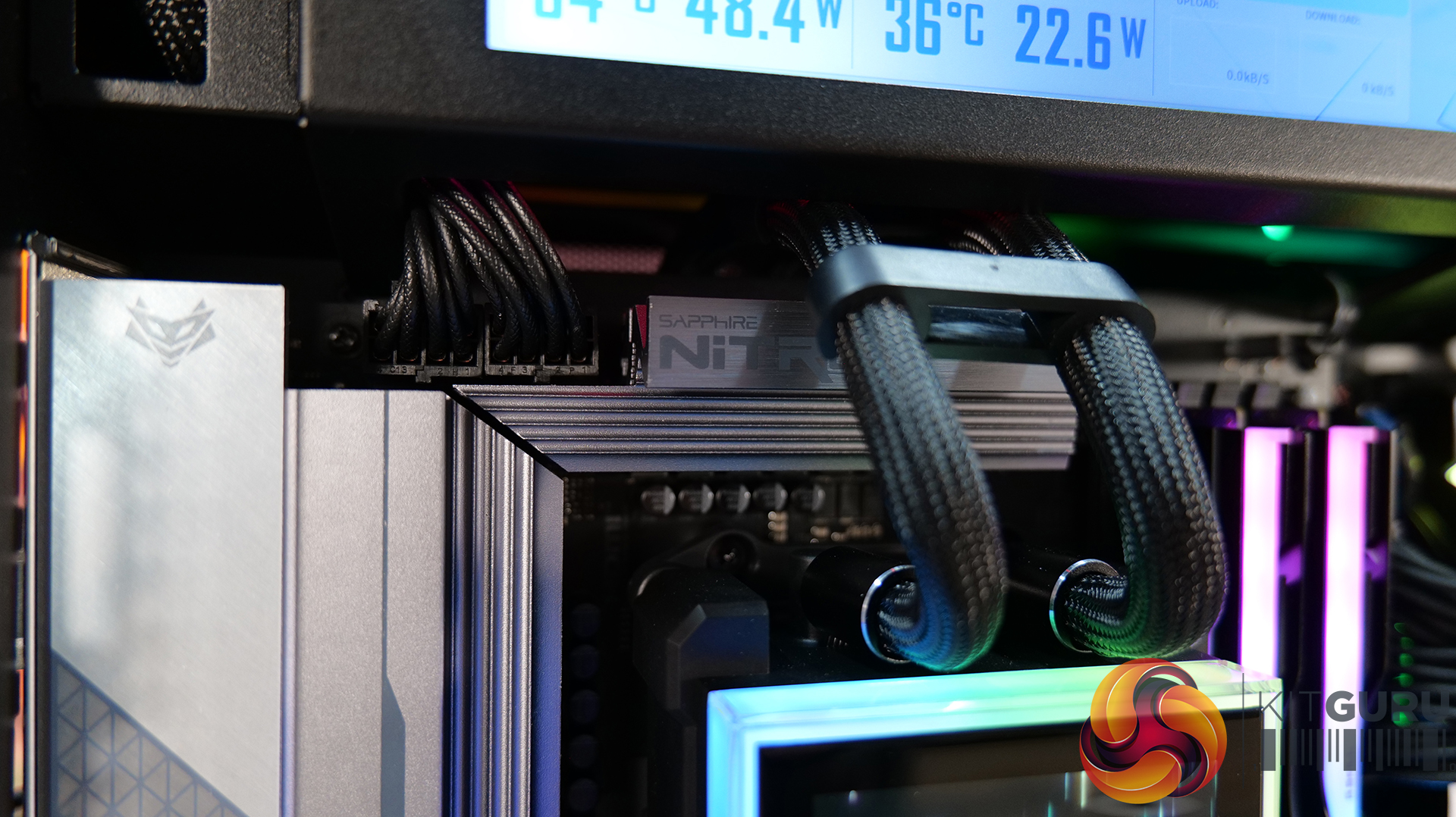
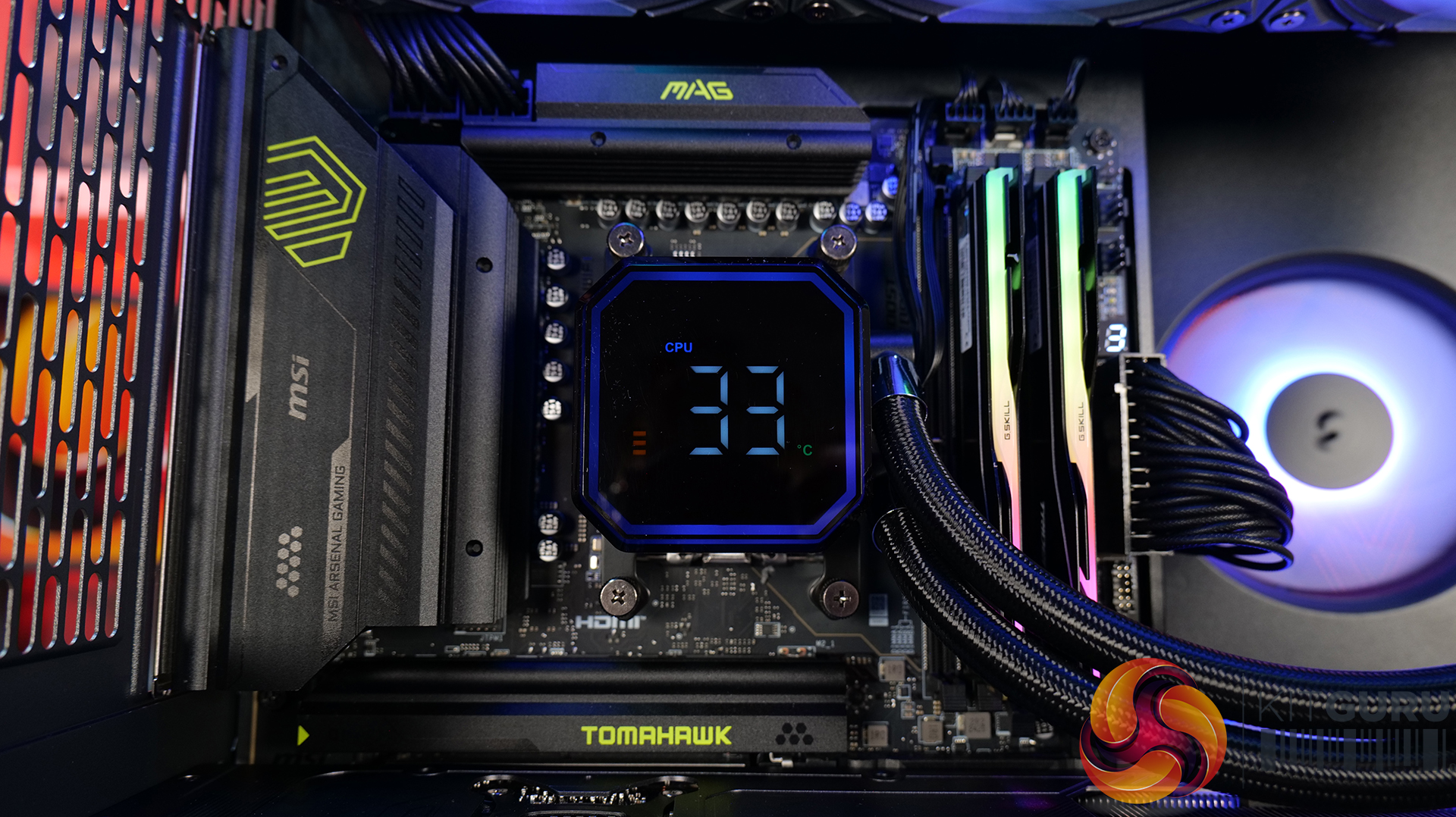
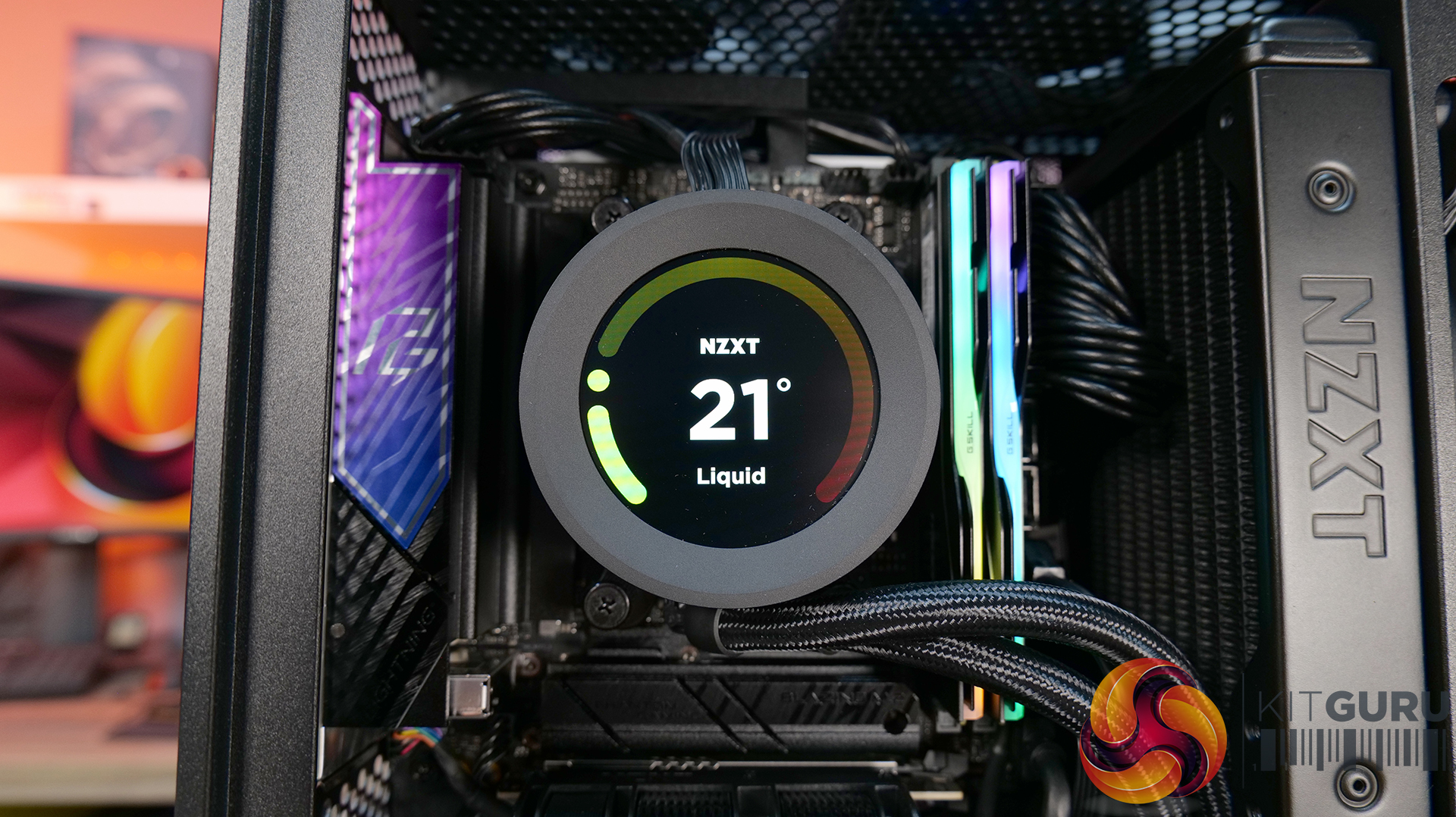
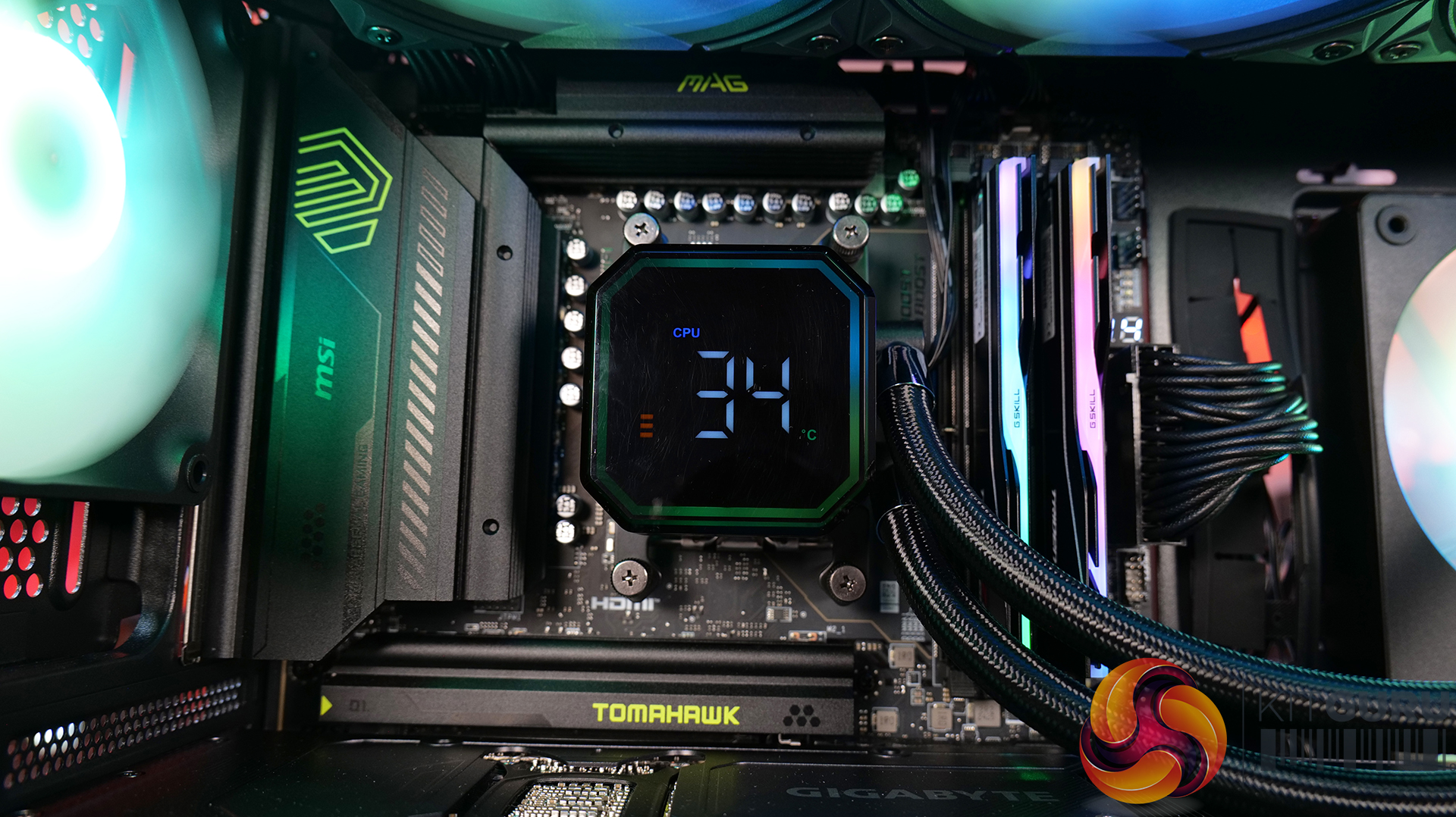
The standout feature is the hidden top radiator compartment. Not only does it help maintain a clean showcase-style appearance that the O11 Vision series is known for, but it also works well from a cooling perspective without restricting airflow. The digital version looks impressive, with the integrated 9.2-inch LCD screen feeling more refined and useful than the gimmicky implementations we sometimes see from competitors. This screen fits in with the design of the case perfectly.

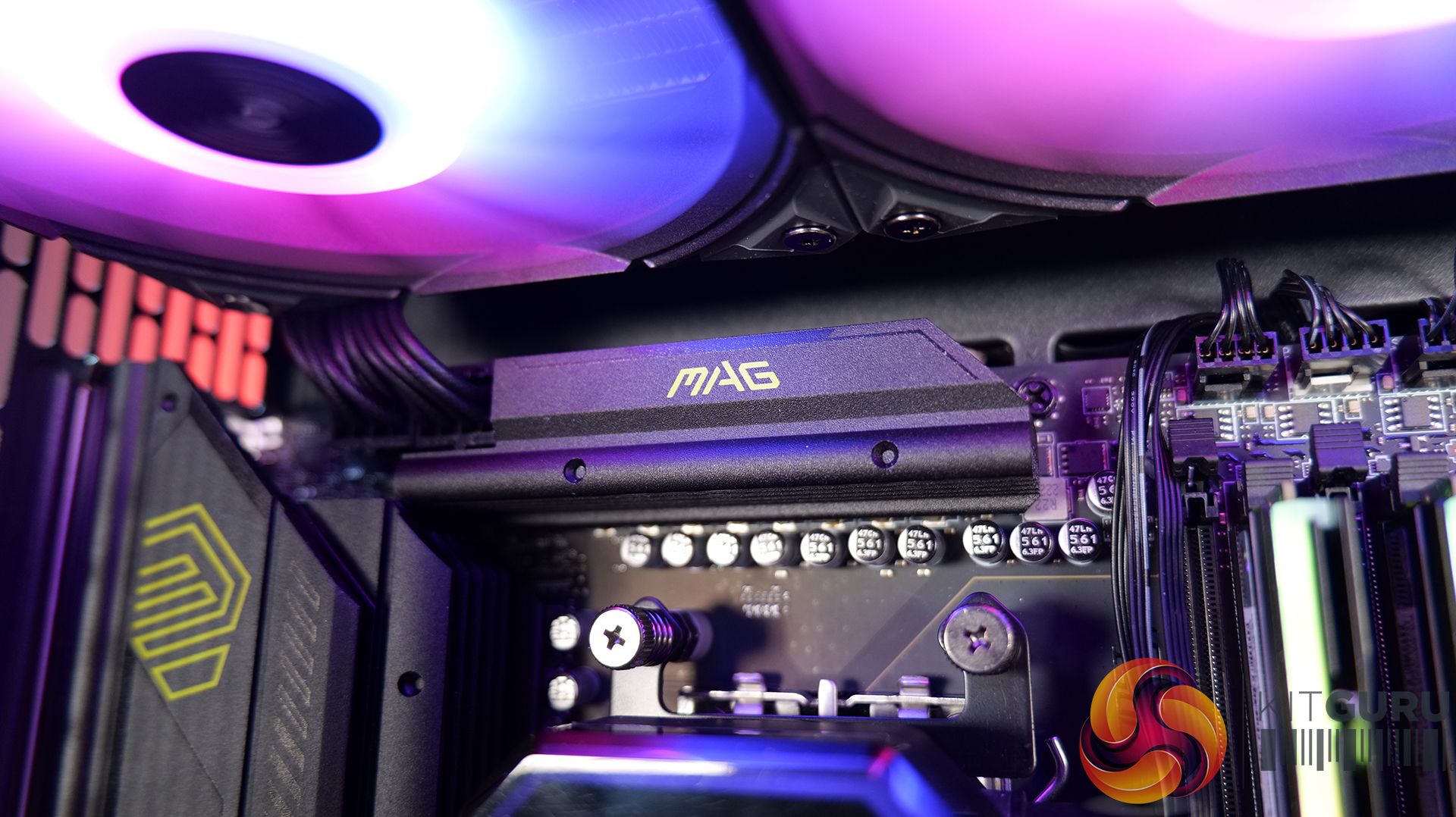
However there are a few compromises, such as clearance around the top radiator mount being very tight, so not every 360mm AIO will fit without issue. Checking dimensions before buying is essential. The smaller internal layout also means there’s a more specific hardware installation order required during the build process, which increases build time a little compared to similar dual-chamber cases with more space.

At $70 MSRP for the standard version, the O11 Vision-M offers good value considering the excellent build quality, cooling performance and hardware support it provides. Even the $130 digital version feels reasonably priced given the quality of the integrated display. While it’s technically compatible with Mini-ITX systems, due to its dimensions, it feels more like a compact Micro-ATX case than a true ITX chassis. Even so, if you want a compact case with strong airflow, premium aesthetics and high-end hardware support, the O11 Vision-M is an easy one to recommend.

The Lian Li O11 Vision-M has a £69.99 (black) MSRP for the regular model and $129.99 for the digital version with a 9.2″ LCD.

Pros: 

  • The hidden AIO compartment gives a clean look.
  • Good cooling options for a small dual-chamber glass case.
  • Screen integration on the digital version is excellent.

Cons:

  • Tight tolerance for top AIO support makes installation fiddly and means that some AIOs will be incompatible.
  • Not small enough to be considered for ITX builds.
  • The installation process takes a little more time than in some similar cases.

KitGuru says:  This is one of the best mATX cases we have seen for a long time. It's packed with high-end cooling options as well as that hidden radiator compartment which gives a clean look to the build. Plus, it's competitively priced too.
The post Lian Li O11 Vision-M PC Case Review first appeared on KitGuru.

Fractal Pop 2 Vision Case Review

29 April 2026 at 13:00

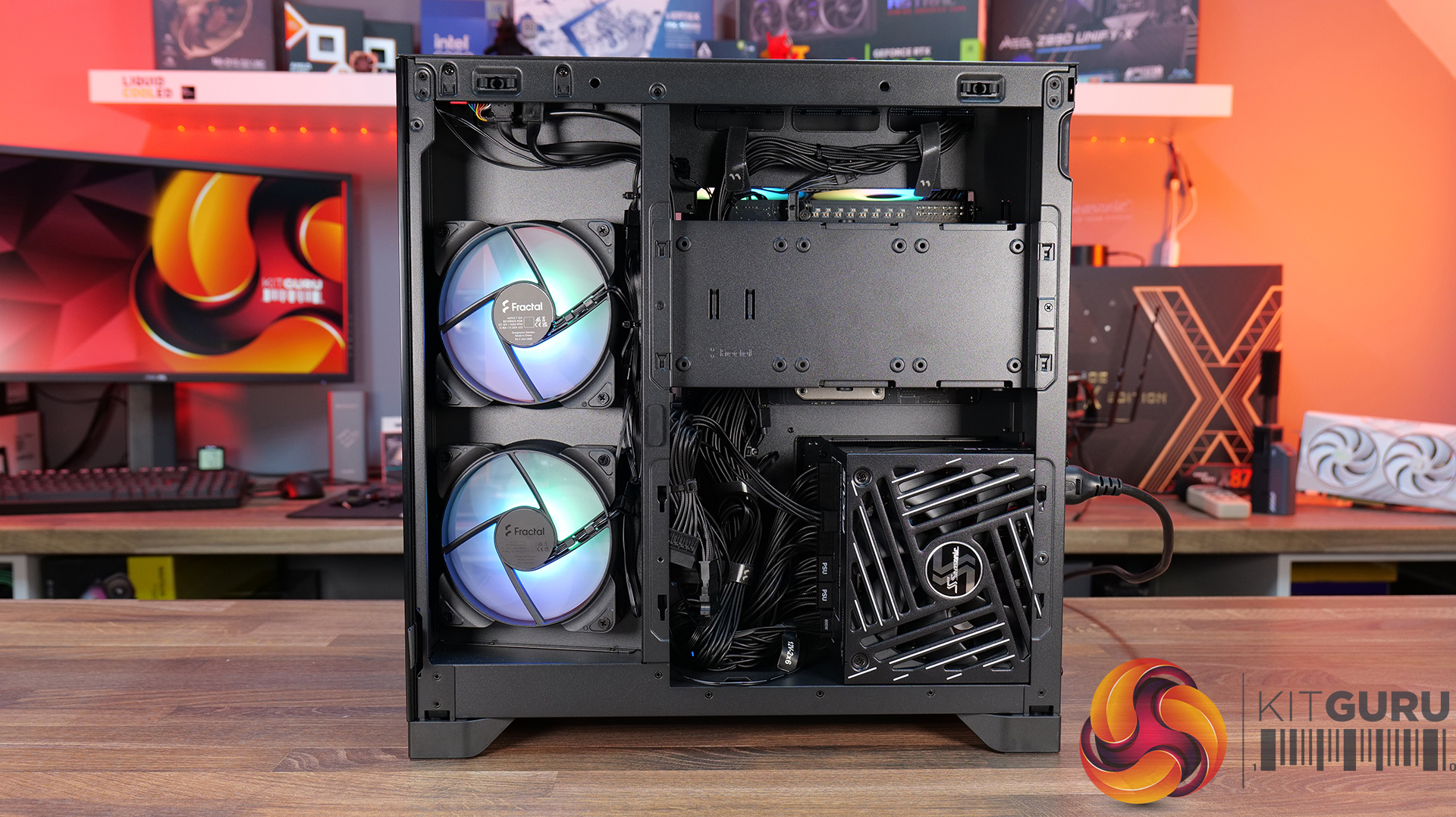
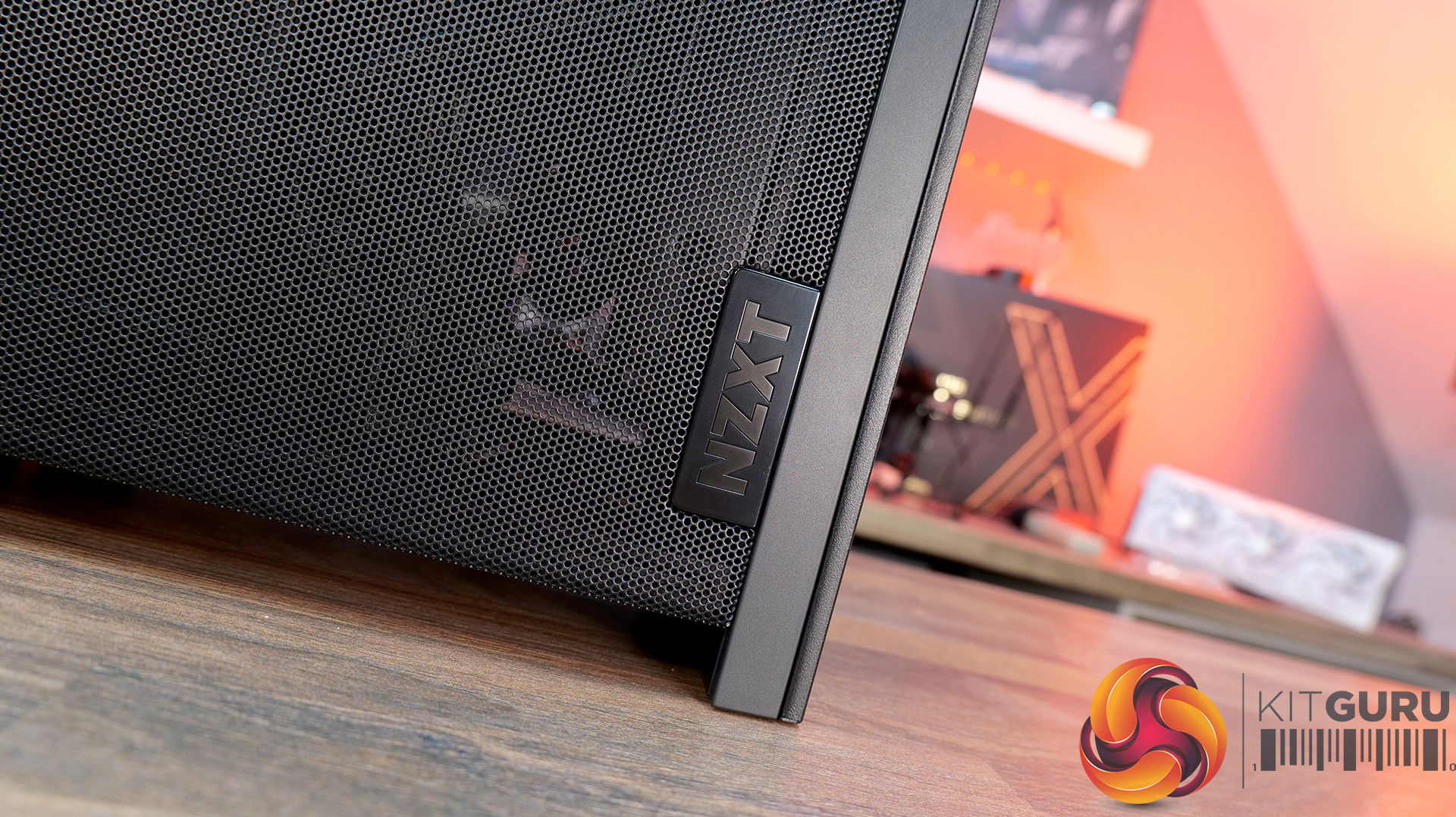
Today we’re checking out the Fractal Pop 2 Vision PC case. It’s a mid-tower chassis built around a dual-chamber design, aiming for a clean look with minimal clutter. You get four pre-installed Aspect 12X Reverse fans, support for large GPUs and 360mm radiators, plus a build-friendly layout with tool-free panel access and plenty of cable management space. On paper it looks like a solid mix of Fractal style and practicality, but does it actually deliver? Let’s find out.

Timestamps:

00:00 Intro
00:52 Meet the Pop 2 Vision
01:32 Key features
03:04 Starting the teardown
05:30 Inside the main chamber
07:47 Hardware compatibility
09:23 Back of the case
10:09 Behind the mobo tray
12:08 Quick look at the bottom
12:29 Included accessories
13:20 Test setup
13:42 Thermal + noise results
15:29 James’ thoughts on the installation process
17:36 Closing thoughts

Features:

  • Full-vision Design: Dual-chamber layout and panoramic glass panels combine for a clean, clutter-free showcase build, with hidden cabling and pre-routed fans.
  • Serious hardware support: Space for GPUs up to 412 mm and top-mounted radiators up to 360 mm, giving flexibility for high-end gaming or water-cooled setups.
  • Cooling sorted out of the box: Fractal includes four Aspect 12X Reverse fans as standard, for optimal airflow and tidy-looking visual presentation.
  • Builder-friendly features: Tool-free panel access, a magnetic top filter, generous cable routing space with straps and grommets, plus support for reverse-connector motherboards.

Specifications:

  • Case Type: Dual Chamber Chassis
  • Dimensions (LxWxH): 434 x 297 x 441 mm
  • Materials: Steel, Tempered Glass, Plastic
  • Motherboard Support: ATX / mATX / Mini-ITX
  • Reverse Connector motherboard support: Yes
  • Expansion Slots: 7
  • Storage bays: 3.5” x 1, 2.5” x 3
  • Max GPU Length: 412mm
  • Max CPU Cooler Height: 172mm
  • PSU Type: ATX up to 190mm
  • Cable Routing Space: 93mm
  • Cable Routing Grommet: Yes
  • Hook-and-loop straps: Yes, 5 pcs
  • Supplied Fans: 4 x Aspect 12X Reverse RGB BK
  • Fan Support: 2 x 120 mm (Front/Right), 3 x 120 mm or 2 x 140 mm (Top), 1 x 120 mm (Rear), 2 x 120 mm (Bottom)
  • Radiator Support: Up to 280 / 360 mm (Top), 1 x 120mm (Rear)
  • Dust Filters: 1 x Top, 1 x Bottom, 1 x Perforated Side Panel
  • Front I/O: 1 x USB Type-A 5 Gbps, 1 x USB Type-C 5 Gbps, 1 x Audio/Mic Combo Jack
  • LCD Screen: N/A

Thermal Performance Testing

To simulate thermal demand, we run the Cinebench R23 multi-thread benchmark and 3DMark Speed Way stress test simultaneously in a loop for 30 minutes to load the system fully. This gives the CPU and GPU enough time to reach constant steady-state temperature. With this data, we can compare how the system handles the thermal demand and measure peak noise levels.

Thermal performance is measured with the case in various configurations, such as the default, with the tempered glass left-hand side panel removed and with the front panel removed to see how these configurations affect the CPU and GPU temperature. During testing, only stock case fans are used unless otherwise specified. All water pumps are set to maximum RPM and fans are set to a custom RPM curve by the Motherboard software/BIOS.

All temperature measurements are presented as Deltas – meaning the ambient temperature has been deducted from the CPU temperature, giving us a Delta. Data shown in the charts represents the average component temperature over the length of the test as measured by HWiNFO, and then the last 15 minutes of the data are calculated to get the average. The ambient temperature during thermal tests is between 19-20⁰C.

Test System Specification:

  • CPU – AMD Ryzen 7 9800X3D
  • Motherboard – MSI X870 Tomahawk WiFi
  • Graphics Card – Gigabyte RTX 5080 Gaming OC
  • Memory – 32GB (2 x 16GB Modules) G.SKILL Trident Z5 Neo RGB DDR5-6000
  • Storage – 1TB Corsair MP600 Elite PCIE Gen4 NVMe M.2 SSD
  • CPU Cooler – Montech HyperFlow Digital 360
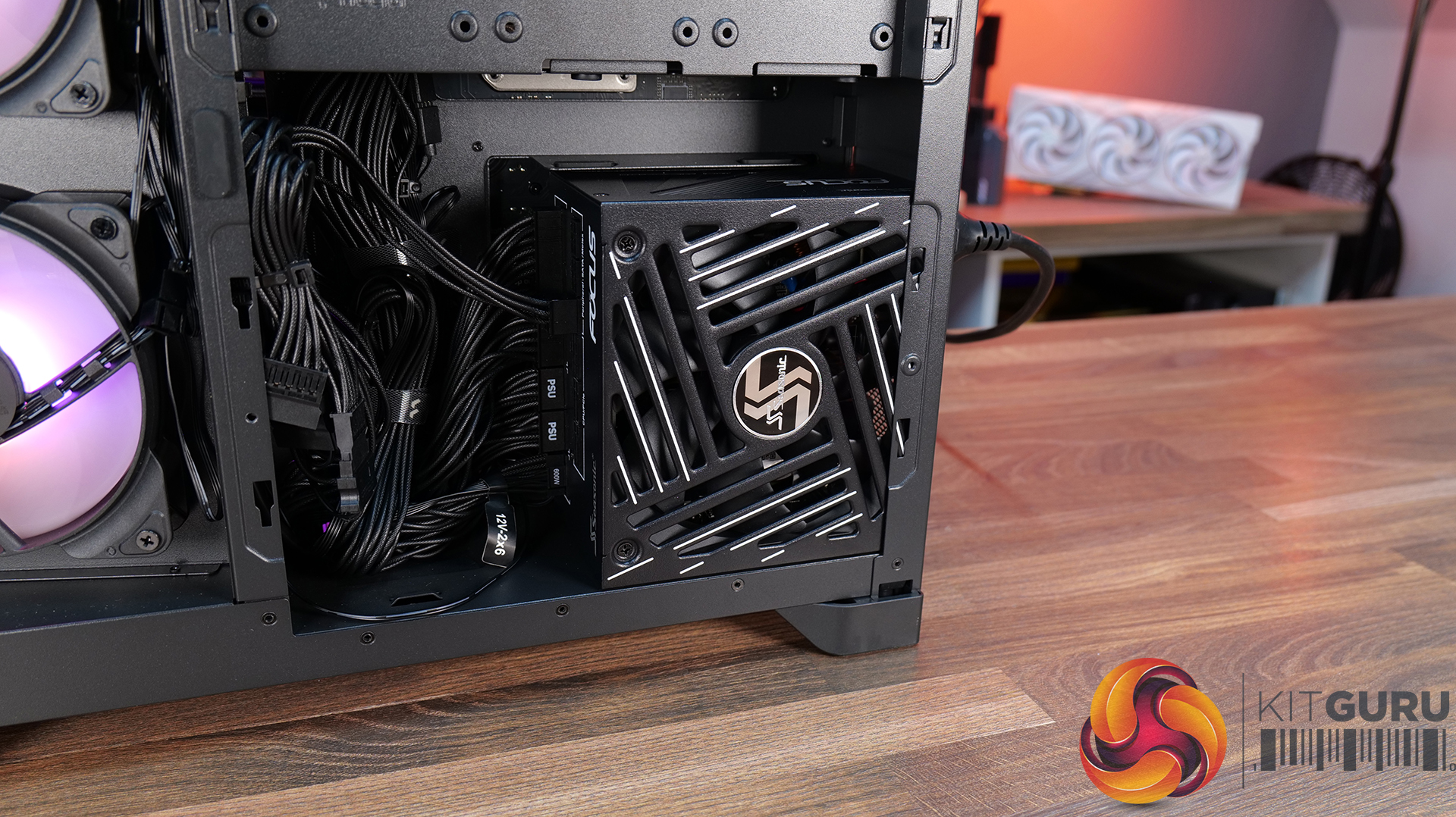
  • Power Supply – Seasonic Focus GX 1000 ATX3
  • Case fans – Stock (Fractal Aspect 12X Reverse RGB BK)
  • Chassis – Fractal Pop 2 Vision
  • Operating System – Windows 11 24H2

Thermal Performance Overview

We test case thermals using a 360mm AIO as exhaust at the top and with the case in several different fan configurations. The default configuration shown in the charts is with the top 360mm AIO cooler, 2 x 120mm side and bottom intake fans and with all case panels installed.

Looking at the thermals first, the Fractal Pop 2 Vision shows solid performance overall, with a few minor differences between configurations. With all glass panels removed, the CPU temperature is 54°C above ambient, and the GPU is at 50°C. With the case in the default configuration, temperatures rise slightly to 57°C over ambient on the CPU and 52°C on the GPU, so out-of-the-box airflow is clearly doing a decent job.

Removing the top mesh panel doesn’t change temperatures much, but removing the floor intake has an impact, pushing the CPU to 58°C and the GPU to 55°C over ambient, highlighting how important the bottom intake is for keeping GPU temperatures in check.

Noise Output

Looking at the noise results, it's pretty well controlled overall with only small differences between configurations. In the default setup, max noise is 50 dBA under load and 37 dBA at idle, which is normal for a dual-chamber case running this hardware and cooling setup.

Removing the glass panels or the top mesh panel drops load noise slightly to 49 dBA due to cooler temperatures and slightly lower fan speed. Disabling the floor intake fans pushes noise up to 52 dBA, likely due to the fans working a bit harder to compensate. At idle though it’s consistent across the board at 37 dBA.

Closing Thoughts

For a first attempt at a modern ATX dual-chamber case, the Fractal Pop 2 Vision PC Case looks to be decent value, assuming it becomes available at its suggested MSRP on launch. Build quality is a big positive as the chassis feels very solid throughout, plus the design strikes a nice balance between understated styling and full-vision aesthetic from the panoramic glass, with the recessed fans keeping things  looking clean inside the main chamber.

In terms of hardware support, there’s a lot to like here too, with 40mm+ clearance for large graphics cards, support for 360mm radiators and AIOs up top, alongside compatibility with reverse-connector ATX and mATX motherboards, so it’s flexible enough for a wide range of modern builds. It’s also generally easy to work in, with a good amount of internal space and sensible layout choices that make cable management simple and tidy presentation easy to achieve.

That said, there are some minor downsides. Some features you might expect at this price point are missing – there’s no proper fan hub included, no integrated GPU support bracket, and fan flexibility is a bit limited, with the bottom and side mounts restricted to 120mm units only. On top of that, front I/O is a little sparse, offering just a single Type-A and one Type-C port, where many cases still provide a bit more Type-A connectivity normally.

So while it’s not a completely perfect design, the core features and build quality are done well. If you’re after a dual-chamber case that prioritises clean looks, solid build quality and good hardware compatibility, the Pop 2 Vision makes a strong case for itself. While it may not give the absolute chart-topping thermals of a high airflow mesh case, with a 360mm top AIO, cooling is also pretty decent for a dual-chamber chassis.

The Fractal Pop 2 Vision has a £87.99 MSRP for the RGB model (as reviewed).

Pros: 

  • Four reverse-blade fans pre-installed.
  • Good hardware support, including reverse-connect motherboards.
  • Easy to build with.
  • Competitive MSRP.

Cons:

  • Limited side/floor fan choice.
  • No fan hub included.
  • No integrated GPU support bracket.

KitGuru says: Fractal has done a good job with the Pop 2 Vision, for the suggested MSRP it offers a good value, a solid base for your new gaming system and with the recessed fans, it looks pretty cool too.
The post Fractal Pop 2 Vision Case Review first appeared on KitGuru.

NZXT H2 Flow PC Case Review

31 March 2026 at 12:22

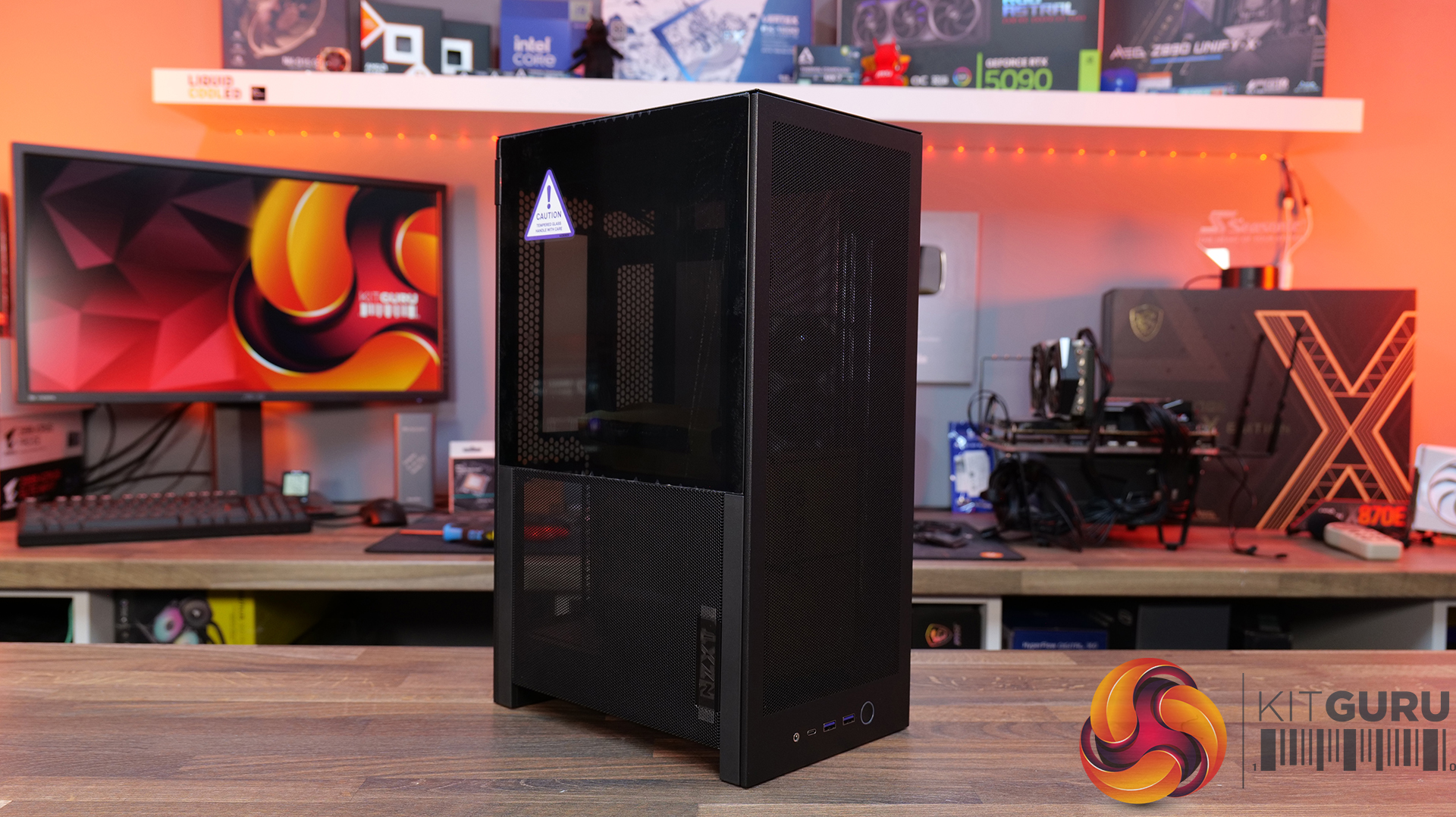
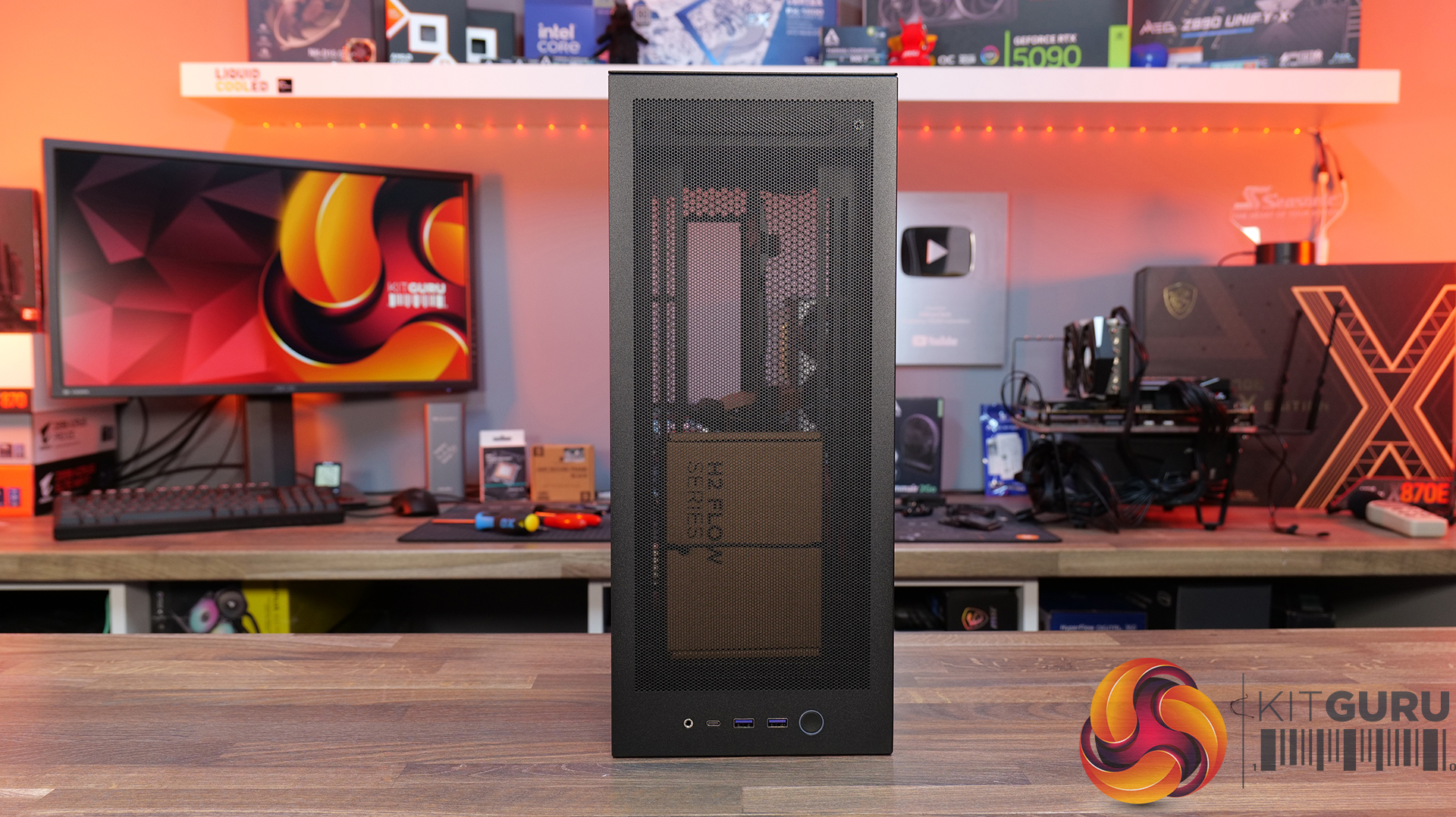
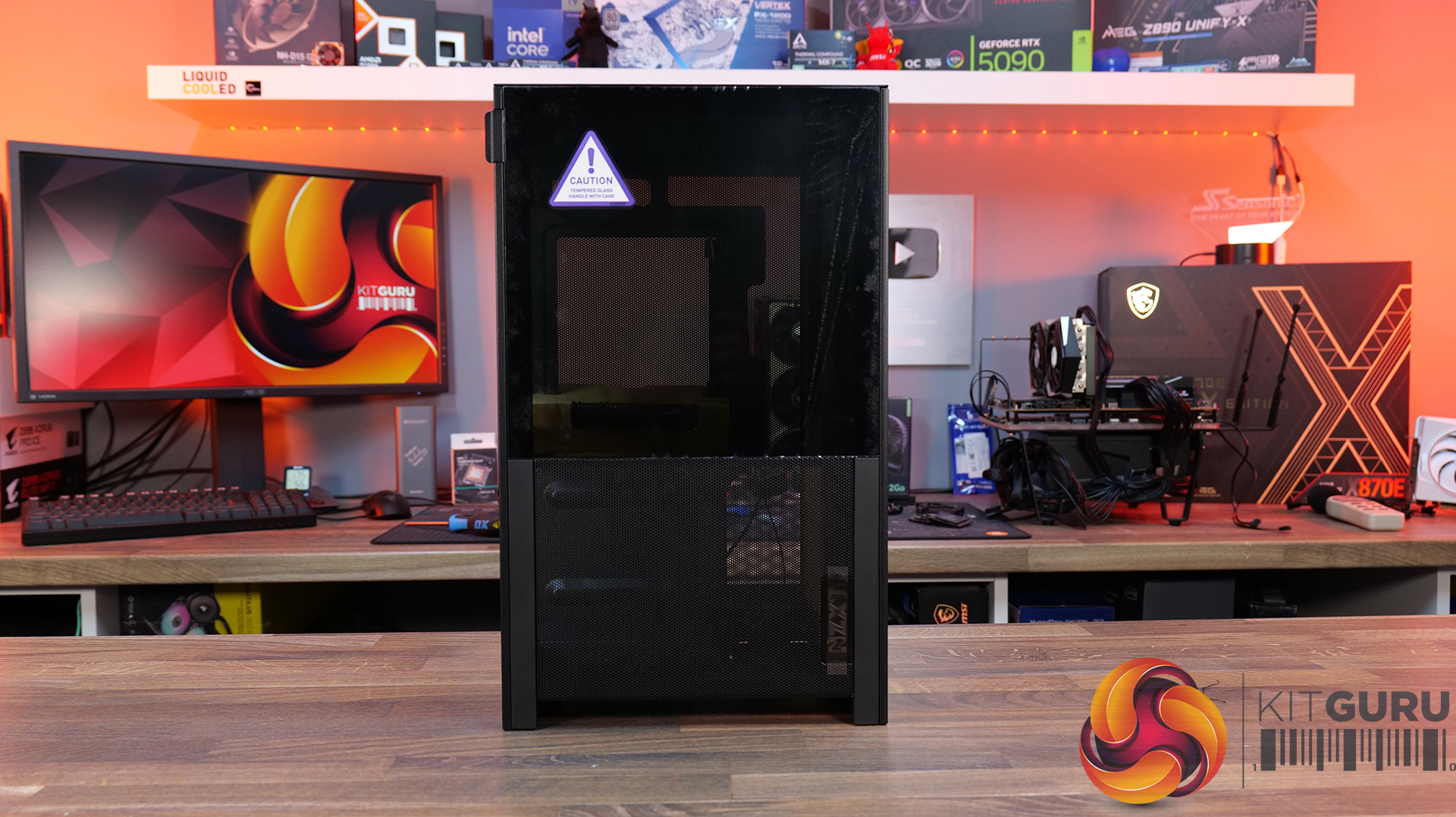
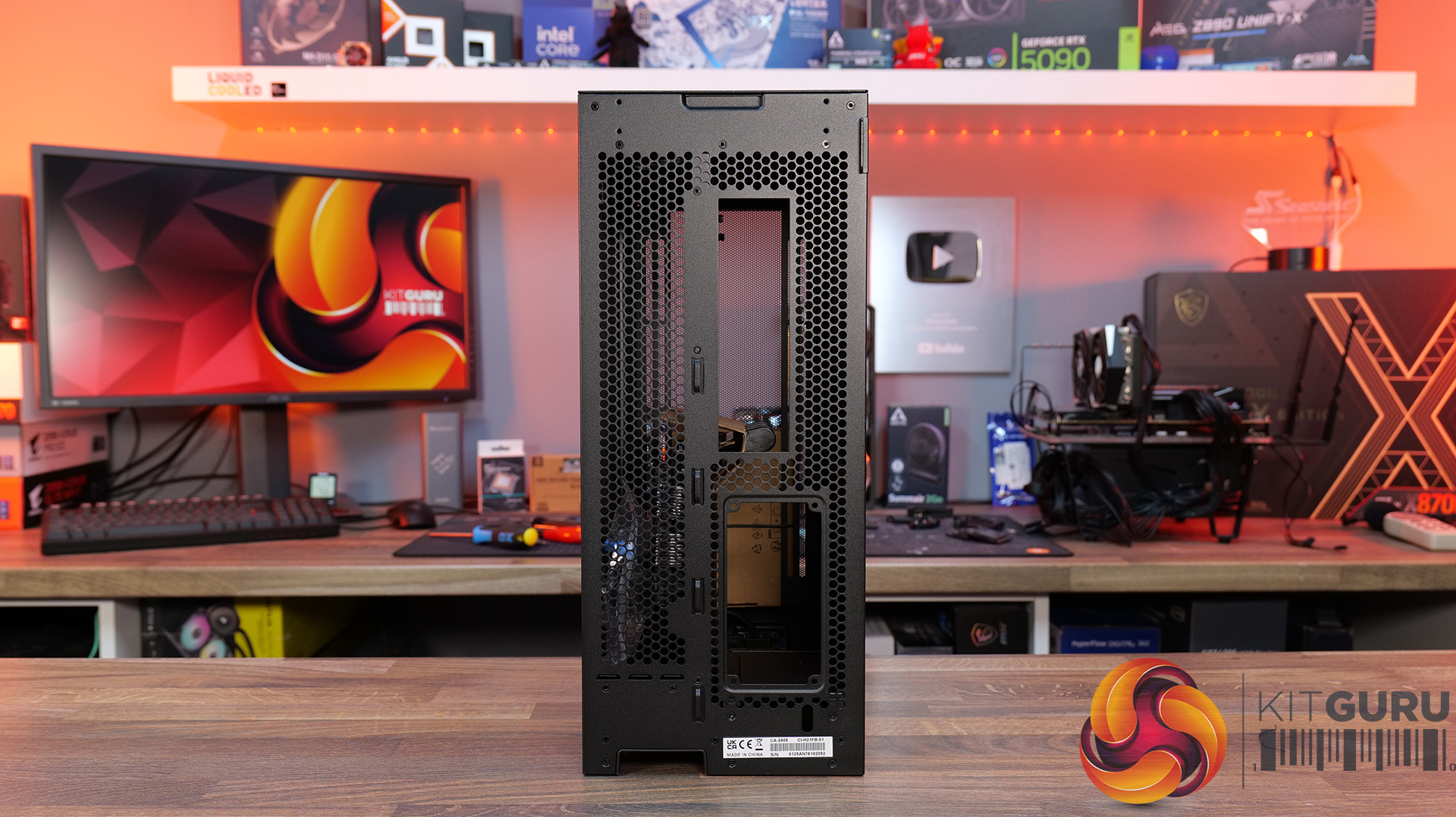
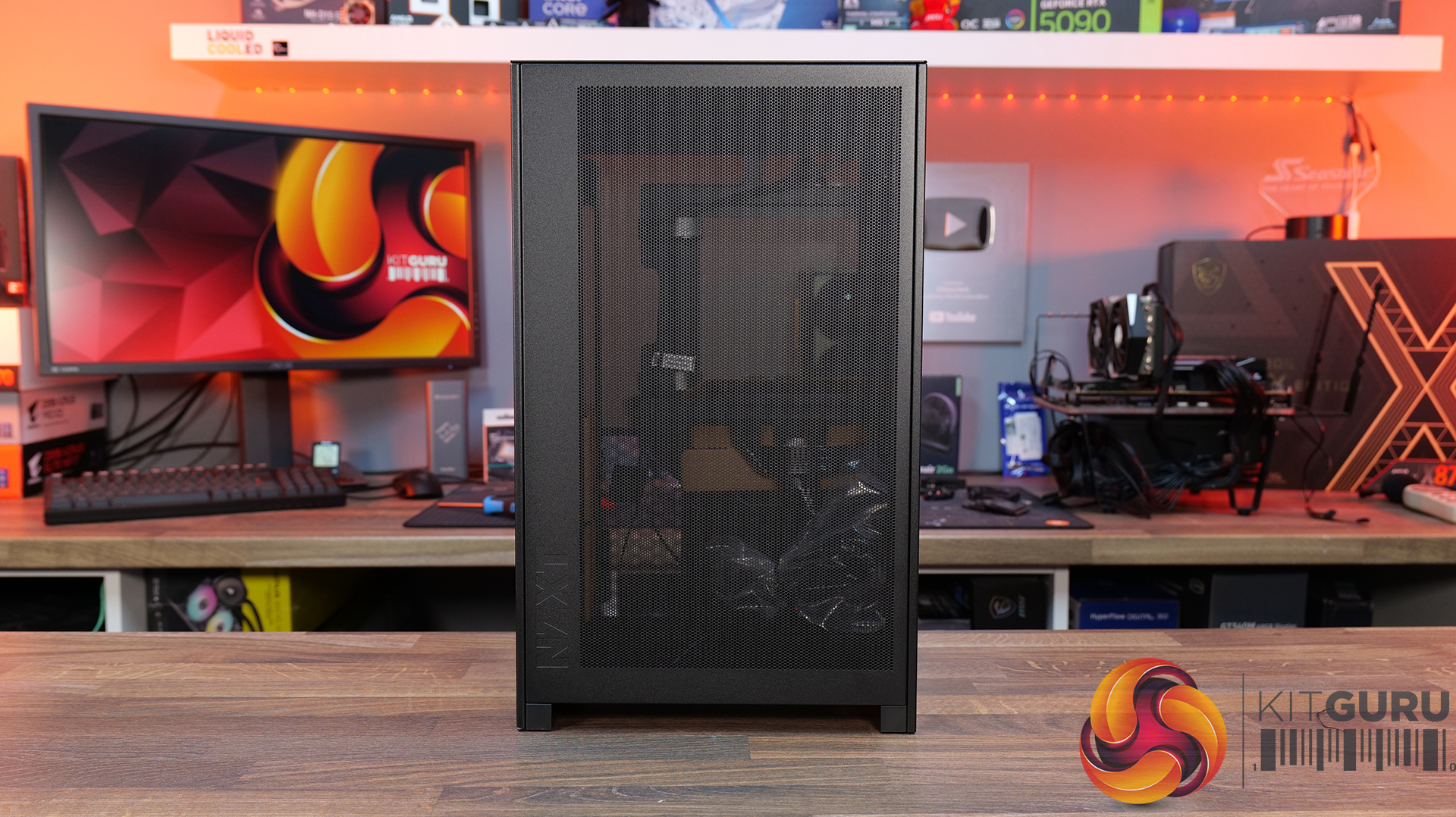
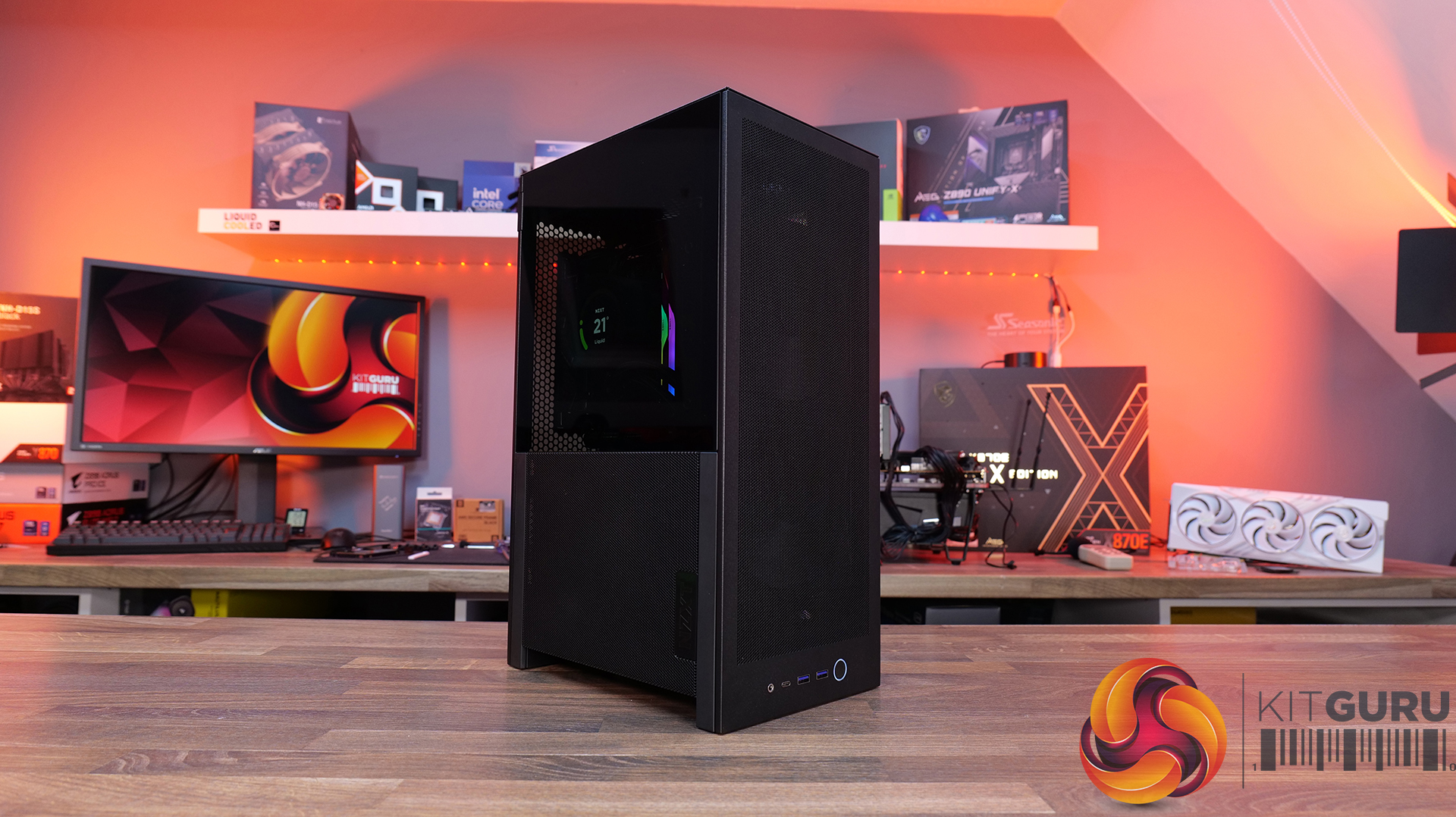
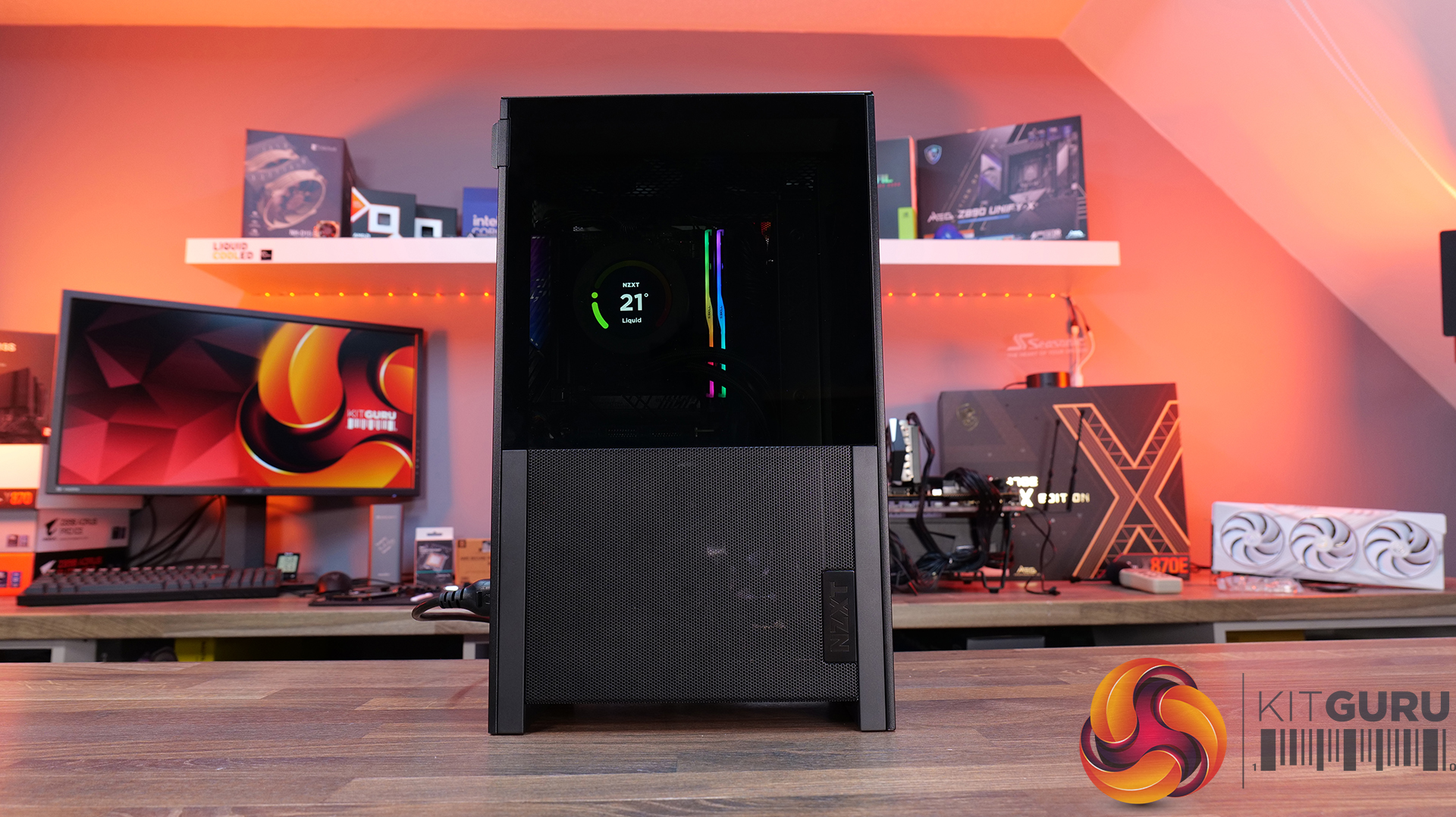
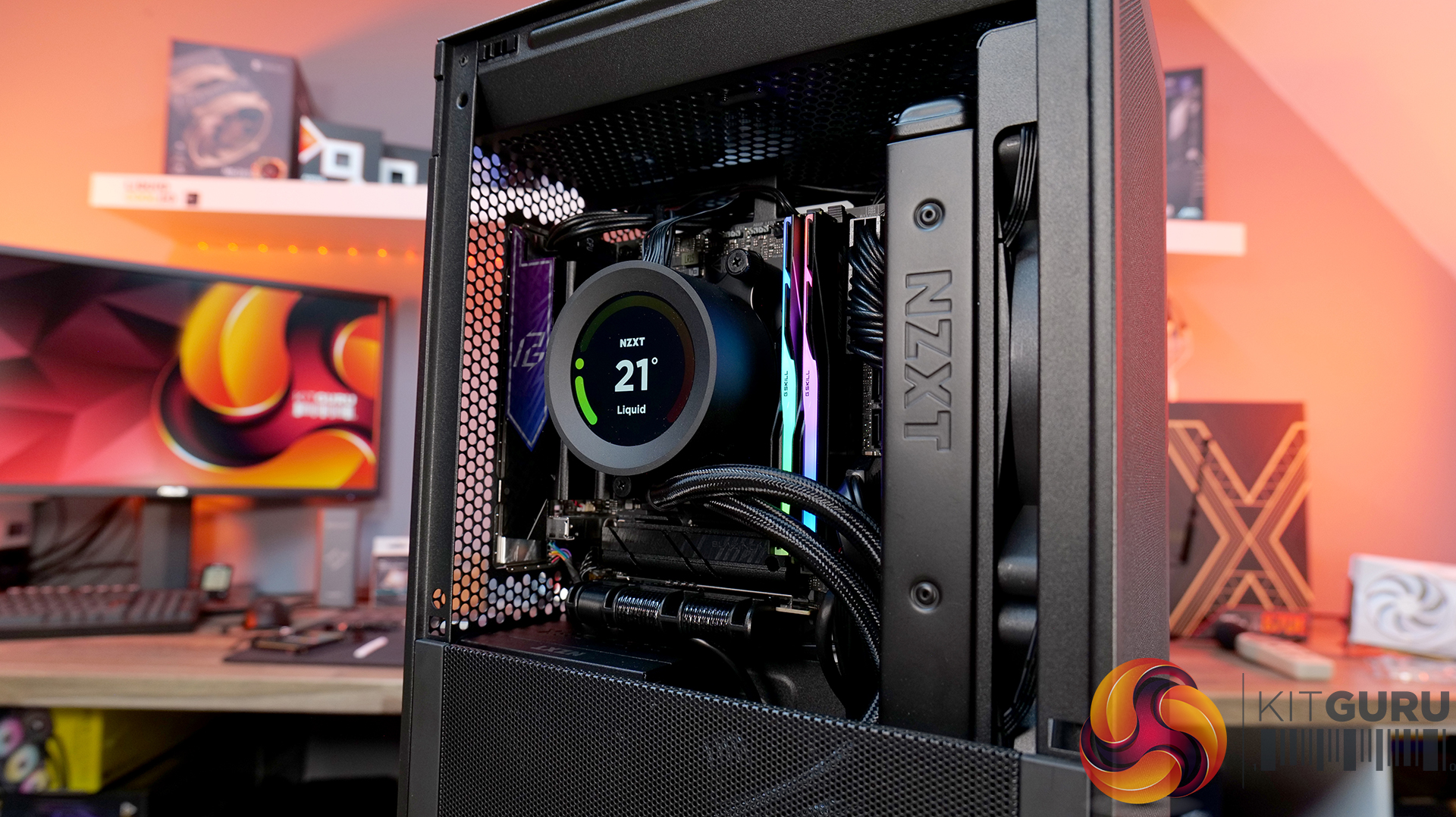
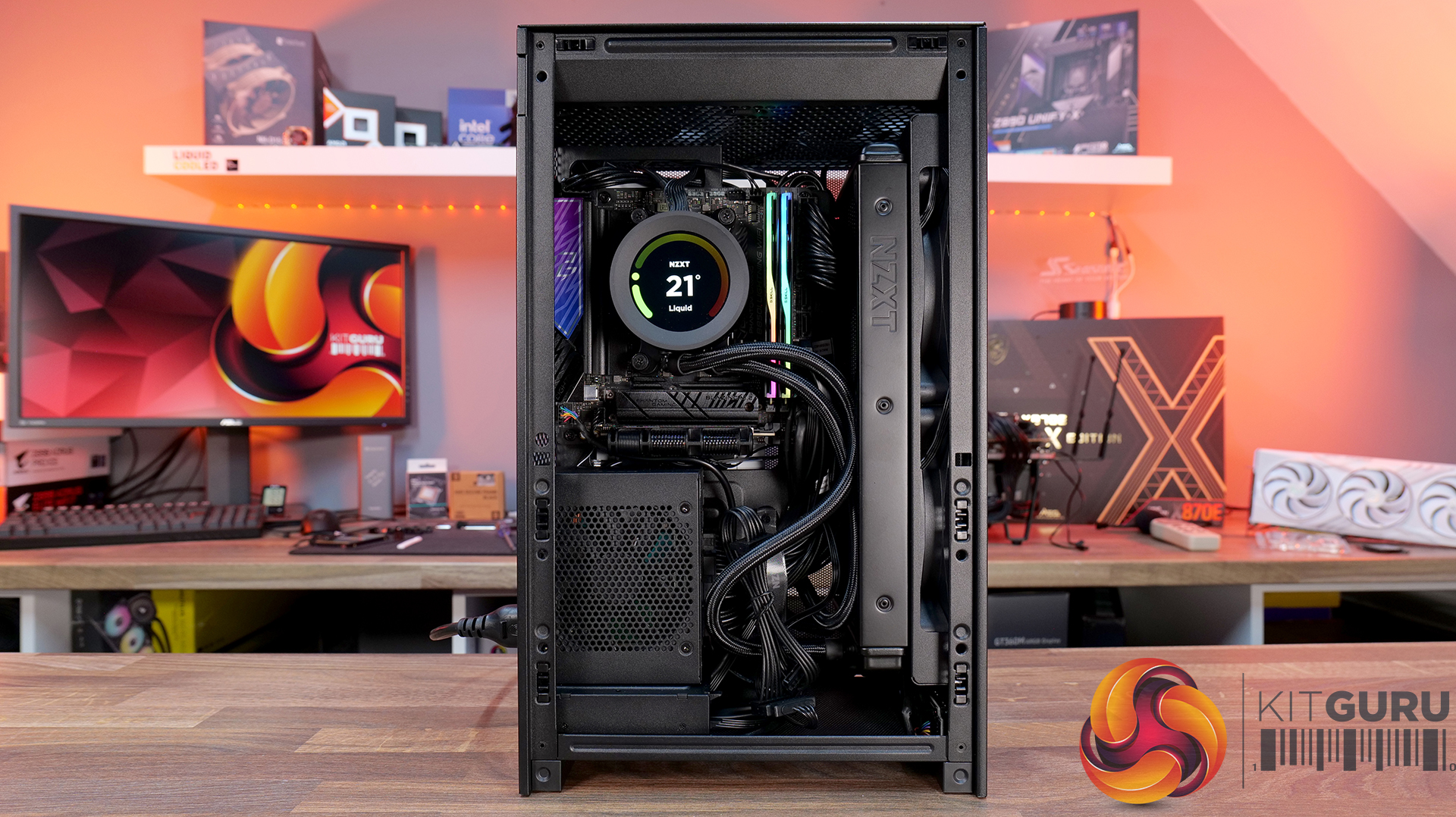
Today we’re checking out the new H2 Flow case from NZXT. It’s a small-form-factor chassis designed to focus on cooling performance while maintaining the clean, minimal looks NZXT is known for. It has a full mesh panels, support for high-end hardware and according to NZXT, a layout aimed at making the build process as straightforward as possible. There’s even support for several fan and radiator configurations, so on paper at least, it looks like NZXT is addressing one of the biggest criticisms of its previous ITX case. But how well does it actually perform? Let’s find out.

Timestamps:

00:00 Intro
00:50 Pricing and details
01:34 Overview / Dimensions / Materials
02:10 Panels / A look Inside
04:20 Front IO
04:56 Cooling Support
06:27 Motherboard and PSU support
07:03 Cable Management support
08:14 Graphics Card and some issues
11:45 Motherboard layout and air flow
12:37 Cable Management features
12:52 Power Supply / Drive support
13:46 Building inside the case / accessories
14:41 Thermal and Noise Performance
16:16 James thoughts

Features:

  • High-airflow mesh design: Ultra-fine mesh panels on multiple sides maximise air flow while also helping to filter dust, keeping components cool and clean.
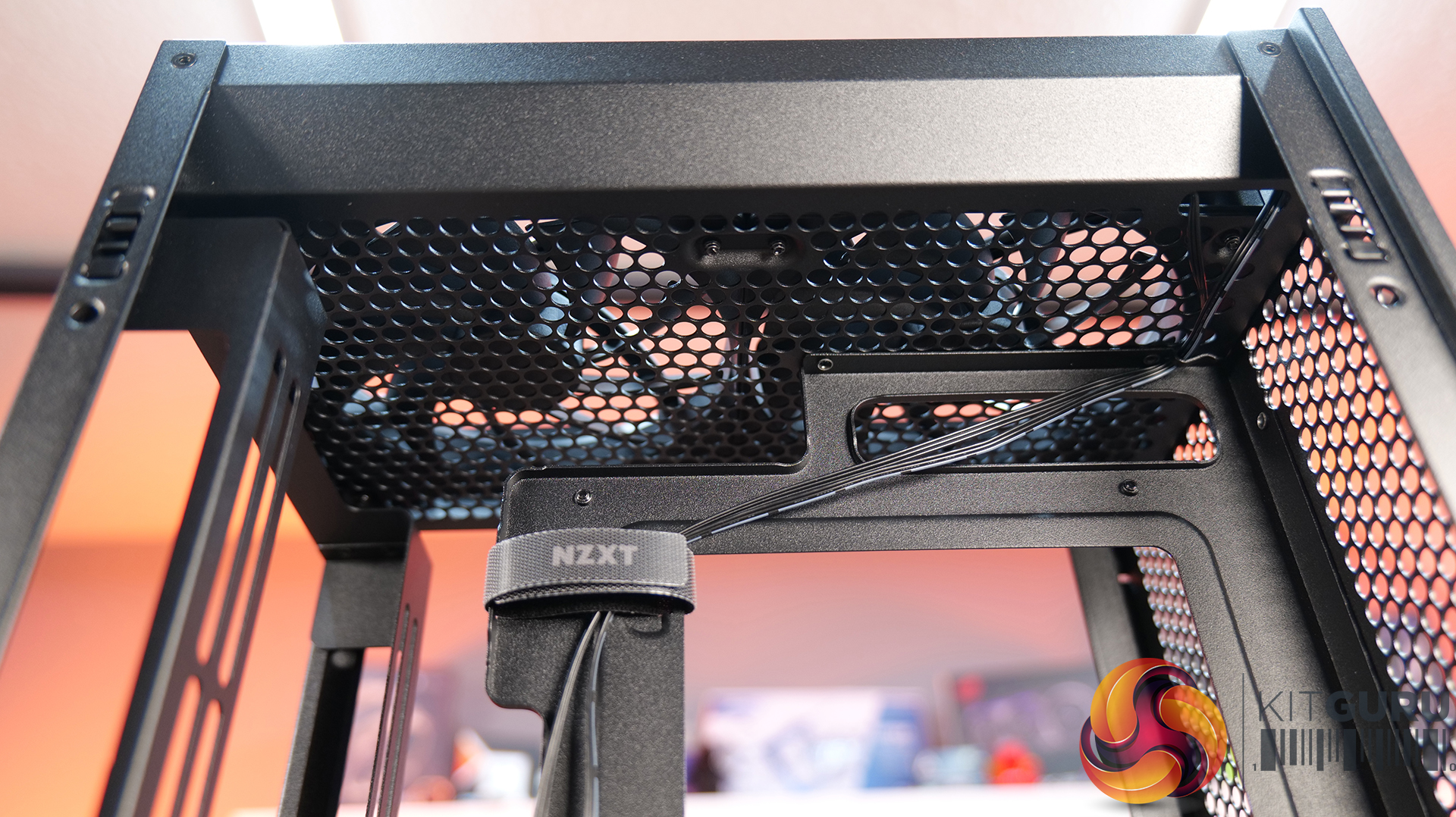
  • Strong liquid cooling support: Designed primarily for AIO setups, with support for up to a 280mm front-mounted radiator to keep thermals under control in a compact system.
  • Compact footprint, high-end compatibility: Despite the small 20.7L layout, it supports GPUs up to 331mm and 3-slots wide, making it capable of handling modern high-performance hardware.
  • Builder-friendly design: the H2 Flow Features tool-less panels, smart cable management, pre-installed fans, and a PCIe 5.0 riser cable, all aimed at making the build process quick and straightforward.

Specifications:

  • Case Type: Small Form Factor
  • Dimensions (HxWxD): 435 mm x 181 mm x 263 mm
  • Materials: Steel, tempered glass
  • Motherboard Support: Mini-ITX
  • Back-connect motherboard support: N/A
  • Expansion Slots: 3 (Standard Vertical)
  • Storage bays: 2 x 2.5”
  • Max GPU Length: 331mm
  • Max GPU Thickness: 65mm
  • Max GPU Width: 150mm
  • Max CPU Cooler Height: 75mm
  • PSU Type: SFX up to 130mm
  • Cable Management: Fixed Velcro Straps / Zip Ties Included
  • Supplied Fans: 2 x F120Q (Top)
  • Fan Support: 2 x 120 / 2 x 140mm (Front), 2 x 120mm (Top),
  • Radiator Support: up to 280mm (Top)
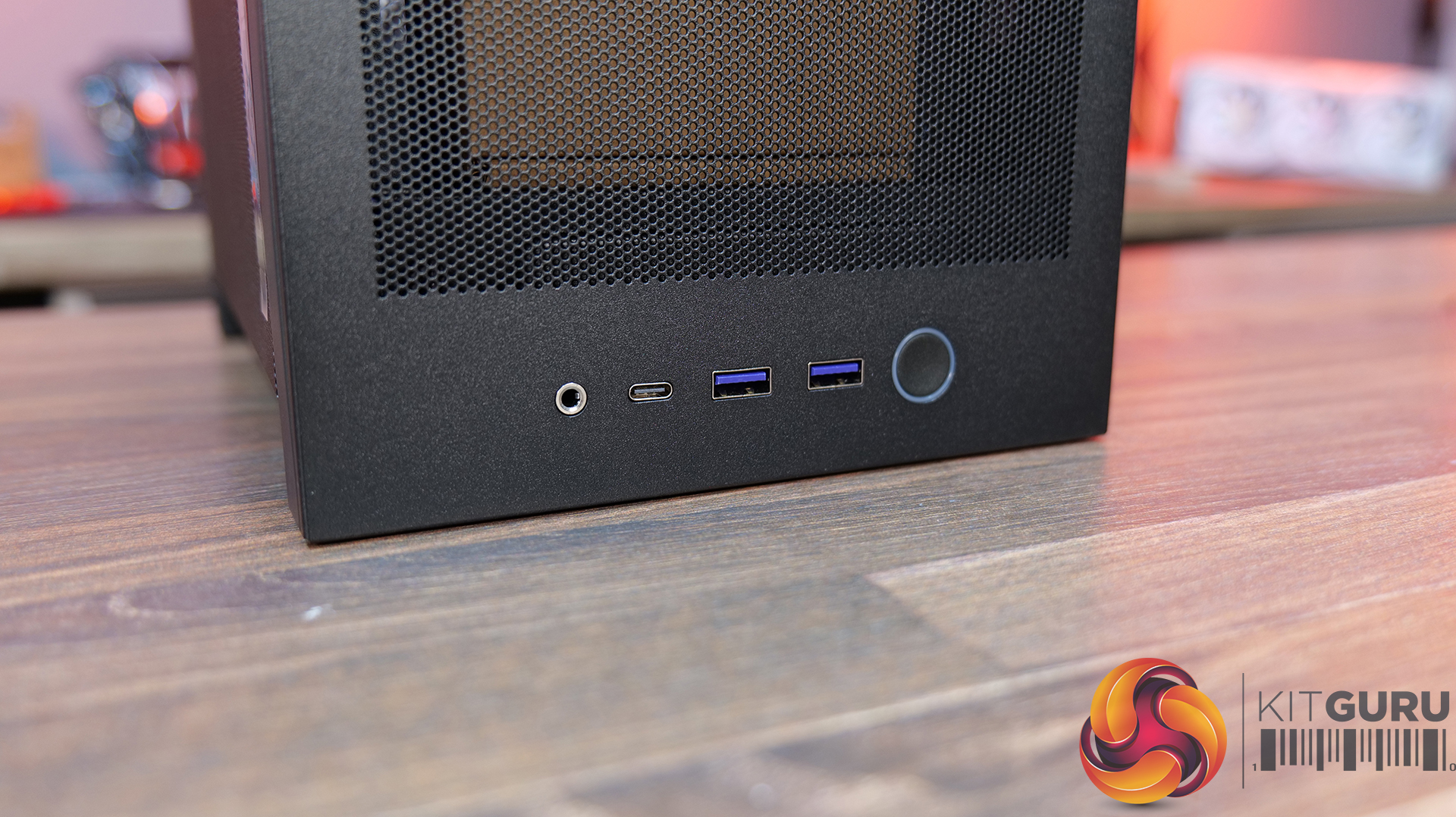
  • Font I/O: 1 x USB 3.2 Gen2x2 Type-C, 2 x USB 3.2 Type-A, 1 x combined 3.5mm Auio/Mic jack
  • LCD Screen: N/A

Thermal Performance Testing

To simulate thermal demand, we run the Cinebench R23 multi-thread benchmark and 3DMark Speed Way stress test simultaneously in a loop for 30 minutes to load the system fully. This gives the CPU and GPU enough time to reach constant steady-state temperature. With this data, we can compare how the system handles the thermal demand and measure peak noise levels.

Thermal performance is measured with the case in various configurations, such as the default, with the tempered glass left-hand side panel removed and with the front panel removed to see how these configurations affect the CPU and GPU temperature. During testing, only stock case fans are used unless otherwise specified. All water pumps are set to maximum RPM and fans are set to a custom RPM curve by the Motherboard software/BIOS.

All temperature measurements are presented as Deltas – meaning the ambient temperature has been deducted from the CPU temperature, giving us a Delta. Data shown in the charts represents the average component temperature over the length of the test as measured by HWiNFO, and then the last 15 minutes of the data are calculated to get the average. The ambient temperature during thermal tests is between 19-20⁰C.

Test System Specification:

Thermal Performance Overview

We test case thermals using a 280mm AIO as the intake at the front and with the case in several different fan configurations. The default configuration shown in the charts is with the Front 280mm AIO cooler, 2 x 120mm top exhaust fans and with all case panels installed.

Looking at the thermal results, the H2 Flow delivers pretty solid performance overall, with some interesting quirks. With the side panels removed, we see CPU temperature at 61°C over ambient and 39°C on the GPU. In the default configuration with all panels installed, CPU temperature increases to 65°C over ambient on the CPU and 41°C on the GPU, so out of the box airflow seems reliable, but there's some restriction.

Switching the top fans to intake doesn’t help CPU temperature at all and pushes GPU temperatures up a couple of degrees. Using an AIO as exhaust at the front sees CPU temperatures climb to 68°C, although GPU temps drop back down to 39°C in this configuration, so there’s a bit of a trade-off depending on your setup.

Noise Output

Moving on to noise output, again the H2 performs quite consistently. With the side panels removed we see a maximum load noise level of 41dBA, rising slightly to 42dBA in the default setup with all side panels installed, due to increased temperatures and higher fan speeds.

Switching the top fans to intake doesn’t change things at all, but using the AIO as exhaust pushes noise up slightly to 43dBA, due to higher CPU temperature and AIO fan speed. However, an increase of 1dBA shouldn’t be too noticeable in real-world scenarios. At idle, everything sits between 36 – 37dBA regardless of configuration, so overall the H2 Flow delivers controlled acoustics — its not the quietest case we’ve tested, but certainly nothing much to complain about either.

Closing Thoughts

Overall, the H2 Flow is a bit of a mixed bag, but there are some positives worth highlighting. The compact footprint is one of its best features — it takes up less space desk space than mid-towers and some compact SFF cases with horizontal layouts, which will appeal to users who are working with a smaller desk setup. At the same time, NZXT has done a solid job with cooling support, with compatibility for 280mm AIOs and 140mm fans, so you don’t have to sacrifice cooling for desk space, which is great and a big improvement on its predecessor, the H1.

Building inside the case is mostly a smooth experience. System installation is straightforward, there’s a decent amount of space to work with given the overall size, and cable routing is handled reasonably well for the most part. There are clear channels for running cables, which work well. It's not the most radical design, nor does it include any genuinely innovative ideas, but NZXT has clearly put some thought into making the build process as painless as possible for most users.

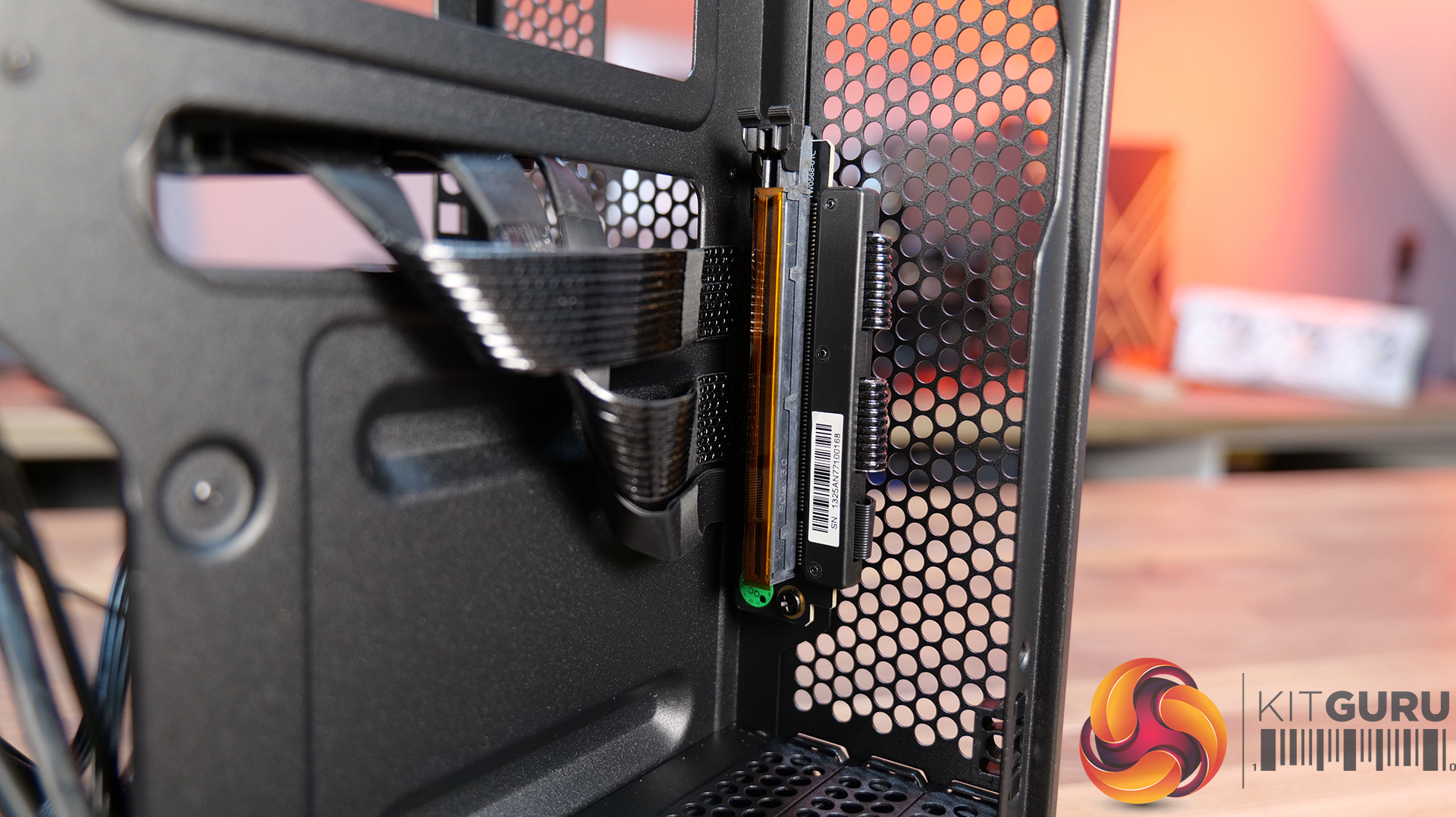
That said, there are a few downsides that hold it back. One of those issues is GPU compatibility — the maximum graphics card length is quite restrictive; it's an improvement on the H1 at 331mm, but a lot of current high-end cards simply won’t fit. There are also some concerns around build quality. The motherboard tray has excessive flex, the PCIe riser cable fouls the motherboard tray and the back of the GPU, some of the outer panels feel a bit weak, and small details like the Velcro straps don’t properly secure the 24-pin cable, even though generally cable management is good.

There are a few usability niggles too. Removing a graphics card can be awkward due to the limited access to the PCIe retaining latch, which you only notice when removing the graphcis card. There's only a small cutout in the chassis frame to get a finger in to release the PCIe latch, you may be tempted to use a tool and pry it open, which can result in damage. So while the H2 Flow gets things right in terms of size, airflow, and ease of use, the compromises — particularly around GPU support and build quality mean it doesn’t quite hit the mark.
The NZXT H2 Flow is available to purchase now from Scan priced at £129.98 HERE.

Pros: 

  • Decent cooling support
  • Small footprint.
  • Easy system installation.

Cons:

  • Max graphics card space limits options.
  • Build quality issues.
  • Cable management Velcro straps are a bit weak.
  • A little expensive.

KitGuru says: The H2 Flow is certainly an improvement in terms of cooling compared to the H1, but it still falls short in some areas, which makes it difficult to recommend. The potential for a solid small form factor case is there, but there's still room for improvement.

The post NZXT H2 Flow PC Case Review first appeared on KitGuru.

Cougar CFV235 Case Review

17 March 2026 at 11:52

Today we’re taking a look at the Cougar CFV235 mid-tower chassis. It features Cougar’s Central Floating Ventilation design, support for up to EATX motherboards, including back connect, and comes with pre-installed ARGB PWM fans straight out of the box. On paper, there’s plenty of cooling potential too with support for up to nine fans and 360mm radiators, along with clearance for graphics cards up to 430mm long. As always, we’ll be checking out build quality, ease of installation, thermal performance, and overall value to see if the CFV235 is worth considering for your next build.

Timestamps:

00:00 Intro
00:45 Pricing + key info
02:38 Getting inside
04:10 Cooling support, pre-installed fans
05:55 CPU and GPU compatibility
06:52 Looking at the rear
07:18 Area behind the mobo tray
09:32 Storage support
10:21 Floor of the case
11:17 Accessories
12:14 Thermal tests + noise
13:49 James’ experience so far
15:19 Closing thoughts

Features:

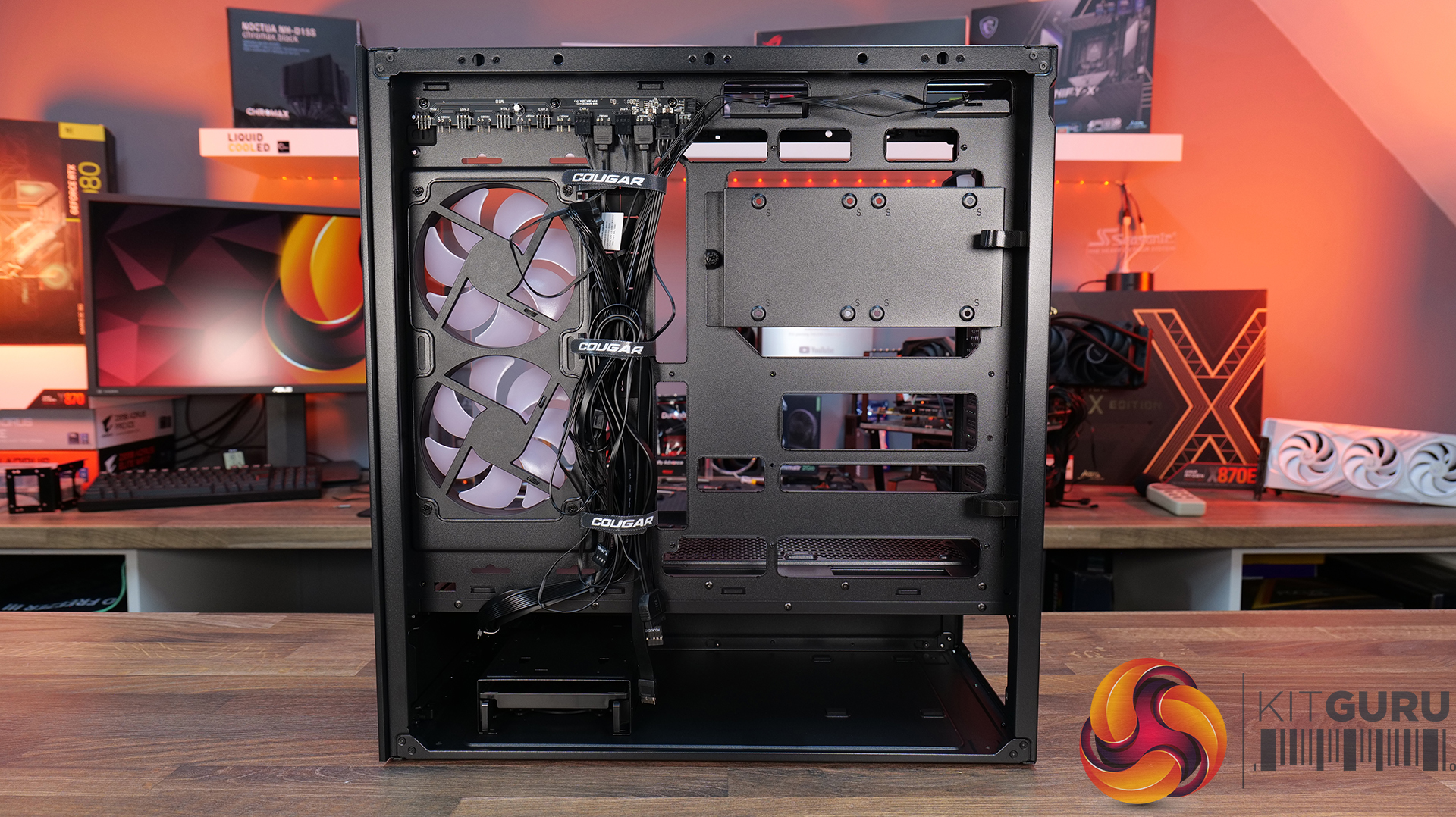
  • Central Floating Ventilation (CFV) structure: A unique floating chamber design that creates separation between the PSU cabin and main chamber to enhance airflow and gives the case its distinctive look.
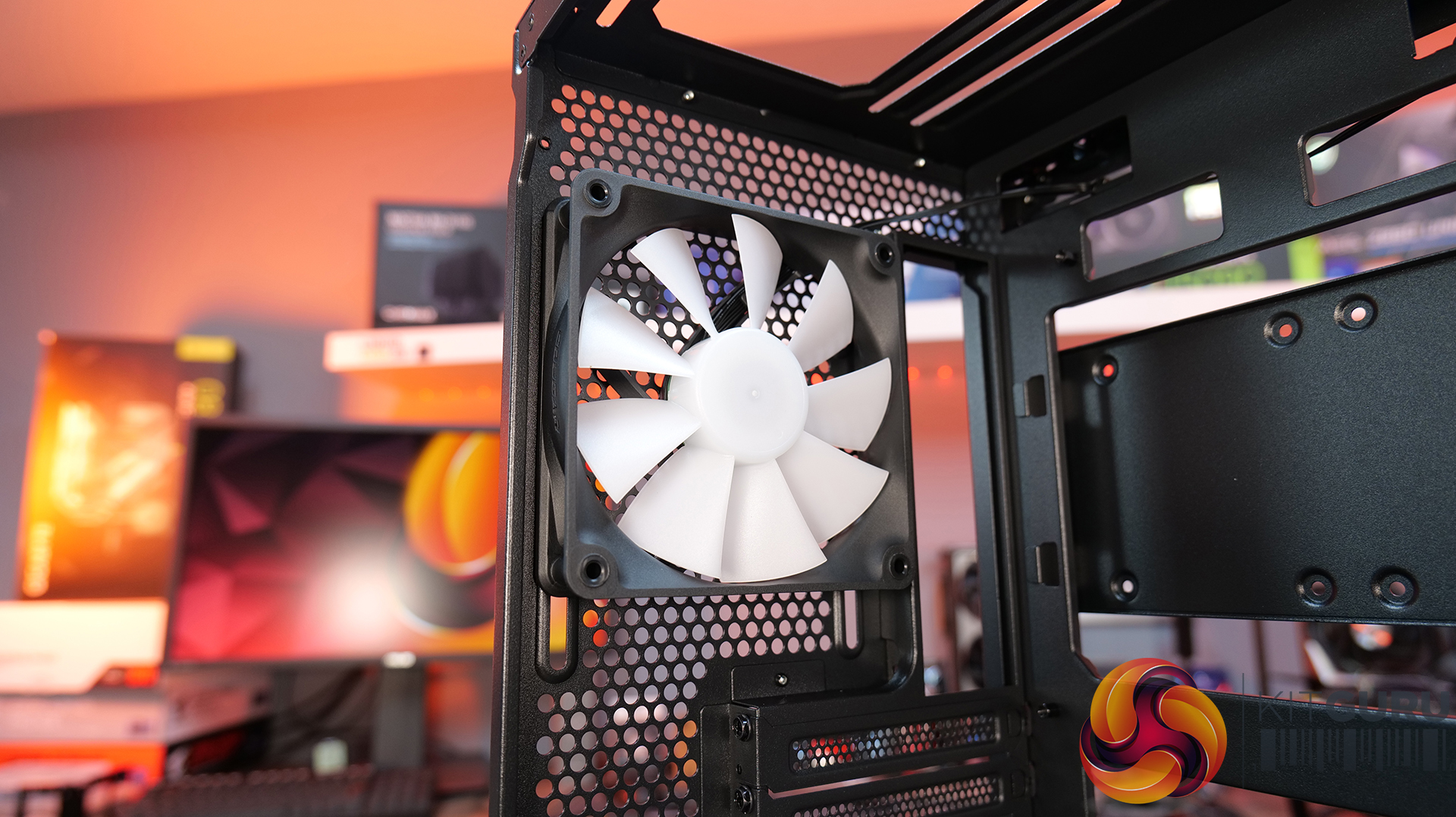
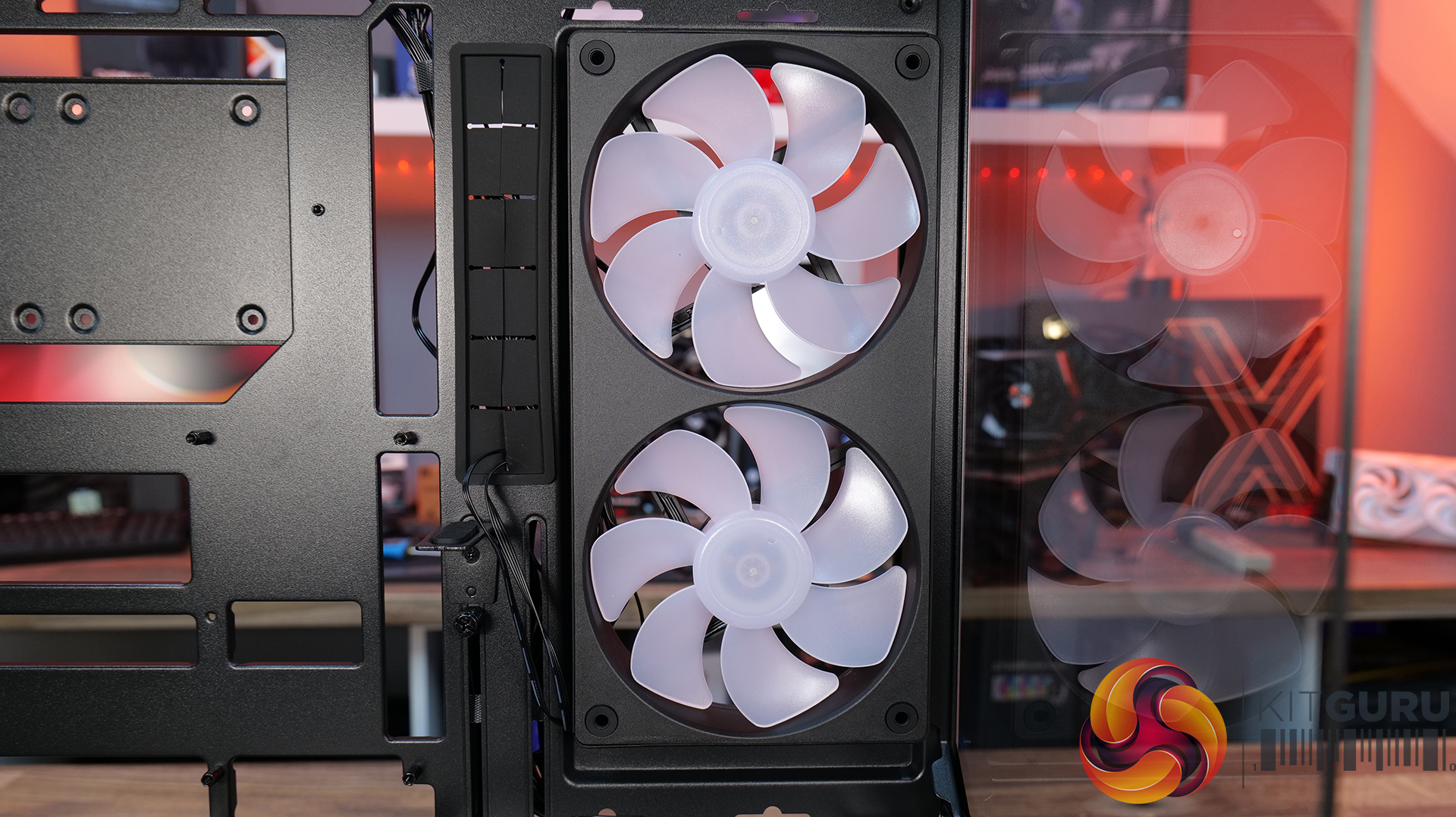
  • Pre-installed Unity 240 ARGB PWM reverse-blade fan & Aurora RGB lighting: Included is a Cougar Unity 240 single-frame ARGB fan and an integrated Aurora RGB lighting strip for enhanced cooling and aesthetics.
  • Versatile hardware support: CFV235 is compatible with motherboards up to E-ATX size, including back connect, 360mm radiators, 175mm tall air coolers and supports GPUs up to 430 mm in length.

Specifications:

  • Case Type: Mid Tower
  • Dimensions (LxWxH): 235 × 493 × 460 mm
  • Materials: Steel, Plastic, Glass
  • Motherboard Support: Mini ITX / Micro ATX / ATX / CEB
  • Back-connect motherboard support: Yes
  • Expansion Slots: 7
  • Storage bays: 5″ ×2, 2.5″ ×2 + 2 (converted from 3.5″ bays)
  • Max GPU Length: 430mm
  • Max CPU Cooler Height: 175mm
  • PSU Type: ATX up to 200mm
  • Pre-installed Fans: Unity 240 ARGB PWM Reversed Fan × 1 (Side) 120mm ARGB PWM Fan × 1 (Rear)
  • Fan Support: 120mm × 3 / 140mm × 3 (Top), 120mm ×2 (Side), 120mm x 3 (Bottom), 120mm x 1 (Rear)
  • Radiator Support: 360mm / 280mm / 240mm / 140mm / 120mm (Top), 120mm (Rear)
  • Dust Filters: Bottom
  • Front I/O: USB 3.2 Gen 2×2 Type-C ×1, USB 3.0 Type-A ×2, 4-Pole Headset Audio Jack ×1, RGB Button
  • LCD Screen: N/A

Thermal Performance Testing

To simulate thermal demand, we run the Cinebench R23 multi-thread benchmark and 3DMark Speed Way stress test simultaneously in a loop for 30 minutes to load the system fully. This gives the CPU and GPU enough time to reach constant steady-state temperature. With this data, we can compare how the system handles the thermal demand and measure peak noise levels.

Thermal performance is measured with the case in various configurations, such as the default, with the tempered glass left-hand side panel removed and with the front panel removed to see how these configurations affect the CPU and GPU temperature. During testing, only stock case fans are used unless otherwise specified. All water pumps are set to maximum RPM and fans are set to a custom RPM curve by the Motherboard software/BIOS.

All temperature measurements are presented as Deltas – meaning the ambient temperature has been deducted from the CPU temperature, giving us a Delta. Data shown in the charts represents the average component temperature over the length of the test as measured by HWiNFO, and then the last 15 minutes of the data are calculated to get the average. The ambient temperature during thermal tests is between 19-20⁰C.

Test System Specification:

Thermal Performance Overview

We tested the case thermals with a 360mm AIO as the exhaust at the top and in several different configurations. The default configuration shown in the charts is with the 360mm AIO at the top, Cougar Unity 240 intake side fan, 1 x 120mm rear exhaust and with all panels installed.

In our thermal testing the Cougar CFV235 delivered fairly consistent thermal results across different configurations. With the default setup, the system recorded 53°C over ambient on the CPU and 49°C on the GPU. Taking off the mesh top panel produced similar behaviour, with the CPU reaching 53°C and the GPU 49°C. So the mesh isn’t too restrictive.

Removing the glass side panel had little effect on CPU or GPU thermals at 52°C and 48°C, respectively. But adding bottom intake fans reduced GPU temperature further to 46°C over ambient, while CPU temperature remained the same at 52°C. Overall, the results suggest the case’s stock airflow configuration is reasonably well balanced, but there are minor GPU thermal gains to be had from adding bottom intake airflow.

Noise Output

As with thermals, the noise testing shows only a minor difference between configurations under load. In the default configuration, the maximum load noise measures 52 dBA, which drops to 49 dBA when bottom intake fans are installed – showing the cooler GPU temperature helped reduce fan speed.

At idle, the system remained consistent across all configurations at around 36–37 dBA. Overall, our testing would suggest the additional bottom fans help reduce system noise slightly under load, while panel removal has a minor impact on acoustics.

Closing Thoughts

First impressions of the Cougar CFV235 are good thanks to its distinctive design. Cougar’s Central Floating Ventilation layout gives the chassis a unique look that stands out from more conventional mid-tower designs, while the overall construction feels surprisingly solid and well put together. Panel fitment is good, materials feel sturdy, and the case generally gives the impression of a well-built product.

Thermal performance is decent rather than class-leading. The stock configuration delivers stable temperatures in our testing, but it doesn’t quite extract the maximum possible cooling potential straight out of the box. That said, adding bottom intake fans provides a small but noticeable improvement in GPU temperature and noise, suggesting the airflow design benefits from a little extra intake to help feed the GPU and main chamber. Based on that, it does seem odd that Cougar doesn’t include bottom intake fans as the default.

There are a couple of minor usability issues worth mentioning, such as the lack of removable radiator brackets, meaning that it's difficult to connect cables at the top of the motherboard with an AIO installed. This is a feature I like to see at this price point. Additionally, the side cable cut-out grommet can be easily dislodged during cable routing, which may prove to be a little frustrating during the build process.

Even with those small drawbacks, the CFV235 still offers a well-rounded package with strong build quality, extensive hardware compatibility, including back-connect motherboards, big graphics cards, plenty of cooling potential, and a distinctive aesthetic that all work in its favour. Thermal performance is also perfectly respectable once airflow is optimised with bottom intake fans. For builders looking for something a little different visually without sacrificing practicality or build quality, the Cougar CFV235 is a solid option.

UK availability is scarce but we found it listed on Amazon HERE.

Pros: 

  • Unique look with the free-floating top chamber.
  • No adverse chassis flex due to the 1.5mm thick steel frame.
  • Good hardware support, with up to EATX motherboards, including back connect, and big graphics cards.
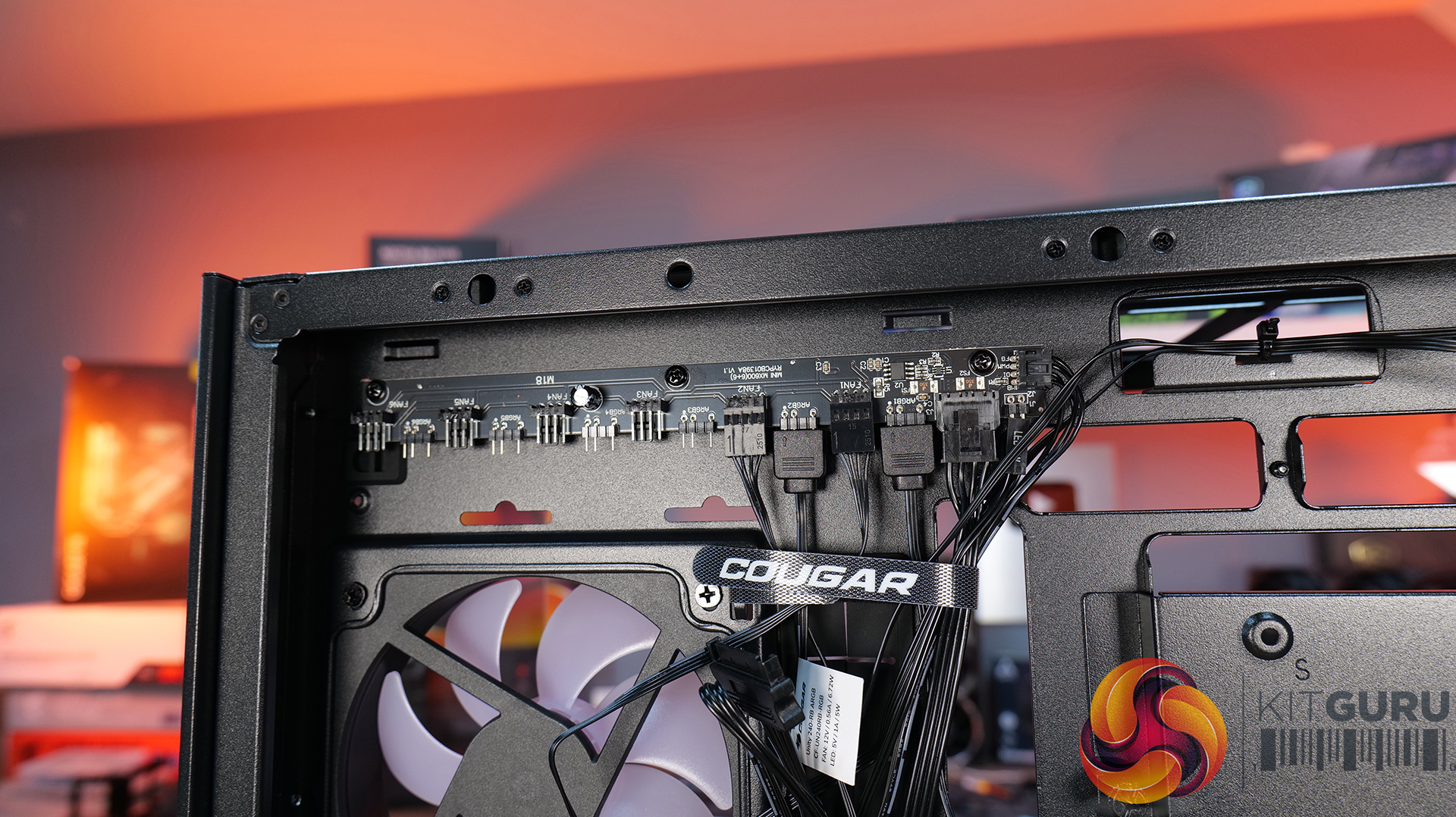
  • Included six-port PWM ARGB hub.

Cons:

  • Thermal performance is a little limited out of the box.
  • Non-removable top radiator bracket.
  • Side cable grommet is easily dislodged.

KitGuru says: If you want a case that has a distinctive look but doesn't sacrifice build quality or practicality, the Cougar CFV235 is worth a look.

The post Cougar CFV235 Case Review first appeared on KitGuru.
❌
❌