Normal view

There are new articles available, click to refresh the page.
Yesterday — 14 September 2026Main stream

Glorious launches GMMK Eternal compact mechanical keyboard

13 September 2026 at 12:09

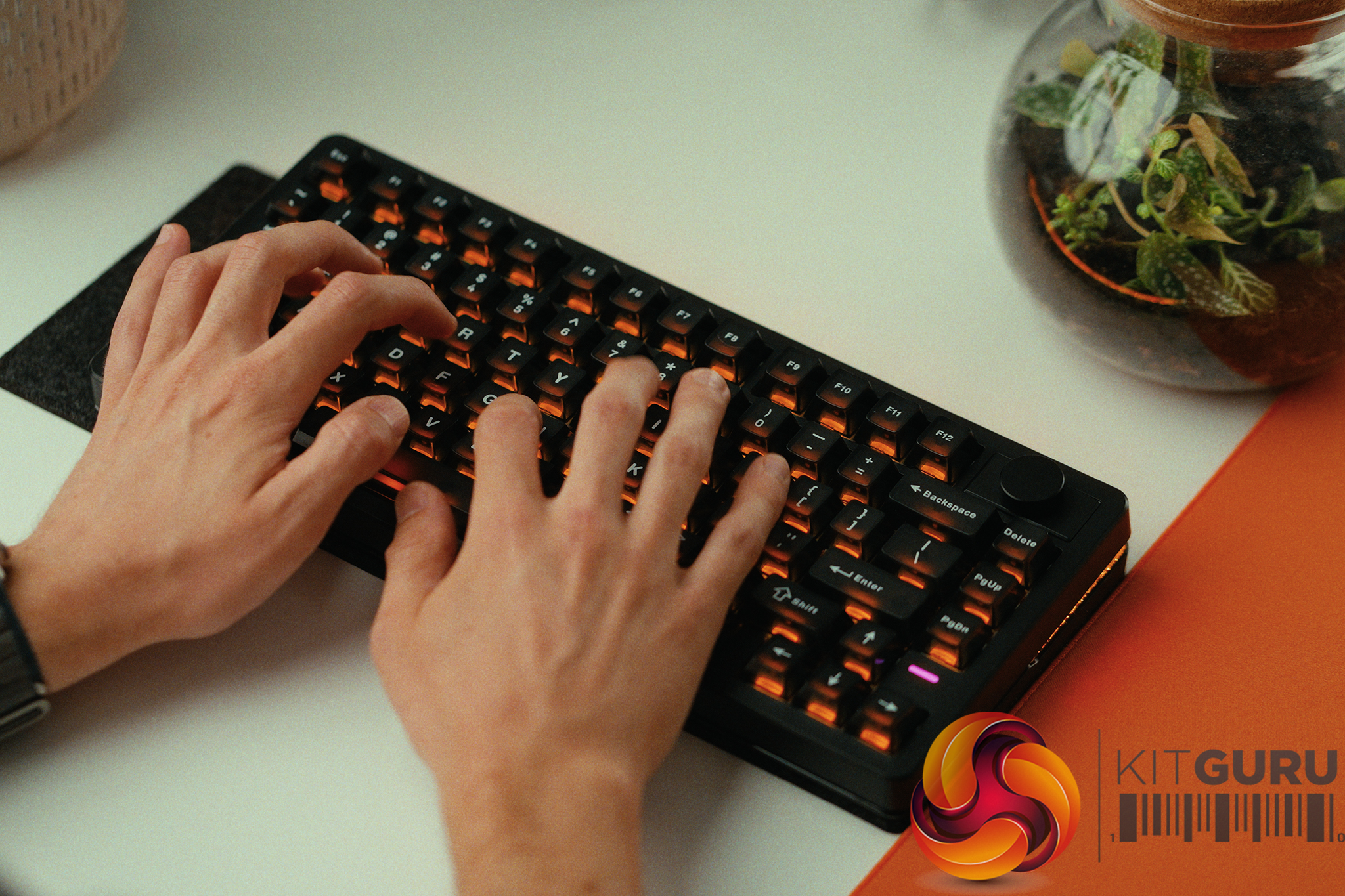
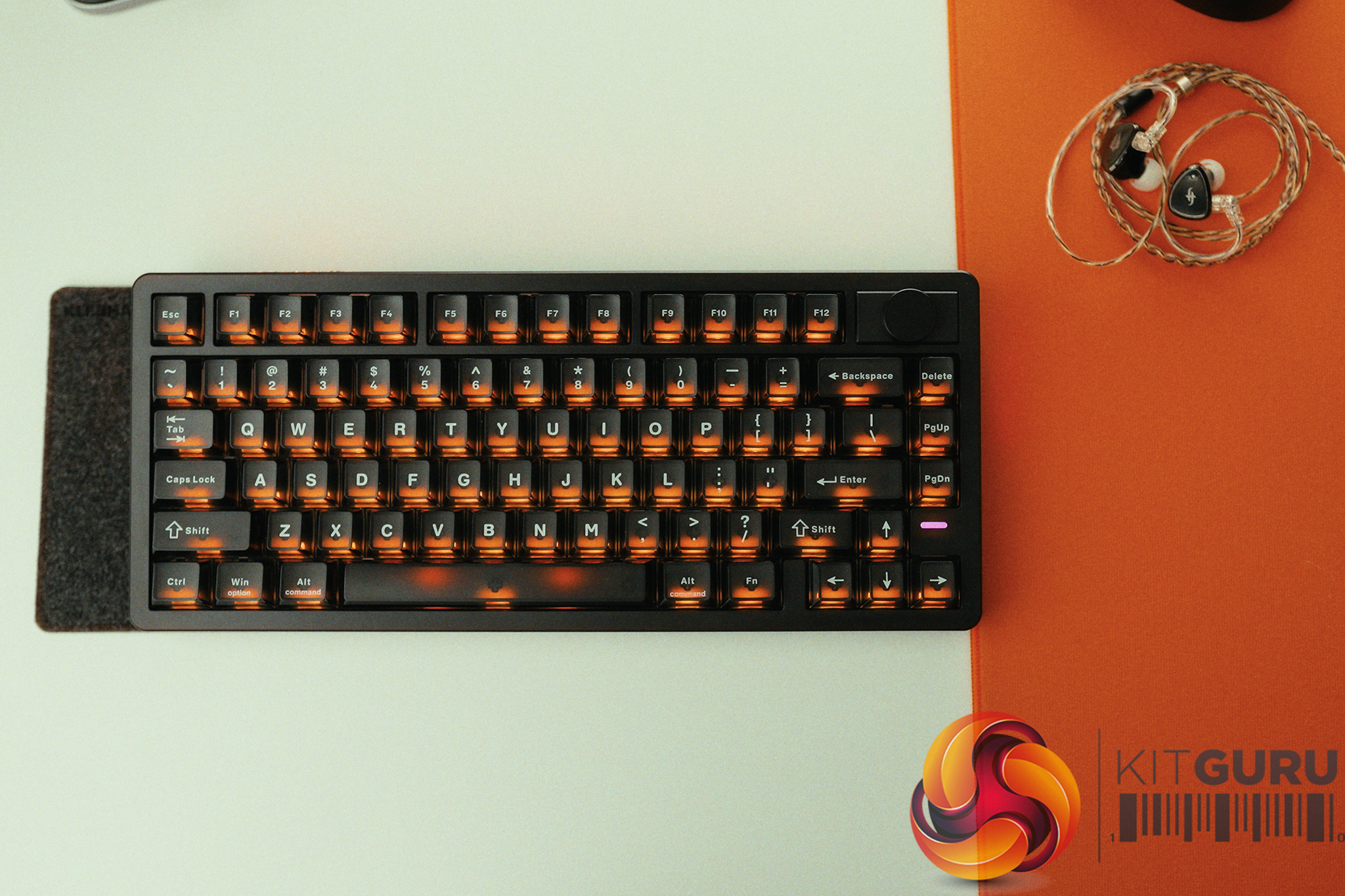
Glorious has released the GMMK Eternal, a wired mechanical gaming keyboard using a compact 96% layout with hot‑swappable switch support. The board ships with Glorious Fox linear switches and includes three internal layers of sound dampening.

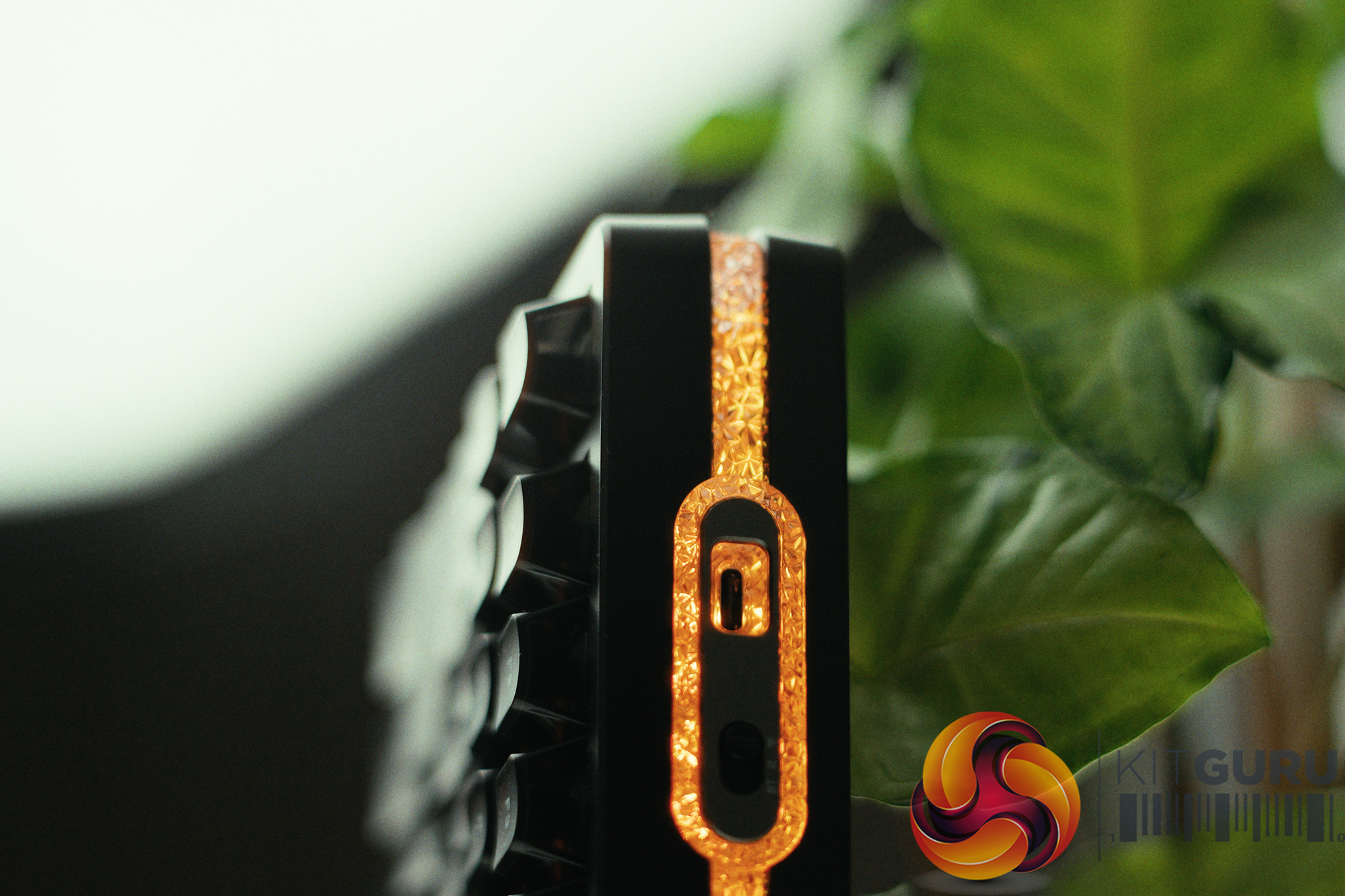
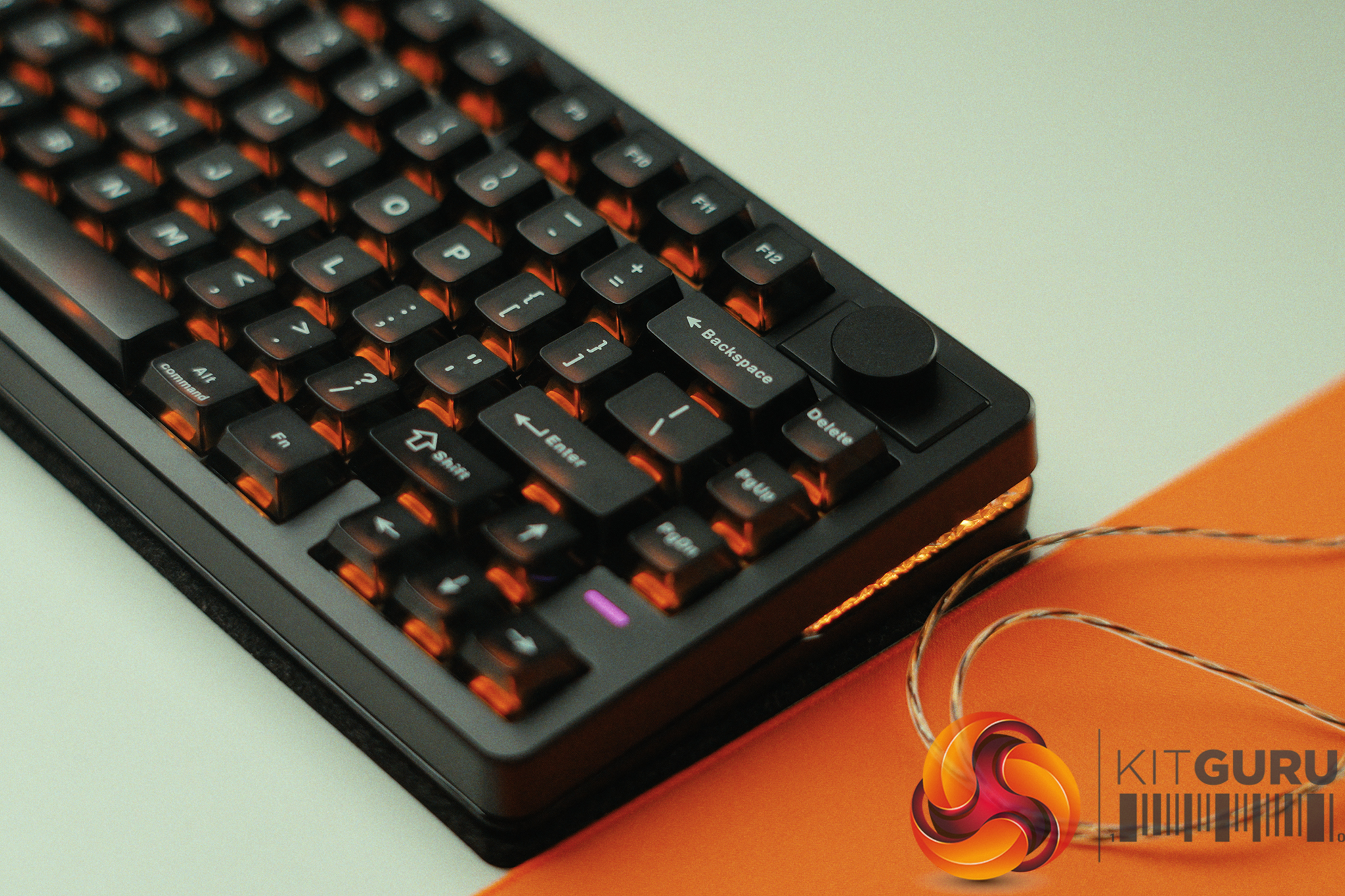
The keyboard connects using a detachable USB‑A‑to‑C cable, and its hot‑swap PCB supports both 5‑pin and 3‑pin MX‑style switches, so you can swap to whichever mechanical switches you prefer. Stock units ship with Glorious Fox linear switches, which offer a 50–60g actuation force and are rated for 50 million clicks. Glorious uses OEM‑profile double‑shot ABS keycaps with shine‑through legends, giving the board a familiar feel for anyone used to standard ABS gaming keyboards.

The casing combines an aluminium top plate with an ABS bottom shell, with two‑stage flip‑out feet for angle adjustment. Inside, three layers of dampening are used to reduce hollow noise, including a molded silicone pad and two sheets of PU foam. The 96% layout keeps the numpad and function row while freeing up desk space, and users can customise keycaps, switches and the cable if they want to personalise the keyboard further.

Glorious Core, the company’s Windows‑only software, handles per‑key RGB lighting, key remapping and macro recording. The keyboard is also compatible with macOS, ChromeOS and consoles. The GMMK Eternal is priced at £89.99 in the UK.

KitGuru Says: Are you considering the GMMK Eternal for your next keyboard upgrade?

The post Glorious launches GMMK Eternal compact mechanical keyboard first appeared on KitGuru.
Before yesterdayMain stream

Epomaker HE75 V2 Review

9 September 2026 at 10:44

The Epomaker HE75 V2 promises the holy grail of 2026 gaming keyboard specs: a wireless, 75% layout Hall Effect board equipped with a massive 8000mAh battery, all for under £90. On paper, it looks like an incredible budget powerhouse poised to challenge keyboards twice its price. But does the real-world user experience actually live up to the impressive physical hardware, or are there frustrating compromises hiding beneath the surface?

Timestamps:

00:00 Intro
00:54 Meet the HE75 V2
01:57 Switches + sound profile
03:19 Performance
05:02 Battery life
06:42 Rapid trigger shenanigans
09:30 Driver discussions
10:57 Closing thoughts

Specifications:

  • Form Factor: 75% Layout with Rotary Knob.
  • Switches: EPOMAKER Creamy Jade HE Switches (Hall Effect).
  • Connectivity: 2.4GHz Wireless, Bluetooth, and Wired USB-C.
  • Polling Rate: Up to 8,000Hz (1,000Hz recommended).
  • Battery: 8000mAh (2x4000mAh).
  • Keycaps: Semi-transparent (PC material).
  • Acoustics: Pre-lubed switches, zero-rattle stabilizers, and internal PE foam sheet.

Closing Thoughts

The Epomaker HE75 V2 is a keyboard that delivers incredible hardware and value but is ultimately held back by a lack of software testing and attention to detail. On the physical front, it is a triumph. For under £90, you are getting a wireless Hall Effect keyboard with butter-smooth switches, perfectly tuned stabilizers with absolutely zero rattle, and a deep, marbly acoustic profile. When we put it through a 240fps end-to-end click latency test, the HE75 V2 at 1000Hz (14.46ms wired / 16.54ms wireless) actually beat out my personal premium custom Hall Effect board by a few ms.

Interestingly the keyboard was fastest in the 1000Hz mode then on the 8000Hz mode (14.46ms vs 15.96ms) which means at the very least that 8000Hz offers, once again, an exceptionally small improvement.

However, the user experience surrounding that hardware is highly frustrating. First, despite the fact the 8000mAh battery is massive (and lasts at least 1 week with all the bells and whistles cranked to the max), it charges at a painfully slow 3W, meaning a full charge takes nearly 24 hours. Worse still is the firmware and software implementation. A hardcoded shortcut (FN + Shift) disables Rapid Trigger entirely, but the desktop driver fails to reflect this change and still shows the feature as “enabled”.

If you accidentally fat-finger this combination, you lose a crucial feature without any visual warning on your monitor. Combine this with a clunky, unresponsive app interface, and you are left with a fantastic piece of hardware that feels like it skipped the final QA testing phase.

You can buy the Epomaker HE75 V2 for under £90 HERE.

Pros:

  • Incredible value for a wireless Hall Effect gaming keyboard.
  • Fantastic click latency.
  • Smooth “Creamy Jade” switches and perfectly tuned, zero-rattle stabilizers out of the box.
  • Massive 8000mAh battery easily lasts a full week on 2.4GHz, even with RGB.

Cons:

  • Hardcoded FN + Shift shortcut accidentally disables Rapid Trigger without updating the software UI.
  • Painfully slow 3W charging speed means a full recharge takes nearly 24 hours.
  • Terrible software UI makes adjusting switch actuation depths unnecessarily frustrating.
  • Plastic chassis and PE foam design means it lacks a unique acoustic character.

KitGuru says: The Epomaker HE75 V2 offers top-tier Hall Effect performance and brilliant acoustics for an unbeatable price, but frustrating firmware bugs hold it back from true perfection.

The post Epomaker HE75 V2 Review first appeared on KitGuru.

Sony announces limited edition Grand Theft Auto VI DualSense controllers

4 September 2026 at 10:30

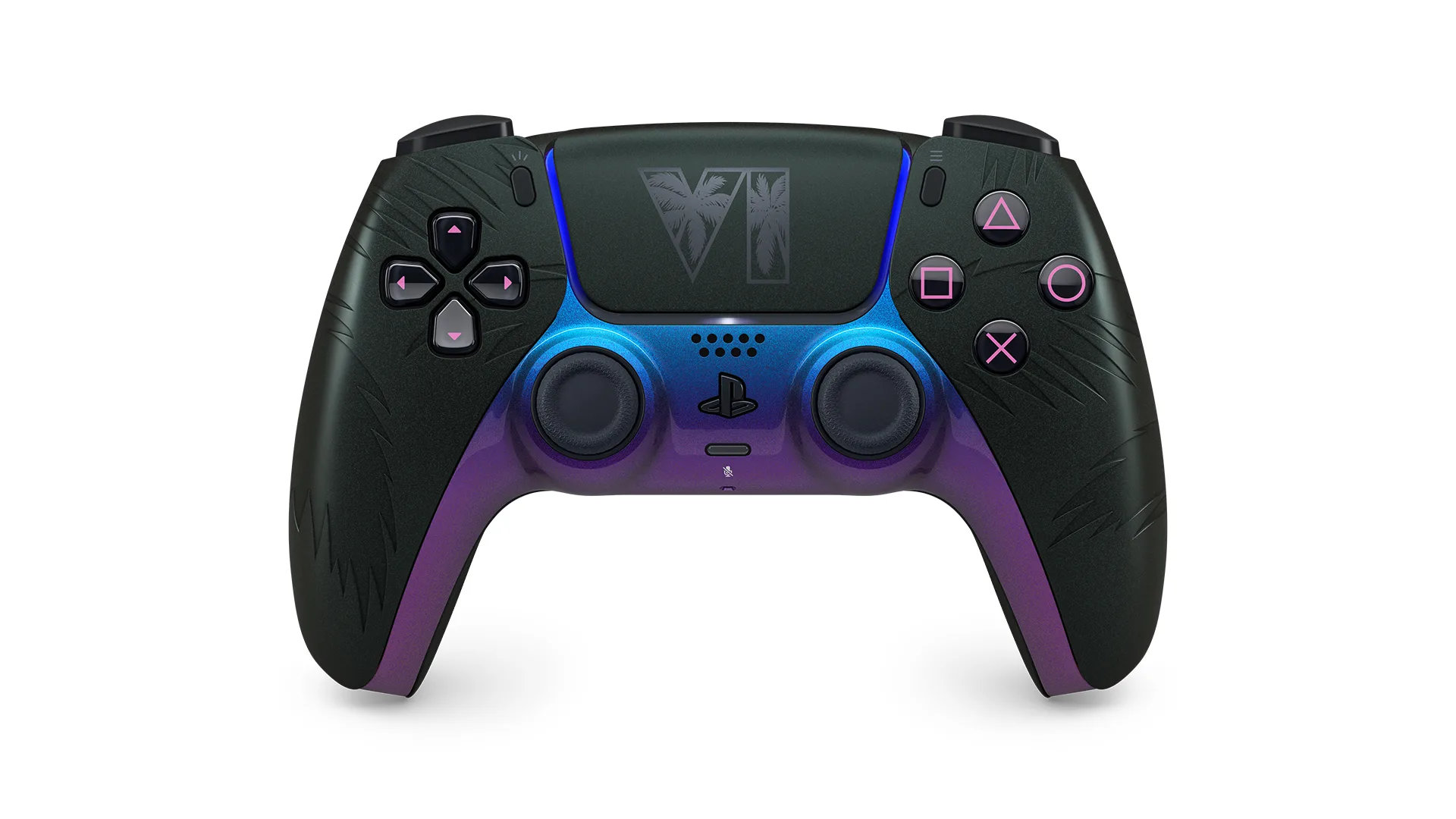
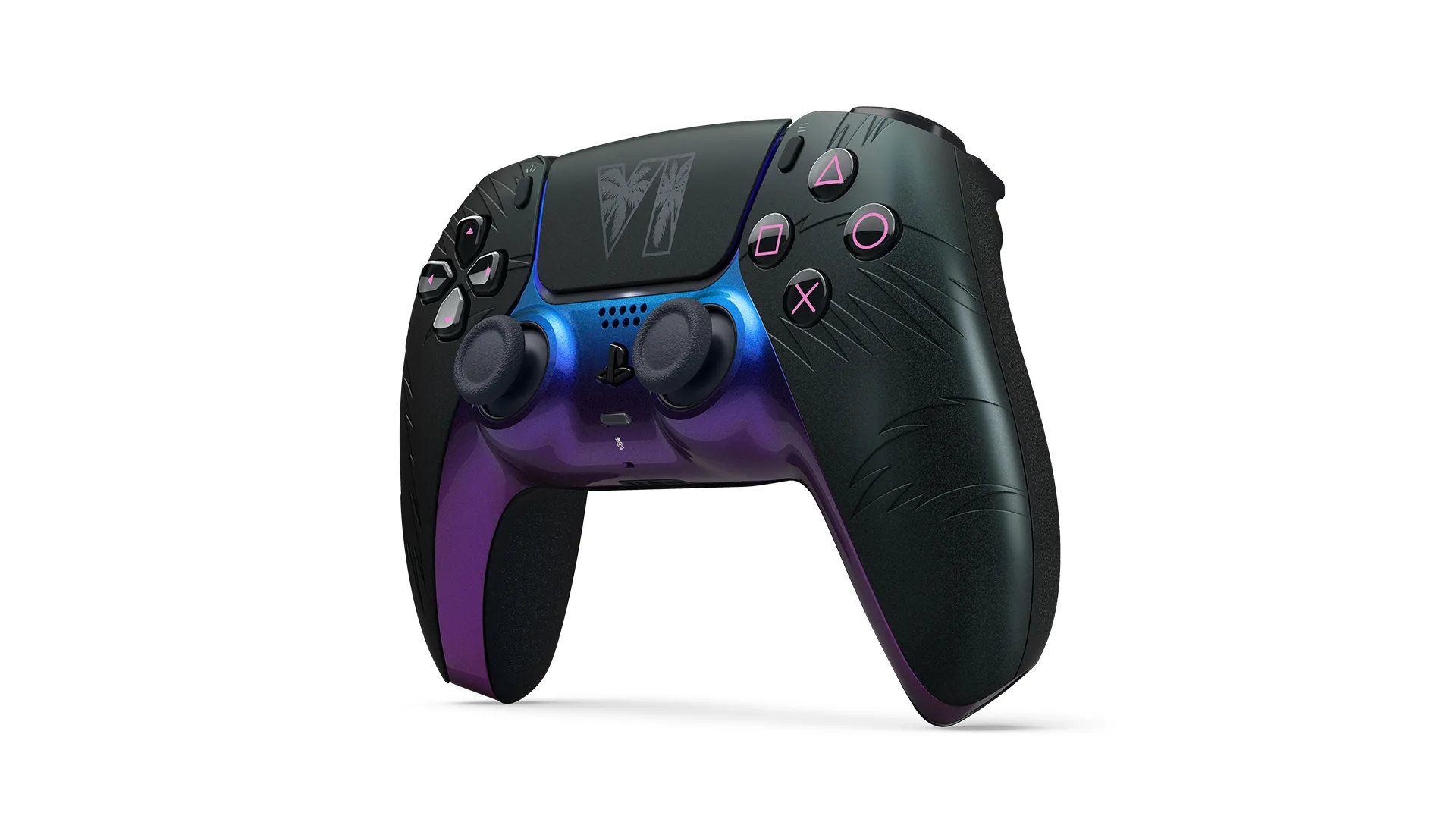
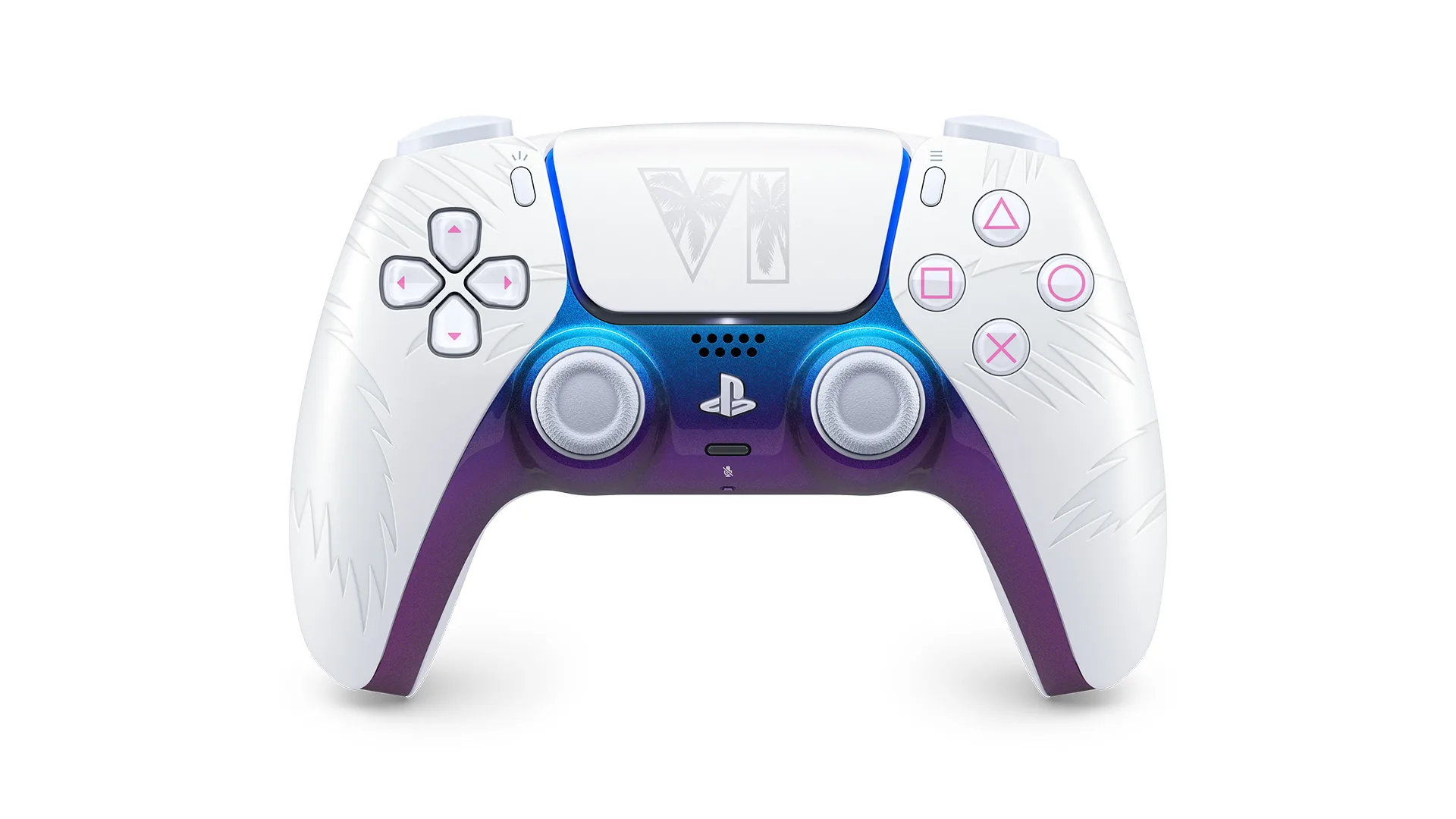
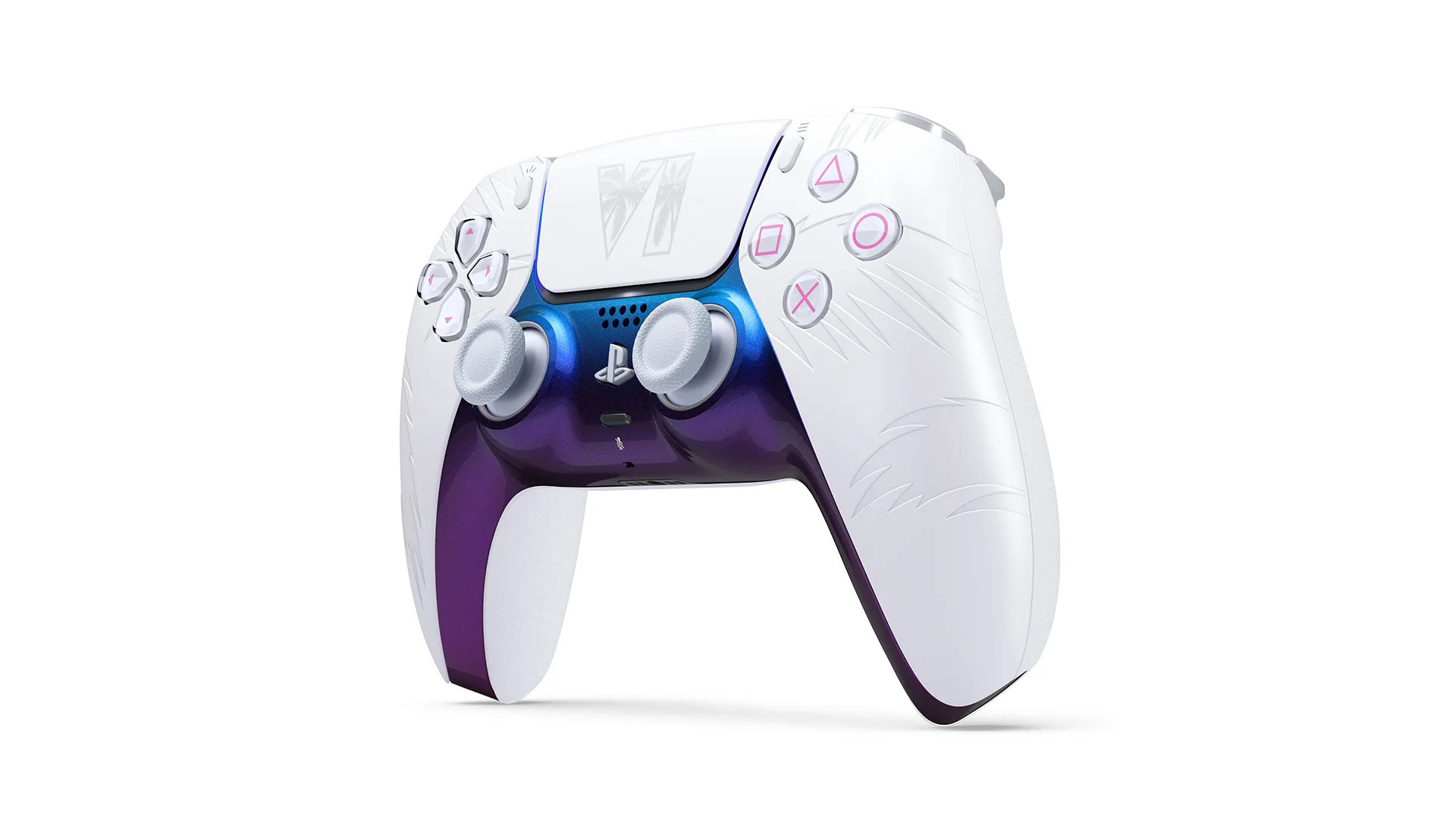
Grand Theft Auto VI is nearly upon us, with the globally anticipated title set to launch on the 19th of November. In ‘celebration’ of this major industry event, Sony has announced and unveiled a set of new limited edition GTA VI themed DualSense controllers to “capture the style and luxury of Vice City.”

Taking to the PlayStation Blog, Sony officially announced and detailed their upcoming Grand Theft Auto VI themed Limited-Edition DualSense controllers.

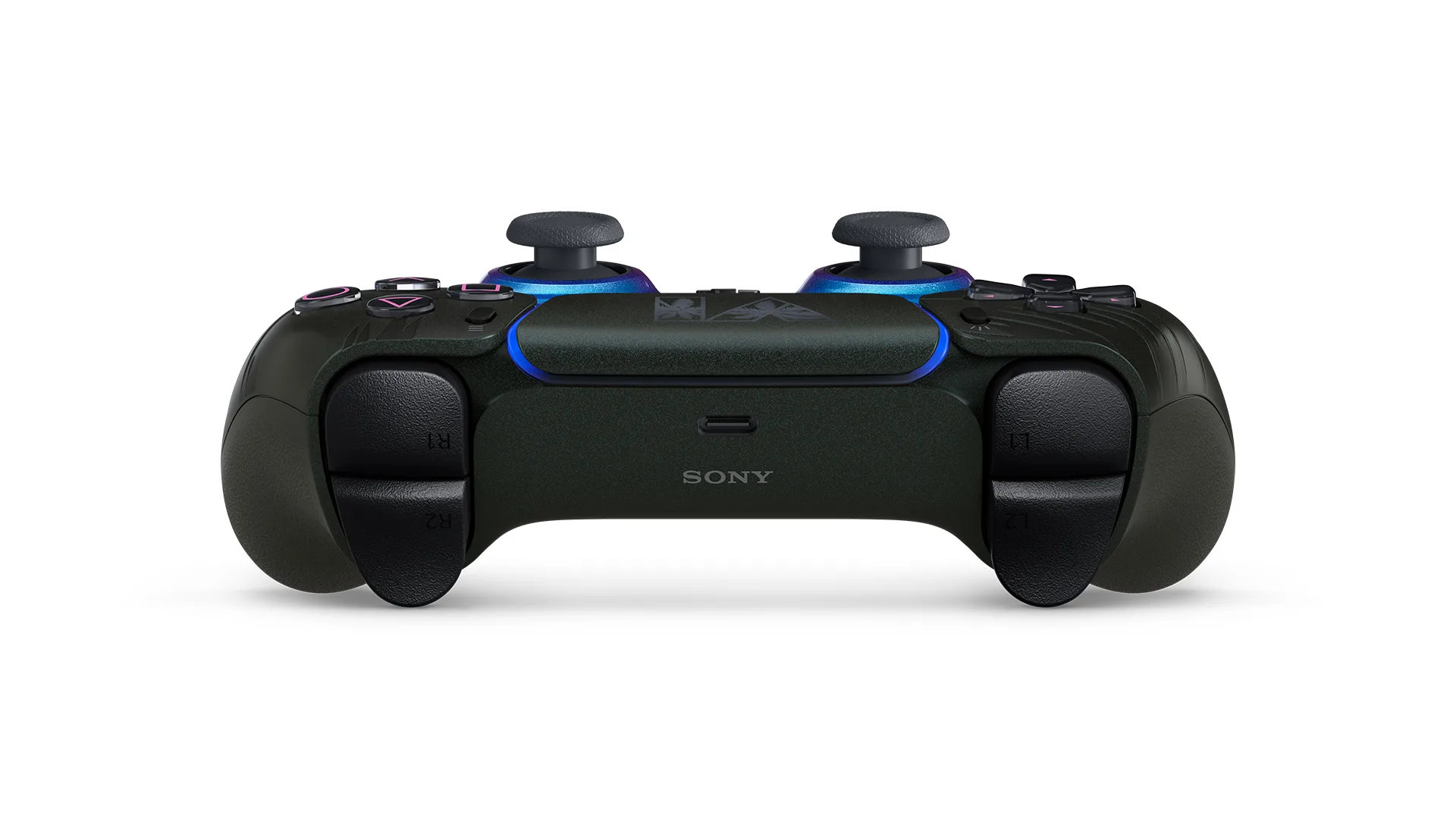
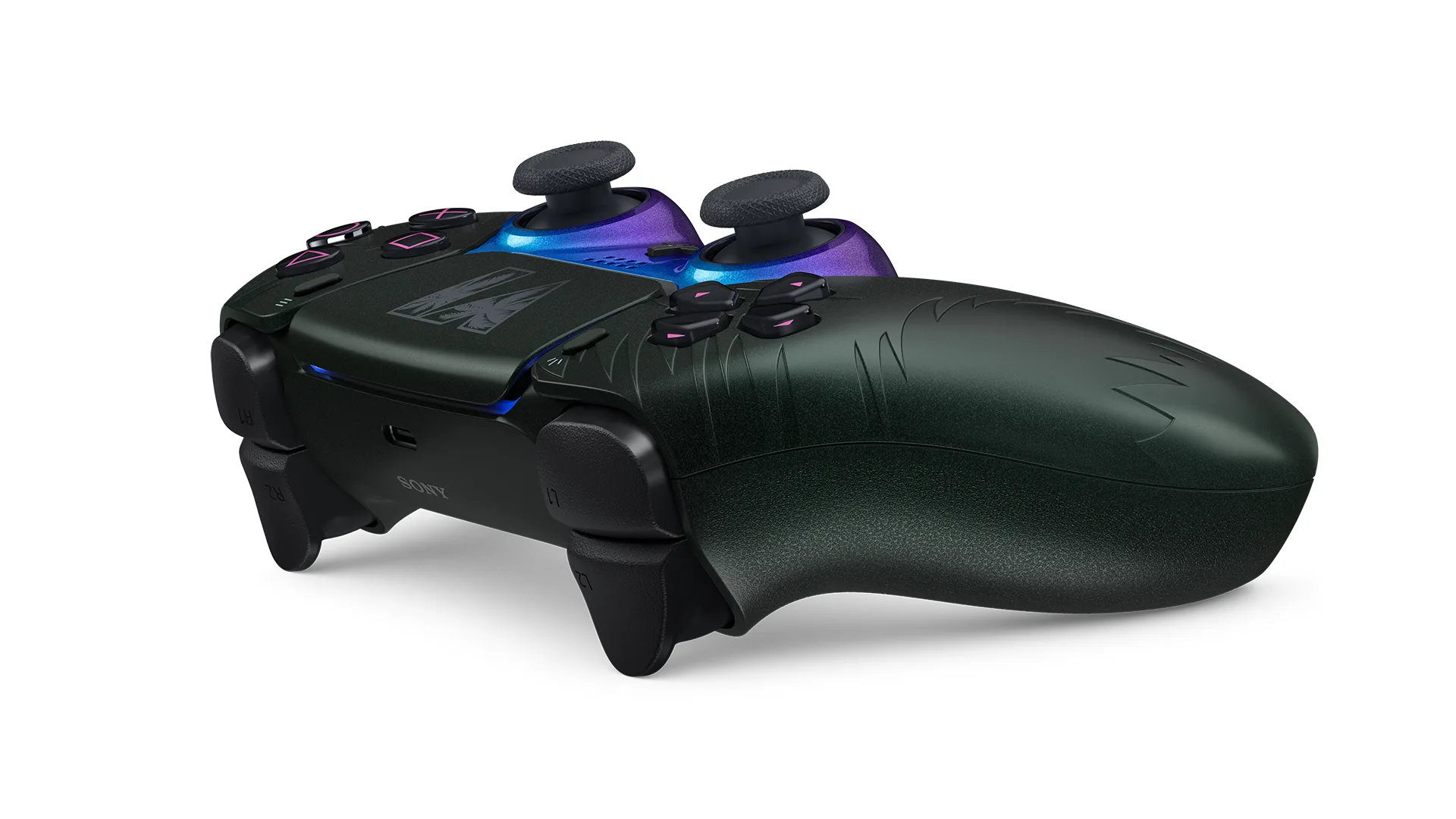
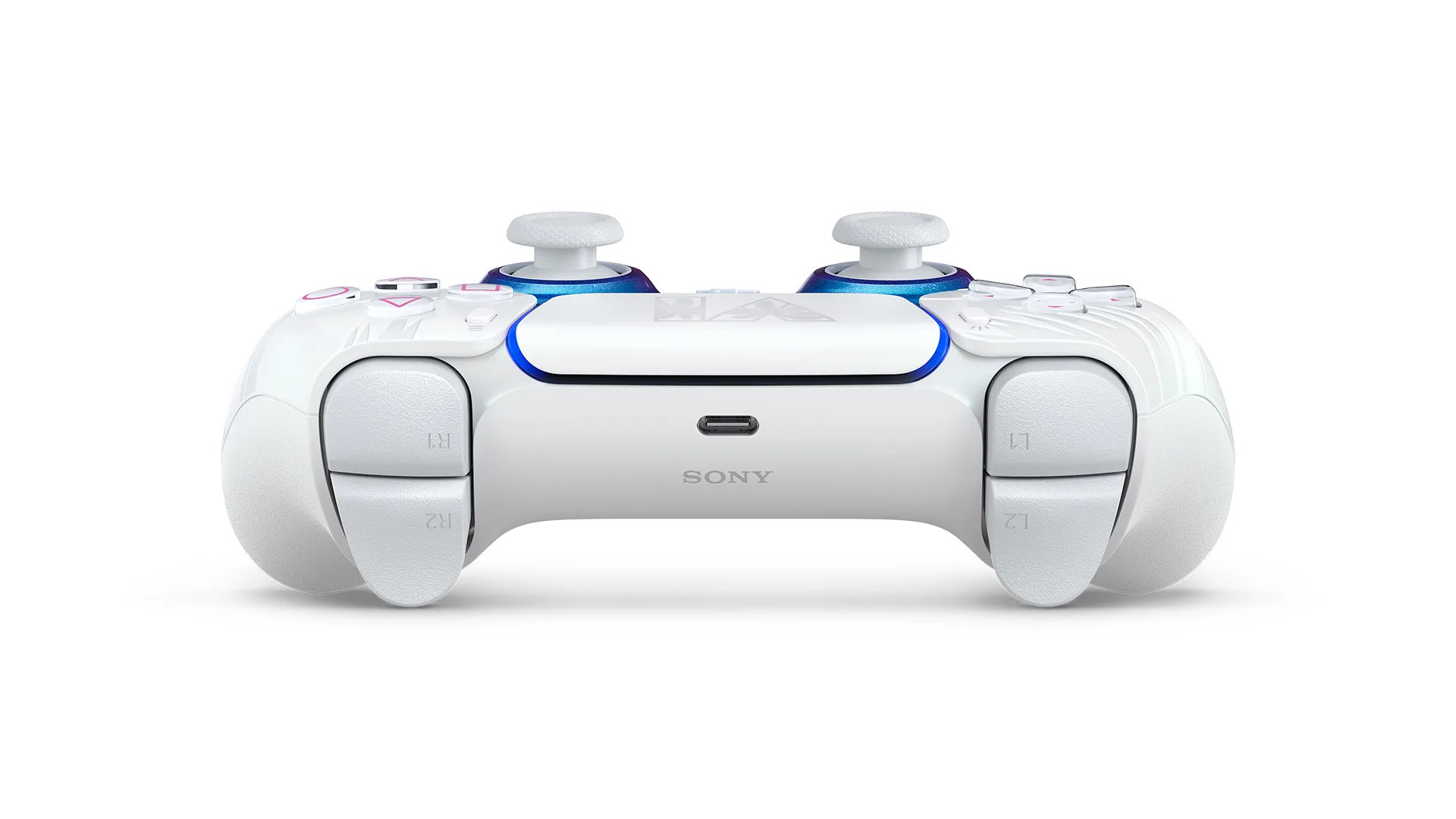
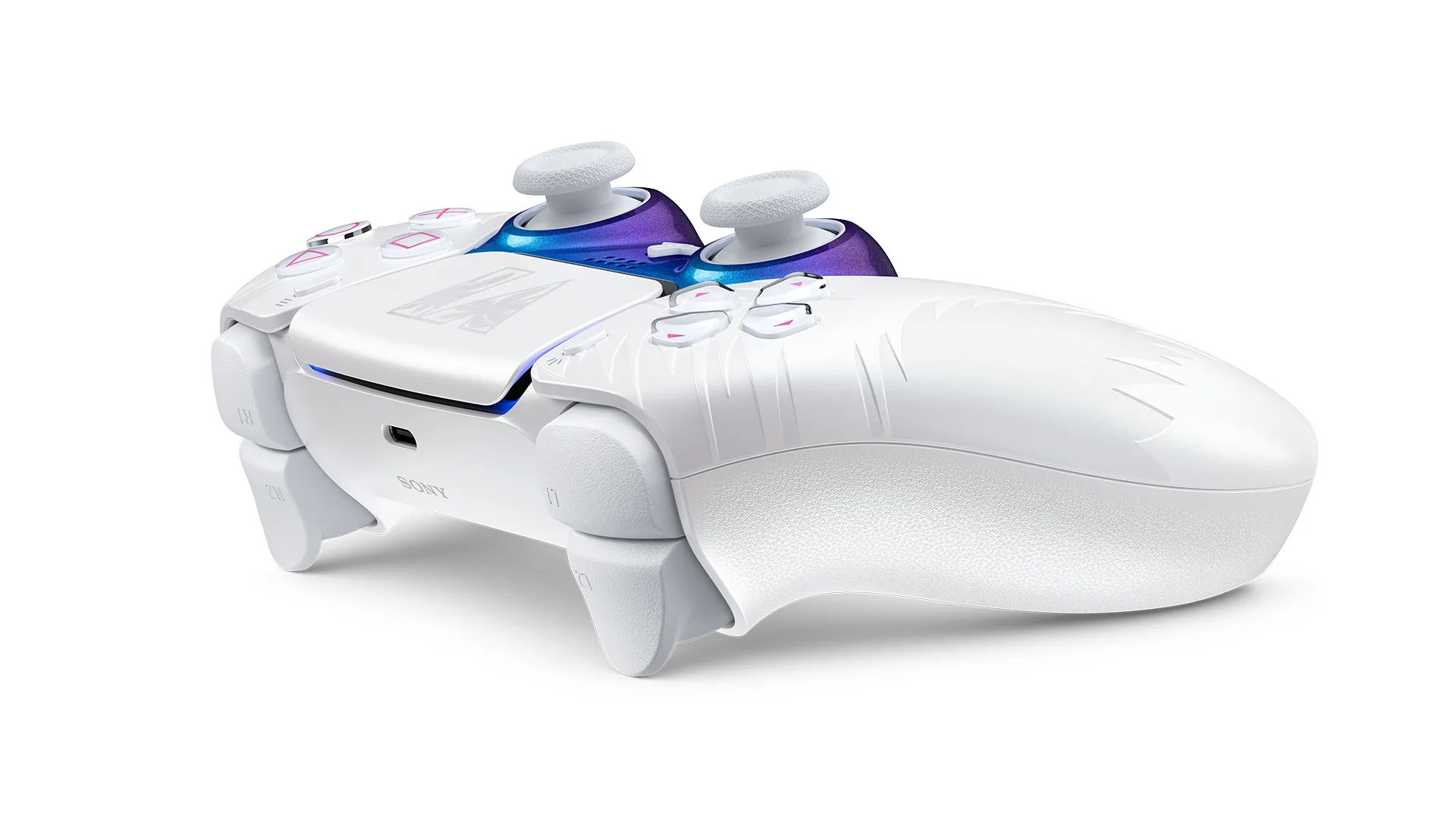
Coming in both black and white, the controller features embossed palm tree textures alongside “a shimmering, color-shifting finish that brings together the hues of a Vice City sunset and the glow of neon lights.”

Grand Theft Auto DualSense

Being sold primarily through Sony’s PlayStation Direct marketplace, these controllers will be available to pre-order from the 10th of September for the not-so-insignificant cost of £74.99 – officially launching on the same day at GTA VI: 19th of November.

As with everything GTA VI related, these accessories are likely to be in quite high demand, especially given the fact that these controllers are rather attractive (which can’t be said for some of Sony’s other DualSense designs). Additional details can be found HERE.

KitGuru says: What do you think of these designs? Are you tempted to pick one up? Let us know down below.

The post Sony announces limited edition Grand Theft Auto VI DualSense controllers first appeared on KitGuru.

Designed for Xbox Cozy Collection brings themed 8BitDo, SteelSeries, and KontrolFreek gear

2 September 2026 at 16:00

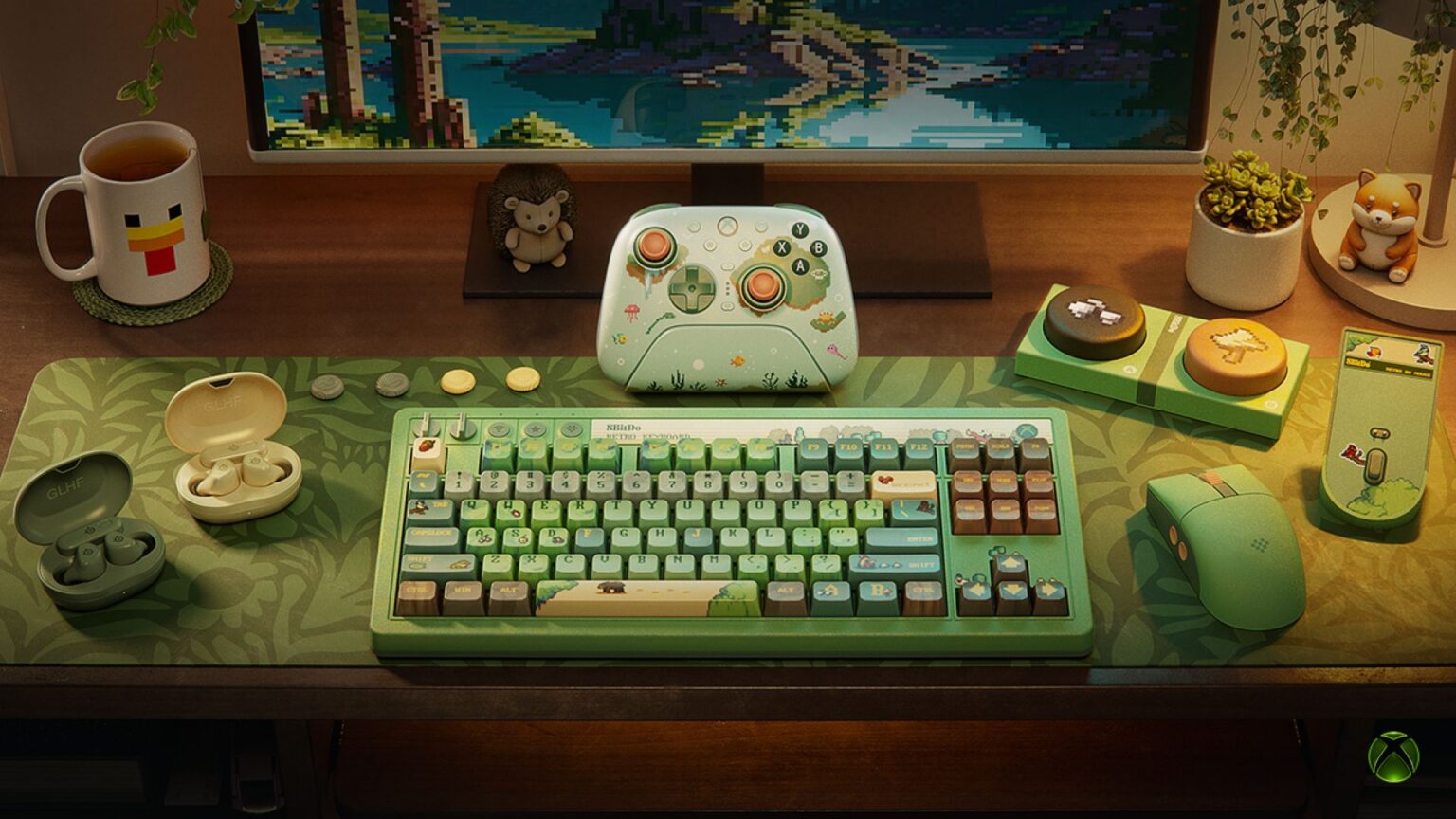
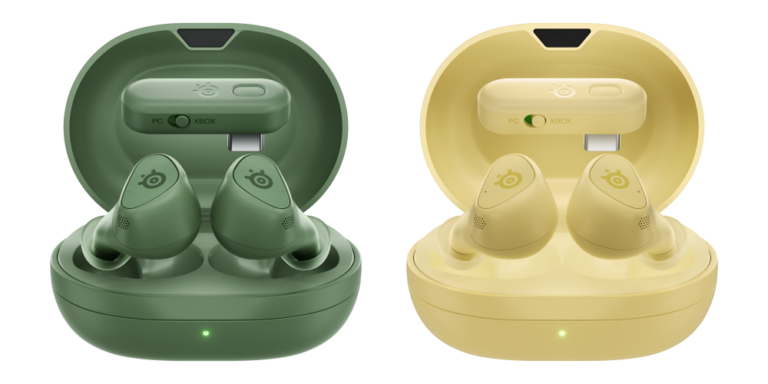
Microsoft has a new collection of peripherals, bringing together cosy-themed gaming gear from 8BitDo, SteelSeries, and KontrolFreek. Available now, the Cozy Collection lineup includes a custom keyboard, mouse, wireless controller, earbuds, and thumb grips styled in matcha and yuzu colour palettes.

8BitDo contributes three peripherals to the range, starting with its Retro 87 keyboard. This model features an independent control panel, RGB backlighting, programmable super buttons, and Kailh tactile switches. When paired with the keyboard, the Retro R8 mouse includes a matching charging dock and four programmable side buttons. Completing 8BitDo's offerings, the Ultimate 3 Controller provides adjustable joystick tension, an upgraded grip, and a wireless charging dock with support for 2.4GHz, wired, and Bluetooth connectivity across Xbox, PC, and mobile platforms.

Audio devices only include the SteelSeries Arctis earbuds, released in Matcha and Yuzu color options. These earbuds feature Active Noise Cancellation, 360° Spatial Audio, an IP55 rating, and a Qi wireless-charging case, delivering up to 40 hours of total battery life with 10 hours per charge. Connectivity relies on Quick-Switch 2.4GHz wireless and Bluetooth 5.3, with access to over 200 audio presets through the Arctis Companion App.

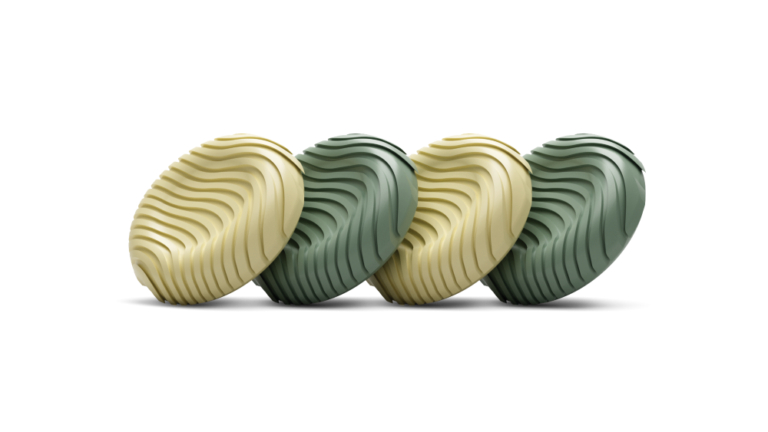
Finally, KontrolFreek has released the No-Slip Thumb Grips – Xbox Cozy Edition. Built from non-slip GripTek material, these grips feature the same matcha and yuzu styling as the rest of the collection.

All products in the lineup are now available via their respective manufacturers' webstores and Xbox.com. The 8BitDo keyboard costs $119.99, the mouse $59.99, and the controller $99.99. The earbuds go for £149.99/$199.99, and the thumbgrips cost $12.99.

KitGuru says: Did any of the Xbox Cozy Collection peripherals interest you?

The post Designed for Xbox Cozy Collection brings themed 8BitDo, SteelSeries, and KontrolFreek gear first appeared on KitGuru.

Attack Shark reveals R86 HE 75% magnetic gaming keyboard with 8000Hz polling

1 September 2026 at 15:00

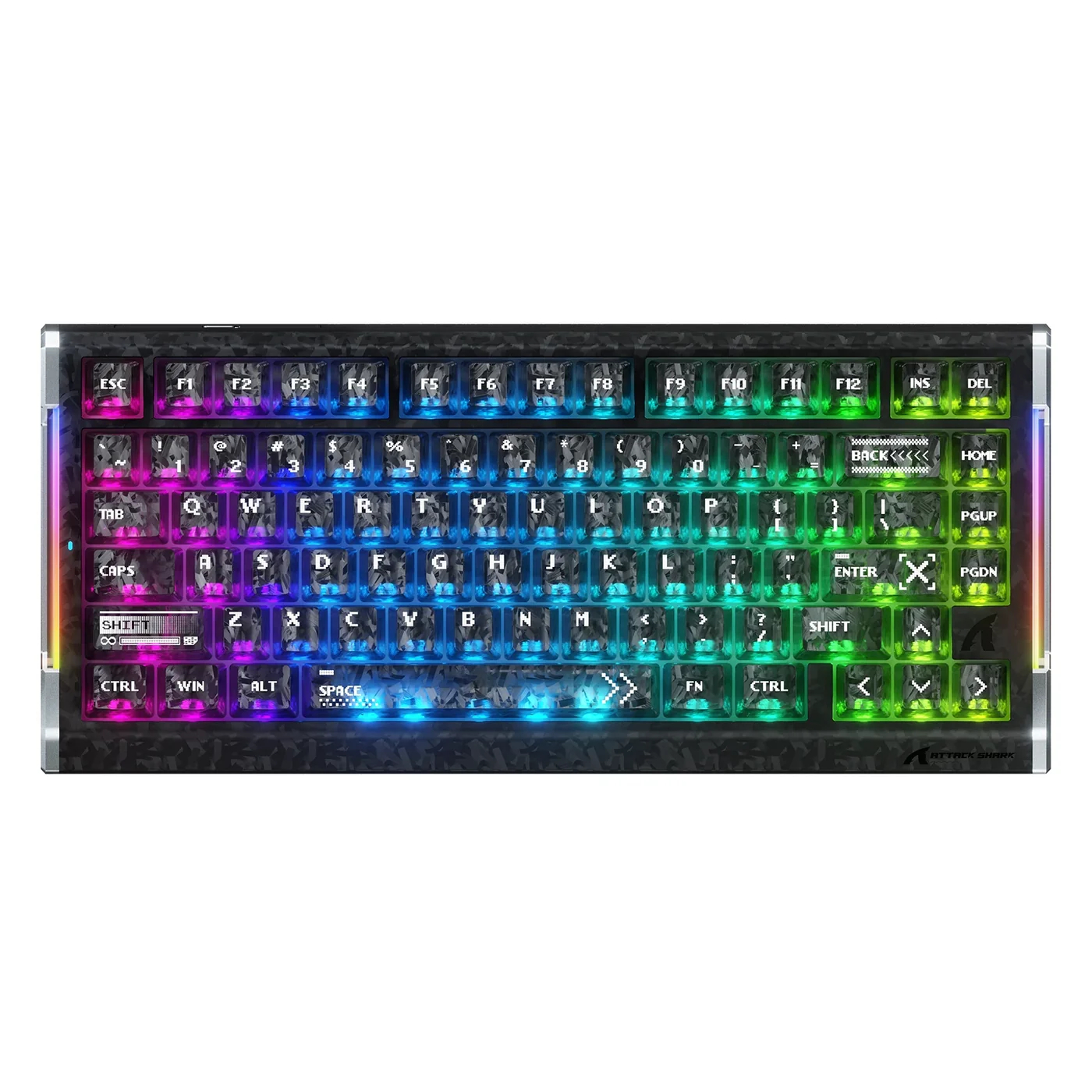
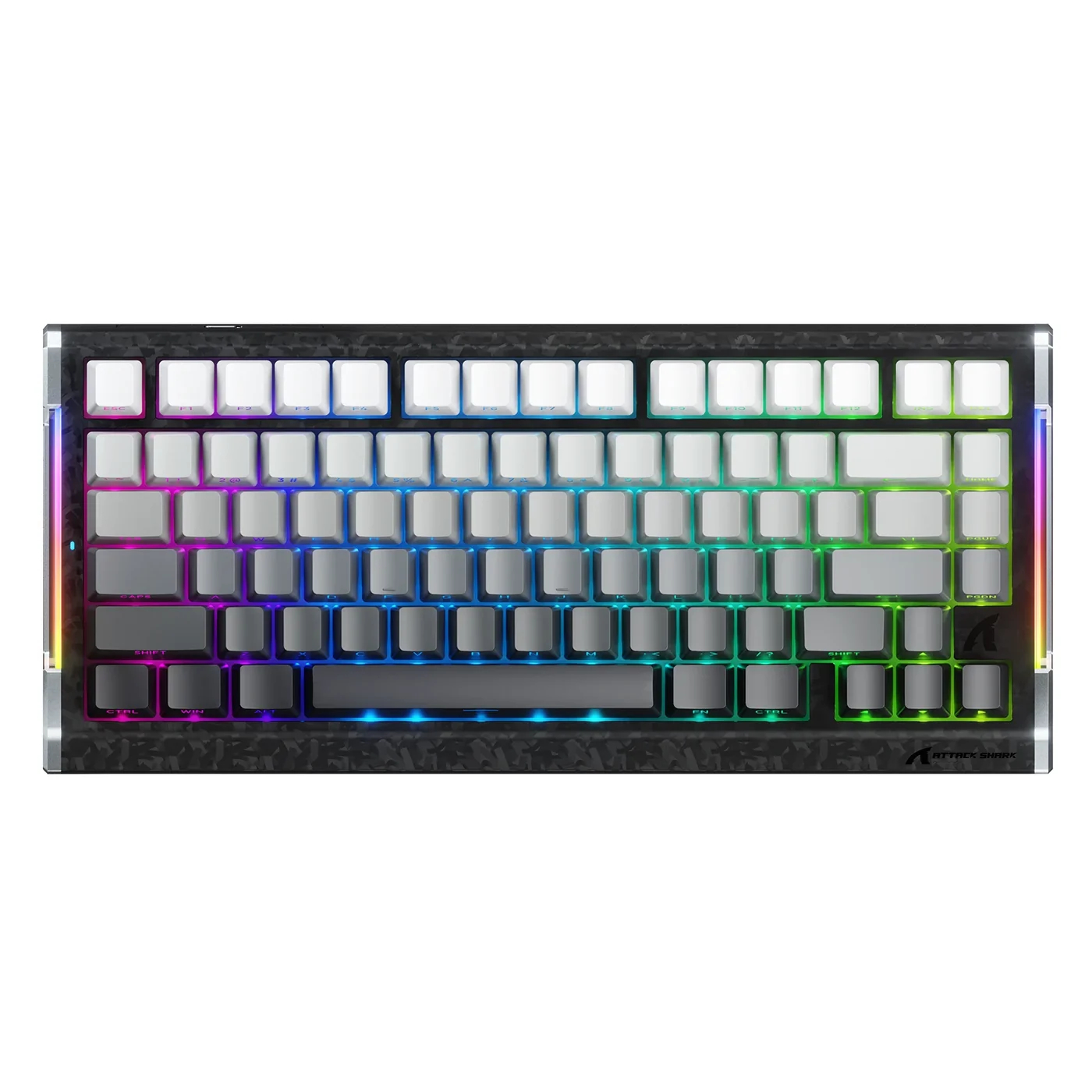
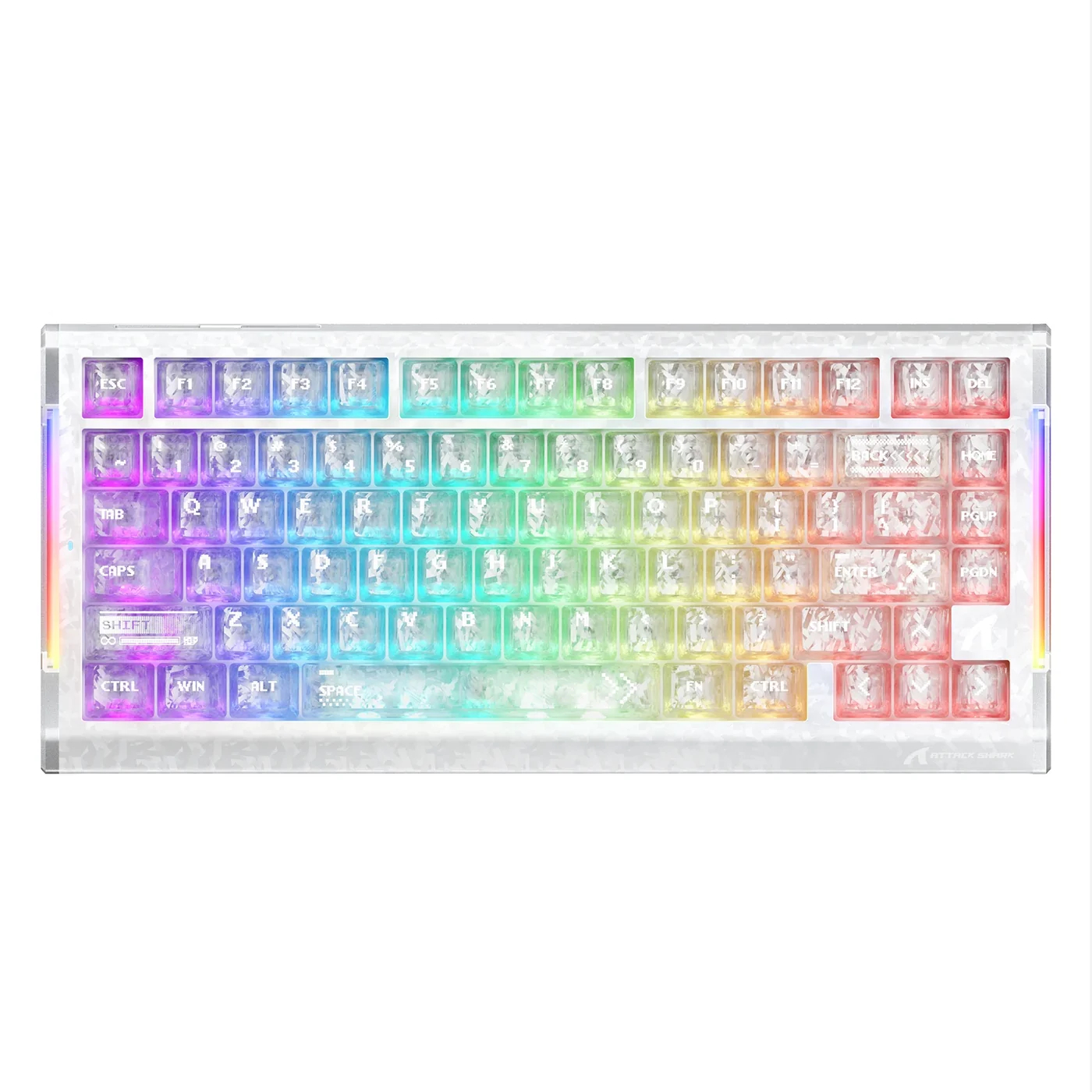
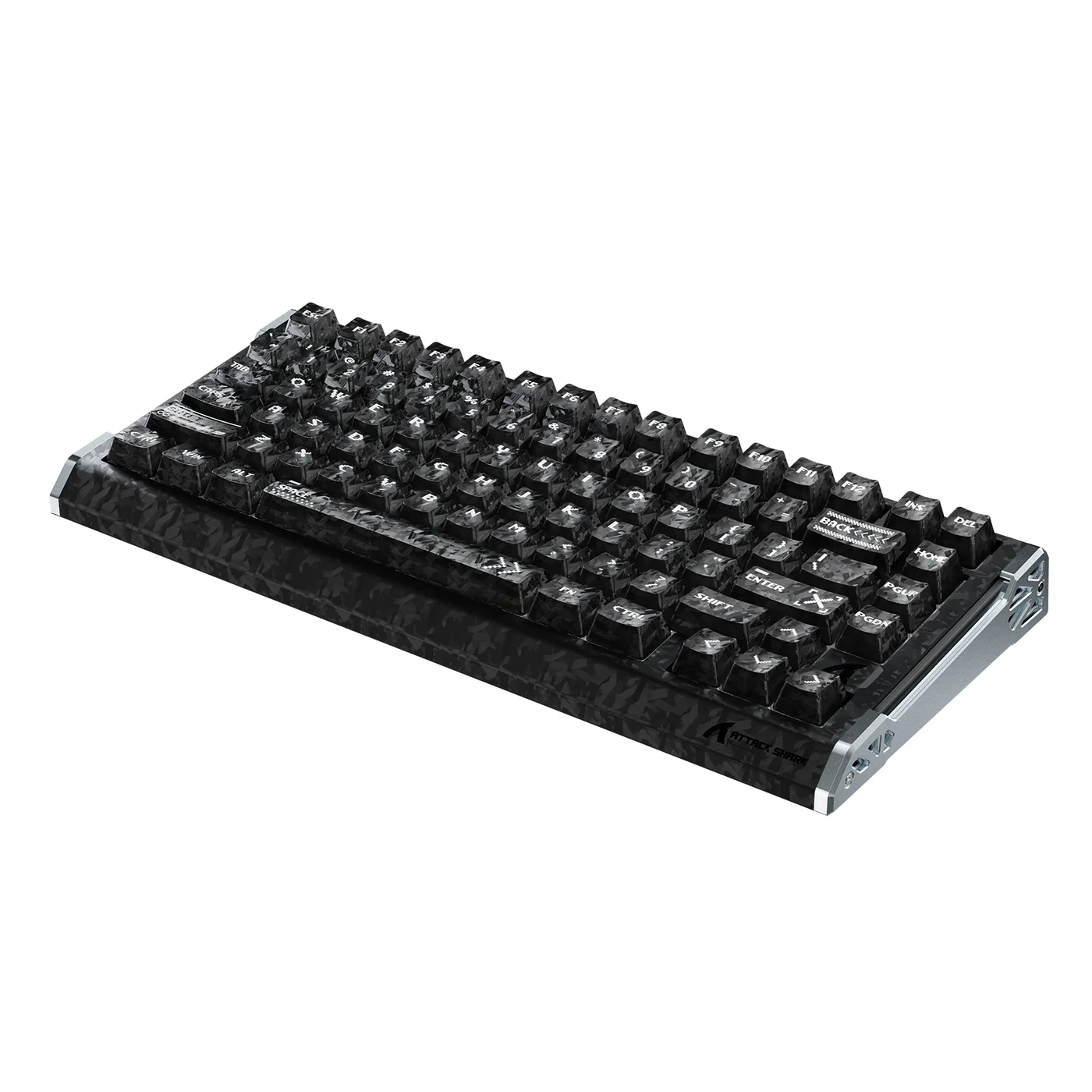
Gaming peripheral brand Attack Shark has announced the R86 HE Carbon Fiber Magnetic Switch gaming keyboard, scheduled for release on September 7th.

Built around a 75% layout with 82 keys, the R86 HE keyboard combines a carbon fibre composite top case, an 8000Hz polling rate, and custom Huano Glass Jade magnetic switches. Performance handling relies on a custom esports chipset that delivers 256K scanning and an 8000Hz polling rate, enabling response times down to 0.08ms.

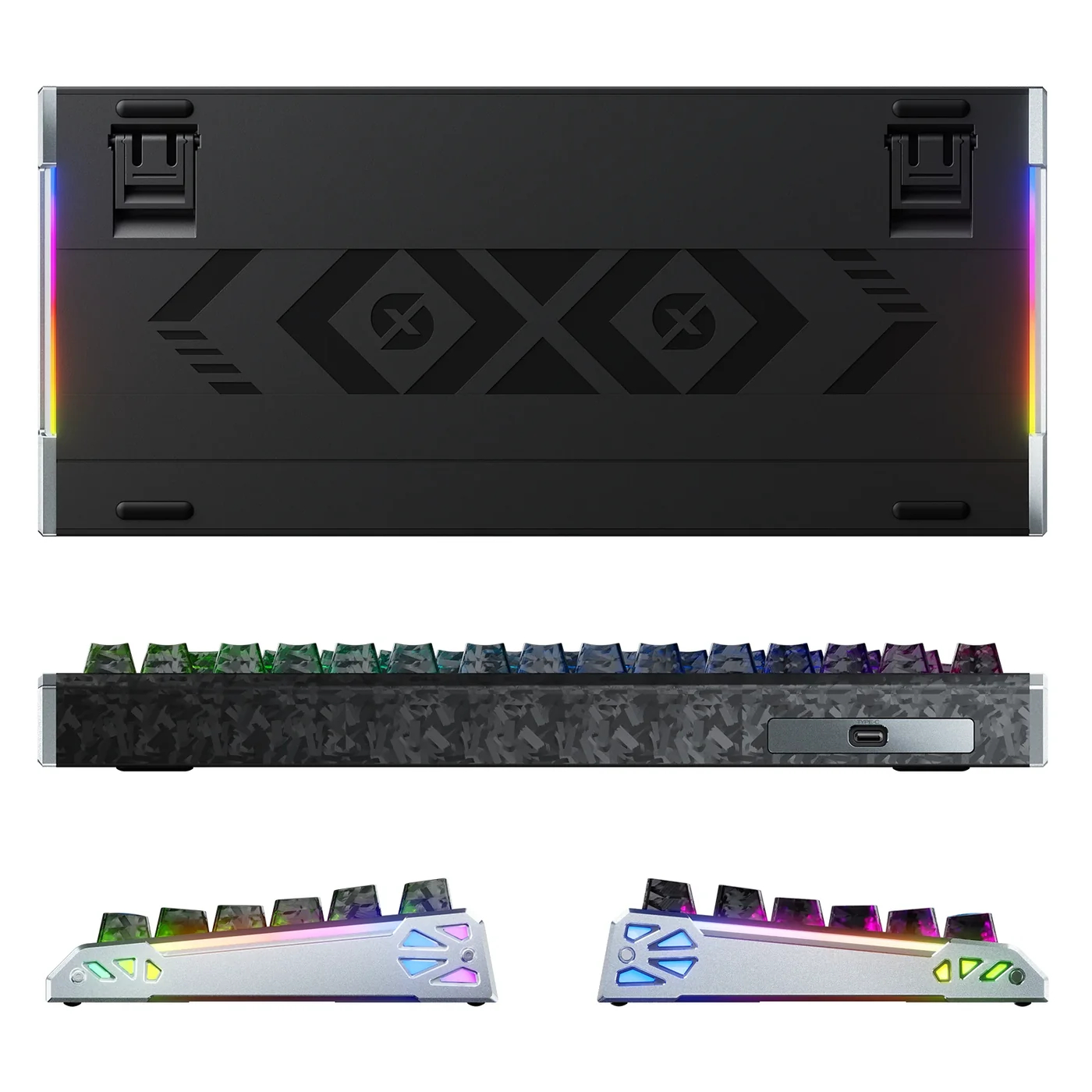
Attack Shark claims a 0.005mm Rapid Trigger precision for key actuation and resets. The board also offers full-key RGB lighting and dual-side dynamic light strips. Adjustments for key remapping, switch profiles, and lighting effects are managed via web-based or desktop software.

Structurally, the chassis features a carbon fibre composite top case, anodised CNC aluminium alloy side accents, and matching carbon fibre keycaps. Internal damping uses a five-layer stack comprising PE foam, IXPE switch pads, PET acoustic film, switch socket foam, and bottom silicone padding to minimise case resonance. A fibreglass positioning plate houses the Huano Glass Jade switches, which support independent curve tuning alongside compatibility with other magnetic switch types.

KitGuru says: How much thought do you put into minimising latency when picking new gaming peripherals? 

The post Attack Shark reveals R86 HE 75% magnetic gaming keyboard with 8000Hz polling first appeared on KitGuru.

Cherry Xtrfy expands its ultralight lineup with the solid‑shell M42V2

30 August 2026 at 10:30

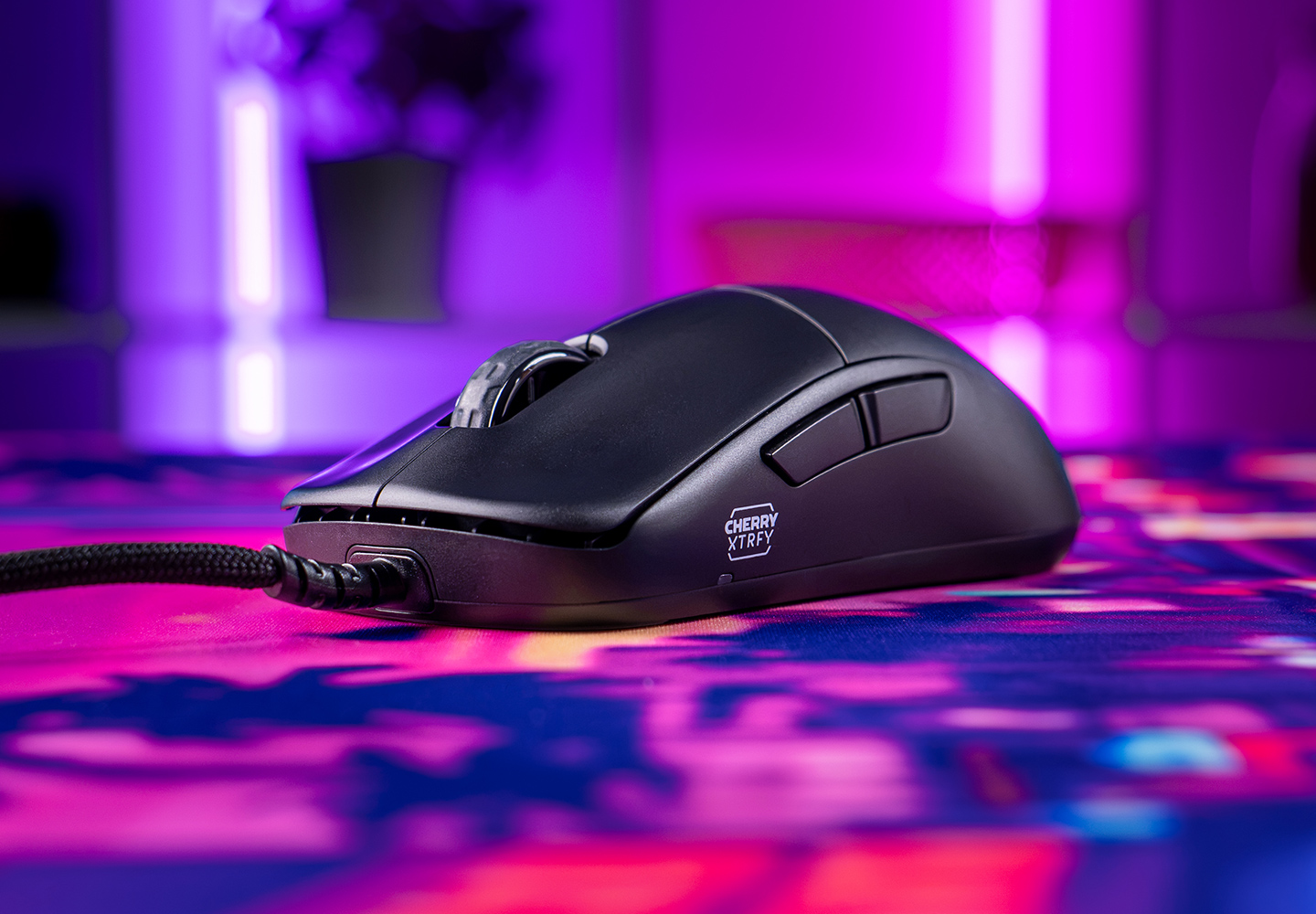
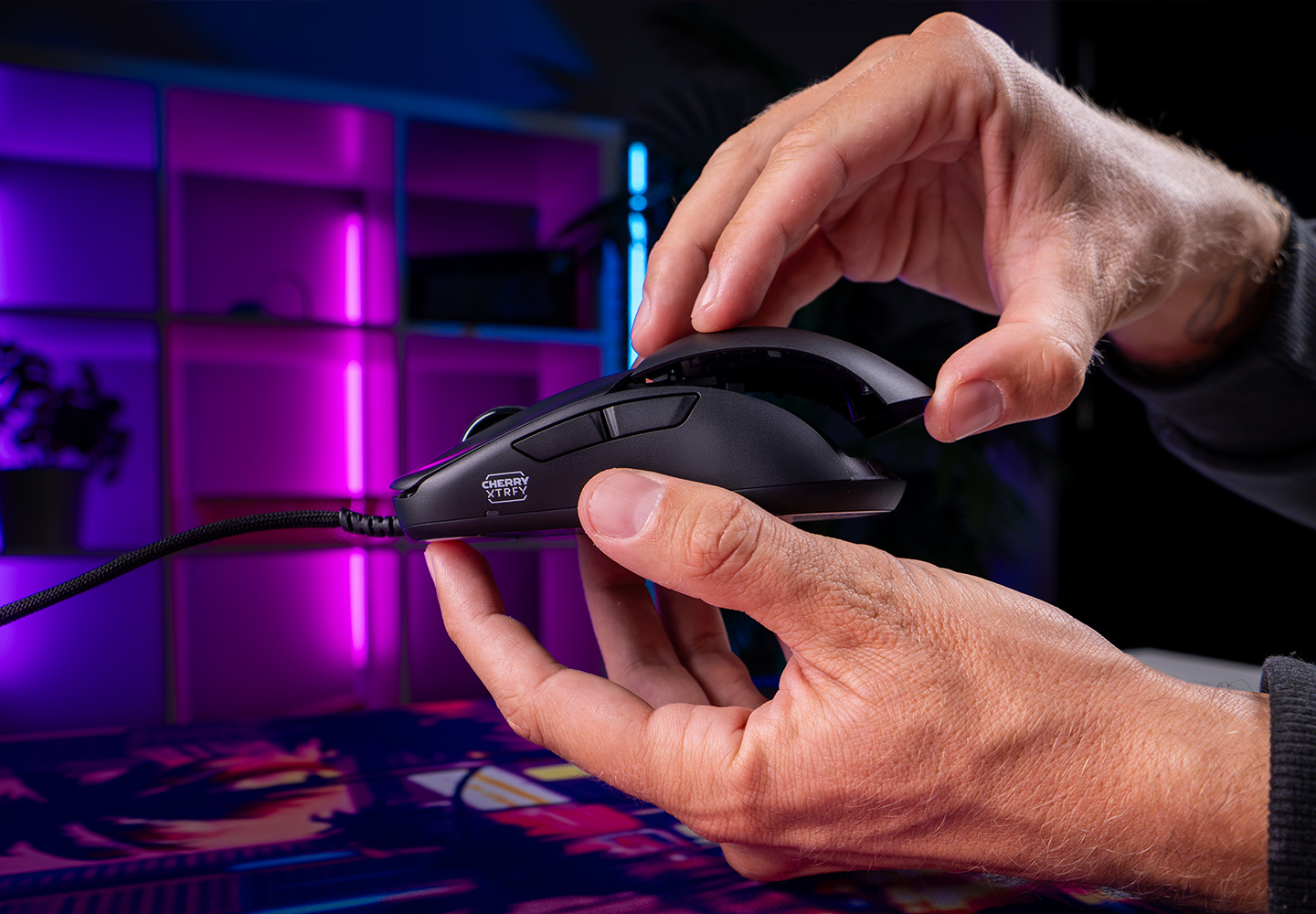
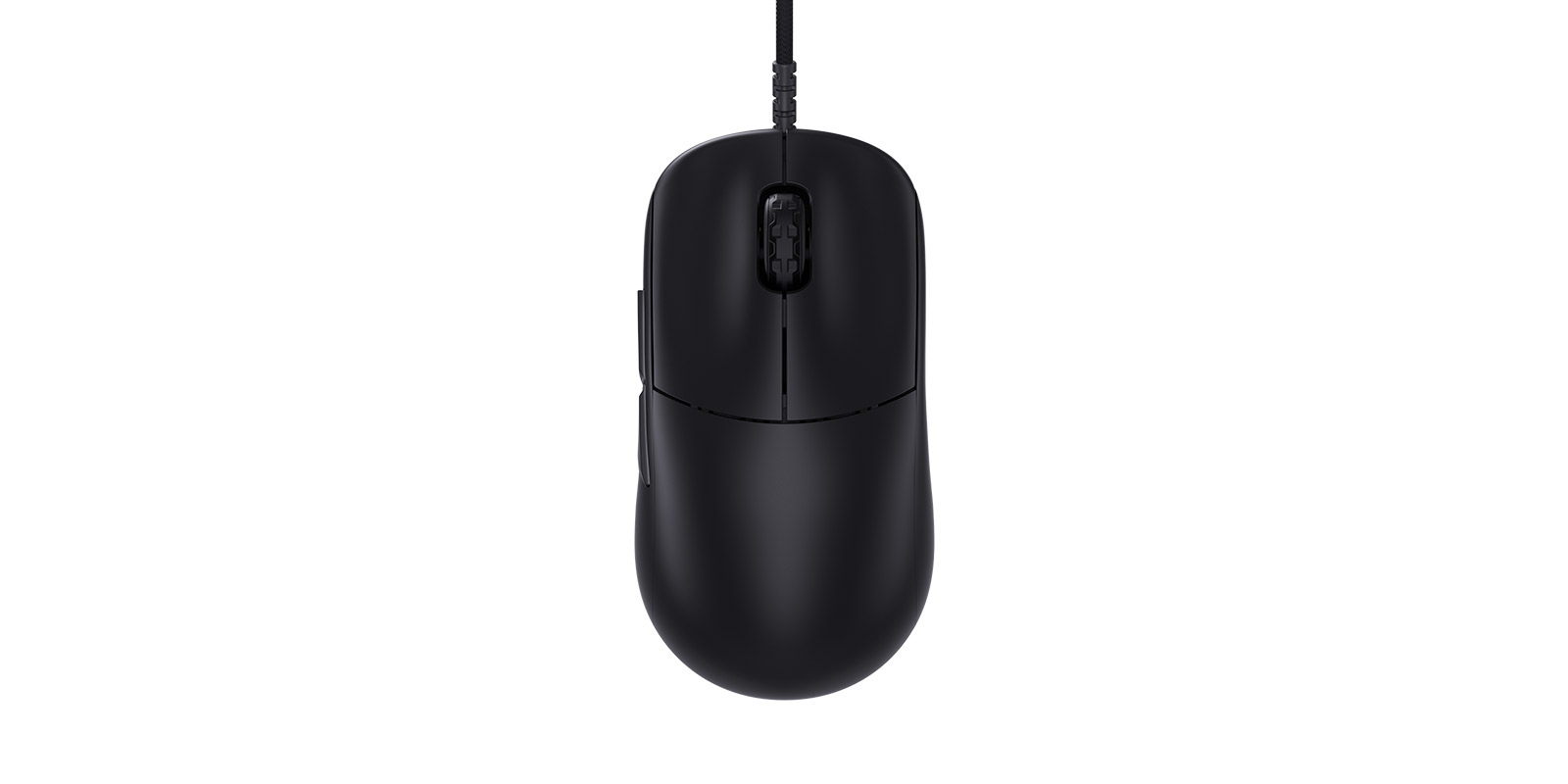
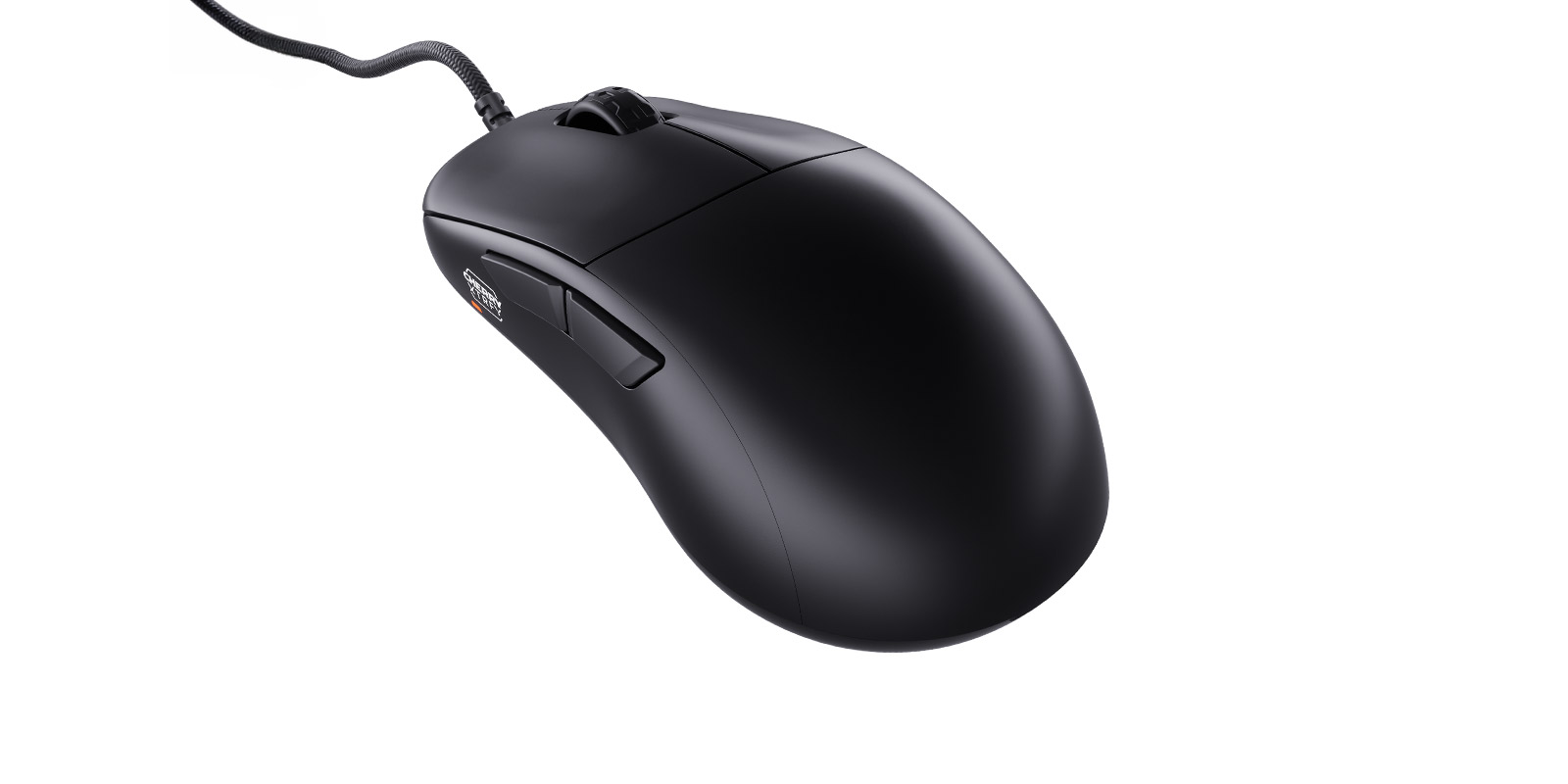
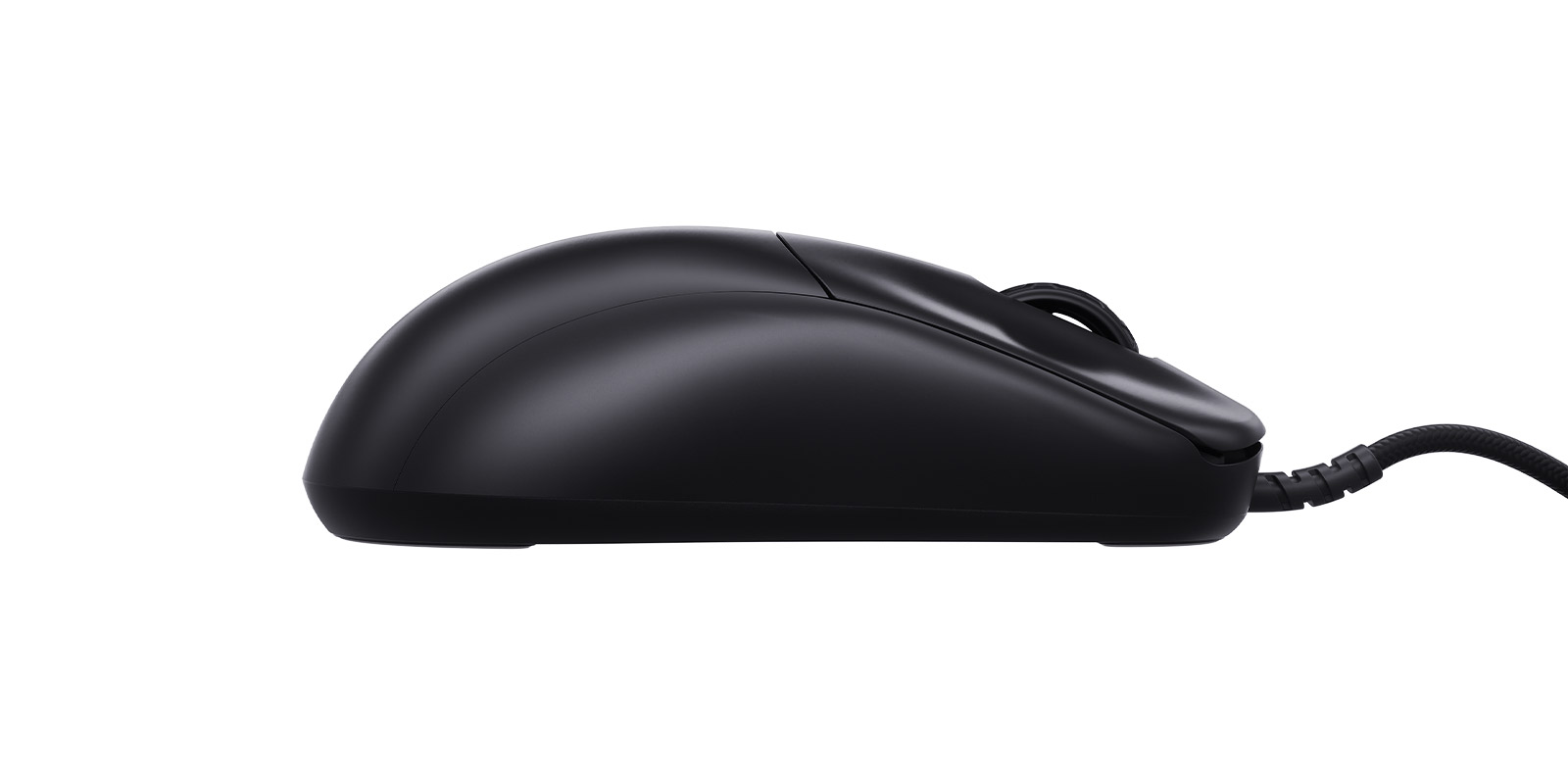
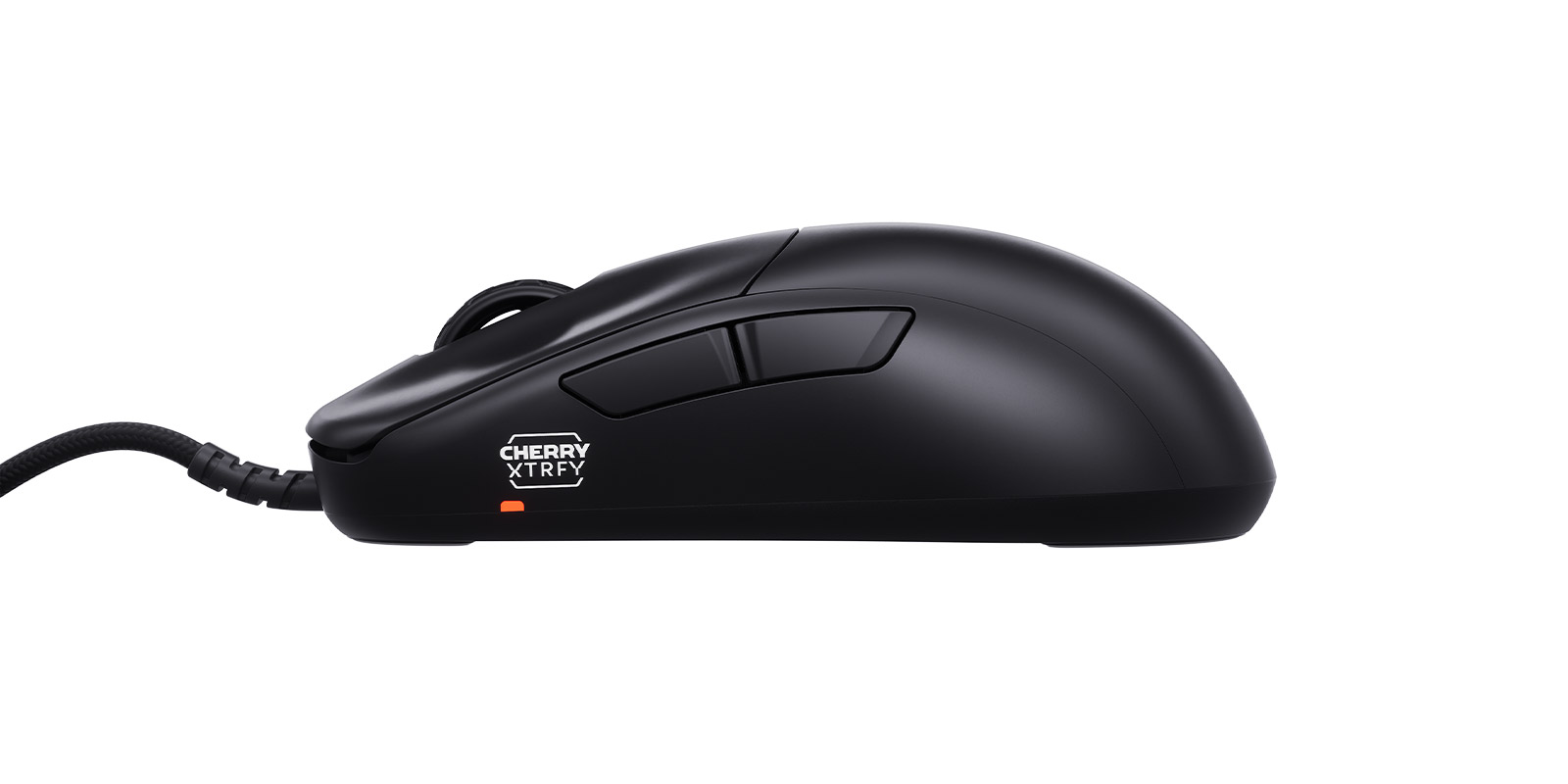
Cherry Xtrfy added a new ultralight mouse to its lineup at Gamescom this week. The M42V2 comes in at 45g and introduces a redesigned modular rear shell at a lower price point, marking the first entry in a refreshed series.

The M42V2 builds on the original M42, keeping the symmetrical shape but redesigning the shell, allowing it to snap on, or be removed, without any tools. In the box, users get two shells to choose from, one with a more pronounced hump, and one with a flatter shape, so you can switch between them depending on preference.

At 45g, the M42V2 sits among the lightest solid‑shell mice available. Cherry Xtrfy has avoided the perforated design used by many ultralight competitors, instead opting for a matte UV‑coated body and UHMW‑PE feet.

Under the hood, the mouse runs a PixArt 3327 sensor with CPI settings from 400 to 6200 and a 1000Hz polling rate, so you won't be getting some of the features we see in higher-end mice, but you'll also be saving a good amount of money too.

The M42V2 is available starting this week, priced at £39.99/$39.99/€39.99.

Do you prefer ultralight mice with solid shells, or do you still lean toward perforated designs?

The post Cherry Xtrfy expands its ultralight lineup with the solid‑shell M42V2 first appeared on KitGuru.

Yunzii launches AL21 wireless mechanical numpad

28 August 2026 at 06:37

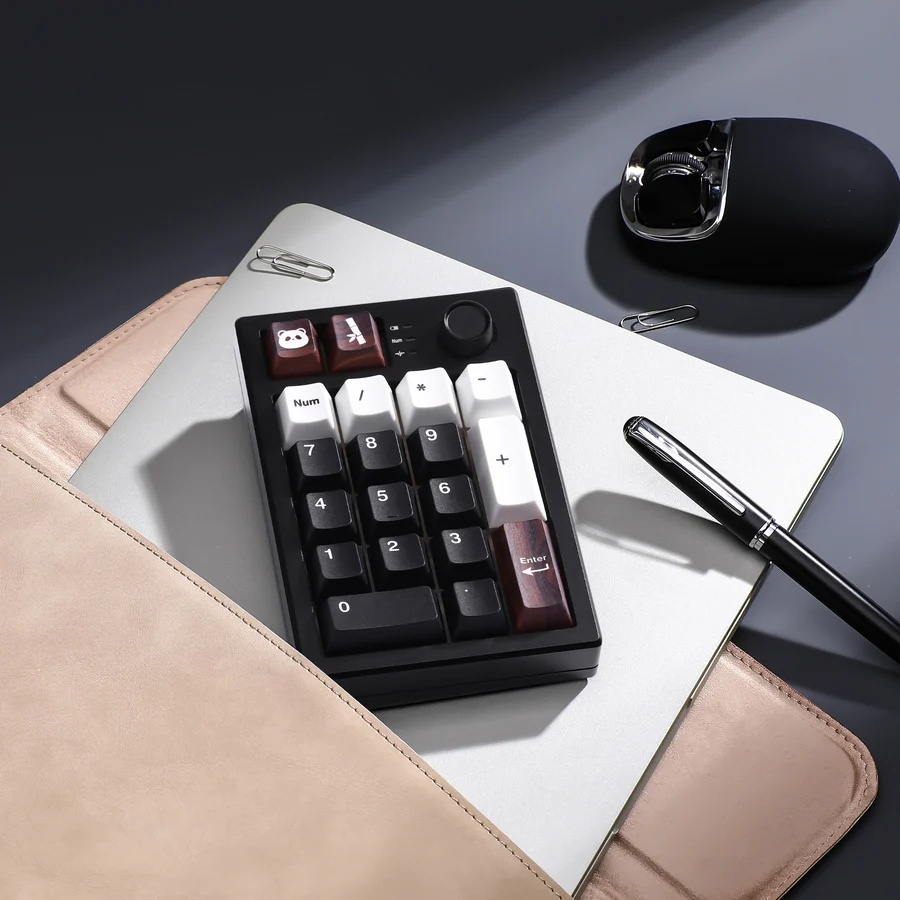
Yunzii has introduced the AL21, a wireless mechanical numpad aimed at users who want a compact add‑on for TKL or 65% keyboards.

The AL21 uses a CNC‑machined aluminium case with a gasket‑mounted layout and internal dampening foam. It supports hot‑swap 3‑pin and 5‑pin switches, comes with PBT keycaps, includes a small multifunction knob and offers RGB lighting with full N‑key rollover.

Connectivity is tri‑mode, with Bluetooth, 2.4GHz and USB‑C wired options. Yunzii claims up to 90 hours of use with RGB disabled, or around 10 hours with lighting enabled, powered by a 1500mAh battery. Key remapping, macros and lighting effects are handled through a browser‑based configuration tool rather than a traditional software install.

The AL21 is available now in black, white or pink for $49.99, and ships with Yunzii’s Cocoa Cream V2 linear switches.

Do you prefer having a separate numpad, or do you stick with a full‑size keyboard?

The post Yunzii launches AL21 wireless mechanical numpad first appeared on KitGuru.

Razer reveals translucent green Xbox 25th Anniversary peripherals

27 August 2026 at 12:00

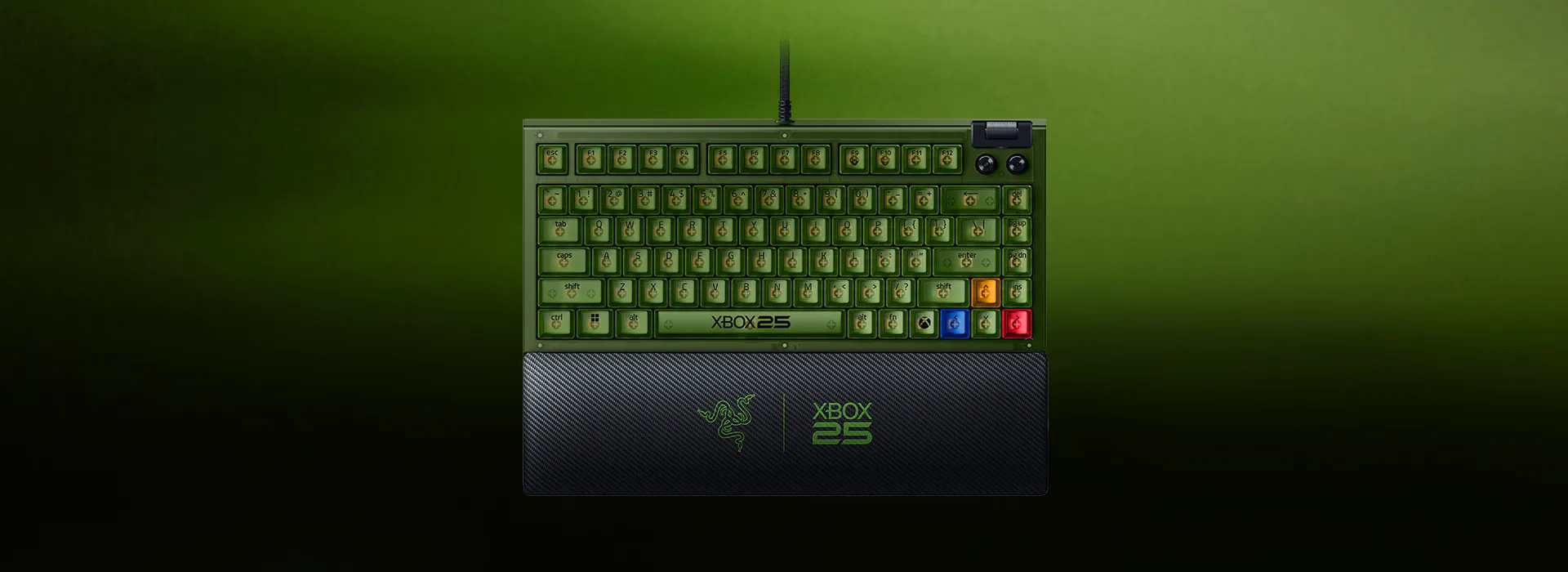
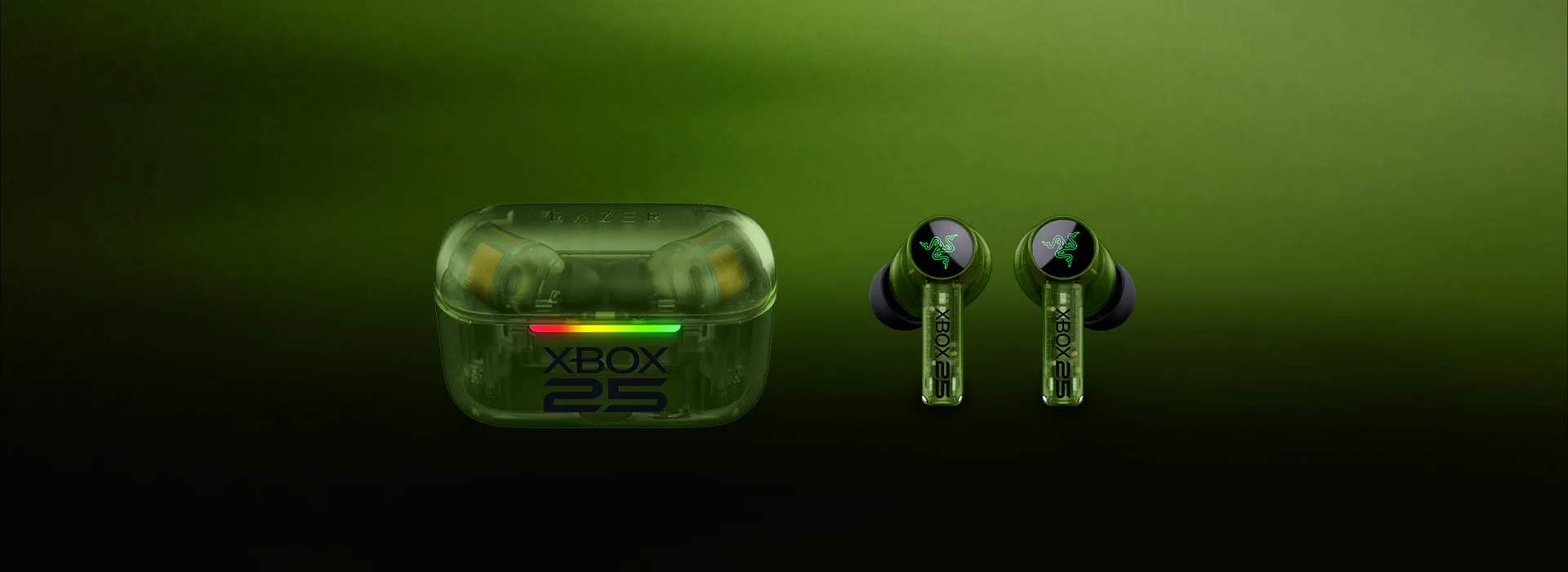
Razer has announced the Razer Xbox 25 Anniversary Collection, a limited-edition peripheral lineup created in collaboration with Xbox to mark the brand's 25th anniversary. The range includes translucent green versions of three core products: the Basilisk V3 Pro 35K mouse, the BlackWidow V4 75% mechanical keyboard, and the Hammerhead V3 X HyperSpeed earbuds.

Each peripheral in this collection features an Xbox-inspired translucent green aesthetic alongside anniversary branding. The Basilisk V3 Pro 35K mouse includes Razer's Focus Pro 35K Optical Sensor Gen-2, a HyperScroll Tilt Wheel, 13 customisable controls, and HyperSpeed wireless support. Moving to the keyboard, the compact BlackWidow V4 75% offers hot-swappable Gen-3 Orange Tactile Switches, a dedicated Xbox key to open the Xbox Game Bar, dual-sided underglow, and a magnetic leatherette wrist rest.

Rounding out the collection, the Hammerhead V3 X HyperSpeed earbuds feature 2.4GHz wireless and Bluetooth 5.3 connectivity with SmartSwitch technology. Razer rates the earbuds for up to 35 hours of total battery life, alongside IPX4 water resistance and surround sound support across Xbox and PC platforms.

All of these peripehrals are now available to order. The Basilisk V3 Pro 35K mouse is available for $179.99, the BlackWidow V4 75% keyboard for $209.99, and the Hammerhead V3 X HyperSpeed earbuds for $99.99.

KitGuru says: Translucent hardware is having a real comeback moment, and Razer's anniversary lineup brings a solid retro Xbox aesthetic to a group of proven gaming peripherals.

The post Razer reveals translucent green Xbox 25th Anniversary peripherals first appeared on KitGuru.

FRITZ!Box 4690 WiFi 7 Router Review

26 August 2026 at 10:15

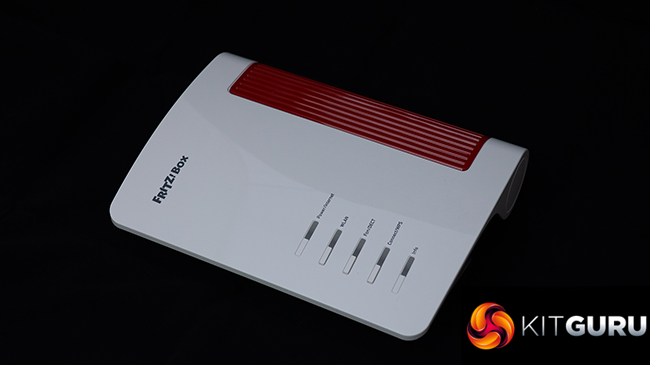
We've generally been impressed by AVM wireless broadband routers here at KitGuru. They're a little quirky, but performance is generally good and the features are top of the pile, with unique telephony and smart home capabilities. Since we last looked at one of the company's products, the AVM name has disappeared and now it's just FRITZ! This doesn't mean any change in ownership, however, just a simplification. Speaking of simplifying things, the FRITZ!Box 4690 is for people who already have a cable modem or fibre, so don't want the complication of a device with this built in. It's intended to deliver the fastest home networking to an already rapid broadband connection.

The FRITZ!Box 4690 returns to the wave-like design we've seen in many previous routers, such as the AVM FRITZ!Box 7690. Apart from the lack of a built-in VDSL/ADSL 2+ modem, the 4690 has a very similar specification to the 7690, although it also lacks the latter's support for Zigbee, a wireless standard for controlling smart home devices such as lightbulbs, roller blinds, temperature and motion sensors, smart plugs, and switches. It does still offer the signature FRITZ!Box support for telephony, however.

With its focus on users with an existing fast broadband modem, the WAN connection is 10Gbit, but you get a second of these and all the remaining LAN connections deliver 2.5Gbit. WiFi 7 is of course supported, albeit only in dual-band form. The 4690 is BE7000 rated, combining 5,760Mbits/sec at 5GHz and 1,200Mbits/sec at 2.4GHz. There's no 6GHz signal with this router, unlike the AVM FRITZ!Box 5690 Pro. There are optional extras to create a mesh network, too, although units to test this weren't supplied for our review.

Telephony options include two RJ11 phone ports on the back plus a single German TAE on the side. You also get a single USB 3.0 connection for media server storage, NAS options, or mobile data backup. All this comes in at around £330, which is pricey for a router but not one with this range of features available. Read on to see how the promising specifications shape up in reality.

The FRITZ!Box 4690 is available from Amazon UK for £330.31 inc VAT.

Specification:

  • Wireless protocols: MU-MIMO with 802.11b/g/n/be 2.4GHz, 802.11a/n/ac/ax/be 5GHz
  • Performance: BE7000 (5,760 + 1,200 Mbits/sec)
  • Antenna Configuration: 4×4 internal antennas
  • Ports: 3 x 2.5Gigabit Ethernet LAN, 1 x 10Gigabit Ethernet LAN, 1 x 10Gigabit Ethernet WAN, 1 x USB 3.0, 2 x RJ11 phone, 1 x TAE phone
  • Modem Support: 10Gigabit Ethernet WAN
The post FRITZ!Box 4690 WiFi 7 Router Review first appeared on KitGuru.

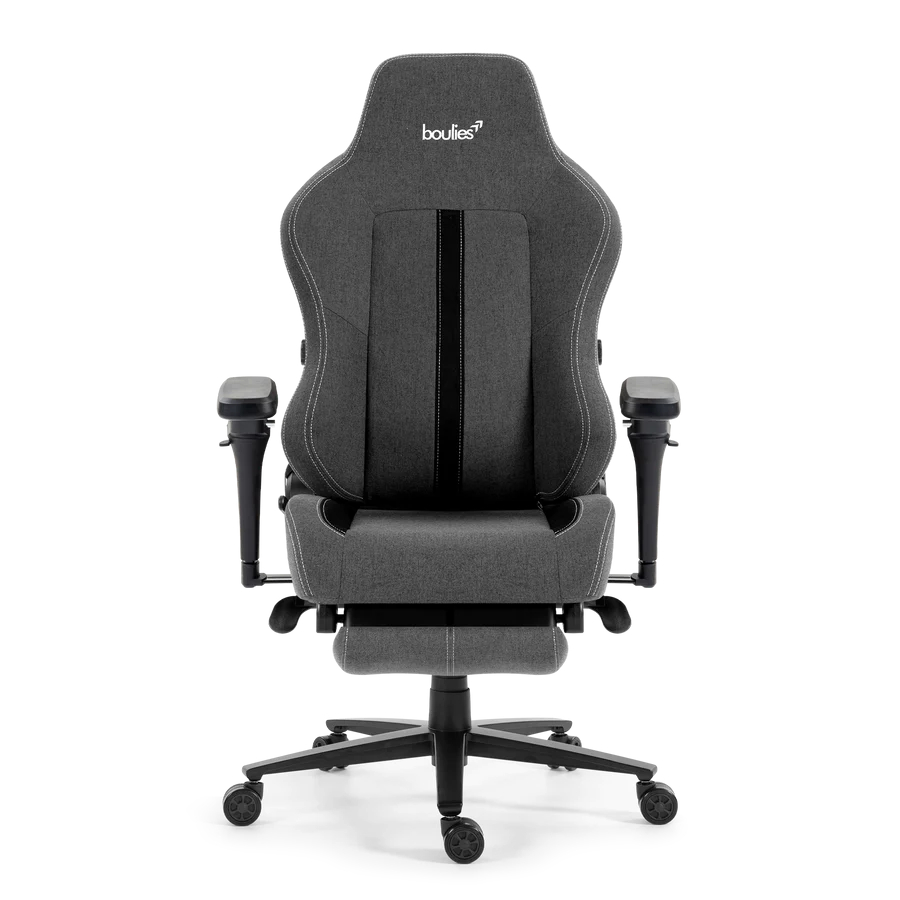
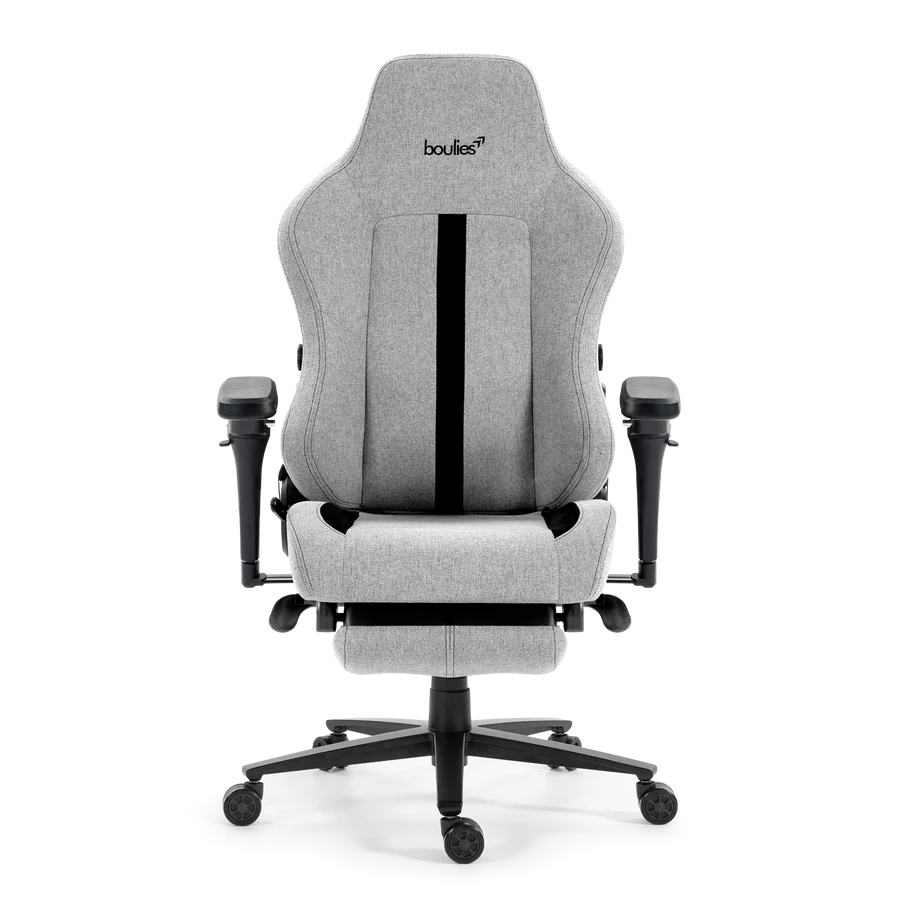
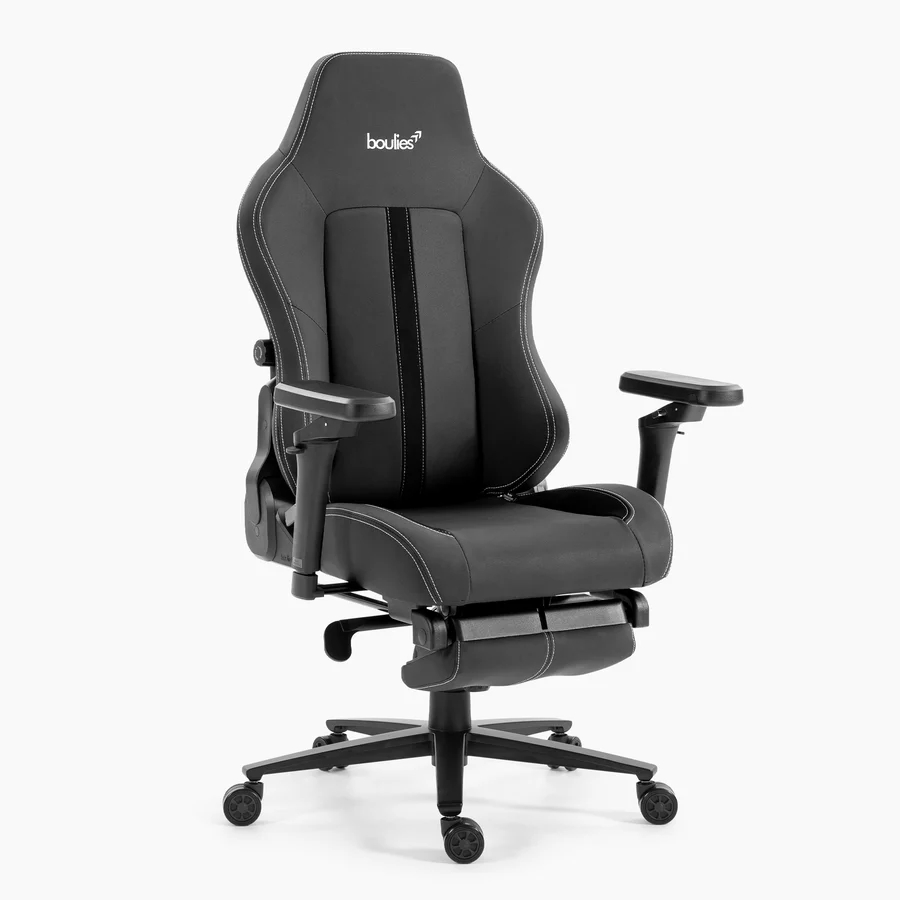
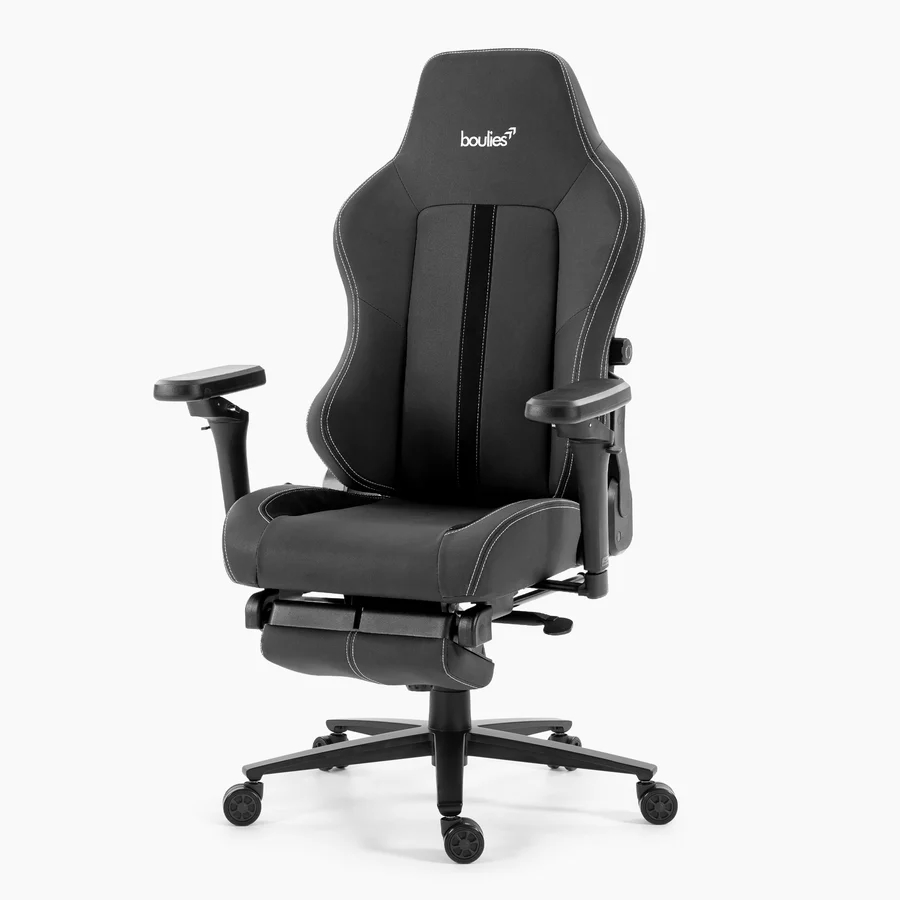
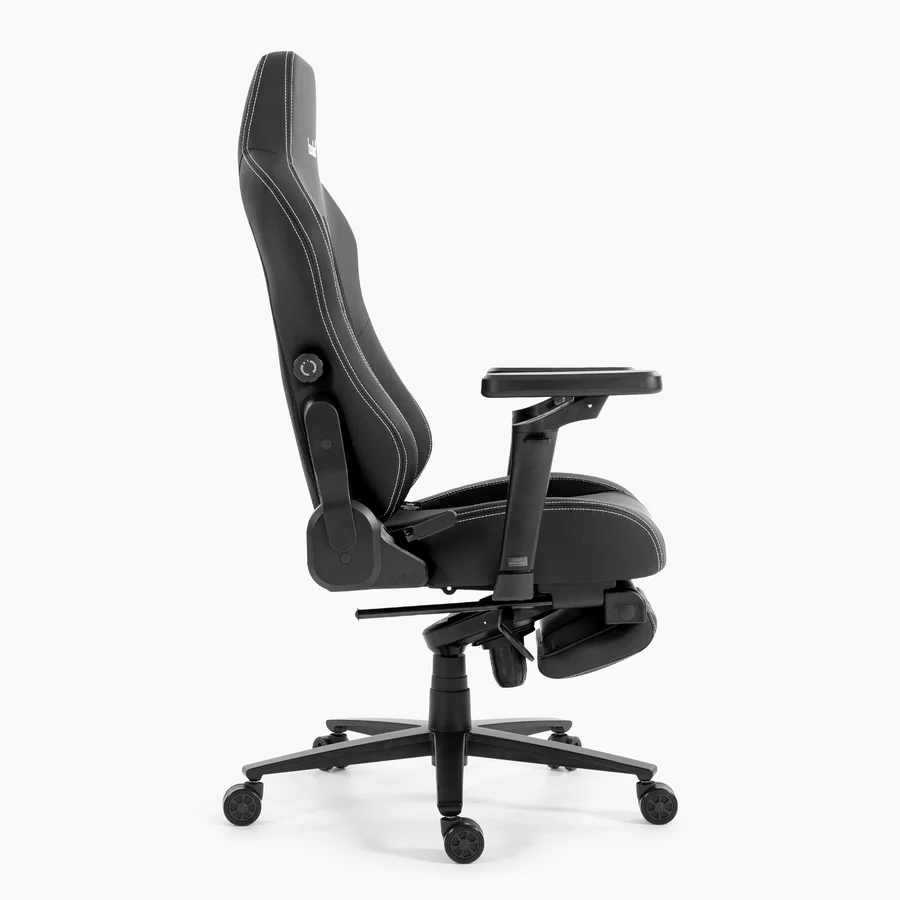
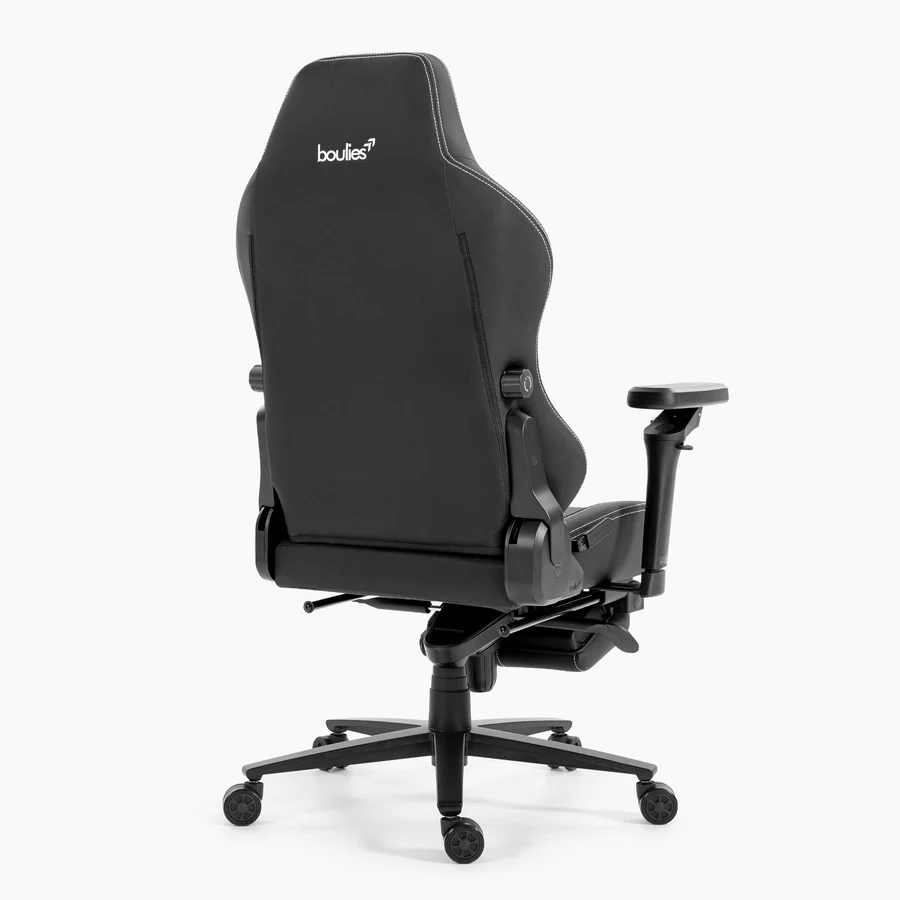
Boulies releases Master Rex 2026 with updated recliner and armrests

20 August 2026 at 07:07

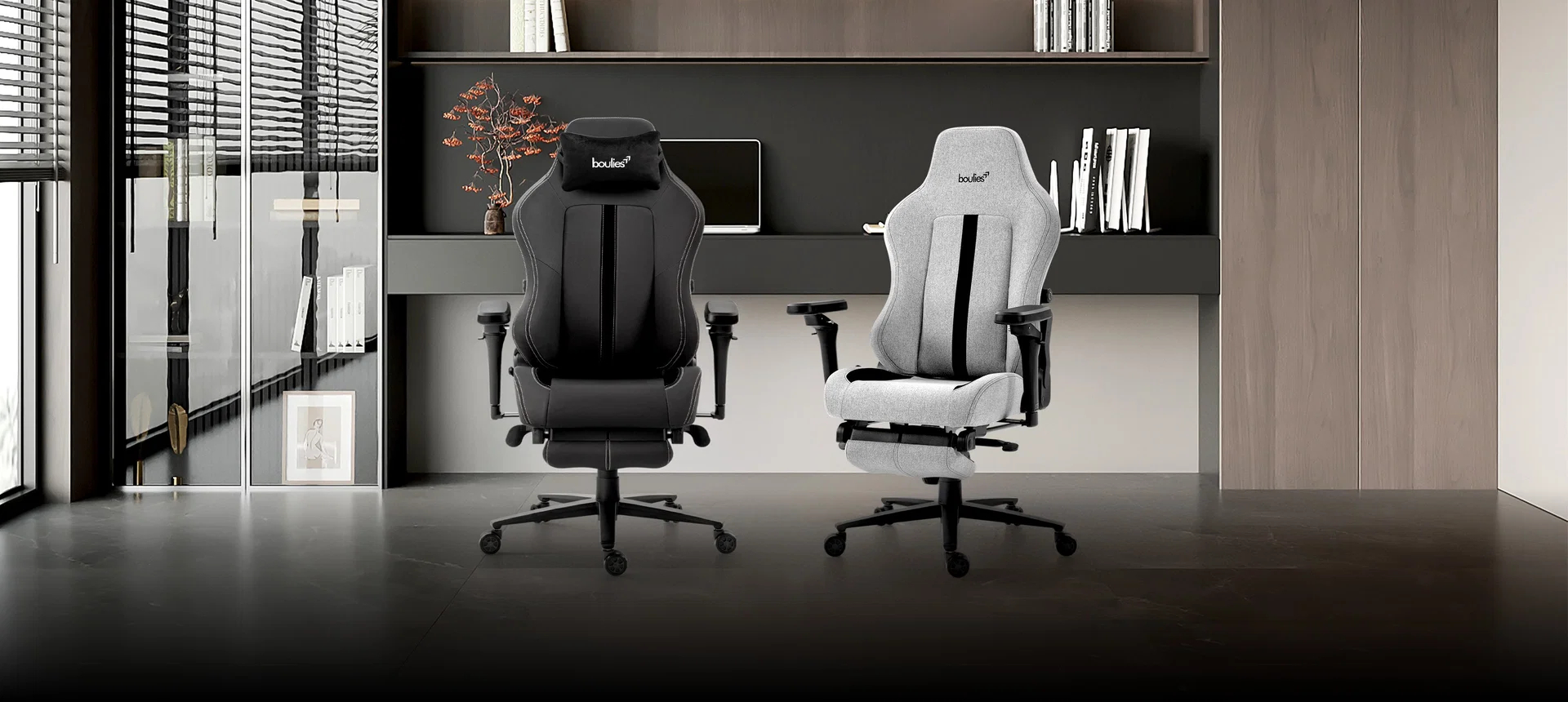
Boulies has announced the US and UK launch of the Master Rex 2026, an upgraded version of its Master Rex ergonomic gaming chair, along with a limited-time launch-period discount. 

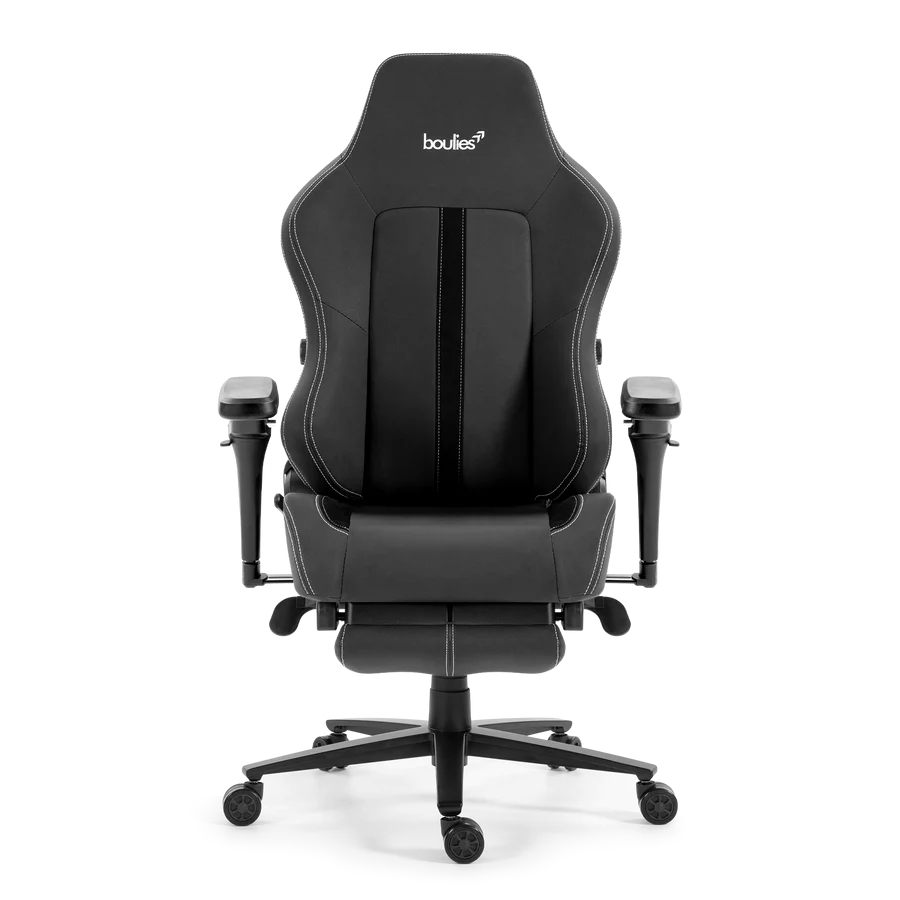
Some of the changes for the Master Rex 2026 include newly designed 6D armrests and integrated lumbar support. Boulies has also updated the tilt mechanism for smoother movement, with the chair supporting a recline range from 95° to 165°.

Physical adjustments focus on seating comfort, with a round‑edge cushion and a wider seat base. Material options include Boulies Ultraflex PU synthetic leather or Boulies Water Repellent Fabric. The leather model is available in brown and black, while the fabric version comes in light grey, dark grey and dark green.

Retail pricing is set at £439.99 in the UK and $499.99 in the US. However, launch discounts bring the price down to £359.99 and $459.99 for a limited time.

KitGuru says: Are you considering going with Boulies for your next desk chair?

The post Boulies releases Master Rex 2026 with updated recliner and armrests first appeared on KitGuru.

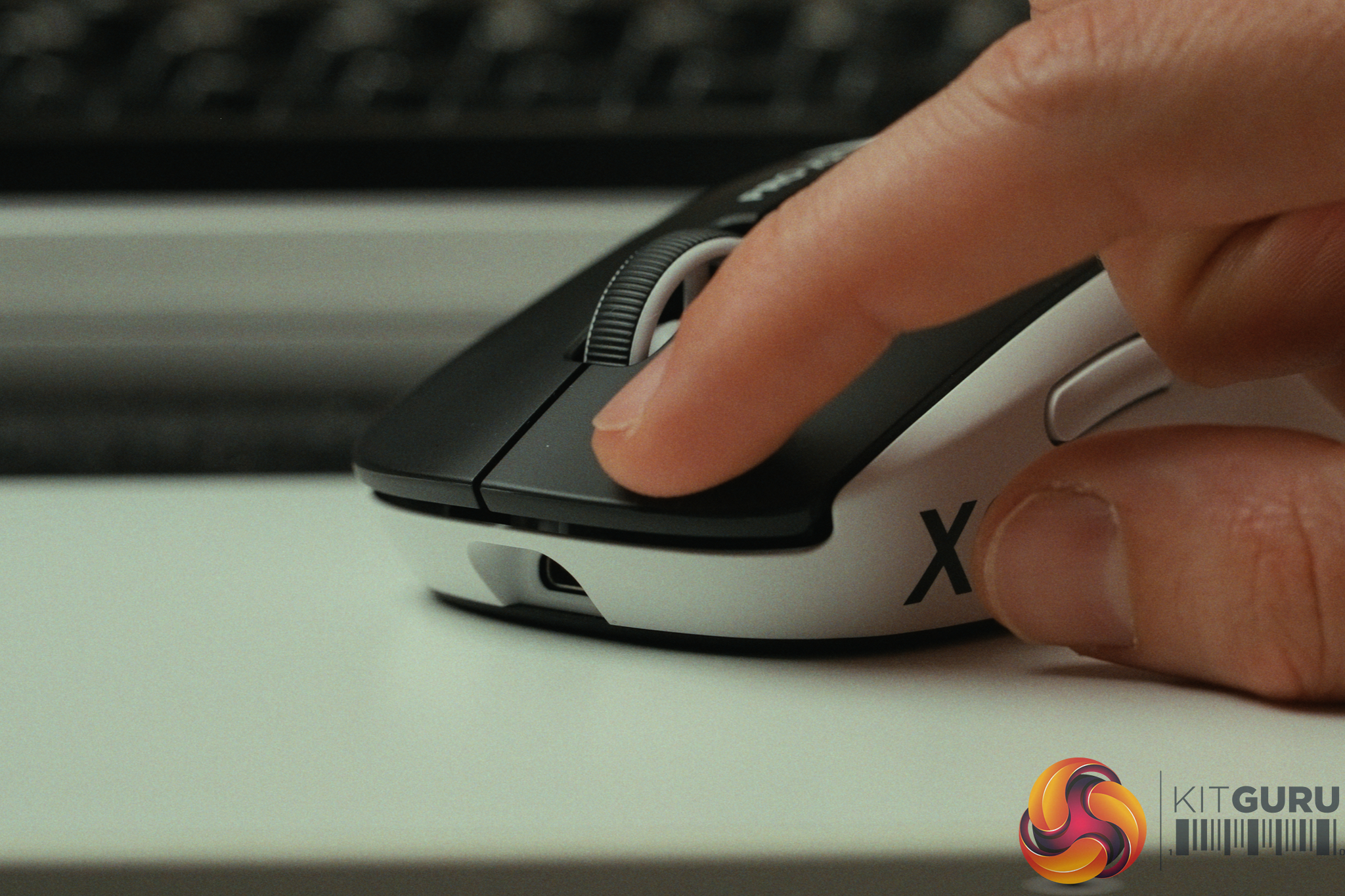
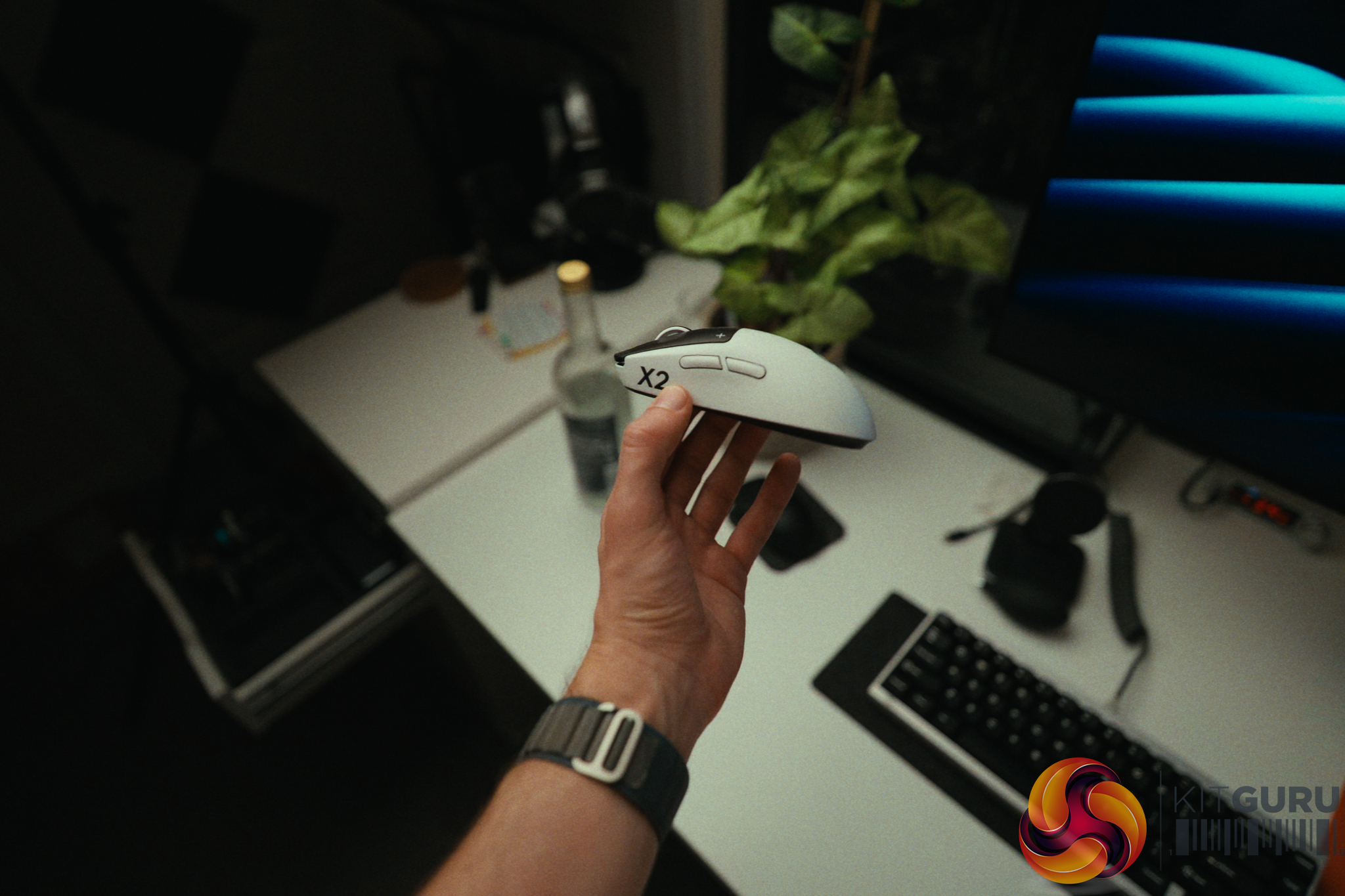
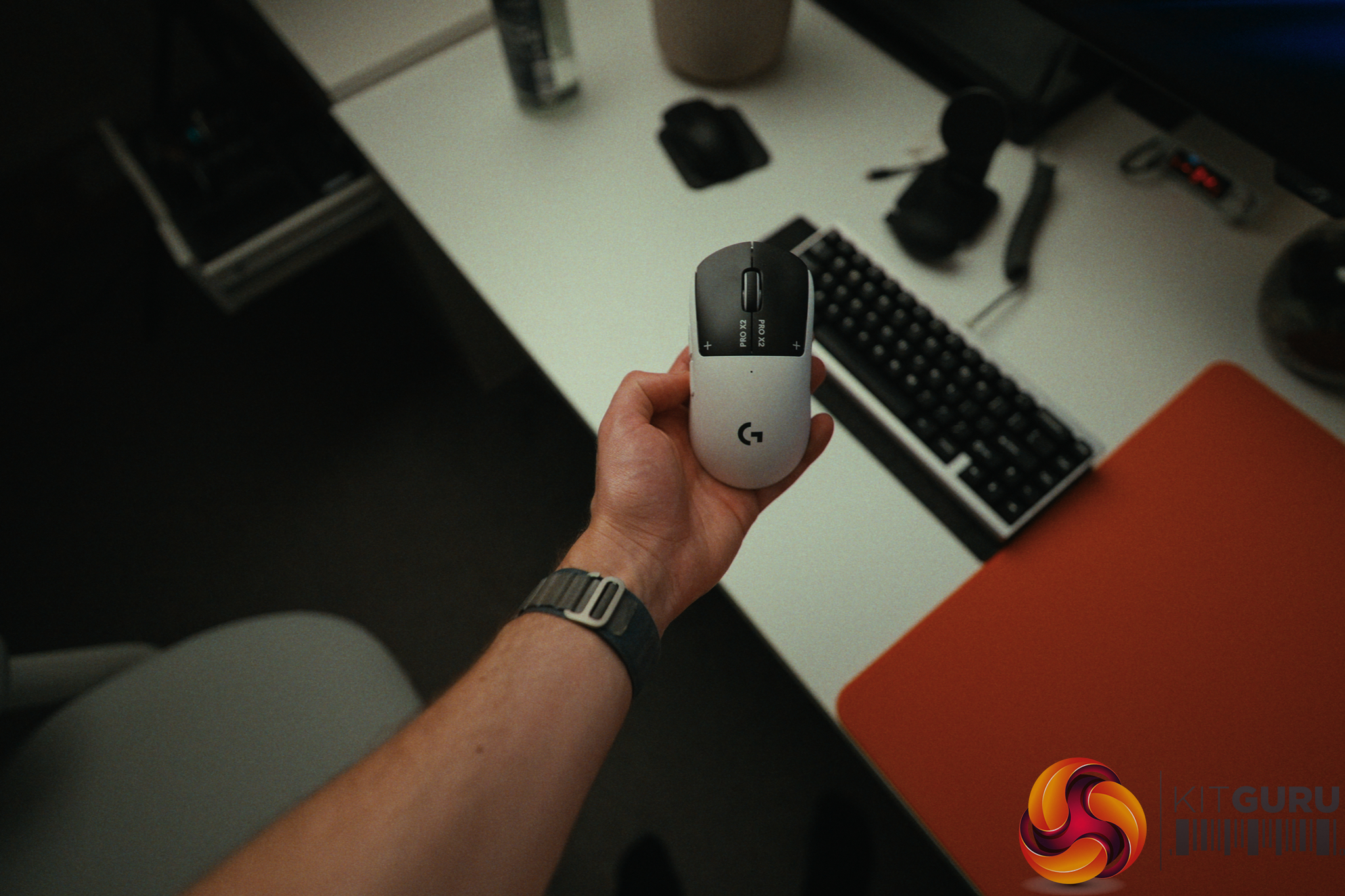
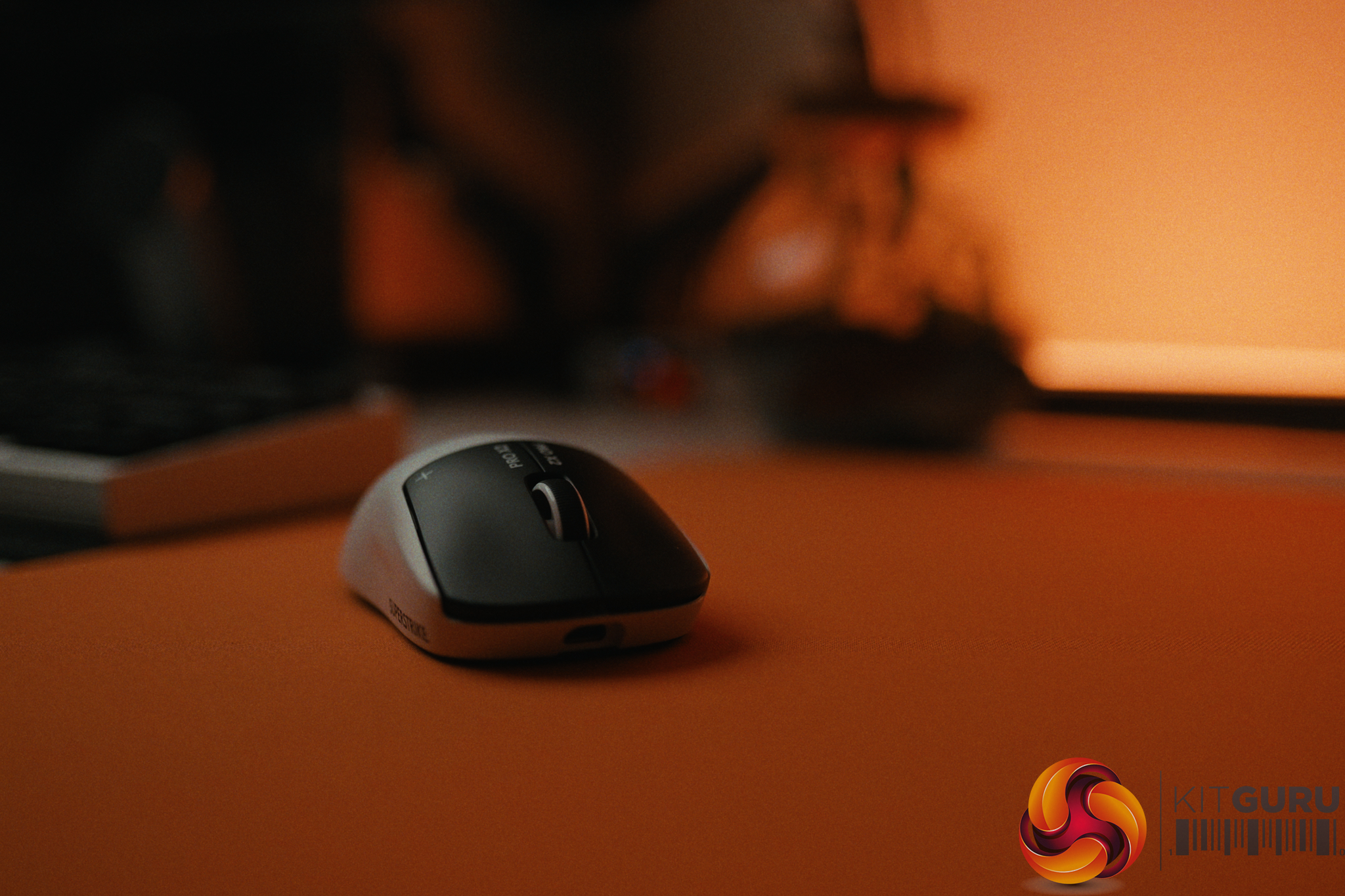
Logitech G Pro X2 Superstrike Review: Three Months Later

19 August 2026 at 11:13

When Logitech announced the G Pro X2 Superstrike, they made a bold claim: an unprecedented 30ms competitive latency advantage thanks to their new Haptic Induction Trigger System (HITS). On paper, dropping 30ms of latency is the equivalent of jumping from 30fps to over 300fps in game. It sounds like the holy grail of competitive gaming peripherals. But after spending three months daily-driving this mouse, does this revolutionary tech actually translate to real-world aiming performance, or is it just clever marketing?

Timestamps:

00:00 Intro
00:55 30ms improvements?!
02:00 The tech and how it works
04:05 Rapid trigger + haptics
06:57 Real-world experience
08:52 Other aspects of the mouse
12:08 Closing thoughts

Specifications:

  • Weight: 62g (Front-heavy balance).
  • Main Switches: HITS (Haptic Induction Trigger System) with adjustable actuation and feedback.
  • Sensor: HERO 2
  • Shape: Symmetrical “Potato” shape (right-handed side buttons).
  • Polling Rate: Up to 8000Hz Wireless.
  • Coating: Grippy matte finish.
  • Skates: PTFE (Stock thickness is slightly thin).
  • Battery: Up to 90h

Closing Thoughts

The Logitech G Pro X2 Superstrike introduces incredibly cool technology that undoubtedly raises the ceiling for the entire peripheral industry, much like Hall Effect switches did for keyboards. The HITS triggers allow you to digitally adjust actuation depth, rapid trigger sensitivity, and the physical haptic feedback (which feels remarkably similar to a MacBook trackpad). Setting the Rapid Trigger aggressively makes spam-clicking semi-auto weapons outrageously fast and absolutely deadly.

However, the 30ms latency advantage comes with a massive caveat. To achieve it, you have to run the actuation point at its absolute lowest setting, which forces you to completely unlearn the natural habit of pre-tensioning your fingers before a shot. I did a bunch of real world test but I also ran a human benchmark reflex test every couple of days for over three months and the Superstrike actually fell 5.55ms *behind* my Pulsar X2 Crazylight.

Once I backed the actuation off to a more controllable 3/10, the experience was lovely, but I cannot confidently say it resulted in hitting shots I would have otherwise missed.

Outside of the triggers, this is very much a classic “Superlight” experience, for better or worse. The premium wireless performance, exceptional 2kHz battery life, and grippy coating are fantastic. Conversely, the side buttons remain disappointingly mushy, the stock skates are a bit thin, and the safe “potato” shape still gets in the way during tracking-heavy games for claw and fingertip grippers. Furthermore, housing the haptic engines up front means the 62g weight is no longer perfectly centered, resulting in a noticeably front-heavy balance.

Ultimately, if you play tactical shooters like CS2 where a single well-timed click is everything, it is worth checking out for yourself. But if you play tracking-heavy games, you might feel more at home with a lighter, smaller and better-balanced alternative.

You can buy the Logitech G Pro X2 Superstrike for £159.99 HERE.

Pros:

  • HITS technology offers unprecedented customization for actuation, rapid trigger, and haptic feedback.
  • Rapid trigger makes spam-clicking semi-auto weapons outrageously fast.
  • Premium wireless sensor with exceptional battery life at 2000Hz.
  • Coating is very grippy and feels great in the hand.

Cons:

  • The 30ms latency claim requires unlearning finger pre-tensioning and doesn't easily translate to real-world reflexes.
  • The haptic trigger hardware shifts the balance, making the 62g mouse noticeably front-heavy.
  • Side buttons remain mushy and feel out of place next to the premium haptic main clicks.
  • The classic safe shape isn't ideal for tracking-heavy games using fingertip or claw grips.

KitGuru says: The G Pro X2 Superstrike's haptic triggers are an impressive leap forward for the industry, but they won't magically make you a gaming god overnight.

The post Logitech G Pro X2 Superstrike Review: Three Months Later first appeared on KitGuru.

Keychron’s new macro pad features 100 customisable keys to fulfill all your macro needs

16 August 2026 at 12:00

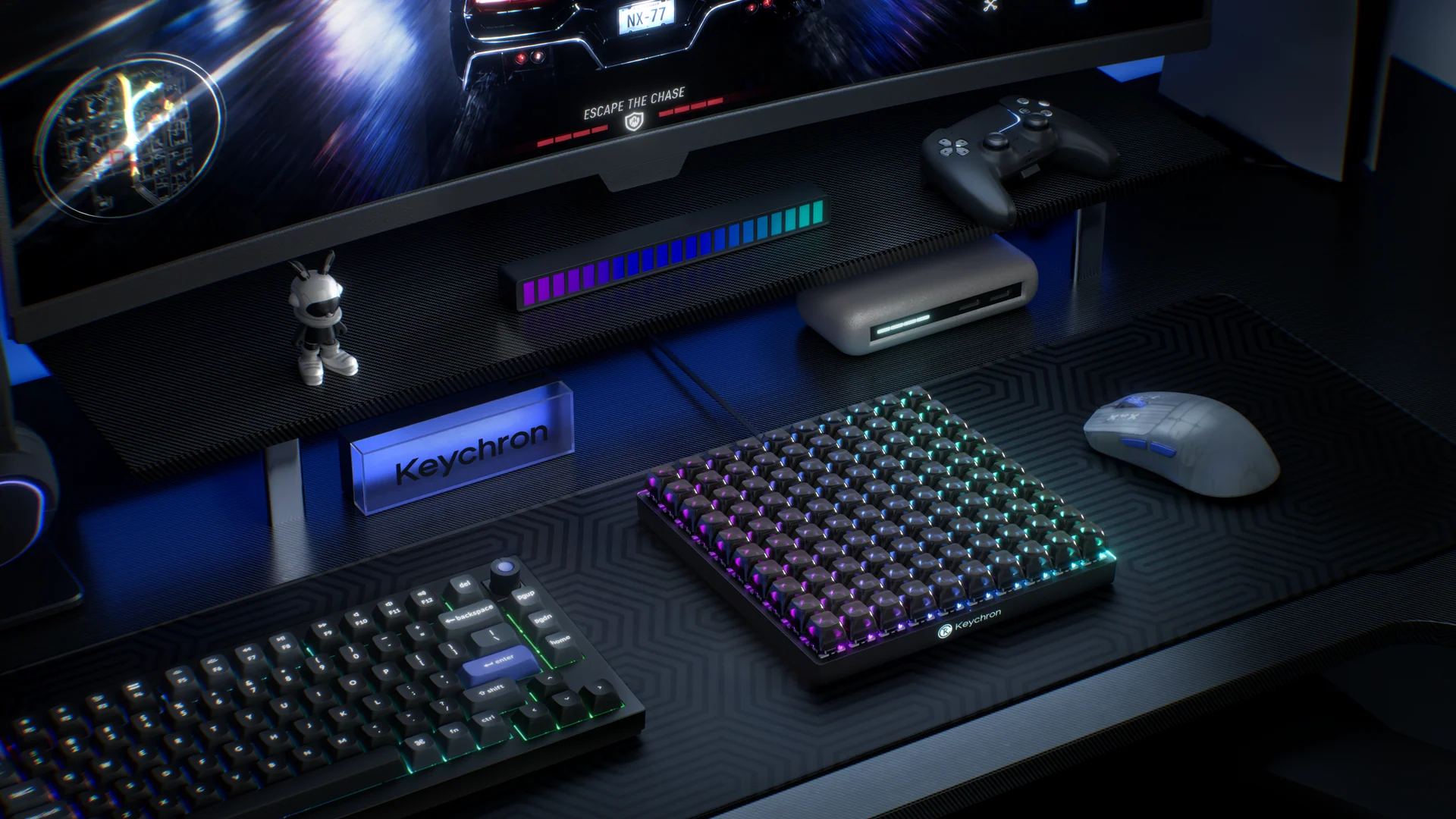
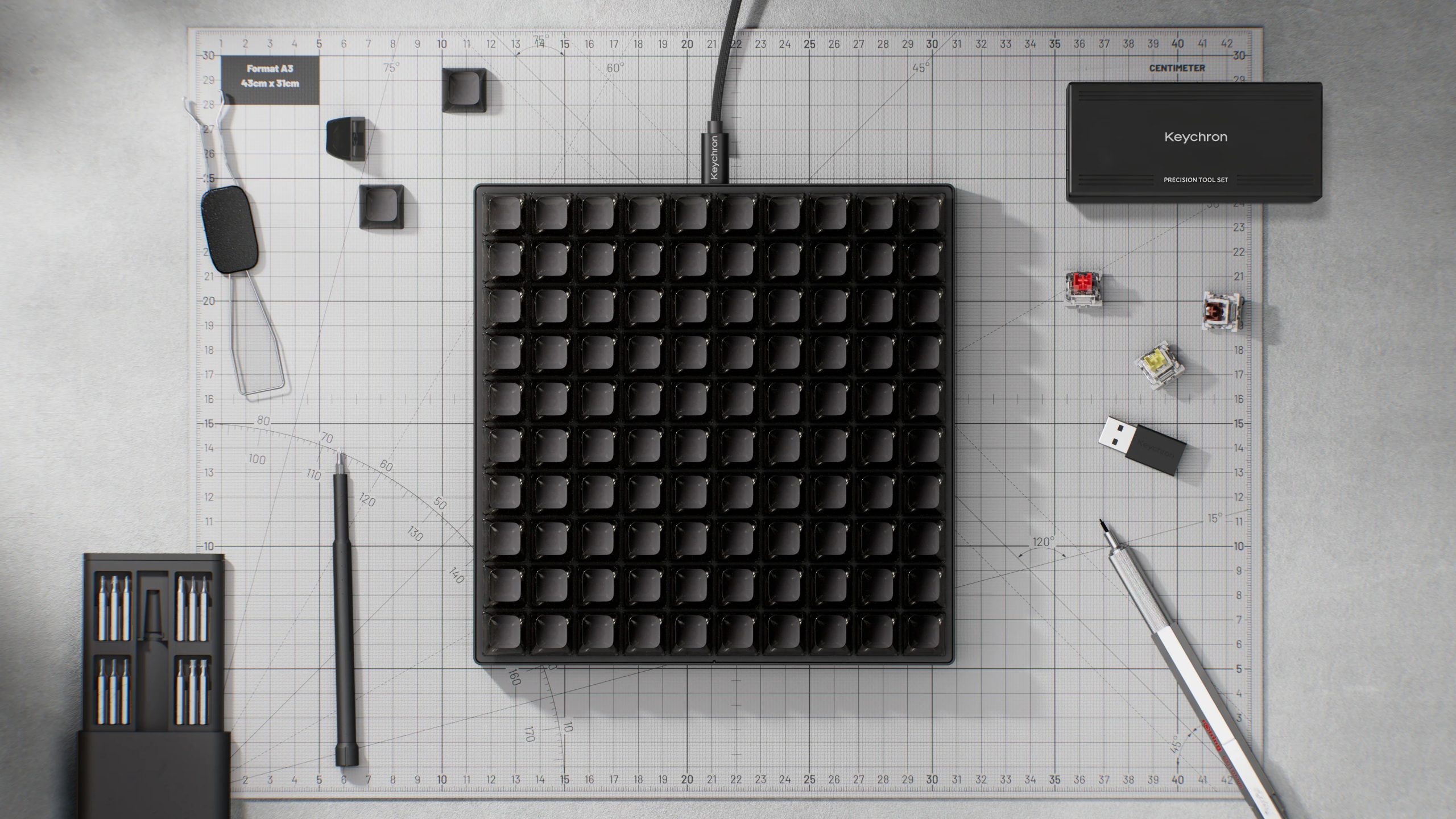
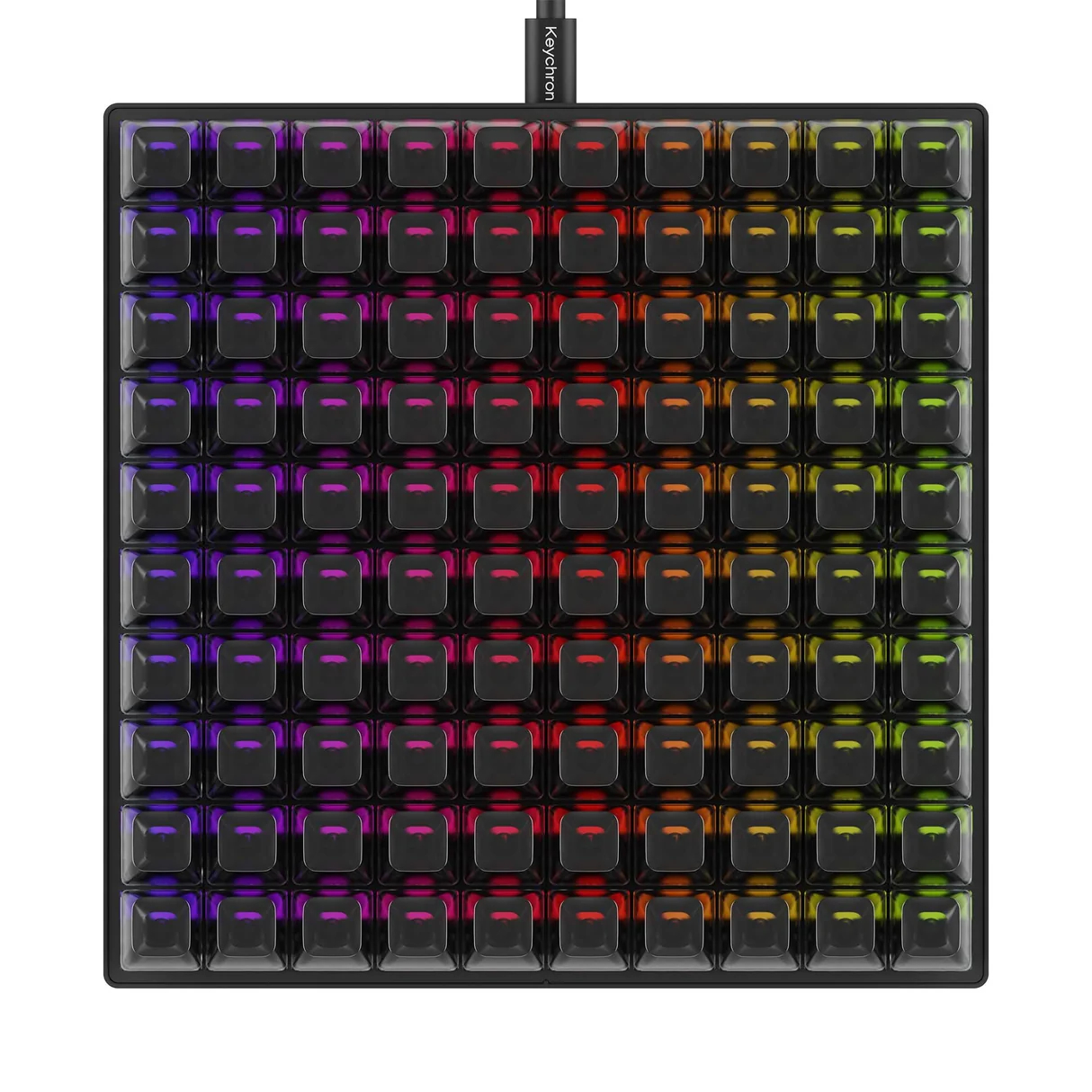
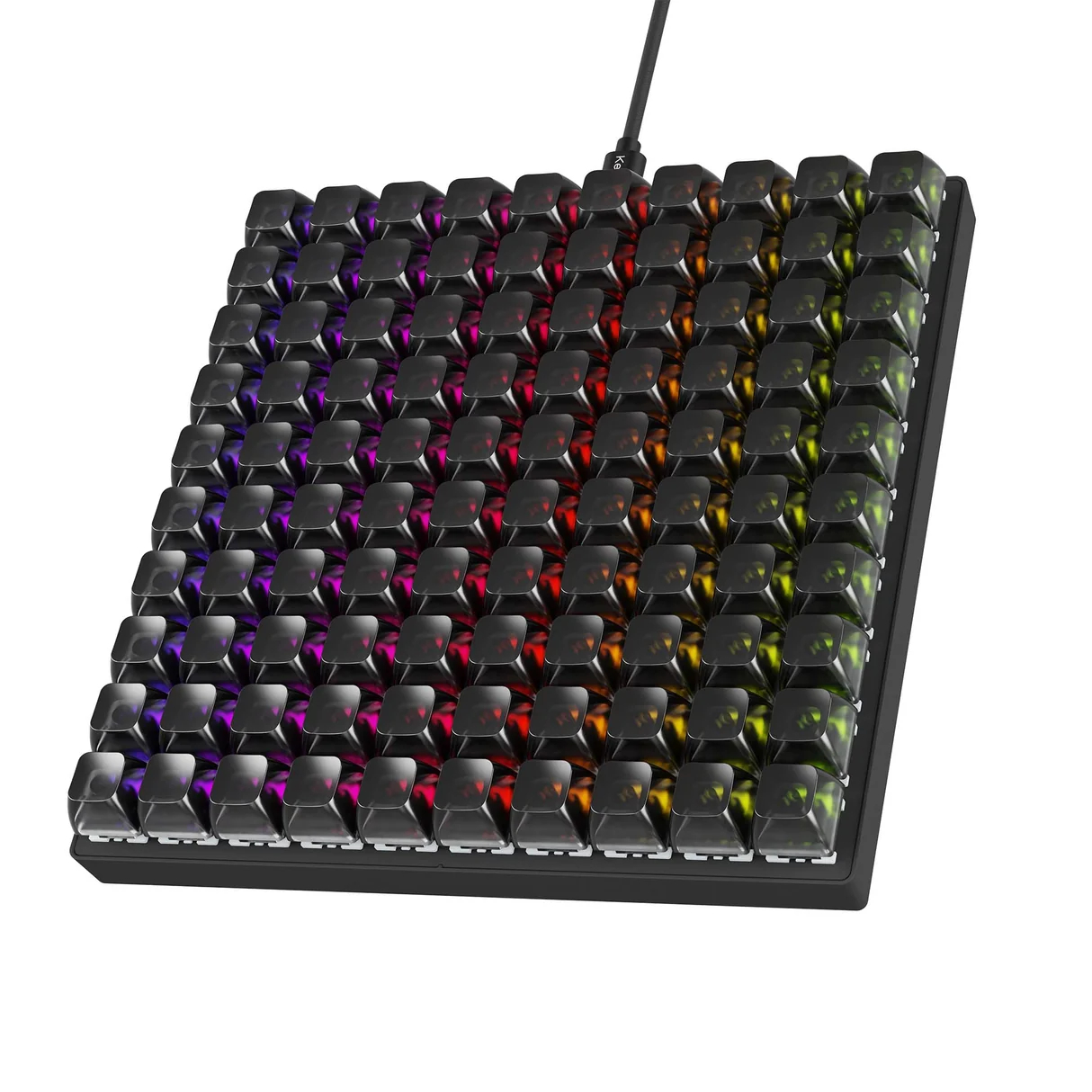
Keychron has launched the massive C100 8K macro pad, featuring a 10-by-10 key layout and an 8K polling rate, offering ultra-fast response times and 100 total macro keys. 

The C100 8K macro pad houses 100 keys in a grid layout, offering customisation across all inputs except for the four corner keys. Keychron equips the device with pre-lubed Keychron Apex Red linear switches paired with transparent ASA keycaps for per-key RGB visibility. Designed with a hot-swappable PCB, the unit allows users to swap out stock switches for alternative options.

Featuring over 22 RGB backlight settings, the C100 8K can be configured to the user's liking, offering a mix of RGB modes, including two custom lighting zones or per-key RGB, which allows you to set the colour and effect of each key. Customisation is handled via the web-based Keychron QMK launcher, eliminating the requirement for dedicated desktop software.

This isn't wireless, so you will need to run another cable along your desk. The macro pad supports Windows, macOS, and Linux systems, priced at $64.99.

Discuss on our Facebook page, HERE.

KitGuru says: 100 total keys makes this the largest macro pad we've personally seen to date. I'm not even sure how you would make use of all of those keys, but there's bound to be some enthusiasts out there with a few ideas. 

The post Keychron’s new macro pad features 100 customisable keys to fulfill all your macro needs first appeared on KitGuru.

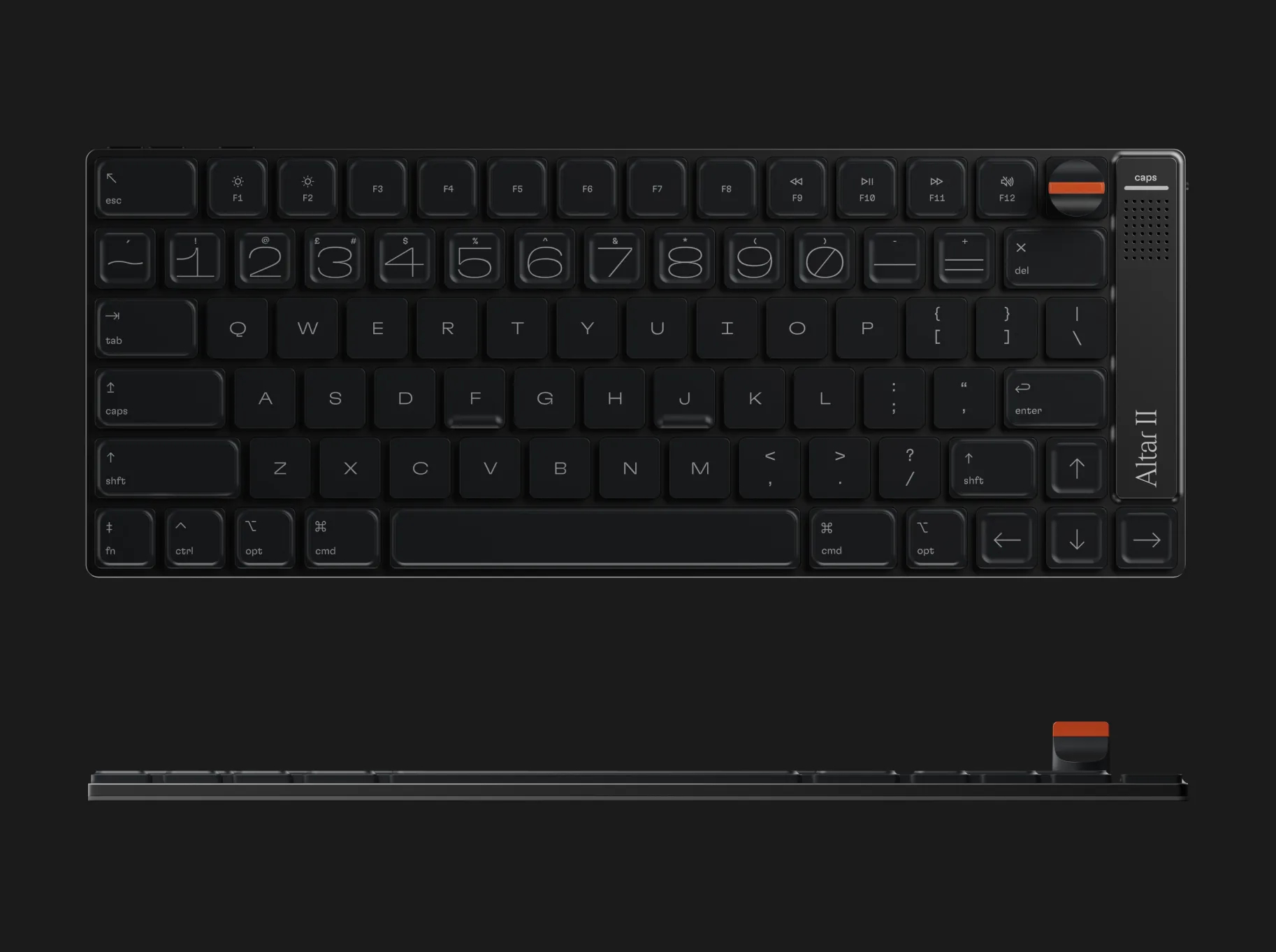
E.M.O. reveals ultra-thin Altar II mechanical keyboard measuring just 4.75mm thick

16 August 2026 at 11:00

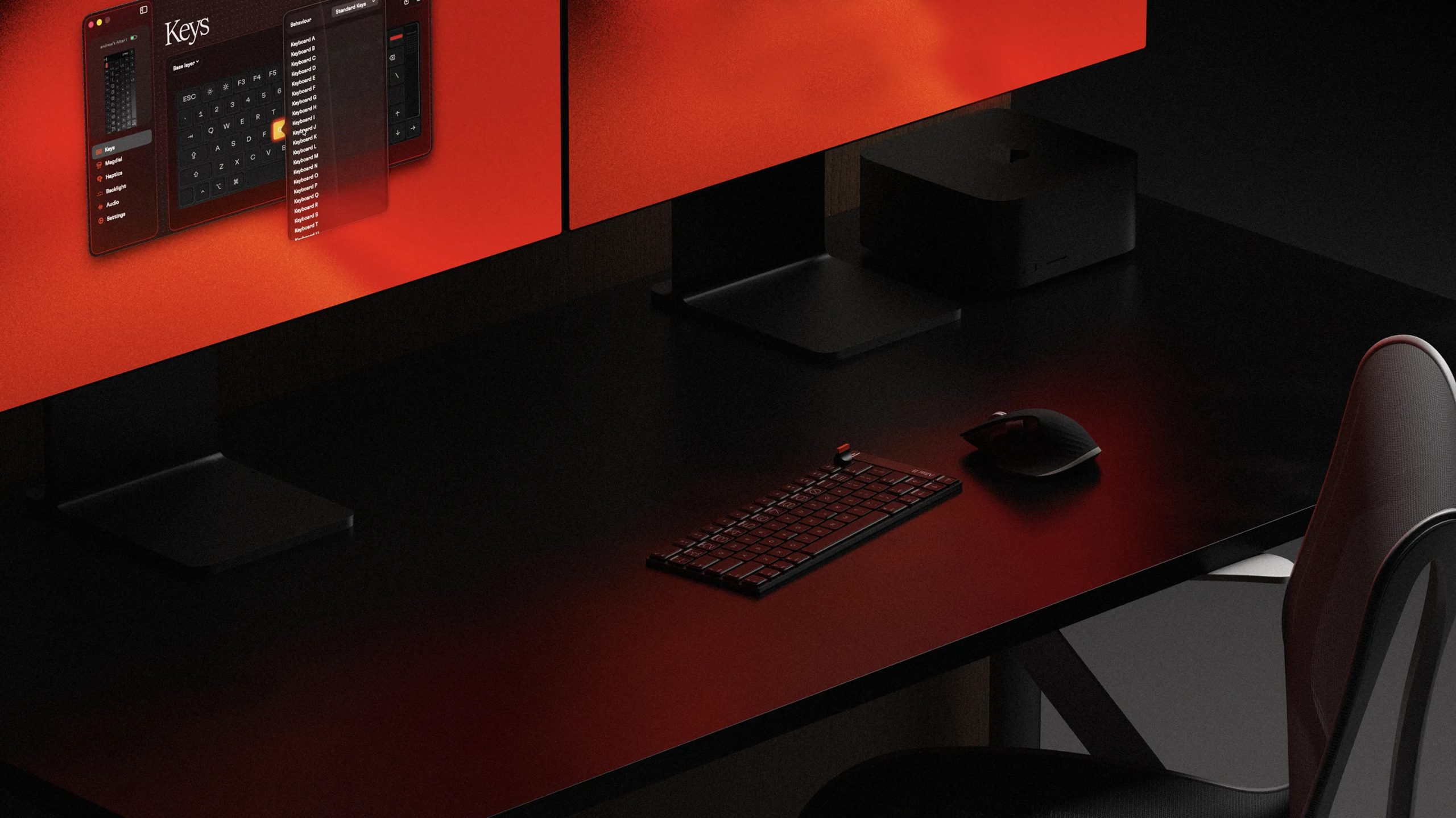
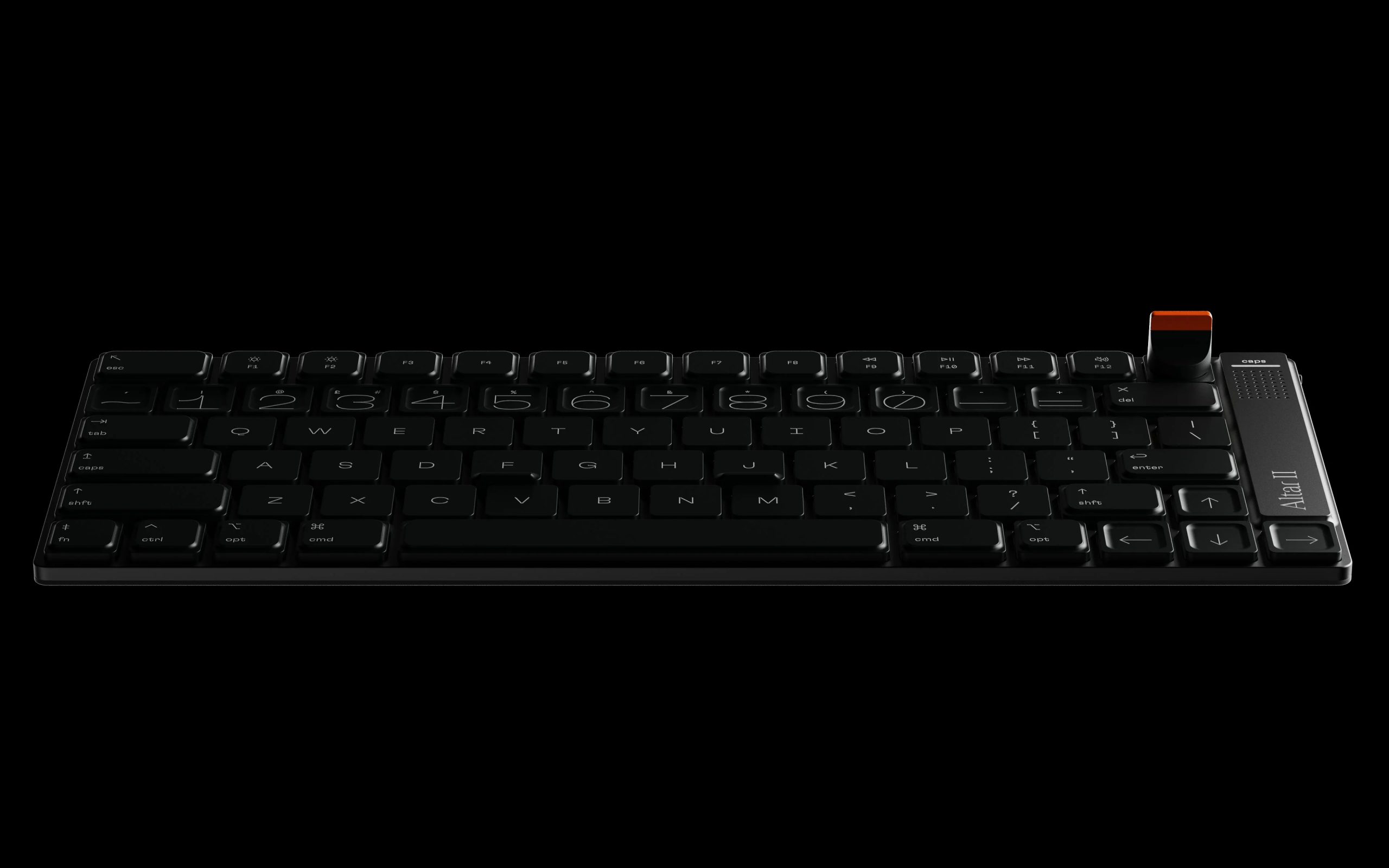
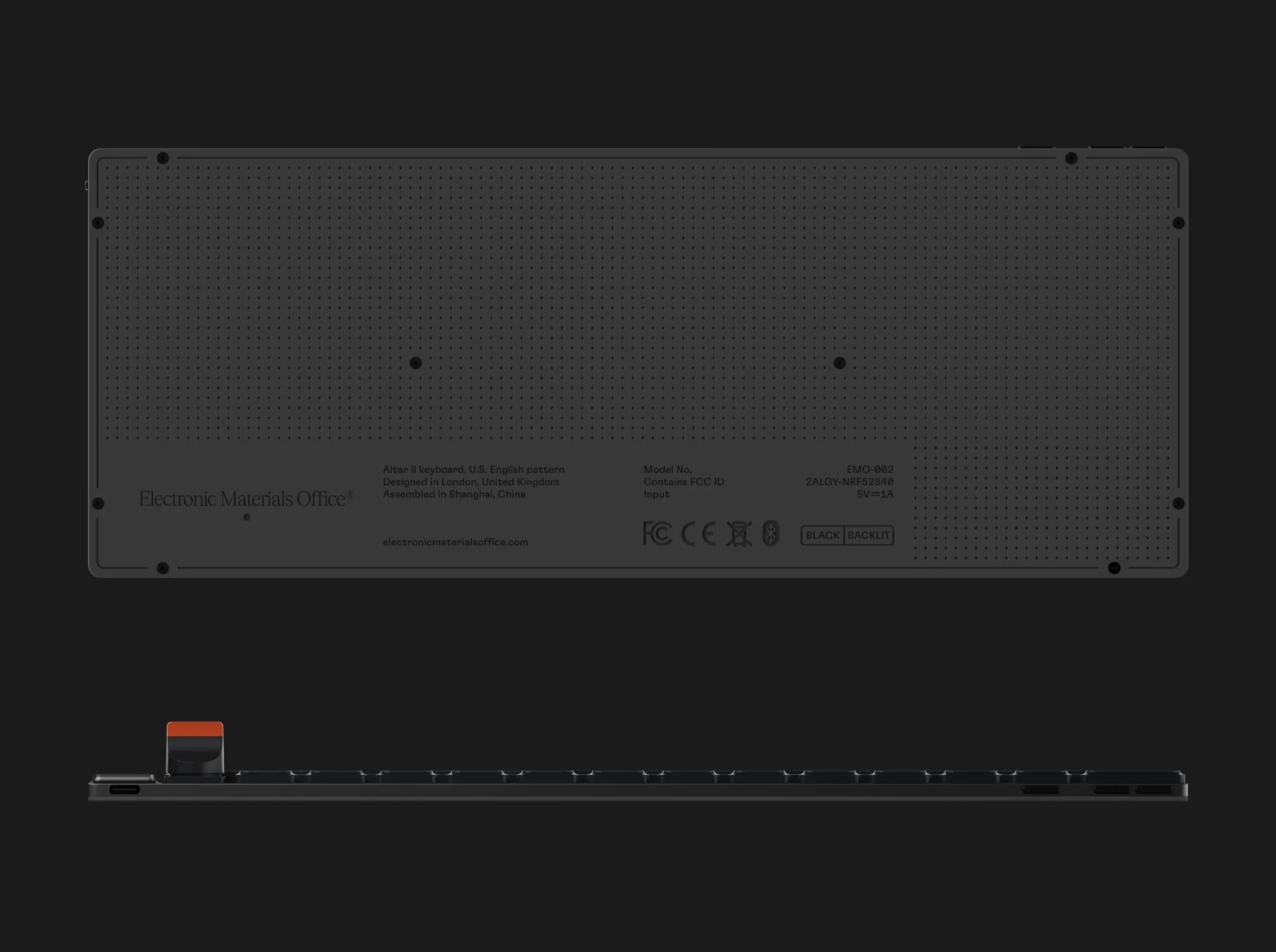
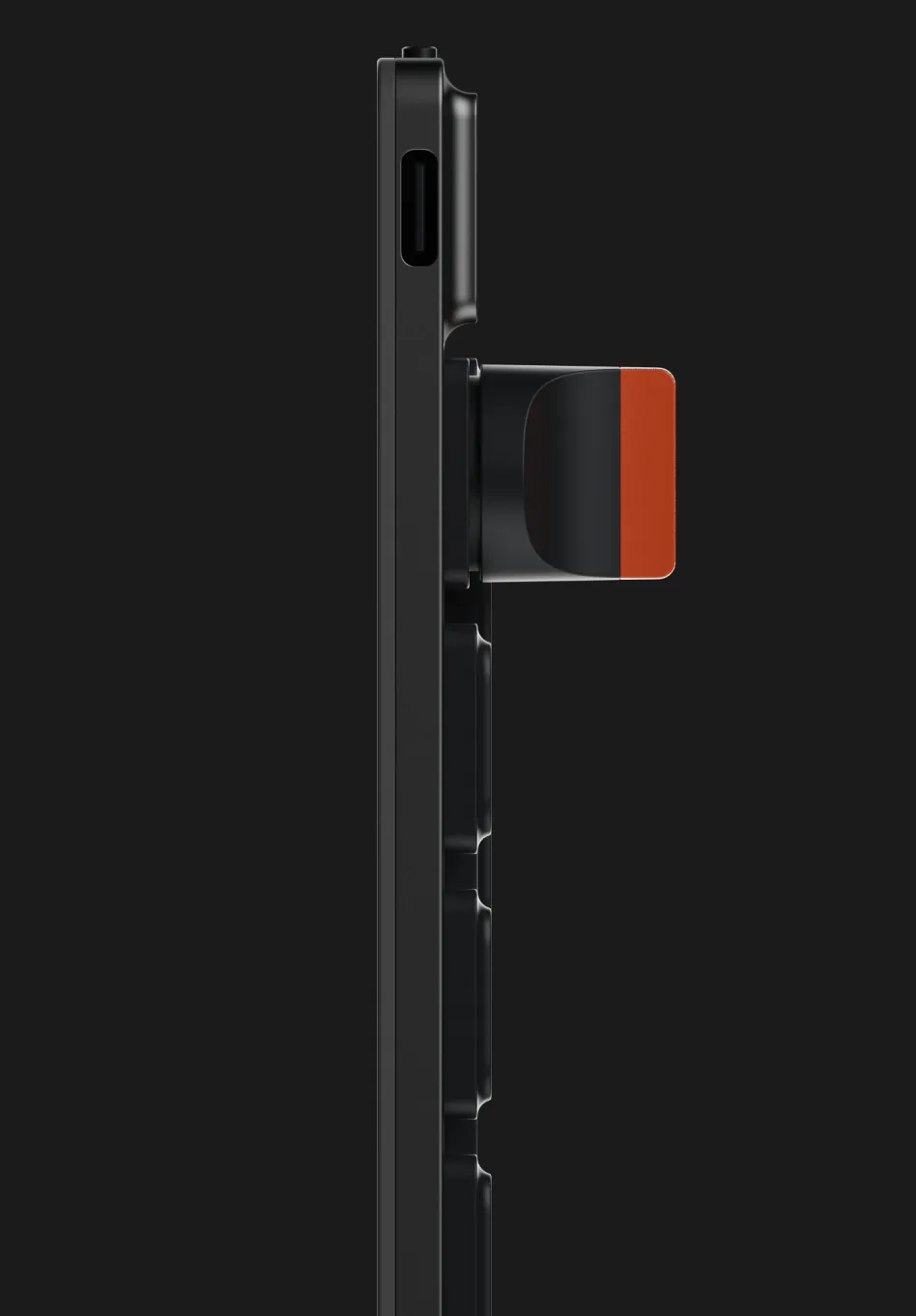
Electronic Materials Office (EMO) has announced the Altar II, an ultra-slim mechanical keyboard measuring 4.75mm thick with 1.8mm of key travel. 

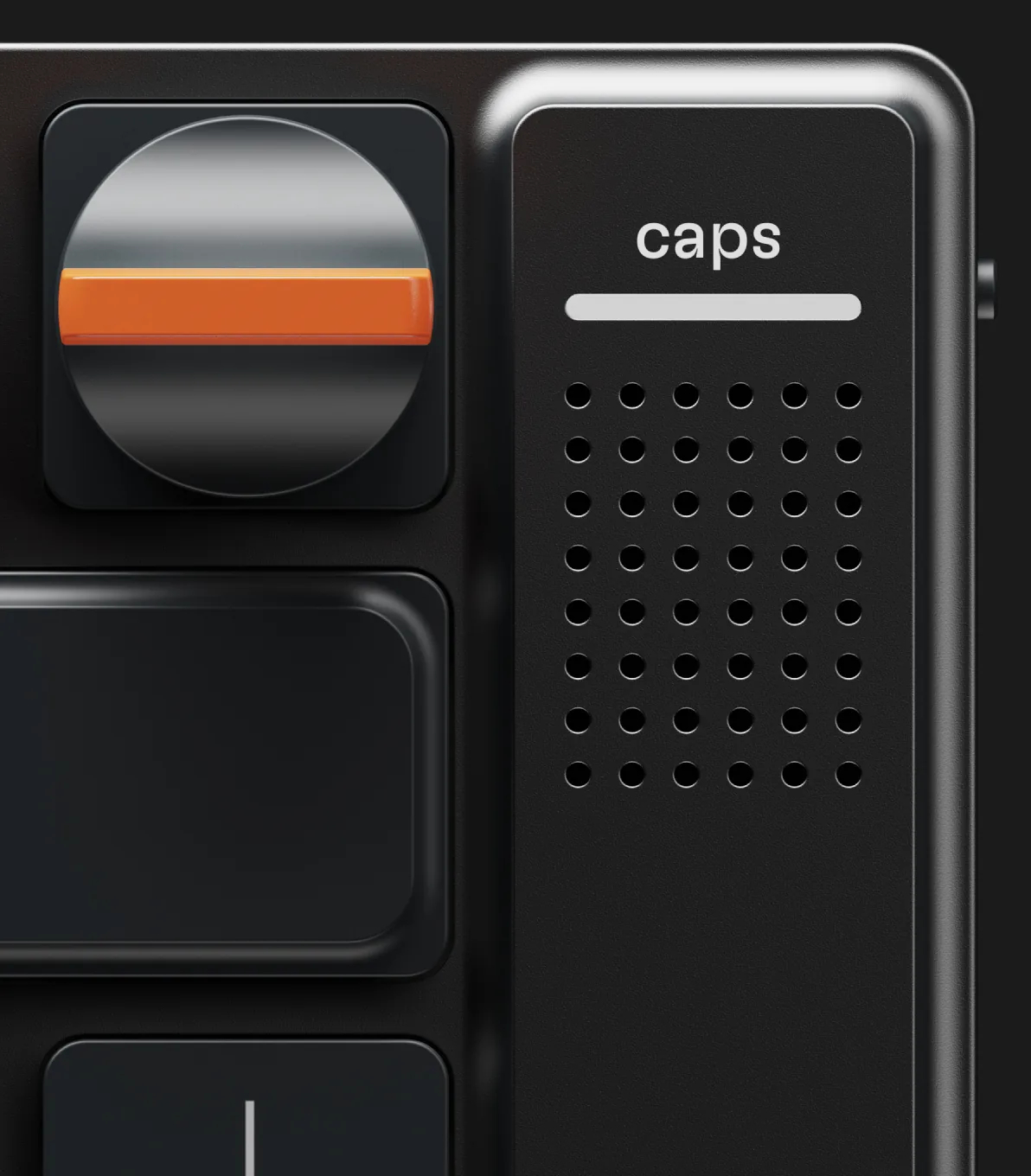
Built around a macOS-compatible 75% layout, the Altar II keyboard (via ITHome) features a unibody CNC-machined aluminium alloy chassis. On the right side, EMO has integrated a speaker alongside an M-Dial magnetic replaceable knob in the top-right corner. Typing's handled by proprietary ESPtype keycaps featuring varied heights across different zones, crafted using REGEN polymer made from at least 50% recycled plastic.

Inside, two layers of damping padding work alongside a Harmonic Synthesizer system that relies on resonant actuators to provide tactile feedback. Illumination comes from red LED backlighting that dynamically adjusts brightness based on ambient light. Battery life stretches up to 30 days of wireless use, while a two-minute quick charge supplies up to two days of power.

Reservation spots are currently open for $1 ahead of a Kickstarter campaign launching on November 10th. Early backers can secure pre-order pricing at $249, early-bird spots at $279, and standard crowdfunding tiers at $299 before retail pricing hits $349. EMO expects shipping to begin in early summer 2027.


Discuss on our Facebook page, HERE.

KitGuru says: At just 4.75mm thick, the Altar II looks like an ambitious piece of hardware, though those interested will have to wait quite a bit, as it won't release until next year.

The post E.M.O. reveals ultra-thin Altar II mechanical keyboard measuring just 4.75mm thick first appeared on KitGuru.

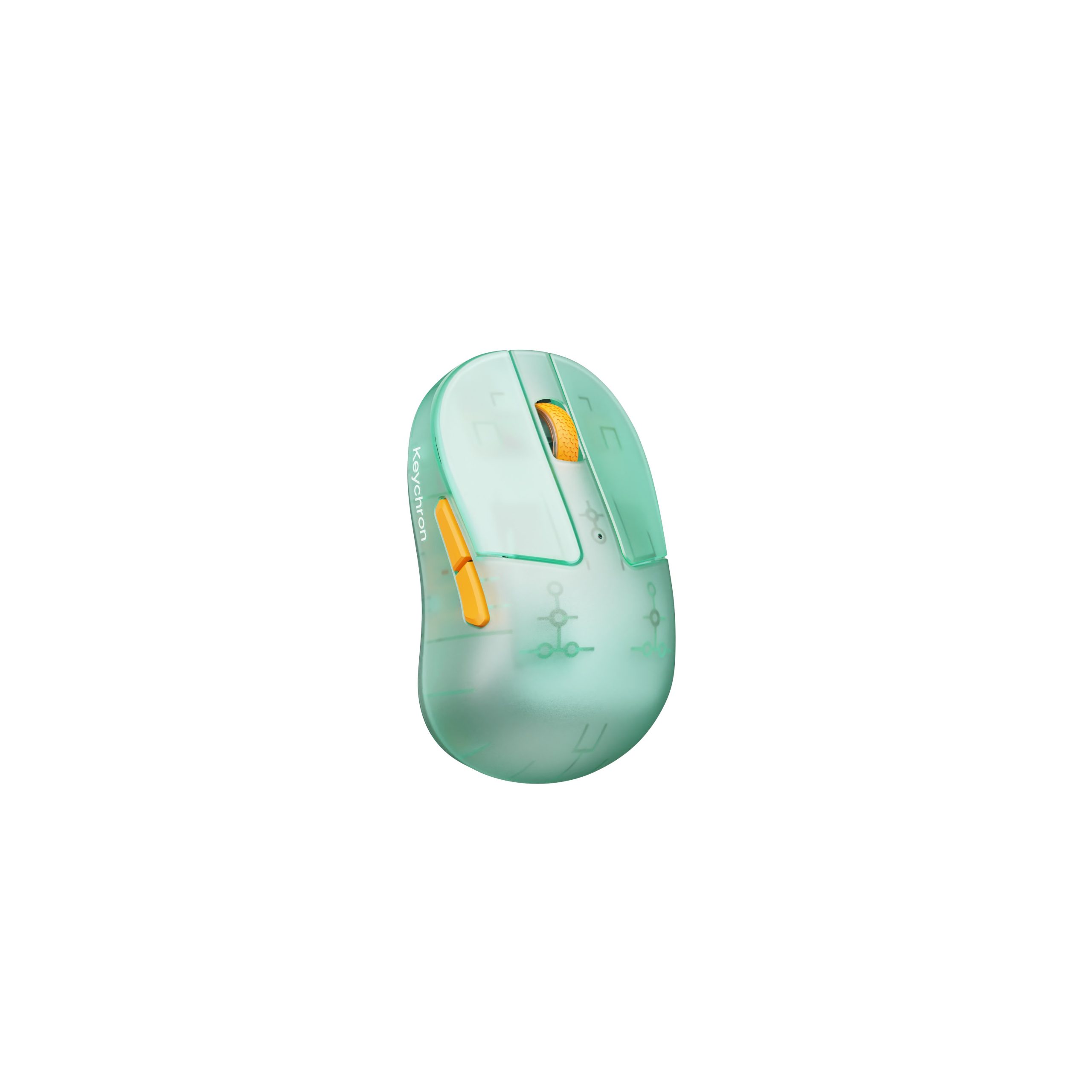
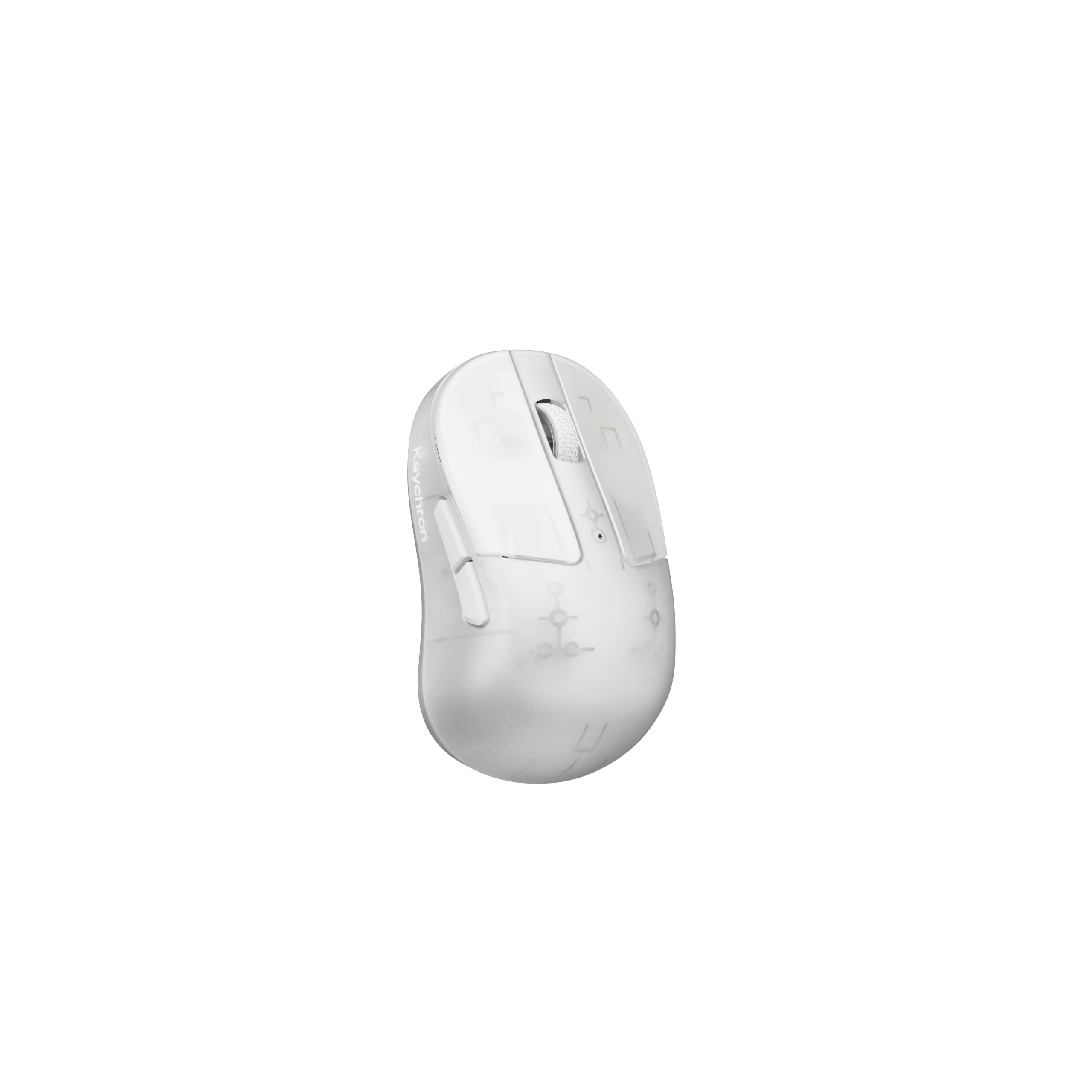
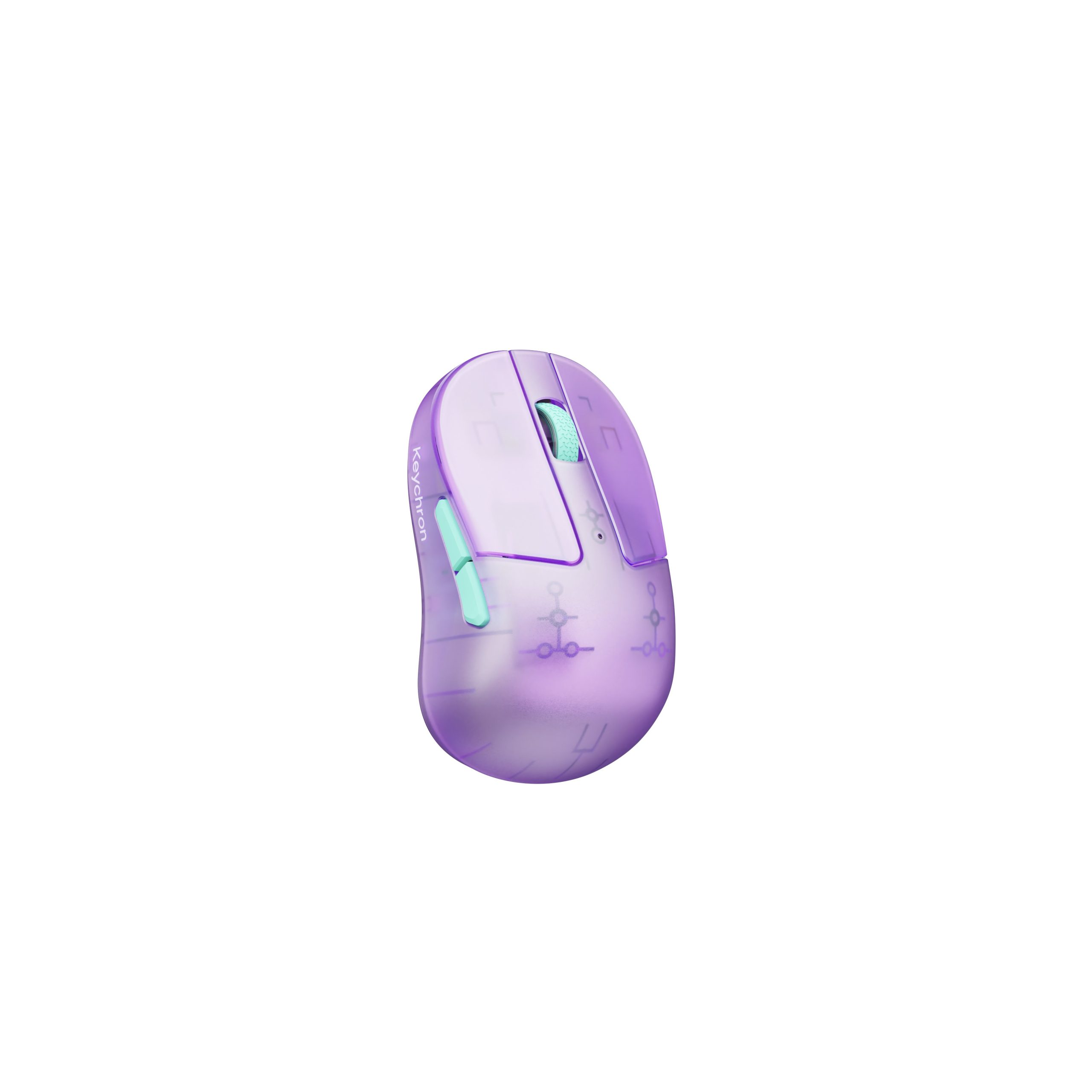
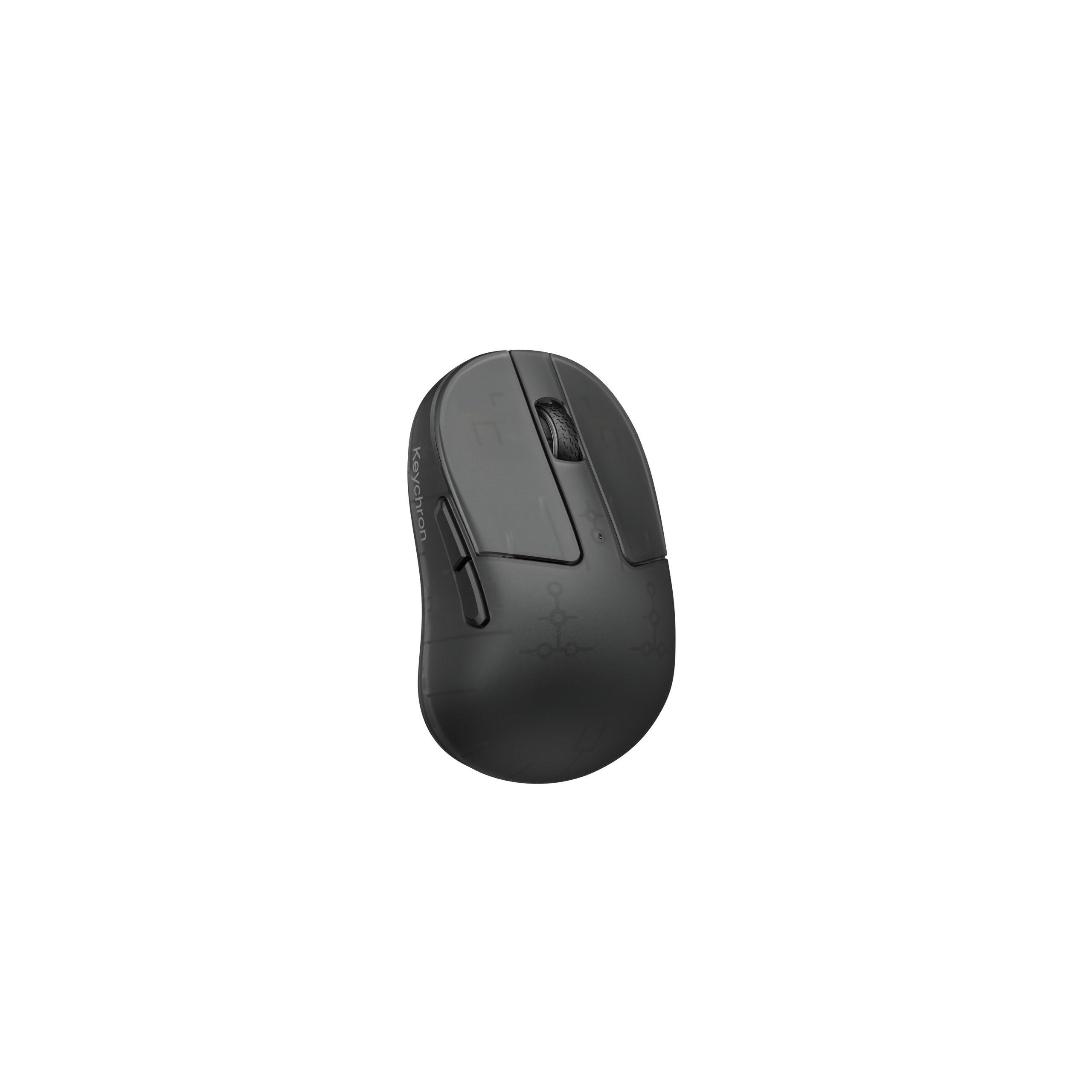
Keychron updates M4 fingertip mouse with MagOpt switches and new colours

11 August 2026 at 17:27

Keychron has revealed a refreshed version of its M4 fingertip gaming mouse, bringing the flagship MagOpt switches previously introduced on the G6 HE, along with four translucent colour options.

The updated model shared on X has the former Huano mechanical switches replaced with Keychron's MagOpt switch technology, built to provide enhanced click performance, better tactile feel, and longer lifespan. Designed for fingertip grip users and fast-paced FPS gameplay, the ultra-compact chassis retains its lightweight form factor. Tracking may continue to be handled by a PixArt PAW3950 sensor, though an upgrade to the PAW3955 is possible.

A visual overhaul accompanies the internal hardware updates, introducing four translucent colourways dubbed Frosted Lavender, Frosted Ice, Frosted Smoke, and Frosted Mint. These options give the peripheral a more retro look across purple, grey, black, and green finishes.

Keychron has not yet confirmed official pricing or release dates for the MagOpt-equipped M4. However, with the standard M4 retailing around £50, the expected price will likely be slightly higher.

KitGuru says: The MagOpt switches alone give the M4 a solid performance boost, but the added translucent finishes are also nice for those who want something more than a plain black or white mouse.

The post Keychron updates M4 fingertip mouse with MagOpt switches and new colours first appeared on KitGuru.

Attack Shark announces F1 Air 39g wireless gaming mouse

10 August 2026 at 08:00

Attack Shark has announced the F1 Air, a 39g wireless gaming mouse supporting up to an 8K polling rate and 60,000 DPI. 

At the core of the F1 Air sits the PixArt PAW3955MAX sensor supporting 1K, 2K, 4K, and up to 8K polling modes. The sensor covers a sensitivity range of 1 to 60000DPI with 1DPI adjustment steps, 850IPS tracking speed, and 75G acceleration. Attack Shark also added a five-level lift-off distance system along with tracking optimisations for glass mouse pads.

Processing is handled by a Nordic nRF54L15 wireless MCU, which powers the company's Smart Speed Wireless technology to achieve click latencies down to 0.168ms in 8K mode. Included with the mouse is a shark-fin 8K receiver featuring an enlarged antenna and LED indicators for battery life, polling rate, and connection status. For the buttons, the company went for Omron optical switches rated for 100 million clicks and a glass coating on the shell.

Orders for the new flagship peripheral will open on the company's website starting August 17th.

KitGuru says: Packing a PAW3955MAX sensor and 8K polling into a 39g shell makes the Attack Shark F1 Air an intriguing option for ultra-lightweight mouse fans looking for a high-end peripheral. Hopefully, real-world performance will match its spec sheet.

The post Attack Shark announces F1 Air 39g wireless gaming mouse first appeared on KitGuru.

Lamzu introduces Orcus ultra-lightweight finger-grip mouse

7 August 2026 at 08:00

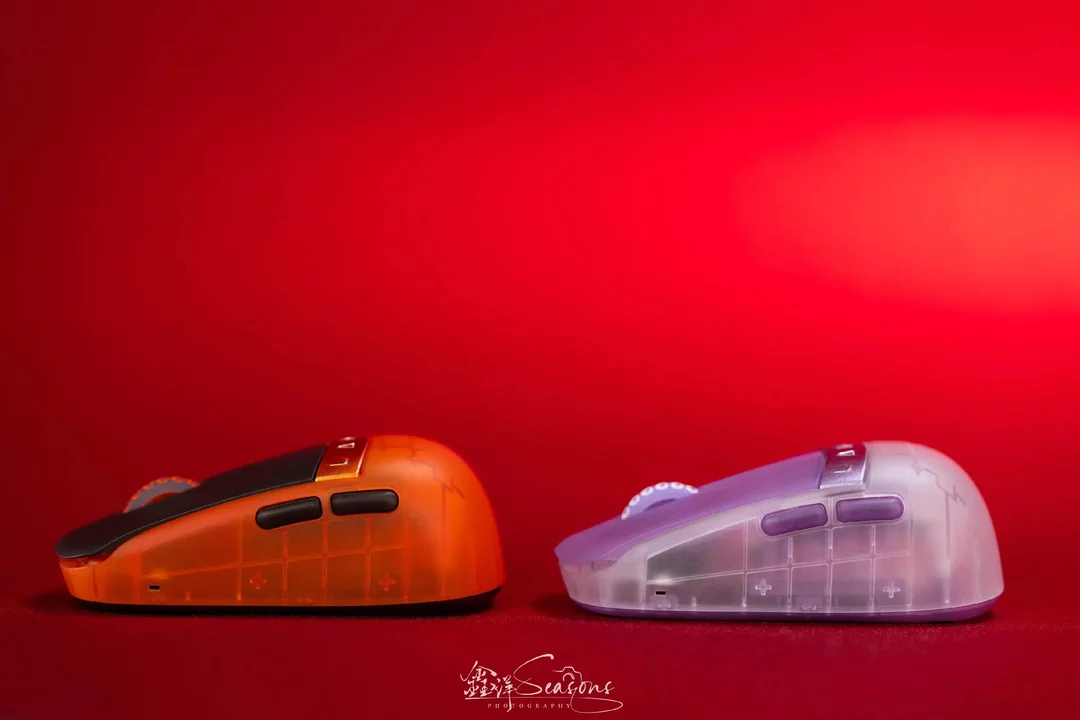
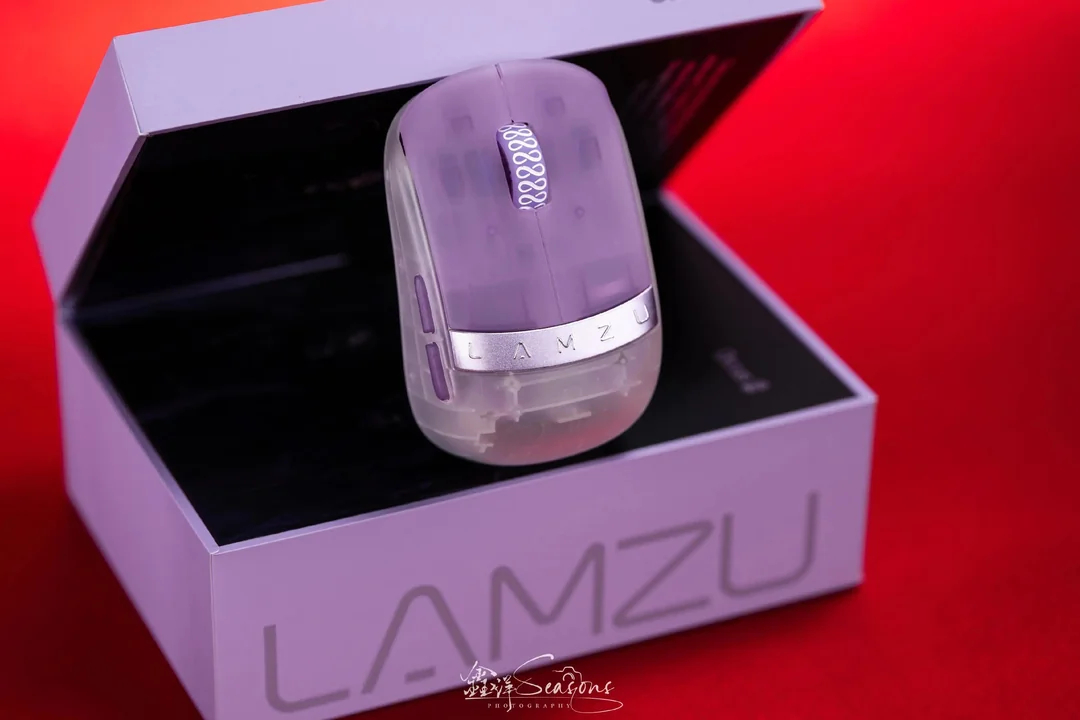
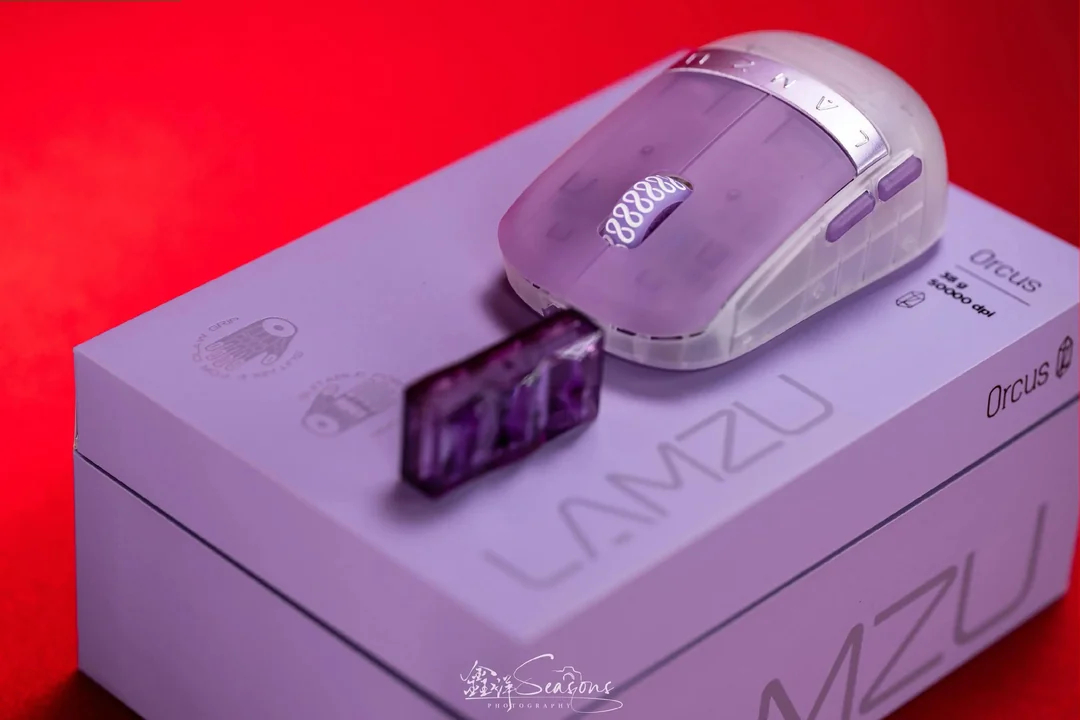
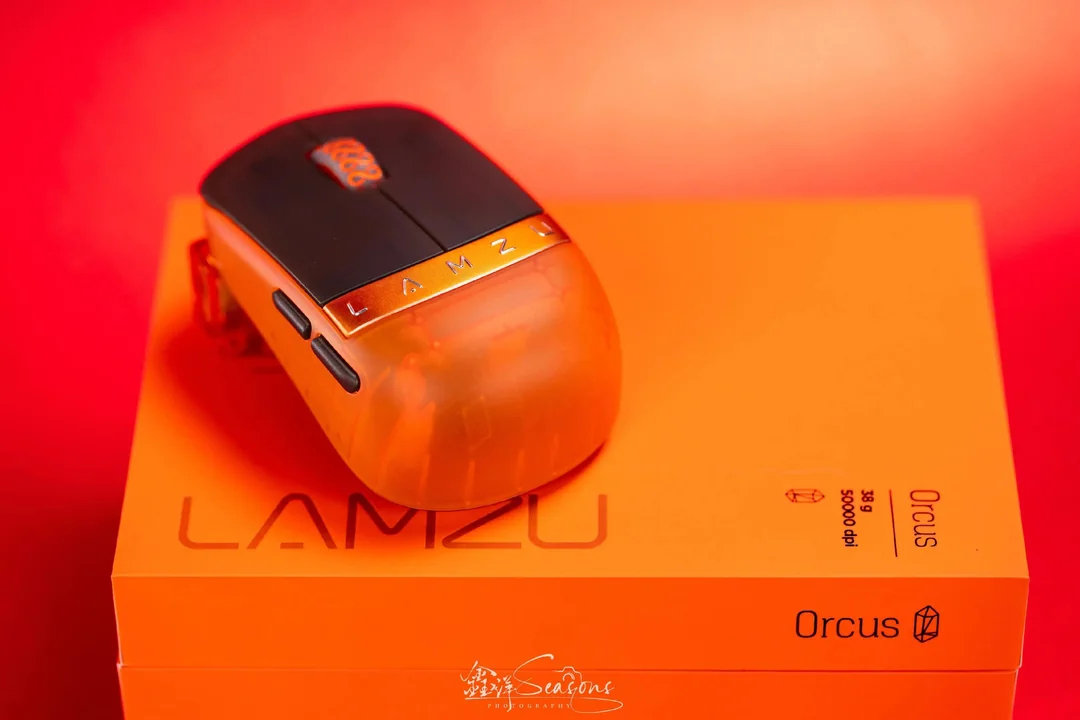
Lamzu has officially introduced the Orcus, a 38g finger-grip gaming mouse built with a frosted transparent shell, up to 8KHz polling rate support, and a PixArt PAW Next I sensor.

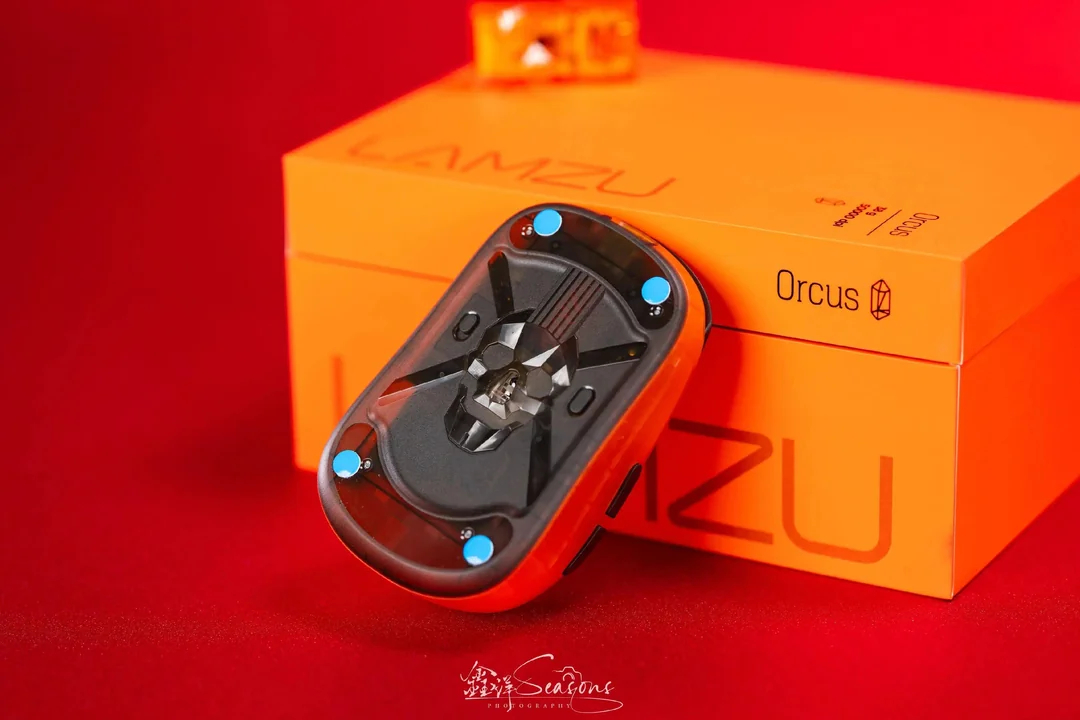
Measuring 92x56x35mm and weighing 38±2g, according to ITHome, the mouse targets competitive players who prefer a compact layout. Its design combines a narrow waist, low rear profile, and elevated main buttons. Lamzu claims button surface area increases by roughly 25% over similar finger-grip designs. Aesthetics feature metal nameplates on the main buttons alongside a three-dimensional skull relief visible through the transparent bottom shell.

Image credit: Reddit

Internal hardware includes a Nordic nRF54H20 SoC across both the mouse and USB receiver to handle its 8KHz polling rate. Tracking relies on the PixArt PAW Next I sensor supporting up to 50000DPI, 880IPS speed and 80G acceleration. Tuned optical switches deliver a reported 0.176ms click latency.

Users can connect the mouse either using the wireless dongle or a cable. The outer shell, which could be coloured lavender or orange, receives a sweat-resistant, anti-slip nano coating to improve grip and durability. The mouse is already available in China for 849yuan, which is about £94.

KitGuru says: Do you like compact mice such as the Orcus? Do you think brands should launch more models like this one?

The post Lamzu introduces Orcus ultra-lightweight finger-grip mouse first appeared on KitGuru.

Corsair acquires Trak Racer for future racing sims

6 August 2026 at 16:47

Corsair has acquired the assets of Trak Racer, expanding its sim racing and flight simulation portfolio. Trak Racer, known for manufacturing cockpits, seats, monitor stands, and motion systems, joins Corsair alongside its Fanatec brand to offer a more complete simulator lineup.

While Fanatec centers on electronics like wheelbases, steering wheels, pedals, and shifters, Trak Racer focuses on physical simulator hardware. This includes aluminium and tubular cockpits, racing seats, display mounts, and haptic systems. Founded in 2008 by Matt Sten, the company gives Corsair a broader footprint across sim racing and its first proper entry into flight simulation through products like the TR550 Flight Simulator.

Trak Racer previously sold primarily direct to consumers online. Joining Corsair's network allows its cockpits and accessories to expand onto retail shelves worldwide. Both Fanatec and Trak Racer also maintain long-standing ties to Formula 1, which Corsair plans to continue developing across both brands.

KitGuru says: Combining Fanatec's electronics with Trak Racer's cockpits makes plenty of sense for Corsair as it looks to offer complete, all-in-one sim racing and flight setups. Now that Track Racer product availability will likely improve, are you planning on buying something from the brand?

The post Corsair acquires Trak Racer for future racing sims first appeared on KitGuru.

Corsair Nightsword V2 Wireless SD Mouse Review

6 August 2026 at 12:00

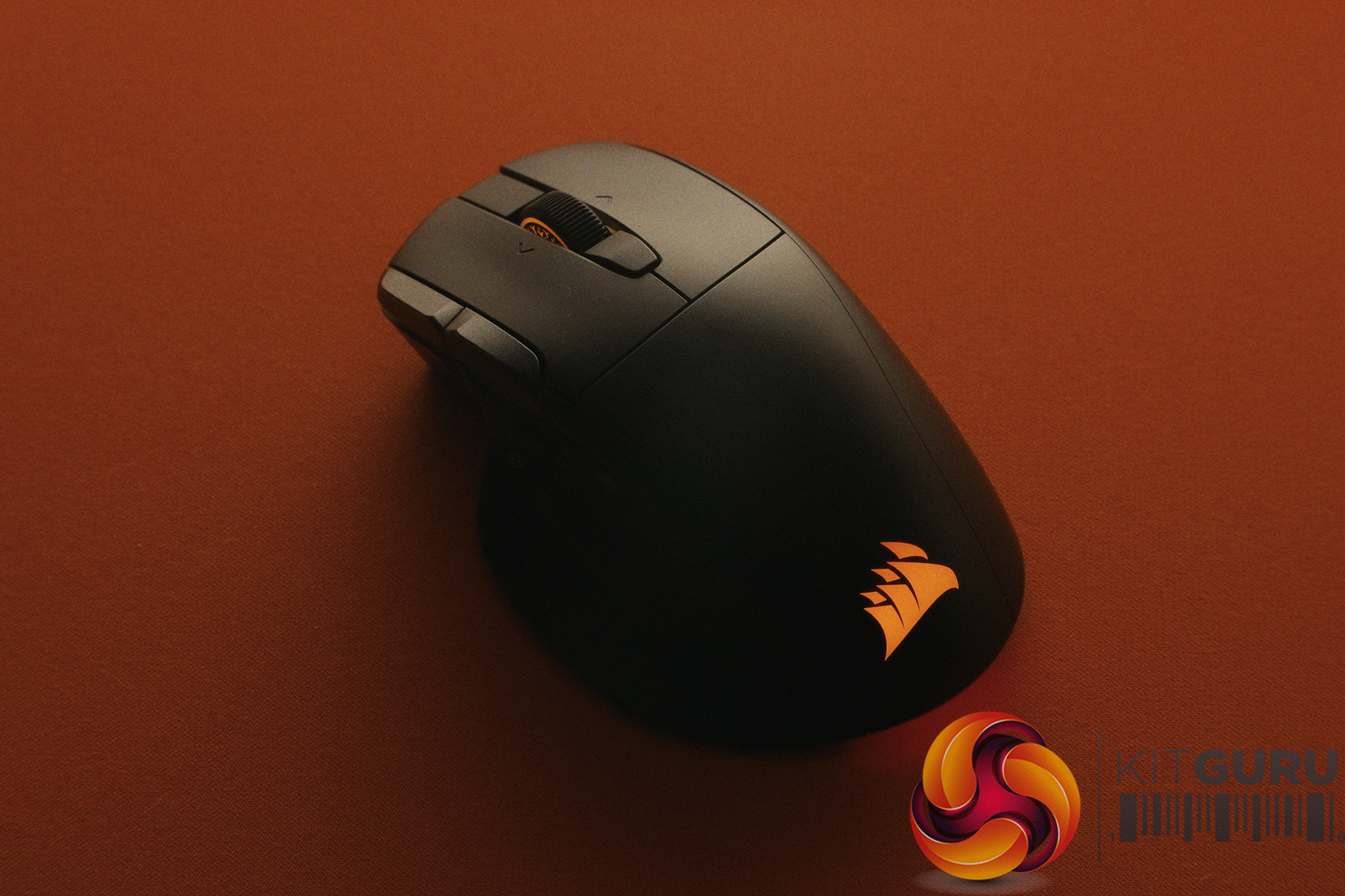
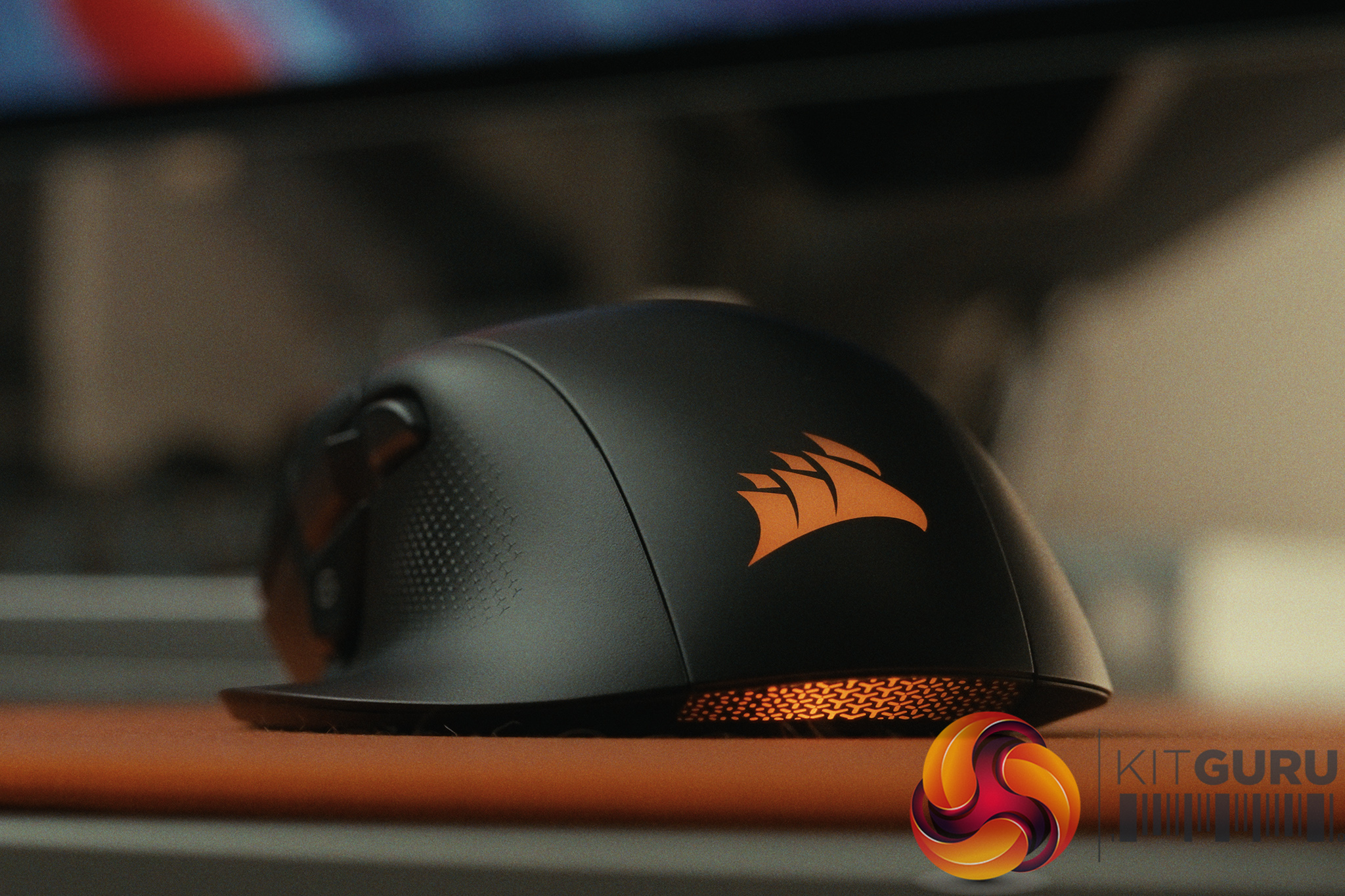
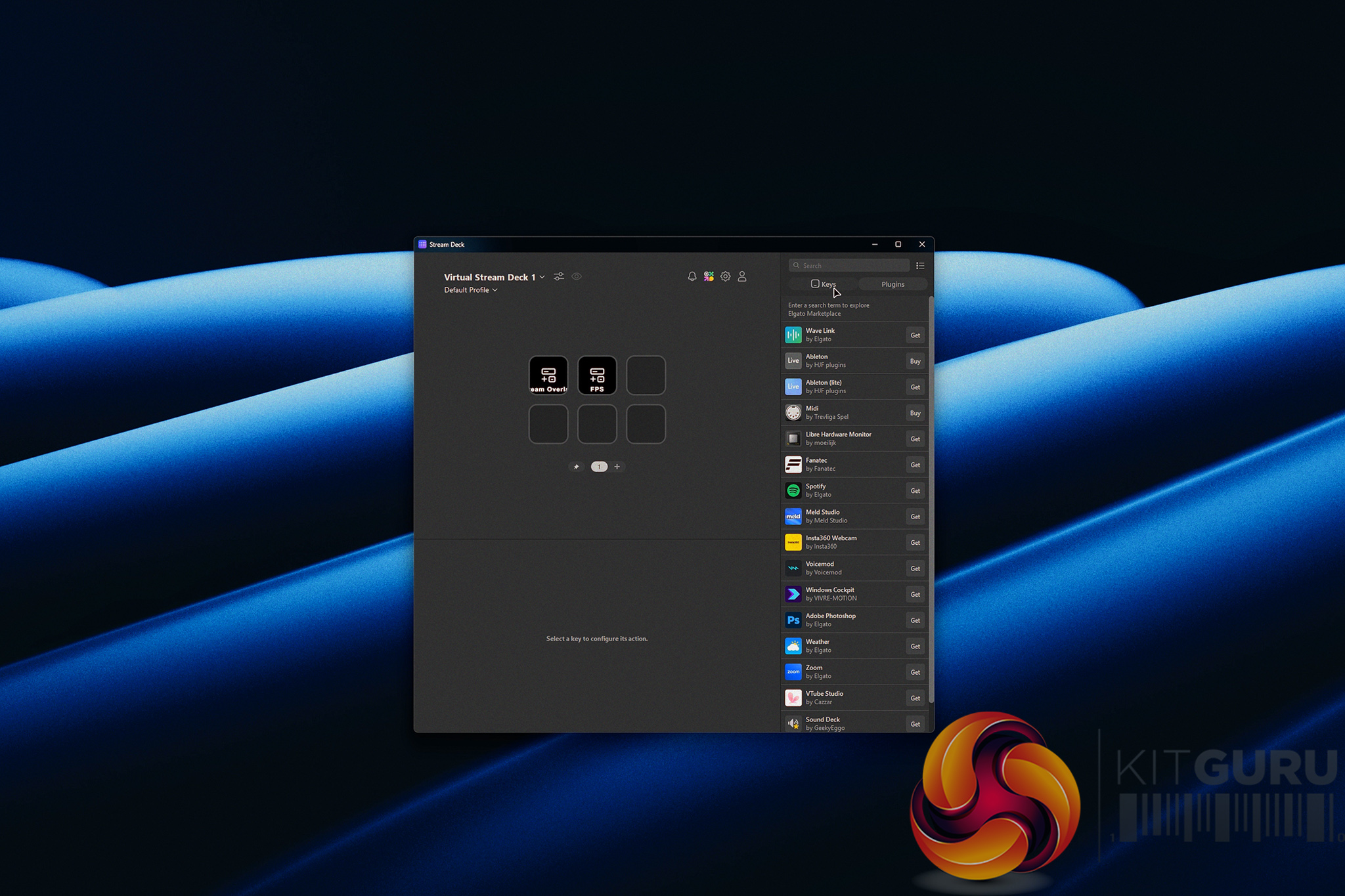
The Corsair Nightsword V2 Wireless SD enters the market at £119, attempting to bridge the gap between an ergonomic gaming mouse and a productivity powerhouse. Its standout feature is a dedicated Stream Deck button that summons a virtual Stream Deck directly to your screen, allowing for endless macro customization. But does cramming streamer-focused software features into a heavy, ergonomic shell make for a compelling daily driver, or does it compromise the fundamental gaming experience?

Timestamps:

00:00 Intro
00:59 Stream Deck button
02:10 Compromises for the button?
04:15 Spec discussion + wireless performance
05:23 Clicks + soundtest
07:18 Software – web hub
08:49 Battery life
09:34 Coating + textured sides
10:25 Closing thoughts
11:38 Post-edit Update!

Specifications:

  • Weight: 89g official specification (Weighed at 92g).
  • Connectivity: Wireless via USB Dongle (Extender included).
  • Polling Rate: Up to 8000Hz (1000Hz recommended).
  • Scroll Wheel: Smooth, tactile, with side-to-side scrolling.
  • Special Features: Dedicated Elgato virtual Stream Deck button.
  • Software: Configurable via Corsair Web UI or iCue desktop app.
  • Price: £119.

Closing Thoughts

The Corsair Nightsword V2 Wireless is a niche product that struggles to balance its unique software capabilities with its physical hardware. The integration of the virtual Stream Deck is interesting but only to a select few. Having a highly customizable macro pad pop up on your screen at the press of a conveniently located thumb button can be a productivity dream, however accommodating this feature seems to have compromised the core gaming experience. At 92 grams, it feels heavy and fatiguing for competitive play, completely lacking the agility found in modern more lightweight alternatives.

Furthermore, the fundamental physical interactions are a mixed bag. While the scroll wheel is fantastic and the side buttons feel great, the main clicks suffer from significant pre- and post-travel, making them feel hollow and sluggish. Add in a slippery rubberized side coating, and the £119 price tag becomes a little hard to justify.

If you value aim and agility, there are much better mice on the market; if you desperately need Elgato macros, you are likely better off buying a physical Stream Deck or leaving the macros and shortcuts to your keyboard.

You can buy the Corsair Nightsword V2 Wireless SD for £119 HERE.

Pros:

  • The Elgato button integration offers incredibly powerful, customizable virtual macros.
  • The scroll wheel is excellent, featuring smooth tactility and side-to-side scrolling.
  • Exceptional battery life that easily lasts over a week of heavy use.
  • Corsair is pushing towards a Web UI, eliminating the strict need to install iCue for basic functions.

Cons:

  • At 92g, it is too heavy and fatiguing for competitive gaming.
  • Main clicks feel hollow and sluggish with noticeable pre- and post-travel.
  • The side coating is slippery and provides poor grip with even a little sweat.
  • Sub-par dongle range requires the use of the included extender cable right next to the mouse for reliable performance.

KitGuru says: The Corsair Nightsword V2 Wireless offers clever Elgato Stream Deck integration, but its heavy weight, hollow clicks, and slippery coating make it a tough sell for serious gamers.

KitGuru Worth Considering Award

The post Corsair Nightsword V2 Wireless SD Mouse Review first appeared on KitGuru.

Corsair adds new budget‑friendly SKIFF keyboards and HARPOON v2 mouse to its gaming range

5 August 2026 at 15:00

Corsair is expanding its entry‑level gaming lineup this week with two new SKIFF series keyboards and an updated HARPOON wireless mouse, aimed at first‑time PC gamers and those looking for affordable gear that can handle both work and play.

The new SKIFF 100 PLUS and SKIFF 100 keyboards are full‑size membrane models built on Corsair’s existing RGB gaming keyboard design. Both share the same core feature set, while the SKIFF 100 PLUS adds six programmable G‑keys for users who want dedicated macro access. A rotary dial provides quick control over volume and media playback, and ten RGB lighting zones offer basic customisation. The keyboards also carry an IP53 rating to withstand dust and light spills, making them suitable for shared spaces and everyday use.

  • Six programmable G‑keys (PLUS only)
  • Rotary dial and media controls
  • 10‑zone RGB lighting
  • IP53‑rated spill resistance
  • Quiet membrane keys
  • Detachable soft‑touch wrist rest

Both keyboards are compatible with PC, Mac, Xbox and PlayStation, and can be configured through Corsair’s browser‑based Web Hub without installing additional software. Adjustable tilt legs and a removable wrist rest round out the design for users who prefer a more minimal setup.

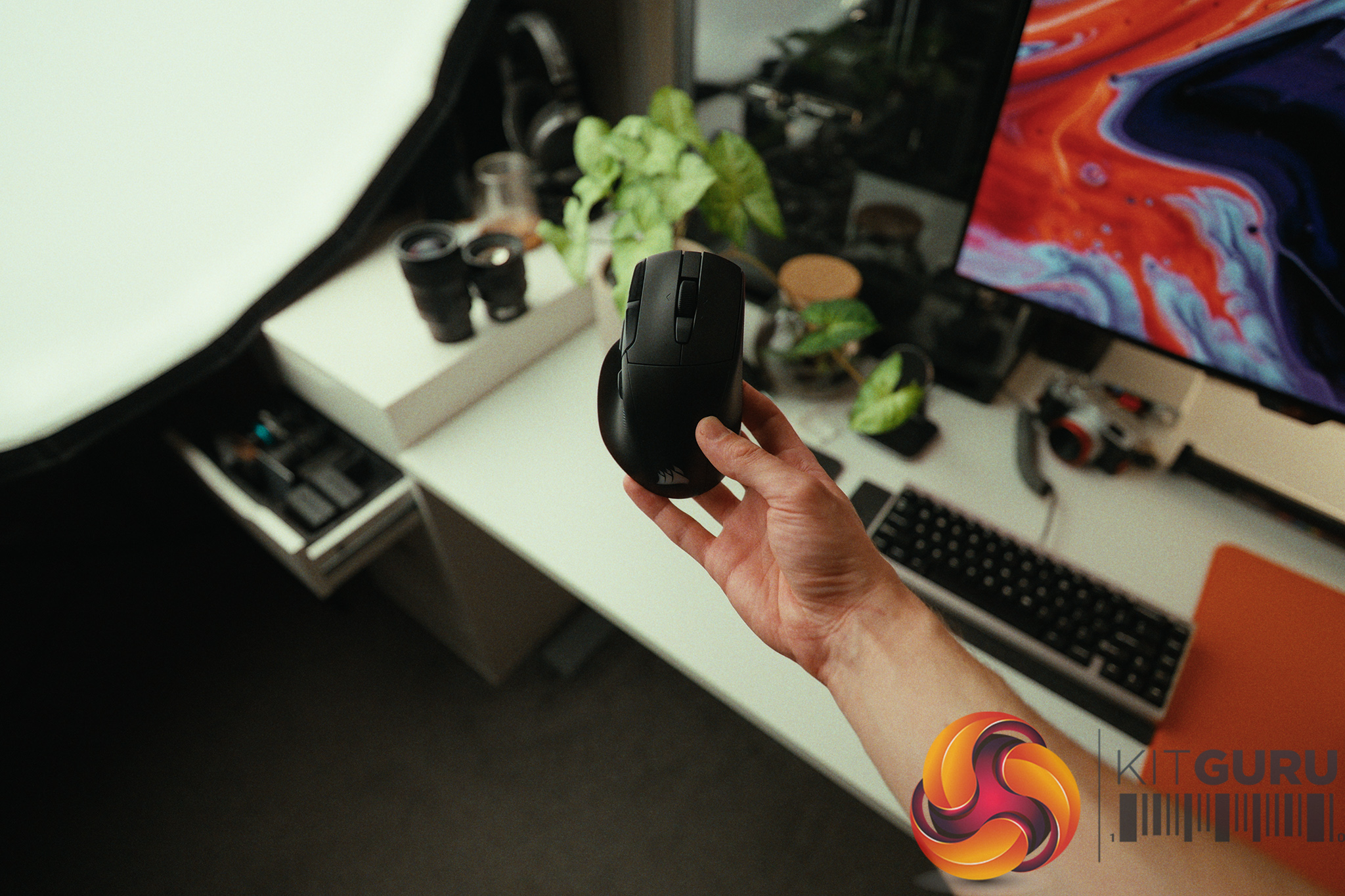
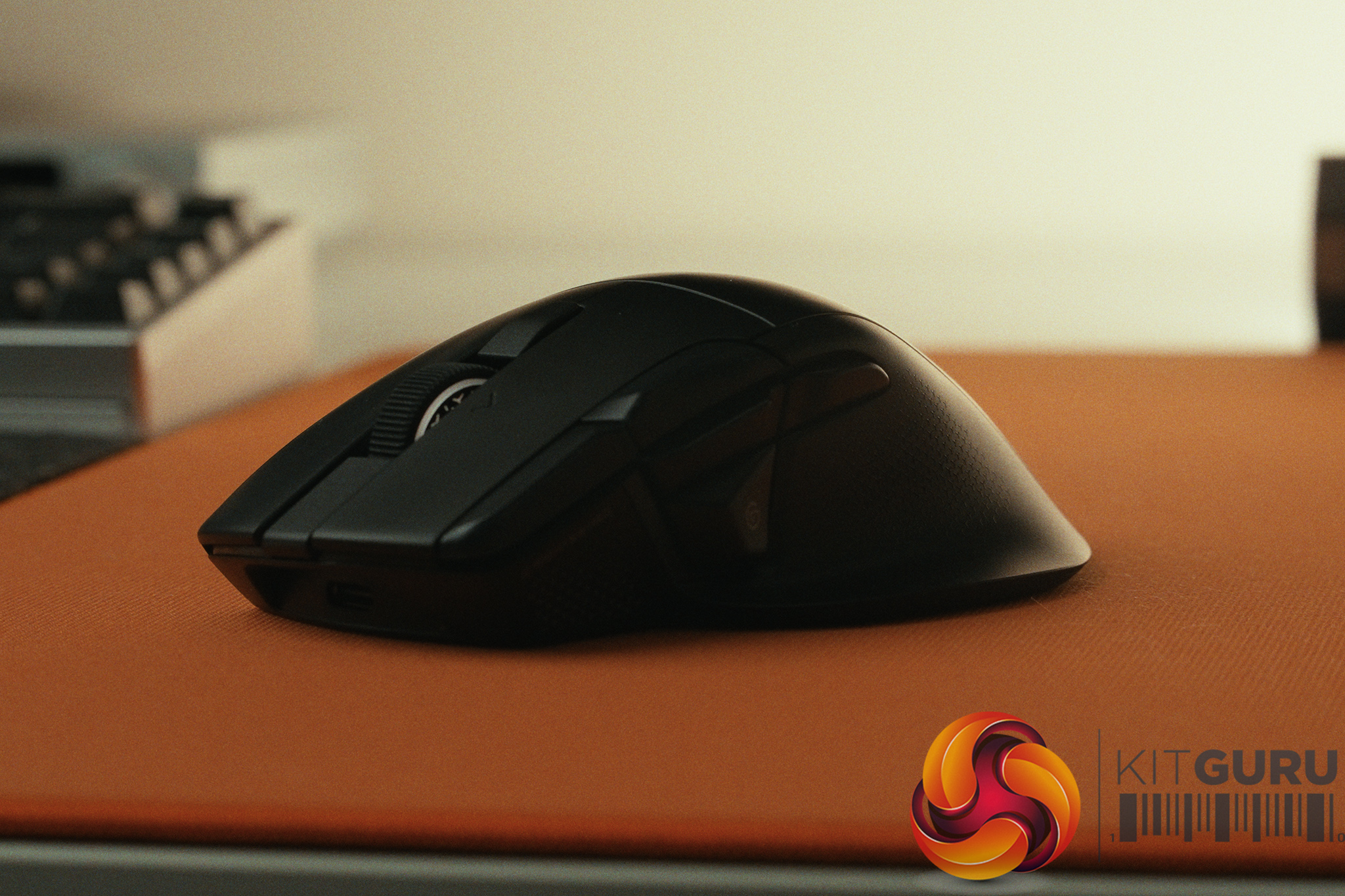
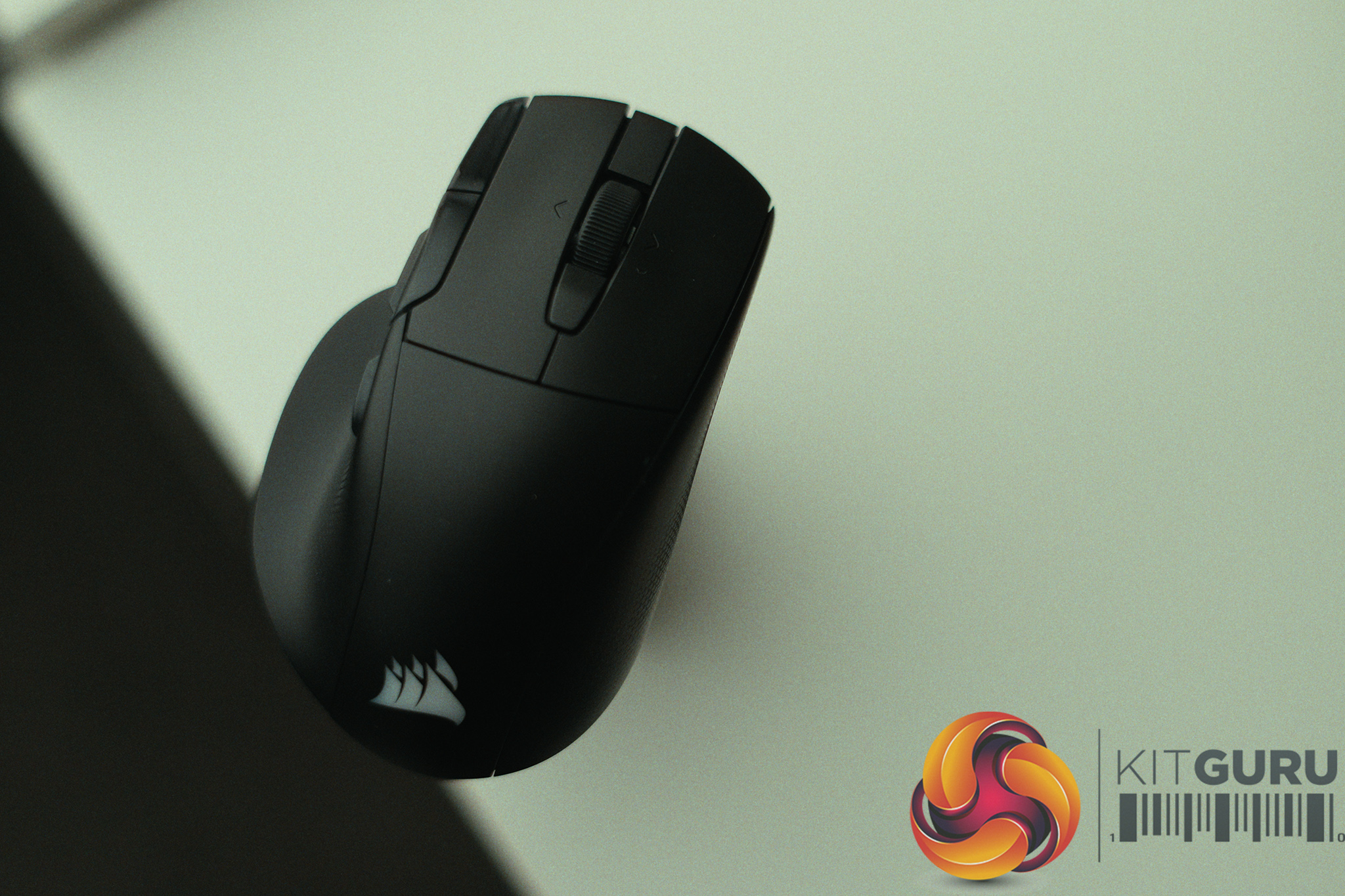
Corsair is also introducing the HARPOON v2 WIRELESS, an updated version of its asymmetric ergonomic mouse. The new model features textured side grips, a built‑in thumb rest and Corsair’s 26K MARKSMAN sensor for improved precision. Battery life reaches up to 140 hours over 2.4GHz wireless with RGB disabled, or up to 210 hours via Bluetooth, giving players multiple days of use between charges.

  • Asymmetric ergonomic shape with thumb rest
  • Corsair MARKSMAN 26K sensor
  • Six programmable buttons
  • Up to 140 hours battery life (2.4GHz)
  • Tri‑mode connectivity: 2.4GHz, Bluetooth, USB‑C

Both new peripherals will be available starting this week, directly through the Corsair web store, as well as at select retailers.

KitGuru Says: Corsair’s premium lineup has grown a lot this year, so it makes sense to see more budget‑friendly options joining the range too. Are you interested in any of these new peripherals?

The post Corsair adds new budget‑friendly SKIFF keyboards and HARPOON v2 mouse to its gaming range first appeared on KitGuru.
❌
❌