❌

Normal view

There are new articles available, click to refresh the page.
Before yesterdayMain stream

June 2026 AIO CPU Cooler Round Up Multi Review

22 June 2026 at 10:15

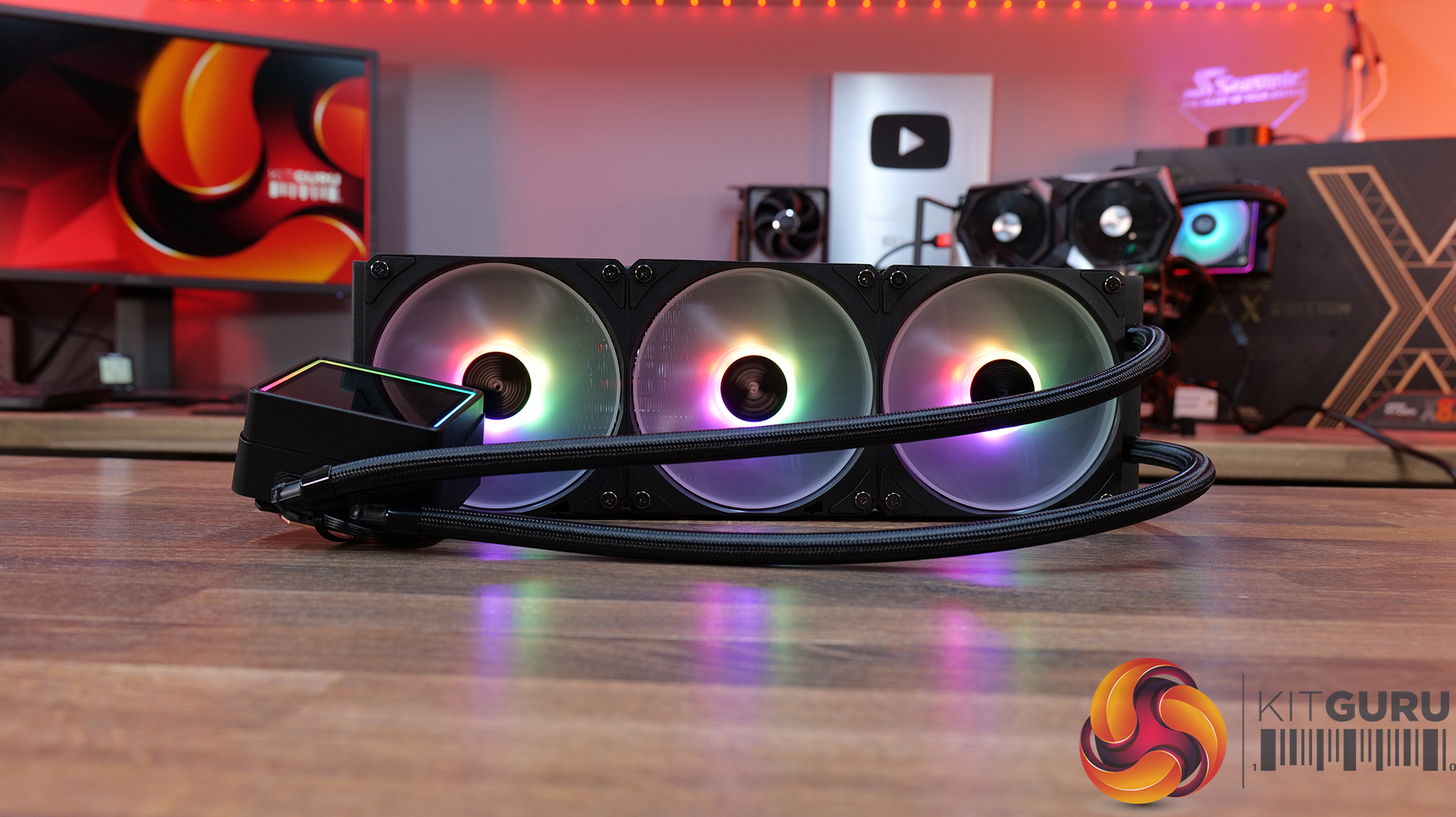
Today we’re going big on AIO coolers – seven of them in fact! We’ve got new hardware from ASRock, Cooler Master, CPS PCCOOLER, DeepCool, Enermax and Sudokoo to look at, all featuring integrated pump-mounted displays and targeting a wide range of price points. In this multi-review, we’ll be looking at thermals, noise, build quality and value for money to find out which ones are genuinely impressive, and which ones are just flashy-looking screens with a pump attached.

Timestamps:

00:00 Intro
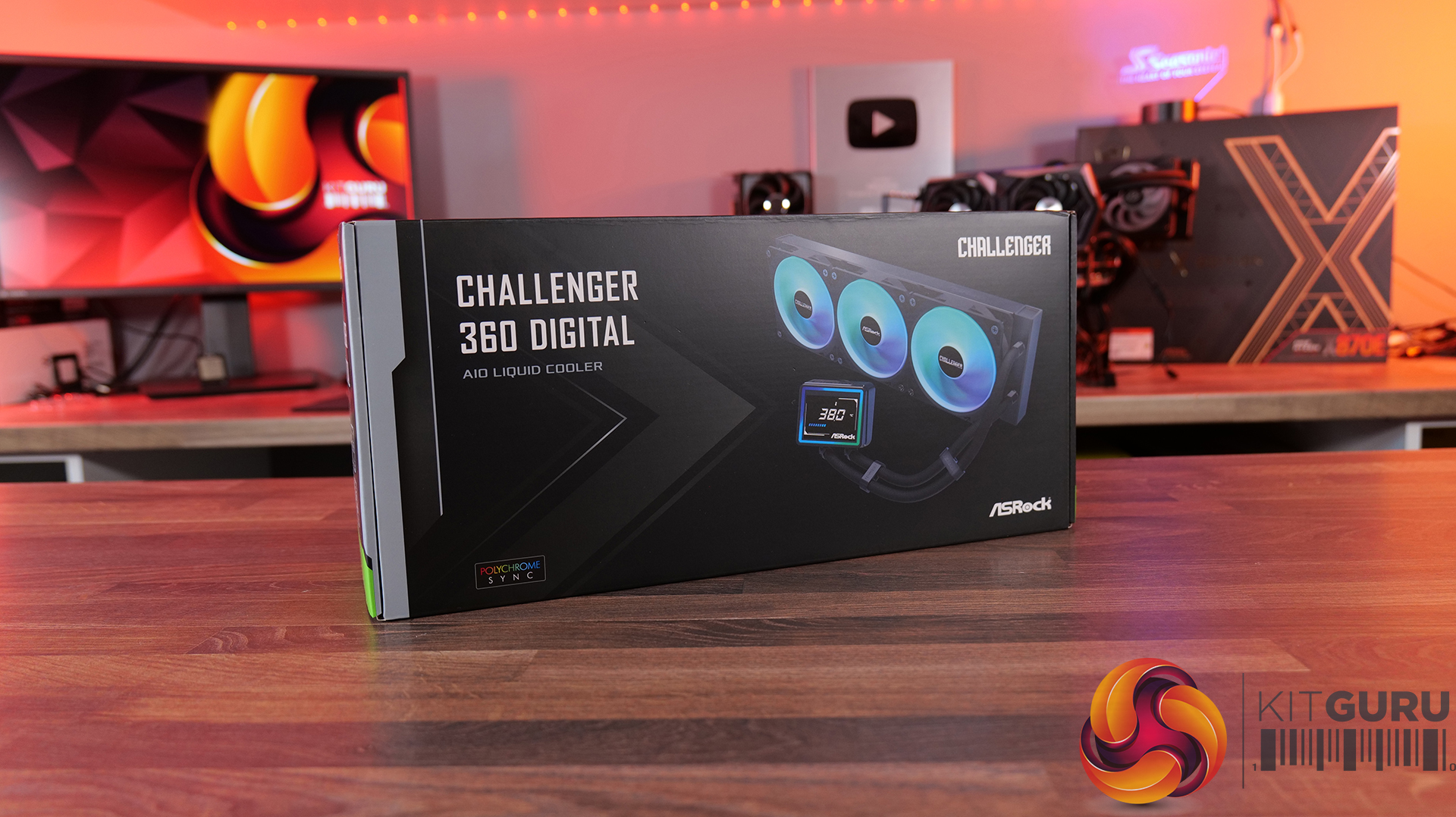
00:44 ASRock Challenger 360 Digital
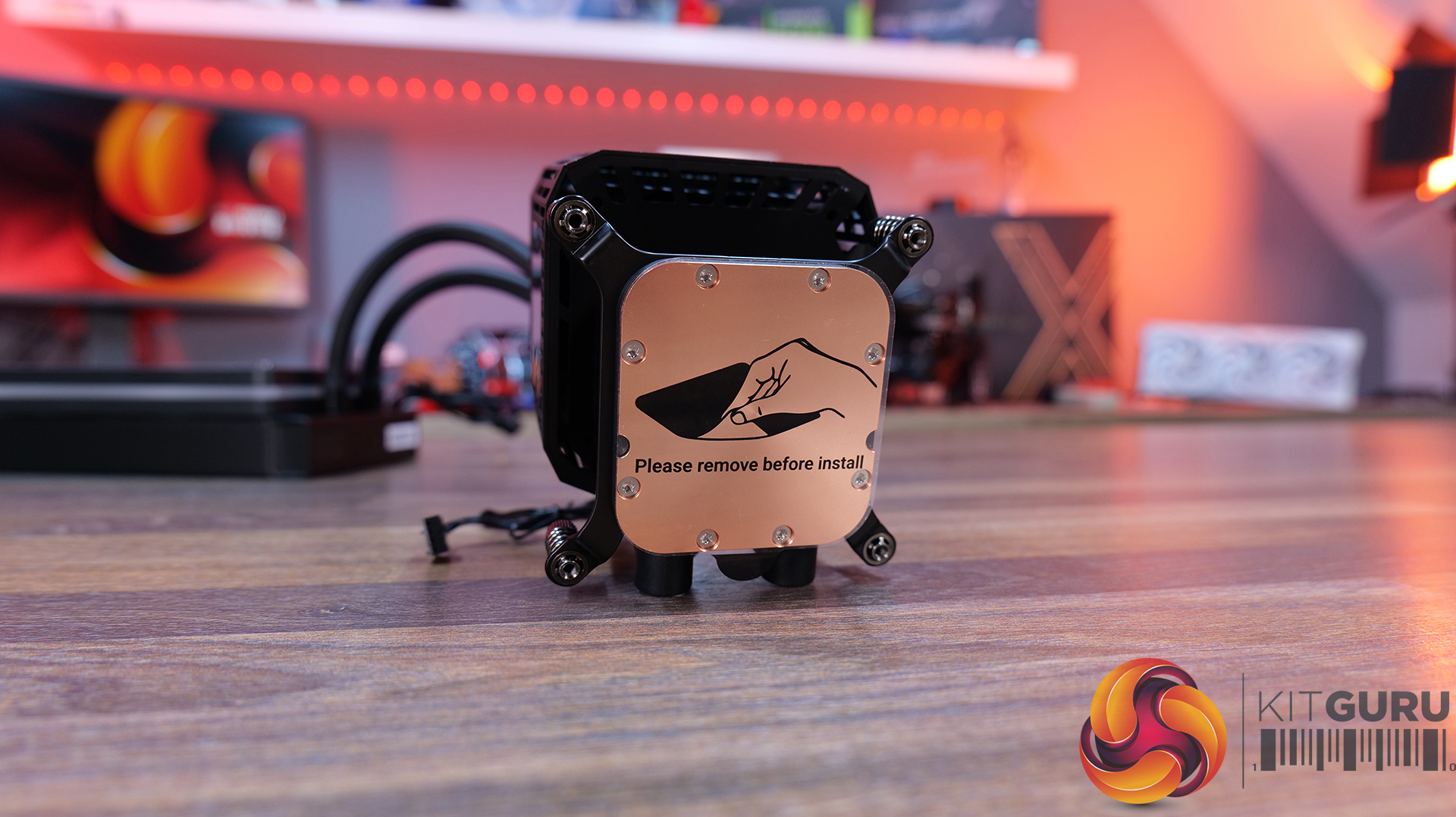
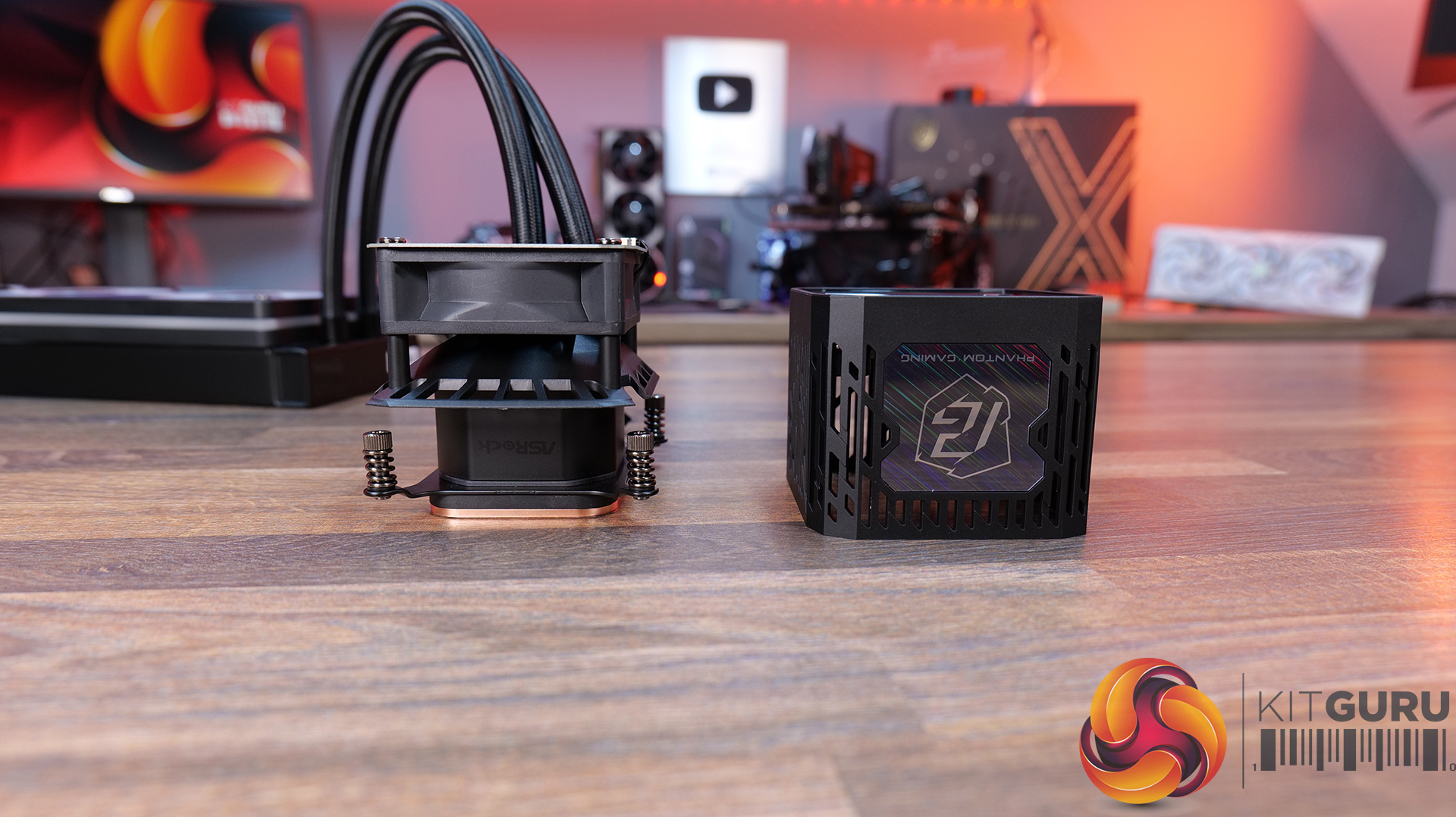
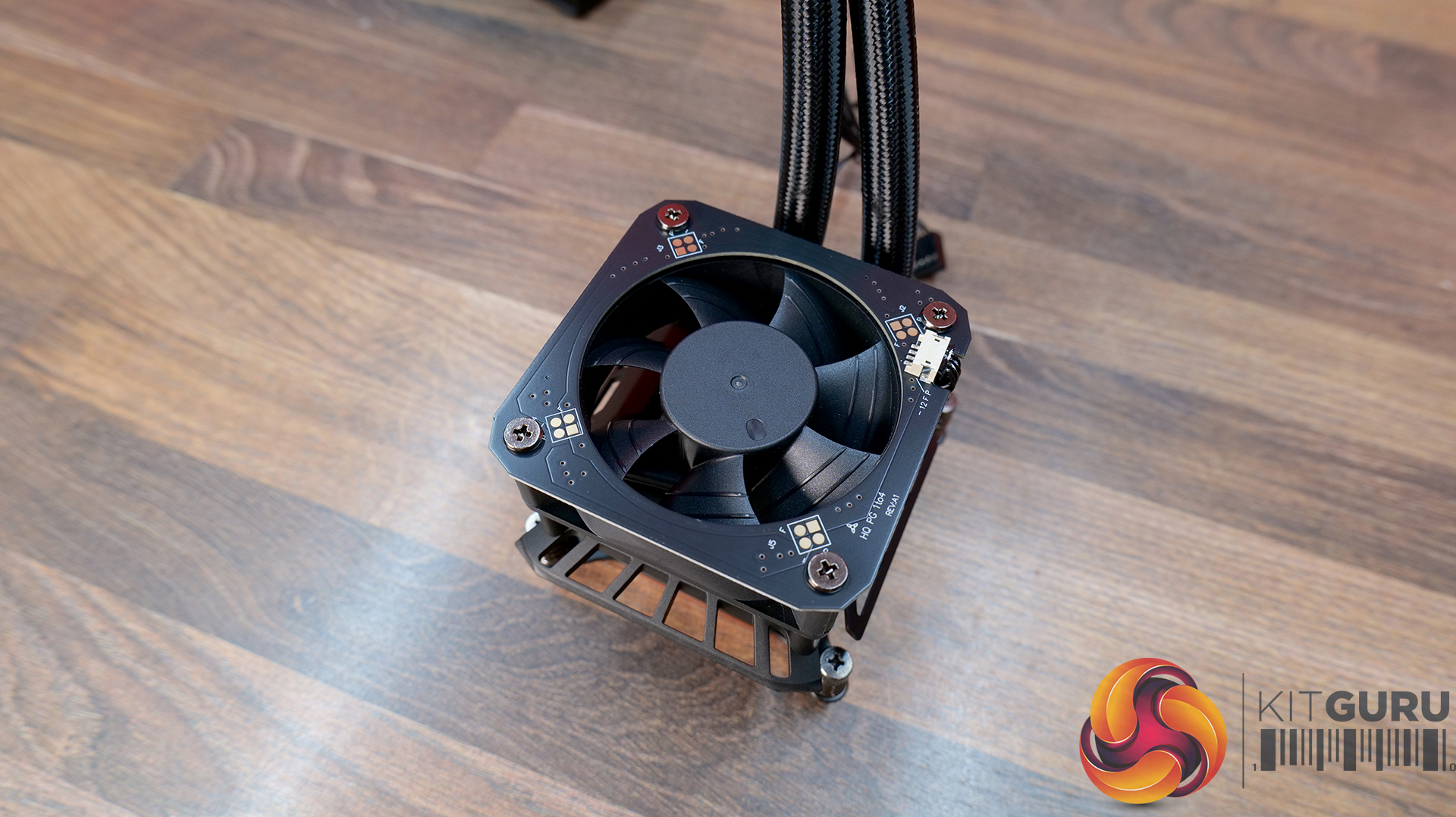
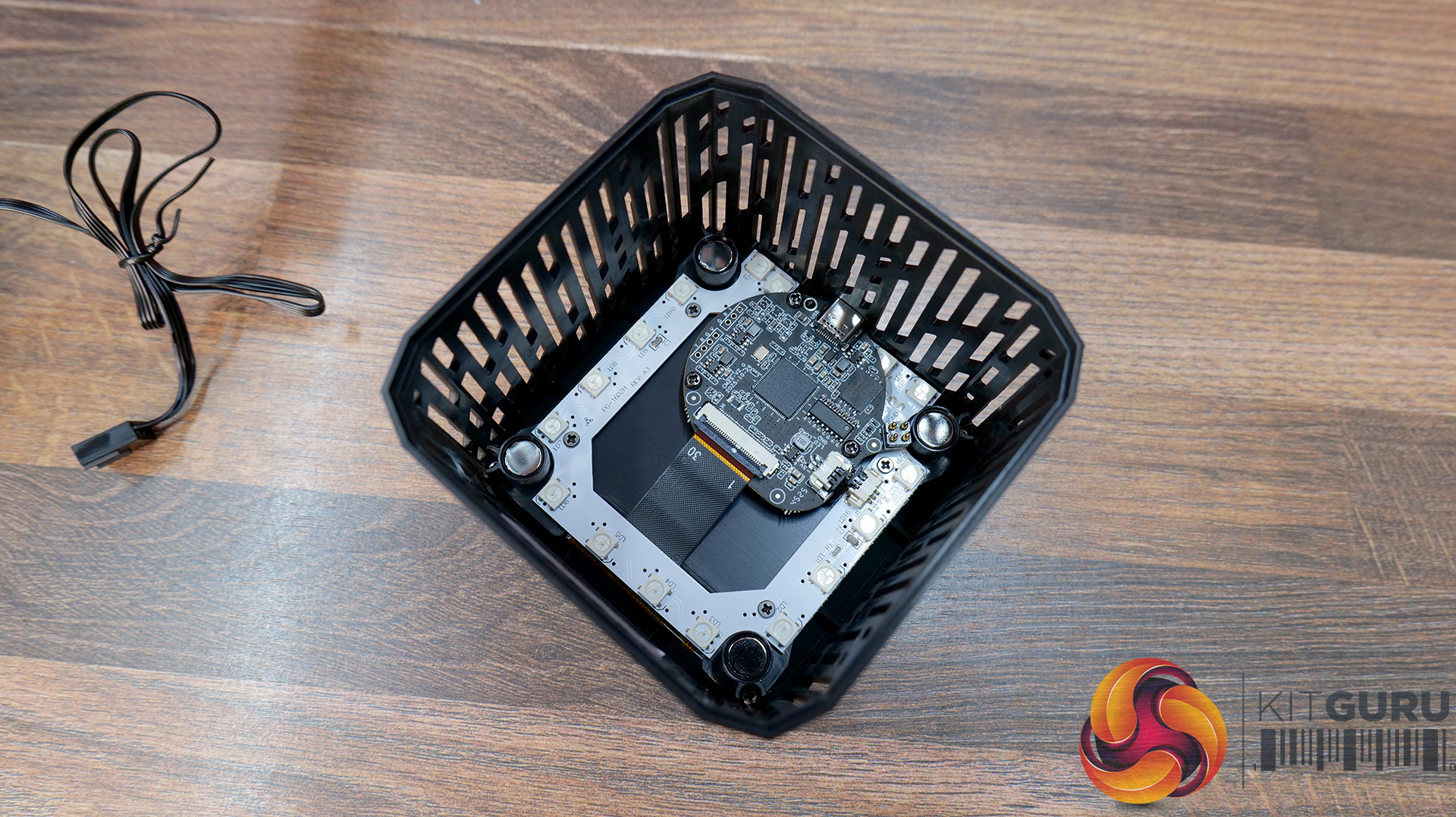
07:40 ASRock Phantom Gaming 360 LCD
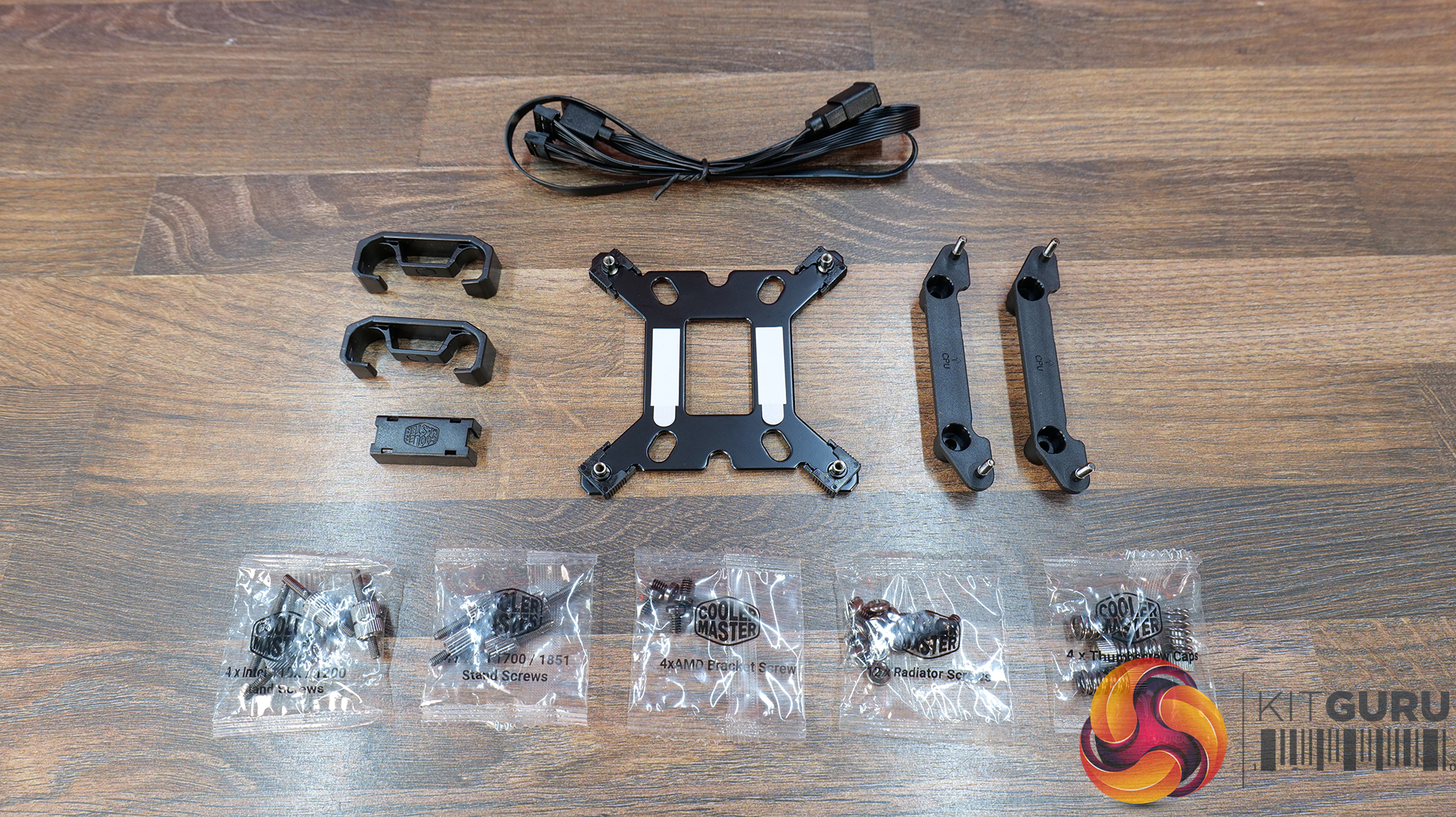
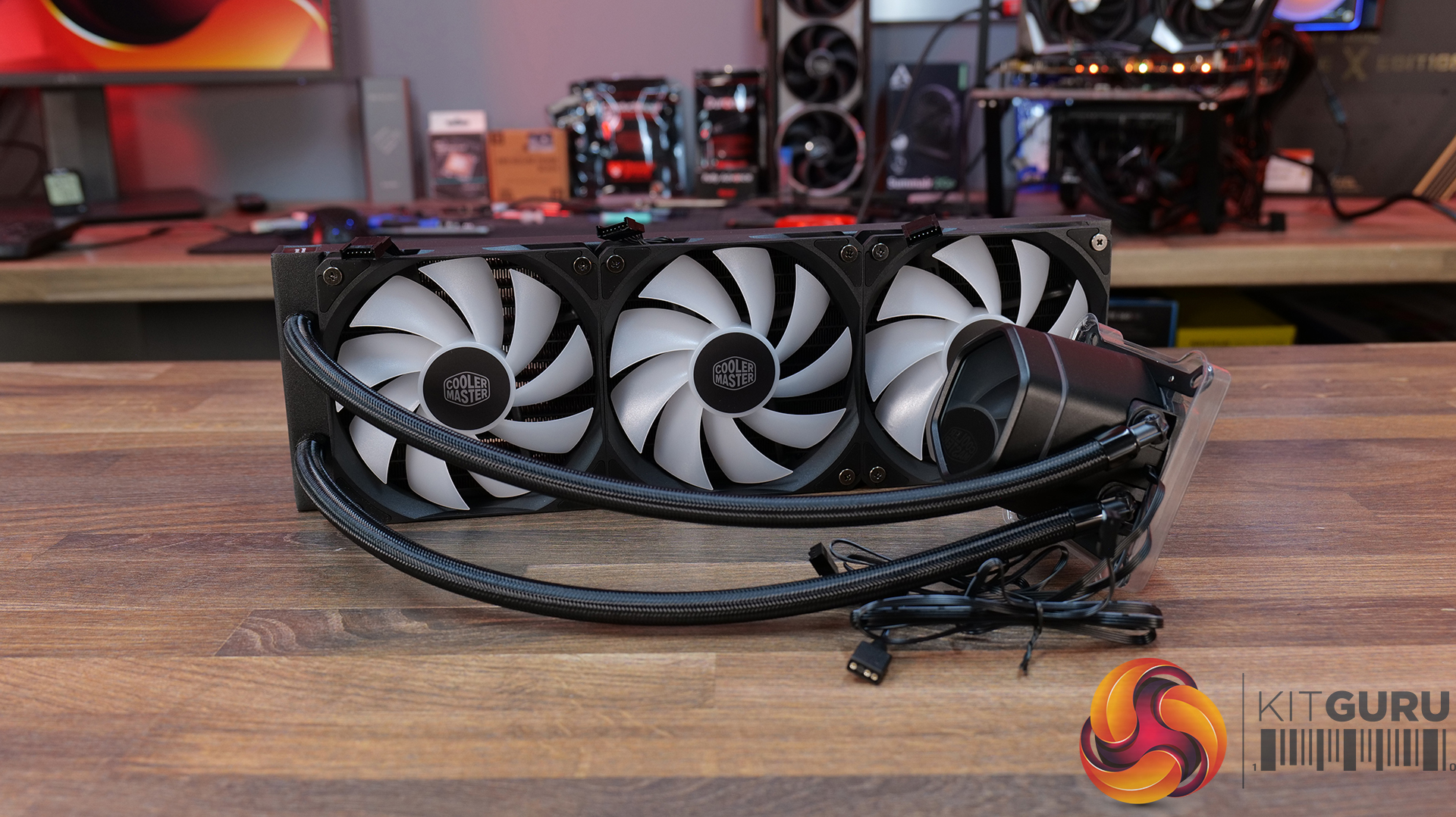
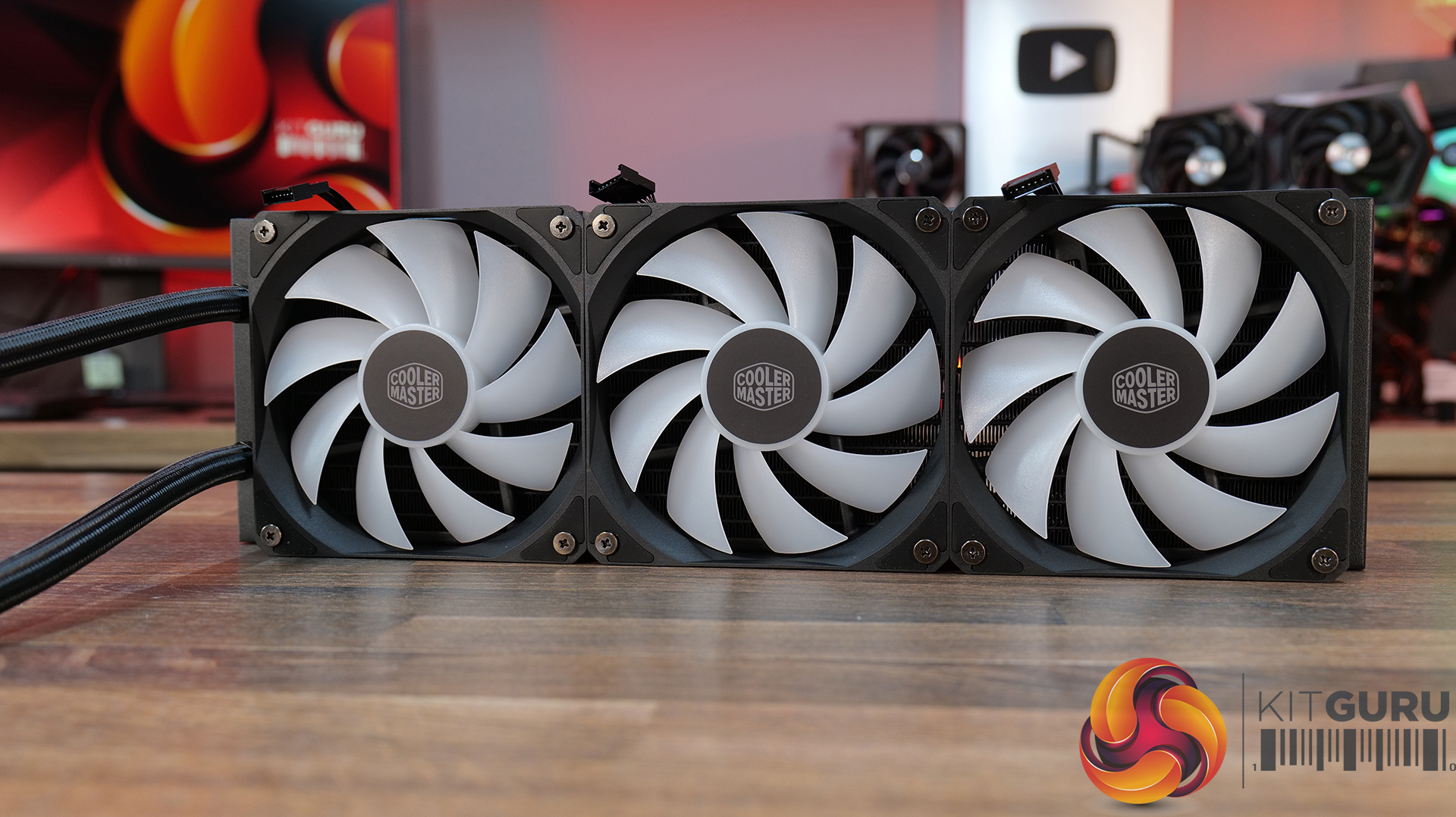
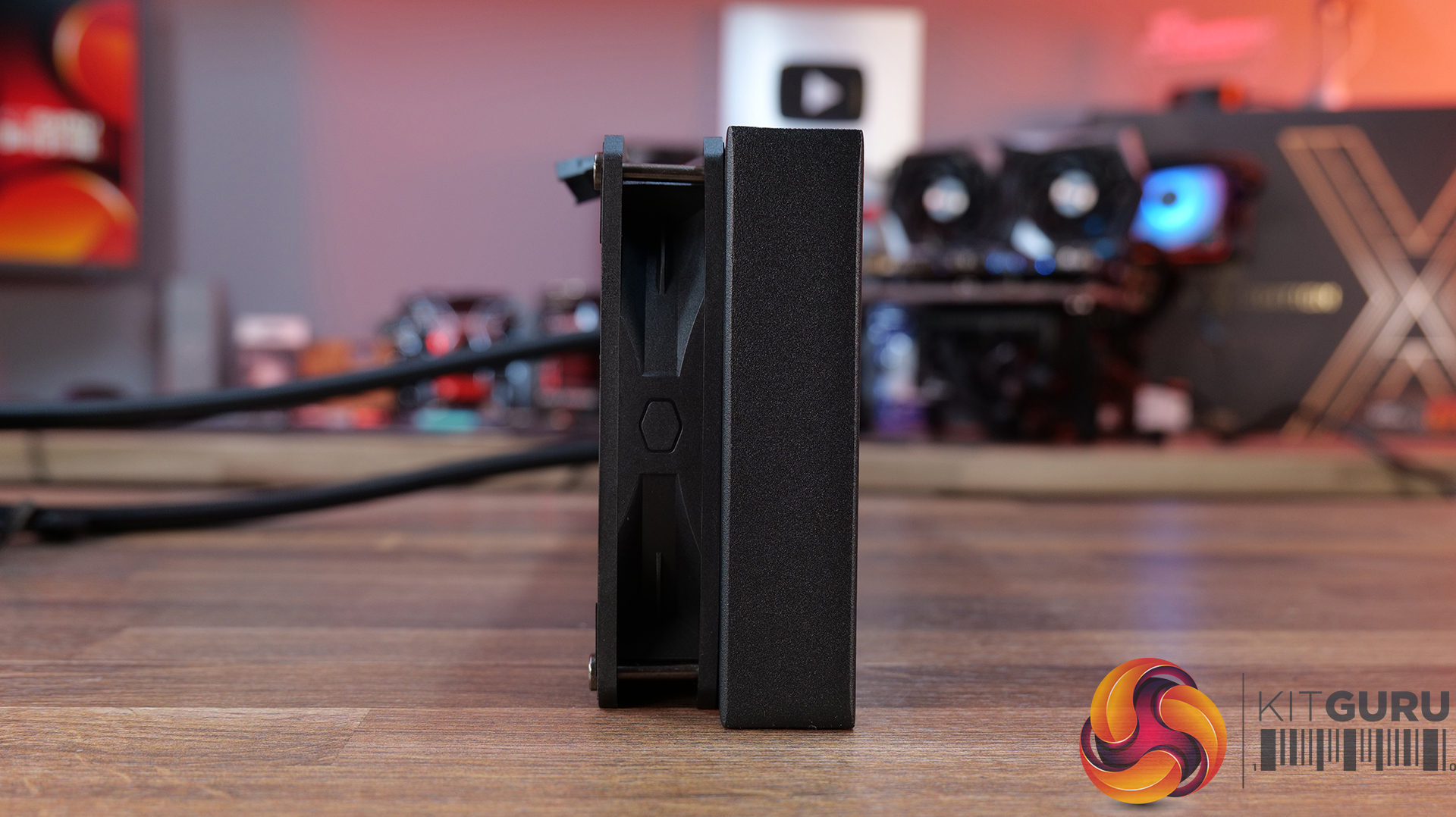
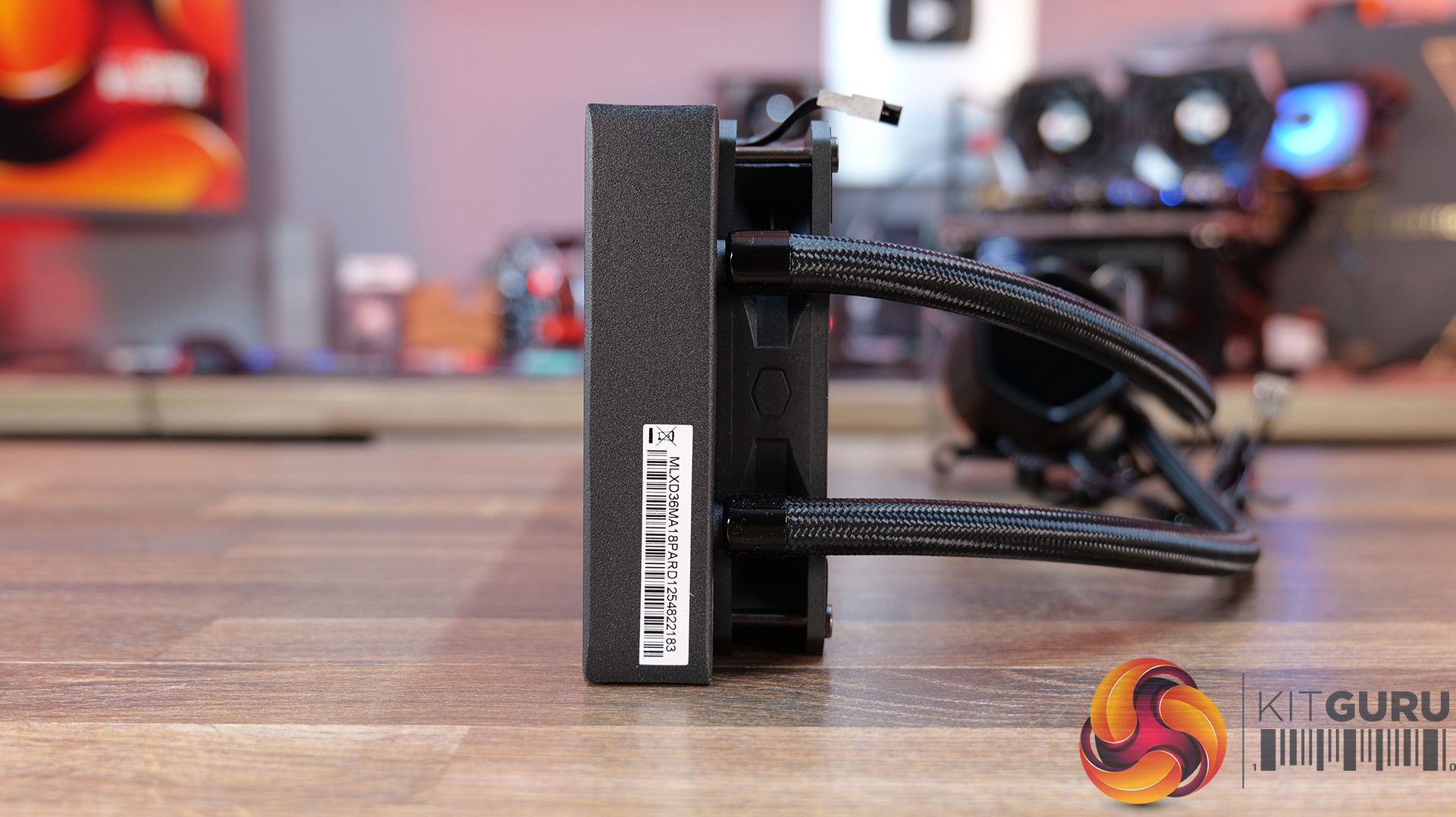
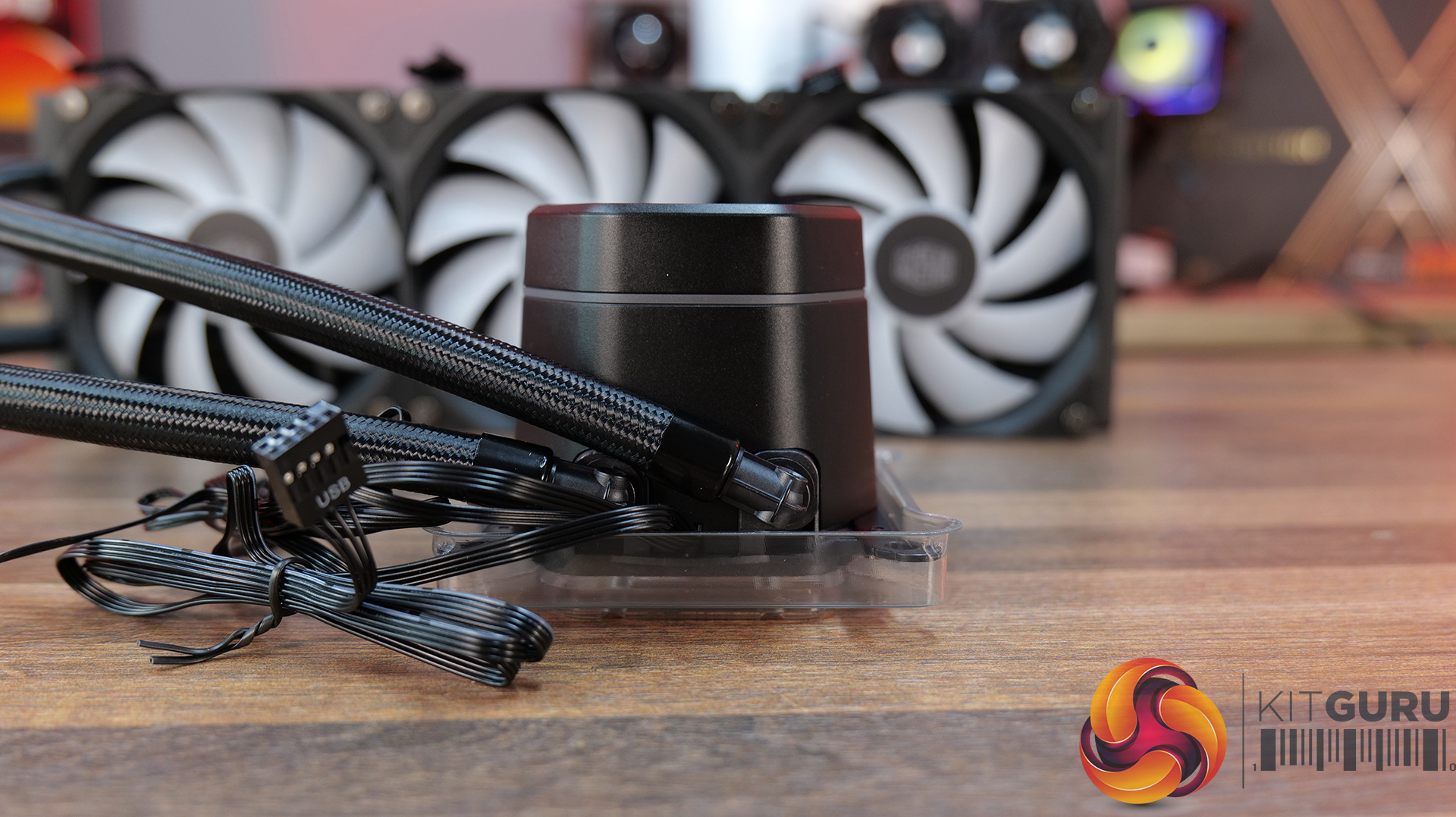
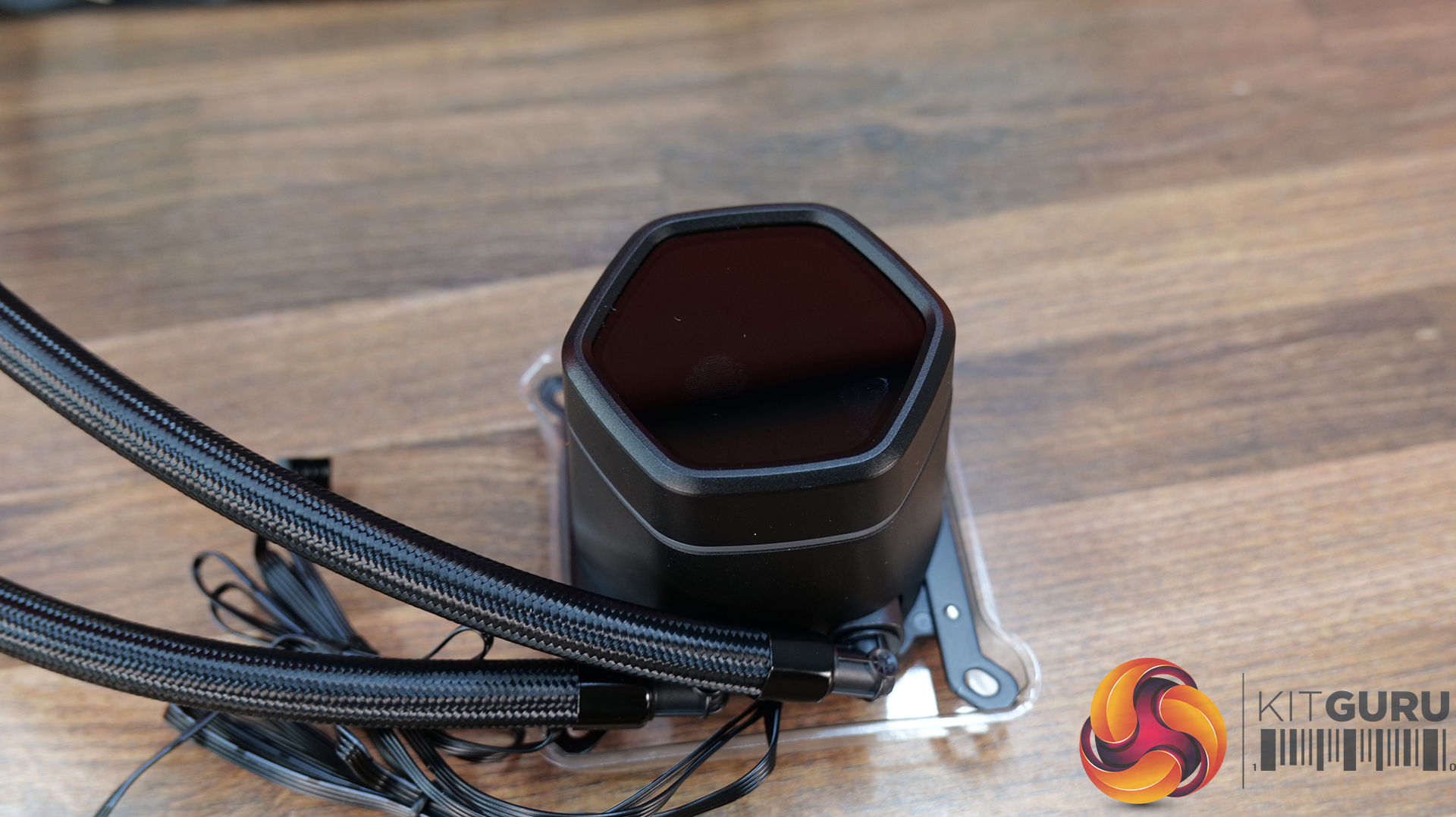
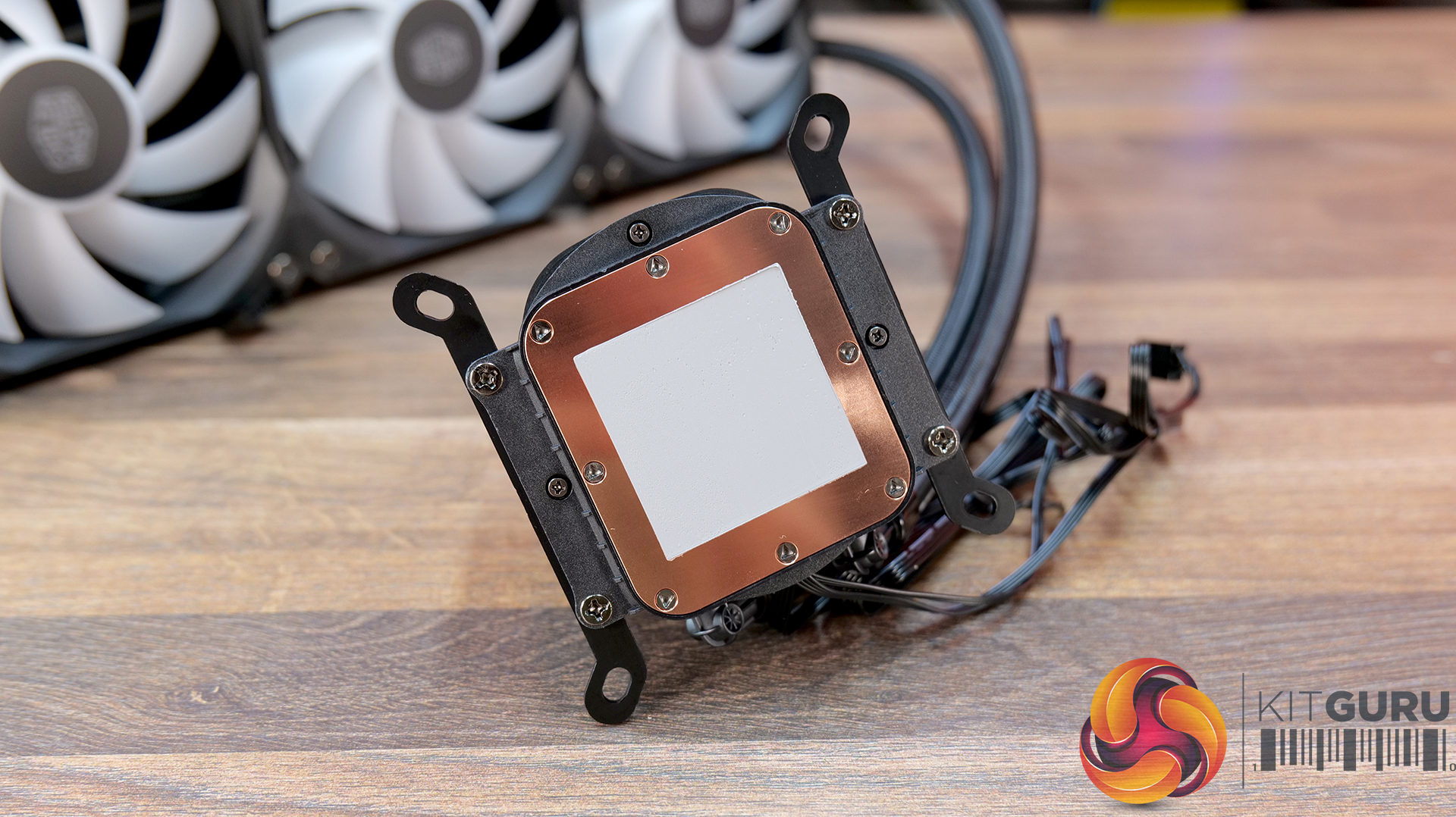
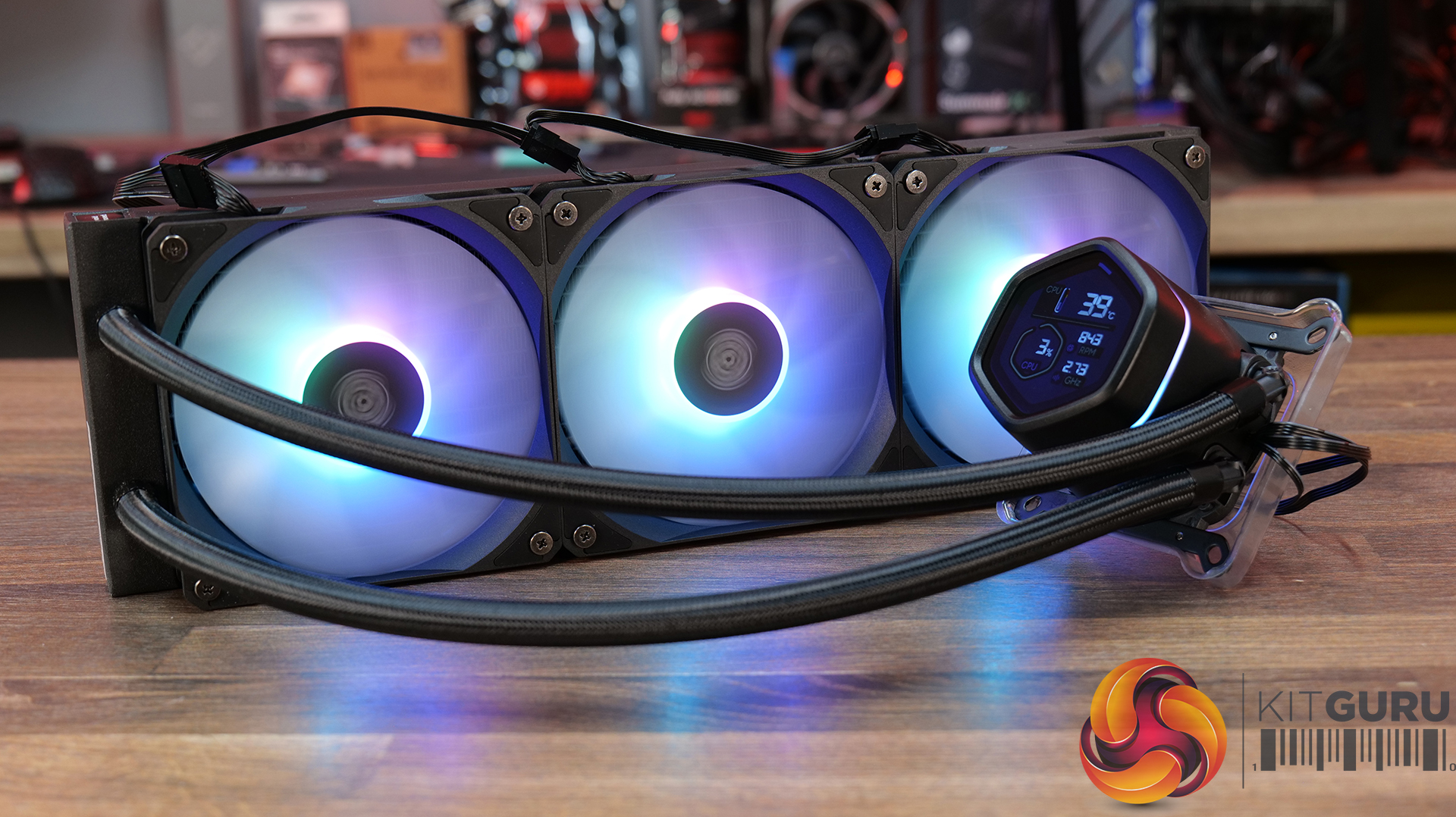
14:56 Cooler Master MasterLiquid Core Nex Digital 360 Black ARGB
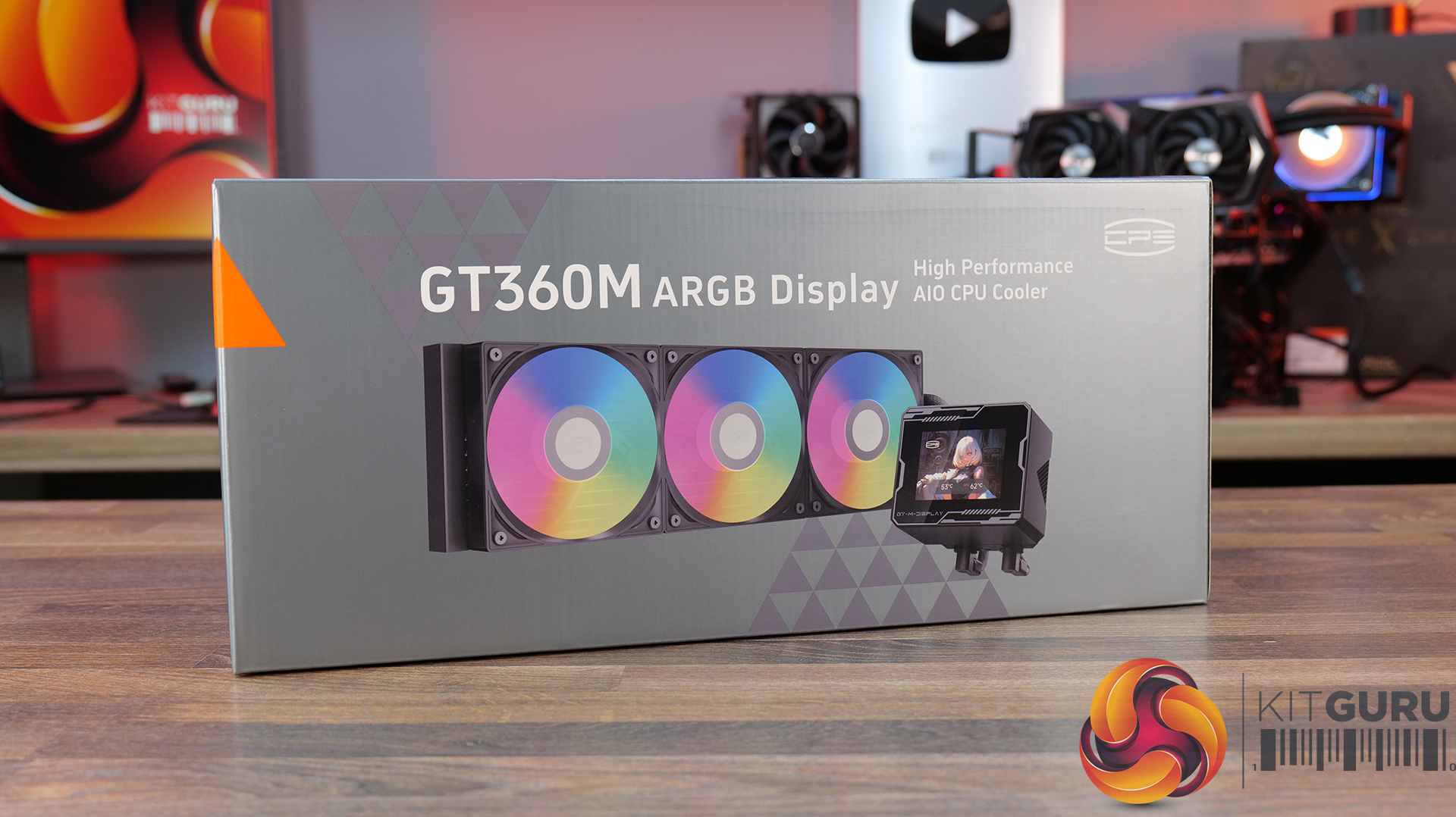
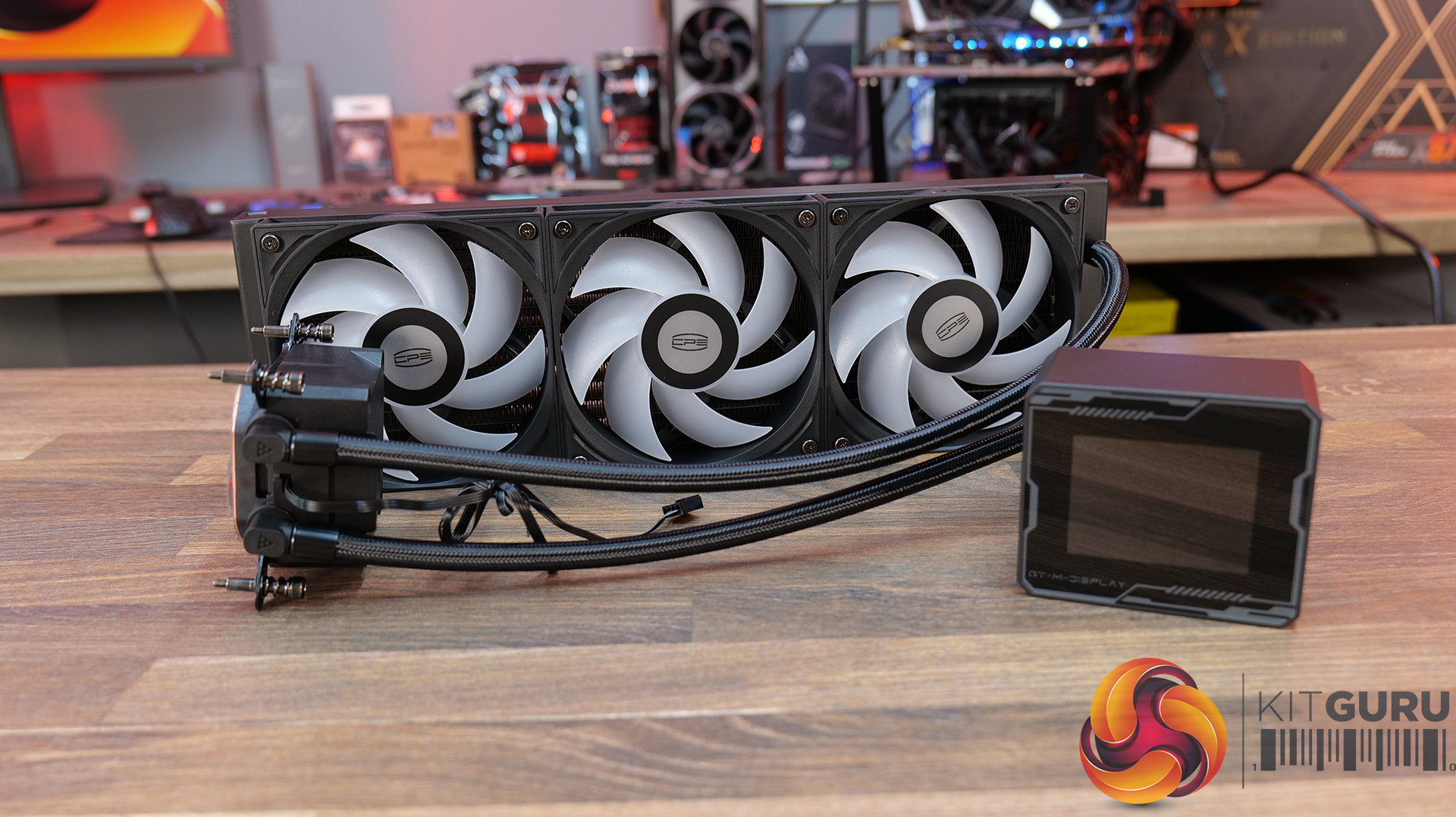
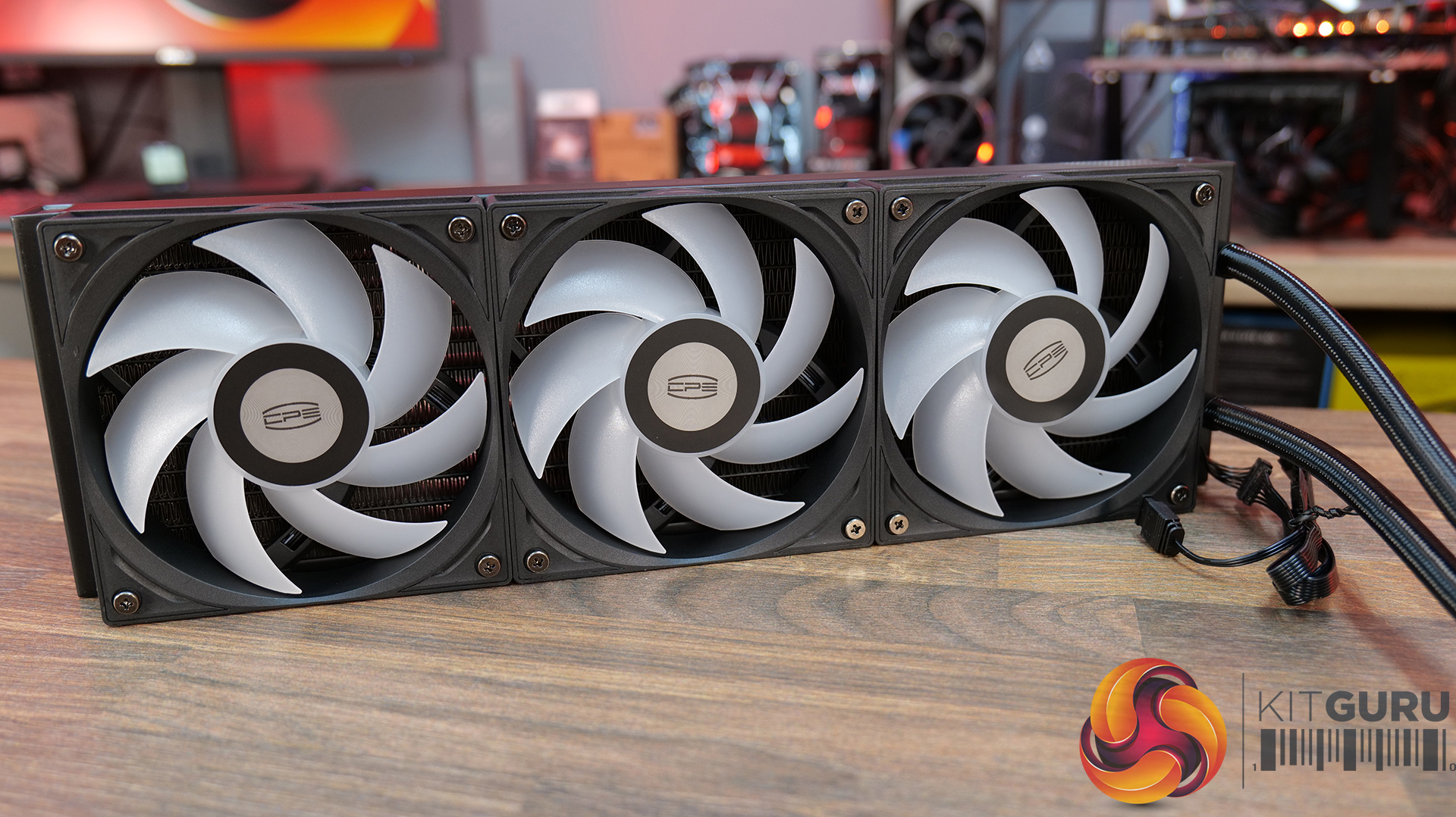
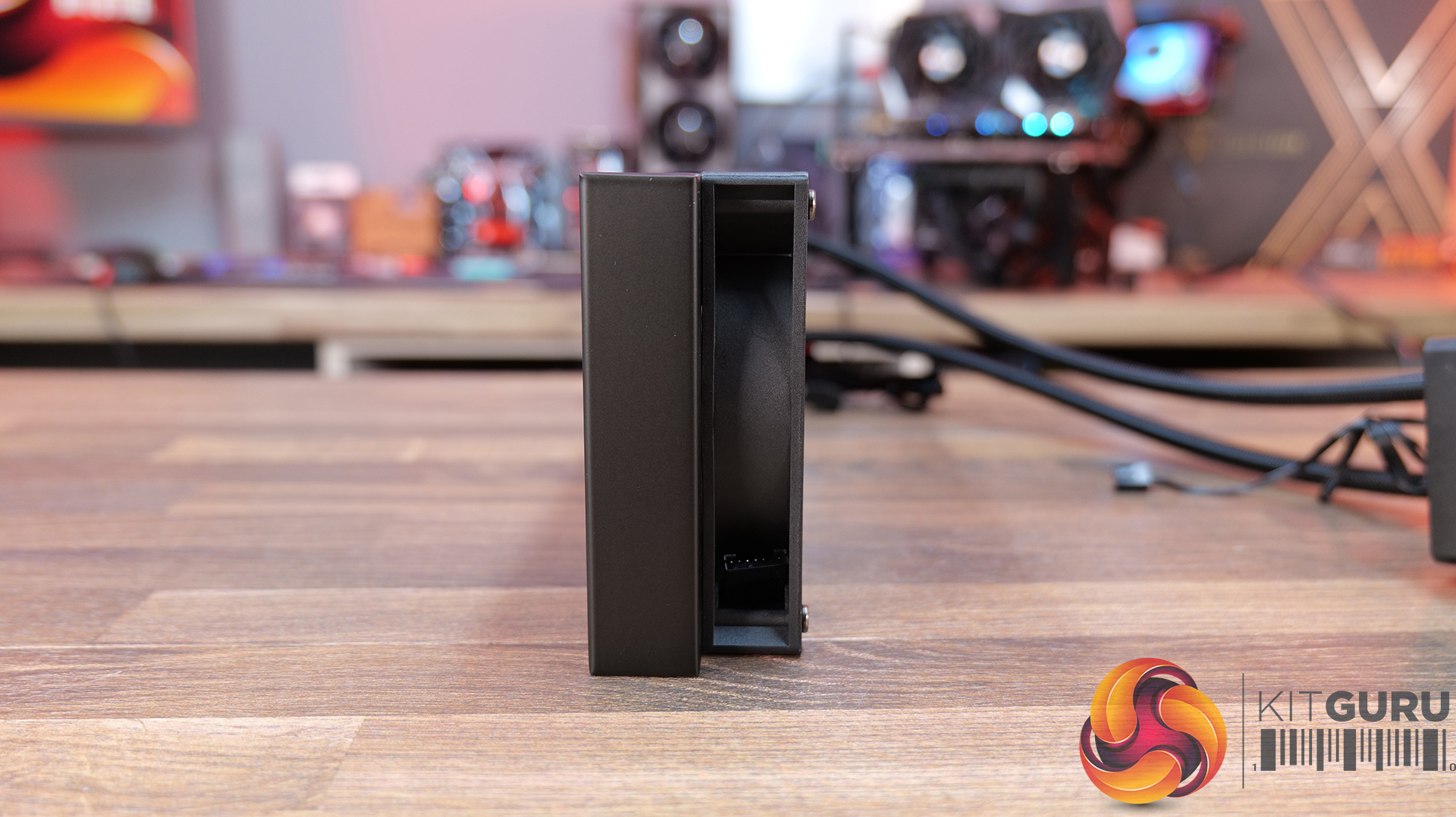
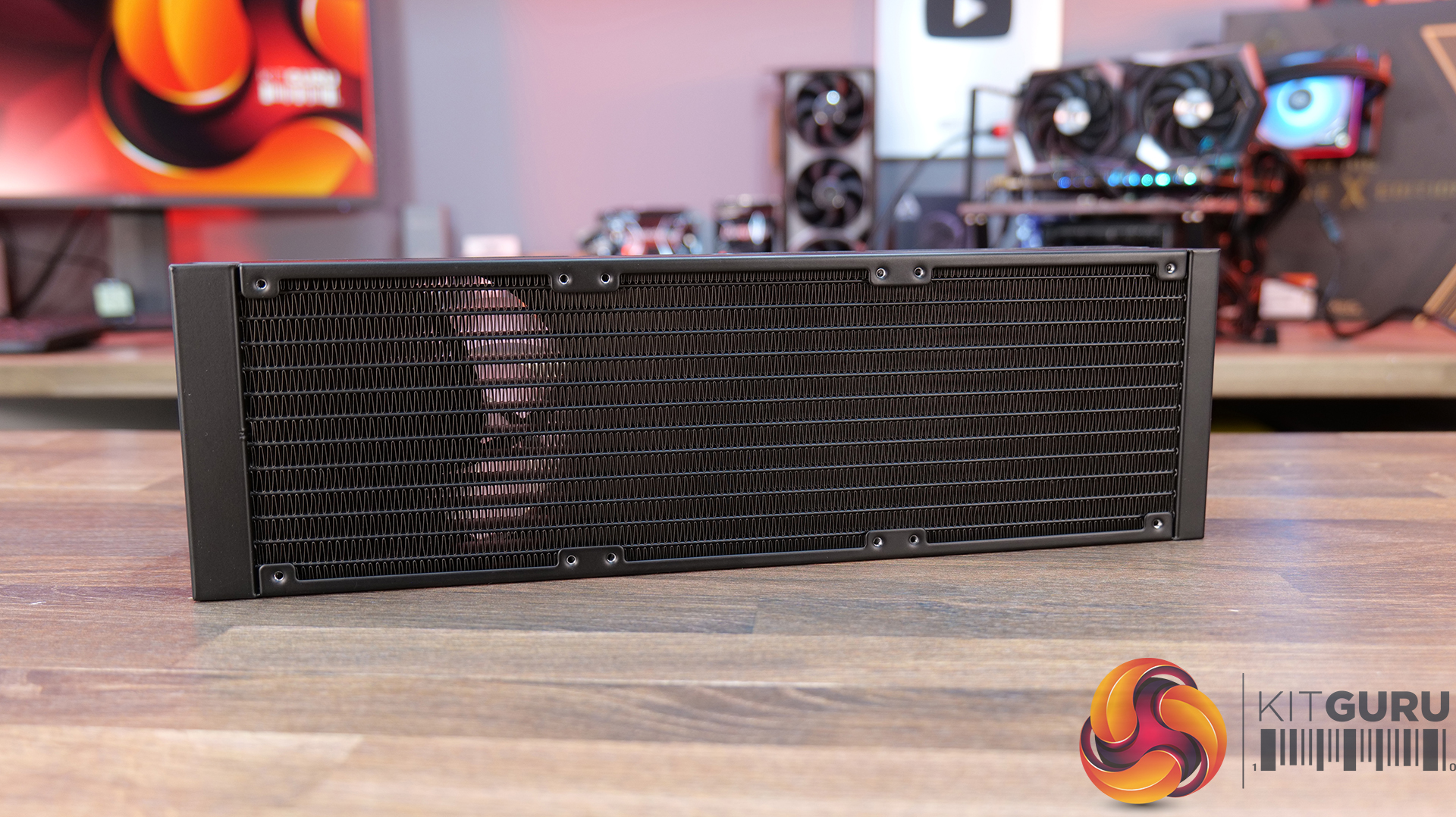
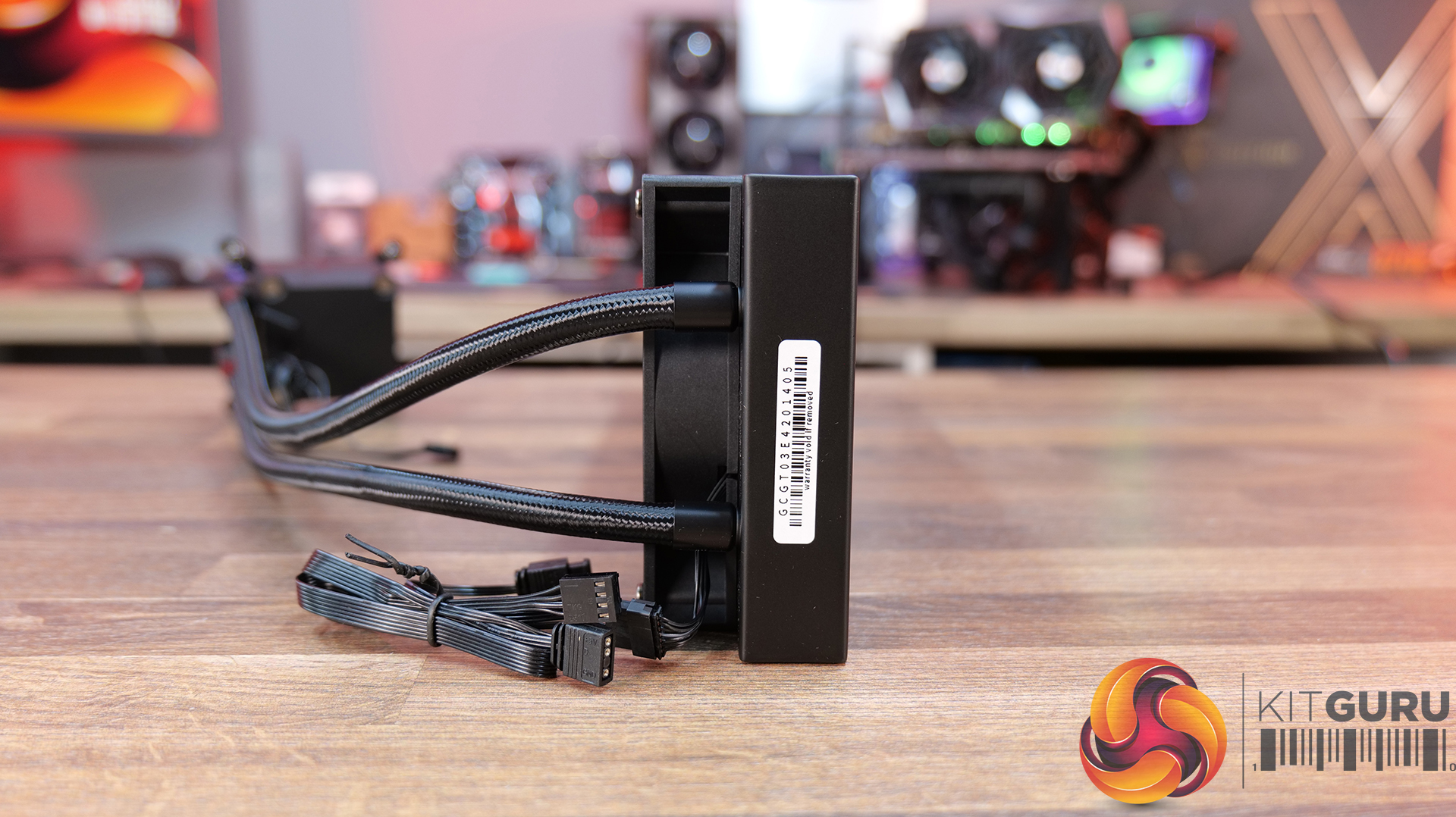
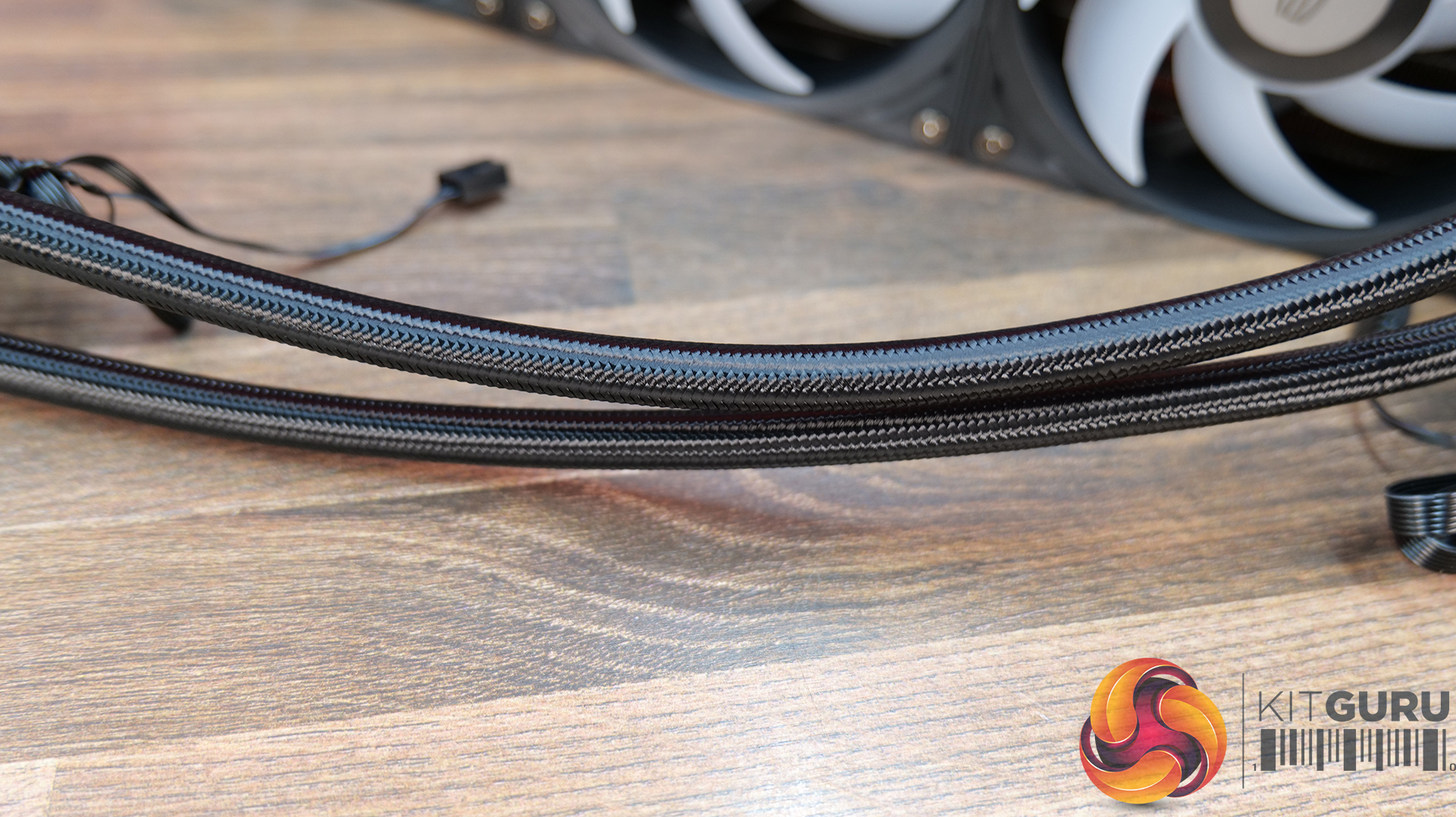
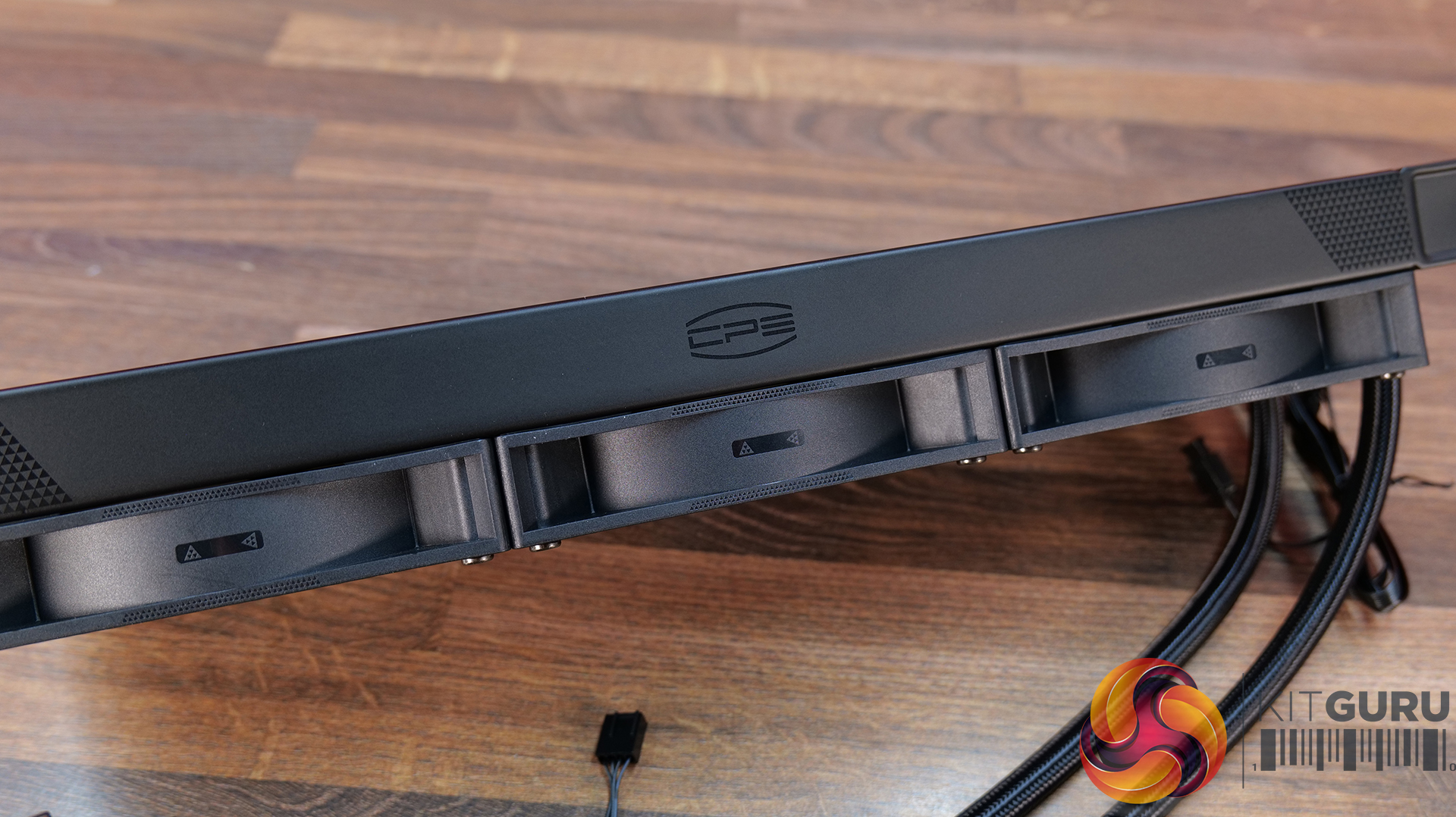
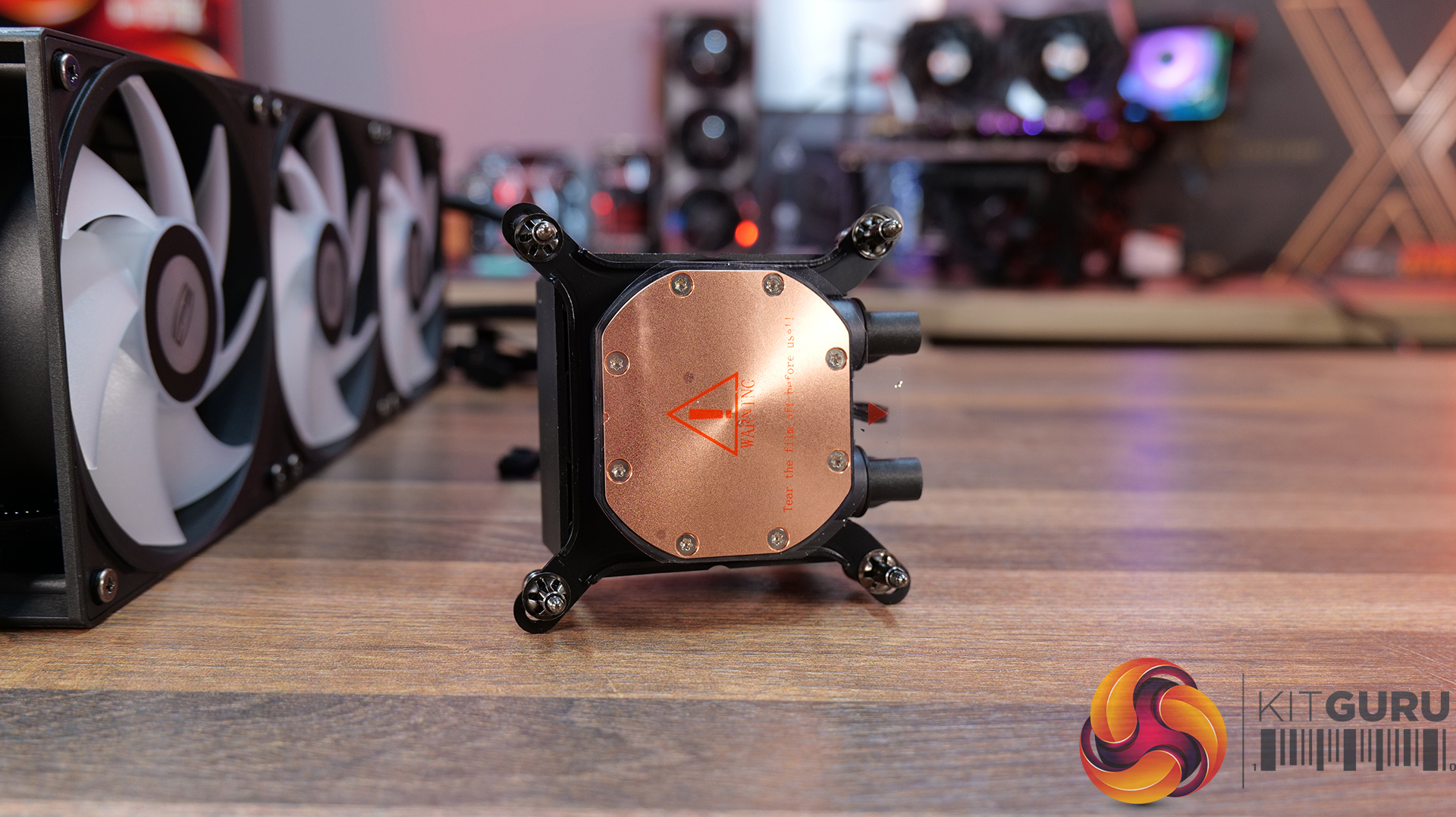
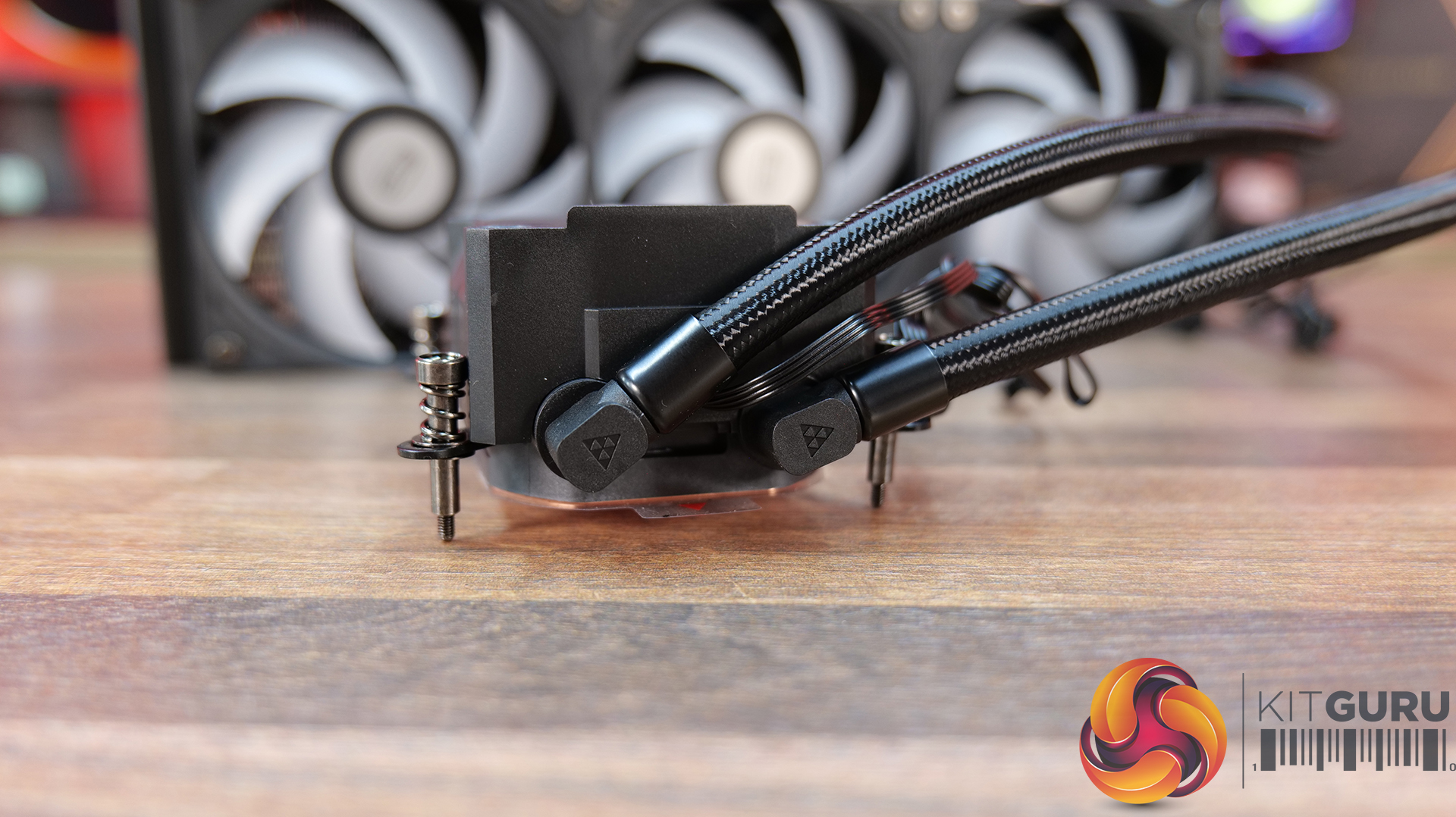
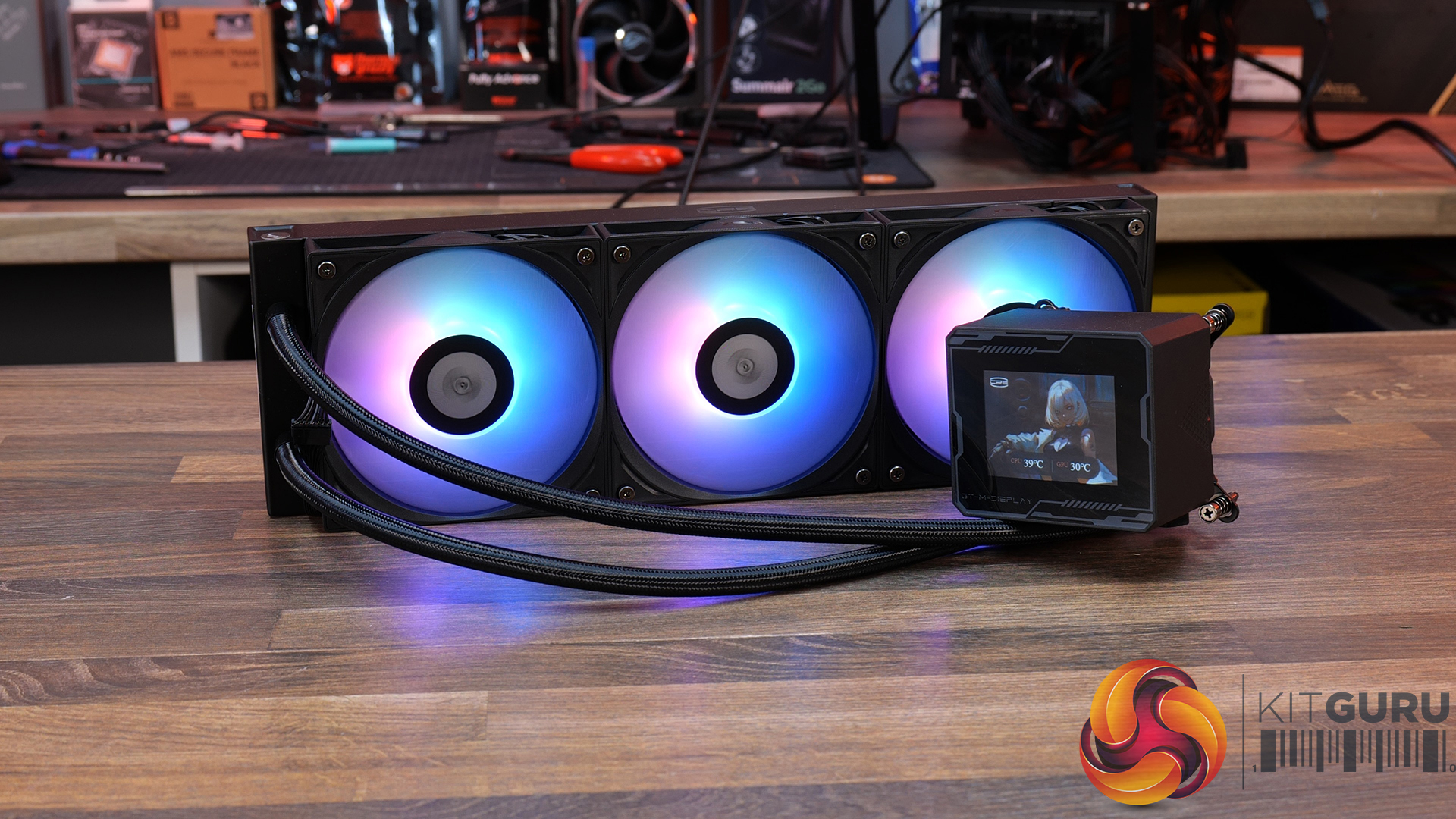
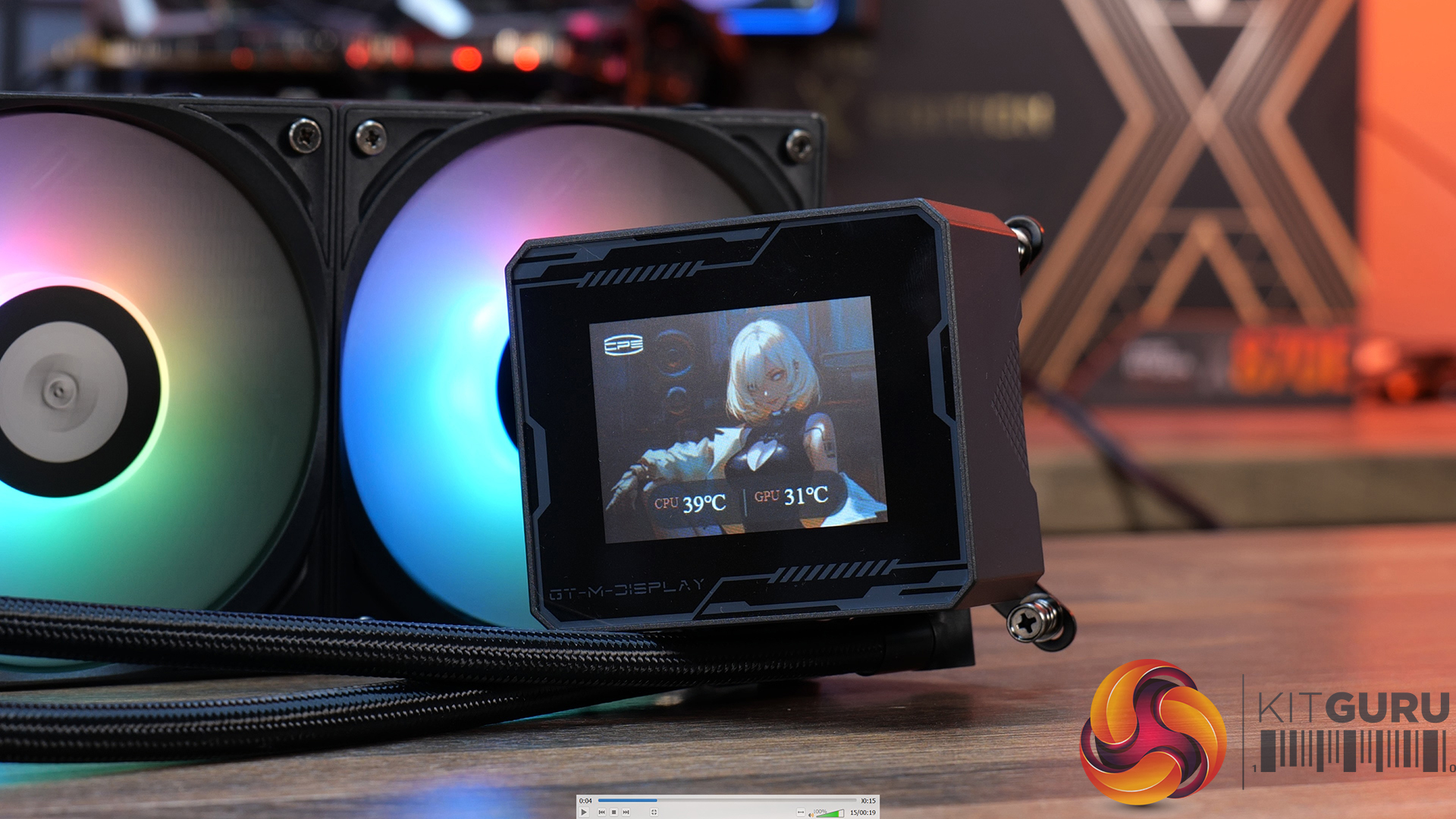
21:01 CPS PCCOOLER GT360M ARGB Display
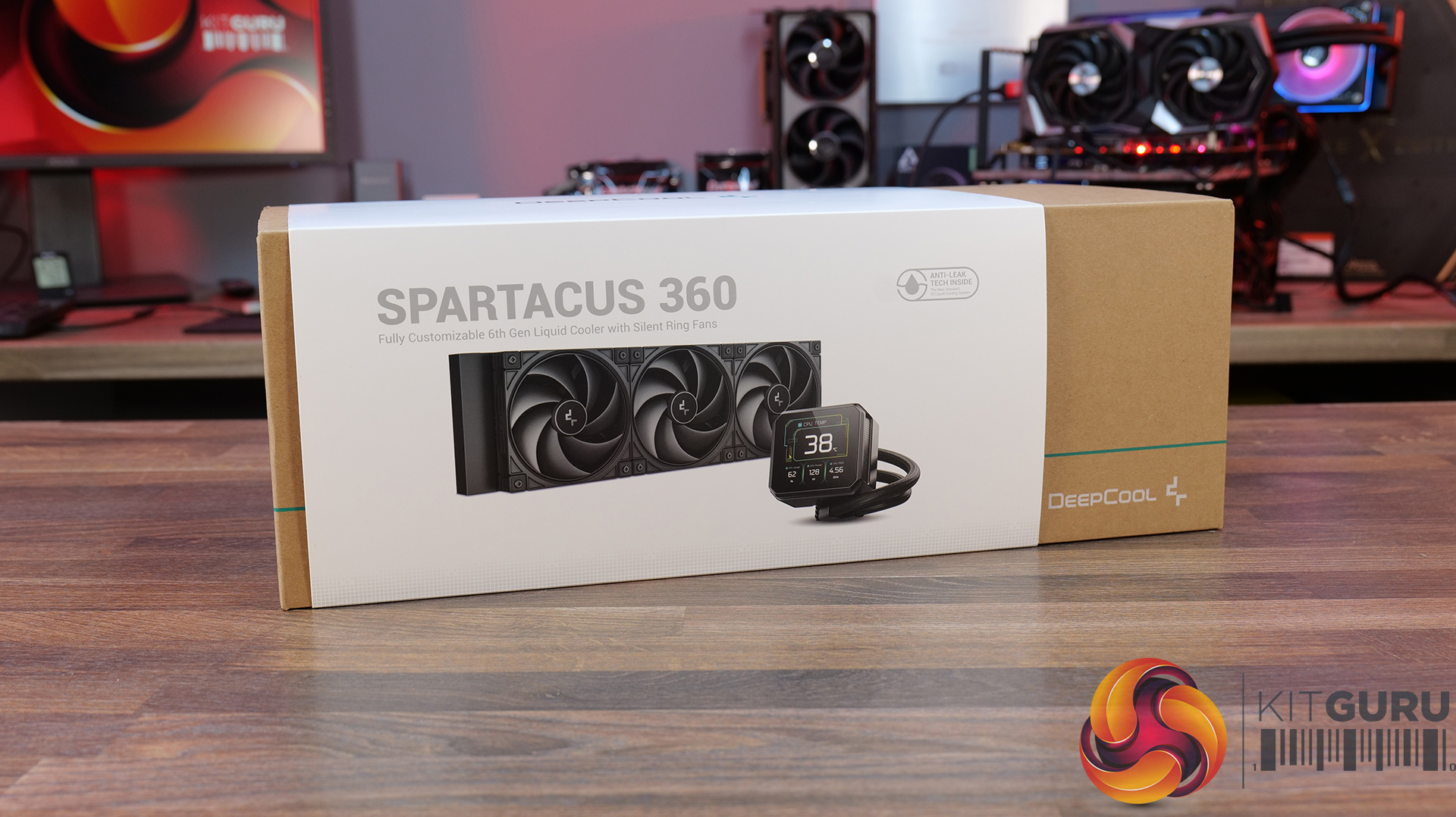
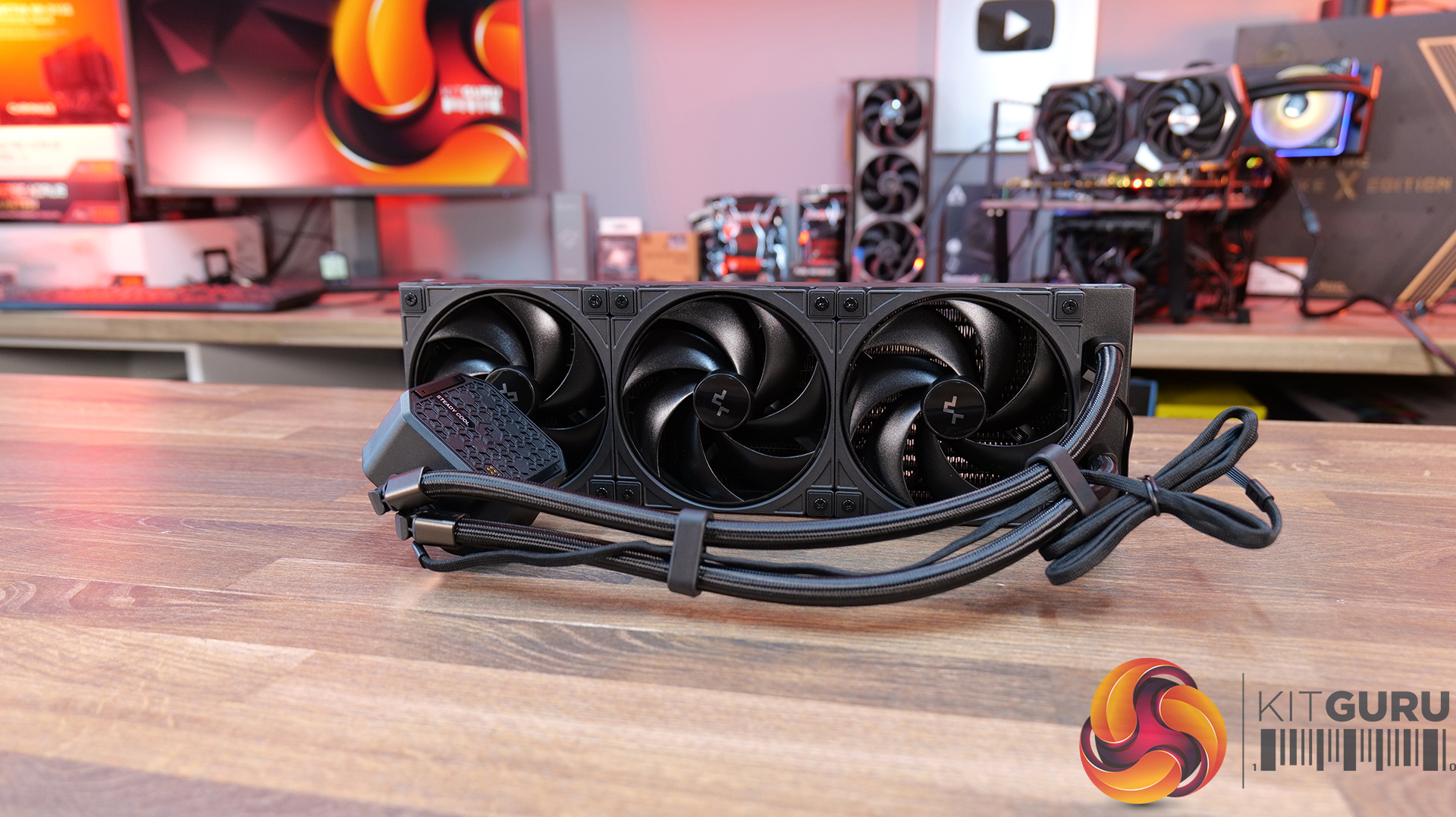
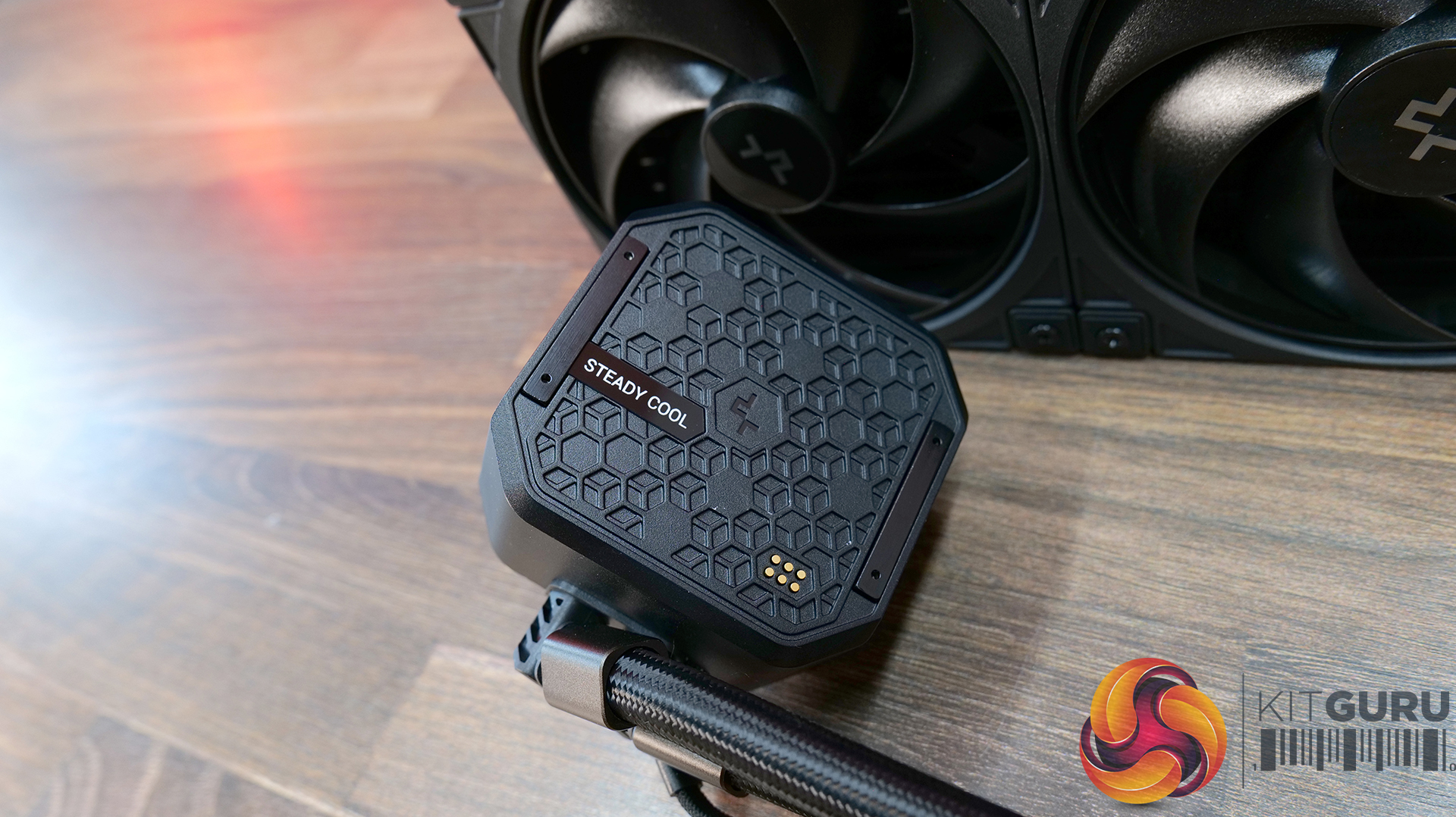
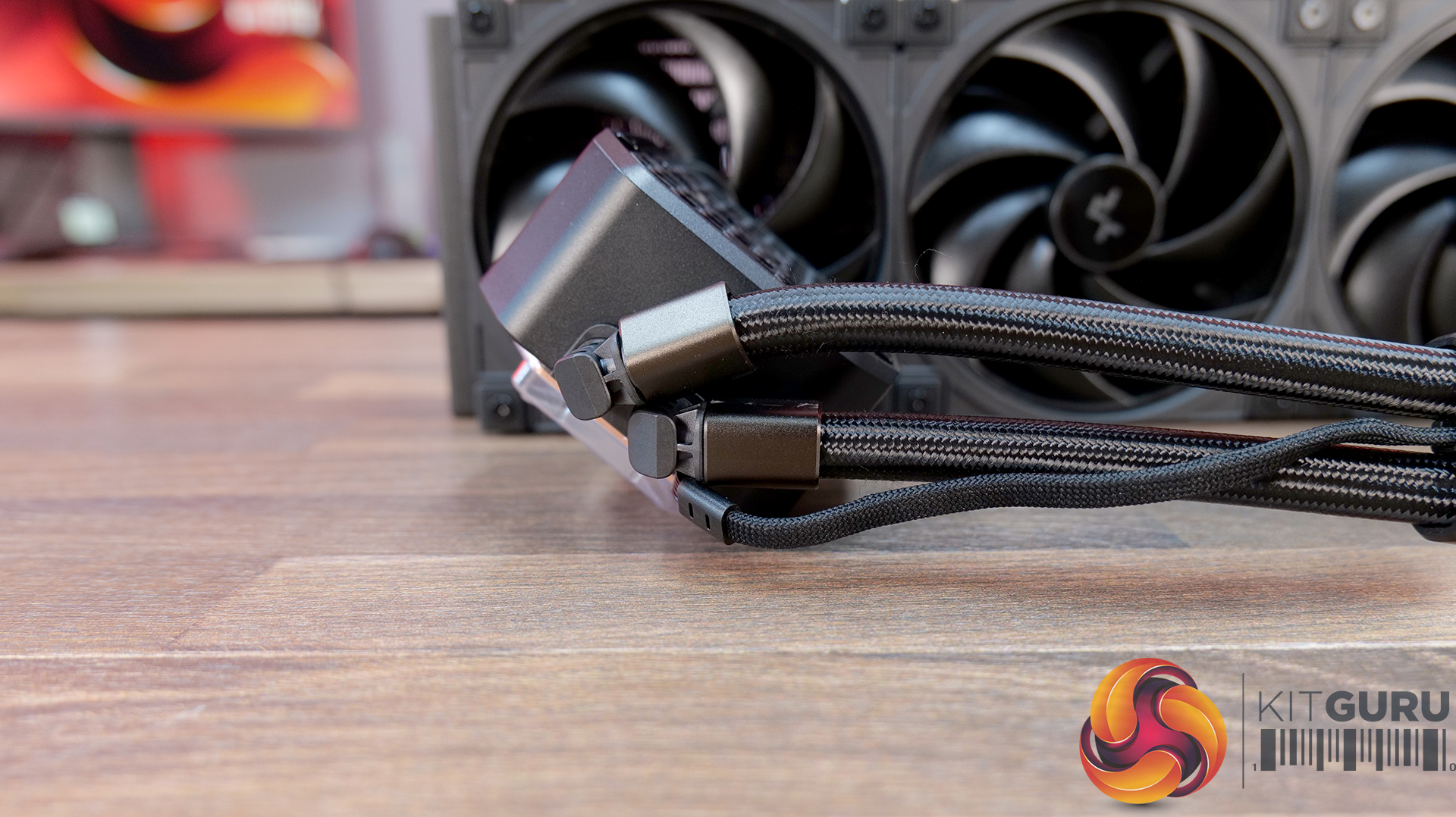
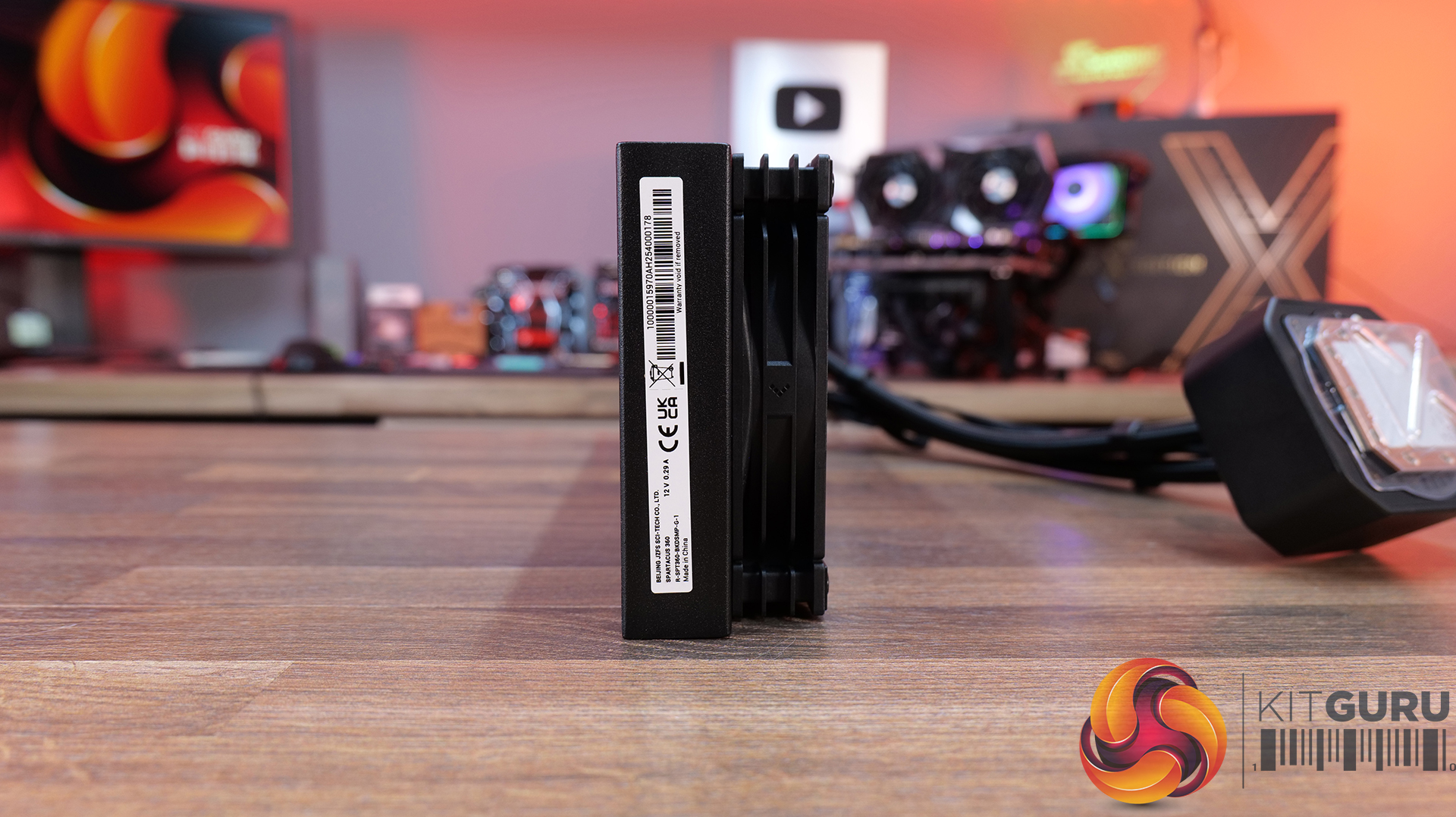
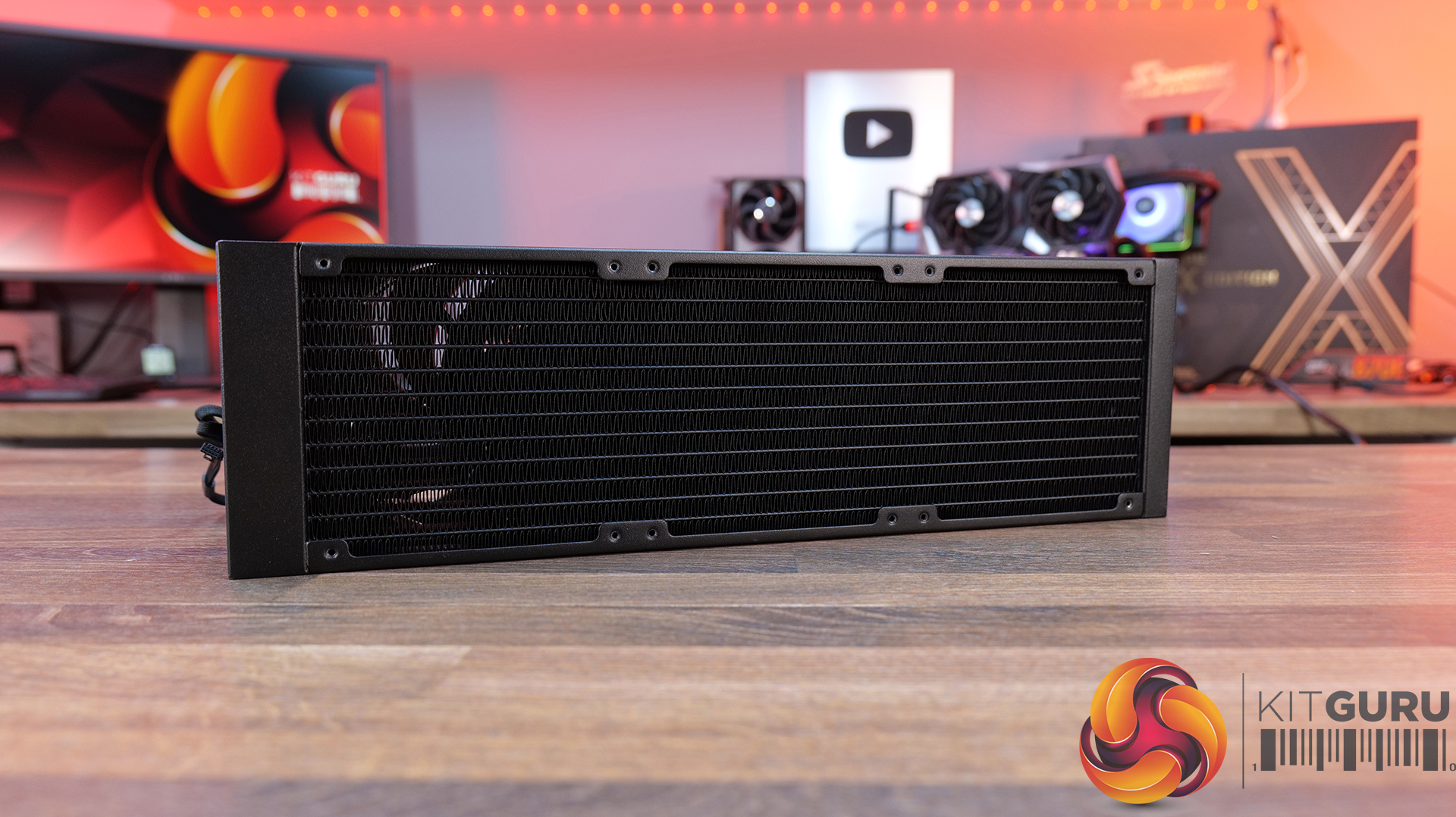
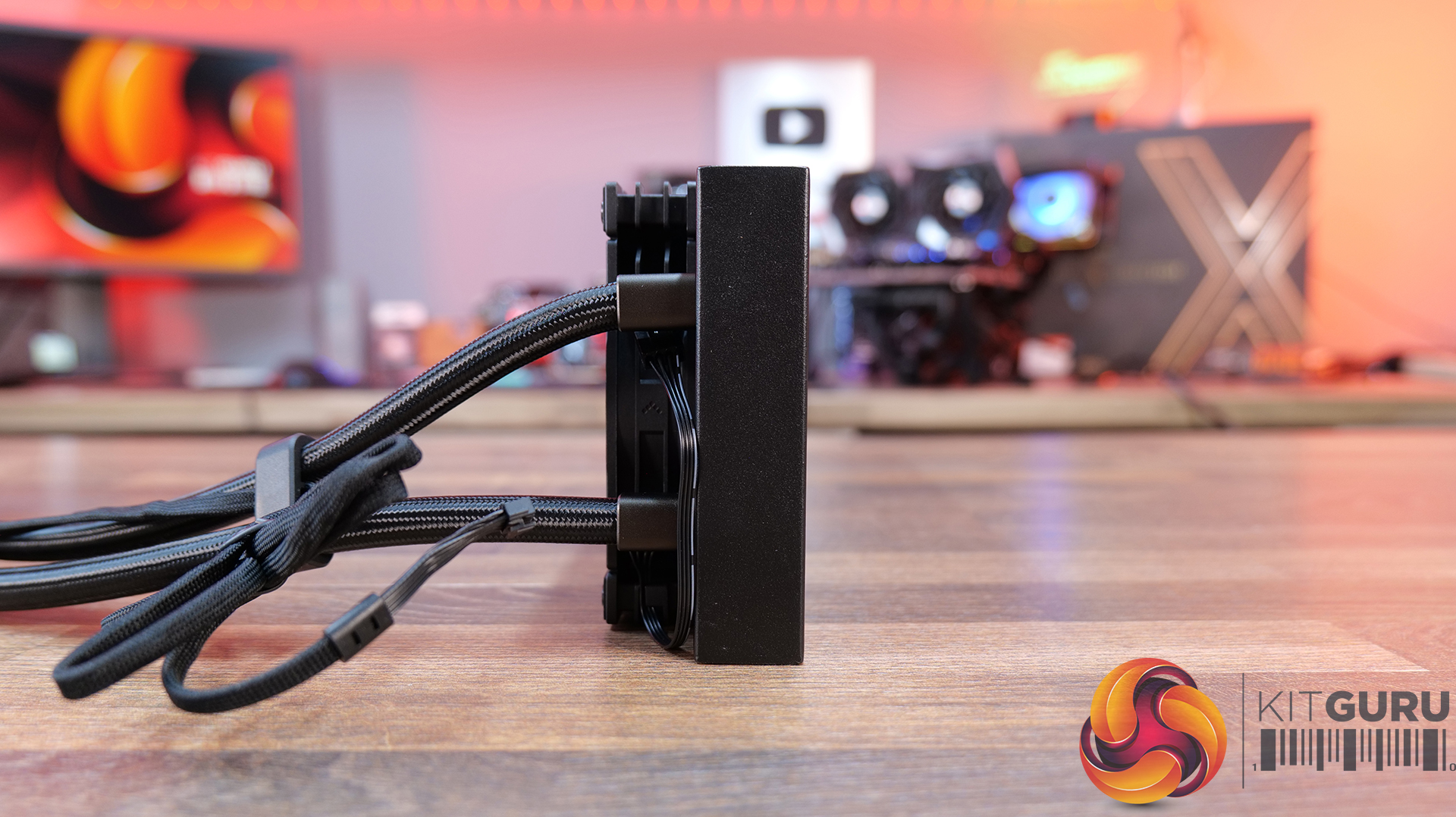
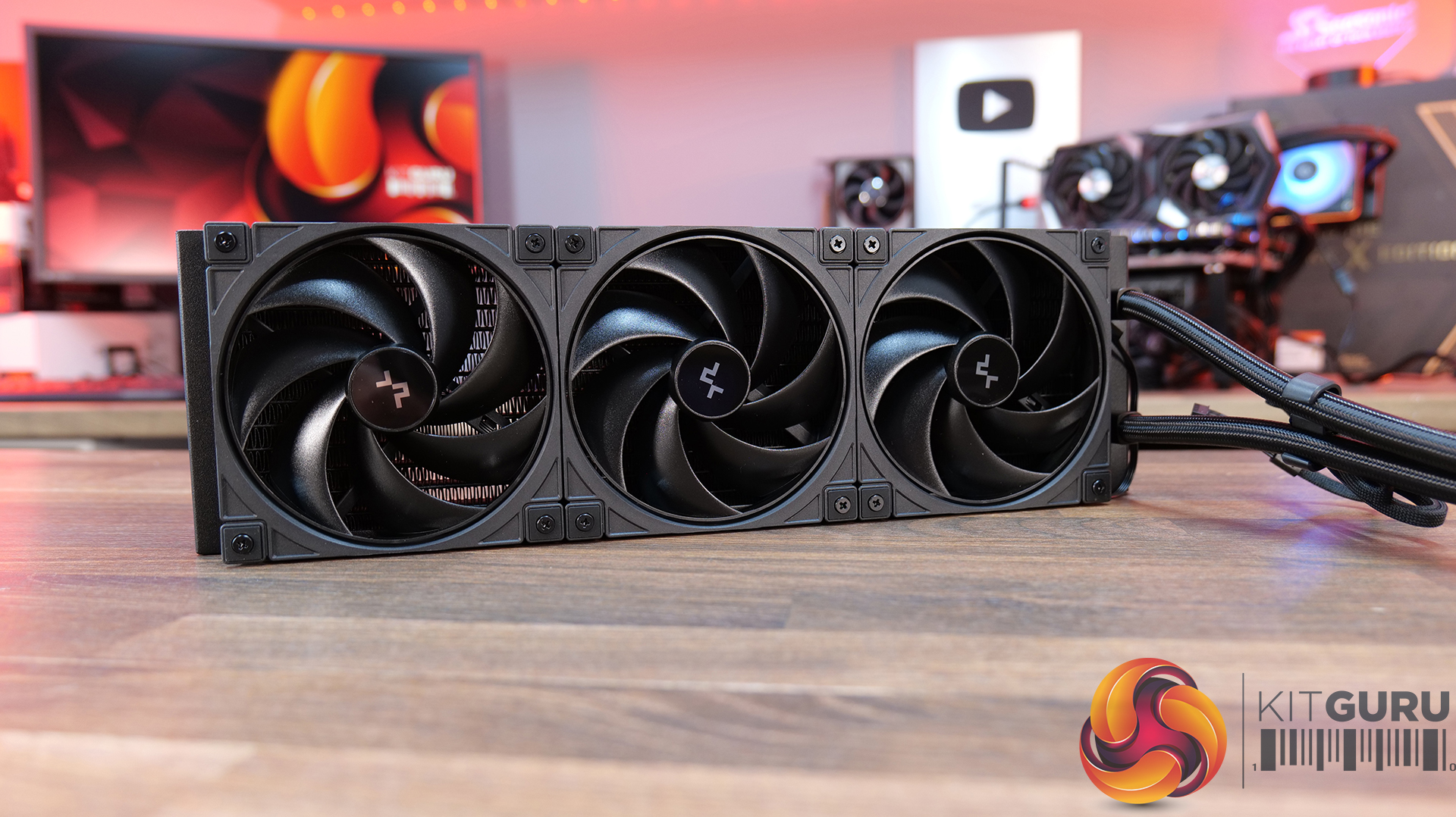
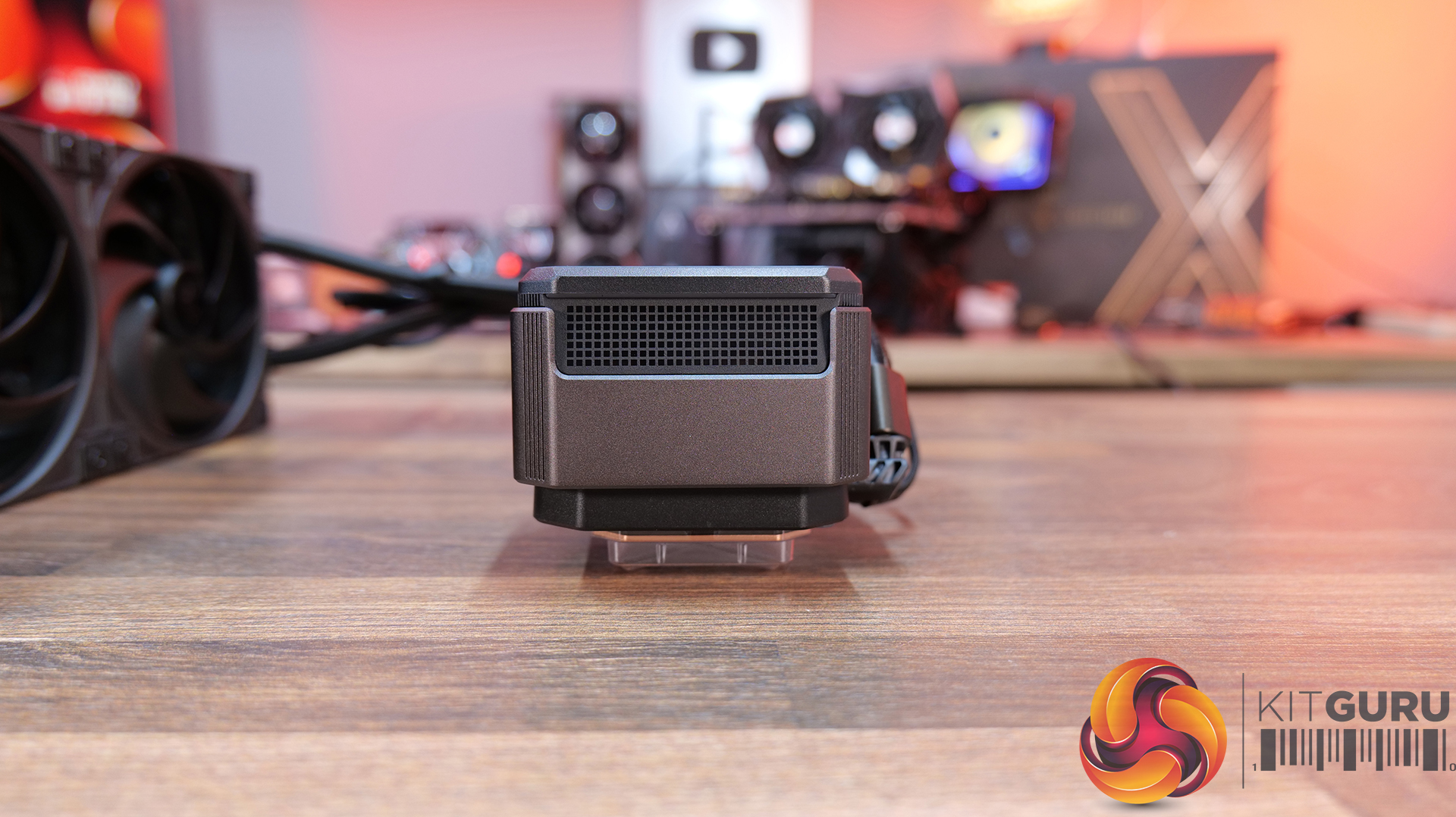
26:23 Deepcool Spartacus 360
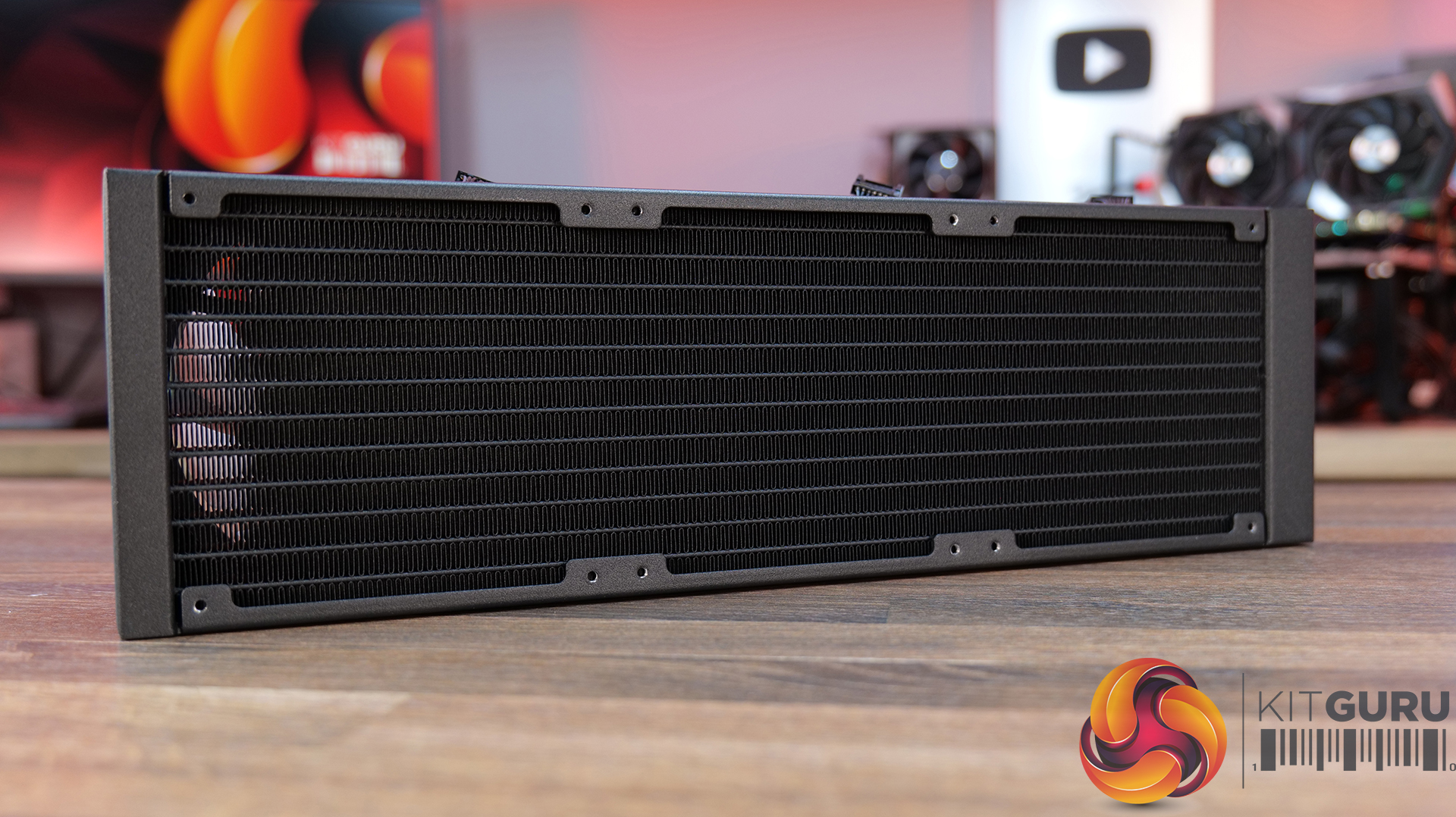
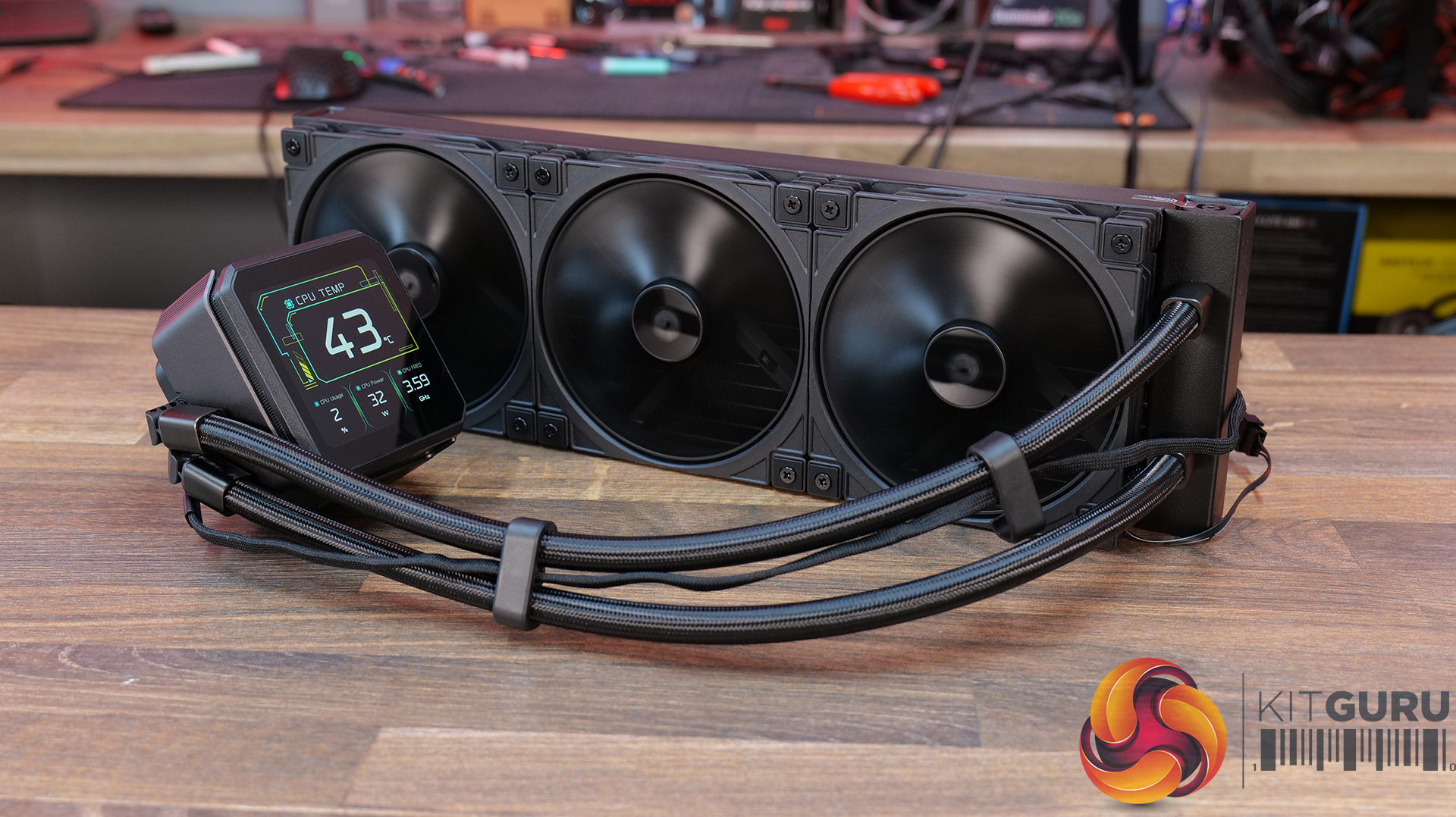
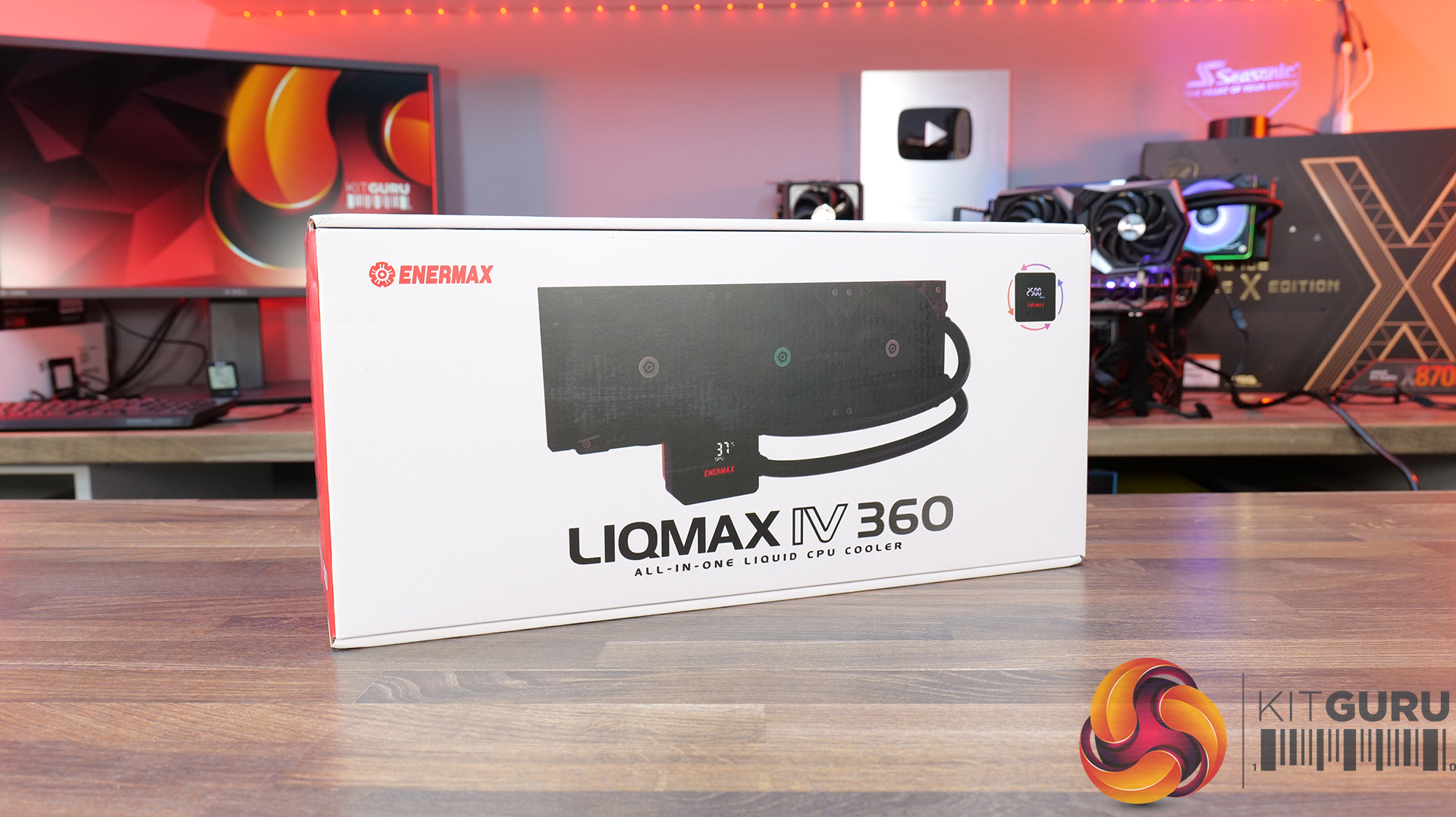
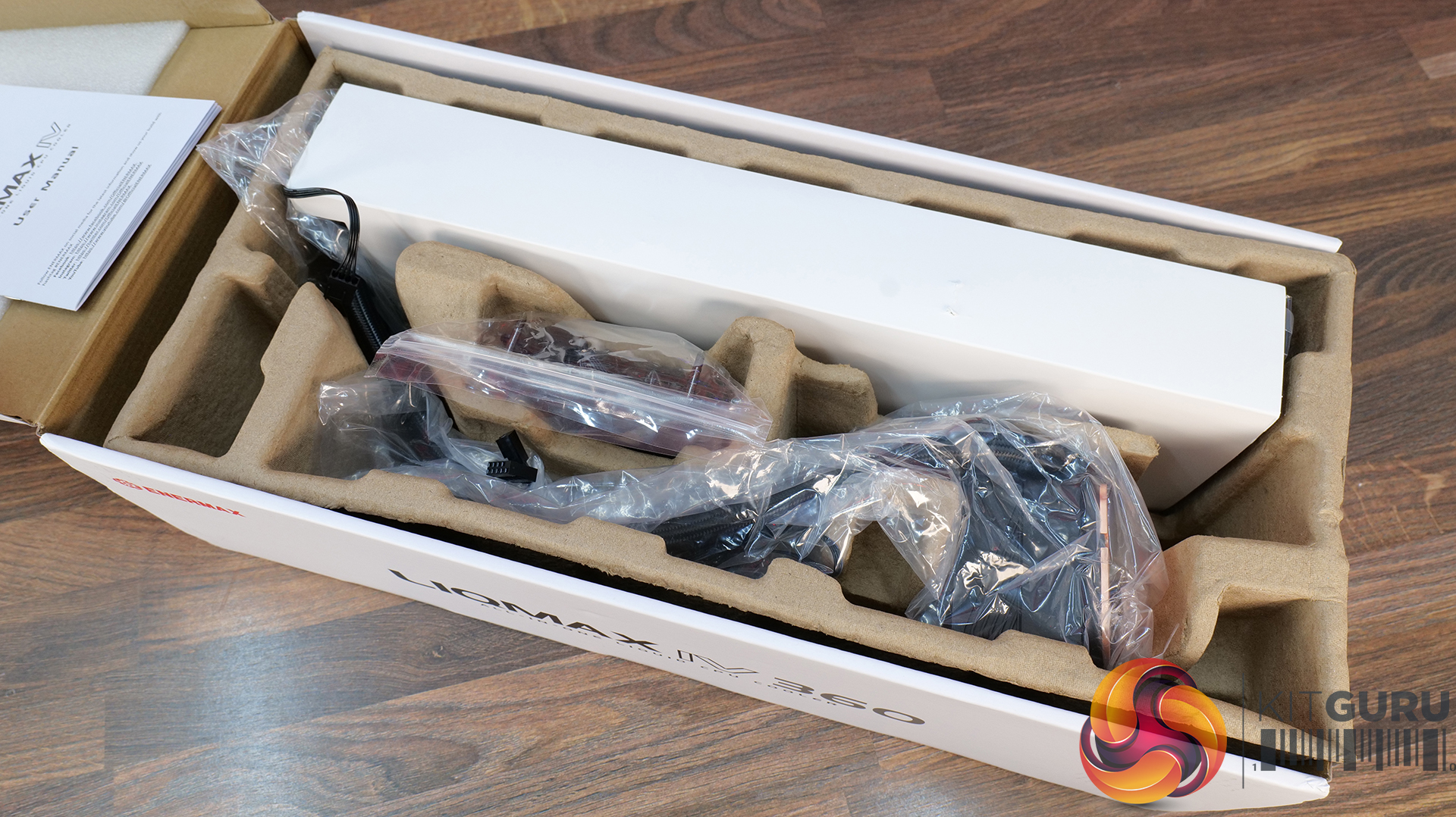
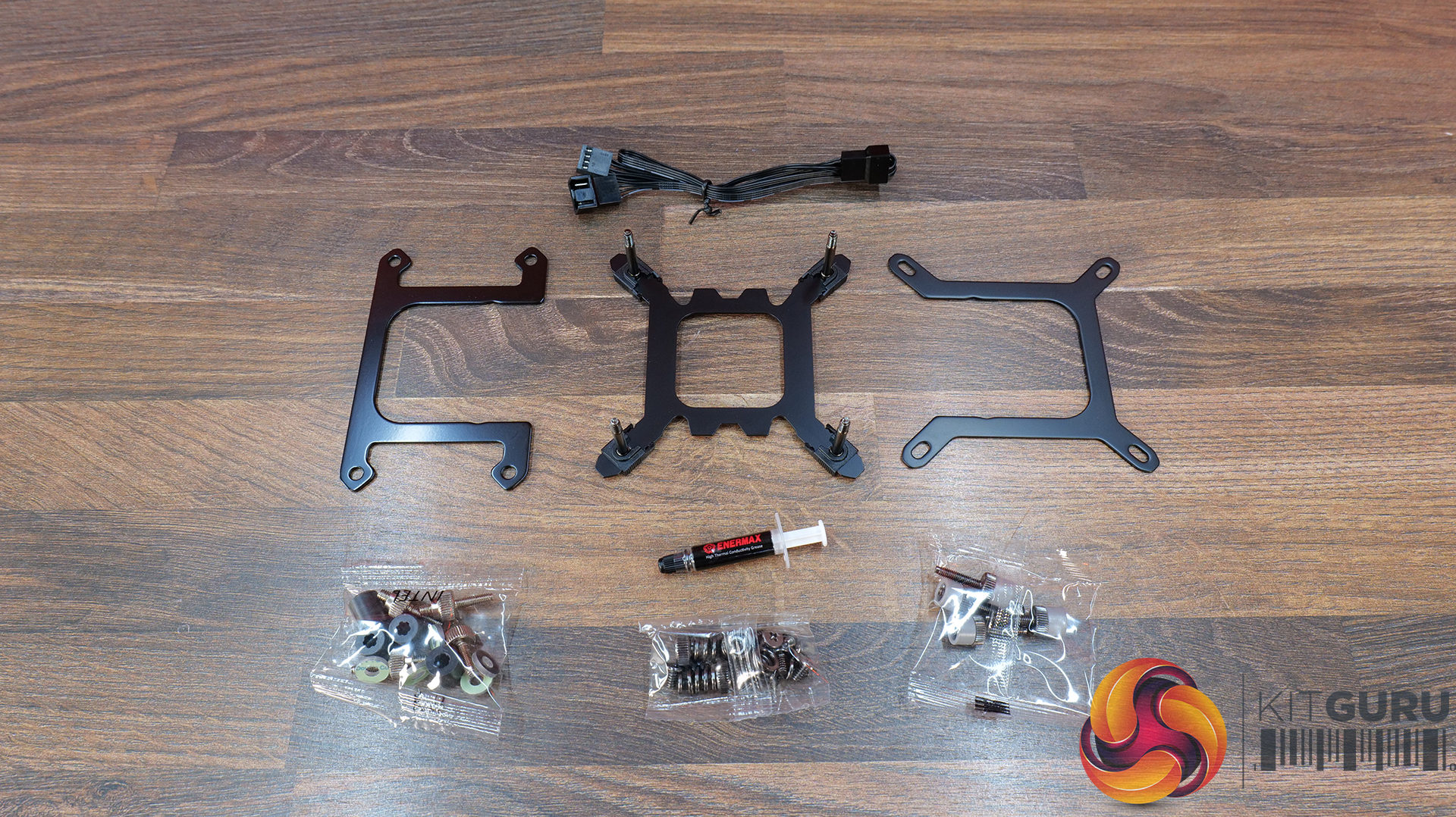
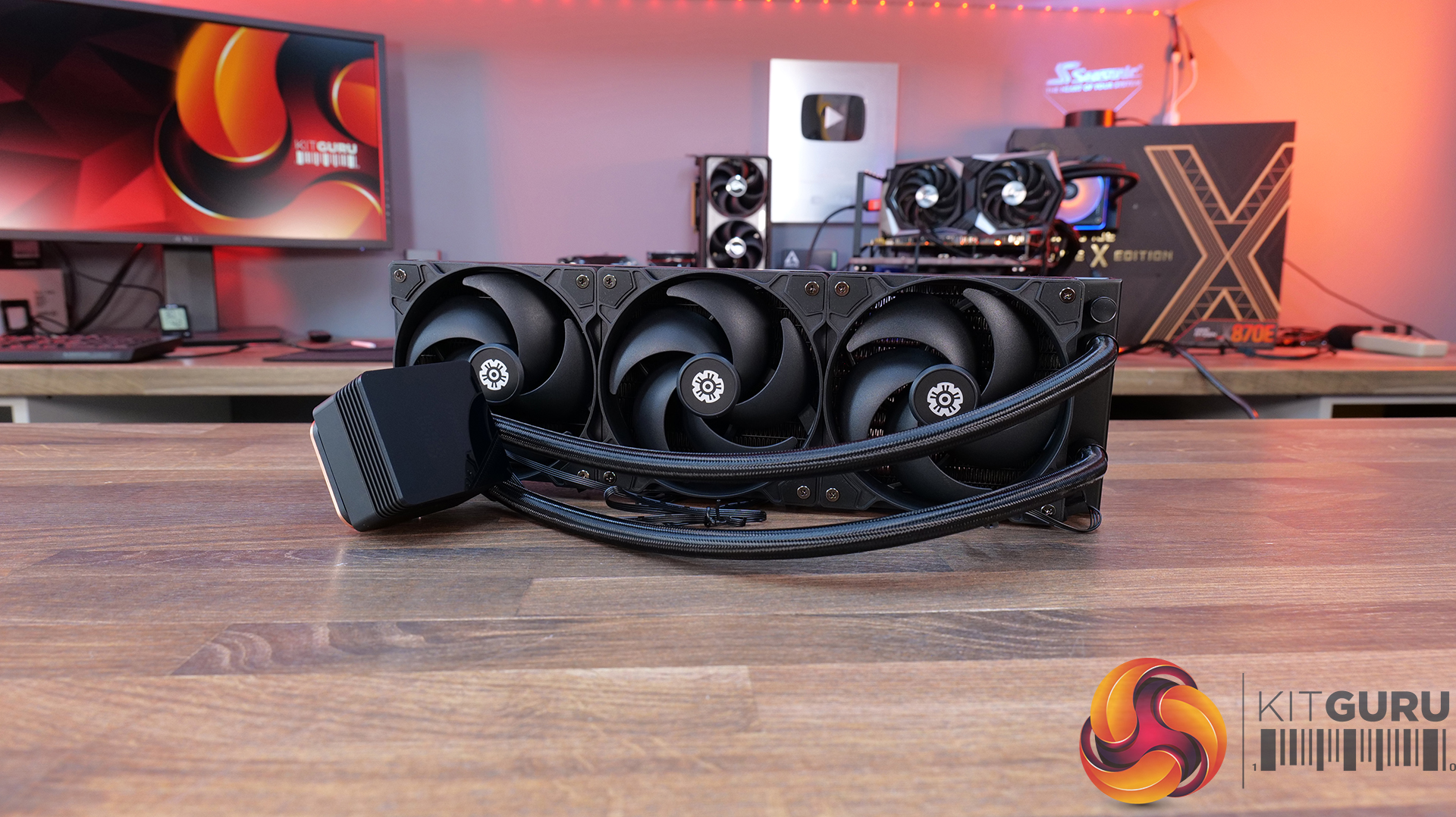
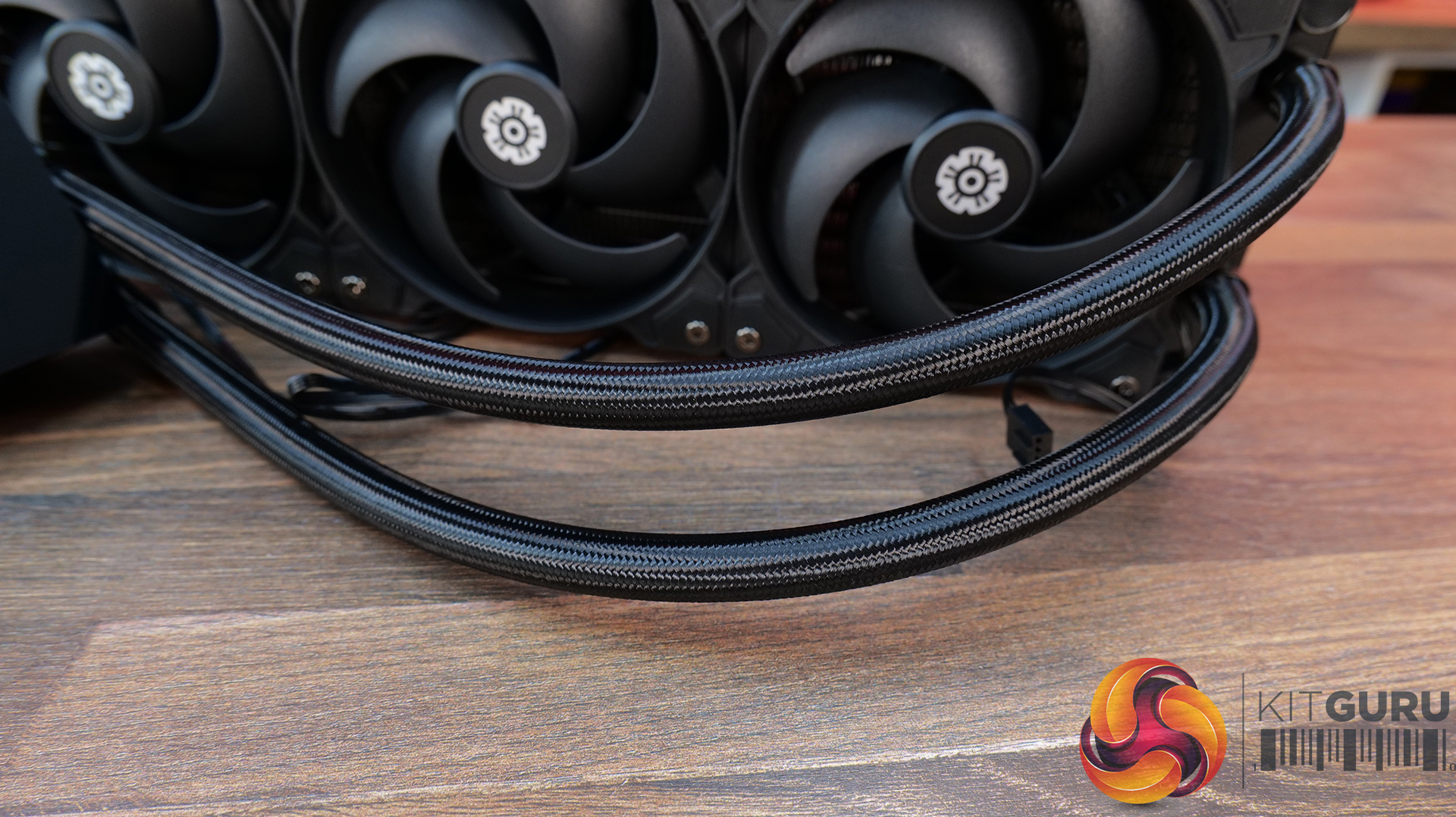
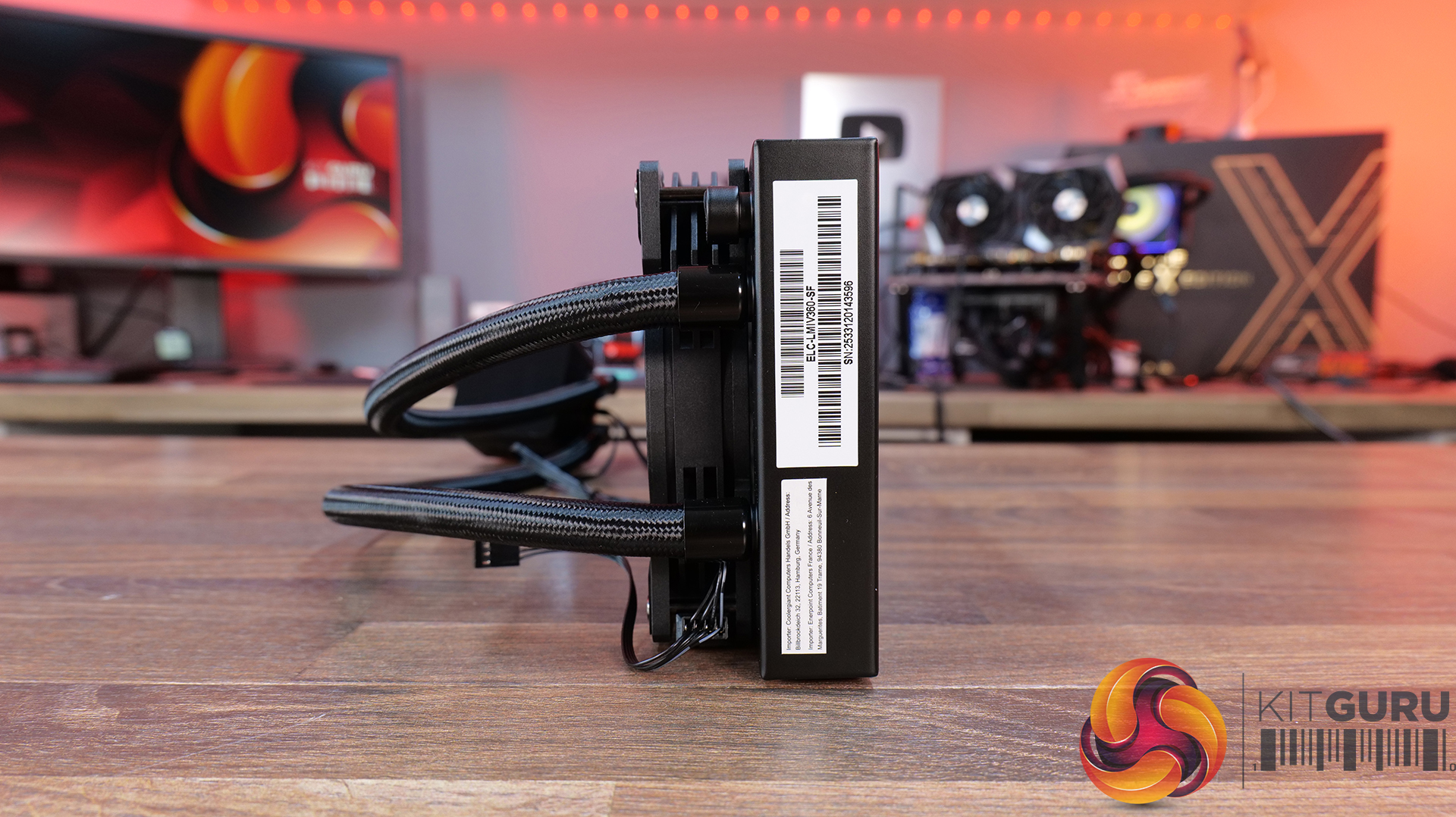
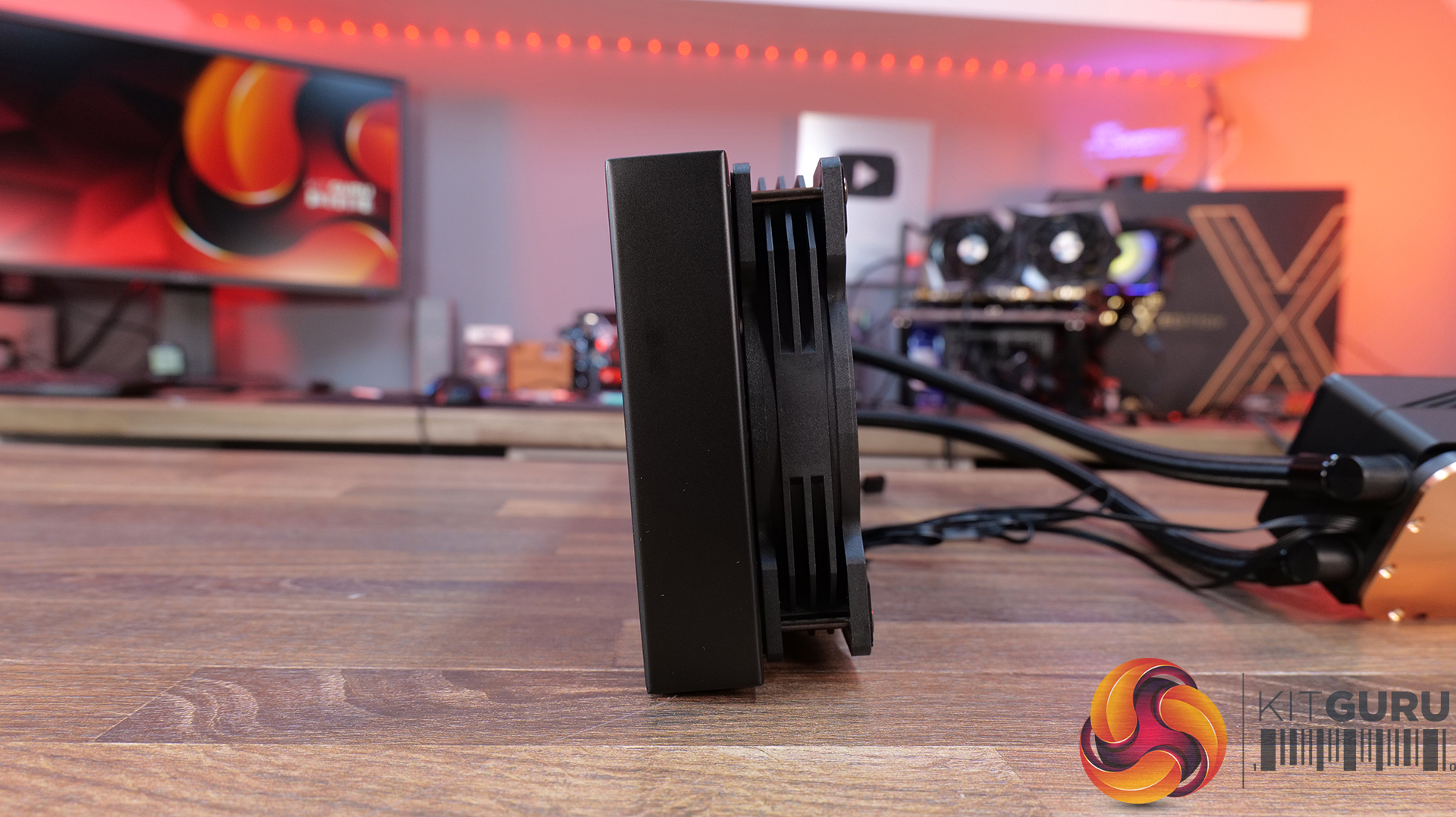
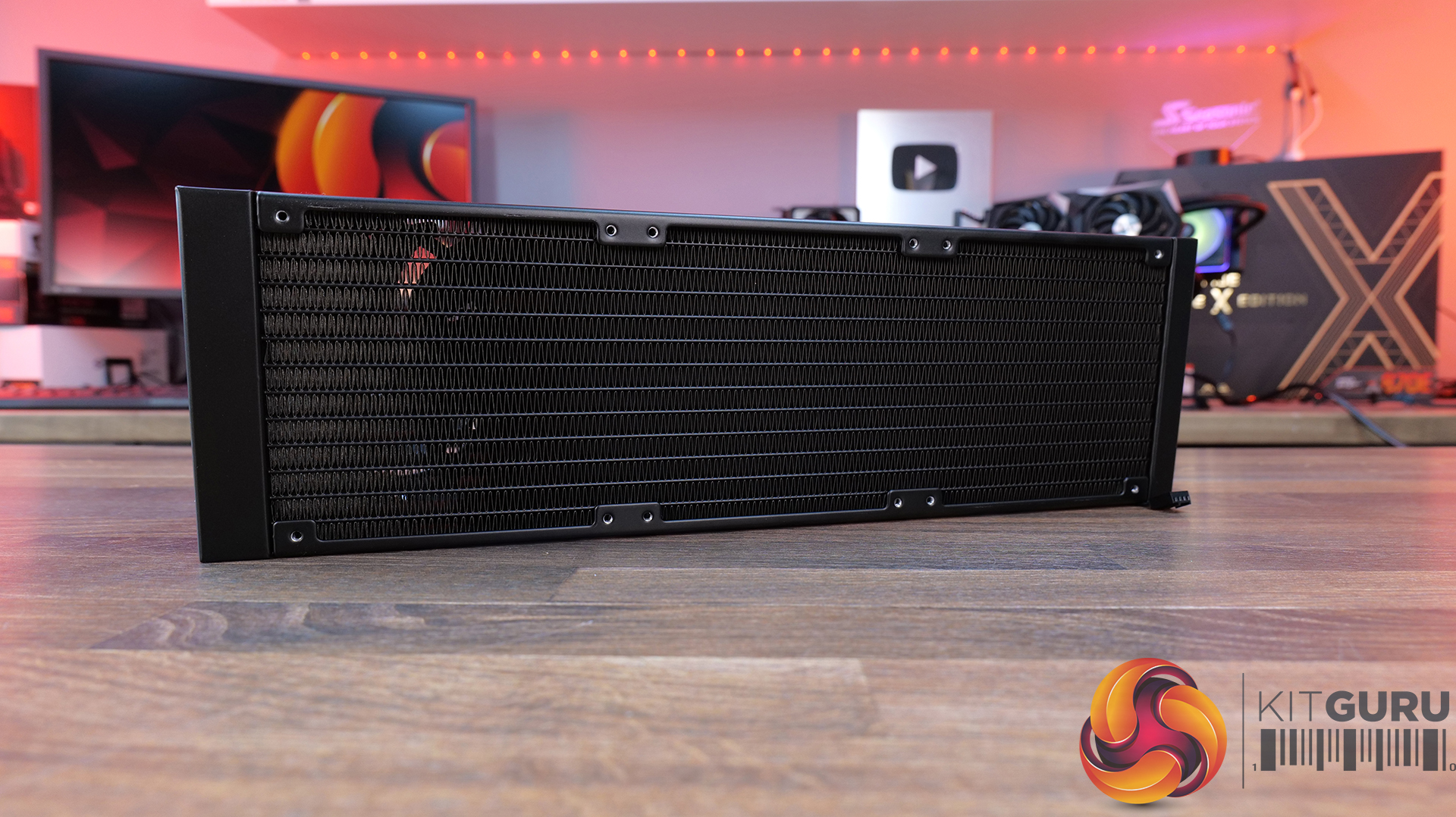
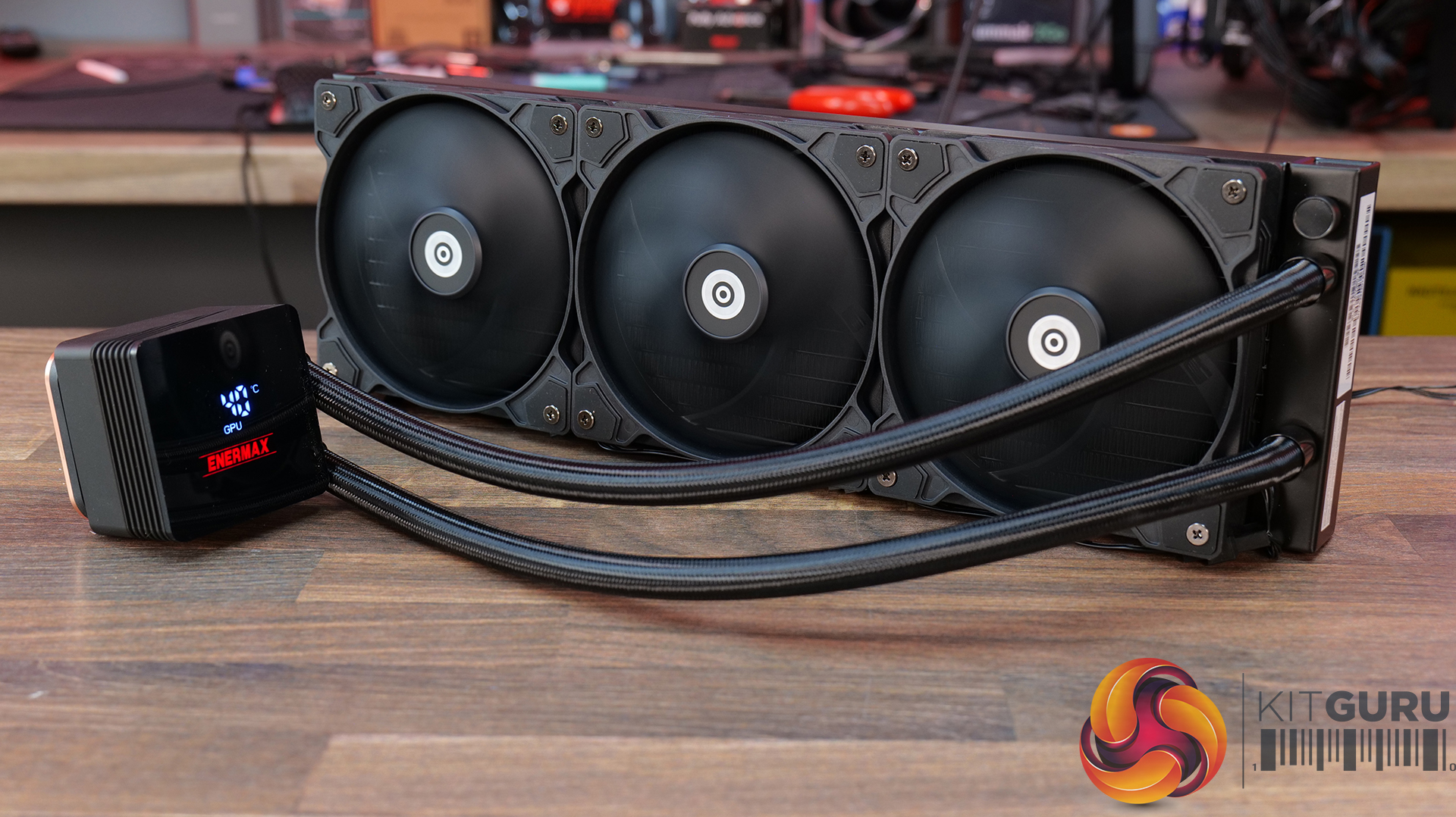
31:20 Enermax Liqmax IV 360
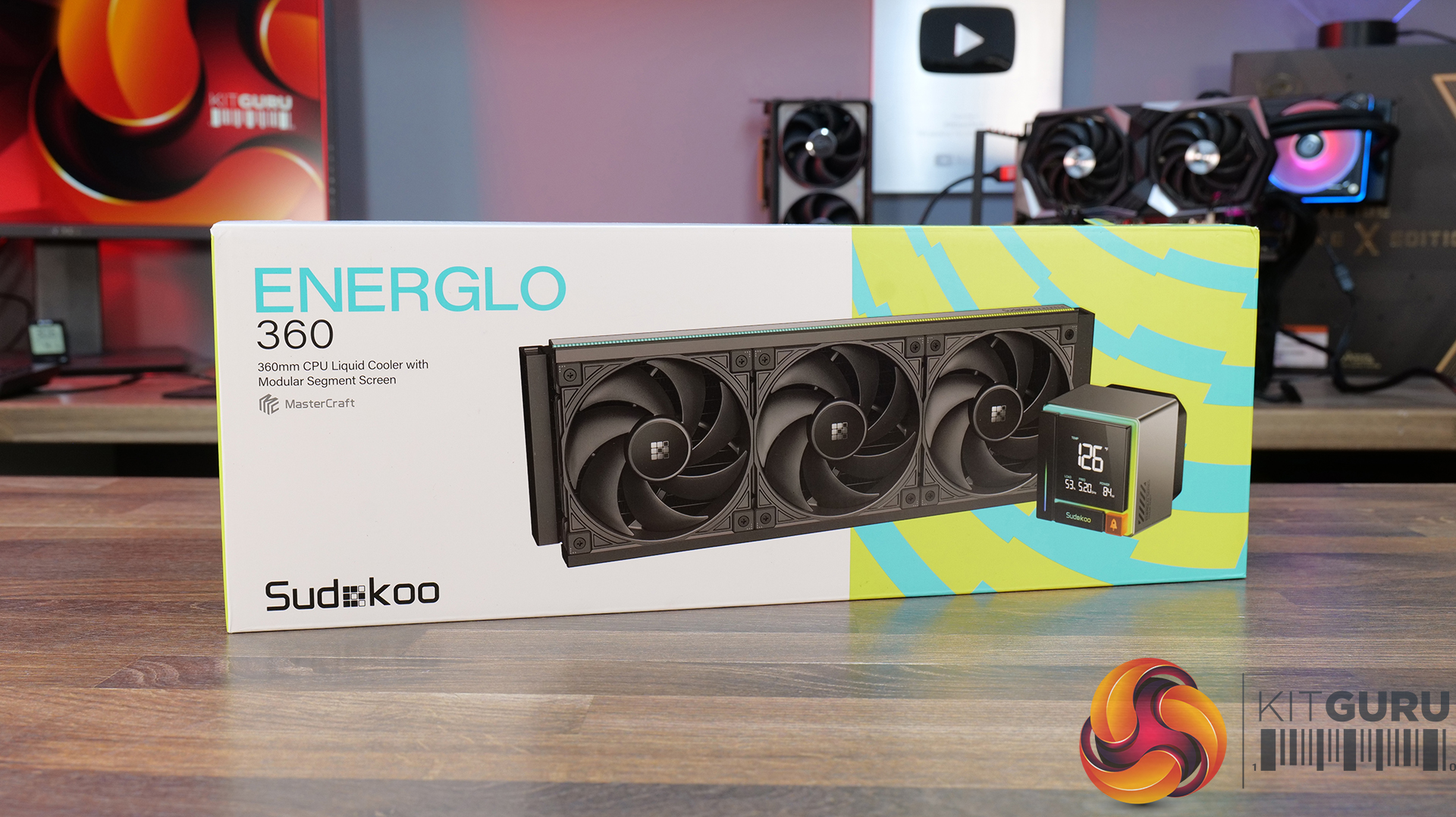
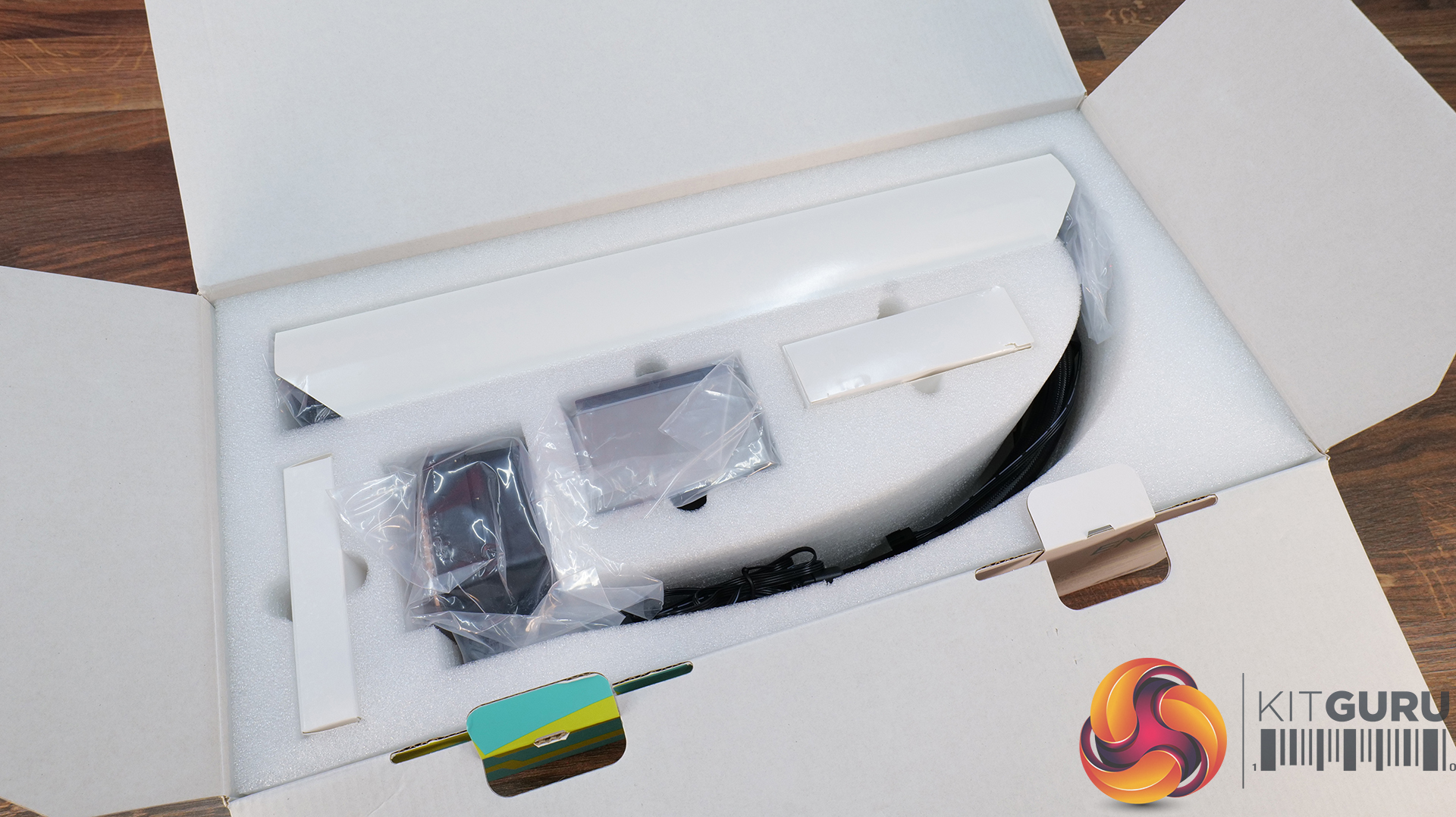
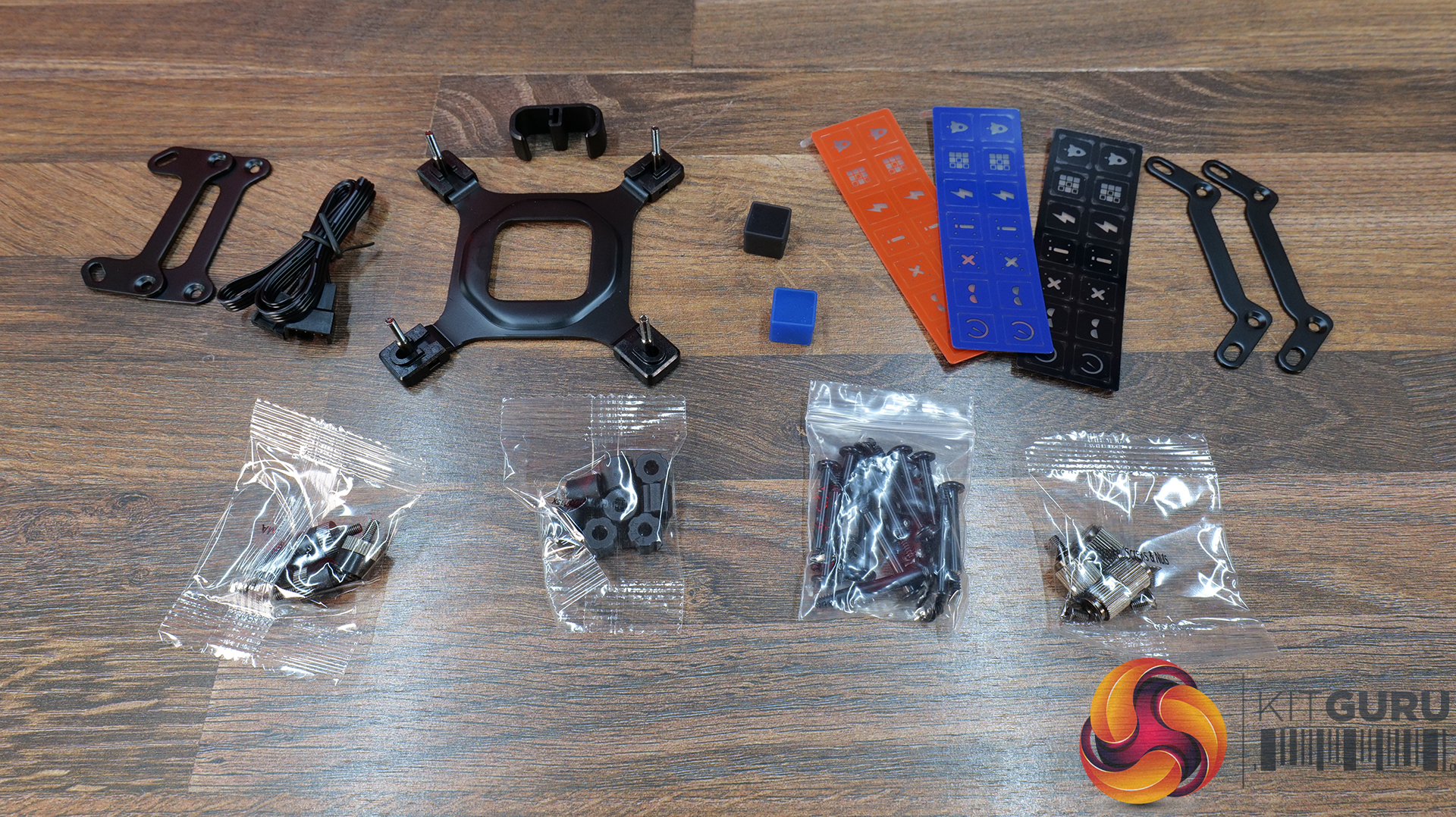
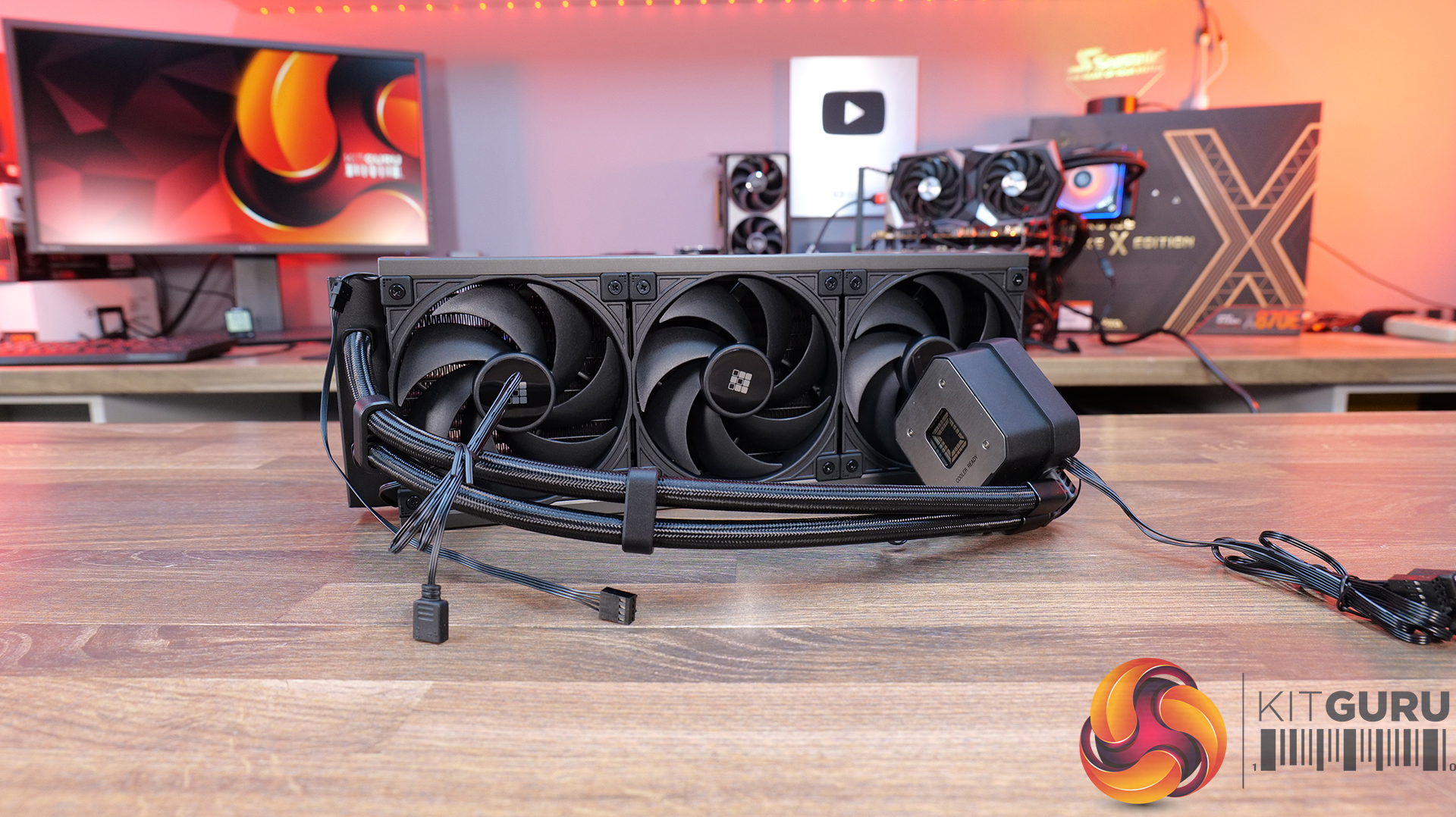
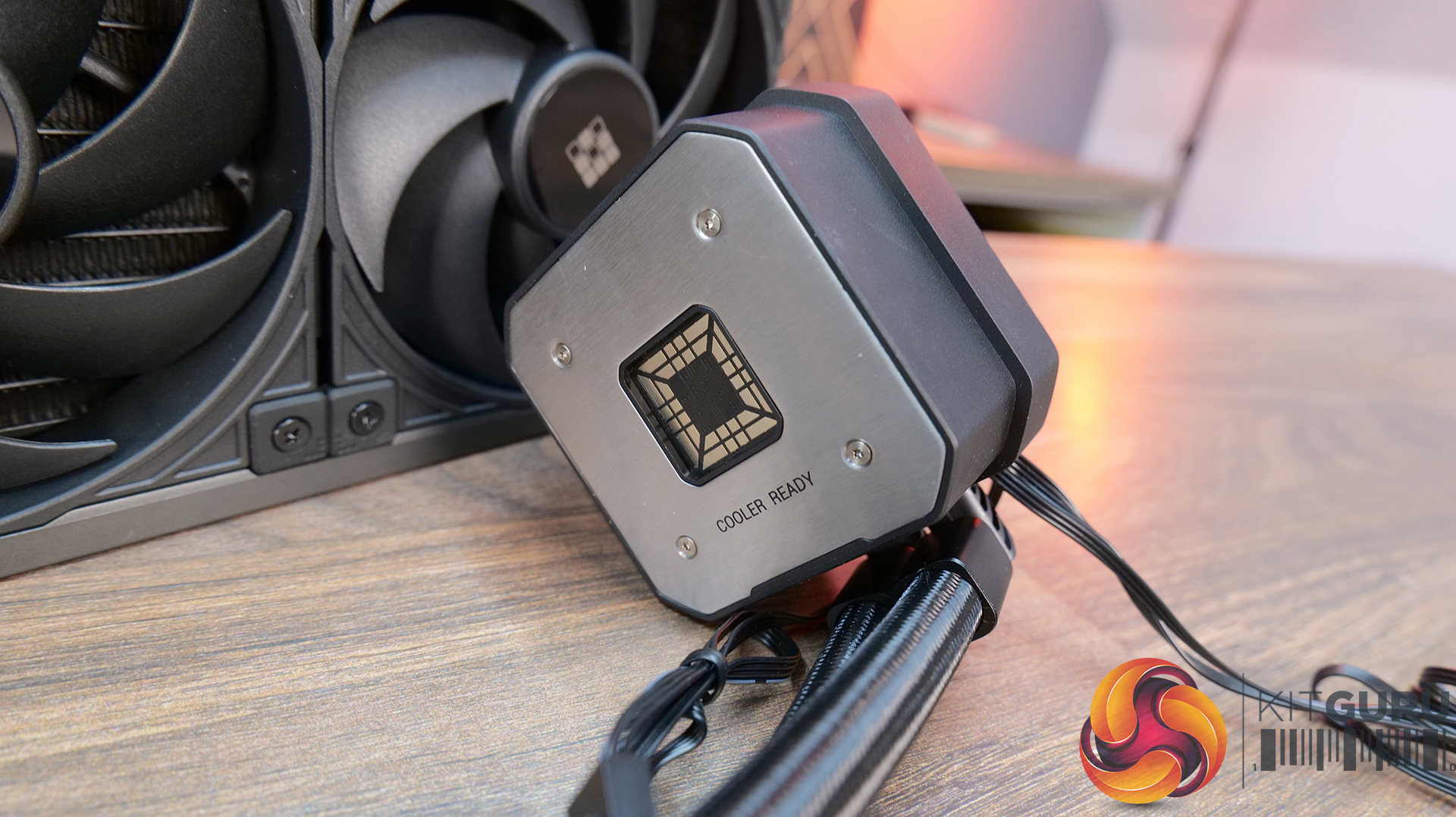
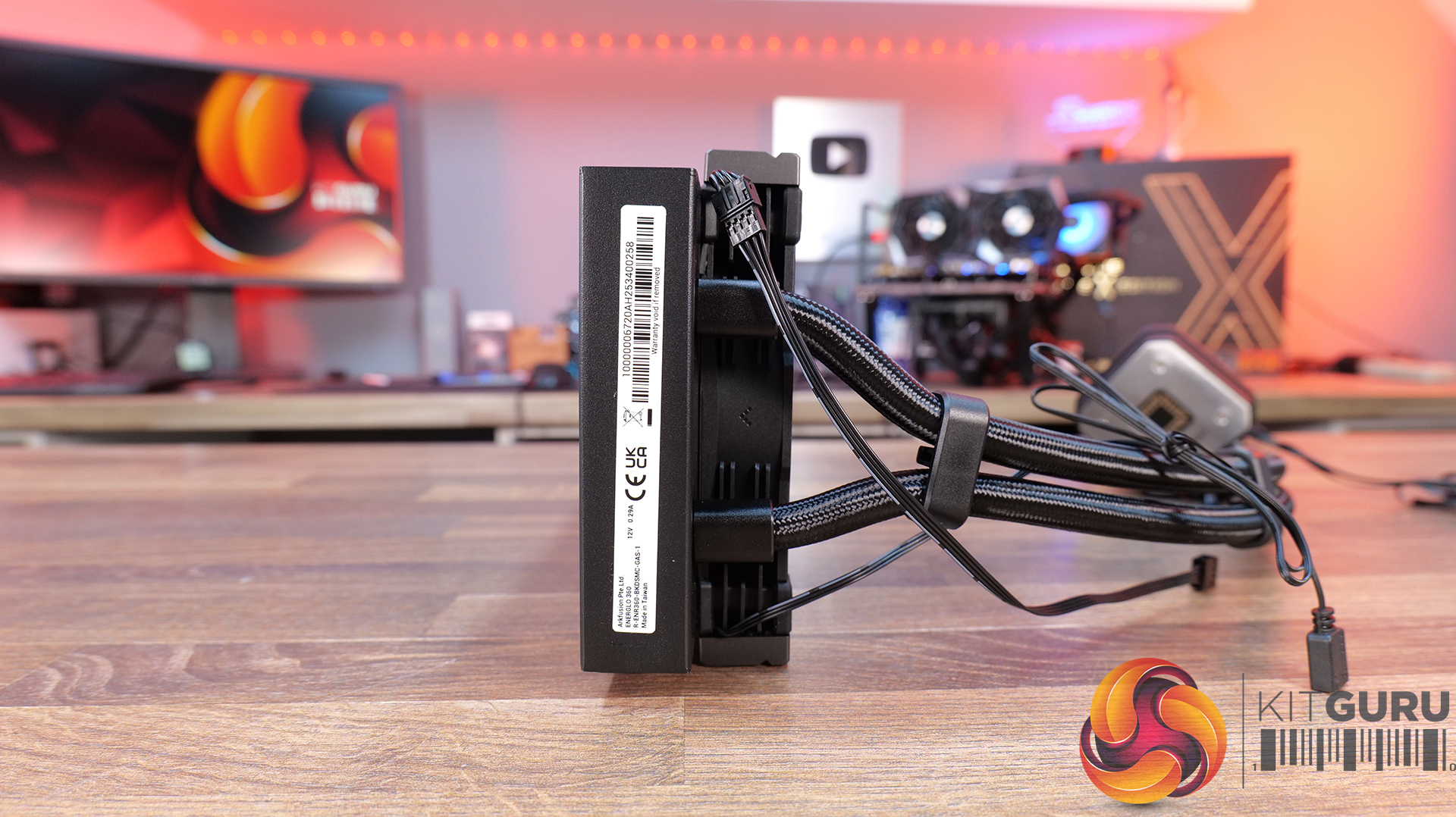
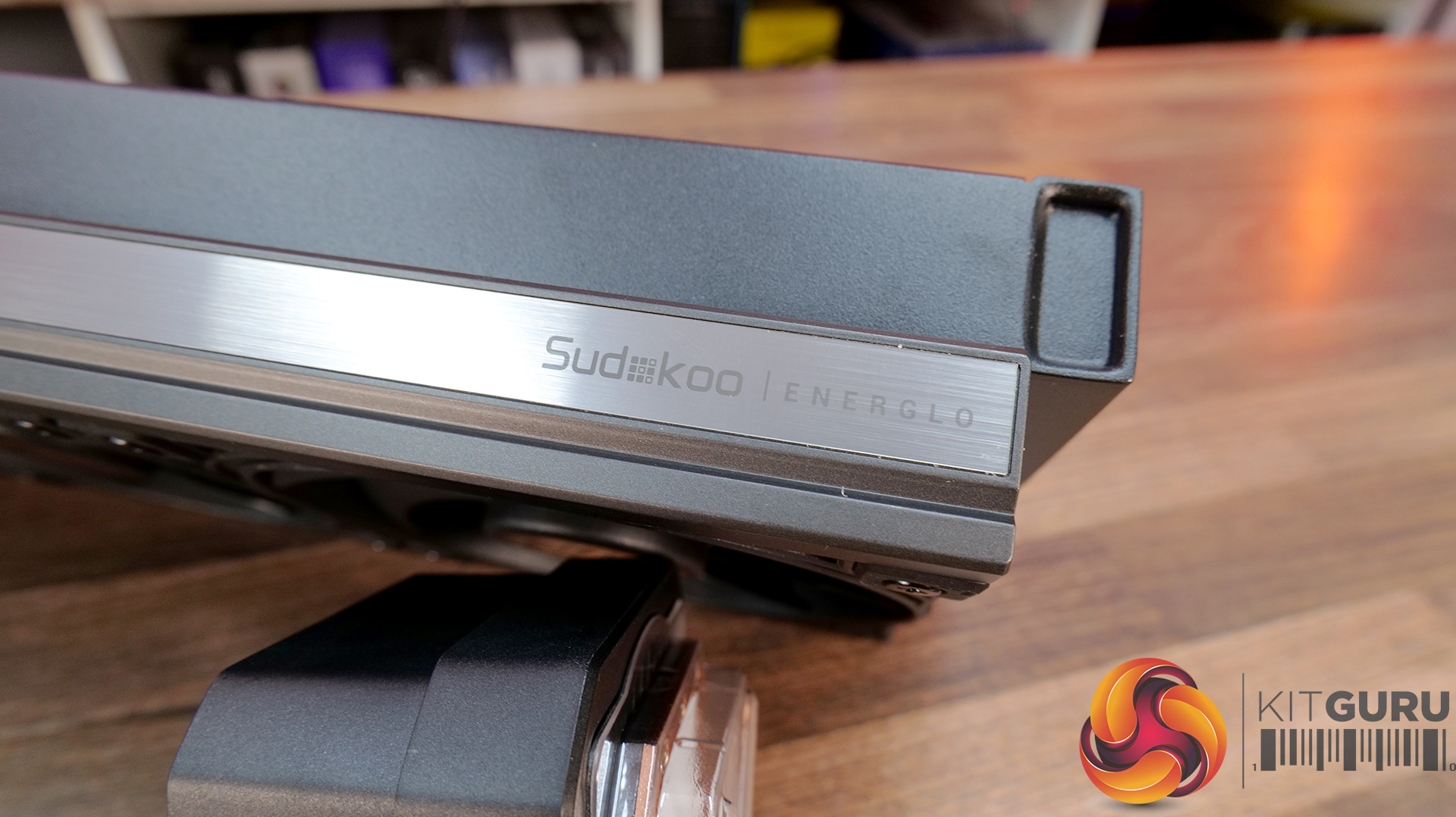
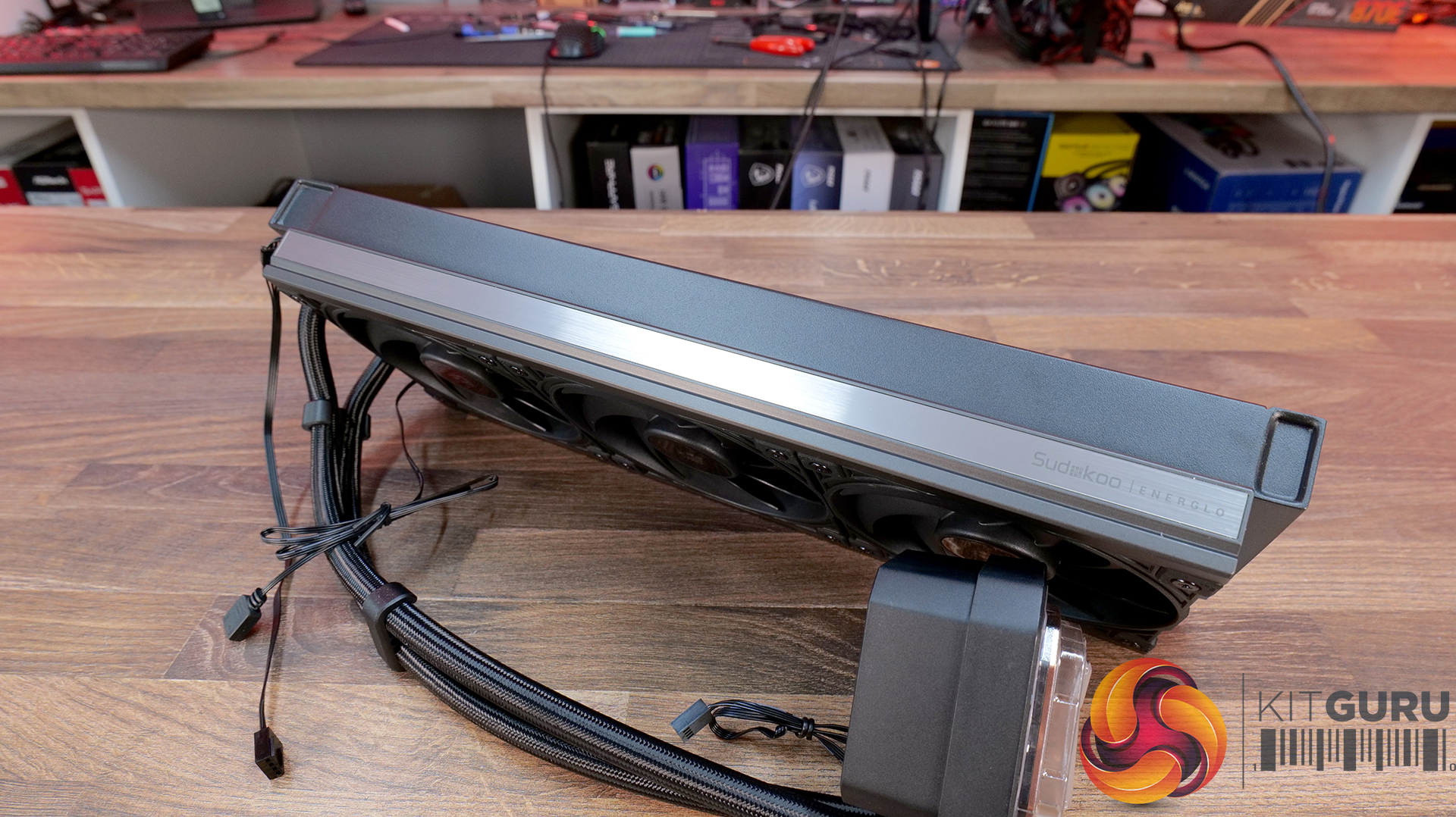
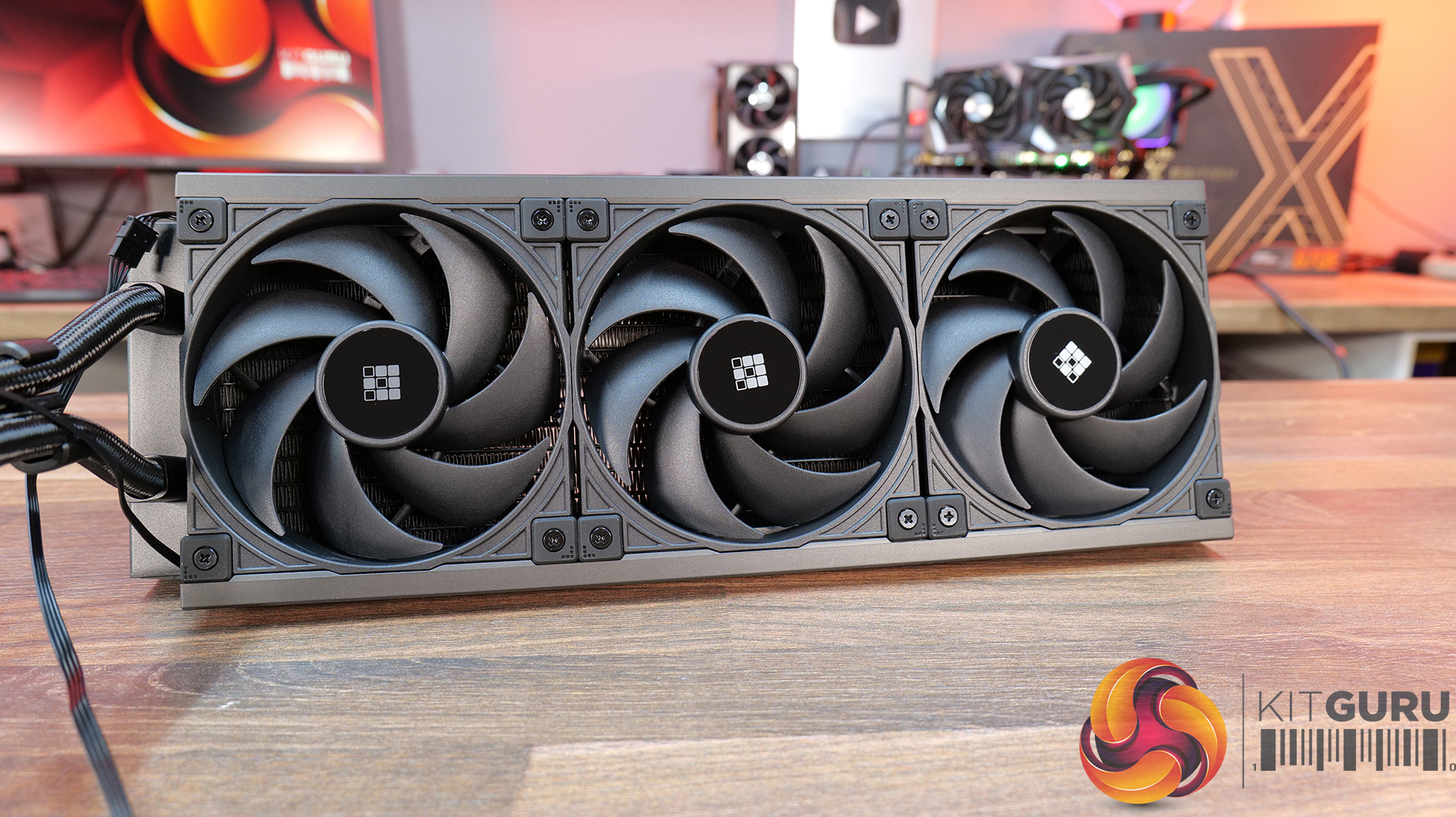
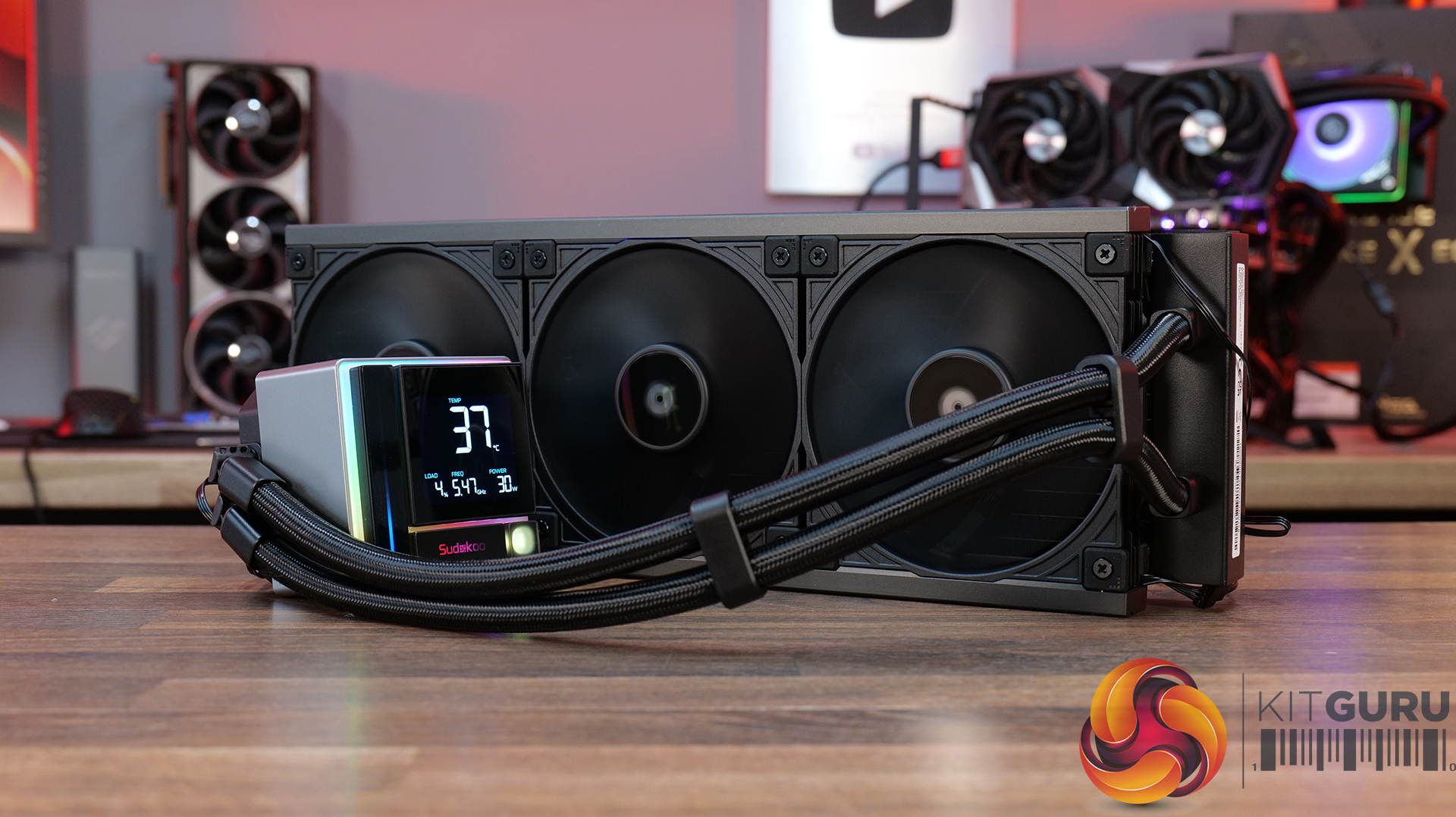
35:07 Sudokoo Energlo 360
40:10 General installations
40:44 Thermal + acoustic performance
44:49 Closing thoughts

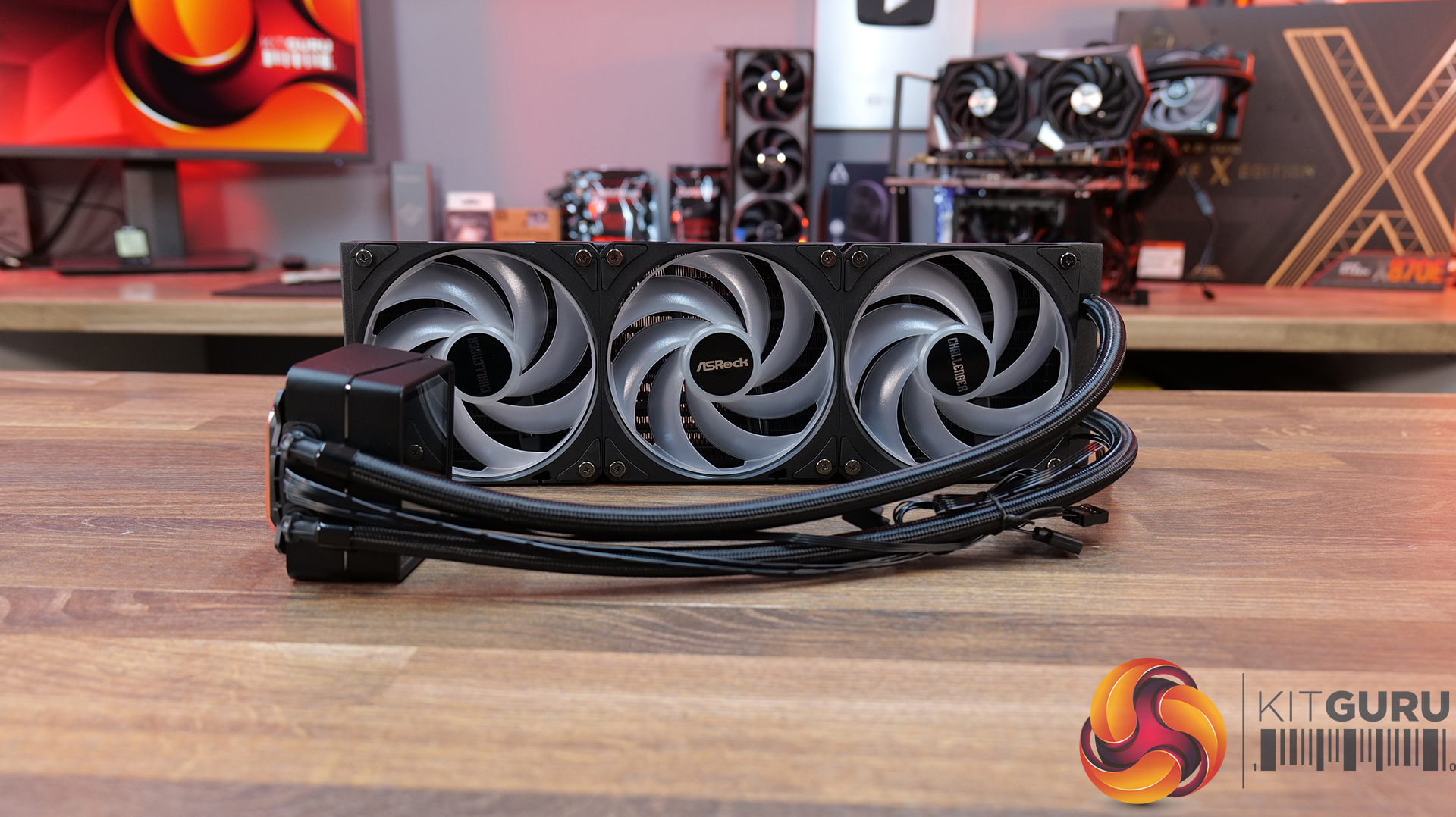
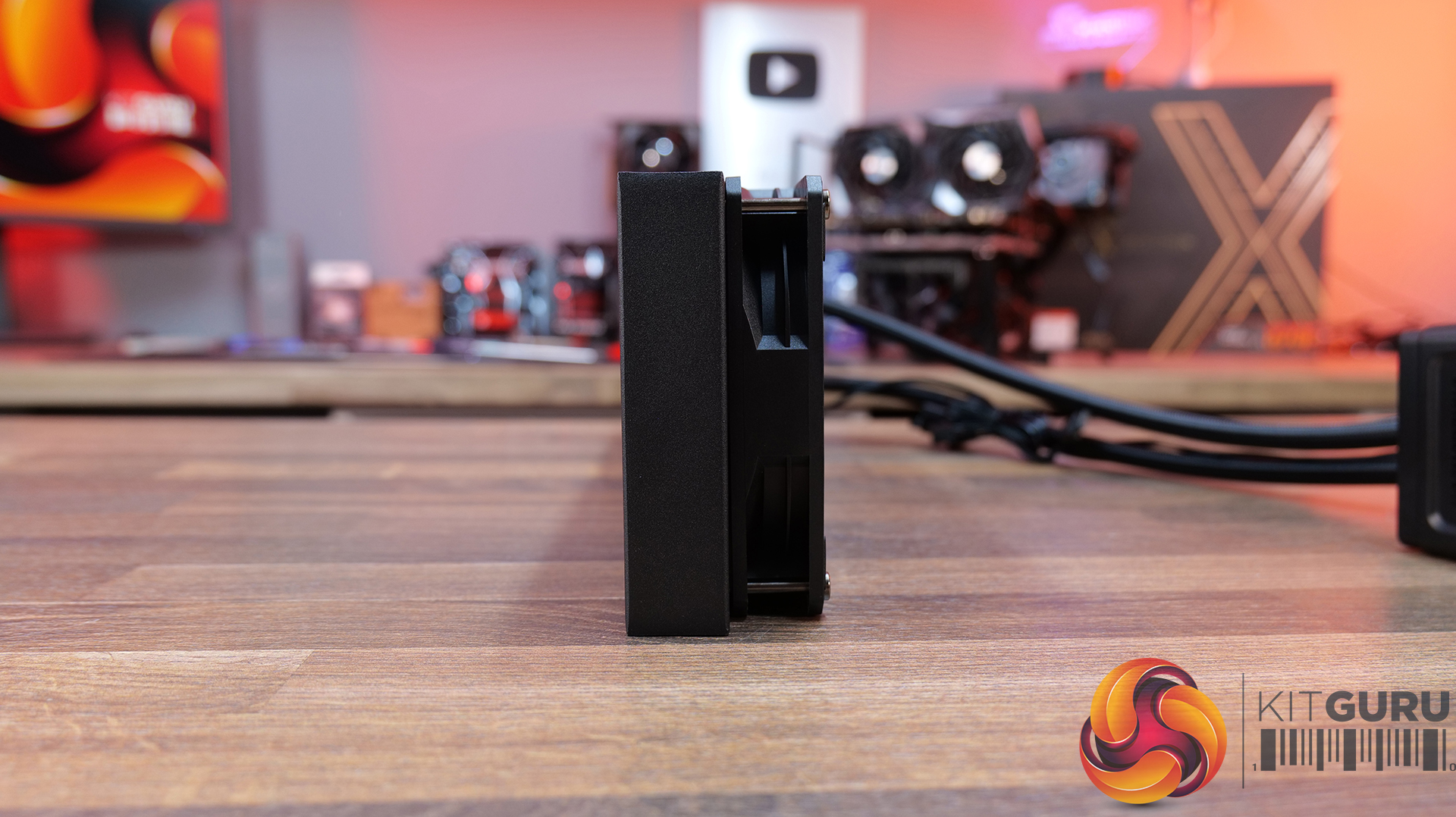
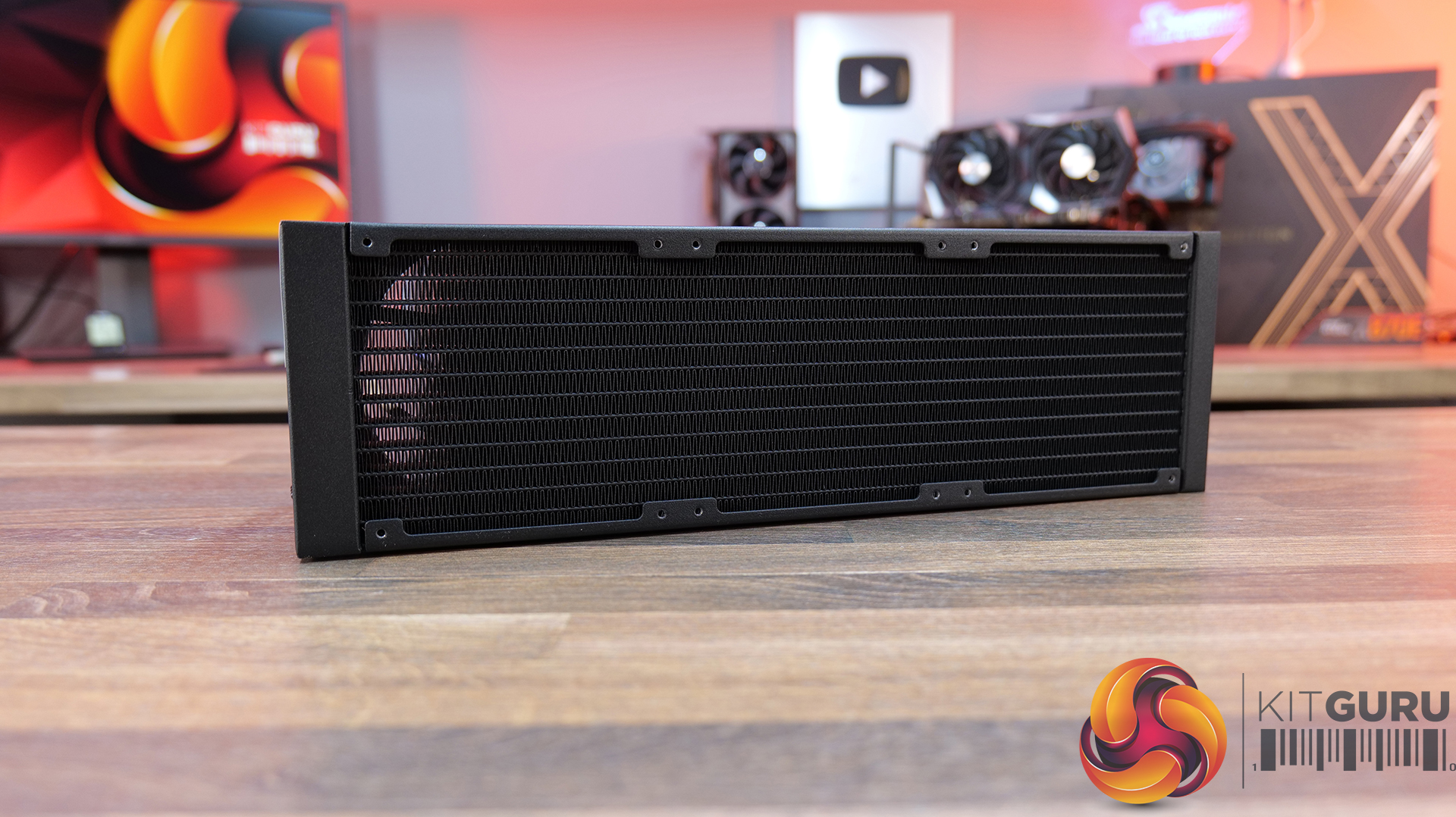
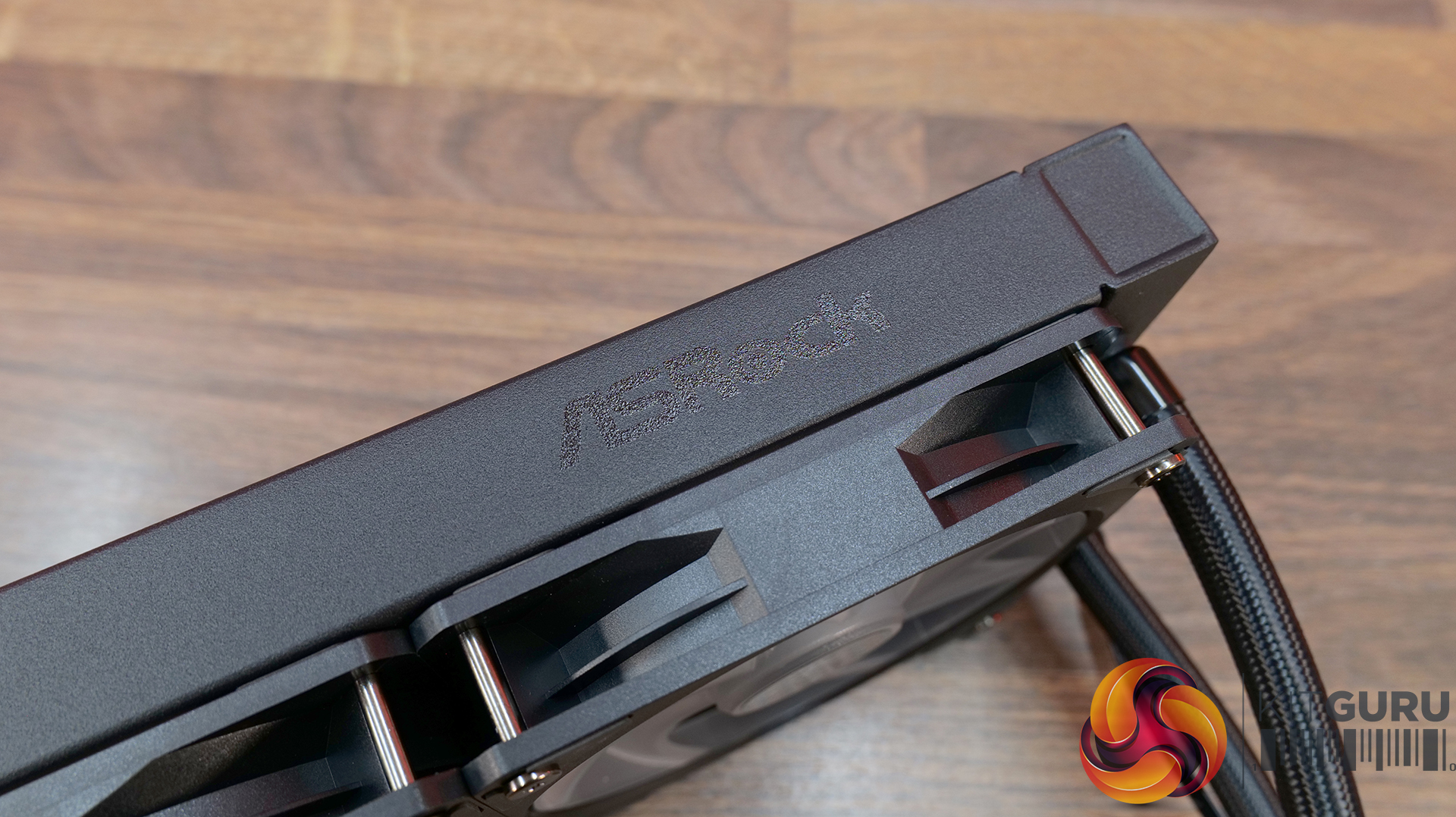
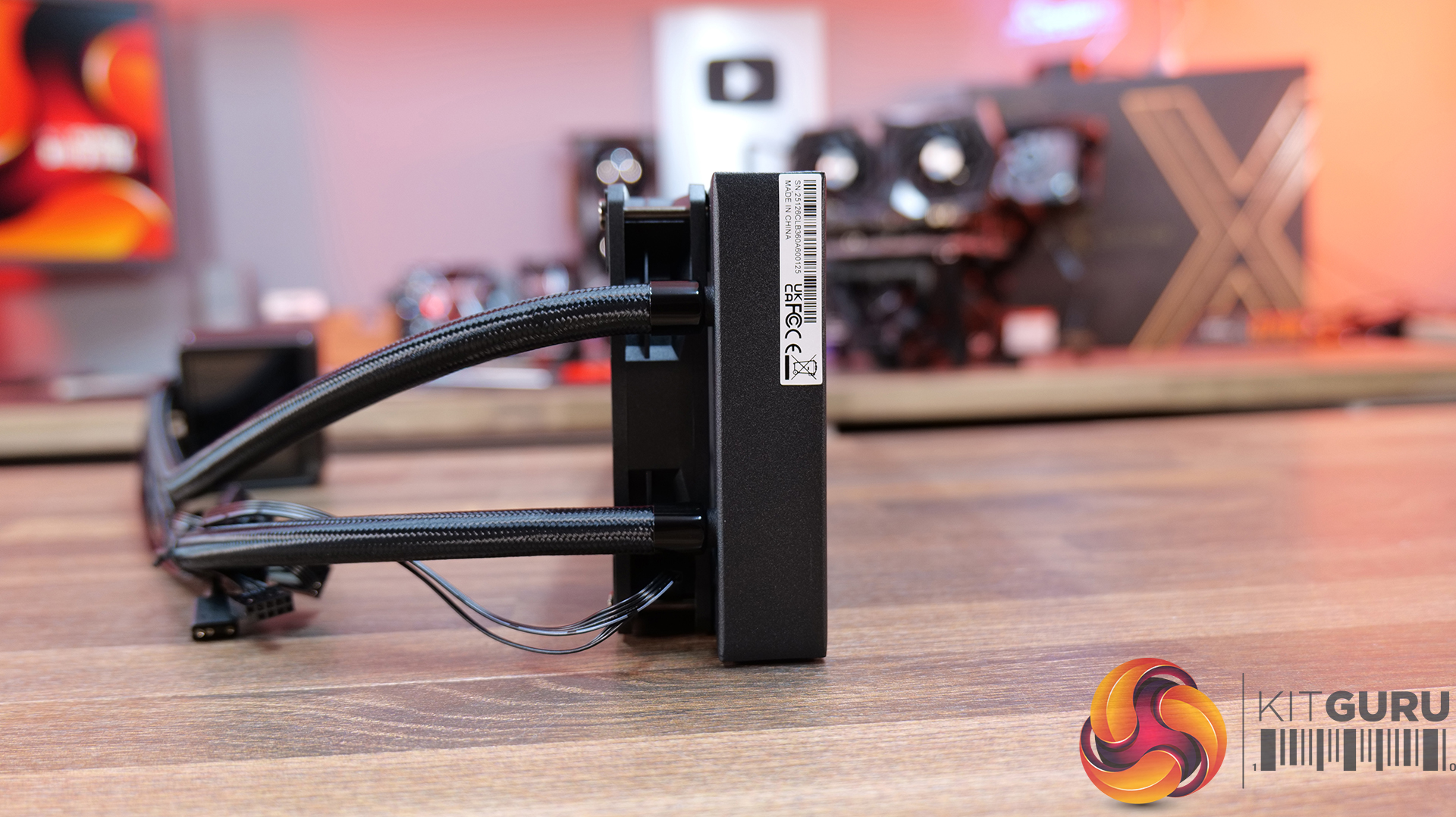
ASROCK Challenger 360 Digital – CCL Β£88.99 black HERE – Β£95.99 White HERE.

Features

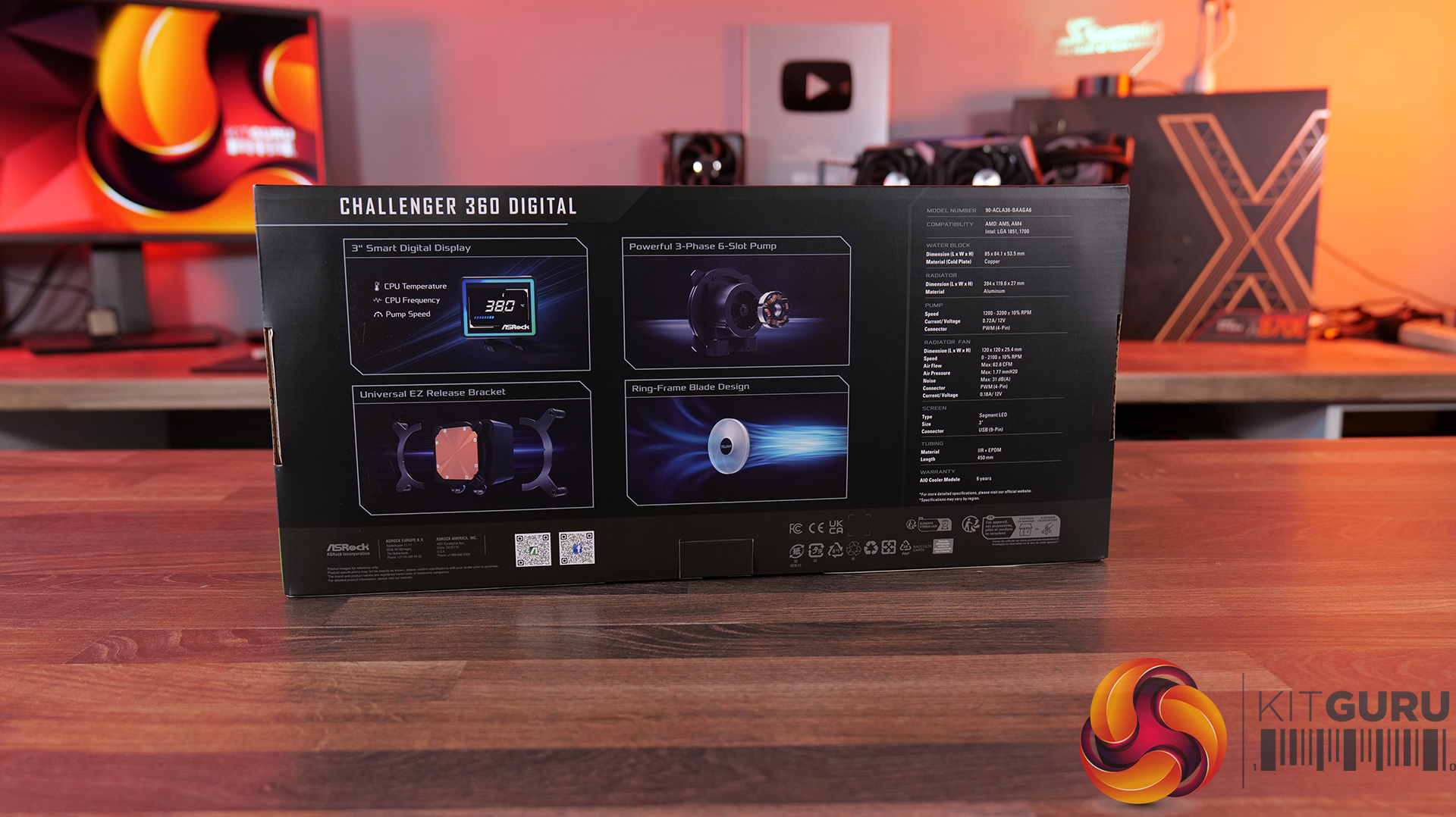
  • 3-inch digital display with real-time monitoring β€” Challenger 360 Digital features an integrated pump-top display showing key system stats like CPU temperature, frequency and pump speed.
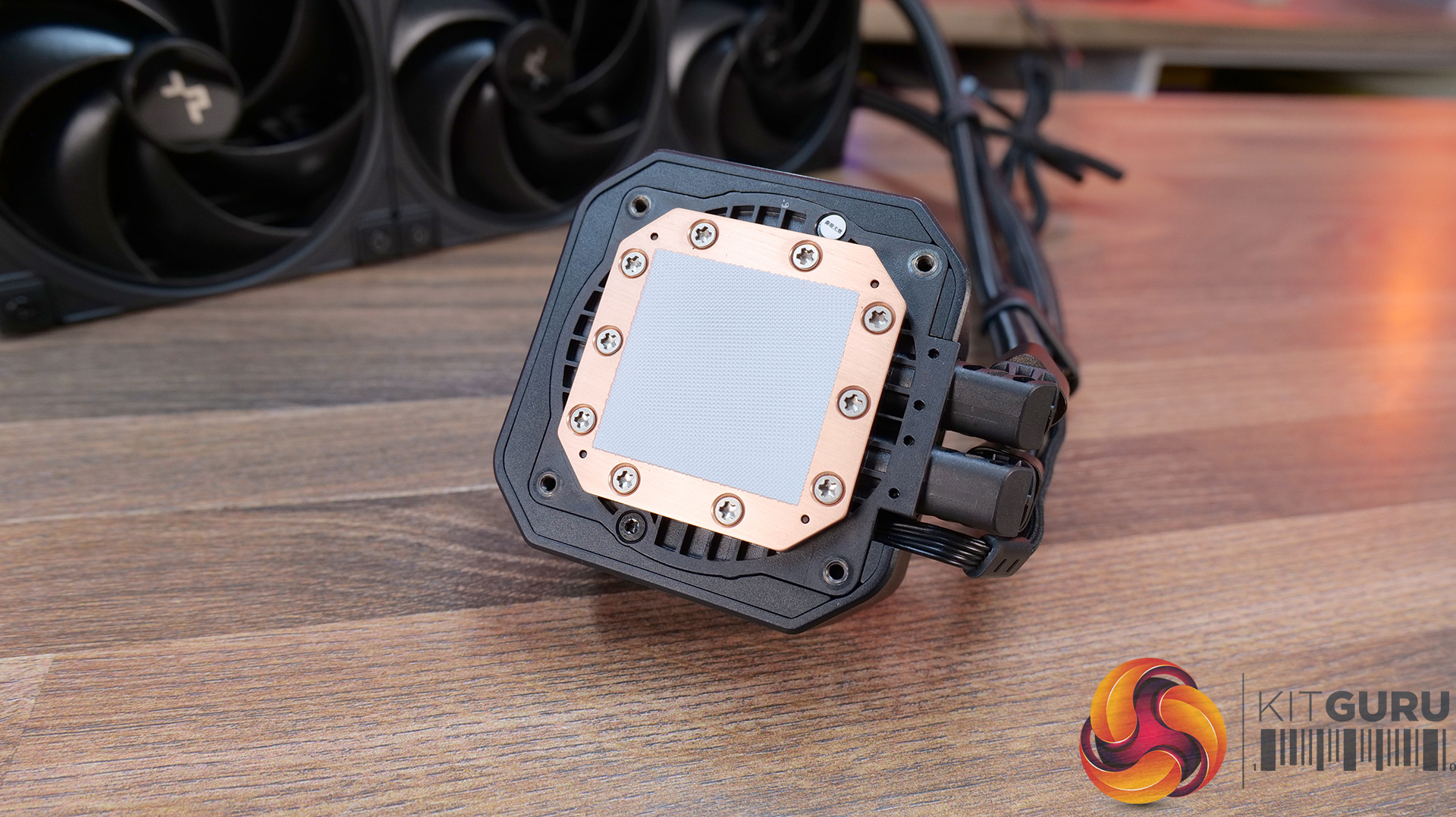
  • Next-gen pump design β€” With 3-phase, 6-slot, 4-pole motor and a dual-side inlet design and a precision copper cold plate for optimal coolant and efficient heat dissipation.
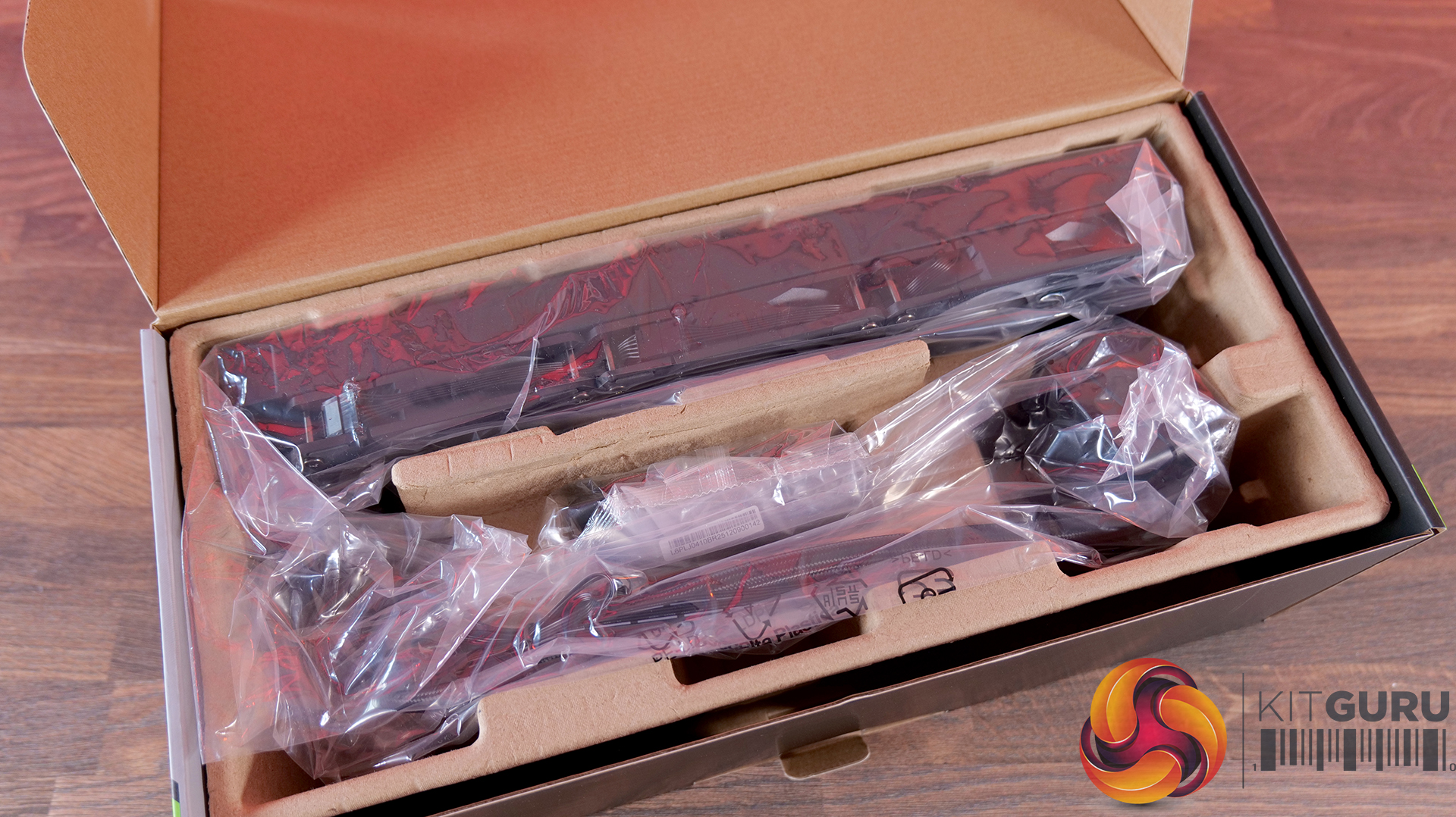
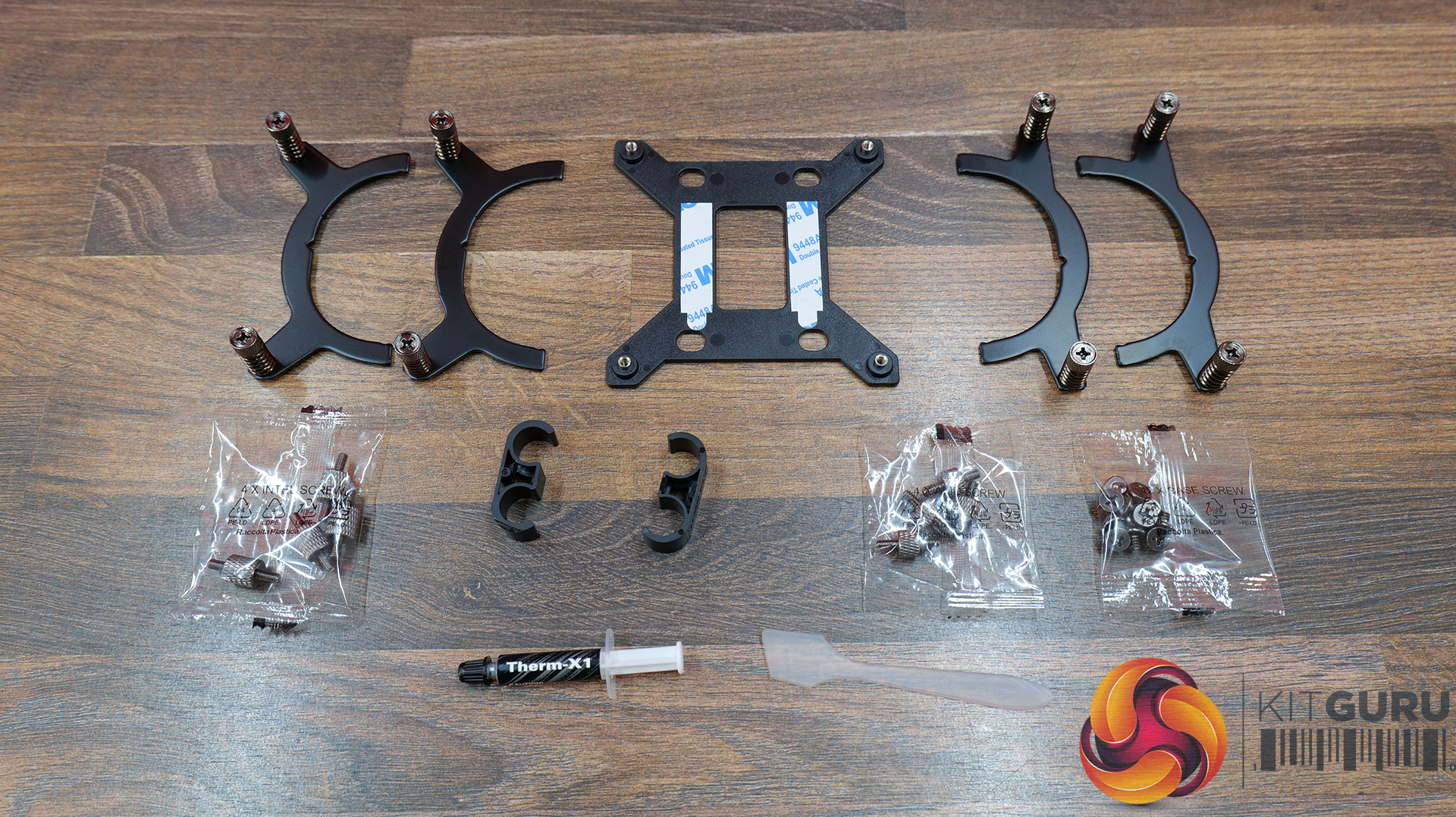
  • Streamlined installation β€” Pre-mounted fans, hidden cable routing and a universal mounting system, alongside features like ring-frame fan blades and 0dB fan stop support to balance airflow performance with quieter operation.

Specification:

  • CPU Socket Compatibility: AMD AM5, AM4 | Intel LGA1851, LGA1700
  • Radiator Material: Aluminium
  • Radiator Dimensions: 394 x 119.6 x 27 mm
  • CPU Block/Pump Dimensions: 85 x 84.1 x 53.5 mm
  • Pump Speed: 1200–3200 Β±10% RPM
  • Cold Plate Material: Mico-Skived Copper
  • Pump Connector: 4-pin PWM
  • Fan Dimensions: 120 x 120 x 25.4 mm
  • Fan Speed: 0–2100 Β±10% RPM
  • Air flow: 6 CFM
  • Air Pressure: 77 mmHβ‚‚O
  • Fan Noise: 31 dB(A)
  • Fan Connector: 4-pin PWM
  • LCD Screen: 3-inch segment LED display
  • Warranty: 6 years (AIO cooler module)
Pros:

  • The digital display is bright and easy to read data.
  • Reasonable noise at max fan speed.
  • Daisy-chained fans reduce cable clutter.

Cons:

  • Light bleed from the LEDs on the fans is not well diffused.
  • Requires a driver to run the screen.
  • No screen rotation.

Rating: 8.5.

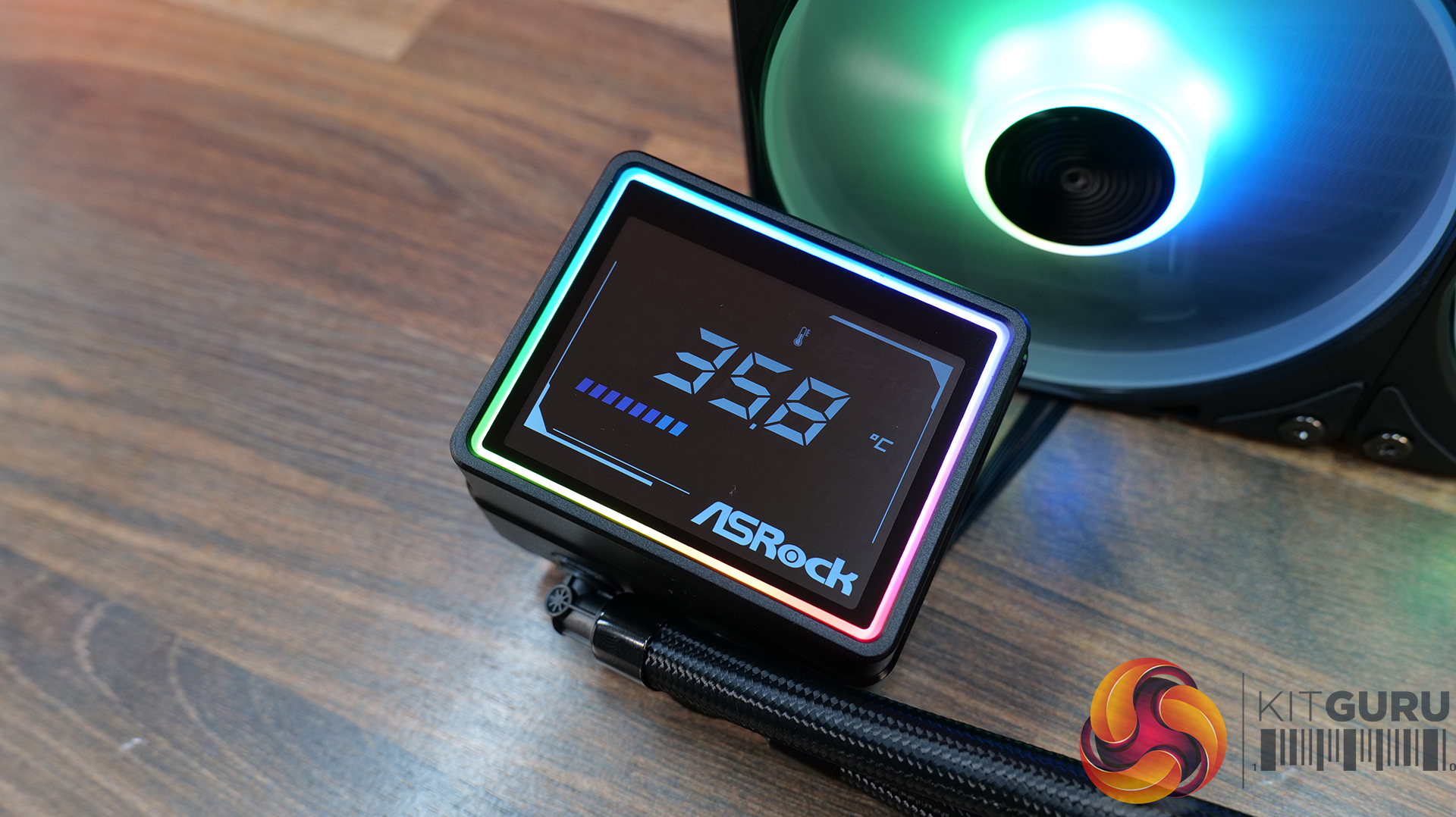
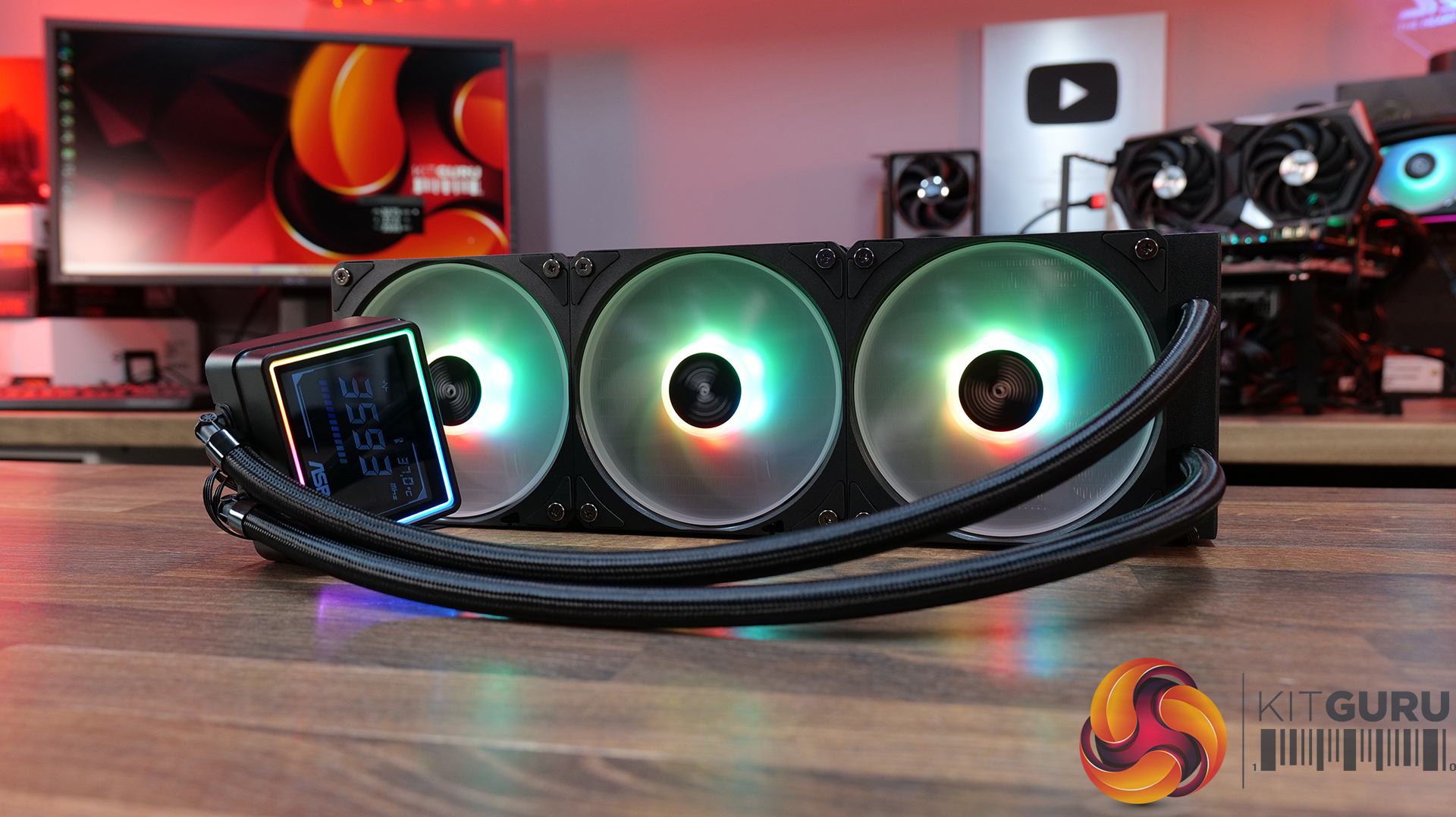
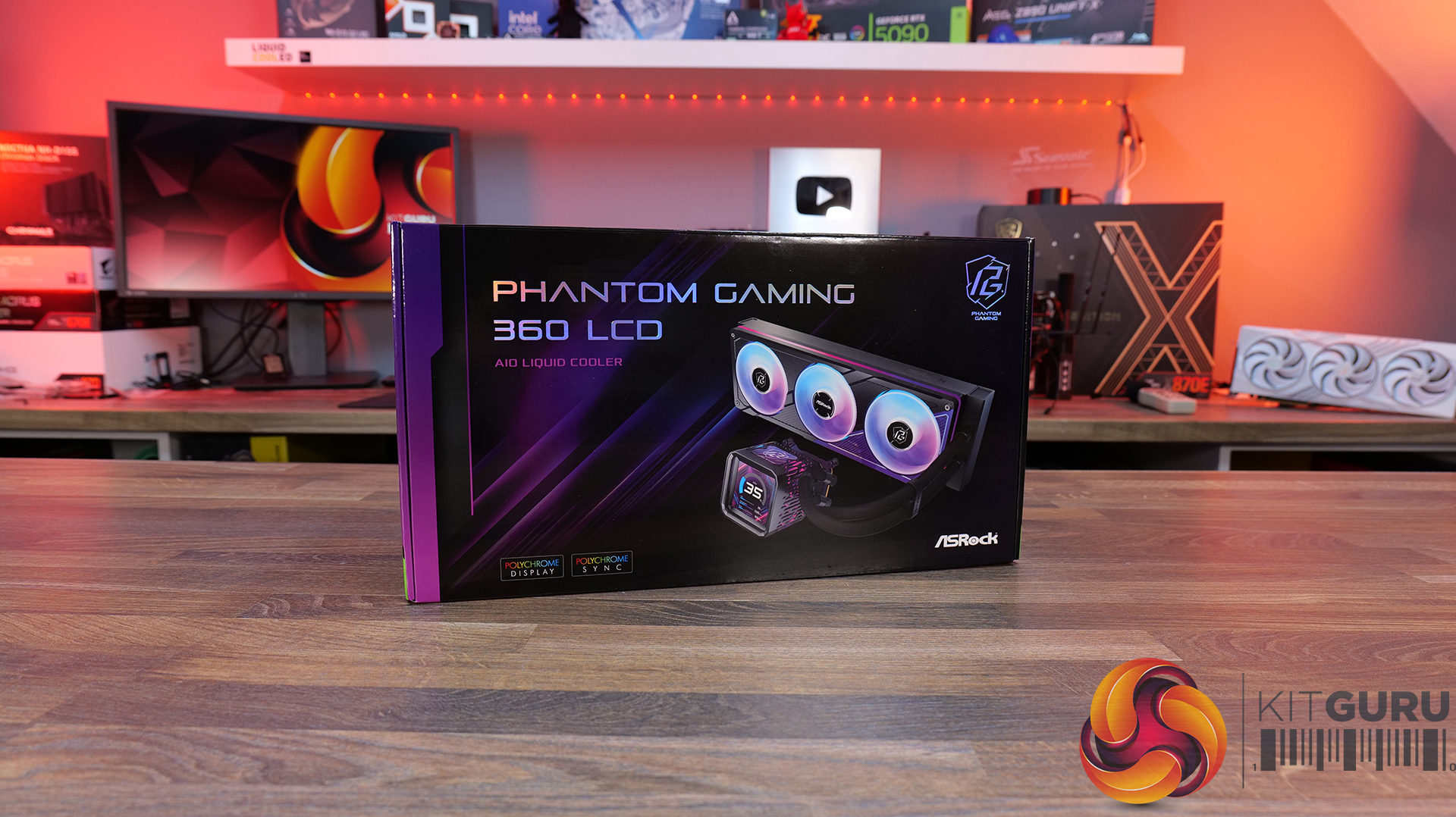
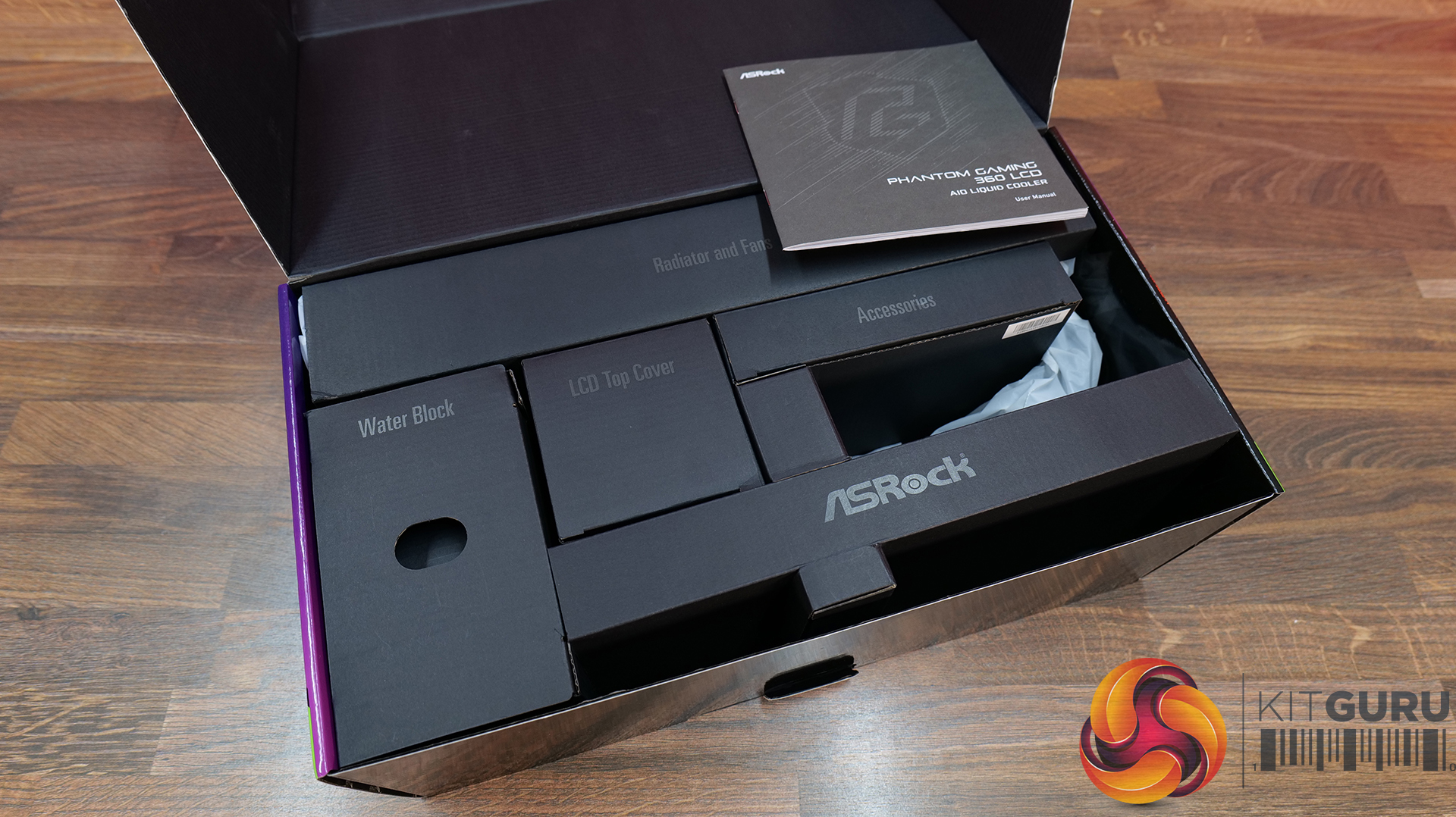
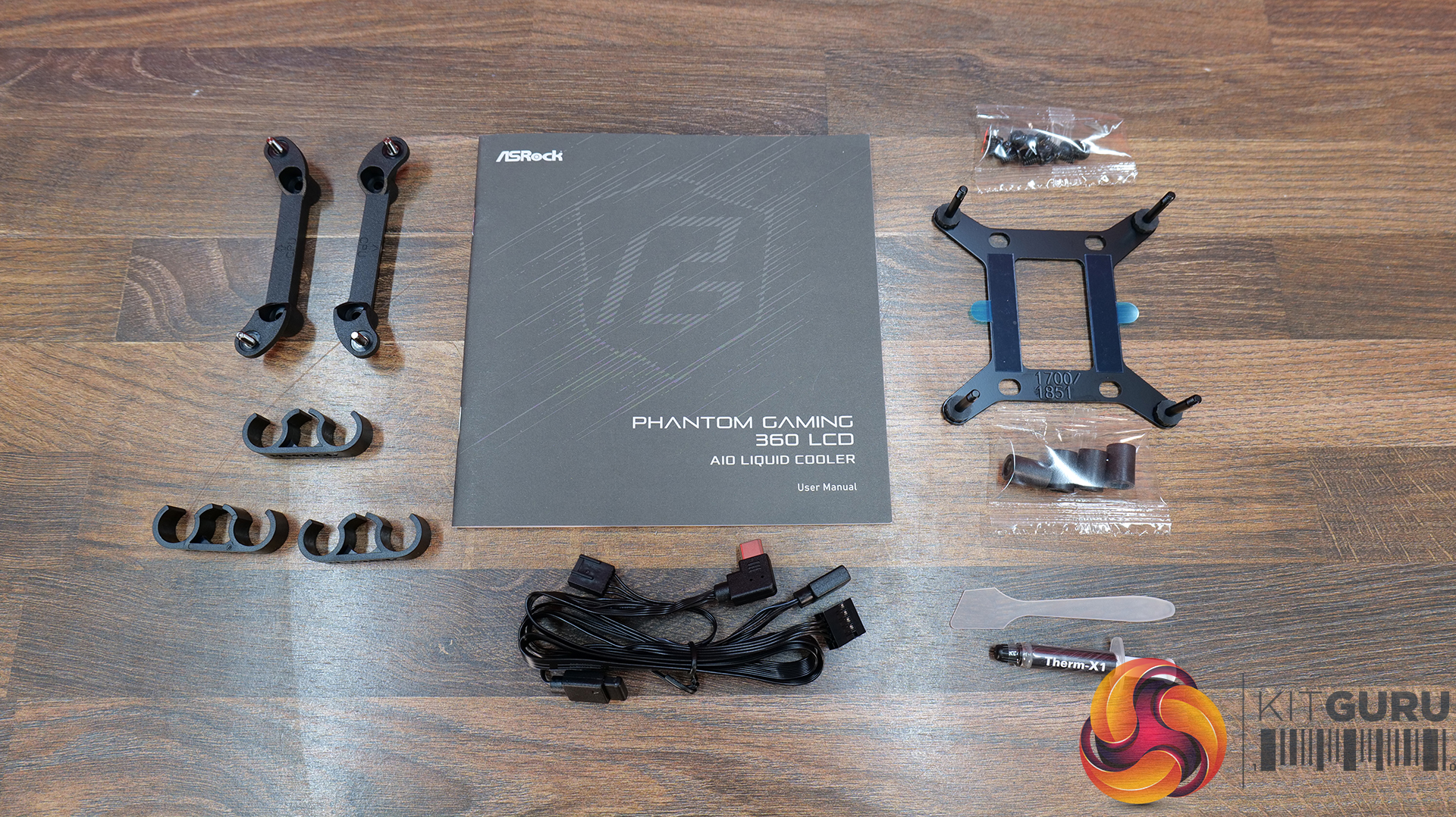
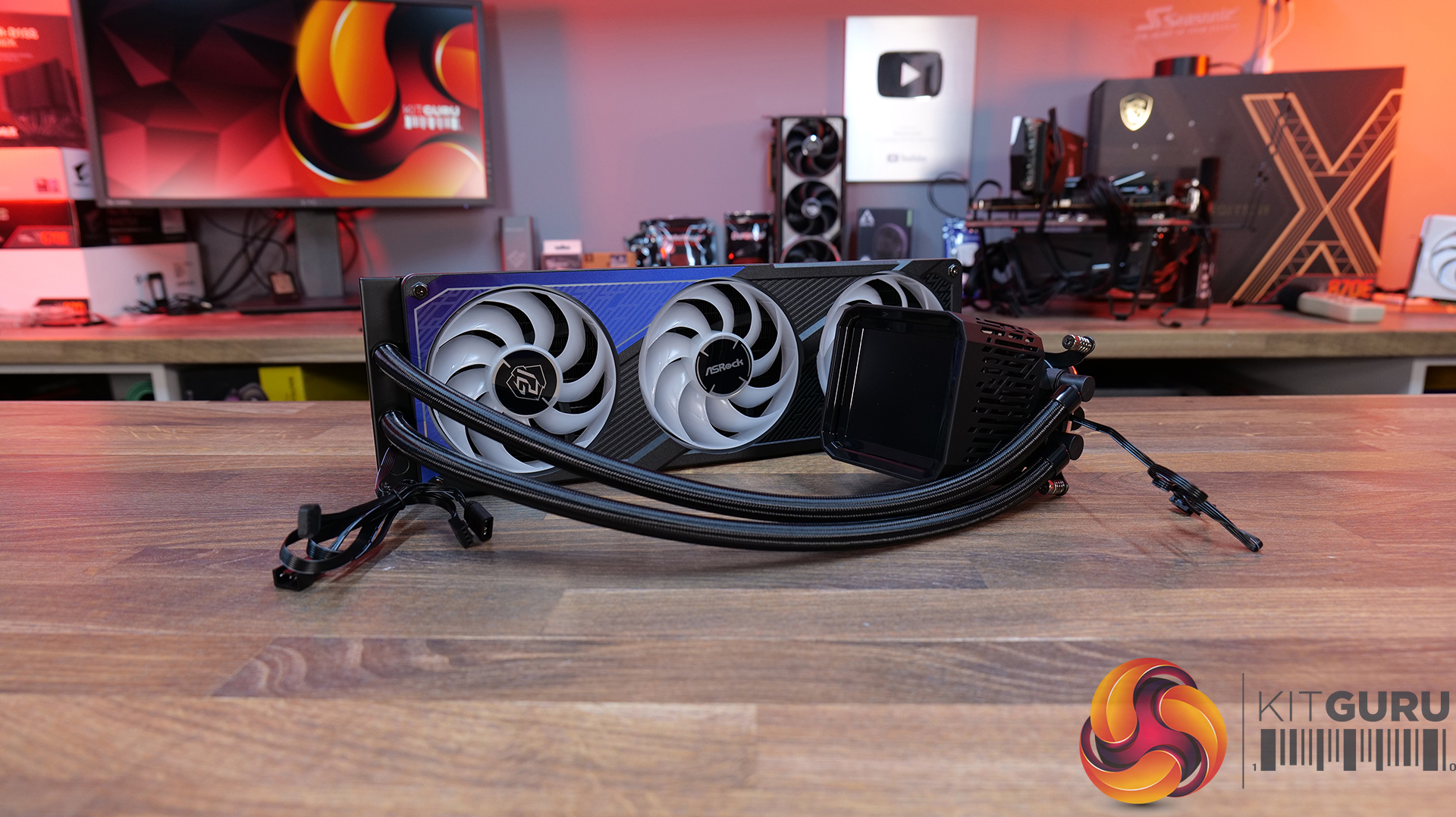
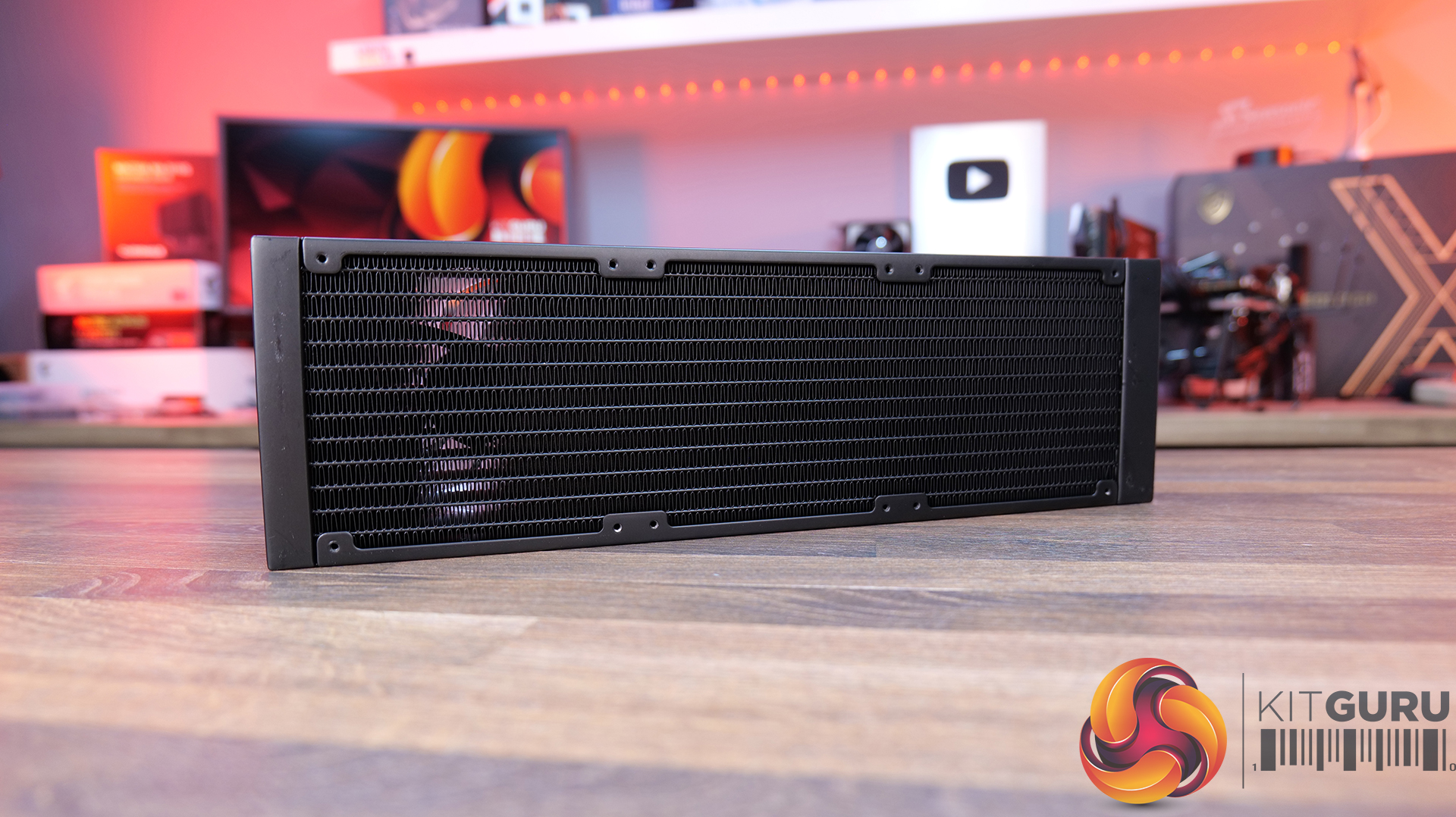
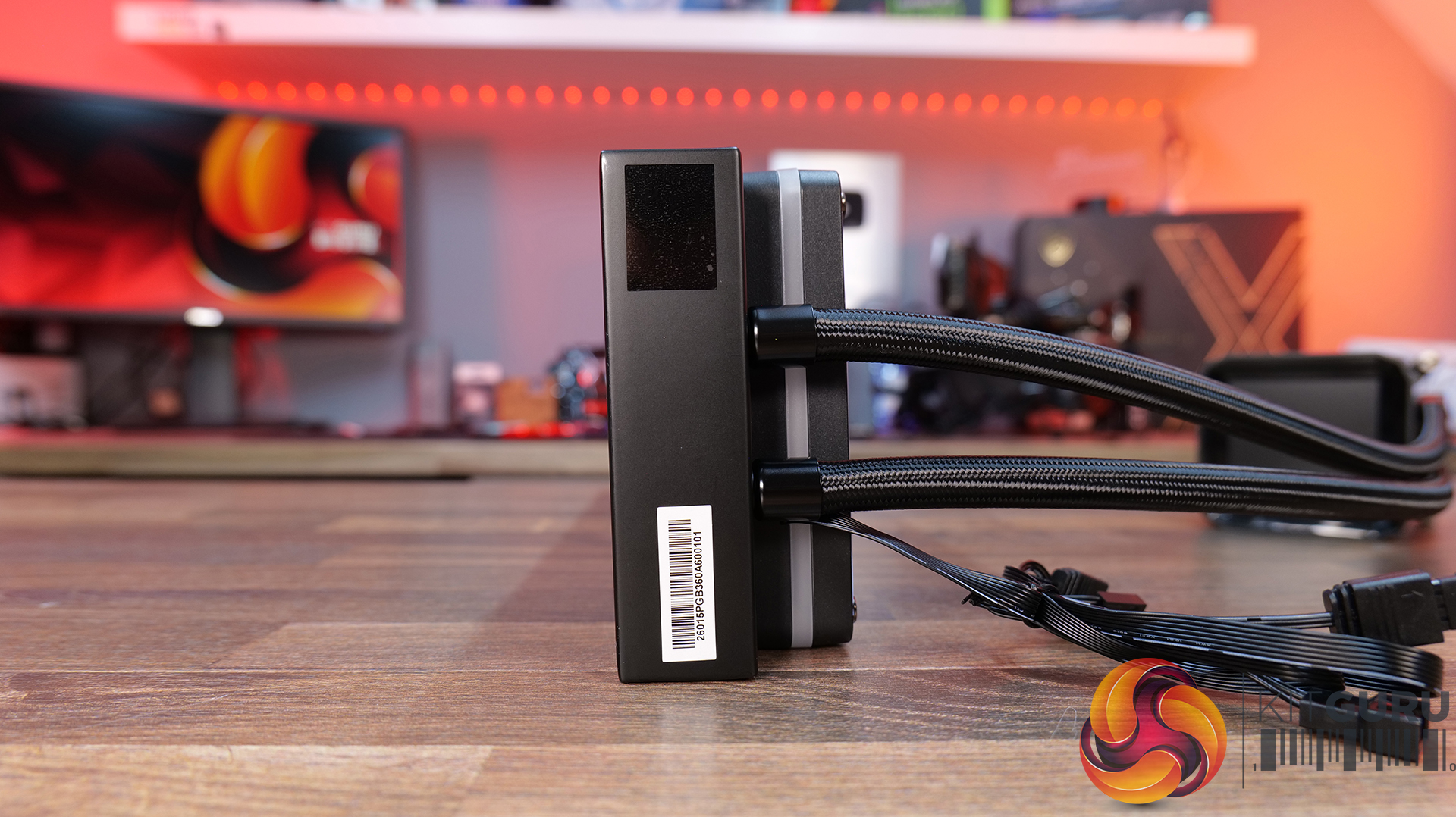
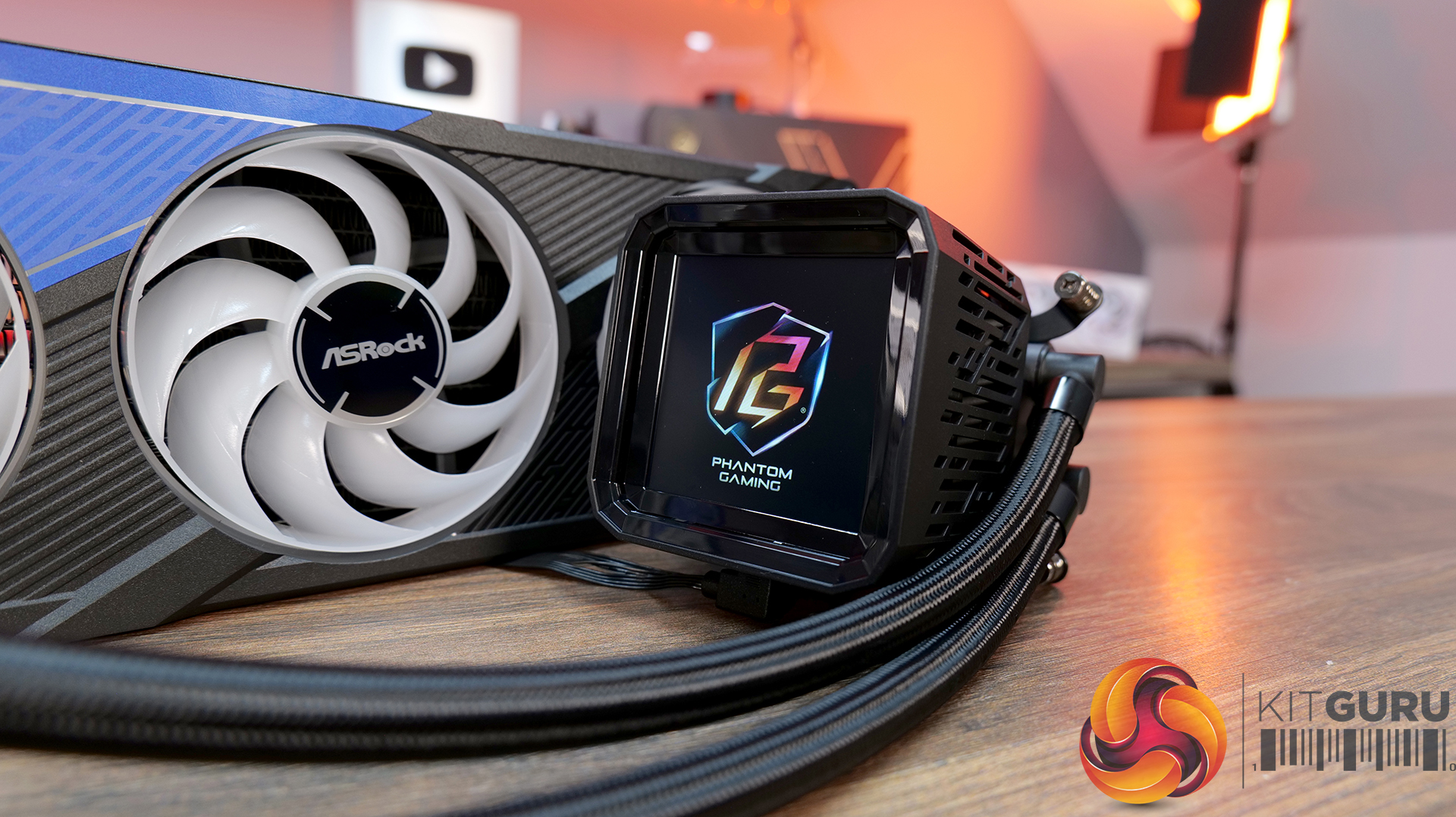
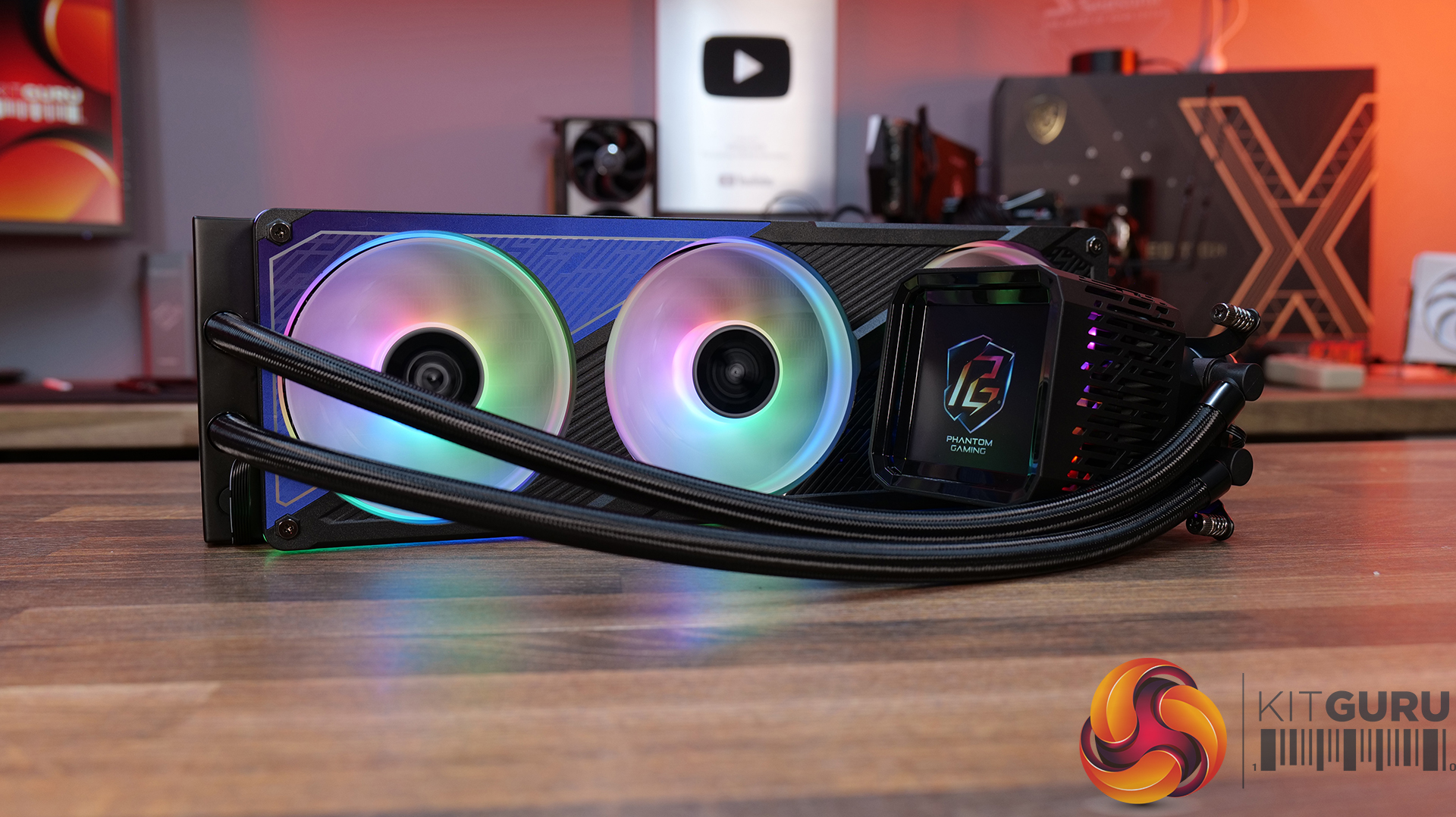
ASRock Phantom Gaming 360 LCD – CCL Β£169.99 HERE.

Features

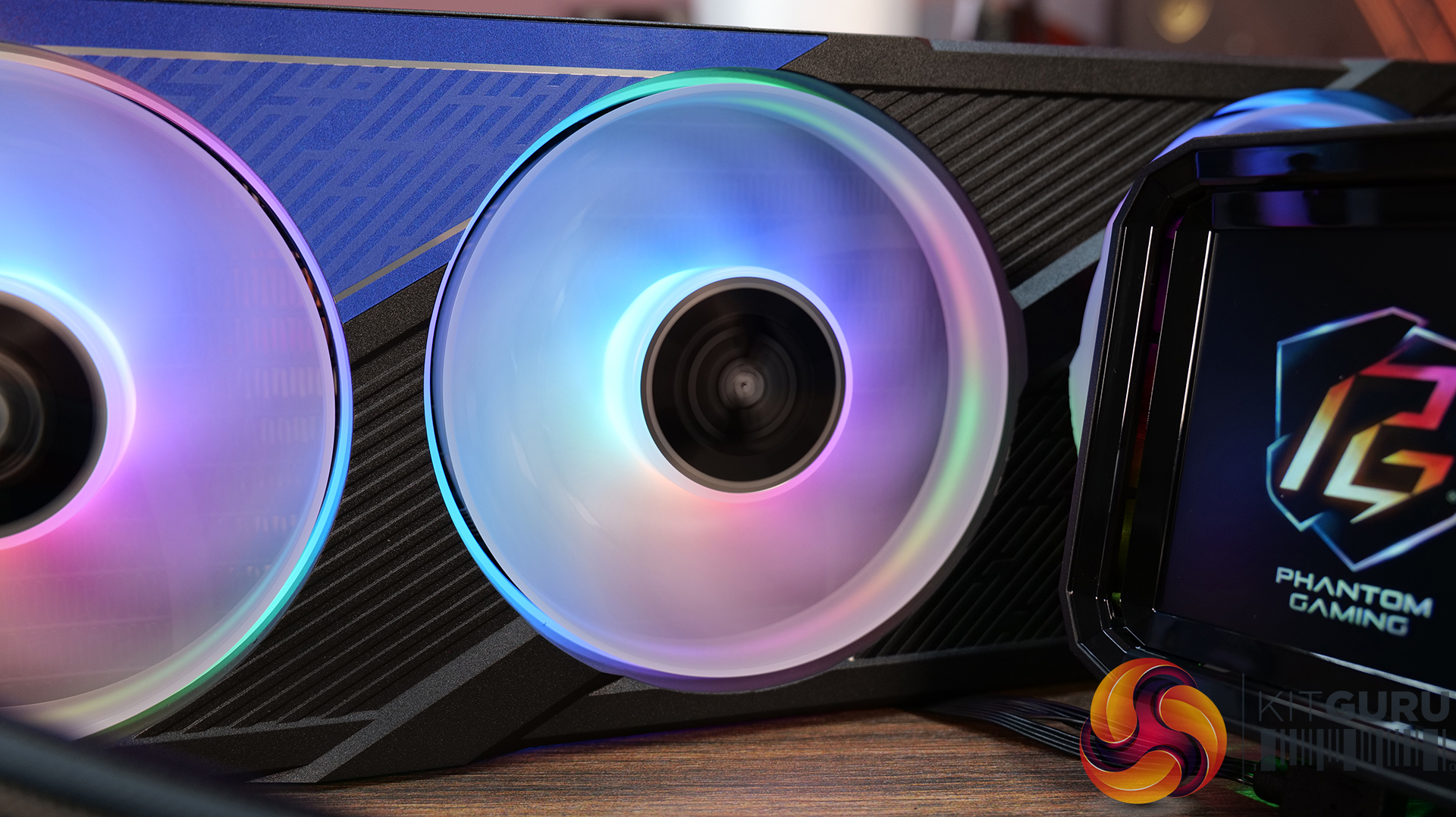
  • 4-inch full-colour LCD β€” Equipped with a full-coverage display that shows real-time system stats, images or animations, all configurable through ASRock’s Polychrome Display software.
  • Next-gen cooling system with dual-inlet design β€” 3-phase, 6-slot, 4-pole pump, paired with a dual-side inlet cooling path for improved thermal efficiency and more consistent temperatures under load.
  • 360Β° Halo ARGB fan system β€” Integrated halo lighting with a single-cable fan design, combining high airflow FDB fans with streamlined cable management for cleaner installs and synchronised lighting.

Specification:

  • CPU Socket Compatibility: AMD AM5, AM4 | Intel LGA1851, LGA1700
  • Radiator Material: Aluminium
  • Radiator Dimensions: 397 x 120 x 32 mm
  • CPU Block/Pump Dimensions: 4 x 86 x 107.6 mm
  • Pump Speed: 1200 – 3100 Β± 10% RPM
  • Cold Plate Material: Micro-Skived Copper
  • Pump Connector: PWM (4-Pin)
  • Fan Dimensions: 362 x 123 x 28 mm
  • Fan Speed: 0 – 2400 Β± 10% RPM
  • Air flow: 28 CFM
  • Air Pressure: 11 mmH20
  • Fan Noise: 4 dB(A)
  • Fan Connector: PWM (4-Pin)
  • VRM Fan Dimensions: 70 x 70 x 25 mm
  • VRM Fan Speed: 3000 Β± 10% RPM (Max)
  • VRM Fan Connector: PWM (4-Pin)
  • LCD Screen: 4” IPS LCD, 480 x 480, 60Hz, 24-bit, 250 cd/m2
  • Warranty: 6 Years (AIO Cooler Module), 2 years (Display Module)

Pros:

  • Decent-looking screen with plenty of customisation options.
  • Solid cooling performance.
  • Single-frame fan looks neat with minimal wiring.

Cons:

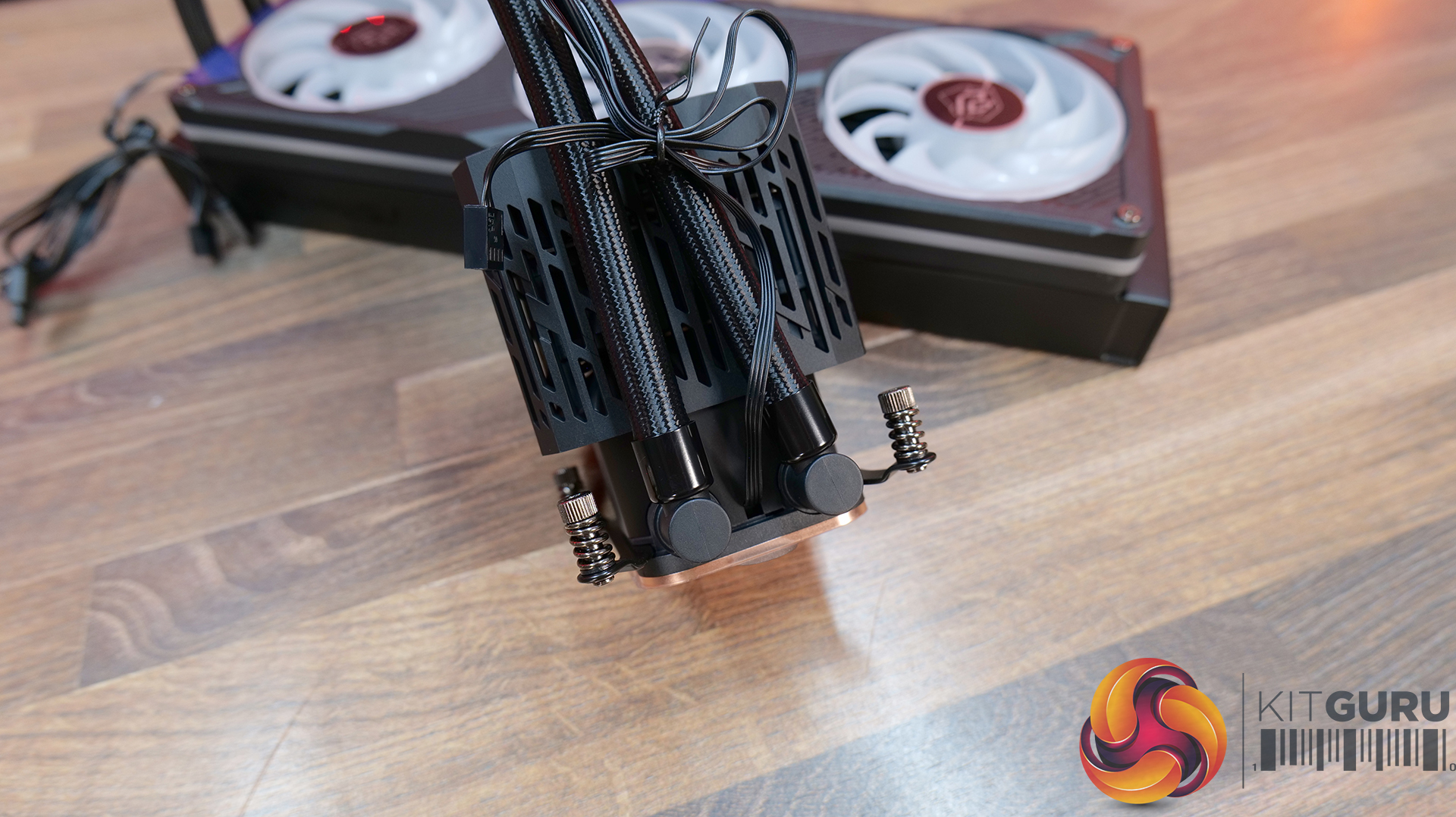
  • CPU block is very tall.
  • Quite loud at max fan speed.
  • Requires several software apps to operate the screen, RGB and fan speed.

Rating: 7.5.

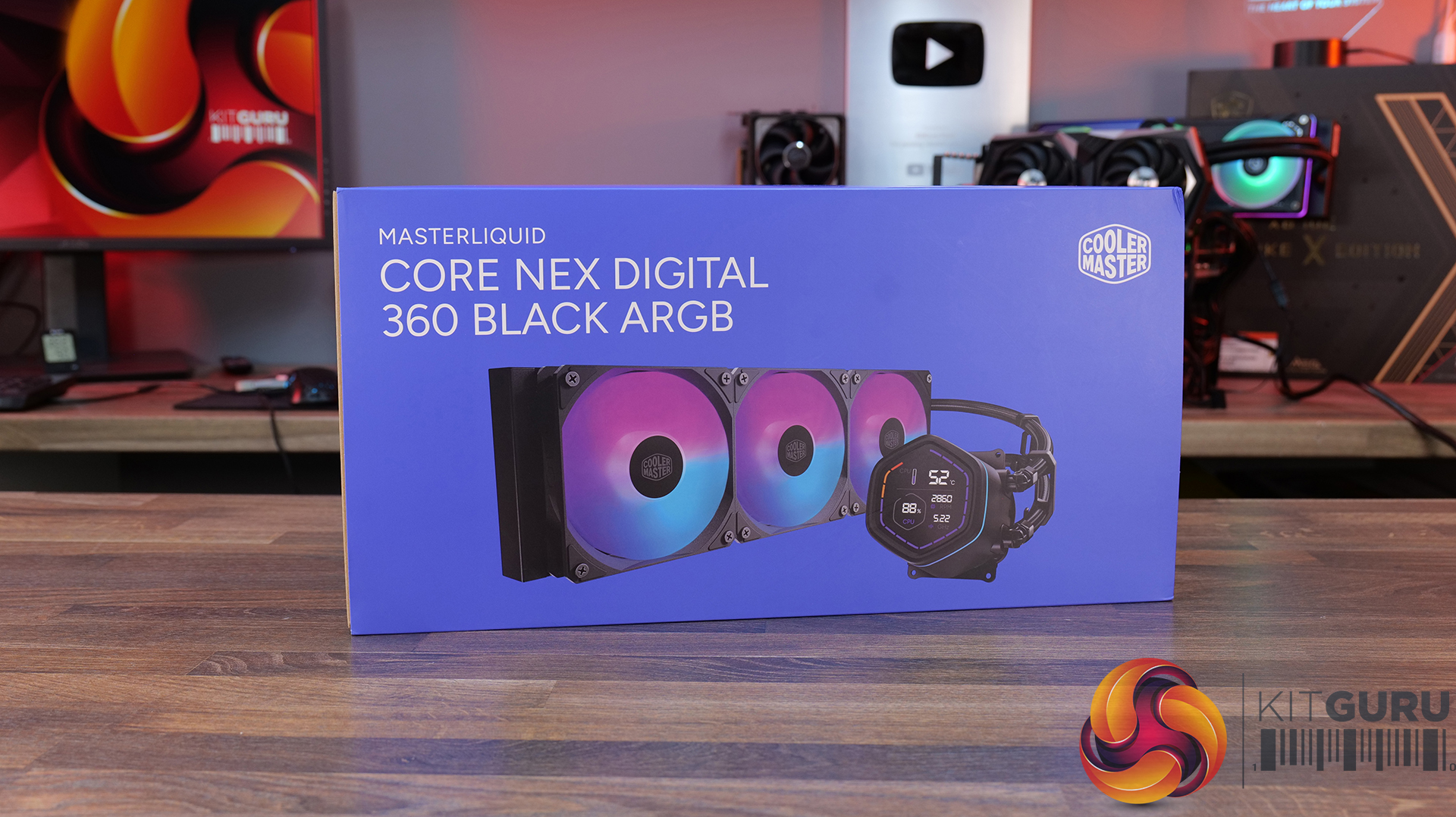
Cooler Master MasterLiquid Core Nex Digital 360 Black ARGB – OcUK Β£89.99 HERE.

Features

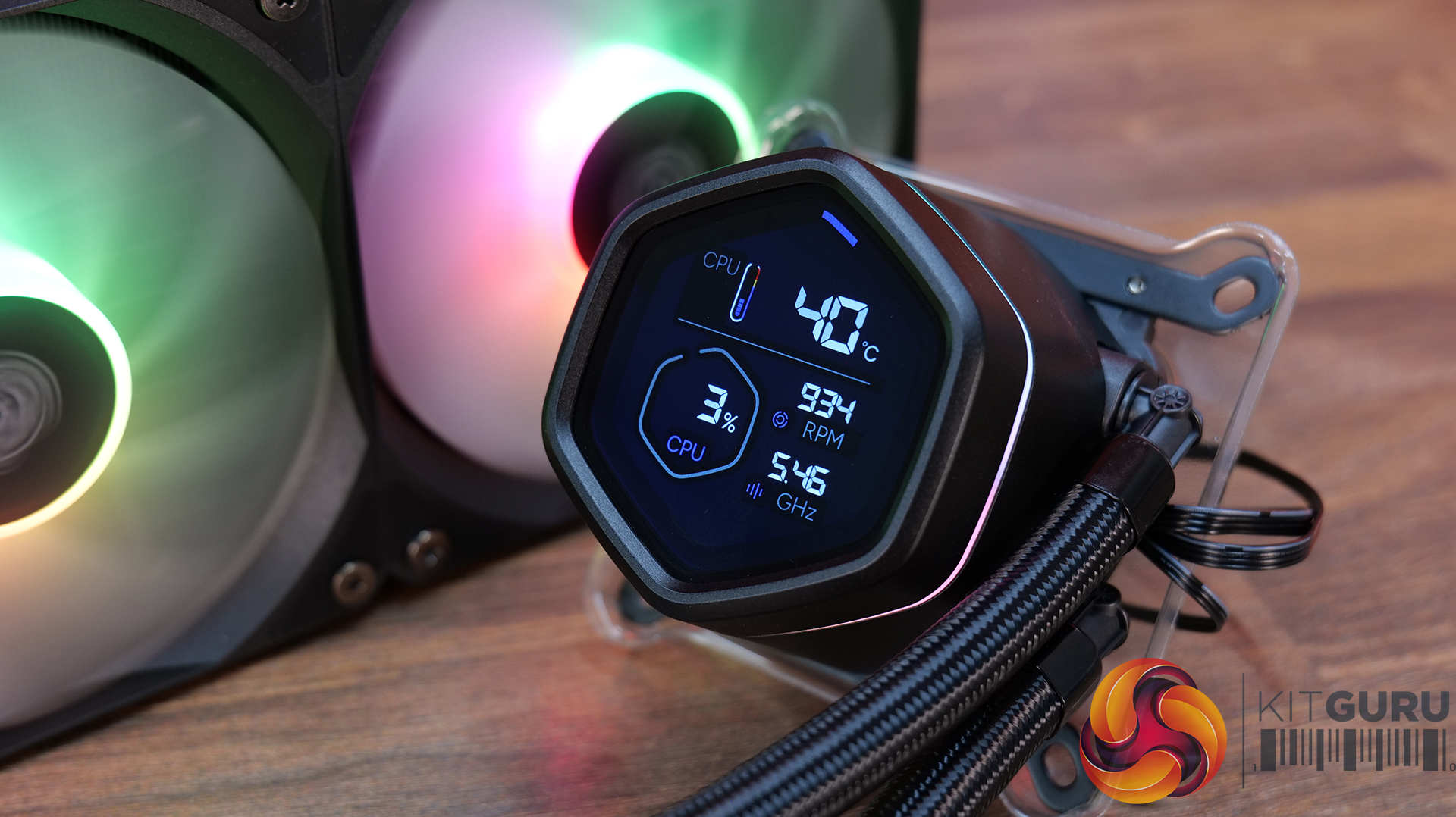
  • Hexagonal digital display with real-time system monitoring β€” MasterLiquid Core NEX Digital 360 features an integrated top-mounted screen capable of displaying CPU/GPU temperatures, usage, fan speeds and pump RPM via Cooler Master’s MasterCTRL software.
  • Refined dual chamber pump architecture β€” Featuring Cooler Master’s updated G9R dual chamber design with improved water pressure and optimised coolant flow for enhanced heat transfer efficiency.
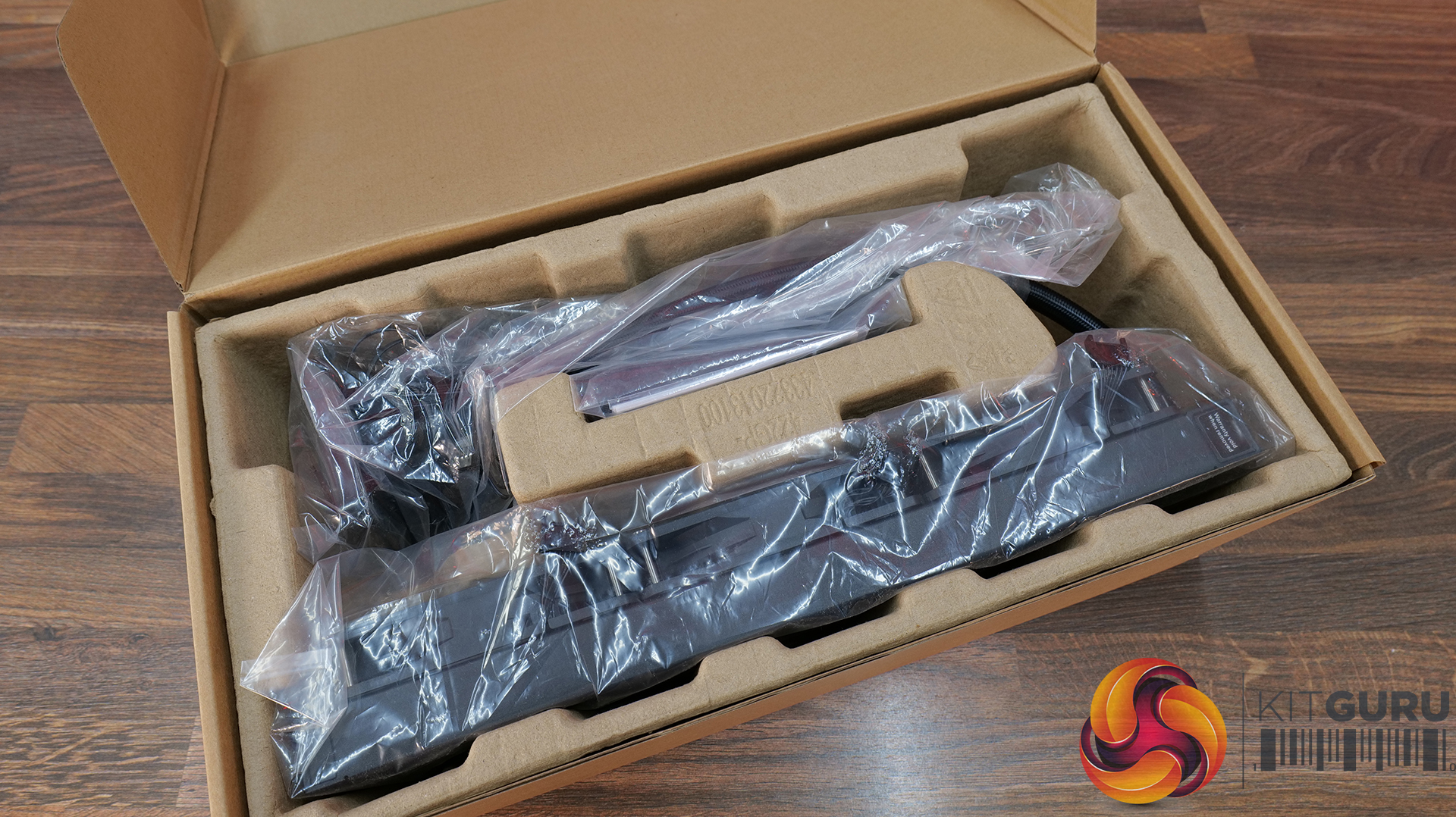
  • Simplified all-in-one installation β€” Pre-installed fans, streamlined cabling, pre-applied thermal paste and pre-mounted brackets help reduce installation complexity while maintaining a cleaner overall system build.

Specification:

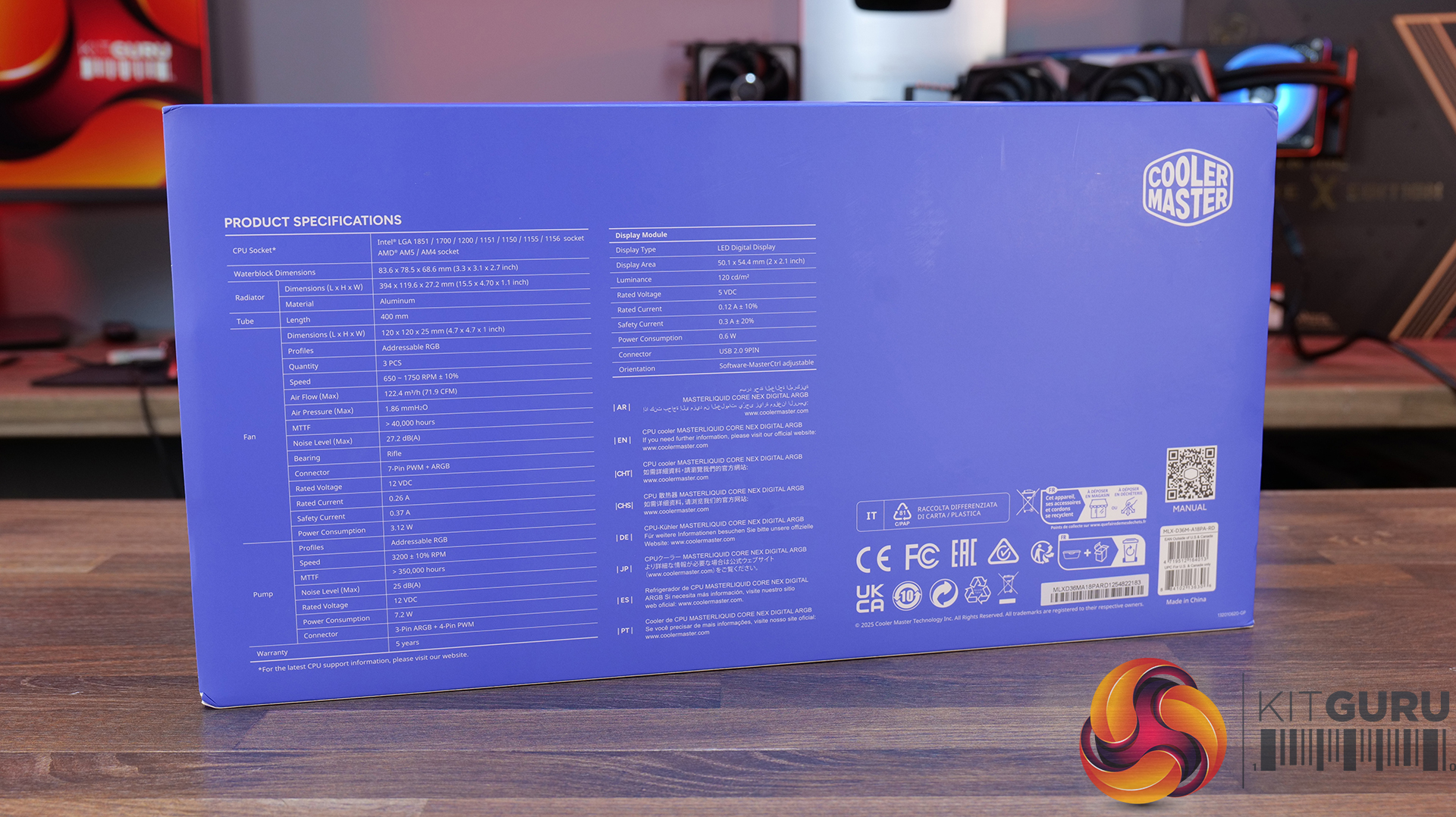
  • CPU Socket Compatibility: Intel LGA 1851 / 1700 / 1200 / 1156 / 1155 / 1151 / 1150, AMD AM5 / AM4
  • Radiator Material: Aluminium
  • Radiator Dimensions: 394 x 119.6 x 27.2 mm
  • CPU Block/Pump Dimensions: 6 x 78.5 x 68.6 mm
  • Pump Speed (Max): 3200 Β±10% RPM
  • Tubing Length: 400mm
  • Cold Plate Material: Micro-Skived Copper
  • Pump Connector: 3-Pin ARGB + 4-Pin PWM
  • Fan Dimensions: 120 x 120 x 25 mm
  • Fan Speed: 650–1750 RPM Β±10%
  • Air flow: 4 mΒ³/h (71.9 CFM) Max
  • Air Pressure: 86 mmHβ‚‚O Max
  • Fan Noise: 2 dBA Max
  • Fan Bearing: Rifle Bearing
  • Fan Connector: 7-Pin PWM + ARGB
  • LCD Screen: LED Digital Display, 50.1 x 54.4 mm, 120 cd/mΒ²
  • Screen Connector: USB 2.0 9-Pin
  • Warranty: 5 Years

Pros:

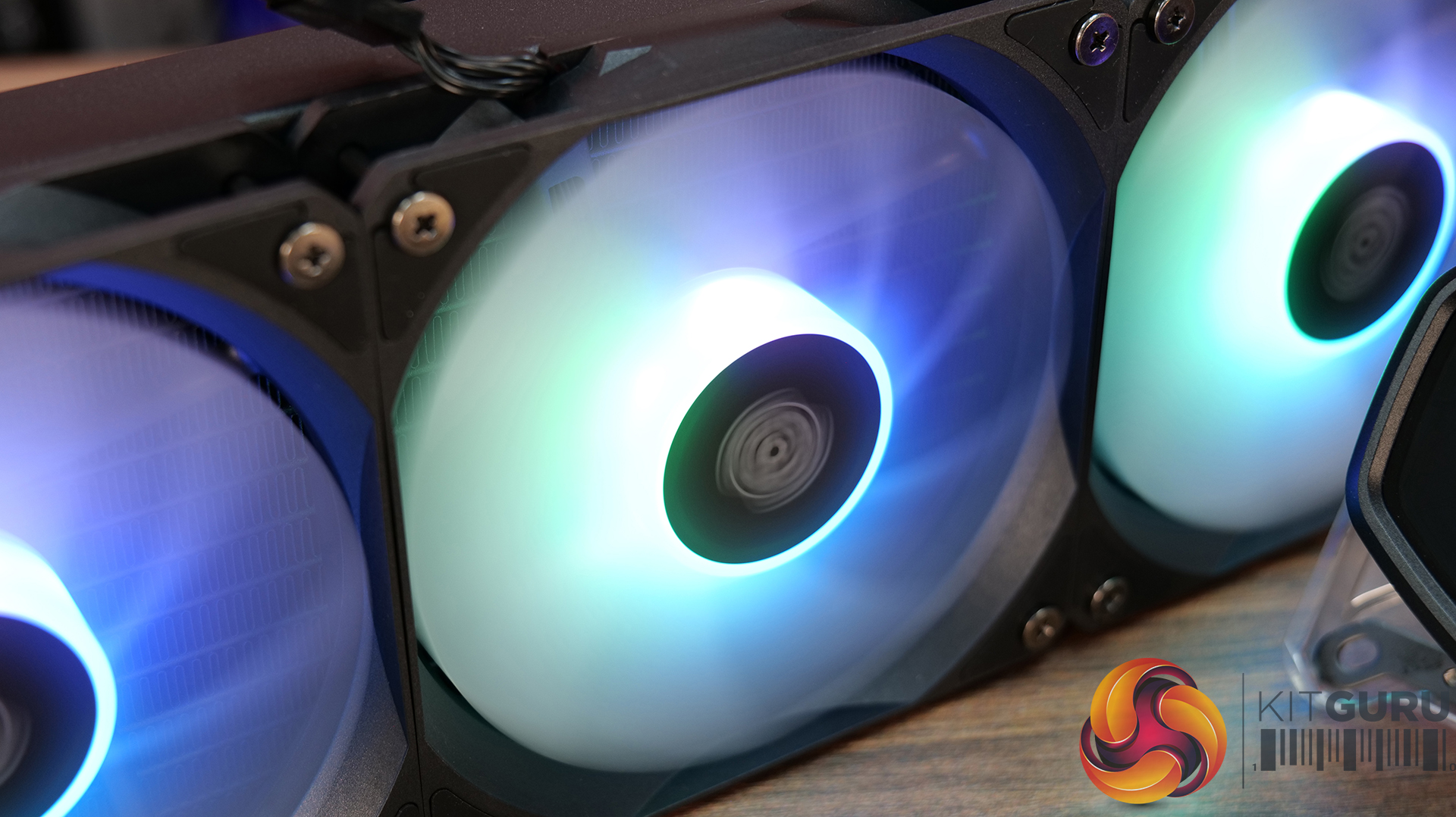
  • Daisy-chained fans reduce wiring.
  • Quick and easy.
  • Clear and easy to read display.

Cons:

  • Very loud at max fan speed.
  • Average 40 dba thermal performance.
  • Some Cable clutter at the CPU block.

Rating: 7.

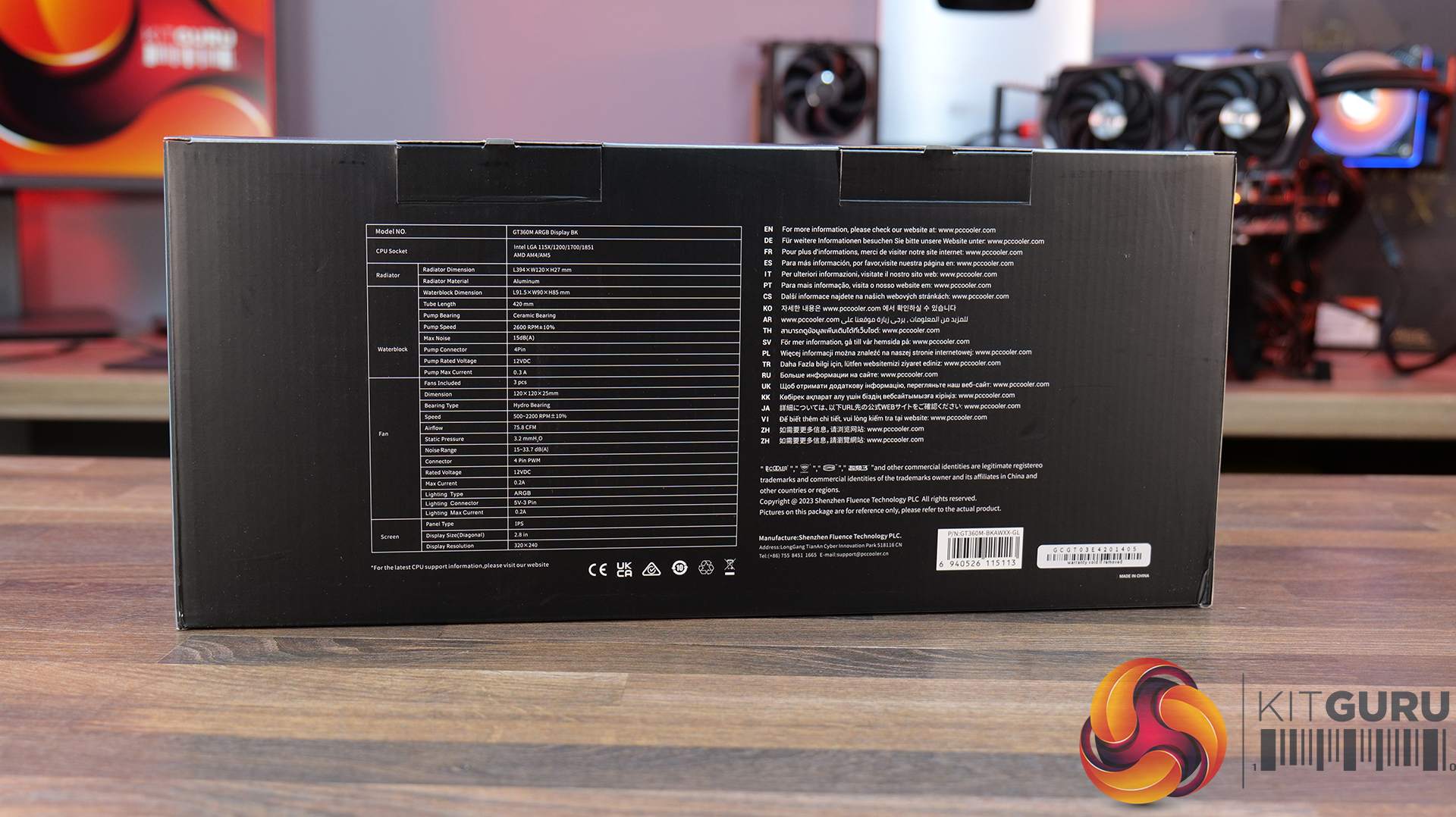
CPS PCCOOLER GT360M ARGB Display – Β£85.99 Amazon in black or white HERE.

Features

  • 5-inch high-resolution LCD display β€” GT360M ARGB Display features a customisable IPS screen capable of showing real-time system monitoring data, animations, wallpapers and video playback through CPS control software support.
  • Next-generation ceramic bearing pump design β€” Equipped with a second-generation large chamber pump, ultra-fine micro water channels and an all-ceramic bearing structure designed to improve coolant flow, reduce operational noise and extend long-term durability.
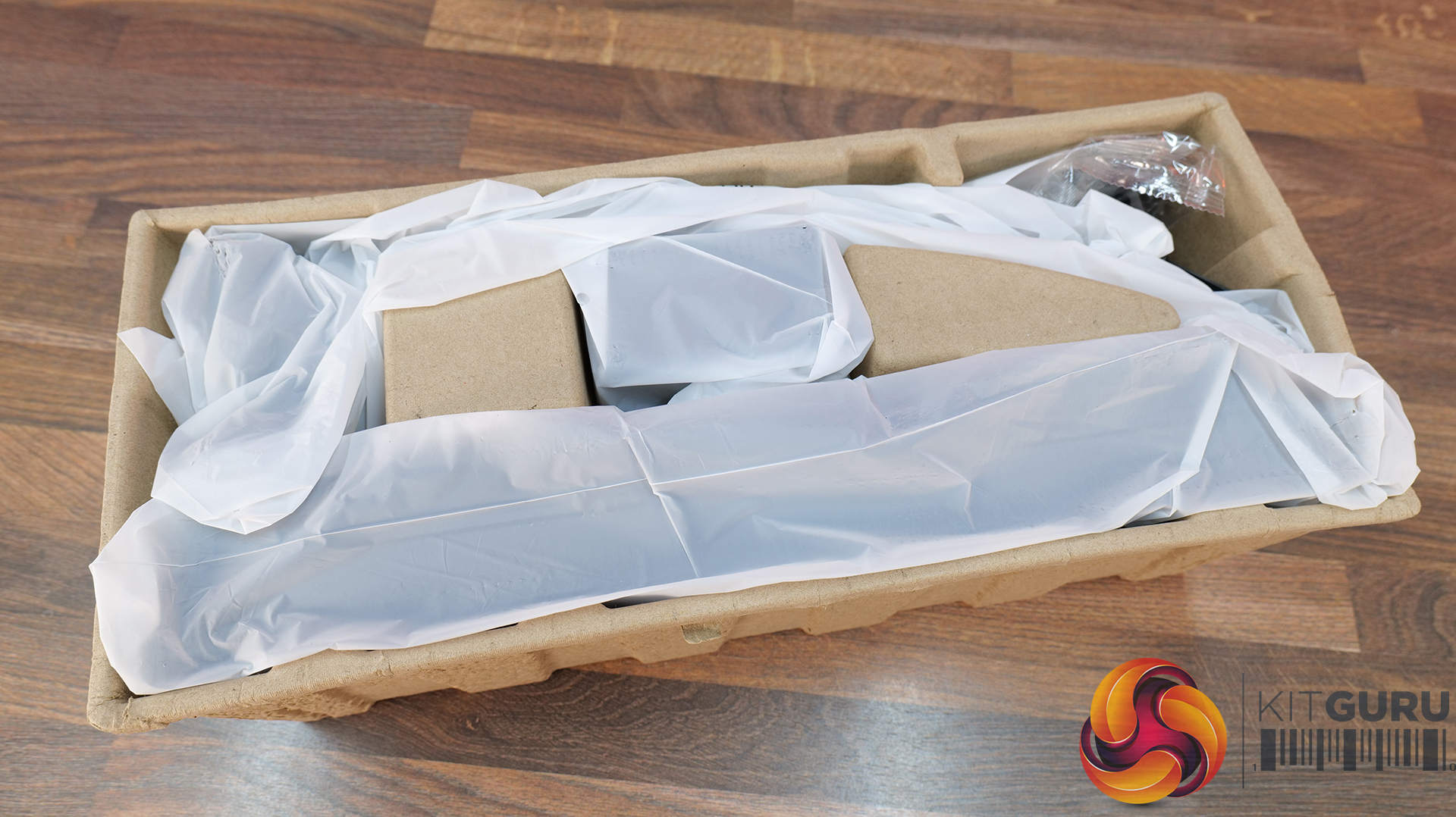
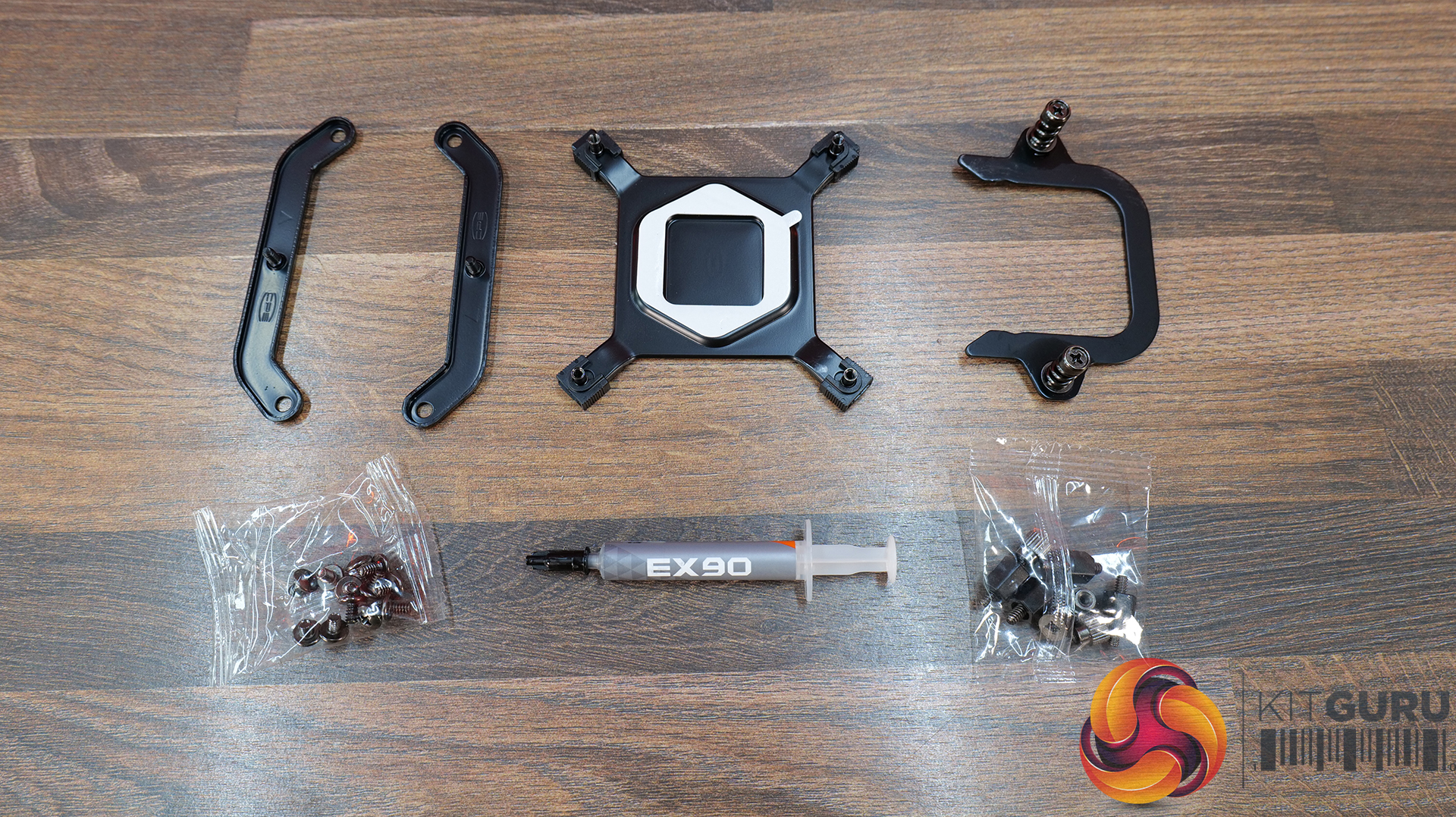
  • Streamlined cable management and installation β€” Factory pre-installed fans, integrated hidden wiring and a quick-release mounting system help simplify the build process while maintaining a cleaner overall system appearance.

Specification:

  • CPU Socket Compatibility: Intel LGA115X / 1200 / 1700 / 1851, AMD AM4 / AM5
  • Radiator Material: Aluminium
  • Radiator Dimensions: 394 x 120 x 27 mm
  • CPU Block/Pump Dimensions: 5 x 90 x 85 mm
  • Pump Speed (Max): 2600 RPM Β±10%
  • Cold Plate Material: Mico-Skived Copper
  • Pump Connector: 4-Pin
  • Fan Dimensions: 120 x 120 x 25 mm
  • Fan Speed: 500–2200 RPM Β±10%
  • Air flow: 8 CFM
  • Air Pressure: 2 mmHβ‚‚O
  • Fan Noise: 15–33.7 dB(A)
  • Fan Bearing: Hydro Bearing
  • Fan Connector: 4-Pin PWM
  • LCD Screen: 8-inch, IPS, 320 Γ— 240 pixels
  • Warranty: 3 Years

Pros:

  • Solid cooling performance.
  • Daisy-chained fans neaten up wiring.
  • Decent Price.

Cons

  • A little loud at max fan speed.
  • Screen customisation is limited.
  • Screen brightness and clarity aren’t the best.

Rating: 8.

Deepcool Spartacus 360 – Β£159.99 HERE.

Features

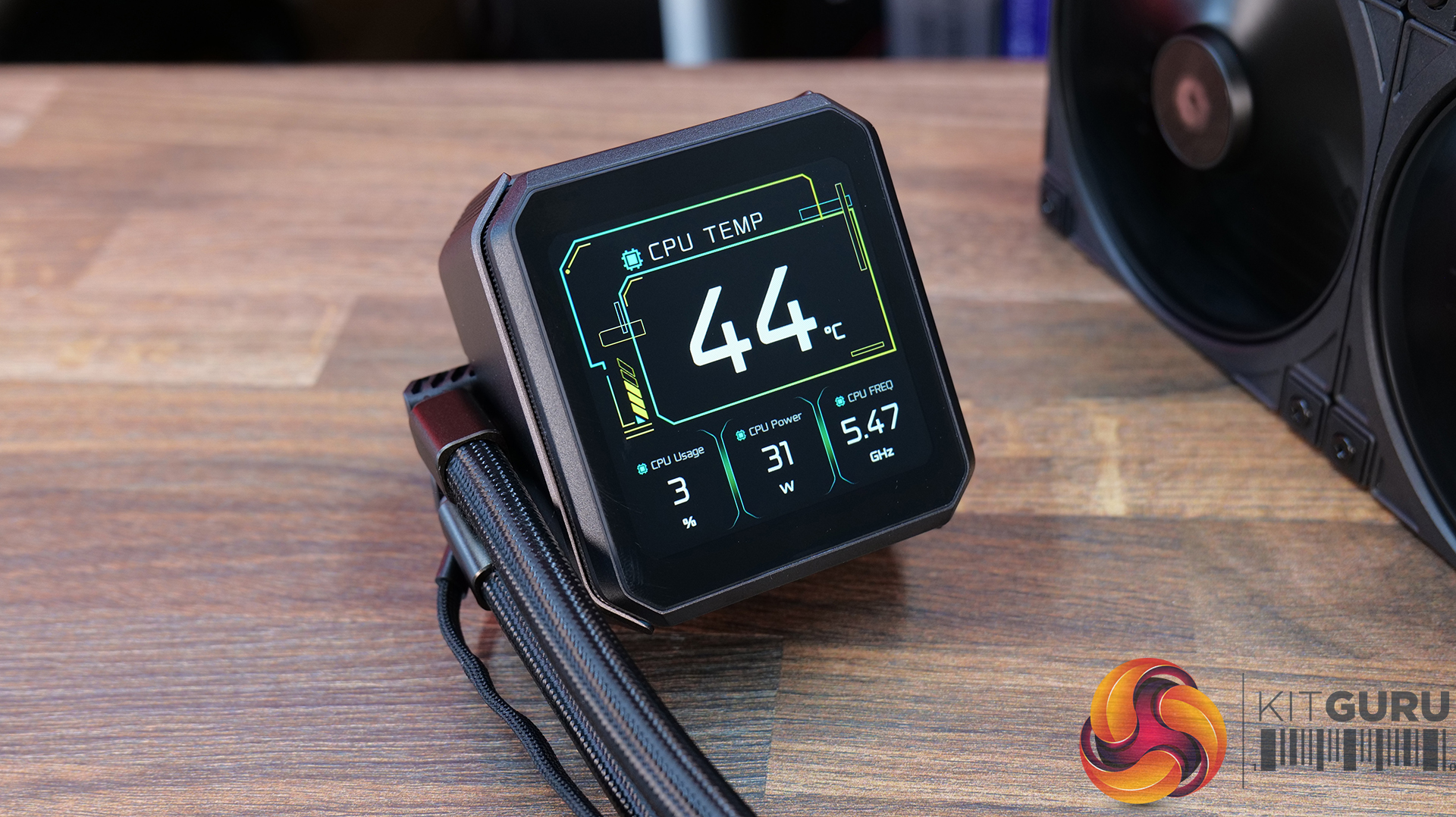
  • 4-inch IPS LCD with modular customisation β€” SPARTACUS 360 features a 480Γ—480 IPS display with 16.7 million colours, supports system monitoring layouts, GIFs, video playback and dynamic graph modes through DeepCreative software integration.
  • 6th-generation pump with AI-tuned cooling control β€” Equipped with a 3-phase, 6-slot, 4-pole Gen 6 pump and DeepCreative AI algorithms that dynamically tune pump and fan speeds for quieter operation and up to 320W of heat dissipation performance.
  • Semi-integral blade fans with streamlined connectivity β€” High-performance 120mm fans use a reinforced semi-integral blade design for improved airflow stability and lower noise, while DeepCool’s single 10-pin connection design dramatically cuts cable clutter during installation.

Specification:

  • CPU Socket Compatibility:
  • Radiator Material: Aluminium
  • Radiator Dimensions: 402 Γ— 120 Γ— 27 mm
  • CPU Block/Pump Dimensions: 99 Γ— 91 Γ— 65 mm
  • Pump Speed: 500–3400 RPM Β±10%
  • Cold Plate Material: Micro-Skived Copper
  • Pump Connector: 4-Pin PWM
  • Tube Length: 410 mm
  • Fan Dimensions: 120 Γ— 120 Γ— 25 mm
  • Fan Speed: 500–2500 RPM Β±10% – 0% Mode below 5% PWM duty
  • Air flow: 89 CFM
  • Air Pressure: 30 mmAq
  • Fan Noise: ≀32.23 dB(A)
  • Fan Connector: 4-Pin PWM
  • Bearing Type: Hydro Bearing
  • LCD Screen: 4-inch TFT LCD, 480 Γ— 480 pixels
  • LED Type: Addressable RGB LED
  • LED Connector: 3-Pin (+5V-D-G)
  • Warranty: 5 Years

Pros:

  • Single cable at the pump gives a clean look.
  • Screen looks great.
  • Has a high-quality feel to it.

Cons:

  • Very loud at max fan speed.
  • No individual fan and pump speed adjustment using DeepCool software.
  • No extra thermal paste included.

Rating: 7.5.

Enermax Liqmax IV 360 – Amazon Β£56.54 HERE.

Features

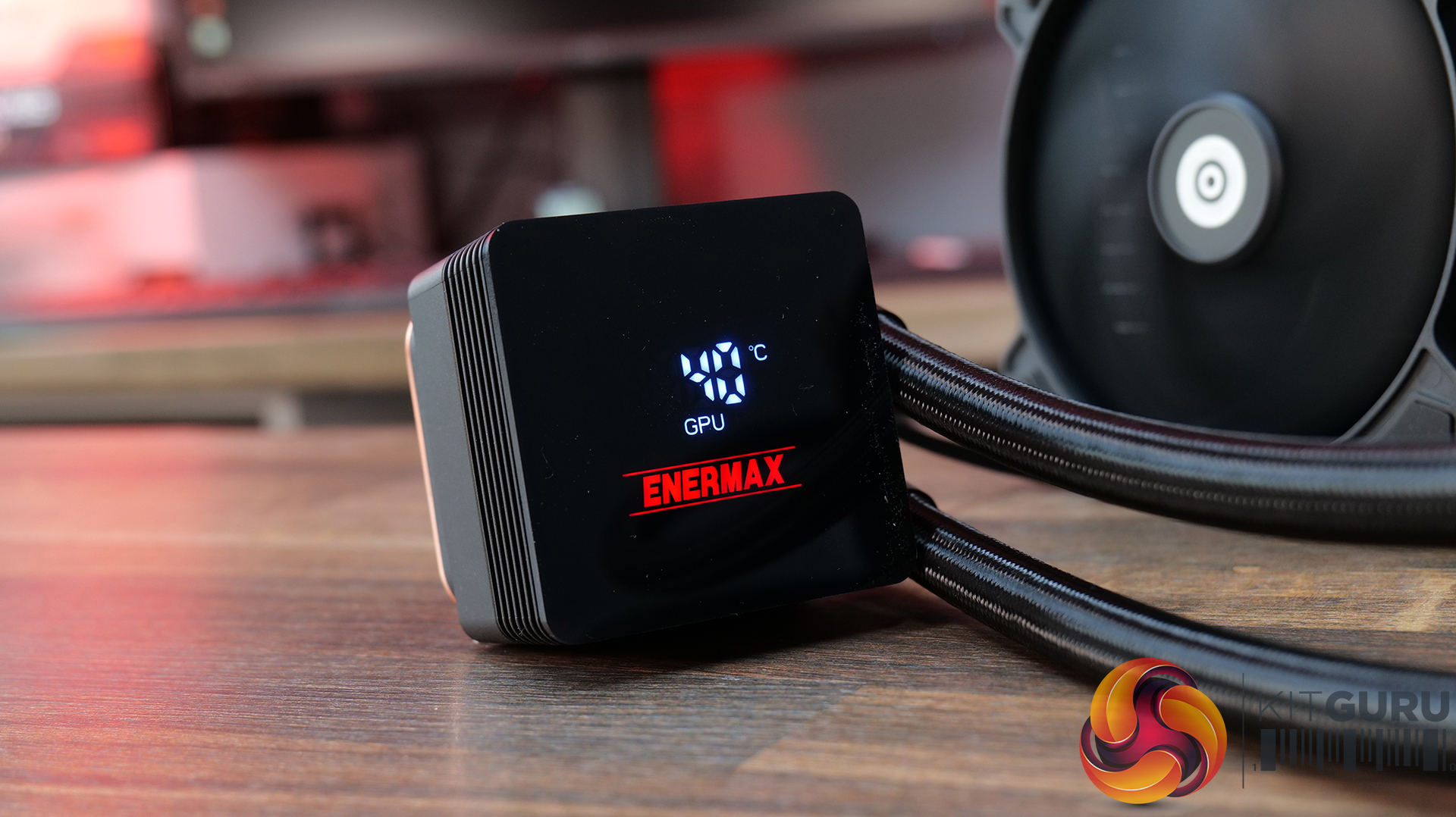
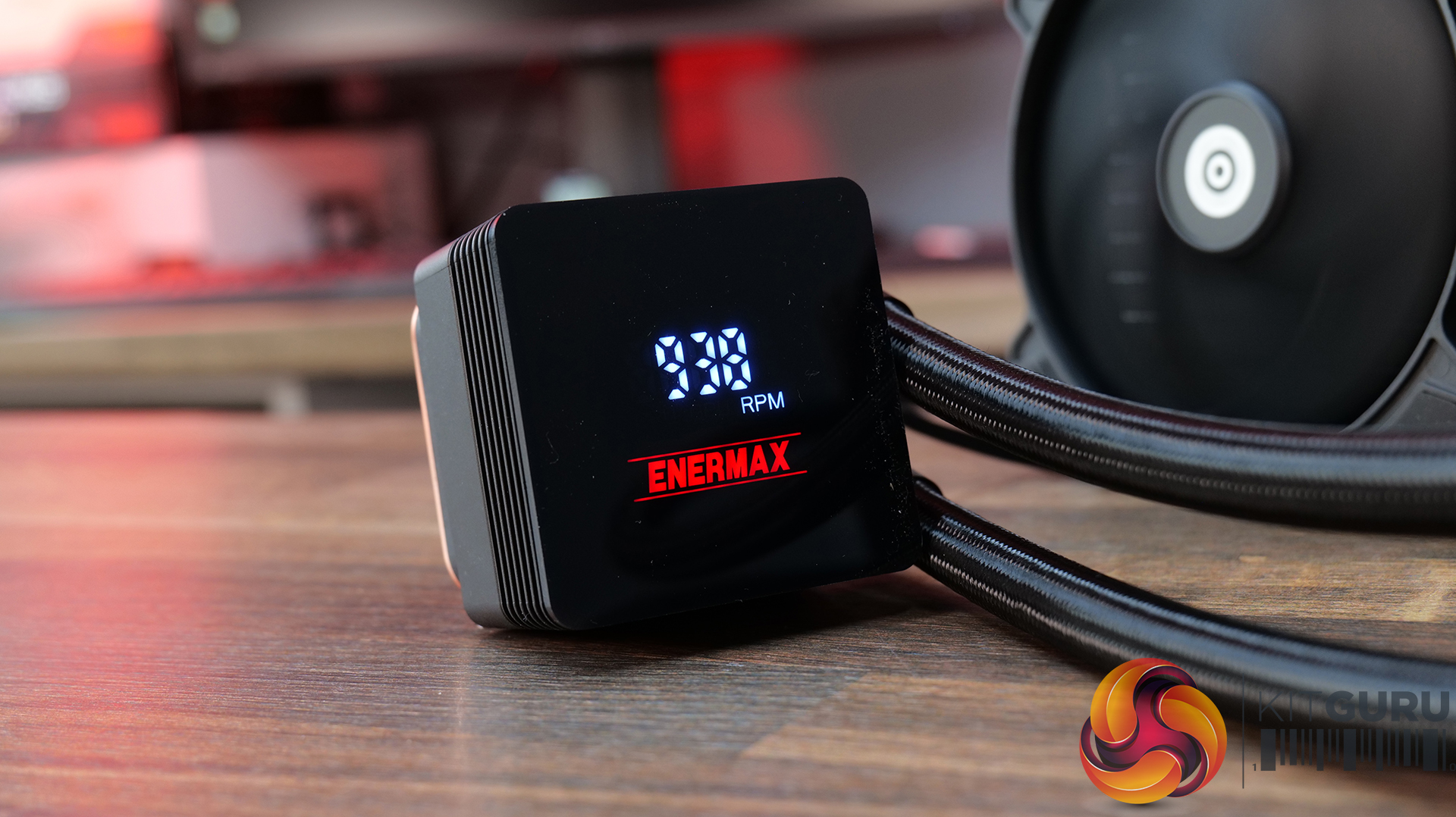
  • Magnetic rotatable digital display with real-time monitoring β€” LIQMAX IV 360 features a magnetic pump-top status display that can be manually rotated for cleaner orientation while providing live CPU temperatures, fan speeds and system monitoring data.
  • Patented dual-chamber pump with Gen.2 Xtreme technology β€” ENERMAX pairs a larger 35% expanded copper base with its Gen.2 Xtreme Pump design, delivering a claimed 31% increase in coolant flow rate and cooling capacity rated up to 390W TDP.
  • Quiet high-performance cooling setup β€” PWM-controlled radiator fans and pump operation are tuned to balance airflow and acoustics, with 500–1800RPM fan speeds and low-noise operation designed to keep high-end systems under control.

Specification:

  • CPU Socket Compatibility: Intel LGA 1851 / 1700 / 115x / 2066, AMD AM5 / AM4
  • Radiator Material: Aluminium
  • Radiator Dimensions: 394 x 120 x 27 mm
  • Pump Speed: 1500 – 3100RPM
  • Cold Plate Material: Micro Skived Copper
  • Pump Connector:
  • Fan Dimensions: 120 x 120 x 26.8 mm
  • Fan Speed: 500–1800 RPM Β±10%
  • Air flow: 03 CFM
  • Air Pressure: 4 mmHβ‚‚O
  • Fan Noise: 46 dBA
  • Fan Connector: 4-Pin PWM
  • LCD Screen: Digital Display
  • Warranty: 3 years

Pros:

  • Good value.
  • Easy installation and minimal software setup.
  • Functional but minimal aesthetics.

Cons:

  • Minimal screen customisation.
  • No RGB.
  • Short Warranty.

Rating: 7.

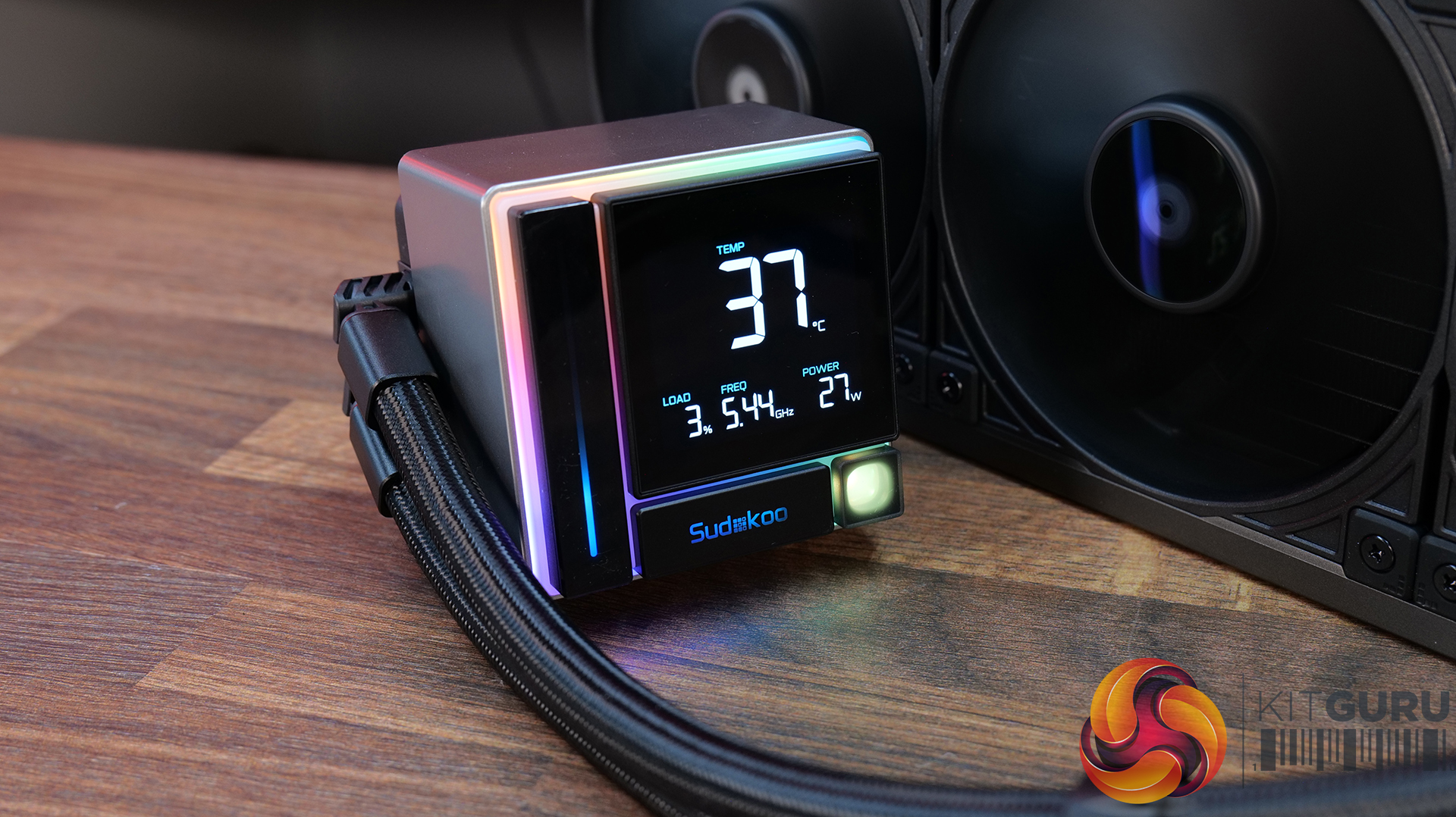
Sudokoo Energlo 360 – Amazon UK Β£121.99 HERE.

Features

  • Segmented pump display with real-time system monitoring β€” ENERGLO 360 features a pump top-mounted modular segmented screen on the that displays CPU temperature and system status in real time, without requiring external software.
  • High-performance PWM pump with wide speed control range β€” Equipped with a high-performance pump with a speed range of 2500–3400 RPM, designed for efficient thermal transfer while maintaining quiet operation.
  • 360mm triple-fan cooling array with high airflow performance β€” Includes three 120mm PWM fans delivering up to 73.41 CFM airflow with strong static pressure, optimised for high-efficiency cooling at high-demand workloads.

Specification:

  • CPU Socket Compatibility: Intel LGA1851 / 1700 / 1200 / 1151 / 1150 / 1155, AMD AM5 / AM4
  • Radiator Material: Aluminium
  • Radiator Dimensions: 402 Γ— 120 Γ— 27 mm
  • CPU Block/Pump Dimensions: 96 Γ— 81 Γ— 80 mm
  • Pump Speed: 2500–3400 RPM Β±10%
  • Cold Plate Material: Micro Skived Copper
  • Pump Connector: 4-Pin PWM
  • Tubing Length: 410 mm
  • Fan Dimensions: 120 Γ— 120 Γ— 25 mm
  • Fan Speed: 500–2500 RPM Β±10%
  • Air flow: 41 CFM
  • Air Pressure: 69 mmAq
  • Fan Noise: ≀35.63 dB(A)
  • Fan Connector: 4-Pin PWM
  • Bearing Type: Fluid Dynamic Bearing
  • LCD Screen: Yes
  • Warranty: 5 years

Pros:

  • Nice-looking display
  • Feels high quality
  • CPU block customisation is a nice touch.

Cons:

  • Quite loud.
  • Software can be a bit fussy if your Windows isn’t up to date.
  • RGB strips make the fans very bulky – might be a problem for space in some cases.

Rating: 7.5.

Test System Specifications:

  • CPU – AMD Ryzen 9 9950X
  • Motherboard – ASRock Phantom Gaming X870E Nova WiFi
  • Memory: 32GB (2 x 16GB Modules) G.SKILL Trident Z5 RGB DDR5-6000
  • Graphics card: MSI Radeon RX 6600 XT Gaming X
  • Storage: 1TB Corsair MP600 Elite PCIe Gen4x4 NVME M.2 SSD
  • Power Supply: Seasonic Prime TX-1000
  • Chassis: Open Test Bench
  • Thermal Compound: Arctic MX-6
  • O/S: Windows 11 Version 24H2

Testing Methodology:

We are primarily focusing on the performance of each cooler at 100% fan speed and also when locked to 40dBA noise output. We will focus on cooling performance using a manual overclock with all-core frequency and VCORE locked to 5.2GHz/1.3V (AMD) and 5.5GHz/1.3V (Intel) and Precision Boost Overdrive performance.

  • The test data is logged using HWINFO and the final 10 minutes of the data is calculated to find the average CPU temperature and CPU clock multiplier (AMD PBO Test) and then plotted in the charts.
  • For testing, we use a 30-minute looped run of Cinebench R23 and record the steady-state CPU temperature at the end of the test. This ensures that the CPU has had ample time to warm up and reach a steady state under all of the coolers.
  • The ambient is maintained at 19-21 degrees Celsius. Where there is variation beyond this temperature range, we add extra repeated tests to ensure consistency. However, this is well controlled now with A/C.
  • We also test each cooler with at least two fresh installs (typically three) to mitigate the likelihood of poor mounting spoiling results.
  • Ambient temperature and humidity are controlled via a mini split air conditioning system inside the test room. Ambient temperature is maintained between 19-20Β°C; temperature delta figures are shown in the charts (ambient temperature is deducted from the measured component temperature).

Test Results:

Acoustics

We will start by looking at noise output which gives us a good indication of thermal performance based on noise.

When looking at noise output with the fans and pump operating at max speed, there’s quite a wide spread between the coolers on test. The quietest is the ASRock Challenger 360 Digital at 47dBA, which puts it among the quieter coolers in our database overall. The Enermax Liqmax IV 360 also performs well at 48dBA, while the CPS PCCOOLER GT360M ARGB Display sits in the middle at 51dBA.

At the louder end of the chart are the ASRock Phantom Gaming 360 LCD and Cooler Master MasterLiquid Core Nex 360 ARGB both at 52dBA, which is noticeable but still quite typical for 360mm liquid coolers running flat out. The Sudokoo Energlo 360 comes in slightly higher at 53dBA, while the loudest cooler of this group is the DeepCool Spartacus 360 at 55dBA. That’s definitely getting loud enough to be quite distracting.

Thermal Performance:Β AMD Ryzen 9 9950X

With fans and pumps still running at max speed, thermal performance from the coolers on test is competitive, with onlyΒ  2Β°CΒ  separating the best and worst results in this test. Leading the pack are the CPS PCCOOLER GT360M ARGB Display, DeepCool Spartacus 360 and Sudokoo Energlo 360, all atΒ  59Β°C CPU over ambient under steady-state load, which places them among the top performing AIOs in our chart overall.

Just behind are the ASRock Challenger 360 Digital and Phantom Gaming 360 LCD, alongside the Cooler Master ML Core Nex 360 ARGB, with all three producing a 60Β°C delta result. While not chart-topping, the difference in real-world terms is small and well within the range you would expect from good 360mm liquid coolers. The Enermax Liqmax IV 360 Display trails slightly at 61Β°C, though again the margin is minimal.

At a noise-normalised level of 40dBA, the thermal results provide a clearer indication of efficiency once acoustics are taken into account. At the top we see the ASRock Challenger 360 Digital and Phantom Gaming 360 LCD, both with a 63Β°C delta, placing them in the top end of the chart. Just behind them is the Sudokoo Energlo 360 at 64Β°C over ambient, followed by the CPS PCCOOLER GT360M ARGB Display and the DeepCool Spartacus 360 at 65Β°C. suggesting similar efficiency once acoustics are equalised.

Further back is the Enermax Liqmax IV 360 at 66Β°C over ambient, while the Cooler Master MasterLiquid Core Nex 360 ARGB trails slightly further at 67Β°C. These results indicate both models lose efficiency when limited to a 40dBA noise target, relying more heavily on higher fan speeds to maintain thermal performance.

Switching to AMD PBO testing, the results reflect a more real-world scenario where we see how effectively coolers can maintain boost clocks under sustained load. The strongest results come from the ASRock Phantom Gaming 360 LCD, which posts a 52.5x clock multiplier and 63Β°C delta, placing it among the top-performing units in the PBO test. The ASRock Challenger 360 Digital follows with the same clock multiplier but just 1Β°C higher delta so basically producing the same CPU performance.

Just below is the Deepcool Spartacus with the same 52.5x clock multiplier at 65Β°C and the Sudokoo Energlo at 66Β°C delta, again with a 52.5 x multiplier. Further back with a clock multiplier of 52.4x are the Cooler Master ML Coer Nex Digital at 64Β°C delta, the CPS PCCOOLER GT360M at 64Β°C and the Enermax trails at 66 Β°C over ambient. While these results place them behind the best coolers, the clock multipliers are narrow enough that, under AMD PBO conditions, all of the tested 360mm AIOs deliver similar sustained boost behaviour.

KitGuru says:Β  In terms of real-world performance, all of these coolers are quite closely matched. However, in terms of best value for money, I'd go with the ASRock Challenger 360 Digital as it combines good thermals, low max fan speed noise and a decent-looking screen at a reasonable price.

The post June 2026 AIO CPU Cooler Round Up Multi Review first appeared on KitGuru.

Corsair Frame 4000 Series Accessories Hands-On

27 May 2026 at 09:54

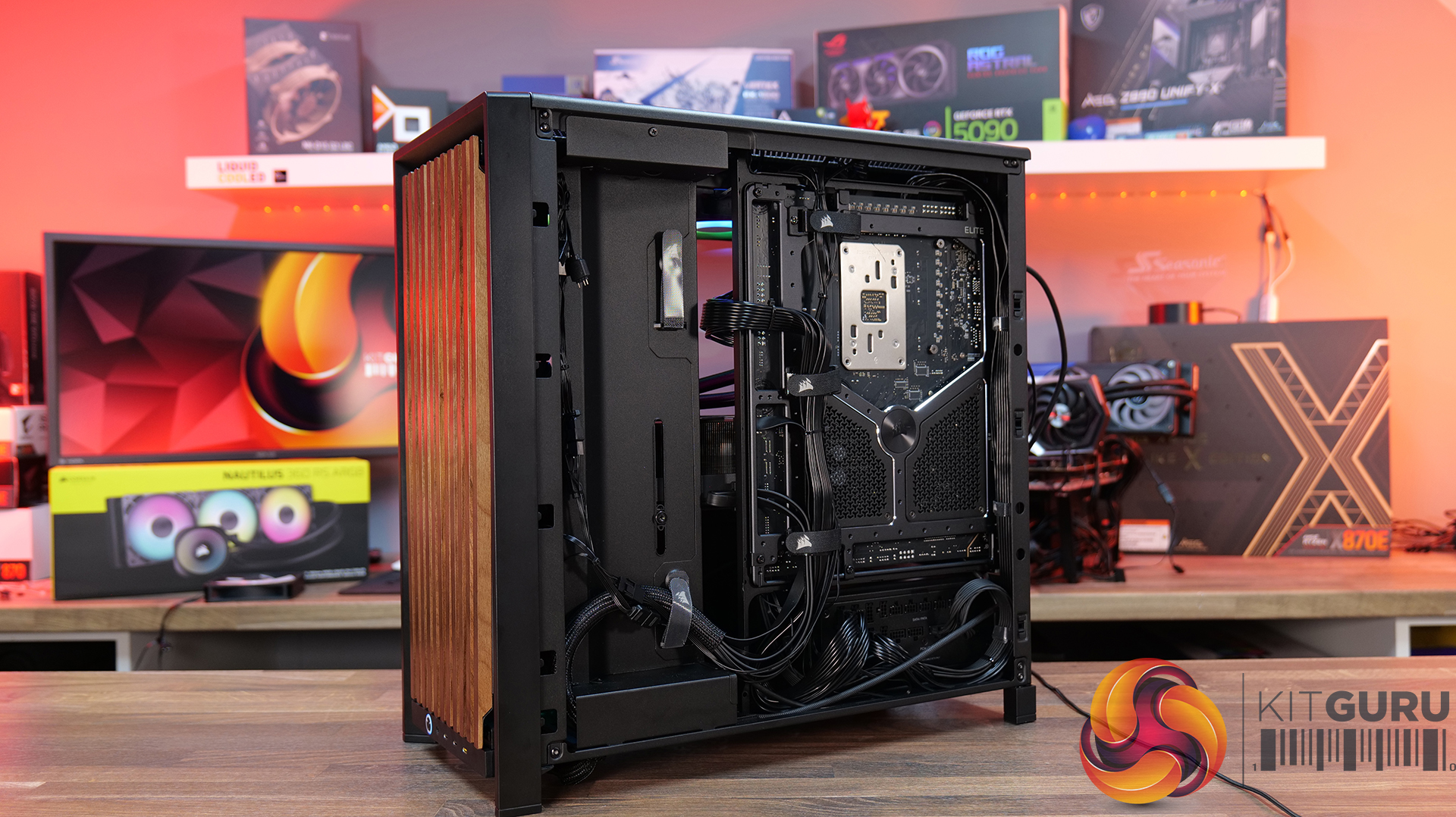
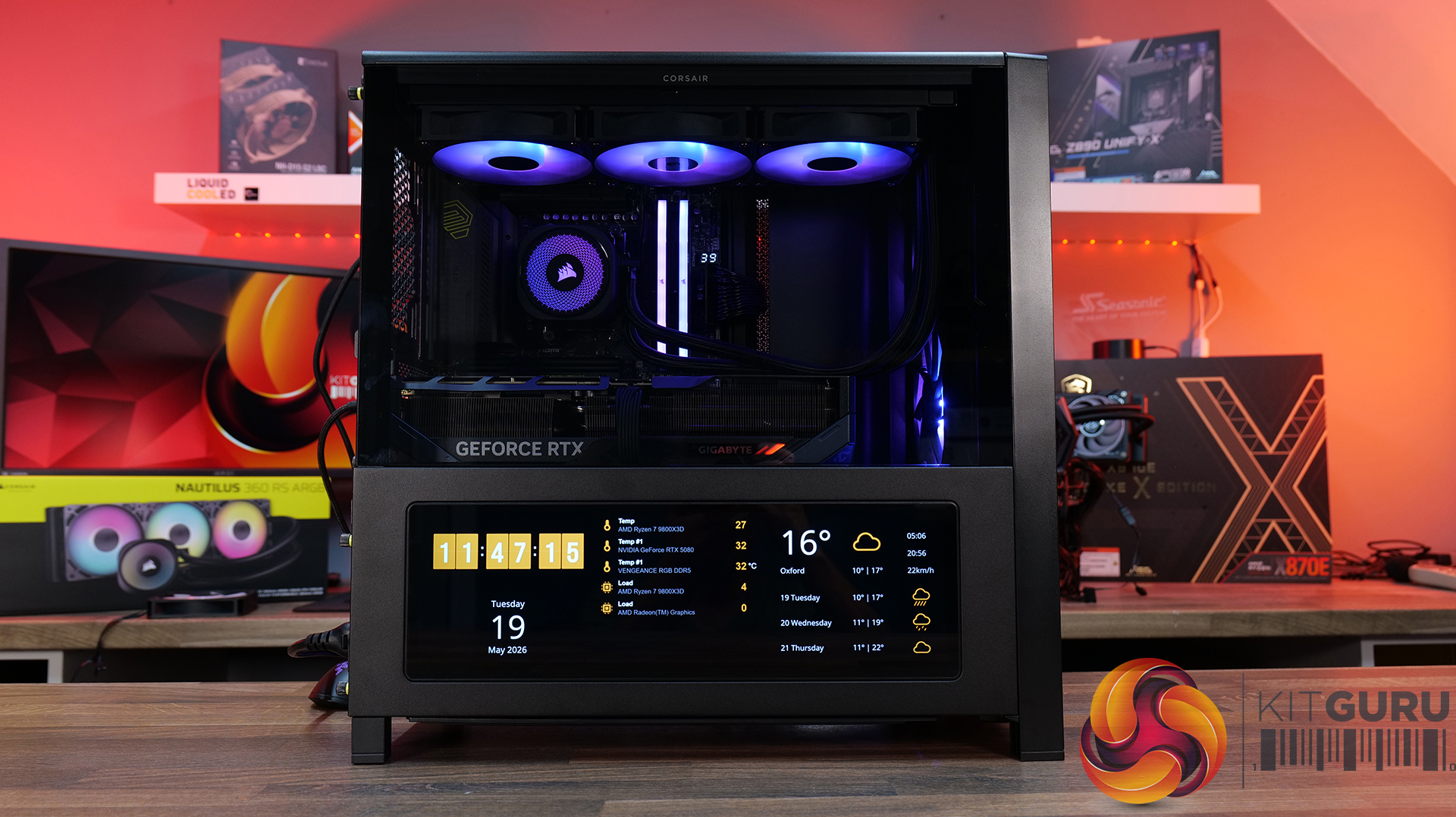
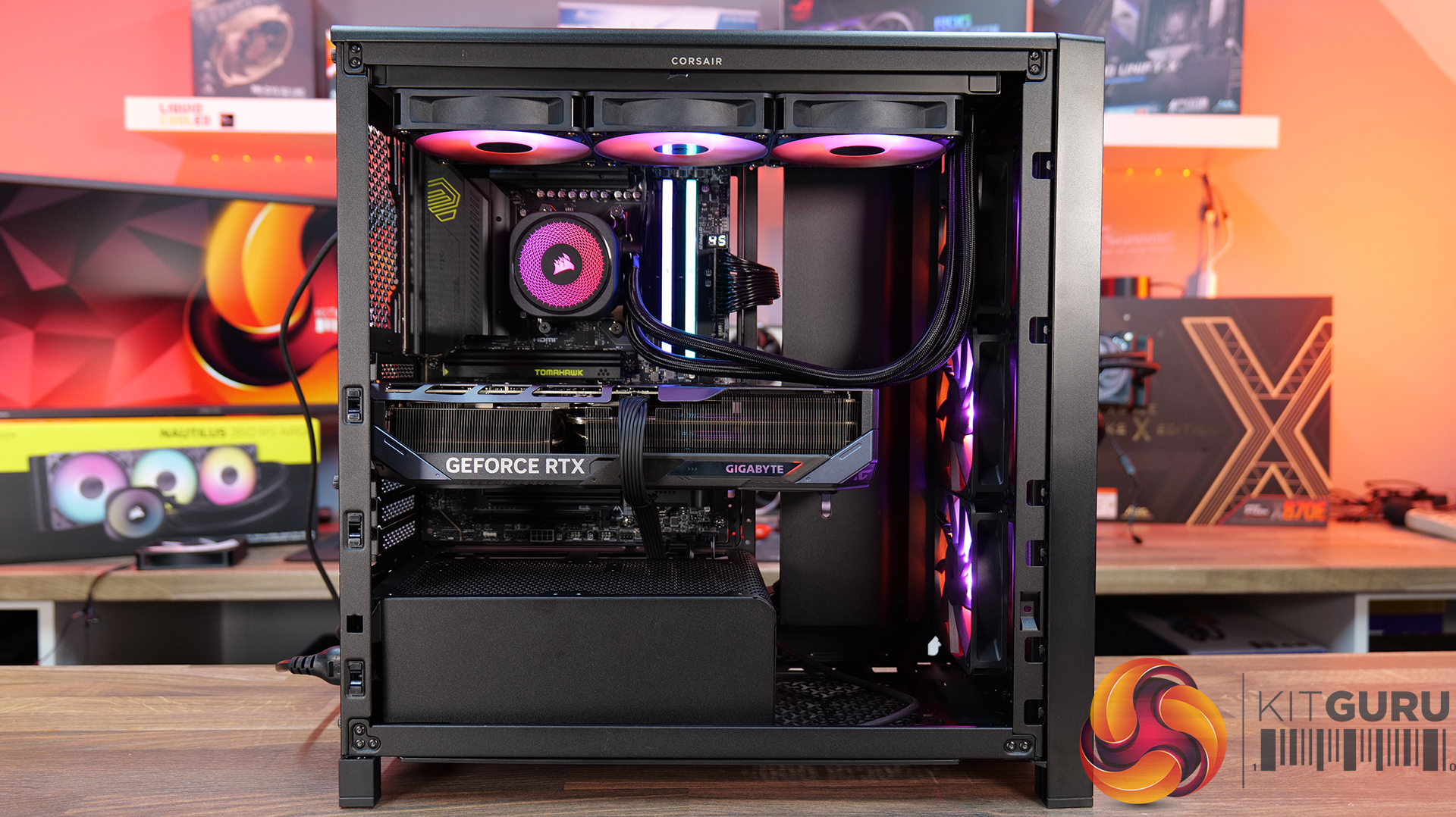
Today we’re looking at the new accessory ecosystem for the Corsair Frame 4000 case series. I reviewed the Frame 4000D about a year ago when Corsair first introduced its modular chassis design, now the company is expanding that idea with a range of upgrade parts and customisation options. New accessories include alternative front and side panels, replacement motherboard trays, a redesigned power supply shroud, plus an updated front I/O panel with improved USB connectivity. Corsair is clearly pushing the Frame platform as something you can maybe evolve rather than replace outright… but how useful are these upgrades, and are any of them worth buying? Let’s find out.

Timestamps:

00:00 Start
00:56 Accessories Overview
01:52 Alternative Motherboard Trays
03:33 Front Panel Options
08:18 Side Panel Options
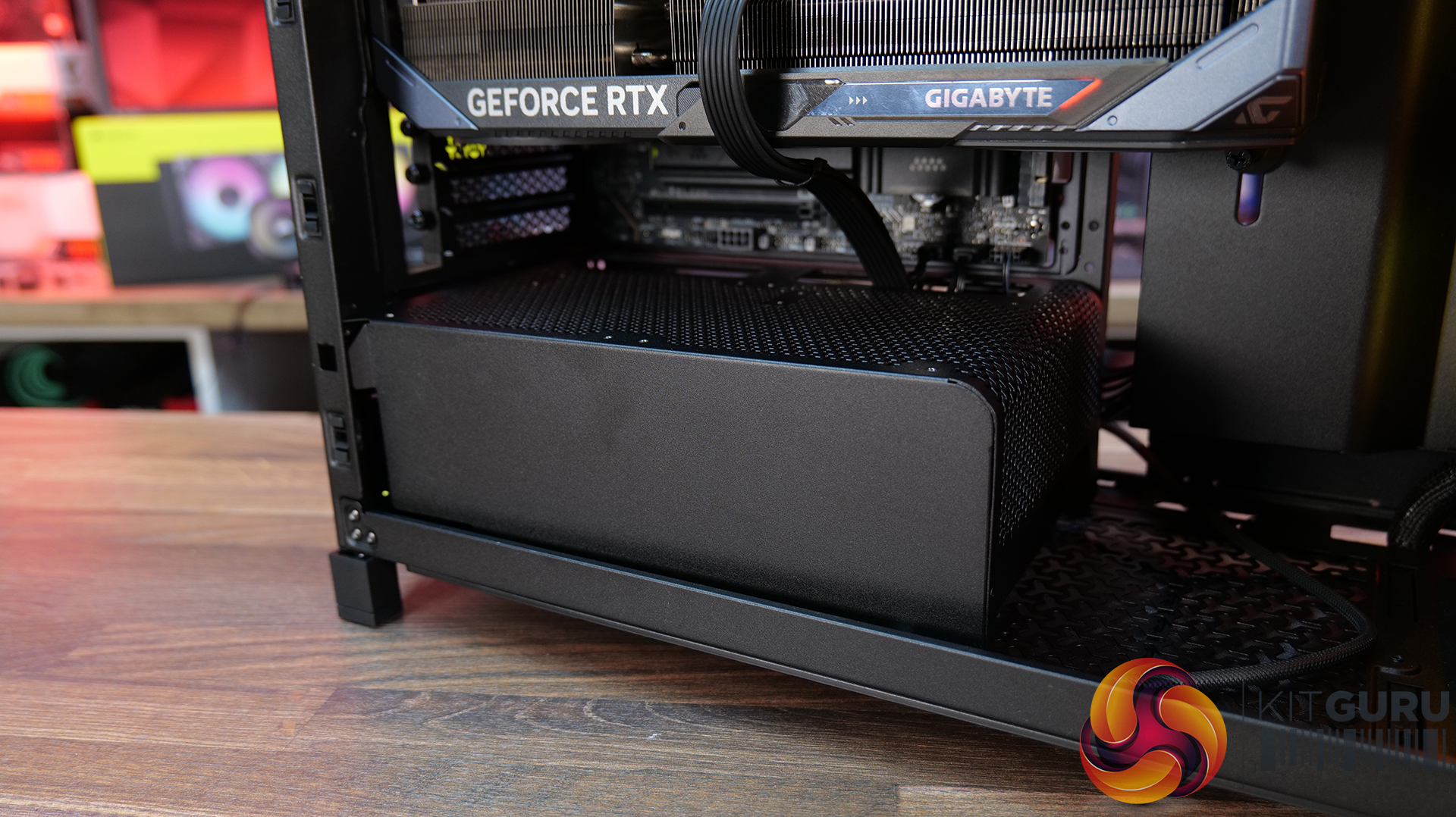
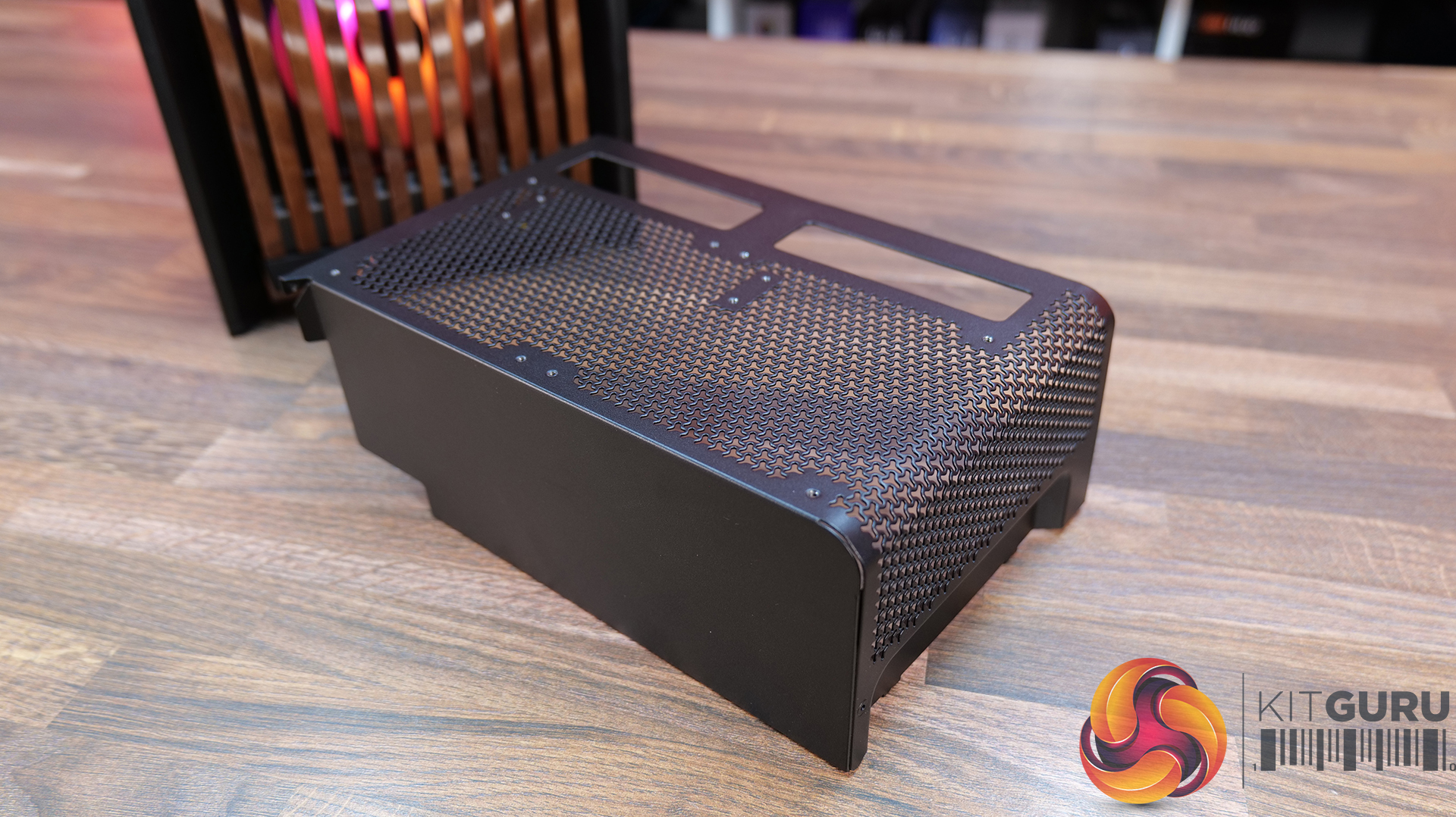
13:43 Alternative Power Supply Shroud
14:27 Front I/O Panel (ELITE)
15:53 James' Thoughts

Frame 4000 Series Accessories: Corsair Frame Configurator

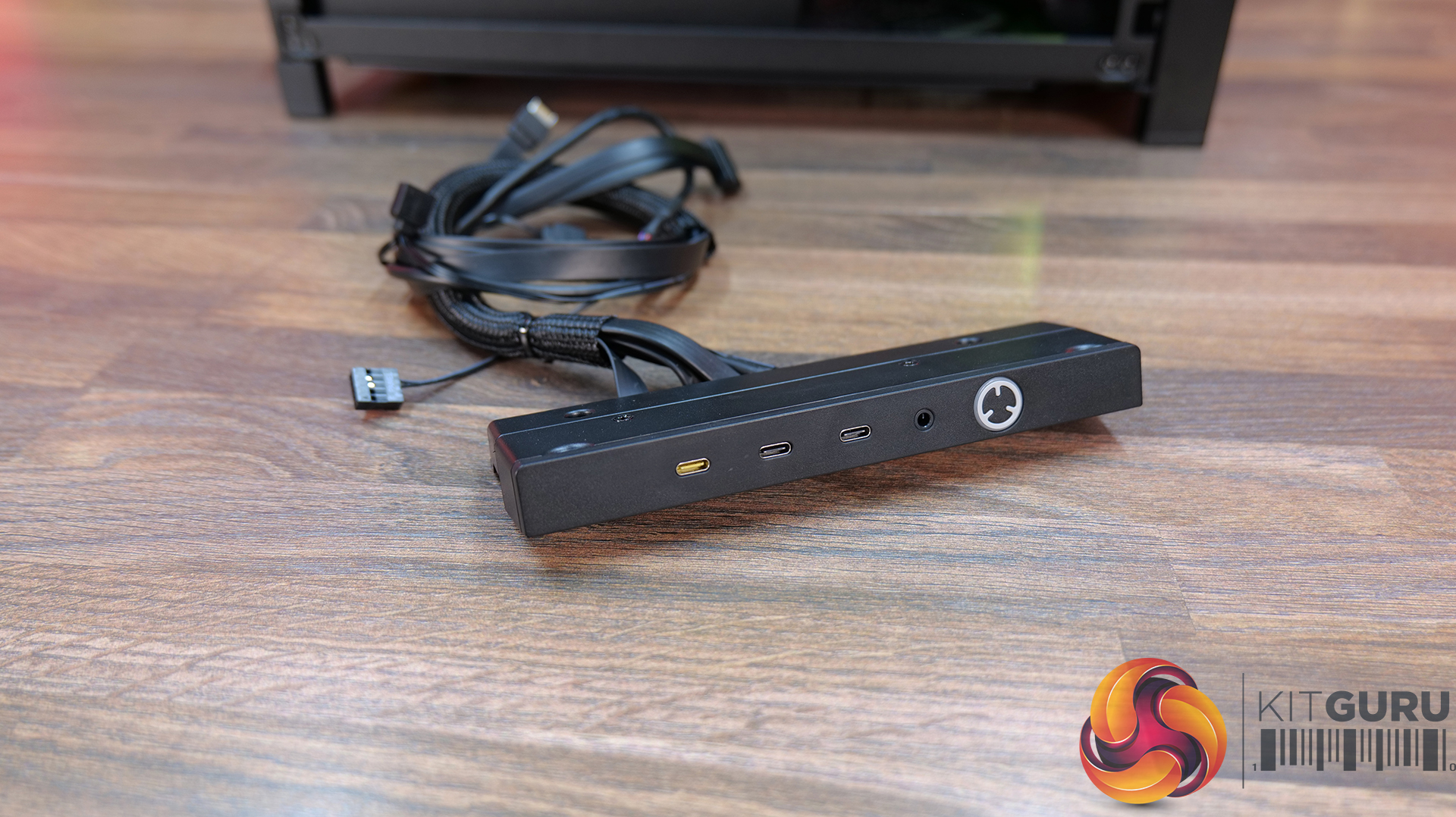
  • Elite Front Panel I/O – $24.99 / Β£29.99
  • Rapid Route 2.0 Motherboard tray – $9.99 / Β£10.82
  • ELITE Motherboard Tray – Meteorite Aluminium – $79.99 / Β£69.99
  • Full Tempered Glass Side Panel – $19.99 / Β£21.65
  • Flat Steel Side Panel – $14.99 / Β£16.24
  • LCD Mounting Kit – $39.99 / Β£29.99
  • Cold Air Intake Kit – $39.99 / Β£29.99
  • RGB FLOW Front Panel – $19.99 / Β£21.65
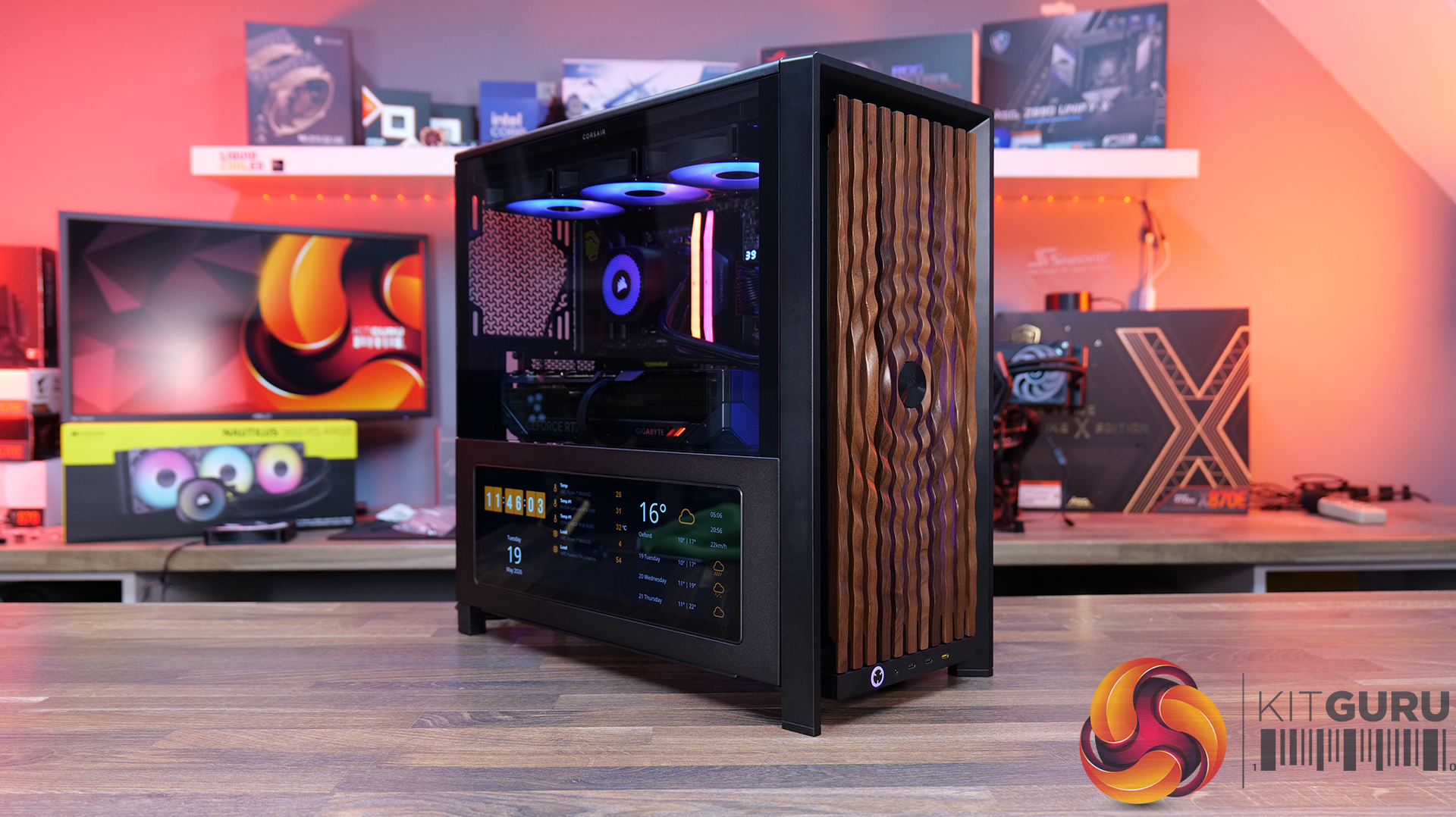
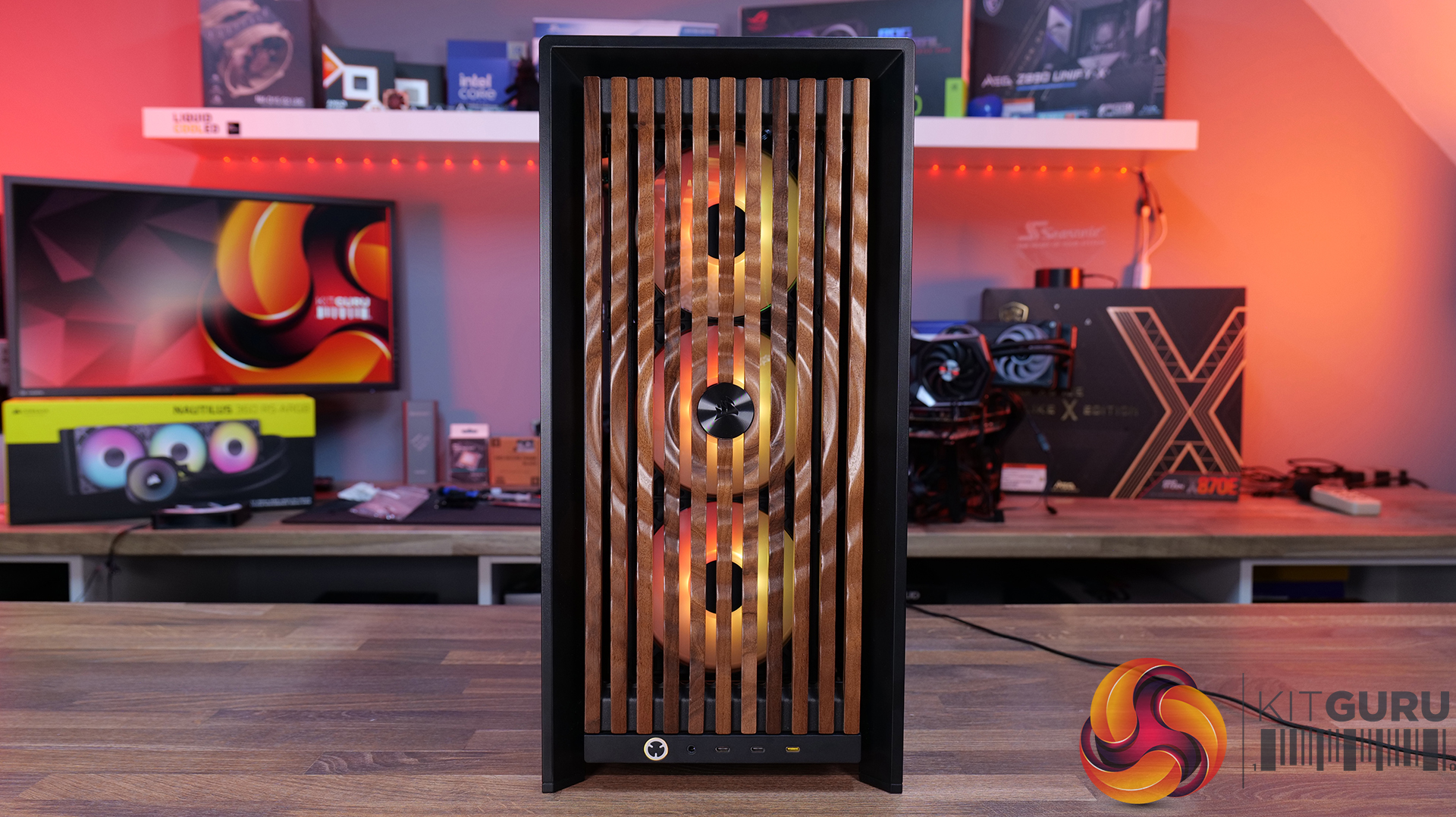
  • WOOD Front Panel – $29.99 / Β£29.99
  • ELITE WOOD Front Panel – $49.99 / Β£59.99
  • Flat Glass Front Panel – $19.99 / Β£21.65
  • Series Pixel Glass Front Panel – $19.99 / Β£21.65
  • Compact PSU Shroud – $14.99 / Β£16.24

Front I/O:

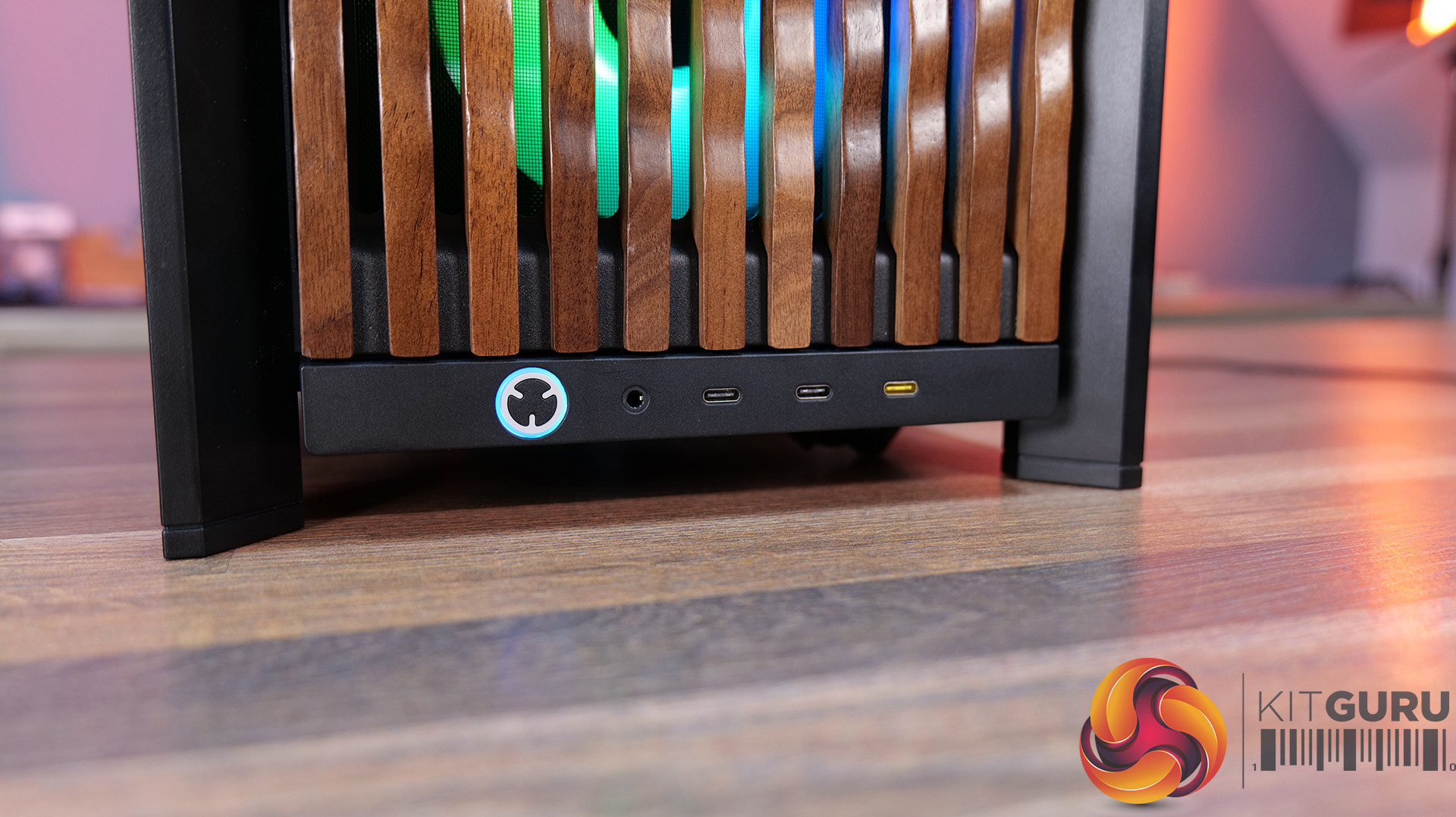
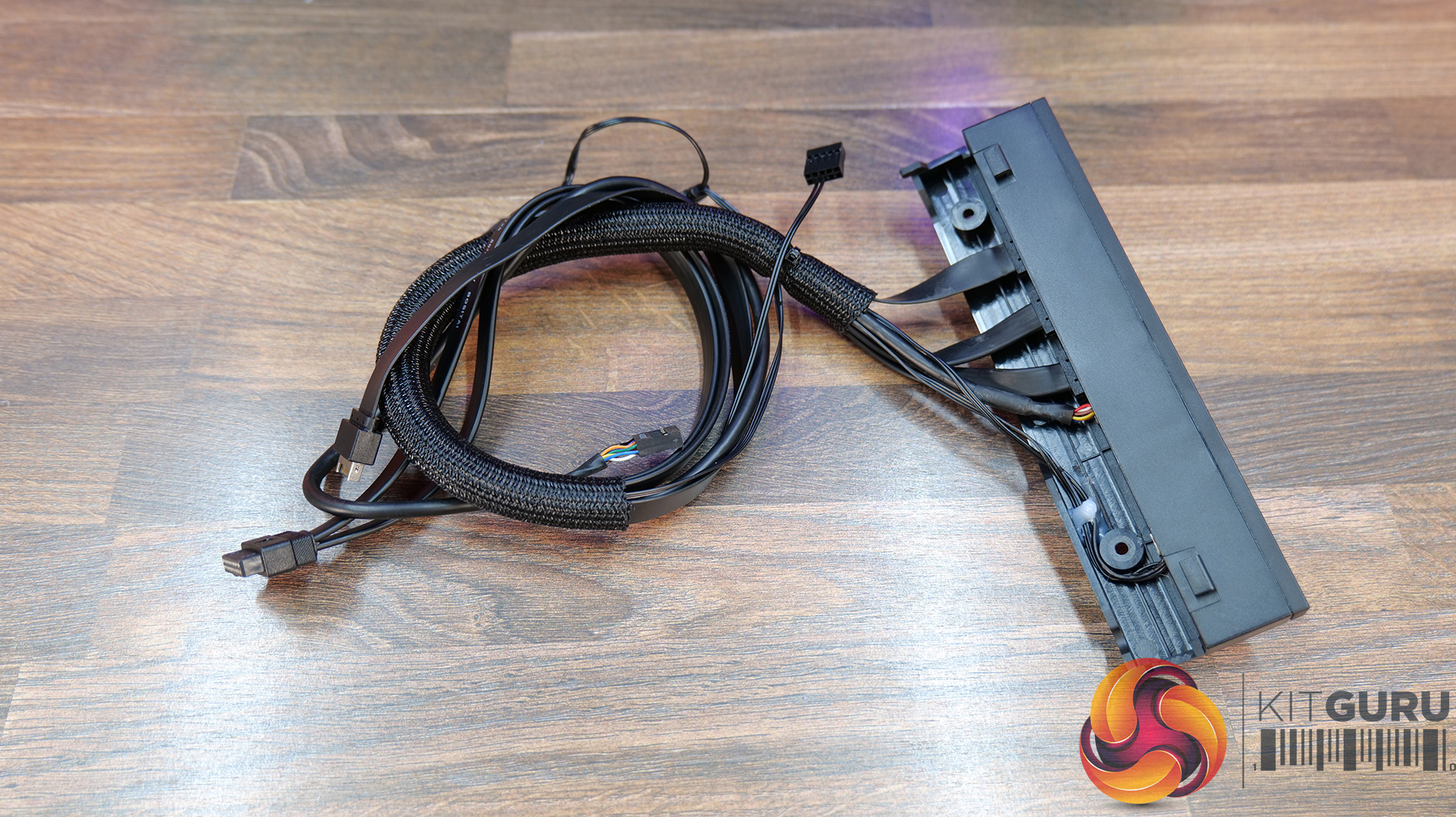
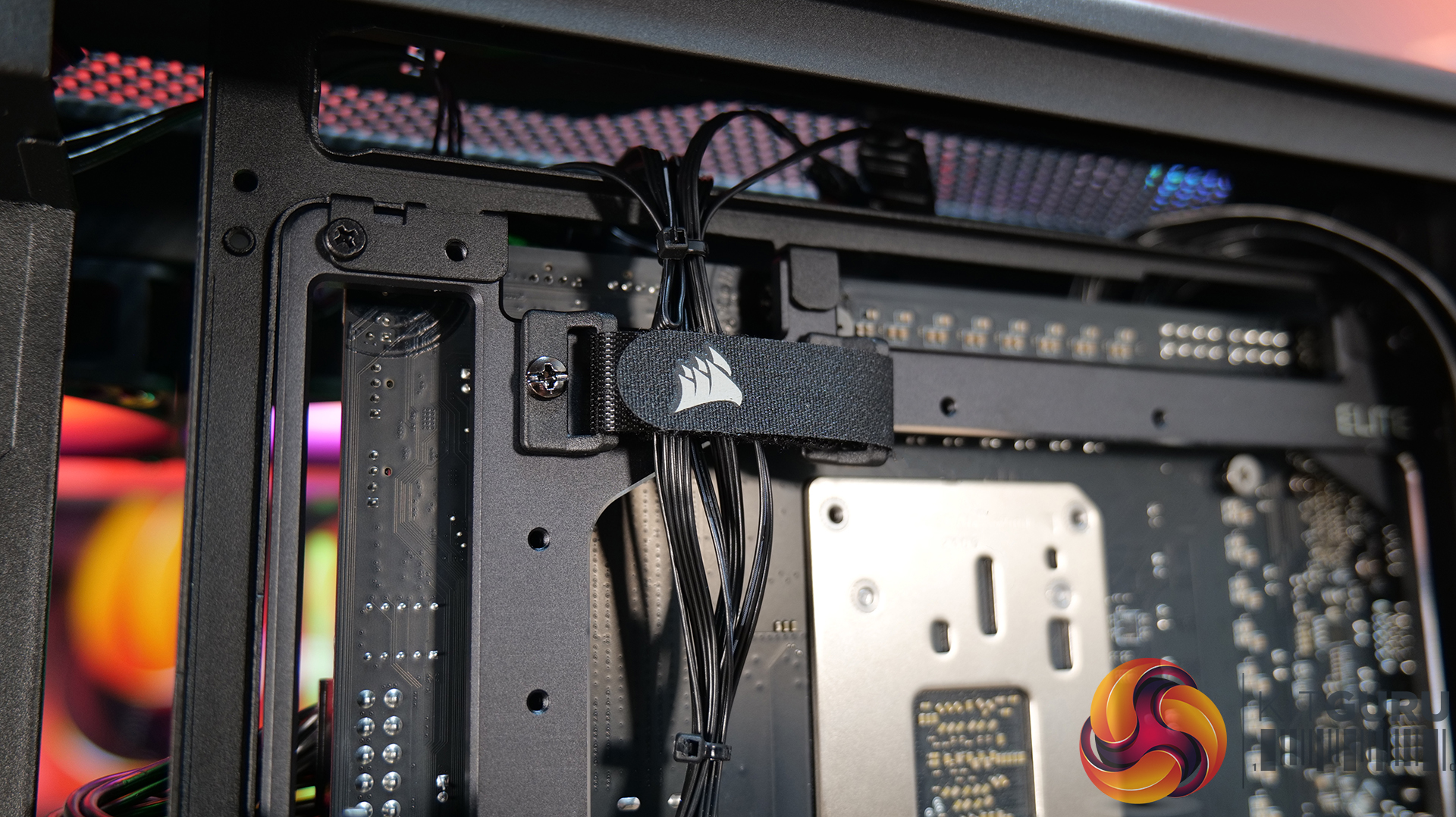
  • Elite Front Panel I/O: Comes with 3 x USB Type C Ports (1x USB 3.2 Gen 2Γ—2 Type-C 20Gb/s port and 2x USB 3.2 Gen 1 Type-C 5Gb/s ports)Β  and a swappable MX-Style Green mechanical power button. The standard Front I/O comes with 1 x USB Type-C port and 2 x USB Type-A ports.

Motherboard Tray Options:

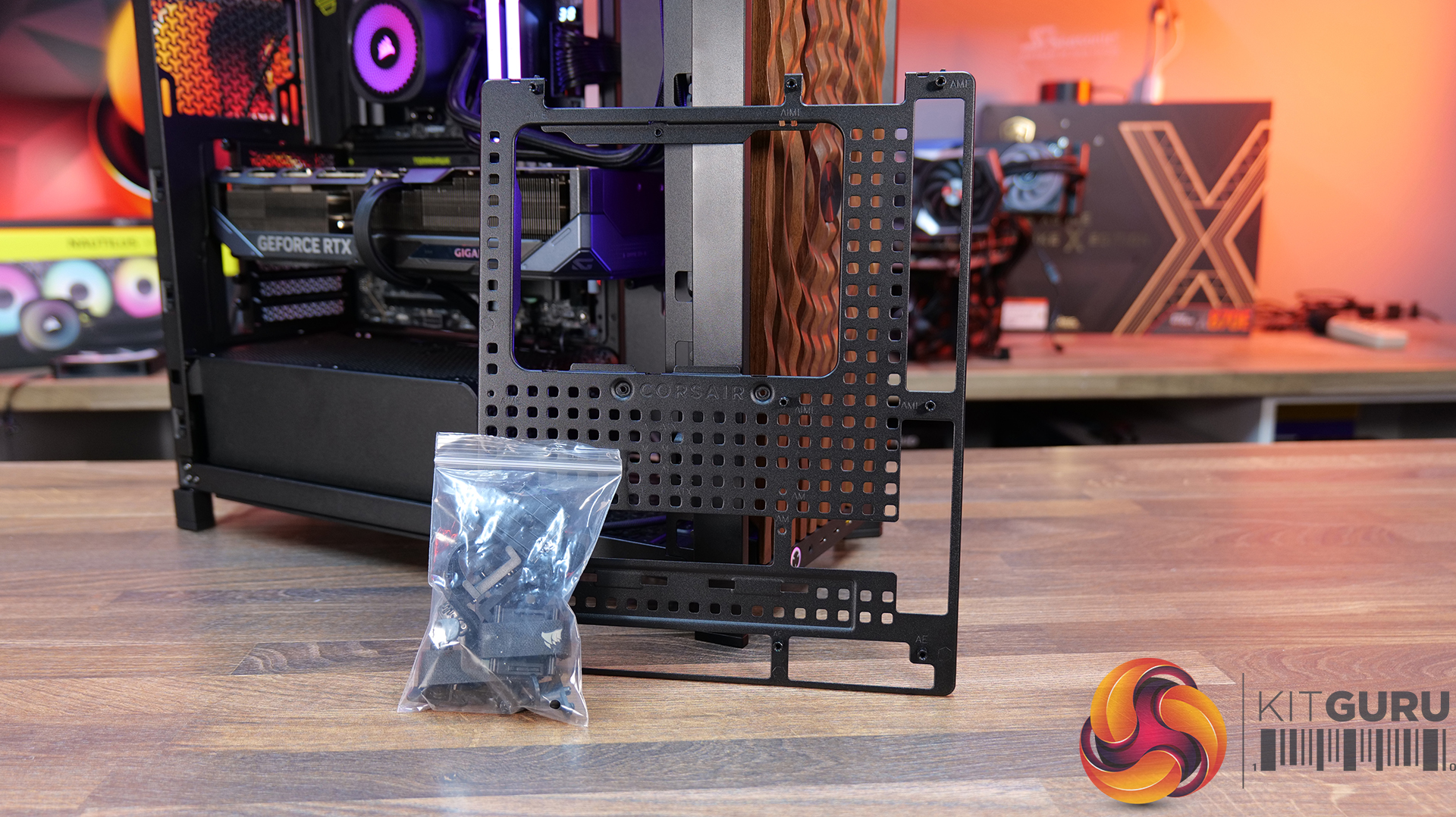
  • RapidRoute 2.0 Motherboard Tray – A Pegboard motherboard tray designed to make cable management easy, allowing the user to move and rotate the ratcheting cable ties for customised cable management.
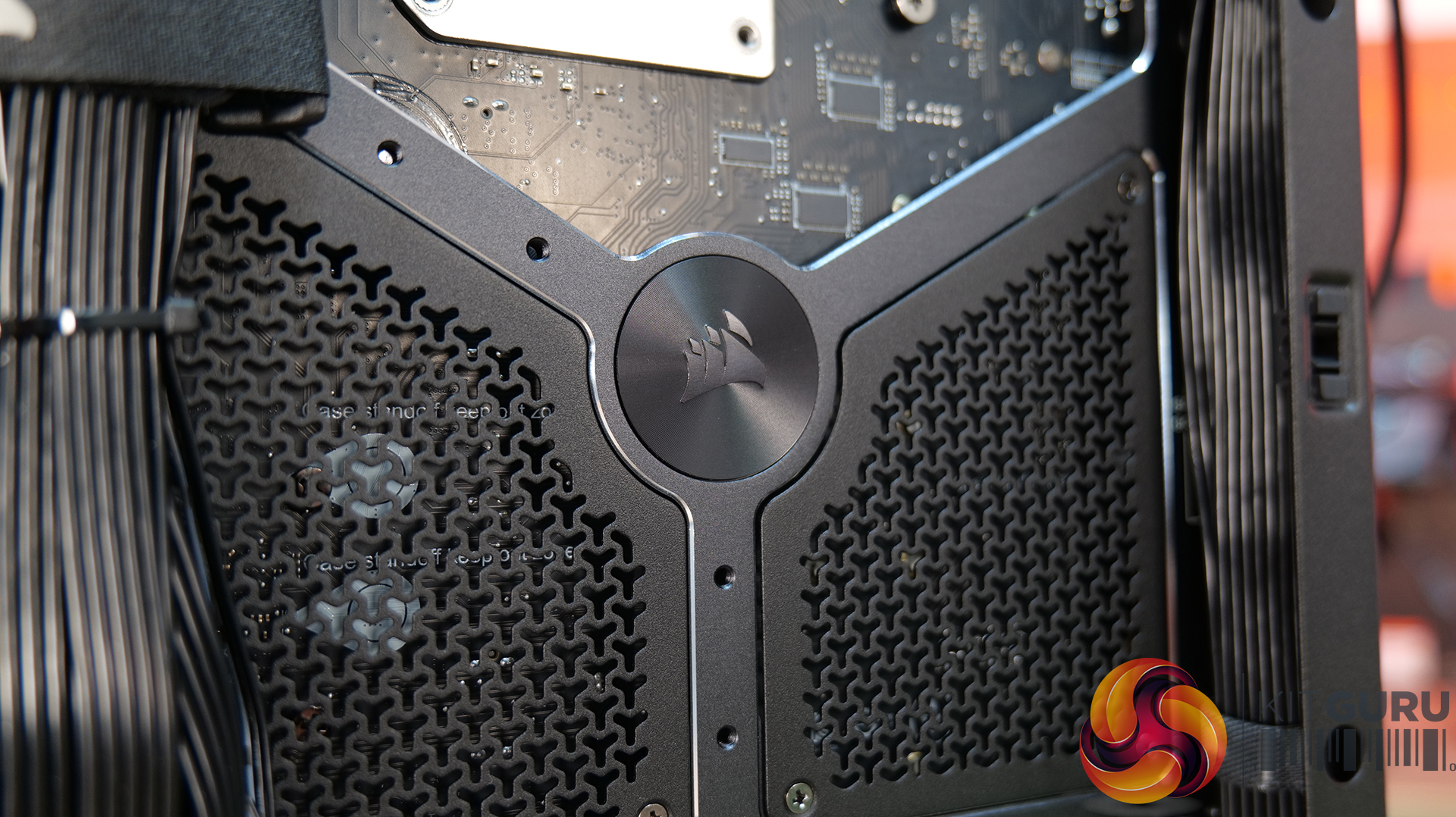
  • ELITE Motherboard Tray – Meteorite Aluminium – Premium motherboard tray made from a single piece of aluminium, high rigidity and light weight with diamond cut edges – Supports E-ATX, ATX, Micro ATX, including reverse connector boards.

Front Panel options:

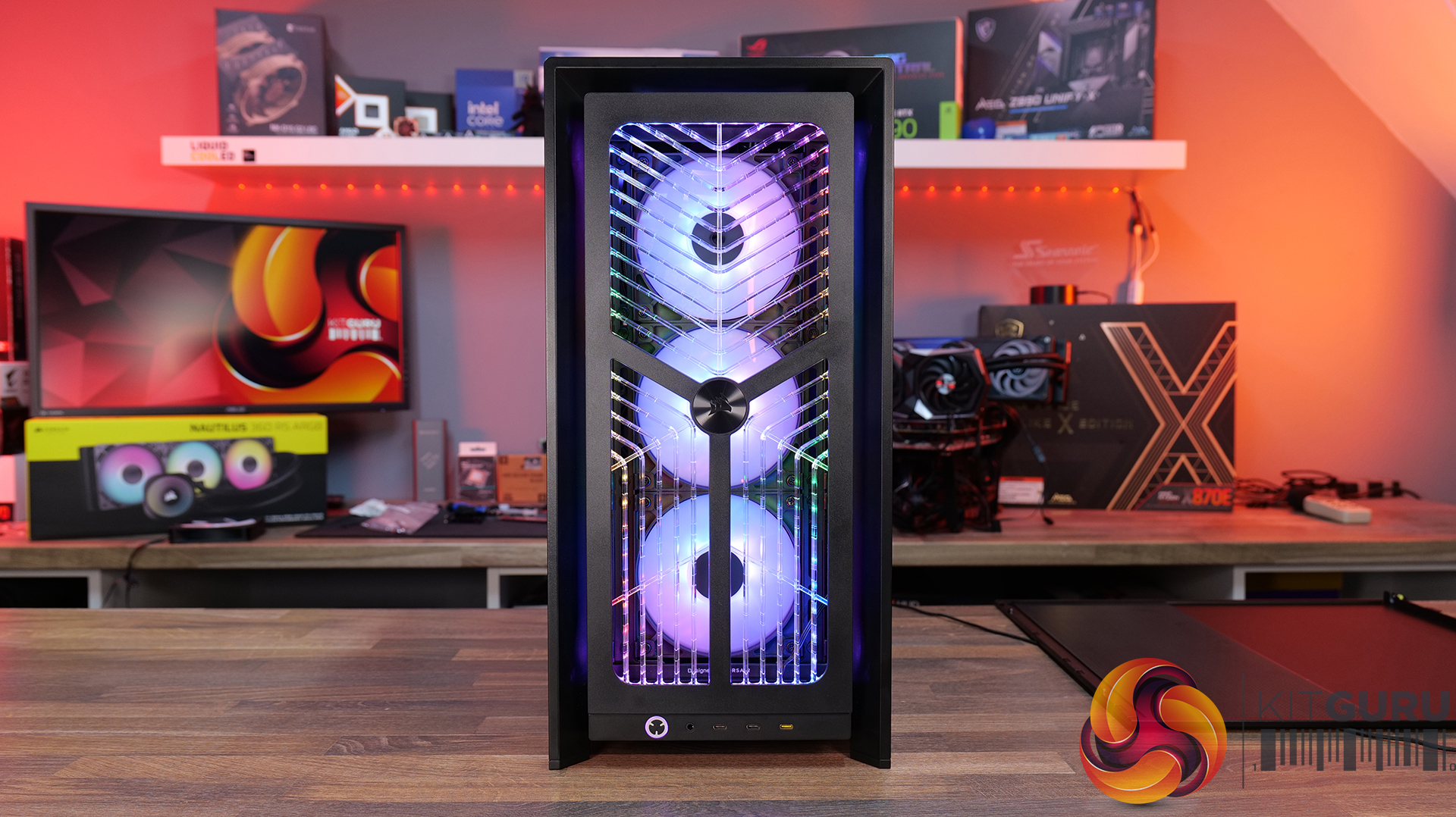
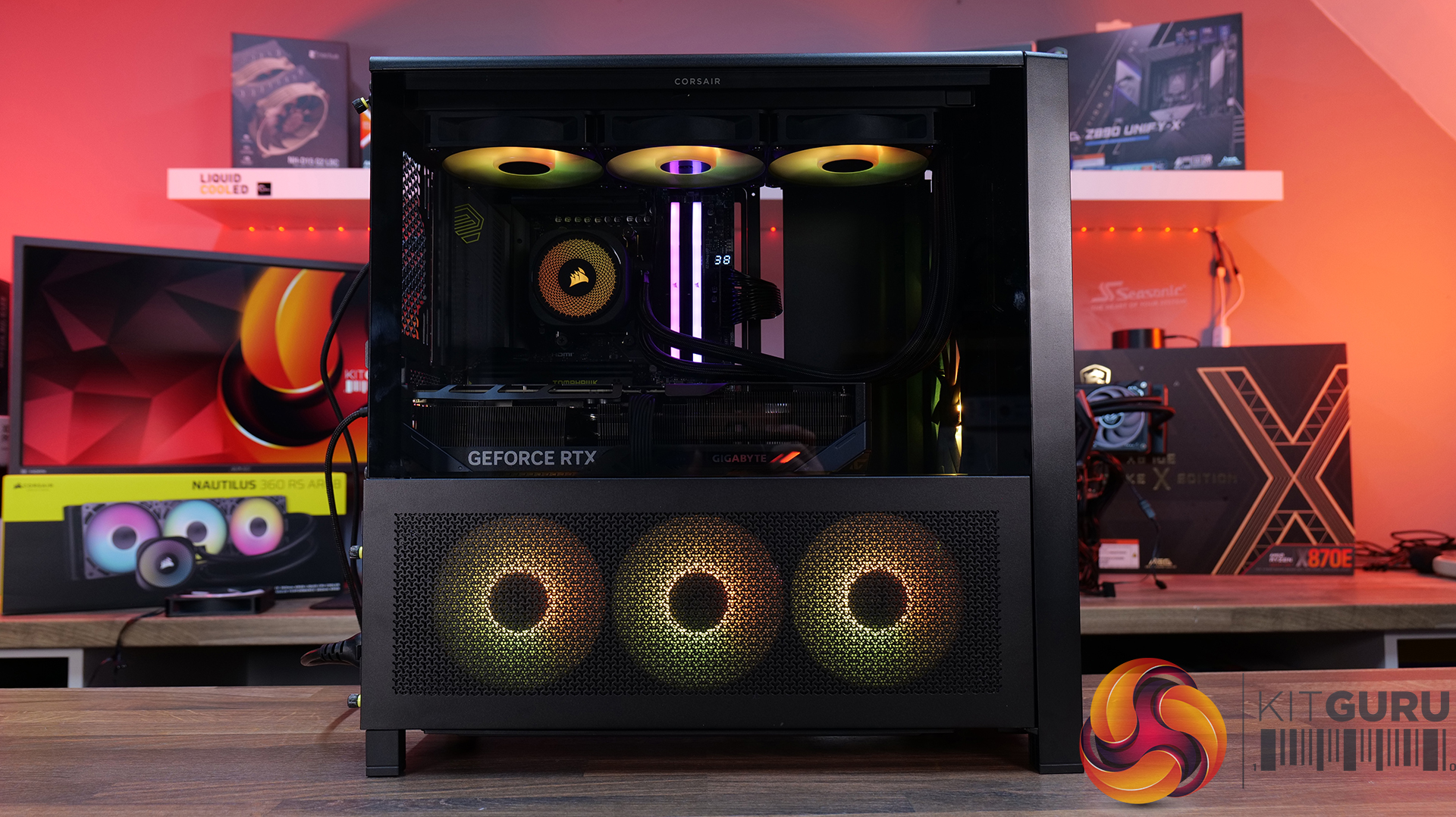
  • RGB FLOW Front Panel – High air flow front panel with built-in RGB lighting -completely different look from the stock 3D-Y design.
  • Flat Glass Front Panel – Solid glass for showing off front fans.
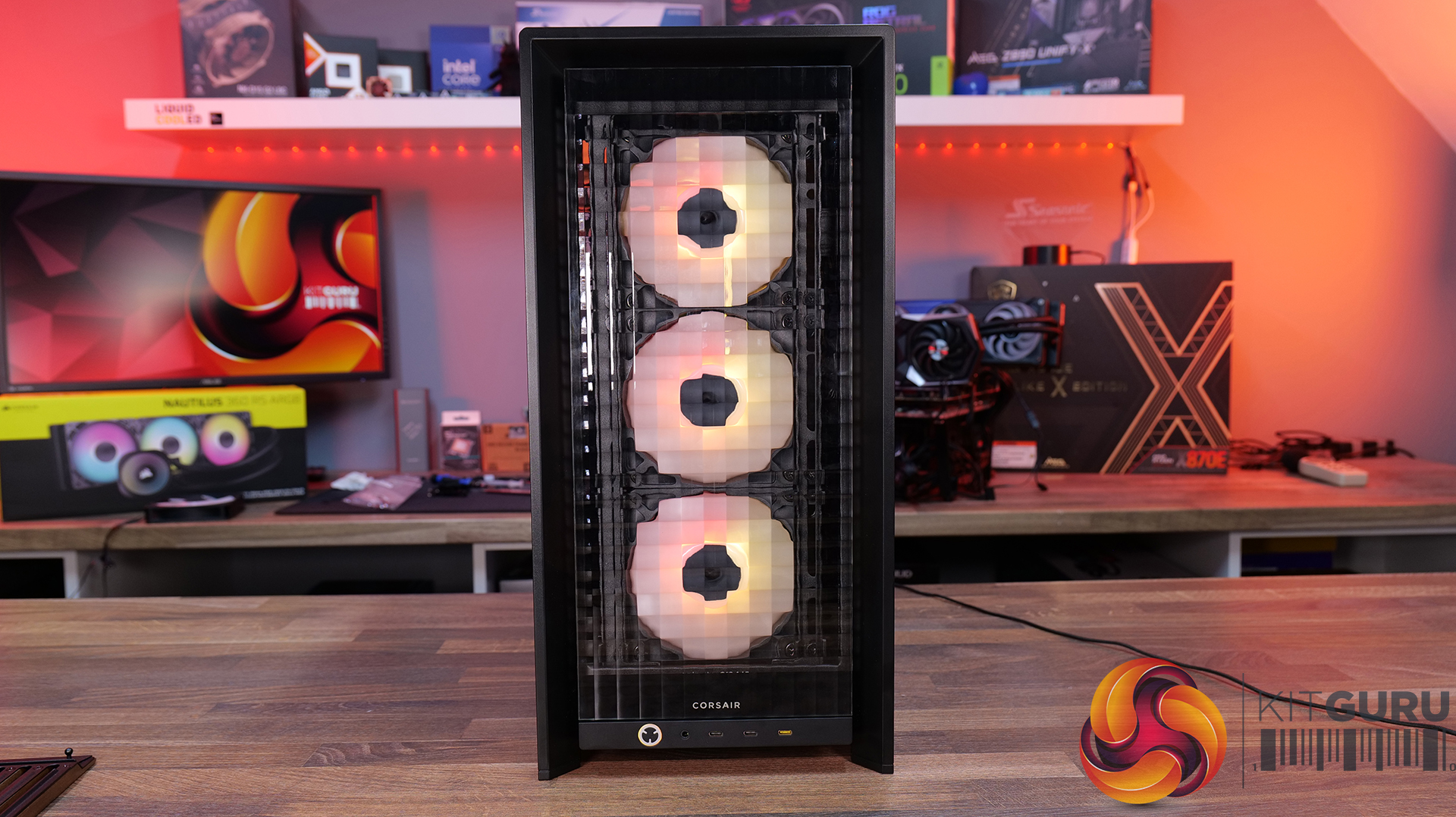
  • Pixel Glass Front Panel – A full glass panel that allows unobstructed RGB lighting and creates a pixelated visual.
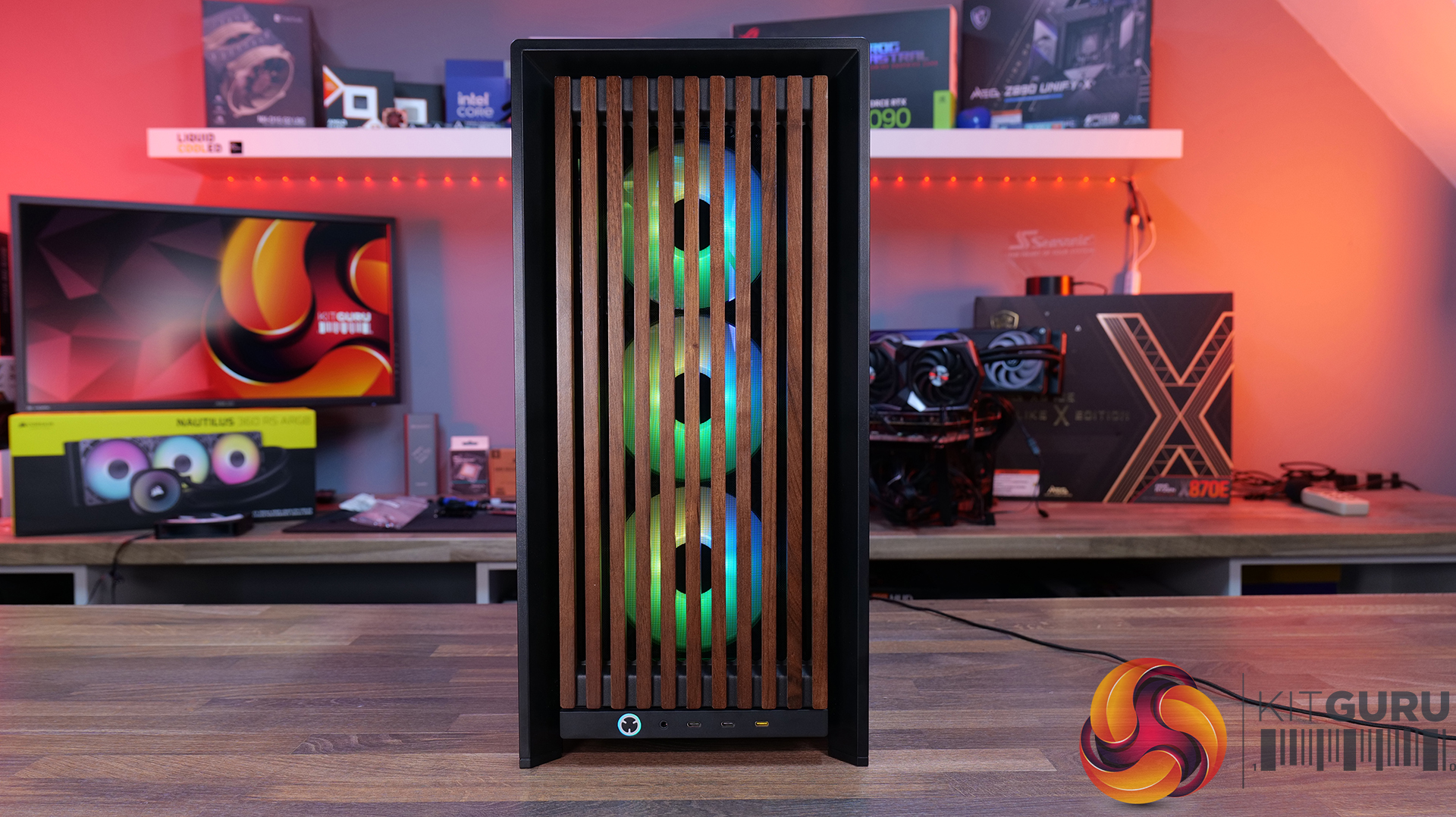
  • Wood Front Panel – Made using real FSC certified wooden slats for a natural look, but still retaining great airflowΒ  – available in black/walnut or white/oak.
  • ELITE Wood Front Panel – again made from fsc certified wooden slats with a wavy parametric design and a central Corsair logo – also available in black/walnut or white/oak.

Side Panels Options:

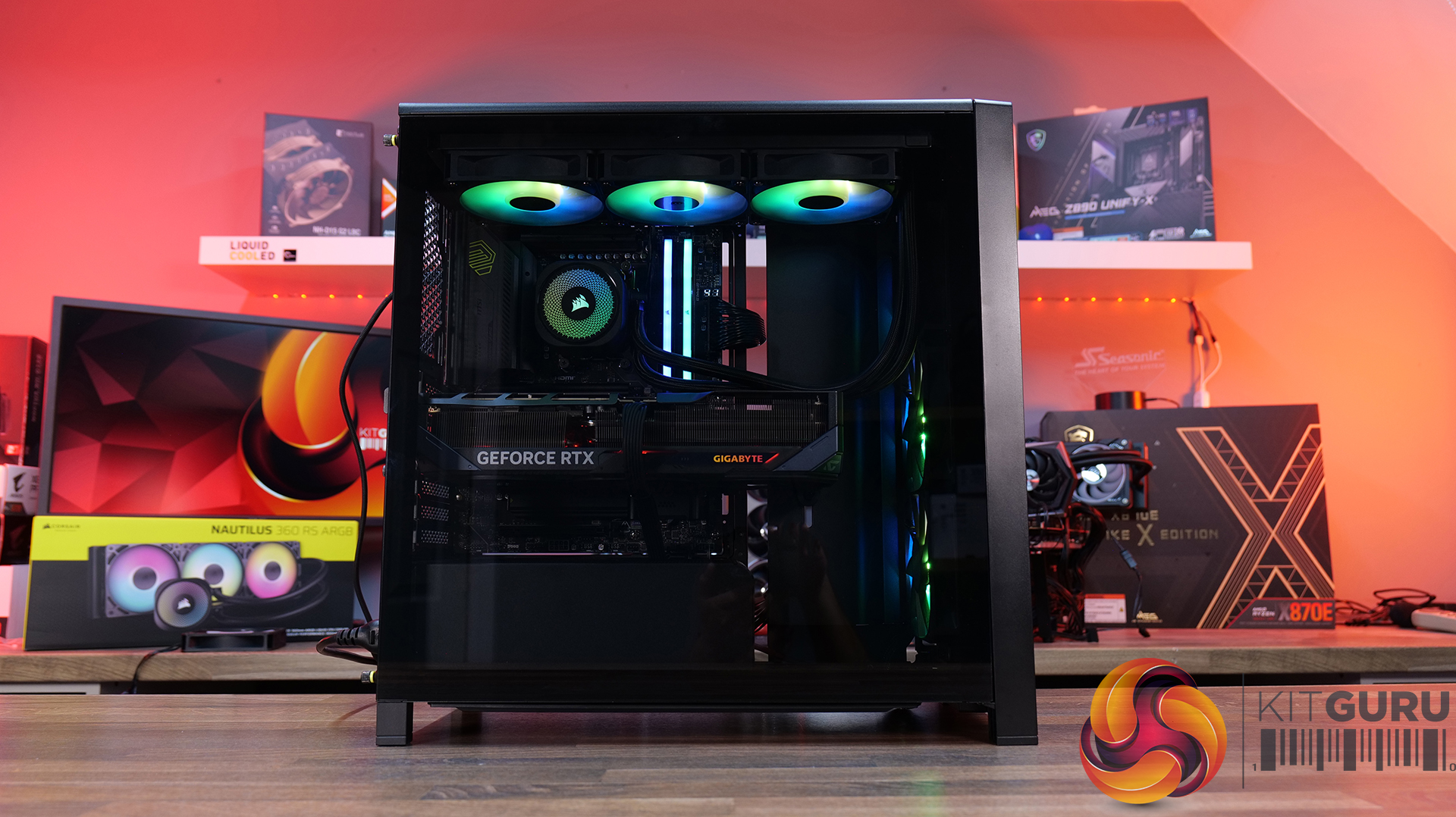
  • Full Glass Side Panel – ideal if you want to show off your whole system; you can even run it with the PSU shroud completely removed for a more retro look and to show off your power supply.
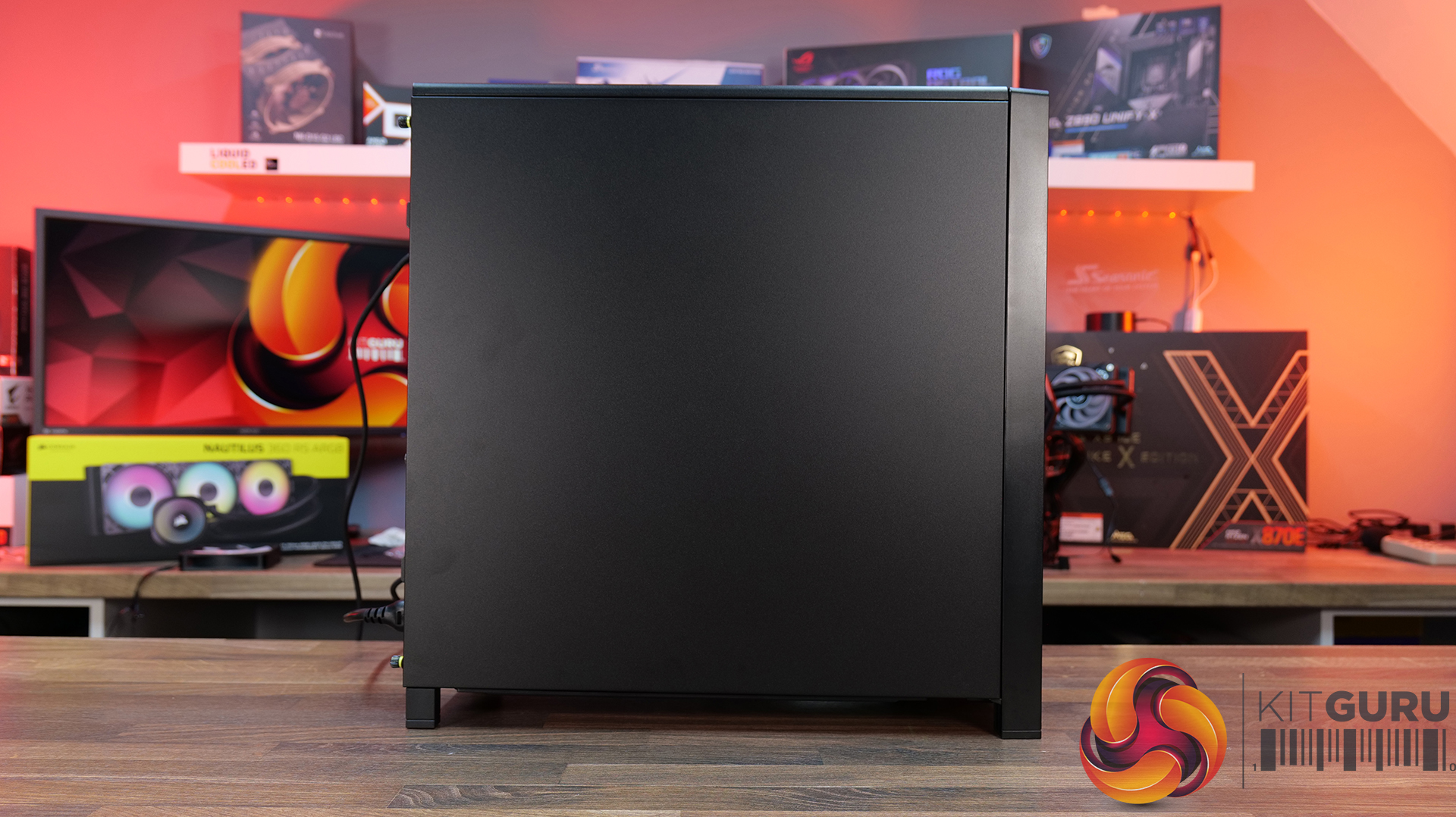
  • Flat steel Side Panel – if you don’t want to see inside at all.
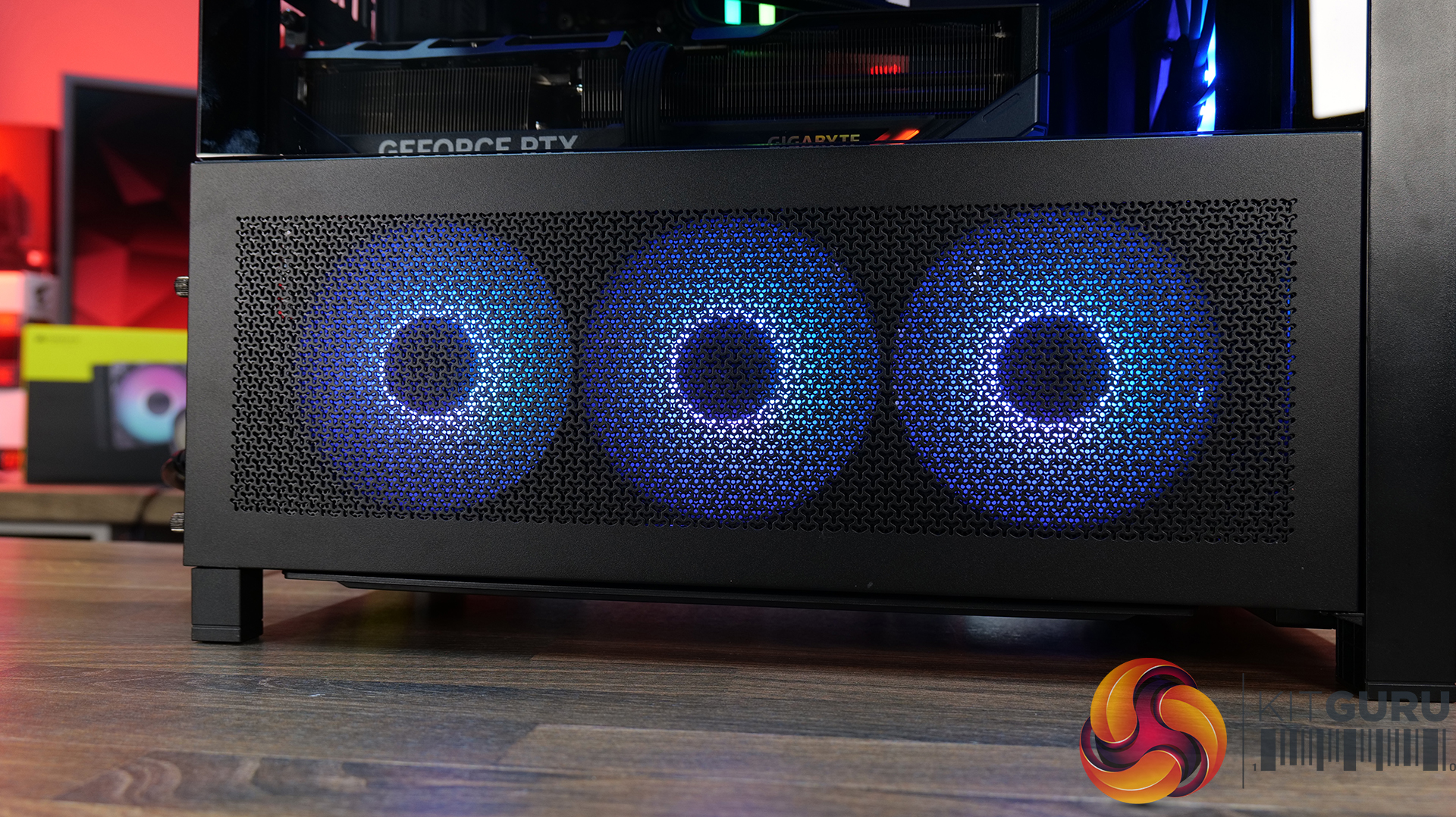
  • Cold Air Intake Kit – 2/3 glass and a fan bracket for 3 x 120mm fans.
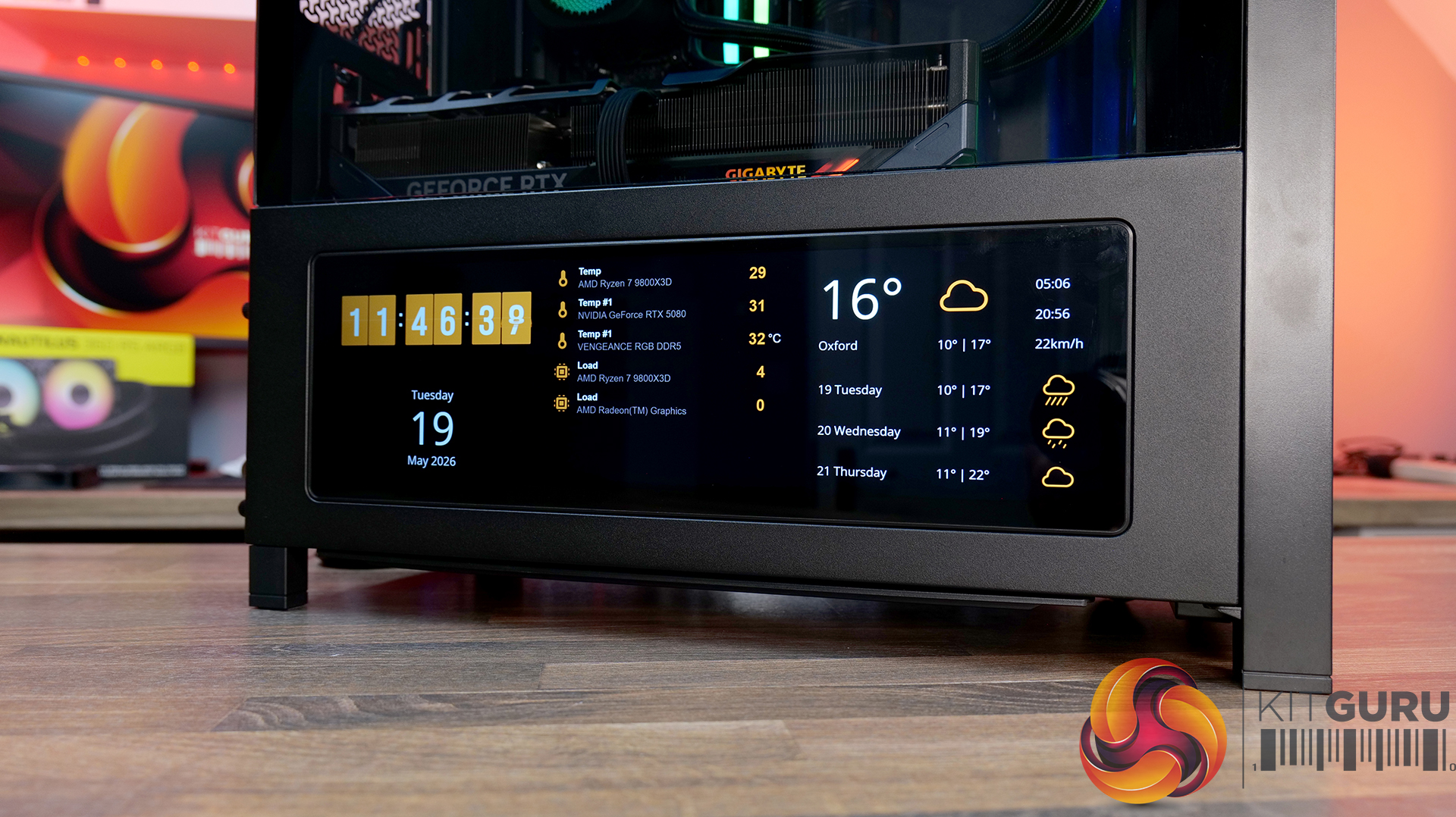
  • LCD Mounting Kit – 2/3 glass and a slot to fit the Xenon Edge 14.5” LCD touchscreen – plus all cables for internal connectivity.

PSU Shroud:

  • Compact PSU Shroud – ideal for pairing with the tempered glass front panels to show off your build. Mesh design with 2 x 120mm fan mounts on top. The standard 4000D/X case comes with a full-length power supply shroud.

Build Specification

KitGuru says: There's a decent range of accessories to fit most users' budgets, but if you want the full high-end, premium look with the Xenon Edge display its going to work out quite expensive. But if your taste of PC cases is all about aesthetics, it might be a price worth paying?

The post Corsair Frame 4000 Series Accessories Hands-On first appeared on KitGuru.

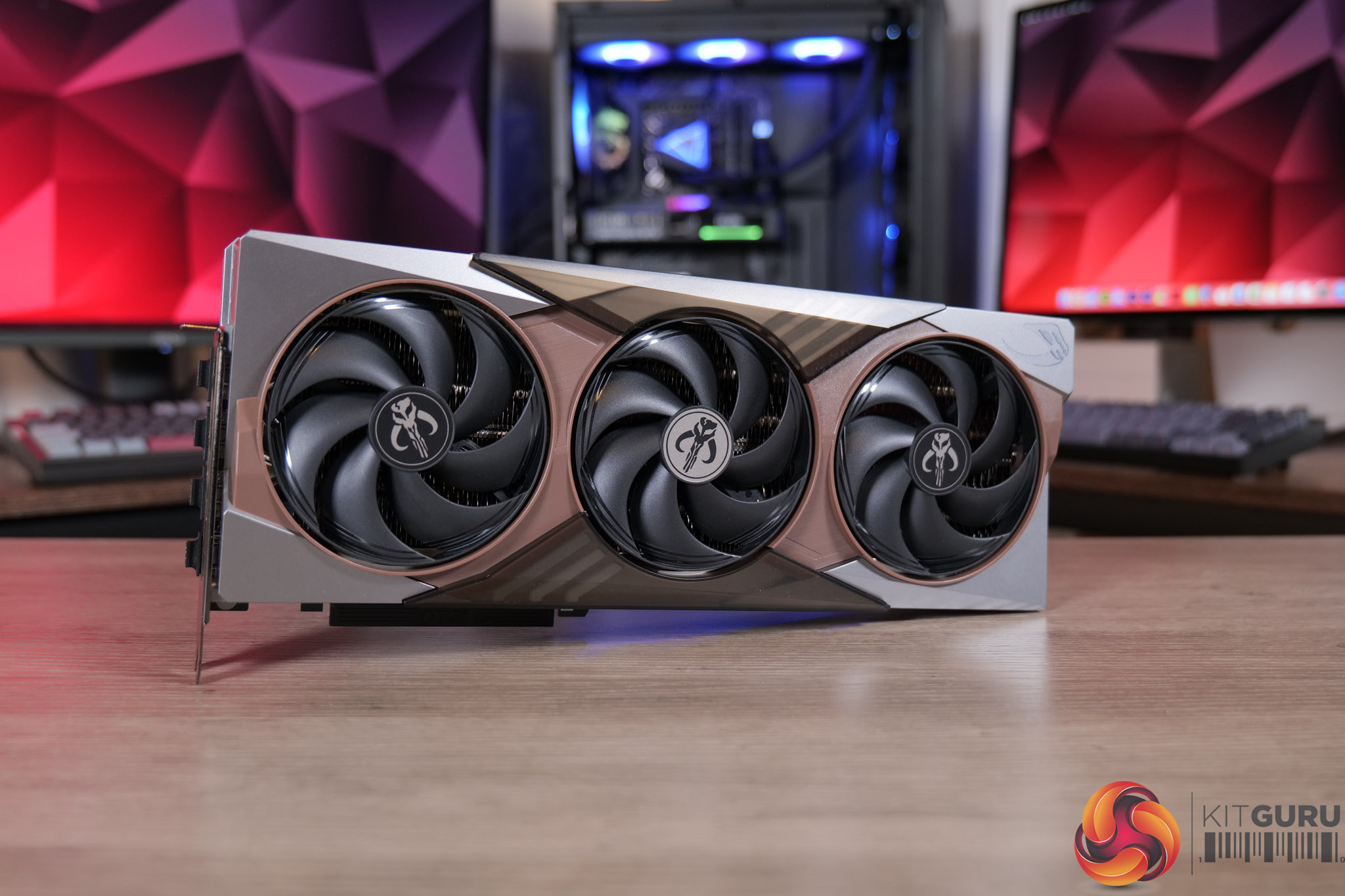
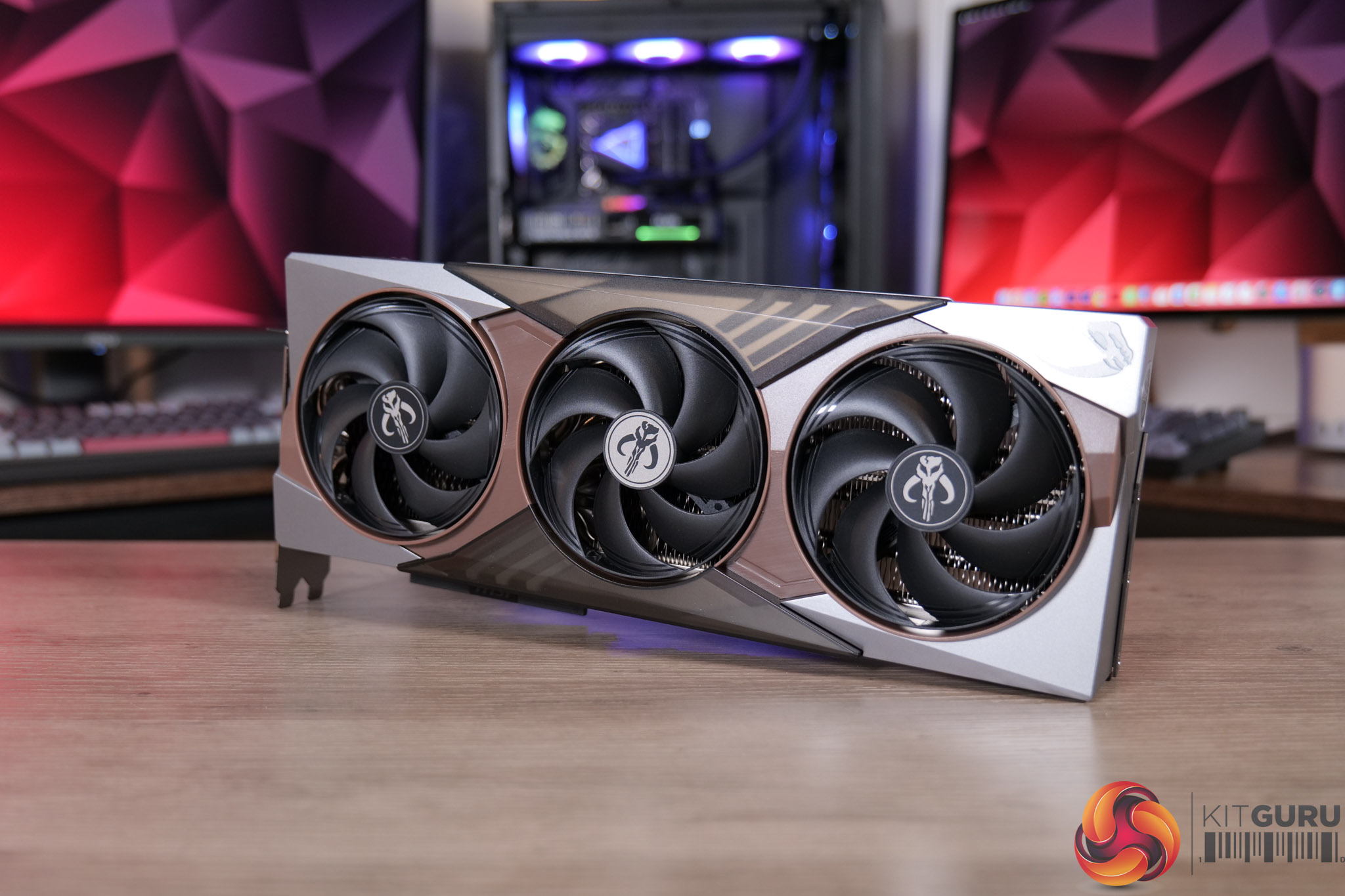
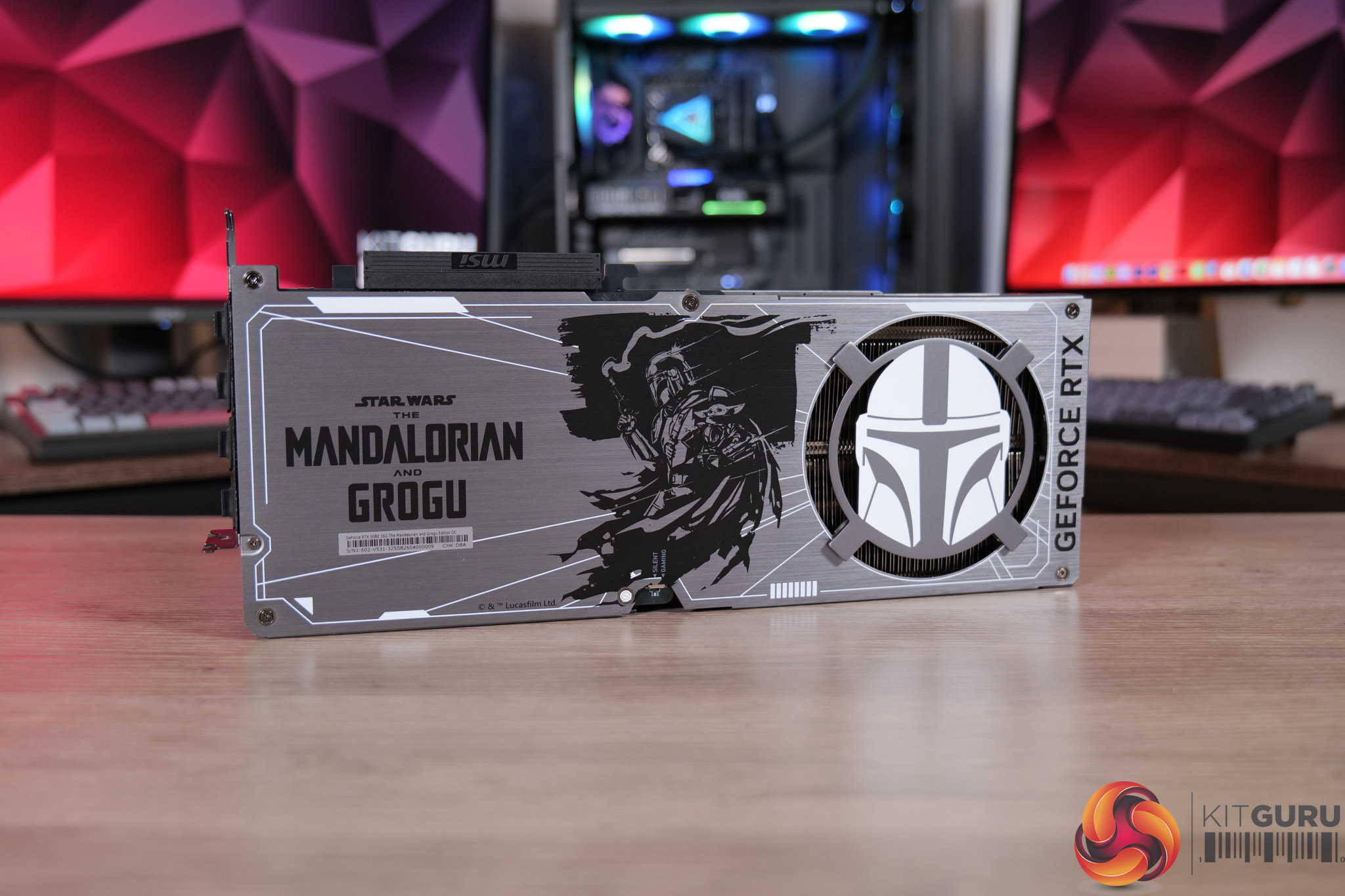
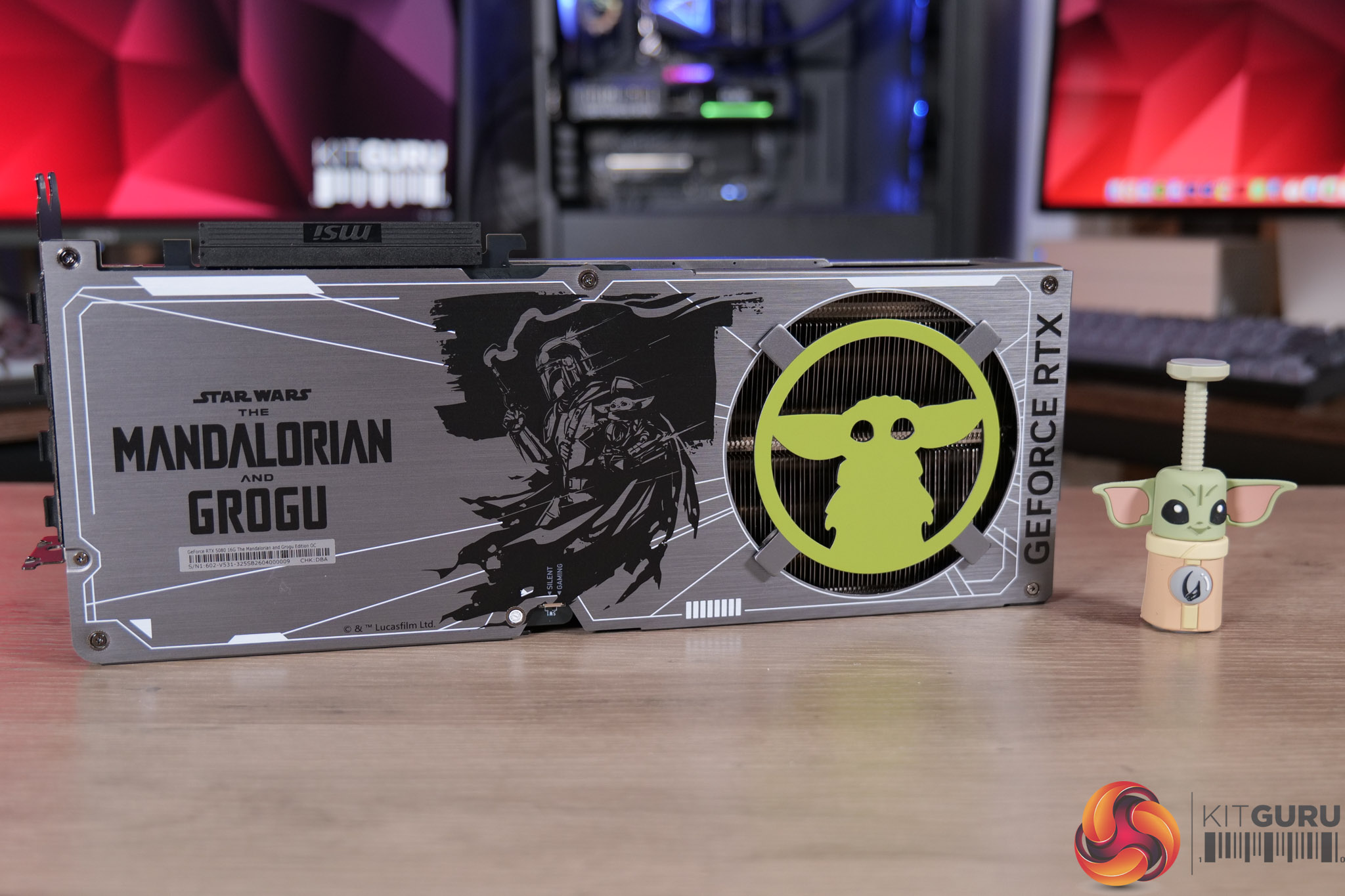
MSI RTX 5080 The Mandalorian and Grogu Unboxing

15 May 2026 at 10:00

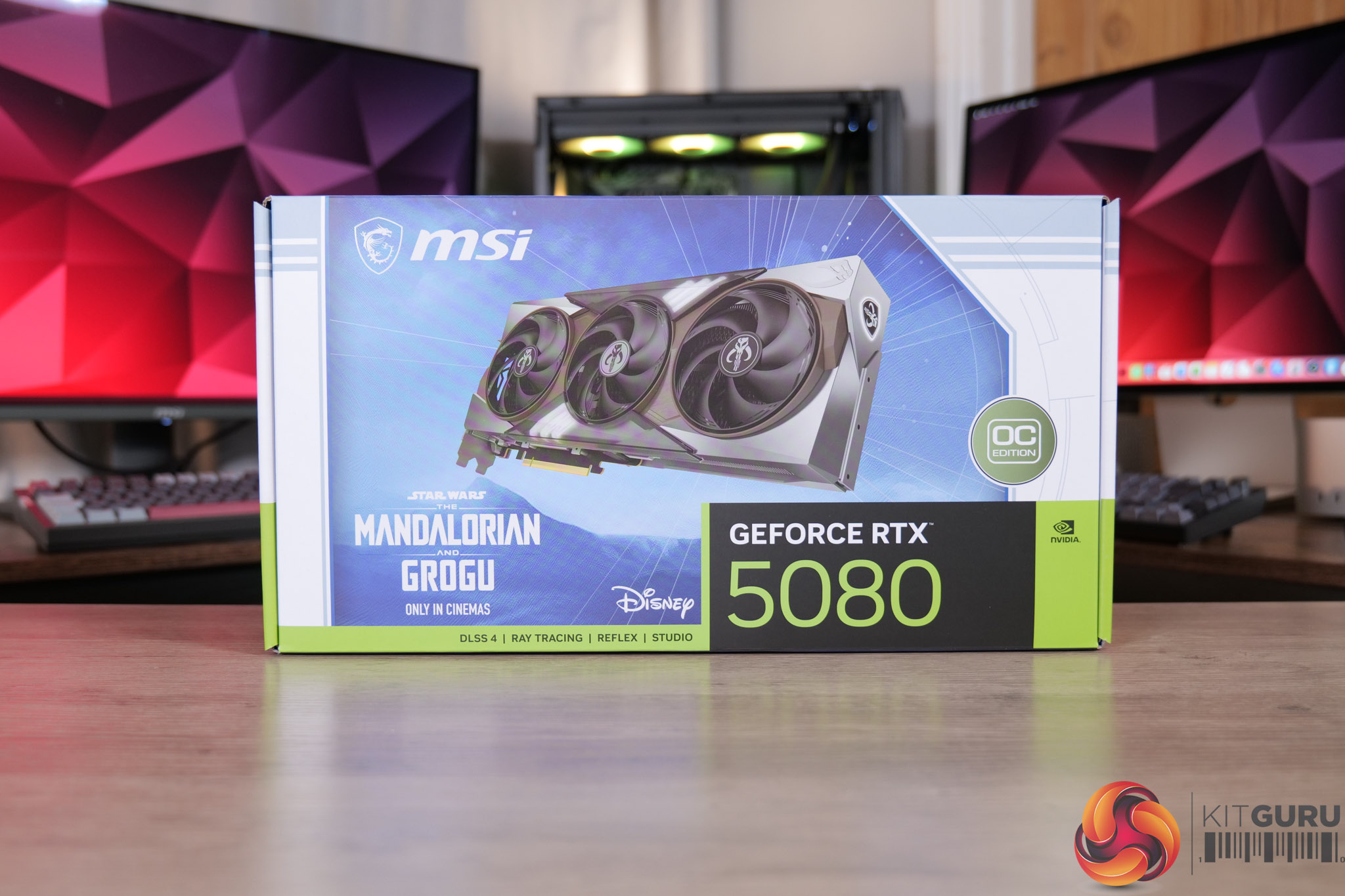
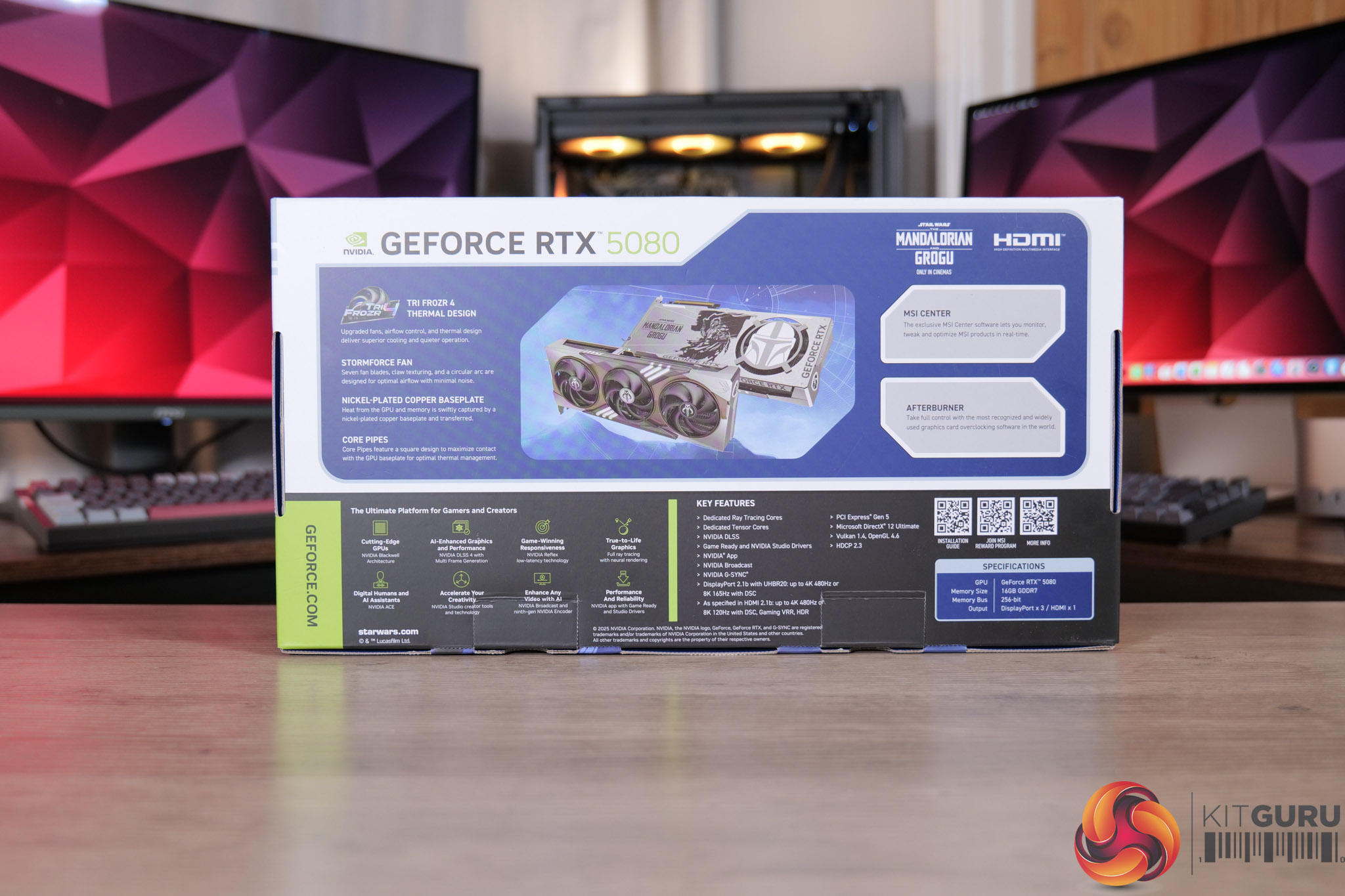
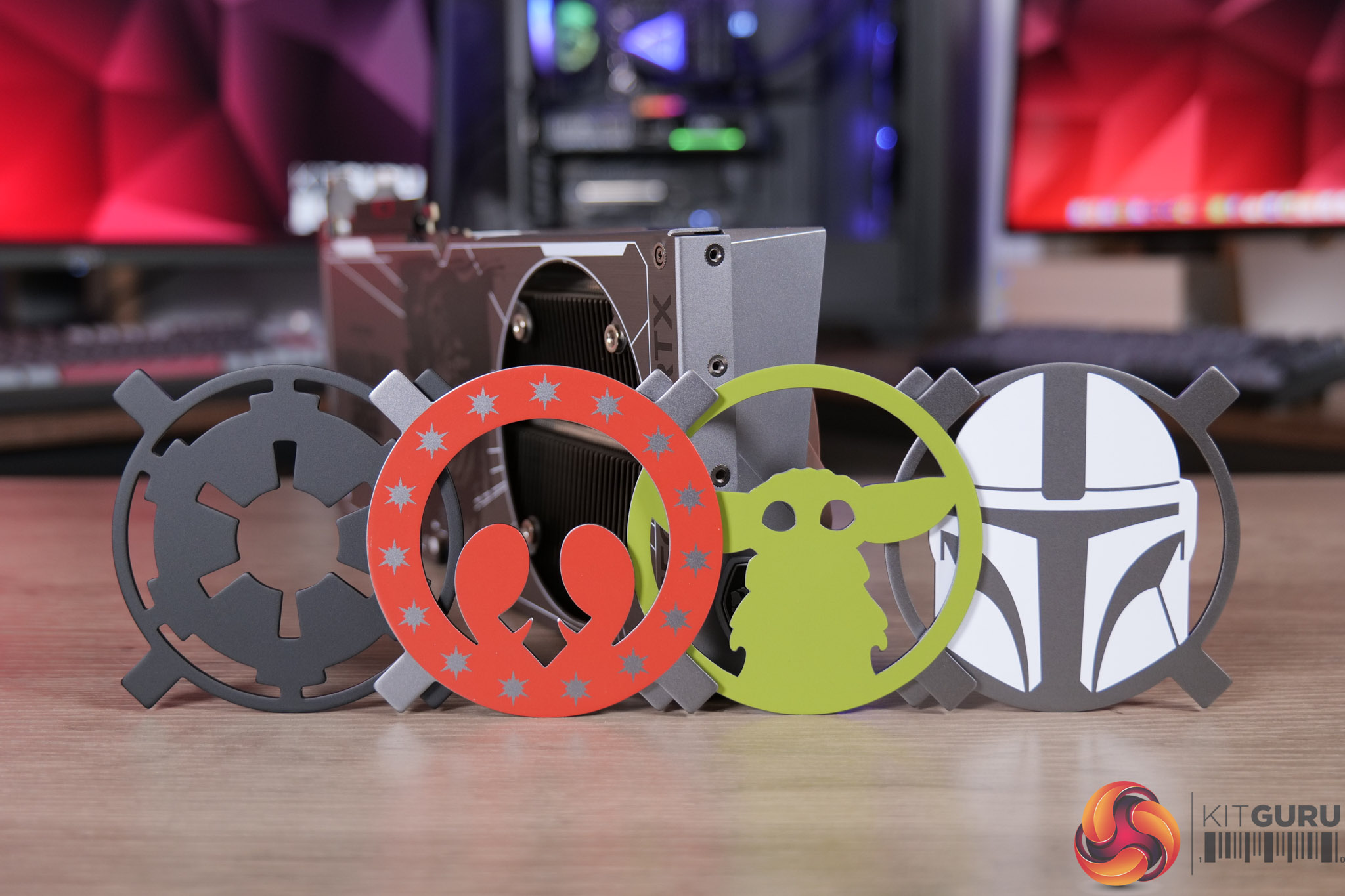
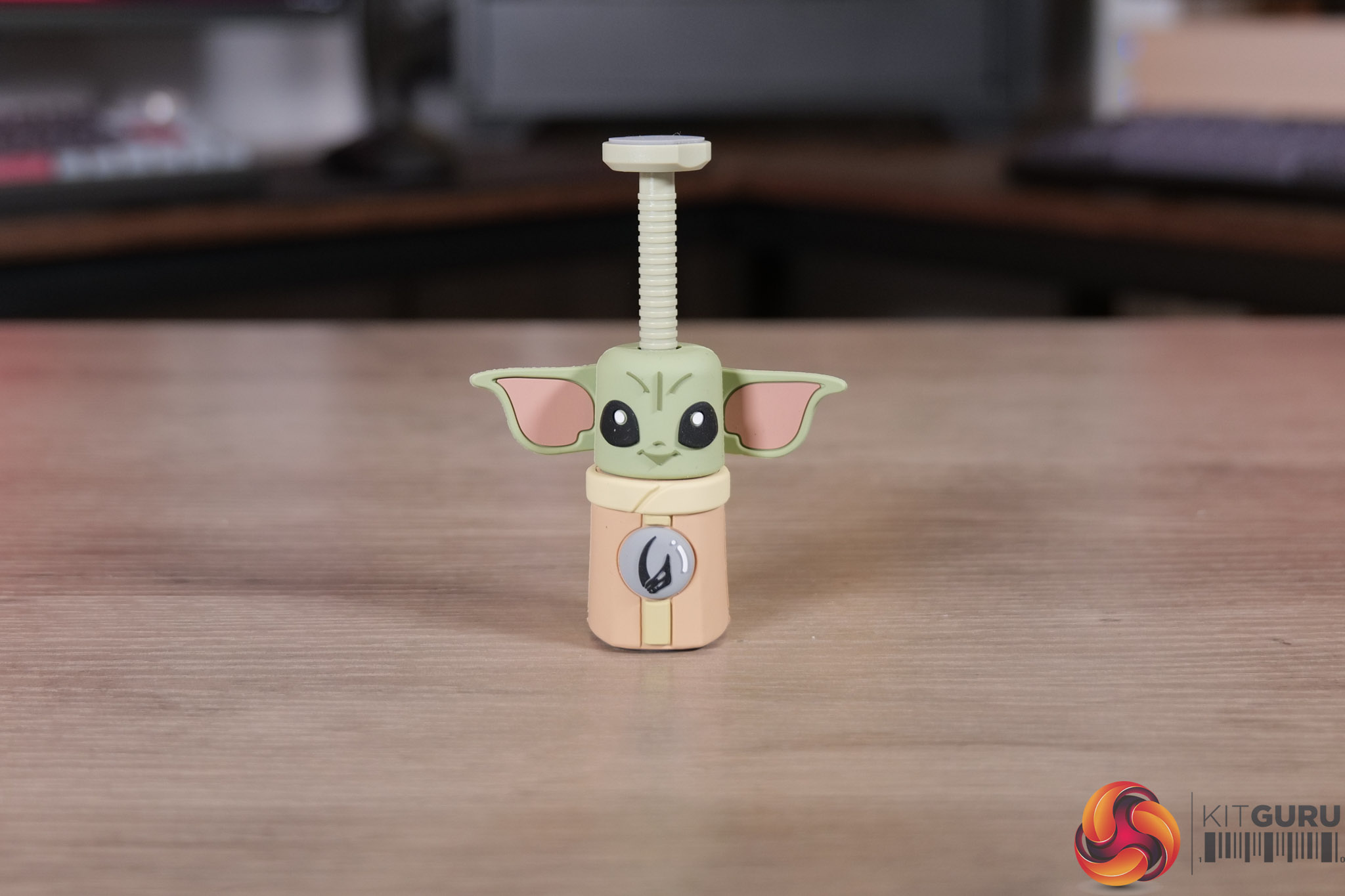
We don't often do many unboxings here at KitGuru, but when MSI got in touch about their upcoming limited edition graphics card, built to celebrate the release of Star Wars: The Mandalorian and Grogu, you can bet we were keen to take a look! There's only 500 units being made, so strap in for something a little different as we go over the packaging, accessories and the card itself… and may the Force be with you!

Timestamps

00:00 Intro
01:08 First impressions / accessories
04:22 Getting to the card itself – Shroud
05:49 Backplate design

KitGuru says: We hope you enjoyed the unboxing – something a little different for sure, but it's a great looking card that we are sure will appeal to any Star Wars fans out there.

The post MSI RTX 5080 The Mandalorian and Grogu Unboxing first appeared on KitGuru.

MSI AMD AM5 MAX Motherboard Showcase [2026]

6 May 2026 at 10:38

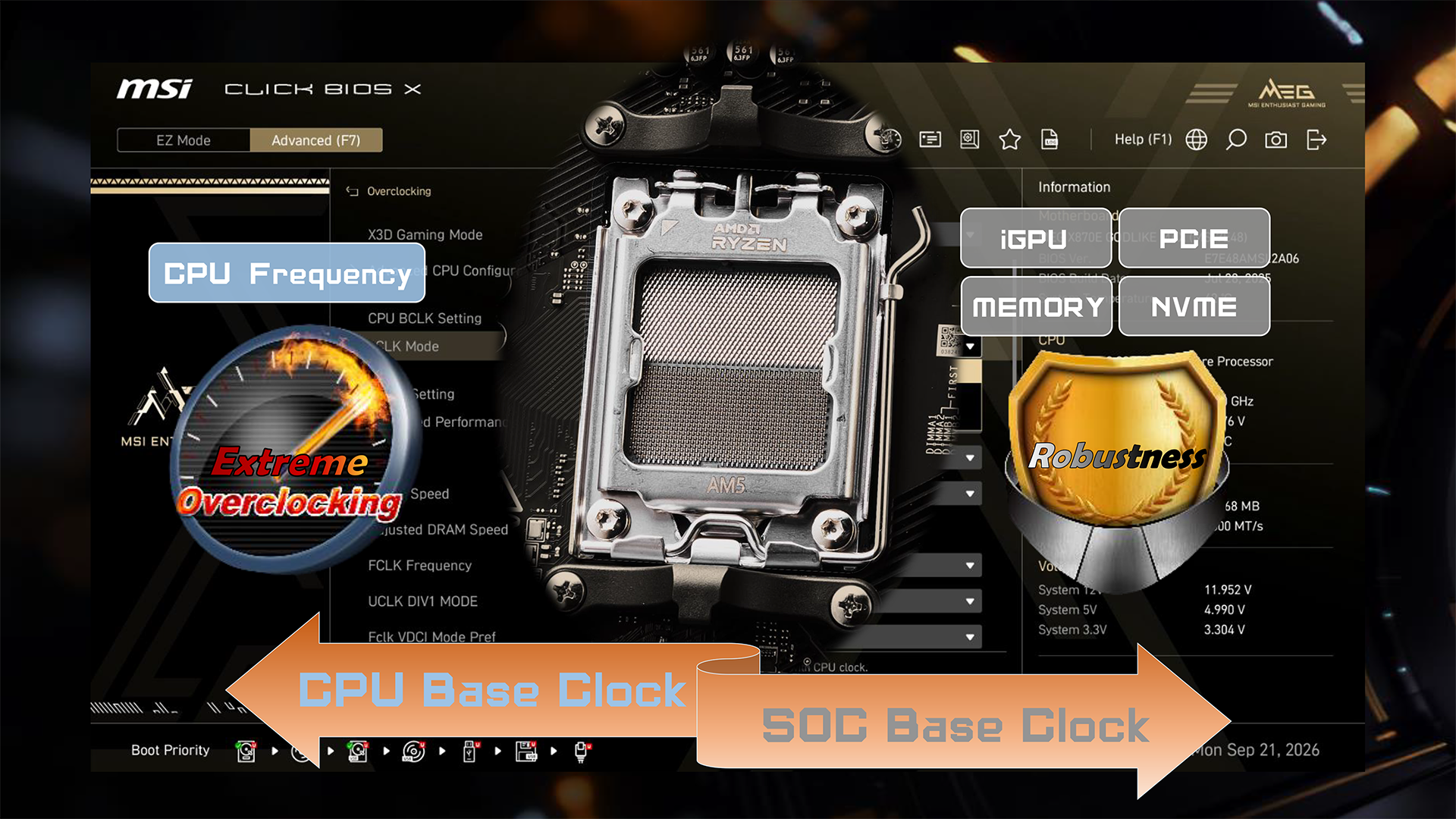
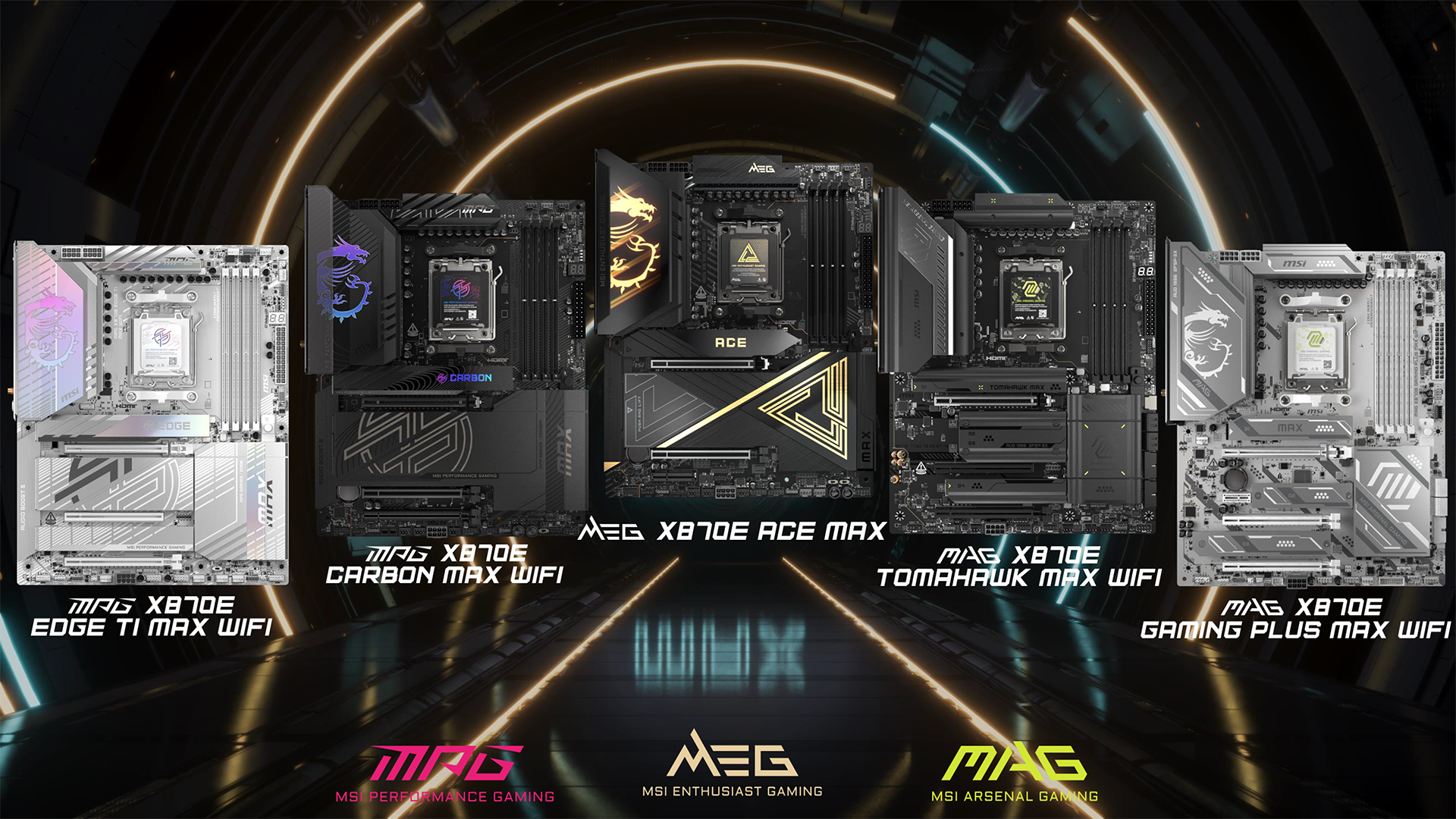
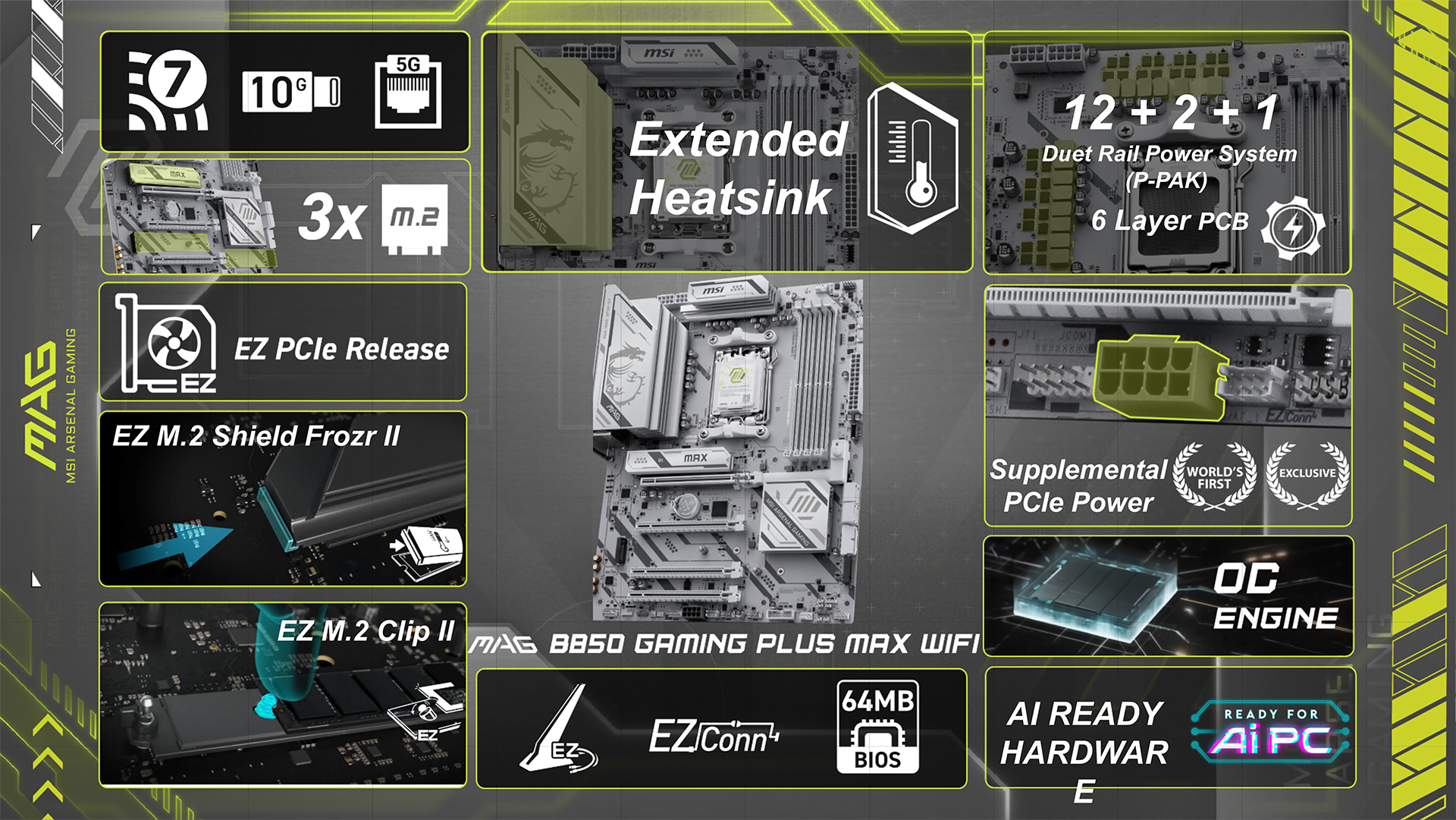
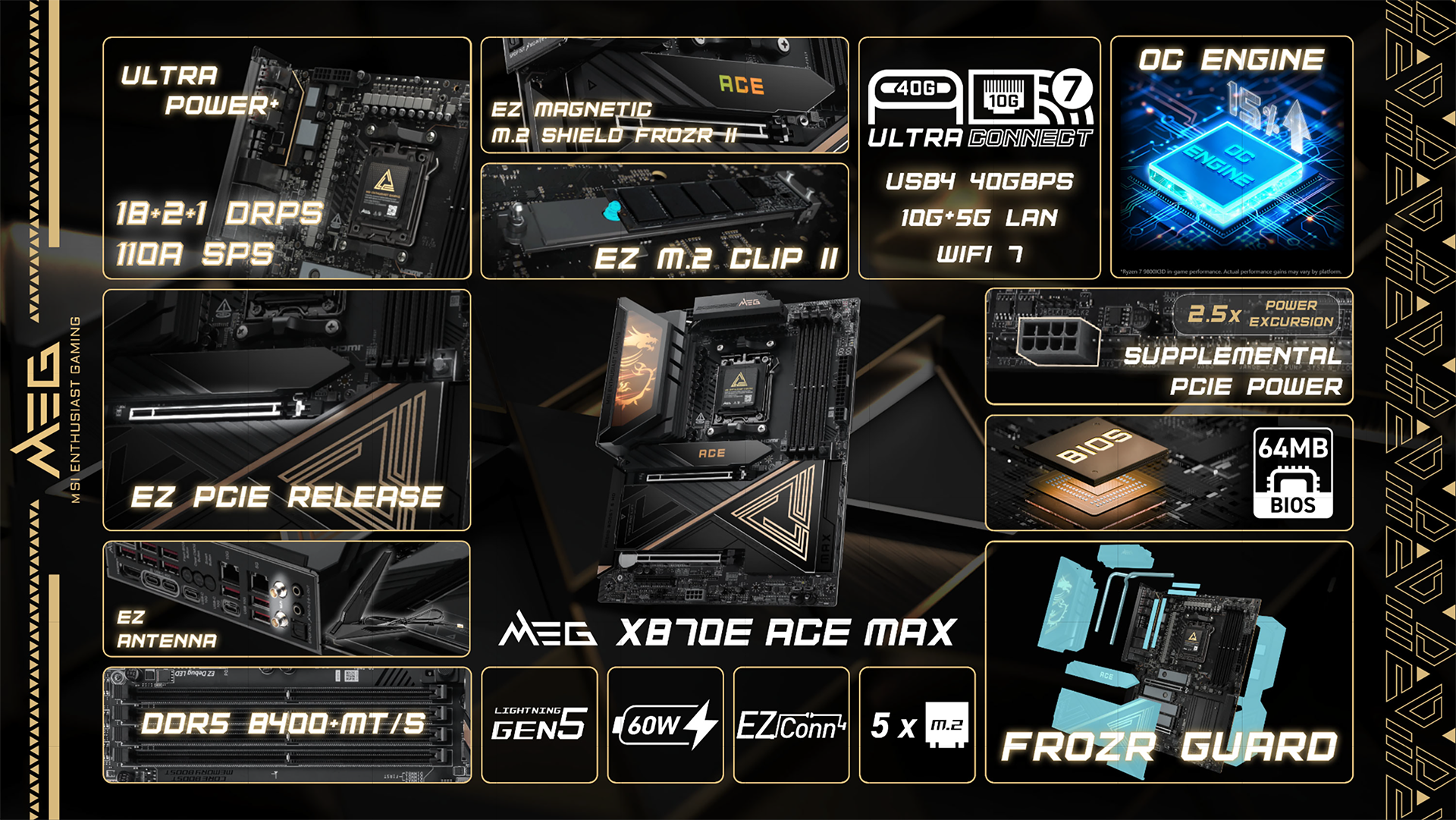
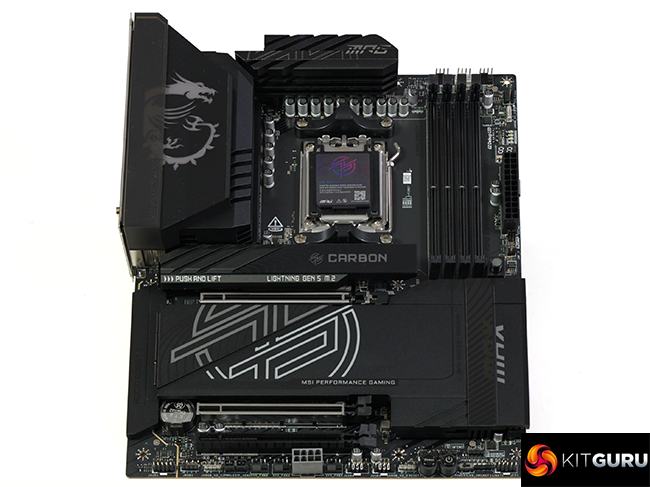
MSI has given its family of AMD 800-series motherboards an overhaul with a series of feature changes, named MAX. Some of these changes are cosmetic while others, such as the upgrade to the BIOS chip, offer support for future generations of AMD CPUs through Zen 6 and onwards to Zen 7.

Timestamps
00:00 Start
00:59 Max Series Overview
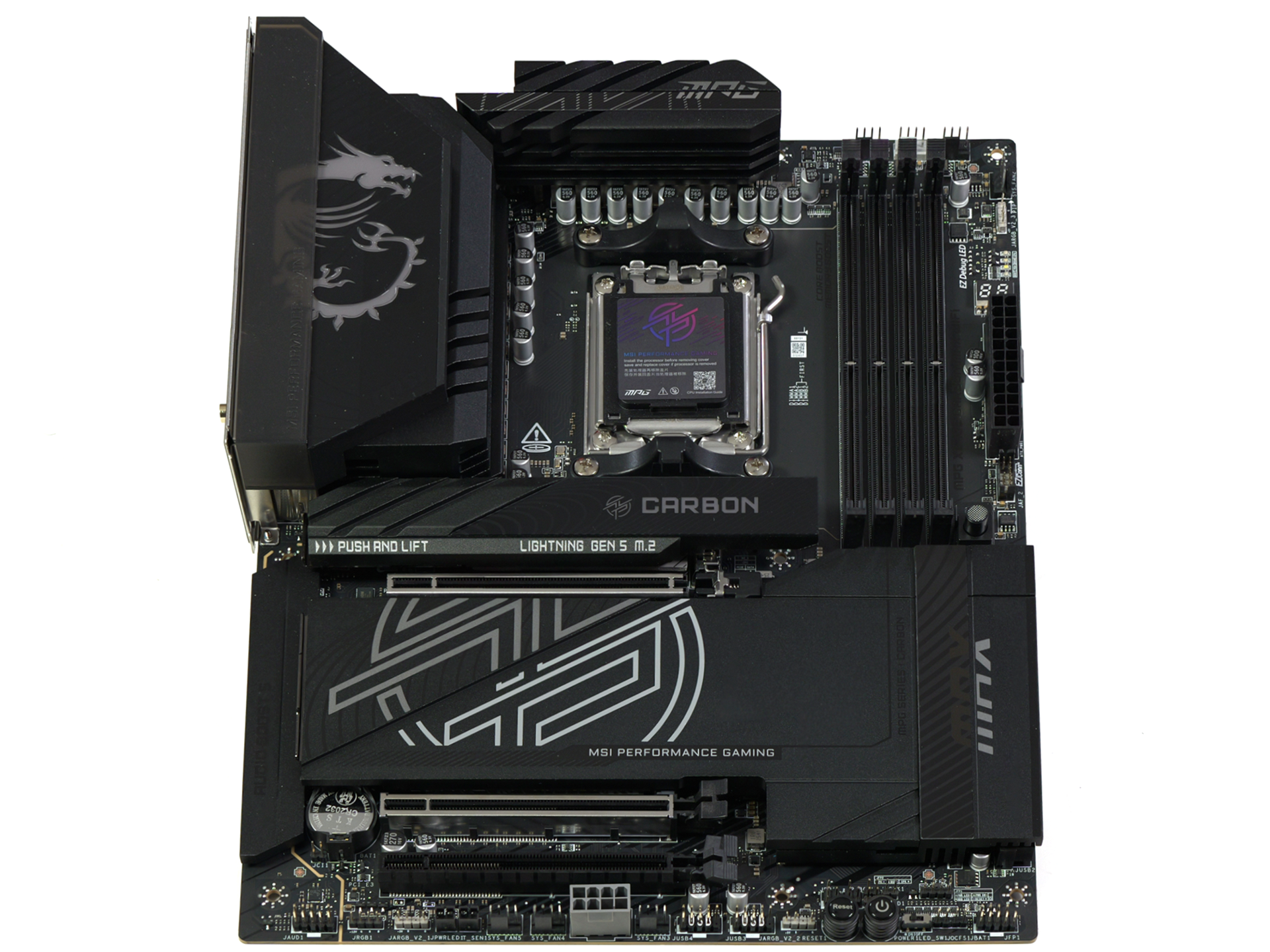
03:22 MPG X870E Carbon MAX WiFi
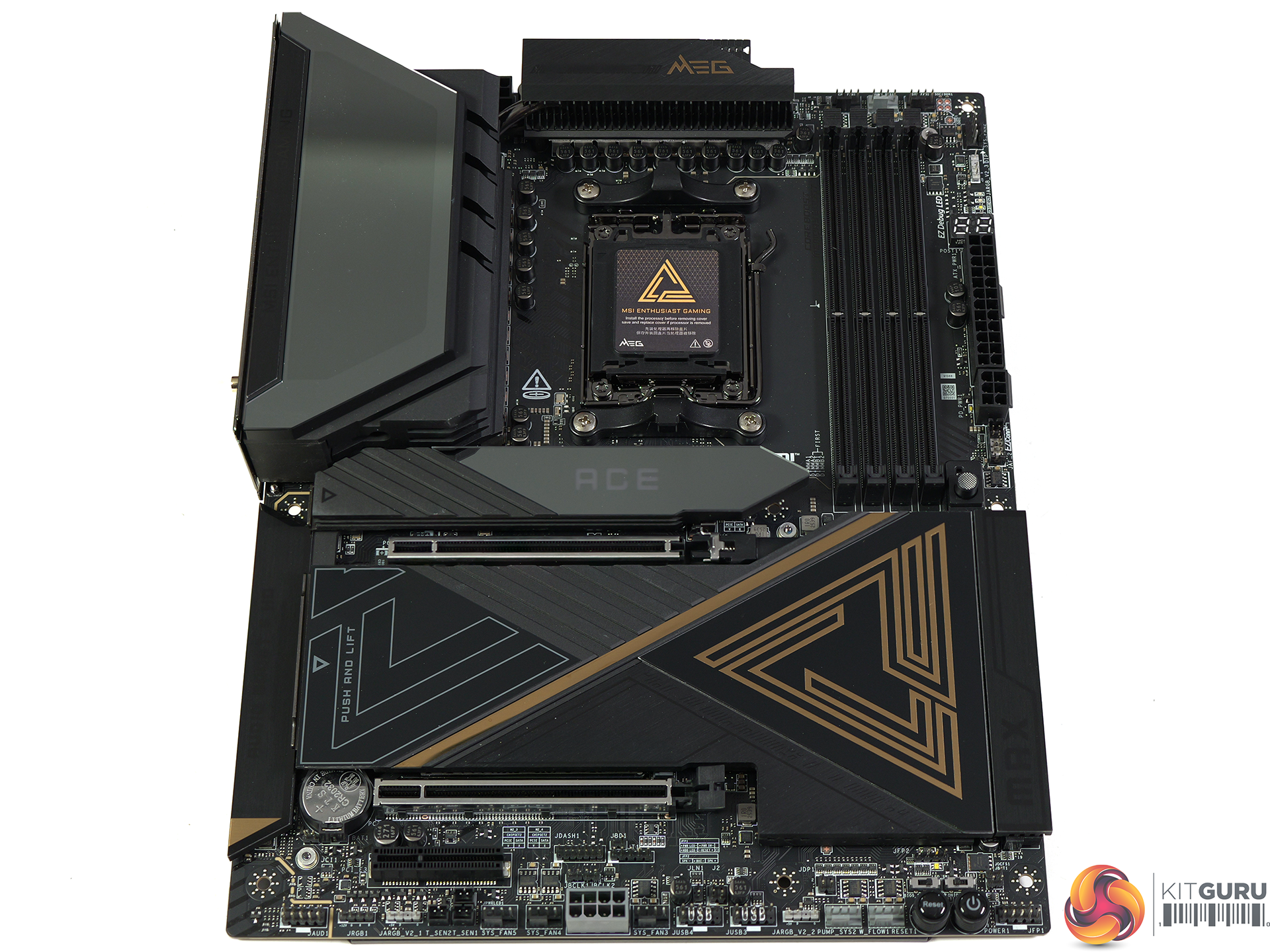
04:22 MEG X870E Ace MAX
06:00 MSI MAG X870E Tomahawk MAX WiFi PZ
07:06 MAG B850 Tomahawk MAX WiFi / II / MAG B850 Tomahawk WiFi
08:56 MAG B850 Gaming Plus MAX WiFi
10:40 Leo’s Thoughts

In our video we walk you through the changes that MSI has made with its MAX updates and in some instances, such as the MPG Carbon MAX WiFi, the updates are small but welcome. Other boards are entirely new models and this means the MEG X870E Ace MAX has arrived with the MAX features in place from day one.

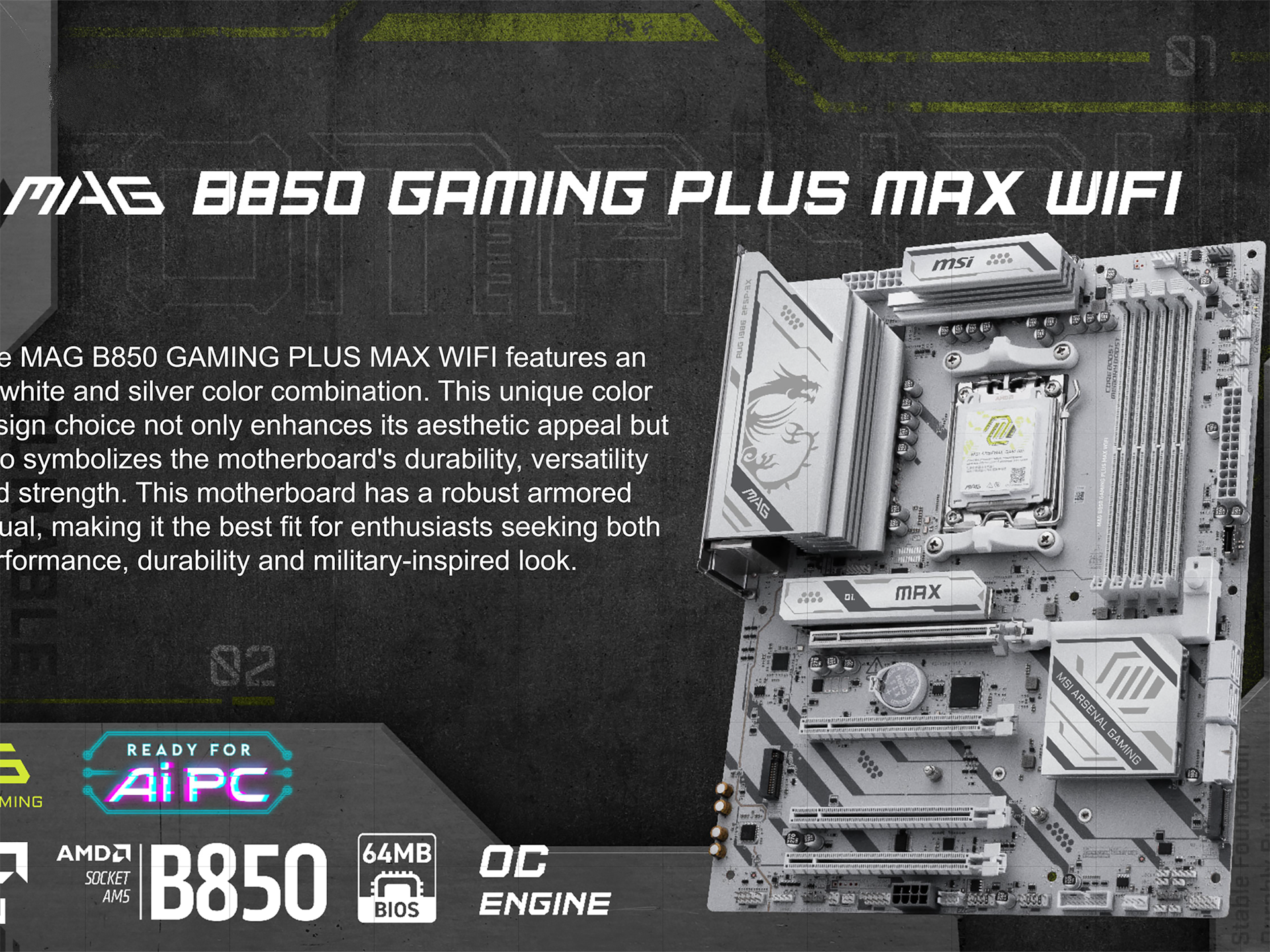
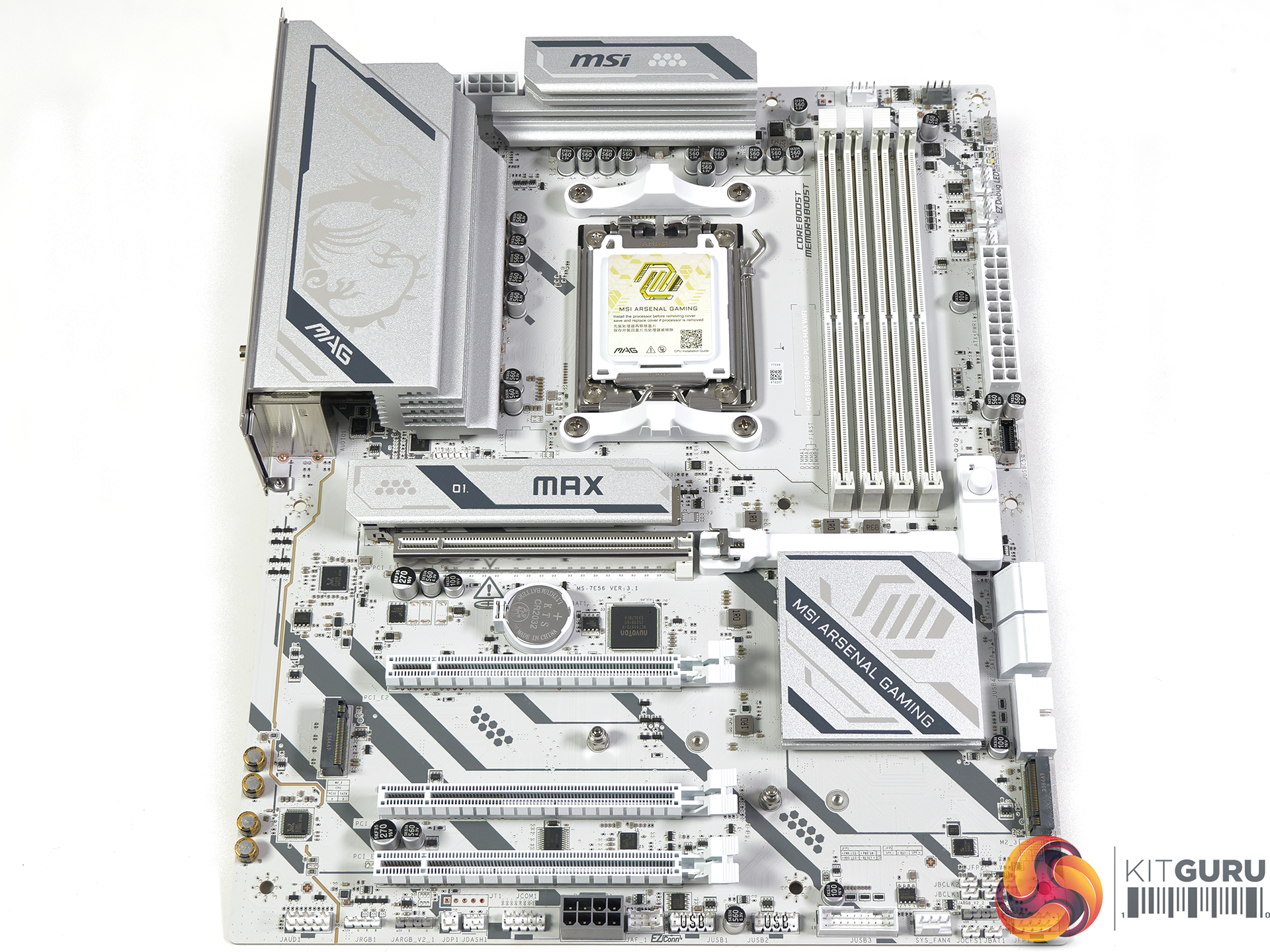
The most impressive showcase for MSI MAX is the budget MAG B850 Gaming Plus MAX WiFi which gains the hardware updates and also receives a visual overhaul. The original B850 Gaming Plus looked a bit messy while the new MAX is clean and smart.

Closing Thoughts

MSI could have chosen to quietly update existing 800-series motherboards with new features such as a larger BIOS chip and the addition of an Overclocking engine, without any need for a series named MAX. In practice we doubt that would have worked well as AMD continues to bring out new CPUs for Socket AM5 which inevitably brings updates to BIOS files.

We are confident that certain models such as the original MPG X870E Carbon WiFi and MAG B850 Tomahawk WiFi will quietly disappear when stocks are sold. Other models – we're looking at you MAG X870E Tomahawk MAX WiFi PZ and MEG X870E Ace MAX – will doubtless have a long future through 2027 and perhaps into 2028.

KitGuru says: AMD's long term support for Socket AM5 is very welcome but it clearly gives motherboard manufacturers a significant headache, and MAX is the solution to that particular problem.

The post MSI AMD AM5 MAX Motherboard Showcase [2026] first appeared on KitGuru.

Intel Core Ultra 7 270K Plus Review: MUCH better than we hoped

23 March 2026 at 13:00

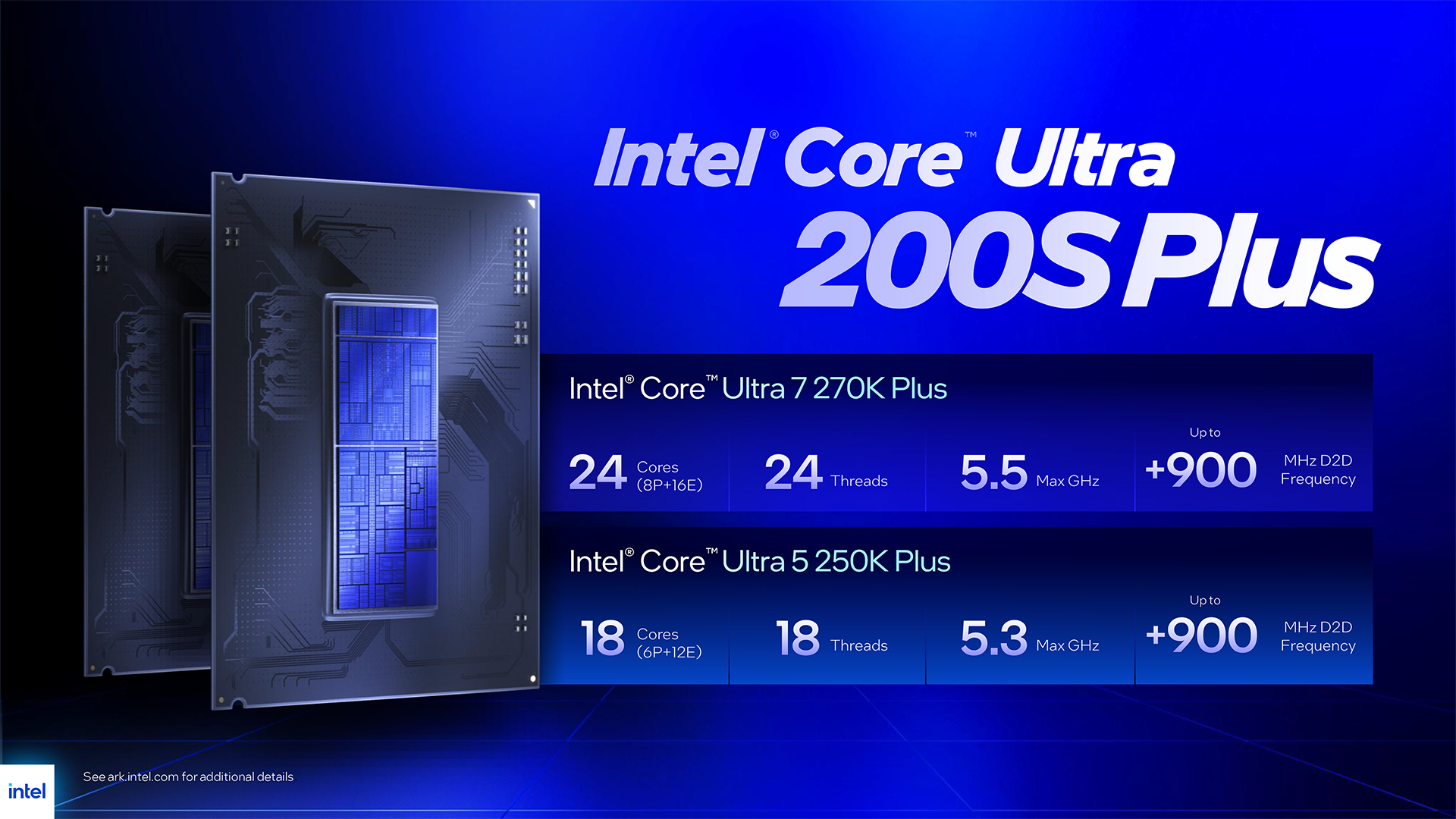
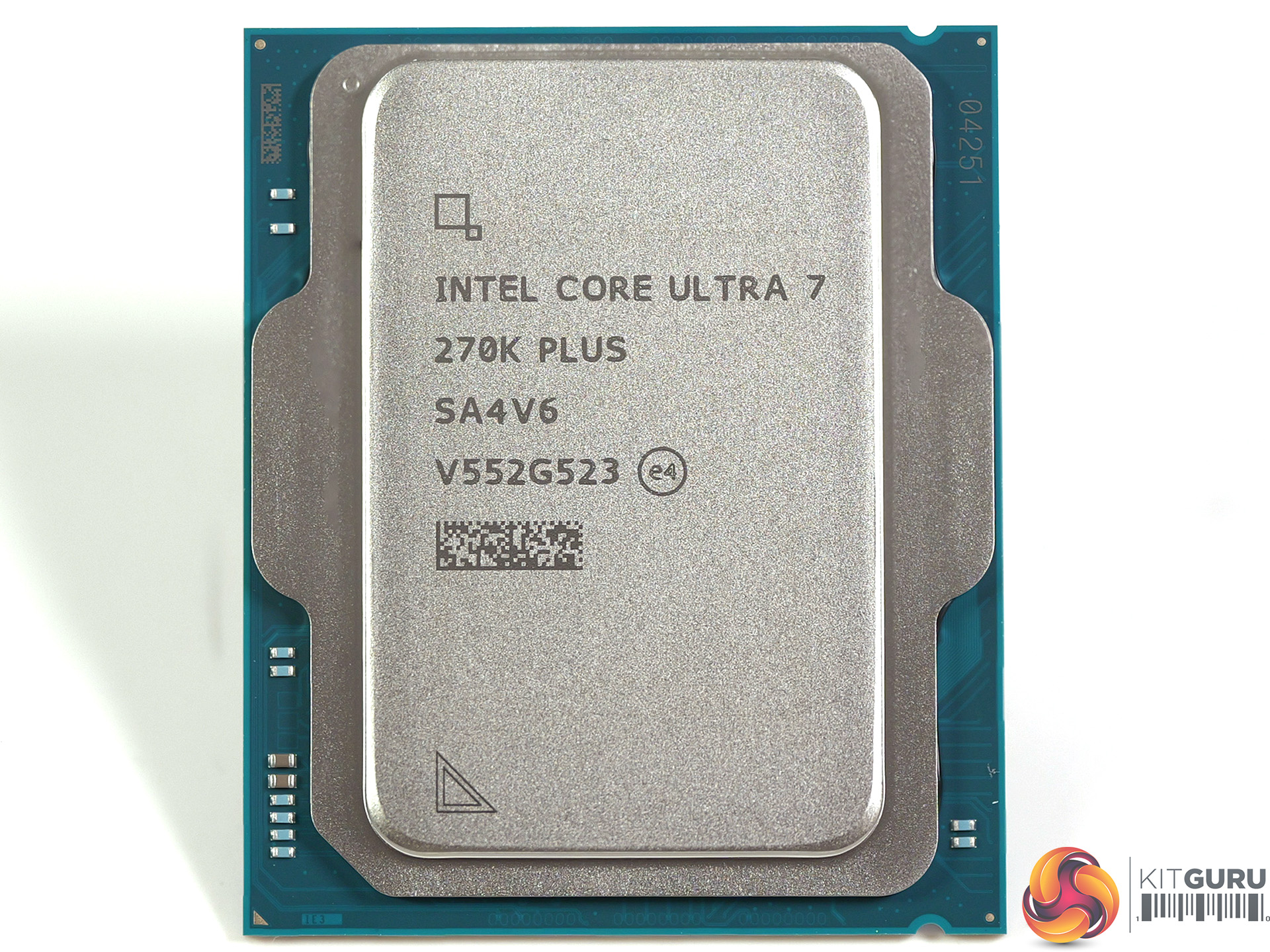
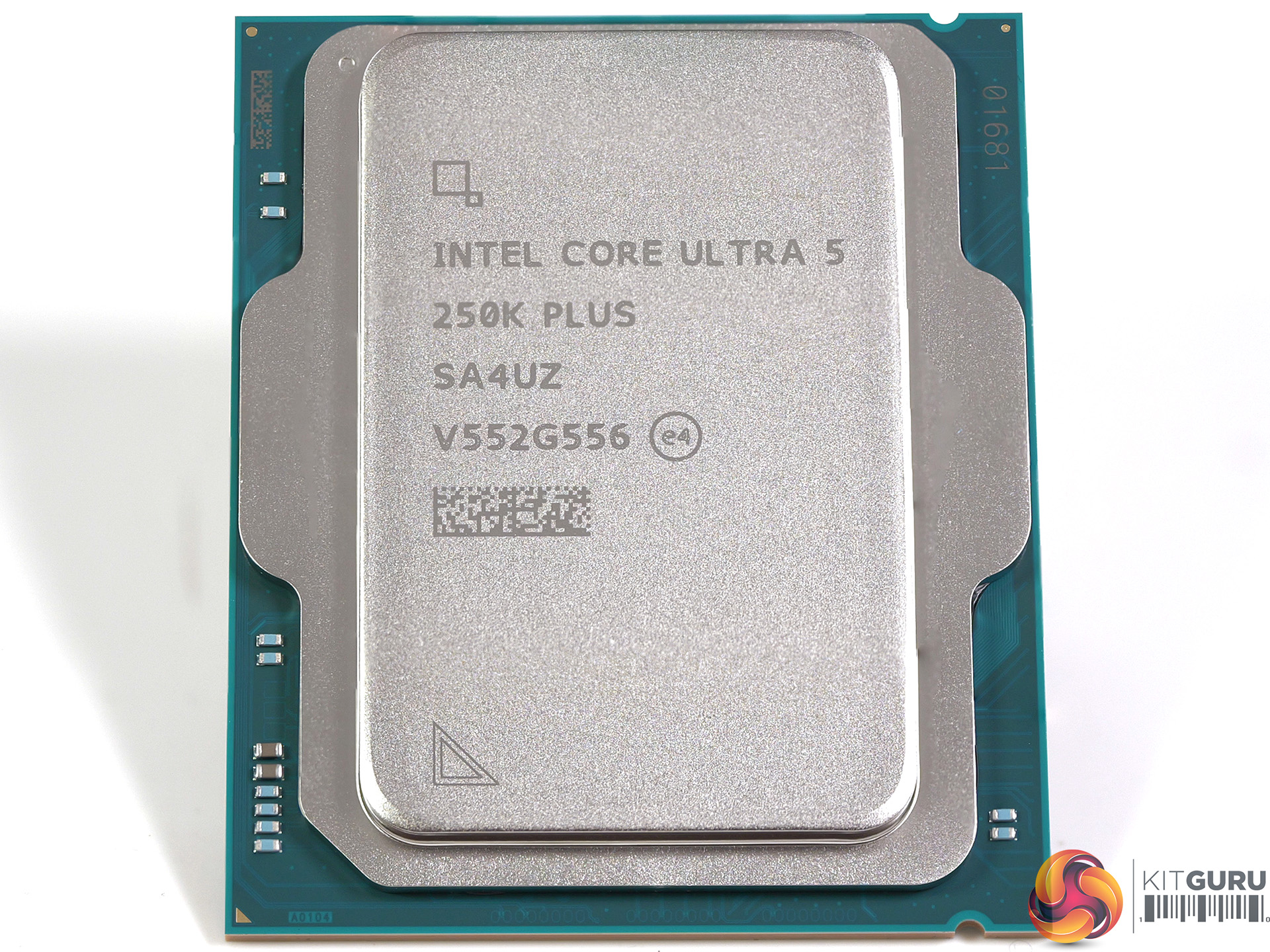
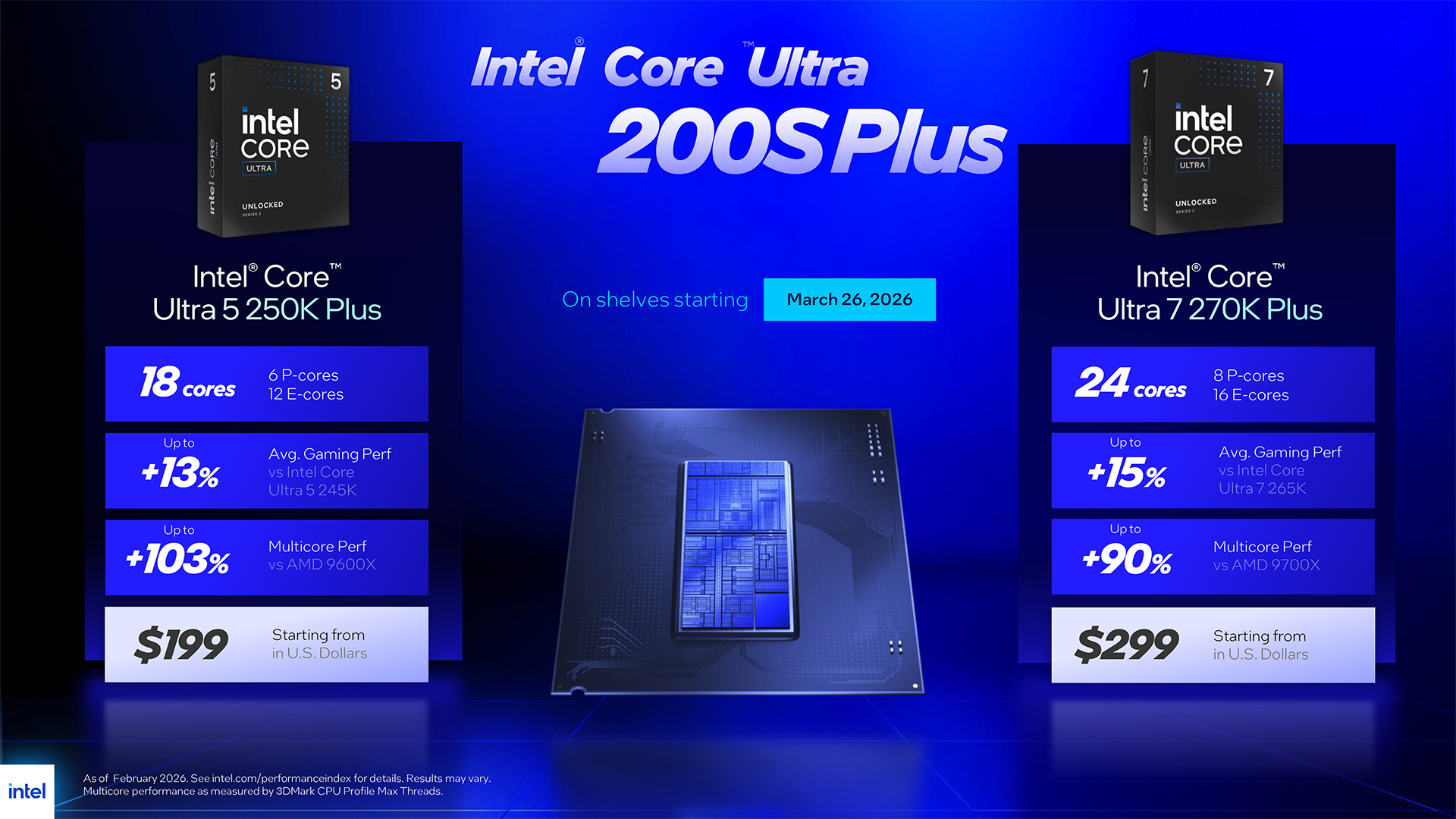
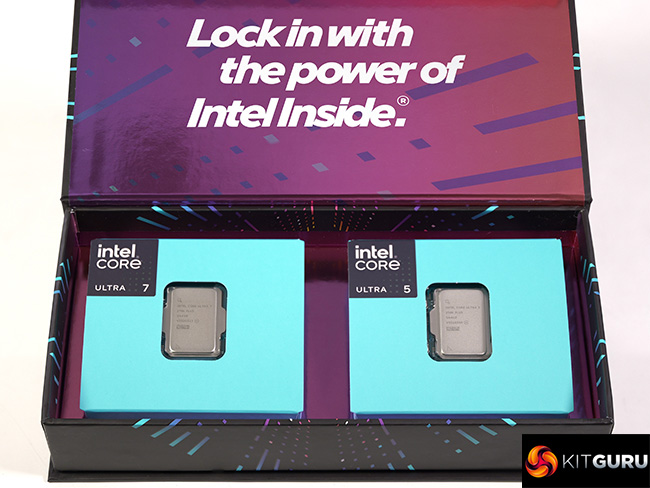
Intel Arrow Lake launched late in 2024 and landed with a dull thump of disappointment. After some serious rework by Intel, the processors moved from β€˜awful' to β€˜interesting' but today's launch of the Core Ultra 5 250K Plus and Core Ultra 7 270K Plus shows us just what we missed out on during 2025. These new processors offer both performance and good value for money and come as a breath of fresh air.

Timestamps
00:00 start
01:07 A brief recap
02:00 Leo talks to Intel
03:48 The Processors
06:56 Changes
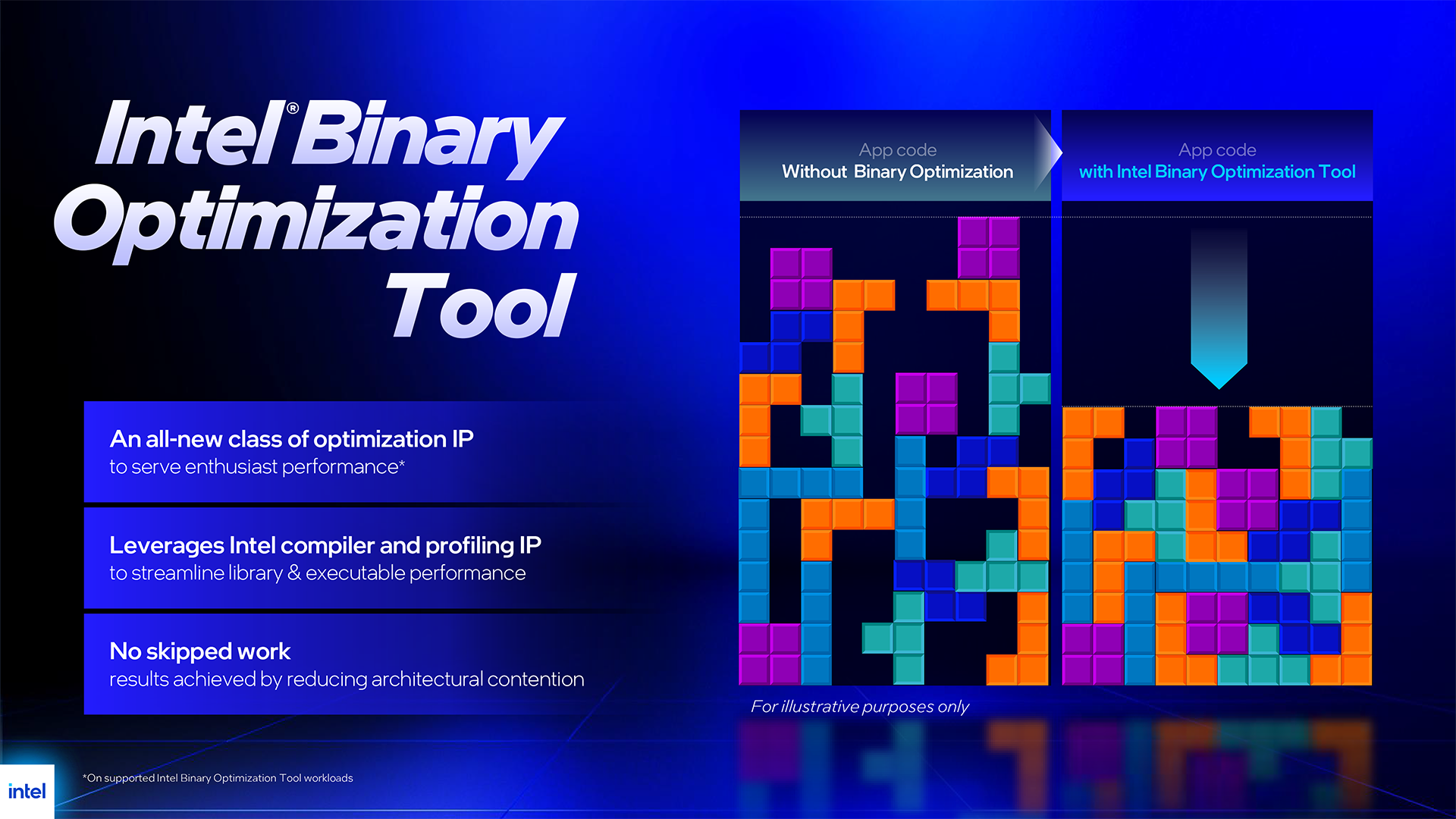
07:23 Intel Binary Optimisation Tool
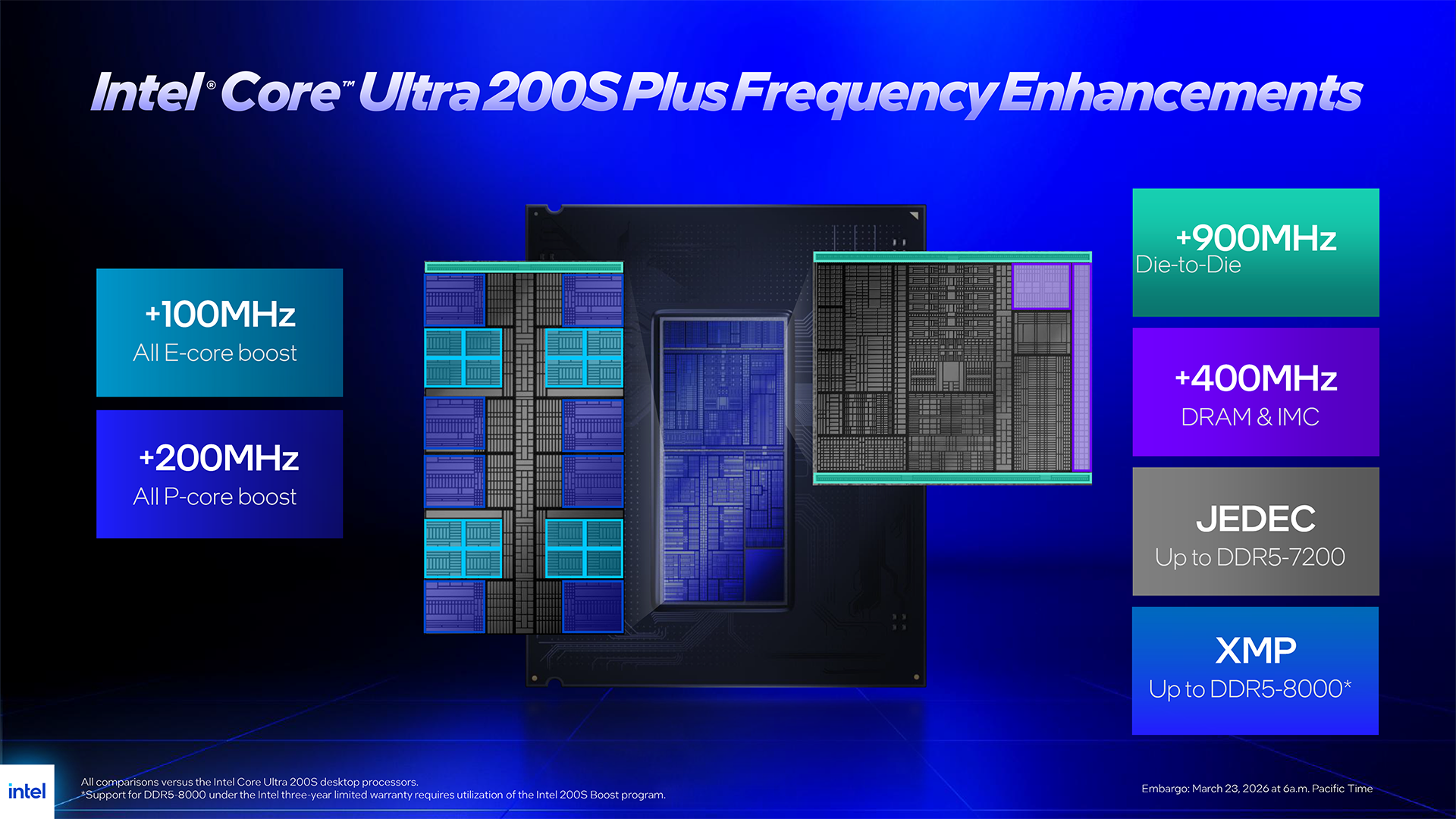
08:25 Memory support
10:03 Hardware setup
11:02 Some quick runs
12:10 Geekbench 6.6 Multi Core
13:14 Geekbench 6.6 Single Core
13:42 Cinebench Multi Core
14:02 7-Zip V26 Benchmark
14:43 AIDA 64 Memory Bandwidth
15:02 Far Cry 6 (1080p)
15:39 Far Cry 6 (1440p)
16:01 Assassins Creed Mirage (1080p)
16:40 Assassins Creed Mirage (1440p)
16:55 Cyberpunk 2077 (1080p)
17:17 Cyberpunk 2077 (1440p)
17:47 Total War Pharaoh (1080p)
18:32 Total War Pharaoh (1440p)
19:02 Pricing

Testing and Performance

Test systems
CPUs: Intel Core Ultra 200S
RAM: 32GB G.Skill Trident Z5 RGB DDR5-7200 C34
Motherboard: MSI MAG Z890 Tomahawk WiFi II

CPU: Intel Core i9-14900K
RAM: 32GB Corsair Dominator Platinum RGB DDR5-7000 C34
Motherboard: Gigabyte Z790 Aorus Elite AX

CPUs: AMD Ryzen 9000
RAM: 32GB G.Skill Trident Z5 Royal Neo DDR5-8000 C38
Motherboard: ASRock X870E Taichi

Common components:
CPU cooler: Phanteks Glacier One 360
Graphics: MSI RTX 4090 Ventus 3X 24GB
SSD: Crucial T700 Gen 5 M.2 NVMe
Power Supply: Antec Signature 2200 Platinum

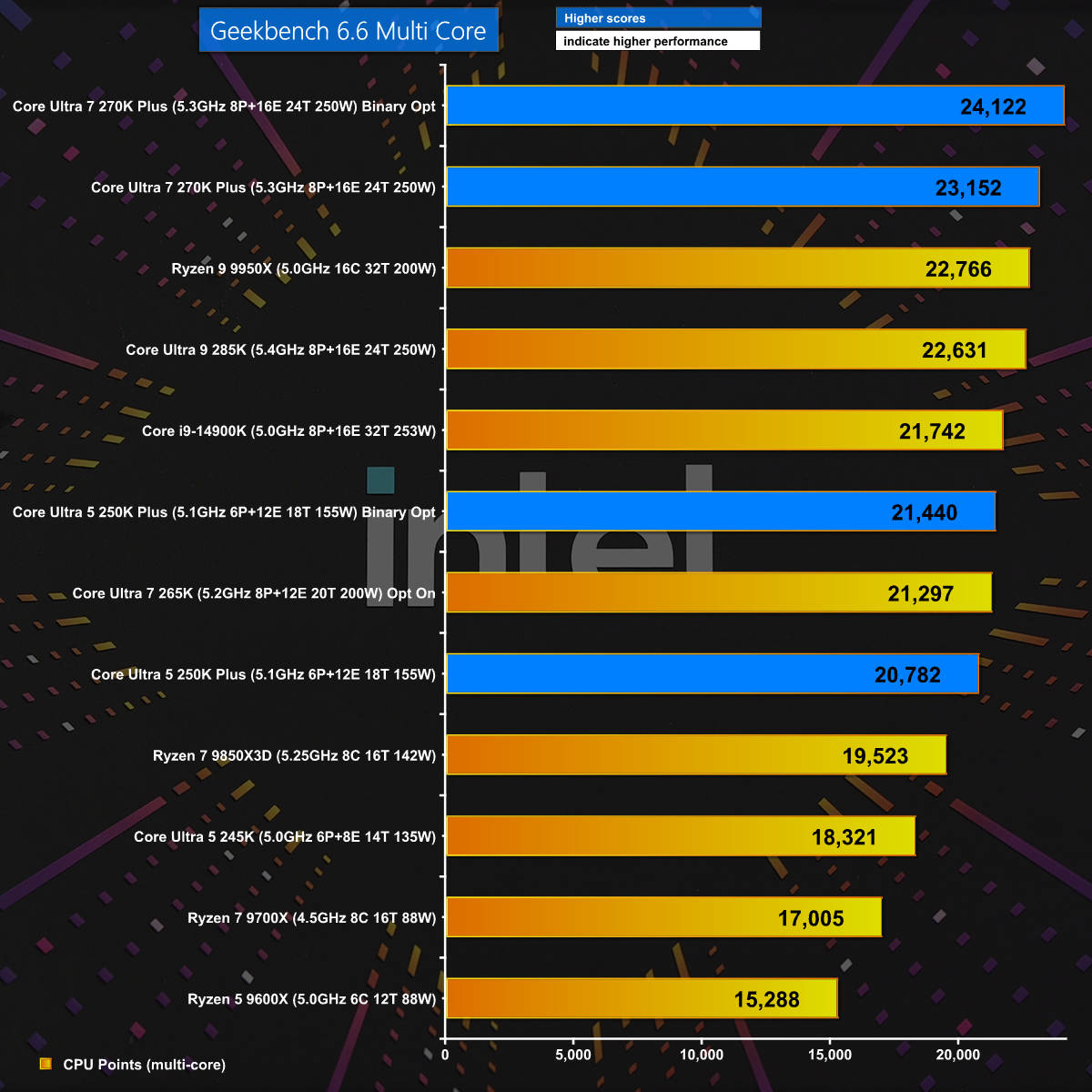
Geekbench 6.6 Multi Core

In Geekbench 6.6 Multi Core we get a welcome surprise with the Core Ultra 7 270K Plus beating every other CPU. In addition we see a healthy boost when we engage Binary Optimisation and this gives us hope the new Intel Plus CPUs will deliver the goods.

7-Zip v26

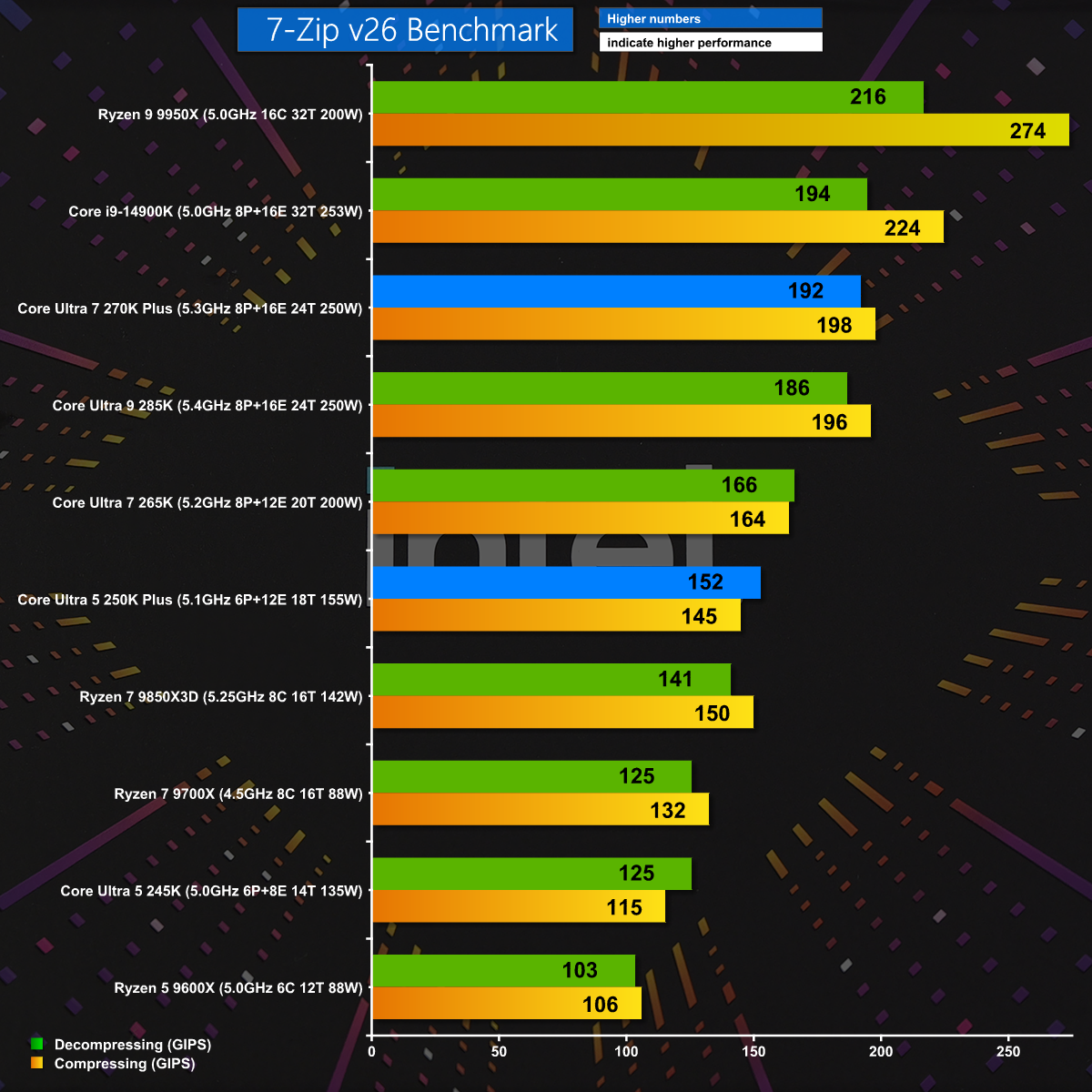
7-Zip v26 is a test of pure CPU grunt and naturally we see the Ryzen 9 9950X leap to the top of the chart. Even so, the new Core Ultra 7 270K Plus does very well and the Core Ultra 5 250K Plus also puts in a good showing.

Far Cry 6 1080p

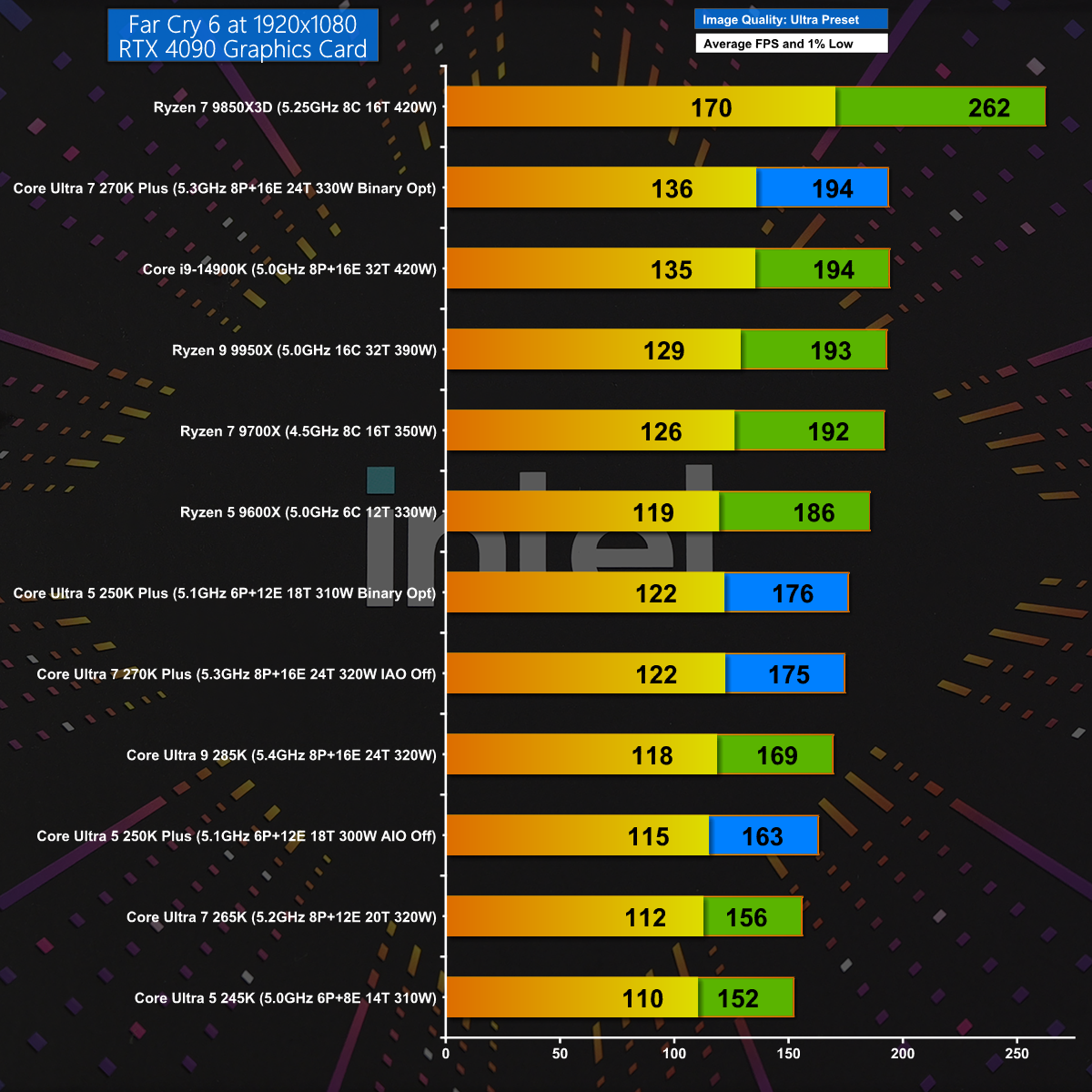
In Far Cry 6 at 1080p with the Ultra Preset we see Intel improving on their previous results by about 30fps. AMD wins this gaming test with their mighty Ryzen 7 9850X3D, but there is no doubt that Intel has made some serious improvements with Plus.

Cyberpunk 2077 1440p

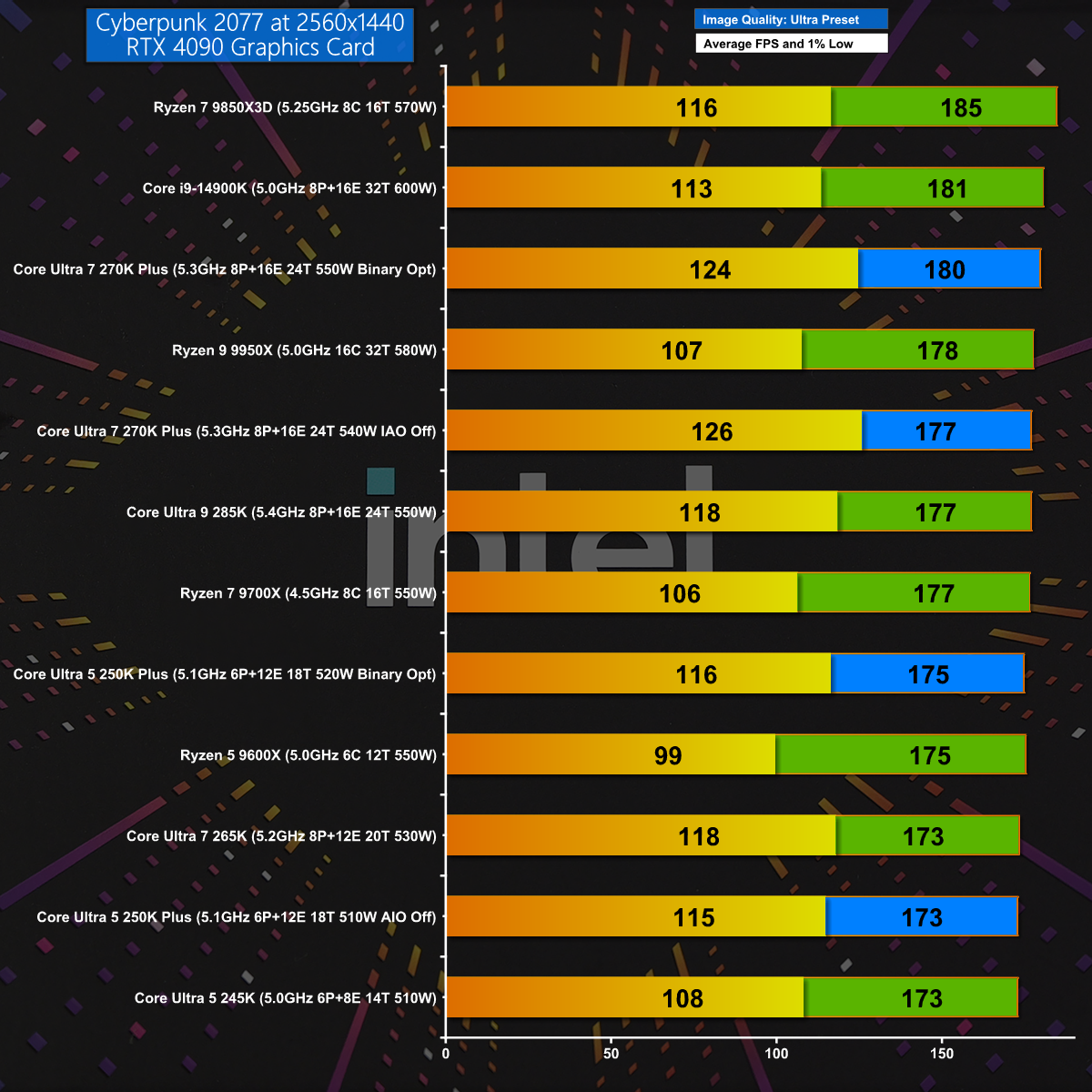
Cyberpunk 2077 at 1440p is a sterner gaming test but once again the Core Ultra 7 270K Plus does well and matches the previous Intel champion, the Core i9-14900K. Having said that, AMD still takes the top honours with the Ryzen 7 9850X3D.

Closing Thoughts

When we first reviewed Intel's Core Ultra 200S processors we wrote off the Core Ultra 9 285K for being too expensive and the Core Ultra 5 245K for being unimpressive. We grudgingly gave the Core Ultra 7 265K the nod as the least bad CPU of the bunch. Over time we have seen the prices drift downwards but our views remained unchanged until today's launch of these Plus CPUs.

We are impressed with the budget Core Ultra 5 250K Plus which kicks the AMD Ryzen 5 9600X all over the shop. The star of the show is the Core Ultra 7 270K Plus which is clearly a new and improved Core Ultra 9 285K that has been delivered at a much lower price and is very, very good. The only obvious downside is that you have to select this one specific Intel CPU as an alternative to a choice from an entire family of AMD Zen 5 CPUs.

Core Ultra 7 270K Plus will be Β£299.99 inc VAT. Core Ultra 5 250K Plus will be Β£209.99 inc VAT.

Pros:

  • The two Plus CPUs deliver a welcome boost to performance.
  • Core Ultra 7 Plus replaces Core Ultra 9 and offers excellent value.
  • Software installation is incredibly straightforward.

Cons:

  • LGA1851 motherboards have no upgrade path after Core Ultra 200S.
  • Intel has nothing to offer that can compete with Ryzen 3D.
  • Intel Application and Binary Optimisation are unpredictable.

KitGuru says: Intel has done a superb job with their new CPUs and the Core Ultra 7 270K Plus comes as a welcome relief in these gloomy times.

Core Ultra 7 270K Plus:

Rating: 8.5.

Core Ultra 5 250K Plus:

Rating: 8.

The post Intel Core Ultra 7 270K Plus Review: MUCH better than we hoped first appeared on KitGuru.

PCSpecialist Element Elite R Prebuilt Review

19 February 2026 at 13:37

UPDATE: PCSpecialist has now issued a full response to our findings. You can read what they had to say – including a full statement from John Medley, Head of Sales & Marketing, in our follow up article HERE.

Today's article was originally meant to be an in-depth analysis of PCSpecialist's Element Elite R – a prebuilt PC packing a Ryzen 7 9700X and RTX 5070 into the mini-ITX TR100 chassis from Thermaltake. However, it quickly became obvious that something was not right with this system, so instead of a traditional review, we'll be highlighting what happened, how we fixed it, and the questions raised by this incident…

Timestamps

00:00 Intro
01:00 We found a fundamental issue
02:20 How we fixed it
02:51 Before/after thermals
04:37 Noise levels + fan RPMs
05:07 Two issues raised by the error
06:24 Closing thoughts

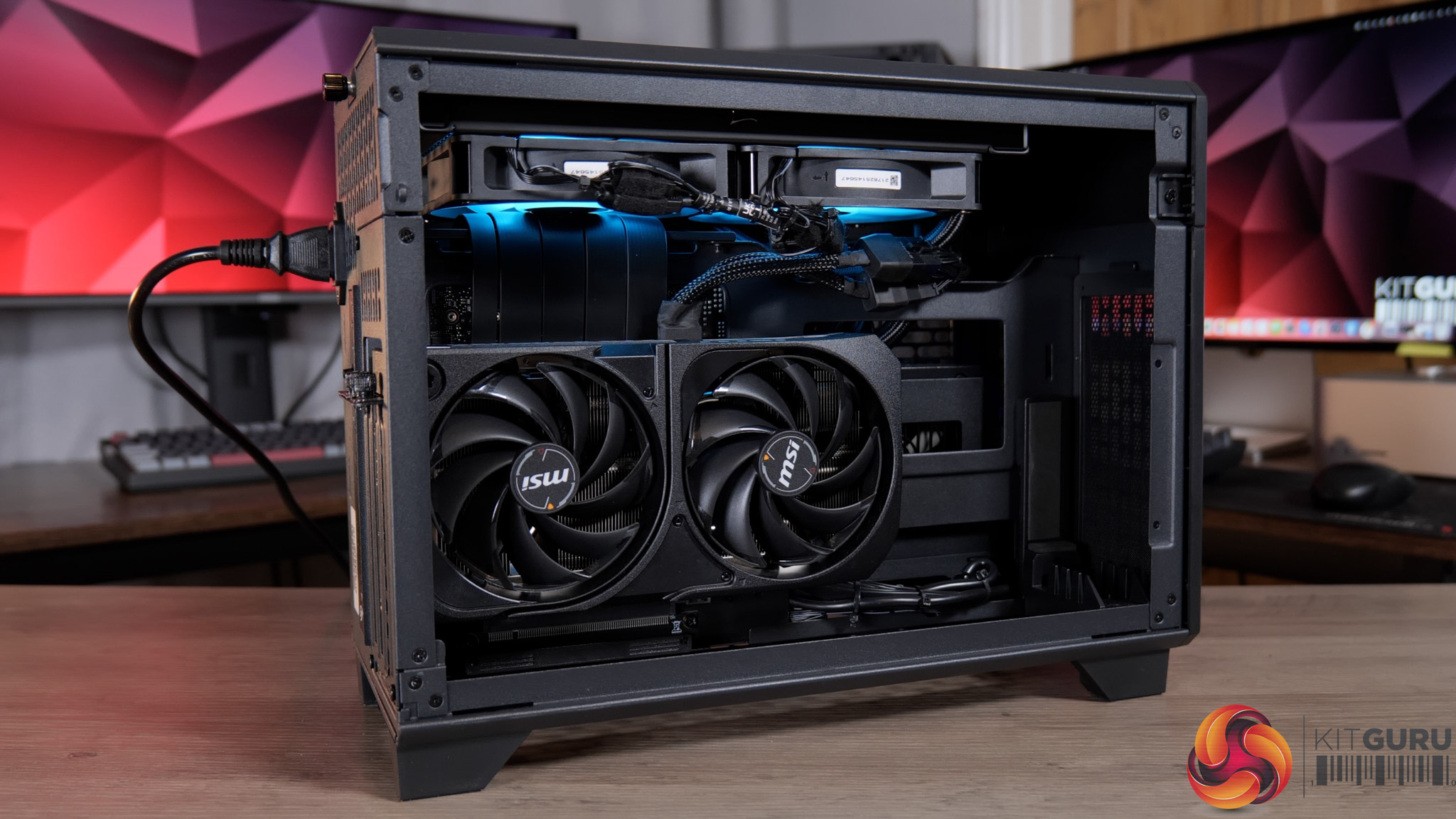
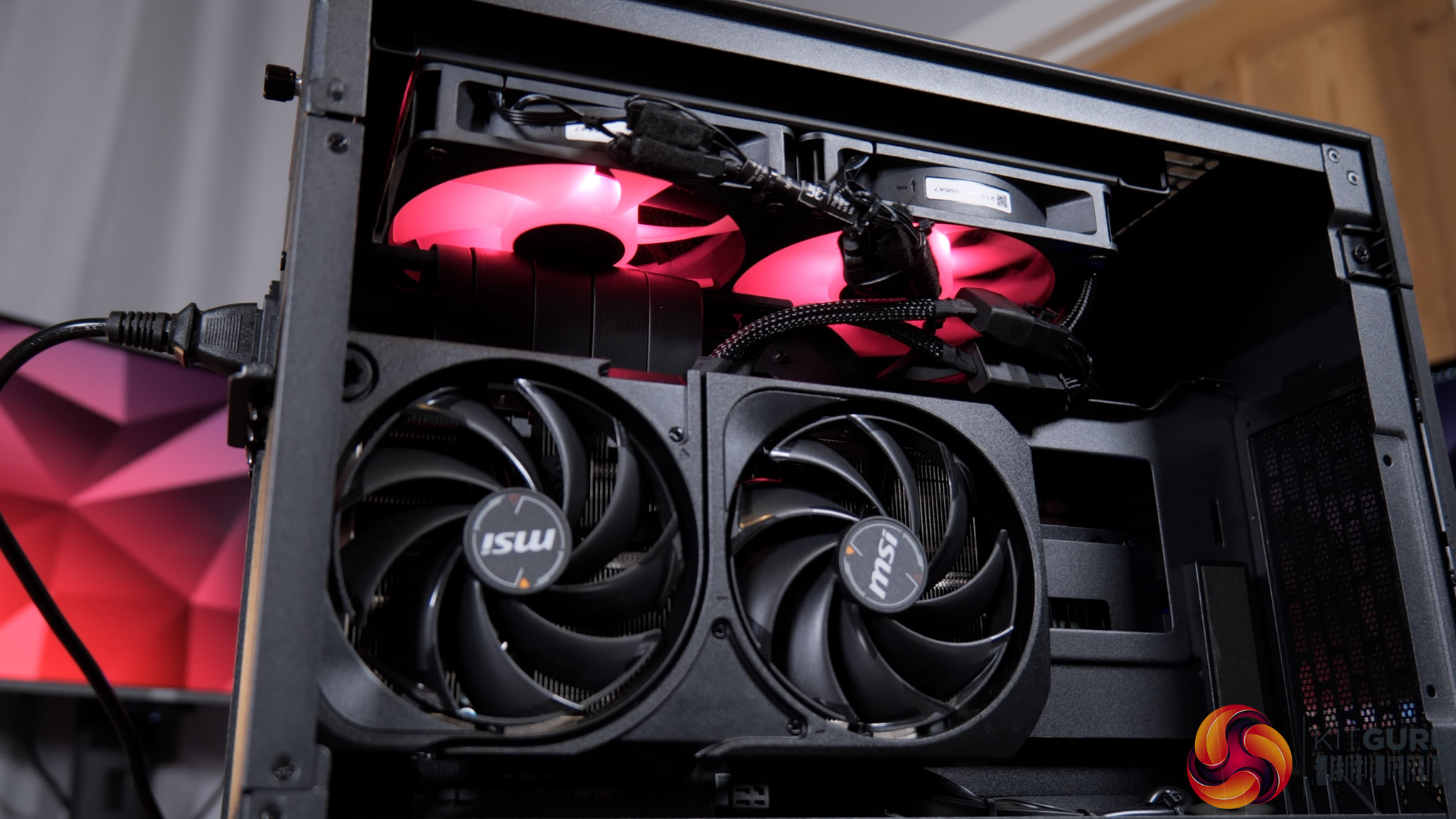
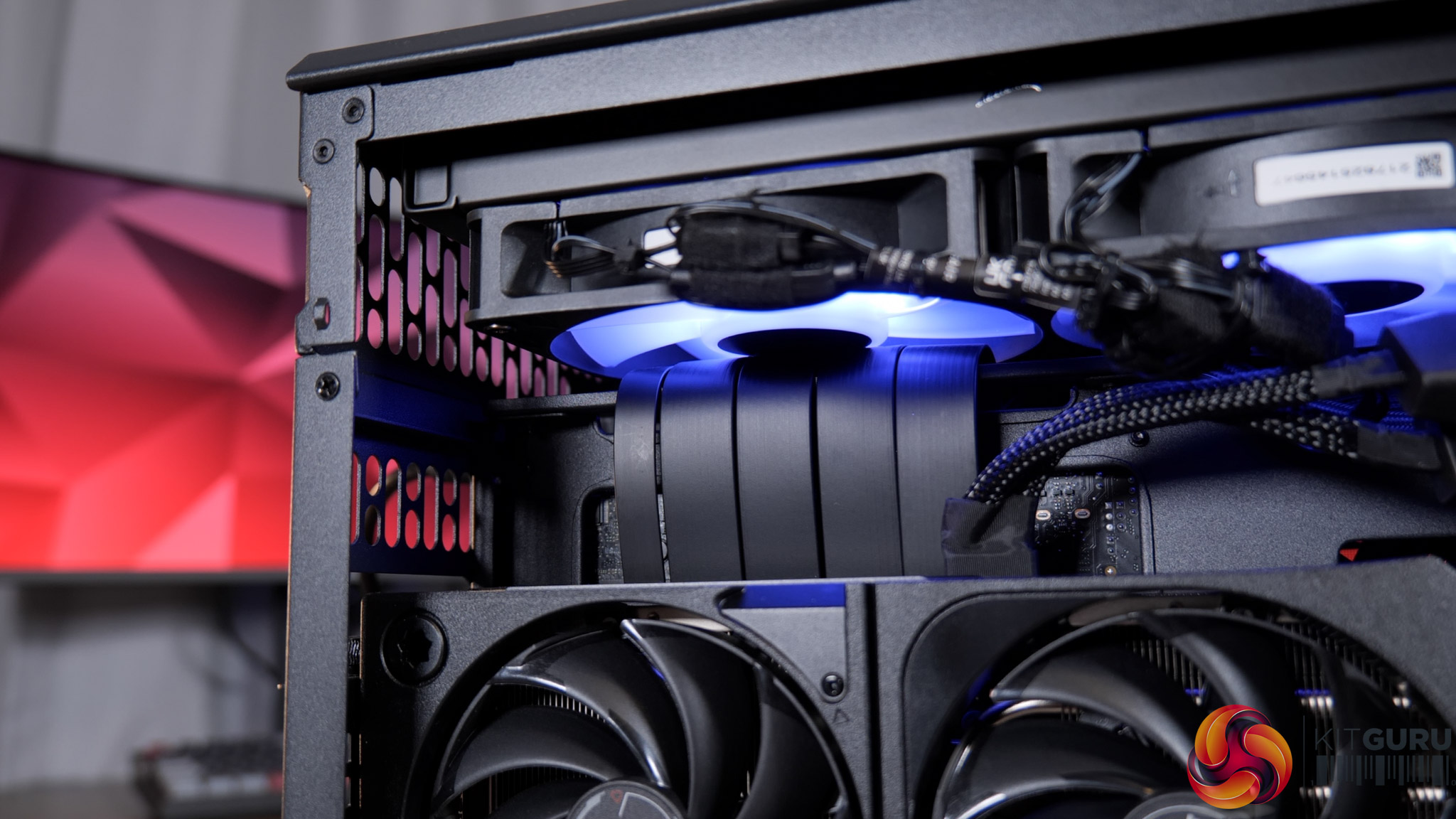
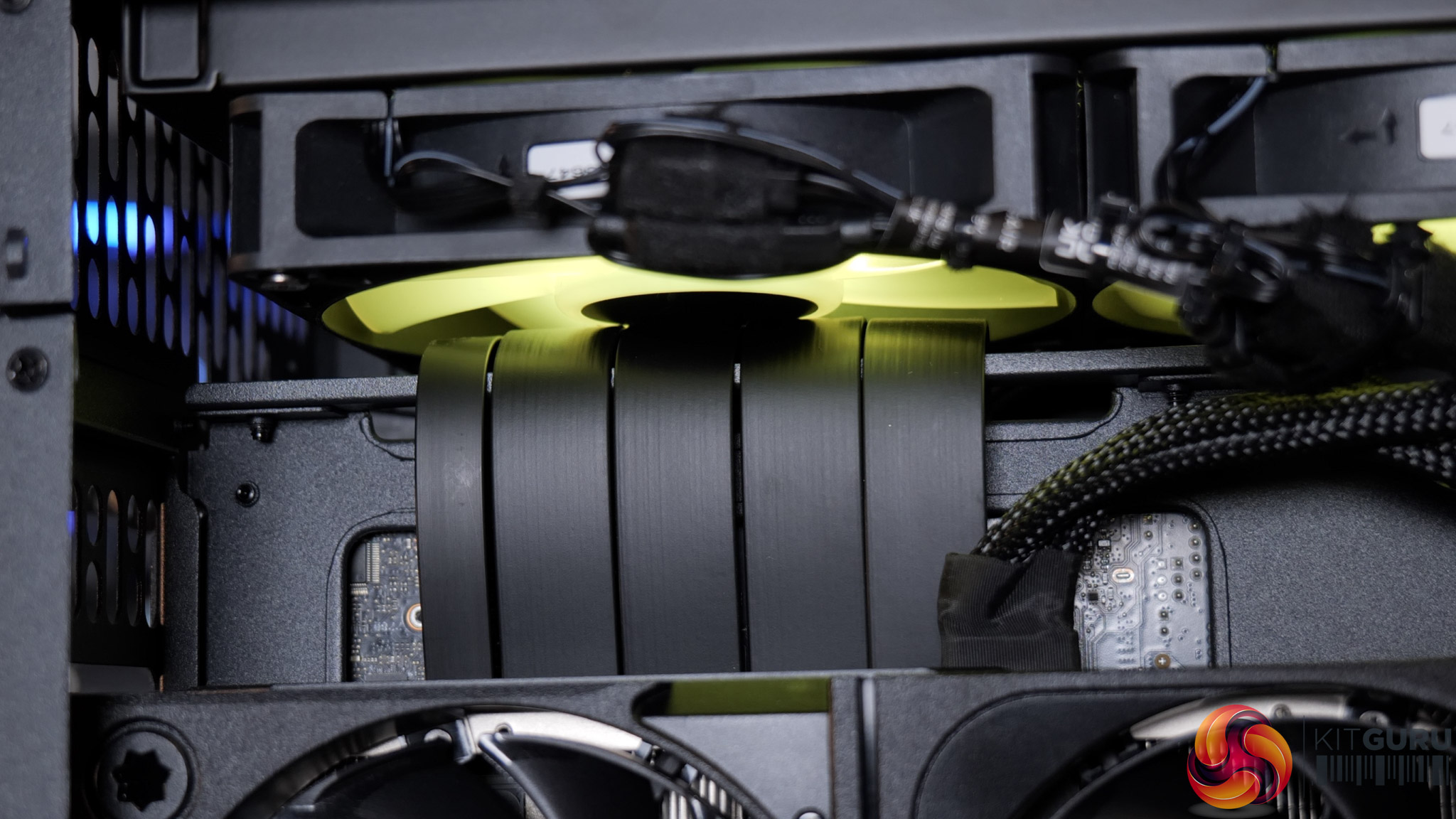
If you're not familiar with the Thermaltake TR100, it uses a split-chamber layout with the GPU in a separate compartment, connected to the motherboard via a PCIe riser. Unfortunately, that PCIe riser is the cause of the system's problems, as it has not been routed properly – or even routed at all – and has instead simply been jammed into one of the radiator fans, stopping it from spinning entirely.

I'd not used this case before but it was immediately obvious upon removing the side panel that something wasn't right. Re-visiting James' build in the TR100 from last year showed me that there's actually a dedicated crossbar, or bracket, for the PCIe riser, designed to prevent this exact thing – but here the riser has simply been looped over the top.

Fixing it took me about five minutes – I removed the radiator mount, reseated the riser properly, then secure the bracket on top, and that was job done. But clearly this is a huge oversight from PCSpecialist that raises significant questions.

We also ran thermal tests on the CPU to see the impact of this error. Here's a quick breakdown of what we found, but be sure to watch the embedded video for the full analysis:

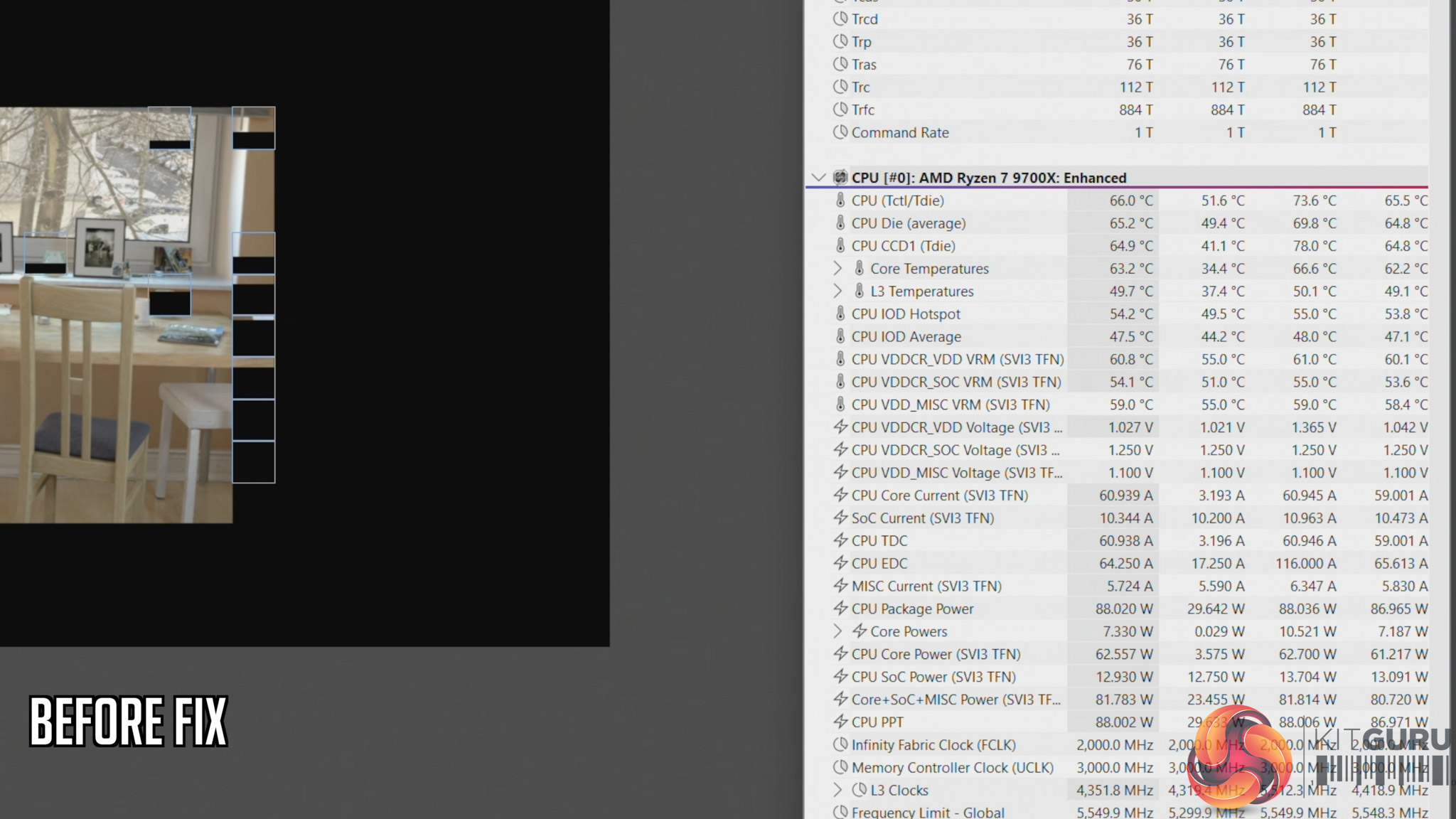
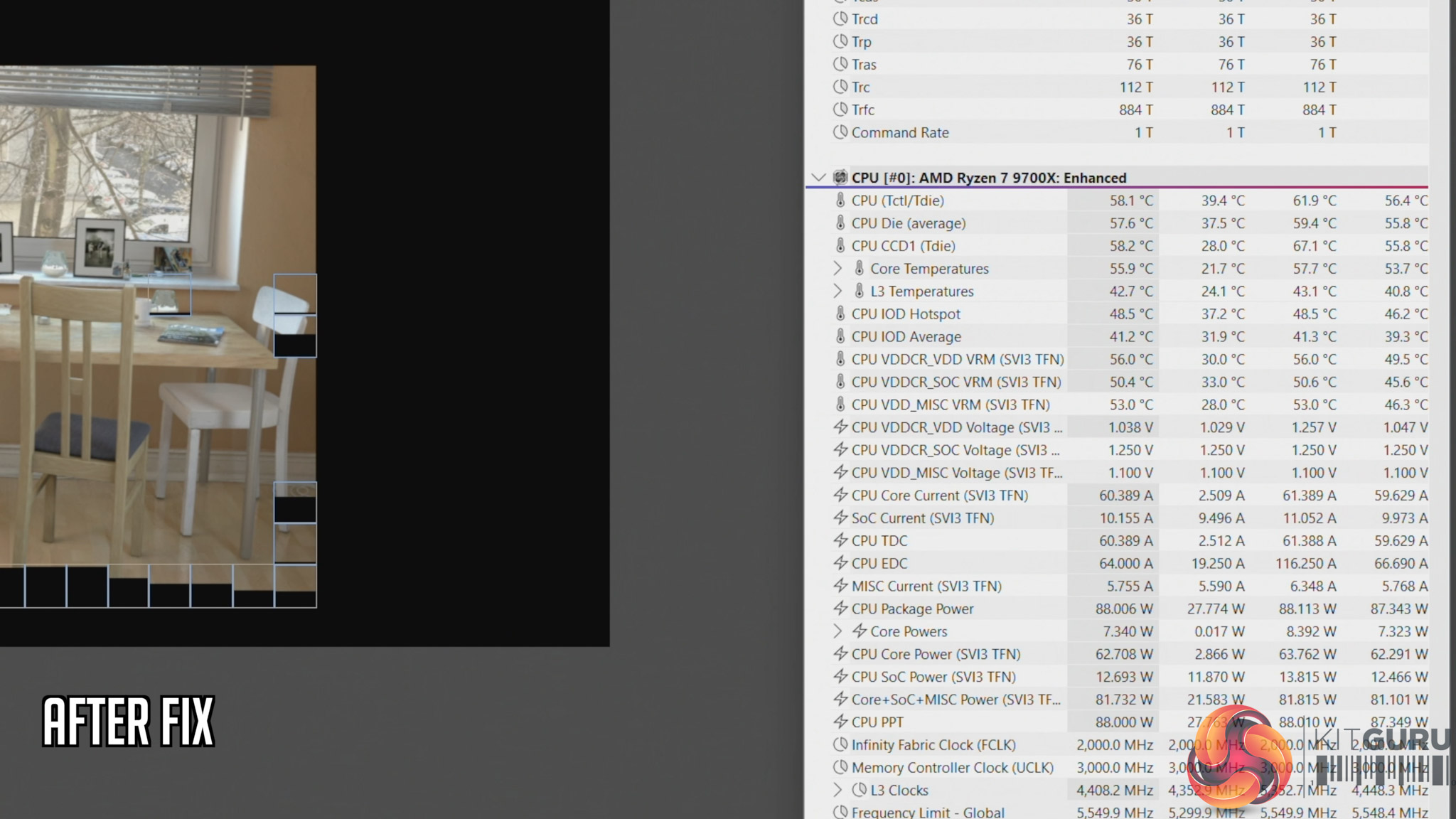
  • Cinebench, before fix: 66C steady-state, 73.6C peak
  • Cinebench, after fix: 58C steady-state, 61.6C peak
  • Cyberpunk 2077, before fix: 70C steady-state, 71.C peak
  • Cyberpunk 2077, after fix: 65C steady-state, 69.6C peak

This raises two key issues that I expand on in the video – the first being how much training are PCSpecialist builders given, considering something like this occured. And secondly, how extensive are the company's testing and quality control procedures? PCSpecialist's website talks about β€˜extensive' stress tests and says all systems go through β€˜a quality control checklist to ensure all components are correct and follows our stringent guidelines'. But clearly, the guidelines can't be that stringent if something like this slipped through from start to finish completely unnoticed.

Indeed, you could consider PCSpecialist β€˜fortunate' that the system we received has a relatively low-power 9700X pulling approx 88W. However, you can manually configure builds in the TR100 with up to a 9950X, a CPU that draws well over 200W, and losing half your radiator airflow withΒ that CPU would have a far more detrimental effect.

KitGuru says: PCSpecialist needs to do significantly better.

The post PCSpecialist Element Elite R Prebuilt Review first appeared on KitGuru.
❌
❌