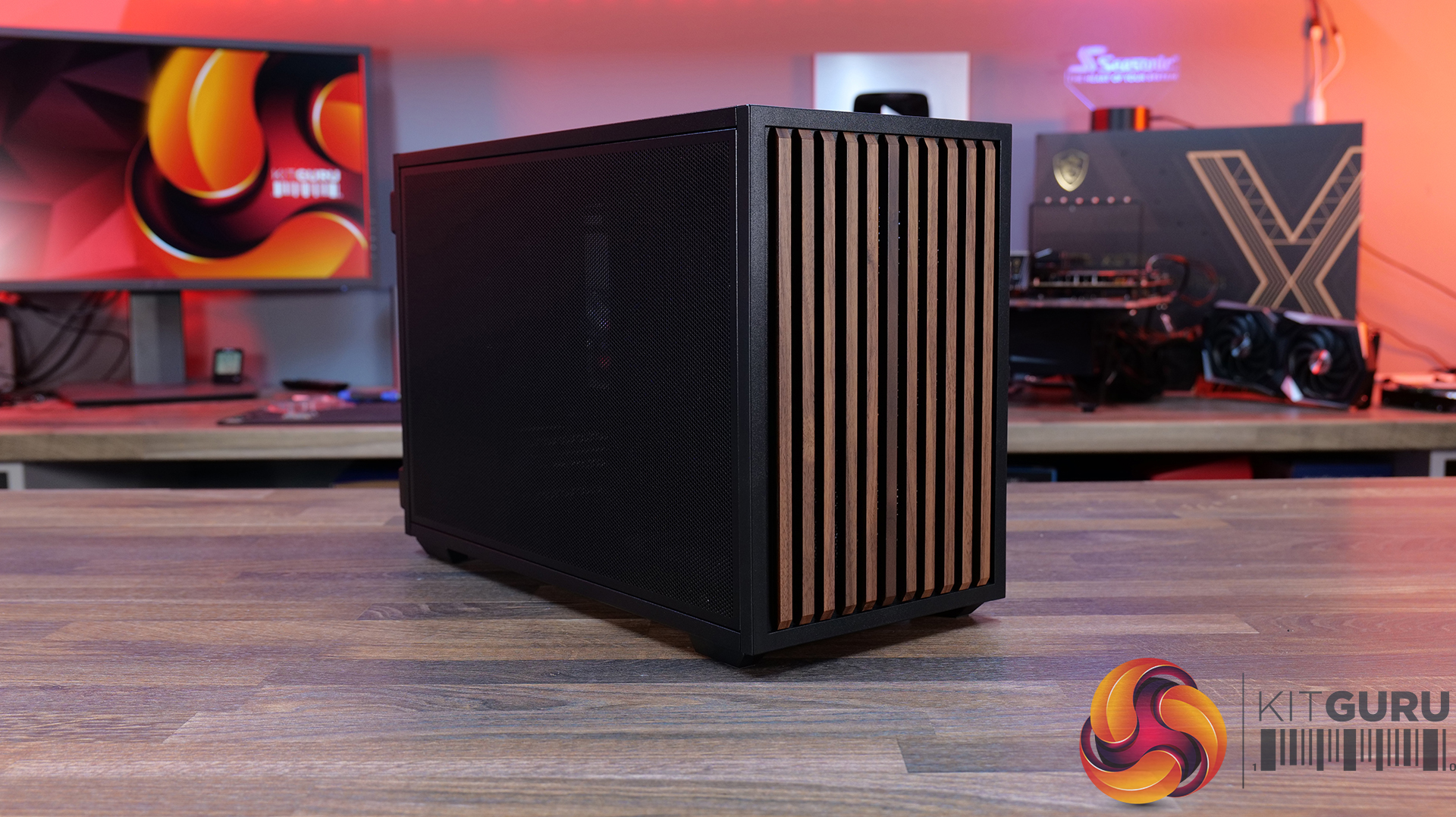
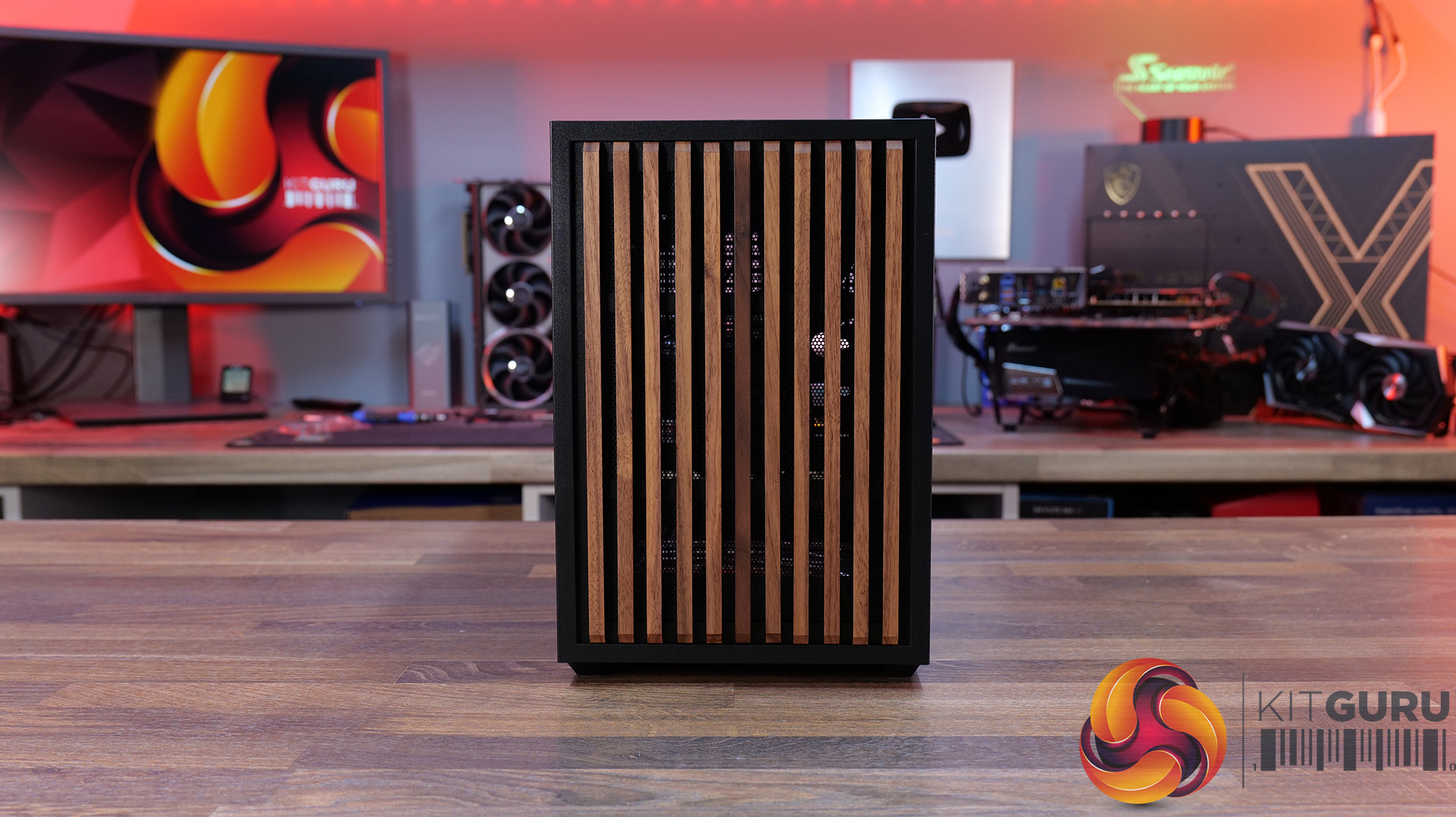
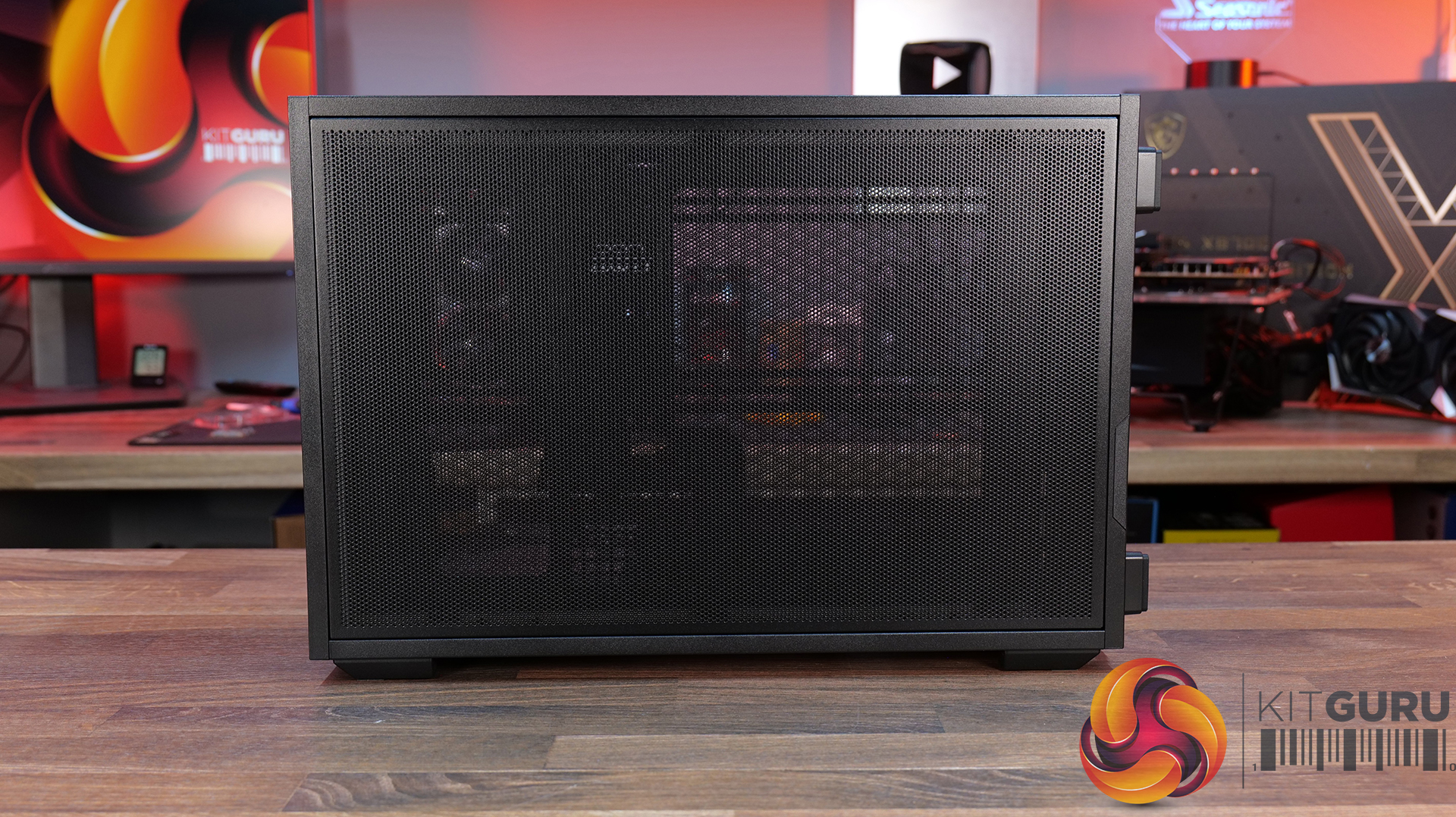
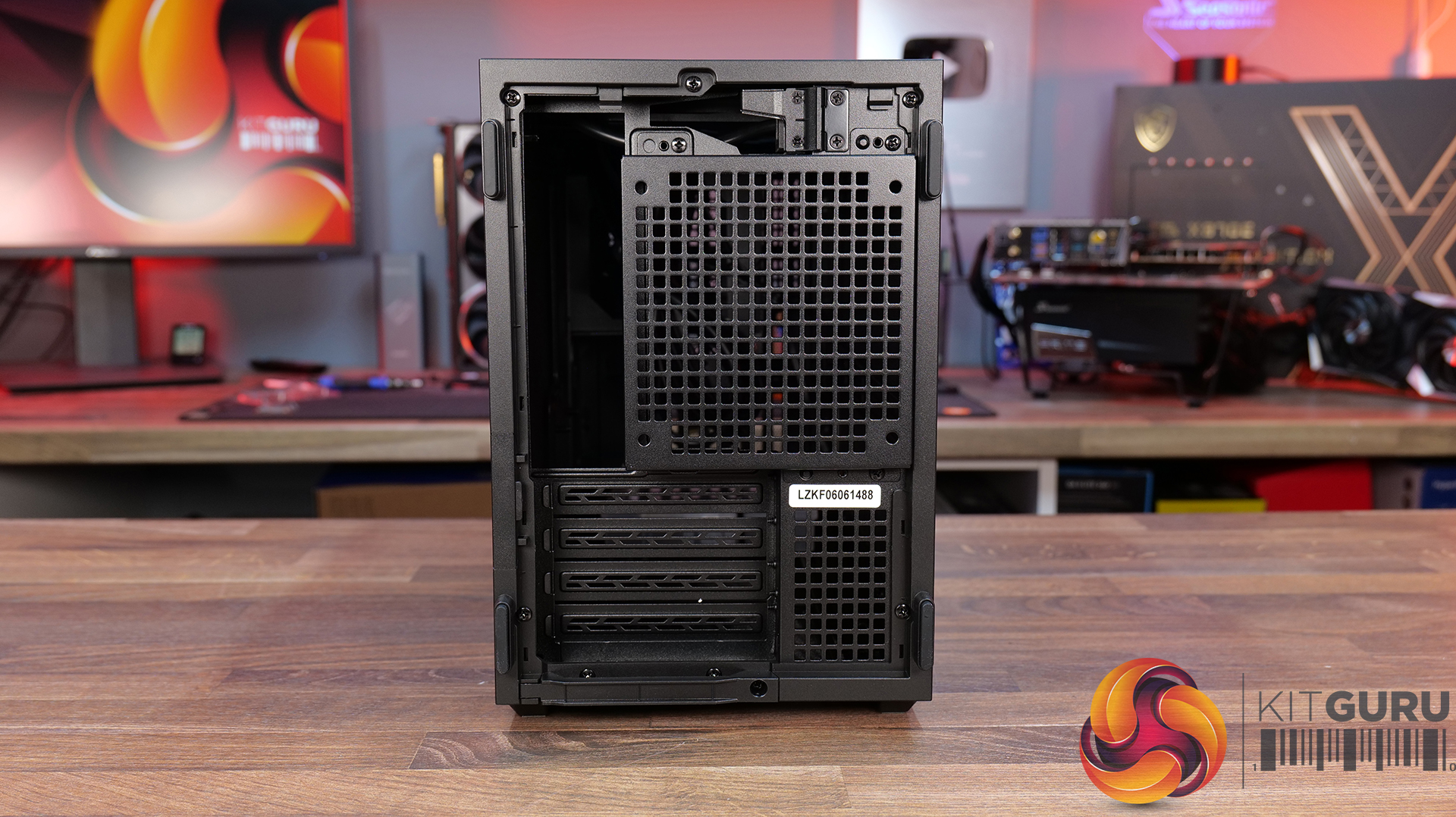
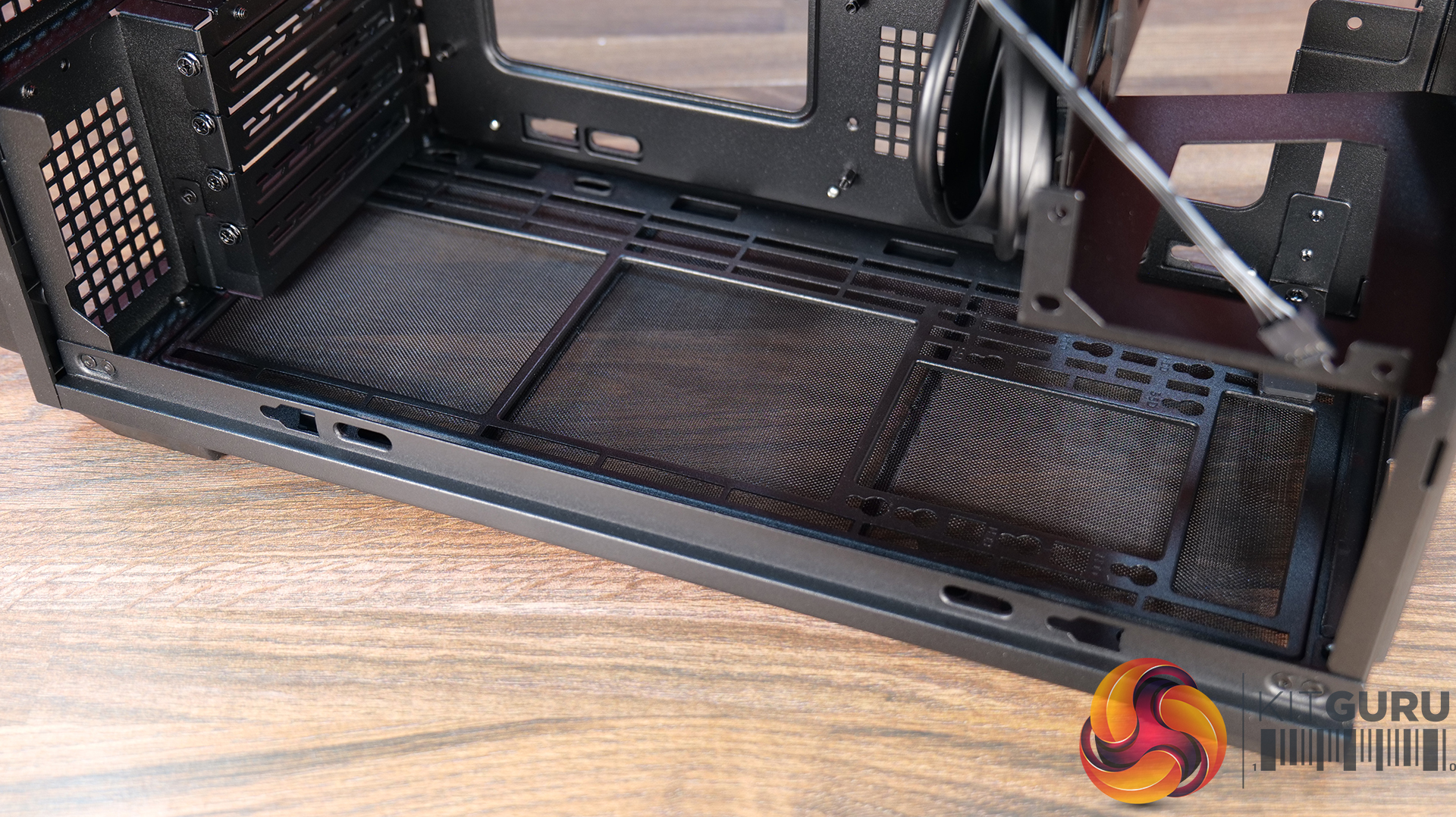
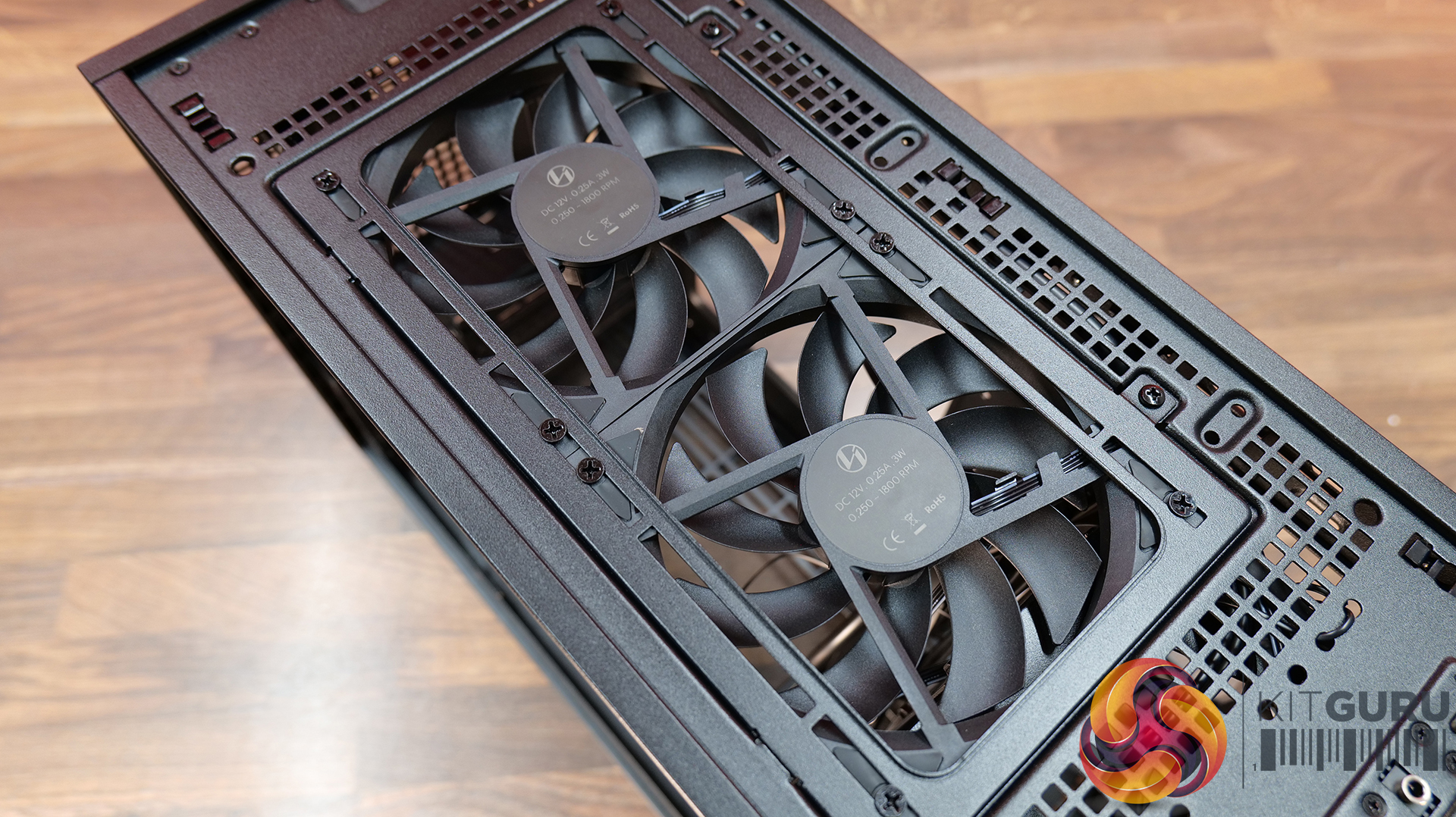
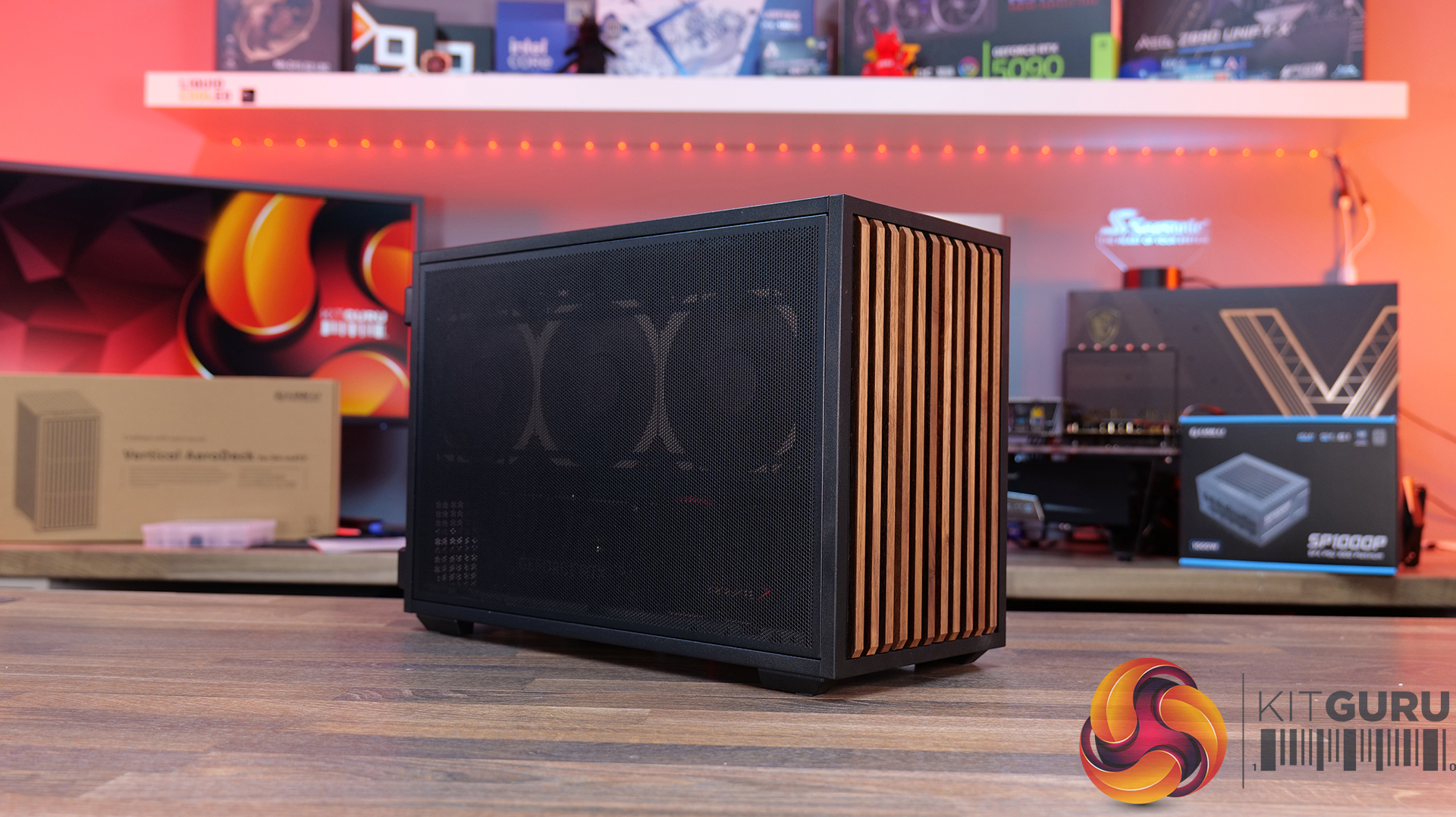
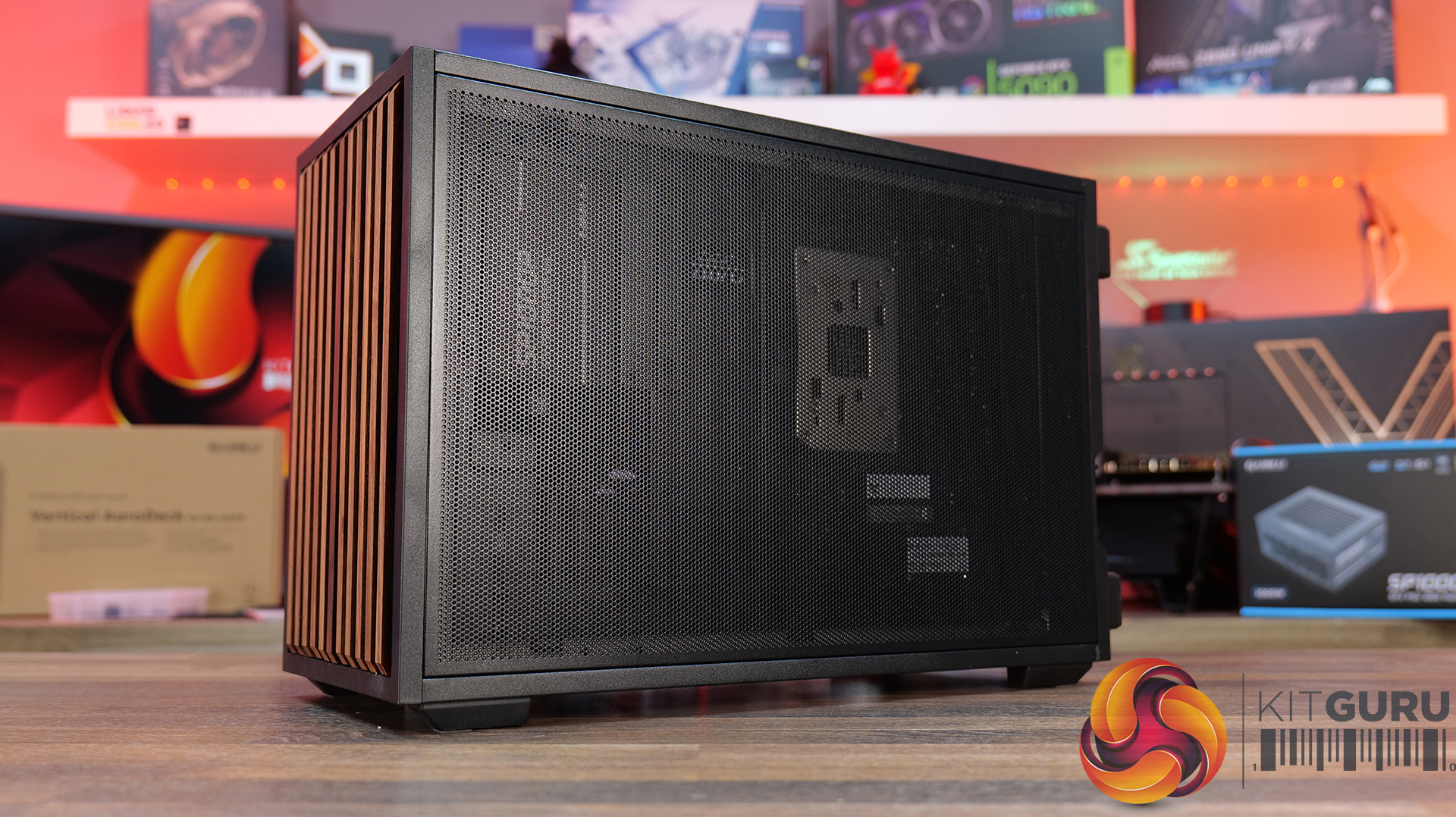
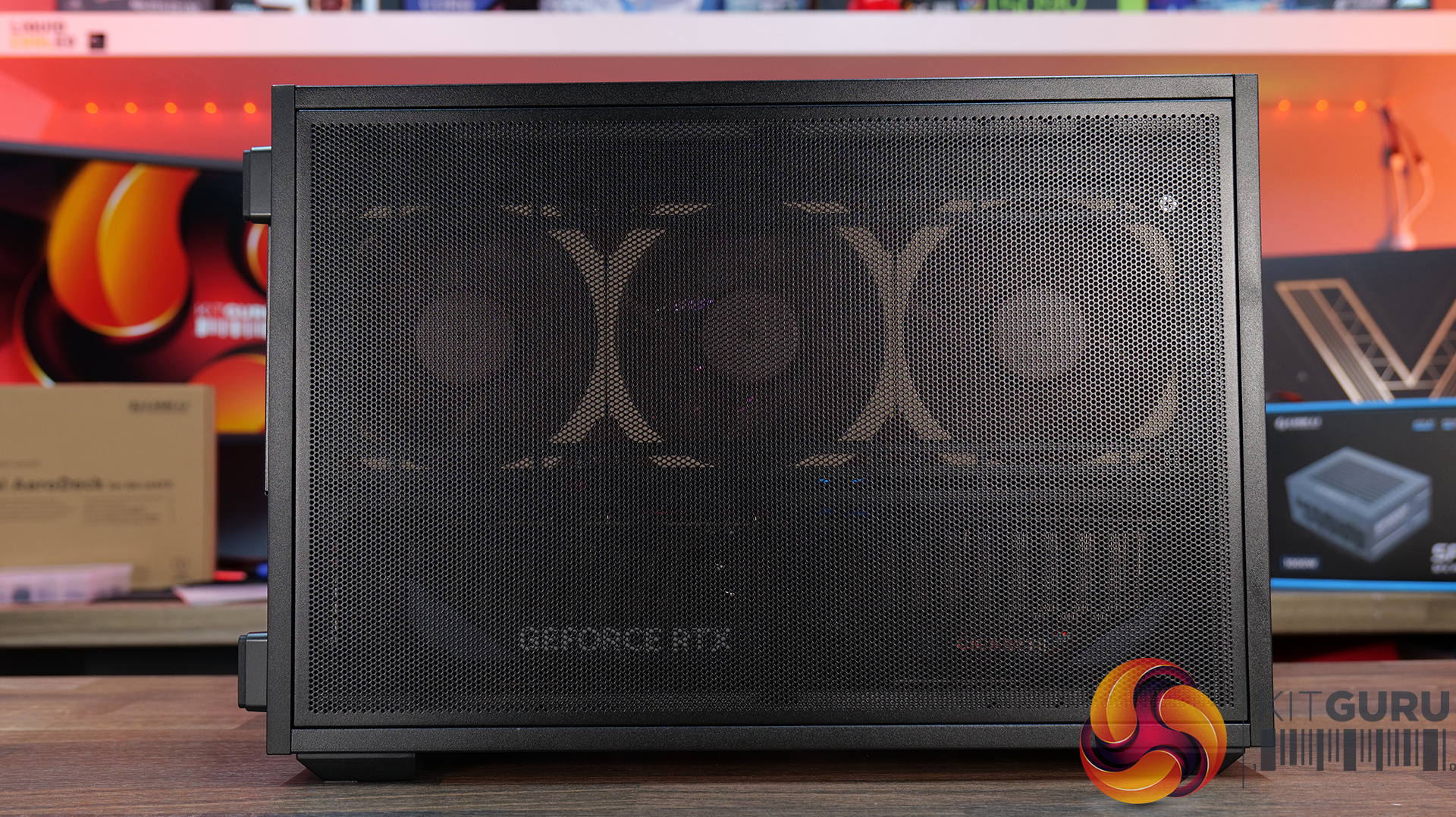
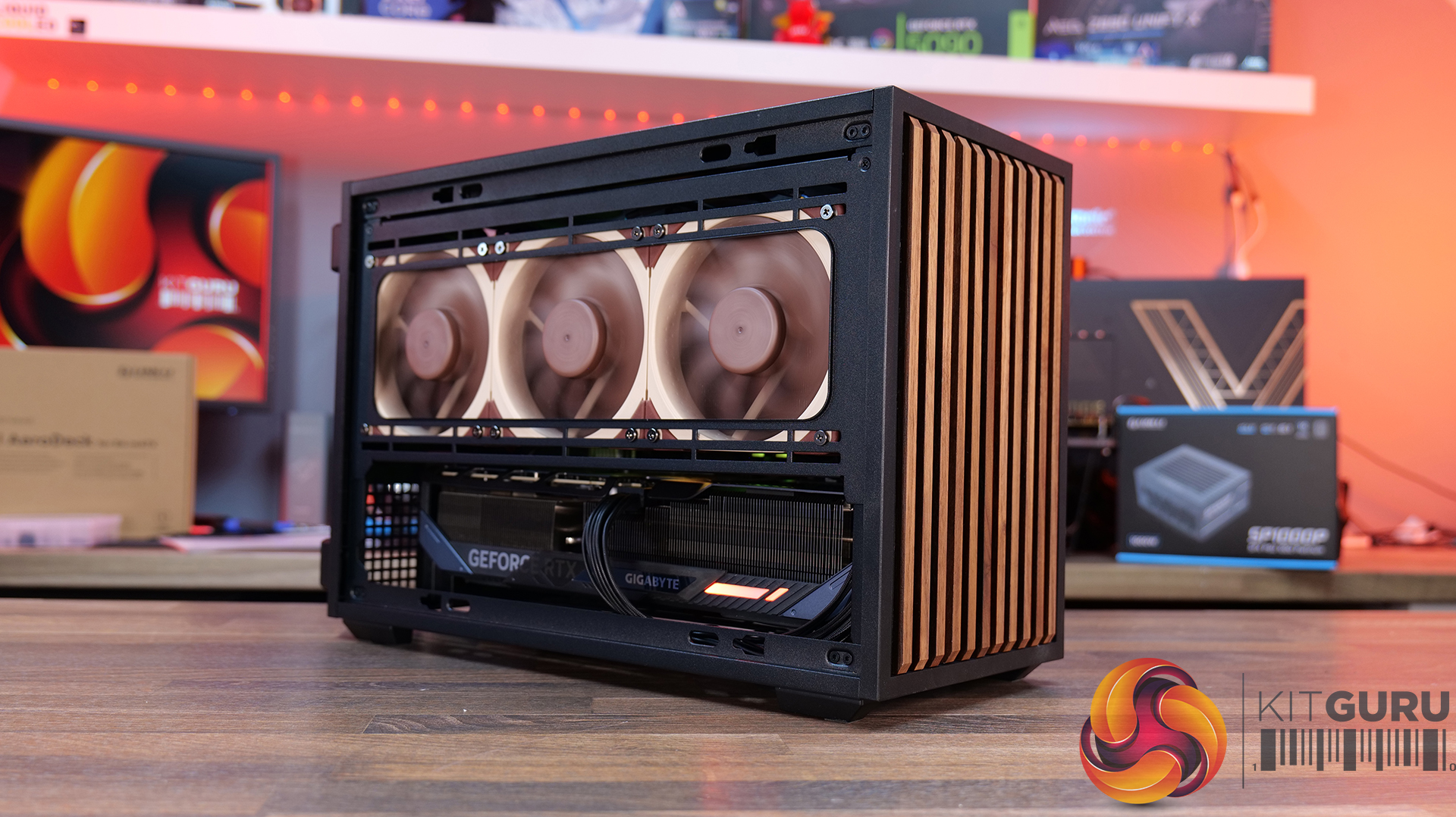
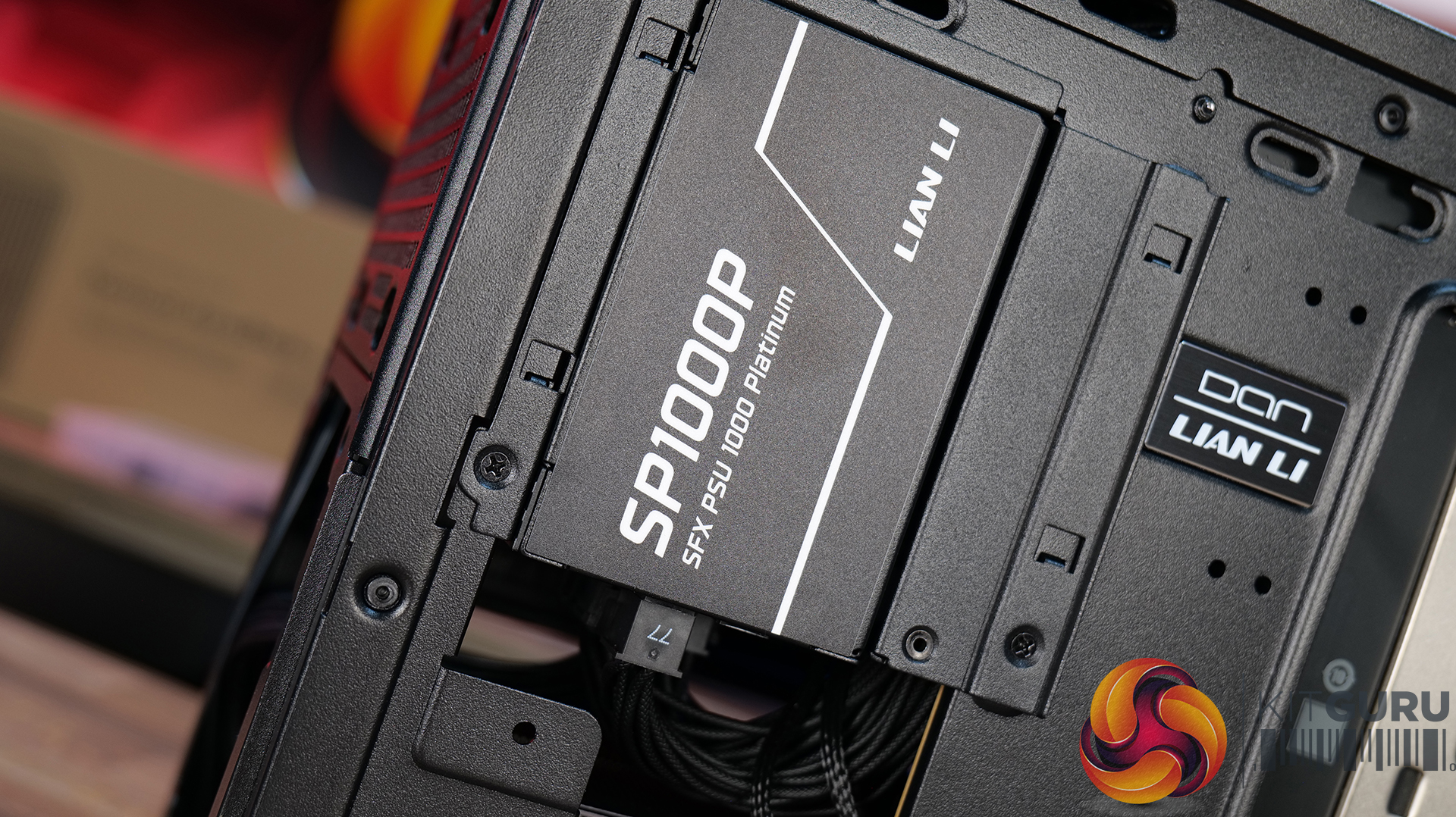
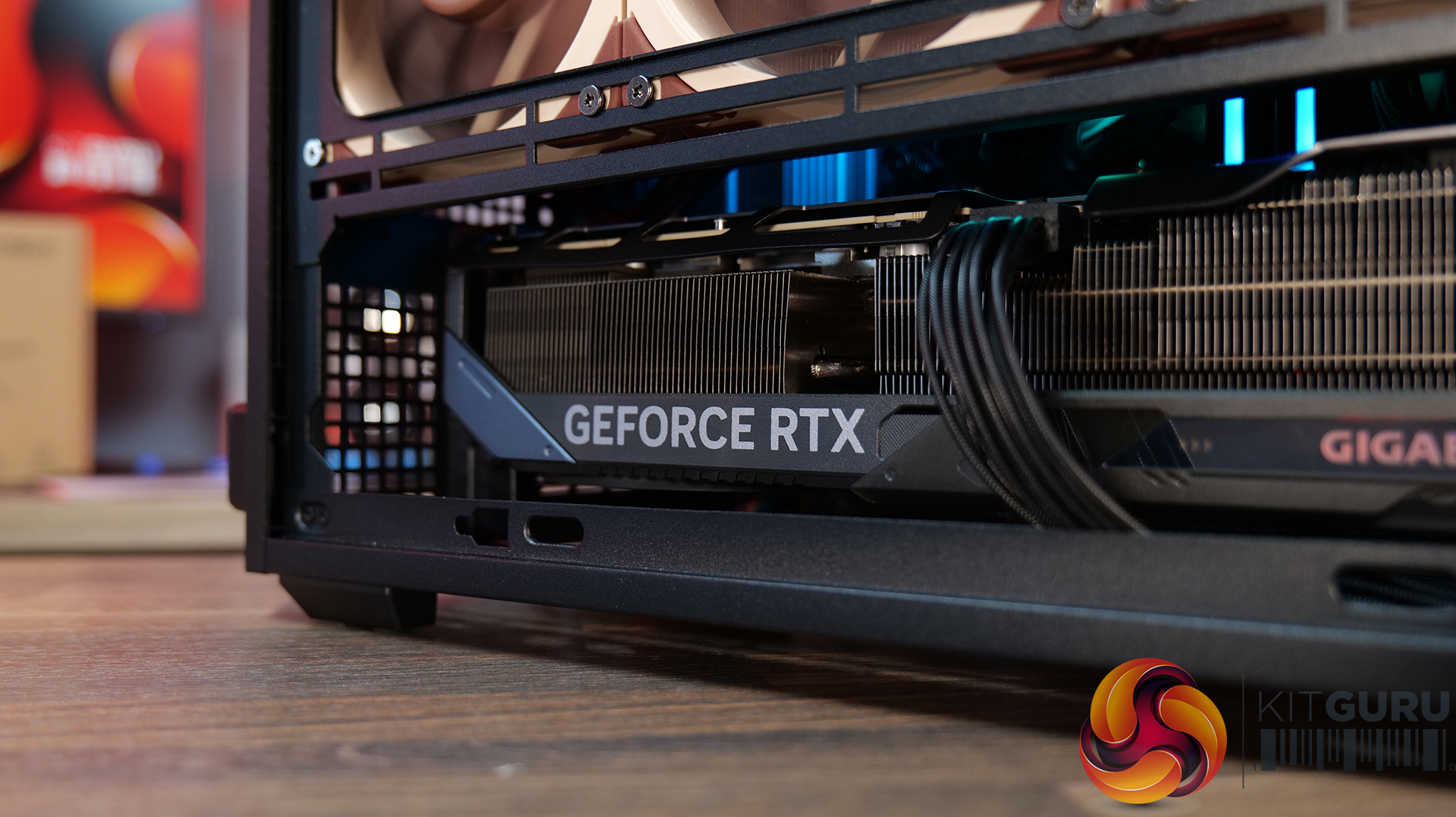
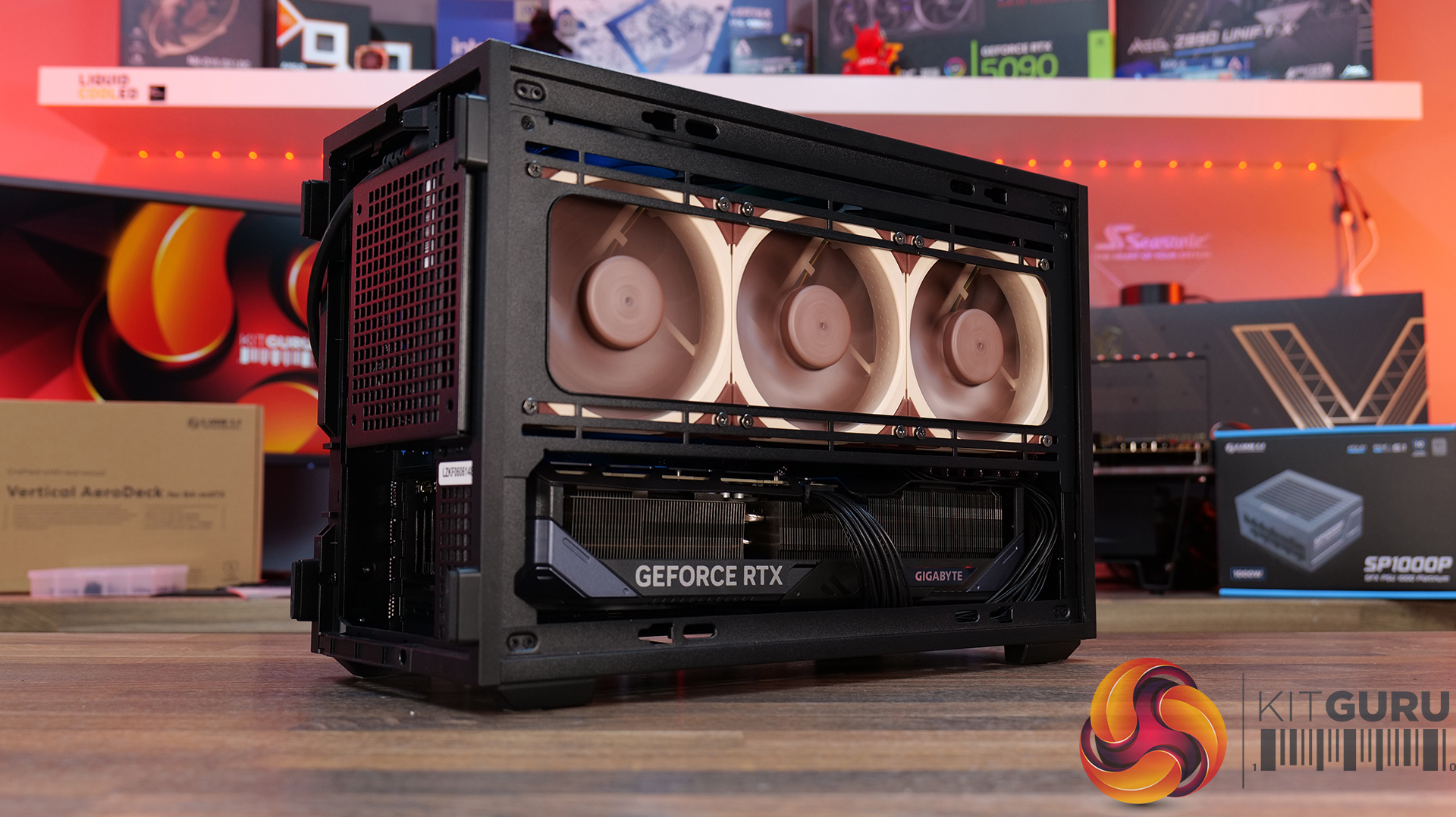
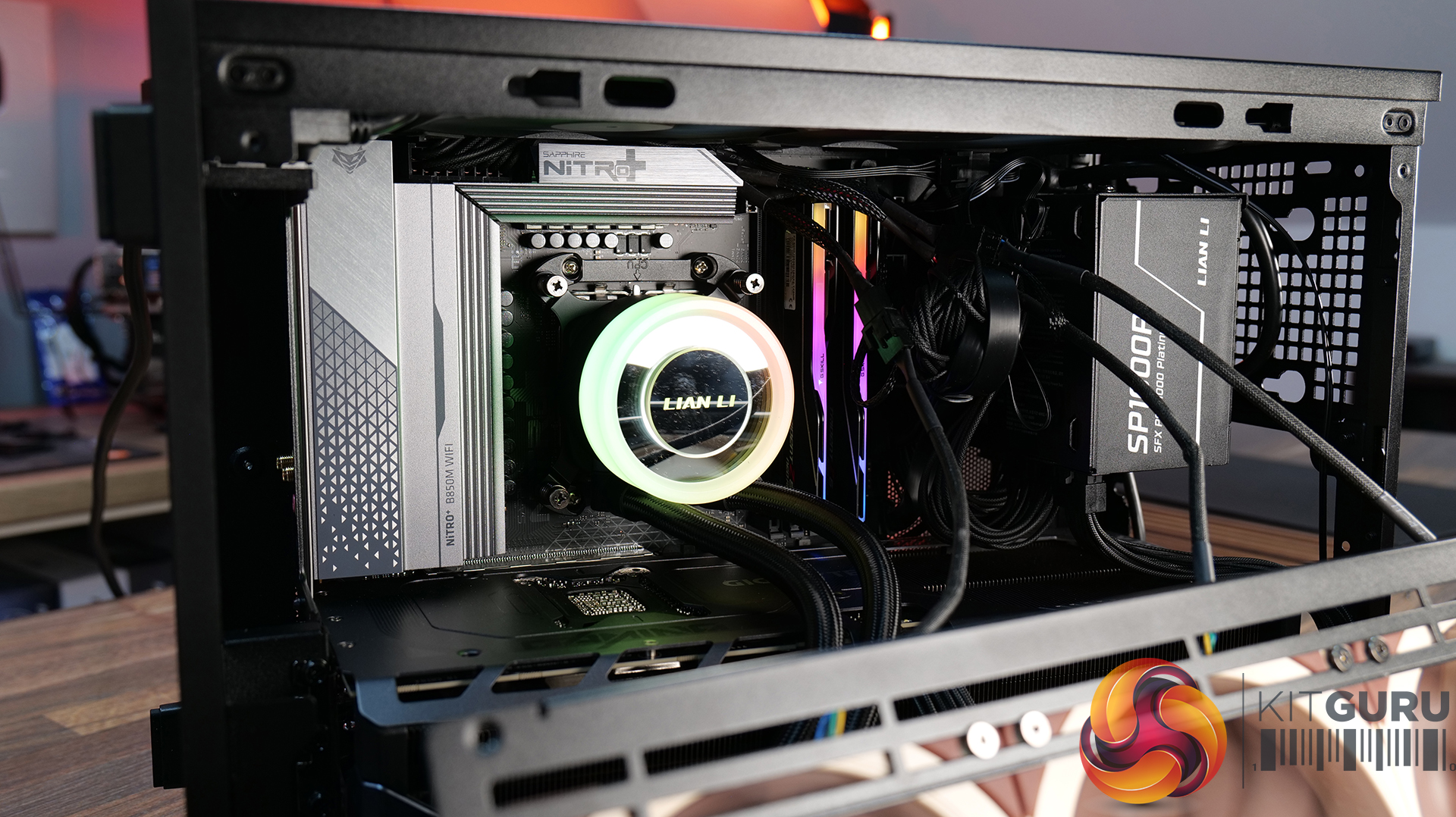
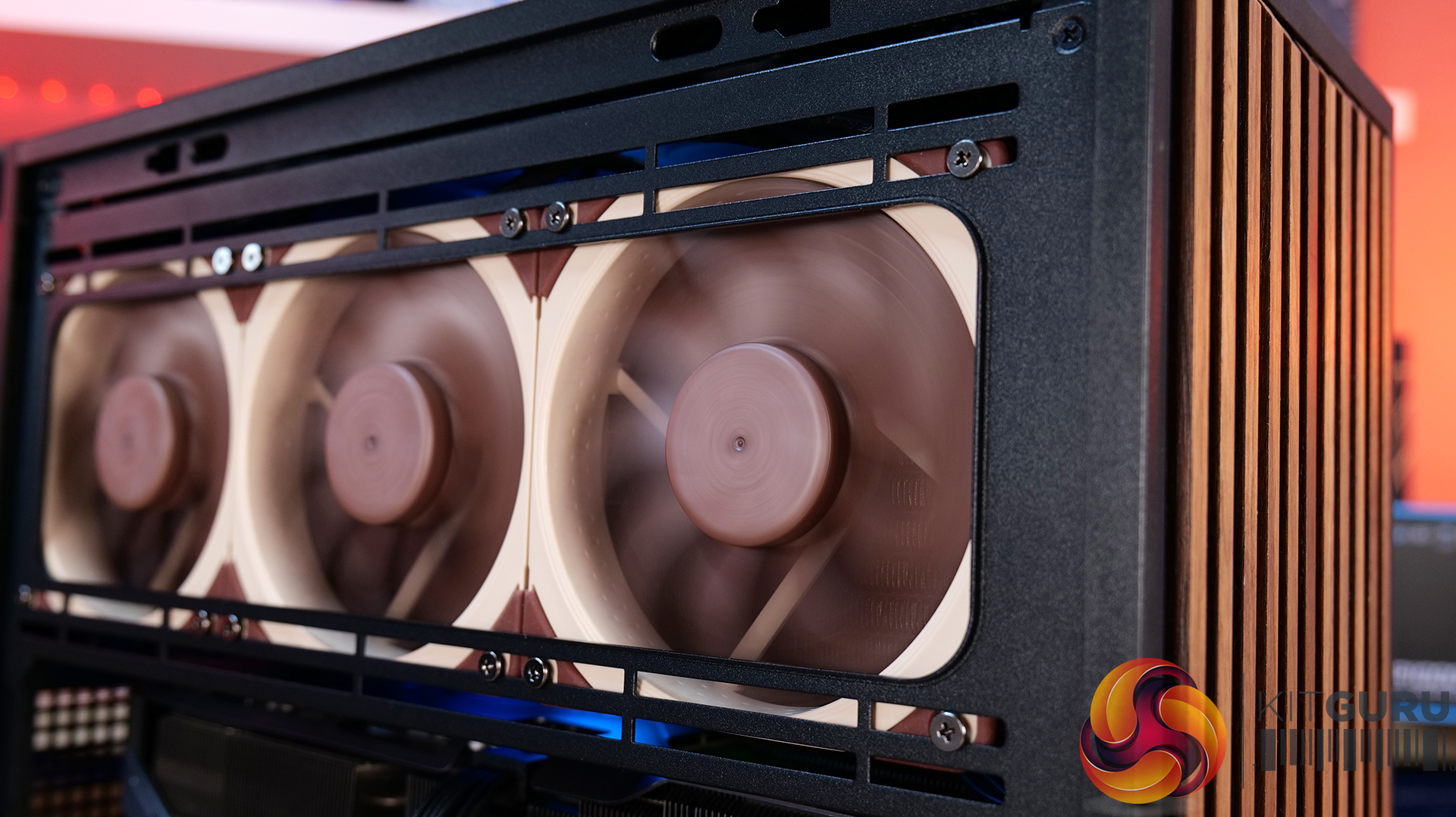
Today we're looking at the Lian Li B4 mATX – a compact, 21.3-litre Micro-ATX case developed in collaboration with DAN Cases. Despite its small footprint, it supports Micro-ATX motherboards, graphics cards up to 358mm long, both ATX and SFX power supplies, and even a 360mm AIO. It also offers the choice of a mesh or real wood front panel, along with the option to run the case horizontally or vertically to better suit your setup. Lian Li is aiming to deliver the hardware compatibility of a much larger chassis in a compact SFF design. In this review, we'll find out if the B4 mATX can deliver on that promise, or not. Let's get into it.
Timestamps:
00:00 Introduction
00:58 Versions / Prices / Extras
01:51 Physical Dimensions / Front I/O
02:26 Removing panels
03:42 Cooling Support
06:25 GPU Anti Sag Bracket / GPU Support
07:25 Motherboard and CPU Air Cooler Support
08:22 Storage Compatibility
08:54 Back of the case
09:53 Left hand side of case
10:38 James thoughts on the layout
11:38 Accessories
12:22 Vertical AeroDeck
13:18 Thermal and Acoustic Performance Testing
15:11 Smoke Test
15:48 Thoughts on Installation
18:38 Closing Thoughts

Features:
- Compact 21.3-litre Micro-ATX design with support for Micro-ATX motherboards, graphics cards up to 358mm long, plus the option to position the case horizontally or vertically.
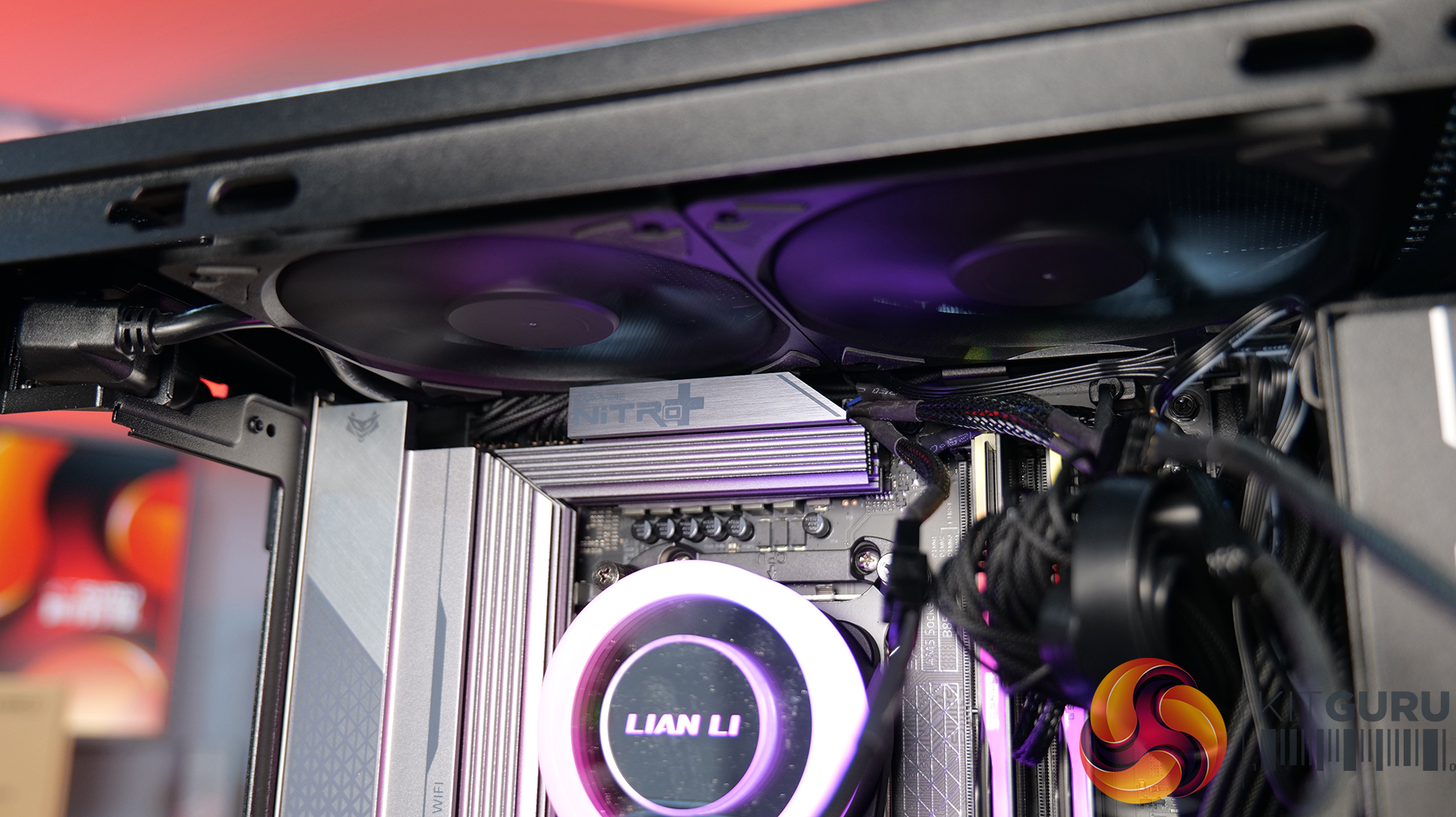
- Strong hardware compatibility including support for ATX or SFX power supplies, up to a 360mm side-mounted AIO with an SFX PSU, and CPU air coolers up to 162mm tall.
- Choice of mesh or real wood front panels combined with modular brackets, pre-installed slim fans and flexible cooling layouts designed to maximise performance in a compact chassis.
Specifications:
- Case Type: Micro ATX
- Dimensions (LxWxH): 420mm x 191mm x 288mm
- Materials: Steel, Wood (Walnut / Beech), Plastic
- Motherboard Support: Micro-ATX, Mini-ITX
- Reverse Connector motherboard support: No
- Expansion Slots: 4
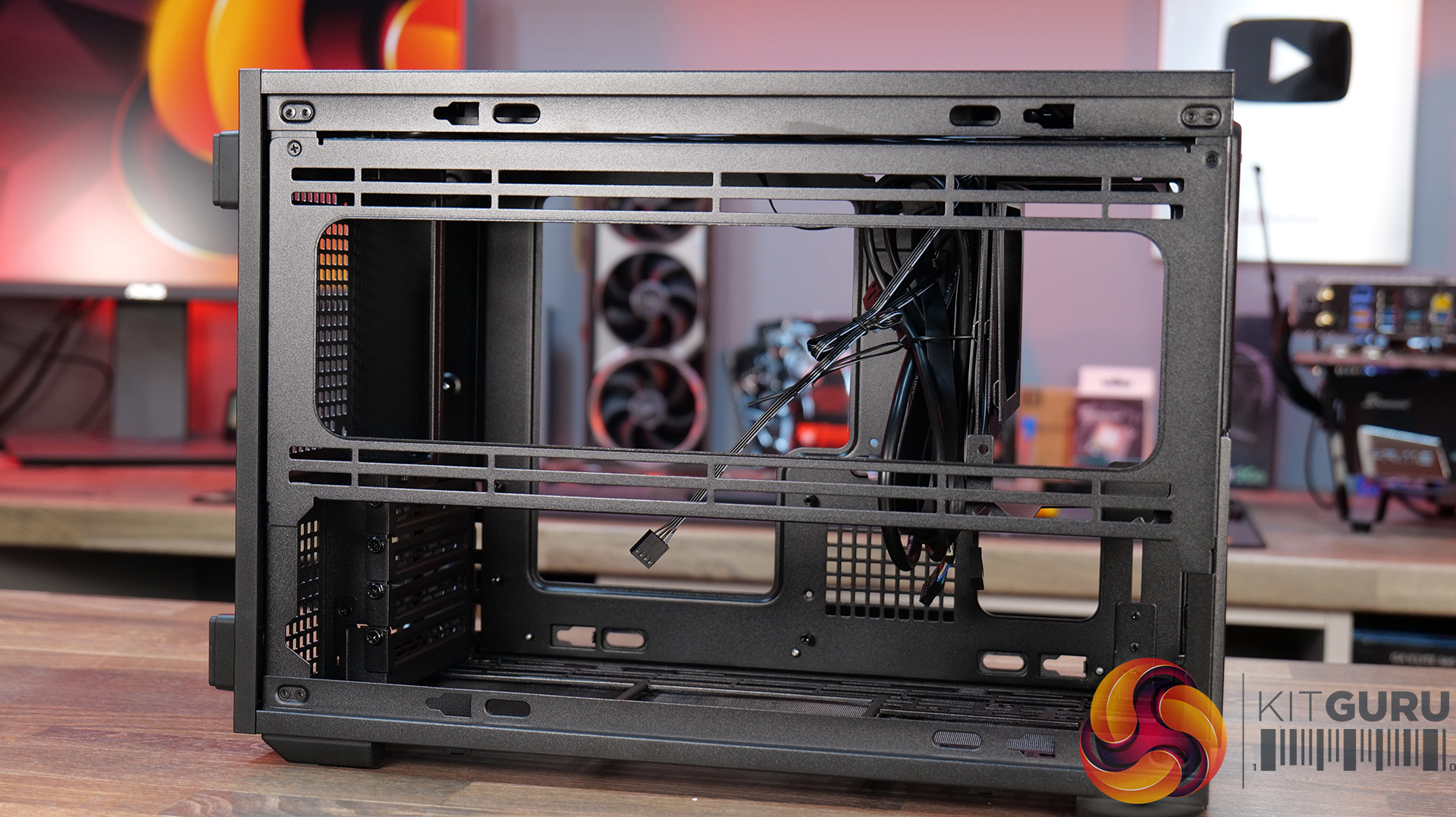
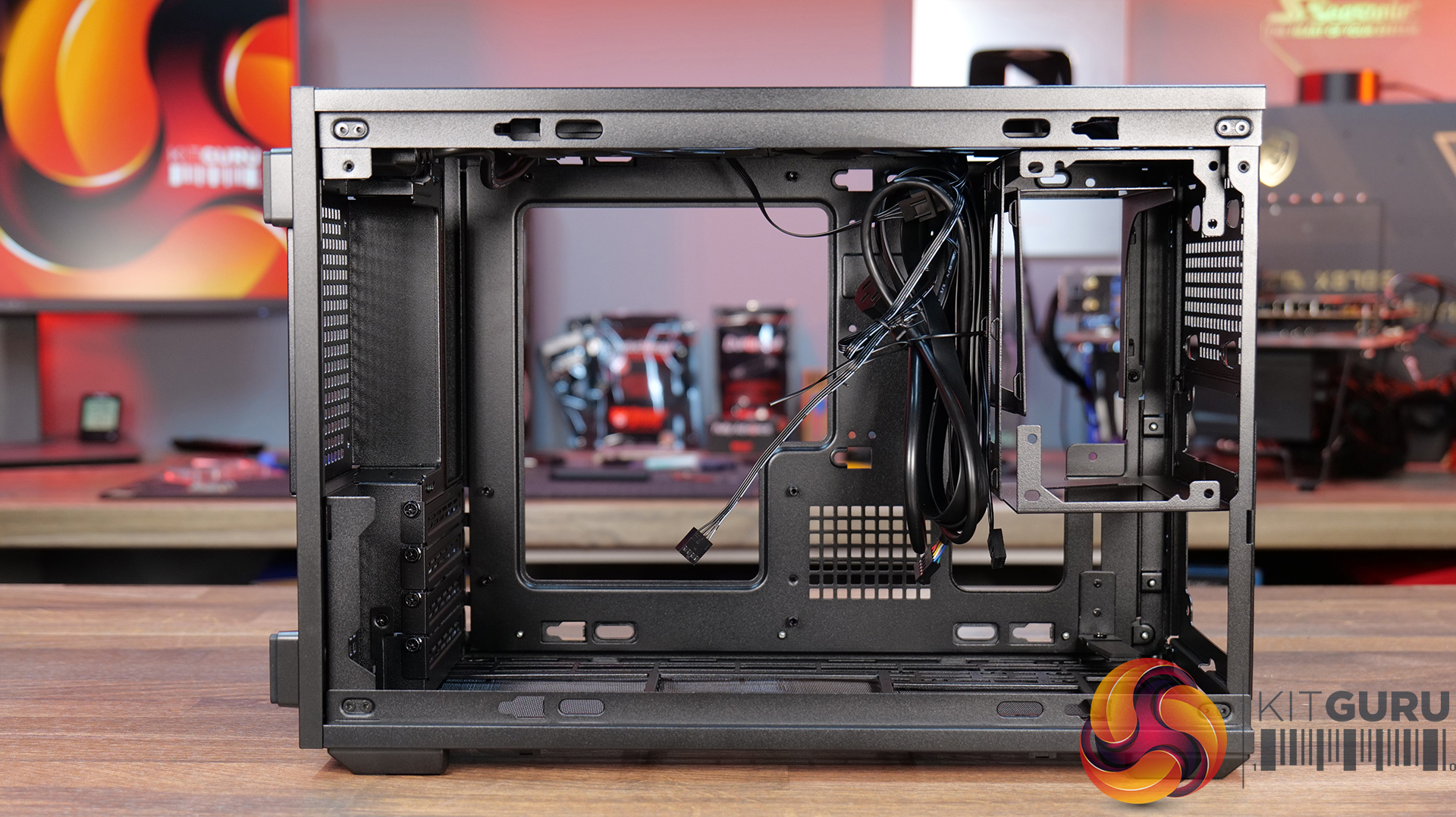
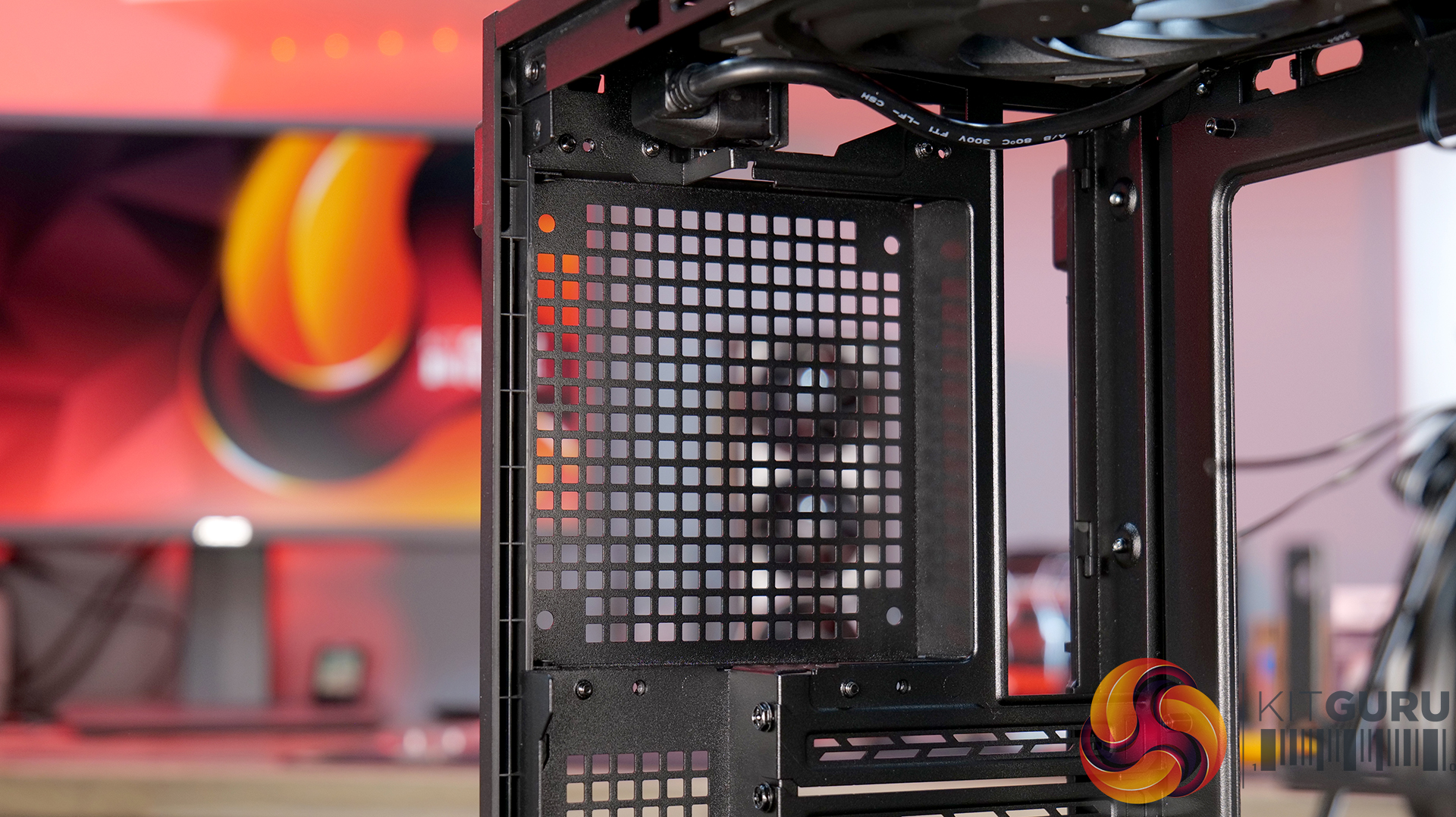
- Storage bays: Front 2.5” SSD x 1, Bottom 3.5” HDD x 1 or 2.5” SSD x 1
- Max GPU Length: 358mm
- Max CPU Cooler Height: 162mm (168mm without side fan bracket)
- PSU Type: ATX/SFX
- Cable Routing Space: N/A
- Supplied Fans: 120 x 120 x 15mm (x2)
- Fan Support: 120mm x 2 (Top), 120mm x 1 (Front, With SFX PSU Only), 120mm x 3 / 140mm x 2 (L/H Side With SFX PSU), 120mm x 2 / 140mm x 2 (L/H Side With ATX PSU), 120mm x 1 (Rear), 120 mm x 3 / 140mm x 2 (Bottom)
- Radiator Support: Side 360mm (with SFX PSU), 240mm (With ATX PSU)
- Dust Filters: Bottom
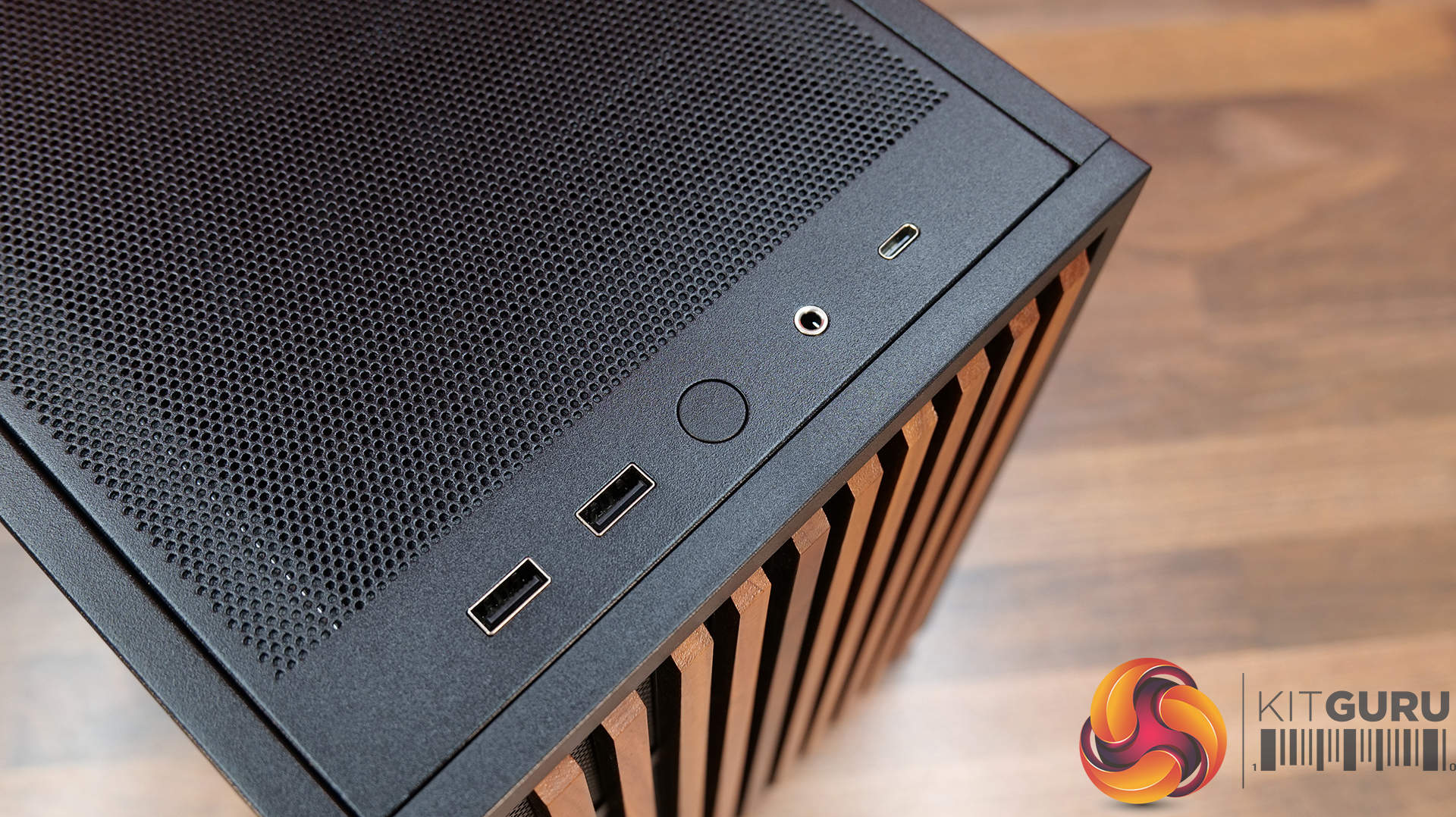
- Font I/O: USB 3.0 Type A x 2, Power Button x 1, Audio x 1, USB 3.2 Type C x 1
Thermal Performance Testing
To simulate thermal demand, we run the Cinebench R23 multi-thread benchmark and 3DMark Speed Way stress test simultaneously in a loop for 30 minutes to load the system fully. This gives the CPU and GPU enough time to reach constant steady-state temperature. With this data, we can compare how the system handles the thermal demand and measure peak noise levels.
Thermal performance is measured with the case in various configurations, such as the default, with the tempered glass left-hand side panel removed and with the front panel removed to see how these configurations affect the CPU and GPU temperature. During testing, only stock case fans are used unless otherwise specified. All water pumps are set to maximum RPM and fans are set to a custom RPM curve by the Motherboard software/BIOS.
All temperature measurements are presented as Deltas – meaning the ambient temperature has been deducted from the CPU temperature, giving us a Delta. Data shown in the charts represents the average component temperature over the length of the test as measured by HWiNFO, and then the last 15 minutes of the data are calculated to get the average. The ambient temperature during thermal tests is between 19-20⁰C.
Test System Specification:
Thermal Performance Overview
We test case thermals using a 360mm AIO as Intake at the side and with the case in several different fan configurations. The default configuration shown in the charts is with the side-mounted 360mm AIO cooler and 2 x 120 mm x 15 mm top exhaust fans and with all case panels installed.
Thermal performance good overall, with the B4 mATX delivering consistent CPU and GPU temperatures across all four test configurations. The default AIO setup performs well, but removing the top fans results in a increase to both CPU and GPU temperatures, so those exhaust fans play an important role in the case's airflow design.
Running the case vertically with the optional AeroDeck produces the best GPU temperature while matching the lowest CPU result, so the additional cost could be a worthwhile improvement to graphics cooling. most interestingly, removing the top, front and side panels offers no benefit over the AeroDeck configuration, indicating that the B4 mATX's airflow is well optimised in its standard configuration.
Noise Output
Acoustically, the B4 mATX offers a balance between cooling performance and noise, with only slight variation between the different test configurations. The default setup produces the same idle noise level as both the AeroDeck and top fan removed configurations, while load noise remains close across test configurations.
The vertical AeroDeck configuration is slightly quieter under load due to the lower GPU temperature and fan speed, but the differences are small enough that they're unlikely to be too noticeable in day-to-day use.
Closing Thoughts
Considering its compact dimensions, Lian Li has packed an impressive amount of hardware support into the B4 mATX including large 4 slot graphics cards, ATX power supplies and up to a 360mm AIO, making it more versatile than some small form factor chassis in this price bracket. There’s a good balance between compact dimensions and practicality, giving enthusiasts flexibility without forcing them into buying expensive SFX power supplies or low-profile cooling solutions.
Thermal performance is respectable too. While the B4 mATX isn't class-leading in terms of cooling, it does an adequate job for a chassis of this size and should have no trouble handling high-performance gaming hardware when configured correctly. Combined with the excellent build quality we've come to expect from Lian Li, the chassis feels well engineered, with premium materials and a solid build for the MSRP asking price.
That said, the B4 mATX isn't without compromise. As with many compact cases, component compatibility depends heavily on the exact hardware combination you choose. Installing larger graphics cards, radiators or longer power supplies can have a knock-on effect elsewhere in the build, so planning your component selection is essential. Cable management is also more challenging than it should be, with limited routing space making it difficult to achieve a clean build, while some cables can easily get in the way of the top fans if you're not careful during assembly too.
There are also a couple of smaller details that could have been better executed. The included GPU anti-sag bracket is a useful feature, but its compatibility with some graphics cards is limited. None of these issues are deal breakers, it’s still a very capable compact chassis.
Overall though, the Lian Li B4 mATX delivers a solid combination of build quality, hardware compatibility and sensible pricing, making it an easy case to recommend for anyone wanting to build a powerful mATX gaming system without taking up too much desk space.
The Lian Li B4 mATX is available to purchase now from Scan priced at £73.99 HERE.
Pros:
- Can support high-end hardware depending on configuration.
- For a compact case, cooling support is good.
- Build quality is excellent.
Cons:
- GPU anti-sag arm is incompatible with some graphics cards.
- Hardware compromises depending on configurations.
- Cable routing is awkward and some cables can get trapped in fans.
KitGuru says: For a small case, the B4 mATX packs in some good features but there are some hardware compromises depending on what setup you run though this is to be expected from such a compact mATX case.
The post
Lian Li B4 mATX PC Case Review first appeared on
KitGuru.

 Login
Login