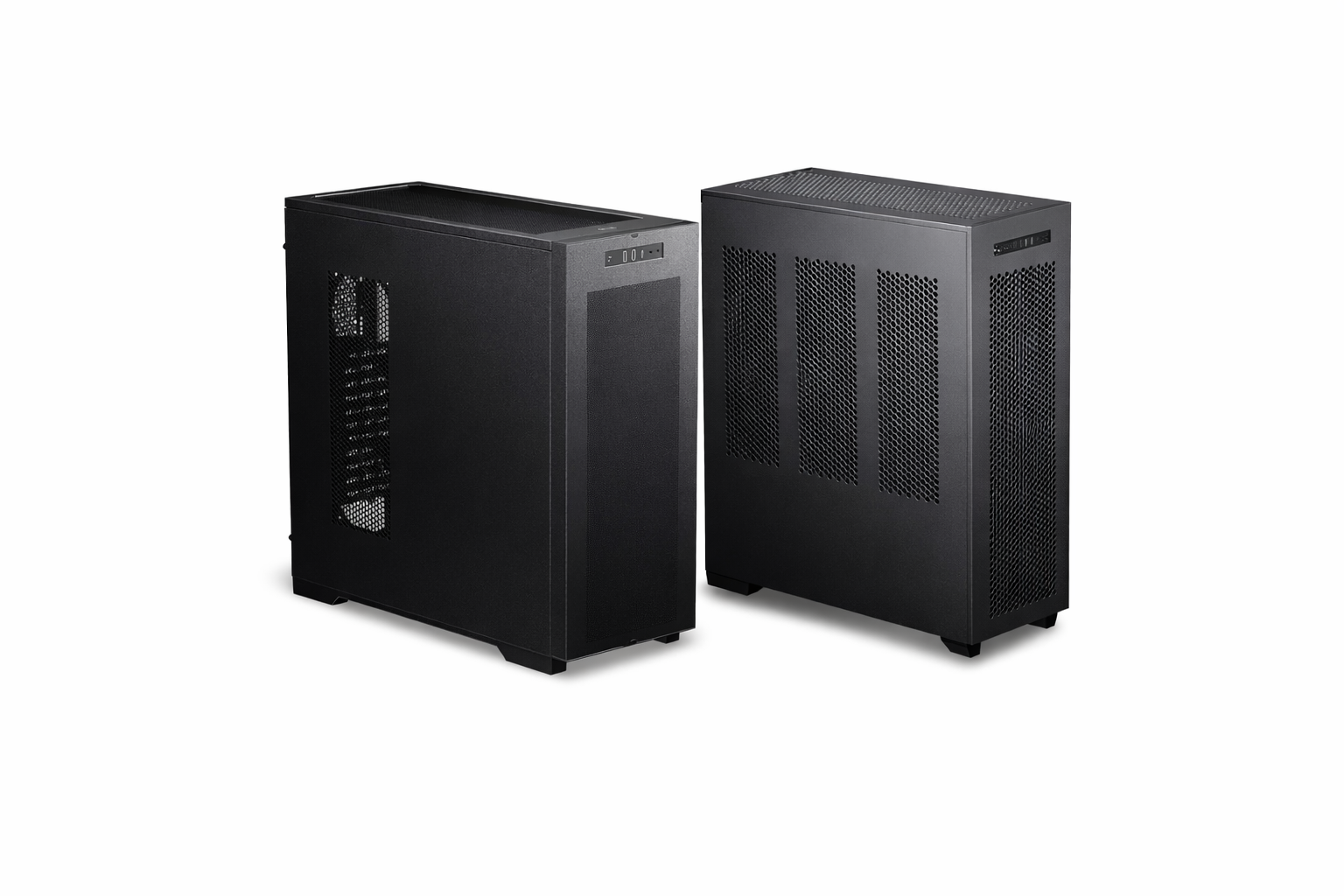
Noctua has launched a case compatibility database featuring CPU cooler clearance measurements taken by the company for more than 100 PC cases. The tool aims to give builders precise fitment data rather than relying solely on official manufacturer specifications.
Checking official vendor specification pages for CPU clearance, VGA, and PSU limits remains standard practice when picking PC components. However, listed specifications don't always match physical realities, as some components press against side panels despite claims of sufficient clearance. Other chassis offer additional room that vendors fail to document.
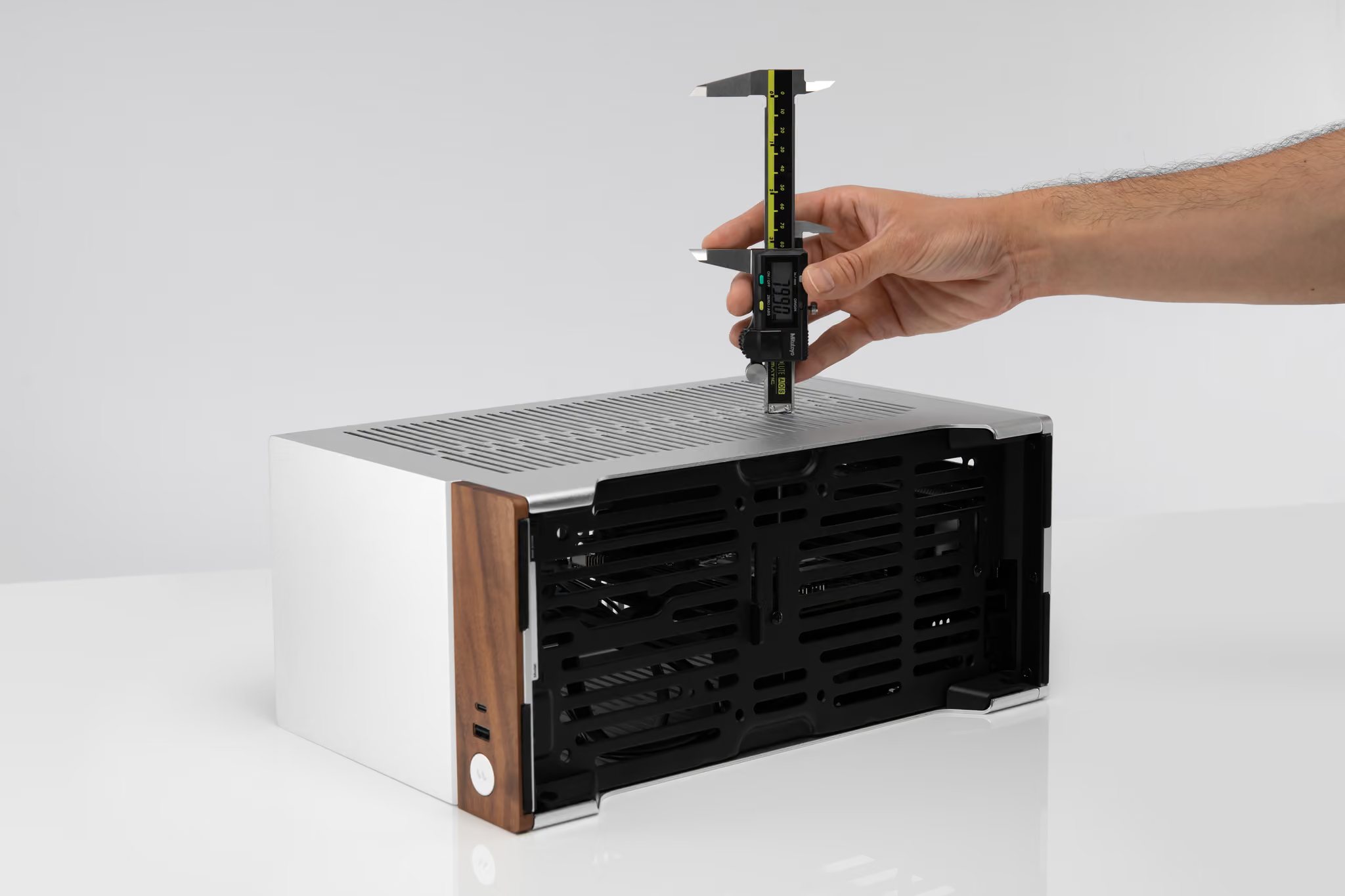
As spotted by Tweaktown, Noctua is now addressing these discrepancies by manually measuring CPU cooler clearance across over 100 chassis from various vendors and putting it all into a handy database. Dedicated compatibility tables now outline which heatsinks fit each chassis.
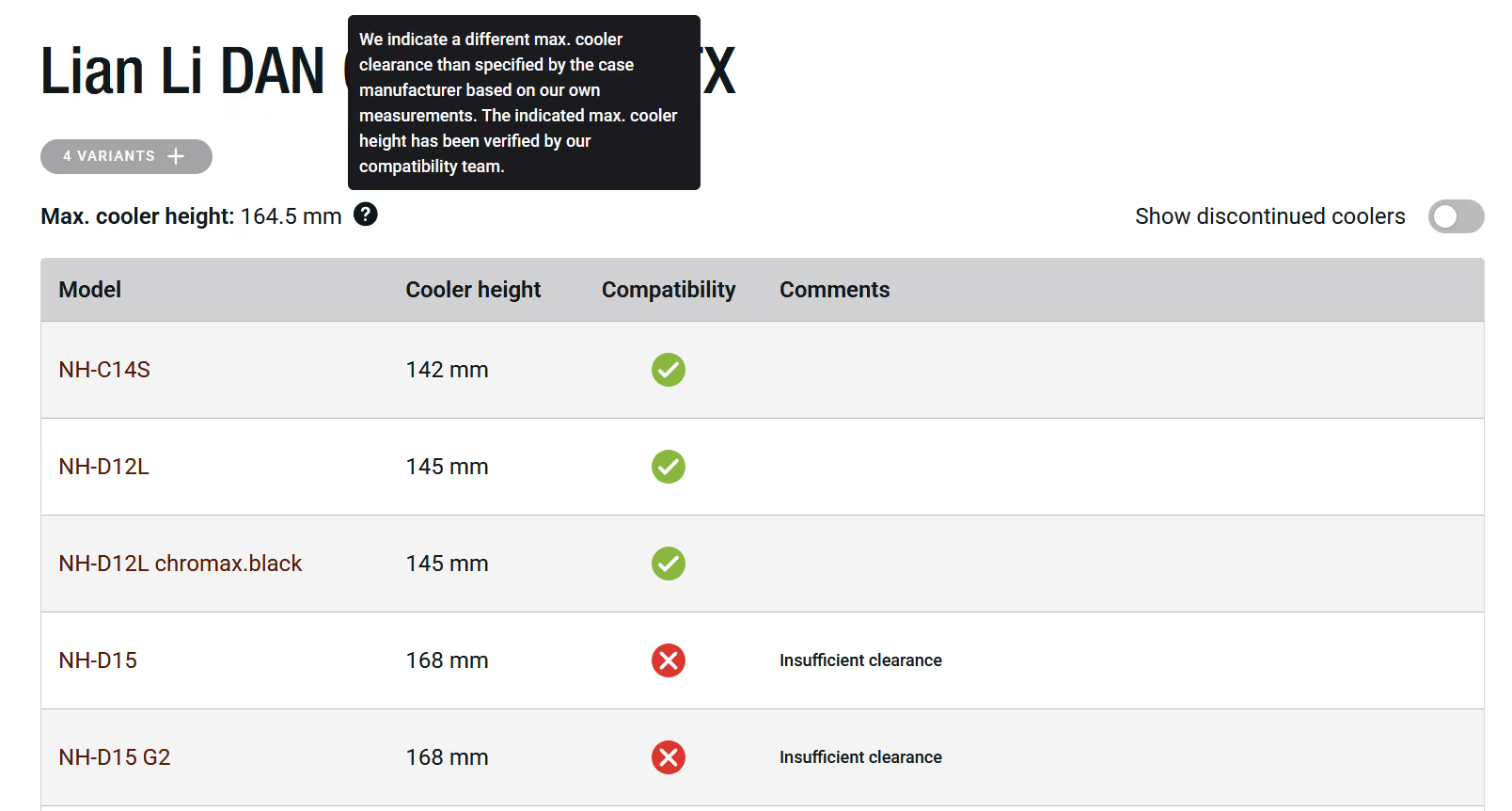
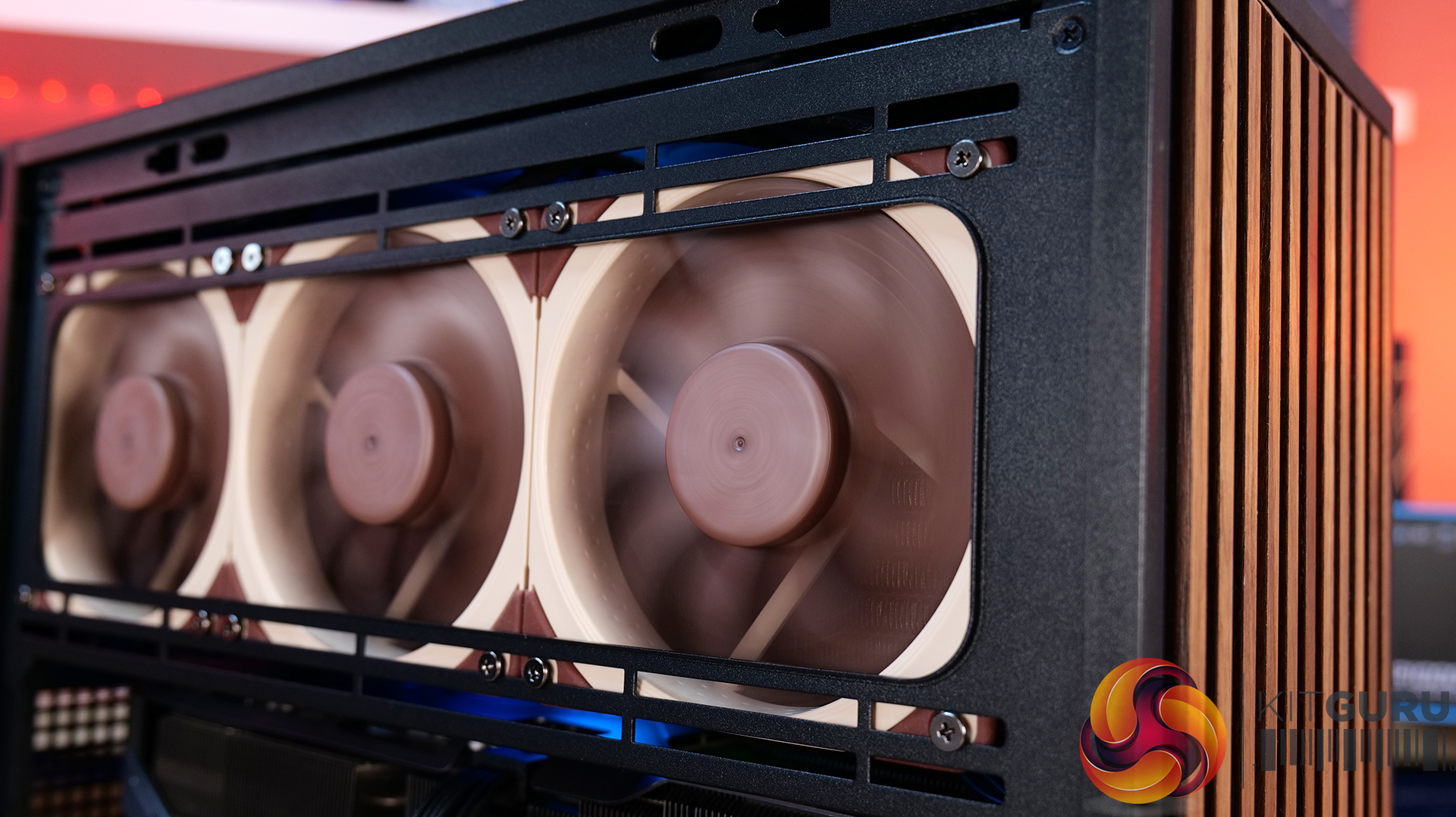
According to Noctua, cases like the Corsair 4000D and 5000D series provide nearly 10mm of extra clearance above listed specs. This extra space allows large coolers such as the 168mm-tall NH-D15 G2 to fit. On the other hand, testing revealed several models with lower physical clearance than advertised. One such example is the Asus Prime AP201, measuring approximately 2mm lower than official figures. Noctua plans to continue expanding the database as it tests additional cases.
KitGuru says: While the database focuses on Noctua's own cooling lineup, the data can also help builders gauge clearance for third-party coolers.
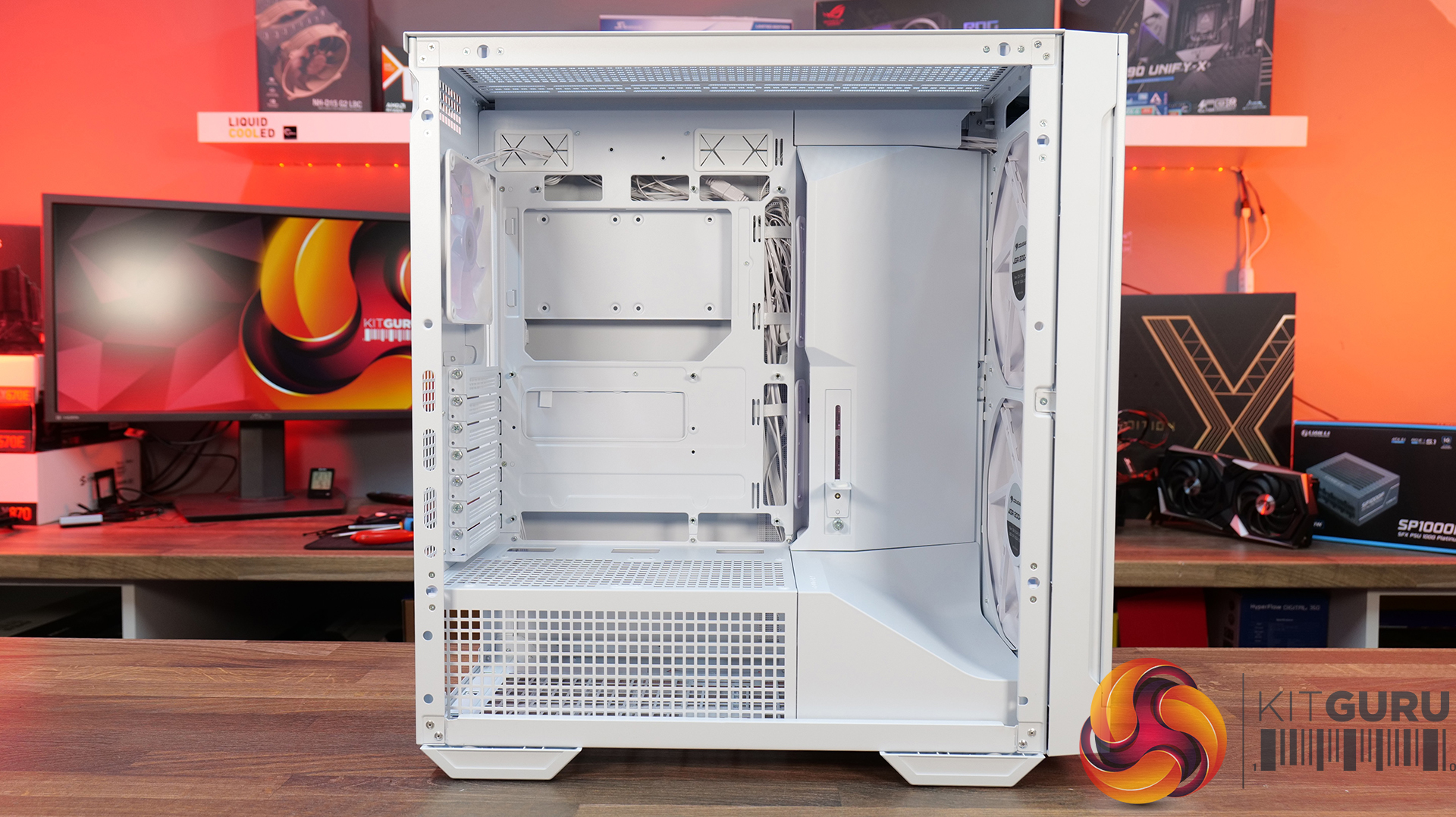
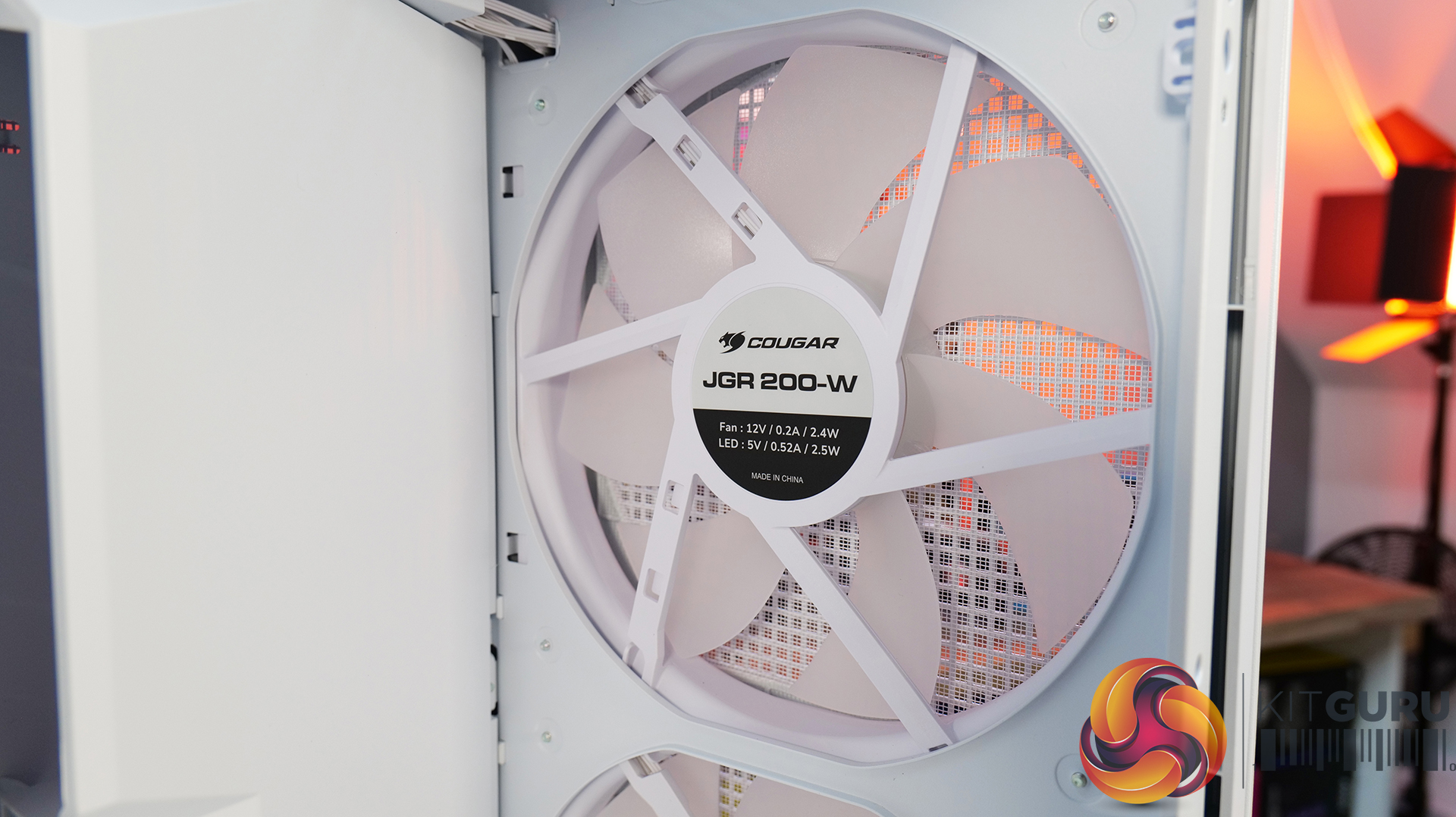
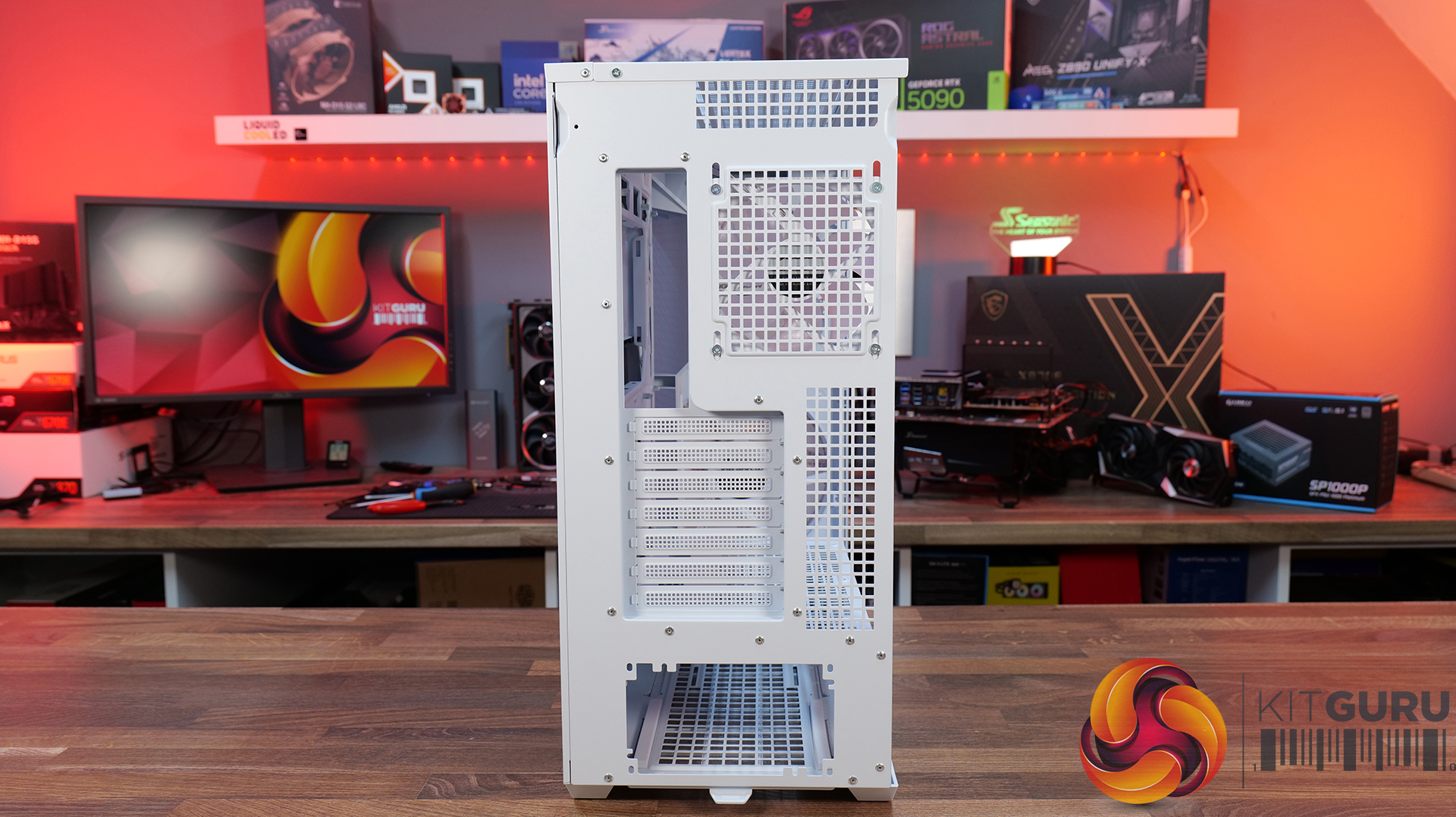
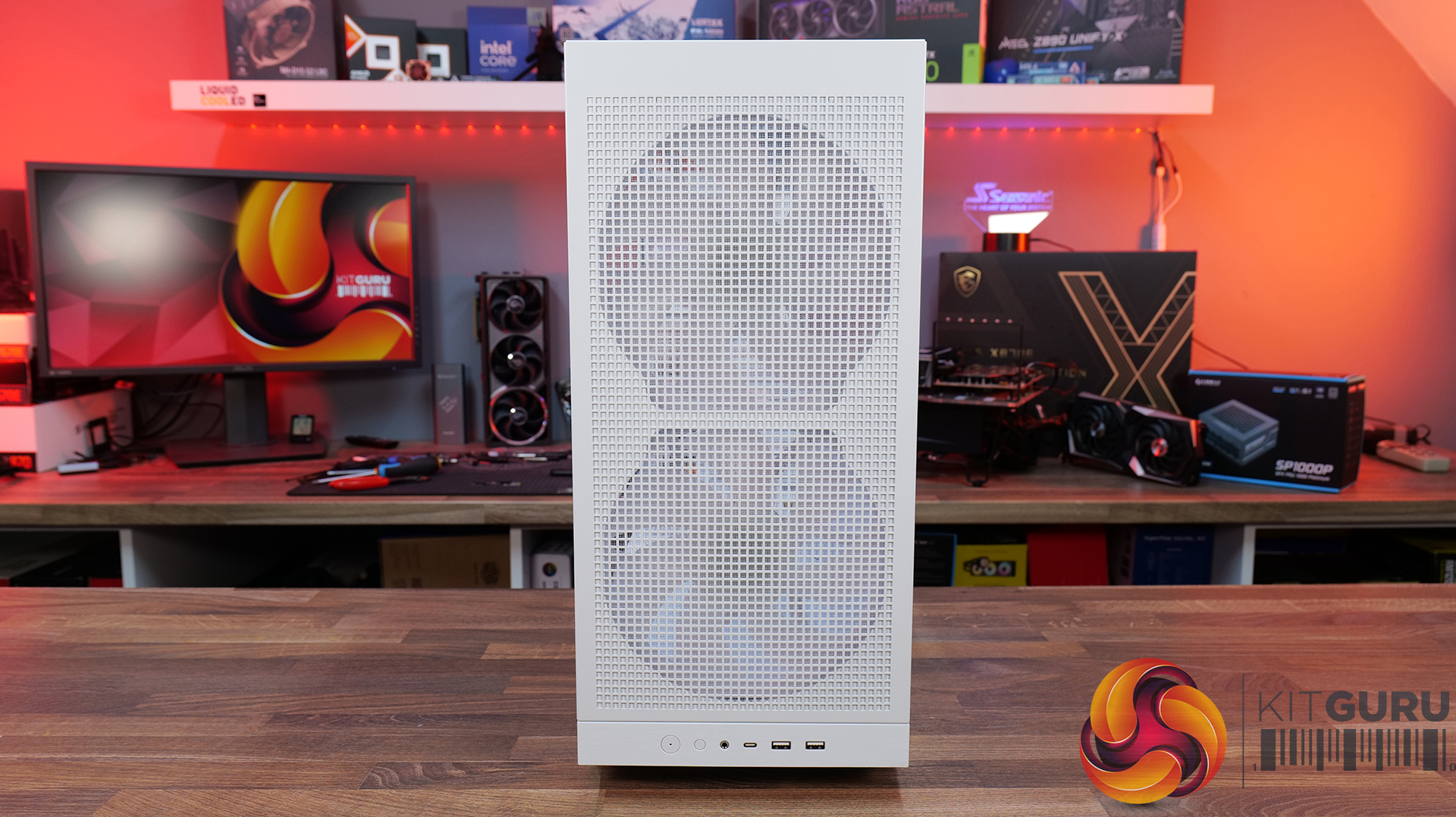
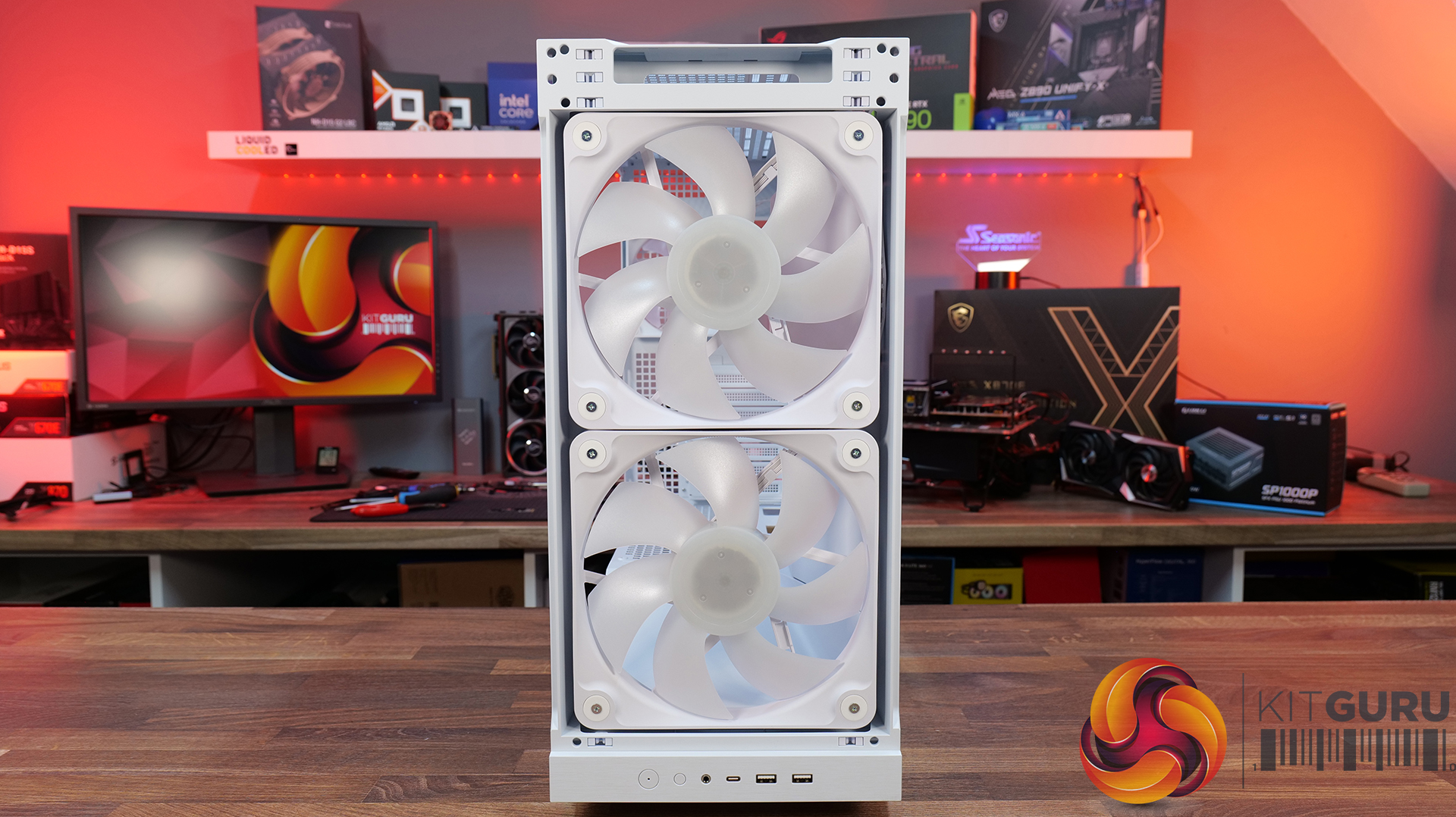
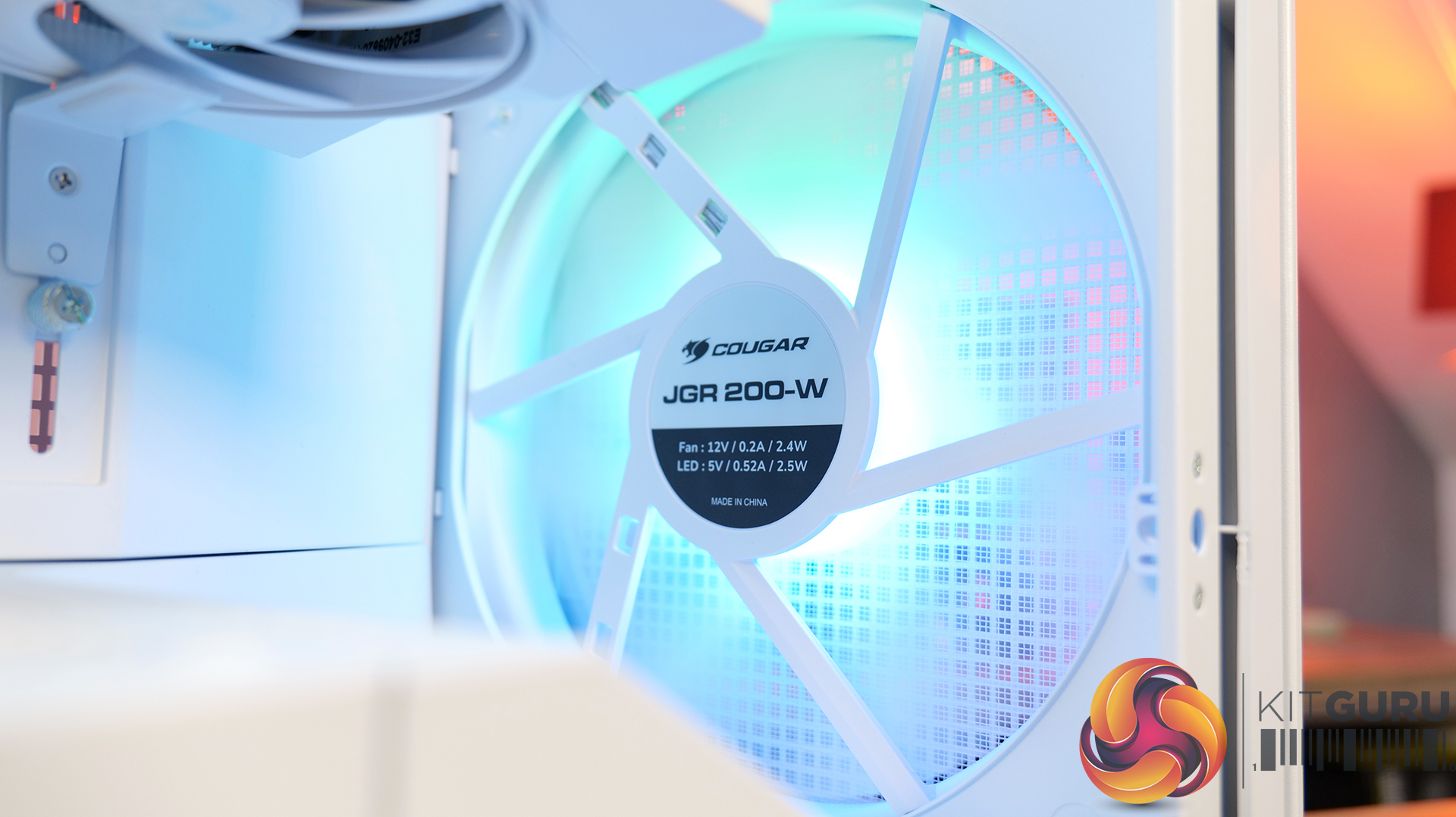
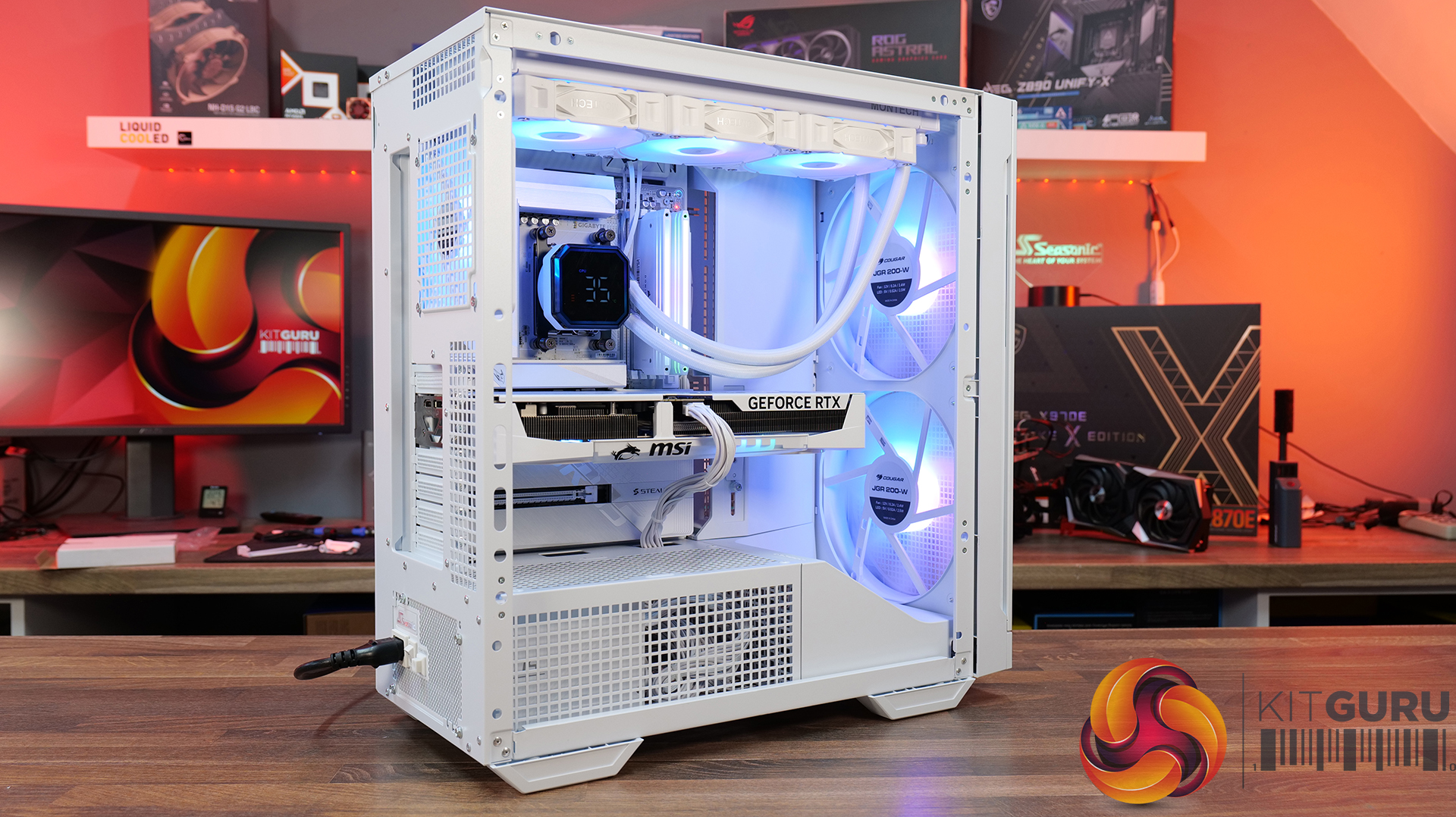
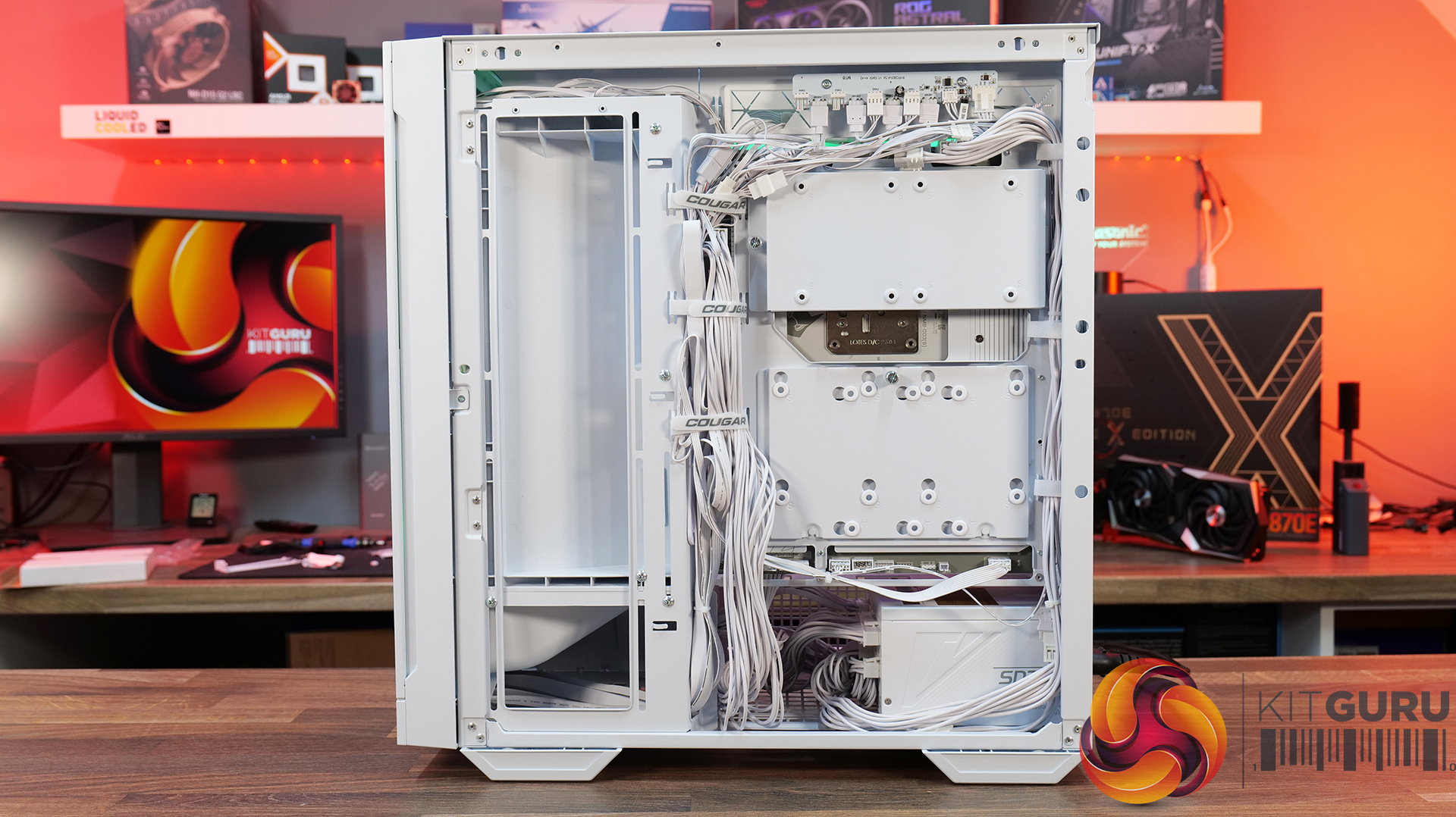
Today we're taking a look at the Cougar MX600 Max RGB, an airflow-focused mid-tower PC case designed for high-performance gaming systems. It comes equipped with two 200mm ARGB PWM front fans, supports graphics cards up to 400mm long, 360mm radiators in the top panel, and offers extensive compatibility for modern hardware. Cougar has also included features like a dual-curve airflow ramp, a modular front I/O panel and a detachable top cover to make building and maintenance easier. In this review, we'll find out if those features combine to make the MX600 Max RGB a case that's worth buying…
Timestamps:
00:00 Intro
00:55 Key details, pricing
01:49 Removing side panels
03:44 Front of the case
05:16 Internals – fan/rad support
07:09 Motherboard support
08:55 Cable management features + rear
10:04 Right-hand side area
13:13 Accessories + extras
14:00 Thermals + noise
16:31 Smoke visualisation
16:59 Closing thoughts
Features:
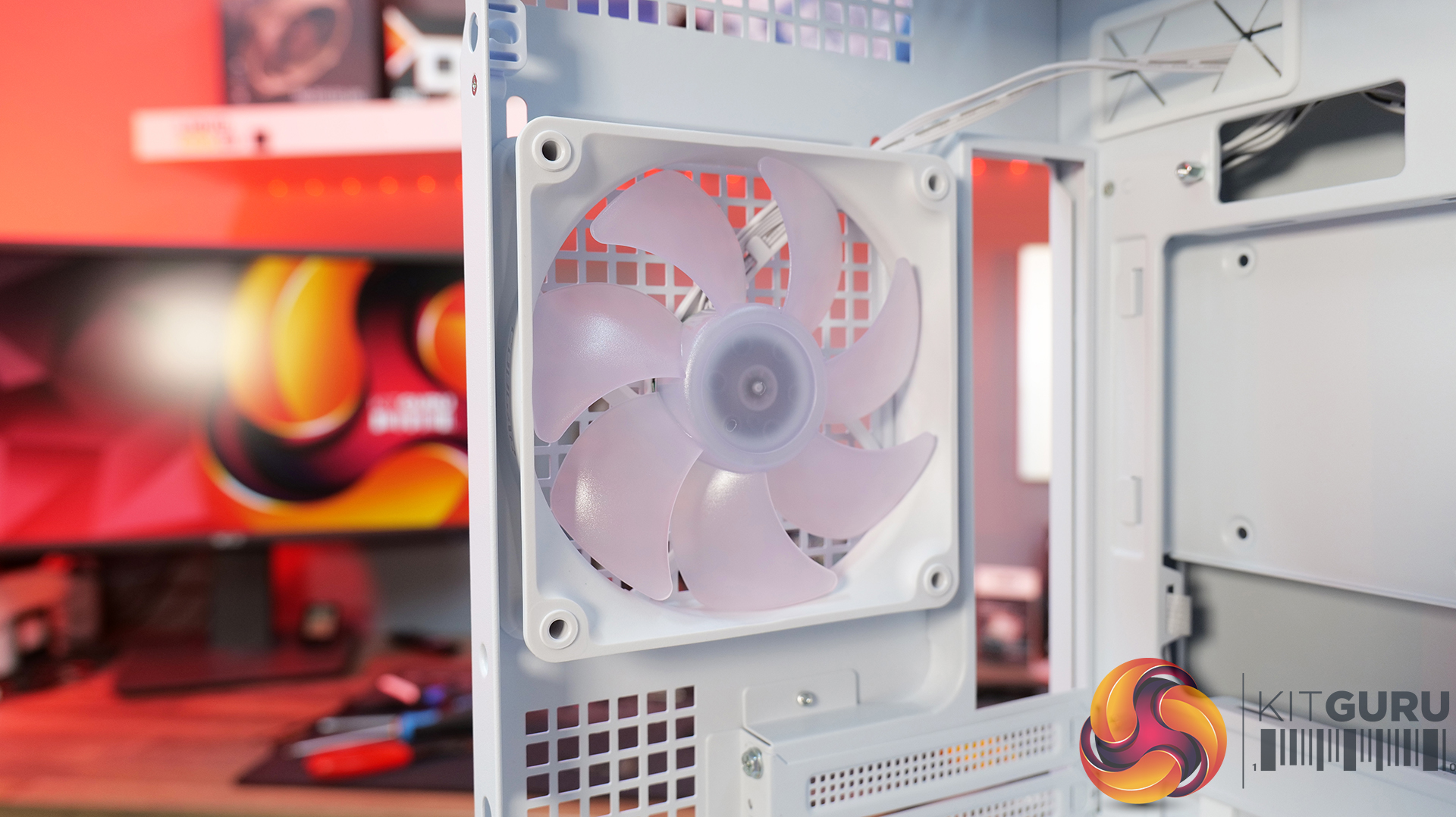
Airflow-First Design – The MX600 Max comes equipped with two huge 200mm ARGB PWM front fans and a 120mm ARGB PWM rear fan. Combined with Cougar's dual-curve airflow ramp and heavily ventilated front panel, designed to deliver airflow directly to the system's critical areas.
Excellent Hardware Compatibility – The MX600 Max supports graphics cards up to 400mm long, 360mm radiators in the roof, CPU coolers up to 170mm tall and Mini-ITX, Micro-ATX and ATX motherboards, giving you plenty of flexibility for a high-end build.
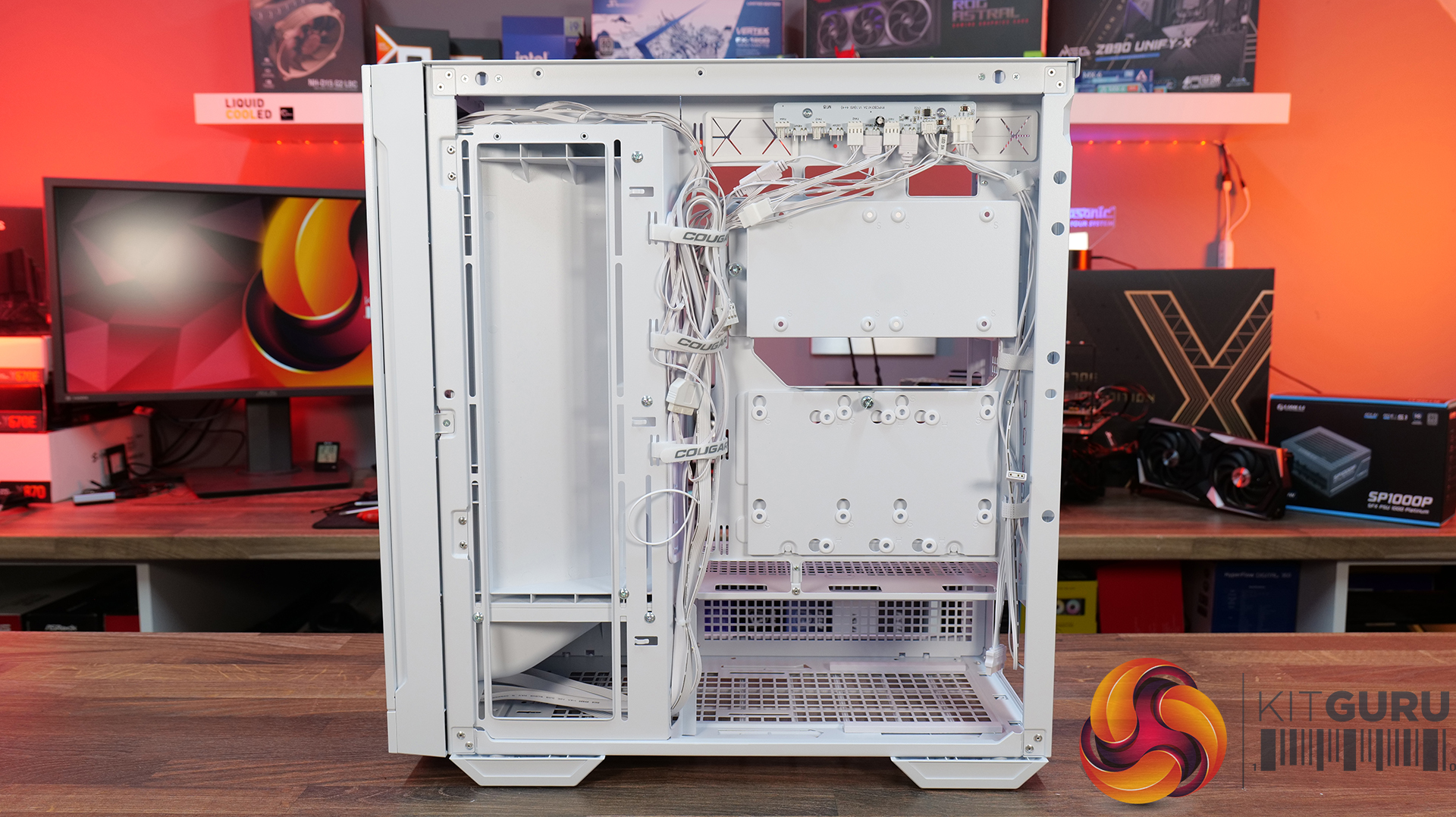
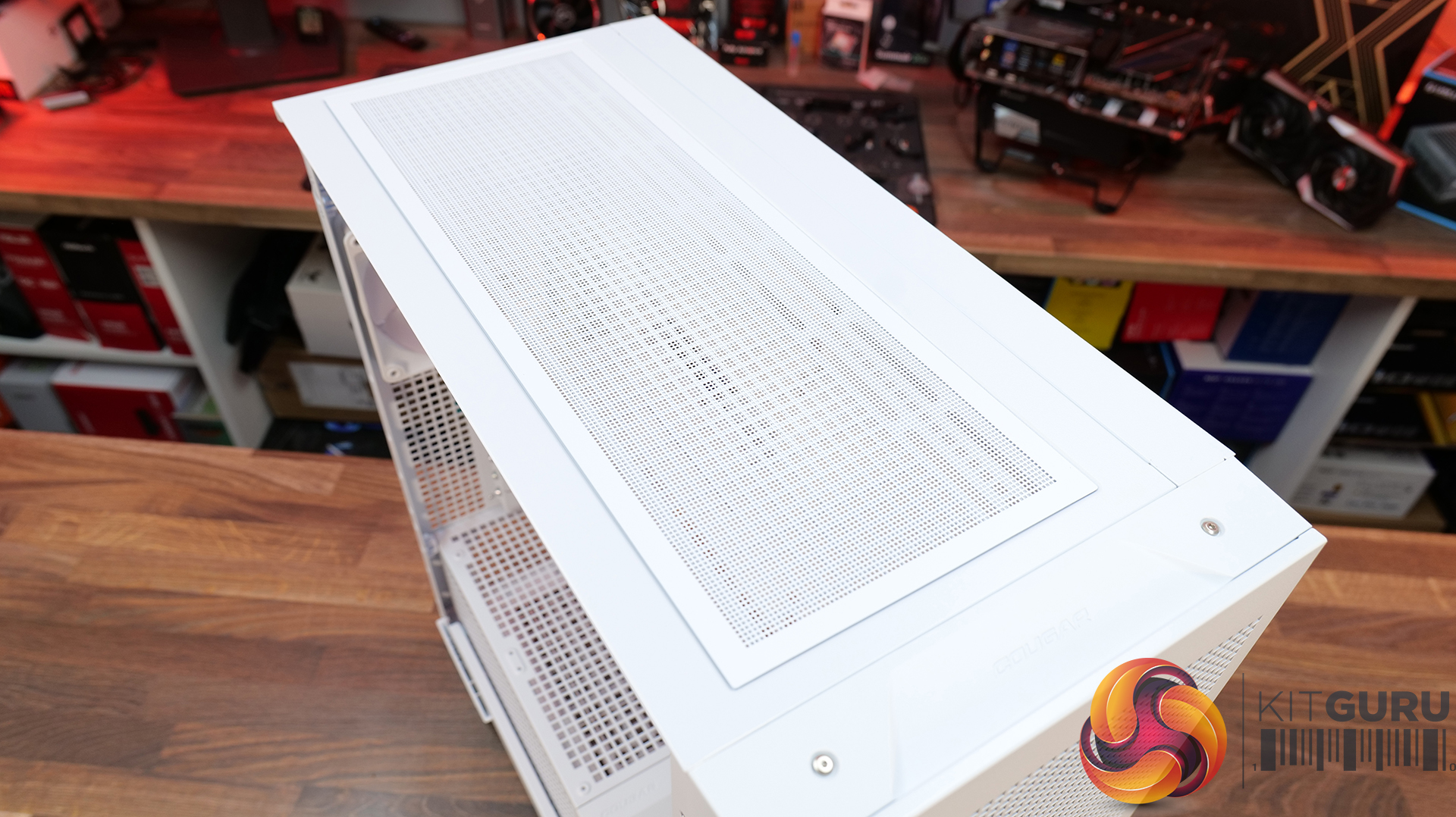
Designed to Make Building Easier – The fully detachable top cover simplifies radiator and fan installation while the modular front I/O panel can be mounted at the top or bottom of the case to suit your setup. Removable dust filters also make system maintenance much easier.
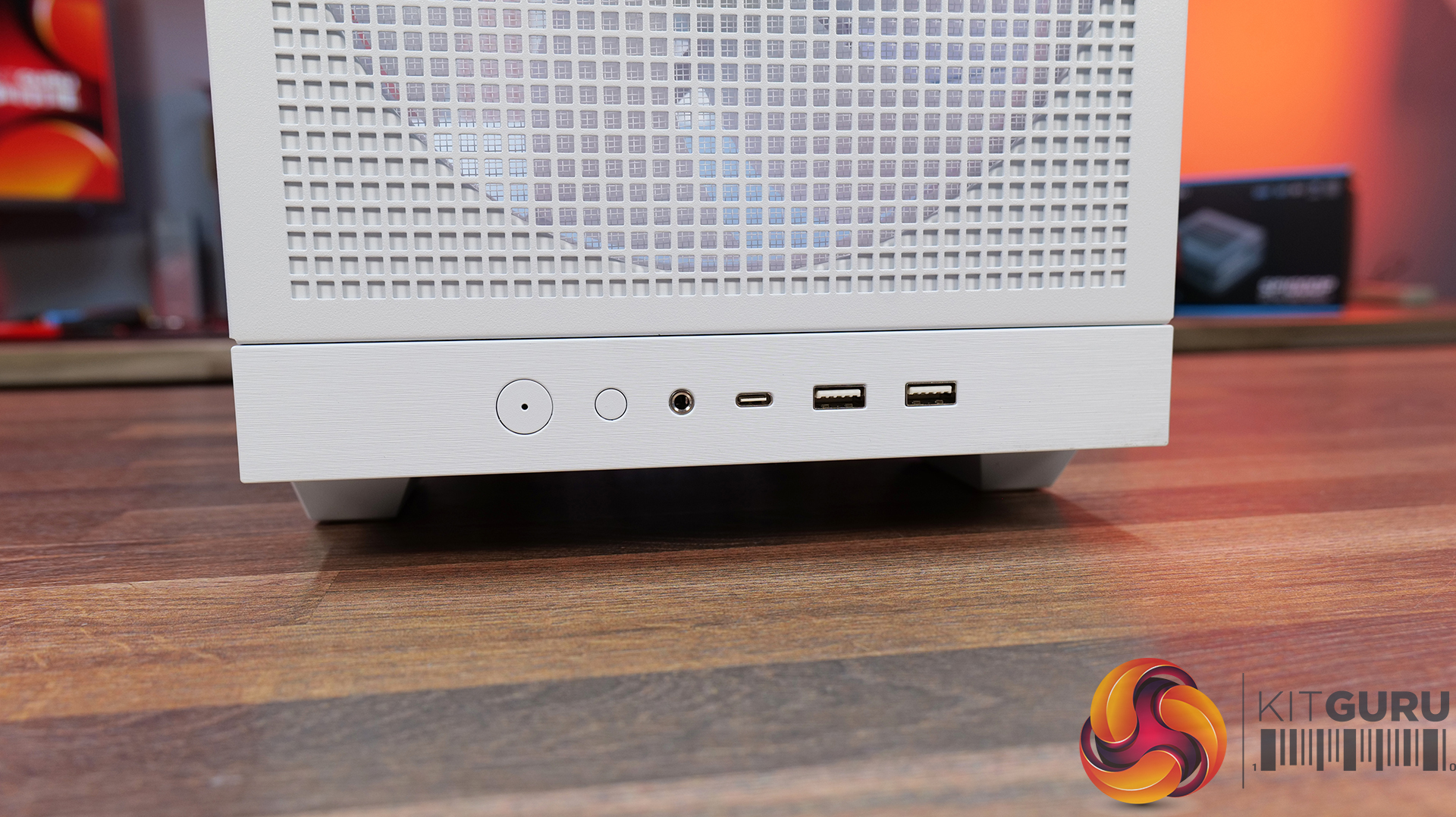
Front I/O: USB 3.2 Gen 2×2 Type-C x 1, USB 3.0 Type-A x 2, 4 Pole Headset Audio Jack x 1, RGB Button
LCD Screen: N/A
Thermal Performance Testing
To simulate thermal demand, we run the Cinebench R23 multi-thread benchmark and 3DMark Speed Way stress test simultaneously in a loop for 30 minutes to load the system fully. This gives the CPU and GPU enough time to reach constant steady-state temperature. With this data, we can compare how the system handles the thermal demand and measure peak noise levels.
Thermal performance is measured with the case in various configurations, such as the default, with the tempered glass left-hand side panel removed and with the front panel removed to see how these configurations affect the CPU and GPU temperature. During testing, only stock case fans are used unless otherwise specified. All water pumps are set to maximum RPM and fans are set to a custom RPM curve by the Motherboard software/BIOS.
All temperature measurements are presented as Deltas – meaning the ambient temperature has been deducted from the CPU temperature, giving us a Delta. Data shown in the charts represents the average component temperature over the length of the test as measured by HWiNFO, and then the last 15 minutes of the data are calculated to get the average. The ambient temperature during thermal tests is between 19-20⁰C.
We test case thermals using a 360mm AIO as exhaust at the top and with the case in several different fan configurations. The default configuration shown in the charts is with the top 360mm AIO cooler, 2 x 200m front intake fans, a single 120mm rear exhaust fan and with all case panels installed.
Thermal performance from the Cougar MX600 Max is very impressive overall. In its default configuration the case keeps both the CPU and GPU temperature under control at 55°C over ambient, showing that the pre-installed airflow setup is well optimised.
Removing the front and top panels and dust filters, produces no meaningful improvement, which tells us those panels cause very little restriction to airflow. The biggest improvement however, comes from fitting optional floor intake fans which reduce GPU temperature by 3°C compared to the default setup, while maintaining the same CPU temperature. This setup is ideal for optimising GPU performance.
Noise Output
Noise performance from the Cougar MX600 Max is also quite impressive. In its default configuration, the system reaches 47dBA under full load, which is a reasonable result given the large 200mm front intake fans and included cooling setup. Interestingly, removing the tempered glass side panel and adding floor intake drops noise output by 3dBA to 44dBA, showing that the extra GPU cooling also reduces GPU fan speed and noise.
Removing the front panel, along with the front and top dust filter makes no difference to noise levels compared with the default setup, which shows that Cougar has done a good job optimising airflow through the chassis. The only configuration that increases noise is removing the front air scoop and adding side intake fans, which raises noise output to 49 dBA while offering no real thermal advantage.
Closing Thoughts
The Cougar MX600 Max is a very easy case to recommend. It does exactly what its design to do, offering high airflow and extensive hardware compatibility without overcomplicating the design. The pair of pre-installed 200mm PWM ARGB intake fans, combined with the mesh front panel, provide excellent cooling performance straight out of the box. There's very little to be gained from removing panels or filters, which indicates that Cougar has optimised the airflow well. If you're looking to optimise GPU cooling, fitting PSU shroud intake fans can knock a few degrees from GPU temperatures, but the gains are relatively small as the default cooling setup is already effective.
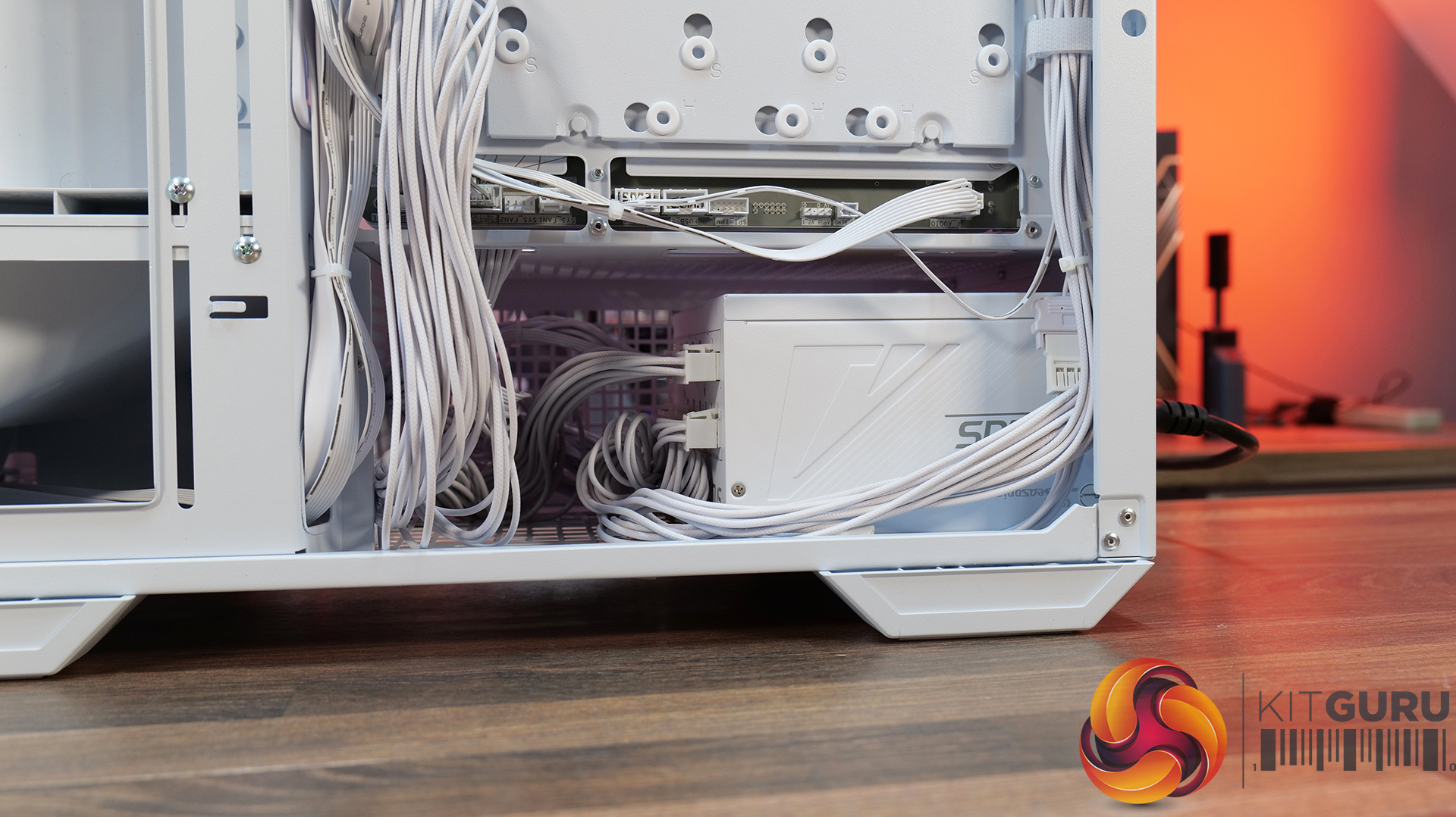
Hardware compatibility is another strong point. It supports graphics cards up to 400mm long, 360mm radiators in the roof, tall air coolers, back-connect motherboards and loads of 2.5” storage, so there's very little this case won't accommodate. Building inside the MX600 Max is straightforward too; there's loads of space to work, generous cable-routing cut-outs, plenty of clearance behind the motherboard tray and integrated Velcro straps helping to keep cables managed and looking tidy. The overall build quality is solid throughout which gives the MX600 Max a premium feel despite its competitive pricing.
There are only a couple of minor negative points to consider before buying. The first is the size of the chassis, it is a mid-tower, but feels bulky compared with some ATX cases that offer similar hardware support. It may not be ideal in terms of size to run it on a desktop space. The second is radiator support at the front of the case. Cougar has prioritised the large 200mm intake fans, which means there's no option to install a front-mounted radiator. For most users this won't matter, particularly given the excellent top-mounted 360mm radiator support, but it does reduce options for custom cooling.
Overall, the Cougar MX600 Max is an excellent airflow-focused chassis that gets the basics right. It combines solid thermal performance, sensible acoustics, good hardware compatibility, an easy building experience and great build quality with a sensible MSRP. Unless you specifically need front radiator support or a more compact chassis, the MX600 Max is easy to recommend and deserves to be considered alongside some of the best airflow cases in its price bracket.
Pros:
Lots of space to work with.
Great thermals and low noise.
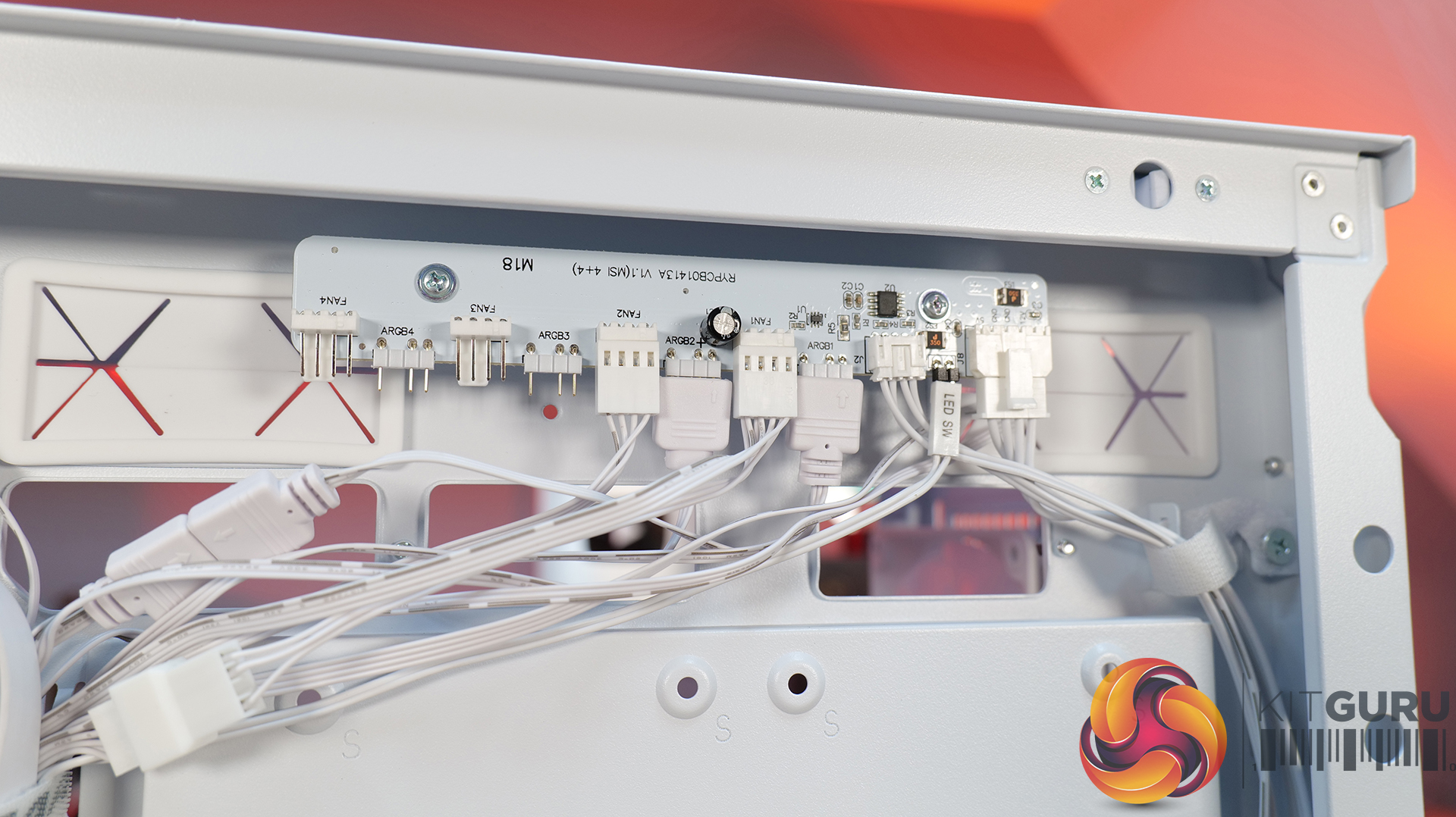
Included fan/rgb hub.
Good price.
Cons:
A little large for a mid tower.
No front radiator support.
KitGuru says: Unless you specifically need front radiator support or more compact dimensions, the Cougar MX600 Max is a serious contender if you're looking for a well-built, high-airflow chassis.
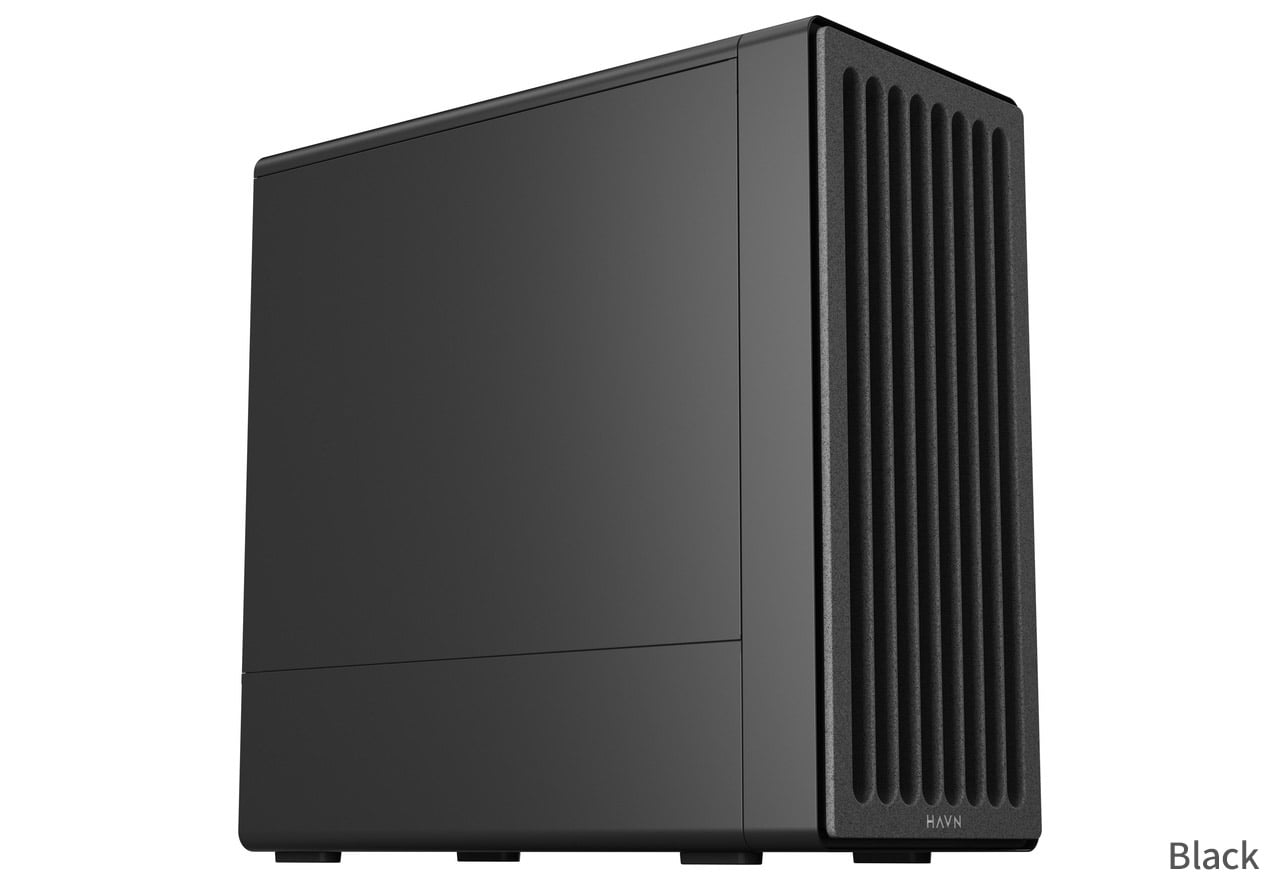
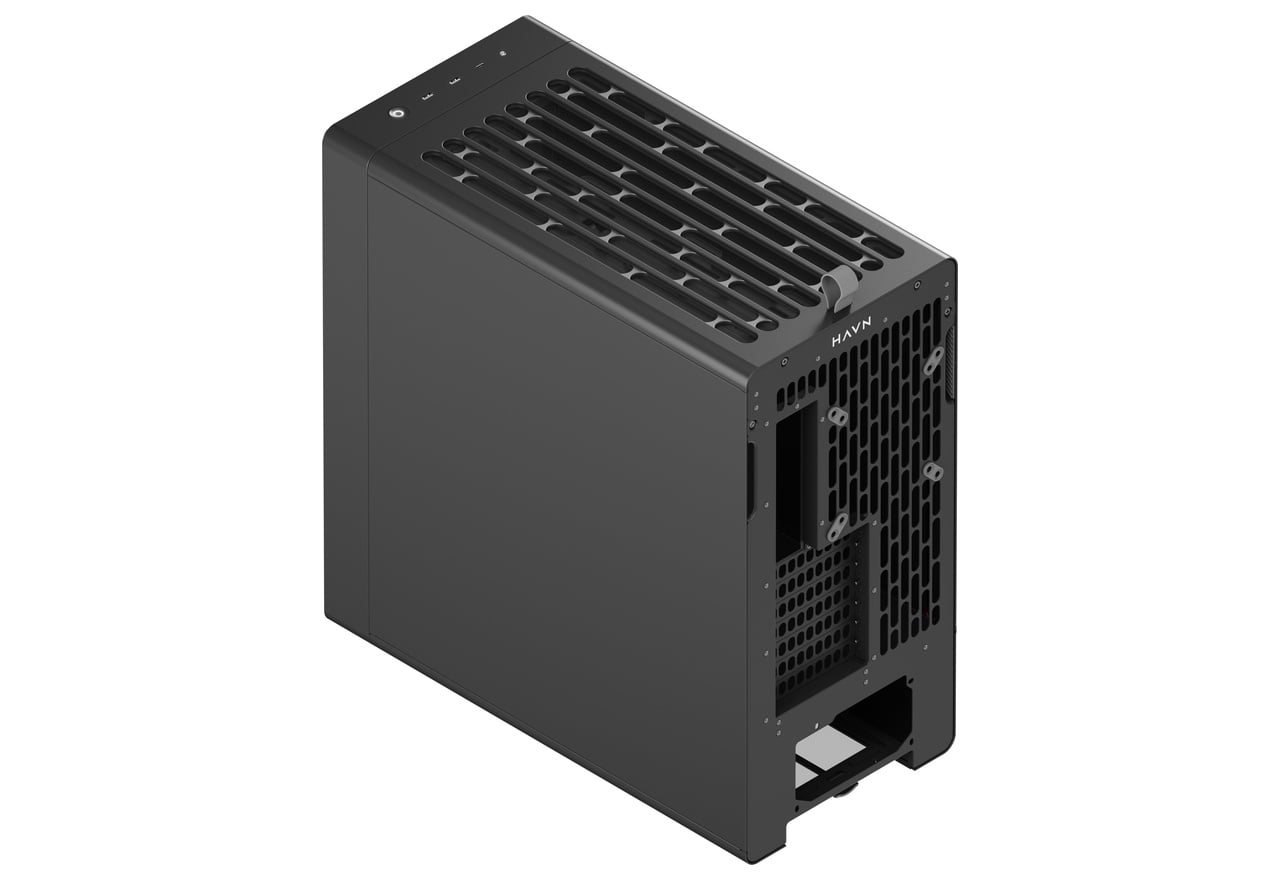
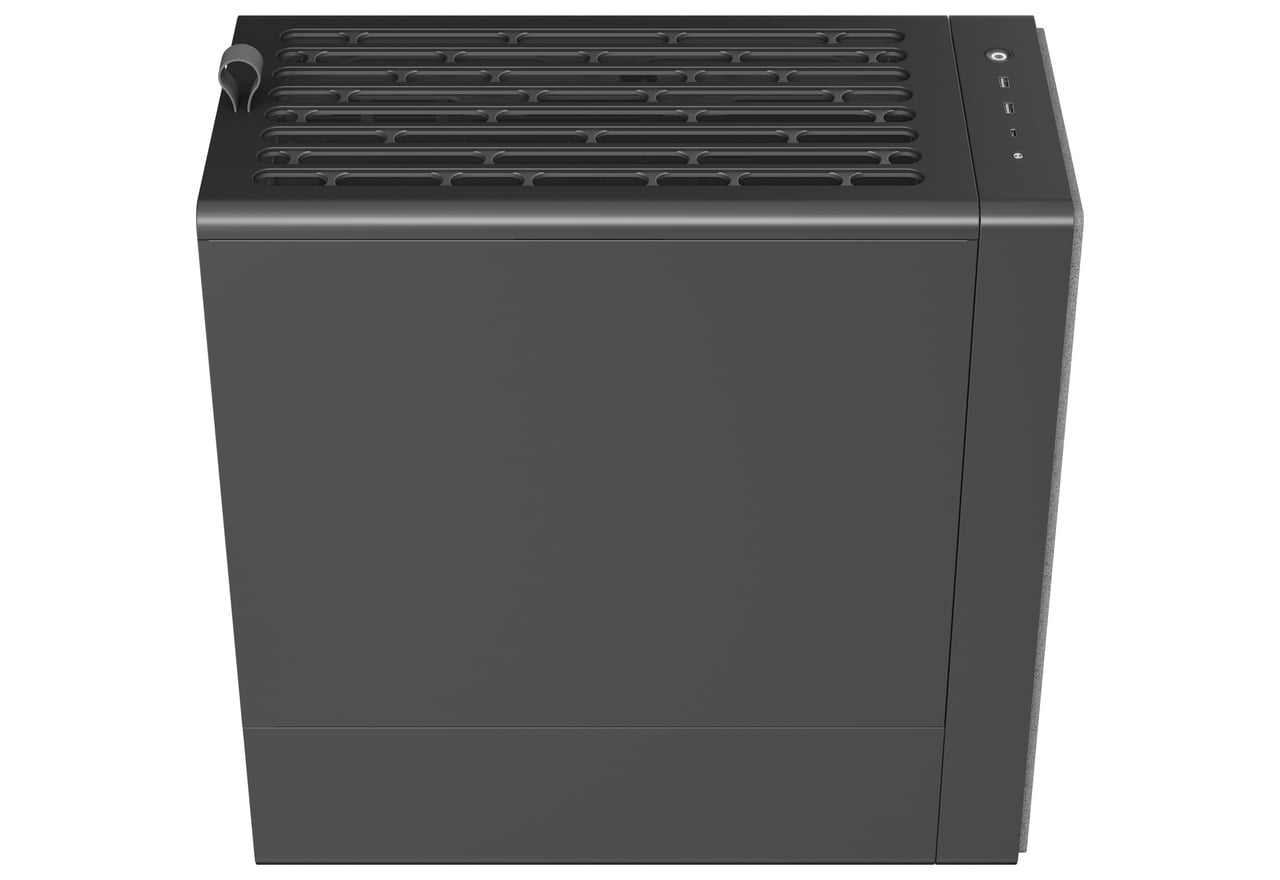
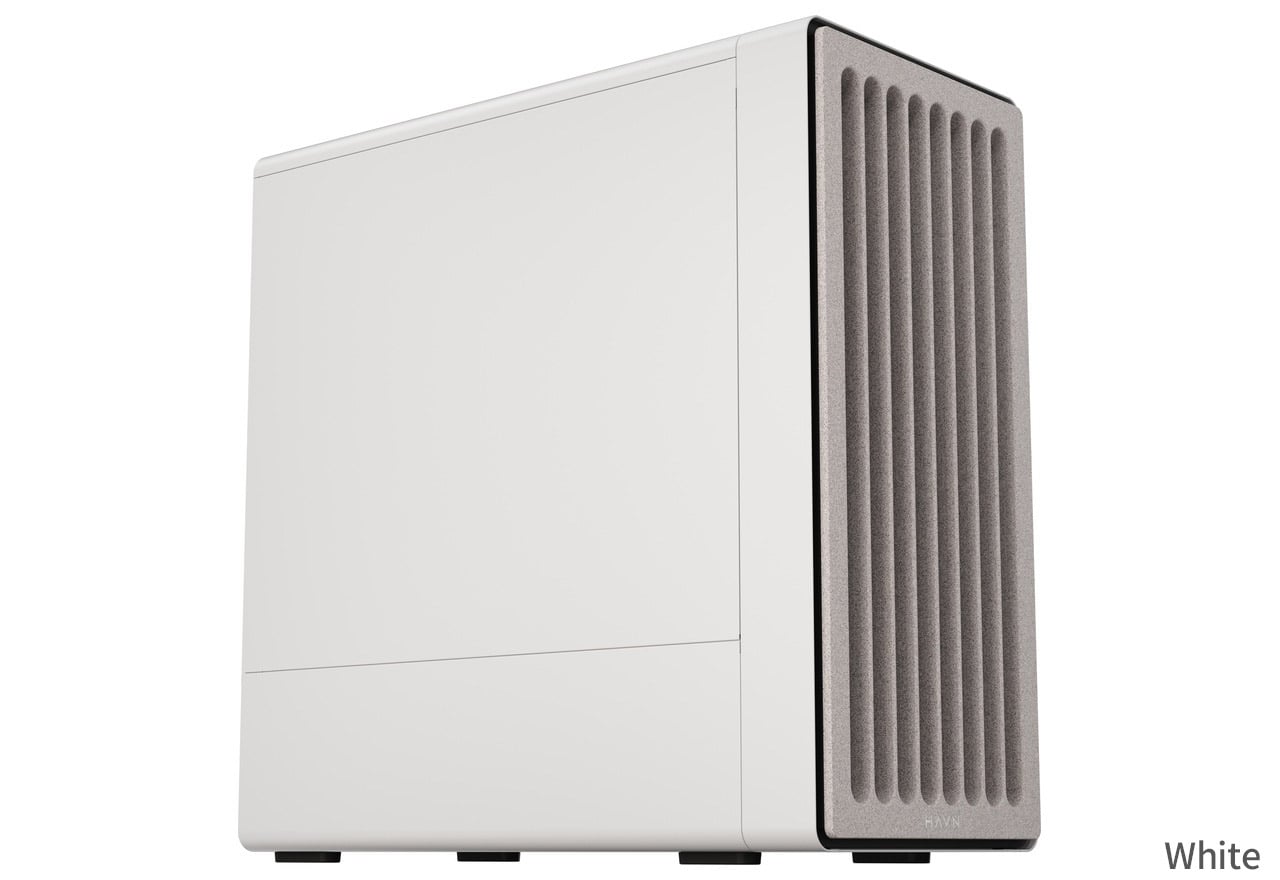
A Japanese distributor named ASK has revealed Havn's upcoming BF 360 Flow Solid PC case. Building on the airflow-focused BF 360 lineup launched last year, the new variant replaces the previous translucent glass panel with an opaque, closed left side panel while retaining three pre-installed fans.
The Flow Solid model (via ITHome) brings a more understated aesthetic to the series. Havn initially offered the chassis in standard fanless and fan-equipped Flow configurations, both featuring glass side panels. The updated variant keeps the three-fan cooling setup, bundling two 180mm fans alongside a single 140mm fan out of the box.
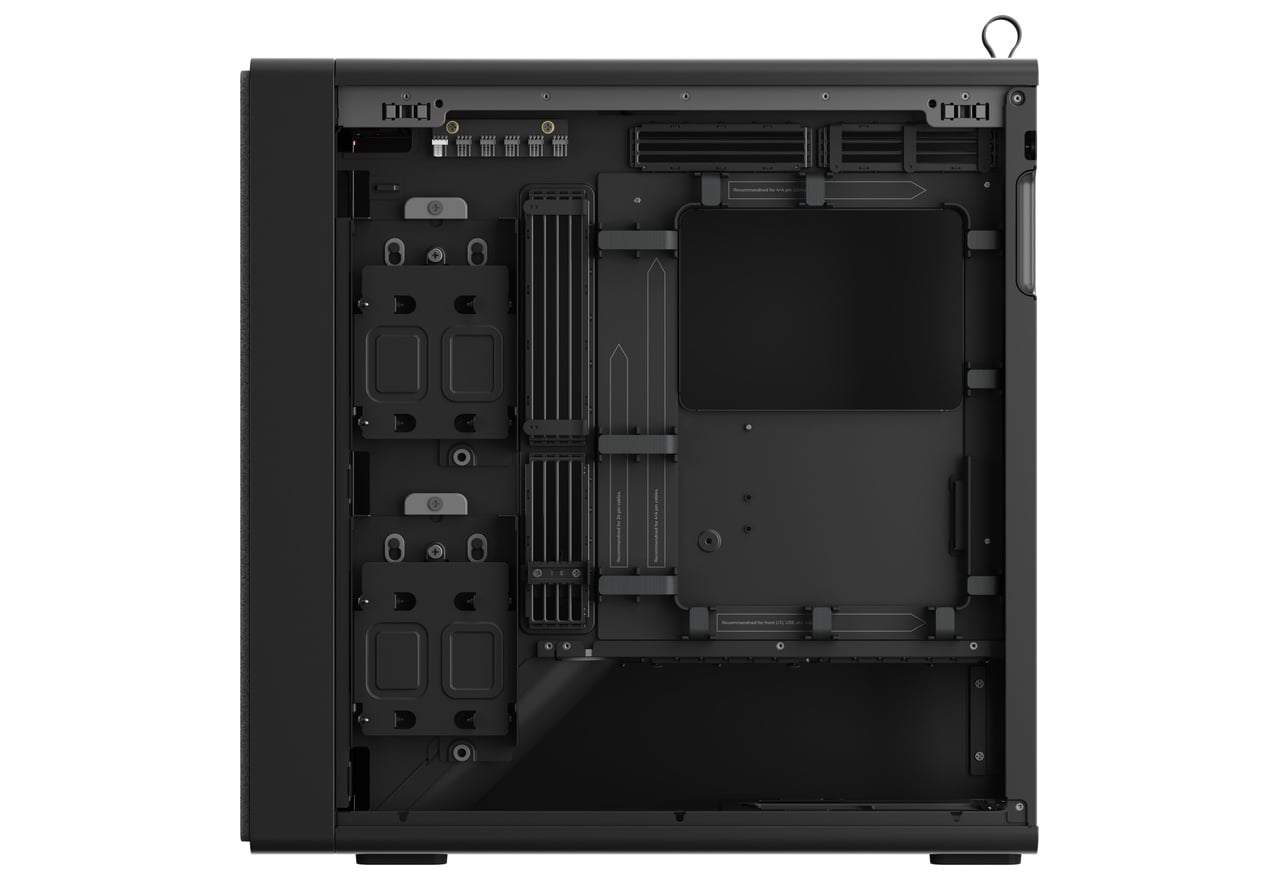
Underneath the new solid panel sits a split-compartment mid-tower layout with seven expansion slots. Up front, a rock-patterned grille feeds air to an internal intake ramp angled toward the graphics card. Installation relies on a semi-open frame with magnetic front and top panels, while 33mm of rear clearance allows cables to be routed. There's also an adjustable GPU support bracket integrated within the chassis.
Hardware support accommodates E-ATX motherboards up to 277mm wide, graphics cards up to 410mm in length, CPU coolers up to 195mm tall, and PSUs up to 200mm long. Liquid cooling options include space for up to a 360/280mm radiator along the top panel, while front I/O features one USB-C 10Gbps port and two USB-A 5Gbps ports. Distributor ASK has set Japanese pricing at ¥27,980 (£132), which is about the same as the original BF 360 Flow case.
KitGuru says: For those who prefer steel over tempered glass, Havn's BF 360 Flow Solid offers a more subtle look while keeping the series' airflow focus.
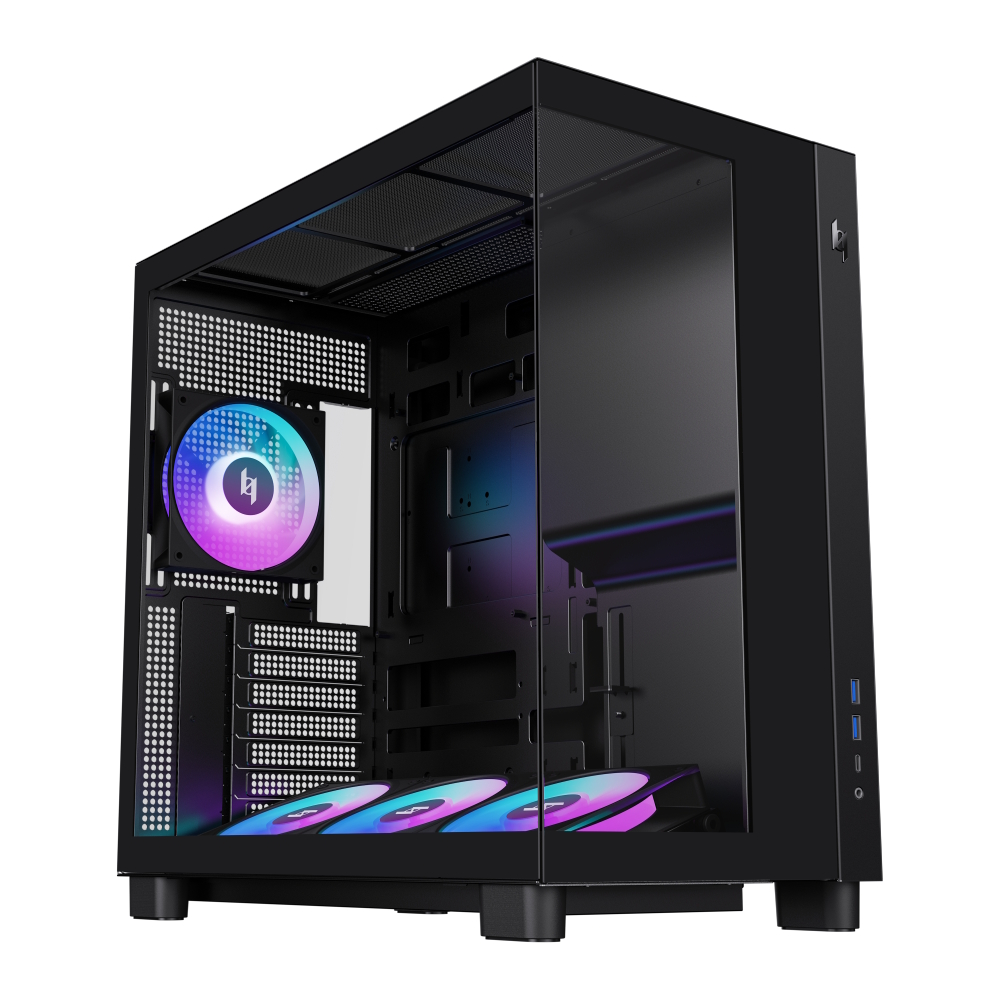
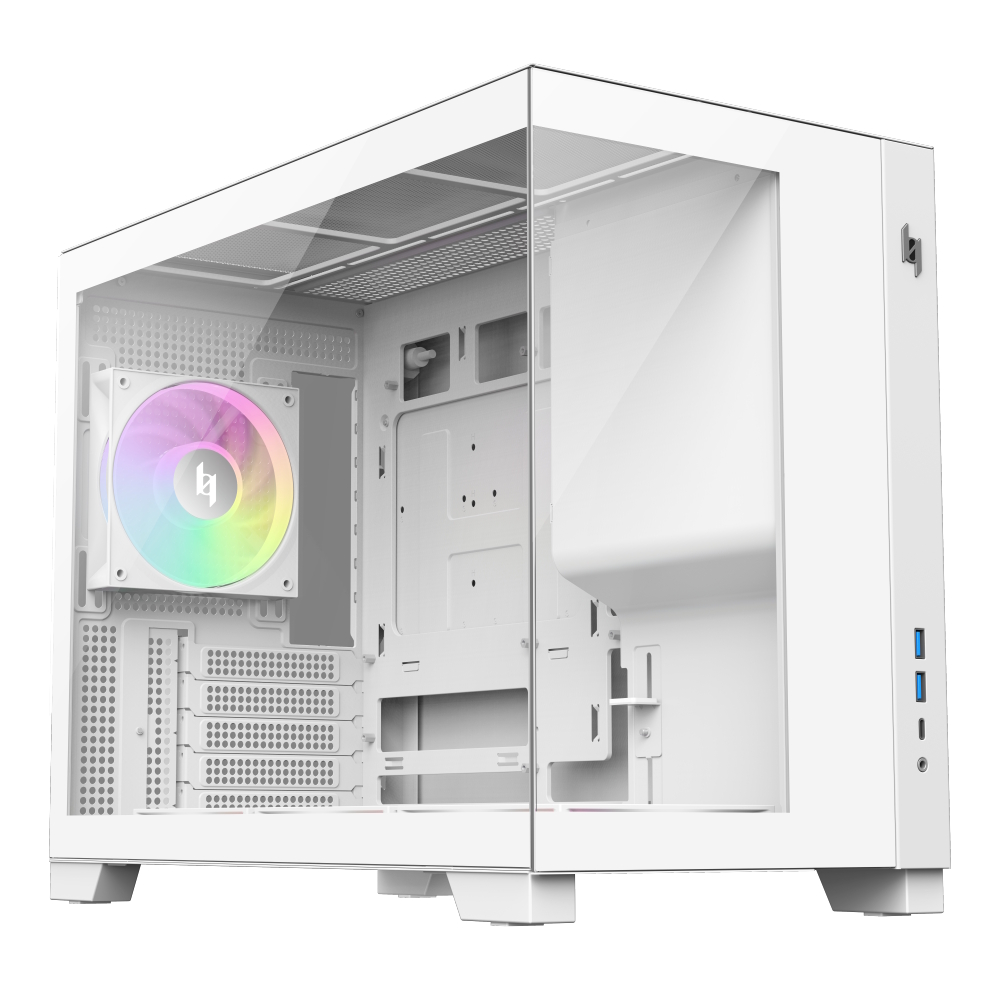
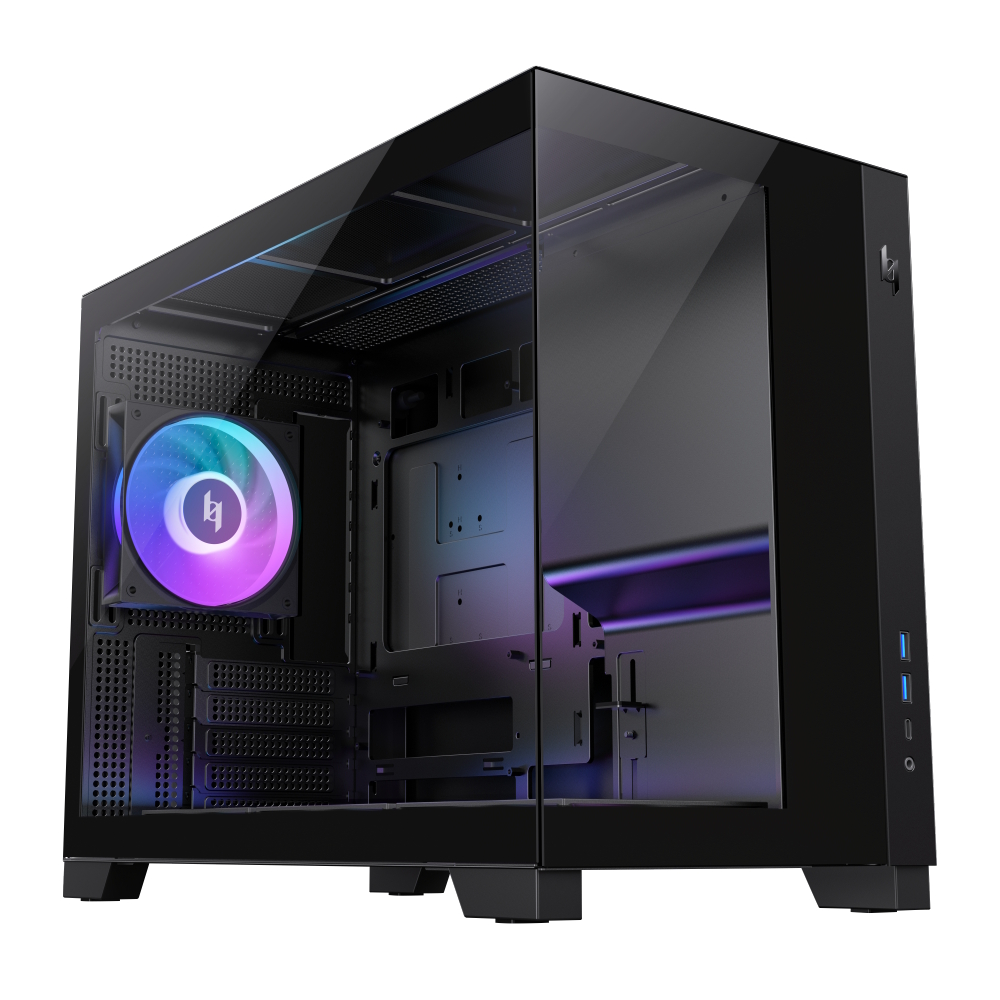
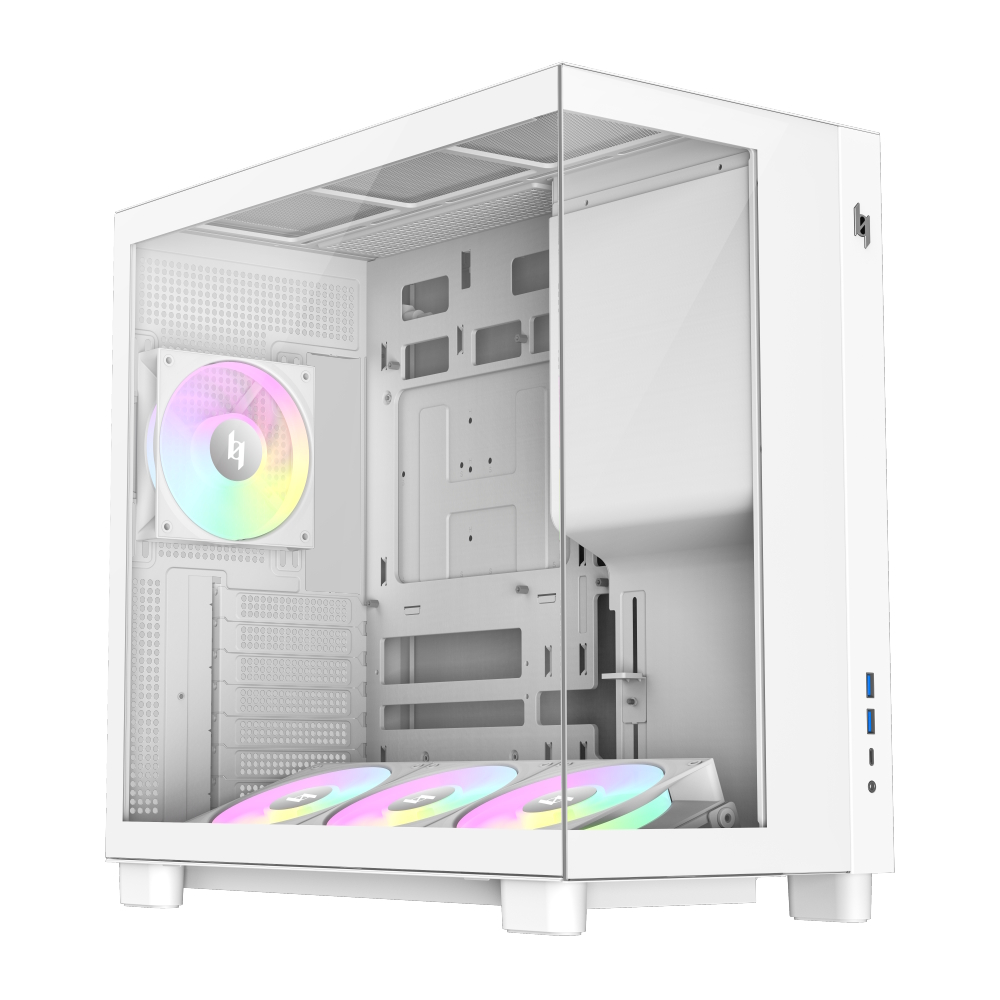
Xeron, a relatively new PC component brand, has announced the launch of its Nex C53 and NEX C33 PC cases. Featuring dual tempered glass panels and BTF motherboard support for compact form factors, both models are available in black and white.
Both models feature seamless front and side tempered glass panels alongside a front-mounted PSU layout. Xeron ships each case with four pre-installed daisy-chained ARGB fans, including three bottom intake fans and a single rear exhaust fan. Hardware clearance across both cases accommodates graphics cards up to 425mm in length, CPU air coolers up to 180mm tall, and top-mounted 360mm radiators. Front I/O connectivity includes a USB-C Gen 2×2 20Gbps port and two USB 3.0 ports.
Designed for ATX and mATX BTF motherboards, the Nex C53 measures 435x235x435mm and supports up to seven 120mm fans. It also incorporates an adjustable bottom fan bracket featuring a 12° tilt to direct airflow toward the GPU. Meanwhile, the smaller Nex C33 measures 435x235x355mm and focuses strictly on mATX BTF systems while offering identical GPU, CPU cooler, and radiator clearances. Additional shared hardware includes an integrated GPU support bracket and a hidden side-panel handle.
Xeron sets suggested retail pricing for the Nex C33 at $59.99 in black and $64.99 in white. The larger Nex C53 retails for $64.99 in black and $69.99 in white.
KitGuru says: Xeron's new Nex cases offer budget-friendly entry points for builders looking to make the jump to a BTF motherboard.
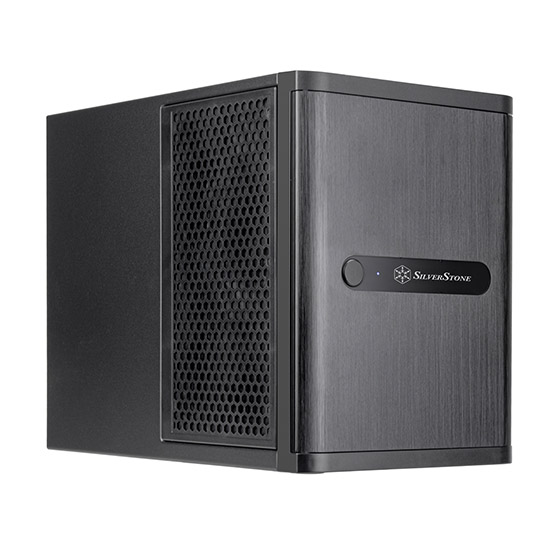
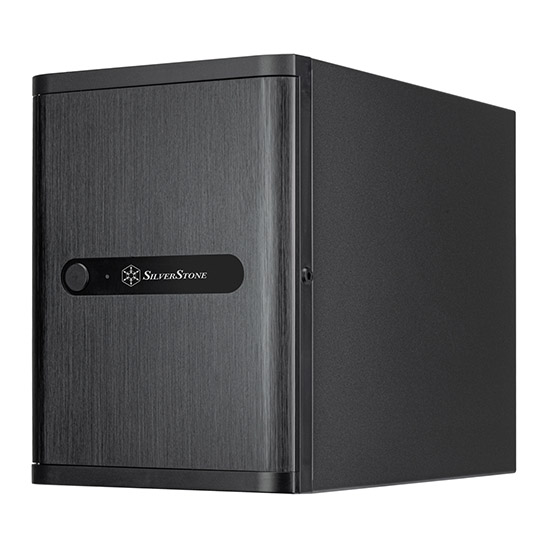
SilverStone has listed the CS240, a compact 21.65-liter Mini-ITX NAS case first showcased at Computex 2026. Built around four hot-swappable 2.5-inch U.2 drive bays, the enclosure supports high-speed storage configurations alongside full-sized hardware compatibility.
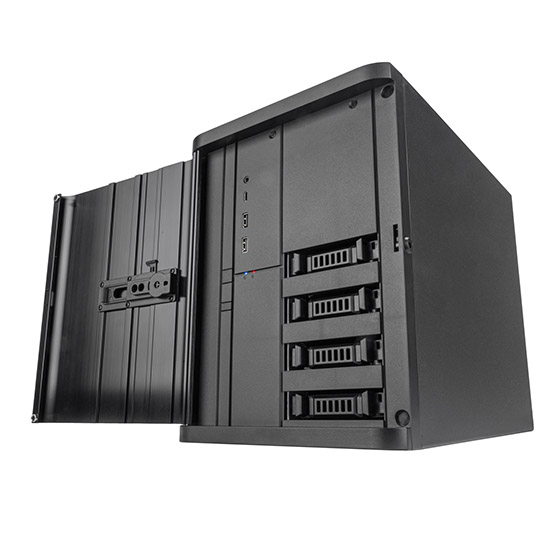
According to TechPowerUP, the case is mostly made of steel with an aluminium front door and a plastic front panel. The CS240 measures 211x285x360mm and features four external hot-swap bays operate in tri-mode, supporting NVMe U.2 (SFF-8639), SAS, and SATA drives up to 15mm thick. These bays connect via a backplane using dual SlimSAS 8i (SFF-8654) connectors, running PCIe 4.0 x4. Inside, an extra drive bay accommodates either one 3.5-inch drive or two 2.5-inch drives. Moreover, the case has 2x expansion slots.
Motherboard support includes Deep Mini-ITX and Mini-DTX form factors. As for graphics cards, there's space for one up to 300mm in length and 168mm in width, with an integrated support bracket to help it fit. CPU cooler clearance reaches 182mm tall, while power supply support covers SFX and SFX-L units up to 140mm long.
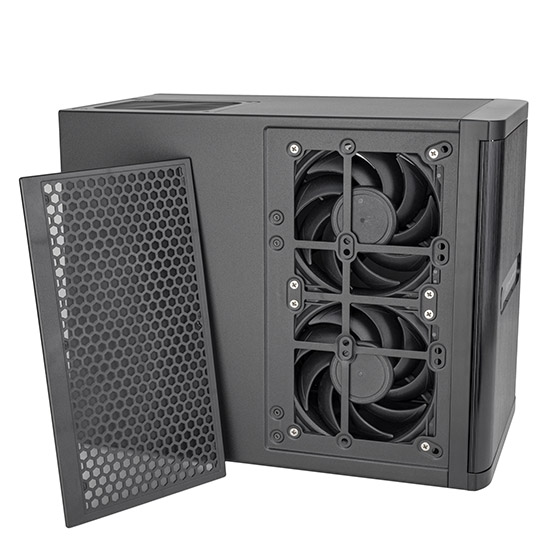
Three 120mm fans come pre-installed (one at the rear and two on the side), with the side panel also accommodating three 80mm fans instead. Liquid cooling builders can fit a single 120mm radiator at the back. Front panel I/O includes one USB-C port, two USB-A 3.0 ports, and a combo audio jack. While official pricing remains unannounced, Alternate lists the chassis for €349.
KitGuru says: Are you considering building your own NAS? How much would you be willing to spend on the chassis for it?
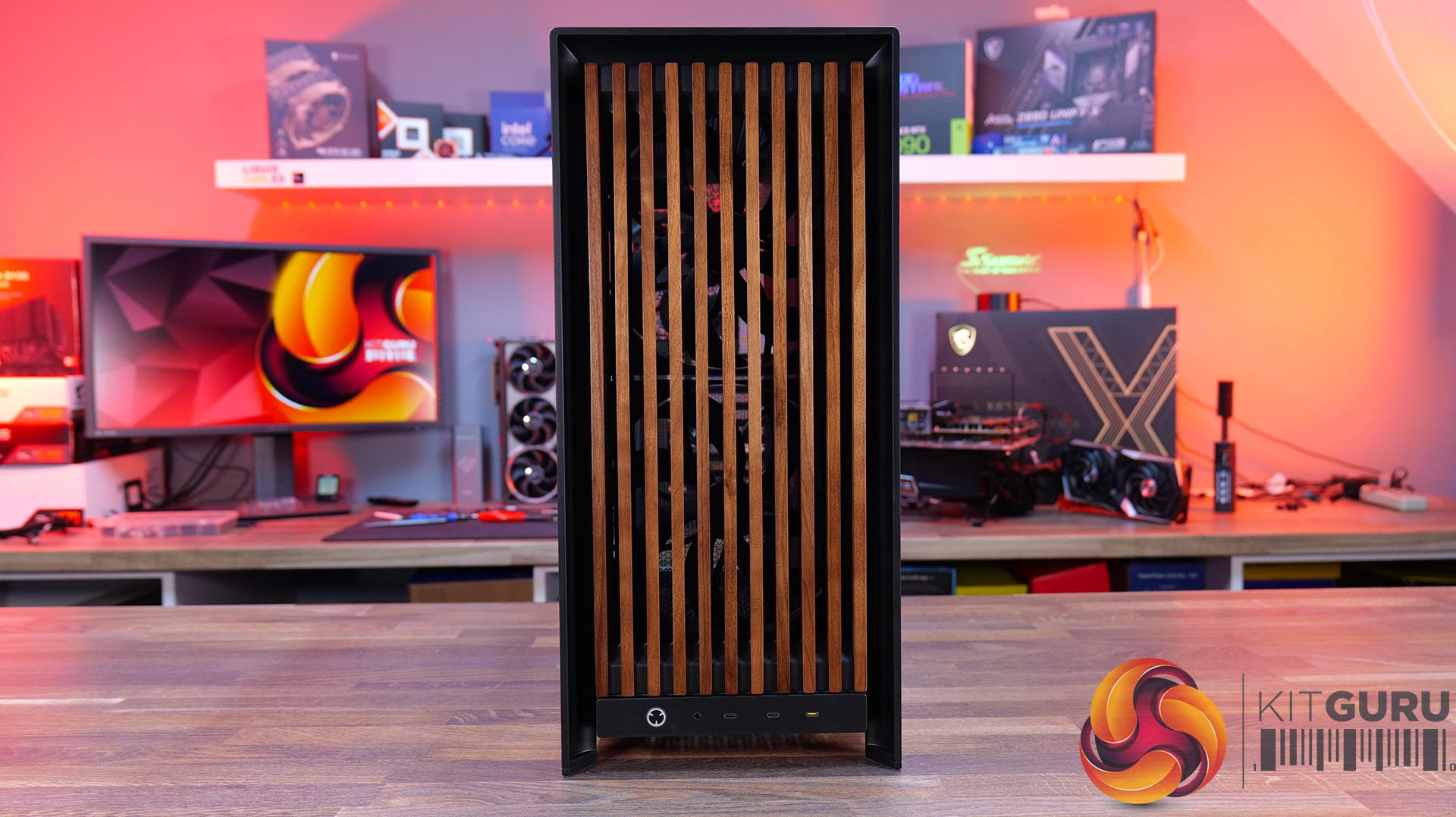
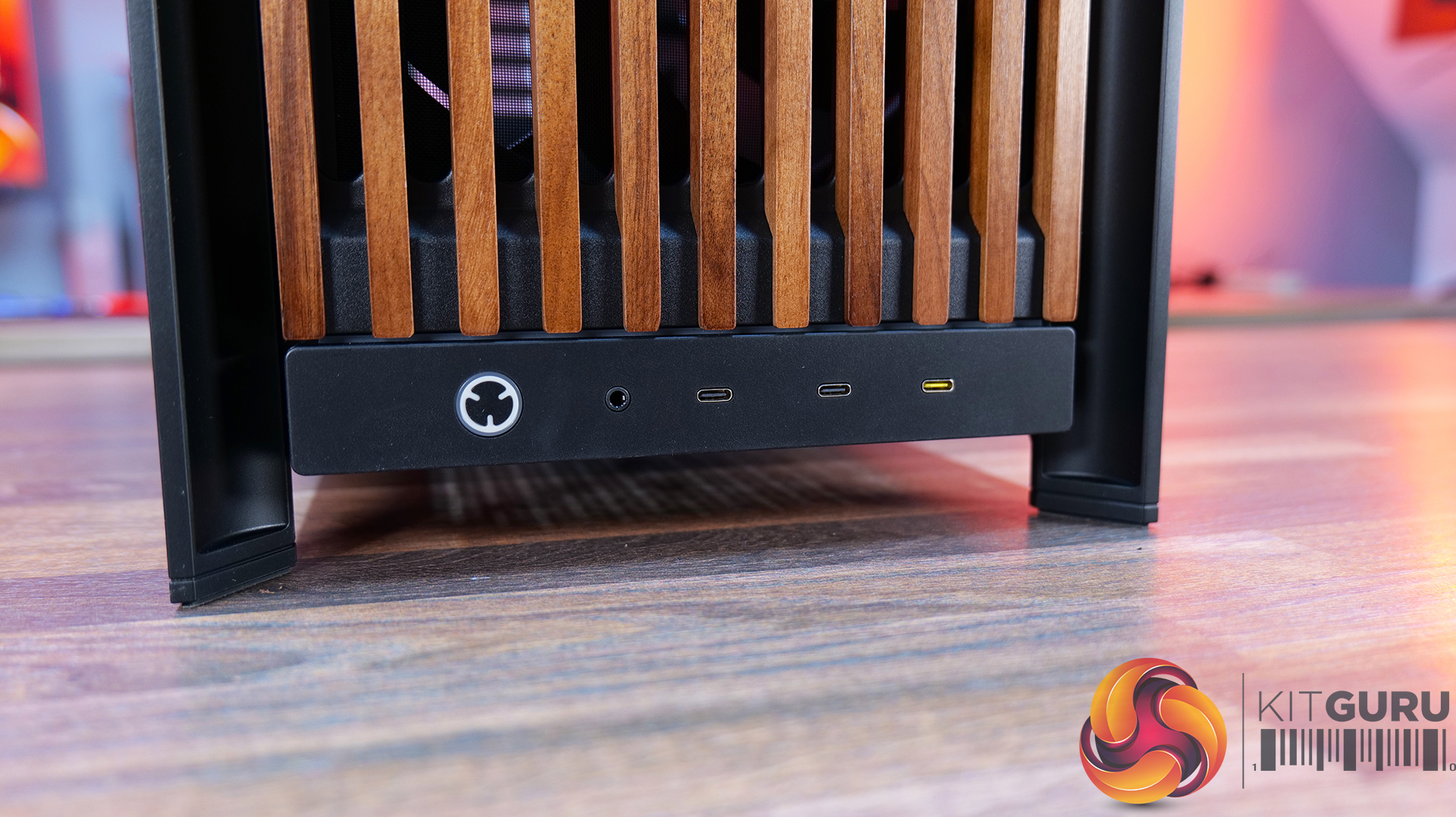
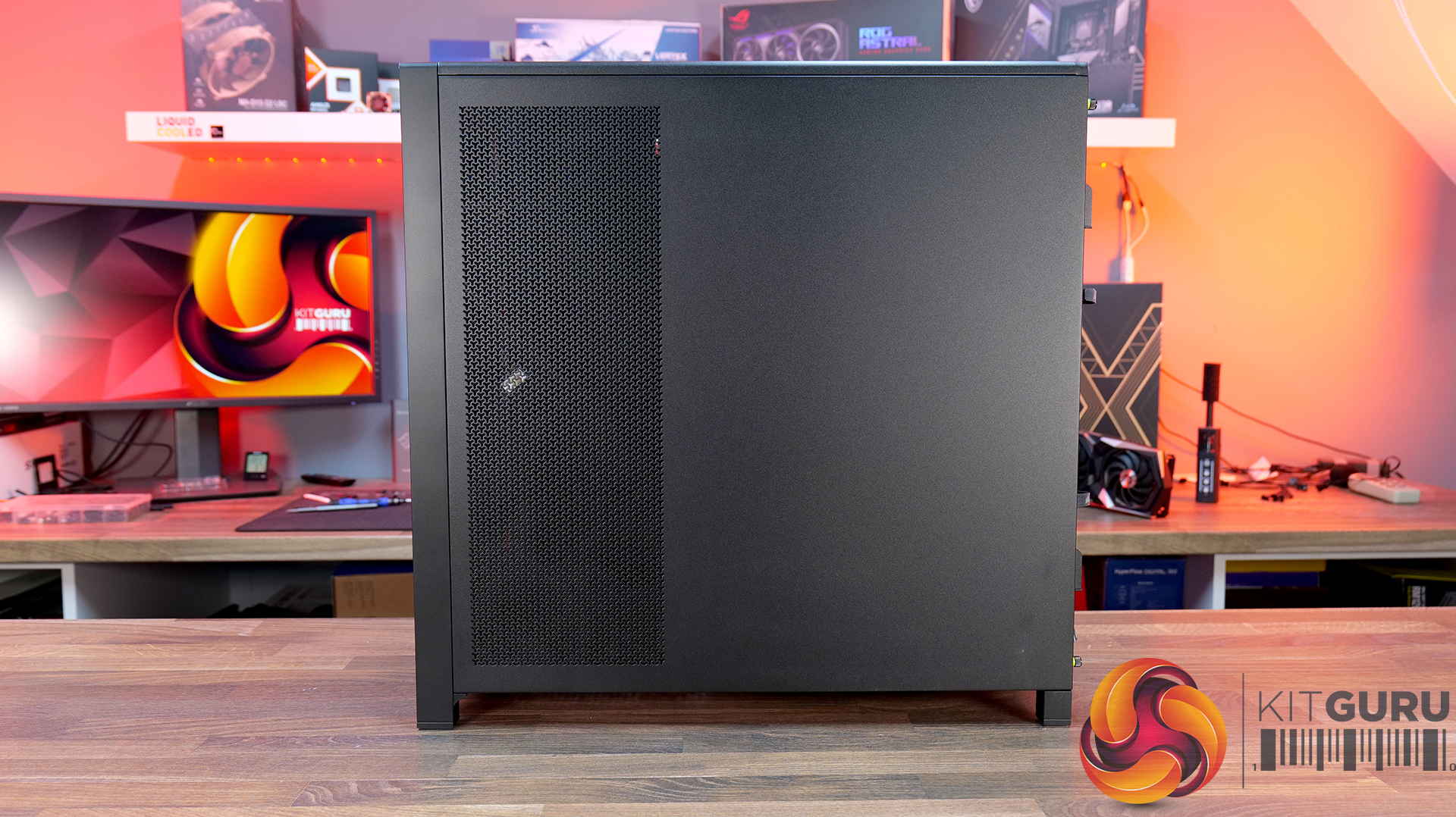
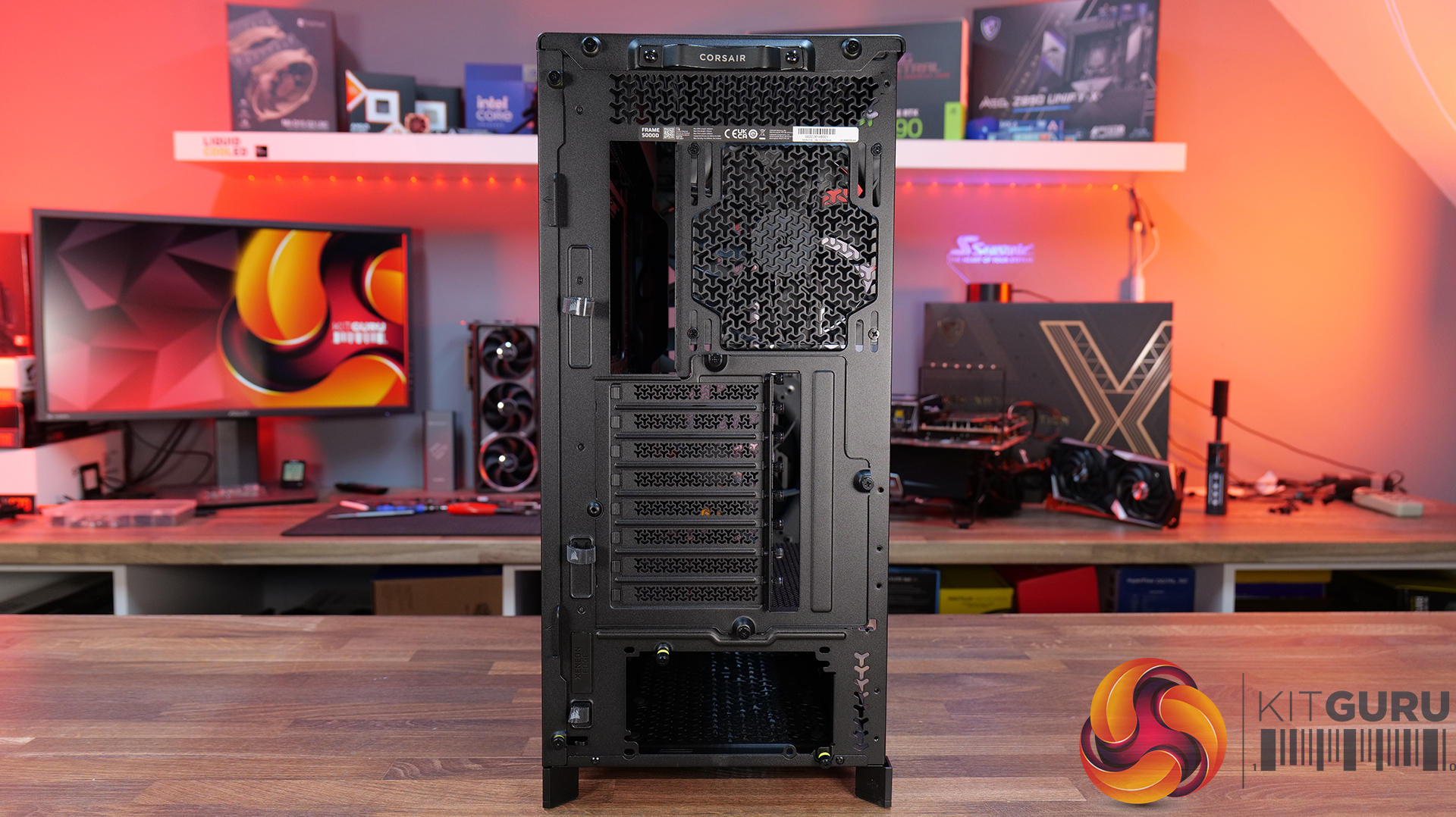
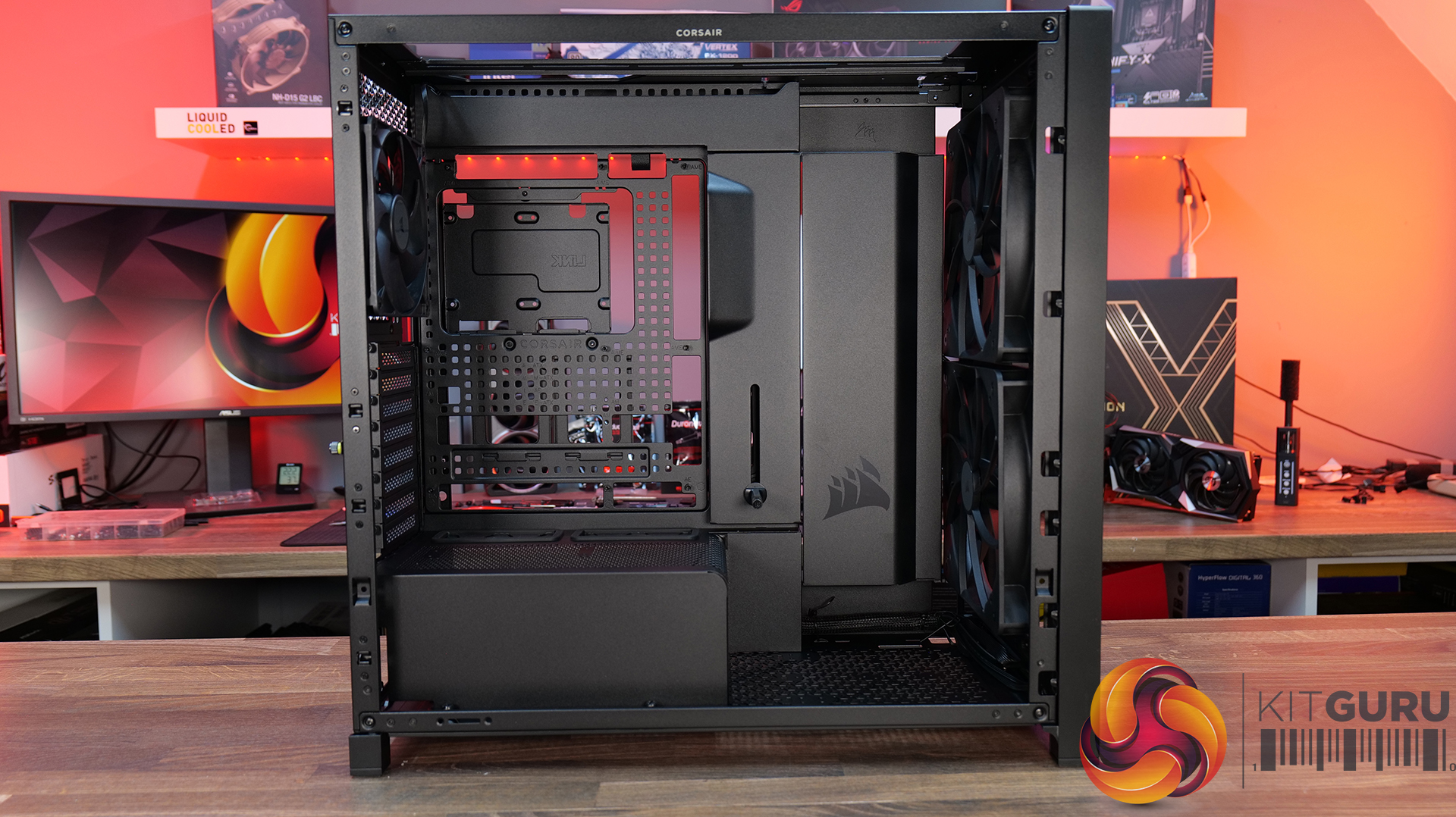
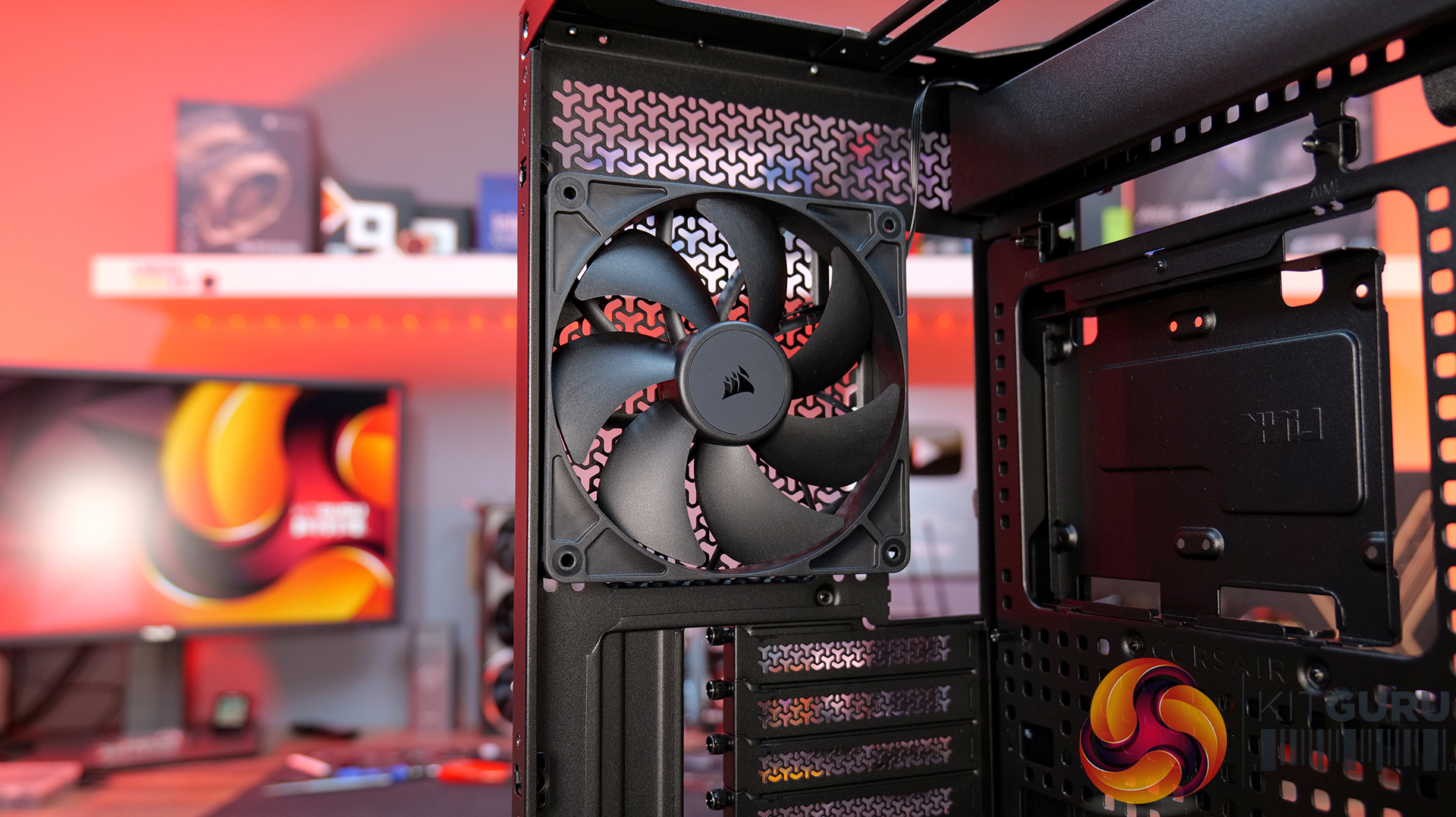
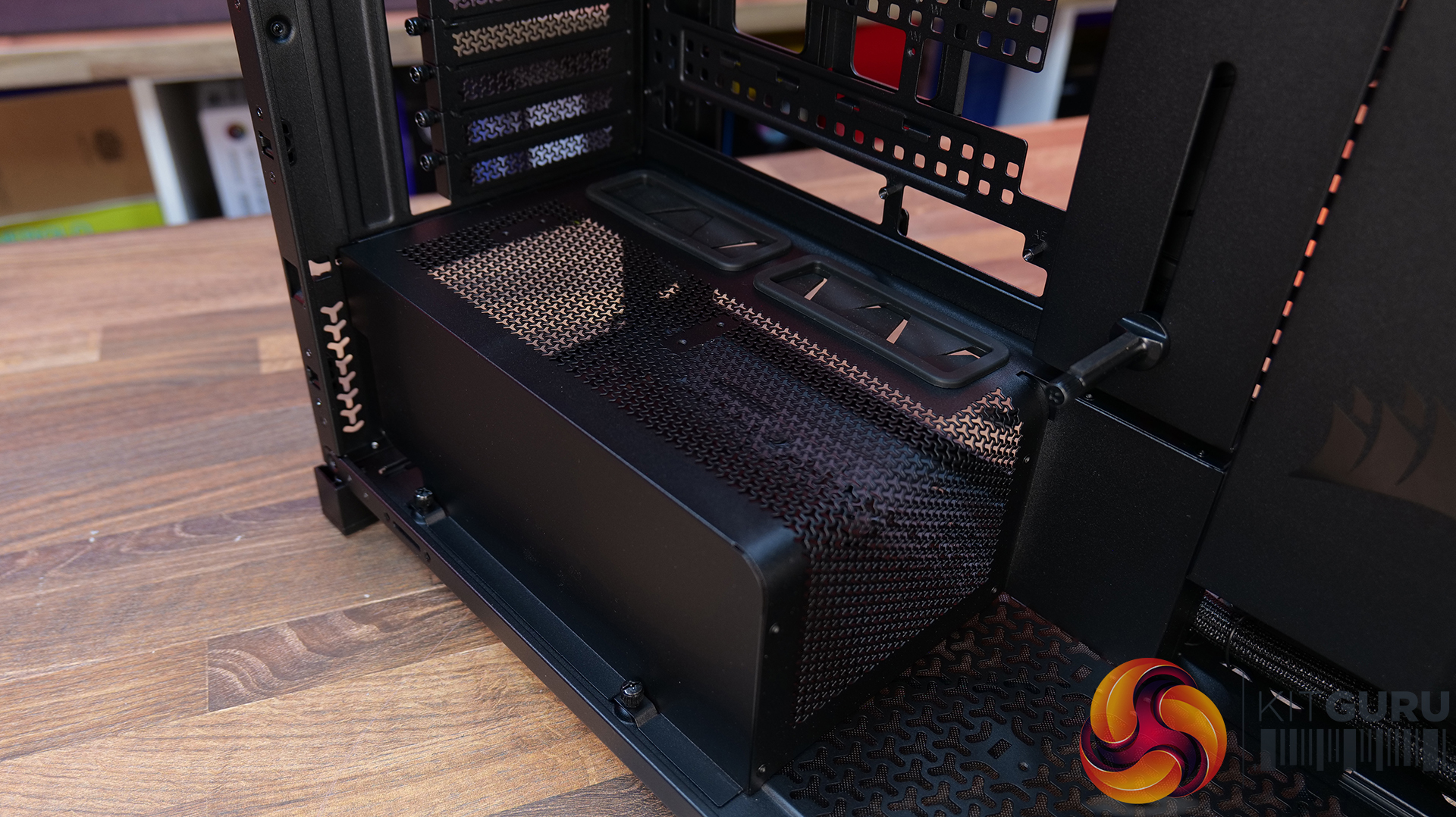
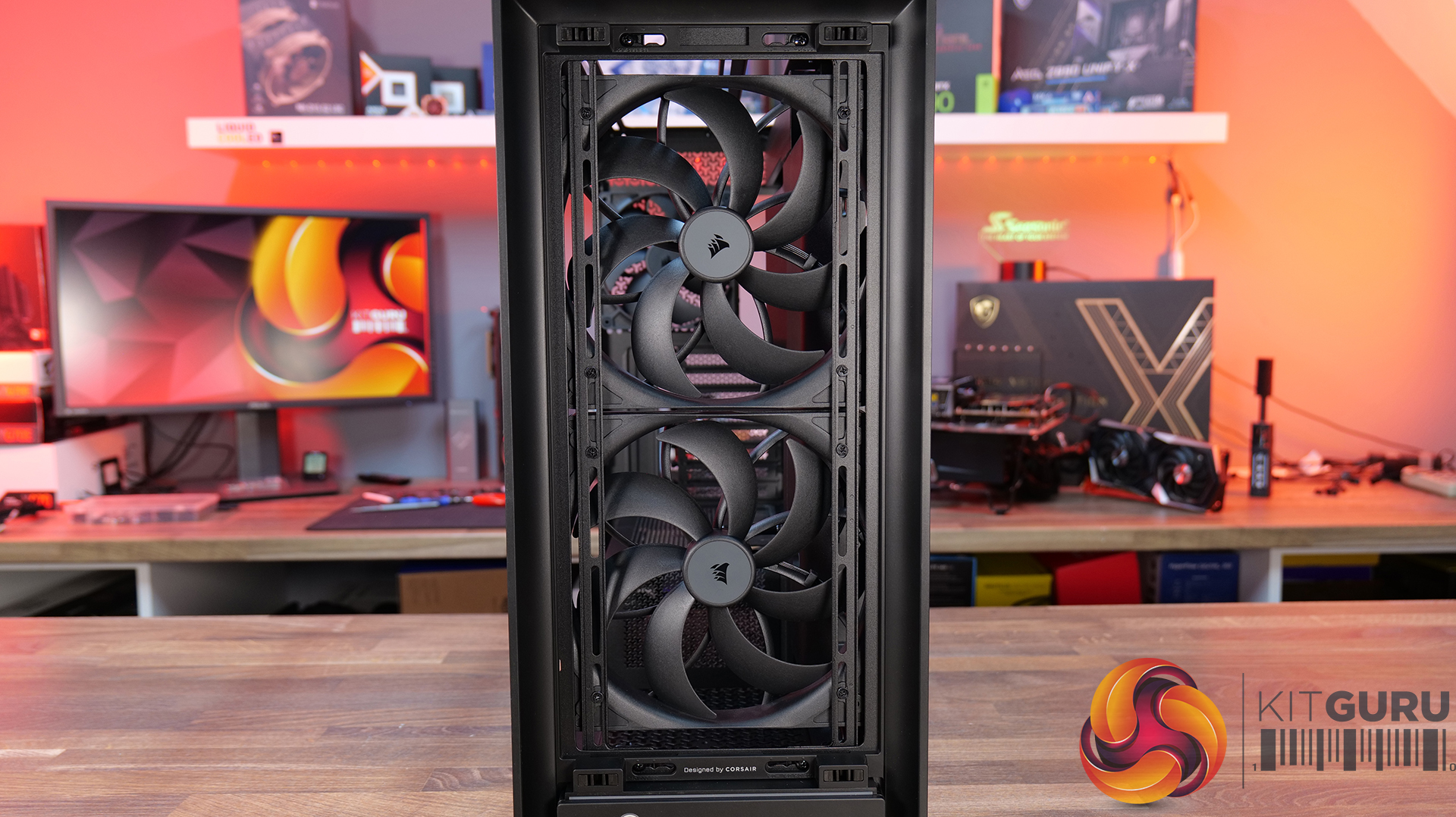
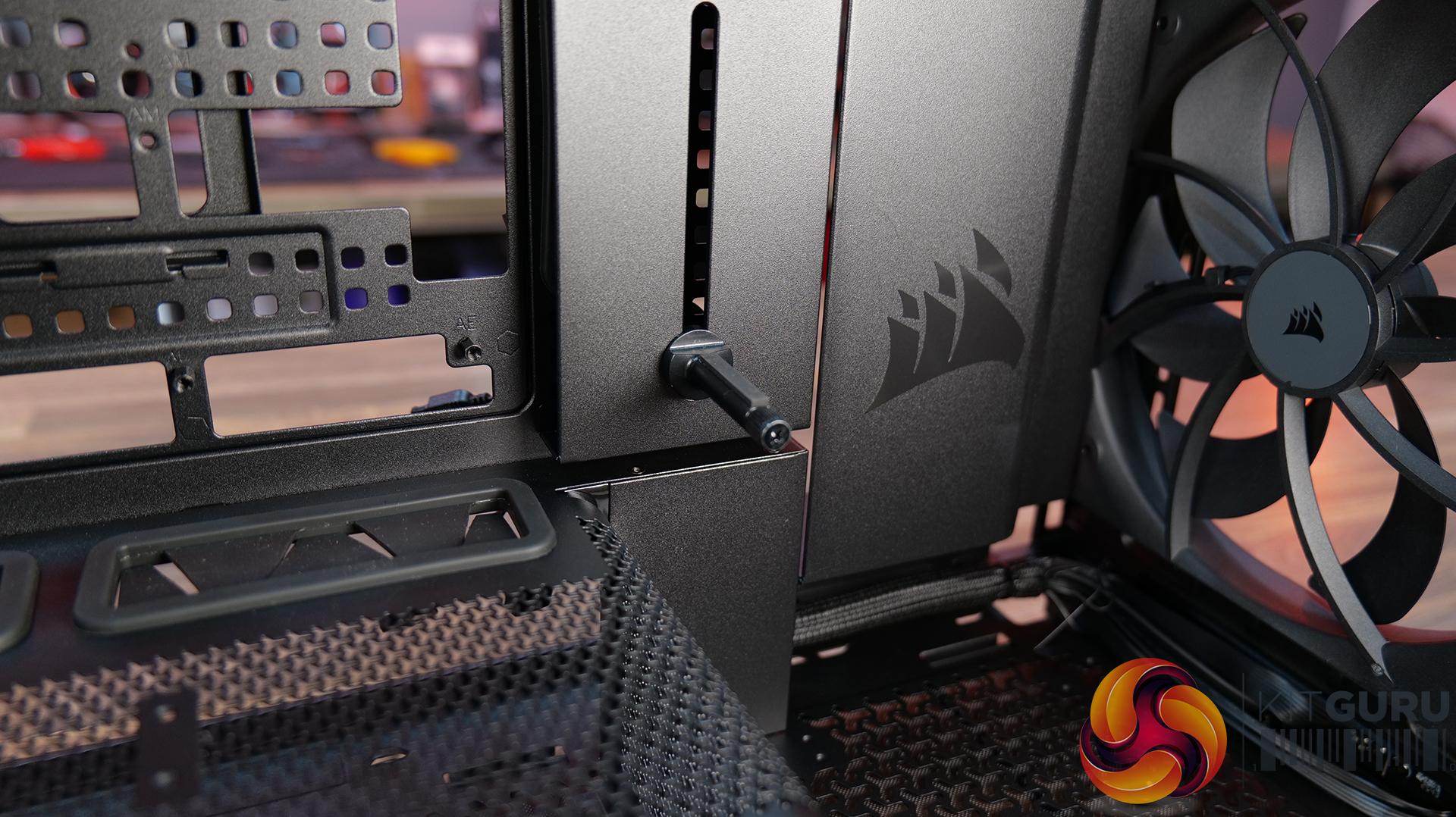
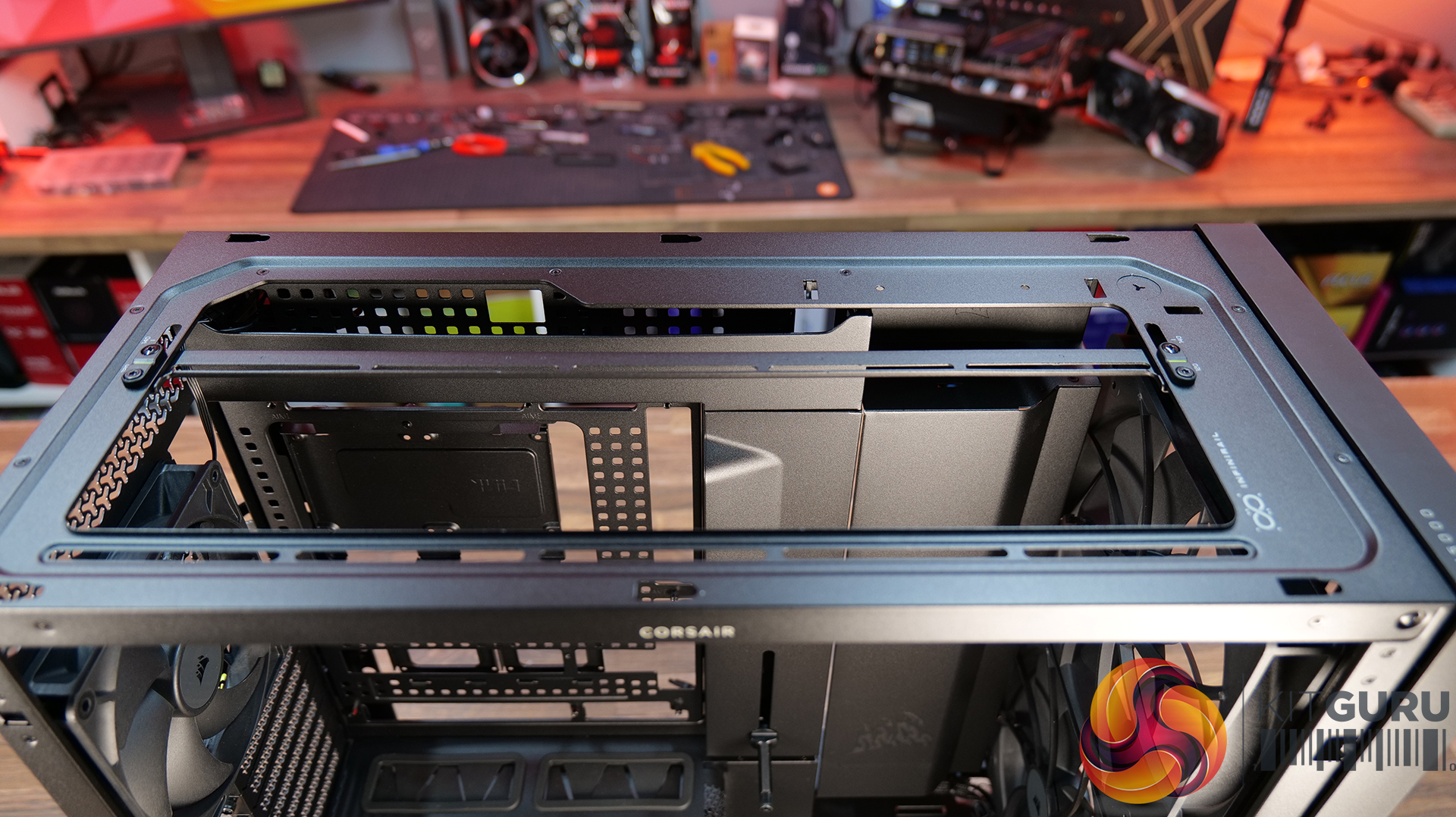
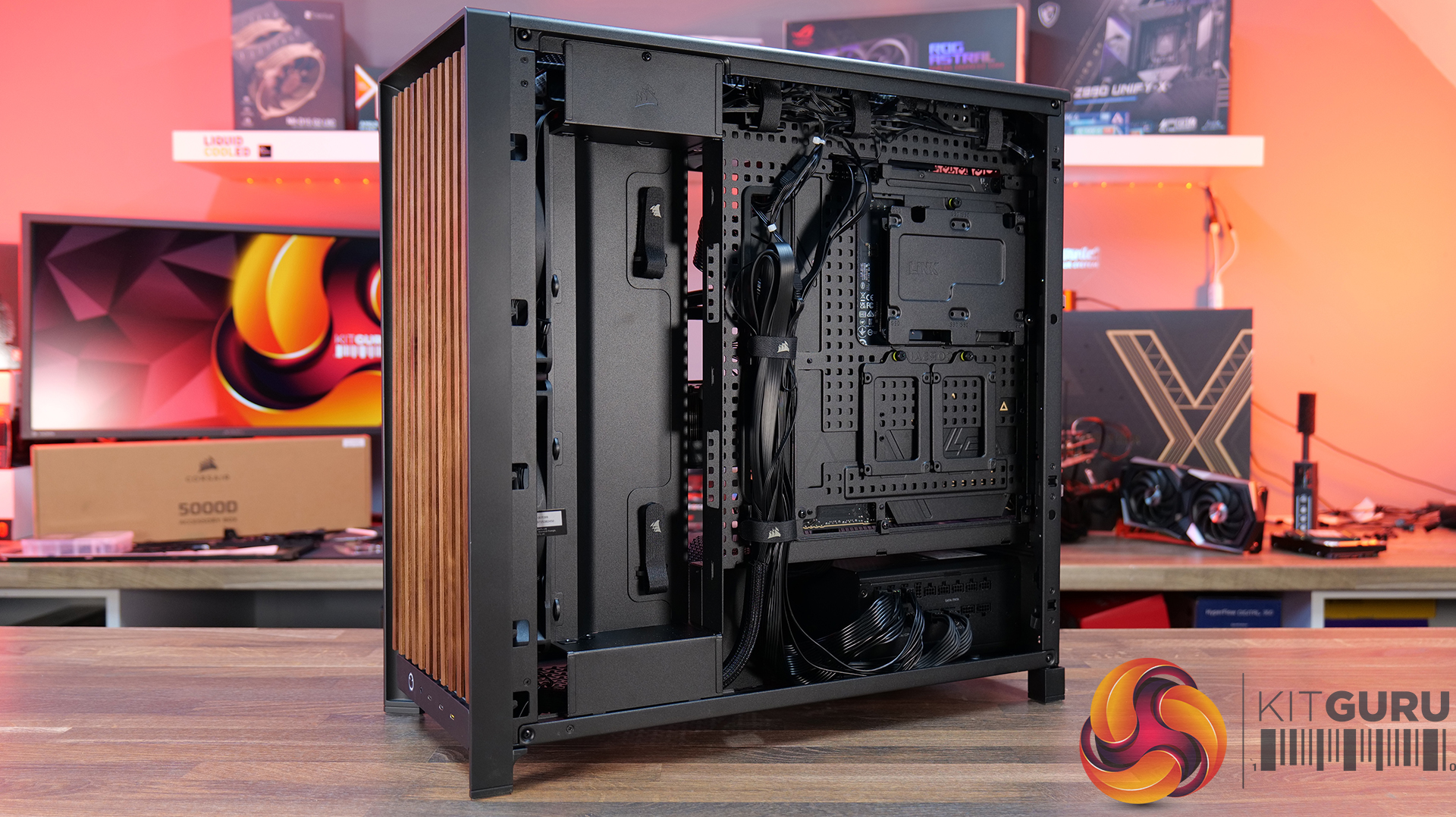
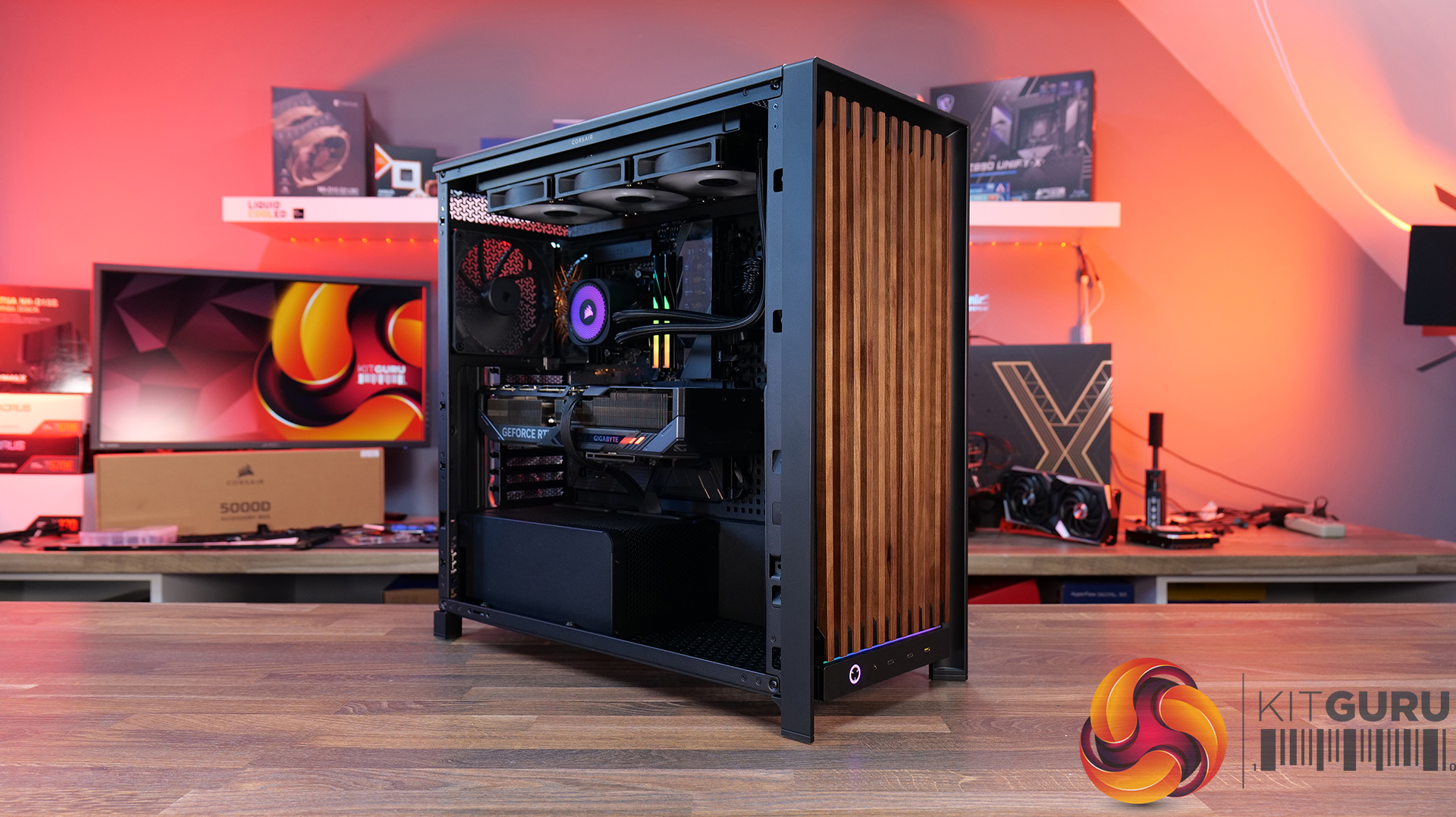
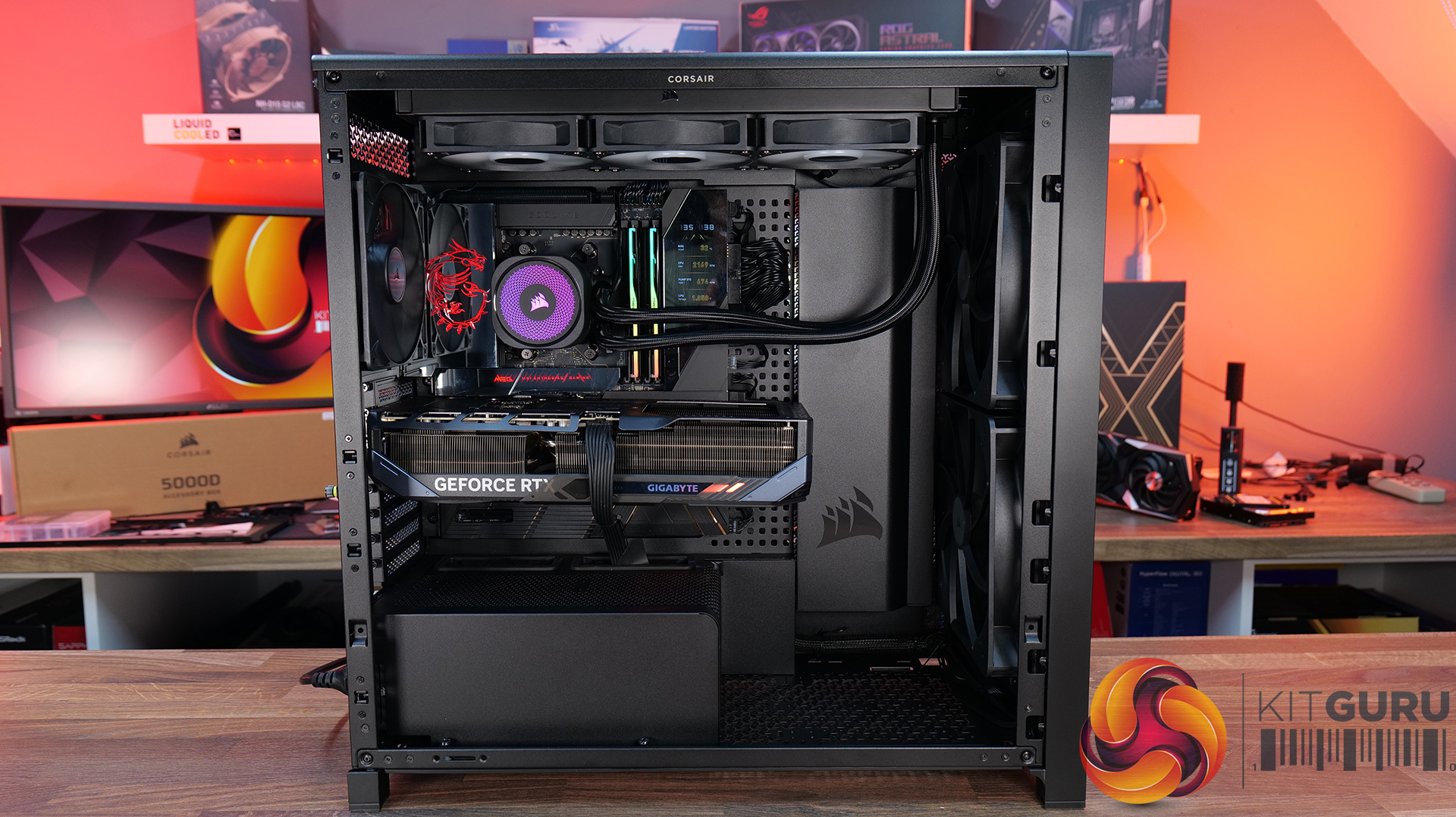
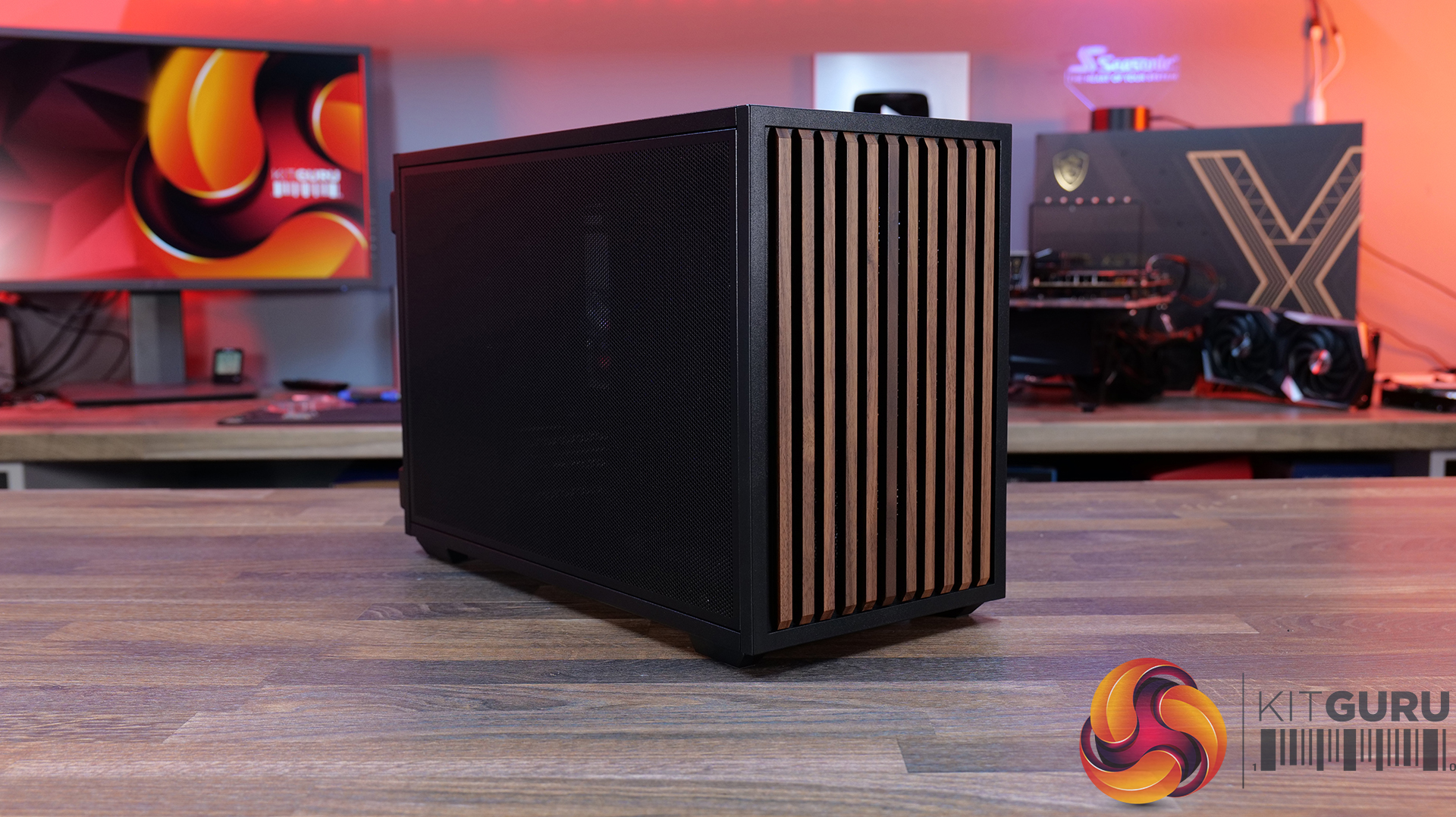
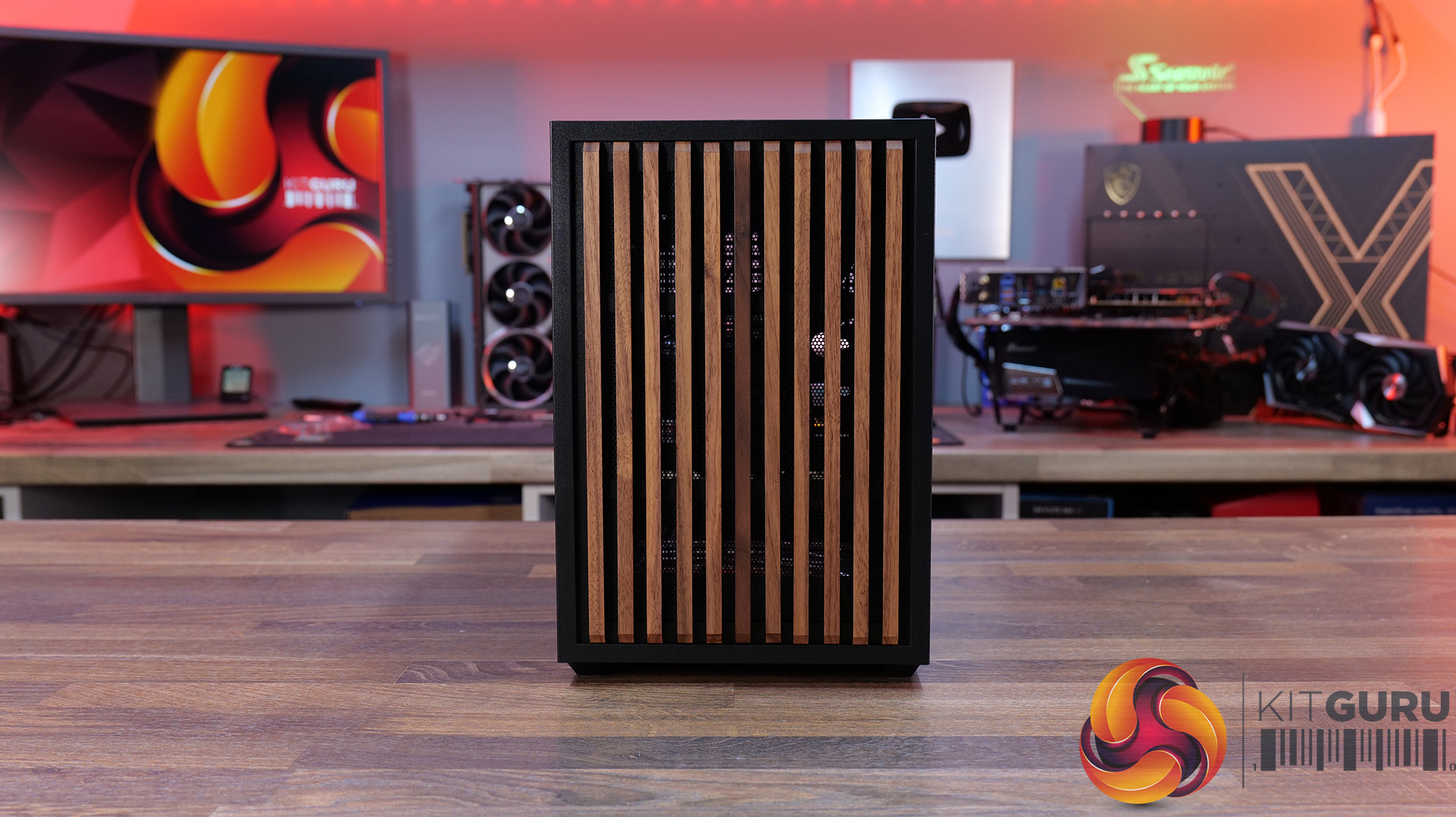
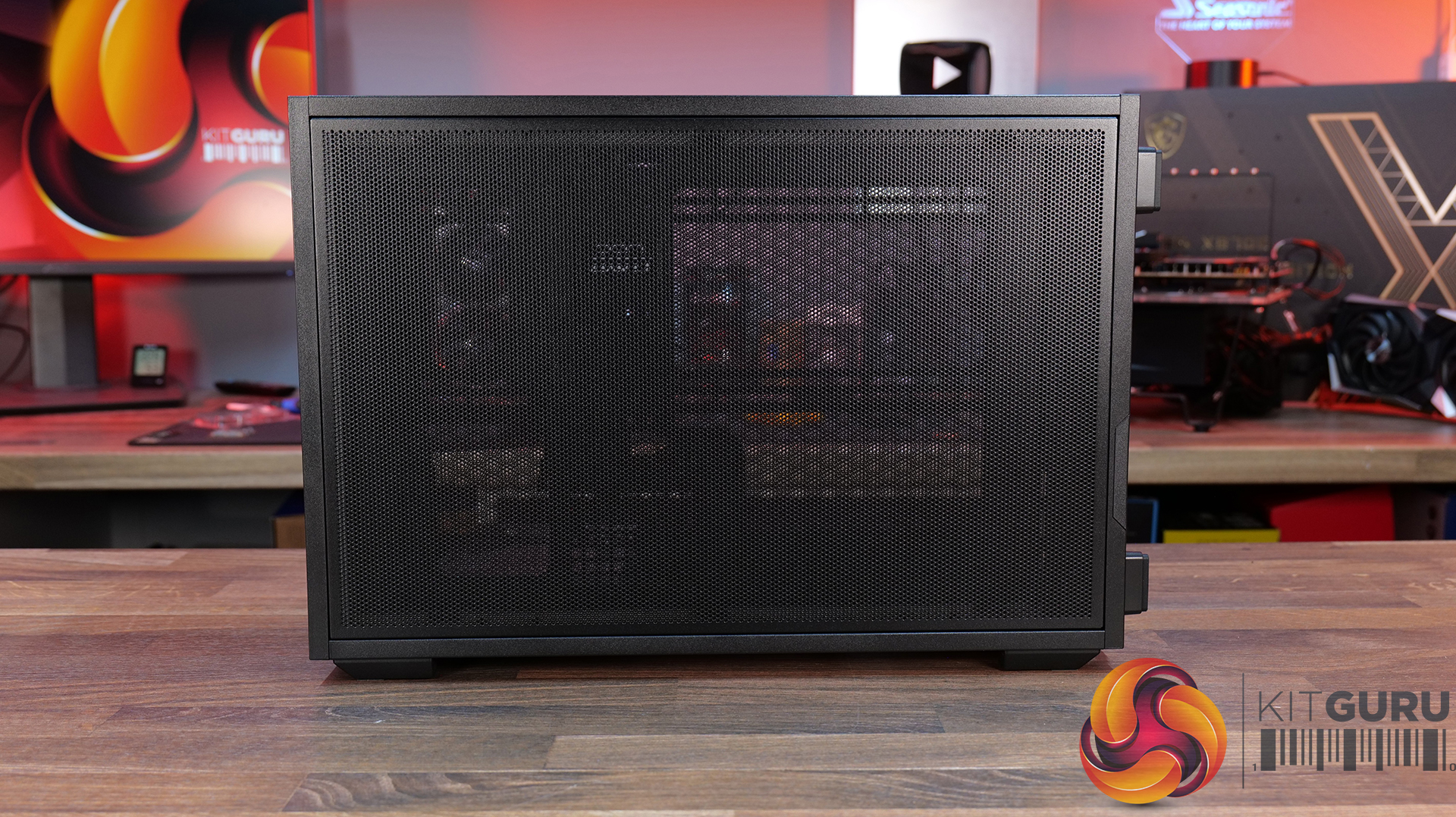
Today we're taking a look at the new Corsair Frame 5000D Wood RS PC case. At first glance it might just look like theregular Frame 5000Dwith a fancy wooden front, but Corsair has actually made a few interesting changes under the hood. Along with the solid wood front panel, you get a pair of huge 200mm intake fans, a full-length tempered glass side panel, a more compact PSU shroud, and an updated front I/O layout with three USB Type-C ports. So, is this just a cosmetic refresh, or has Corsair really improved one of its flagship cases? Let's find out.
Timestamps:
00:00 Introduction
00:50 Pricing and Info
03:00 Front I/O
03:25 Features / Removing panels
04:35 Hardware / Cooling Support
06:01 Inside the Case / Options
07:21 Air Cooler Support
07:38 GPU Support
08:07 Motherboard Support
09:09 Back of Case
10:17 Cable Routing / Drives
13:00 Floor of Case
13:38 Accessories
15:10 Testing Methodology
15:40 Thermal and Noise Performance
17:05 Closing Thoughts
Features:
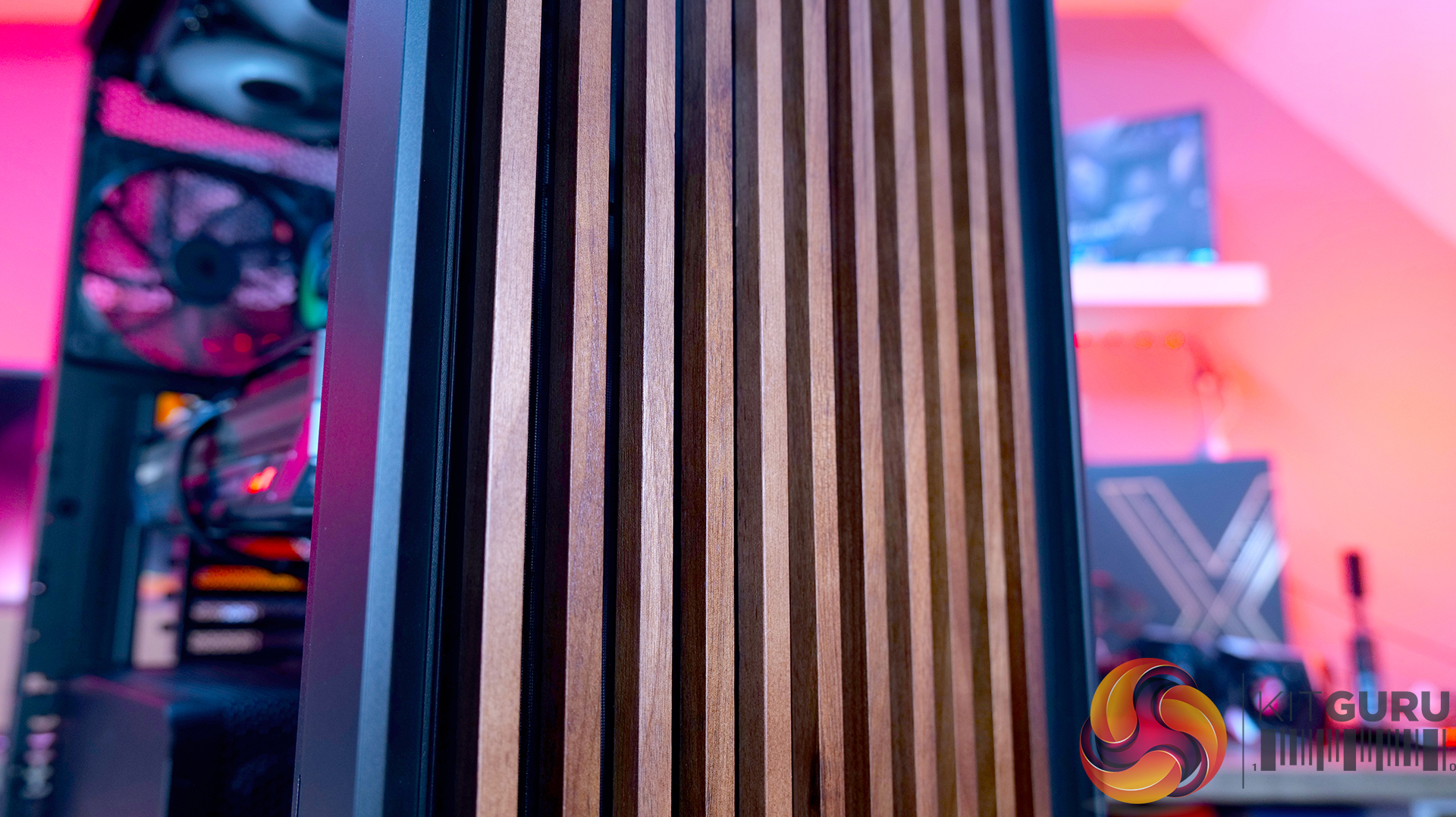
Real Wood, not Wood-effect – The standout feature of the Frame 5000D Wood RS is the new FSC-certified solid wood front panel. It gives the FRAME 5000D a much warmer, more premium look while still allowing plenty of airflow through the front of the chassis.
Big Fans, Low Noise – The original 140mm intake fans are swapped for a pair of massive 200mm RS200 fans that can shift plenty of air at lower RPM, keeping cooling performance high and noise low.
Cleaner Layout Inside and Out – A full-length tempered glass side panel, a more compact PSU shroud and updated front I/O with all USB Type-C connectivity all help modernise the Frame 5000D, giving you a better view of your hardware and a more up-to-date feature set.
Fan Support: 3 x 120mm,3 x 140mm(Top), 2 x 200mm, 3 x 120mm, 3 x 140mm (Front), 3 x 120mm, 3 x 140mm (R/H Side), 1 x 120mm, 1 x 140mm (Rear), 1 x 120mm (Bottom)
Font I/O: 2x USB 3.2 Gen1 Type-C (5Gb/s), 1x USB 3.2 Gen2x2 Type-C (20Gb/s), PWR Button, Combo Mic/Headphone Jack
LCD Screen: N/A
Thermal Performance Testing
To simulate thermal demand, we run the Cinebench R23 multi-thread benchmark and 3DMark Speed Way stress test simultaneously in a loop for 30 minutes to load the system fully. This gives the CPU and GPU enough time to reach constant steady-state temperature. With this data, we can compare how the system handles the thermal demand and measure peak noise levels.
Thermal performance is measured with the case in various configurations, such as the default, with the tempered glass left-hand side panel removed and with the front panel removed to see how these configurations affect the CPU and GPU temperature. During testing, only stock case fans are used unless otherwise specified. All water pumps are set to maximum RPM and fans are set to a custom RPM curve by the Motherboard software/BIOS.
All temperature measurements are presented as Deltas – meaning the ambient temperature has been deducted from the CPU temperature, giving us a Delta. Data shown in the charts represents the average component temperature over the length of the test as measured by HWiNFO, and then the last 15 minutes of the data are calculated to get the average. The ambient temperature during thermal tests is between 19-20⁰C.
We test case thermals using a 360mm AIO as exhaust at the top and with the case in several different fan configurations. The default configuration shown in the charts is with the top 360mm AIO cooler, 2 x 200mm front intake fans and a single 140mm rear exhaust fan and with all case panels installed.
Thermal performance is about as good as you could expect for from a case like this. In the default configuration we see the CPU steady-state average at 55°C over ambient while the GPU is at 52°C . Adding extra side or floor intake fans doesn’t really change temperatures, just one or two degrees C drop on the GPU, suggesting the stock airflow is already well optimised.
Removing the tempered glass side panel makes almost no difference at all, shaving just a single degree off the CPU while leaving GPU temperatures unchanged. In other words, Corsair's pair of 200mm front intake fans are doing exactly what they're supposed to, delivering plenty of airflow straight out of the box without the need for additional fans or a change of configuration.
Noise Output
Noise follows a similar path to thermal performance; in this test, the case fans are fixed at low RPM, so they are virtually silent. The only noise comes from the CPU cooler and GPU fans. Since there isn't a massive change in temperature with the case in either configuration, the noise output stays pretty consistent.
Across all configurations, the idle noise is essentially identical; the only drop in load noise occurs with the glass side removed, as the CPU and GPU temperatures are at their lowest, but the drop in noise is just 1dBA, which is hardly noticeable in real-world situations. So, in terms of thermal performance, if you keep the case fan speed to a sensible level, noise is very well optimised out of the box.
Closing Thoughts
The Frame 5000D Wood RS is a worthy refresh of the original Corsair Frame 5000D. The addition of a real wood front panel gives it a much more premium look without sacrificing airflow, making it stand out from the mesh and tempered glass cases currently on the market. It feels like a more mature design, and the option of Black/Walnut or White/Oak should appeal to anyone looking to build a PC with either a black or white theme.
Performance is equally impressive. The pair of 200mm front intake fans provide excellent airflow while running at relatively low speeds, resulting in excellent cooling performance without generating excessive noise. Our testing showed little to be gained from removing panels or adding extra intake fans, which tells you Corsair has done a solid job of optimising the stock airflow configuration straight out of the box.
That said, the build experience isn't quite as polished as the cooling performance. Installing the motherboard proved more awkward than expected, with the motherboard backplate making it difficult to line everything up. Graphics card installation also felt unnecessarily fiddly, as the opening around the PCIe slots doesn't leave much room to manoeuvre cards into position, particularly if your motherboard has chunky rear-mounted heatsinks around the M.2 area. Neither issue is a deal-breaker, but they're the sort of frustrations you don't expect from a case at this price point.
Overall though, the positives outweigh the negatives. The Frame 5000D Wood RS looks great, it delivers excellent thermal performance and quiet operation, and retains all the flexibility of Corsair's modular Frame ecosystem. The installation quirks knock points off what is otherwise a very capable chassis. So if the mature aesthetics, airflow and upgradeability are your thing, this should be on your parts list for your next build, unless you need something smaller, the Frame 4000D Wood is your perfect alternative.
The Corsair Frame 5000D Wood RS is available to purchase now from Scan priced at £159.95 HERE.
Pros:
Big front fans keep the system cool and quiet with great airflow.
Wood front gives a more premium look.
Lots of space for hardware and cooling.
Cons:
Motherboards with backplates can be difficult to install.
Graphics cards can be tight to get into the PCIe slot.
Quite large for a basic gaming system.
KitGuru says: Corsair has made some worthy changes to the Frame 5000D, which means it still offers great airflow and cooling but now with premium looks too!
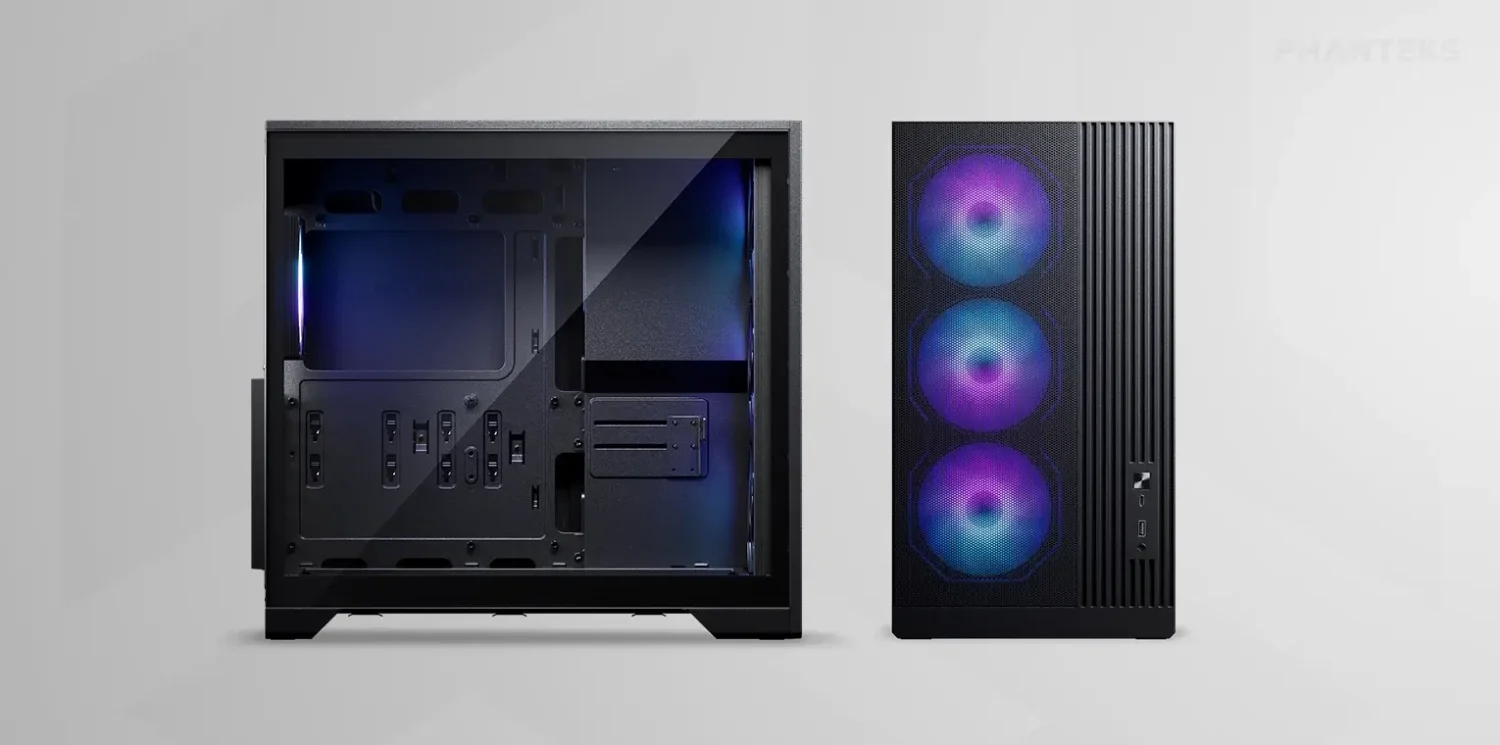
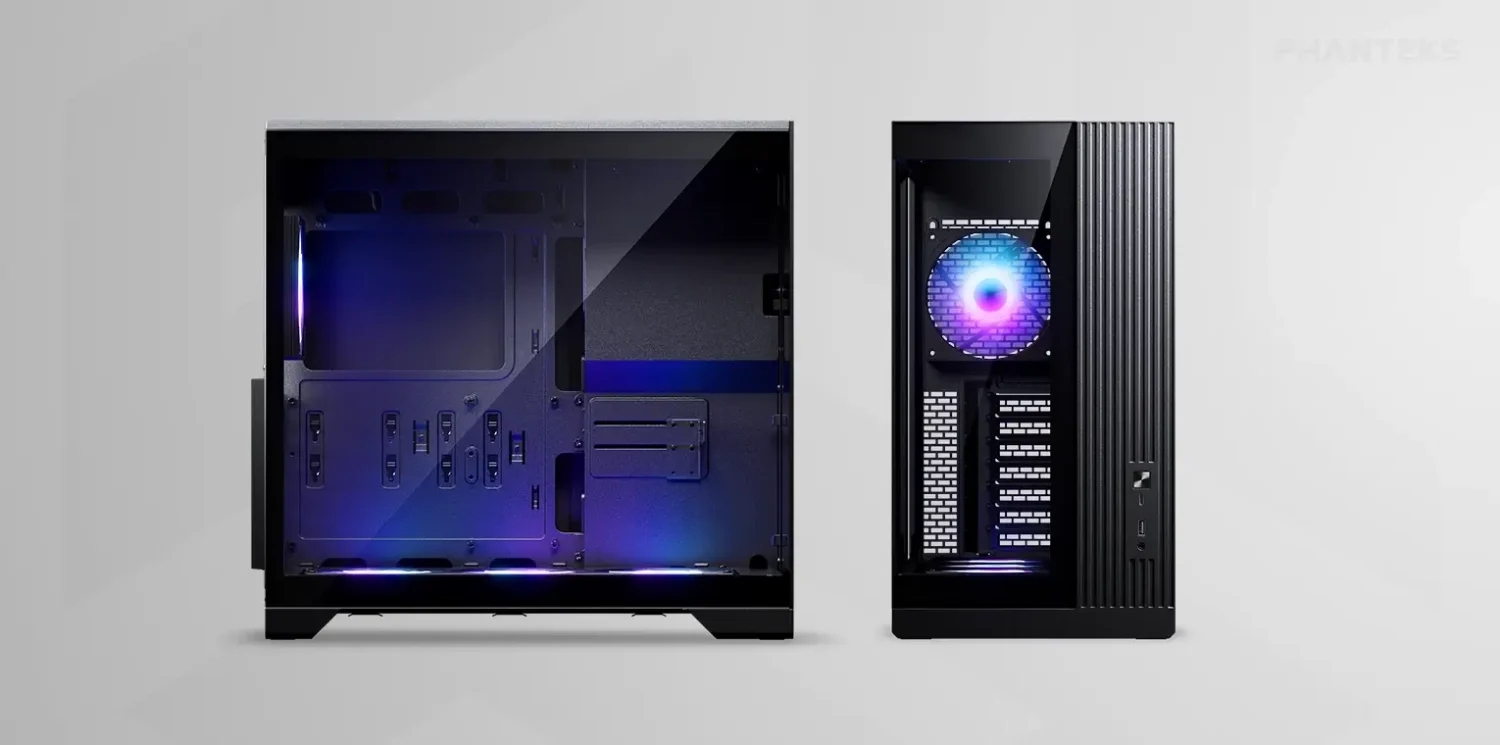
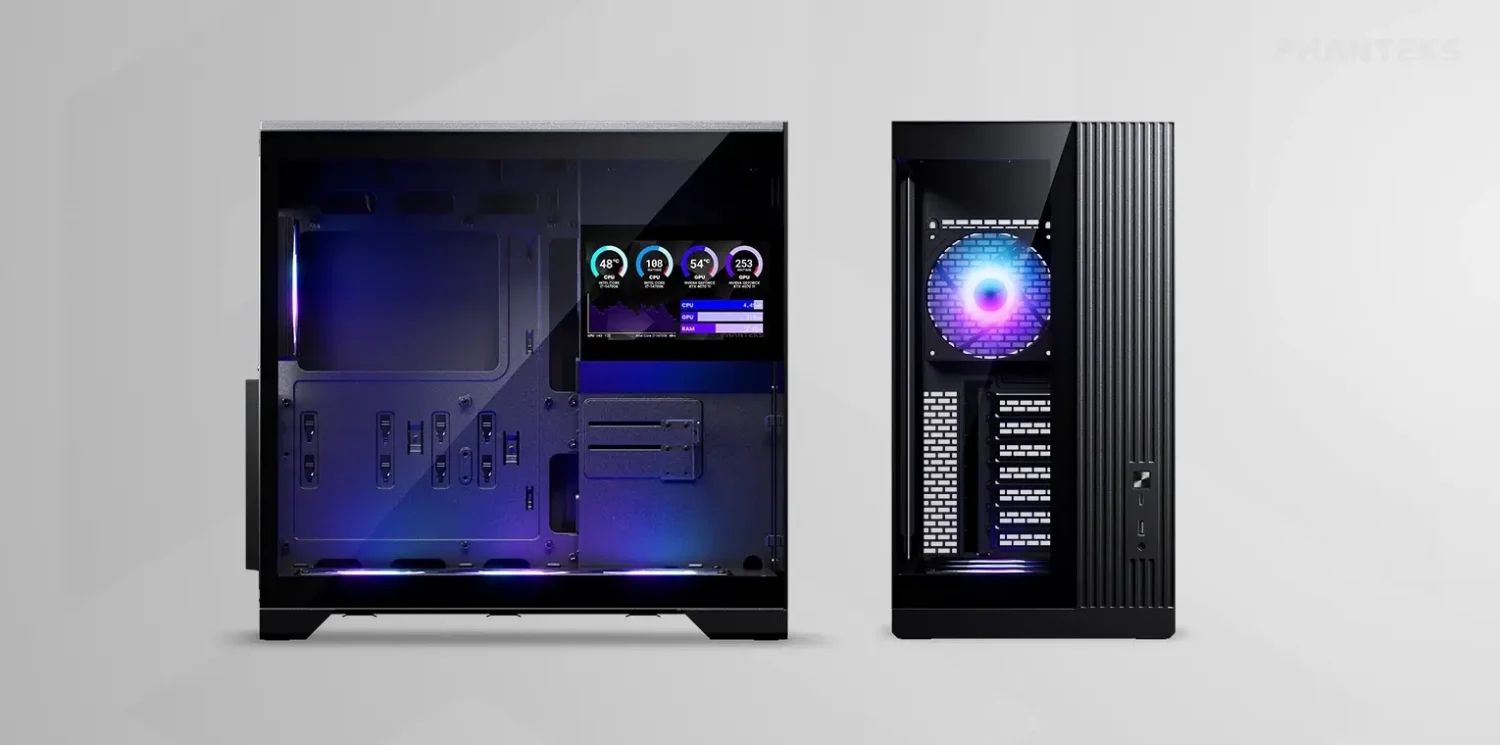
Phanteks has expanded its XT chassis lineup with three new compact ATX models, including the XT M5, XT V5, and XT V5-LCD. First unveiled at Computex 2026, these cases pack support for standard 360mm radiators and ATX power supplies in a small desktop footprint.
Every model in the update incorporates an integrated GPU support bracket alongside a high-speed USB 3.2 Gen2x2 Type-C port on the front I/O. Phanteks equips each case with pre-installed cooling out of the box, consisting of a single 120mm rear fan alongside a 360mm single-frame S25 ARGB fan assembly. All models support 360mm radiators on the top panel.
Designed specifically for airflow, the XT M5 features a mesh front panel and supports up to 10x 120mm fans. The XT V5 swaps the mesh for glass front and side panels while mounting its single-frame fan set at the bottom for direct GPU cooling. This change, however, reduces the total number of 120mm fans supported to seven. Building on the V5 layout, the XT V5-LCD adds a built-in 7-inch display that users can configure using the Nexlinq app for Windows.
Pricing for the XT M5 Black and XT V5 Black starts at $79.99, while the XT V5-LCD Black retails for $109.99.
KitGuru says: Phanteks' new XT options deliver solid versatility across mesh, glass, and display-focused builds. Out of the new XT models, which do you like the most?
XERON, a technology brand guided by its “From Origin, Beyond Boundaries” philosophy of returning to first principles through purposeful design and user-focused innovation, proudly announces the launch of the NEX C53 and NEX C33 PC cases. Expanding the company’s NEX Series lineup, the new chassis combine panoramic tempered glass aesthetics with exceptional hardware compatibility and builder-friendly features, delivering an ideal platform for gamers, enthusiasts, and creators. Available in both black and white, the NEX C53 and NEX C33 are designed to showcase modern PC hardware without compromising cooling performance or upgrade flexibility.
Designed around a panoramic dual tempered glass layout, the NEX C53 and NEX C33 feature seamless front and side glass panels that provide an unobstructed view of the system’s interior, transforming every build into a striking display. Support for flagship graphics cards, 360mm liquid cooling radiators, and BTF motherboards is complemented by four pre-installed daisy-chained ARGB fans — three bottom intake fans and one rear exhaust fan—delivering excellent airflow and outstanding out-of-the-box value. Simply add your AIO liquid cooler, and your cooling setup is complete.
Combined with thoughtful features such as a front-mounted power supply layout, hidden side-panel handle, and optimized cable management, the NEX C53 and NEX C33 provide a clean, refined, and effortless PC building experience.
XERON NEX C53
Designed for enthusiasts who want the flexibility of a full ATX system in a compact footprint, the NEX C53 combines outstanding hardware compatibility with an innovative internal layout. Measuring just 435 × 235 × 435 mm, the chassis supports flagship graphics cards up to 425mm long, CPU air coolers up to 180mm tall, and top-mounted 360mm radiators, making it well suited for high-performance gaming and content creation systems. An adjustable bottom fan bracket with a 12° tilt optimizes airflow directly to the graphics card for more efficient cooling.
Key Features
• Compact ATX Design: Supports ATX and M-ATX BTF motherboards in a space-efficient chassis.
• Dual Tempered Glass Panels: Showcase internal hardware with a premium panoramic presentation.
• Extensive Cooling Support: Accommodates up to seven 120mm fans and 360mm radiators.
• Four Pre-installed ARGB Fans: Includes daisy-chained reverse-blade ARGB fans with ring-blade design for simplified installation.
• Front-Mounted PSU Layout: Maximizes internal space while creating a cleaner system presentation.
• Adjustable bottom Fan Bracket: Enables customized airflow configurations for improved GPU’s cooling performance.
• GPU Support Bracket: Prevents graphics card sag while protecting the motherboard’s PCIe slot.
• High-Speed Front I/O: Features USB Type-C Gen 2×2 20Gbps port and dual USB 3.0 ports.
• Eco-Friendly Coating: Premium surface finish designed with environmentally conscious materials.
XERON NEX C33
The NEX C33 brings the same premium design language to Micro-ATX builders, offering exceptional compatibility in an even smaller 435 × 235 × 355 mm chassis. Despite its compact dimensions, the NEX C33 supports graphics cards up to 425mm in length, 180mm CPU air coolers, and 360mm radiators, making it an excellent platform for compact gaming systems without sacrificing cooling performance or future upgrade flexibility.
Key Features
• Compact Micro-ATX Design: Supports Micro-ATX BTF motherboards with an optimized internal layout.
• Dual Tempered Glass Panels: Highlights internal components through a clean panoramic design.
• Excellent Hardware Compatibility: Supports 425mm graphics cards, 180mm air coolers, and 360mm radiators.
• Four Pre-installed ARGB Fans: Includes reverse-blade ring-design ARGB fans with daisy-chain connectivity.
• Front-Mounted PSU Layout: Improves space efficiency while maintaining a cleaner interior appearance.
• GPU Support Bracket: Prevents graphics card sag while protecting the motherboard’s PCIe slot.
• High-Speed Front I/O: Equipped with USB Type-C Gen 2×2 20Gbps port and dual USB 3.0 ports.
• Hidden Side-Panel Handle: Offers quick access while preserving the minimalist exterior design.
• Eco-Friendly Coating: Durable premium finish with environmentally friendly materials.
Pricing and Availability
The XERON NEX C53 and NEX C33 cases are available in black and white color options, see pricing below.
Suggested Retail Pricing:
• NEX C53 Black — MSRP: US$64.99
• NEX C53 White — MSRP: US$69.99
• NEX C33 Black — MSRP: US$59.99
• NEX C33 White — MSRP: US$64.99
For more information, visit the official product pages:
DeepCool has introduced the CG590 Mesh 2F, a new mid-tower chassis featuring a mesh front panel, a dual-chamber interior, and two pre-installed 160mm ARGB intake fans. The case is scheduled to launch in Japan soon, but a wider global release is expected.
Designed for gaming and enthusiast systems, according to Guru3D, this enclosure uses a dual-chamber construction that separates the PSU and storage devices from the primary motherboard compartment. This layout creates a direct airflow path toward the graphics card and CPU cooler while reducing cable congestion. Fresh air is supplied by the two pre-installed 160mm front intake fans through the mesh panel.
Hardware supported includes ATX, mATX, and Mini-ITX motherboards, graphics cards up to 410mm in length, CPU air coolers up to 160mm tall, and PSUs up to 210mm long. DeepCool provides 45mm of cable-routing clearance behind the motherboard tray and includes native support for rear-connector motherboard designs. Cooling flexibility extends to various fan configurations, allowing up to three 120mm or two 140mm fans on top, three 120mm side fans, two 120mm rear fans, and three 120mm bottom fans. Liquid cooling setups can house radiators up to 360mm on the top, side, or bottom, with the top section also supporting 280mm options.
The front I/O panel integrates one USB-C 3.2 Gen 2 port, two USB-A 3.0 ports, and a combined audio jack. Deepcool will launch the CG590 Mesh 2F in Japan on July 24th, with an estimated retail price of $89.
KitGuru Says: DeepCool's CG590 MESH 2F may offer a competitive feature set for its price bracket, particularly with its support for massive 160mm intake fans and rear-connector motherboards.
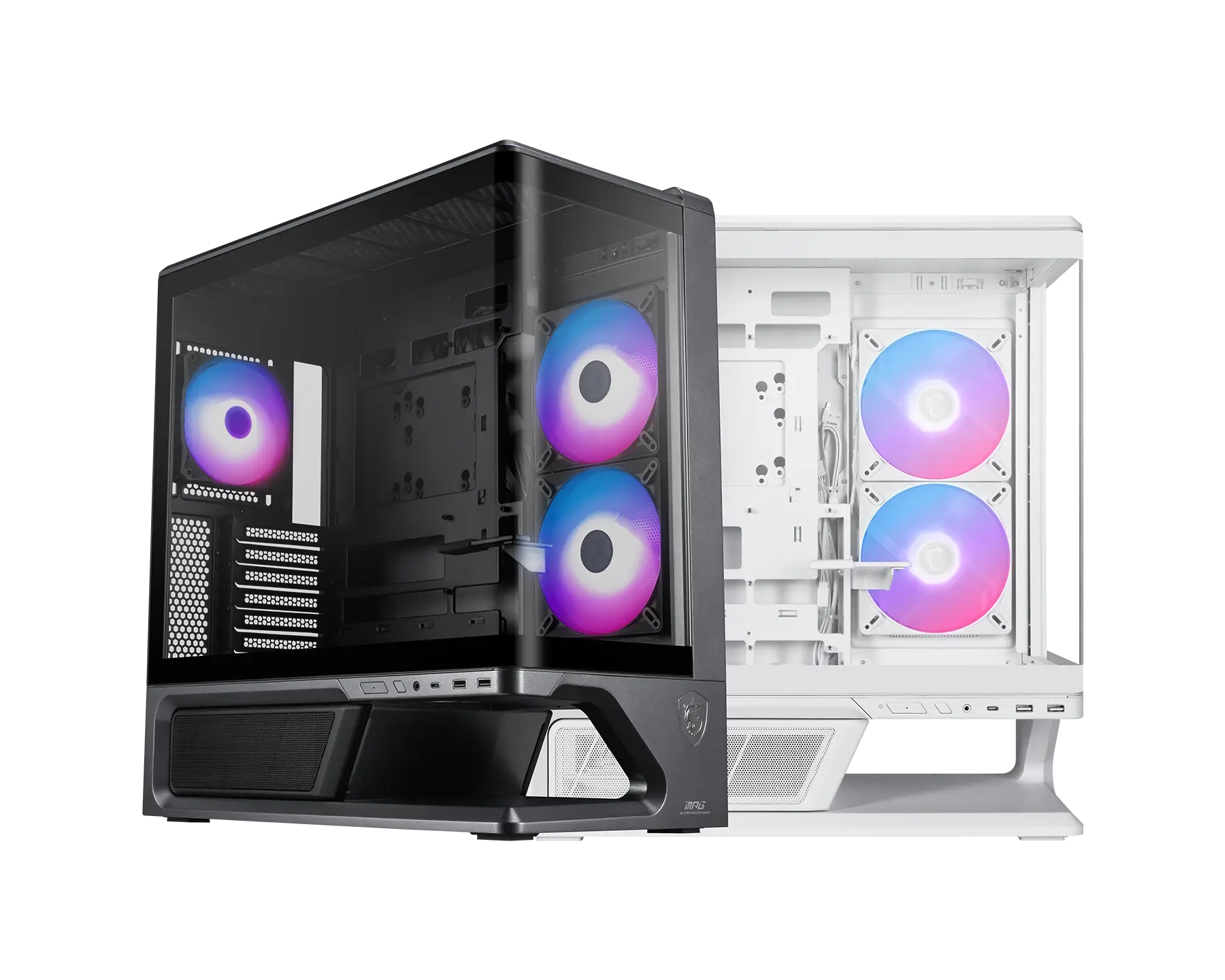
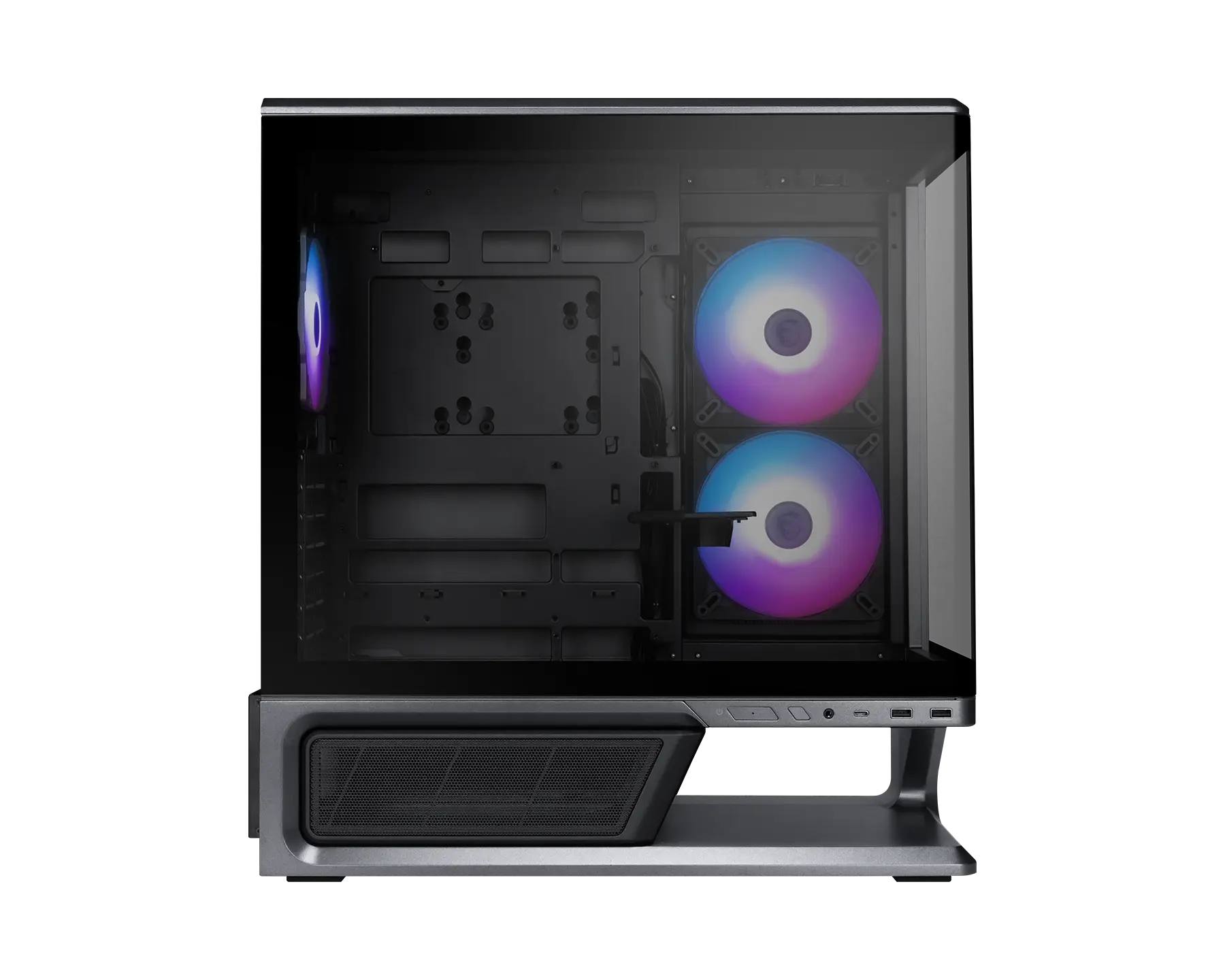
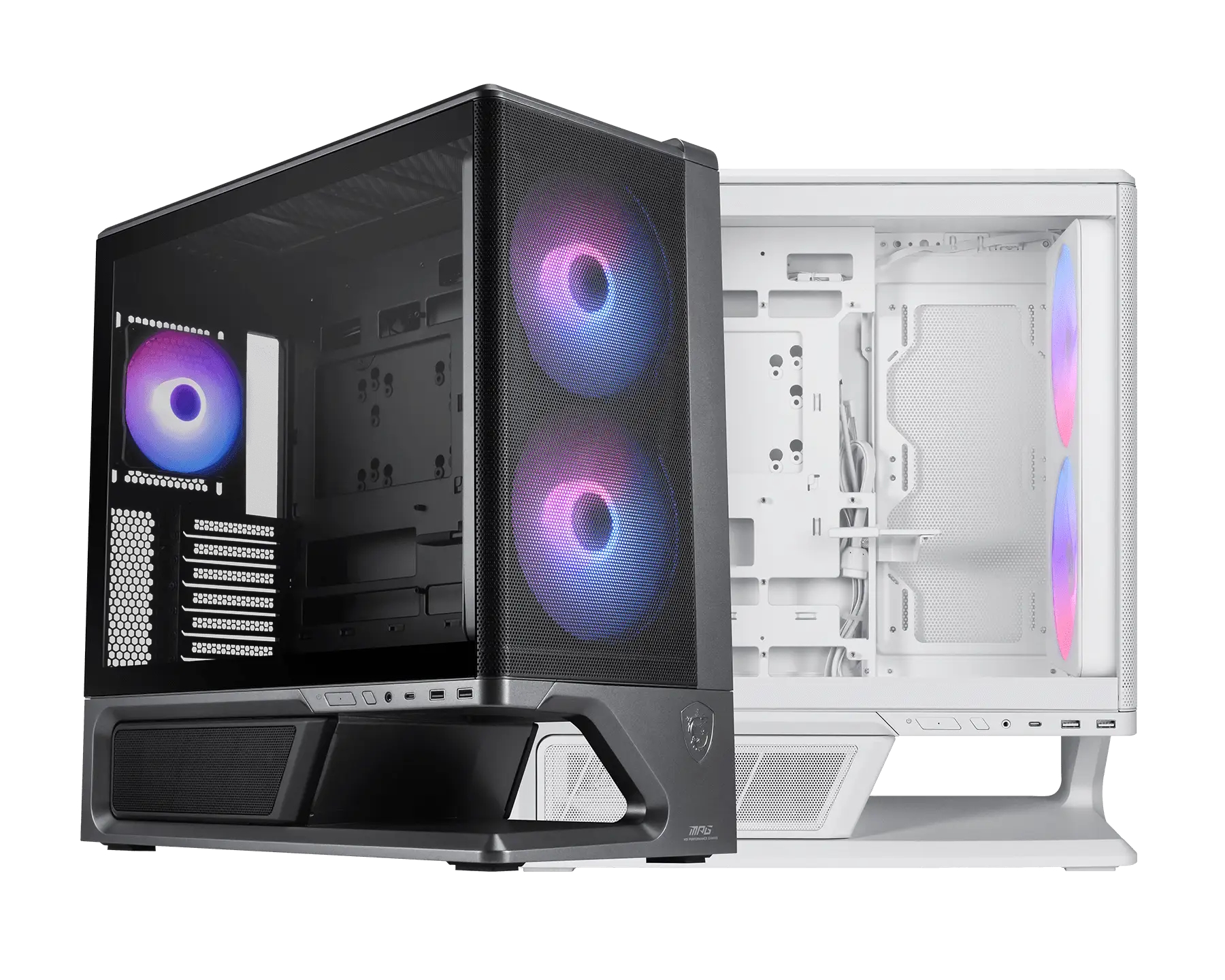
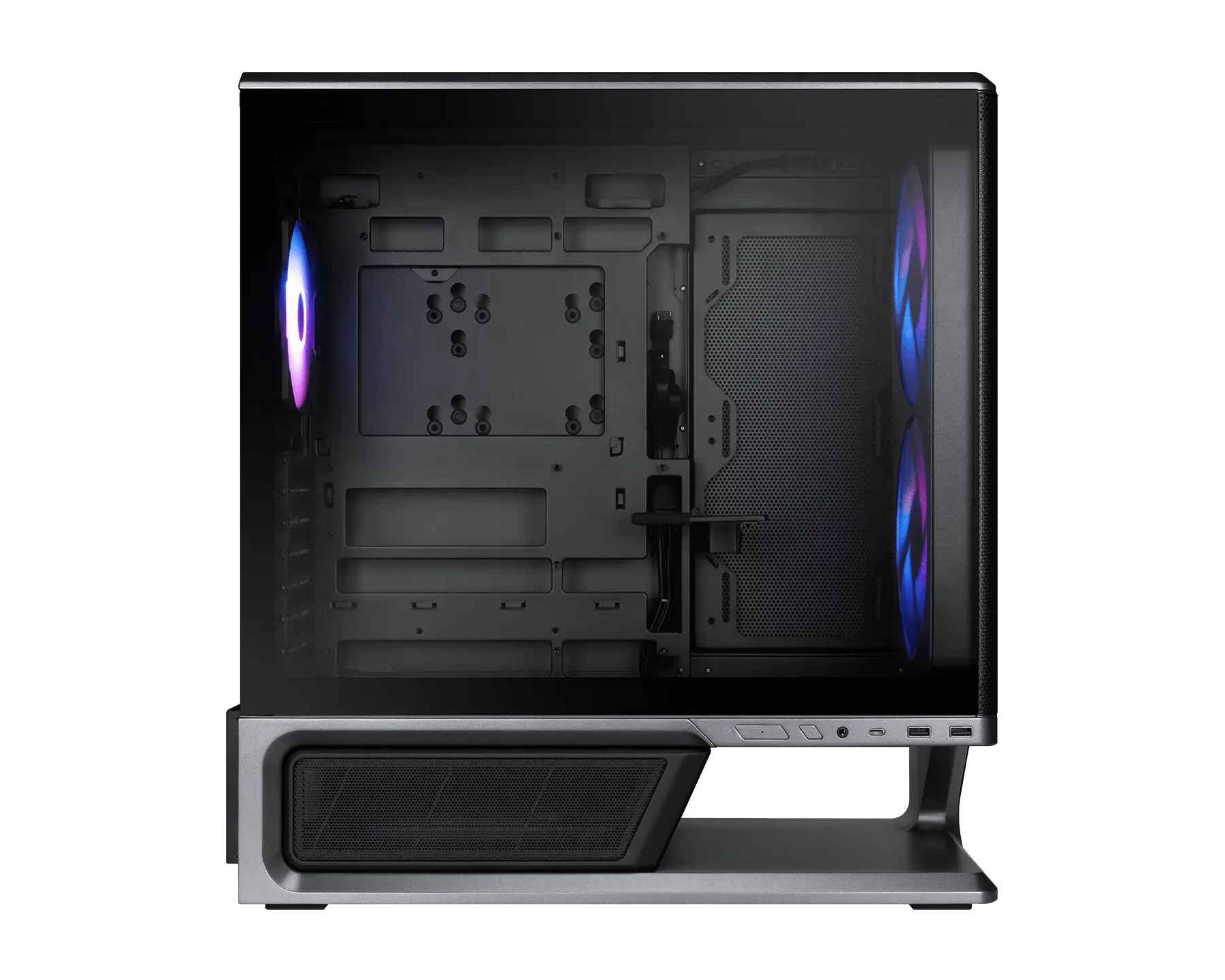
MSI has introduced the MPG Vixta 300R PZ and MPG Vixta 300R Airflow PZ, two new mid-tower cases featuring back-connect motherboard compatibility and a floating base design.
MSI builds the MPG Vixta 300R PZ (via ITHome) with a seamless L-shaped, fully tempered glass panel. This chassis features a floating base design providing 75mm of intake space to optimise airflow from the bottom. Three pre-installed fans are included – two 140mm ARGB side fans and one 120mm rear ARGB fan. Hardware support covers standard ATX, Micro-ATX, and Mini-ITX motherboards, as well as back-connect ATX and Micro-ATX form factors. Components can measure up to 420mm long for the GPU, 165mm tall for the CPU cooler, and 190mm long for the PSU.
Taking an alternative approach, the MPG Vixta 300R Airflow PZ trades the curved glass for an unrestricted mesh front panel. The case relies on an EZ-Snap front panel design that powers its two pre-installed 160mm front ARGB fans via wireless pogo pins. A single 120mm rear ARGB fan is also included. Because of the front fan layout, the maximum supported GPU length drops to 390mm, while CPU cooler and PSU clearance remain at 165mm and 190mm, respectively. Liquid cooling support on both models allows for radiators up to 360mm on top and up to 240mm on the side.
Both models provide 35mm of cable routing space behind the motherboard tray and feature tool-free panels alongside a magnetic PSU shroud. An adjustable GPU holder and a 1-to-4 ARGB and PWM control board are pre-installed in each chassis. Front panel I/O connectivity includes one USB 20Gbps Type-C port, two USB 5Gbps Type-A ports, and a combined audio jack. Dimensions for the cases measure 455x235x497mm.
KitGuru Says: Which of MSI's MPG Vixta 300R series cases do you prefer?
Following on from reveals at Computex last month, Phanteks is now bringing its new high-end Enthoo Server cases to the market, including both the Enthoo Pro 2 Server V2 and the Enthoo Elite Server
The Enthoo Pro 2 Server V2 features an all-metal exterior, but with lots of mesh for improved airflow. Inside, the chassis supports SSI‑EEB motherboards, 480mm and 360mm radiators, 11 PCIe slots and lots of storage, including up to 10 HDDs or 11 SSDs. Cooling support extends to 15 total fans, with targeted airflow over the CPU and GPU zones.
Phanteks is also launching the Enthoo Elite Server. As you would expect from a case like this, it supports both E‑ATX and SSI‑EEB motherboards, as well as dual PSU and multi‑GPU configurations, with 12 PCIe slots available. Cooling capacity is increased further, with support for up to 29 fans. The Elite Server also ships with additional wheels so it can easily be moved around.
Both cases are available starting this month, with the Enthoo Pro 2 Server V2 priced at £199.90, while the Enthoo Elite Server comes in at £349.90.
KitGuru Says: As we saw at Computex this year, a lot of PC case companies are now primarily focussed on the workstation / server market, a trend that we expect to continue.
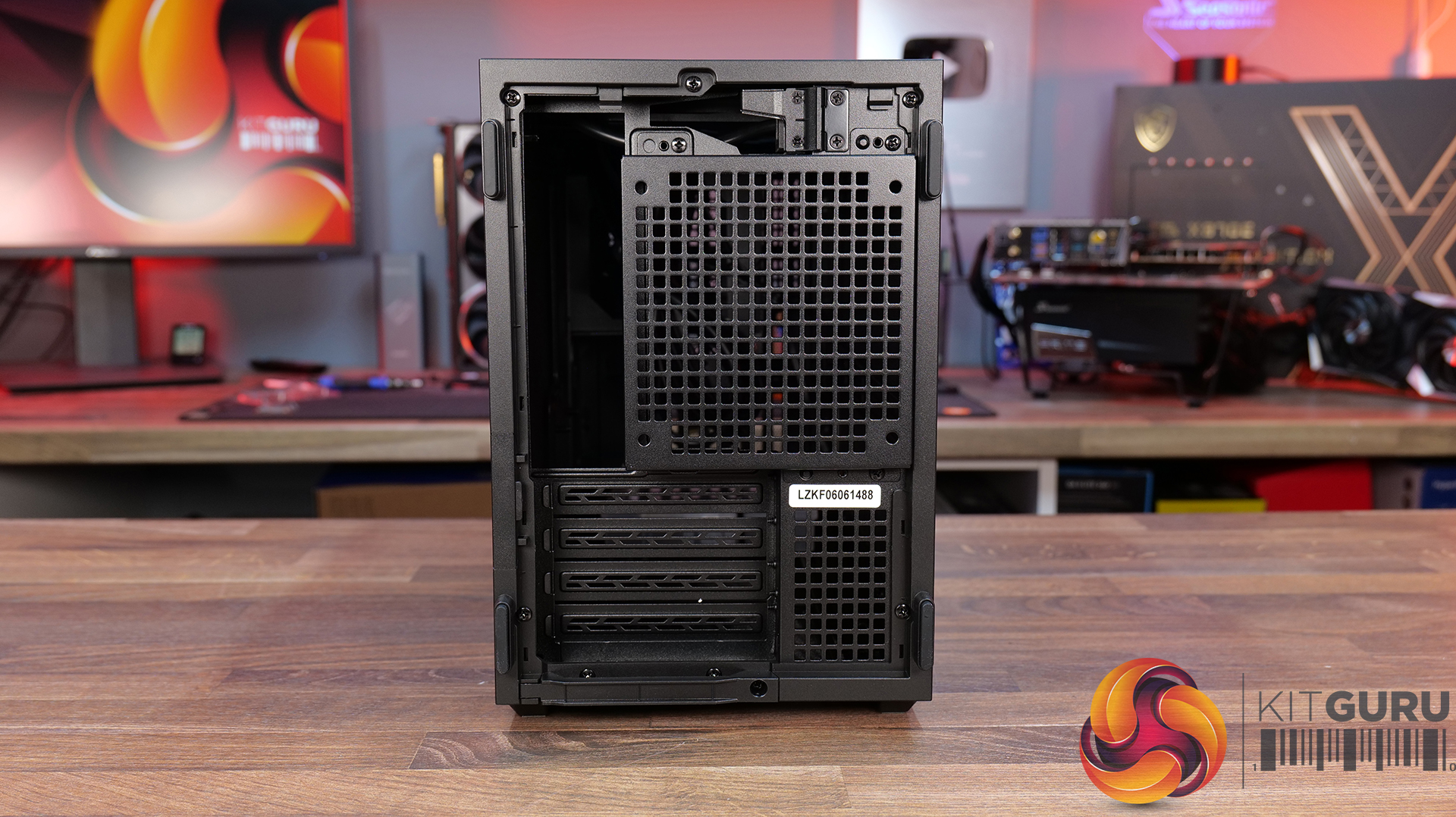
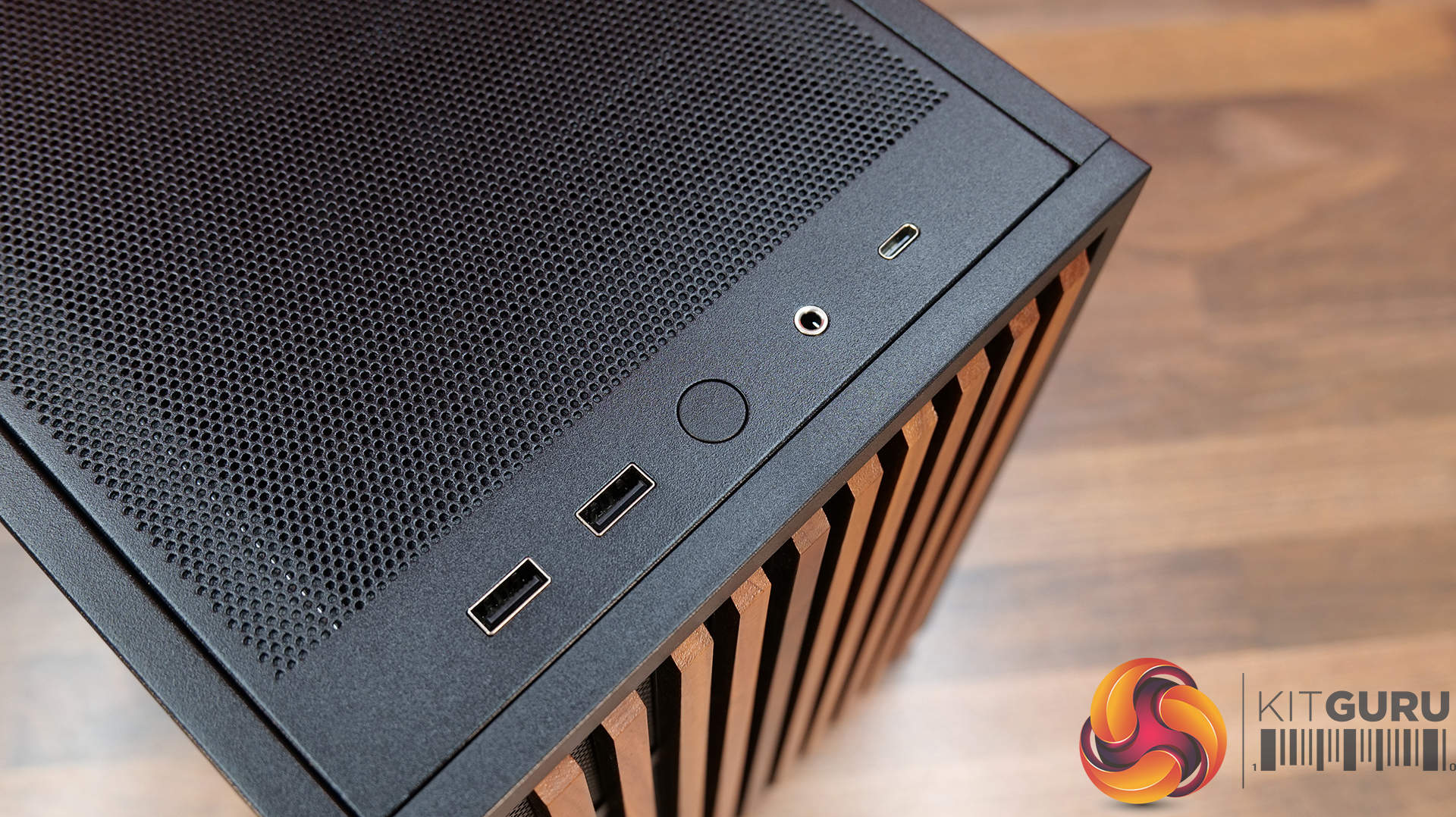
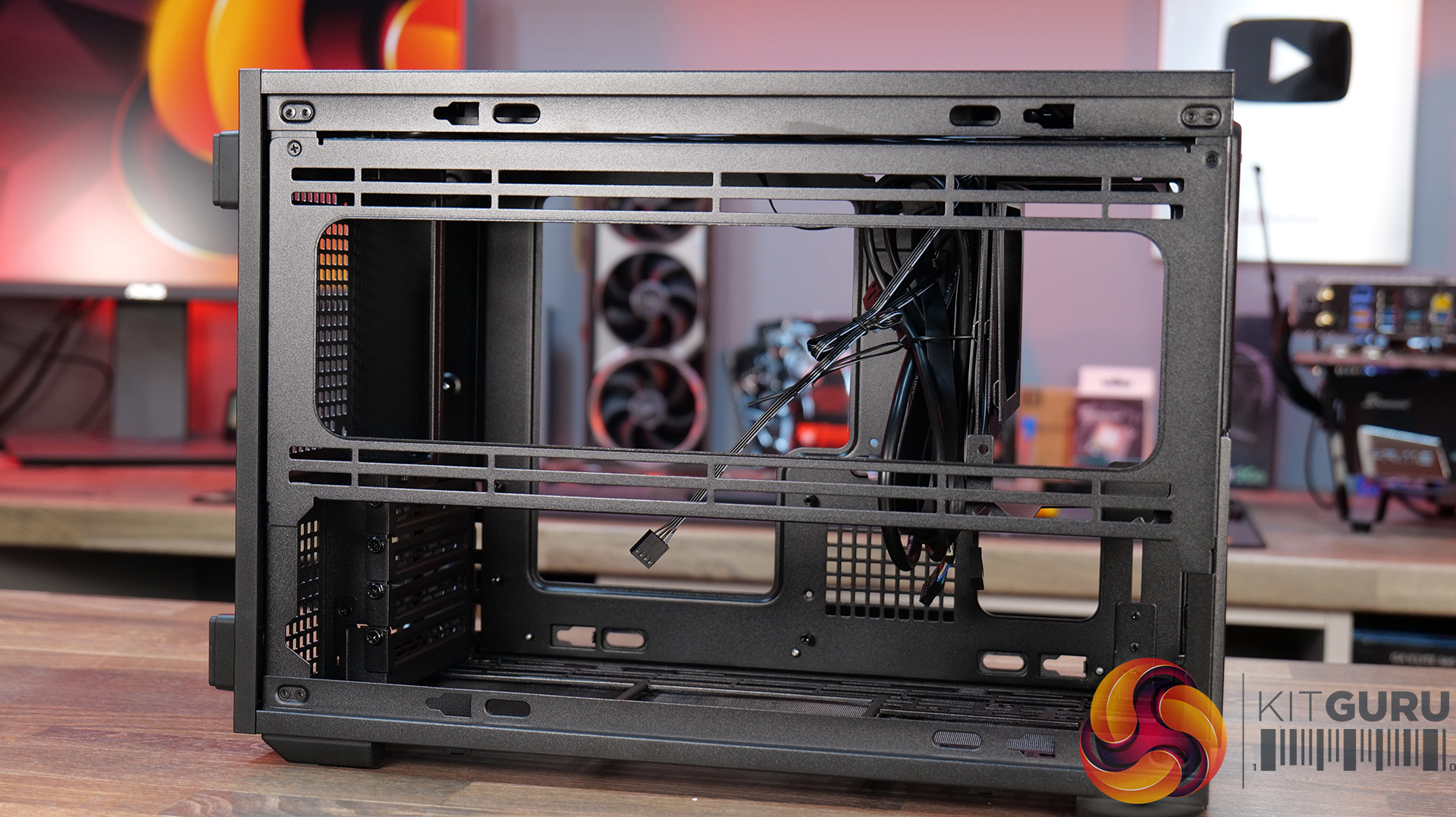
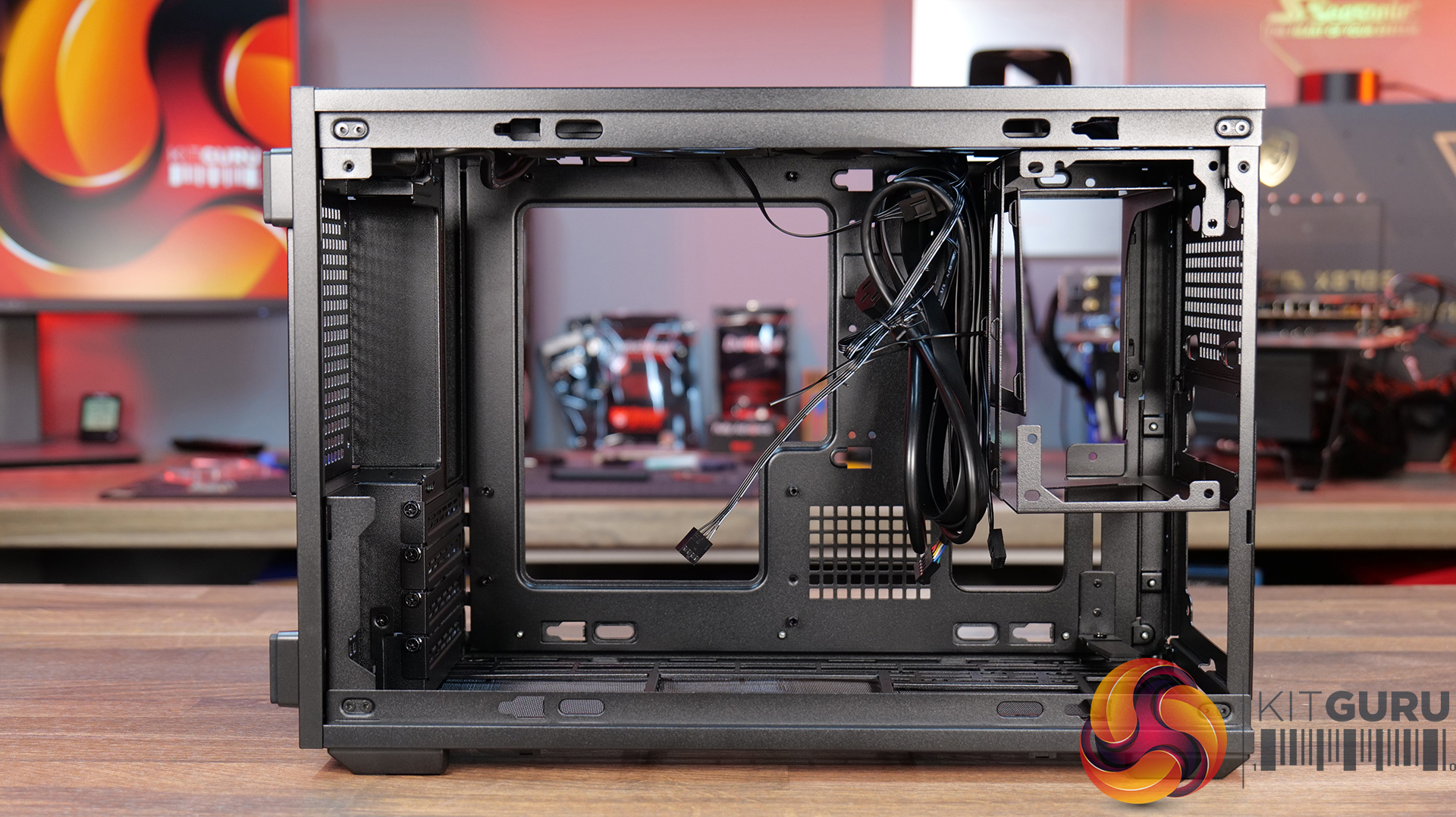
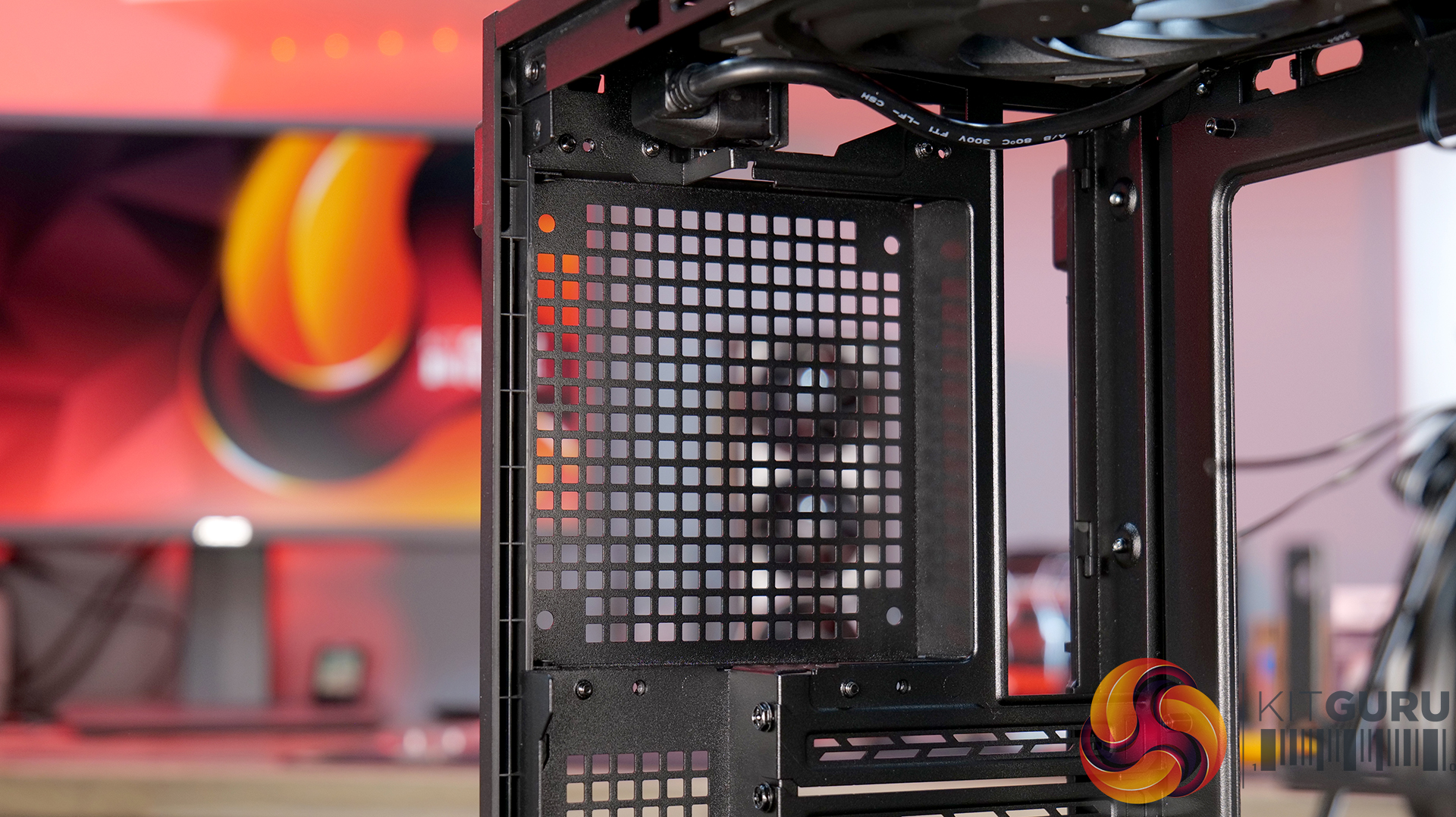
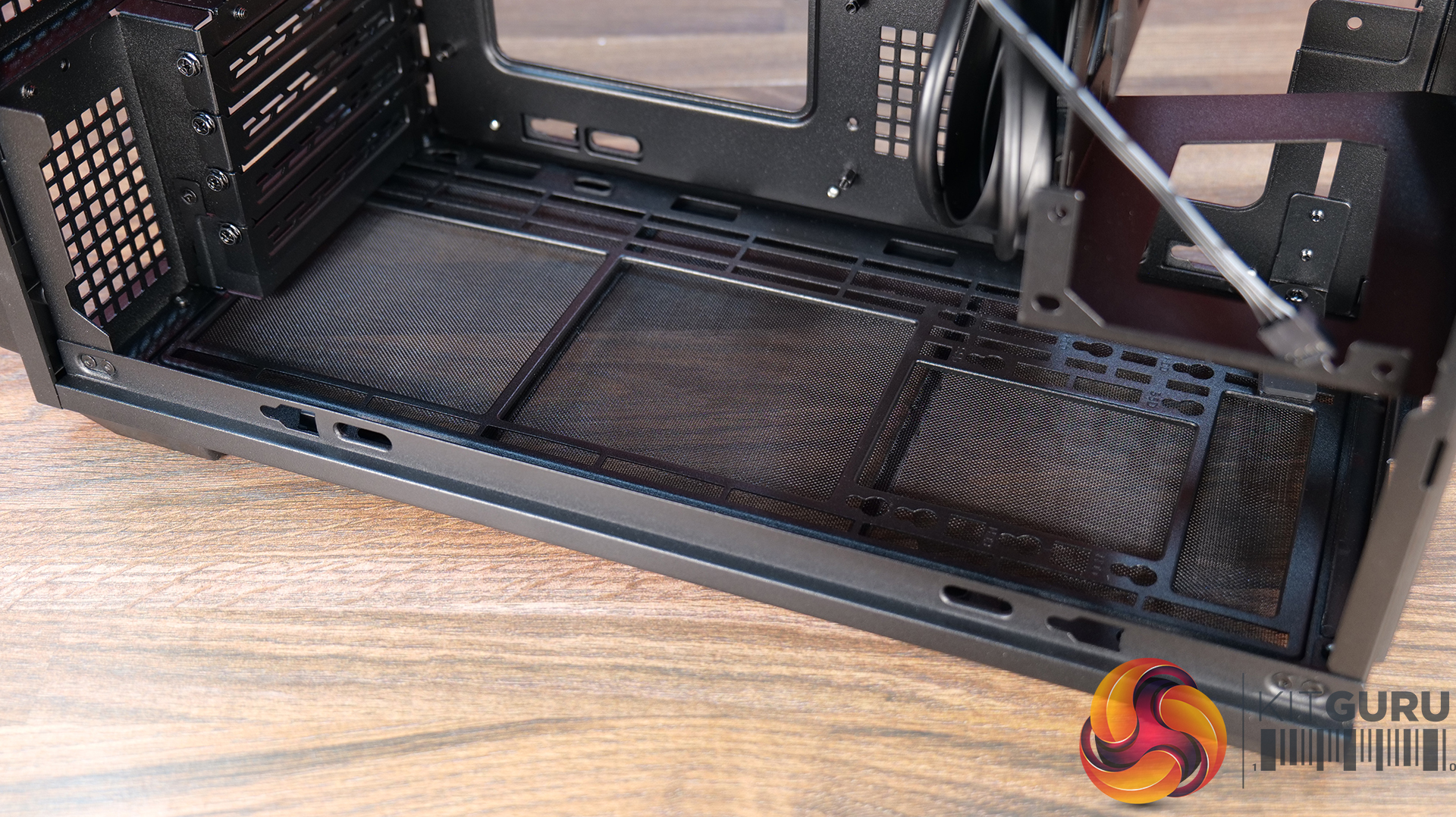
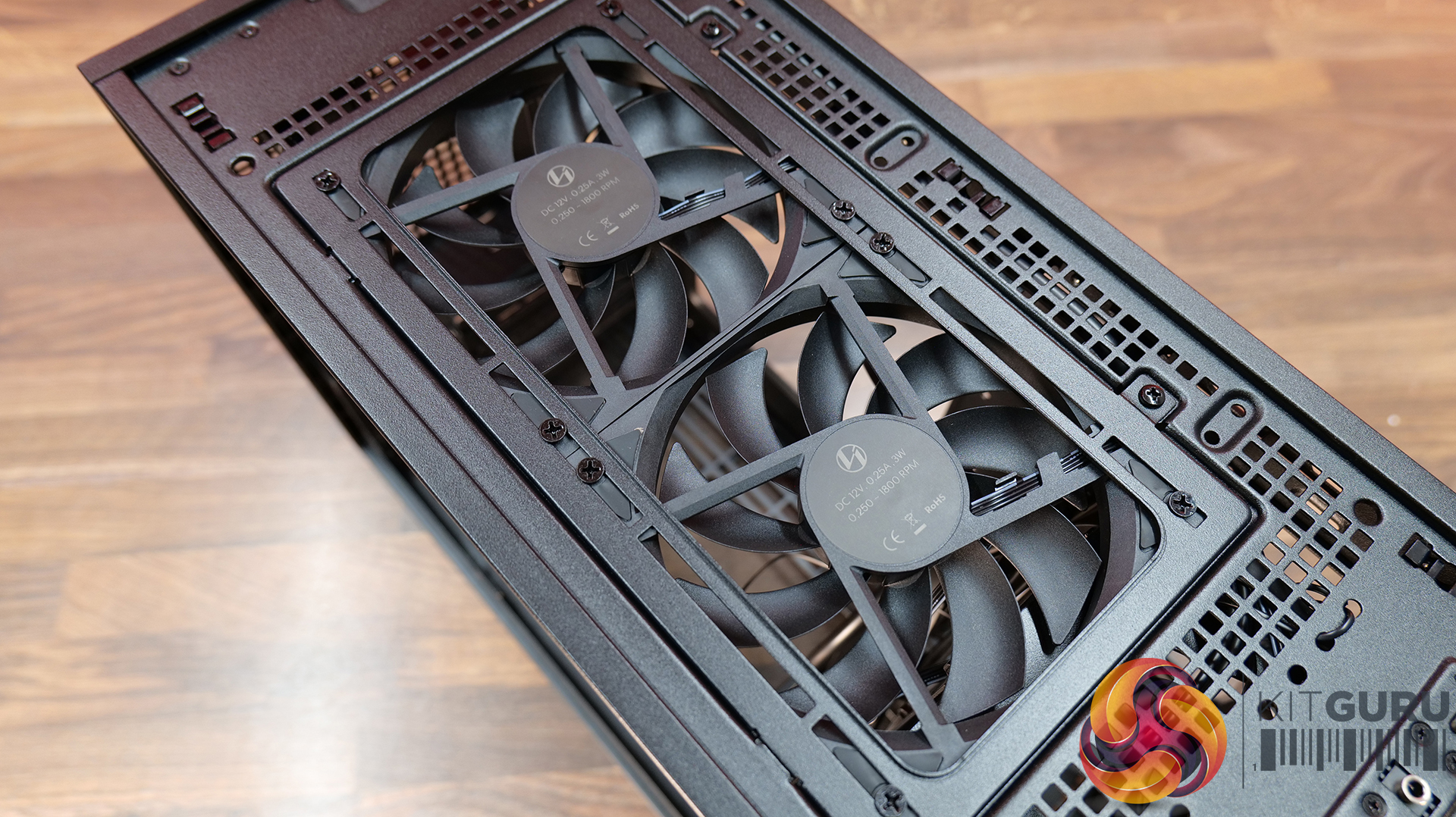
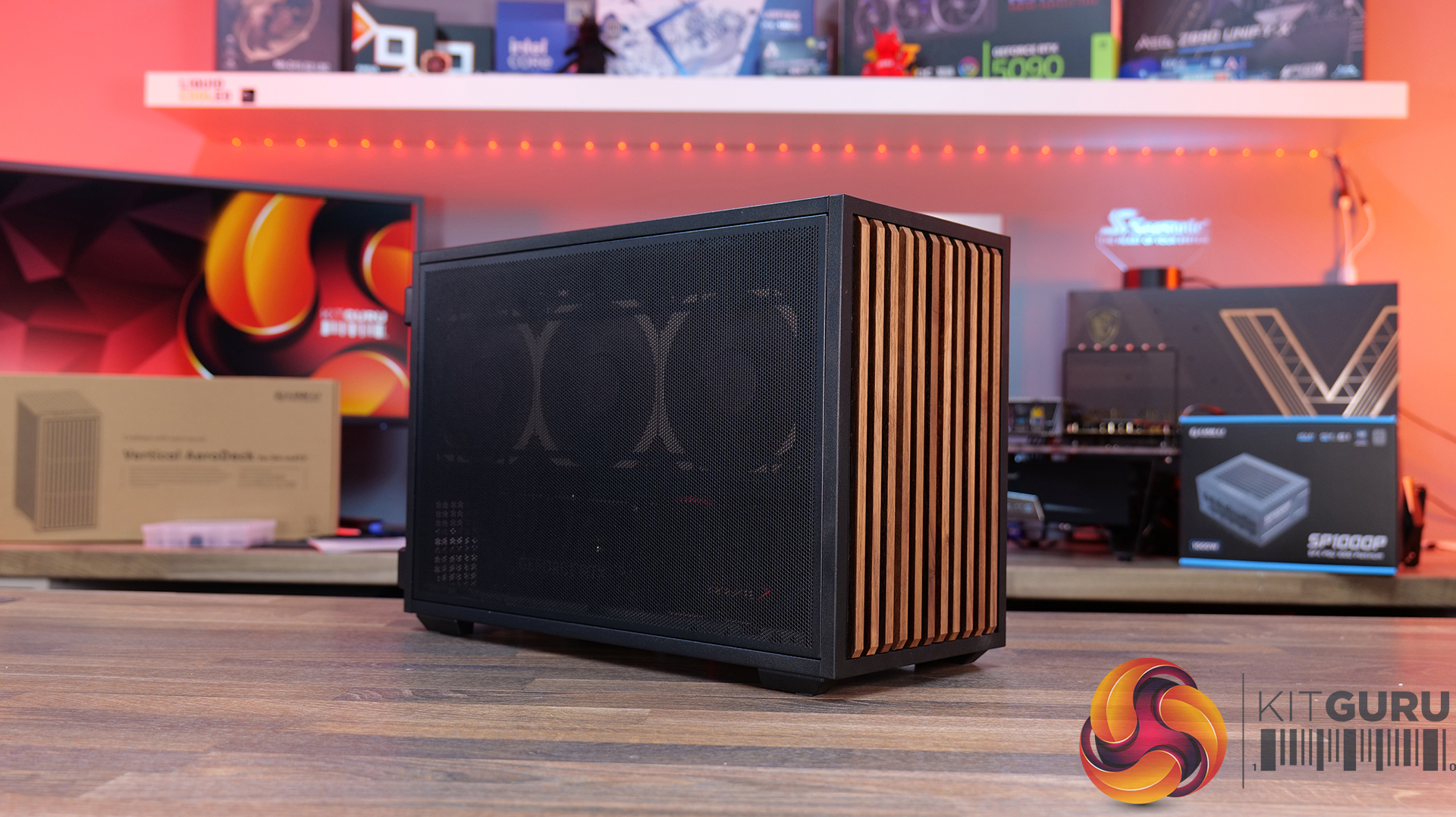
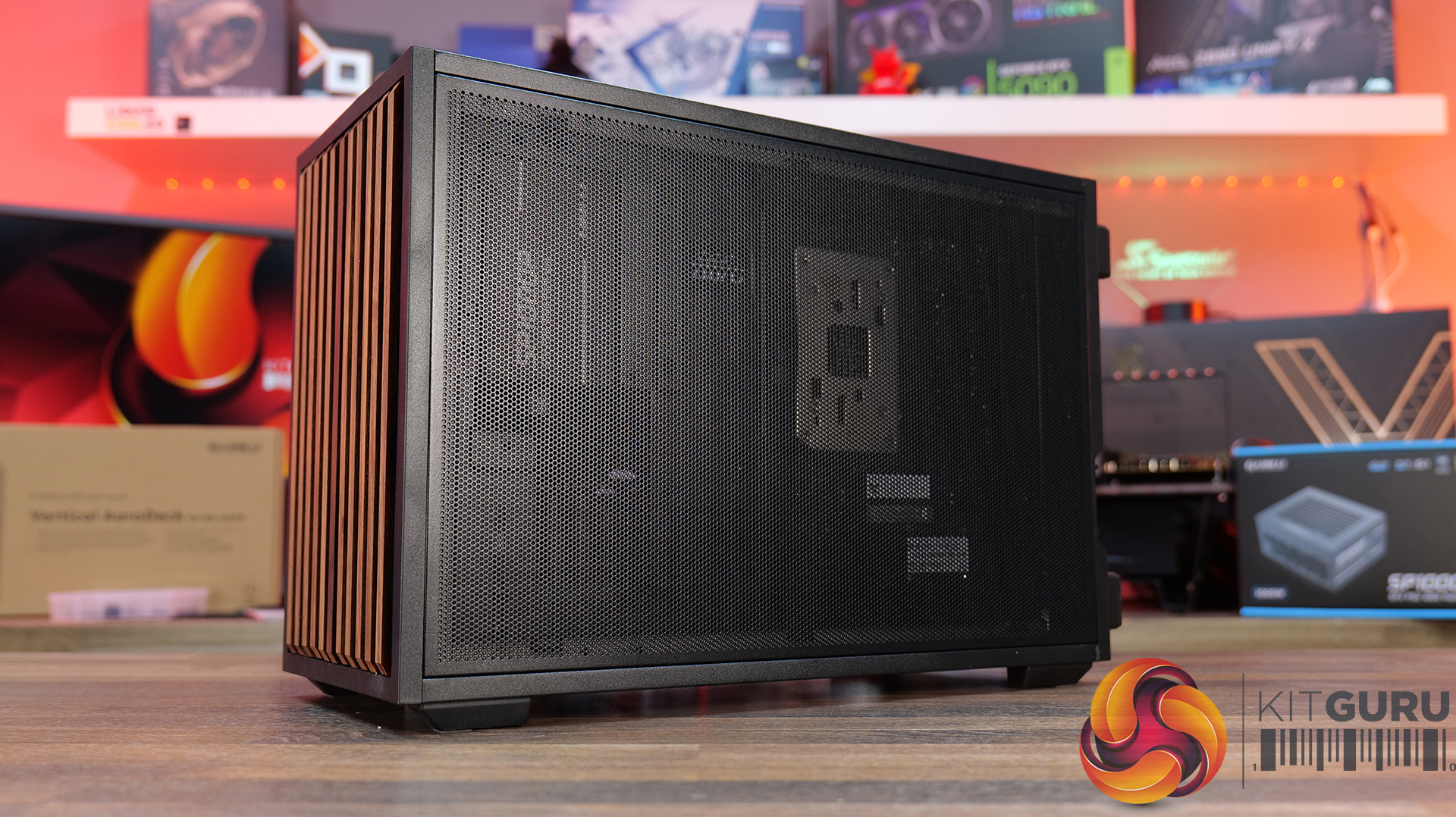
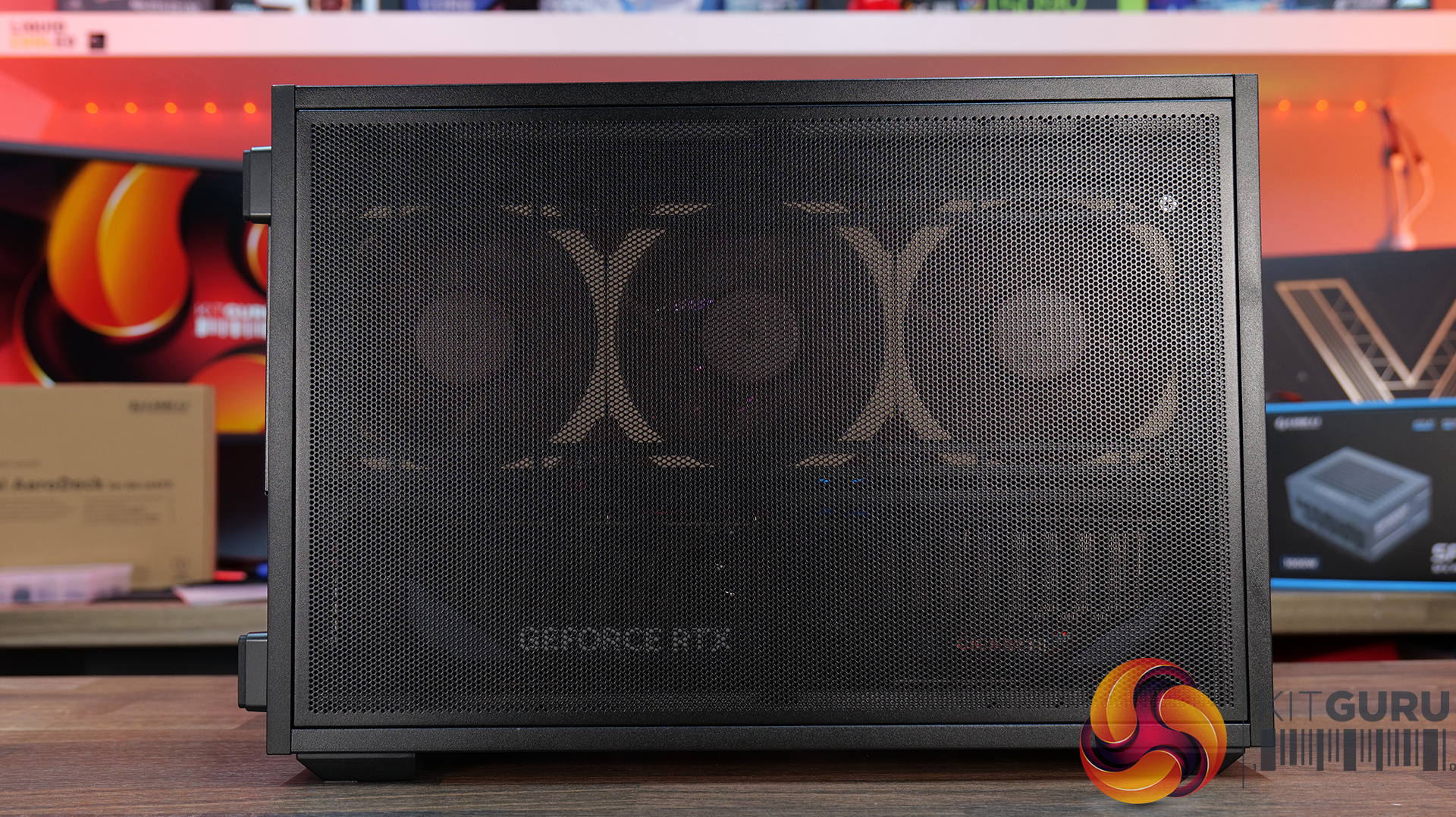
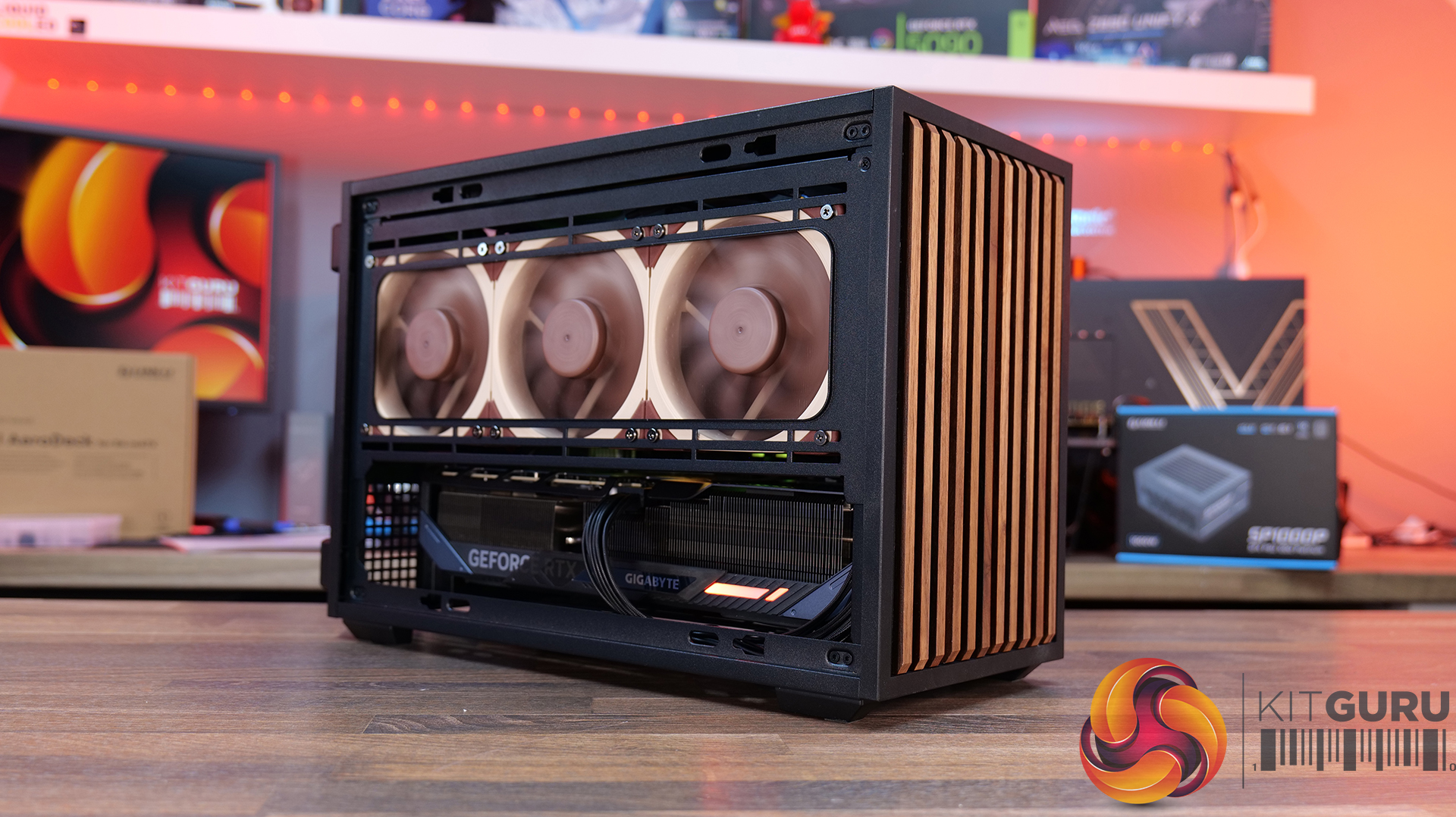
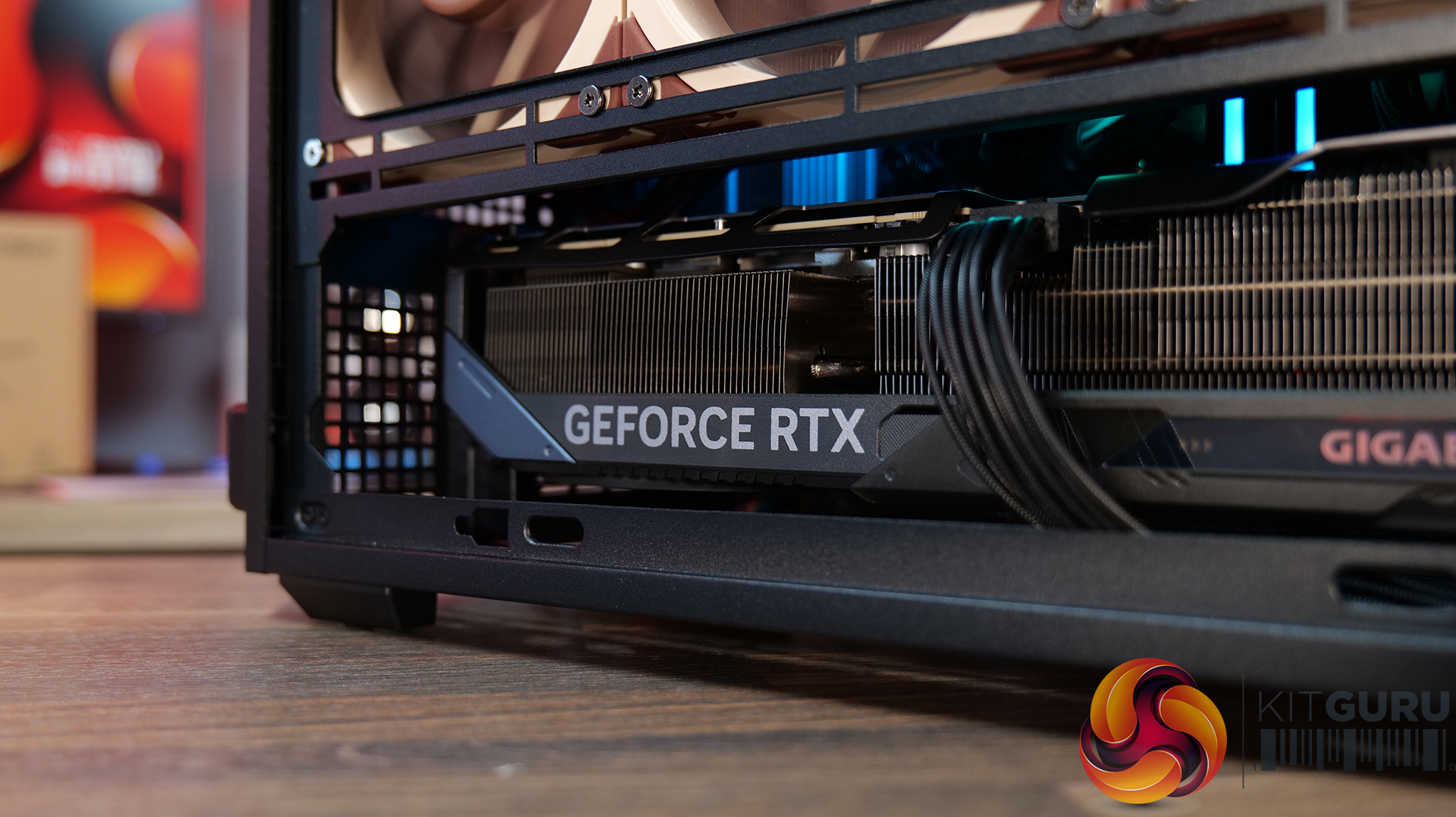
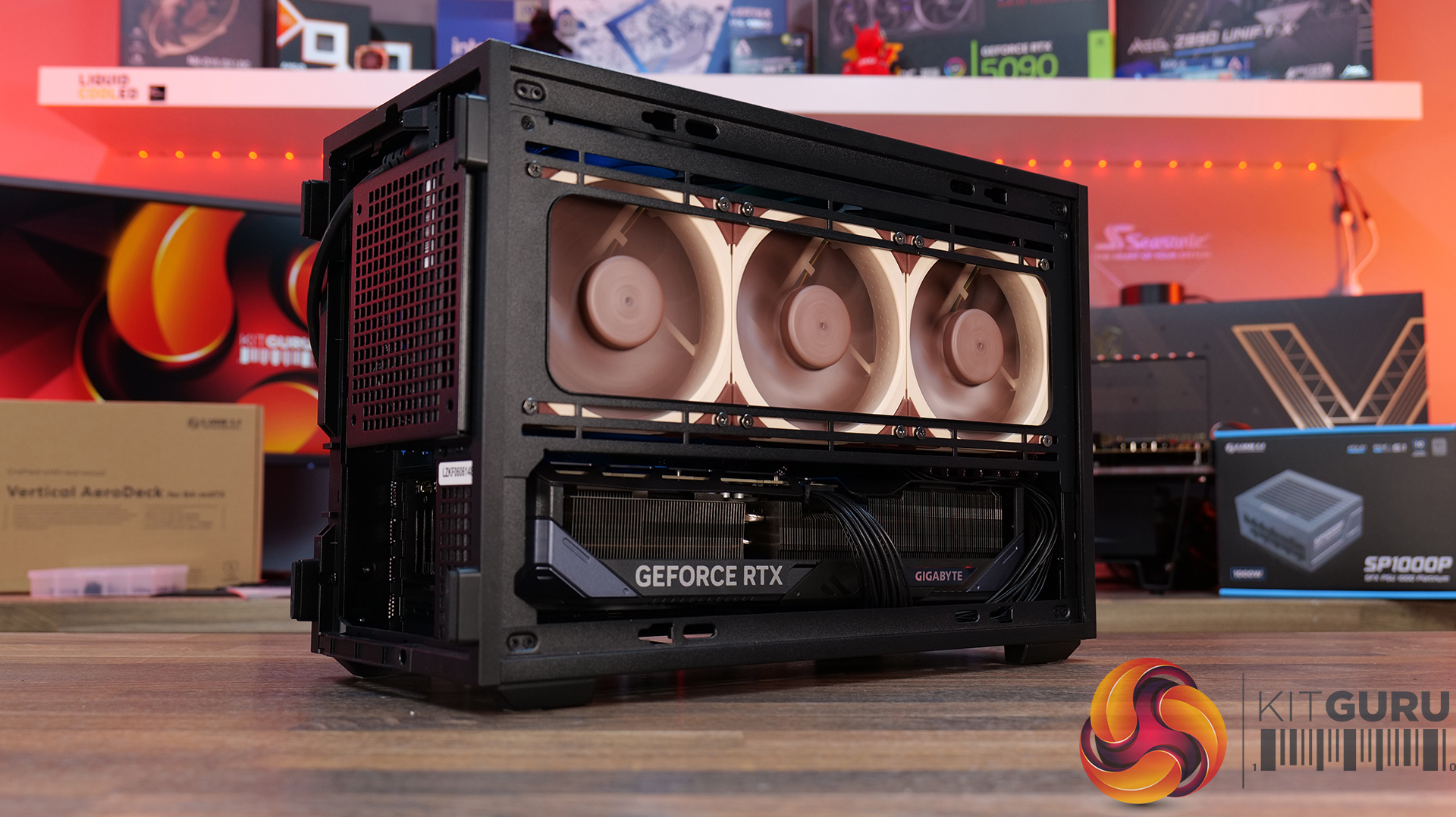
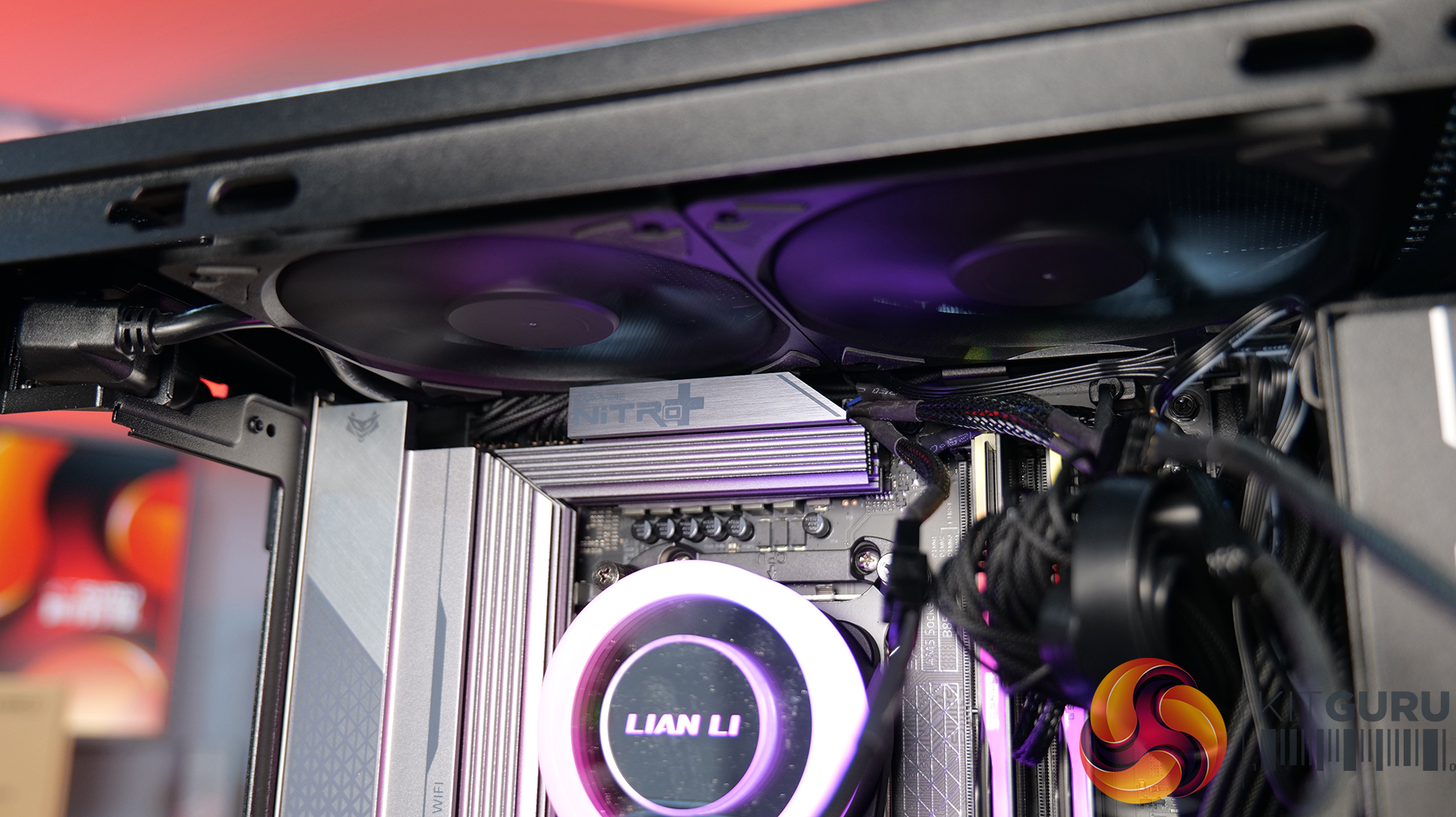
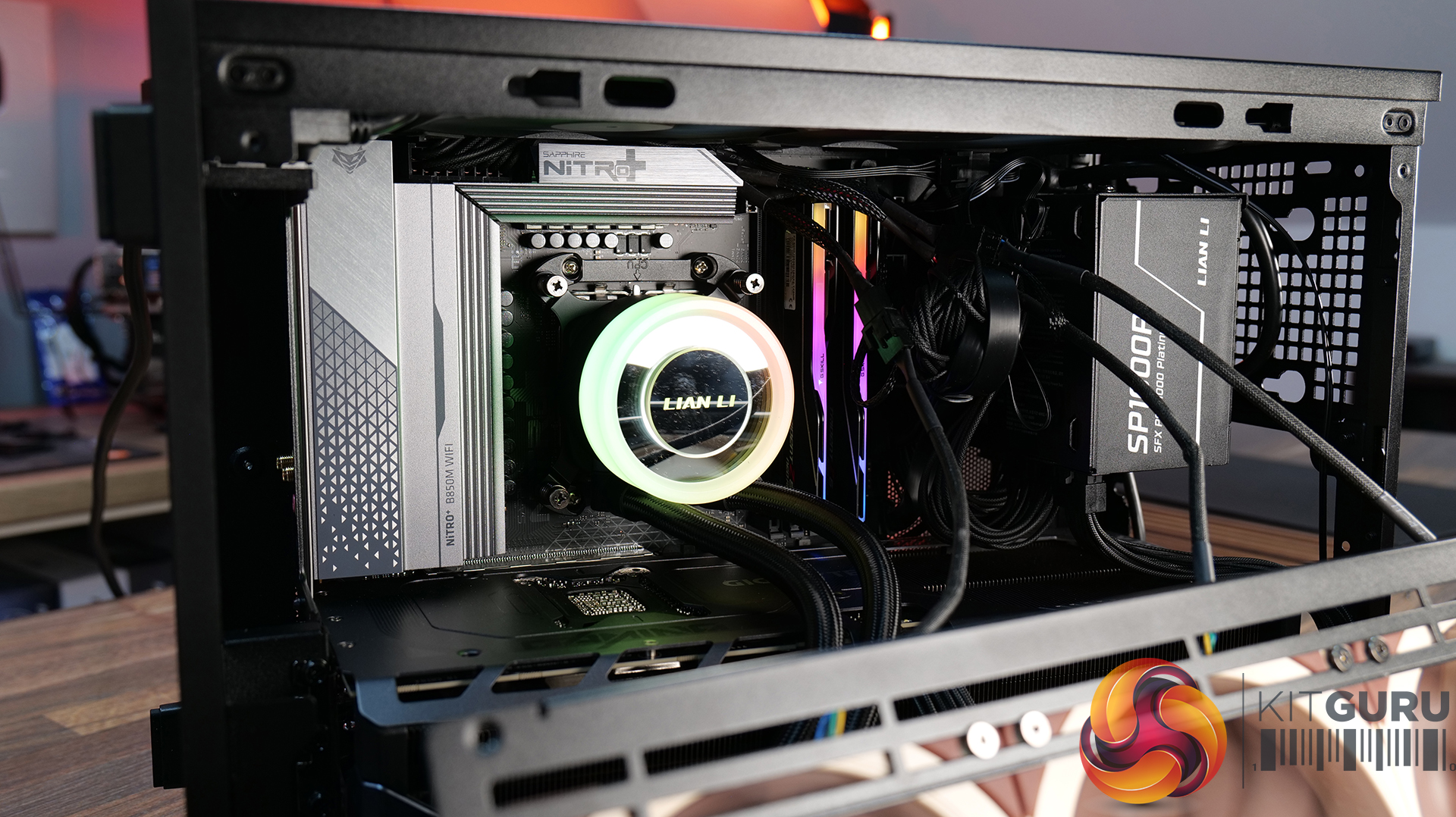
Today we're looking at the Lian Li B4 mATX – a compact, 21.3-litre Micro-ATX case developed in collaboration with DAN Cases. Despite its small footprint, it supports Micro-ATX motherboards, graphics cards up to 358mm long, both ATX and SFX power supplies, and even a 360mm AIO. It also offers the choice of a mesh or real wood front panel, along with the option to run the case horizontally or vertically to better suit your setup. Lian Li is aiming to deliver the hardware compatibility of a much larger chassis in a compact SFF design. In this review, we'll find out if the B4 mATX can deliver on that promise, or not. Let's get into it.
Timestamps:
00:00 Introduction
00:58 Versions / Prices / Extras
01:51 Physical Dimensions / Front I/O
02:26 Removing panels
03:42 Cooling Support
06:25 GPU Anti Sag Bracket / GPU Support
07:25 Motherboard and CPU Air Cooler Support
08:22 Storage Compatibility
08:54 Back of the case
09:53 Left hand side of case
10:38 James thoughts on the layout
11:38 Accessories
12:22 Vertical AeroDeck
13:18 Thermal and Acoustic Performance Testing
15:11 Smoke Test
15:48 Thoughts on Installation
18:38 Closing Thoughts
Features:
Compact 21.3-litre Micro-ATX design with support for Micro-ATX motherboards, graphics cards up to 358mm long, plus the option to position the case horizontally or vertically.
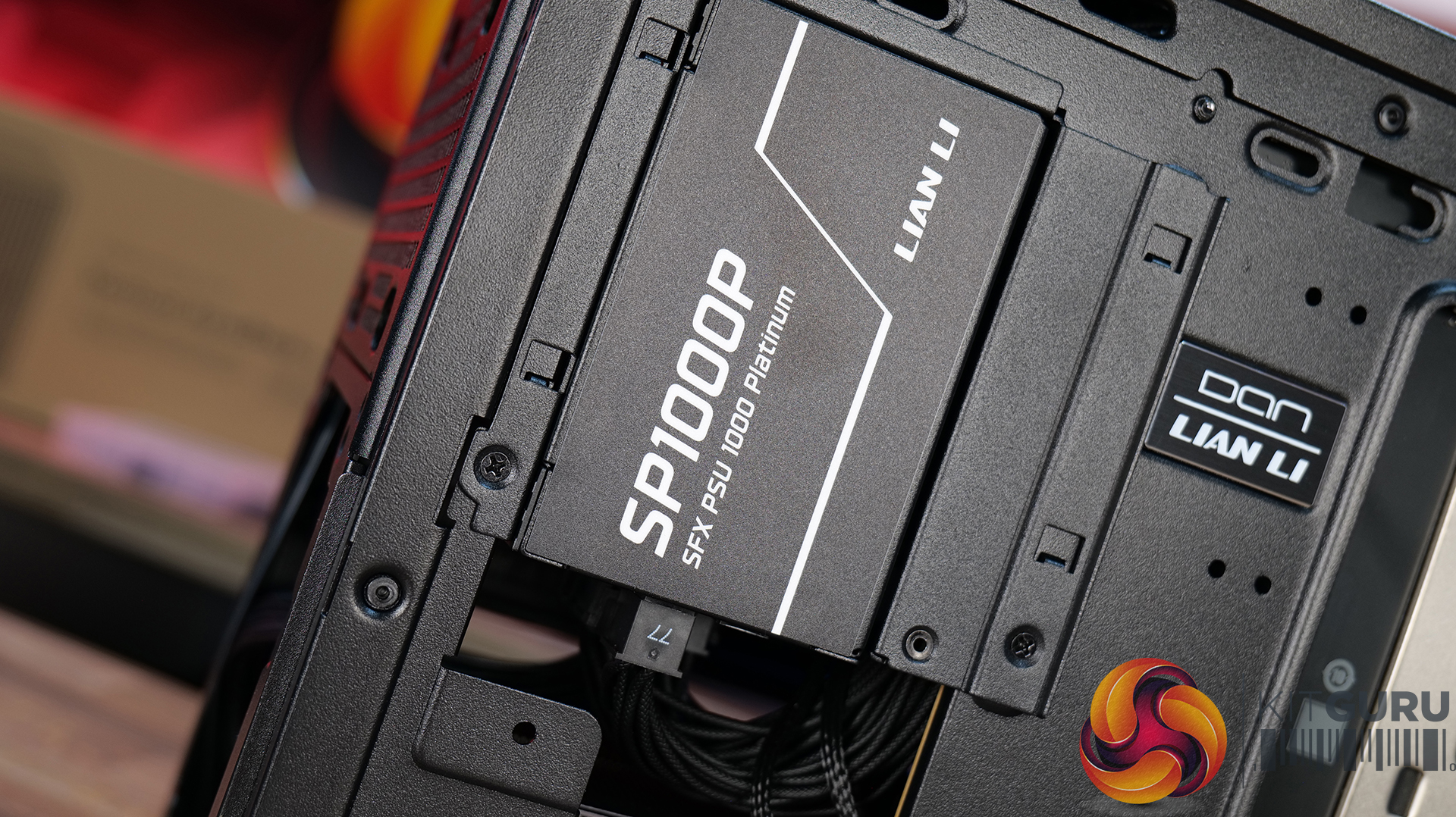
Strong hardware compatibility including support for ATX or SFX power supplies, up to a 360mm side-mounted AIO with an SFX PSU, and CPU air coolers up to 162mm tall.
Choice of mesh or real wood front panels combined with modular brackets, pre-installed slim fans and flexible cooling layouts designed to maximise performance in a compact chassis.
Specifications:
Case Type: Micro ATX
Dimensions (LxWxH): 420mm x 191mm x 288mm
Materials: Steel, Wood (Walnut / Beech), Plastic
Motherboard Support: Micro-ATX, Mini-ITX
Reverse Connector motherboard support: No
Expansion Slots: 4
Storage bays: Front 2.5” SSD x 1, Bottom 3.5” HDD x 1 or 2.5” SSD x 1
Max GPU Length: 358mm
Max CPU Cooler Height: 162mm (168mm without side fan bracket)
PSU Type: ATX/SFX
Cable Routing Space: N/A
Supplied Fans: 120 x 120 x 15mm (x2)
Fan Support: 120mm x 2(Top), 120mm x 1 (Front, With SFX PSU Only), 120mm x 3 / 140mm x 2 (L/H Side With SFX PSU), 120mm x 2 / 140mm x 2 (L/H Side With ATX PSU), 120mm x 1 (Rear), 120 mm x 3 / 140mm x 2 (Bottom)
Font I/O: USB 3.0 Type A x 2, Power Button x 1, Audio x 1, USB 3.2 Type C x 1
Thermal Performance Testing
To simulate thermal demand, we run the Cinebench R23 multi-thread benchmark and 3DMark Speed Way stress test simultaneously in a loop for 30 minutes to load the system fully. This gives the CPU and GPU enough time to reach constant steady-state temperature. With this data, we can compare how the system handles the thermal demand and measure peak noise levels.
Thermal performance is measured with the case in various configurations, such as the default, with the tempered glass left-hand side panel removed and with the front panel removed to see how these configurations affect the CPU and GPU temperature. During testing, only stock case fans are used unless otherwise specified. All water pumps are set to maximum RPM and fans are set to a custom RPM curve by the Motherboard software/BIOS.
All temperature measurements are presented as Deltas – meaning the ambient temperature has been deducted from the CPU temperature, giving us a Delta. Data shown in the charts represents the average component temperature over the length of the test as measured by HWiNFO, and then the last 15 minutes of the data are calculated to get the average. The ambient temperature during thermal tests is between 19-20⁰C.
We test case thermals using a 360mm AIO as Intake at the side and with the case in several different fan configurations. The default configuration shown in the charts is with the side-mounted 360mm AIO cooler and 2 x 120 mm x 15 mm top exhaust fans and with all case panels installed.
Thermal performance good overall, with the B4 mATX delivering consistent CPU and GPU temperatures across all four test configurations. The default AIO setup performs well, but removing the top fans results in a increase to both CPU and GPU temperatures, so those exhaust fans play an important role in the case's airflow design.
Running the case vertically with the optional AeroDeck produces the best GPU temperature while matching the lowest CPU result, so the additional cost could be a worthwhile improvement to graphics cooling. most interestingly, removing the top, front and side panels offers no benefit over the AeroDeck configuration, indicating that the B4 mATX's airflow is well optimised in its standard configuration.
Noise Output
Acoustically, the B4 mATX offers a balance between cooling performance and noise, with only slight variation between the different test configurations. The default setup produces the same idle noise level as both the AeroDeck and top fan removed configurations, while load noise remains close across test configurations.
The vertical AeroDeck configuration is slightly quieter under load due to the lower GPU temperature and fan speed, but the differences are small enough that they're unlikely to be too noticeable in day-to-day use.
Closing Thoughts
Considering its compact dimensions, Lian Li has packed an impressive amount of hardware support into the B4 mATX including large 4 slot graphics cards, ATX power supplies and up to a 360mm AIO, making it more versatile than some small form factor chassis in this price bracket. There’s a good balance between compact dimensions and practicality, giving enthusiasts flexibility without forcing them into buying expensive SFX power supplies or low-profile cooling solutions.
Thermal performance is respectable too. While the B4 mATX isn't class-leading in terms of cooling, it does an adequate job for a chassis of this size and should have no trouble handling high-performance gaming hardware when configured correctly. Combined with the excellent build quality we've come to expect from Lian Li, the chassis feels well engineered, with premium materials and a solid build for the MSRP asking price.
That said, the B4 mATX isn't without compromise. As with many compact cases, component compatibility depends heavily on the exact hardware combination you choose. Installing larger graphics cards, radiators or longer power supplies can have a knock-on effect elsewhere in the build, so planning your component selection is essential. Cable management is also more challenging than it should be, with limited routing space making it difficult to achieve a clean build, while some cables can easily get in the way of the top fans if you're not careful during assembly too.
There are also a couple of smaller details that could have been better executed. The included GPU anti-sag bracket is a useful feature, but its compatibility with some graphics cards is limited. None of these issues are deal breakers, it’s still a very capable compact chassis.
Overall though, the Lian Li B4 mATX delivers a solid combination of build quality, hardware compatibility and sensible pricing, making it an easy case to recommend for anyone wanting to build a powerful mATX gaming system without taking up too much desk space.
The Lian Li B4 mATX is available to purchase now from Scan priced at £73.99 HERE.
Pros:
Can support high-end hardware depending on configuration.
For a compact case, cooling support is good.
Build quality is excellent.
Cons:
GPU anti-sag arm is incompatible with some graphics cards.
Hardware compromises depending on configurations.
Cable routing is awkward and some cables can get trapped in fans.
KitGuru says: For a small case, the B4 mATX packs in some good features but there are some hardware compromises depending on what setup you run though this is to be expected from such a compact mATX case.
COUGAR has officially introduced the new Cougar CFV220 RGB mid tower PC case, expanding its growing lineup of gaming chassis. The case was first shown during Computex 2026 and is now available as a more compact version of the larger CVF235 model.
The CFV220 RGB features a stylish design with three tempered glass panels that allow users to showcase their hardware. It measures 235 x 504 x 446 mm and includes a ventilated lower chamber with built-in ARGB lighting to improve airflow while adding visual appeal.
The chassis supports a wide range of motherboard sizes, including Mini-ITX, Micro-ATX, ATX, and back-connector designs. This gives builders plenty of flexibility when planning a new PC build.
For cooling, Cougar includes three pre-installed 120 mm ARGB PWM fans. Two fans are located at the bottom as intake fans, while a third fan is installed at the rear for exhaust. These fans can operate at speeds of up to 2200 RPM and support motherboard RGB synchronization through standard 5V ARGB and 4-pin PWM connections.
Users can further expand cooling by installing up to six fans in total. The top panel supports either three 120 mm fans or two 140 mm fans. It can also accommodate up to a 360 mm liquid cooling radiator, making the case suitable for high-performance gaming systems.
The CFV220 RGB offers generous hardware compatibility. It supports graphics cards up to 420 mm long, CPU coolers up to 170 mm tall, and power supplies up to 160 mm in length.
Storage options include one 3.5-inch drive bay and one 2.5-inch drive bay. Users can convert the 3.5-inch bay into an additional 2.5-inch mounting location if needed. The case also includes seven expansion slots for add-in cards.
On the front I/O panel, users will find a high-speed USB 3.2 Gen 2×2 Type-C port capable of 20 Gbps transfers, two USB 3.0 Type-A ports, a combo audio jack, and a dedicated RGB control button. A removable sliding dust filter is also included to help keep the system clean.
Cougar CFV220 RGB PC case availability and price
The Cougar CFV220 RGB will be available in both black and white color options. The company has not yet revealed pricing or availability details, but the case brings a strong mix of style, cooling performance, and hardware support for modern PC builders.
Thermaltake has officially launched the new CAPO X, a unique full tower PC case designed to run two completely separate systems inside a single chassis. First shown during Computex, the CAPO X is aimed at users who need the power and flexibility of two PCs while saving desk space.
The CAPO X features two independent motherboard chambers, with each section supporting microATX motherboards. The case is also compatible with rear-connector motherboard designs such as ASUS BTF, MSI Project Zero, and Gigabyte Project Stealth, helping users create cleaner-looking builds with better cable management.
Both compartments offer plenty of room for high-end hardware. Users can install graphics cards up to 420 mm long, CPU air coolers up to 180 mm tall, and ATX power supplies up to 250 mm in length. Each chamber also supports a 360 mm radiator, allowing both systems to have their own dedicated cooling setup.
Storage is handled separately as well. Dedicated 2.5-inch drive mounts are available in each compartment, allowing both systems to operate independently with their own operating systems, applications, and data.
Thermaltake has also equipped the CAPO X with separate front I/O panels for each system. The upper system gets its own controls near the top-left area of the case, while the lower system has a dedicated panel positioned near the front-bottom section. Each panel includes one USB Type-C 10 Gbps port, two USB Type-A 5 Gbps ports, audio connections, and power and reset buttons.
Built from 1 mm SPCC steel, the CAPO X measures 691 x 305 x 448 mm. A large 4 mm curved tempered glass side panel covers both system compartments, giving users a clear view of their hardware.
While the case targets a specific audience, it opens up several interesting possibilities. Users can build a gaming PC alongside a dedicated streaming machine, pair a workstation with an AI system, or simply run two computers in one enclosure to reduce clutter.
Thermaltake CAPO X dual system case pricing
The Thermaltake CAPO X is available in both black and white color options. The company has priced the chassis at 1,270 yuan, which is roughly $187.
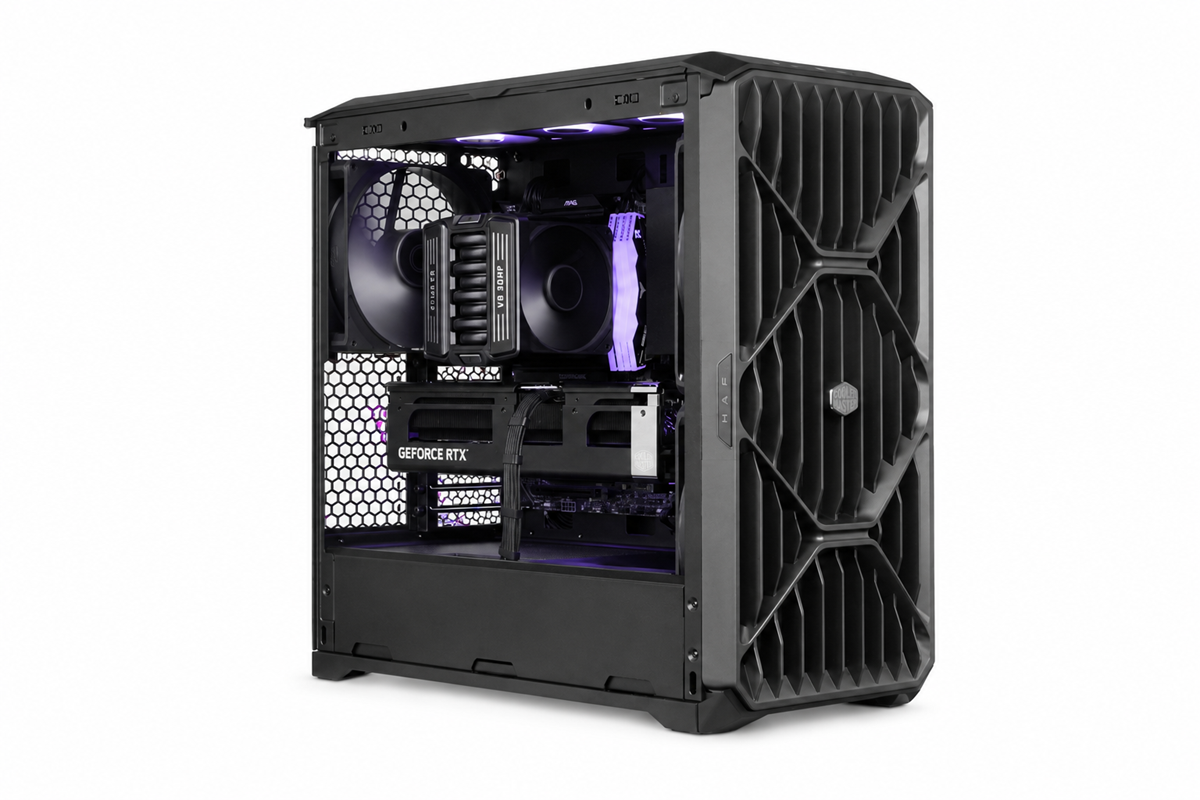
Cooler Master has introduced the HAF II 500, a new high‑end airflow case built around oversized 220mm and 180mm fans to deliver stronger cooling performance at lower noise levels.
Cooler Master says the HAF II 500 was engineered to move significantly more air without raising system noise. The case centres on a fan configuration not typically seen in DIY PC cases, offering a massive 220mm intake fan and a larger than usual 180mm exhaust. The F220 intake fan is rated for up to 203.8 CFM at 36dB(A), while the V180 exhaust fan is capable of 161.5 CFM at 34dB(A). The idea behind this is to create balanced airflow without filling every single fan slot.
Accommodating fans of this size required changes to the chassis layout. The HAF II 500 uses a split‑level internal design that reallocates space normally reserved for cable management, allowing room for the 180mm exhaust fan without increasing the case’s footprint. Zoned cable routing and an integrated Sliding Cable Cover help maintain clean airflow paths, while large front and rear ventilation openings reduce resistance at lower RPMs. An Airflow Divider also directs a dedicated stream of air toward the graphics card, which is often the hottest-running component in the PC.
The case includes Cooler Master’s MasterRail sliding mounting system for flexible fan and radiator placement. With eight expansion slots and support for up to four blower‑style GPUs, the HAF II 500 serves a dual purpose on the market – it will be good for a powerful gaming PC, but it is also a capable chassis for multi-GPU workstations.
The HAF II 500 will be available in Europe starting in September, priced around €184.99.
KitGuru Says: The HAF series has always prioritised airflow, but it will be interesting to see how these oversized fans perform once we can independently test it.
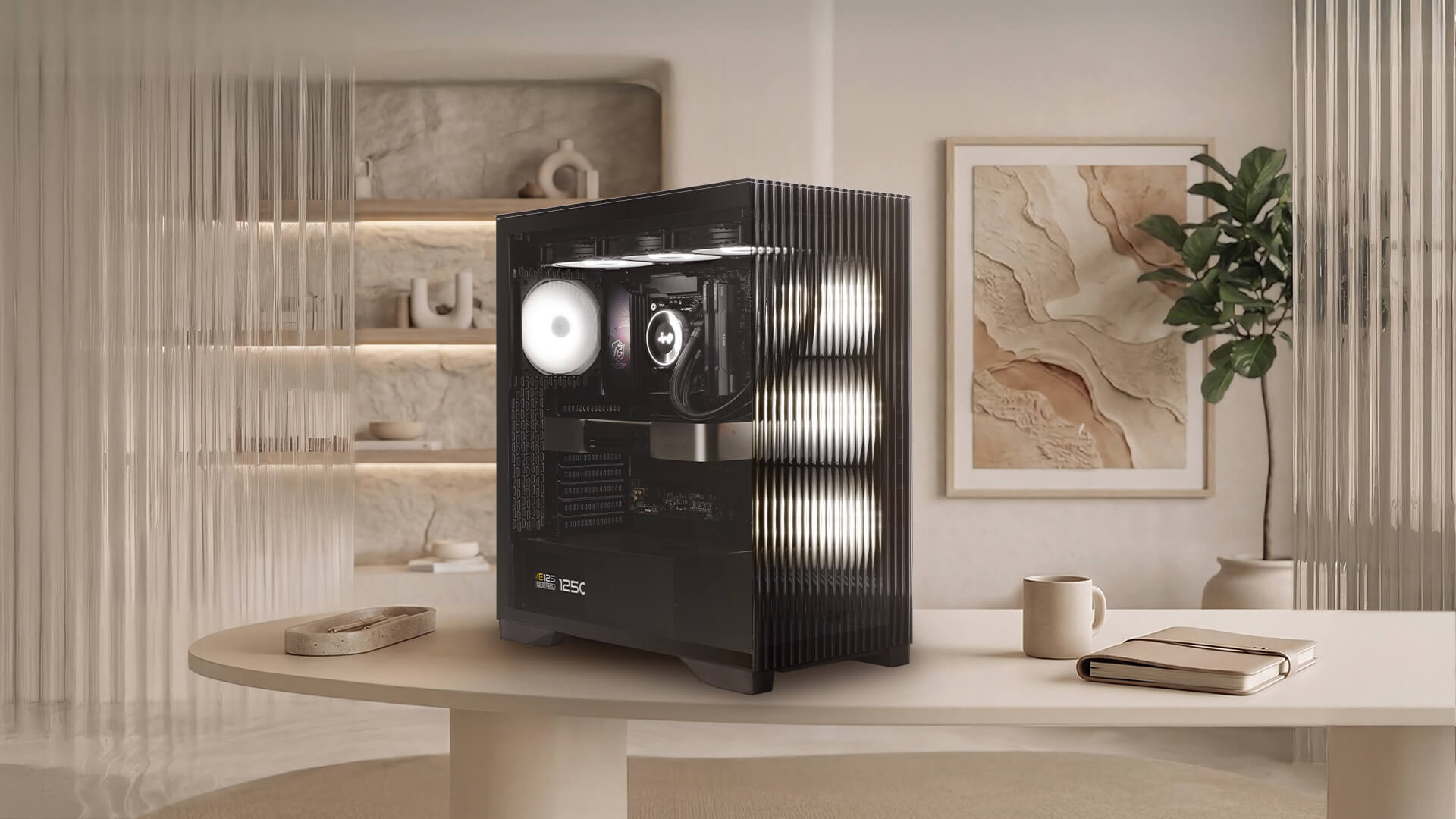
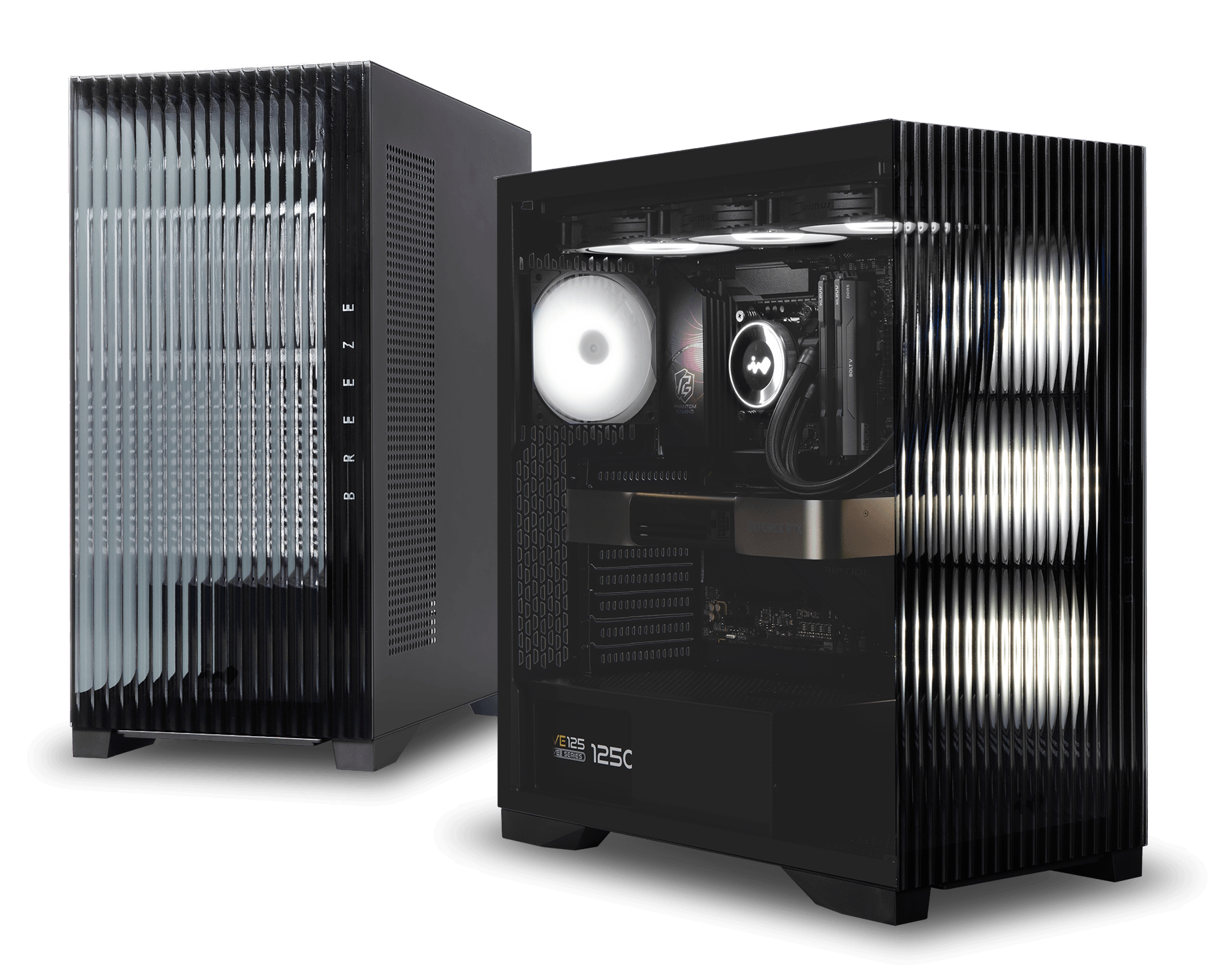
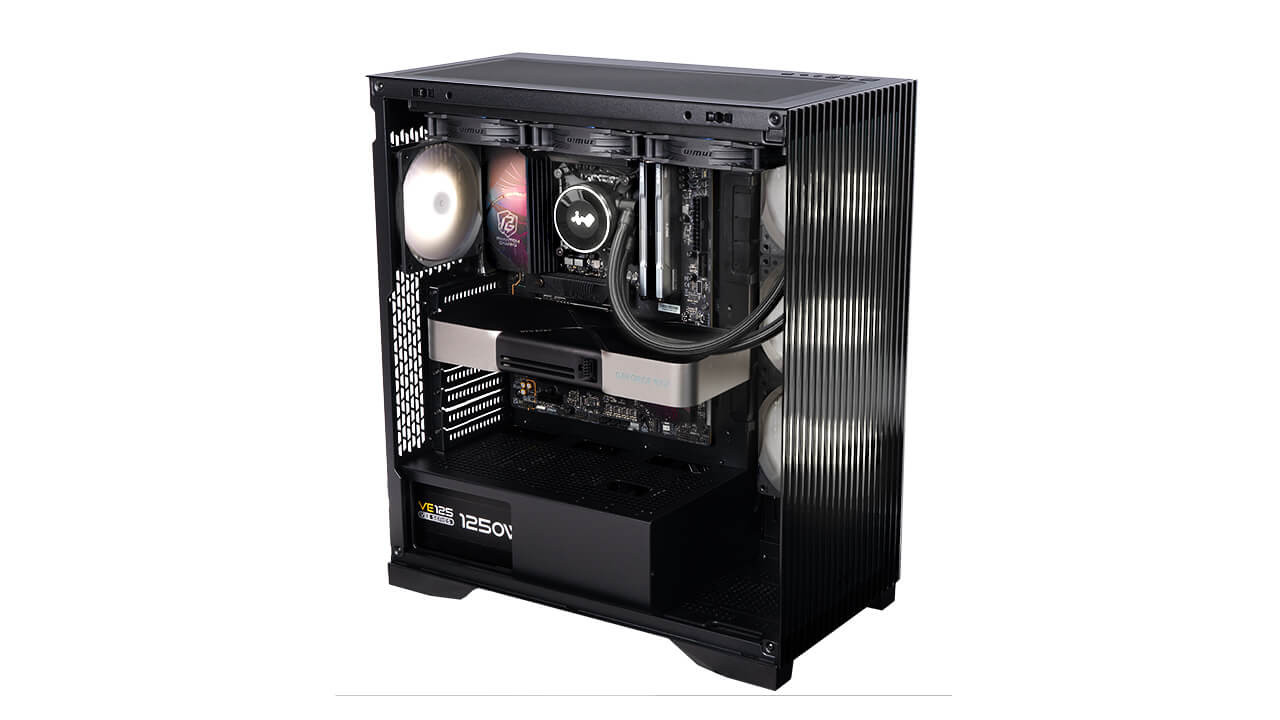
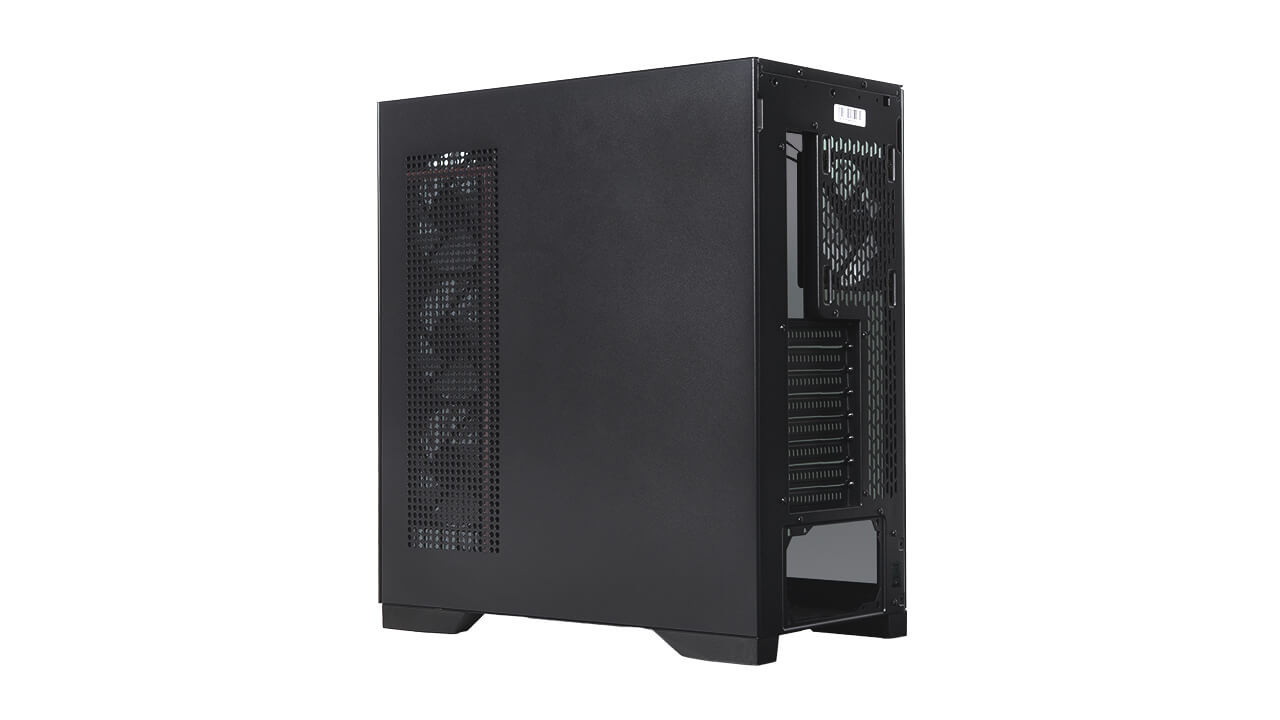
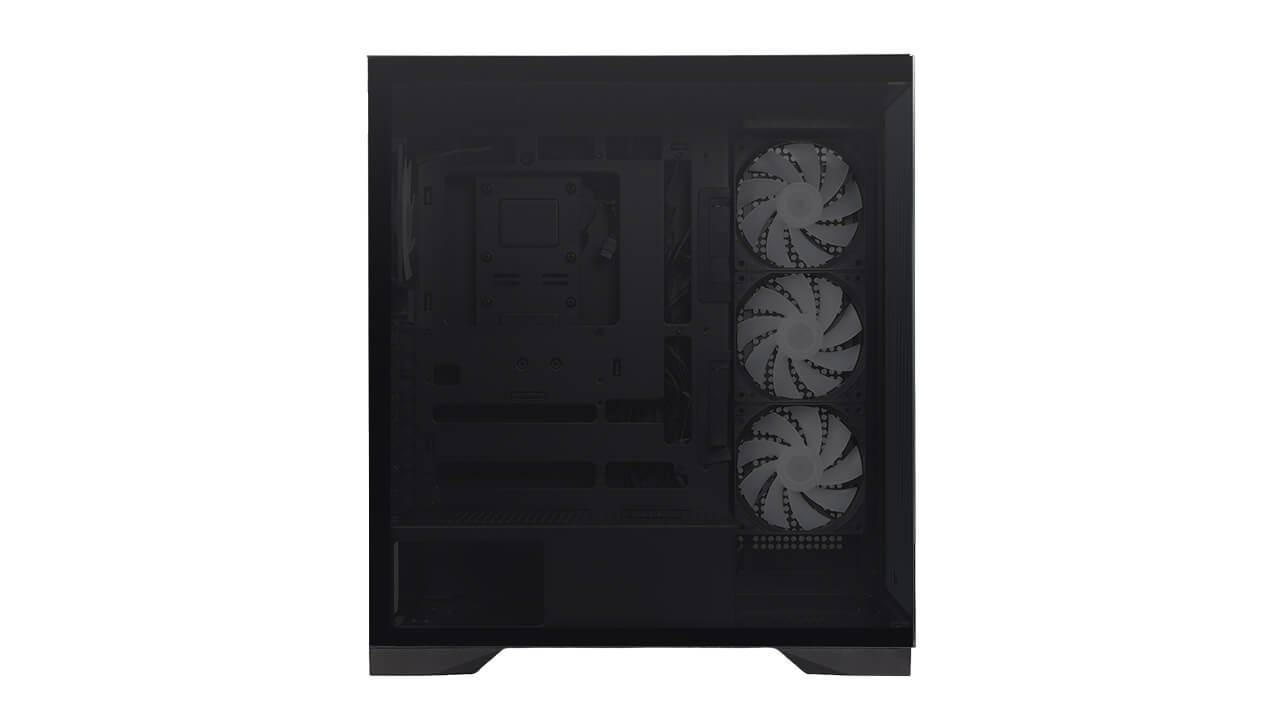
In Win has introduced the L50 Breeze, a new PC chassis featuring a reeded glass front panel and back-connect motherboard support. The enclosure moves away from traditional ARGB illumination by adopting the company's new AWWA PureTone ambient lighting system, which uses addressable WWA LEDs to switch between cool white, warm white, and amber tones.
The L50 Breeze has a tinted tempered glass side panel alongside tool-free removable exterior panels to simplify system maintenance. In Win includes 15 built-in lighting effects with motherboard synchronisation, alongside two illumination modes. These include a 25-minute Pomodoro Technique mode and a Meditation mode modelled after the 4-7-8 breathing method.
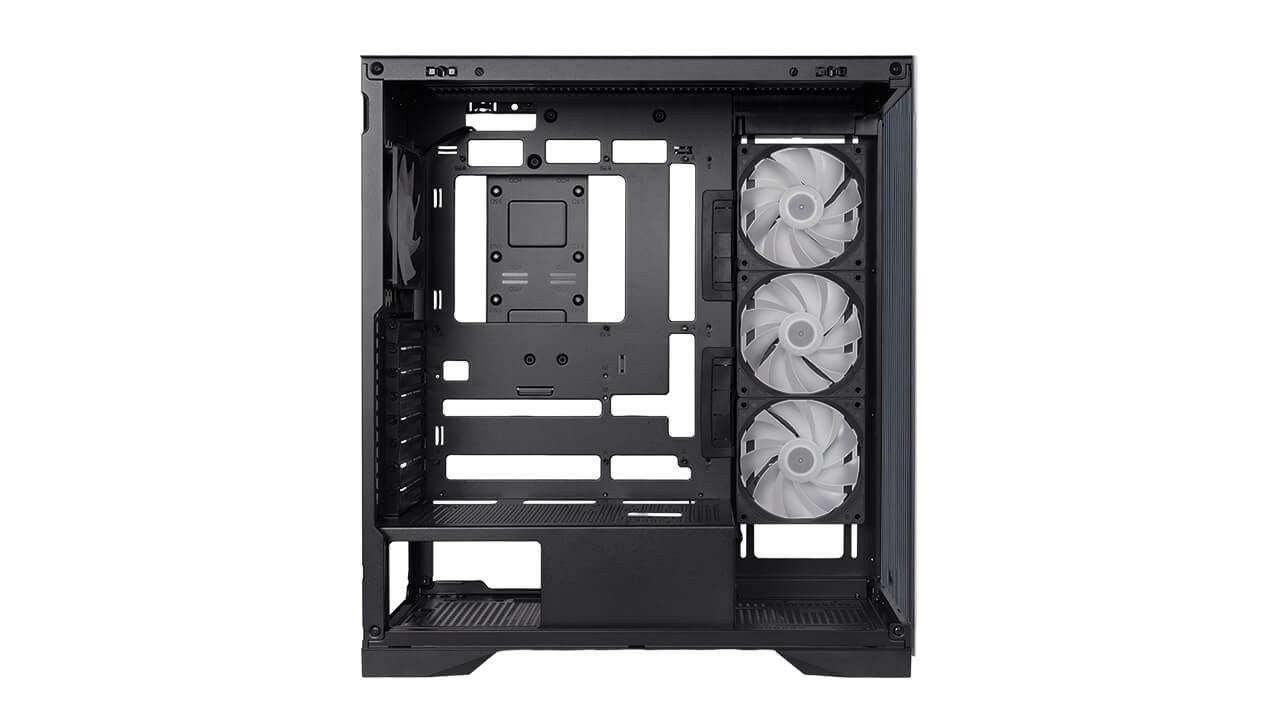
Hardware compatibility includes E-ATX motherboards up to 305x277mm, as well as ATX and mATX back-connect form factors. Builders can install graphics cards up to 435mm in length and CPU coolers up to 175mm tall. Dedicated routing channels for GPU cables and support bracket mounting points are also integrated into the interior frame.
Cooling configurations accommodate up to nine 120mm fans. In Win ships the enclosure with four pre-installed Lumia 120 fans, comprising three LM120-RB reverse-blade models and a single LM120 rear fan. Liquid cooling setups can utilise radiators up to 360mm on both the top and side mounting locations.
KitGuru says: For those tired of the gaming aesthetics that have flooded the market for over a decade, cases such as the L50 Breeze, with their home décor-inspired styling, are a good-looking alternative.
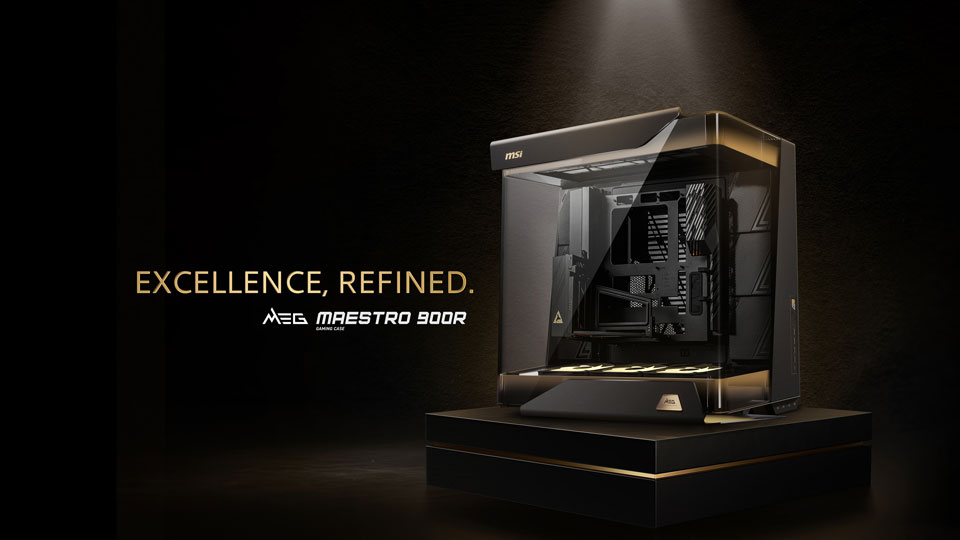
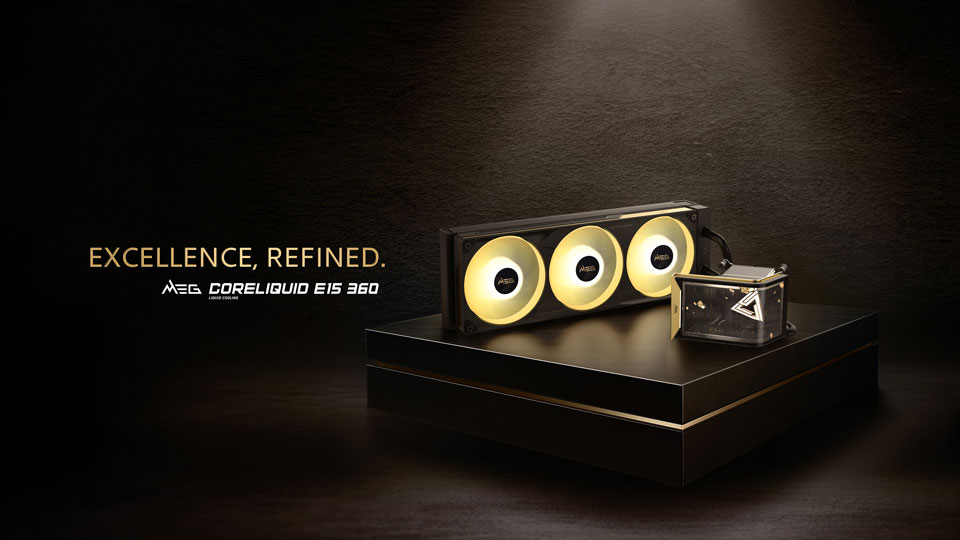
MSI has officially unveiled its new flagship case and CPU cooler: the MEG Maestro 900R full-tower chassis and the MEG Coreliquid E15 360 all-in-one liquid CPU cooler. Both products feature premium aluminium construction and advanced structural designs for enthusiast system builders.
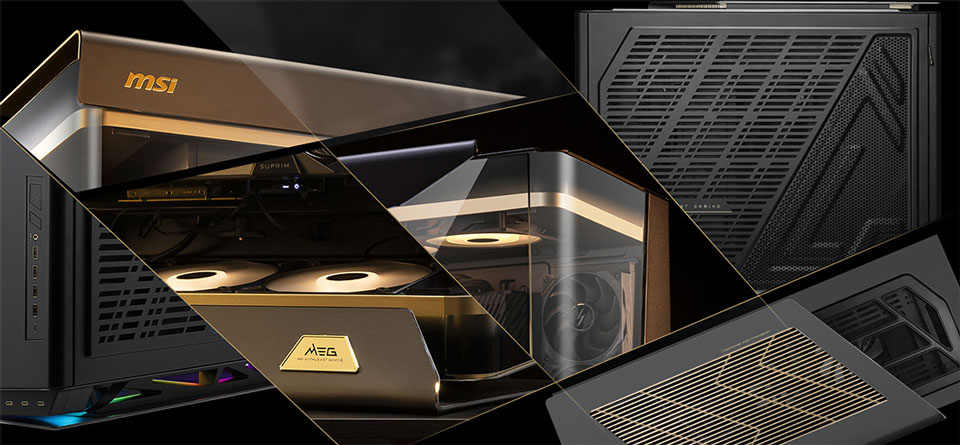
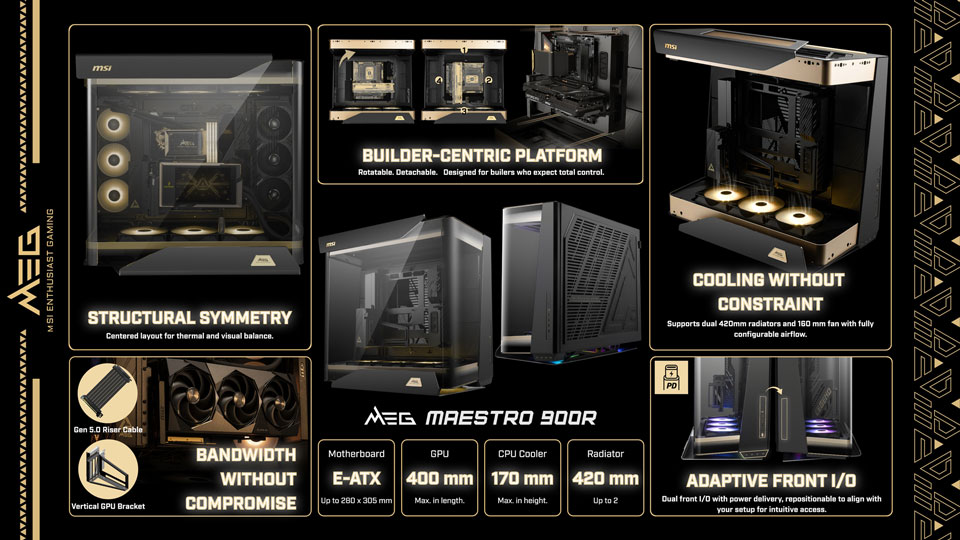
The MEG Maestro 900R full-tower case uses a unique “Centered Architecture” that places the motherboard, graphics card, and cooling hardware at the absolute centre of the chassis. This layout pairs with a triple-sided panoramic tempered-glass exterior and features a signature 75º aluminium geometry. To assist with system assembly, MSI includes a detachable, rotatable motherboard tray that can function independently as an open test bench across four installation orientations. The company also bundles a PCIe Gen5 x16 riser cable and a vertical GPU mounting bracket to facilitate centred graphics card positioning.
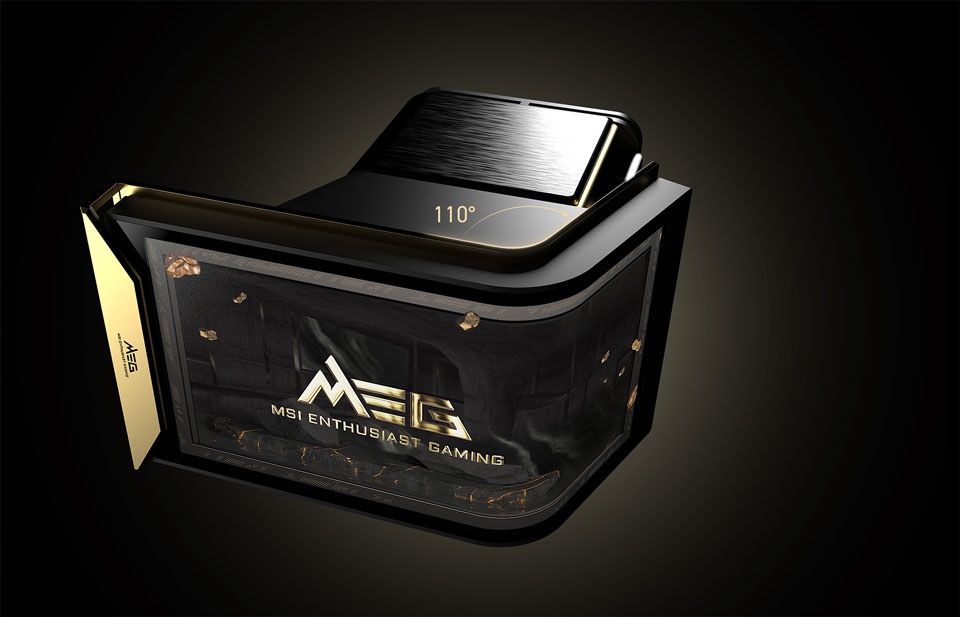
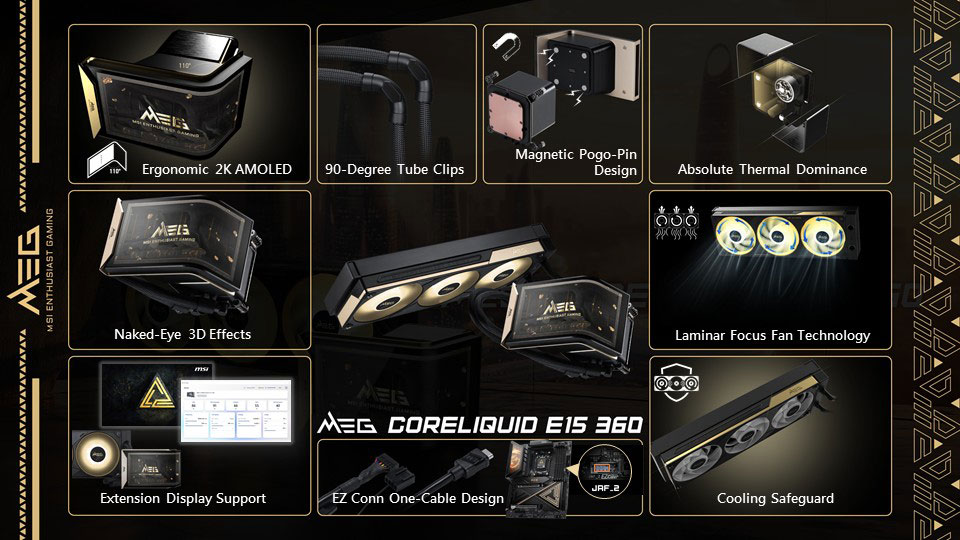
Accompanying the case is the MEG Coreliquid E15 360 AIO liquid cooler, which features an integrated 110º curved 2K AMOLED display capable of rendering naked-eye 3D content. MSI uses a magnetic Pogo-pin connection to attach the screen to the pump block, removing visible cables from the central CPU area. System communications like screen data, pump power, fan speeds, and ARGB lighting route through a single cable via the EZ Conn system.
Regarding thermals, MSI says the Laminar Focus technology runs the centre fan clockwise while the outer fans spin counter-clockwise to reduce turbulence. A three-phase sensorless motor powers the pump, while an integrated Cooling Safeguard system flashes a red warning light if it detects abnormal fan speeds.
KitGuru says: Interested in any of MSI's new high-end MEG components?
MSI has announced two new flagship products for PC enthusiasts, the MEG MAESTRO 900R full tower case and the MEG CORELIQUID E15 360 liquid cooler. Both products are designed to combine premium looks, advanced engineering, and high-end performance for gamers, creators, and PC builders.
The new lineup recently received a 2026 Red Dot Design Award and focuses on bringing a more refined and stylish look to modern gaming setups and workspaces. MSI says both products were created to deliver strong performance while also acting as centerpiece components inside a premium PC build.
MSI MEG MAESTRO 900R PC case
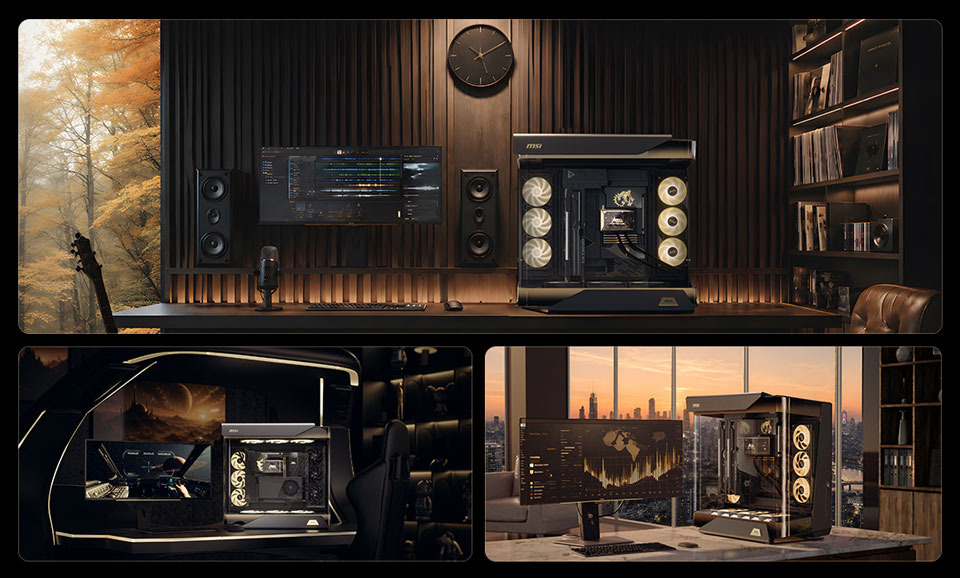
The MEG MAESTRO 900R stands out with its unique Centered Architecture design. Instead of placing components around the frame like a traditional PC case, MSI has positioned the motherboard, graphics card, and cooling hardware at the center of the case. This creates a balanced appearance and allows users to better showcase their hardware through the case’s three-sided tempered glass panels.
MSI has also focused on flexibility and ease of building. The case includes a detachable motherboard tray that can be removed and used as an open test bench. This allows users to install and test hardware more easily before final assembly. The tray supports four different installation orientations, giving builders more freedom when creating their systems.
For graphics cards, the MEG MAESTRO 900R comes with a PCIe Gen 5 x16 riser cable and a vertical GPU mounting bracket. This allows users to display their graphics card prominently while maintaining full support for the latest PCIe Gen 5 hardware.
MSI MEG CORELIQUID E15 360 AIO cooler
Alongside the new case, MSI also introduced the MEG CORELIQUID E15 360 all-in-one liquid cooler. One of its biggest highlights is a large 110-degree curved 2K AMOLED display mounted on the pump block. MSI says the screen can deliver a naked-eye 3D visual effect, making it a standout feature inside any PC build.
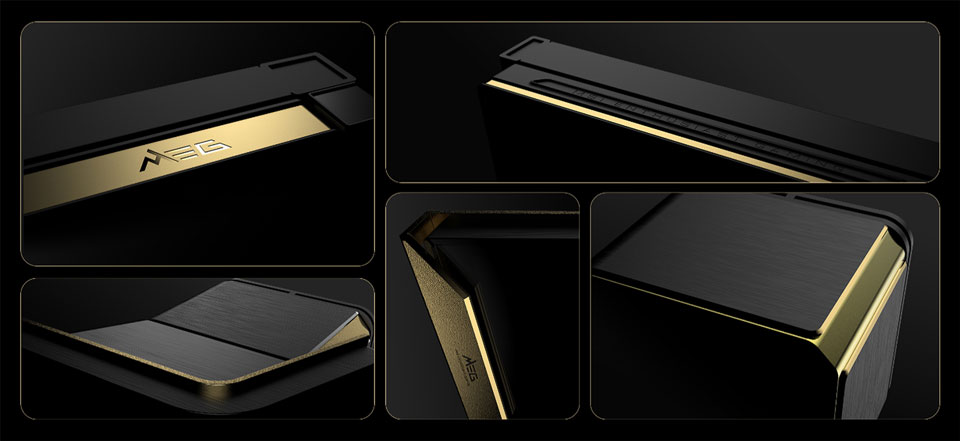
The cooler features an aluminium construction with brushed finishes and diamond-cut details that match the premium design language of the MAESTRO 900R case. Users can customize the display with different visual content, allowing for a more personal look.
MSI has also simplified installation with its magnetic Pogo-pin display connection and EZ Conn system. These features reduce cable clutter by combining multiple functions, including display data, fan control, pump power, and lighting controls, into a single connection.
Cooling performance remains a key focus. The MEG CORELIQUID E15 360 uses MSI’s Laminar Focus Technology, which employs a special fan layout to reduce airflow turbulence and lower noise levels while improving cooling efficiency. The cooler is designed to handle the thermal demands of modern high-performance processors.
For added reliability, MSI has included a Cooling Safeguard feature. If the system detects abnormal fan behavior, the cooler automatically activates a red warning light to alert users of a potential issue.
With the launch of the MEG MAESTRO 900R and MEG CORELIQUID E15 360, MSI is targeting users who want both premium aesthetics and flagship-level performance. The company confirmed that both products will be available through its global partner network and authorized retailers.
InWin has officially launched the Aeon, marking the company's 12th Signature Series chassis. First showcased at CES 2026, the premium full-tower enclosure features mirrored stainless steel, a seamless glass exterior, and an expandable frame design to accommodate high-end hardware.
The Aeon uses mirrored stainless steel panels treated with an anti-fingerprint coating, creating dynamic reflections that can be further enhanced by the case's and internal components' lighting. For structural rigidity, the foundation relies on a one-piece aluminium base manufactured by sand casting. Taking inspiration from the manufacturer's Tòu series, the enclosure incorporates five 5mm tempered glass panels bonded through UV-curing technology.
Component support is extensive, accommodating E-ATX motherboards, dual-PSU configurations, up to 8 PCIe expansion slots, and large graphics cards. Liquid cooling hardware options support radiators up to 420mm. To streamline system assembly and component replacement, builders can take advantage of a pull-out motherboard tray and an expandable chassis structure that opens up to 90º.
Interactive elements include an RFID-enabled security system requiring a dedicated card for operation. An integrated LED display module handles multimedia playback and outputs real-time system monitoring metrics. Ambient lighting options round out the package, allowing users to choose between warm white and standard RGB illumination profiles.

 Login
Login