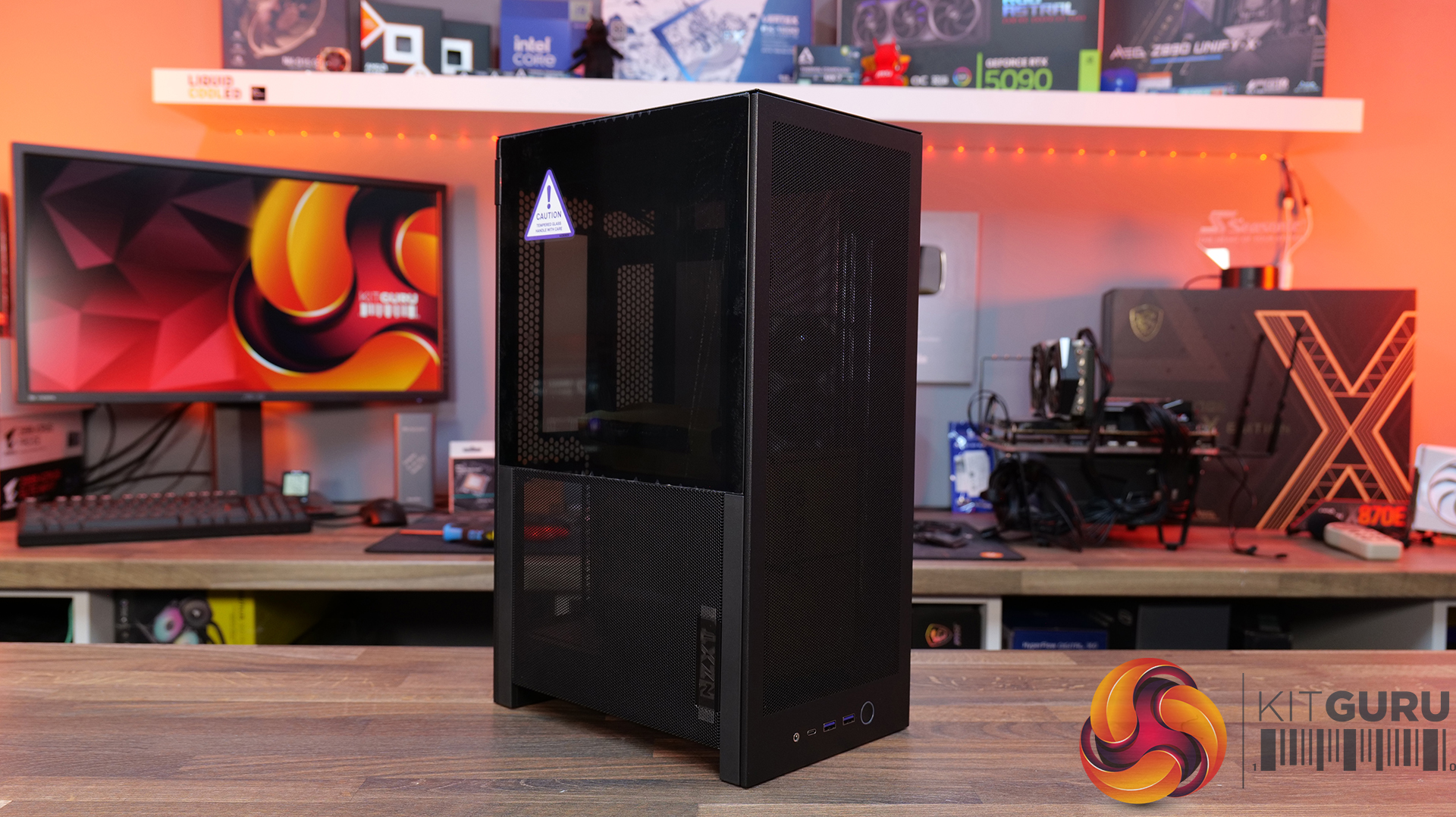
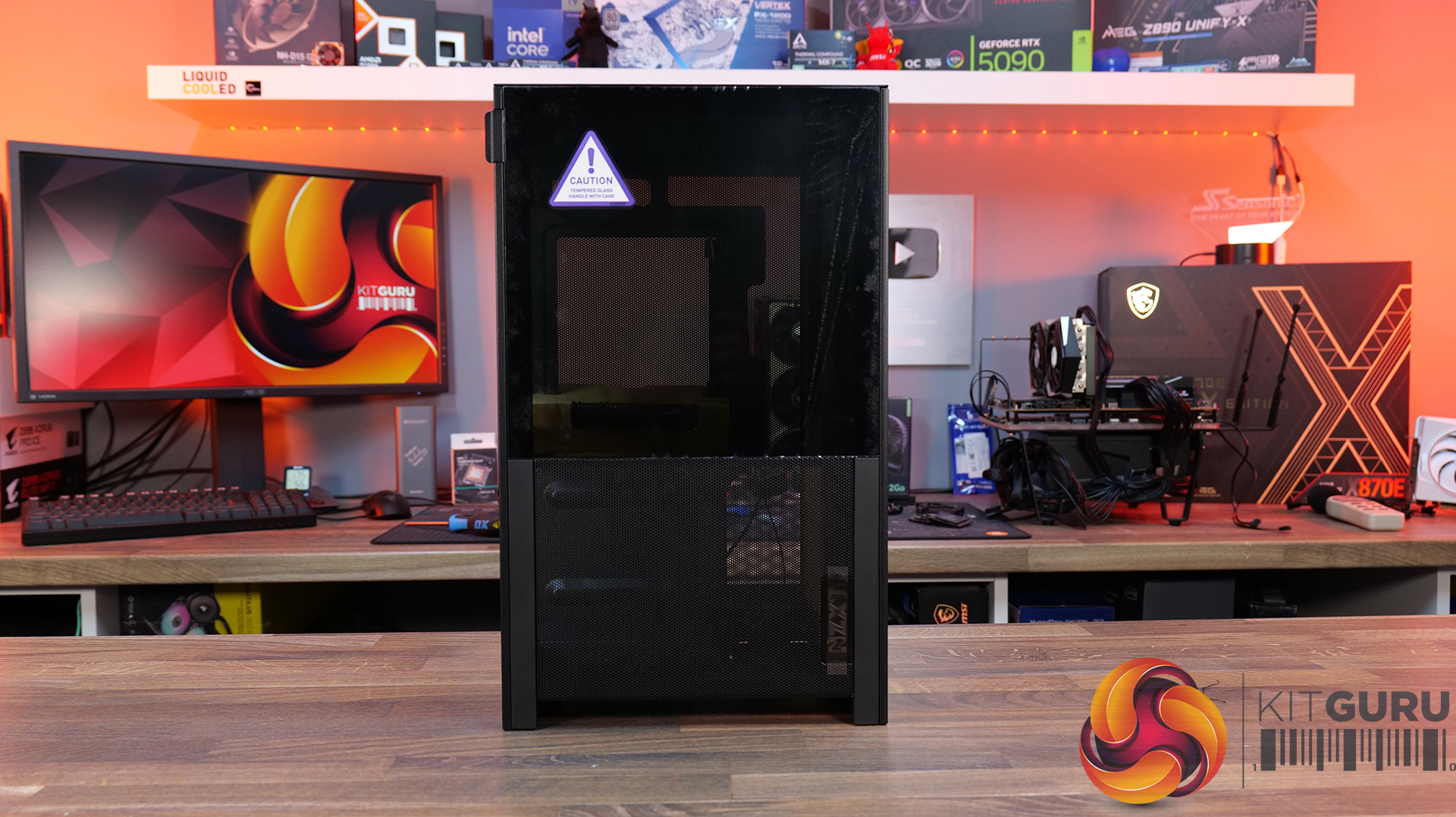
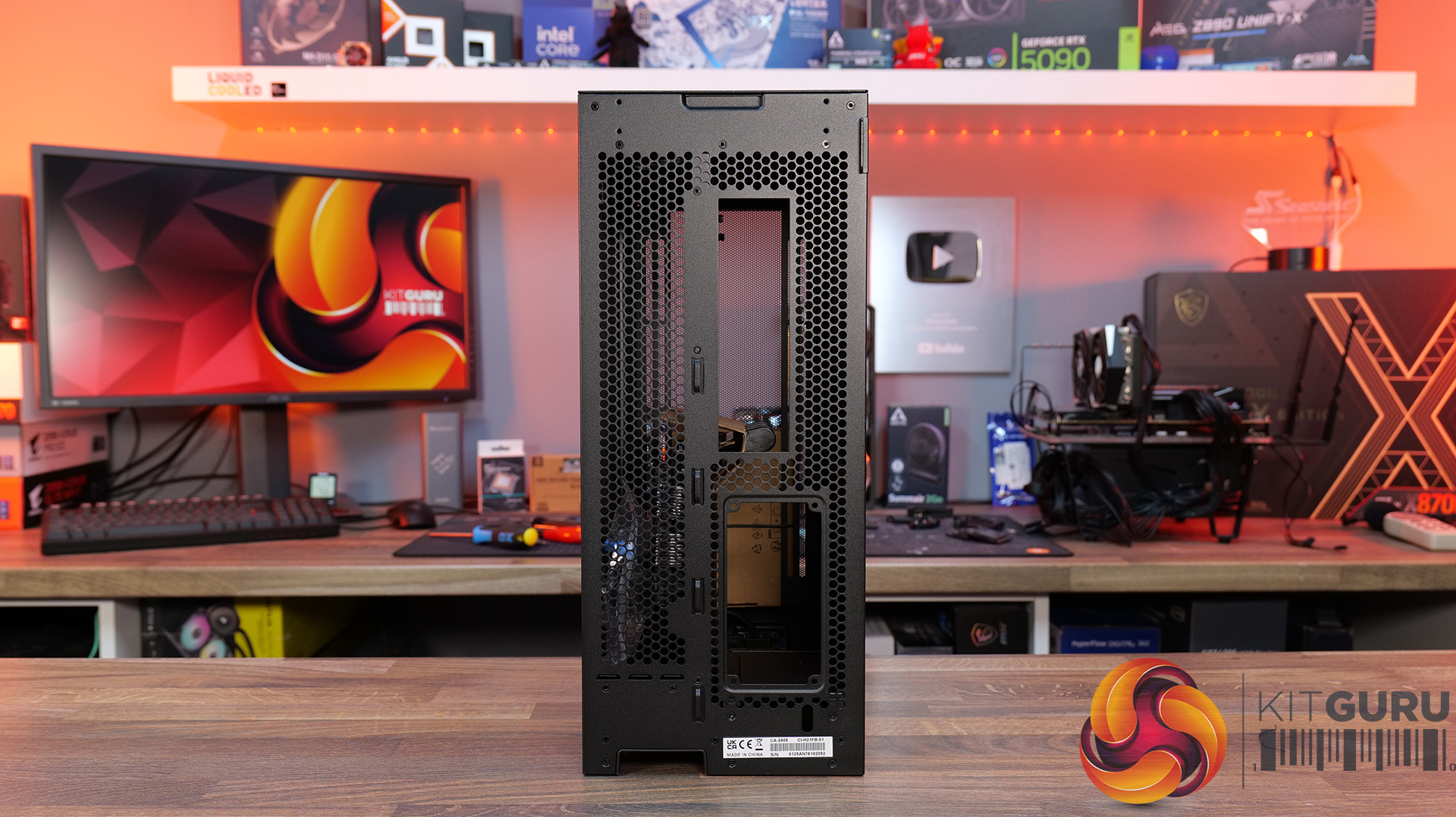
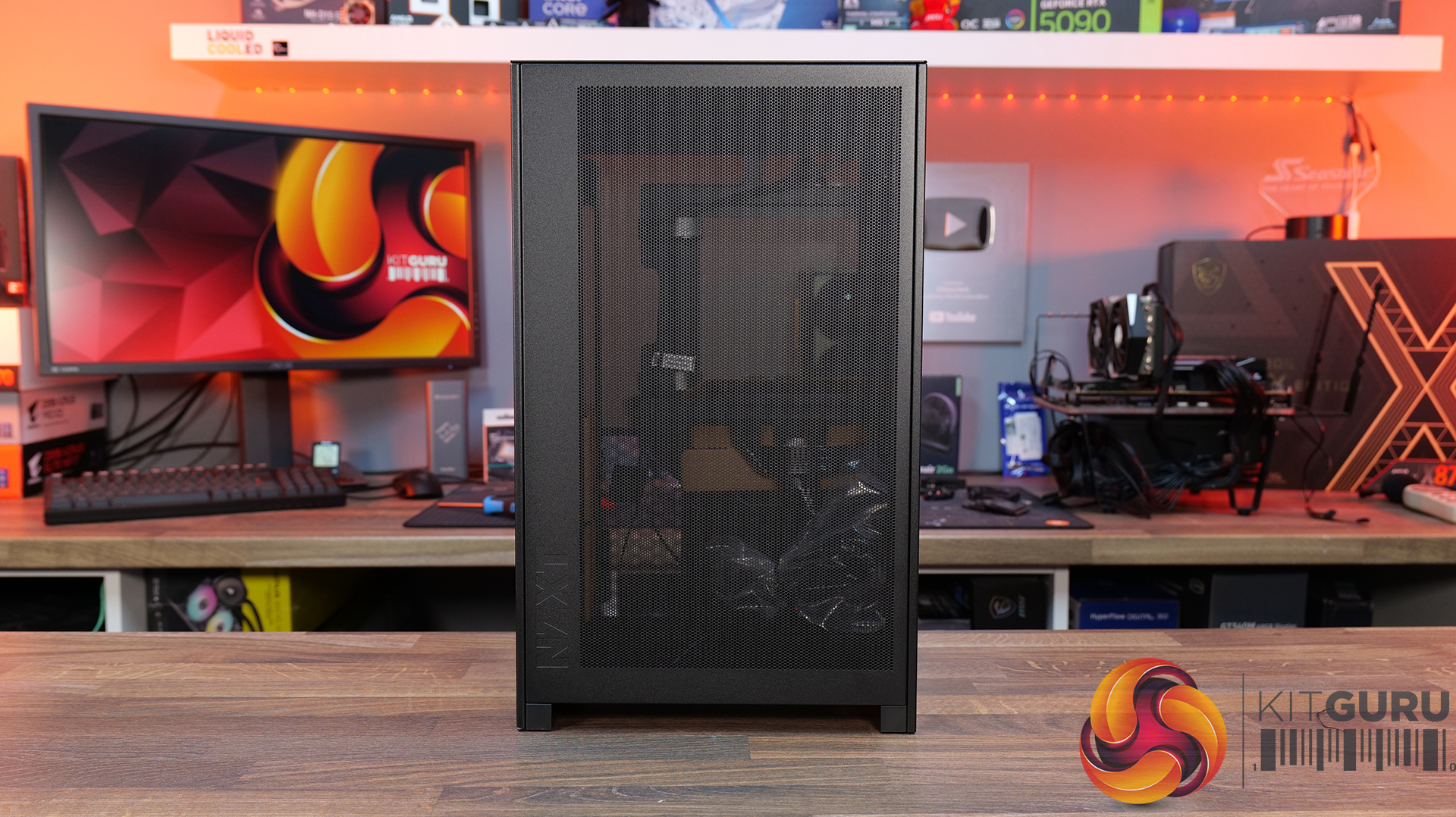
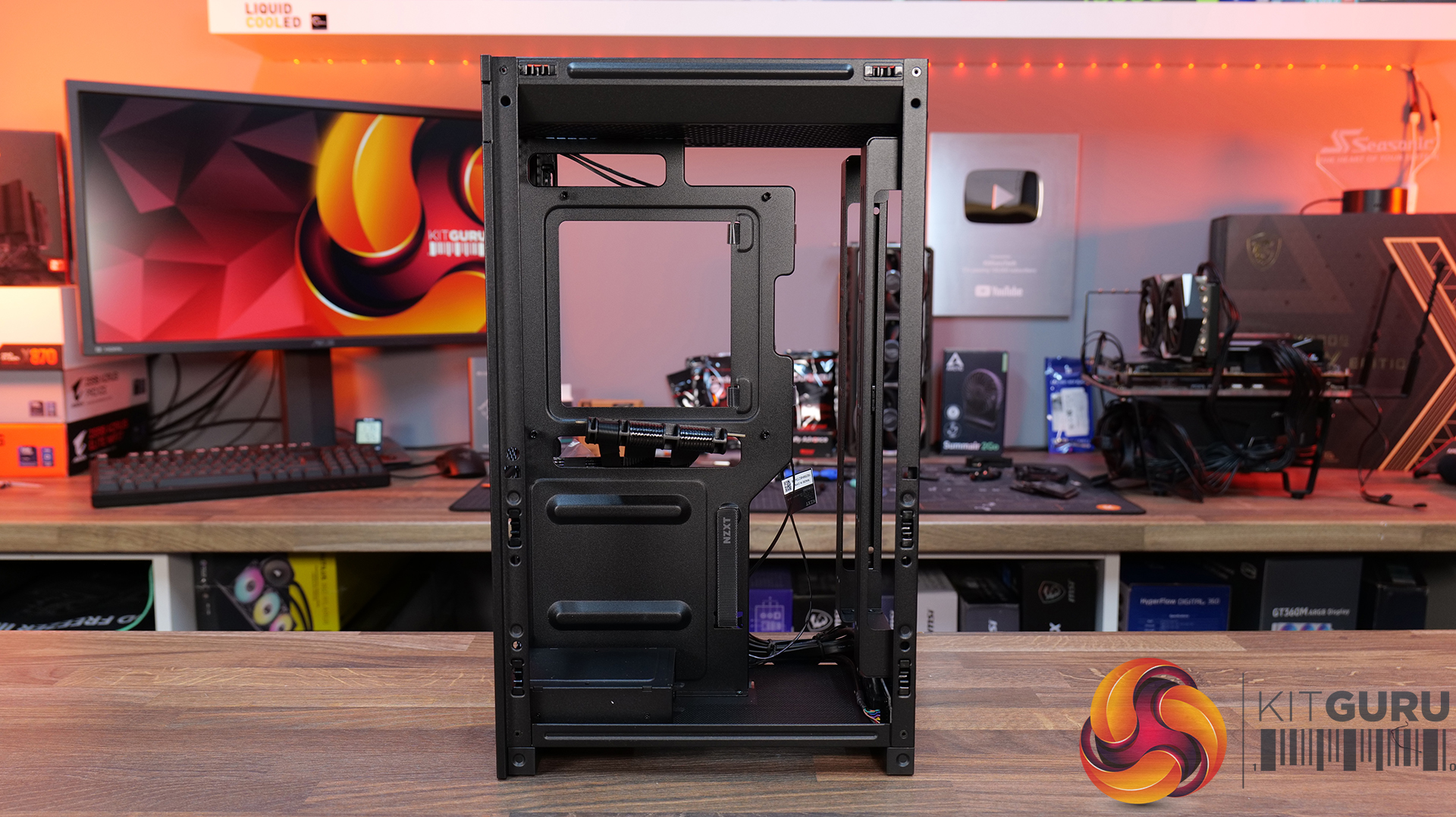
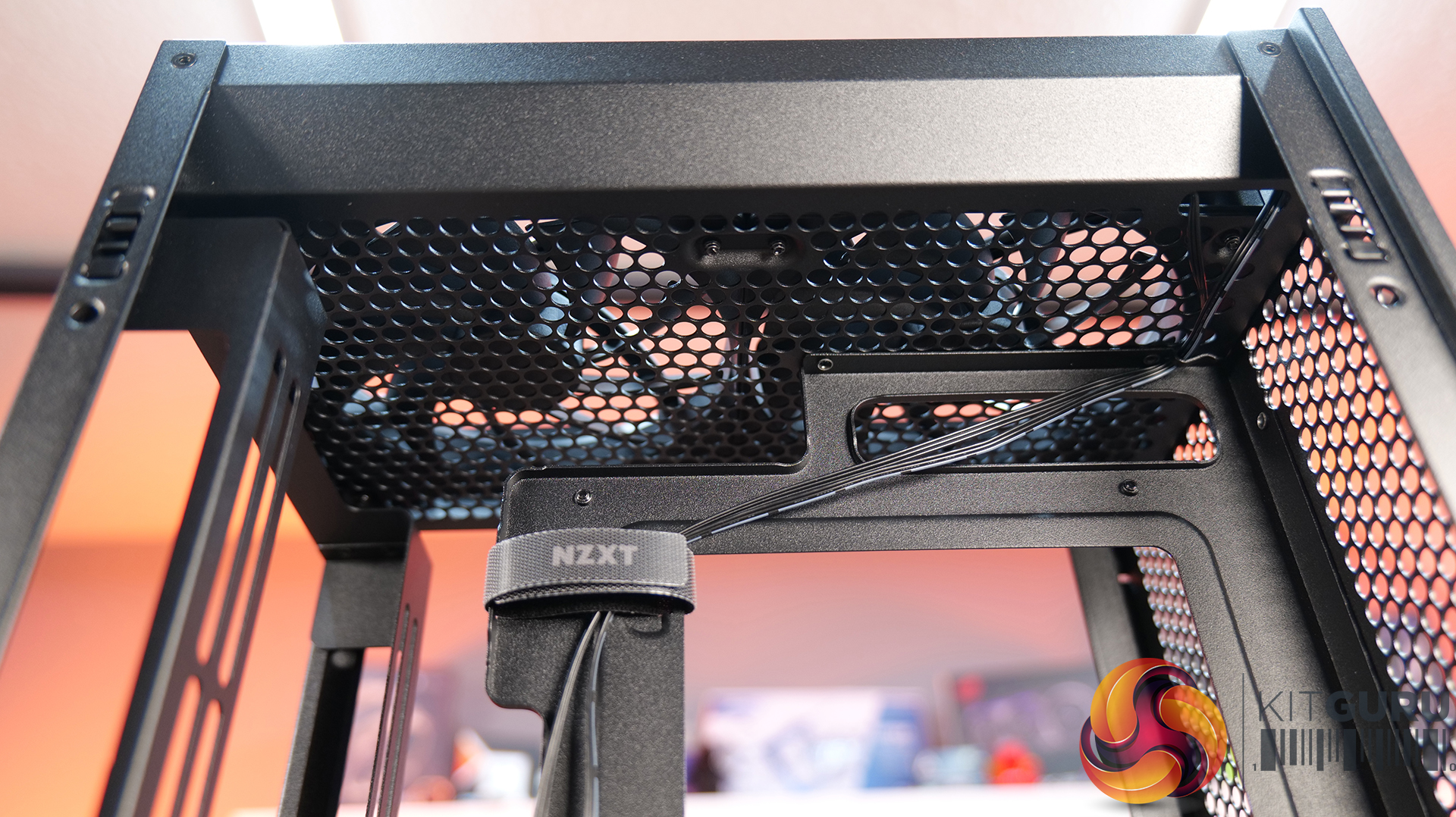
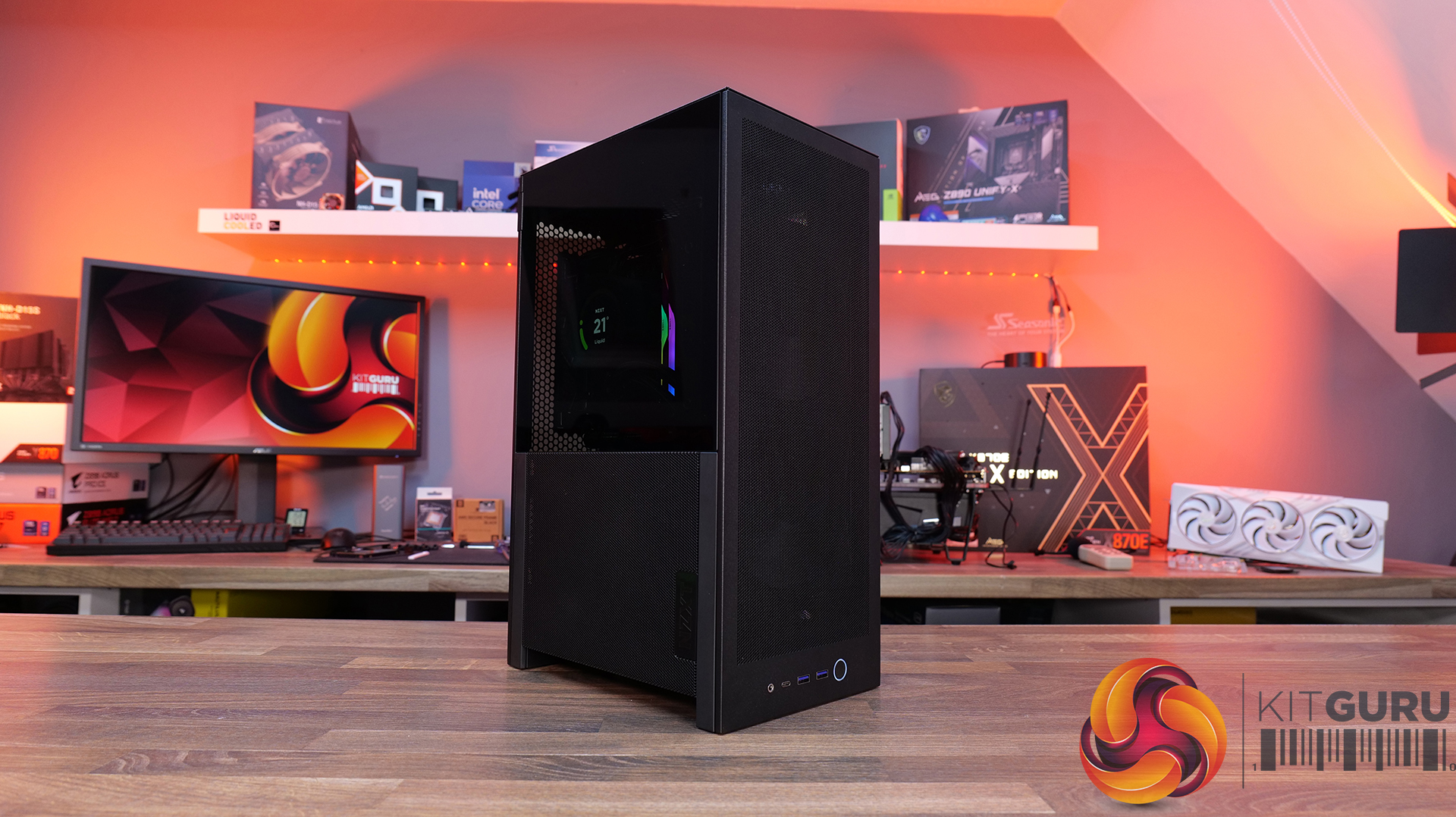
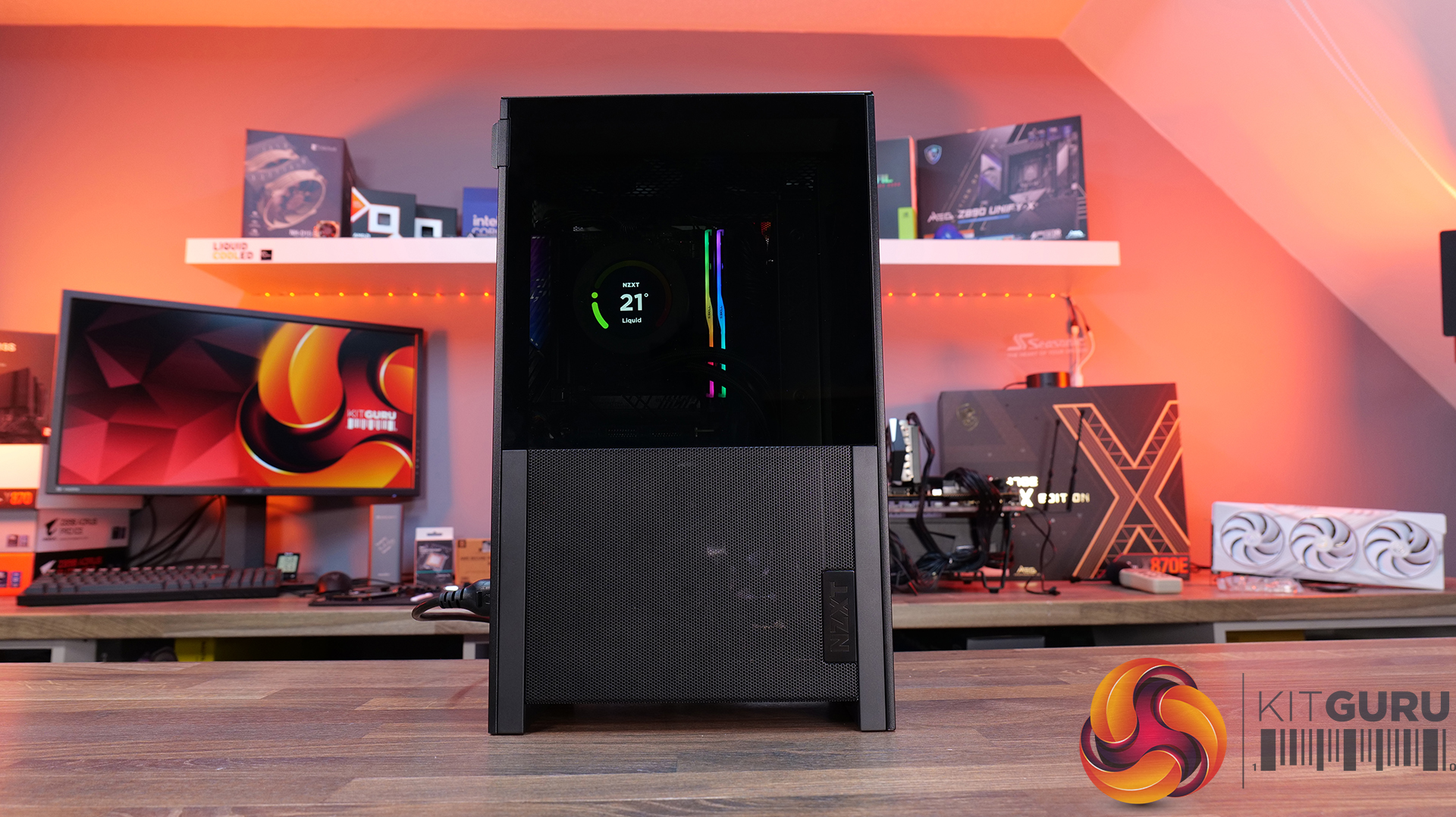
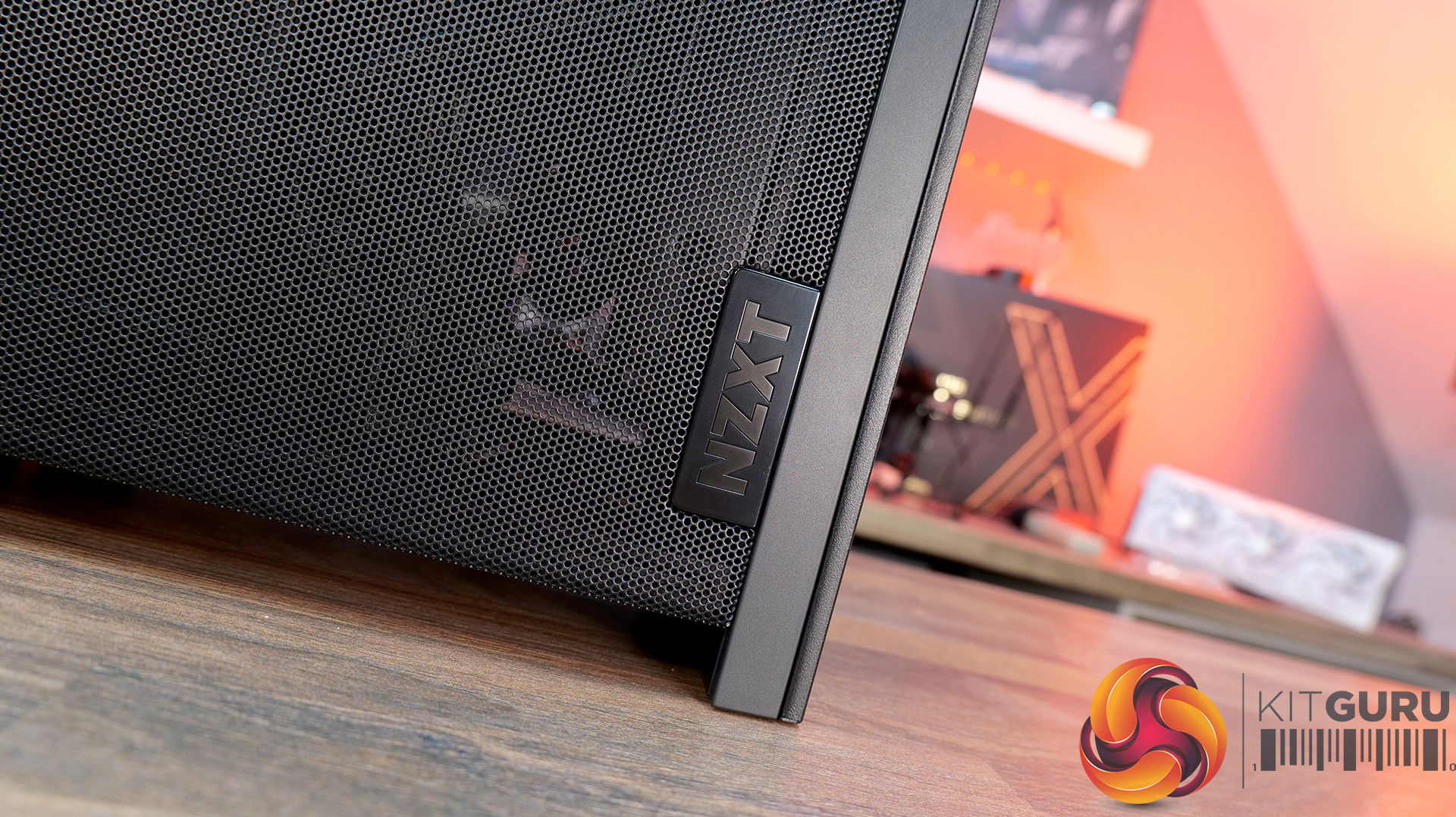
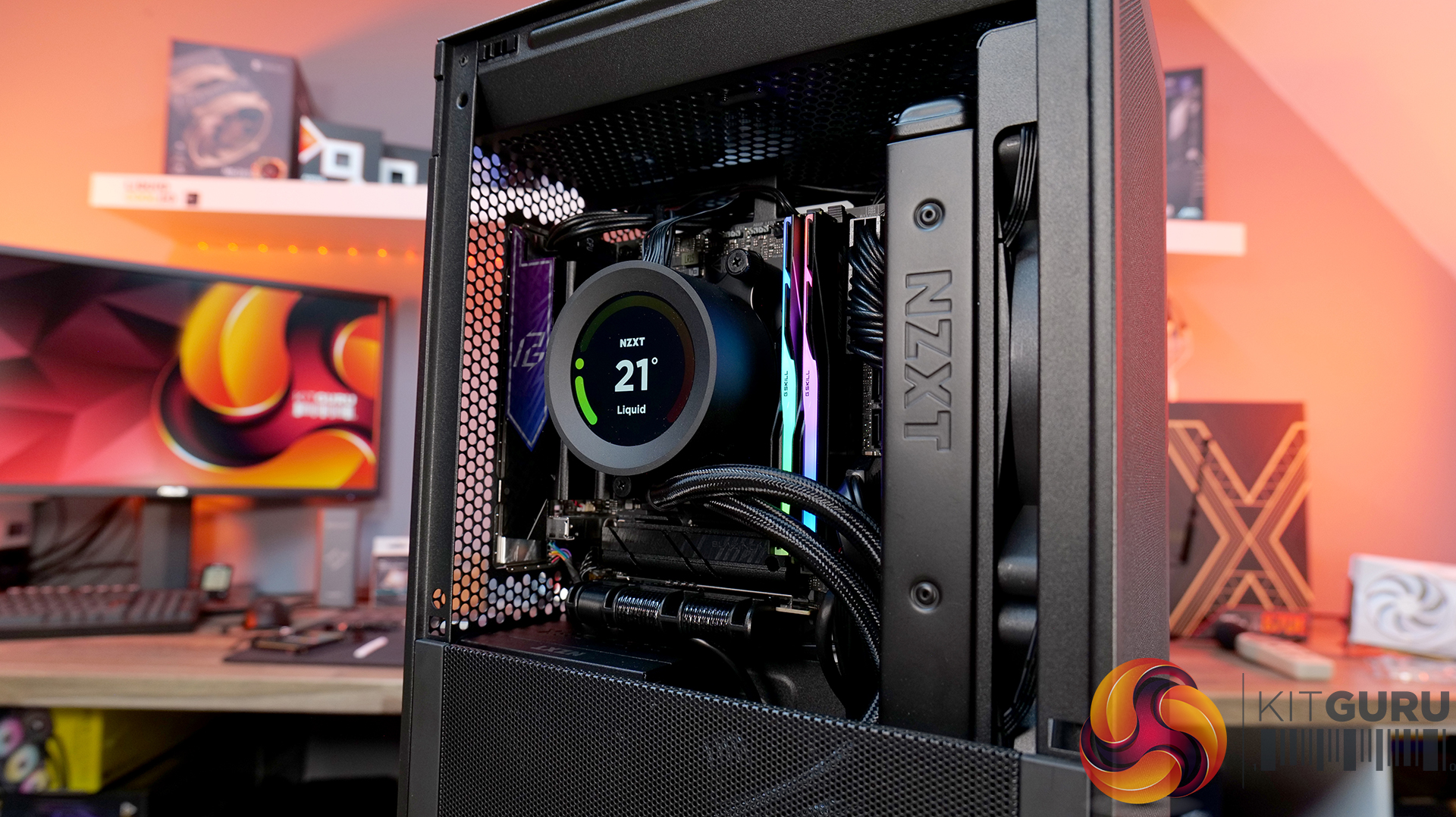
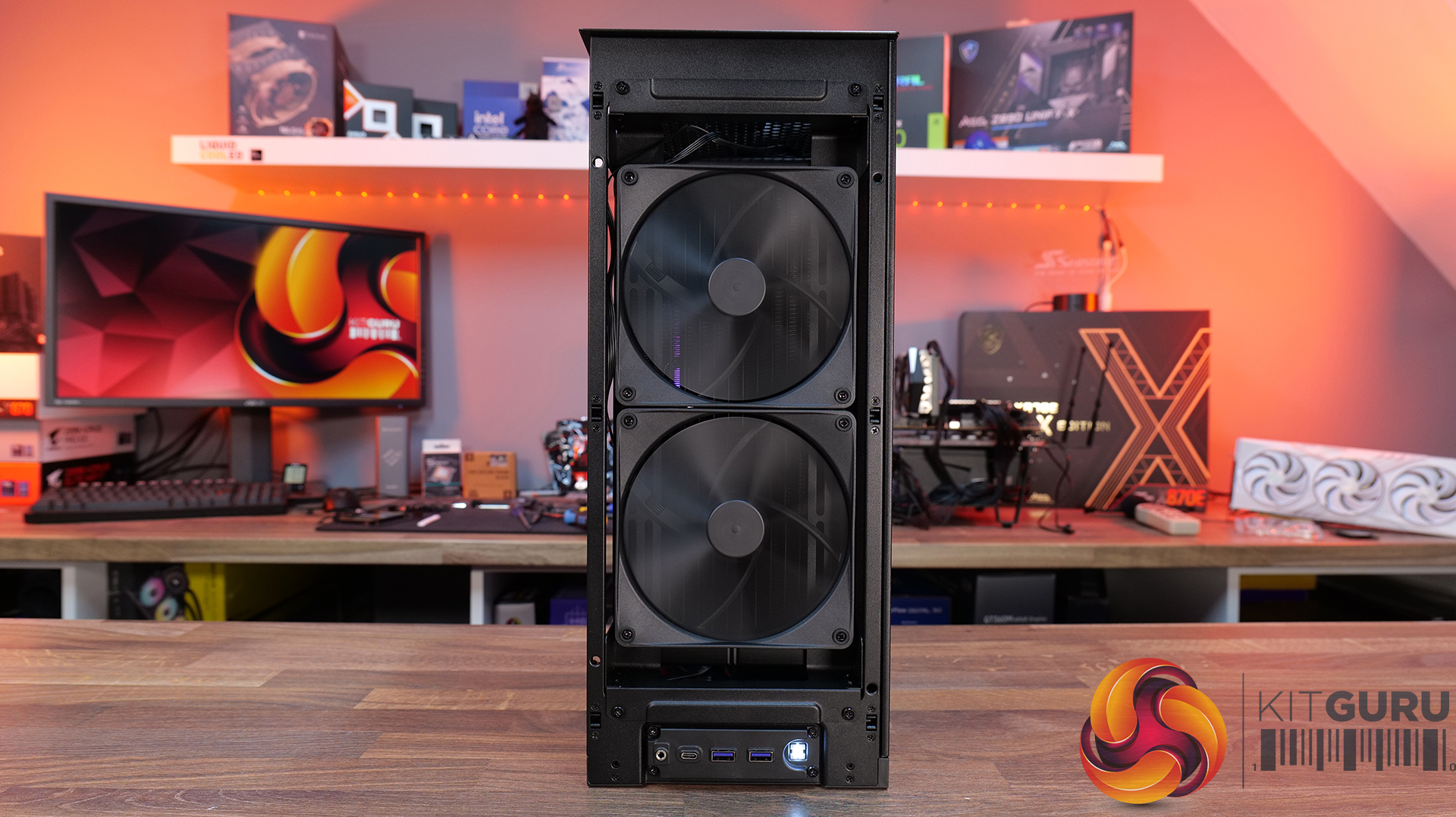
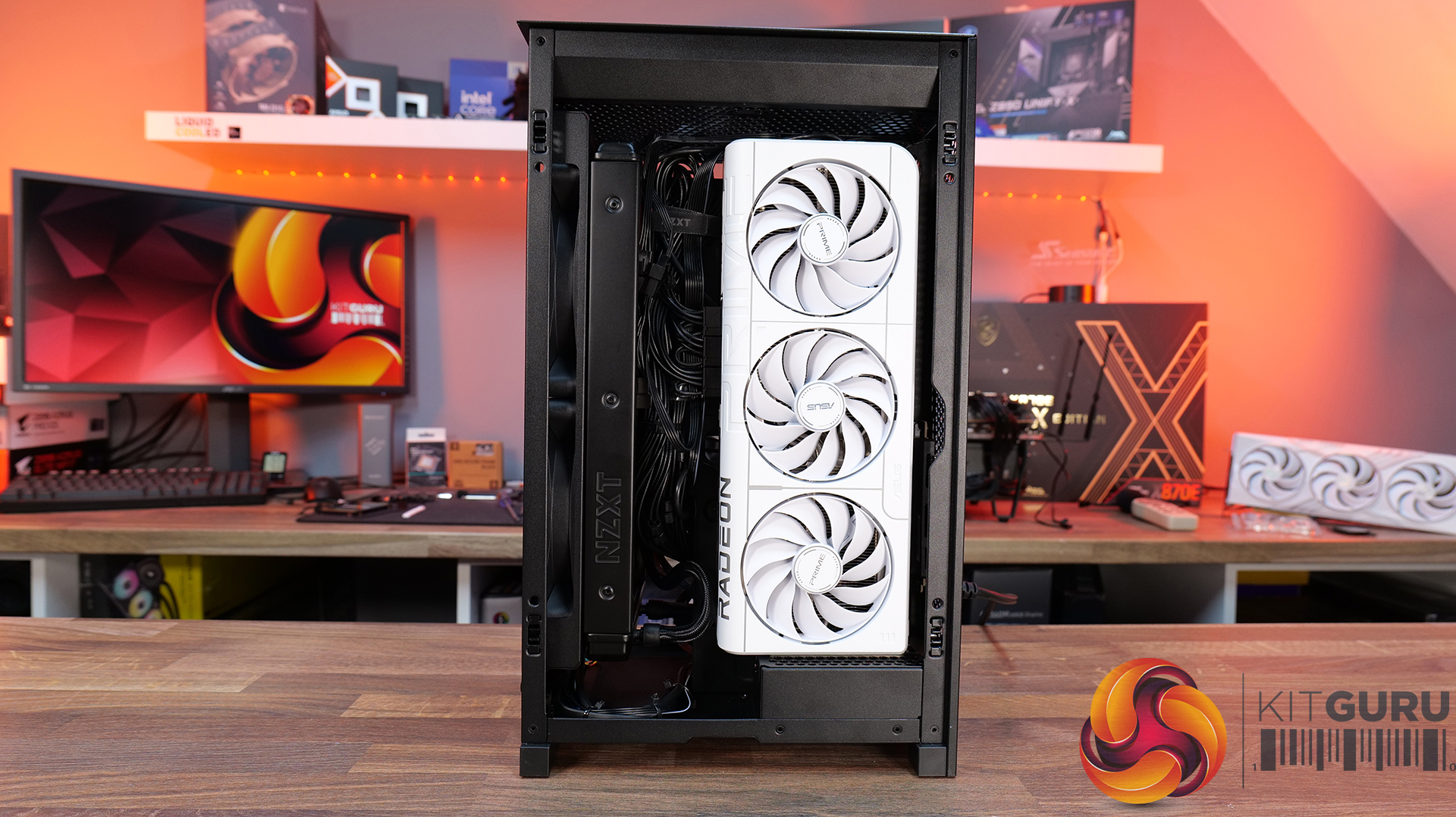
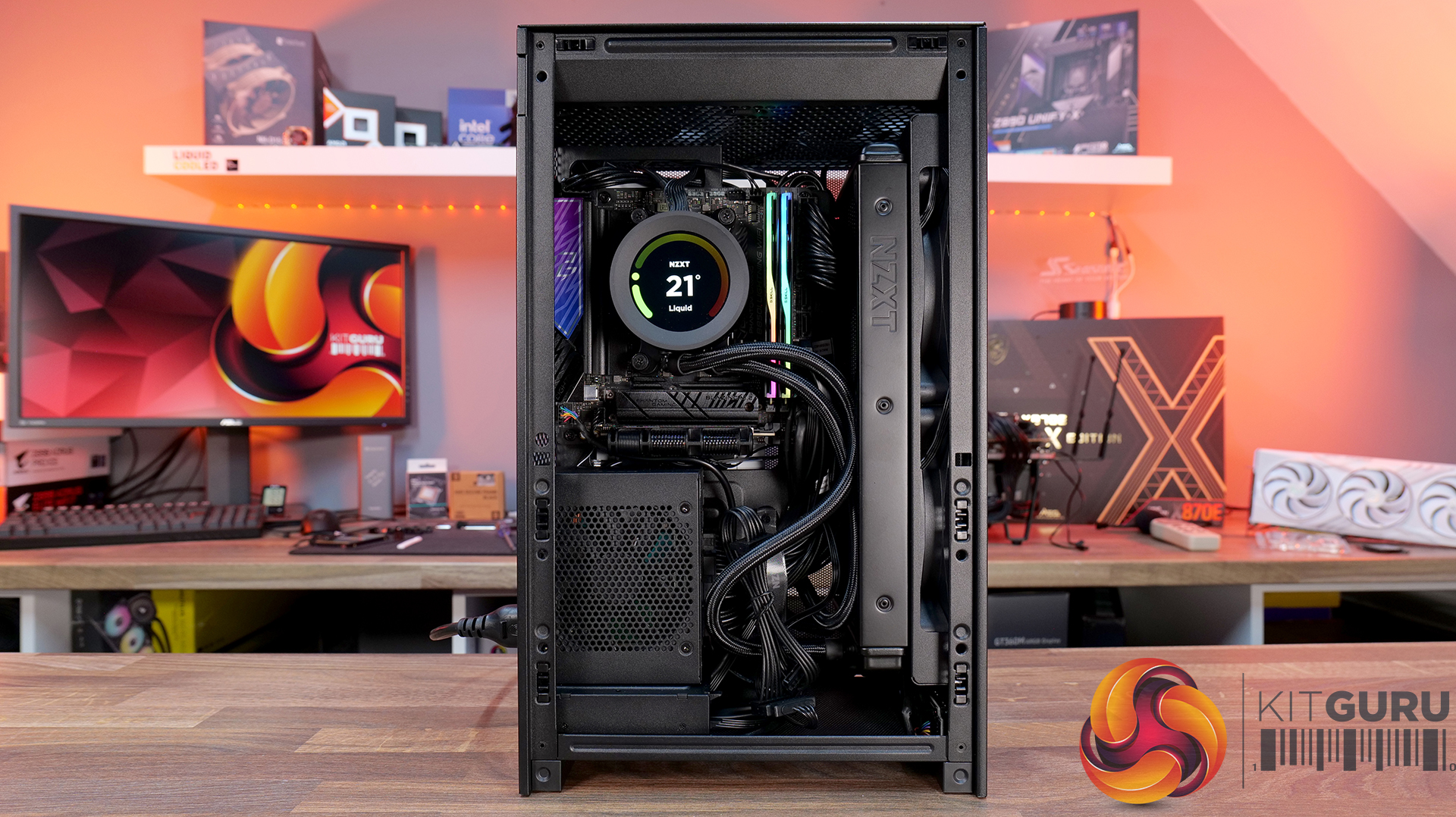
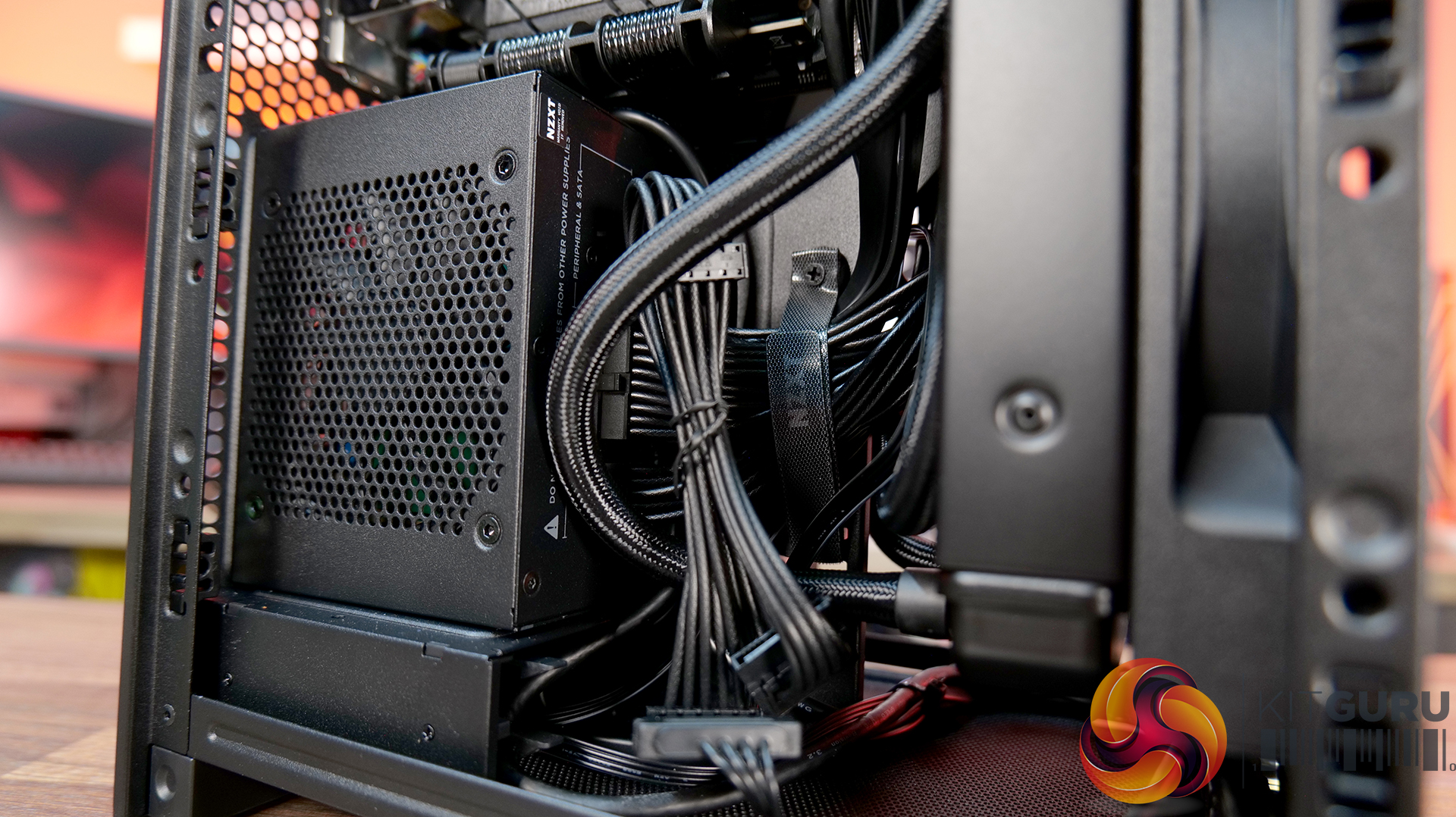
Today we’re checking out the new H2 Flow case from NZXT. It’s a small-form-factor chassis designed to focus on cooling performance while maintaining the clean, minimal looks NZXT is known for. It has a full mesh panels, support for high-end hardware and according to NZXT, a layout aimed at making the build process as straightforward as possible. There’s even support for several fan and radiator configurations, so on paper at least, it looks like NZXT is addressing one of the biggest criticisms of its previous ITX case. But how well does it actually perform? Let’s find out.
Timestamps:
00:00 Intro
00:50 Pricing and details
01:34 Overview / Dimensions / Materials
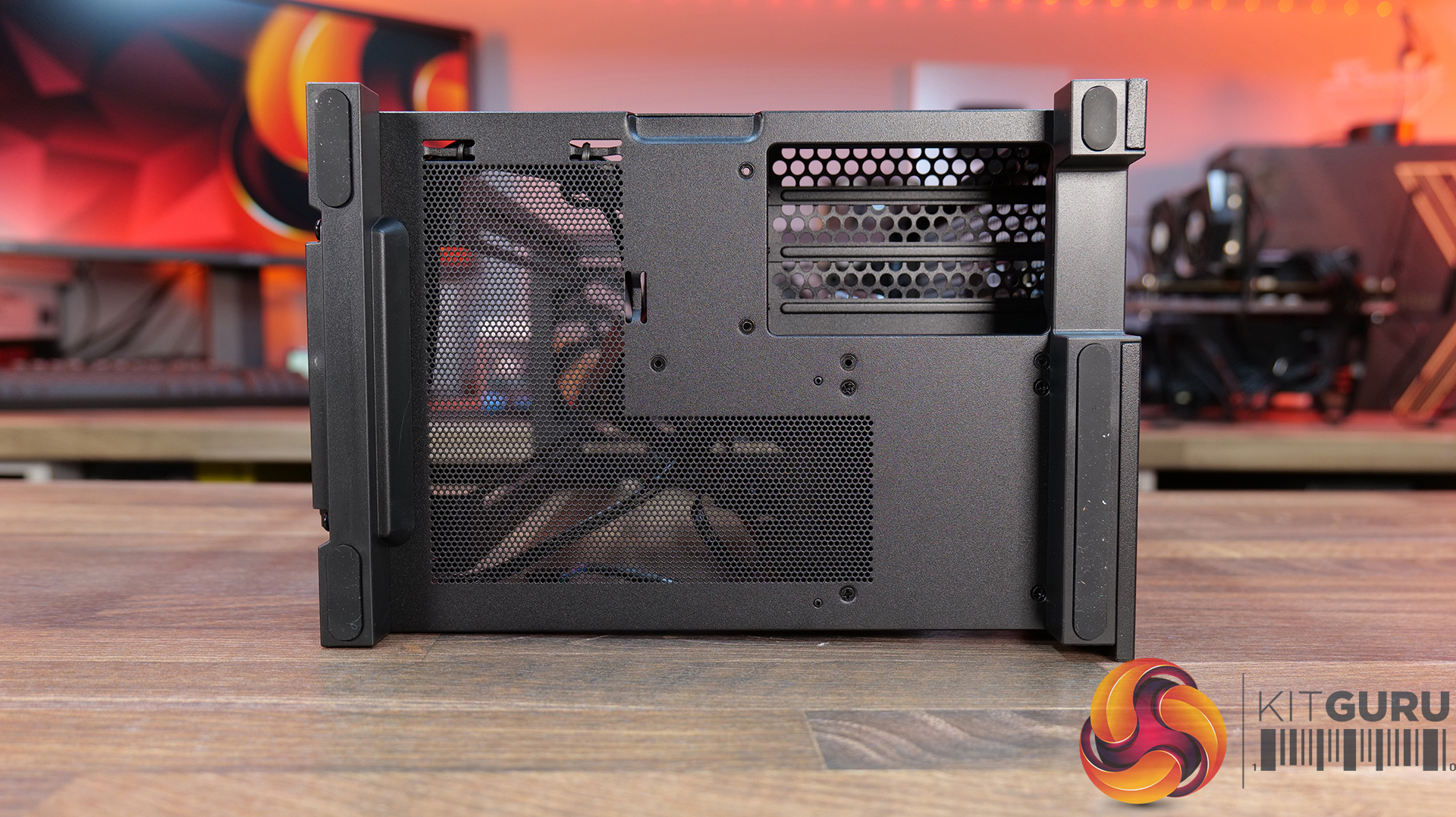
02:10 Panels / A look Inside
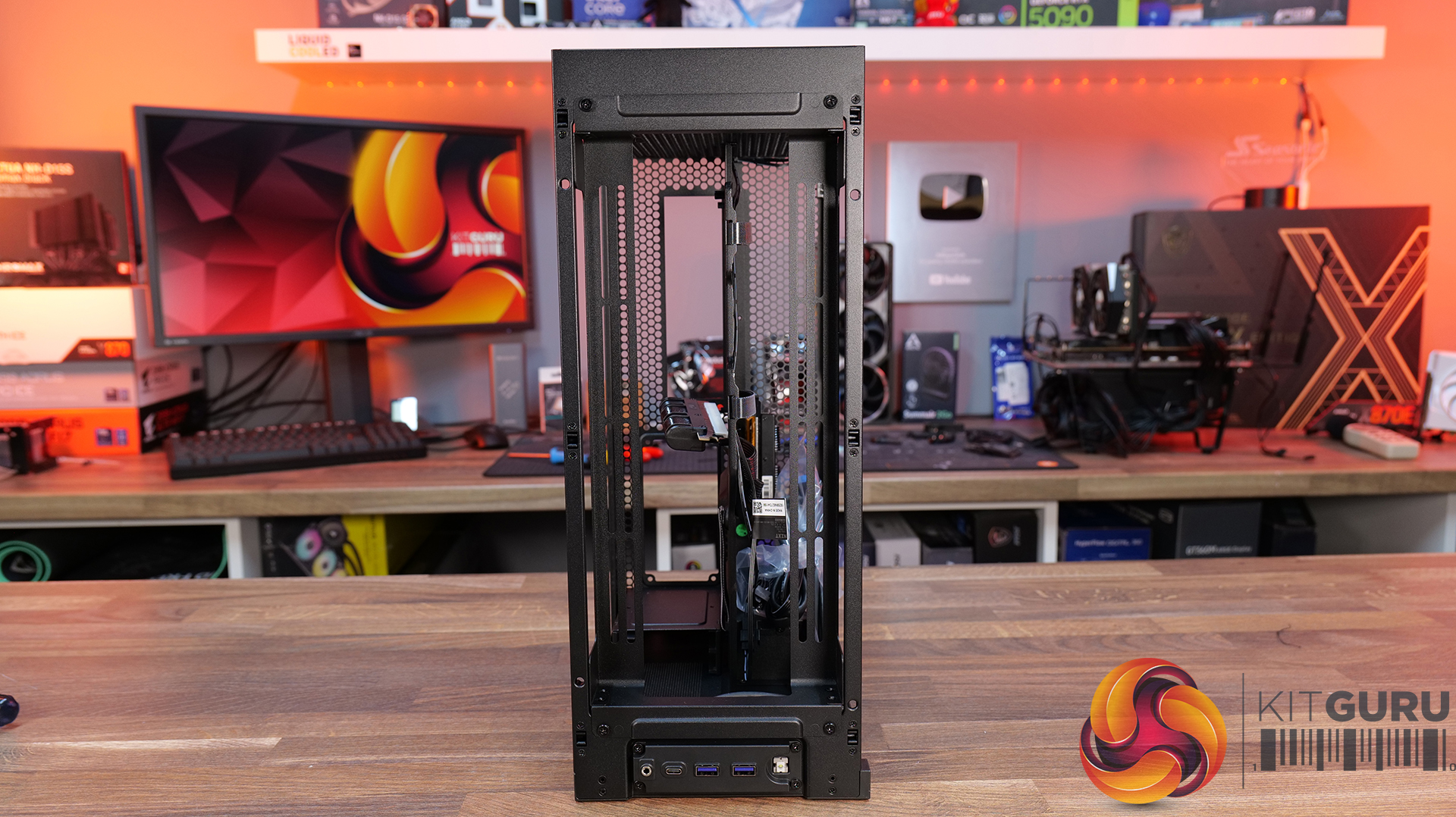
04:20 Front IO
04:56 Cooling Support
06:27 Motherboard and PSU support
07:03 Cable Management support
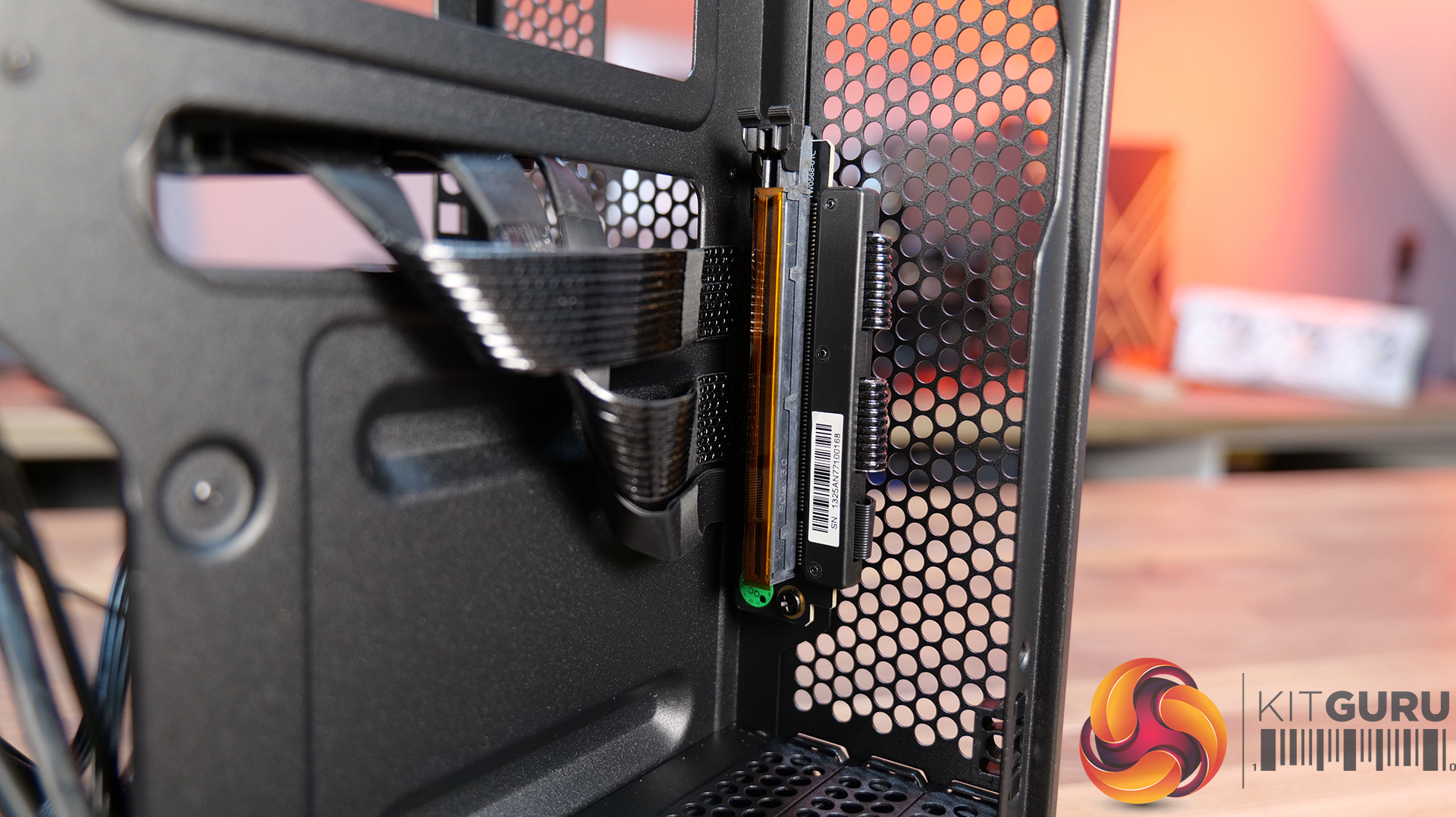
08:14 Graphics Card and some issues
11:45 Motherboard layout and air flow
12:37 Cable Management features
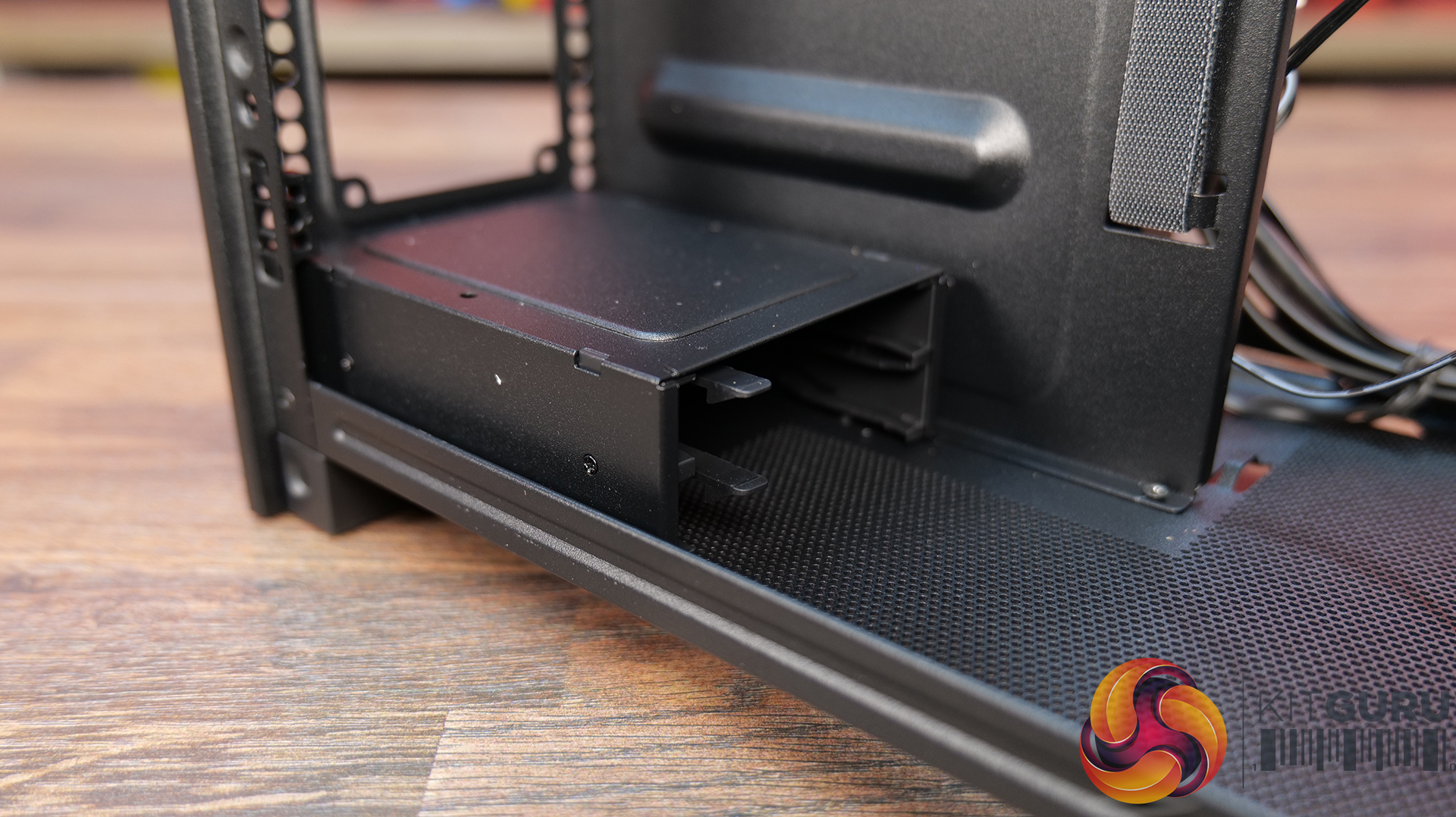
12:52 Power Supply / Drive support
13:46 Building inside the case / accessories
14:41 Thermal and Noise Performance
16:16 James thoughts

Features:
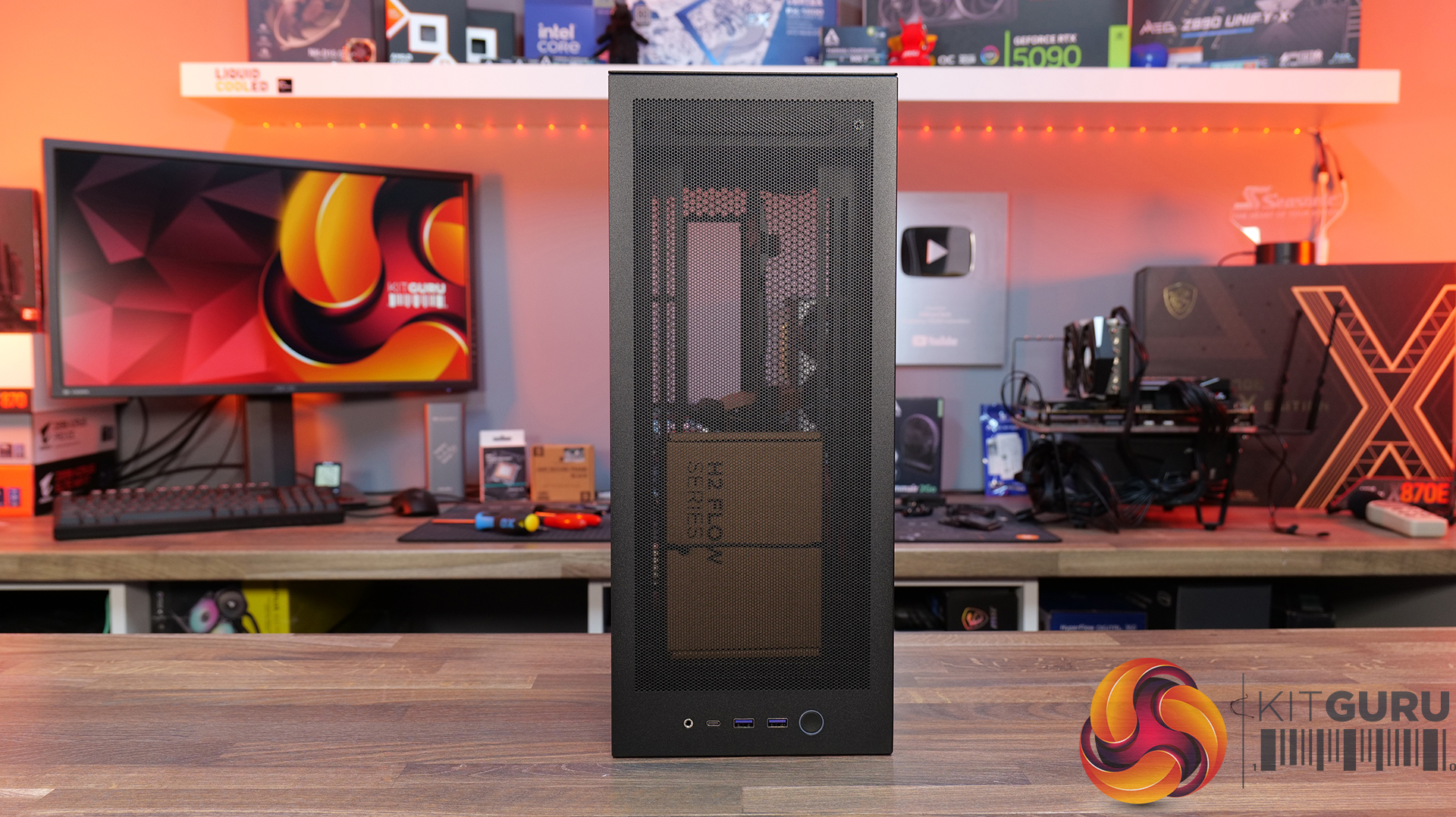
- High-airflow mesh design: Ultra-fine mesh panels on multiple sides maximise air flow while also helping to filter dust, keeping components cool and clean.
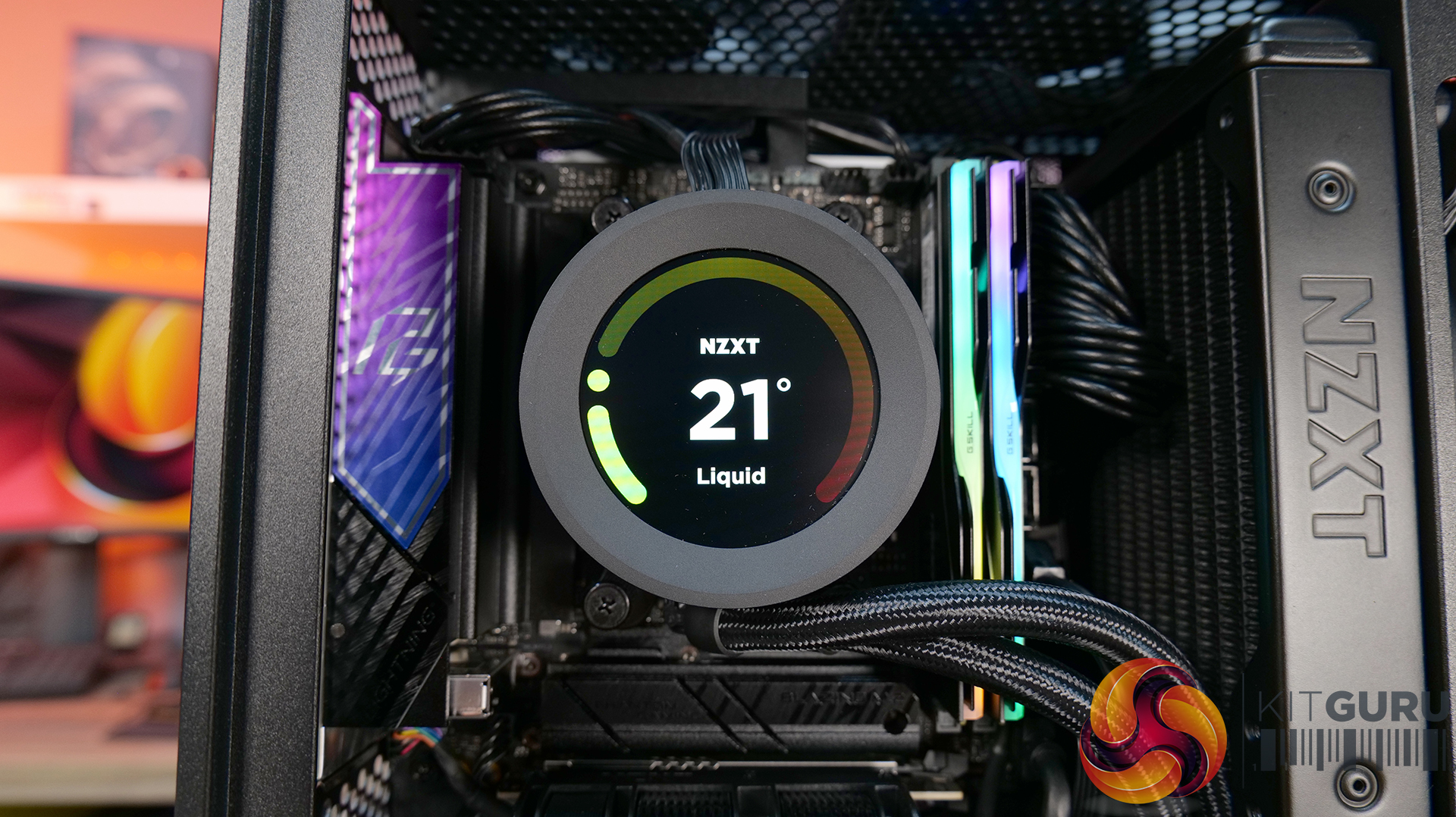
- Strong liquid cooling support: Designed primarily for AIO setups, with support for up to a 280mm front-mounted radiator to keep thermals under control in a compact system.
- Compact footprint, high-end compatibility: Despite the small 20.7L layout, it supports GPUs up to 331mm and 3-slots wide, making it capable of handling modern high-performance hardware.
- Builder-friendly design: the H2 Flow Features tool-less panels, smart cable management, pre-installed fans, and a PCIe 5.0 riser cable, all aimed at making the build process quick and straightforward.
Specifications:
- Case Type: Small Form Factor
- Dimensions (HxWxD): 435 mm x 181 mm x 263 mm
- Materials: Steel, tempered glass
- Motherboard Support: Mini-ITX
- Back-connect motherboard support: N/A
- Expansion Slots: 3 (Standard Vertical)
- Storage bays: 2 x 2.5”
- Max GPU Length: 331mm
- Max GPU Thickness: 65mm
- Max GPU Width: 150mm
- Max CPU Cooler Height: 75mm
- PSU Type: SFX up to 130mm
- Cable Management: Fixed Velcro Straps / Zip Ties Included
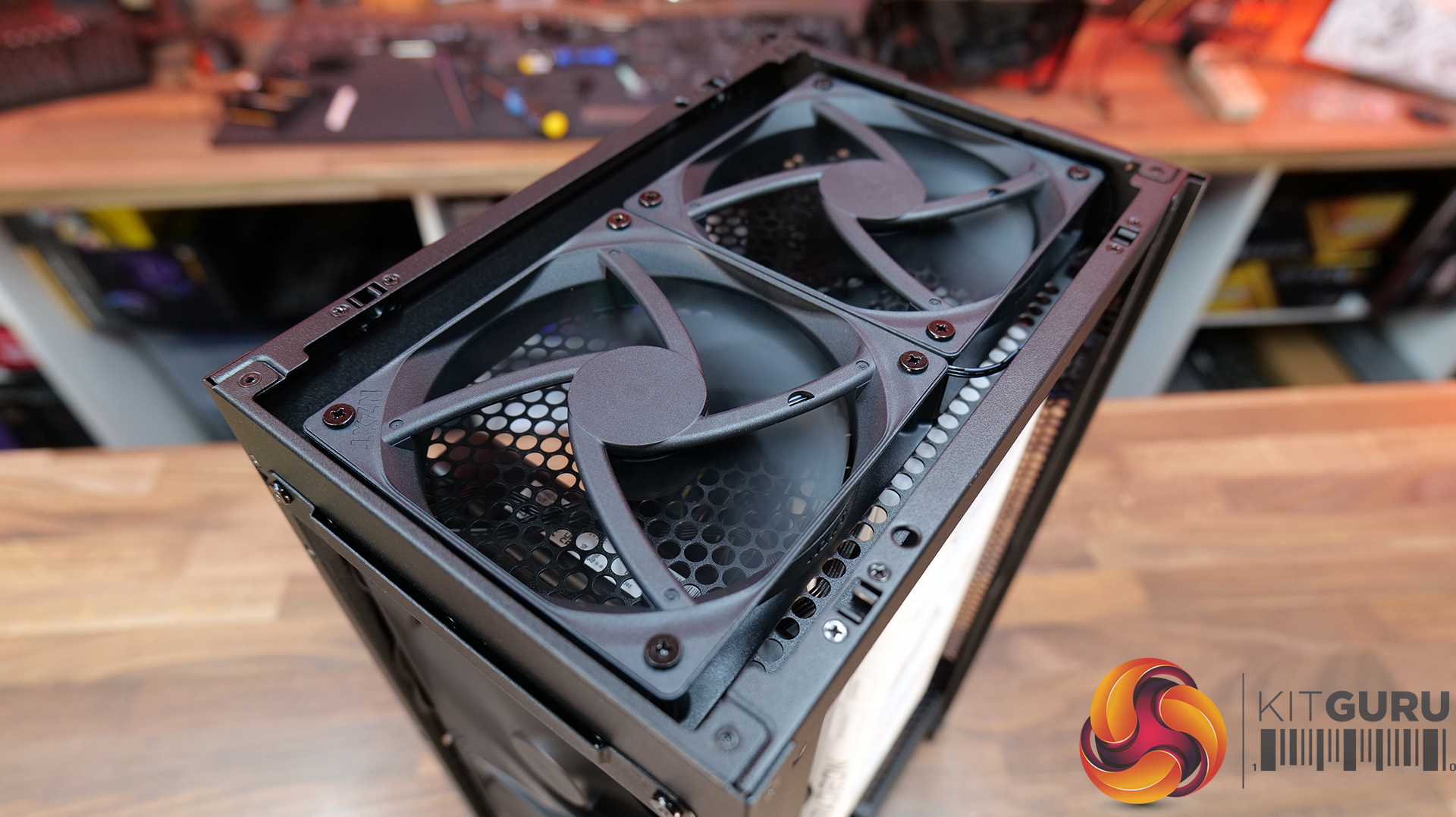
- Supplied Fans: 2 x F120Q (Top)
- Fan Support: 2 x 120 / 2 x 140mm (Front), 2 x 120mm (Top),
- Radiator Support: up to 280mm (Top)
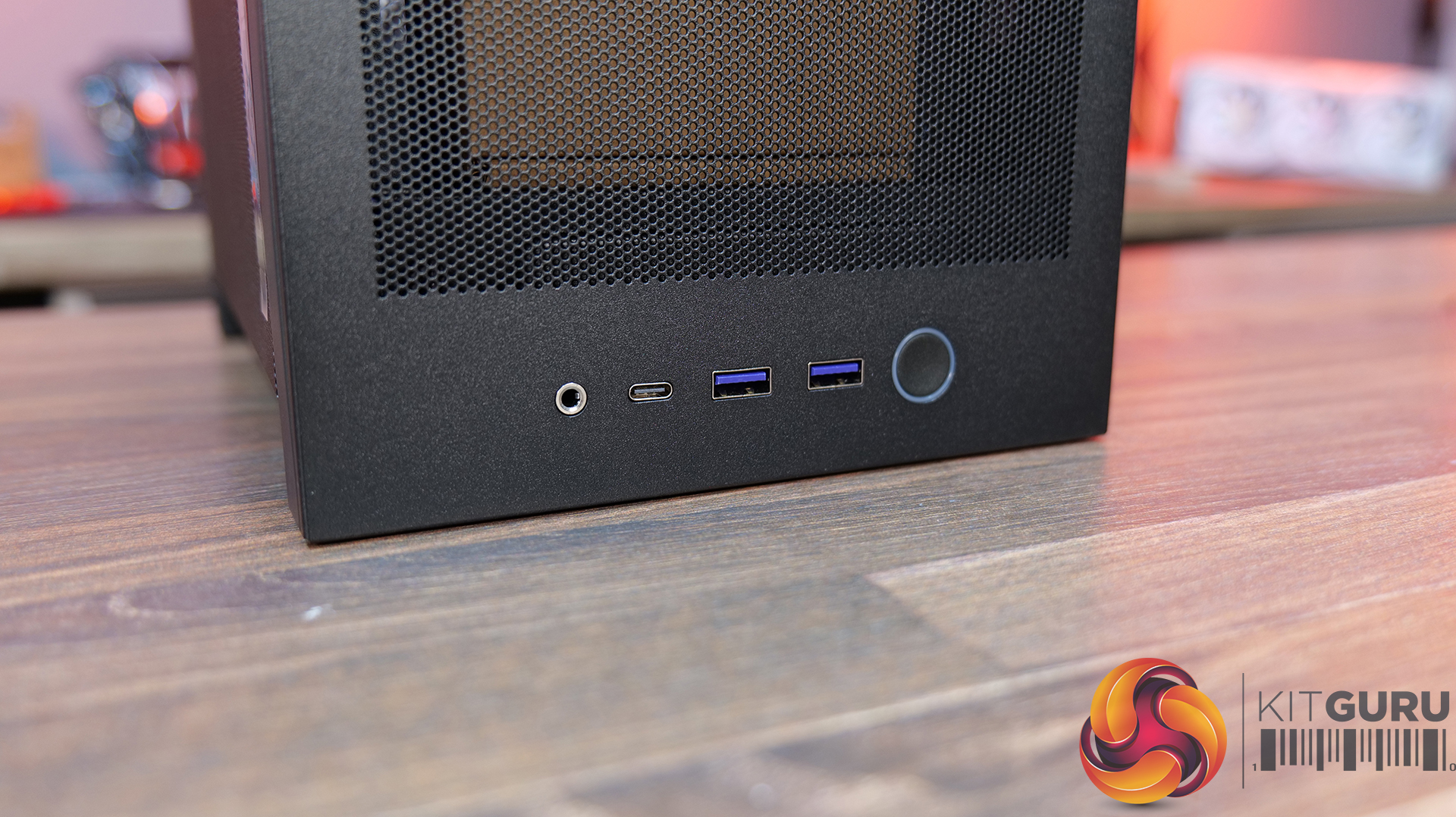
- Font I/O: 1 x USB 3.2 Gen2x2 Type-C, 2 x USB 3.2 Type-A, 1 x combined 3.5mm Auio/Mic jack
- LCD Screen: N/A
Thermal Performance Testing
To simulate thermal demand, we run the Cinebench R23 multi-thread benchmark and 3DMark Speed Way stress test simultaneously in a loop for 30 minutes to load the system fully. This gives the CPU and GPU enough time to reach constant steady-state temperature. With this data, we can compare how the system handles the thermal demand and measure peak noise levels.
Thermal performance is measured with the case in various configurations, such as the default, with the tempered glass left-hand side panel removed and with the front panel removed to see how these configurations affect the CPU and GPU temperature. During testing, only stock case fans are used unless otherwise specified. All water pumps are set to maximum RPM and fans are set to a custom RPM curve by the Motherboard software/BIOS.
All temperature measurements are presented as Deltas – meaning the ambient temperature has been deducted from the CPU temperature, giving us a Delta. Data shown in the charts represents the average component temperature over the length of the test as measured by HWiNFO, and then the last 15 minutes of the data are calculated to get the average. The ambient temperature during thermal tests is between 19-20⁰C.
Test System Specification:
Thermal Performance Overview
We test case thermals using a 280mm AIO as the intake at the front and with the case in several different fan configurations. The default configuration shown in the charts is with the Front 280mm AIO cooler, 2 x 120mm top exhaust fans and with all case panels installed.
Looking at the thermal results, the H2 Flow delivers pretty solid performance overall, with some interesting quirks. With the side panels removed, we see CPU temperature at 61°C over ambient and 39°C on the GPU. In the default configuration with all panels installed, CPU temperature increases to 65°C over ambient on the CPU and 41°C on the GPU, so out of the box airflow seems reliable, but there's some restriction.
Switching the top fans to intake doesn’t help CPU temperature at all and pushes GPU temperatures up a couple of degrees. Using an AIO as exhaust at the front sees CPU temperatures climb to 68°C, although GPU temps drop back down to 39°C in this configuration, so there’s a bit of a trade-off depending on your setup.
Noise Output
Moving on to noise output, again the H2 performs quite consistently. With the side panels removed we see a maximum load noise level of 41dBA, rising slightly to 42dBA in the default setup with all side panels installed, due to increased temperatures and higher fan speeds.
Switching the top fans to intake doesn’t change things at all, but using the AIO as exhaust pushes noise up slightly to 43dBA, due to higher CPU temperature and AIO fan speed. However, an increase of 1dBA shouldn’t be too noticeable in real-world scenarios. At idle, everything sits between 36 – 37dBA regardless of configuration, so overall the H2 Flow delivers controlled acoustics — its not the quietest case we’ve tested, but certainly nothing much to complain about either.
Closing Thoughts
Overall, the H2 Flow is a bit of a mixed bag, but there are some positives worth highlighting. The compact footprint is one of its best features — it takes up less space desk space than mid-towers and some compact SFF cases with horizontal layouts, which will appeal to users who are working with a smaller desk setup. At the same time, NZXT has done a solid job with cooling support, with compatibility for 280mm AIOs and 140mm fans, so you don’t have to sacrifice cooling for desk space, which is great and a big improvement on its predecessor, the H1.
Building inside the case is mostly a smooth experience. System installation is straightforward, there’s a decent amount of space to work with given the overall size, and cable routing is handled reasonably well for the most part. There are clear channels for running cables, which work well. It's not the most radical design, nor does it include any genuinely innovative ideas, but NZXT has clearly put some thought into making the build process as painless as possible for most users.
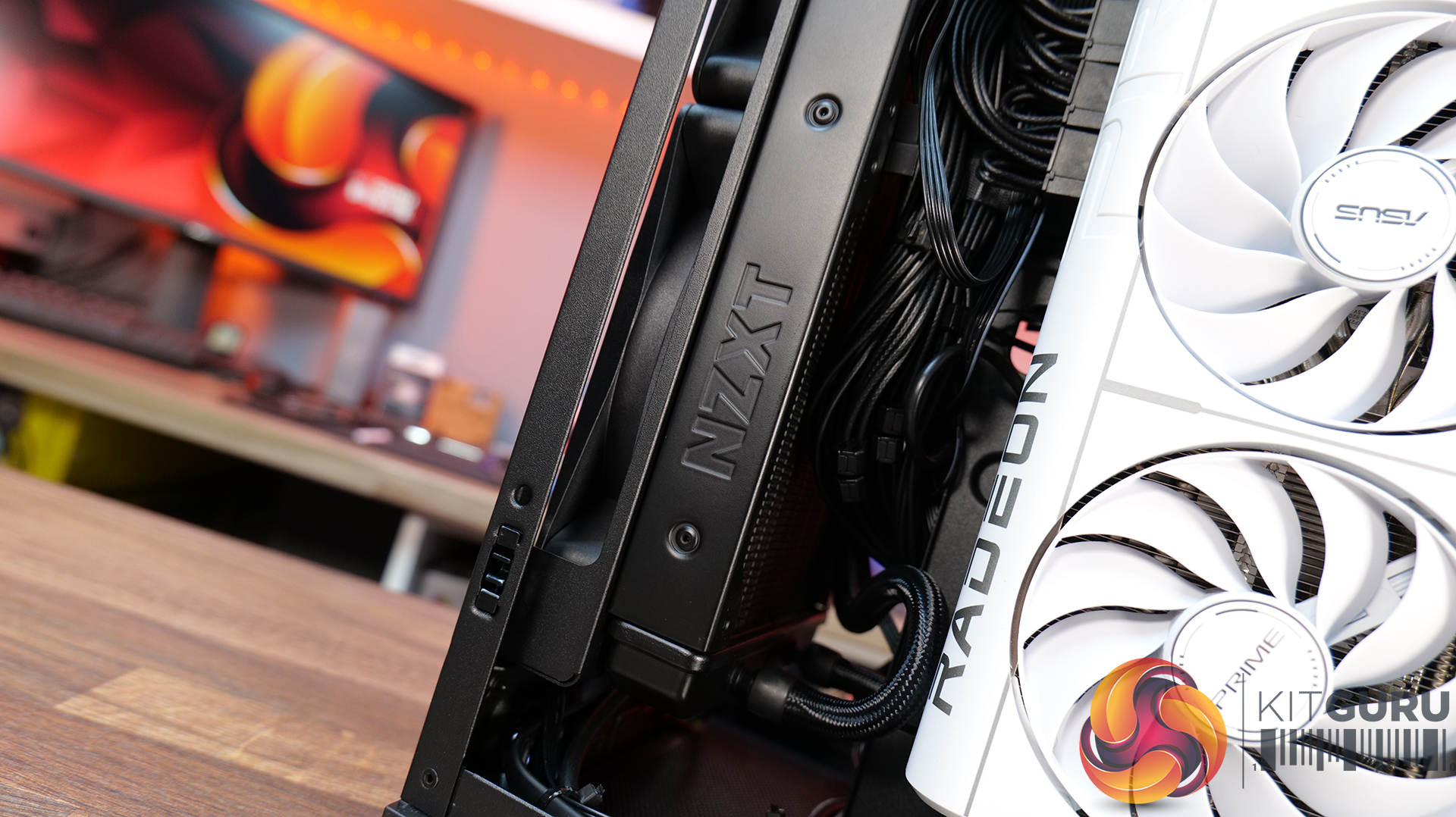
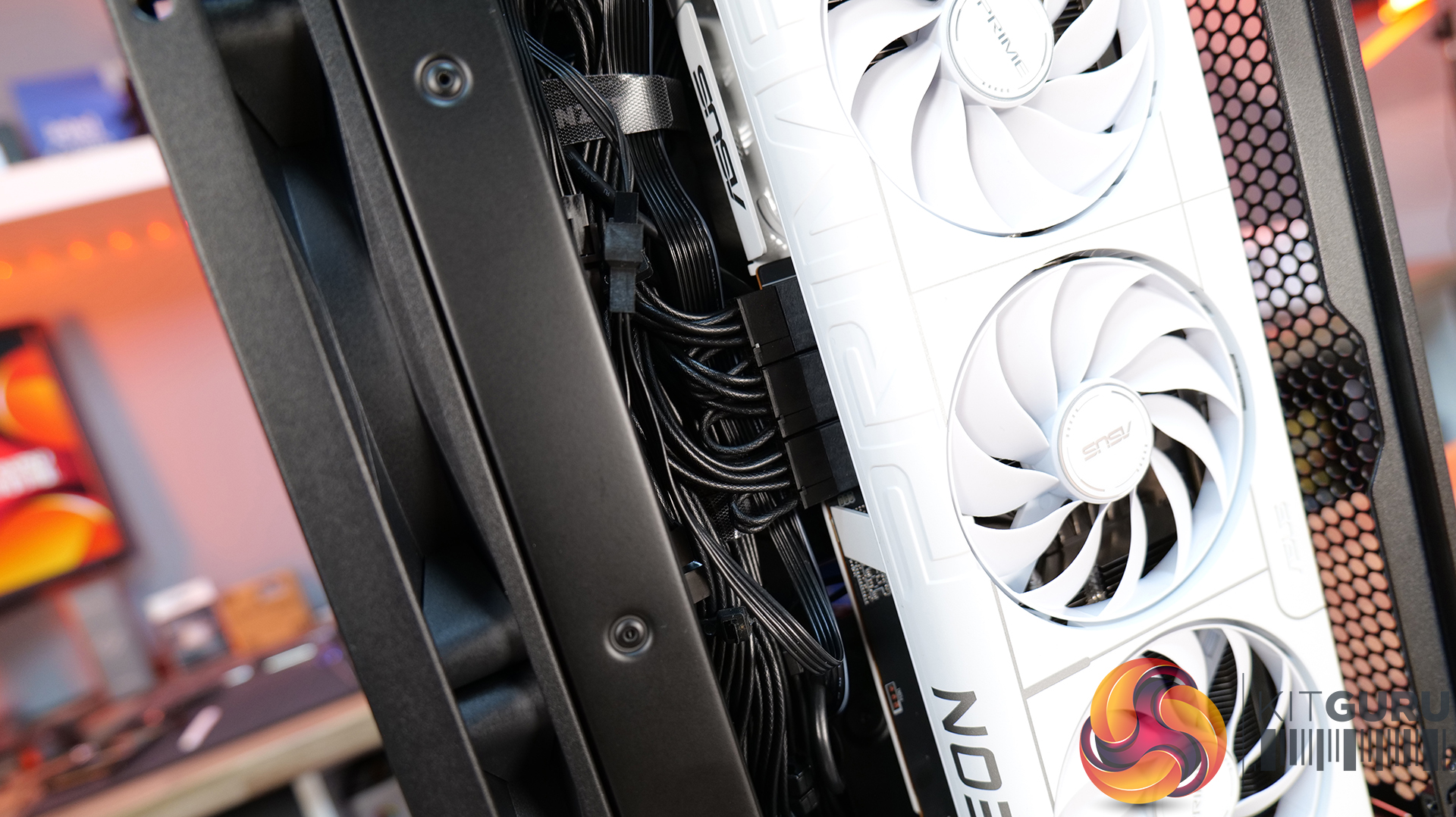
That said, there are a few downsides that hold it back. One of those issues is GPU compatibility — the maximum graphics card length is quite restrictive; it's an improvement on the H1 at 331mm, but a lot of current high-end cards simply won’t fit. There are also some concerns around build quality. The motherboard tray has excessive flex, the PCIe riser cable fouls the motherboard tray and the back of the GPU, some of the outer panels feel a bit weak, and small details like the Velcro straps don’t properly secure the 24-pin cable, even though generally cable management is good.
There are a few usability niggles too. Removing a graphics card can be awkward due to the limited access to the PCIe retaining latch, which you only notice when removing the graphcis card. There's only a small cutout in the chassis frame to get a finger in to release the PCIe latch, you may be tempted to use a tool and pry it open, which can result in damage. So while the H2 Flow gets things right in terms of size, airflow, and ease of use, the compromises — particularly around GPU support and build quality mean it doesn’t quite hit the mark.
The NZXT H2 Flow is available to purchase now from Scan priced at £129.98 HERE.
Pros:
- Decent cooling support
- Small footprint.
- Easy system installation.
Cons:
- Max graphics card space limits options.
- Build quality issues.
- Cable management Velcro straps are a bit weak.
- A little expensive.
KitGuru says: The H2 Flow is certainly an improvement in terms of cooling compared to the H1, but it still falls short in some areas, which makes it difficult to recommend. The potential for a solid small form factor case is there, but there's still room for improvement.
The post
NZXT H2 Flow PC Case Review first appeared on
KitGuru.

 Login
Login