❌

Normal view

There are new articles available, click to refresh the page.
Before yesterdayMain stream

Cougar CFV235 Case Review

17 March 2026 at 11:52

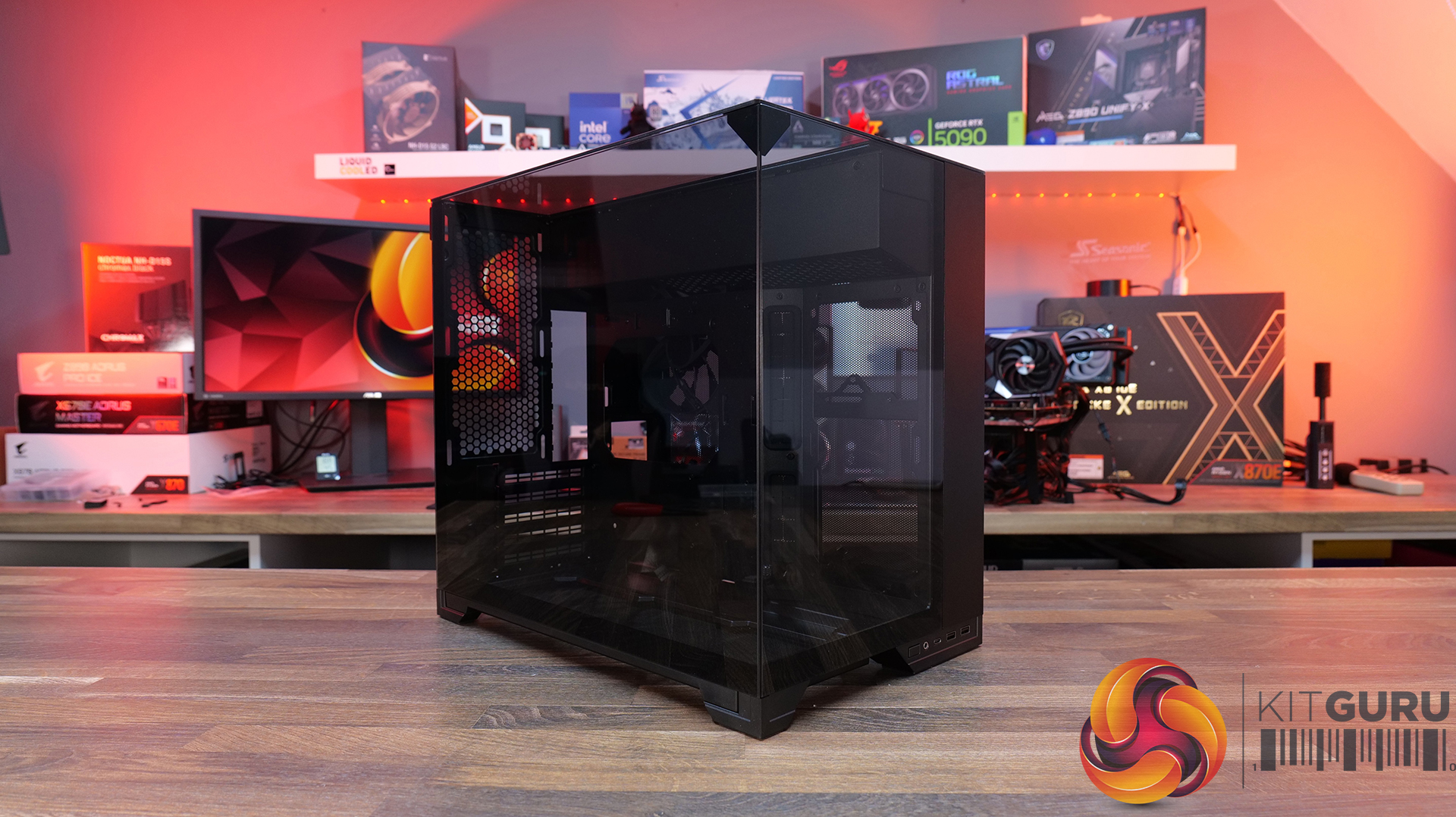
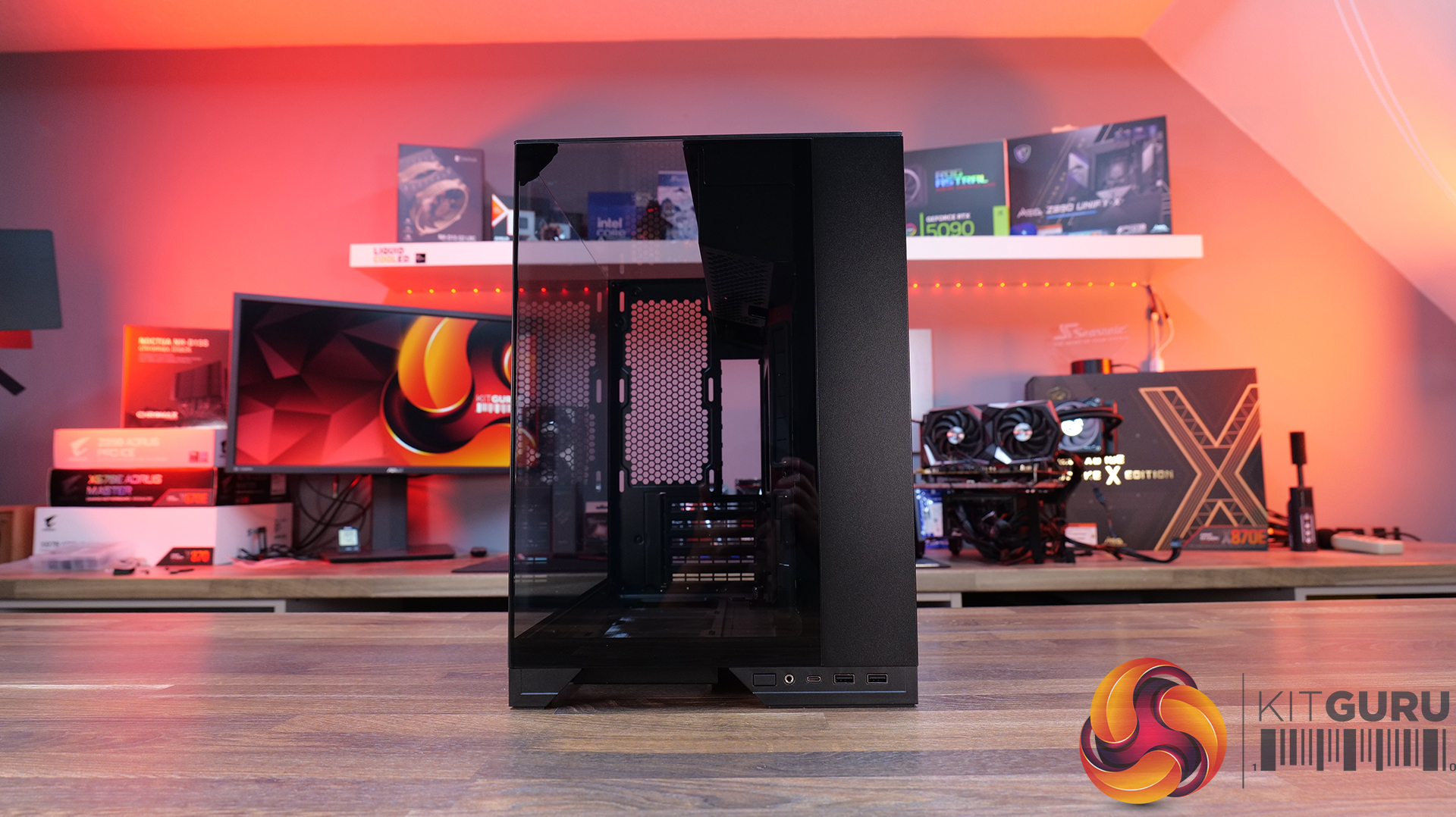
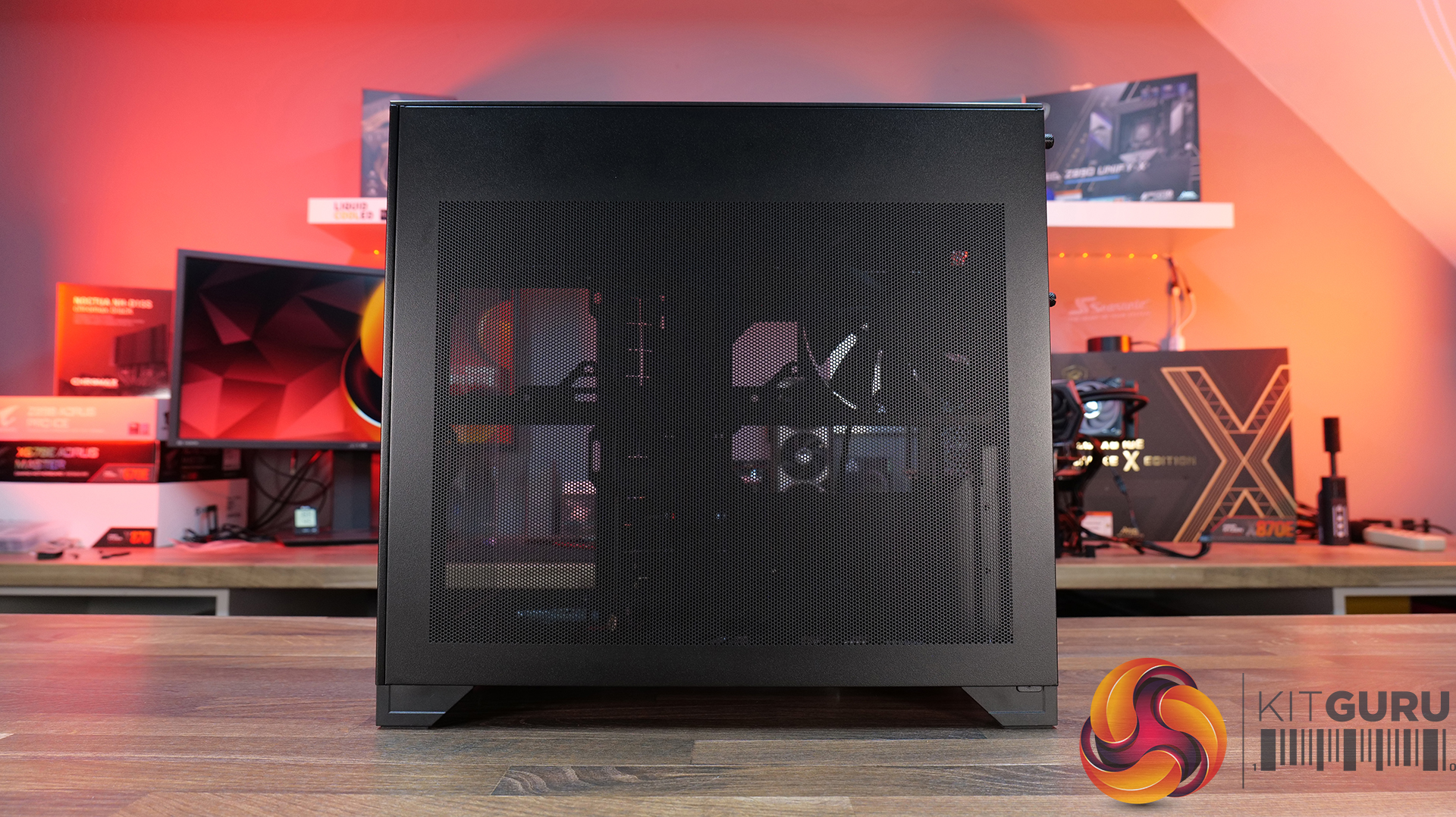
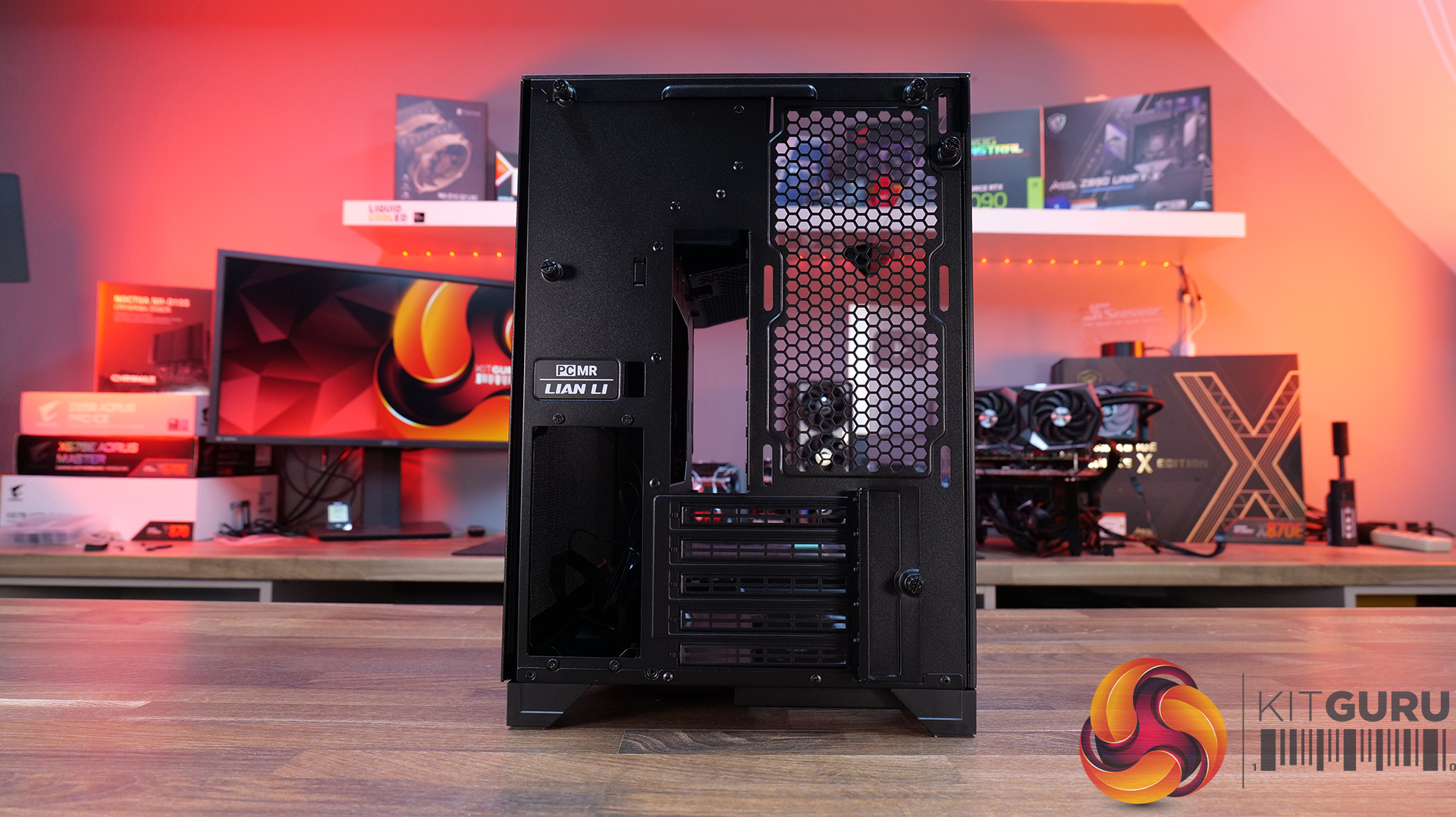
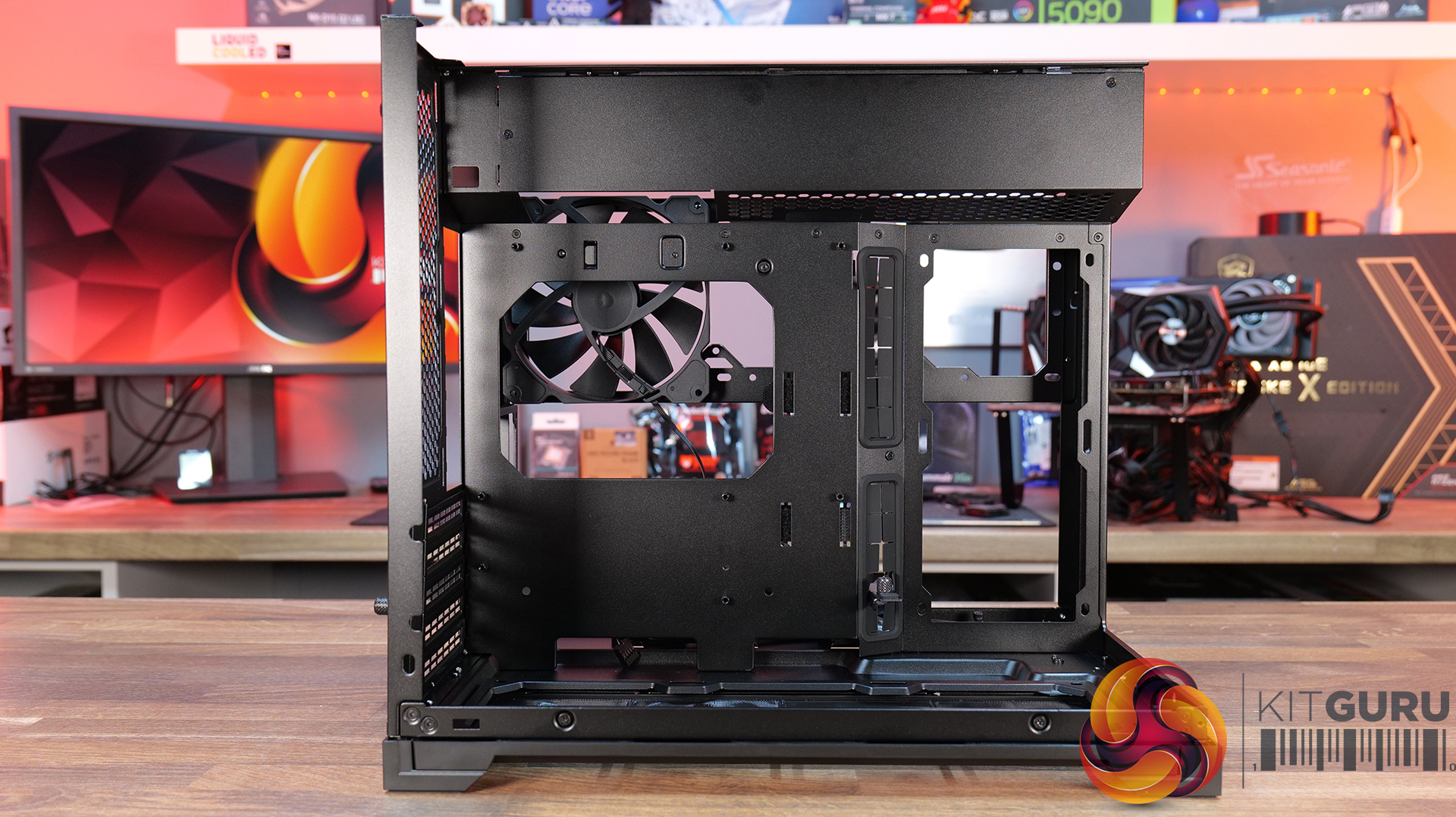
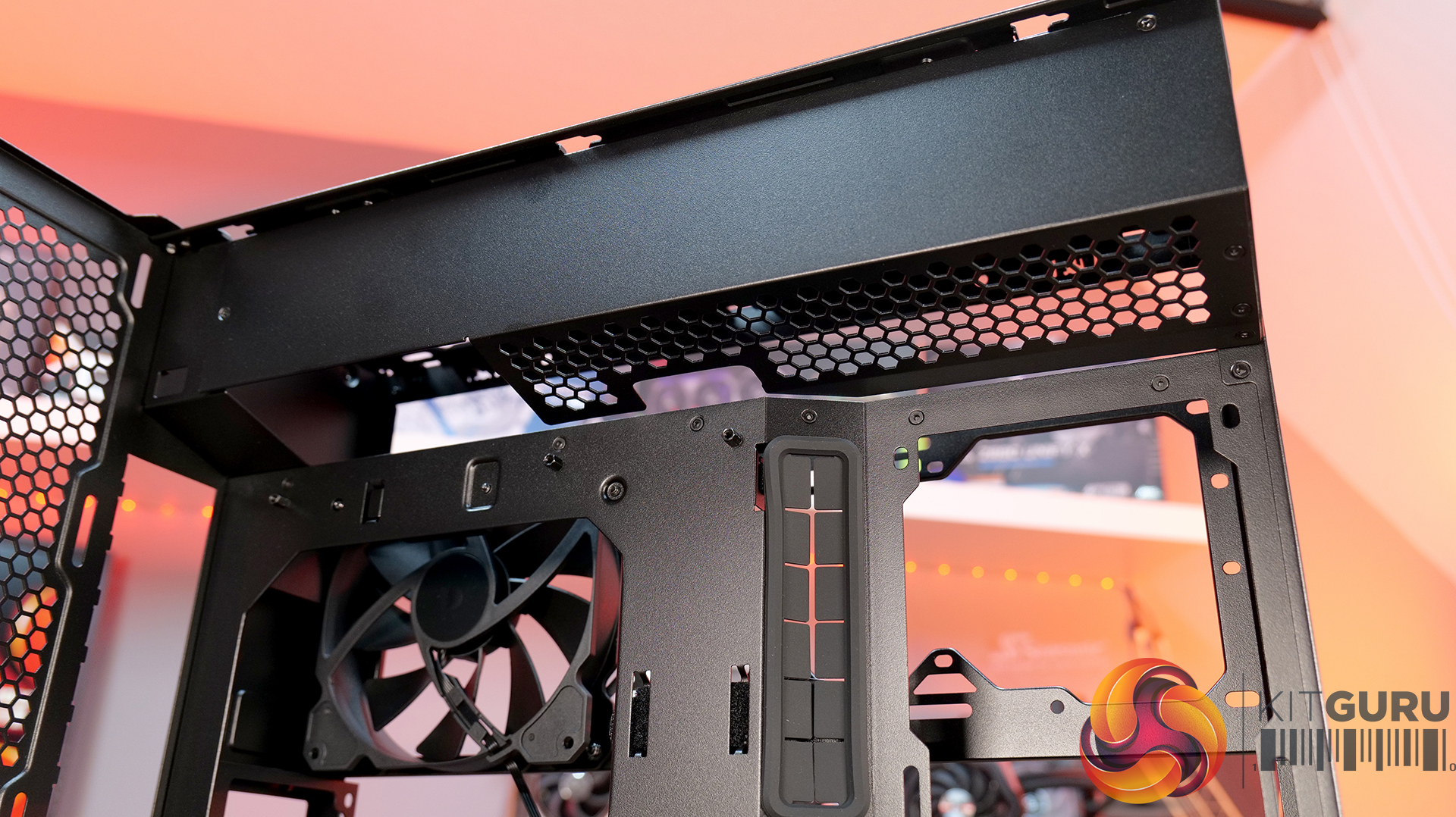
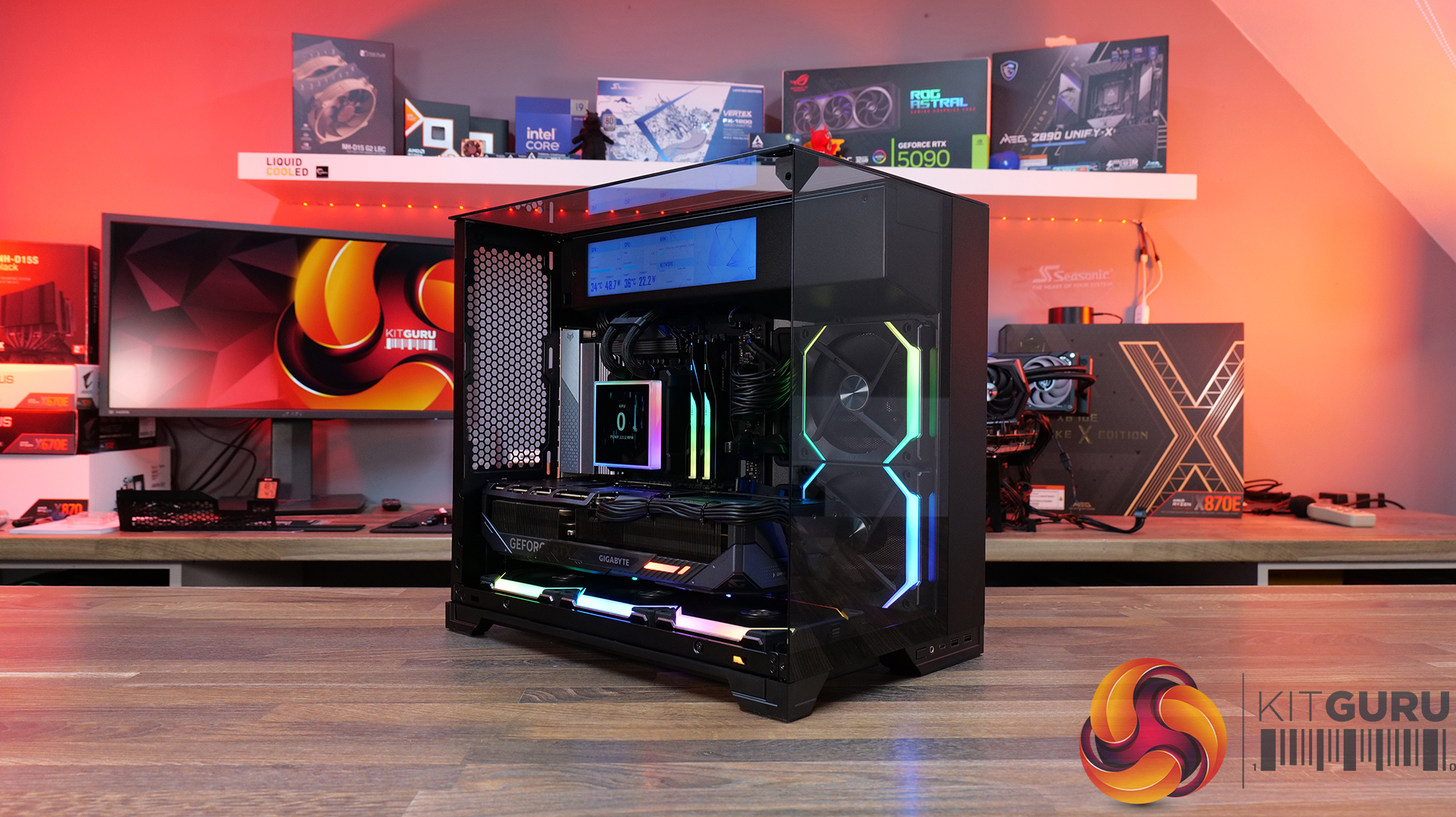
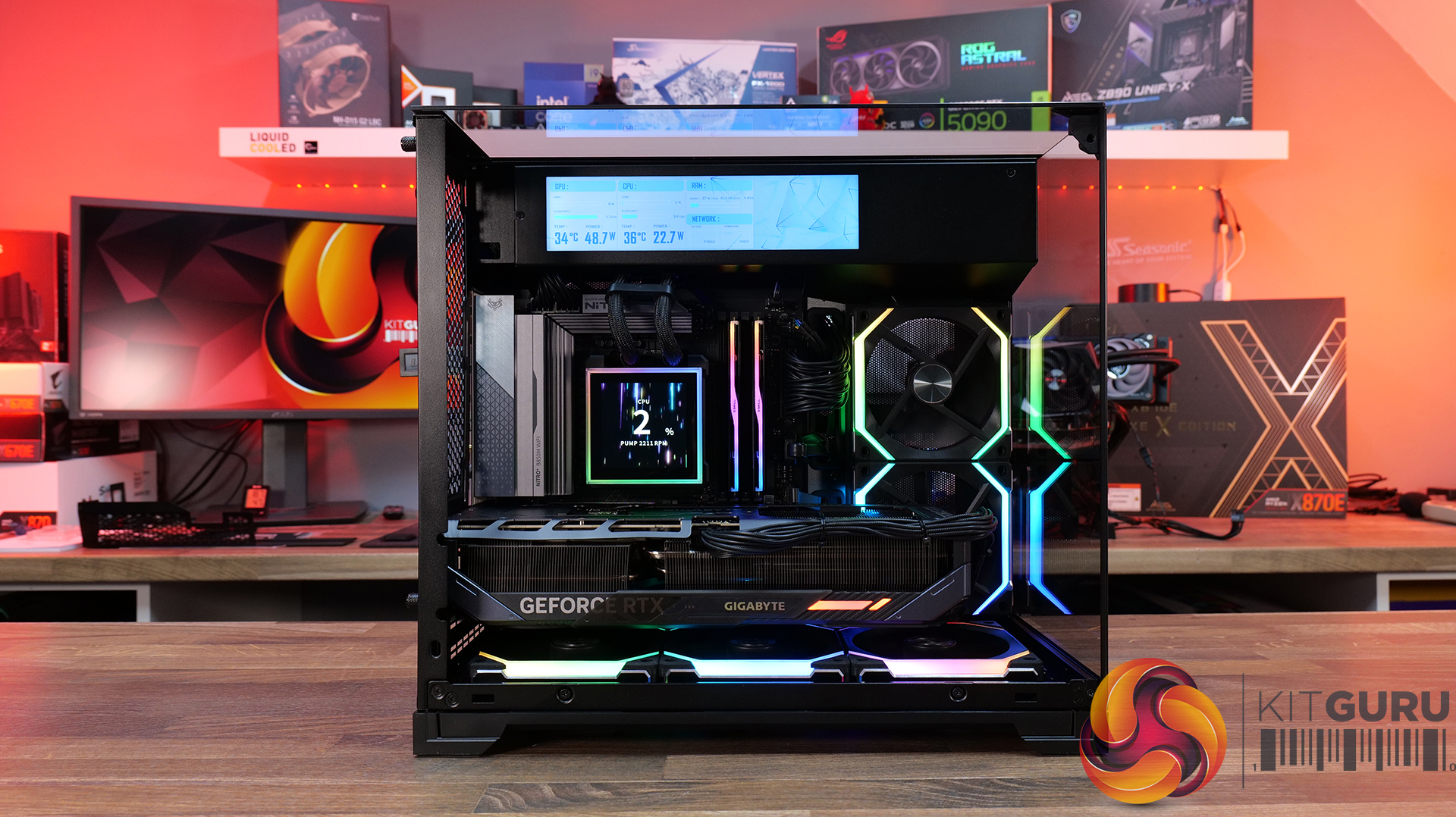
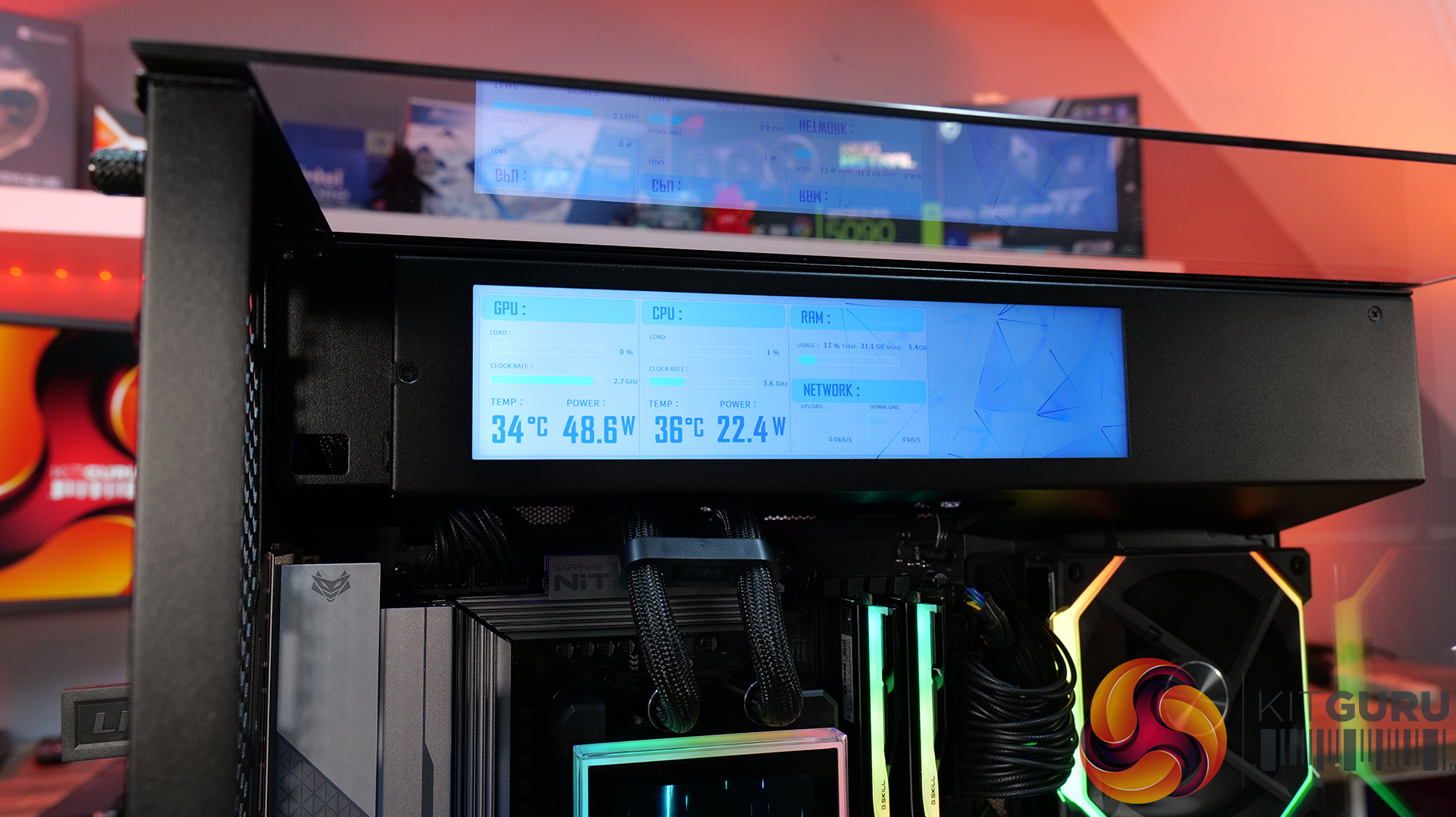
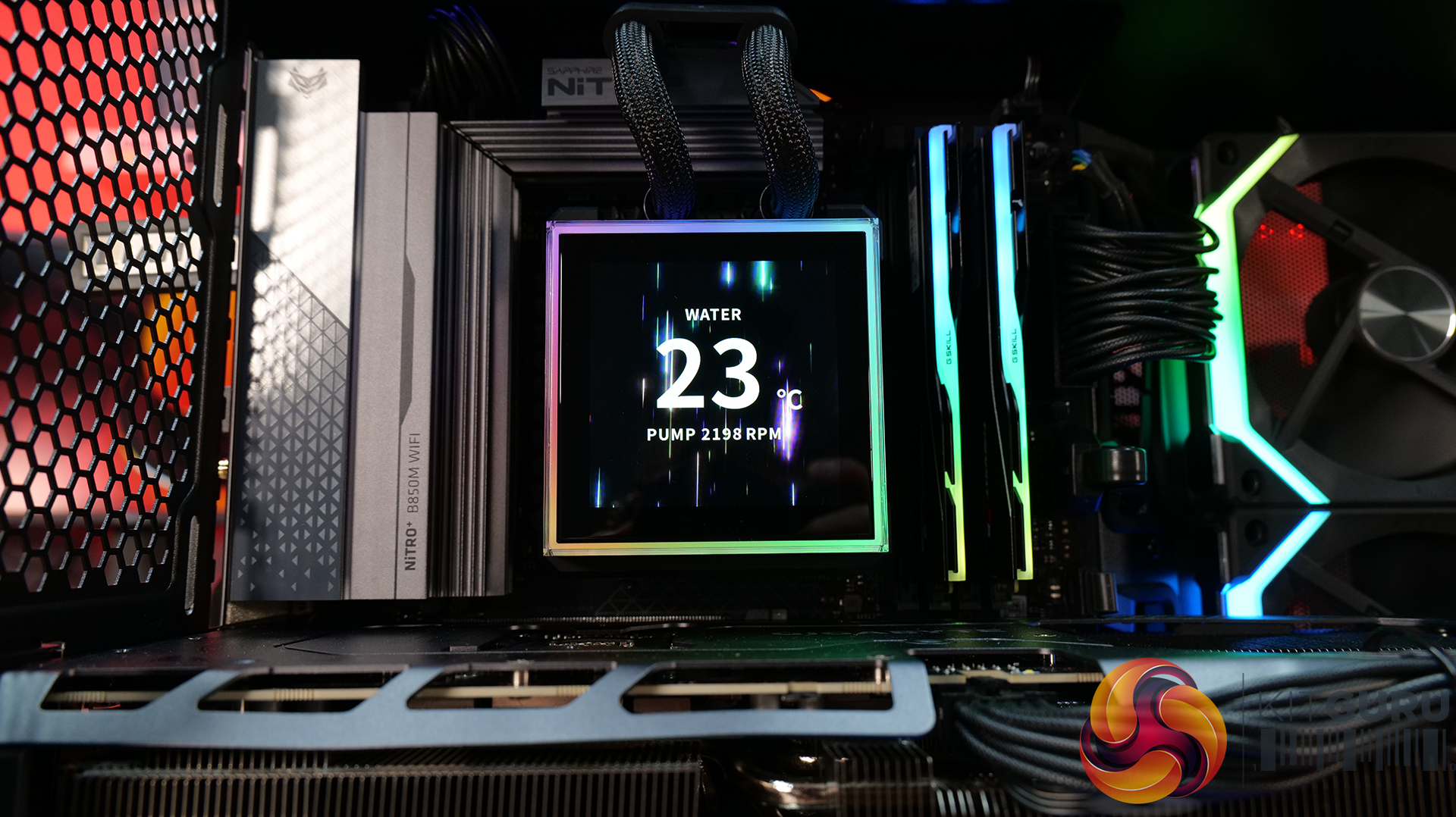
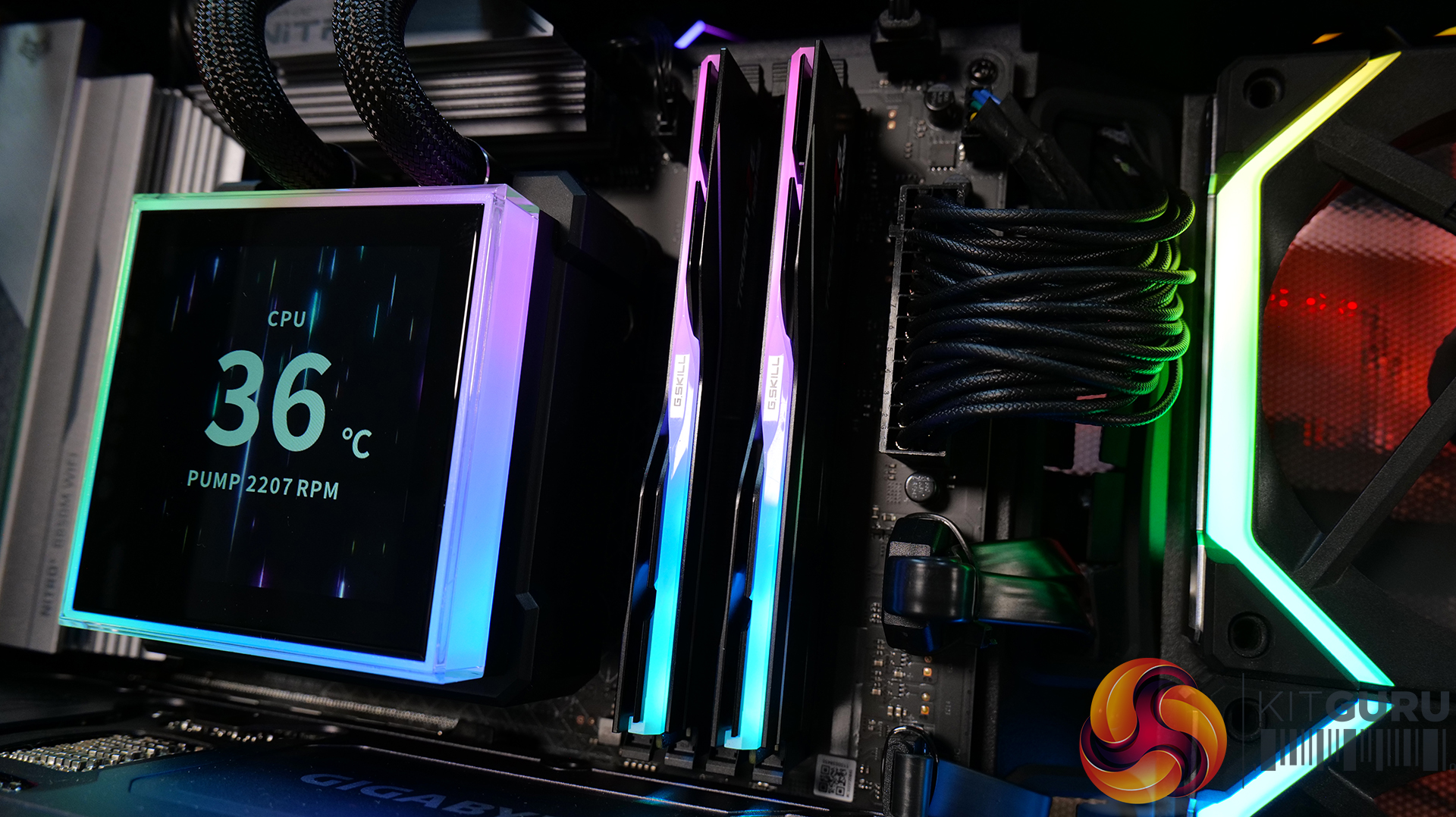
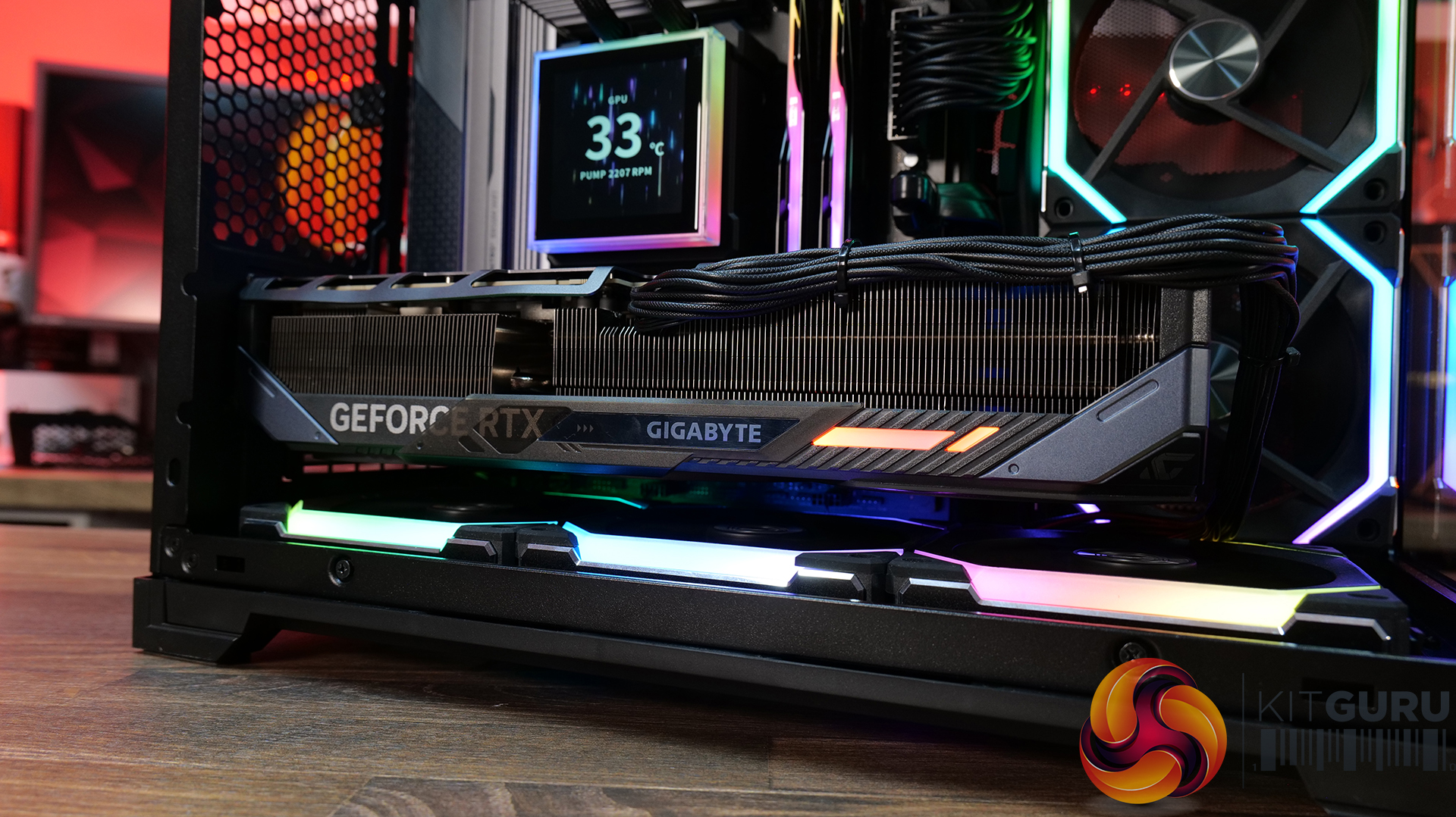
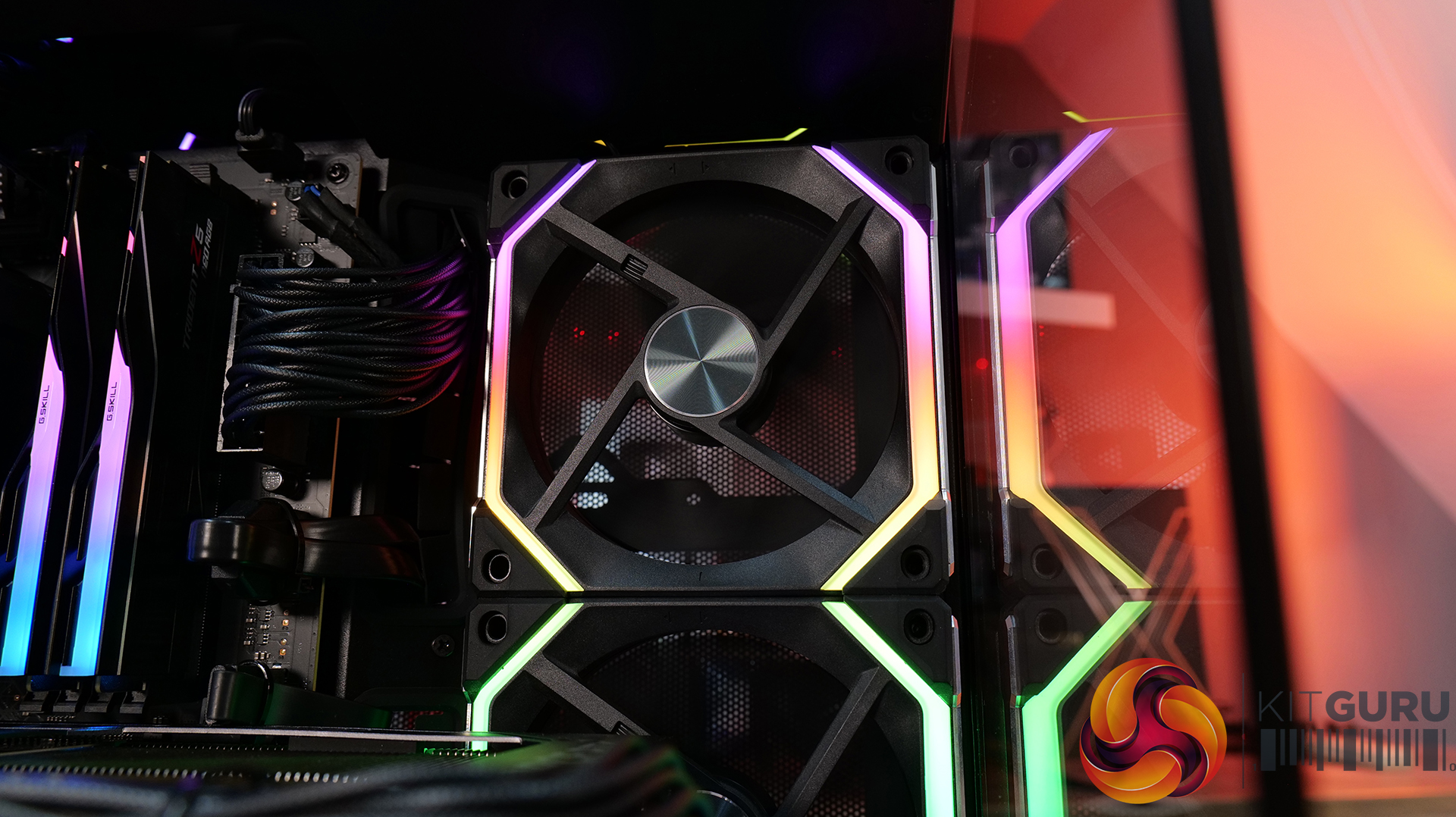
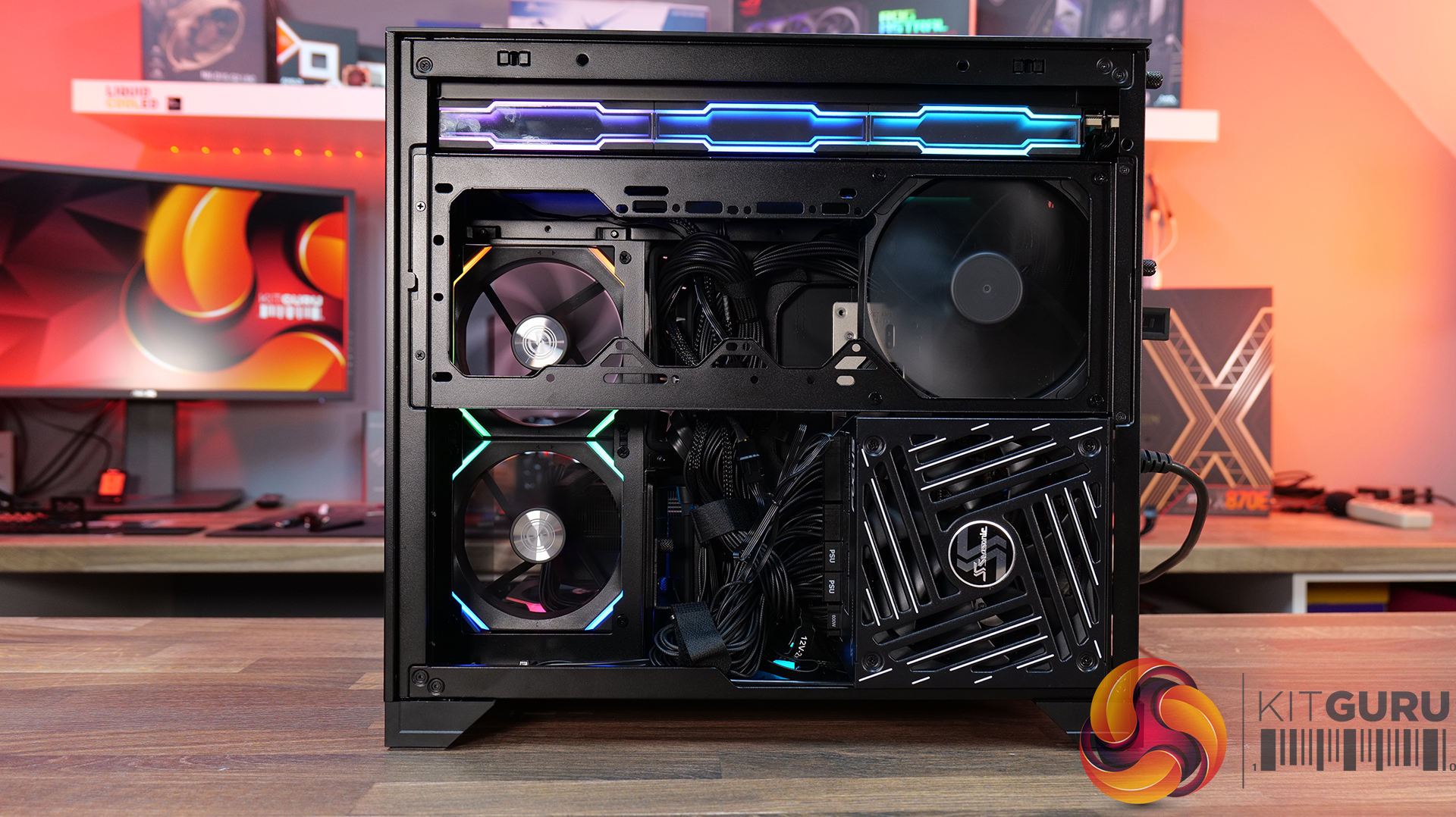
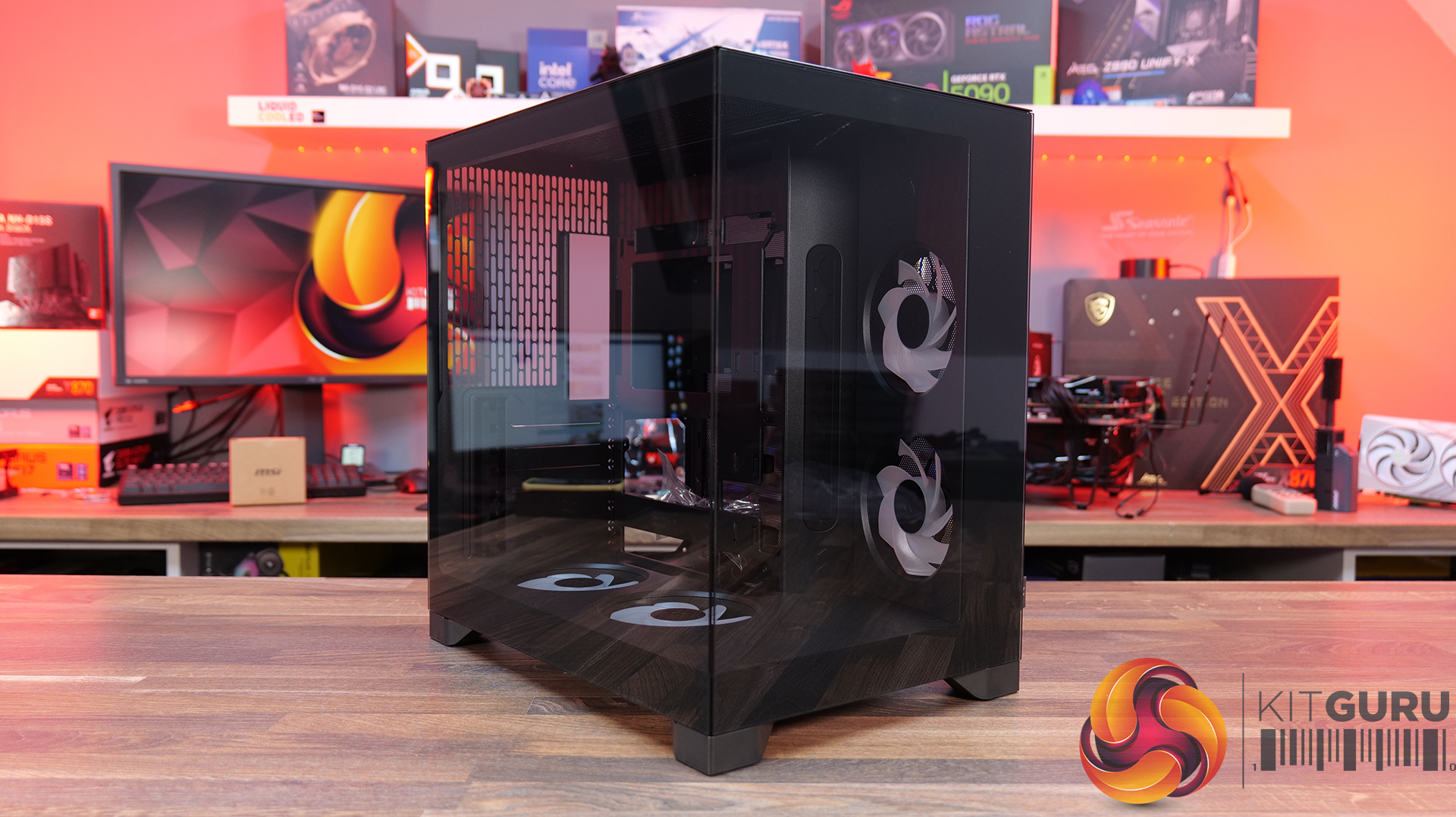
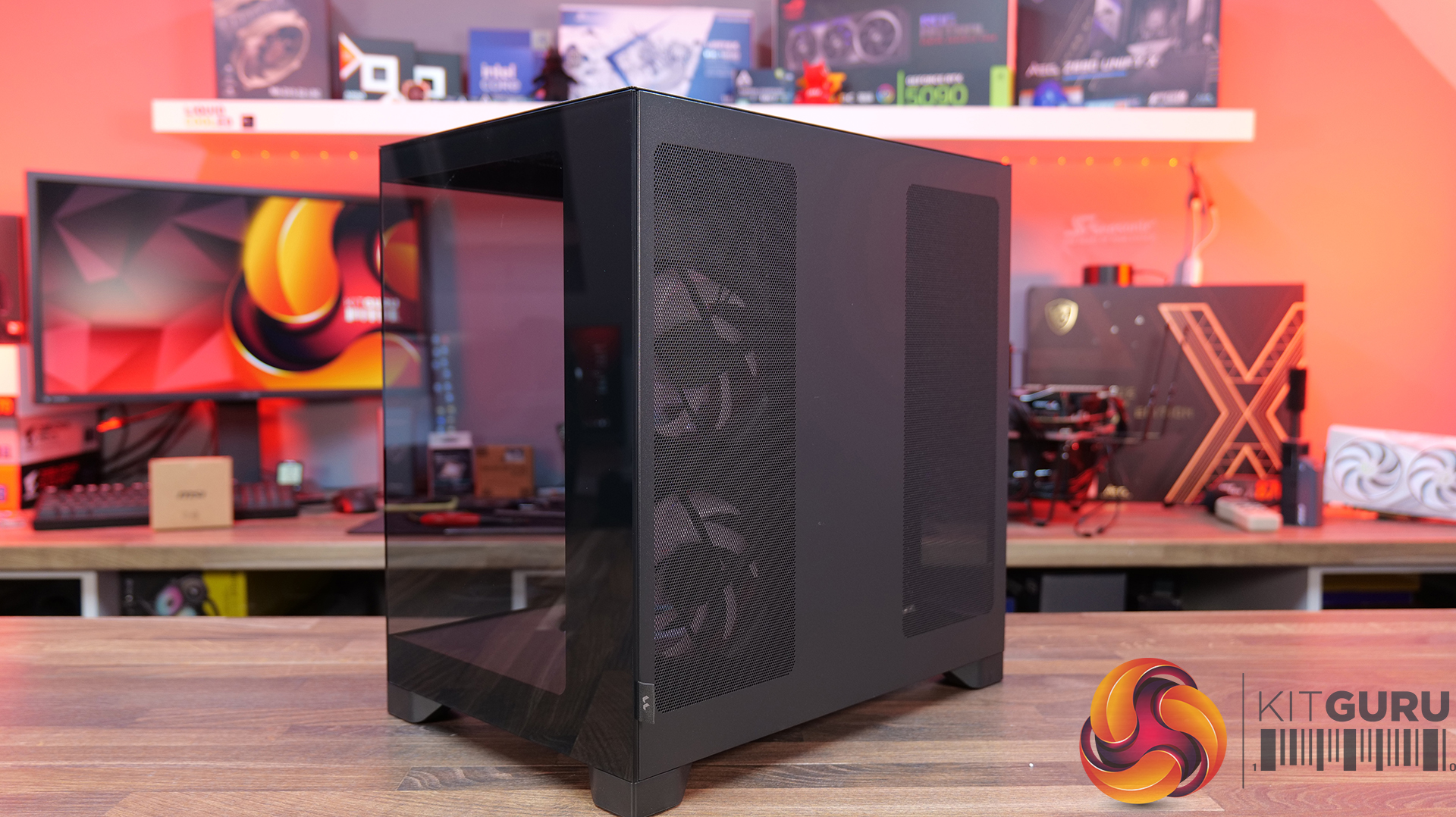
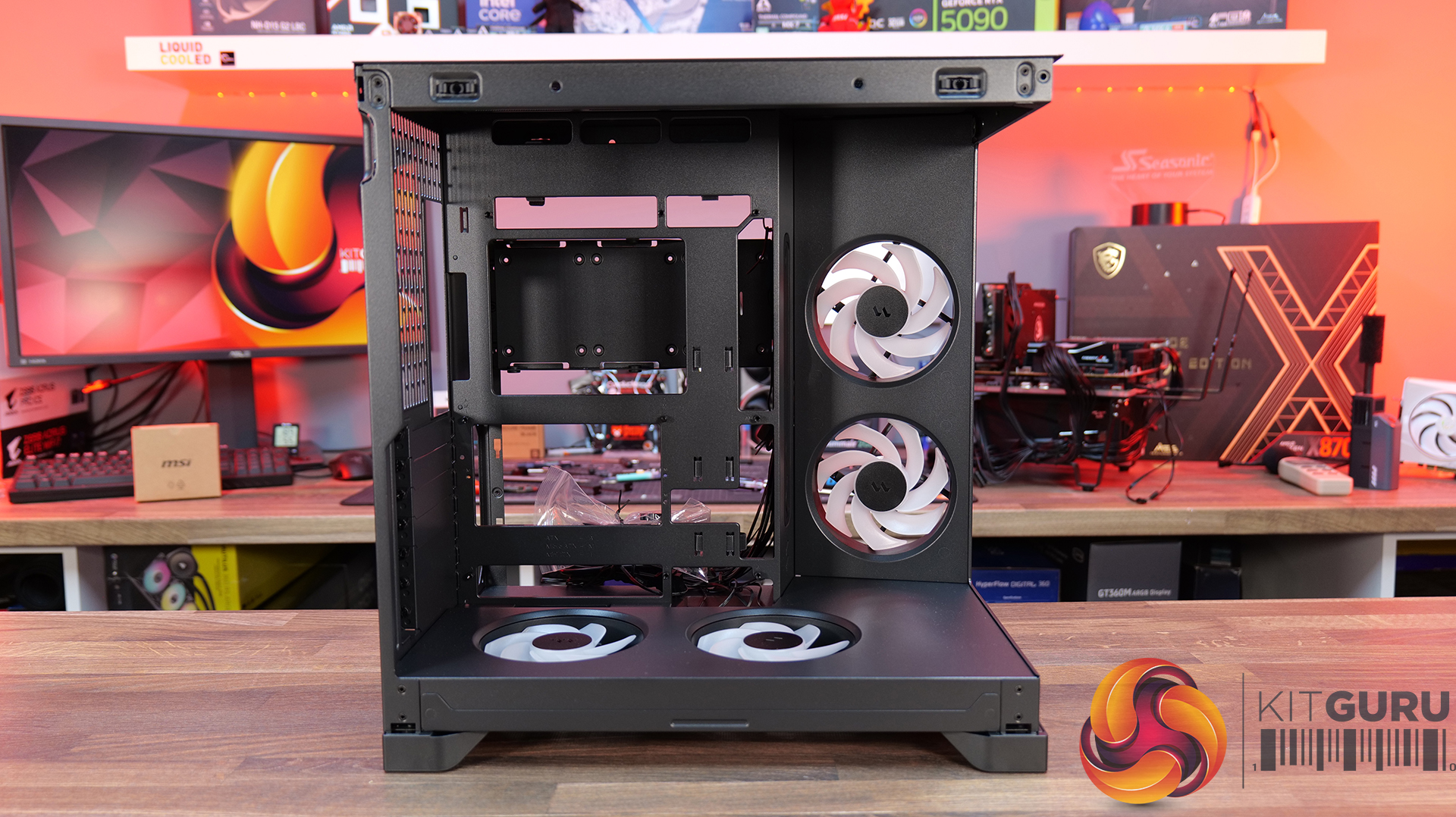
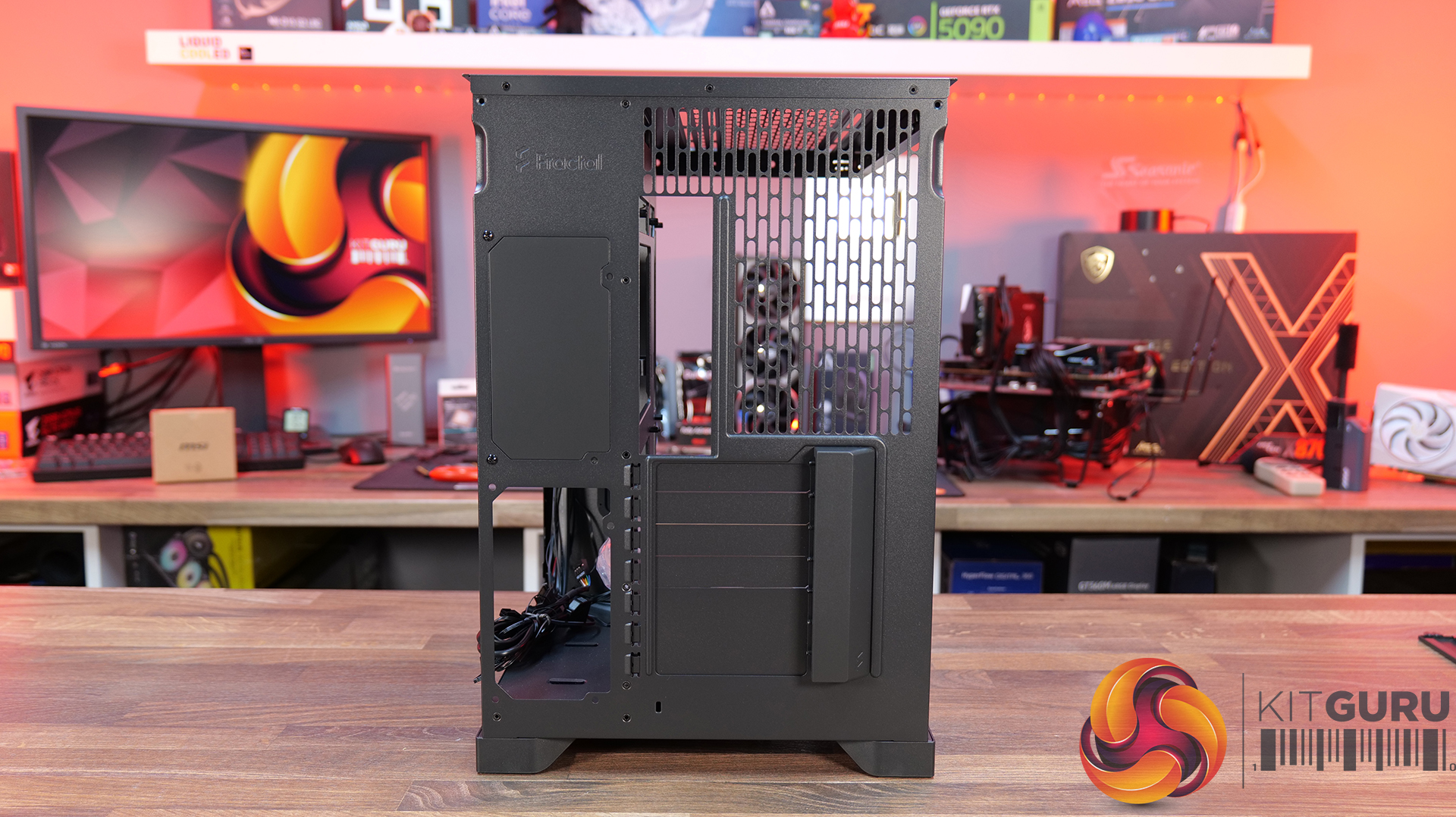
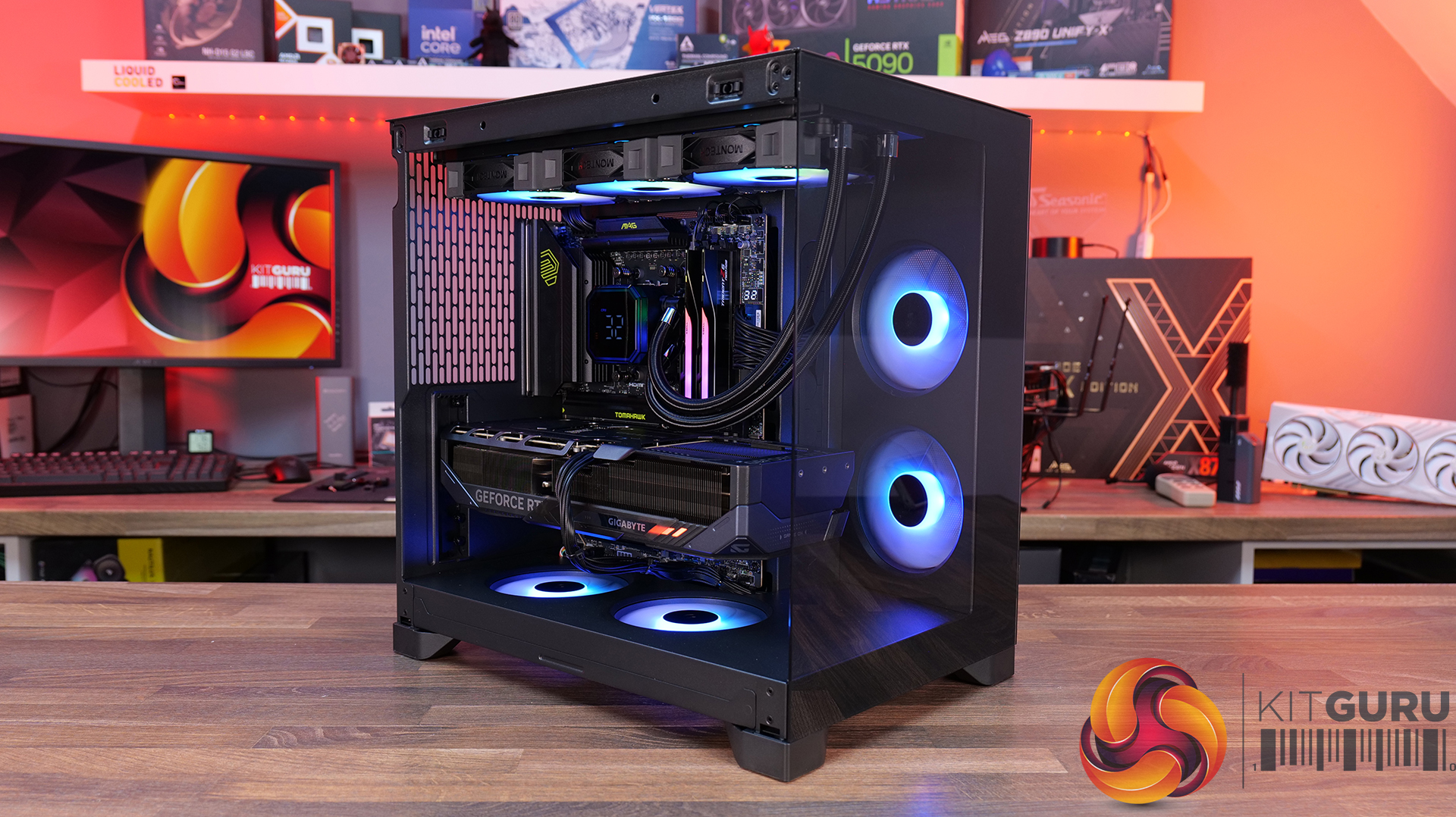
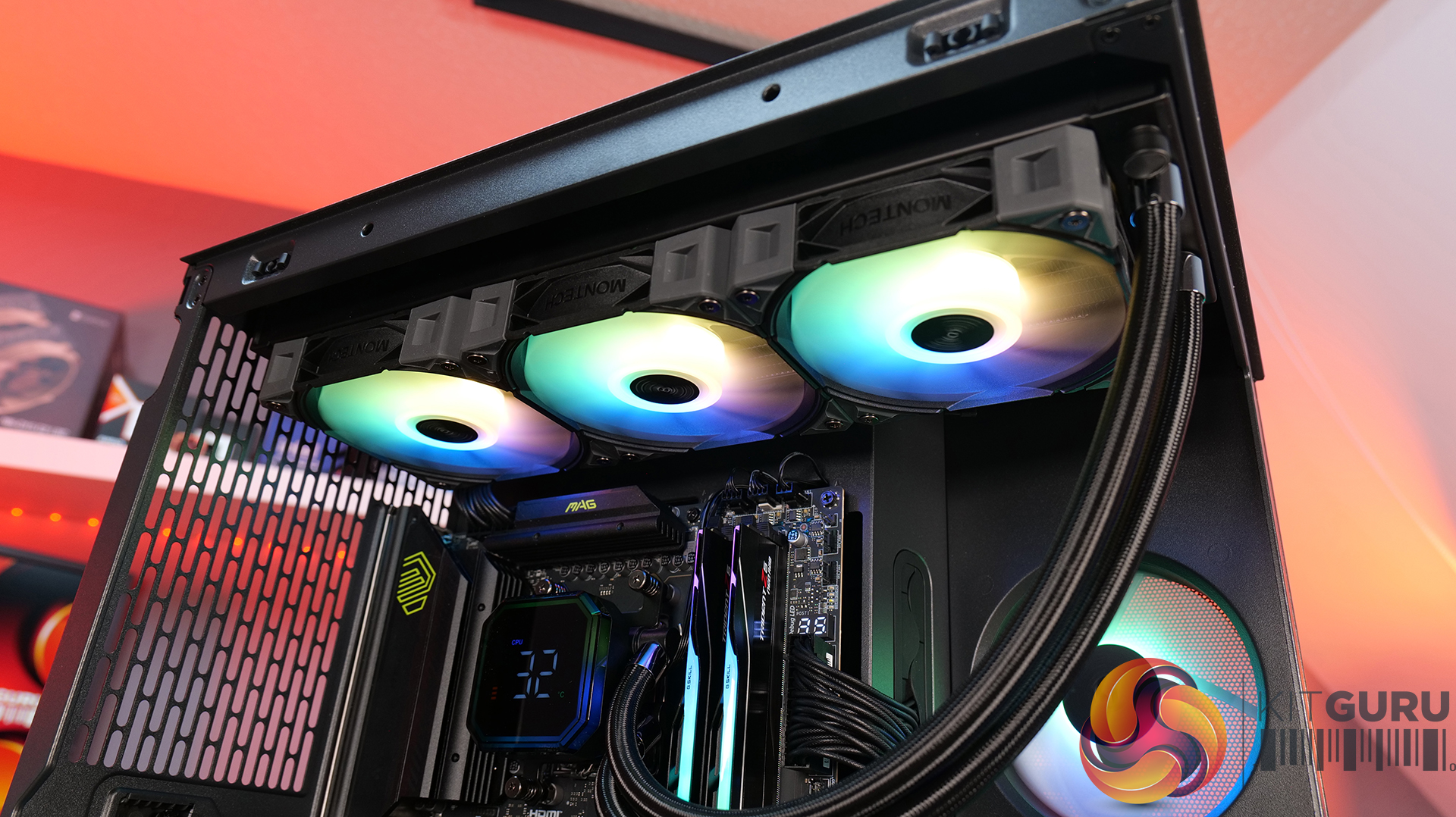
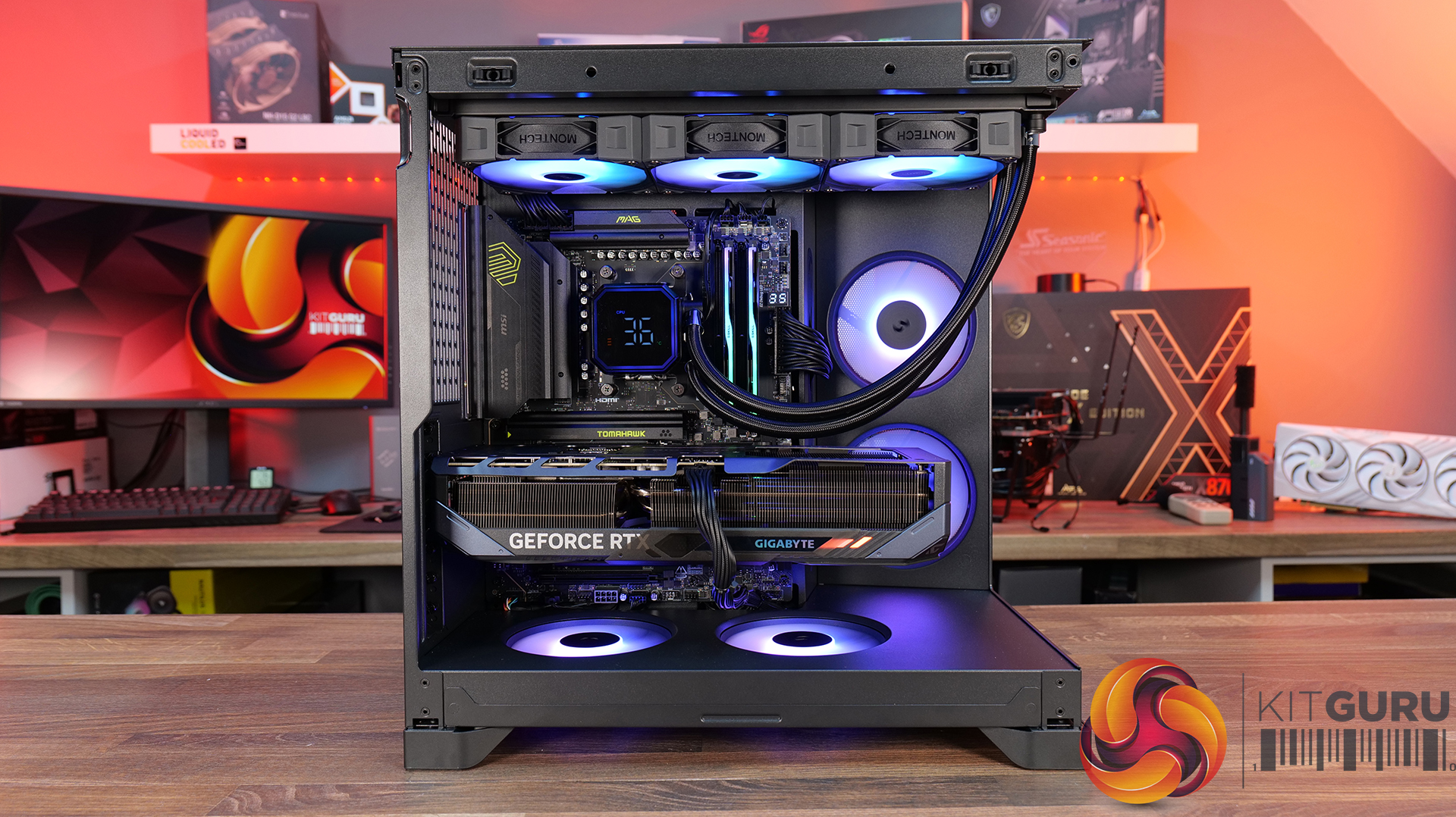
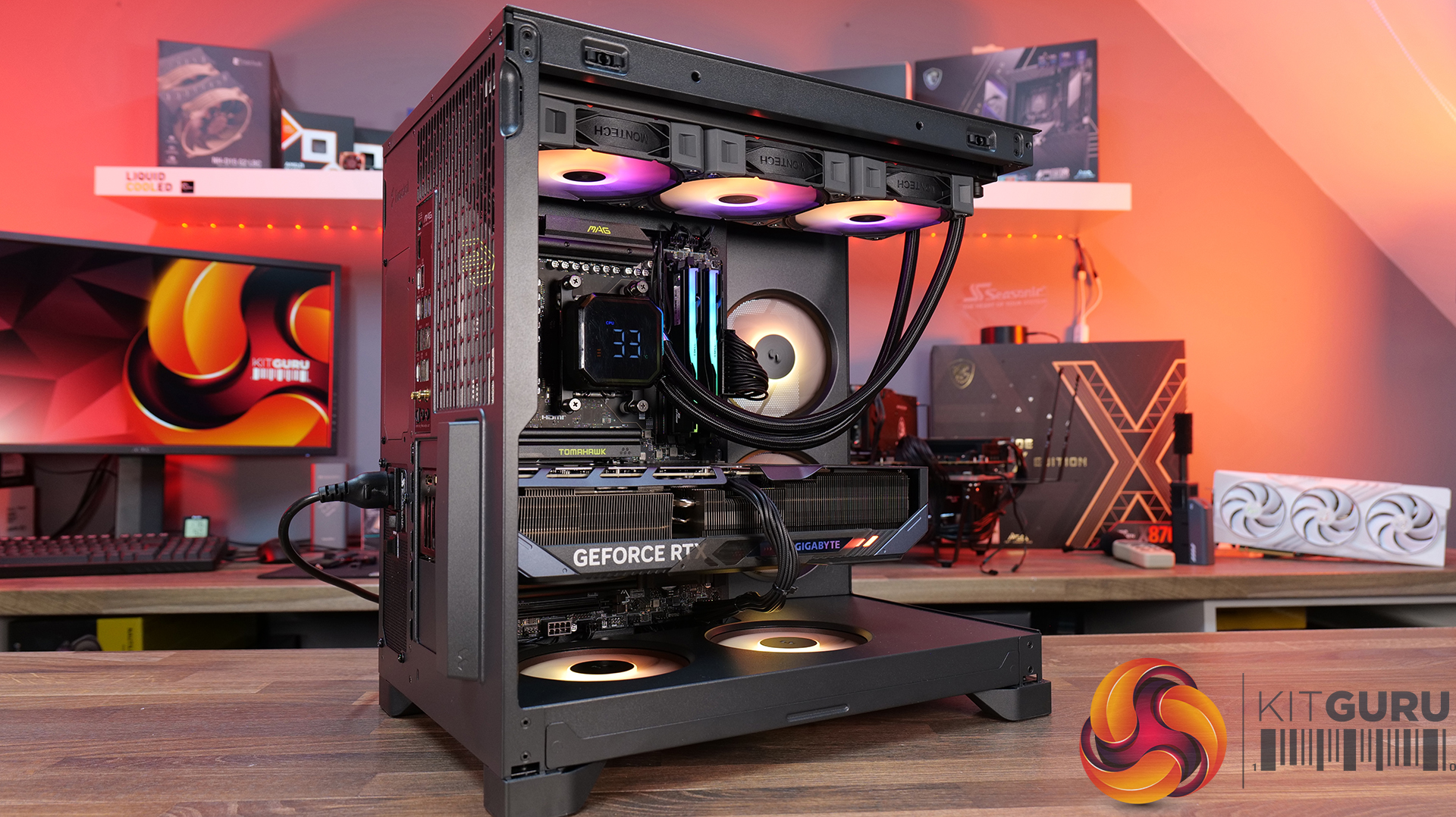
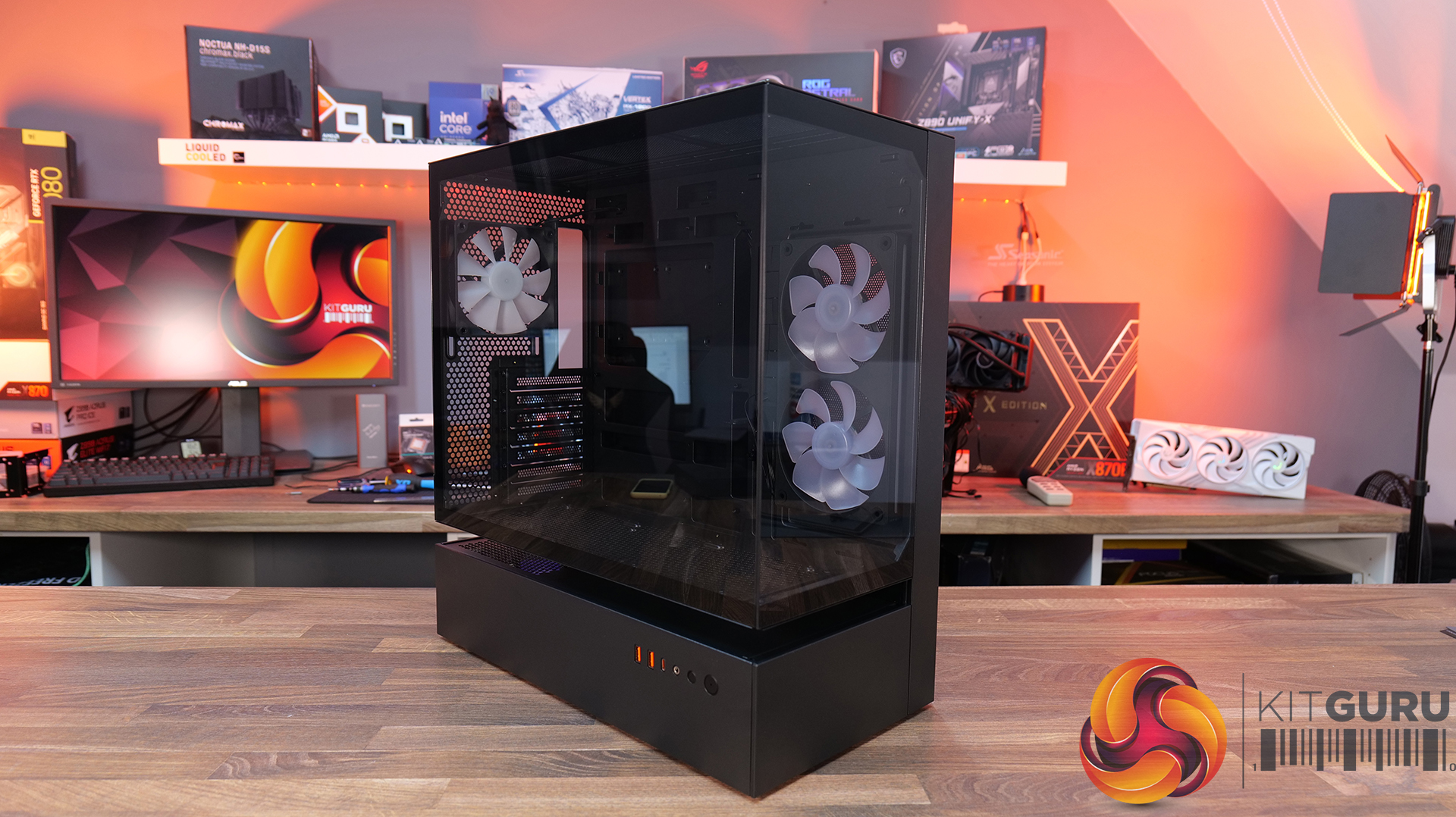
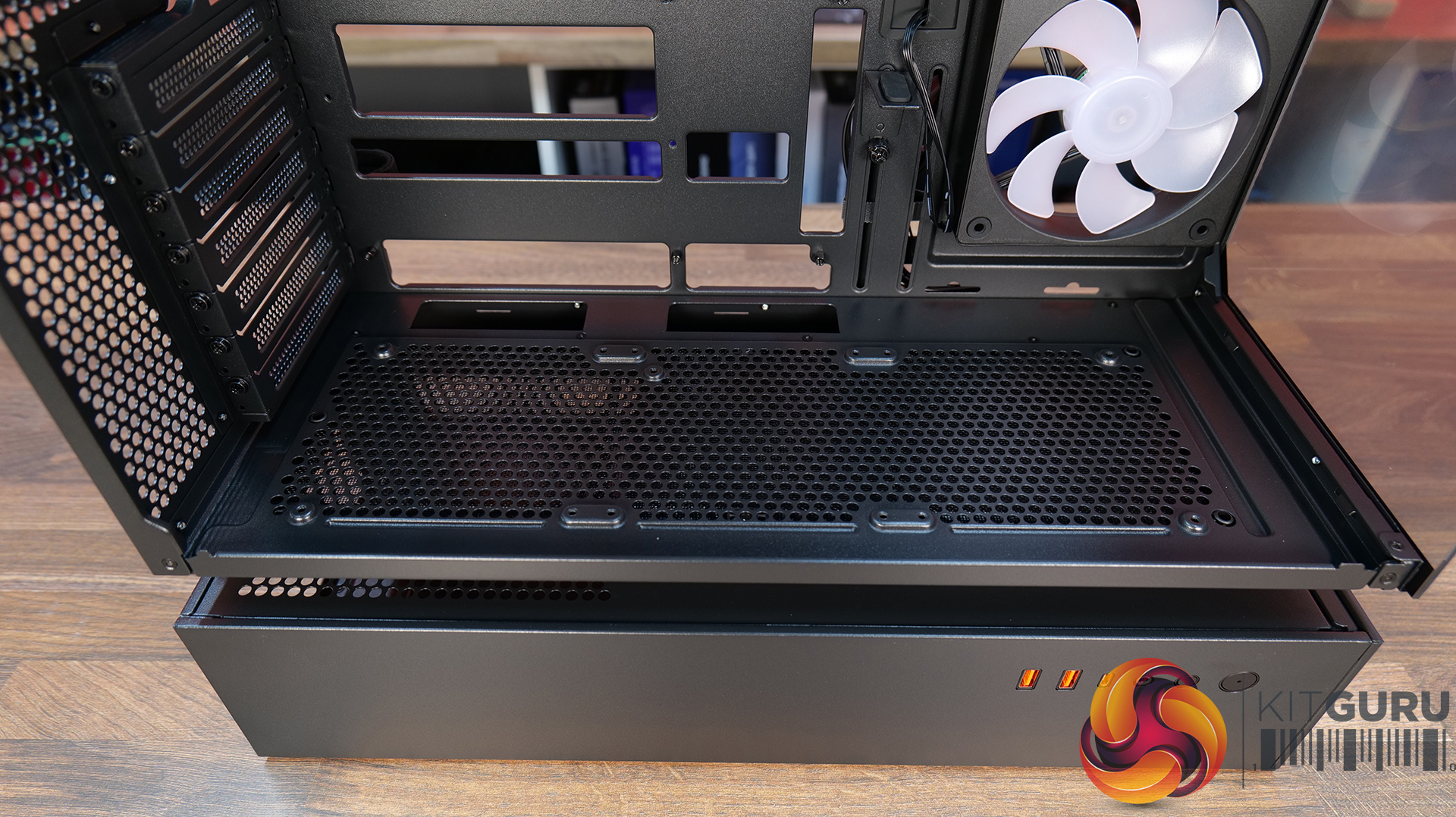
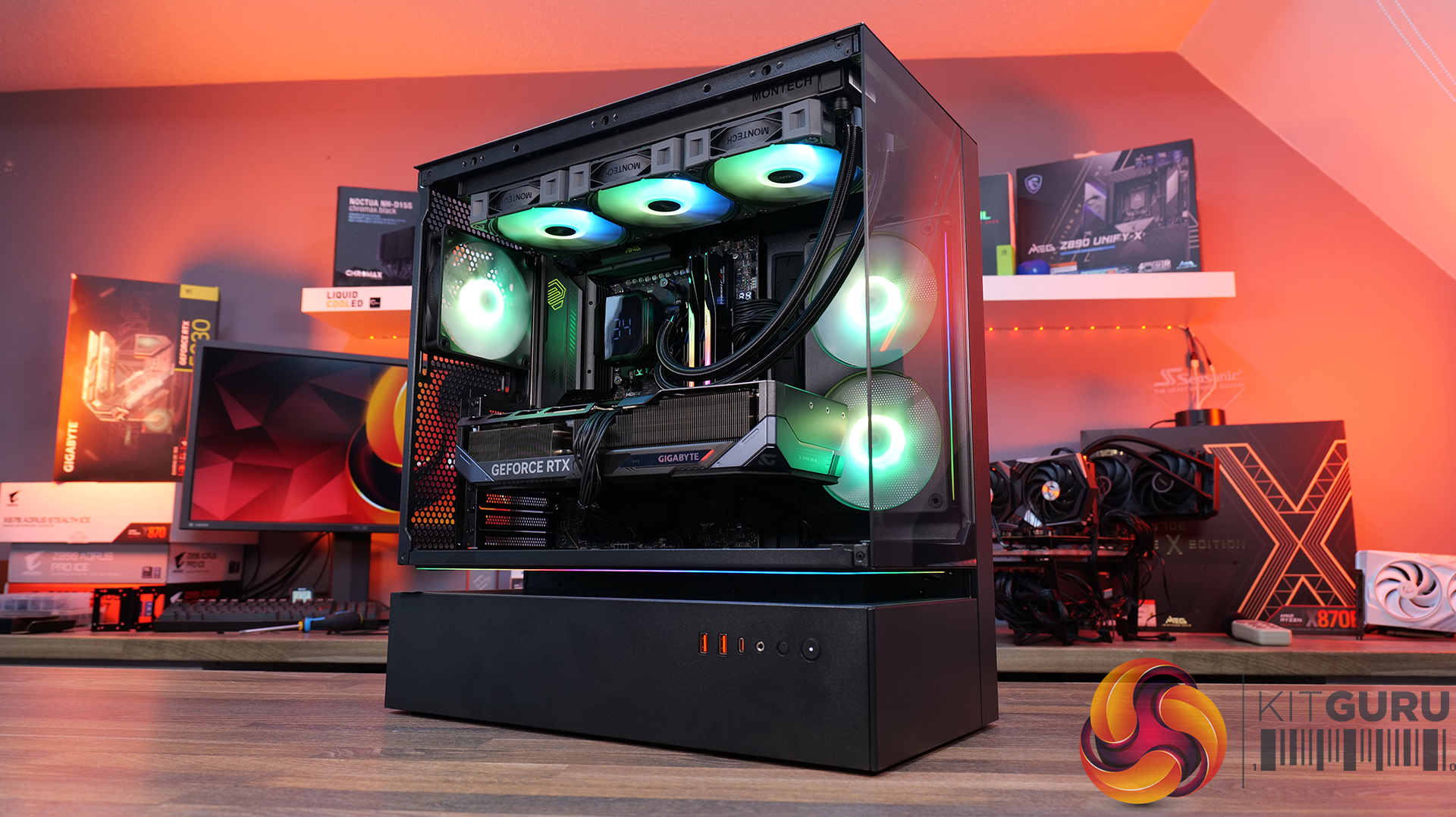
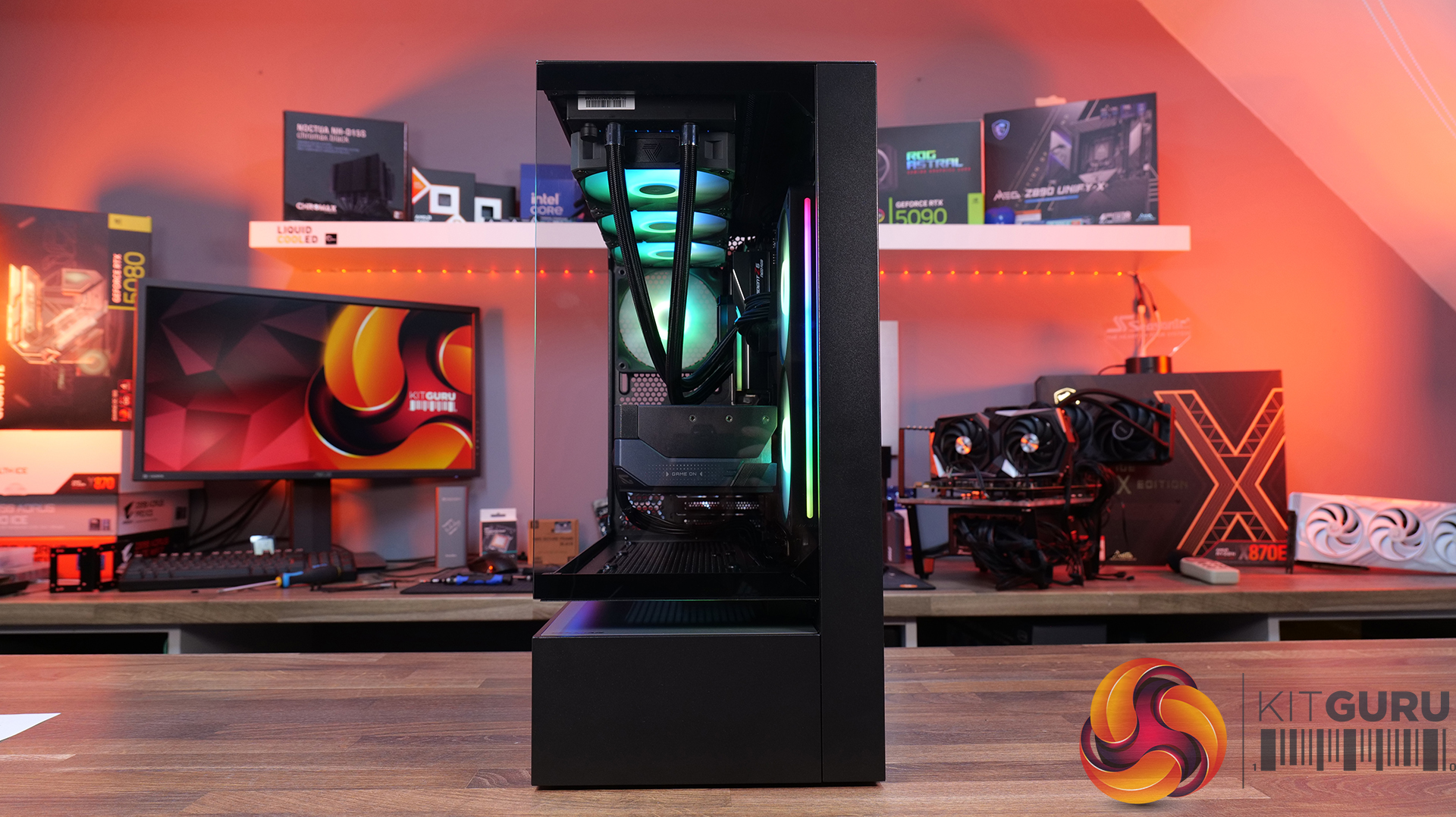
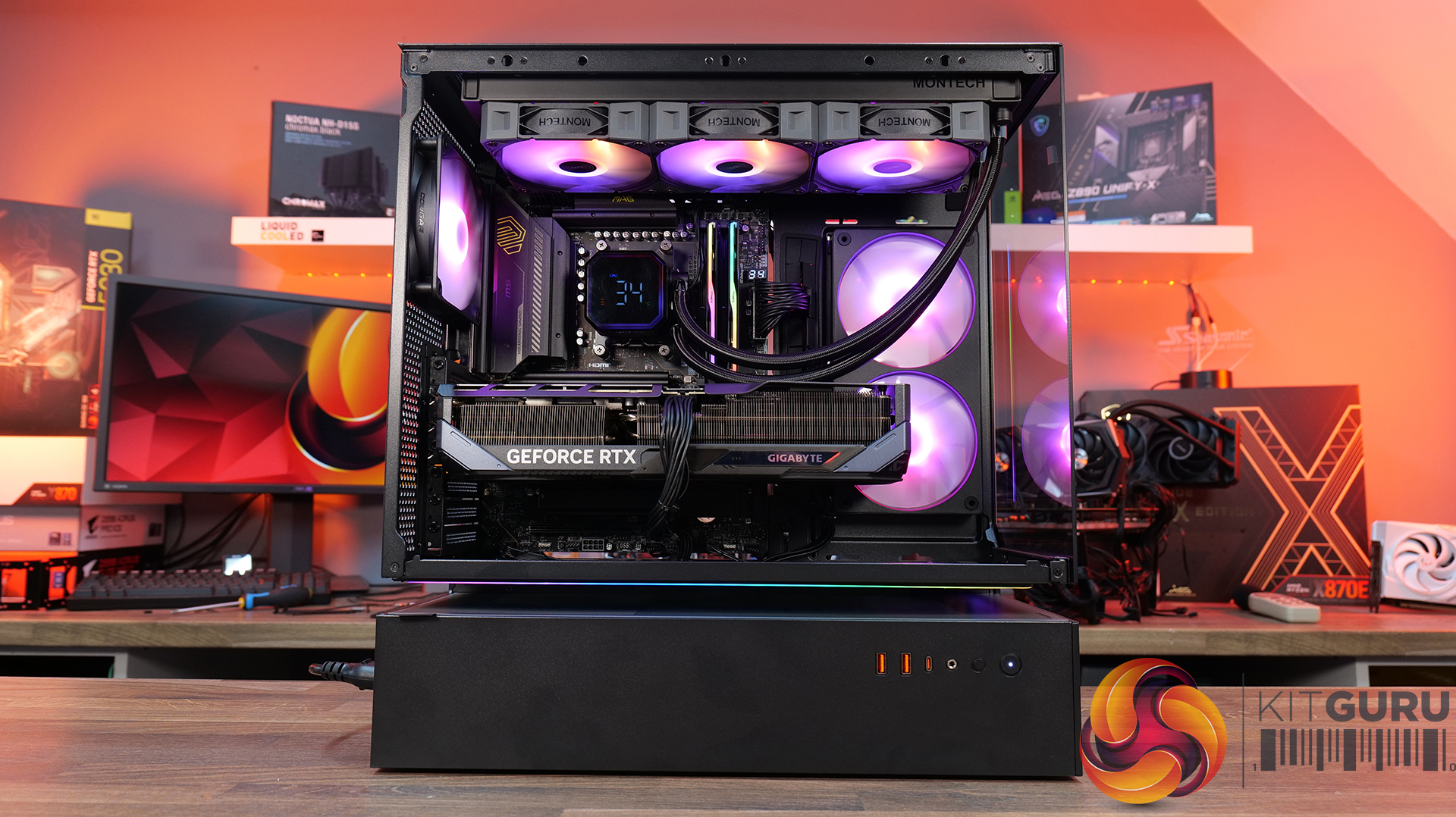
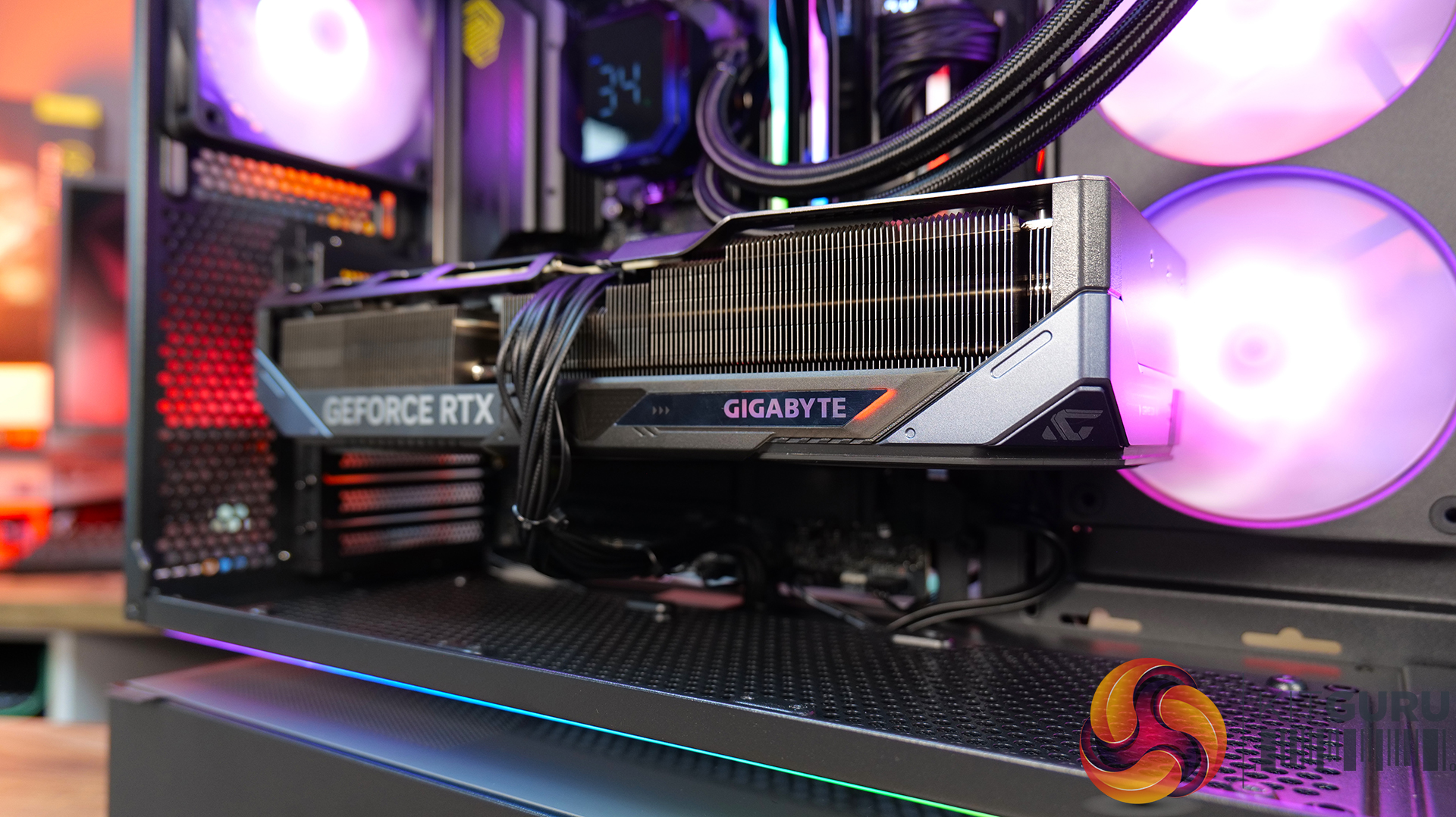
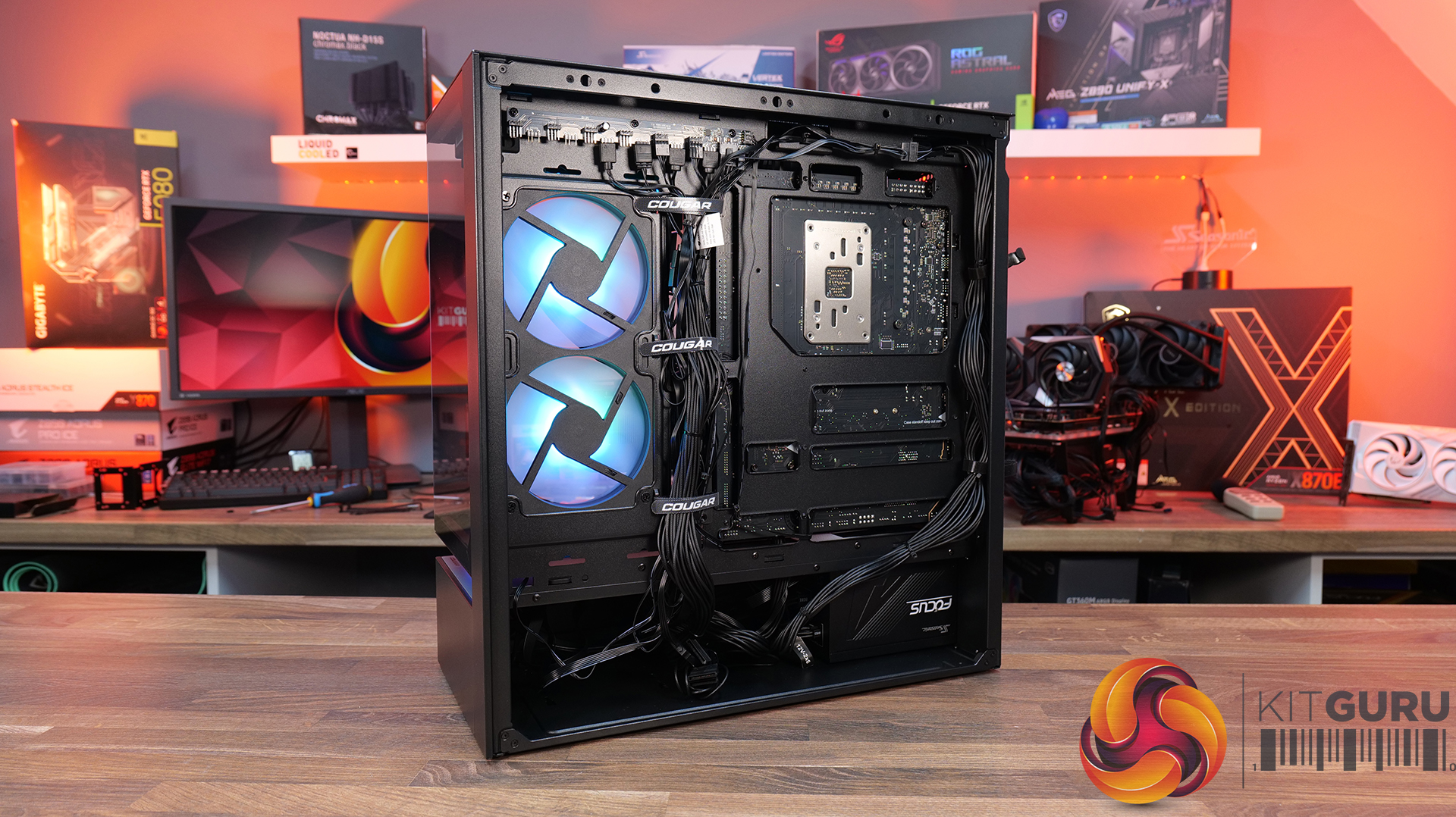
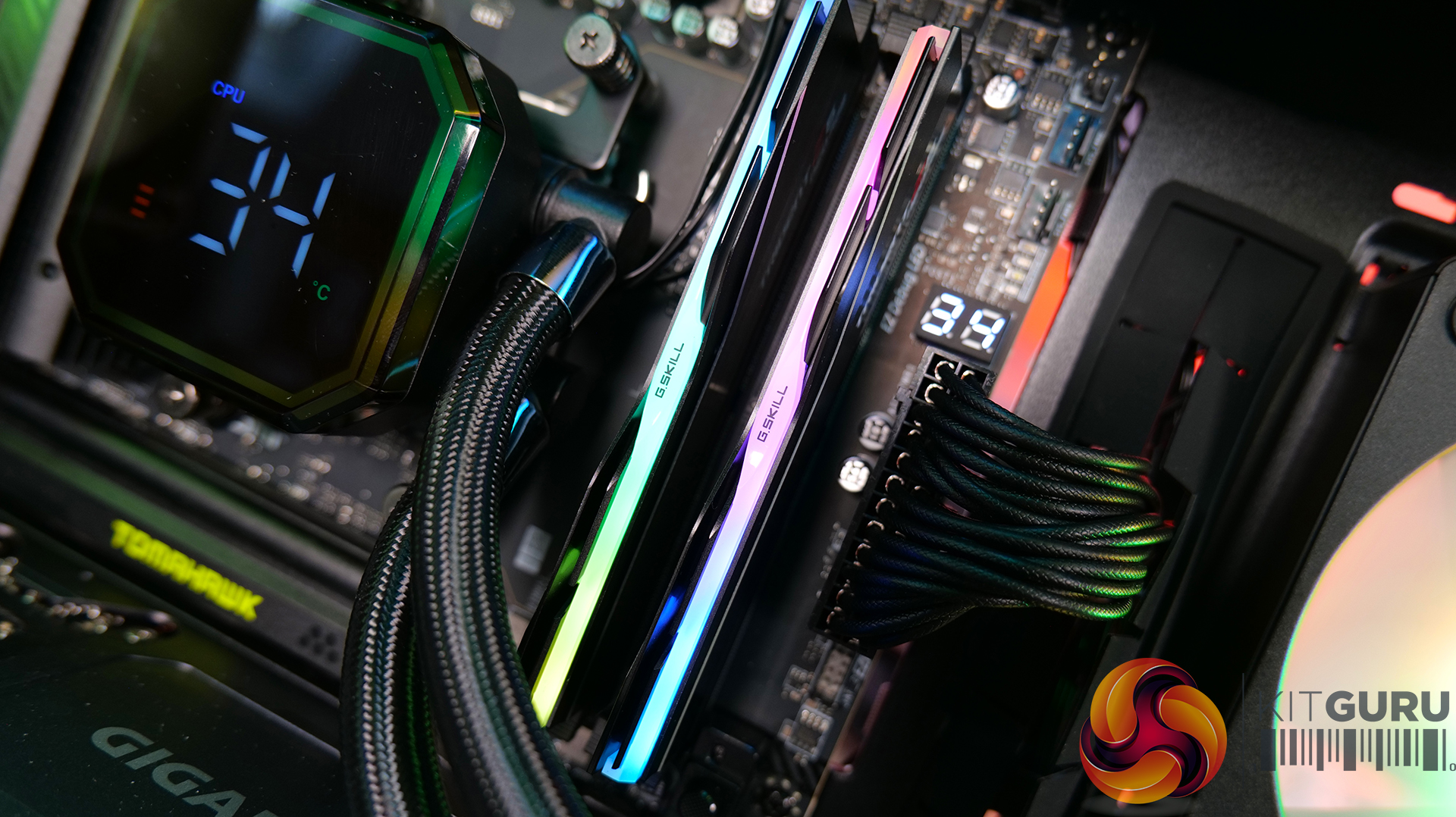
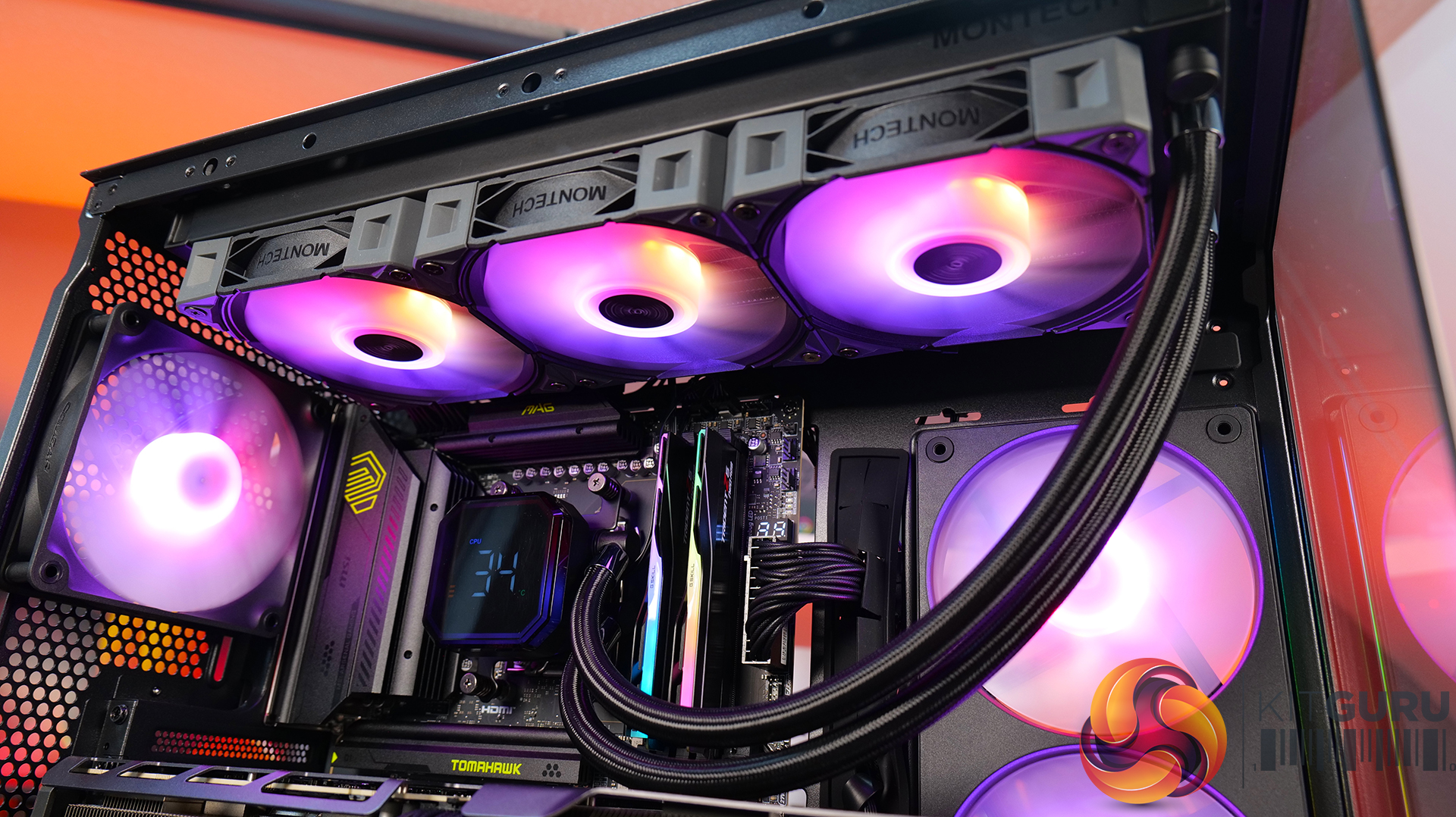
Today we’re taking a look at the Cougar CFV235 mid-tower chassis. It features Cougar’s Central Floating Ventilation design, support for up to EATX motherboards, including back connect, and comes with pre-installed ARGB PWM fans straight out of the box. On paper, there’s plenty of cooling potential too with support for up to nine fans and 360mm radiators, along with clearance for graphics cards up to 430mm long. As always, we’ll be checking out build quality, ease of installation, thermal performance, and overall value to see if the CFV235 is worth considering for your next build.

Timestamps:

00:00 Intro
00:45 Pricing + key info
02:38 Getting inside
04:10 Cooling support, pre-installed fans
05:55 CPU and GPU compatibility
06:52 Looking at the rear
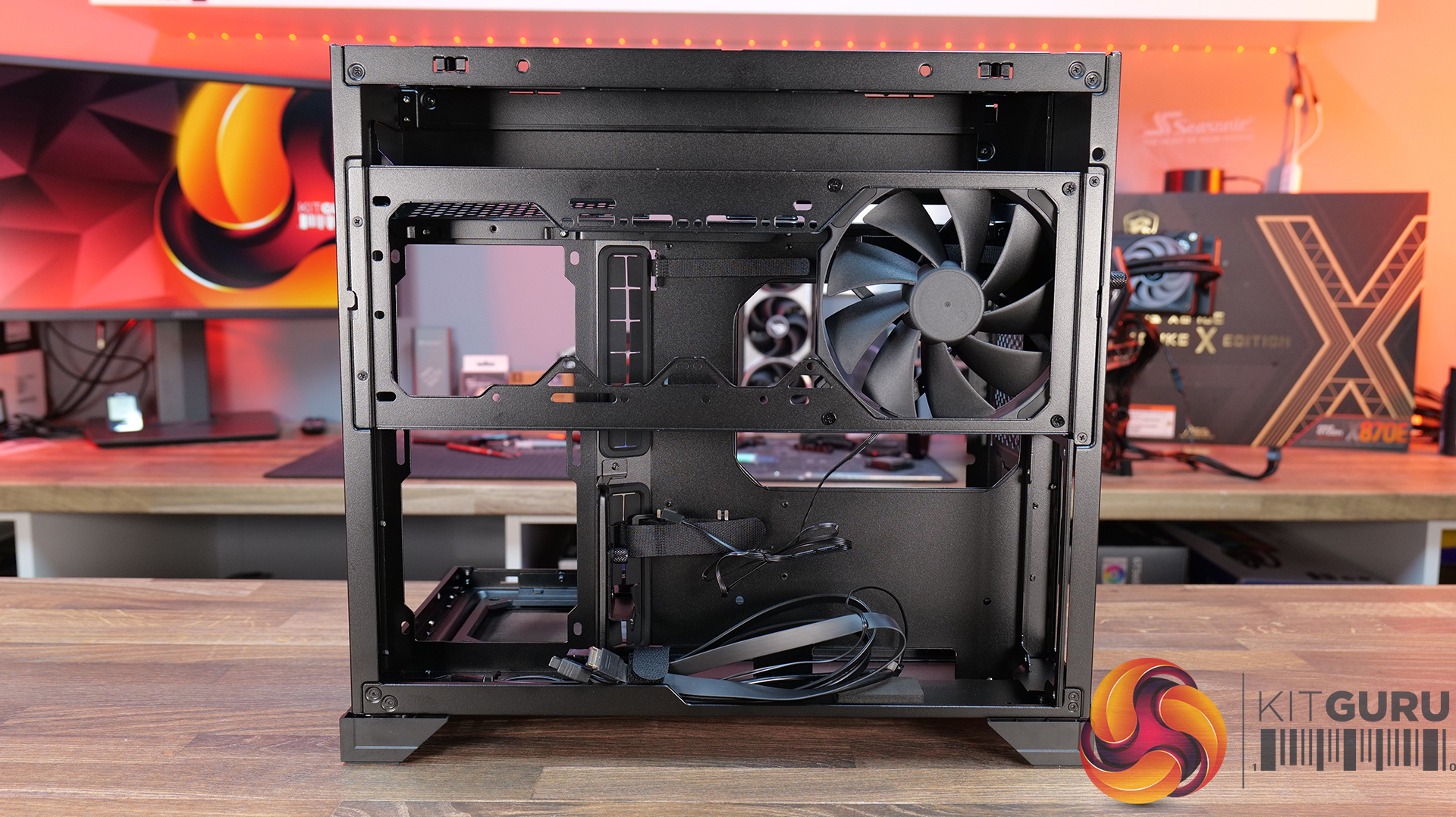
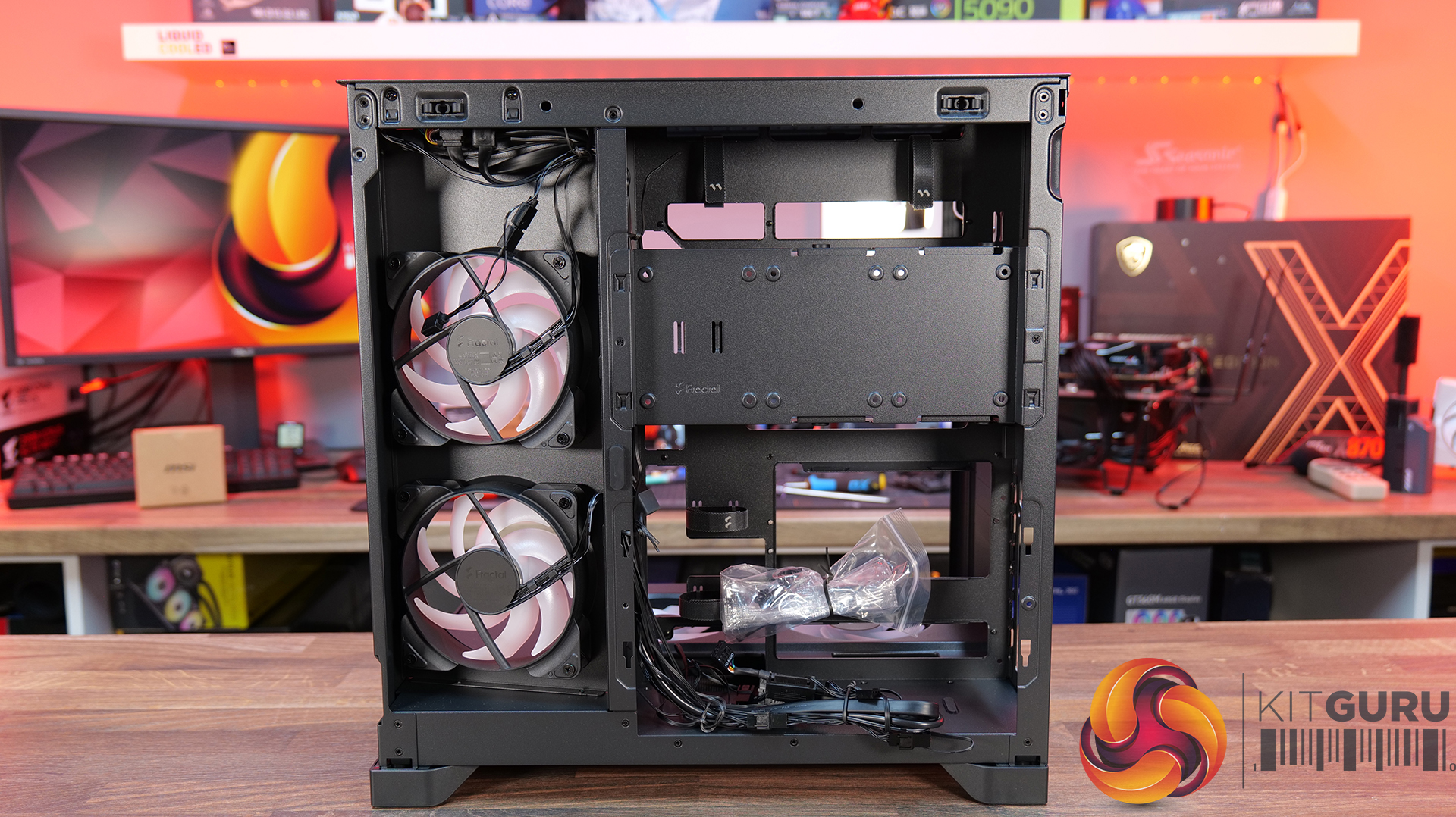
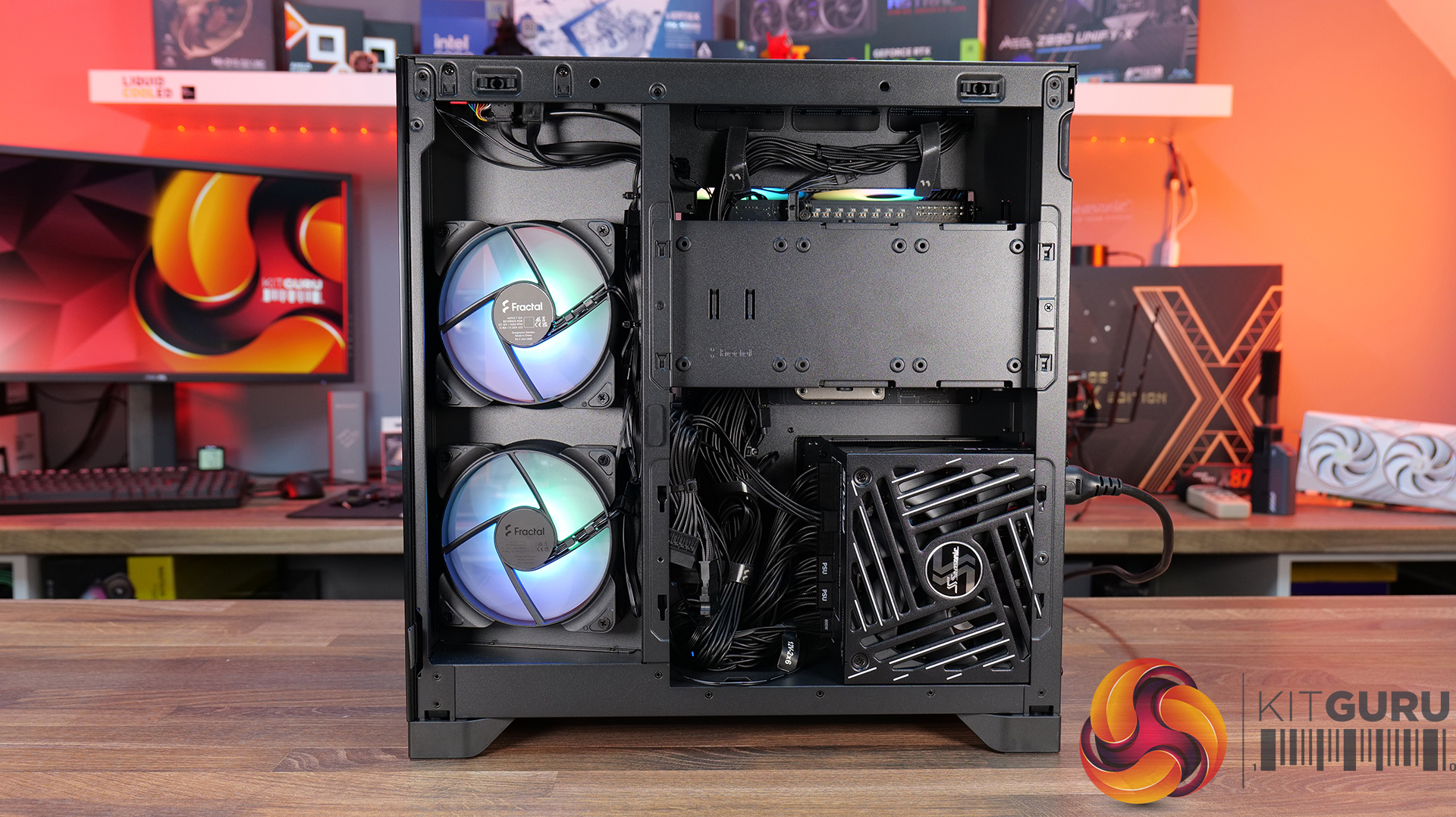
07:18 Area behind the mobo tray
09:32 Storage support
10:21 Floor of the case
11:17 Accessories
12:14 Thermal tests + noise
13:49 James’ experience so far
15:19 Closing thoughts

Features:

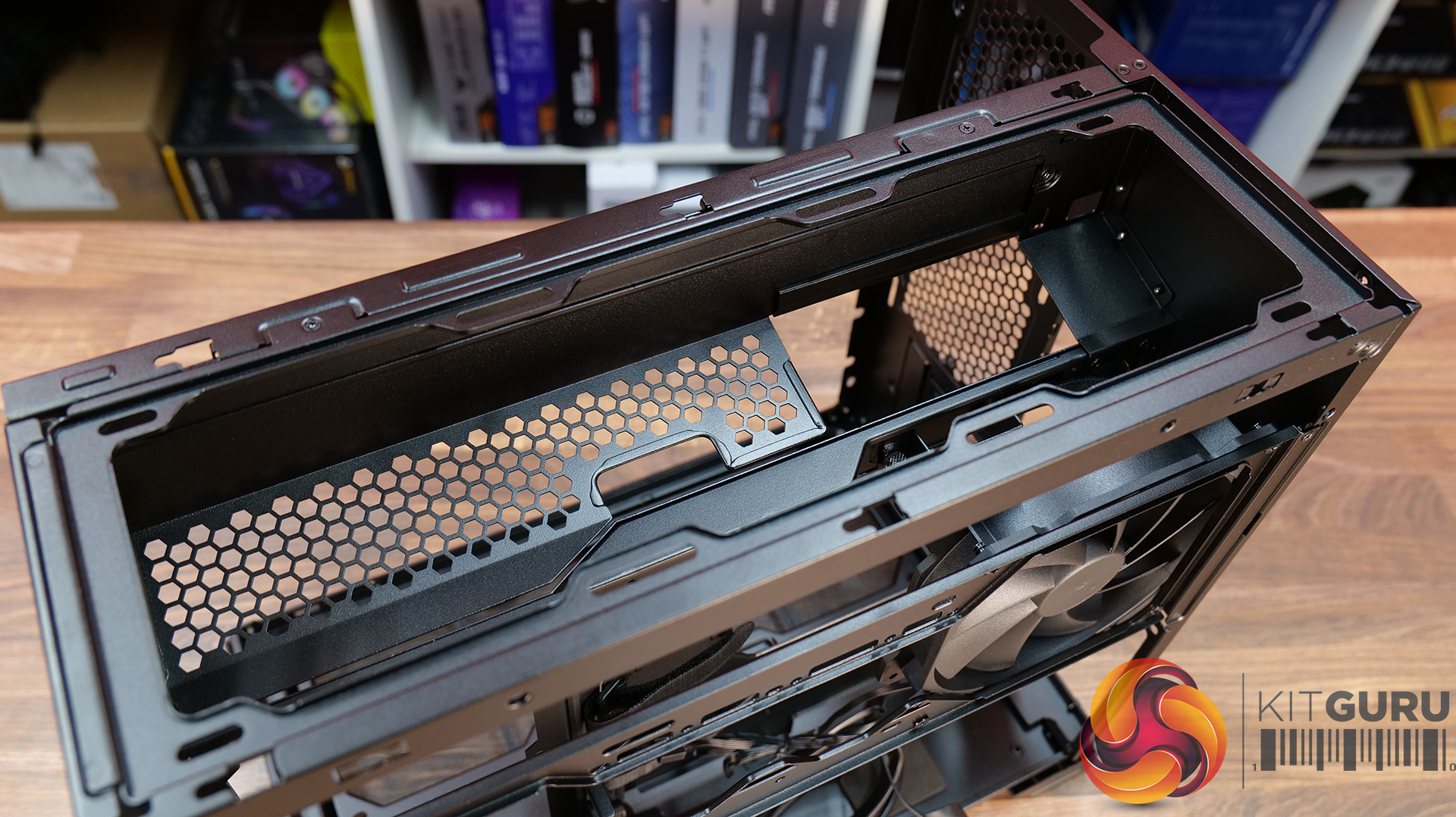
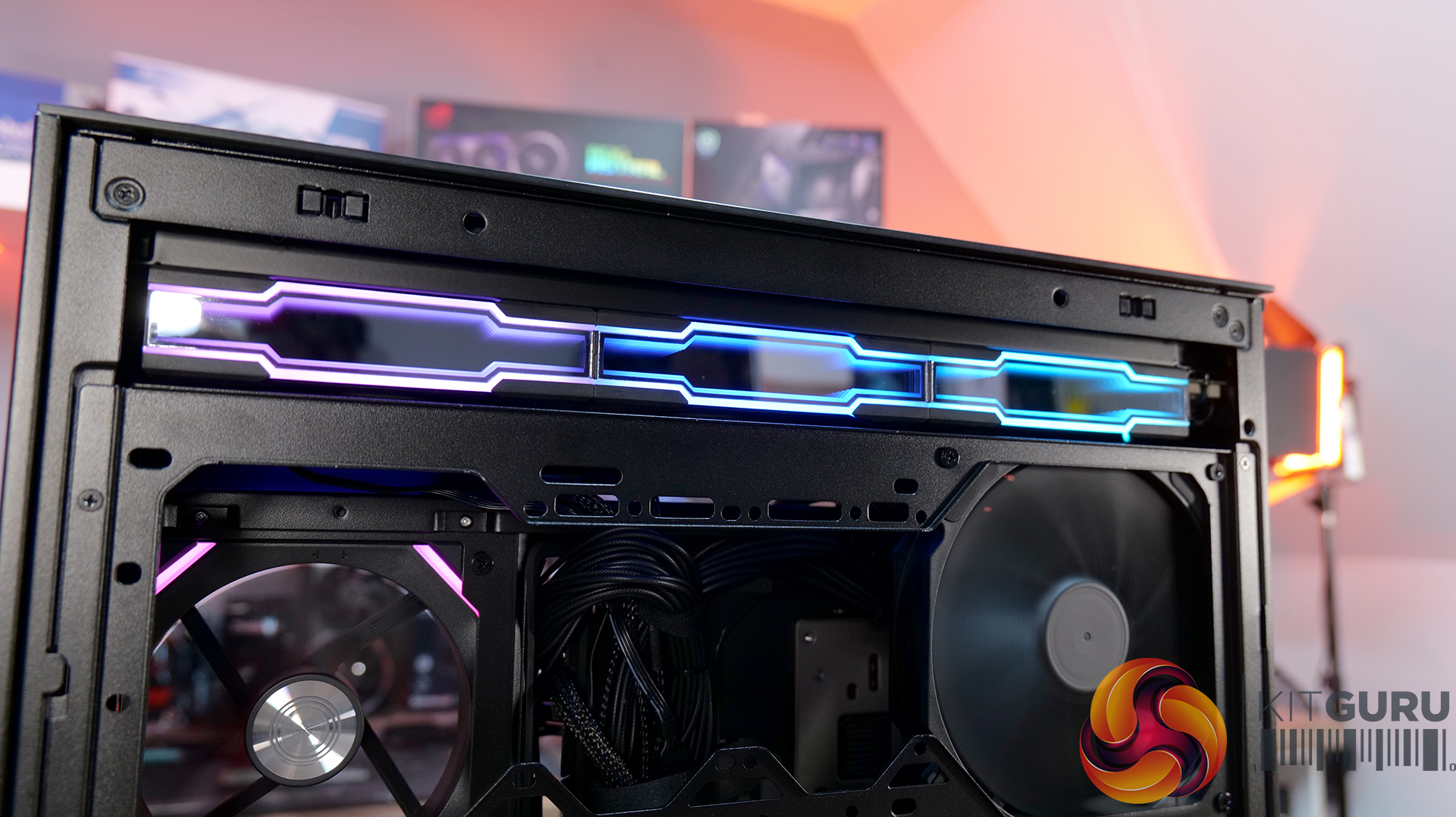
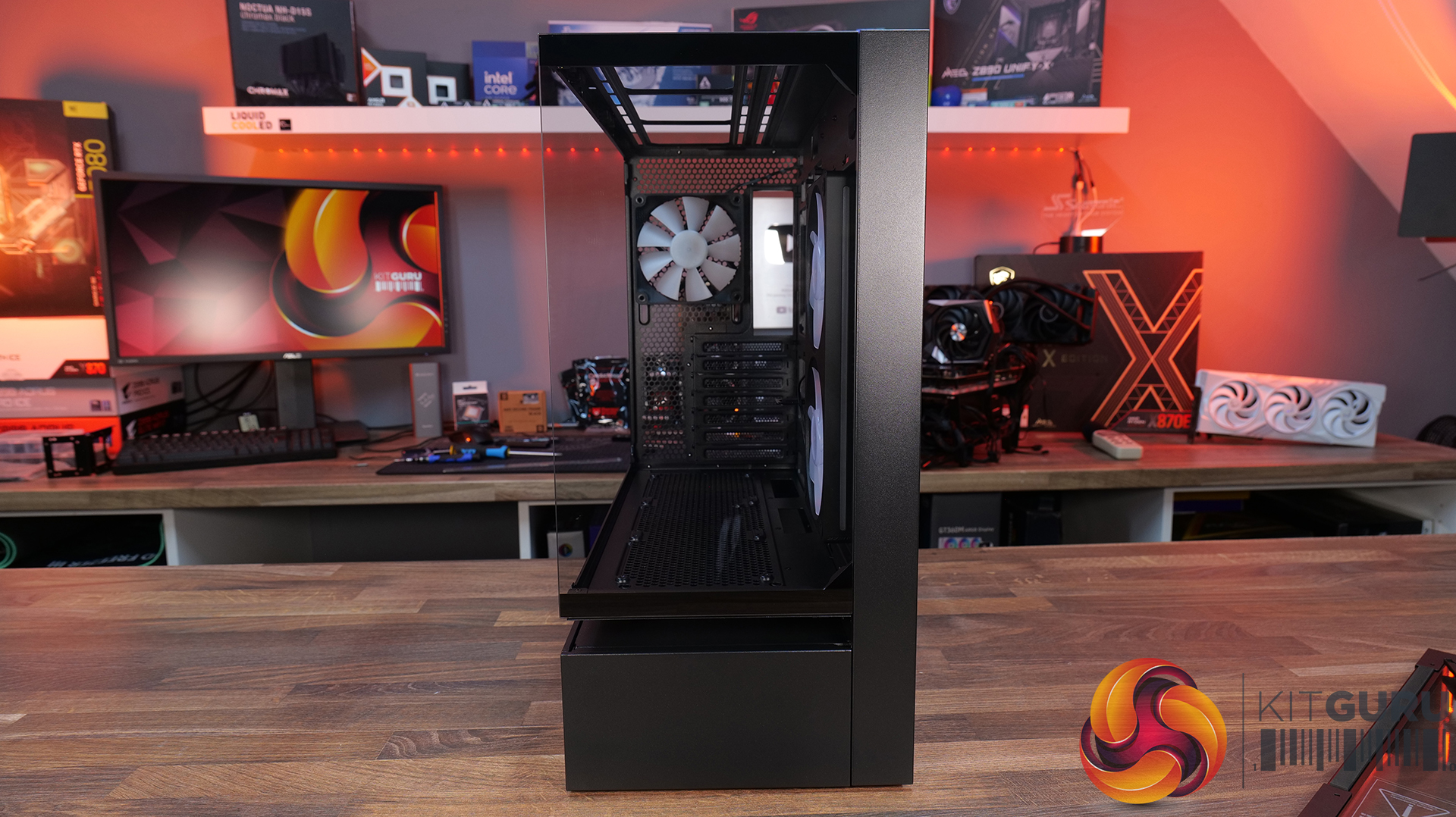
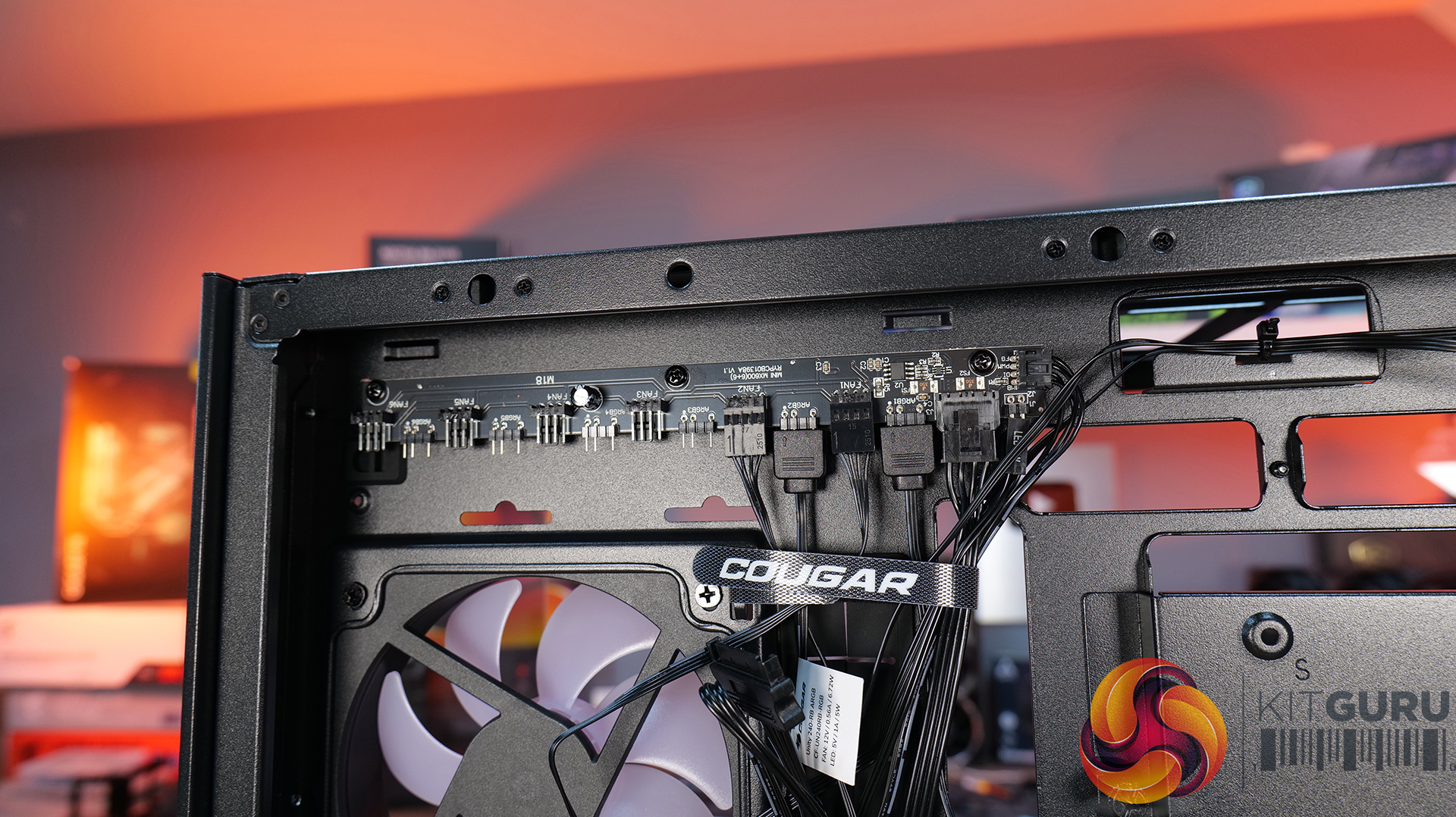
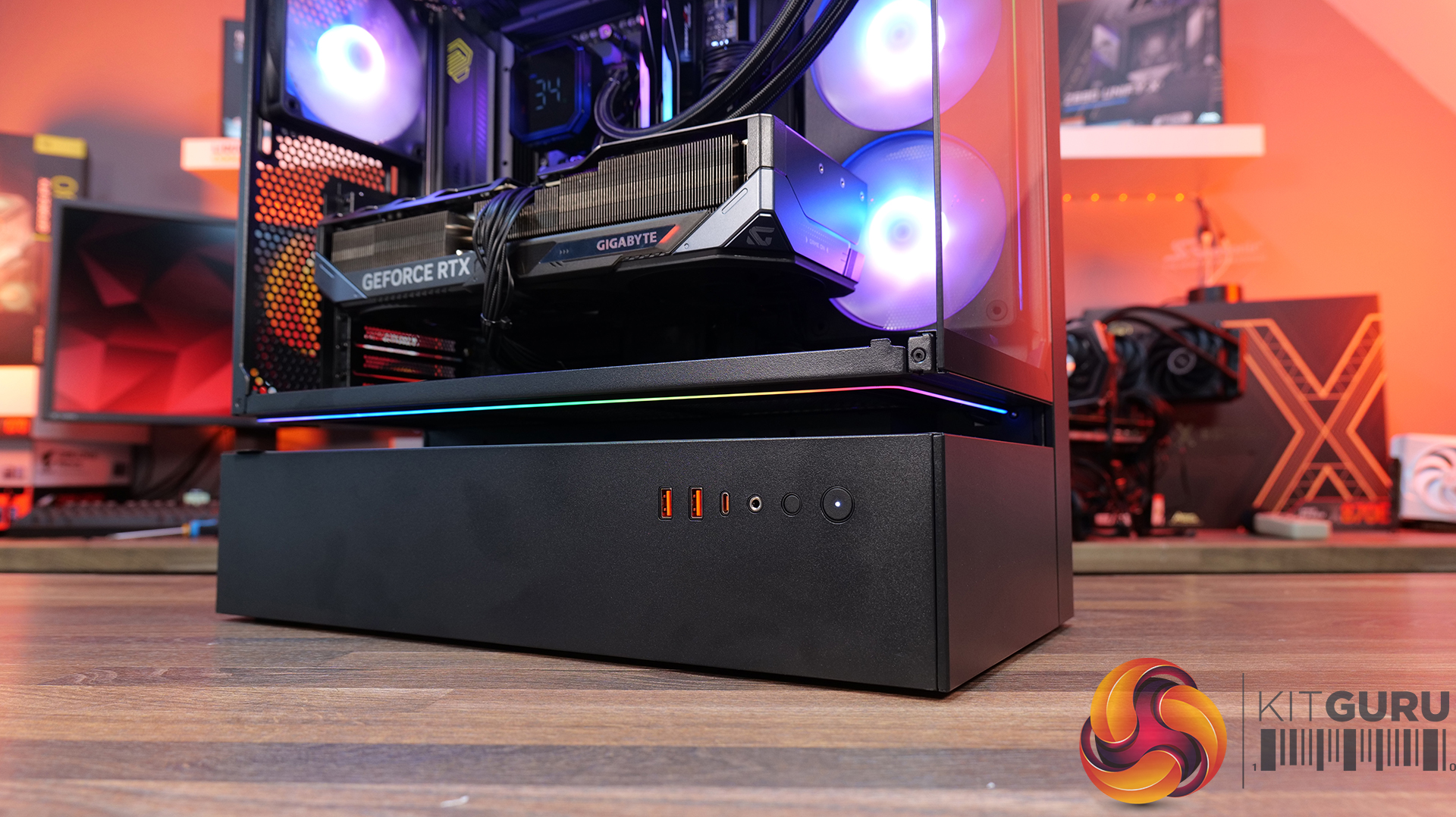
  • Central Floating Ventilation (CFV) structure: A unique floating chamber design that creates separation between the PSU cabin and main chamber to enhance airflow and gives the case its distinctive look.
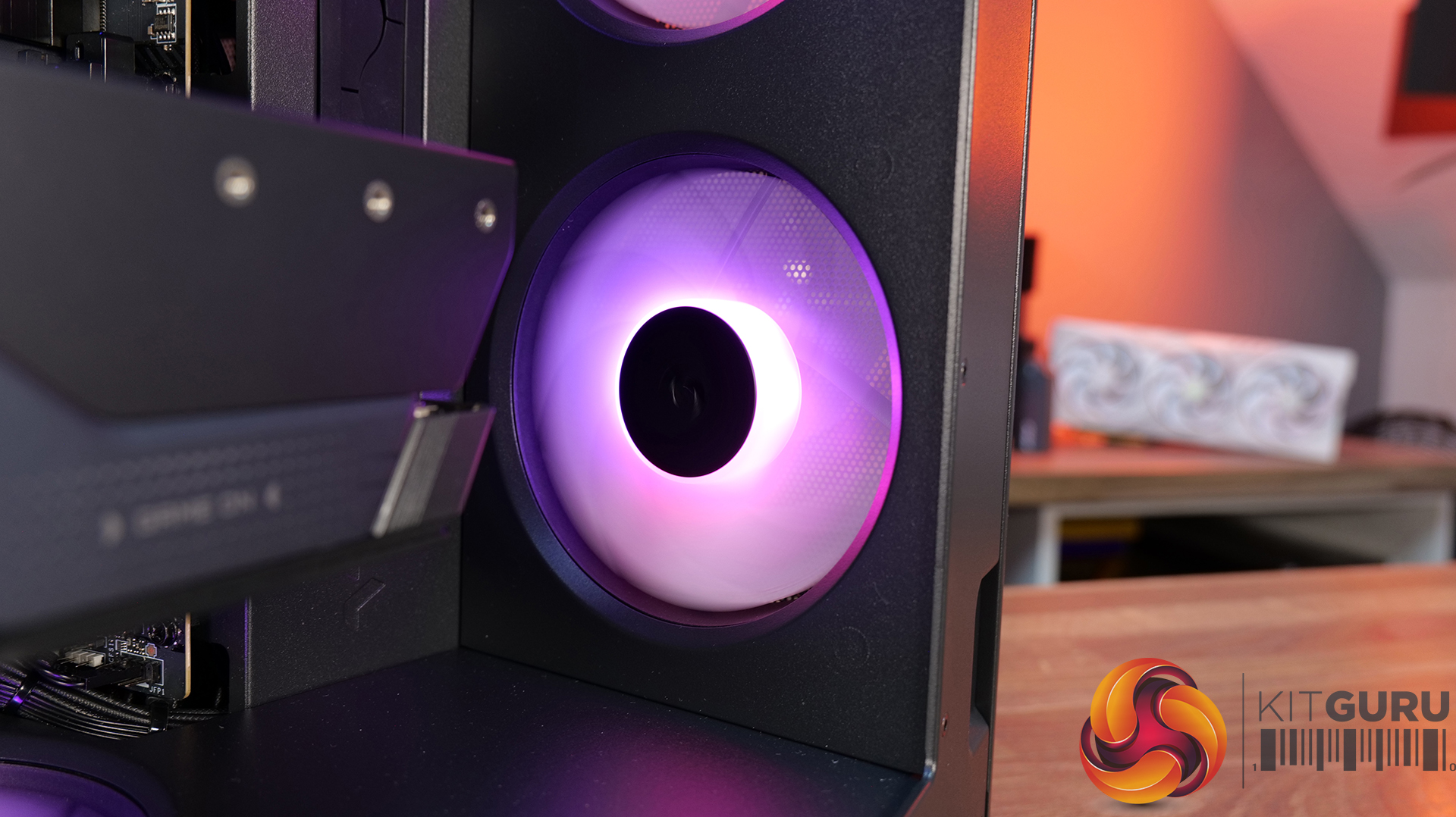
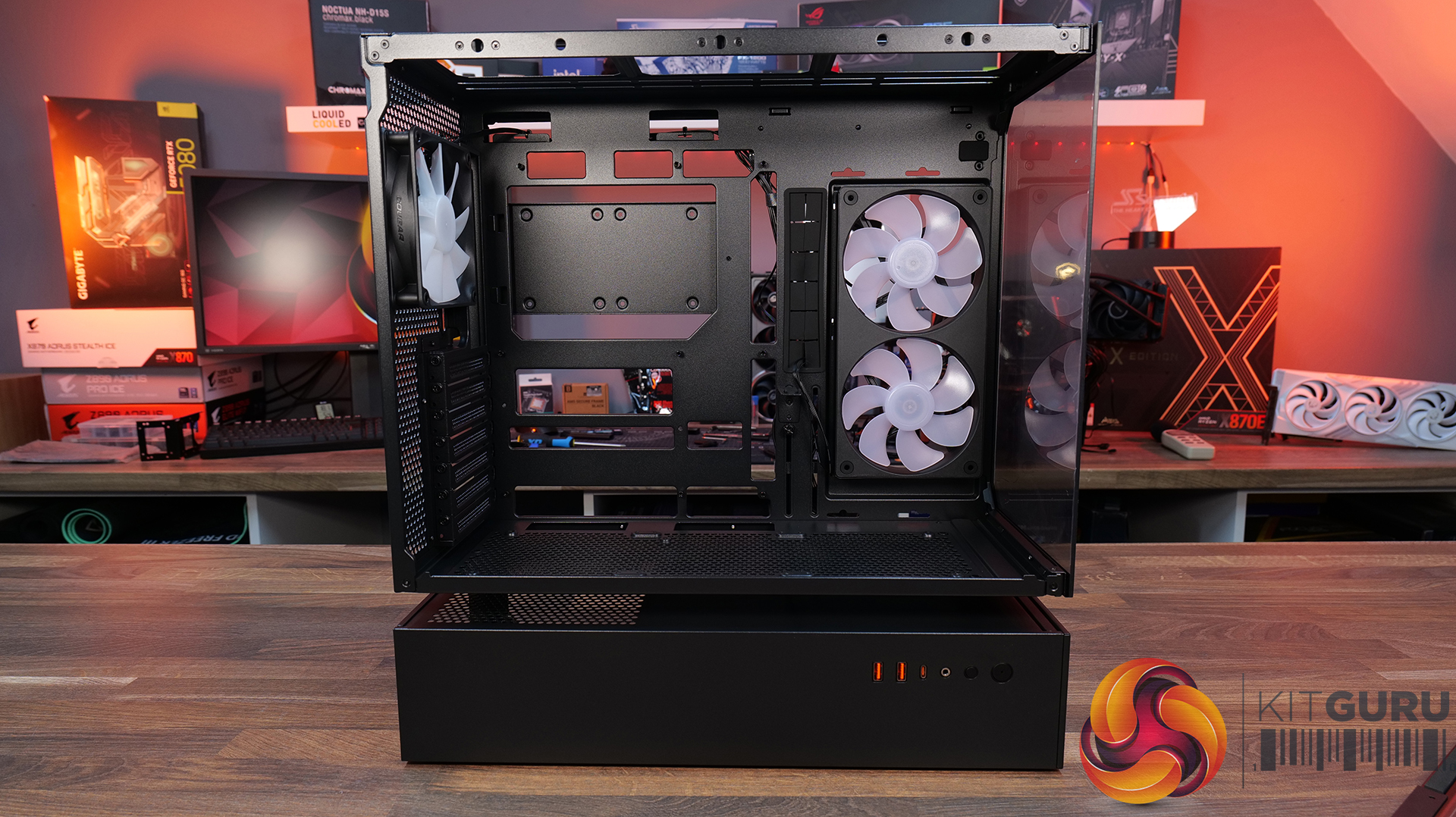
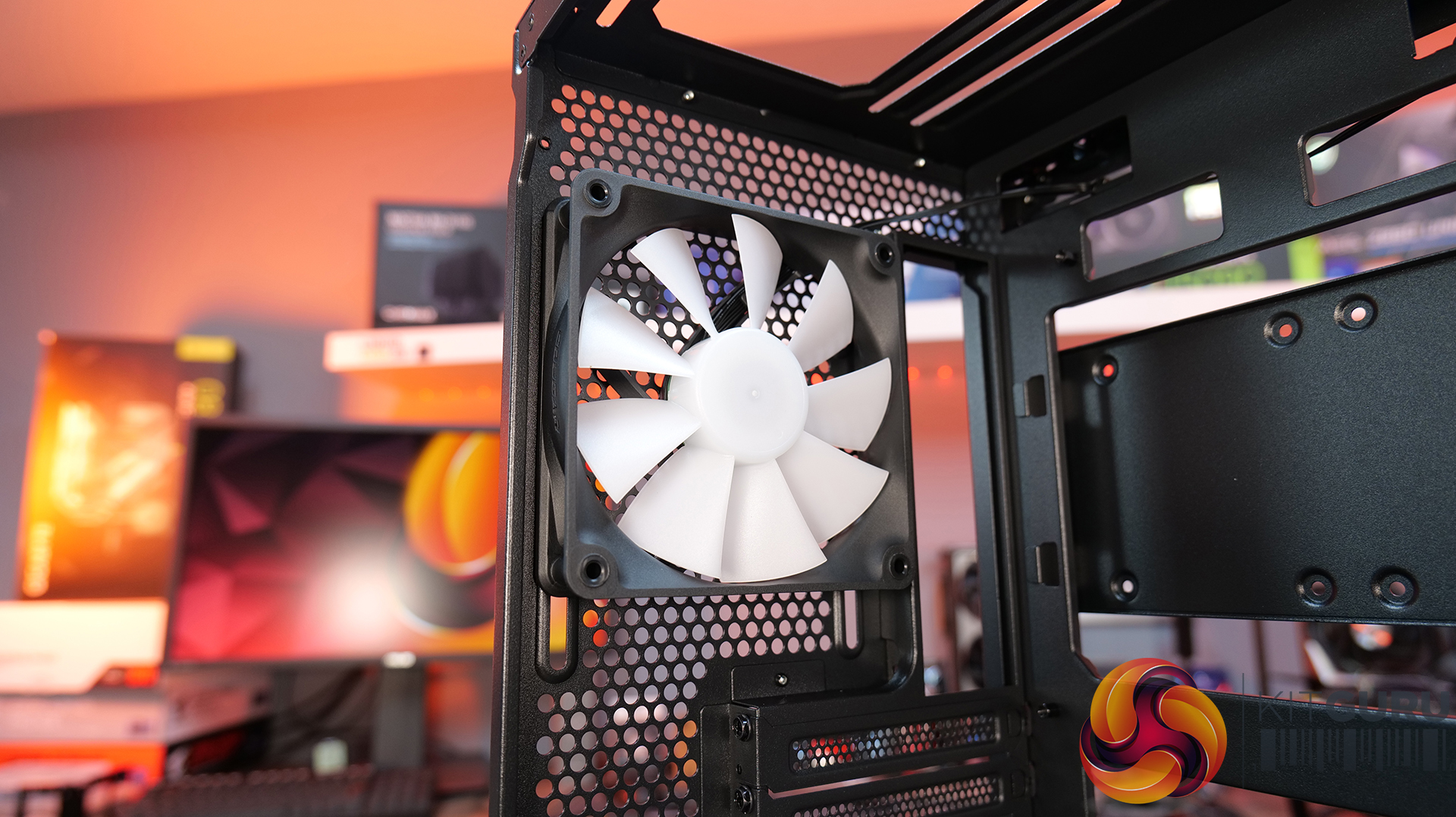
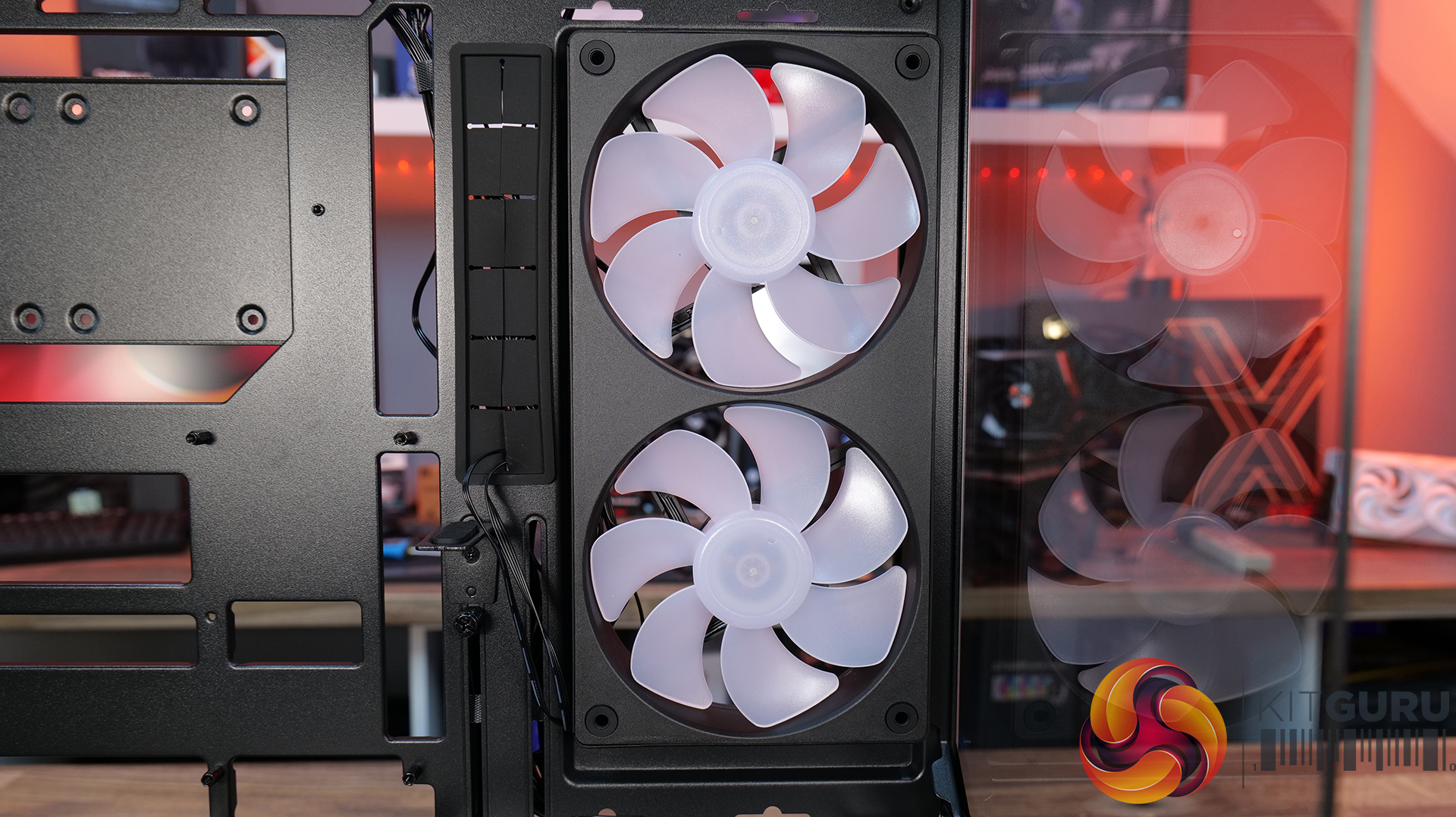
  • Pre-installed Unity 240 ARGB PWM reverse-blade fan & Aurora RGB lighting: Included is a Cougar Unity 240 single-frame ARGB fan and an integrated Aurora RGB lighting strip for enhanced cooling and aesthetics.
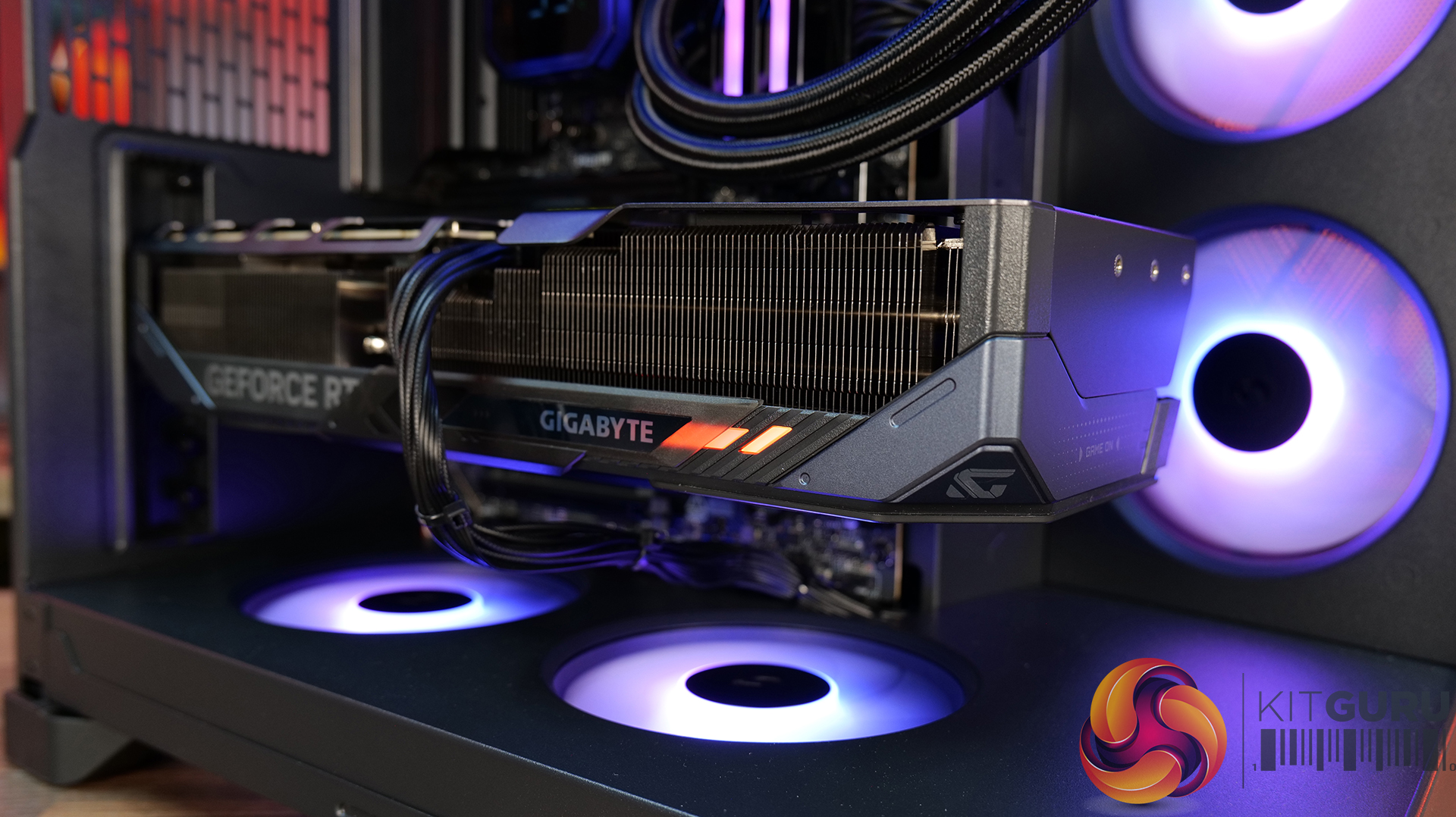
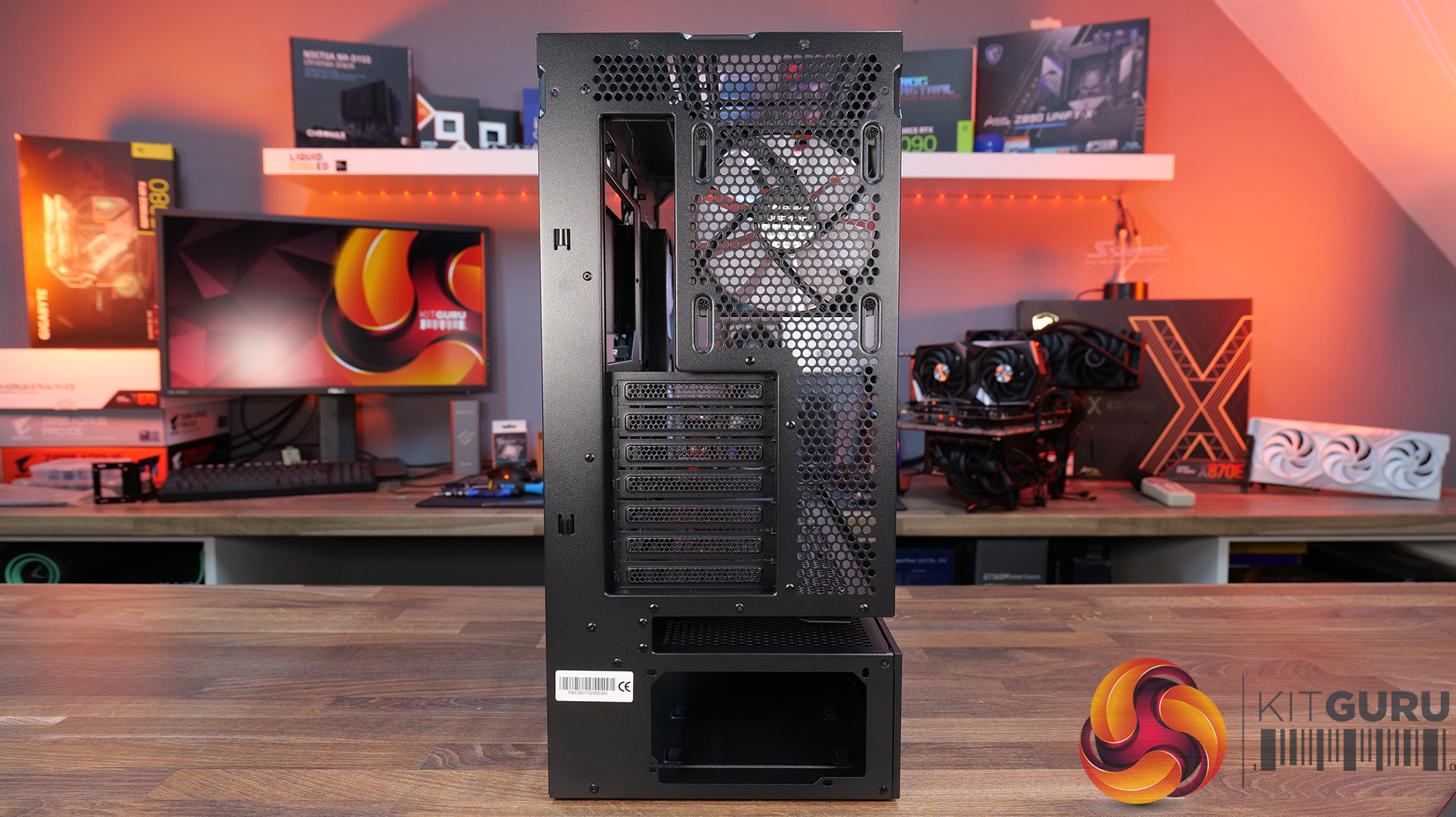
  • Versatile hardware support: CFV235 is compatible with motherboards up to E-ATX size, including back connect, 360mm radiators, 175mm tall air coolers and supports GPUs up to 430 mm in length.

Specifications:

  • Case Type: Mid Tower
  • Dimensions (LxWxH): 235 Γ— 493 Γ— 460 mm
  • Materials: Steel, Plastic, Glass
  • Motherboard Support: Mini ITX / Micro ATX / ATX / CEB
  • Back-connect motherboard support: Yes
  • Expansion Slots: 7
  • Storage bays: 5β€³ Γ—2, 2.5β€³ Γ—2 + 2 (converted from 3.5β€³ bays)
  • Max GPU Length: 430mm
  • Max CPU Cooler Height: 175mm
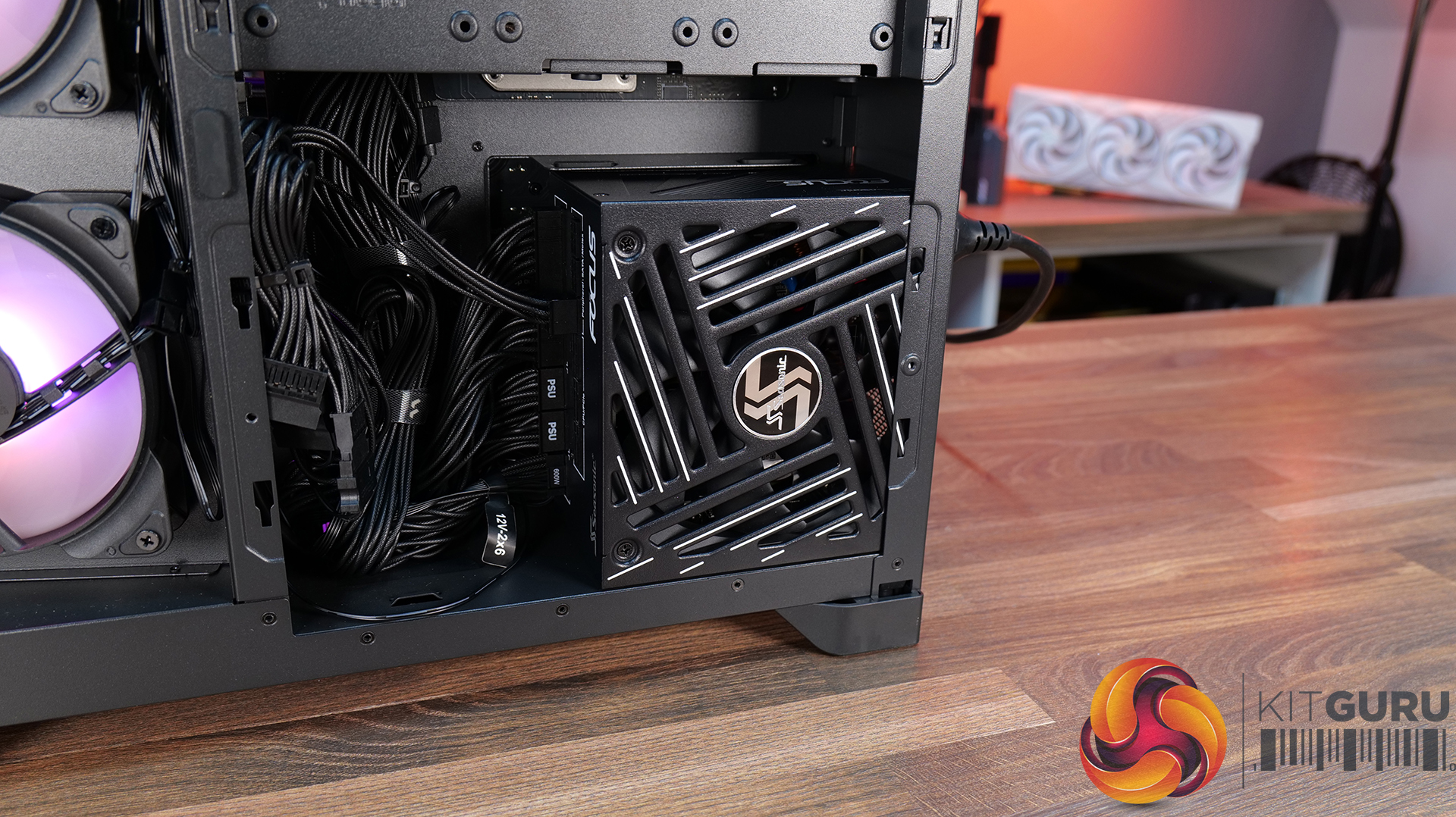
  • PSU Type: ATX up to 200mm
  • Pre-installed Fans: Unity 240 ARGB PWM Reversed Fan Γ— 1 (Side) 120mm ARGB PWM Fan Γ— 1 (Rear)
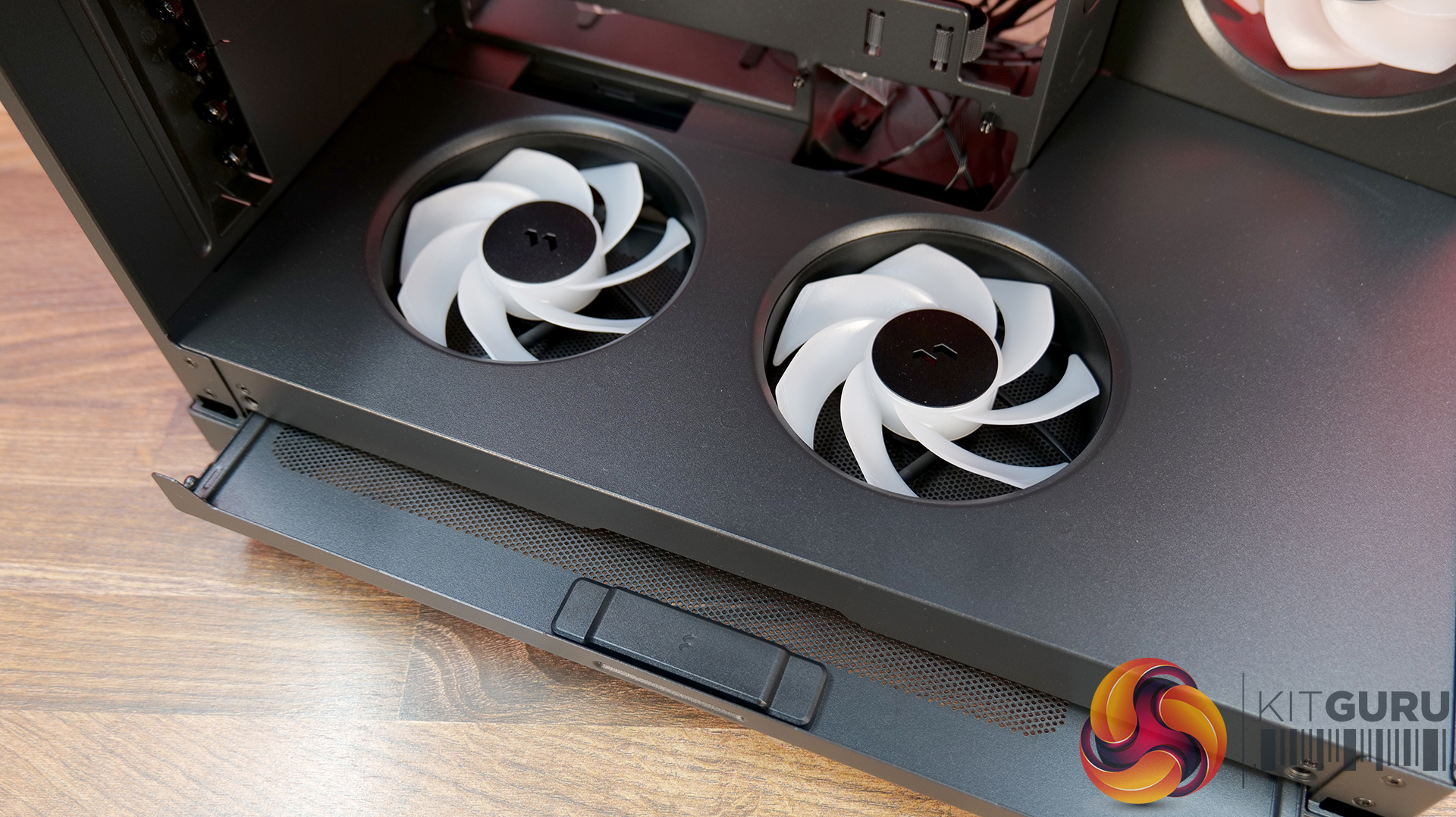
  • Fan Support: 120mm Γ— 3 / 140mm Γ— 3 (Top), 120mm Γ—2 (Side), 120mm x 3 (Bottom), 120mm x 1 (Rear)
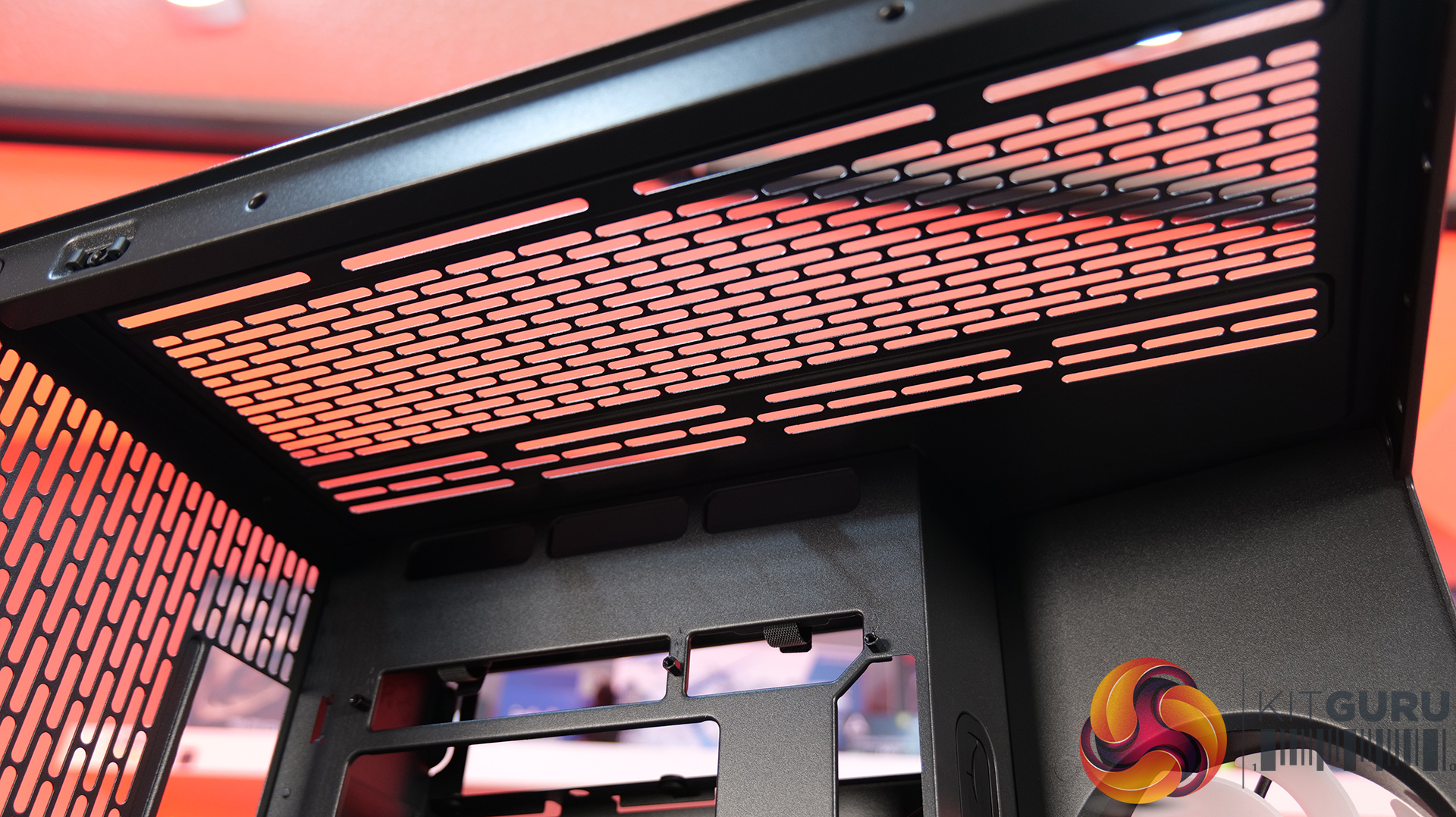
  • Radiator Support: 360mm / 280mm / 240mm / 140mm / 120mm (Top), 120mm (Rear)
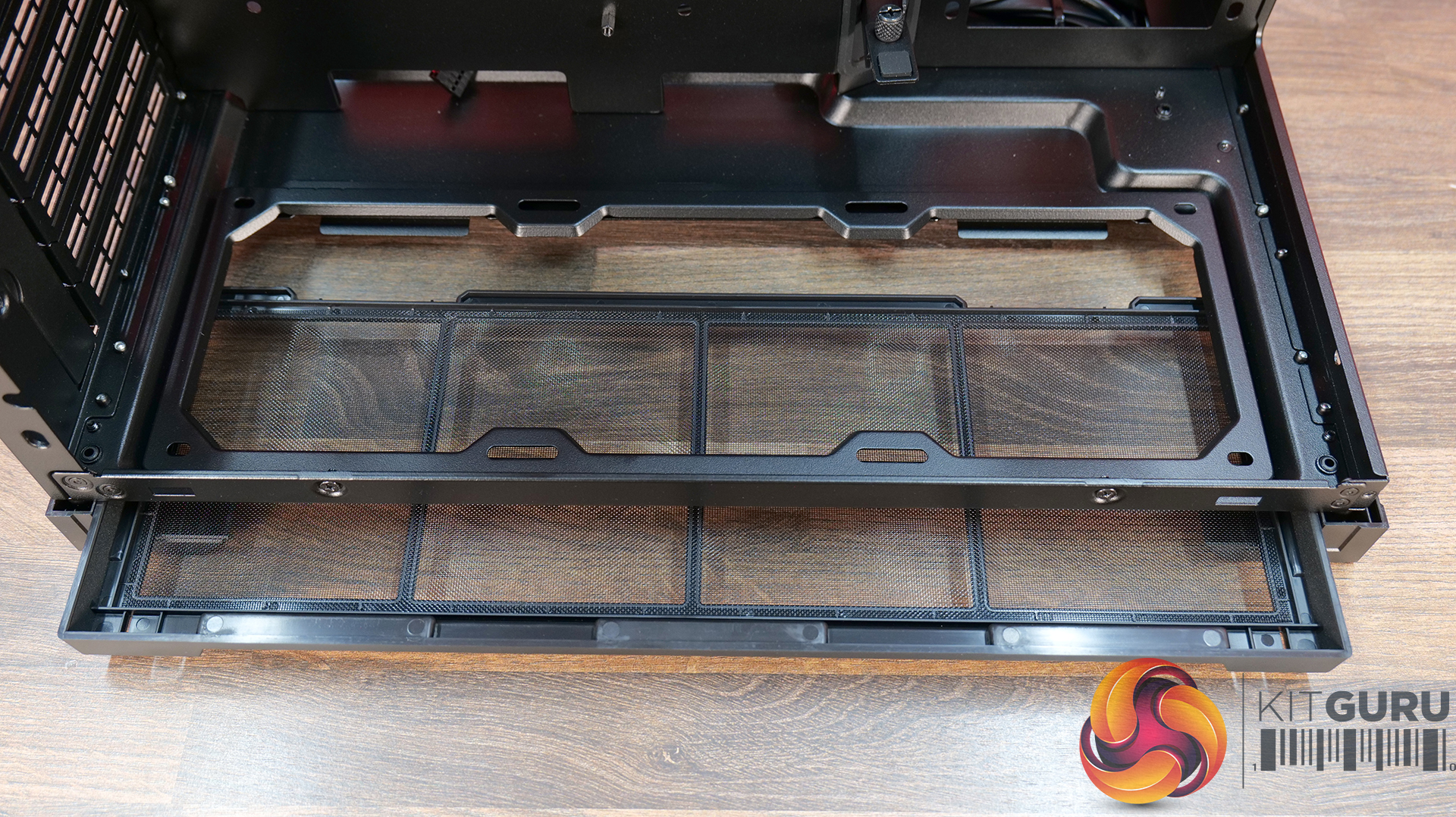
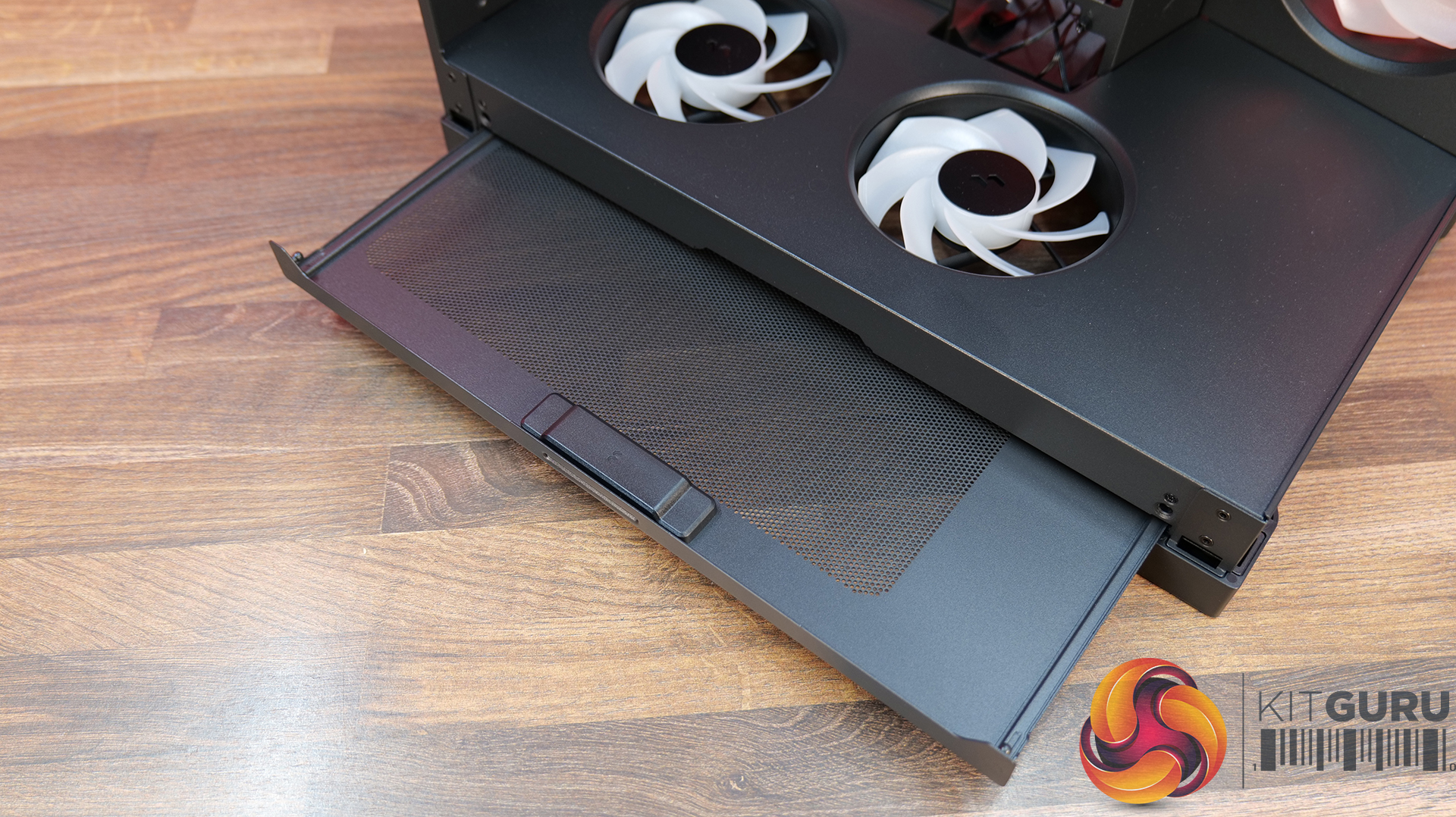
  • Dust Filters: Bottom
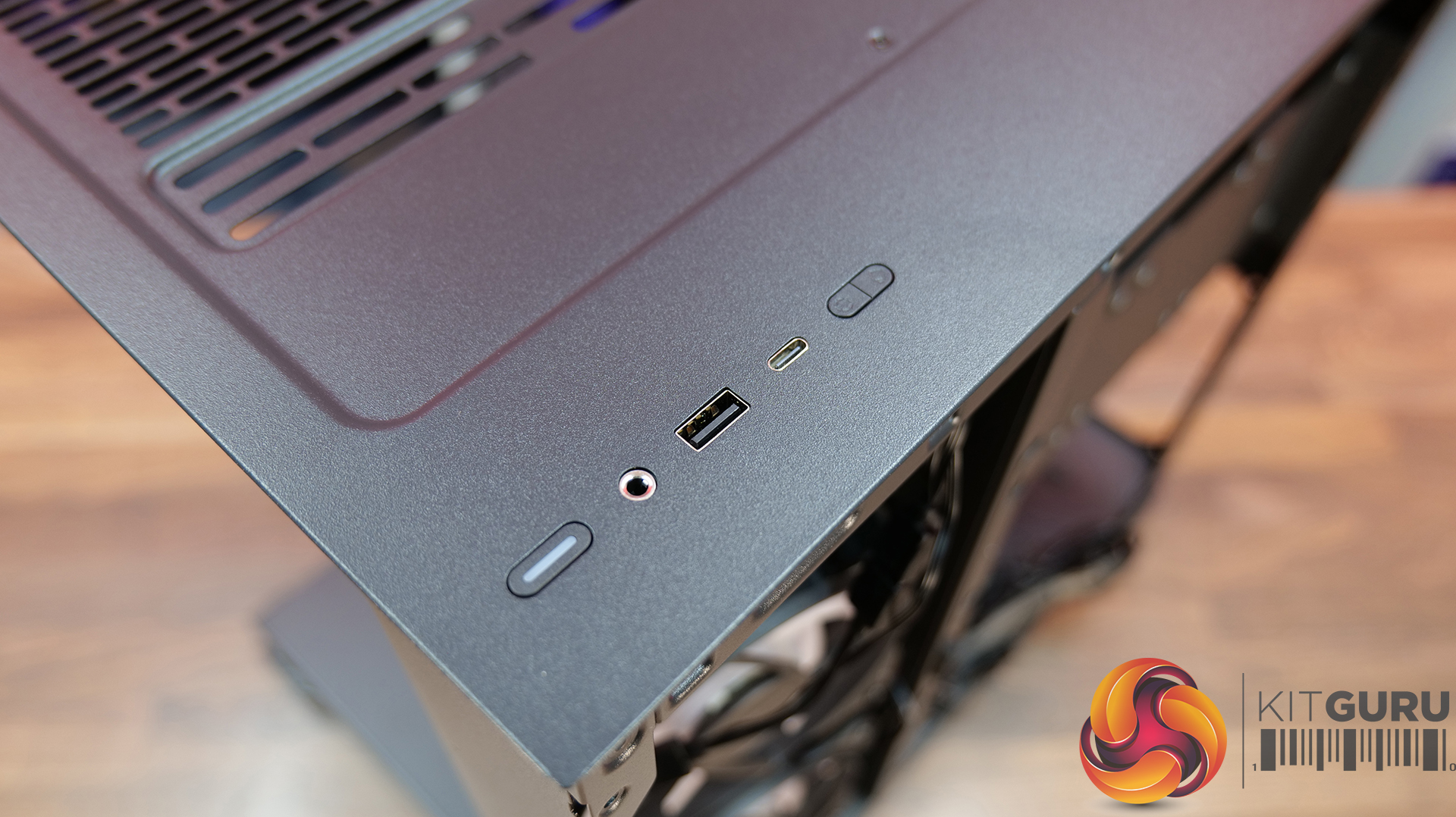
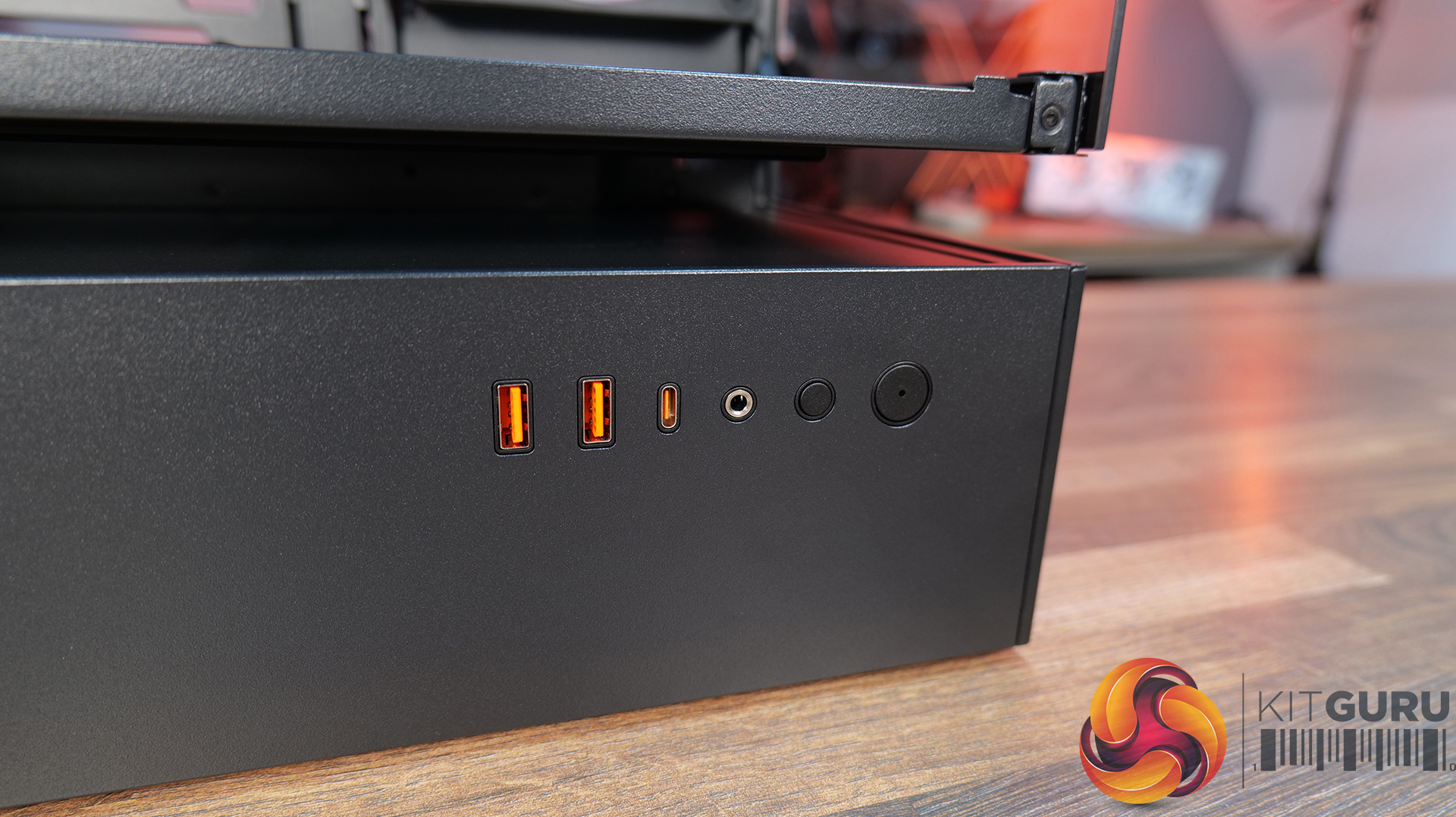
  • Front I/O: USB 3.2 Gen 2Γ—2 Type-C Γ—1, USB 3.0 Type-A Γ—2, 4-Pole Headset Audio Jack Γ—1, RGB Button
  • LCD Screen: N/A

Thermal Performance Testing

To simulate thermal demand, we run the Cinebench R23 multi-thread benchmark and 3DMark Speed Way stress test simultaneously in a loop for 30 minutes to load the system fully. This gives the CPU and GPU enough time to reach constant steady-state temperature. With this data, we can compare how the system handles the thermal demand and measure peak noise levels.

Thermal performance is measured with the case in various configurations, such as the default, with the tempered glass left-hand side panel removed and with the front panel removed to see how these configurations affect the CPU and GPU temperature. During testing, only stock case fans are used unless otherwise specified. All water pumps are set to maximum RPM and fans are set to a custom RPM curve by the Motherboard software/BIOS.

All temperature measurements are presented as Deltas – meaning the ambient temperature has been deducted from the CPU temperature, giving us a Delta. Data shown in the charts represents the average component temperature over the length of the test as measured by HWiNFO, and then the last 15 minutes of the data are calculated to get the average. The ambient temperature during thermal tests is between 19-20⁰C.

Test System Specification:

Thermal Performance Overview

We tested the case thermals with a 360mm AIO as the exhaust at the top and in several different configurations. The default configuration shown in the charts is with the 360mm AIO at the top, Cougar Unity 240 intake side fan, 1 x 120mm rear exhaust and with all panels installed.

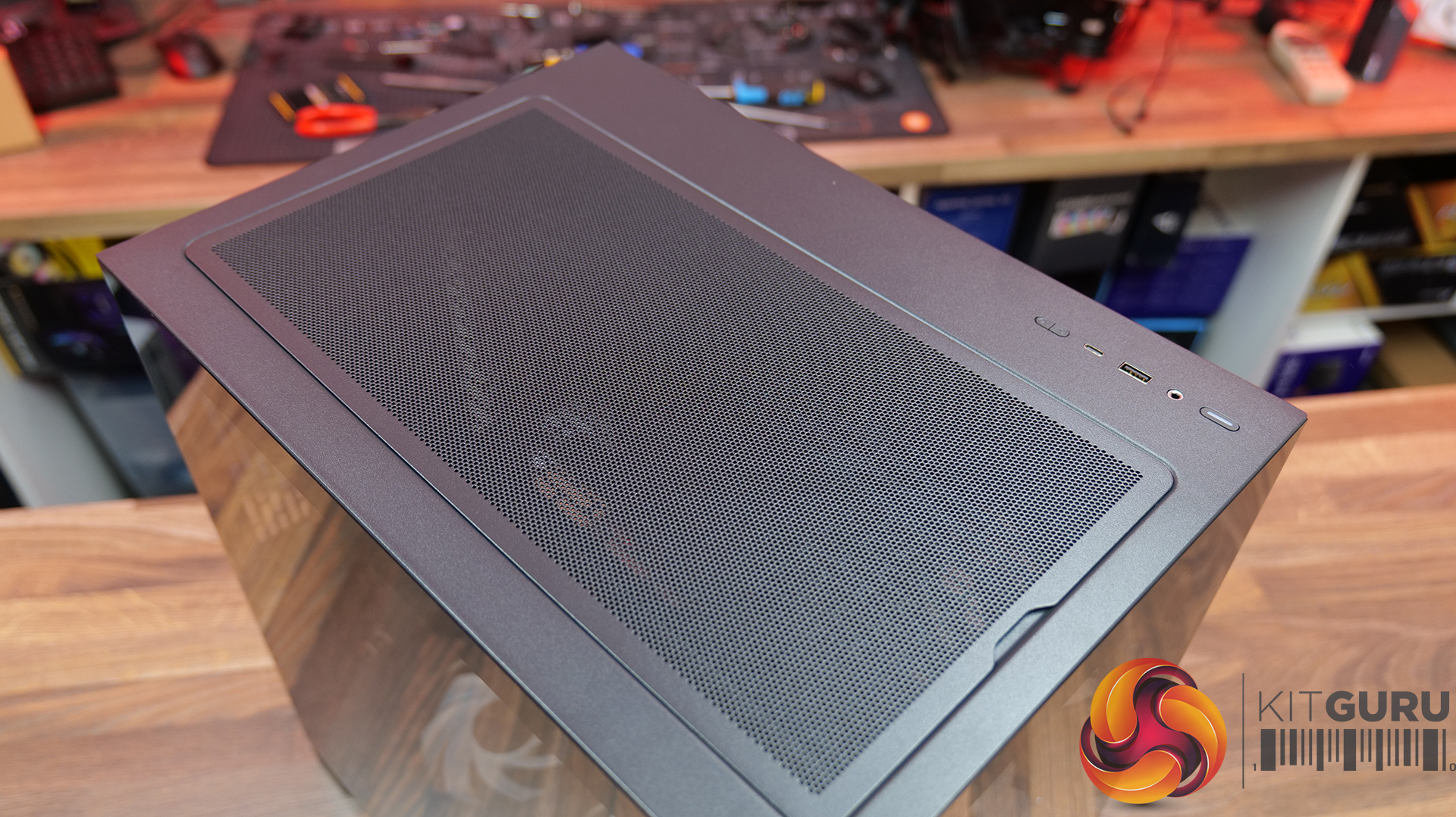
In our thermal testing the Cougar CFV235 delivered fairly consistent thermal results across different configurations. With the default setup, the system recorded 53Β°C over ambient on the CPU and 49Β°C on the GPU. Taking off the mesh top panel produced similar behaviour, with the CPU reaching 53Β°C and the GPU 49Β°C. So the mesh isn’t too restrictive.

Removing the glass side panel had little effect on CPU or GPU thermals at 52Β°C and 48Β°C, respectively. But adding bottom intake fans reduced GPU temperature further to 46Β°C over ambient, while CPU temperature remained the same at 52Β°C. Overall, the results suggest the case’s stock airflow configuration is reasonably well balanced, but there are minor GPU thermal gains to be had from adding bottom intake airflow.

Noise Output

As with thermals, the noise testing shows only a minor difference between configurations under load. In the default configuration, the maximum load noise measures 52 dBA, which drops to 49 dBA when bottom intake fans are installed – showing the cooler GPU temperature helped reduce fan speed.

At idle, the system remained consistent across all configurations at around 36–37 dBA. Overall, our testing would suggest the additional bottom fans help reduce system noise slightly under load, while panel removal has a minor impact on acoustics.

Closing Thoughts

First impressions of the Cougar CFV235 are good thanks to its distinctive design. Cougar’s Central Floating Ventilation layout gives the chassis a unique look that stands out from more conventional mid-tower designs, while the overall construction feels surprisingly solid and well put together. Panel fitment is good, materials feel sturdy, and the case generally gives the impression of a well-built product.

Thermal performance is decent rather than class-leading. The stock configuration delivers stable temperatures in our testing, but it doesn’t quite extract the maximum possible cooling potential straight out of the box. That said, adding bottom intake fans provides a small but noticeable improvement in GPU temperature and noise, suggesting the airflow design benefits from a little extra intake to help feed the GPU and main chamber. Based on that, it does seem odd that Cougar doesn’t include bottom intake fans as the default.

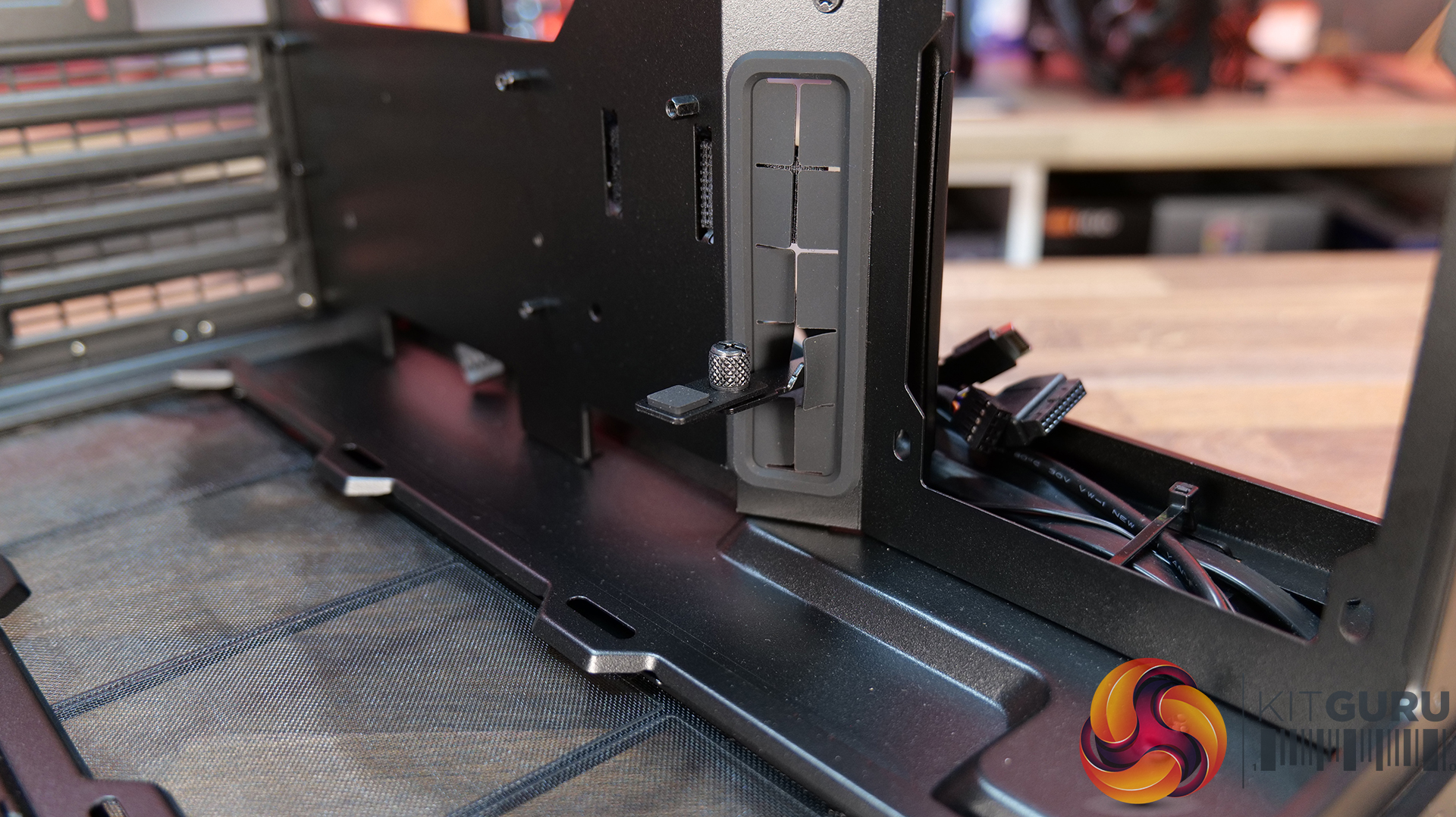
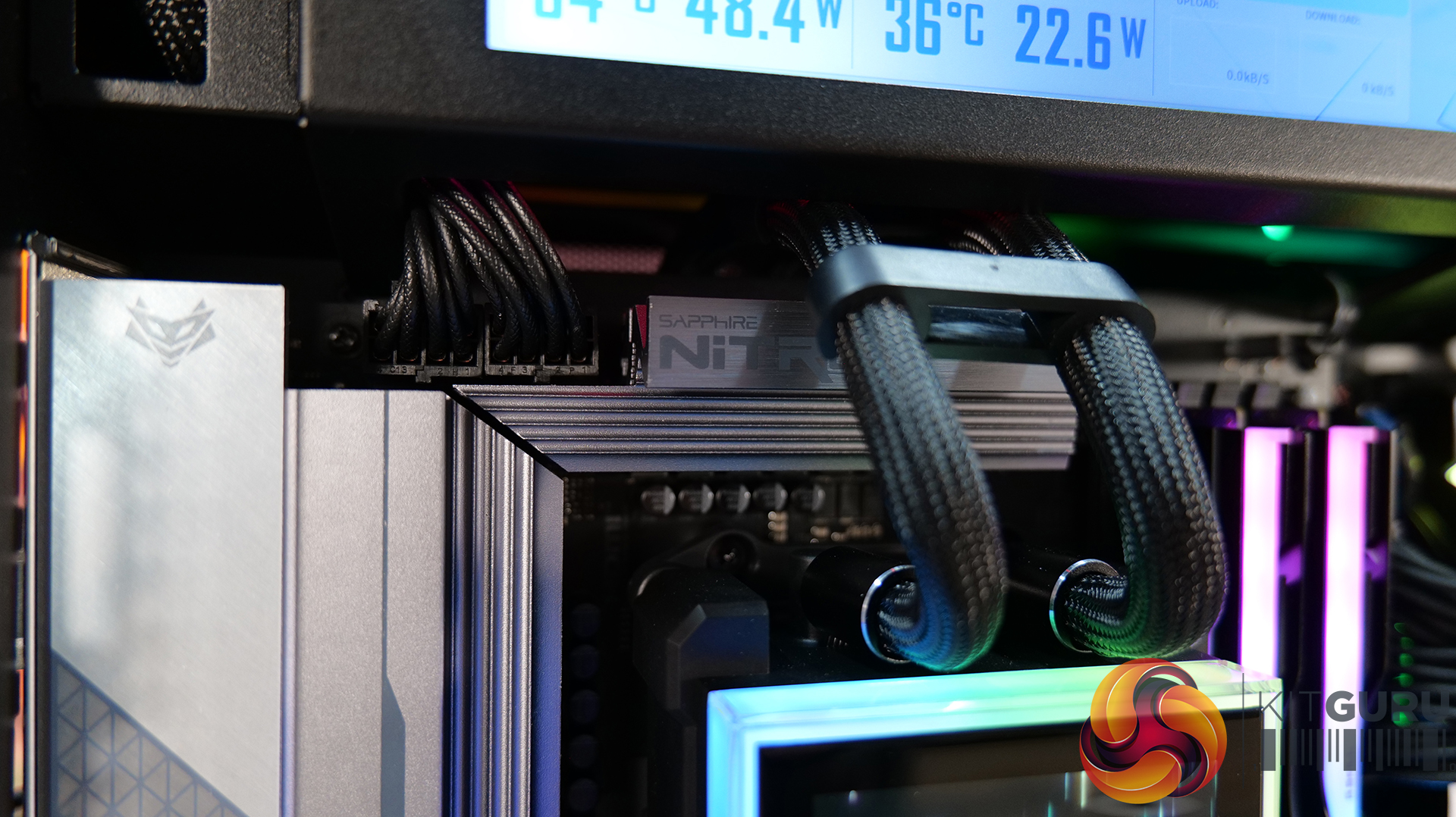
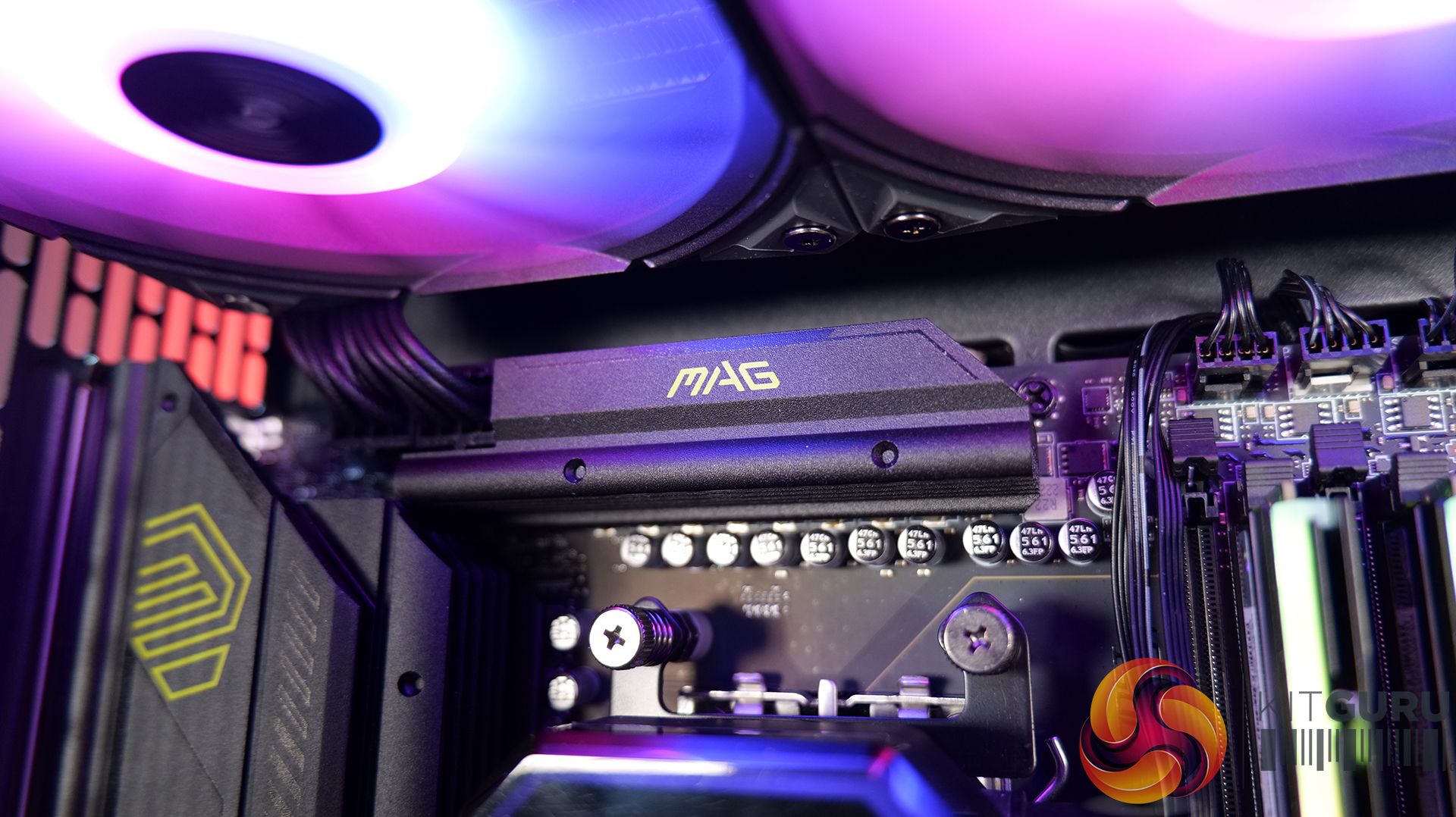
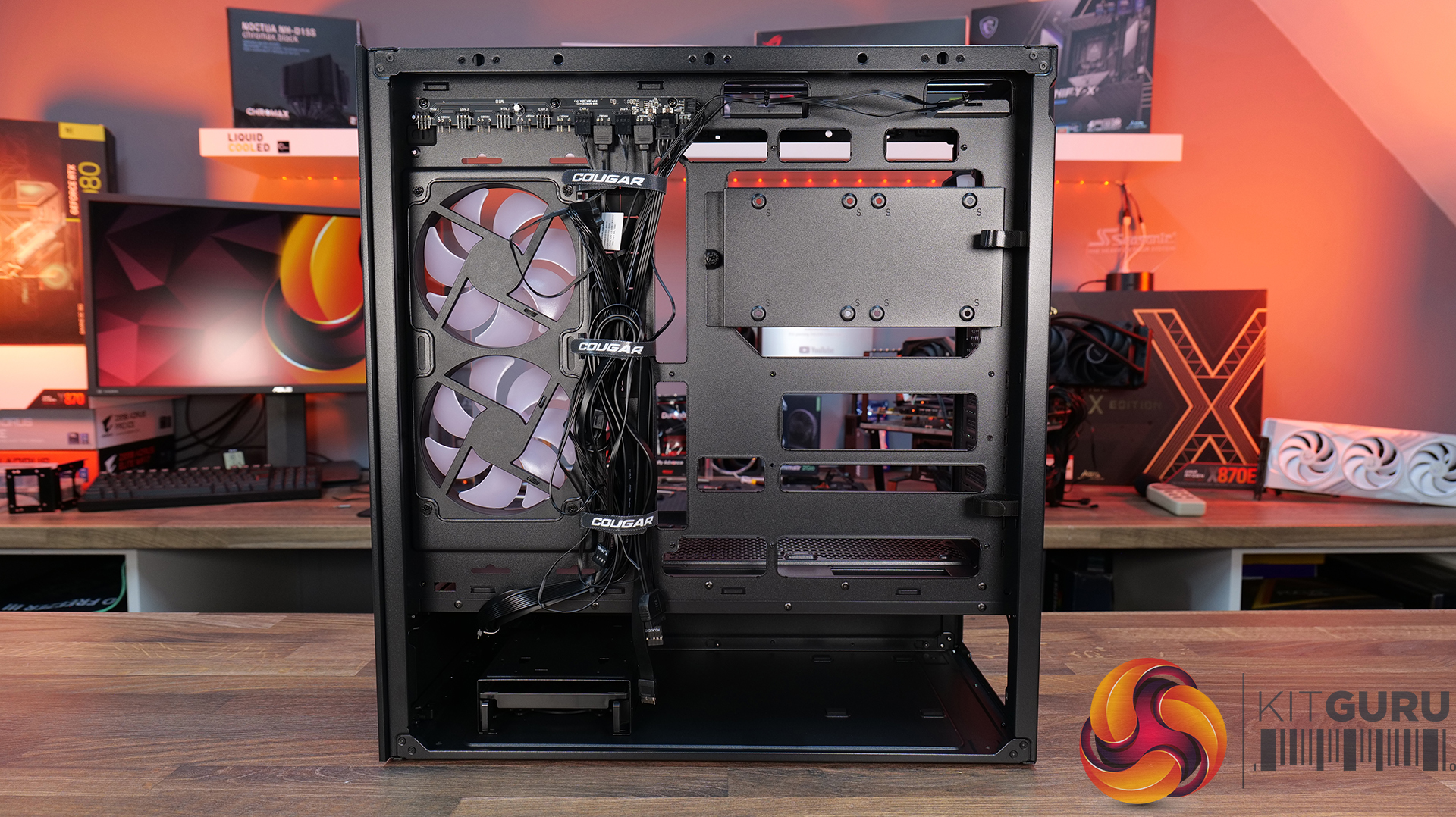
There are a couple of minor usability issues worth mentioning, such as the lack of removable radiator brackets, meaning that it's difficult to connect cables at the top of the motherboard with an AIO installed. This is a feature I like to see at this price point. Additionally, the side cable cut-out grommet can be easily dislodged during cable routing, which may prove to be a little frustrating during the build process.

Even with those small drawbacks, the CFV235 still offers a well-rounded package with strong build quality, extensive hardware compatibility, including back-connect motherboards, big graphics cards, plenty of cooling potential, and a distinctive aesthetic that all work in its favour. Thermal performance is also perfectly respectable once airflow is optimised with bottom intake fans. For builders looking for something a little different visually without sacrificing practicality or build quality, the Cougar CFV235 is a solid option.

UK availability is scarce but we found it listed on Amazon HERE.

Pros:Β 

  • Unique look with the free-floating top chamber.
  • No adverse chassis flex due to the 1.5mm thick steel frame.
  • Good hardware support, with up to EATX motherboards, including back connect, and big graphics cards.
  • Included six-port PWM ARGB hub.

Cons:

  • Thermal performance is a little limited out of the box.
  • Non-removable top radiator bracket.
  • Side cable grommet is easily dislodged.

KitGuru says: If you want a case that has a distinctive look but doesn't sacrifice build quality or practicality, the Cougar CFV235 is worth a look.

The post Cougar CFV235 Case Review first appeared on KitGuru.

GAMEMAX N90 WH ARGB review – dual chamber design with dot matrix display

By: Bahleem
5 March 2026 at 19:31

The GAMEMAX N90 WH is the upgraded version of the GAMEMAX N80. It keeps the same dual-chamber design but adds some cool new features. The lower part now has a 512-LED dot matrix display on the front, which looks really nice and bright. This GAMEMAX N90 ARGB gaming case is easy to build with, thanks to its modular design and tool-free panels. It has a big 270Β° curved wrap-around tempered glass on the front and side, so you can see your build clearly. The case supports BTF motherboards and hides cables neatly for a clean look. It also comes with six ARGB fans already installed, giving good airflow and keeping your PC cool.

Unboxing

Opening the GAMEMAX N90 WH ARGB does not feel like opening a normal PC case. It feels more premium right from the start. The case comes inside a thick and strong cardboard box. The packaging is simple and focused on protection rather than flashy design. On the outside, you can see technical details about the case, including its strong 0.8mm SPCC steel build and its split dual-chamber design.

GAMEMAX N90 case box
GAMEMAX N90 WH ARGB Dual Chamber PC Case 2 1
GAMEMAX N90 WH ARGB Dual Chamber PC Case 3 1

When you open the box, the case is held tightly between two large foam blocks. These are solid and strong, not the cheap, messy foam you sometimes see in budget cases. They keep the case safe during shipping. The whole case is wrapped in plastic, so the white finish and curved tempered glass stay clean and scratch-free. When I removed the cover, the β€œTrue White” colour looked smooth and fresh.

GAMEMAX N90 WH ARGB Dual Chamber PC Case 4 1

Inside the case, the accessories are neatly packed. Everything is organised properly, which makes the setup process easier. You get:

  • Motherboard screws (10 pieces) to install ATX, Micro-ATX, or ITX boards.
  • PSU screws (5 pieces) to mount the power supply in the rear chamber.
  • 2.5-inch SSD screws (8 pieces) for installing solid state drives.
  • Hard drive rubber dampers (8 pieces) to reduce vibration and noise.
  • White cable ties (6 pieces) to keep cables clean and tidy.
  • A standoff socket tool (1 piece) to tighten or remove motherboard standoffs.
  • An ARGB remote to control the lighting effects quickly.
GAMEMAX N90 WH ARGB Dual Chamber PC Case 67

The biggest highlight during unboxing is the curved glass panel. It gives a clean, wide view of the inside, almost like an aquarium. There is no front pillar blocking the view, so the case looks very open and spacious. Overall, the unboxing experience feels premium and well thought out, giving a strong first impression before the build even begins.

GAMEMAX N90 WH ARGB specifications

CategoryDetails
Form FactorMid Tower
Chassis MaterialSPCC 0.8mm Steel
PSU SupportBottom Mount / ATX (PSU not included)
Motherboard SupportATX, Micro-ATX, ITX (Supports BTF)
Front Panel270Β° Curved Tempered Glass
Top PanelMesh with wood grain decoration
Side Panel (Left)Curved Tempered Glass
Side Panel (Right)Metal
External Drive Bays0 Γ— 5.25” / 0 Γ— 3.5”
Internal Drive Bays2 Γ— 3.5” HDD (Compatible with 2.5” SSD) + 2 Γ— 2.5” SSD
Expansion Slots7
I/O Ports1 Γ— USB 3.0, 1 Γ— USB Type-C (Gen2), 1 Γ— Combo Audio
USB 2.00
Buttons1
RGB ControllerV4.10-24AS Controller + Remote
Max Fan Support (Controller)Up to 10 Fans
Pre-installed Fans6 Γ— ARGB Fans
Fan Support (Top)3 Γ— 120mm / 2 Γ— 140mm
Fan Support (Rear)1 Γ— 120mm (Tornado T12 ARGB)
Fan Support (Motherboard Side)2 Γ— 120mm (Tornado T12 ARGB-R)
Fan Support (Bottom)3 Γ— 120mm (Tornado T12 ARGB-R)
Radiator Support (Top)120 / 140 / 240 / 280 / 360mm
Radiator Support (Motherboard Side)120 / 240mm
Radiator Support (Rear)120mm
Dust FiltersBottom dust filter, Top mesh
VGA ClearanceUp to 415mm
CPU Cooler HeightUp to 175mm
Cable Management Space32mm
Display Screen512-LED Dot Matrix Display
Chassis Dimensions439 Γ— 235 Γ— 511mm
Full Case Dimensions439 Γ— 240.5 Γ— 530mm
Carton Dimensions512 Γ— 310 Γ— 601mm
Net Weight12.95 kg
Gross Weight14.55 kg

A closer look – Exterior

The GAMEMAX N90 WH ARGB has a dual-chamber design. The top section holds the motherboard and graphics card. The bottom section hides the power supply and cables. This keeps the build clean and neat. It also helps with airflow. In terms of size, the case measures 439 Γ— 240.5 Γ— 530mm. It weighs 12.95 kg, which gives it a solid and sturdy feel on the desk.

GAMEMAX N90 WH ARGB Dual Chamber PC Case 5 1
GAMEMAX N90 WH ARGB Dual Chamber PC Case 12

The case has tool-free panels. You can remove the side panels easily. This makes building faster and less stressful.

The best part is the L shaped 270Β° curved tempered glass. It covers the front and left side in one smooth piece. There is no front pillar blocking the view. You get a wide and clear look inside the case.

At the front bottom, there is a 512-LED dot matrix display. It can show system info and custom lighting effects. It gives the case a unique and modern look.

GAMEMAX N90 WH ARGB Dual Chamber PC Case 6

The build feels strong. It uses 0.8mm steel. The case is heavy at around 12.95 kg. The white finish looks clean. The top panel has a wood-style design, which looks different from normal gaming cases.

GAMEMAX N90 WH ARGB Dual Chamber PC Case 12 1

On the bottom chamber, you get I/O ports. There is one USB 3.0 port, one USB Type-C (Gen2), and one combo audio jack.

GAMEMAX N90 WH ARGB Dual Chamber PC Case 9

The top of the GAMEMAX N90 uses a smart three-layer design. Each layer has a clear purpose. It starts with looks and ends with cooling support.

GAMEMAX N90 WH ARGB Dual Chamber PC Case 8
GAMEMAX N90 WH ARGB Dual Chamber PC Case 11

At the very top, there is a Walnut-grain decorative Top Panel wood-style mesh dust filter. It gives the case a unique and classy feel. The filter is magnetic, so you can lift it off easily for cleaning. It blocks dust while still letting air pass through.

Under this layer sits a white metal cover with angled cut-out vents. This panel wraps around and continues to the right side of the case. It hides the internal structure and keeps the outside looking clean. Removing this cover gives full access to the top and side areas.

GAMEMAX N90 WH ARGB Dual Chamber PC Case 21
GAMEMAX N90 WH ARGB Dual Chamber PC Case 23

The last layer is the fan and radiator mounting area. This section is designed for cooling hardware. You can install up to three 120mm fans or a large liquid cooler. The layout feels open and easy to work with. All screws and mounts stay hidden once everything is installed.

GAMEMAX N90 WH ARGB Dual Chamber PC Case 60

The right side of the GAMEMAX N90 is focused on airflow and clean cable management. A mesh grille is provided for the side intake fans, allowing fresh air to flow inside. The main side panel is metal and is held in place with two thumb screws, so it can be removed easily without tools.

GAMEMAX N90 WH ARGB Dual Chamber PC Case 64

The bottom compartment is used for the power supply and storage bays. To access this area, a separate cover is provided. Like the other panels on the case, this cover follows a tool-less design. You can simply pull it out to reach the PSU and storage bays.

GAMEMAX N90 WH ARGB Dual Chamber PC Case 41

The rear of the GAMEMAX N90 follows a standard layout. The top section includes a motherboard I/O cutout and a rear exhaust fan mount with round ventilation holes. Below this are reusable graphics card expansion slots. On the right side, an additional mesh grille continues the same round-hole design.

GAMEMAX N90 WH ARGB Dual Chamber PC Case 19

The bottom section is dedicated to the power supply and uses a separate lower compartment. This area includes its own ventilation and follows the dual-chamber layout.

GAMEMAX N90 WH ARGB Dual Chamber PC Case 17


The bottom of the GAMEMAX N90 case features four round feet with rubber padding. It has a raised base with good ground clearance. A large honeycomb-style intake grille is placed underneath. This intake is covered by a removable mesh dust filter.

GAMEMAX N90 WH ARGB Dual Chamber PC Case 54

Interior

Inside the GAMEMAX N90, the left and front sides use a 270Β° curved tempered glass panel. This glass is easy to remove thanks to the tool-less design. The case follows a modular dual-chamber layout with quick-release panels, which makes access simple during building. The curved glass is made from a single piece and wraps around the front and side. It also comes with a high-transparency safety film. This keeps the look clean and uniform while adding protection.

GAMEMAX N90 WH ARGB Dual Chamber PC Case 71
GAMEMAX N90 WH ARGB Dual Chamber PC Case 72

Looking at the motherboard tray, you will notice large cut-outs. These are designed for modern builds and support BTF stealth motherboards. The case supports ATX and M-ATX BTF motherboards.

GAMEMAX N90 WH ARGB Dual Chamber PC Case 35

The case comes with six pre-installed fans. Three are placed at the bottom, two on the motherboard side, and one at the rear. All fans are Tornado T12 ARGB. The bottom and motherboard-side fans are reverse fans. Additional fan support includes 3Γ—120mm or 2Γ—140mm at the top.

GAMEMAX N90 WH ARGB Dual Chamber PC Case 75

There is good support for cooling hardware. The case supports air coolers up to 185mm in height. Liquid cooling options include 360mm on top, 240mm on the motherboard side, and 120mm at the rear.

Graphics card support goes up to 425mm, allowing large GPUs to fit easily.

In the bottom section, the I/O ports are placed on the left side. These include USB 3.2 Gen2 Type-C, USB 3.2 Gen1 Type-A, Power button, and Combo Audio. There is also a dedicated button for the dot matrix LED display, which will be discussed later.
GAMEMAX N90 WH ARGB Dual Chamber PC Case 73

After removing right side panel, you will find another cover. This cover is used to hide cables and keep everything looking neat. To remove this cover, two more thumb screws are placed at the back of the case. Once opened, you get full access to the cable area.

GAMEMAX N90 WH ARGB Dual Chamber PC Case 38
GAMEMAX N90 WH ARGB Dual Chamber PC Case 39
GAMEMAX N90 WH ARGB Dual Chamber PC Case 50

On the right side, this area is called the cable compartment. The cable cover can be pulled up easily and removed from its hinges. It does not require tools. Once removed, you get full access to the cable area.

A fan hub is also provided here. The six pre-installed fans are already connected to it. You can add more fans and ARGB connections if needed. The layout feels open and organised.

GAMEMAX N90 WH ARGB Dual Chamber PC Case 40

There is a large motherboard cut-out in this section. Separate cut-outs for BTF motherboards are also visible. You also get mounting options for 2.5-inch SSDs here. Even if cable management is not perfect, the cover helps hide the cables and keeps the build looking clean.

GAMEMAX N90 WH ARGB Dual Chamber PC Case 62

To access the lower compartment, you can easily pull the mesh cover from the back side. Once removed, the storage and PSU area becomes fully accessible.

GAMEMAX N90 WH ARGB Dual Chamber PC Case 41

Inside the drive bay, two plastic trays are provided. You can install two 3.5-inch HDDs here. There is also a dedicated 2.5-inch SSD mount on top of the bay. The case supports a PSU up to 170mm in length. Large soft pads are placed under the PSU area for proper support and clearance.

GAMEMAX N90 WH ARGB Dual Chamber PC Case 56
GAMEMAX N90 WH ARGB Dual Chamber PC Case 51

You get the front panel connector, a Thunderbolt connector, and a USB 3.0 connector. There are also dedicated connectors for the Dot Matrix display, along with USB and audio connectors.

GAMEMAX N90 WH ARGB Dual Chamber PC Case 85

Installation

I shifted my main PC into the GAMEMAX N90 because this case is going to stay on my desk for a long time. Here are the components I used:

  • Processor: Intel Core i7 12700K
  • Motherboard: MSI Z790 Carbon Max WiFi
  • Cooler: Valkyrie A360
  • RAM: Kingbank DDR5 32GB 6800MHz CL32
  • GPU: Colorful RTX 5070 Battle AX
  • Storage: Silicon Power 2TB NVMe + Lexar 512GB (Windows)
  • PSU: GAMEMAX 1050W
  • RGB Cables: GAMEMAX

Building inside this case was a great experience. Even though it is a mid-tower case, space management feels well planned. Installation is easy, but there is one important thing to remember. If you are using an ATX motherboard, pass the HD Audio, front panel, fan, and ARGB connectors through the lower cutouts before fixing the motherboard in place.

I installed the motherboard first, and later I did not have enough space to route and plug in the bottom connectors easily. So it is better to connect or at least route them first.

After installing the 360mm cooler on top, there was still enough space to plug and unplug cables from the upper area without difficulty. The layout does not feel cramped.

On the right side, I honestly did not even try hard with cable management. I just connected everything and closed the dedicated cable cover. All the PSU cables adjusted easily inside. The cover hides everything well and gives a clean look.

The L-shaped panels are also easy to remove and reinstall. Overall, building in the N90 feels simple and builder friendly, even with high-end components.

GAMEMAX N90 WH ARGB Dual Chamber PC Case 89

Some more pictures of the build.

GAMEMAX N90 WH ARGB Dual Chamber PC Case 96
GAMEMAX N90 WH ARGB Dual Chamber PC Case 111
GAMEMAX N90 WH ARGB Dual Chamber PC Case 102
GAMEMAX N90 WH ARGB Dual Chamber PC Case 103
GAMEMAX N90 WH ARGB Dual Chamber PC Case 112
GAMEMAX N90 WH ARGB Dual Chamber PC Case 106

GAMEMAX N90 – Dot matrix LED display features

The GAMEMAX N90 comes with an 8Γ—64 dot matrix LED display at the front bottom. It works with Windows. You need to install the software first. The file name is SysMonitorUSB_V1.0.7.msi. After installing, you can run the program. The temperature unit can be set to Celsius or Fahrenheit.

The display gets power from the PC power supply (5V). It connects to the motherboard using a USB 2.0 header. It reads system data directly from the motherboard.

When you turn on the PC, the full screen lights up for 3 seconds. Then the startup screen shows for 7 seconds. After that, it enters normal working mode.

GAMEMAX N90 Dot Matrix Display Software 2

In normal mode, it shows different system details one by one. This includes date, time, CPU temperature, GPU temperature, CPU usage, RAM usage, and other selected parameters. Each item stays on screen for about 5 seconds. Longer text scrolls across the screen. The display changes with a vertical sliding animation.

GAMEMAX N90 Dot Matrix Display Software
WhatsApp Image 2026 03 03 at 11.01.33 PM

You can also set a custom message. In the software, type your message in the custom string box and press Send. It supports English letters and numbers only. After saving, the display shows β€œMyString” for one second. The message stays saved even after power off. To show your custom text, press and hold the button for 2 seconds. The text will scroll across the screen. If no message is saved, it shows β€œNULL”.

GAMEMAX N90 Dot Matrix Display Software 3
WhatsApp Image 2026 03 03 at 11.01.34 PM 1

If the software is not running, or the USB cable is disconnected, the screen shows β€œNO SIGNAL”. After 20 seconds, it enters standby mode. After 40 more seconds, it goes into sleep mode and slowly turns off.

GAMEMAX N90 WH ARGB Dual Chamber PC Case 92

There is only one button for control.
Press and hold for 3 seconds to turn the display on or off.
Press and hold for 2 seconds to enter or exit custom message mode.
Press once to switch to the next parameter.
Press twice to lock or unlock the current parameter.
Press three times to enter brightness control mode. Brightness levels go from 0 to 7.

Overall, the dot matrix display adds a unique touch to the case. It shows live system data and allows simple customization without making things complicated.

WhatsApp Image 2026 03 03 at 11.01.34 PM 2

Final verdict

After building and using the GAMEMAX N90 as my main system, I can confidently say this case feels well balanced in both design and performance. The dual-chamber layout keeps everything organised and gives the build a very clean appearance. The tool-free panels make installation and removal simple. Whether it is the curved glass, the cable cover, or the bottom compartment, everything can be opened and closed without stress.

Recently, one of my friends reviewed a similar dual-chamber case where the top AIO section was fully separated. The N90 follows a slightly different approach. It keeps the layout connected while still offering proper support for large coolers and clean cable routing. In daily use, this design feels practical and easy to work with.

Thermal performance is impressive. The six pre-installed fans provide strong airflow. The fans are slightly audible, but nothing extreme. CPU and GPU temperatures remained very reasonable at idle and during gaming sessions. That is what really matters in a gaming build.

Dust protection is also well handled. There are three magnetic dust covers in total. One is the wooden-accent top panel. The second is for the motherboard-side intake fans. The third is placed under the PSU area. All of them are easy to remove and clean.

The dot matrix LED display adds something different to the case. It shows system information and custom text, which makes the setup feel more personal. Many brands are now offering full front display panels with their cases, so it will be interesting to see when GAMEMAX steps into that space. For now, this display still makes the N90 stand out.

Overall, the N90 feels unique and complete. It looks different, performs well, and is easy to build in. For a gaming setup that needs both style and strong cooling, this case fits perfectly. I would confidently give it a design and performance award.

Enos Tech Design Award
Enos Tech Performance Award

Availability and pricing

The GAMEMAX N90 is available in two colour options. The black version is priced at $189.99, while the white version reviewed here has an MSRP of $194.99. Availability may vary depending on the region and retailer, so buyers may need to check with local distributors or online stores for stock and delivery options.

❌
❌