❌

Normal view

There are new articles available, click to refresh the page.
Before yesterdayMain stream

Lian Li B4 mATX PC Case Review

14 July 2026 at 10:28

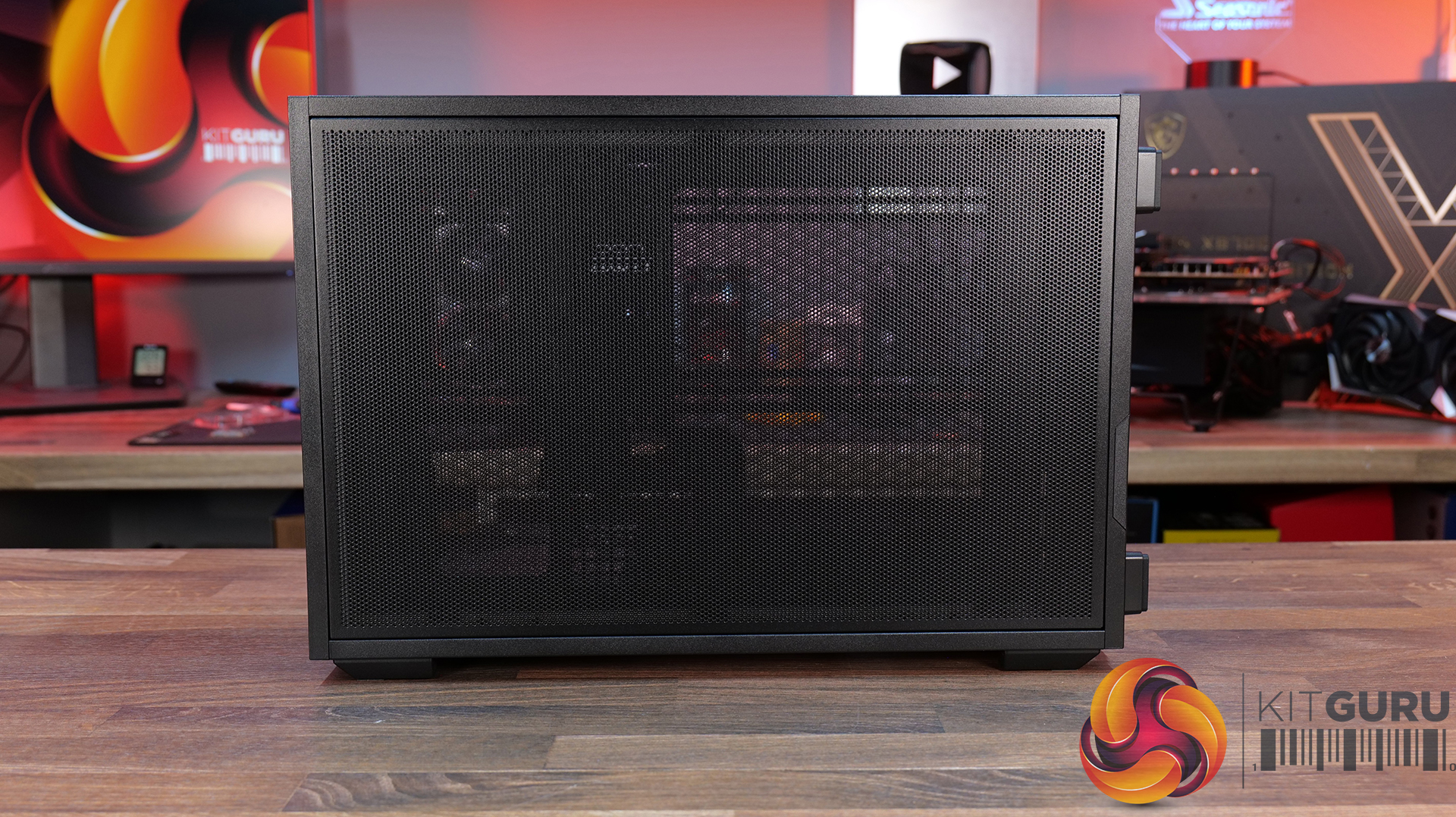
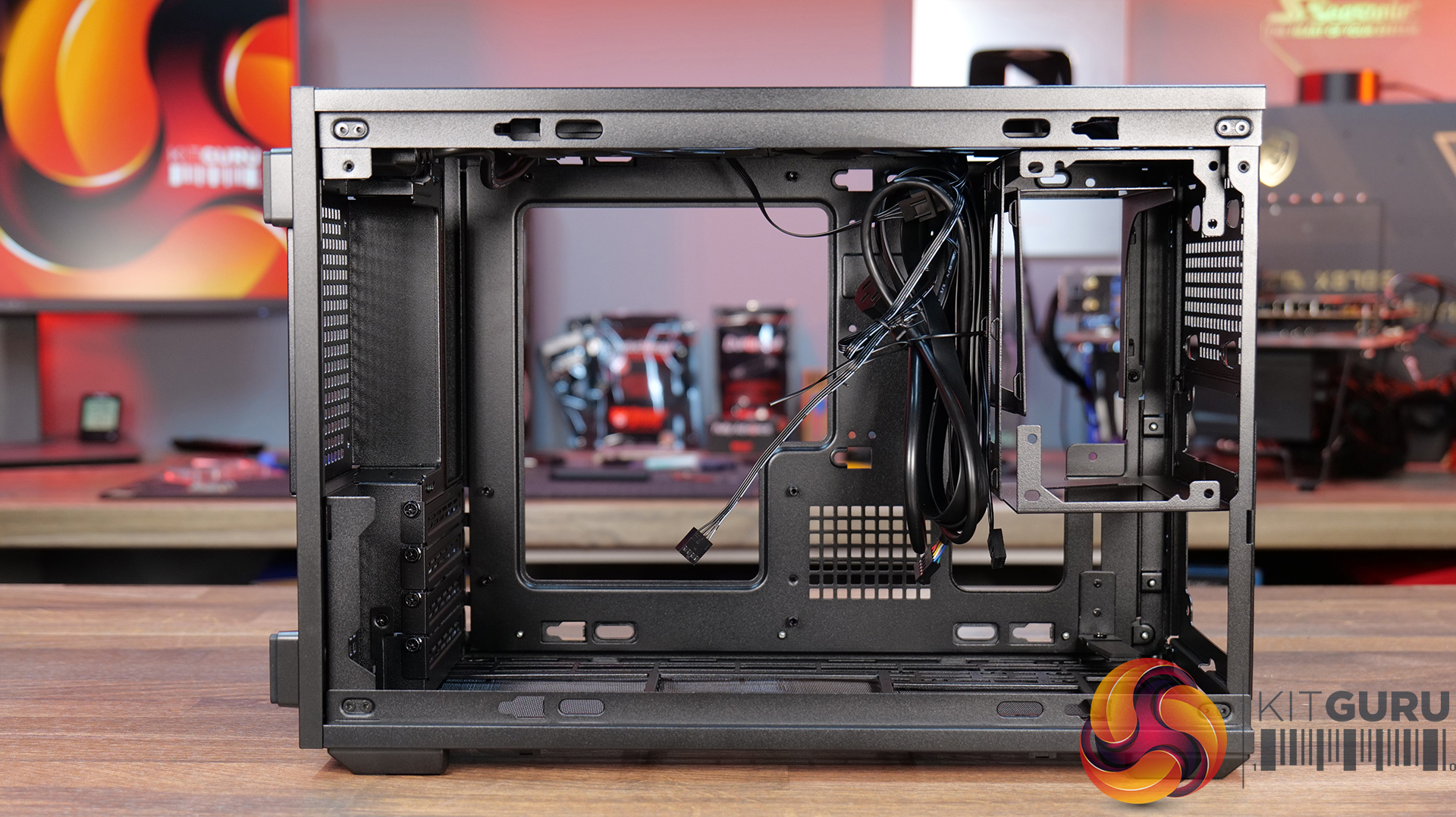
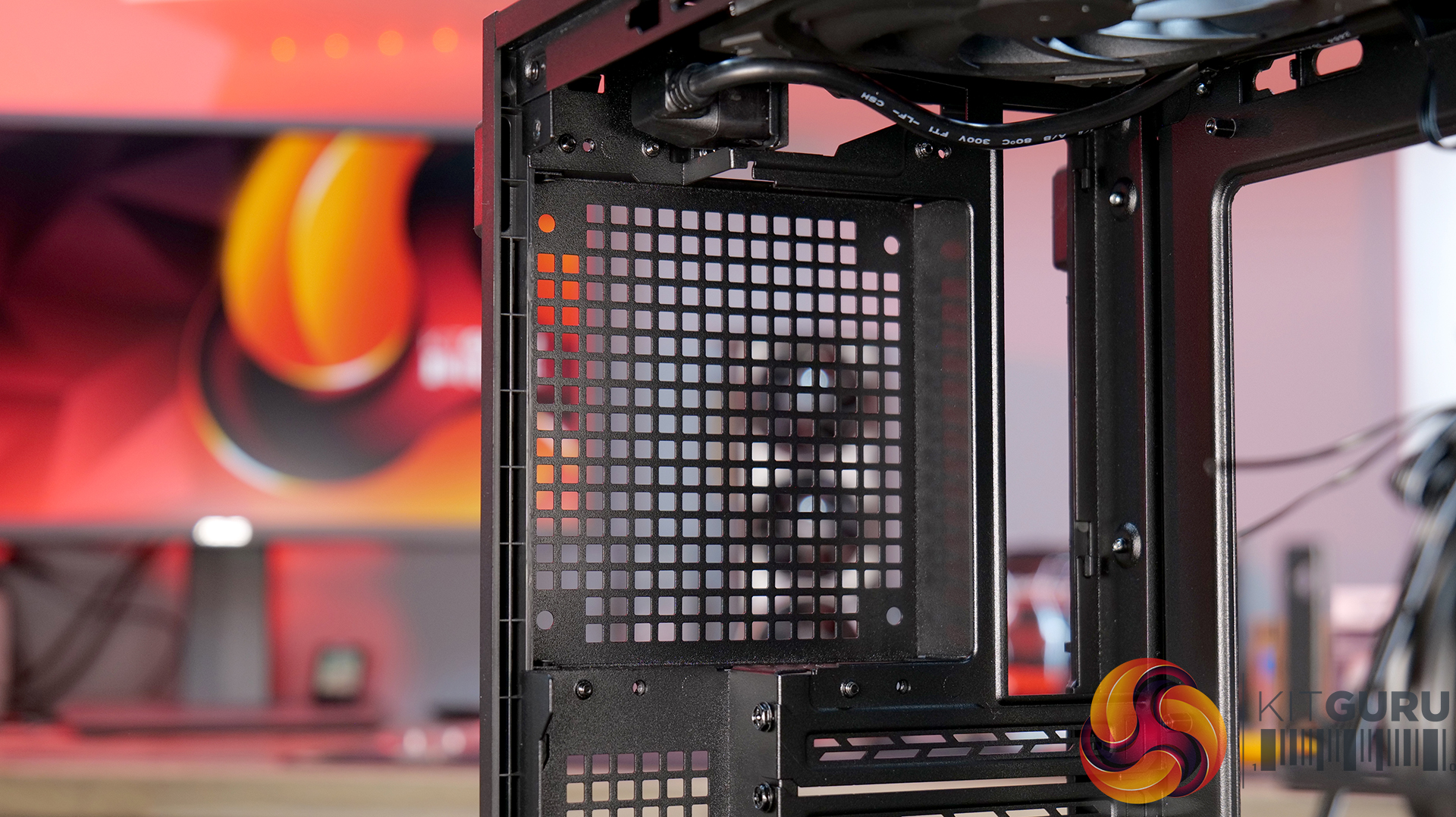
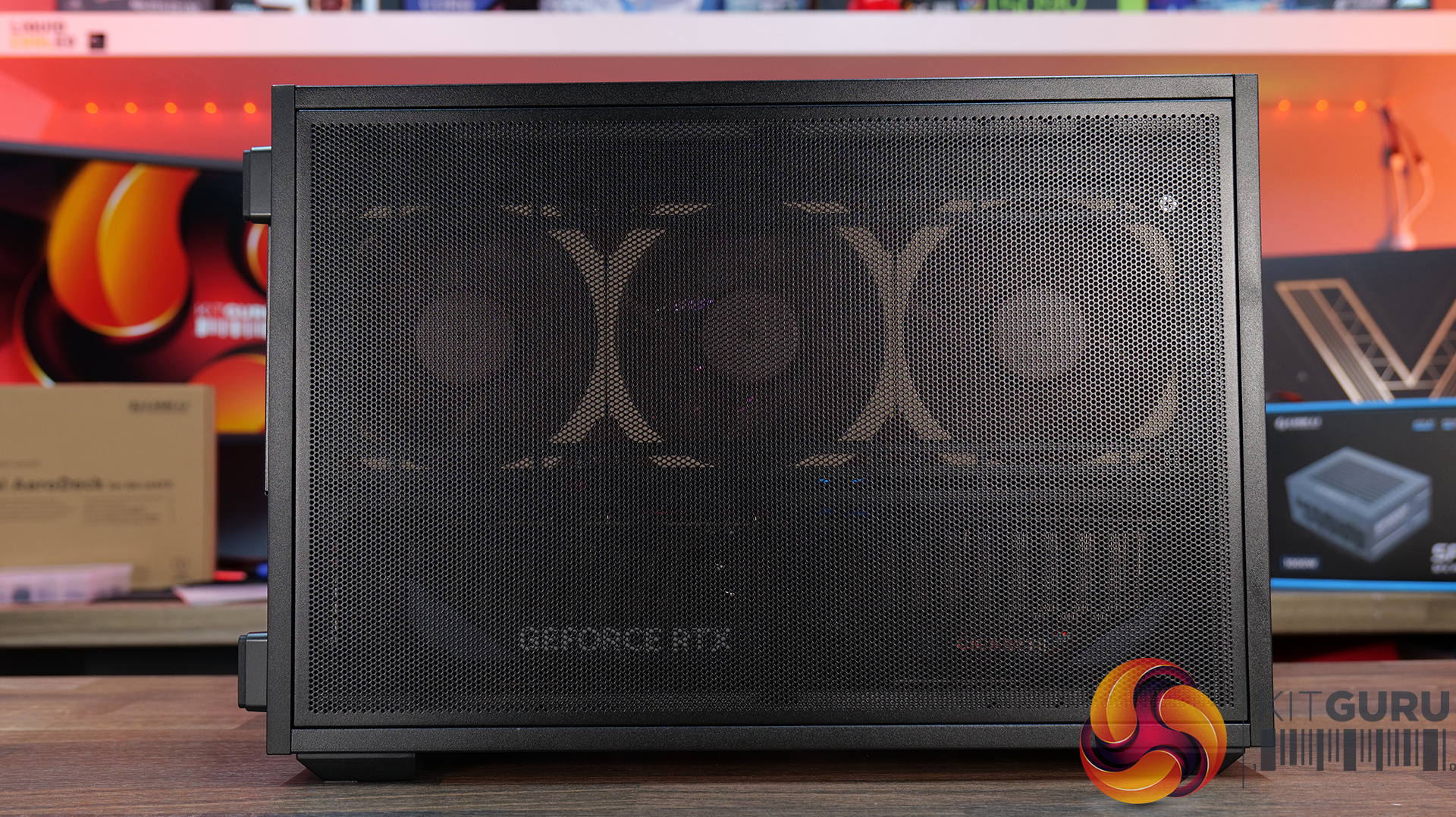
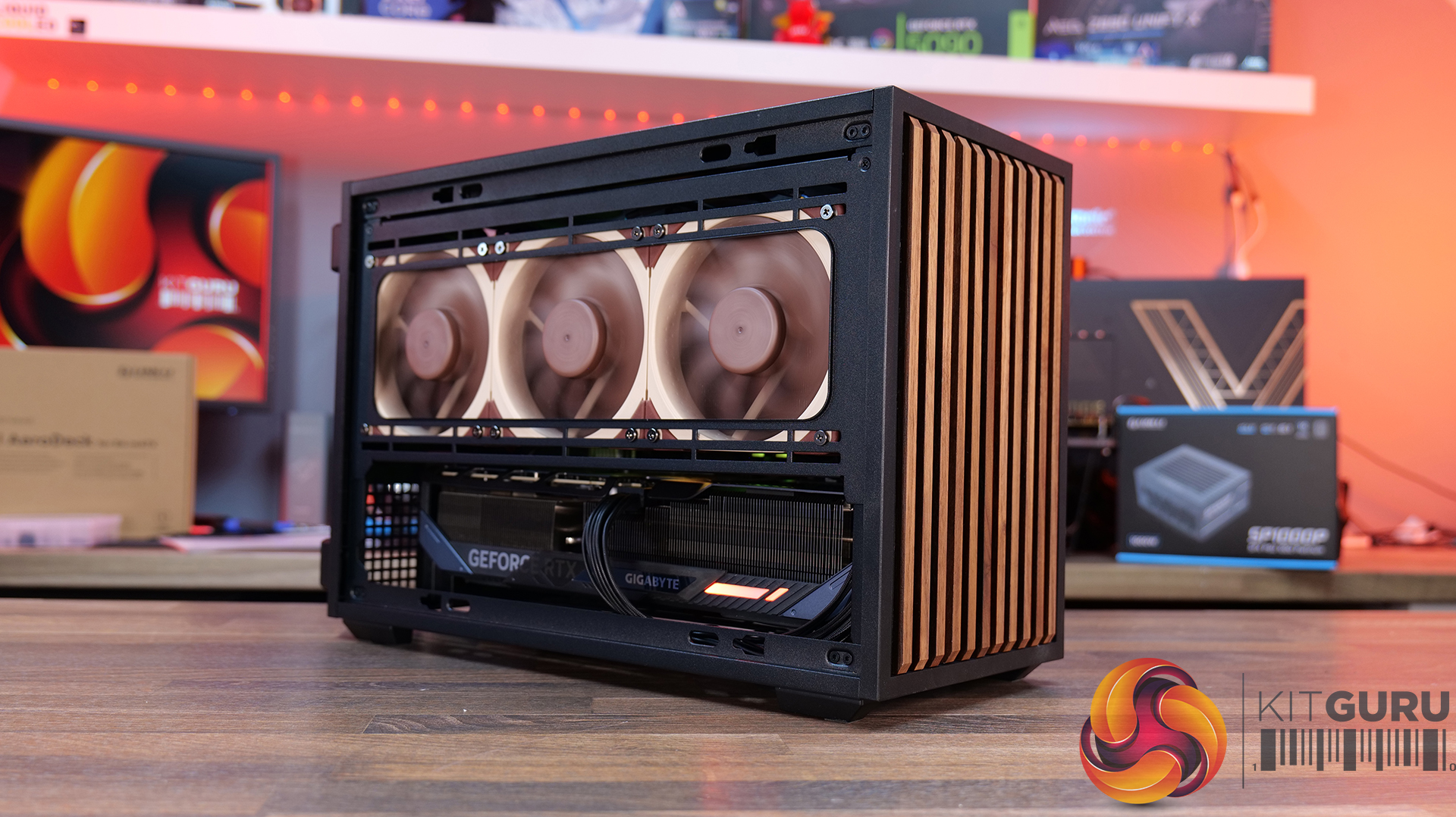
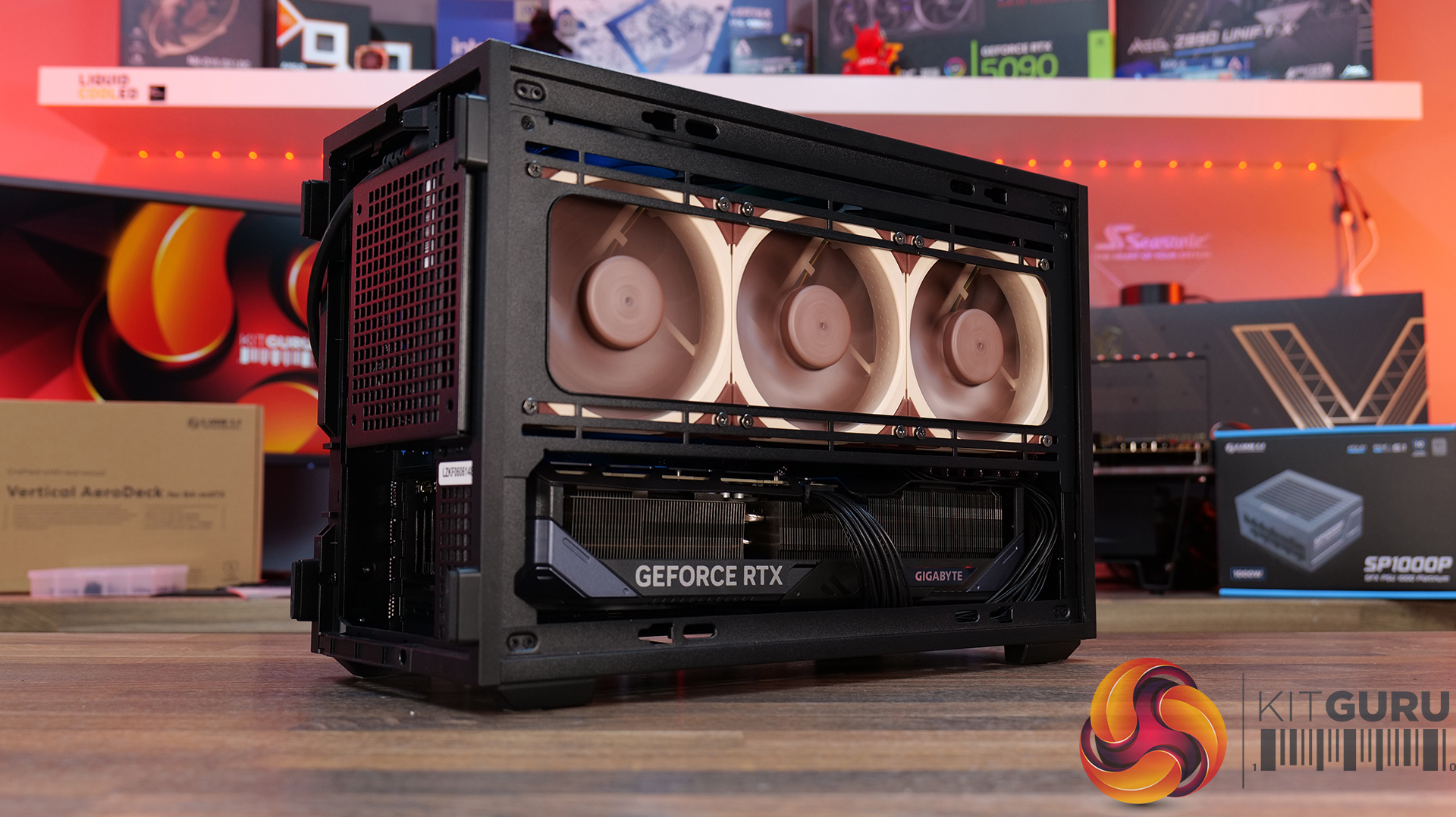
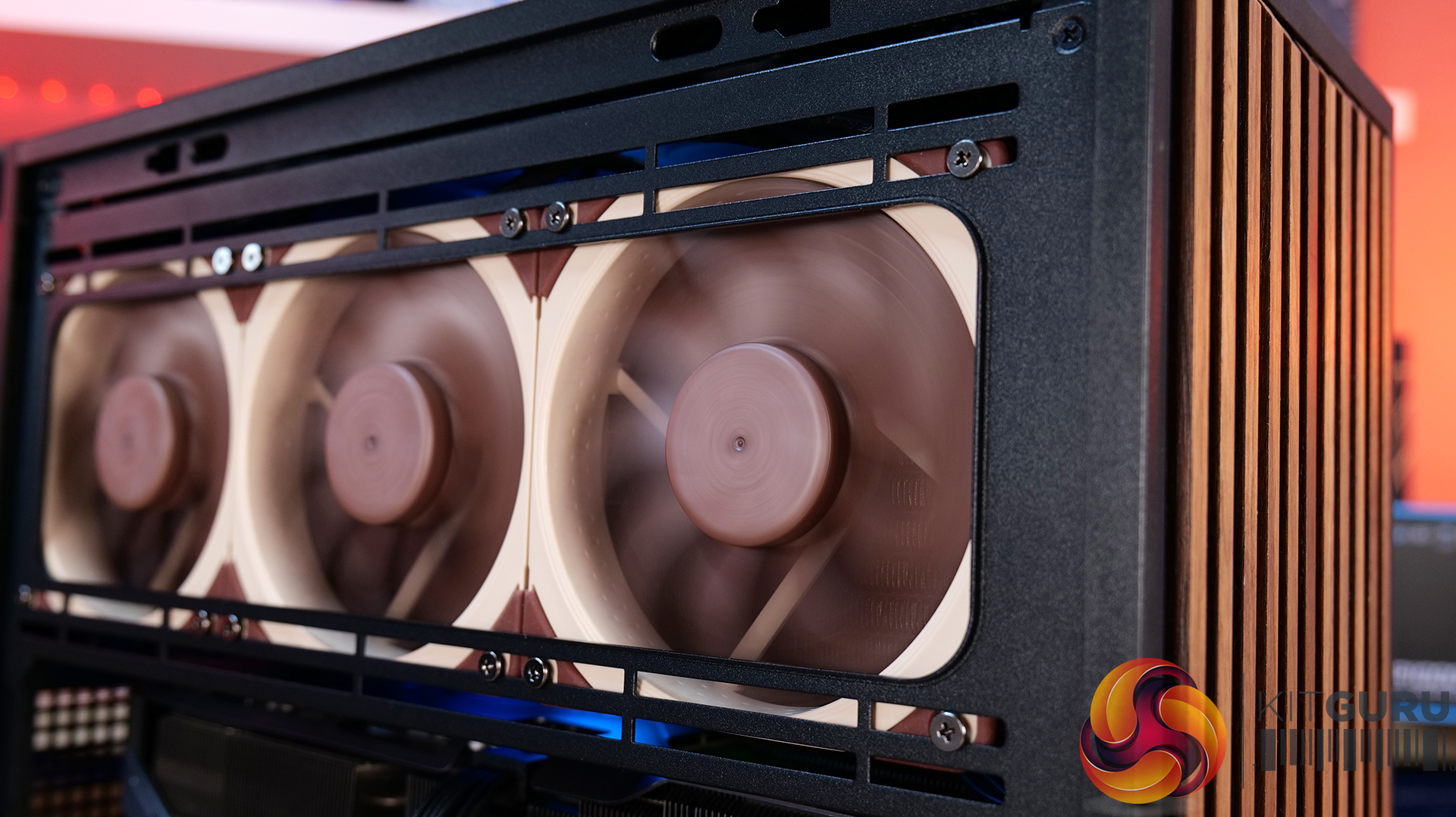
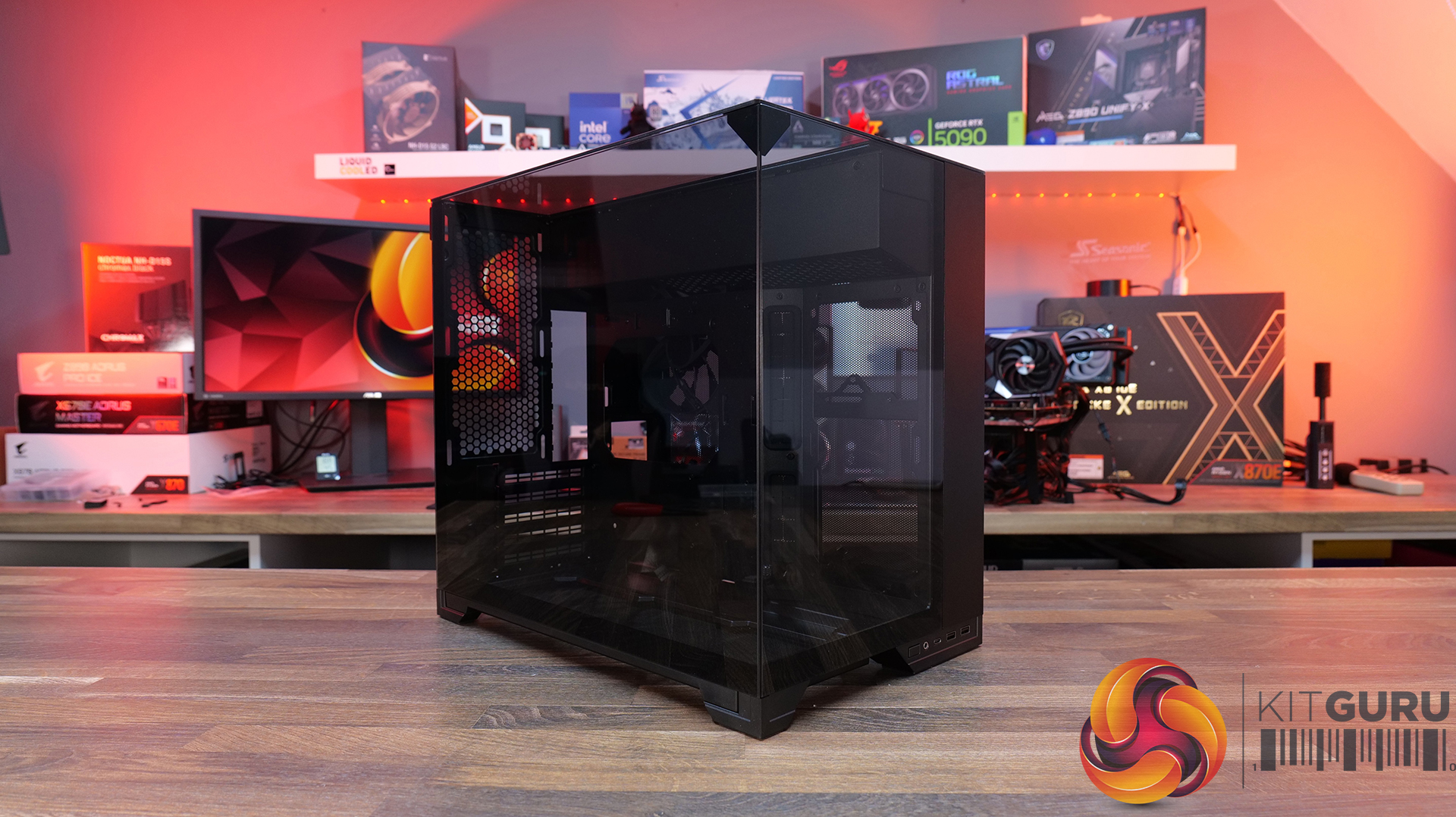
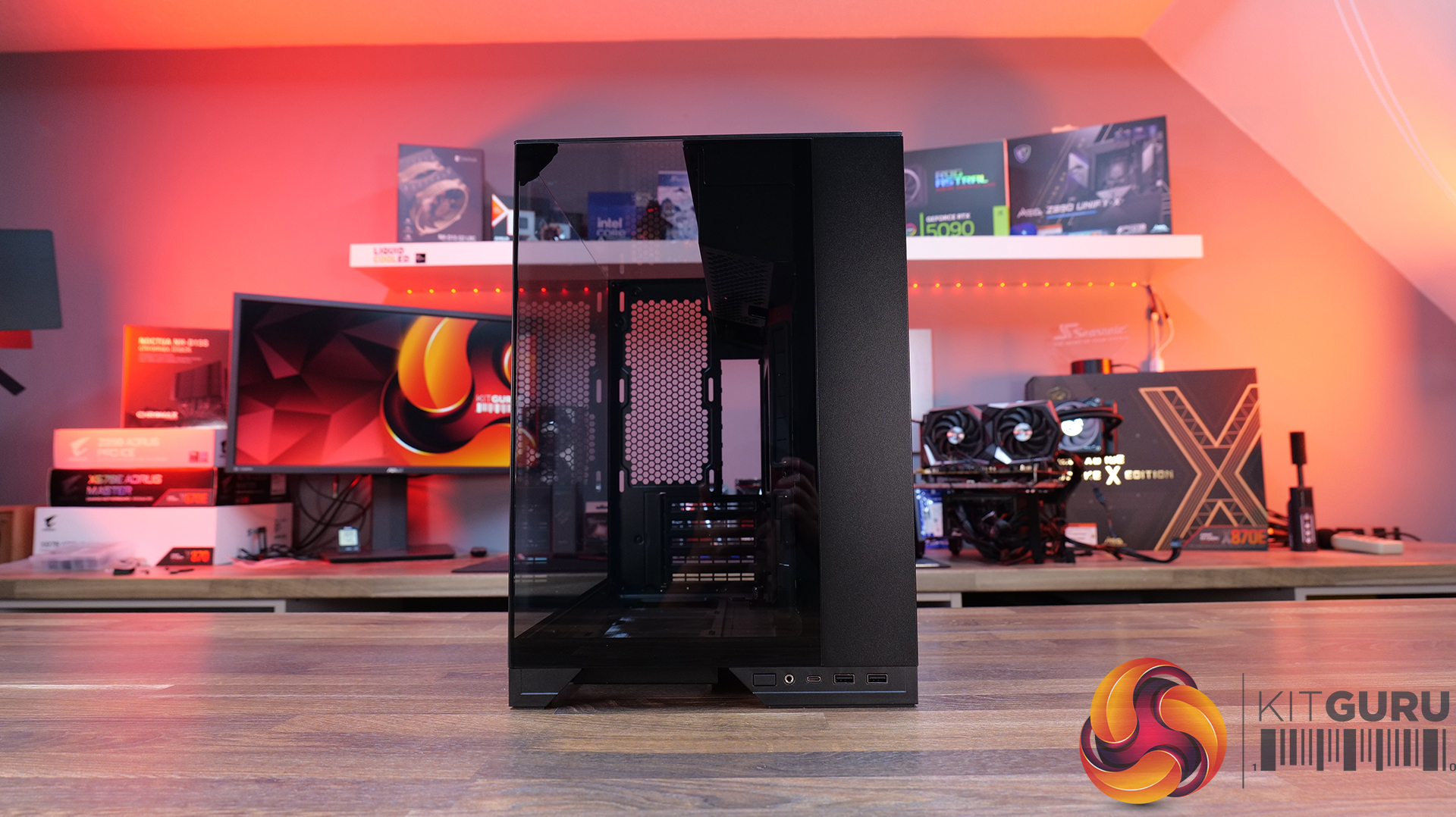
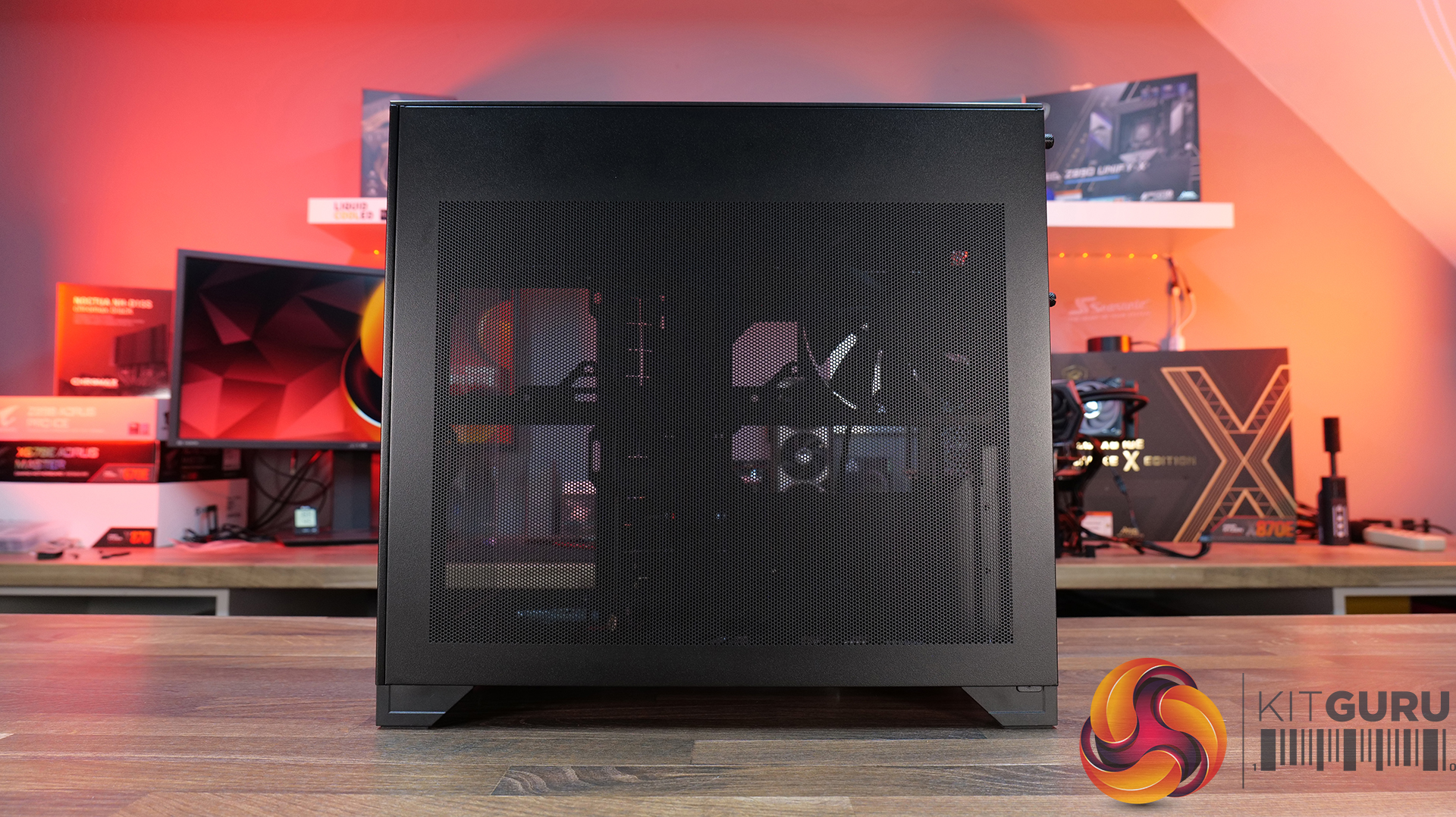
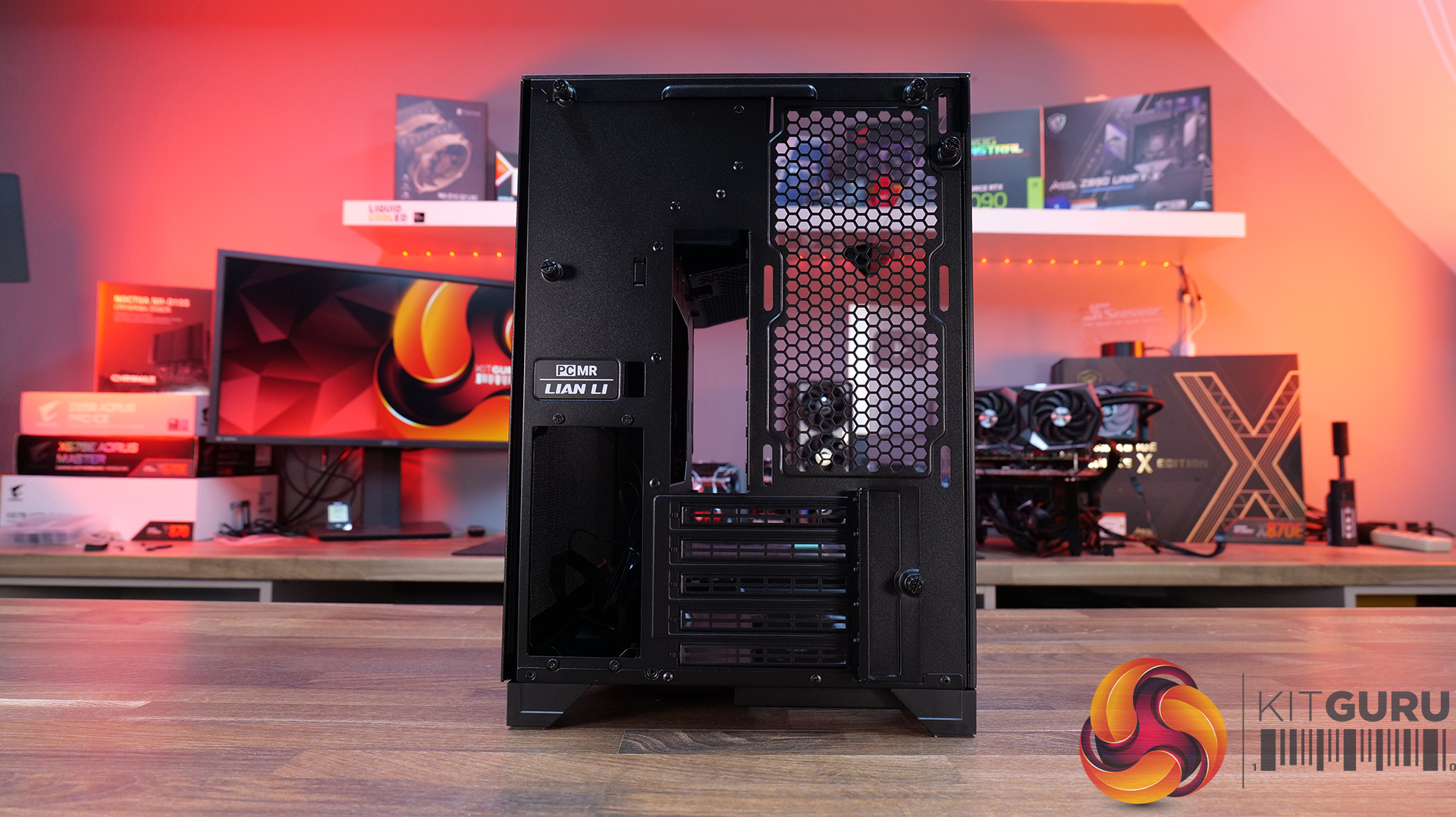
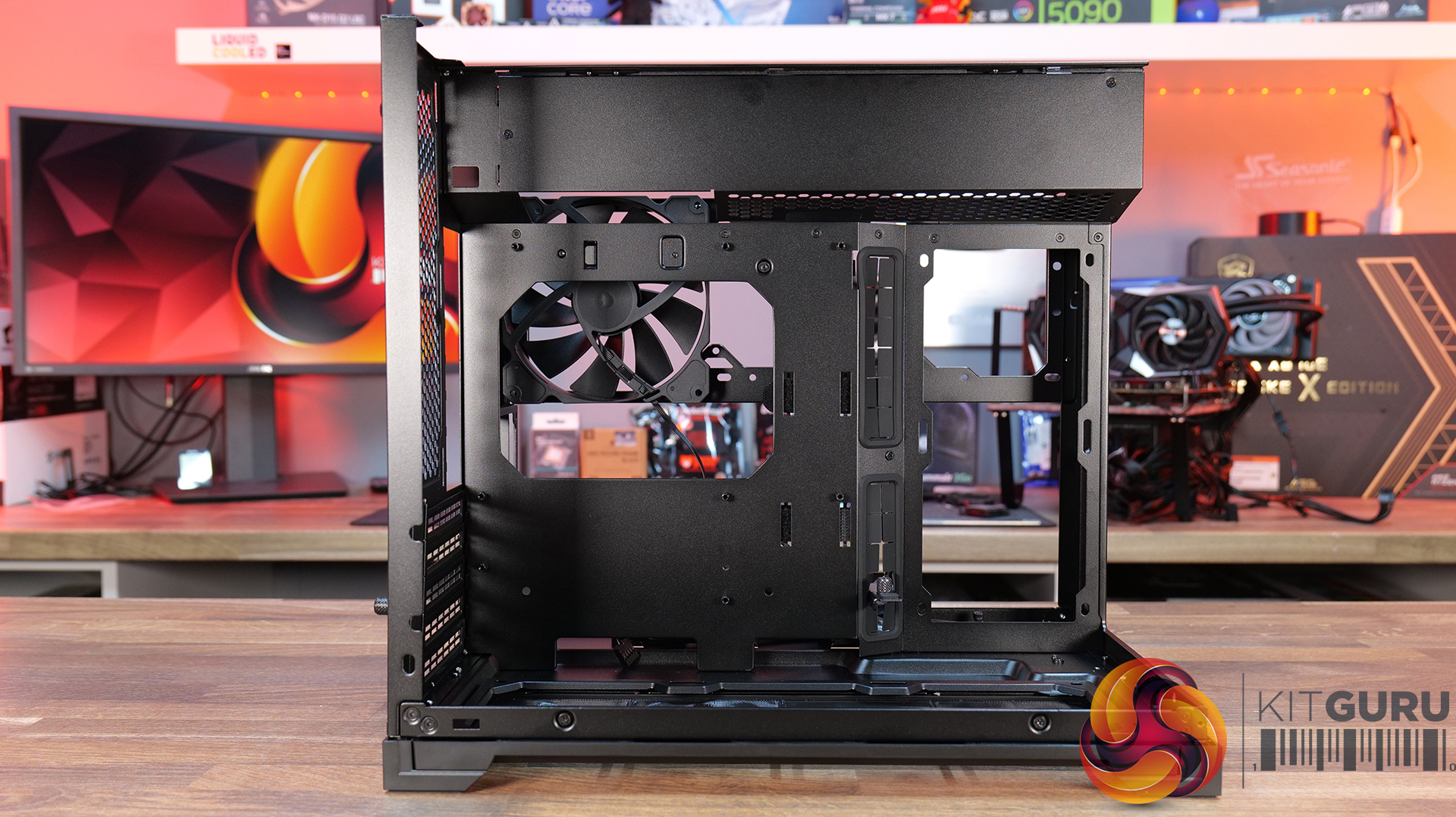
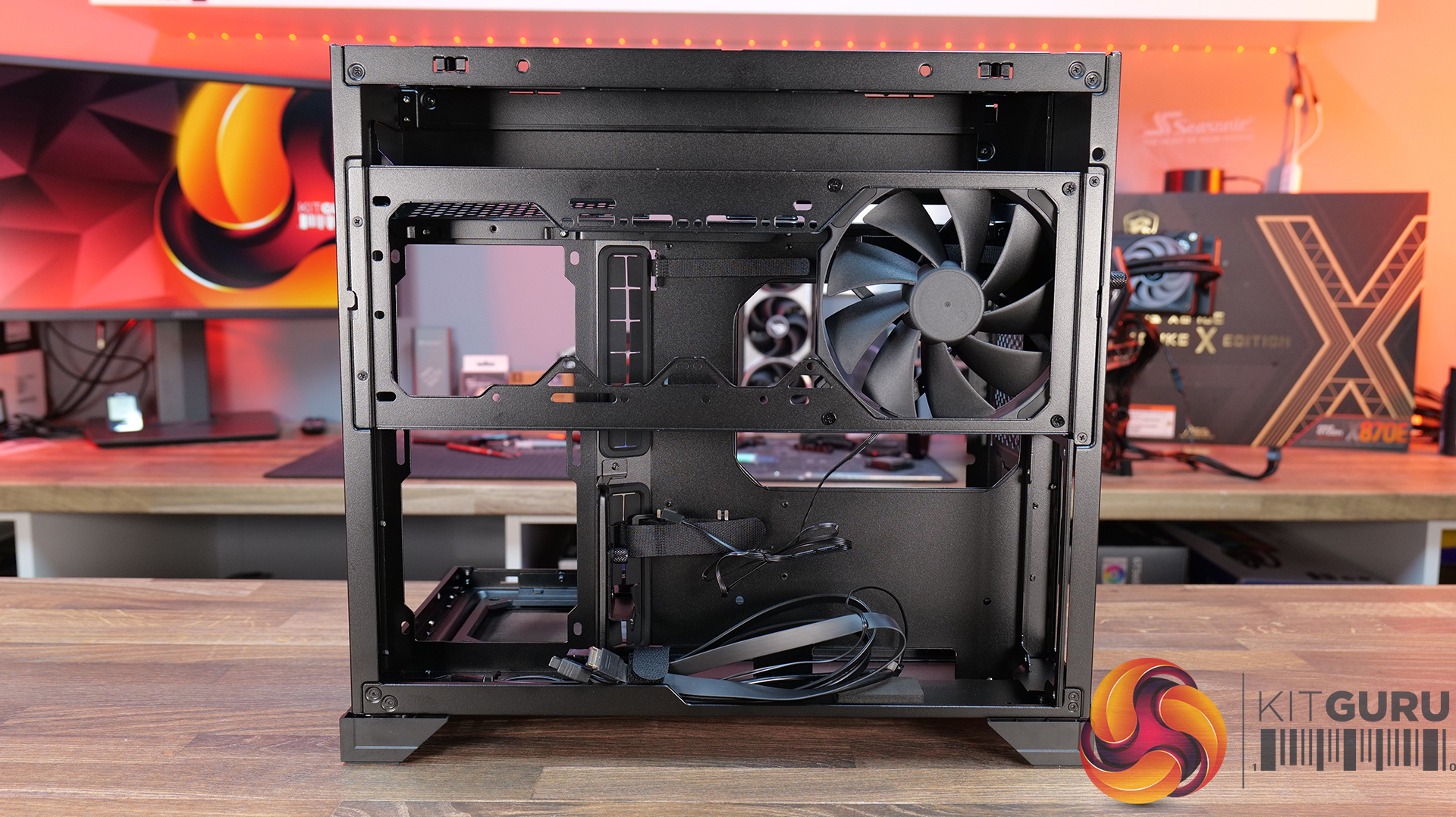
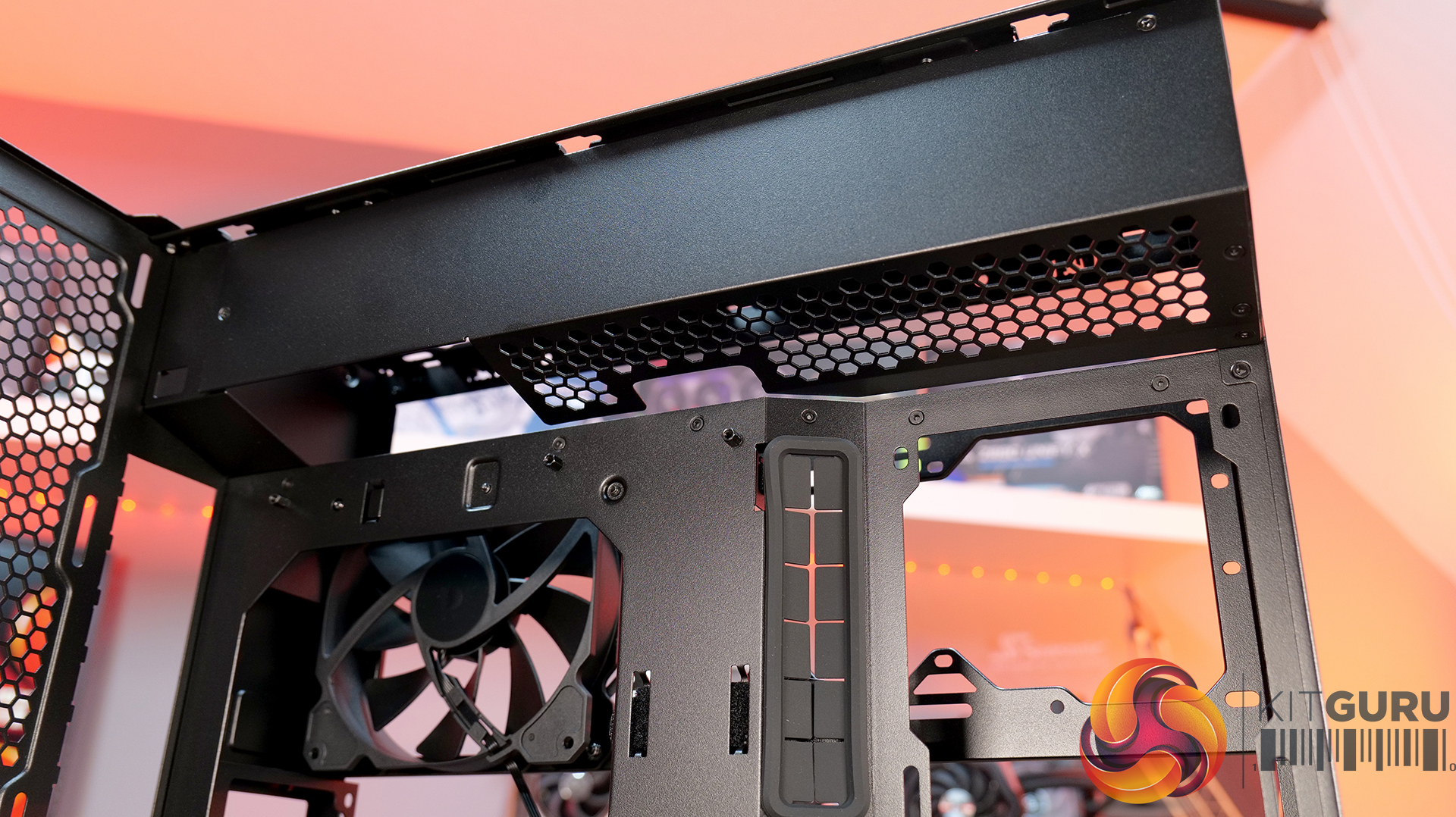
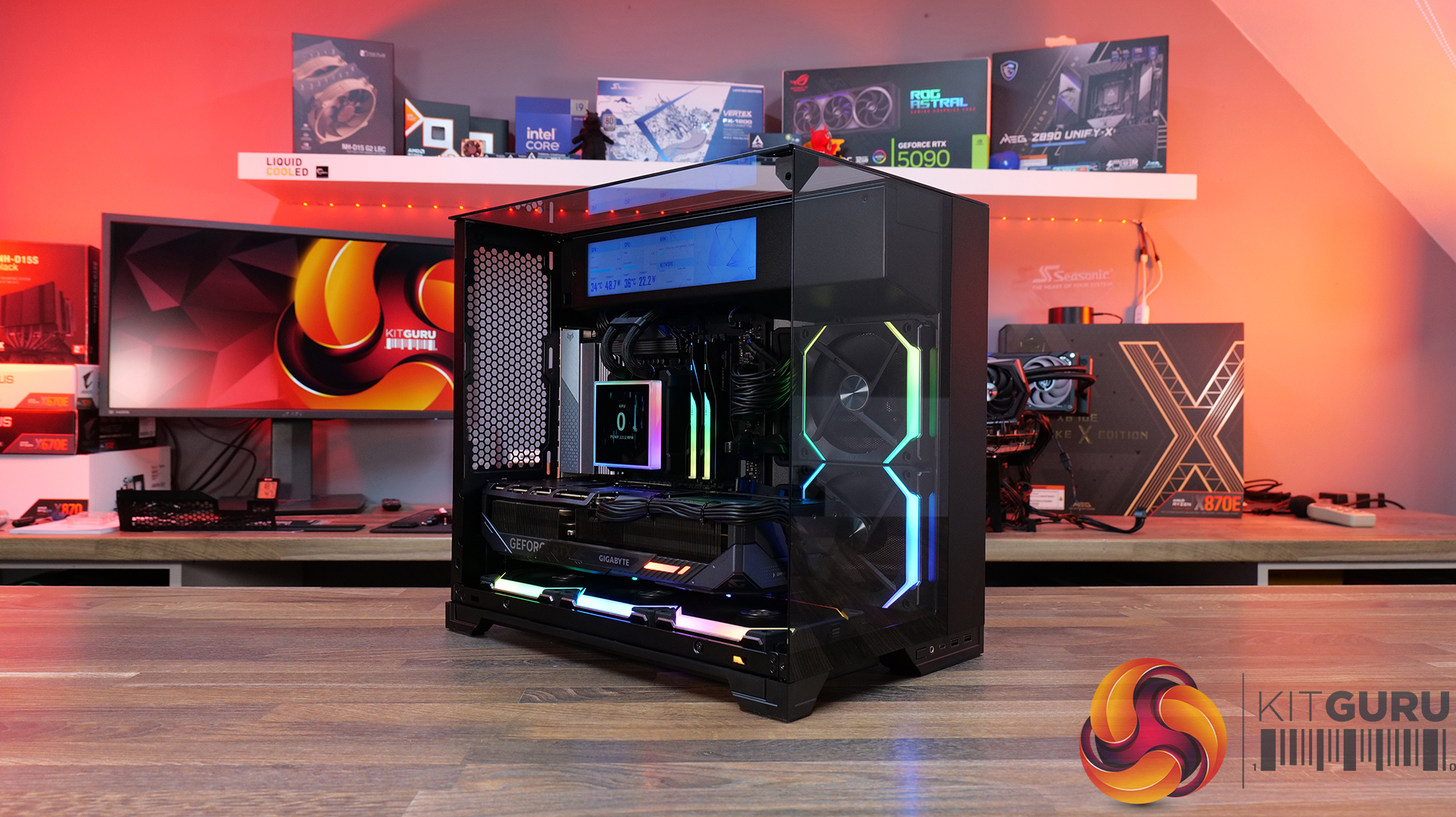
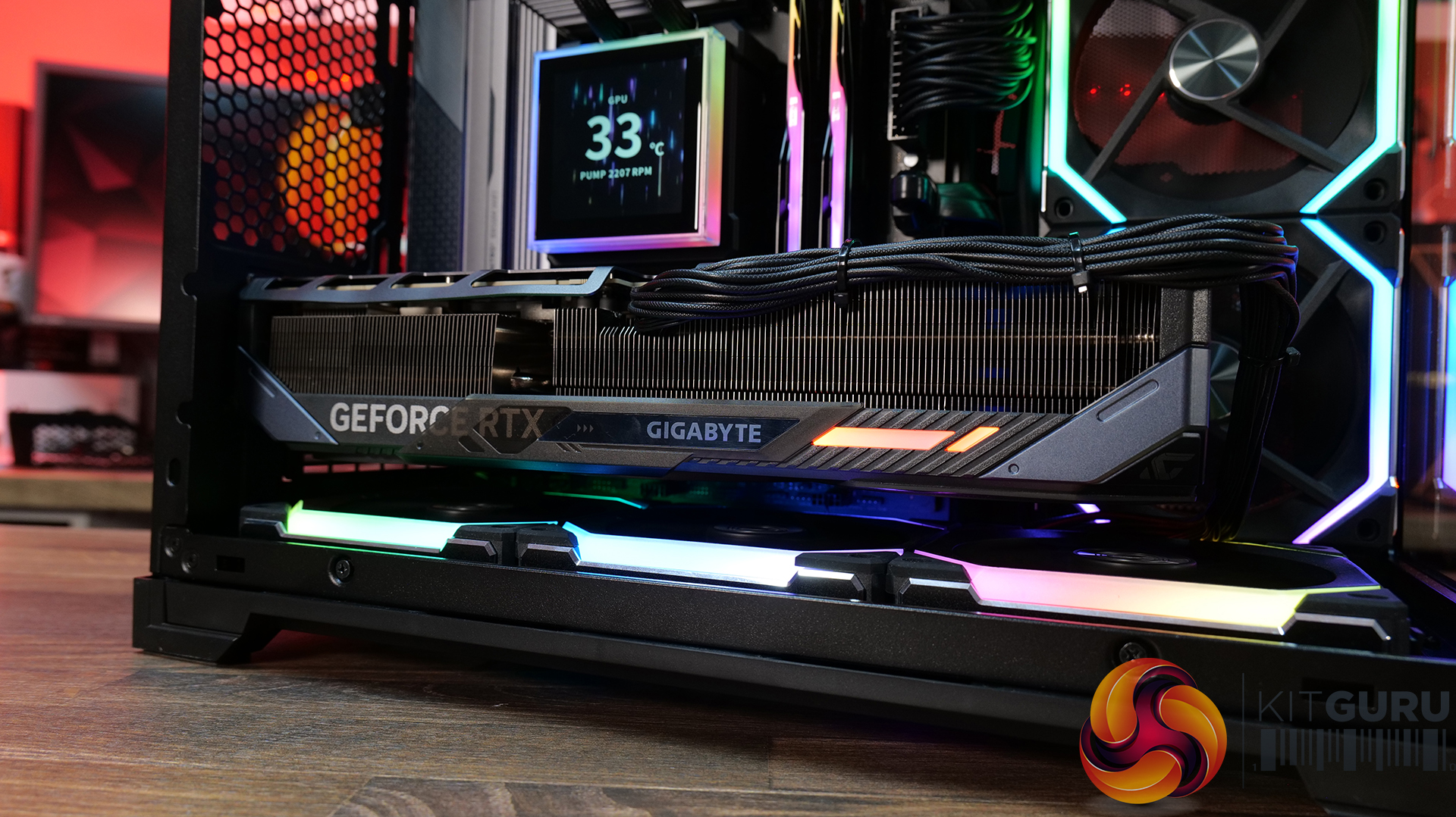
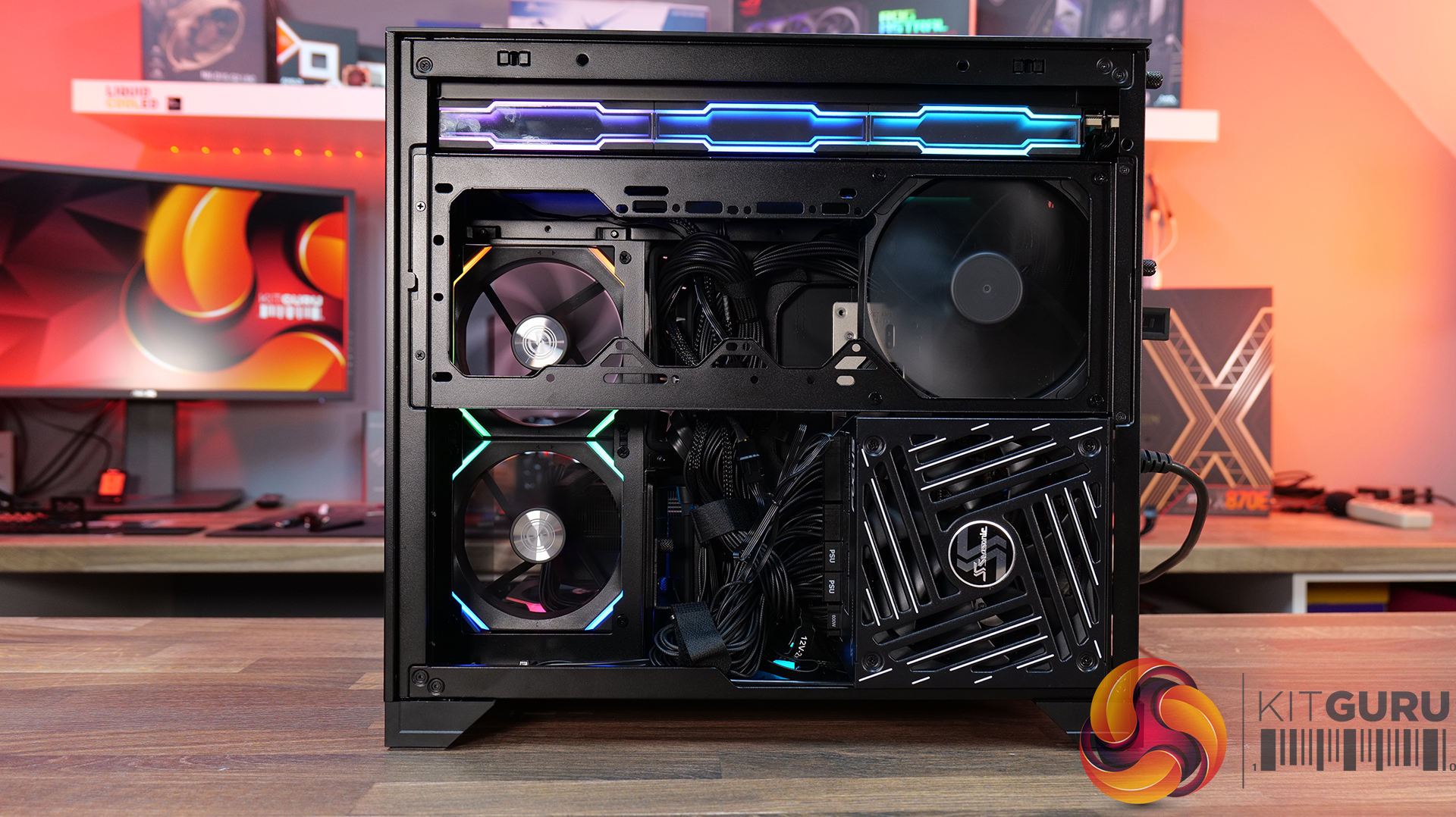
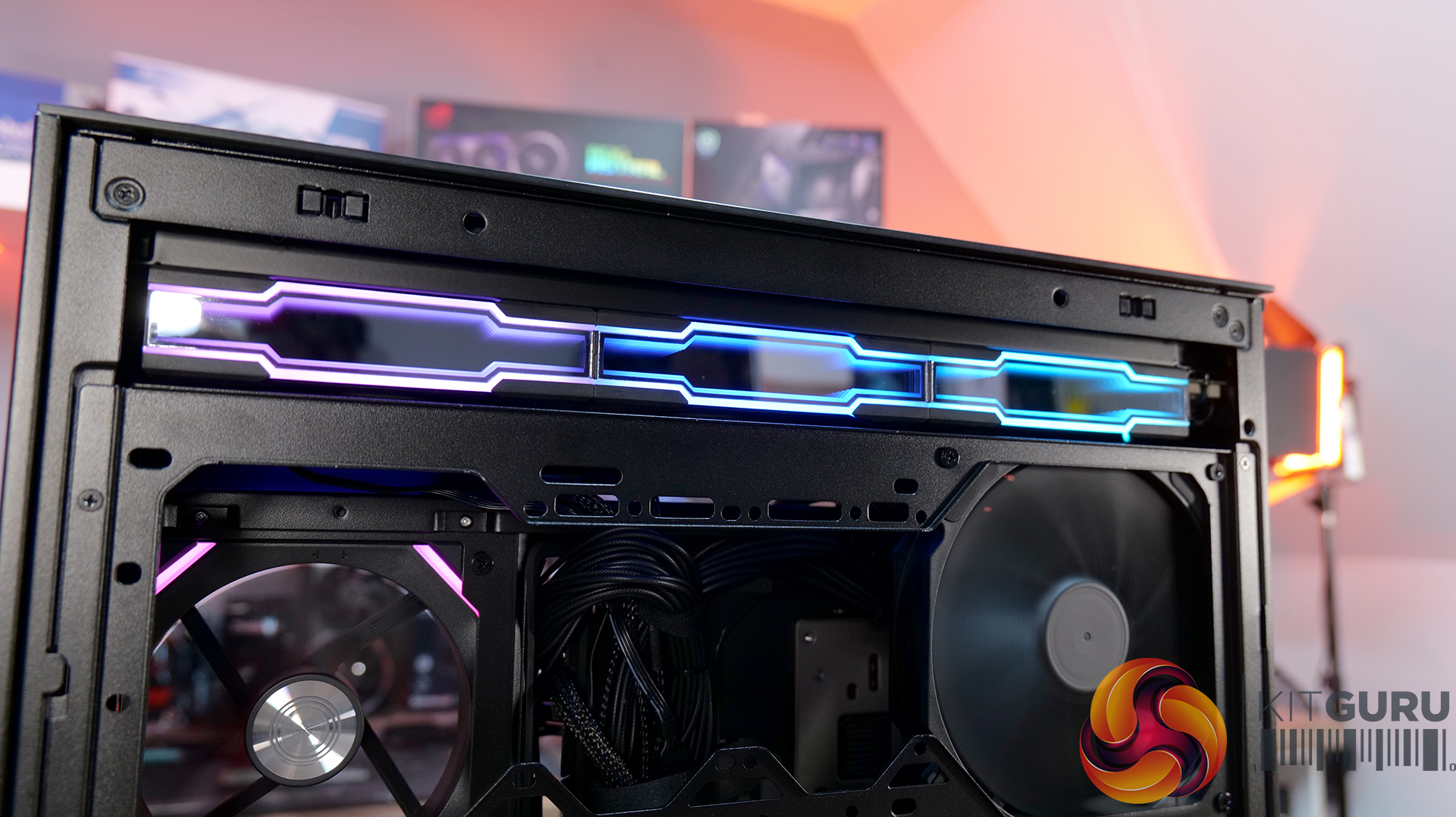
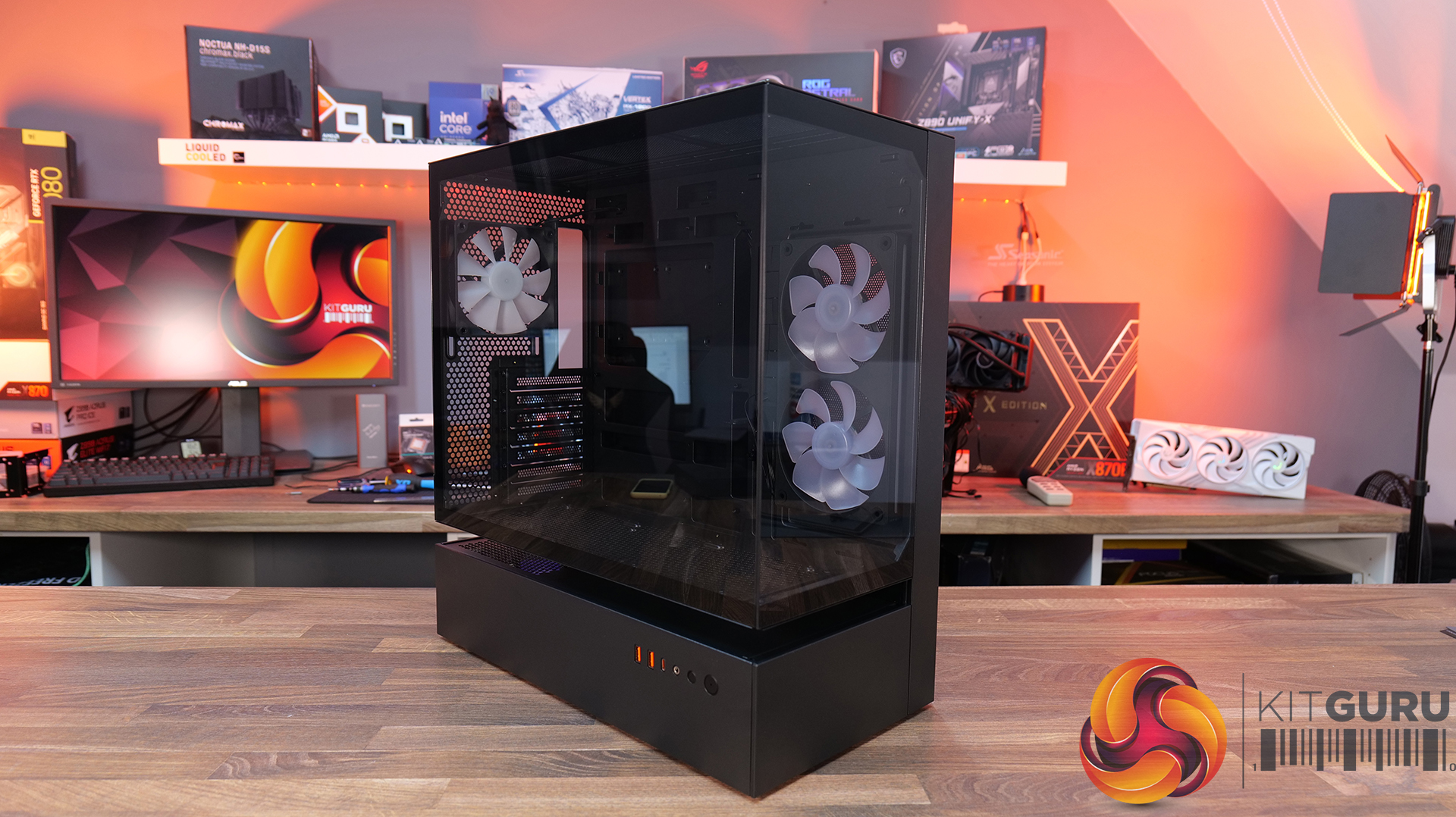
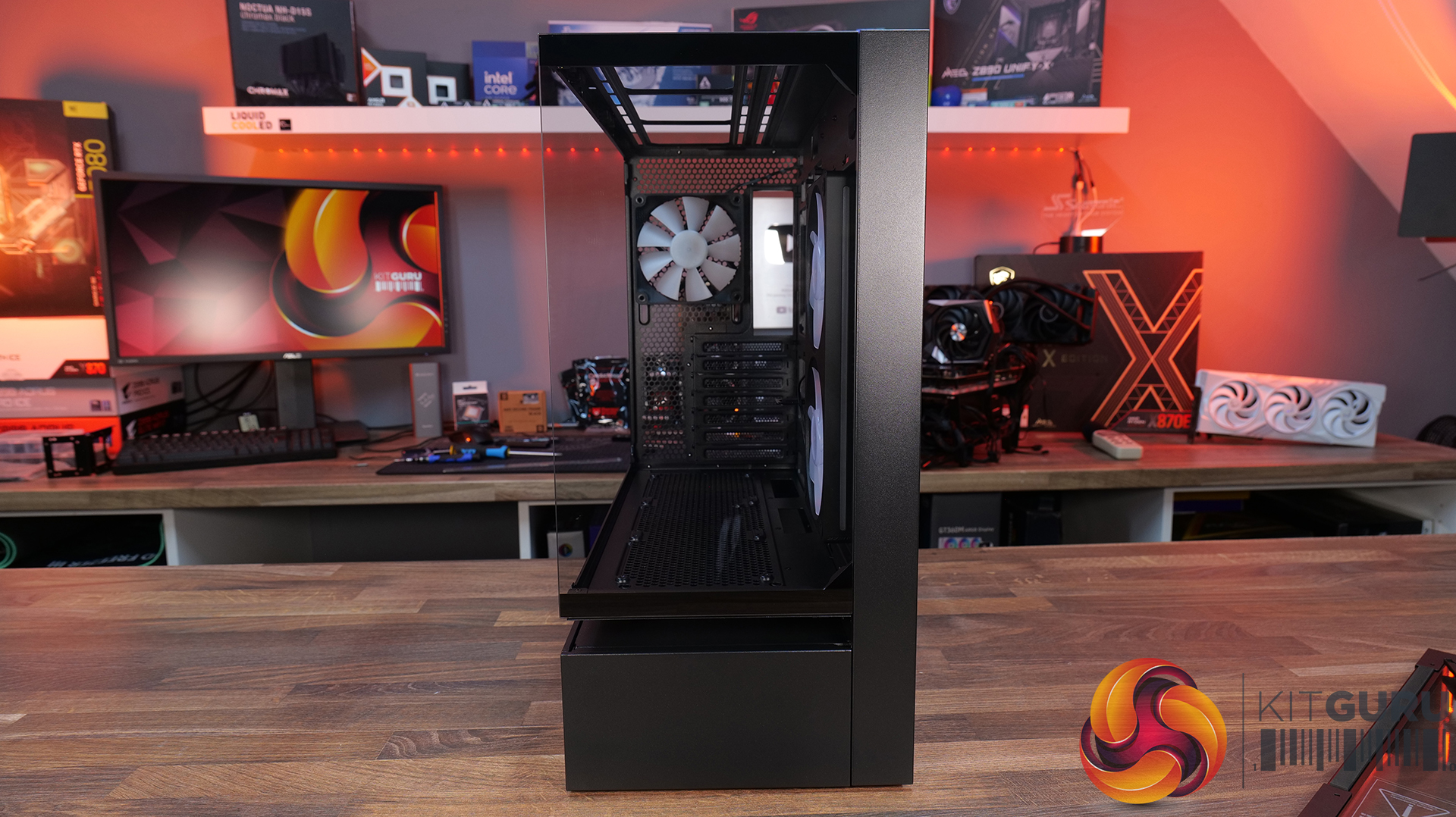
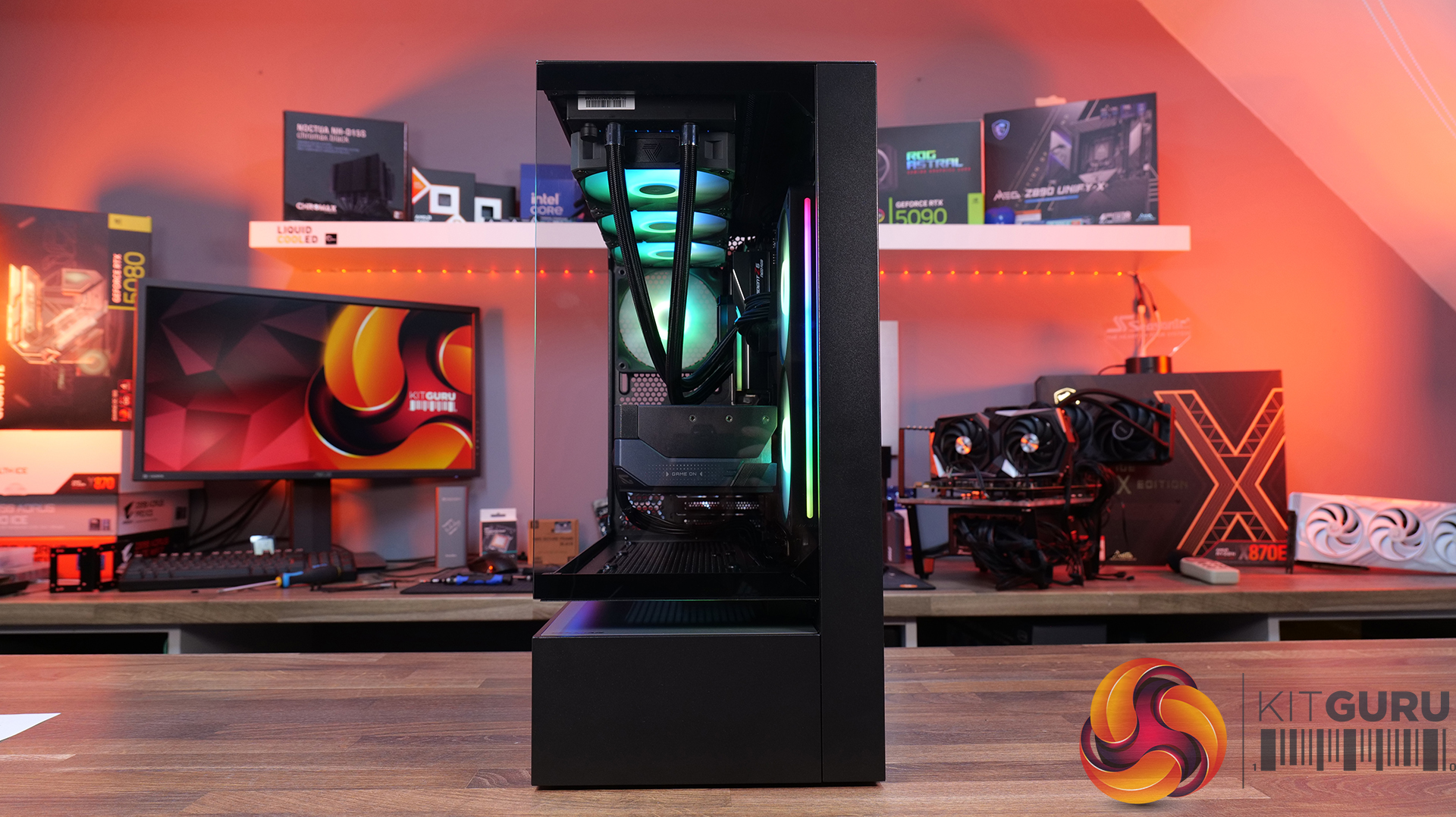
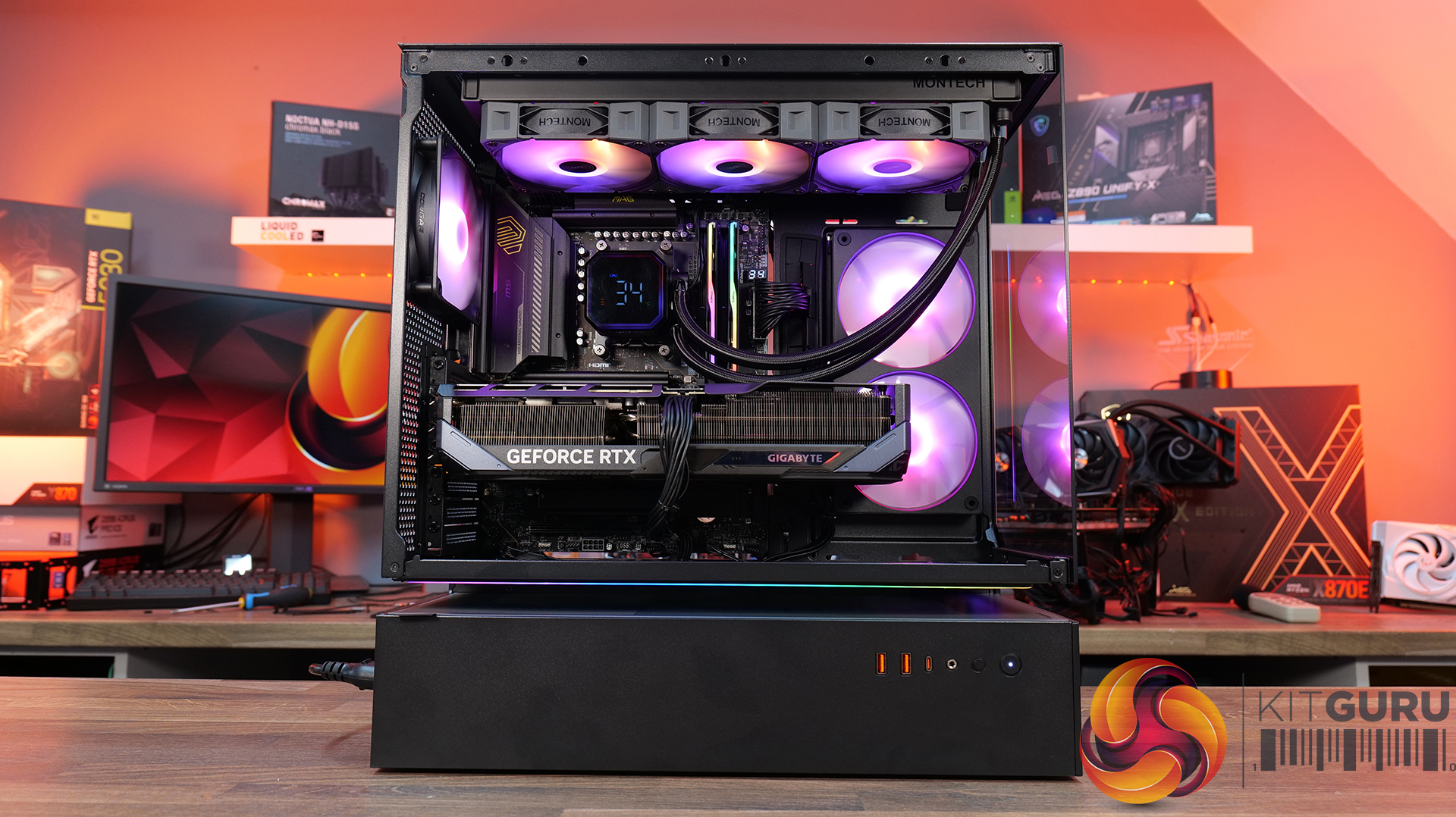
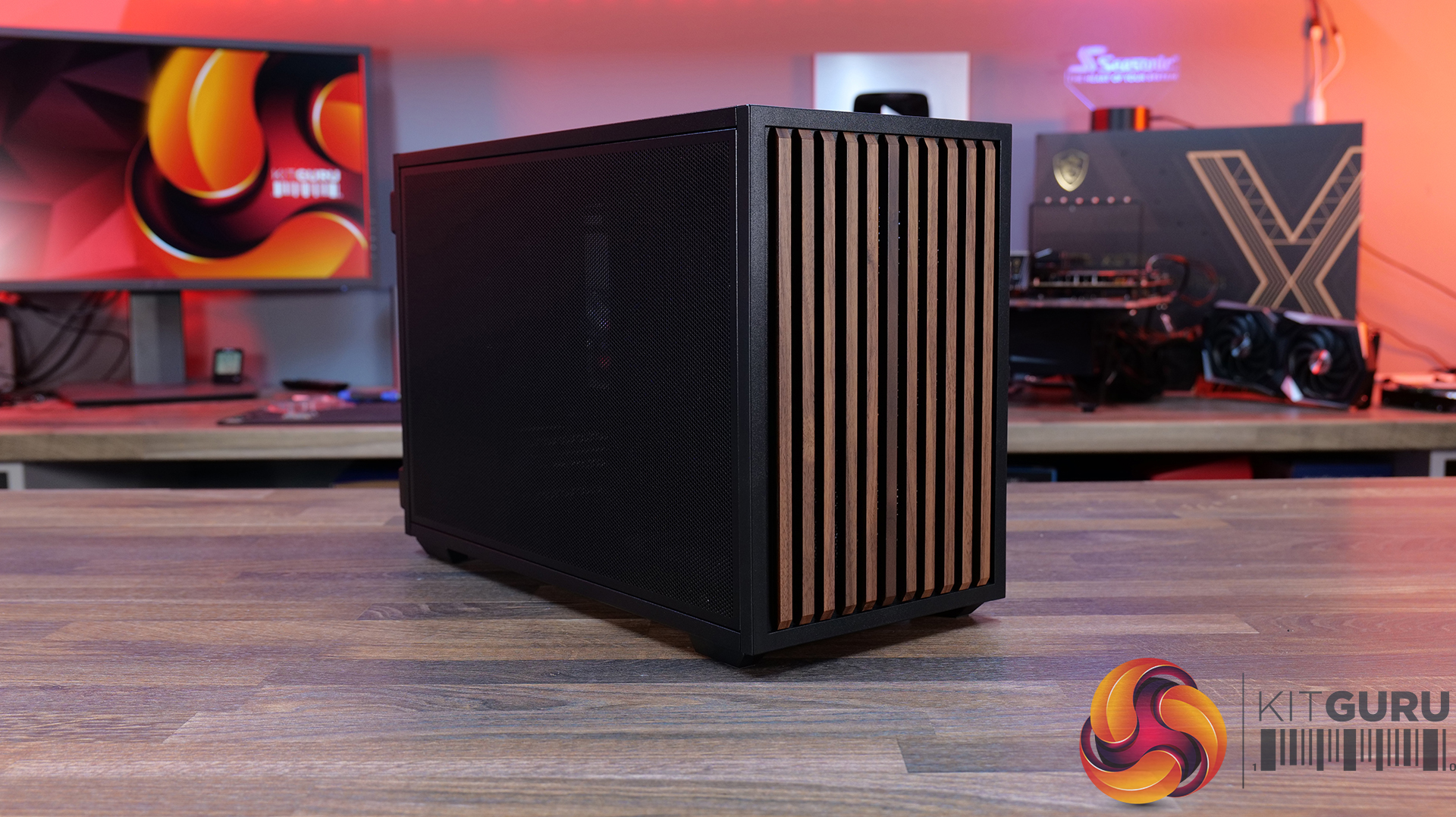
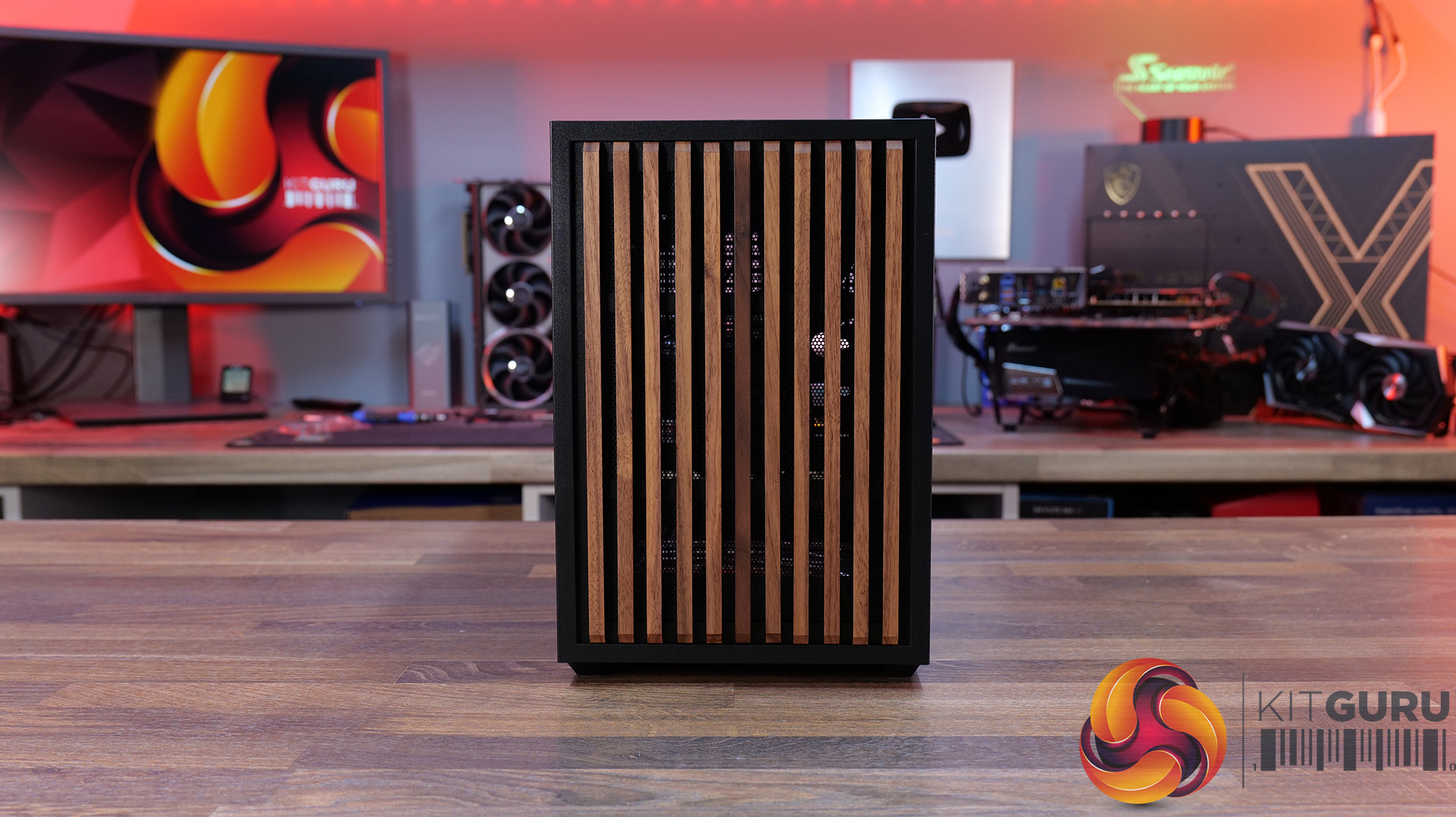
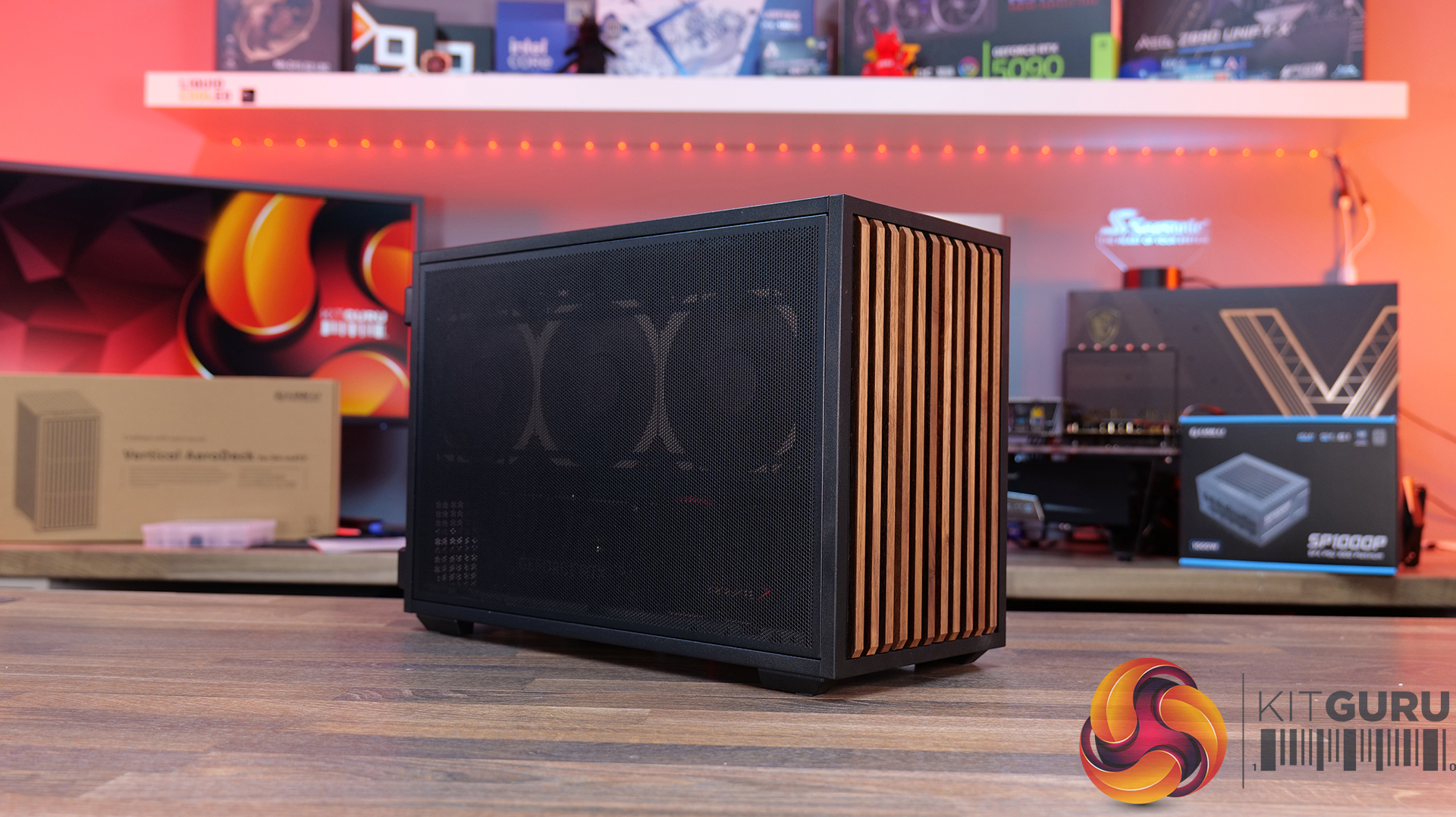
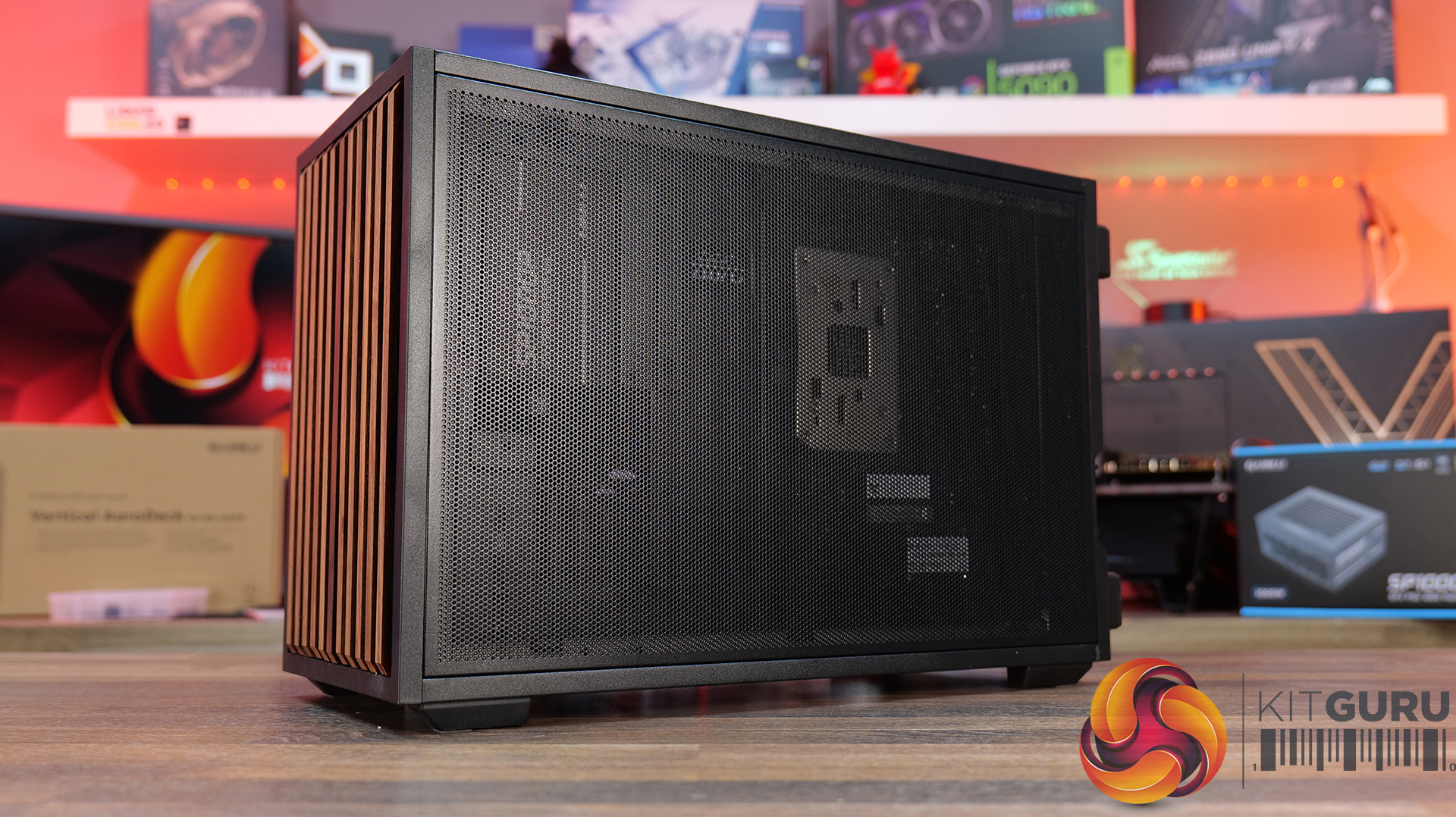
Today we're looking at the Lian Li B4 mATX – a compact, 21.3-litre Micro-ATX case developed in collaboration with DAN Cases. Despite its small footprint, it supports Micro-ATX motherboards, graphics cards up to 358mm long, both ATX and SFX power supplies, and even a 360mm AIO. It also offers the choice of a mesh or real wood front panel, along with the option to run the case horizontally or vertically to better suit your setup. Lian Li is aiming to deliver the hardware compatibility of a much larger chassis in a compact SFF design. In this review, we'll find out if the B4 mATX can deliver on that promise, or not. Let's get into it.

Timestamps:

00:00 Introduction
00:58 Versions / Prices / Extras
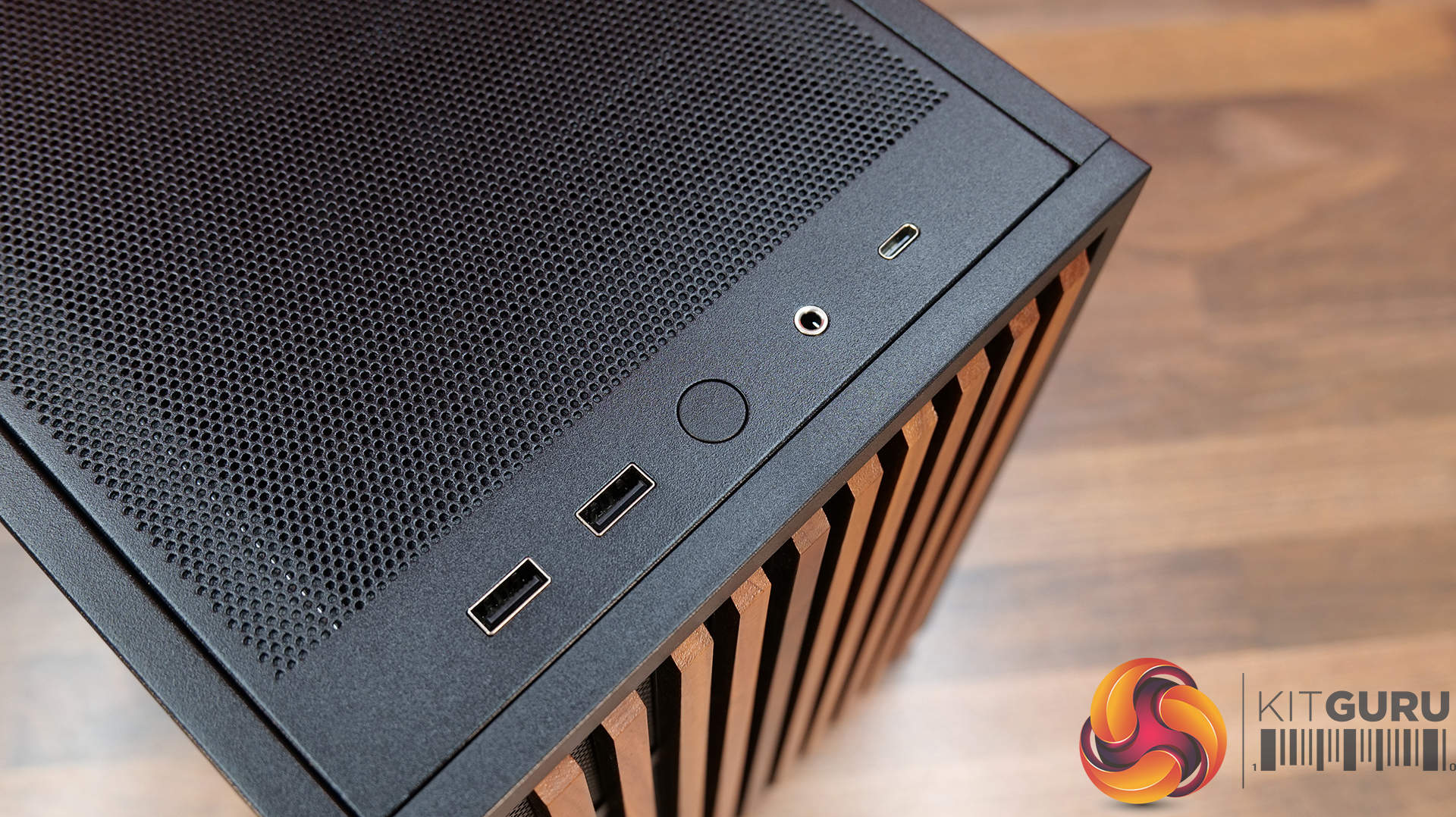
01:51 Physical Dimensions / Front I/O
02:26 Removing panels
03:42 Cooling Support
06:25 GPU Anti Sag Bracket / GPU Support
07:25 Motherboard and CPU Air Cooler Support
08:22 Storage Compatibility
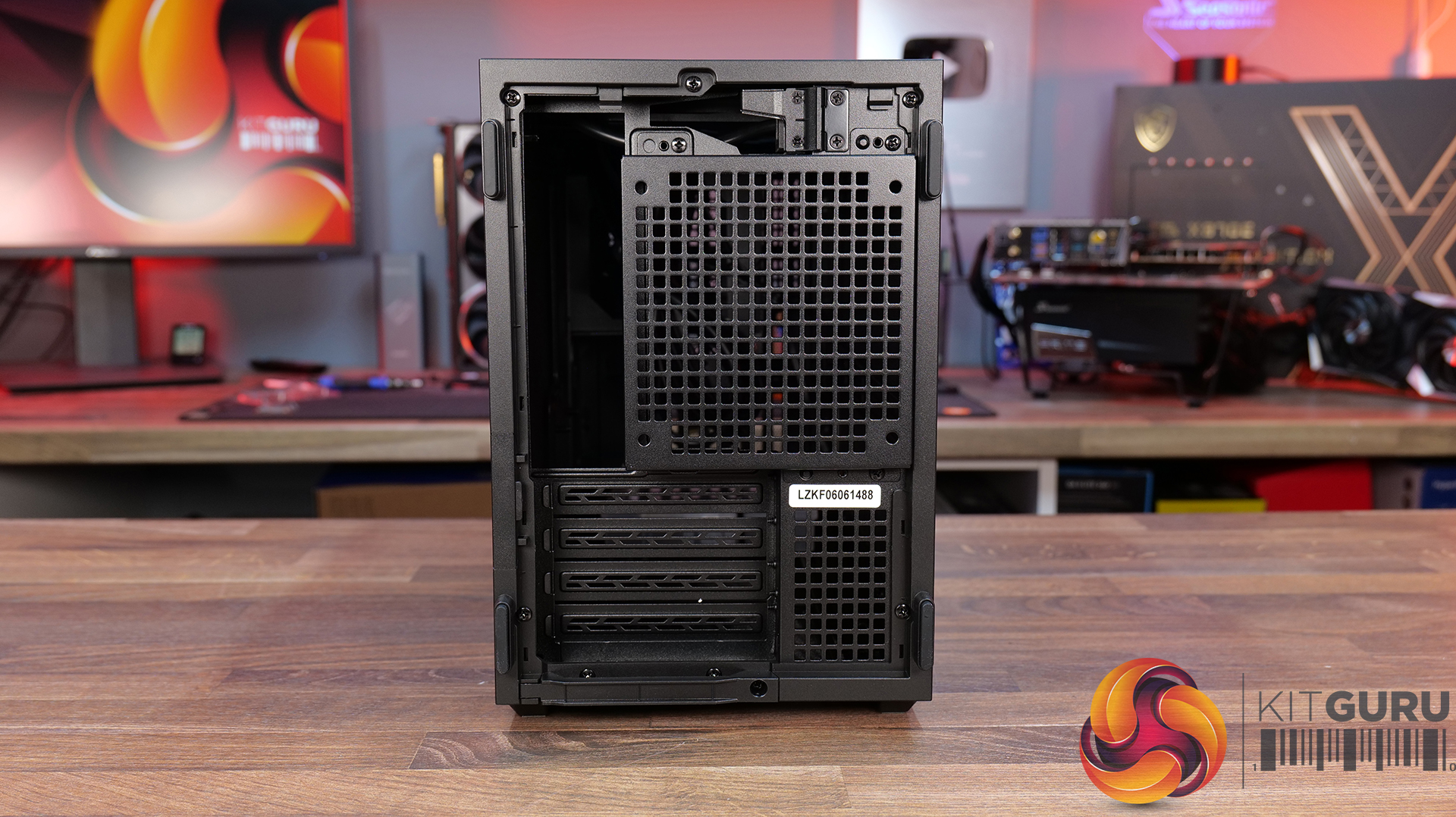
08:54 Back of the case
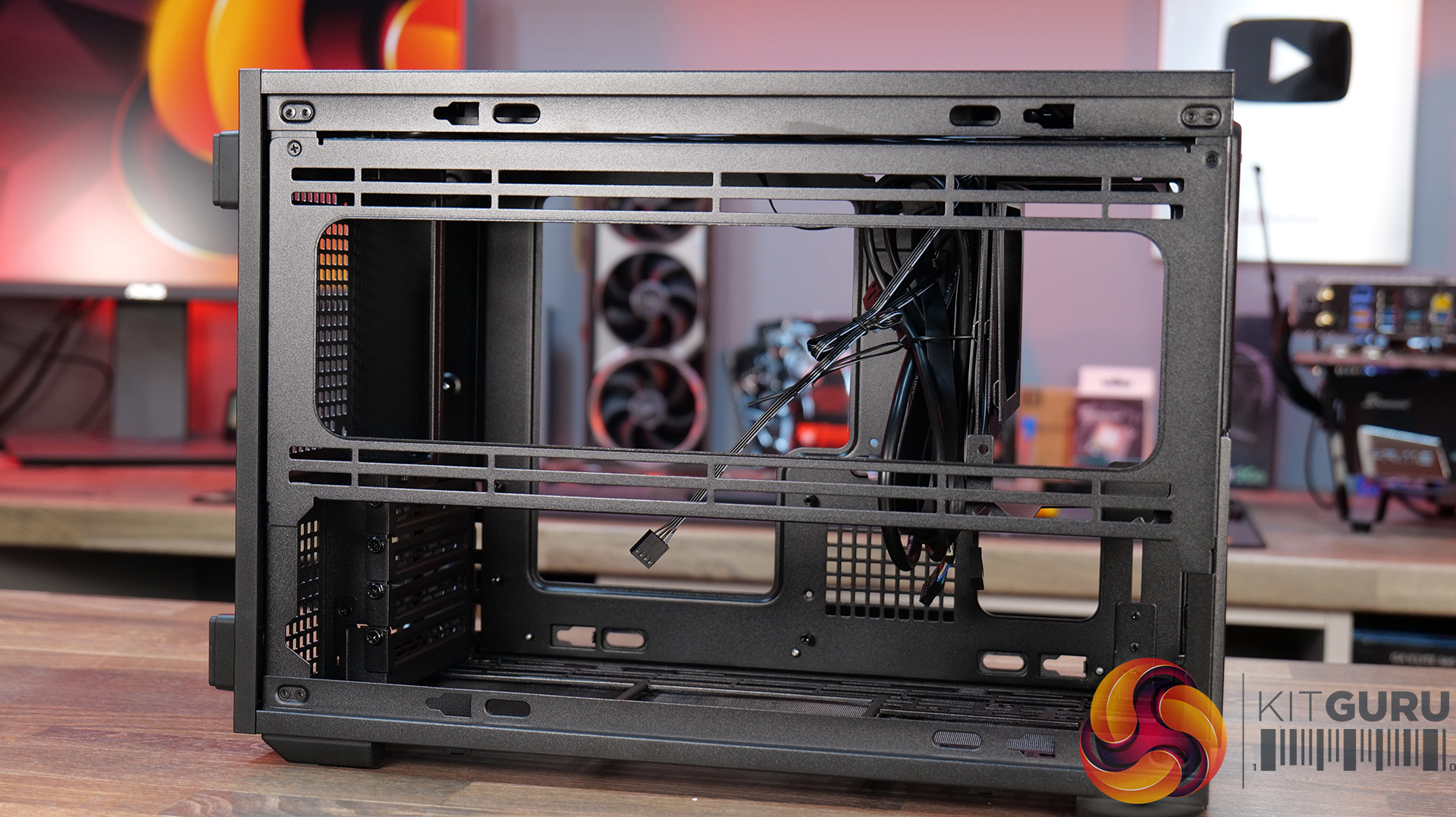
09:53 Left hand side of case
10:38 James thoughts on the layout
11:38 Accessories
12:22 Vertical AeroDeck
13:18 Thermal and Acoustic Performance Testing
15:11 Smoke Test
15:48 Thoughts on Installation
18:38 Closing Thoughts
Features:

  • Compact 21.3-litre Micro-ATX design with support for Micro-ATX motherboards, graphics cards up to 358mm long, plus the option to position the case horizontally or vertically.
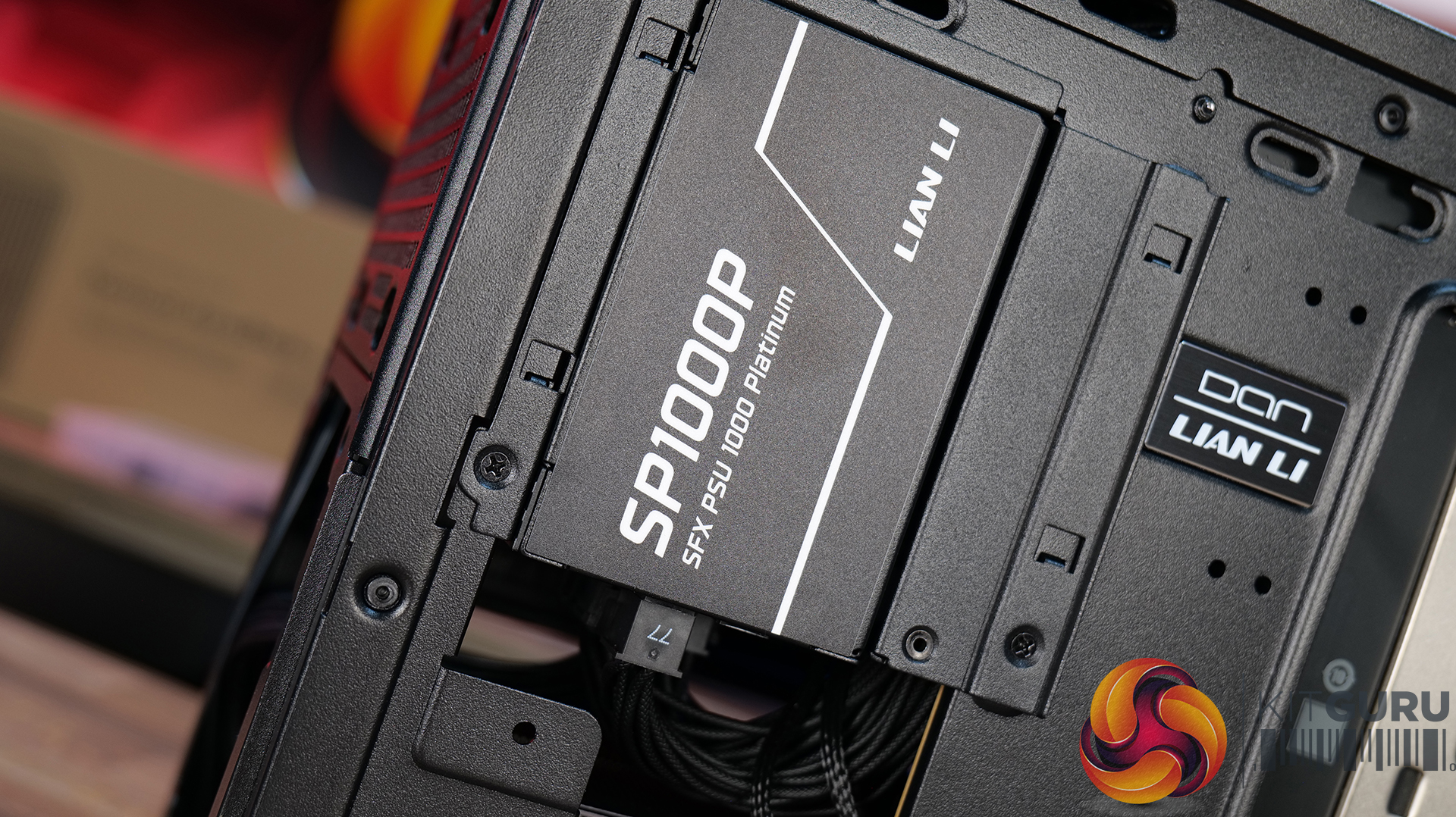
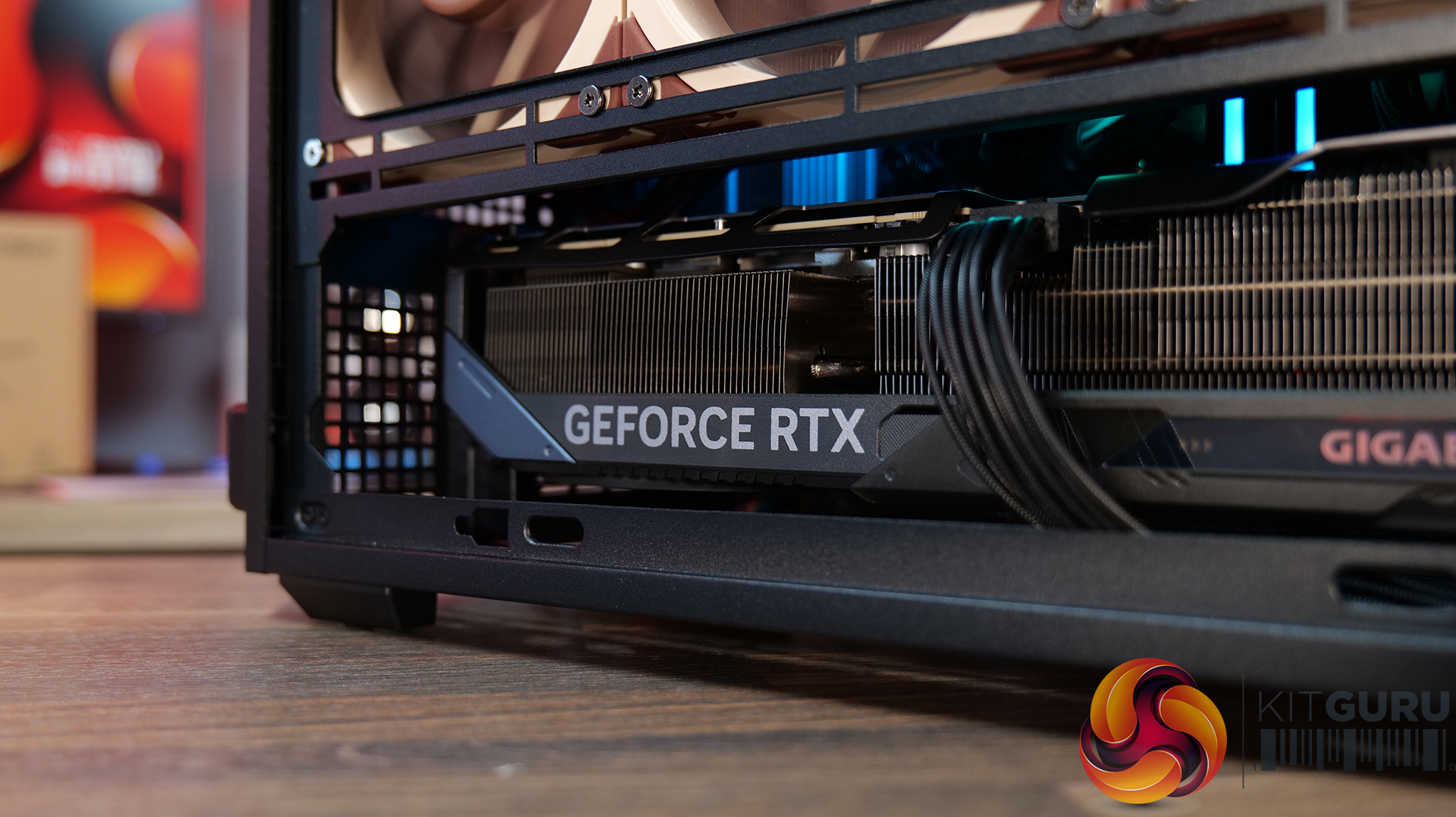
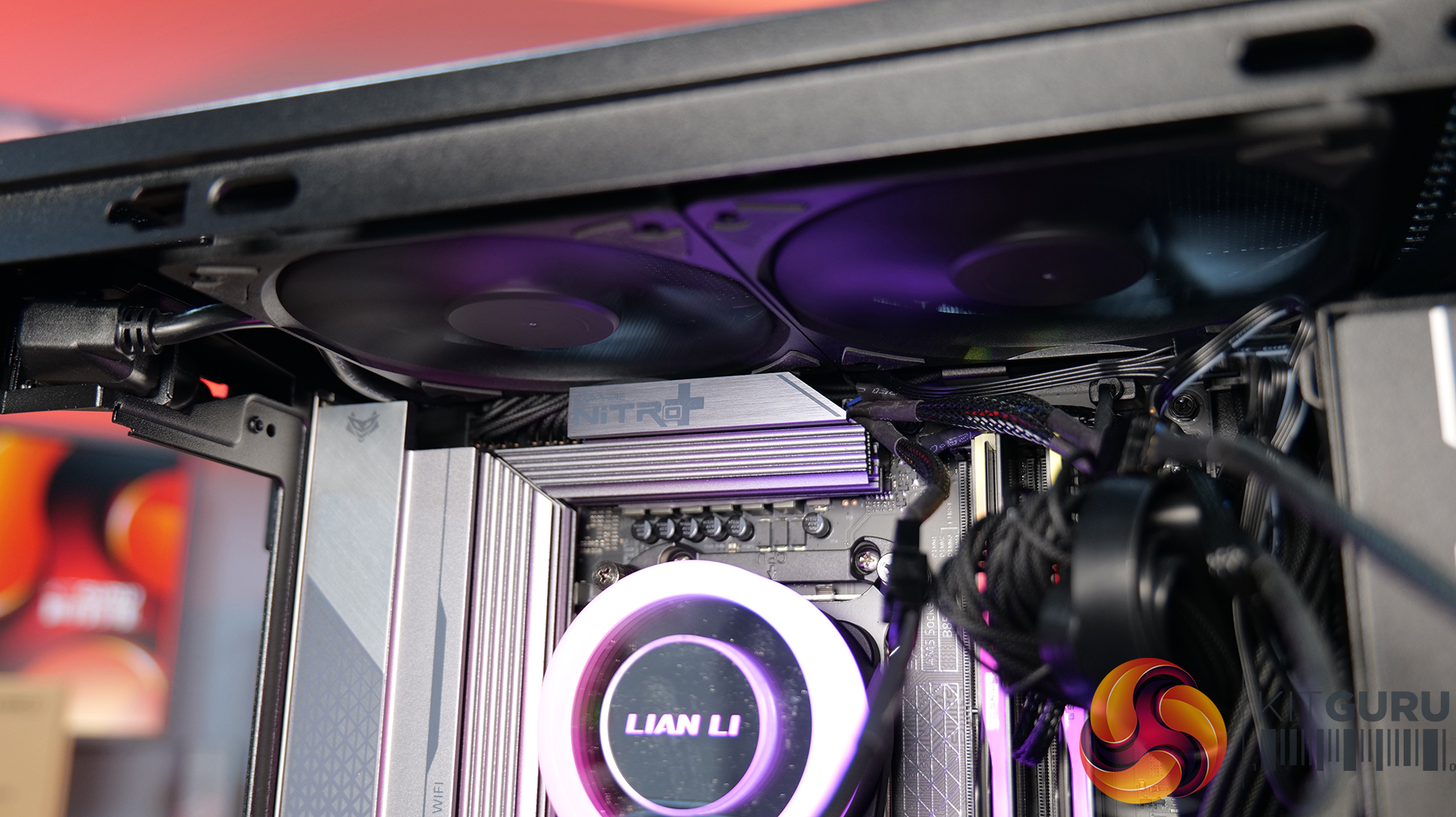
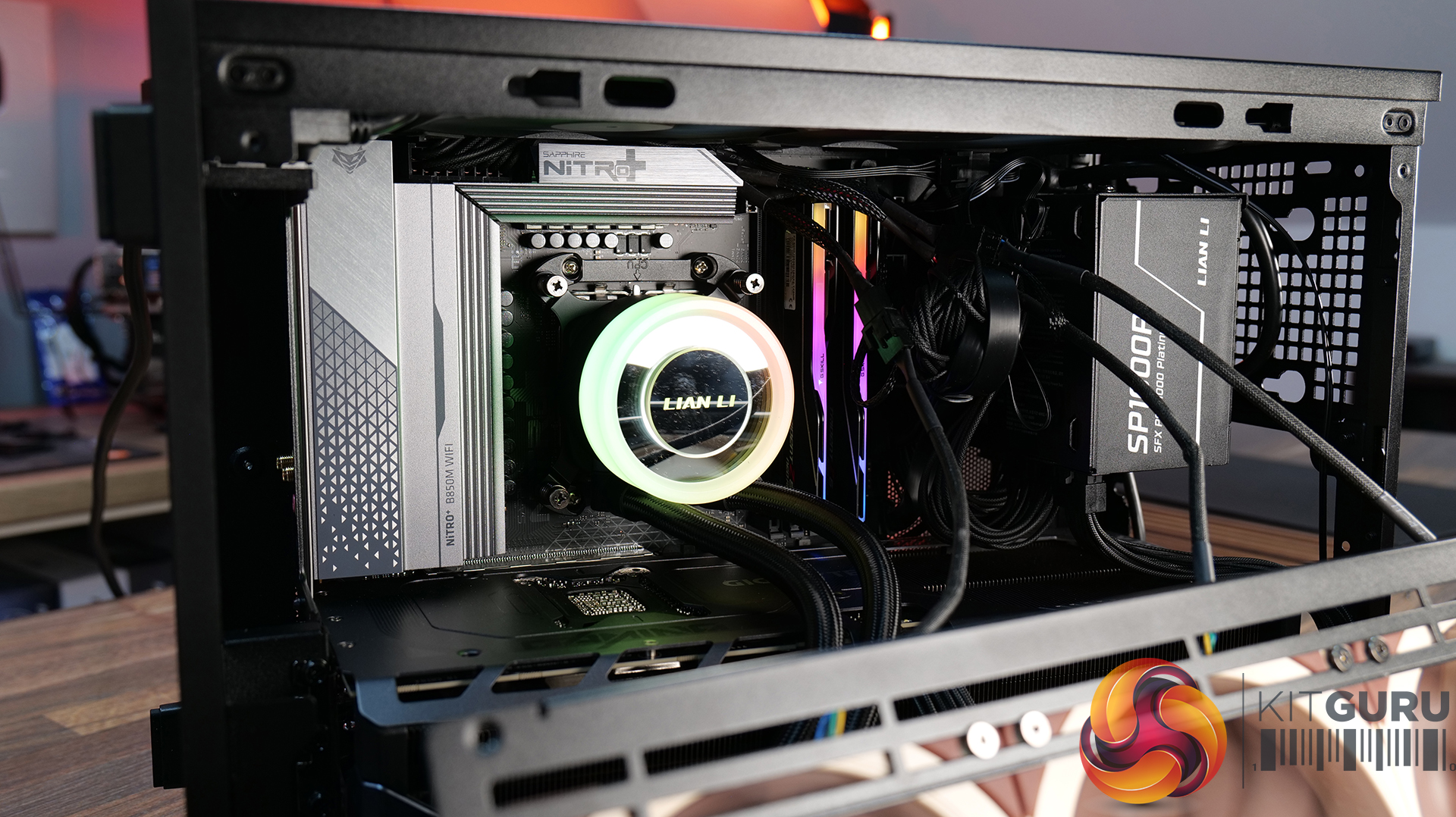
  • Strong hardware compatibility including support for ATX or SFX power supplies, up to a 360mm side-mounted AIO with an SFX PSU, and CPU air coolers up to 162mm tall.
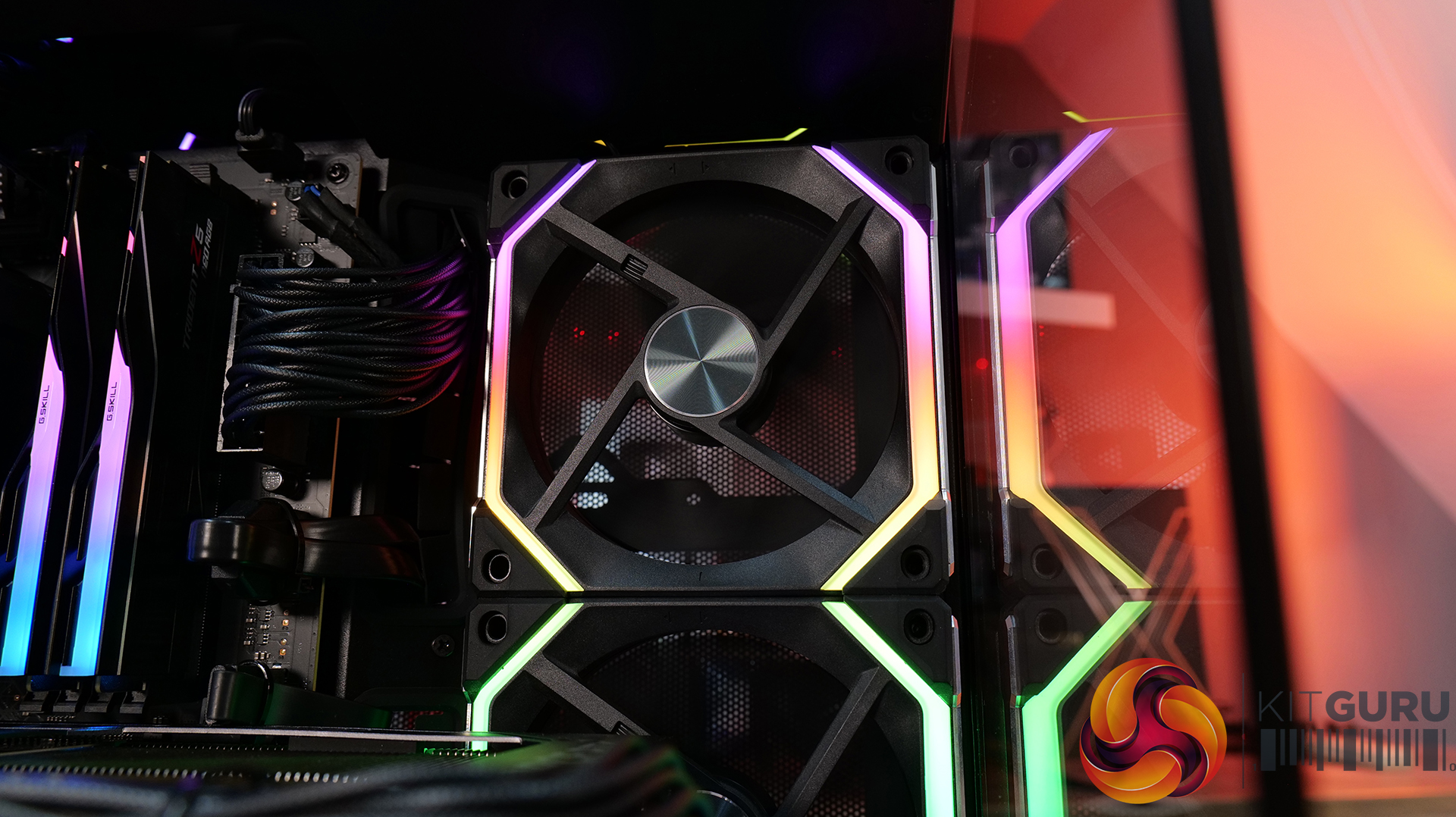
  • Choice of mesh or real wood front panels combined with modular brackets, pre-installed slim fans and flexible cooling layouts designed to maximise performance in a compact chassis.
Specifications:

  • Case Type: Micro ATX
  • Dimensions (LxWxH): 420mm x 191mm x 288mm
  • Materials: Steel, Wood (Walnut / Beech), Plastic
  • Motherboard Support: Micro-ATX, Mini-ITX
  • Reverse Connector motherboard support: No
  • Expansion Slots: 4
  • Storage bays: Front 2.5” SSD x 1, Bottom 3.5” HDD x 1 or 2.5” SSD x 1
  • Max GPU Length: 358mm
  • Max CPU Cooler Height: 162mm (168mm without side fan bracket)
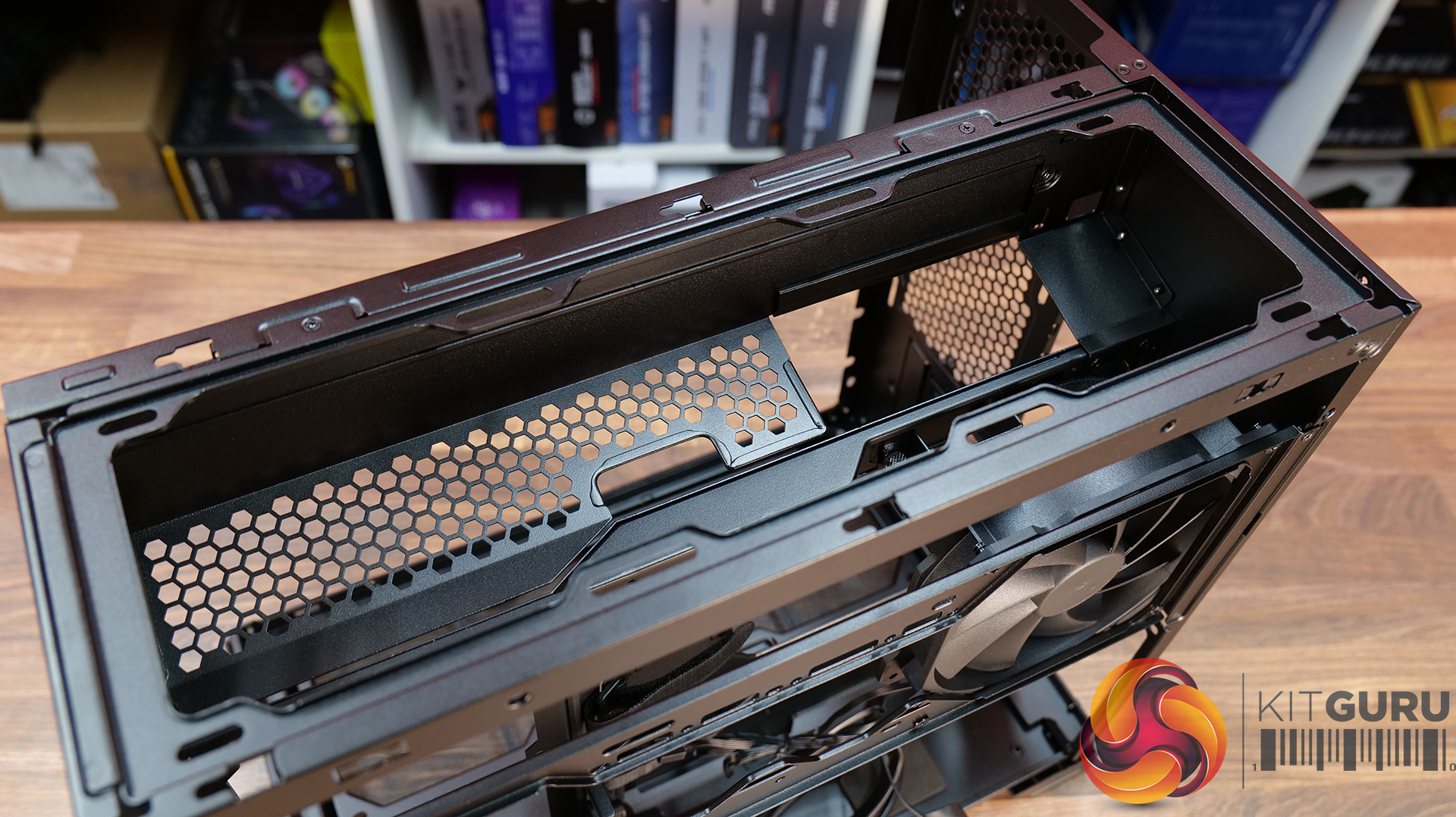
  • PSU Type: ATX/SFX
  • Cable Routing Space: N/A
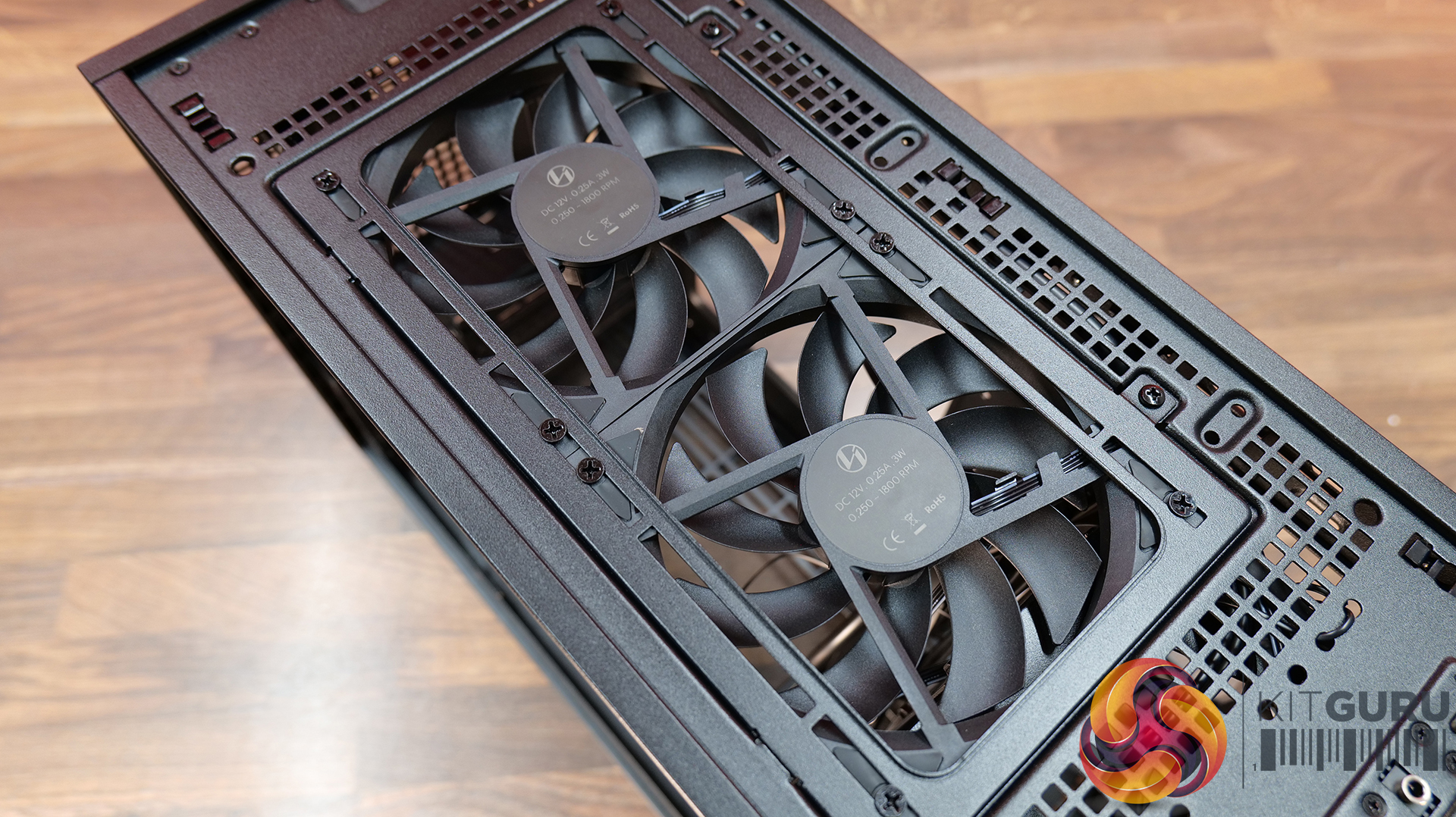
  • Supplied Fans: 120 x 120 x 15mm (x2)
  • Fan Support: 120mm x 2 (Top), 120mm x 1 (Front, With SFX PSU Only), 120mm x 3 / 140mm x 2 (L/H Side With SFX PSU), 120mm x 2 / 140mm x 2 (L/H Side With ATX PSU), 120mm x 1 (Rear), 120 mm x 3 / 140mm x 2 (Bottom)
  • Radiator Support: Side 360mm (with SFX PSU), 240mm (With ATX PSU)
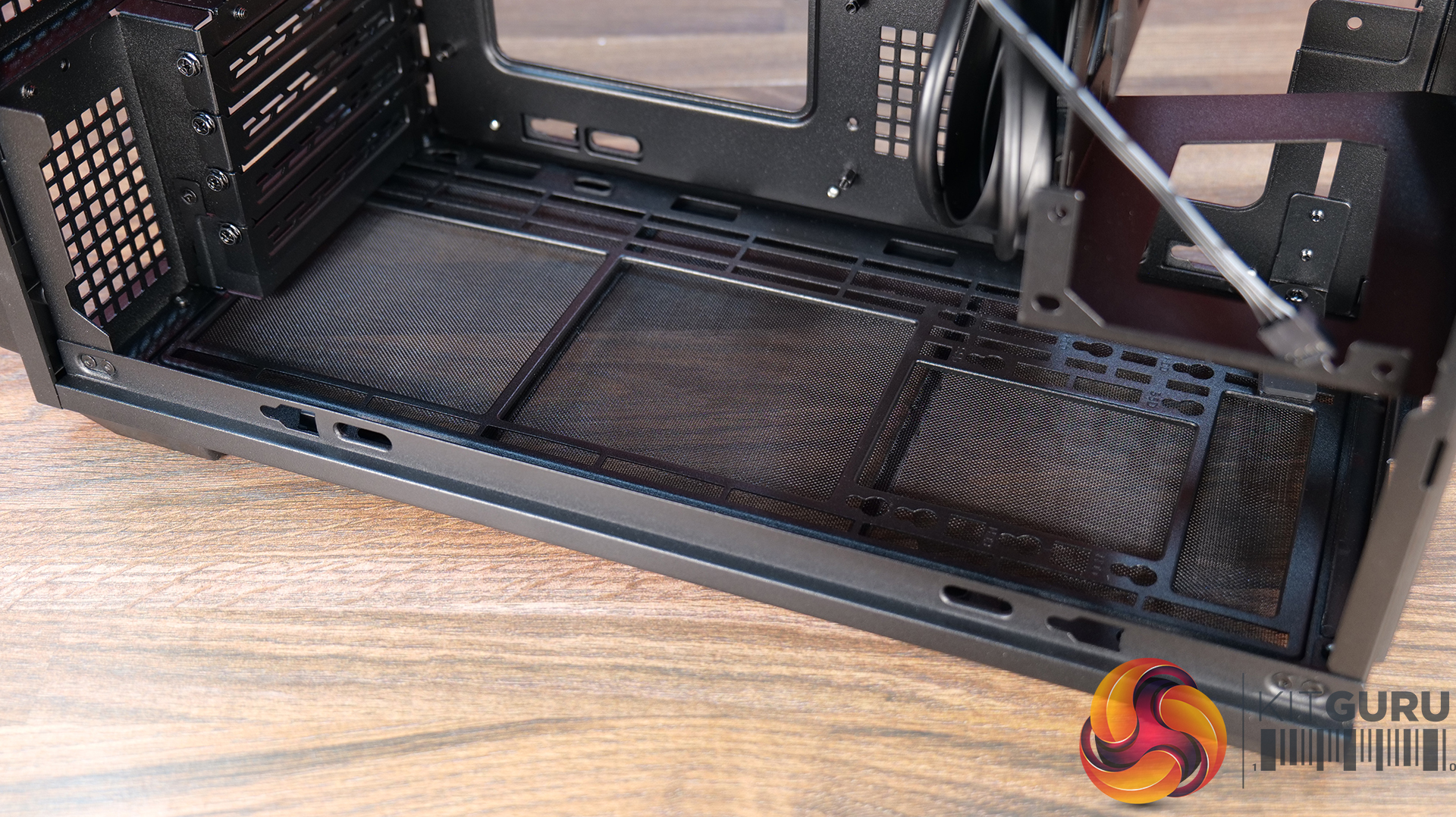
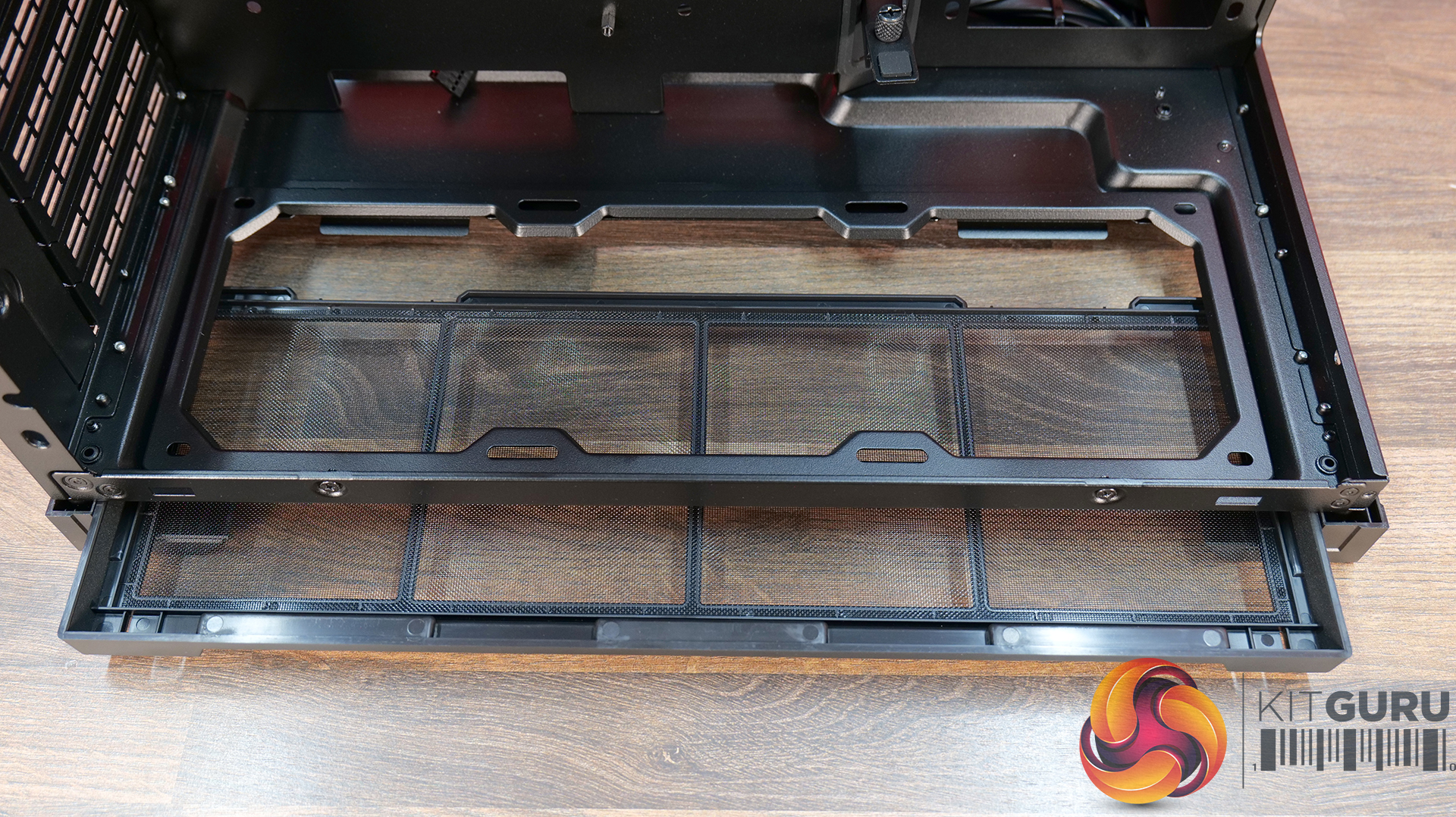
  • Dust Filters: Bottom
  • Font I/O: USB 3.0 Type A x 2, Power Button x 1, Audio x 1, USB 3.2 Type C x 1

Thermal Performance Testing

To simulate thermal demand, we run the Cinebench R23 multi-thread benchmark and 3DMark Speed Way stress test simultaneously in a loop for 30 minutes to load the system fully. This gives the CPU and GPU enough time to reach constant steady-state temperature. With this data, we can compare how the system handles the thermal demand and measure peak noise levels.

Thermal performance is measured with the case in various configurations, such as the default, with the tempered glass left-hand side panel removed and with the front panel removed to see how these configurations affect the CPU and GPU temperature. During testing, only stock case fans are used unless otherwise specified. All water pumps are set to maximum RPM and fans are set to a custom RPM curve by the Motherboard software/BIOS.

All temperature measurements are presented as Deltas – meaning the ambient temperature has been deducted from the CPU temperature, giving us a Delta. Data shown in the charts represents the average component temperature over the length of the test as measured by HWiNFO, and then the last 15 minutes of the data are calculated to get the average. The ambient temperature during thermal tests is between 19-20⁰C.

Test System Specification:

Thermal Performance Overview

We test case thermals using a 360mm AIO as Intake at the side and with the case in several different fan configurations. The default configuration shown in the charts is with the side-mounted 360mm AIO cooler and 2 x 120 mm x 15 mm top exhaust fans and with all case panels installed.

Thermal performance good overall, with the B4 mATX delivering consistent CPU and GPU temperatures across all four test configurations. The default AIO setup performs well, but removing the top fans results in a increase to both CPU and GPU temperatures, so those exhaust fans play an important role in the case's airflow design.

Running the case vertically with the optional AeroDeck produces the best GPU temperature while matching the lowest CPU result, so the additional cost could be a worthwhile improvement to graphics cooling. most interestingly, removing the top, front and side panels offers no benefit over the AeroDeck configuration, indicating that the B4 mATX's airflow is well optimised in its standard configuration.

Noise Output

Acoustically, the B4 mATX offers a balance between cooling performance and noise, with only slight variation between the different test configurations. The default setup produces the same idle noise level as both the AeroDeck and top fan removed configurations, while load noise remains close across test configurations.

The vertical AeroDeck configuration is slightly quieter under load due to the lower GPU temperature and fan speed, but the differences are small enough that they're unlikely to be too noticeable in day-to-day use.

Closing Thoughts

Considering its compact dimensions, Lian Li has packed an impressive amount of hardware support into the B4 mATX including large 4 slot graphics cards, ATX power supplies and up to a 360mm AIO, making it more versatile than some small form factor chassis in this price bracket. There’s a good balance between compact dimensions and practicality, giving enthusiasts flexibility without forcing them into buying expensive SFX power supplies or low-profile cooling solutions.

Thermal performance is respectable too. While the B4 mATX isn't class-leading in terms of cooling, it does an adequate job for a chassis of this size and should have no trouble handling high-performance gaming hardware when configured correctly. Combined with the excellent build quality we've come to expect from Lian Li, the chassis feels well engineered, with premium materials and a solid build for the MSRP asking price.

That said, the B4 mATX isn't without compromise. As with many compact cases, component compatibility depends heavily on the exact hardware combination you choose. Installing larger graphics cards, radiators or longer power supplies can have a knock-on effect elsewhere in the build, so planning your component selection is essential. Cable management is also more challenging than it should be, with limited routing space making it difficult to achieve a clean build, while some cables can easily get in the way of the top fans if you're not careful during assembly too.

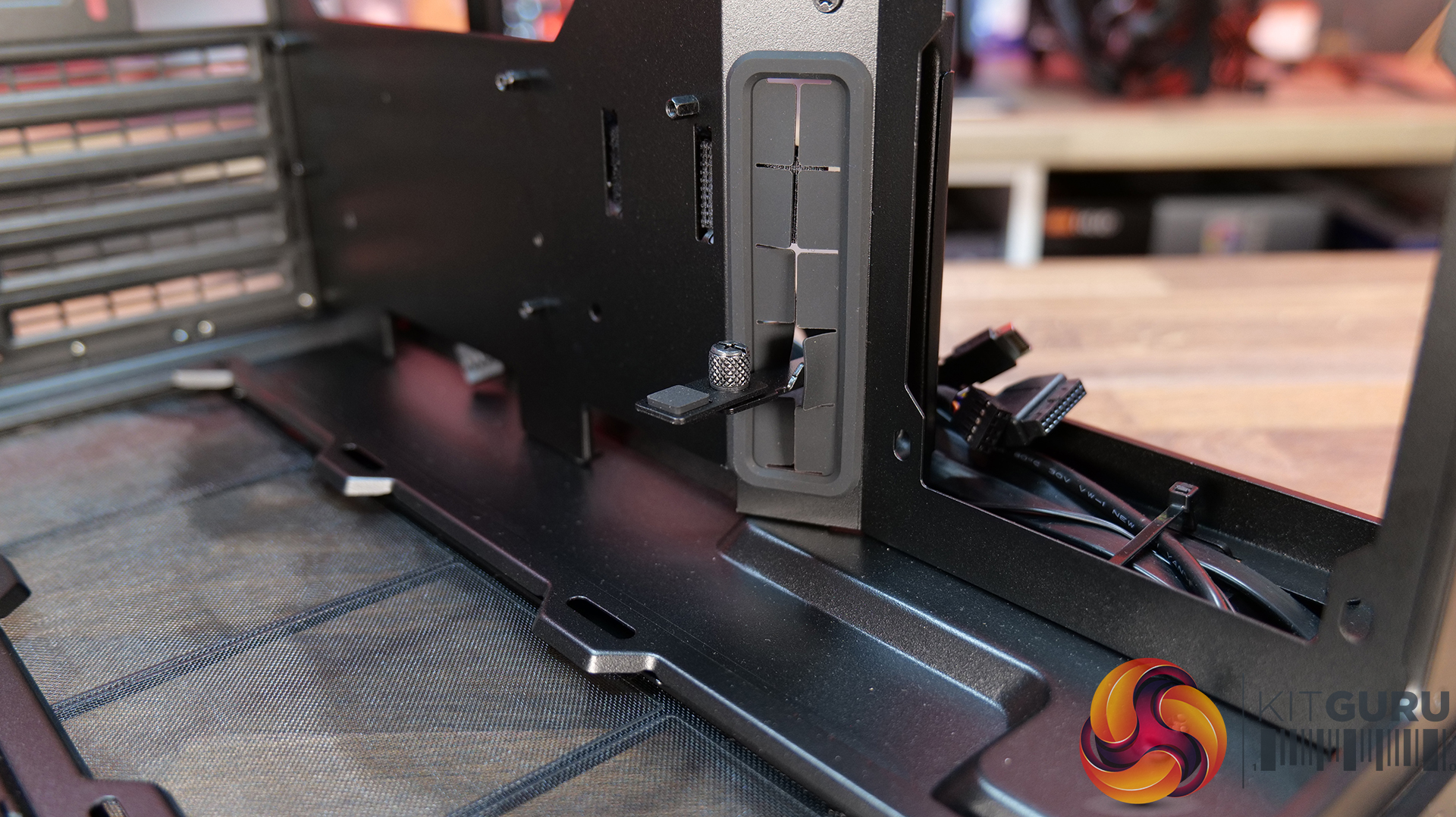
There are also a couple of smaller details that could have been better executed. The included GPU anti-sag bracket is a useful feature, but its compatibility with some graphics cards is limited. None of these issues are deal breakers, it’s still a very capable compact chassis.

Overall though, the Lian Li B4 mATX delivers a solid combination of build quality, hardware compatibility and sensible pricing, making it an easy case to recommend for anyone wanting to build a powerful mATX gaming system without taking up too much desk space.

The Lian Li B4 mATX is available to purchase now from Scan priced at Β£73.99 HERE.

Pros:Β 

  • Can support high-end hardware depending on configuration.
  • For a compact case, cooling support is good.
  • Build quality is excellent.

Cons:

  • GPU anti-sag arm is incompatible with some graphics cards.
  • Hardware compromises depending on configurations.
  • Cable routing is awkward and some cables can get trapped in fans.

KitGuru says: For a small case, the B4 mATX packs in some good features but there are some hardware compromises depending on what setup you run though this is to be expected from such a compact mATX case.
The post Lian Li B4 mATX PC Case Review first appeared on KitGuru.

Montech releases affordable TG3 ATX case with back-connect motherboard support

23 June 2026 at 13:30

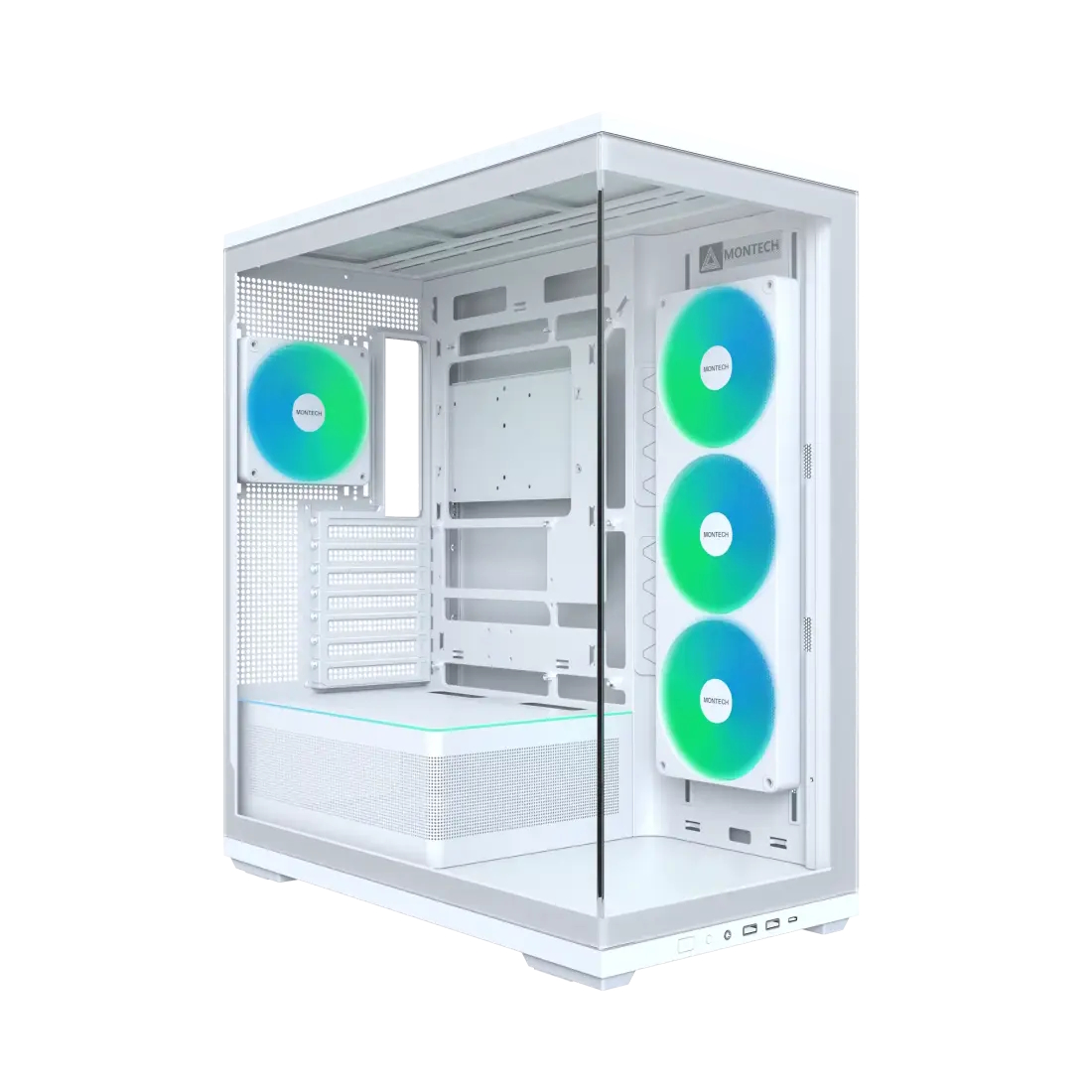
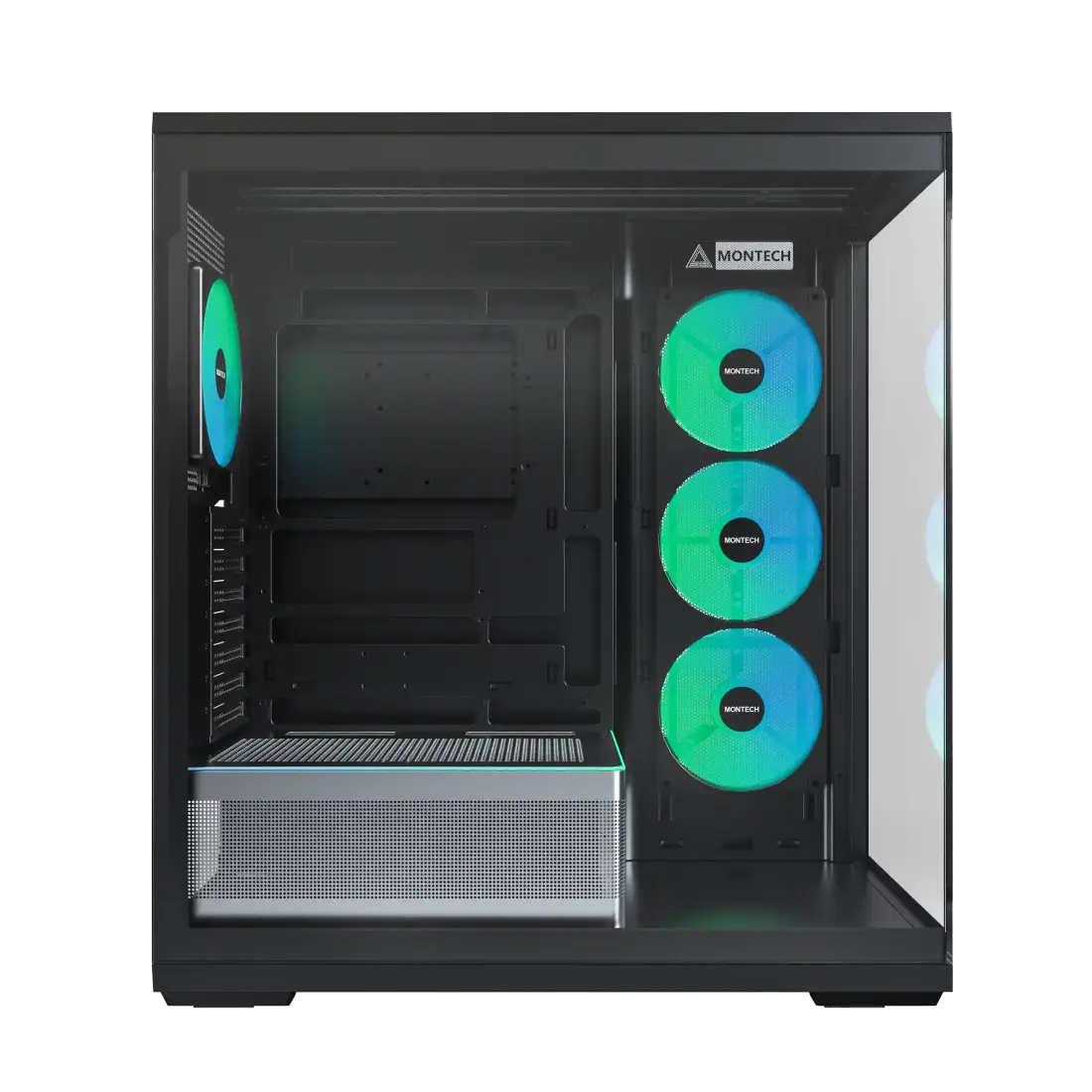
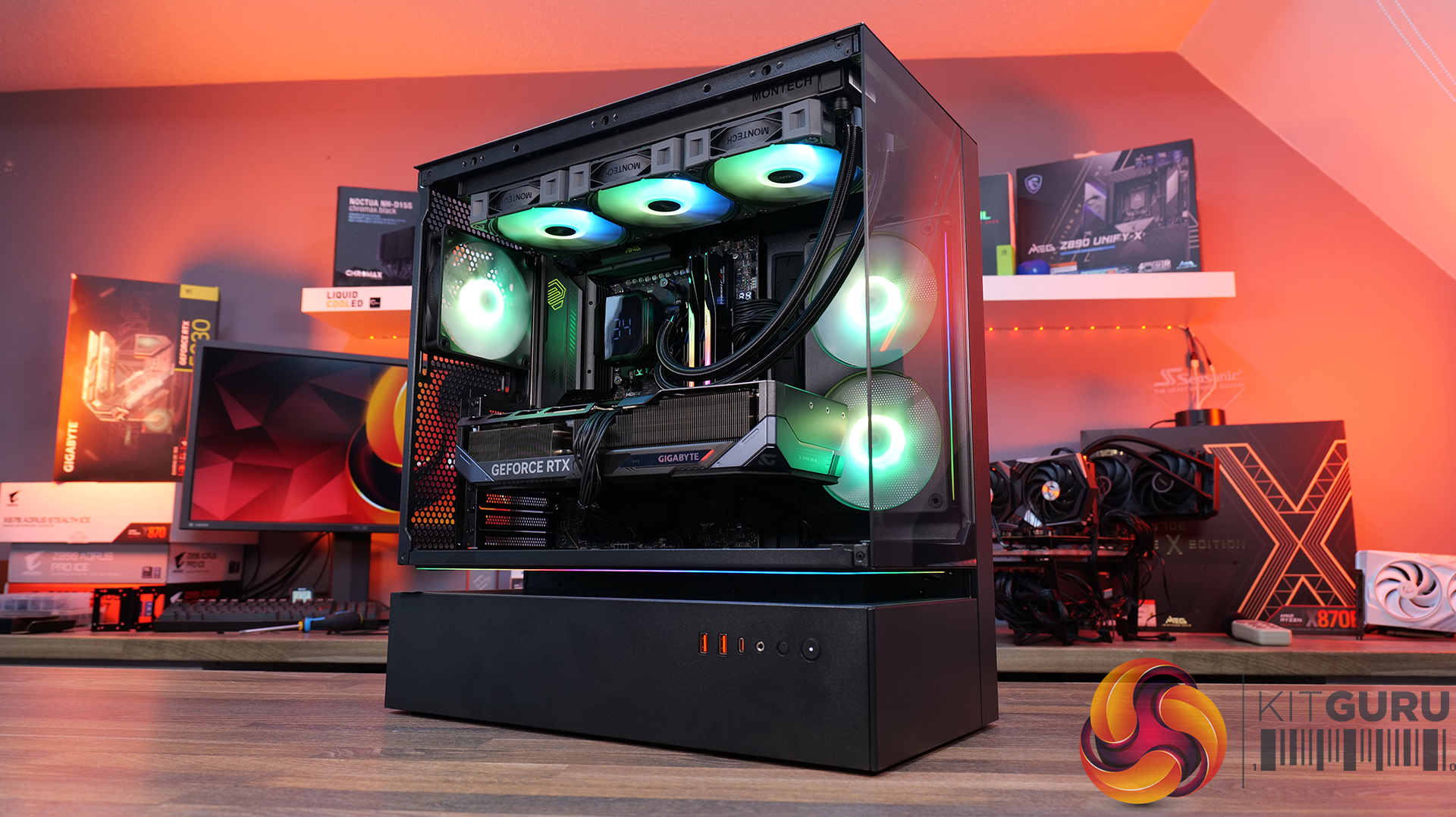
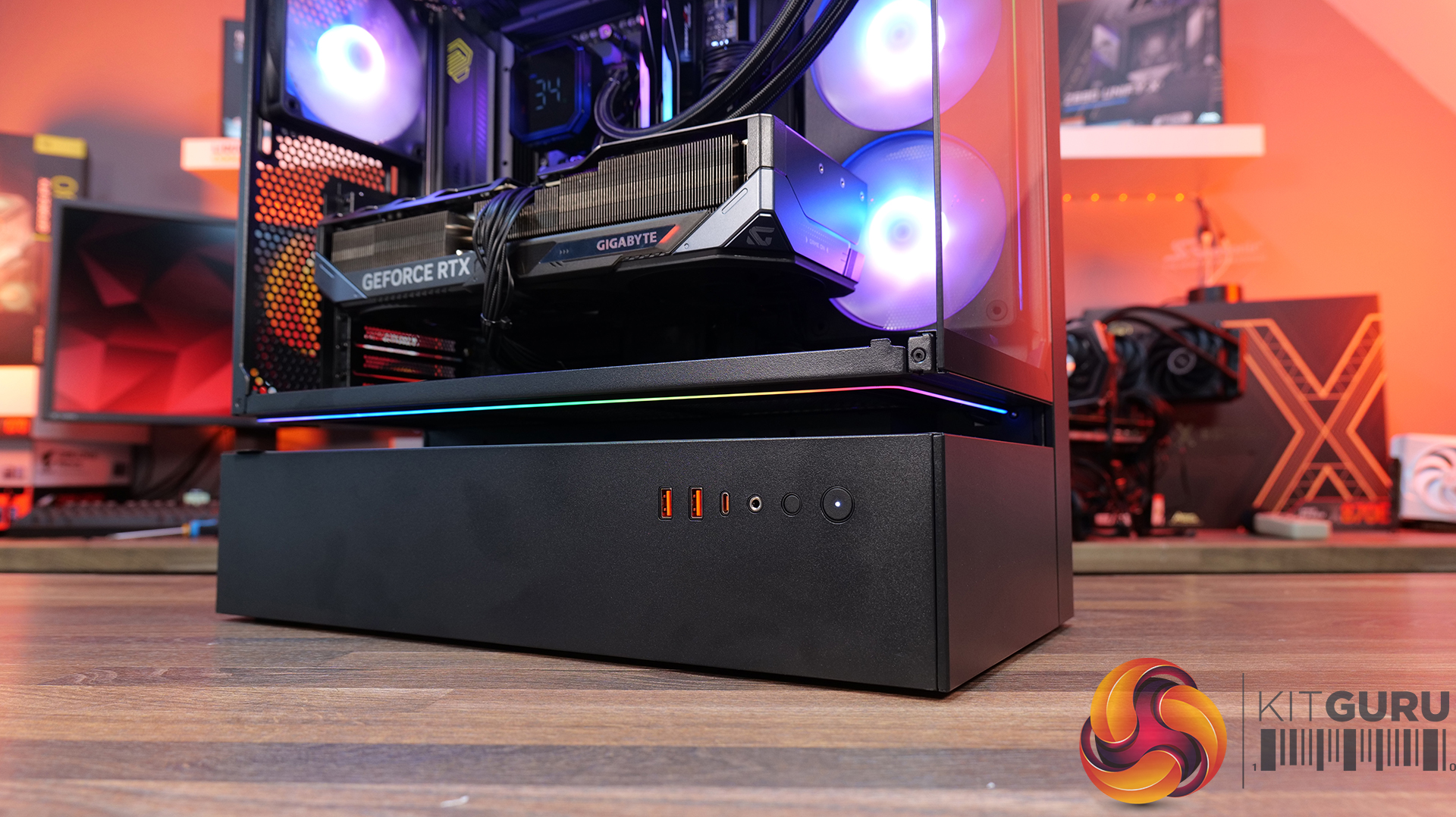
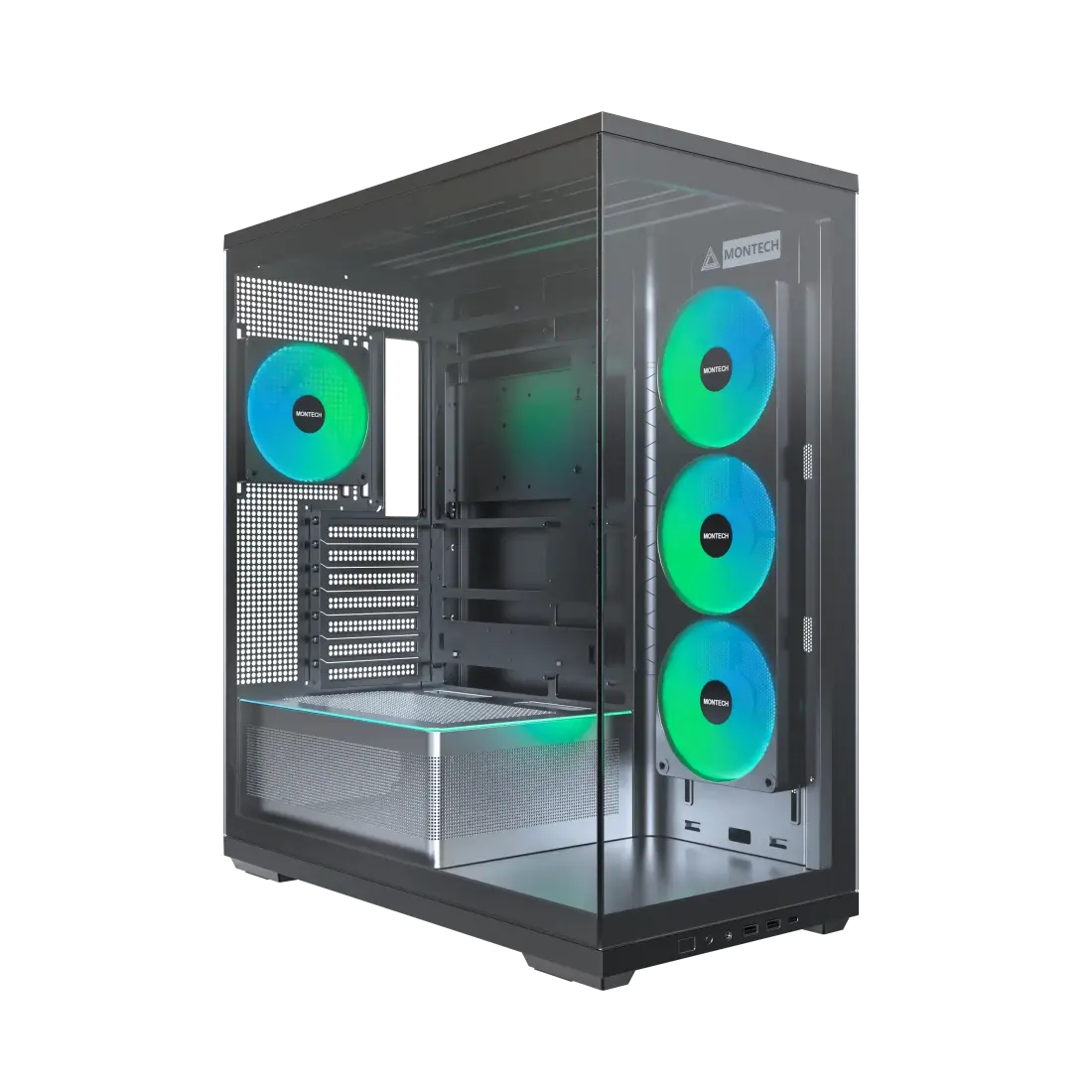
Montech has launched the TG3, a budget-friendly ATX fish-tank style case featuring a tiered bottom layout, back-connect motherboard support, and pre-installed unibody fans.

This new TG3 case comes in black or white finishes and is tailored for performance systems with a minimalist exterior design. It includes a spacious interior that offers clearance for GPUs up to 430mm long and compatibility with back-connect motherboards. Ambient ARGB lighting (28 LEDs) is also integrated directly into the PSU shroud to enhance the build's overall visual footprint.

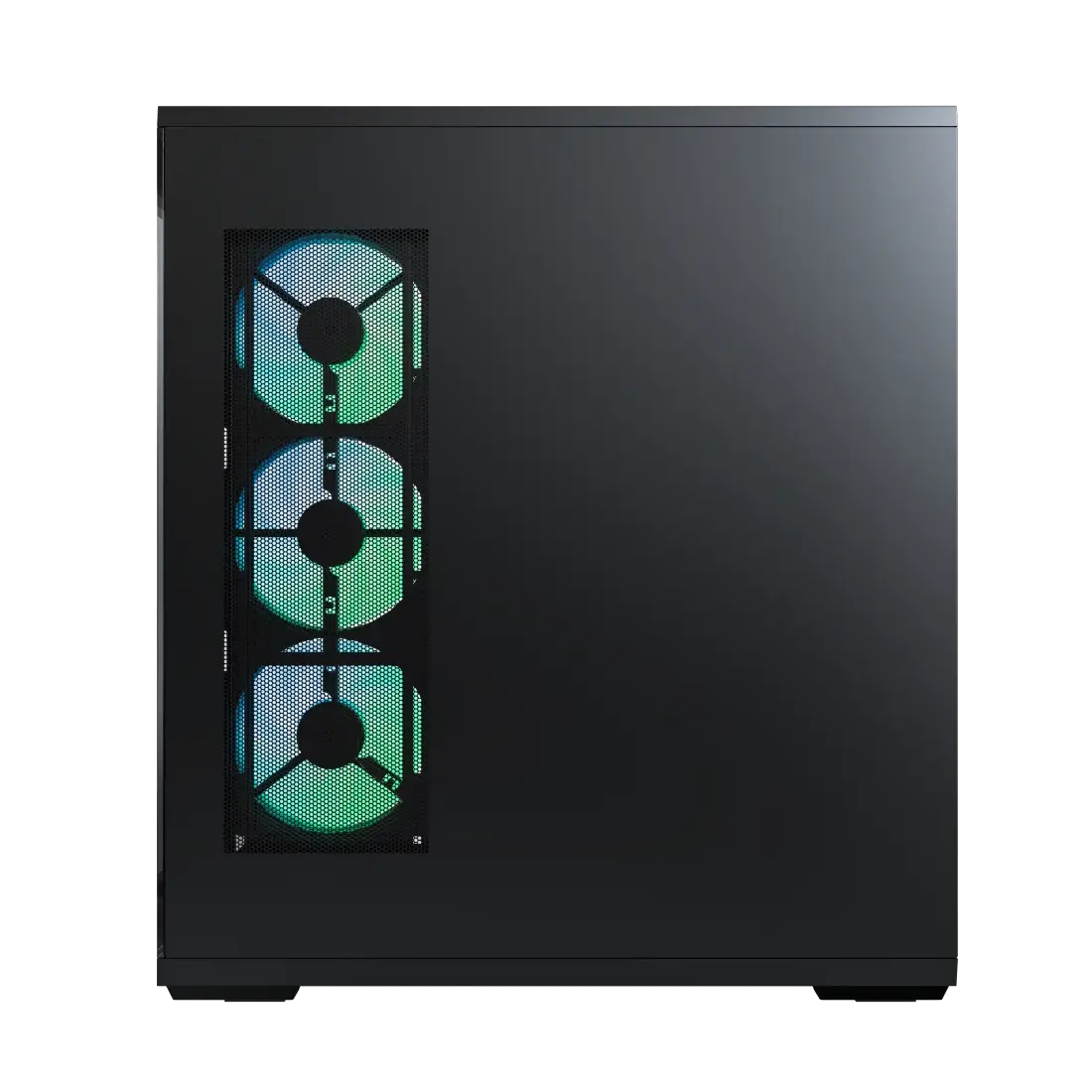
Cooling out of the box relies on a pre-installed Montech GF360 U REV side intake and a GF120 U rear exhaust (140mm fans are also compatible). The side intake uses a unibody, single-frame design that should reduce resonance and simplify cable routing. Additionally, users can mount up to 3x 120/140mm fans on top and two 120mm fans on the PSU shroud. Radiator cooling is limited to 240mm on the side intake, but the top panel supports up to 280/360mm variants.

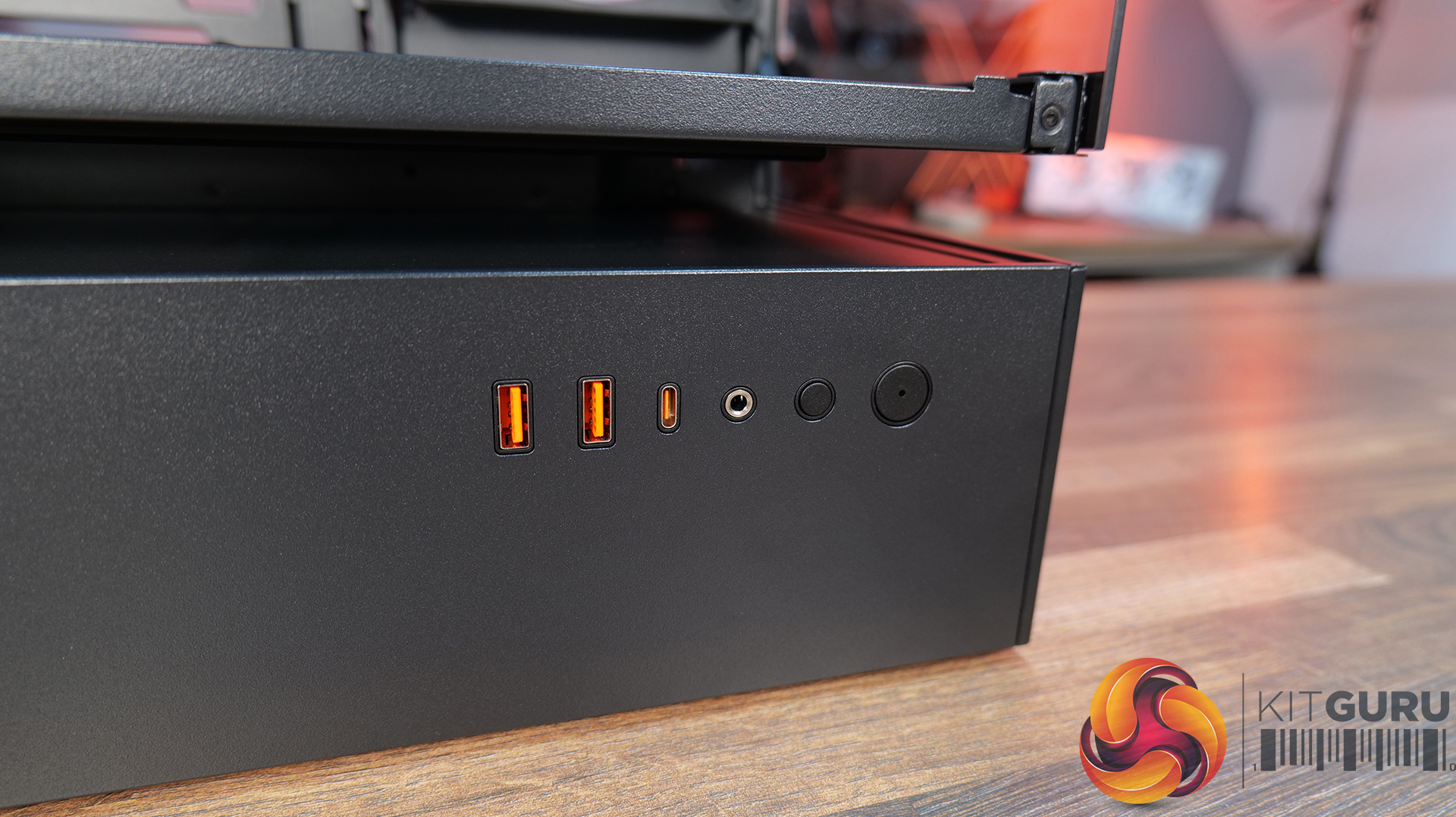
The front I/O is quite decent for such a cheap case, offering the typical power/reset buttons, 2x USB-A 3.0 ports, a USB-C port, and a headset audio jack. The Montech TG3 is now available for $59.

KitGuru says: Offering back-connect motherboard compatibility and unibody fans at such a low price point makes the TG3 a highly competitive option.

The post Montech releases affordable TG3 ATX case with back-connect motherboard support first appeared on KitGuru.

Jonsbo details D34 case with semi-transparent system status display

26 May 2026 at 15:30

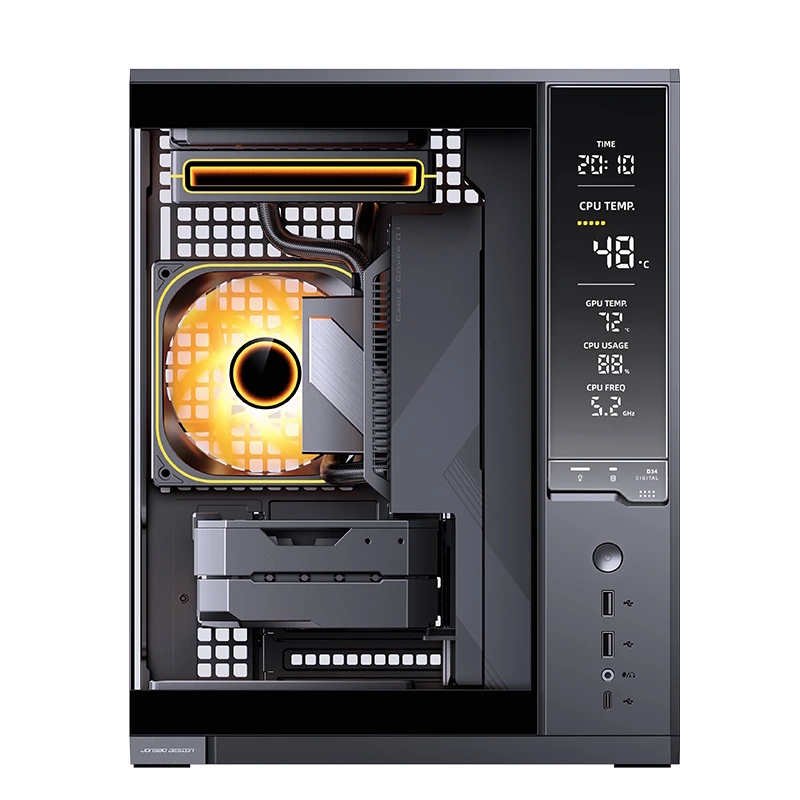
Jonsbo has introduced the D34, a new compact desktop case designed for Mini-ITX and Micro-ATX systems. Like many modern PC cases, this one does natively support back-connector motherboards, allowing users to keep cables hidden at the back of the case.Β 

The Jonsbo D34 prioritises ventilation via metal-mesh sections on the top and side panels. The case also features an integrated monitoring display built into the front panel, using a nickel-plated, semi-transparent reflective coating that shows real-time system status information and component temperatures.

Despite the small footprint, you can fit plenty of hardware into the case, including graphics cards up to 333mm long, ATX power supplies up to 180mm long, and CPU air coolers up to 165mm in height. A height-adjustable graphics card support bracket is included to support heavier GPUs. Internal storage support consists of two 3.5-inch drive bays and a single 2.5-inch mount, although you can convert one of the 3.5β€³ bays to hold two 2.5β€³ drives.

Cooling support allows for up to five fans. The top and bottom sections each support dual 120mm or 140mm fans, while the rear panel accommodates a single 120mm exhaust fan. Liquid cooling compatibility includes top-mounted radiators in 120mm, 140mm, 240mm, and 280mm sizes. Front I/O connectivity includes one USB 3.2 Gen2 Type-C port, two USB 3.2 Gen1 Type-A ports, and split audio and microphone jacks.

KitGuru says: Integrated displays appear to be the next frontier for PC cases. Do you like this new trend?Β 

The post Jonsbo details D34 case with semi-transparent system status display first appeared on KitGuru.

Lian Li O11 Vision-M PC Case Review

21 May 2026 at 13:00

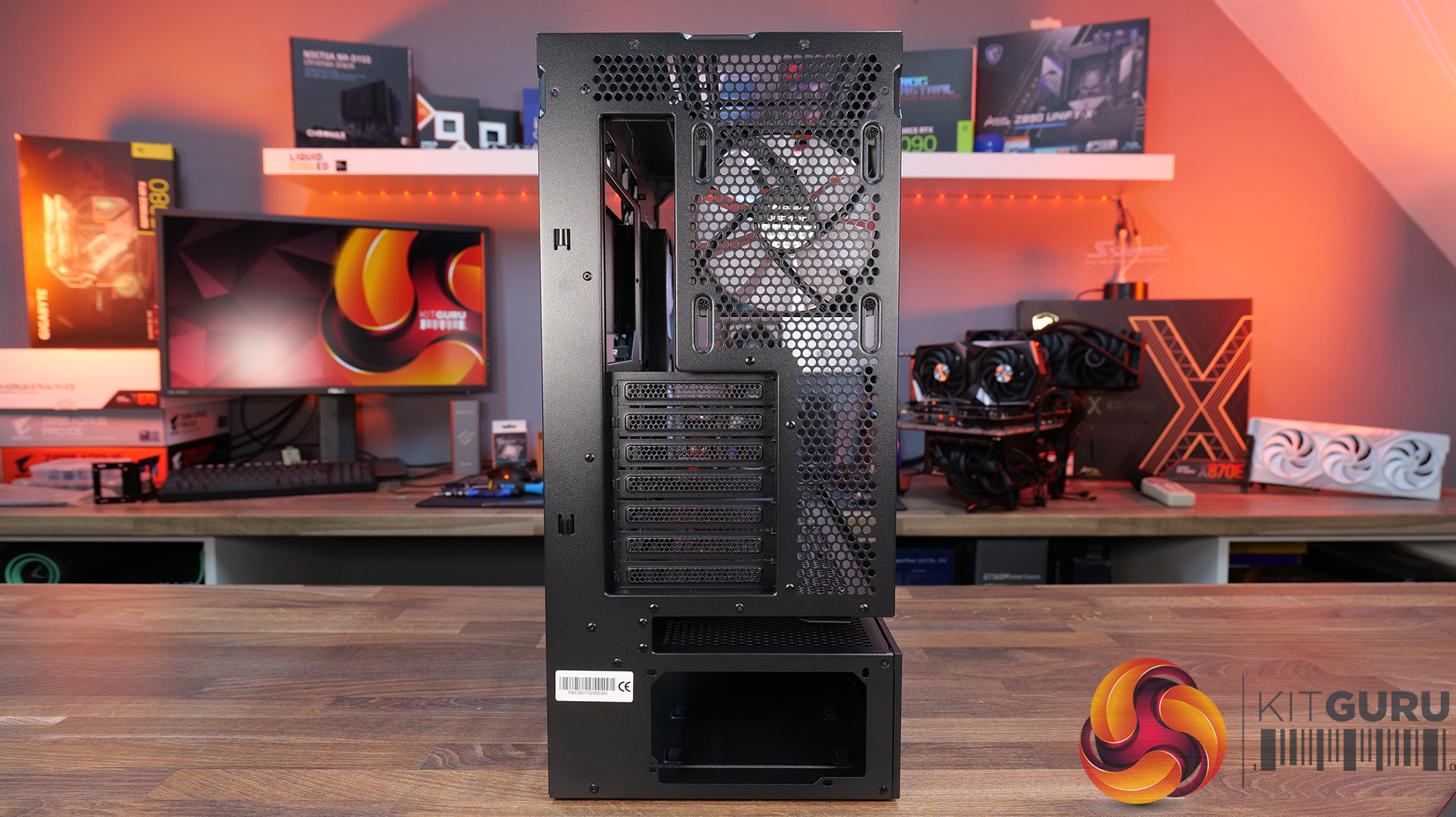
Today, we’re looking at the new Lian Li O11 Vision-M PC case. It’s a compact dual-chamber chassis built around a full glass design, with a clean-looking showcase style. You get support for micro-ATX and mini-ITX motherboards, graphics cards up to 410mm, 360mm radiators, and air coolers up to 162mm tall, plus a hidden top radiator compartment to keep things looking tidy without compromising cooling. On paper, it looks like the perfect blend of compact size, strong hardware support, and the signature O11 aesthetic… but does it actually deliver? Let’s find out.
Timestamps:

00:00 Start
00:57 Pricing / colours
01:41 Overview / Dimensions / Materials
02:31 Front I/O
02:53 Panel removal / filters
04:34 Motherboard and GPU support
05:19 Bottom tray / filter system
05:41 Cooling Fan / Radiator Support
07:20 Vented Shroud and LCD Screen
08:09 Cable Management
09:00 Rear of the case
09:32 Side Compartment / PSU
10:54 Drive install / cable shroud options
11:54 Top radiator bracket
12:56 GPU Bracket / no reverse MB support
13:59 Bottom of the case / accessories
15:00 3D Printable parts
15:37 Thermal and Noise Performance
17:15 Smoke Test & Thoughts
18:05 Installation / Closing Thoughts

Features:

  • Ventilated Top Glass – Integrated mesh cut-out vent aligned with the top radiator for top heat exhaust flow and minimal heat buildup from internal system components.
  • Modular Divider – A removable divider panel gives the user the choice of a clean, separate dual-chamber look or a more open layout. With the divider panel installed, accessories such as an LCD screen can be easily mounted.
  • Hidden AIO Compartment – Designed to hide the AIO radiator and route tubing out of the way, hidden from view in the main chamber for an ultra clean look.
  • Compact but high-end hardware support – Including mATX or Mini ITX motherboards, up to 410mm long graphics cards, 162mm tall air coolers and up to 360mm radiator support.

Specifications:

  • Case Type: Micro ATX
  • Dimensions (DxWxH): 419.6mm x 275.1mm x 395.2mm
  • Materials: Steel, 4.0mm Tempered Glass, 3.0mm Tempered Glass, Aluminum
  • Motherboard Support: Micro-ATX, Mini-ITX
  • Reverse Connector motherboard support: No
  • Expansion Slots: 5
  • Storage bays: 3.5” HDD x 1 + 2.5” SSD x 2 or 2.5” SSD x 3
  • Max GPU Length: 410mm
  • Max CPU Cooler Height: 162mm
  • PSU Type: ATX (Under 202mm)
  • Cable Routing Grommet: Yes (Motherboard Side)
  • Hook-and-loop straps: Yes
  • Supplied Fans: 140mm x 1 (Pre-installed)
  • Fan Support: 120mm x 3 (Top) 120mm x 2 (Side) 120 mm x 3 (Bottom) 120 mm x 2 (Rear) 140mm x 1 (Second Chamber)
  • Radiator Support: 360mm / 240mm (Top)
  • Dust Filters: Removable bottom dust tray x 1
  • Front I/O: Power Button x 1, USB 3.0 Type A x 2, USB 3.2 Type C x 1, Audio x 1
  • LCD Screen (O11 Vision-M Digital): Yes, IPS LCD, 9.2”, 60 Hz, 1920Γ—462, 500nits

Thermal Performance Testing

To simulate thermal demand, we run the Cinebench R23 multi-thread benchmark and 3DMark Speed Way stress test simultaneously in a loop for 30 minutes to load the system fully. This gives the CPU and GPU enough time to reach constant steady-state temperature. With this data, we can compare how the system handles the thermal demand and measure peak noise levels.

Thermal performance is measured with the case in various configurations, such as the default, with the tempered glass left-hand side panel removed and with the front panel removed to see how these configurations affect the CPU and GPU temperature. During testing, only stock case fans are used unless otherwise specified. All water pumps are set to maximum RPM and fans are set to a custom RPM curve by the Motherboard software/BIOS.

All temperature measurements are presented as Deltas – meaning the ambient temperature has been deducted from the CPU temperature, giving us a Delta. Data shown in the charts represents the average component temperature over the length of the test as measured by HWiNFO, and then the last 15 minutes of the data are calculated to get the average. The ambient temperature during thermal tests is between 19-20⁰C.

Test System Specification:

Thermal Performance Overview

We test case thermals using a 360mm AIO as exhaust at the top and with the case in several different fan configurations. The default configuration shown in the charts is with the top 360mm AIO cooler, 2 x 120mm side intake, 3 x 120mm bottom intake fans and with all case panels installed.

The O11 Vision-M performs well considering the dual-chamber layout and the number of glass panels it has. In the default configuration, CPU and GPU temperatures measure 54Β°C and 51Β°C over ambient respectively. Removing the glass side panel or right-side mesh makes little difference to overall results, suggesting that the stock airflow setup is already very well optimised. The hidden AIO placement keeps heat away from the radiator and CPU temperatures benefit from it.

Bottom intake fans are relatively important for GPU cooling. Removing the floor intake pushes GPU temperatures up to 55Β°C above ambient, while every other configuration stays very consistent around the 50–52Β°C mark. So for a compact dual-chamber case with this much glass, thermal performance is genuinely solid.

Noise Output

Noise performance is consistent across the board too, with the O11 Vision-M sat at 48dBA under full load in most configurations, while idle noise mostly stays fixed at 37dBA. Removing the right-side mesh panel drops load noise slightly to 47dBA, while removing the floor intake fans pushes it up to 49dBA, likely due to the GPU fans working harder to compensate for reduced airflow and slightly raised temperature.

The case has very balanced airflow regardless of configuration changes, and no major spikes in noise. Overall, for a compact dual chamber with multiple glass panels, the O11 Vision-M delivers solid acoustic performance without sacrificing cooling.

Closing Thoughts

Taken as a whole, the Lian Li O11 Vision-M is a very well-designed compact dual-chamber chassis that does a good job of balancing aesthetics, cooling performance and hardware compatibility. Despite the reduced footprint compared with larger O11 variants, there’s still support crammed in for high-end hardware, including 410mm graphics cards, 360mm radiators or AIOs, up to 13 fans and large CPU air coolers. Plus, thermal performance remains consistently strong even with the use of multiple glass panels.

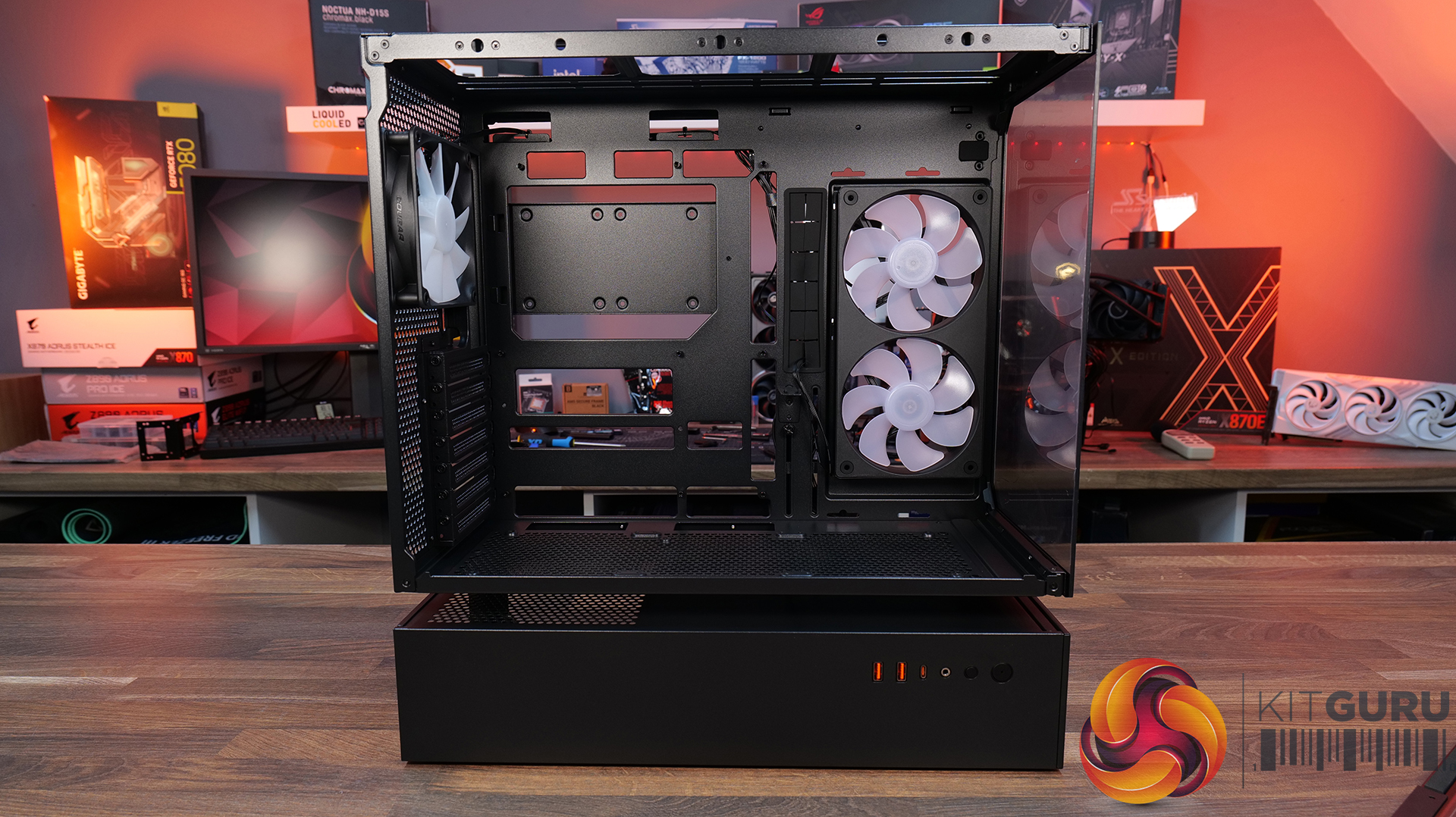
The standout feature is the hidden top radiator compartment. Not only does it help maintain a clean showcase-style appearance that the O11 Vision series is known for, but it also works well from a cooling perspective without restricting airflow. The digital version looks impressive, with the integrated 9.2-inch LCD screen feeling more refined and useful than the gimmicky implementations we sometimes see from competitors. This screen fits in with the design of the case perfectly.

However there are a few compromises, such as clearance around the top radiator mount being very tight, so not every 360mm AIO will fit without issue. Checking dimensions before buying is essential. The smaller internal layout also means there’s a more specific hardware installation order required during the build process, which increases build time a little compared to similar dual-chamber cases with more space.

At $70 MSRP for the standard version, the O11 Vision-M offers good value considering the excellent build quality, cooling performance and hardware support it provides. Even the $130 digital version feels reasonably priced given the quality of the integrated display. While it’s technically compatible with Mini-ITX systems, due to its dimensions, it feels more like a compact Micro-ATX case than a true ITX chassis. Even so, if you want a compact case with strong airflow, premium aesthetics and high-end hardware support, the O11 Vision-M is an easy one to recommend.

TheΒ Lian Li O11 Vision-M has a Β£69.99 (black) MSRP for the regular model and $129.99 for the digital version with a 9.2β€³ LCD.

Pros:Β 

  • The hidden AIO compartment gives a clean look.
  • Good cooling options for a small dual-chamber glass case.
  • Screen integration on the digital version is excellent.

Cons:

  • Tight tolerance for top AIO support makes installation fiddly and means that some AIOs will be incompatible.
  • Not small enough to be considered for ITX builds.
  • The installation process takes a little more time than in some similar cases.

KitGuru says:Β  This is one of the best mATX cases we have seen for a long time. It's packed with high-end cooling options as well as that hidden radiator compartment which gives a clean look to the build. Plus, it's competitively priced too.

The post Lian Li O11 Vision-M PC Case Review first appeared on KitGuru.

Thermaltake launches TR200 Series compact PC case

By: Bahleem
18 March 2026 at 17:38

Thermaltake, a well-known name in PC hardware, has introduced its new TR200 Series. This compact microATX case is made for users who want strong performance, good cooling, and a clean modern look without using a large case.
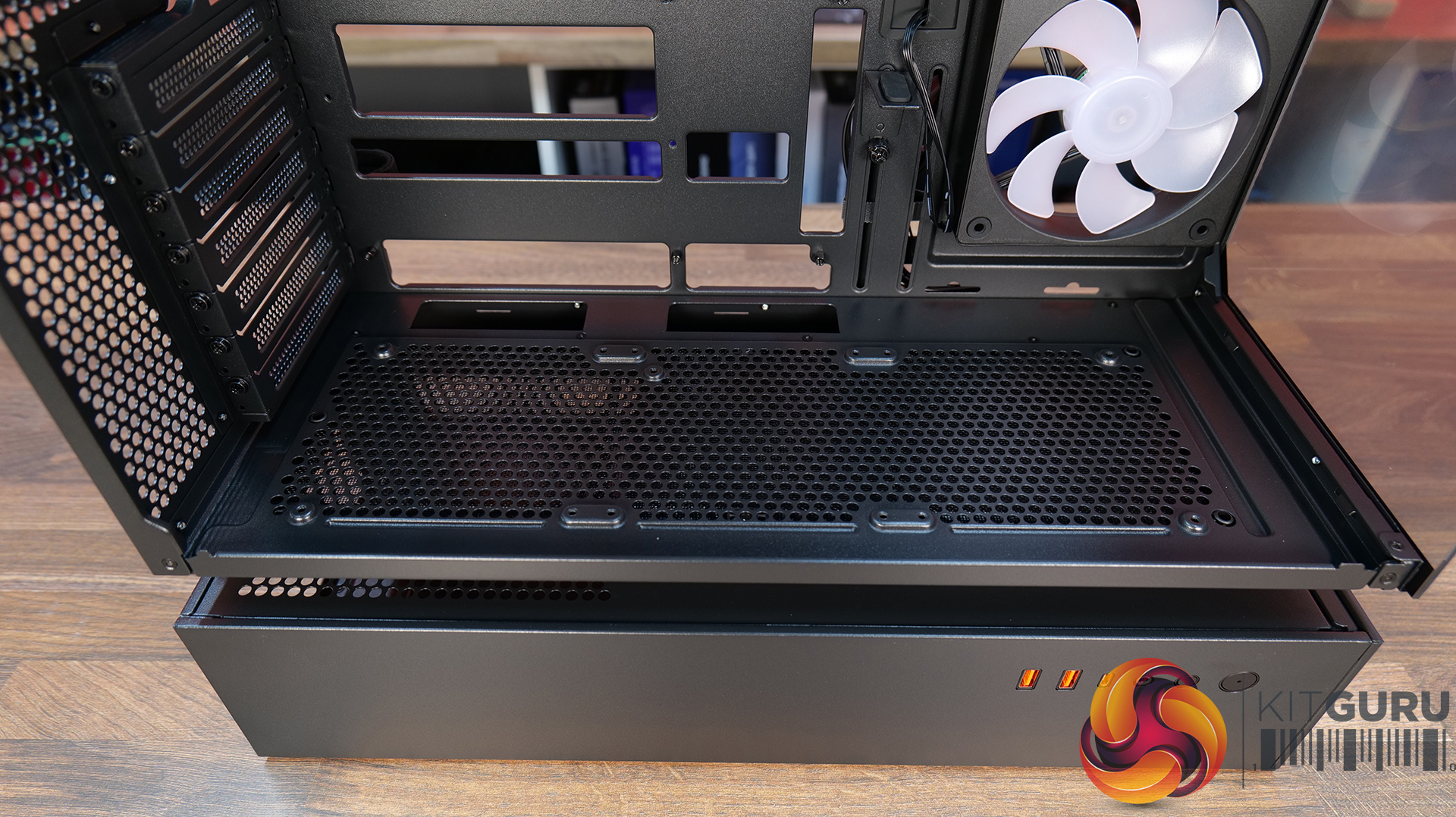
The TR200 Series includes two models, TR200 and TR200 WS. Both have the same internal design and features, but the front panels are different. The TR200 comes with a simple mesh front for better airflow, while the TR200 WS adds real wood accents on the front, giving it a warmer and more premium look. This gives users the choice between a clean or more stylish setup.

Thermaltake launches TR200 Series compact PC case
Thermaltake launches TR200 Series compact PC case 7
Thermaltake launches TR200 Series compact PC case 8
Thermaltake launches TR200 Series compact PC case 9

Even though the case is compact, it still supports powerful hardware. It can fit microATX motherboards and graphics cards up to 365 mm long. This means users can install high-end GPUs without any problem. The case also supports up to seven 120 mm fans and even a 360 mm radiator, which is usually seen in larger cases. This helps keep the system cool during heavy use.
Another useful feature is the 5.25-inch drive bay. This can be used for optical drives, fan controllers, or other add-ons. It adds flexibility for users who want more control over their build.

Thermaltake launches TR200 Series compact PC case 3
Thermaltake launches TR200 Series compact PC case 4
Thermaltake launches TR200 Series compact PC case 5
Thermaltake launches TR200 Series compact PC case 6 1

For users who like visual customisation, the TR200 Series also supports an optional 6.0-inch LCD screen. This display has a resolution of 1480 Γ— 720 and can show system information, images, and even GIFs. With the help of TT RGB PLUS 3.0 and AI Forge, users can create custom designs using simple text prompts. There is also support for mobile control through the TT PlayLink app.

Thermaltake launches TR200 Series compact PC case 2

The case is also designed for daily use. It includes dust filters on the top, bottom, and side to keep the system clean. The front panel offers useful ports like USB Type-A, USB Type-C, and audio jacks, making it easy to connect devices.
Overall, the TR200 Series brings a strong mix of performance, cooling, and design in a smaller size. It is a good option for users who want a compact PC without losing power or features.

Cougar CFV235 Case Review

17 March 2026 at 11:52

Today we’re taking a look at the Cougar CFV235 mid-tower chassis. It features Cougar’s Central Floating Ventilation design, support for up to EATX motherboards, including back connect, and comes with pre-installed ARGB PWM fans straight out of the box. On paper, there’s plenty of cooling potential too with support for up to nine fans and 360mm radiators, along with clearance for graphics cards up to 430mm long. As always, we’ll be checking out build quality, ease of installation, thermal performance, and overall value to see if the CFV235 is worth considering for your next build.

Timestamps:

00:00 Intro
00:45 Pricing + key info
02:38 Getting inside
04:10 Cooling support, pre-installed fans
05:55 CPU and GPU compatibility
06:52 Looking at the rear
07:18 Area behind the mobo tray
09:32 Storage support
10:21 Floor of the case
11:17 Accessories
12:14 Thermal tests + noise
13:49 James’ experience so far
15:19 Closing thoughts

Features:

  • Central Floating Ventilation (CFV) structure: A unique floating chamber design that creates separation between the PSU cabin and main chamber to enhance airflow and gives the case its distinctive look.
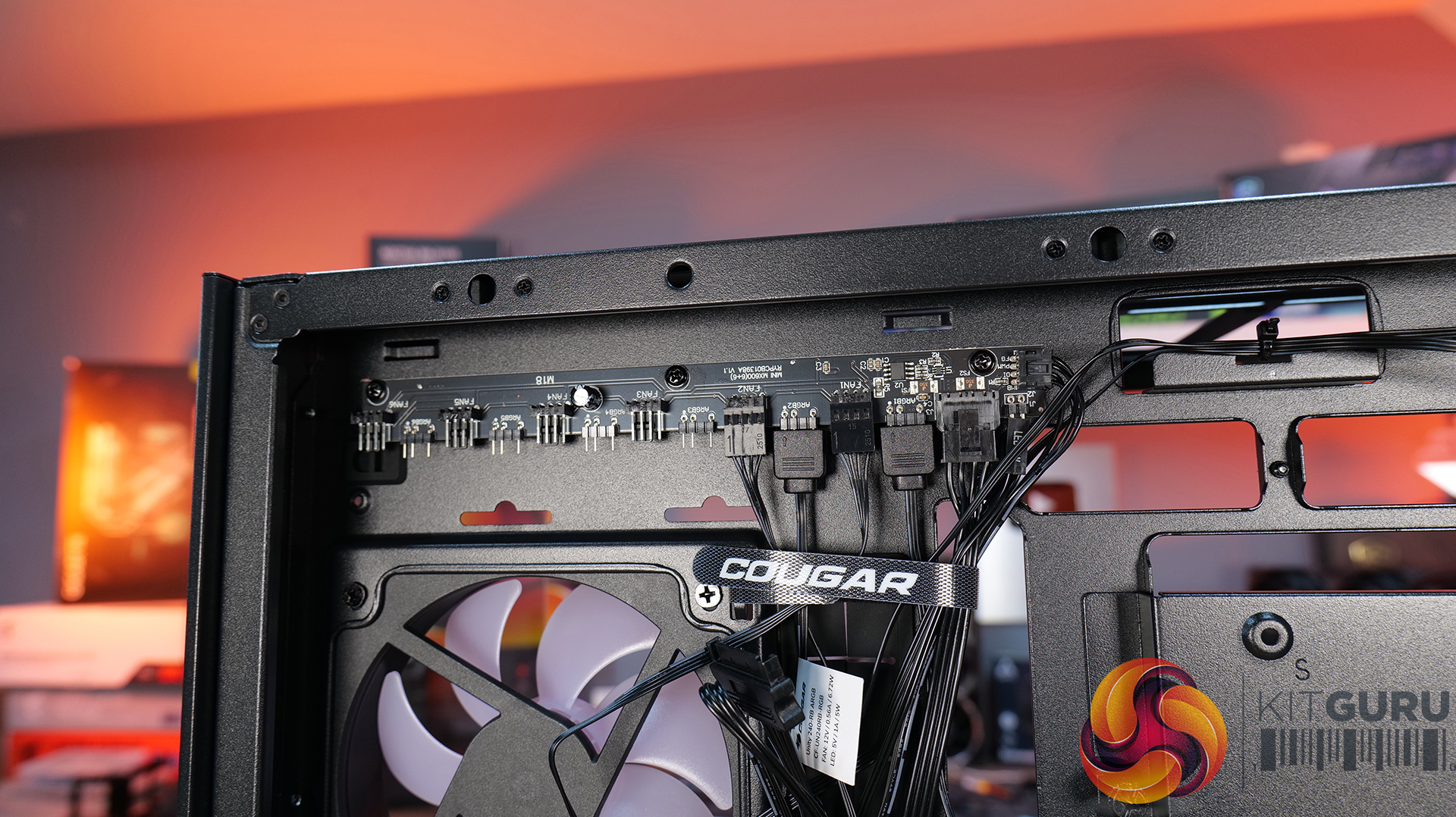
  • Pre-installed Unity 240 ARGB PWM reverse-blade fan & Aurora RGB lighting: Included is a Cougar Unity 240 single-frame ARGB fan and an integrated Aurora RGB lighting strip for enhanced cooling and aesthetics.
  • Versatile hardware support: CFV235 is compatible with motherboards up to E-ATX size, including back connect, 360mm radiators, 175mm tall air coolers and supports GPUs up to 430 mm in length.

Specifications:

  • Case Type: Mid Tower
  • Dimensions (LxWxH): 235 Γ— 493 Γ— 460 mm
  • Materials: Steel, Plastic, Glass
  • Motherboard Support: Mini ITX / Micro ATX / ATX / CEB
  • Back-connect motherboard support: Yes
  • Expansion Slots: 7
  • Storage bays: 5β€³ Γ—2, 2.5β€³ Γ—2 + 2 (converted from 3.5β€³ bays)
  • Max GPU Length: 430mm
  • Max CPU Cooler Height: 175mm
  • PSU Type: ATX up to 200mm
  • Pre-installed Fans: Unity 240 ARGB PWM Reversed Fan Γ— 1 (Side) 120mm ARGB PWM Fan Γ— 1 (Rear)
  • Fan Support: 120mm Γ— 3 / 140mm Γ— 3 (Top), 120mm Γ—2 (Side), 120mm x 3 (Bottom), 120mm x 1 (Rear)
  • Radiator Support: 360mm / 280mm / 240mm / 140mm / 120mm (Top), 120mm (Rear)
  • Dust Filters: Bottom
  • Front I/O: USB 3.2 Gen 2Γ—2 Type-C Γ—1, USB 3.0 Type-A Γ—2, 4-Pole Headset Audio Jack Γ—1, RGB Button
  • LCD Screen: N/A

Thermal Performance Testing

To simulate thermal demand, we run the Cinebench R23 multi-thread benchmark and 3DMark Speed Way stress test simultaneously in a loop for 30 minutes to load the system fully. This gives the CPU and GPU enough time to reach constant steady-state temperature. With this data, we can compare how the system handles the thermal demand and measure peak noise levels.

Thermal performance is measured with the case in various configurations, such as the default, with the tempered glass left-hand side panel removed and with the front panel removed to see how these configurations affect the CPU and GPU temperature. During testing, only stock case fans are used unless otherwise specified. All water pumps are set to maximum RPM and fans are set to a custom RPM curve by the Motherboard software/BIOS.

All temperature measurements are presented as Deltas – meaning the ambient temperature has been deducted from the CPU temperature, giving us a Delta. Data shown in the charts represents the average component temperature over the length of the test as measured by HWiNFO, and then the last 15 minutes of the data are calculated to get the average. The ambient temperature during thermal tests is between 19-20⁰C.

Test System Specification:

Thermal Performance Overview

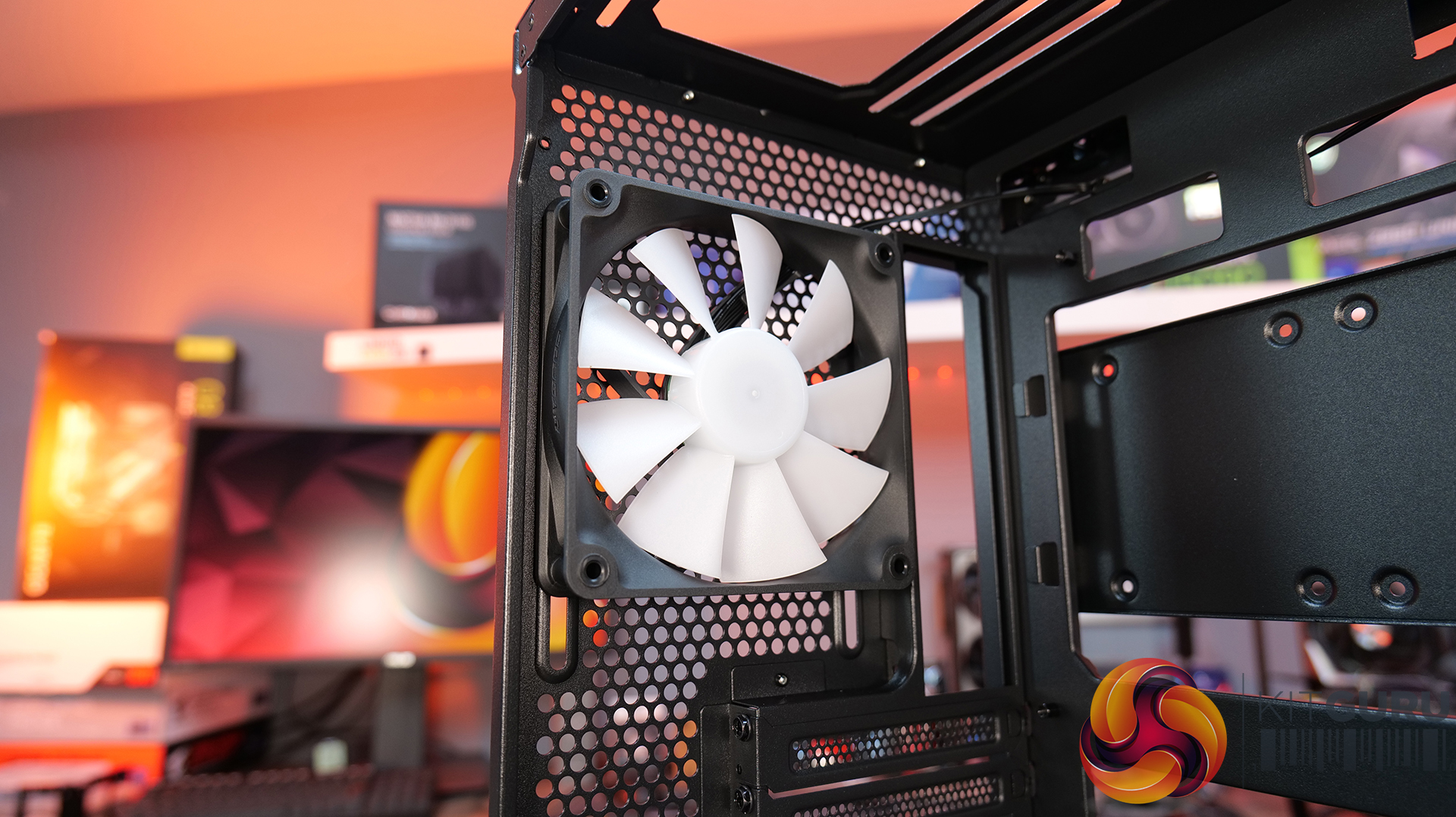
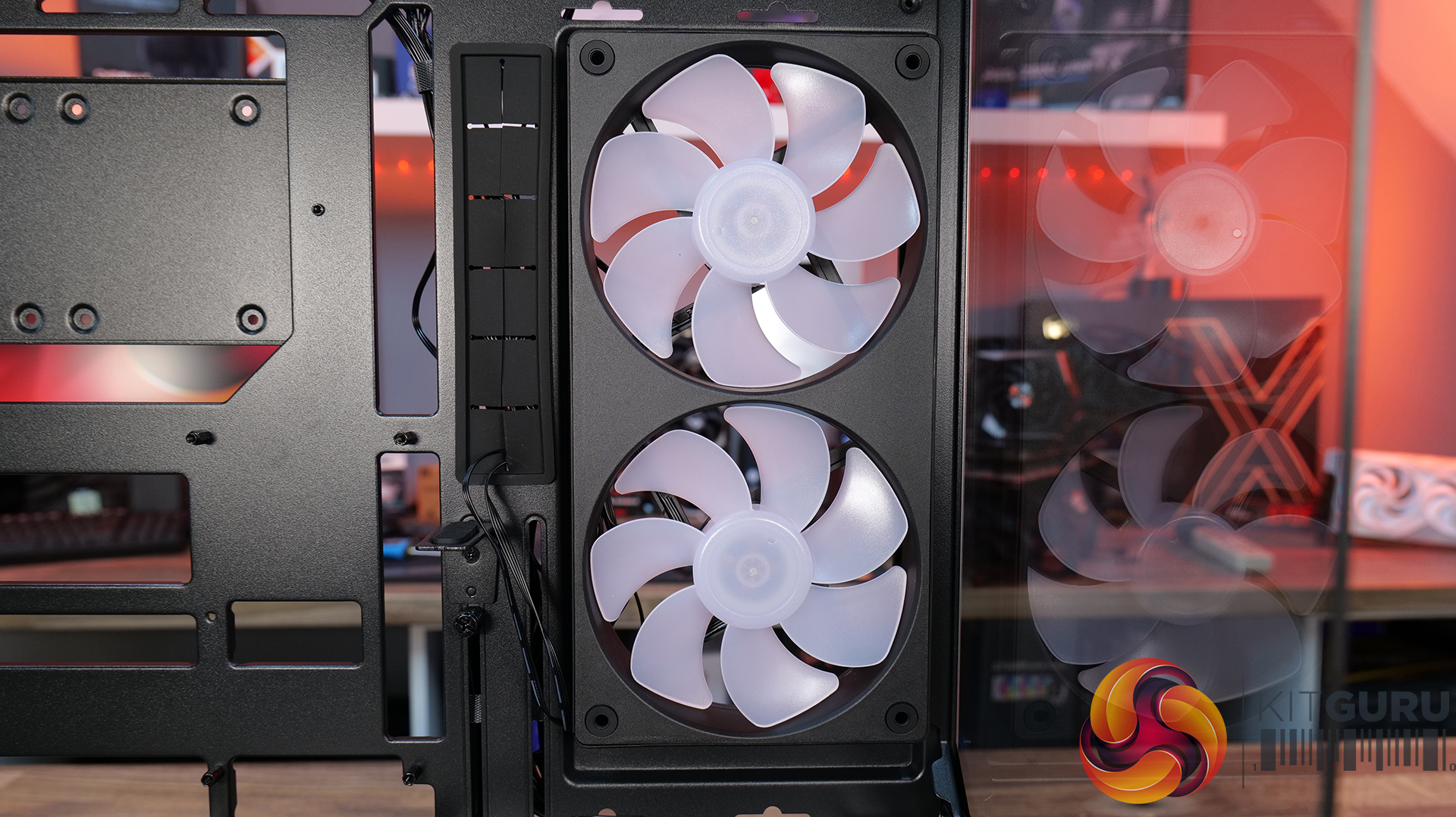
We tested the case thermals with a 360mm AIO as the exhaust at the top and in several different configurations. The default configuration shown in the charts is with the 360mm AIO at the top, Cougar Unity 240 intake side fan, 1 x 120mm rear exhaust and with all panels installed.

In our thermal testing the Cougar CFV235 delivered fairly consistent thermal results across different configurations. With the default setup, the system recorded 53Β°C over ambient on the CPU and 49Β°C on the GPU. Taking off the mesh top panel produced similar behaviour, with the CPU reaching 53Β°C and the GPU 49Β°C. So the mesh isn’t too restrictive.

Removing the glass side panel had little effect on CPU or GPU thermals at 52Β°C and 48Β°C, respectively. But adding bottom intake fans reduced GPU temperature further to 46Β°C over ambient, while CPU temperature remained the same at 52Β°C. Overall, the results suggest the case’s stock airflow configuration is reasonably well balanced, but there are minor GPU thermal gains to be had from adding bottom intake airflow.

Noise Output

As with thermals, the noise testing shows only a minor difference between configurations under load. In the default configuration, the maximum load noise measures 52 dBA, which drops to 49 dBA when bottom intake fans are installed – showing the cooler GPU temperature helped reduce fan speed.

At idle, the system remained consistent across all configurations at around 36–37 dBA. Overall, our testing would suggest the additional bottom fans help reduce system noise slightly under load, while panel removal has a minor impact on acoustics.

Closing Thoughts

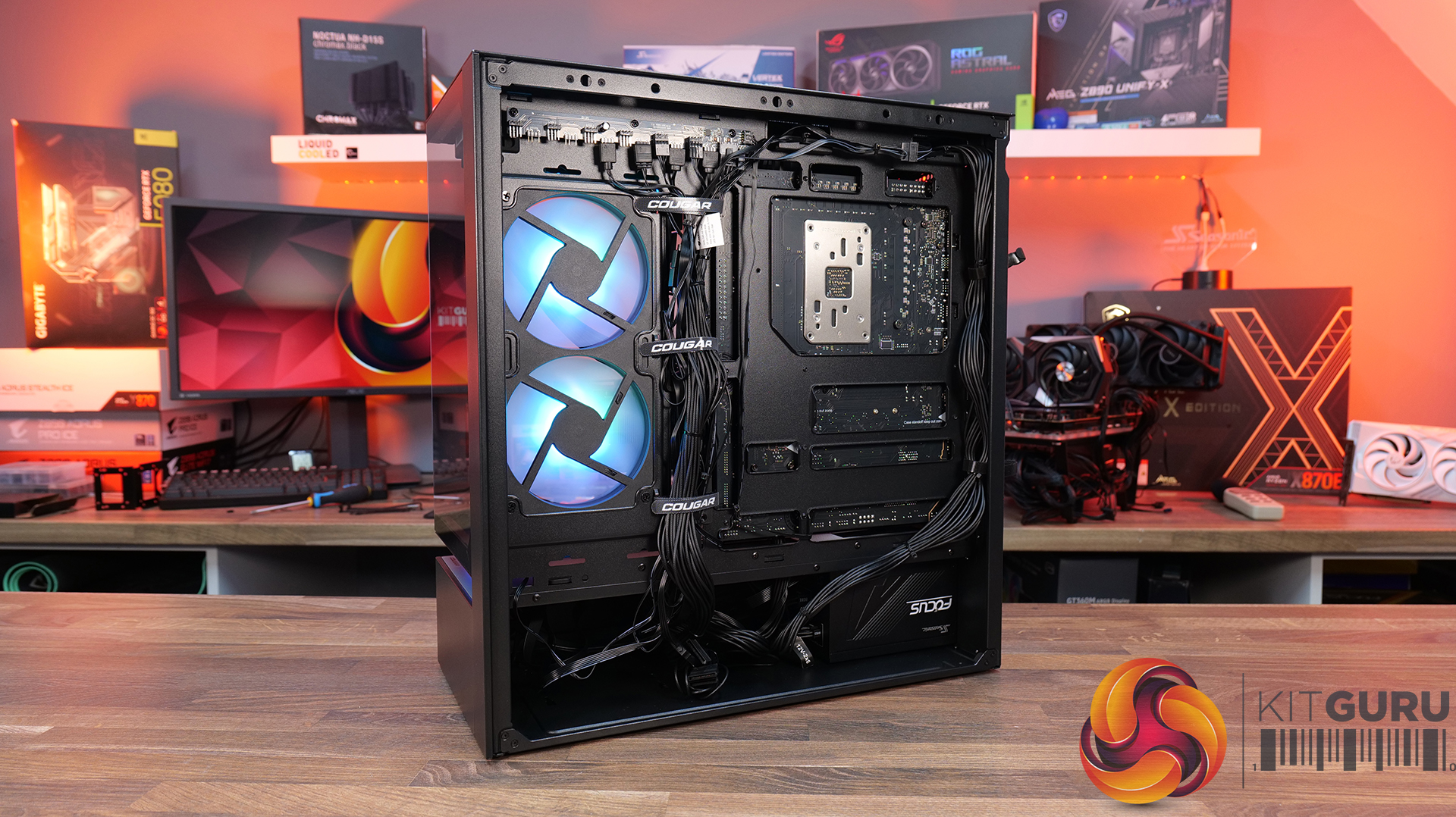
First impressions of the Cougar CFV235 are good thanks to its distinctive design. Cougar’s Central Floating Ventilation layout gives the chassis a unique look that stands out from more conventional mid-tower designs, while the overall construction feels surprisingly solid and well put together. Panel fitment is good, materials feel sturdy, and the case generally gives the impression of a well-built product.

Thermal performance is decent rather than class-leading. The stock configuration delivers stable temperatures in our testing, but it doesn’t quite extract the maximum possible cooling potential straight out of the box. That said, adding bottom intake fans provides a small but noticeable improvement in GPU temperature and noise, suggesting the airflow design benefits from a little extra intake to help feed the GPU and main chamber. Based on that, it does seem odd that Cougar doesn’t include bottom intake fans as the default.

There are a couple of minor usability issues worth mentioning, such as the lack of removable radiator brackets, meaning that it's difficult to connect cables at the top of the motherboard with an AIO installed. This is a feature I like to see at this price point. Additionally, the side cable cut-out grommet can be easily dislodged during cable routing, which may prove to be a little frustrating during the build process.

Even with those small drawbacks, the CFV235 still offers a well-rounded package with strong build quality, extensive hardware compatibility, including back-connect motherboards, big graphics cards, plenty of cooling potential, and a distinctive aesthetic that all work in its favour. Thermal performance is also perfectly respectable once airflow is optimised with bottom intake fans. For builders looking for something a little different visually without sacrificing practicality or build quality, the Cougar CFV235 is a solid option.

UK availability is scarce but we found it listed on Amazon HERE.

Pros:Β 

  • Unique look with the free-floating top chamber.
  • No adverse chassis flex due to the 1.5mm thick steel frame.
  • Good hardware support, with up to EATX motherboards, including back connect, and big graphics cards.
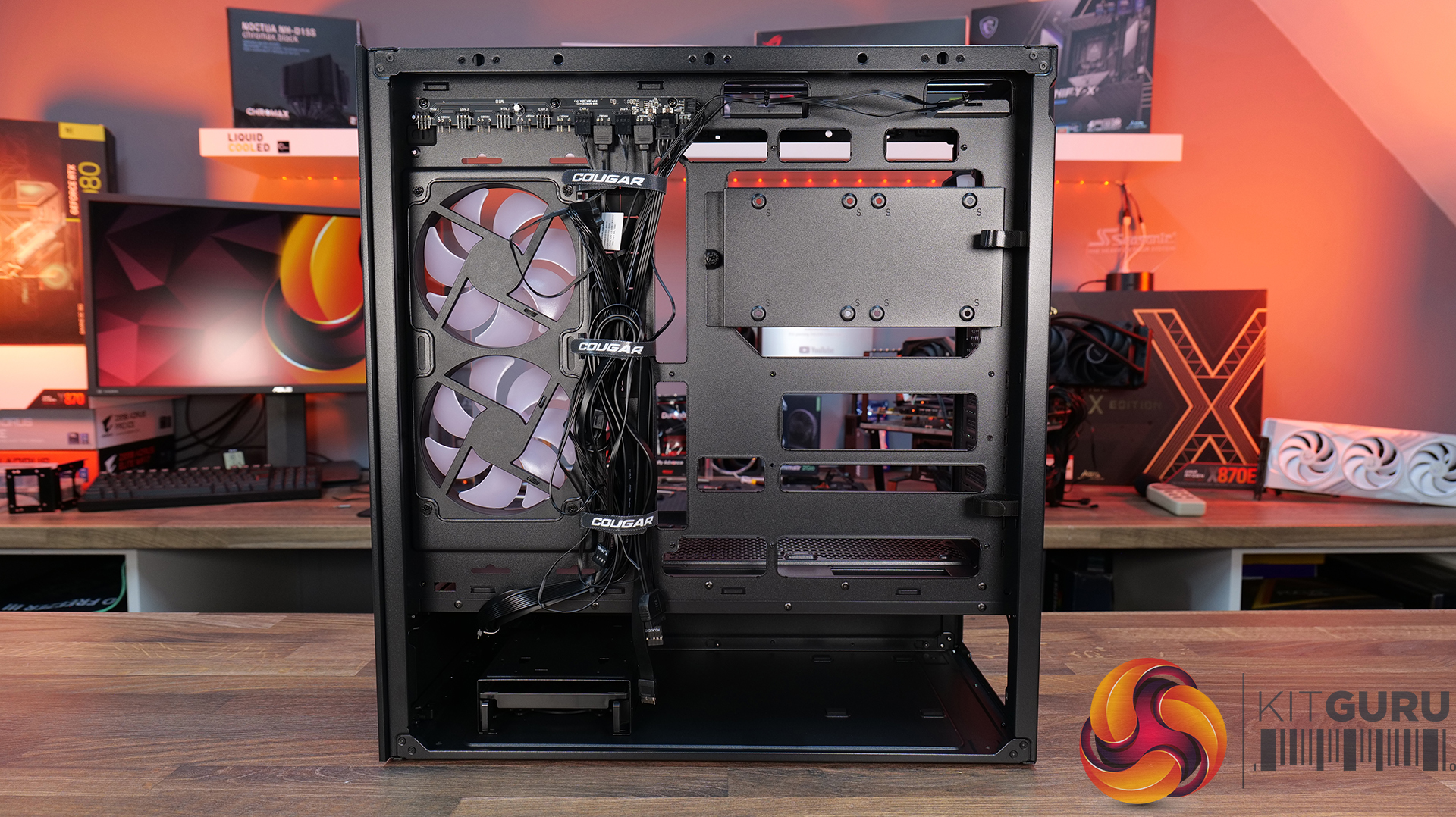
  • Included six-port PWM ARGB hub.

Cons:

  • Thermal performance is a little limited out of the box.
  • Non-removable top radiator bracket.
  • Side cable grommet is easily dislodged.

KitGuru says: If you want a case that has a distinctive look but doesn't sacrifice build quality or practicality, the Cougar CFV235 is worth a look.

The post Cougar CFV235 Case Review first appeared on KitGuru.
❌
❌