Normal view

There are new articles available, click to refresh the page.
Today — 28 July 2026Main stream
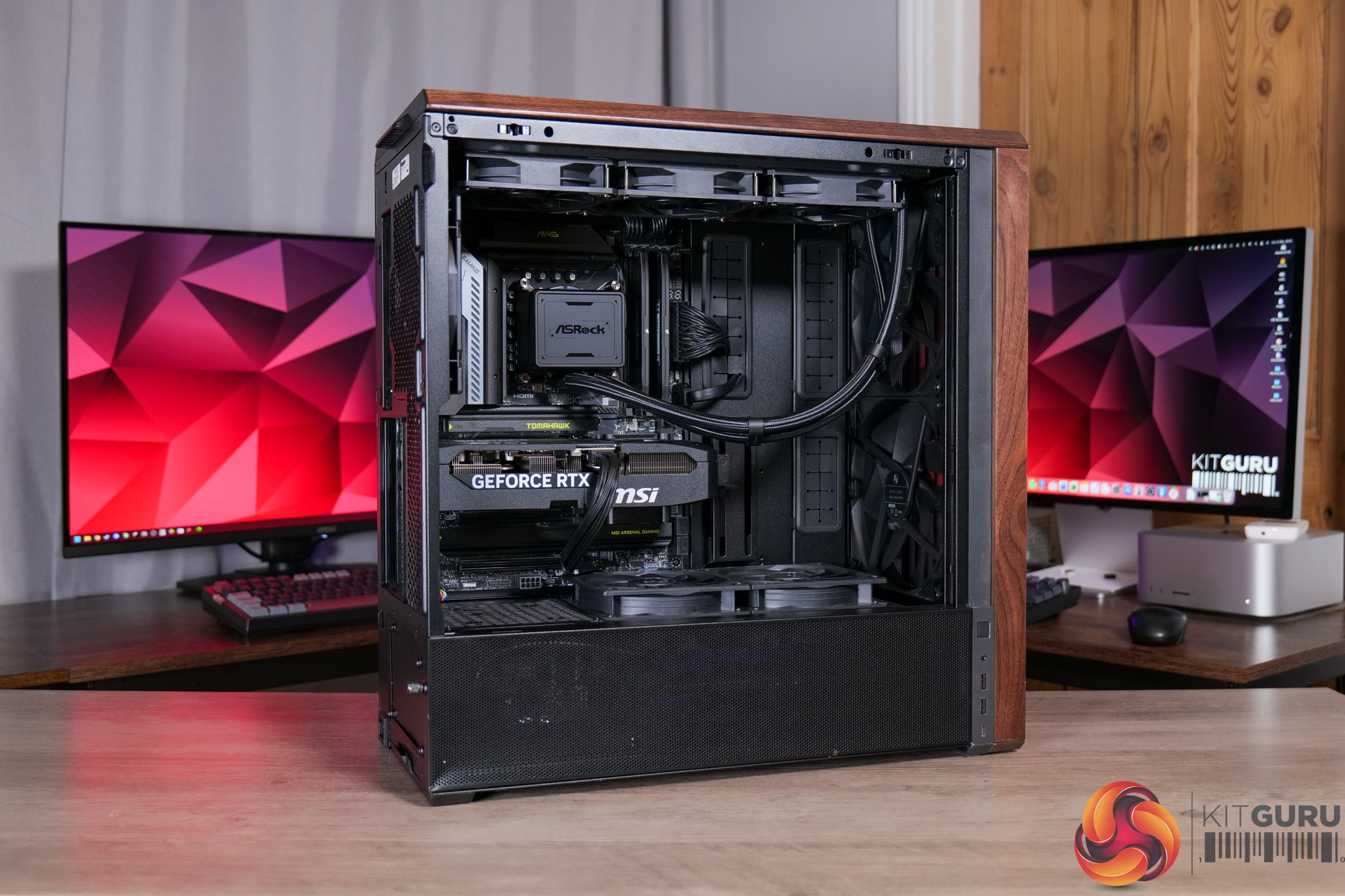
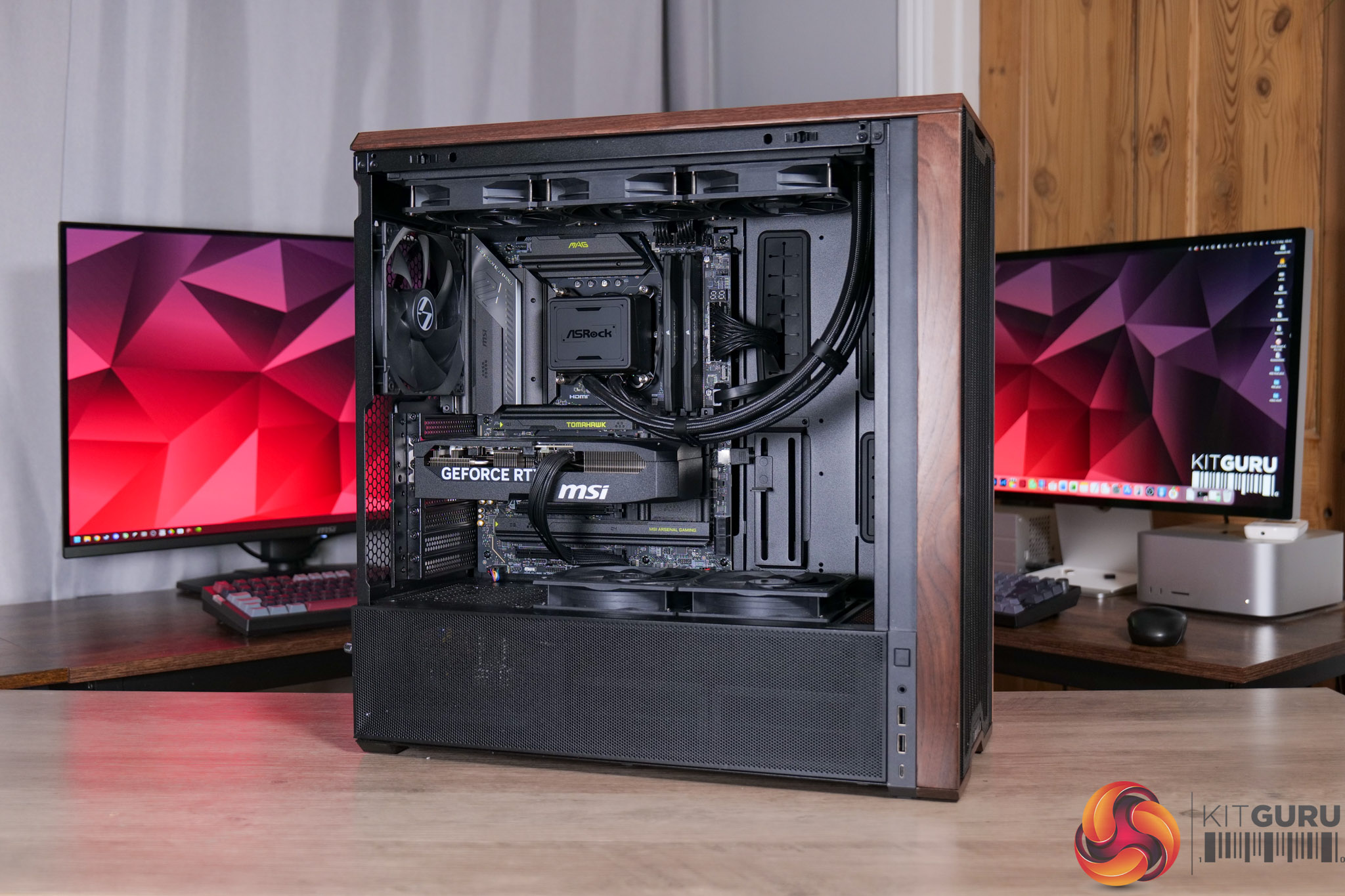
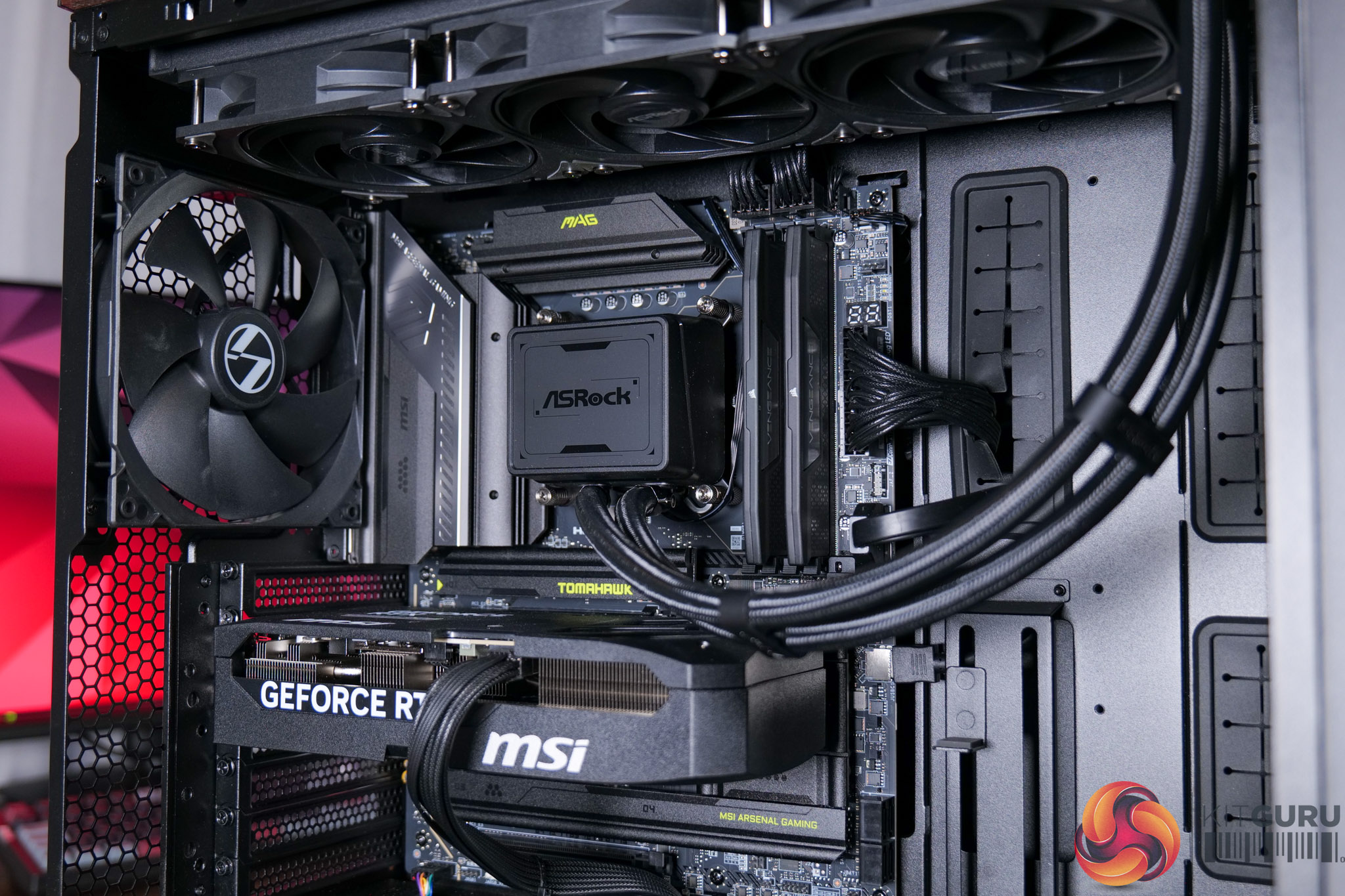
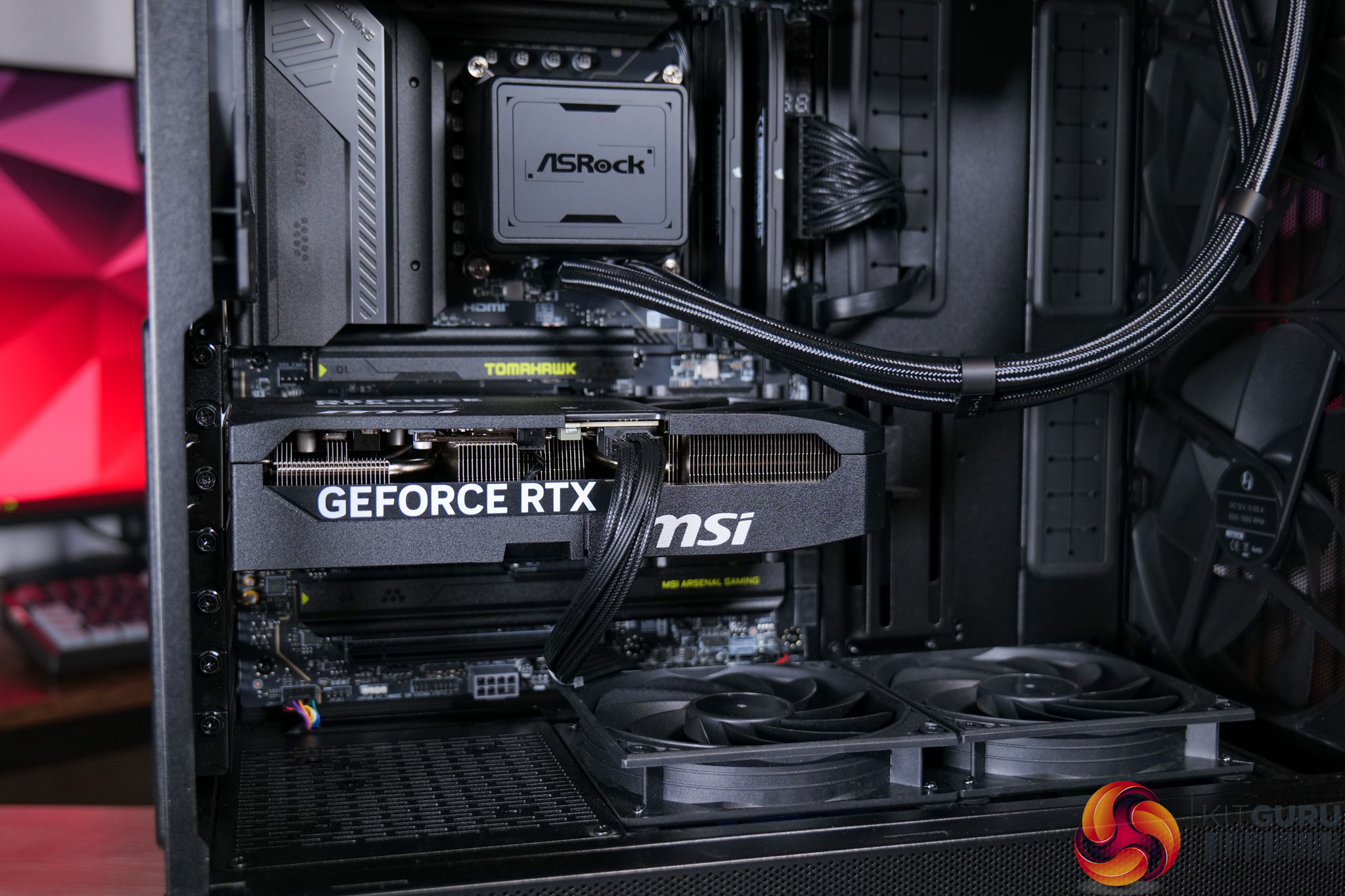
CyberPowerPC Infinity U7 Plus Review (270K Plus + 5070 Ti)

27 July 2026 at 10:04

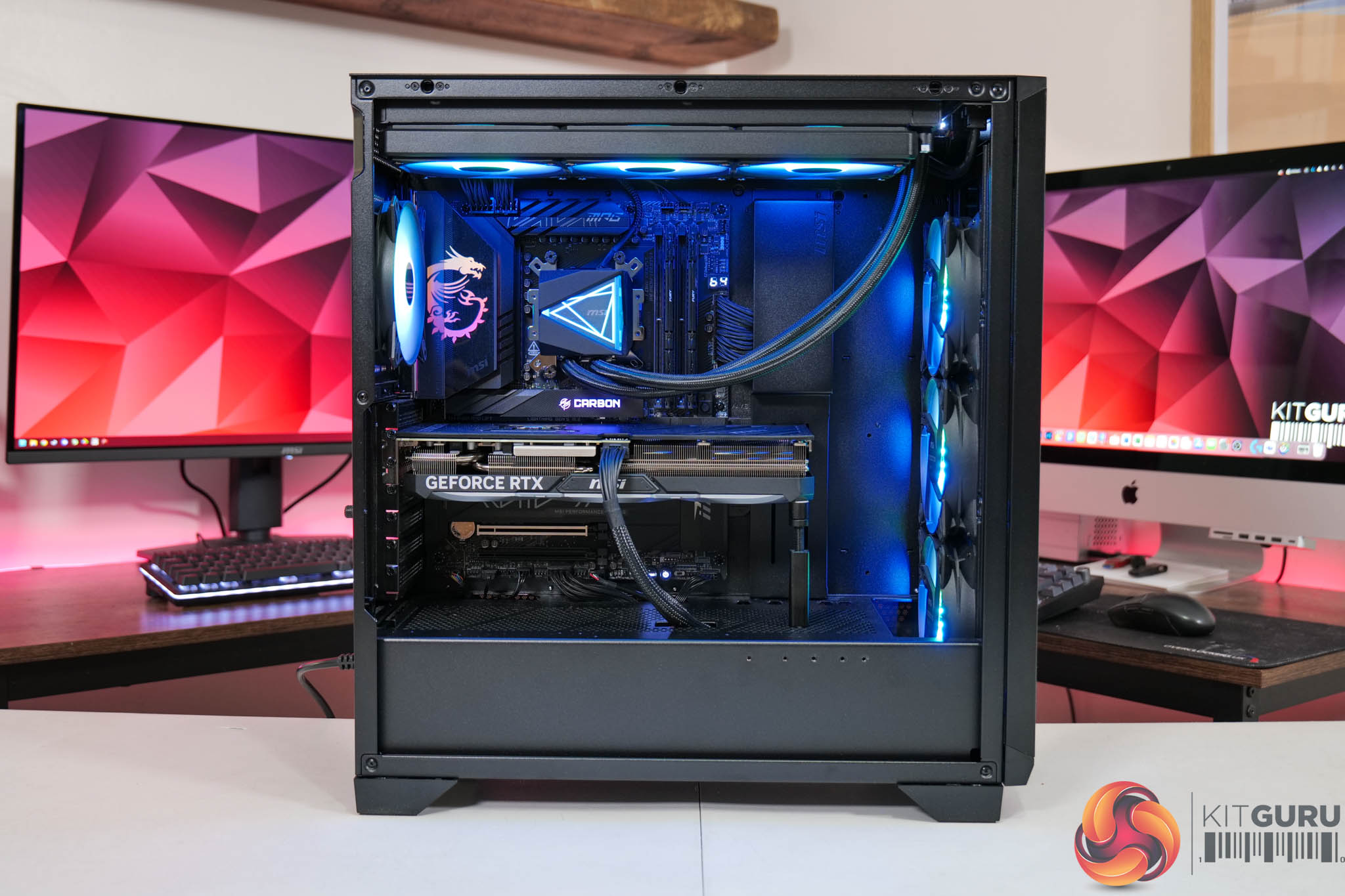
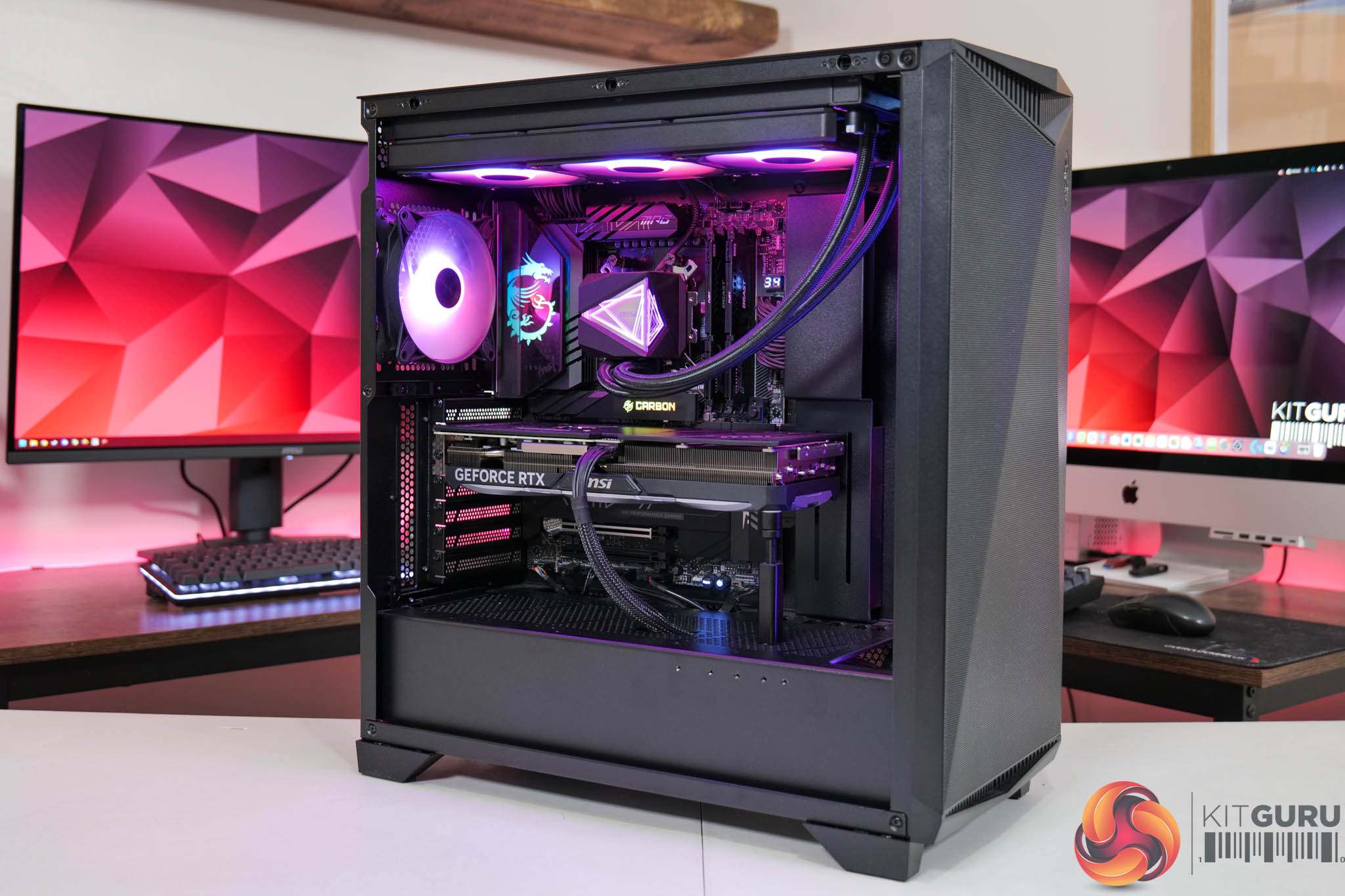
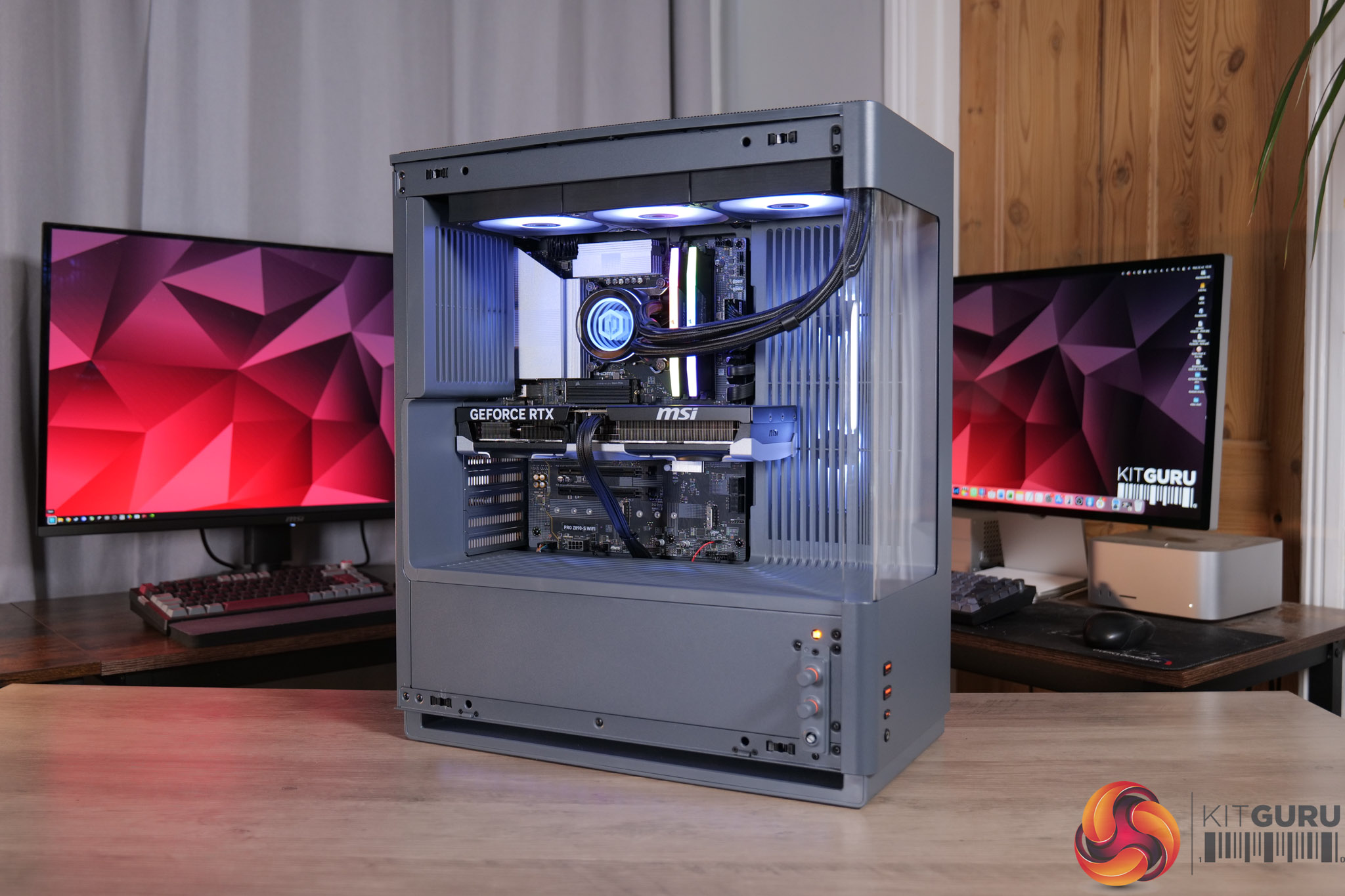
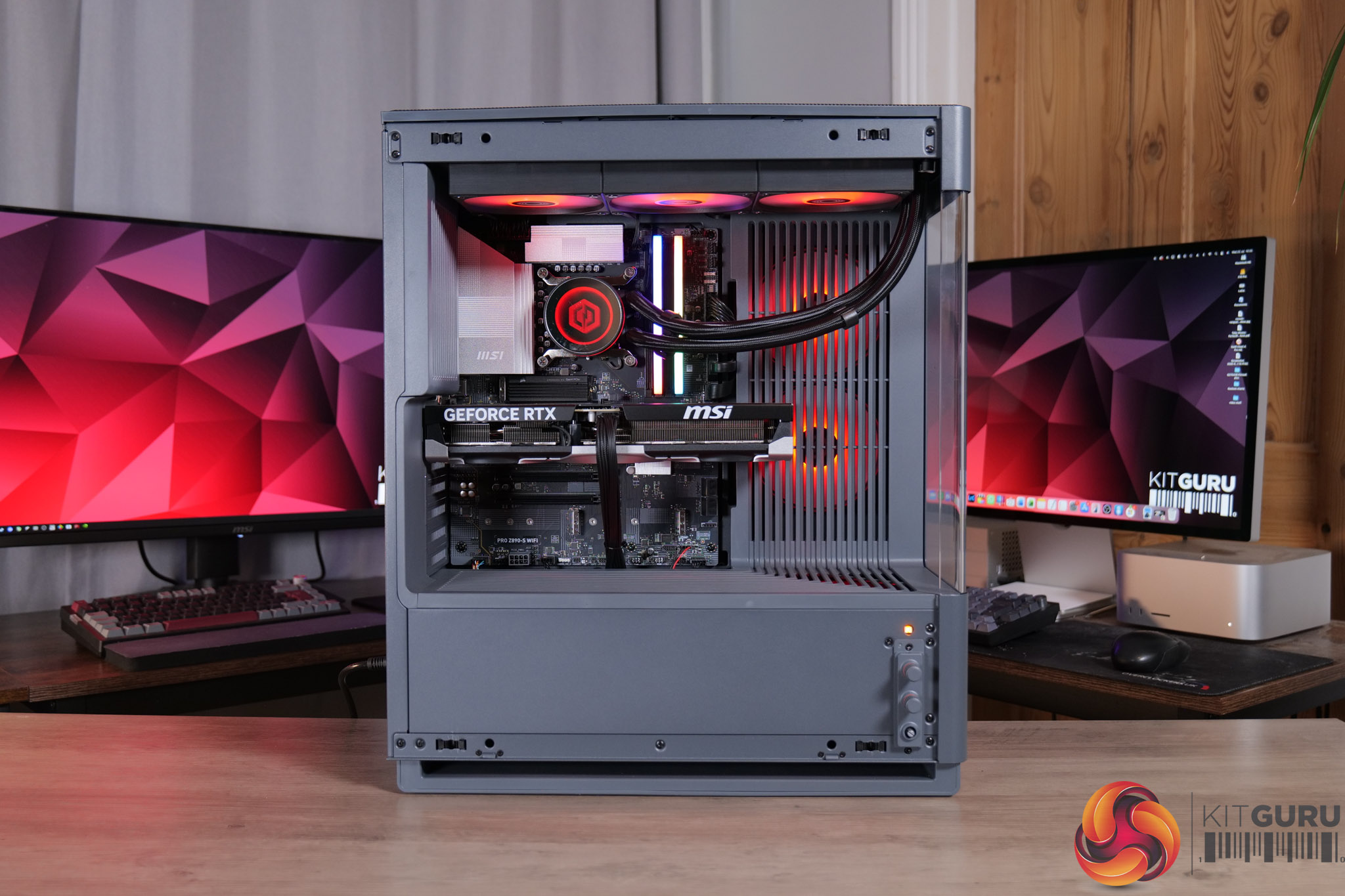
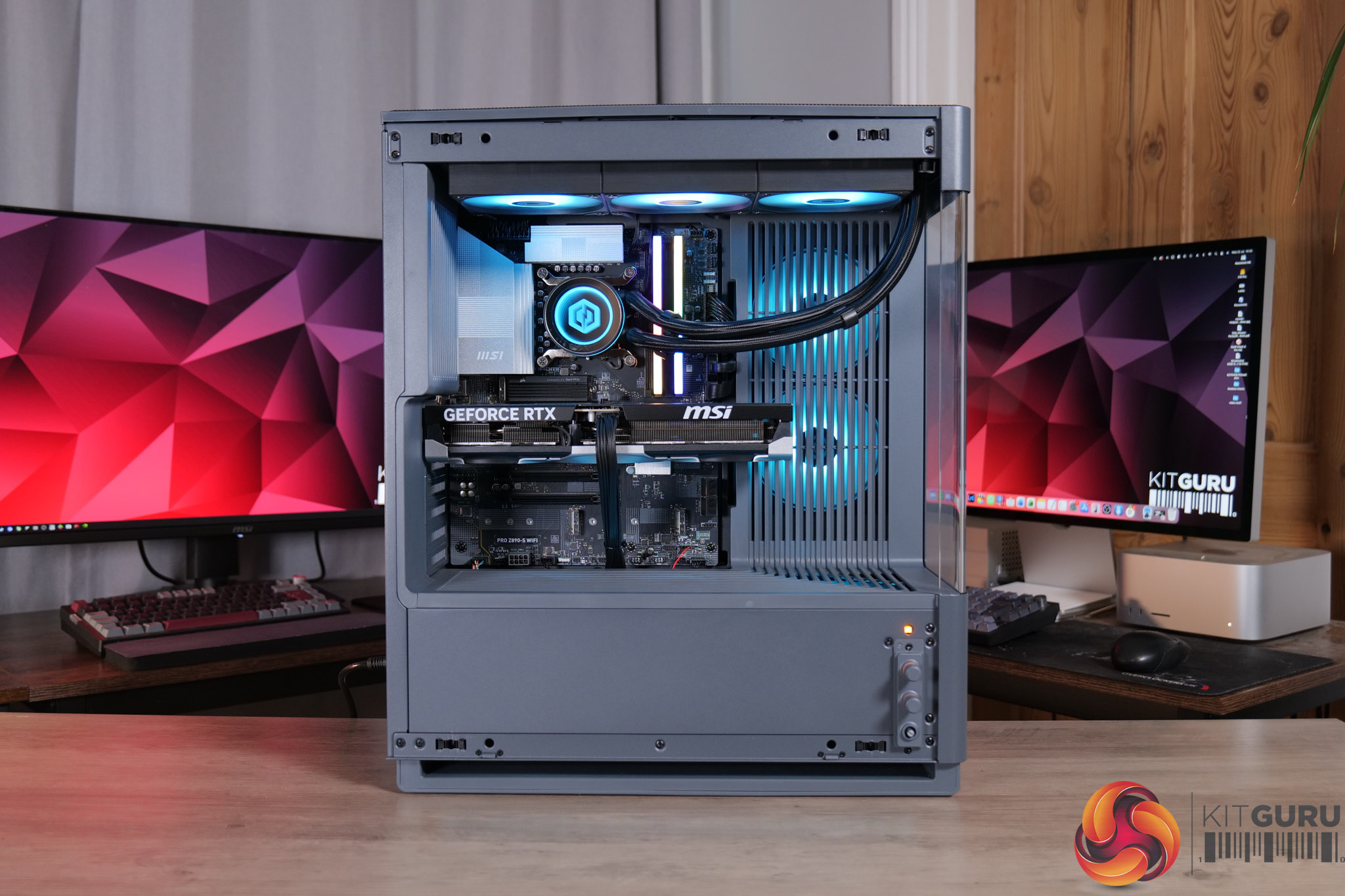
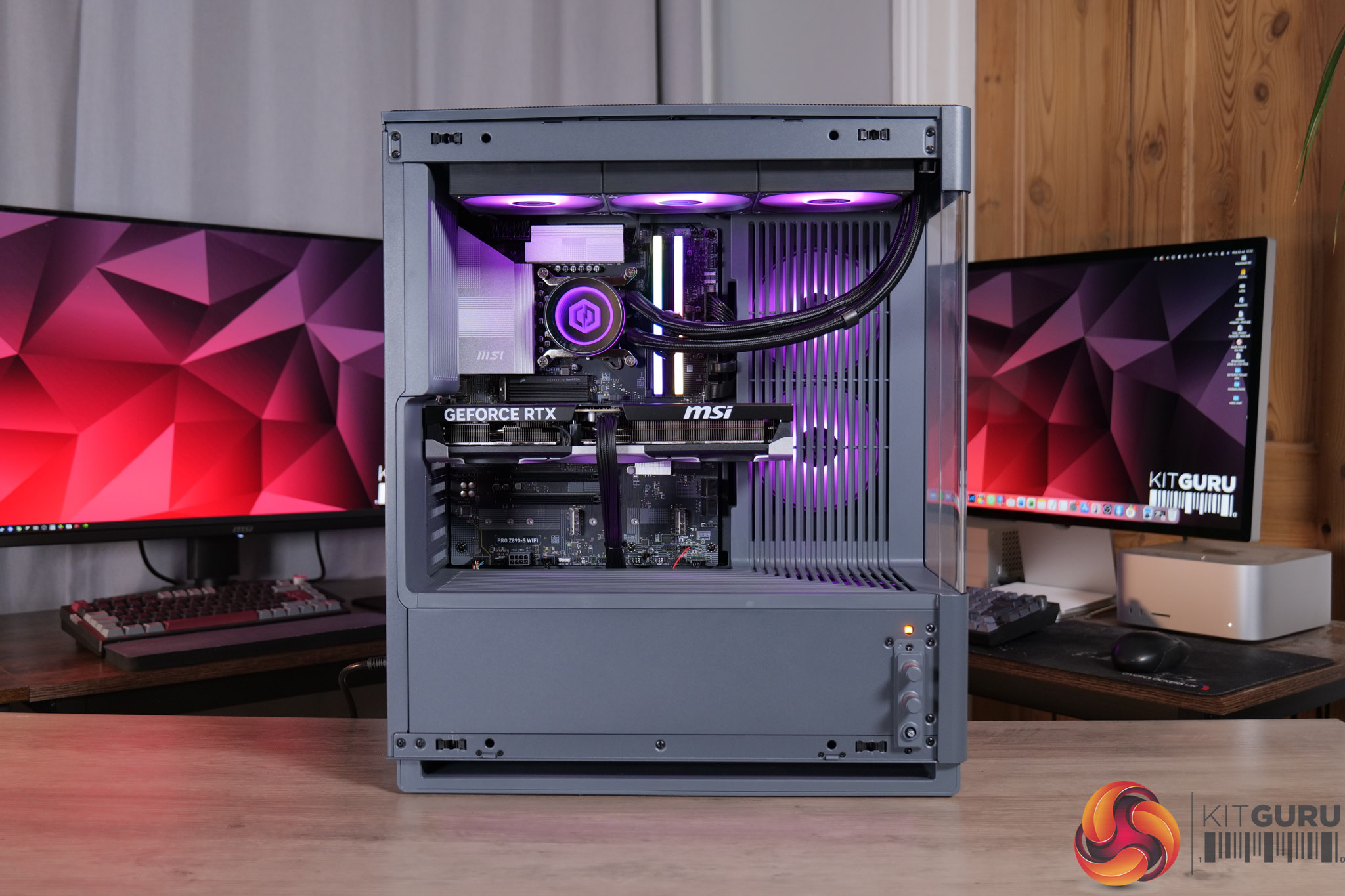
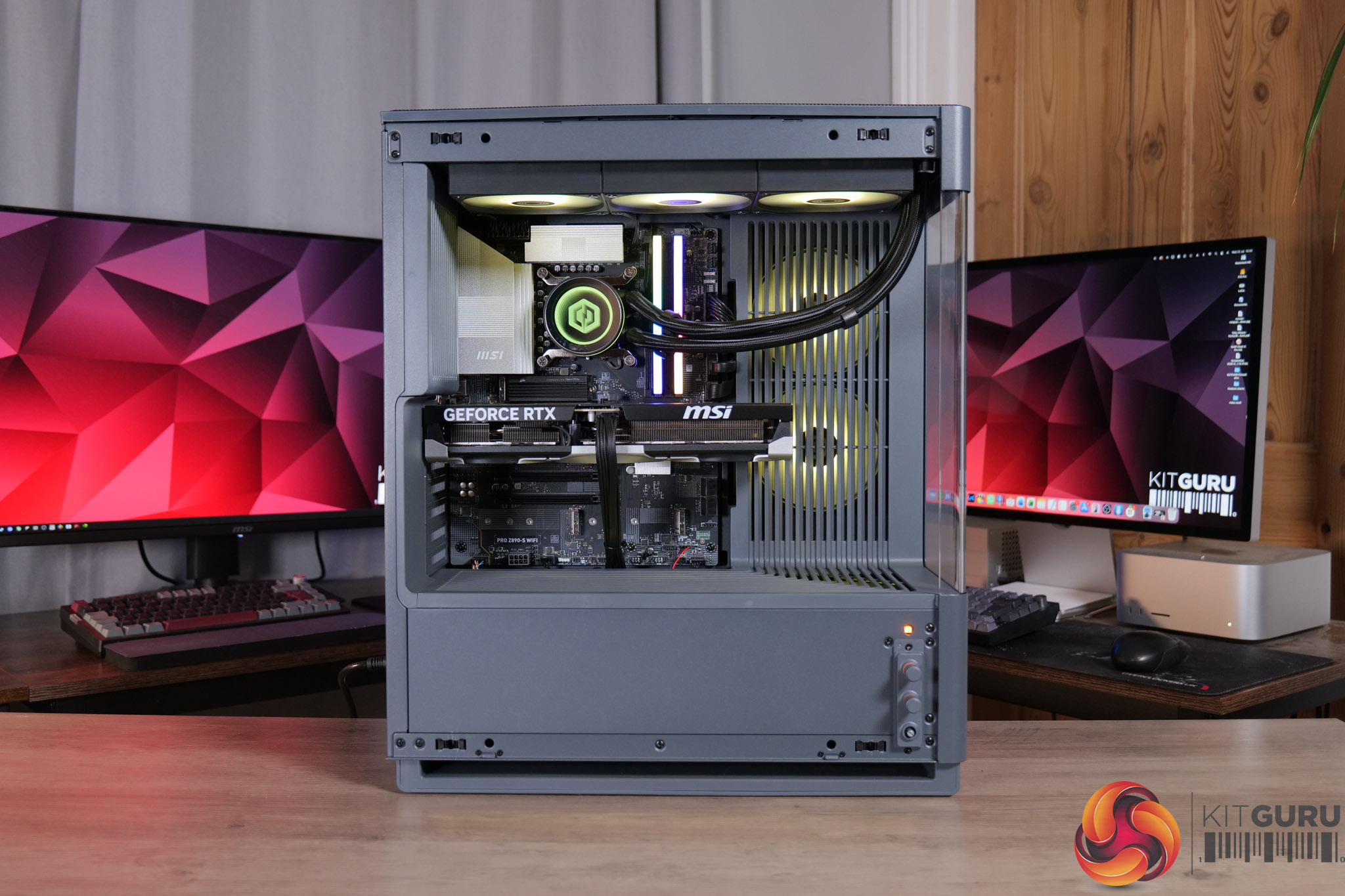
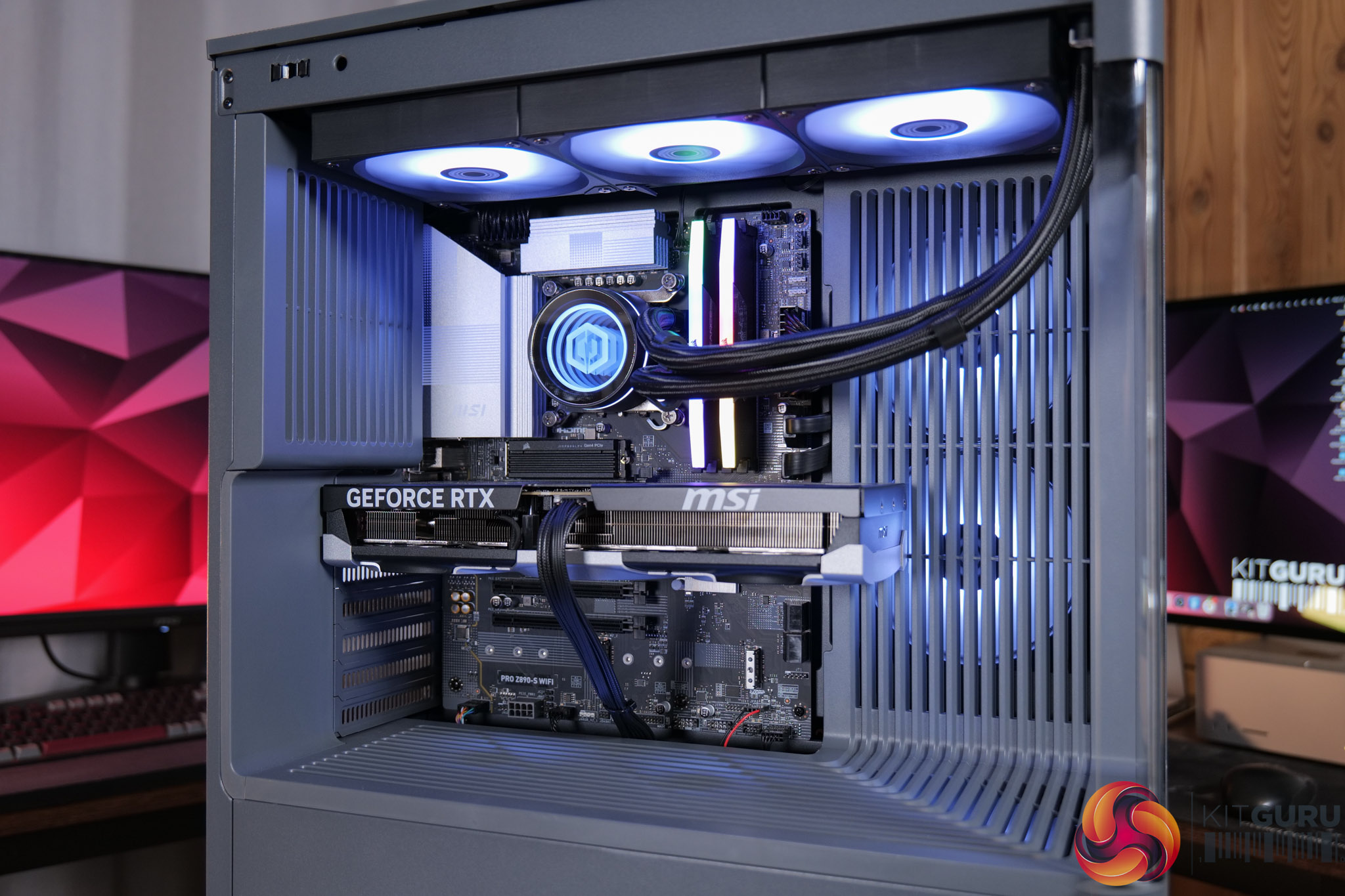
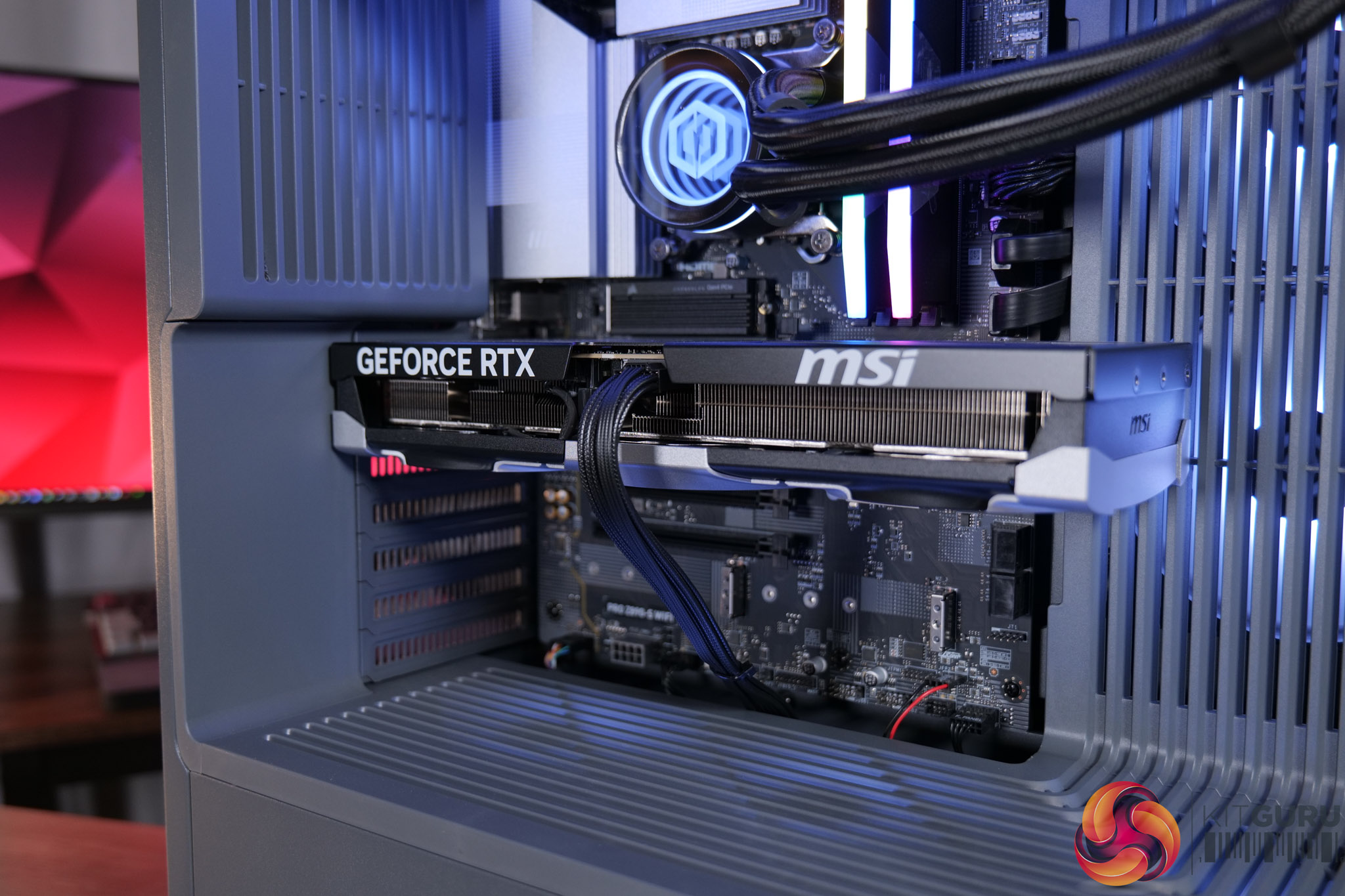
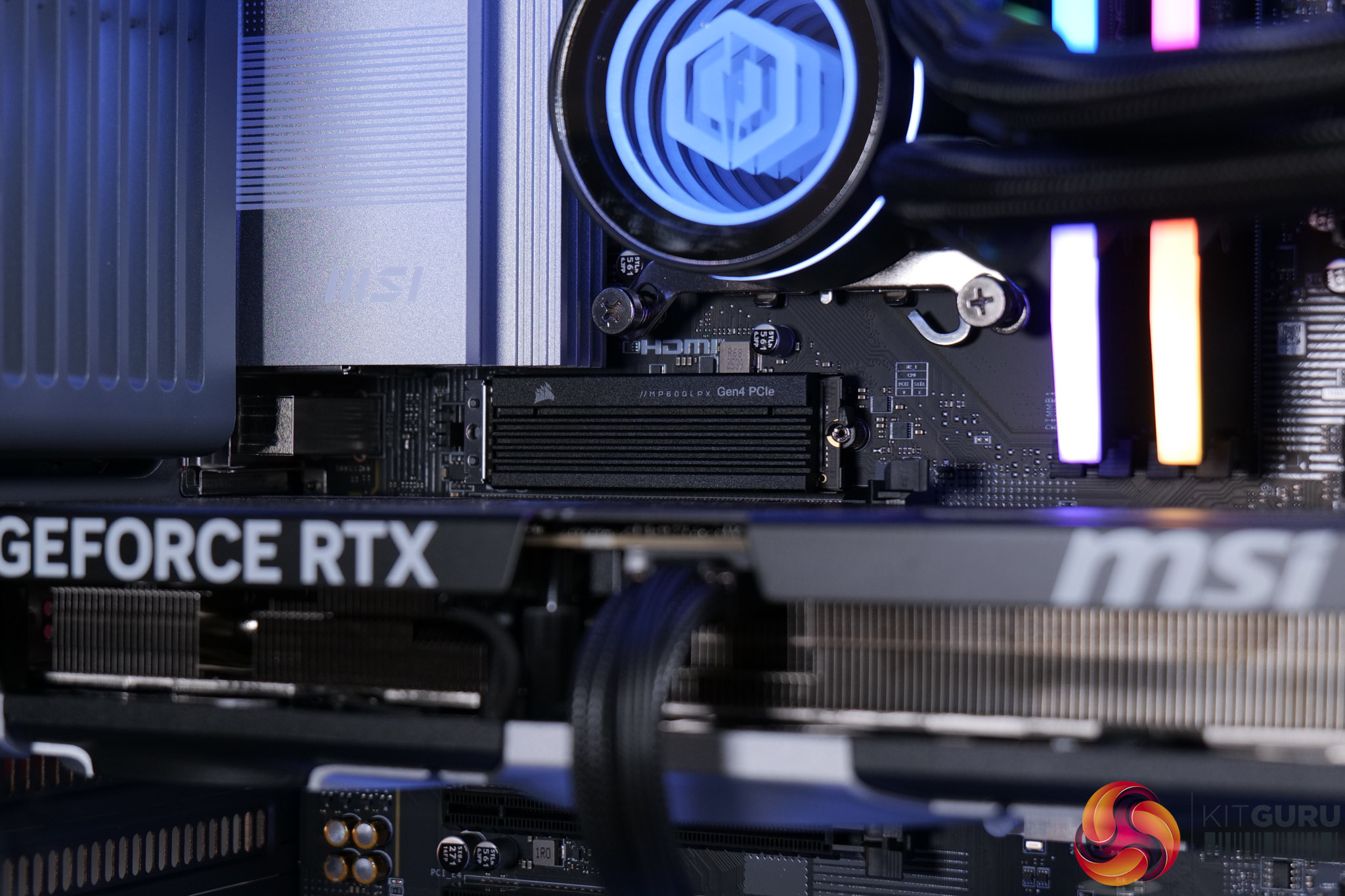
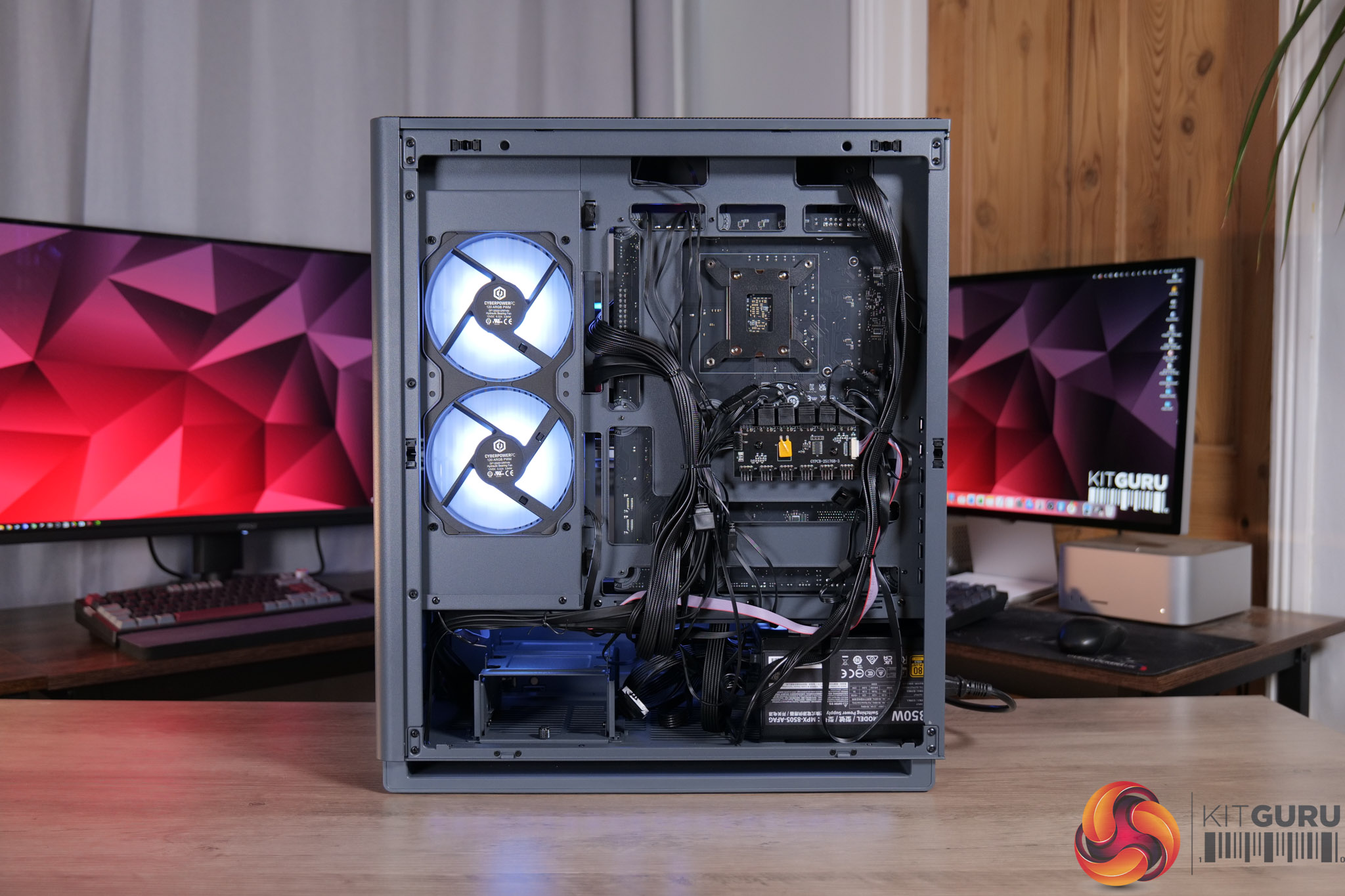
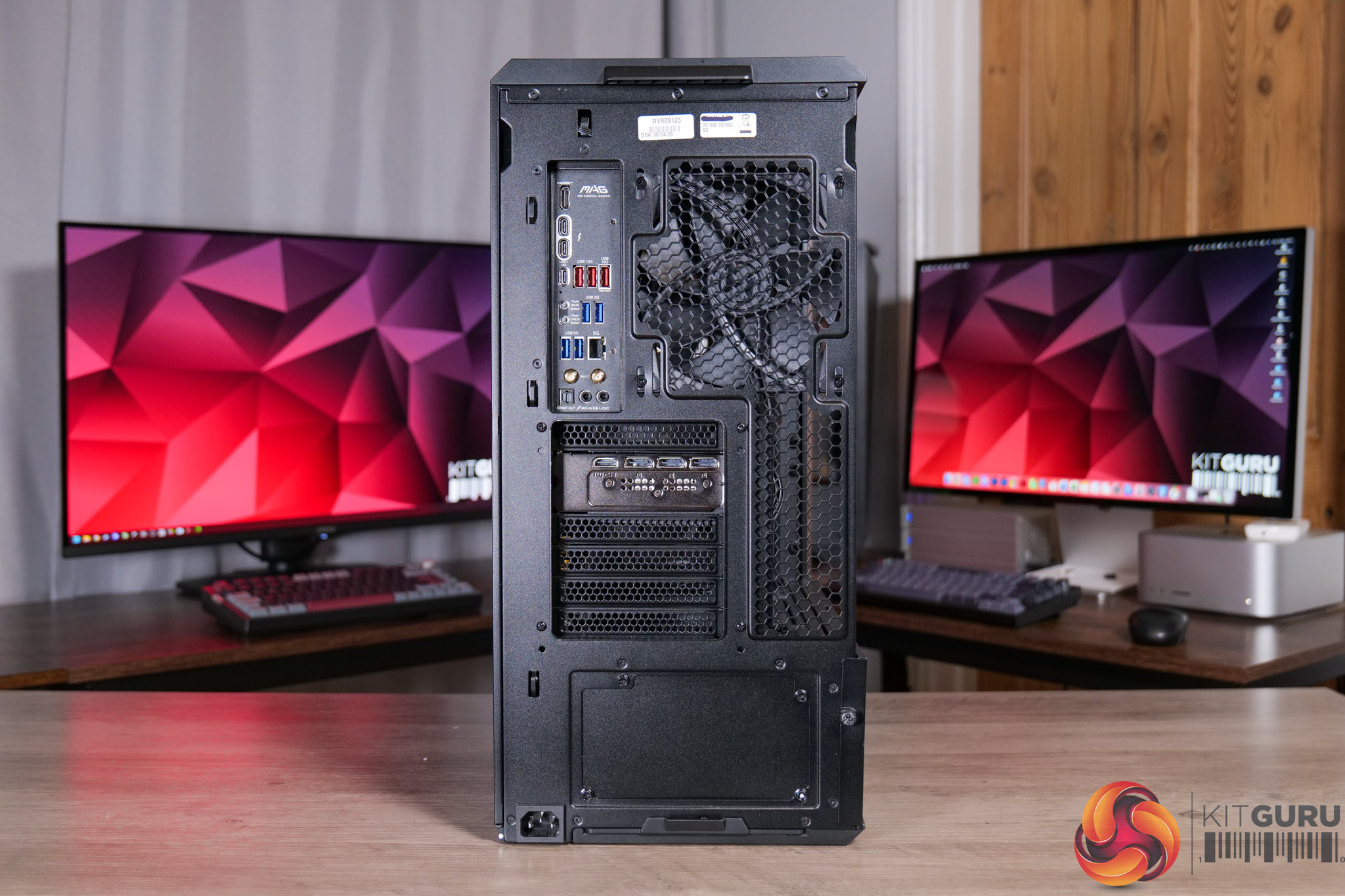
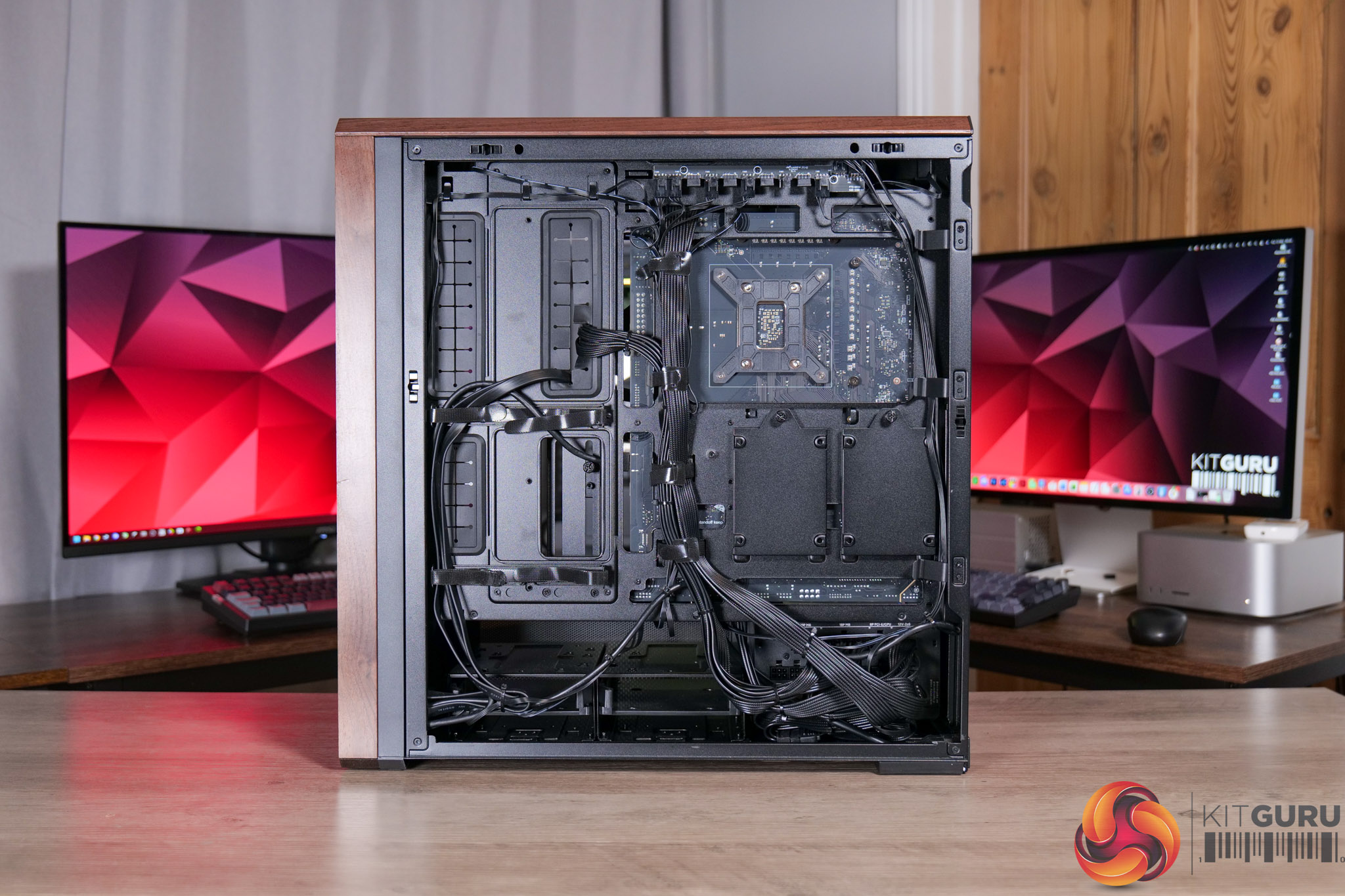
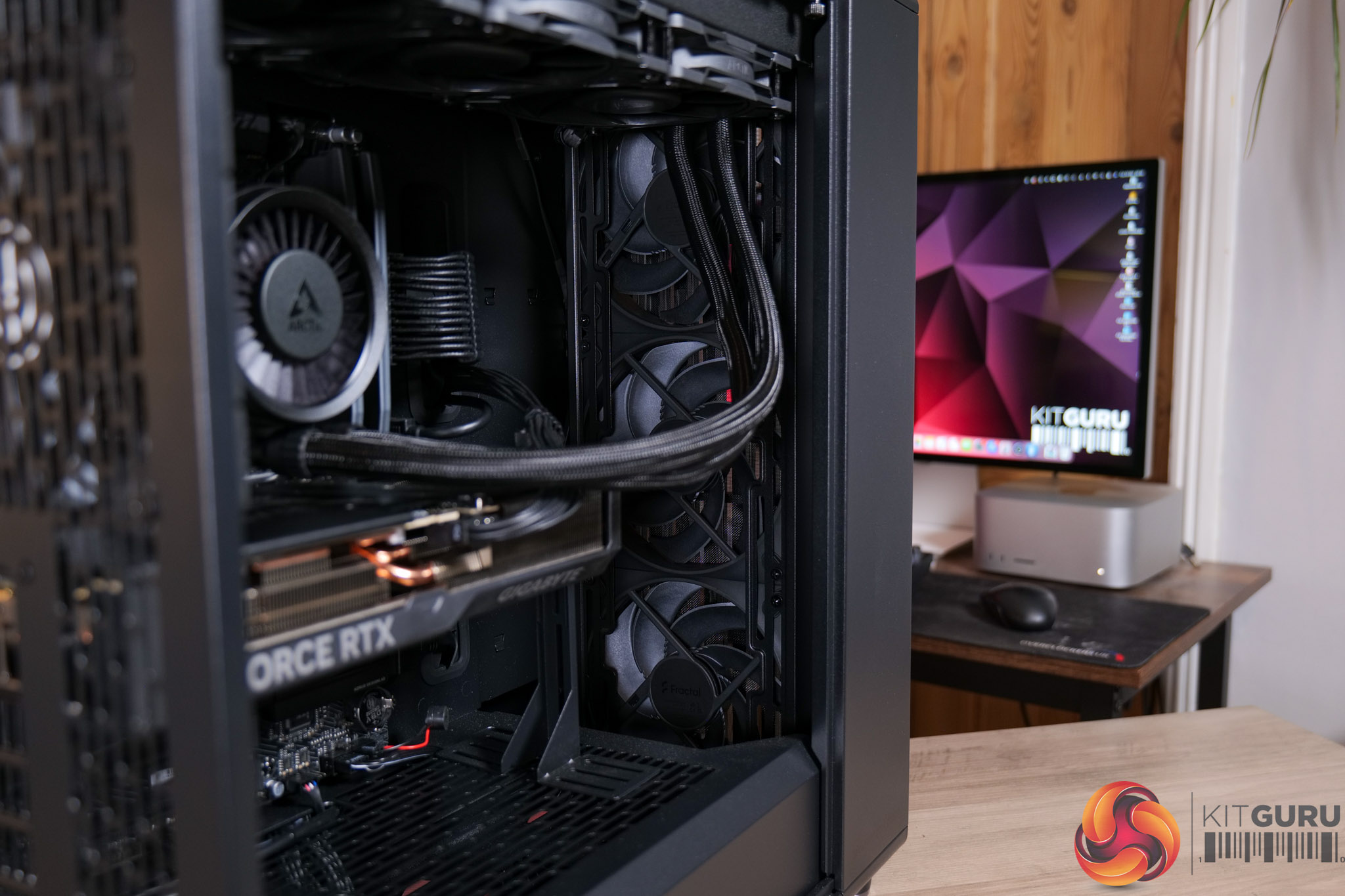
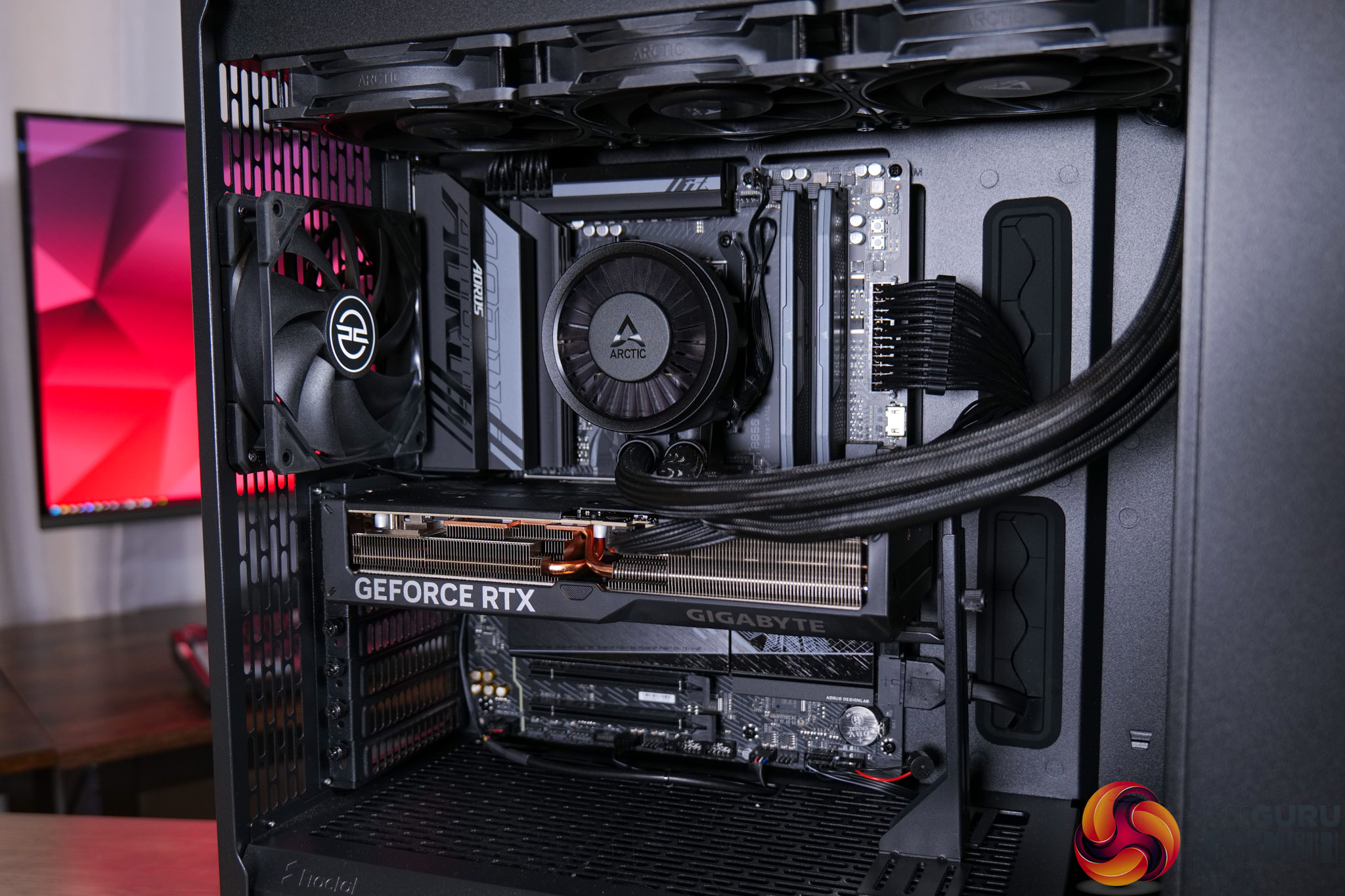
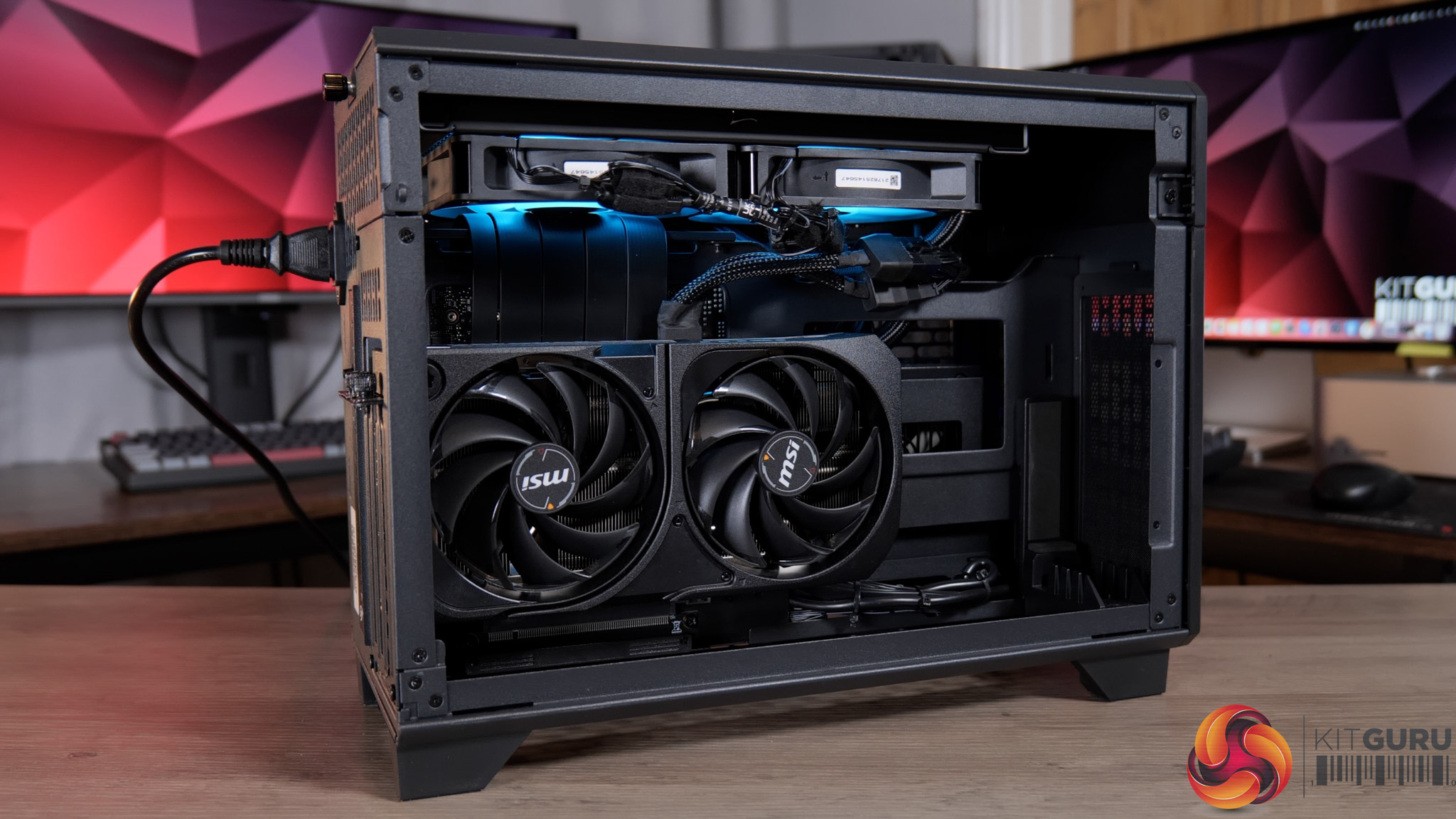
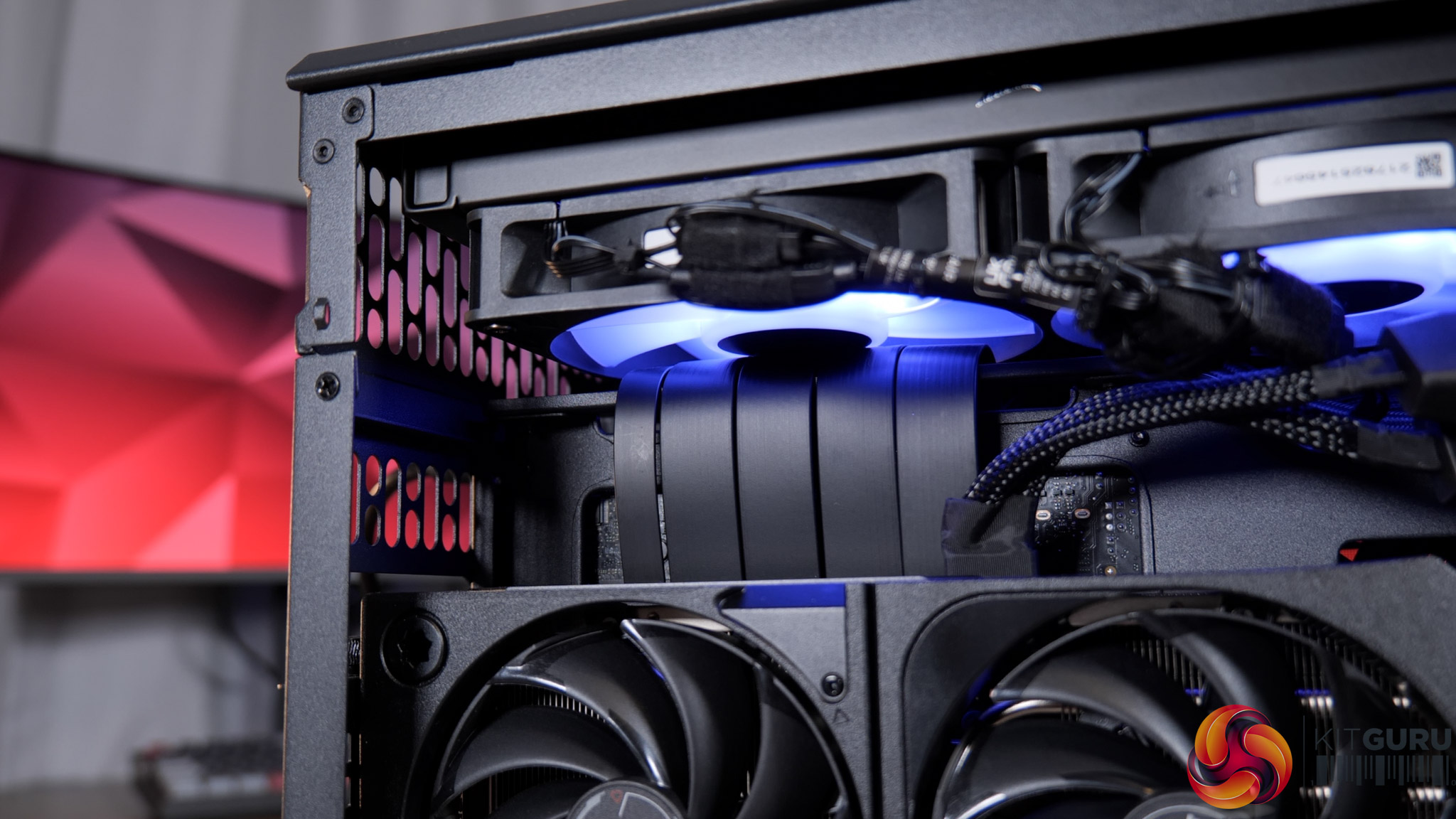
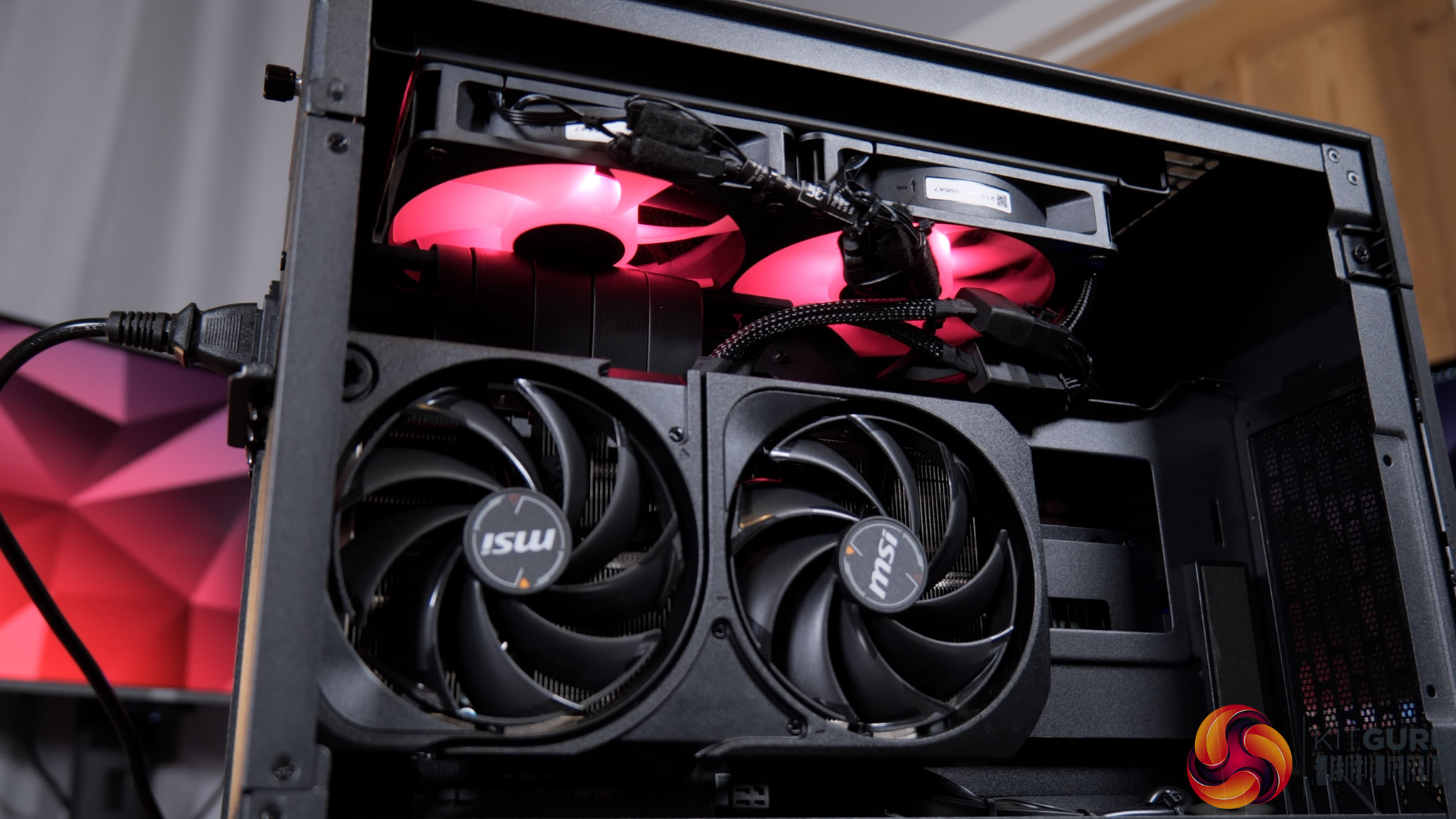
Today we are checking out the CyberPowerPC Infinity U7 Plus, a gaming prebuilt that comes with Intel’s 270K Plus CPU, an RTX 5070 Ti and 32GB of DDR5. What makes this interesting, though, is that it’s priced at £2099 – the exact same figure as the last CyberPower system we reviewed, but that only came with an RTX 5070… so how has CyberPower done it? We’re going to take a close look at this system and find out…
Timestamps

00:00 Intro
00:47 Recapping our last CyberPower review
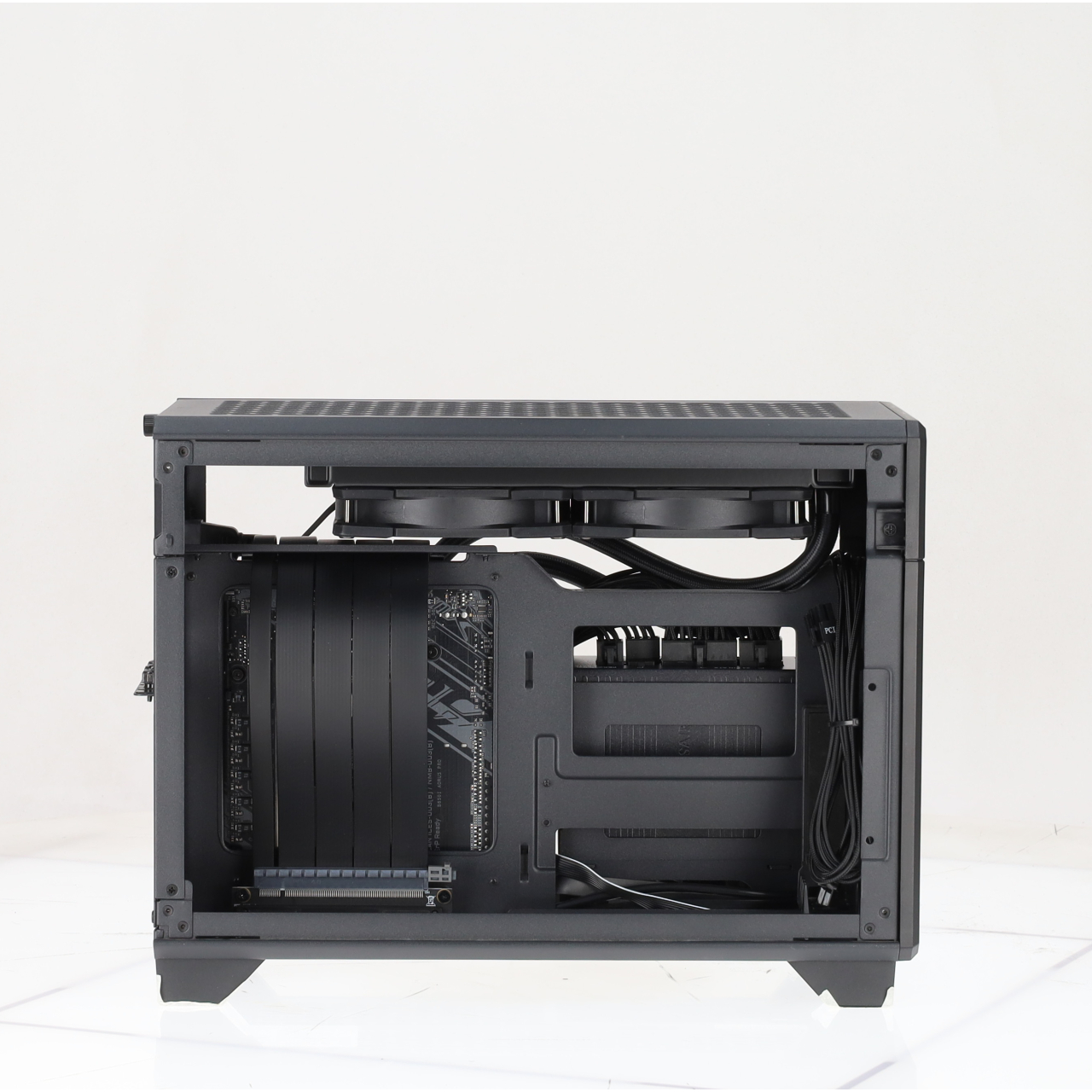
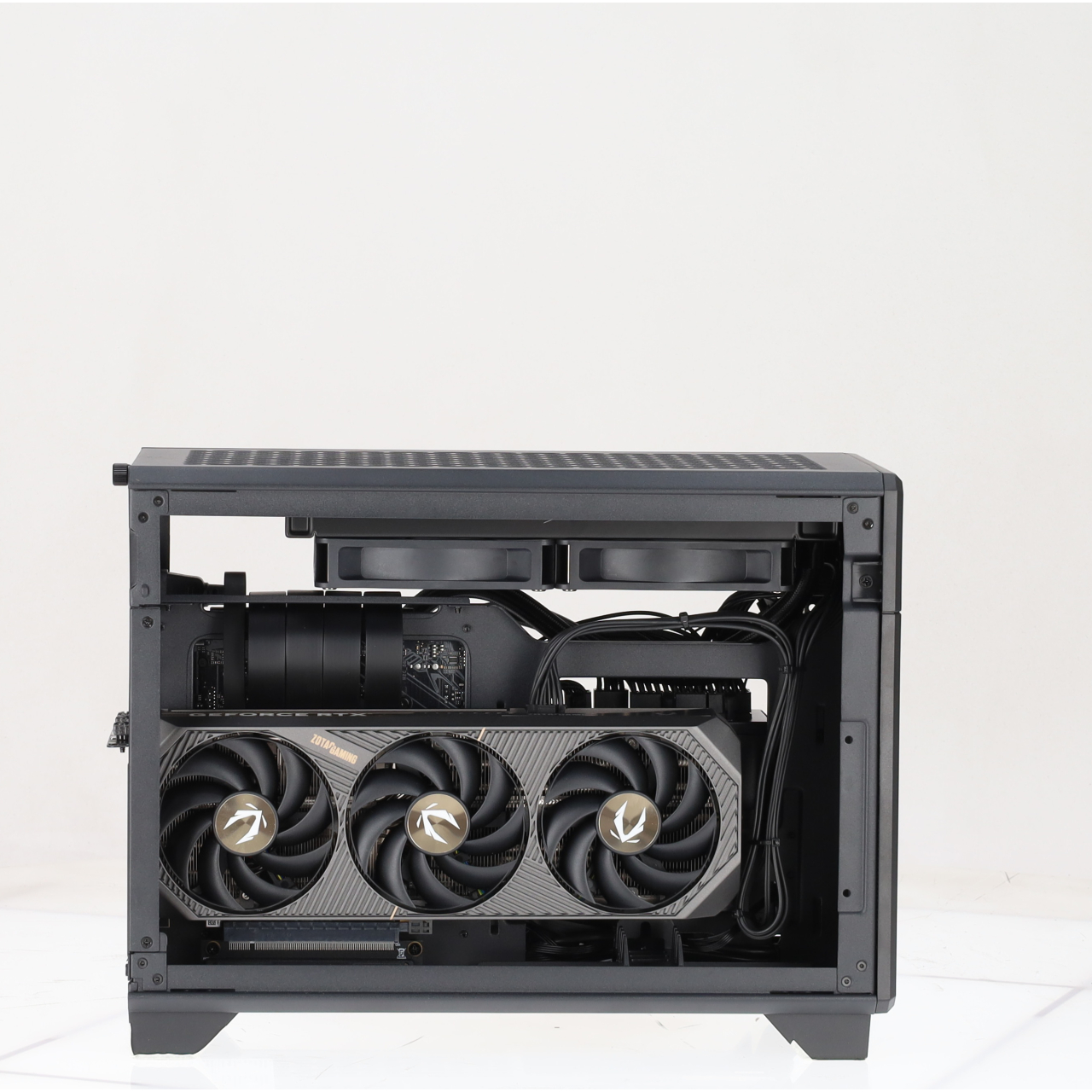
01:41 New MA-01 chassis
02:18 CPU, AIO, memory
03:18 SSD + GPU
04:19 Mobo, PSU + build
05:16 CPU, GPU behaviour
06:27 Noise and thermal imaging camera
07:03 CPU + system benchmarks
07:27 Gaming benchmarks: 5070 Ti vs 5070
10:22 4K gaming performance
12:25 Closing thoughts

  • Special offers: Norton 360 VPN & Security for Gamers (1-year licence), Treeapp tree planting contribution
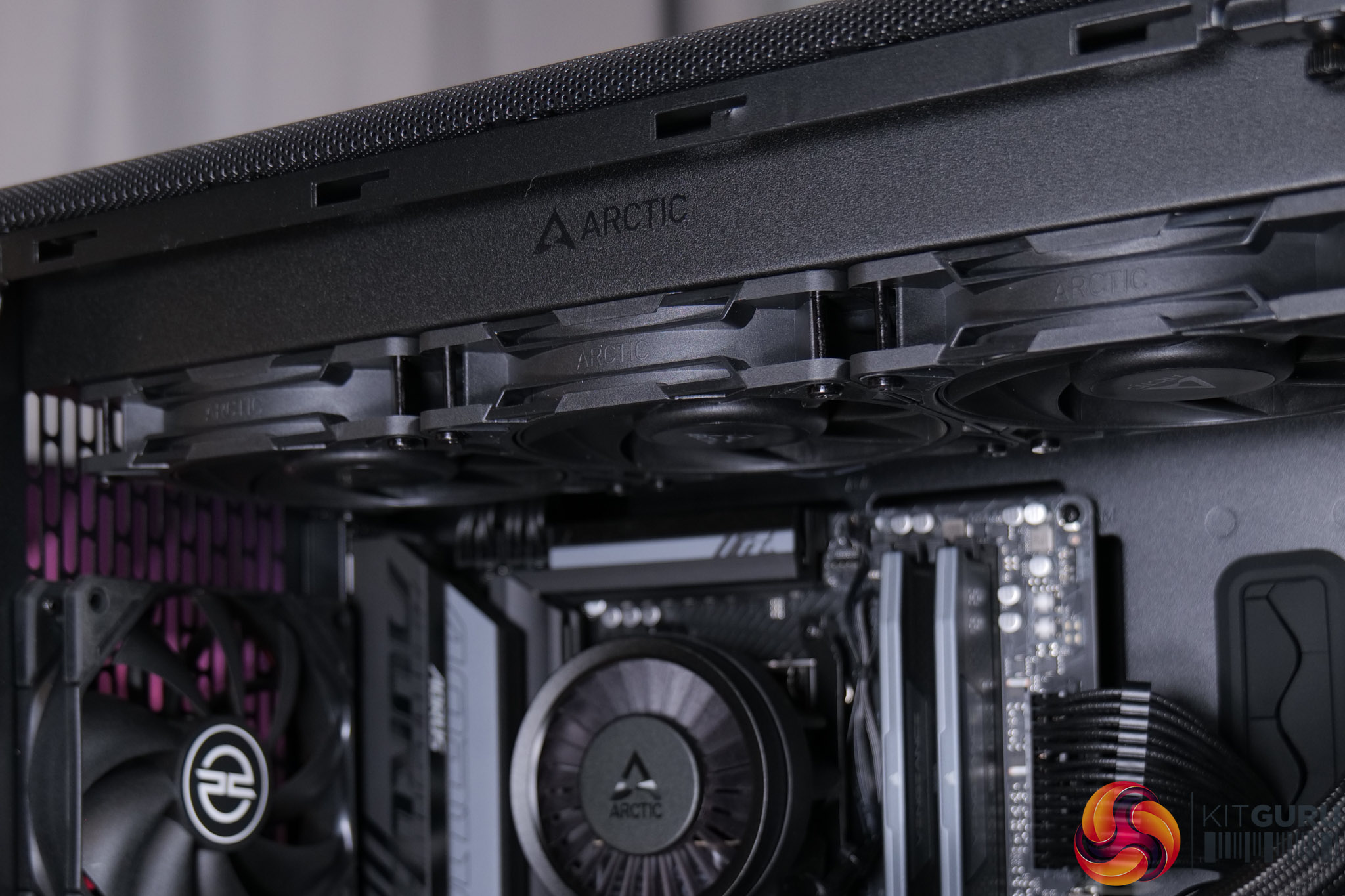
  • Case: CyberPowerPC MA-01 Mid-Tower Gaming Case (Steel Gray, includes 6x ARGB 120mm fans)
  • Processor (CPU): Intel® Core™ Ultra 7 270K Plus (24 cores: 8P up to 5.50GHz, 16E up to 4.70GHz, 125W TDP, 40MB cache, Intel Graphics)
  • CPU promotion: Intel 26Q2-05 Spring Game Bundle (digital)
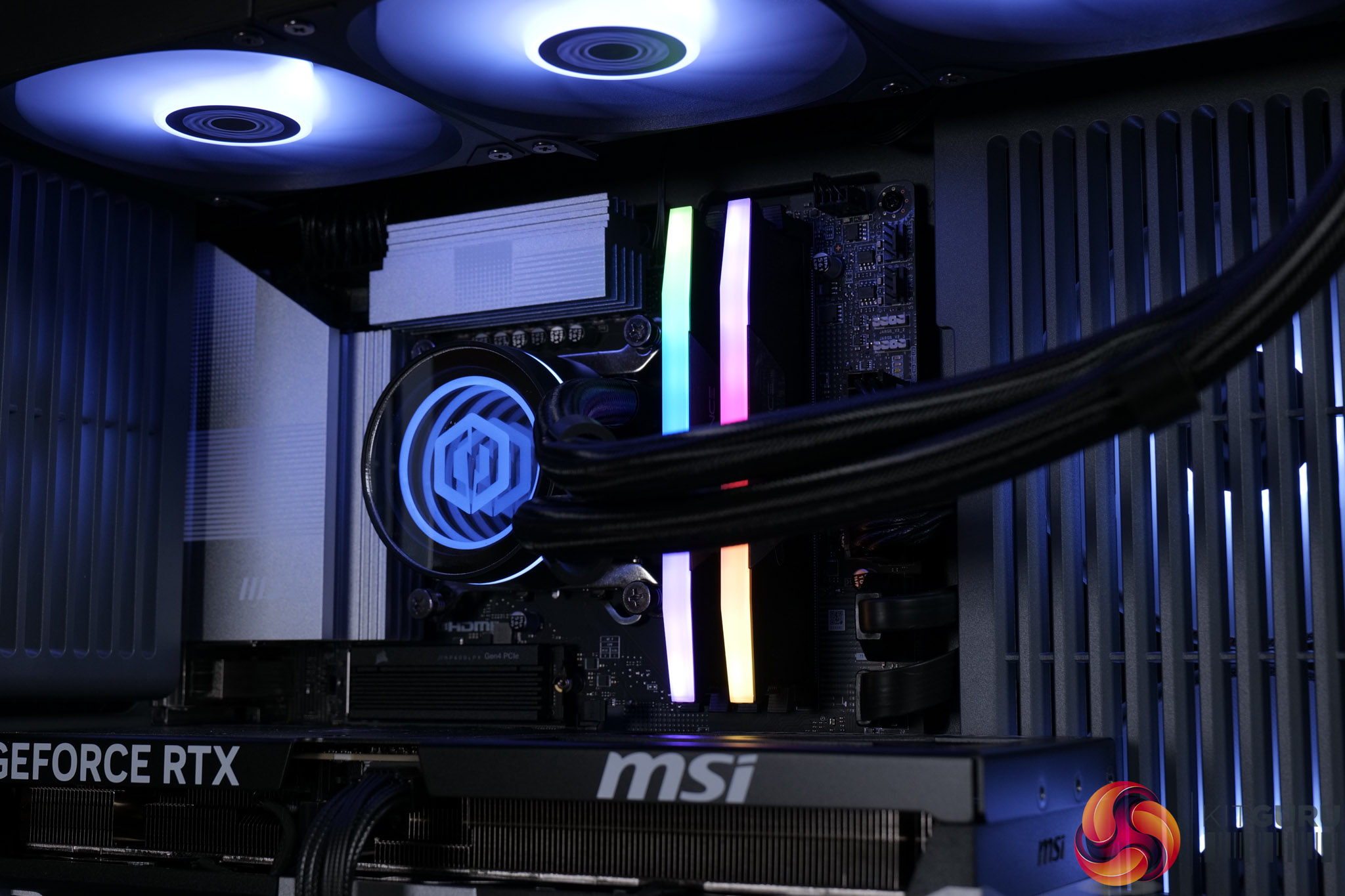
  • CPU cooling: CyberPowerPC Elite ARGB 360mm AIO liquid cooler (black)
  • Cooling upgrades: Thermal Grizzly premium thermal paste
  • Motherboard: MSI PRO Z890-S WiFi (ATX, PCIe 5.0, USB 3.2, 3x M.2)
  • Freebies: Intel 26Q2-10 Motherboard Game Bundle
  • Memory (RAM): 32GB DDR5 5600MT/s (2x16GB)
  • Graphics card (GPU): NVIDIA® GeForce RTX™ 5070 Ti 16GB
  • Power supply: Cooler Master Elite 850W 80+ Gold fully modular
  • Primary storage: 2TB NVMe Gen4 SSD
  • Sound: High-definition onboard audio
  • Bluetooth: USB Bluetooth dongle
  • Operating system: Windows 11 Home (no recovery media)
  • Fast track service: Ready to ship same business day if order confirmed by 2PM
  • Warranty: 5 years labour, 2 years parts, 12 months collect & return, lifetime technical support

You can buy the Infinity U7 Plus from CyberPowerPC for £2099 HERE.

Pros

  • Cheaper than building it yourself.
  • Clean chassis with knob-controlled RGB.
  • Great for 1440p or 4K gaming.
  • RTX 5070 Ti offers peace of mind with its 16GB framebuffer.
  • Runs quiet and cool.
  • Tidy cable management on front and back.

Cons

  • Memory isn't the fastest at DDR5-5600 CL40.

KitGuru says: It's very hard to argue with the spec on offer from the Infinity U7 Plus, and the fact that it's cheaper to buy this than build an equivalent system yourself makes it a bit of a no-brainer.

The post CyberPowerPC Infinity U7 Plus Review (270K Plus + 5070 Ti) first appeared on KitGuru.
Before yesterdayMain stream

AOC Q27G4ZR Review (Budget 1440p/260Hz)

20 July 2026 at 09:00

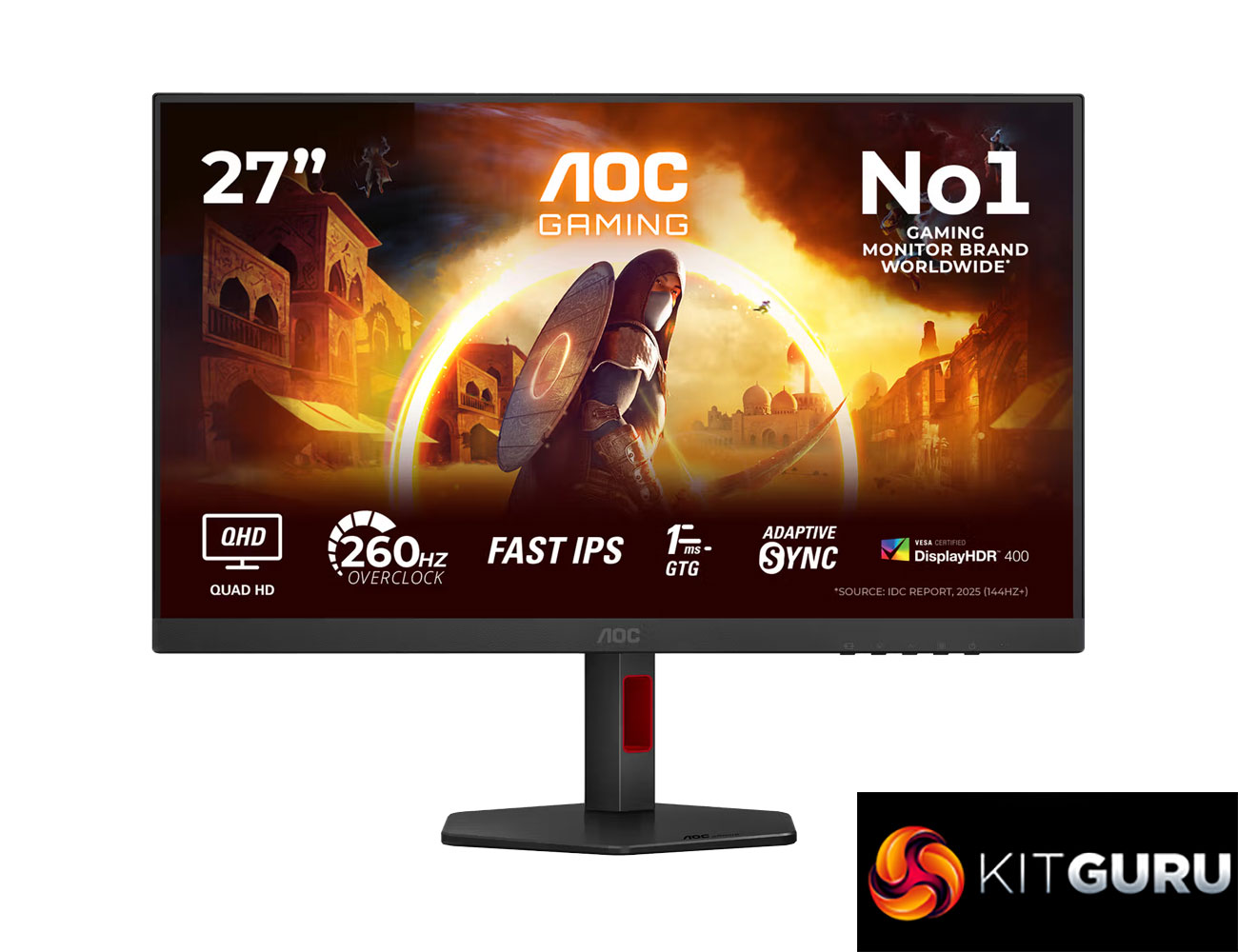
Today we're taking a break from high-end OLED and mini LED monitors to focus on something more affordable. But despite retailing for just £179 here in the UK, AOC's Q27G4ZR has an impressive spec sheet, packing in a 27in IPS panel with a 1440p resolution and 260Hz refresh rate, alongside G-Sync Compatible certification and a claimed 1ms response time. Let's find out exactly how good this screen really is…
Timestamps:

00:00 Intro
00:51 Key details
01:24 Design + ergonomics
02:10 Connectivity options (are very budget)
02:51 OSD navigation
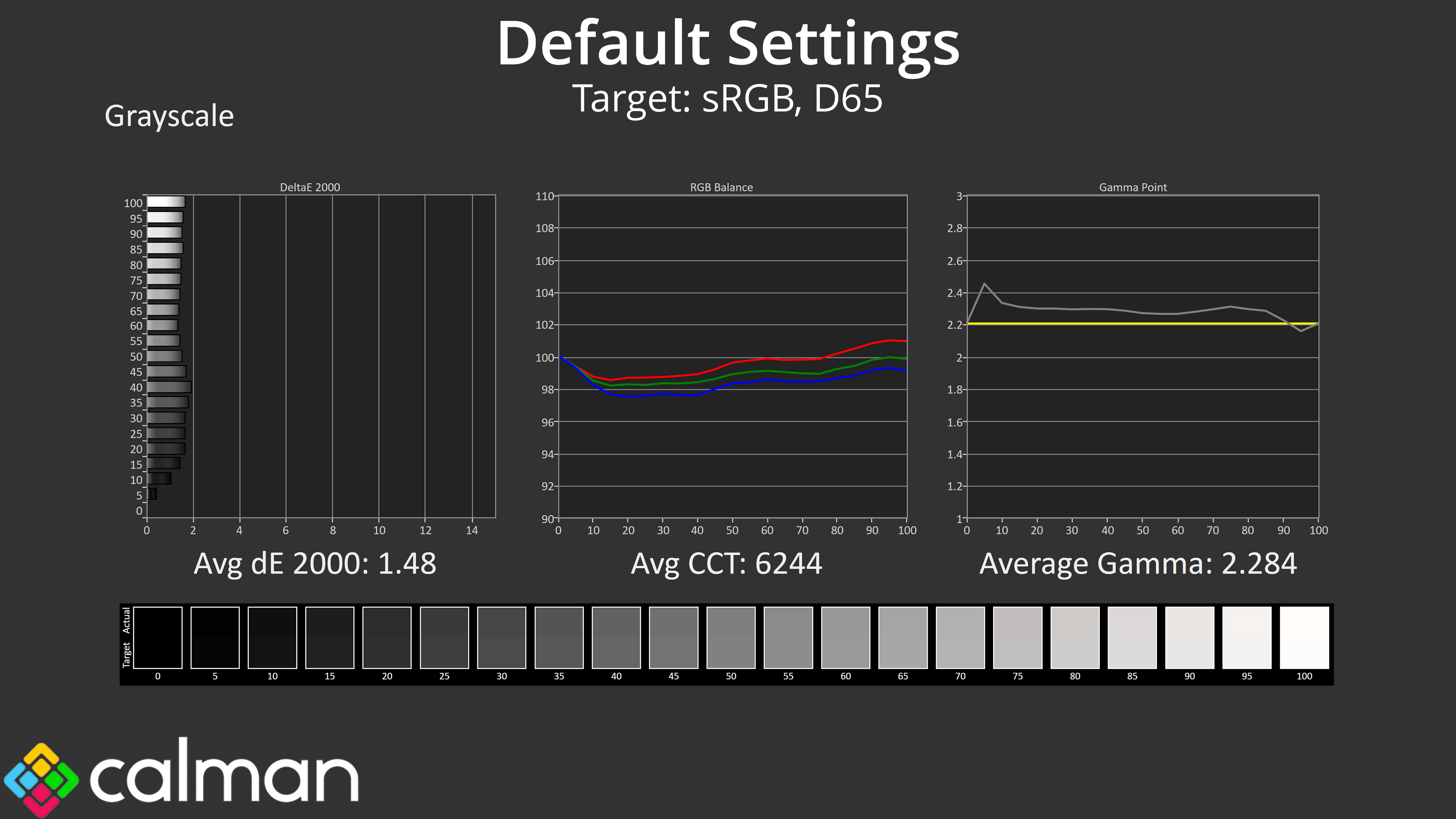
03:53 Factory calibration analysis
05:59 sRGB mode + calibration
07:15 Response time testing
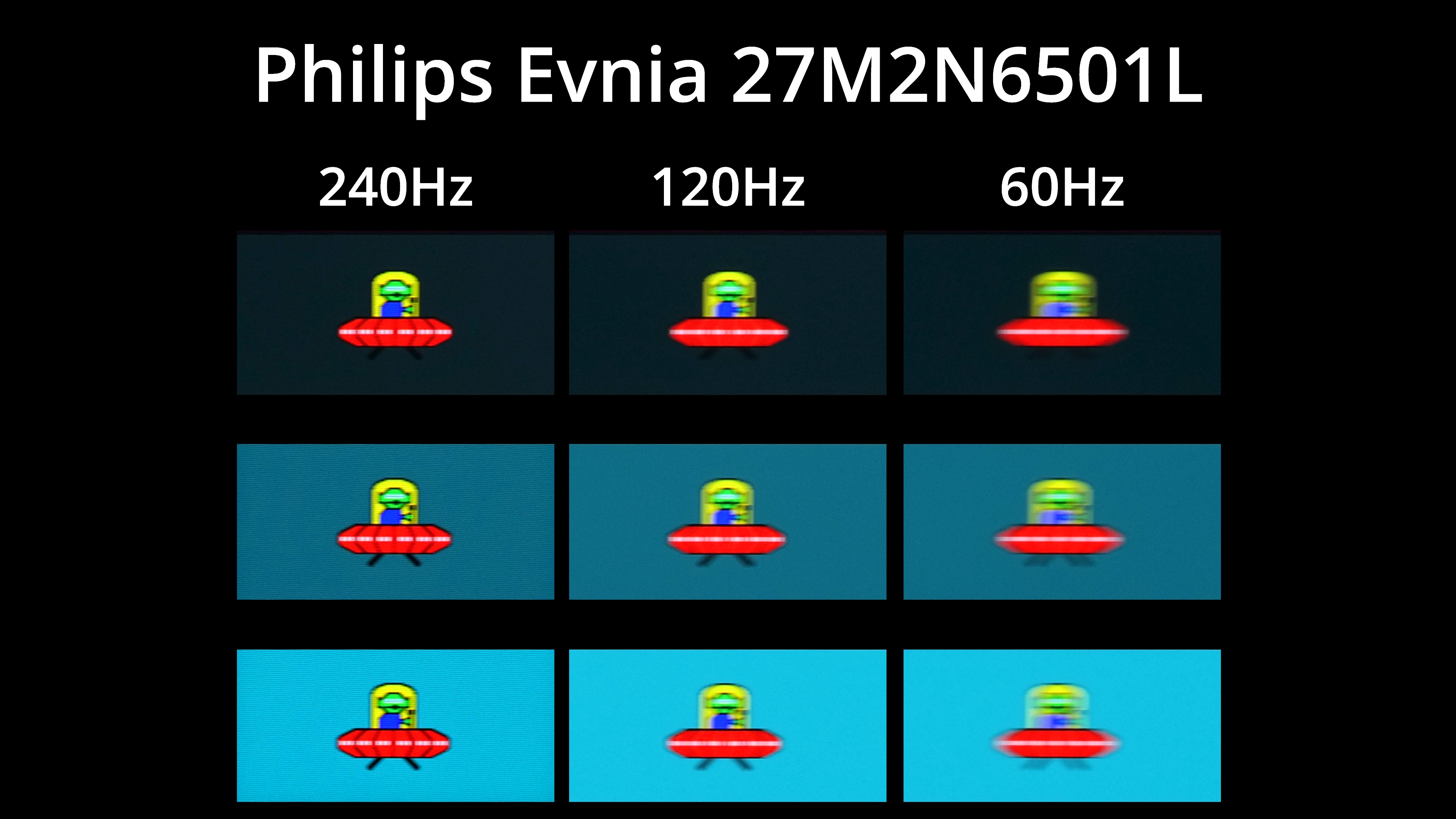
09:13 Motion clarity (BlurBusters UFO)
09:53 Real-world gaming experience
11:09 Closing thoughts

If the spec and price of the AOC Q27G4ZR sound familiar, it certainly has a number of similarities when compared to the Philips Evnia 27M2N3501PA that we reviewed at the end of last year, and it's an almost certainty that both screens are using the same panel.

Still, we know from experience that's no guarantee of similar performance, so let's take a closer look and find out if the Q27G4ZR is worth buying.

Specification:

  • Screen size: 27.0″ / 68.58 cm
  • Flat / Curved: Flat
  • Panel treatment: Antiglare (AG)
  • Pixel pitch: 0.2331 mm
  • Pixels per inch: 108.8
  • Panel resolution: 2560 x 1440
  • Aspect ratio: 16:9
  • Panel type: Fast IPS
  • Backlight type: WLED
  • Max refresh rate: 260Hz OC / 240Hz native
  • Response time (GtG): 1 ms
  • Response time (MPRT): 0.3 ms
  • Static contrast ratio: 1000:1
  • Dynamic contrast ratio: 80M:1
  • Viewing angle (CR10): 178 / 178
  • Display colours: 16.7 Million
  • Brightness: 400 cd/m²
  • Sync technology (VRR): Adaptive Sync
  • NVIDIA G-SYNC: NVIDIA G-SYNC Compatible
  • HDMI: HDMI 2.0 x 2
  • DisplayPort: DisplayPort 1.4 x 1
  • Audio output: Headphone out (3.5mm)
  • Digital signal frequency (vertical): HDMI 48–144Hz / DP 48–260Hz
  • Digital signal frequency (horizontal): HDMI 30k–230kHz / DP 30k–400kHz
  • HDR: VESA Certified DisplayHDR™ 400
  • Blue light technology: Low Blue Mode
  • Colour space (sRGB) CIE 1976: 123.6%
  • Colour space (DCI-P3) CIE 1976: 95.2%
  • Colour space (Adobe RGB) CIE 1976: 91.4%
  • Flicker-free: Flicker Free
  • Bezel colour (front): Black
  • Cabinet colour (backside): Black, Red
  • Cabinet finishing (backside): Matt
  • Removable stand: Yes
  • Speaker power: 2 W x 2
  • Kensington lock: Yes
  • VESA wallmount: 100 x 100
  • Tilt: -3° ±2° ~ 21° ±2°
  • Height adjust: 130 mm
  • Swivel: -28° ±2° ~ 28° ±2°
  • Pivot: -90° ±2° ~ 90° ±2°
The post AOC Q27G4ZR Review (Budget 1440p/260Hz) first appeared on KitGuru.

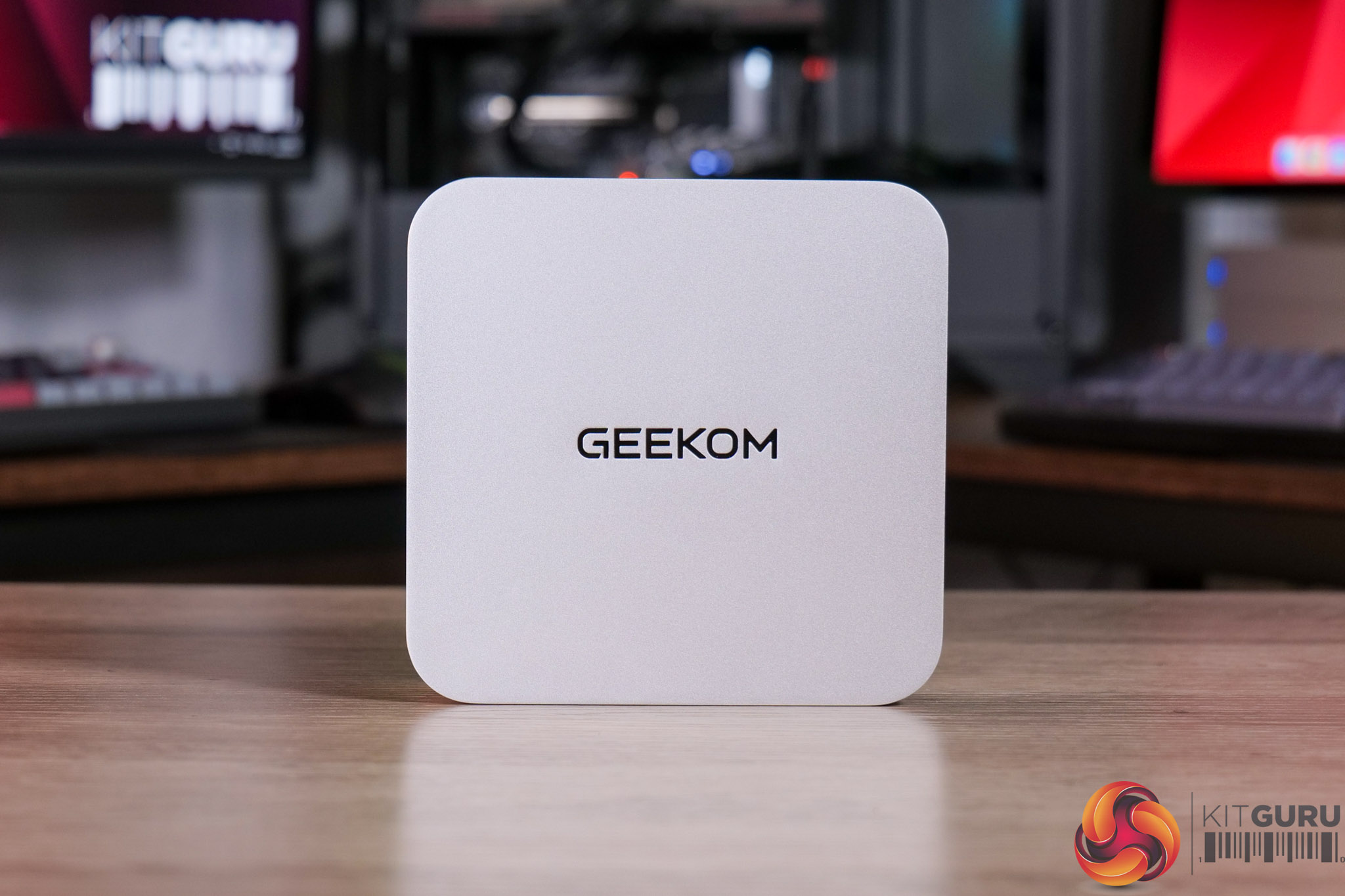
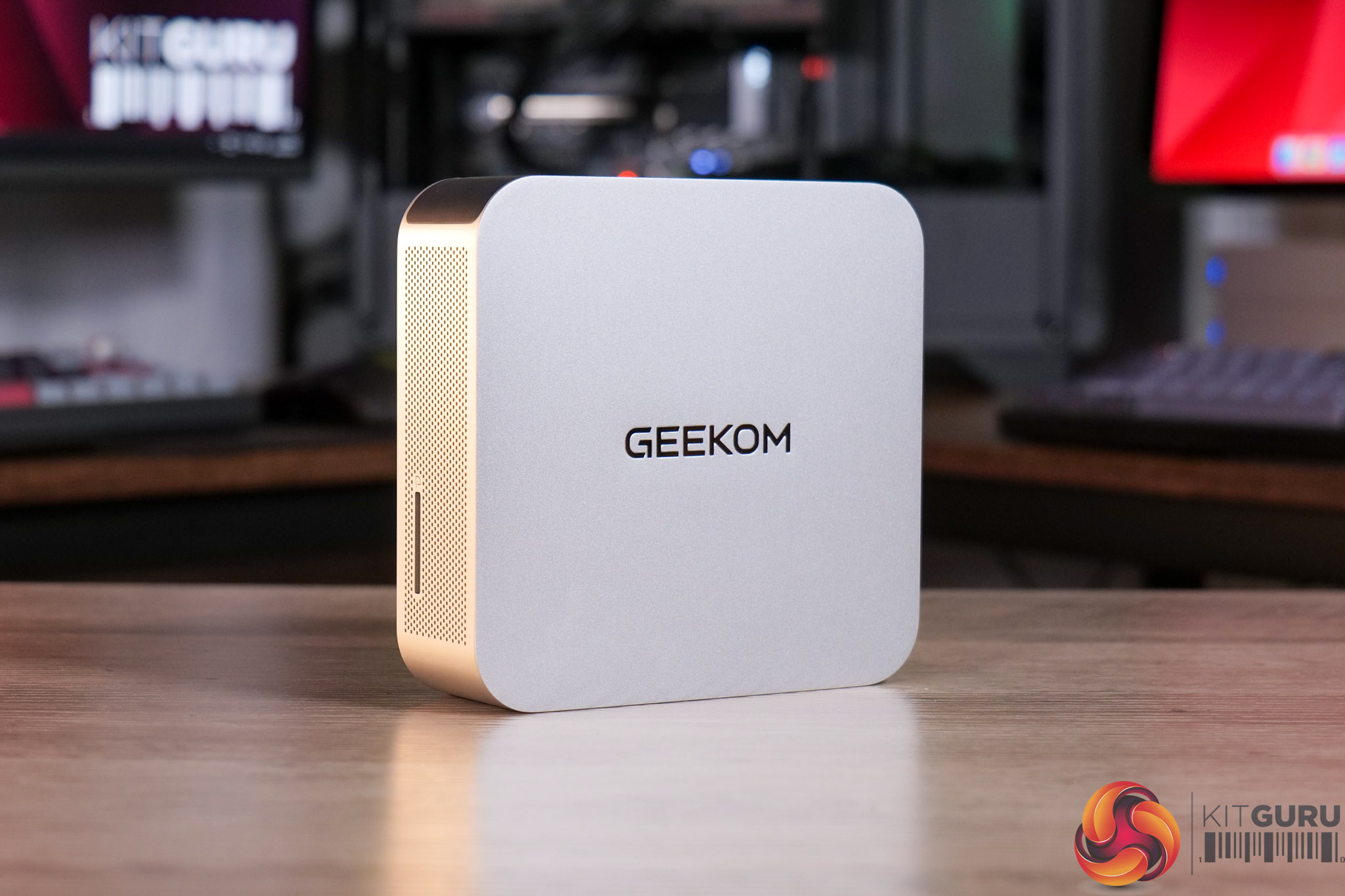
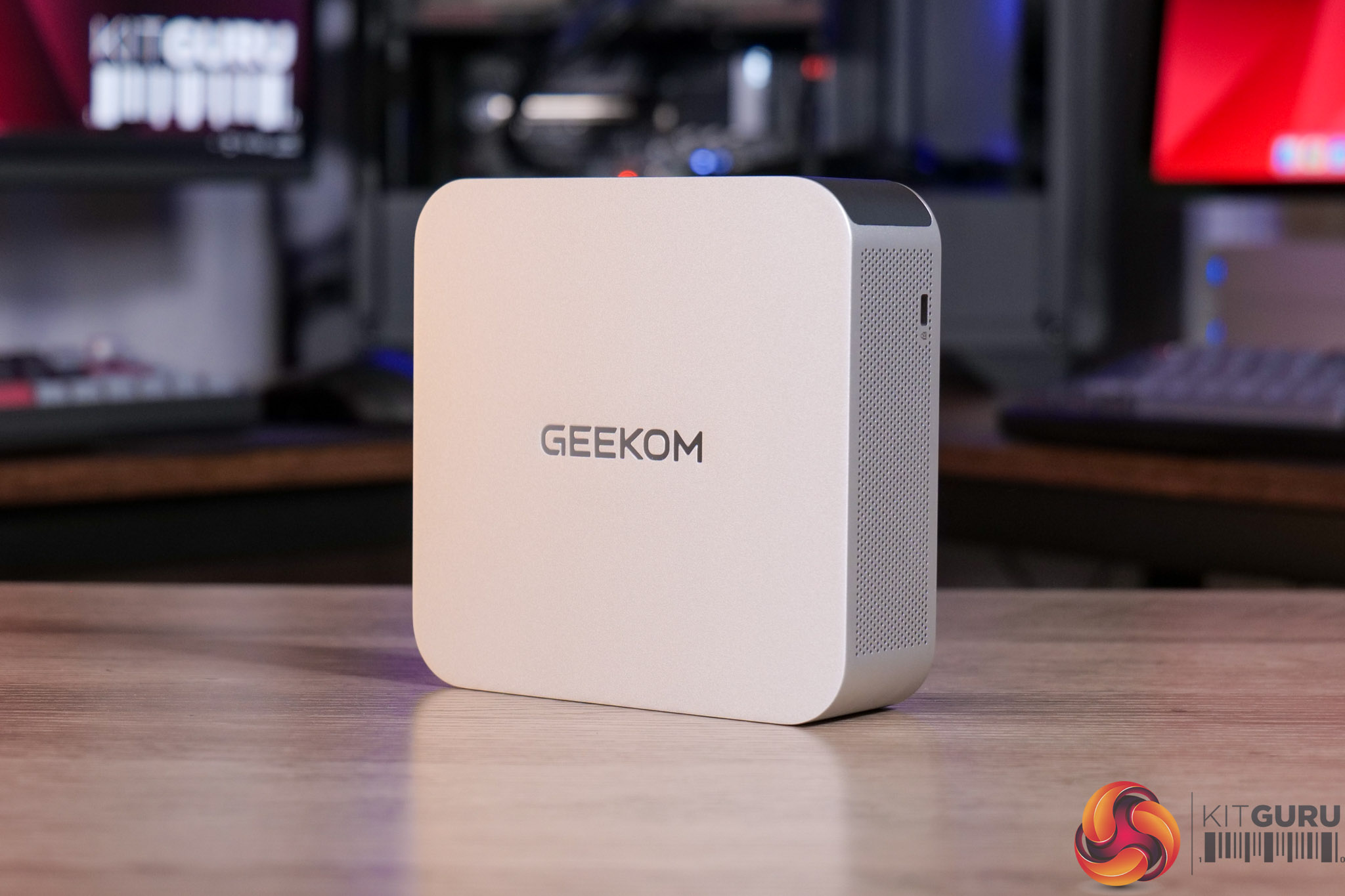
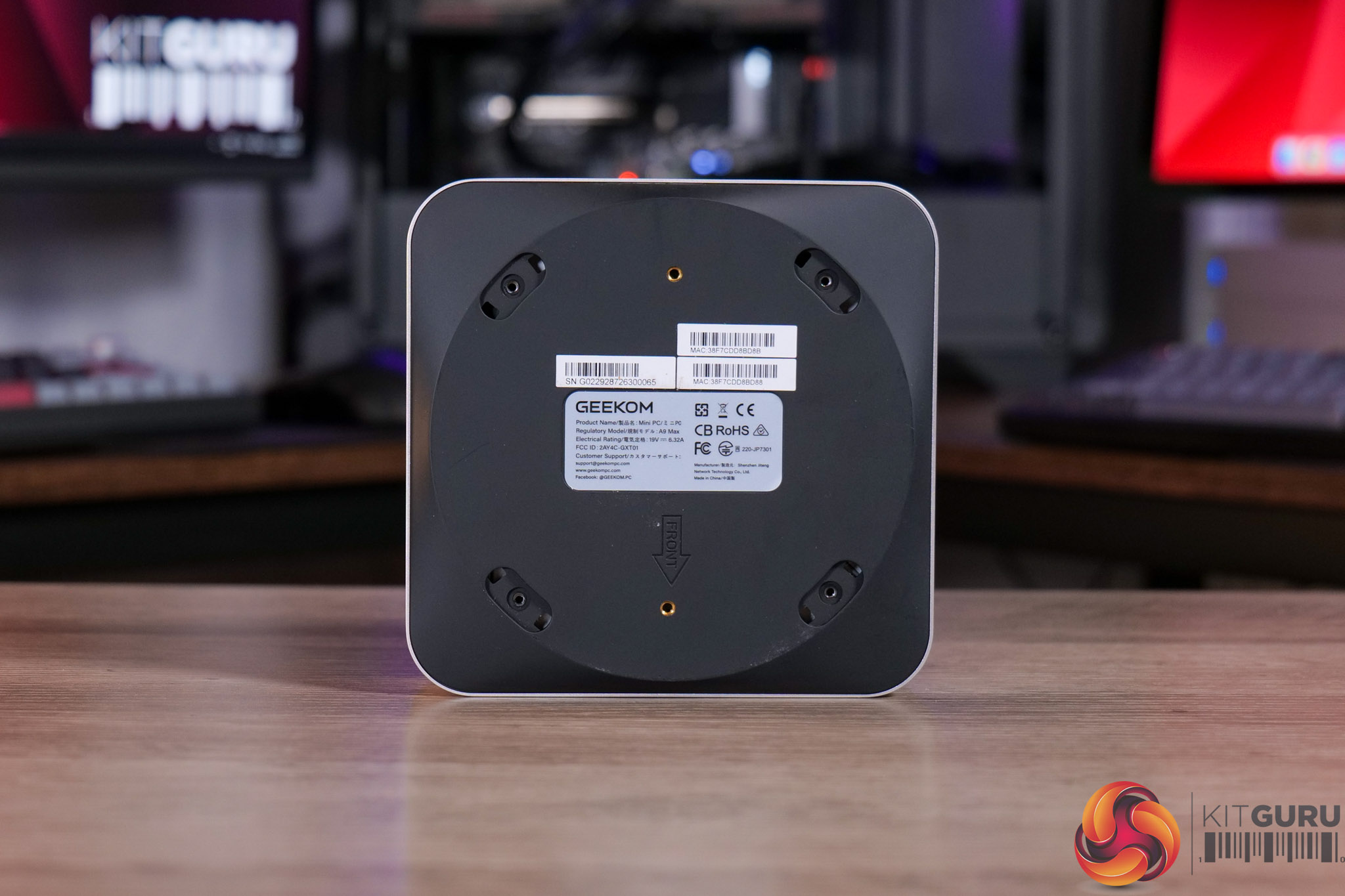
Geekom A9 Max 2026 Mini PC Review (Ryzen AI 9 HX 470)

29 June 2026 at 10:50

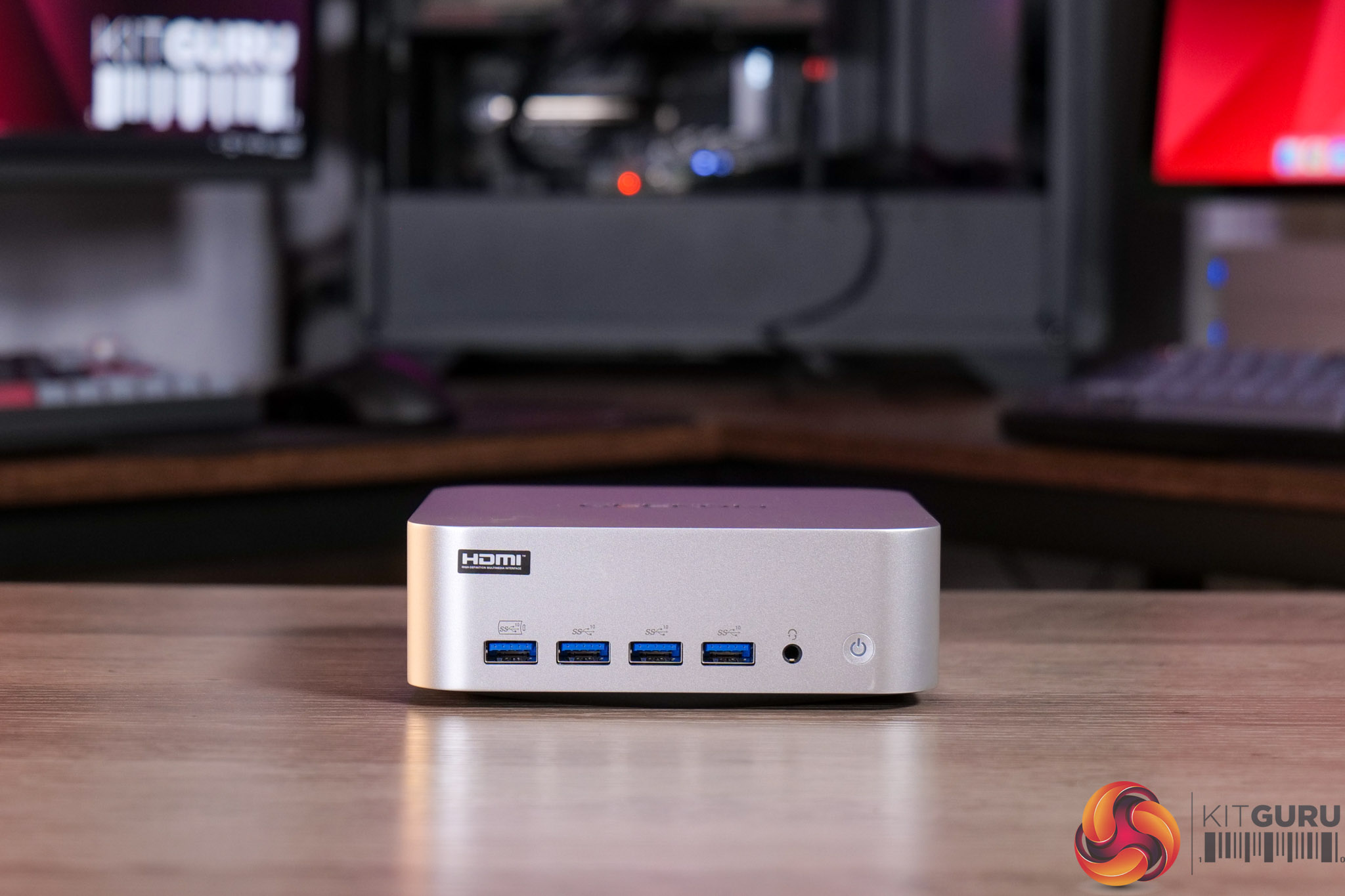
What was meant to be a straightforward review of Geekom's A9 Max (2026) turned into something quite different. On paper it is very similar to the 2025 model we reviewed last September, the main difference being that CPU has been upgraded from the AMD Ryzen AI 9 HX 370, to the HX 470. It's a small spec bump, so we were expecting perhaps a 5% boost to performance. Instead, we found things were dramatically worse with the new model, so we had to dig a little deeper and find out what was going on…

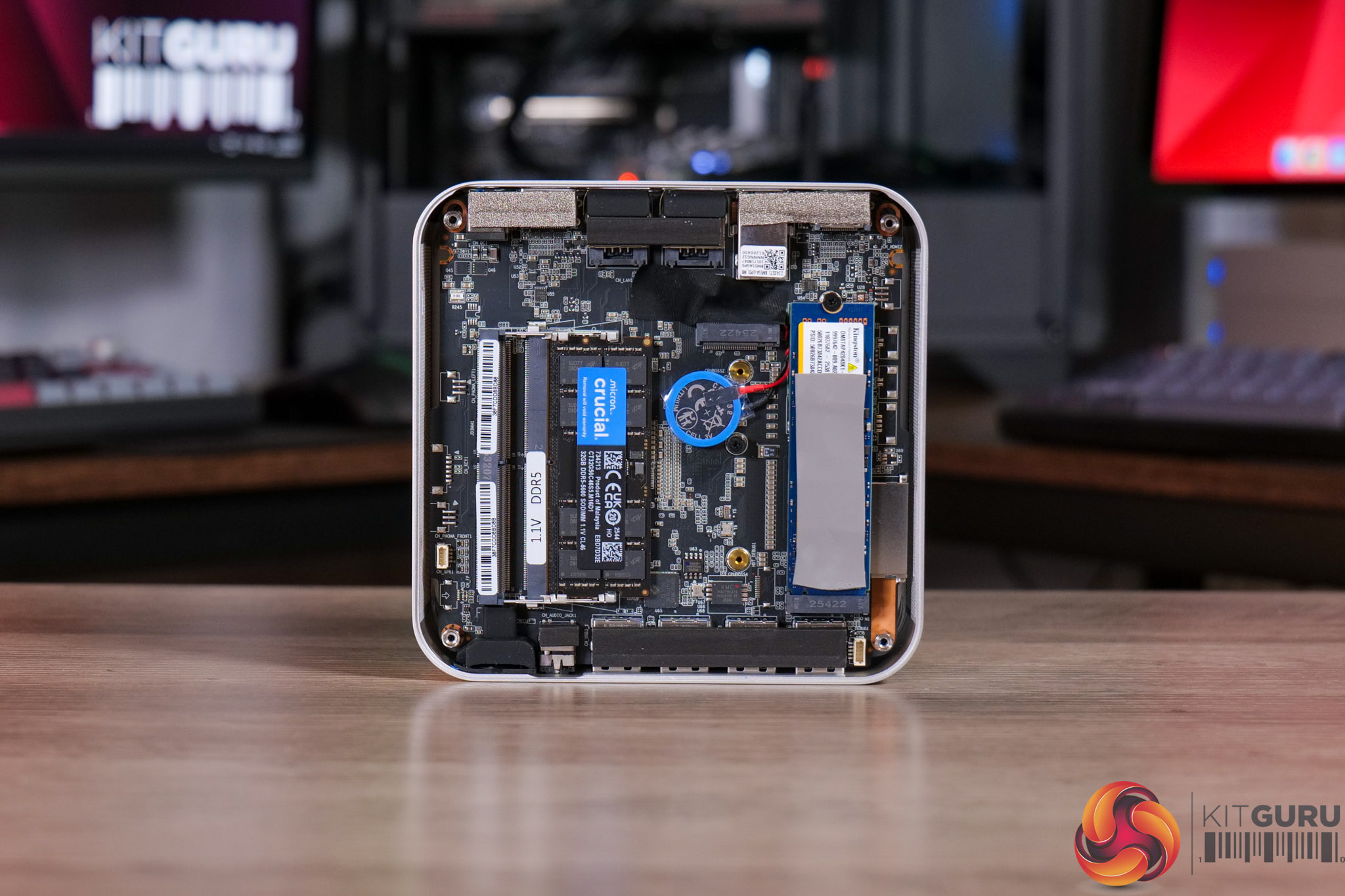
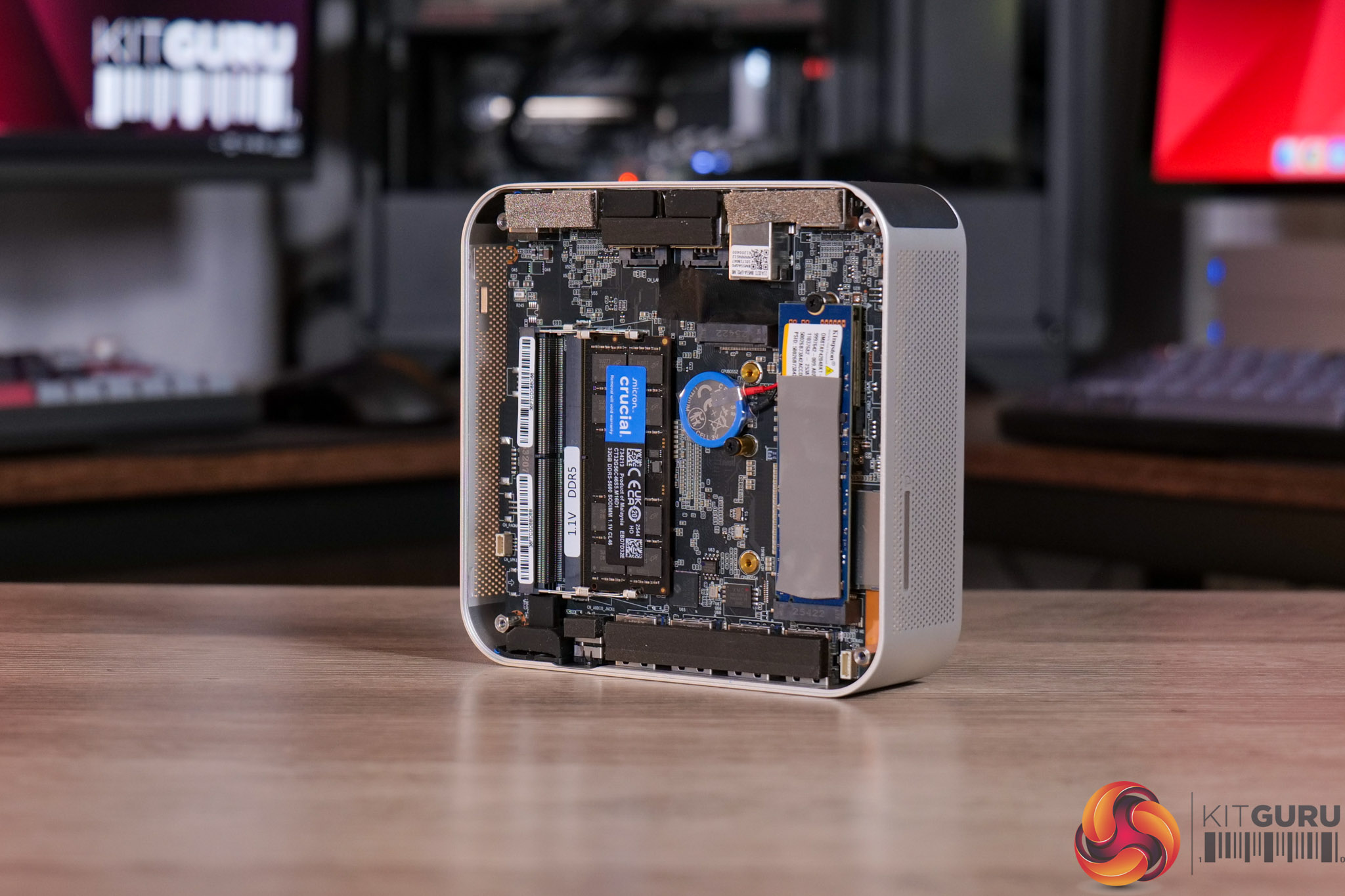
While we do a greater analysis in the video, to cut to the chase, it all boils down to the memory configuration. It is not at all made clear on the product page, but despite both the 2025 and 2026 models shipping with 32GB DDR5 5600 SODIMM memory, the 2025 unit has a 2x16GB dual-channel configuration, whereas the 2026 model uses just a single 32GB stick. Be sure to check out the video as we assess what this means for the new A9 Max.

Timestamps

00:00 Intro
00:51 2025 vs 2026 A9 Max models
01:12 The root cause…
02:18 Testing setup
02:59 Benchmarks!
05:12 Gaming performance is hit hard
06:14 CPU clock behaviour
06:50 Discussion around the memory situation
07:54 Geekom responded to us
08:21 One other change (SSD)
09:03 No other design changes
09:25 Closing thoughts

Specification:

  • Form factor: 135 x 132 x 46.9 mm
  • CPU: AMD Ryzen™ AI 9 HX 470
  • CPU TDP: 54W
  • Graphics: AMD Radeon™ 890M
  • Memory: High-speed DDR5, expandable up to 128GB
  • Audio: HDA codec
  • Storage: 1x M.2 2280 NVMe PCIe 4.0 x4 SSD slot, 1x M.2 2230 NVMe PCIe 4.0 x4 SSD slot
  • I/O ports:
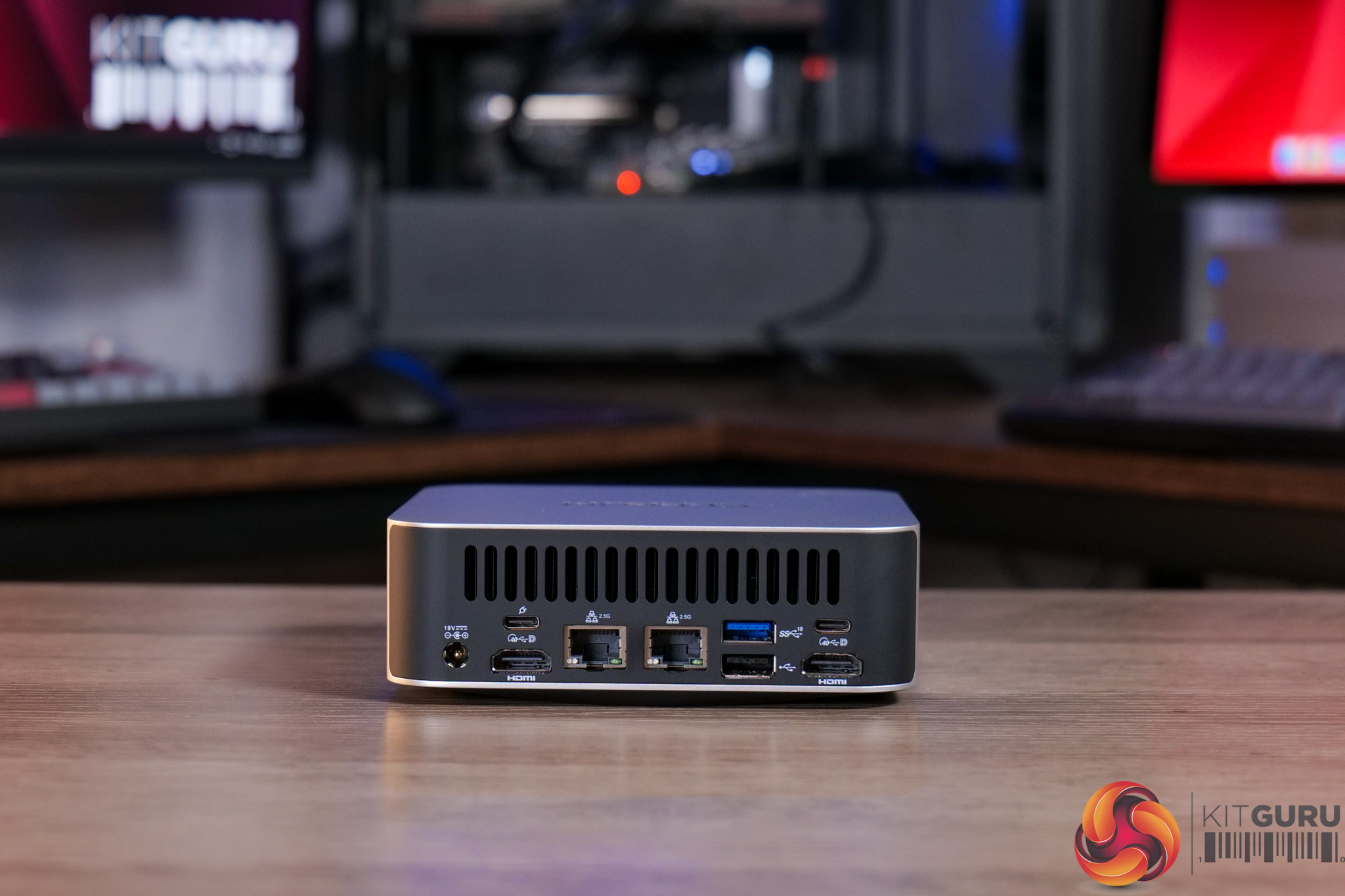
    • 1x rear USB 3.2 Gen 2 Type-A
    • 1x rear USB 2.0 Type-A
    • 3x front USB 3.2 Gen 2 Type-A
    • 1x front USB 3.2 Gen 2 Type-A (Always On)
    • 1x rear USB4 Type-C with DisplayPort Alt Mode and Power Delivery input
    • 1x rear USB4 Type-C with DisplayPort Alt Mode
    • 1x front 3.5mm stereo headset jack
    • 2x rear RJ45
    • 2x rear HDMI 2.1 FRL
    • 1x rear DC input
    • 1x power button
    • 1x Kensington lock
    • 1x SD 4.0 card reader
  • Ethernet: 2x 10/100/1000/2500Mbps RJ45
  • Ethernet LED indicators: 10/100Mbps off, 1000Mbps orange, 2500Mbps green
  • Wireless: M.2 Wi-Fi 7 and Bluetooth 5.4
  • Kensington lock: Yes
  • Security: Supports dTPM 2.0
  • Battery: RTC coin-cell battery
  • Power adapter: 120W, 19V power adapter with region-specific IEC C5 AC cord
  • PCBA dimensions: 127.6 x 127.2 x 1.6 mm
  • Certifications: CE, FCC, CB, CCC, SRRC, RoHS
  • Operating system: Microsoft Windows 11 24H2 64-bit
  • Modern Standby: Supported
  • Accessory: VESA mount, 121.8 x 116.5 x 1.0 mm

The A9 Max is listed for £1545 on Geekom's website, while it is also on Amazon HERE.

Pros

  • Broadly unchanged since the 2025 model.
  • Still a tiny and sleek chassis.
  • Runs cool and quiet in Normal mode.

Cons

  • Geekom has switched to single-channel memory, significantly hurting performance out of the box.
  • We also noted a QLC-based SSD, rather than the SLC drive in our 2025 unit.
  • Although out of Geekom's control, pricing has risen tremendously since we reviewed the 2025 model.
  • Still lacks front USB-C or OcuLink.

KitGuru says: Geekom's unfortunate decision to opt for single-channel memory out of the box is a significant backwards step. The underlying hardware is still highly competent, but a lot of users would be better off with the dual-channel 2025 A9 Max.

The post Geekom A9 Max 2026 Mini PC Review (Ryzen AI 9 HX 470) first appeared on KitGuru.

AMD RX 9070 GRE Review ft. Sapphire

2 June 2026 at 00:00

Today, as part of its Computex 2026 programme, AMD has announced worldwide availability for the RX 9070 GRE. Technically, this GPU launched over a year ago as a Chinese exclusive, but it is now rolling out globally. Offering what is essentially a cut-down RX 9070 die, the 9070 GRE features fewer cores, 4GB less memory and a narrower memory interface. But what does that mean for performance, and is it still worth buying? We find out today.

Timestamps

00:00 Intro
00:50 Key info, pricing
01:21 Core specs
02:15 Test setup
03:02 Game benchmarks
03:57 Performance summary, comparison vs RTX 5070
05:01 Cost per frame analysis
05:39 Ray tracing performance
07:07 FSR 4 upscaling
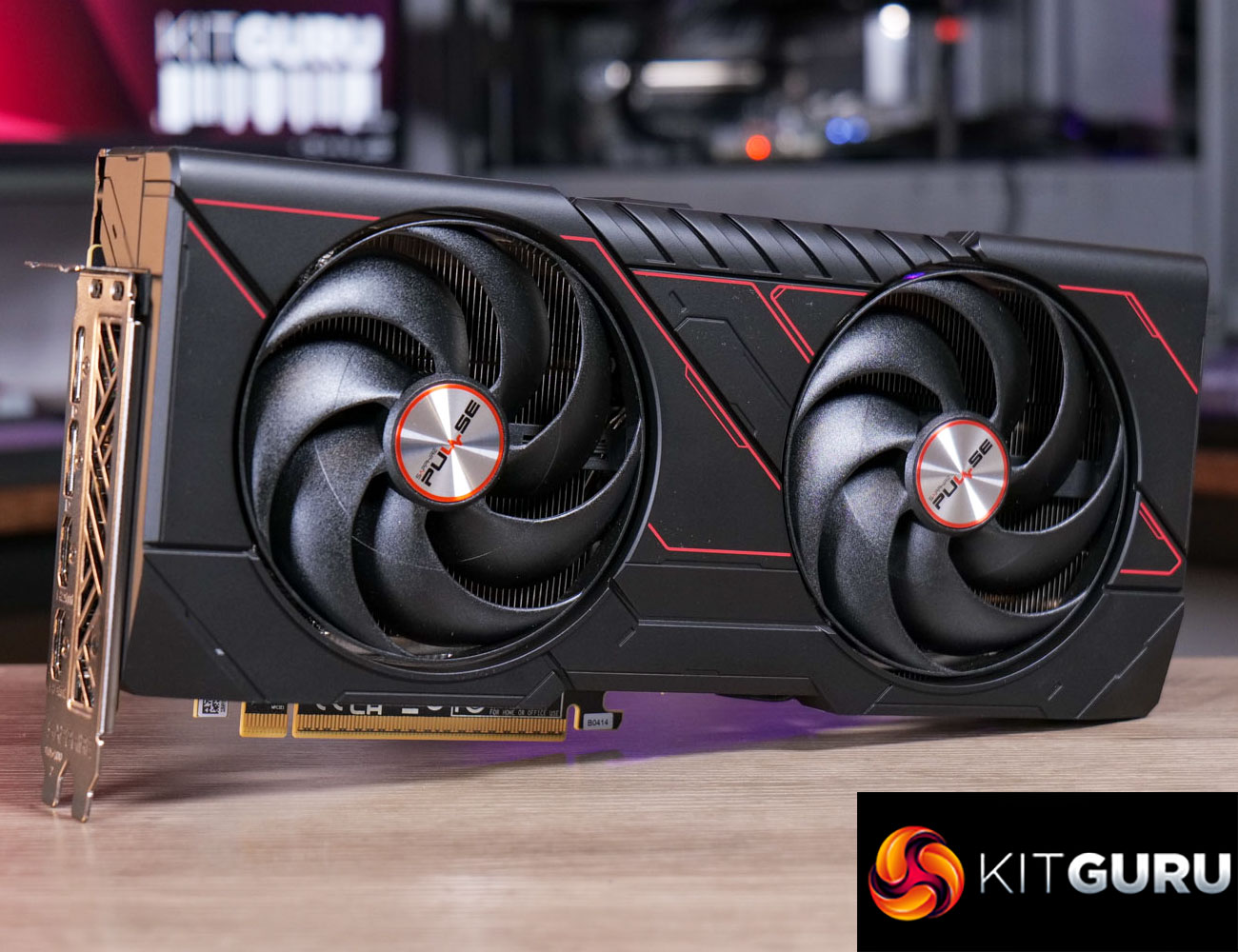
07:51 The Sapphire Pulse card
08:32 Thermals and noise
09:23 Power + efficiency
10:12 Closing thoughts

The RX 9070 GRE launched to little fanfare back in April 2025, given it was only on sale in China, but today AMD has announced global availability, with a $549 price tag. In the UK we're told to expect pricing in the £469-479 region, so it's a similar ballpark to the RTX 5070 that can be regularly found at £500.

Like the rest of the RDNA 4 family, there's no reference model, and instead we have tested the Sapphire Pulse edition. This card does come factory overclocked, but as regular readers will know, we manually test all GPUs at reference specifications for these day one reviews, so we can ensure that all testing is ‘apples to apples.'

RX 9070 XT RX 9070 RX 9070 GRE RX 9060 XT
Architecture RDNA 4 RDNA 4 RDNA 4 RDNA 4
Manufacturing Process TSMC N4 TSMC N4 TSMC N4 TSMC N4
Transistor Count 53.9 billion 53.9 billion 53.9 billion 29.7 billion
Die Size 357 mm² 357 mm² 357 mm² 199 mm²
Compute Units 64 56 48 32
Ray Accelerators 64 56 48 32
Stream Processors 4096 3584 3072 2048
Game GPU Clock 2400 MHz 2070 MHz 2220 MHz 2530 MHz
Boost GPU Clock Up to 2970 MHz Up to 2520 MHz Up to 2790 MHz Up to 3130 MHz
ROPs 128 128 96 64
AMD Infinity Cache 64MB 64MB 48MB 32MB
Memory 16GB GDDR6 16GB GDDR6 12GB GDDR6 8/16GB GDDR6
Memory Data Rate 20 Gbps 20 Gbps 18 Gbps 20 Gbps
Memory Bandwidth 645 GB/s 645 GB/s 432 GB/s 322 GB/s
Memory Interface 256-bit 256-bit 192-bit 128-bit
Board Power 304W 220W 220W 160W

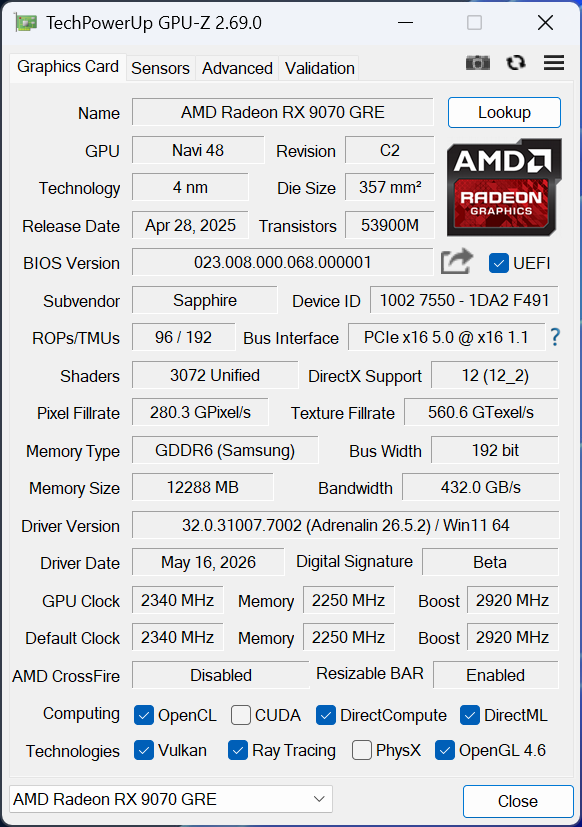
First, let's take a quick look at the specs. The RX 9070 GRE is built on the same Navi 48 die as the RX 9070 and 9070 XT. It measures 357mm², and it's worth pointing out this is a monolithic chip, so AMD is not using a chiplet-based design as per RDNA 3. In total, Navi 48 silicon packs in 53.9 billion transistors.

While a full Navi 48 GPU packs in 64 Compute Units, the 9070 GRE is cut down to 48 CUs, and each CU houses 64 Stream Processors, for a total of 3072 shaders. There's also 48 Ray Accelerators – one per CU – and 96 ROPs.

As for clock speed, the RX 9070 GRE runs faster than the regular 9070, sporting a rated game clock of 2220MHz and a boost clock of up to 2790MHz.

The memory configuration is cut down however, with 12GB of GDDR6 memory clocked at 18Gbps, operating over a 192-bit memory interface, for total memory bandwidth of 432 GB/s. 48MB of Infinity Cache is also present.

Power draw for the RX 9070 GRE is rated at 220W Total Board Power (TBP), but we are using our updated GPU power testing methodology in this review, so read on for our most detailed power and efficiency testing yet.

The post AMD RX 9070 GRE Review ft. Sapphire first appeared on KitGuru.

CyberPowerPC Infinity Ultra 7 RTX Prebuilt Review (270K Plus + 5070)

25 May 2026 at 09:30

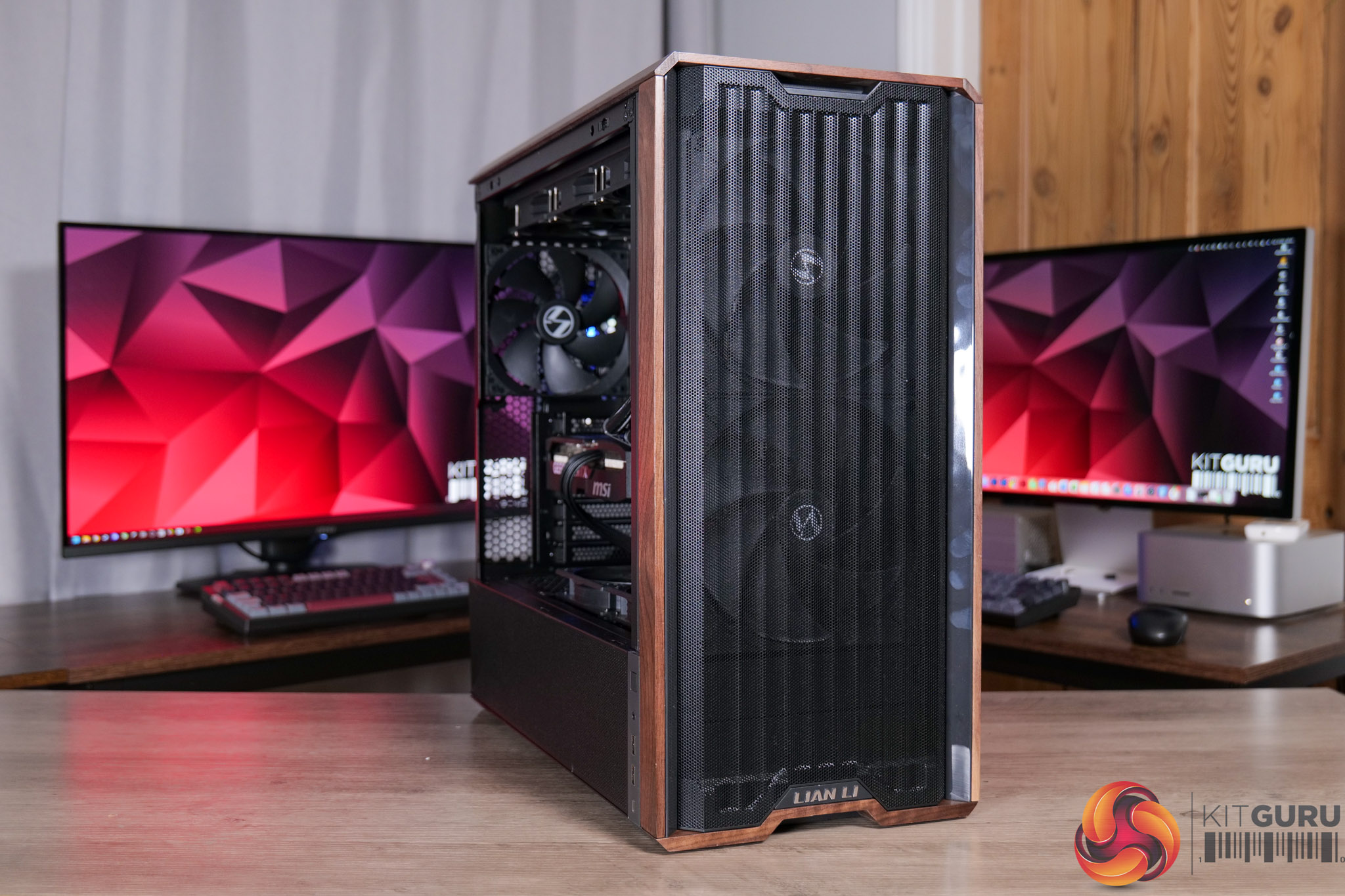
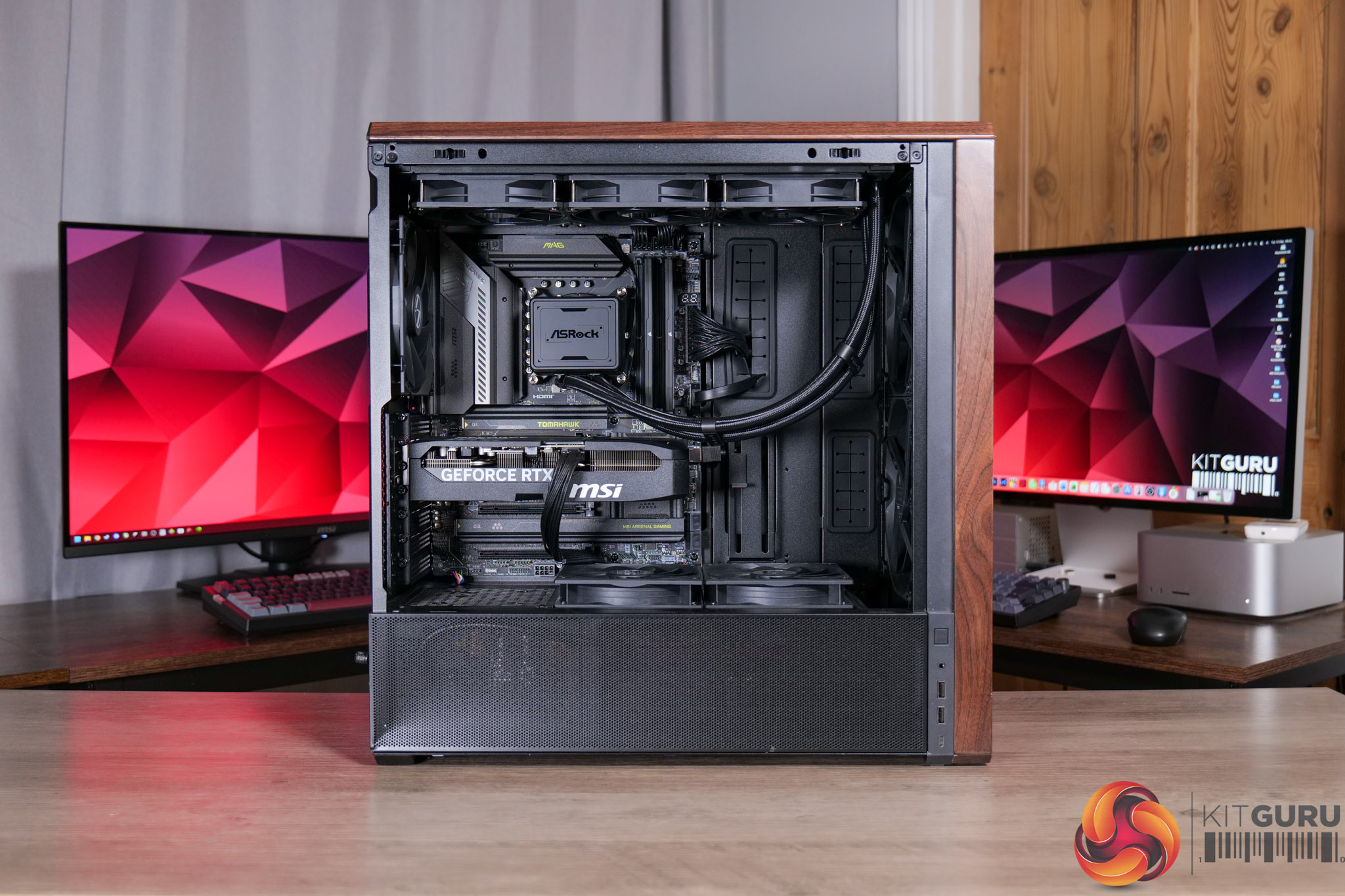
Today we are back with another prebuilt system review as we check out the CyberPowerPC Infinity Ultra 7 RTX. This machine is packing in Intel's new Core Ultra 7 270K Plus, alongside an RTX 5070, 32GB DDR5 and a 2TB SSD. It's also completely free of RGB lighting, with a clean and understated aesthetic achieved thanks to the Lian Li Lancool 217 case and its wooden accents. Let's take a closer look and see if this PC is worth buying.

Timestamps

00:00 Intro
00:45 Core spec + pricing
01:18 Design first impressions
01:43 CPU + memory + cooling setup
02:49 SSD / GPU / Mobo
04:16 PSU and cable management
05:13 CPU + GPU behaviour
06:17 Noise levels, thermal imaging camera
06:47 CPU performance quick check
07:12 Gaming setup
07:39 Cyberpunk 2077
08:24 Doom: The Dark Ages
09:07 COD: Black Ops 7
09:35 Horizon Forbidden West
09:57 Marvel Rivals
10:24 Kingdom Come: Deliverance 2
10:45 Starfield
11:08 Closing thoughts + value discussion

Specification

  • Operating system: Windows 11 Home (no recovery media)
  • Special offers: Norton 360 VPN & Security for Gamers (1-year licence)
  • Case: Lian Li Lancool 217 Gaming Case (Black, includes 2x 170mm fans)
  • Processor (CPU): Intel® Core™ Ultra 7 270K (24 cores: 8P up to 5.50GHz, 16E up to 4.70GHz, 125W TDP, 40MB cache, Intel Graphics)
  • CPU overclocking: None
  • CPU cooling: ASRock Challenger Pure 360mm AIO liquid cooler (black)
  • Cooling upgrades: Thermal Grizzly premium thermal paste
  • Motherboard: NZXT N9 Z890 White WiFi (ATX, PCIe 5.0, USB 3.2, 5x M.2)
  • Memory (RAM): 32GB Corsair Vengeance RGB DDR5 6000MT/s (2x16GB, grey)
  • Graphics card (GPU): MSI NVIDIA® GeForce RTX™ 5070 12GB
  • Power supply: Cooler Master Elite 850W 80+ Gold fully modular
  • Primary storage: 2TB Corsair MP700 Pro PCIe 5.0 NVMe SSD (up to 12,400MB/s read, 11,800MB/s write)
  • Networking: Onboard Gigabit LAN
  • Audio: High-definition onboard audio
  • Internet browser: Opera GX
  • Estimated shipping date: Wednesday 27/05/2026
  • Warranty: 5 years labour, 2 years parts, 12 months collect & return, lifetime technical support

You can buy the Infinity Ultra 7 RTX from CyberPowerPC for £2099 HERE.

Pros

  • Very good value compared to DIY pricing.
  • Clean and minimalistic vibes.
  • Well balanced CPU+GPU combo.
  • Solid 1440p gaming performance.
  • Thermals are kept well in check.
  • Stays nice and quiet, too.
  • Tidy cable management on front and back.

Cons

  • Gen 5 SSD adds cost and won't be a benefit if you're just gaming.
  • RTX 5070 with just 12GB VRAM stings a little at the price point.

KitGuru says: If you're on the hunt for a prebuilt for 1440p gaming, the Infinity Ultra 7 RTX is well worth a closer look.

The post CyberPowerPC Infinity Ultra 7 RTX Prebuilt Review (270K Plus + 5070) first appeared on KitGuru.

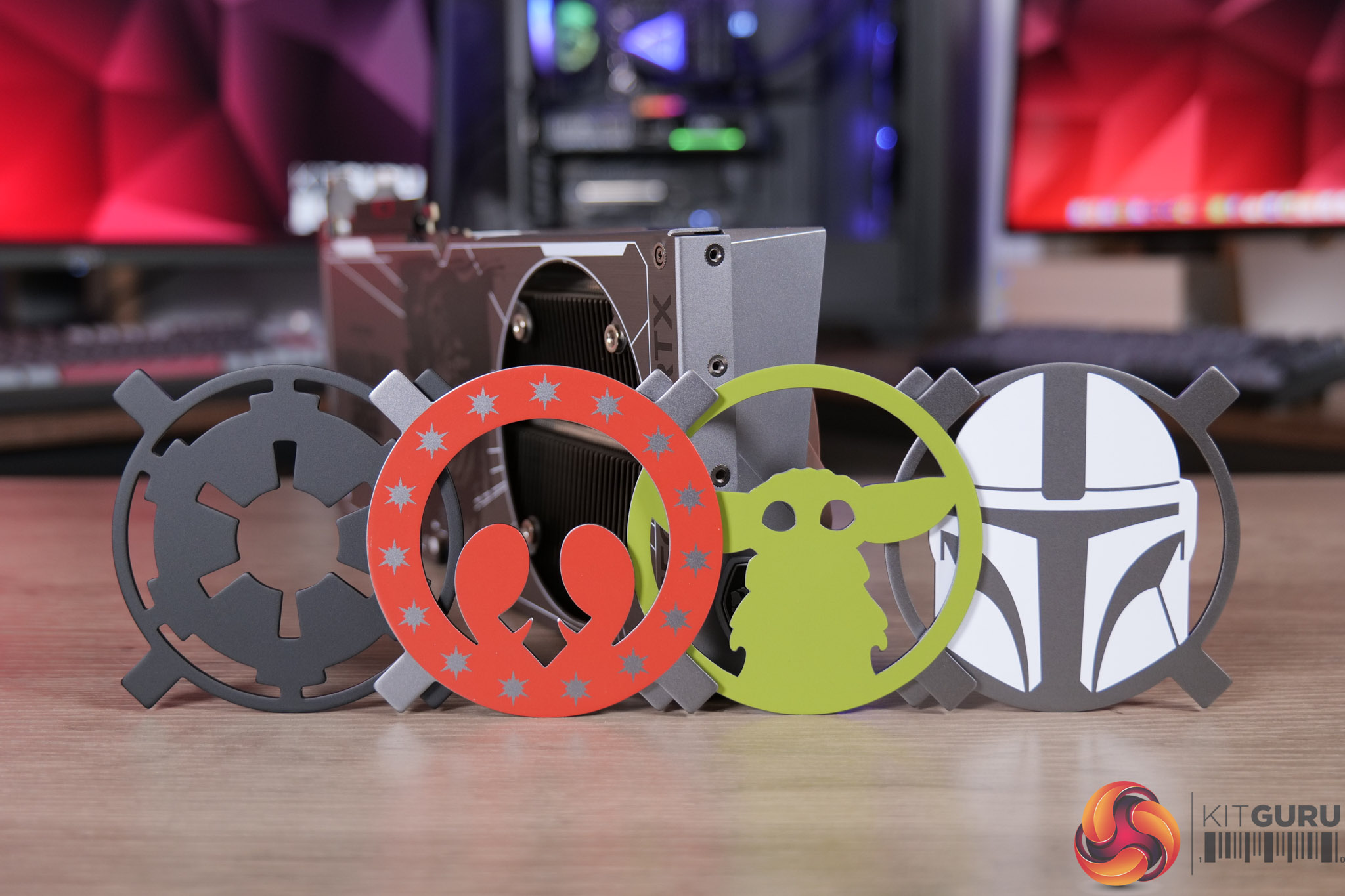
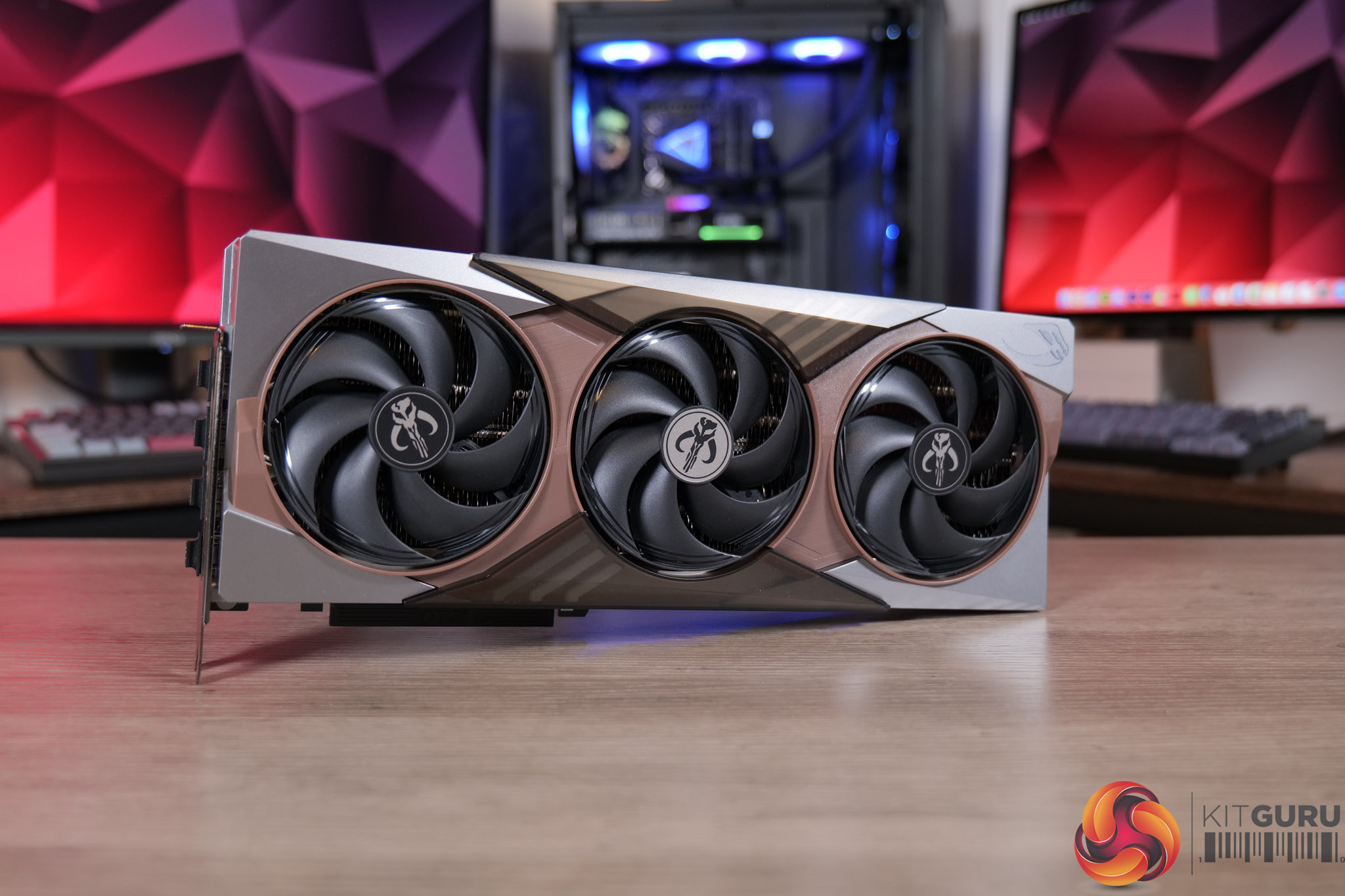
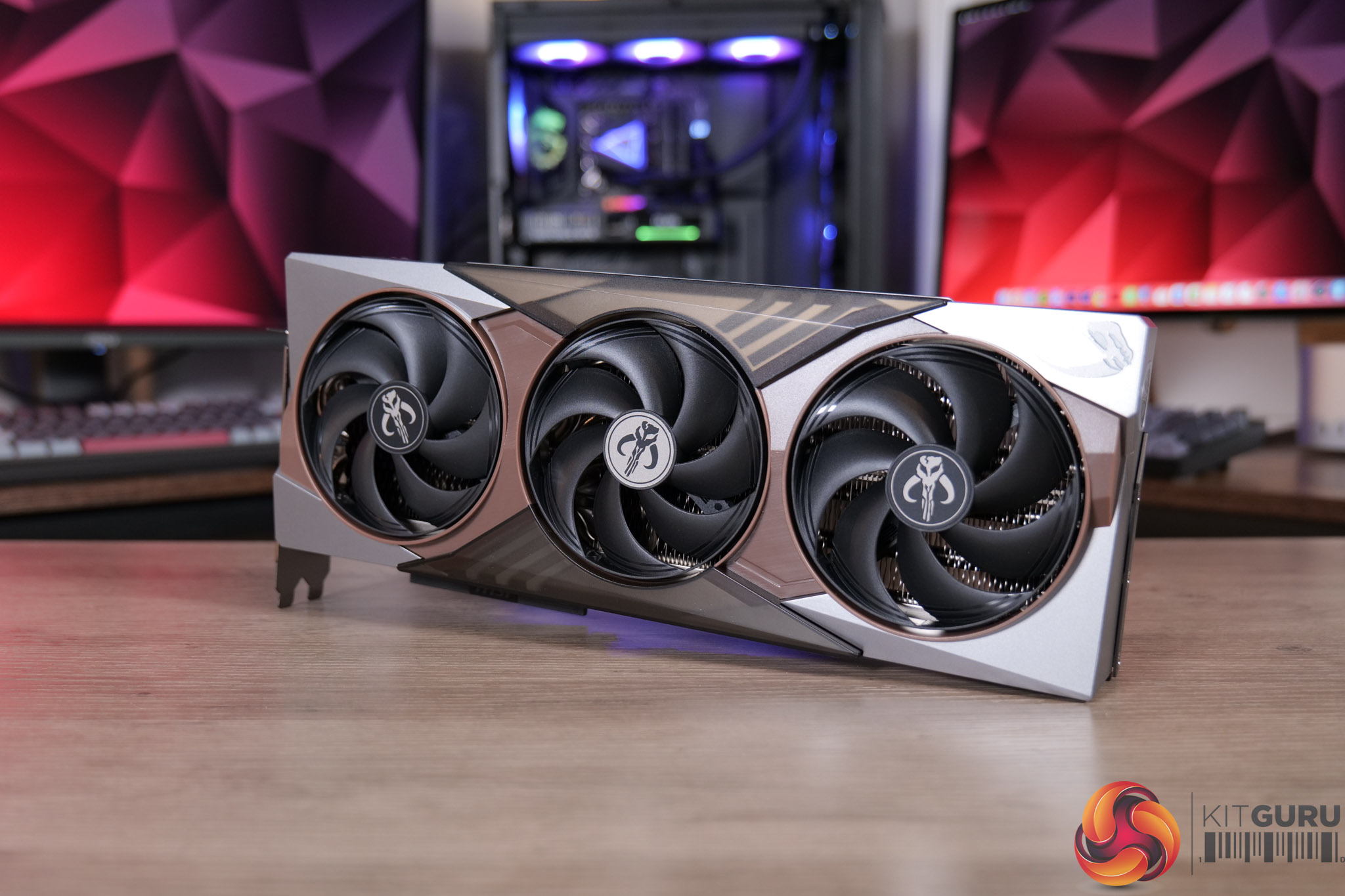
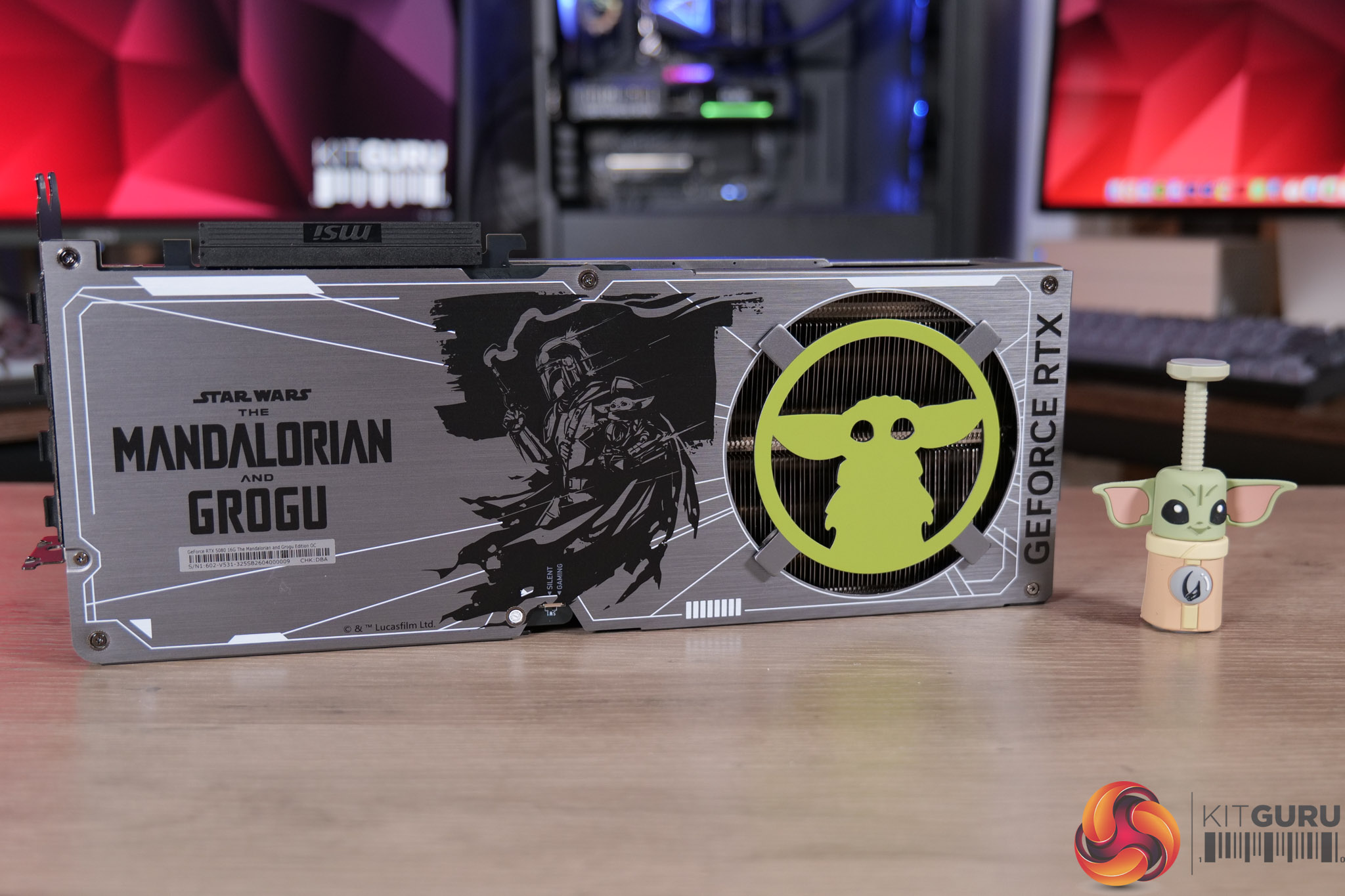
MSI RTX 5080 The Mandalorian and Grogu Unboxing

15 May 2026 at 10:00

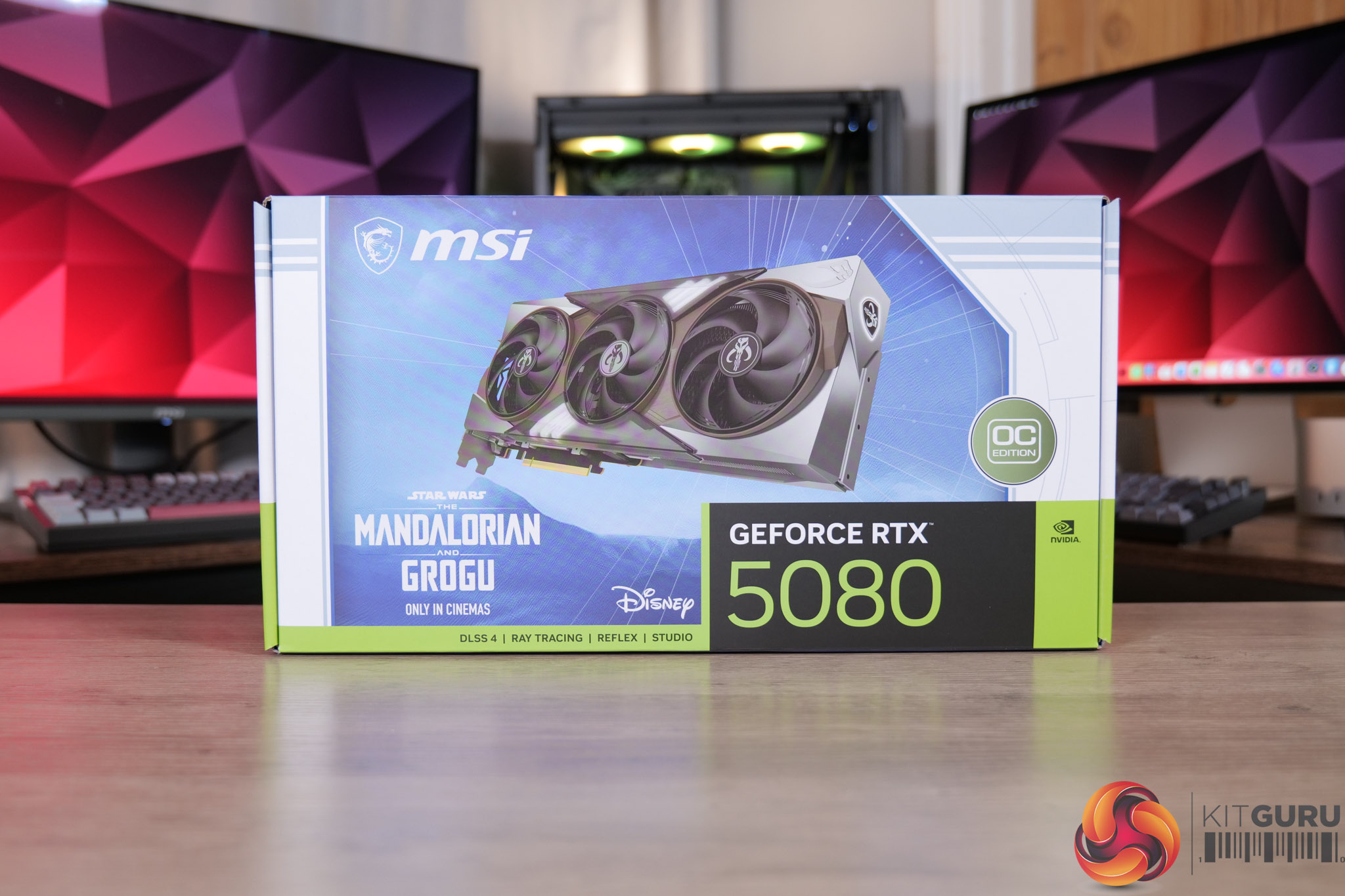
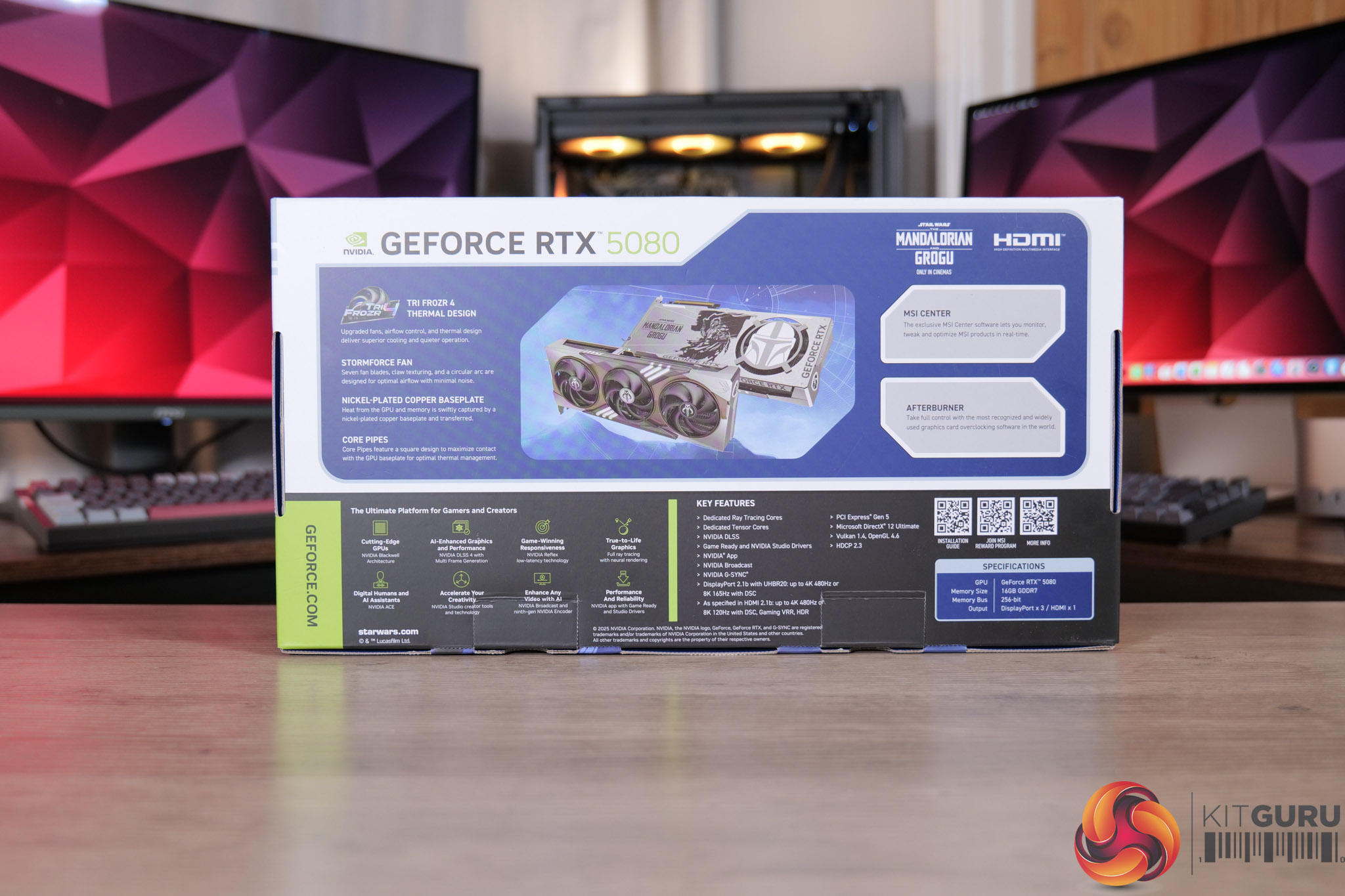
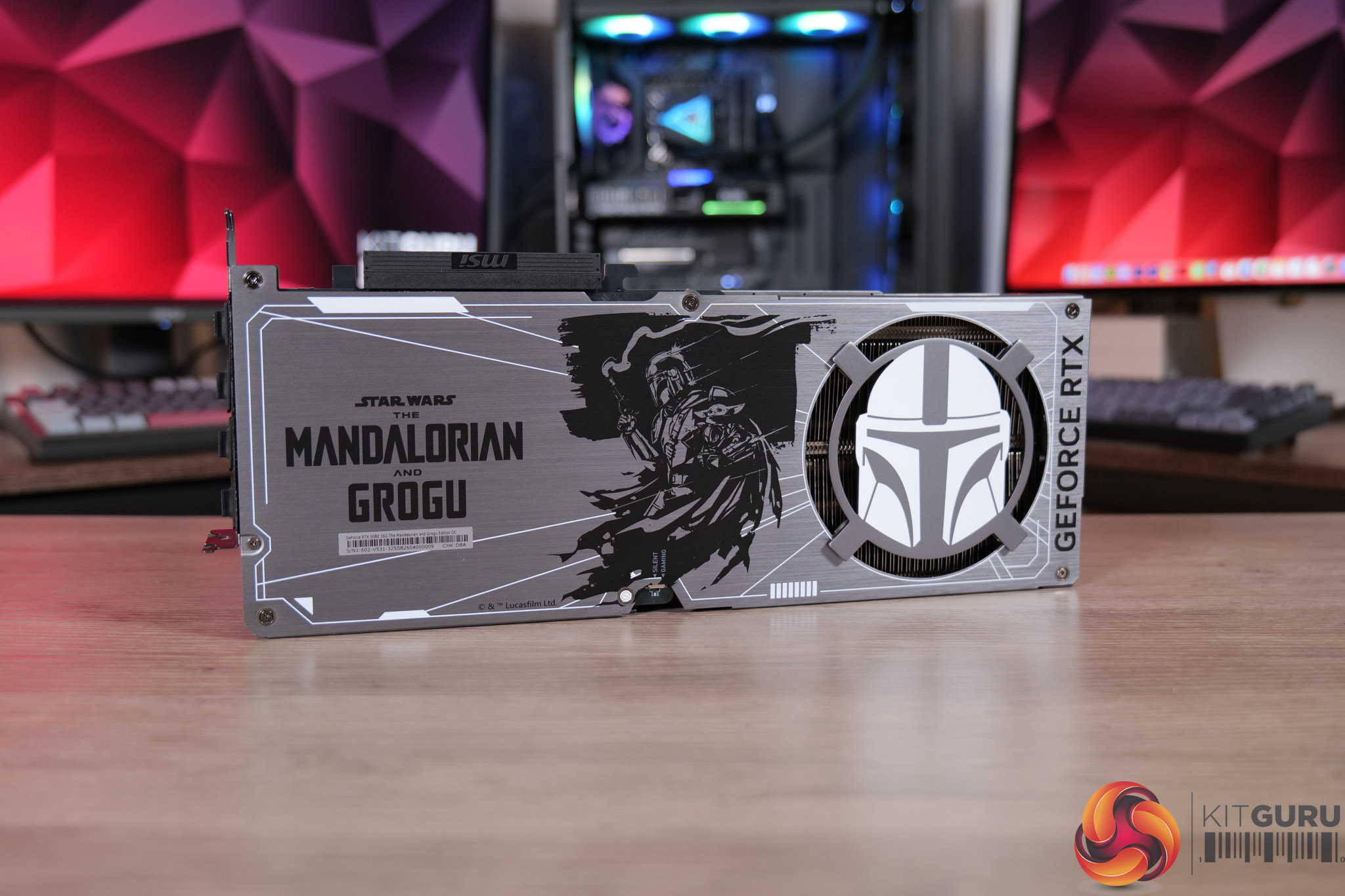
We don't often do many unboxings here at KitGuru, but when MSI got in touch about their upcoming limited edition graphics card, built to celebrate the release of Star Wars: The Mandalorian and Grogu, you can bet we were keen to take a look! There's only 500 units being made, so strap in for something a little different as we go over the packaging, accessories and the card itself… and may the Force be with you!

Timestamps

00:00 Intro
01:08 First impressions / accessories
04:22 Getting to the card itself – Shroud
05:49 Backplate design

KitGuru says: We hope you enjoyed the unboxing – something a little different for sure, but it's a great looking card that we are sure will appeal to any Star Wars fans out there.

The post MSI RTX 5080 The Mandalorian and Grogu Unboxing first appeared on KitGuru.

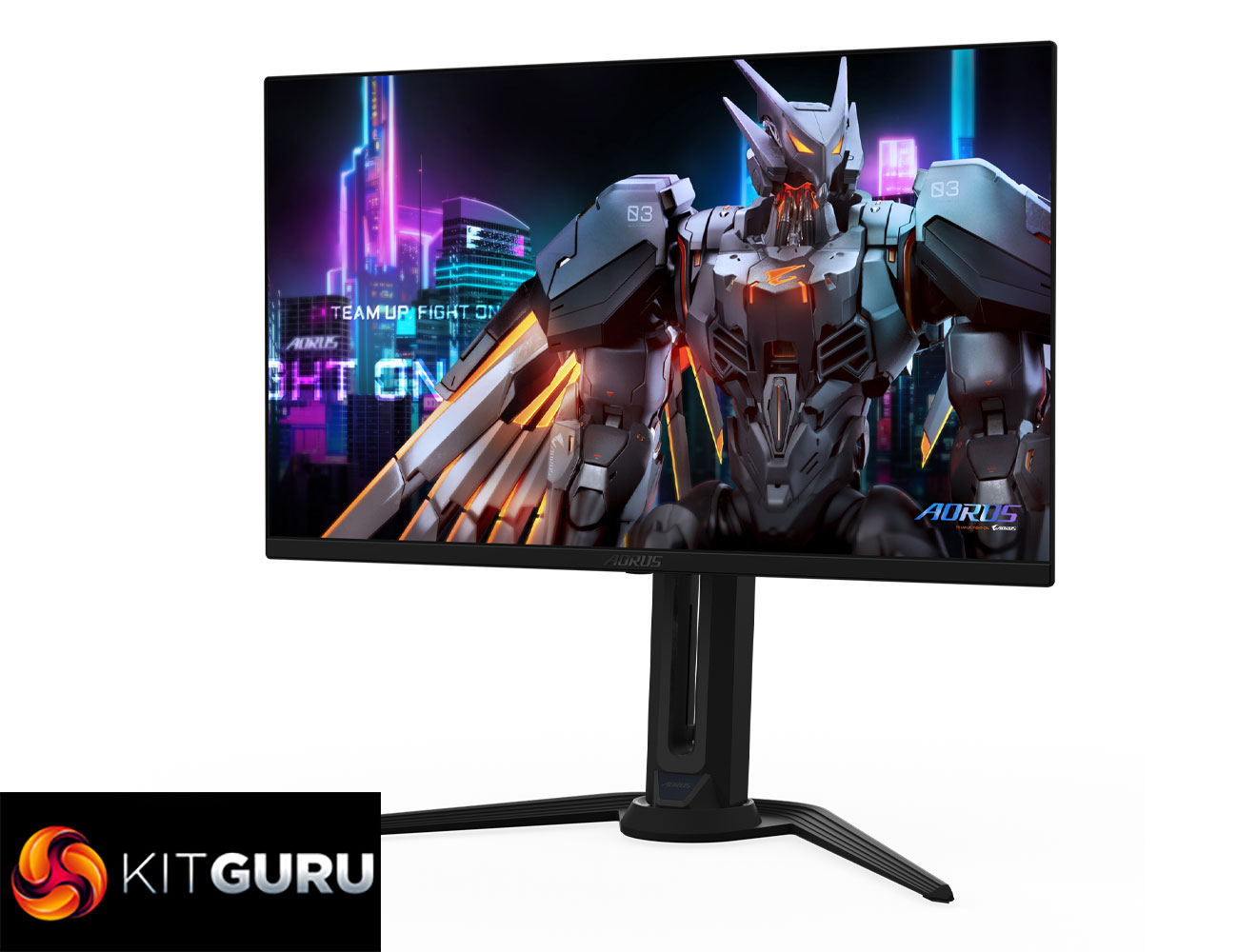
Gigabyte Aorus FO27Q5P Review (500Hz QD-OLED)

27 April 2026 at 09:30

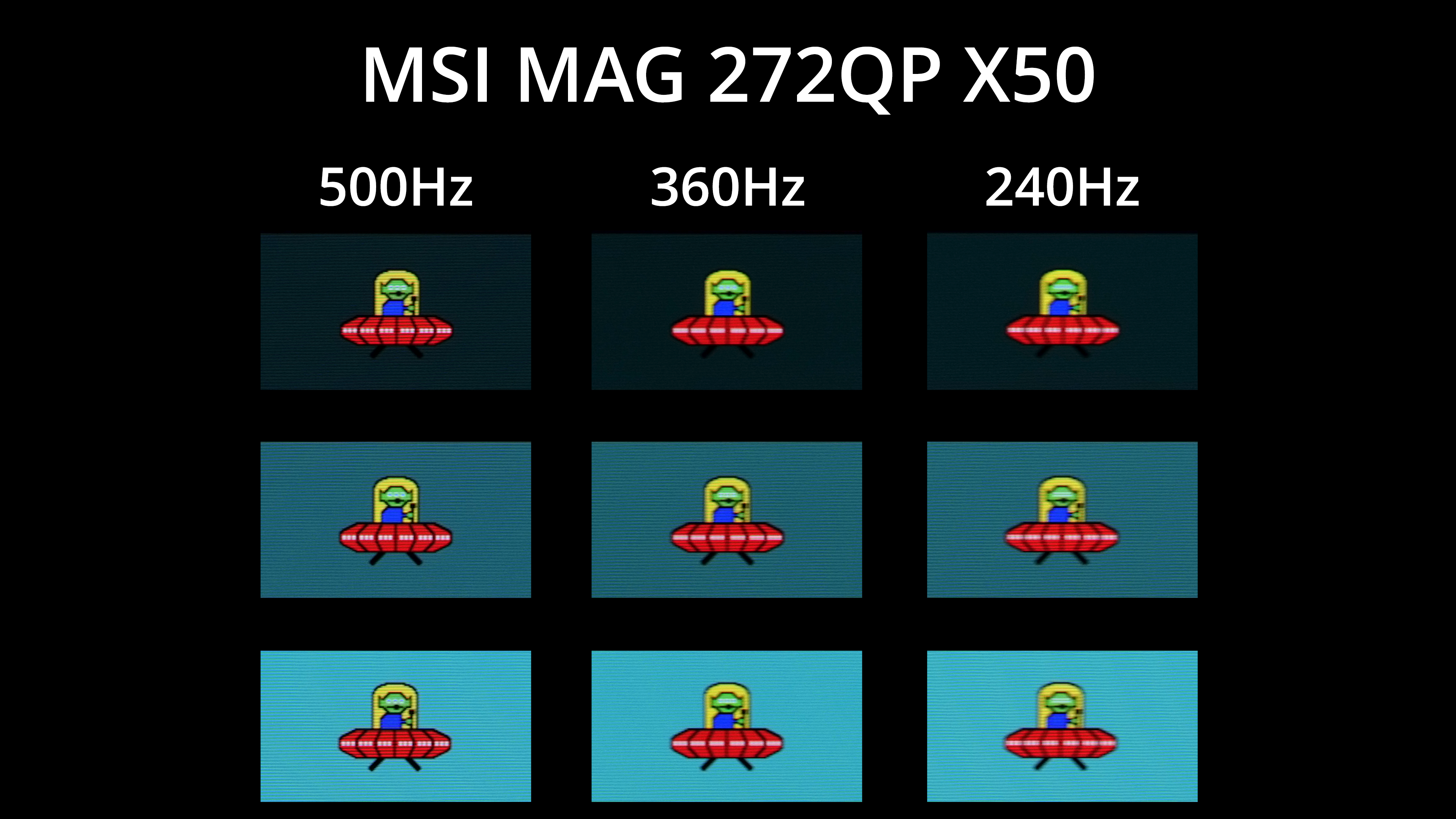
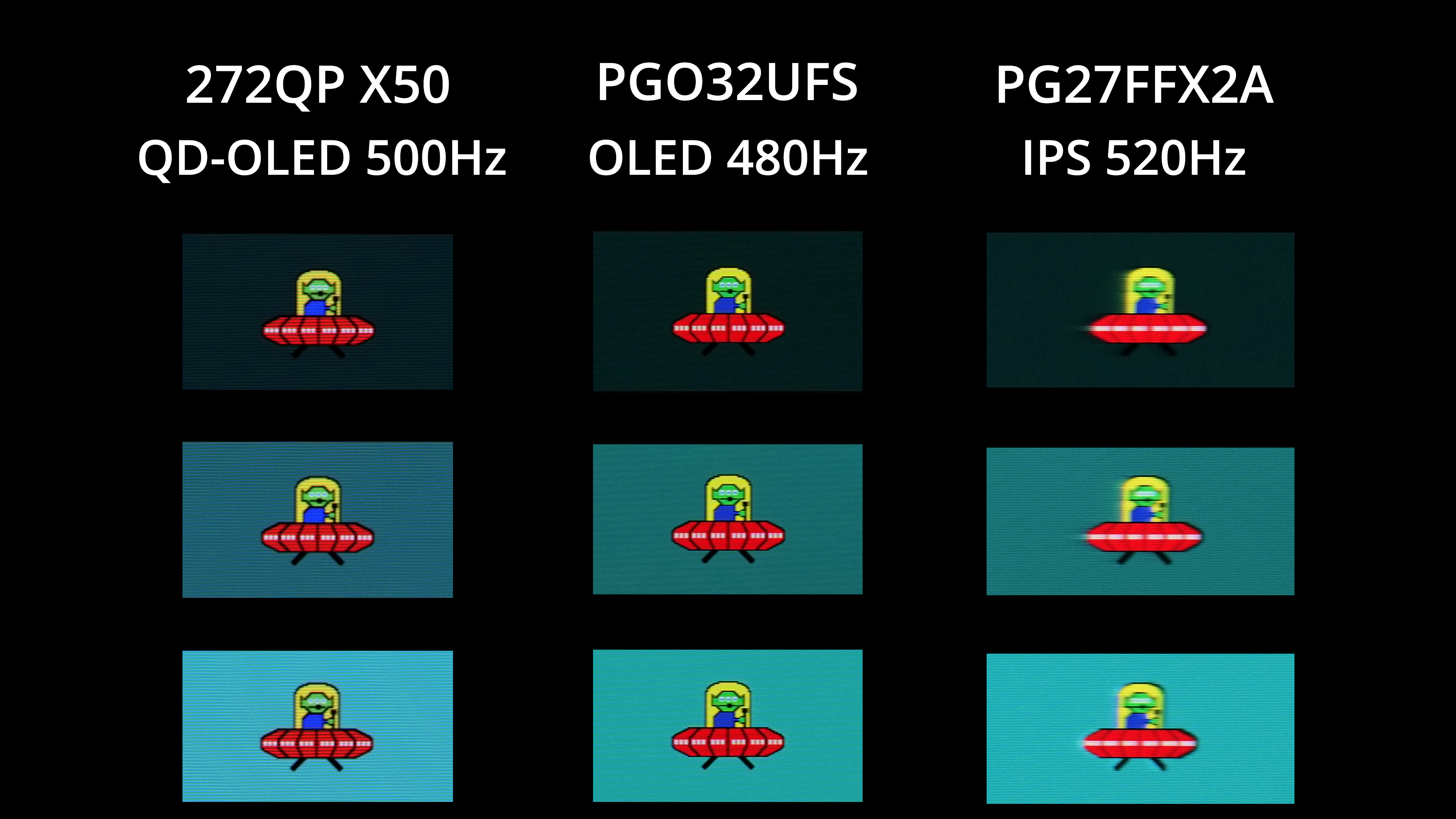
Today we're back in high refresh-rate territory, as we review the Gigabyte Aorus FO27Q5P. Utilising the same enhanced 3rd Gen QD-OLED panel from Samsung that we first saw in MSI's 272QP X50, this 1440p monitor is notable for its 500Hz refresh rate, alongside increased brightness for both SDR and some HDR use cases. We find out exactly how good it is…

Timestamps

00:00 Intro
00:47 Key panel spec and pricing
01:31 Design impressions
02:08 I/O + OSD
03:23 Coating, sub-pixel structure, burn-in
04:53 Default panel analysis
06:58 sRGB mode + calibration
07:31 Response times / motion clarity examples
09:06 Real-world gaming experience
10:20 HDR analysis
11:53 Closing thoughts

As a reminder, despite only launching last year, this 1440p 500Hz QD-OLED panel is actually a 3rd Gen panel from Samsung, but one that has been ‘souped up' somewhat compared to other 3rd Gen offerings. The 500Hz refresh rate is the obvious improvement, up from the previous 360Hz limit, but brightness in SDR is also increased to over 300 nits for a full screen white, while it also packs in True Black 500 certification for HDR, up from True Black 400.

Available for just £600 depending where you look, the Gigabyte Aorus FO27Q5P could well be a contender if you want a fast OLED monitor, so let's take a closer look.

Specification:

  • Panel size: 27″ OLED
  • Panel type: QD-OLED
  • Display viewing area (H x V): 590.42 x 333.72 mm
  • Color saturation: 99% DCI-P3
  • Resolution: 2560 x 1440 (QHD)
  • Display surface: Anti-Reflection
  • Refresh rate (max): 500Hz
  • Pixel pitch: 0.2292 (H) x 0.2292 (V) mm
  • Brightness: 300 cd/m² (Typ, SDR APL 100%); 1000 cd/m² (Typ, HDR APL 3%)
  • Contrast ratio (typ): 1.5M:1
  • Viewing angle: 178° (H) / 178° (V)
  • Display colors: 10-bit (1.07B)
  • Response time: 0.03ms (GTG)
  • HDR support: VESA DisplayHDR True Black 500
  • ClearMR: ClearMR 21000
  • Flicker-free: Yes
  • Factory calibration: Yes, △E < 2
  • Connectivity: 2x HDMI 2.1, 1x DisplayPort 2.1 (UHBR20), 1x MiniDP 2.1 (UHBR20), 1x DisplayPort 1.4 (HBR3) out, 1x USB Type-C (Alt Mode, upstream, up to 18W PD), 2x USB 3.2 downstream, 1x USB 3.2 upstream, 1x earphone jack, 1x microphone jack
  • Earphone jack: Yes
  • Microphone jack: Yes
  • Speakers: 5W x 2
  • Power type: Power adapter
  • Power consumption: 49W
  • Power saving mode: <0.5W
  • Power off mode: <0.3W
  • Voltage: AC 100–240V ~ 50/60Hz
  • Tilt: -5° ~ +20°
  • Swivel: ±20°
  • Pivot: 0° ~ +90° (clockwise)
  • Height adjustment: 130 mm
  • VESA wall mounting: 100 x 100 mm
  • Kensington lock: Yes

Firmware tested: F01

The post Gigabyte Aorus FO27Q5P Review (500Hz QD-OLED) first appeared on KitGuru.

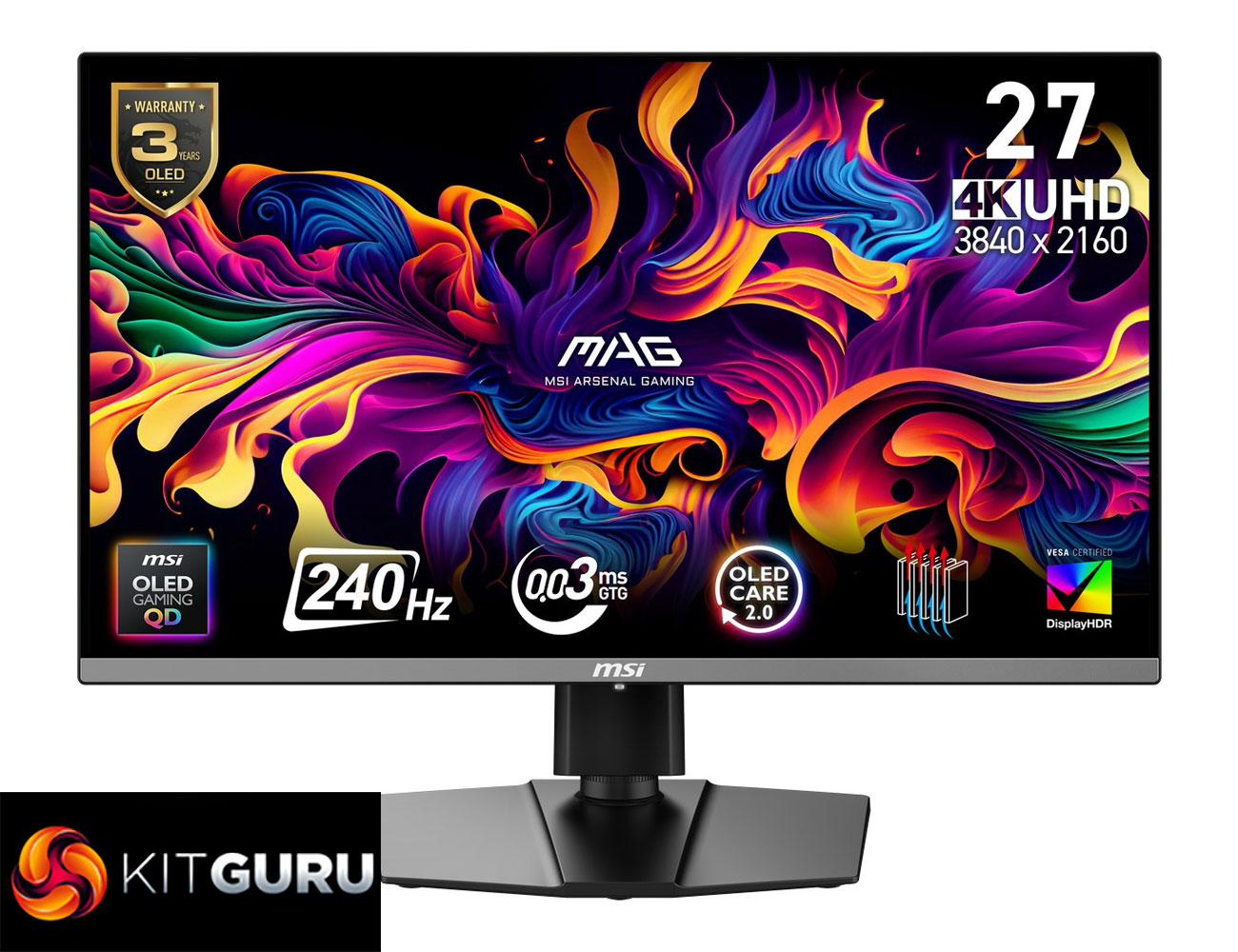
MSI MAG 272UP X24 Review (4K/240Hz QD-OLED)

10 April 2026 at 13:15

Today we're back with another QD-OLED monitor review, as we check out the MSI MAG 272UP X24. This is the cheapest 4K OLED we have seen to-date, as it's currently retailing for under £500 here in the UK. That money gets you a 4th Gen QD-OLED panel, with a 27in screen size, UHD resolution and 240Hz refresh rate. It certainly sounds good on paper, but let's see exactly what this monitor can do in the real world…

Timestamps:

00:00 Intro
00:46 Key specs and pricing
01:53 Design overview
02:41 Connectivity + OSD
03:37 QD-OLED coating/fringing
05:12 Panel analysis, factory calibration
07:31 sRGB mode + calibrated results
08:06 Response times and motion clarity
09:13 Real-world gaming experience
10:25 HDR analysis
11:52 Closing thoughts

If the spec for the MSI MAG 272UP X24 sounds familiar, that's because it's essentially the same thing as the MSI MPG 272URX that we reviewed last year. Both monitors use the same QD-OLED panel, so all the key panel specs are the same. The difference is the 272UP is from MSI's MAG series, which is generally more affordable, and as such it misses out on a handful of features compared to the 272URX – things like KVM functionality, a USB hub, and lower-power USB-C power delivery.

However, that does mean MSI can lower the price, and right now the 272UP is retailing for £499 here in the UK, though we're told that's an Easter deal that will run until April 22nd. Even then, PCPartPicker pricing history shows it was only £550 back in February and frequently goes on special offer. So if you want a pixel-dense QD-OLED without spending as much for a more premium model, is the 272UP worth buying?

Specification:

  • Screen size: 26.5” (67.31 cm)
  • Active display area: 589.97 (H) x 332.93 (V) mm
  • Curvature: Flat
  • Panel type: QD-OLED
  • Resolution: 3840 x 2160 (UHD)
  • Pixel pitch: 0.153 (H) x 0.153 (V) mm
  • Aspect ratio: 16:9
  • Adaptive sync: NVIDIA G-SYNC Compatible / AMD FreeSync™ Premium Pro
  • VRR range: 48–240 Hz
  • HDR: True Black 400
  • Brightness: SDR 250 nits; HDR peak 1000 nits
  • Contrast ratio: 1,500,000:1
  • Signal frequency: 31.2–565.42 kHz (H) / 48–240 Hz (V)
  • Refresh rate: 240 Hz
  • Response time: 0.03 ms (GtG)
  • Viewing angles: 178° (H) / 178° (V)
  • Color gamut: NTSC 120.5% (CIE1976), sRGB 138.2% (CIE1976), Adobe RGB 118.4% (CIE1976), DCI-P3 110.1% (CIE1976), Rec.709 138.2% (CIE1976), Rec.2020 80.2% (CIE1976)
  • Surface treatment: Anti-Reflection
  • Display colors: 1.07B (10-bit)
  • USB Type-C (DP Alt): 1x
  • Headphone out: 1x
  • Lock type: Kensington Lock
  • HDMI: 2x HDMI 2.1 (HDCP 2.3)
  • DisplayPort: 1x DisplayPort 1.4a (HDCP 2.3)
  • Warranty: 36 months
  • Power type: Internal power board
  • Power input: 100–240V, 50/60Hz
  • Power consumption: 25 kWh / 1000h
  • Annual energy consumption: 25 kWh
  • Standby power: 0.5 W
  • Off power: 0.3 W
  • Energy rating: F
  • Power cord type: C13
  • Included cables: DisplayPort cable x1, HDMI cable x1, Power cord x1
  • Accessories: Quick guide x1
  • Tilt: -5° ~ 20°
  • Swivel: -30° ~ 30°
  • Height adjustment: 0–110 mm
  • Pivot: -90° ~ 90°
  • VESA mounting: 100 x 100 mm

Firmware tested: FW.012

The post MSI MAG 272UP X24 Review (4K/240Hz QD-OLED) first appeared on KitGuru.

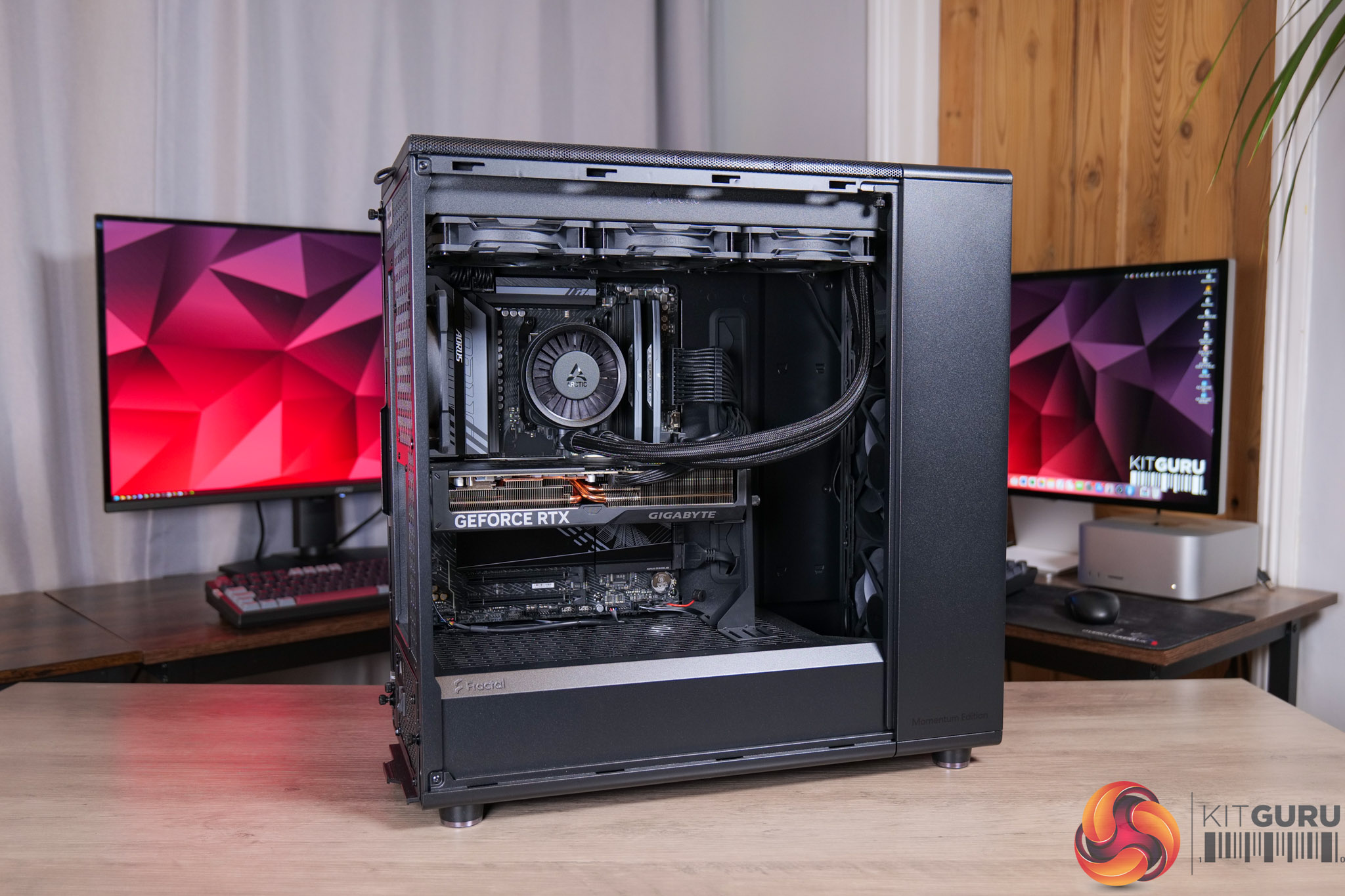
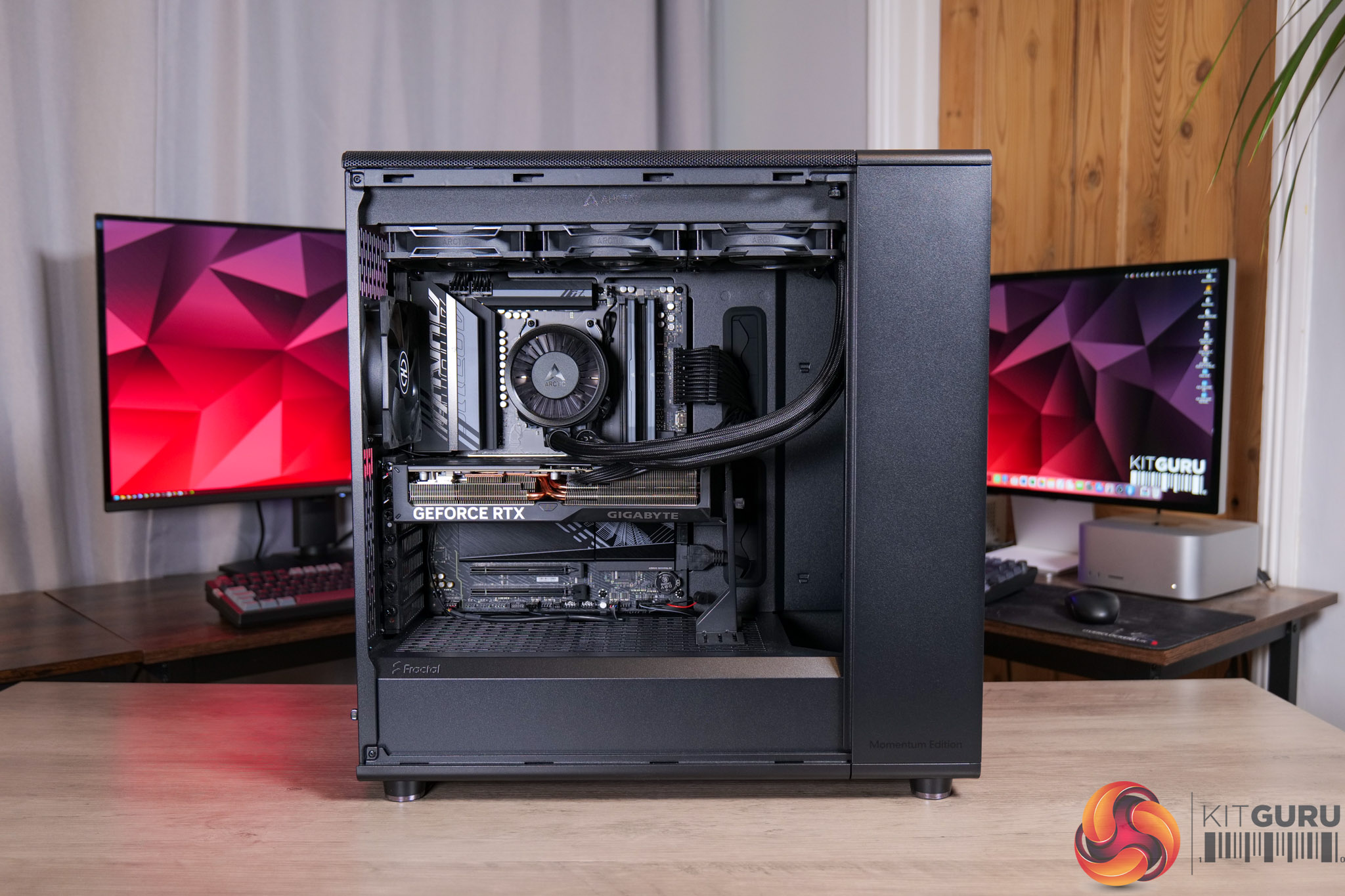
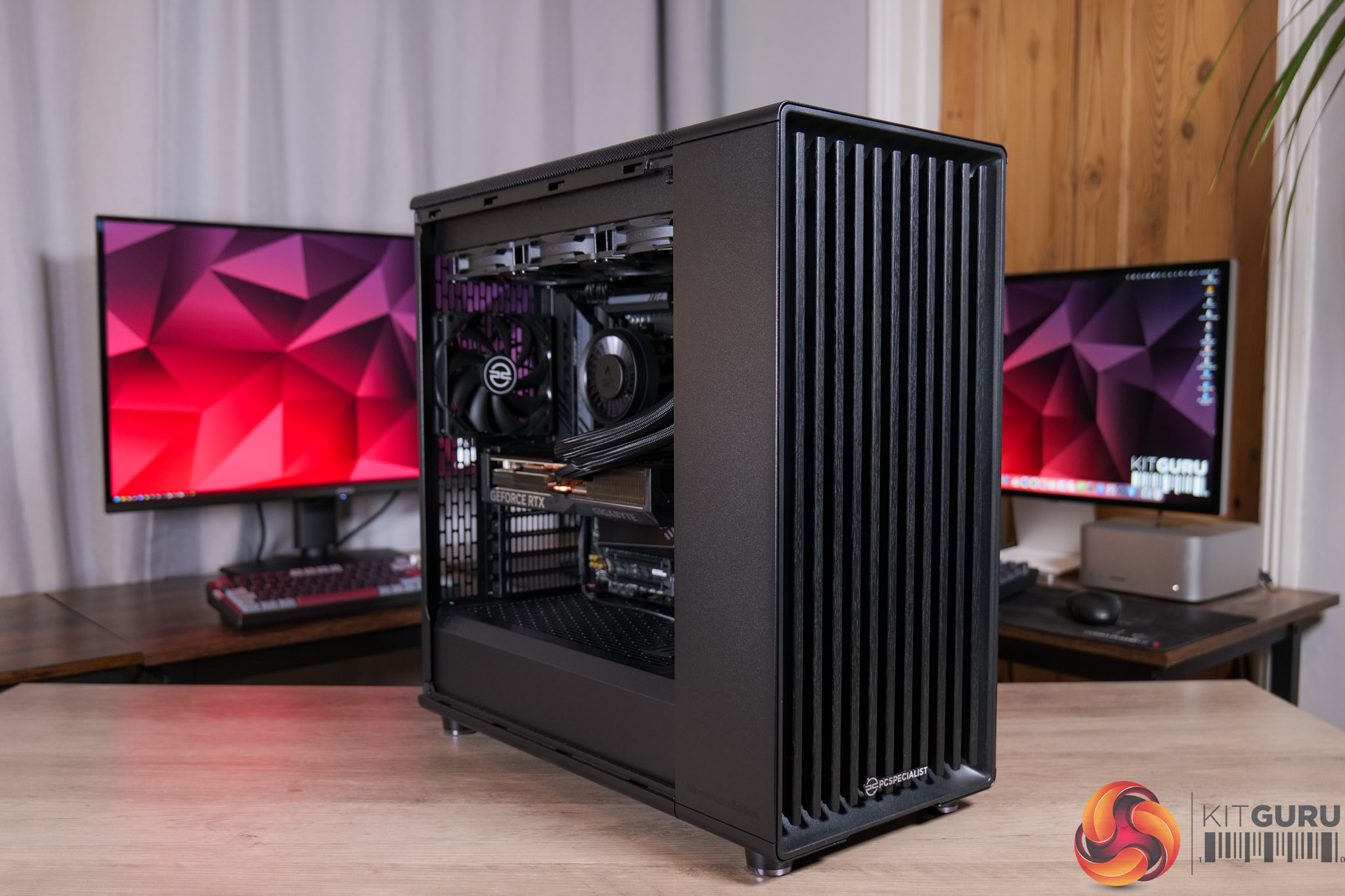
PCSpecialist Falcon Pro Prebuilt Review (9900X3D + 5070 Ti)

27 March 2026 at 15:27

We've all seen just how prevalent RGB lighting has come over the last decade, but today's prebuilt system is bucking that trend by eschewing any and all LED frills. This is the PCSpecialist Falcon Pro, a minimalist but powerful machine, packing in AMD's Ryzen 9 9900X3D, an RTX 5070 Ti, and 32GB of DDR5, all for £2599. We put this prebuilt through its paces today and find out if it's worth buying.

Timestamps

00:00 Intro
00:42 Pricing and key spec
01:14 The stealthy aesthetic
01:39 CPU + cooling setup
02:22 Memory, GPU and SSD
03:55 PSU clicking discussion
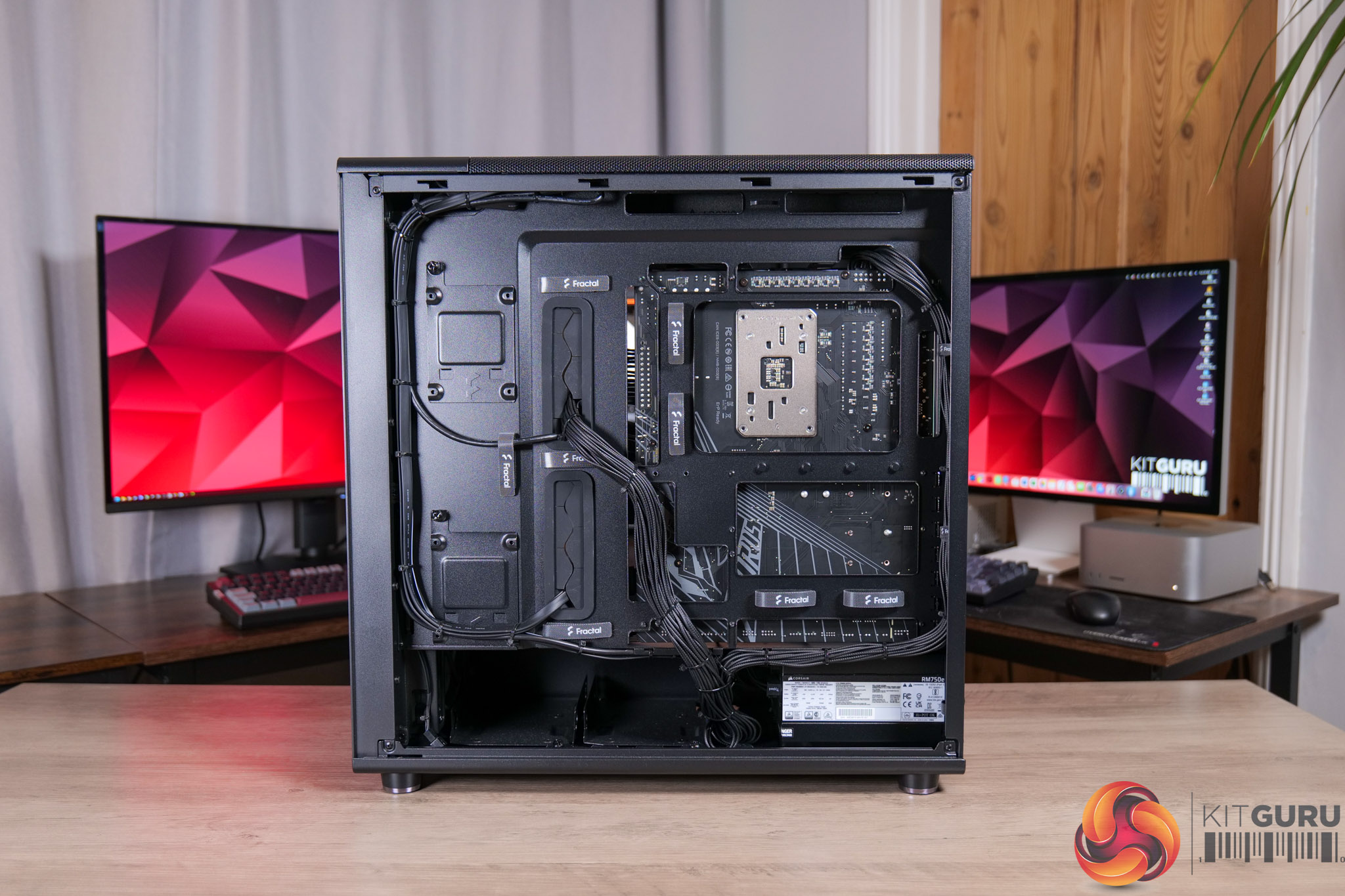
04:57 Cable management
06:03 CPU + GPU behaviour
06:56 Noise levels w/ soundtest
07:45 Real-world gaming performance
08:13 Cyberpunk 2077
08:58 COD BO7
09:35 Doom: The Dark Ages
10:19 Forza Horizon 5
10:52 Kingdom Come: Deliverance II
11:22 System/professional benchmarks
12:19 Closing thoughts + value

Specification

  • Case: Fractal North XL Momentum Edition
  • Processor (CPU): AMD Ryzen 9 9900X3D (12 cores, 4.4GHz–5.5GHz, 128MB cache with 3D V-Cache, AM5)
    • Promotion: Includes Crimson Desert with select AMD Ryzen processors
  • Motherboard: Gigabyte B850 AORUS ELITE WiFi 7 (AM5, DDR5, M.2 PCIe 5.0, Wi-Fi 7)
  • Memory (RAM): 32GB Corsair Vengeance DDR5 6000MHz CL30 (2 x 16GB)
  • Graphics card: 16GB Gigabyte GeForce RTX 5070 Ti Windforce OC V2 (HDMI, 3x DisplayPort)
    • Promotion: Includes Resident Evil Requiem with select GeForce RTX 50 Series
  • 1st M.2 SSD drive: 2TB Crucial P310 PCIe 4.0 NVMe (up to 7100MB/s read, 6000MB/s write)
  • Power supply: Corsair 750W RMe Series ATX 3.1 (modular, Cybenetics Gold)
  • Power cable: 1 x 1.5m UK kettle lead
  • Processor cooling: Arctic Liquid Freezer III Pro 360 (black)
  • Thermal paste: Standard thermal paste
  • Extra case fans: 1 x 120mm PCS black fan
  • Sound: Onboard 6-channel (5.1) HD audio
  • Network: Onboard 2.5GbE LAN
  • Wireless: None or onboard Wi-Fi (motherboard dependent)
  • USB / Thunderbolt: Minimum 2x USB 3.0 and 2x USB 2.0 (rear), plus minimum 2 front ports
  • Operating system: Windows 11 Home 64-bit (single licence)
  • Operating system language: English (UK)
  • Recovery media: Windows 10/11 multi-language recovery image (downloadable)
  • Office software: Microsoft 365 30-day trial
  • Anti-virus: Norton 360 with Game Optimizer (90-day licence)
  • Browser: Microsoft Edge
  • Warranty: 3-year standard (6-month collect & return, 1-year parts, 3-year labour)
  • Delivery: Standard insured UK mainland delivery (Mon–Fri)

You can buy the Falcon Pro from PCSpecialist for £2599 HERE.

Pros

  • Clean, understated aesthetic.
  • Strong gaming performance, be it 1440p or 4K.
  • 12-core CPU is capable of handling more demanding workloads, too.
  • Impressive thermal results.
  • Beautiful rear cable management.
  • Decent value overall.
  • Already assembled and ready to ship next day.

Cons

  • SSD speeds drop off as it fills up due to DRAM-less and QLC NAND design.
  • Louder than it needs to be, especially for CPU workloads.
  • A couple of minor cable management areas could be improved.
  • Our PSU had the RMe clicking issue, though this would be covered under PCSpecialist's warranty.

KitGuru says: The Falcon Pro is a solid PC for both work and play, and with a couple of minor adjustments, it would be even more impressive.

The post PCSpecialist Falcon Pro Prebuilt Review (9900X3D + 5070 Ti) first appeared on KitGuru.

Apple MacBook Neo Review

20 March 2026 at 12:05

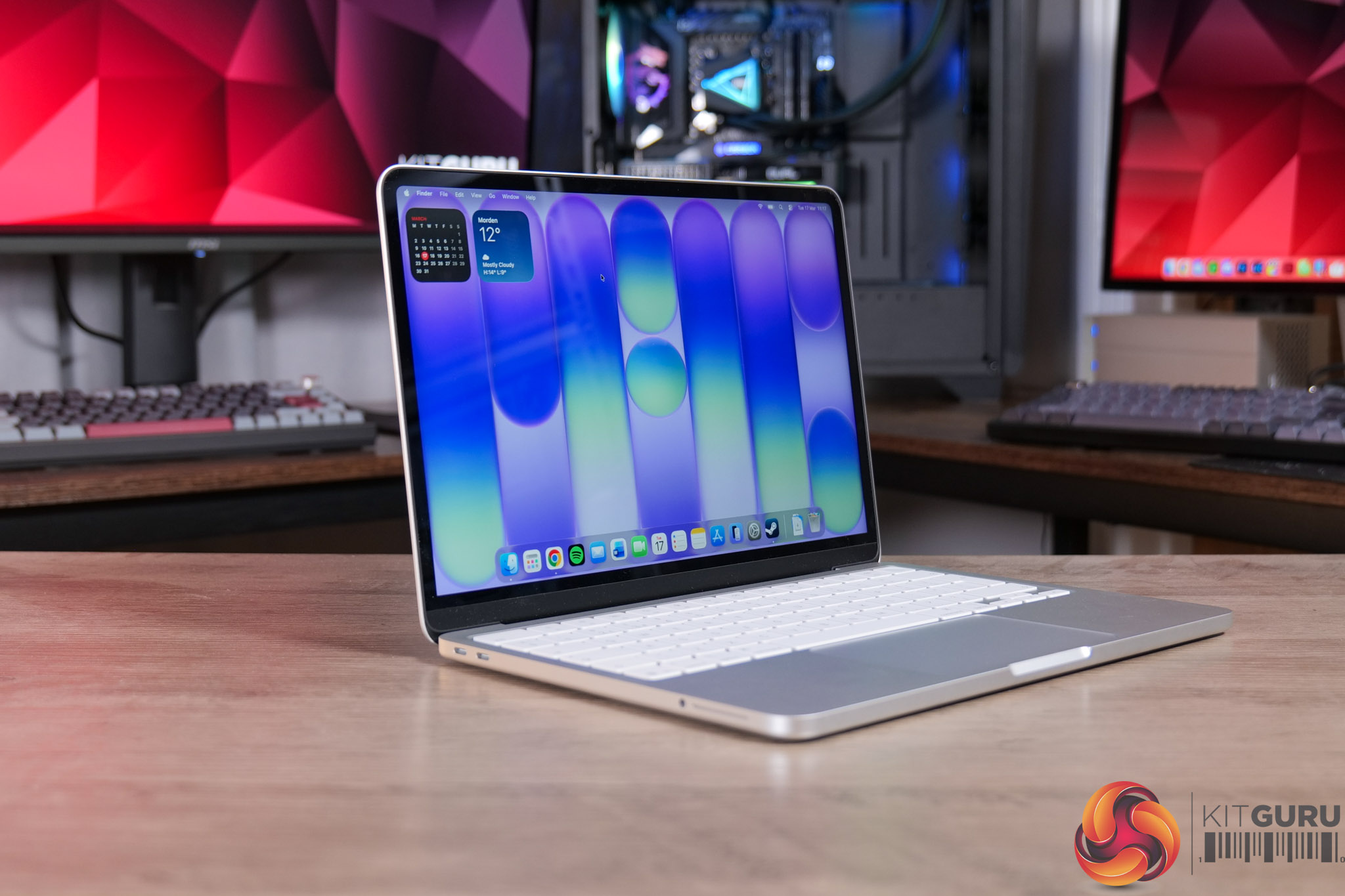
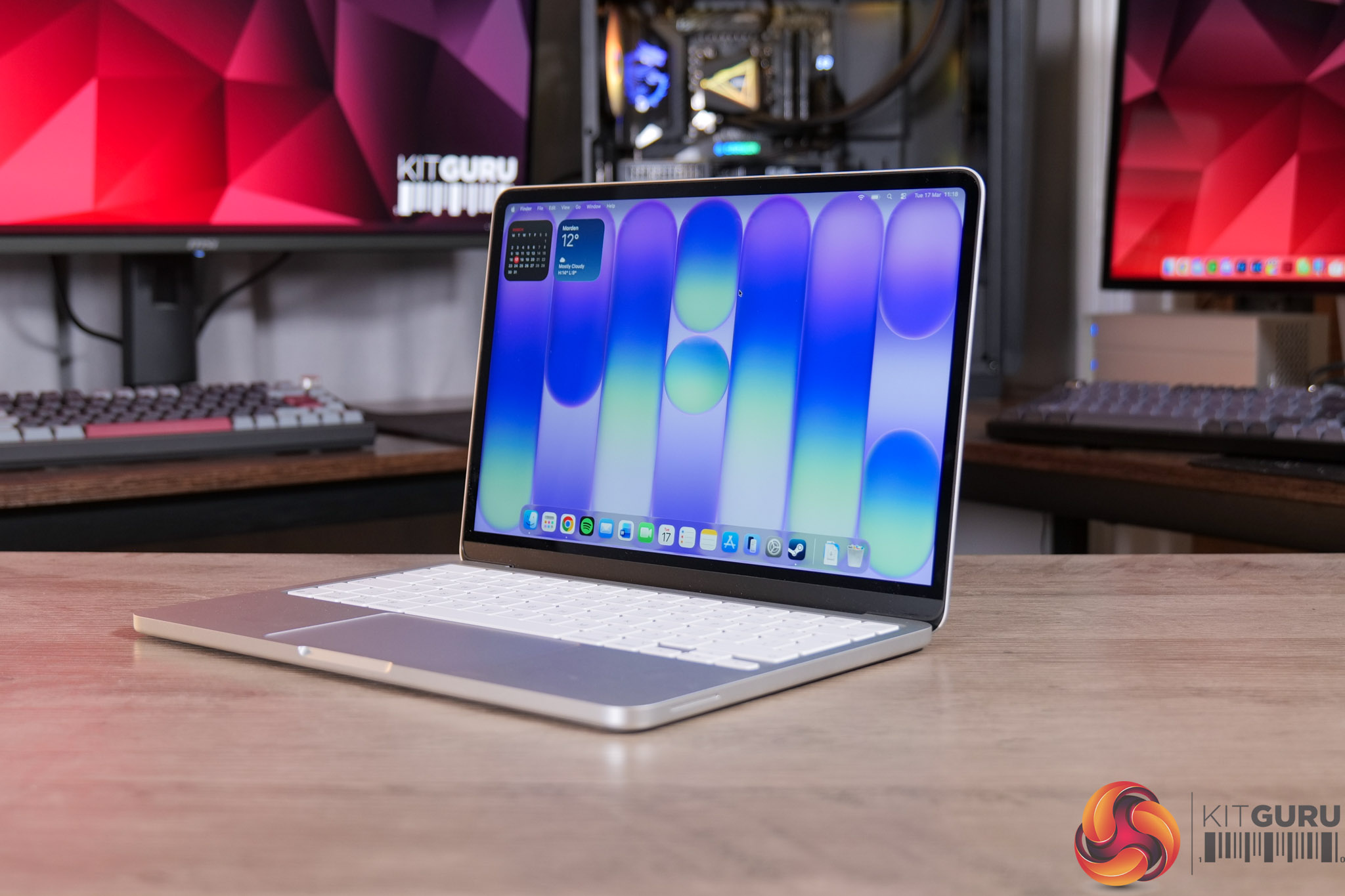
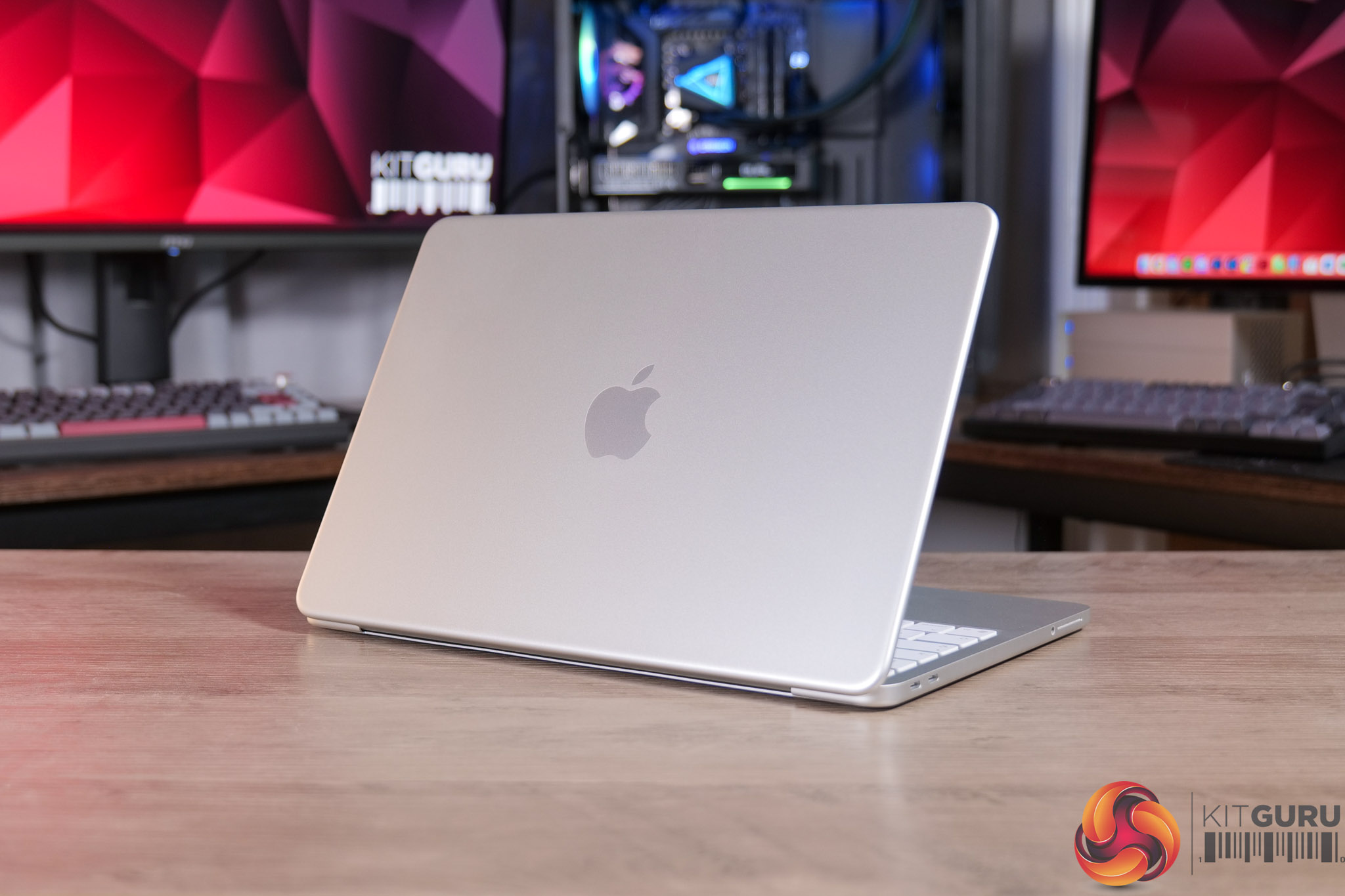
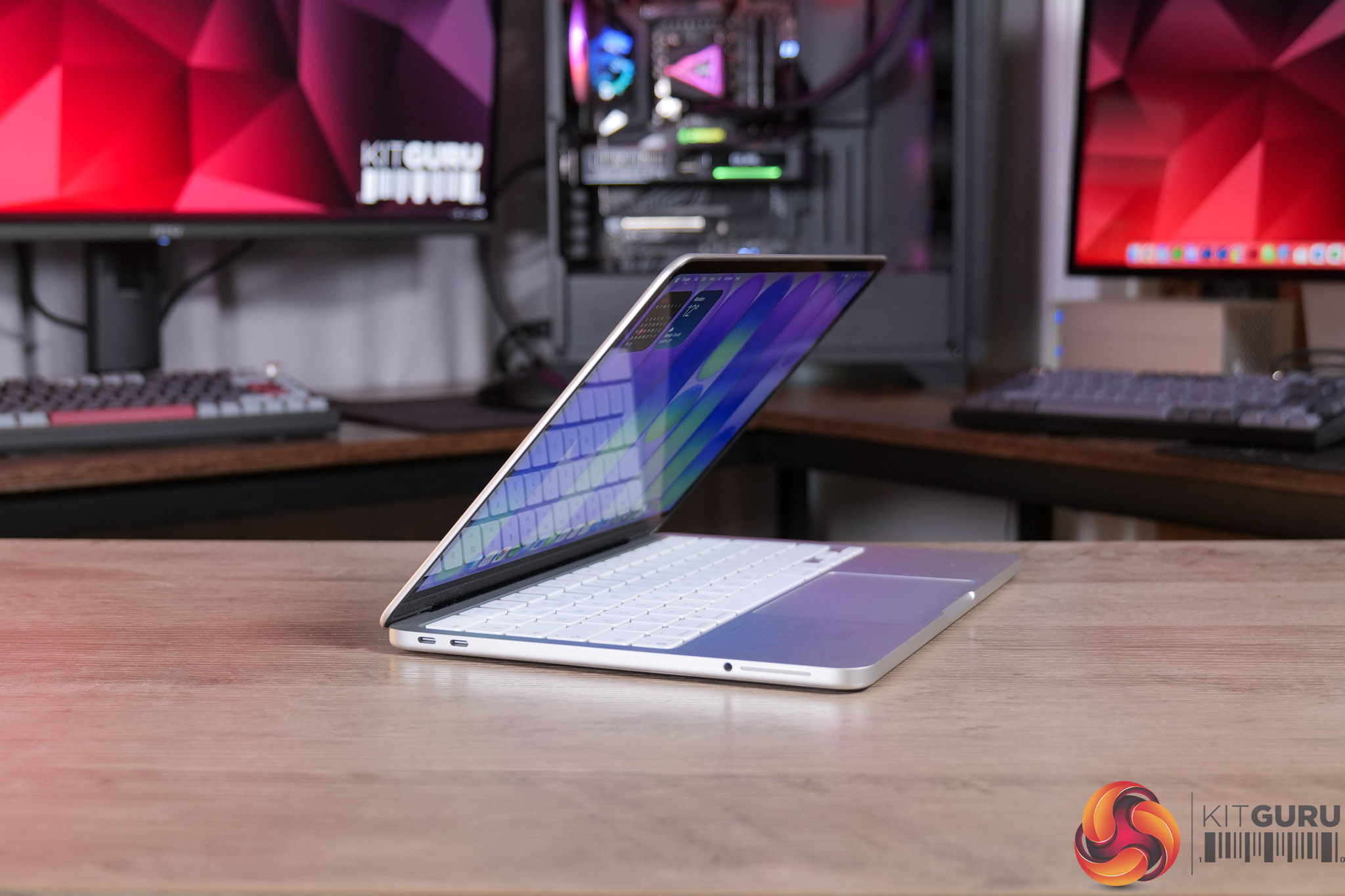
Apple products aren’t something we usually cover here at KitGuru, but when the MacBook Neo was announced as the cheapest MacBook ever, it certainly caught my eye. As a lifelong PC user and enthusiast, I was particularly curious to know exactly how a budget laptop running a mobile processor with just 8GB of RAM would perform – but if, like me, you’re expecting it to be underwhelming – I think you might be in for a bit of a surprise…

Timestamps

00:00 Intro
00:50 Pricing and key info
01:41 Design first impressions
02:30 Keyboard + trackpad
03:12 Webcam and speaker test
04:42 Screen analysis
06:03 Performance testing
07:23 8GB RAM discussion
08:15 Can it game?
08:58 WiFi + thermal camera
09:26 Battery life
10:10 Closing thoughts

Specification

  • Processor: Apple A18 Pro (6-core CPU: 2 performance + 4 efficiency cores)
  • Graphics: 5-core GPU with hardware-accelerated ray tracing
  • Neural engine: 16-core Neural Engine
  • Memory: 8GB unified memory
  • Storage: 256GB or 512GB SSD
  • Display: 13-inch Liquid Retina display (2408 x 1506), 500 nits brightness, 1 billion colours
  • Pixel density: 219 PPI
  • Media engine: Hardware-accelerated H.264, HEVC, ProRes and ProRes RAW; AV1 decode
  • Camera: 1080p FaceTime HD
  • Audio: Dual speakers with Spatial Audio support; dual microphone array
  • Wireless: Wi-Fi 6E, Bluetooth
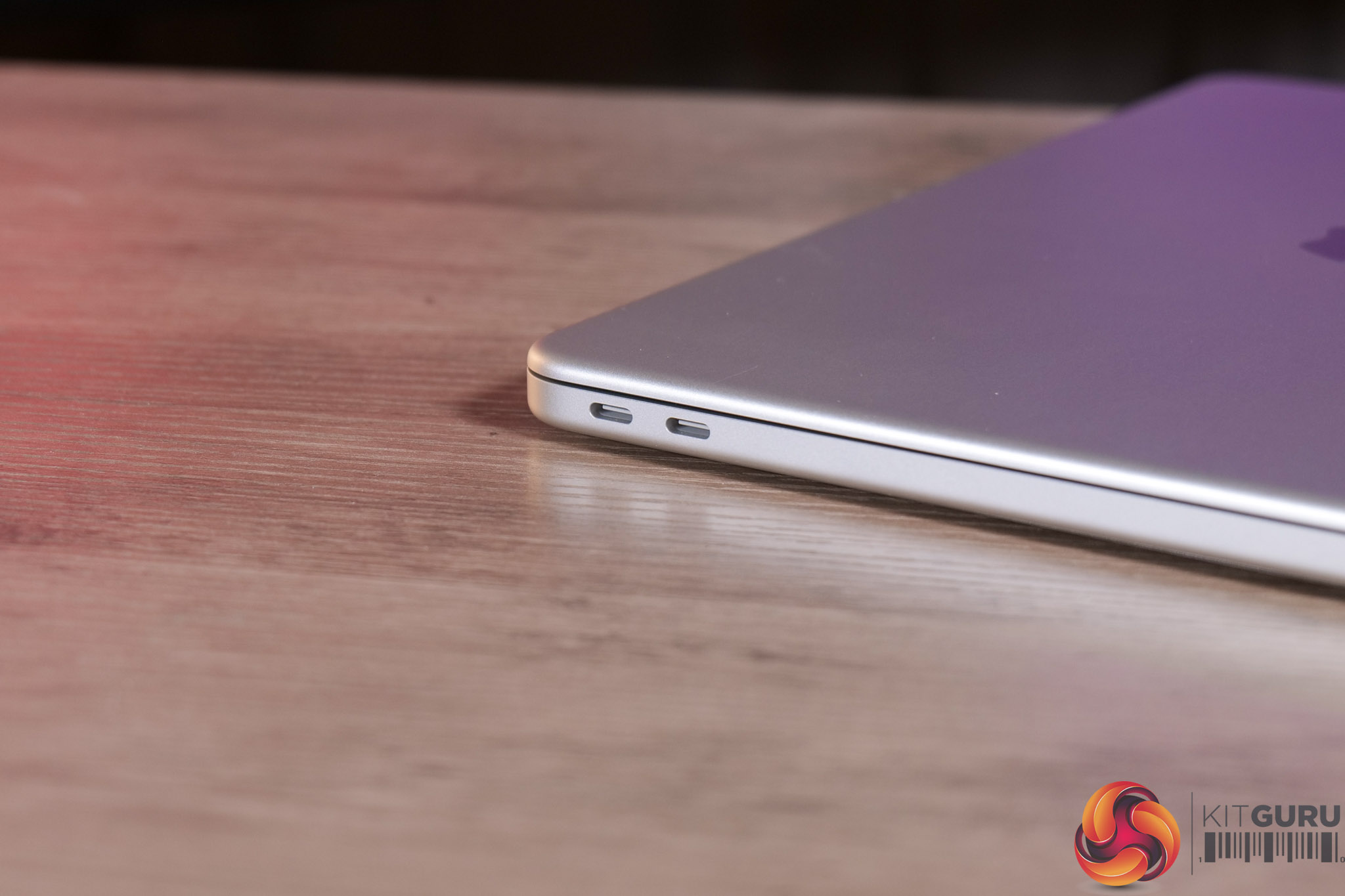
  • Ports: 2x USB-C (USB 3 / USB 2 mix), 3.5mm headphone jack
  • Battery life: Up to 16 hours
  • Keyboard: Magic Keyboard with multi-touch trackpad
  • Security: Touch ID (on select configurations)
  • Operating system: macOS
  • Colours: Silver, Indigo, Blush, Citrus
  • Dimensions: approx. 297.5 x 206.4 x 12.7 mm
  • Weight: approx. 1.23 kg

You can buy the MacBook Neo directly from Apple HERE. The 256GB model is £599, while the 512GB model (with Touch ID) is £699. Education discount is also available for £100 off HERE.

Pros

  • Beautiful aluminium body.
  • Bright and accurate screen.
  • A18 Pro gets the job done with ease for light tasks.
  • Solid battery life.
  • MacOS is as good as ever.
  • Keyboard and trackpad perform well.
  • Speakers offer good clarity considering it's just a pair of side-firing drivers.
  • Very good value, especially if you get the education discount.

Cons

  • More memory would be welcome.
  • Just two USB-C ports, one of which is USB 2.0, and neither have MagSafe.
  • Webcam is passable but not super high quality.
  • Keyboard isn't backlit.

KitGuru says: Apple's MacBook Neo is an impressively well-rounded laptop considering the asking price. It's not designed for the power user, but if you want something that just works for general use, this is a great option.

The post Apple MacBook Neo Review first appeared on KitGuru.

iiyama ProGraphic HB2701UHSNP Review (4K/60Hz Professional Monitor)

11 March 2026 at 10:08

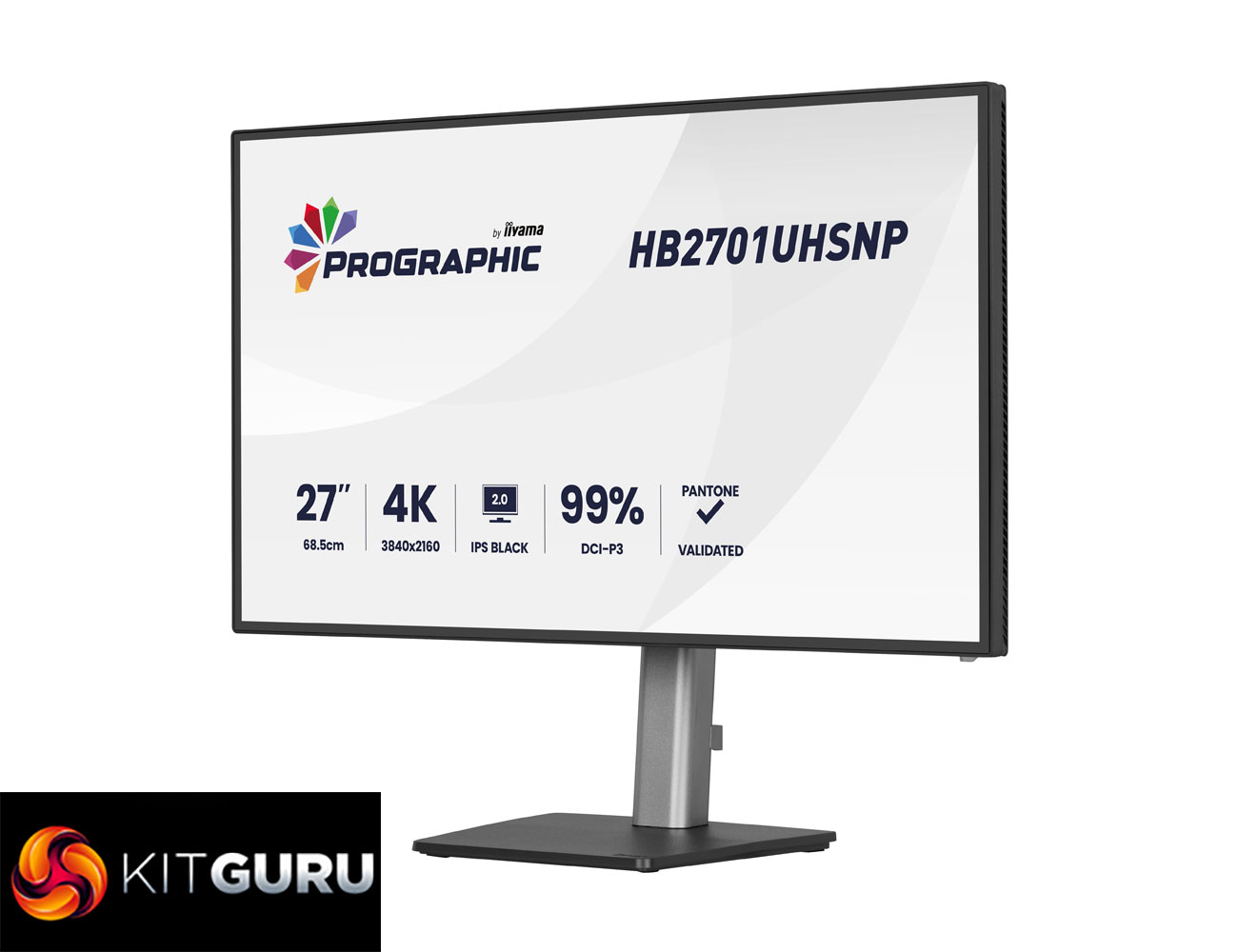
Today we're checking out a monitor from iiyama's new ProGraphic lineup. As the name suggests, it's a family of displays geared towards professionals and creatives, rather than the gaming audience that we'd associate with the company's G-Master range. Specifically, we are analysing the HB2701UHSNP, sporting a 27in diagonal and 4K resolution. It's also packing in one of LG's new IPS Black 2.0 panels, designed to increase contrast, while iiyama also claims 99% DCI-P3 coverage.

Right now, iiyama's ProGraphic lineup consists of two models – the HB2701UHSNP we are reviewing today, along with the HB3201UHSNP. Both are very similar overall, built on IPS Black 2.0 technology with a wide colour gamut, but the latter is slightly larger at 32in.

On top of the new IPS panel technology, iiyama highlights wide colour gamut, Pantone Validated colours, sharp visuals thanks to the UHD resolution, alongside an anti-glare screen coating and useful features like a KVM switch.

Here in the UK, the HB2701UHSNP is retailing for just under £500, so let's see what it can bring to the table.

Specification:

  • Design: 4-side edge-to-edge
  • Diagonal: 27″, 68.5 cm
  • Panel: IPS Black 2.0, matte finish
  • Native resolution: 3840 x 2160 @60Hz (8.3 megapixel 4K UHD)
  • Aspect ratio: 16:9
  • Panel brightness: 450 cd/m²
  • Static contrast: 3000:1
  • Advanced contrast: 80M:1
  • Response time (GTG): 4 ms
  • Viewing zone: horizontal/vertical 178°/178°, right/left 89°/89°, up/down 89°/89°
  • Colour support: 1.07B 8-bit (DCI-P3 99%, sRGB 100%, NTSC 72%)
  • Horizontal sync: 30 – 140 kHz
  • Viewable area (W x H): 596.7 x 335.7 mm (23.5 x 13.2″)
  • Pixel pitch: 0.155 mm
  • Colour: matte black
  • Signal input: HDMI x1 (v2.0), DisplayPort x1 (v1.2), USB-C x1 (Power Delivery 96W)
  • Signal output: DisplayPort x1 (Daisy Chain MST up to 3840 x 2160)
  • USB hub: 4x (3x USB 3.2 Gen1 Type-A 5Gbps 4.5W, 1x USB Type-C 5Gbps 15W)
  • USB-C dock: 1x (Power Delivery 96W, LAN, DP out, USB 3.2 Gen1 5Gbps; not supported on Mac)
  • HDCP: Yes
  • Headphone connector: Yes
  • RJ45 (LAN): 1x
  • KVM switch: Yes
  • Blue light reducer: Yes
  • Flicker free: Yes
  • Extra features: Delta E <2.0, EyeComfort, Low Blue Light panel, Eyesafe® Certified, Pantone Validated™, AGLR polarizer (anti-glare low reflective)
  • HDR: HDR400
  • Speakers: 2 x 2W
  • Convenience: Kensington-lock™ prepared, DDC/CI, DDC2B
  • Display position adjustments: height, swivel, tilt, pivot
  • Height adjustment: 150 mm
  • Rotation (pivot): 90°
  • Swivel stand: 360° (180° left / 180° right)
  • Tilt angle: 23° up / 5° down
  • VESA mounting: 100 x 100 mm
  • Cable management system: Yes

Firmware tested: V101

The post iiyama ProGraphic HB2701UHSNP Review (4K/60Hz Professional Monitor) first appeared on KitGuru.

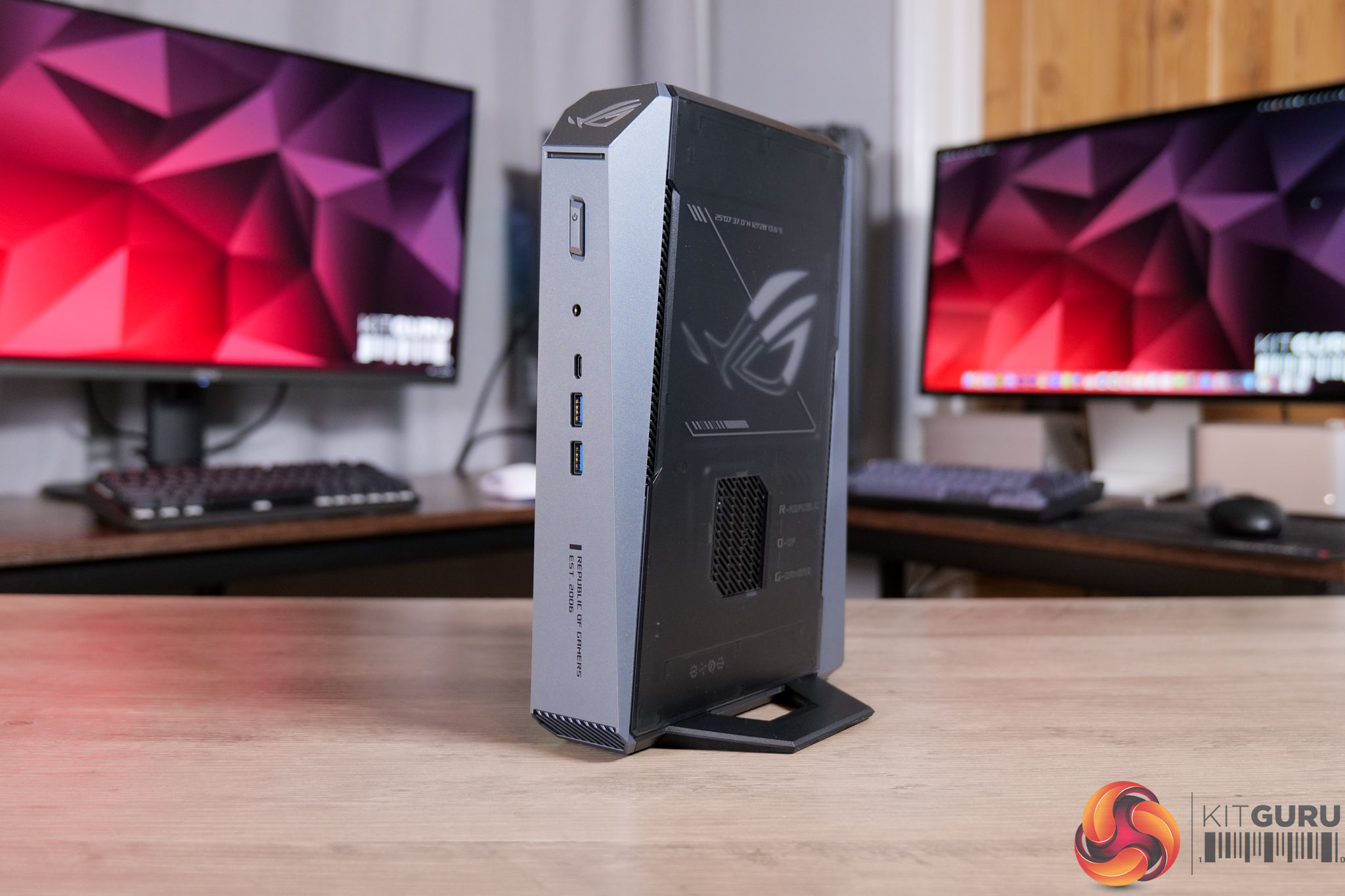
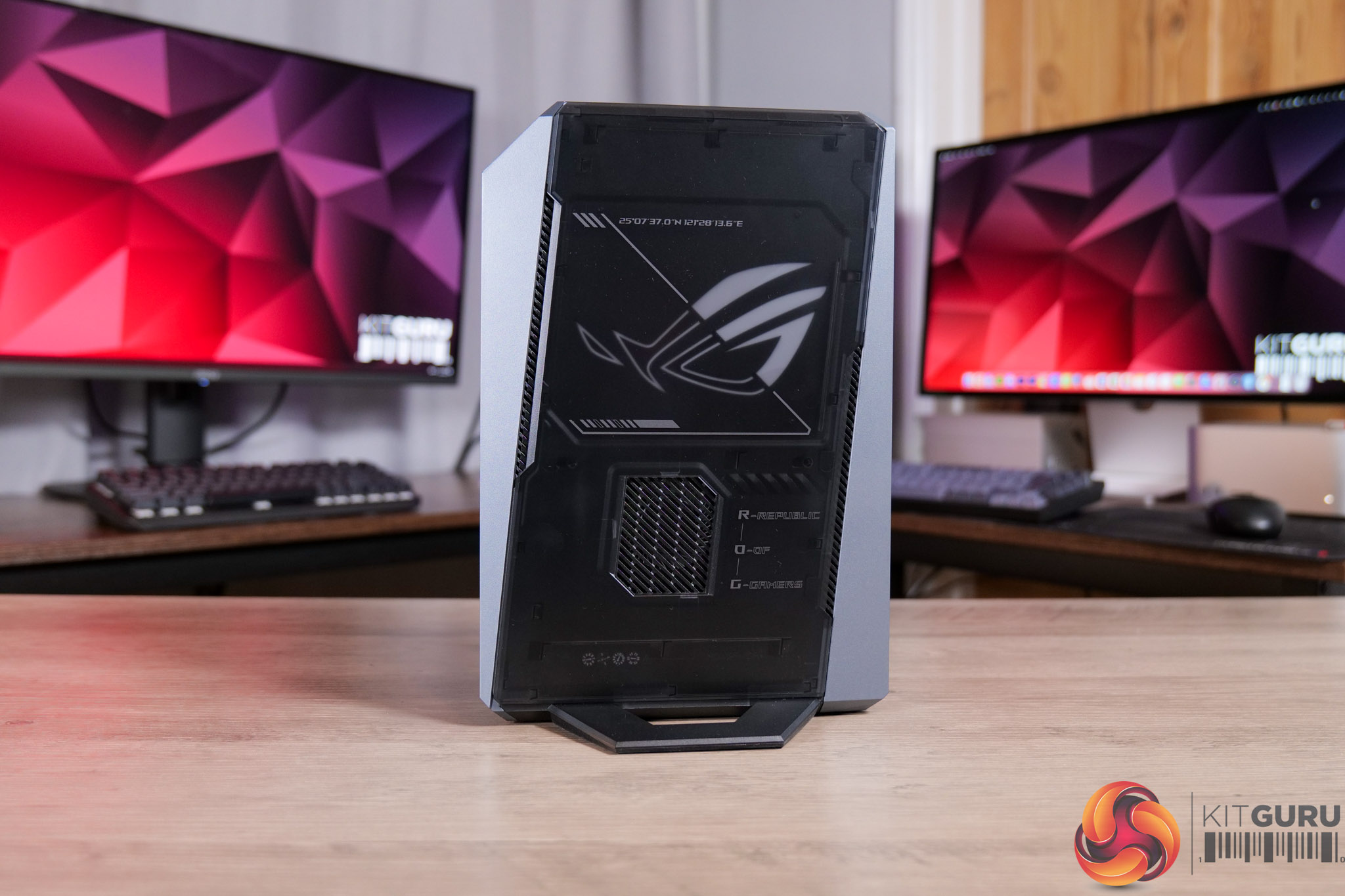
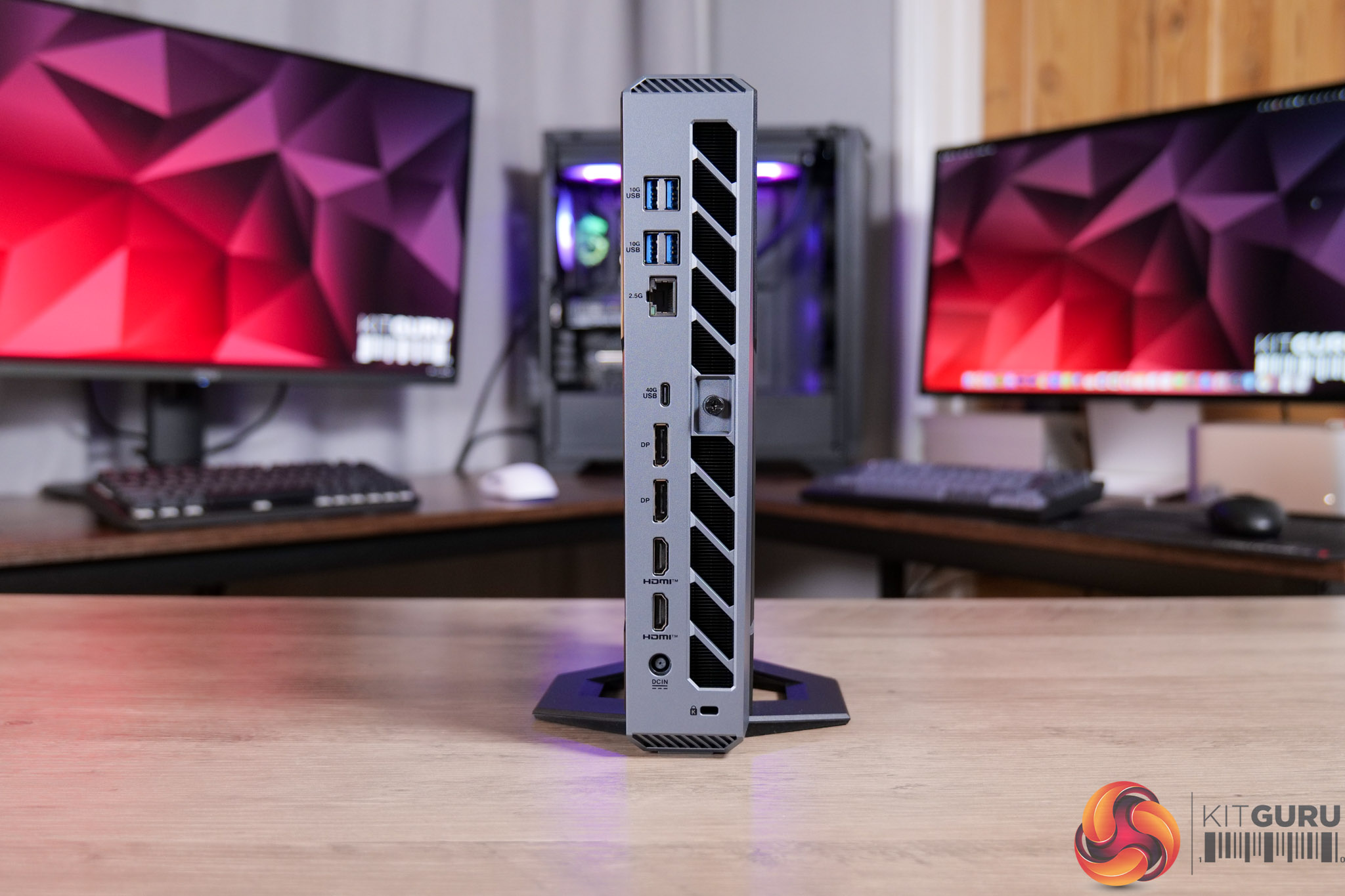
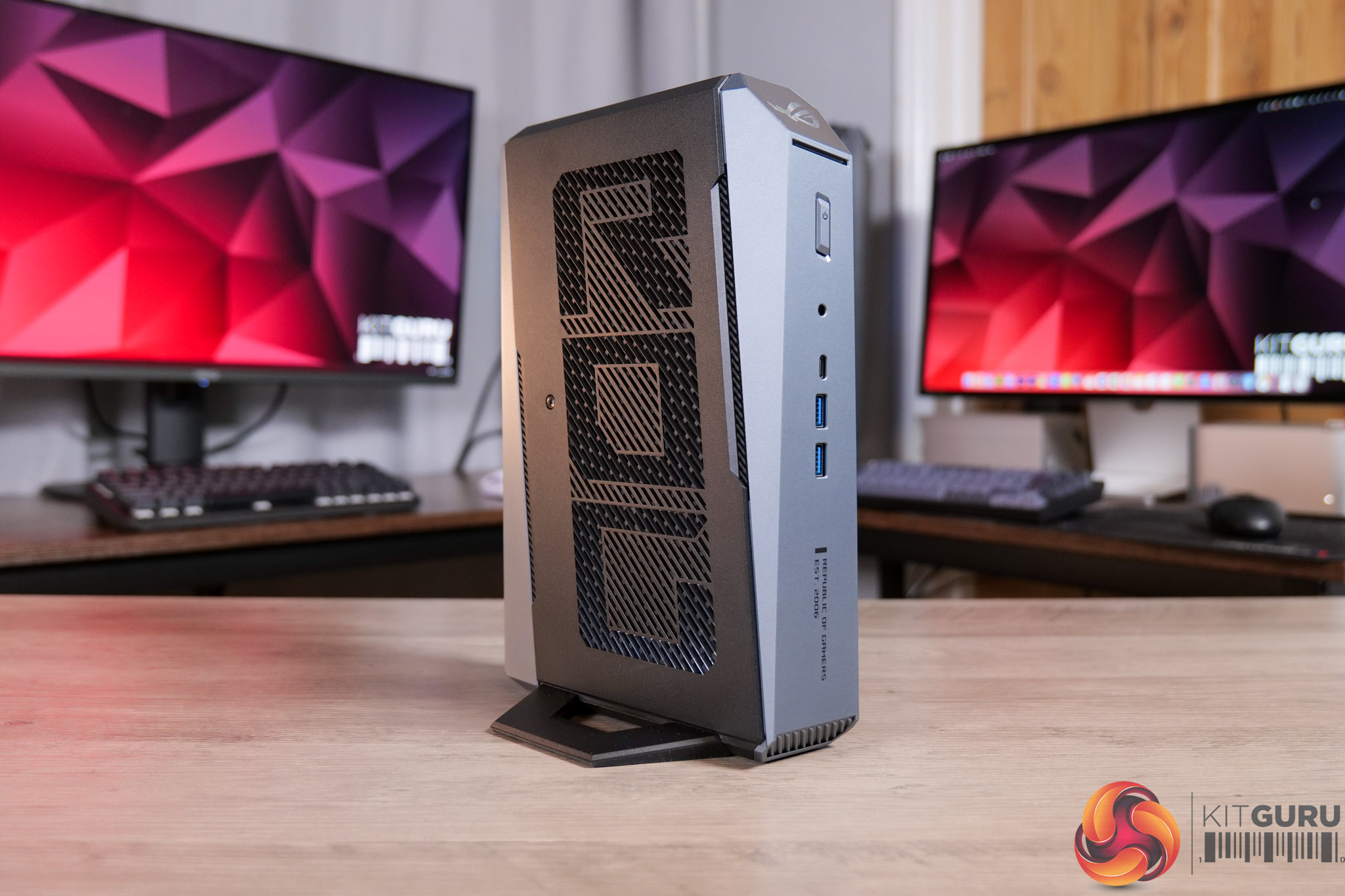
ASUS ROG GR70 Mini PC Review (9955HX3D + 5060)

27 February 2026 at 14:59

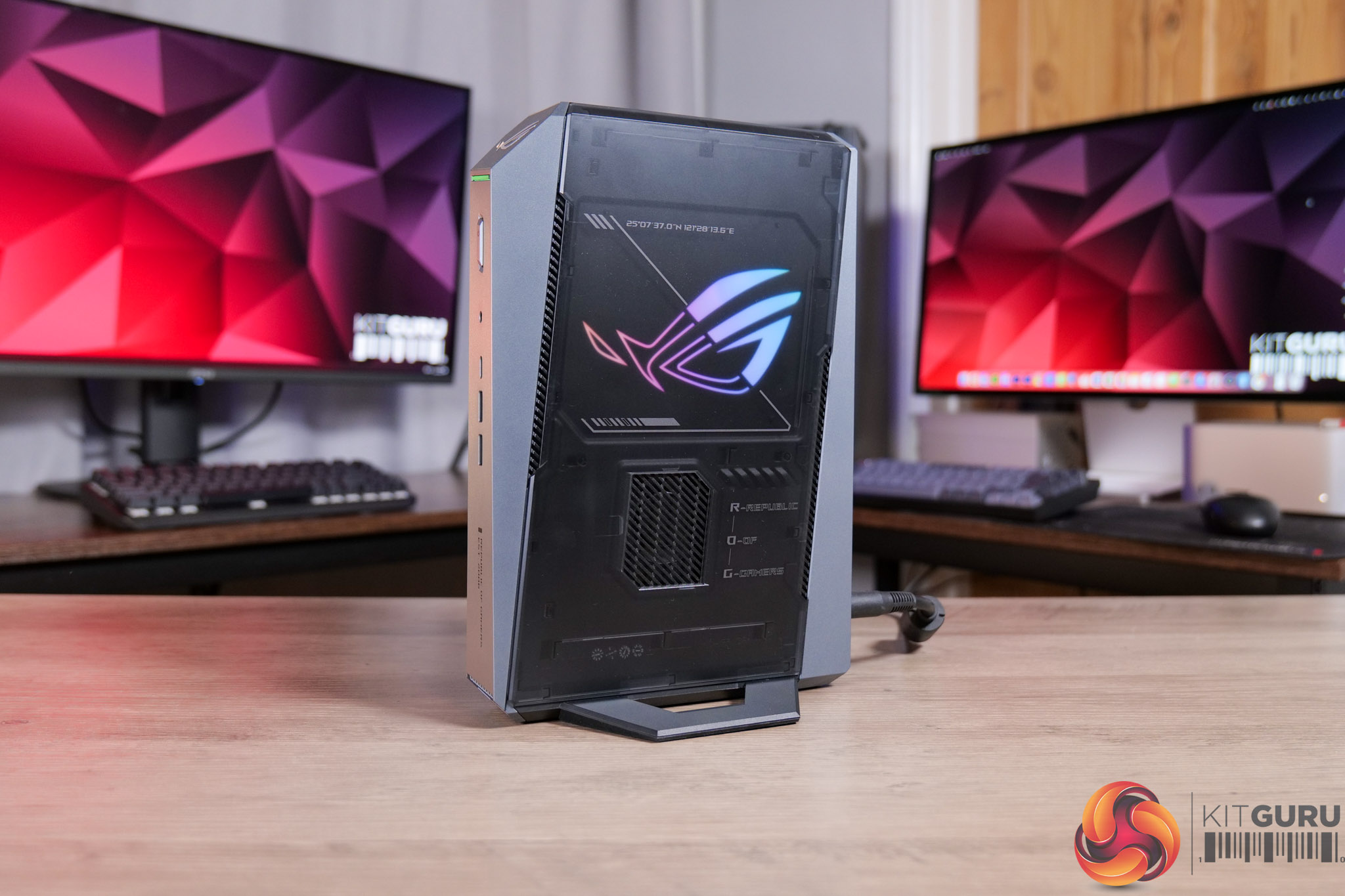
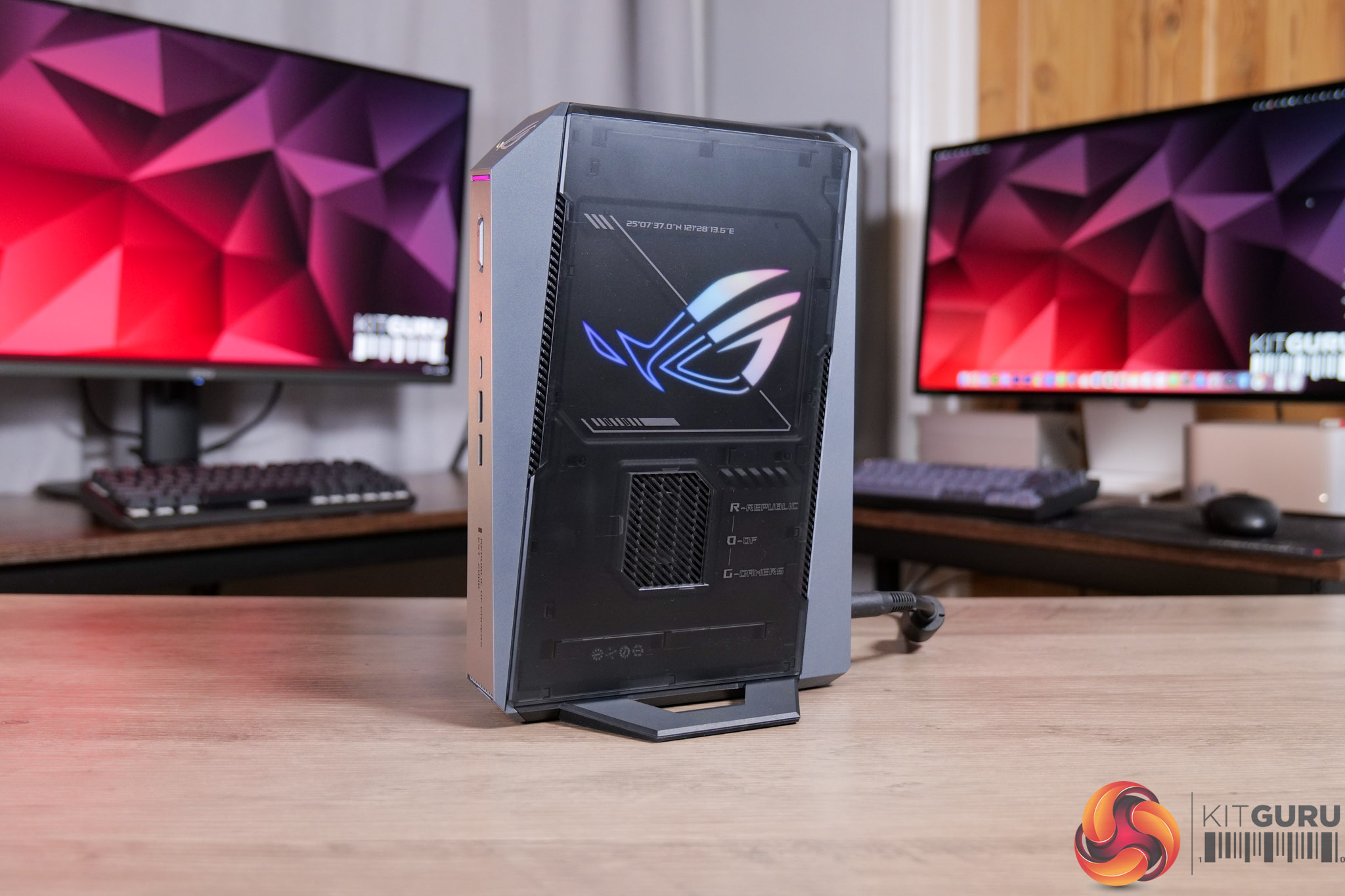
Today we’re checking out the ASUS ROG GR70 gaming mini PC. Not to be confused with the ROG NUC – although they look basically identical – the GR70 packs in a Ryzen 9 9955HX3D CPU instead of an Intel Core Ultra processor. Given NUC used to be an Intel product line, which ASUS then took on, I wonder if that’s why it’s not part of the NUC family. Either way, it’s a tiny machine that's focused solely on gaming, including discrete Nvidia graphics and that high-end Ryzen X3D CPU. Let’s find out just how good the GR70 is…

Timestamps:

00:00 Intro
00:59 Spec and pricing
02:01 Design first impressions
02:45 Connectivity options
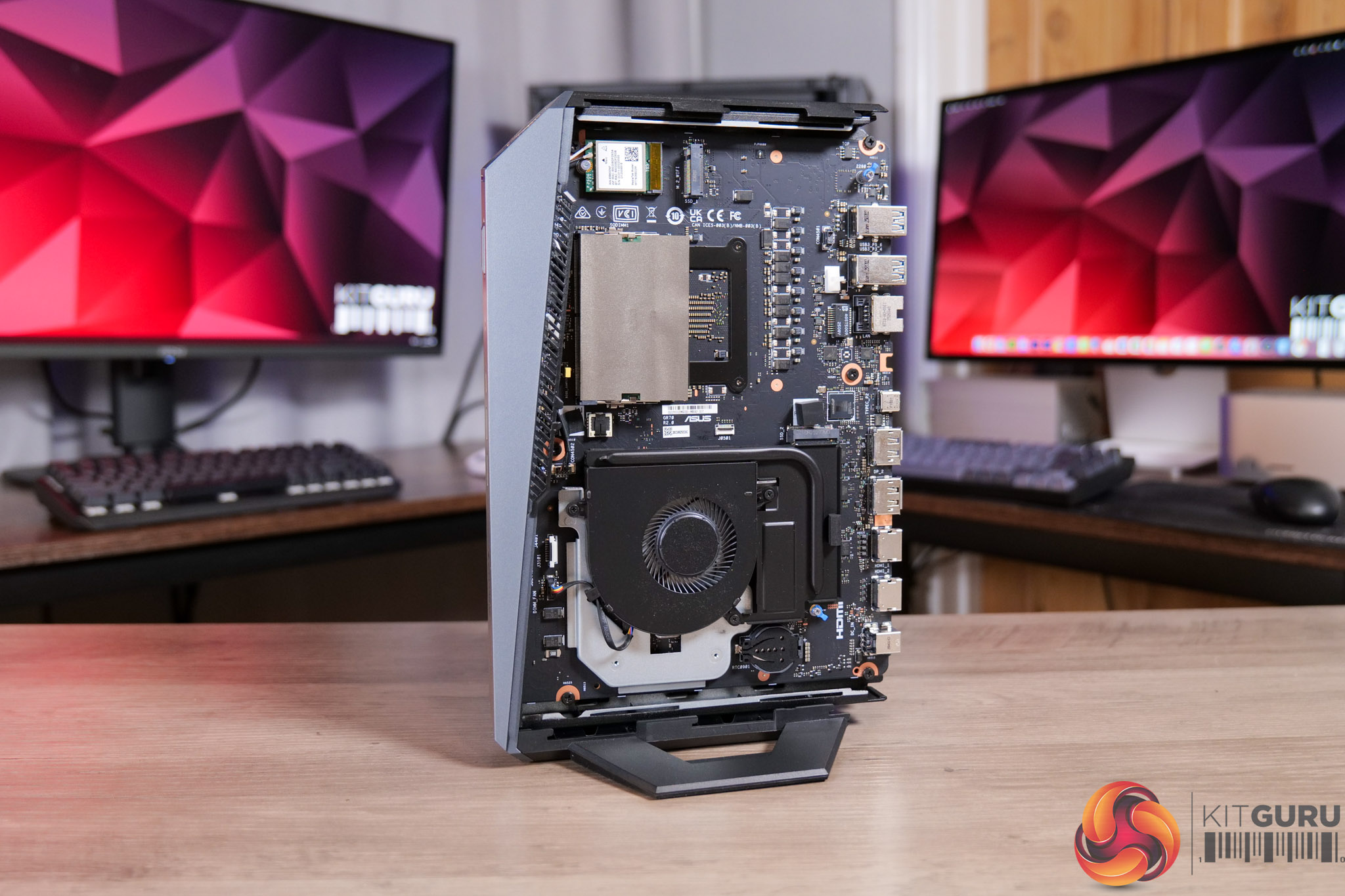
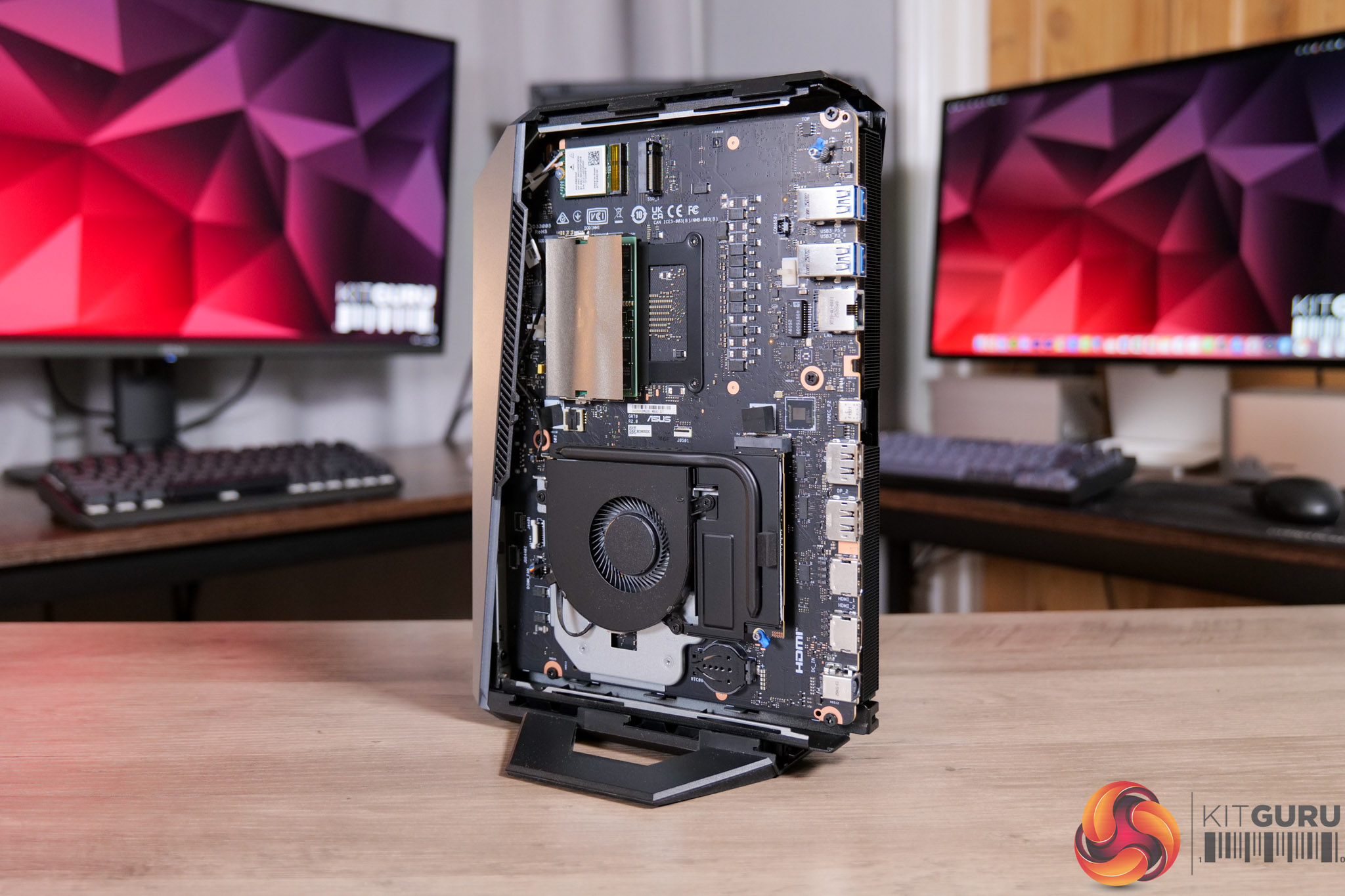
03:29 Accessing the internals
05:07 Testing modes and behaviour
06:57 Noise tests
08:18 Game benchmarks
12:02 Gaming perf vs a full-size desktop
14:02 Closing thoughts

Specification:

  • Operating system: Windows 11 Home
  • CPU: AMD Ryzen™ 9 9955HX3D Processor (cTDP 70W)
  • Chipset: Integrated
  • Graphics (integrated): AMD Radeon™ Graphics 610M
  • Graphics (discrete): NVIDIA® GeForce RTX™ 5070 Laptop GPU (100W + 15W Dynamic Boost, 8GB GDDR6)
  • Memory: 32GB DDR5-5600 SO-DIMM included; maximum 96GB (48GB DDR5-5600 x2). *Dual-channel configuration required for optimal performance
  • Storage: 1TB M.2 NVMe™ PCIe® 4.0 SSD included; supports 512GB–2TB M.2 2280 NVMe™ PCIe® 4.0 x4 or 1TB–2TB M.2 2280 NVMe™ PCIe® 5.0 x4 SSD
  • Wireless: Wi-Fi 7 (Gig+), Bluetooth® 5.4
  • LAN: 10/100/1000/2500 Mbps (2.5G LAN)
  • Front (side) I/O ports:
    • 1x USB 3.2 Gen2 Type-C (5V/3A, 10Gbps)
    • 1x USB 3.2 Gen2 Type-A (5V/0.9A, 10Gbps)
    • 1x Audio jack (Line out / Mic in / Headphone out)
    • 1x Power button
    • 1x LED light bar
    • 1x ROG ARGB LED panel (side)
  • Back I/O ports:
    • 1x USB 4.0 Type-C (DP 1.4, 5V/3A, 40Gbps)
    • 1x USB 3.2 Gen2 Type-A (5V/0.9A, 10Gbps)
    • 2x HDMI 2.1 (up to 4K @60Hz)
    • 2x DisplayPort 2.1
    • 1x 2.5G RJ45 LAN
    • 1x Kensington lock slot
    • 1x DC-in
  • Multi-display support: Up to 5 displays simultaneously
  • Power supply: 330W adapter with power cord
  • Dimensions (W x D x H): 282.4 x 187.7 x 56.6 mm
  • Weight: 2.75 kg
  • Color: Star Grey
  • Accessories: AC adapter, power cord, user manual, warranty card

It's worth noting that we were sent a ‘reviewer's special' of the GR70, given our sample packs in the 9955HX3D CPU, but that sits alongside RTX 5060 Laptop graphics – which doesn't appear to be a configuration that ASUS is actually selling. The gaming performance shown in our video is therefore likely to be slightly below what an actual retail unit will deliver, though both 5060 and 5070 Laptop chips have 8GB VRAM.

Pricing and availability is also unconfirmed at the time of writing, but we have reached out to ASUS and will update this review when we have more information. No doubt the ROG GR70 will be expensive and it will certainly have a price premium over an equivalent desktop machine, you will just have to decide how much of a premium you are happy to pay considering the ultra small form-factor.

Pros

  • Tiny and sleek machine.
  • Impressive CPU and GPU grunt considering its size.
  • 4K gaming is possible in certain titles, when using DLSS Performance.
  • Very easy to access the internals.
  • Strong I/O.

Cons

  • CPU hit 100C in intensive all-core workloads.
  • Gets very loud at the same time (though is much quieter for gaming).
  • Pricing and availability is not yet confirmed, though it's likely to be very expensive.

KitGuru says: The ROG GR70 is a properly gaming-focused mini PC. It's not perfect, and using it for more than just gaming – like some intensive CPU workloads – may not be the best idea due to the thermal situation. However, if you just want a tiny PC that is capable of properly playing the latest AAA games, this is well worth a look.

The post ASUS ROG GR70 Mini PC Review (9955HX3D + 5060) first appeared on KitGuru.

PCSpecialist responds to our Element Elite R article

20 February 2026 at 13:30

Yesterday we published an article and accompanying video, detailing the Element Elite R prebuilt PC that we were sent by PCSpecialist. We demonstrated how the system had been built improperly, resulting in the PCIe riser cable completely blocking one of the two AIO cooler fans. We reached out to PCSpecialist with our findings and questions and have today received a full response.

If you haven't already, be sure to check out on the original article and video which explored everything in detail, and the issues raised by our findings. We had already reached out to PCSpecialist before publishing to let them know what we had found, inviting a response to our article. Dialogue opened yesterday and today we were sent a full statement from the company.

First and foremost, it was good to see the company took responsibility for the issue, with a statement from John Medley, PCSpecialist Head of Sales & Marketing, agreeing that the issue shown ‘should not have happened' and was clearly ‘short of the high standards we hold ourselves to and that our customers rightly expect from us.'

The statement also gave additional context to the build error. According to Medley, TR100 builds are a recent addition to PCSpecialist configurators and the number of systems using the case ‘to date is very small, they represent just 0.08% of orders since it was introduced'. Furthermore, most of those builds were configured with a low-profile air cooler – specifically the be quiet! Pure Rock LP – so even fewer use an AIO with this case. On top of that, the statement says PCSpecialist reviewed the database of customer orders and found ‘that there are no customer orders built into the TR100 at risk of potentially overheating'.

Images above provided by PCSpecialist.

To illustrate the point, we were also provided with the above images from PCSpecialist's build preview tool, showing proper routing of the PCIe riser cable for these systems built into the TR100 chassis.

As to how this managed to happen in the first place, Medley told us that PCSpecialist's standard process ‘includes both a visual inspection and functional stress tests. In this instance, the bracket/stuck fan was not caught at either stage. We are reviewing why that was the case and updating our processes to ensure case-specific requirements are explicitly signed off before any system is dispatched. This will apply to all new chassis going forward.'

On top of that, PCSpecialist emphasised that ‘retrospective training has already begun to further improve the quality of our builds', and while the company acknowledged that mistakes can happen as each system is hand-built, Medley said that PCSpecialist is using this as ‘an opportunity to strengthen our processes, improve our training, and to continue developing our skilled team.'

Lastly, PCSpecialist emphasised the importance of ‘independent scrutiny' and rightly pointed out that the vast majority of prebuilt PCs that we have reviewed from them in the past, have been positively received. In closing, Medley told us the following: ‘We have listened, we have taken the feedback onboard, and we can assure your readers that action has been taken to improve even more moving forwards.'

KitGuru says: Thanks to PCSpecialist for providing with us with such a detailed response. While we would have liked to avoid this situation in the first place, the company certainly seems to be taking the matter seriously and improving its processes as a result.

For transparency, the full statement provided to us by John Medley is copied below:

First and foremost, the build error identified in your review should not have happened. The bracket was not correctly utilised, and this clearly falls short of the high standards we hold ourselves to and that our customers rightly expect from us.

We also want to acknowledge the value of independent scrutiny of this kind. Honest reviews give your audience confidence that coverage is not influenced by the brands being reviewed.

Addressing your questions:

We cannot publicly share exact sales data, but we want to provide context. The TR100 has only recently been added to our configurators and units built to date is very small, they represent just 0.08% of orders since it was introduced. The majority of those have been configured with a low-profile air CPU cooler (be quiet! Pure Rock LP), meaning the pool of TR100 builds with a 240mm AIO is smaller still. Whilst not utilising the bracket correctly is the primary issue; our immediate focus has been on TR100 + 240mm AIO builds, specifically where the potential impact could be more severe.

The automated photography of each customer build has been referenced in the article, video, and comments. To clarify, this process is fully automated so the images are not taken or edited by a staff member, and they are captured without power, meaning fans don’t spin and lighting will not be illuminated.

In reviewing the database of customer order images potentially impacted by this issue, we are pleased to confirm that there are no customer orders built into the TR100 at risk of potentially overheating. Things to keep in mind:

  • The TR100 is a niche product with low sales volume, so the pool of potentially impacted sales was very small.
  • The majority of TR100 system orders have been ordered with a be quiet! Pure Rock LP cooler, which does not have a radiator or top mounted fans.
  • We have dozens of system builders within our team, thankfully most have followed the correct process and are utilising the bracket correctly.

Our standard build and QC process includes both a visual inspection and functional stress tests. In this instance, the bracket/stuck fan was not caught at either stage. We are reviewing why that was the case and updating our processes to ensure case-specific requirements are explicitly signed off before any system is dispatched. This will apply to all new chassis going forward.

Each order is tracked throughout production, and every stage is logged by a staff member. This has allowed us to trace each order back through the production process and retrospective training has already begun to further improve the quality of our builds. All systems are assembled by hand, and unfortunately by nature humans can make mistakes. We are taking this as an opportunity to strengthen our processes, improve our training, and to continue developing our skilled team.

Between Jan 2020 – Jan 2026, PCSpecialist has submitted 28 systems to Kitguru’s editorial team for an unbiased and honest review, the average score of these systems is 8.19/10 and we’re confident if we went back to further the average score would remain high.

Over the past 10 to 15 years, our systems have received high acclaim from Kitguru, many have been accredited awards, and even EHA (European Hardware Association) recognition. PCSpecialist are incredibly proud of the quality standards we have achieved on a consistent basis over two decades of trading. We do not send golden samples to the press like many companies within our industry do. All sample units come directly from our production line with no additional intervention or checks, because like you, we want reviews to be a true reflection of what our customers receive.

The Element Elite R is the first system KitGuru have received to fall short of the high standards we expect of ourselves and we acknowledge this. We have listened, we have taken the feedback onboard, and we can assure your readers that action has been taken to improve even more moving forwards.

The post PCSpecialist responds to our Element Elite R article first appeared on KitGuru.

PCSpecialist Element Elite R Prebuilt Review

19 February 2026 at 13:37

UPDATE: PCSpecialist has now issued a full response to our findings. You can read what they had to say – including a full statement from John Medley, Head of Sales & Marketing, in our follow up article HERE.

Today's article was originally meant to be an in-depth analysis of PCSpecialist's Element Elite R – a prebuilt PC packing a Ryzen 7 9700X and RTX 5070 into the mini-ITX TR100 chassis from Thermaltake. However, it quickly became obvious that something was not right with this system, so instead of a traditional review, we'll be highlighting what happened, how we fixed it, and the questions raised by this incident…

Timestamps

00:00 Intro
01:00 We found a fundamental issue
02:20 How we fixed it
02:51 Before/after thermals
04:37 Noise levels + fan RPMs
05:07 Two issues raised by the error
06:24 Closing thoughts

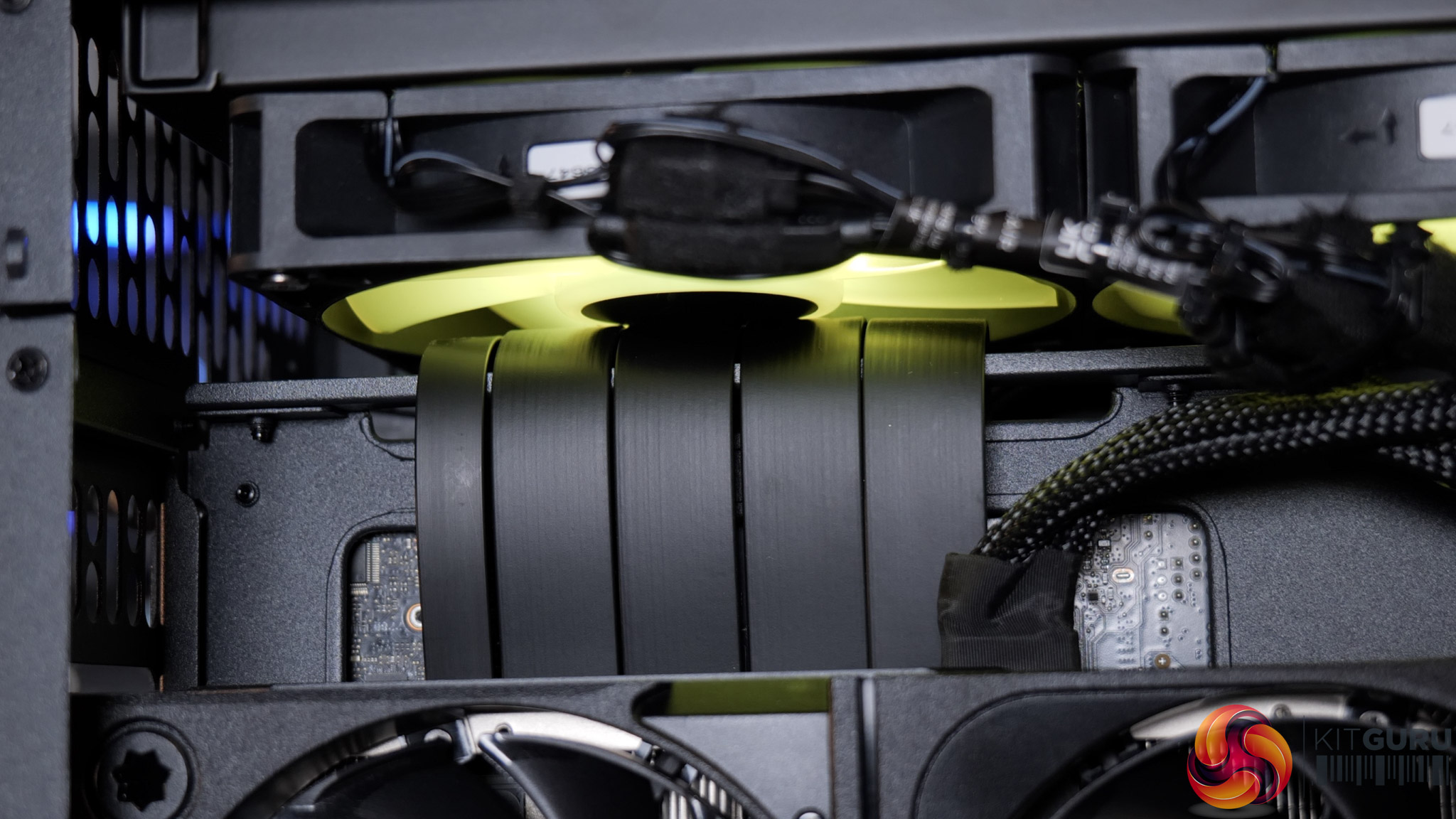
If you're not familiar with the Thermaltake TR100, it uses a split-chamber layout with the GPU in a separate compartment, connected to the motherboard via a PCIe riser. Unfortunately, that PCIe riser is the cause of the system's problems, as it has not been routed properly – or even routed at all – and has instead simply been jammed into one of the radiator fans, stopping it from spinning entirely.

I'd not used this case before but it was immediately obvious upon removing the side panel that something wasn't right. Re-visiting James' build in the TR100 from last year showed me that there's actually a dedicated crossbar, or bracket, for the PCIe riser, designed to prevent this exact thing – but here the riser has simply been looped over the top.

Fixing it took me about five minutes – I removed the radiator mount, reseated the riser properly, then secure the bracket on top, and that was job done. But clearly this is a huge oversight from PCSpecialist that raises significant questions.

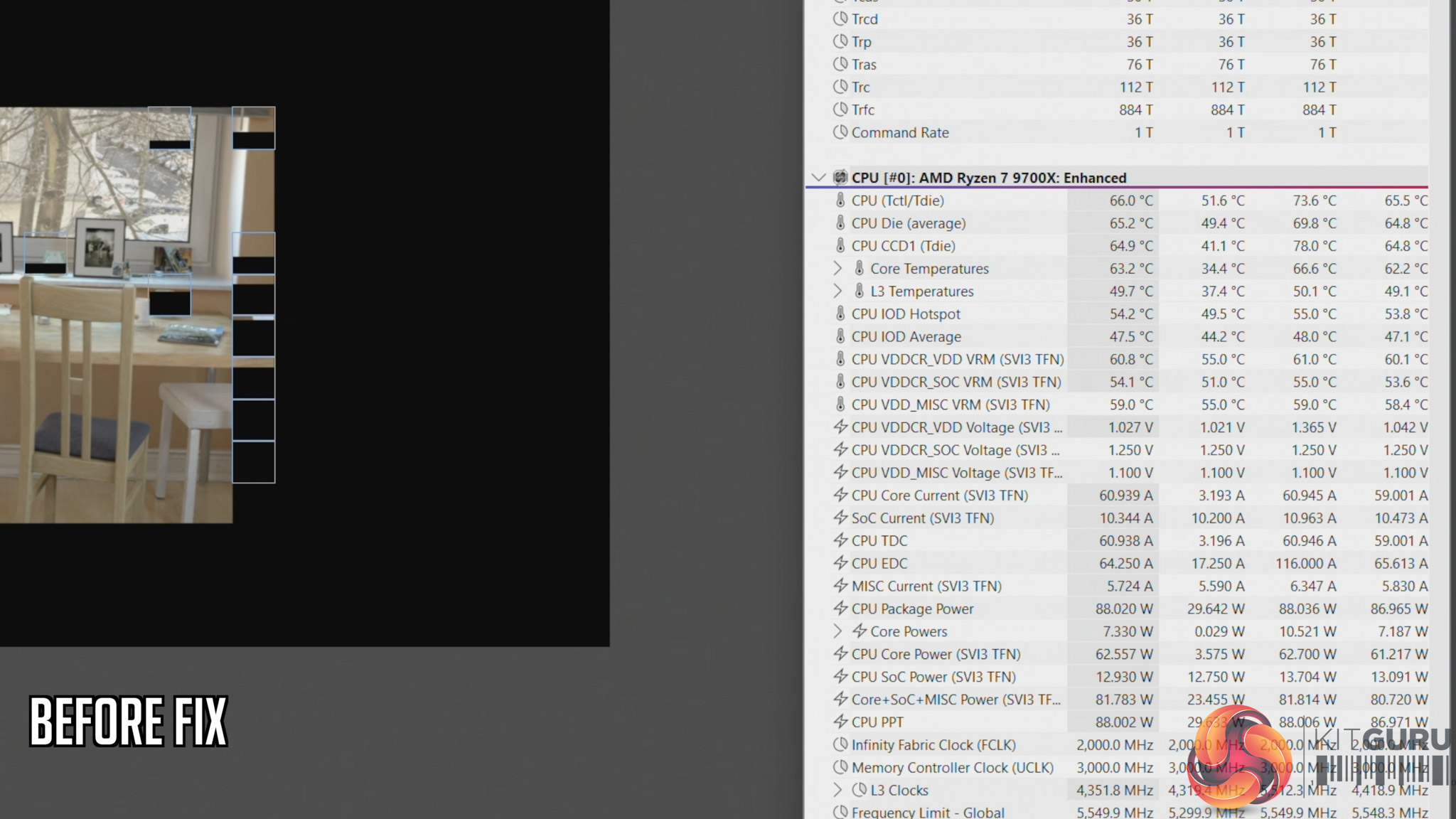
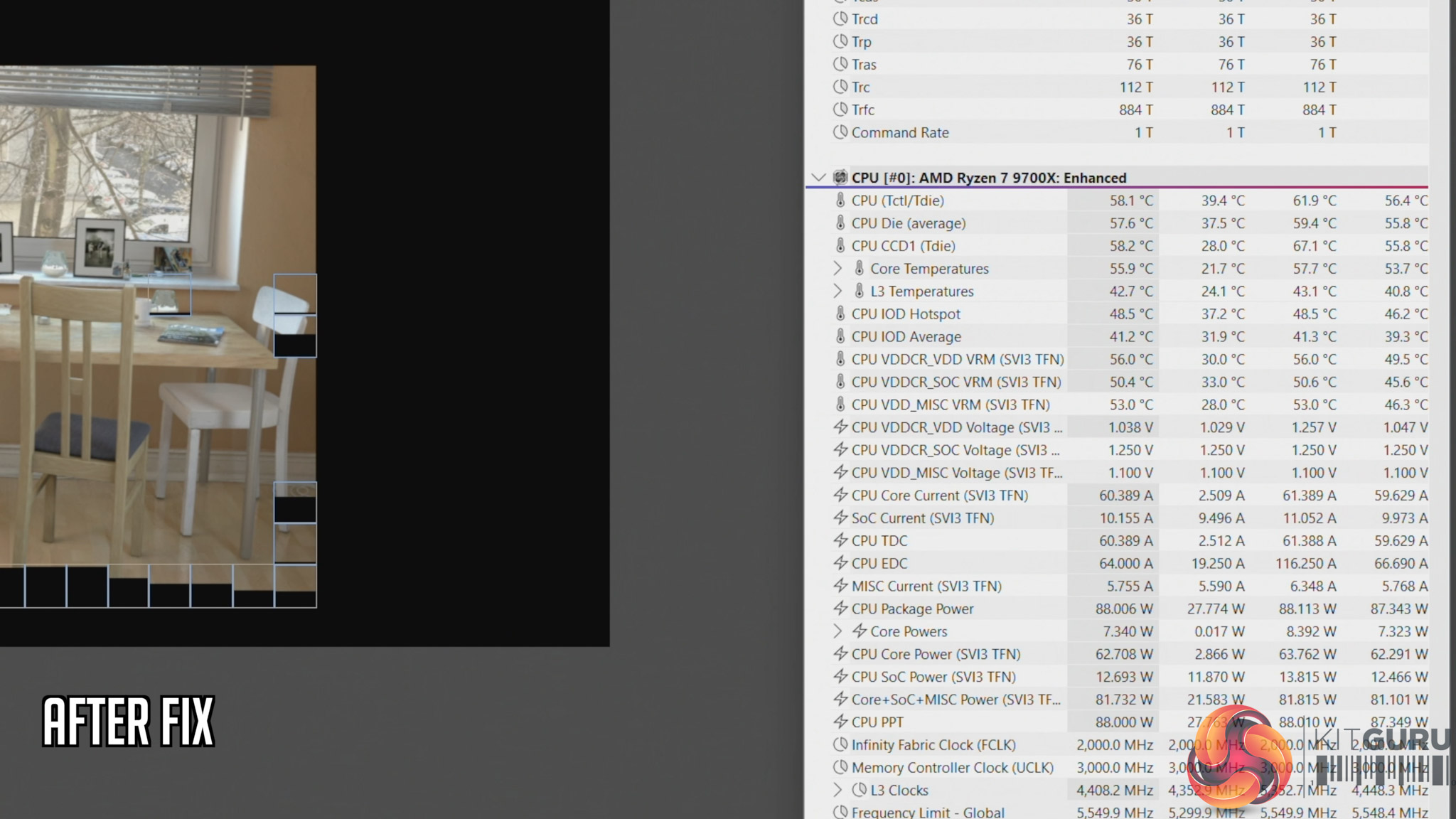
We also ran thermal tests on the CPU to see the impact of this error. Here's a quick breakdown of what we found, but be sure to watch the embedded video for the full analysis:

  • Cinebench, before fix: 66C steady-state, 73.6C peak
  • Cinebench, after fix: 58C steady-state, 61.6C peak
  • Cyberpunk 2077, before fix: 70C steady-state, 71.C peak
  • Cyberpunk 2077, after fix: 65C steady-state, 69.6C peak

This raises two key issues that I expand on in the video – the first being how much training are PCSpecialist builders given, considering something like this occured. And secondly, how extensive are the company's testing and quality control procedures? PCSpecialist's website talks about ‘extensive' stress tests and says all systems go through ‘a quality control checklist to ensure all components are correct and follows our stringent guidelines'. But clearly, the guidelines can't be that stringent if something like this slipped through from start to finish completely unnoticed.

Indeed, you could consider PCSpecialist ‘fortunate' that the system we received has a relatively low-power 9700X pulling approx 88W. However, you can manually configure builds in the TR100 with up to a 9950X, a CPU that draws well over 200W, and losing half your radiator airflow with that CPU would have a far more detrimental effect.

KitGuru says: PCSpecialist needs to do significantly better.

The post PCSpecialist Element Elite R Prebuilt Review first appeared on KitGuru.
❌
❌