Normal view

There are new articles available, click to refresh the page.
Before yesterdayMain stream

PCSpecialist Momentum Pro Review (5700X + 9060 XT 16GB)

27 August 2026 at 11:53

The PCSpecialist Momentum Pro enters the market at £1099 as part of a Back to School promotion, attempting to strike a delicate balance between price and performance in 2026. By pairing older AM4 components with a modern AMD RX 9060 XT, it looks like a calculated compromise for budget-conscious gamers targeting 1080p and 1440p. But does relying on a last-gen CPU, DDR4 memory, and a budget motherboard hold this machine back, or is it exactly the kind of balanced configuration students and gamers need right now?

Timestamps:

00:00 Intro
01:39 A message for the parents…
03:44 The hardware
05:09 The are compromises…
06:23 SSD + memory performance
07:21 A520 motherboard
09:00 Memory upgrade + build quality
10:05 Closing thoughts
Specifications:

  • Processor: AMD Ryzen 7 5700X.
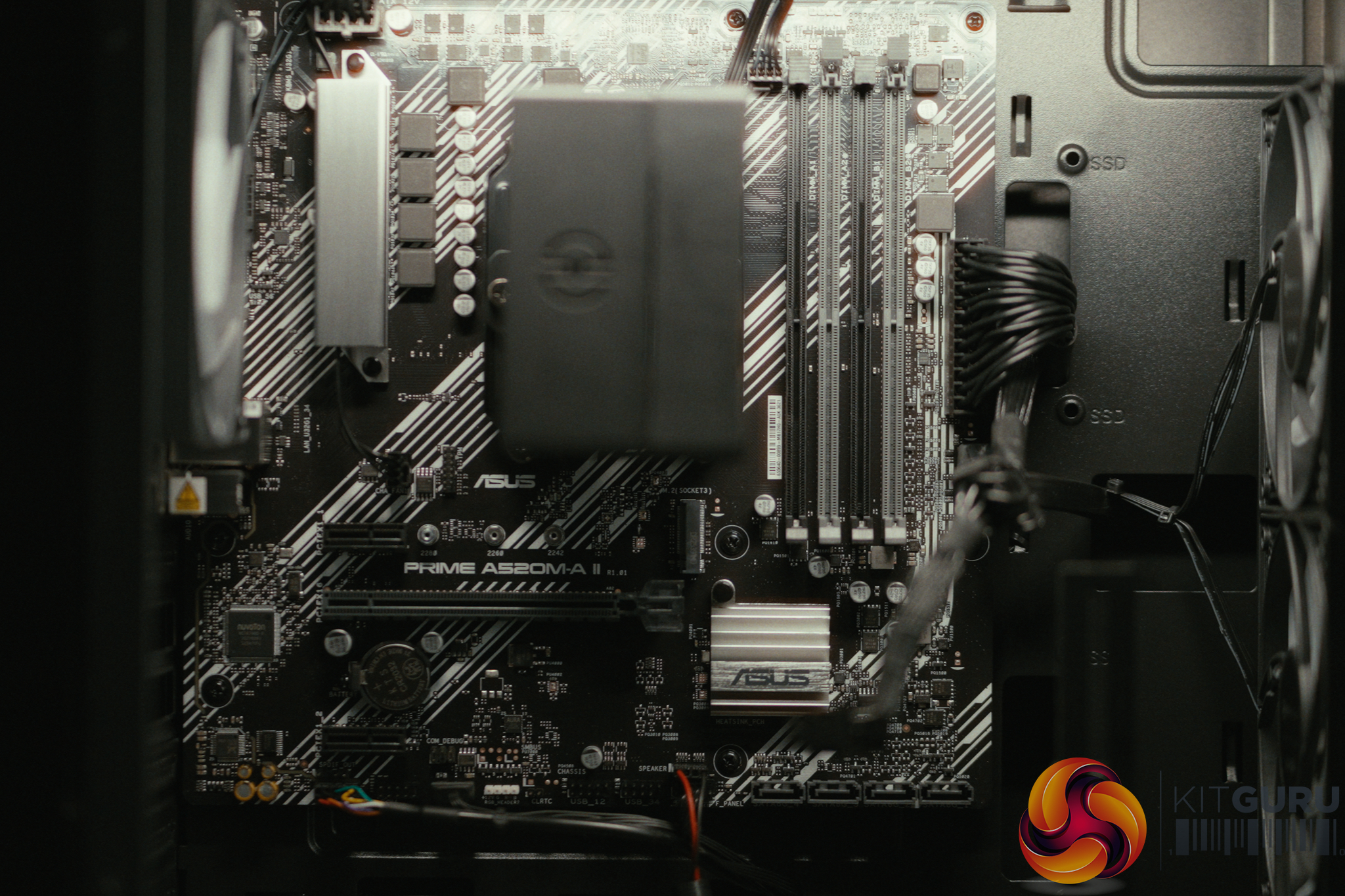
  • Motherboard: ASUS PRIME A520M-A II/CSM (PCIe Gen 3).
  • Memory: 16GB PCS PRO DDR4 3200MHz (CL22).
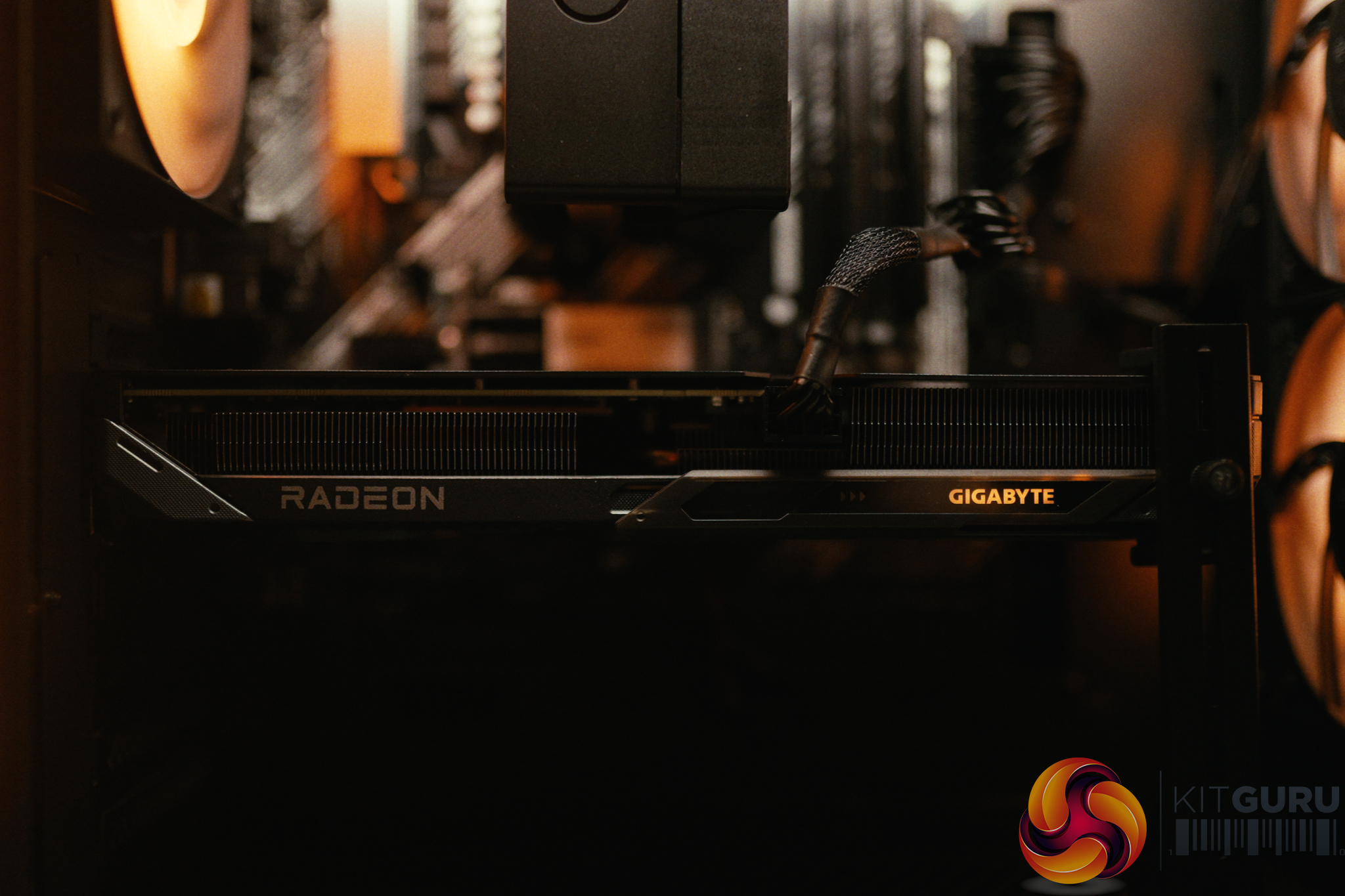
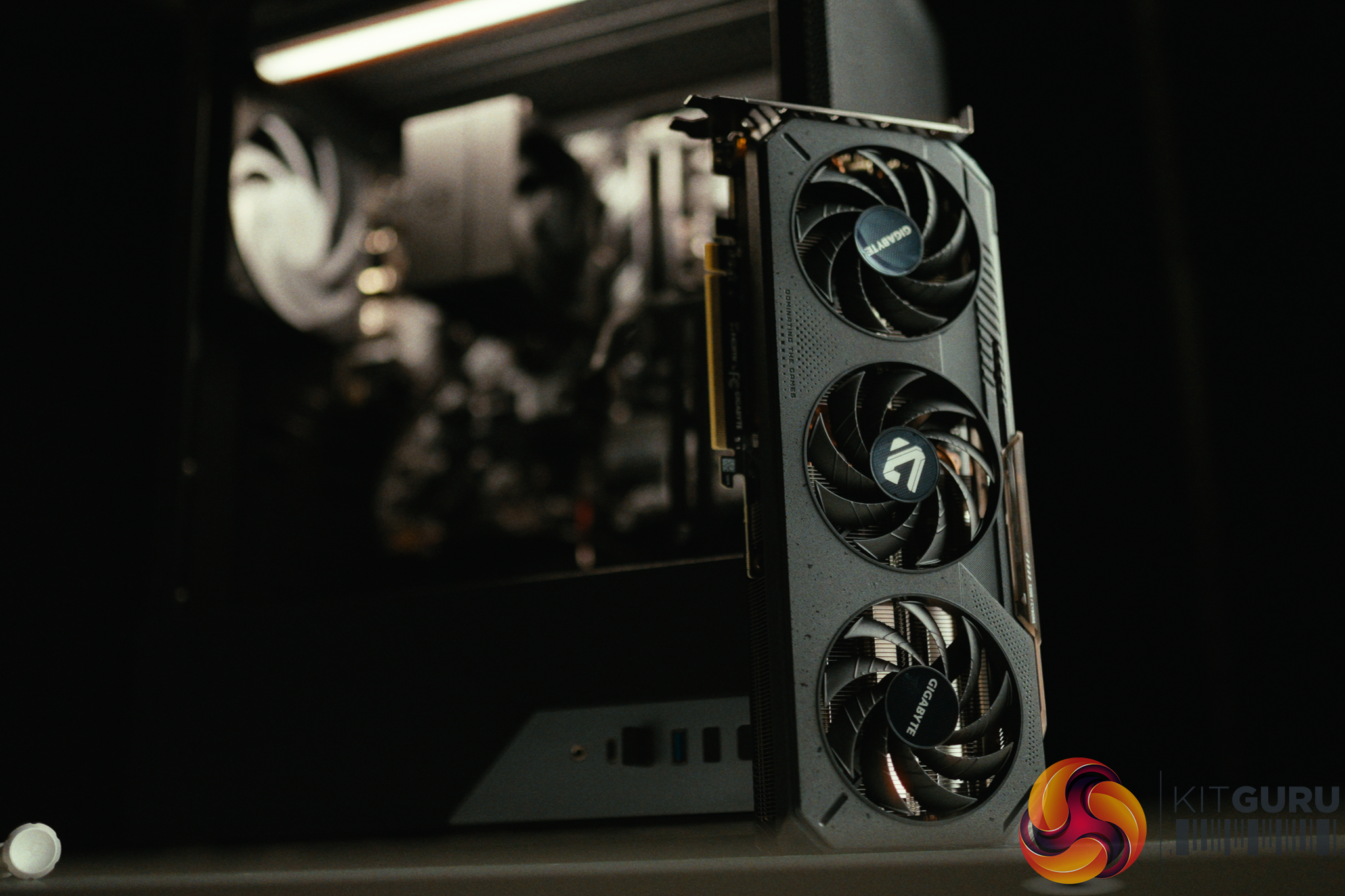
  • Graphics: AMD RADEON RX 9060 XT (16GB VRAM).
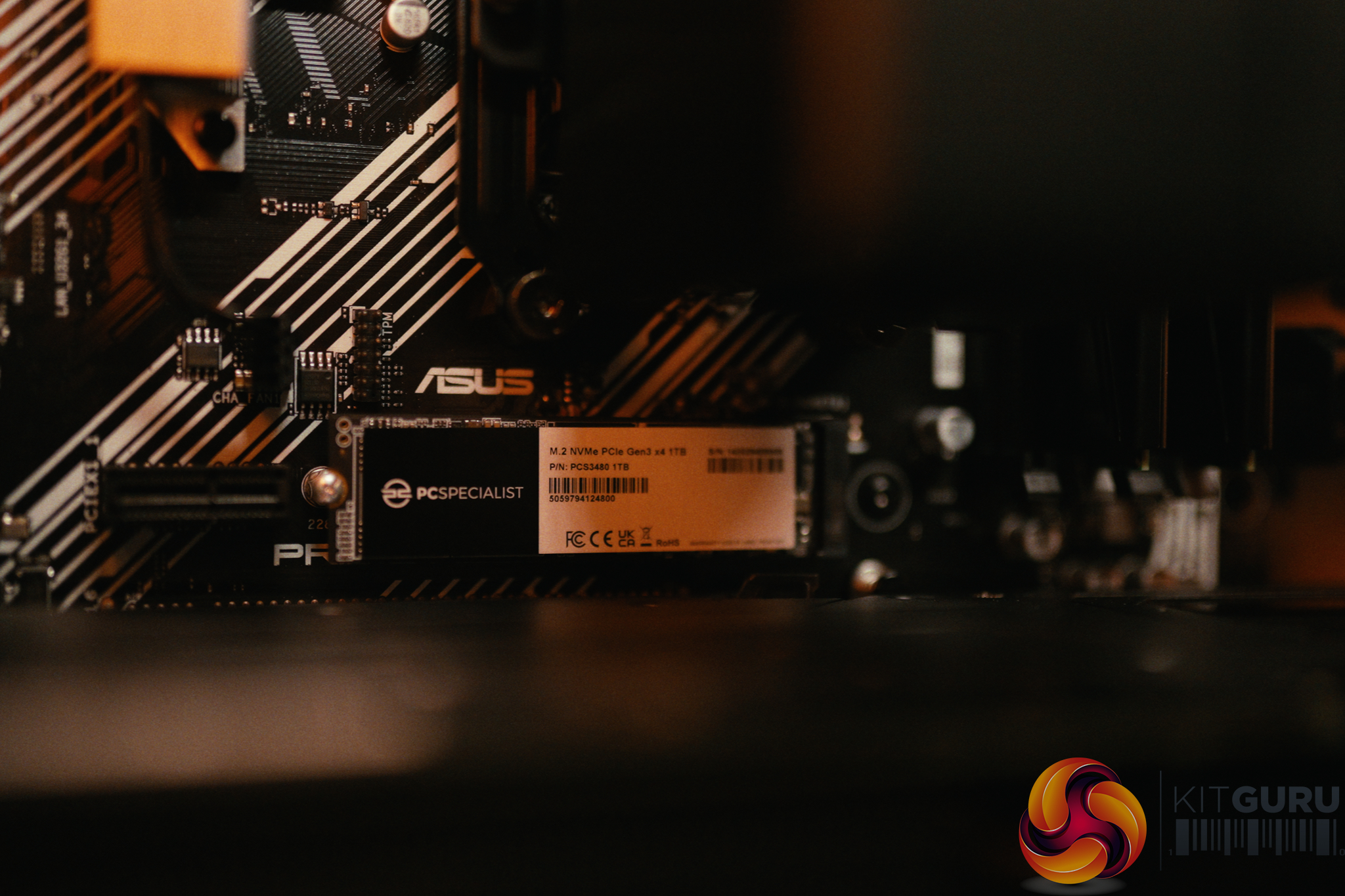
  • Storage: 1TB PCS M.2 PCIe Gen 3 NVMe SSD (TLC NAND).
  • Operating System: Windows 11 Home (BitLocker enabled by default).

Closing Thoughts

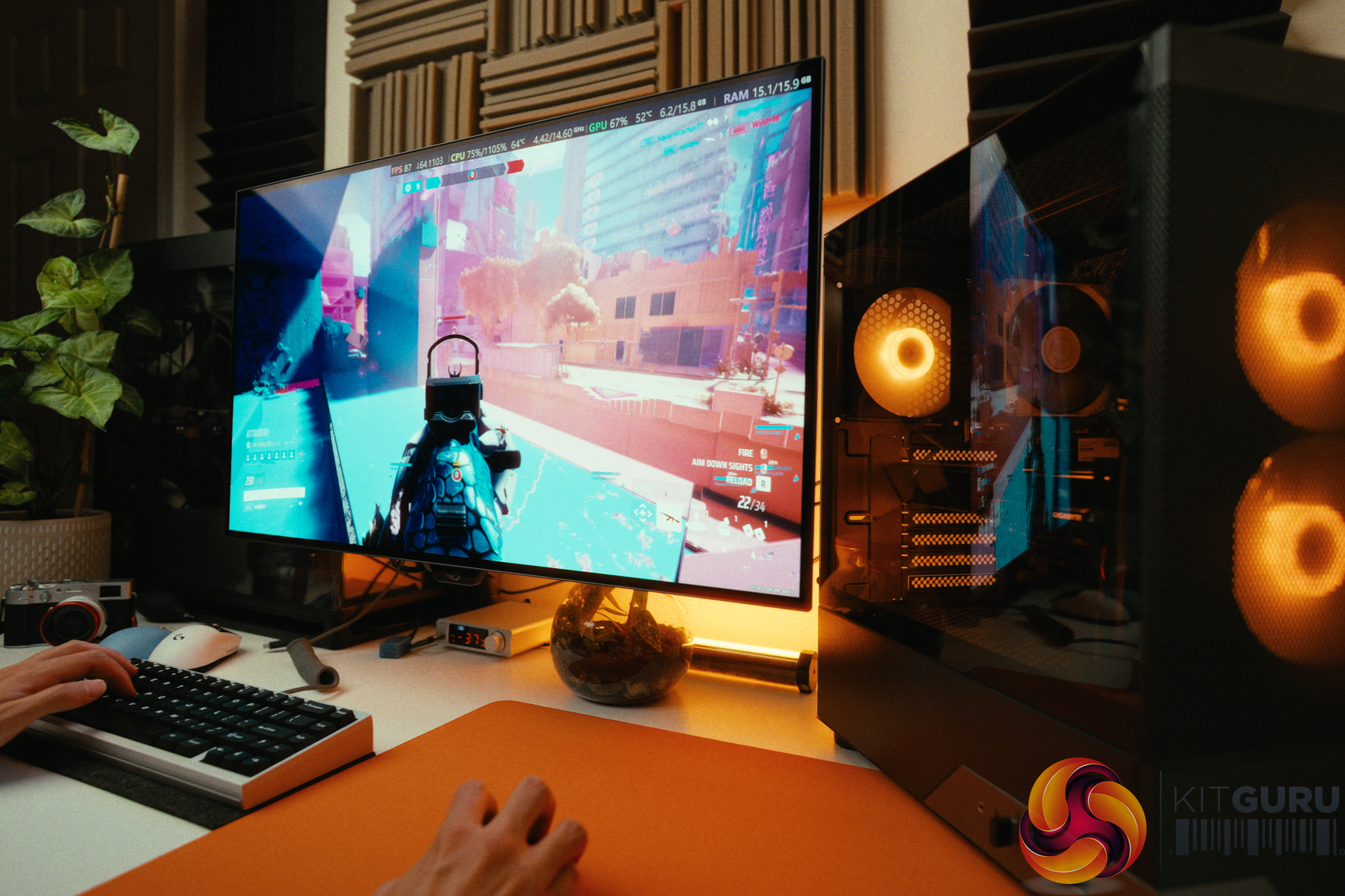
The PCSpecialist Momentum Pro is a machine defined by its compromises, but they are mostly the right ones for 2026. By utilizing the older AM4 platform, DDR4 memory, and a Ryzen 7 5700X, PCSpecialist managed to squeeze the highly capable 16GB RX 9060 XT into a £1099 budget. In our testing, this allowed the Momentum Pro to nearly match the gaming performance of the last PCSpecialist build that we tested a few months back that retailed for £600 more. In day to day use it easily chews through 1080p and 1440p titles like Cyberpunk 2077 and Returnal.

The assembly quality remains fantastic, with great cable management and cool, quiet operation.

However, corners – understandably – had to be cut to hit the price point. The biggest disappointment is the ASUS A520 motherboard. Not only does it limit you to PCIe Gen 3 speeds (which hampers future SSD upgrades, though it barely affects the GPU), but it also locks users out of AMD's Precision Boost Overdrive (PBO). The 5700X has massive thermal headroom in this build, but it's not possible undervolt it or raise the conservative 77W power limit to get free performance. Furthermore, the included USB WiFi dongle is poor and needs to be replaced if you rely on WiFi. We're also not keen on seeing Norton installed out of the box.

Nonetheless, if you are a parent looking for a machine that can handle schoolwork, coding, and heavy gaming right out of the box, this is a fantastic deal. Just make sure to plug in an Ethernet cable and spend a few minutes uninstalling the bloatware.

You can buy the PCSpecialist Momentum Pro for £1099 HERE.

Pros:

  • The RX 9060 XT with 16GB VRAM provides excellent 1080p and 1440p gaming performance.
  • Fantastic assembly quality, cable management, and quiet cooling.
  • Smart compromises keep the price at a highly competitive £1099.
  • The motherboard retains 4 RAM slots for easy future upgrades to 32GB.

Cons:

  • The A520 motherboard locks out PBO, preventing free CPU performance tweaks.
  • Included USB WiFi dongle is slow and should be replaced or bypassed with Ethernet.
  • Motherboard is limited to PCIe Gen 3, limiting future SSD upgrades.
  • Pre-installed bloatware (Norton) and default BitLocker actively harm system performance.

KitGuru says: The Momentum Pro proves that pairing last-gen components with a modern GPU is a winning strategy for budget gamers, provided you can look past a restrictive motherboard.

The post PCSpecialist Momentum Pro Review (5700X + 9060 XT 16GB) first appeared on KitGuru.

CyberPowerPC Infinity U7 Plus Review (270K Plus + 5070 Ti)

27 July 2026 at 10:04

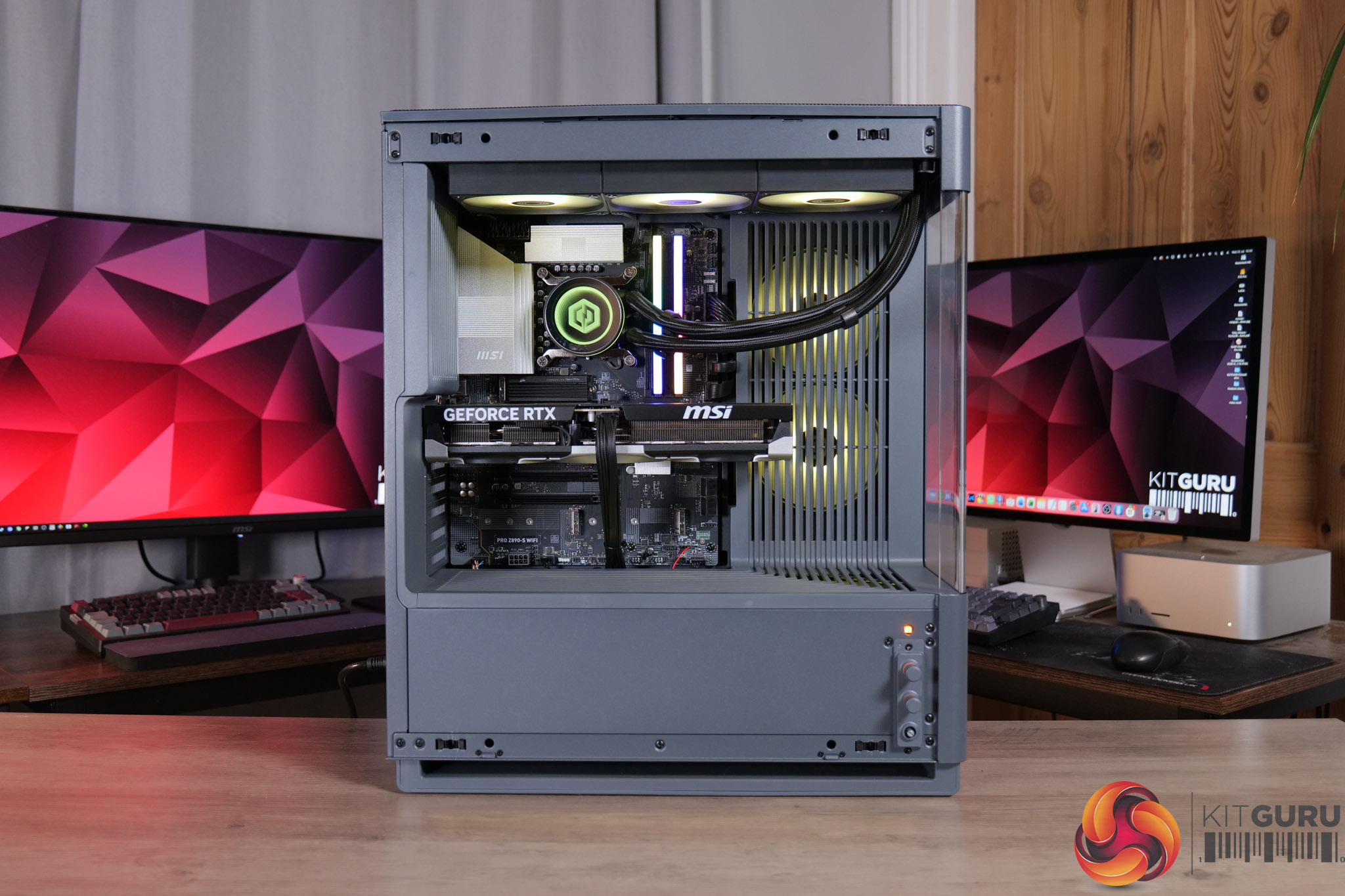
Today we are checking out the CyberPowerPC Infinity U7 Plus, a gaming prebuilt that comes with Intel’s 270K Plus CPU, an RTX 5070 Ti and 32GB of DDR5. What makes this interesting, though, is that it’s priced at £2099 – the exact same figure as the last CyberPower system we reviewed, but that only came with an RTX 5070… so how has CyberPower done it? We’re going to take a close look at this system and find out…

Timestamps

00:00 Intro
00:47 Recapping our last CyberPower review
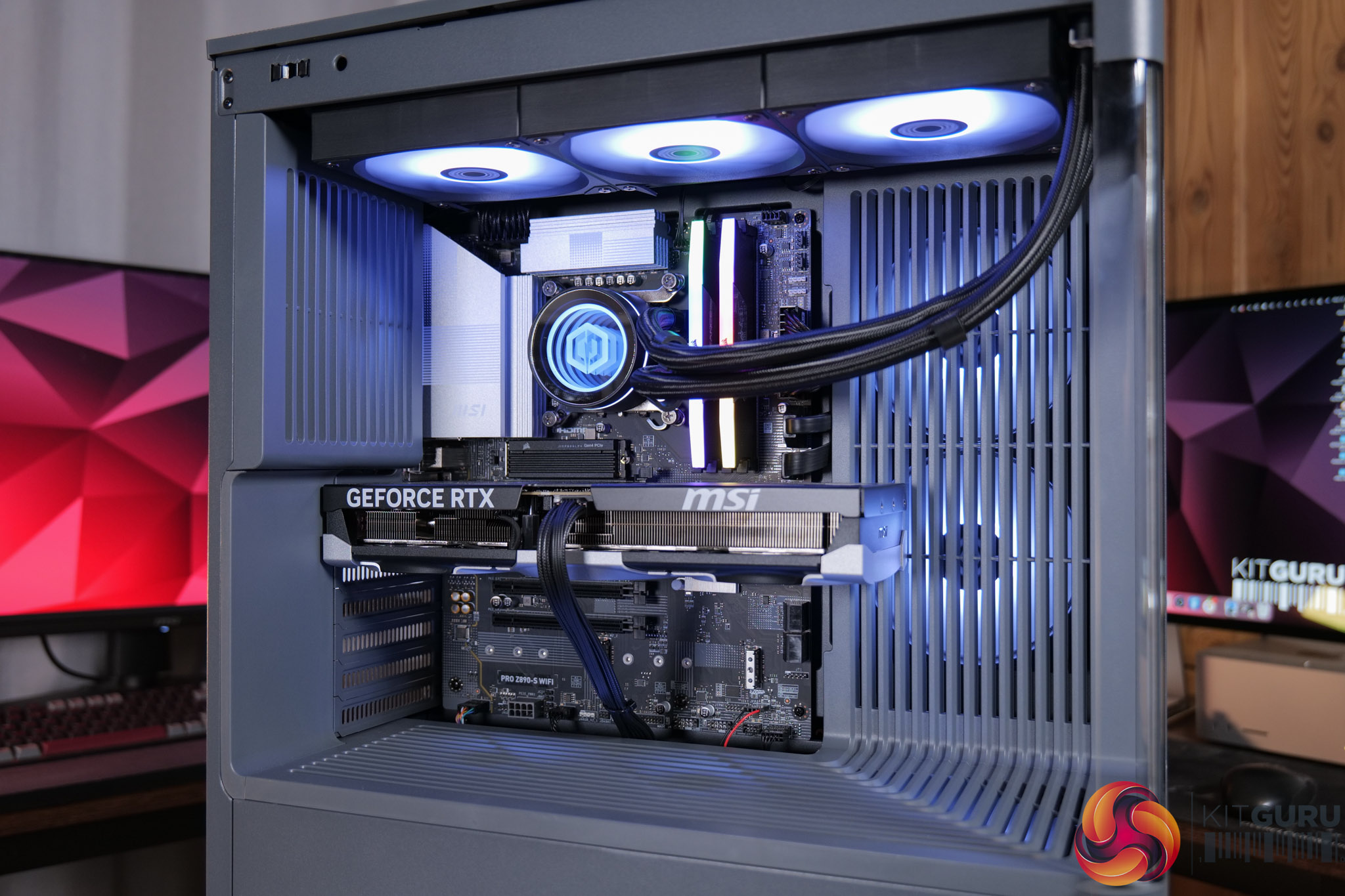
01:41 New MA-01 chassis
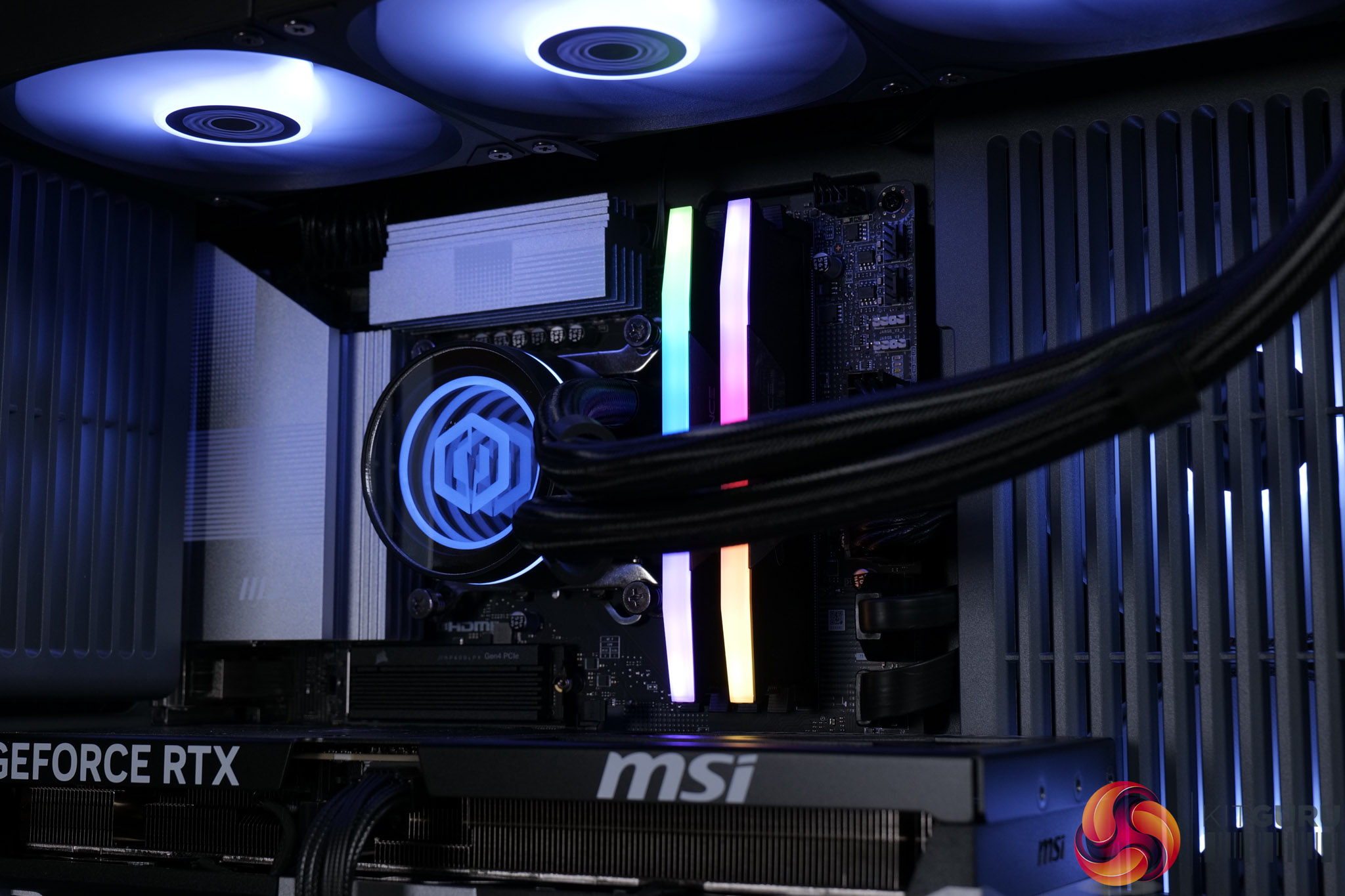
02:18 CPU, AIO, memory
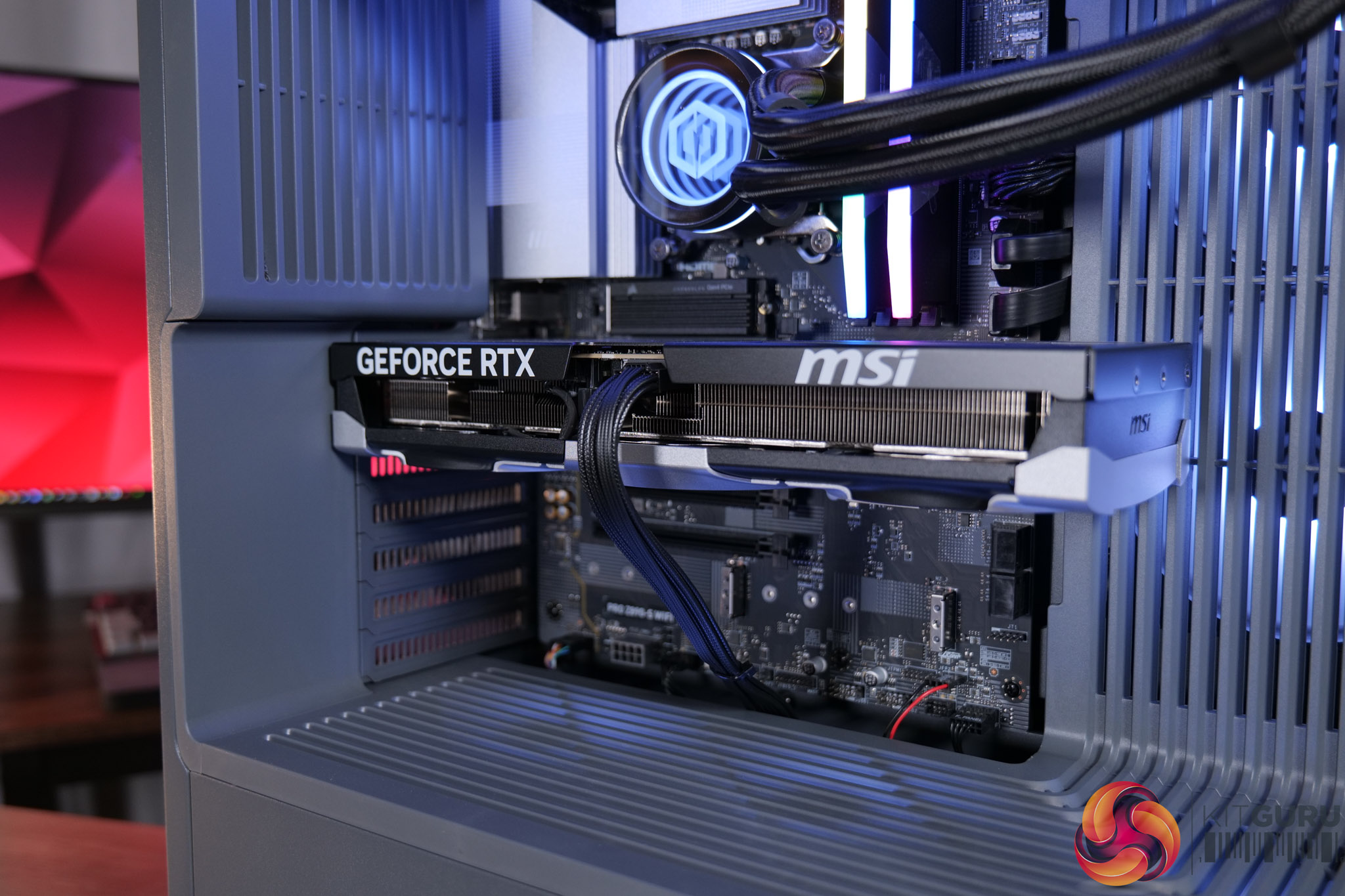
03:18 SSD + GPU
04:19 Mobo, PSU + build
05:16 CPU, GPU behaviour
06:27 Noise and thermal imaging camera
07:03 CPU + system benchmarks
07:27 Gaming benchmarks: 5070 Ti vs 5070
10:22 4K gaming performance
12:25 Closing thoughts

  • Special offers: Norton 360 VPN & Security for Gamers (1-year licence), Treeapp tree planting contribution
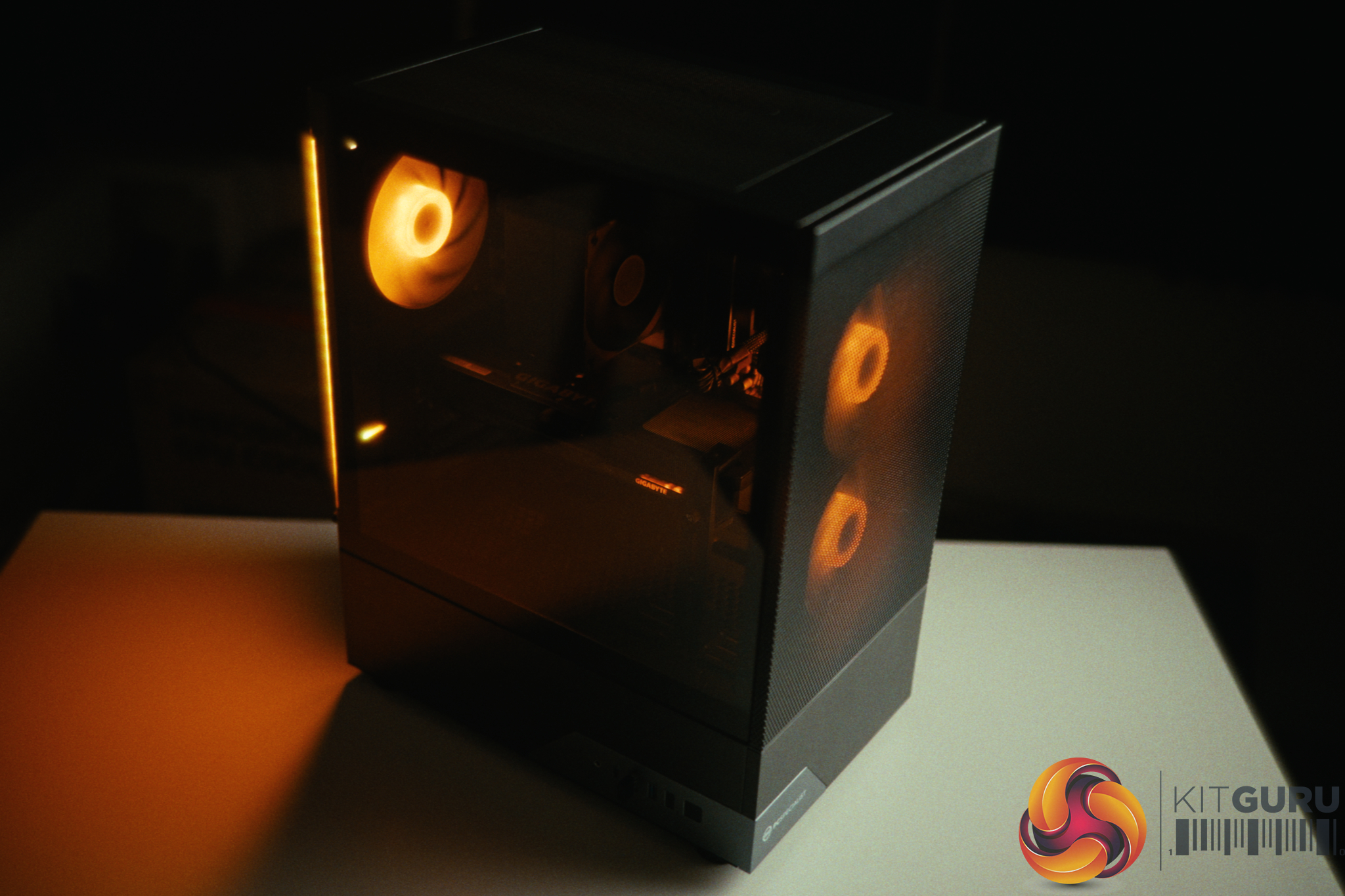
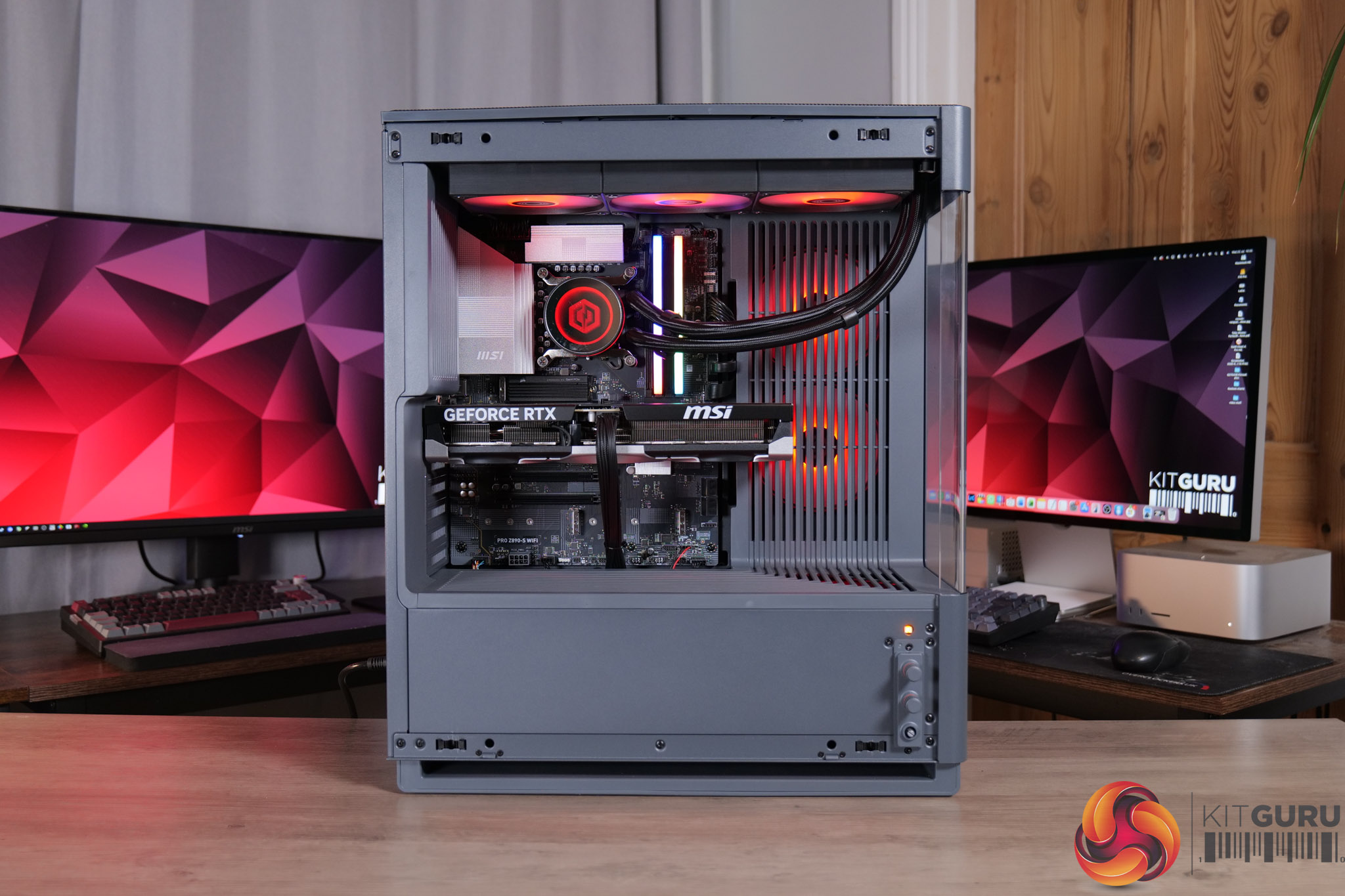
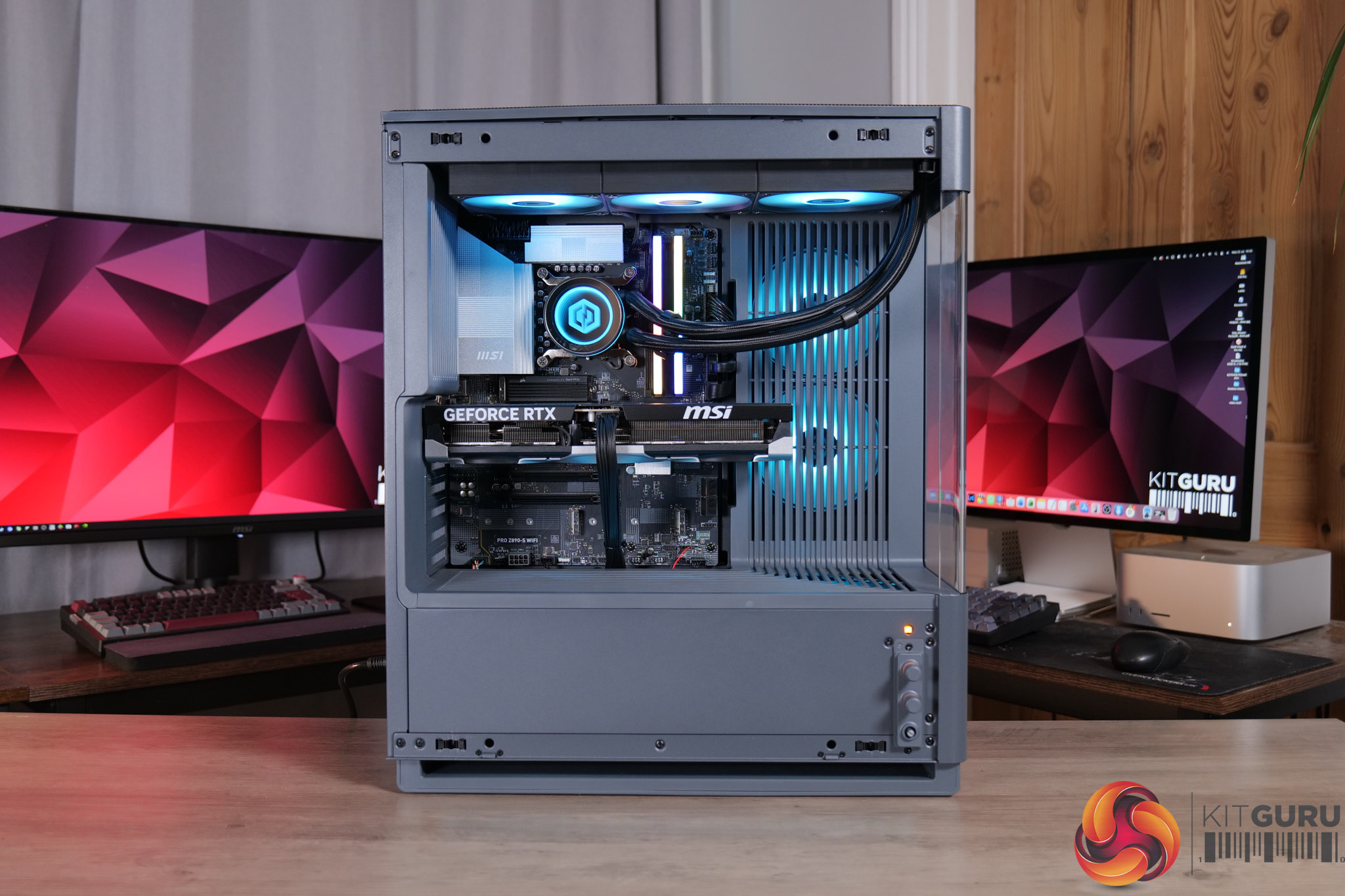
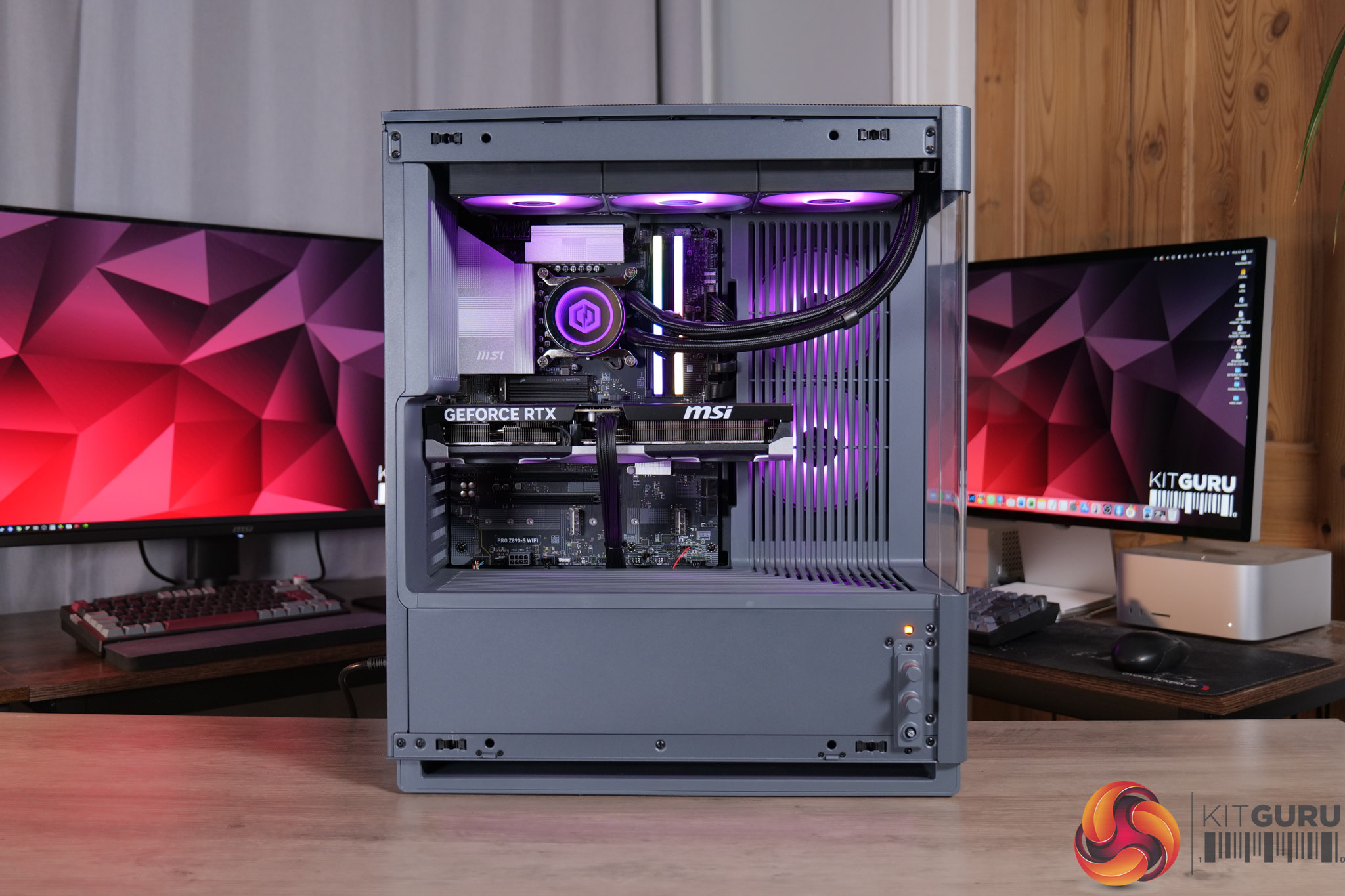
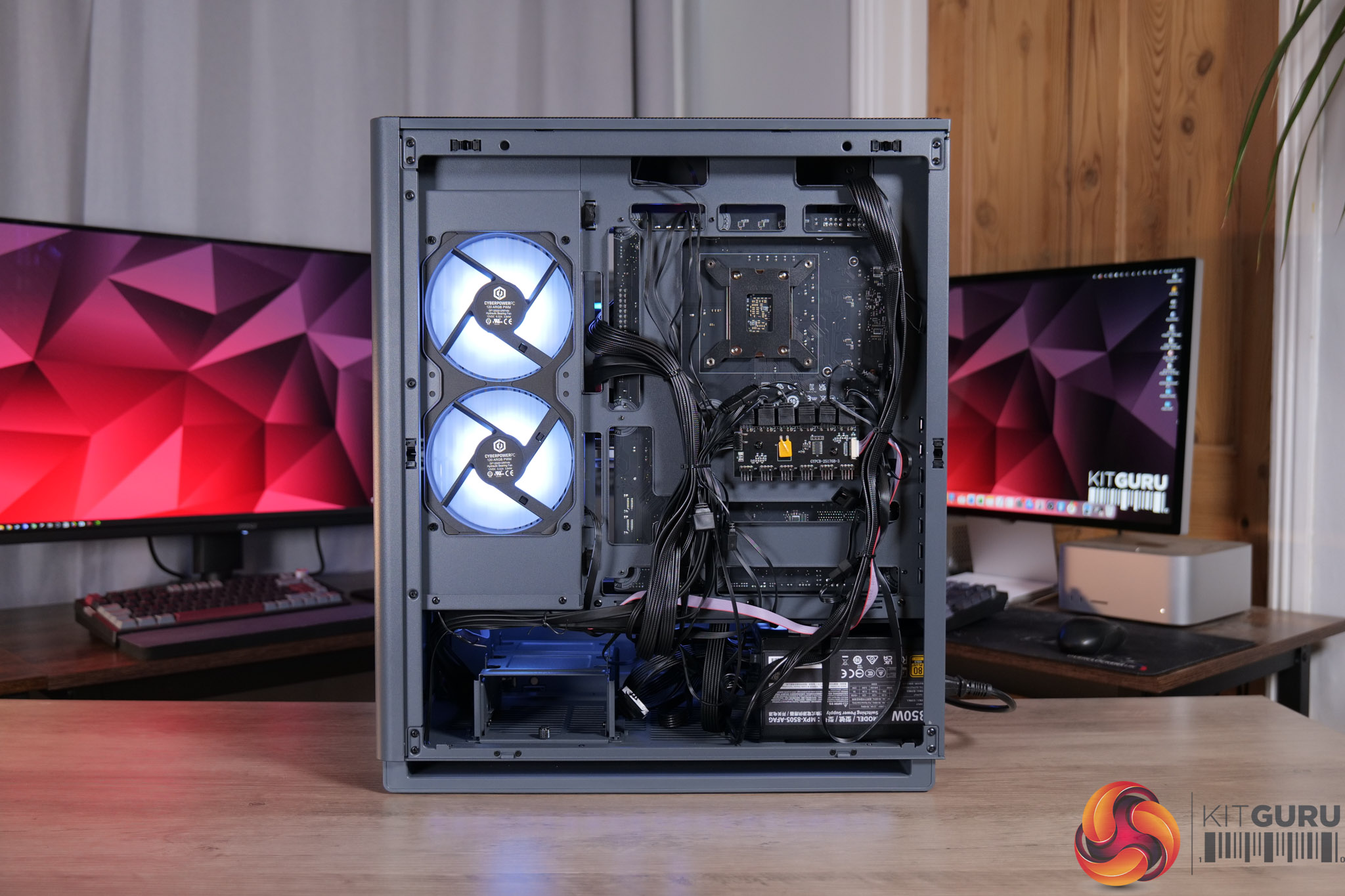
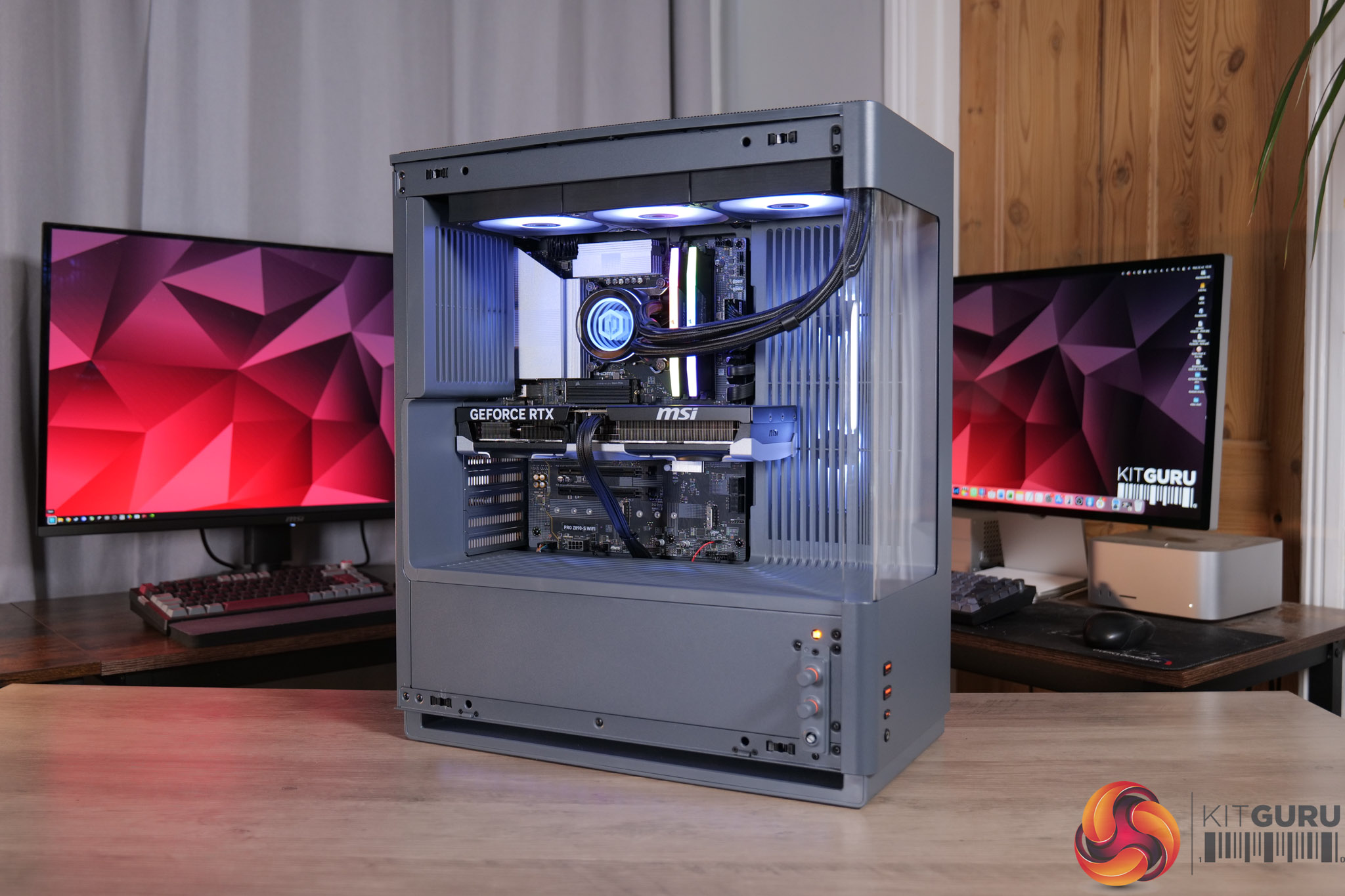
  • Case: CyberPowerPC MA-01 Mid-Tower Gaming Case (Steel Gray, includes 6x ARGB 120mm fans)
  • Processor (CPU): Intel® Core™ Ultra 7 270K Plus (24 cores: 8P up to 5.50GHz, 16E up to 4.70GHz, 125W TDP, 40MB cache, Intel Graphics)
  • CPU promotion: Intel 26Q2-05 Spring Game Bundle (digital)
  • CPU cooling: CyberPowerPC Elite ARGB 360mm AIO liquid cooler (black)
  • Cooling upgrades: Thermal Grizzly premium thermal paste
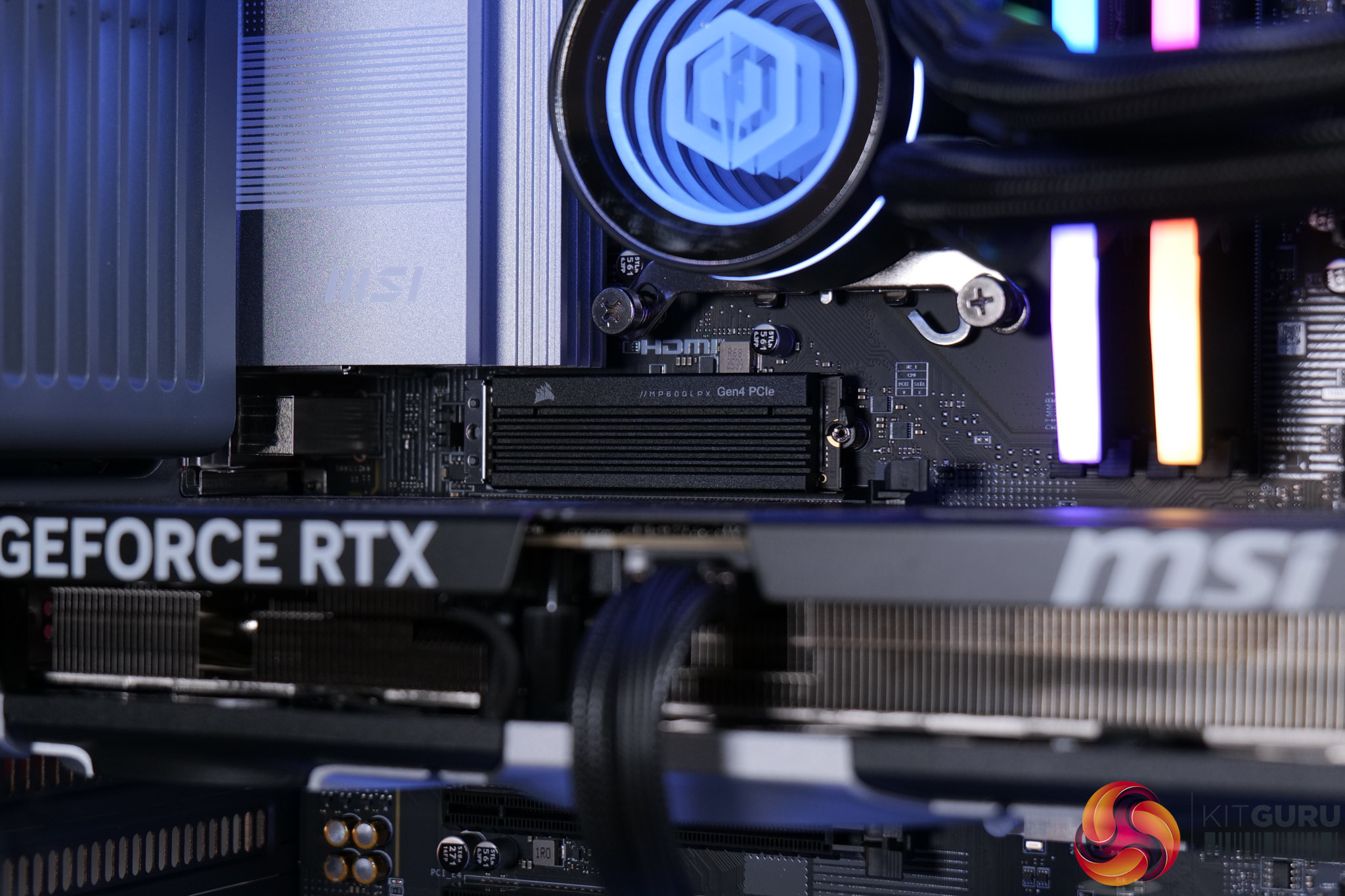
  • Motherboard: MSI PRO Z890-S WiFi (ATX, PCIe 5.0, USB 3.2, 3x M.2)
  • Freebies: Intel 26Q2-10 Motherboard Game Bundle
  • Memory (RAM): 32GB DDR5 5600MT/s (2x16GB)
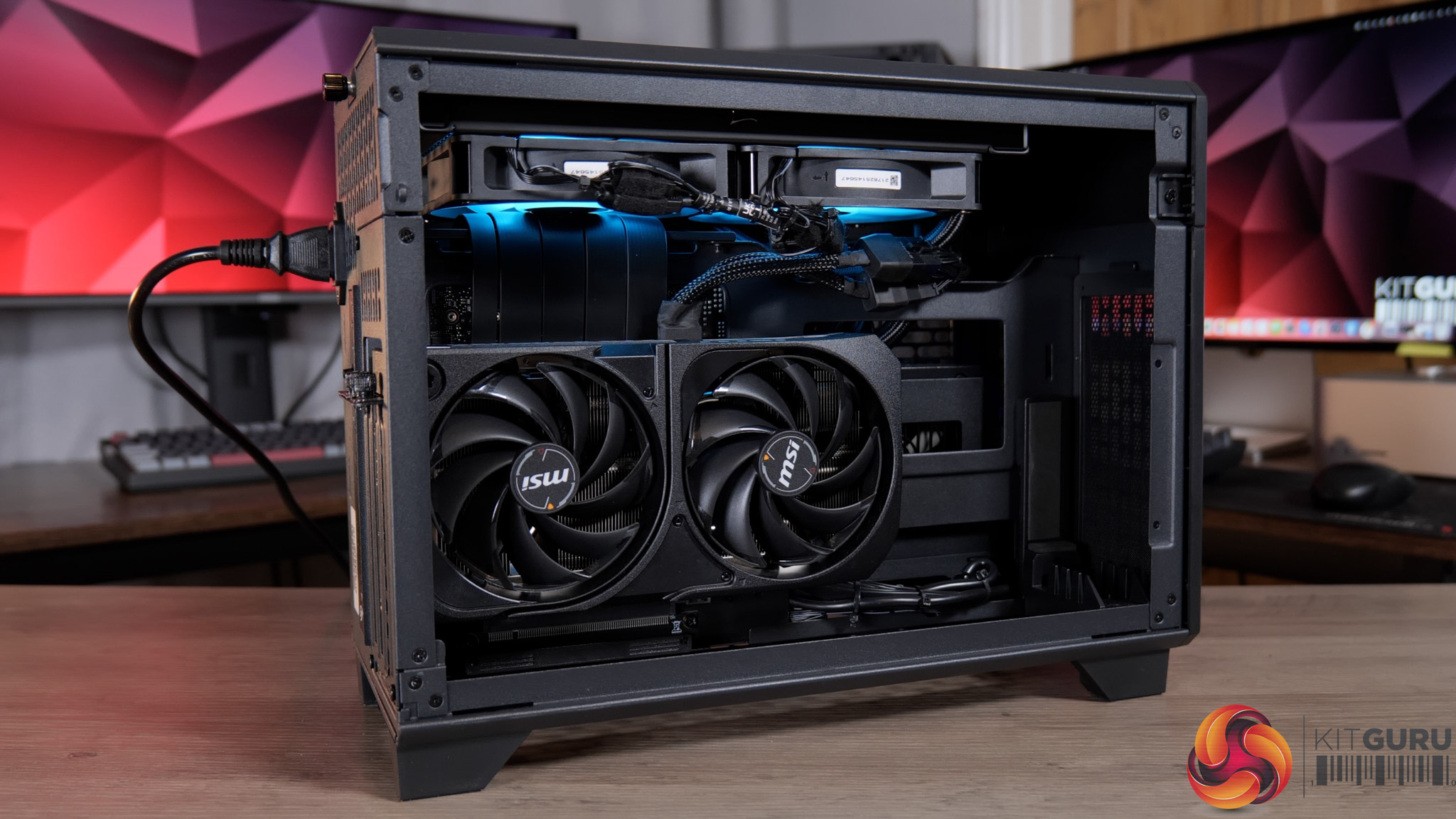
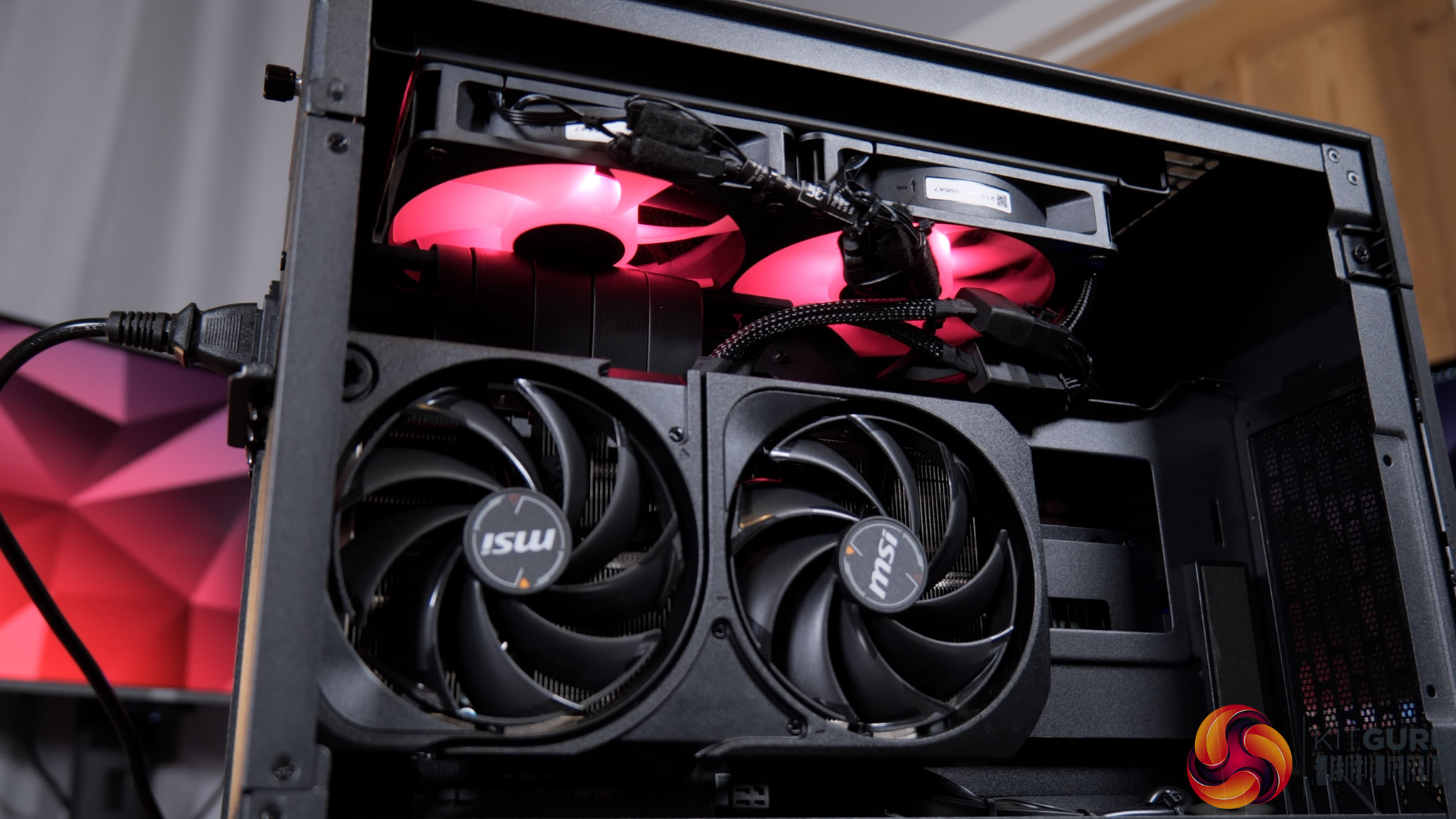
  • Graphics card (GPU): NVIDIA® GeForce RTX™ 5070 Ti 16GB
  • Power supply: Cooler Master Elite 850W 80+ Gold fully modular
  • Primary storage: 2TB NVMe Gen4 SSD
  • Sound: High-definition onboard audio
  • Bluetooth: USB Bluetooth dongle
  • Operating system: Windows 11 Home (no recovery media)
  • Fast track service: Ready to ship same business day if order confirmed by 2PM
  • Warranty: 5 years labour, 2 years parts, 12 months collect & return, lifetime technical support

You can buy the Infinity U7 Plus from CyberPowerPC for £2099 HERE.

Pros

  • Cheaper than building it yourself.
  • Clean chassis with knob-controlled RGB.
  • Great for 1440p or 4K gaming.
  • RTX 5070 Ti offers peace of mind with its 16GB framebuffer.
  • Runs quiet and cool.
  • Tidy cable management on front and back.

Cons

  • Memory isn't the fastest at DDR5-5600 CL40.

KitGuru says: It's very hard to argue with the spec on offer from the Infinity U7 Plus, and the fact that it's cheaper to buy this than build an equivalent system yourself makes it a bit of a no-brainer.

The post CyberPowerPC Infinity U7 Plus Review (270K Plus + 5070 Ti) first appeared on KitGuru.

PCSpecialist Element Elite R Prebuilt Review

19 February 2026 at 13:37

UPDATE: PCSpecialist has now issued a full response to our findings. You can read what they had to say – including a full statement from John Medley, Head of Sales & Marketing, in our follow up article HERE.

Today's article was originally meant to be an in-depth analysis of PCSpecialist's Element Elite R – a prebuilt PC packing a Ryzen 7 9700X and RTX 5070 into the mini-ITX TR100 chassis from Thermaltake. However, it quickly became obvious that something was not right with this system, so instead of a traditional review, we'll be highlighting what happened, how we fixed it, and the questions raised by this incident…

Timestamps

00:00 Intro
01:00 We found a fundamental issue
02:20 How we fixed it
02:51 Before/after thermals
04:37 Noise levels + fan RPMs
05:07 Two issues raised by the error
06:24 Closing thoughts

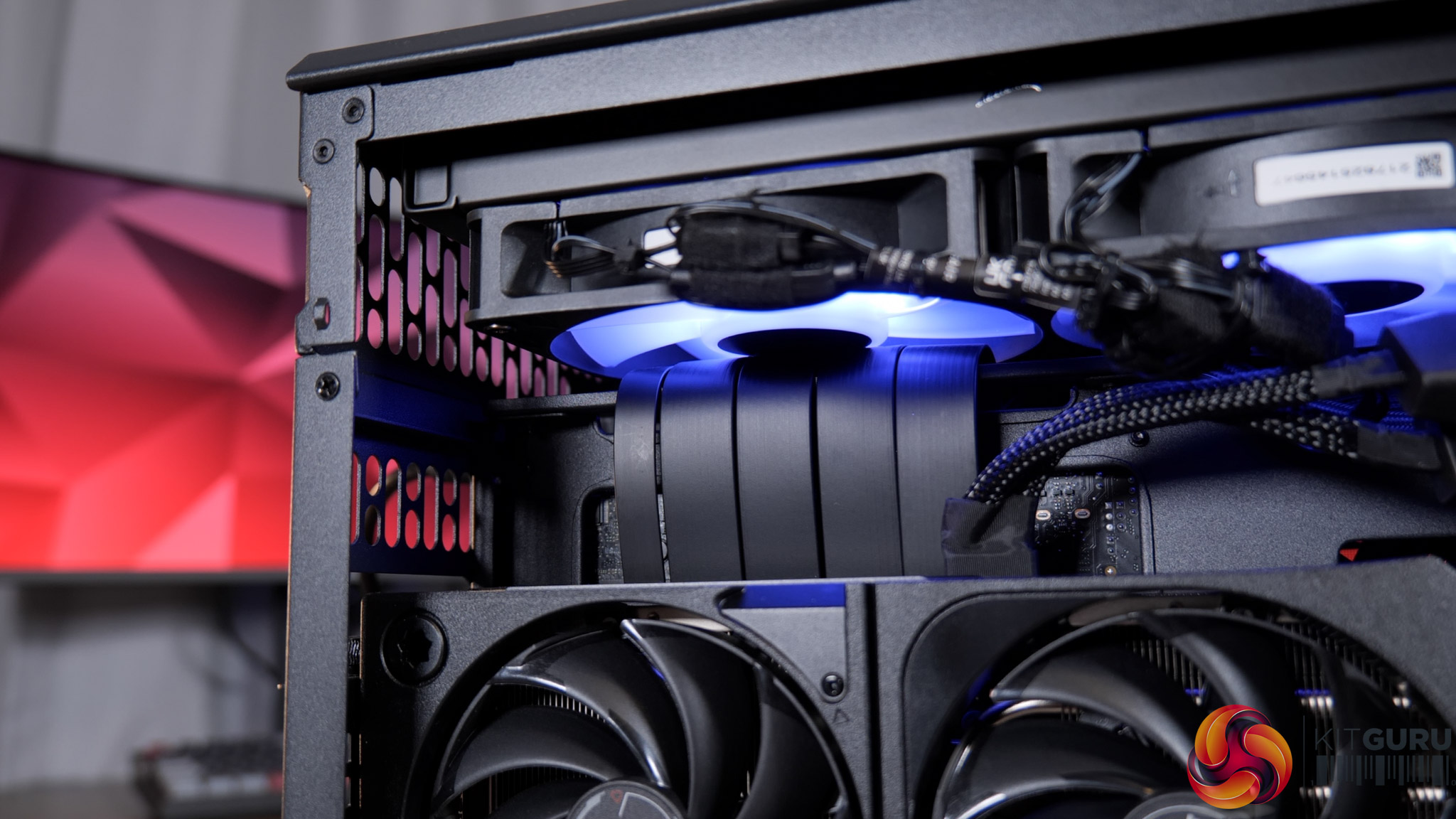
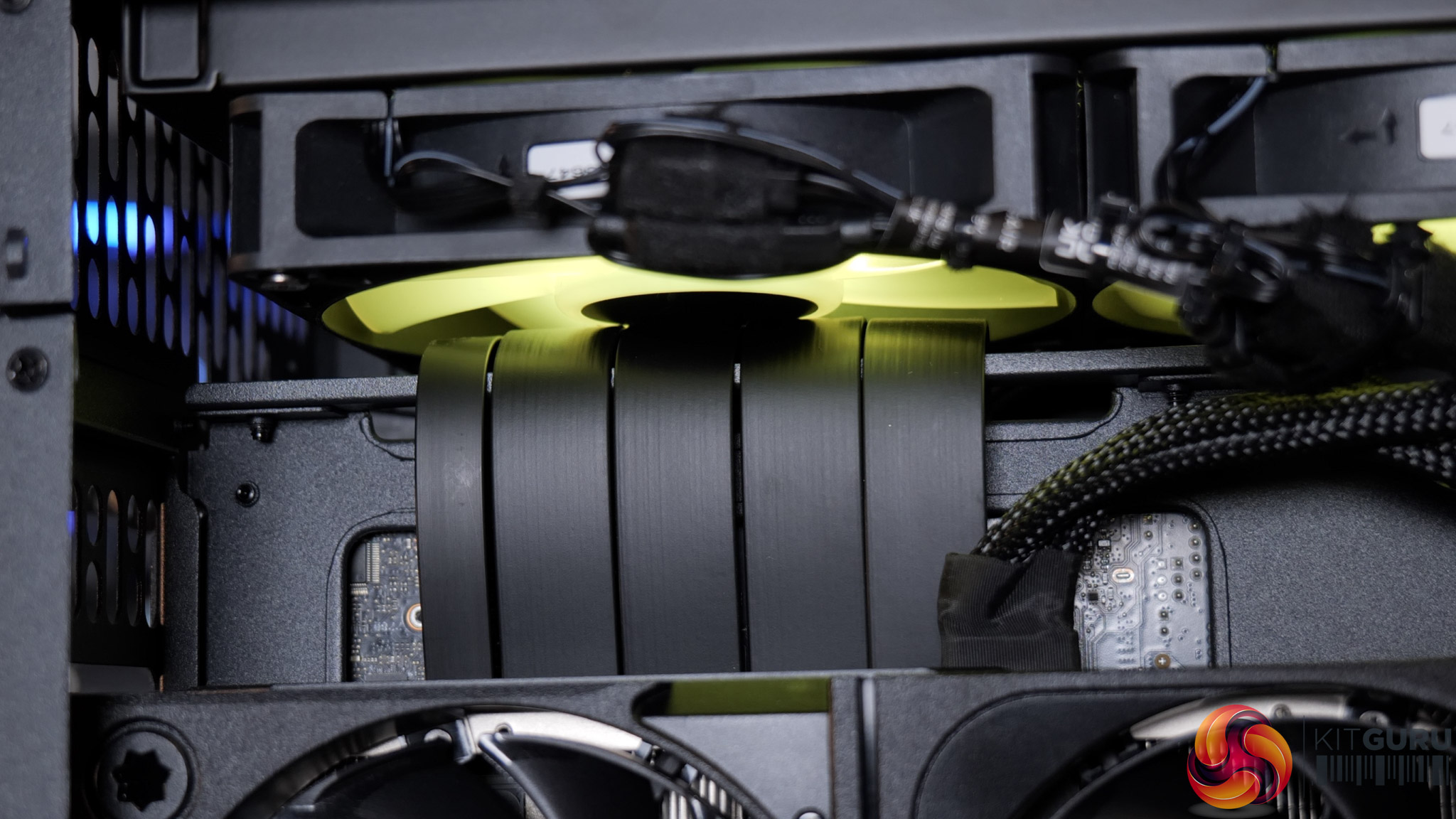
If you're not familiar with the Thermaltake TR100, it uses a split-chamber layout with the GPU in a separate compartment, connected to the motherboard via a PCIe riser. Unfortunately, that PCIe riser is the cause of the system's problems, as it has not been routed properly – or even routed at all – and has instead simply been jammed into one of the radiator fans, stopping it from spinning entirely.

I'd not used this case before but it was immediately obvious upon removing the side panel that something wasn't right. Re-visiting James' build in the TR100 from last year showed me that there's actually a dedicated crossbar, or bracket, for the PCIe riser, designed to prevent this exact thing – but here the riser has simply been looped over the top.

Fixing it took me about five minutes – I removed the radiator mount, reseated the riser properly, then secure the bracket on top, and that was job done. But clearly this is a huge oversight from PCSpecialist that raises significant questions.

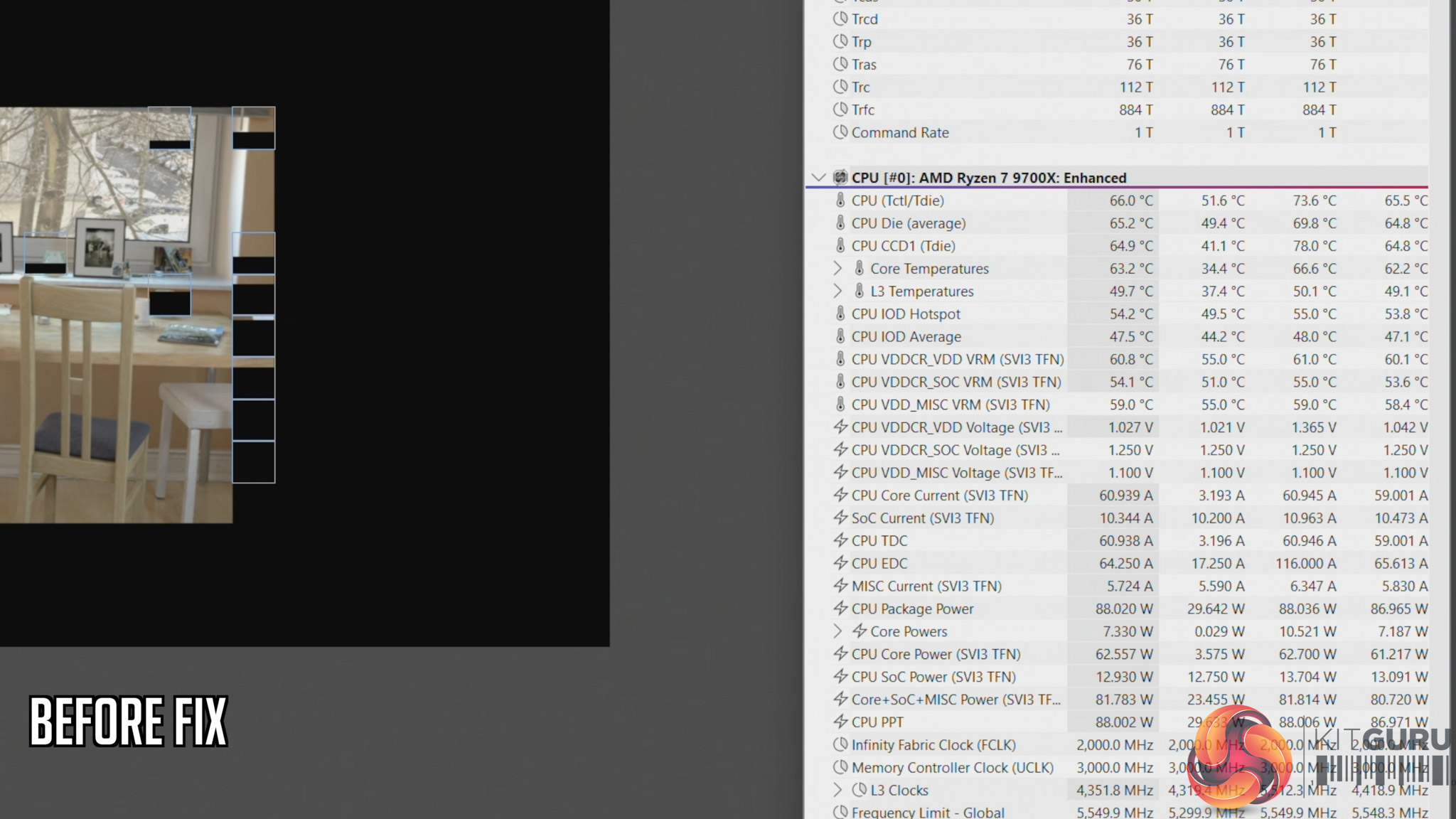
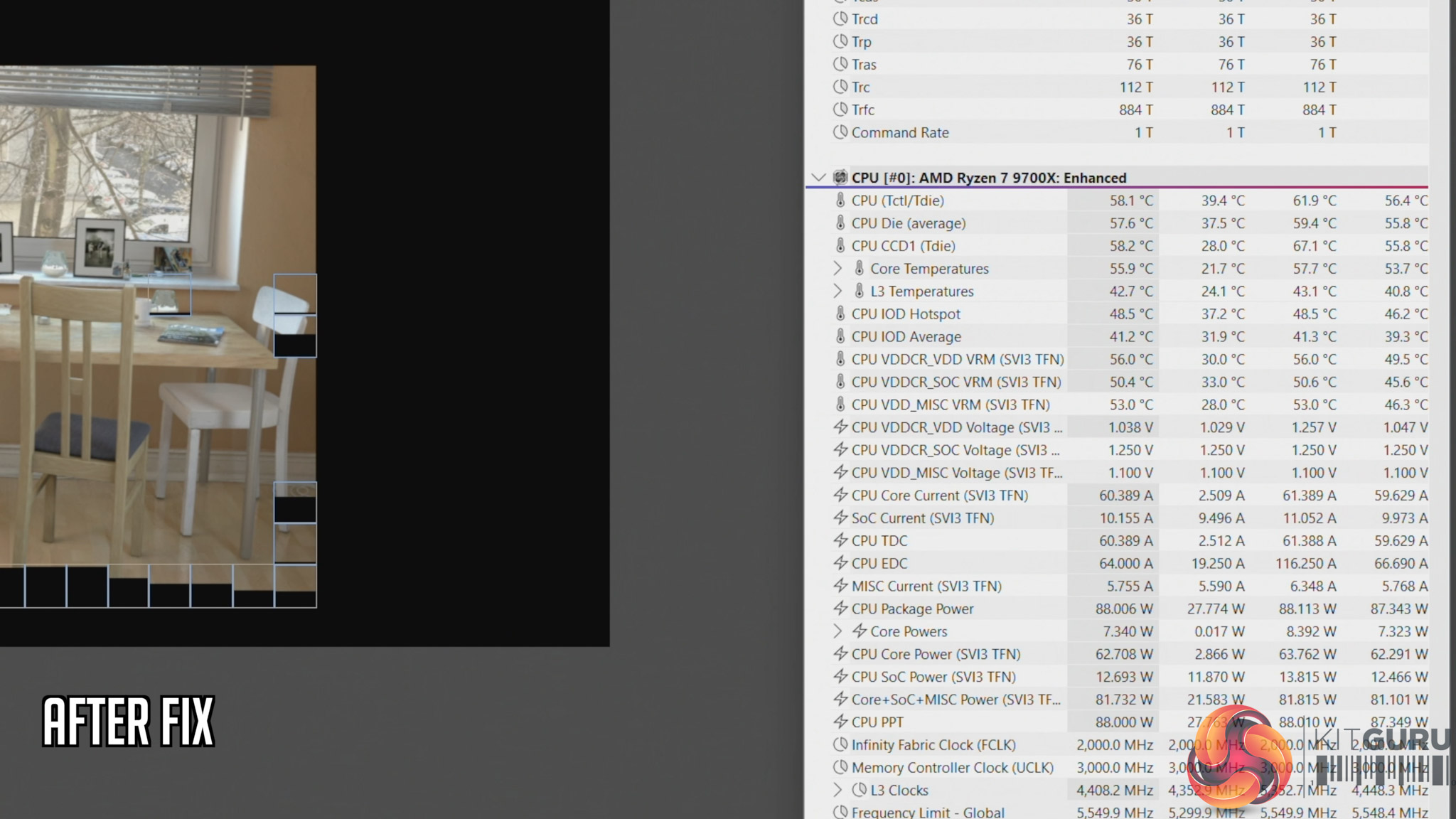
We also ran thermal tests on the CPU to see the impact of this error. Here's a quick breakdown of what we found, but be sure to watch the embedded video for the full analysis:

  • Cinebench, before fix: 66C steady-state, 73.6C peak
  • Cinebench, after fix: 58C steady-state, 61.6C peak
  • Cyberpunk 2077, before fix: 70C steady-state, 71.C peak
  • Cyberpunk 2077, after fix: 65C steady-state, 69.6C peak

This raises two key issues that I expand on in the video – the first being how much training are PCSpecialist builders given, considering something like this occured. And secondly, how extensive are the company's testing and quality control procedures? PCSpecialist's website talks about ‘extensive' stress tests and says all systems go through ‘a quality control checklist to ensure all components are correct and follows our stringent guidelines'. But clearly, the guidelines can't be that stringent if something like this slipped through from start to finish completely unnoticed.

Indeed, you could consider PCSpecialist ‘fortunate' that the system we received has a relatively low-power 9700X pulling approx 88W. However, you can manually configure builds in the TR100 with up to a 9950X, a CPU that draws well over 200W, and losing half your radiator airflow with that CPU would have a far more detrimental effect.

KitGuru says: PCSpecialist needs to do significantly better.

The post PCSpecialist Element Elite R Prebuilt Review first appeared on KitGuru.
❌
❌