Normal view

There are new articles available, click to refresh the page.
Before yesterdayMain stream

From Software’s network test for The Duskbloods is not off to a good start

21 August 2026 at 15:34

From Software has begun network playtests for its new game, The Duskbloods, but the first session has already run into problems. Players invited to the test have struggled to connect, forcing the studio to shut down the opening day entirely.

In a statement shared on social media, From Software apologised for the disruption, confirming that server issues prevented testers from accessing the game:

“We sincerely apologize for any inconvenience caused to those who were waiting for the first The Duskbloods network test due to game server issues. We regret to inform you that today's session is now closed. We will continue to work on improving the servers and will announce future schedules at a later date,” the studio said.

The Duskbloods is a Nintendo Switch 2 exclusive developed by the same team behind Dark Souls and Elden Ring. Early footage shown during the console’s reveal highlighted a darker, gothic aesthetic, with huge interconnected environments and a focus on exploration. The game is currently expected to launch in late 2026 or early 2027, although the timeline may shift depending on how quickly From Software can stabilise servers and resolve lingering bugs during testing.

A revised schedule for The Duskbloods’ next test session is expected once server fixes are in place.

KitGuru Says: This is an unfortunate start for The Duskbloods but From Software should have things resolved soon enough. 

The post From Software’s network test for The Duskbloods is not off to a good start first appeared on KitGuru.

Lenovo Reportedly Preps ThinkBook ‘Aeroblade’ So Thin It Sacrificed Deep Key Travel To Hit The Profile

7 August 2026 at 15:01

A Lenovo ThinkPad laptop displaying the Windows 11 desktop with a colorful abstract background.

This might be the thinnest laptop we have ever seen, and according to the images, Lenovo made several adjustments to accommodate USB-C ports. Lenovo Reportedly Prepares ThinkBook "Aeroblade", Featuring an Ultra-Thin Design That Appears Theoretically Impossible Thin laptops are trending due to the lightweight and compact design that helps carry them around effortlessly. Vendors have been competing against each other in producing thin laptops, and we have dedicated lineups from various OEMs that bring unmatched thin-profile notebooks such as Dell XPS, Lenovo ThinkBook/ThinkPad, ASUS ZenBook, HP OmniBook, and similar series. However, the leaked Lenovo laptop might be the thinnest of […]

Read full article at https://wccftech.com/lenovo-reportedly-preps-thinkbook-aeroblade-so-thin-it-sacrificed-deep-key-travel-to-hit-the-profile/

SEGA announces Crazy Taxi: World Tour ‘Closed Network Test’

29 July 2026 at 10:00

Back in 2023, SEGA made waves when they announced that they would be reviving many of their older, dormant IPs. In amongst the line-up was a brand new Crazy Taxi – the first new mainline console entry since 2002’s Crazy Taxi 3. While the upcoming World Tour has been mired by some GenAI controversies, those interested in the game will have the opportunity to check it out ahead of release, with SEGA now announcing a closed network test.

Making the announcement on their blog (alongside the release of a brand new trailer), SEGA confirmed that they will be hosting a closed network test for Crazy Taxi: World Tour in September, writing:

“We will be inviting a small number of players to test the stability of the online multiplayer functionality ahead of the full release of Crazy Taxi: World Tour. Players will be able to participate in two multiplayer modes: Pickup Race and Cops ‘N’ Cabbies.”

Crazy Taxi World Tour

The closed network test will officially go live on the 11th of September, and will remain accessible until the 14th. Curiously, while World Tour will be launching on all current-gen consoles, the network test will not be coming to the Switch 2, with PS5, Xbox and PC users being the only ones who can register.

Full details on the closed network test (including all the content which will be playable) can be found HERE.

After decades away from the franchise, it is exciting to see SEGA bringing back Crazy Taxi. It’s just a shame to see that they are making use of GenAI for its development.

KitGuru says: Are you looking forward to Crazy Taxi: World Tour? What do you think of the GenAI controversy? Let us know down below.

The post SEGA announces Crazy Taxi: World Tour ‘Closed Network Test’ first appeared on KitGuru.

From Software opens up applications for The Duskbloods network test

22 July 2026 at 15:30

When the Nintendo Switch 2 was first announced, one of the major new exclusives revealed from the console was The Duskbloods, developed by From Software. The game has been delayed since then, but we are finally starting to see some real progress, with From Software announcing plans for the first public play test.

Starting today, Nintendo Switch 2 owners can apply to participate in the Network Test for The Duskbloods, From Software has announced. The application window is small, so you'll need to send one in by the 28th of July in order to be in the running to participate. This is not an open playtest, so you'll also need a little luck on your side to be selected. As is often the case with these sort of tests, no streaming or gameplay recording will be permitted and From Software is likely to issue DMCA takedowns for any footage shared online.

It is unclear how many invites will be sent out but From Software describes this as a “large-scale network load test”, so there is a good chance you will get in. Do be warned though, you will need an active Nintendo Switch Online subscription in order to participate.

The test will give players access to a small, incomplete slice of the game. From Software has said that the content included is still in development and may not be representative of what appears in the final game. Speaking of the final game, The Duskbloods doesn't have a release date yet, but it is expected to launch in 2026. Assuming the network test goes well in late August, the game could drop sometime in Q4.

KitGuru Says: Are you going to apply to participate in The Duskbloods' network test?

The post From Software opens up applications for The Duskbloods network test first appeared on KitGuru.

FromSoftware announces plans for The Duskbloods network test

16 July 2026 at 16:30

FromSoftware has announced the official network test dates for its upcoming Switch 2 exclusive title, The Duskbloods. The closed playtest will run from August 21st to August 24th.

Applications for the playtest open on July 22nd directly through the game's official website. If you're looking to participate, you'll need a Nintendo Switch 2 console alongside an active Nintendo Switch Online membership to apply. FromSoftware is using the event to verify core gameplay systems while putting a heavy load on the game servers.

The developer also wants to evaluate how the multiplayer components hold up with global participants online, as well as test general game balance. Each match will support up to eight players. These network tests typically arrive a few months before a full release, following a similar timeline to last year's Elden Ring: Nightreign playtest.

KitGuru says: FromSoftware's upcoming network test will give us our first real look at how The Duskbloods plays and performs on Nintendo's hardware. Will you be signing up for the playtest or waiting it out for its full release before trying the game?

The post FromSoftware announces plans for The Duskbloods network test first appeared on KitGuru.

SanDisk Optimus GX 7100M Gen4 2TB 2230 SSD Review – Small Yet Speedy Gen4 Goes Mainstream

By: Les Tokar
6 July 2026 at 15:30

I’d like to say change is coming to the SSD market, but the reality is that it’s already here. Looking back, it’s a bit amusing because long before the current NAND and DRAM shortages, I wondered whether SSD performance would eventually plateau with PCIe Gen4. What I didn’t anticipate, and neither did anyone else, was …

The post SanDisk Optimus GX 7100M Gen4 2TB 2230 SSD Review – Small Yet Speedy Gen4 Goes Mainstream appeared first on The SSD Review.

Memblaze PBlaze7 7A46 Gen5 6.4TB U2 Enterprise SSD Review – Amazing 1230K Random Write Performance

By: Les Tokar
3 July 2026 at 20:38

Random write performance in an enterprise SSD is critical as workloads rely heavily on processing thousands of small, scattered, and simultaneous data requests per second.  These are measured in IOPS. Unlike sequential workloads, random writes do not write data in a contiguous line, making them much harder for the SSD to handle.  SQL, Oracle and …

The post Memblaze PBlaze7 7A46 Gen5 6.4TB U2 Enterprise SSD Review – Amazing 1230K Random Write Performance appeared first on The SSD Review.

OCCT v17 arrives with modular Memory Test and performance upgrades

1 July 2026 at 10:30

OCCT v17 has officially launched as a stable release, introducing a completely redesigned modular Memory Test alongside a new launcher, reduced memory consumption, and QoL improvements.

This launch follows an initial beta testing phase in April. The developers previously stated that while the overhaul draws inspiration from established testing methodologies such as TestMem5 and MemTest86, the entire implementation was built from the ground up. The updated Memory Test replaces the older framework with a modular architecture featuring 16 individual testing blocks. According to OCCT (via Videocardz), these blocks allow users to create customised memory stress tests by tweaking how data is written, moved, looped, and verified during system validation.

This update also includes six distinct configuration presets, highlighted by a community-contributed option named AM5 Margin Probe, designed by ‘srshanks'. Further entries are planned for future updates.

System performance also gets a notable bump through a brand-new launcher that reduces application startup times by up to 30%. Furthermore, overall software memory consumption has decreased by 15-30%, as OCCT now streams monitoring data directly to disk. The release notes also highlight improved support for portable installation paths, a new automatic update delivery engine, and hardened crash recovery procedures.

KitGuru says: The overhaul to the memory testing suite on OCCT should give overclockers and system builders far more granular control when tracking down memory instability.

The post OCCT v17 arrives with modular Memory Test and performance upgrades first appeared on KitGuru.

June 2026 AIO CPU Cooler Round Up Multi Review

22 June 2026 at 10:15

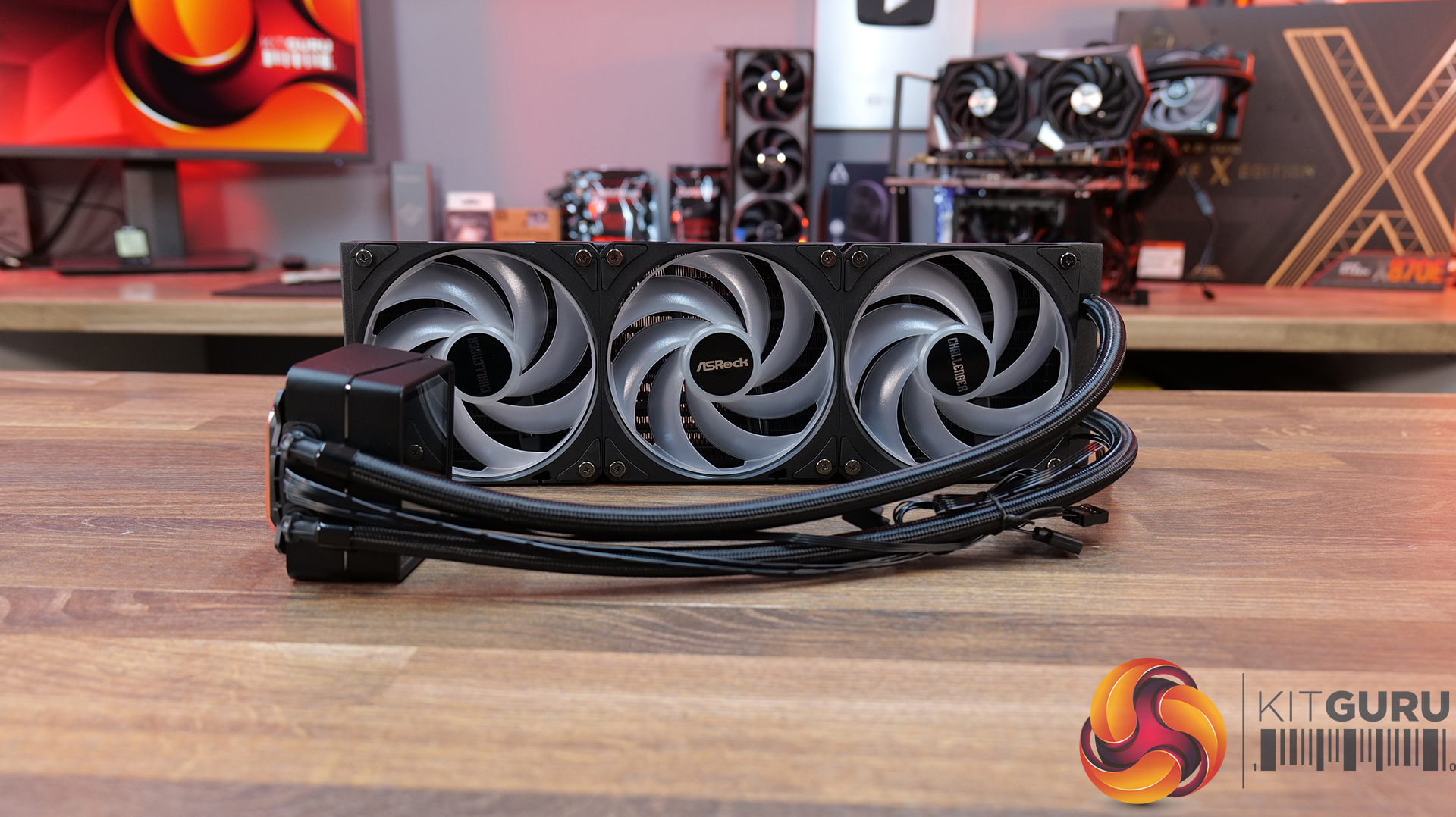
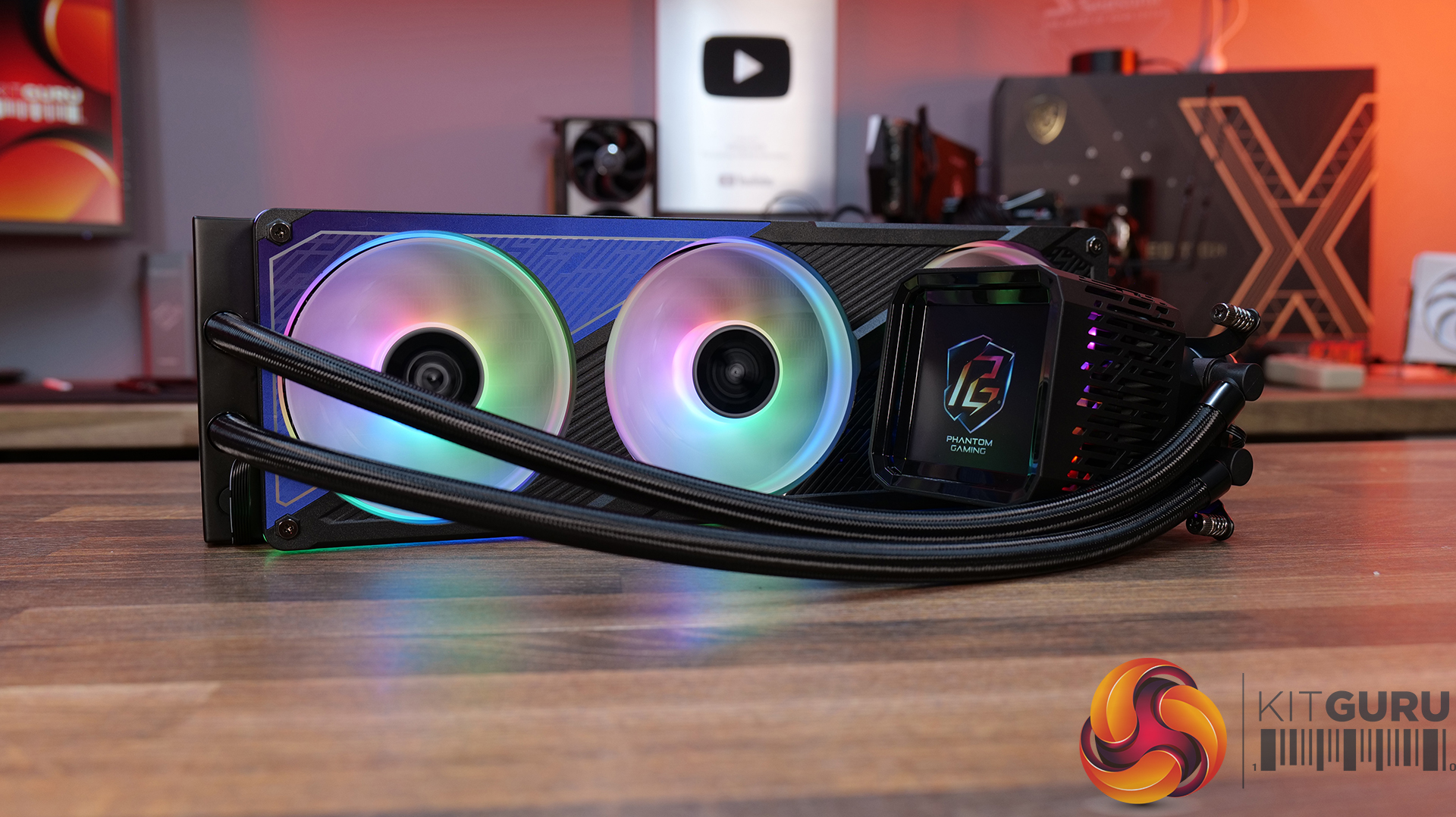
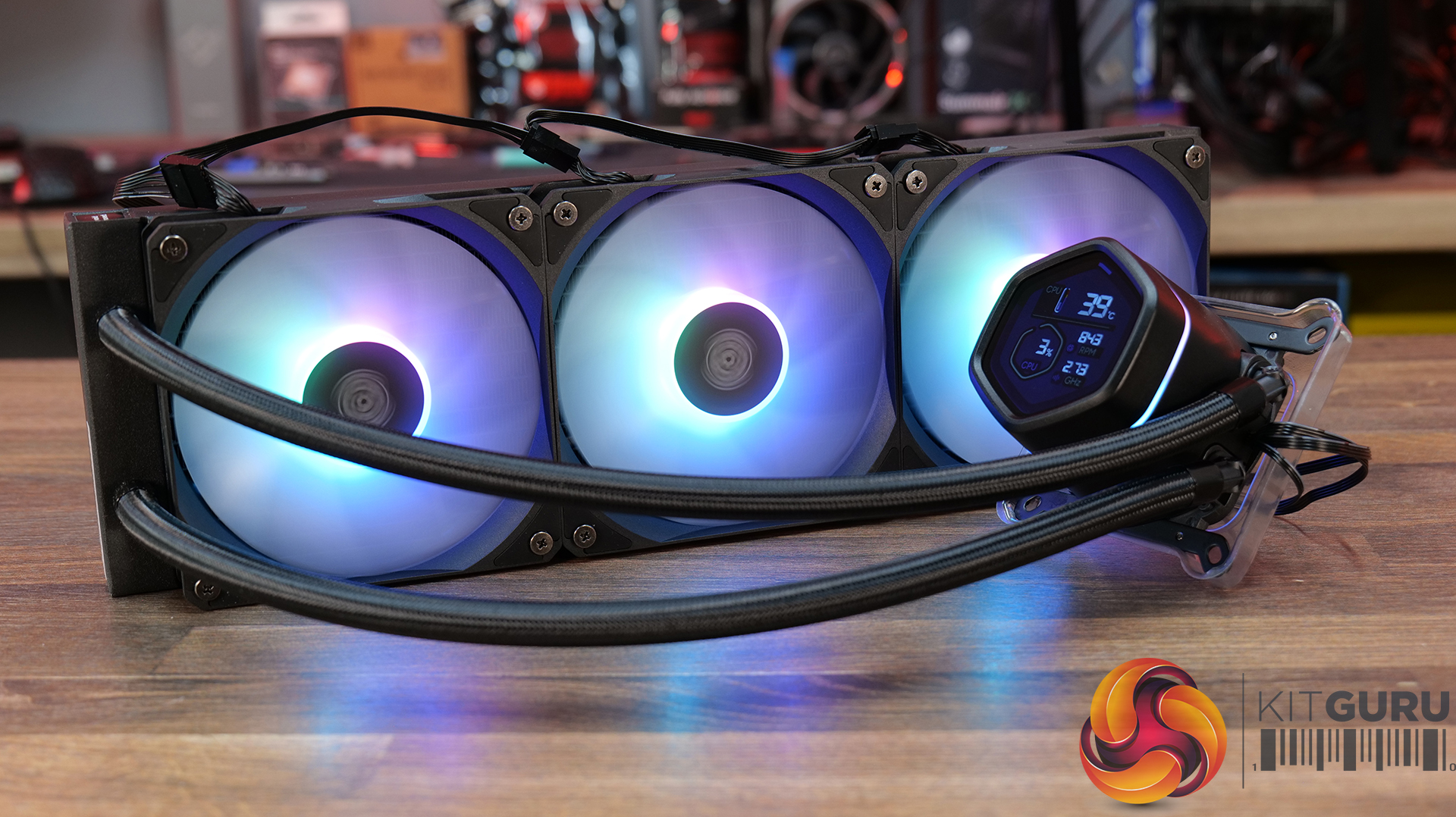
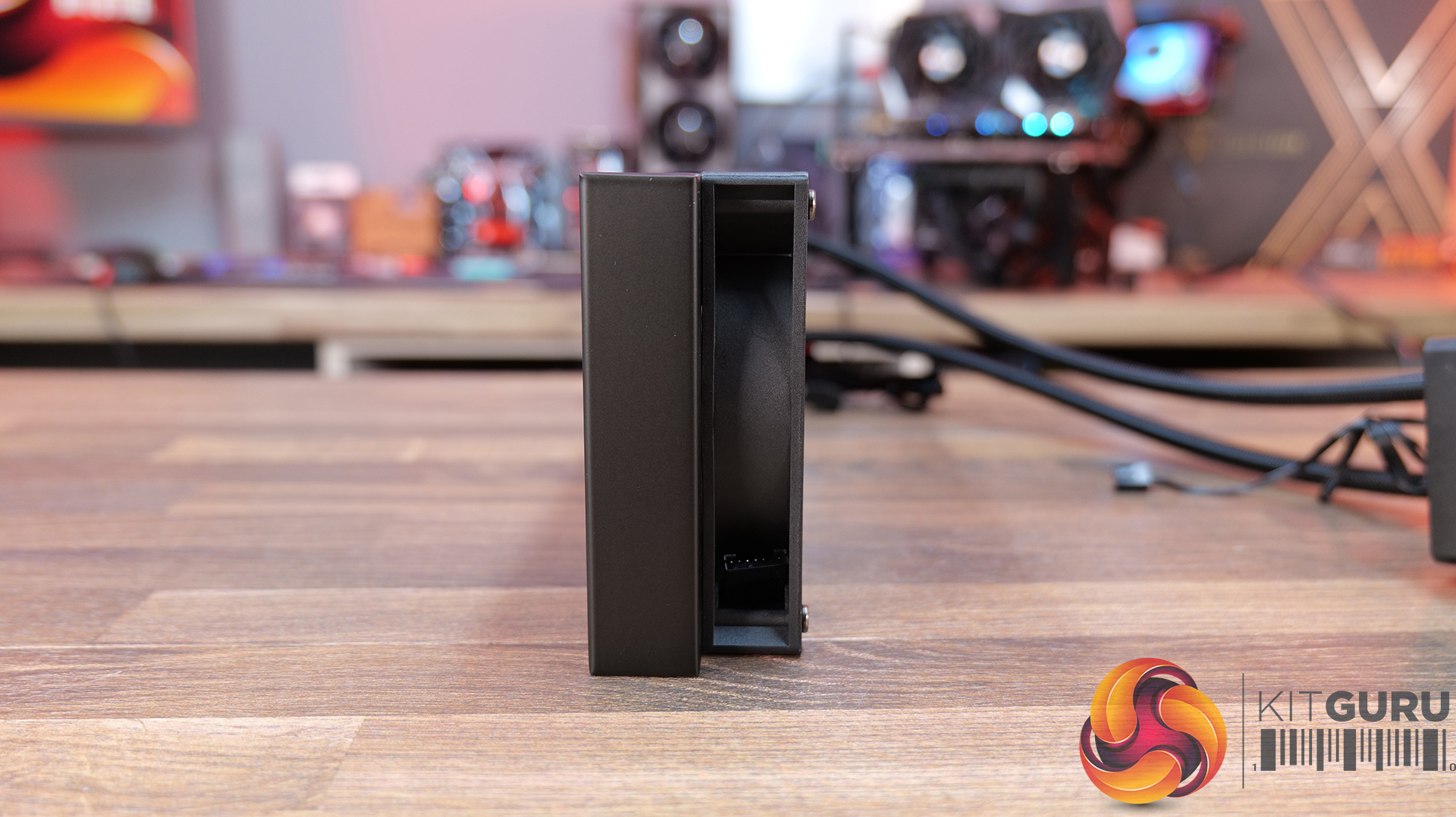
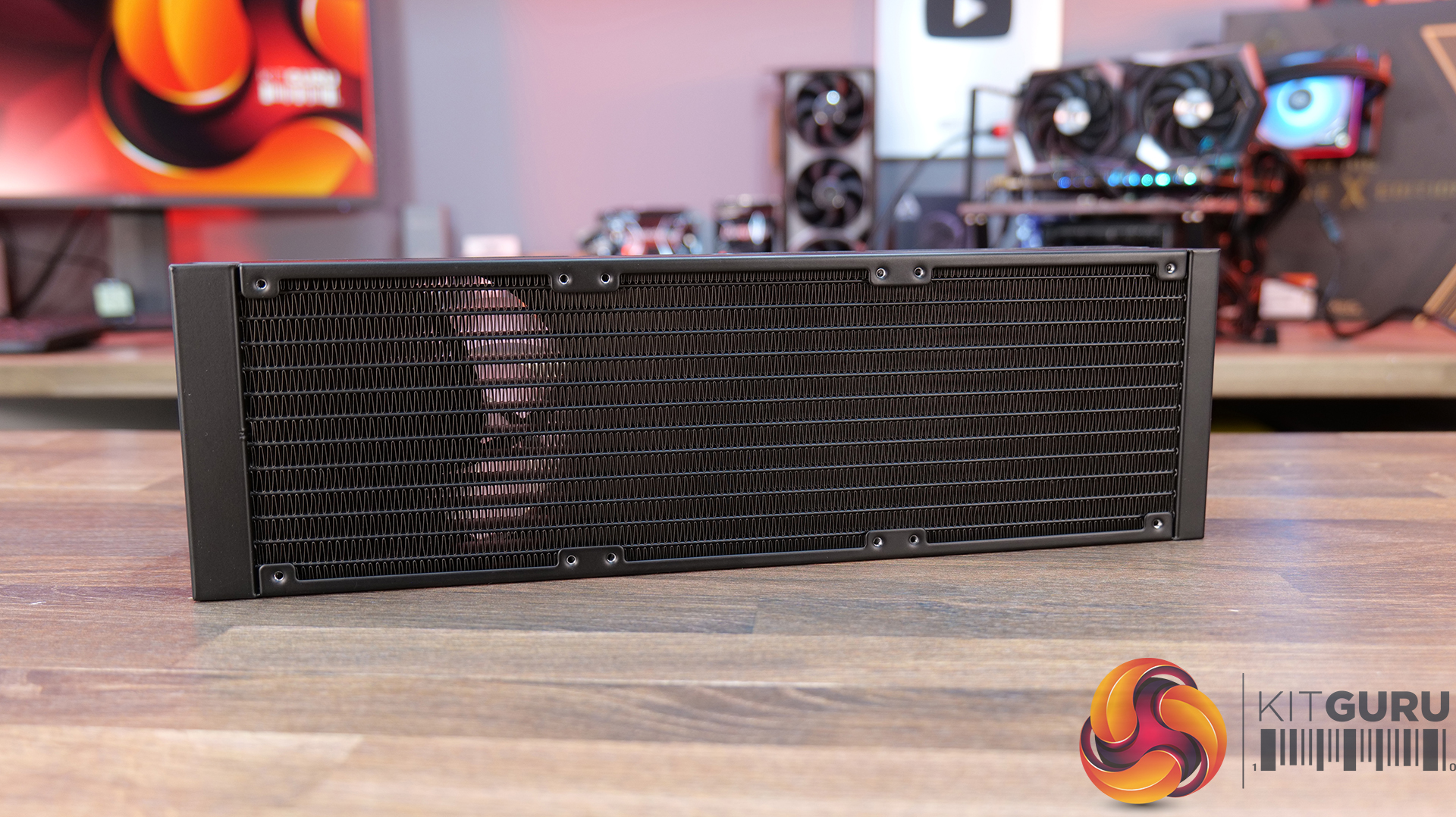
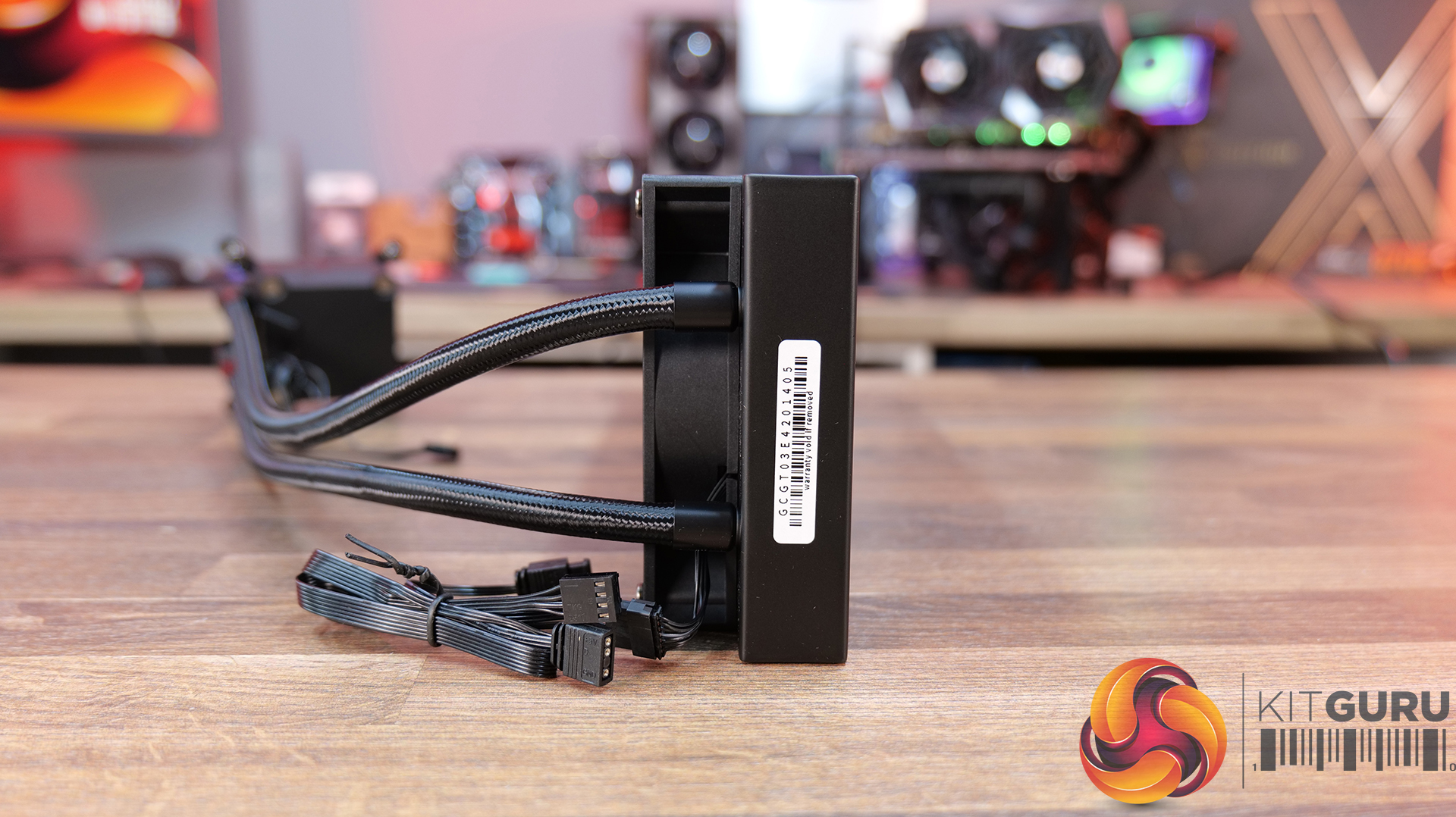
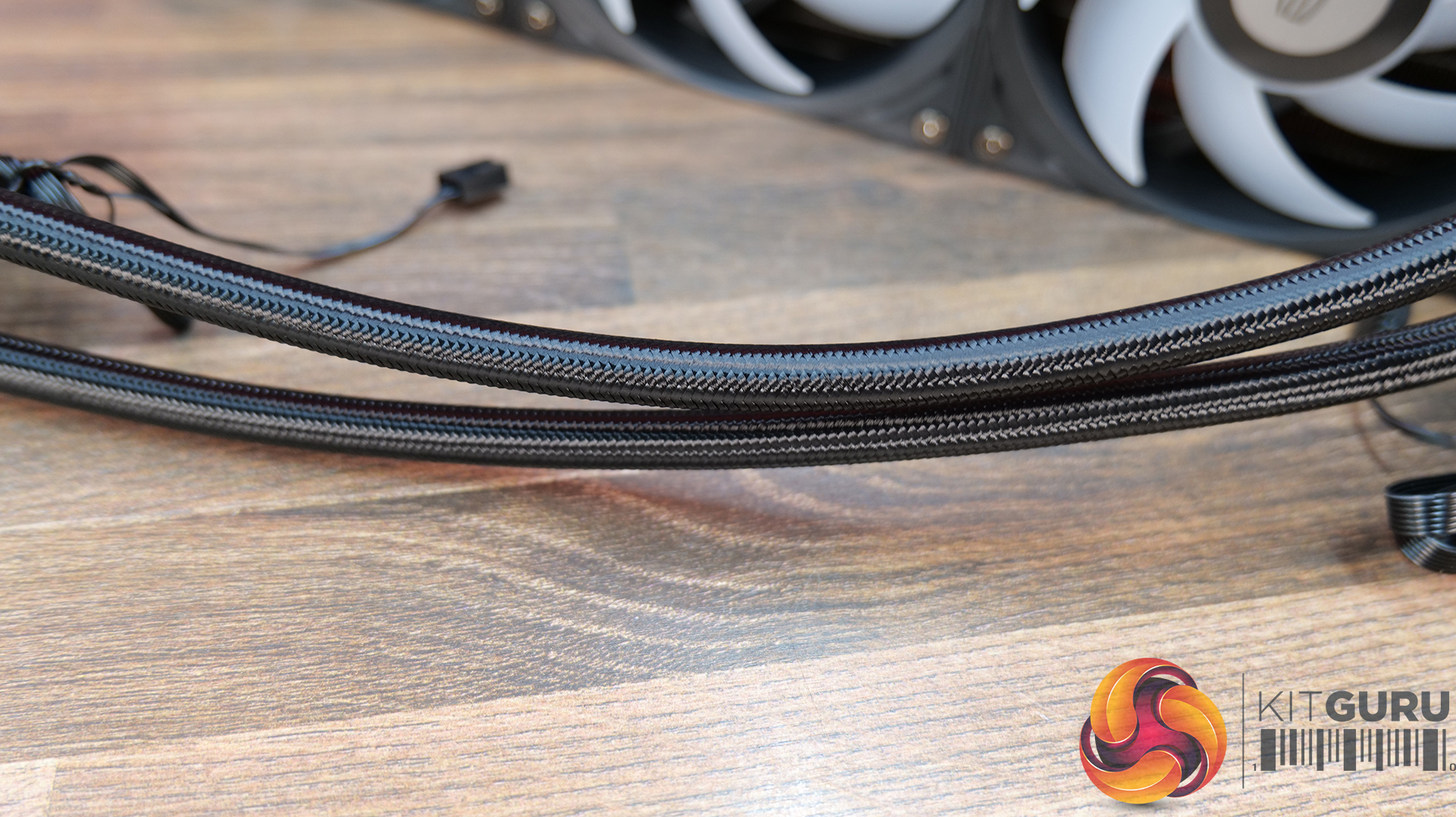
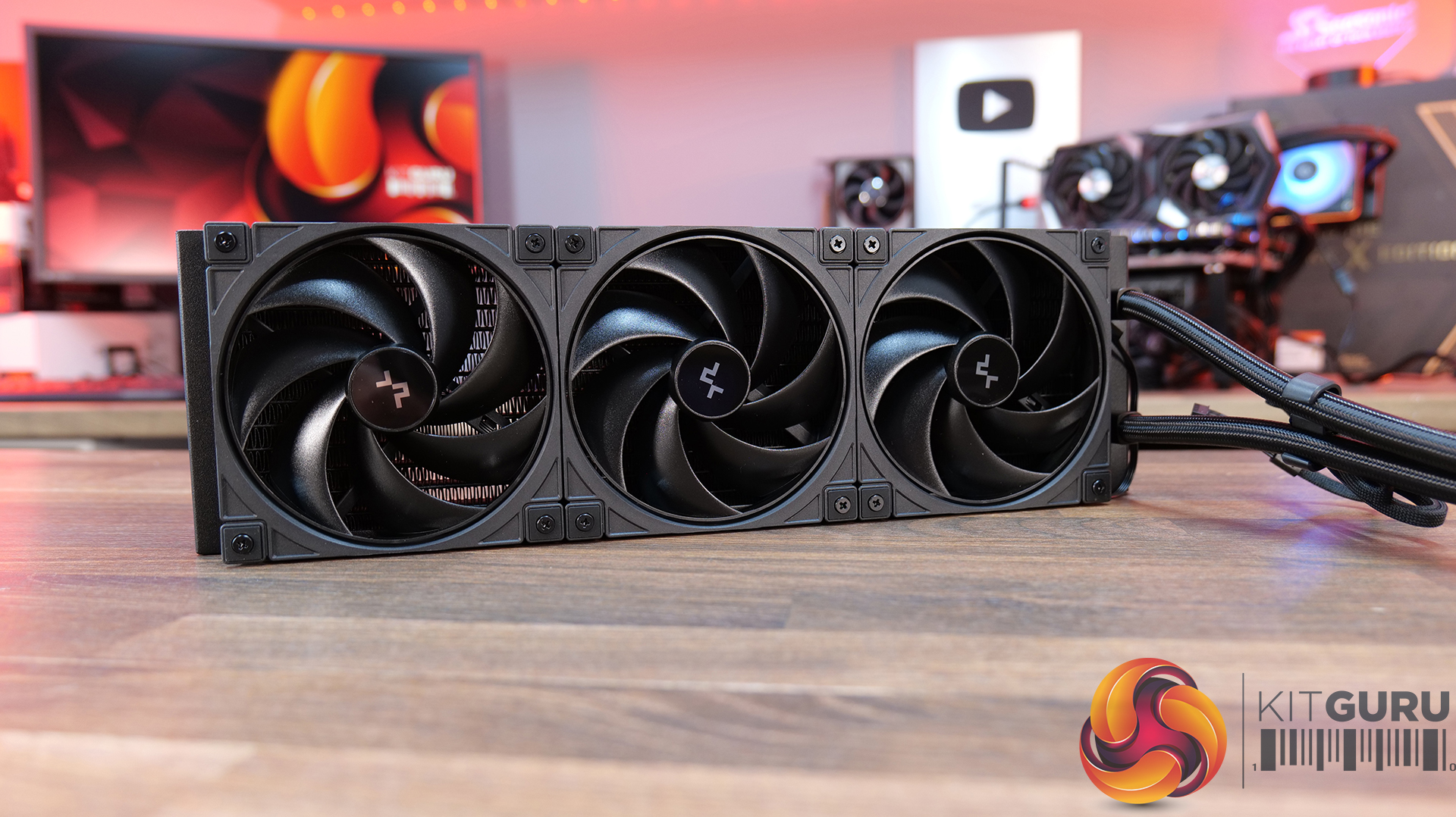
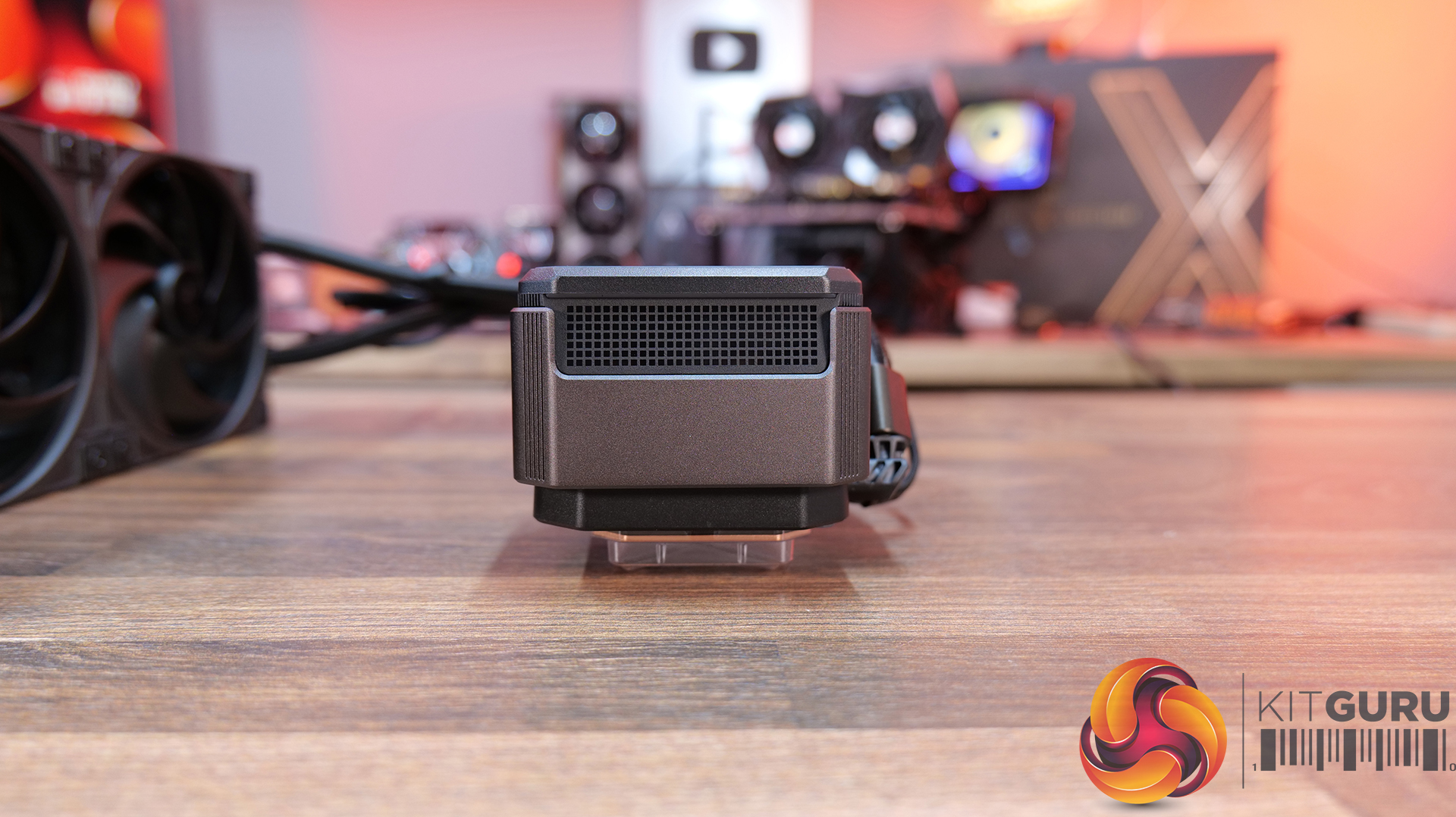
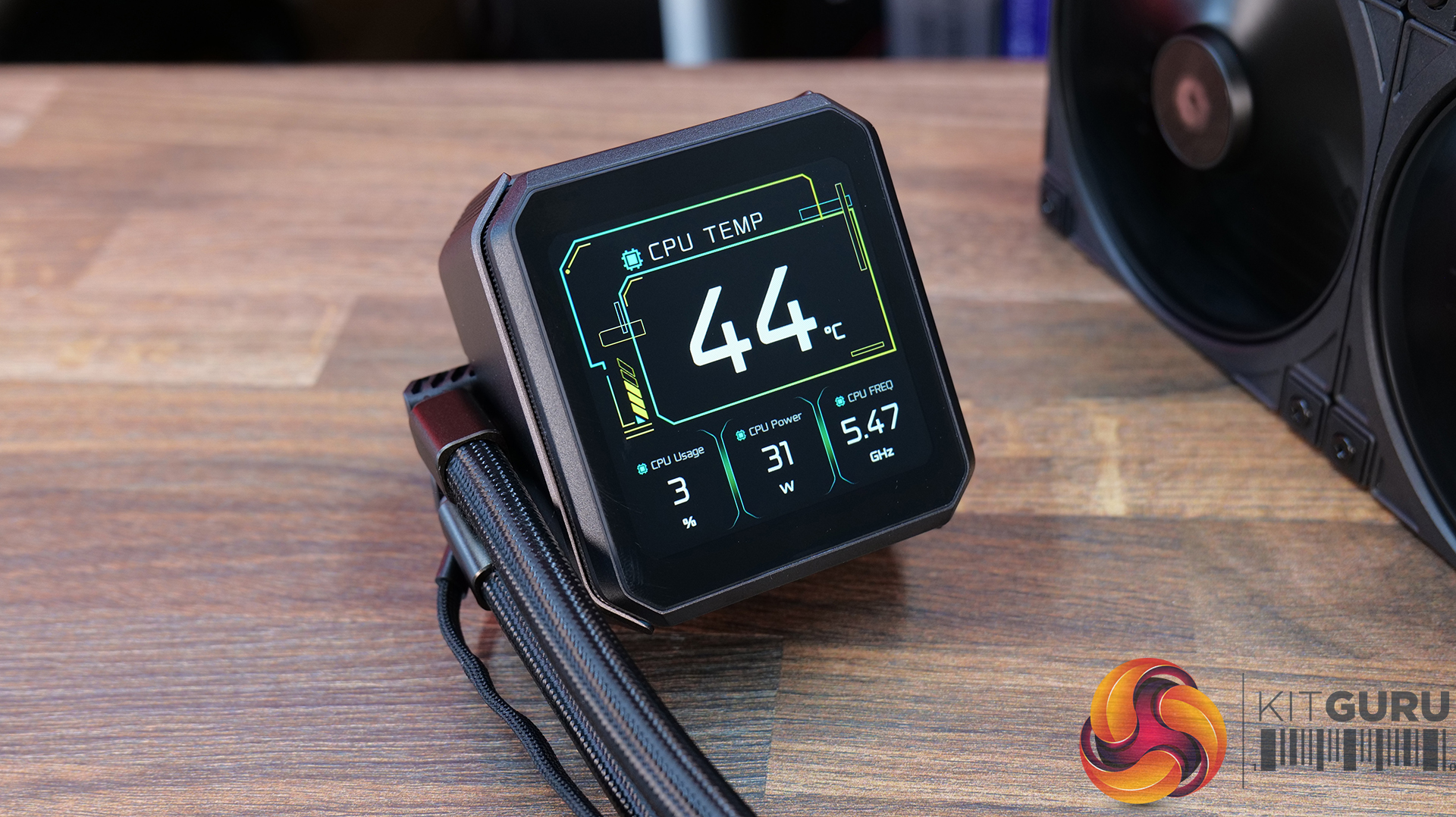
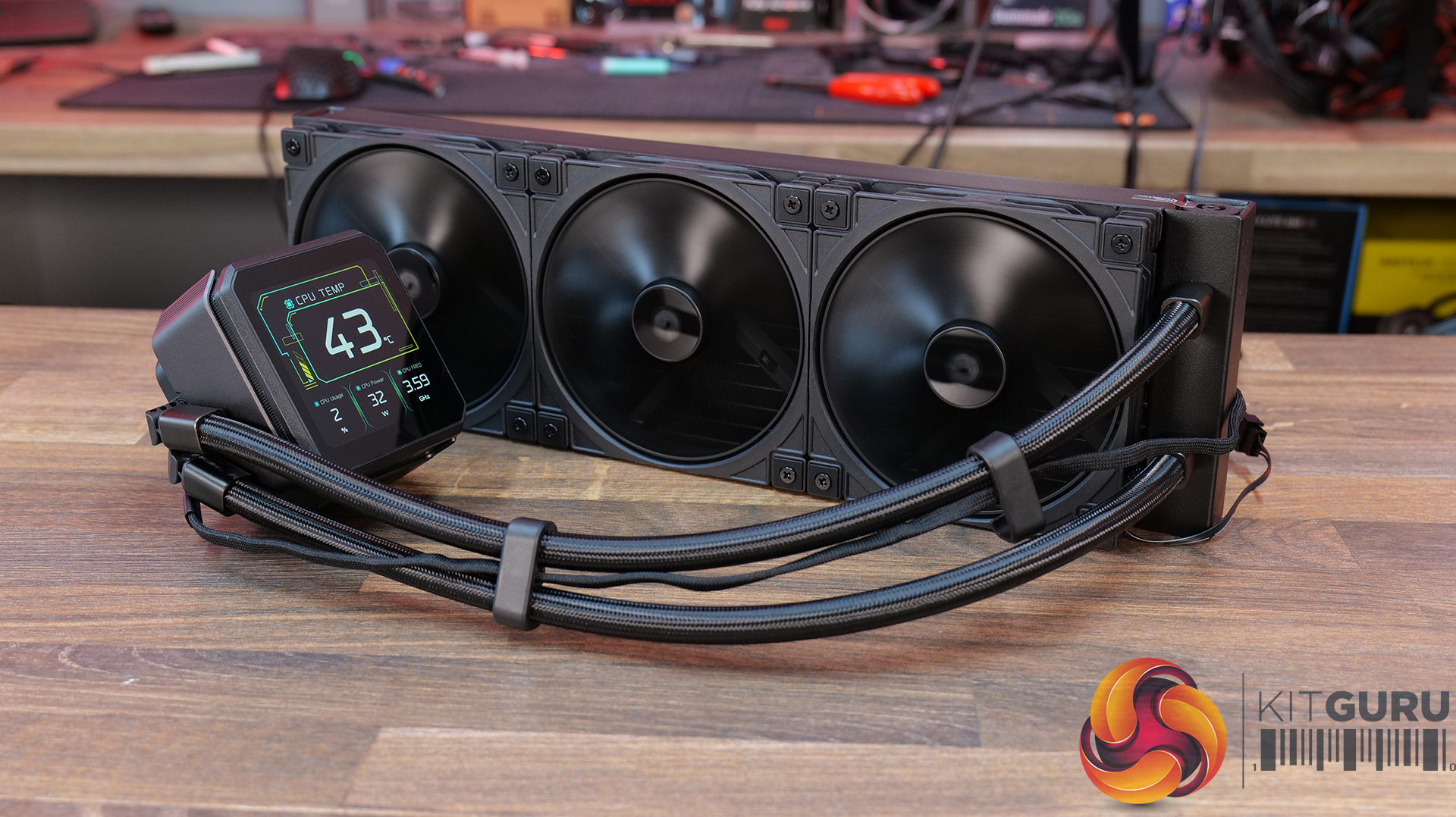
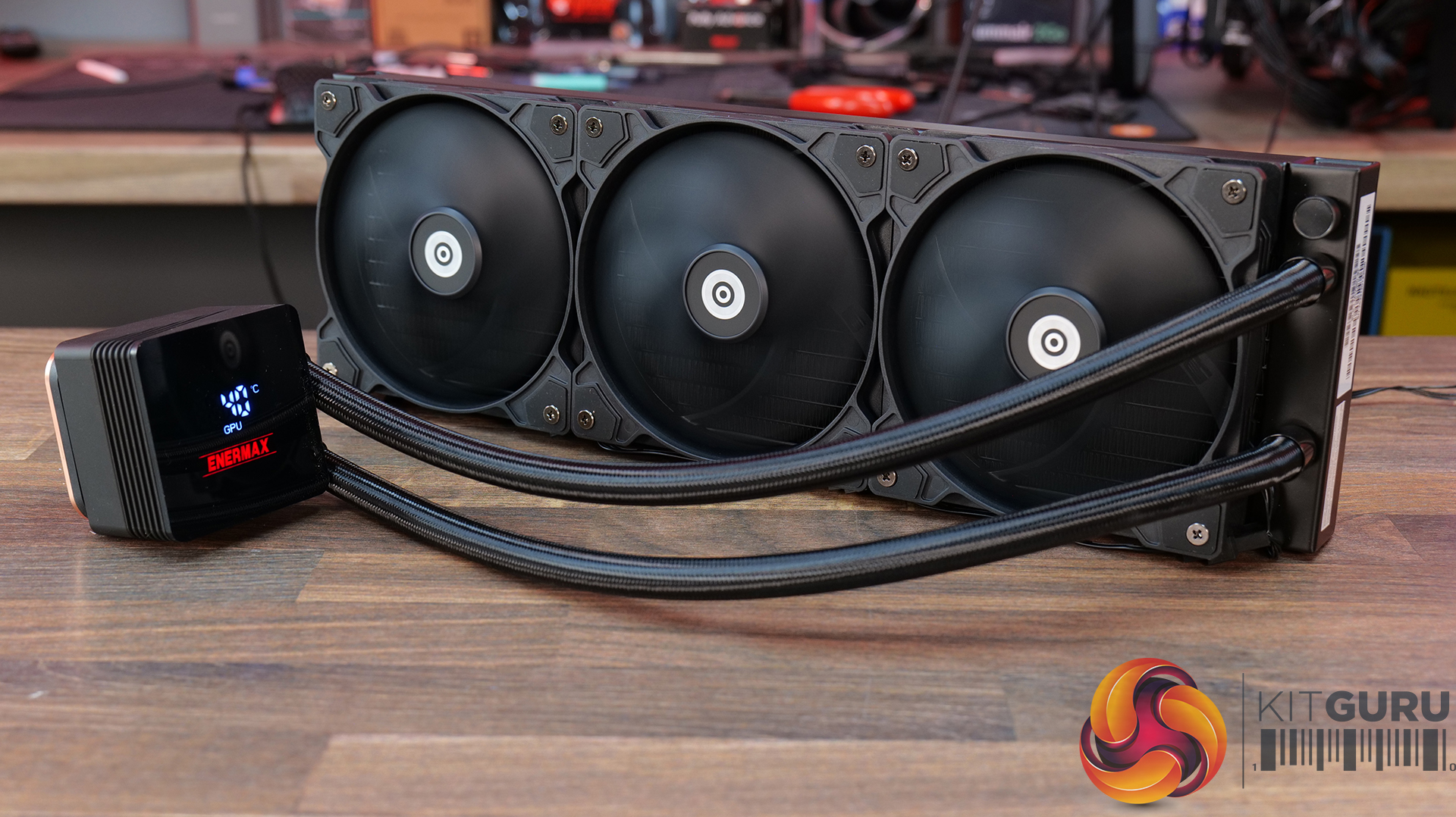
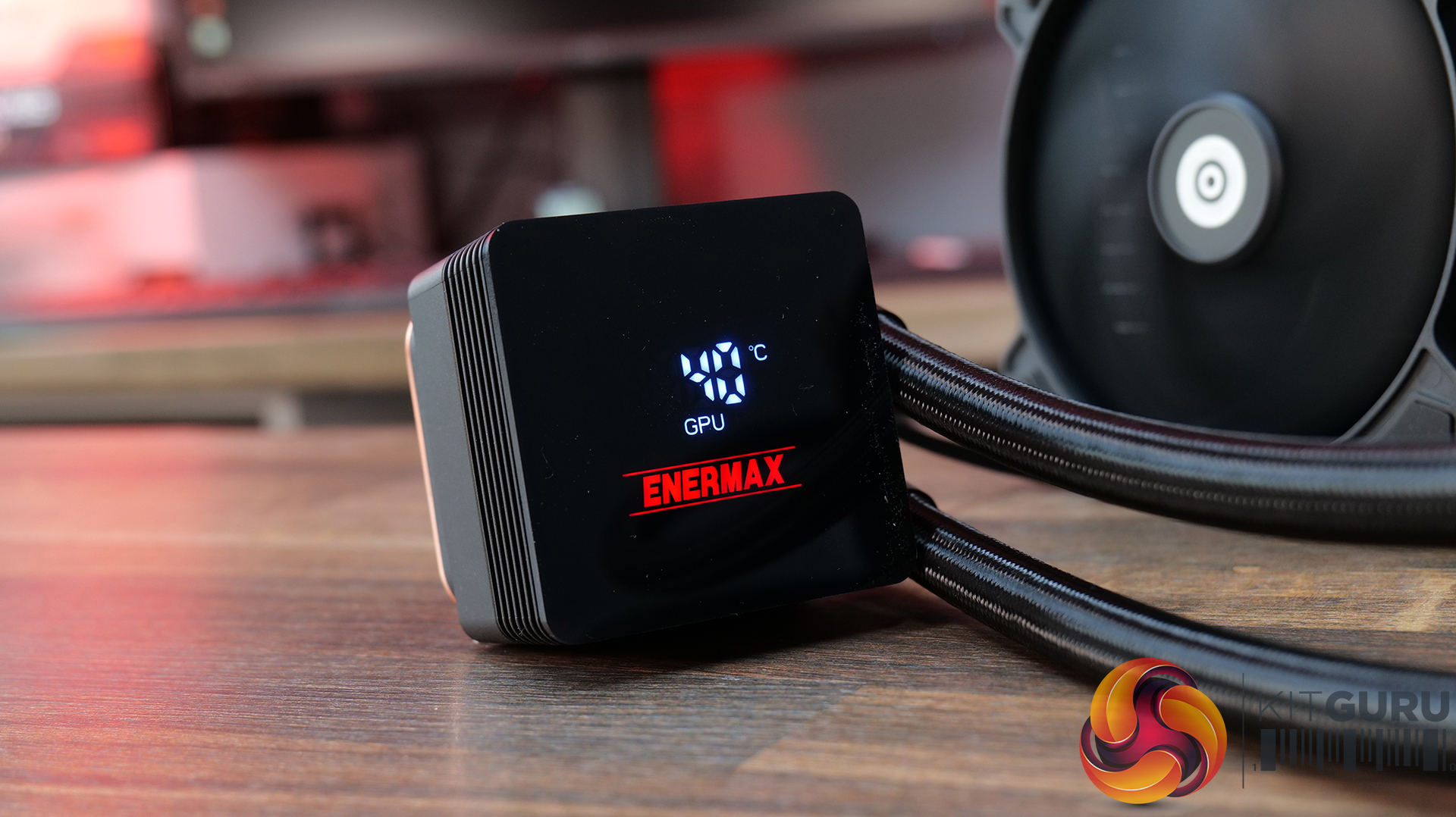
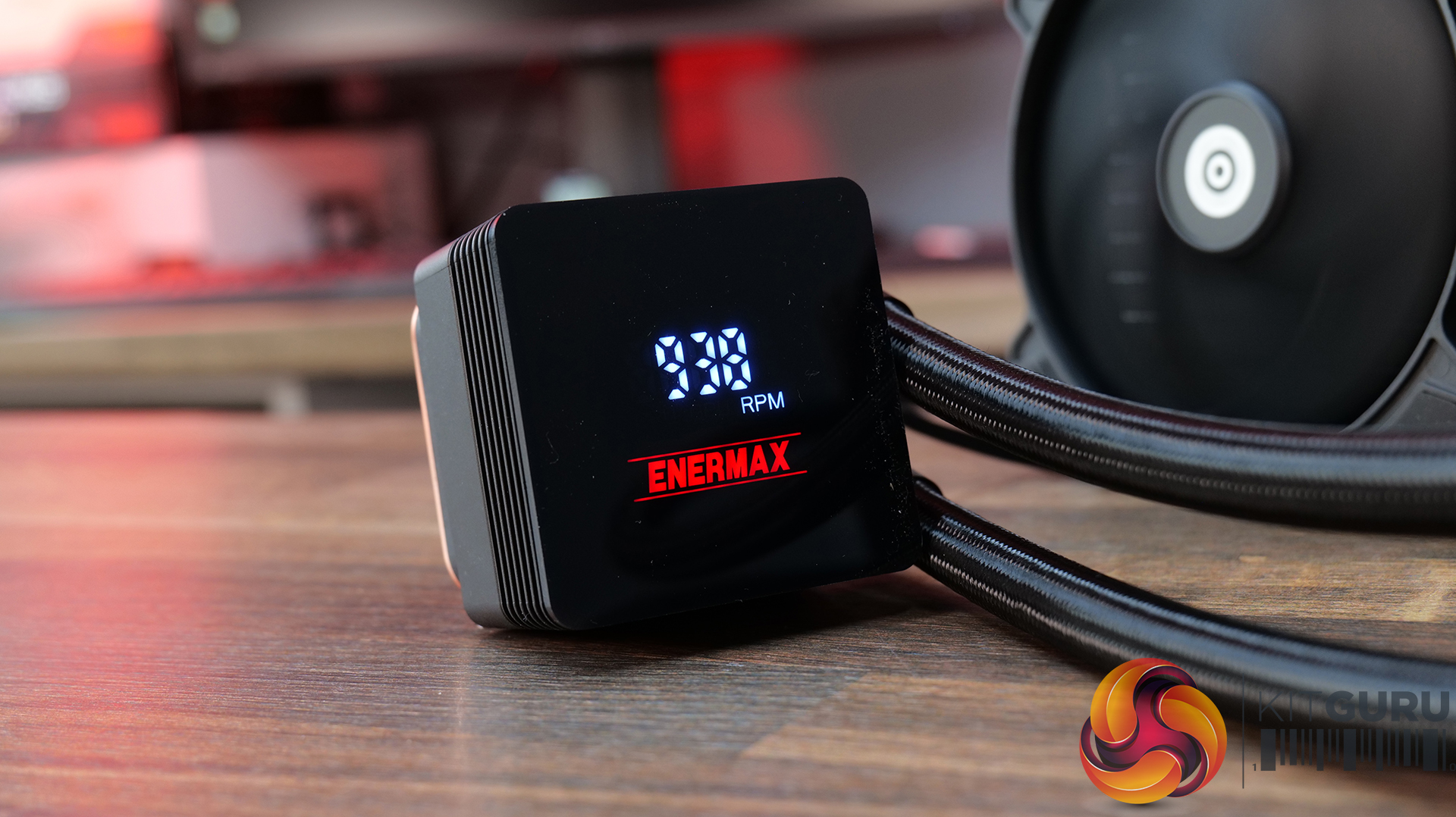
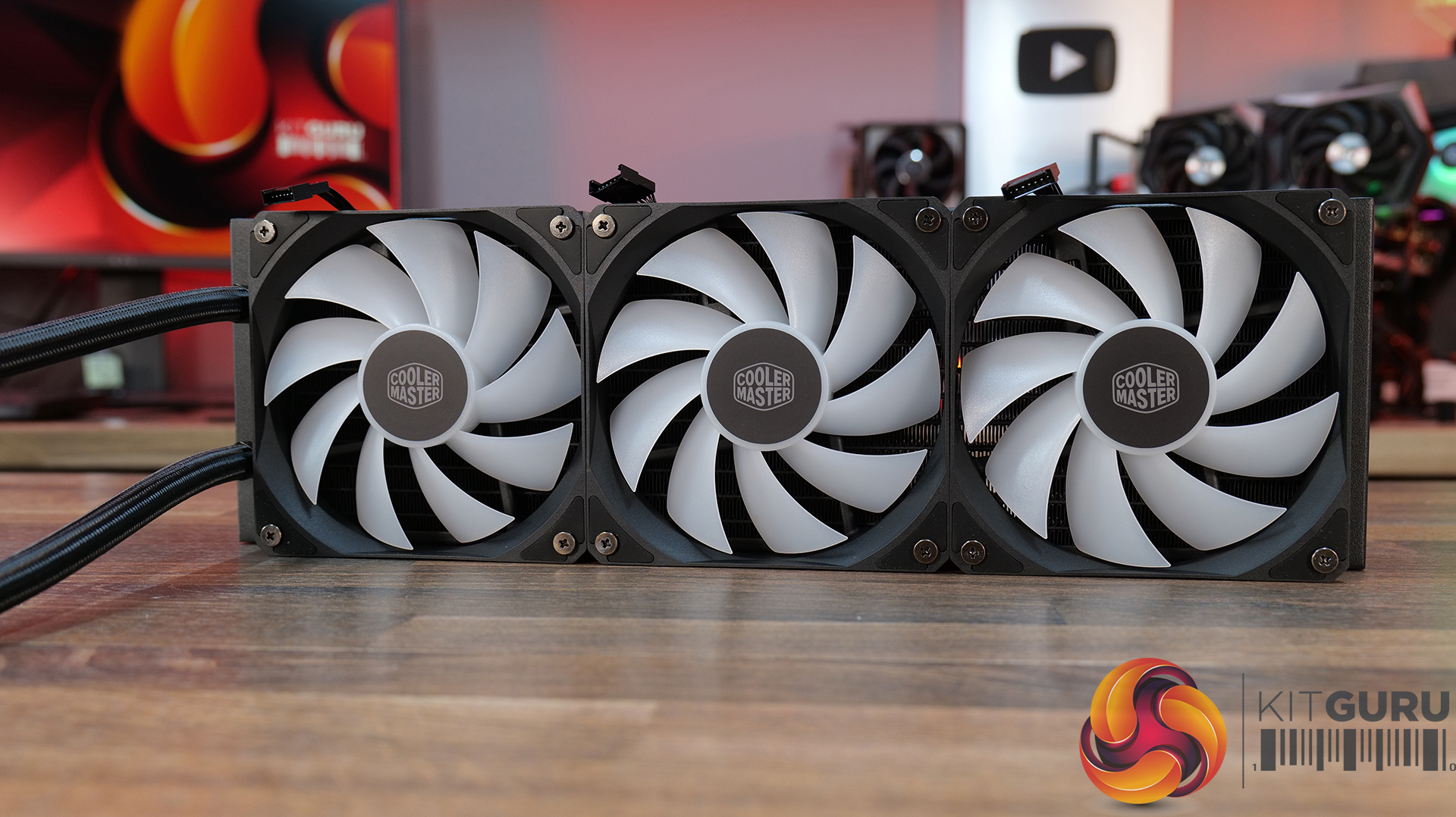
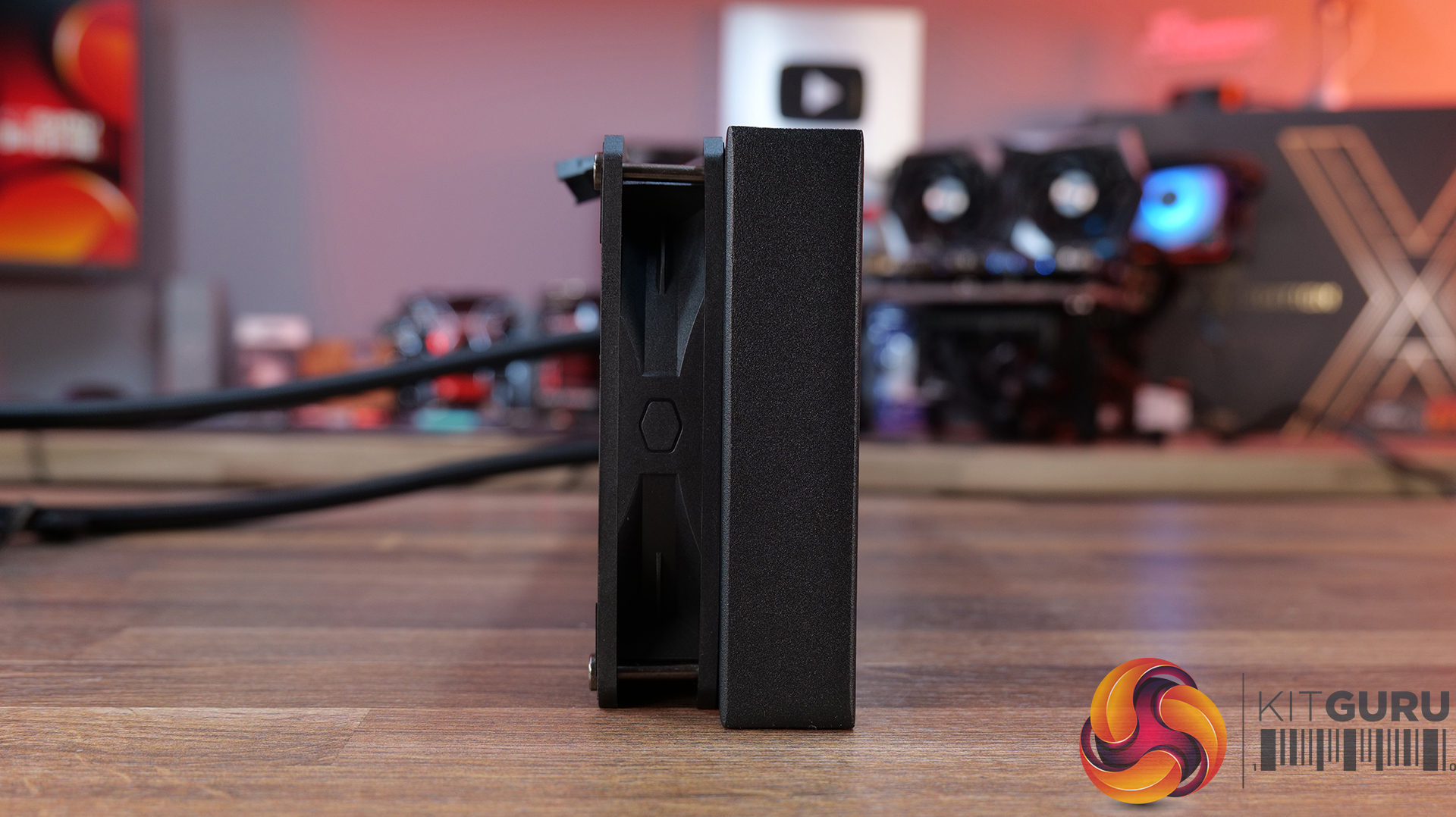
Today we’re going big on AIO coolers – seven of them in fact! We’ve got new hardware from ASRock, Cooler Master, CPS PCCOOLER, DeepCool, Enermax and Sudokoo to look at, all featuring integrated pump-mounted displays and targeting a wide range of price points. In this multi-review, we’ll be looking at thermals, noise, build quality and value for money to find out which ones are genuinely impressive, and which ones are just flashy-looking screens with a pump attached.

Timestamps:

00:00 Intro
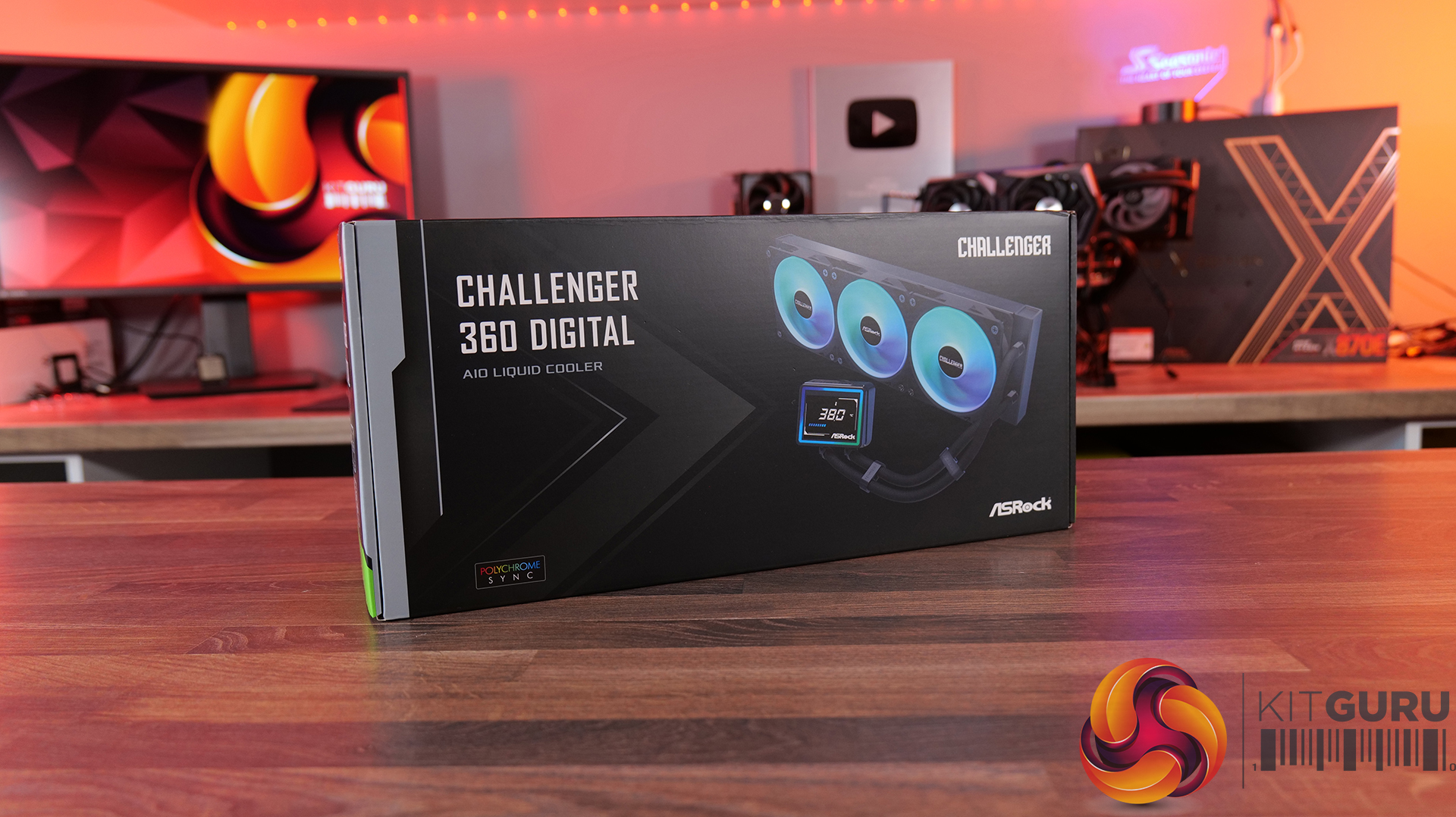
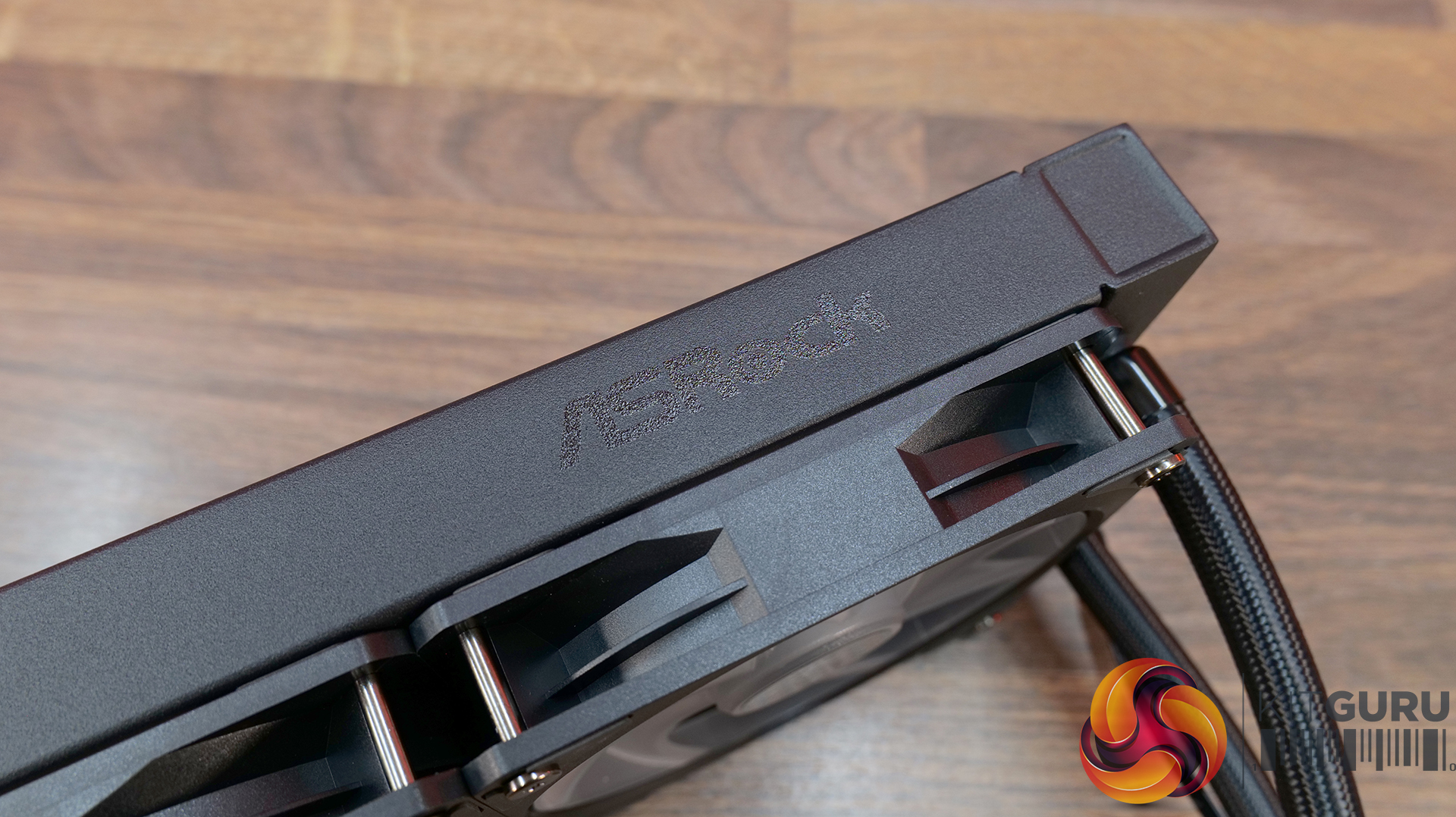
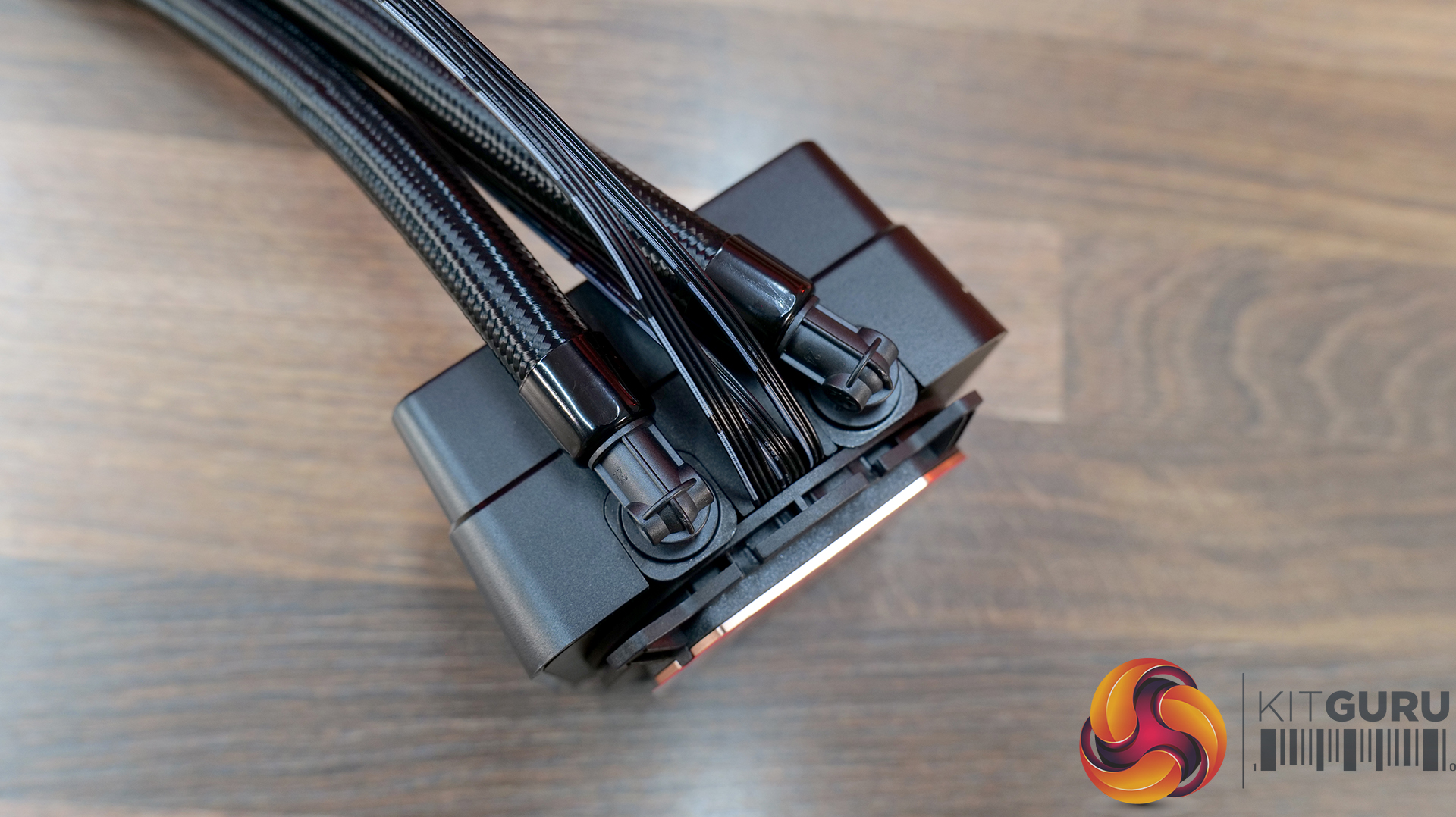
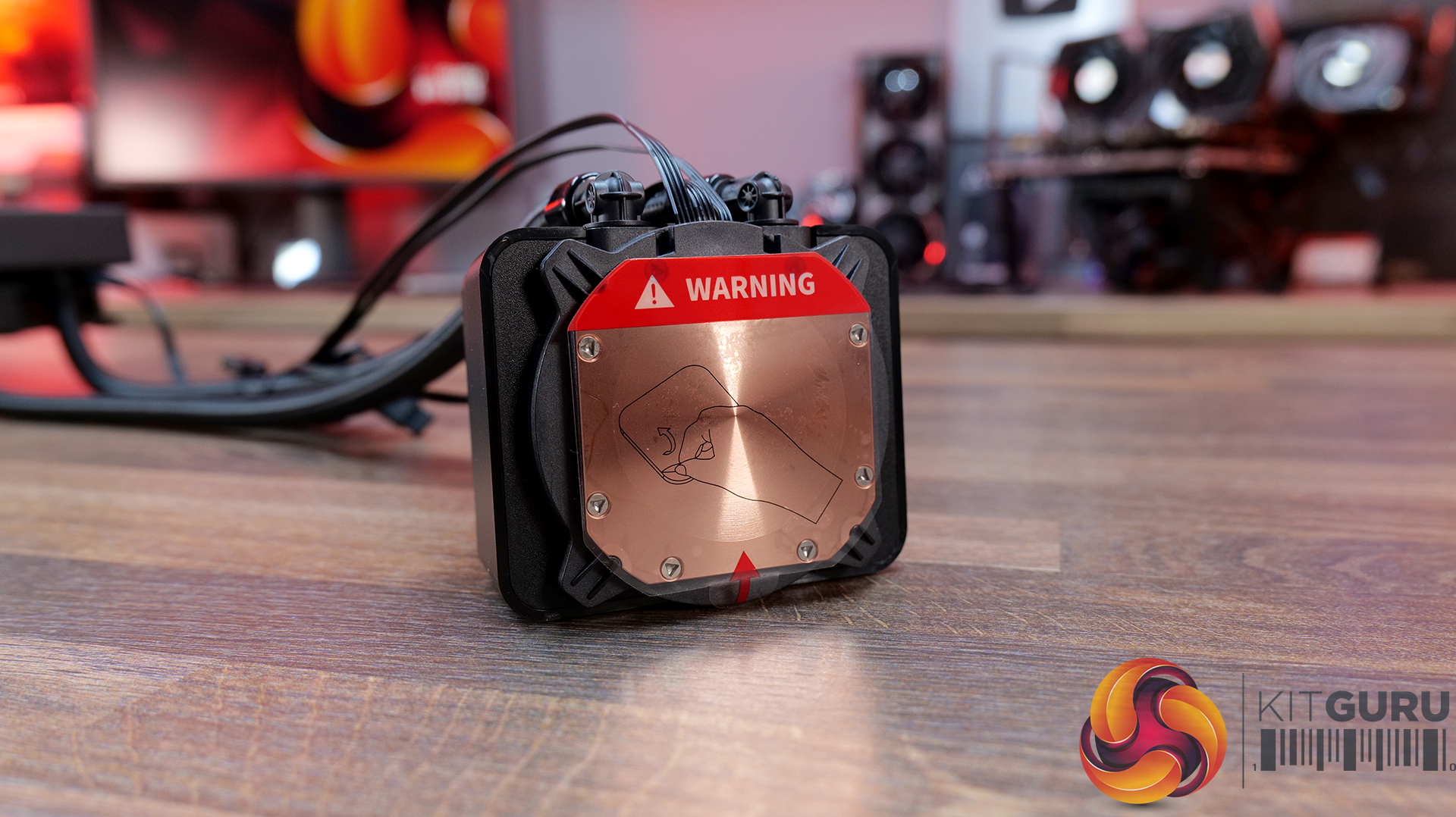
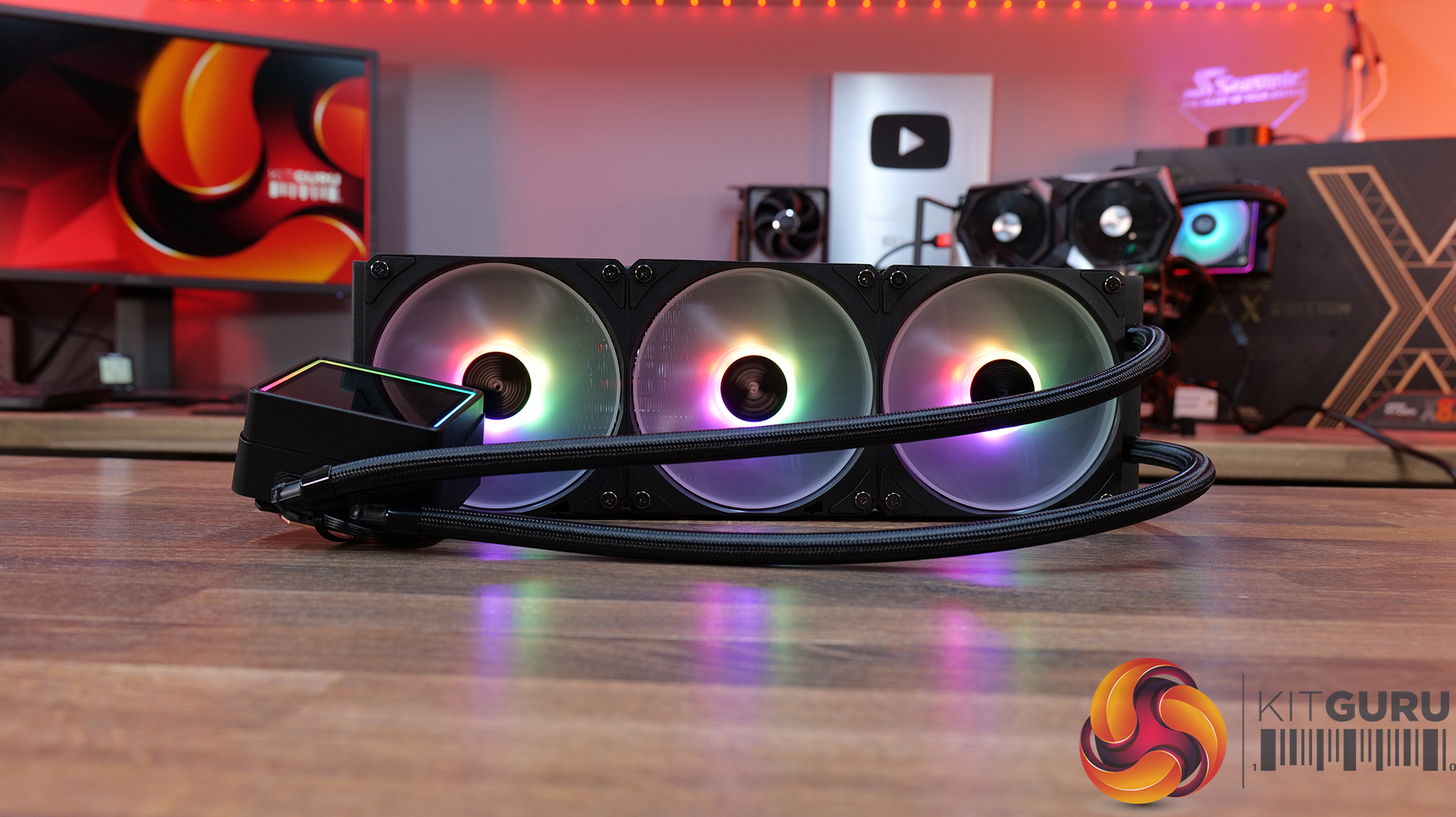
00:44 ASRock Challenger 360 Digital
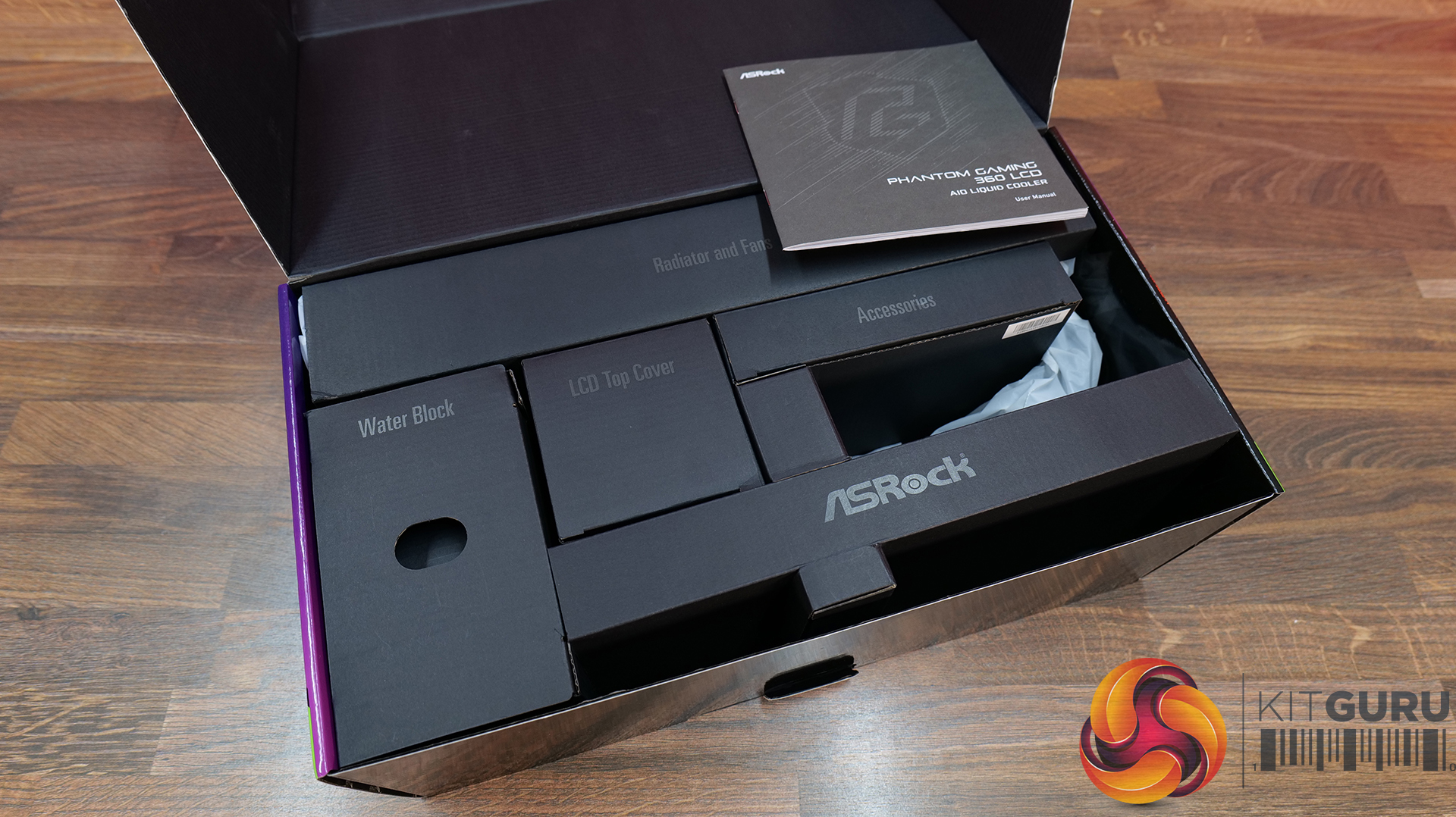
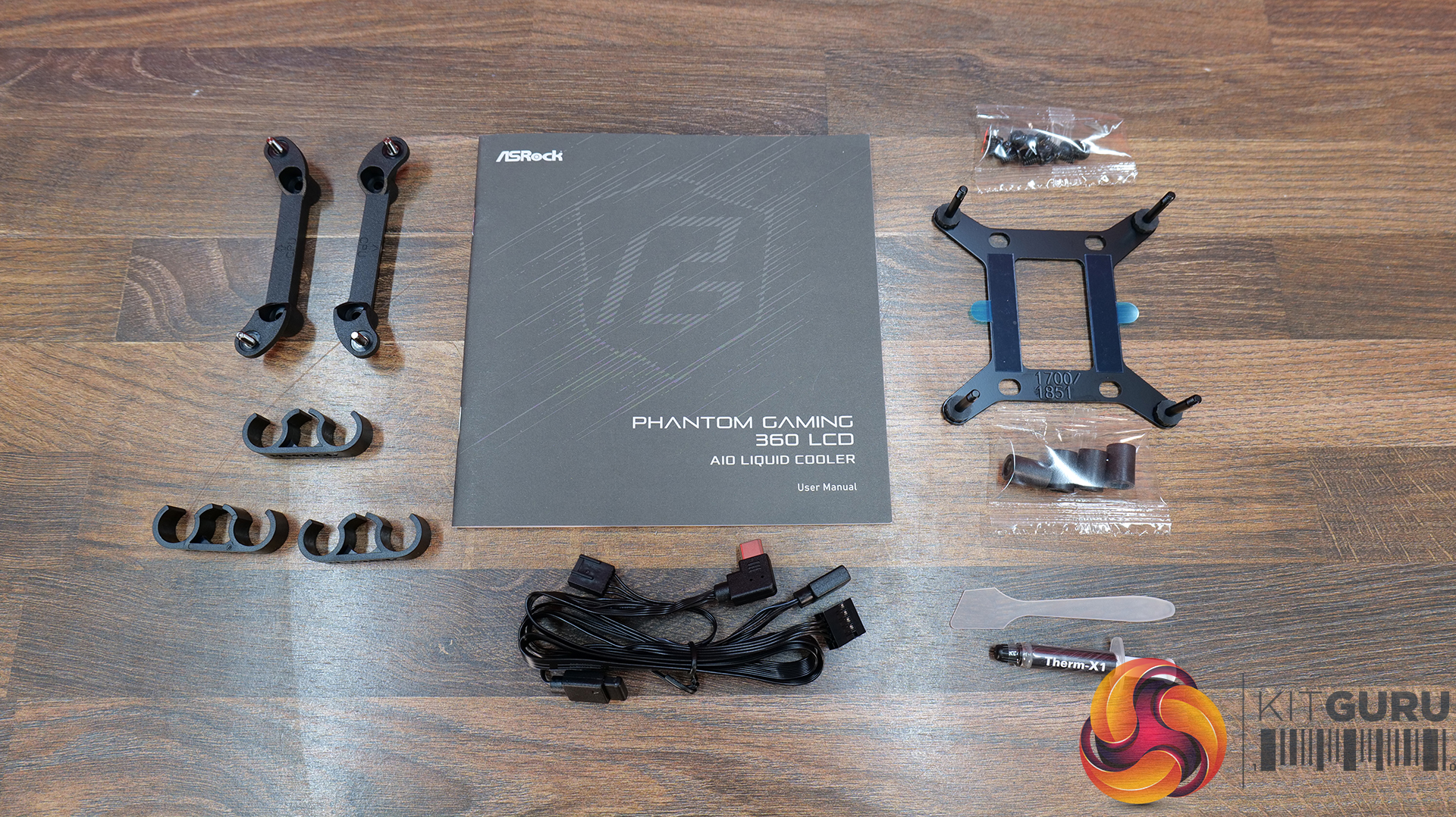
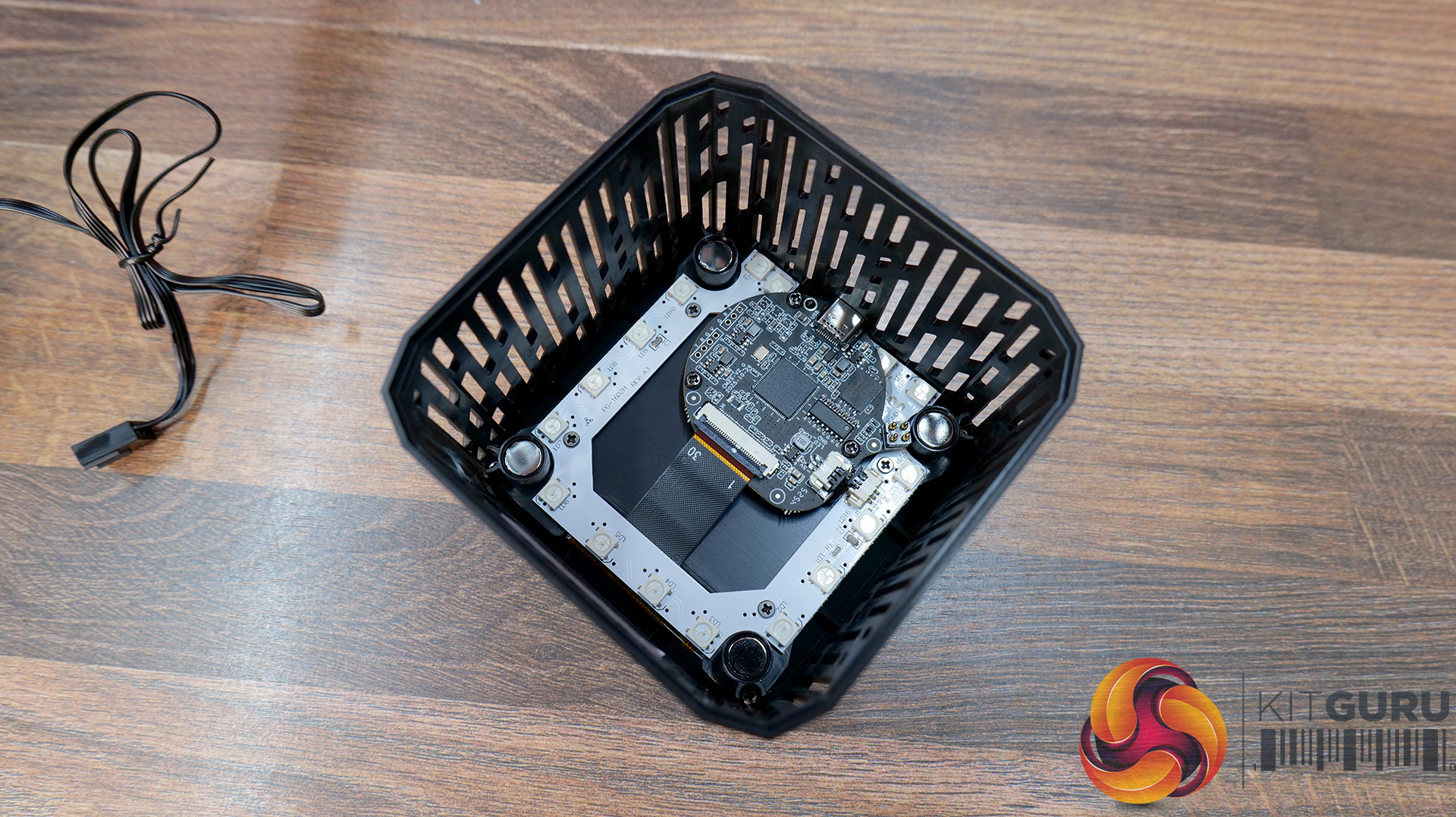
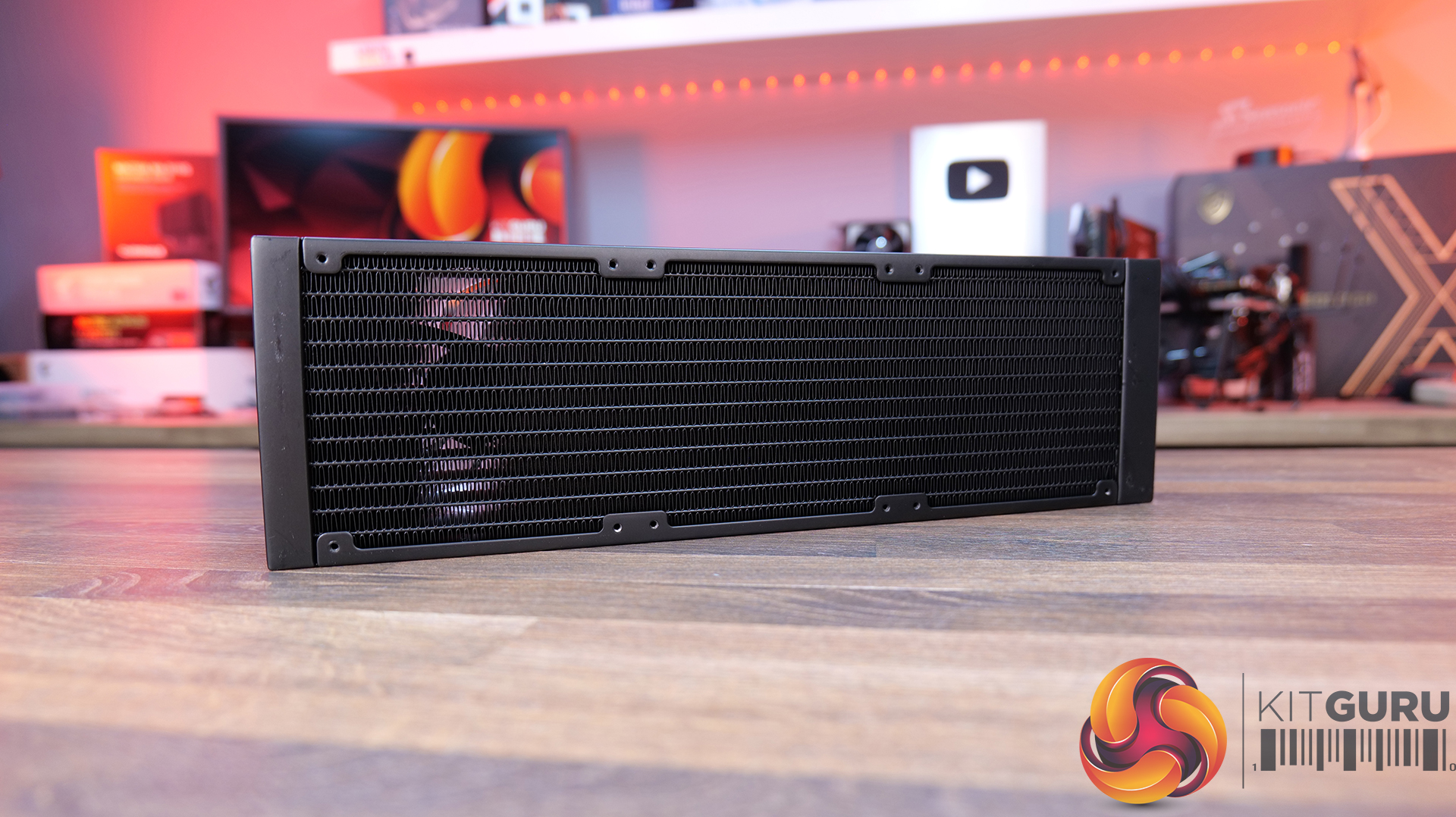
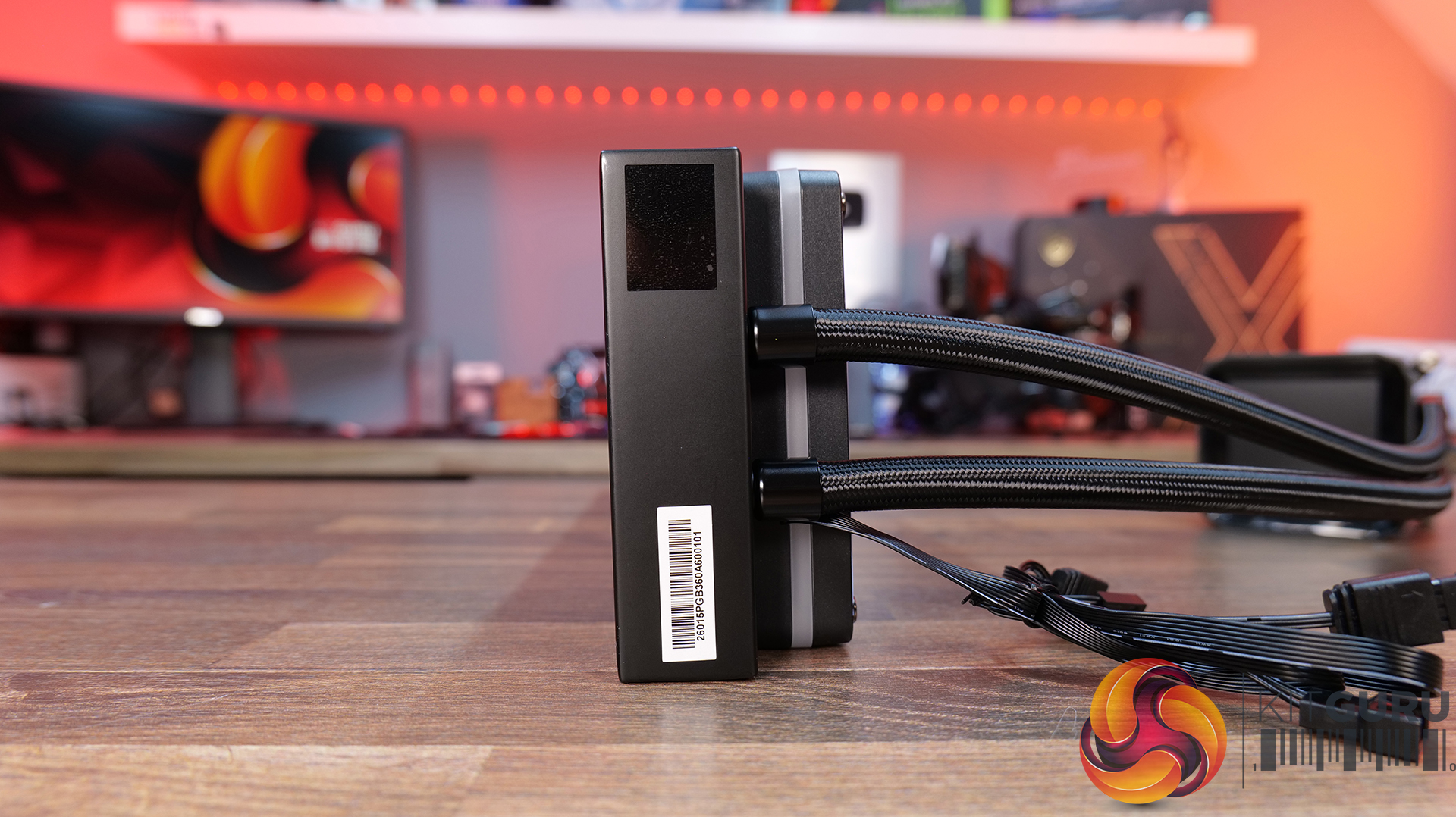
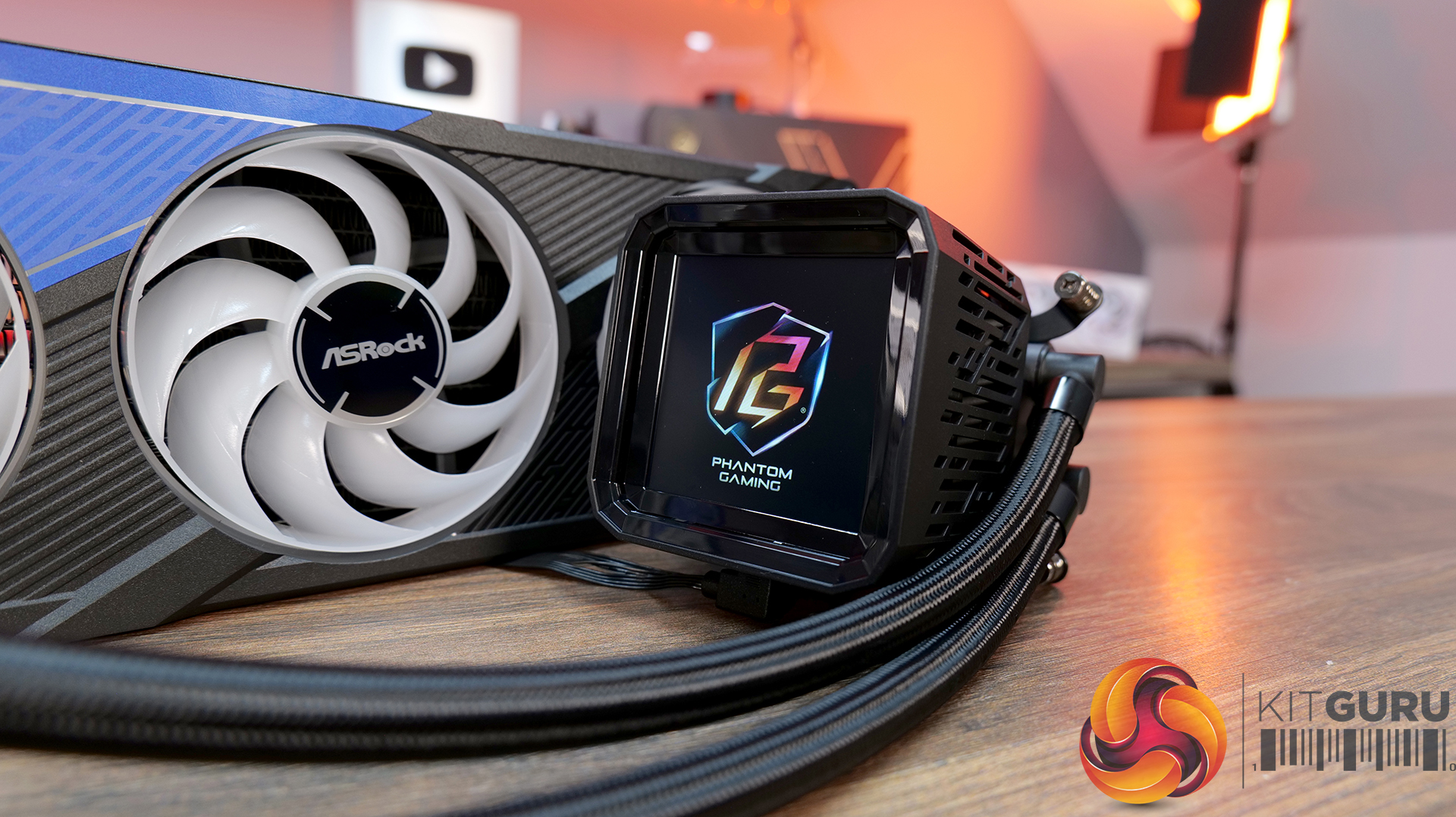
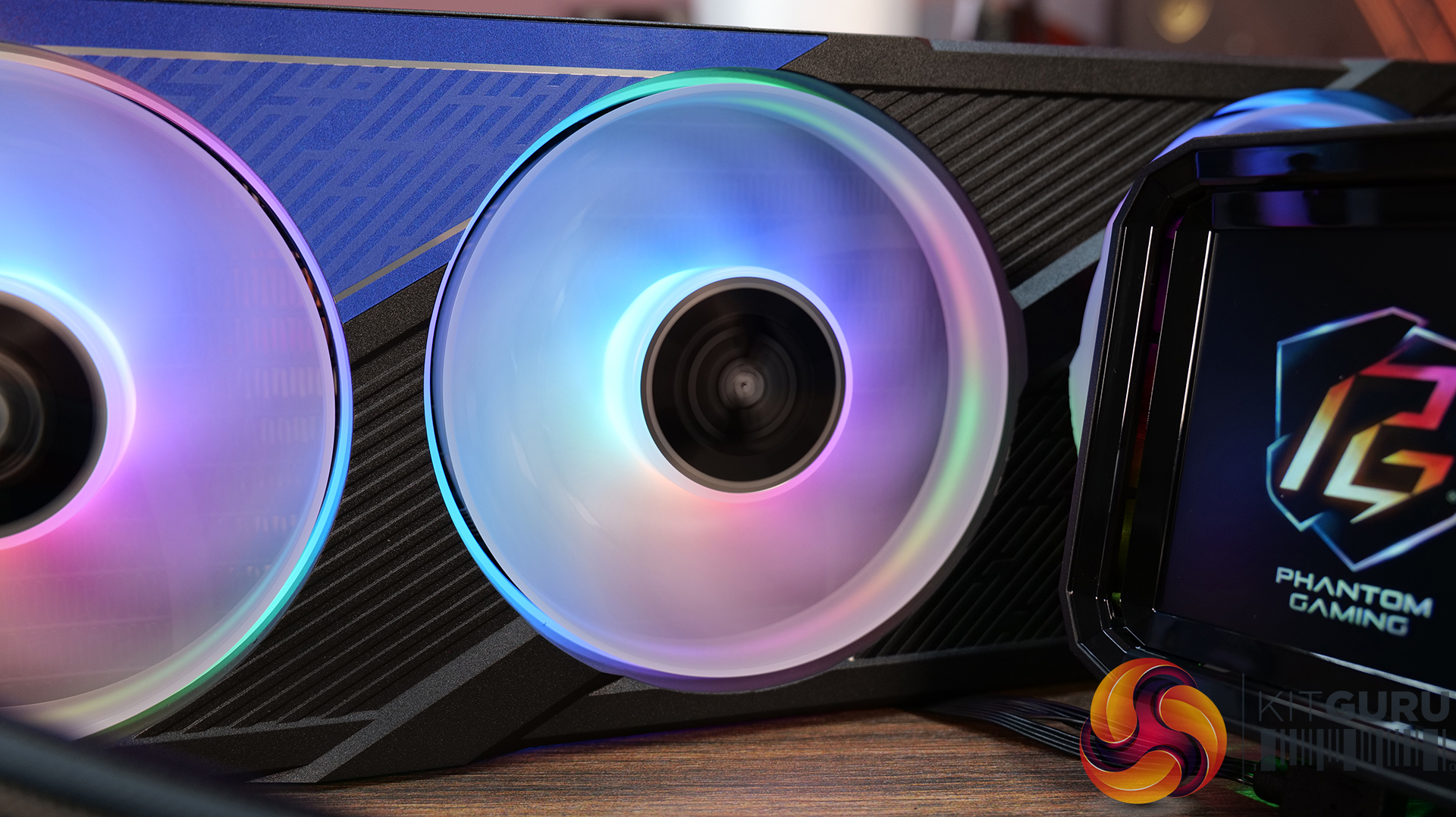
07:40 ASRock Phantom Gaming 360 LCD
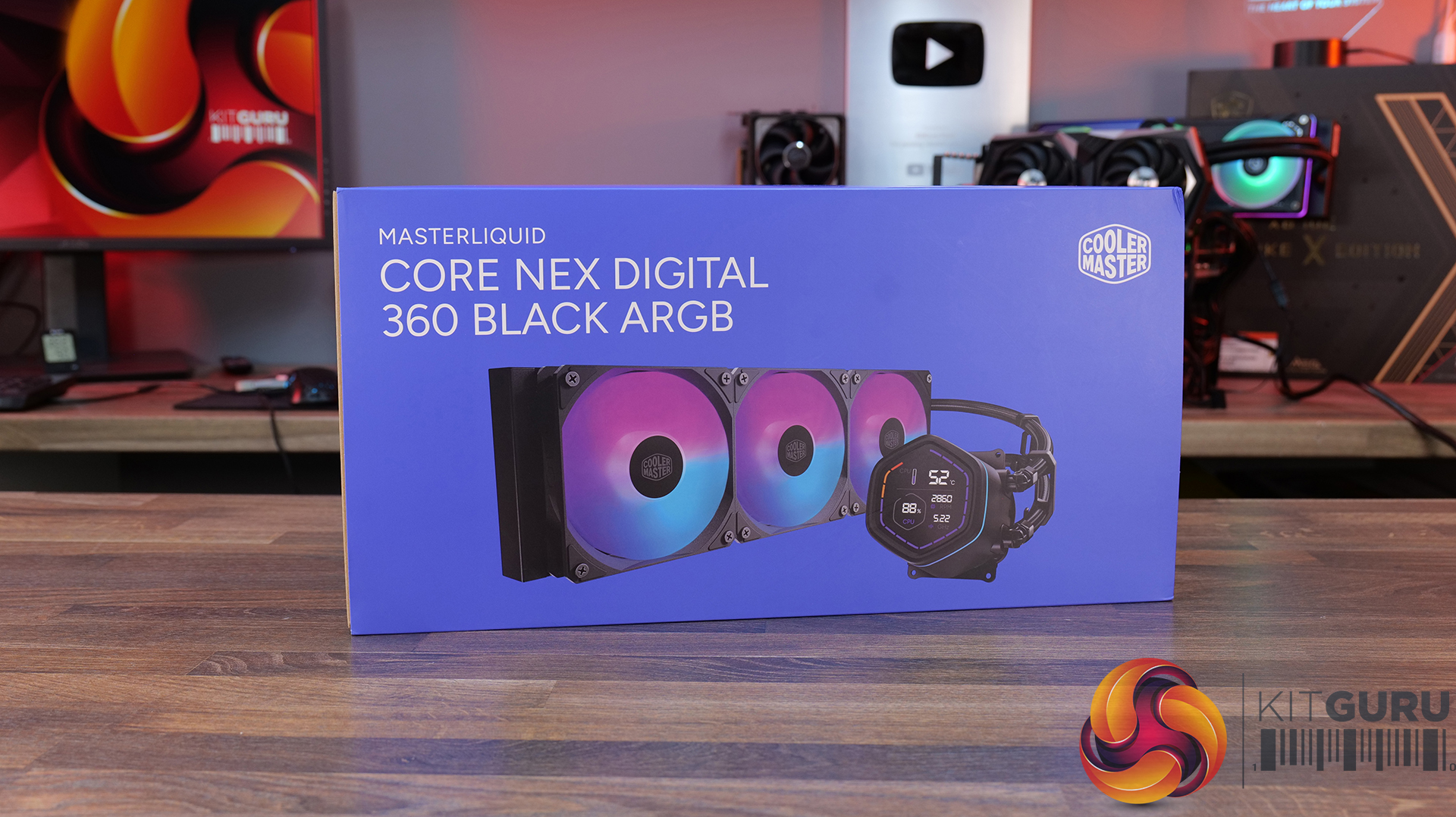
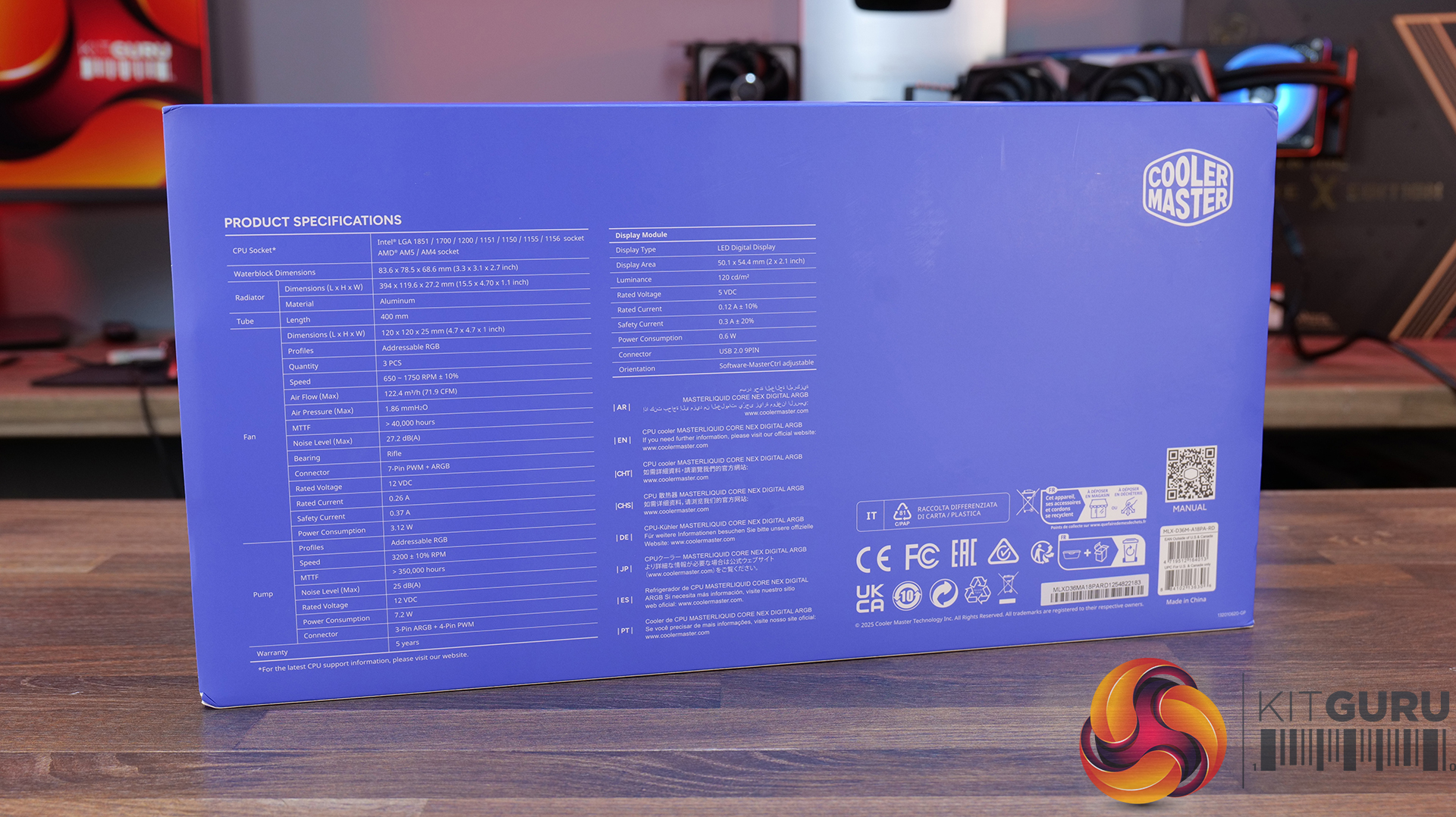
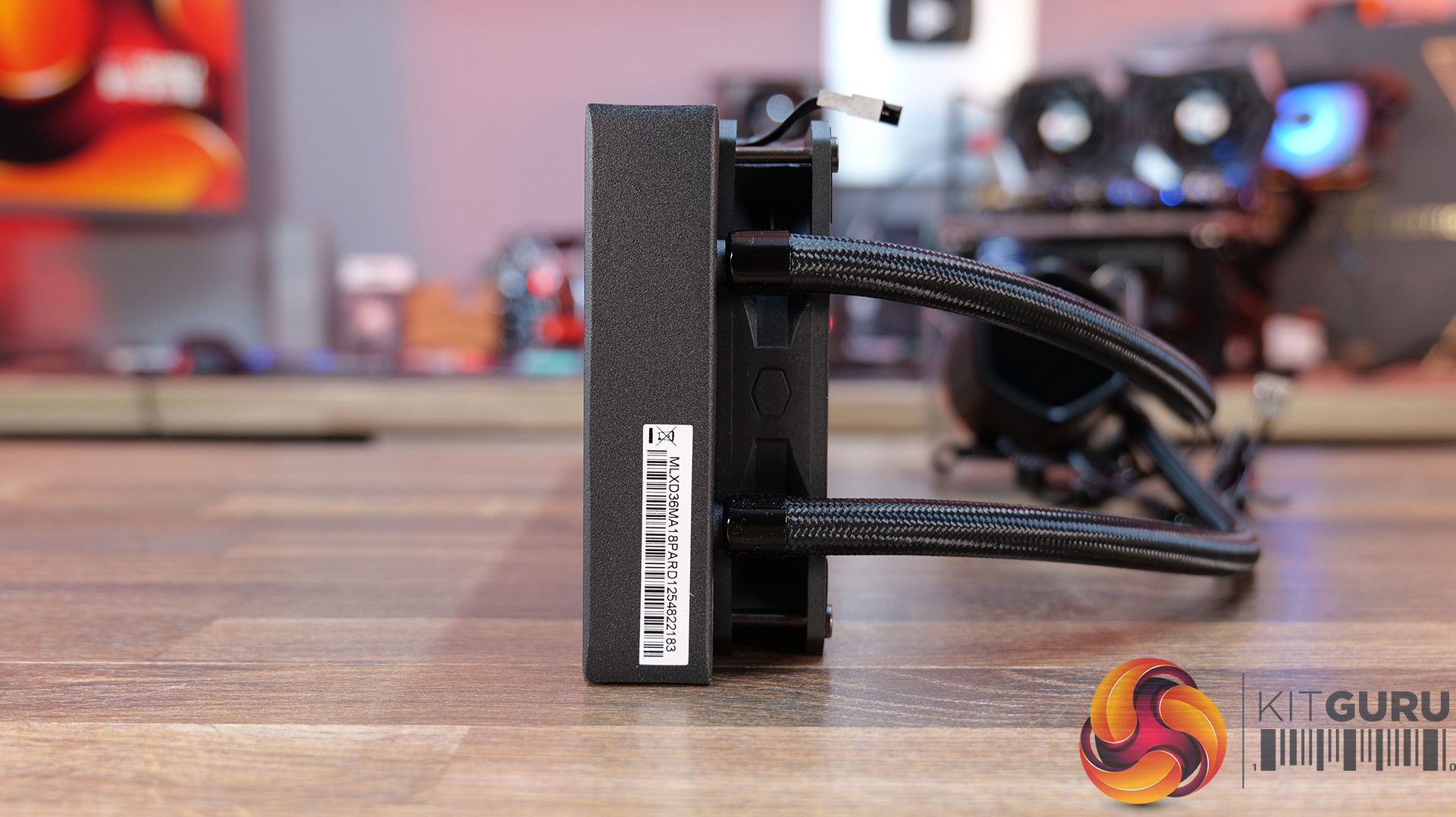
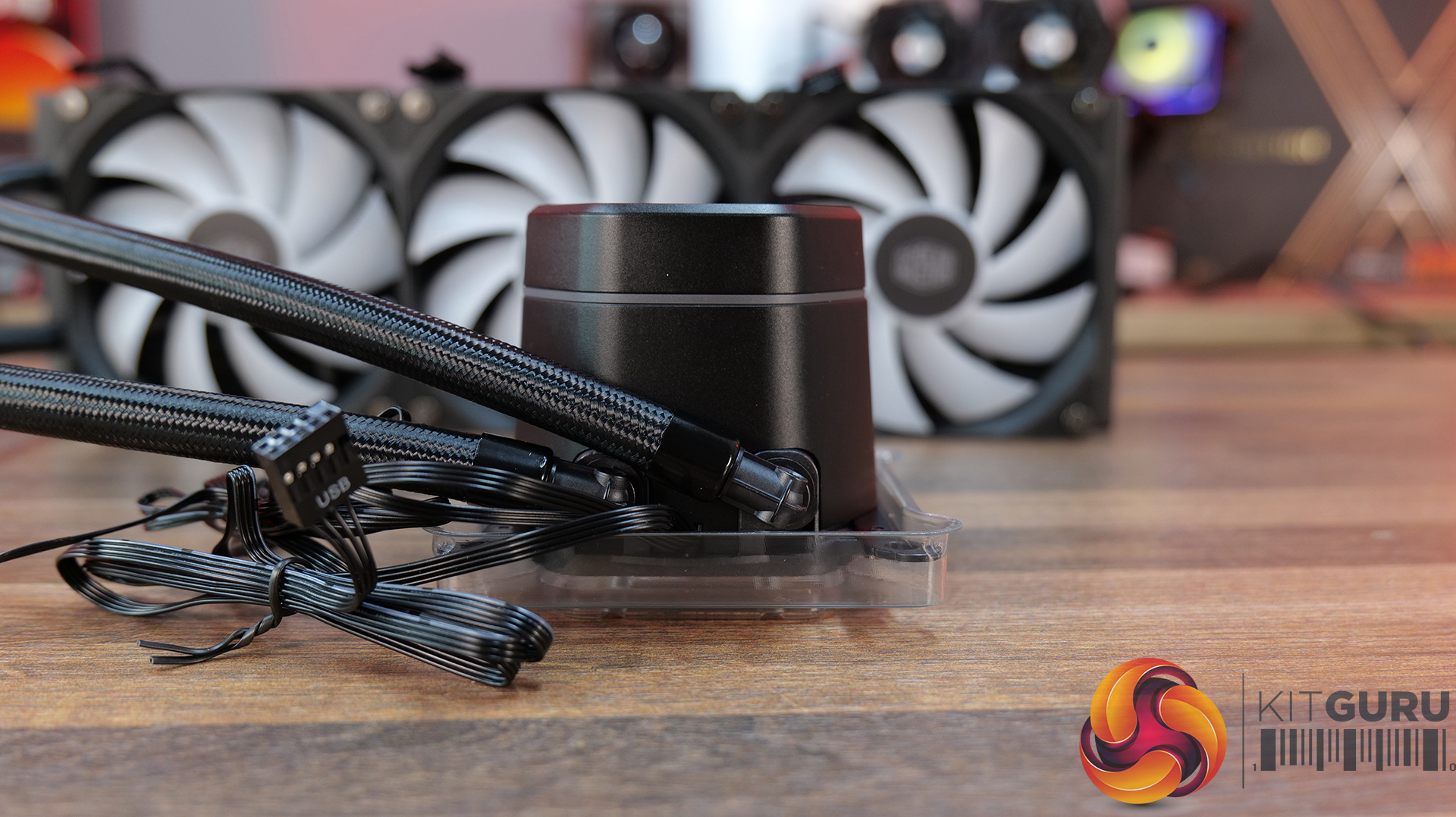
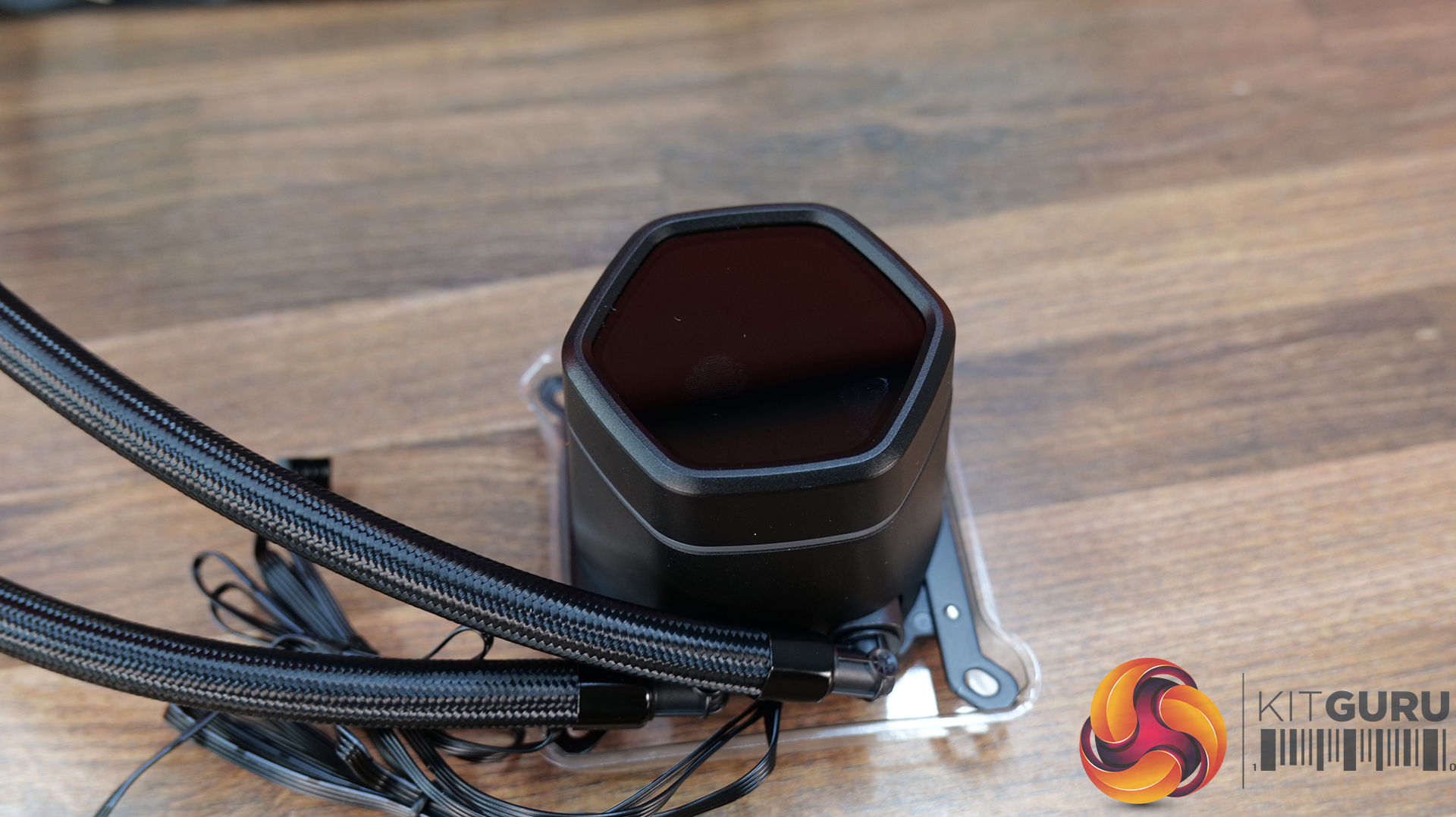
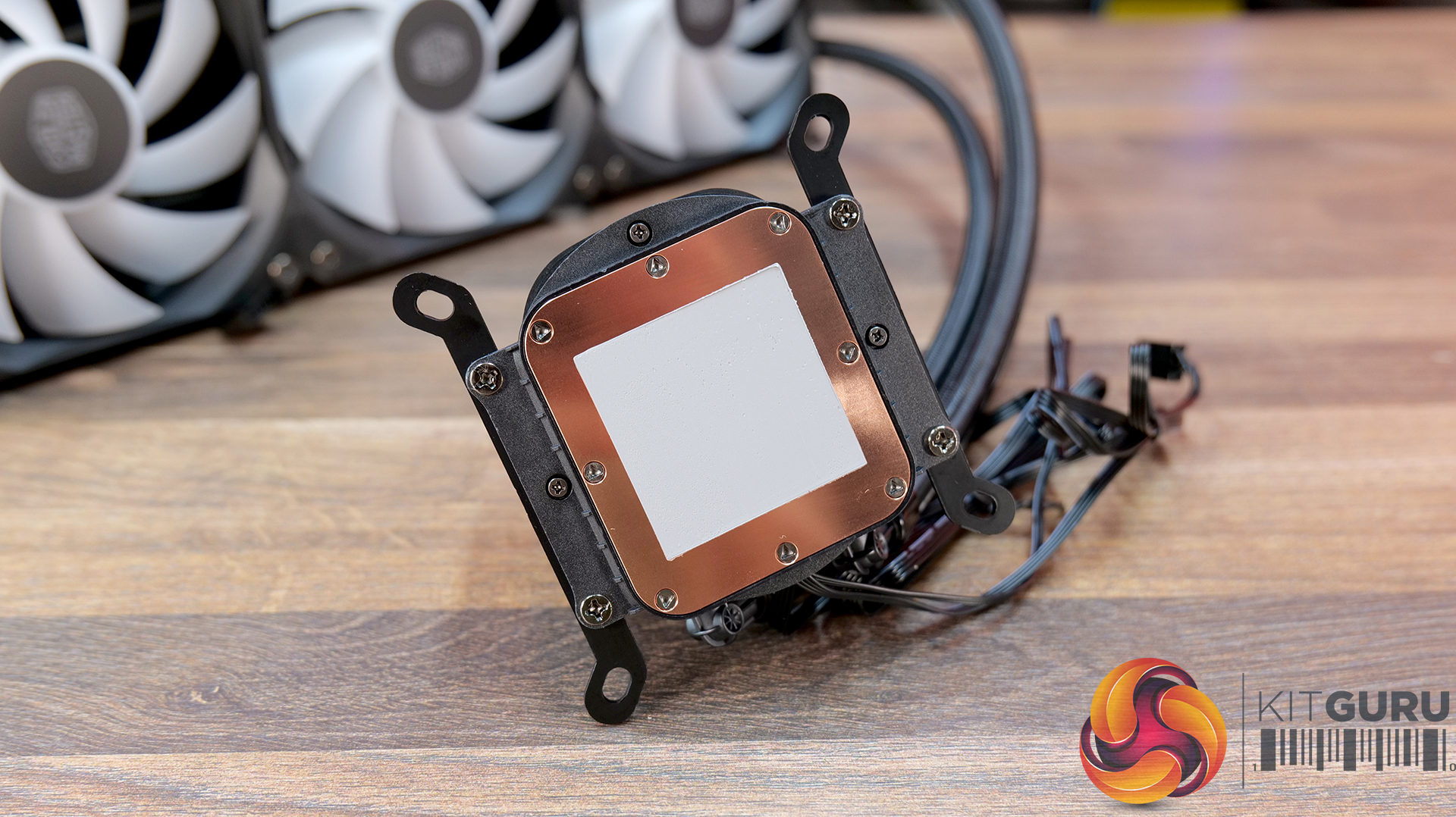
14:56 Cooler Master MasterLiquid Core Nex Digital 360 Black ARGB
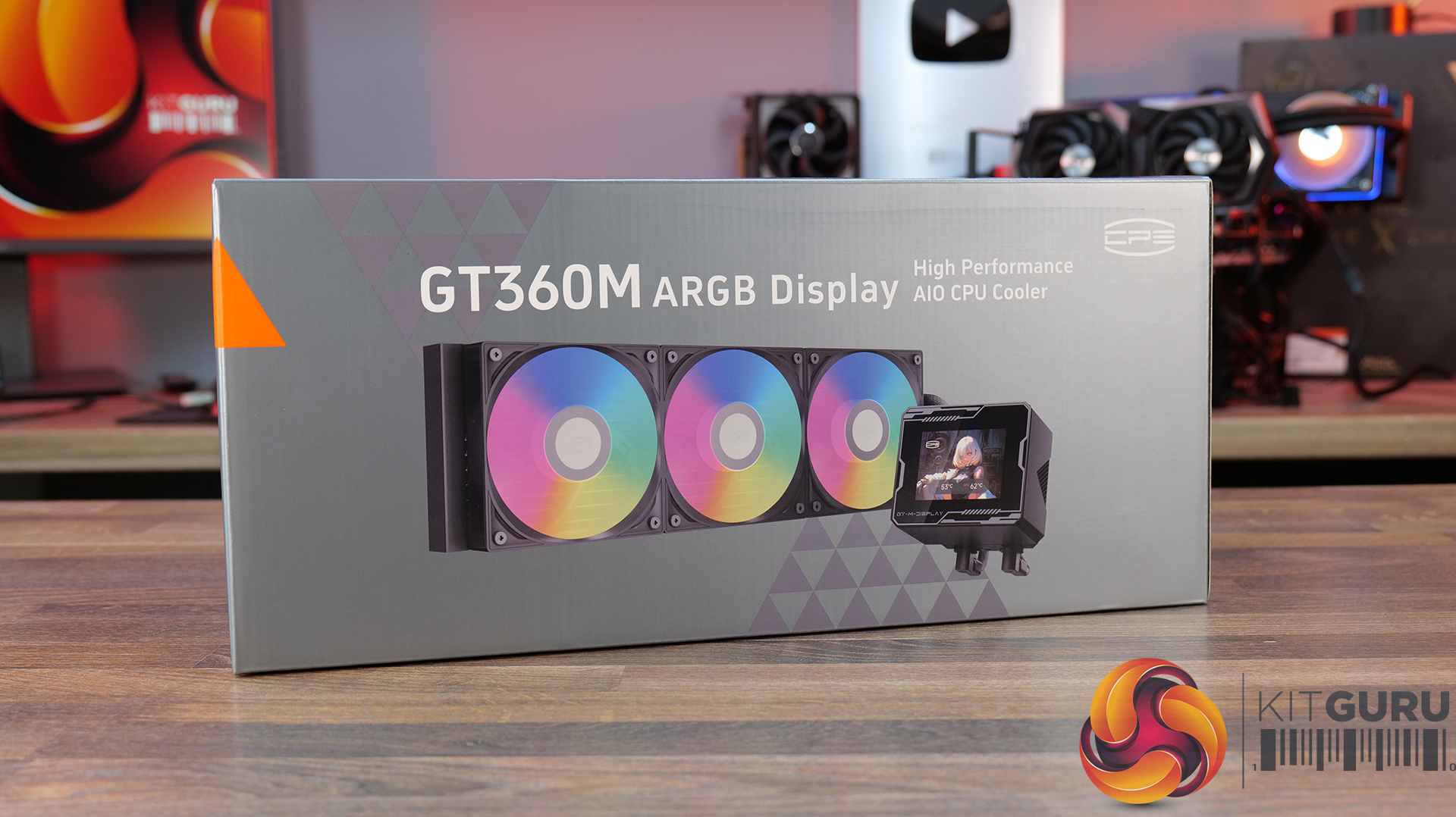
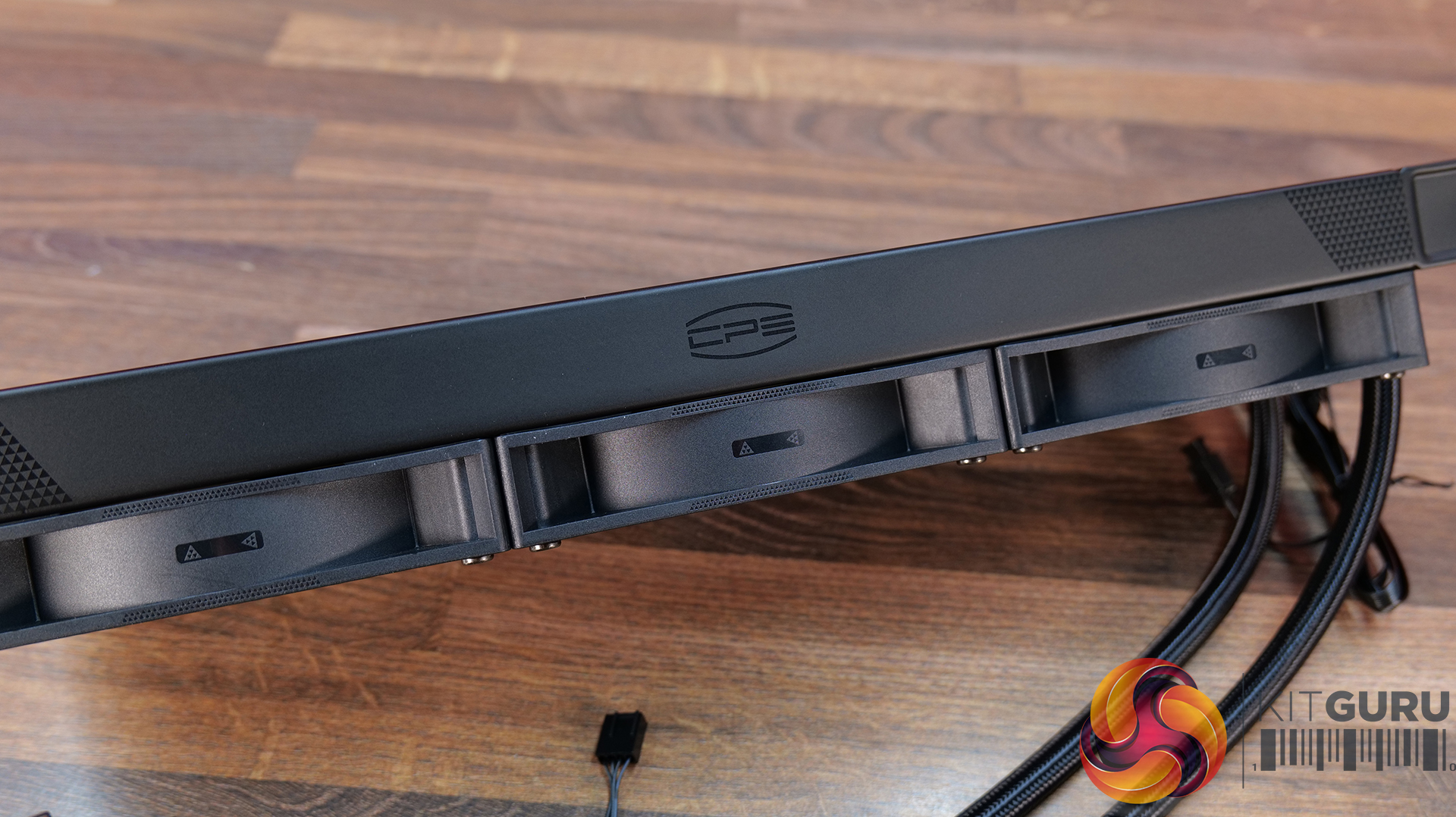
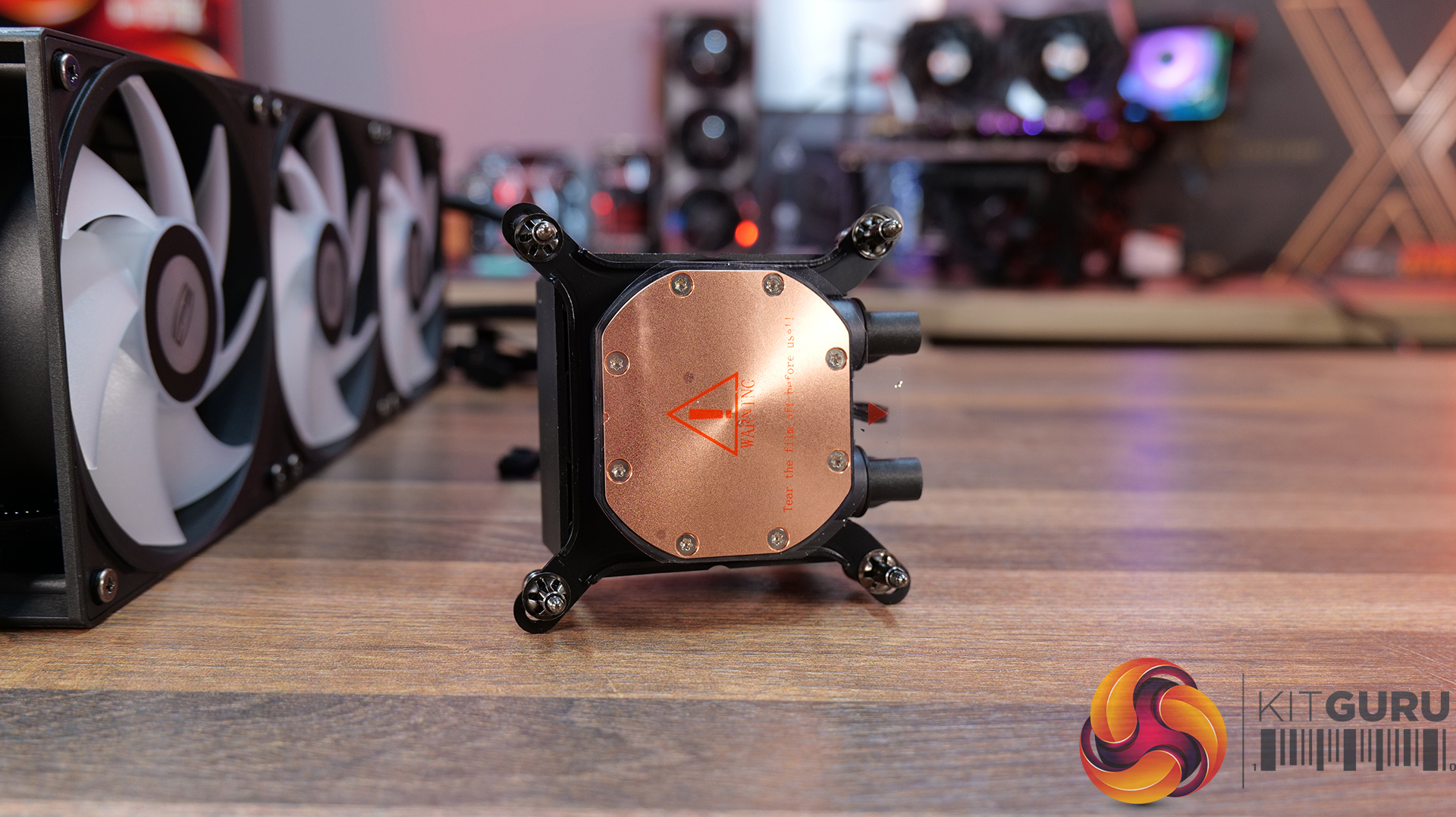
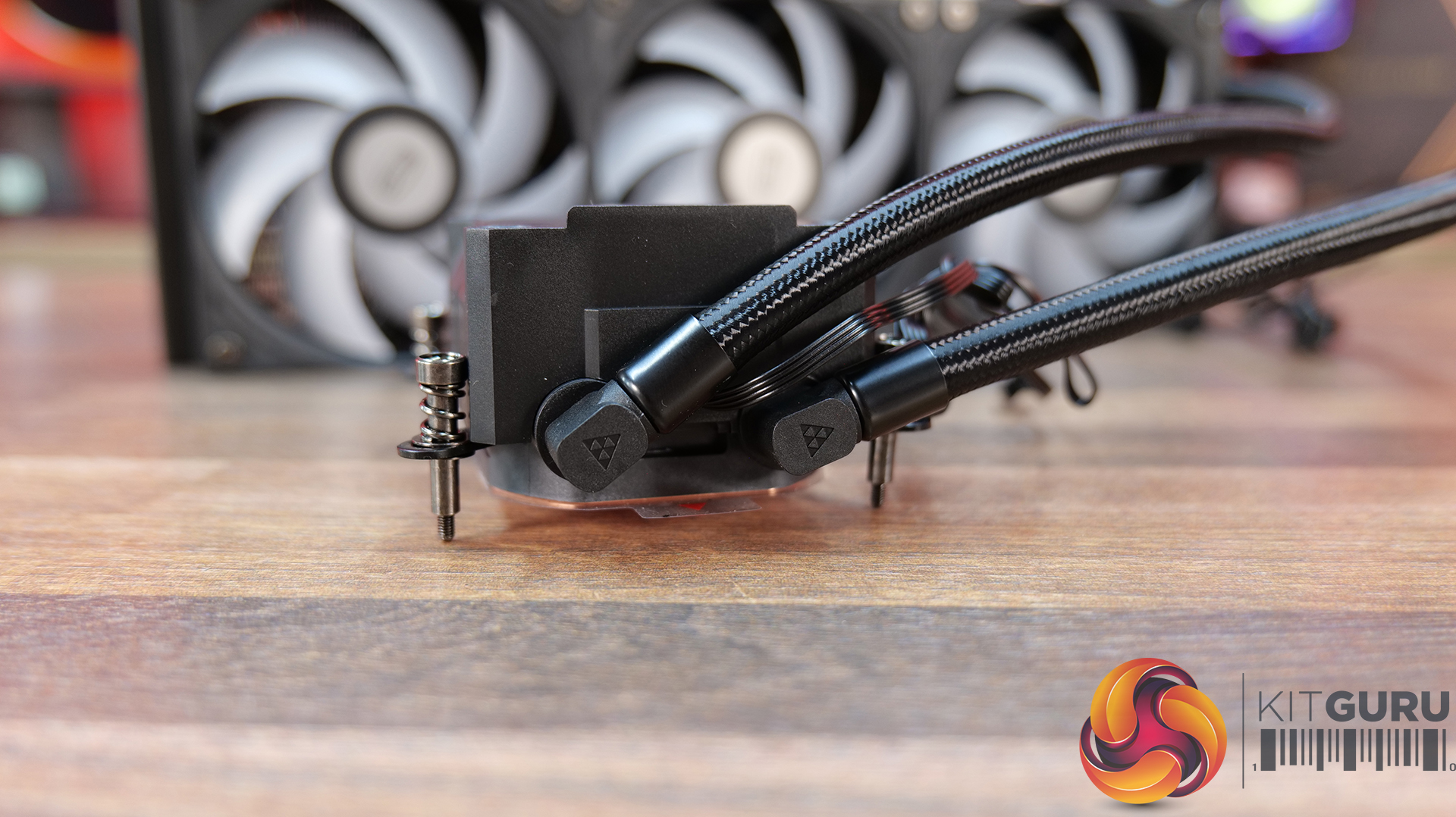
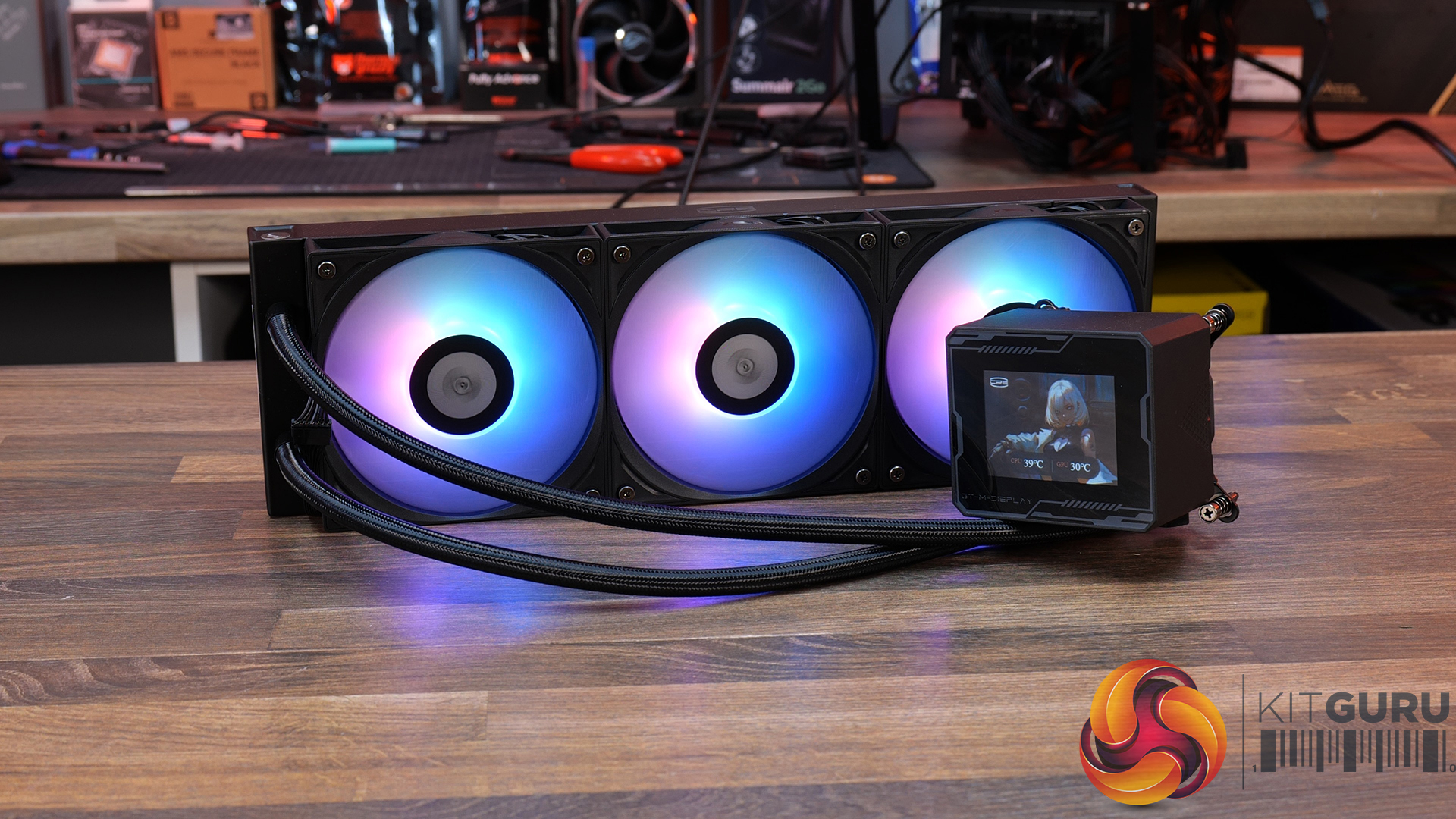
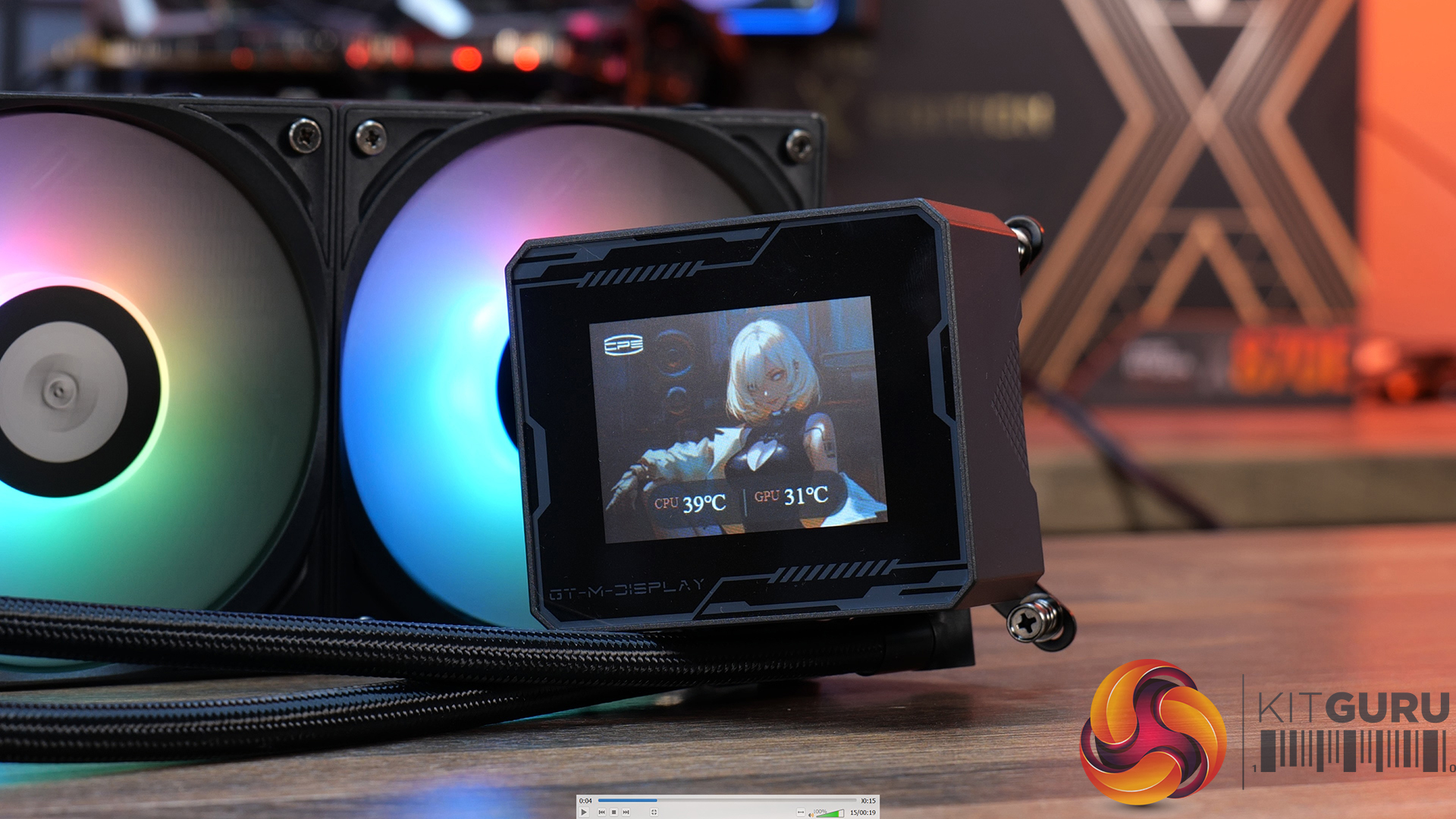
21:01 CPS PCCOOLER GT360M ARGB Display
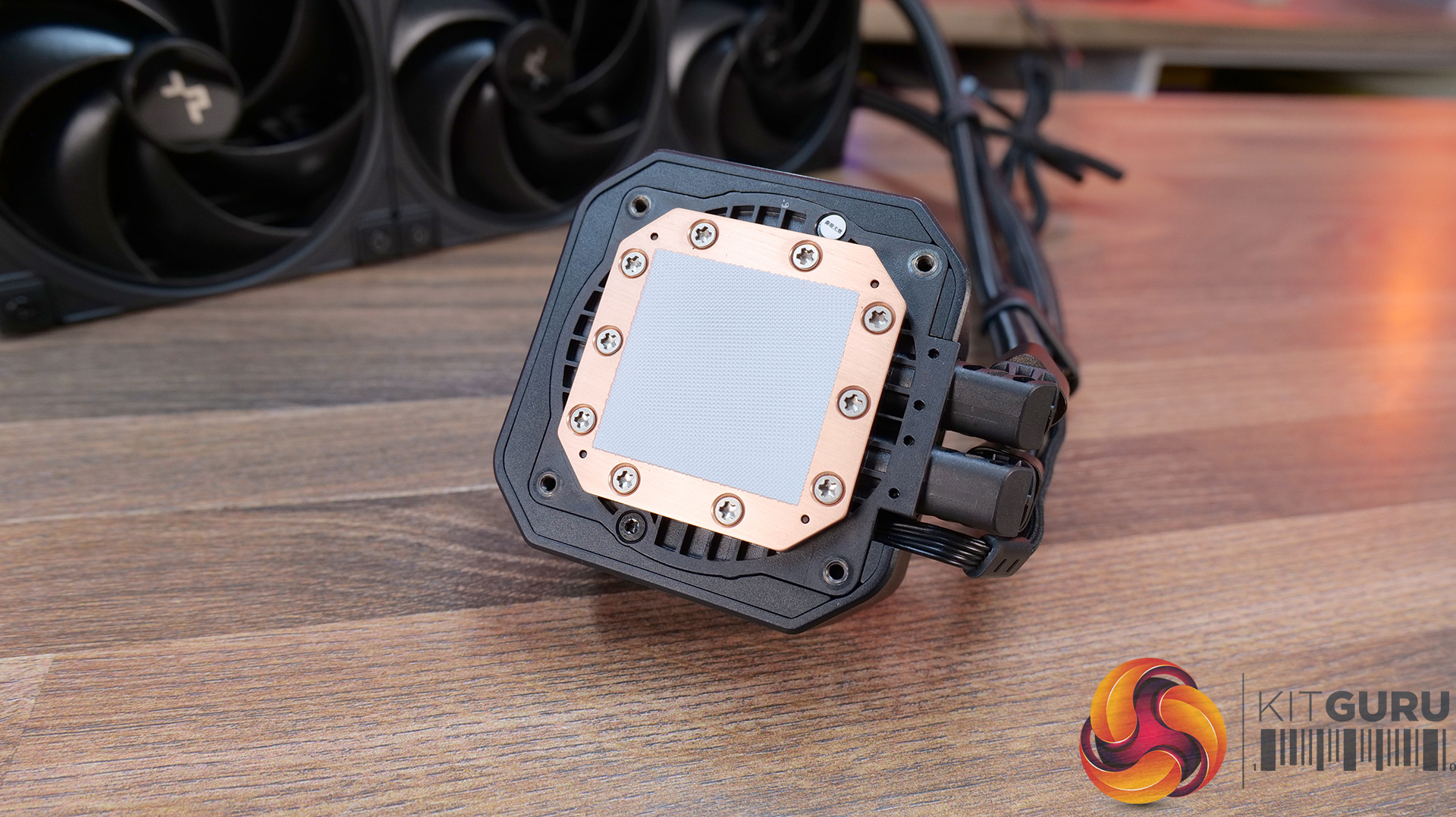
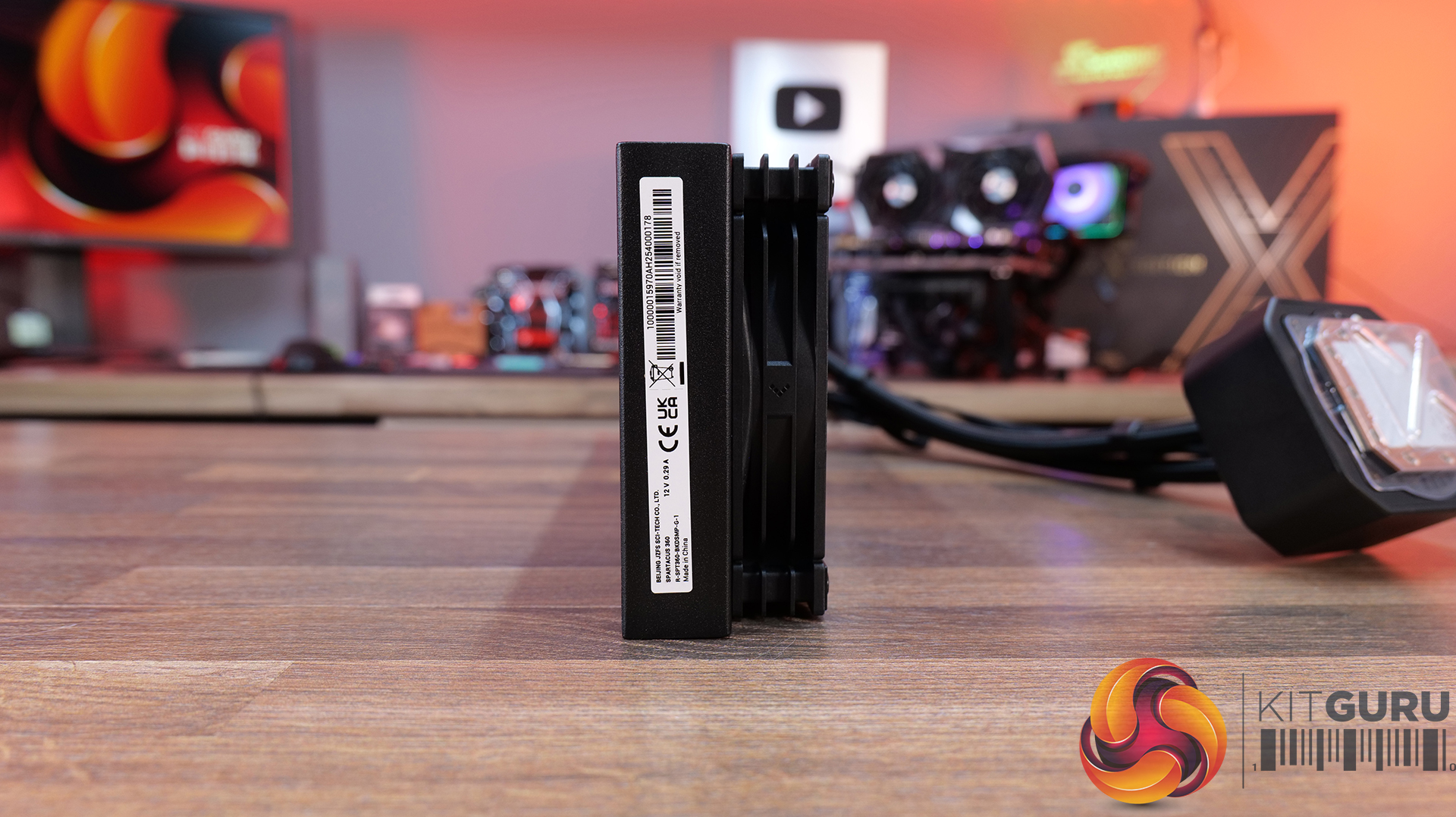
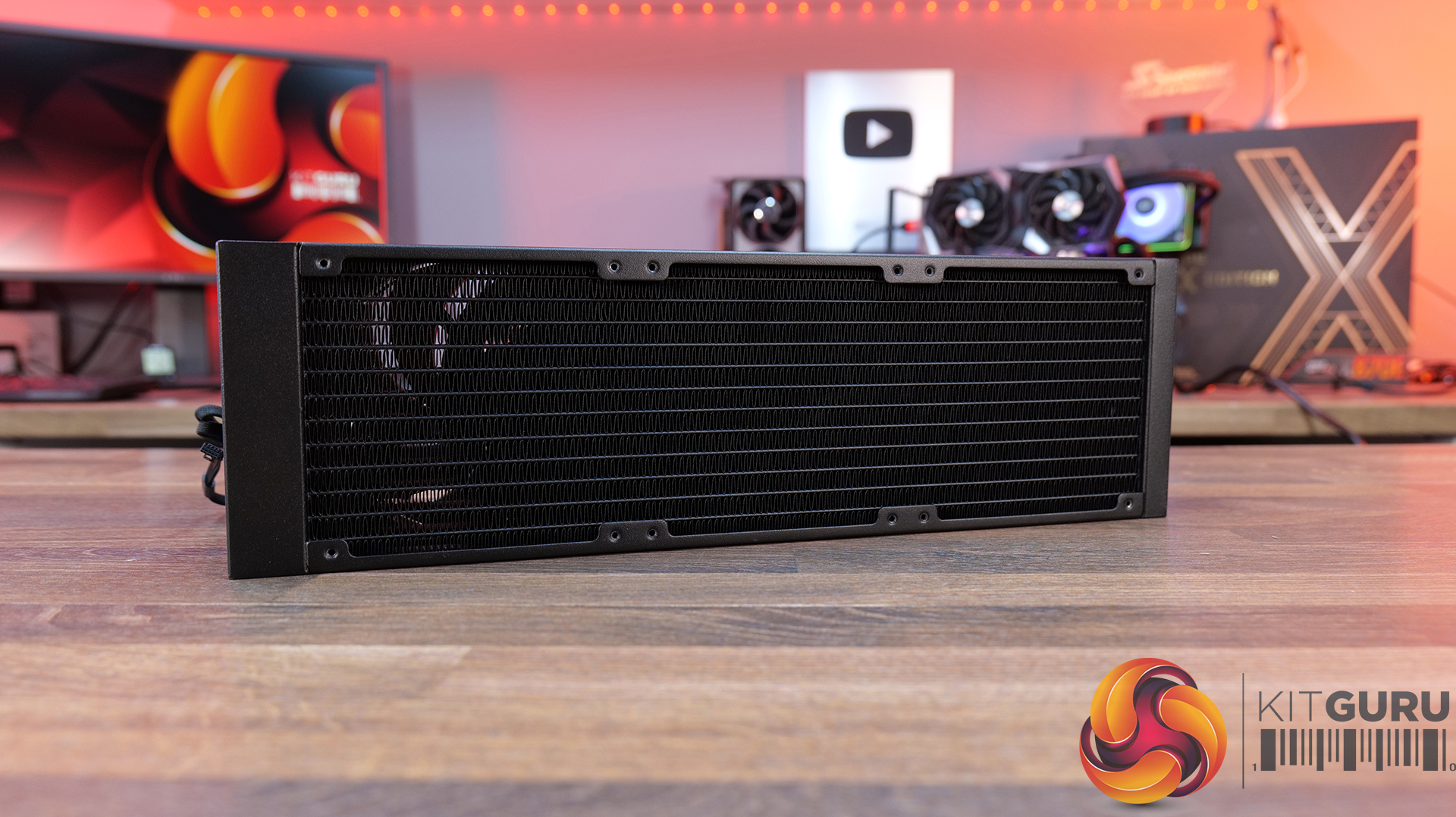
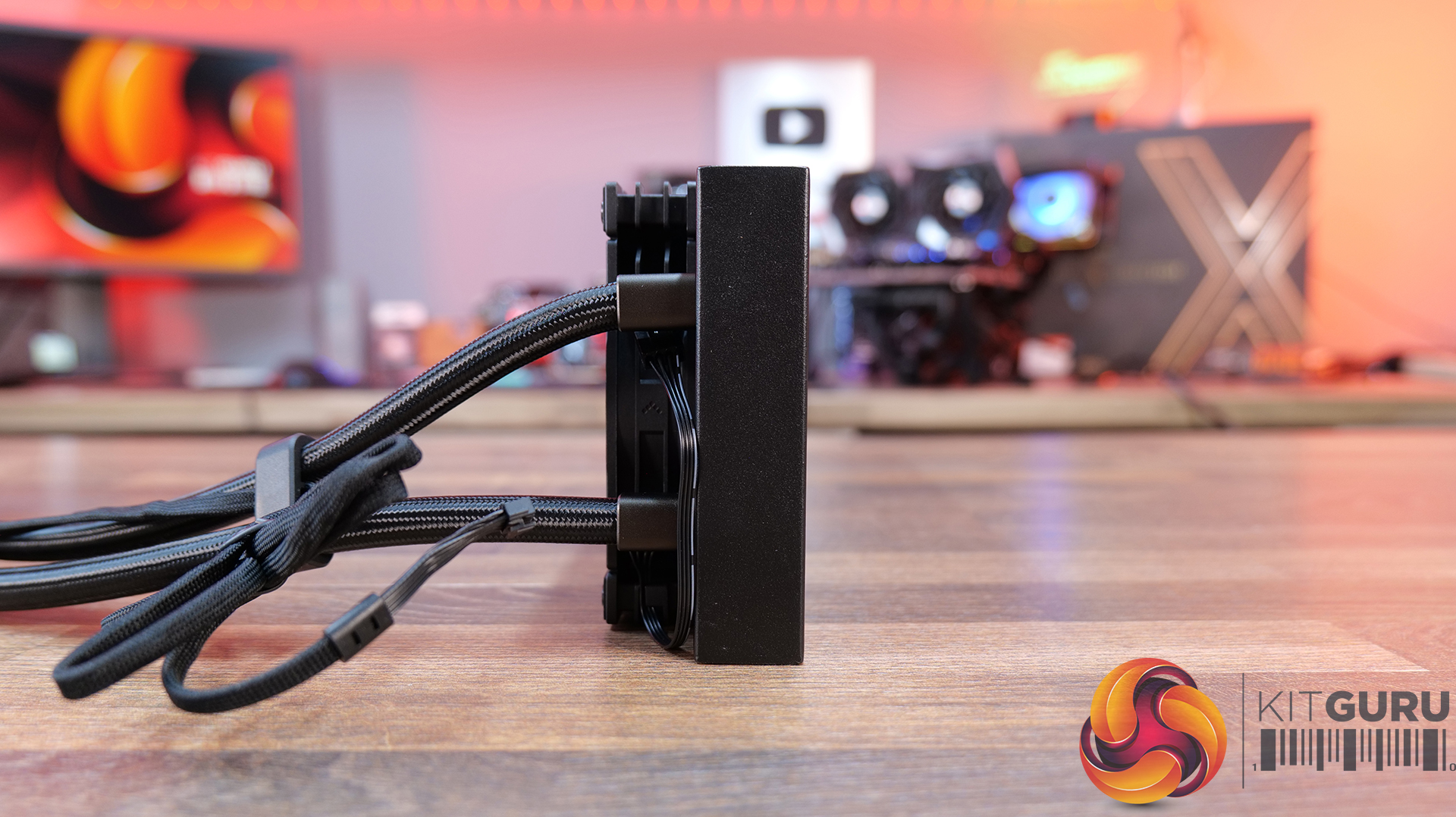
26:23 Deepcool Spartacus 360
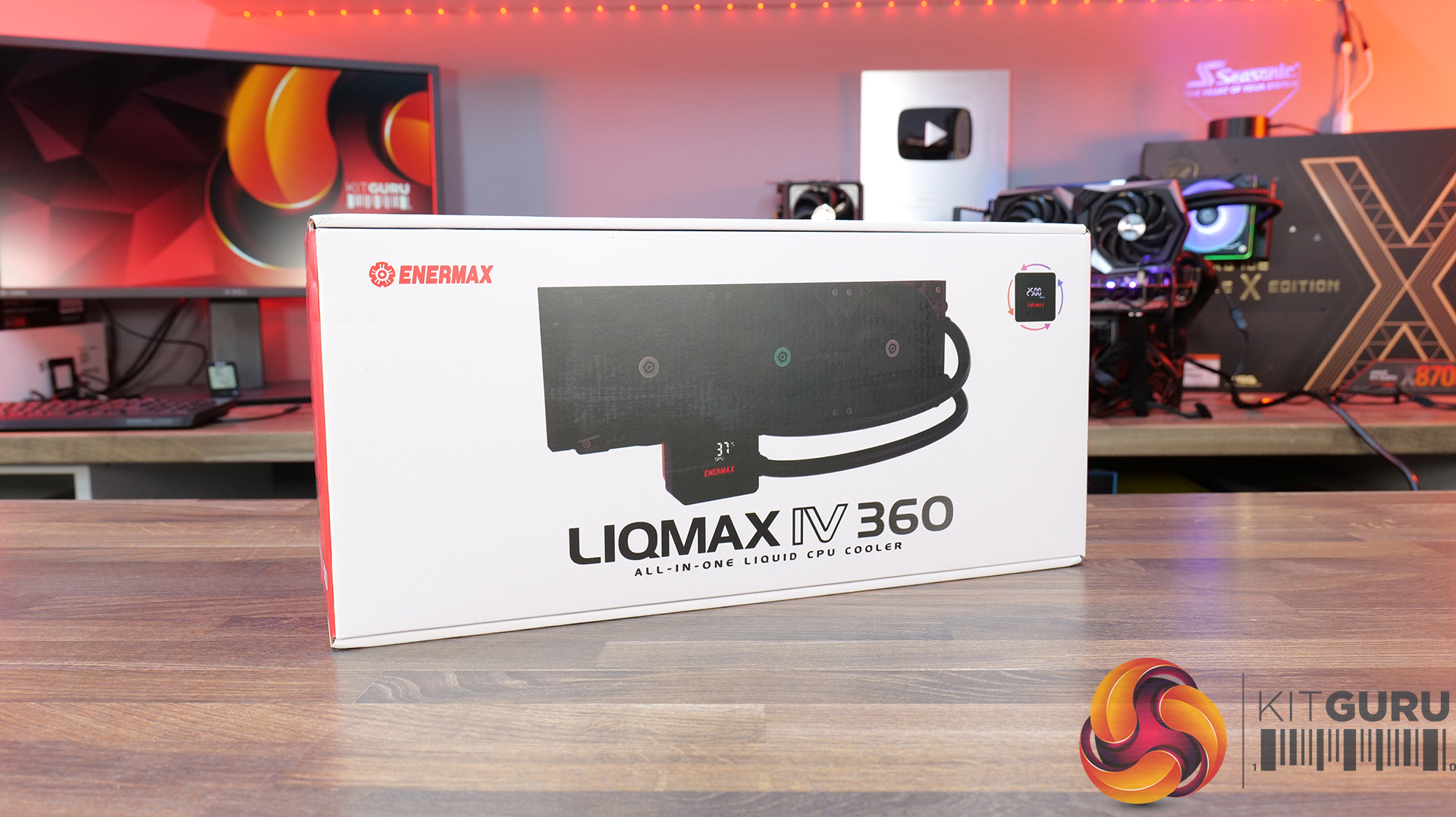
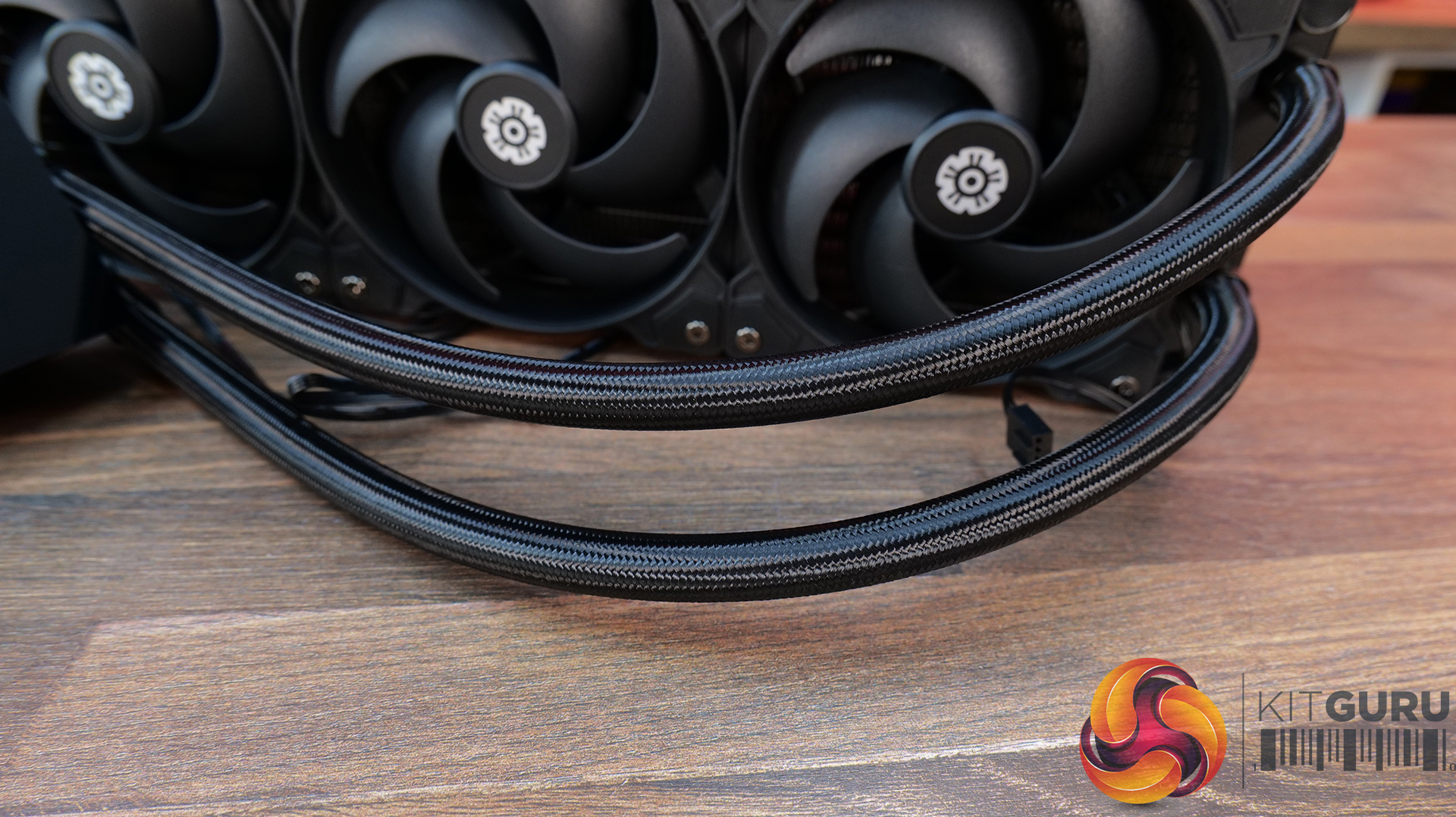
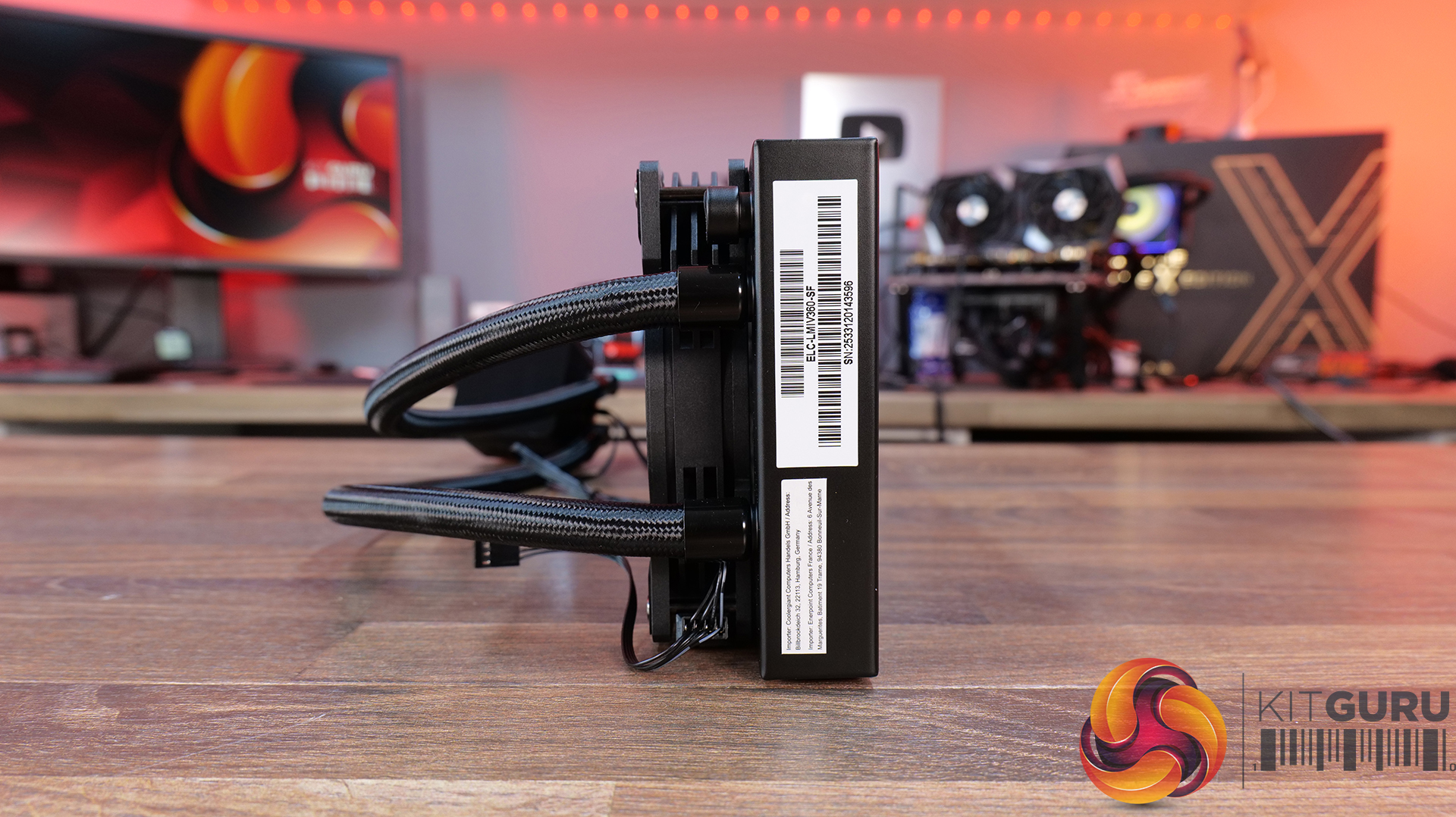
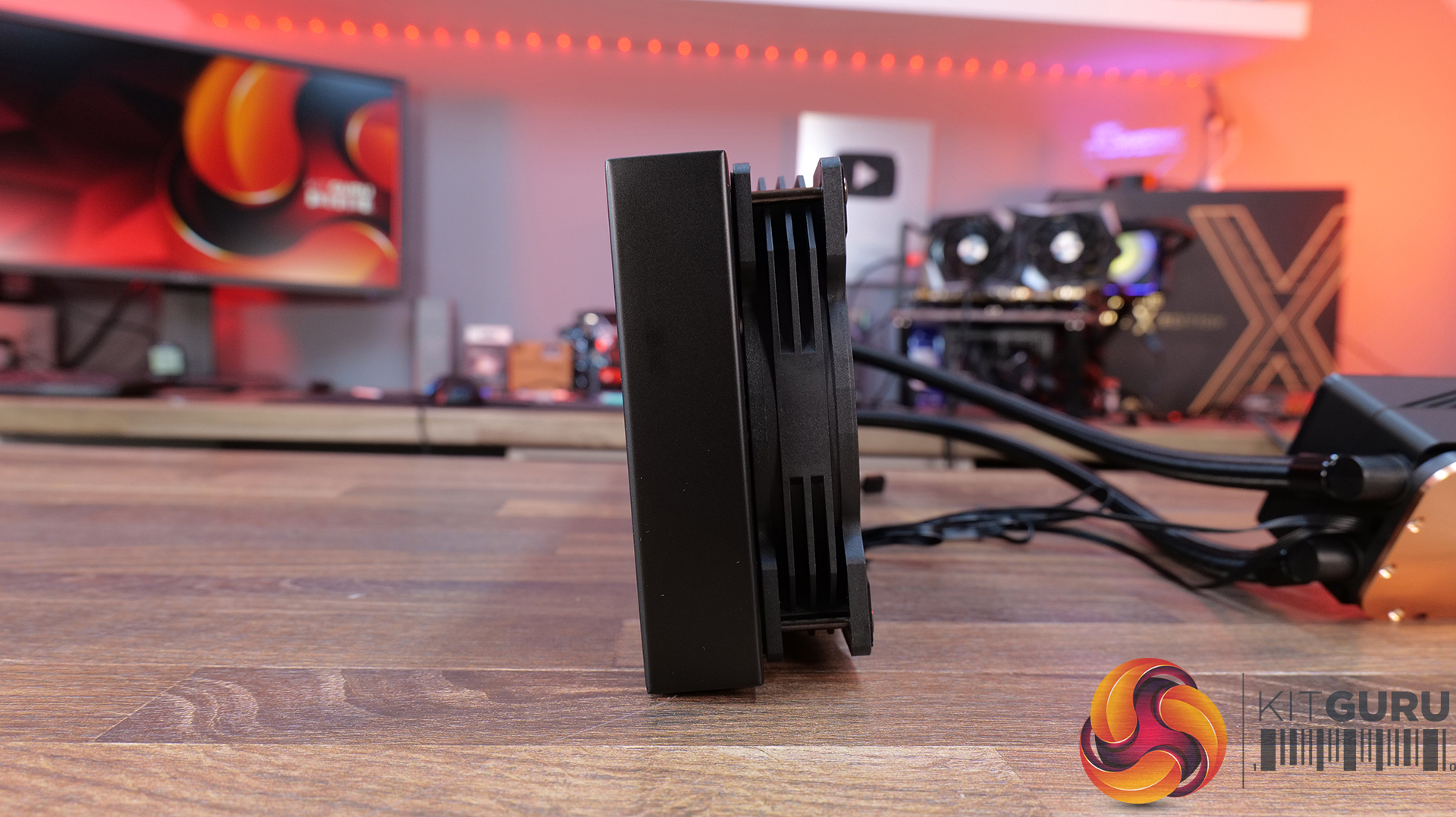
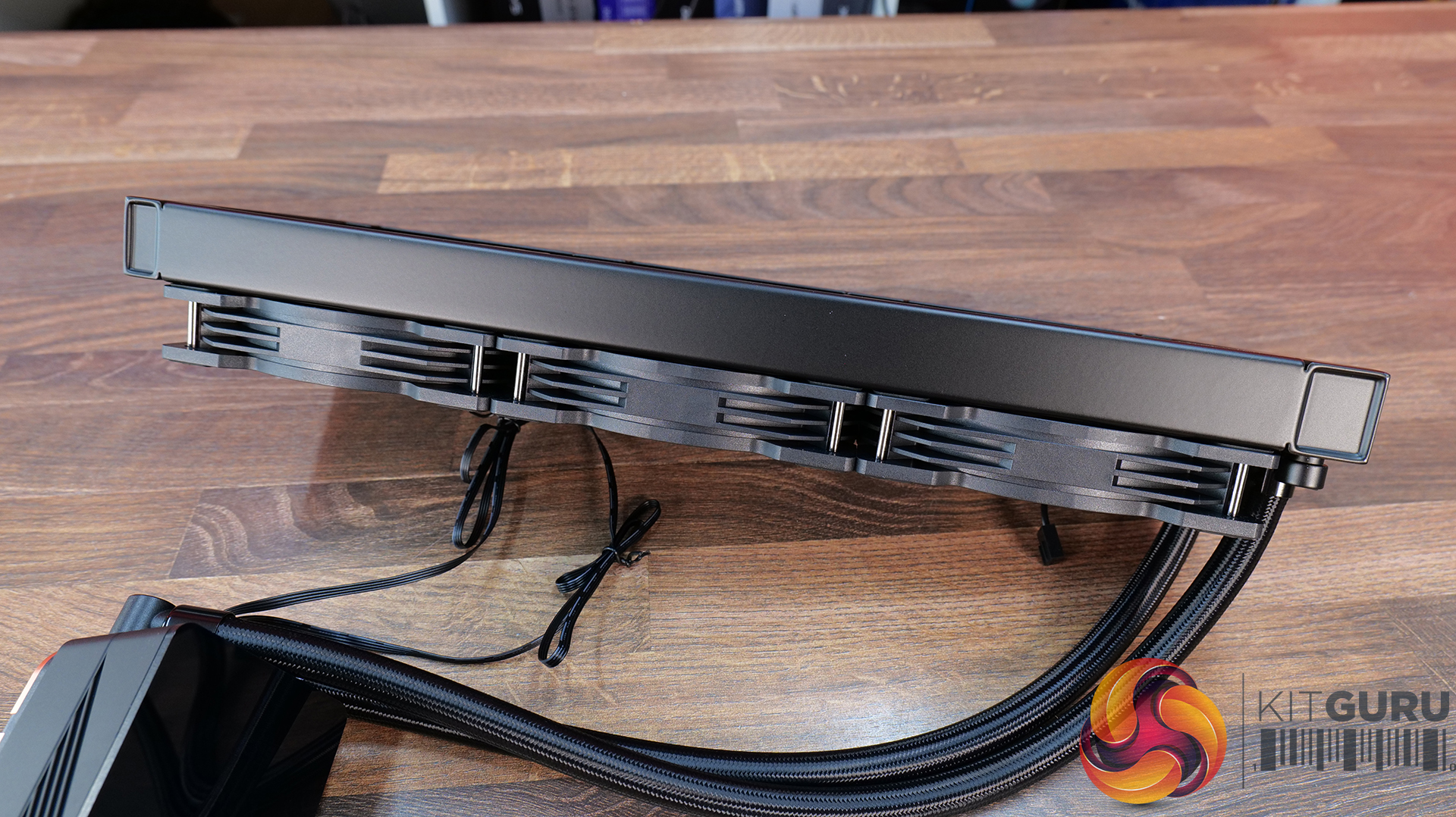
31:20 Enermax Liqmax IV 360
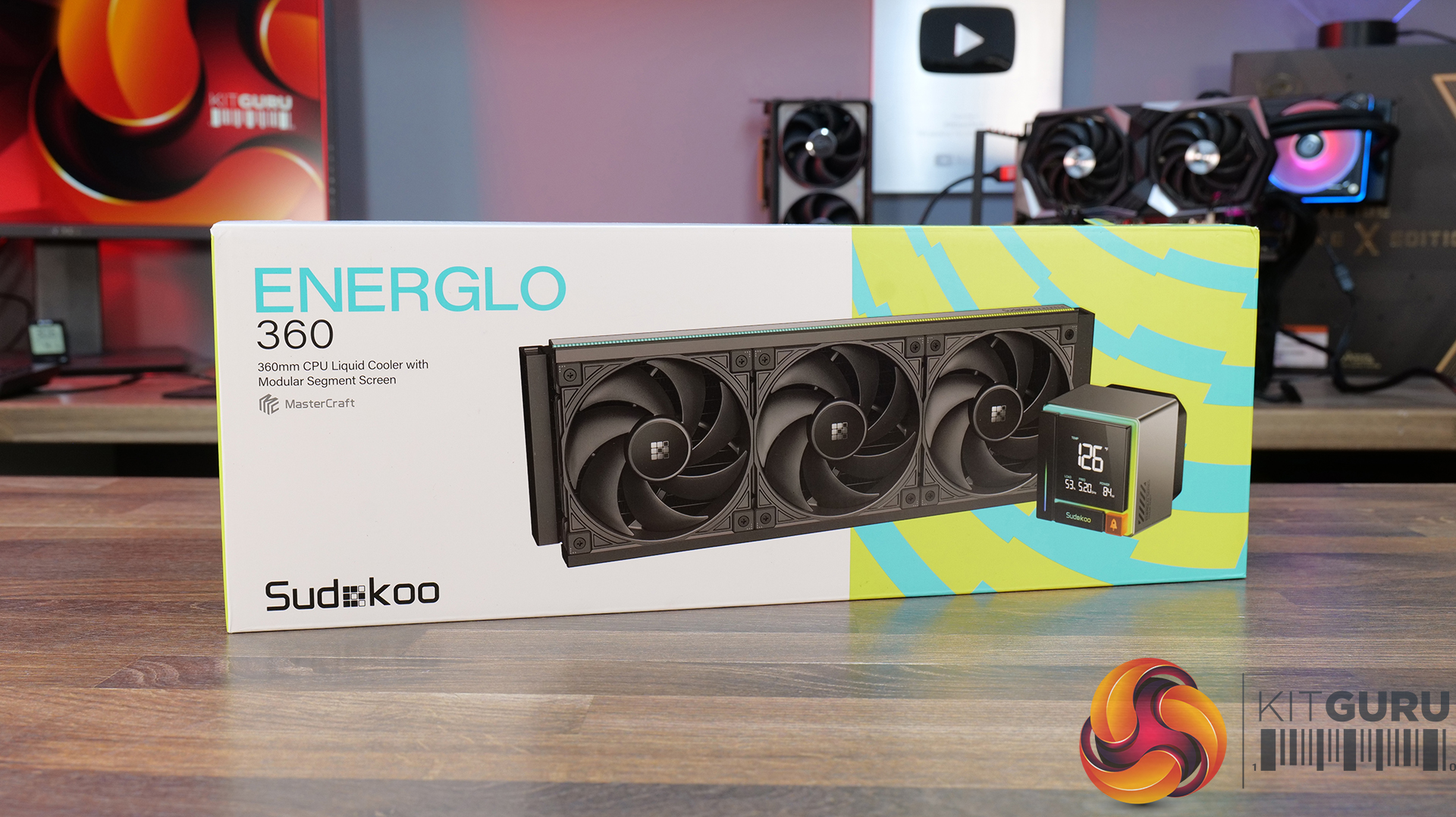
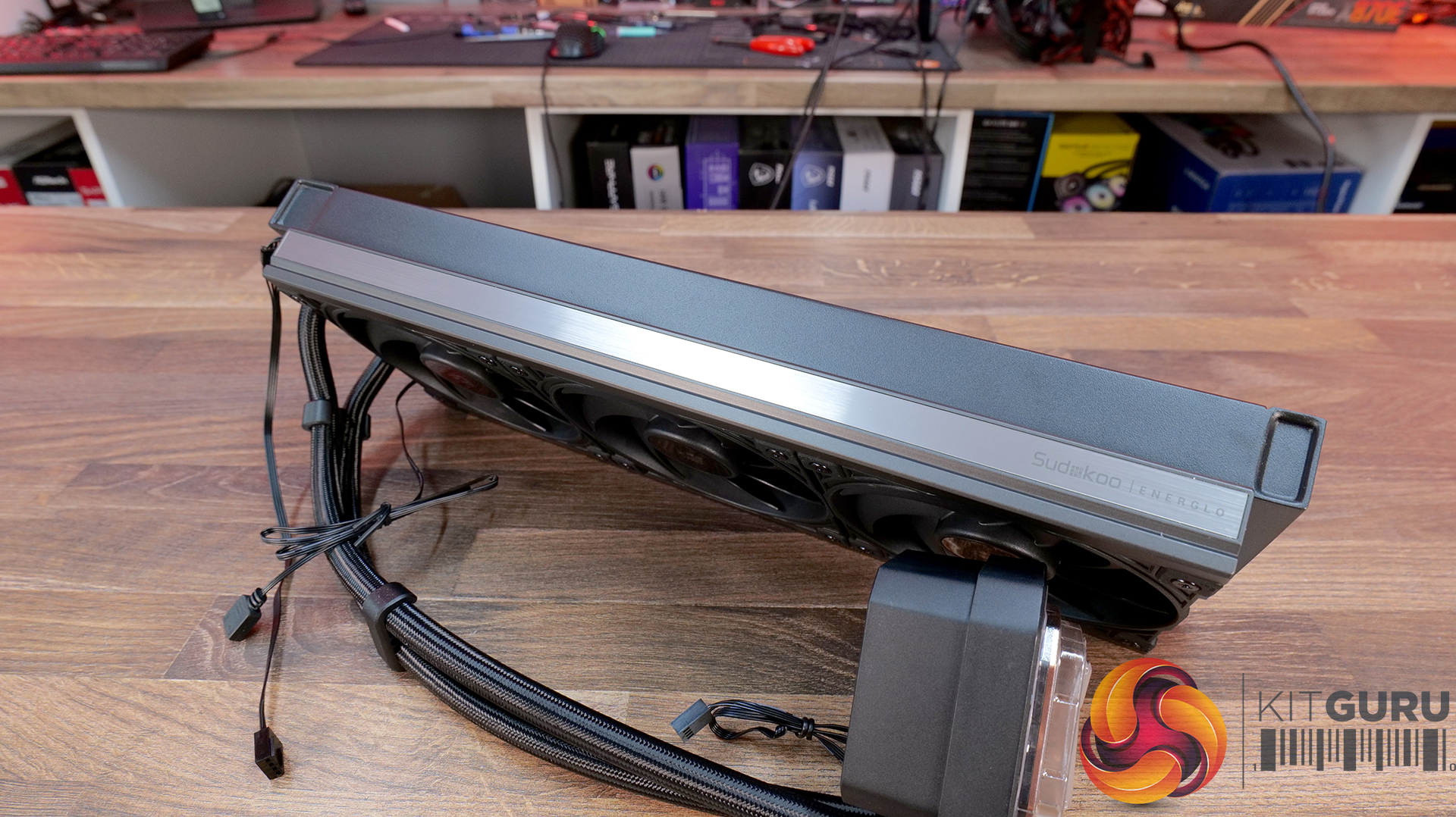
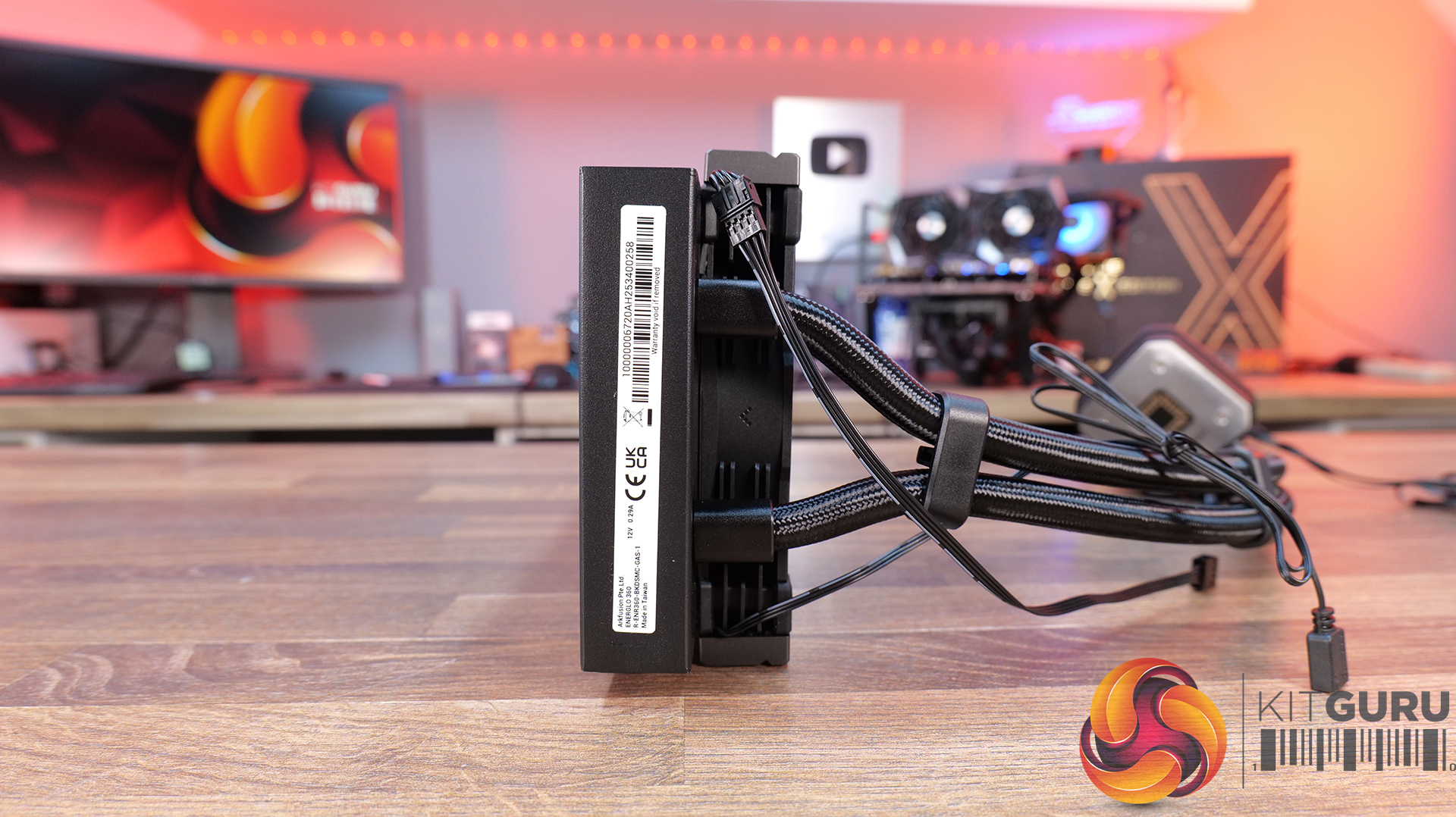
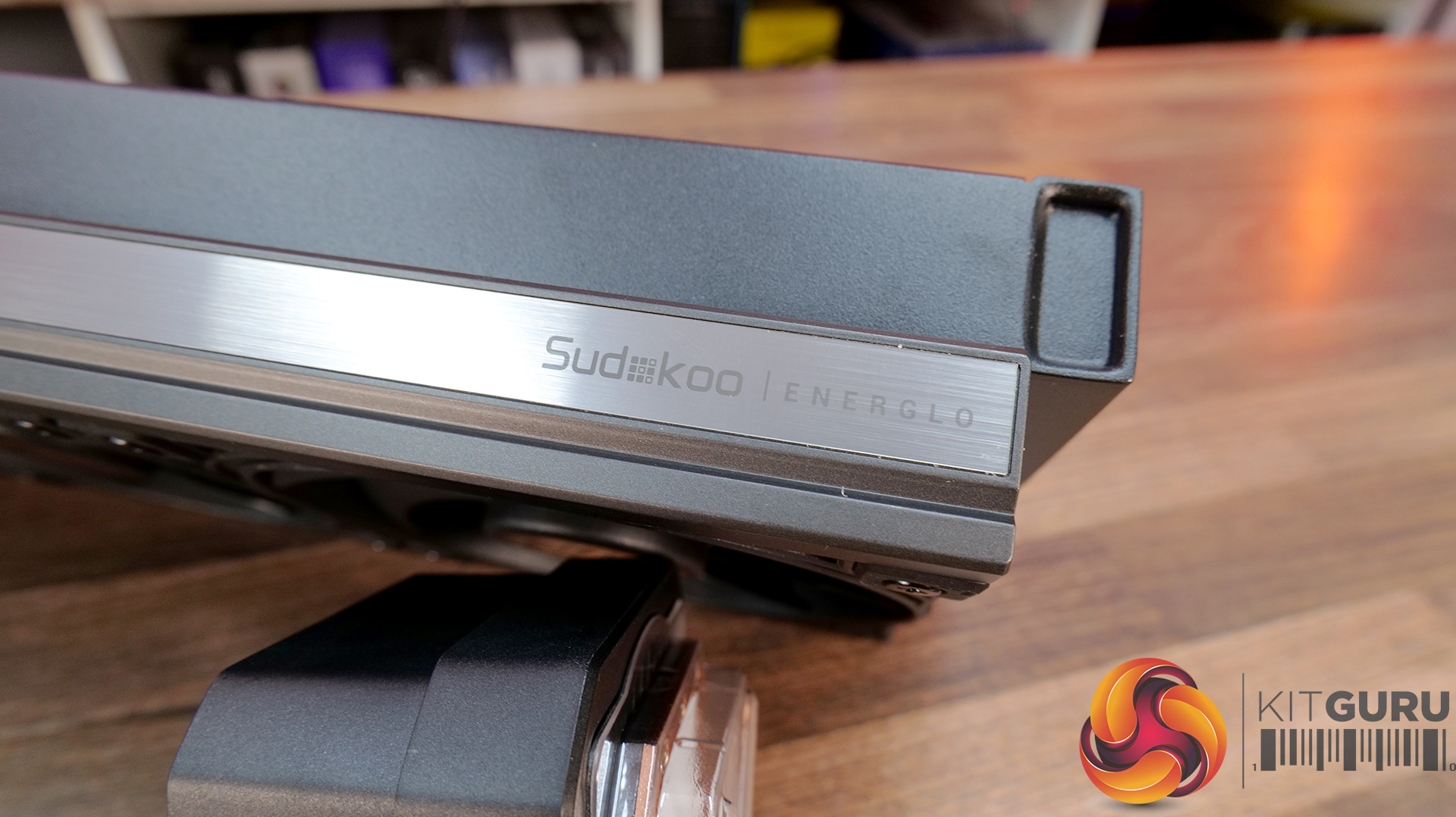
35:07 Sudokoo Energlo 360
40:10 General installations
40:44 Thermal + acoustic performance
44:49 Closing thoughts

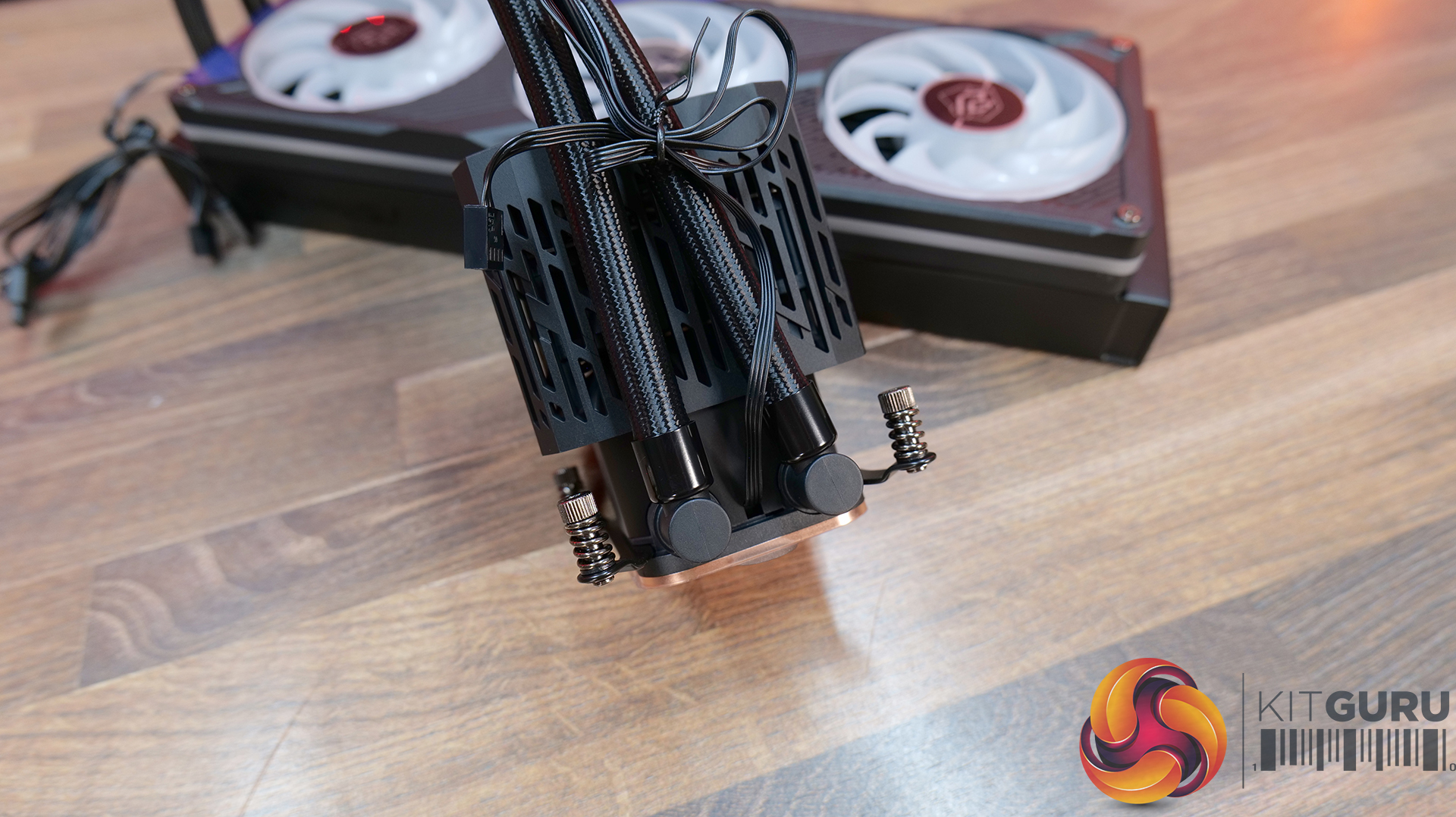
ASROCK Challenger 360 Digital – CCL £88.99 black HERE – £95.99 White HERE.

Features

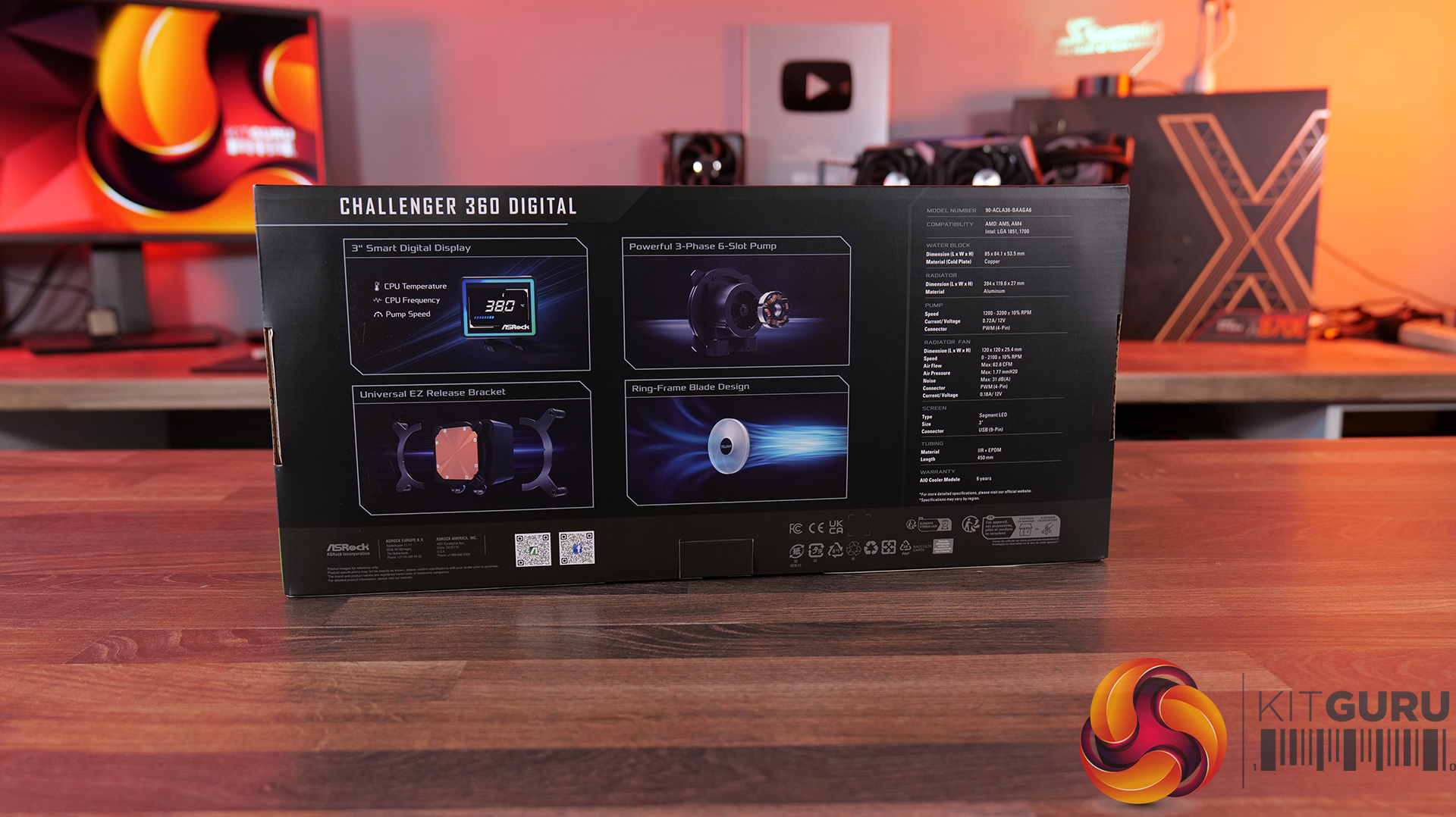
  • 3-inch digital display with real-time monitoring — Challenger 360 Digital features an integrated pump-top display showing key system stats like CPU temperature, frequency and pump speed.
  • Next-gen pump design — With 3-phase, 6-slot, 4-pole motor and a dual-side inlet design and a precision copper cold plate for optimal coolant and efficient heat dissipation.
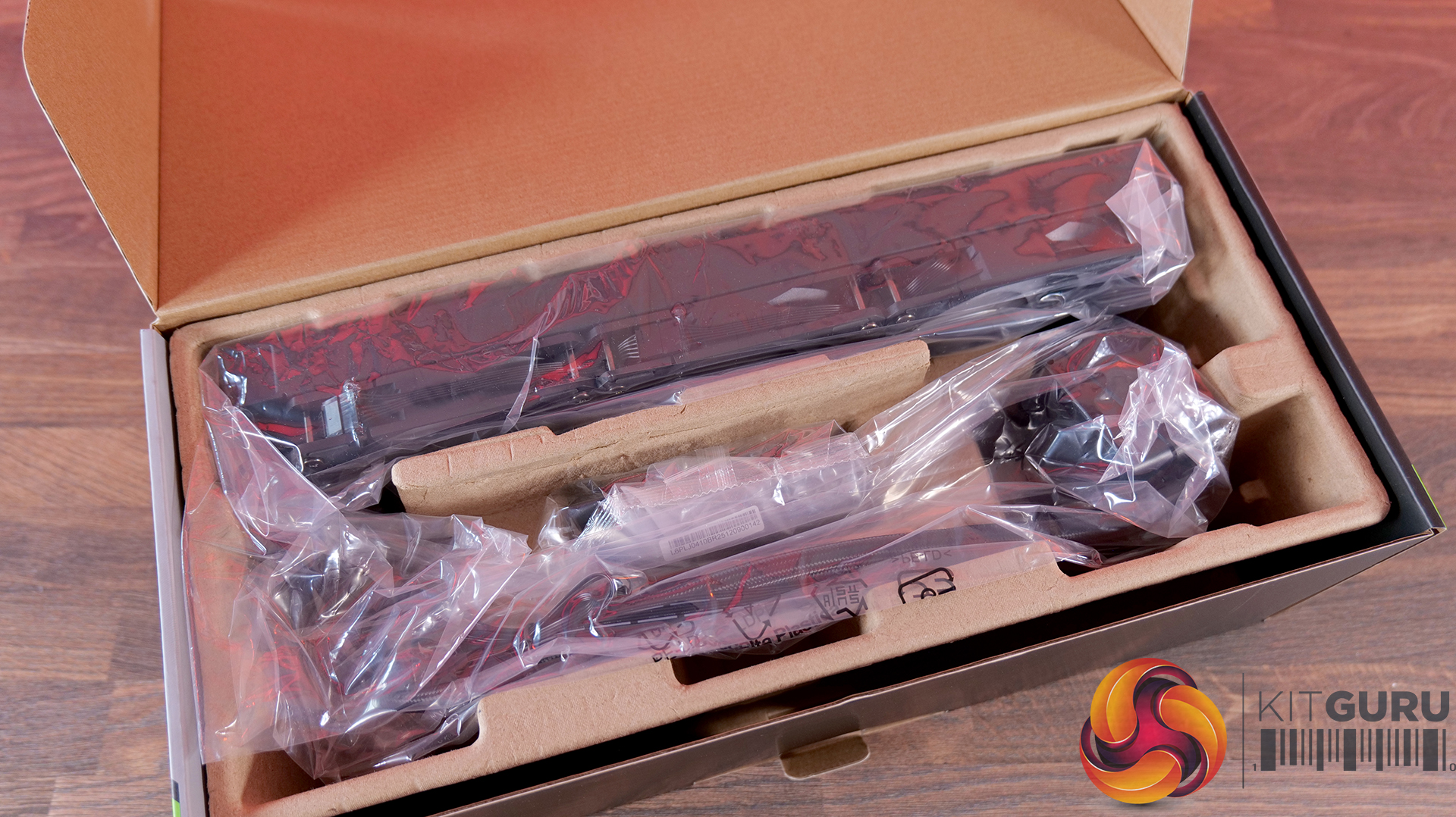
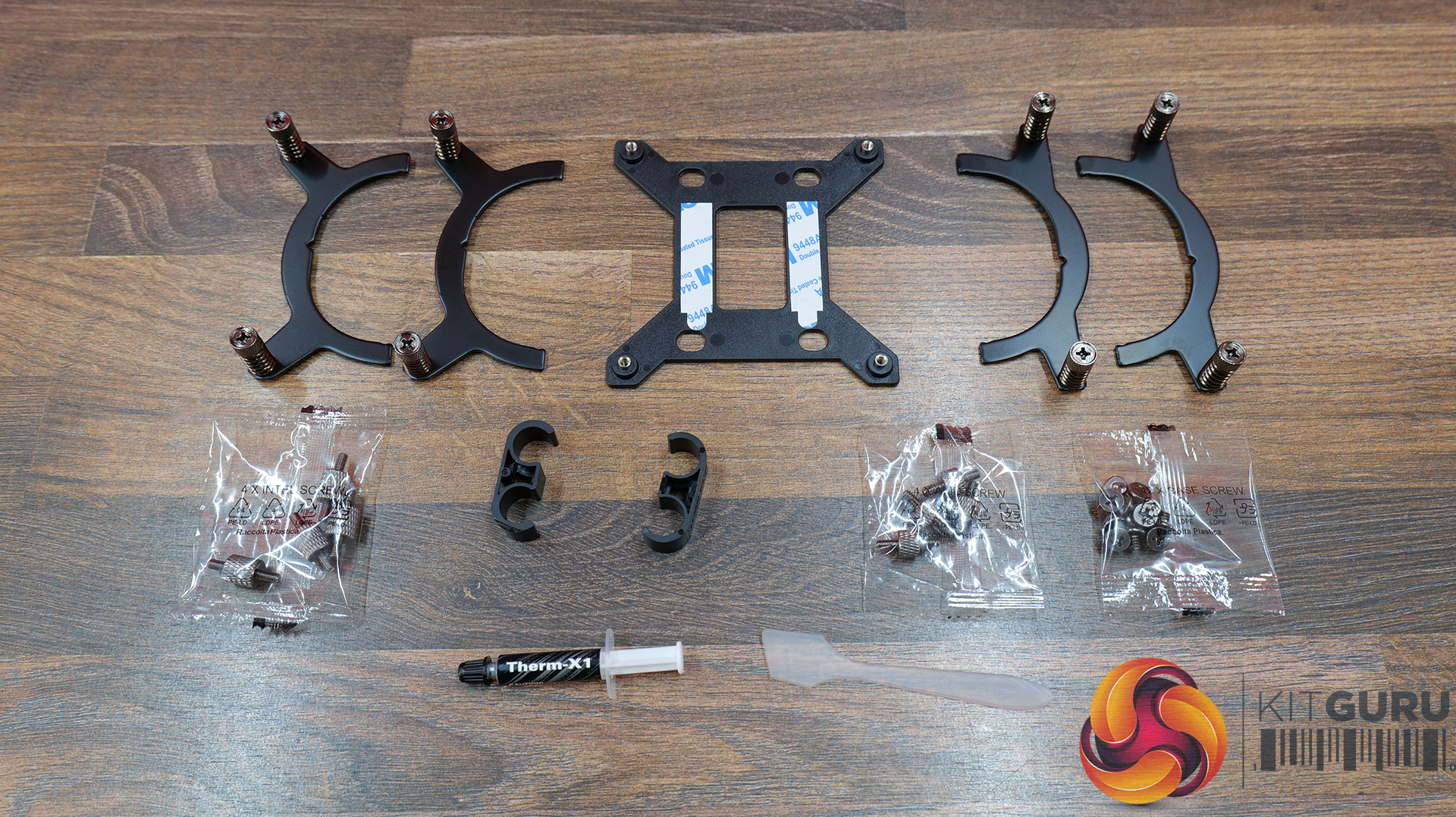
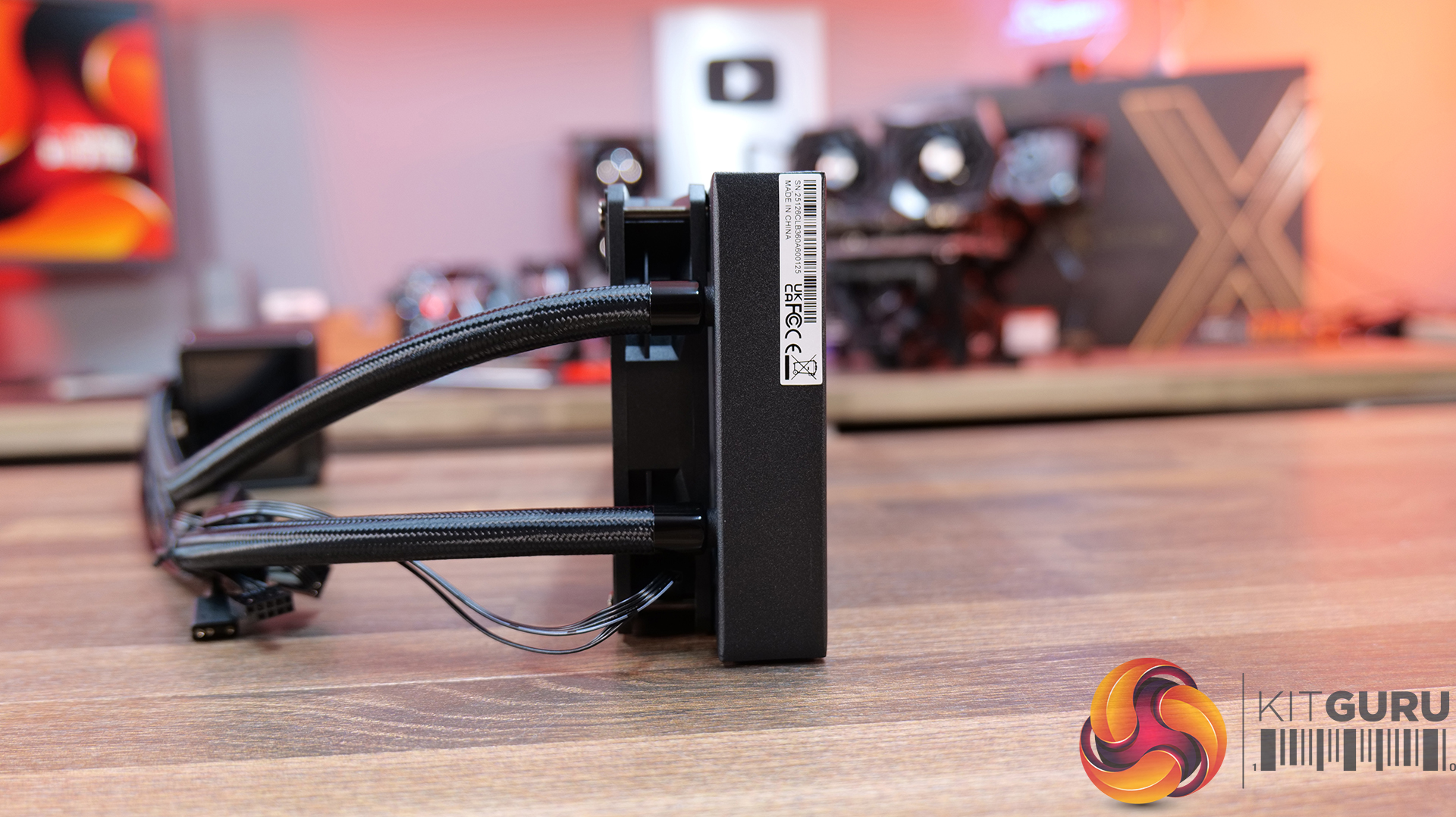
  • Streamlined installation — Pre-mounted fans, hidden cable routing and a universal mounting system, alongside features like ring-frame fan blades and 0dB fan stop support to balance airflow performance with quieter operation.

Specification:

  • CPU Socket Compatibility: AMD AM5, AM4 | Intel LGA1851, LGA1700
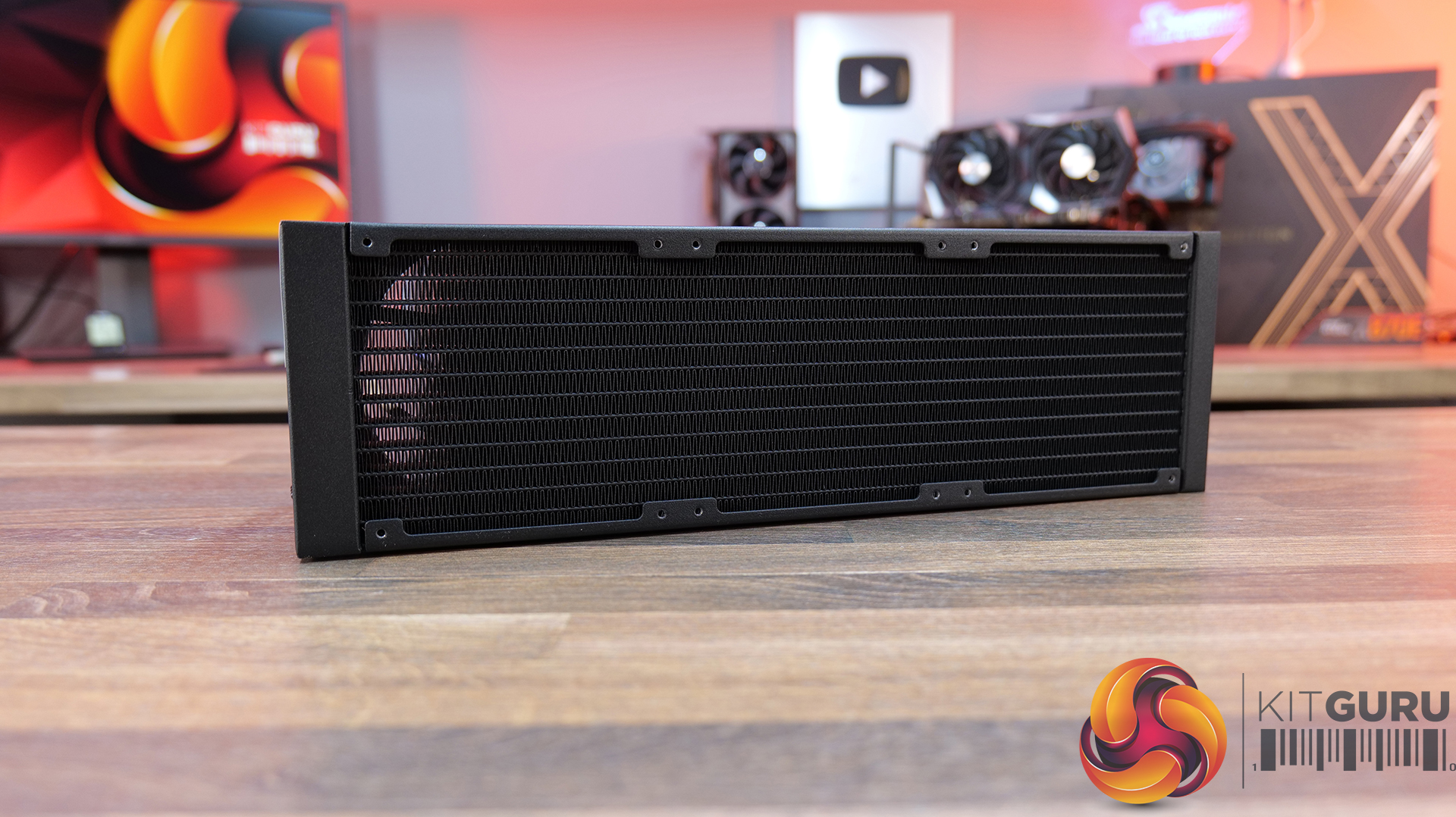
  • Radiator Material: Aluminium
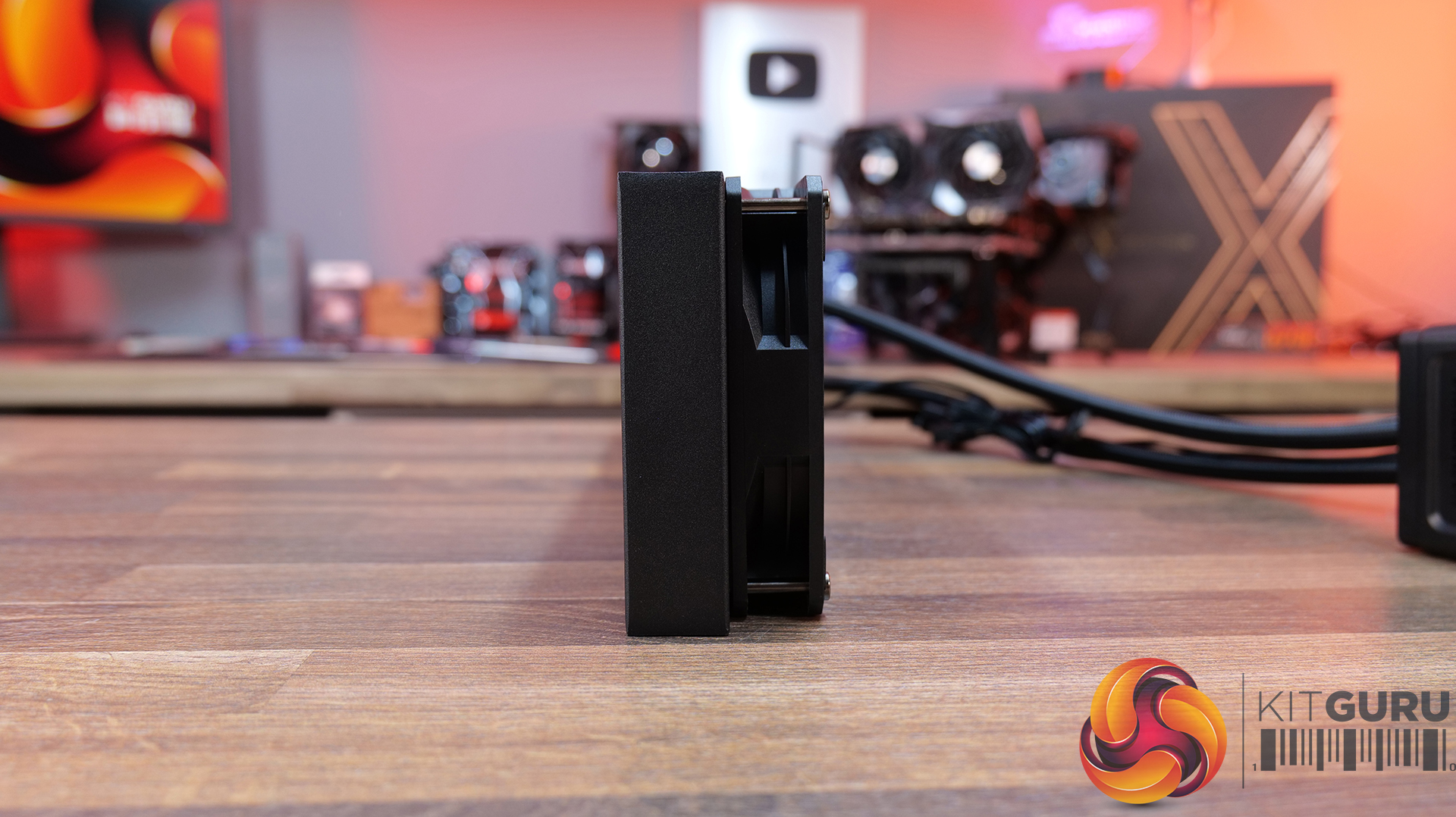
  • Radiator Dimensions: 394 x 119.6 x 27 mm
  • CPU Block/Pump Dimensions: 85 x 84.1 x 53.5 mm
  • Pump Speed: 1200–3200 ±10% RPM
  • Cold Plate Material: Mico-Skived Copper
  • Pump Connector: 4-pin PWM
  • Fan Dimensions: 120 x 120 x 25.4 mm
  • Fan Speed: 0–2100 ±10% RPM
  • Air flow: 6 CFM
  • Air Pressure: 77 mmH₂O
  • Fan Noise: 31 dB(A)
  • Fan Connector: 4-pin PWM
  • LCD Screen: 3-inch segment LED display
  • Warranty: 6 years (AIO cooler module)

Pros:

  • The digital display is bright and easy to read data.
  • Reasonable noise at max fan speed.
  • Daisy-chained fans reduce cable clutter.

Cons:

  • Light bleed from the LEDs on the fans is not well diffused.
  • Requires a driver to run the screen.
  • No screen rotation.

Rating: 8.5.

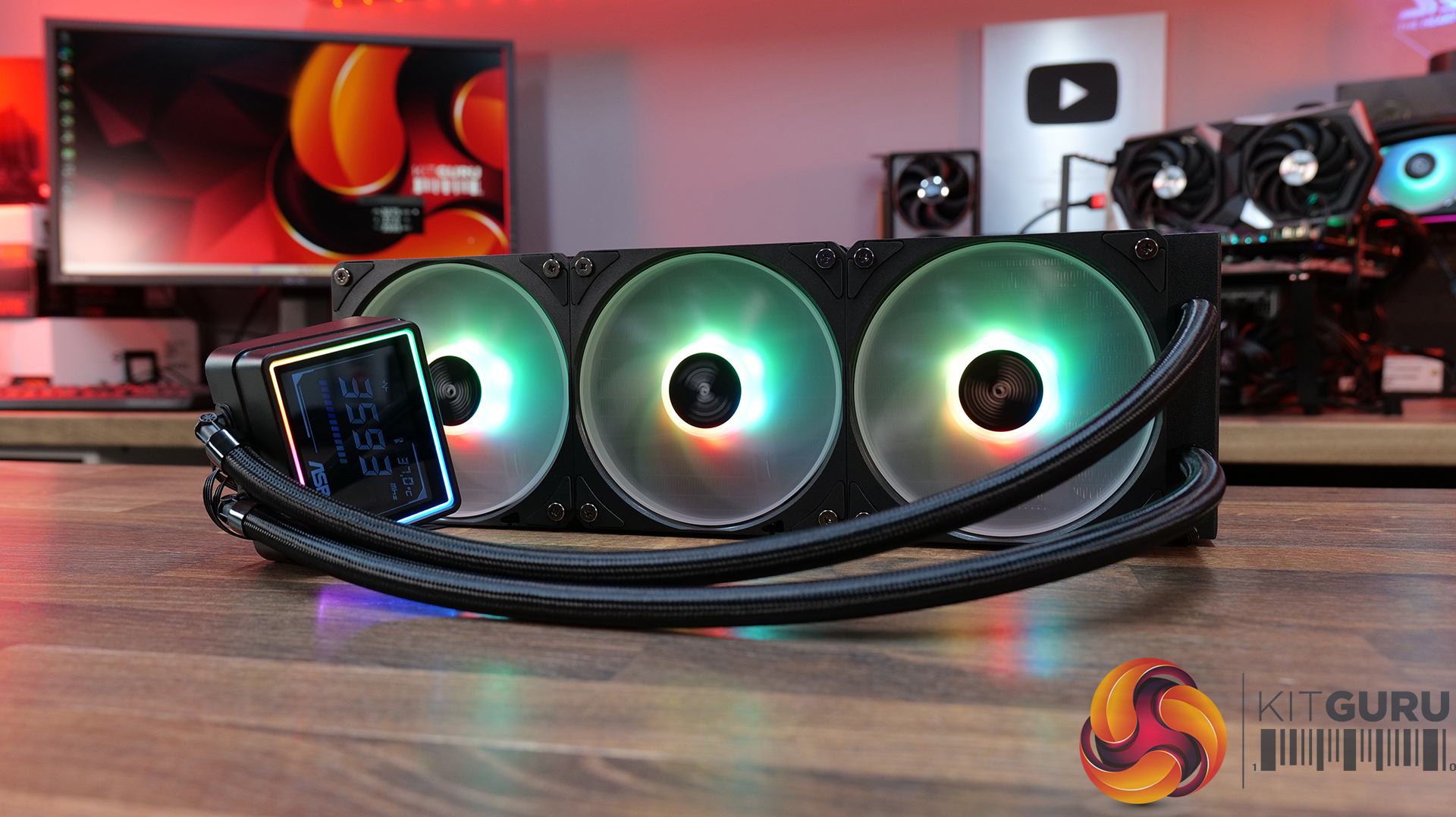
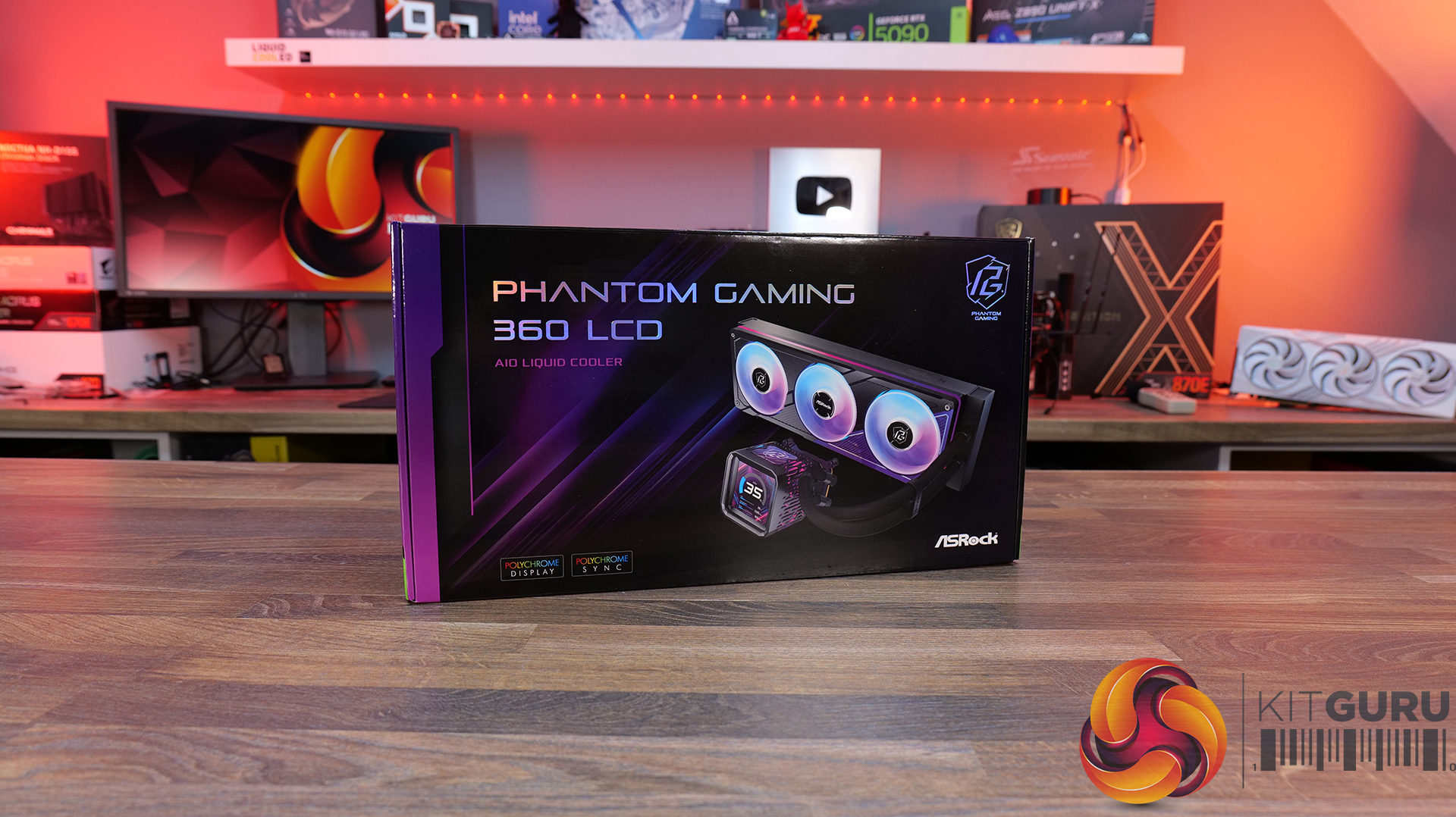
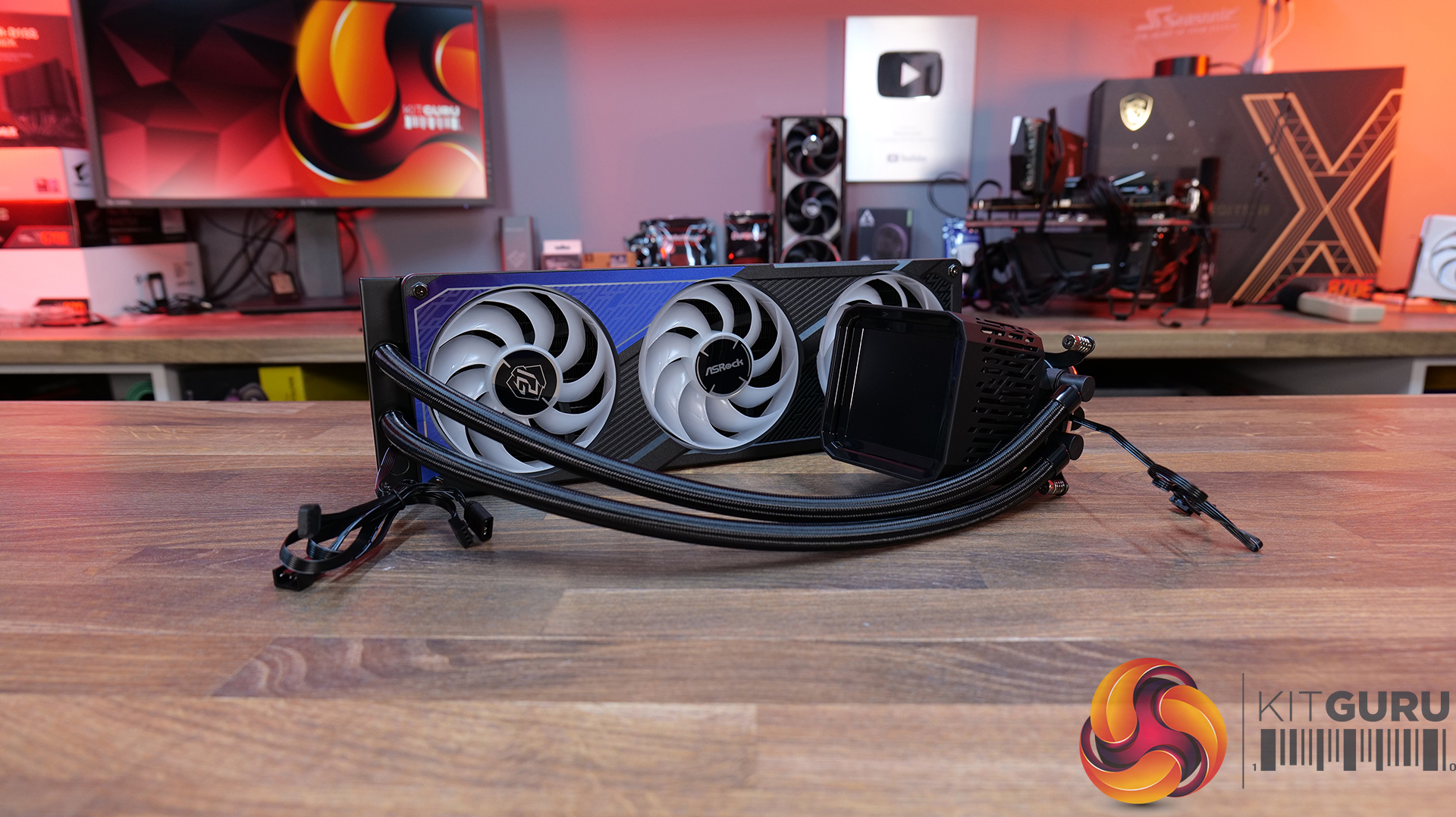
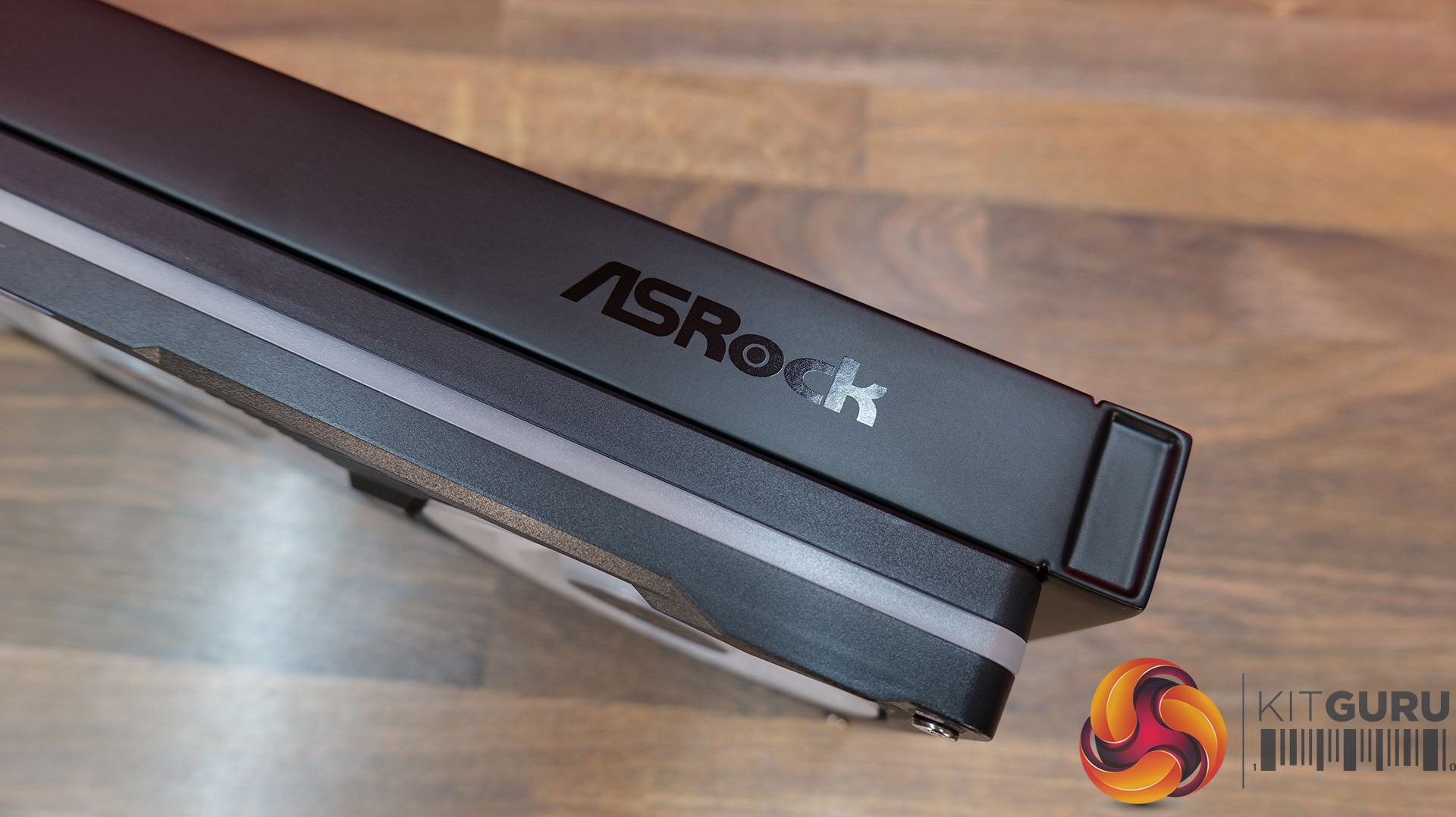
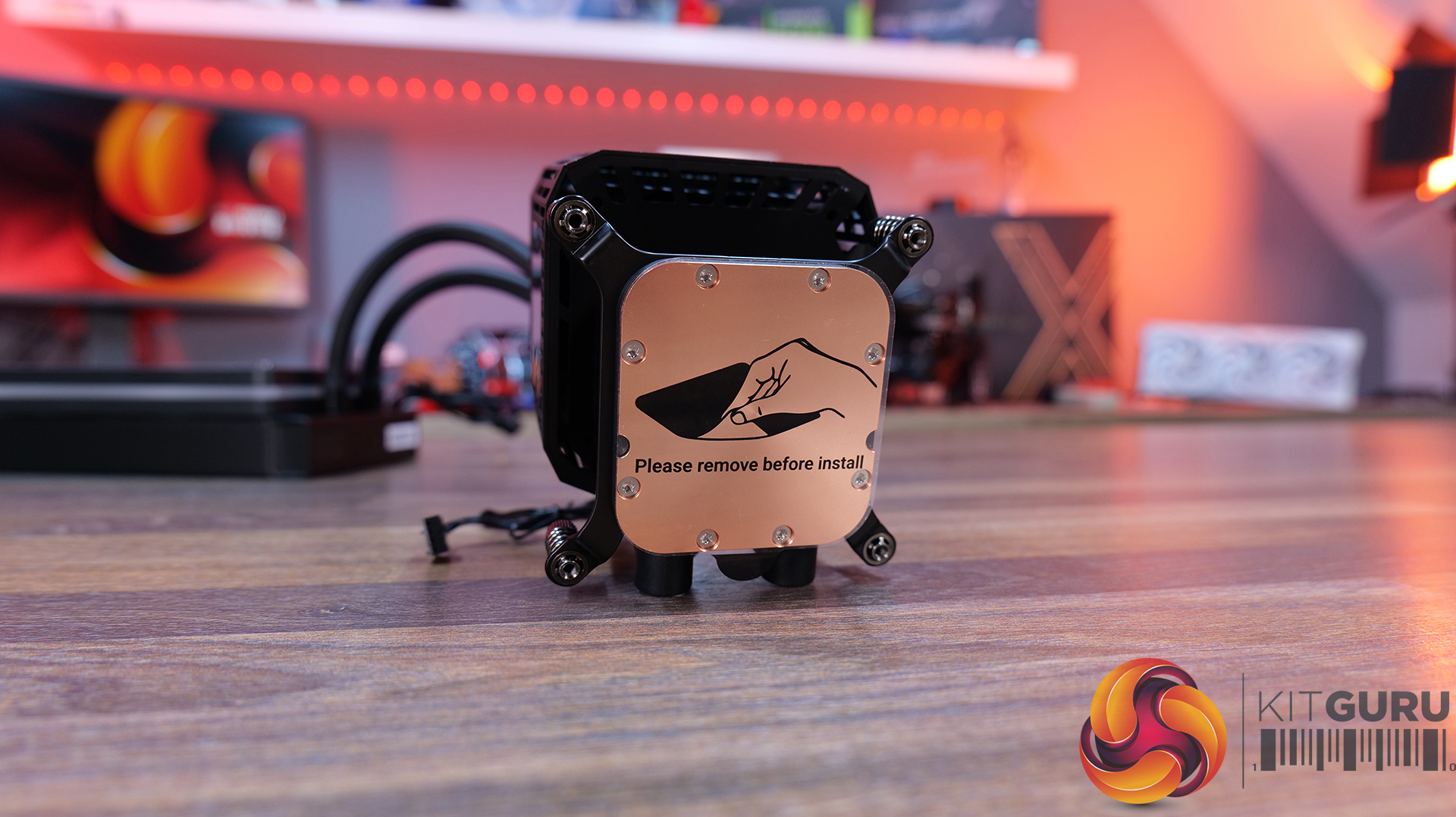
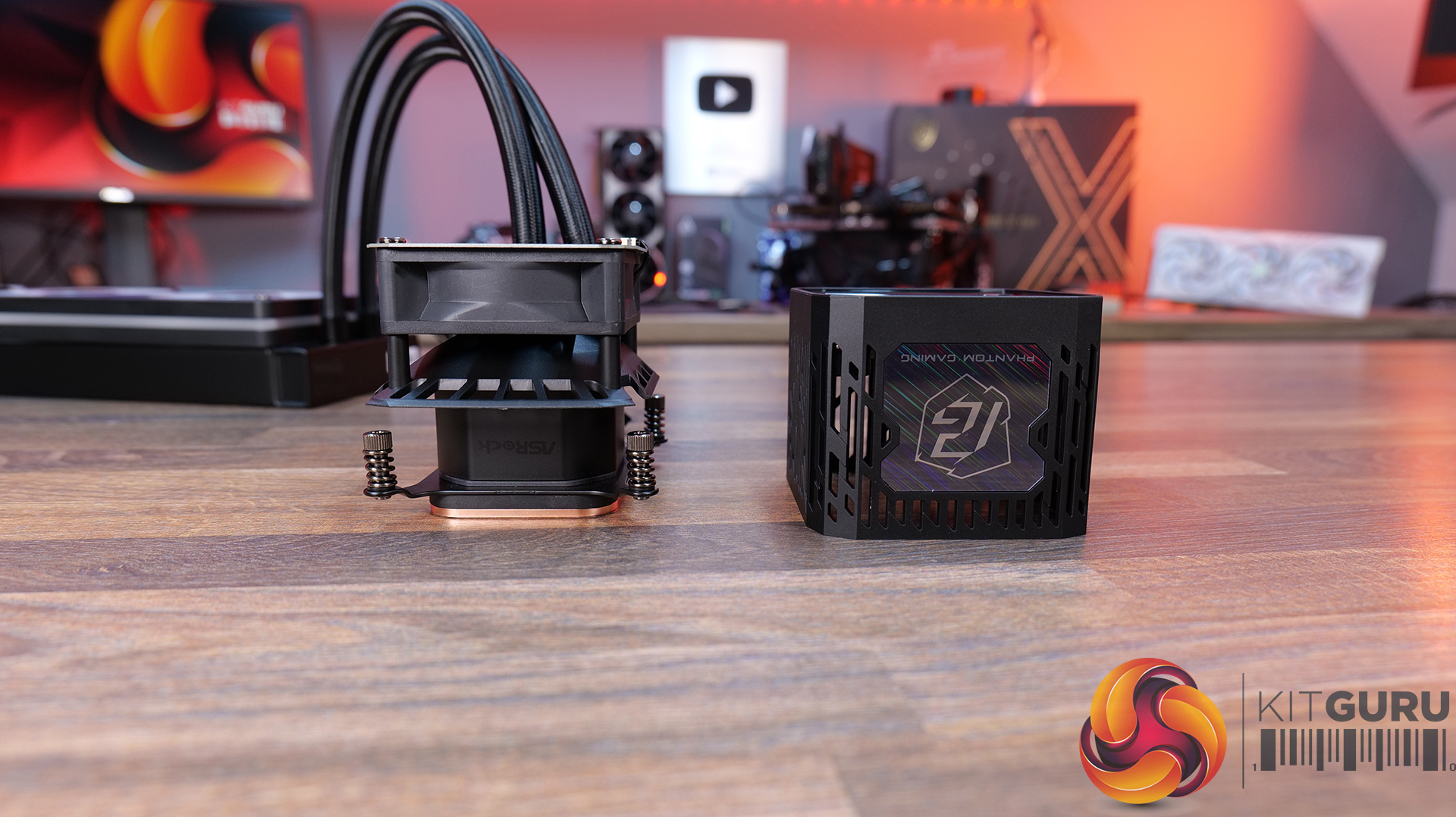
ASRock Phantom Gaming 360 LCD – CCL £169.99 HERE.

Features

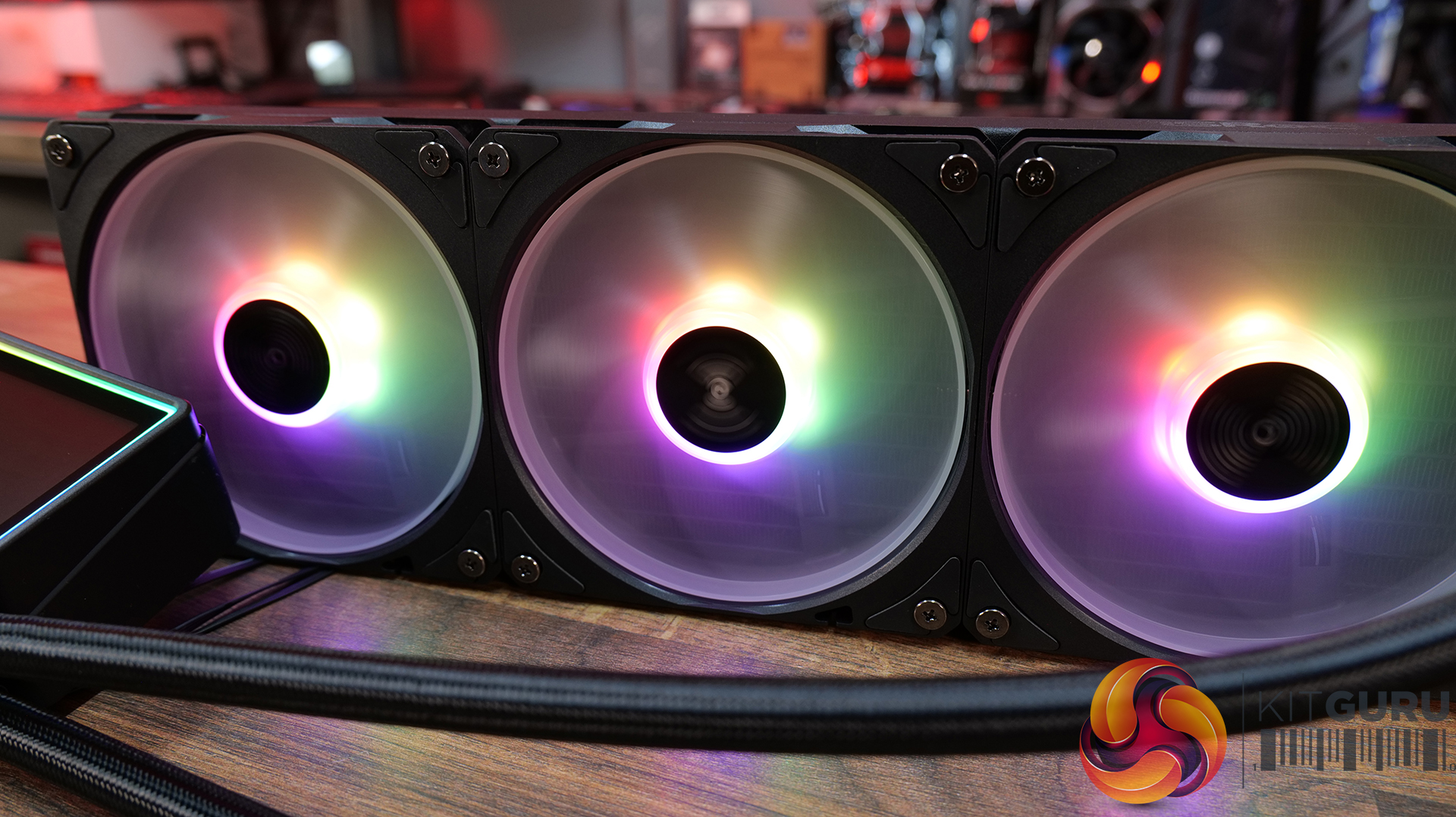
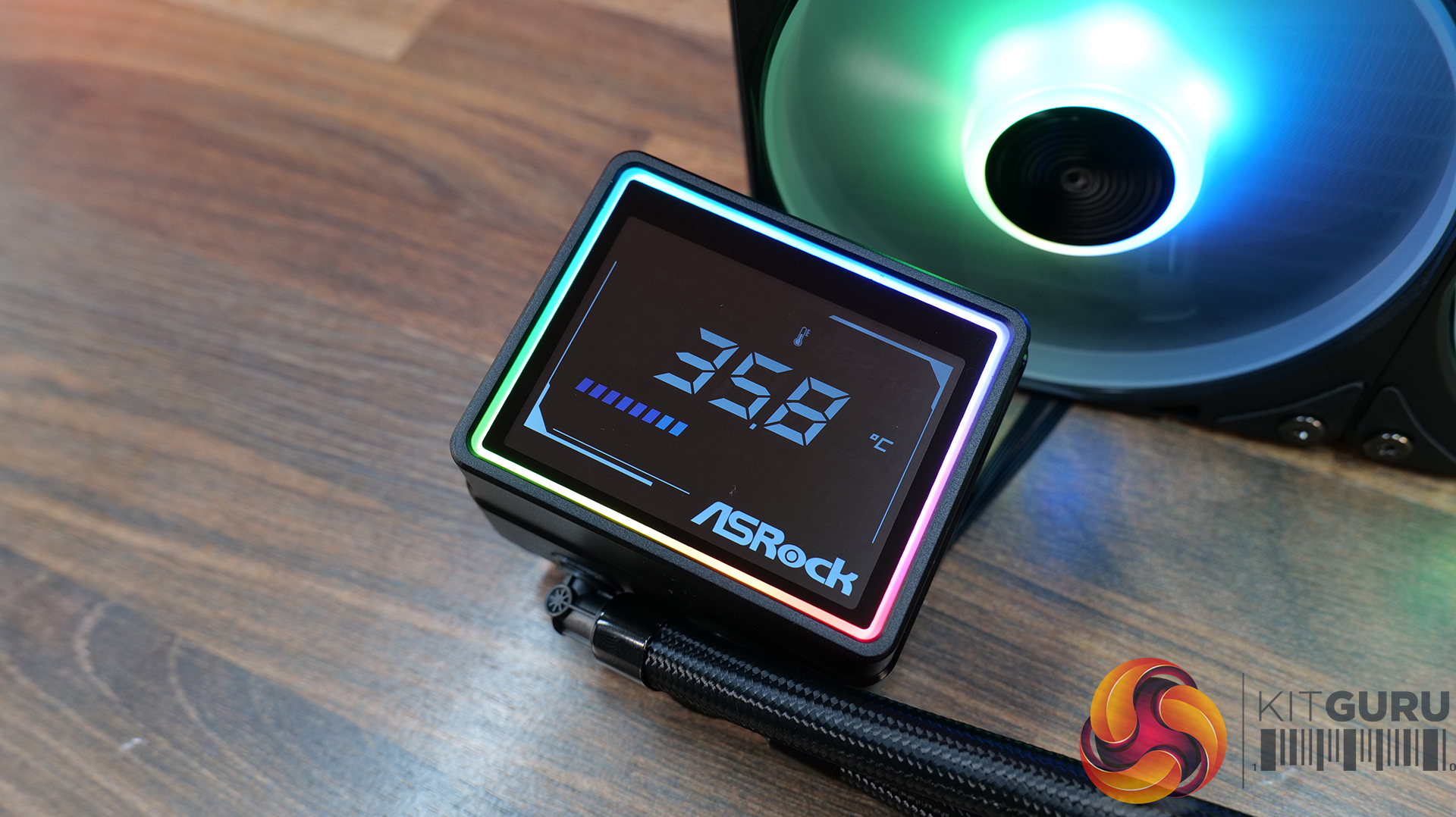
  • 4-inch full-colour LCD — Equipped with a full-coverage display that shows real-time system stats, images or animations, all configurable through ASRock’s Polychrome Display software.
  • Next-gen cooling system with dual-inlet design — 3-phase, 6-slot, 4-pole pump, paired with a dual-side inlet cooling path for improved thermal efficiency and more consistent temperatures under load.
  • 360° Halo ARGB fan system — Integrated halo lighting with a single-cable fan design, combining high airflow FDB fans with streamlined cable management for cleaner installs and synchronised lighting.

Specification:

  • CPU Socket Compatibility: AMD AM5, AM4 | Intel LGA1851, LGA1700
  • Radiator Material: Aluminium
  • Radiator Dimensions: 397 x 120 x 32 mm
  • CPU Block/Pump Dimensions: 4 x 86 x 107.6 mm
  • Pump Speed: 1200 – 3100 ± 10% RPM
  • Cold Plate Material: Micro-Skived Copper
  • Pump Connector: PWM (4-Pin)
  • Fan Dimensions: 362 x 123 x 28 mm
  • Fan Speed: 0 – 2400 ± 10% RPM
  • Air flow: 28 CFM
  • Air Pressure: 11 mmH20
  • Fan Noise: 4 dB(A)
  • Fan Connector: PWM (4-Pin)
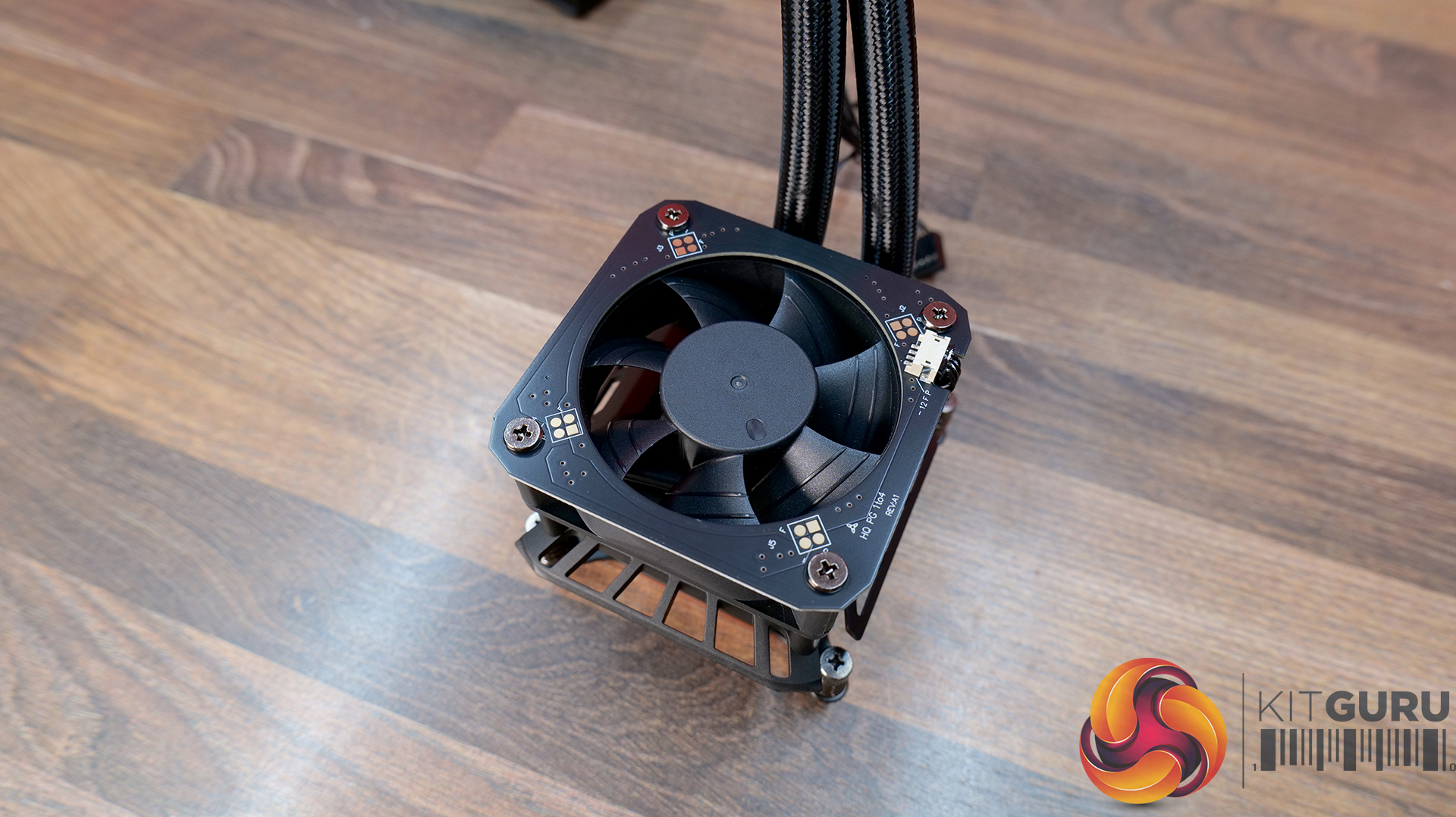
  • VRM Fan Dimensions: 70 x 70 x 25 mm
  • VRM Fan Speed: 3000 ± 10% RPM (Max)
  • VRM Fan Connector: PWM (4-Pin)
  • LCD Screen: 4” IPS LCD, 480 x 480, 60Hz, 24-bit, 250 cd/m2
  • Warranty: 6 Years (AIO Cooler Module), 2 years (Display Module)

Pros:

  • Decent-looking screen with plenty of customisation options.
  • Solid cooling performance.
  • Single-frame fan looks neat with minimal wiring.

Cons:

  • CPU block is very tall.
  • Quite loud at max fan speed.
  • Requires several software apps to operate the screen, RGB and fan speed.

Rating: 7.5.

Cooler Master MasterLiquid Core Nex Digital 360 Black ARGB – OcUK £89.99 HERE.

Features

  • Hexagonal digital display with real-time system monitoring — MasterLiquid Core NEX Digital 360 features an integrated top-mounted screen capable of displaying CPU/GPU temperatures, usage, fan speeds and pump RPM via Cooler Master’s MasterCTRL software.
  • Refined dual chamber pump architecture — Featuring Cooler Master’s updated G9R dual chamber design with improved water pressure and optimised coolant flow for enhanced heat transfer efficiency.
  • Simplified all-in-one installation — Pre-installed fans, streamlined cabling, pre-applied thermal paste and pre-mounted brackets help reduce installation complexity while maintaining a cleaner overall system build.

Specification:

  • CPU Socket Compatibility: Intel LGA 1851 / 1700 / 1200 / 1156 / 1155 / 1151 / 1150, AMD AM5 / AM4
  • Radiator Material: Aluminium
  • Radiator Dimensions: 394 x 119.6 x 27.2 mm
  • CPU Block/Pump Dimensions: 6 x 78.5 x 68.6 mm
  • Pump Speed (Max): 3200 ±10% RPM
  • Tubing Length: 400mm
  • Cold Plate Material: Micro-Skived Copper
  • Pump Connector: 3-Pin ARGB + 4-Pin PWM
  • Fan Dimensions: 120 x 120 x 25 mm
  • Fan Speed: 650–1750 RPM ±10%
  • Air flow: 4 m³/h (71.9 CFM) Max
  • Air Pressure: 86 mmH₂O Max
  • Fan Noise: 2 dBA Max
  • Fan Bearing: Rifle Bearing
  • Fan Connector: 7-Pin PWM + ARGB
  • LCD Screen: LED Digital Display, 50.1 x 54.4 mm, 120 cd/m²
  • Screen Connector: USB 2.0 9-Pin
  • Warranty: 5 Years

Pros:

  • Daisy-chained fans reduce wiring.
  • Quick and easy.
  • Clear and easy to read display.

Cons:

  • Very loud at max fan speed.
  • Average 40 dba thermal performance.
  • Some Cable clutter at the CPU block.

Rating: 7.

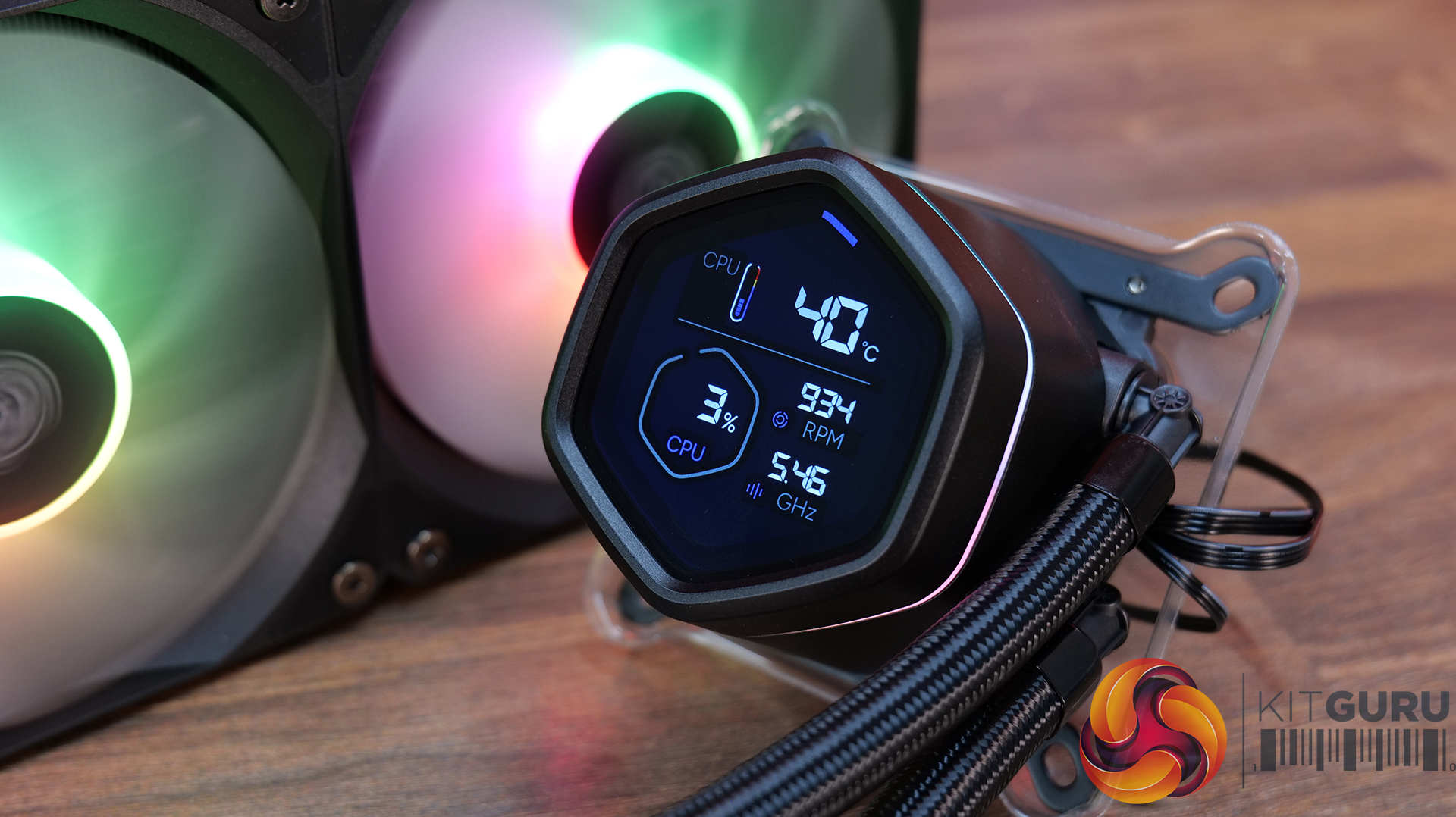
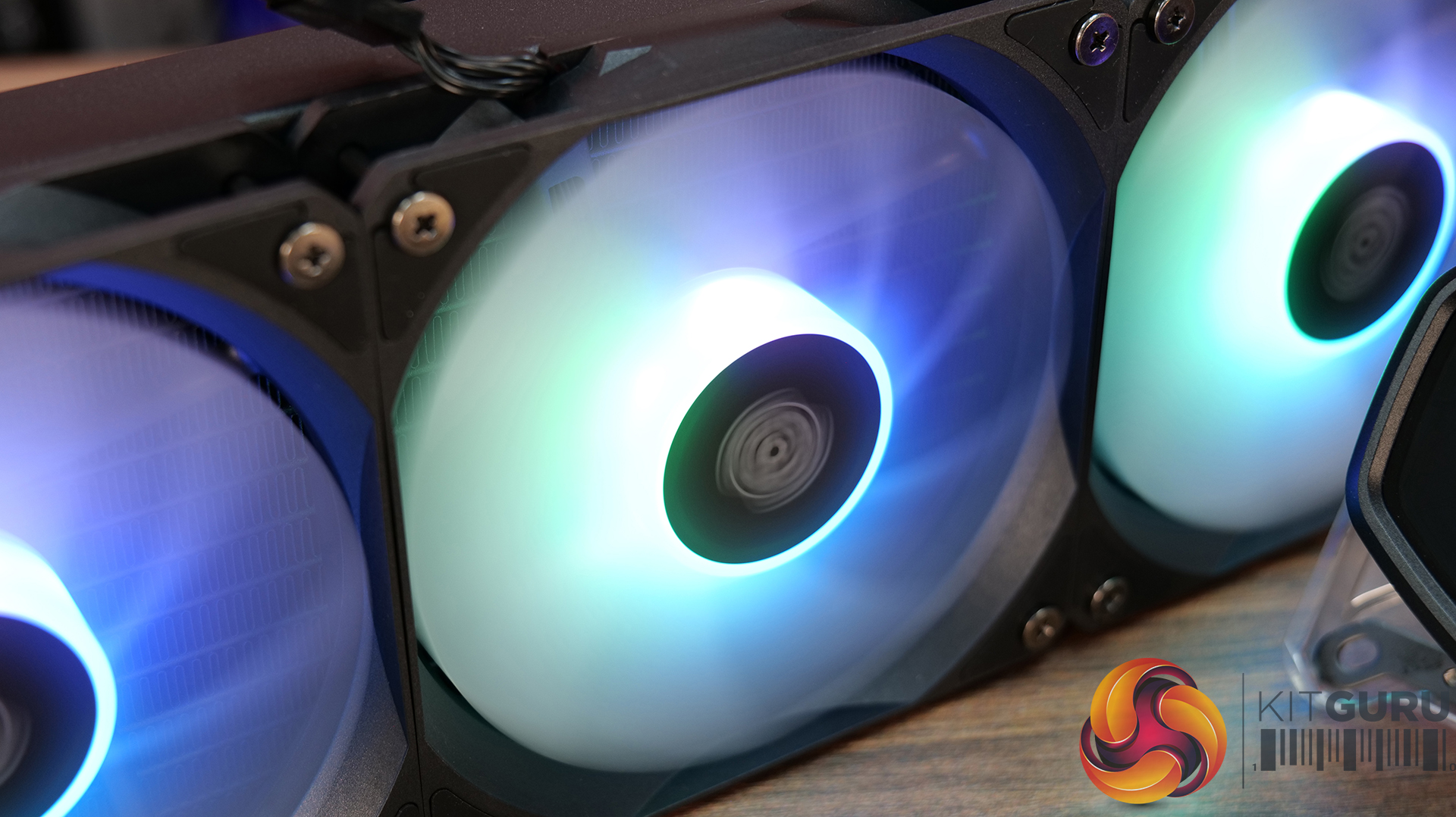
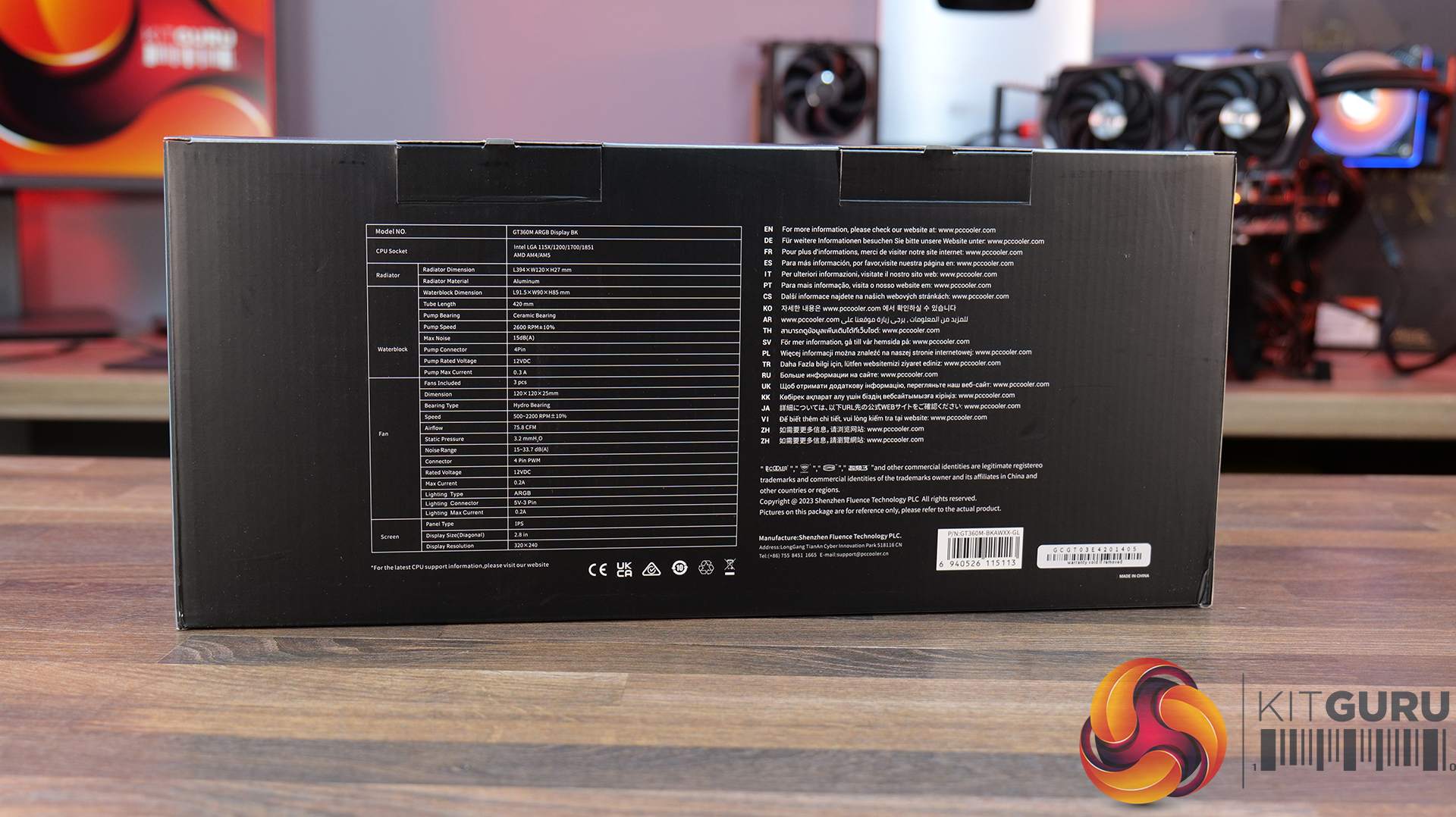
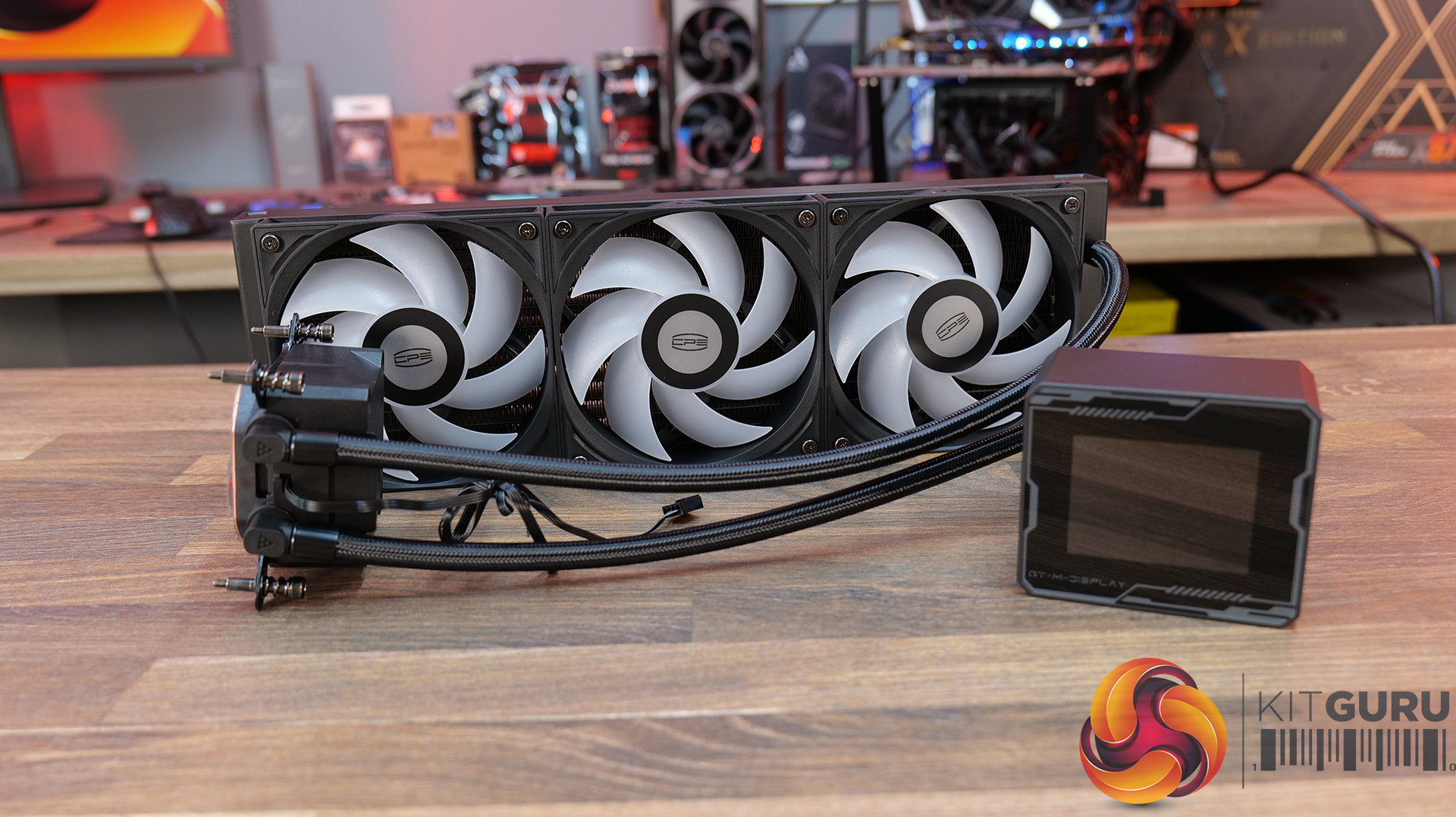
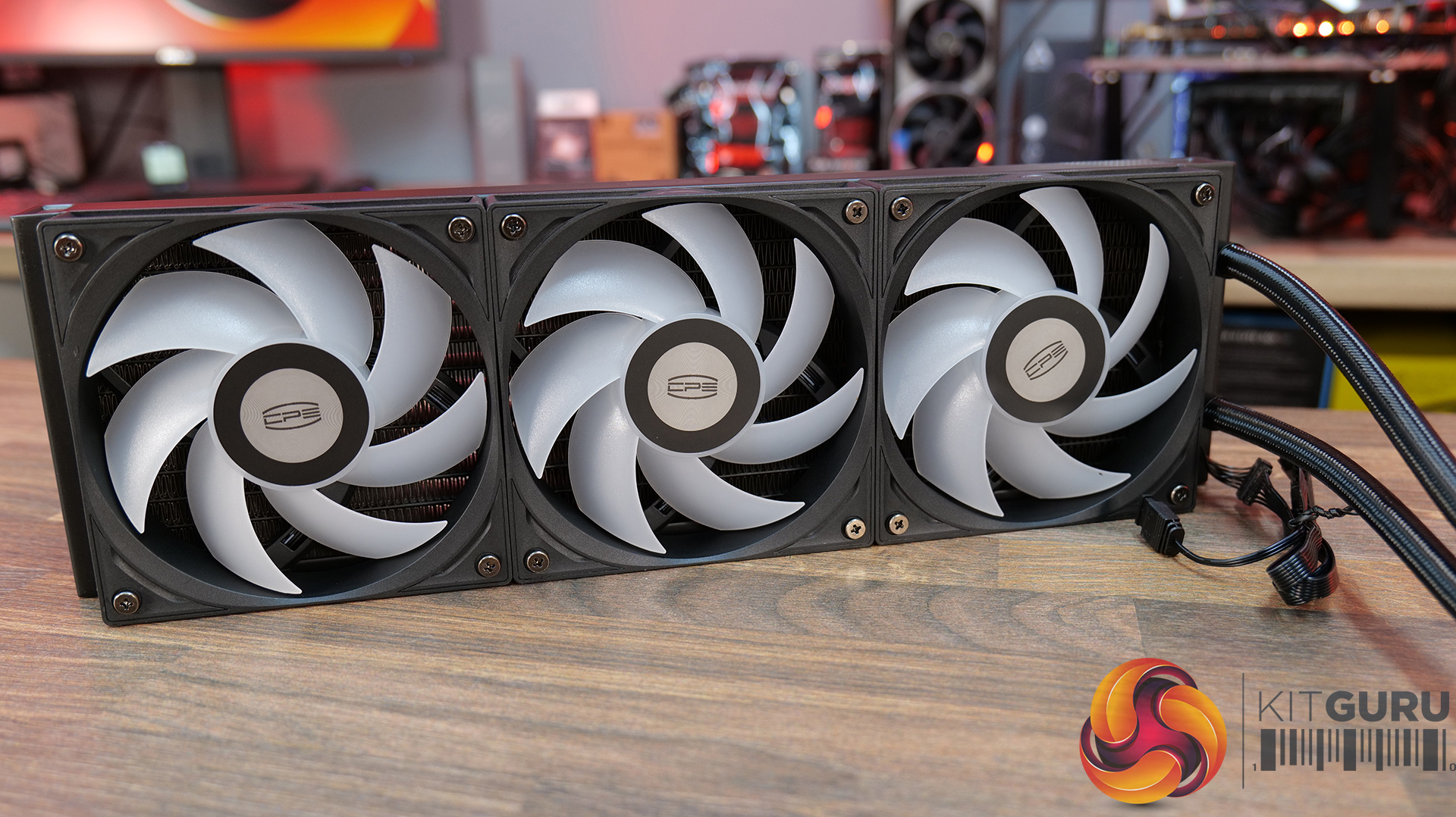
CPS PCCOOLER GT360M ARGB Display – £85.99 Amazon in black or white HERE.

Features

  • 5-inch high-resolution LCD display — GT360M ARGB Display features a customisable IPS screen capable of showing real-time system monitoring data, animations, wallpapers and video playback through CPS control software support.
  • Next-generation ceramic bearing pump design — Equipped with a second-generation large chamber pump, ultra-fine micro water channels and an all-ceramic bearing structure designed to improve coolant flow, reduce operational noise and extend long-term durability.
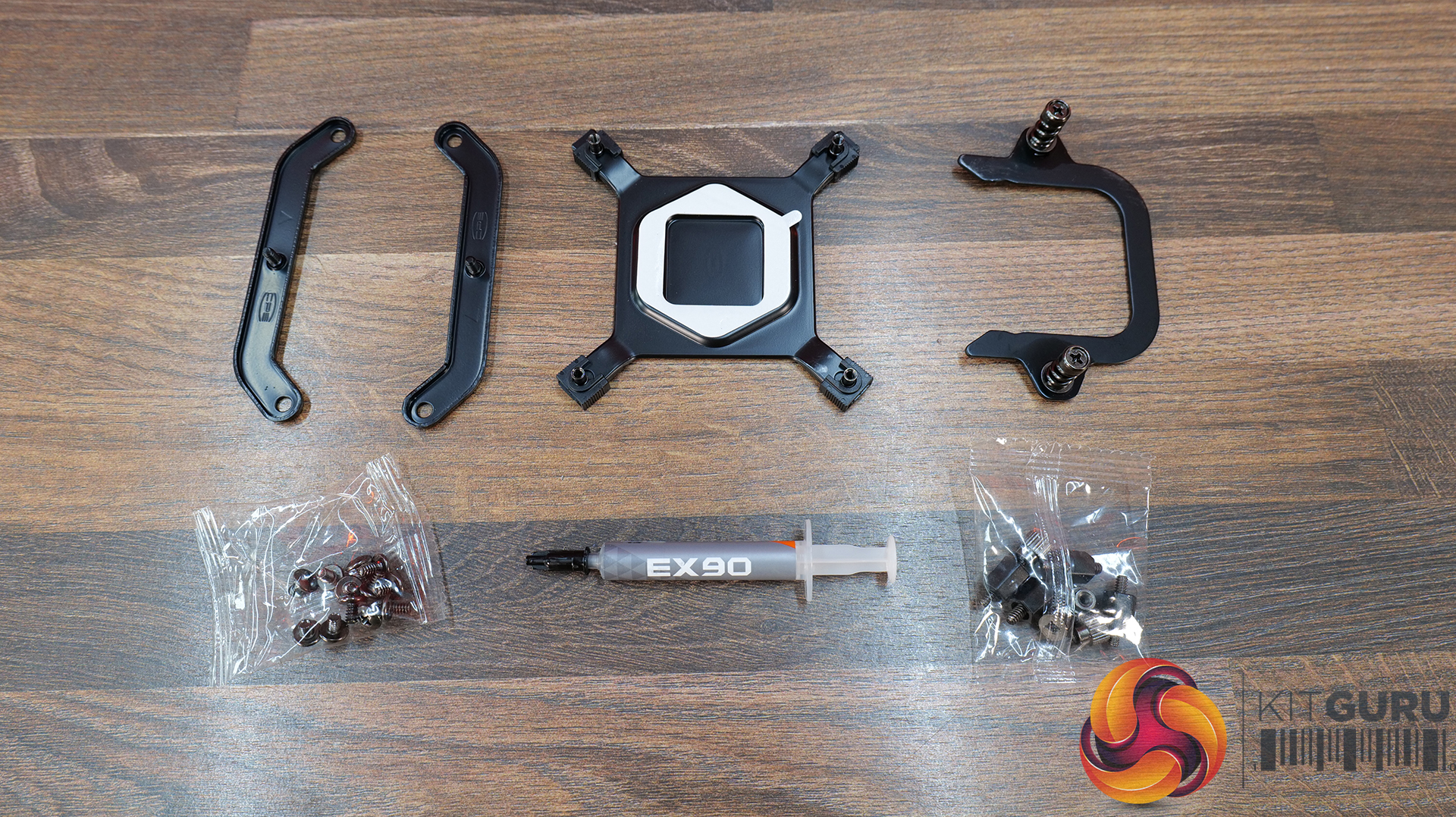
  • Streamlined cable management and installation — Factory pre-installed fans, integrated hidden wiring and a quick-release mounting system help simplify the build process while maintaining a cleaner overall system appearance.

Specification:

  • CPU Socket Compatibility: Intel LGA115X / 1200 / 1700 / 1851, AMD AM4 / AM5
  • Radiator Material: Aluminium
  • Radiator Dimensions: 394 x 120 x 27 mm
  • CPU Block/Pump Dimensions: 5 x 90 x 85 mm
  • Pump Speed (Max): 2600 RPM ±10%
  • Cold Plate Material: Mico-Skived Copper
  • Pump Connector: 4-Pin
  • Fan Dimensions: 120 x 120 x 25 mm
  • Fan Speed: 500–2200 RPM ±10%
  • Air flow: 8 CFM
  • Air Pressure: 2 mmH₂O
  • Fan Noise: 15–33.7 dB(A)
  • Fan Bearing: Hydro Bearing
  • Fan Connector: 4-Pin PWM
  • LCD Screen: 8-inch, IPS, 320 × 240 pixels
  • Warranty: 3 Years

Pros:

  • Solid cooling performance.
  • Daisy-chained fans neaten up wiring.
  • Decent Price.

Cons

  • A little loud at max fan speed.
  • Screen customisation is limited.
  • Screen brightness and clarity aren’t the best.

Rating: 8.

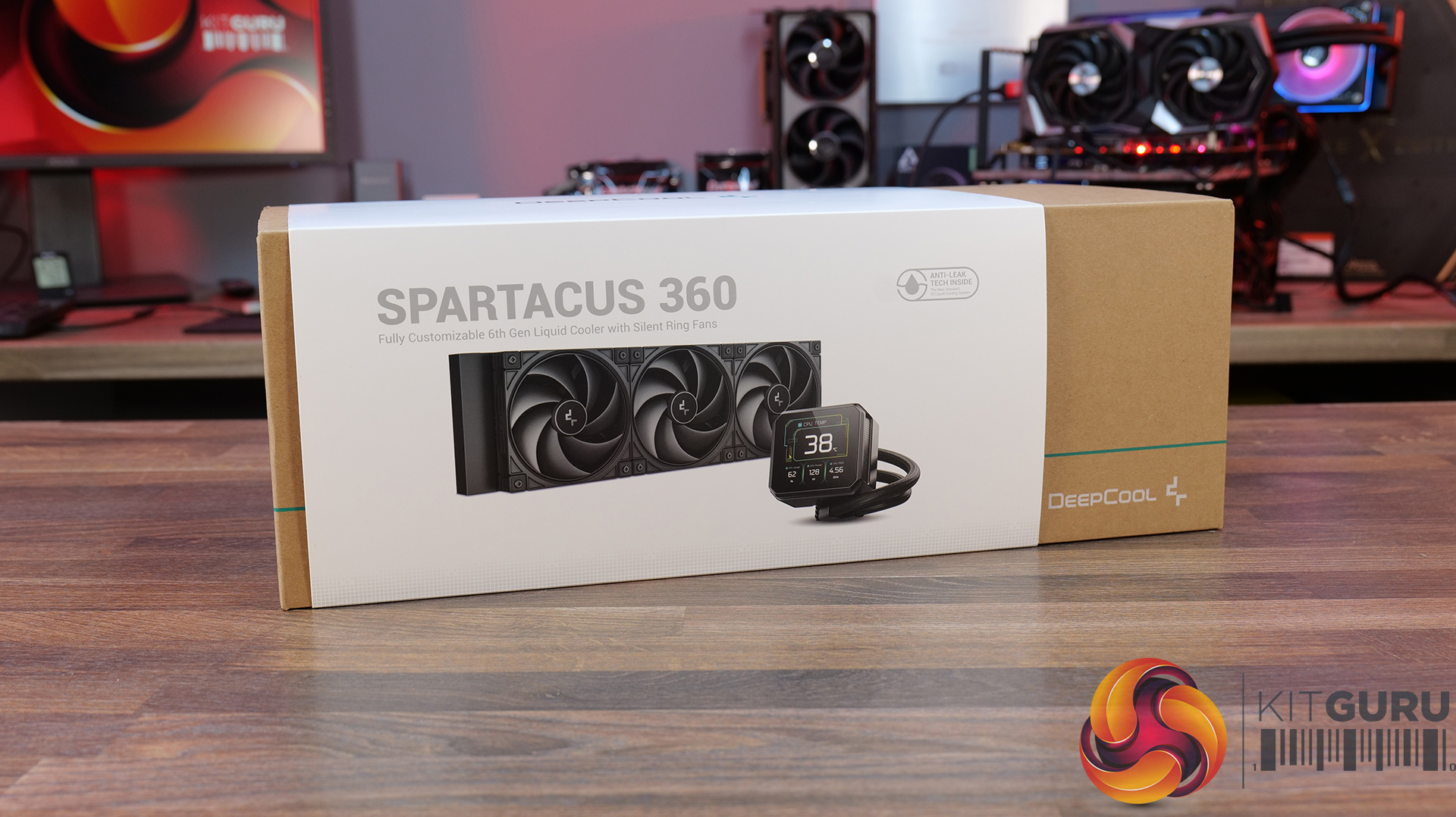
Deepcool Spartacus 360 – £159.99 HERE.

Features

  • 4-inch IPS LCD with modular customisation — SPARTACUS 360 features a 480×480 IPS display with 16.7 million colours, supports system monitoring layouts, GIFs, video playback and dynamic graph modes through DeepCreative software integration.
  • 6th-generation pump with AI-tuned cooling control — Equipped with a 3-phase, 6-slot, 4-pole Gen 6 pump and DeepCreative AI algorithms that dynamically tune pump and fan speeds for quieter operation and up to 320W of heat dissipation performance.
  • Semi-integral blade fans with streamlined connectivity — High-performance 120mm fans use a reinforced semi-integral blade design for improved airflow stability and lower noise, while DeepCool’s single 10-pin connection design dramatically cuts cable clutter during installation.

Specification:

  • CPU Socket Compatibility:
  • Radiator Material: Aluminium
  • Radiator Dimensions: 402 × 120 × 27 mm
  • CPU Block/Pump Dimensions: 99 × 91 × 65 mm
  • Pump Speed: 500–3400 RPM ±10%
  • Cold Plate Material: Micro-Skived Copper
  • Pump Connector: 4-Pin PWM
  • Tube Length: 410 mm
  • Fan Dimensions: 120 × 120 × 25 mm
  • Fan Speed: 500–2500 RPM ±10% – 0% Mode below 5% PWM duty
  • Air flow: 89 CFM
  • Air Pressure: 30 mmAq
  • Fan Noise: ≤32.23 dB(A)
  • Fan Connector: 4-Pin PWM
  • Bearing Type: Hydro Bearing
  • LCD Screen: 4-inch TFT LCD, 480 × 480 pixels
  • LED Type: Addressable RGB LED
  • LED Connector: 3-Pin (+5V-D-G)
  • Warranty: 5 Years

Pros:

  • Single cable at the pump gives a clean look.
  • Screen looks great.
  • Has a high-quality feel to it.

Cons:

  • Very loud at max fan speed.
  • No individual fan and pump speed adjustment using DeepCool software.
  • No extra thermal paste included.

Rating: 7.5.

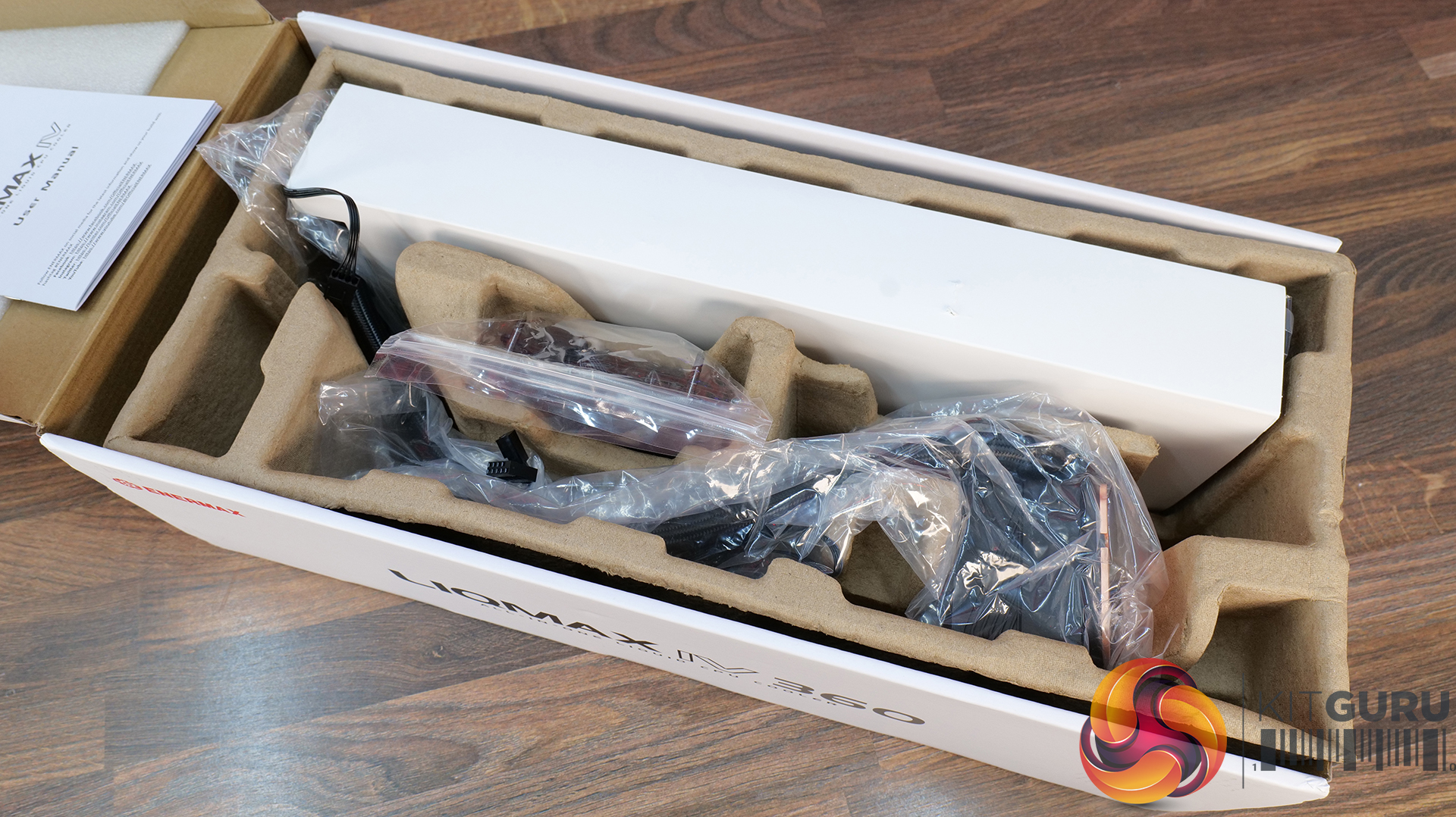
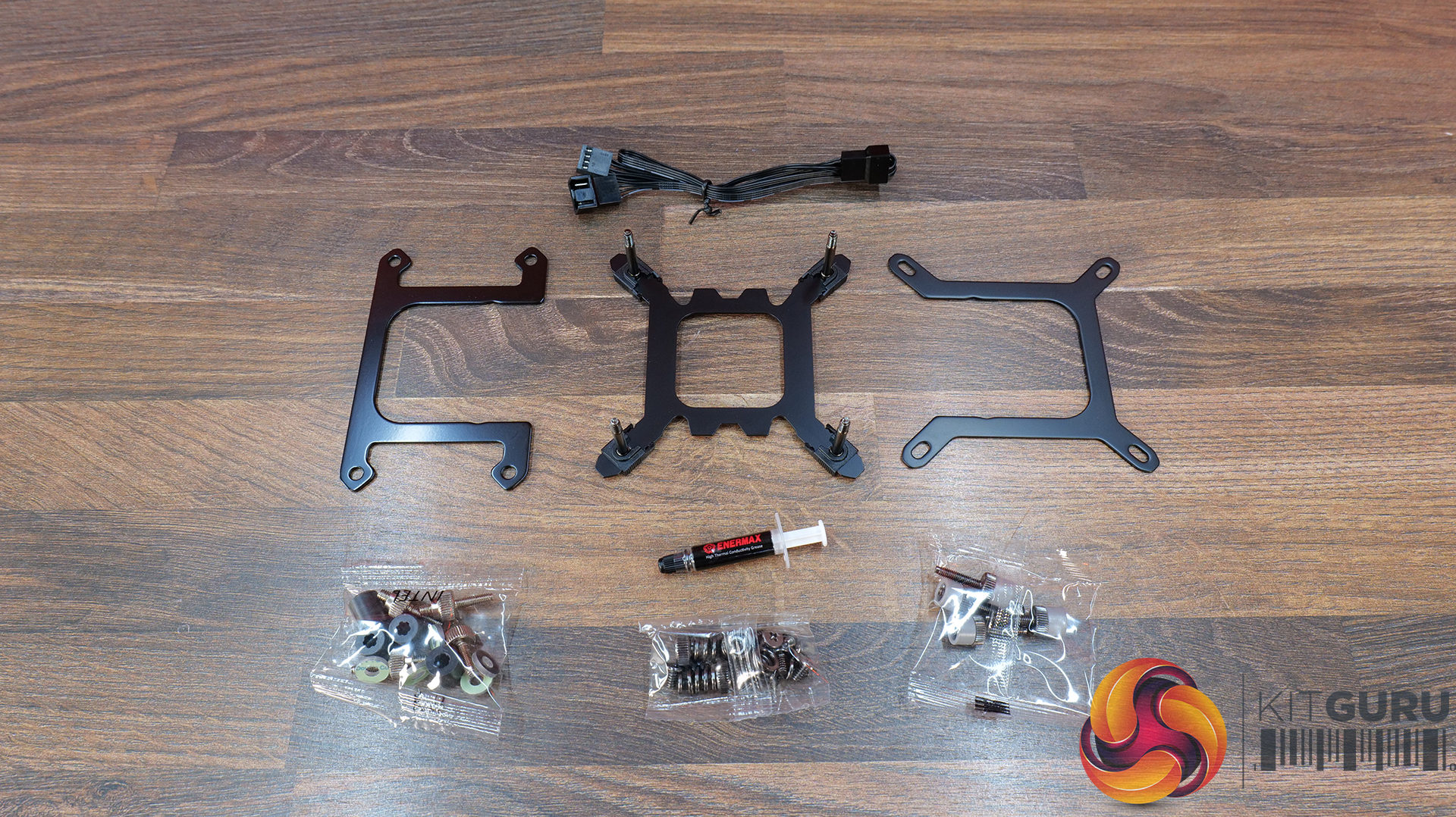
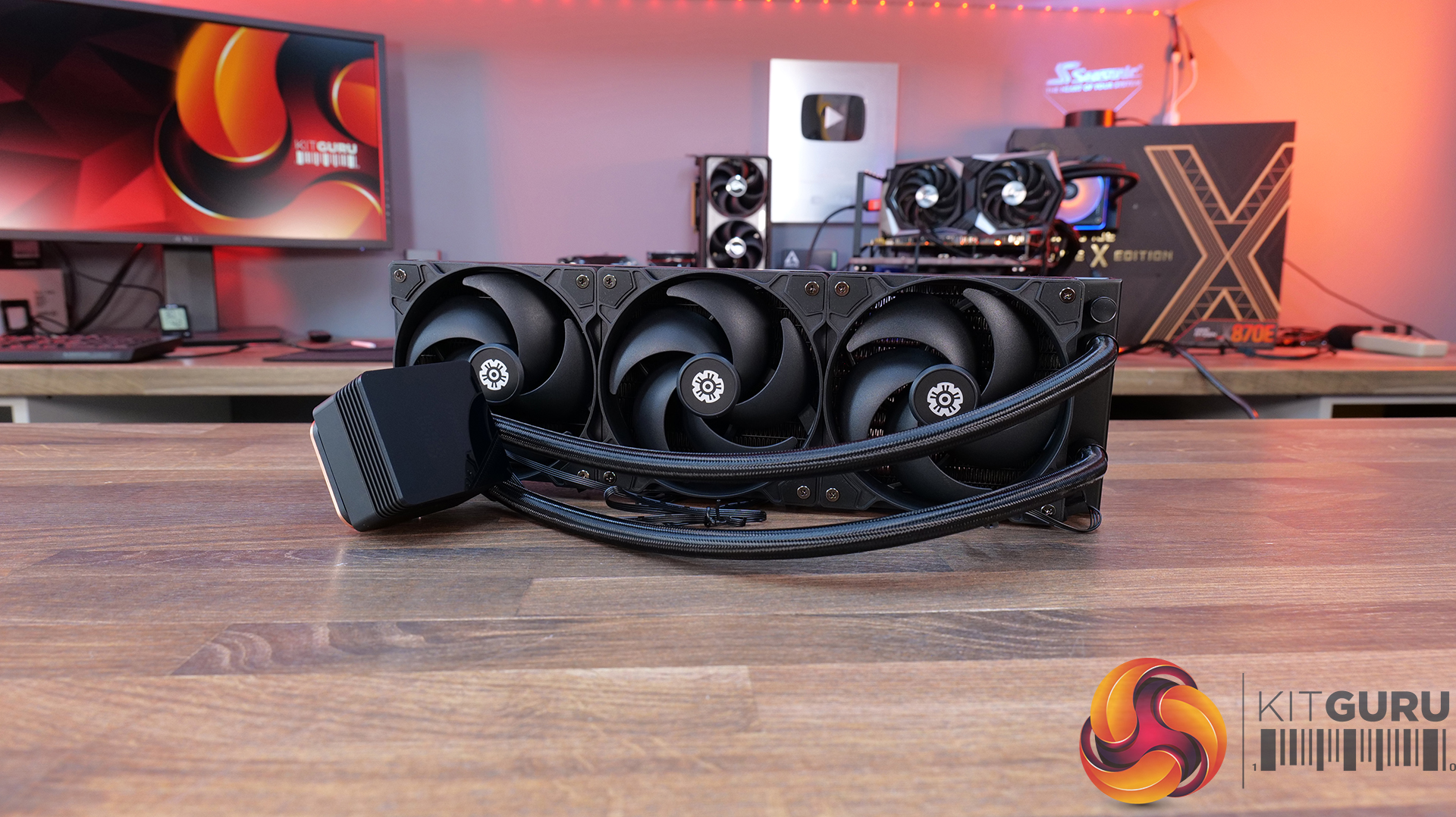
Enermax Liqmax IV 360 – Amazon £56.54 HERE.

Features

  • Magnetic rotatable digital display with real-time monitoring — LIQMAX IV 360 features a magnetic pump-top status display that can be manually rotated for cleaner orientation while providing live CPU temperatures, fan speeds and system monitoring data.
  • Patented dual-chamber pump with Gen.2 Xtreme technology — ENERMAX pairs a larger 35% expanded copper base with its Gen.2 Xtreme Pump design, delivering a claimed 31% increase in coolant flow rate and cooling capacity rated up to 390W TDP.
  • Quiet high-performance cooling setup — PWM-controlled radiator fans and pump operation are tuned to balance airflow and acoustics, with 500–1800RPM fan speeds and low-noise operation designed to keep high-end systems under control.

Specification:

  • CPU Socket Compatibility: Intel LGA 1851 / 1700 / 115x / 2066, AMD AM5 / AM4
  • Radiator Material: Aluminium
  • Radiator Dimensions: 394 x 120 x 27 mm
  • Pump Speed: 1500 – 3100RPM
  • Cold Plate Material: Micro Skived Copper
  • Pump Connector:
  • Fan Dimensions: 120 x 120 x 26.8 mm
  • Fan Speed: 500–1800 RPM ±10%
  • Air flow: 03 CFM
  • Air Pressure: 4 mmH₂O
  • Fan Noise: 46 dBA
  • Fan Connector: 4-Pin PWM
  • LCD Screen: Digital Display
  • Warranty: 3 years

Pros:

  • Good value.
  • Easy installation and minimal software setup.
  • Functional but minimal aesthetics.

Cons:

  • Minimal screen customisation.
  • No RGB.
  • Short Warranty.

Rating: 7.

Sudokoo Energlo 360 – Amazon UK £121.99 HERE.

Features

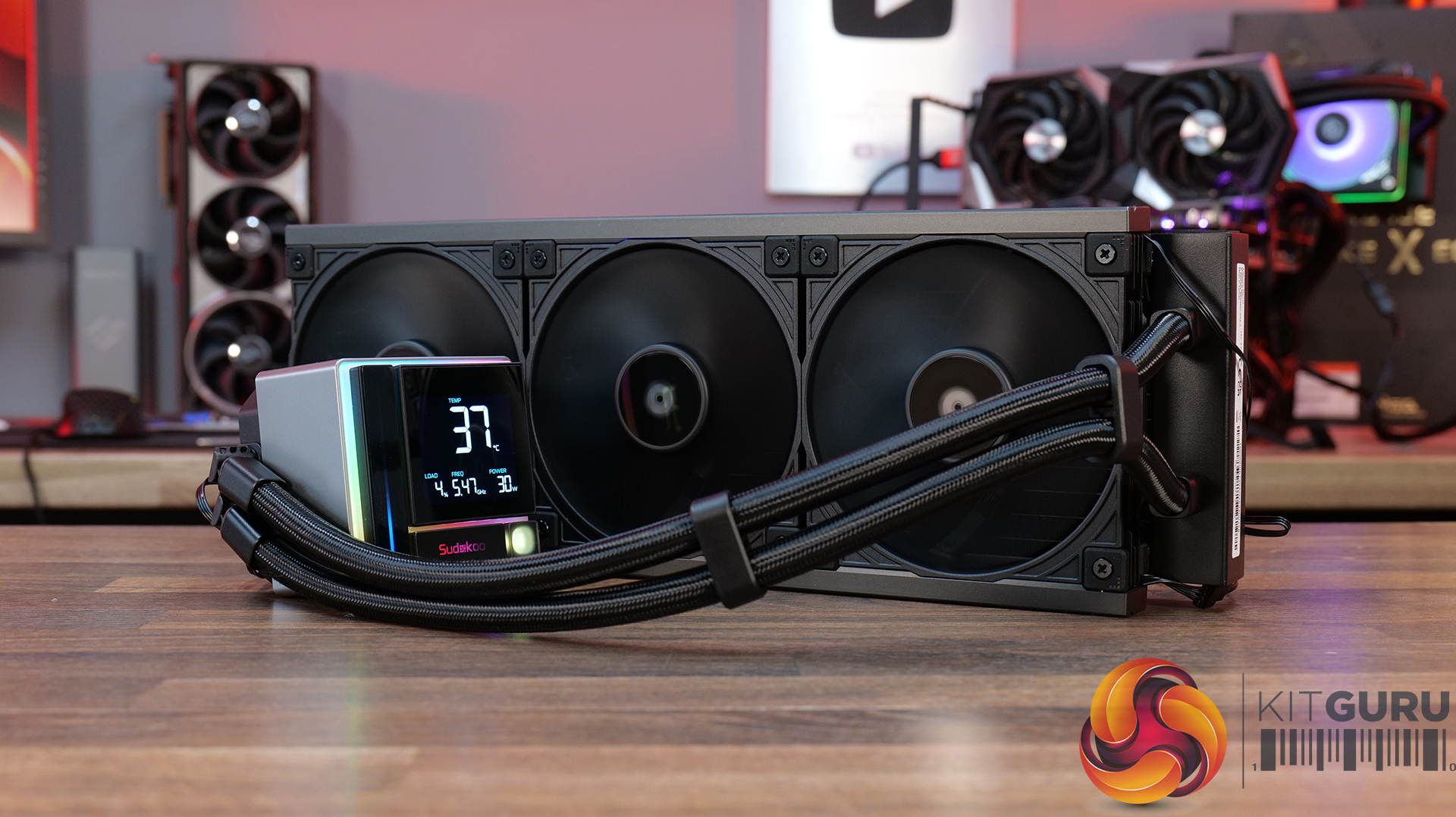
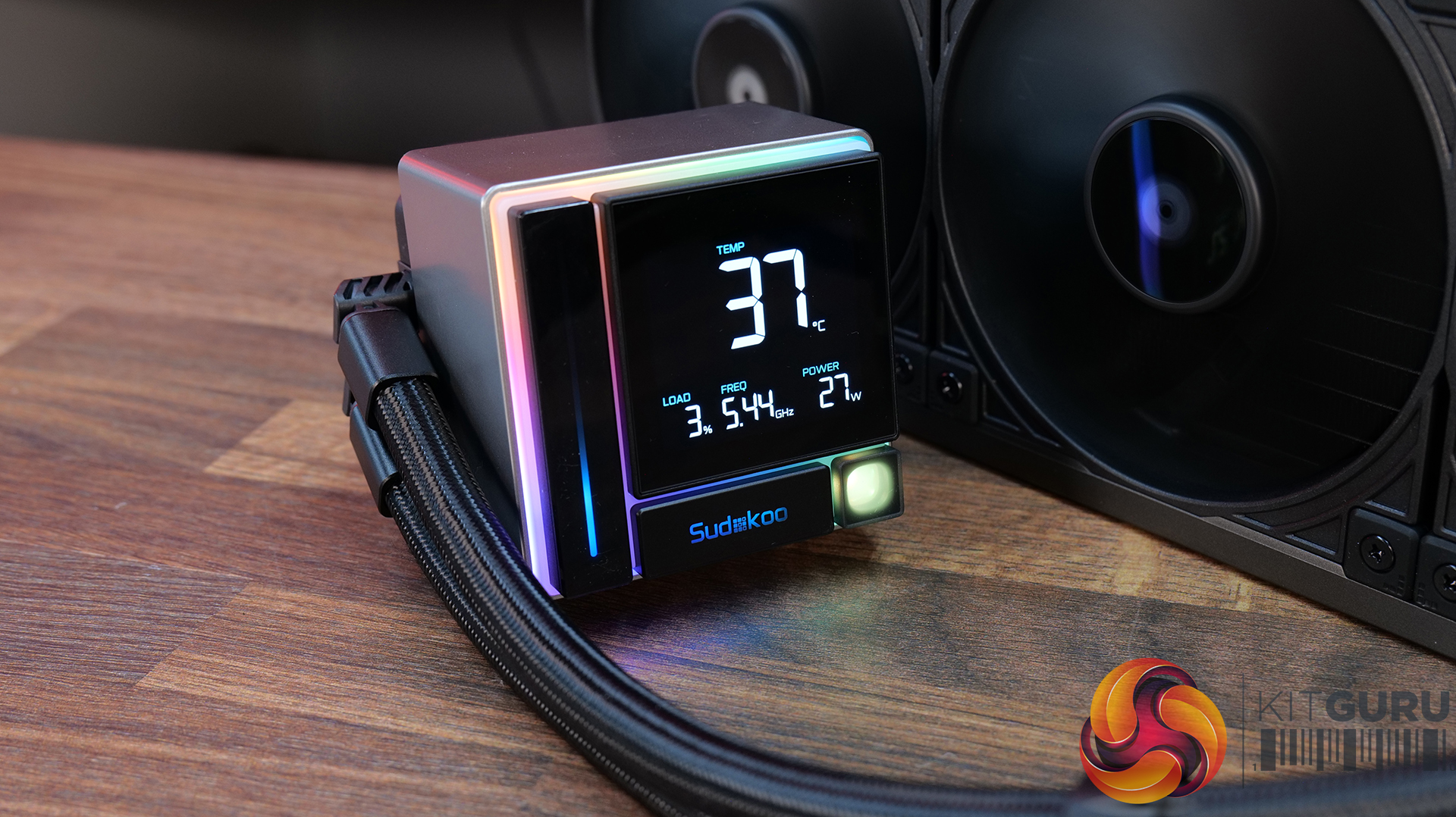
  • Segmented pump display with real-time system monitoring — ENERGLO 360 features a pump top-mounted modular segmented screen on the that displays CPU temperature and system status in real time, without requiring external software.
  • High-performance PWM pump with wide speed control range — Equipped with a high-performance pump with a speed range of 2500–3400 RPM, designed for efficient thermal transfer while maintaining quiet operation.
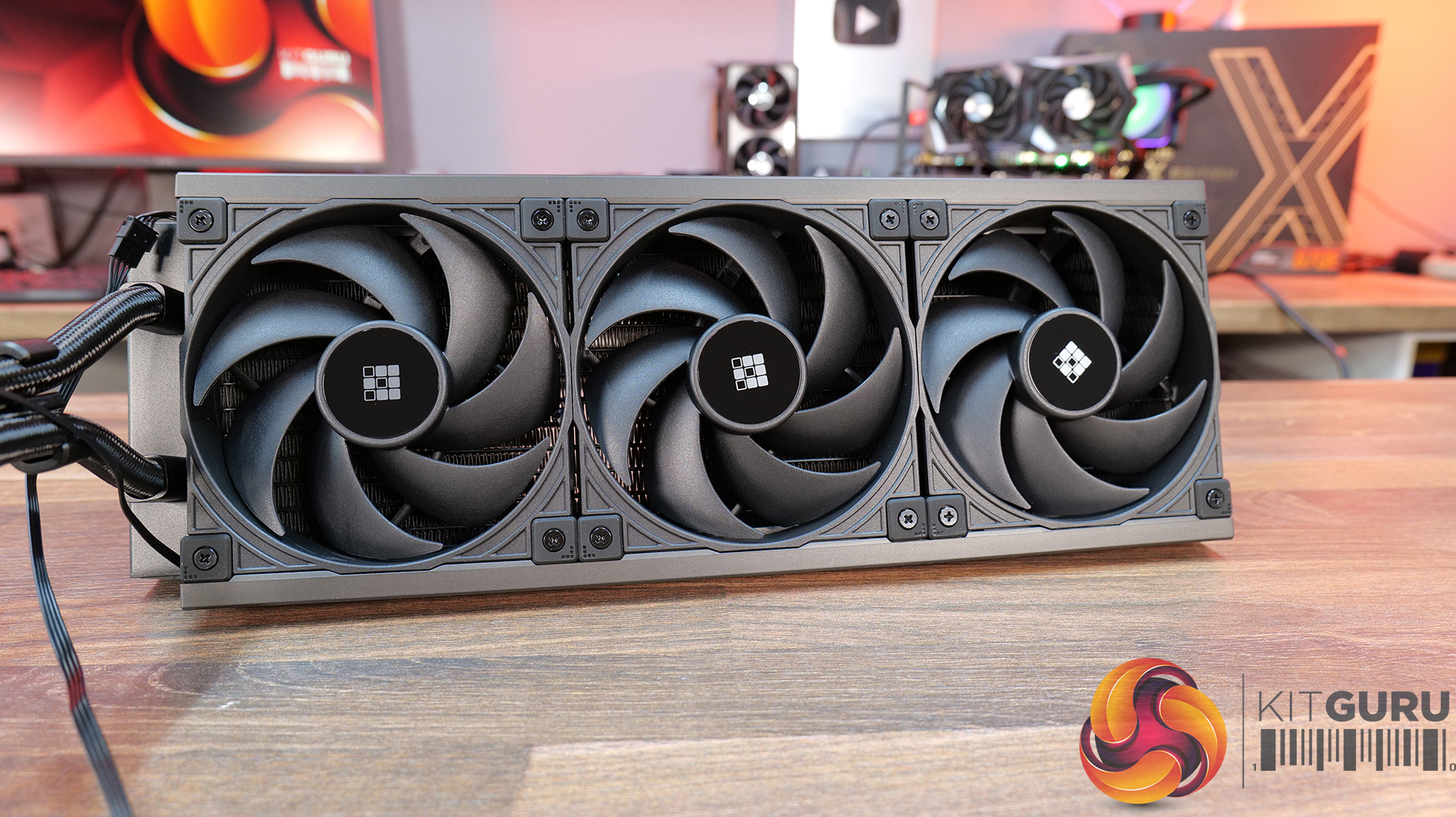
  • 360mm triple-fan cooling array with high airflow performance — Includes three 120mm PWM fans delivering up to 73.41 CFM airflow with strong static pressure, optimised for high-efficiency cooling at high-demand workloads.

Specification:

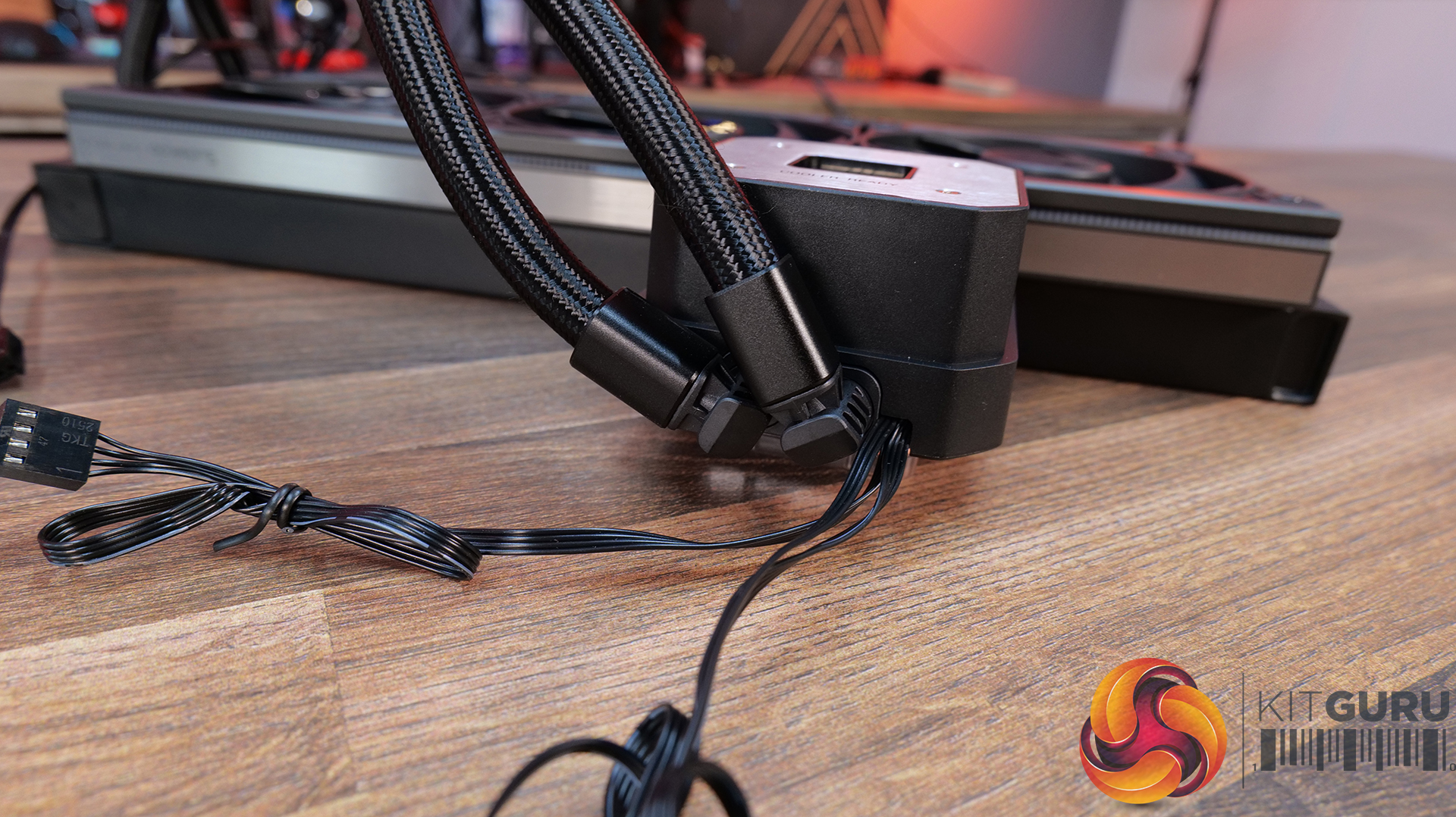
  • CPU Socket Compatibility: Intel LGA1851 / 1700 / 1200 / 1151 / 1150 / 1155, AMD AM5 / AM4
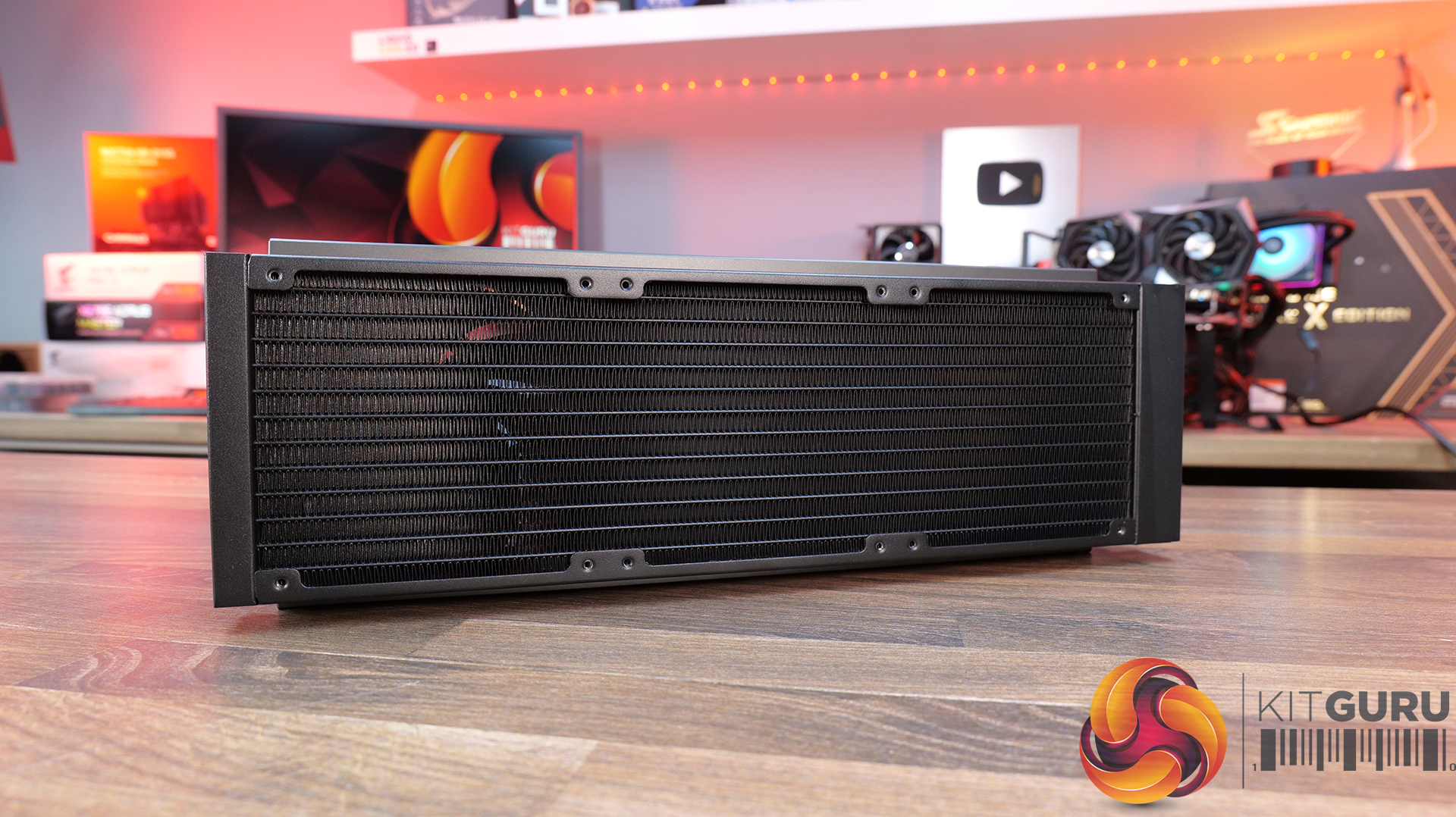
  • Radiator Material: Aluminium
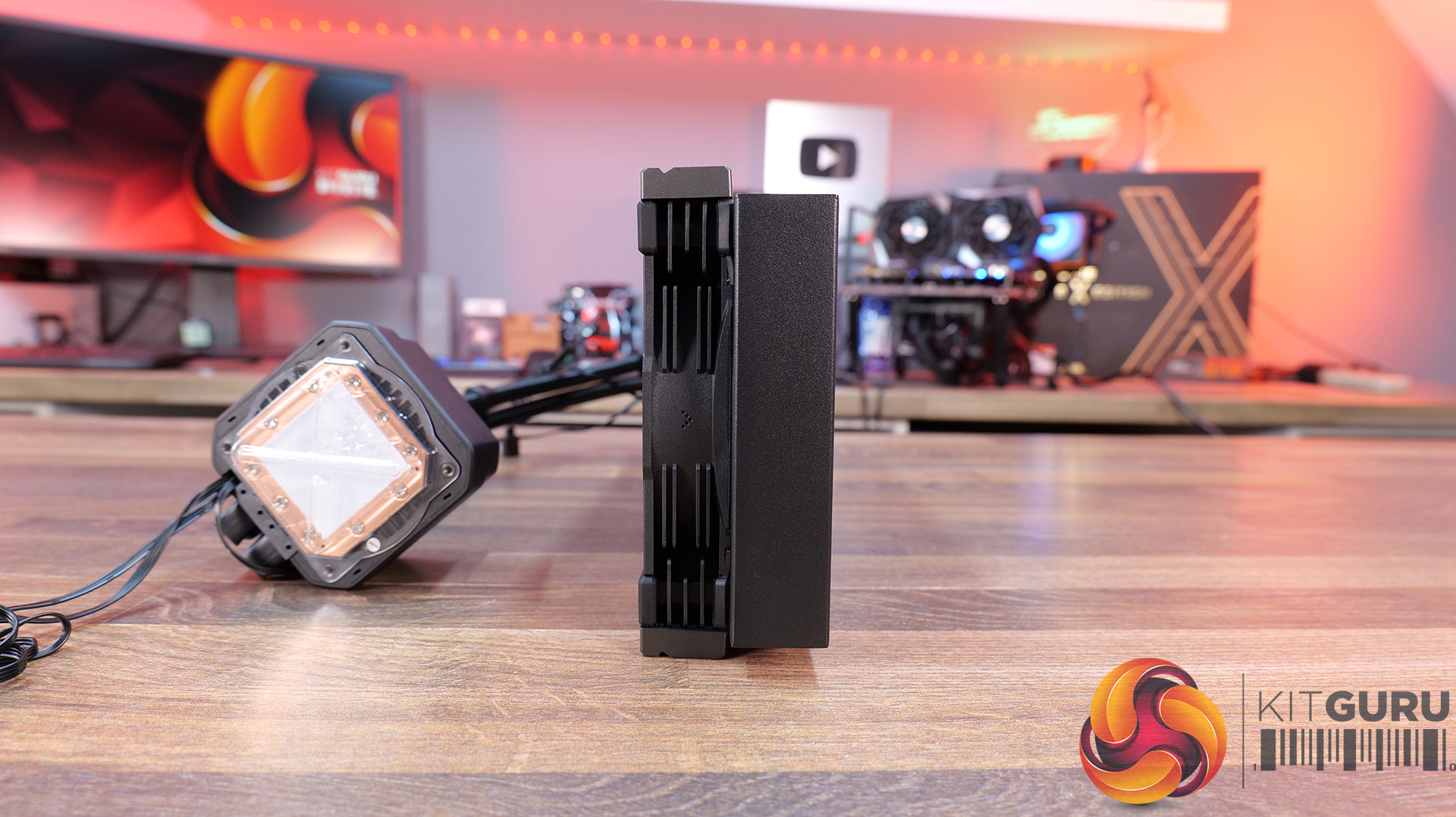
  • Radiator Dimensions: 402 × 120 × 27 mm
  • CPU Block/Pump Dimensions: 96 × 81 × 80 mm
  • Pump Speed: 2500–3400 RPM ±10%
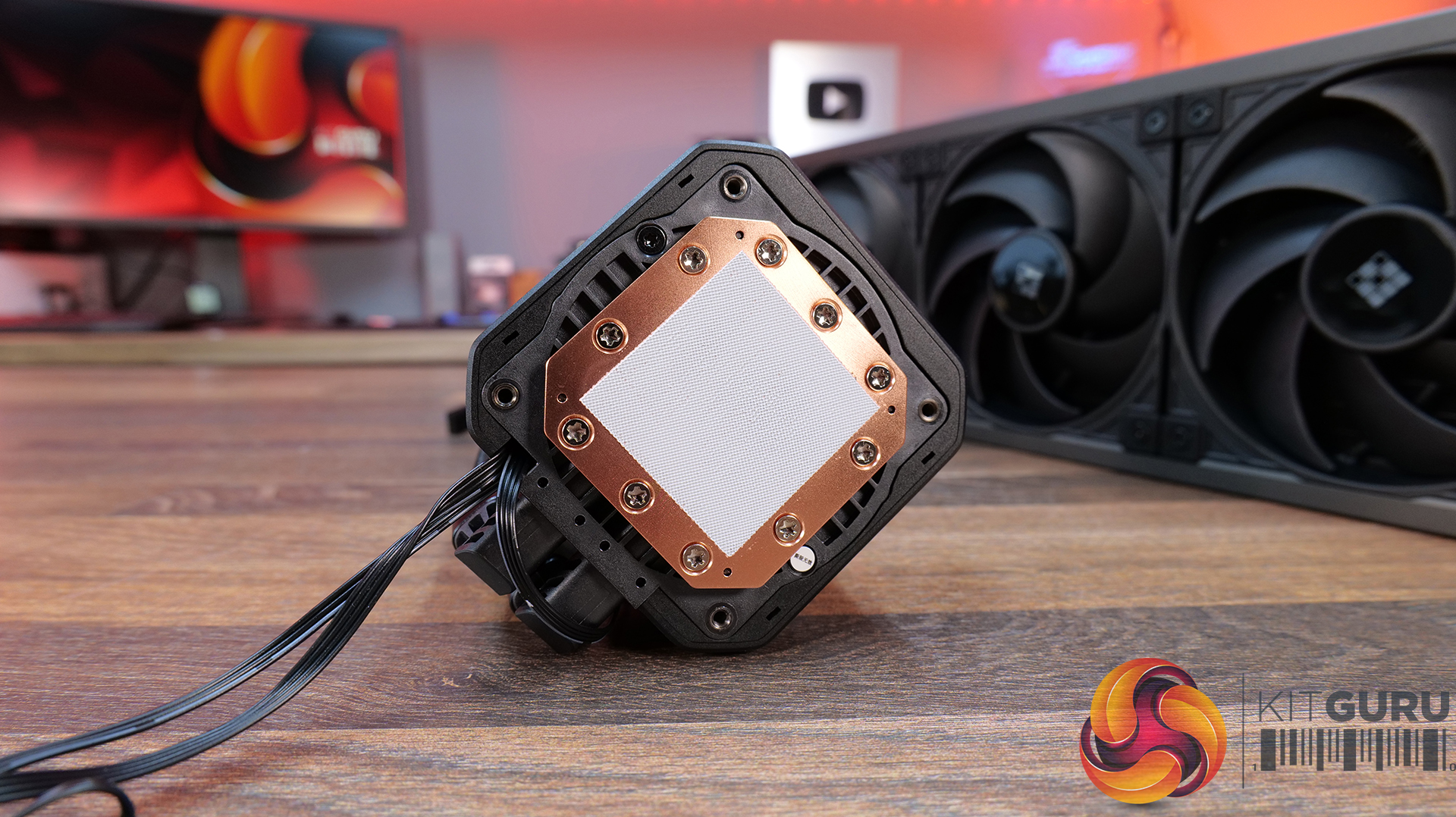
  • Cold Plate Material: Micro Skived Copper
  • Pump Connector: 4-Pin PWM
  • Tubing Length: 410 mm
  • Fan Dimensions: 120 × 120 × 25 mm
  • Fan Speed: 500–2500 RPM ±10%
  • Air flow: 41 CFM
  • Air Pressure: 69 mmAq
  • Fan Noise: ≤35.63 dB(A)
  • Fan Connector: 4-Pin PWM
  • Bearing Type: Fluid Dynamic Bearing
  • LCD Screen: Yes
  • Warranty: 5 years

Pros:

  • Nice-looking display
  • Feels high quality
  • CPU block customisation is a nice touch.

Cons:

  • Quite loud.
  • Software can be a bit fussy if your Windows isn’t up to date.
  • RGB strips make the fans very bulky – might be a problem for space in some cases.

Rating: 7.5.

Test System Specifications:

  • CPU – AMD Ryzen 9 9950X
  • Motherboard – ASRock Phantom Gaming X870E Nova WiFi
  • Memory: 32GB (2 x 16GB Modules) G.SKILL Trident Z5 RGB DDR5-6000
  • Graphics card: MSI Radeon RX 6600 XT Gaming X
  • Storage: 1TB Corsair MP600 Elite PCIe Gen4x4 NVME M.2 SSD
  • Power Supply: Seasonic Prime TX-1000
  • Chassis: Open Test Bench
  • Thermal Compound: Arctic MX-6
  • O/S: Windows 11 Version 24H2

Testing Methodology:

We are primarily focusing on the performance of each cooler at 100% fan speed and also when locked to 40dBA noise output. We will focus on cooling performance using a manual overclock with all-core frequency and VCORE locked to 5.2GHz/1.3V (AMD) and 5.5GHz/1.3V (Intel) and Precision Boost Overdrive performance.

  • The test data is logged using HWINFO and the final 10 minutes of the data is calculated to find the average CPU temperature and CPU clock multiplier (AMD PBO Test) and then plotted in the charts.
  • For testing, we use a 30-minute looped run of Cinebench R23 and record the steady-state CPU temperature at the end of the test. This ensures that the CPU has had ample time to warm up and reach a steady state under all of the coolers.
  • The ambient is maintained at 19-21 degrees Celsius. Where there is variation beyond this temperature range, we add extra repeated tests to ensure consistency. However, this is well controlled now with A/C.
  • We also test each cooler with at least two fresh installs (typically three) to mitigate the likelihood of poor mounting spoiling results.
  • Ambient temperature and humidity are controlled via a mini split air conditioning system inside the test room. Ambient temperature is maintained between 19-20°C; temperature delta figures are shown in the charts (ambient temperature is deducted from the measured component temperature).

Test Results:

Acoustics

We will start by looking at noise output which gives us a good indication of thermal performance based on noise.

When looking at noise output with the fans and pump operating at max speed, there’s quite a wide spread between the coolers on test. The quietest is the ASRock Challenger 360 Digital at 47dBA, which puts it among the quieter coolers in our database overall. The Enermax Liqmax IV 360 also performs well at 48dBA, while the CPS PCCOOLER GT360M ARGB Display sits in the middle at 51dBA.

At the louder end of the chart are the ASRock Phantom Gaming 360 LCD and Cooler Master MasterLiquid Core Nex 360 ARGB both at 52dBA, which is noticeable but still quite typical for 360mm liquid coolers running flat out. The Sudokoo Energlo 360 comes in slightly higher at 53dBA, while the loudest cooler of this group is the DeepCool Spartacus 360 at 55dBA. That’s definitely getting loud enough to be quite distracting.

Thermal Performance: AMD Ryzen 9 9950X

With fans and pumps still running at max speed, thermal performance from the coolers on test is competitive, with only  2°C  separating the best and worst results in this test. Leading the pack are the CPS PCCOOLER GT360M ARGB Display, DeepCool Spartacus 360 and Sudokoo Energlo 360, all at  59°C CPU over ambient under steady-state load, which places them among the top performing AIOs in our chart overall.

Just behind are the ASRock Challenger 360 Digital and Phantom Gaming 360 LCD, alongside the Cooler Master ML Core Nex 360 ARGB, with all three producing a 60°C delta result. While not chart-topping, the difference in real-world terms is small and well within the range you would expect from good 360mm liquid coolers. The Enermax Liqmax IV 360 Display trails slightly at 61°C, though again the margin is minimal.

At a noise-normalised level of 40dBA, the thermal results provide a clearer indication of efficiency once acoustics are taken into account. At the top we see the ASRock Challenger 360 Digital and Phantom Gaming 360 LCD, both with a 63°C delta, placing them in the top end of the chart. Just behind them is the Sudokoo Energlo 360 at 64°C over ambient, followed by the CPS PCCOOLER GT360M ARGB Display and the DeepCool Spartacus 360 at 65°C. suggesting similar efficiency once acoustics are equalised.

Further back is the Enermax Liqmax IV 360 at 66°C over ambient, while the Cooler Master MasterLiquid Core Nex 360 ARGB trails slightly further at 67°C. These results indicate both models lose efficiency when limited to a 40dBA noise target, relying more heavily on higher fan speeds to maintain thermal performance.

Switching to AMD PBO testing, the results reflect a more real-world scenario where we see how effectively coolers can maintain boost clocks under sustained load. The strongest results come from the ASRock Phantom Gaming 360 LCD, which posts a 52.5x clock multiplier and 63°C delta, placing it among the top-performing units in the PBO test. The ASRock Challenger 360 Digital follows with the same clock multiplier but just 1°C higher delta so basically producing the same CPU performance.

Just below is the Deepcool Spartacus with the same 52.5x clock multiplier at 65°C and the Sudokoo Energlo at 66°C delta, again with a 52.5 x multiplier. Further back with a clock multiplier of 52.4x are the Cooler Master ML Coer Nex Digital at 64°C delta, the CPS PCCOOLER GT360M at 64°C and the Enermax trails at 66 °C over ambient. While these results place them behind the best coolers, the clock multipliers are narrow enough that, under AMD PBO conditions, all of the tested 360mm AIOs deliver similar sustained boost behaviour.

KitGuru says:  In terms of real-world performance, all of these coolers are quite closely matched. However, in terms of best value for money, I'd go with the ASRock Challenger 360 Digital as it combines good thermals, low max fan speed noise and a decent-looking screen at a reasonable price.

The post June 2026 AIO CPU Cooler Round Up Multi Review first appeared on KitGuru.

Windows 11’s New Low Latency Profile Pushes Your CPU Into Short Overclocking Bursts To Kill Start Menu Stutter

28 May 2026 at 17:34

A blue Windows logo is shown next to the text 'Low Latency Profile' with a stylized speedometer icon.

While the latest feature doesn't get enabled by default, users can still enable it manually from a workaround. Microsoft Rolls Out Low Latency Profile, A CPU Boost Feature That Accelerates App Launch and Core Shell Experiences It might seem small, but this will actually have an effect on your system's performance. As spotted by Windows Latest, Microsoft has rolled out a new feature in the new 2026 optional update, KB5089573/Build 26200.8524, as a part of the May update. The new feature is called "Low Latency Profile", which will temporarily push the CPU harder for short moments. It doesn't appear explicitly […]
Read full article at https://wccftech.com/windows-11s-new-low-latency-profile-pushes-your-cpu-into-short-overclocking-bursts-to-kill-start-menu-stutter/

KIOXIA CD9P-R Gen5 7.68 Data Center SSD Review – This SSD Screams Mainstream Storage Success

By: Les Tokar
11 May 2026 at 12:34

Our look at the KIOXIA CD9P-R Gen5 Data Center SSD marks a first for The SSD Review, and it’s a bit of a nostalgic one. Our connection with the KIOXIA team stretches back many years, all the way to the early OCZ Revo and Vertex days. That lineage later became Toshiba, and eventually KIOXIA around …
The post KIOXIA CD9P-R Gen5 7.68 Data Center SSD Review – This SSD Screams Mainstream Storage Success appeared first on The SSD Review.

You can play Horizon Hunters Gathering again this month
6 May 2026 at 12:30

Not all fans were impressed with the reveal for Horizon Hunters Gathering, but development has continued. The latest closed playtest is now due to take place, with Sony inviting fans to sign up to participate. 
The next playtest for Horizon Hunters Gathering will take place from May 22nd to May 25th. Fans can register to the PlayStation Beta Program to sign up for playtests like this. A new teaser trailer also dropped alongside the playtest news:

As much as I still don't like the art direction for this game, I do think the gameplay here is looking better than the initial reveal.

Horizon Hunters Gathering is a new multiplayer spin-off set in the Horizon Zero Dawn universe, developed by Guerrilla Games. Many fans have criticised the game for its change in art style versus the mainline Horizon titles, as well as its perceived similarities to games like Dauntless.

With that said, if the game is fun, it will ultimately find an audience, although participants in the upcoming playtest will likely be subject to an NDA. It is unclear when this game will come out but it is expected to release sometime this year.

Discuss on our Facebook page, HERE.

KitGuru Says: What do you think of Horizon Hunters Gathering so far? 

The post You can play Horizon Hunters Gathering again this month first appeared on KitGuru.

Early performance tests reveal significant throughput penalty for HUDIMM DDR5

21 April 2026 at 13:50

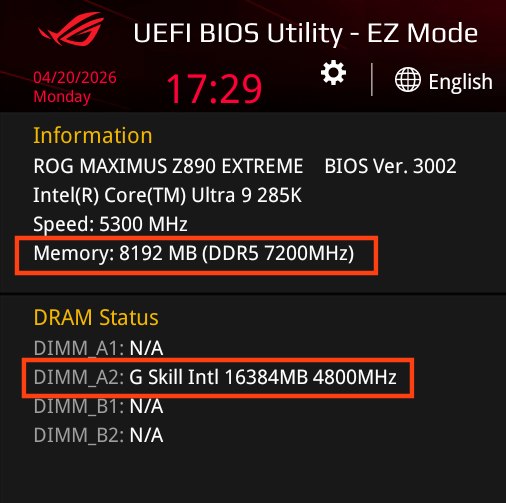
Intel, in partnership with various partners, has introduced the HUDIMM (Half-Unbuffered DIMM) standard to address the ongoing global memory shortage and rising hardware costs. This new specification aims to lower the barrier to entry for DDR5 platforms by simplifying the internal architecture of the memory modules. However, this new module type appears to have disadvantages, particularly in terms of performance.

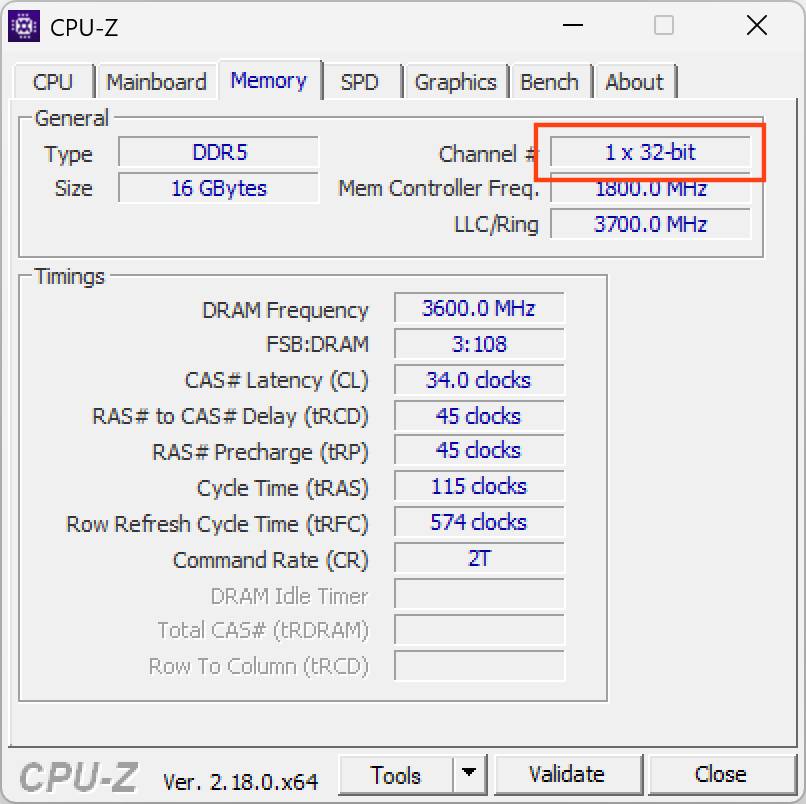
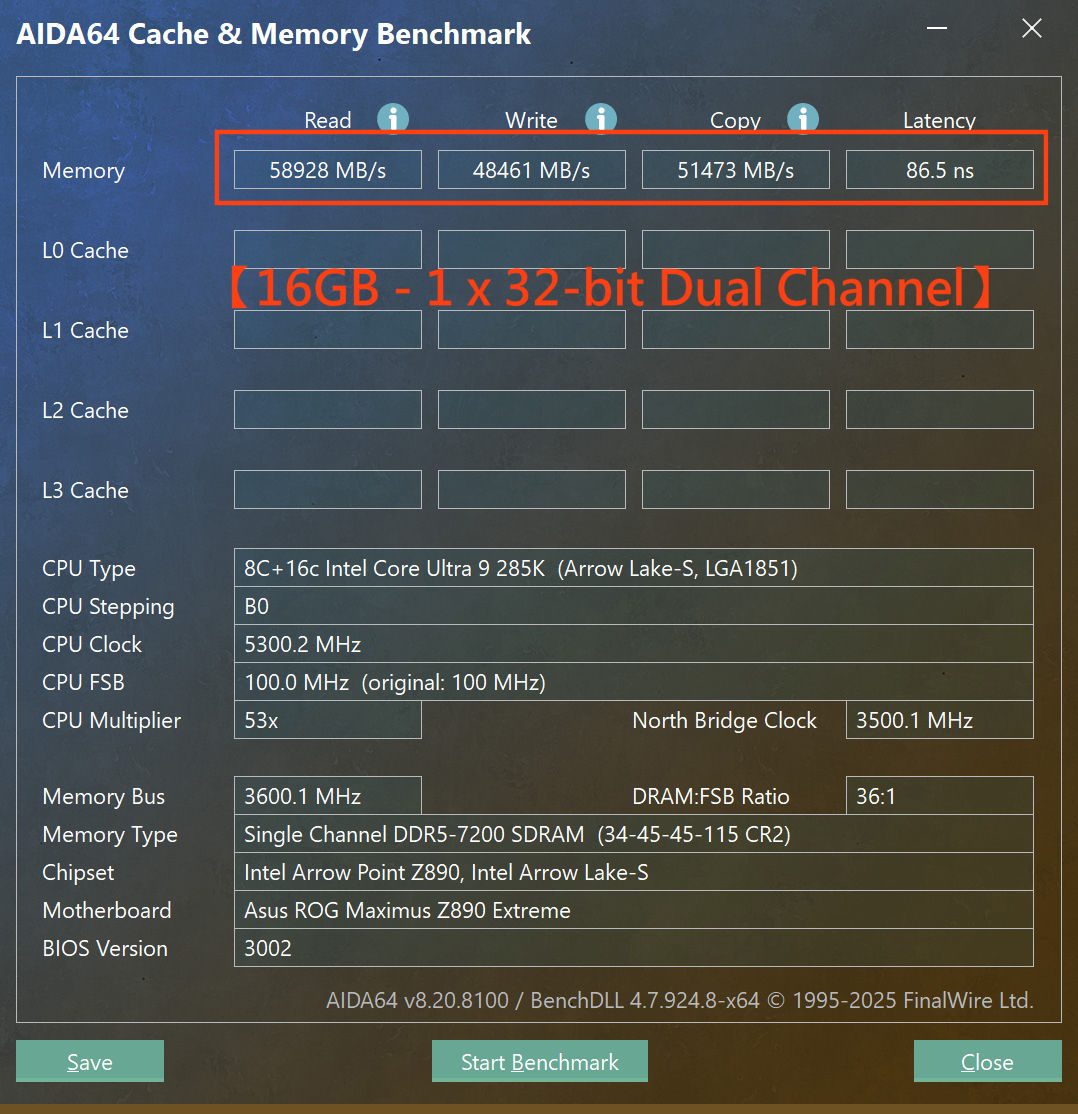
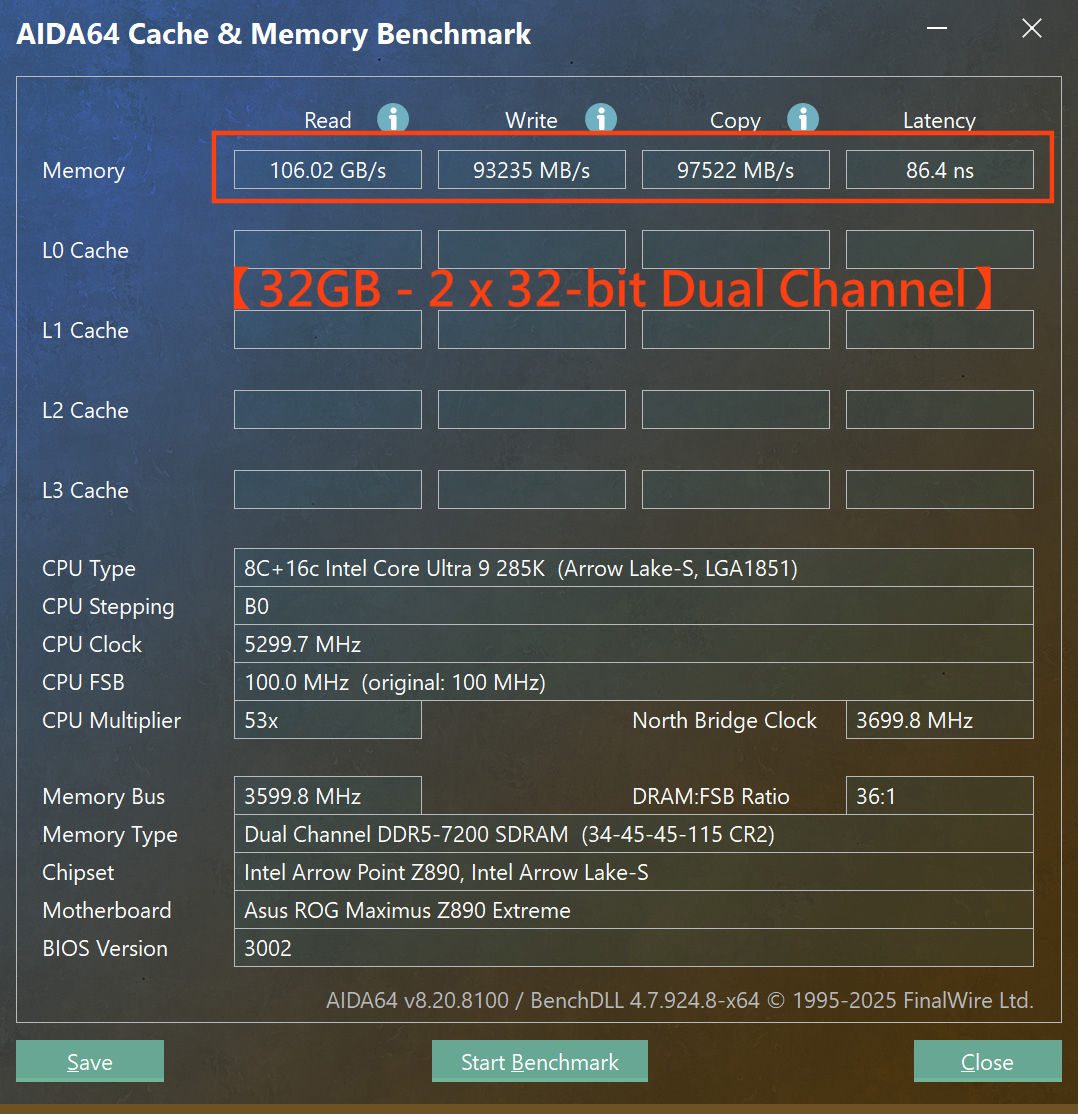
The core design of HUDIMM involves transitioning from the standard two 32-bit subchannels (forming a 64-bit-wide bus) found on traditional UDIMMs to a single 32-bit subchannel. By populating only half of the memory banks, manufacturers can produce modules using fewer DRAM chips, directly reducing production costs. Initial releases are expected in 8GB and 12GB capacities, targeted primarily at entry-level office systems and budget-conscious builds.

Image credit: HKEPC

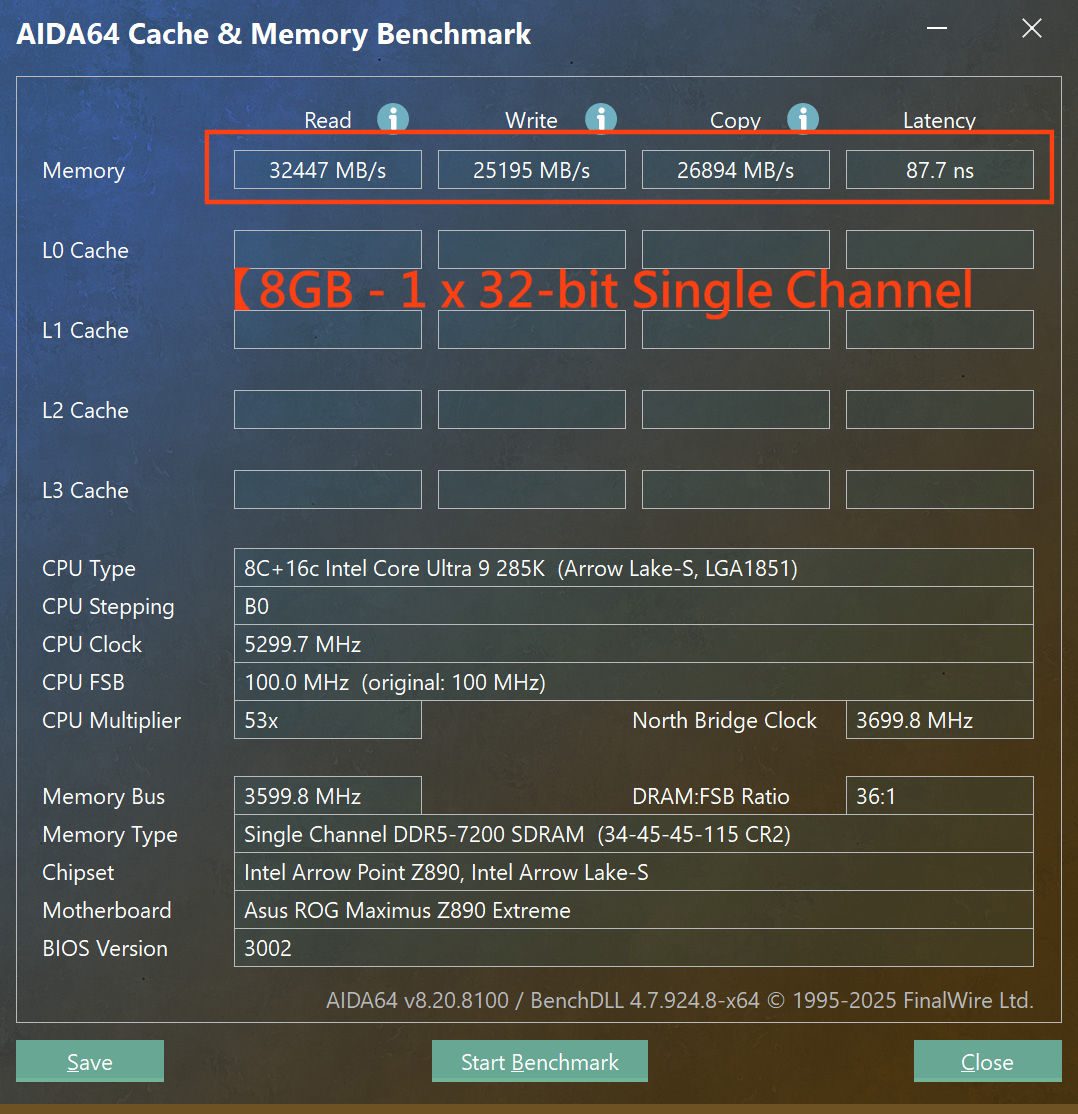
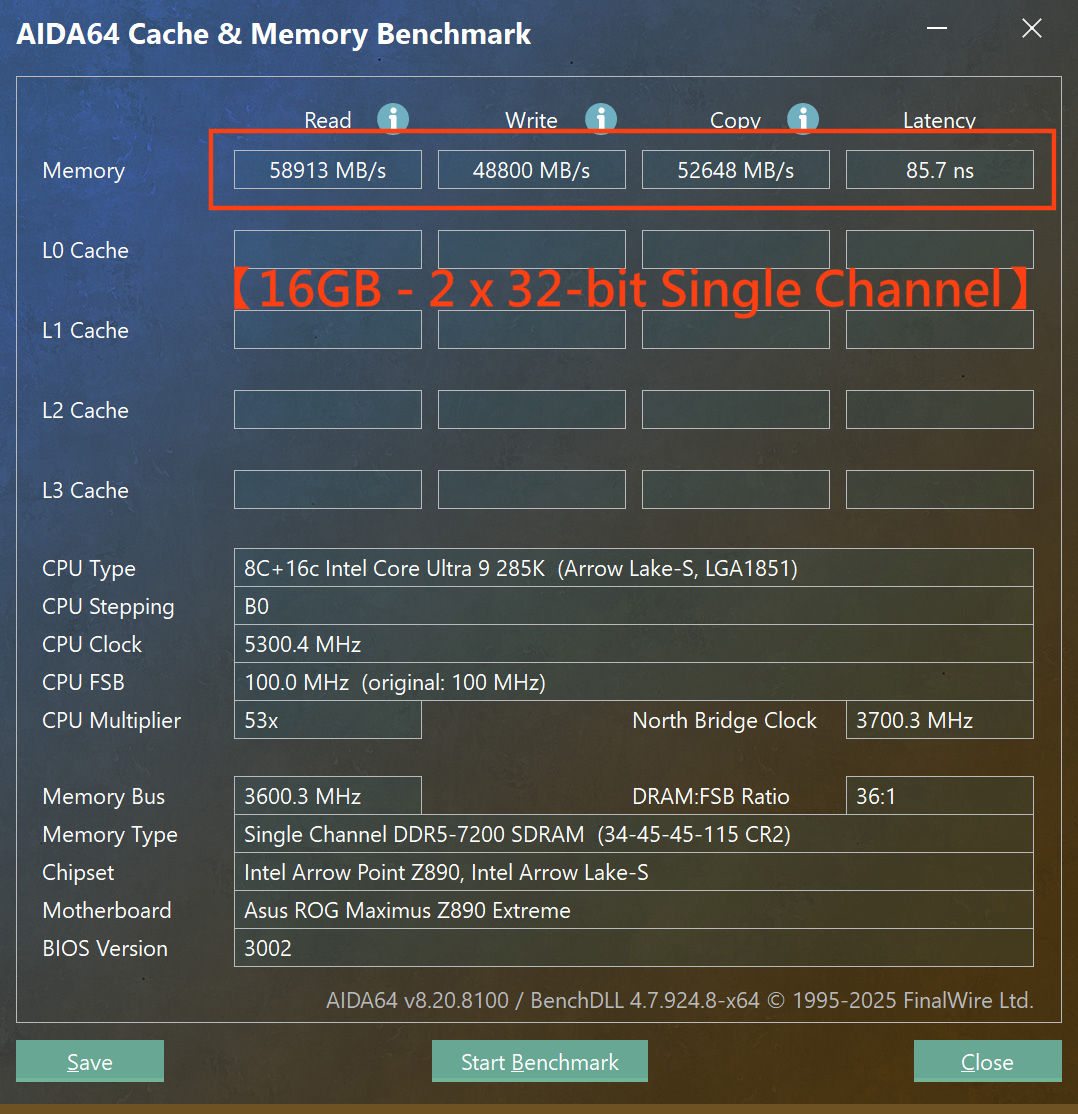
Despite the cost benefits, performance benchmarks conducted by HKEPC and Asus (via Wccftech) show a severe trade-off. The test was performed by selecting a standard UDIMM and converting it into a HUDIMM module by shielding half of the banks. The transition to a single 32-bit subchannel results in an approximate 45–50% loss in total bandwidth across read, write, and copy operations. While memory latency remained relatively stable at 85–87ns, the throughput of a dual-channel HUDIMM setup was roughly equivalent to that of a single standard UDIMM running in single-channel mode.

One redeeming feature is the support for asymmetrical dual-channel operation. This allows users to mix different module types, like HUDIMM and UDIMM, to achieve unique capacities while maintaining three active 32-bit subchannels. However, for users prioritising speed, the significant bandwidth reduction makes HUDIMM only a solution for systems where peak memory performance is secondary to overall cost efficiency.

Discuss on our Facebook page, HERE.

KitGuru says: Given the performance trade-offs (and without knowing the pricing of HUDIMMs), do you think budget builders will be willing to sacrifice half their bandwidth to get a modern platform running, or will they stick to older DDR4 systems?

The post Early performance tests reveal significant throughput penalty for HUDIMM DDR5 first appeared on KitGuru.

The Evolution of Artificial Intelligence: From Handwritten Rules to Generative and Agentic Machines

13 April 2026 at 18:02

An image illustrating the evolution of AI from 1950 to 2022, depicting three eras: 'The Era of Handwritten Rules' with a vintage office, 'The Era of Machine Learning' with data visualization, and 'The Era of Generative and Agentic AI' with humanoid robots and futuristic technology.

"AI" is easily one of the most exhausted terms in tech right now. It’s a bit ironic, really, because the actual history of the field is far more interesting than the buzzword version you see on social media. Contrary to popular belief, AI isn't just one single invention, and it certainly didn't just appear out of thin air when ChatGPT launched. It is the result of a decades-long grind — a sequence of massive breakthroughs, dead ends, and total reinventions. We’ve watched the field pivot from machines trying to "think" using pure logic to statistical models that learn from raw […]

Read full article at https://wccftech.com/evolution-of-artificial-intelligence-handwritten-rules-to-generative-and-agentic-machines/

DapuStor Roealsen6 R6301 12.8TB Gen5 AIC SSD Review – A Media Professionals Dream at Unheard of 24GB/s Speeds

By: Les Tokar
23 March 2026 at 18:40

I’ve always felt there’s a gap in the flash storage industry. We do a great job serving consumer and client segments, and then suddenly jump straight to server and data center solutions. Media professionals are often lumped in with enthusiast-level consumer storage and it feels like there is a segment missing in flash storage.  When …

The post DapuStor Roealsen6 R6301 12.8TB Gen5 AIC SSD Review – A Media Professionals Dream at Unheard of 24GB/s Speeds appeared first on The SSD Review.

Corsair 3200D RS ARGB Case Review

19 March 2026 at 13:00

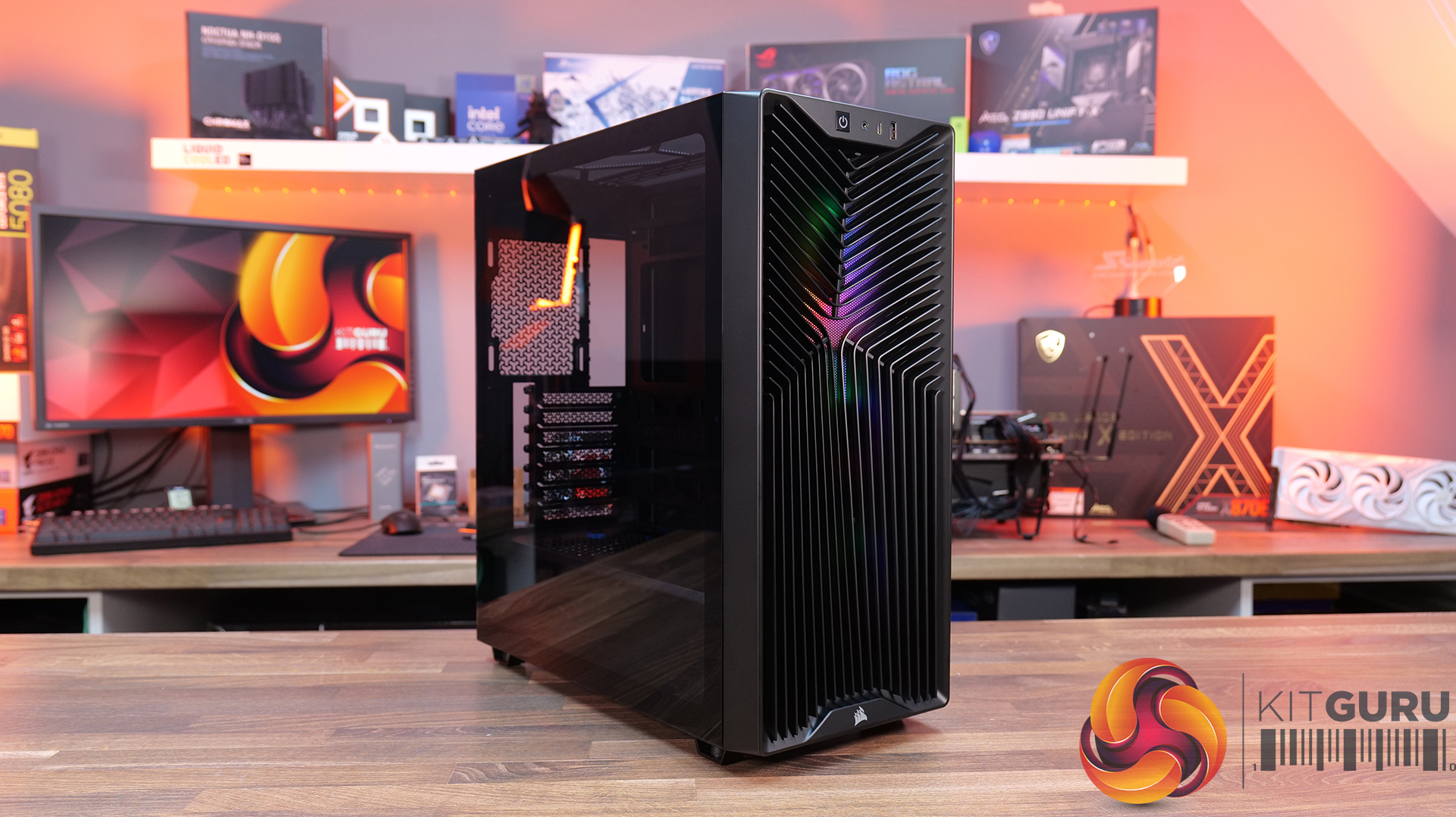
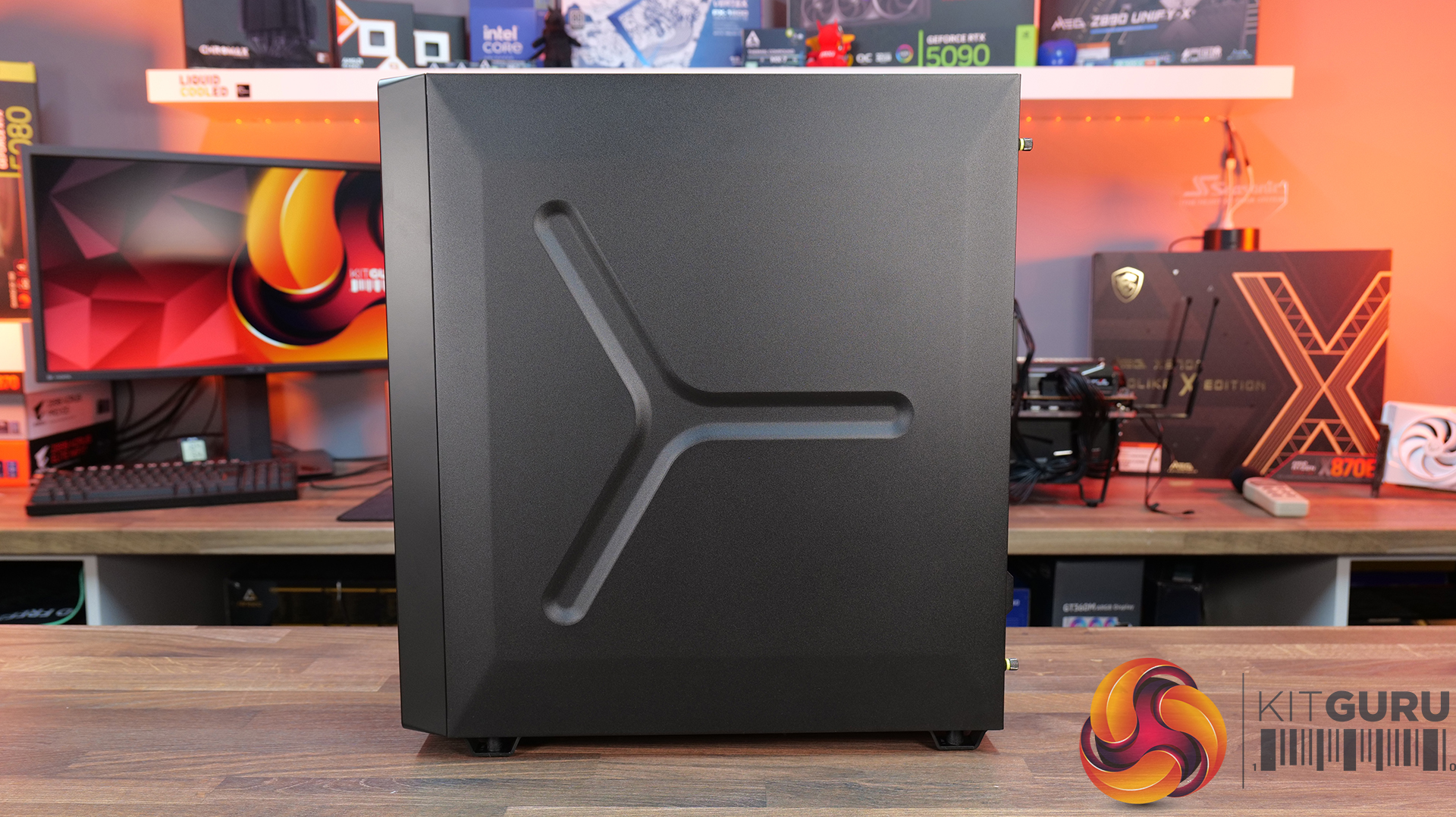
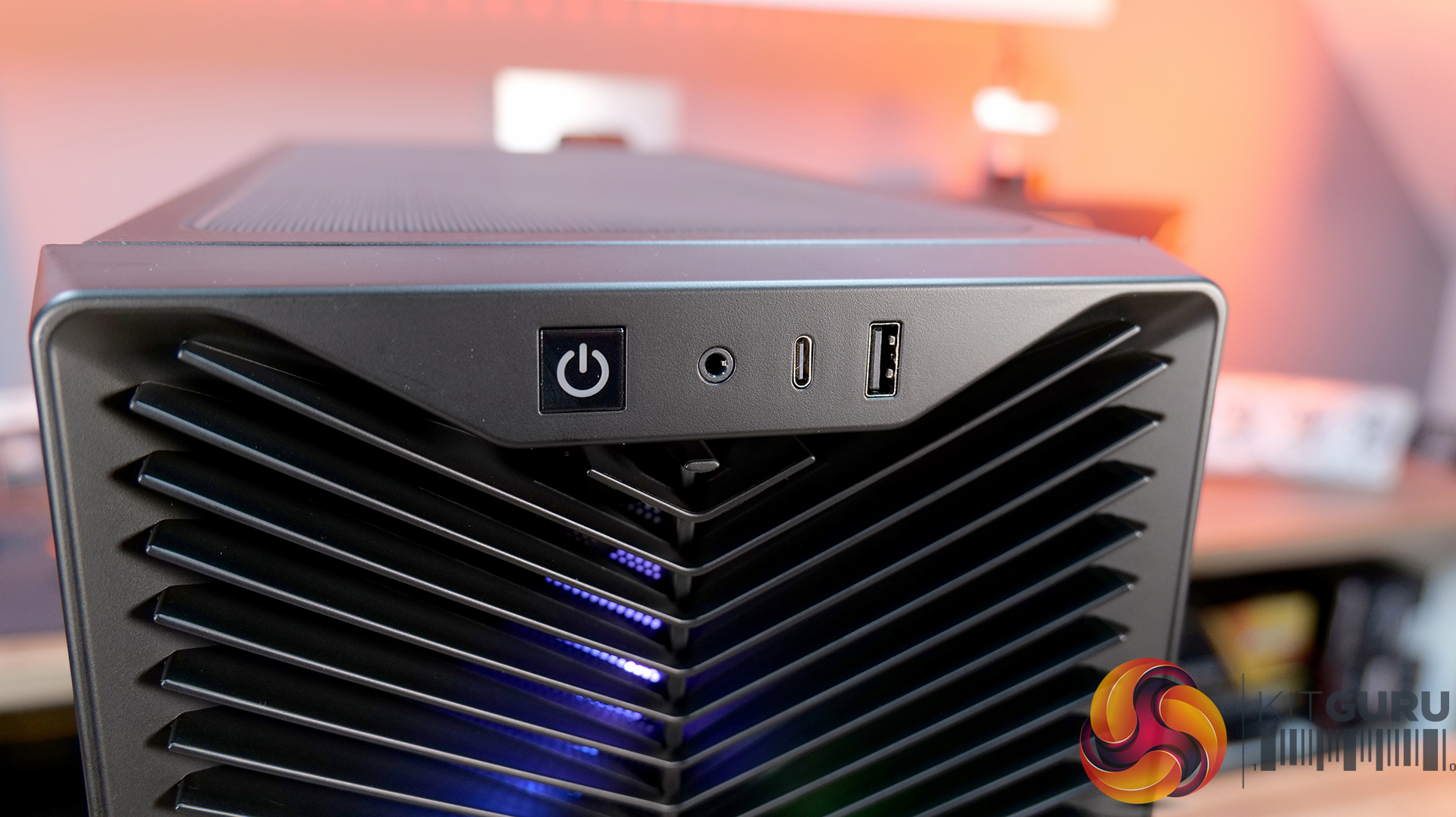
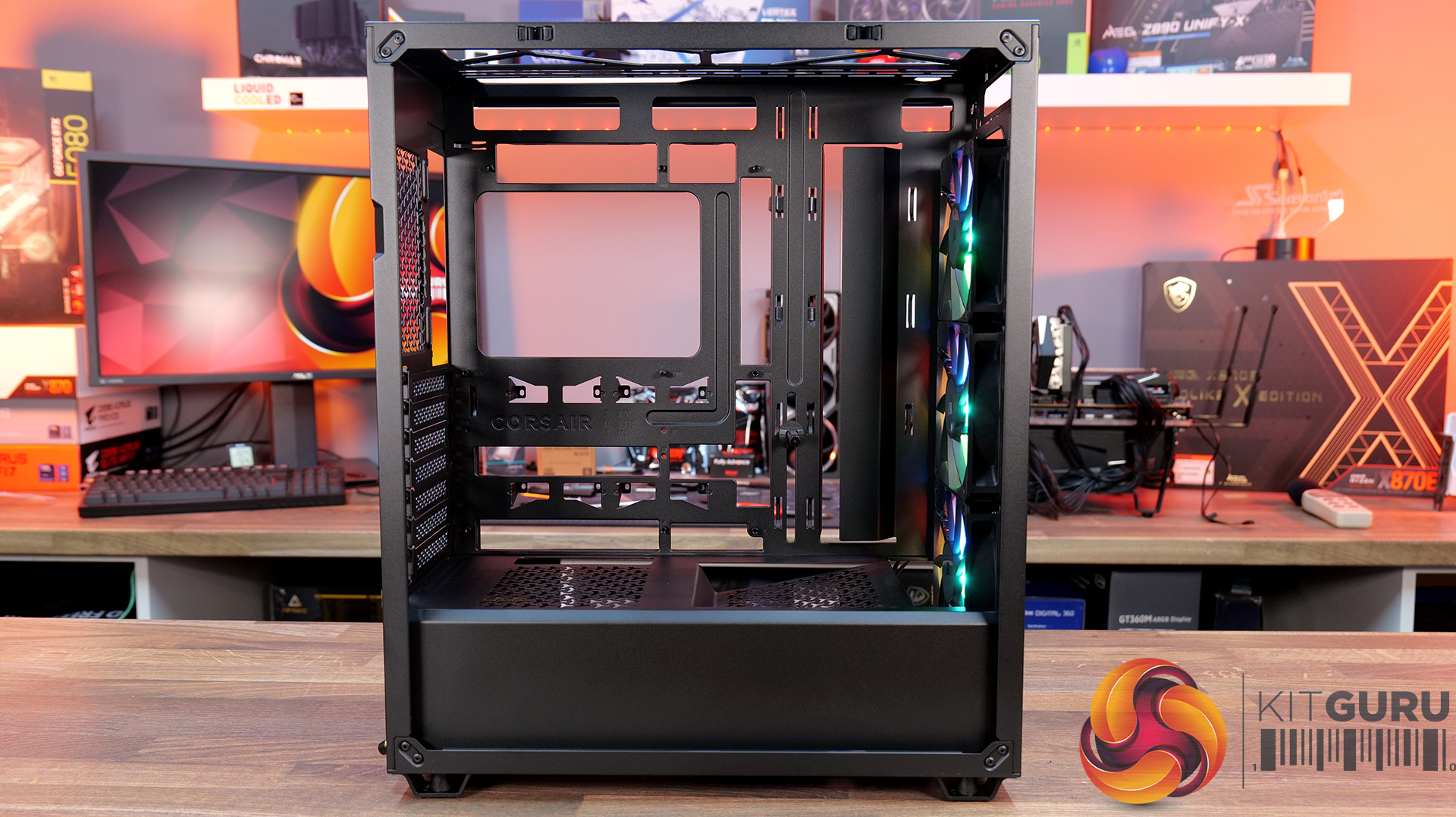
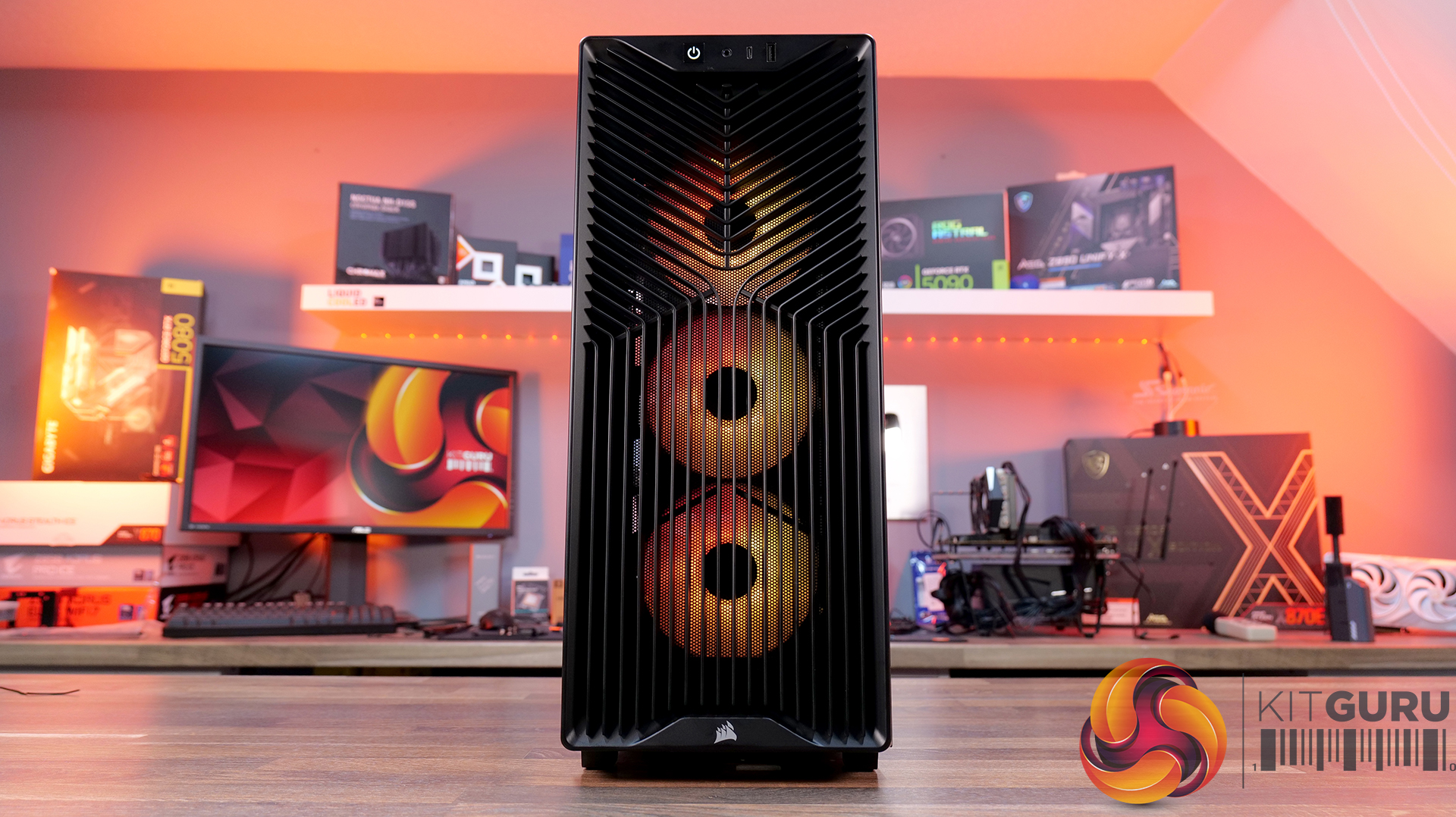
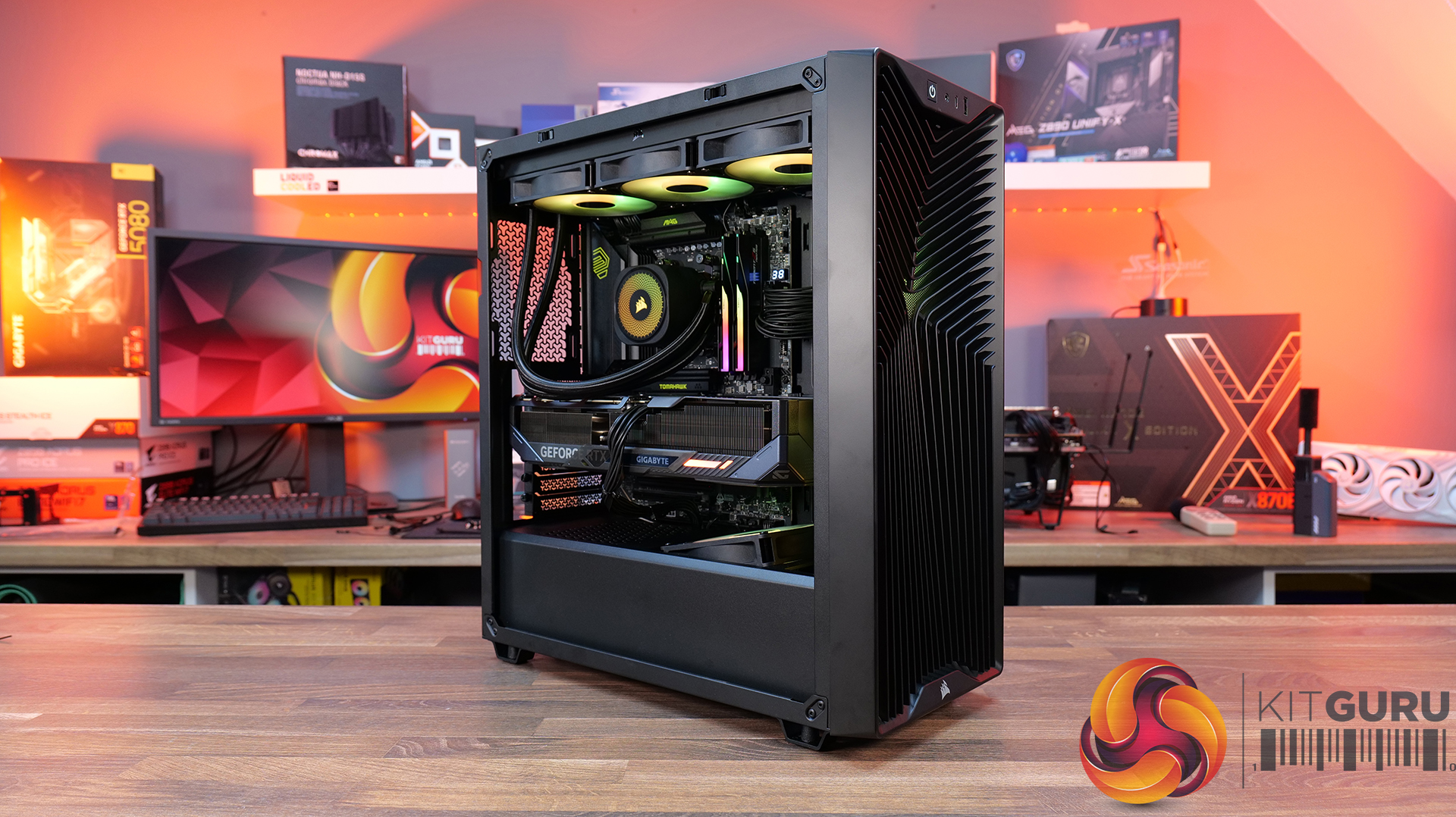
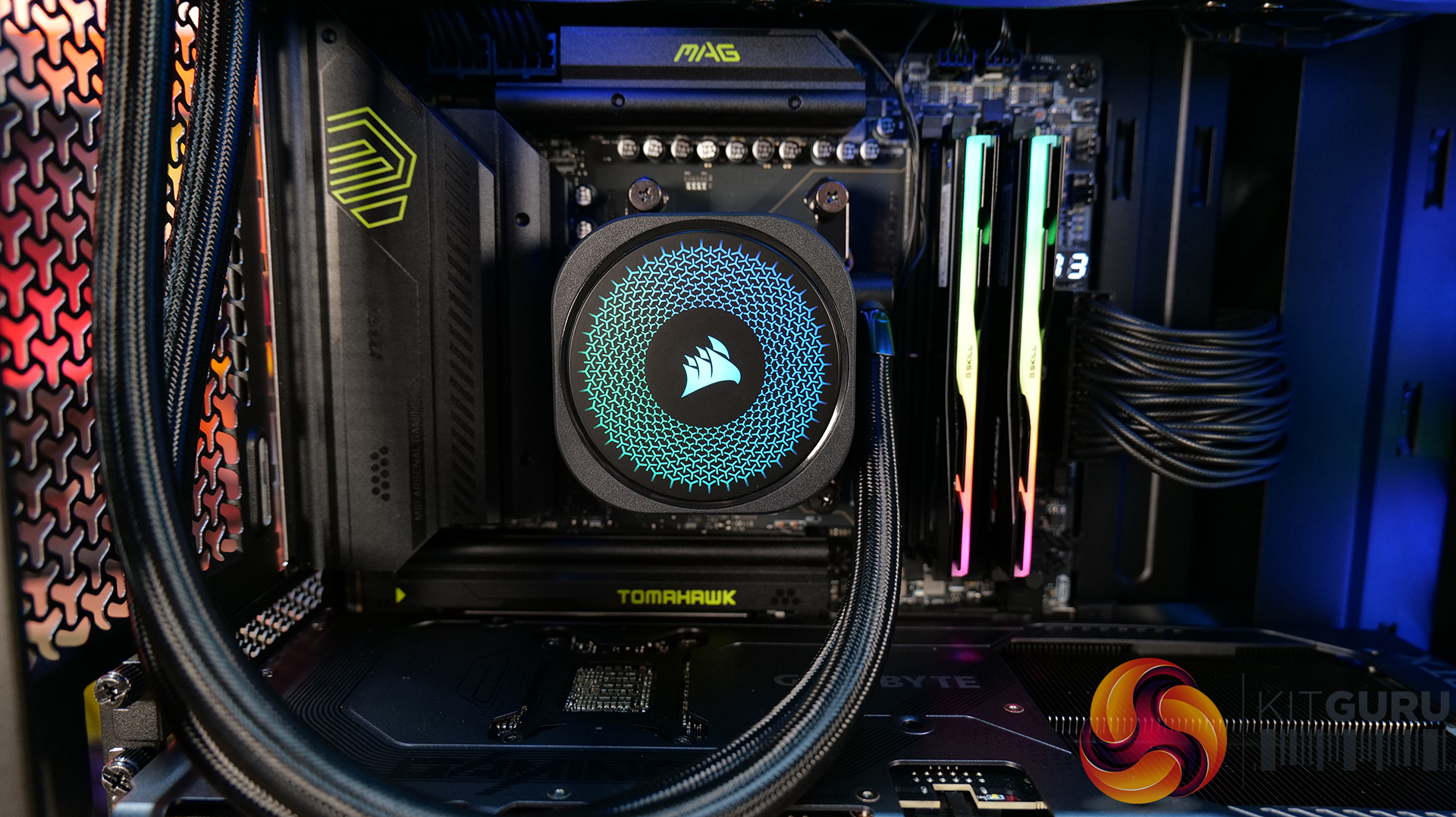
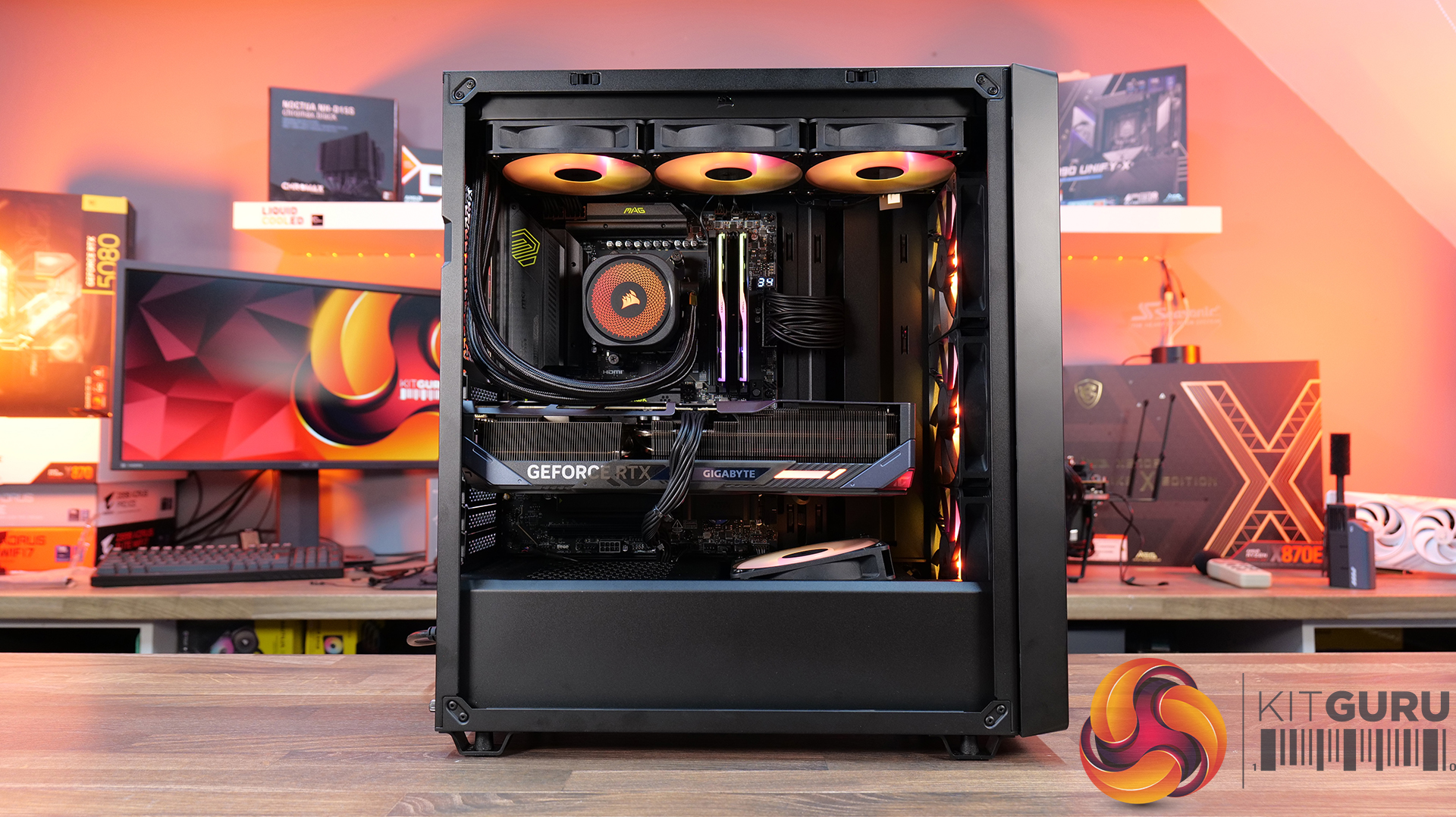
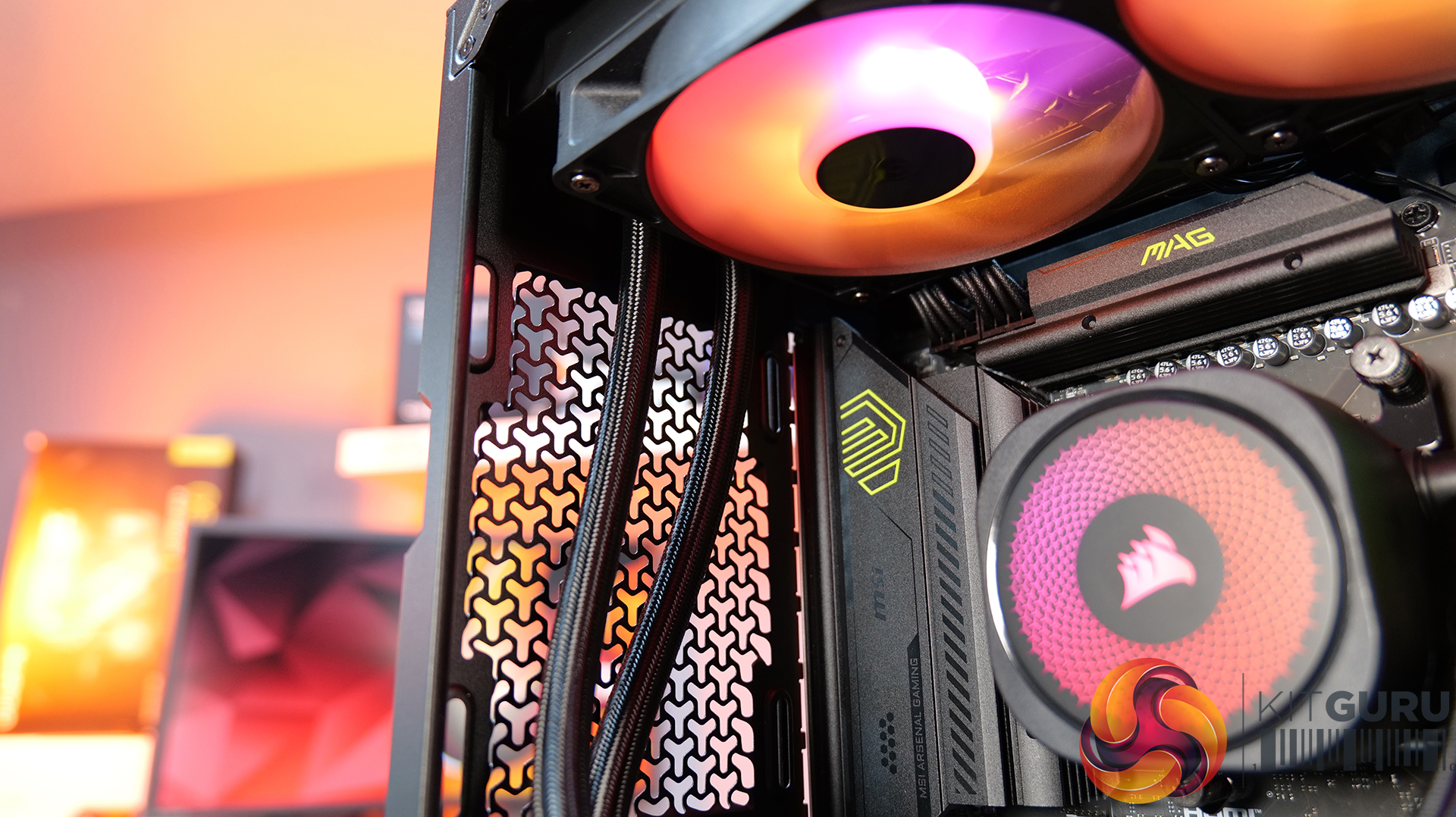
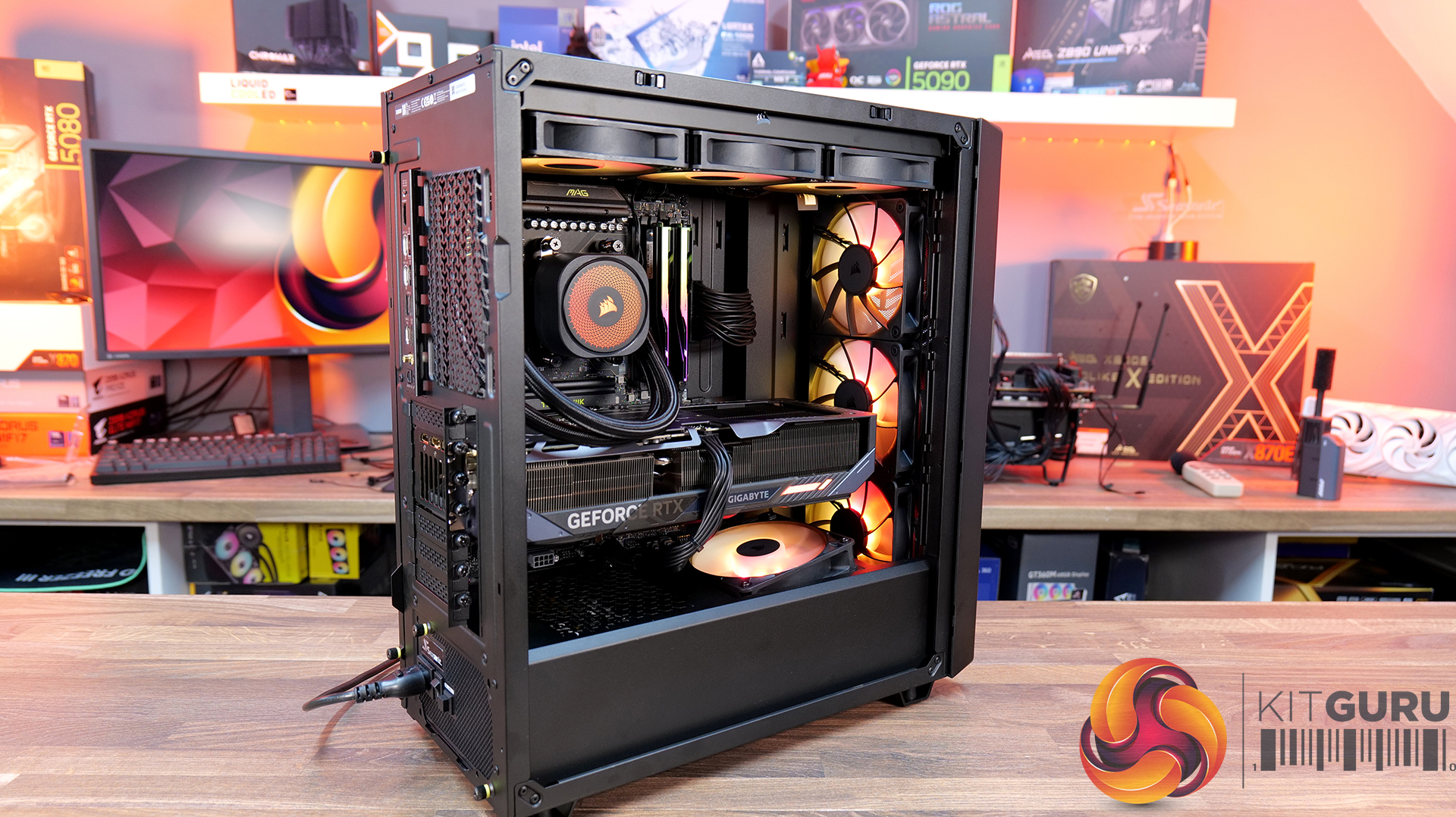
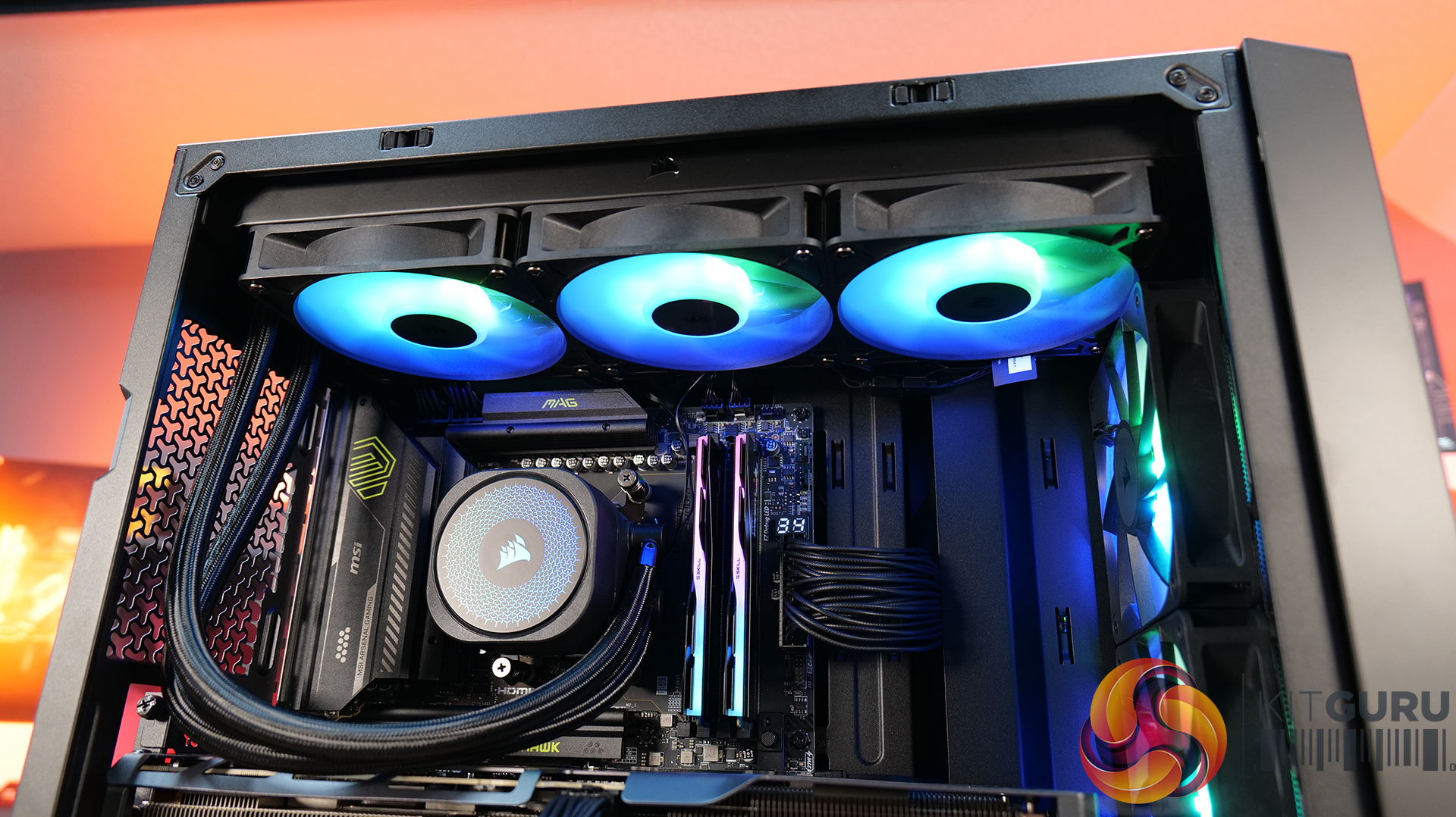
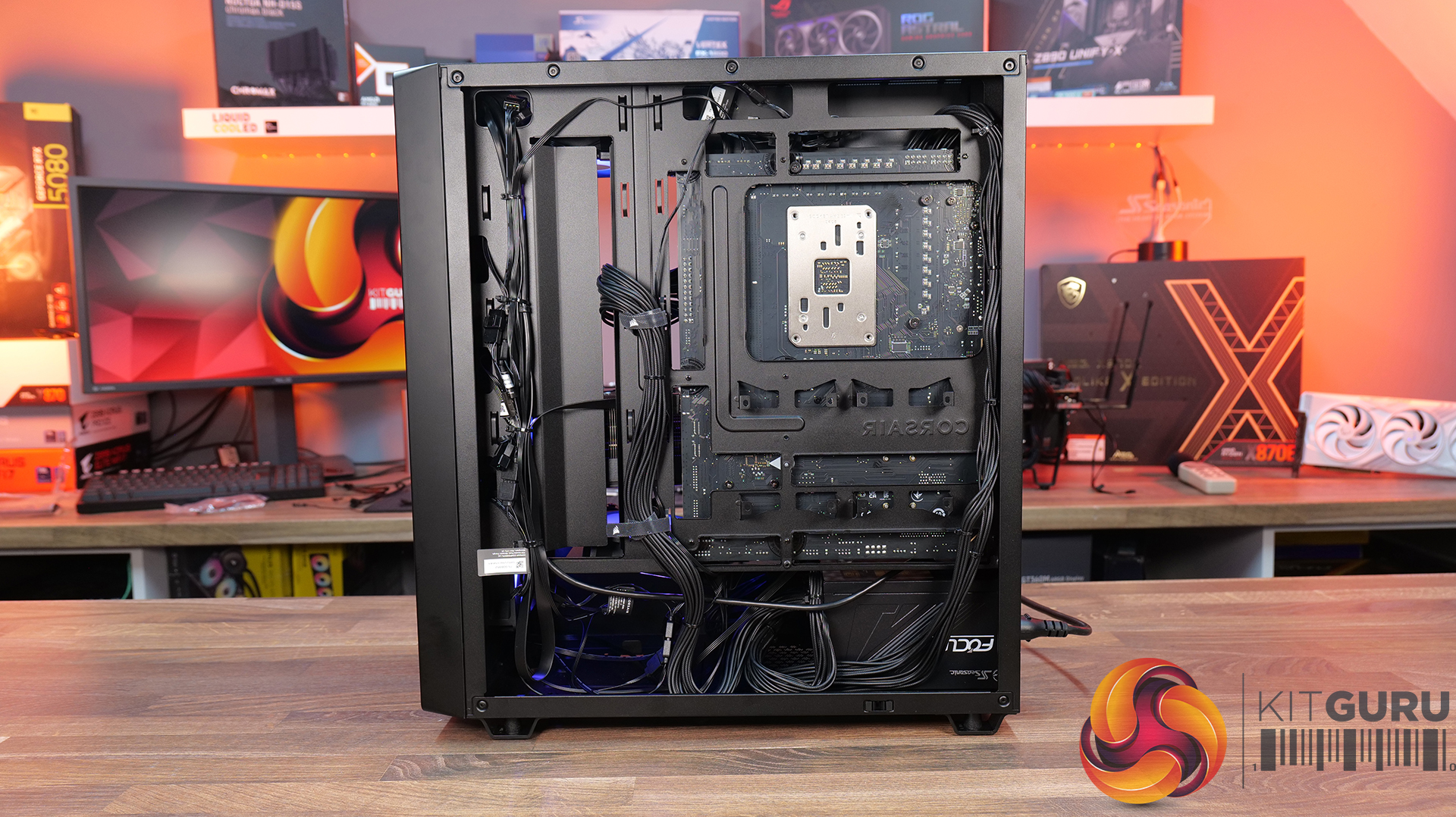
Today we’re checking out the new 3200D case from Corsair. It’s a compact mid-tower chassis aiming to combine strong airflow with the latest builder-friendly features, including support for 360mm radiators, reverse-connection motherboards, and graphics cards up to 370mm long. In this RS ARGB version, you also get three included fans, a tempered glass side panel, and a built-in GPU support bracket. But how well does it actually perform? Let’s find out.

Timestamps:

00:00 Intro
00:48 Meet the 3200D – pricing and variants
01:19 Key specs
03:08 Accessing internals
05:34 Cooling and hardware support
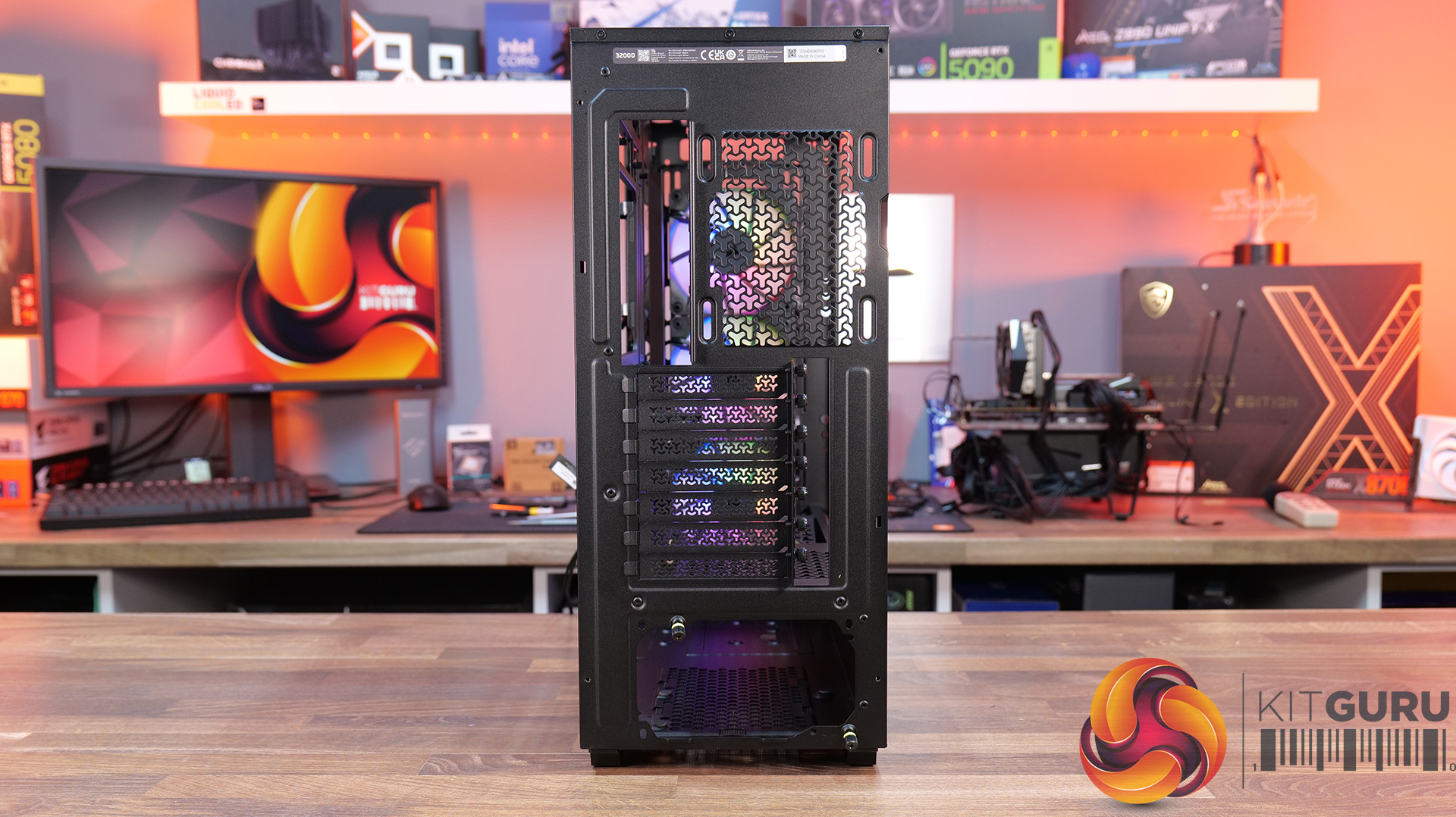
07:51 At the back of the case
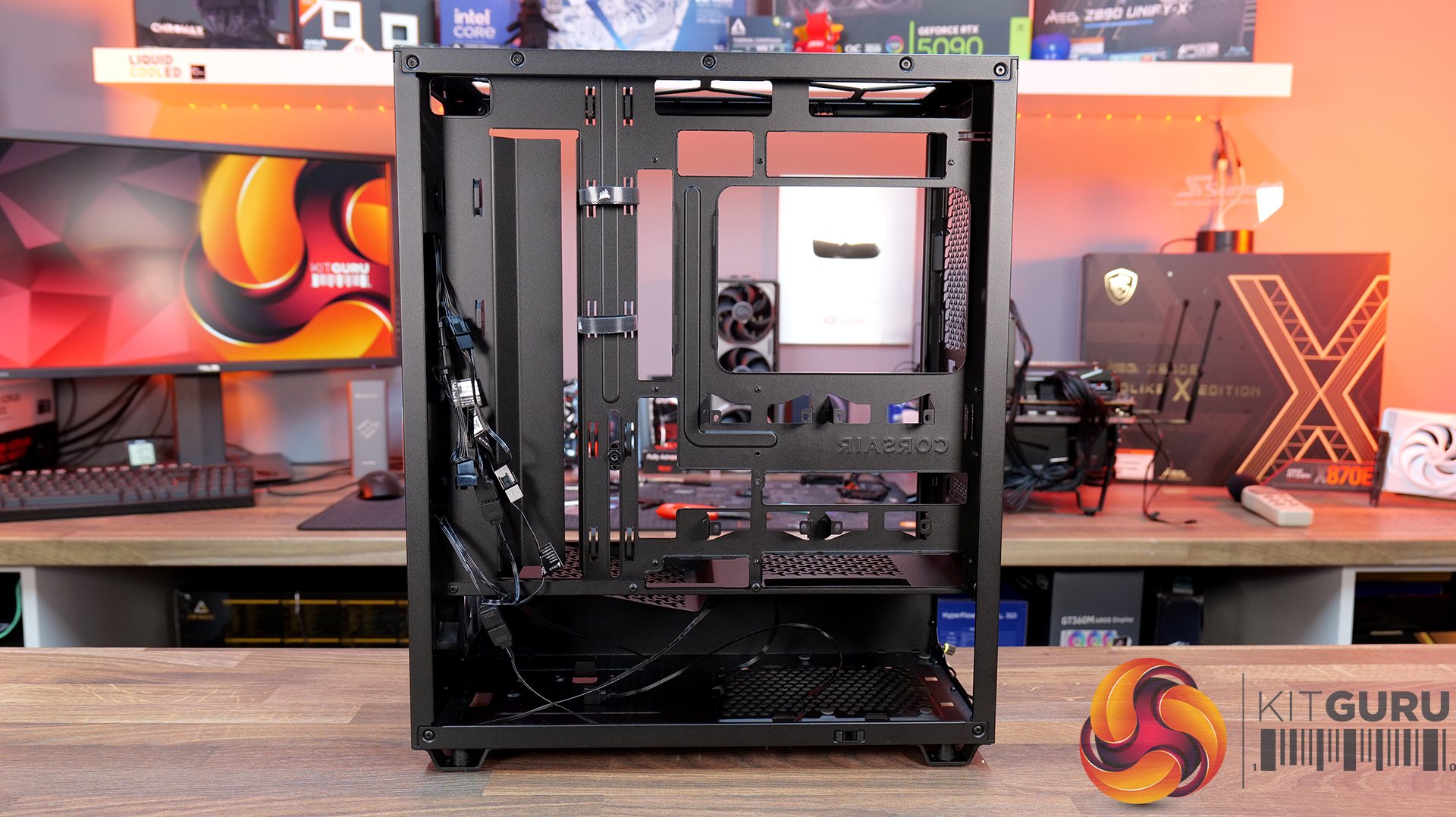
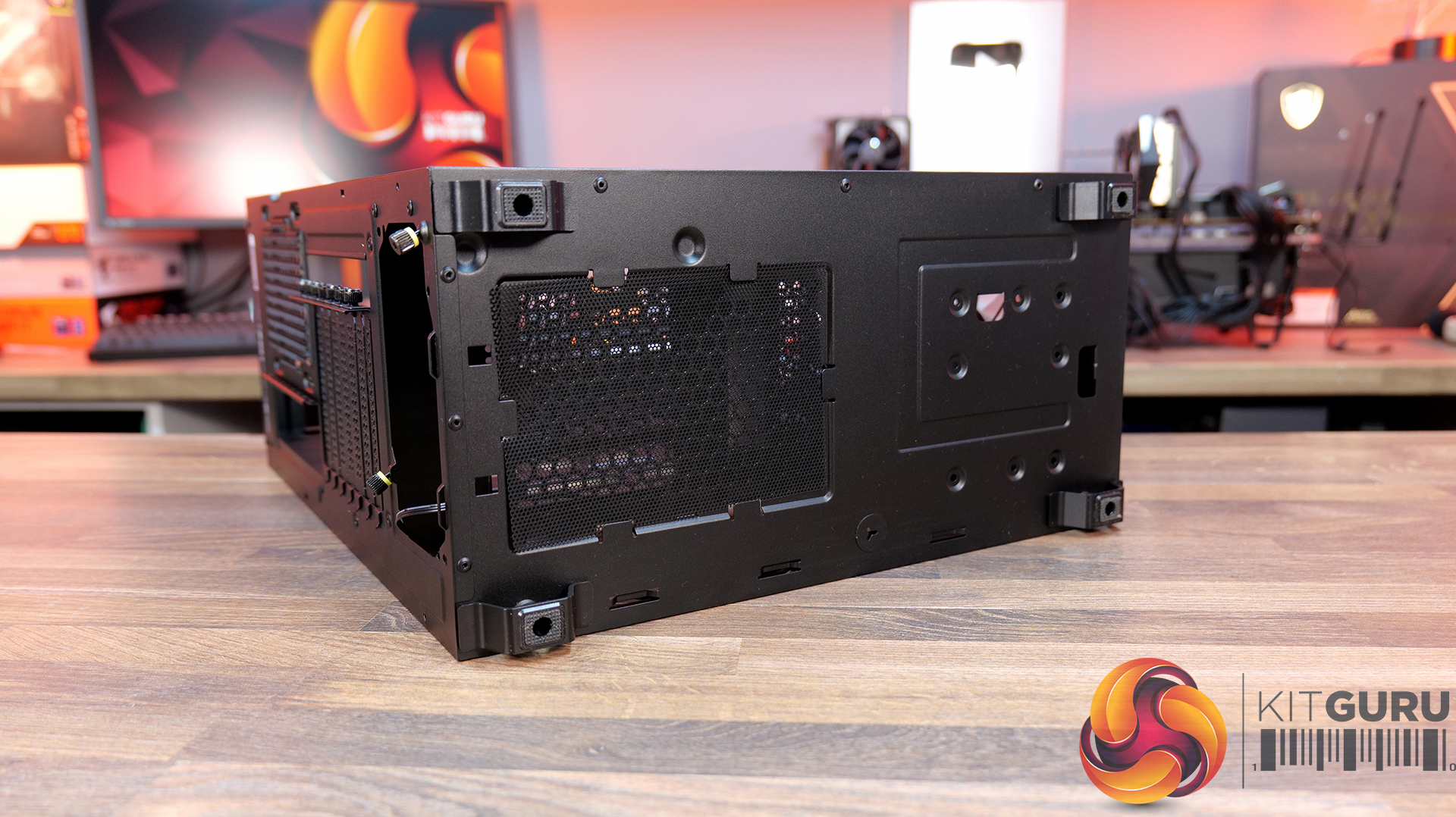
08:22 Behind the mobo tray
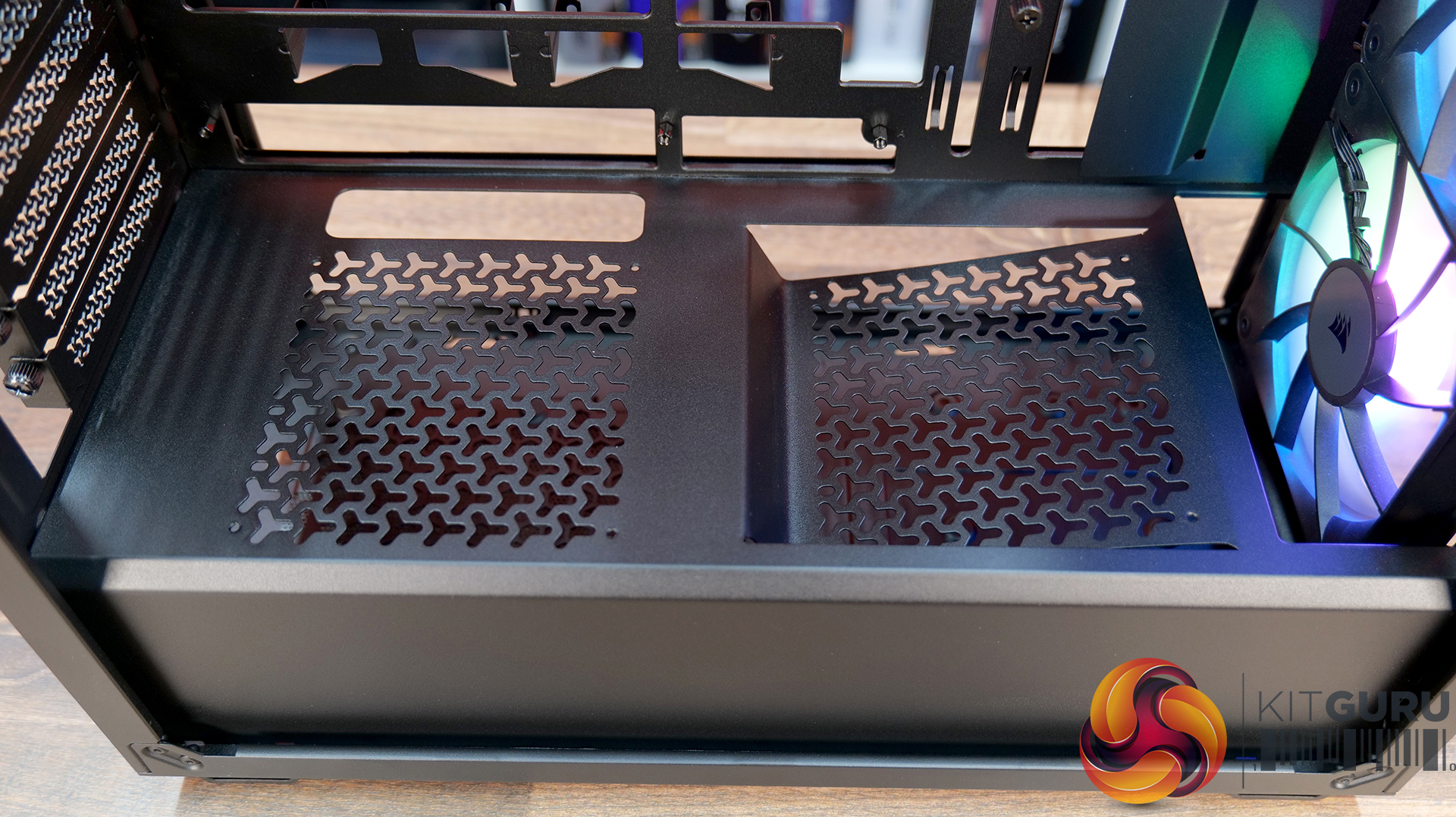
11:02 The case floor
11:48 Accessories and setup
12:24 Thermals and noise
13:34 James’ thoughts so far
14:45 Some compromises made…
16:19 USB 2.0?! And a potential explanation…
19:24 Last minor negative
19:55 Closing thoughts

Features:

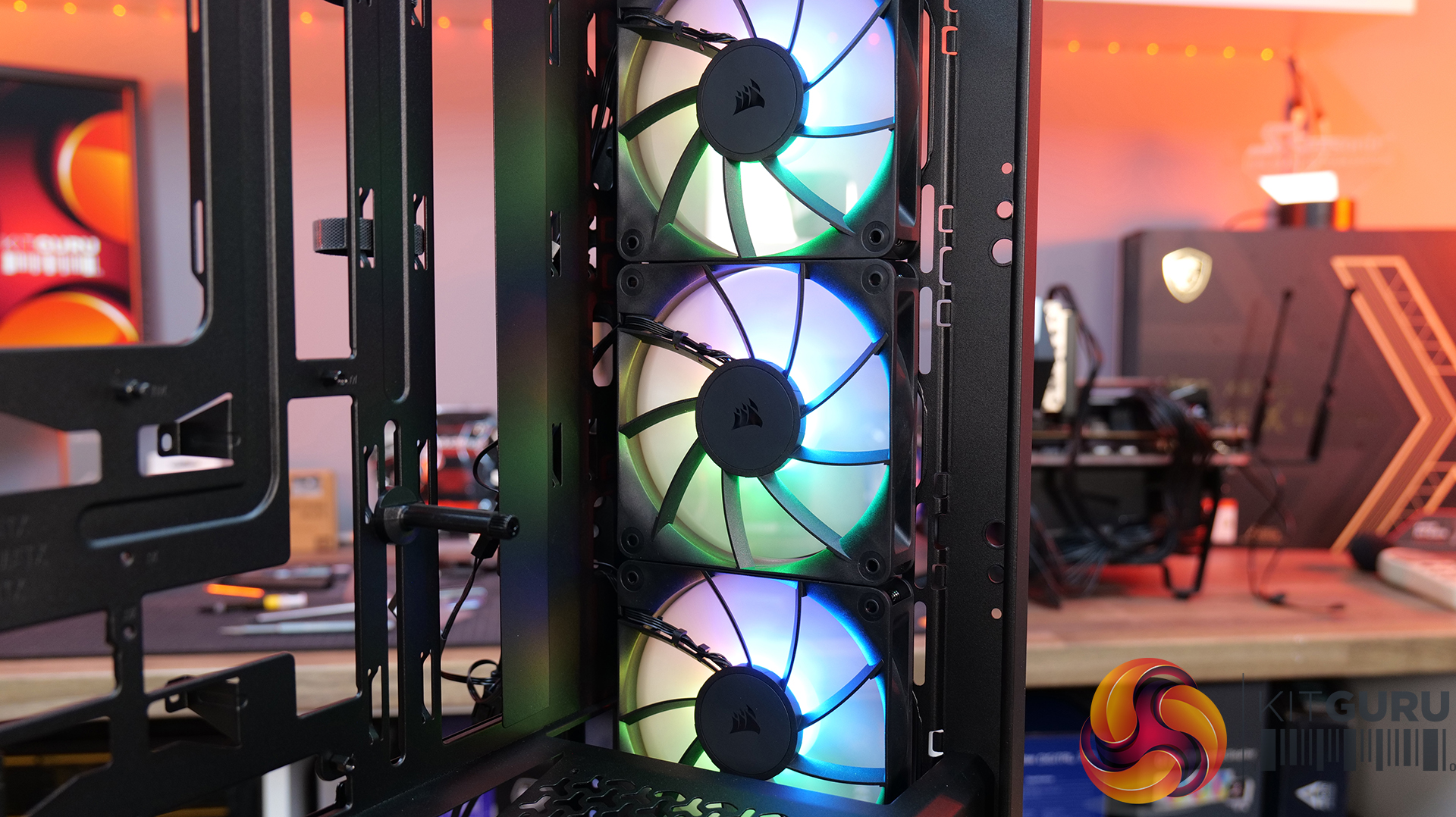
  • Strong Cooling Potential – Supports up to nine 120mm fans with three RS120 ARGB fans included out of the box and 360mm radiators are supported front and top.
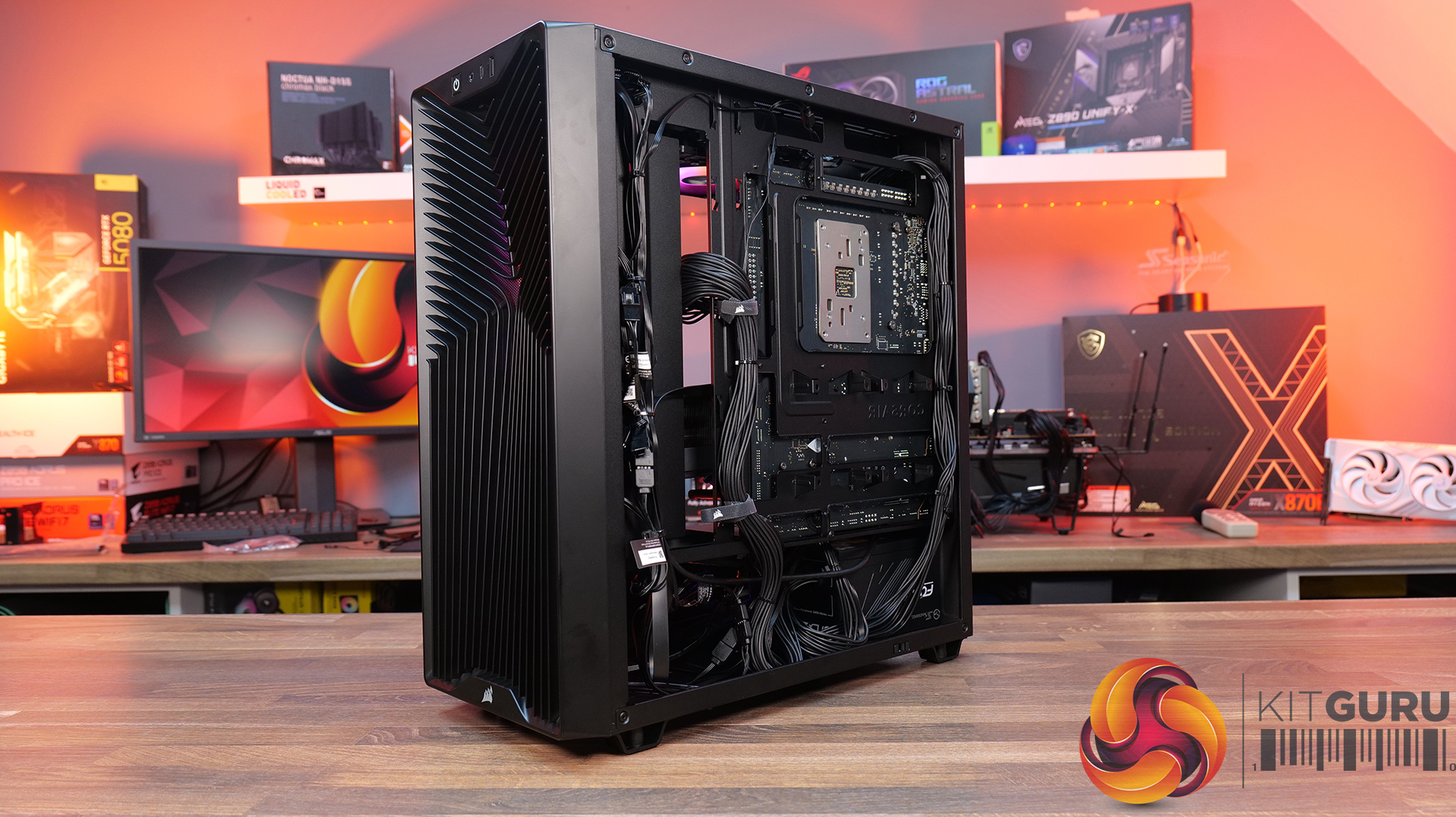
  • Reverse-Connector Motherboard Support – Compatible with reverse-connector motherboards, helping create clean builds with minimal visible cabling.
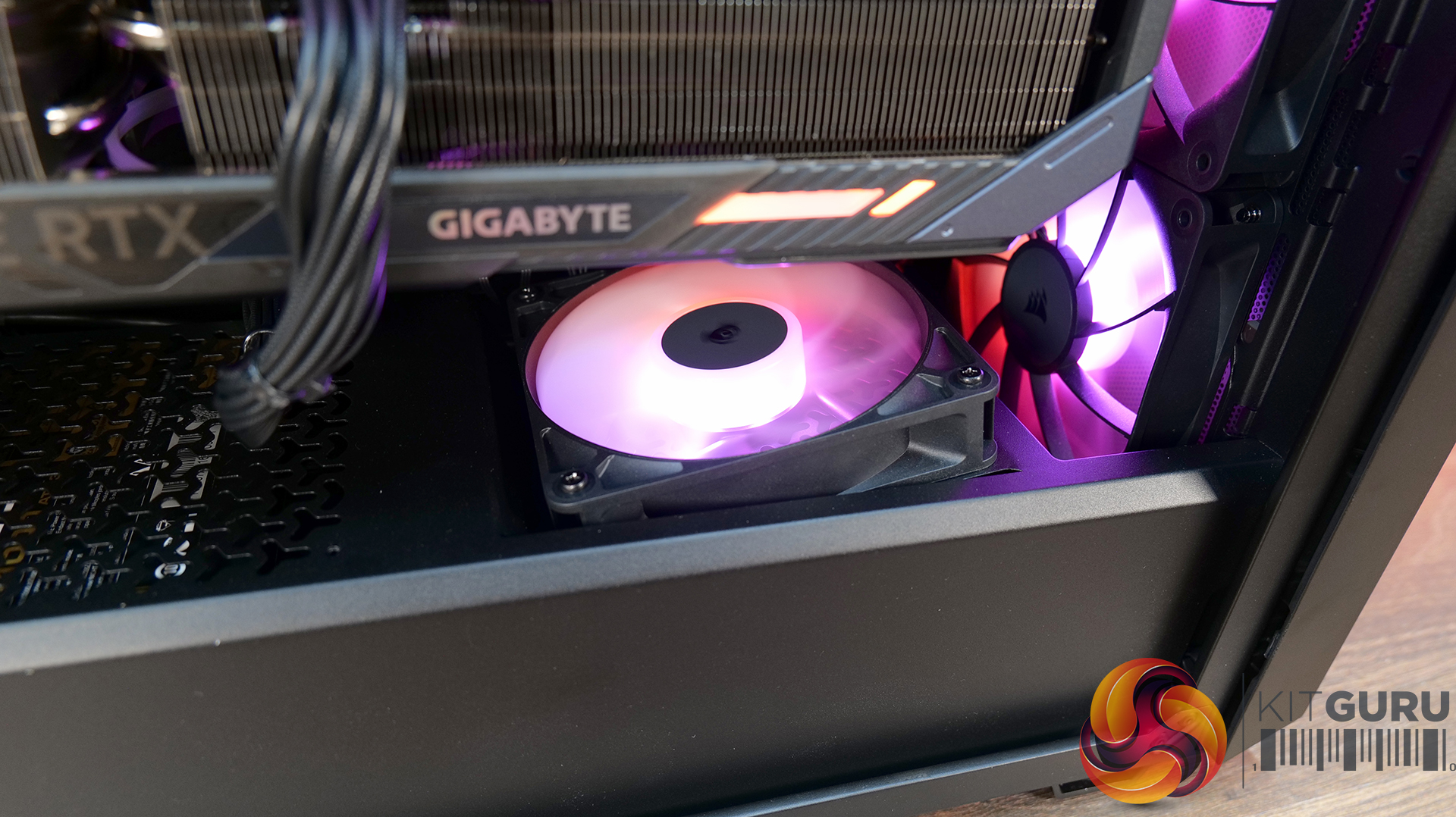
  • GPU-Focused Design – Includes a built-in GPU anti-sag stabilisation arm and angled PSU-shroud fan mount to direct airflow toward the graphics card.

Specifications:

  • Case Type: ATX Mid Tower
  • Dimensions (LxWxH): 476 x 214 x 446mm
  • Materials: Steel, Plastic, Tempered Glass
  • Motherboard Support: ATX / mATX, Mini-ITX
  • Back-connect motherboard support: Yes
  • Expansion Slots: 7
  • Storage bays: 2 x 2.5” / 1 x 3.5”
  • Max GPU Length: 370mm
  • Max CPU Cooler Height: 165mm
  • PSU Type: ATX up to 180mm
  • Pre-installed Fans: 3 x RS120 ARGB (Front)
  • Fan Support: 3 x 120 / 2 x 140mm (Top), 3 x 120 / 2 x 140mm (Front), 2 x 120mm (Bottom), 1 x 120mm (Rear)
  • Radiator Support: 360 / 280 / 240mm (Top), 360 / 280 / 240mm (Front)
  • Dust Filters: Front / Bottom / Top
  • Front I/O: 1 x USB 3.2 Gen 2 Type-C (20Gbps), 1 x USB 2.0 Type-A, 3.5mm Audio and Mic Combo Jack, Power Button
  • LCD Screen: N/A

Thermal Performance Testing

To simulate thermal demand, we run the Cinebench R23 multi-thread benchmark and 3DMark Speed Way stress test simultaneously in a loop for 30 minutes to load the system fully. This gives the CPU and GPU enough time to reach constant steady-state temperature. With this data, we can compare how the system handles the thermal demand and measure peak noise levels.

Thermal performance is measured with the case in various configurations, such as the default, with the tempered glass left-hand side panel removed and with the front panel removed to see how these configurations affect the CPU and GPU temperature. During testing, only stock case fans are used unless otherwise specified. All water pumps are set to maximum RPM and fans are set to a custom RPM curve by the Motherboard software/BIOS.

All temperature measurements are presented as Deltas – meaning the ambient temperature has been deducted from the CPU temperature, giving us a Delta. Data shown in the charts represents the average component temperature over the length of the test as measured by HWiNFO, and then the last 15 minutes of the data are calculated to get the average. The ambient temperature during thermal tests is between 19-20⁰C.

Test System Specification:

Thermal Performance Overview

We tested the case thermals with a 360mm AIO as the exhaust at the top and in several different configurations. The default configuration shown in the charts is with the 360mm AIO at the top, 3 x 120mm RS ARGB fans at the front as intake and with all panels installed.

Looking at the thermal results, the 3200D performs consistently across all of our test configurations. With the case in its default setup, we saw CPU temperatures of 52°C and GPU temperatures of 47°C above ambient, which are solid out of the box results.

Removing the glass side panel or the dust filters doesn't make a meaningful difference, suggesting airflow through the chassis is already quite unrestricted by default. Interestingly, adding bottom fans shaves a few degrees off the GPU temperature, dropping it to 44°C, which shows that directing airflow toward the graphics card can provide a small benefit.

Noise Output

Moving on to noise output, results are again consistent across the different configurations. In the default setup the system measures 49 dBA under full load, while idle noise sits at a steady 36 dBA regardless of configuration.

Removing the dust filters or the glass side has little impact, with load noise varying only slightly from 49 to 50 dBA. The configuration with bottom fans installed produces the lowest load noise at 48 dBA, suggesting the additional airflow allows the GPU fans to work a little less aggressively under load, lowering overall system noise.

Closing Thoughts

Taken as a whole, the Corsair 3200D is a solid addition to the affordable airflow-focused case market. In our testing it delivers strong thermal performance with little variation in performance across configurations, so the case is well optimised for airflow and cooling straight out of the box. Build quality is also impressive for the price point, with a sturdy overall feel and a generally clean, understated design that should appeal to a wide range of consumers.

Hardware support is positive too, as the case manages to squeeze in high-end components despite its fairly compact mid-tower footprint. There’s room for large graphics cards, decent CPU cooler clearance, 360mm AIOs and support for several motherboard formats, which helps make the 3200D a flexible platform for mainstream gaming builds. While the interior layout does involve a few compromises due to the case dimensions, overall it still offers a fairly straightforward building experience.

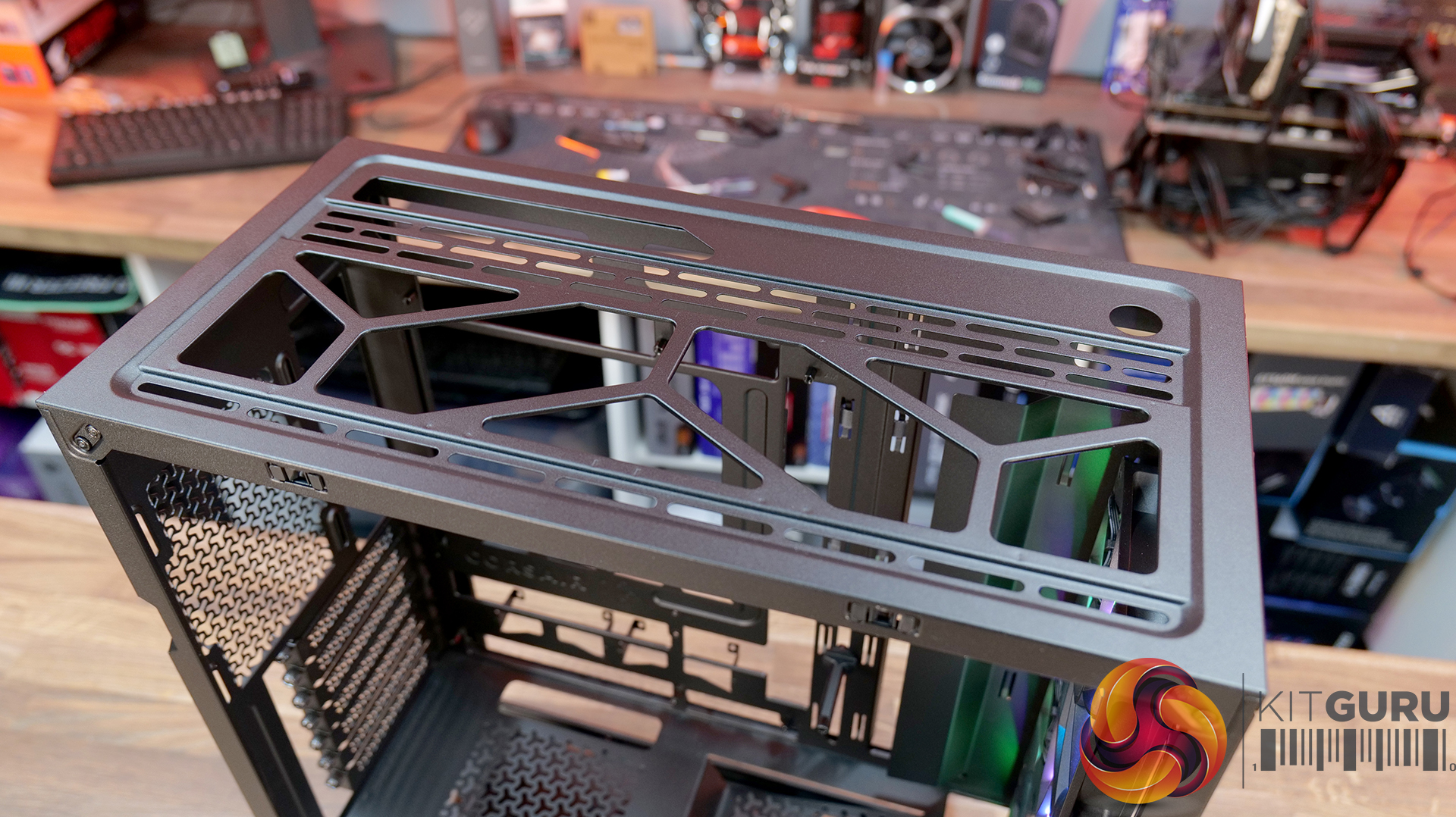
That said, there are a few areas where the design feels slightly underdeveloped. The 360mm top radiator support is there technically, but compatibility can be limited depending on radiators and fan size, plus installation itself is a little awkward without a detachable top panel or radiator/fan bracket. Similarly, the front I/O feels somewhat dated with the inclusion of a USB 2.0 Type-A port, where a USB 3.0 connection would make more sense for a modern chassis. This could come down to the choice of reverse connector motherboard support and tight right-hand side clearance for cable management, although Corsair suggests otherwise.

There are also some smaller usability quirks to be aware of. The included GPU support bracket may not work with some graphics cards, particularly those with fans that extend lower than the shroud, plus there's no fan/ARGB hub included. However, these drawbacks don’t completely undermine what the Corsair 3200D does well. With strong airflow performance, solid build quality and good overall hardware support, it remains a capable budget builder-friendly case – even if a few design tweaks could have made it a much stronger contender.

The Corsair 3200D RS ARGB is has an MSRP of £79.99 here in the UK.

Pros:

  • Strong airflow and cooling,
  • Solid build quality at this price point.
  • Good hardware support for its size, even with the compromises with a top 360 rad.

Cons:

  • Top 360 radiator compatibility is limited, and installation can be awkward.
  • USB 2.0 Type-A should be upgraded to USB 3.0.
  • No detachable top rad/fan mount.
  • GPU support bracket not compatible/interferes with fans on some graphics cards.
  • No fan/ARGB hub included.

KitGuru says: Corsair almost nailed it with the 3200D, it has great cooling potential and hardware support, but some extra attention to detail would have resulted in a more well-rounded case.

The post Corsair 3200D RS ARGB Case Review first appeared on KitGuru.

Horizon Hunters Gathering Playtest goes live this weekend

25 February 2026 at 12:00

While sentiment surrounding PlayStation right now is far from its peak, thanks in part to the recent closure of BluePoint Games Studio, the console maker is continuing on with its live-service efforts. Alongside the upcoming Marathon playtest, Sony has now confirmed that the recently-announced Horizon Hunters Gathering is getting its first closed playtest this weekend.

Making the announcement via the game’s Steam page, the team at Guerrilla Games confirmed that the first closed playtest for their upcoming live-service project ‘Horizon Hunters Gathering’ is set to go live this weekend.

Available to those who are signed up to PlayStation’s beta program, the playtest will kick off on the 27th of February and will conclude on the 1st of March. Unfortunately, this first session is limited to those in North America and Europe – though both PS5 and Steam users can get in on the action at the very least.

Horizon Playtest

Of course, the playtest will feature just a slice of the full experience, with Guerrilla confirming the following will be present and playable:

  • Three characters to choose from
    • Axle
    • Rem
    • Sun
  • Two game modes
    • Machine Incursion (Normal / Hard)
    • Cauldron Descent (Normal)
  • 1 region to explore (Colorado Springs)
  • Access to the ‘Gathering’ (social hub)

As mentioned, those interested in checking out the game ahead of time will need to sign up to PlayStation’s beta program. While this won’t guarantee you access, make sure to check out your emails over the coming days in case you are selected to join.

Considering the fact that Sony’s track record when it comes to live-service titles has been a bit spotty, it is encouraging to see that the console maker is hosting multiple playtests in order to ensure the final product is one which players actually want to engage with and return to on a regular basis. It will be interesting to see what fans think of Hunters Gathering when it goes live this weekend.

Discuss on our Facebook page HERE.

KitGuru says: What do you think of Horizon Hunters Gathering? Are you planning to sign up? Let us know down below.

The post Horizon Hunters Gathering Playtest goes live this weekend first appeared on KitGuru.
❌
❌