Normal view

There are new articles available, click to refresh the page.
Before yesterdayMain stream

The Evolution of Artificial Intelligence: From Handwritten Rules to Generative and Agentic Machines

13 April 2026 at 18:02

An image illustrating the evolution of AI from 1950 to 2022, depicting three eras: 'The Era of Handwritten Rules' with a vintage office, 'The Era of Machine Learning' with data visualization, and 'The Era of Generative and Agentic AI' with humanoid robots and futuristic technology.

"AI" is easily one of the most exhausted terms in tech right now. It’s a bit ironic, really, because the actual history of the field is far more interesting than the buzzword version you see on social media. Contrary to popular belief, AI isn't just one single invention, and it certainly didn't just appear out of thin air when ChatGPT launched. It is the result of a decades-long grind — a sequence of massive breakthroughs, dead ends, and total reinventions. We’ve watched the field pivot from machines trying to "think" using pure logic to statistical models that learn from raw […]

Read full article at https://wccftech.com/evolution-of-artificial-intelligence-handwritten-rules-to-generative-and-agentic-machines/

DapuStor Roealsen6 R6301 12.8TB Gen5 AIC SSD Review – A Media Professionals Dream at Unheard of 24GB/s Speeds

By: Les Tokar
23 March 2026 at 18:40

I’ve always felt there’s a gap in the flash storage industry. We do a great job serving consumer and client segments, and then suddenly jump straight to server and data center solutions. Media professionals are often lumped in with enthusiast-level consumer storage and it feels like there is a segment missing in flash storage.  When …

The post DapuStor Roealsen6 R6301 12.8TB Gen5 AIC SSD Review – A Media Professionals Dream at Unheard of 24GB/s Speeds appeared first on The SSD Review.

Corsair 3200D RS ARGB Case Review

19 March 2026 at 13:00

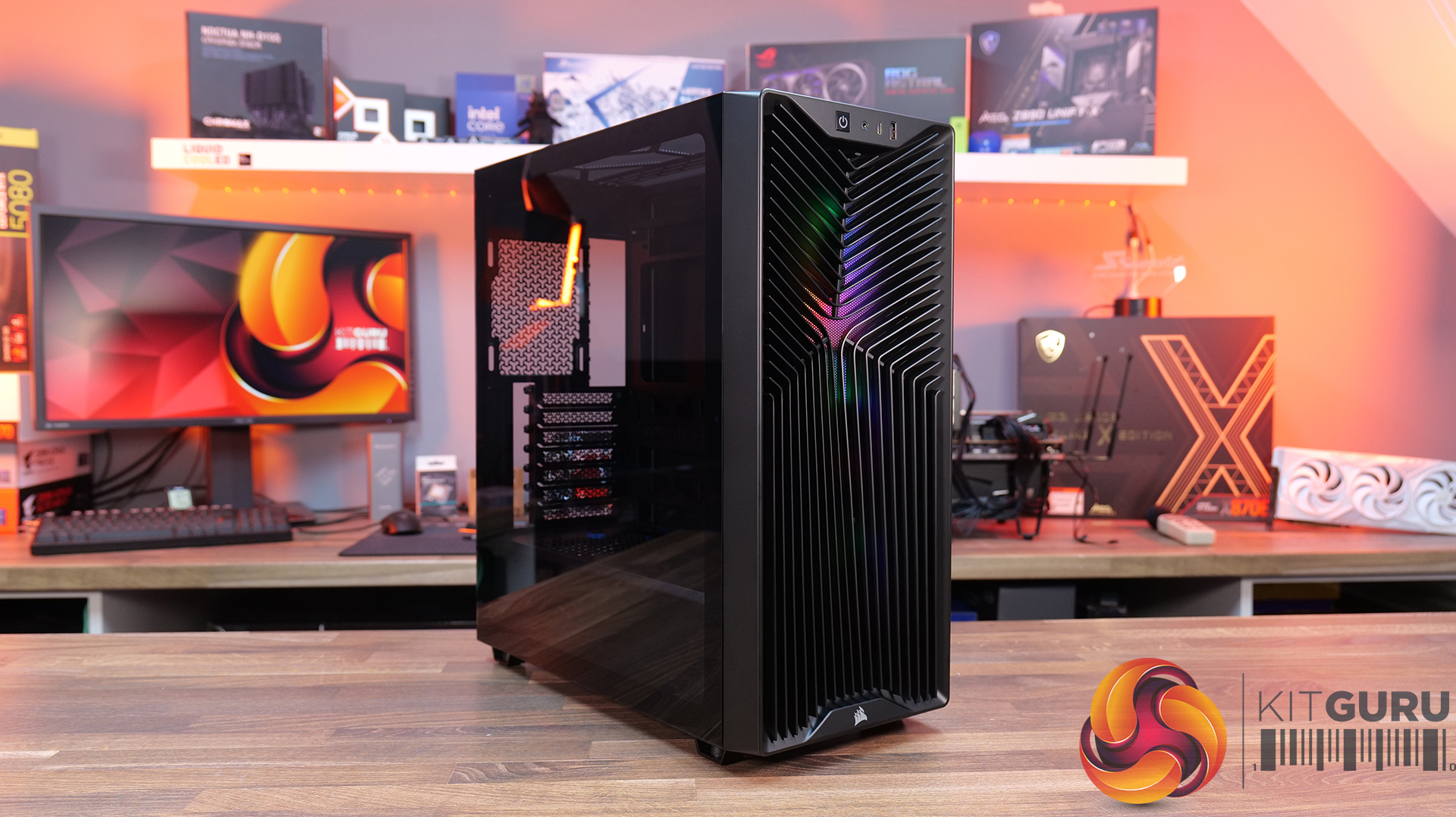
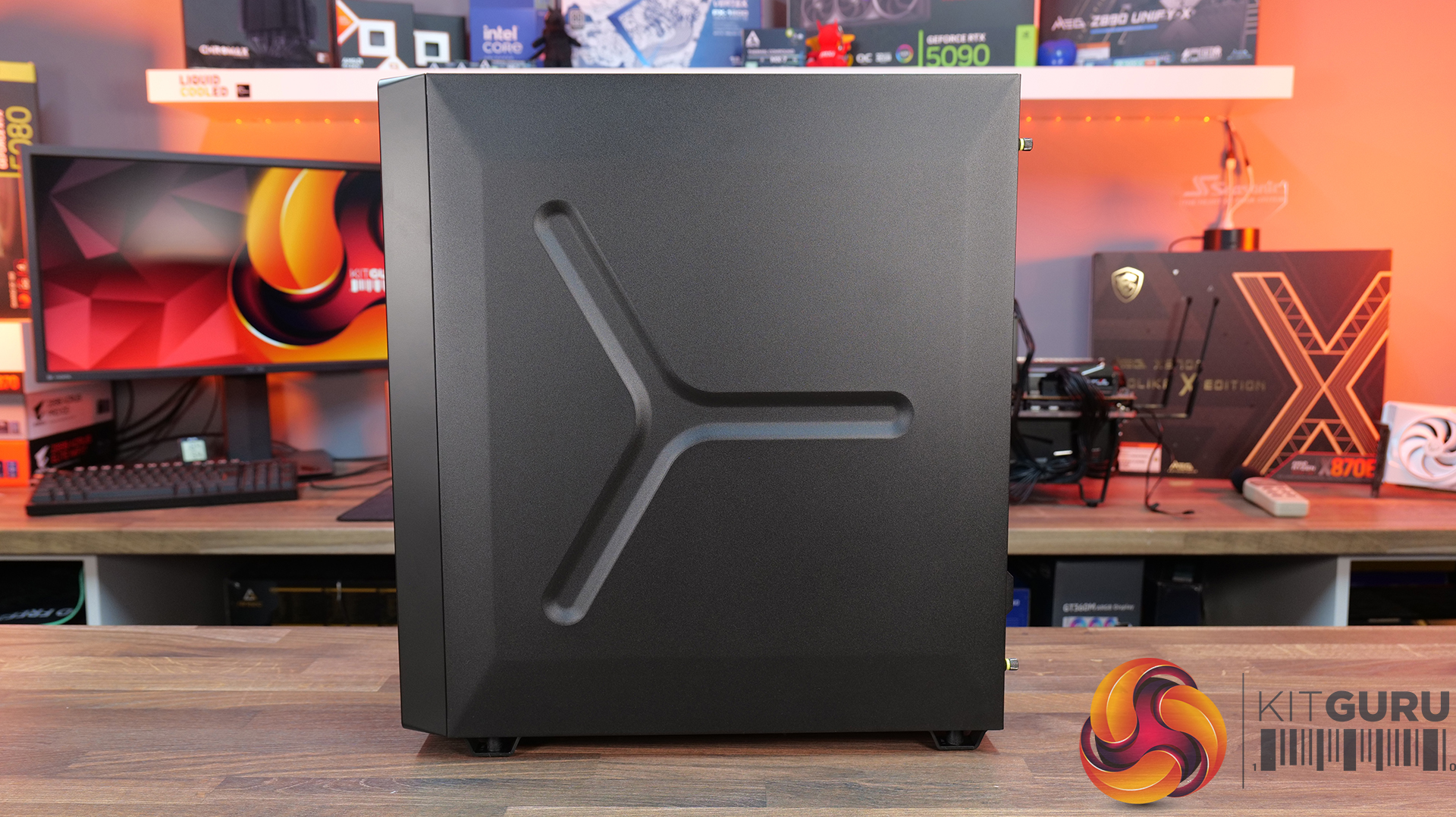
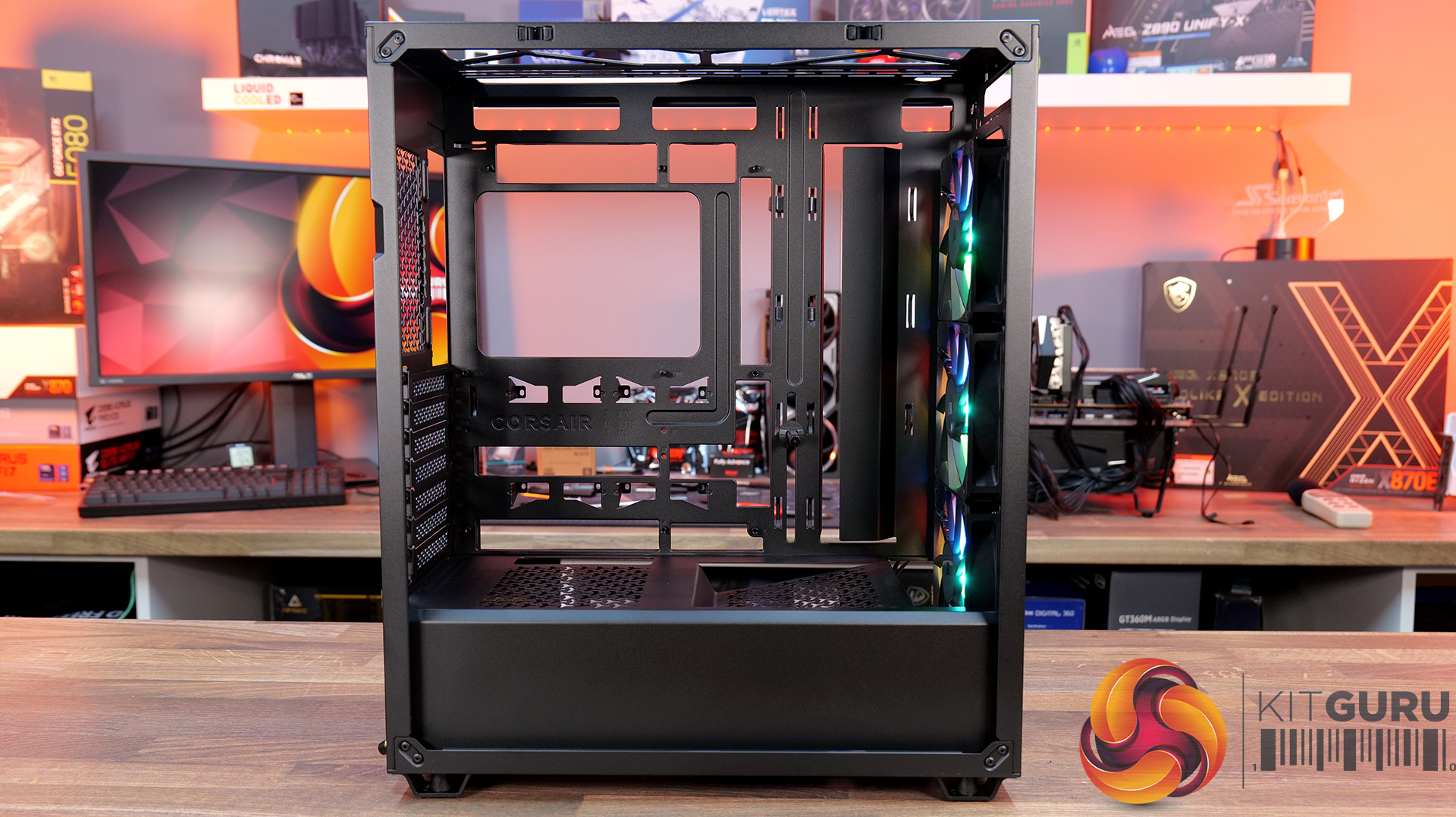
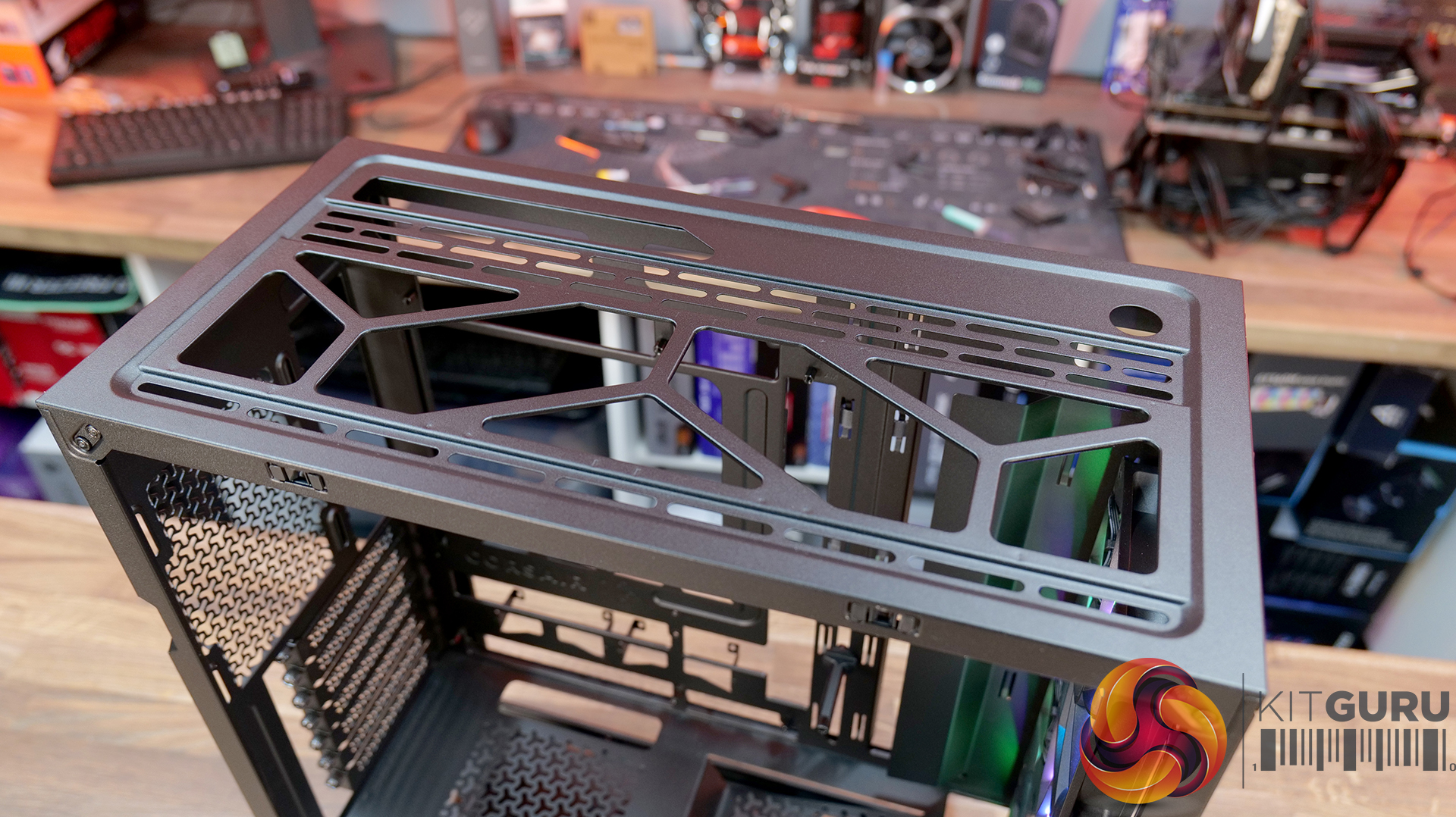
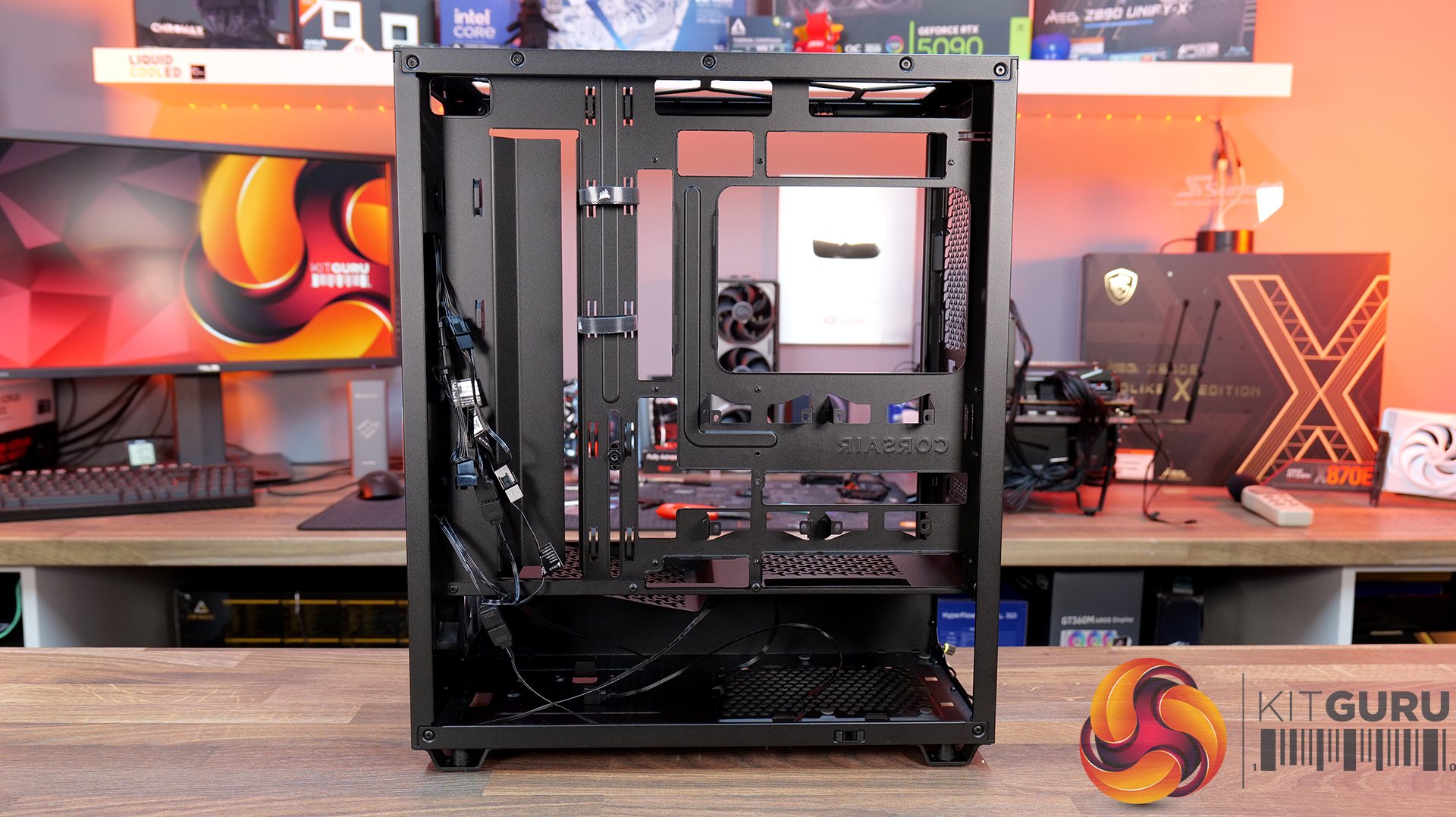
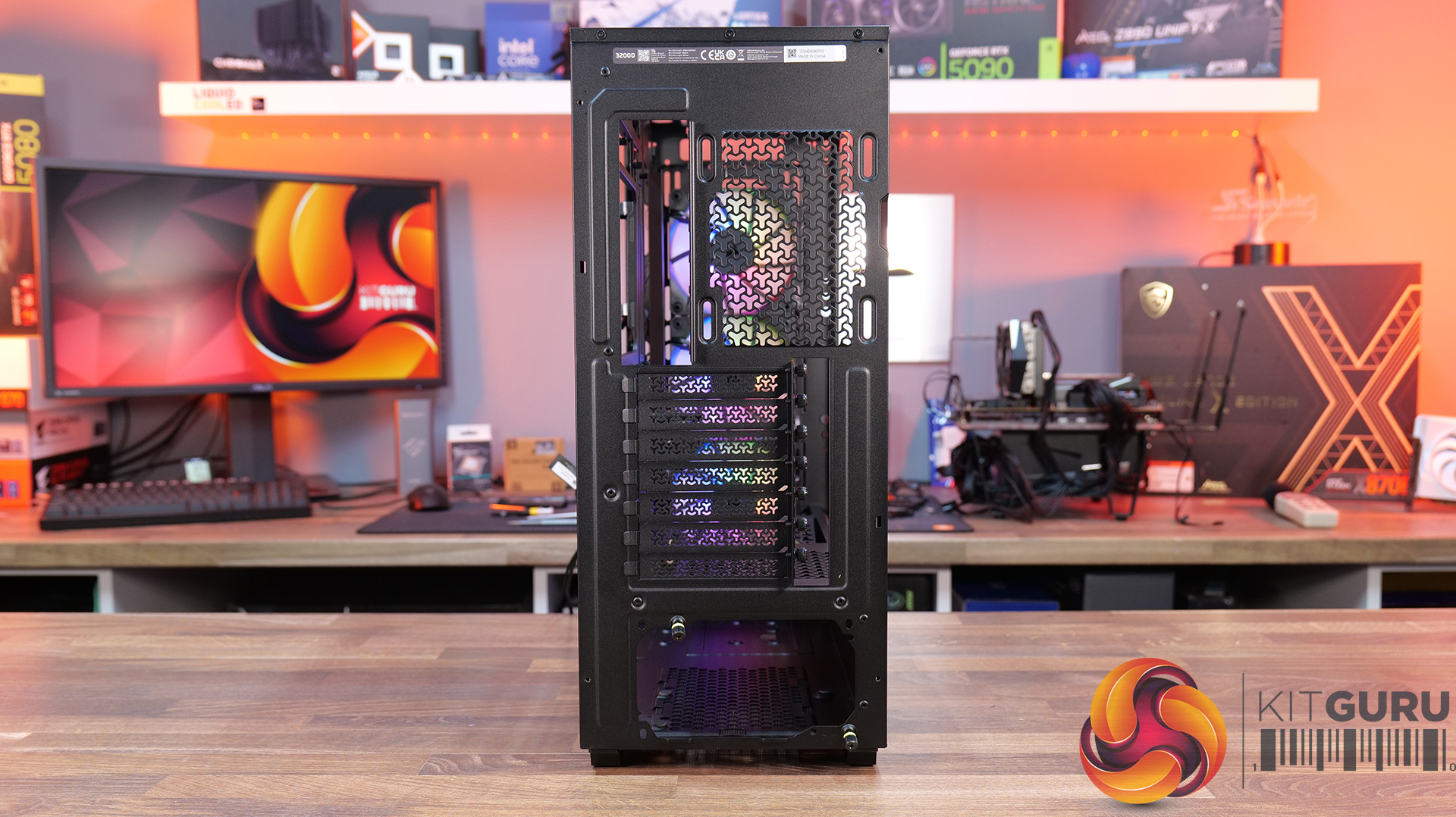
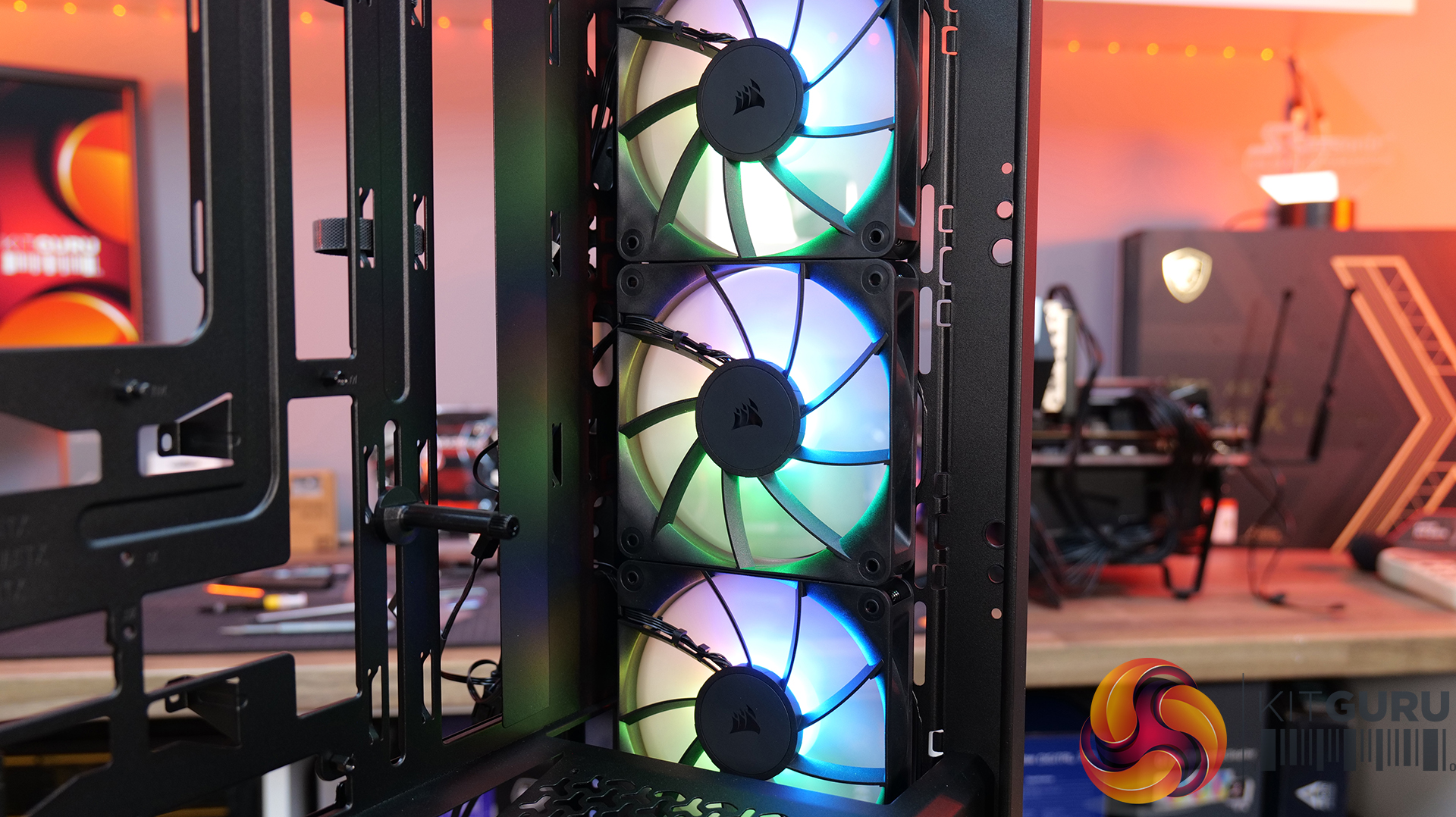
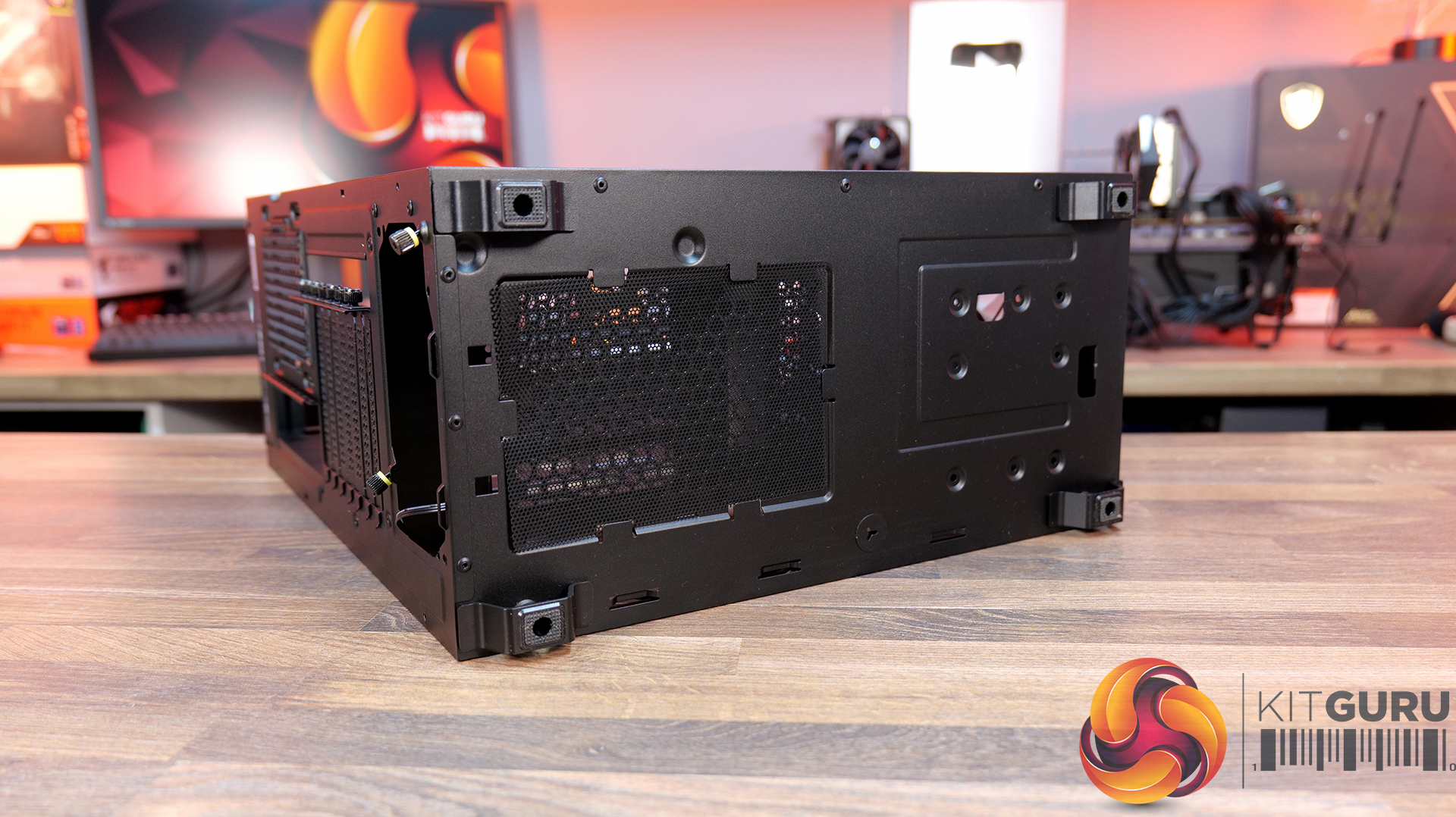
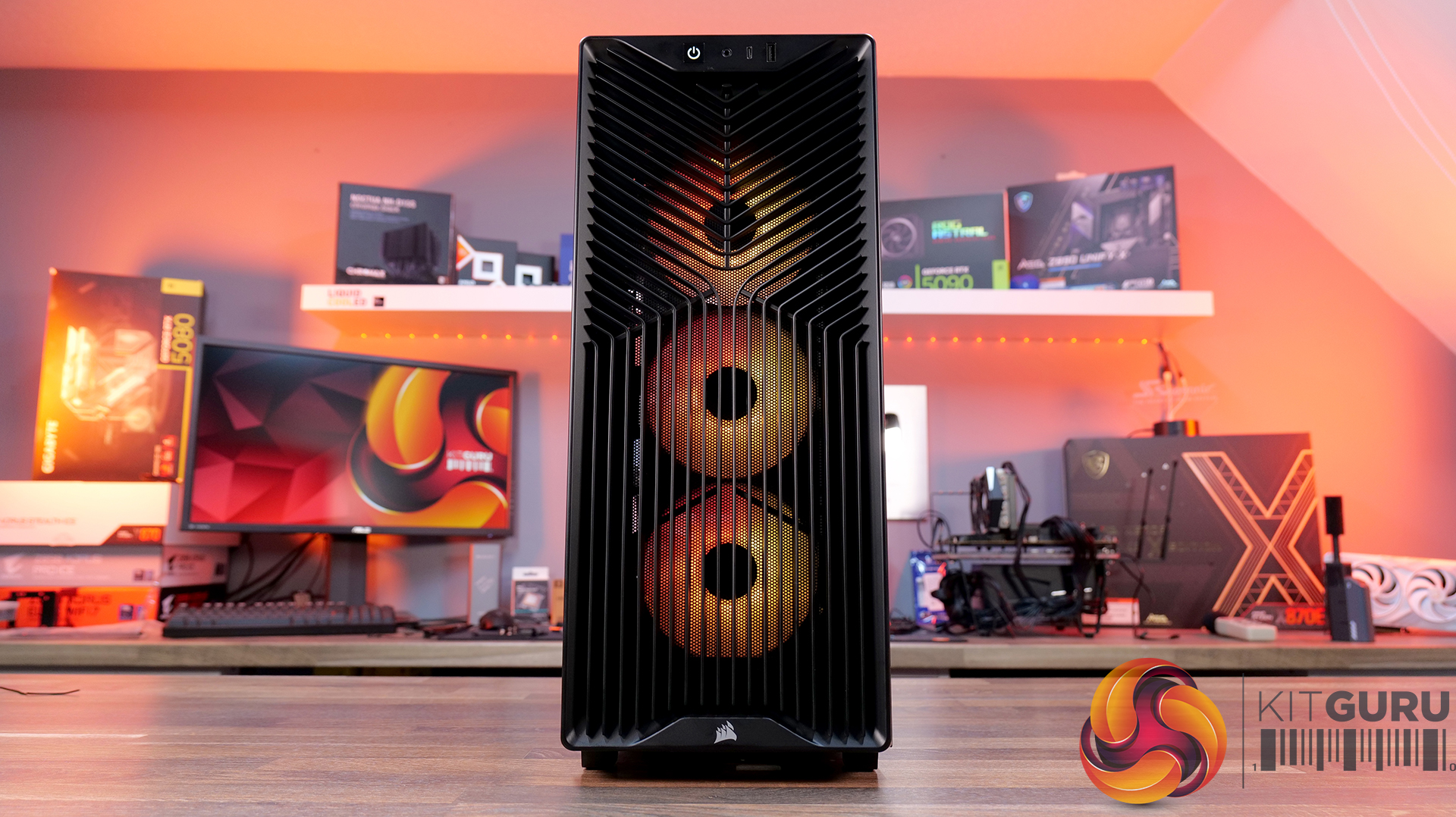
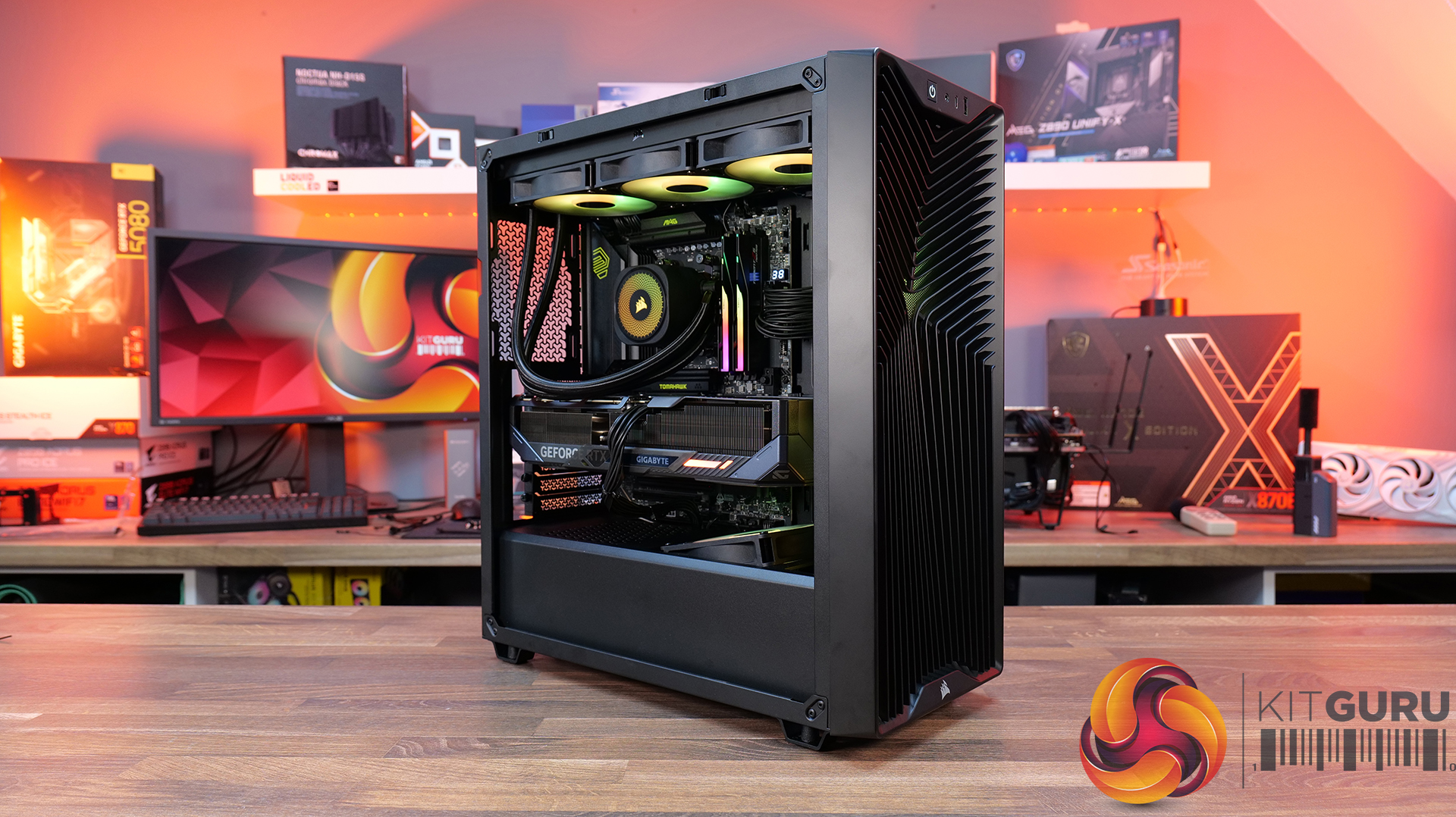
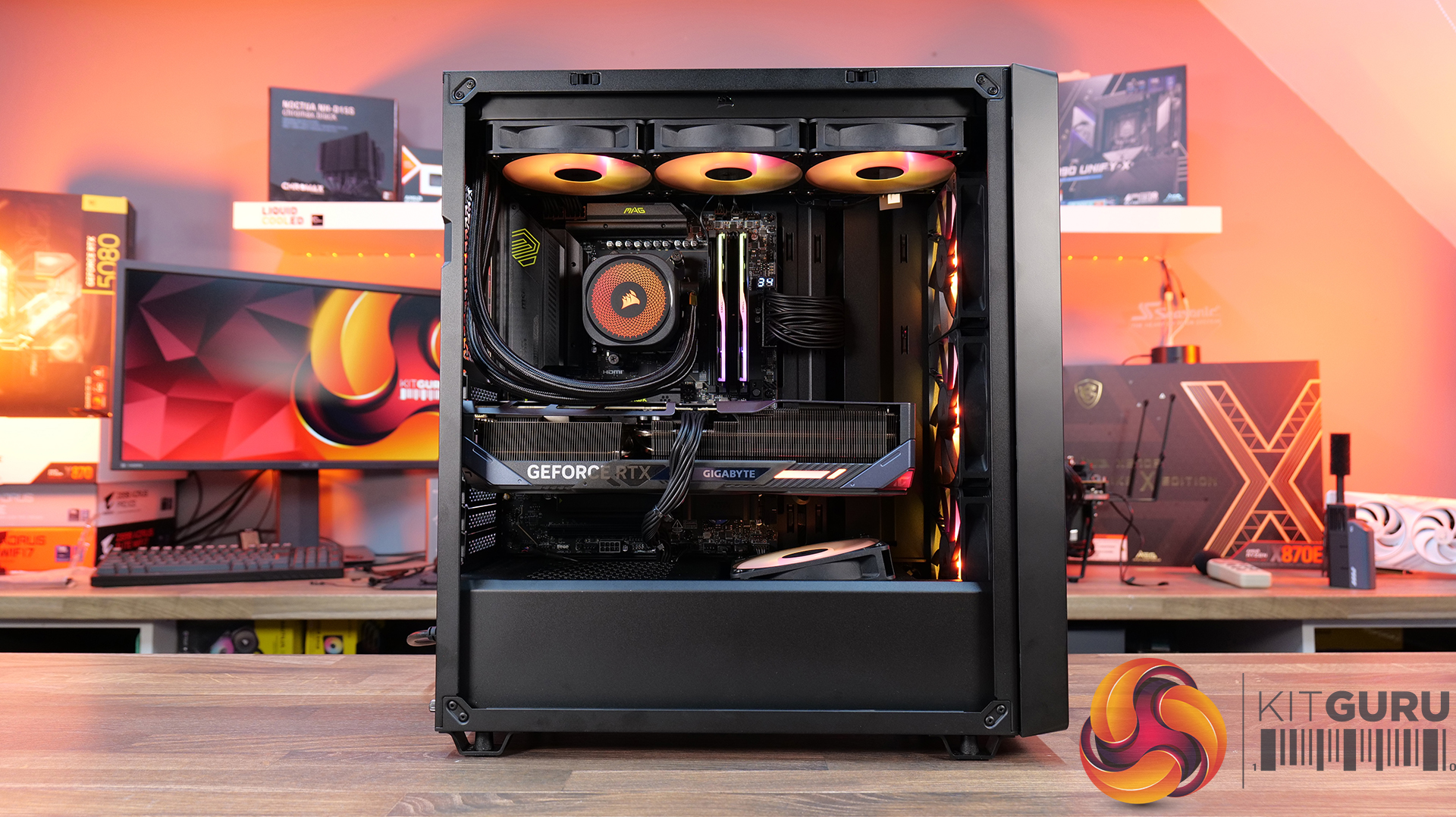
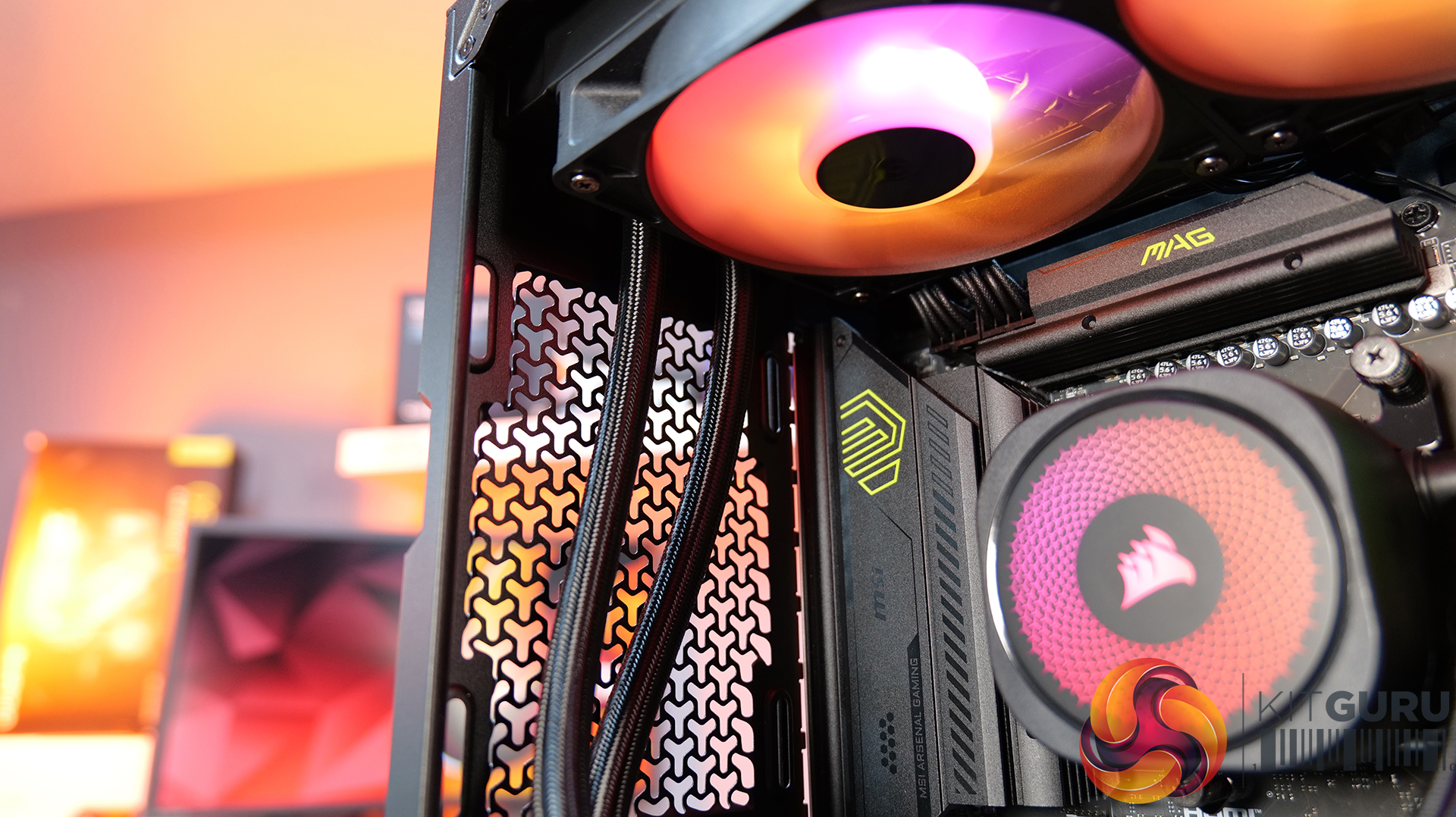
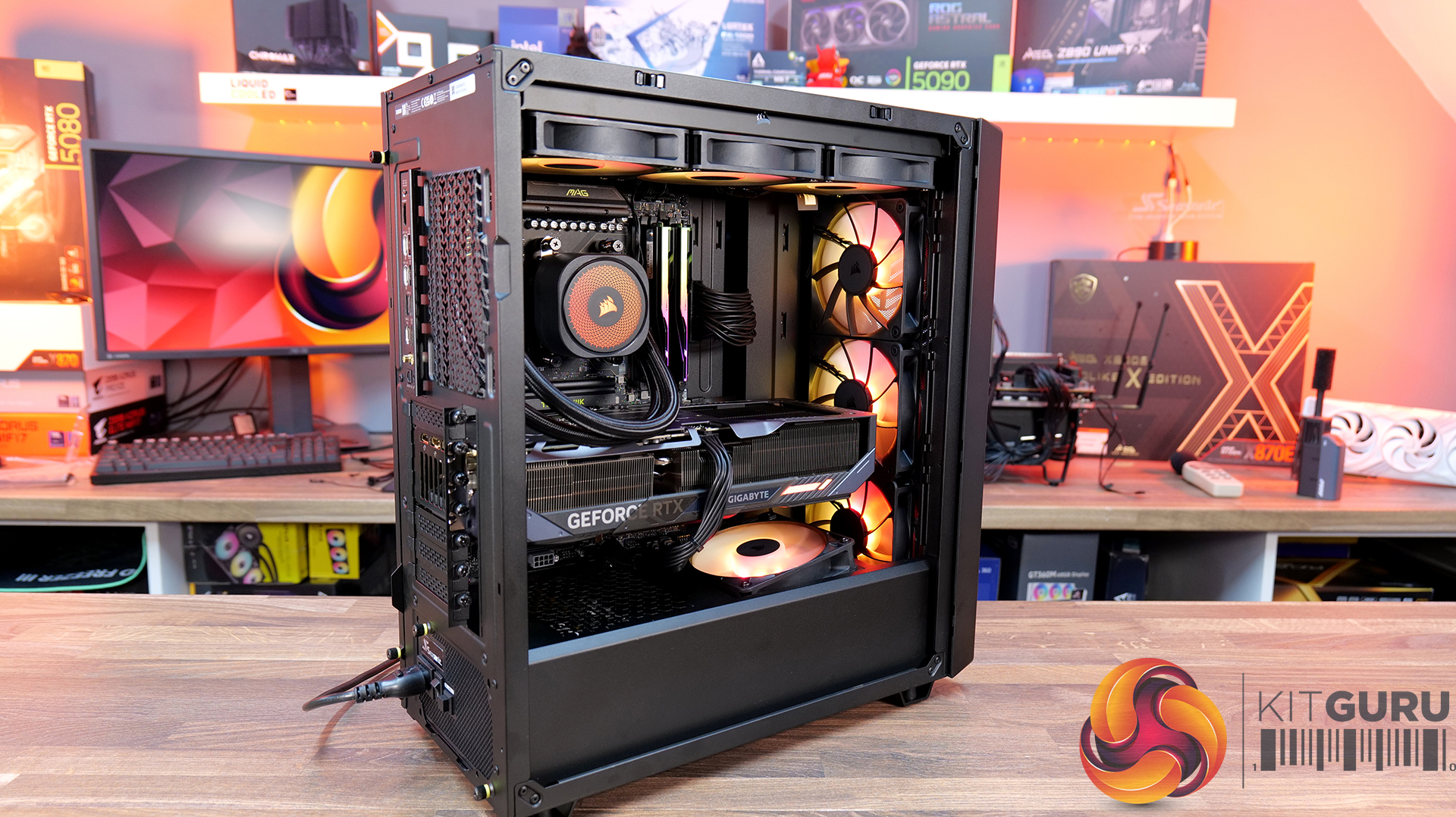
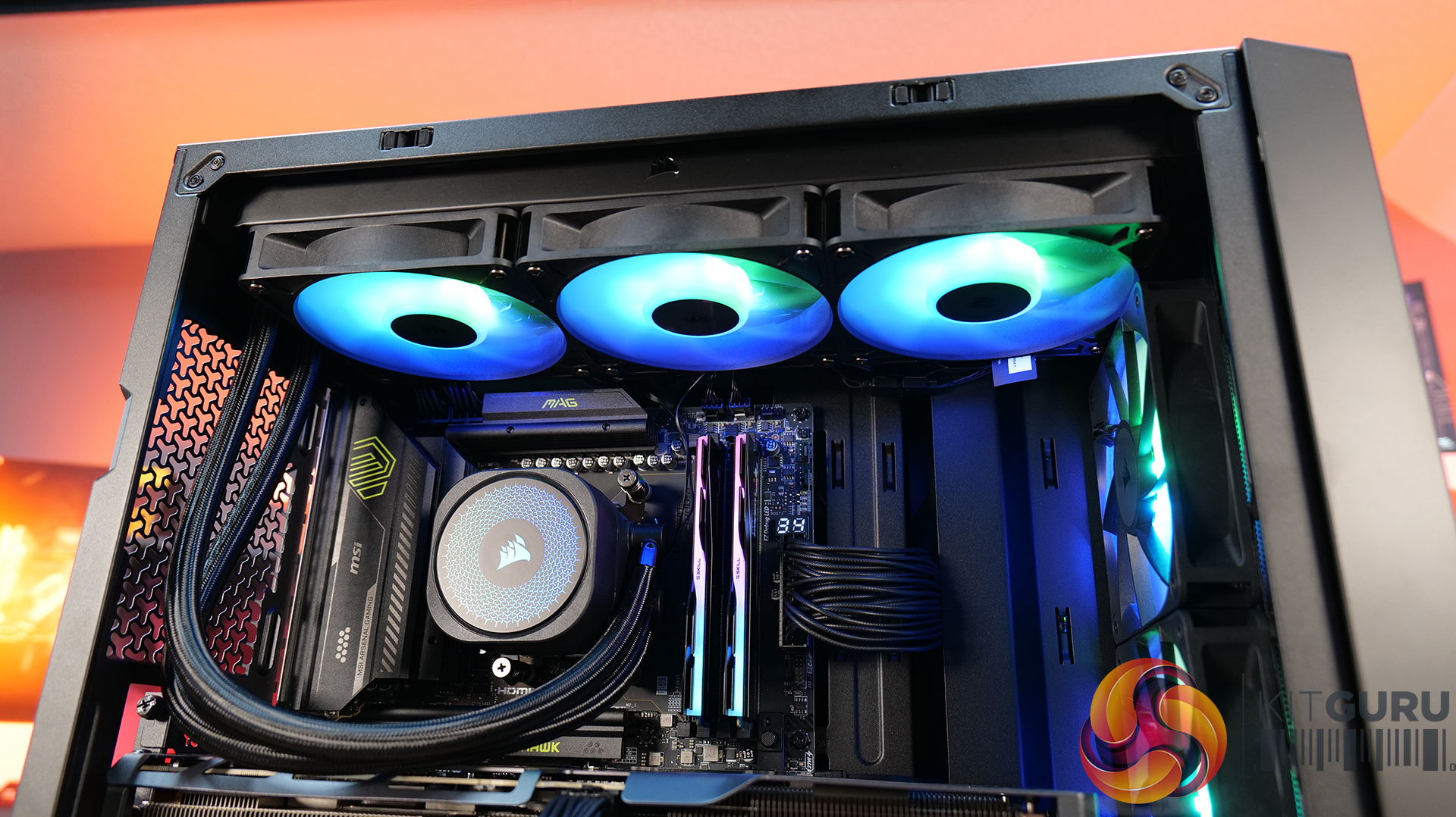
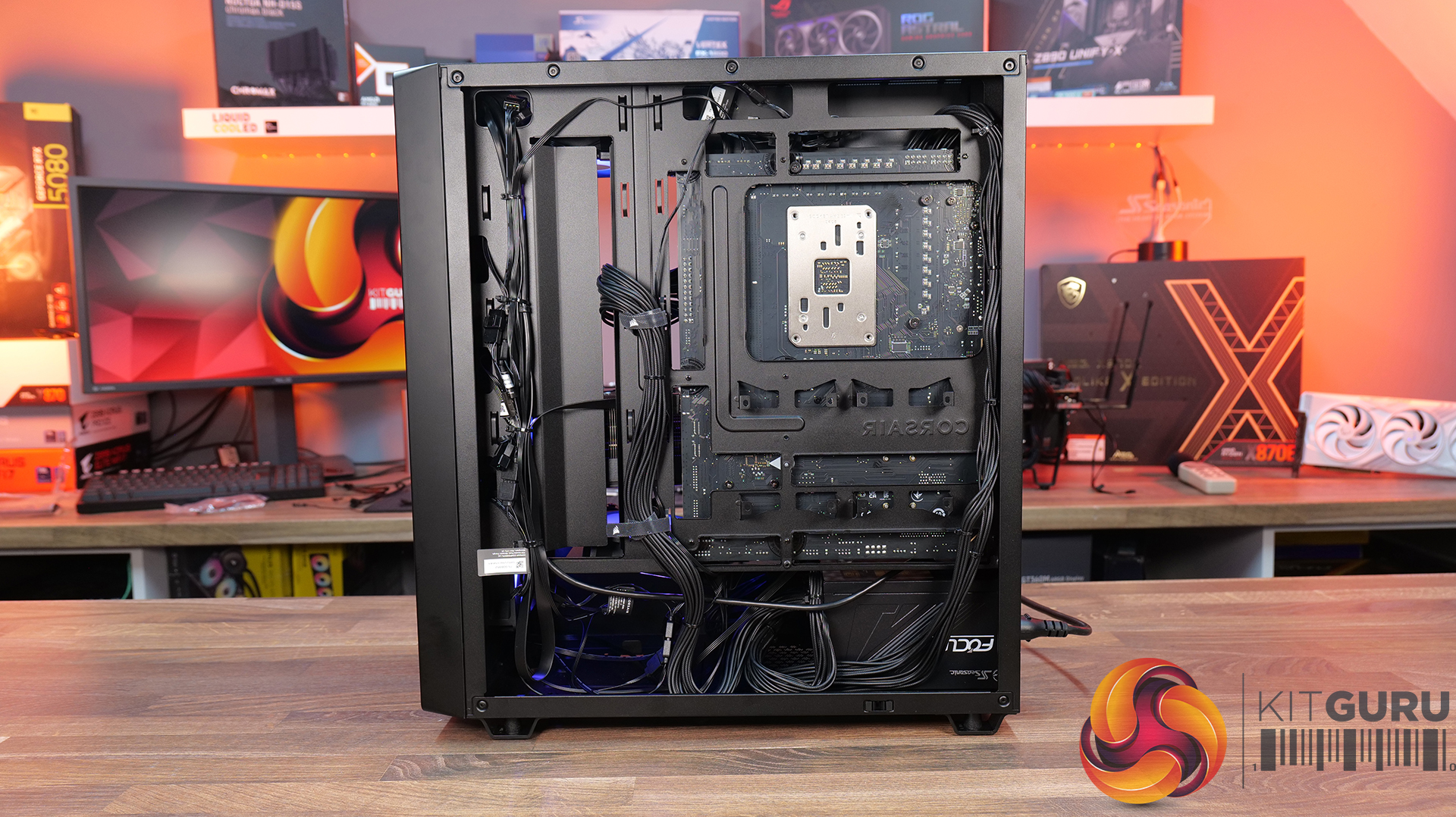
Today we’re checking out the new 3200D case from Corsair. It’s a compact mid-tower chassis aiming to combine strong airflow with the latest builder-friendly features, including support for 360mm radiators, reverse-connection motherboards, and graphics cards up to 370mm long. In this RS ARGB version, you also get three included fans, a tempered glass side panel, and a built-in GPU support bracket. But how well does it actually perform? Let’s find out.

Timestamps:

00:00 Intro
00:48 Meet the 3200D – pricing and variants
01:19 Key specs
03:08 Accessing internals
05:34 Cooling and hardware support
07:51 At the back of the case
08:22 Behind the mobo tray
11:02 The case floor
11:48 Accessories and setup
12:24 Thermals and noise
13:34 James’ thoughts so far
14:45 Some compromises made…
16:19 USB 2.0?! And a potential explanation…
19:24 Last minor negative
19:55 Closing thoughts

Features:

  • Strong Cooling Potential – Supports up to nine 120mm fans with three RS120 ARGB fans included out of the box and 360mm radiators are supported front and top.
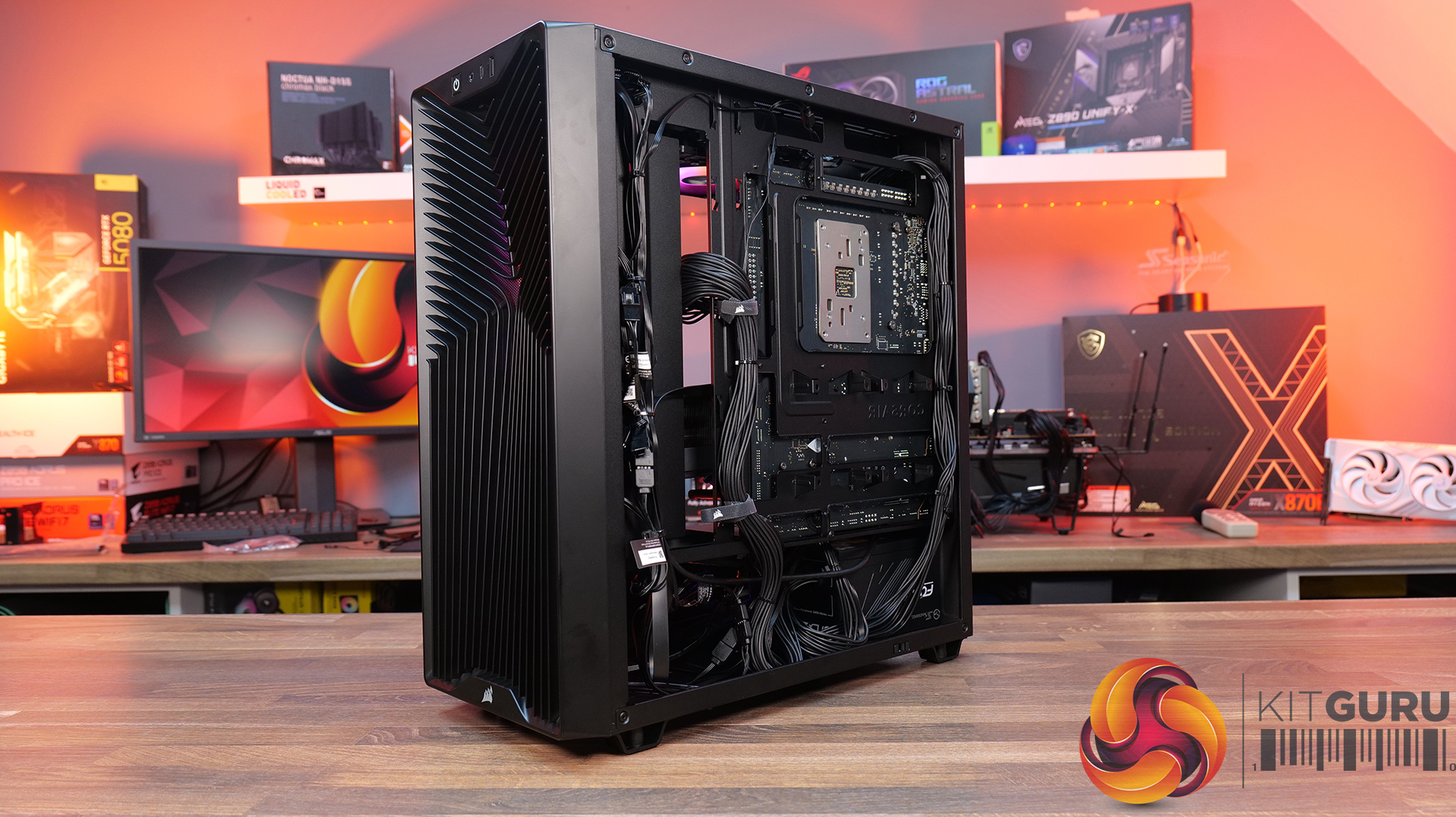
  • Reverse-Connector Motherboard Support – Compatible with reverse-connector motherboards, helping create clean builds with minimal visible cabling.
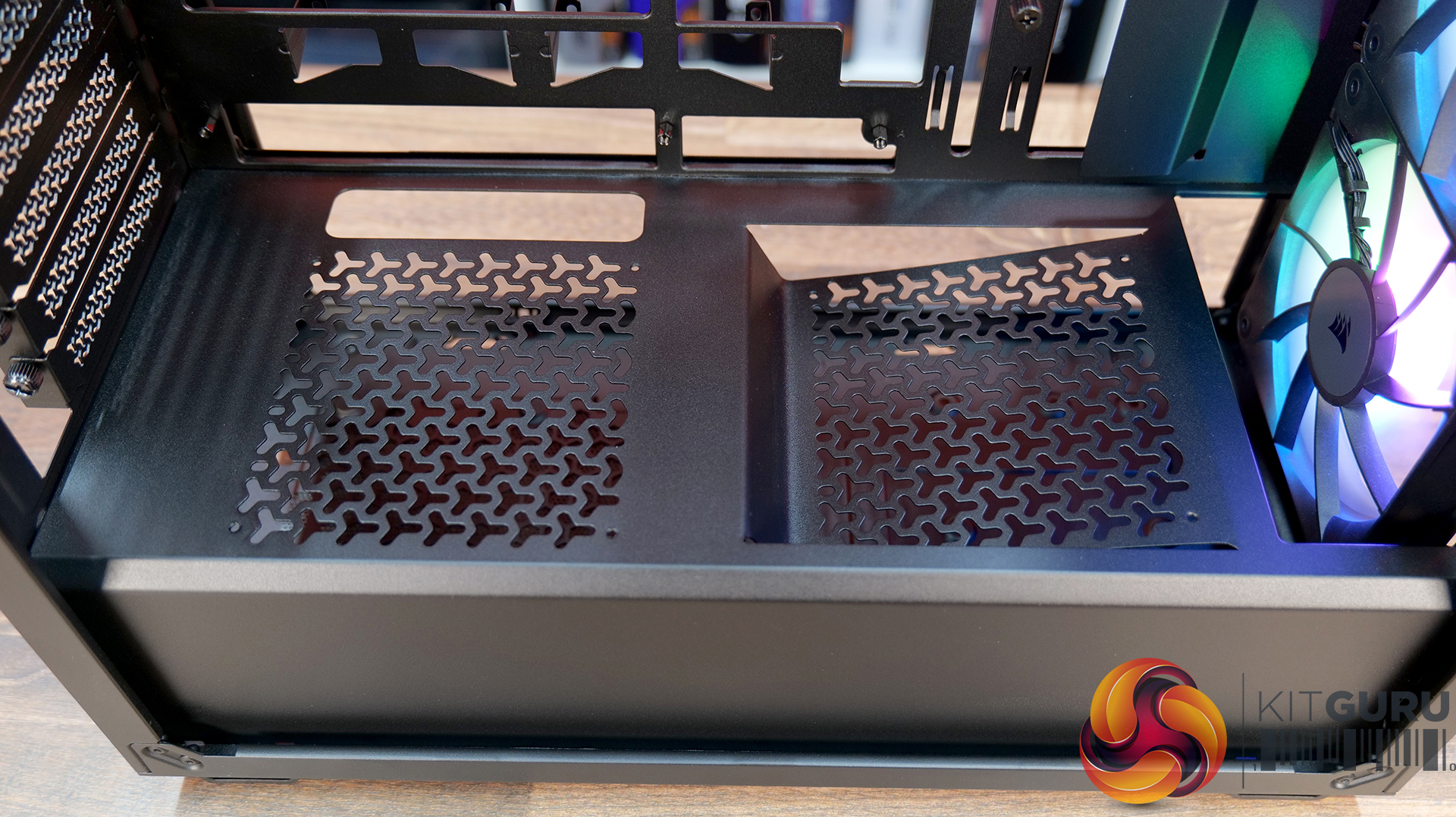
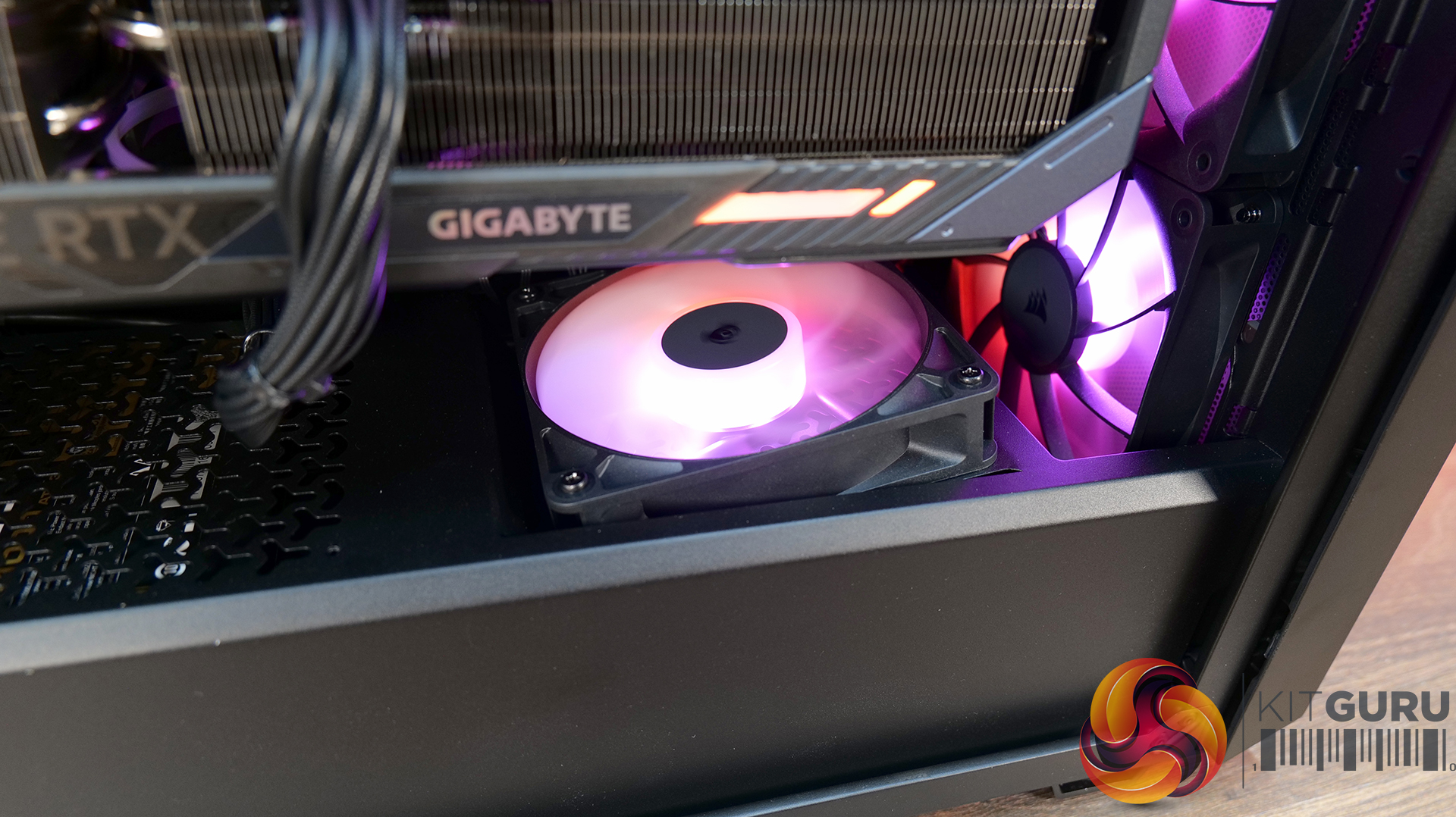
  • GPU-Focused Design – Includes a built-in GPU anti-sag stabilisation arm and angled PSU-shroud fan mount to direct airflow toward the graphics card.

Specifications:

  • Case Type: ATX Mid Tower
  • Dimensions (LxWxH): 476 x 214 x 446mm
  • Materials: Steel, Plastic, Tempered Glass
  • Motherboard Support: ATX / mATX, Mini-ITX
  • Back-connect motherboard support: Yes
  • Expansion Slots: 7
  • Storage bays: 2 x 2.5” / 1 x 3.5”
  • Max GPU Length: 370mm
  • Max CPU Cooler Height: 165mm
  • PSU Type: ATX up to 180mm
  • Pre-installed Fans: 3 x RS120 ARGB (Front)
  • Fan Support: 3 x 120 / 2 x 140mm (Top), 3 x 120 / 2 x 140mm (Front), 2 x 120mm (Bottom), 1 x 120mm (Rear)
  • Radiator Support: 360 / 280 / 240mm (Top), 360 / 280 / 240mm (Front)
  • Dust Filters: Front / Bottom / Top
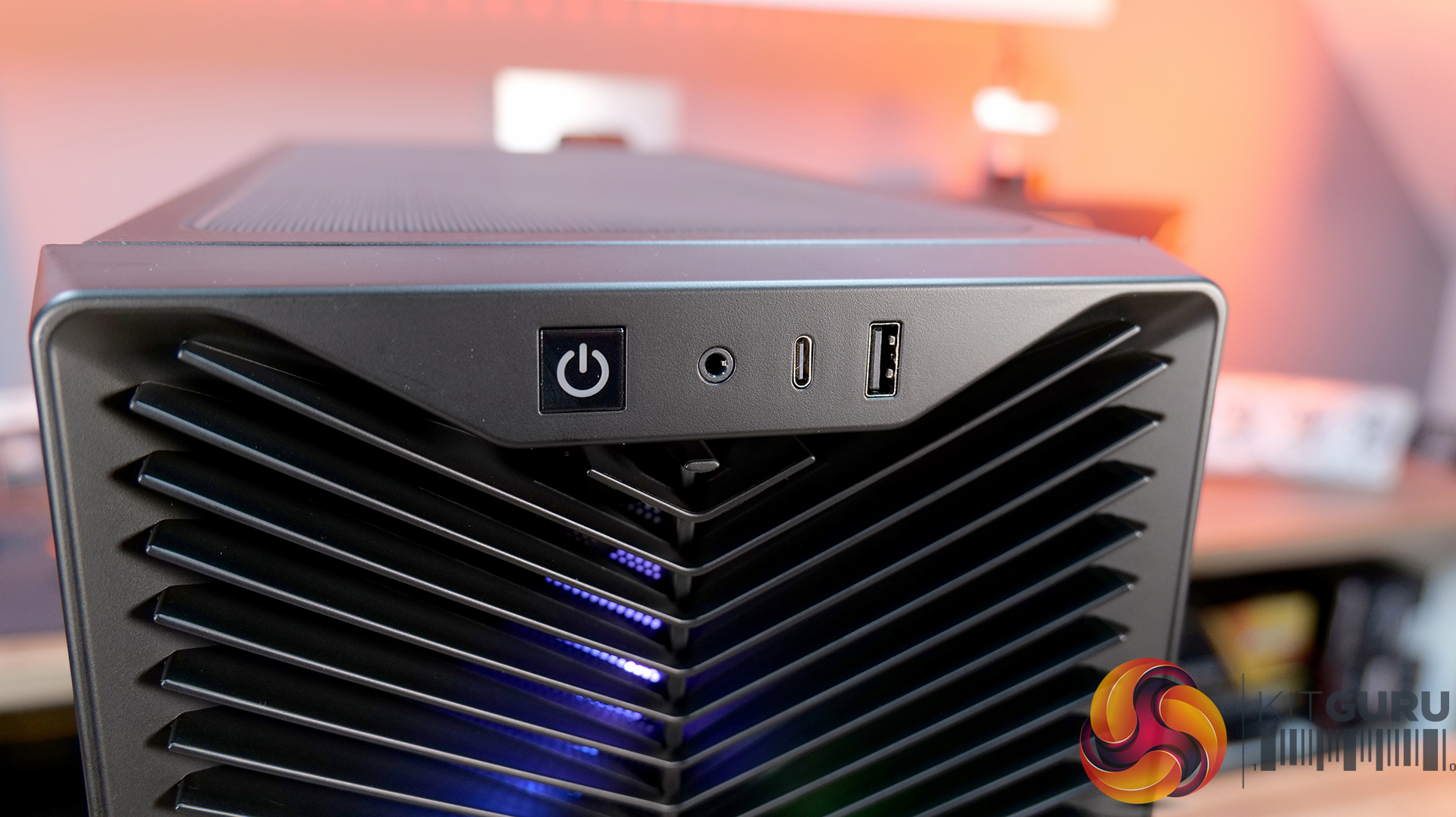
  • Front I/O: 1 x USB 3.2 Gen 2 Type-C (20Gbps), 1 x USB 2.0 Type-A, 3.5mm Audio and Mic Combo Jack, Power Button
  • LCD Screen: N/A

Thermal Performance Testing

To simulate thermal demand, we run the Cinebench R23 multi-thread benchmark and 3DMark Speed Way stress test simultaneously in a loop for 30 minutes to load the system fully. This gives the CPU and GPU enough time to reach constant steady-state temperature. With this data, we can compare how the system handles the thermal demand and measure peak noise levels.

Thermal performance is measured with the case in various configurations, such as the default, with the tempered glass left-hand side panel removed and with the front panel removed to see how these configurations affect the CPU and GPU temperature. During testing, only stock case fans are used unless otherwise specified. All water pumps are set to maximum RPM and fans are set to a custom RPM curve by the Motherboard software/BIOS.

All temperature measurements are presented as Deltas – meaning the ambient temperature has been deducted from the CPU temperature, giving us a Delta. Data shown in the charts represents the average component temperature over the length of the test as measured by HWiNFO, and then the last 15 minutes of the data are calculated to get the average. The ambient temperature during thermal tests is between 19-20⁰C.

Test System Specification:

Thermal Performance Overview

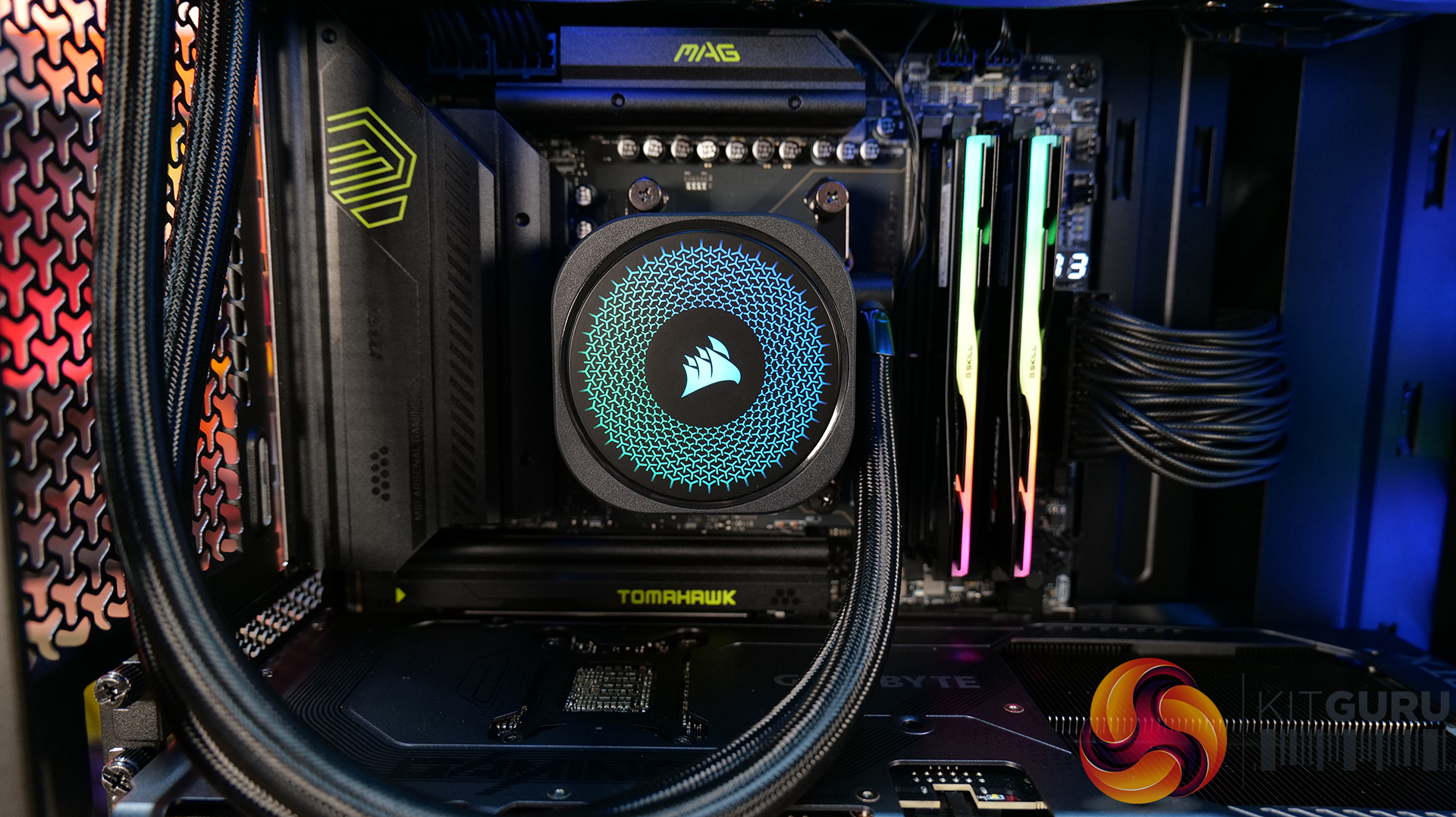
We tested the case thermals with a 360mm AIO as the exhaust at the top and in several different configurations. The default configuration shown in the charts is with the 360mm AIO at the top, 3 x 120mm RS ARGB fans at the front as intake and with all panels installed.

Looking at the thermal results, the 3200D performs consistently across all of our test configurations. With the case in its default setup, we saw CPU temperatures of 52°C and GPU temperatures of 47°C above ambient, which are solid out of the box results.

Removing the glass side panel or the dust filters doesn't make a meaningful difference, suggesting airflow through the chassis is already quite unrestricted by default. Interestingly, adding bottom fans shaves a few degrees off the GPU temperature, dropping it to 44°C, which shows that directing airflow toward the graphics card can provide a small benefit.

Noise Output

Moving on to noise output, results are again consistent across the different configurations. In the default setup the system measures 49 dBA under full load, while idle noise sits at a steady 36 dBA regardless of configuration.

Removing the dust filters or the glass side has little impact, with load noise varying only slightly from 49 to 50 dBA. The configuration with bottom fans installed produces the lowest load noise at 48 dBA, suggesting the additional airflow allows the GPU fans to work a little less aggressively under load, lowering overall system noise.

Closing Thoughts

Taken as a whole, the Corsair 3200D is a solid addition to the affordable airflow-focused case market. In our testing it delivers strong thermal performance with little variation in performance across configurations, so the case is well optimised for airflow and cooling straight out of the box. Build quality is also impressive for the price point, with a sturdy overall feel and a generally clean, understated design that should appeal to a wide range of consumers.

Hardware support is positive too, as the case manages to squeeze in high-end components despite its fairly compact mid-tower footprint. There’s room for large graphics cards, decent CPU cooler clearance, 360mm AIOs and support for several motherboard formats, which helps make the 3200D a flexible platform for mainstream gaming builds. While the interior layout does involve a few compromises due to the case dimensions, overall it still offers a fairly straightforward building experience.

That said, there are a few areas where the design feels slightly underdeveloped. The 360mm top radiator support is there technically, but compatibility can be limited depending on radiators and fan size, plus installation itself is a little awkward without a detachable top panel or radiator/fan bracket. Similarly, the front I/O feels somewhat dated with the inclusion of a USB 2.0 Type-A port, where a USB 3.0 connection would make more sense for a modern chassis. This could come down to the choice of reverse connector motherboard support and tight right-hand side clearance for cable management, although Corsair suggests otherwise.

There are also some smaller usability quirks to be aware of. The included GPU support bracket may not work with some graphics cards, particularly those with fans that extend lower than the shroud, plus there's no fan/ARGB hub included. However, these drawbacks don’t completely undermine what the Corsair 3200D does well. With strong airflow performance, solid build quality and good overall hardware support, it remains a capable budget builder-friendly case – even if a few design tweaks could have made it a much stronger contender.

The Corsair 3200D RS ARGB is has an MSRP of £79.99 here in the UK.

Pros:

  • Strong airflow and cooling,
  • Solid build quality at this price point.
  • Good hardware support for its size, even with the compromises with a top 360 rad.

Cons:

  • Top 360 radiator compatibility is limited, and installation can be awkward.
  • USB 2.0 Type-A should be upgraded to USB 3.0.
  • No detachable top rad/fan mount.
  • GPU support bracket not compatible/interferes with fans on some graphics cards.
  • No fan/ARGB hub included.

KitGuru says: Corsair almost nailed it with the 3200D, it has great cooling potential and hardware support, but some extra attention to detail would have resulted in a more well-rounded case.

The post Corsair 3200D RS ARGB Case Review first appeared on KitGuru.

Horizon Hunters Gathering Playtest goes live this weekend

25 February 2026 at 12:00

While sentiment surrounding PlayStation right now is far from its peak, thanks in part to the recent closure of BluePoint Games Studio, the console maker is continuing on with its live-service efforts. Alongside the upcoming Marathon playtest, Sony has now confirmed that the recently-announced Horizon Hunters Gathering is getting its first closed playtest this weekend.

Making the announcement via the game’s Steam page, the team at Guerrilla Games confirmed that the first closed playtest for their upcoming live-service project ‘Horizon Hunters Gathering’ is set to go live this weekend.

Available to those who are signed up to PlayStation’s beta program, the playtest will kick off on the 27th of February and will conclude on the 1st of March. Unfortunately, this first session is limited to those in North America and Europe – though both PS5 and Steam users can get in on the action at the very least.

Horizon Playtest

Of course, the playtest will feature just a slice of the full experience, with Guerrilla confirming the following will be present and playable:

  • Three characters to choose from
    • Axle
    • Rem
    • Sun
  • Two game modes
    • Machine Incursion (Normal / Hard)
    • Cauldron Descent (Normal)
  • 1 region to explore (Colorado Springs)
  • Access to the ‘Gathering’ (social hub)

As mentioned, those interested in checking out the game ahead of time will need to sign up to PlayStation’s beta program. While this won’t guarantee you access, make sure to check out your emails over the coming days in case you are selected to join.

Considering the fact that Sony’s track record when it comes to live-service titles has been a bit spotty, it is encouraging to see that the console maker is hosting multiple playtests in order to ensure the final product is one which players actually want to engage with and return to on a regular basis. It will be interesting to see what fans think of Hunters Gathering when it goes live this weekend.

Discuss on our Facebook page HERE.

KitGuru says: What do you think of Horizon Hunters Gathering? Are you planning to sign up? Let us know down below.

The post Horizon Hunters Gathering Playtest goes live this weekend first appeared on KitGuru.

Microsoft Adds Built-in Internet Speed Test For Windows 11 Taskbar In Latest Preview Build, Alongside Several More Improvements

18 February 2026 at 14:52

Microsoft Claims 50% Faster Load Times For Windows 11 Apps Via Native AOT Support 1

The latest Windows 11 Release Preview build shows what to expect in the next feature drop, and it will mostly include taskbar updates. Windows 11's New Taskbar Improvements Bring a Built-in Speed Test and Other Enhancements Microsoft has rolled out its latest Windows 11 builds 26100.7918 and 26200.7918 to the Release Preview Channel, which has confirmed various refinements in the OS. As per the blog post, Microsoft is testing a new wave of updates for the Windows 11 taskbar as well as for the core experience in general in the Release Preview Channel. One of the most convenient and useful […]

Read full article at https://wccftech.com/microsoft-adds-built-in-internet-speed-test-for-windows-11-taskbar-in-latest-preview-build/

Nvidia DLSS 4.5 beats native resolution and AMD FSR 4 in blind image quality test

18 February 2026 at 17:00

ComputerBase conducted the online blind test involving thousands of gamers to evaluate the visual quality of current video rendering technologies. The study compared Nvidia's latest Deep Learning Super Sampling (DLSS) 4.5 against AMD's machine learning-based FSR 4 and native resolution rendering with standard Temporal Anti-Aliasing (TAA).

ComputerBase's test was performed at Ultra HD (4K) resolution using the “Quality” presets for both AI upscalers across six major titles: Anno 117, ARC Raiders, Cyberpunk 2077, Horizon Forbidden West, Satisfactory, and The Last of Us Part II. To eliminate brand bias, the comparison utilised videos labelled only with numbers for the first two weeks of the survey.

The final results revealed a significant preference for Nvidia's DLSS 4.5, which emerged as the winner across all games tested. On average, approximately 48% of participants voted DLSS 4.5 as having the best image quality, while roughly 24% preferred native rendering and only 15% chose AMD's FSR 4. The margin of victory for DLSS 4.5 was particularly substantial in titles like Satisfactory and Horizon Forbidden West, where it received 60.9% and 56.3% of the total votes, respectively. Interestingly, Cyberpunk 2077 presented the closest contest, with DLSS 4.5 nearly equal to native-resolution rendering. That suggests that in some cases, DLSS 4.5 may not be the preferred option.

In contrast, AMD's latest ML-based video technologies in the “Redstone” package struggled to win over the community. While FSR 4 provides a meaningful boost in frame rates and improves upon previous iterations by reducing ghosting and better preserving particle effects, it failed to surpass native resolution during this test. The detailed results of this test can be found below:

Native + TAA Nvidia DLSS 4.5 AMD FSR Upscaling AI Equivalent Total
Anno 117 282
(22.8%)
621
(50.1%)
204
(16.5%)
132
(10.7%)
1,239
(100%)
ARC Raiders 328
(27.3%)
570
(47.4%)
166
(13.8%)
138
(11.5%)
1,202
(100%)
Cyberpunk 2077 372
(32.4%)
394
(34.4%)
122
(10.6%)
259
(22.6%)
1,147
(100%)
Horizon Forbidden West 208
(19.4%)
604
(56.3%)
125
(11.7%)
135
(12.6%)
1,072
(100%)
Satisfactory 155
(15.1%)
627
(60.9%)
128
(12.4%)
119
(11.6%)
1,029
(100%)
The Last of Us Part II 274
(25.9%)
433
(40.9%)
268
(25.3%)
83
(7.8%)
1,058
(100%)
Final result
In total 1,619 3,249 1,013 866 6,747
Average 24.0% 48.2% 15.0% 12.8% 100%

As noted by ComputerBase, the test results show only how frequently each option was rated “the best image quality”. The results, however, don't show the second- and third-best choices. Neither the wording of the question nor the surveys themselves were designed to reveal this. Therefore, stating something like “FSR Upscaling looks worse than native” based on these results is invalid.

Discuss on our Facebook page, HERE.

KitGuru says: Do these results match your own experience with native, DLSS 4.5, and FSR 4?

The post Nvidia DLSS 4.5 beats native resolution and AMD FSR 4 in blind image quality test first appeared on KitGuru.
❌
❌