❌

Normal view

There are new articles available, click to refresh the page.
Yesterday β€” 10 August 2026KitGuru

Noctua case compatibility database shows some manufacturers share incorrect specs

9 August 2026 at 13:30

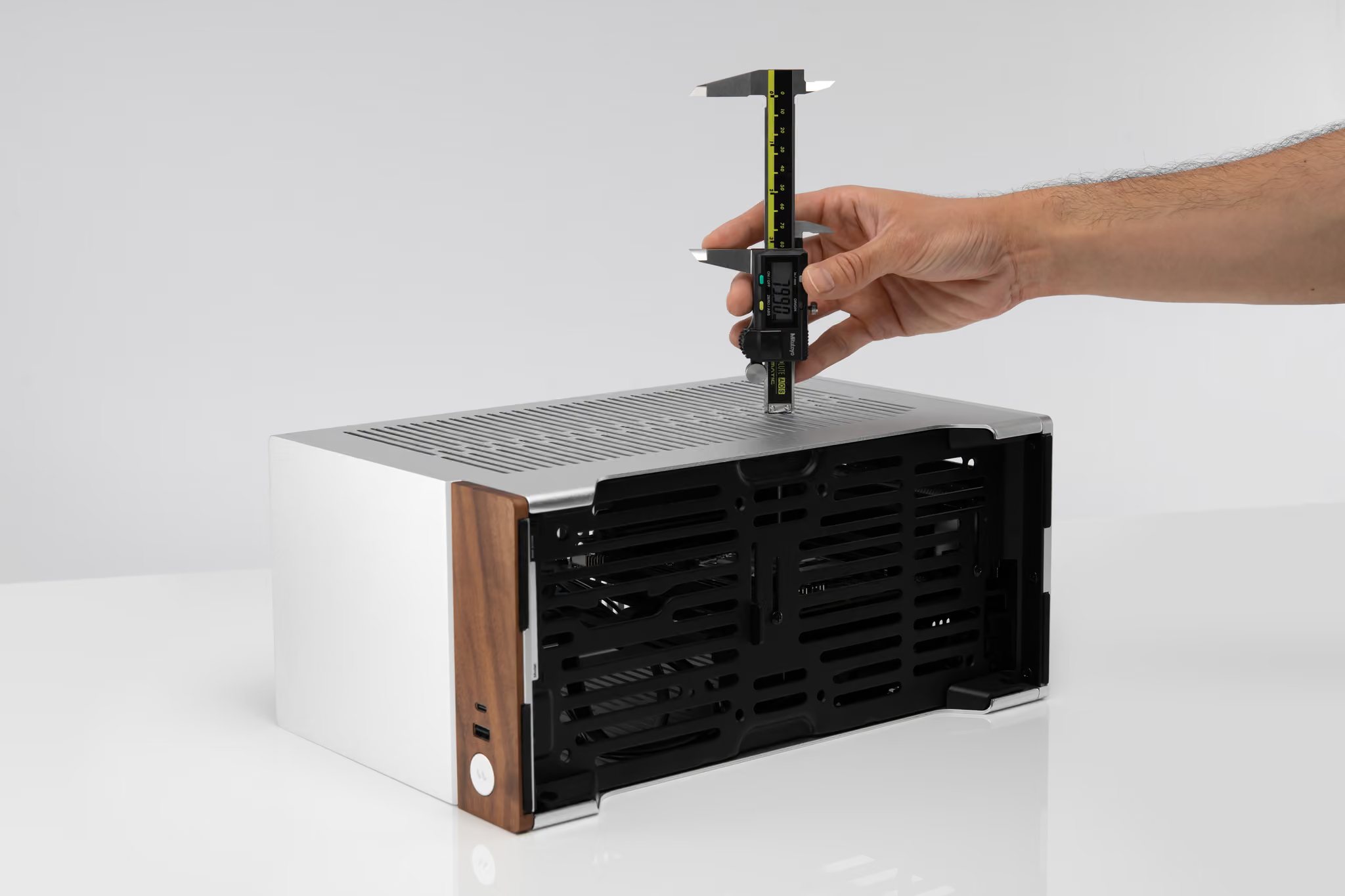
Noctua has launched a case compatibility database featuring CPU cooler clearance measurements taken by the company for more than 100 PC cases. The tool aims to give builders precise fitment data rather than relying solely on official manufacturer specifications.

Checking official vendor specification pages for CPU clearance, VGA, and PSU limits remains standard practice when picking PC components. However, listed specifications don't always match physical realities, as some components press against side panels despite claims of sufficient clearance. Other chassis offer additional room that vendors fail to document.

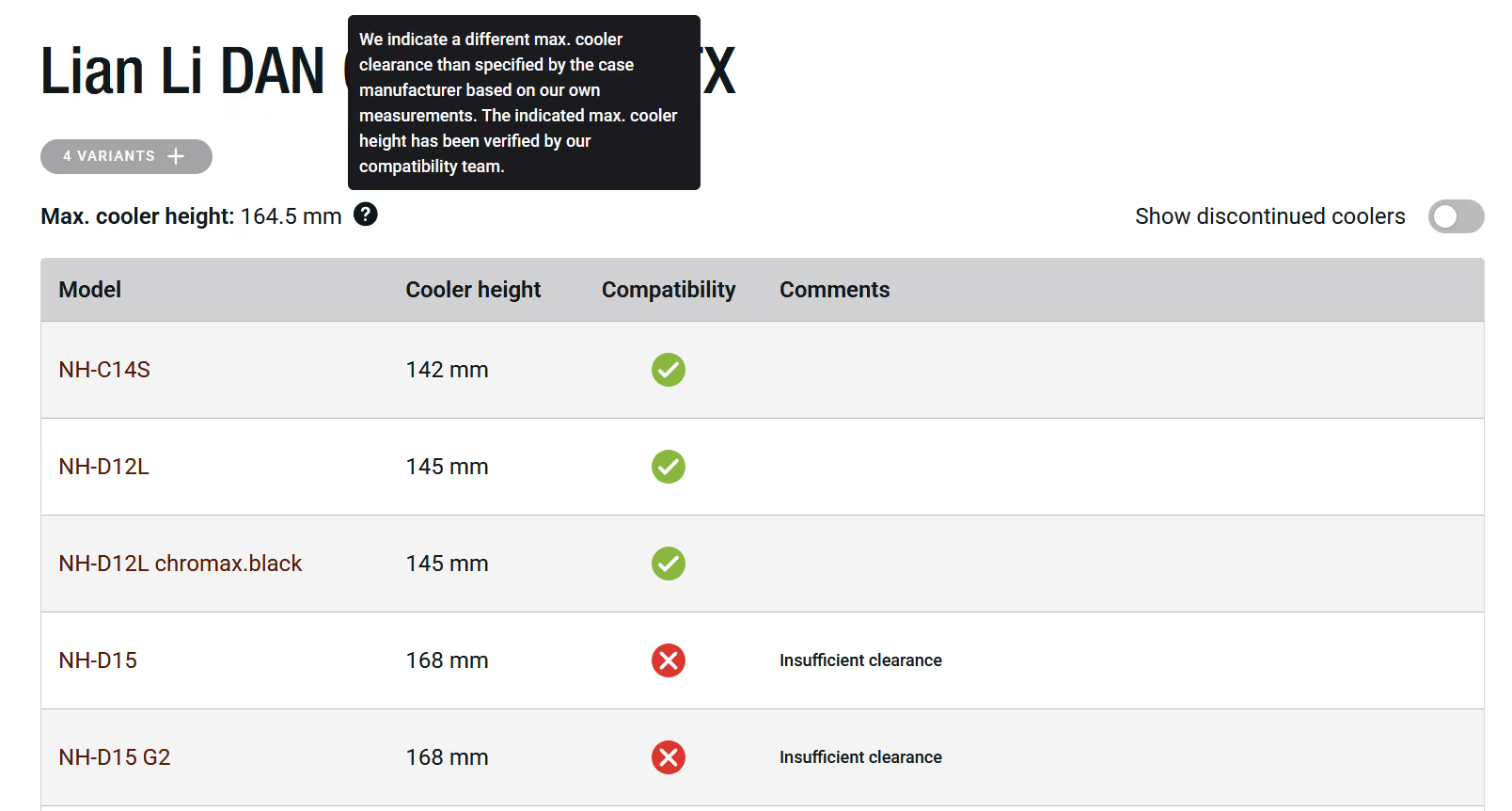
As spotted by Tweaktown, Noctua is now addressing these discrepancies by manually measuring CPU cooler clearance across over 100 chassis from various vendors and putting it all into a handy database. Dedicated compatibility tables now outline which heatsinks fit each chassis.

According to Noctua, cases like the Corsair 4000D and 5000D series provide nearly 10mm of extra clearance above listed specs. This extra space allows large coolers such as the 168mm-tall NH-D15 G2 to fit. On the other hand, testing revealed several models with lower physical clearance than advertised. One such example is the Asus Prime AP201, measuring approximately 2mm lower than official figures. Noctua plans to continue expanding the database as it tests additional cases.

KitGuru says: While the database focuses on Noctua's own cooling lineup, the data can also help builders gauge clearance for third-party coolers.

The post Noctua case compatibility database shows some manufacturers share incorrect specs first appeared on KitGuru.
Before yesterdayKitGuru

Cougar MX600 Max RGB Case Review

7 August 2026 at 08:52

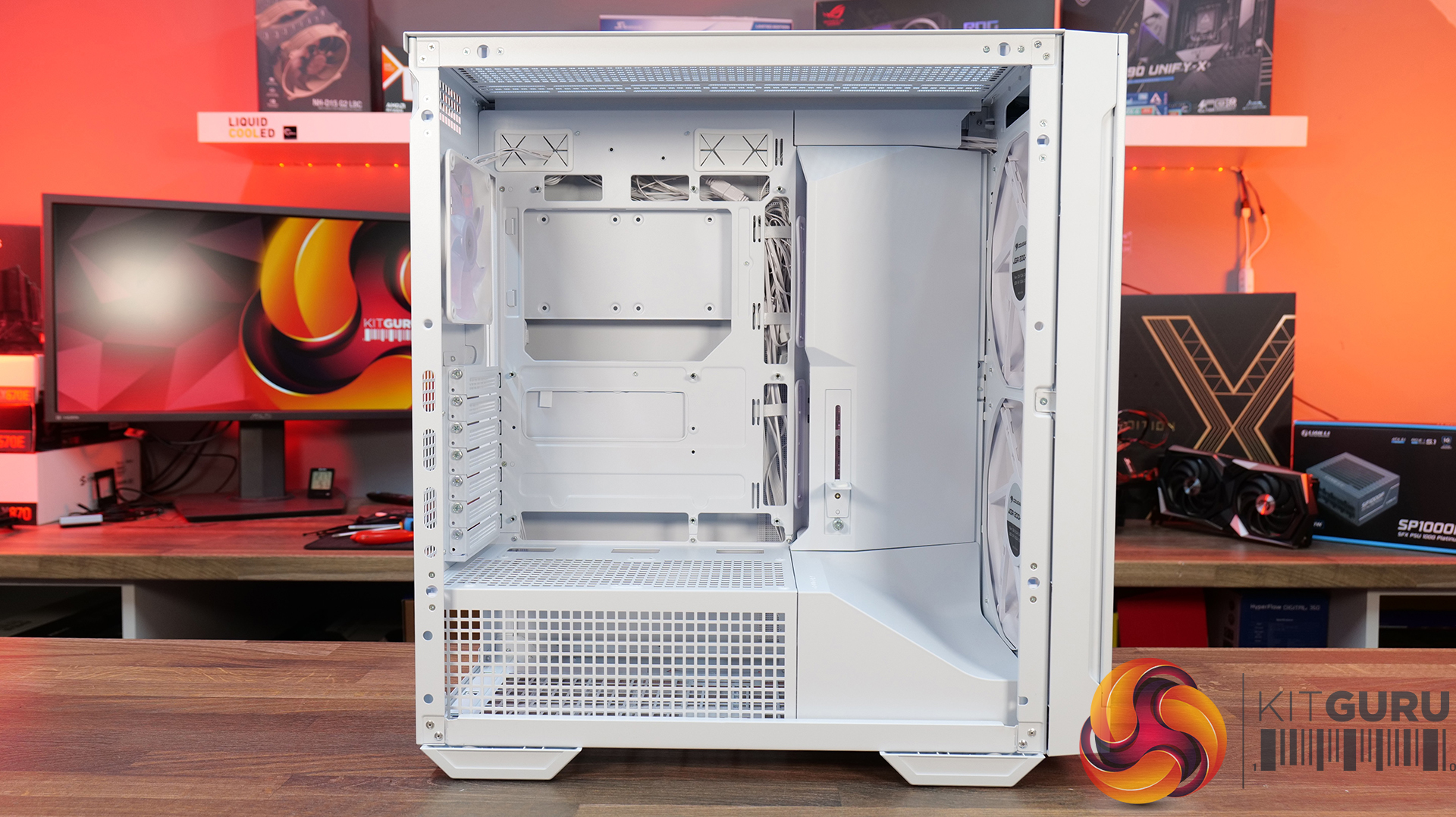
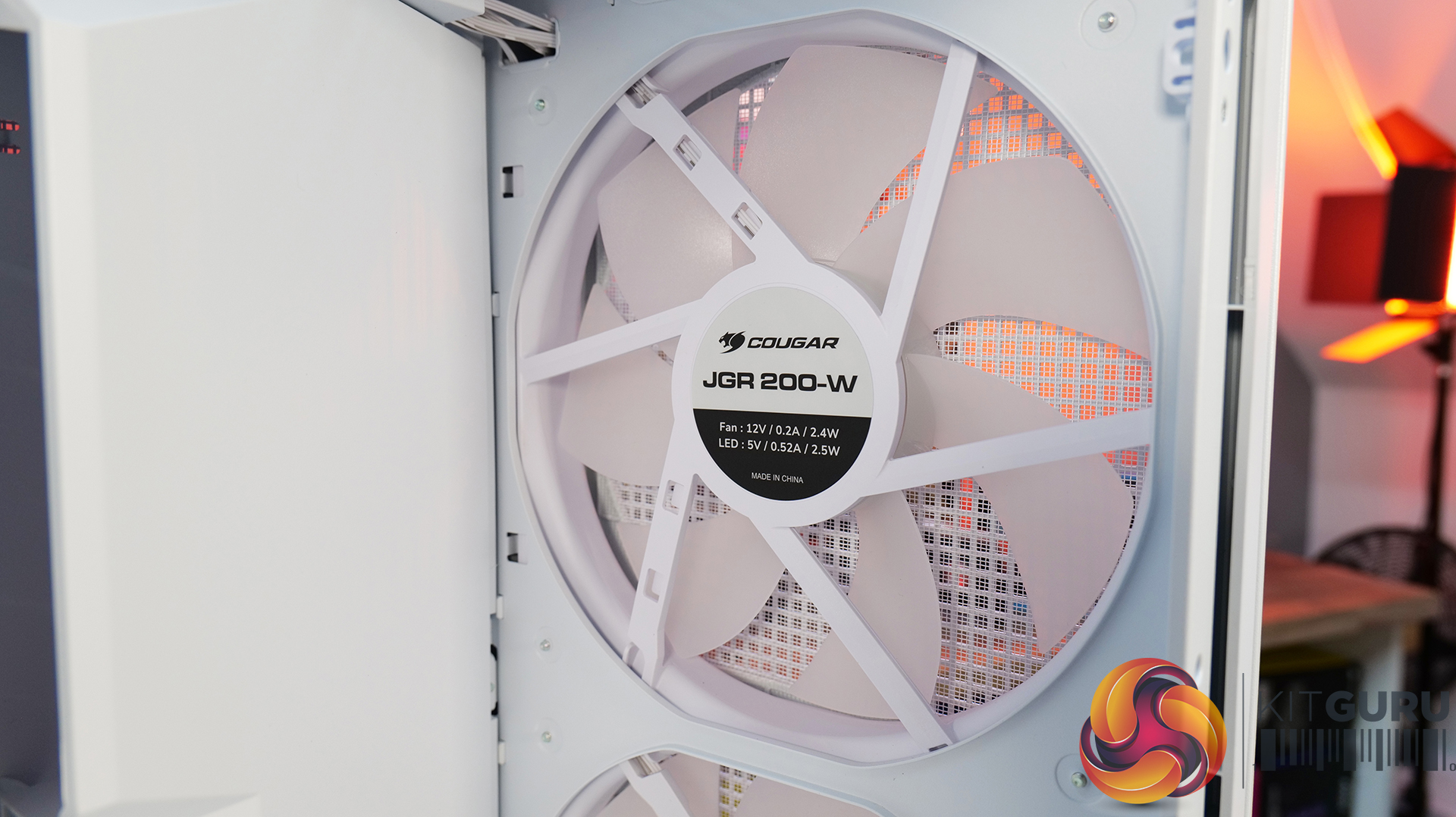
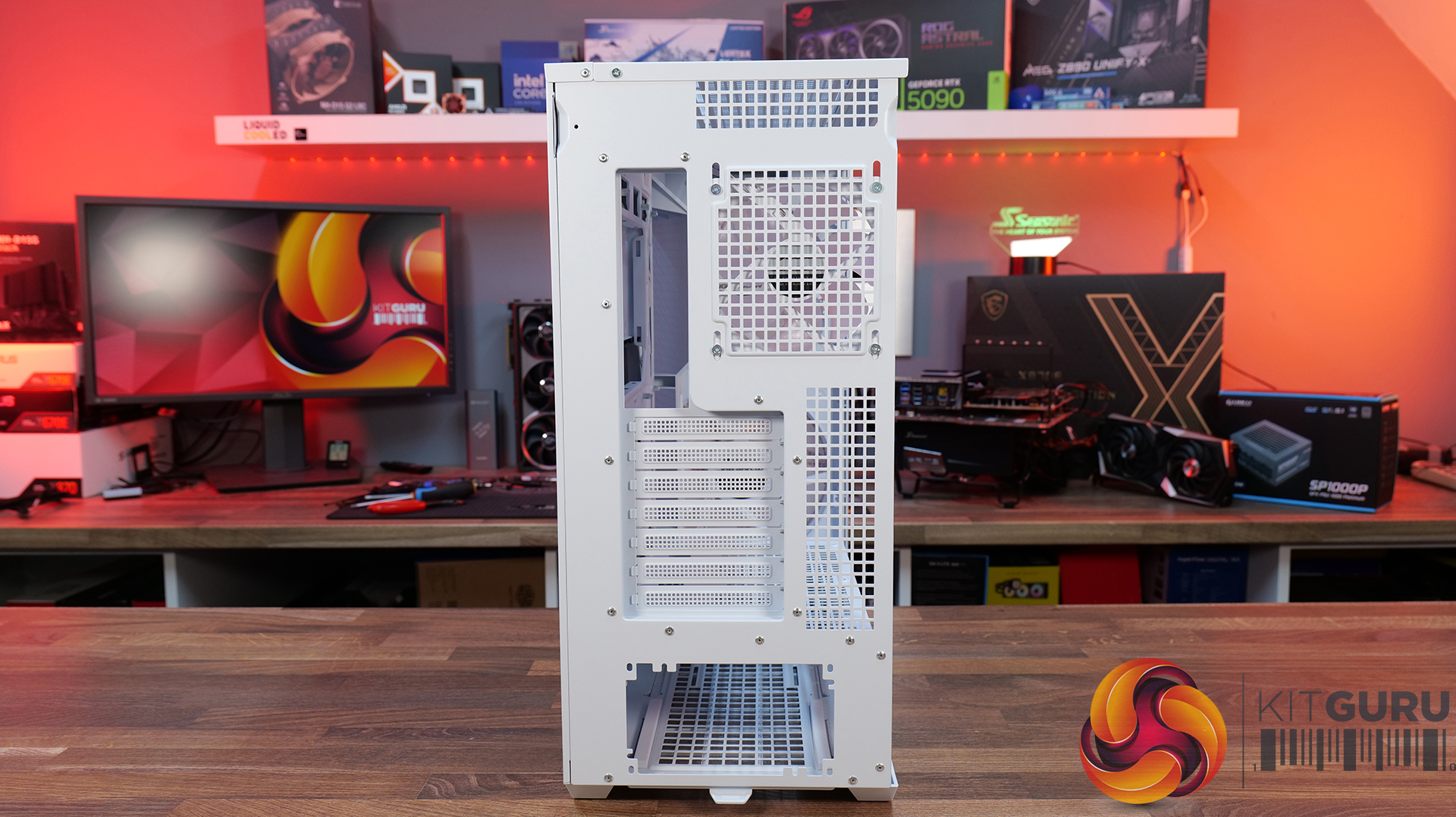
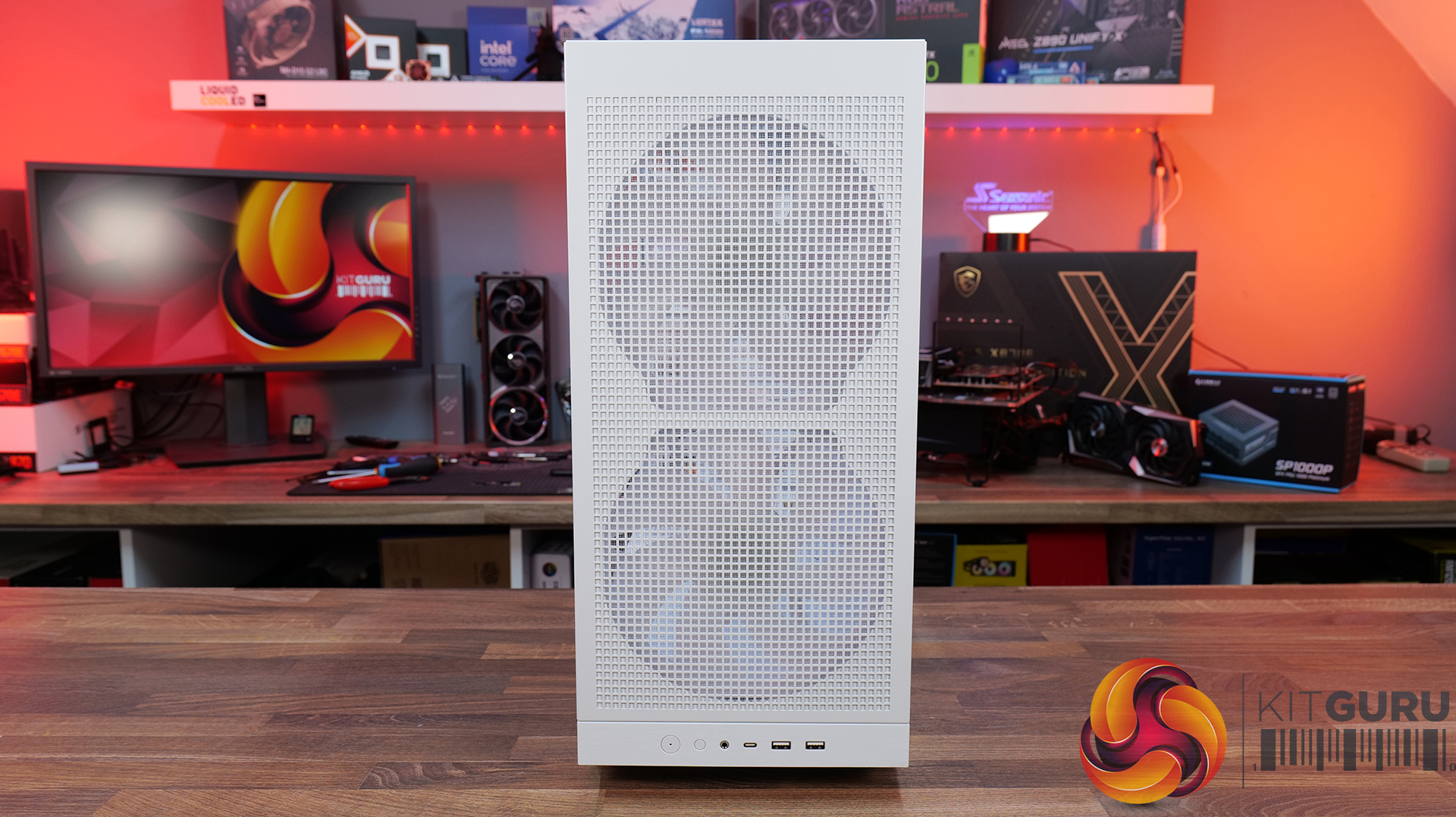
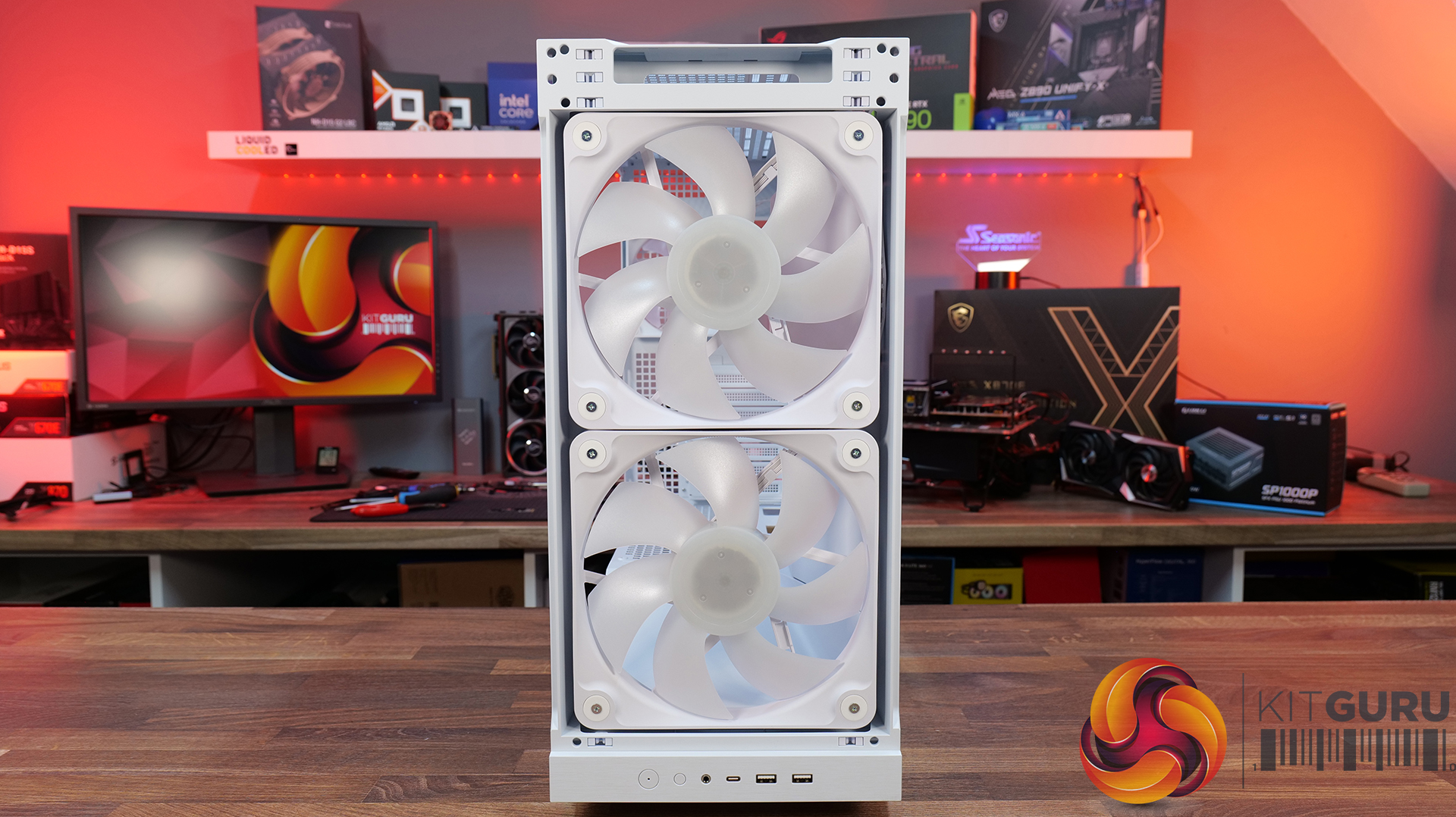
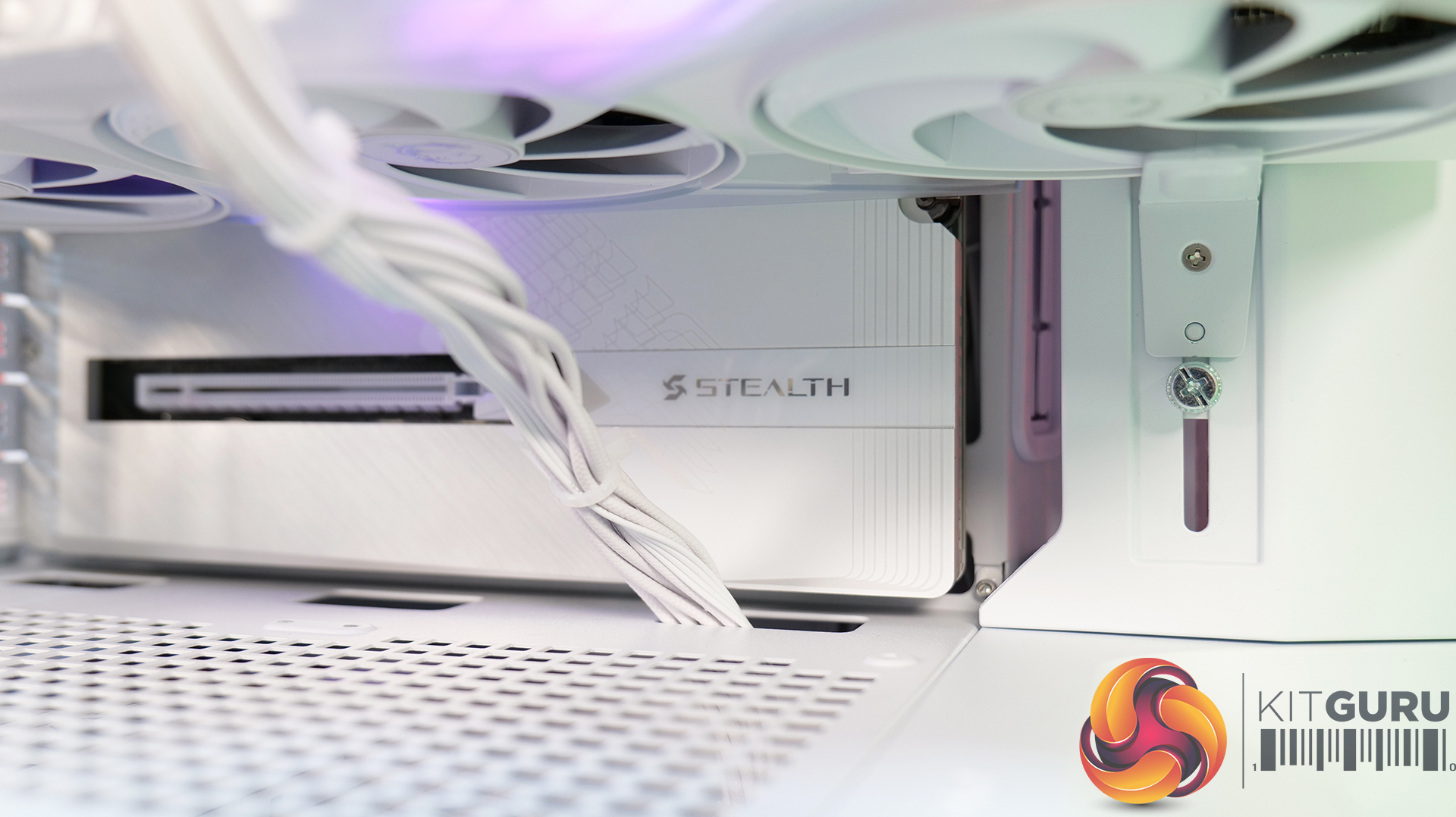
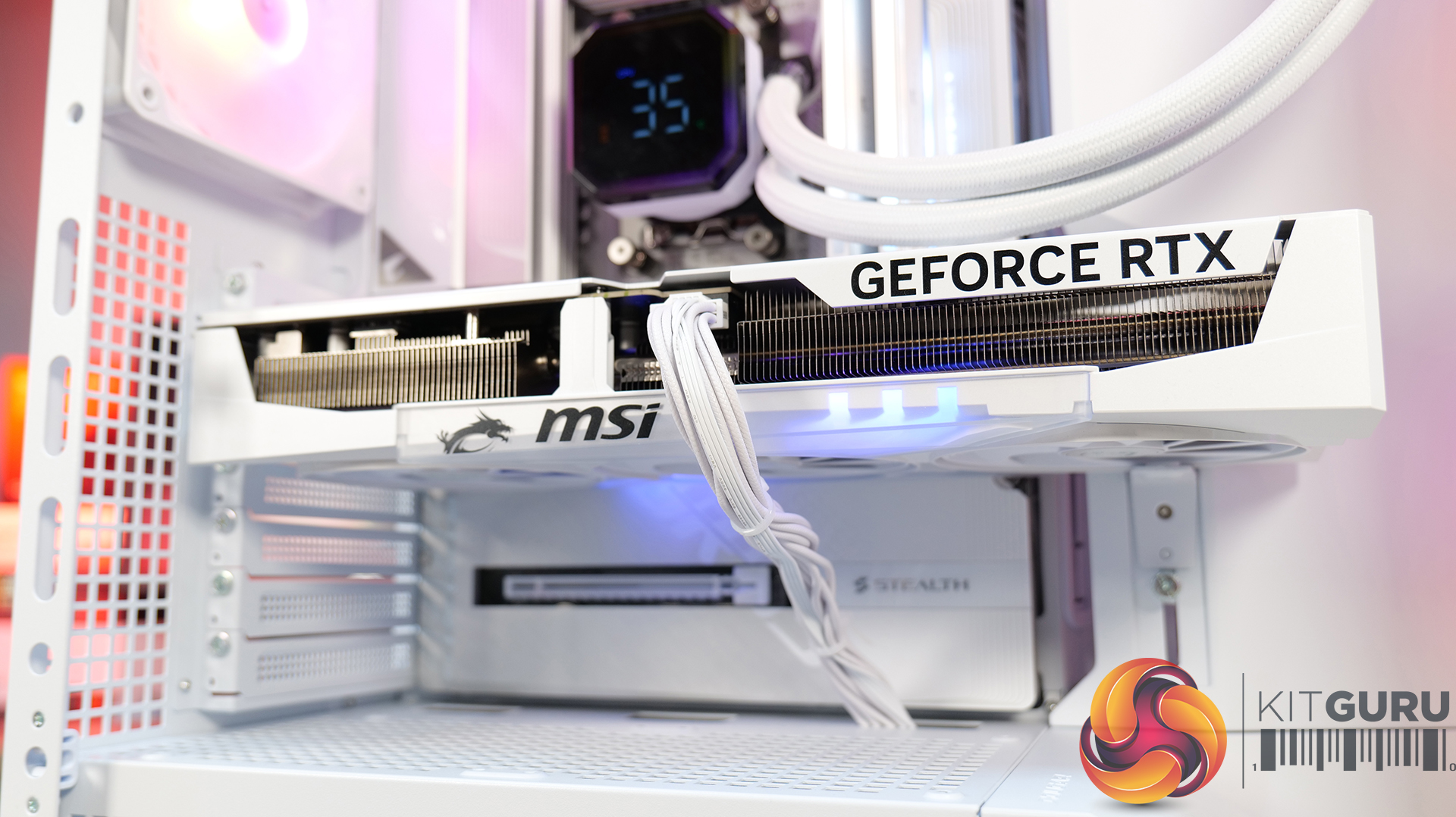
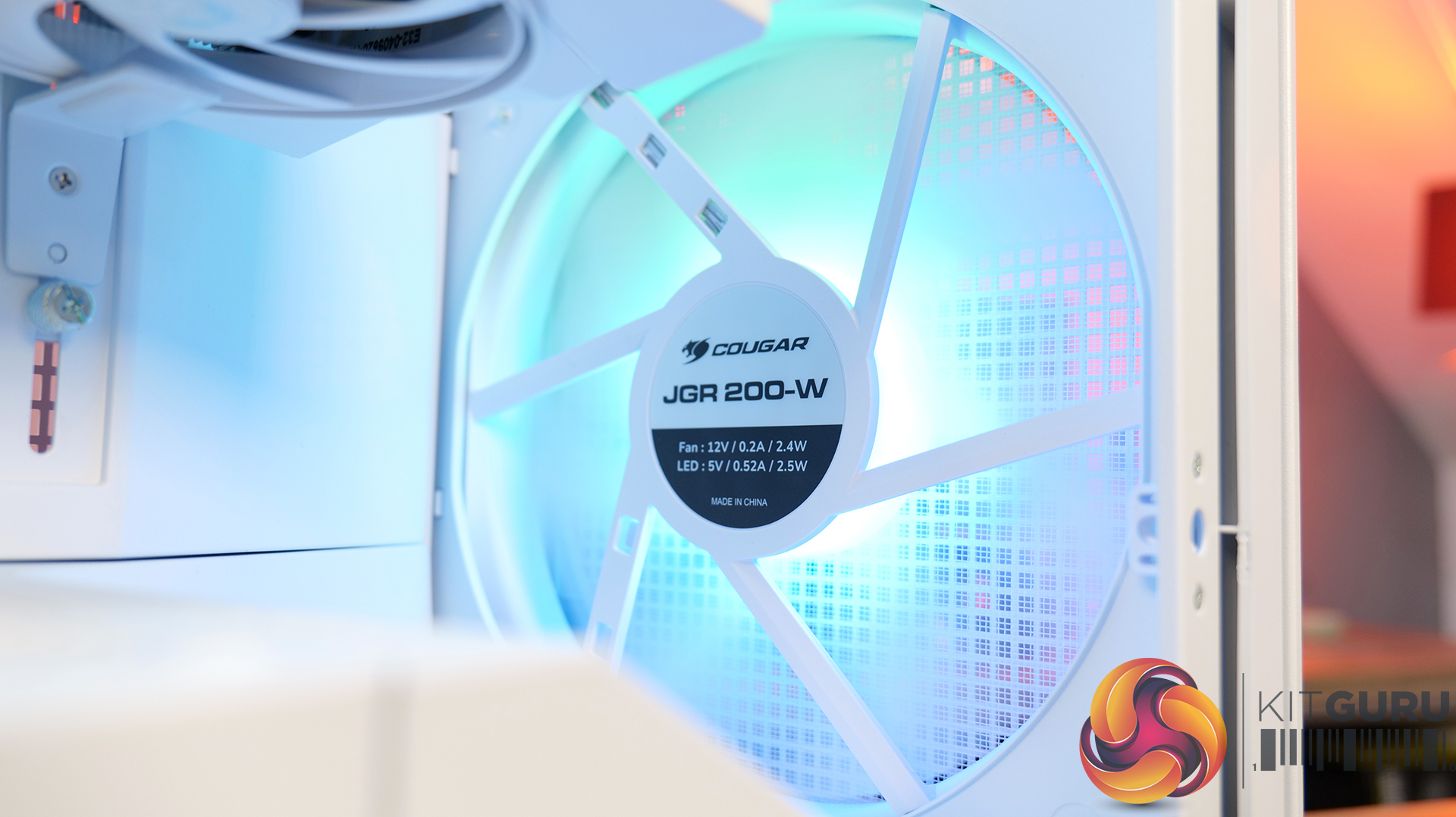
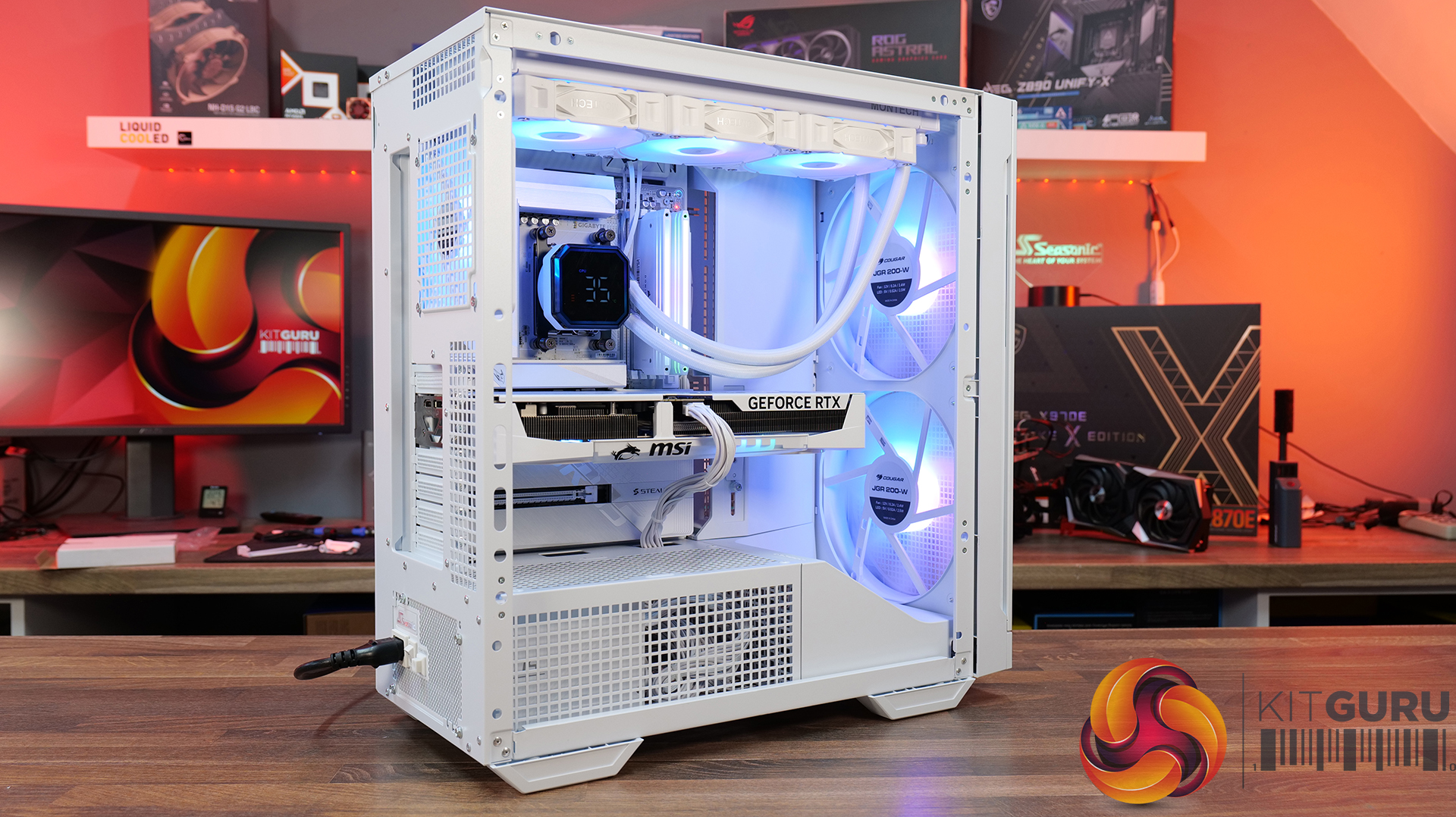
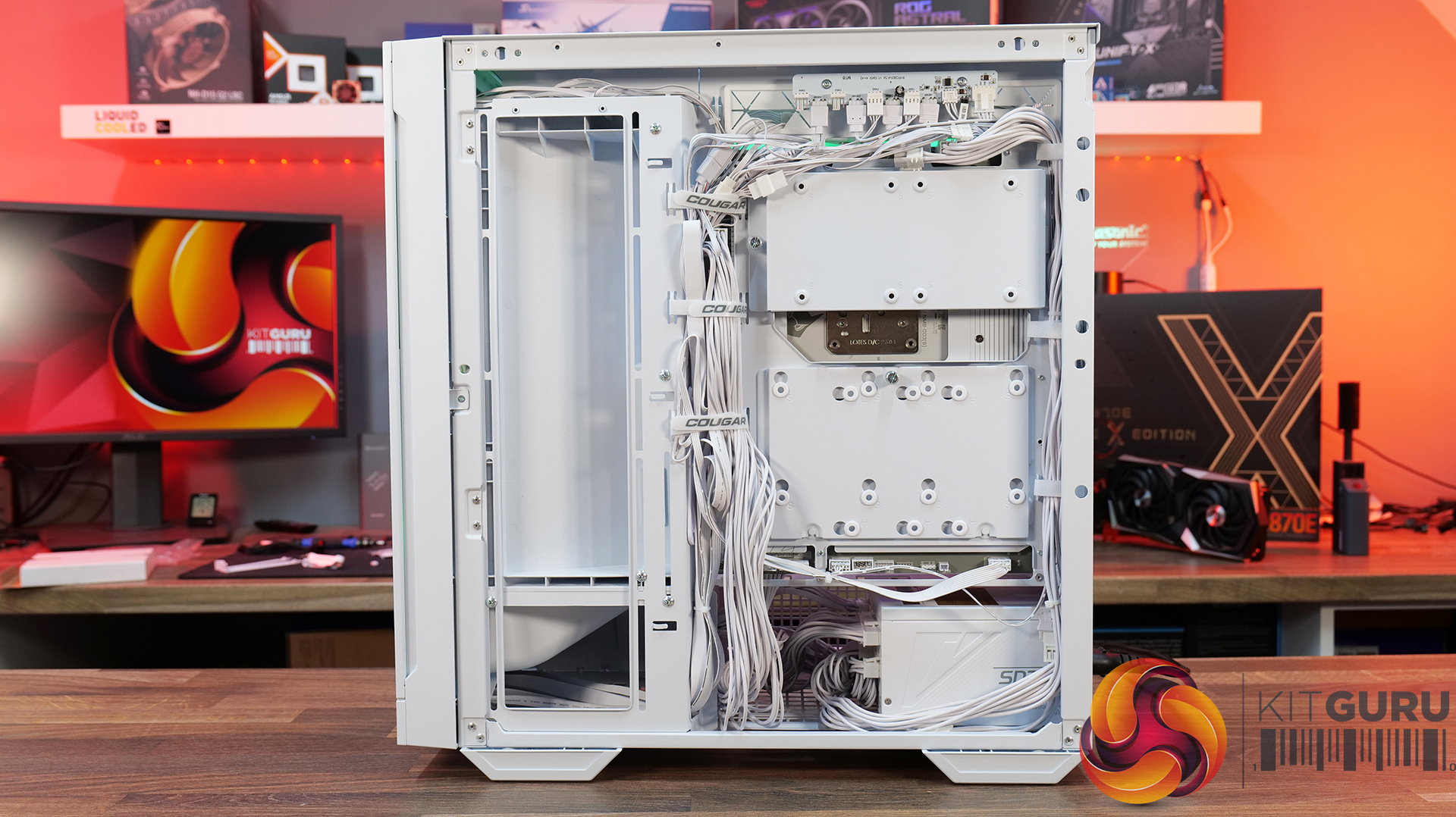
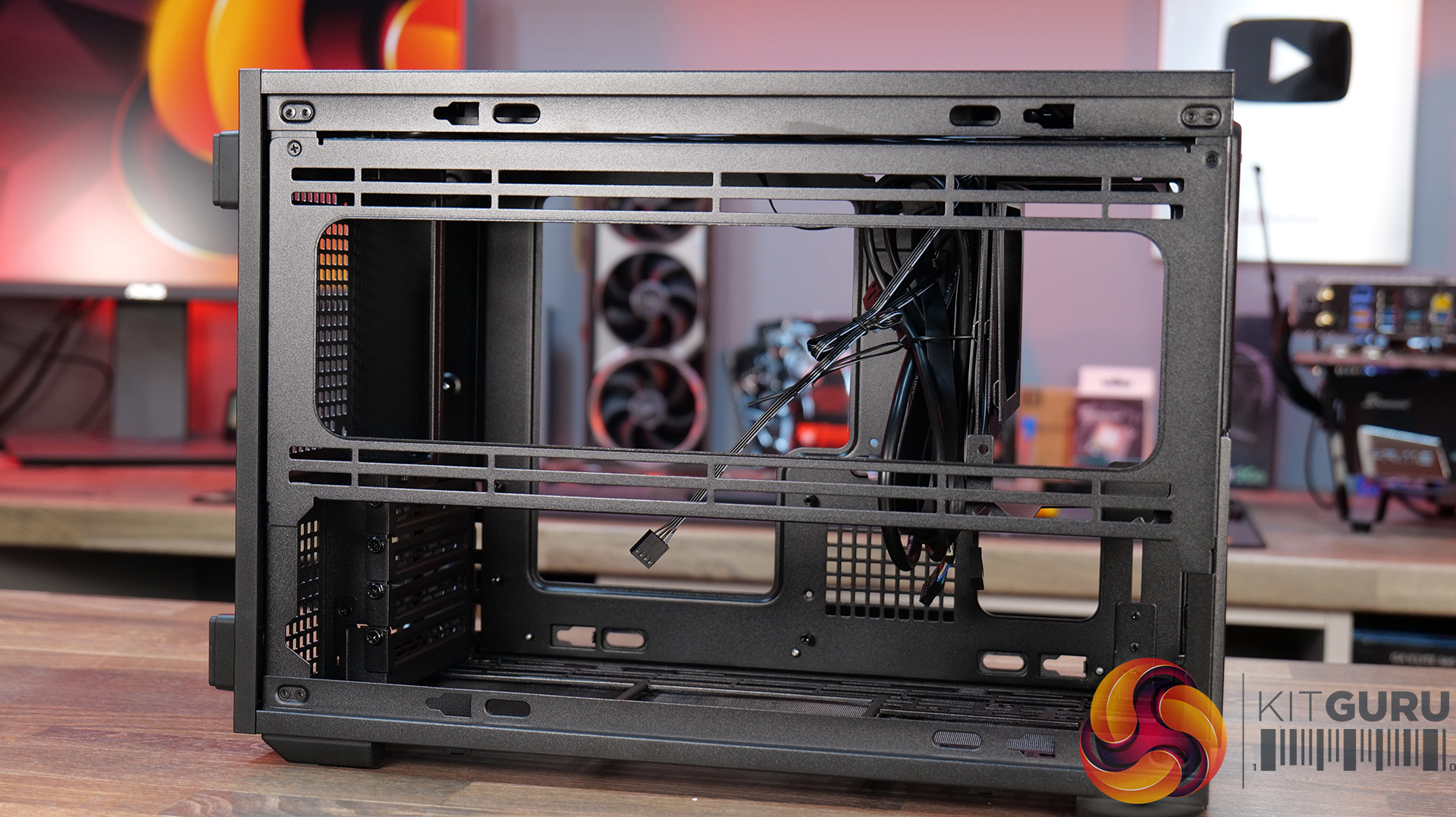
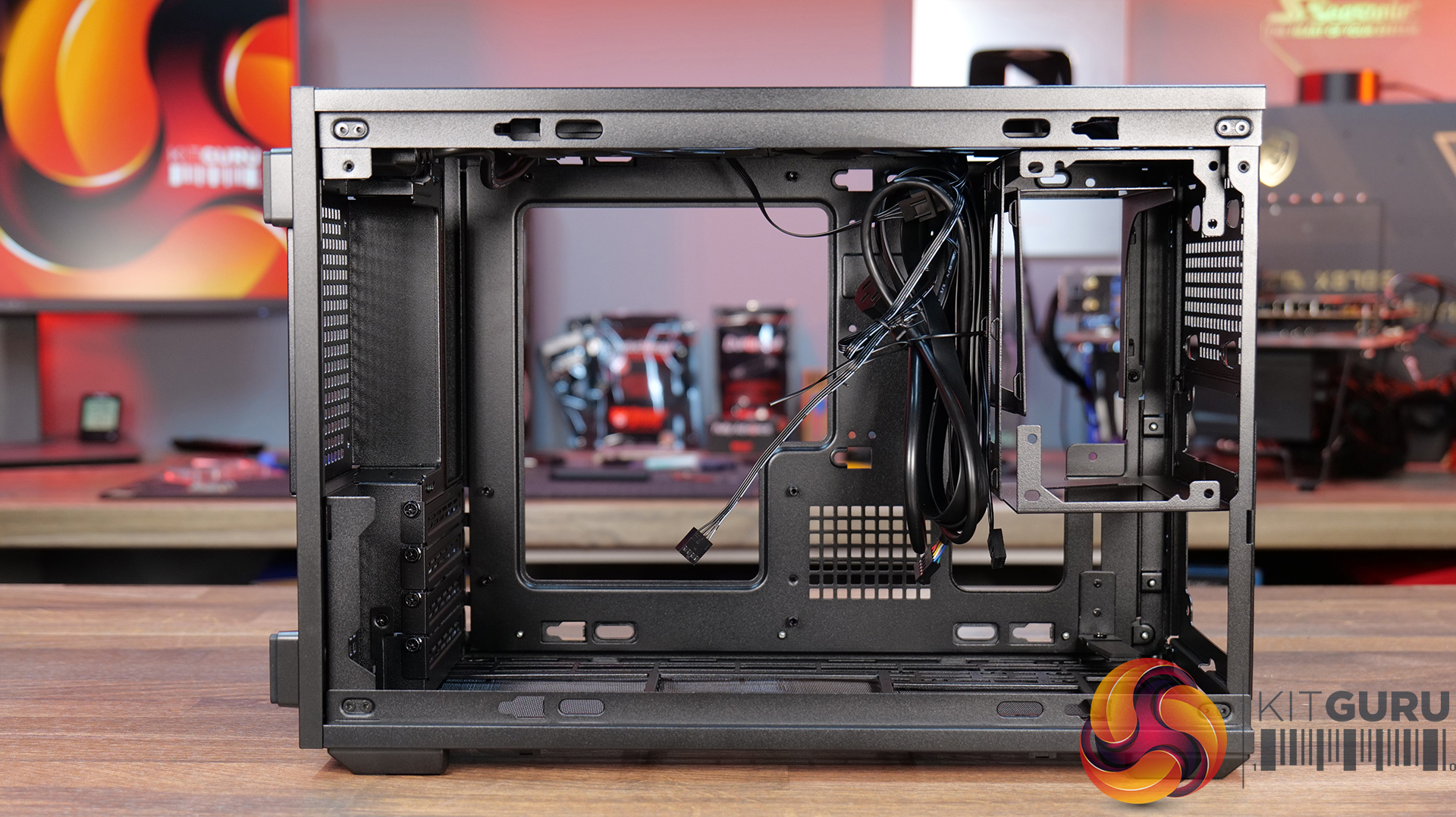
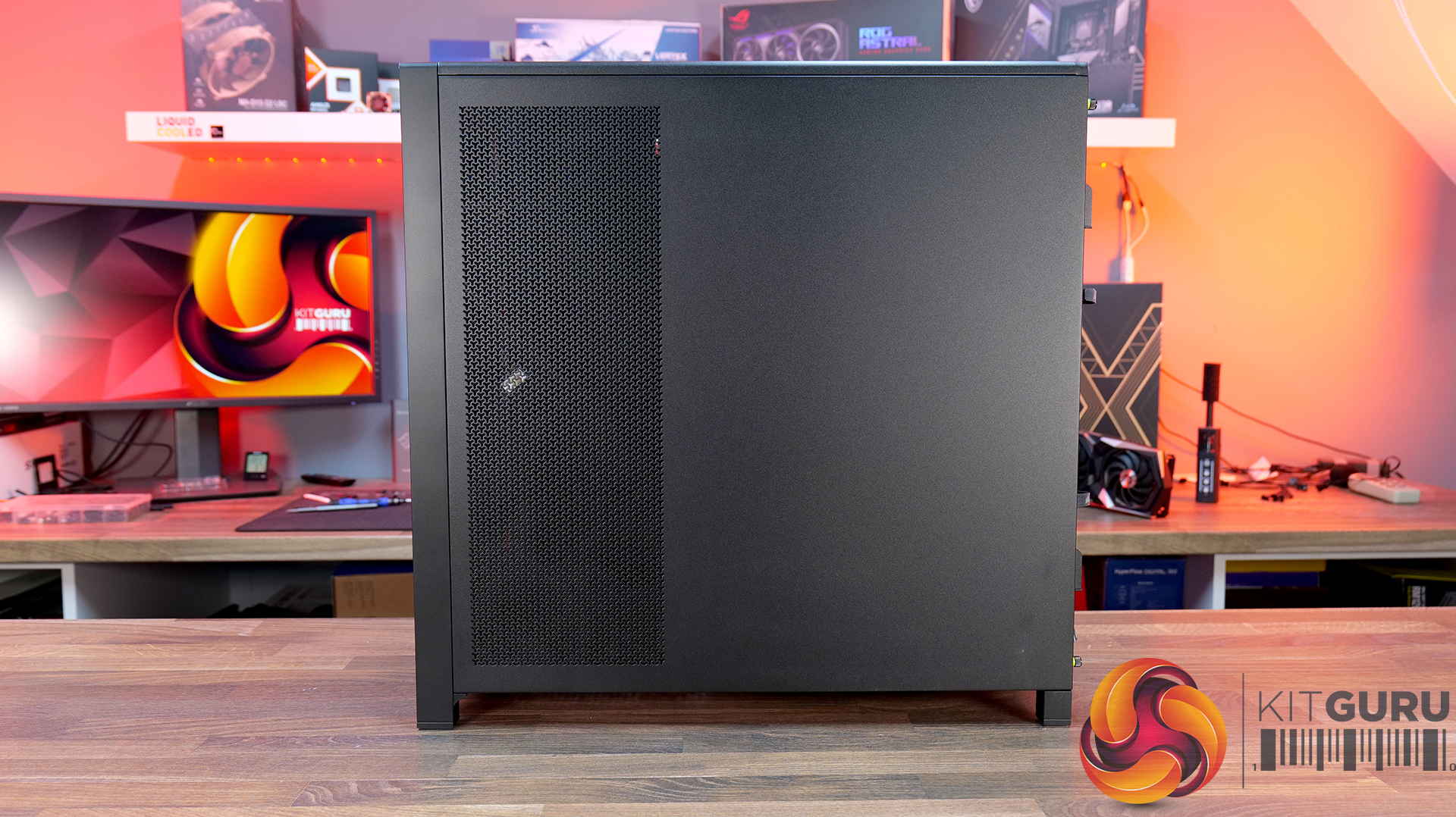
Today we're taking a look at the Cougar MX600 Max RGB, an airflow-focused mid-tower PC case designed for high-performance gaming systems. It comes equipped with two 200mm ARGB PWM front fans, supports graphics cards up to 400mm long, 360mm radiators in the top panel, and offers extensive compatibility for modern hardware. Cougar has also included features like a dual-curve airflow ramp, a modular front I/O panel and a detachable top cover to make building and maintenance easier. In this review, we'll find out if those features combine to make the MX600 Max RGB a case that's worth buying…

Timestamps:

00:00 Intro
00:55 Key details, pricing
01:49 Removing side panels
03:44 Front of the case
05:16 Internals – fan/rad support
07:09 Motherboard support
08:55 Cable management features + rear
10:04 Right-hand side area
13:13 Accessories + extras
14:00 Thermals + noise
16:31 Smoke visualisation
16:59 Closing thoughts

Features:

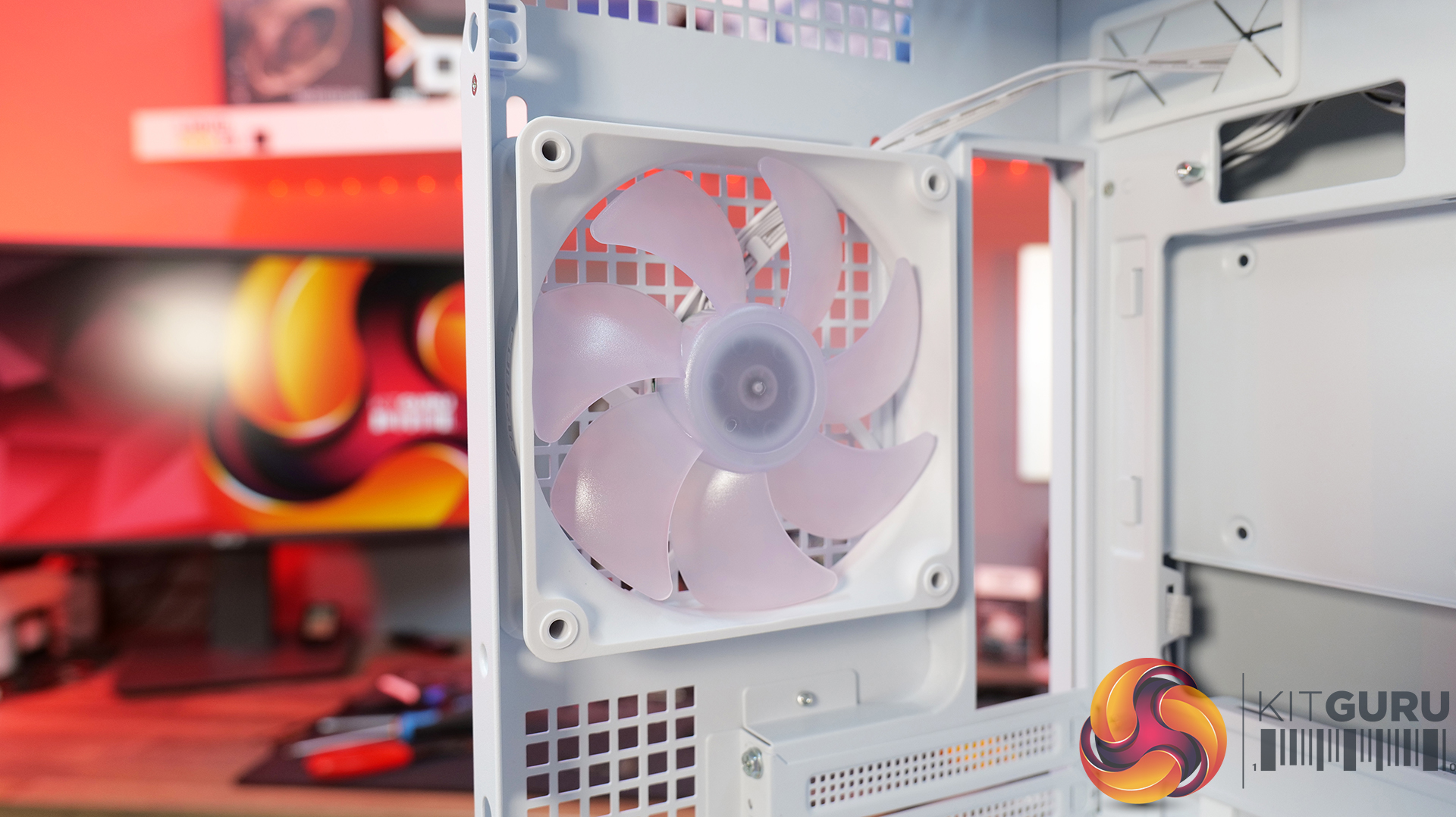
  • Airflow-First Design – The MX600 Max comes equipped with two huge 200mm ARGB PWM front fans and a 120mm ARGB PWM rear fan. Combined with Cougar's dual-curve airflow ramp and heavily ventilated front panel, designed to deliver airflow directly to the system's critical areas.
  • Excellent Hardware Compatibility – The MX600 Max supports graphics cards up to 400mm long, 360mm radiators in the roof, CPU coolers up to 170mm tall and Mini-ITX, Micro-ATX and ATX motherboards, giving you plenty of flexibility for a high-end build.
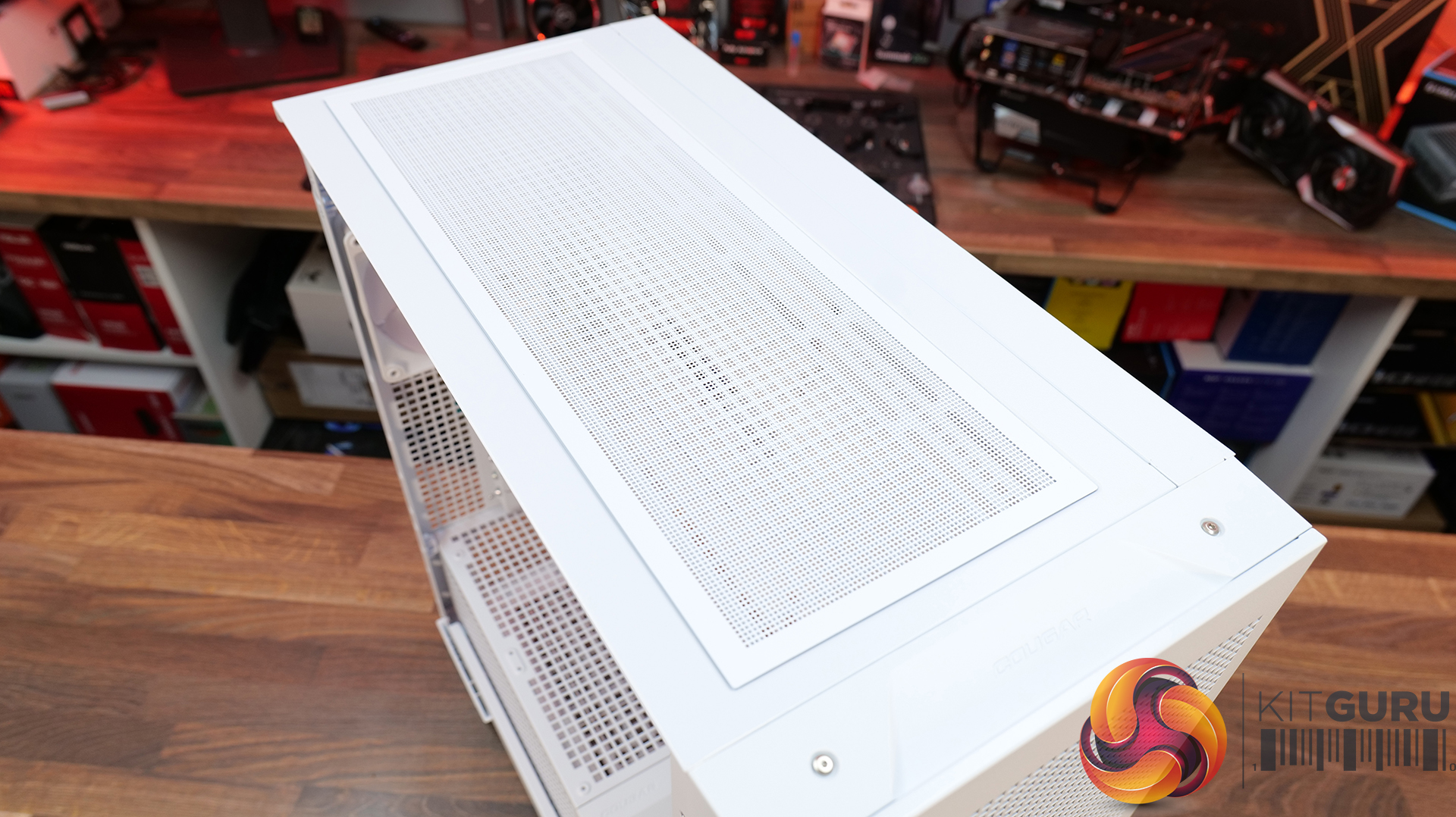
  • Designed to Make Building Easier – The fully detachable top cover simplifies radiator and fan installation while the modular front I/O panel can be mounted at the top or bottom of the case to suit your setup. Removable dust filters also make system maintenance much easier.

Specifications:

  • Case Type: Mid Tower
  • Dimensions (LxWxH): 235 x 514 x 482 (mm)
  • Materials: Steel, Plastic, Tempered Glass
  • Motherboard Support: Mini ITX / Micro ATX / ATX
  • Reverse Connector motherboard support: Yes
  • Expansion Slots: 7
  • Storage bays: 5” x 1, 2.5” x 4
  • Max GPU Length: 400mm
  • Max CPU Cooler Height: 170mm
  • PSU Type: ATX up to 200mm
  • Cable Routing Space: 35mm (Behind motherboard tray)
  • Supplied Fans: 2 x 200mm (Front) 1 x 120mm (Rear)
  • Fan Support: 120mm x 3 / 140mm x 2 (Top), 200mm x 2 (Front), 3 x 120mm with shroud reomved (R/H Side), 1 x 120mm (Rear), 120mm x 2 (Bottom)
  • Radiator Support: 360mm / 280mm / 240mm (Top)
  • Dust Filters: Front, Top, R/H Side, Bottom, PSU Shroud
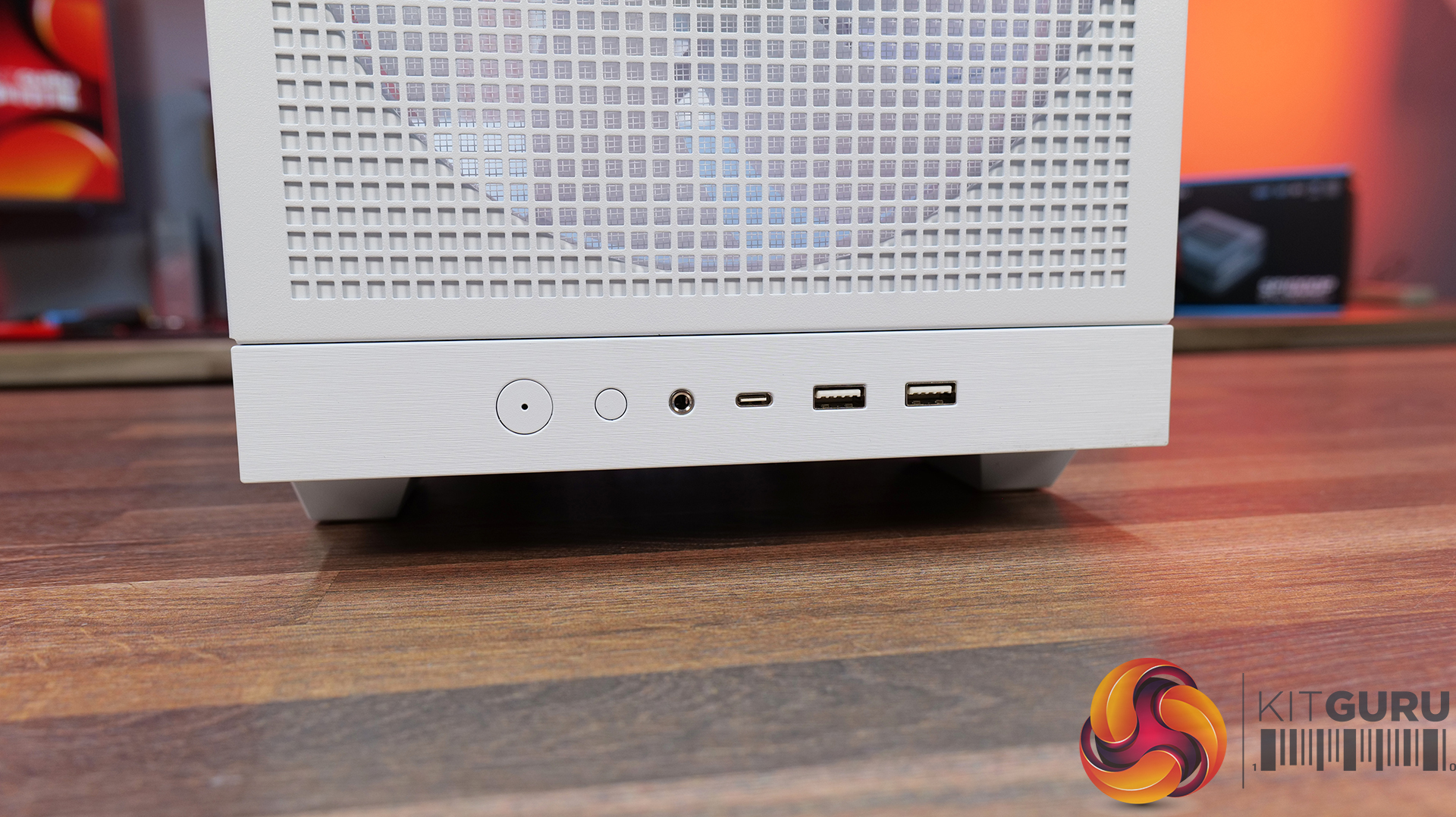
  • Front I/O: USB 3.2 Gen 2Γ—2 Type-C x 1, USB 3.0 Type-A x 2, 4 Pole Headset Audio Jack x 1, RGB Button
  • LCD Screen: N/A

Thermal Performance Testing

To simulate thermal demand, we run the Cinebench R23 multi-thread benchmark and 3DMark Speed Way stress test simultaneously in a loop for 30 minutes to load the system fully. This gives the CPU and GPU enough time to reach constant steady-state temperature. With this data, we can compare how the system handles the thermal demand and measure peak noise levels.

Thermal performance is measured with the case in various configurations, such as the default, with the tempered glass left-hand side panel removed and with the front panel removed to see how these configurations affect the CPU and GPU temperature. During testing, only stock case fans are used unless otherwise specified. All water pumps are set to maximum RPM and fans are set to a custom RPM curve by the Motherboard software/BIOS.

All temperature measurements are presented as Deltas – meaning the ambient temperature has been deducted from the CPU temperature, giving us a Delta. Data shown in the charts represents the average component temperature over the length of the test as measured by HWiNFO, and then the last 15 minutes of the data are calculated to get the average. The ambient temperature during thermal tests is between 19-20⁰C.

Test System Specification:

Thermal Performance Overview

We test case thermals using a 360mm AIO as exhaust at the top and with the case in several different fan configurations. The default configuration shown in the charts is with the top 360mm AIO cooler, 2 x 200m front intake fans, a single 120mm rear exhaust fan and with all case panels installed.

Thermal performance from the Cougar MX600 Max is very impressive overall. In its default configuration the case keeps both the CPU and GPU temperature under control at 55Β°C over ambient, showing that the pre-installed airflow setup is well optimised.

Removing the front and top panels and dust filters, produces no meaningful improvement, which tells us those panels cause very little restriction to airflow. The biggest improvement however, comes from fitting optional floor intake fans which reduce GPU temperature by 3Β°C compared to the default setup, while maintaining the same CPU temperature. This setup is ideal for optimising GPU performance.

Noise Output

Noise performance from the Cougar MX600 Max is also quite impressive. In its default configuration, the system reaches 47dBA under full load, which is a reasonable result given the large 200mm front intake fans and included cooling setup. Interestingly, removing the tempered glass side panel and adding floor intake drops noise output by 3dBA to 44dBA, Β showing that the extra GPU cooling also reduces GPU fan speed and noise.

Removing the front panel, along with the front and top dust filter makes no difference to noise levels compared with the default setup, which shows that Cougar has done a good job optimising airflow through the chassis. The only configuration that increases noise is removing the front air scoop and adding side intake fans, which raises noise output to 49 dBA while offering no real thermal advantage.

Closing Thoughts

The Cougar MX600 Max is a very easy case to recommend. It does exactly what its design to do, offering high airflow and extensive hardware compatibility without overcomplicating the design. The pair of pre-installed 200mm PWM ARGB intake fans, combined with the mesh front panel, provide excellent cooling performance straight out of the box. There's very little to be gained from removing panels or filters, which indicates that Cougar has optimised the airflow well. If you're looking to optimise GPU cooling, fitting PSU shroud intake fans can knock a few degrees from GPU temperatures, but the gains are relatively small as the default cooling setup is already effective.

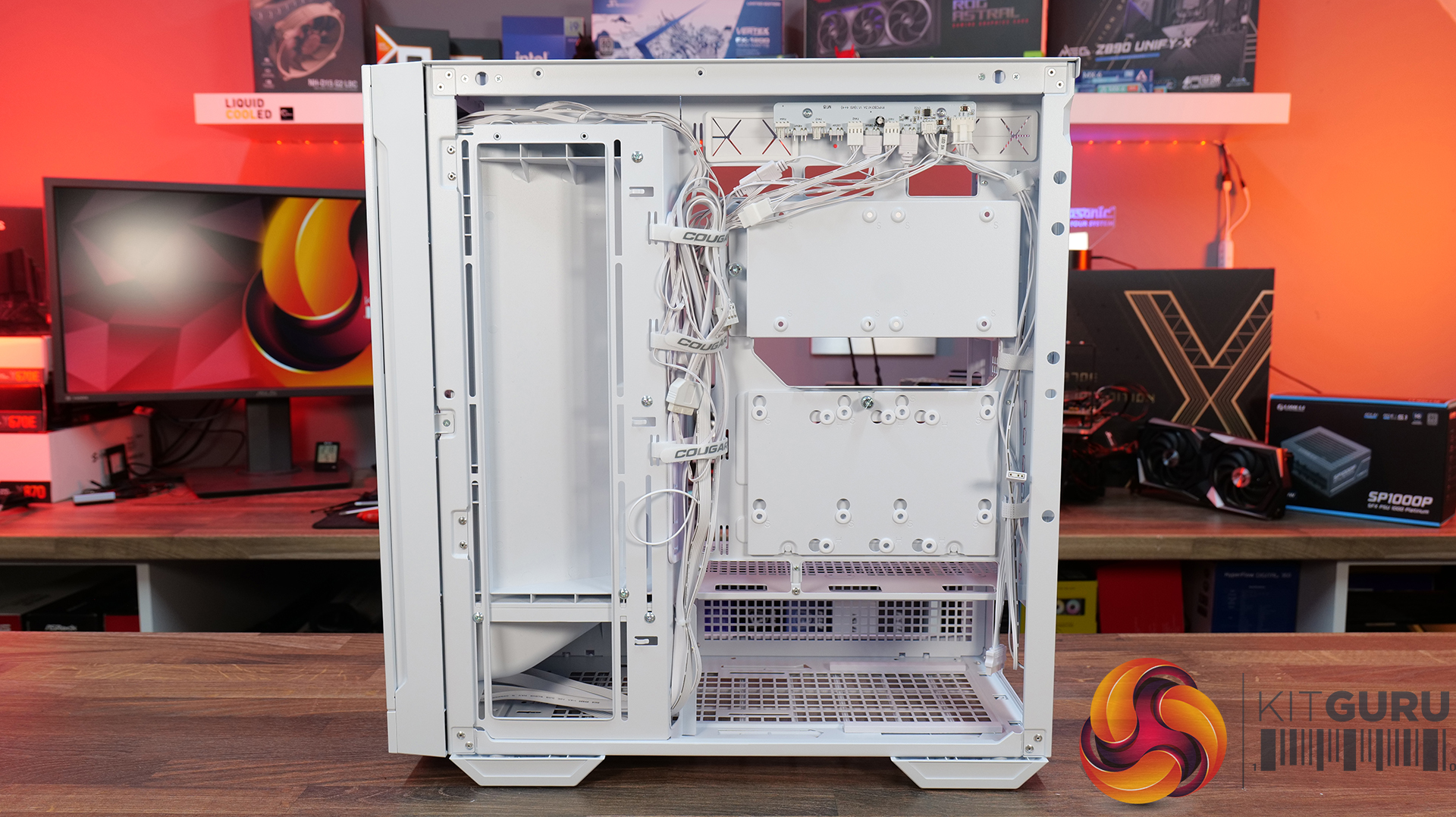
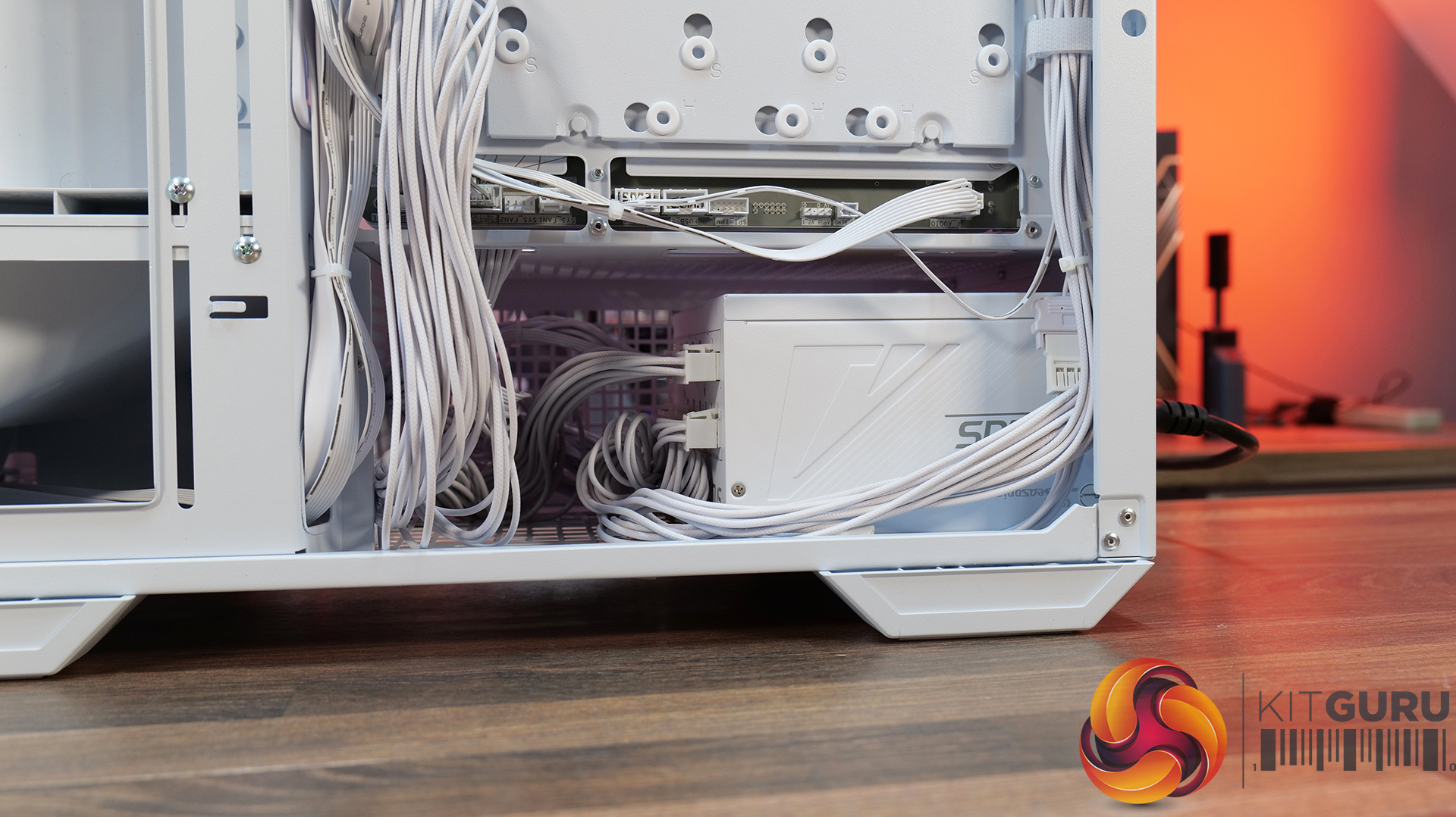
Hardware compatibility is another strong point. It supports graphics cards up to 400mm long, 360mm radiators in the roof, tall air coolers, back-connect motherboards and loads of 2.5” storage, so there's very little this case won't accommodate. Building inside the MX600 Max is straightforward too; there's loads of space to work, generous cable-routing cut-outs, plenty of clearance behind the motherboard tray and integrated Velcro straps helping to keep cables managed and looking tidy. The overall build quality is solid throughout which gives the MX600 Max a premium feel despite its competitive pricing.

There are only a couple of minor negative points to consider before buying. The first is the size of the chassis, it is a mid-tower, but feels bulky compared with some ATX cases that offer similar hardware support. It may not be ideal in terms of size to run it on a desktop space. The second is radiator support at the front of the case. Cougar has prioritised the large 200mm intake fans, which means there's no option to install a front-mounted radiator. For most users this won't matter, particularly given the excellent top-mounted 360mm radiator support, but it does reduce options for custom cooling.

Overall, the Cougar MX600 Max is an excellent airflow-focused chassis that gets the basics right. It combines solid thermal performance, sensible acoustics, good hardware compatibility, an easy building experience and great build quality with a sensible MSRP. Unless you specifically need front radiator support or a more compact chassis, the MX600 Max is easy to recommend and deserves to be considered alongside some of the best airflow cases in its price bracket.

Pros:Β 

  • Lots of space to work with.
  • Great thermals and low noise.
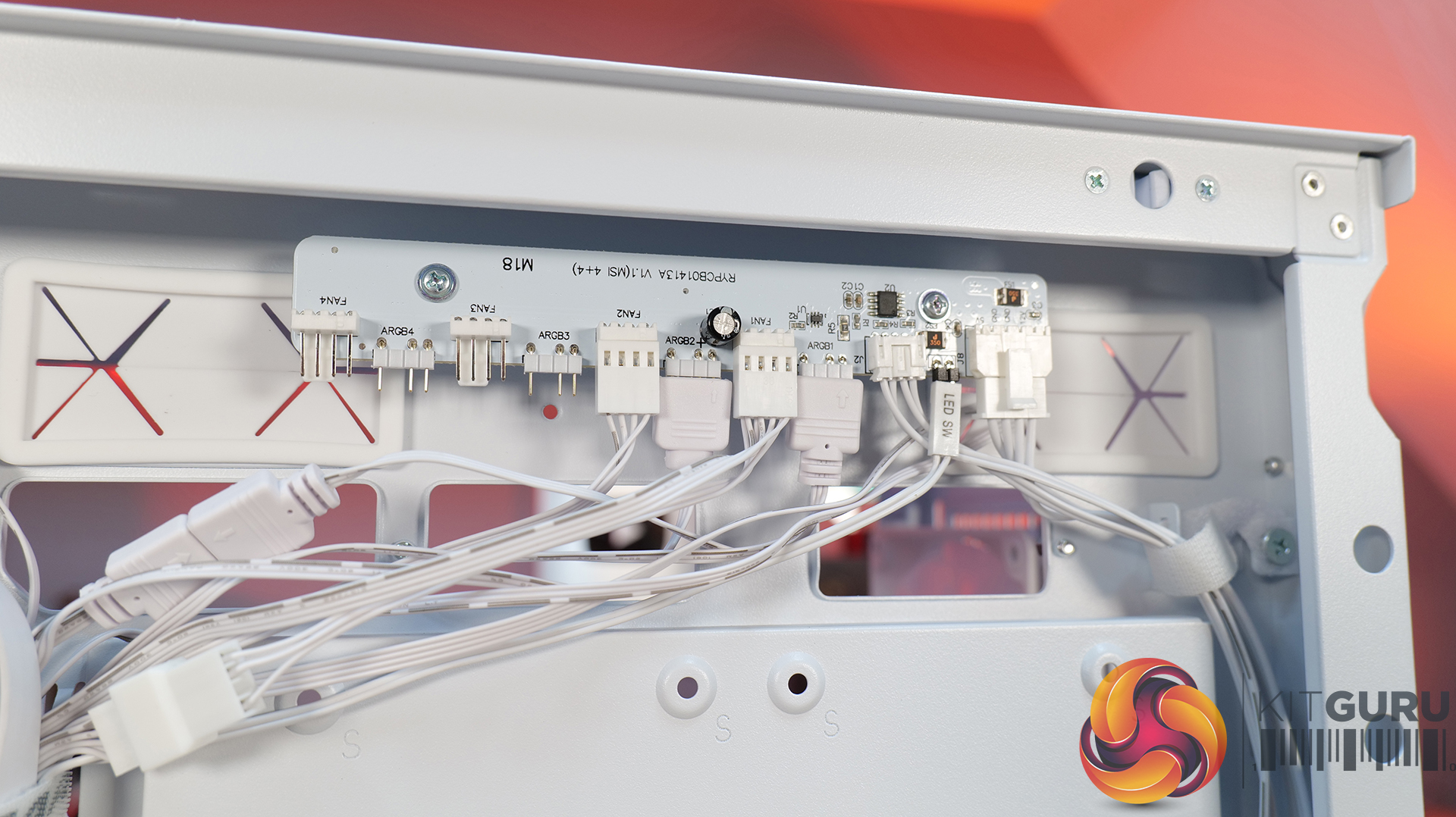
  • Included fan/rgb hub.
  • Good price.

Cons:

  • A little large for a mid tower.
  • No front radiator support.

KitGuru says: Unless you specifically need front radiator support or more compact dimensions, the Cougar MX600 Max is a serious contender if you're looking for a well-built, high-airflow chassis.

The post Cougar MX600 Max RGB Case Review first appeared on KitGuru.

Havn expands BF 360 series with Flow Solid variant

6 August 2026 at 12:30

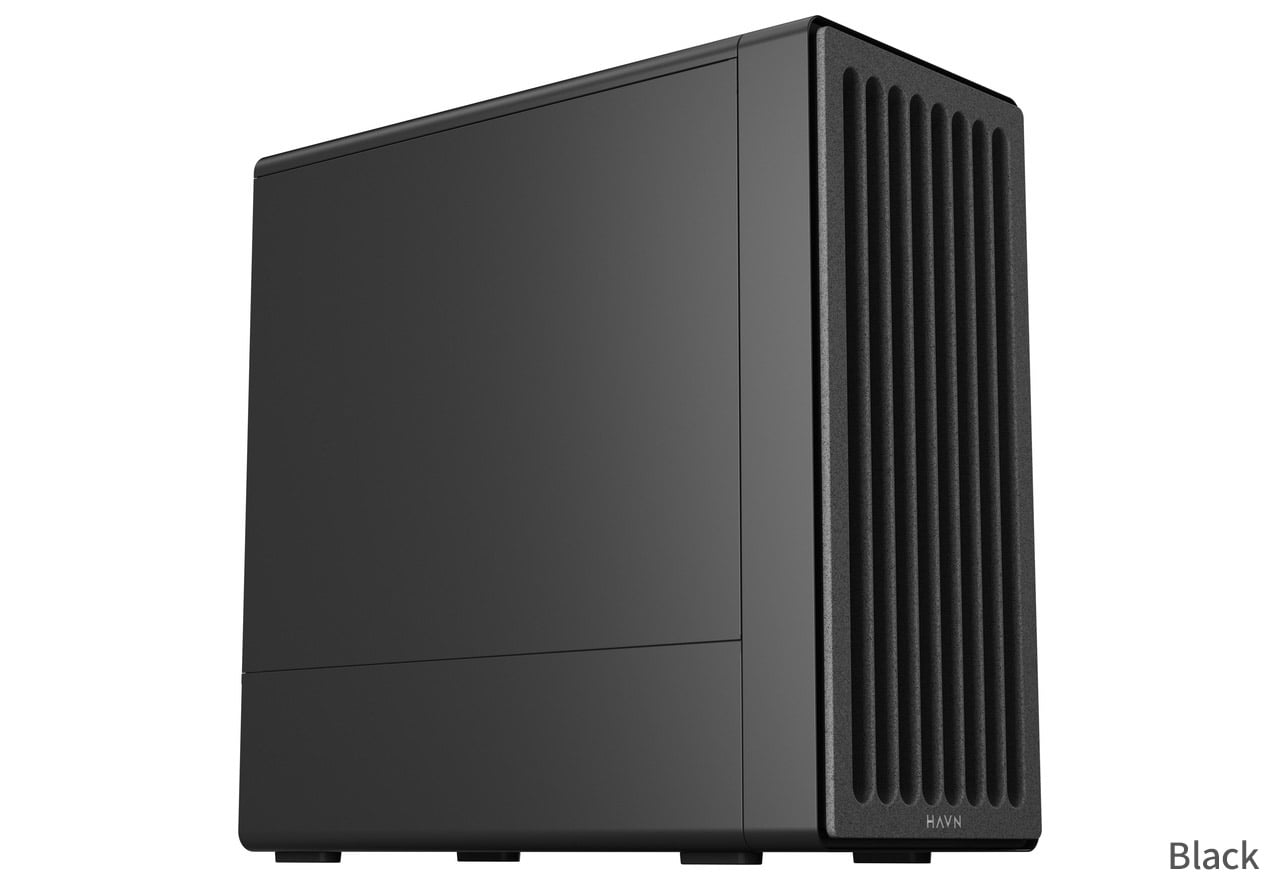
A Japanese distributor named ASK has revealed Havn's upcoming BF 360 Flow Solid PC case. Building on the airflow-focused BF 360 lineup launched last year, the new variant replaces the previous translucent glass panel with an opaque, closed left side panel while retaining three pre-installed fans.

The Flow Solid model (via ITHome) brings a more understated aesthetic to the series. Havn initially offered the chassis in standard fanless and fan-equipped Flow configurations, both featuring glass side panels. The updated variant keeps the three-fan cooling setup, bundling two 180mm fans alongside a single 140mm fan out of the box.

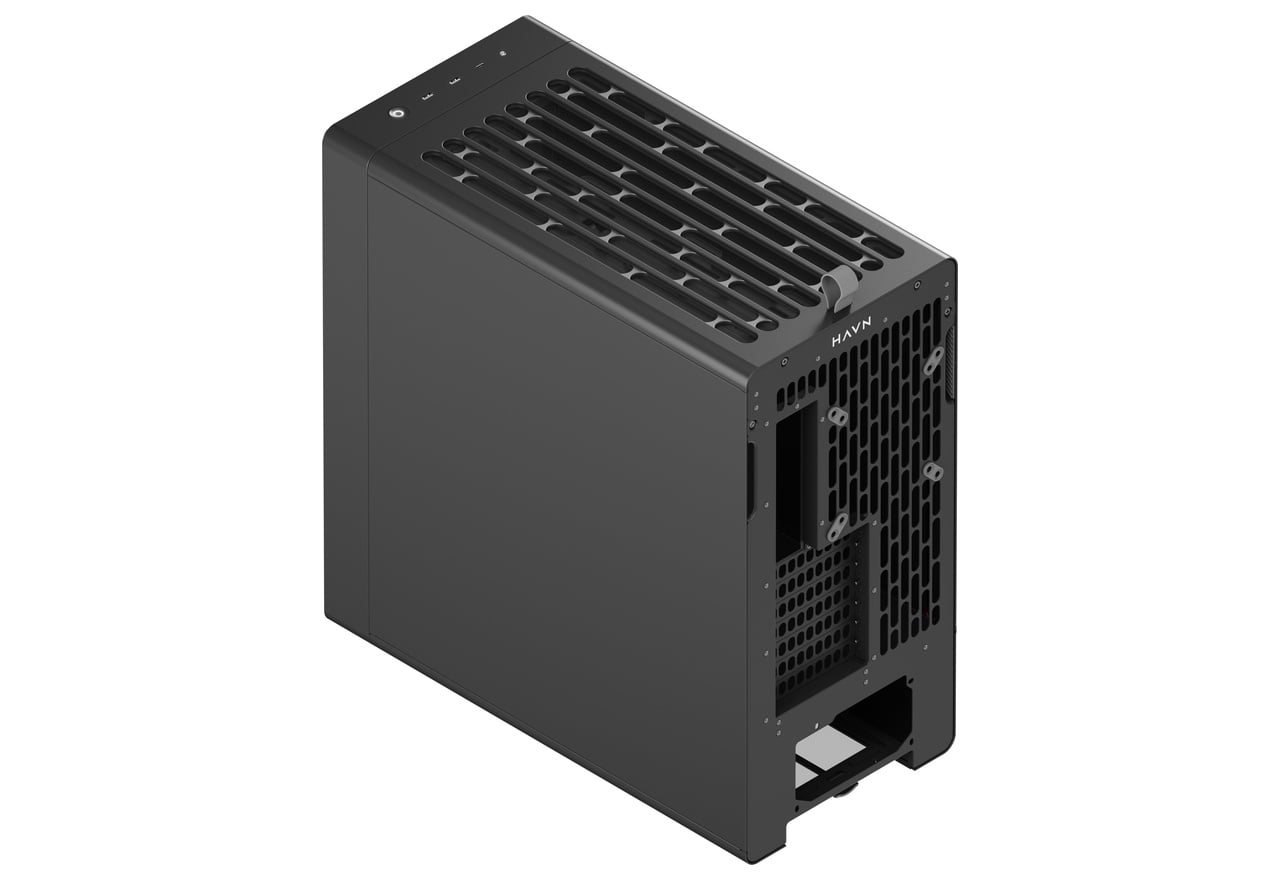
Underneath the new solid panel sits a split-compartment mid-tower layout with seven expansion slots. Up front, a rock-patterned grille feeds air to an internal intake ramp angled toward the graphics card. Installation relies on a semi-open frame with magnetic front and top panels, while 33mm of rear clearance allows cables to be routed. There's also an adjustable GPU support bracket integrated within the chassis.

Hardware support accommodates E-ATX motherboards up to 277mm wide, graphics cards up to 410mm in length, CPU coolers up to 195mm tall, and PSUs up to 200mm long. Liquid cooling options include space for up to a 360/280mm radiator along the top panel, while front I/O features one USB-C 10Gbps port and two USB-A 5Gbps ports. Distributor ASK has set Japanese pricing at Β₯27,980 (Β£132), which is about the same as the original BF 360 Flow case.

KitGuru says: For those who prefer steel over tempered glass, Havn's BF 360 Flow Solid offers a more subtle look while keeping the series' airflow focus.

The post Havn expands BF 360 series with Flow Solid variant first appeared on KitGuru.

Xeron unveils Nex C53 and C33 cases with BTF motherboard support

24 July 2026 at 15:50

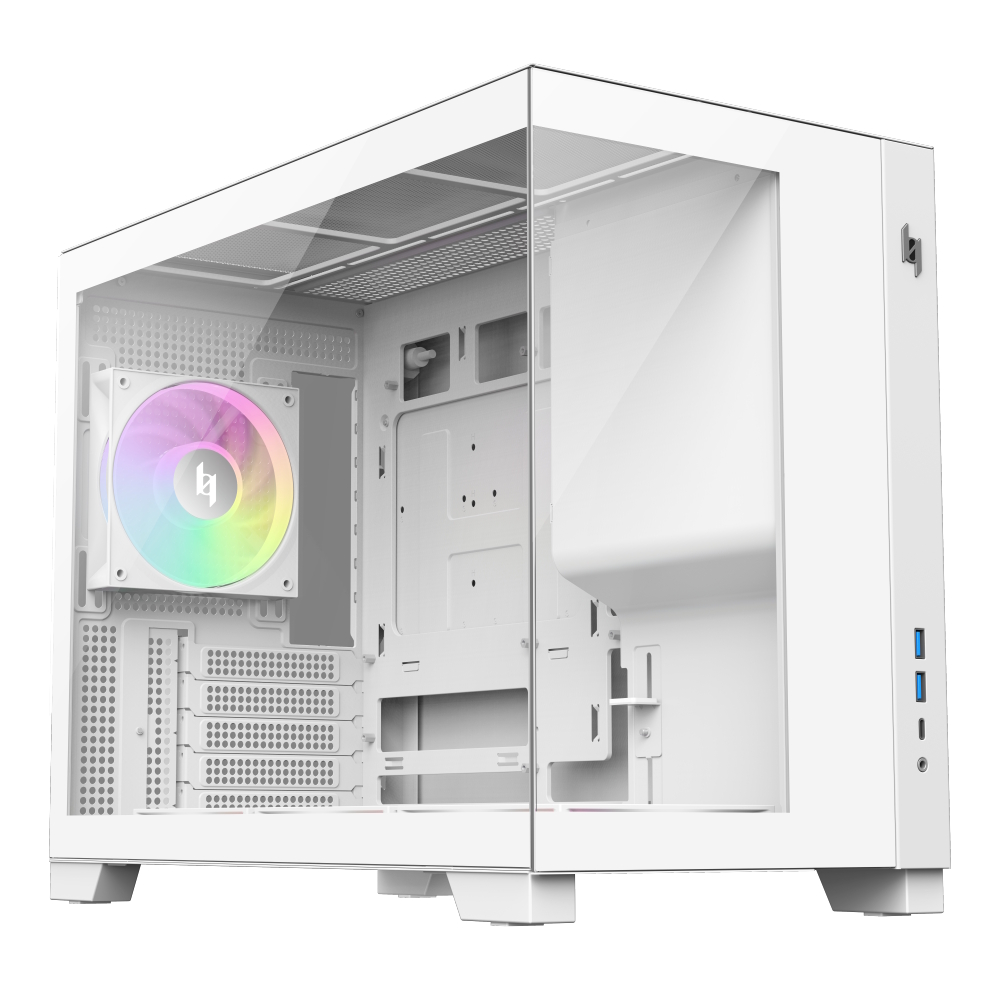
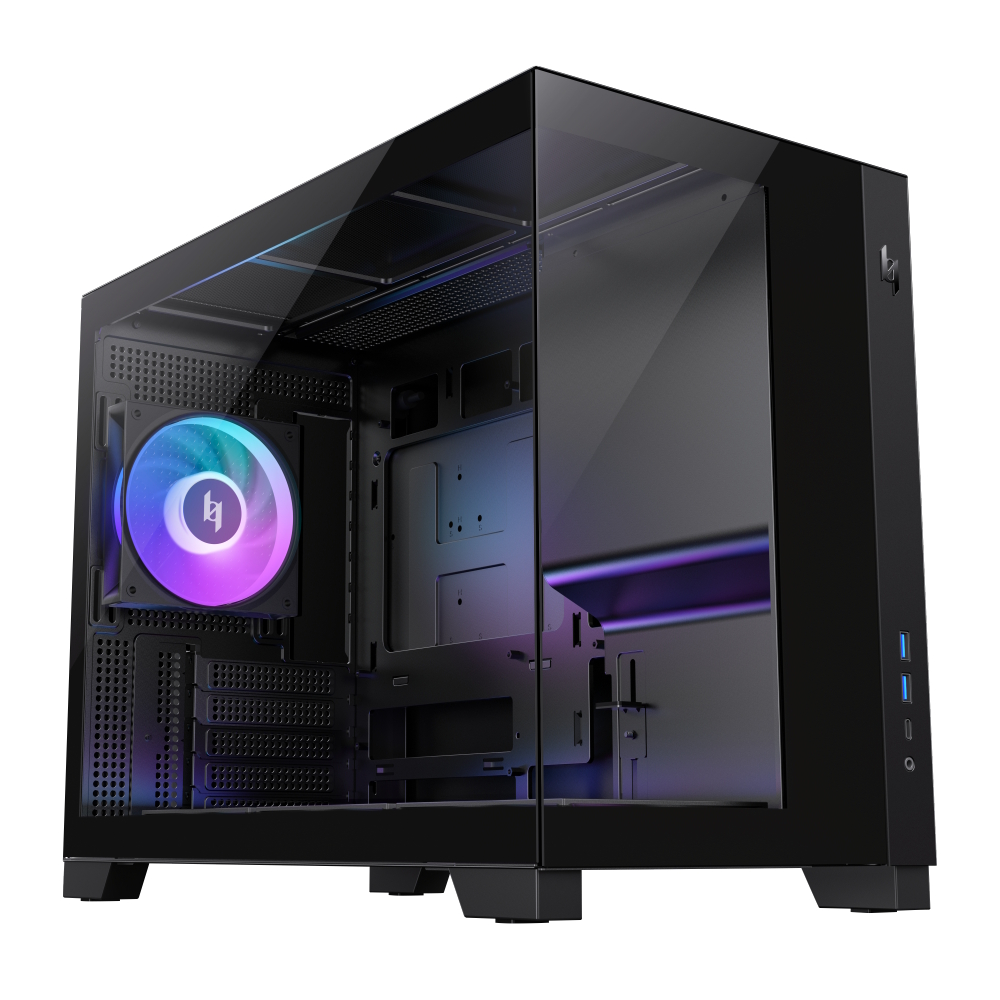
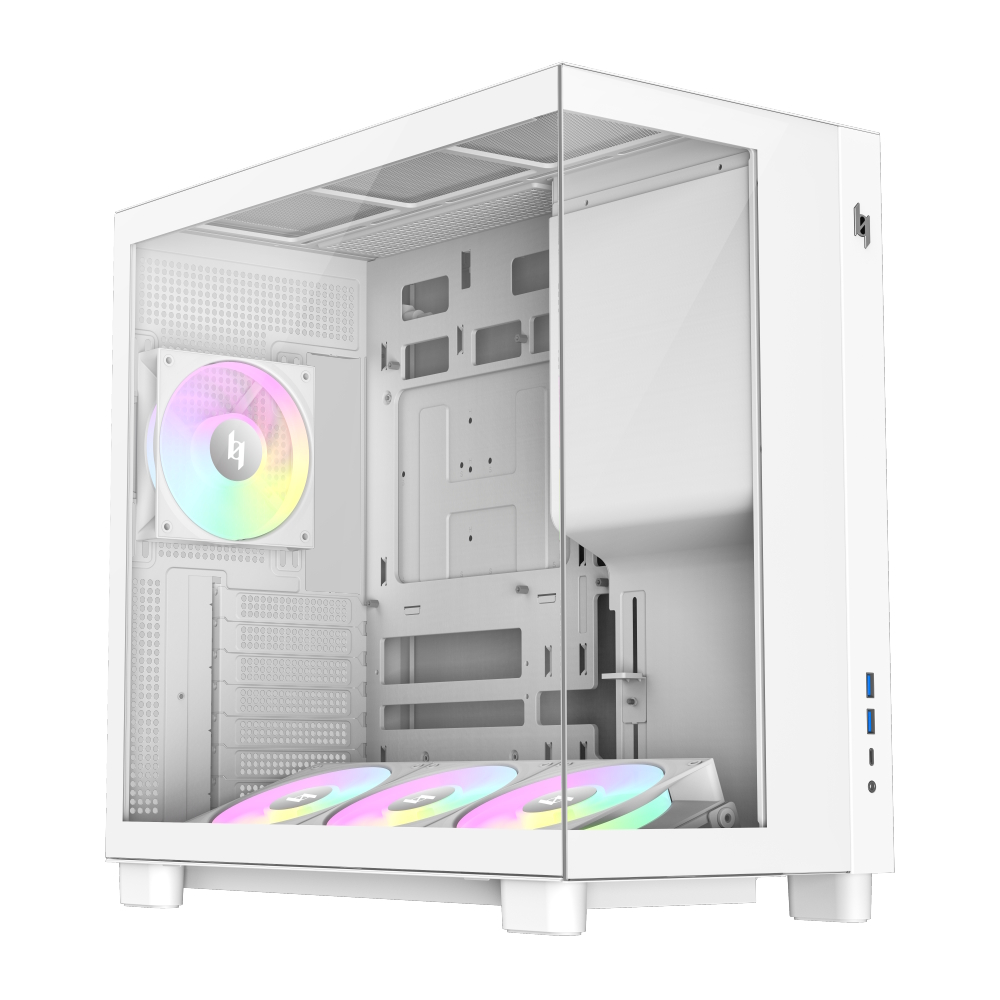
Xeron, a relatively new PC component brand, has announced the launch of its Nex C53 and NEX C33 PC cases. Featuring dual tempered glass panels and BTF motherboard support for compact form factors, both models are available in black and white.

Both models feature seamless front and side tempered glass panels alongside a front-mounted PSU layout. Xeron ships each case with four pre-installed daisy-chained ARGB fans, including three bottom intake fans and a single rear exhaust fan. Hardware clearance across both cases accommodates graphics cards up to 425mm in length, CPU air coolers up to 180mm tall, and top-mounted 360mm radiators. Front I/O connectivity includes a USB-C Gen 2Γ—2 20Gbps port and two USB 3.0 ports.

Designed for ATX and mATX BTF motherboards, the Nex C53 measures 435x235x435mm and supports up to seven 120mm fans. It also incorporates an adjustable bottom fan bracket featuring a 12Β° tilt to direct airflow toward the GPU. Meanwhile, the smaller Nex C33 measures 435x235x355mm and focuses strictly on mATX BTF systems while offering identical GPU, CPU cooler, and radiator clearances. Additional shared hardware includes an integrated GPU support bracket and a hidden side-panel handle.

Xeron sets suggested retail pricing for the Nex C33 at $59.99 in black and $64.99 in white. The larger Nex C53 retails for $64.99 in black and $69.99 in white.

KitGuru says: Xeron's new Nex cases offer budget-friendly entry points for builders looking to make the jump to a BTF motherboard.Β 

The post Xeron unveils Nex C53 and C33 cases with BTF motherboard support first appeared on KitGuru.

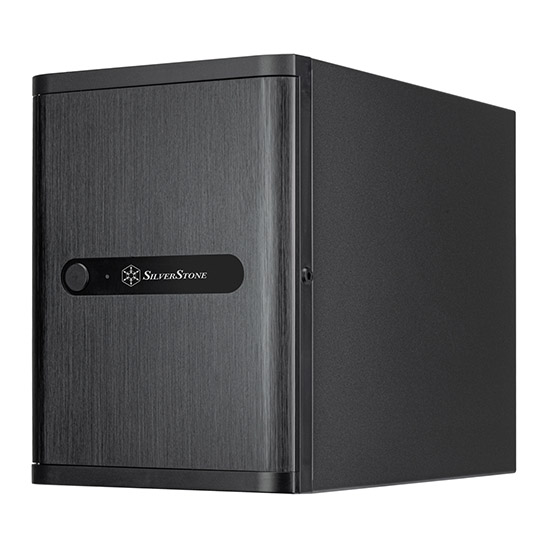
SilverStone launches CS240 NAS case with four 2.5-inch U.2 drive bays

24 July 2026 at 14:00

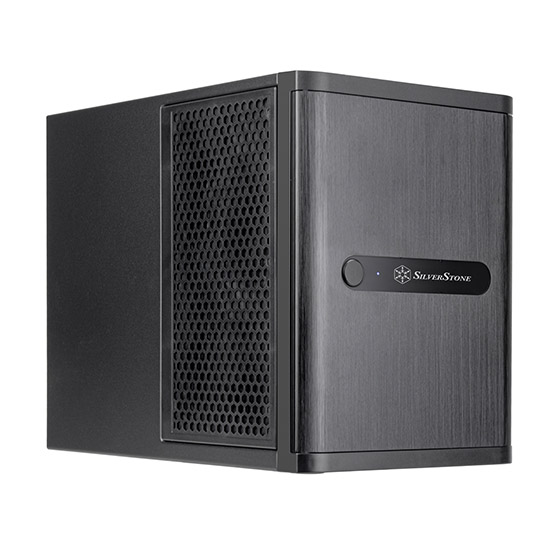
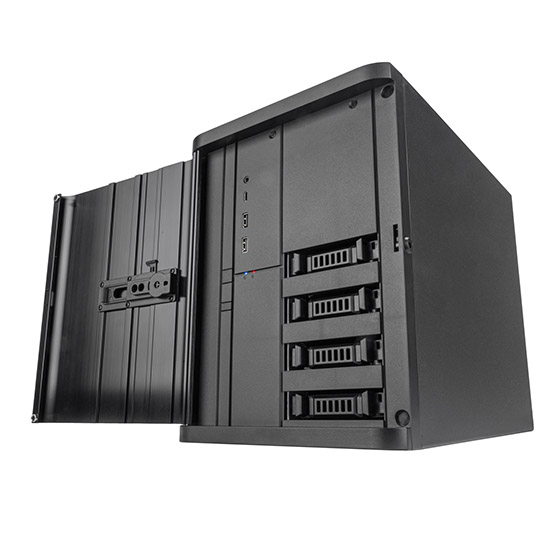
SilverStone has listed the CS240, a compact 21.65-liter Mini-ITX NAS case first showcased at Computex 2026. Built around four hot-swappable 2.5-inch U.2 drive bays, the enclosure supports high-speed storage configurations alongside full-sized hardware compatibility.

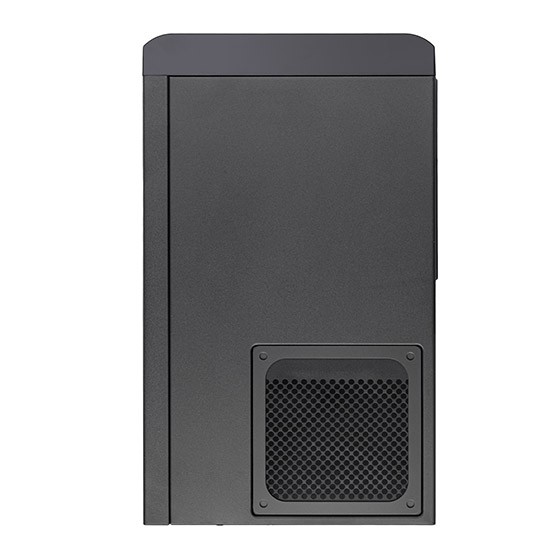
According to TechPowerUP, the case is mostly made of steel with an aluminium front door and a plastic front panel. The CS240 measures 211x285x360mm and features four external hot-swap bays operate in tri-mode, supporting NVMe U.2 (SFF-8639), SAS, and SATA drives up to 15mm thick. These bays connect via a backplane using dual SlimSAS 8i (SFF-8654) connectors, running PCIe 4.0 x4. Inside, an extra drive bay accommodates either one 3.5-inch drive or two 2.5-inch drives. Moreover, the case has 2x expansion slots.

Motherboard support includes Deep Mini-ITX and Mini-DTX form factors. As for graphics cards, there's space for one up to 300mm in length and 168mm in width, with an integrated support bracket to help it fit. CPU cooler clearance reaches 182mm tall, while power supply support covers SFX and SFX-L units up to 140mm long.

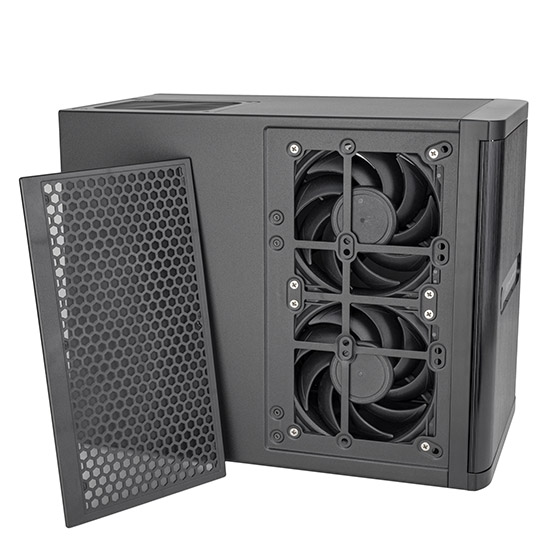
Three 120mm fans come pre-installed (one at the rear and two on the side), with the side panel also accommodating three 80mm fans instead. Liquid cooling builders can fit a single 120mm radiator at the back. Front panel I/O includes one USB-C port, two USB-A 3.0 ports, and a combo audio jack. While official pricing remains unannounced, Alternate lists the chassis for €349.

KitGuru says: Are you considering building your own NAS? How much would you be willing to spend on the chassis for it?Β 

The post SilverStone launches CS240 NAS case with four 2.5-inch U.2 drive bays first appeared on KitGuru.

Corsair Frame 5000D Wood RS Case Review

24 July 2026 at 08:55

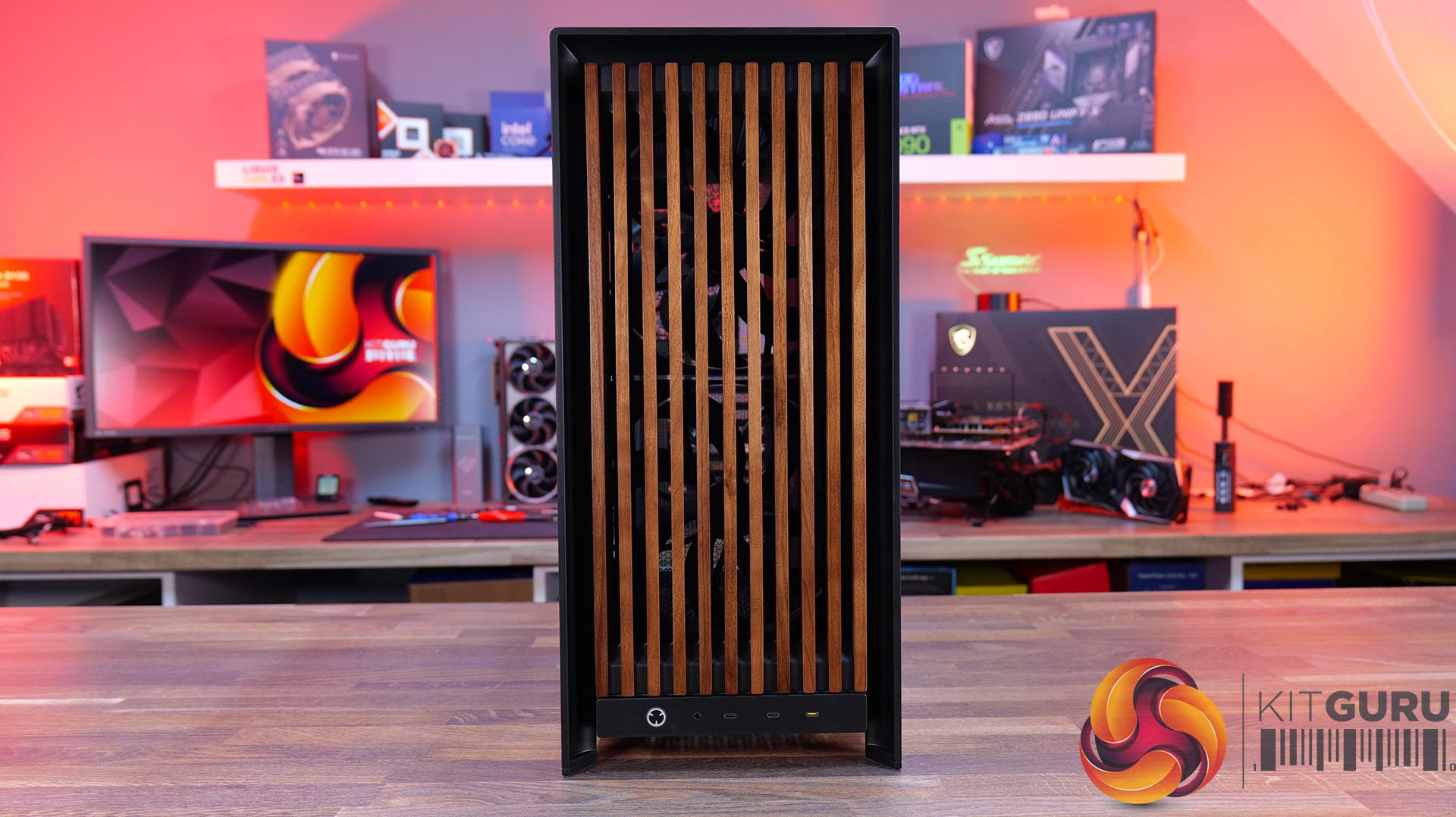
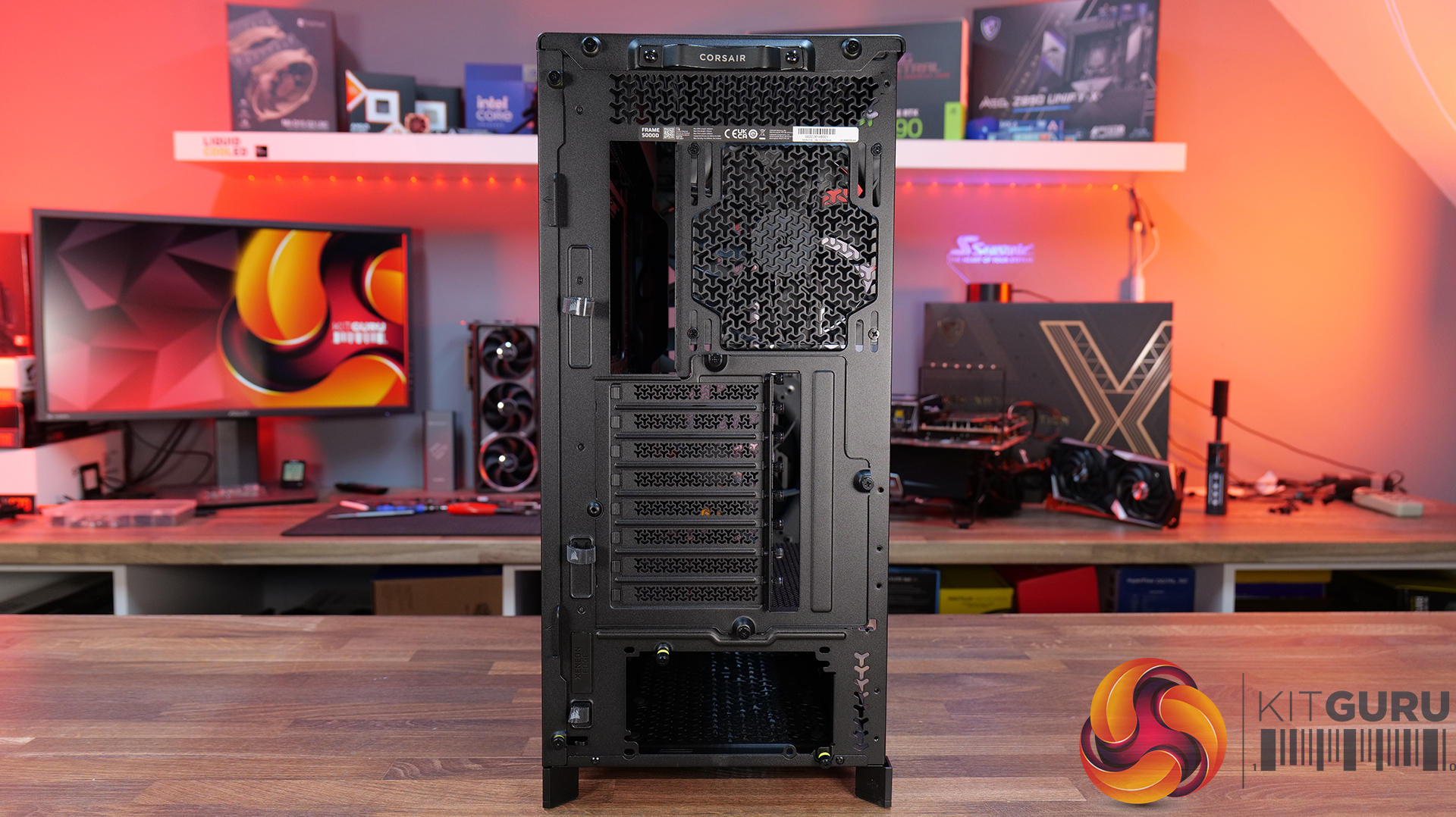
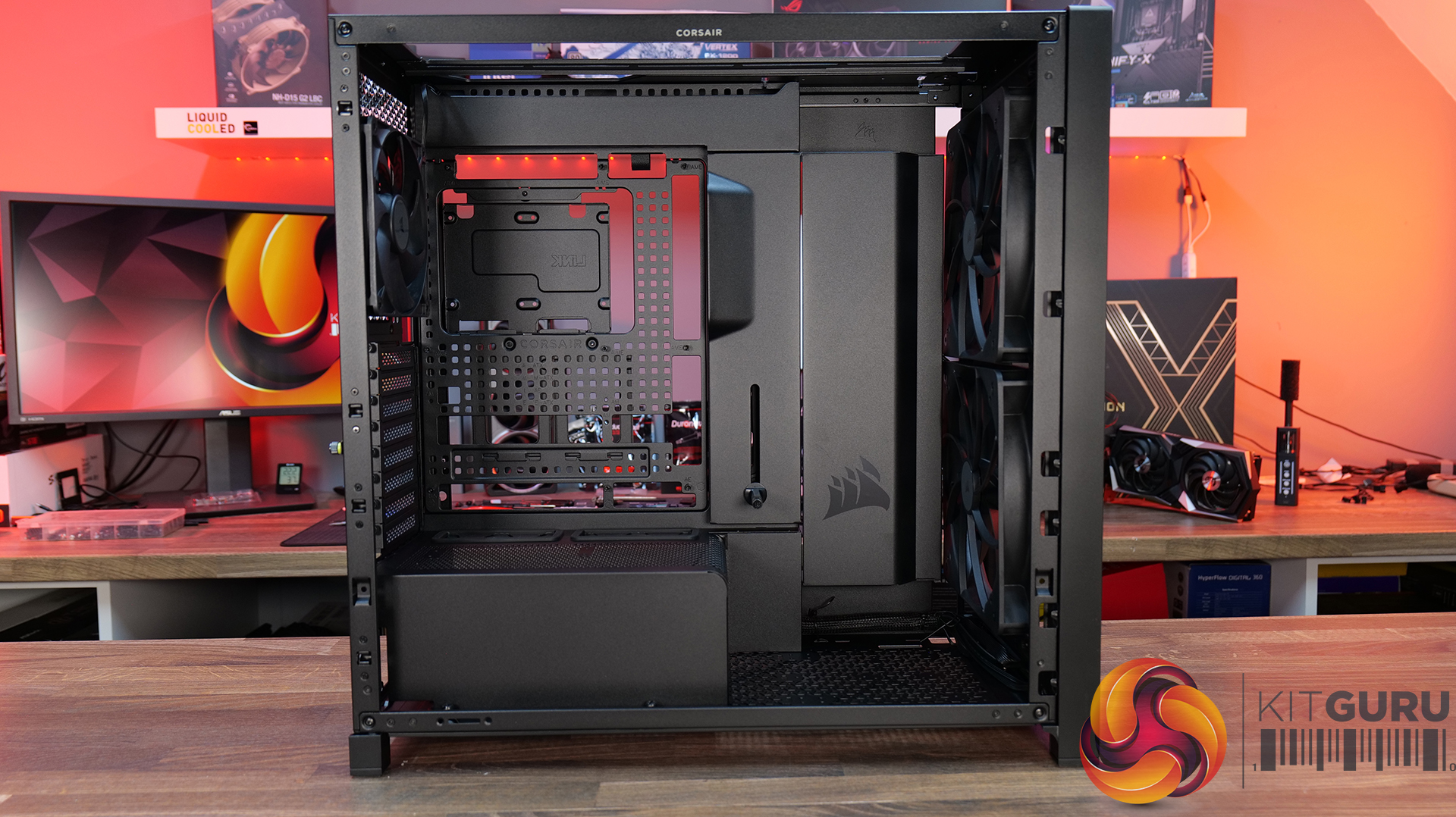
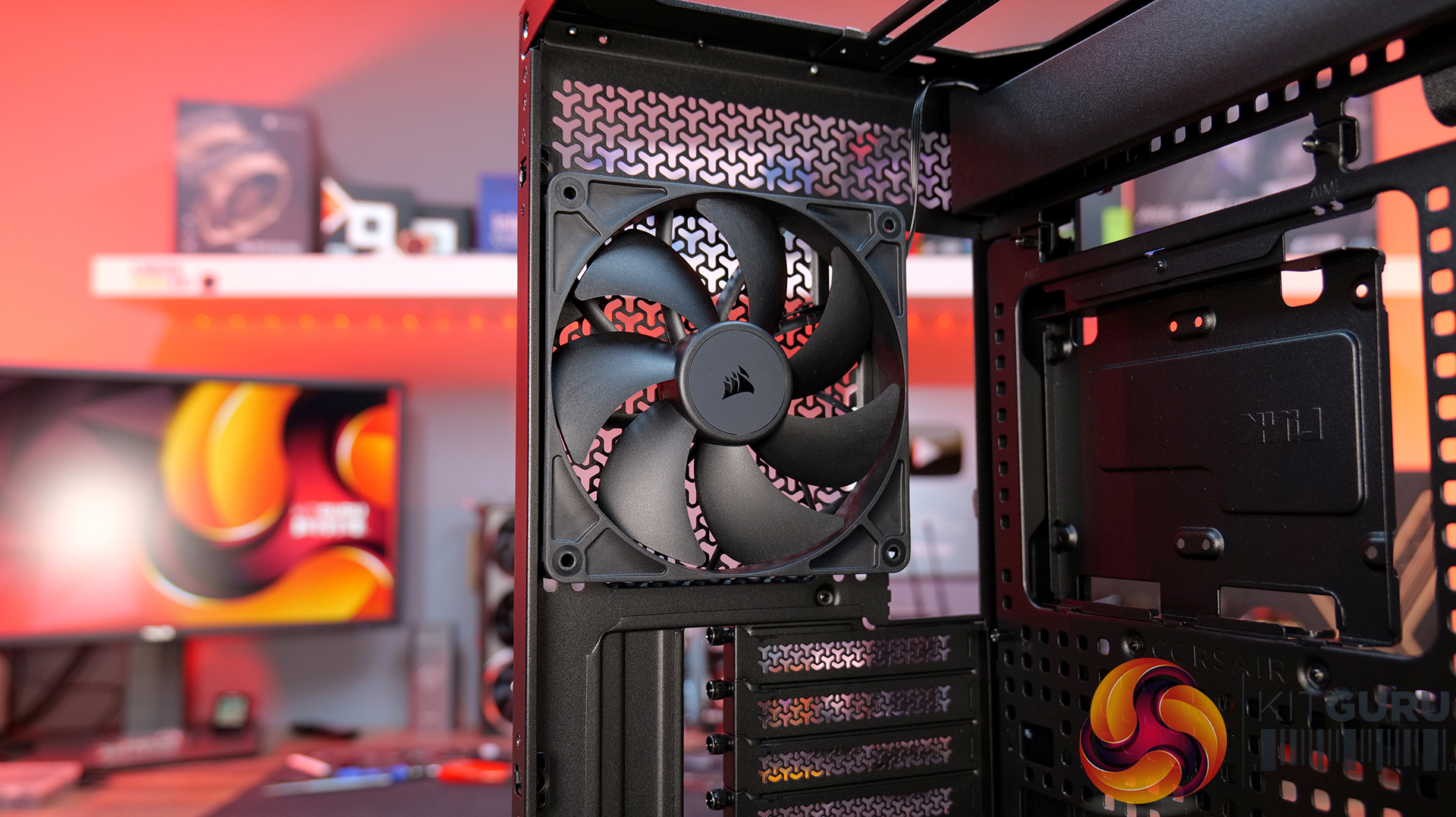
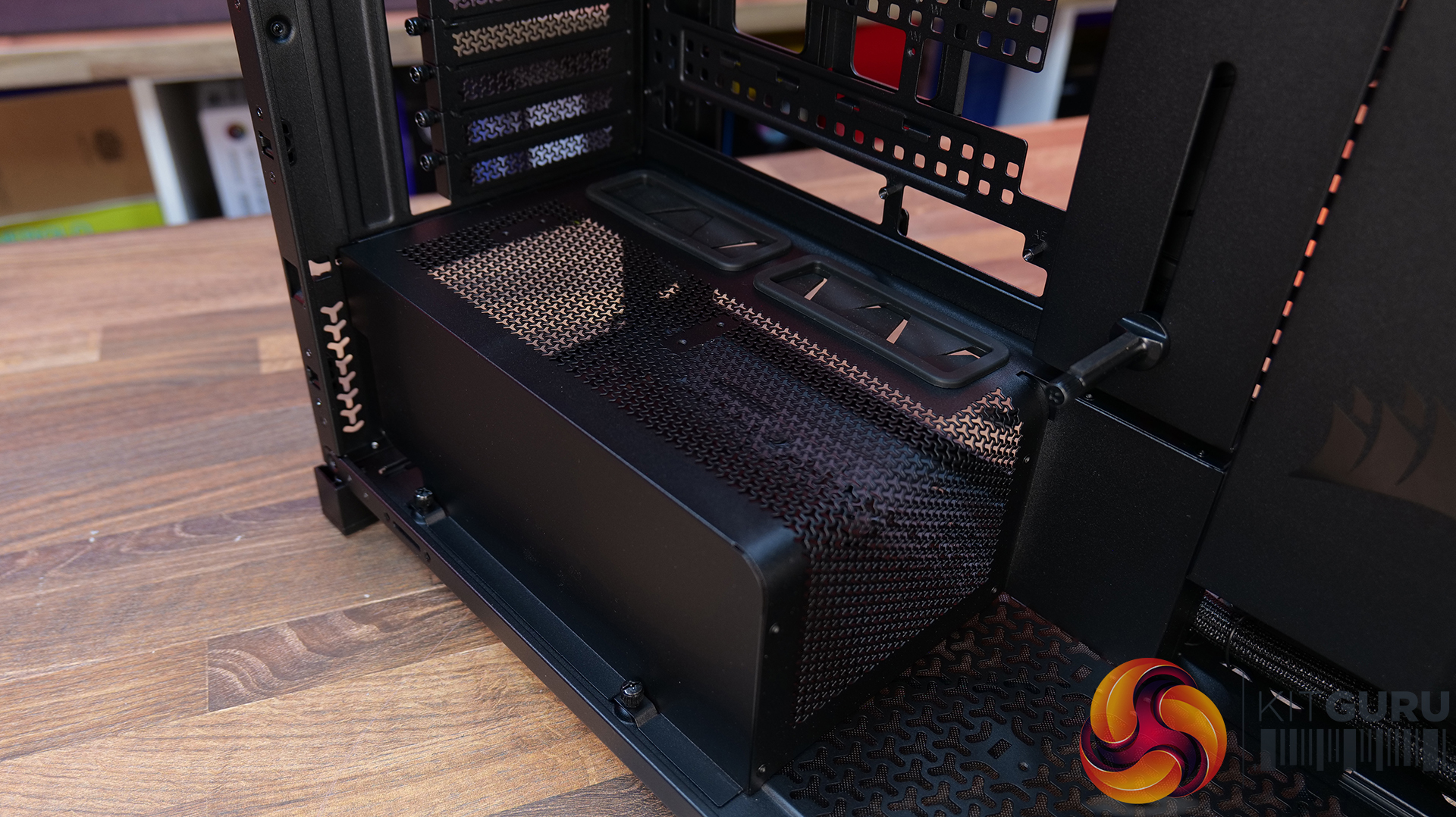
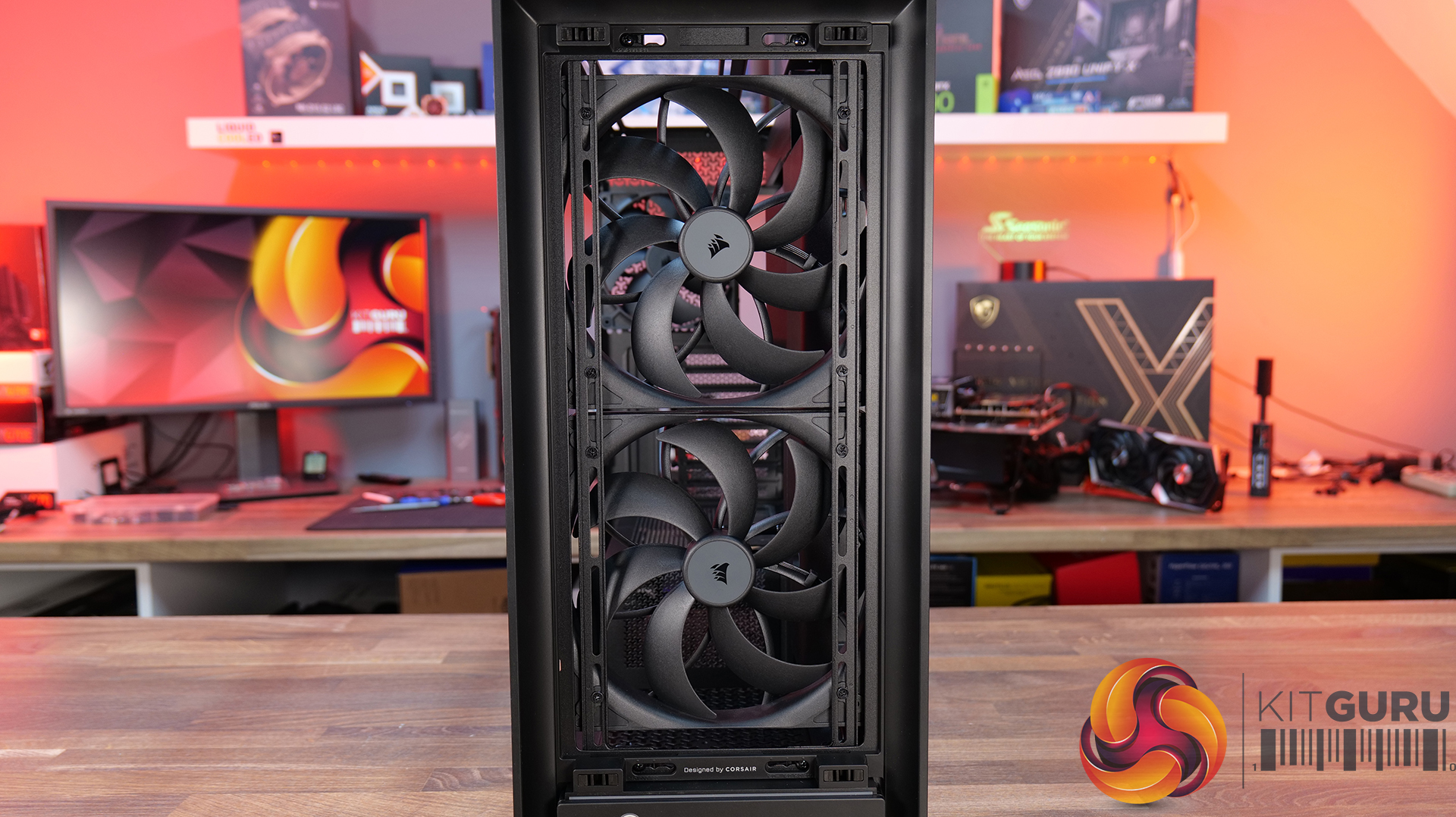
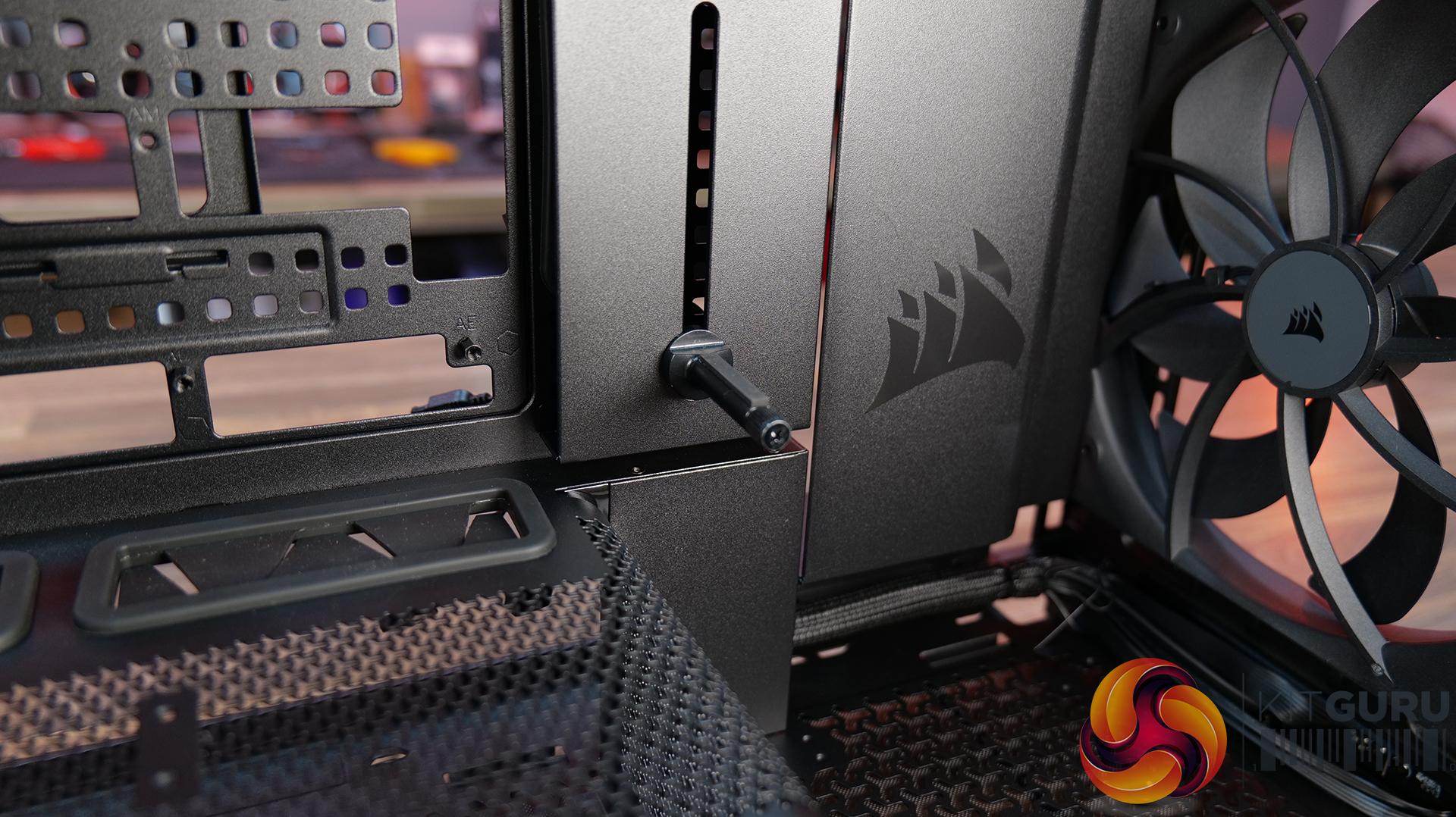
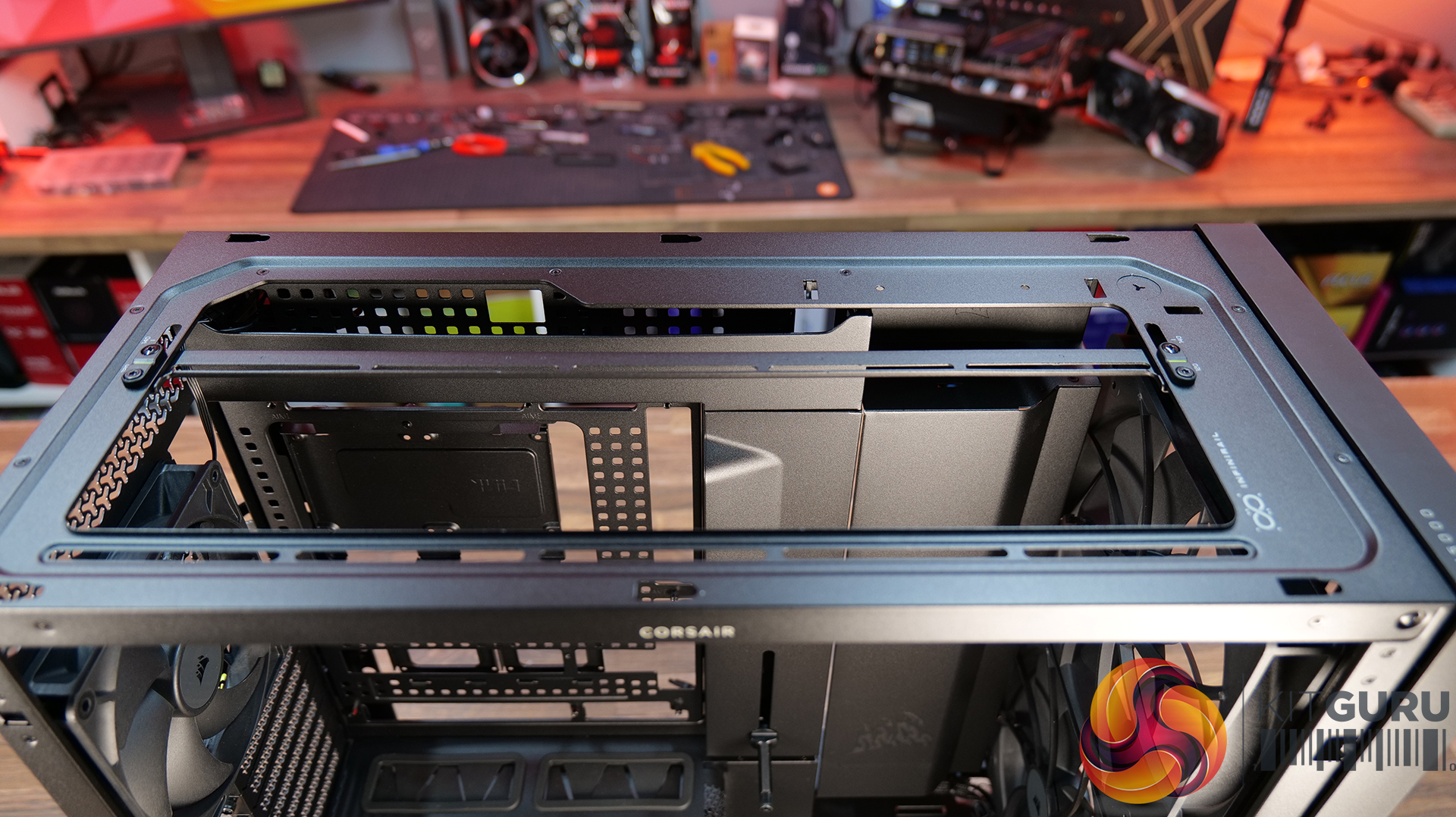
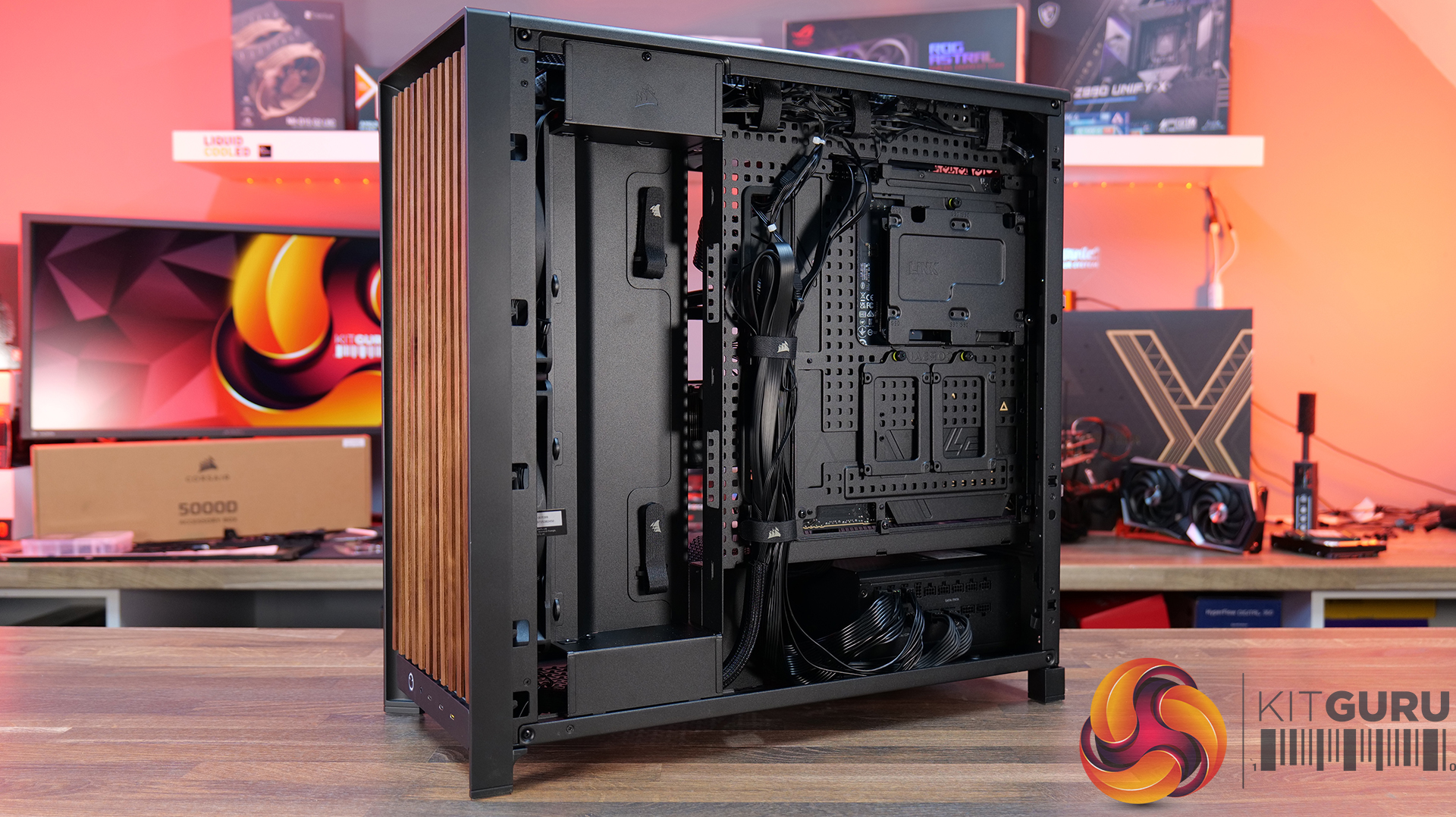
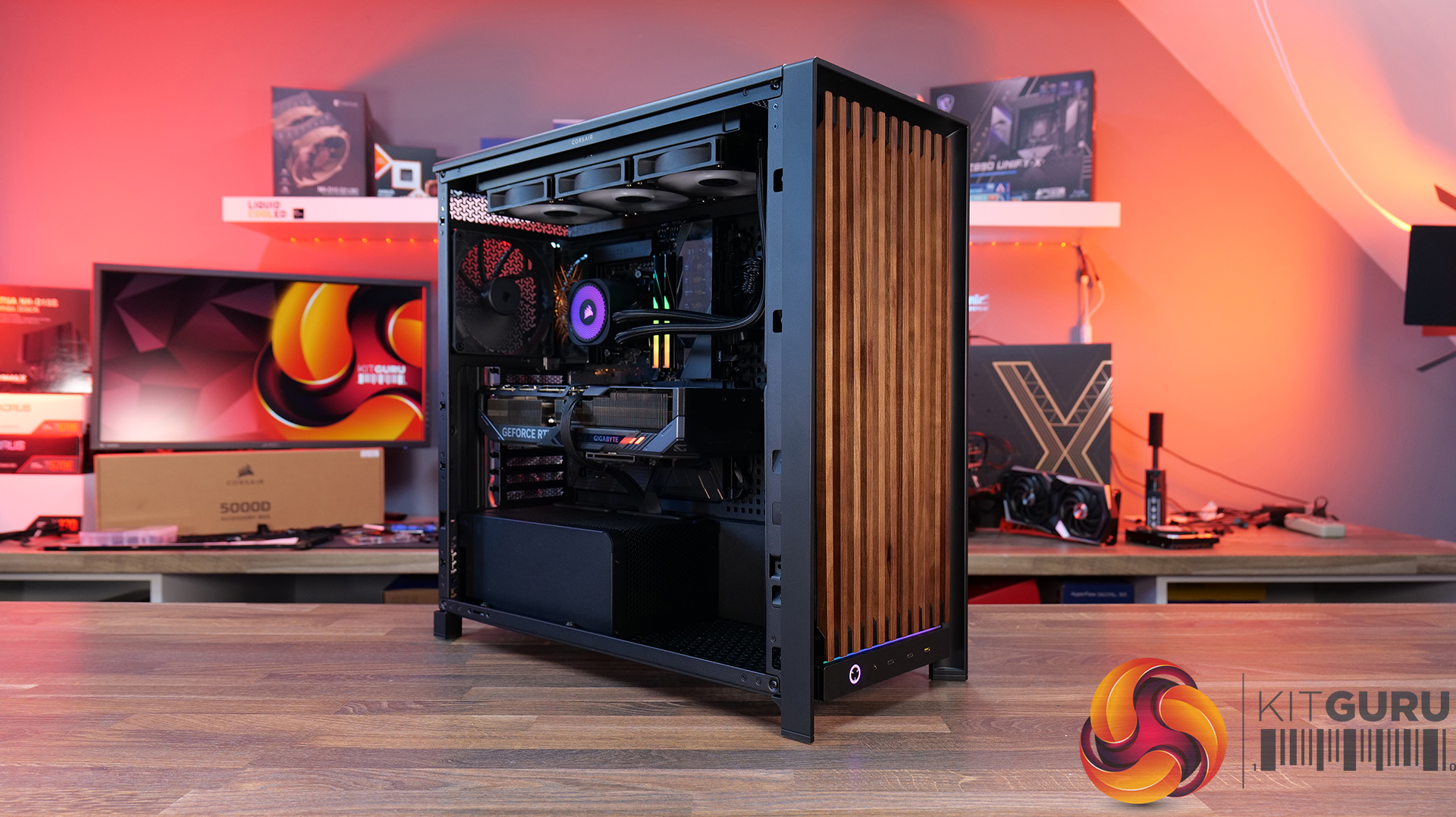
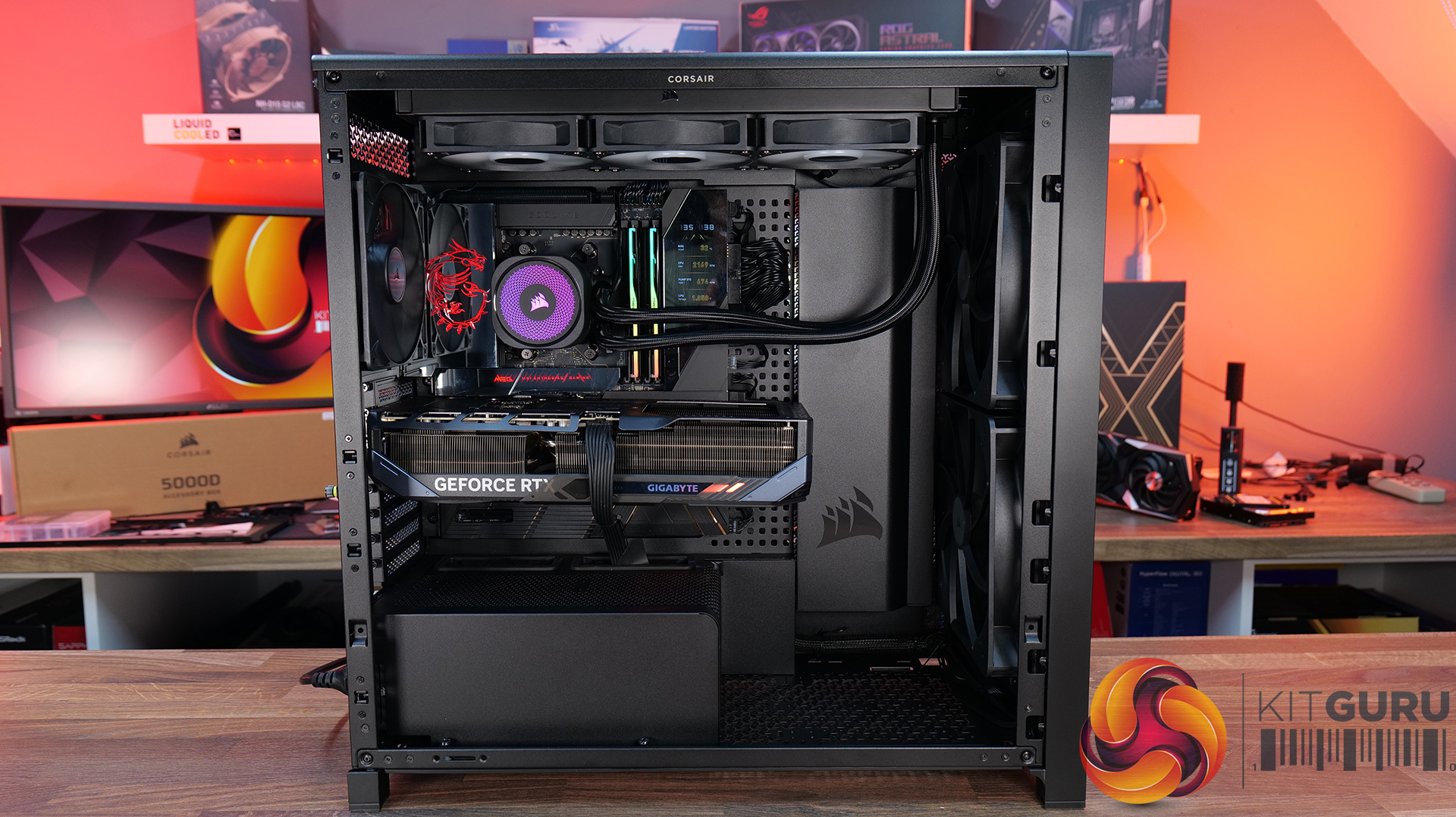
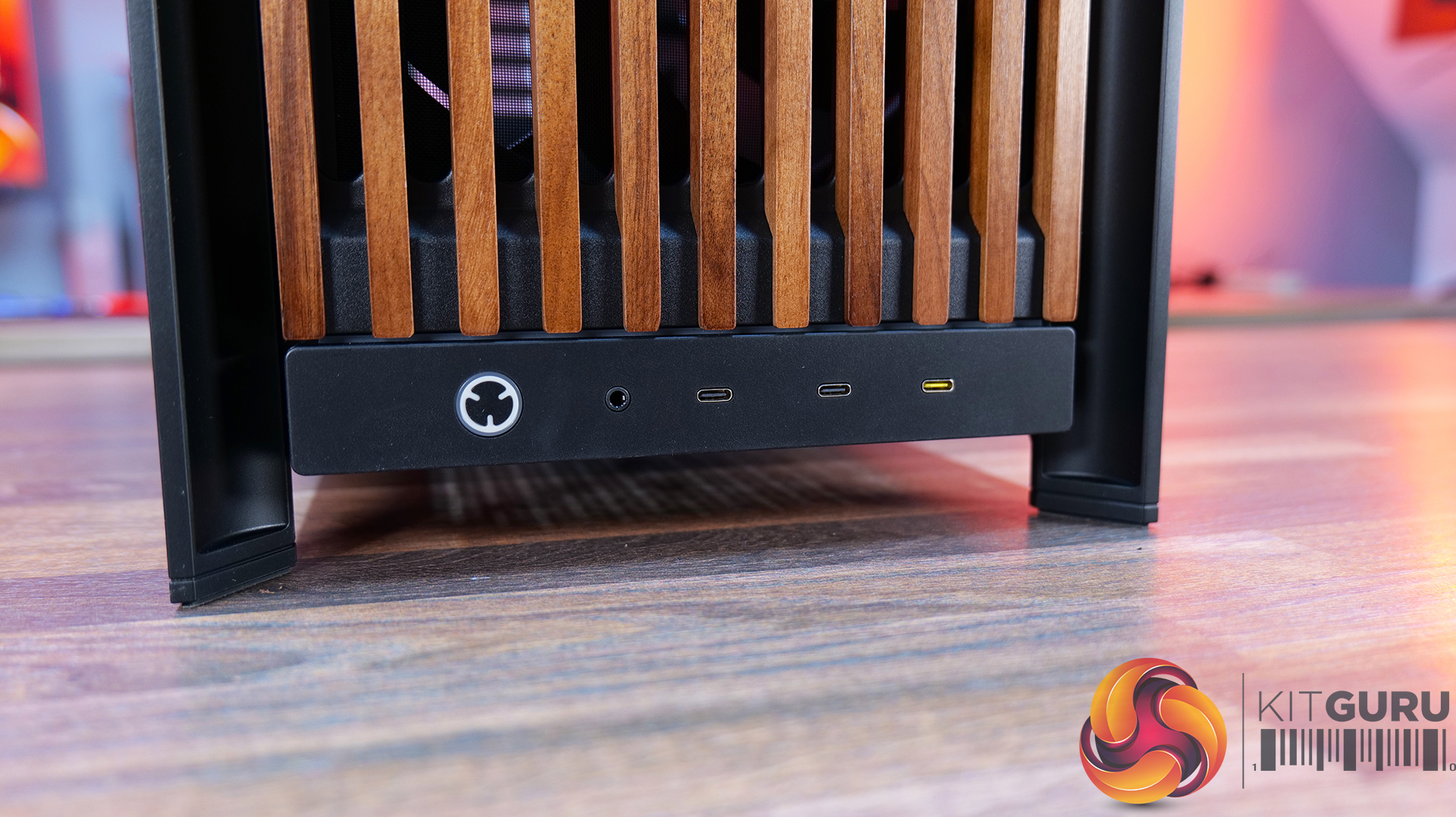
Today we're taking a look at the new Corsair Frame 5000D Wood RS PC case. At first glance it might just look like the regular Frame 5000D with a fancy wooden front, but Corsair has actually made a few interesting changes under the hood. Along with the solid wood front panel, you get a pair of huge 200mm intake fans, a full-length tempered glass side panel, a more compact PSU shroud, and an updated front I/O layout with three USB Type-C ports. So, is this just a cosmetic refresh, or has Corsair really improved one of its flagship cases? Let's find out.

Timestamps:

00:00 Introduction
00:50 Pricing and Info
03:00 Front I/O
03:25 Features / Removing panels
04:35 Hardware / Cooling Support
06:01 Inside the Case / Options
07:21 Air Cooler Support
07:38 GPU Support
08:07 Motherboard Support
09:09 Back of Case
10:17 Cable Routing / Drives
13:00 Floor of Case
13:38 Accessories
15:10 Testing Methodology
15:40 Thermal and Noise Performance
17:05 Closing Thoughts

Features:

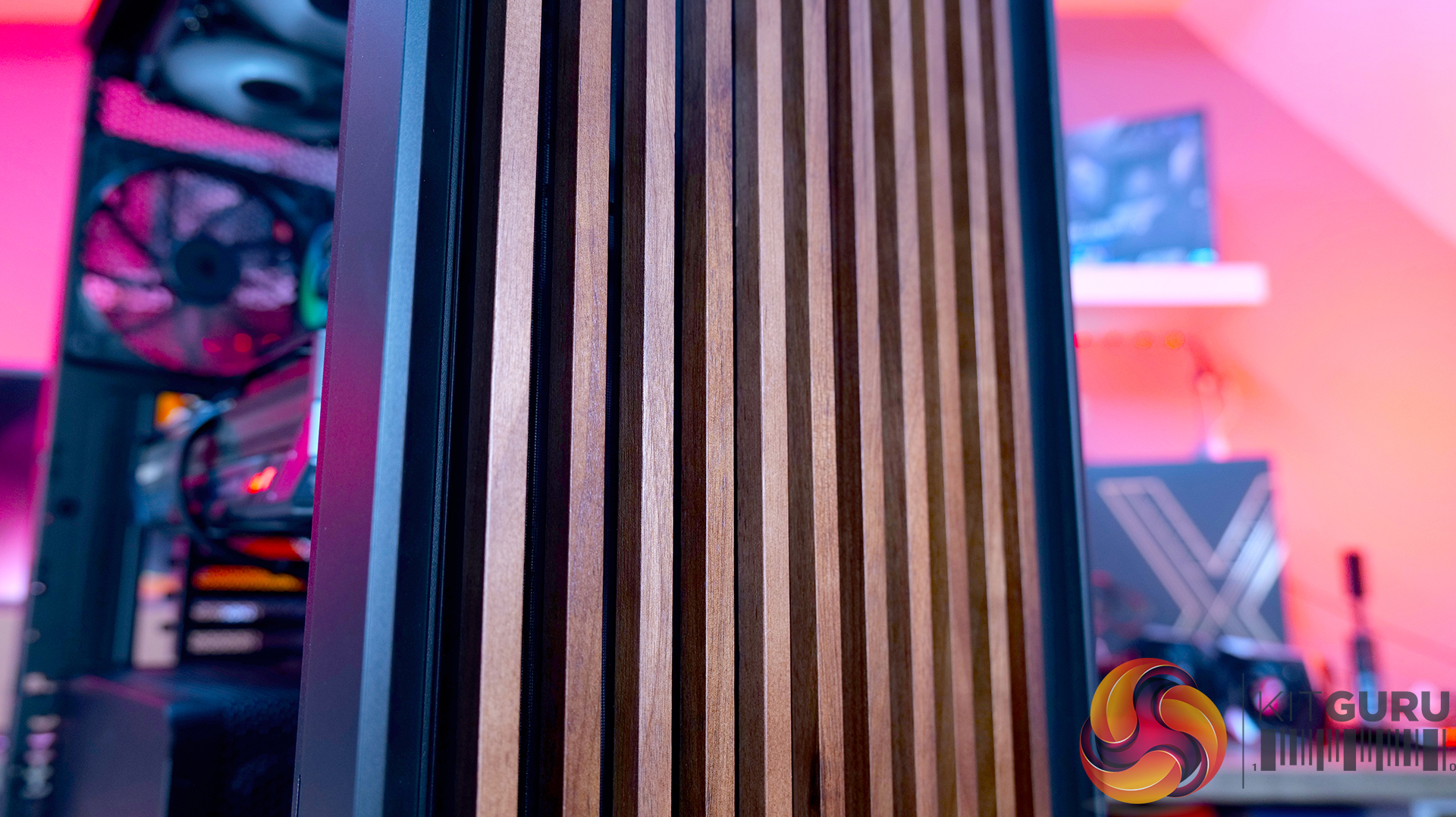
  • Real Wood, not Wood-effect – The standout feature of the Frame 5000D Wood RS is the new FSC-certified solid wood front panel. It gives the FRAME 5000D a much warmer, more premium look while still allowing plenty of airflow through the front of the chassis.
  • Big Fans, Low Noise – The original 140mm intake fans are swapped for a pair of massive 200mm RS200 fans that can shift plenty of air at lower RPM, keeping cooling performance high and noise low.
  • Cleaner Layout Inside and Out – A full-length tempered glass side panel, a more compact PSU shroud and updated front I/O with all USB Type-C connectivity all help modernise the Frame 5000D, giving you a better view of your hardware and a more up-to-date feature set.

Specifications:

  • Case Type: Full Tower
  • Dimensions (LxWxH): 542 x 250 x 556mm
  • Materials: Steel, Glass, Wood, Plastic
  • Motherboard Support: Mini-ITX, Micro-ATX, ATX, E-ATX
  • Reverse-connector motherboard support: Yes
  • Expansion Slots: 8 x Horizontal / 3 x vertical
  • Storage bays: 3.5” x 1, 2.5” x 4
  • Max GPU Length: 425mm (w/fans)
  • Max CPU Cooler Height: 175mm
  • PSU Type: ATX
  • Cable Routing Space:
  • Supplied Fans: 2X RS200, 1x RS140 pre-installed
  • Fan Support: 3 x 120mm,3 x 140mm (Top), 2 x 200mm, 3 x 120mm, 3 x 140mm (Front), 3 x 120mm, 3 x 140mm Β (R/H Side), 1 x 120mm, 1 x 140mm Β (Rear), 1 x 120mm (Bottom)
  • Radiator Support: 420mm 360mm 280mm 240mm (Top), 420mm 360mm 280mm 240mm (Front), 420mm 360mm 280mm 240mm (R/H Side), 140mm 120mm Β (Rear)
  • Dust Filters: Front, bottom, right side
  • Font I/O: 2x USB 3.2 Gen1 Type-C (5Gb/s), 1x USB 3.2 Gen2x2 Type-C (20Gb/s), PWR Button, Combo Mic/Headphone Jack
  • LCD Screen: N/A

Thermal Performance Testing

To simulate thermal demand, we run the Cinebench R23 multi-thread benchmark and 3DMark Speed Way stress test simultaneously in a loop for 30 minutes to load the system fully. This gives the CPU and GPU enough time to reach constant steady-state temperature. With this data, we can compare how the system handles the thermal demand and measure peak noise levels.

Thermal performance is measured with the case in various configurations, such as the default, with the tempered glass left-hand side panel removed and with the front panel removed to see how these configurations affect the CPU and GPU temperature. During testing, only stock case fans are used unless otherwise specified. All water pumps are set to maximum RPM and fans are set to a custom RPM curve by the Motherboard software/BIOS.

All temperature measurements are presented as Deltas – meaning the ambient temperature has been deducted from the CPU temperature, giving us a Delta. Data shown in the charts represents the average component temperature over the length of the test as measured by HWiNFO, and then the last 15 minutes of the data are calculated to get the average. The ambient temperature during thermal tests is between 19-20⁰C.

Test System Specification:

Thermal Performance Overview

We test case thermals using a 360mm AIO as exhaust at the top and with the case in several different fan configurations. The default configuration shown in the charts is with the top 360mm AIO cooler, 2 x 200mm front intake fans and a single 140mm rear exhaust fan and with all case panels installed.

Thermal performance is about as good as you could expect for from a case like this. In the default configuration we see the CPU steady-state average at 55Β°C over ambient while the GPU is at 52Β°C . Adding extra side or floor intake fans doesn’t really change temperatures, just one or two degrees C drop on the GPU, suggesting the stock airflow is already well optimised.

Removing the tempered glass side panel makes almost no difference at all, shaving just a single degree off the CPU while leaving GPU temperatures unchanged. In other words, Corsair's pair of 200mm front intake fans are doing exactly what they're supposed to, delivering plenty of airflow straight out of the box without the need for additional fans or a change of configuration.

Noise Output

Noise follows a similar path to thermal performance; in this test, the case fans are fixed at low RPM, so they are virtually silent. The only noise comes from the CPU cooler and GPU fans. Since there isn't a massive change in temperature with the case in either configuration, the noise output stays pretty consistent.

Across all configurations, the idle noise is essentially identical; the only drop in load noise occurs with the glass side removed, as the CPU and GPU temperatures are at their lowest, but the drop in noise is just 1dBA, which is hardly noticeable in real-world situations. So, in terms of thermal performance, if you keep the case fan speed to a sensible level, noise is very well optimised out of the box.

Closing Thoughts

The Frame 5000D Wood RS is a worthy refresh of the original Corsair Frame 5000D. The addition of a real wood front panel gives it a much more premium look without sacrificing airflow, making it stand out from the mesh and tempered glass cases currently on the market. It feels like a more mature design, and the option of Black/Walnut or White/Oak should appeal to anyone looking to build a PC with either a black or white theme.

Performance is equally impressive. The pair of 200mm front intake fans provide excellent airflow while running at relatively low speeds, resulting in excellent cooling performance without generating excessive noise. Our testing showed little to be gained from removing panels or adding extra intake fans, which tells you Corsair has done a solid job of optimising the stock airflow configuration straight out of the box.

That said, the build experience isn't quite as polished as the cooling performance. Installing the motherboard proved more awkward than expected, with the motherboard backplate making it difficult to line everything up. Graphics card installation also felt unnecessarily fiddly, as the opening around the PCIe slots doesn't leave much room to manoeuvre cards into position, particularly if your motherboard has chunky rear-mounted heatsinks around the M.2 area. Neither issue is a deal-breaker, but they're the sort of frustrations you don't expect from a case at this price point.

Overall though, the positives outweigh the negatives. The Frame 5000D Wood RS looks great, it delivers excellent thermal performance and quiet operation, and retains all the flexibility of Corsair's modular Frame ecosystem. The installation quirks knock points off what is otherwise a very capable chassis. So if the mature aesthetics, airflow and upgradeability are your thing, this should be on your parts list for your next build, unless you need something smaller, the Frame 4000D Wood is your perfect alternative.

The Corsair Frame 5000D Wood RS is available to purchase now from Scan priced at Β£159.95 HERE.

Pros:Β 

  • Big front fans keep the system cool and quiet with great airflow.
  • Wood front gives a more premium look.
  • Lots of space for hardware and cooling.

Cons:

  • Motherboards with backplates can be difficult to install.
  • Graphics cards can be tight to get into the PCIe slot.
  • Quite large for a basic gaming system.

KitGuru says: Corsair has made some worthy changes to the Frame 5000D, which means it still offers great airflow and cooling but now with premium looks too!

The post Corsair Frame 5000D Wood RS Case Review first appeared on KitGuru.

Phanteks expands XT chassis lineup with XT M5, XT V5, and XT V5-LCD

23 July 2026 at 07:00

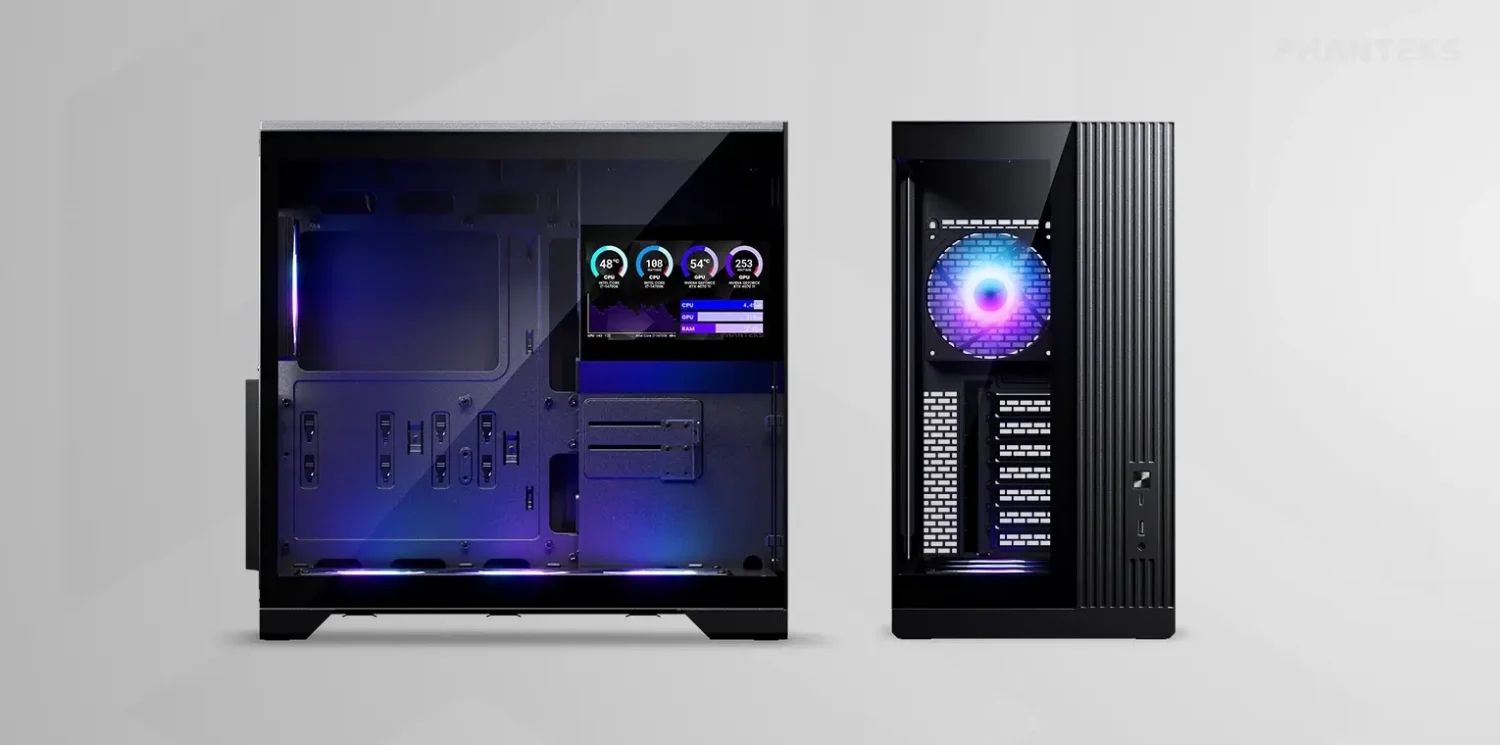
Phanteks has expanded its XT chassis lineup with three new compact ATX models, including the XT M5, XT V5, and XT V5-LCD. First unveiled at Computex 2026, these cases pack support for standard 360mm radiators and ATX power supplies in a small desktop footprint.

Every model in the update incorporates an integrated GPU support bracket alongside a high-speed USB 3.2 Gen2x2 Type-C port on the front I/O. Phanteks equips each case with pre-installed cooling out of the box, consisting of a single 120mm rear fan alongside a 360mm single-frame S25 ARGB fan assembly. All models support 360mm radiators on the top panel.

Designed specifically for airflow, the XT M5 features a mesh front panel and supports up to 10x 120mm fans. The XT V5 swaps the mesh for glass front and side panels while mounting its single-frame fan set at the bottom for direct GPU cooling. This change, however, reduces the total number of 120mm fans supported to seven. Building on the V5 layout, the XT V5-LCD adds a built-in 7-inch display that users can configure using the Nexlinq app for Windows.

Pricing for the XT M5 Black and XT V5 Black starts at $79.99, while the XT V5-LCD Black retails for $109.99.

KitGuru says: Phanteks' new XT options deliver solid versatility across mesh, glass, and display-focused builds. Out of the new XT models, which do you like the most?

The post Phanteks expands XT chassis lineup with XT M5, XT V5, and XT V5-LCD first appeared on KitGuru.

DeepCool introduces CG590 Mesh 2F case with dual 160mm ARGB fans

21 July 2026 at 07:00

DeepCool has introduced the CG590 Mesh 2F, a new mid-tower chassis featuring a mesh front panel, a dual-chamber interior, and two pre-installed 160mm ARGB intake fans. The case is scheduled to launch in Japan soon, but a wider global release is expected.Β 

Designed for gaming and enthusiast systems, according to Guru3D, this enclosure uses a dual-chamber construction that separates the PSU and storage devices from the primary motherboard compartment. This layout creates a direct airflow path toward the graphics card and CPU cooler while reducing cable congestion. Fresh air is supplied by the two pre-installed 160mm front intake fans through the mesh panel.

Hardware supported includes ATX, mATX, and Mini-ITX motherboards, graphics cards up to 410mm in length, CPU air coolers up to 160mm tall, and PSUs up to 210mm long. DeepCool provides 45mm of cable-routing clearance behind the motherboard tray and includes native support for rear-connector motherboard designs. Cooling flexibility extends to various fan configurations, allowing up to three 120mm or two 140mm fans on top, three 120mm side fans, two 120mm rear fans, and three 120mm bottom fans. Liquid cooling setups can house radiators up to 360mm on the top, side, or bottom, with the top section also supporting 280mm options.

The front I/O panel integrates one USB-C 3.2 Gen 2 port, two USB-A 3.0 ports, and a combined audio jack. Deepcool will launch the CG590 Mesh 2F in Japan on July 24th, with an estimated retail price of $89.Β 

KitGuru Says: DeepCool's CG590 MESH 2F may offer a competitive feature set for its price bracket, particularly with its support for massive 160mm intake fans and rear-connector motherboards.

The post DeepCool introduces CG590 Mesh 2F case with dual 160mm ARGB fans first appeared on KitGuru.

MSI details MPG Vixta 300R PZ series with floating base design

20 July 2026 at 17:00

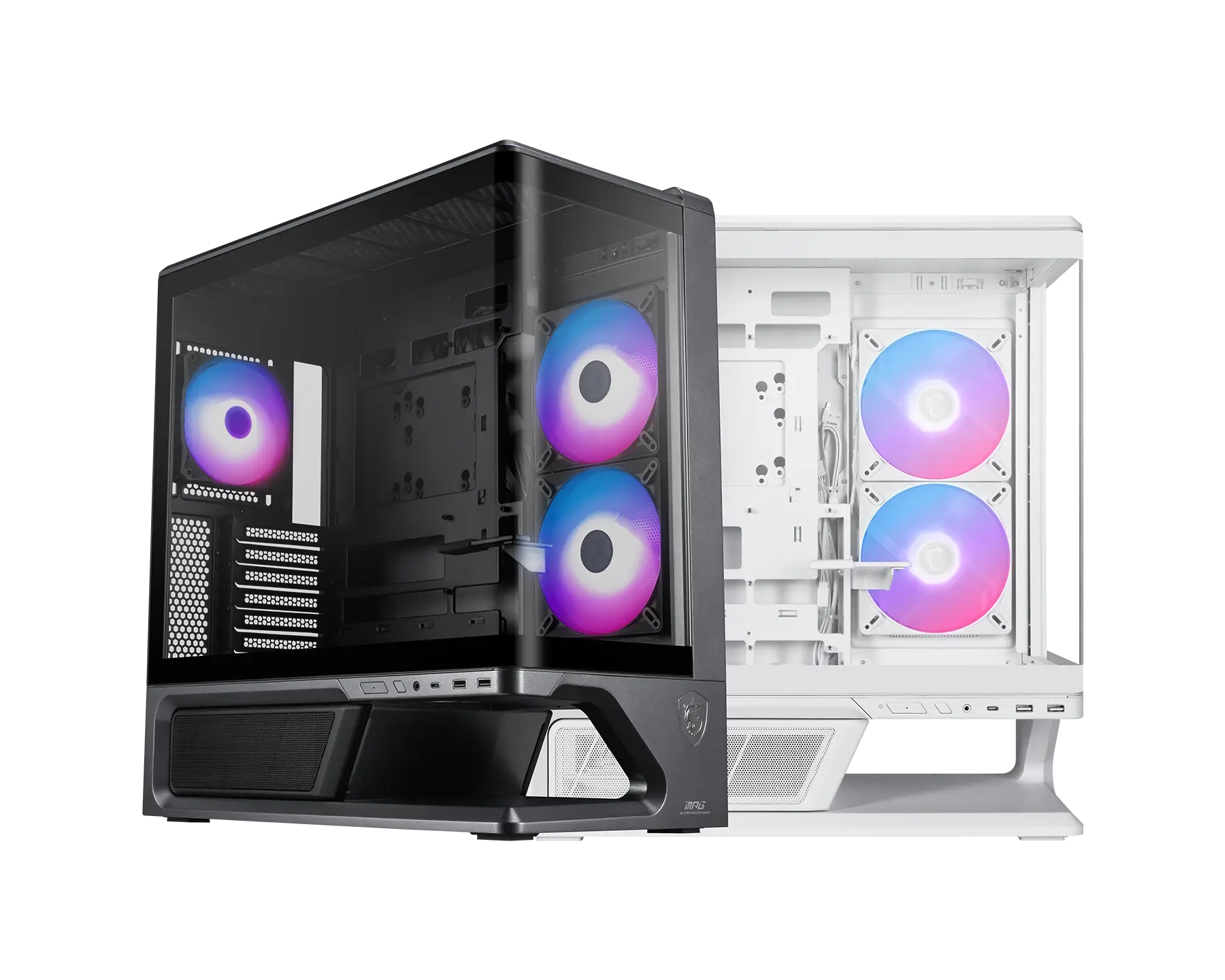
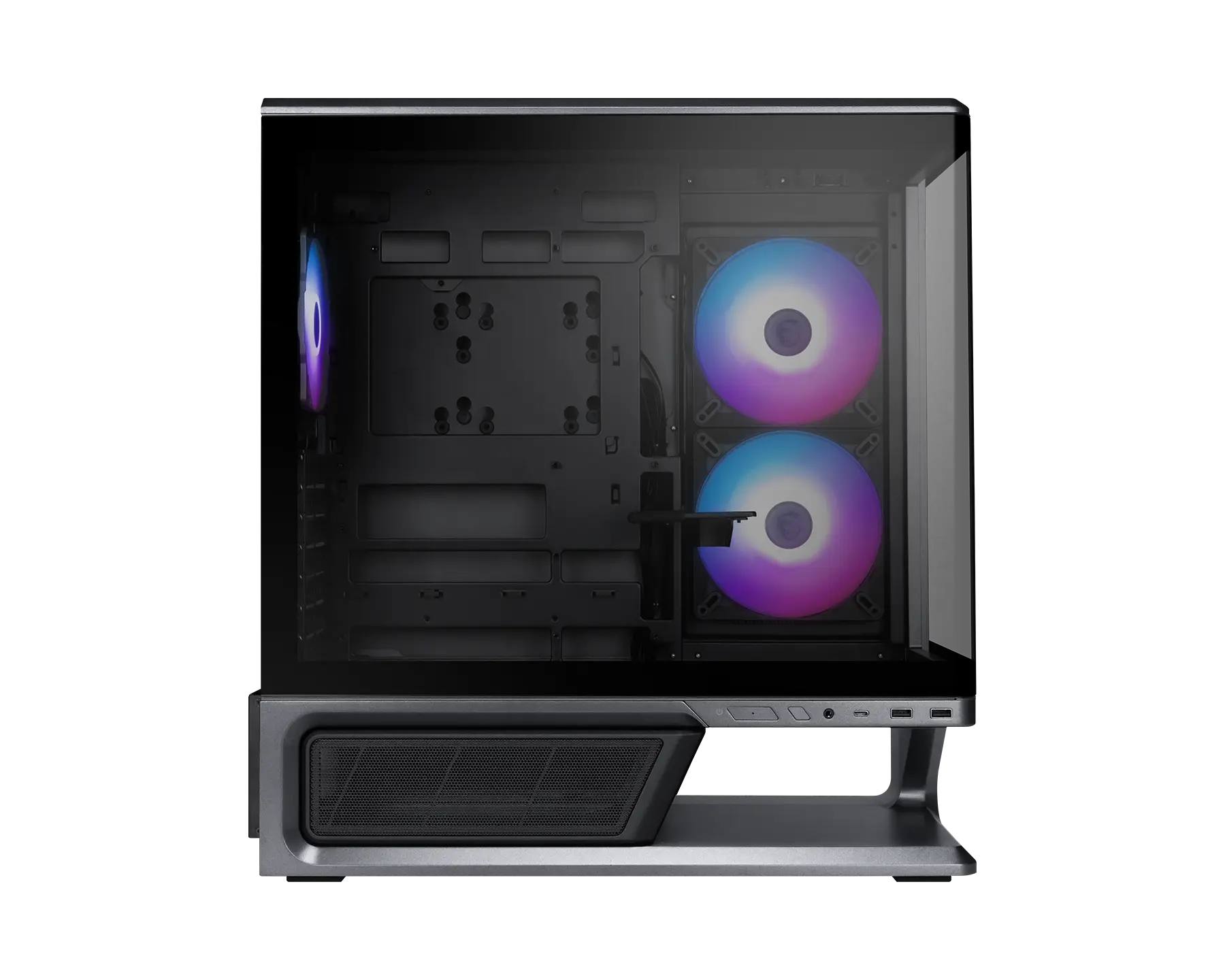
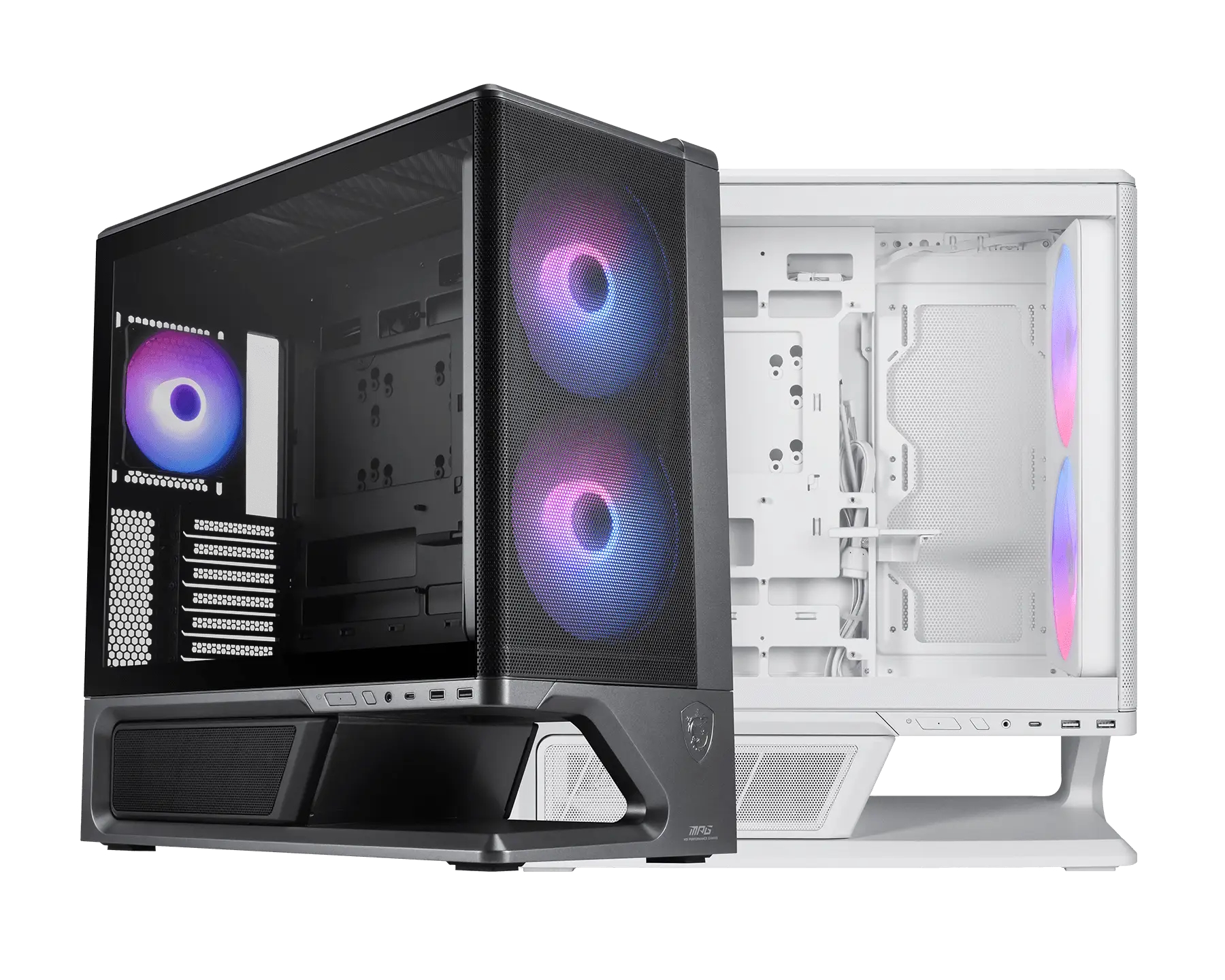
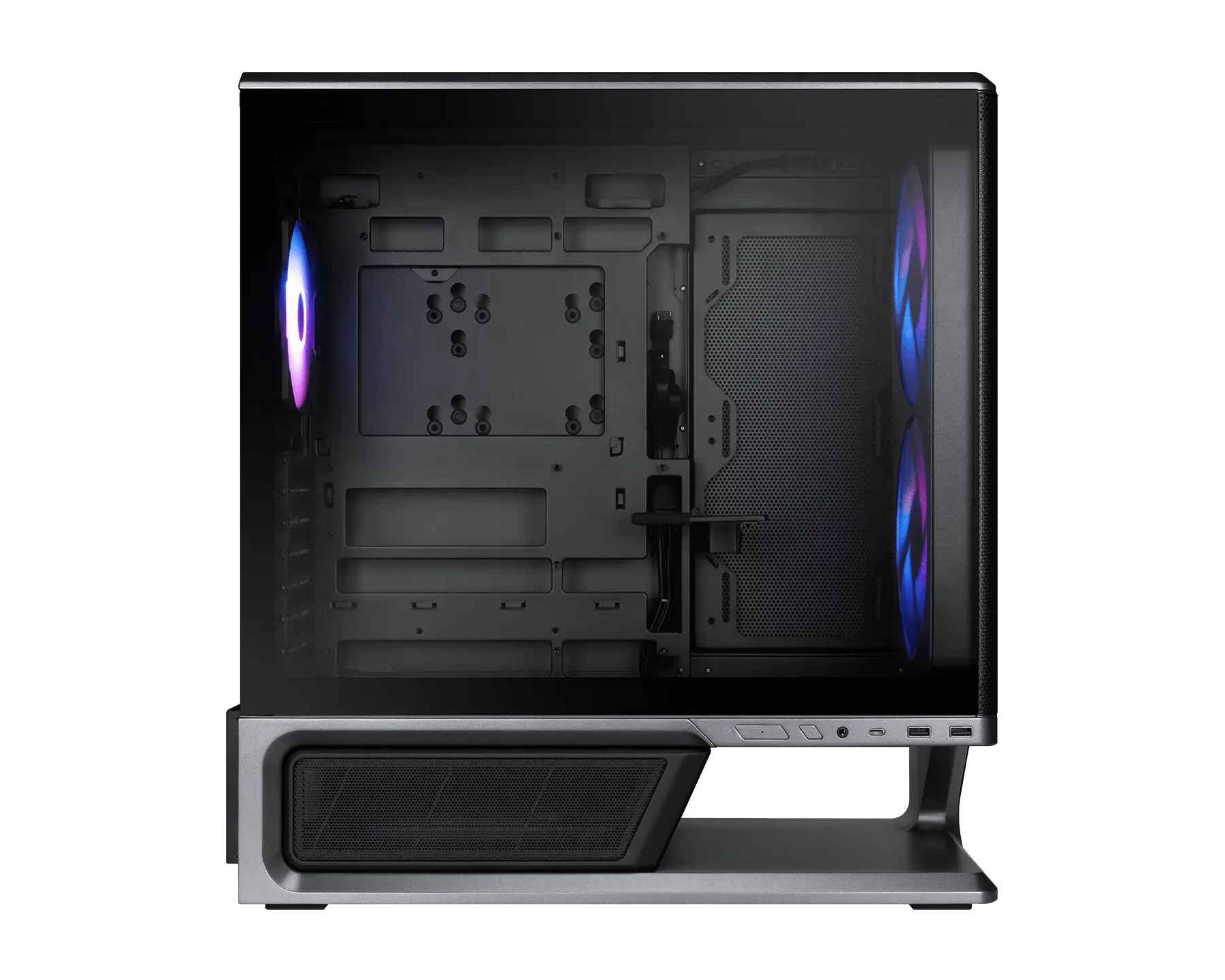
MSI has introduced the MPG Vixta 300R PZ and MPG Vixta 300R Airflow PZ, two new mid-tower cases featuring back-connect motherboard compatibility and a floating base design.

MSI builds the MPG Vixta 300R PZ (via ITHome) with a seamless L-shaped, fully tempered glass panel. This chassis features a floating base design providing 75mm of intake space to optimise airflow from the bottom. Three pre-installed fans are included – two 140mm ARGB side fans and one 120mm rear ARGB fan. Hardware support covers standard ATX, Micro-ATX, and Mini-ITX motherboards, as well as back-connect ATX and Micro-ATX form factors. Components can measure up to 420mm long for the GPU, 165mm tall for the CPU cooler, and 190mm long for the PSU.

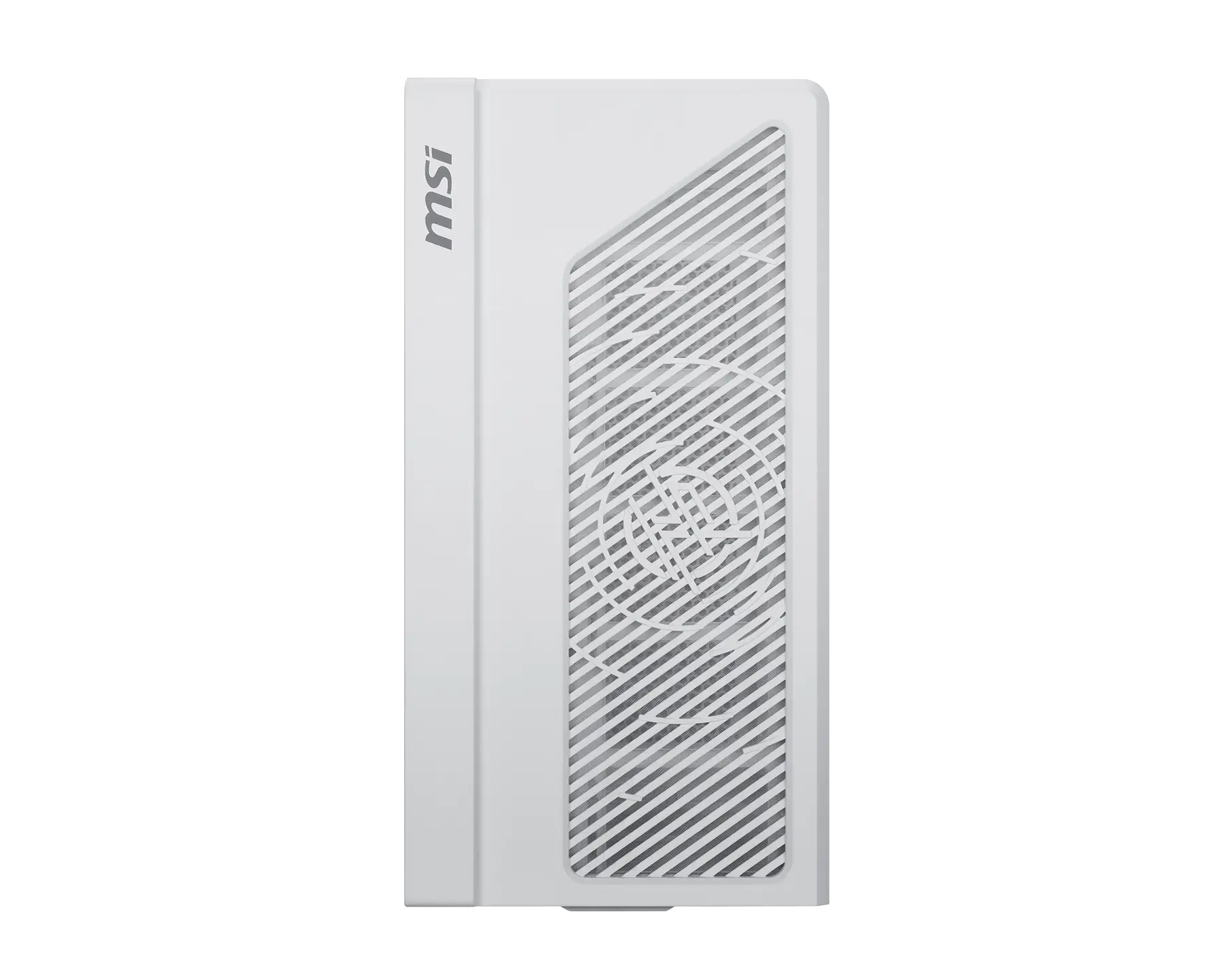
Taking an alternative approach, the MPG Vixta 300R Airflow PZ trades the curved glass for an unrestricted mesh front panel. The case relies on an EZ-Snap front panel design that powers its two pre-installed 160mm front ARGB fans via wireless pogo pins. A single 120mm rear ARGB fan is also included. Because of the front fan layout, the maximum supported GPU length drops to 390mm, while CPU cooler and PSU clearance remain at 165mm and 190mm, respectively. Liquid cooling support on both models allows for radiators up to 360mm on top and up to 240mm on the side.

Both models provide 35mm of cable routing space behind the motherboard tray and feature tool-free panels alongside a magnetic PSU shroud. An adjustable GPU holder and a 1-to-4 ARGB and PWM control board are pre-installed in each chassis. Front panel I/O connectivity includes one USB 20Gbps Type-C port, two USB 5Gbps Type-A ports, and a combined audio jack. Dimensions for the cases measure 455x235x497mm.

KitGuru Says: Which of MSI's MPG Vixta 300R series cases do you prefer?

The post MSI details MPG Vixta 300R PZ series with floating base design first appeared on KitGuru.

Phanteks launches new Enthoo Server cases

16 July 2026 at 14:00

Following on from reveals at Computex last month, Phanteks is now bringing its new high-end Enthoo Server cases to the market, including both the Enthoo Pro 2 Server V2 and the Enthoo Elite Server

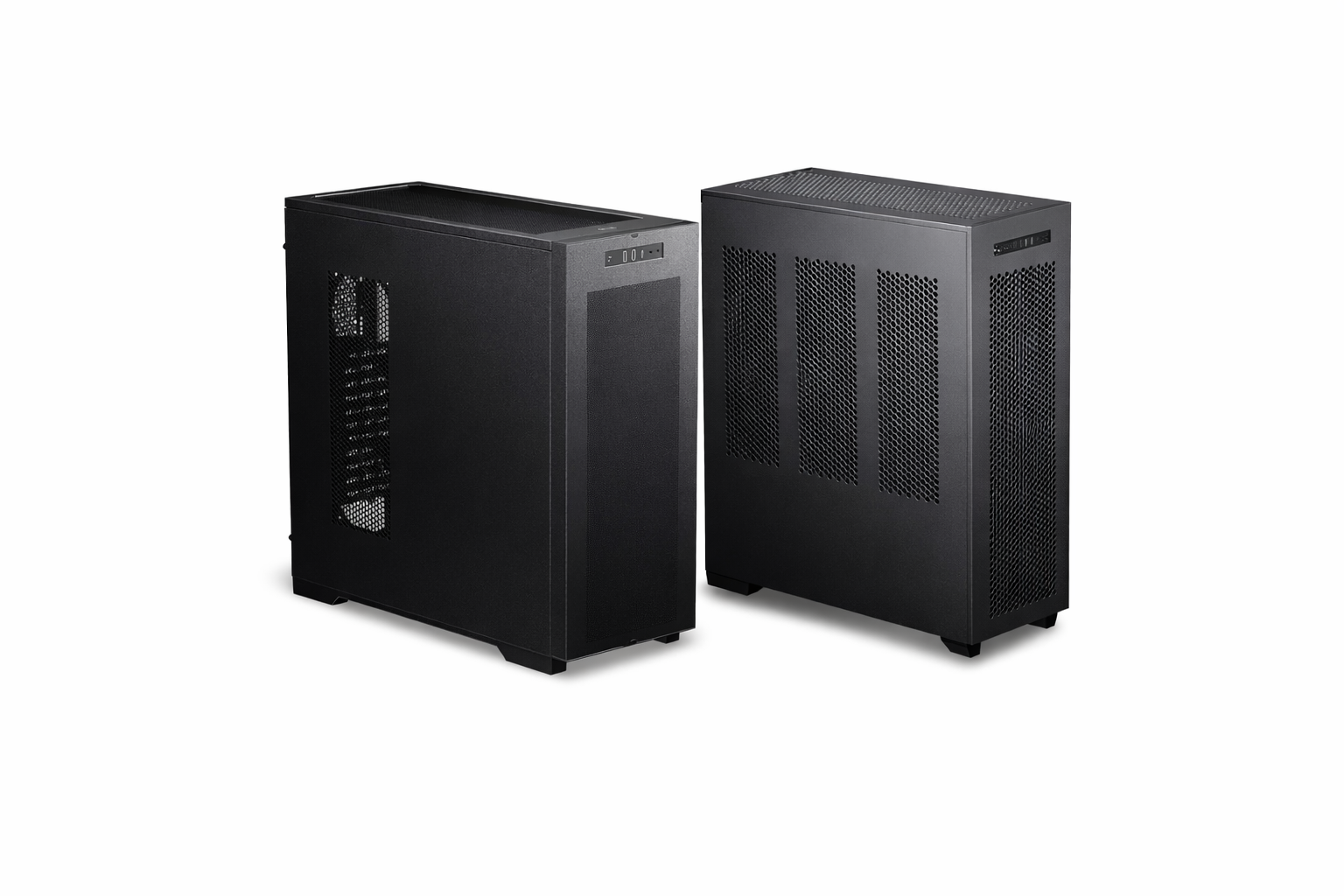
The Enthoo Pro 2 Server V2 features an all-metal exterior, but with lots of mesh for improved airflow. Inside, the chassis supports SSI‑EEB motherboards, 480mm and 360mm radiators, 11 PCIe slots and lots of storage, including up to 10 HDDs or 11 SSDs. Cooling support extends to 15 total fans, with targeted airflow over the CPU and GPU zones.

Phanteks is also launching the Enthoo Elite Server. As you would expect from a case like this, it supports both E‑ATX and SSI‑EEB motherboards, as well as dual PSU and multi‑GPU configurations, with 12 PCIe slots available. Cooling capacity is increased further, with support for up to 29 fans. The Elite Server also ships with additional wheels so it can easily be moved around.

Both cases are available starting this month, with the Enthoo Pro 2 Server V2 priced at Β£199.90, while the Enthoo Elite Server comes in at Β£349.90.

KitGuru Says: As we saw at Computex this year, a lot of PC case companies are now primarily focussed on the workstation / server market, a trend that we expect to continue.Β 

The post Phanteks launches new Enthoo Server cases first appeared on KitGuru.

Lian Li B4 mATX PC Case Review

14 July 2026 at 10:28

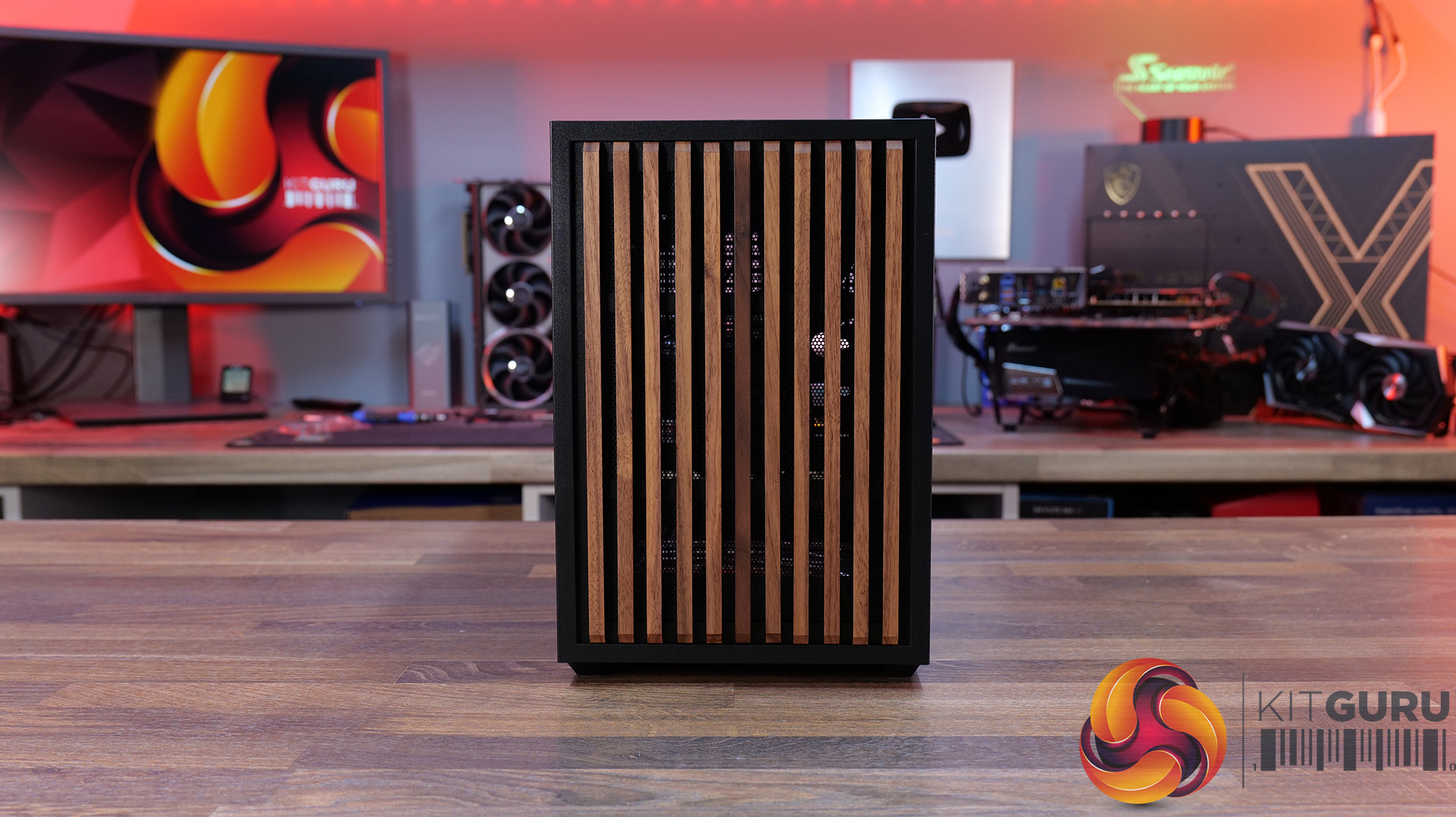
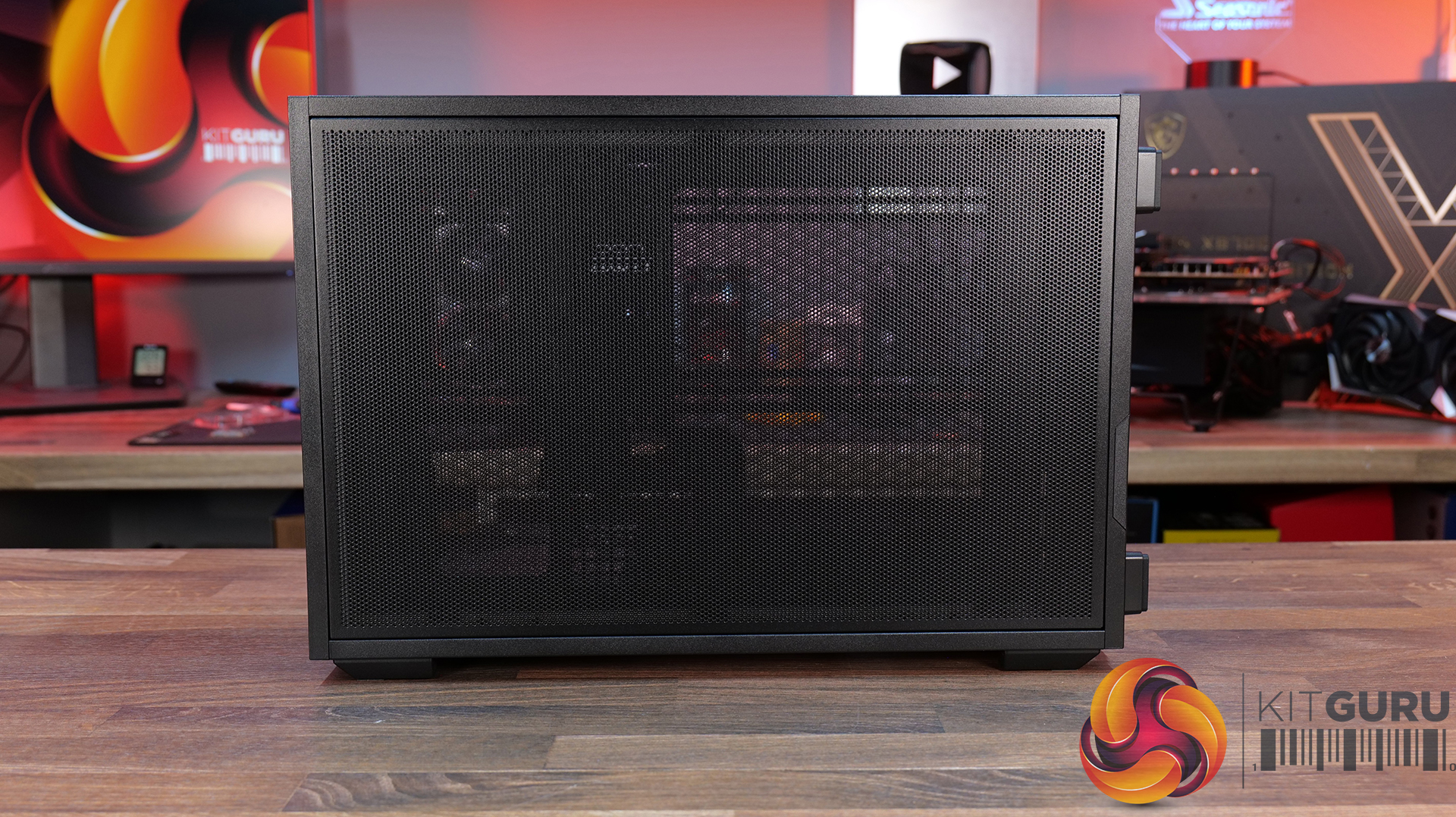
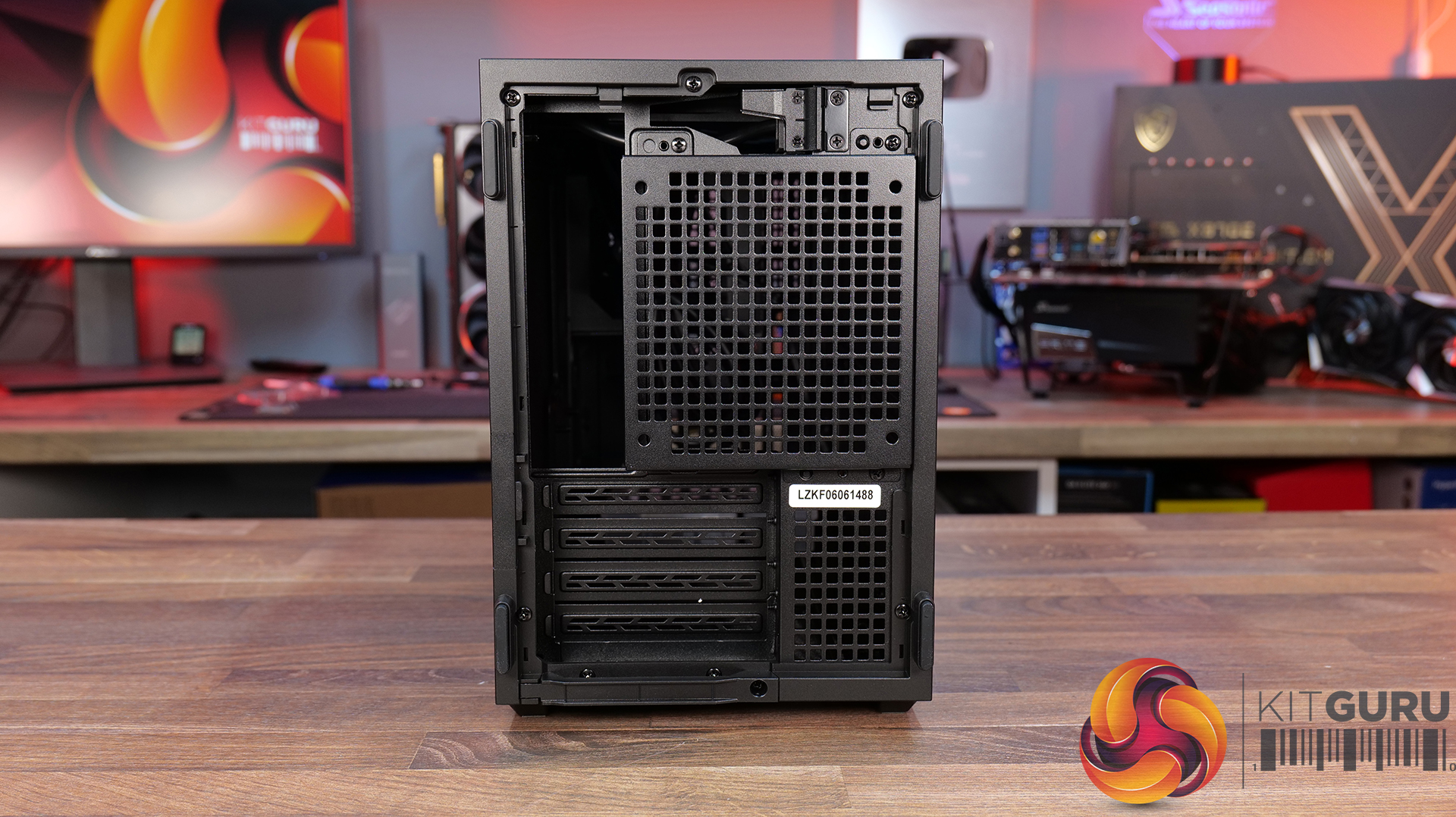
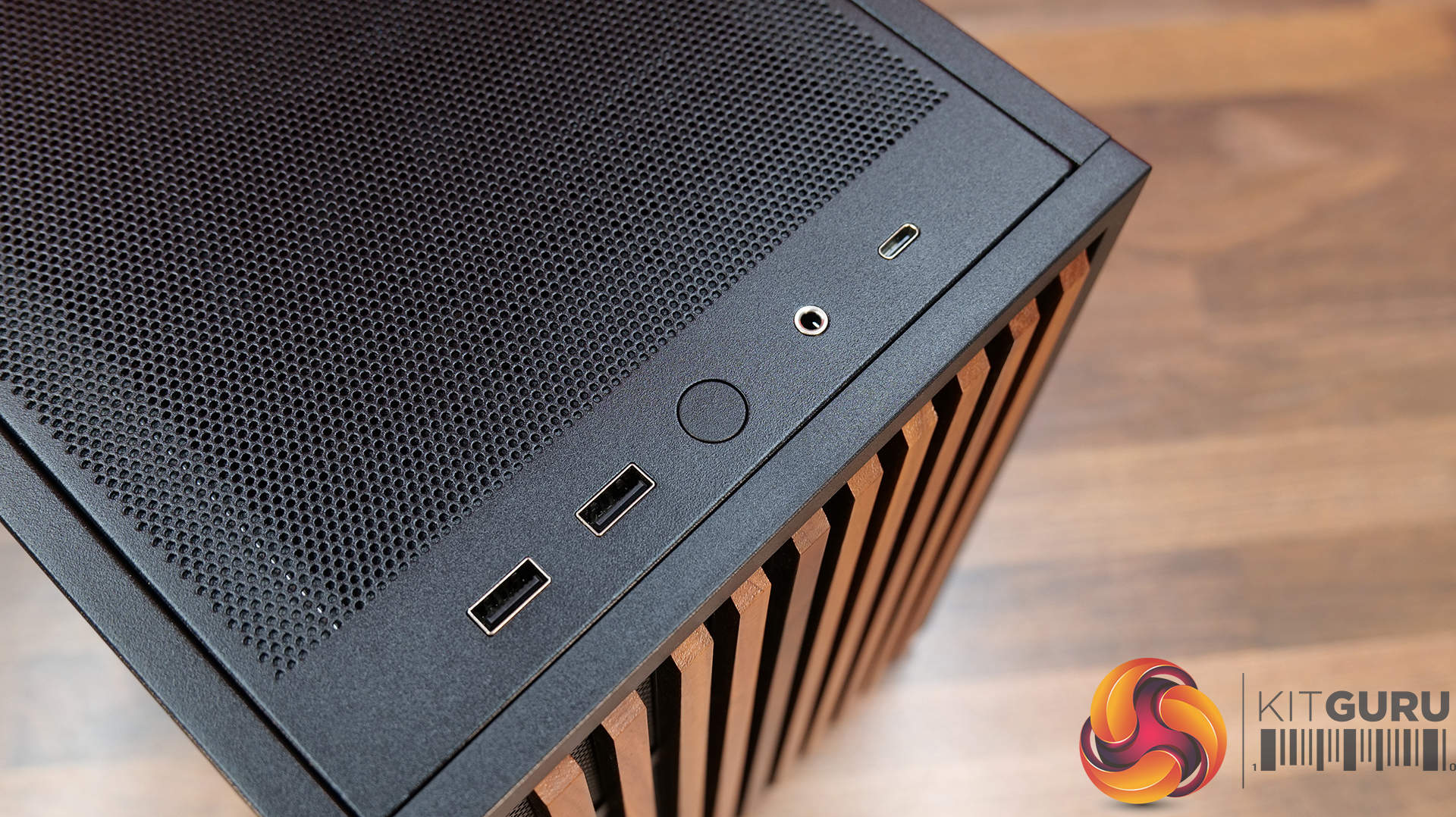
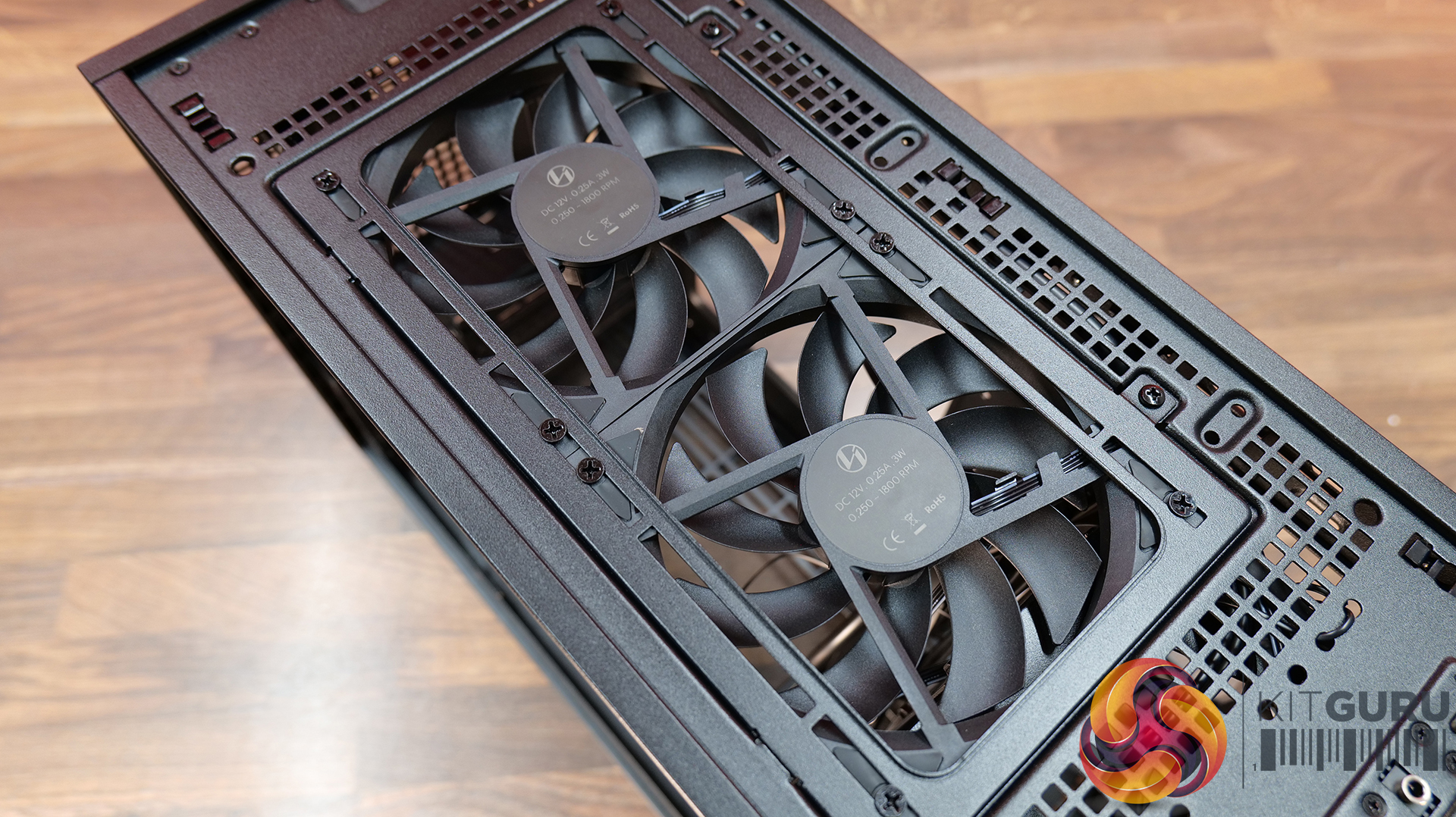
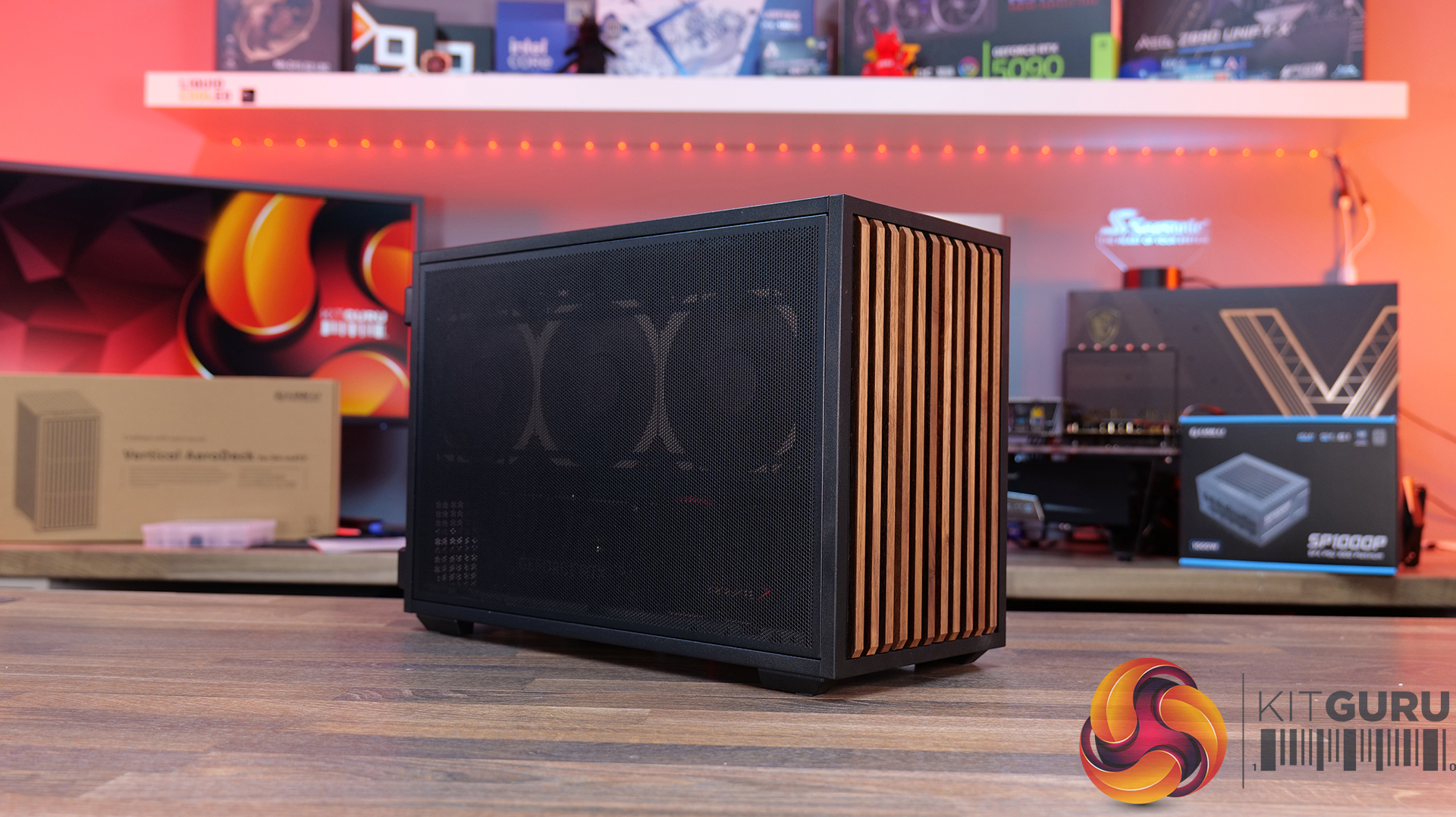
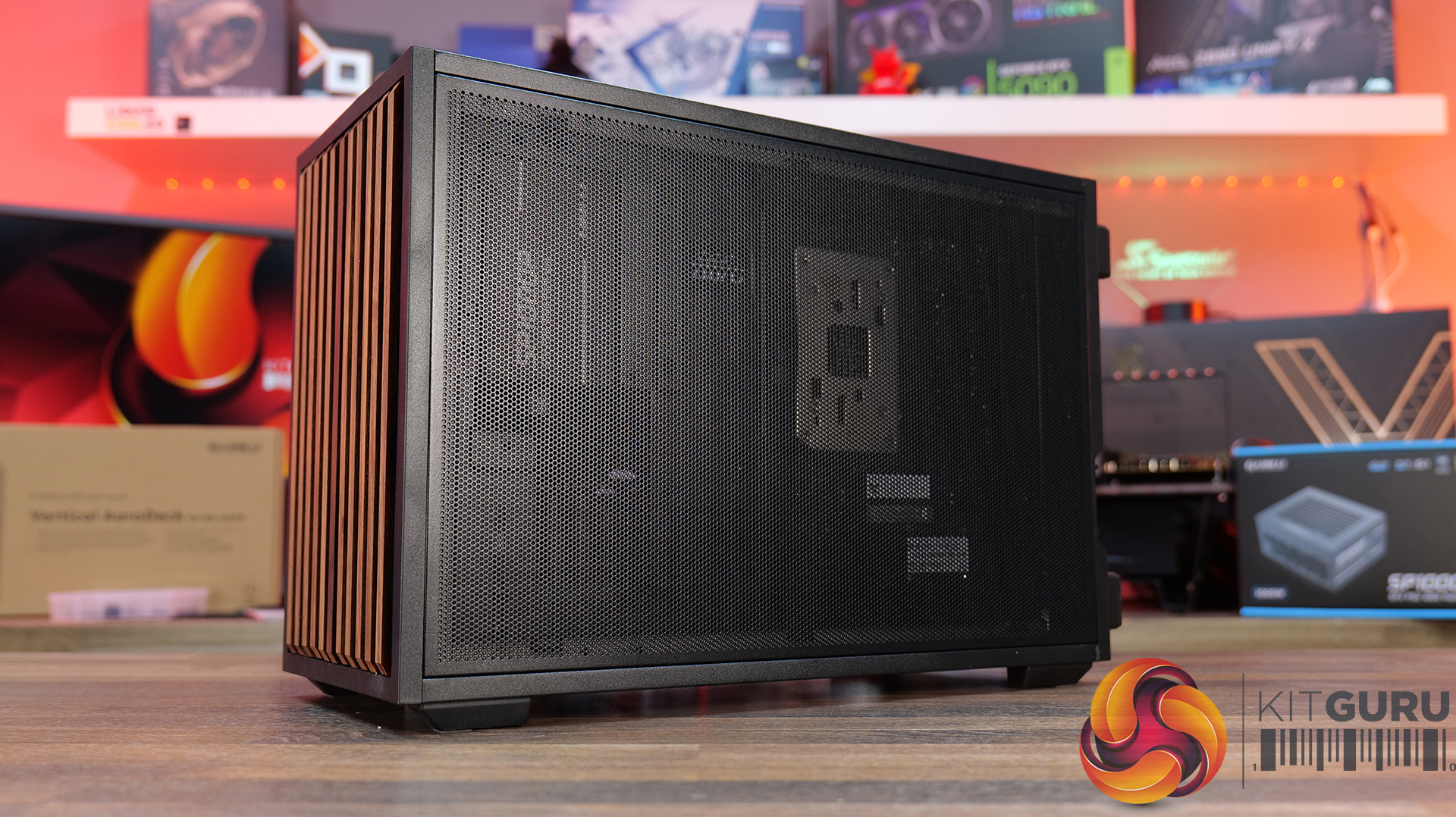
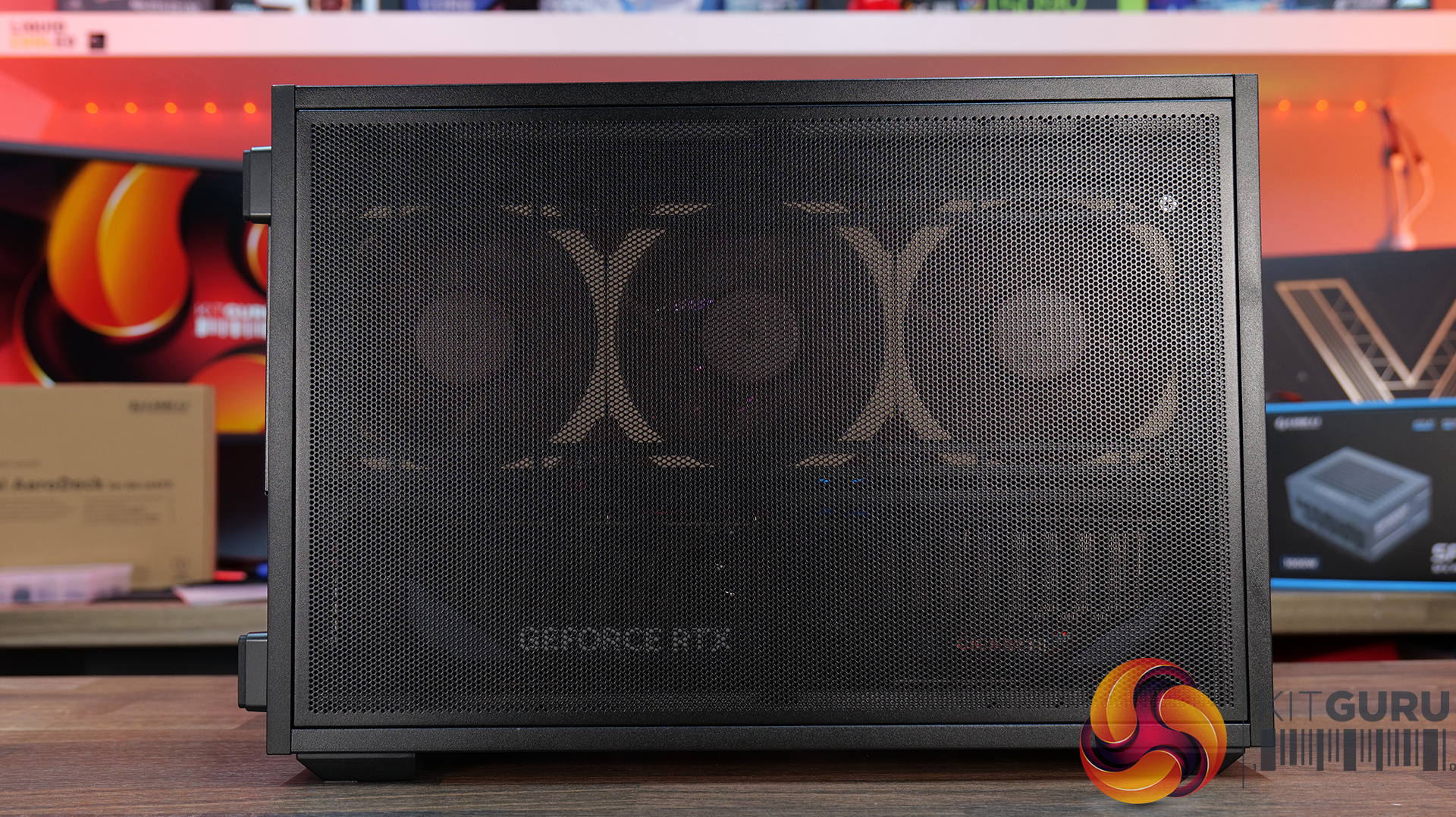
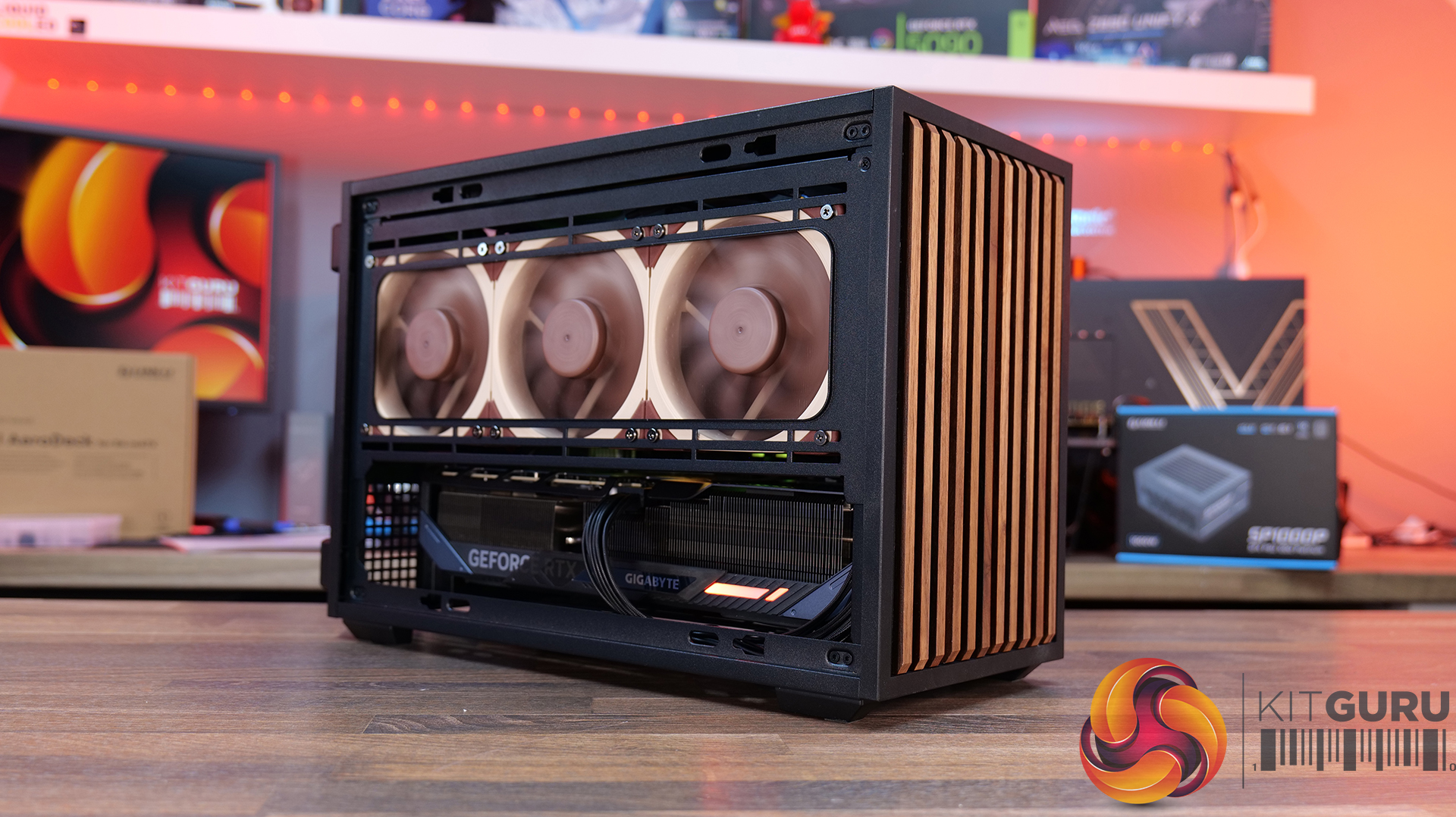
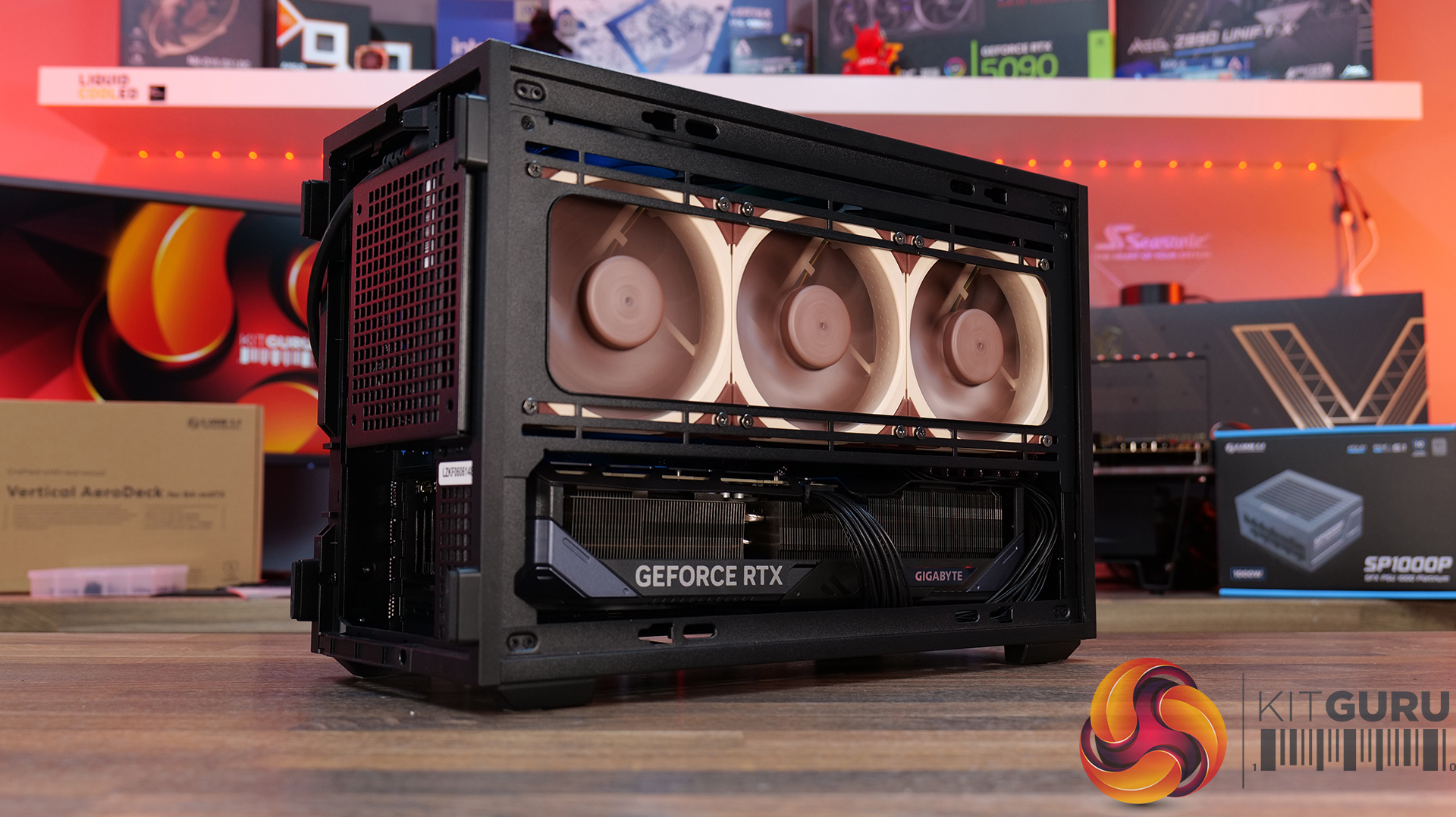
Today we're looking at the Lian Li B4 mATX – a compact, 21.3-litre Micro-ATX case developed in collaboration with DAN Cases. Despite its small footprint, it supports Micro-ATX motherboards, graphics cards up to 358mm long, both ATX and SFX power supplies, and even a 360mm AIO. It also offers the choice of a mesh or real wood front panel, along with the option to run the case horizontally or vertically to better suit your setup. Lian Li is aiming to deliver the hardware compatibility of a much larger chassis in a compact SFF design. In this review, we'll find out if the B4 mATX can deliver on that promise, or not. Let's get into it.

Timestamps:

00:00 Introduction
00:58 Versions / Prices / Extras
01:51 Physical Dimensions / Front I/O
02:26 Removing panels
03:42 Cooling Support
06:25 GPU Anti Sag Bracket / GPU Support
07:25 Motherboard and CPU Air Cooler Support
08:22 Storage Compatibility
08:54 Back of the case
09:53 Left hand side of case
10:38 James thoughts on the layout
11:38 Accessories
12:22 Vertical AeroDeck
13:18 Thermal and Acoustic Performance Testing
15:11 Smoke Test
15:48 Thoughts on Installation
18:38 Closing Thoughts

Features:

  • Compact 21.3-litre Micro-ATX design with support for Micro-ATX motherboards, graphics cards up to 358mm long, plus the option to position the case horizontally or vertically.
  • Strong hardware compatibility including support for ATX or SFX power supplies, up to a 360mm side-mounted AIO with an SFX PSU, and CPU air coolers up to 162mm tall.
  • Choice of mesh or real wood front panels combined with modular brackets, pre-installed slim fans and flexible cooling layouts designed to maximise performance in a compact chassis.

Specifications:

  • Case Type: Micro ATX
  • Dimensions (LxWxH): 420mm x 191mm x 288mm
  • Materials: Steel, Wood (Walnut / Beech), Plastic
  • Motherboard Support: Micro-ATX, Mini-ITX
  • Reverse Connector motherboard support: No
  • Expansion Slots: 4
  • Storage bays: Front 2.5” SSD x 1, Bottom 3.5” HDD x 1 or 2.5” SSD x 1
  • Max GPU Length: 358mm
  • Max CPU Cooler Height: 162mm (168mm without side fan bracket)
  • PSU Type: ATX/SFX
  • Cable Routing Space: N/A
  • Supplied Fans: 120 x 120 x 15mm (x2)
  • Fan Support: 120mm x 2 (Top), 120mm x 1 (Front, With SFX PSU Only), 120mm x 3 / 140mm x 2 (L/H Side With SFX PSU), 120mm x 2 / 140mm x 2 (L/H Side With ATX PSU), 120mm x 1 (Rear), 120 mm x 3 / 140mm x 2 (Bottom)
  • Radiator Support: Side 360mm (with SFX PSU), 240mm (With ATX PSU)
  • Dust Filters: Bottom
  • Font I/O: USB 3.0 Type A x 2, Power Button x 1, Audio x 1, USB 3.2 Type C x 1

Thermal Performance Testing

To simulate thermal demand, we run the Cinebench R23 multi-thread benchmark and 3DMark Speed Way stress test simultaneously in a loop for 30 minutes to load the system fully. This gives the CPU and GPU enough time to reach constant steady-state temperature. With this data, we can compare how the system handles the thermal demand and measure peak noise levels.

Thermal performance is measured with the case in various configurations, such as the default, with the tempered glass left-hand side panel removed and with the front panel removed to see how these configurations affect the CPU and GPU temperature. During testing, only stock case fans are used unless otherwise specified. All water pumps are set to maximum RPM and fans are set to a custom RPM curve by the Motherboard software/BIOS.

All temperature measurements are presented as Deltas – meaning the ambient temperature has been deducted from the CPU temperature, giving us a Delta. Data shown in the charts represents the average component temperature over the length of the test as measured by HWiNFO, and then the last 15 minutes of the data are calculated to get the average. The ambient temperature during thermal tests is between 19-20⁰C.

Test System Specification:

Thermal Performance Overview

We test case thermals using a 360mm AIO as Intake at the side and with the case in several different fan configurations. The default configuration shown in the charts is with the side-mounted 360mm AIO cooler and 2 x 120 mm x 15 mm top exhaust fans and with all case panels installed.

Thermal performance good overall, with the B4 mATX delivering consistent CPU and GPU temperatures across all four test configurations. The default AIO setup performs well, but removing the top fans results in a increase to both CPU and GPU temperatures, so those exhaust fans play an important role in the case's airflow design.

Running the case vertically with the optional AeroDeck produces the best GPU temperature while matching the lowest CPU result, so the additional cost could be a worthwhile improvement to graphics cooling. most interestingly, removing the top, front and side panels offers no benefit over the AeroDeck configuration, indicating that the B4 mATX's airflow is well optimised in its standard configuration.

Noise Output

Acoustically, the B4 mATX offers a balance between cooling performance and noise, with only slight variation between the different test configurations. The default setup produces the same idle noise level as both the AeroDeck and top fan removed configurations, while load noise remains close across test configurations.

The vertical AeroDeck configuration is slightly quieter under load due to the lower GPU temperature and fan speed, but the differences are small enough that they're unlikely to be too noticeable in day-to-day use.

Closing Thoughts

Considering its compact dimensions, Lian Li has packed an impressive amount of hardware support into the B4 mATX including large 4 slot graphics cards, ATX power supplies and up to a 360mm AIO, making it more versatile than some small form factor chassis in this price bracket. There’s a good balance between compact dimensions and practicality, giving enthusiasts flexibility without forcing them into buying expensive SFX power supplies or low-profile cooling solutions.

Thermal performance is respectable too. While the B4 mATX isn't class-leading in terms of cooling, it does an adequate job for a chassis of this size and should have no trouble handling high-performance gaming hardware when configured correctly. Combined with the excellent build quality we've come to expect from Lian Li, the chassis feels well engineered, with premium materials and a solid build for the MSRP asking price.

That said, the B4 mATX isn't without compromise. As with many compact cases, component compatibility depends heavily on the exact hardware combination you choose. Installing larger graphics cards, radiators or longer power supplies can have a knock-on effect elsewhere in the build, so planning your component selection is essential. Cable management is also more challenging than it should be, with limited routing space making it difficult to achieve a clean build, while some cables can easily get in the way of the top fans if you're not careful during assembly too.

There are also a couple of smaller details that could have been better executed. The included GPU anti-sag bracket is a useful feature, but its compatibility with some graphics cards is limited. None of these issues are deal breakers, it’s still a very capable compact chassis.

Overall though, the Lian Li B4 mATX delivers a solid combination of build quality, hardware compatibility and sensible pricing, making it an easy case to recommend for anyone wanting to build a powerful mATX gaming system without taking up too much desk space.

The Lian Li B4 mATX is available to purchase now from Scan priced at Β£73.99 HERE.

Pros:Β 

  • Can support high-end hardware depending on configuration.
  • For a compact case, cooling support is good.
  • Build quality is excellent.

Cons:

  • GPU anti-sag arm is incompatible with some graphics cards.
  • Hardware compromises depending on configurations.
  • Cable routing is awkward and some cables can get trapped in fans.

KitGuru says: For a small case, the B4 mATX packs in some good features but there are some hardware compromises depending on what setup you run though this is to be expected from such a compact mATX case.

The post Lian Li B4 mATX PC Case Review first appeared on KitGuru.

Cooler Master launches HAF II 500 with oversized intake and exhaust fans

13 July 2026 at 15:00

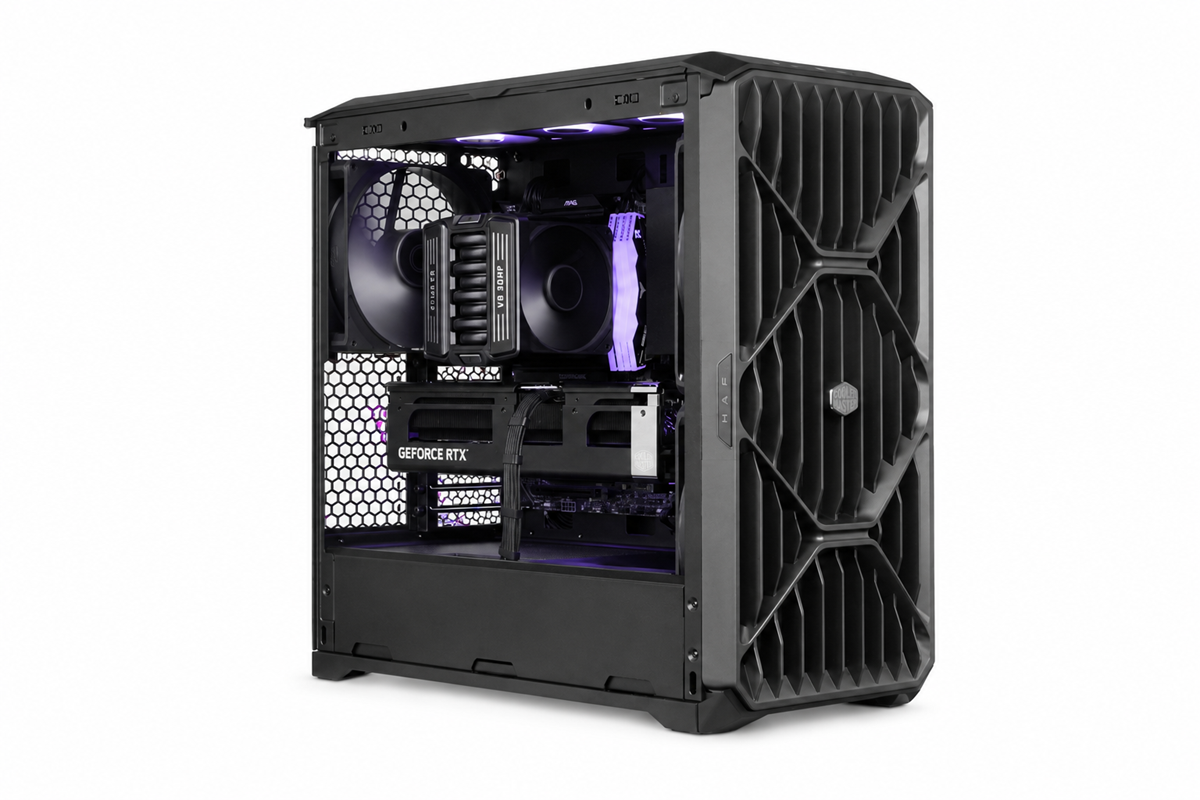
Cooler Master has introduced the HAF II 500, a new high‑end airflow case built around oversized 220mm and 180mm fans to deliver stronger cooling performance at lower noise levels.

Cooler Master says the HAF II 500 was engineered to move significantly more air without raising system noise. The case centres on a fan configuration not typically seen in DIY PC cases, offering a massive 220mm intake fan and a larger than usual 180mm exhaust. The F220 intake fan is rated for up to 203.8 CFM at 36dB(A), while the V180 exhaust fan is capable of 161.5 CFM at 34dB(A). The idea behind this is to create balanced airflow without filling every single fan slot.

Accommodating fans of this size required changes to the chassis layout. The HAF II 500 uses a split‑level internal design that reallocates space normally reserved for cable management, allowing room for the 180mm exhaust fan without increasing the case’s footprint. Zoned cable routing and an integrated Sliding Cable Cover help maintain clean airflow paths, while large front and rear ventilation openings reduce resistance at lower RPMs. An Airflow Divider also directs a dedicated stream of air toward the graphics card, which is often the hottest-running component in the PC.

The case includes Cooler Master’s MasterRail sliding mounting system for flexible fan and radiator placement. With eight expansion slots and support for up to four blower‑style GPUs, the HAF II 500 serves a dual purpose on the market – it will be good for a powerful gaming PC, but it is also a capable chassis for multi-GPU workstations.

The HAF II 500 will be available in Europe starting in September, priced around €184.99.

KitGuru Says: The HAF series has always prioritised airflow, but it will be interesting to see how these oversized fans perform once we can independently test it.Β 

The post Cooler Master launches HAF II 500 with oversized intake and exhaust fans first appeared on KitGuru.

In Win launches L50 Breeze case featuring back-connect motherboard support

11 July 2026 at 09:00

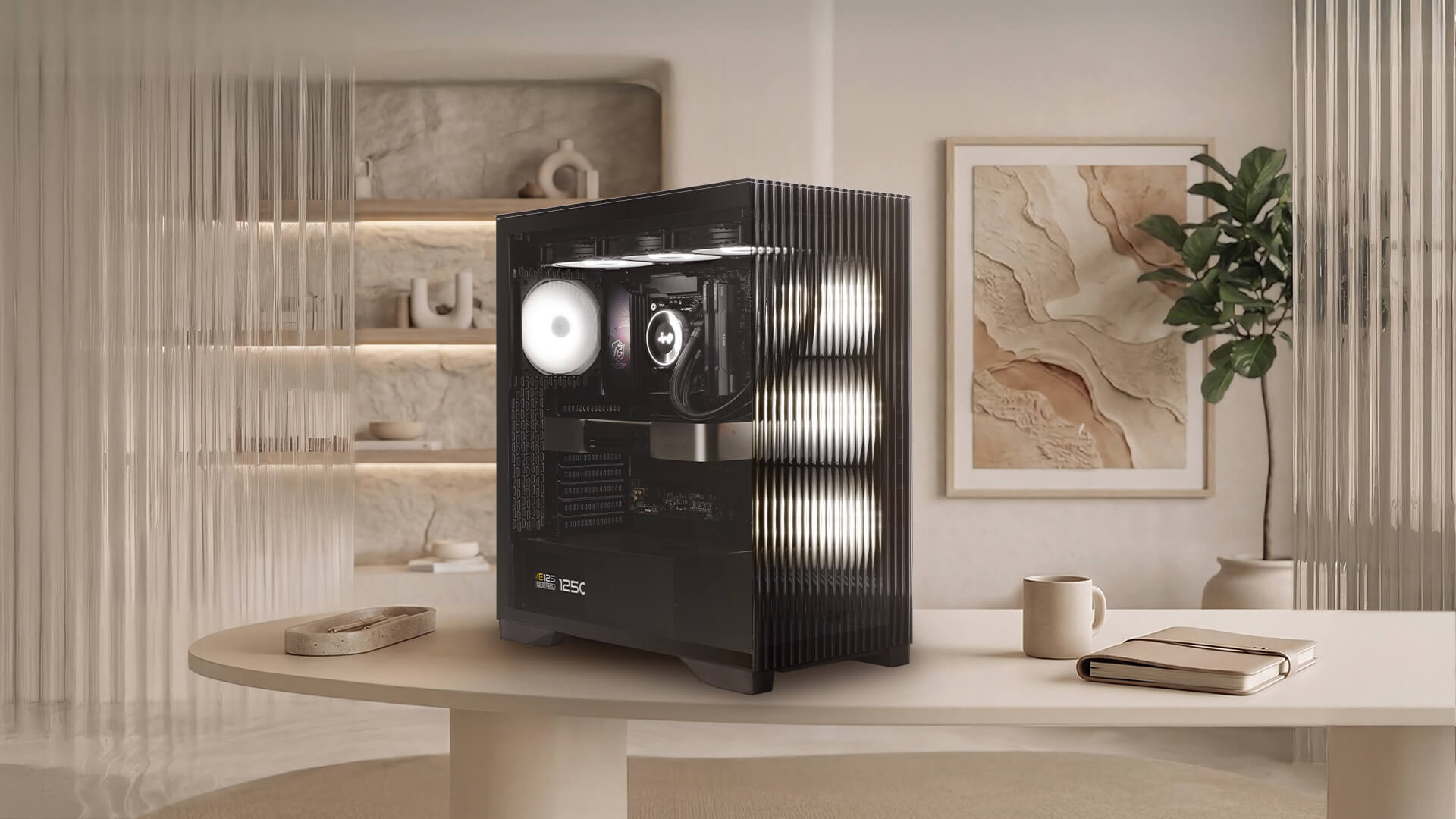
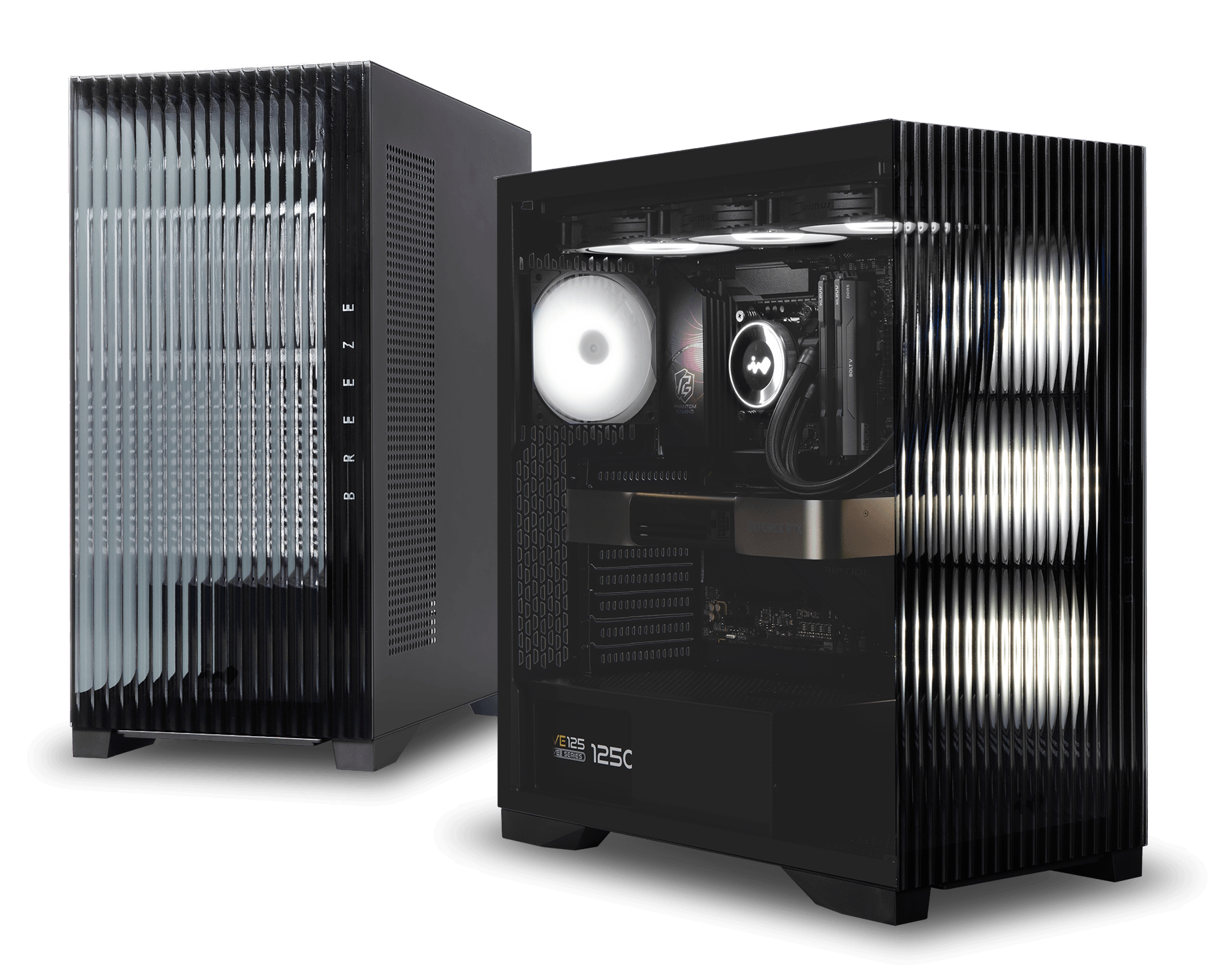
In Win has introduced the L50 Breeze, a new PC chassis featuring a reeded glass front panel and back-connect motherboard support. The enclosure moves away from traditional ARGB illumination by adopting the company's new AWWA PureTone ambient lighting system, which uses addressable WWA LEDs to switch between cool white, warm white, and amber tones.

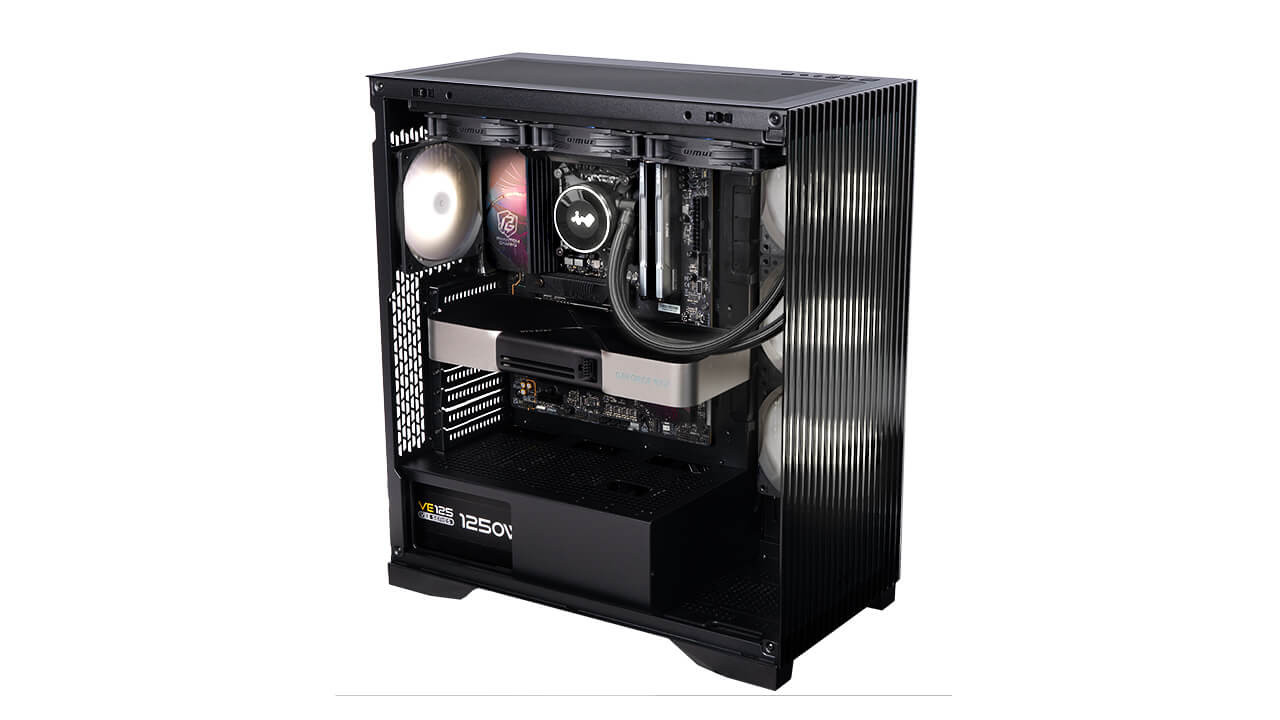
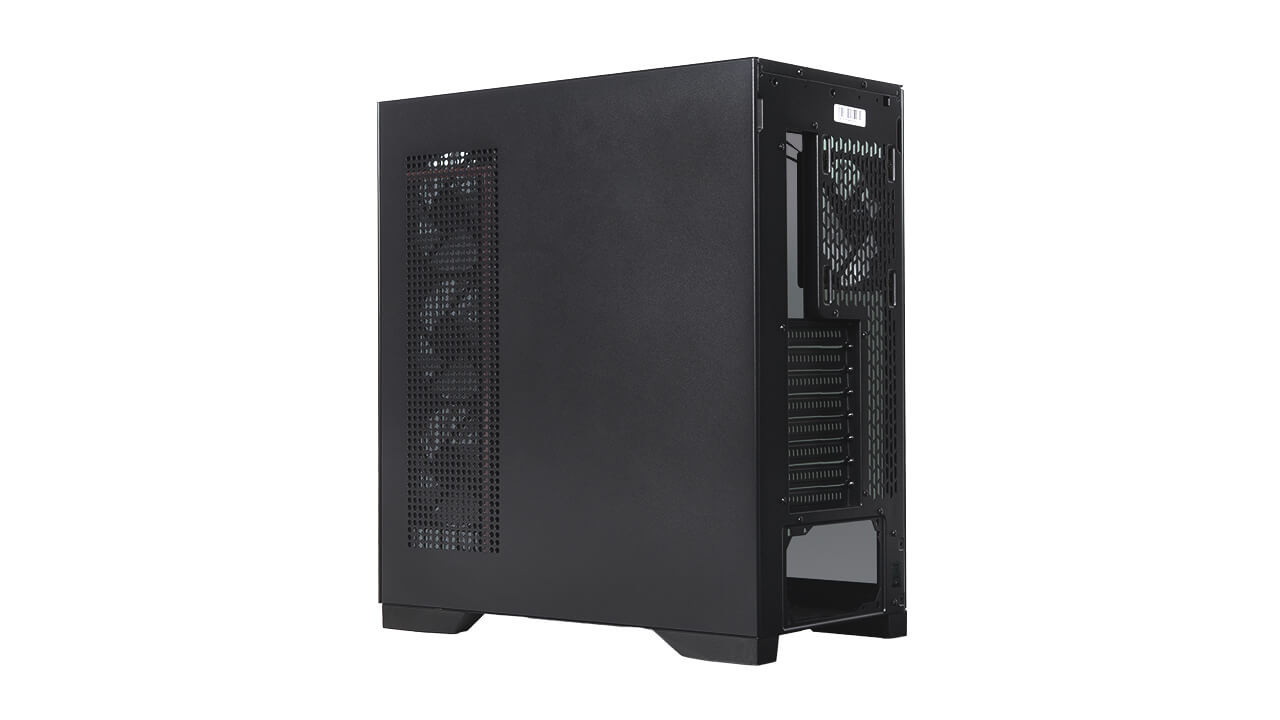
The L50 Breeze has a tinted tempered glass side panel alongside tool-free removable exterior panels to simplify system maintenance. In Win includes 15 built-in lighting effects with motherboard synchronisation, alongside two illumination modes. These include a 25-minute Pomodoro Technique mode and a Meditation mode modelled after the 4-7-8 breathing method.

Hardware compatibility includes E-ATX motherboards up to 305x277mm, as well as ATX and mATX back-connect form factors. Builders can install graphics cards up to 435mm in length and CPU coolers up to 175mm tall. Dedicated routing channels for GPU cables and support bracket mounting points are also integrated into the interior frame.

Cooling configurations accommodate up to nine 120mm fans. In Win ships the enclosure with four pre-installed Lumia 120 fans, comprising three LM120-RB reverse-blade models and a single LM120 rear fan. Liquid cooling setups can utilise radiators up to 360mm on both the top and side mounting locations.

KitGuru says: For those tired of the gaming aesthetics that have flooded the market for over a decade, cases such as the L50 Breeze, with their home dΓ©cor-inspired styling,Β are a good-looking alternative.

The post In Win launches L50 Breeze case featuring back-connect motherboard support first appeared on KitGuru.

MSI introduces MEG Maestro 900R full-tower case and curved AMOLED AIO cooler

10 July 2026 at 16:00

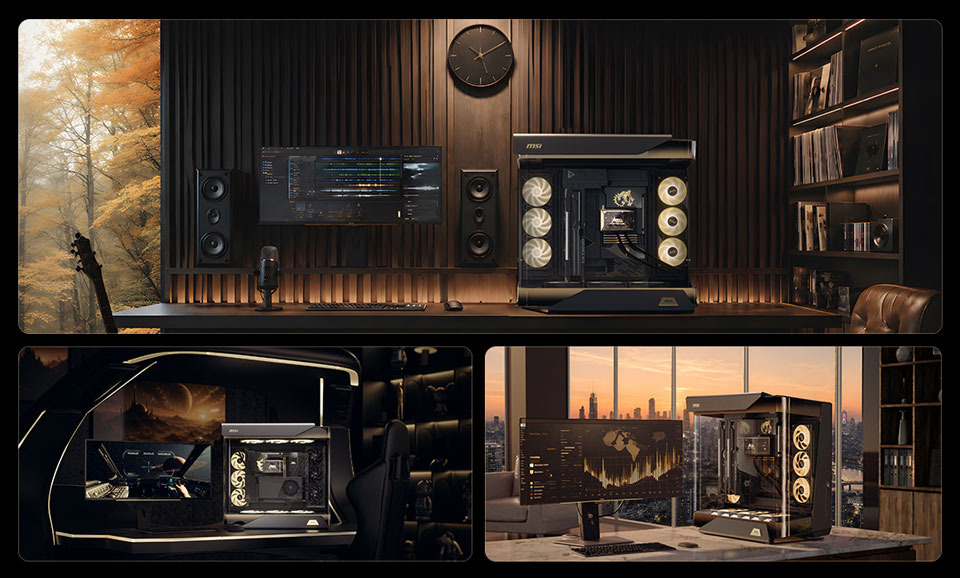
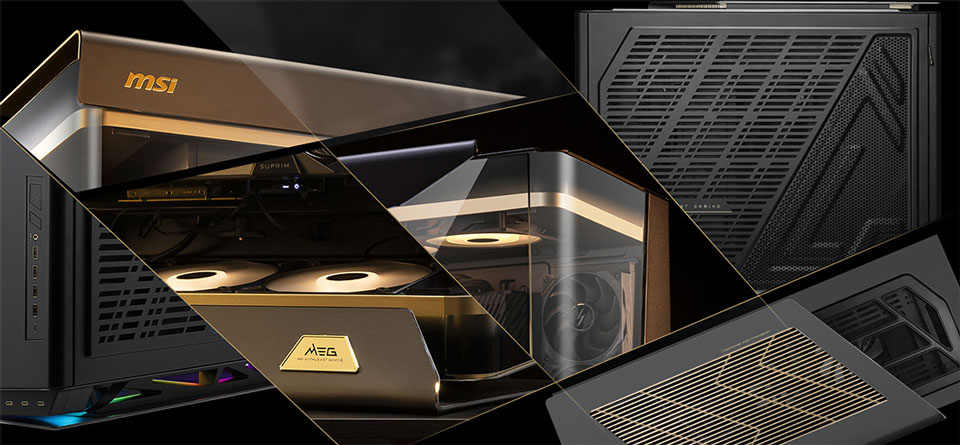
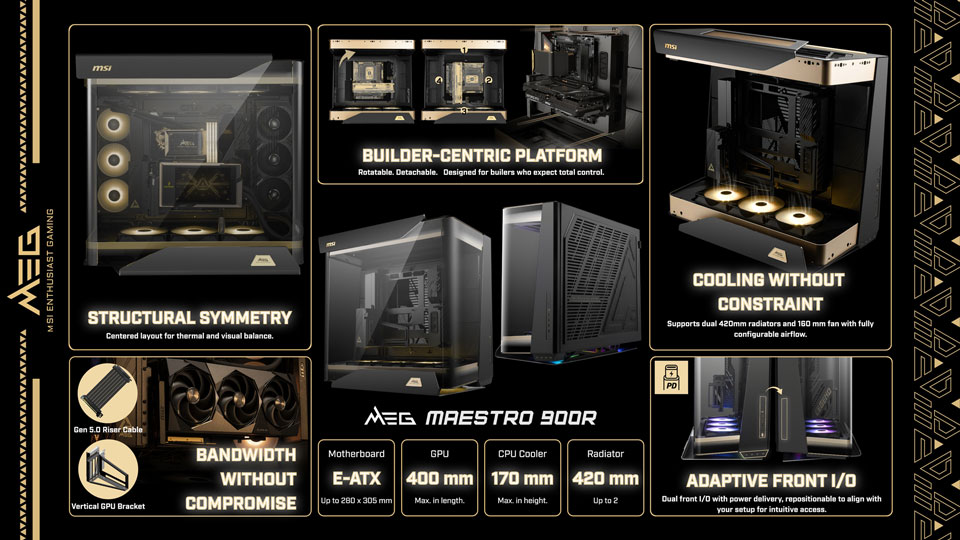
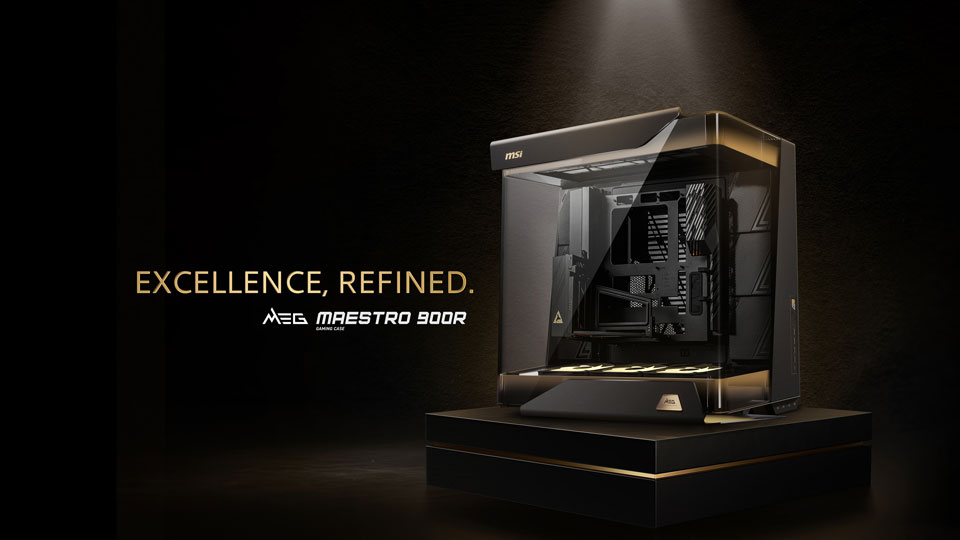
MSI has officially unveiled its new flagship case and CPU cooler: the MEG Maestro 900R full-tower chassis and the MEG Coreliquid E15 360 all-in-one liquid CPU cooler. Both products feature premium aluminium construction and advanced structural designs for enthusiast system builders.

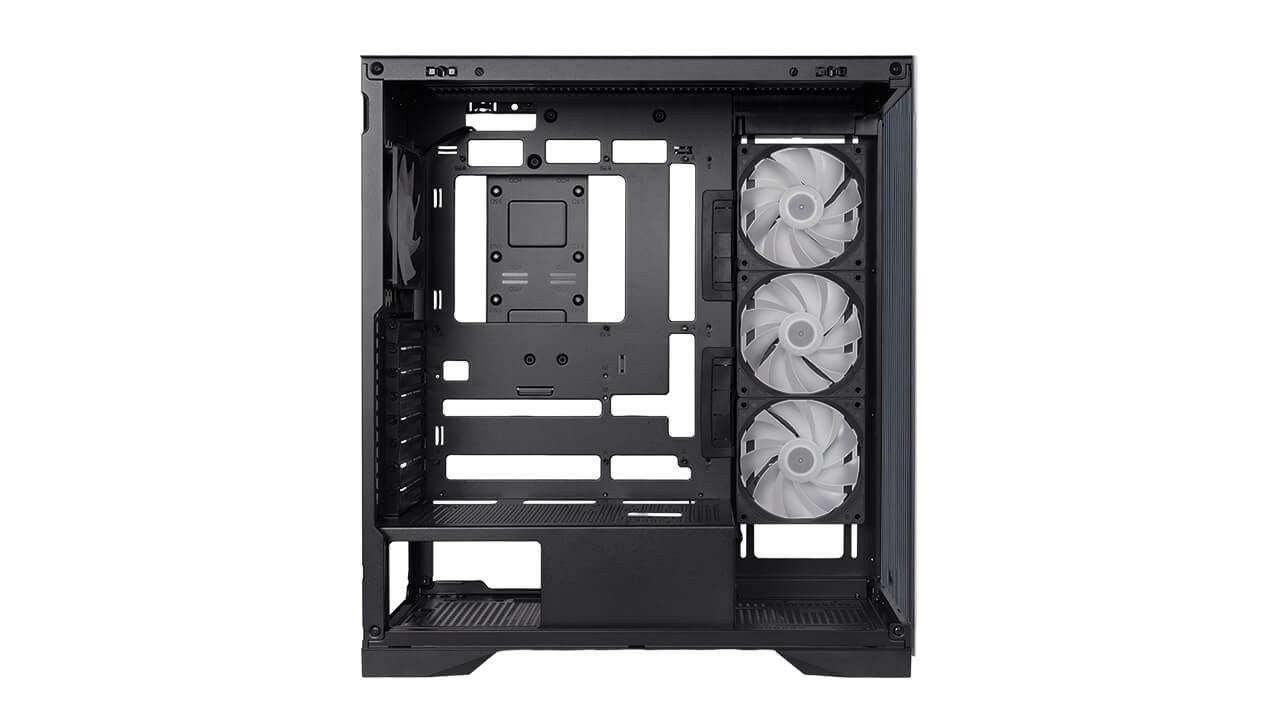
The MEG Maestro 900R full-tower case uses a unique β€œCentered Architecture” that places the motherboard, graphics card, and cooling hardware at the absolute centre of the chassis. This layout pairs with a triple-sided panoramic tempered-glass exterior and features a signature 75ΒΊ aluminium geometry. To assist with system assembly, MSI includes a detachable, rotatable motherboard tray that can function independently as an open test bench across four installation orientations. The company also bundles a PCIe Gen5 x16 riser cable and a vertical GPU mounting bracket to facilitate centred graphics card positioning.

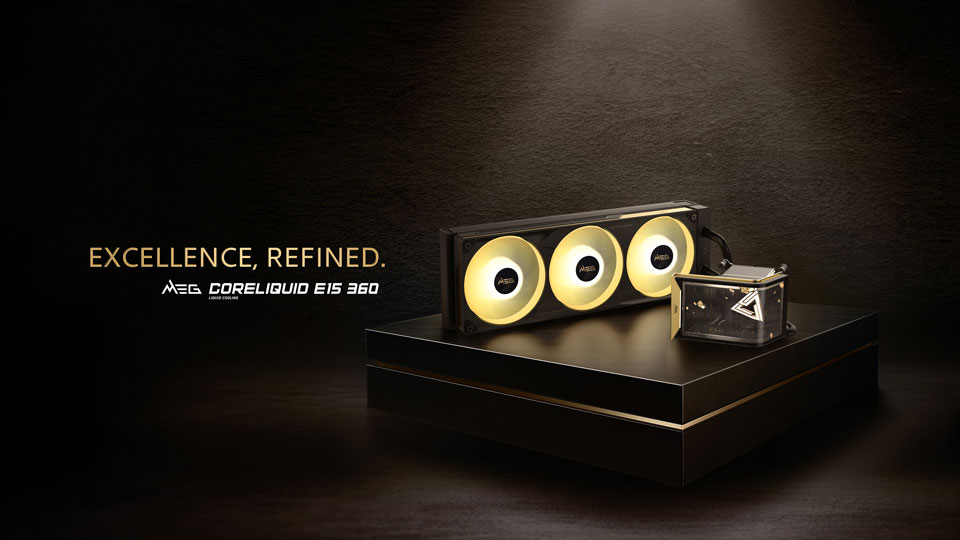
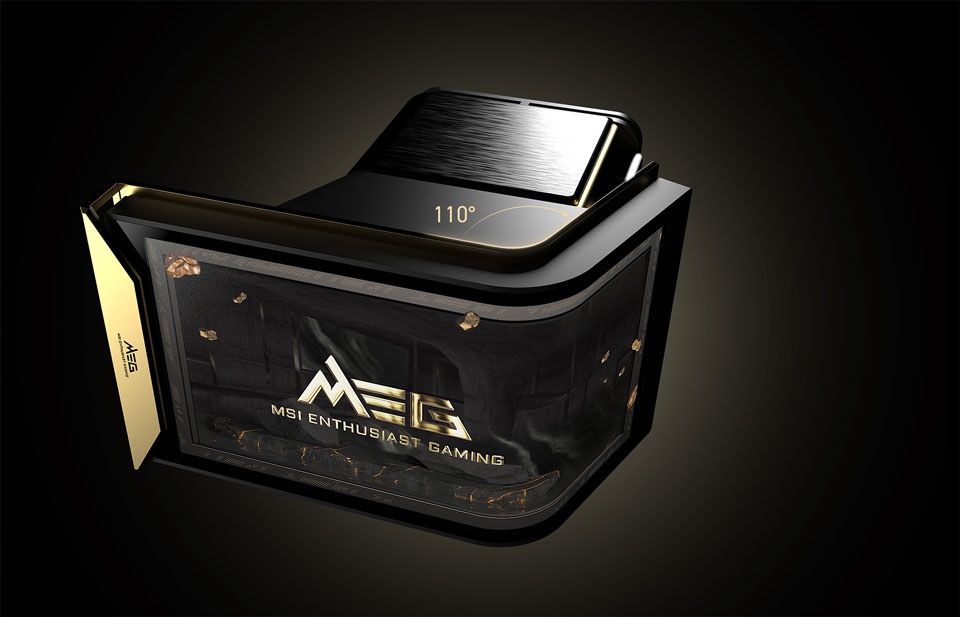
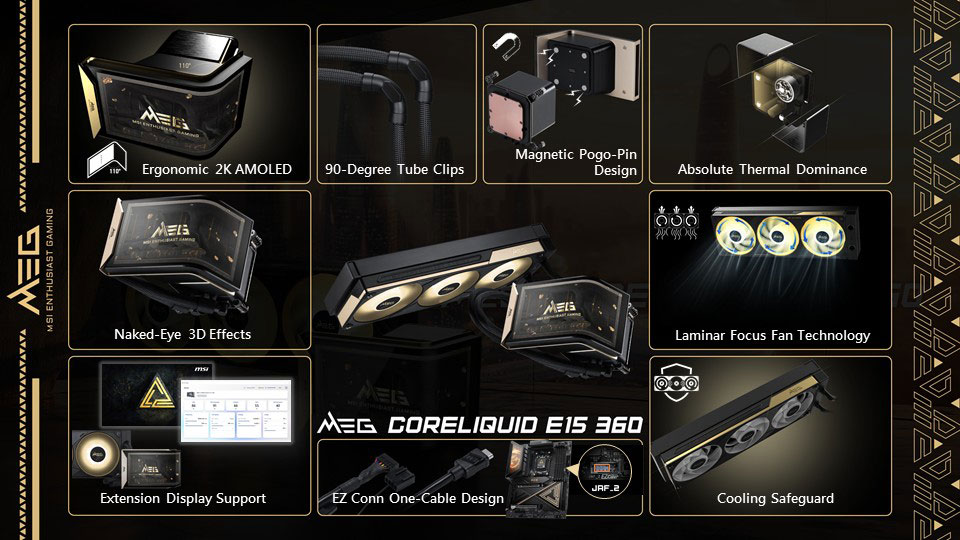
Accompanying the case is the MEG Coreliquid E15 360 AIO liquid cooler, which features an integrated 110ΒΊ curved 2K AMOLED display capable of rendering naked-eye 3D content. MSI uses a magnetic Pogo-pin connection to attach the screen to the pump block, removing visible cables from the central CPU area. System communications like screen data, pump power, fan speeds, and ARGB lighting route through a single cable via the EZ Conn system.

Regarding thermals, MSI says the Laminar Focus technology runs the centre fan clockwise while the outer fans spin counter-clockwise to reduce turbulence. A three-phase sensorless motor powers the pump, while an integrated Cooling Safeguard system flashes a red warning light if it detects abnormal fan speeds.

KitGuru says: Interested in any of MSI's new high-end MEG components?

The post MSI introduces MEG Maestro 900R full-tower case and curved AMOLED AIO cooler first appeared on KitGuru.

InWin unveils Aeon chassis with expandable frame and RFID interaction

3 July 2026 at 13:00

InWin has officially launched the Aeon, marking the company's 12th Signature Series chassis. First showcased at CES 2026, the premium full-tower enclosure features mirrored stainless steel, a seamless glass exterior, and an expandable frame design to accommodate high-end hardware.

The Aeon uses mirrored stainless steel panels treated with an anti-fingerprint coating, creating dynamic reflections that can be further enhanced by the case's and internal components' lighting. For structural rigidity, the foundation relies on a one-piece aluminium base manufactured by sand casting. Taking inspiration from the manufacturer's TΓ²u series, the enclosure incorporates five 5mm tempered glass panels bonded through UV-curing technology.

Component support is extensive, accommodating E-ATX motherboards, dual-PSU configurations, up to 8 PCIe expansion slots, and large graphics cards. Liquid cooling hardware options support radiators up to 420mm. To streamline system assembly and component replacement, builders can take advantage of a pull-out motherboard tray and an expandable chassis structure that opens up to 90ΒΊ.

Interactive elements include an RFID-enabled security system requiring a dedicated card for operation. An integrated LED display module handles multimedia playback and outputs real-time system monitoring metrics. Ambient lighting options round out the package, allowing users to choose between warm white and standard RGB illumination profiles.

Discuss on our Facebook page, HERE.

KitGuru says: InWin's Signature Series cases are always striking showcase pieces, and the Aeon continues that tradition.

The post InWin unveils Aeon chassis with expandable frame and RFID interaction first appeared on KitGuru.

Cooler Master QUBE 540 Case Review

2 July 2026 at 09:50

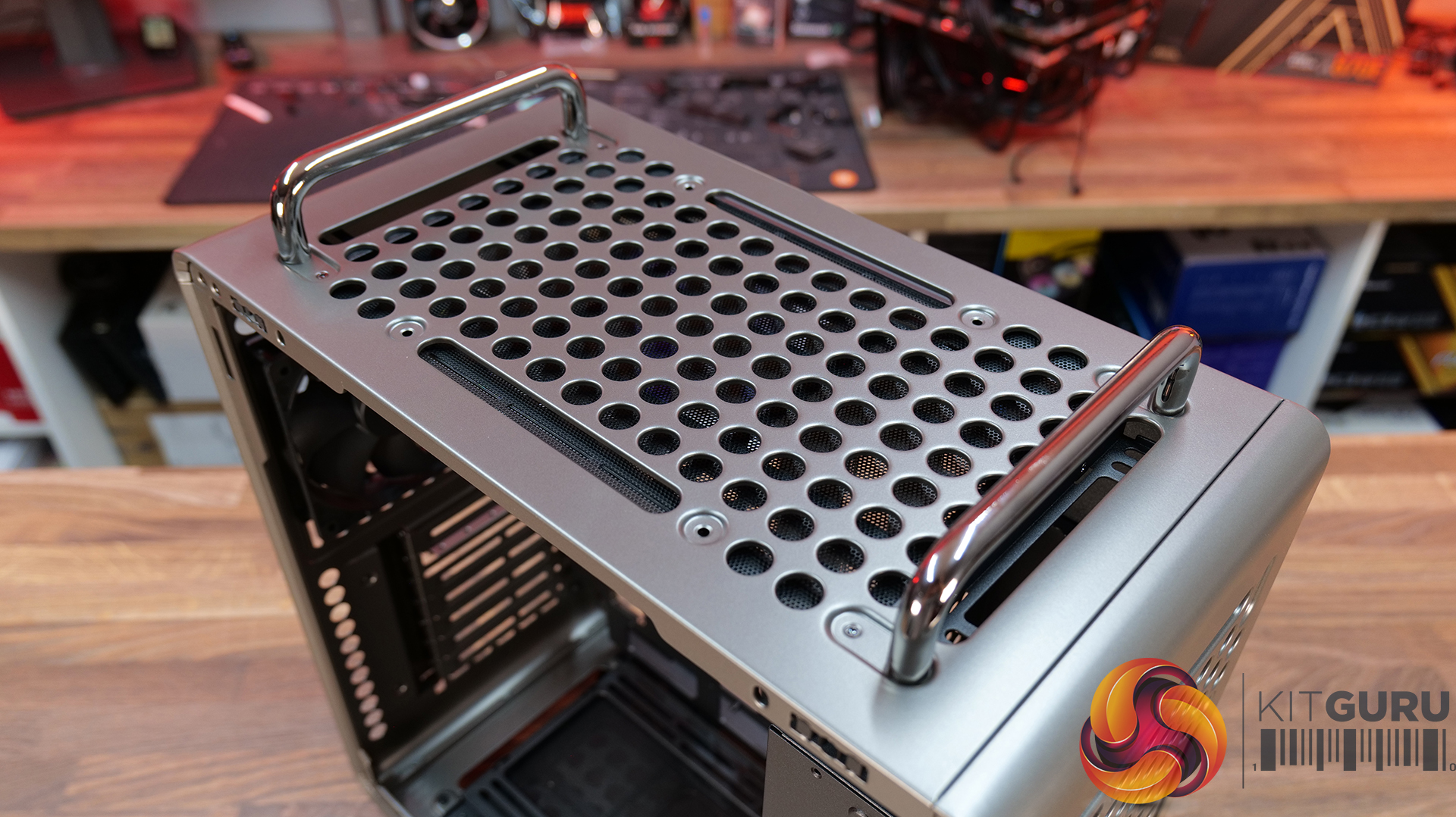
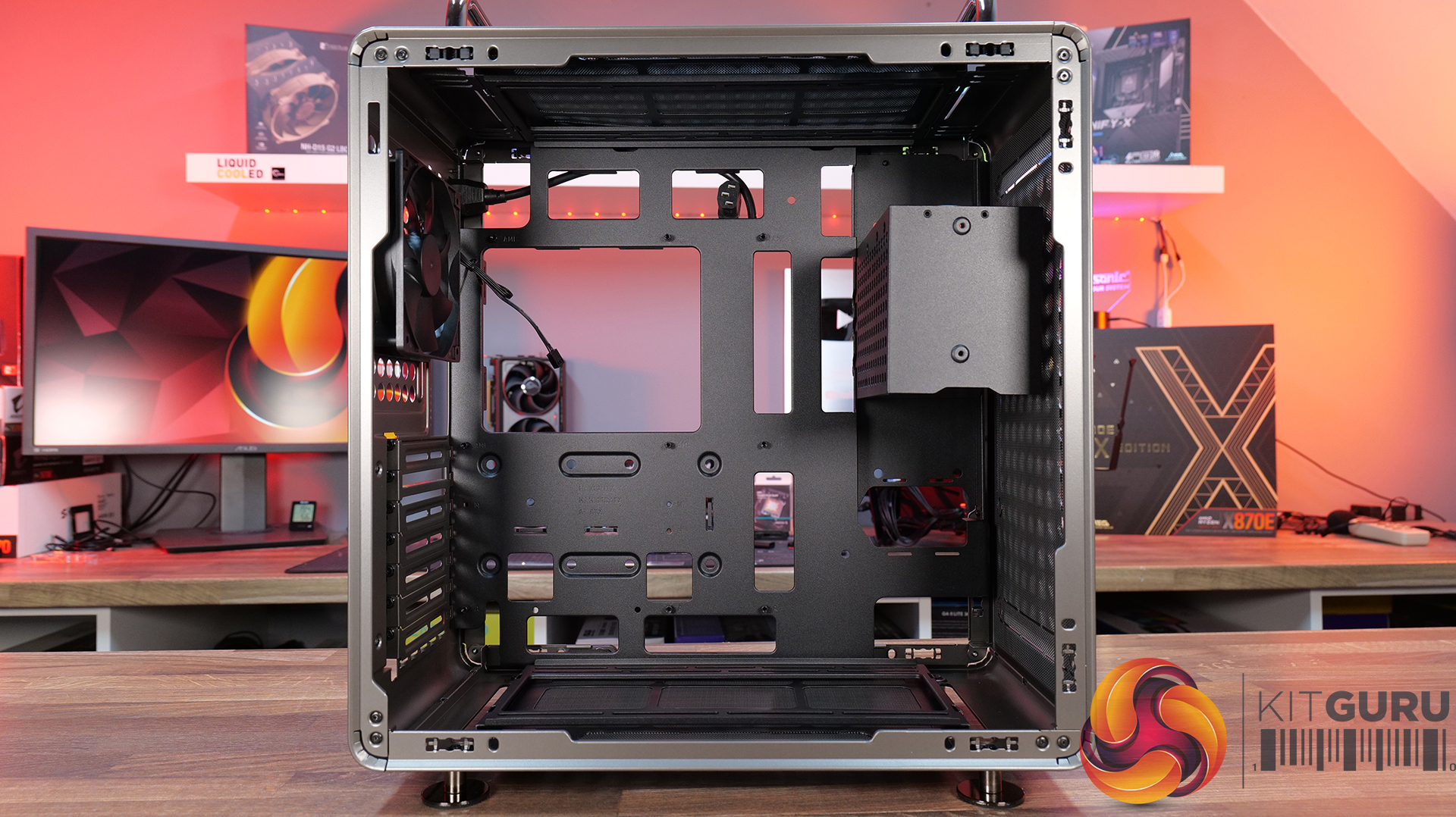
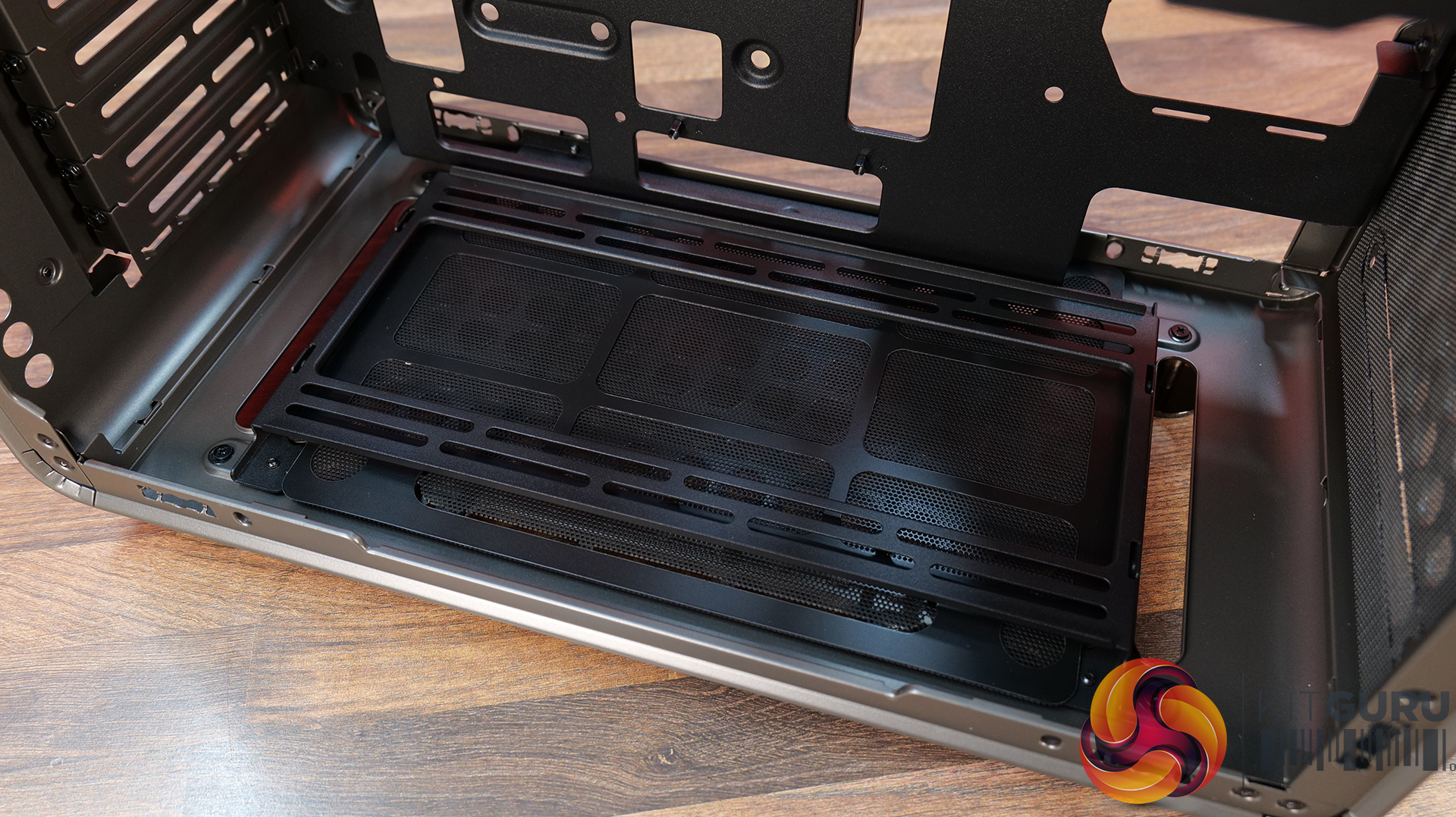
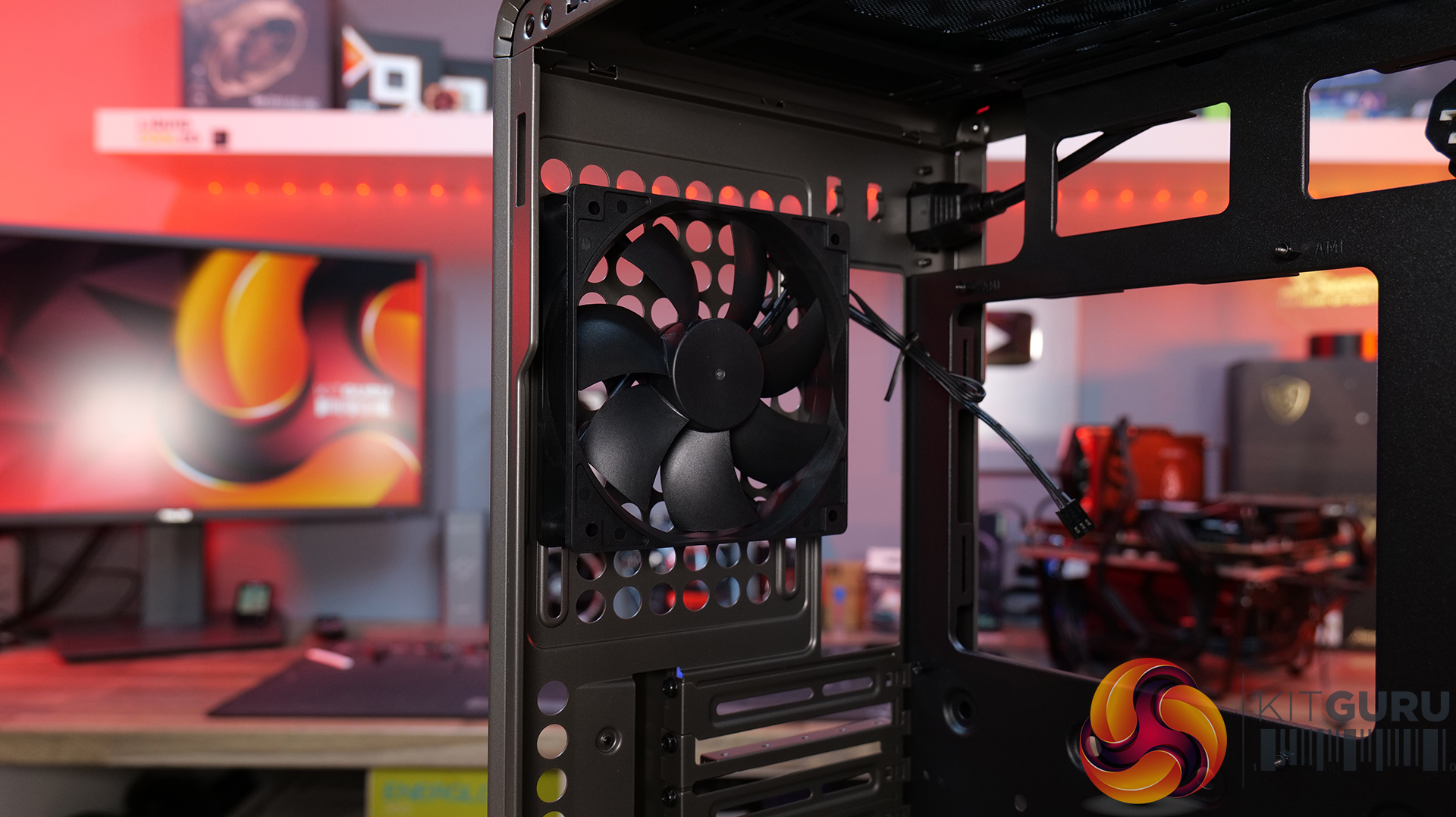
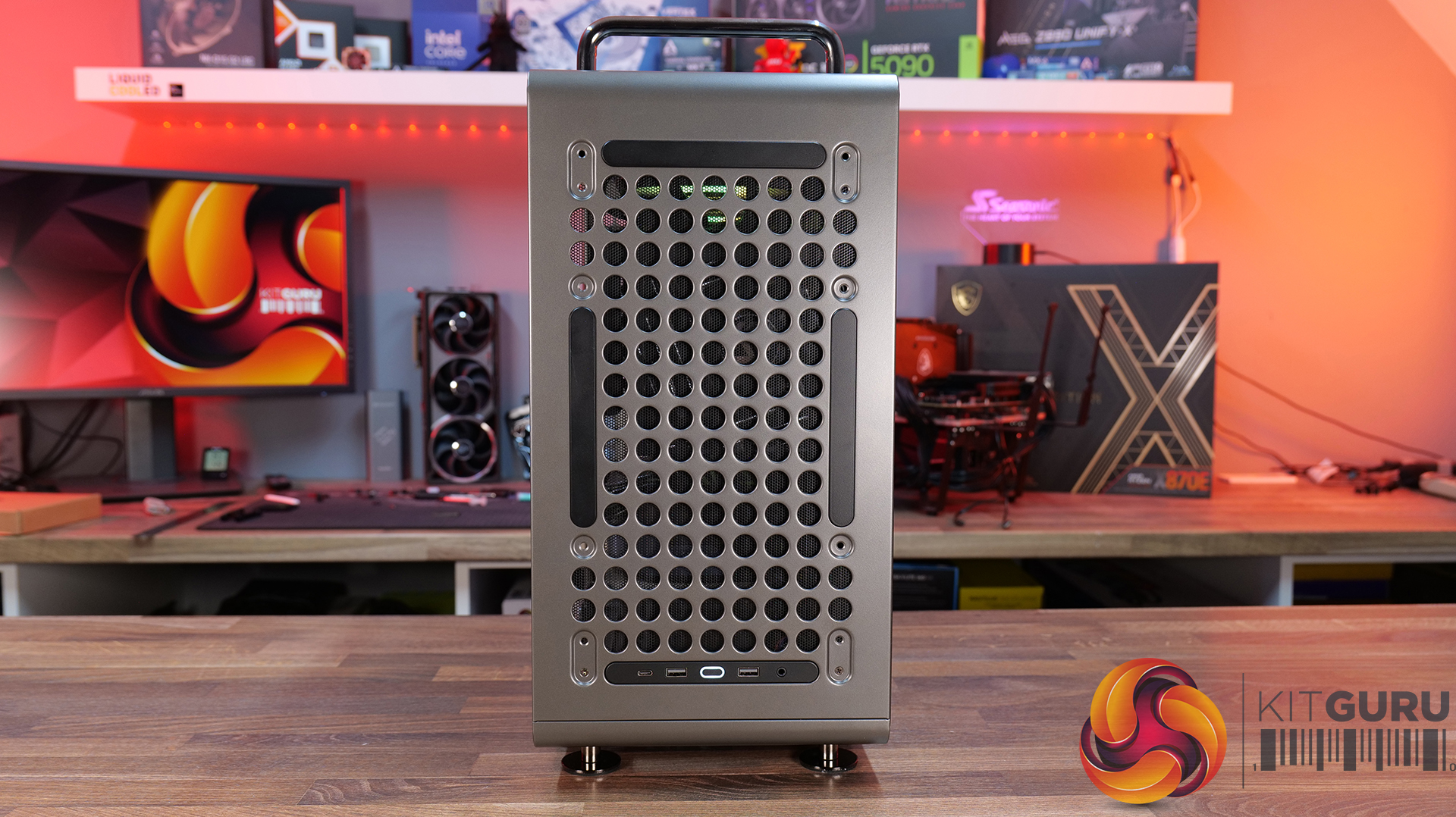
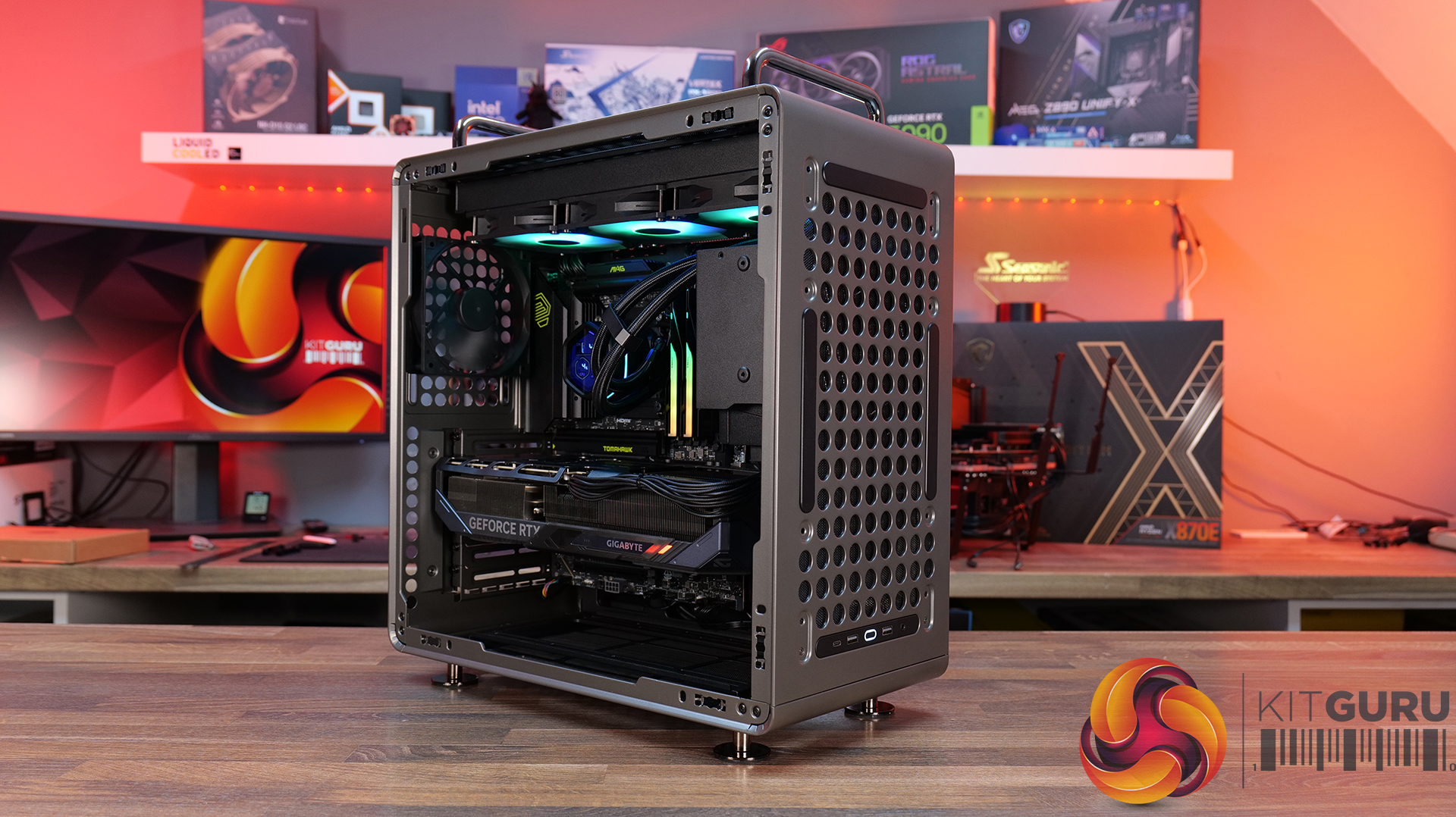
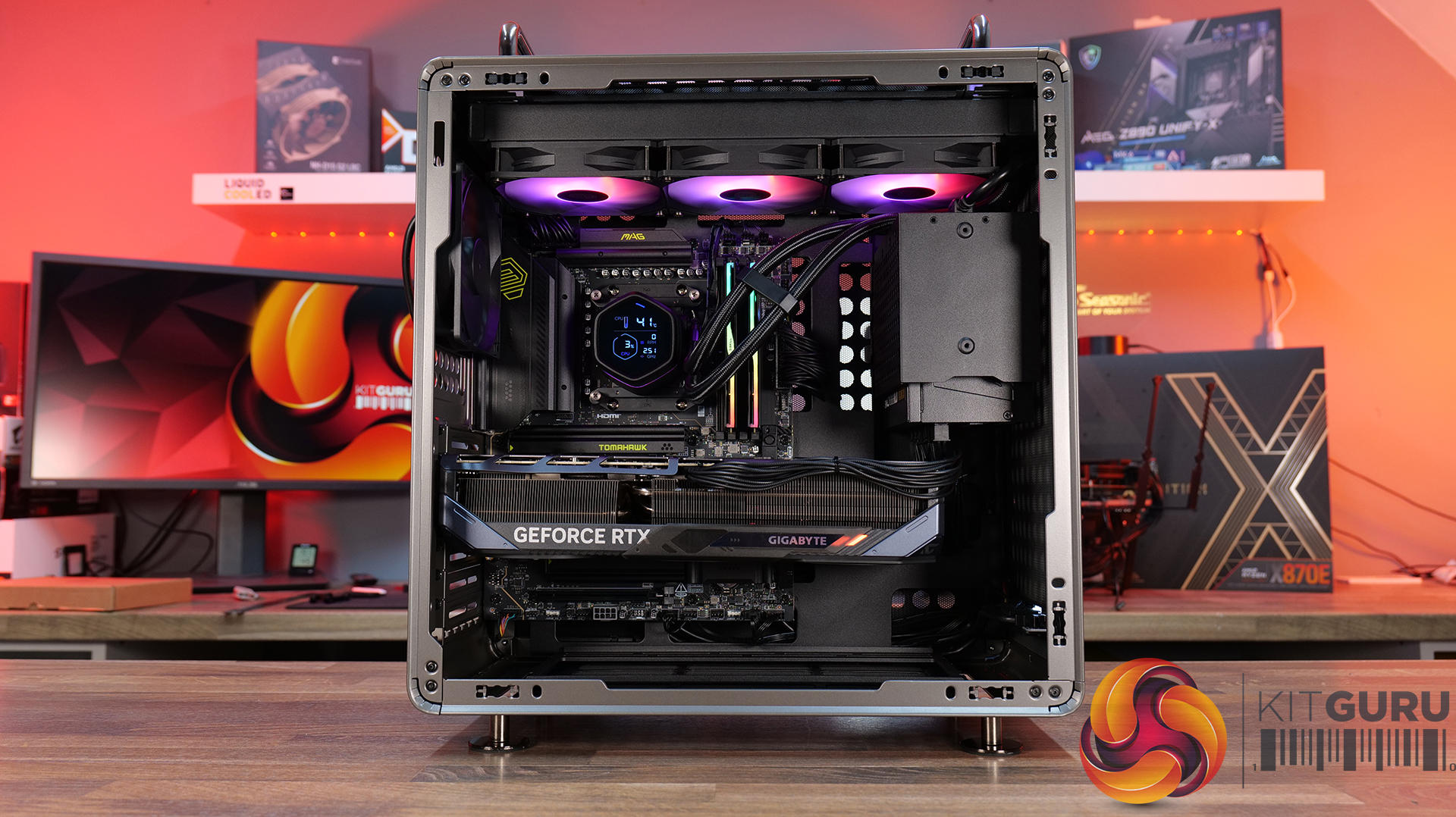
Today we're looking at the Cooler Master QUBE 540 β€” an ATX case that's all about flexibility and customisation. Despite its unique layout, it supports graphics cards up to 415mm long, 360mm radiators, and even E-ATX motherboards, featuring a modular design that lets you switch orientations, relocate the I/O panel and handles, and even configure the internal layout to suit your build. Cooler Master is positioning the QUBE 540 as a case for creators, gamers and DIY builders. In this review, we’ll find out if all that flexibility translates into a genuinely great PC case, or not. Let's get into it.

Timestamps:

00:47 Details / Pricing / Hardware Support
02:44 Front I/O
02:59 Removing Panels / Dust Filters
05:04 Radiator / Cooling Support
07:43 Hardware (Mobo/GPU/Storage) Support
09:05 Rear of the case
09:49 Right hand side / Cable Management
11:27 Bottom of the case
12:20 Accessories > Customisation
13:47 Thermal and Noise Testing
15:55 Smoke test
16:34 Installation thoughts
18:58 Closing Thoughts

Features:

  • Highly Modular Design – The QUBE 540 can be configured in multiple ways, including horizontal or vertical orientation, with repositionable handles and I/O panel locations to suit different build setups.
  • Built for DIY Customisation – The case is designed around flexibility, with extensive fan and radiator support, removable panels and adaptable internal layouts that allow builders to tailor the system to their own requirements.
  • Exceptional Hardware Compatibility – There’s Support for motherboards up to E-ATX, graphics cards up to 415mm long and multiple 360mm radiator mounting positions, so there's plenty of room for high-performance hardware.

Specifications:

  • Case Type: Mid Tower
  • Dimensions (LxWxH):5 x 225 x 492.1mm
  • Volume: 64L
  • Materials: Steel, Glass
  • Motherboard Support: Mini-ITX, Micro-ATX, ATX, E-ATX (Up to 280mm wide)
  • Reverse Connector motherboard support: No
  • Expansion Slots: 7
  • Storage bays: 3.5” x 1, 2.5” x 2
  • Max GPU Length: Up to 415mm (without front fan)
  • Max CPU Cooler Height: Up to 172mm
  • PSU Type: ATX/SFX Up to 200mm
  • Cable Routing Space: 27mm clearance behind the motherboard tray
  • Supplied Fans: 1 x 120mm Rear
  • Fan Support: Up to 3 x 120mm or 2 x 140mm (without I/O panel) (Top), Up to 3 x 120mm or 2 x 140mm (without I/O panel) (Front), 1 x 120mm (Rear), Up to 3 x 120mm or 2 x 140mm (Bottom)
  • Radiator Support: 140 / 280 / 360mm (without I/O panel) (Top), 140 / 280 / 360mm (without I/O panel) (Front), 120mm (Rear), 140 / 280 / 360mm (without I/O panel) (Bottom)
  • Dust Filters: front, top and bottom
  • Font I/O: 2 x USB 3.2 Gen 1 Type-A, 1 x USB 3.2 Gen 2Γ—2 Type-C, 1 x 3.5mm headset combo jack
  • LCD Screen: N/A

Thermal Performance Testing

To simulate thermal demand, we run the Cinebench R23 multi-thread benchmark and 3DMark Speed Way stress test simultaneously in a loop for 30 minutes to load the system fully. This gives the CPU and GPU enough time to reach constant steady-state temperature. With this data, we can compare how the system handles the thermal demand and measure peak noise levels.

Thermal performance is measured with the case in various configurations, such as the default, with the tempered glass left-hand side panel removed and with the front panel removed to see how these configurations affect the CPU and GPU temperature. During testing, only stock case fans are used unless otherwise specified. All water pumps are set to maximum RPM and fans are set to a custom RPM curve by the Motherboard software/BIOS.

All temperature measurements are presented as Deltas – meaning the ambient temperature has been deducted from the CPU temperature, giving us a Delta. Data shown in the charts represents the average component temperature over the length of the test as measured by HWiNFO, and then the last 15 minutes of the data are calculated to get the average. The ambient temperature during thermal tests is between 19-20⁰C.

Test System Specification:

  • CPU – AMD Ryzen 7 9800X3D
  • Motherboard – MSI MAG X870 Tomahawk WiFi
  • Graphics Card – Gigabyte RTX 5080 Gaming OC
  • Memory – 32GB (2 x 16GB modules) G.SKILL Trident Z5 Neo RGB DDR5-6000
  • Storage – 1TB Corsair MP600 Elite PCIE Gen4 NVMe M.2 SSD
  • CPU Cooler – Corsair Nautilus 360 RS ARGB AIO
  • Power Supply – Corsair
  • Case fans – Stock + 2 x Noctua NF-A12X25 G2
  • Chassis – Cooler Master
  • Operating System – Windows 11 24H2

Thermal Performance Overview

We test case thermals using a 360mm AIO as exhaust at the top and with the case in several different fan configurations. The default configuration shown in the charts is with the top 360mm AIO cooler, a single 120mm rear exhaust fan and with all case panels installed.

The QUBE 540 delivers respectable results overall, although airflow is restricted compared to a fully high-ariflow configuration. Removing the glass side panel from our test system records the lowest temperatures of 55Β°C over ambient on the CPU and 52Β°C on the GPU while running the case in its default configuration sees temperatures rise slightly to 60Β°C over ambient for the CPU and 57Β°C for the GPU, which is still a solid result.

Adding a pair of 120mm bottom intake fans shaved 2 – 3Β°C from both CPU and GPU temperatures, suggesting there is some benefit in adding bottom fans, though the gains are quite small. Switching to a vertical GPU has no impact on CPU thermals, while GPU temperature increases by just 1Β°C

Noise Output

At idle, noise output remains unchanged at 37dBA regardless of fan layout or GPU orientation. Under full load, the default configuration and vertical GPU setup both record 53dBA max noise, while adding a pair of 120mm bottom intake fans reduces noise output to 52dBA. Removing the glass panels yields the lowest recorded figure of 51 dBA due to cooler temperatures and lower fan speed, though the difference is small enough that it would be difficult to notice in normal use.

Overall, the results suggest that the QUBE 540 has a good balance between cooling performance and acoustics.

The Cooler Master QUBE 540 is a refreshing addition to the PC case market that currently feels overcrowded by high-airflow mesh-fronted towers or glass-covered dual-chamber β€œfish tank” designs. Rather than challenging either of those styles, Cooler Master has created something that feels genuinely different. The QUBE 540 combines a compact ATX footprint with an industrial-inspired look with an emphasis on flexibility, resulting in a chassis that stands out from the crowd while still appealing to mainstream enthusiasts.

The biggest selling point is customisation. Few cases on the market offer this level of configurability, with internal layout options, horizontal or vertical orientations, repositionable I/O panels, and support for a range of 3D-printable accessories. It encourages customisation, allowing builders to tailor the case to their exact needs. Whether you're looking to optimise airflow, create a unique showcase system or simply just build something different, the QUBE 540 provides options that most mainstream cases in this price range do not.

Hardware compatibility is impressive too. Despite its unorthodox layout, the QUBE 540 supports large E-ATX motherboards, graphics cards up to 415mm long, 360mm radiators and multiple fan layouts, making it suitable for high-end gaming or workstation builds. Thermal performance is decent too, it can keep temperatures well under control across most configurations. It's not a class-leading airflow case, but cooling is more than adequate for modern high-performance hardware.

There are some compromises, however. Front intake options are somewhat limited compared to traditional high airflow designs, and the PSU location creates a few restrictions when it comes to internal layout, GPU installation and airflow optimisation. Even so, these are minor drawbacks. Cooler Master deserves credit for bringing something genuinely interesting to a market saturated by the usual high airflow and dual-chamber designs. For users who value flexibility, customisation and a distinctive look over outright thermal performance, the QUBE 540 is an easy case to recommend.

The Cooler Master QUBE 540 is available to purchase now from Amazon UK Priced at Β£82.92 HERE.

Pros:Β 

  • A refreshing change from the usual all-mesh or glass-front cases.
  • Loads of configuration and customisation options.
  • Good hardware support, even with the slightly unorthodox layout.
  • Very easy to swap layouts and orientation.

Cons:

  • Front fan intake is limited.
  • There are some compromises depending on the PSU position.

KitGuru says: Even though the QUBE 540 is a relatively simple design, the ease of changing layouts and orientations, great hardware support and the massive customisation and distinctive looks make it a refreshing change for PC builders.

The post Cooler Master QUBE 540 Case Review first appeared on KitGuru.

Lian Li launches B4-mATX small form factor case

29 June 2026 at 08:00

Lian Li has announced the B4-mATX, a 21.3-litre small form factor chassis co-developed with Dan Cases. Now available, the compact enclosure supports mATX motherboards and can be oriented either horizontally as a desktop unit or vertically as a space-saving tower.

The B4 case rotates 90ΒΊ into a vertical orientation, reducing the desktop footprint by 30%. A rotatable AC inlet adjusts to both configurations, turning outward for cable access or inward to absorb excess length. A swivelling cable bracket below the PCIe slots keeps the rear I/O flush against the case, offering up to 52mm of connector clearance. Lian Li provides front-panel options in mesh or real wood (walnut or beech) across black or white finishes.
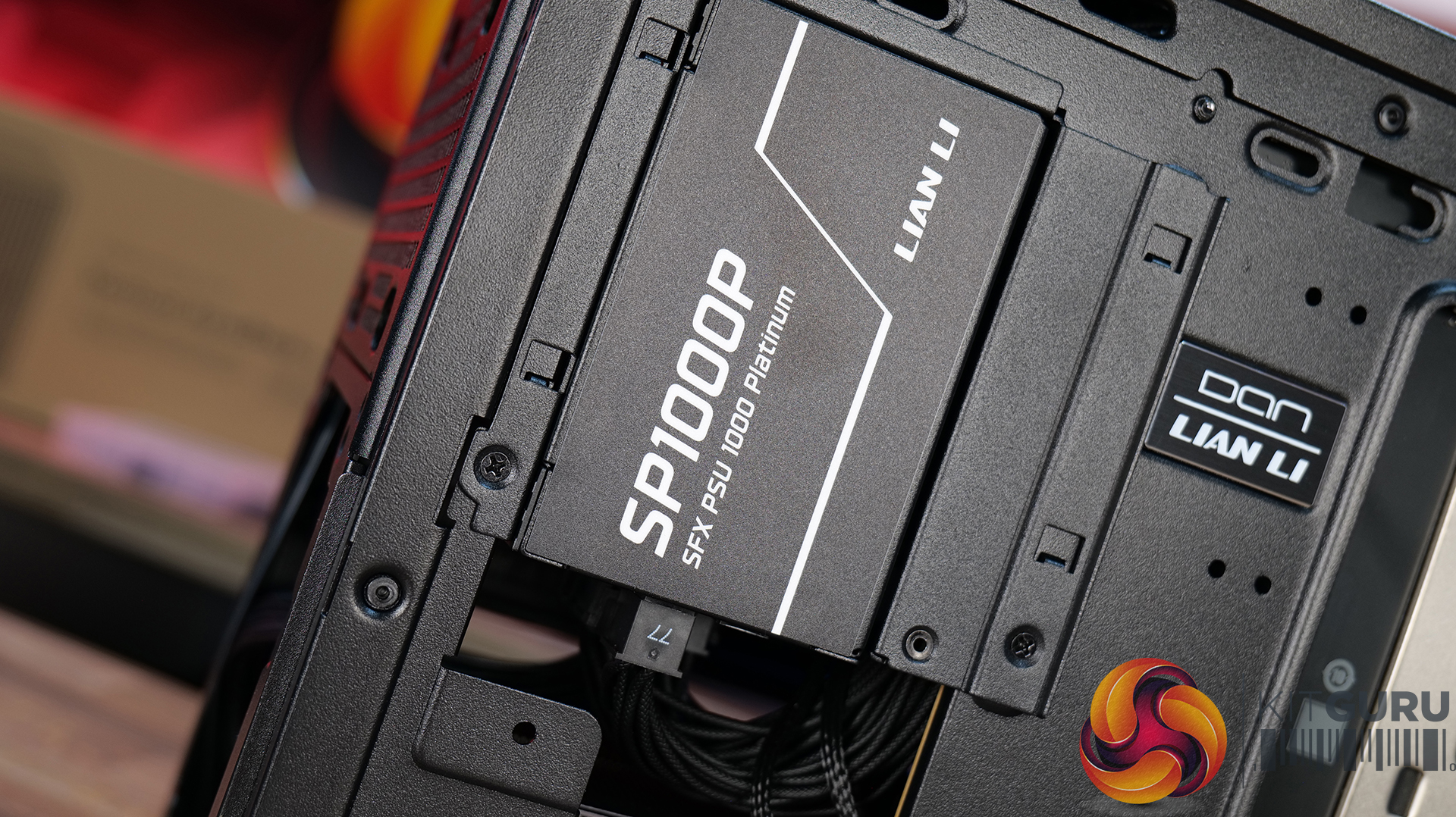
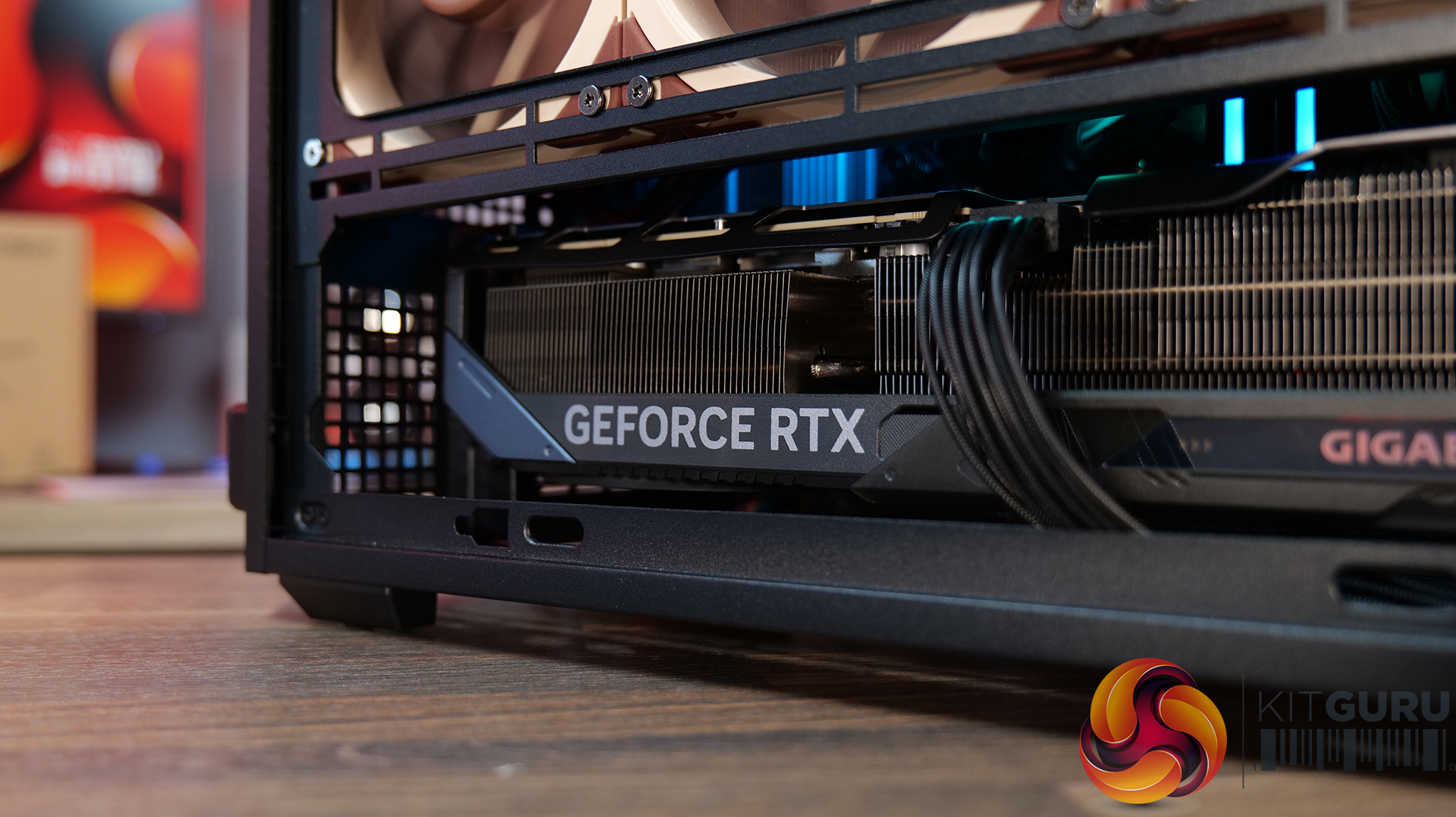
The chassis ships with two pre-installed 120x120x15mm slim exhaust fans on a removable bracket. It supports graphics cards up to 358mm across four expansion slots, and CPU coolers up to 162mm tall, or 168mm tall with the side bracket removed. Dedicated brackets fit an SFX or a 140mm ATX power supply. Using an SFX unit enables side radiator compatibility up to 360mm, while an ATX model limits it to 240mm. Drive options support a 3.5-inch HDD or 2.5-inch SSD at the bottom, plus a 2.5-inch SSD at the front.
An optional B4-mATX Vertical AeroDeck accessory adds tempered glass panels and expands capacity by up to three 120mm or two 140mm fans. Pricing starts at $69.99/€69.99 for the black Mesh version and ranges up to $89.99/€89.99 for the white Wood model. The AeroDeck costs $29.99/€29.99.

KitGuru says: The dual-orientation design, relatively low price, and inclusion of real wood aesthetic options make the B4-mATX a highly versatile entry into the SFF case market.

The post Lian Li launches B4-mATX small form factor case first appeared on KitGuru.

Asus introduces Prime AP304 ATX case featuring patented slot vent cooling

25 June 2026 at 13:30

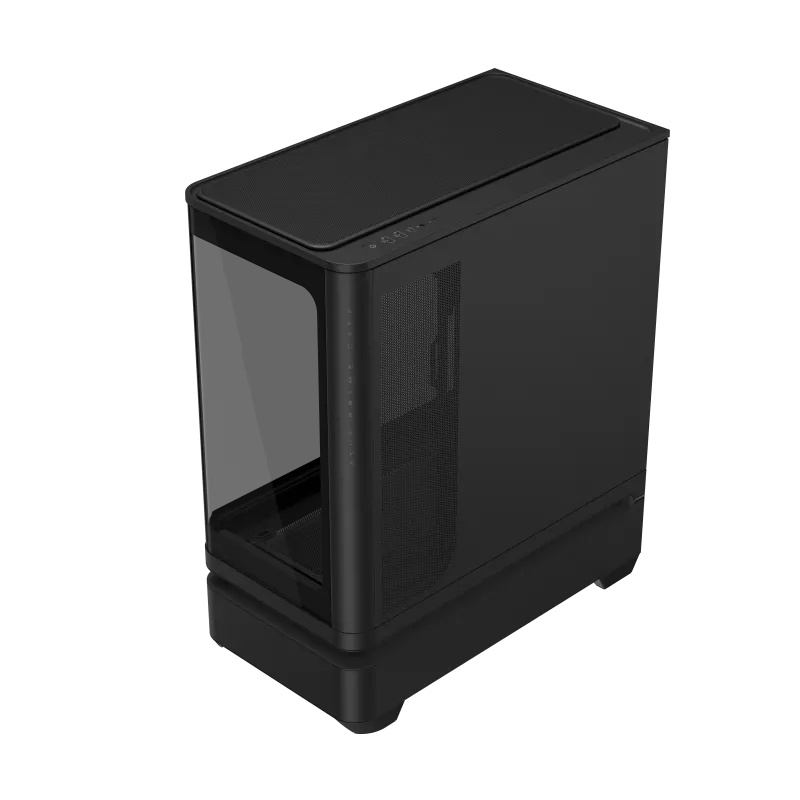
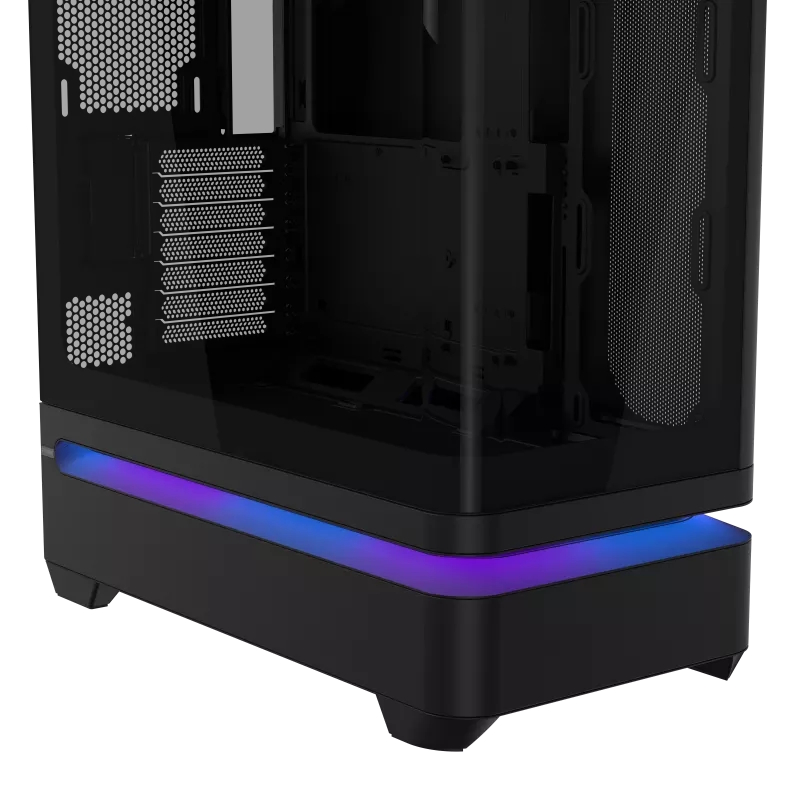
Asus has introduced the Prime AP304 Series ATX cases, offering both standard and ARGB configurations. Interestingly, Asus has also implemented a new patented feature, a new slot vent design to isolate chambers for better airflow.Β 

The new Asus Prime AP304 cases (via Vortez) feature a curved tempered-glass panel that extends from the front of the chassis around to the side. To make system assembly and hardware maintenance easier, Asus has integrated an easy-to-detach rail system for safer panel removal, along with a tool-free graphics card slot clamp. The layout is spacious enough to accommodate graphics cards up to 420mm long.

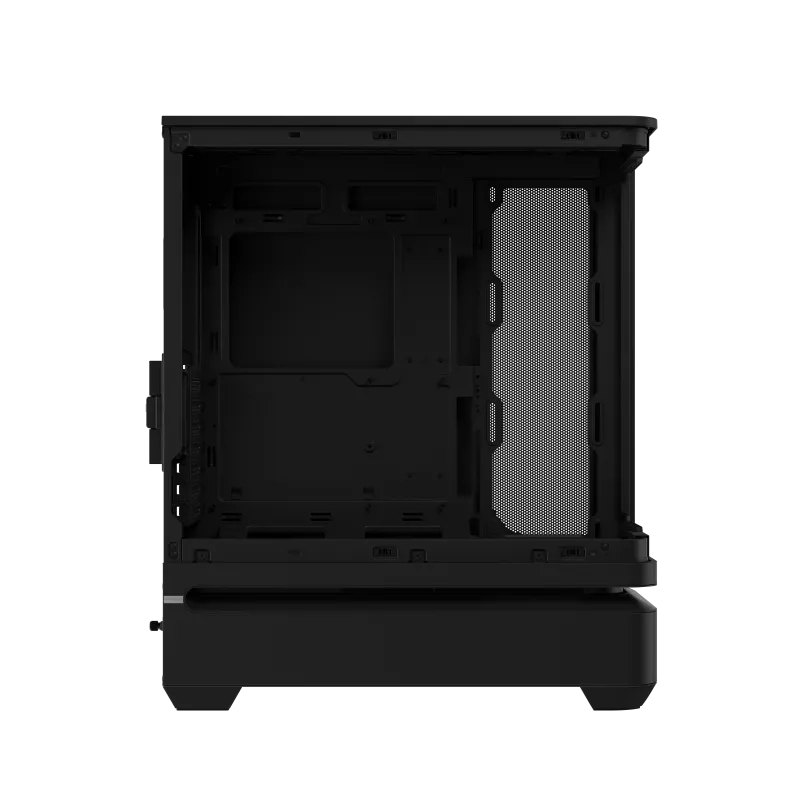
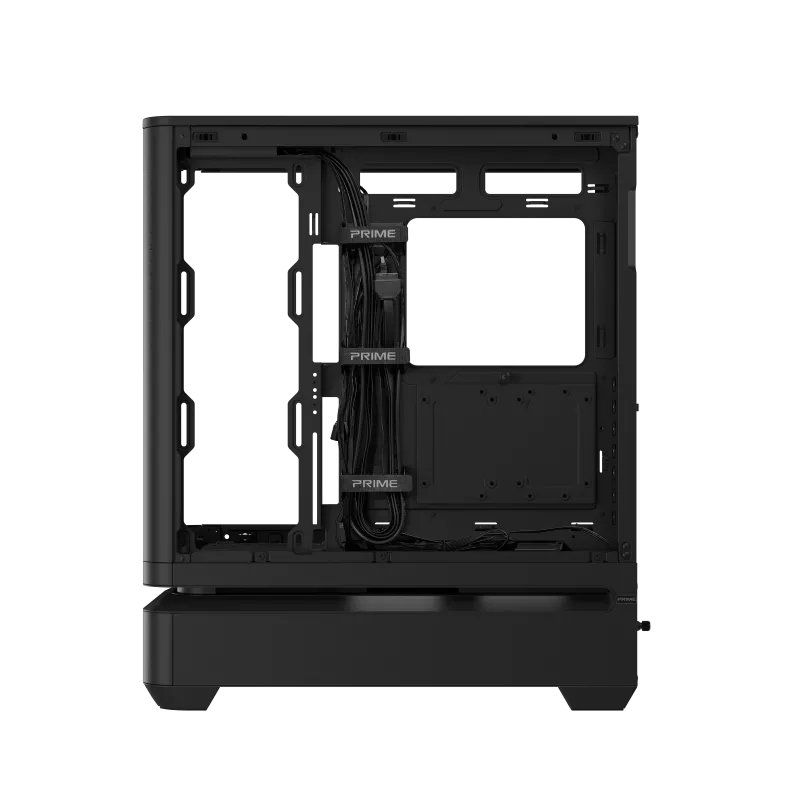
For thermal management, the series relies on a patented slot vent design. This layout isolates the upper and lower chambers of the chassis, channelling fresh air directly to the graphics card. According to Asus, this chamber separation optimises overall cooling efficiency by reducing warm air accumulation in the lower section of the case, making the system's airflow less reliant on bottom-mounted intake fans.
The Prime AP304 ARGB variant comes pre-configured with four ARGB fans and an integrated lighting strip wired for Asus Aura Sync compatibility. The standard model retains the integrated light band but leaves the fan choice open to the builder.

KitGuru says: It is a nice-looking case but the question is, how much will it cost?Β 

The post Asus introduces Prime AP304 ATX case featuring patented slot vent cooling first appeared on KitGuru.

New VR Games announced including H3VR2, I Am Your Beast and more

25 June 2026 at 12:00

As a platform, Virtual Reality may not have taken the gaming world by storm, with β€˜flat’ experiences remaining the primary way in which players consume video games. That said, new and excellent VR titles have continued to be released on a consistent basis. Celebrating everything VR, the Summer 2026 VR Games Showcase featured a ton of upcoming titles, including a sequel to the ever-popular Hot Dogs, Horseshoes & Hand Grenades and a VR port of I Am Your Beast.

The β€˜Summer 2026 VR Games Showcase’ recently went live, giving fans of virtual reality a peek into some of the upcoming titles currently in development. Though it was already technically announced, one of the biggest titles at the showcase was Hot Dogs, Horseshoes & Hand Grenades 2 (H3VR2).

For the uninitiated, the first entry is regarded as one of the best VR shooting games, focusing heavily on depth, physics, customisation and variety. Its sequel appears to be taking all of the learnings from the first game while evolving the formula, with H3VR2 said to be a β€œtactical extraction roguelike” in which you β€œtake on the role of the handiest 6-ft tall sentient hot dog and dive into a strange and enormous sci-fi megastructure in search of the answers to your existence.”

Sentient hotdogs aside, H3VR2 has the potential to be one of the best and most satisfying shooting games VR has to offer.

I Am Your Beast Virtual Reality

Of course, many other titles were also announced, with the excellent fast-paced Hotline Miami-esque FPS I Am Your Beast officially set to receive a full VR port. Other announcements include a VR update for the Motorbike racer Lanesplit; Attack on Titan DLC coming to the Orchestra Rhythm Game β€˜Maestro’ – and perhaps most surprisingly a run-and-gun shooter in the form of Transformers: Beyond Reality.

VR is unlikely to take over gaming as the mainstream way to play. That said, it is exciting and encouraging nonetheless to see developers continuing to support the platform, with new, unique and experimental offerings. Full details on all the announcements can be found HERE.

KitGuru says: What do you think of all these announcements? Are you a fan of VR? Will it ever become the primary way to play games? Let us know your thoughts down below.

The post New VR Games announced including H3VR2, I Am Your Beast and more first appeared on KitGuru.
❌
❌