Normal view

There are new articles available, click to refresh the page.
Before yesterdayMain stream

Cougar MX600 Max RGB Case Review

7 August 2026 at 08:52

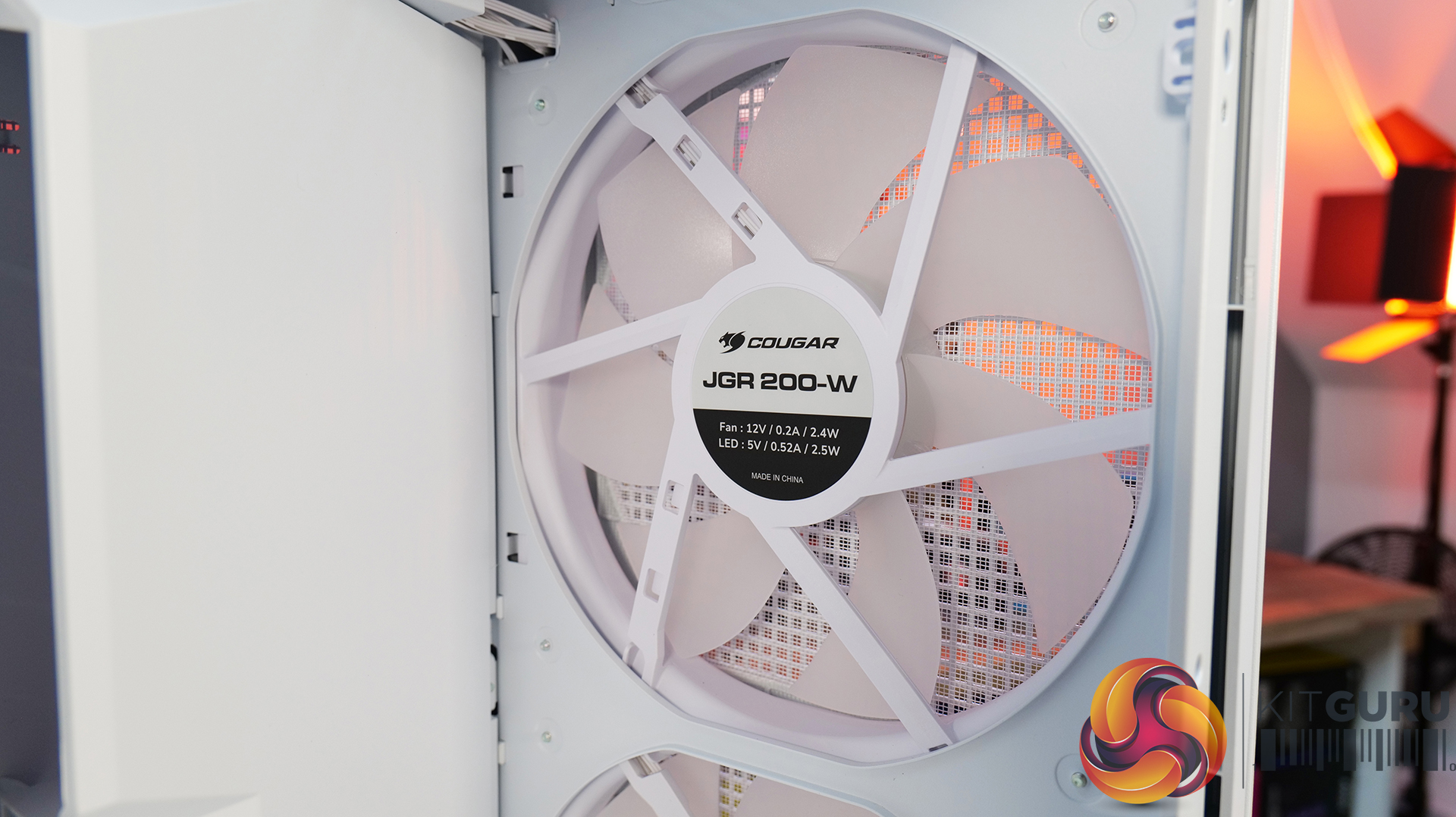
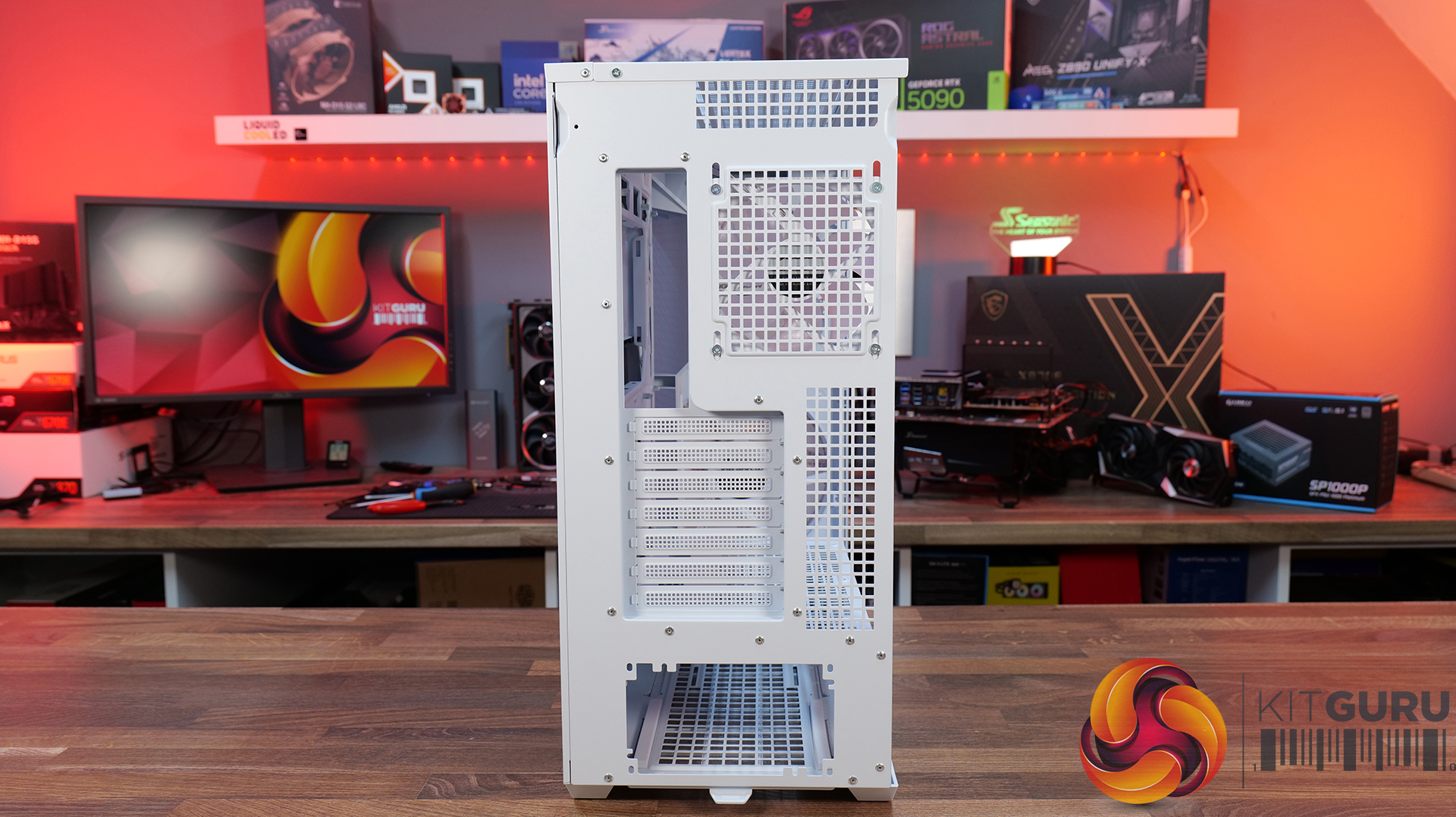
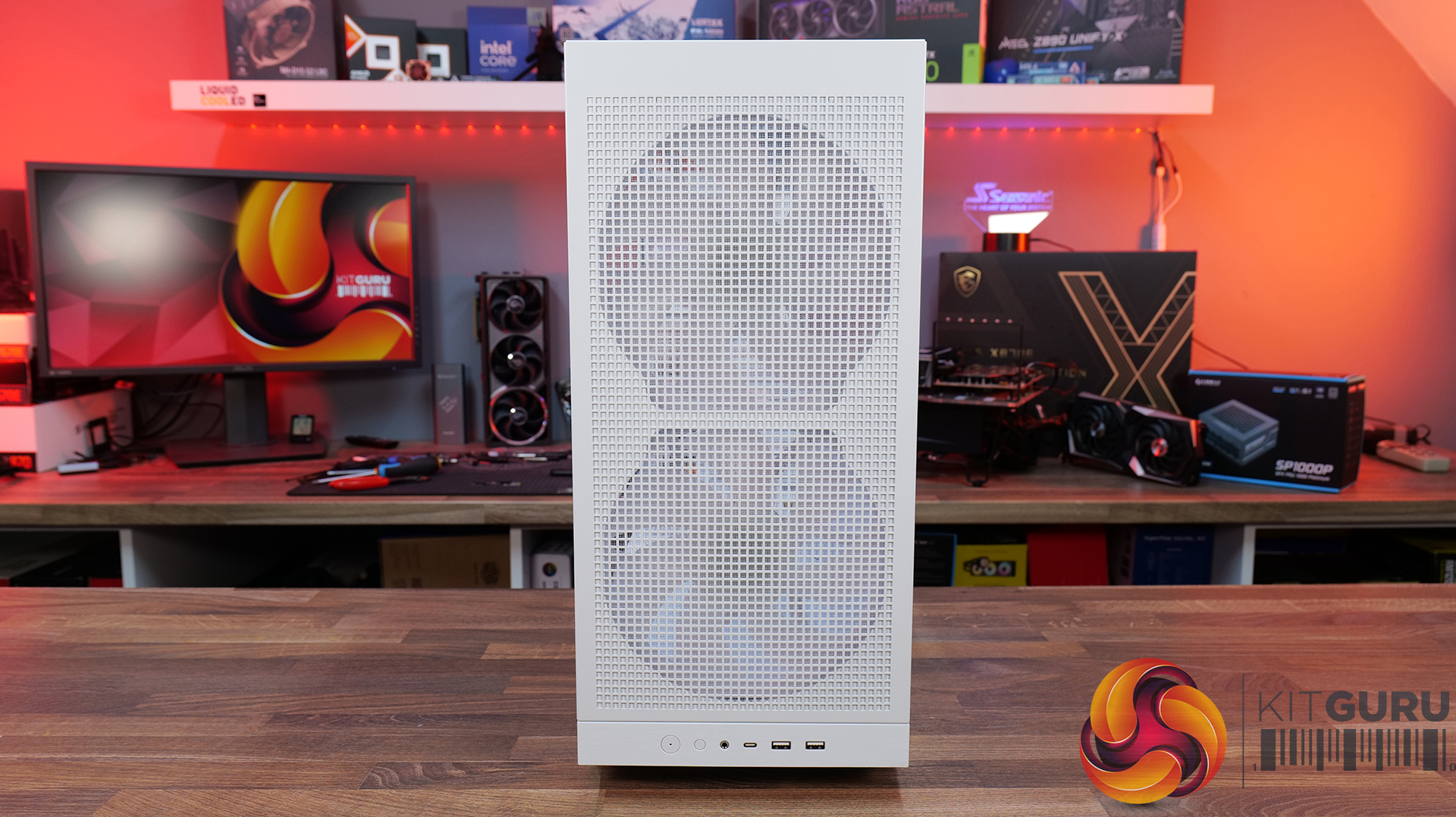
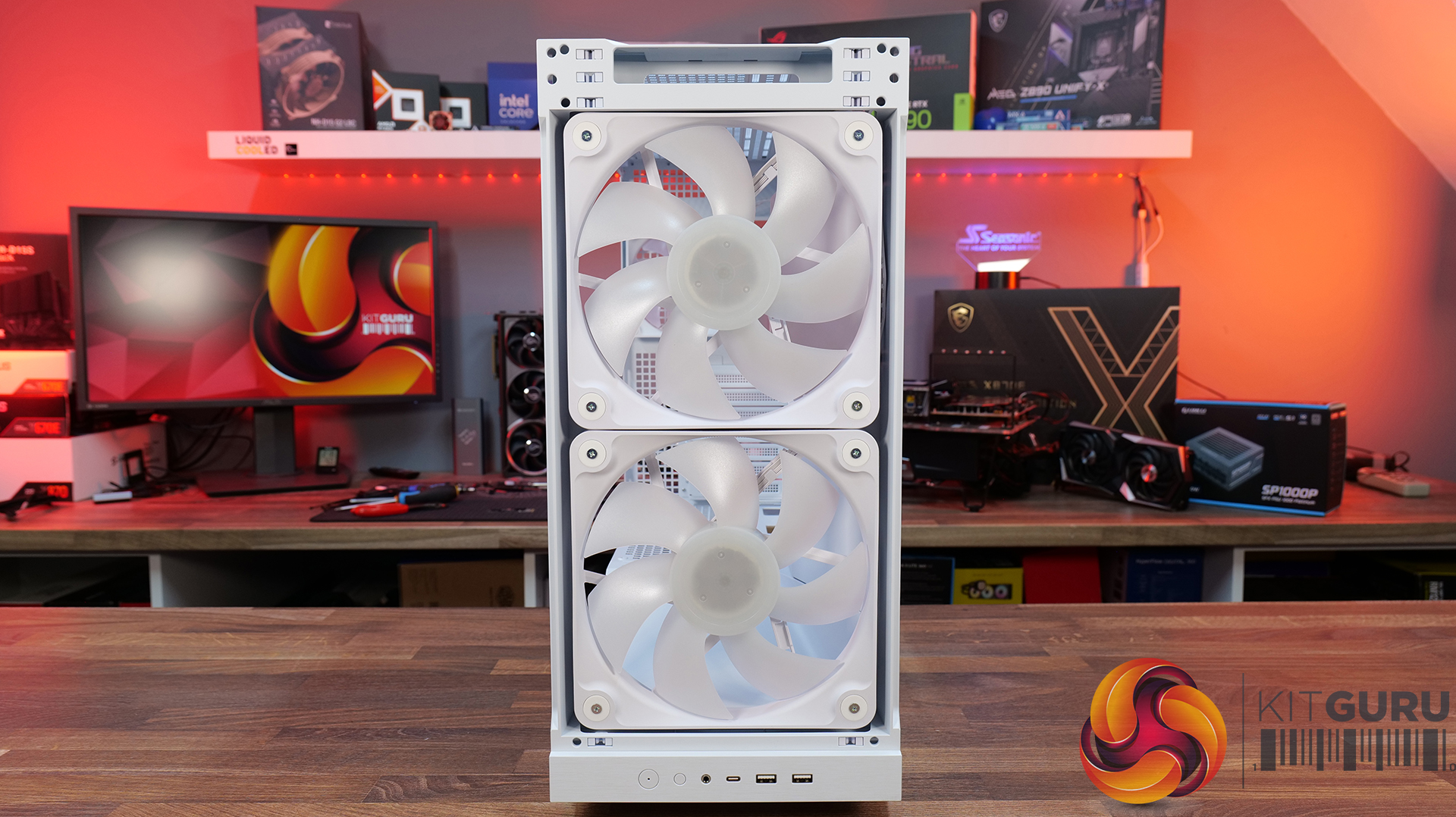
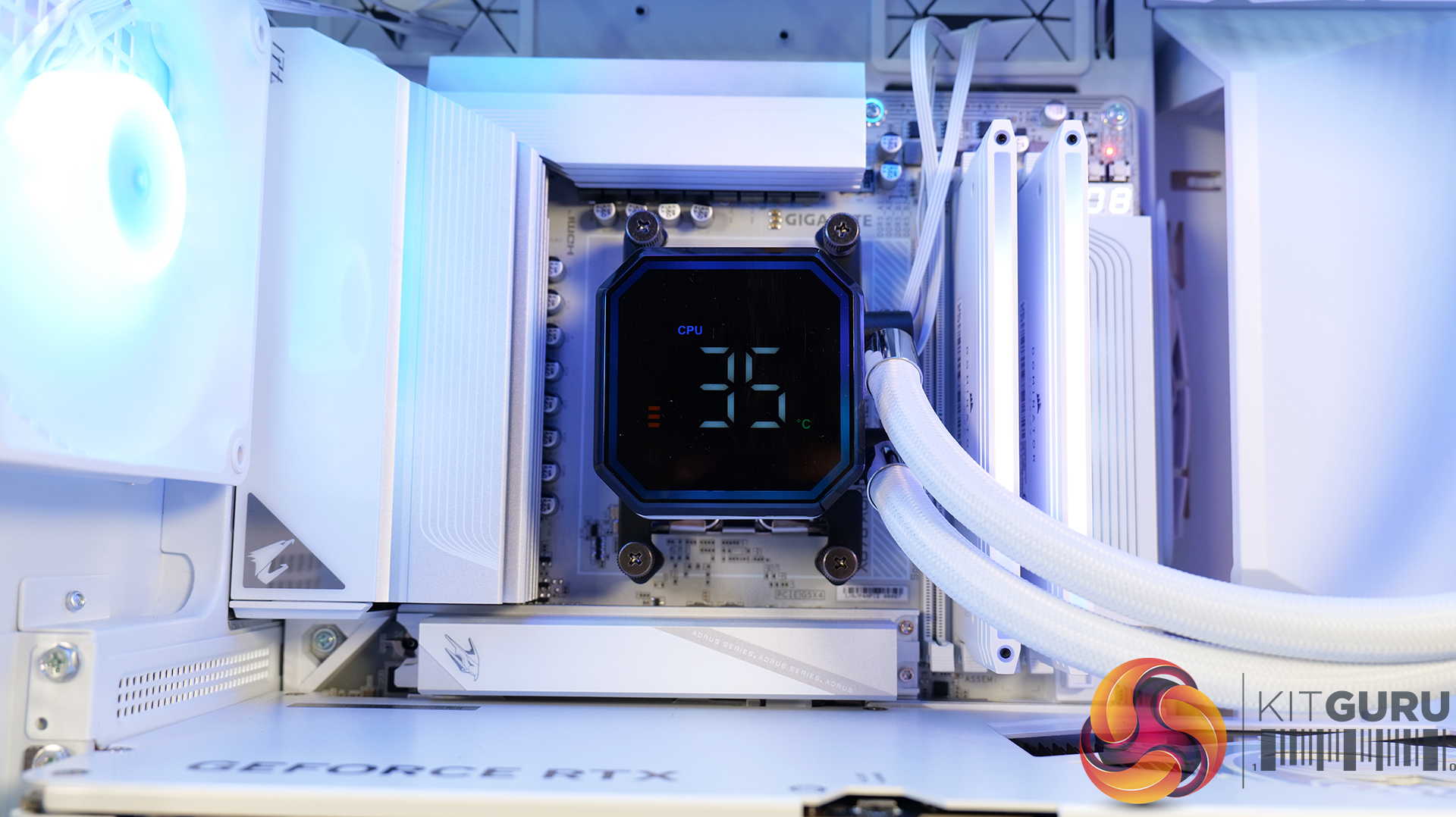
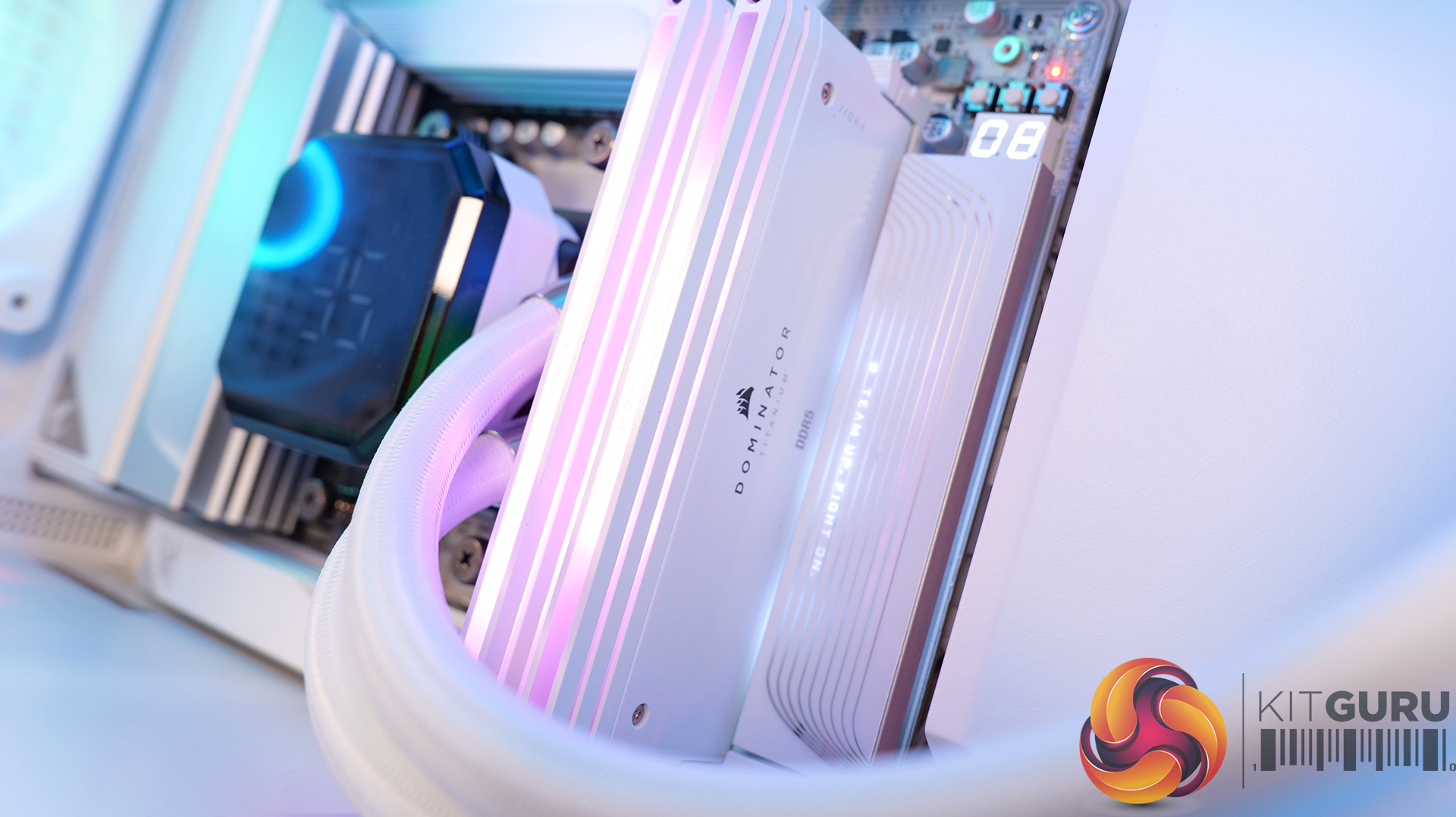
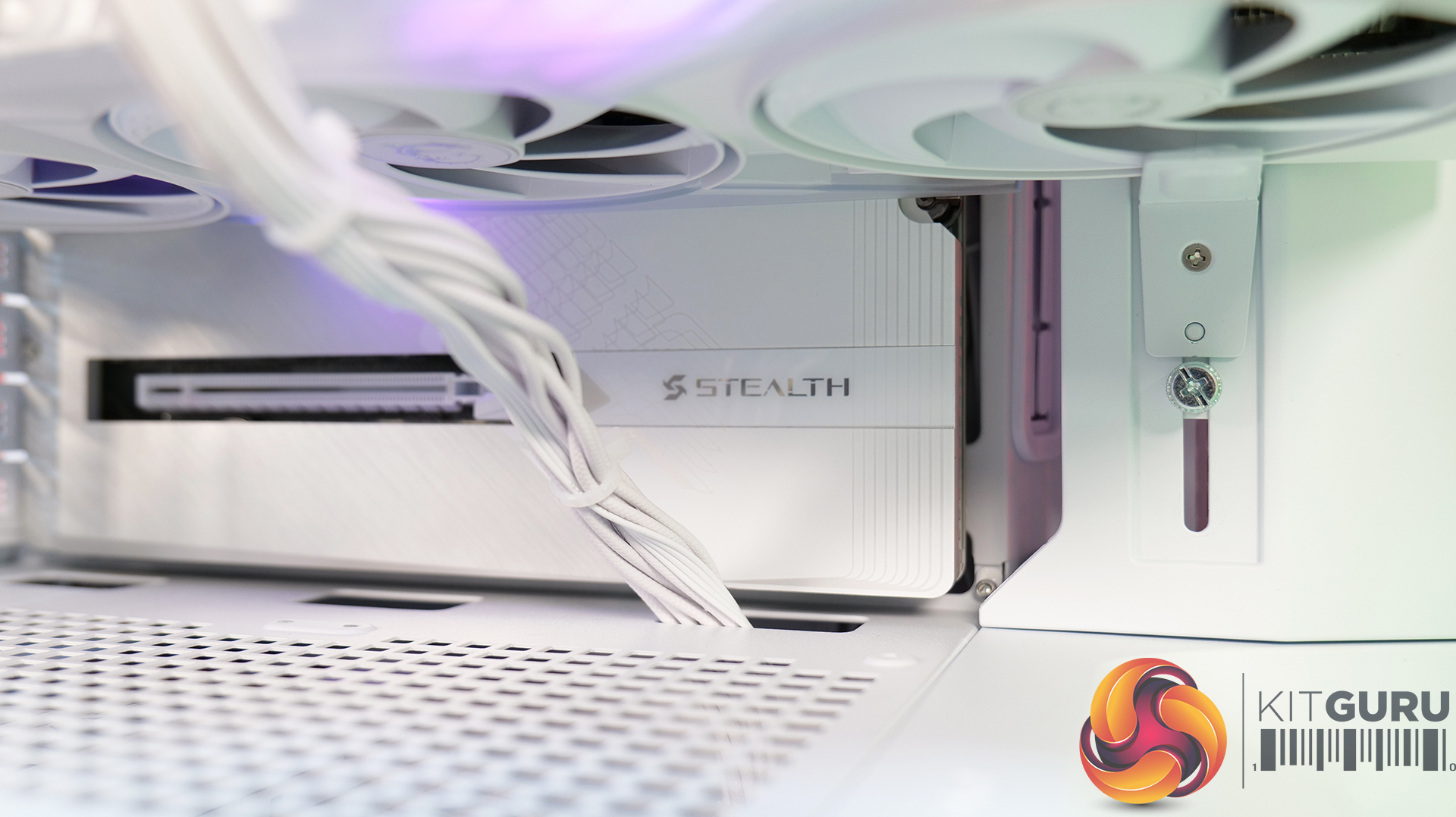
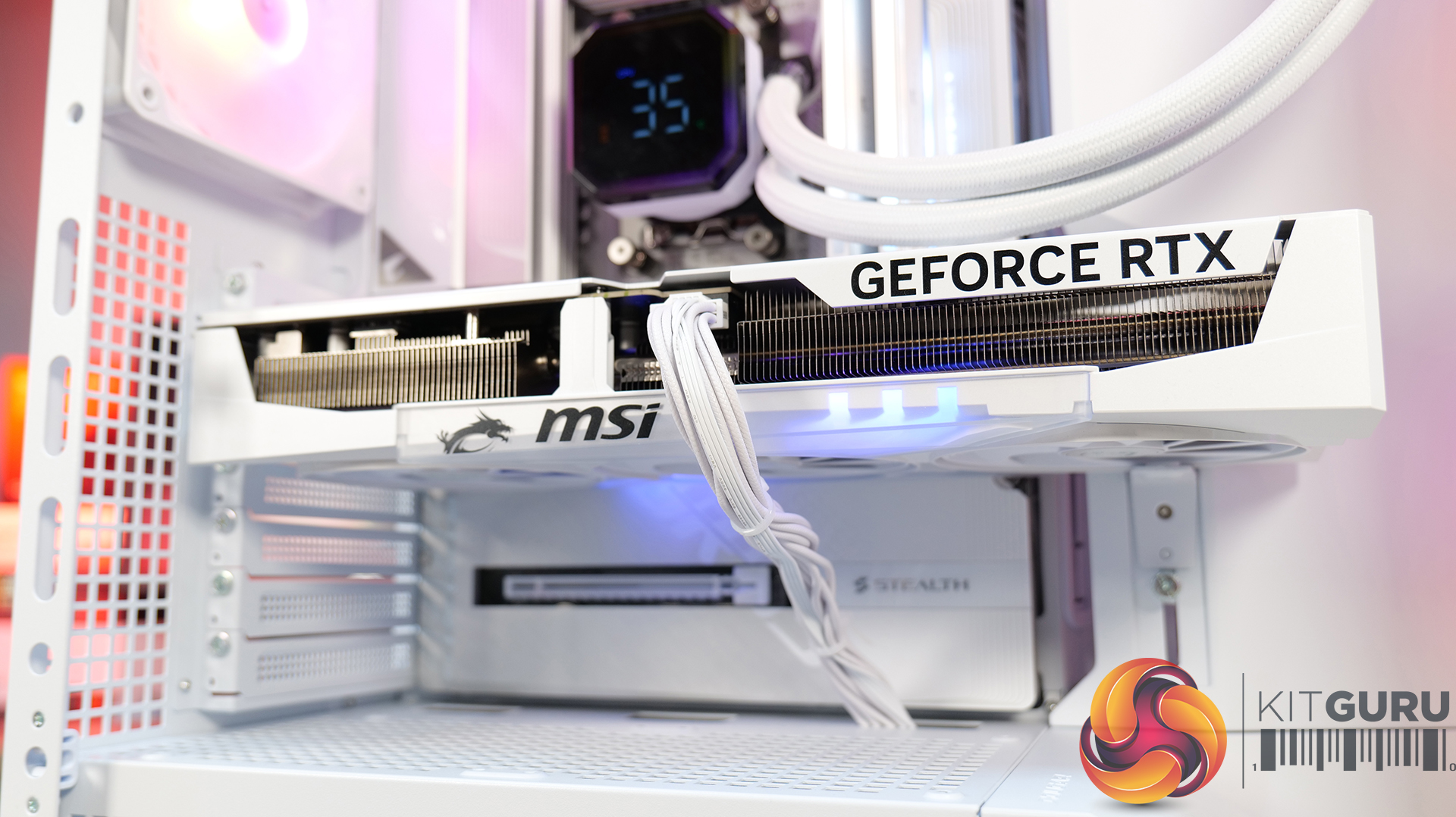
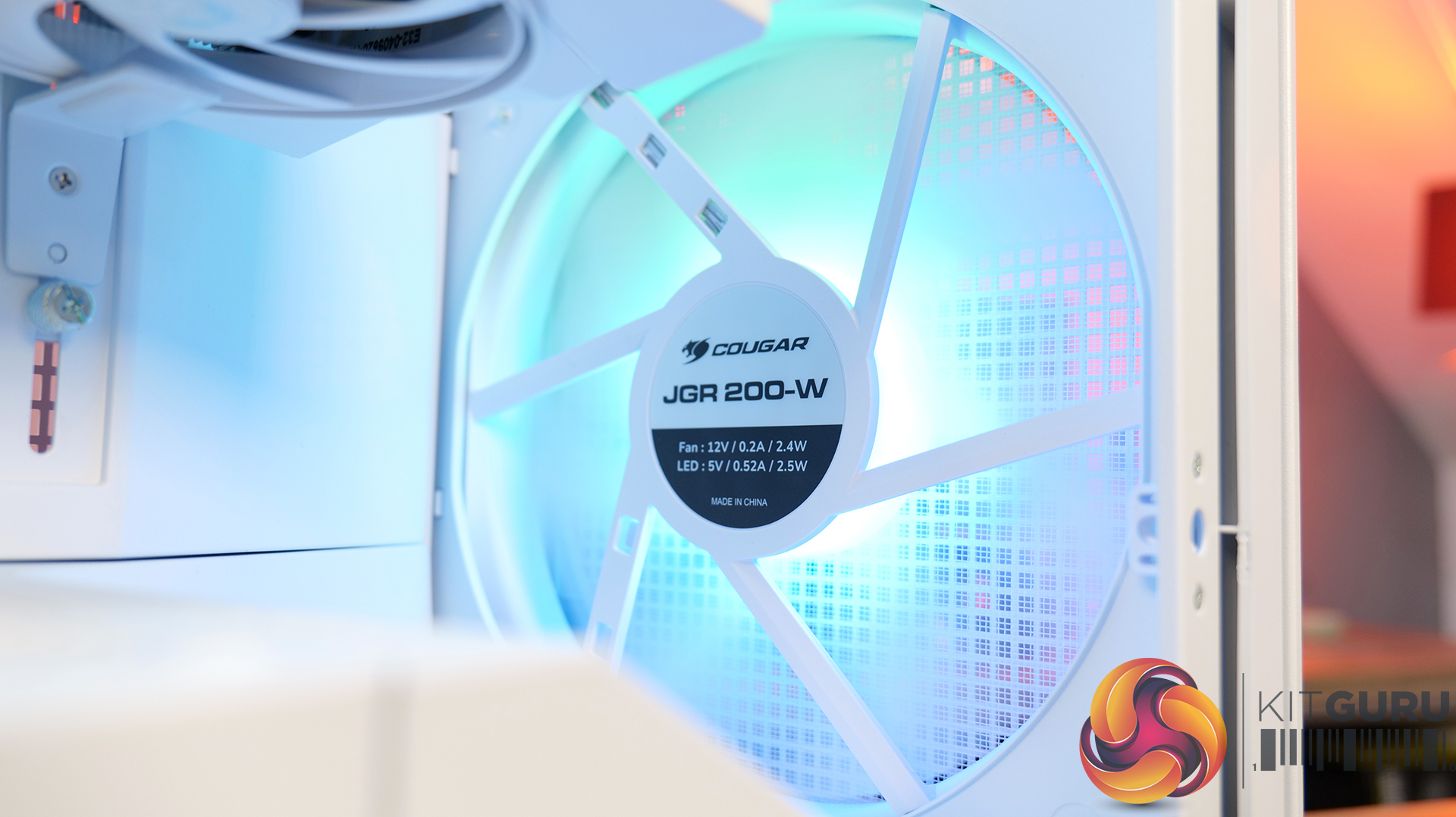
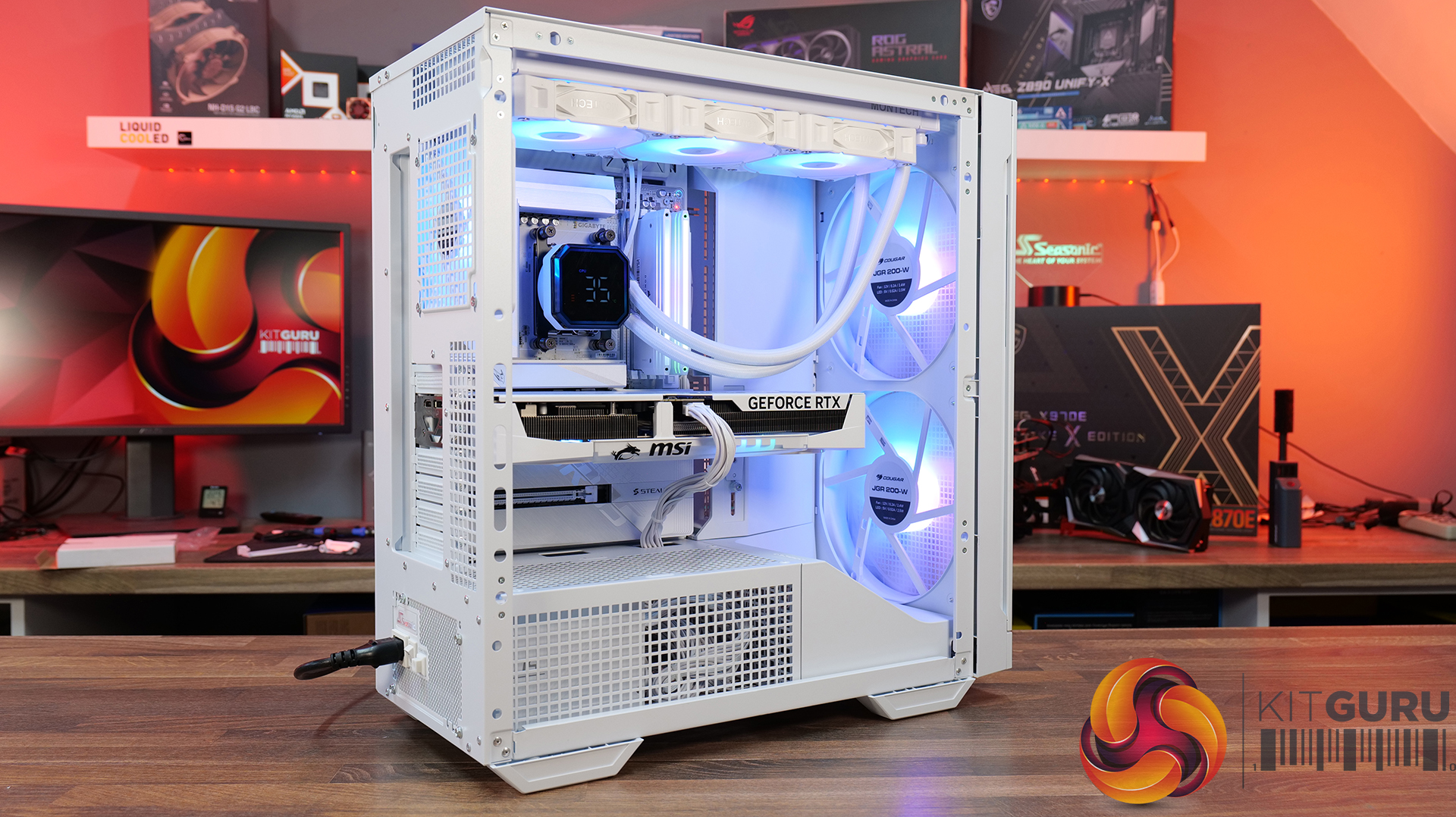
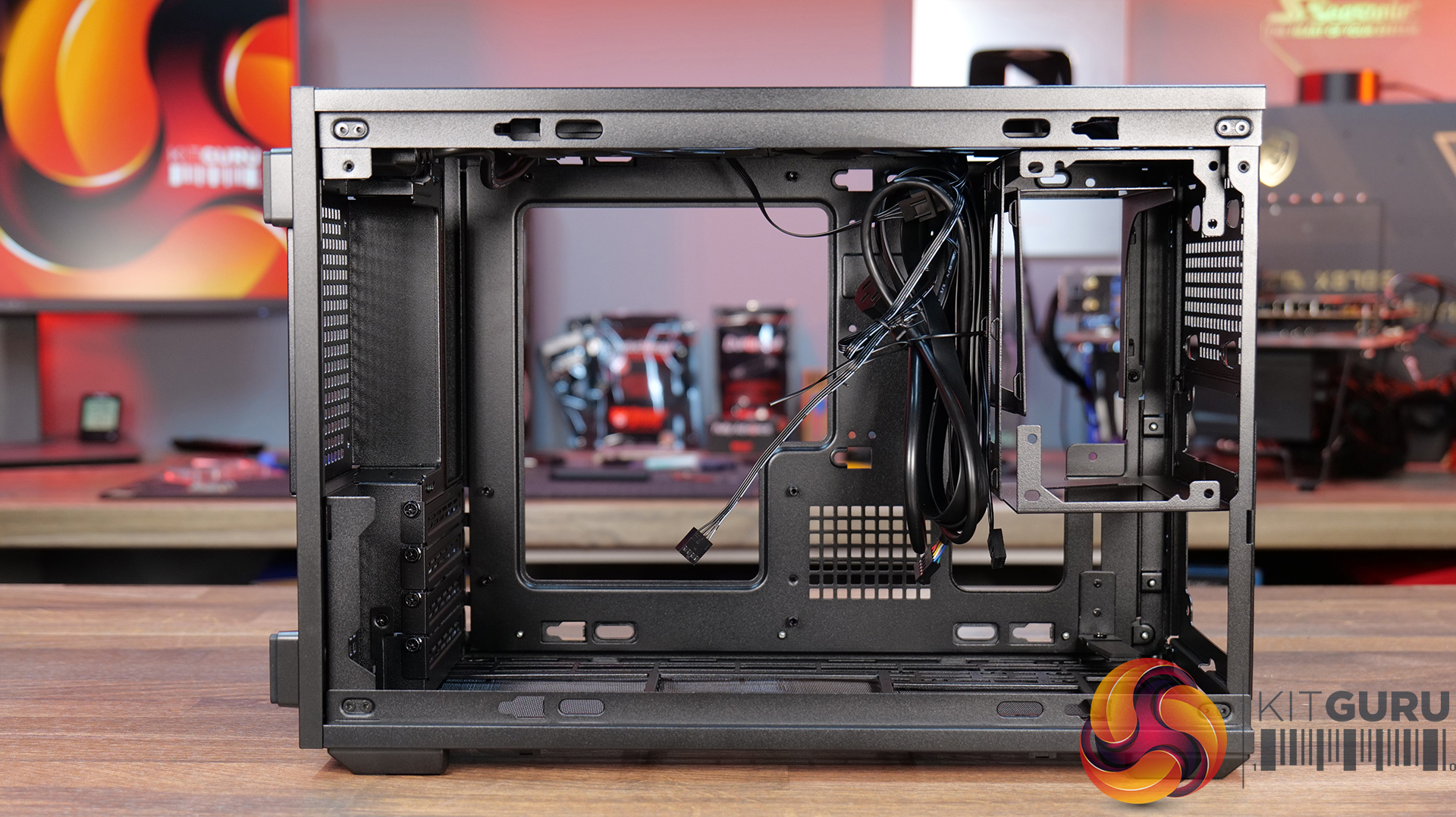
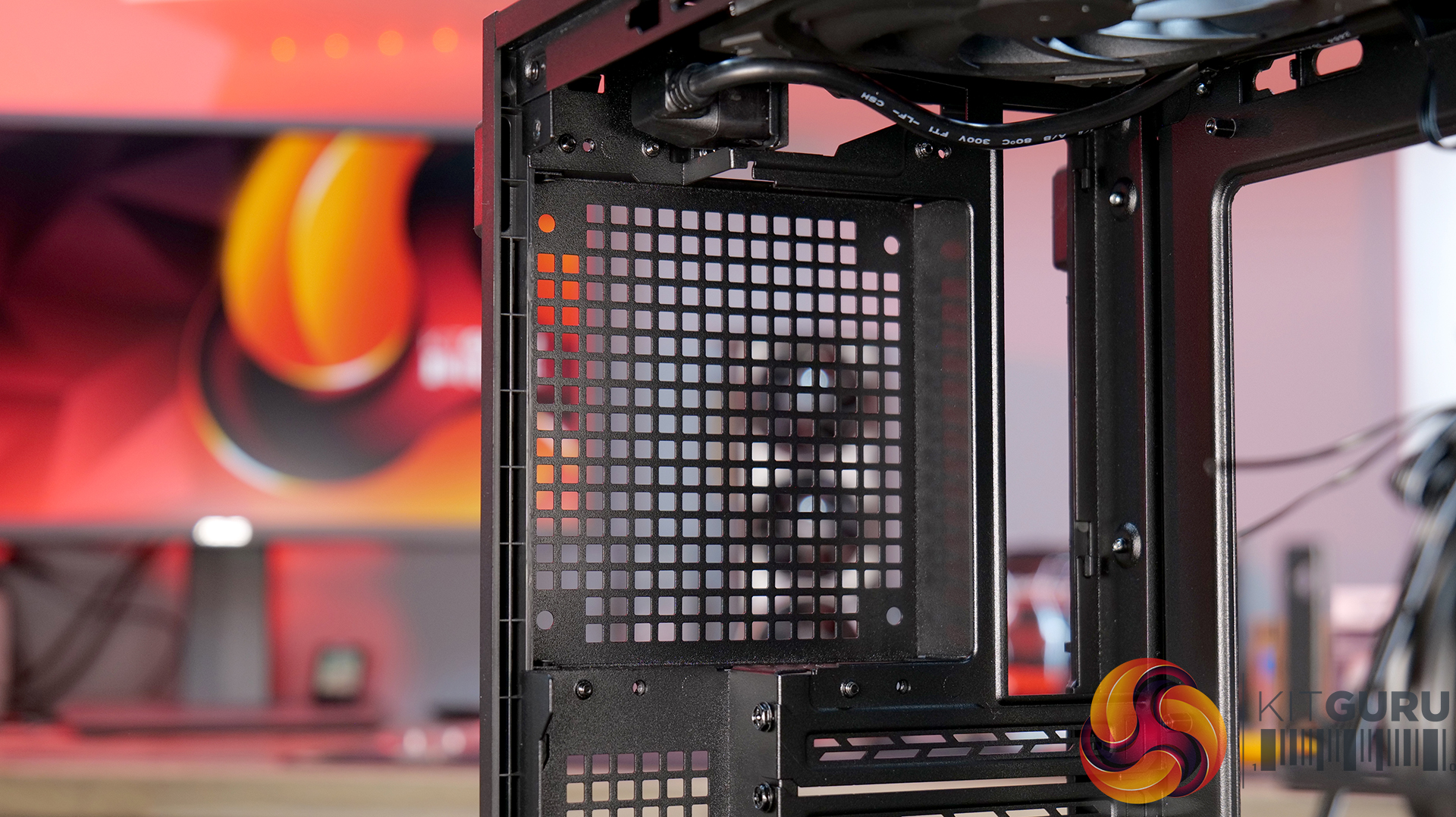
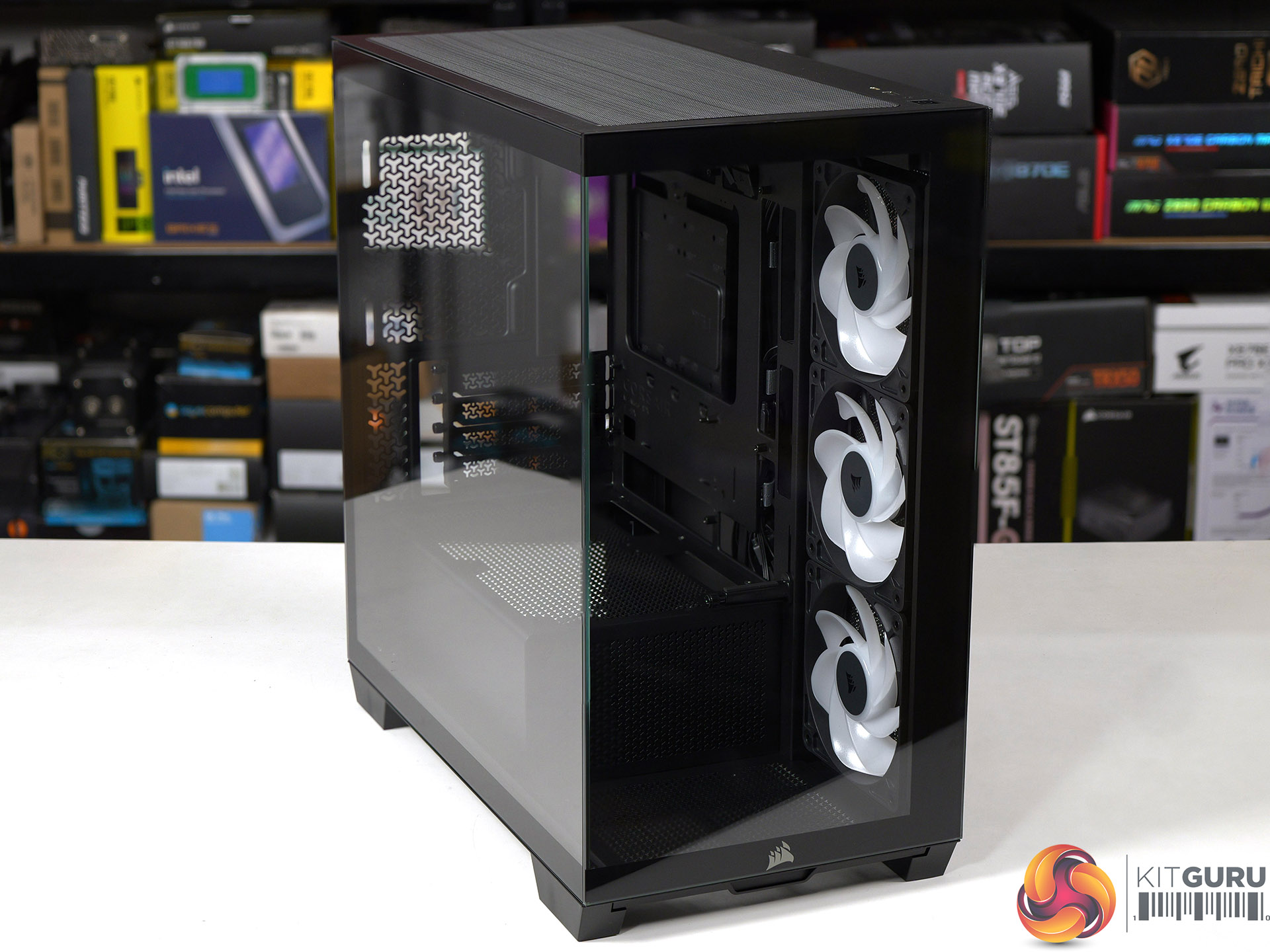
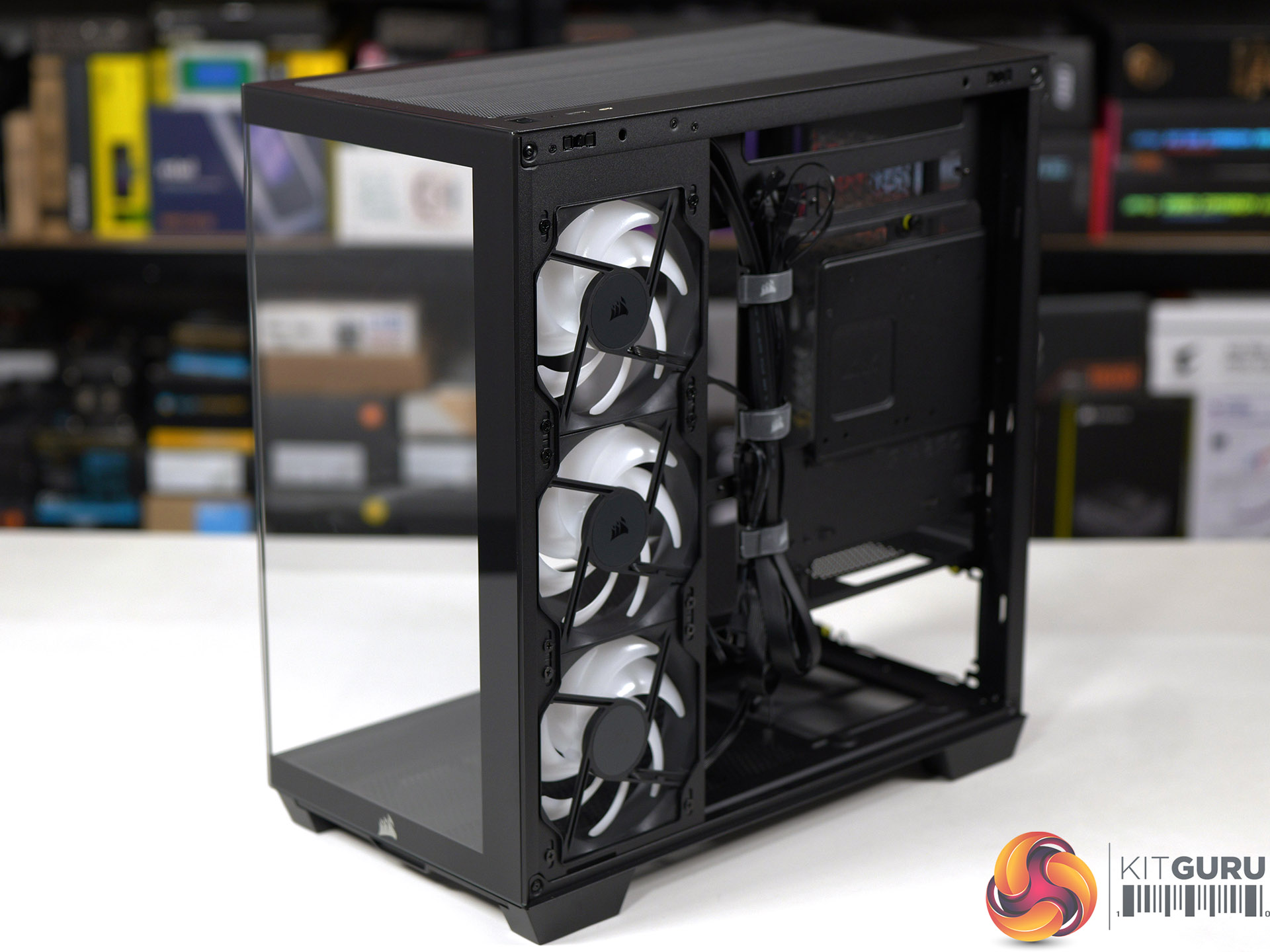
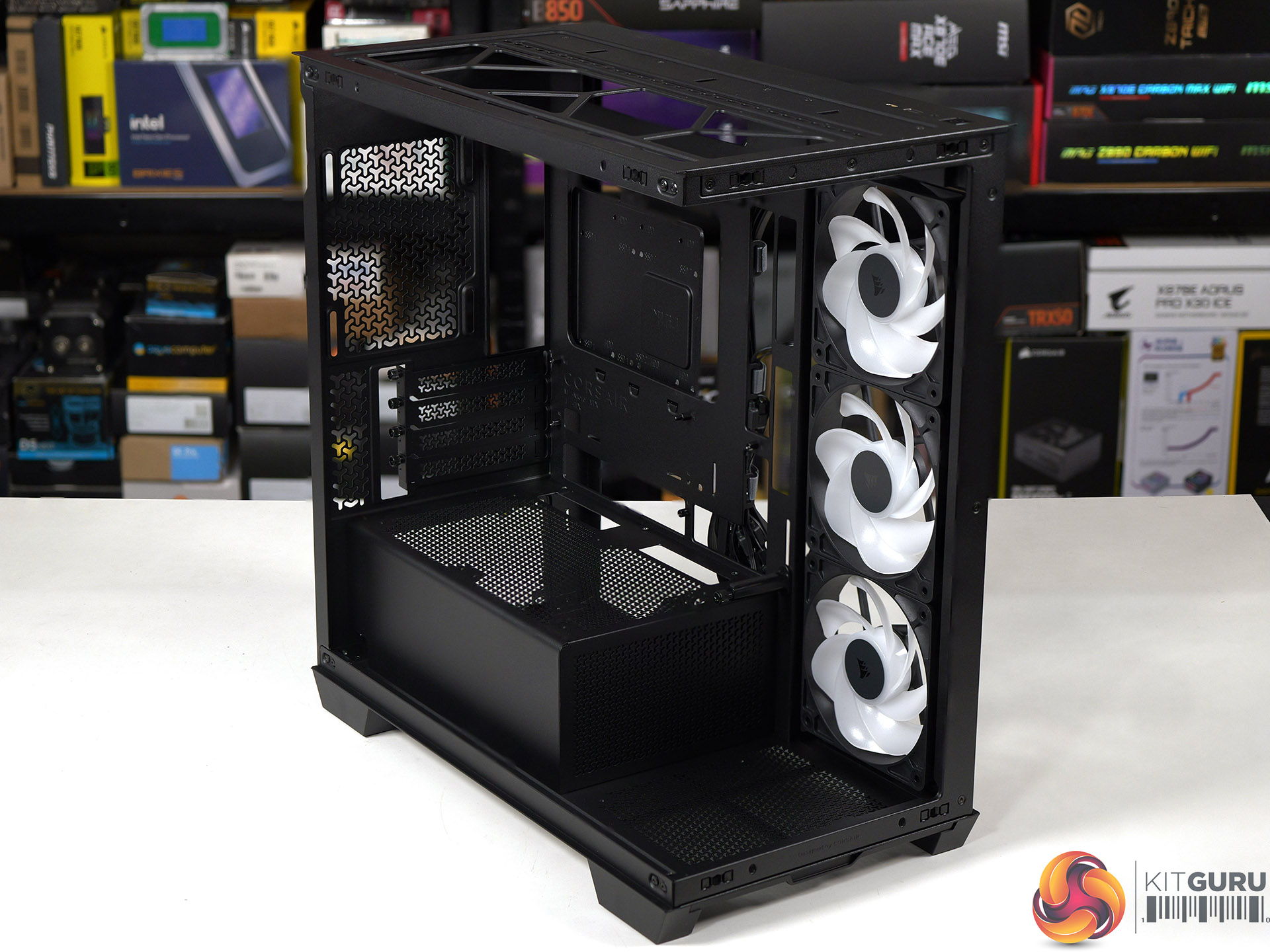
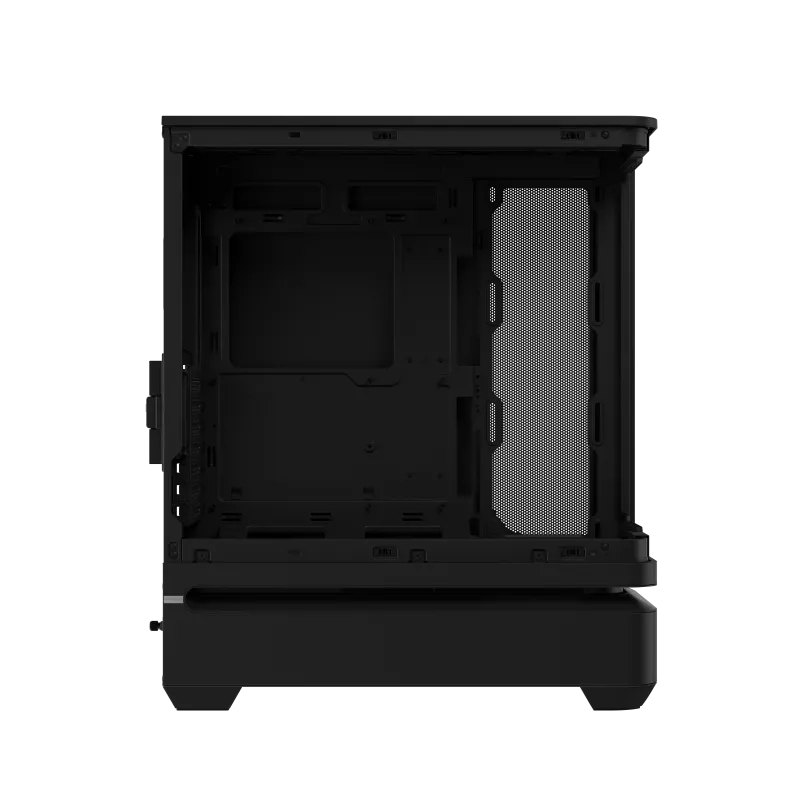
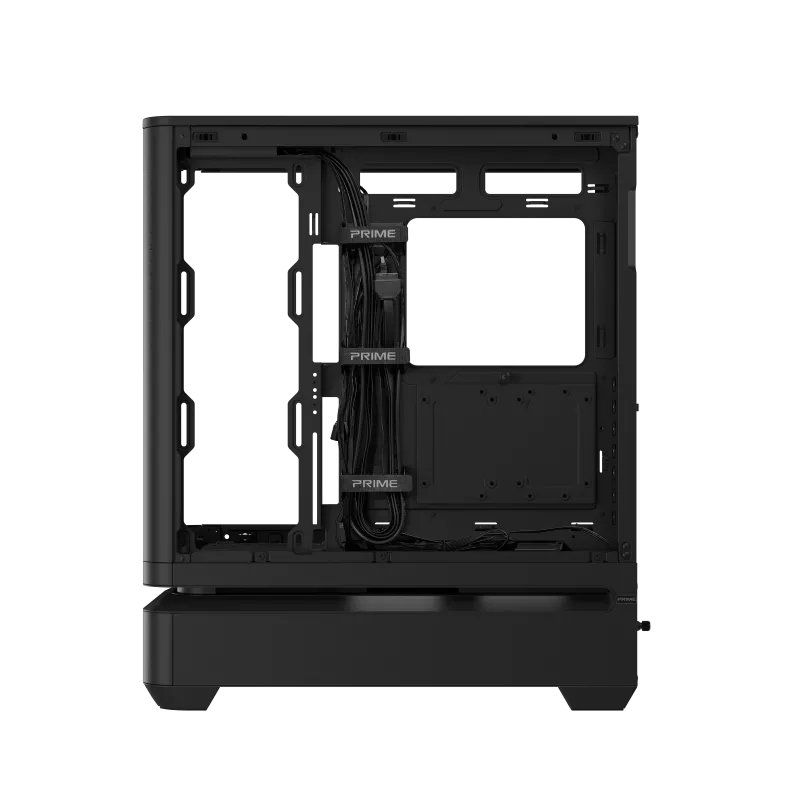
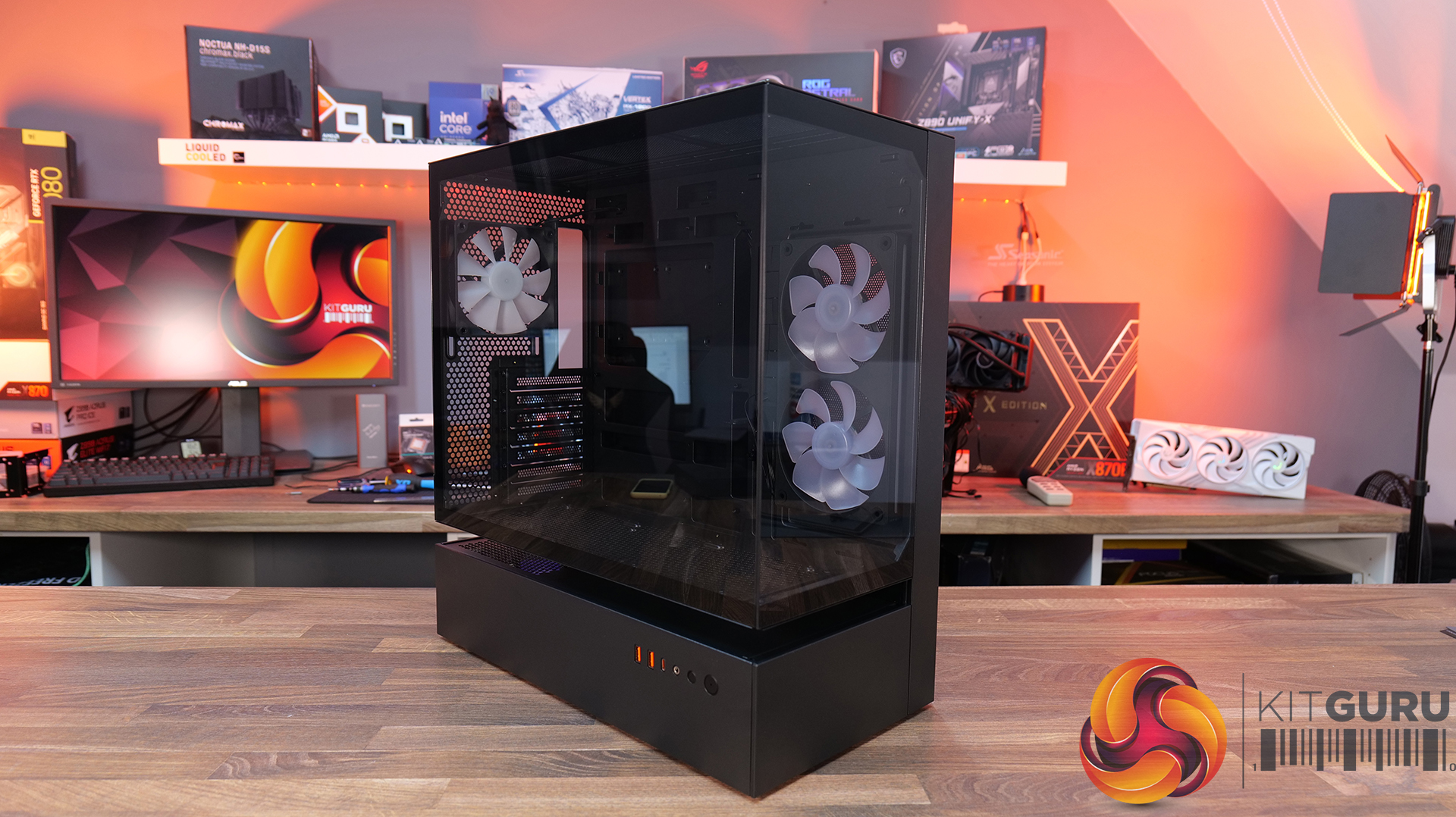
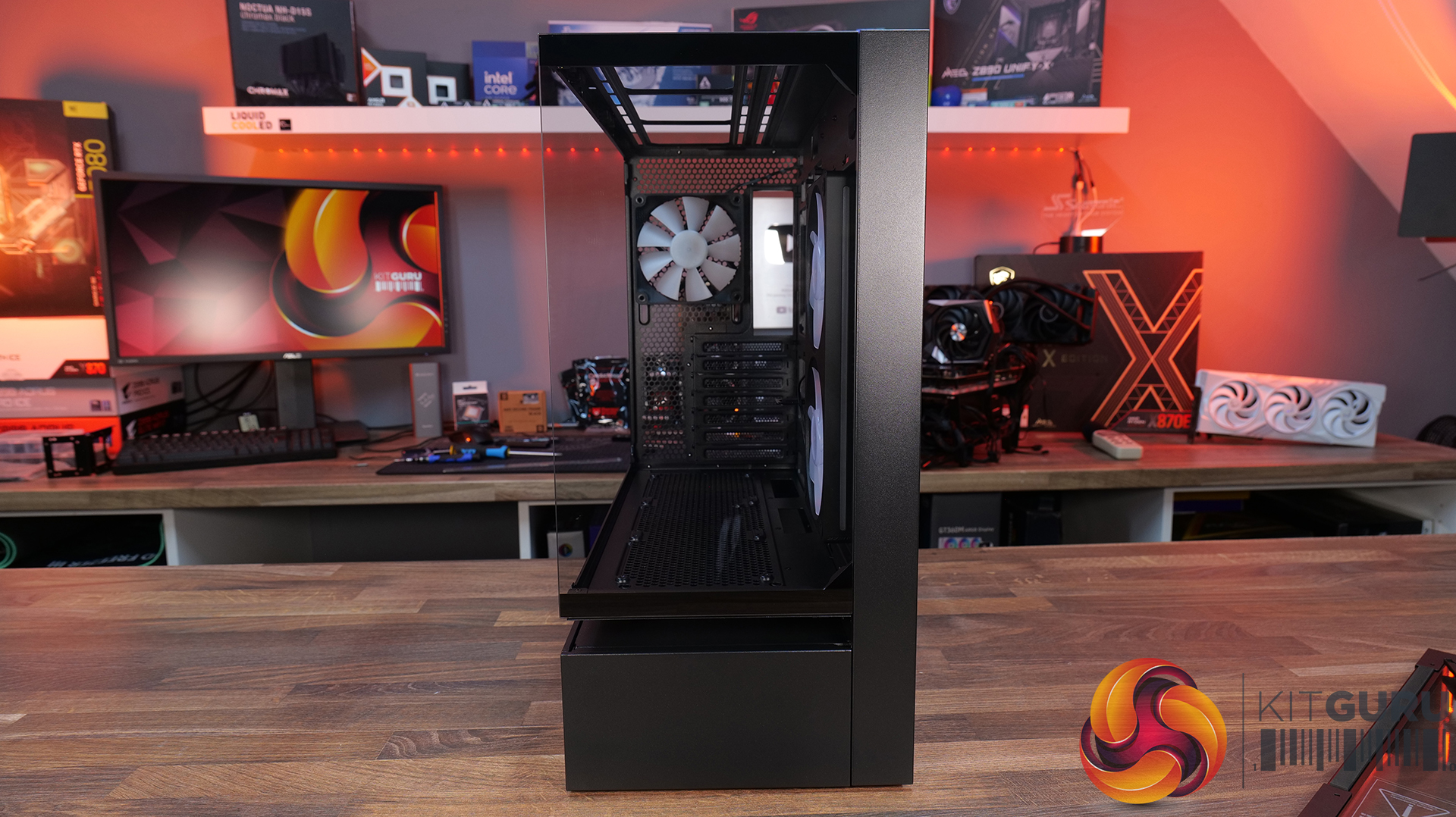
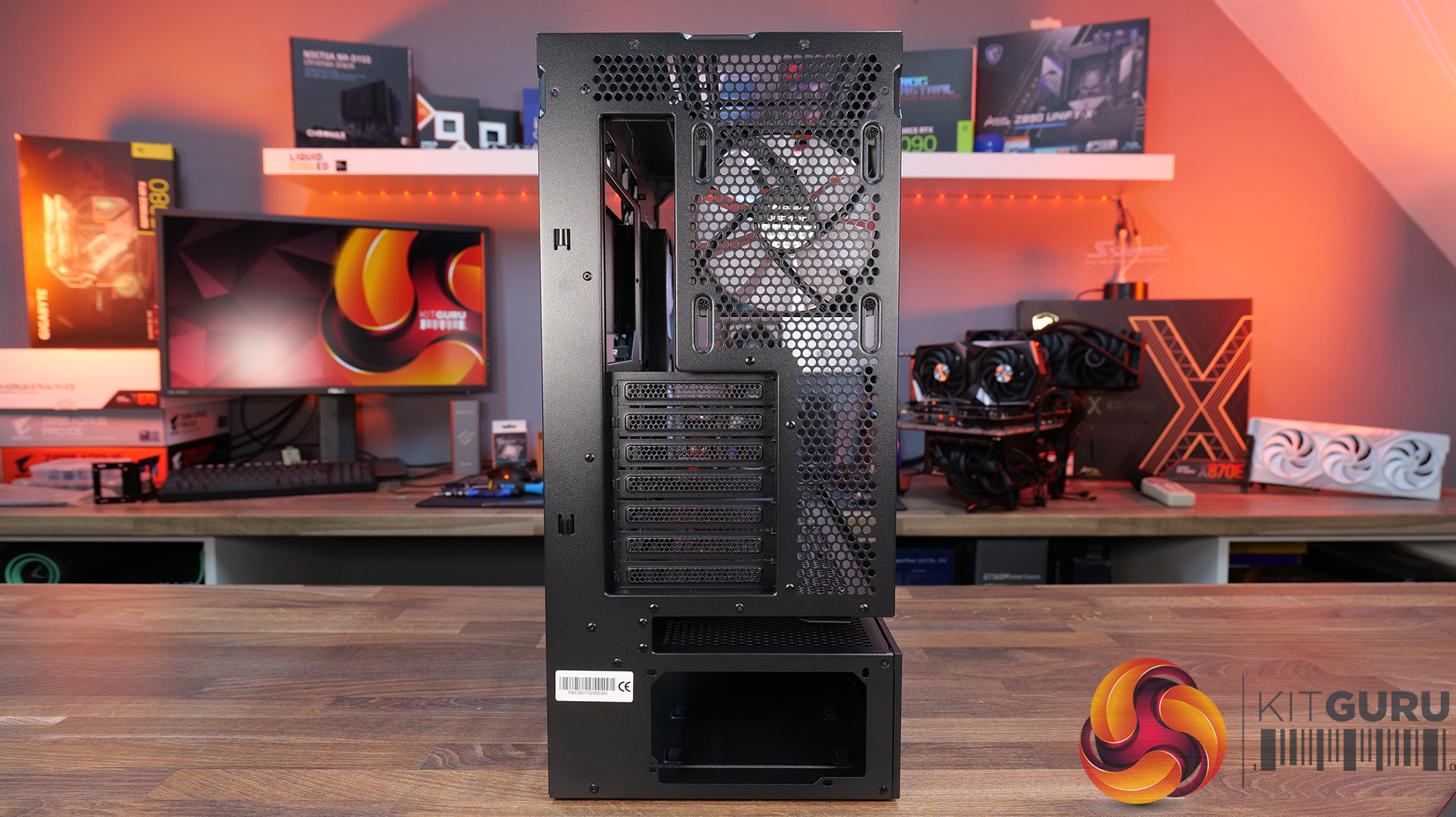
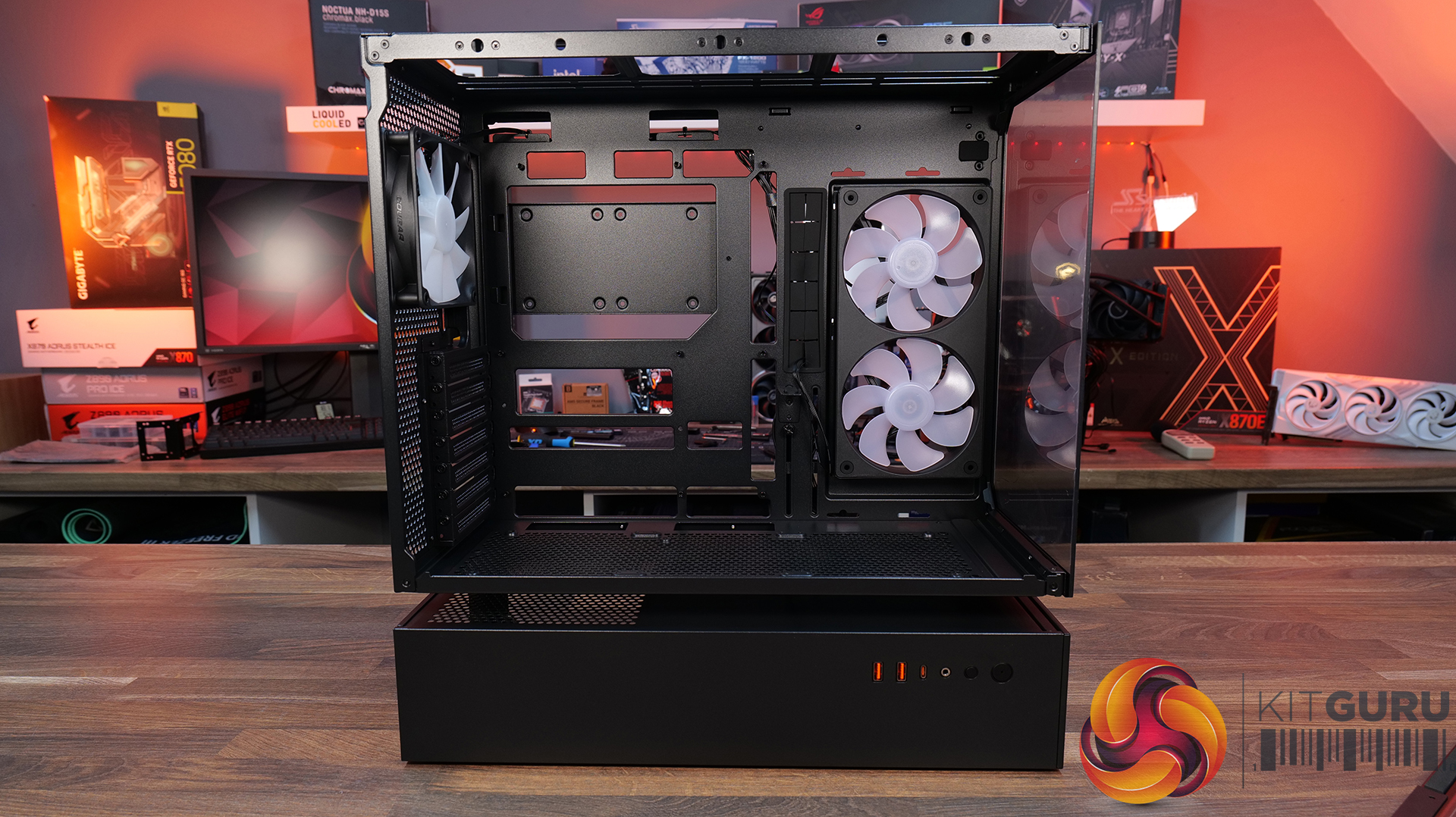
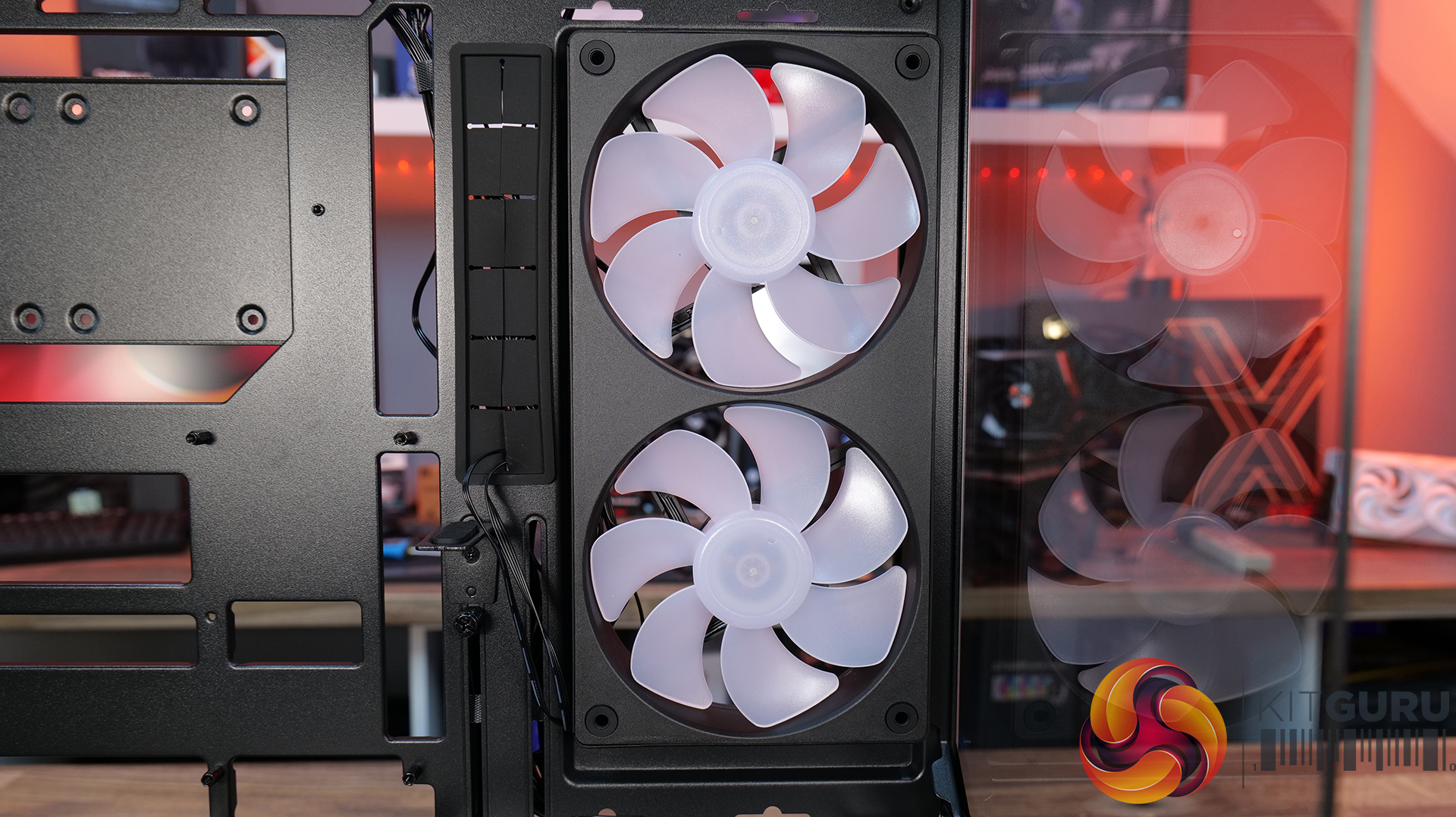
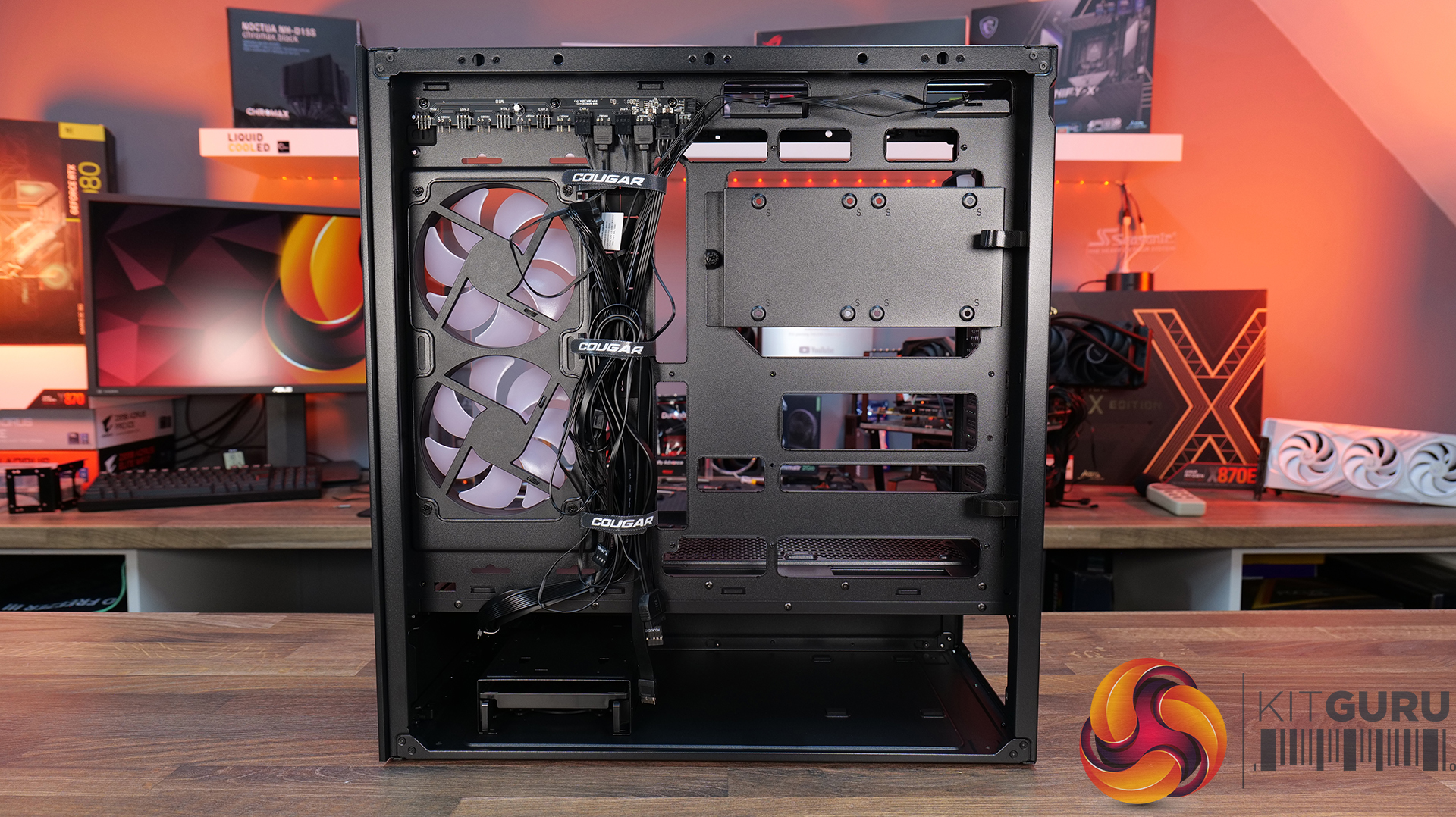
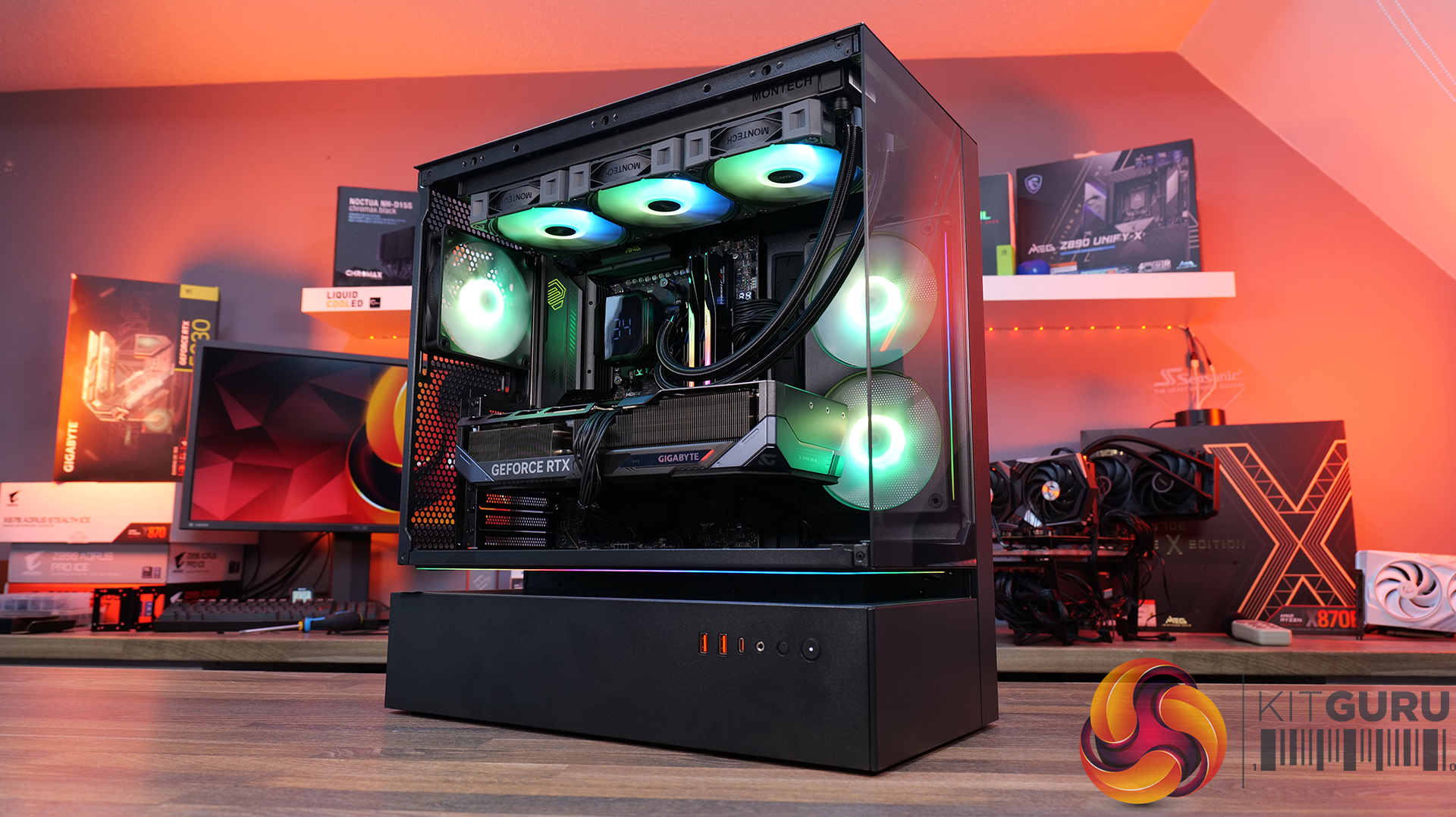
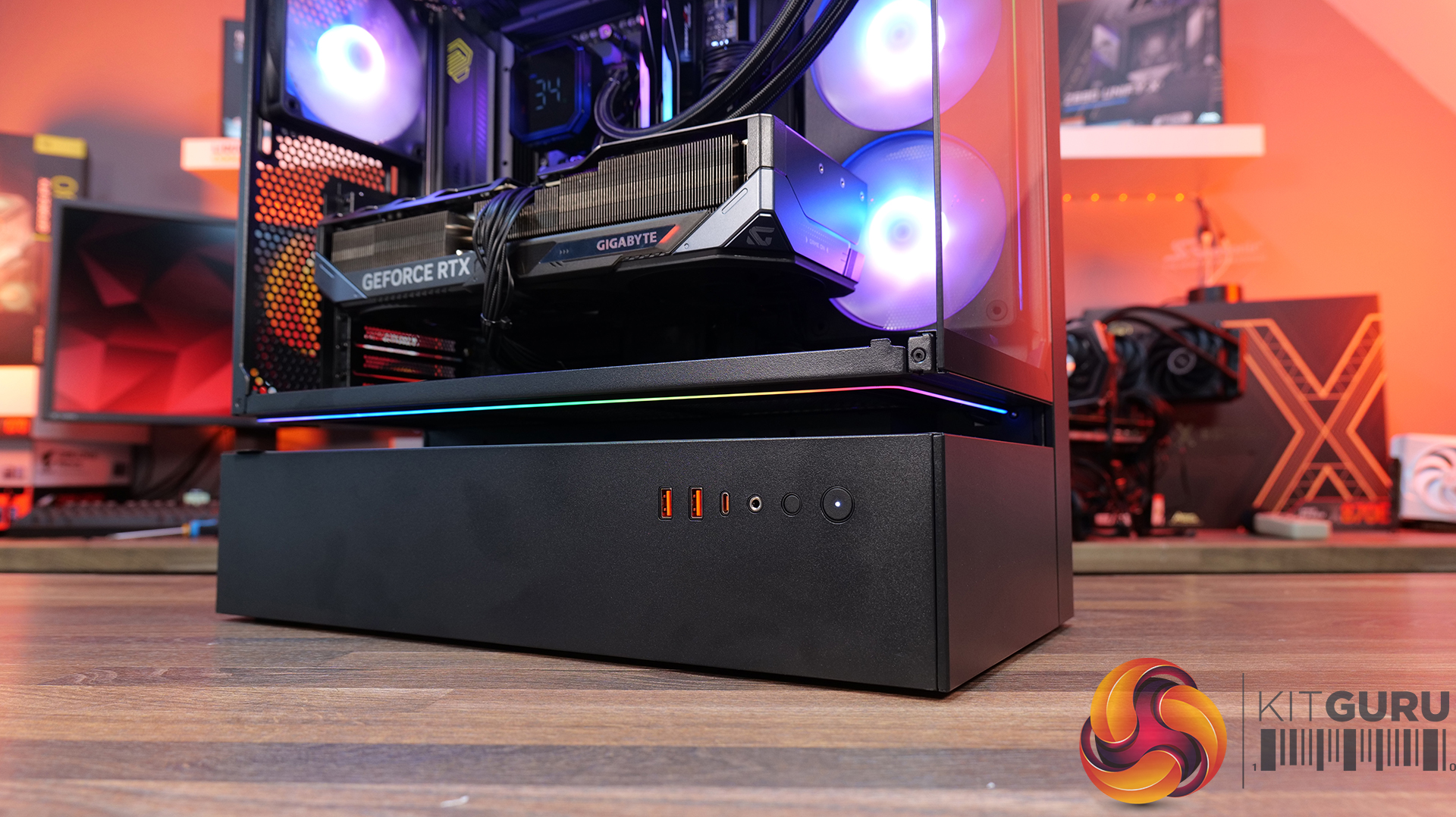
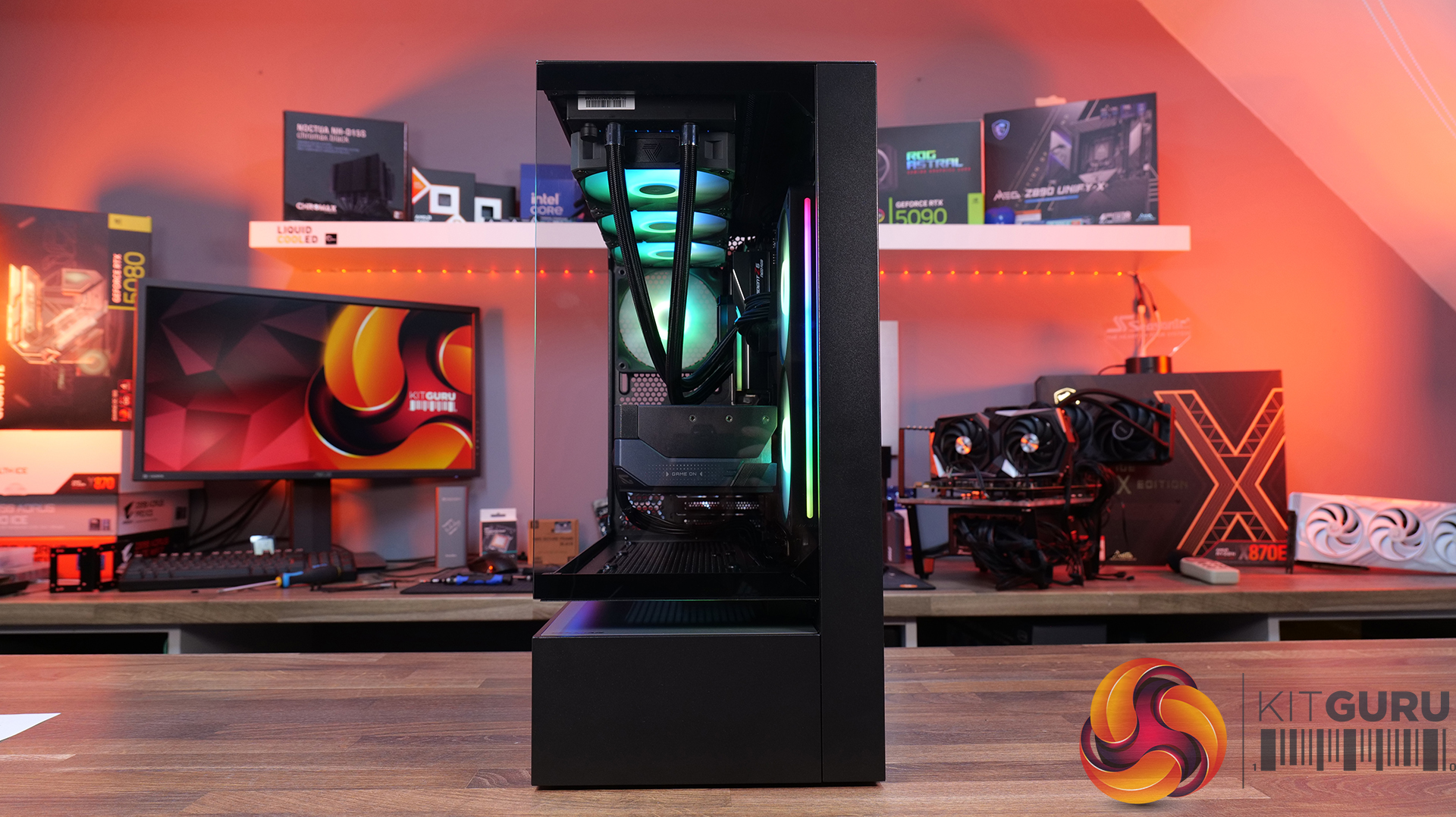
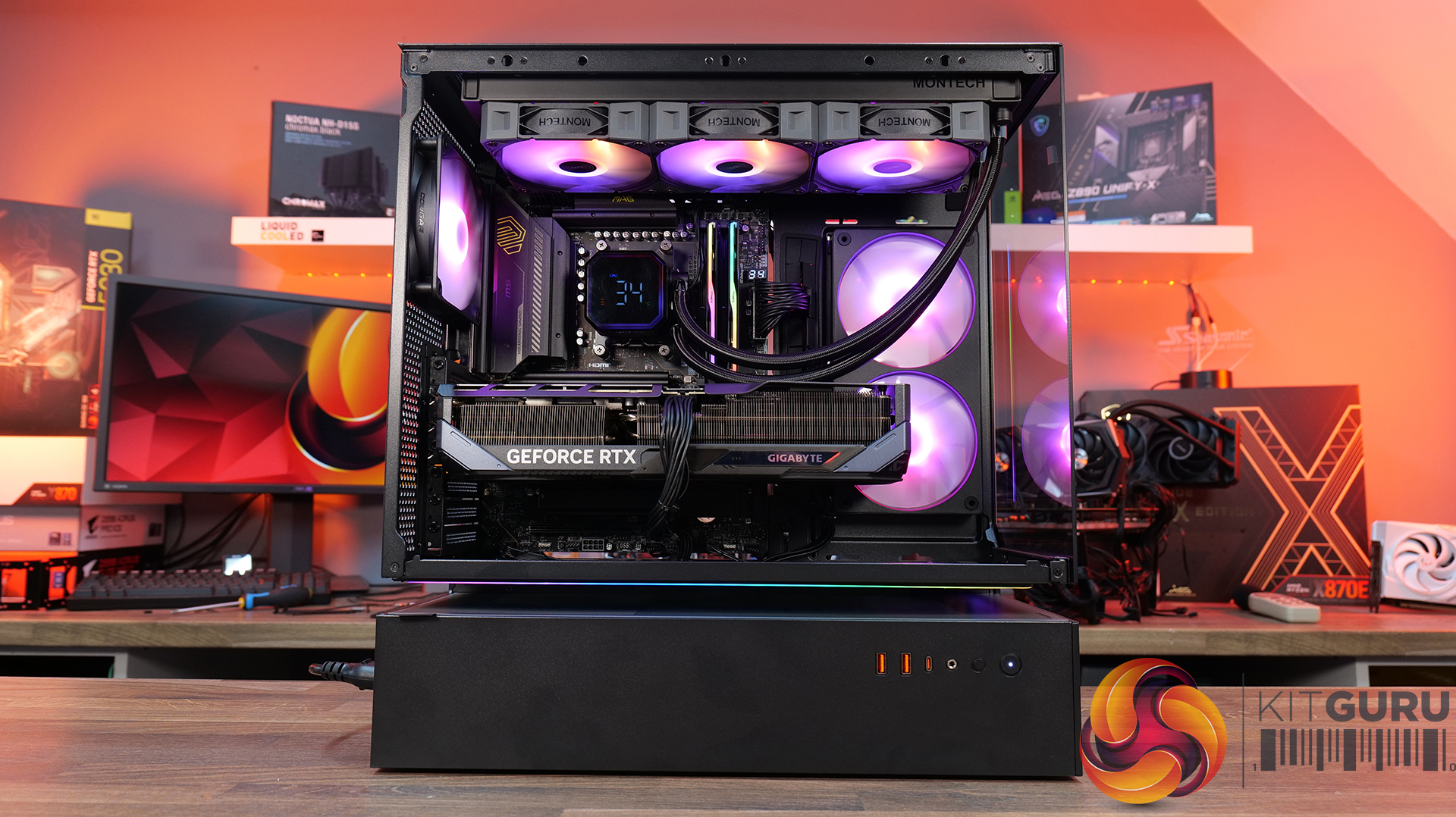
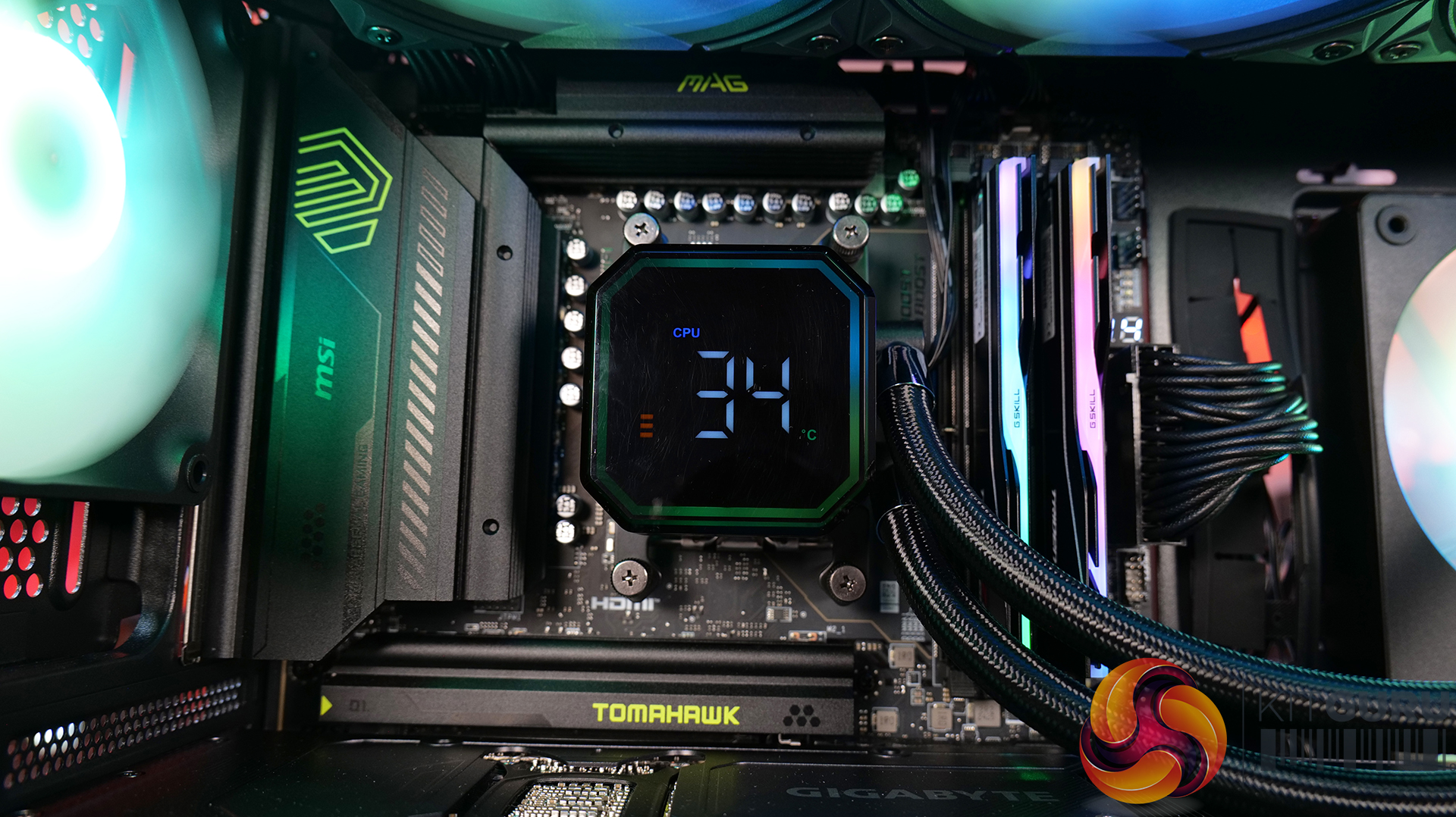
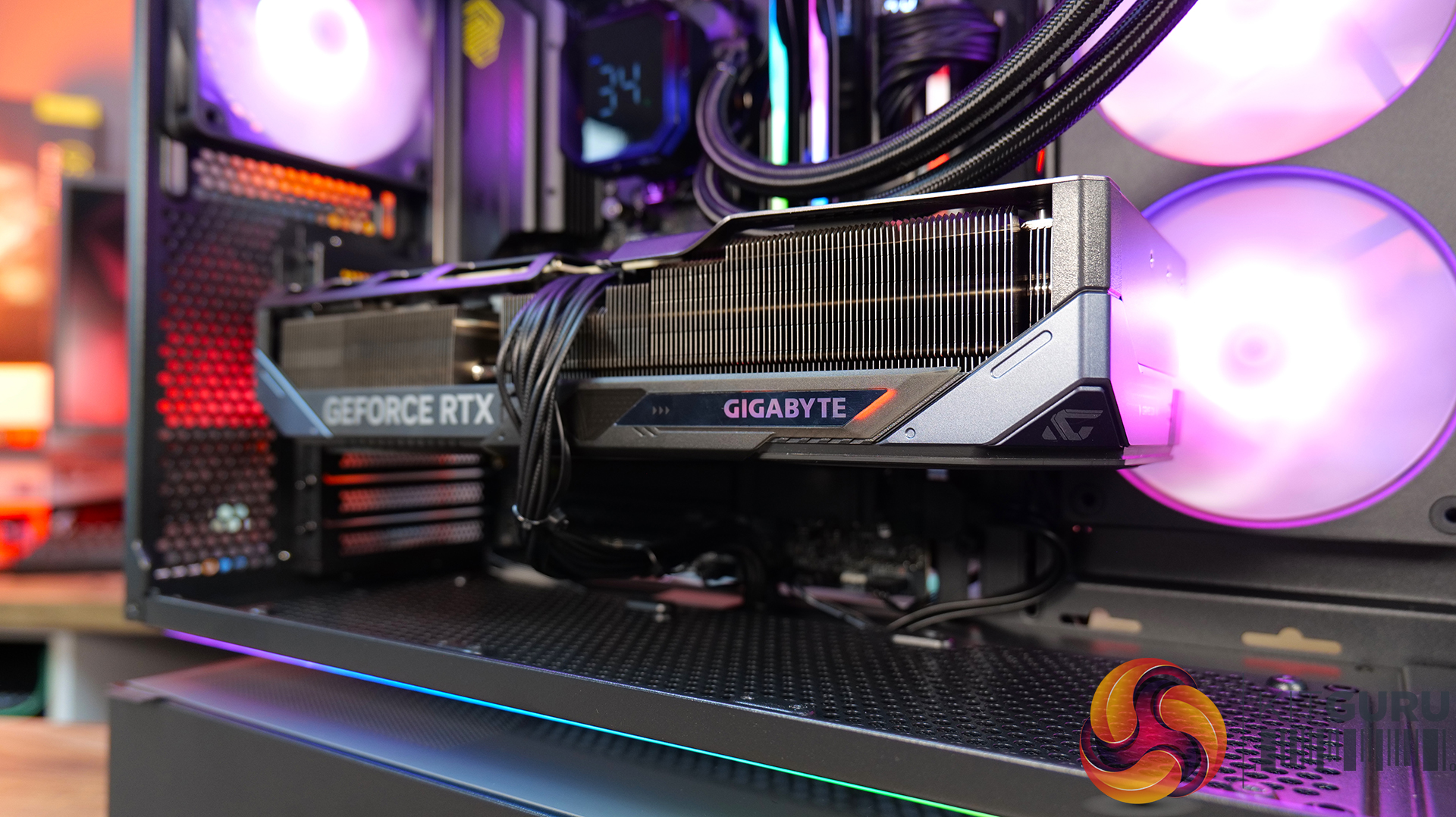
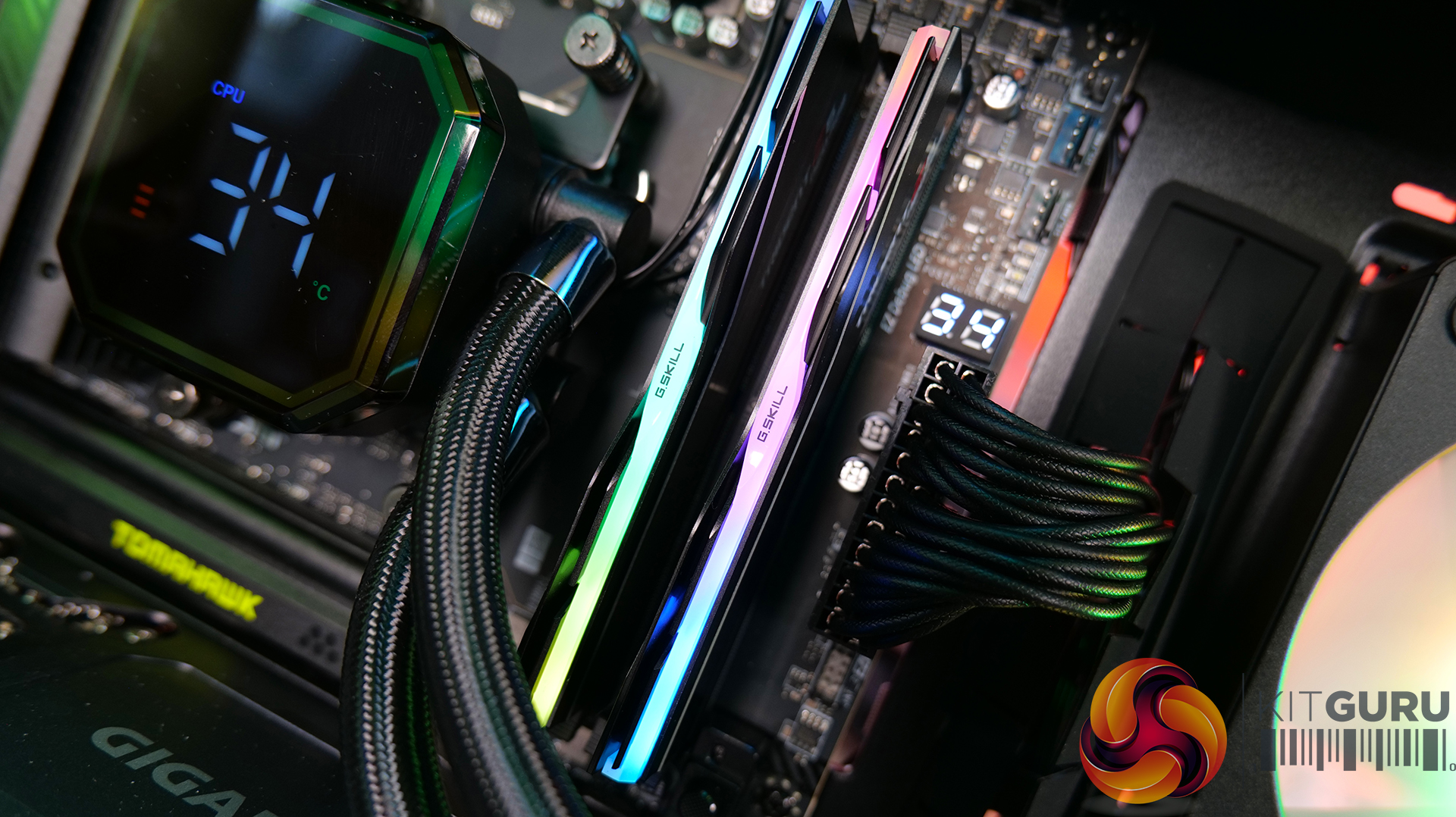
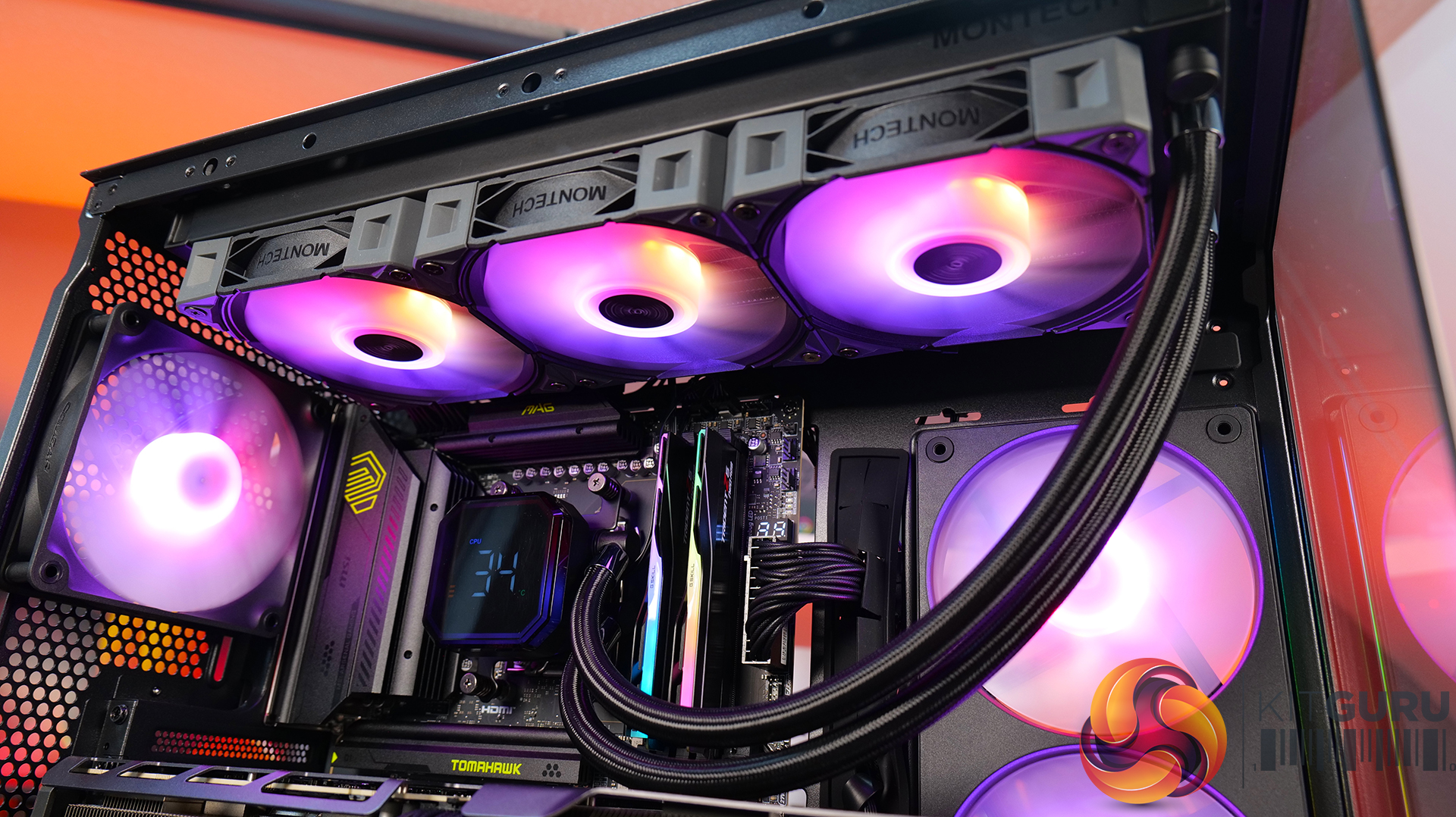
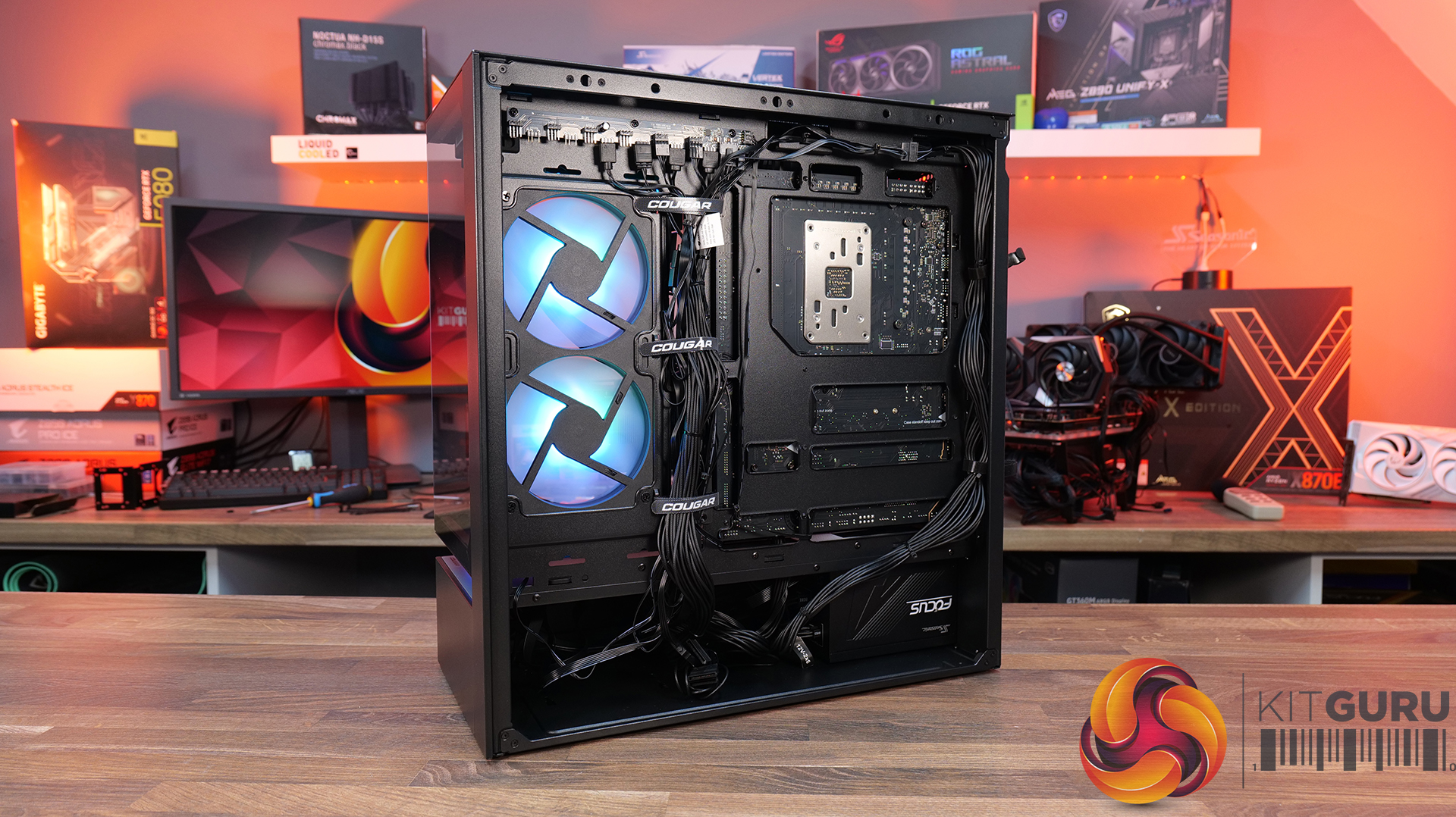
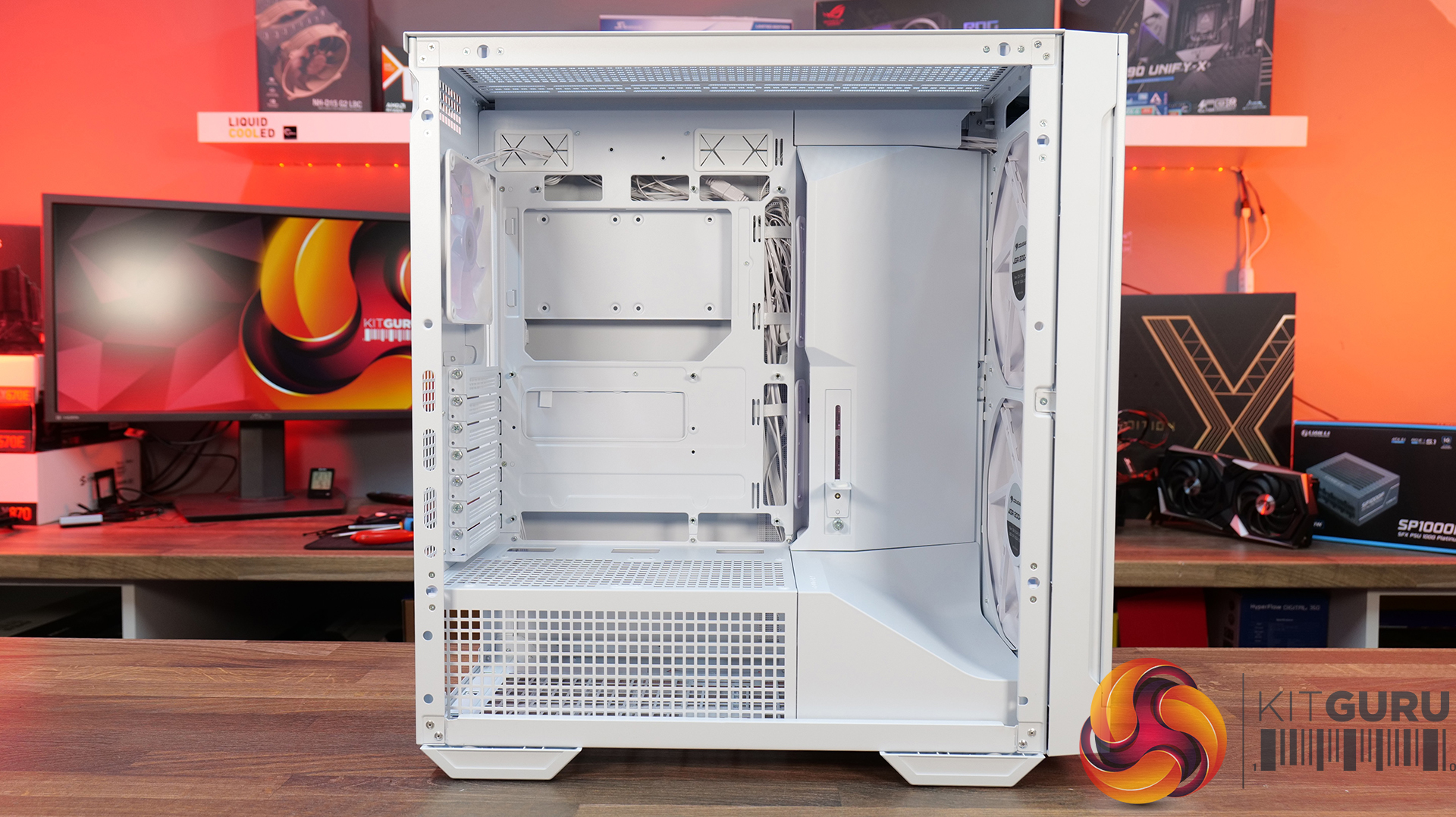
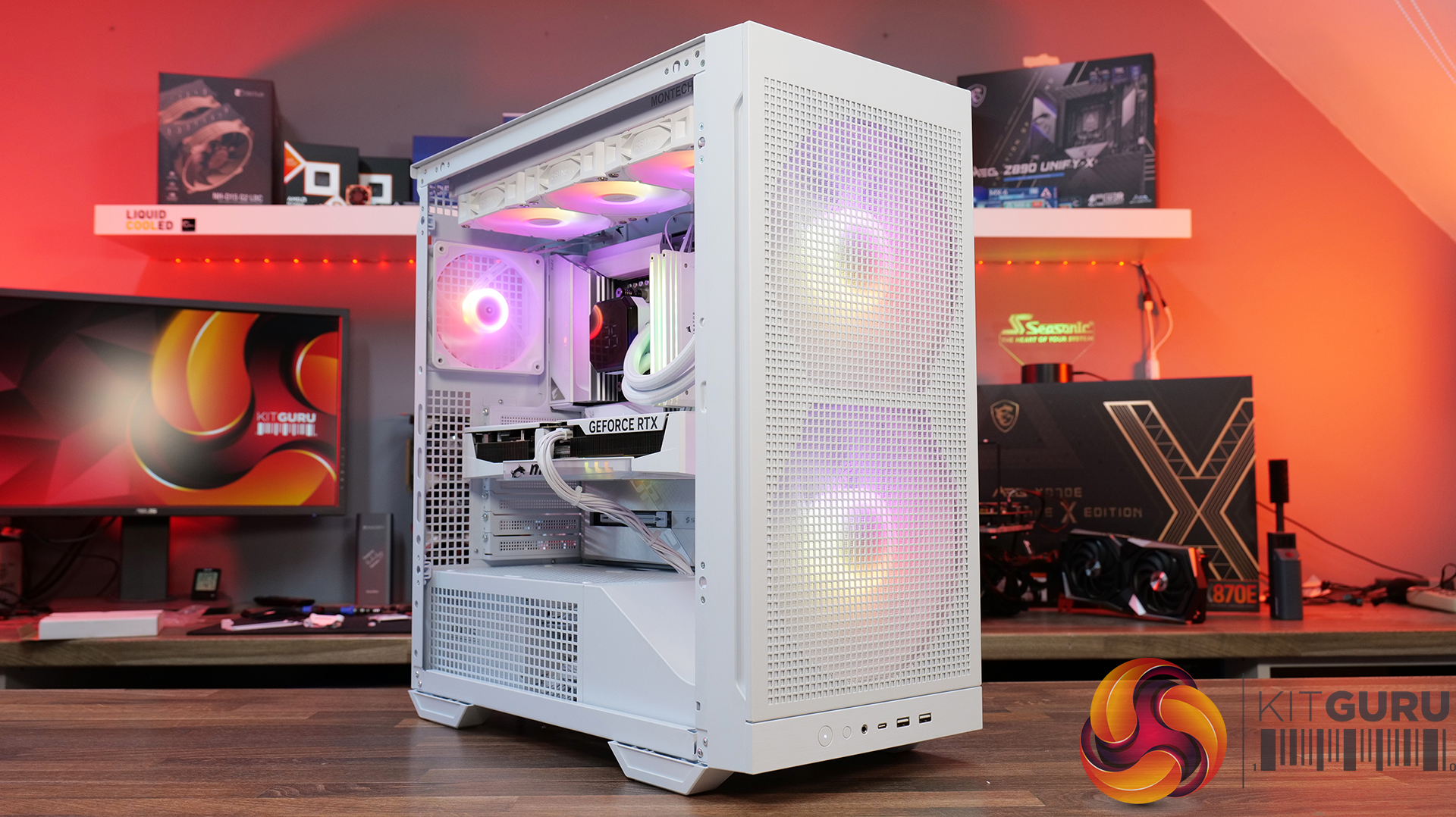
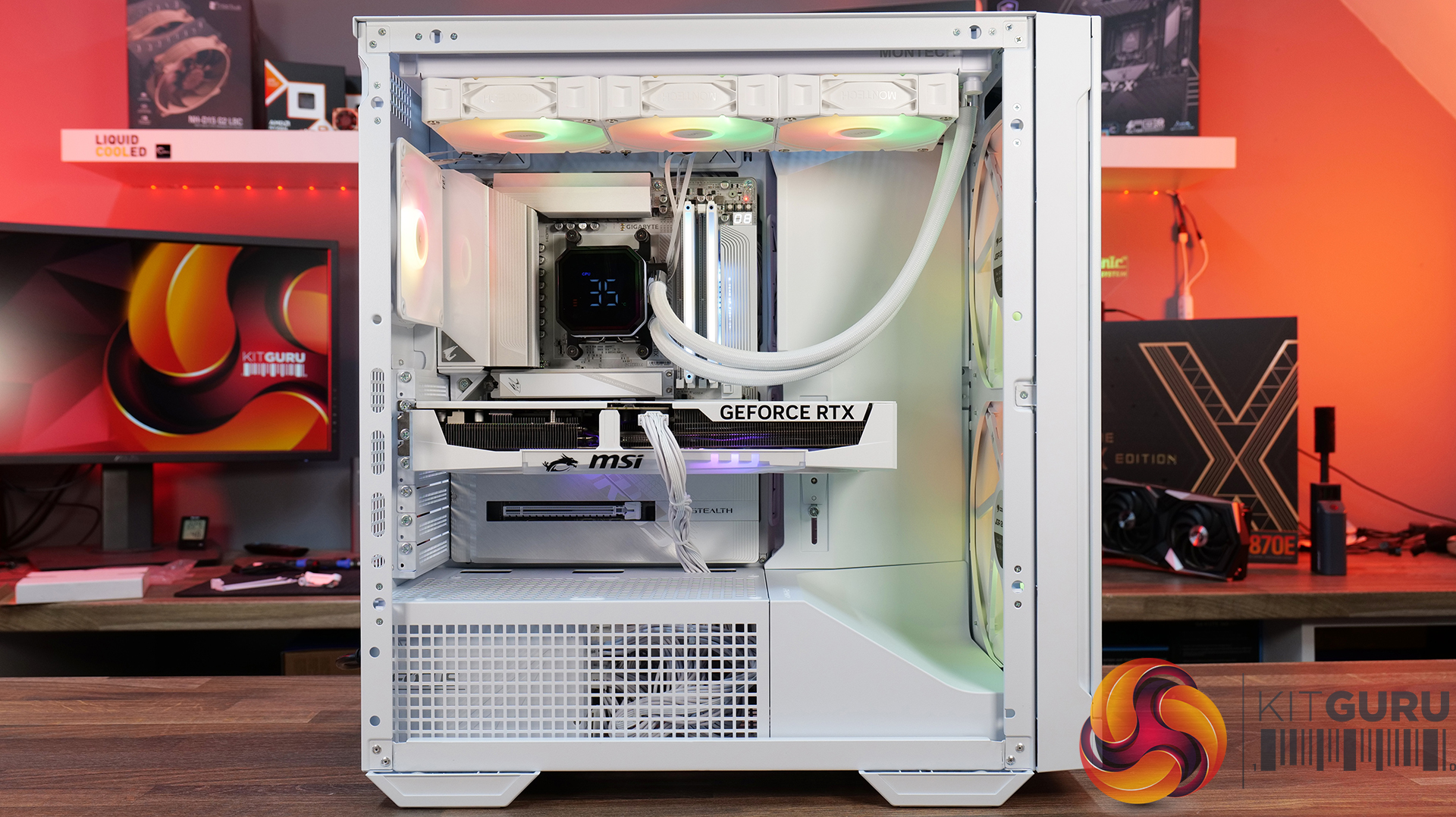
Today we're taking a look at the Cougar MX600 Max RGB, an airflow-focused mid-tower PC case designed for high-performance gaming systems. It comes equipped with two 200mm ARGB PWM front fans, supports graphics cards up to 400mm long, 360mm radiators in the top panel, and offers extensive compatibility for modern hardware. Cougar has also included features like a dual-curve airflow ramp, a modular front I/O panel and a detachable top cover to make building and maintenance easier. In this review, we'll find out if those features combine to make the MX600 Max RGB a case that's worth buying…

Timestamps:

00:00 Intro
00:55 Key details, pricing
01:49 Removing side panels
03:44 Front of the case
05:16 Internals – fan/rad support
07:09 Motherboard support
08:55 Cable management features + rear
10:04 Right-hand side area
13:13 Accessories + extras
14:00 Thermals + noise
16:31 Smoke visualisation
16:59 Closing thoughts
Features:

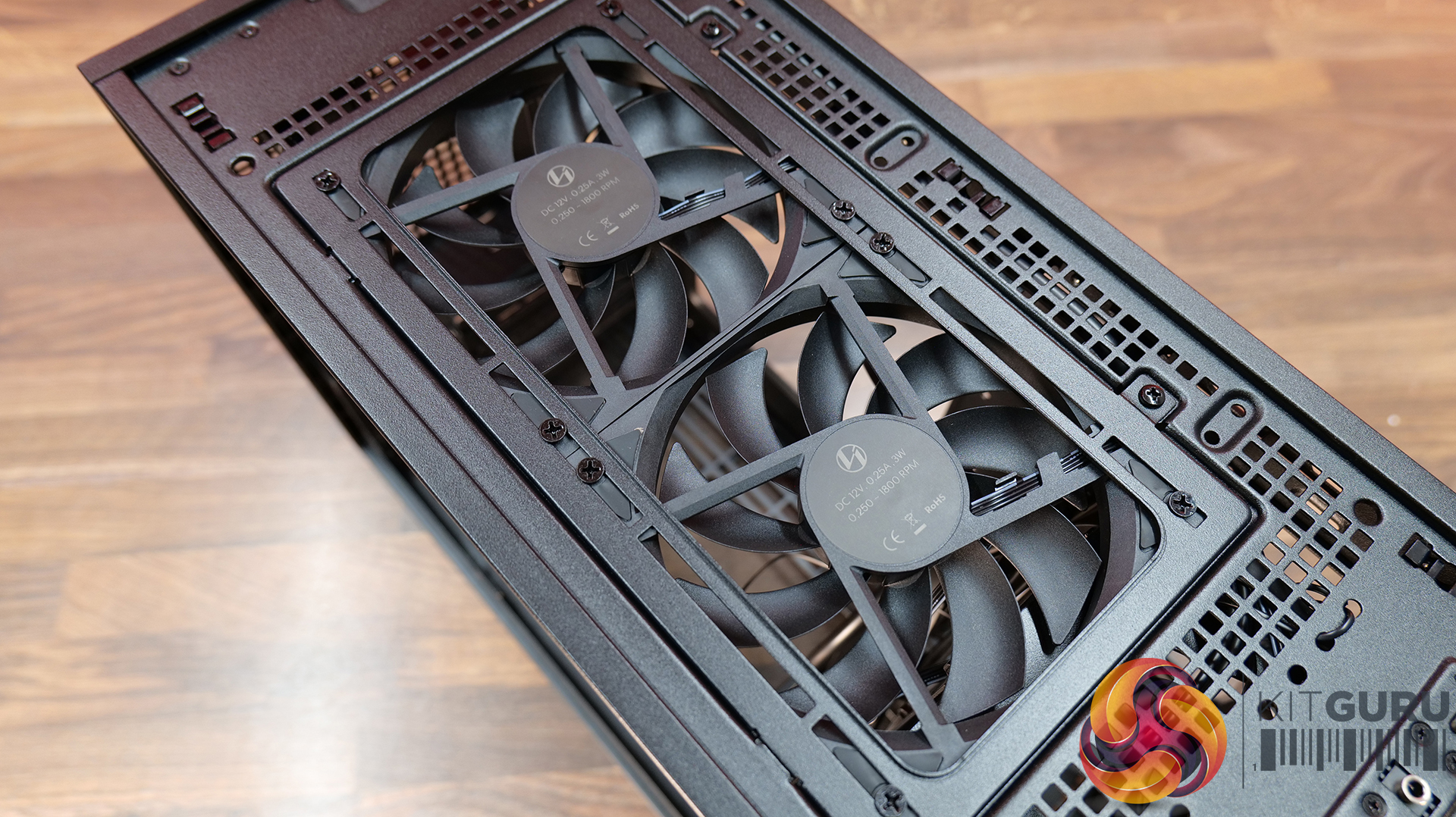
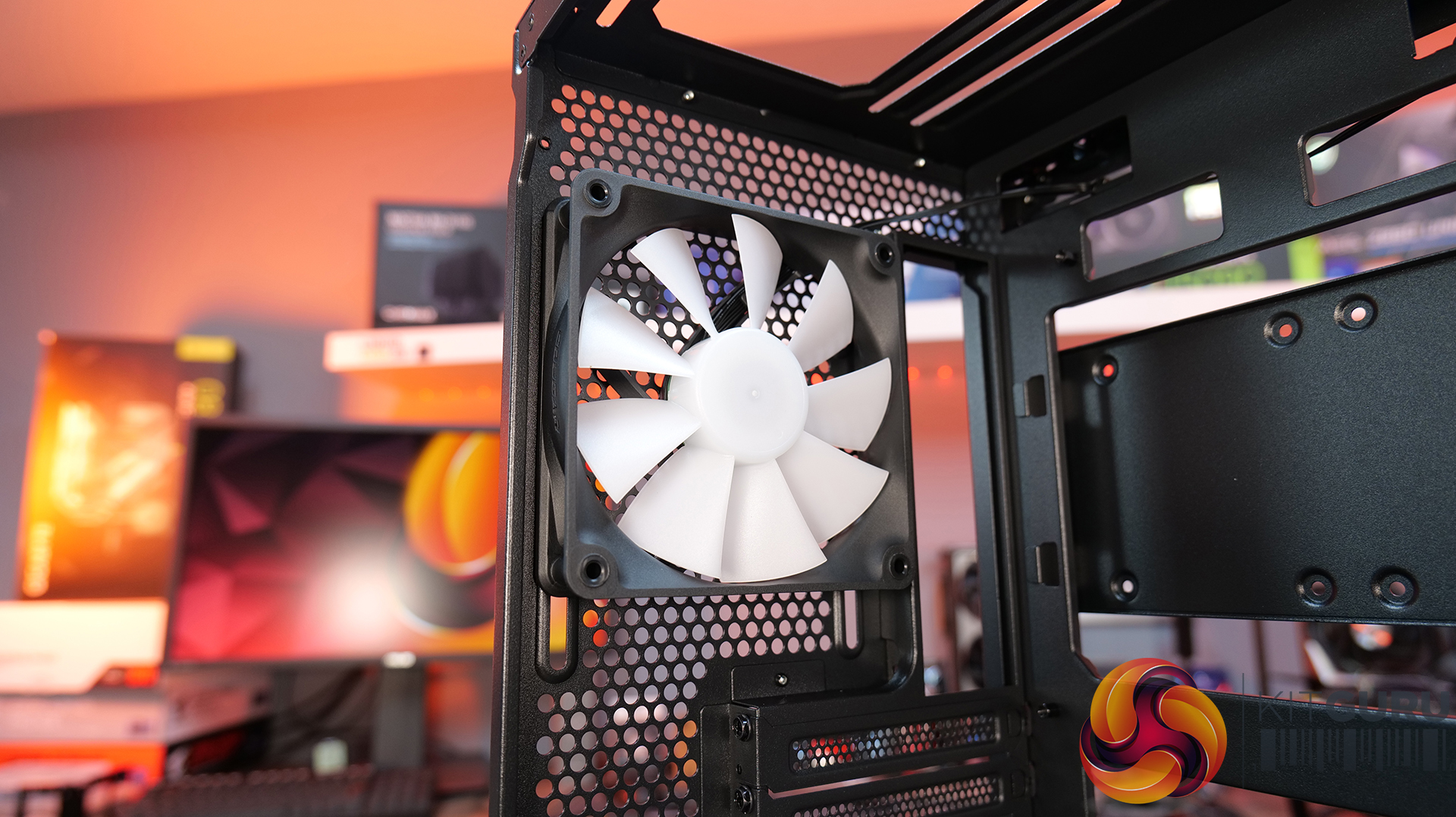
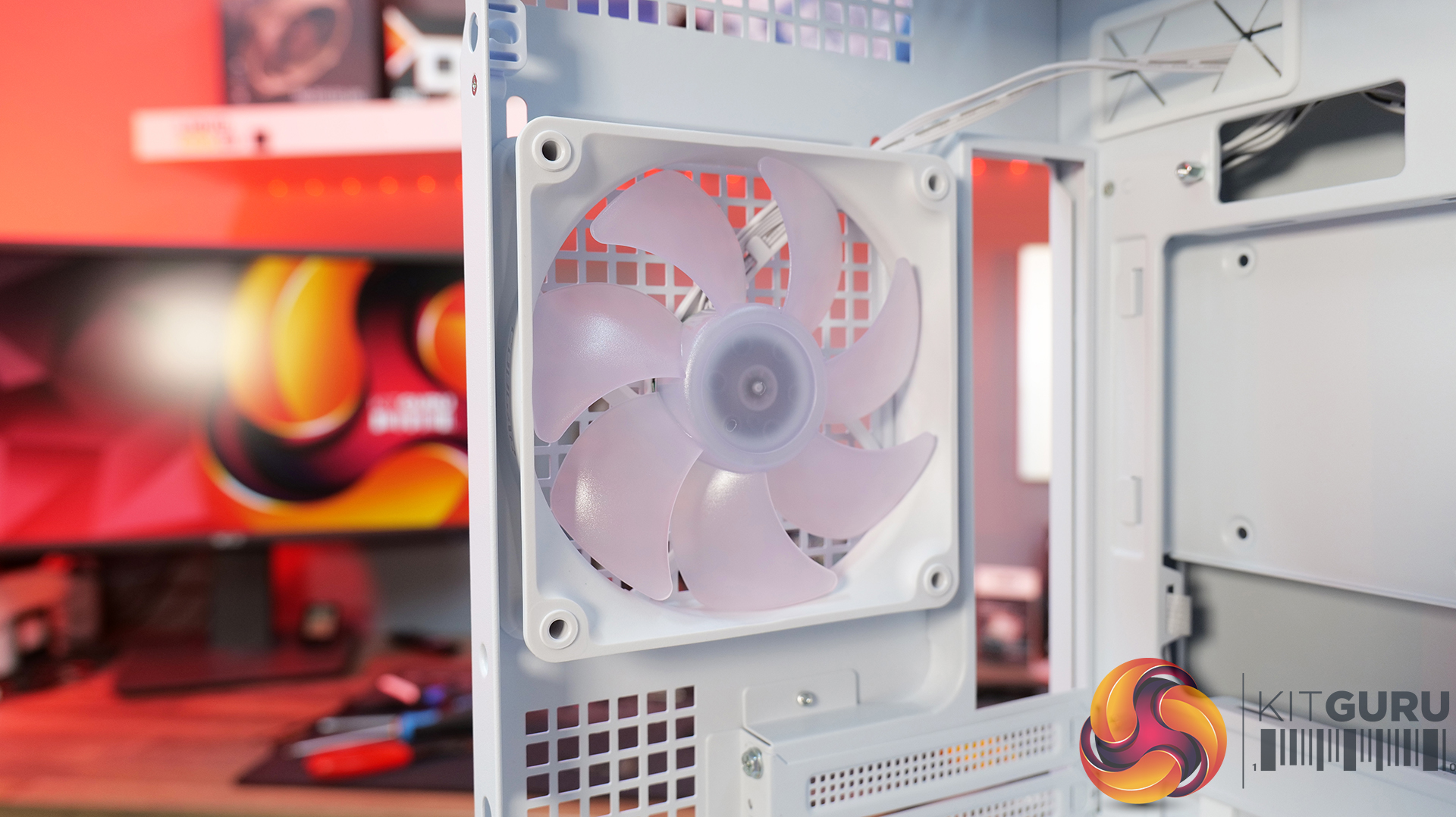
  • Airflow-First Design – The MX600 Max comes equipped with two huge 200mm ARGB PWM front fans and a 120mm ARGB PWM rear fan. Combined with Cougar's dual-curve airflow ramp and heavily ventilated front panel, designed to deliver airflow directly to the system's critical areas.
  • Excellent Hardware Compatibility – The MX600 Max supports graphics cards up to 400mm long, 360mm radiators in the roof, CPU coolers up to 170mm tall and Mini-ITX, Micro-ATX and ATX motherboards, giving you plenty of flexibility for a high-end build.
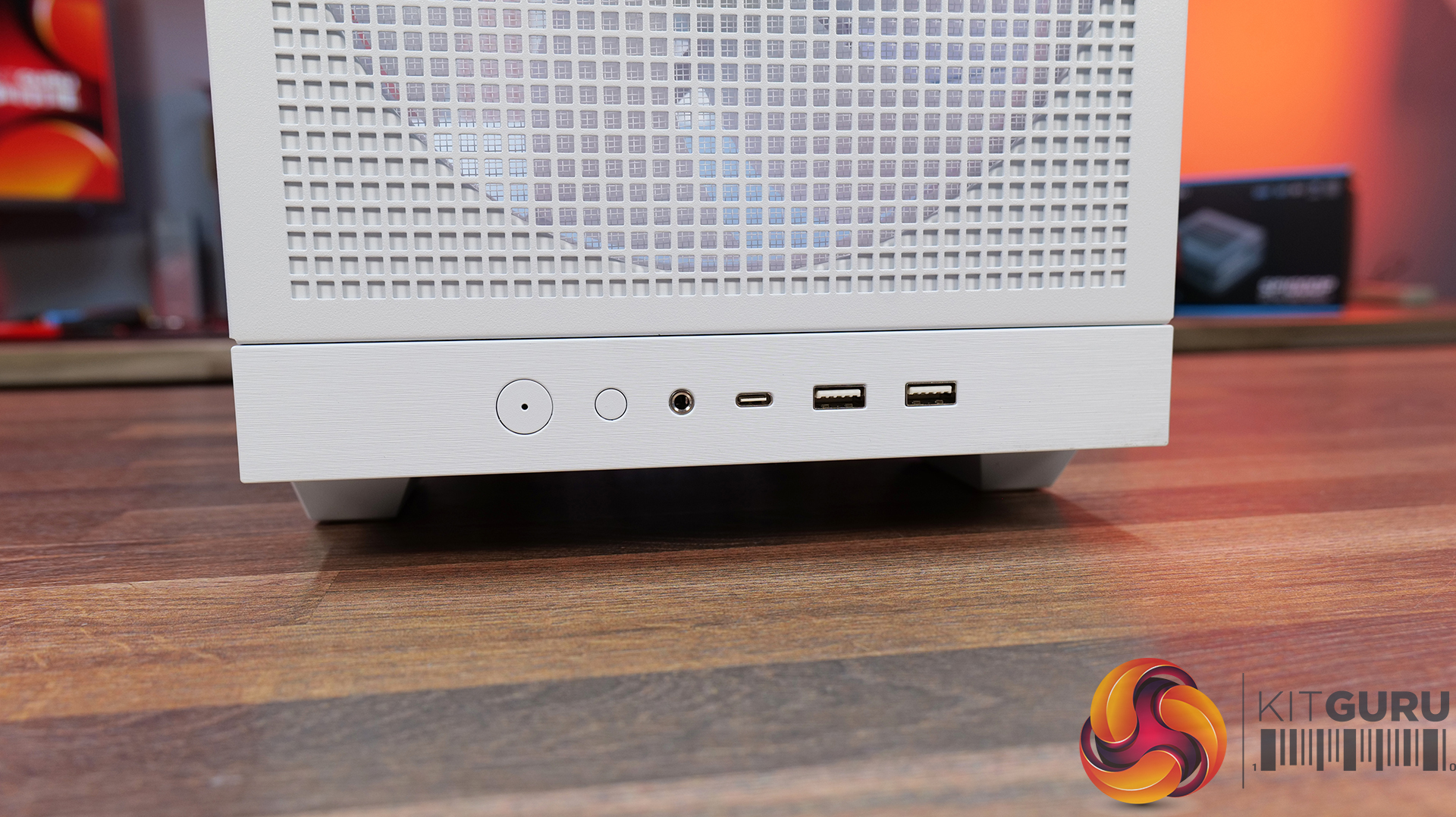
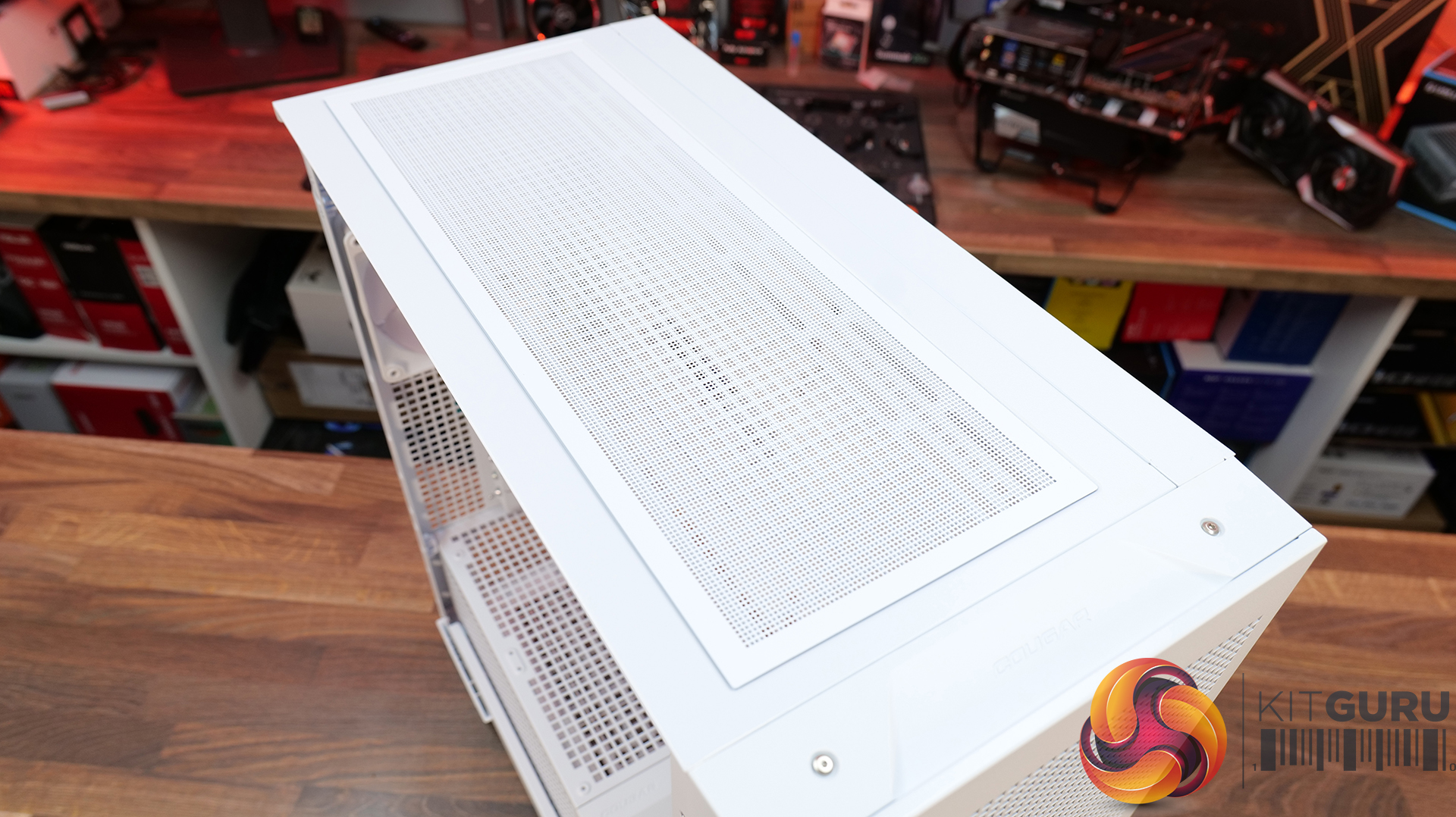
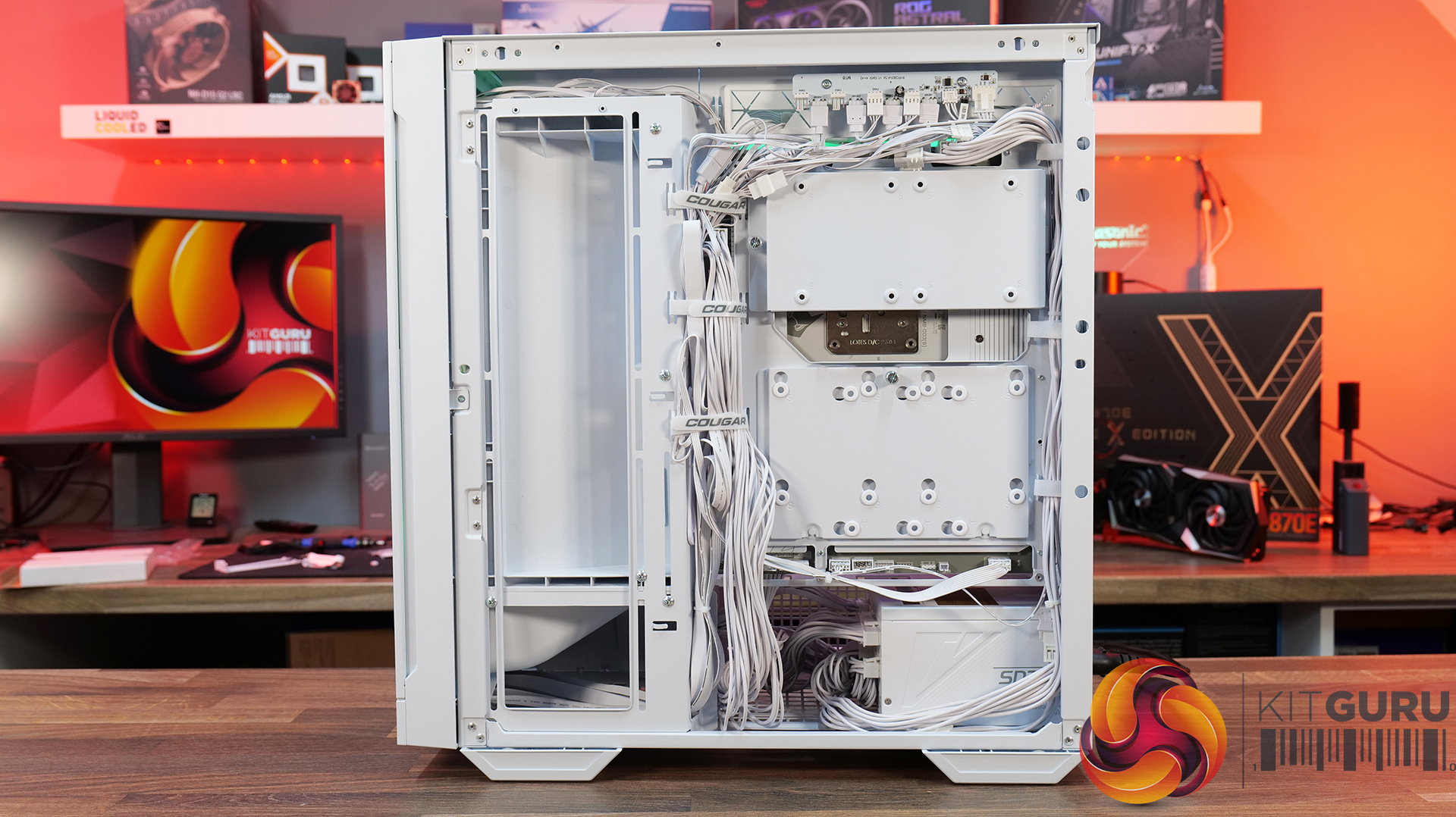
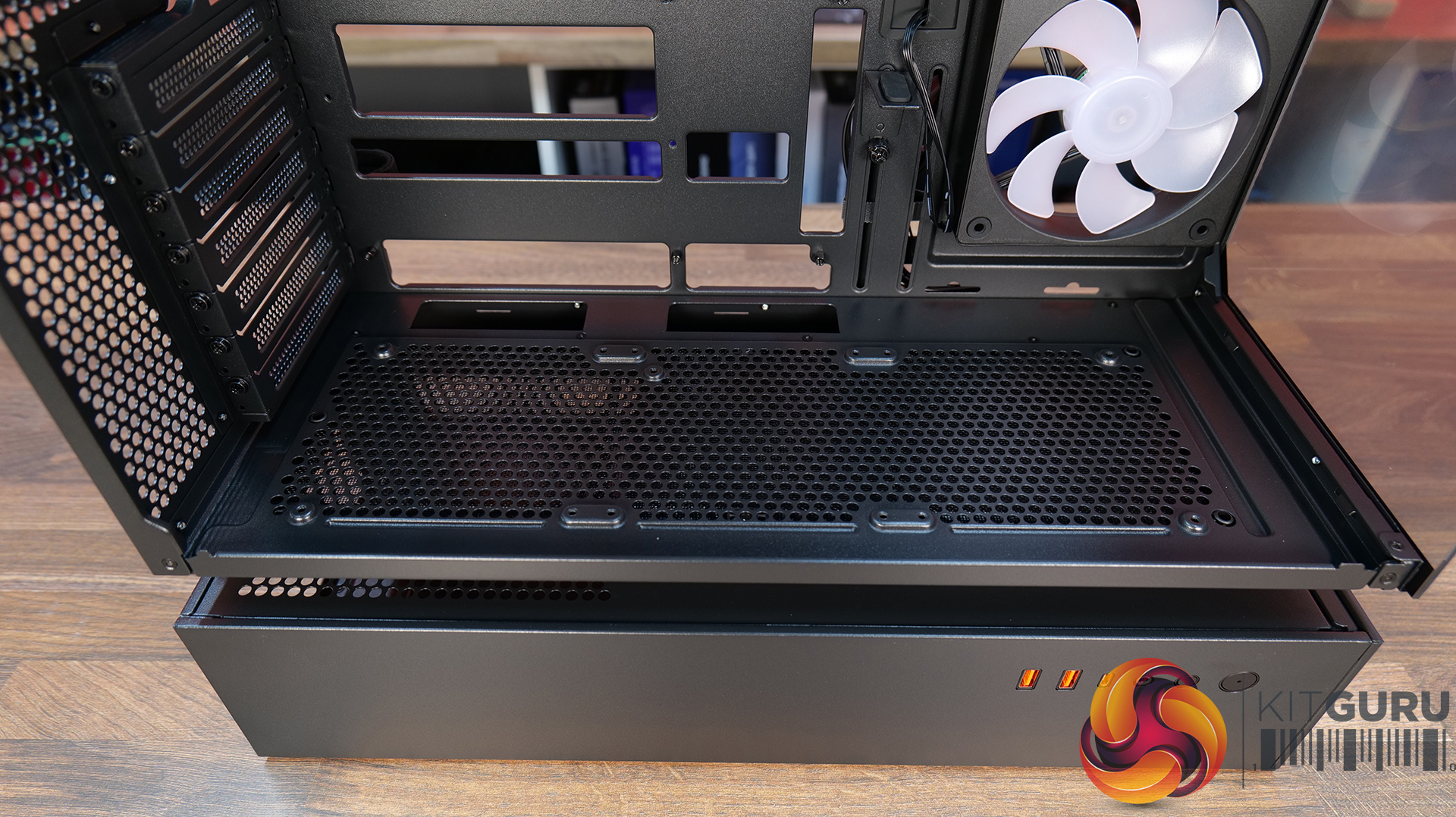
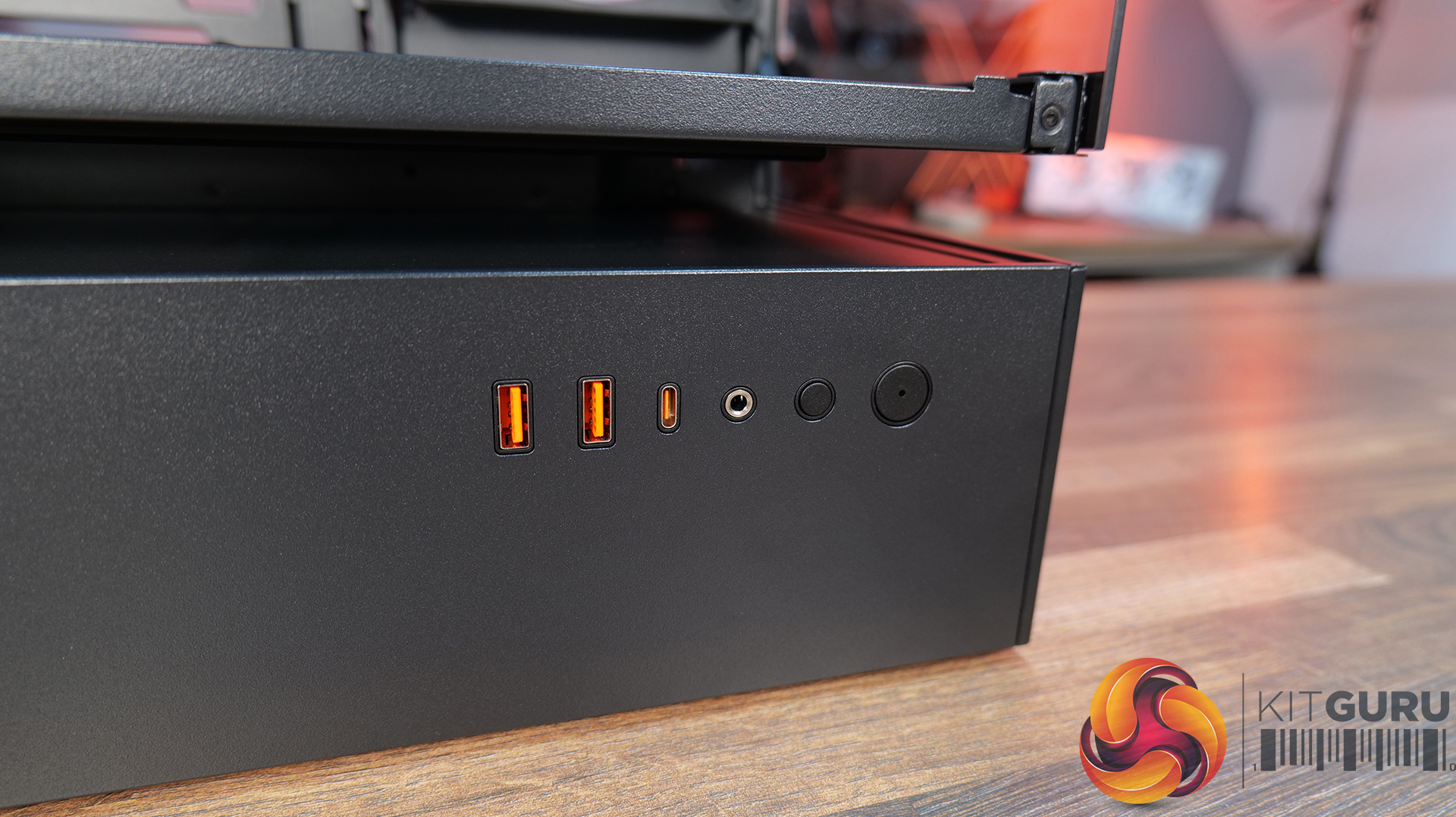
  • Designed to Make Building Easier – The fully detachable top cover simplifies radiator and fan installation while the modular front I/O panel can be mounted at the top or bottom of the case to suit your setup. Removable dust filters also make system maintenance much easier.
Specifications:

  • Case Type: Mid Tower
  • Dimensions (LxWxH): 235 x 514 x 482 (mm)
  • Materials: Steel, Plastic, Tempered Glass
  • Motherboard Support: Mini ITX / Micro ATX / ATX
  • Reverse Connector motherboard support: Yes
  • Expansion Slots: 7
  • Storage bays: 5” x 1, 2.5” x 4
  • Max GPU Length: 400mm
  • Max CPU Cooler Height: 170mm
  • PSU Type: ATX up to 200mm
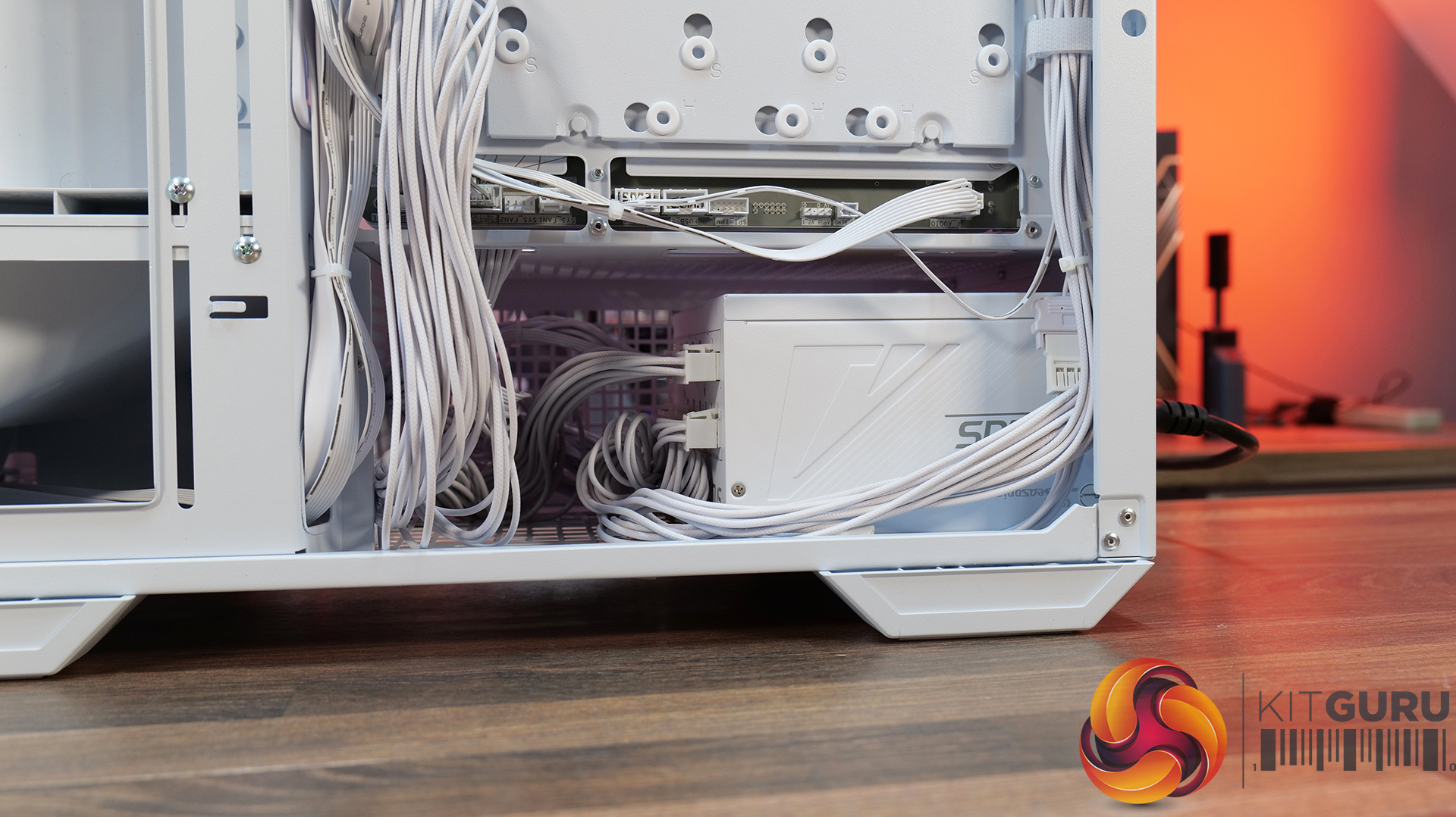
  • Cable Routing Space: 35mm (Behind motherboard tray)
  • Supplied Fans: 2 x 200mm (Front) 1 x 120mm (Rear)
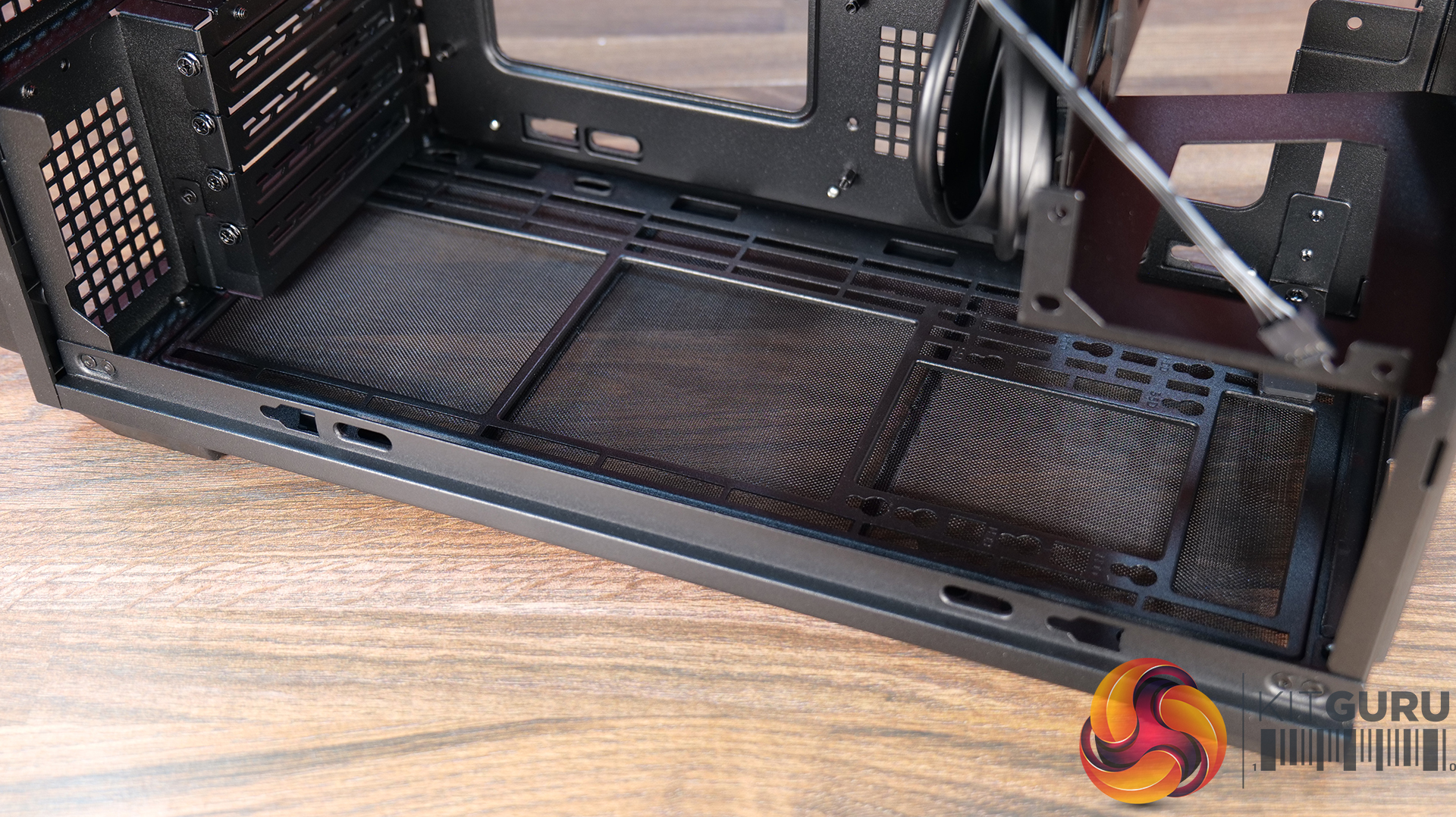
  • Fan Support: 120mm x 3 / 140mm x 2 (Top), 200mm x 2 (Front), 3 x 120mm with shroud reomved (R/H Side), 1 x 120mm (Rear), 120mm x 2 (Bottom)
  • Radiator Support: 360mm / 280mm / 240mm (Top)
  • Dust Filters: Front, Top, R/H Side, Bottom, PSU Shroud
  • Front I/O: USB 3.2 Gen 2×2 Type-C x 1, USB 3.0 Type-A x 2, 4 Pole Headset Audio Jack x 1, RGB Button
  • LCD Screen: N/A

Thermal Performance Testing

To simulate thermal demand, we run the Cinebench R23 multi-thread benchmark and 3DMark Speed Way stress test simultaneously in a loop for 30 minutes to load the system fully. This gives the CPU and GPU enough time to reach constant steady-state temperature. With this data, we can compare how the system handles the thermal demand and measure peak noise levels.

Thermal performance is measured with the case in various configurations, such as the default, with the tempered glass left-hand side panel removed and with the front panel removed to see how these configurations affect the CPU and GPU temperature. During testing, only stock case fans are used unless otherwise specified. All water pumps are set to maximum RPM and fans are set to a custom RPM curve by the Motherboard software/BIOS.

All temperature measurements are presented as Deltas – meaning the ambient temperature has been deducted from the CPU temperature, giving us a Delta. Data shown in the charts represents the average component temperature over the length of the test as measured by HWiNFO, and then the last 15 minutes of the data are calculated to get the average. The ambient temperature during thermal tests is between 19-20⁰C.

Test System Specification:

Thermal Performance Overview

We test case thermals using a 360mm AIO as exhaust at the top and with the case in several different fan configurations. The default configuration shown in the charts is with the top 360mm AIO cooler, 2 x 200m front intake fans, a single 120mm rear exhaust fan and with all case panels installed.

Thermal performance from the Cougar MX600 Max is very impressive overall. In its default configuration the case keeps both the CPU and GPU temperature under control at 55°C over ambient, showing that the pre-installed airflow setup is well optimised.

Removing the front and top panels and dust filters, produces no meaningful improvement, which tells us those panels cause very little restriction to airflow. The biggest improvement however, comes from fitting optional floor intake fans which reduce GPU temperature by 3°C compared to the default setup, while maintaining the same CPU temperature. This setup is ideal for optimising GPU performance.

Noise Output

Noise performance from the Cougar MX600 Max is also quite impressive. In its default configuration, the system reaches 47dBA under full load, which is a reasonable result given the large 200mm front intake fans and included cooling setup. Interestingly, removing the tempered glass side panel and adding floor intake drops noise output by 3dBA to 44dBA,  showing that the extra GPU cooling also reduces GPU fan speed and noise.

Removing the front panel, along with the front and top dust filter makes no difference to noise levels compared with the default setup, which shows that Cougar has done a good job optimising airflow through the chassis. The only configuration that increases noise is removing the front air scoop and adding side intake fans, which raises noise output to 49 dBA while offering no real thermal advantage.

Closing Thoughts

The Cougar MX600 Max is a very easy case to recommend. It does exactly what its design to do, offering high airflow and extensive hardware compatibility without overcomplicating the design. The pair of pre-installed 200mm PWM ARGB intake fans, combined with the mesh front panel, provide excellent cooling performance straight out of the box. There's very little to be gained from removing panels or filters, which indicates that Cougar has optimised the airflow well. If you're looking to optimise GPU cooling, fitting PSU shroud intake fans can knock a few degrees from GPU temperatures, but the gains are relatively small as the default cooling setup is already effective.

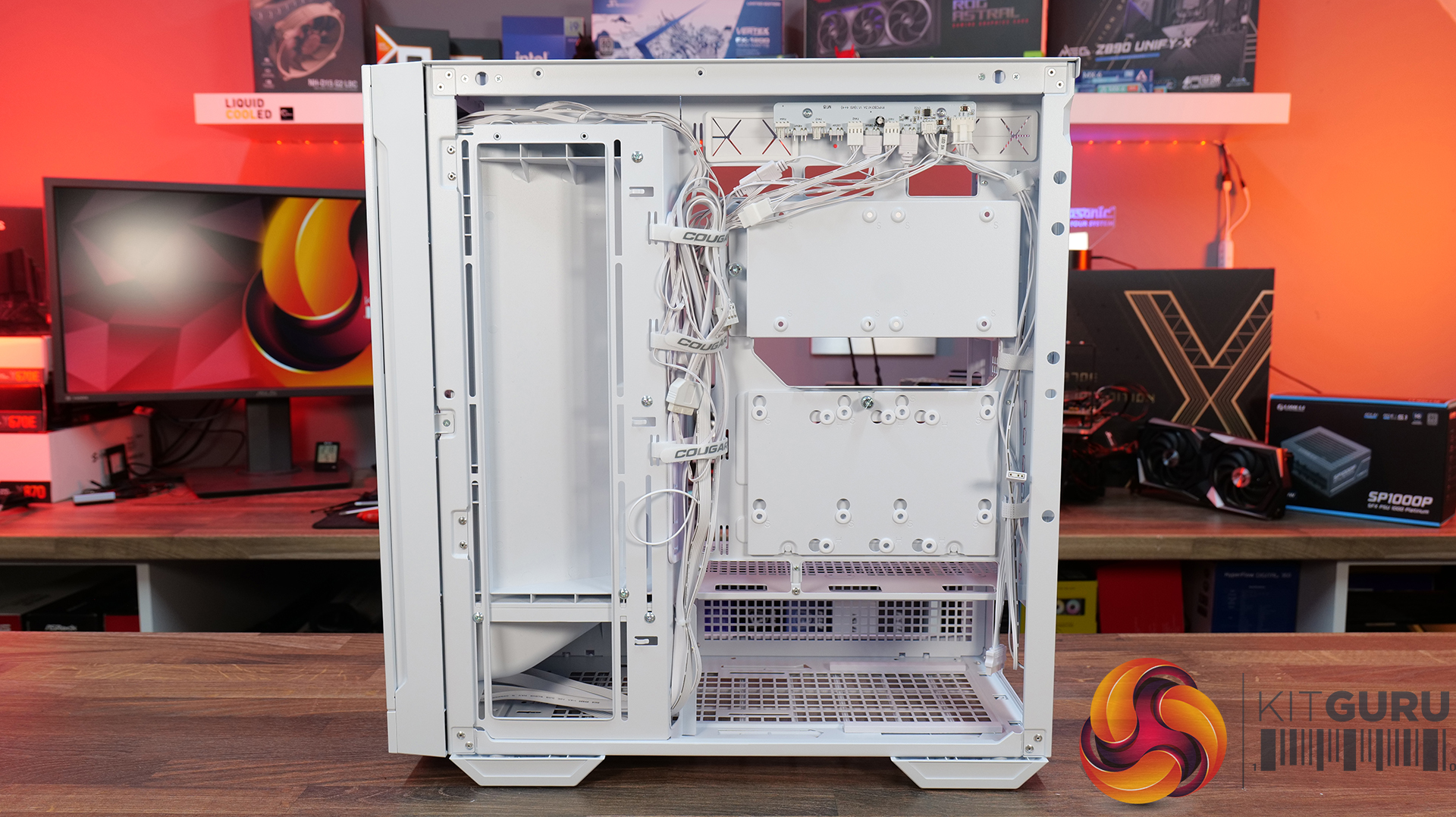
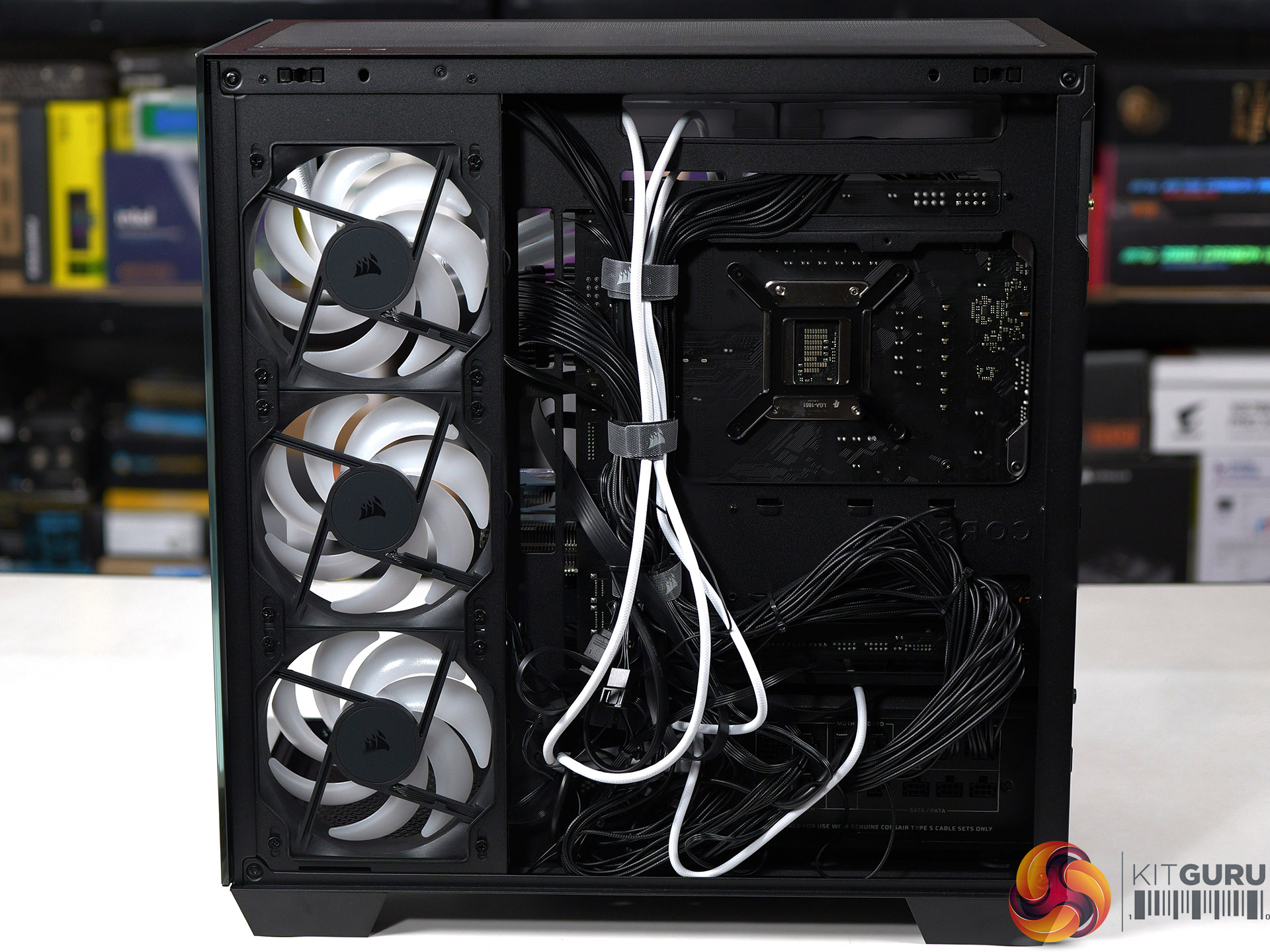
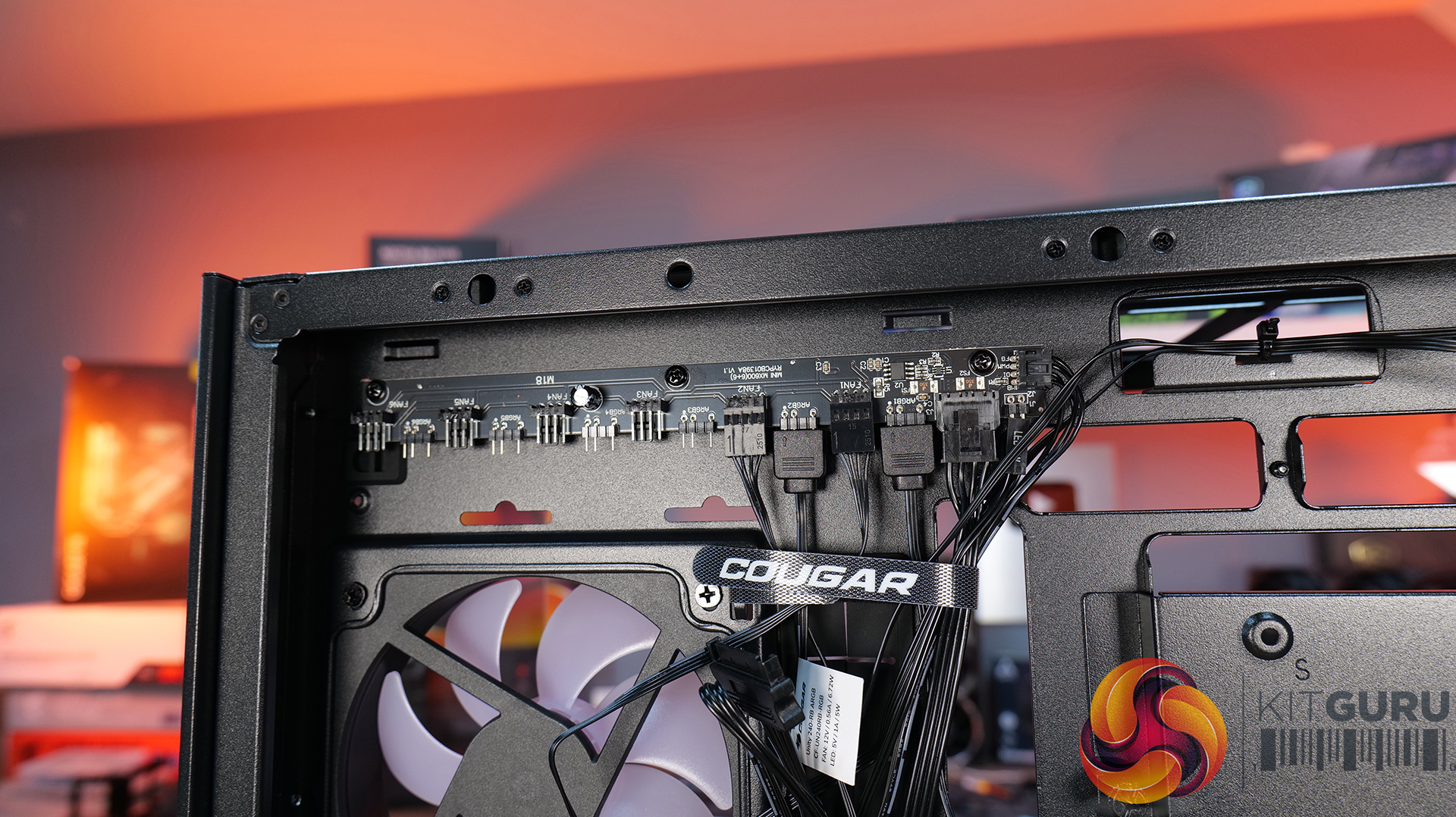
Hardware compatibility is another strong point. It supports graphics cards up to 400mm long, 360mm radiators in the roof, tall air coolers, back-connect motherboards and loads of 2.5” storage, so there's very little this case won't accommodate. Building inside the MX600 Max is straightforward too; there's loads of space to work, generous cable-routing cut-outs, plenty of clearance behind the motherboard tray and integrated Velcro straps helping to keep cables managed and looking tidy. The overall build quality is solid throughout which gives the MX600 Max a premium feel despite its competitive pricing.

There are only a couple of minor negative points to consider before buying. The first is the size of the chassis, it is a mid-tower, but feels bulky compared with some ATX cases that offer similar hardware support. It may not be ideal in terms of size to run it on a desktop space. The second is radiator support at the front of the case. Cougar has prioritised the large 200mm intake fans, which means there's no option to install a front-mounted radiator. For most users this won't matter, particularly given the excellent top-mounted 360mm radiator support, but it does reduce options for custom cooling.

Overall, the Cougar MX600 Max is an excellent airflow-focused chassis that gets the basics right. It combines solid thermal performance, sensible acoustics, good hardware compatibility, an easy building experience and great build quality with a sensible MSRP. Unless you specifically need front radiator support or a more compact chassis, the MX600 Max is easy to recommend and deserves to be considered alongside some of the best airflow cases in its price bracket.

Pros: 

  • Lots of space to work with.
  • Great thermals and low noise.
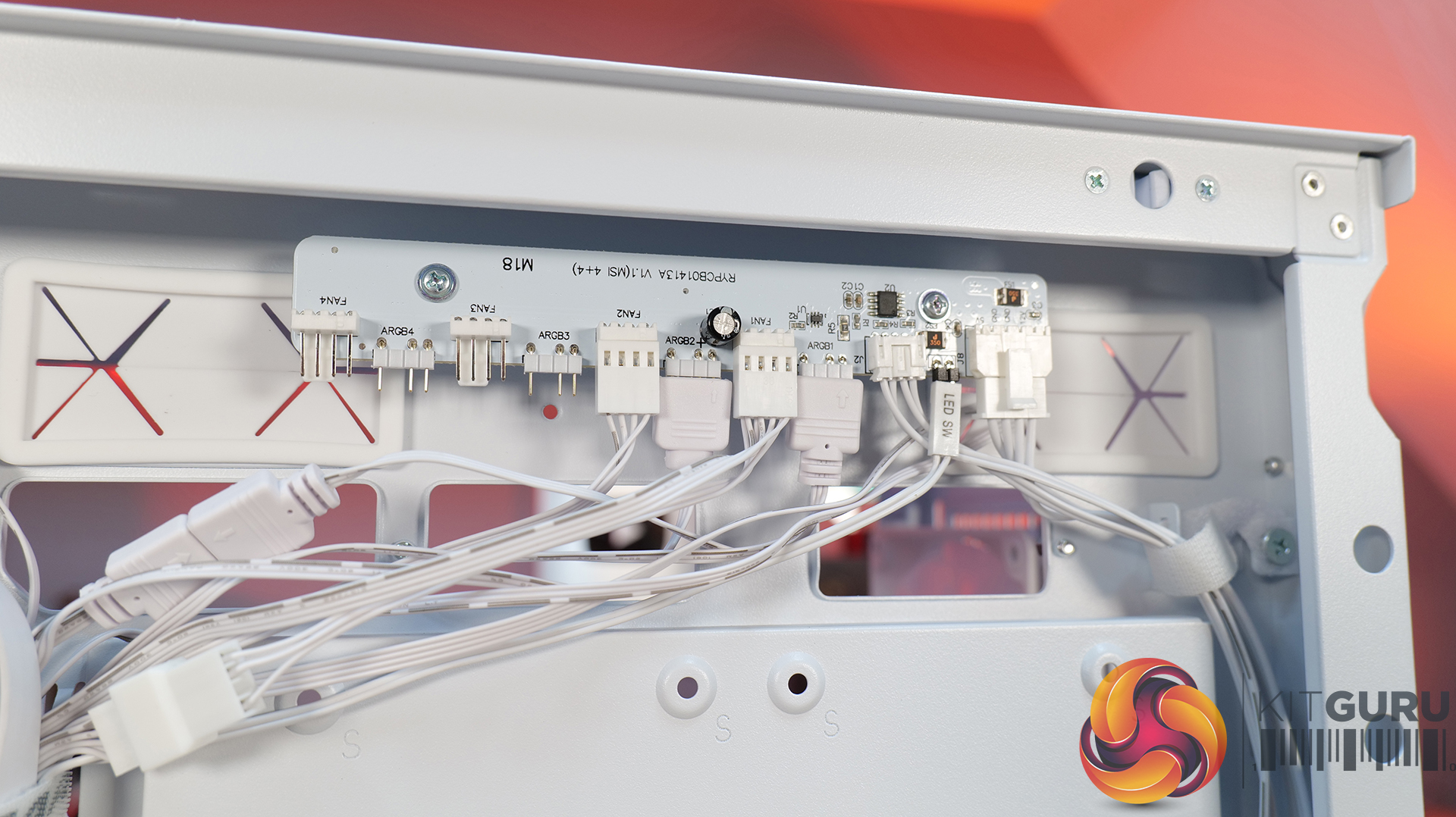
  • Included fan/rgb hub.
  • Good price.

Cons:

  • A little large for a mid tower.
  • No front radiator support.

KitGuru says: Unless you specifically need front radiator support or more compact dimensions, the Cougar MX600 Max is a serious contender if you're looking for a well-built, high-airflow chassis.
The post Cougar MX600 Max RGB Case Review first appeared on KitGuru.

GIGABYTE Silently Releases B850M AORUS Stealth With Connectors On The Back

14 July 2026 at 11:41

The image shows a Gigabyte B850M AORUS STEALTH motherboard featuring 'X3D Turbo Mode,' 'Driver BIOS,' '5 GbE LAN,' 'WiFi 7,' and other specifications, displayed prominently alongside AMD Ryzen and Stealth branding elements.

The company just dropped another connector-less motherboard, but with the micro-ATX form-factor for compact builds. GIGABYTE Releases B850M AORUS Stealth Motherboard, Featuring 12 Power Phase VRM, 4x DIMMs, Dual PCIe x16 Slots, While Keeping the Rest of the Connectors at the Back Popular hardware maker GIGABYTE is silently expanding its Stealth lineup with more motherboard models. GIGABYTE's Project Stealth was introduced back in 2022, and since then, it has added several motherboard models in the series, including 600 and 800 series motherboards with different chipsets. The company has now introduced a new Stealth motherboard called B850M AORUS Stealth, which introduces […]

Read full article at https://wccftech.com/gigabyte-silently-releases-b850m-aorus-stealth-with-connectors-on-the-back/

Lian Li B4 mATX PC Case Review

14 July 2026 at 10:28

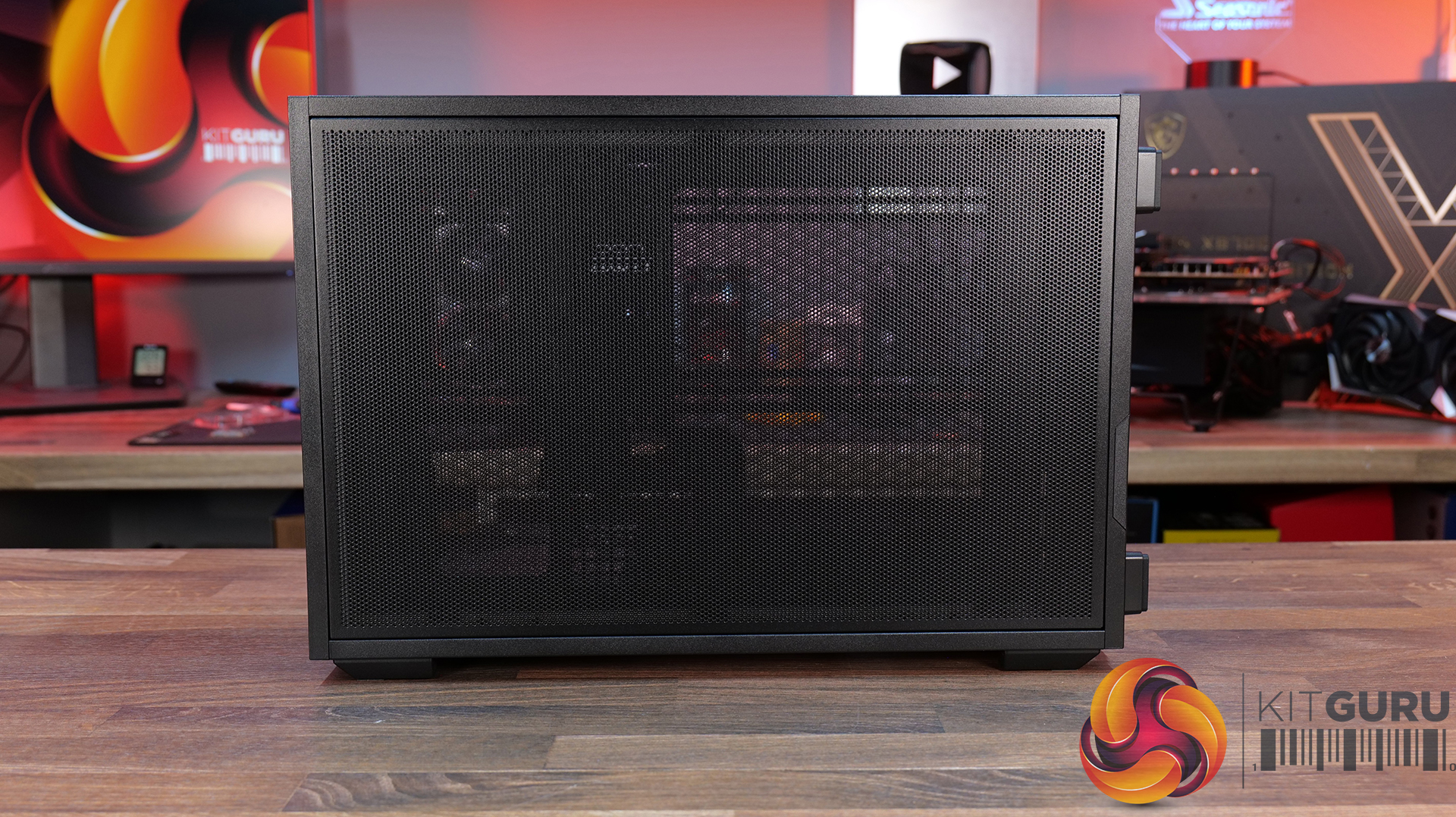
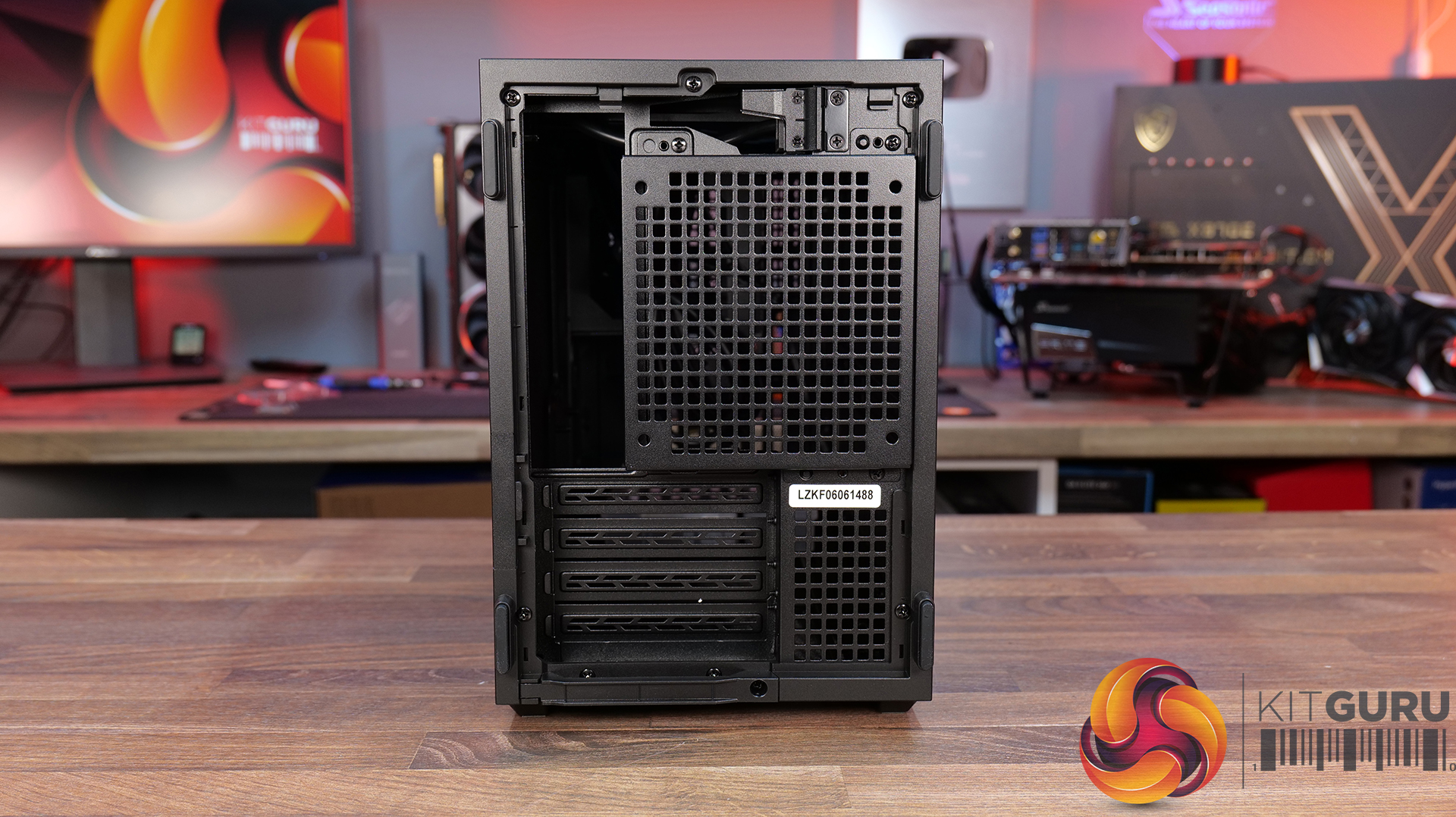
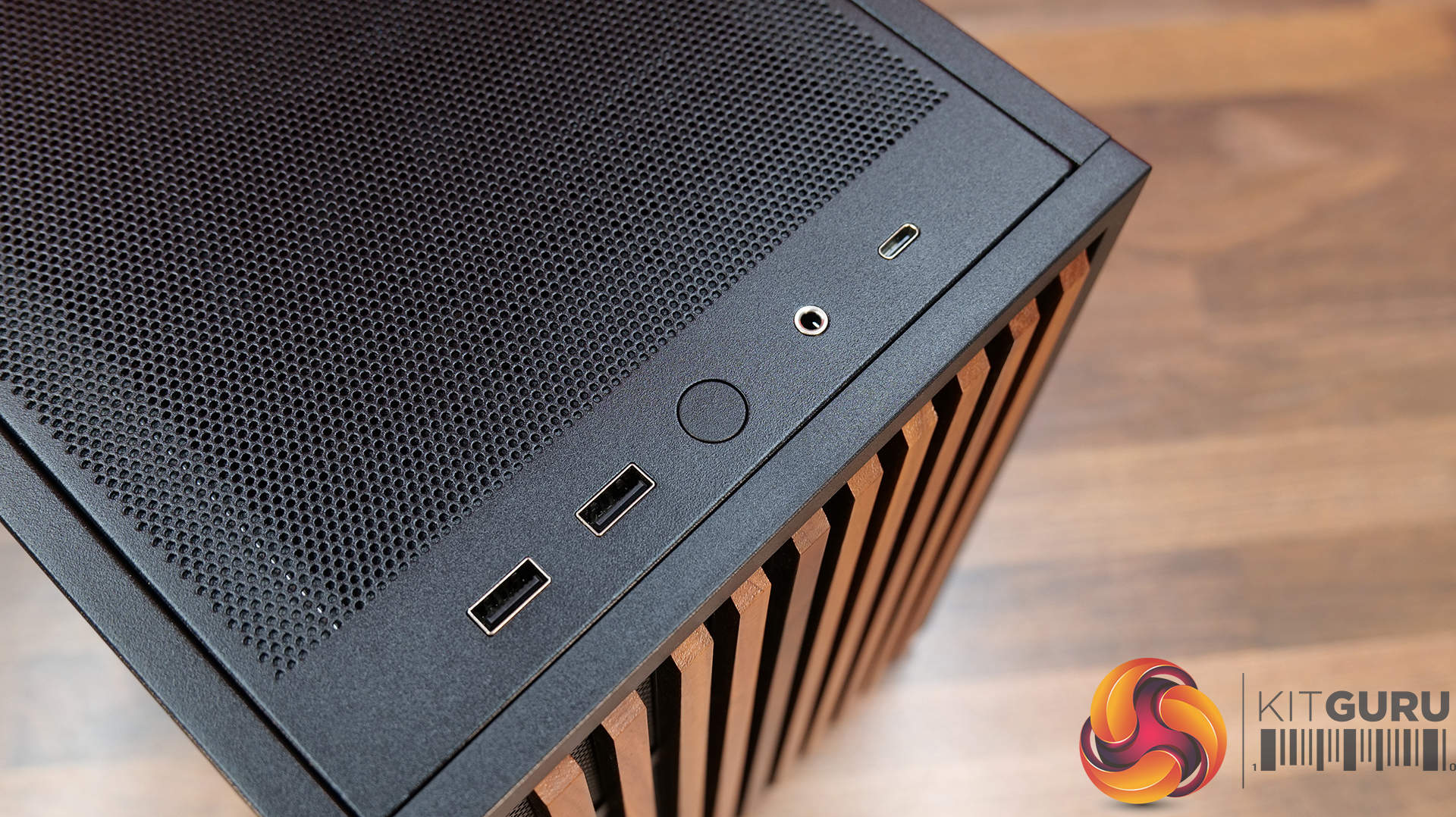
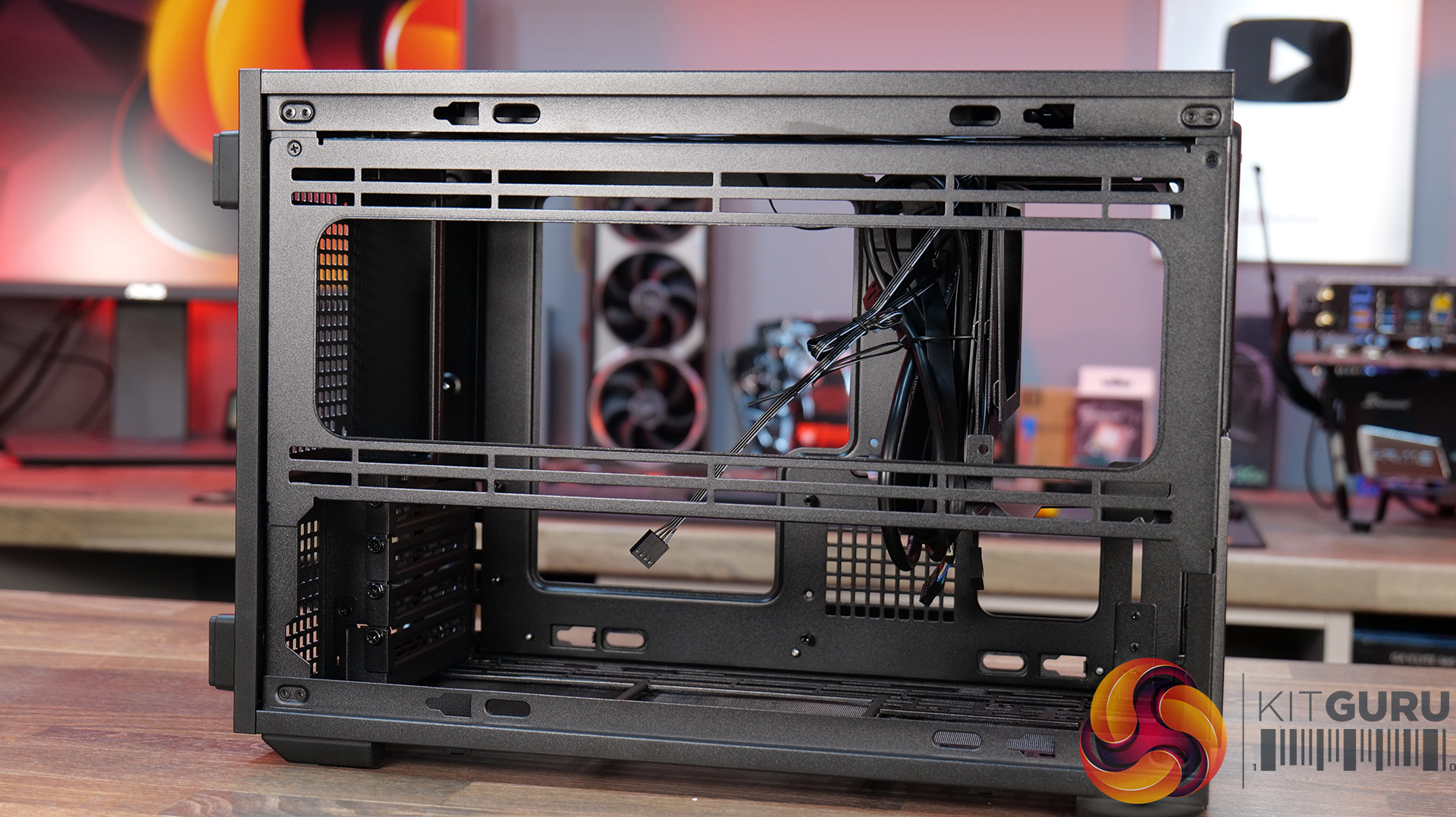
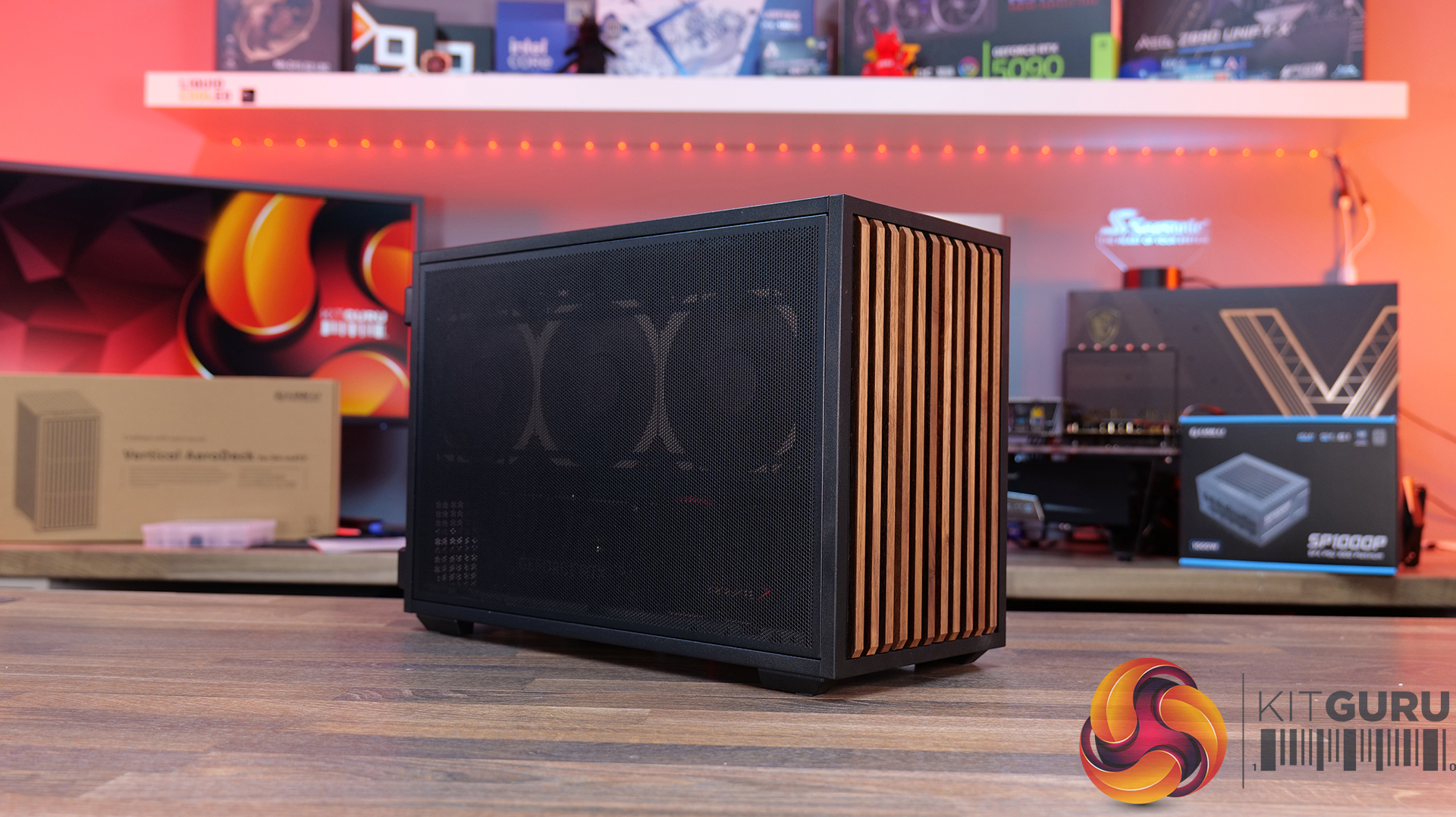
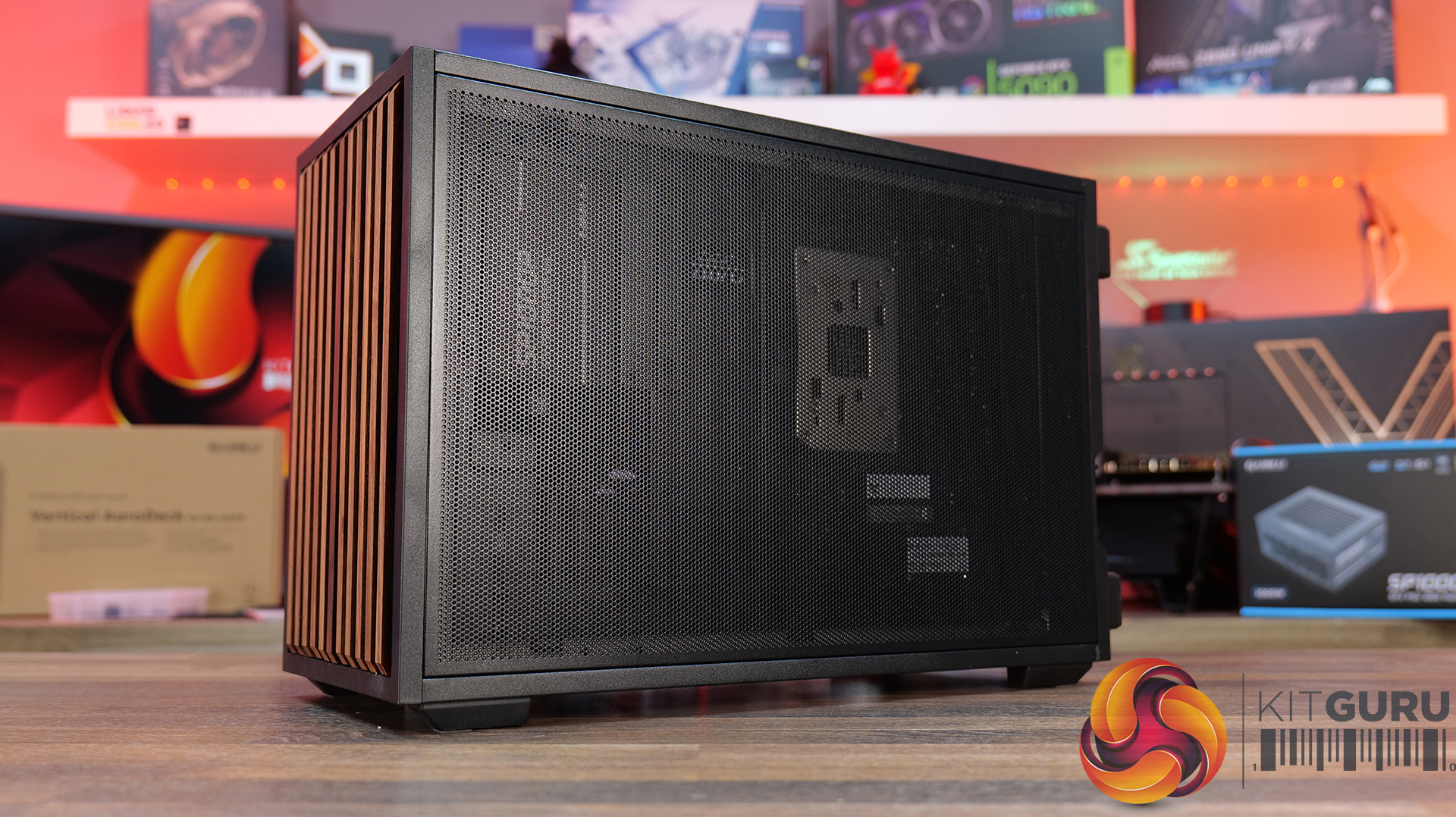
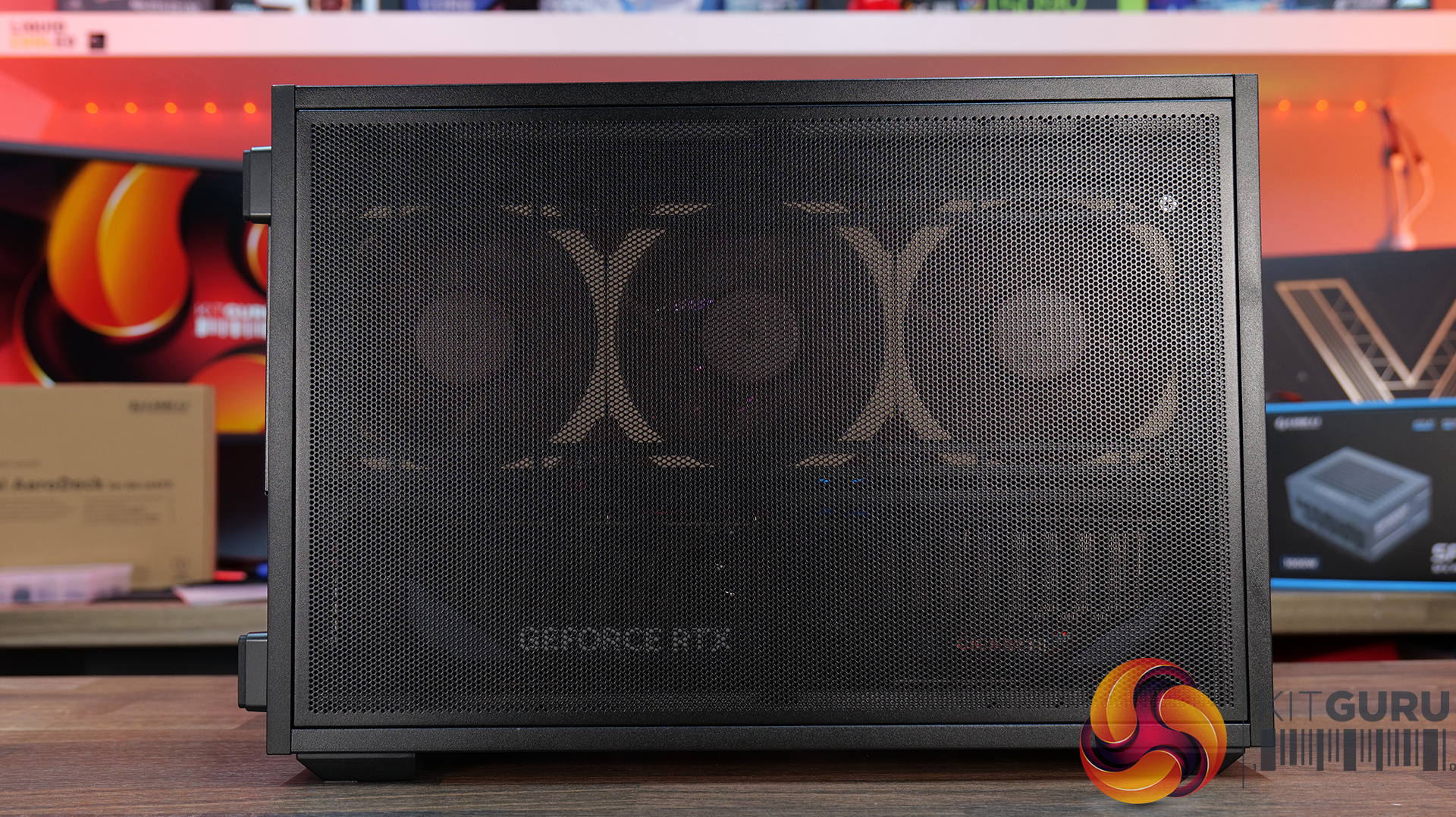
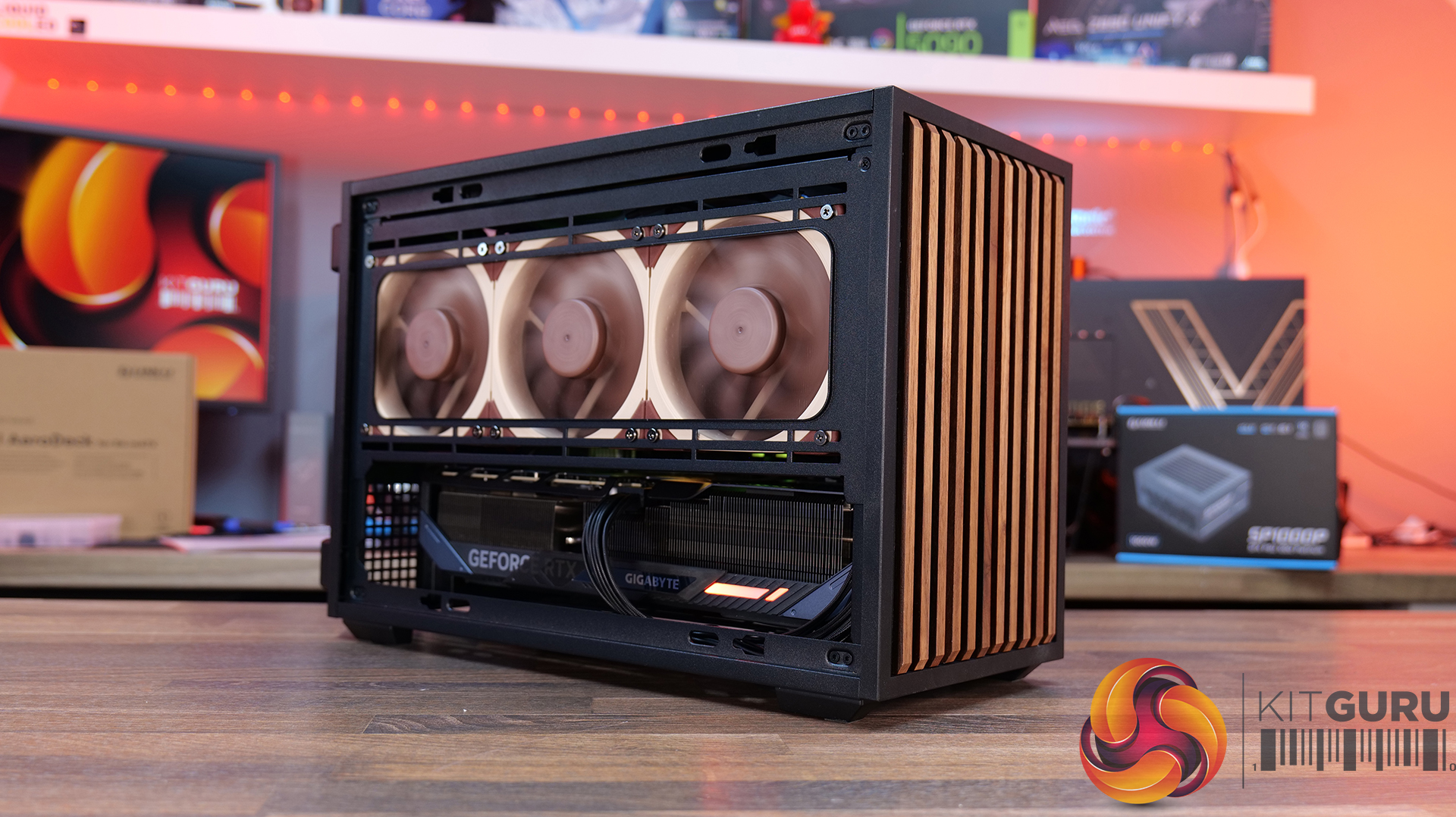
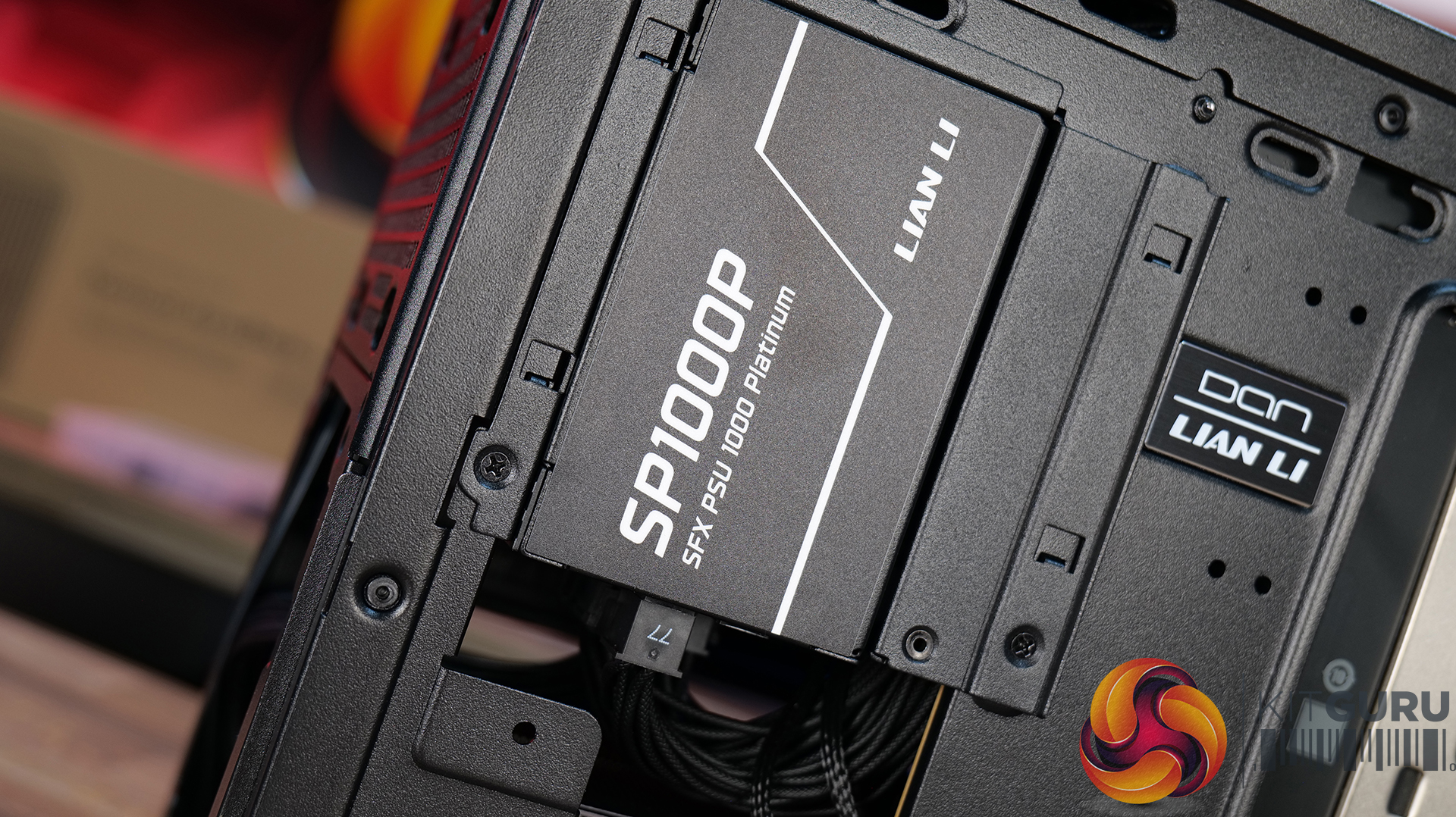
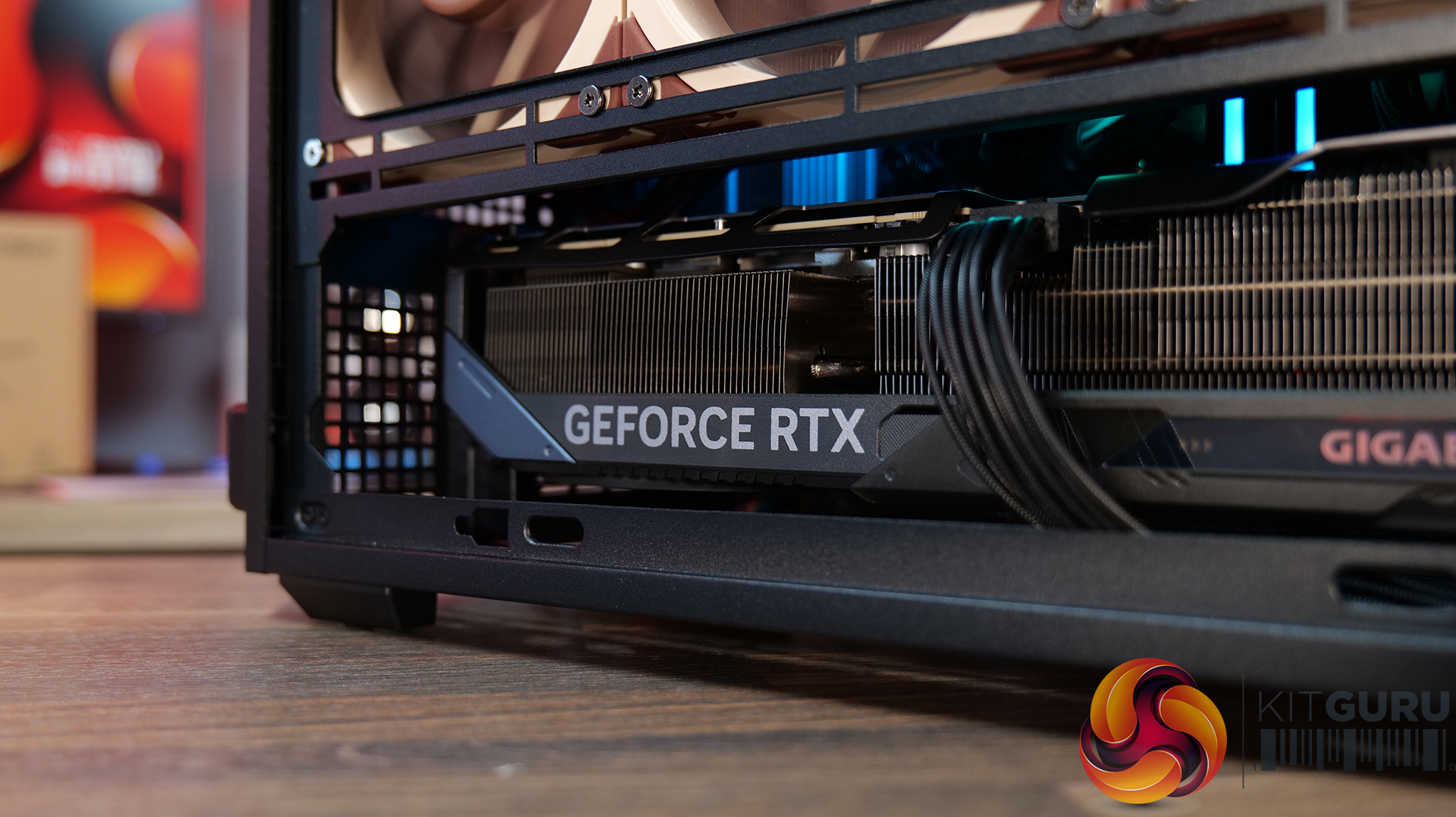
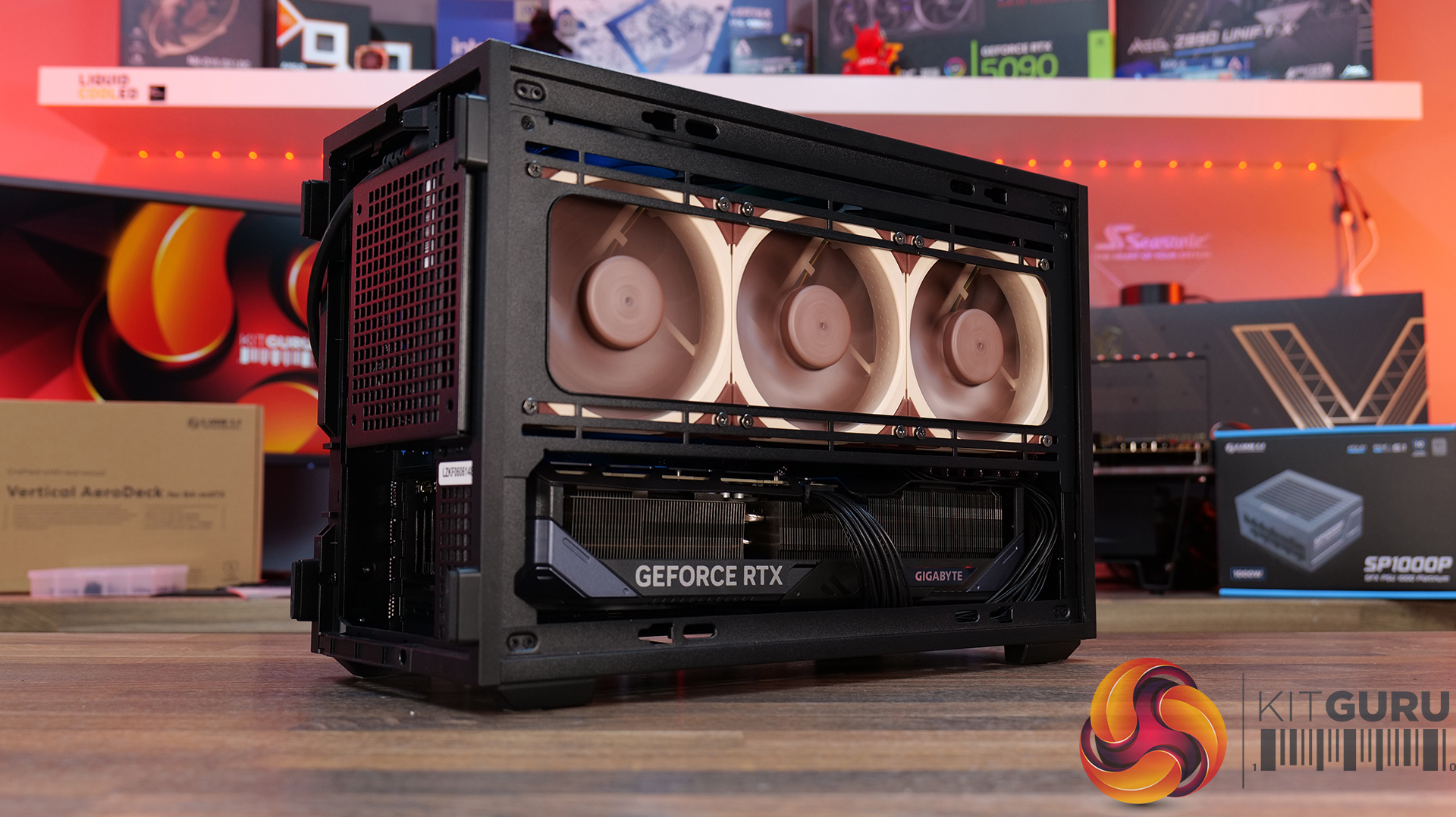
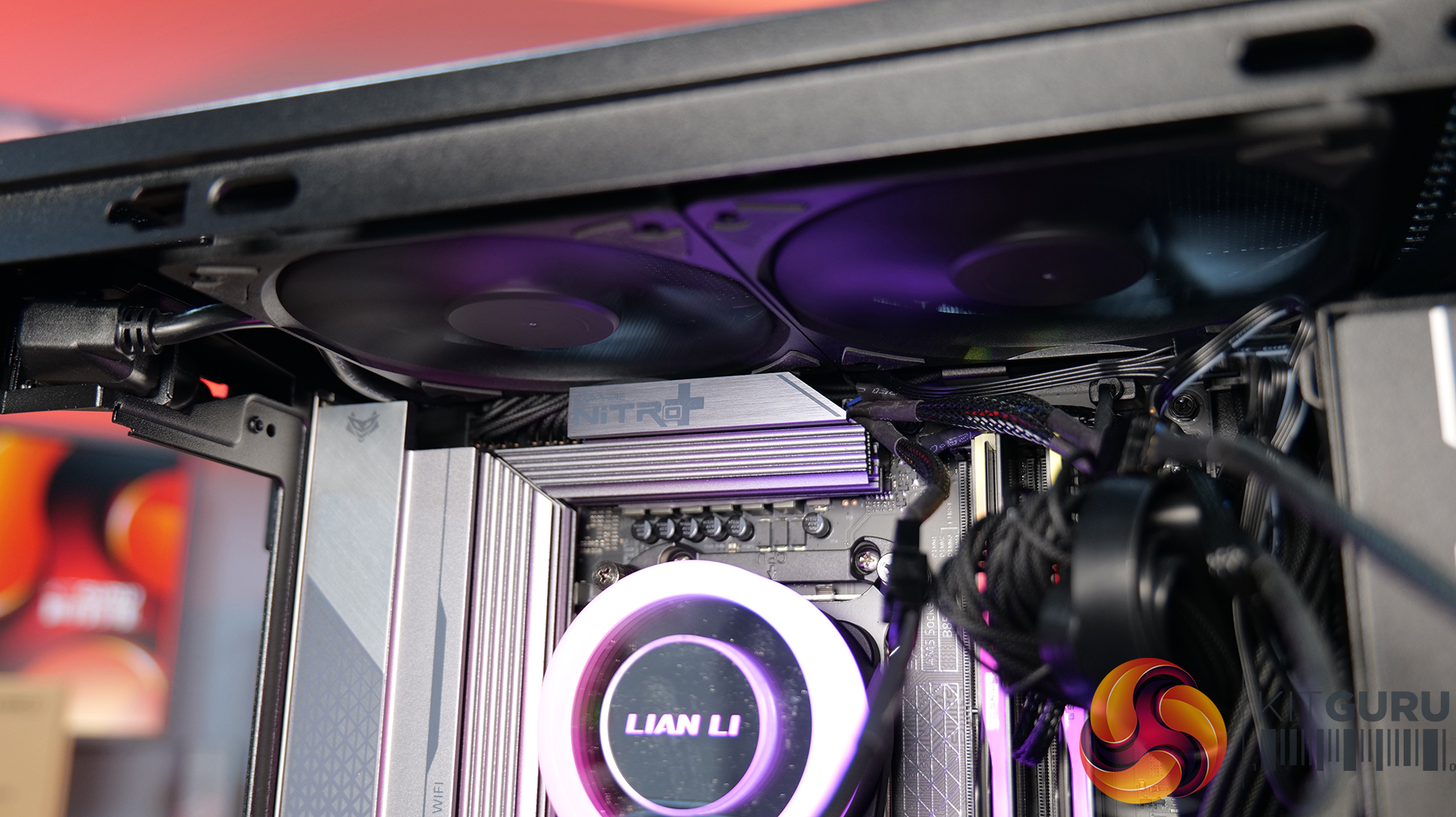
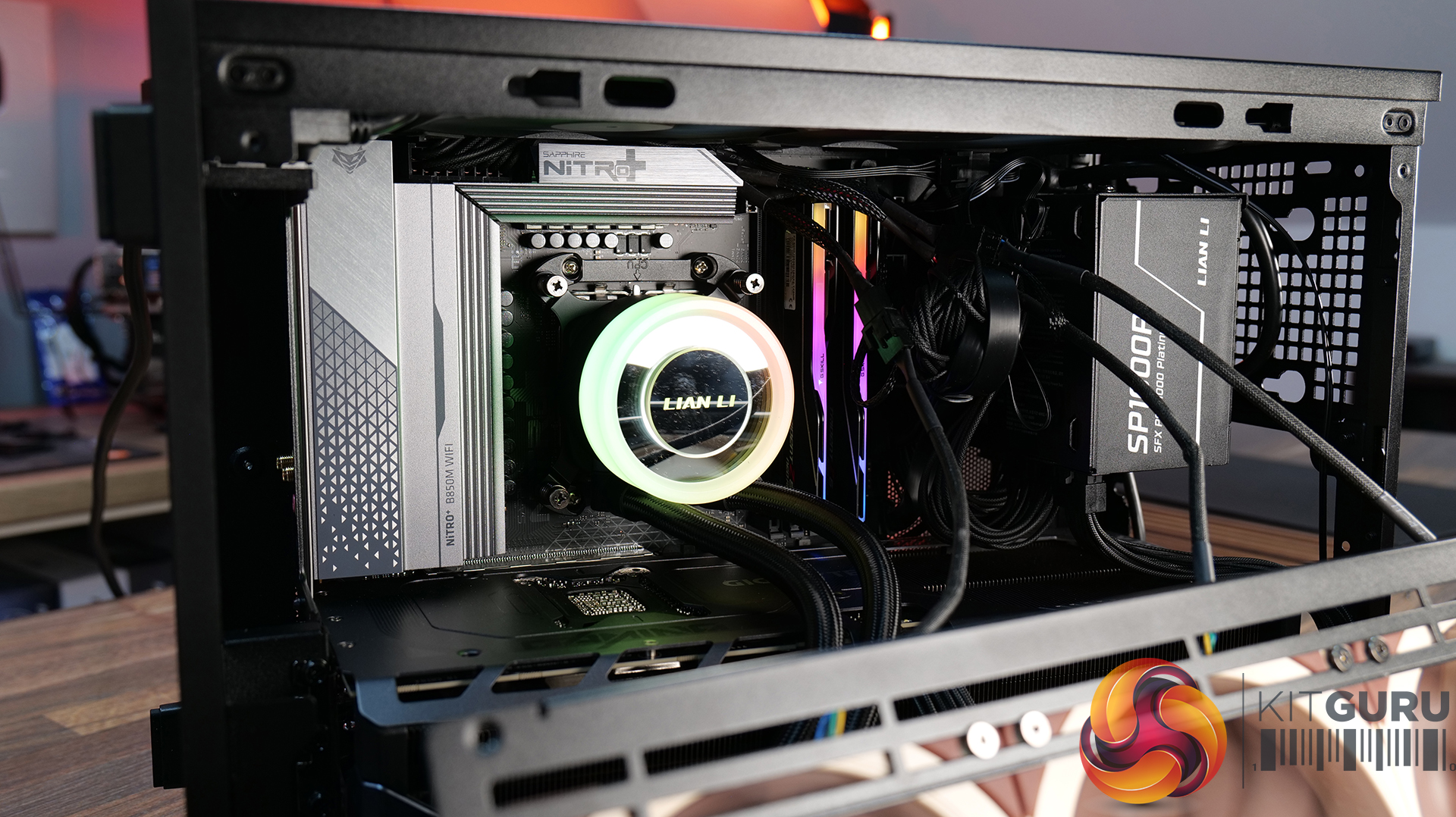
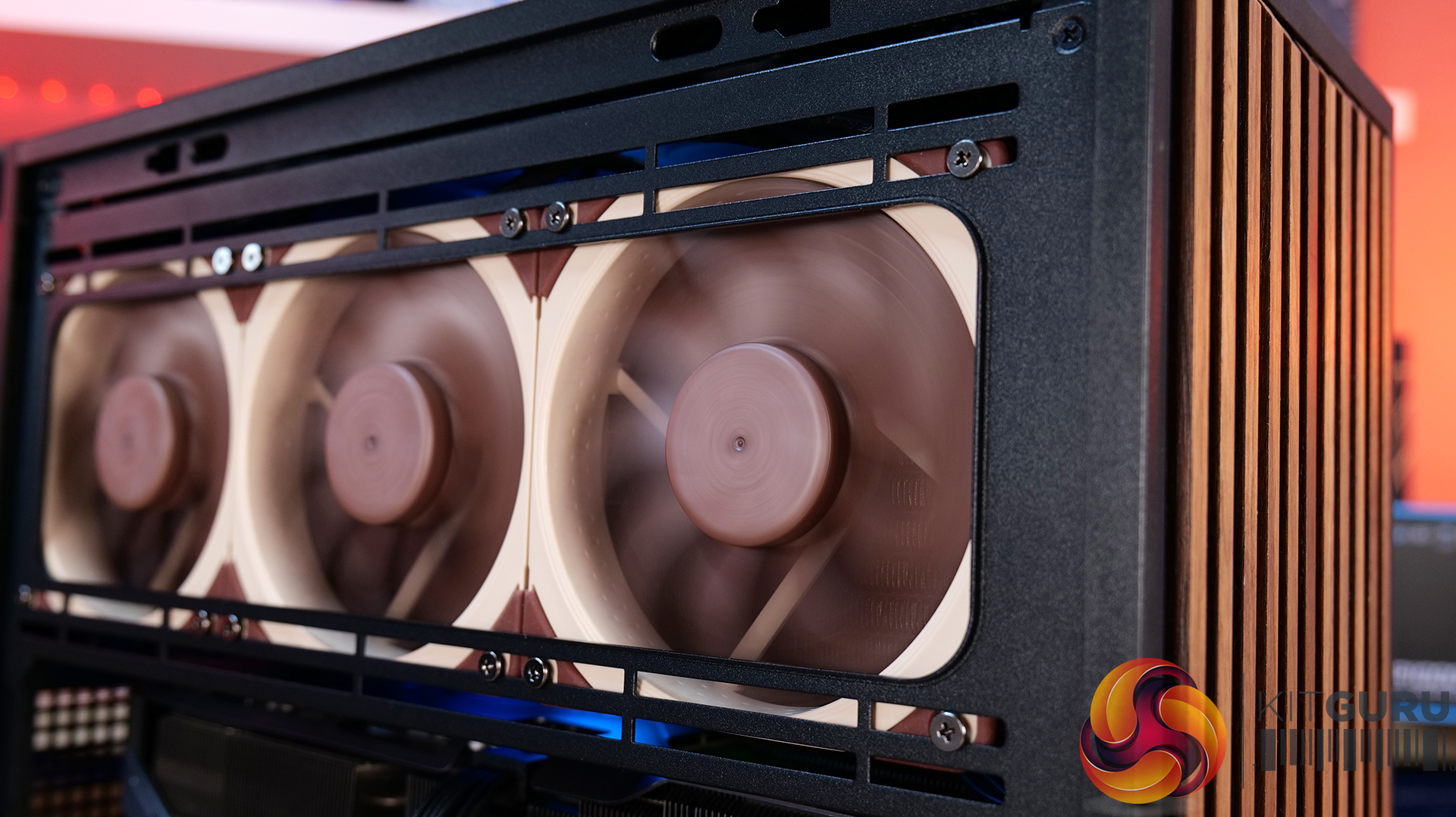
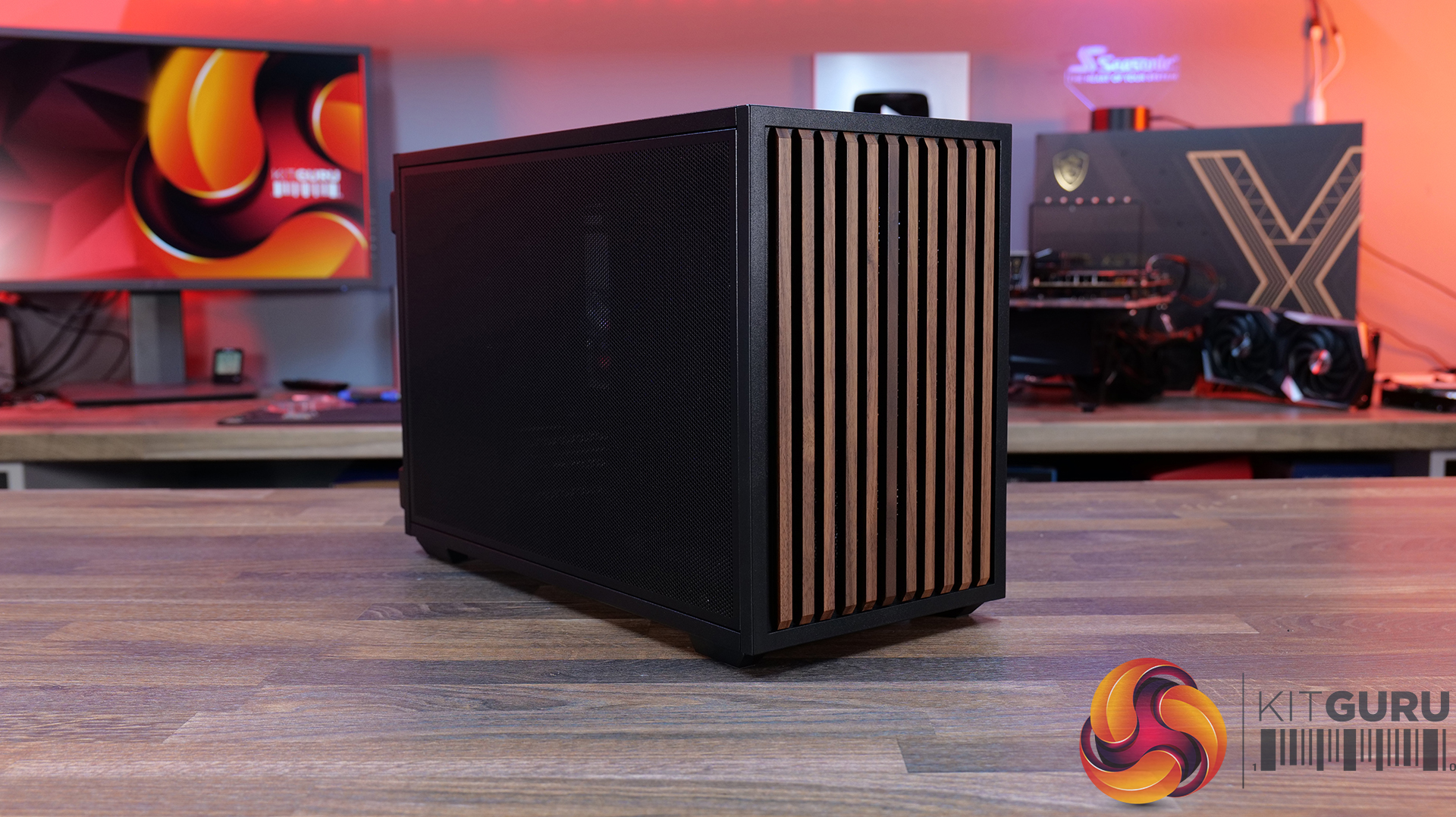
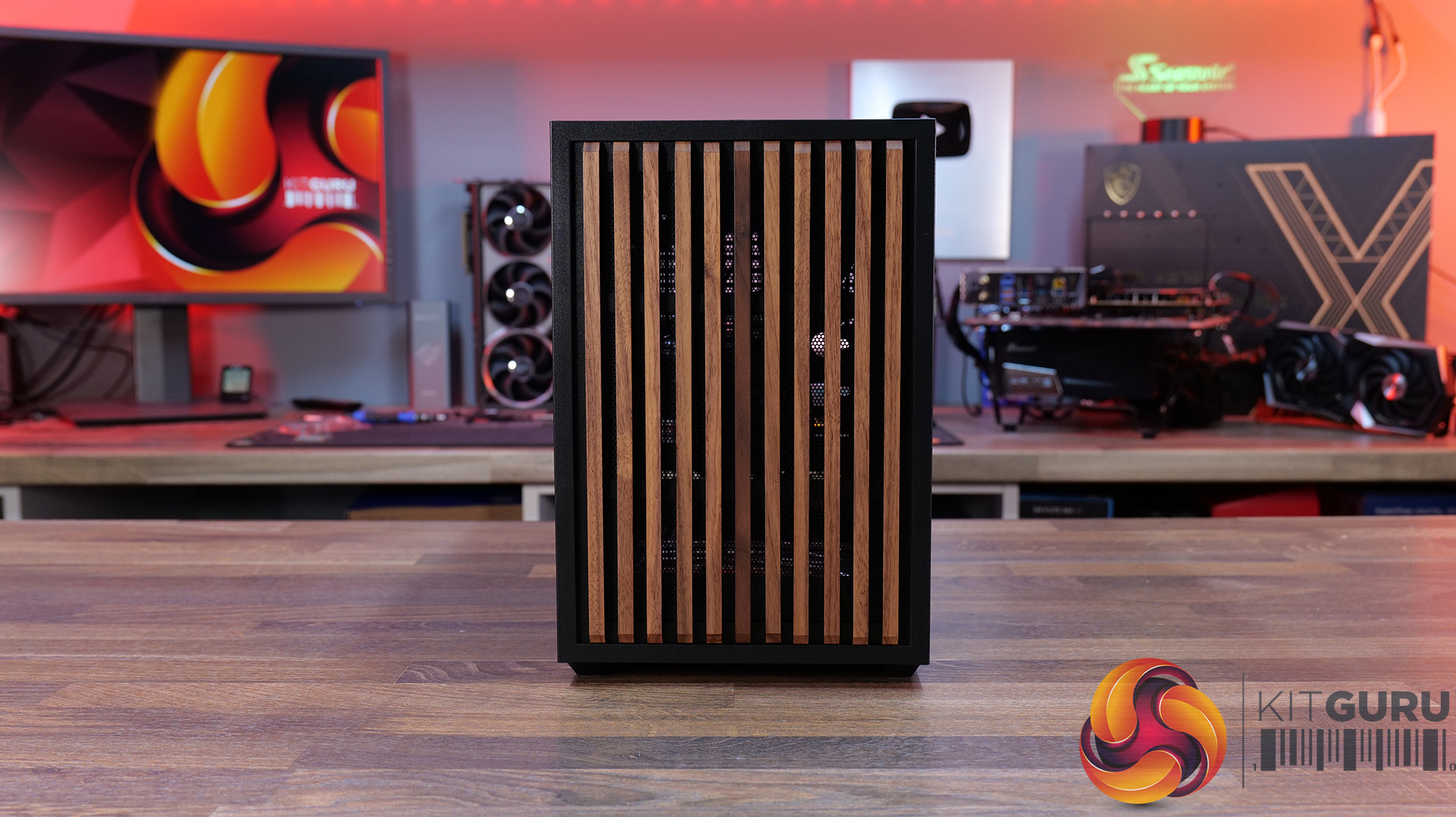
Today we're looking at the Lian Li B4 mATX – a compact, 21.3-litre Micro-ATX case developed in collaboration with DAN Cases. Despite its small footprint, it supports Micro-ATX motherboards, graphics cards up to 358mm long, both ATX and SFX power supplies, and even a 360mm AIO. It also offers the choice of a mesh or real wood front panel, along with the option to run the case horizontally or vertically to better suit your setup. Lian Li is aiming to deliver the hardware compatibility of a much larger chassis in a compact SFF design. In this review, we'll find out if the B4 mATX can deliver on that promise, or not. Let's get into it.

Timestamps:

00:00 Introduction
00:58 Versions / Prices / Extras
01:51 Physical Dimensions / Front I/O
02:26 Removing panels
03:42 Cooling Support
06:25 GPU Anti Sag Bracket / GPU Support
07:25 Motherboard and CPU Air Cooler Support
08:22 Storage Compatibility
08:54 Back of the case
09:53 Left hand side of case
10:38 James thoughts on the layout
11:38 Accessories
12:22 Vertical AeroDeck
13:18 Thermal and Acoustic Performance Testing
15:11 Smoke Test
15:48 Thoughts on Installation
18:38 Closing Thoughts

Features:

  • Compact 21.3-litre Micro-ATX design with support for Micro-ATX motherboards, graphics cards up to 358mm long, plus the option to position the case horizontally or vertically.
  • Strong hardware compatibility including support for ATX or SFX power supplies, up to a 360mm side-mounted AIO with an SFX PSU, and CPU air coolers up to 162mm tall.
  • Choice of mesh or real wood front panels combined with modular brackets, pre-installed slim fans and flexible cooling layouts designed to maximise performance in a compact chassis.

Specifications:

  • Case Type: Micro ATX
  • Dimensions (LxWxH): 420mm x 191mm x 288mm
  • Materials: Steel, Wood (Walnut / Beech), Plastic
  • Motherboard Support: Micro-ATX, Mini-ITX
  • Reverse Connector motherboard support: No
  • Expansion Slots: 4
  • Storage bays: Front 2.5” SSD x 1, Bottom 3.5” HDD x 1 or 2.5” SSD x 1
  • Max GPU Length: 358mm
  • Max CPU Cooler Height: 162mm (168mm without side fan bracket)
  • PSU Type: ATX/SFX
  • Cable Routing Space: N/A
  • Supplied Fans: 120 x 120 x 15mm (x2)
  • Fan Support: 120mm x 2 (Top), 120mm x 1 (Front, With SFX PSU Only), 120mm x 3 / 140mm x 2 (L/H Side With SFX PSU), 120mm x 2 / 140mm x 2 (L/H Side With ATX PSU), 120mm x 1 (Rear), 120 mm x 3 / 140mm x 2 (Bottom)
  • Radiator Support: Side 360mm (with SFX PSU), 240mm (With ATX PSU)
  • Dust Filters: Bottom
  • Font I/O: USB 3.0 Type A x 2, Power Button x 1, Audio x 1, USB 3.2 Type C x 1

Thermal Performance Testing

To simulate thermal demand, we run the Cinebench R23 multi-thread benchmark and 3DMark Speed Way stress test simultaneously in a loop for 30 minutes to load the system fully. This gives the CPU and GPU enough time to reach constant steady-state temperature. With this data, we can compare how the system handles the thermal demand and measure peak noise levels.

Thermal performance is measured with the case in various configurations, such as the default, with the tempered glass left-hand side panel removed and with the front panel removed to see how these configurations affect the CPU and GPU temperature. During testing, only stock case fans are used unless otherwise specified. All water pumps are set to maximum RPM and fans are set to a custom RPM curve by the Motherboard software/BIOS.

All temperature measurements are presented as Deltas – meaning the ambient temperature has been deducted from the CPU temperature, giving us a Delta. Data shown in the charts represents the average component temperature over the length of the test as measured by HWiNFO, and then the last 15 minutes of the data are calculated to get the average. The ambient temperature during thermal tests is between 19-20⁰C.

Test System Specification:

Thermal Performance Overview

We test case thermals using a 360mm AIO as Intake at the side and with the case in several different fan configurations. The default configuration shown in the charts is with the side-mounted 360mm AIO cooler and 2 x 120 mm x 15 mm top exhaust fans and with all case panels installed.

Thermal performance good overall, with the B4 mATX delivering consistent CPU and GPU temperatures across all four test configurations. The default AIO setup performs well, but removing the top fans results in a increase to both CPU and GPU temperatures, so those exhaust fans play an important role in the case's airflow design.

Running the case vertically with the optional AeroDeck produces the best GPU temperature while matching the lowest CPU result, so the additional cost could be a worthwhile improvement to graphics cooling. most interestingly, removing the top, front and side panels offers no benefit over the AeroDeck configuration, indicating that the B4 mATX's airflow is well optimised in its standard configuration.

Noise Output

Acoustically, the B4 mATX offers a balance between cooling performance and noise, with only slight variation between the different test configurations. The default setup produces the same idle noise level as both the AeroDeck and top fan removed configurations, while load noise remains close across test configurations.

The vertical AeroDeck configuration is slightly quieter under load due to the lower GPU temperature and fan speed, but the differences are small enough that they're unlikely to be too noticeable in day-to-day use.

Closing Thoughts

Considering its compact dimensions, Lian Li has packed an impressive amount of hardware support into the B4 mATX including large 4 slot graphics cards, ATX power supplies and up to a 360mm AIO, making it more versatile than some small form factor chassis in this price bracket. There’s a good balance between compact dimensions and practicality, giving enthusiasts flexibility without forcing them into buying expensive SFX power supplies or low-profile cooling solutions.

Thermal performance is respectable too. While the B4 mATX isn't class-leading in terms of cooling, it does an adequate job for a chassis of this size and should have no trouble handling high-performance gaming hardware when configured correctly. Combined with the excellent build quality we've come to expect from Lian Li, the chassis feels well engineered, with premium materials and a solid build for the MSRP asking price.

That said, the B4 mATX isn't without compromise. As with many compact cases, component compatibility depends heavily on the exact hardware combination you choose. Installing larger graphics cards, radiators or longer power supplies can have a knock-on effect elsewhere in the build, so planning your component selection is essential. Cable management is also more challenging than it should be, with limited routing space making it difficult to achieve a clean build, while some cables can easily get in the way of the top fans if you're not careful during assembly too.

There are also a couple of smaller details that could have been better executed. The included GPU anti-sag bracket is a useful feature, but its compatibility with some graphics cards is limited. None of these issues are deal breakers, it’s still a very capable compact chassis.

Overall though, the Lian Li B4 mATX delivers a solid combination of build quality, hardware compatibility and sensible pricing, making it an easy case to recommend for anyone wanting to build a powerful mATX gaming system without taking up too much desk space.

The Lian Li B4 mATX is available to purchase now from Scan priced at £73.99 HERE.

Pros: 

  • Can support high-end hardware depending on configuration.
  • For a compact case, cooling support is good.
  • Build quality is excellent.

Cons:

  • GPU anti-sag arm is incompatible with some graphics cards.
  • Hardware compromises depending on configurations.
  • Cable routing is awkward and some cables can get trapped in fans.

KitGuru says: For a small case, the B4 mATX packs in some good features but there are some hardware compromises depending on what setup you run though this is to be expected from such a compact mATX case.

The post Lian Li B4 mATX PC Case Review first appeared on KitGuru.

InWin unveils Aeon chassis with expandable frame and RFID interaction

3 July 2026 at 13:00

InWin has officially launched the Aeon, marking the company's 12th Signature Series chassis. First showcased at CES 2026, the premium full-tower enclosure features mirrored stainless steel, a seamless glass exterior, and an expandable frame design to accommodate high-end hardware.

The Aeon uses mirrored stainless steel panels treated with an anti-fingerprint coating, creating dynamic reflections that can be further enhanced by the case's and internal components' lighting. For structural rigidity, the foundation relies on a one-piece aluminium base manufactured by sand casting. Taking inspiration from the manufacturer's Tòu series, the enclosure incorporates five 5mm tempered glass panels bonded through UV-curing technology.

Component support is extensive, accommodating E-ATX motherboards, dual-PSU configurations, up to 8 PCIe expansion slots, and large graphics cards. Liquid cooling hardware options support radiators up to 420mm. To streamline system assembly and component replacement, builders can take advantage of a pull-out motherboard tray and an expandable chassis structure that opens up to 90º.

Interactive elements include an RFID-enabled security system requiring a dedicated card for operation. An integrated LED display module handles multimedia playback and outputs real-time system monitoring metrics. Ambient lighting options round out the package, allowing users to choose between warm white and standard RGB illumination profiles.

Discuss on our Facebook page, HERE.

KitGuru says: InWin's Signature Series cases are always striking showcase pieces, and the Aeon continues that tradition.

The post InWin unveils Aeon chassis with expandable frame and RFID interaction first appeared on KitGuru.

Corsair 2800X RS-R ARGB Budget Micro-ATX Case

30 June 2026 at 13:16

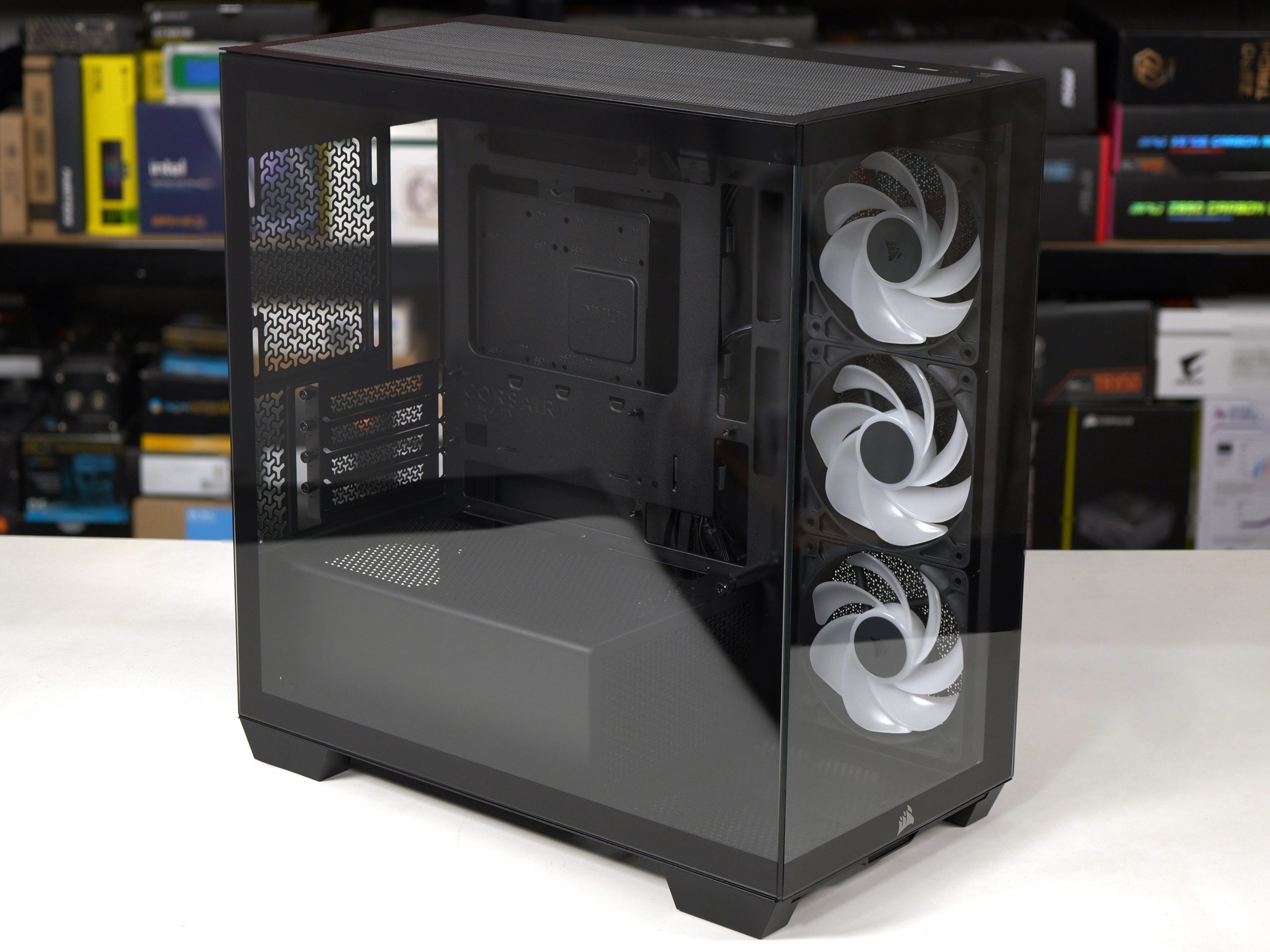
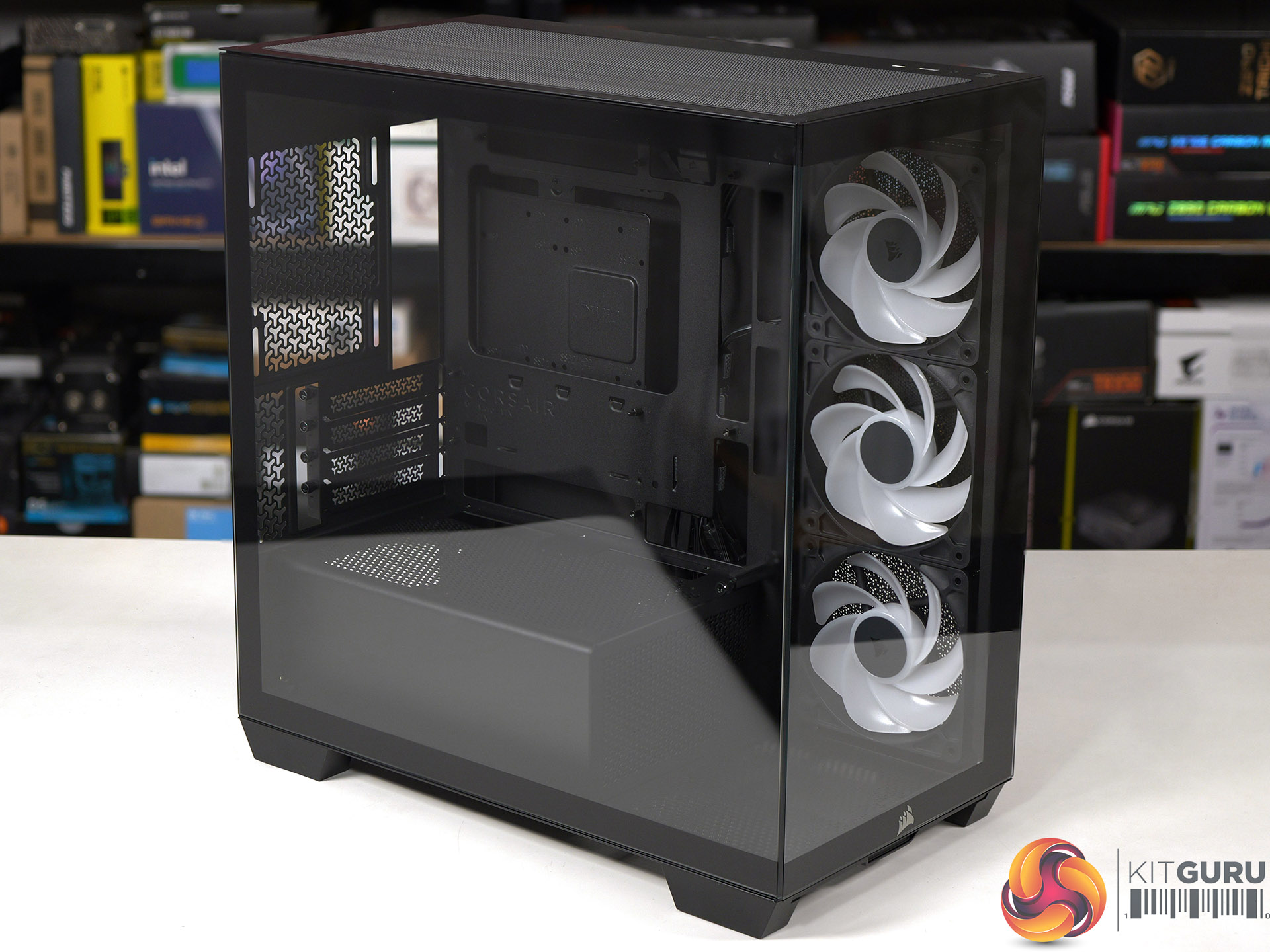
At Computex we were shown the Micro-ATX Corsair 2800X, however we were vague about the price and said ‘it will be priced towards the budget end of the scale'. The reason we were vague is that Corsair wasn't 100% sure they would be able to deliver the 2800X at the price they were discussing, and they wanted some wiggle room in case their plans changed. Today we can announce the news that Corsair has indeed delivered the 2800X exactly as they hoped and also, it's rather good.

Time stamps
00:00 Start
00:39 Overview / disassembly / cooler support
02:37 Building a system inside
04:30 Airflow smoke test
05:10 Thermal and noise testing
06:45 Leo discusses thermals
09:04 Micro ATX Thoughts
11:28 Space and routing
12:42 Closing Thoughts

Main features

  • Micro-ATX Chassis – Today’s Micro-ATX motherboards are packed with features and are all that’s needed for a powerful PC, and the smaller size makes the 2800X easier to fit on any size desk.
  • 360mm Radiator Support – Despite its compact footprint, the 2800X has enough room in the top for a 360mm radiator, so you can cool even the most powerful CPUs with an AIO or custom cooling setup.
  • 3x RS120-R ARGB PWM Fans Included – Three reverse-rotor RS120-R fans are pre-installed in the side for unobstructed ARGB lighting with simple motherboard connectivity for syncing fan speeds and lighting without the need for a separate fan controller.
  • Room for up to 10x 120mm Fans – Ample room for full-system cooling with 3x fan mounts in the side and top, 1x in the rear for exhaust, 2x on the PSU shroud for boosted GPU cooling and 1x in the bottom to ensure great internal airflow.
  • Wraparound Tempered Glass Panels – The front and side panels are tempered glass for a classic “fishbowl” look that prioritises viewing one’s hardware, tidy cabling, and RGB lighting in all their glory.
  • Reverse-Connector Motherboard Support – Hide all of your cables and simplify your build with a reverse-connector mATX build.
  • Room for Oversized GPUs – The spacious interior has 410mm of GPU clearance so even the biggest GPUs have plenty of room to breathe.
  • Built-In GPU Support – The 2800X RS-R includes a built-in GPU Anti-sag Stabilisation Arm in the side panel that is adjustable up or down to protect both the GPU and your PCIe slot.
  • Add More Storage – A combination drive plate lets you easily add more storage and supports 1x 3.5” HDD or 2x 2.5” SSDs.
  • Fast Top-Mounted I/O – The top-mounted I/O offers 1x USB 3.2 Gen 1 Type-A for wide compatibility and a USB 3.2 Gen 2×2 Type-C port cable of up to 20Gb/s of bandwidth, which is 4x the speed of USB 3.0.

Specification:
Motherboard support: Micro-ATX, Mini-ITX.
Power supply support: ATX.
Expansion slots: 4.
Included fans: 3x 120mm RS120-R side intake.
Fan mounts: 3x 120mm side, 2x 140mm/3x 120mm roof, 1x 120mm rear, 1x 120mm floor, 2x 120mm PSU shroud.
Radiator mounts: 360mm/280mm roof, 240mm side, 120mm rear.
5.25-inch optical drive bays: None.
Internal drive bays: 1x 3.5-inch or 2x 2.5-inch.
Front I/O ports: 1x USB 3.2 Gen 1 Type-A, 1x USB 3.2 Gen 2×2 Type-C, audio.
Dimensions: 436mm H x 447mm D x 232mm W.

Testing
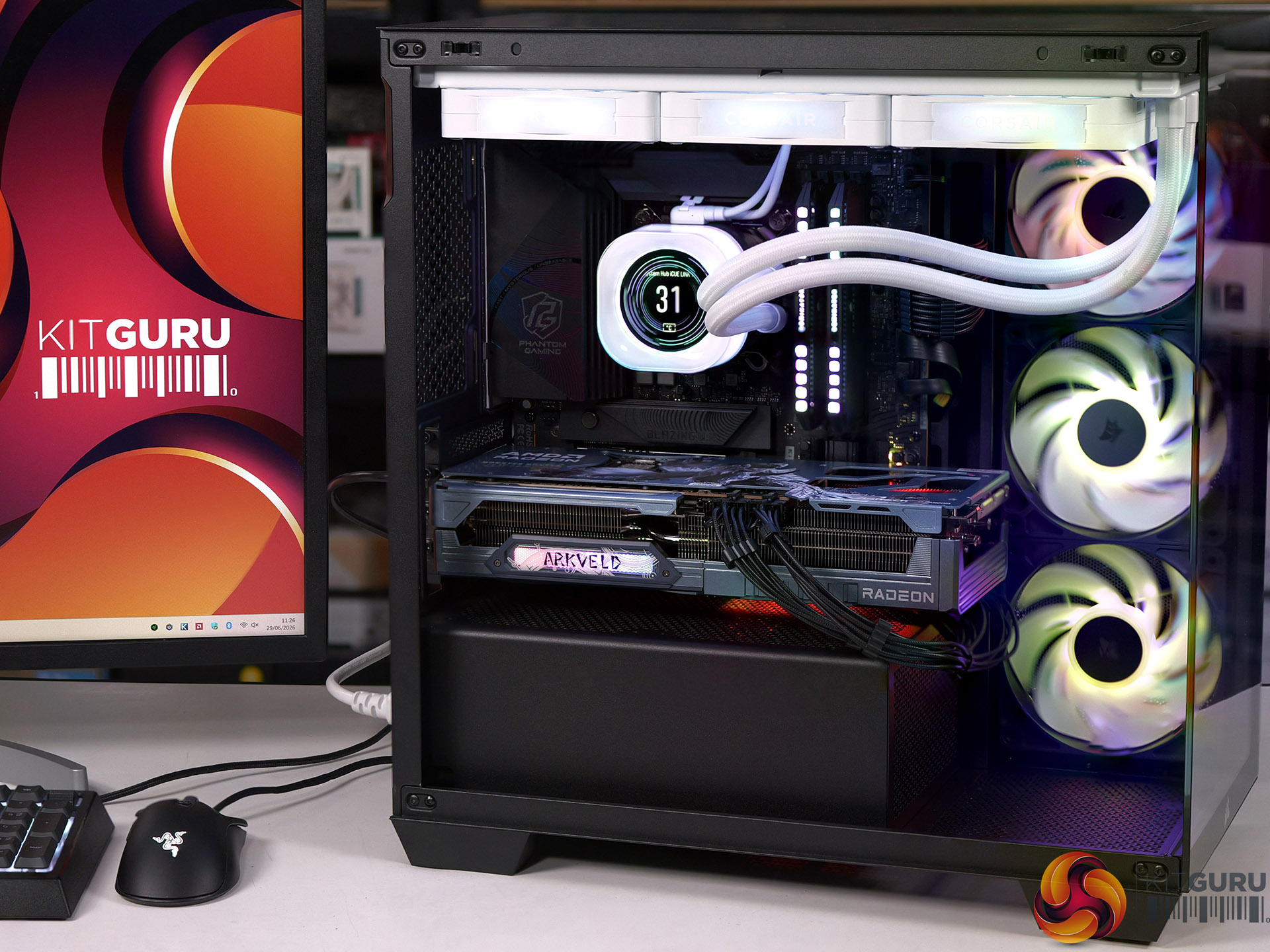
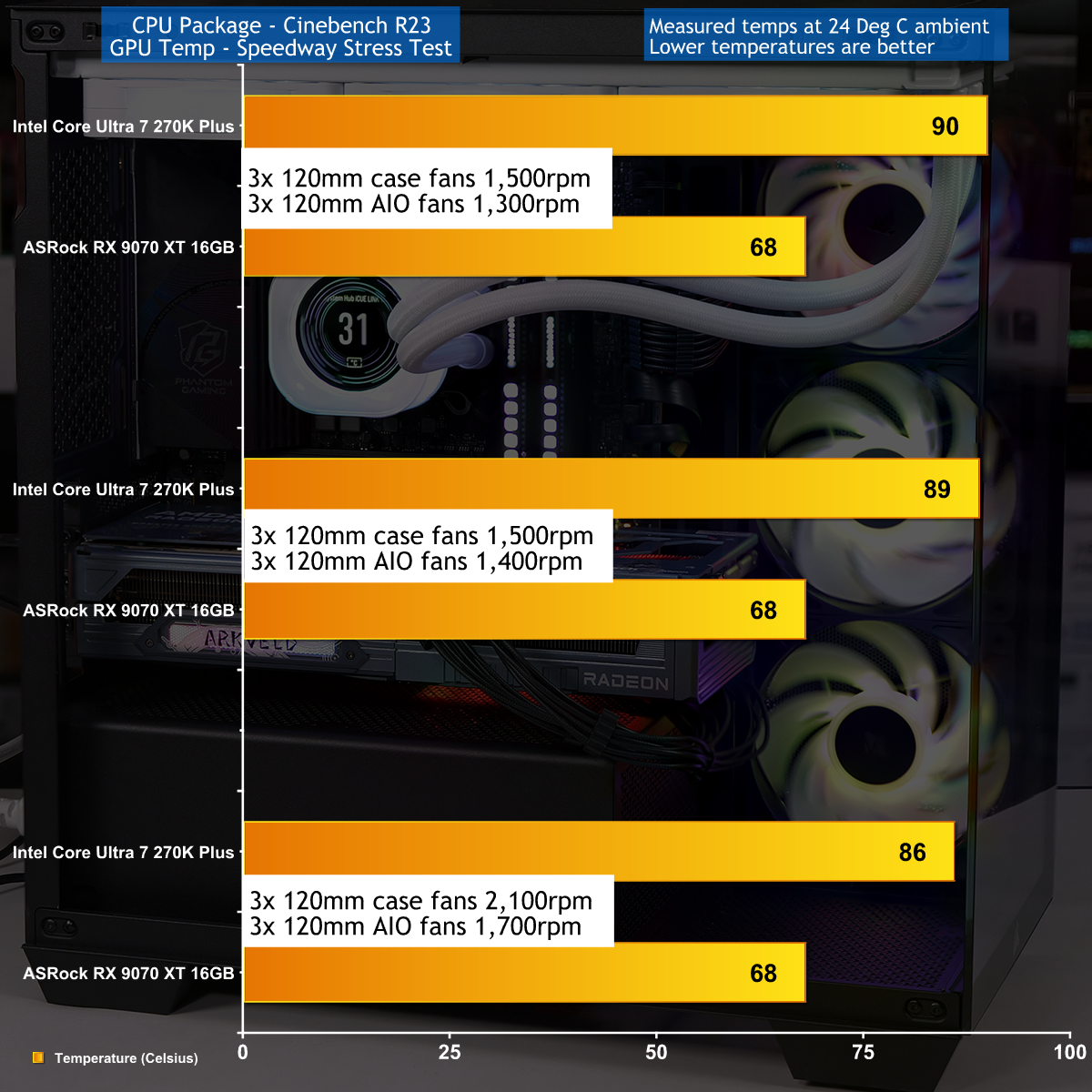
To put this case through its cooling paces we will be using a test system consisting of an Intel Core Ultra 7 270K Plus processor, ASRock RX 9070 XT graphics card and an SSD. This system allows us to produce a substantial amount of heat and effectively test the Corsair 2800X RS-R ARGB's cooling capabilities.

Test System:
Processor: Intel Core Ultra 7 270K Plus
CPU Cooler: Corsair iCUE Link Titan 360 RX LCD
Motherboard: ASRock Phantom Gaming Z890M Riptide WiFi
Memory: 32GB Corsair Dominator Platinum RGB DDR5-7000
Graphics card: ASRock AMD Radeon RX 9070 XT 16GB Monster Hunter Wilds
Power supply: Corsair HX1000i Shift
SSD: Corsair MP600 Elite M.2 NVMe
OS: Windows 11

Cooling Performance

Cooling Performance Overview

During our testing we stressed the Corsair 2800X RS-R ARGB with a gaming PC that drew 670W at the wall socket. This feels like the extreme end of the scale for a mid-range gaming PC, and we imagine many people using this 2800X case will stress the cooling far more lightly. As you will see in our video the cooling system performed perfectly well, and while it was nothing special it did the job that we required.

Closing Thoughts

Corsair has done a decent job with the 2800X RS-R ARGB by delivering a single chamber case with two glass panels and three ARGB fans at a competitive budget price. The build quality is good and the case feels solid, even with the panels removed, and have good access while you are building your PC.

We found no specific problems while we were testing the Corsair 2800X RS-R ARGB and are confident your buying decision will come down to detail choices. For example, do you want a PWM fan hub or do you consider it essential to grommets in the cable management holes. Overall we were happy with this case and consider it a solid contender.

You can buy the Corsair 2800X RS-R ARGB for £69.99

Pros:

  • Low price and decent value for money
  • Solid build quality and the panels are easy to remove and replace.
  • Micro-ATX form factor leads to a more compact PC

Cons:

  • Micro-ATX restricts your choice of motherboards
  • Space for cables is tight, especially with a rear connection motherboard.
  • Cooling is rather average

KitGuru says: The Corsair 2800X RS-R ARGB is a good choice for a compact Micro-ATX PC build. 

The post Corsair 2800X RS-R ARGB Budget Micro-ATX Case first appeared on KitGuru.

Lian Li launches B4-mATX small form factor case

29 June 2026 at 08:00

Lian Li has announced the B4-mATX, a 21.3-litre small form factor chassis co-developed with Dan Cases. Now available, the compact enclosure supports mATX motherboards and can be oriented either horizontally as a desktop unit or vertically as a space-saving tower.

The B4 case rotates 90º into a vertical orientation, reducing the desktop footprint by 30%. A rotatable AC inlet adjusts to both configurations, turning outward for cable access or inward to absorb excess length. A swivelling cable bracket below the PCIe slots keeps the rear I/O flush against the case, offering up to 52mm of connector clearance. Lian Li provides front-panel options in mesh or real wood (walnut or beech) across black or white finishes.

The chassis ships with two pre-installed 120x120x15mm slim exhaust fans on a removable bracket. It supports graphics cards up to 358mm across four expansion slots, and CPU coolers up to 162mm tall, or 168mm tall with the side bracket removed. Dedicated brackets fit an SFX or a 140mm ATX power supply. Using an SFX unit enables side radiator compatibility up to 360mm, while an ATX model limits it to 240mm. Drive options support a 3.5-inch HDD or 2.5-inch SSD at the bottom, plus a 2.5-inch SSD at the front.

An optional B4-mATX Vertical AeroDeck accessory adds tempered glass panels and expands capacity by up to three 120mm or two 140mm fans. Pricing starts at $69.99/€69.99 for the black Mesh version and ranges up to $89.99/€89.99 for the white Wood model. The AeroDeck costs $29.99/€29.99.

KitGuru says: The dual-orientation design, relatively low price, and inclusion of real wood aesthetic options make the B4-mATX a highly versatile entry into the SFF case market.

The post Lian Li launches B4-mATX small form factor case first appeared on KitGuru.

Lian Li B4 Offers Big Features in a Small PC Case

By: Bahleem
28 June 2026 at 12:31

Lian Li has officially introduced the new Lian Li B4 mATX chassis, a compact small form factor case developed in partnership with DAN Cases. Despite its small 21.3-liter size, the case offers impressive hardware support and flexible installation options for PC builders looking to save space without sacrificing performance.

One of the biggest highlights of the Lian Li B4 mATX is its dual-orientation design. Users can place the case horizontally like a traditional desktop system or rotate it into a vertical tower layout. According to Lian Li, the vertical setup reduces desk space usage by around 30%, making it an attractive option for users with limited workspace.

Lian Li B4 mATX chassis 11
Lian Li B4 mATX chassis 12

The company has also designed the case with practical cable management features. A rotatable AC power inlet adjusts to different orientations, while a movable cable bracket helps keep cables neat and organized when the case is used vertically. Buyers can choose between a perforated mesh front panel for better airflow or a premium real wood finish available in walnut or beech styles. Both options are offered in black and white color variants.

Lian Li B4 mATX chassis 9
Lian Li B4 mATX chassis 10

The Lian Li B4 mATX comes with two pre-installed slim 120 mm fans that work as exhausts out of the box. Builders can easily customize airflow depending on their cooling setup. The chassis supports both ATX and SFX power supplies through dedicated mounting brackets, providing greater flexibility for different builds.

Lian Li B4 mATX chassis 8

Cooling support is another strong point of the new chassis. Systems using an SFX power supply can install radiators up to 360 mm on the side, while builds using a 140 mm ATX power supply support radiators up to 240 mm. The rear fan bracket can also be repositioned to improve airflow for air coolers or create additional space for liquid cooling solutions.
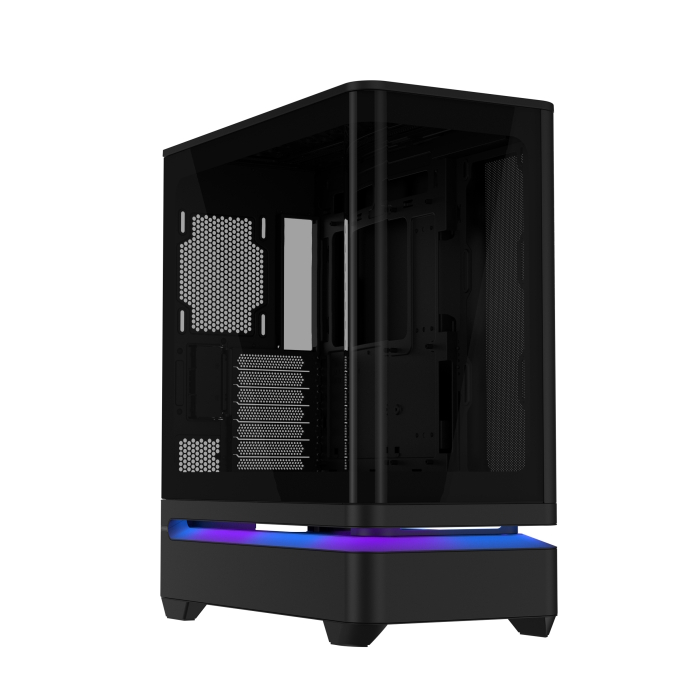
Even with its compact footprint, the Lian Li B4 mATX can accommodate powerful hardware. The case supports graphics cards up to 358 mm long across four expansion slots and CPU air coolers up to 162 mm tall. Users can gain even more cooler clearance by removing the side fan bracket. A built-in adjustable anti-sag bracket is also included to help support larger graphics cards.

Lian Li B4 mATX chassis 3

Storage options include support for one 3.5-inch hard drive or 2.5-inch SSD at the bottom of the case, along with an additional 2.5-inch SSD mounting position at the front.

For users seeking improved GPU cooling, Lian Li is also offering the optional B4 mATX Vertical AeroDeck accessory. Designed specifically for vertical builds, the AeroDeck adds extra airflow directly to the graphics card and supports up to three 120 mm fans or two 140 mm fans. It also features tempered glass side panels and a magnetic dust filter while matching the wood styling available on the main chassis.
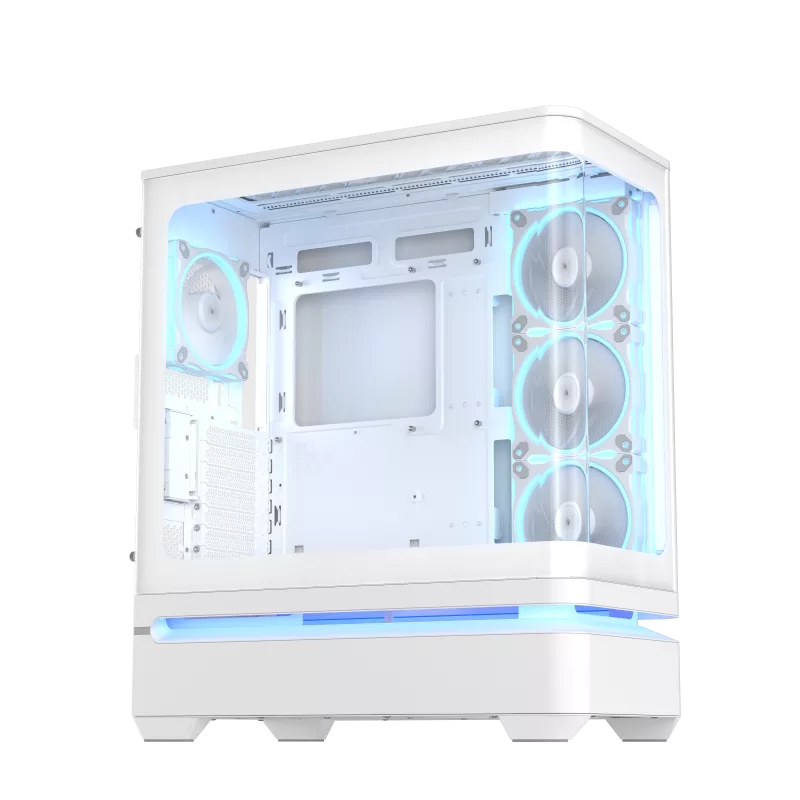
Lian Li B4 mATX case pricing and availability

The Lian Li B4 mATX and the optional Vertical AeroDeck became available on June 26, 2026. Pricing starts at $69.99 for the Mesh Black version, while the Wood White model is priced at $89.99. The Vertical AeroDeck accessory is available separately for $29.99.

Asus introduces Prime AP304 ATX case featuring patented slot vent cooling

25 June 2026 at 13:30

Asus has introduced the Prime AP304 Series ATX cases, offering both standard and ARGB configurations. Interestingly, Asus has also implemented a new patented feature, a new slot vent design to isolate chambers for better airflow. 

The new Asus Prime AP304 cases (via Vortez) feature a curved tempered-glass panel that extends from the front of the chassis around to the side. To make system assembly and hardware maintenance easier, Asus has integrated an easy-to-detach rail system for safer panel removal, along with a tool-free graphics card slot clamp. The layout is spacious enough to accommodate graphics cards up to 420mm long.

For thermal management, the series relies on a patented slot vent design. This layout isolates the upper and lower chambers of the chassis, channelling fresh air directly to the graphics card. According to Asus, this chamber separation optimises overall cooling efficiency by reducing warm air accumulation in the lower section of the case, making the system's airflow less reliant on bottom-mounted intake fans.

The Prime AP304 ARGB variant comes pre-configured with four ARGB fans and an integrated lighting strip wired for Asus Aura Sync compatibility. The standard model retains the integrated light band but leaves the fan choice open to the builder.

KitGuru says: It is a nice-looking case but the question is, how much will it cost? 

The post Asus introduces Prime AP304 ATX case featuring patented slot vent cooling first appeared on KitGuru.

SilverStone launches the retro-looking FLP03 mATX case with a functional Turbo button

23 June 2026 at 15:30

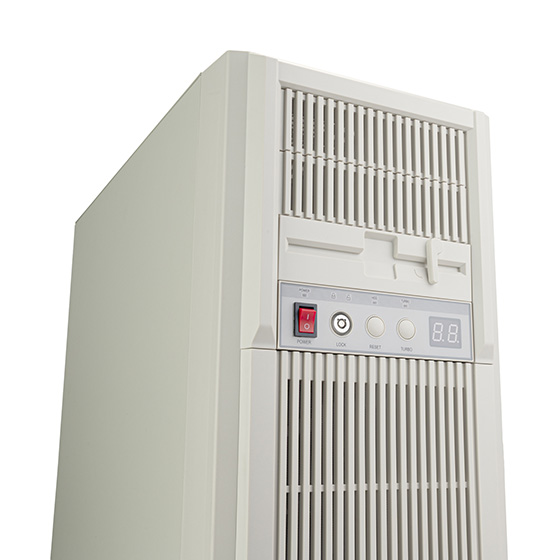
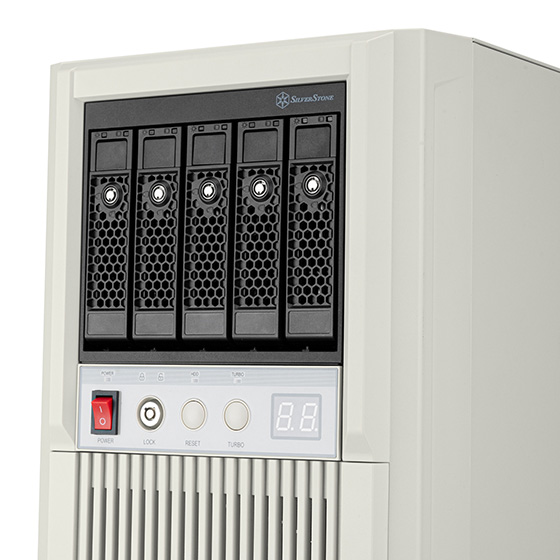
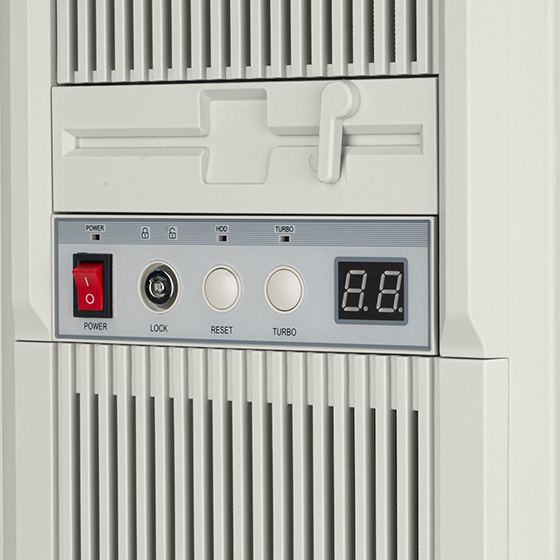
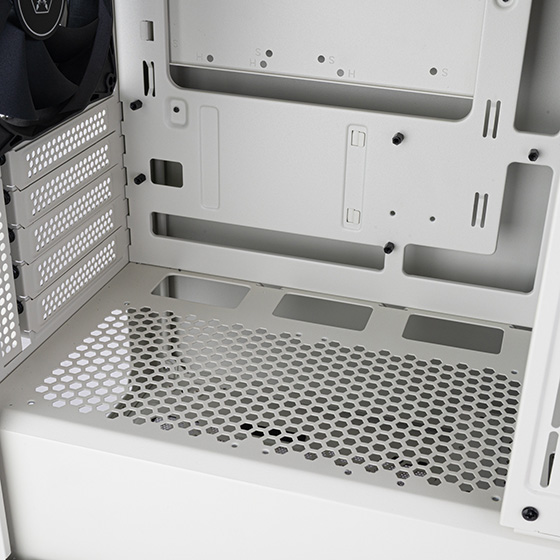
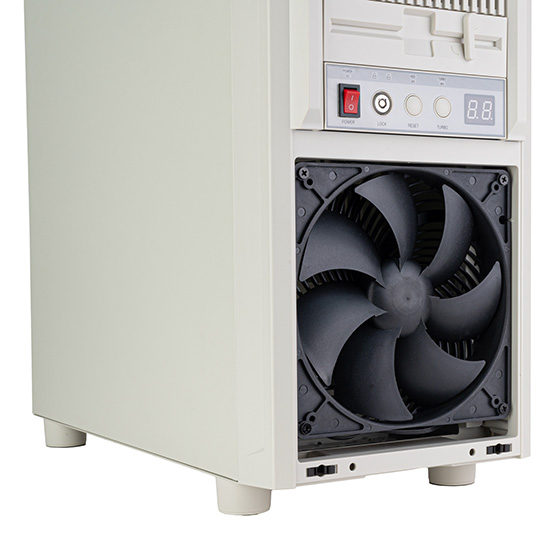
Silverstone has finally launched the FLP03, a retro-inspired microATX chassis that pairs 1990s desktop aesthetics with modern hardware compatibility. Featuring a beige finish, the case has three 5.25″ expansion bays at the front and a functional Turbo button that triggers full-throttle cooling.

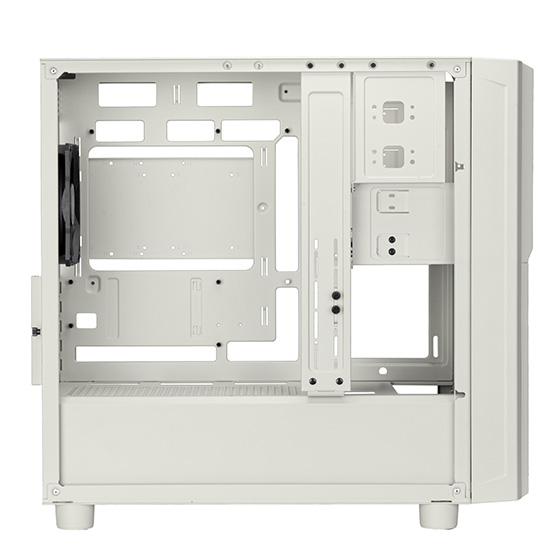
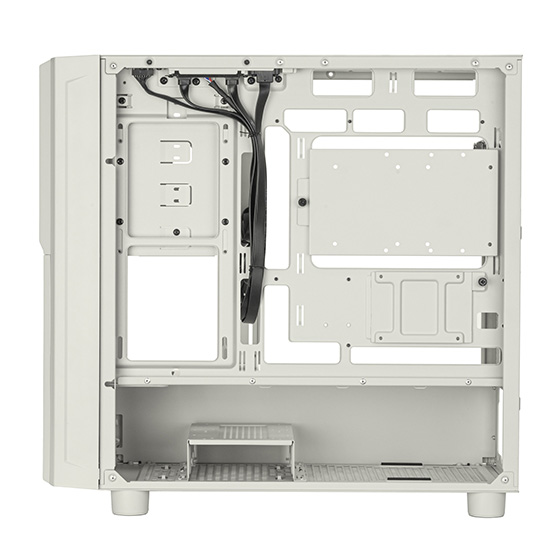
The FLP03's interior layout accommodates microATX and Mini-ITX motherboards, as well as graphics cards up to 413mm in length and PSUs up to 200mm in length. Builders can install liquid cooling radiators up to 360mm, tower coolers up to 169mm tall, a 180mm front fan, a 120mm rear fan, and various top fan configurations with 120mm and 140mm fans. Storage options include a mix of 5.25″, 3.5″, and 2.5″ drives across the three front bays and internal mounts.

SilverStone's exterior design is made to look like the type of PCs we had in the 1990s, including retro style buttons. A built-in front fan PWM display monitors system cooling, while a functional turbo button can let you ramp your fans up to max speeds.

Connectivity is handled by a front I/O panel containing USB-C, USB 3.0, audio, and microphone ports. The case is available with an MSRP of $179.99.

KitGuru says: Combining nostalgic 1990s styling with support for 360mm radiators and long graphics cards makes the FLP03 an interesting option for builders wanting a retro aesthetic without sacrificing performance.

The post SilverStone launches the retro-looking FLP03 mATX case with a functional Turbo button first appeared on KitGuru.

Cooler Master Brings Exciting Upgrades with New Q300L V3 mATX Case

By: Bahleem
18 June 2026 at 06:41

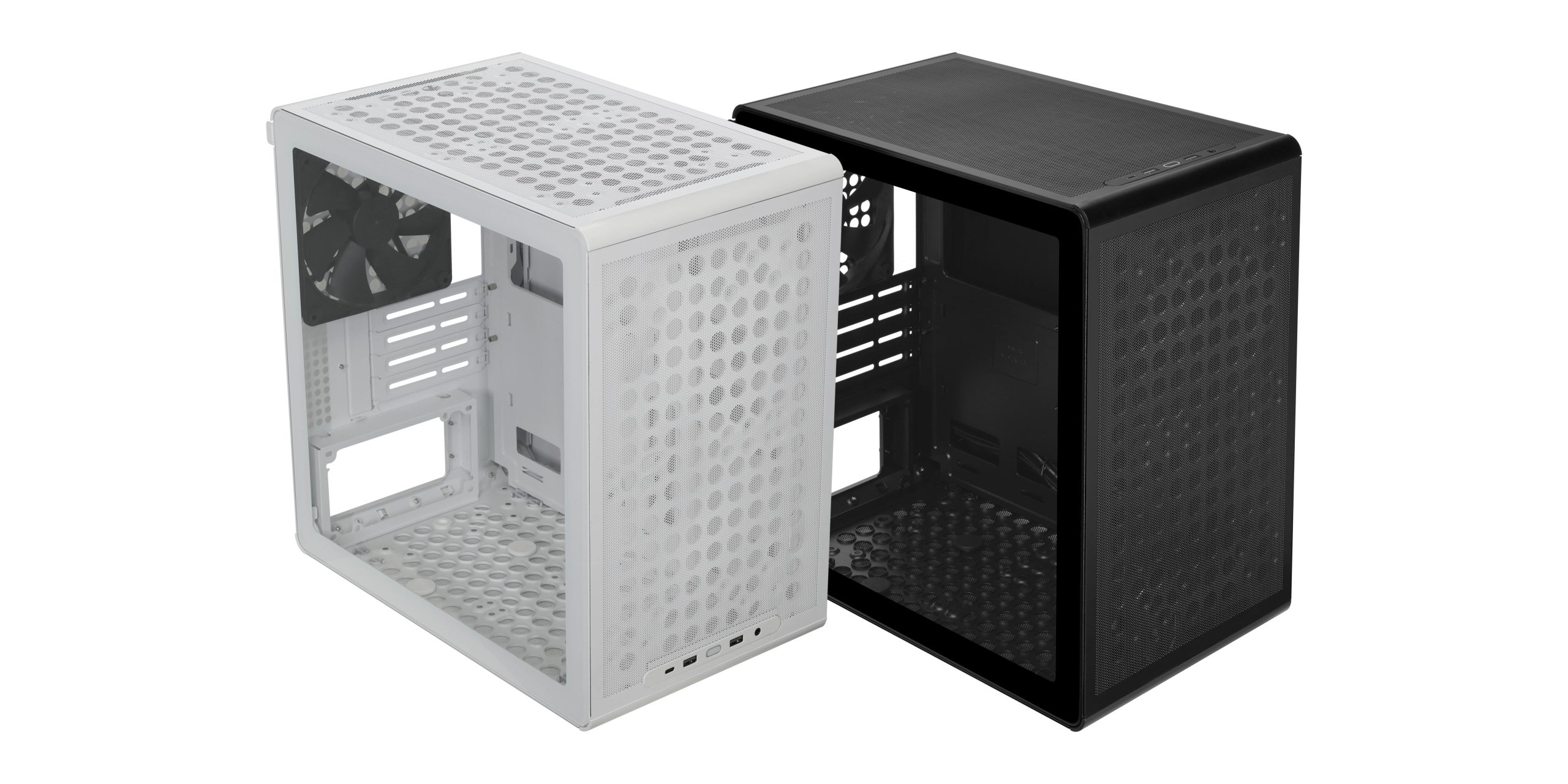
Cooler Master has officially introduced the new Q300L V3, an upgraded version of its well-known compact microATX PC case. The latest model brings several useful improvements, including better airflow, stronger build quality, tempered glass styling, and updated front connectivity for modern PC users.

The Q300L V3 is designed for first-time PC builders, budget gamers, and system integrators looking for a compact and practical case. While keeping the small footprint that made the Q300L series popular, the new version offers more flexibility for modern hardware.

Q300L V3 1
Q300L V3

The case supports both Mini-ITX and microATX motherboards. Users can install CPU air coolers up to 178 mm tall and graphics cards up to 366 mm long, making it suitable for a wide range of gaming and productivity systems.

Cooling is one of the biggest upgrades in the Q300L V3. Cooler Master has enlarged the front-panel perforations to improve airflow and added support for a 140 mm rear exhaust fan. The case can also accommodate up to six cooling fans, giving users more options to keep system temperatures under control.

Q300L V3 3

The company has also strengthened the overall structure of the chassis. Reinforced fan mounting points, an improved motherboard tray, and a tempered glass side panel help create a more durable and premium feel. These improvements are expected to make the building process easier and provide a cleaner finished system.
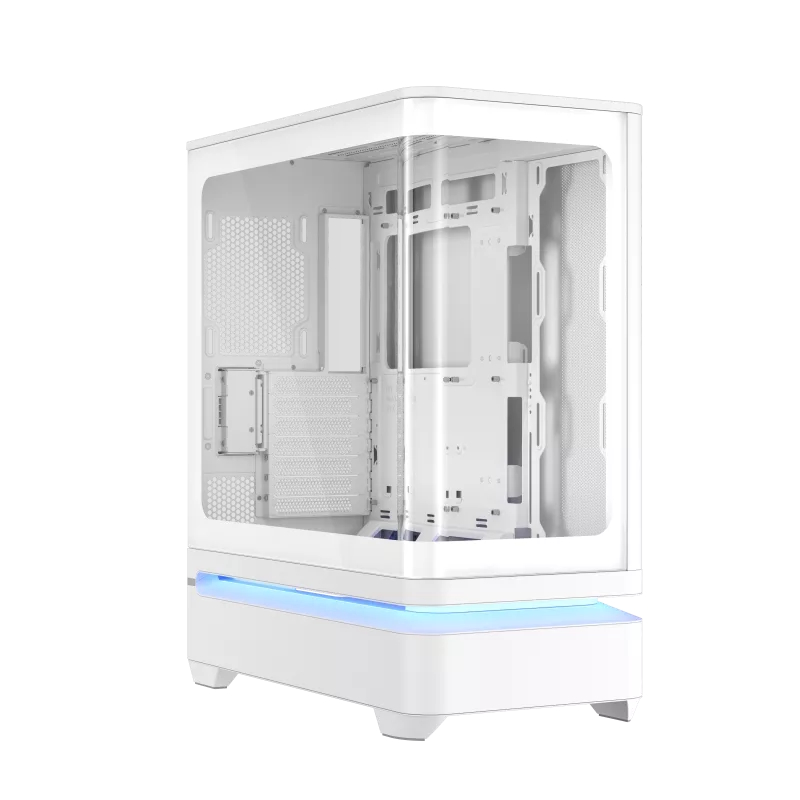
For connectivity, the Q300L V3 features a modern front I/O panel with a USB 3.2 Gen 2×2 Type-C port, two USB 3.2 Gen 1 Type-A ports, and a combo audio jack. This allows easy access to high-speed connections without increasing the case size.

QUBE 340 2
QUBE 340 1

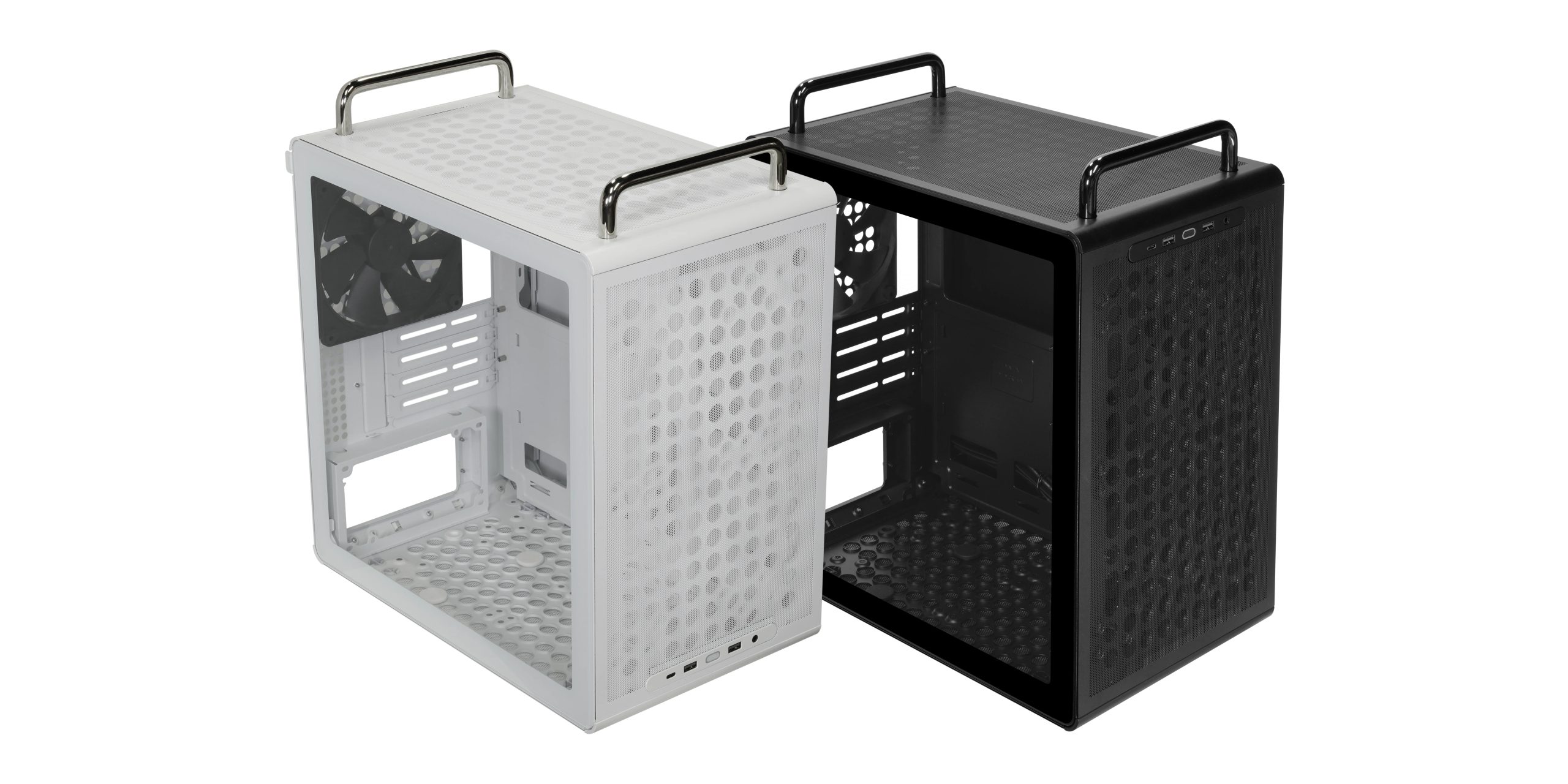
Alongside the Q300L V3, Cooler Master also announced the QUBE 340. Built on the same platform, the QUBE 340 offers additional customization options, including optional carrying handles, vertical or horizontal placement, flexible front I/O positioning, and support for compatible 3D-printable accessories.

With the launch of the Q300L V3 and QUBE 340, Cooler Master is giving PC builders more choices in the compact case segment. The Q300L V3 focuses on simplicity and performance, while the QUBE 340 offers extra flexibility for users who want a more personalized setup.

Cooler Master announces Q300L V3 and modular Qube 340 cases

17 June 2026 at 16:00

Cooler Master has announced the Q300L V3, the next generation of its compact microATX case, alongside a modular version called the Qube 340.

The updated Q300L chassis supports Mini-ITX and mATX motherboards within a small desktop footprint. It has room for graphics cards up to 366mm long, CPU coolers up to 178mm tall, and up to six cooling fans in total. Airflow potential is boosted by enlarged front-panel perforations and compatibility with a 140mm rear exhaust fan.

Structural improvements over the V2 include reinforced fan mounts, an upgraded motherboard tray, and a tempered glass side panel. For connectivity, the refreshed front I/O panel houses three USB 3.2 Gen 2×2 Type-C ports, dual USB 3.2 Gen 1 Type-A ports, and a combo audio jack.

Builders can opt for this standard layout, but the company is also offering the modular Qube 340 alternative. This version shares the same core mATX foundation but introduces optional handles, support for vertical or horizontal system orientations, and flexible front I/O placement. It additionally includes front-mounting support for compatible 3D-printable accessories.

KitGuru says: The original Q300L was a popular budget option, and adding modern USB-C connectivity alongside other improvements sweetens the deal. 

The post Cooler Master announces Q300L V3 and modular Qube 340 cases first appeared on KitGuru.

Einarex introduces airflow-focused Pulse PM300 compact PC case

20 May 2026 at 07:00

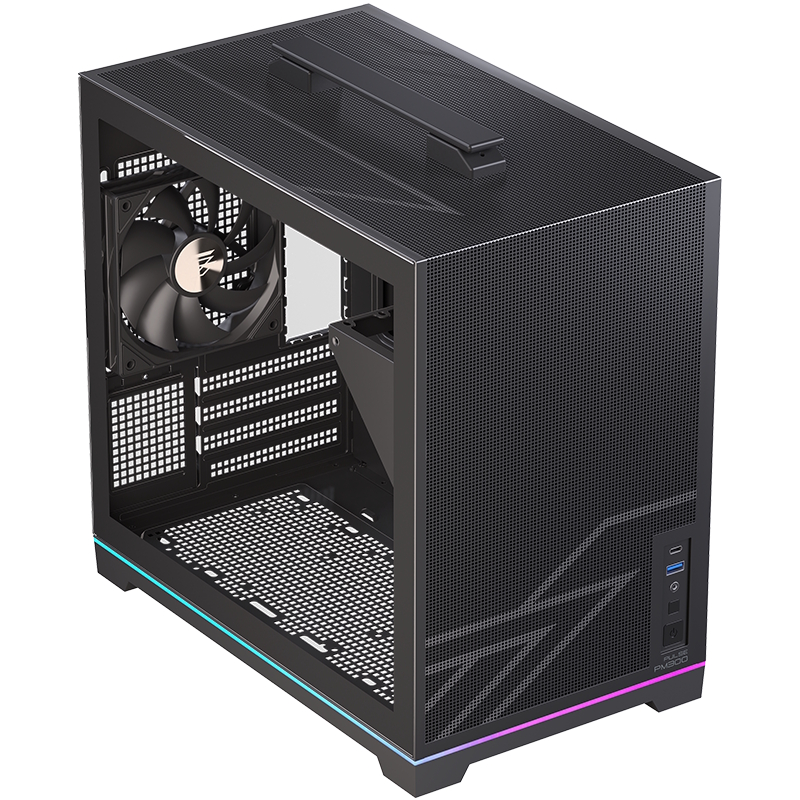
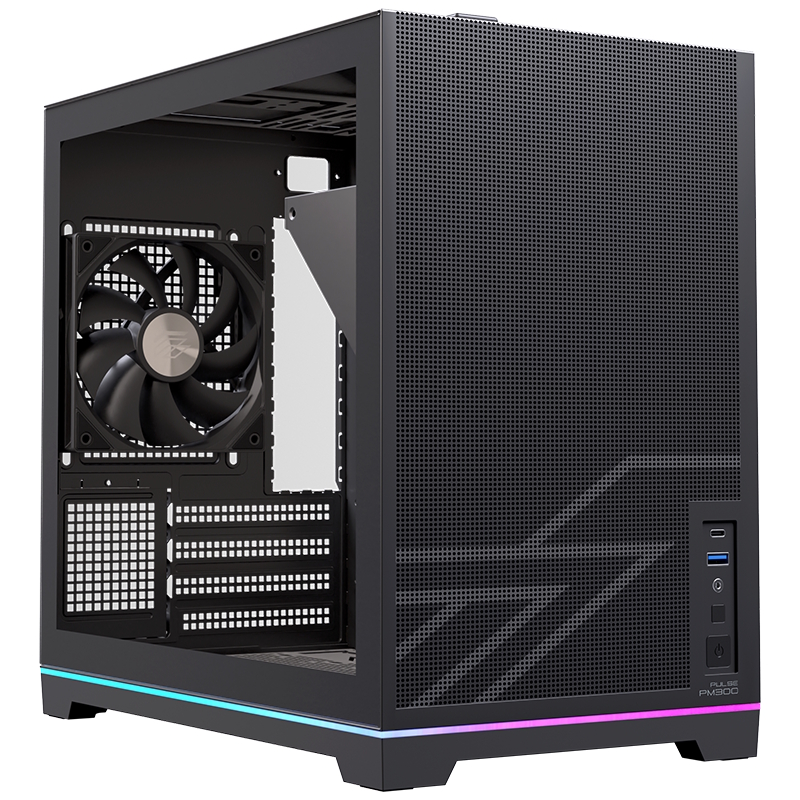
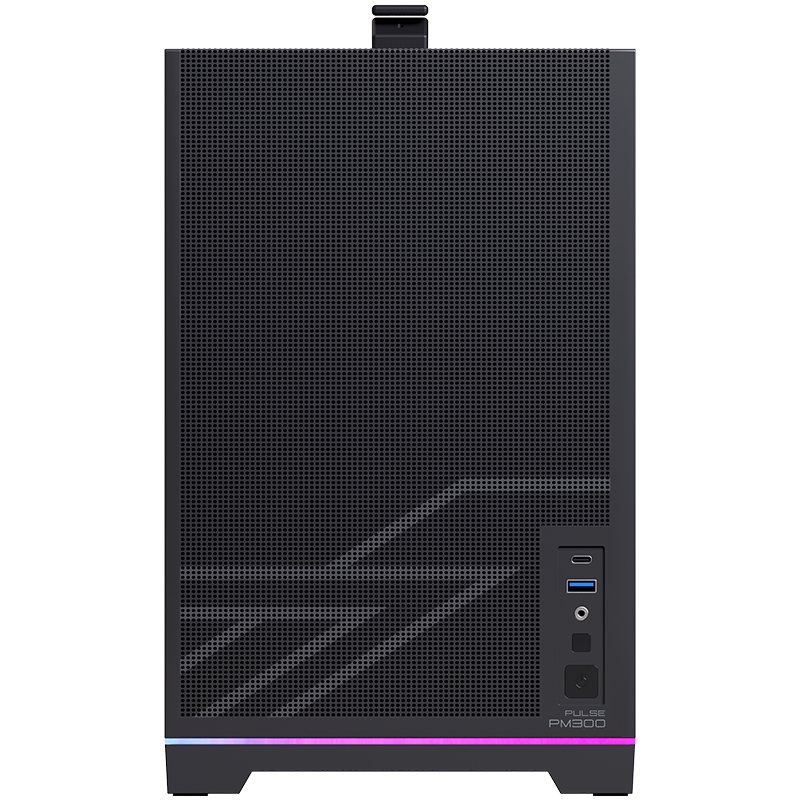
Einarex has officially announced the Pulse PM300, a microATX case designed for high-performance setups that require a smaller footprint. Expanding the company's airflow-focused Pulse series, the new enclosure is engineered to reduce unnecessary volume while maintaining compatibility with modern hardware standards.

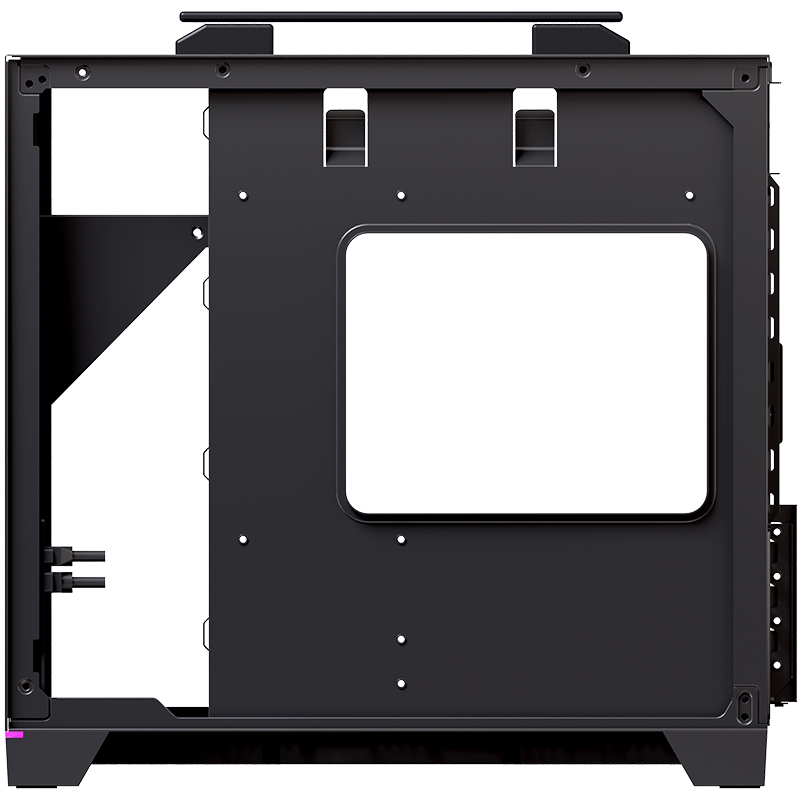
The Pulse PM300 supports both microATX and Mini-ITX motherboard form factors. According to the manufacturer, the internal space is optimised to accommodate graphics cards up to 340mm long, standard ATX power supplies up to 150mm long, 240mm radiators (top only), and tower air coolers up to 175mm tall. There's also space for up to 6x 120mm fans, 2x 2.5-inch drives, and another 2x 3.5/2.5-inch drives.

To address the thermal challenges common to smaller enclosures, the Pulse PM300 features a mesh-focused ventilation design that maximises continuous airflow over critical system components. The ventilation design accommodates multiple fan configurations and radiator placements, along with a dedicated routing structure for organised cable management.

According to Einarex, the case is intended for gaming setups, creator workstations, and portable systems that require frequent transport.

KitGuru says: Einarex might not be as well-known as other case brands, but the new Pulse PM300 sure looks like an interesting competitor in the compact case market.

The post Einarex introduces airflow-focused Pulse PM300 compact PC case first appeared on KitGuru.

Antec Debuts C6 Curve Air With Three-Sided Glass And A Curved Front Panel, Offering 450mm GPU Clearance For Enthusiast Builds

12 May 2026 at 14:59

A custom-built gaming PC with 'GEFORCE RTX' graphics card and Antec components is showcased in the 'CONSTELLATION SERIES C6 CURVE AIR' model.

Antec has dropped new cases that bring the panoramic view to the next level with triple-sided tempered glass panels. Antec Launches C6 Curve Air Cases With Three-Side Tempered Glass Panels in Three Flavors, Offering Incredible Panoramic Views The Antec C6 Curve Air might be the only case with such a unique design, but it looks gorgeous. The company has just announced the C6 Curve Air series cases that bring the panoramic view to the next level. By deploying a curved tempered glass panel at the front, the C6 Curve Air brings a unique view that is distinguished, but compromises the […]

Read full article at https://wccftech.com/antec-debut-c6-curve-air-series-pc-cases/

Lian Li expands the Vector series with V150 INF featuring infinity mirror front panel

24 April 2026 at 15:30

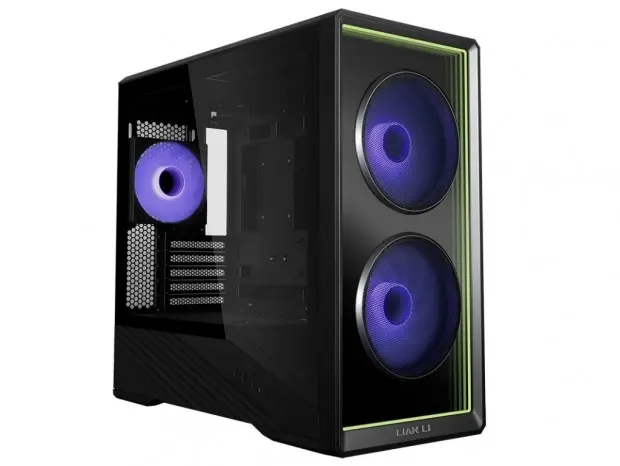
Lian Li has officially announced the Vector V150 INF, a compact mini-tower chassis designed for enthusiasts who want to blend high-performance cooling with a striking visual presentation. Building on the foundation of the Vector V100 MINI, this new iteration introduces “Infinity” aesthetic elements, including an infinity-mirror front panel.

The defining feature of the Vector V150 INF (via Guru3D) is its lighting system. Unlike the standard mesh or glass panels found on many mATX cases, the V150 INF uses infinity-reflection elements on its front panel. To complete the look, Lian Li includes three pre-installed Infinity ARGB/PWM fans: two 140mm fans at the front and a 120mm exhaust fan at the rear, all featuring infinity-mirror centres.

Image credit: Guru3D

The Vector V150 INF supports Micro-ATX and Mini-ITX motherboards, including the increasingly popular back-connect (BTF) designs. The chassis accommodates graphics cards up to 400mm in length and supports air coolers up to 163.5mm in height. For cooling components, the top panel can accommodate a 360mm radiator, while the side and bottom panels provide additional fan mounting points for a flexible layout.

The front I/O panel offers two USB-C 3.2 Gen 2 ports, one USB-A 3.2 Gen 1 port, and an HD-audio jack. Storage support includes slots for two 2.5/3.5-inch drives, though this is reduced to a single bay if using a long power supply up to 200mm. The case is scheduled for release later this month, with initial availability confirmed for the Japanese market. Pricing is expected to be around £70.

KitGuru says: Considering its looks, features, and price, it seems Lian Li has another winner with the V150 INF.

The post Lian Li expands the Vector series with V150 INF featuring infinity mirror front panel first appeared on KitGuru.

Geometric Future unveils compact Model 3 mATX chassis

24 March 2026 at 07:42

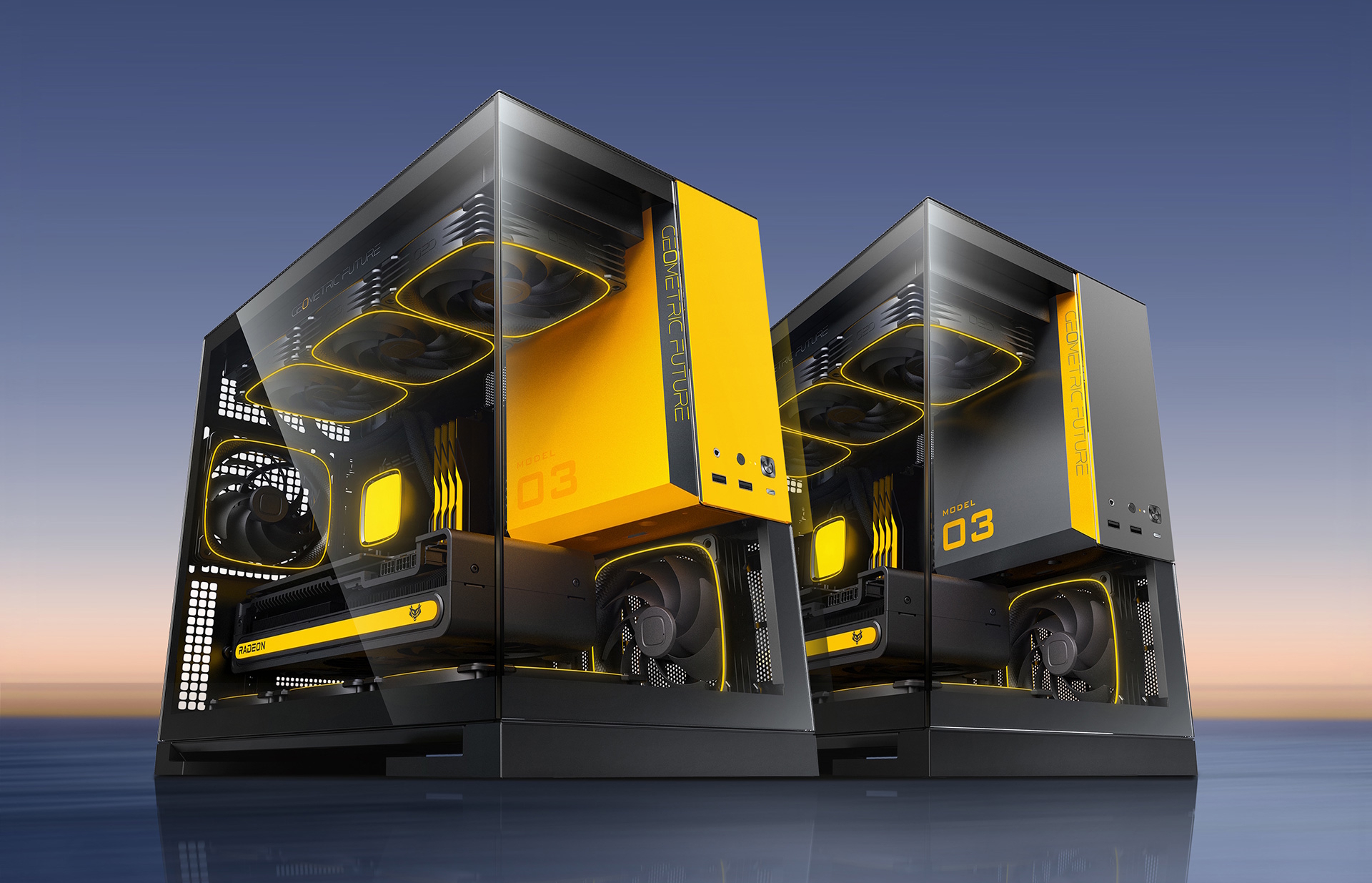
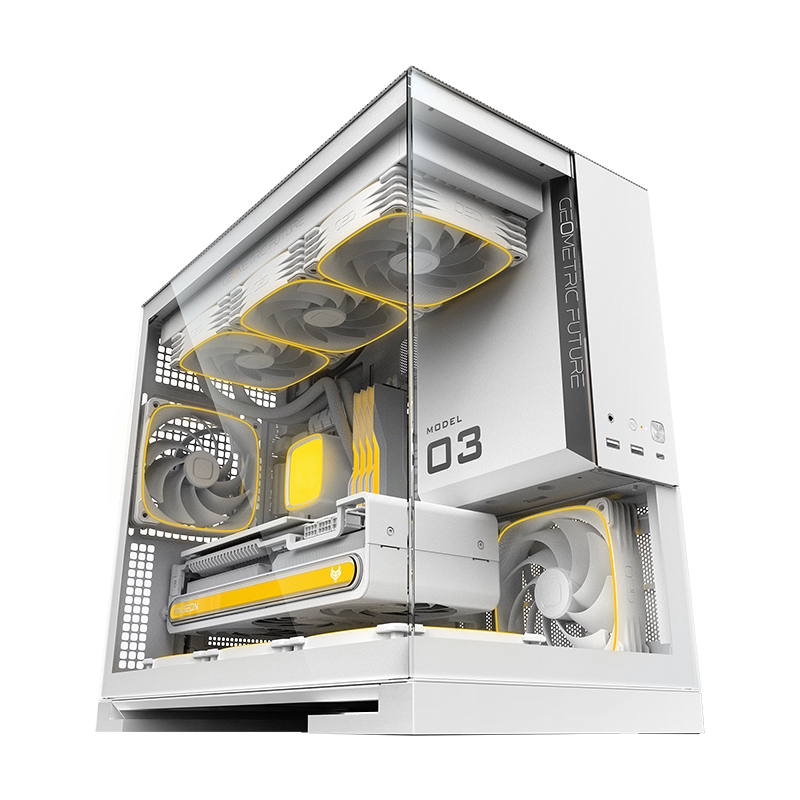
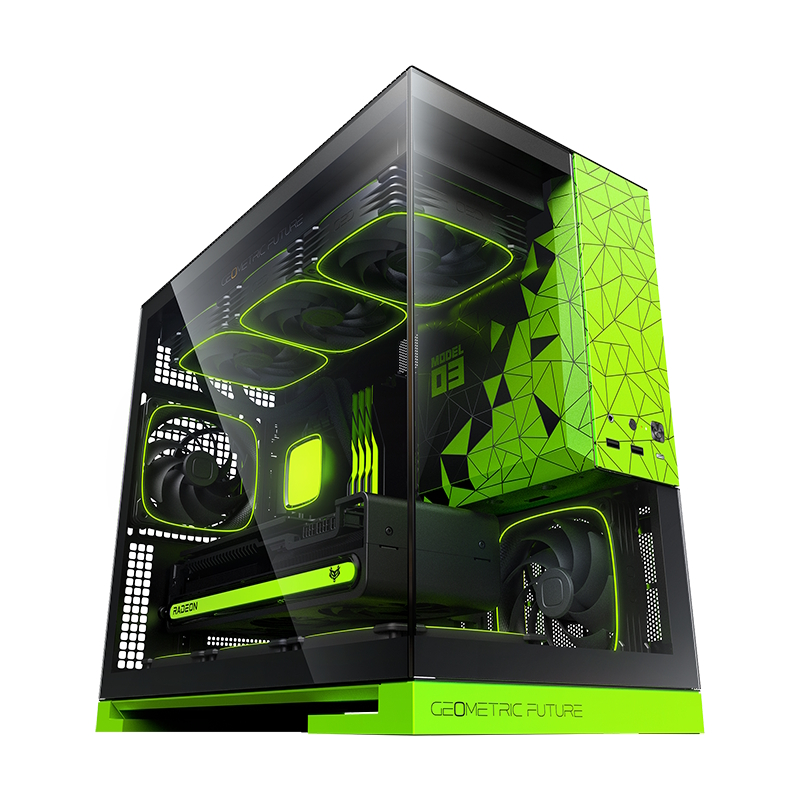
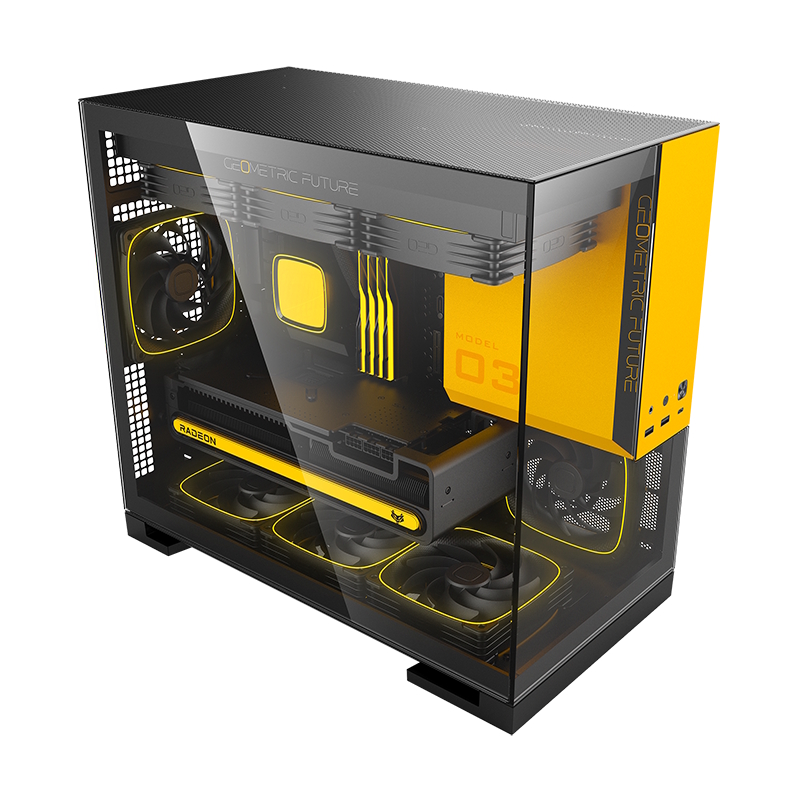
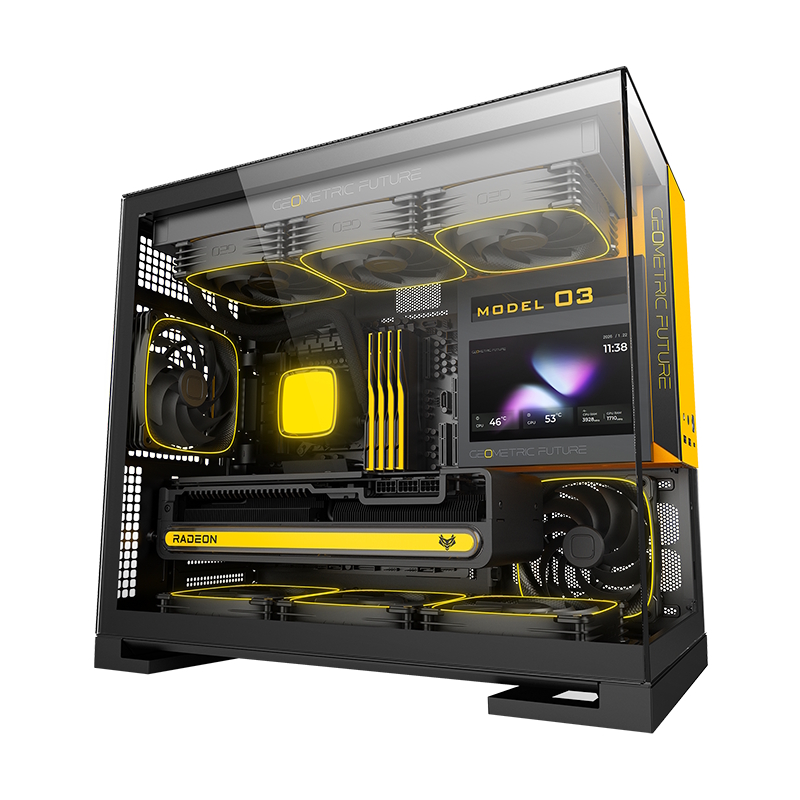
Geometric Future has officially expanded its “Model” series with the introduction of the Model 3. Drawing clear design inspiration from the larger Model 5, this latest entry adopts a more compact footprint, therefore changing compatibility with components.

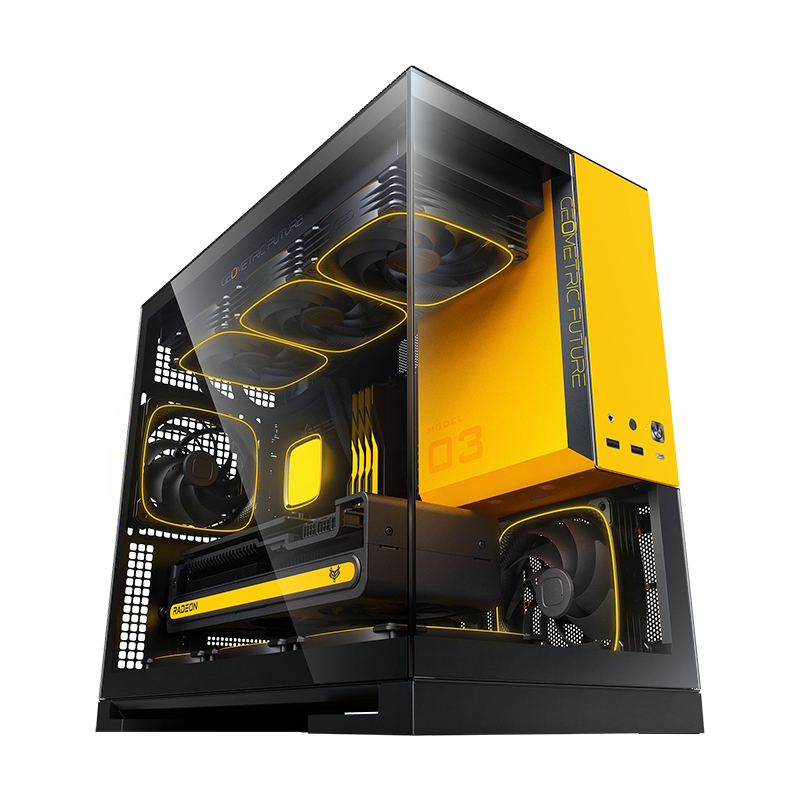
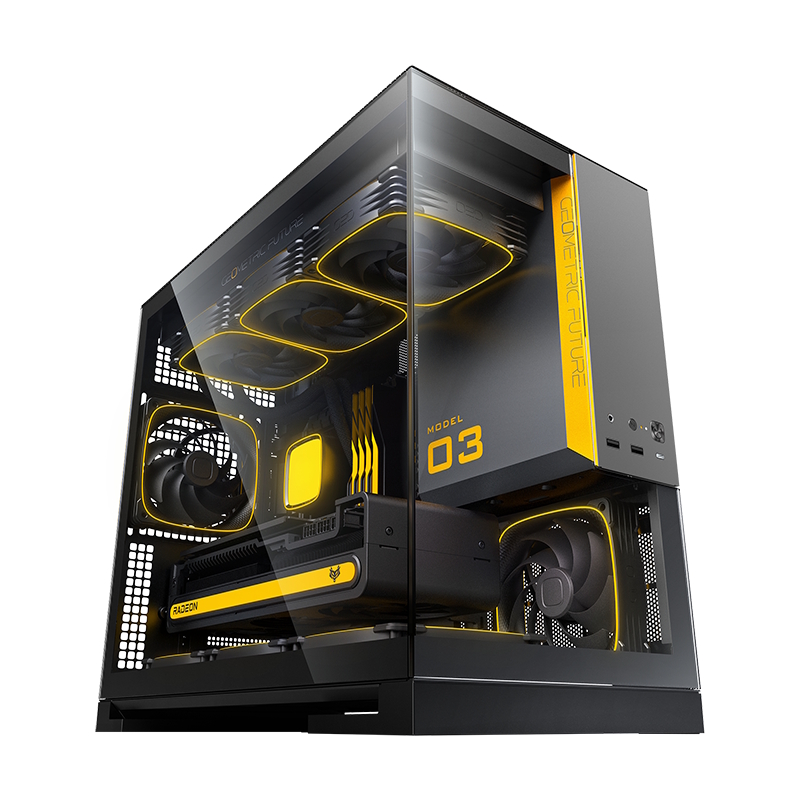
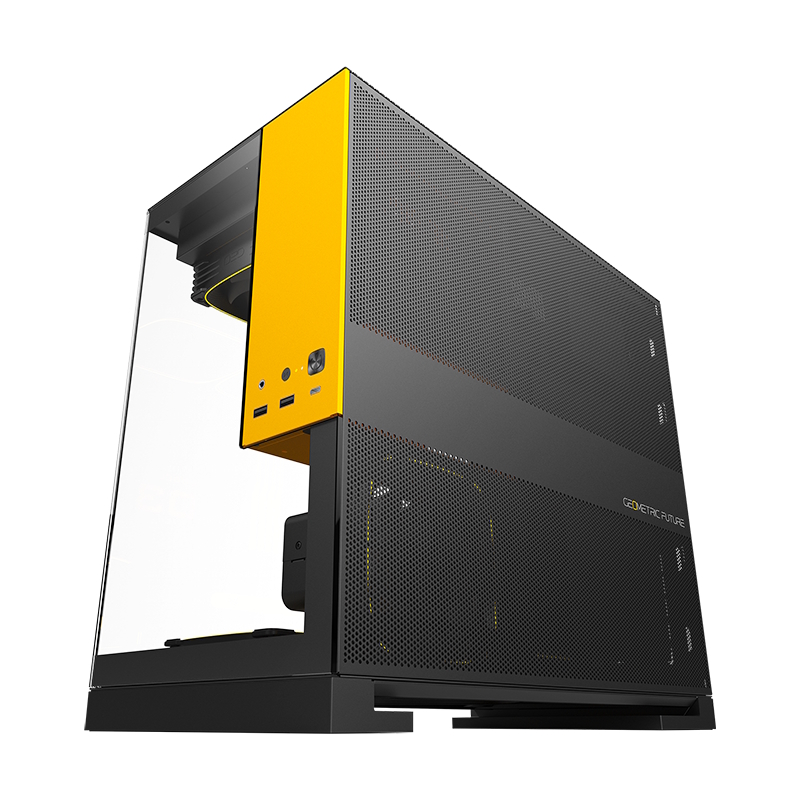
Measuring 235 x 440 x 400mm, the Model 3 (via ITHome) adopts an “aquarium” aesthetic, with a dual-panel glass front that provides an unobstructed view of the internal components. The case is launching in a variety of bold colourways, including yellow, grey, white, and green. Interestingly, the colour choice isn't just limited to the panels, as the power supply shroud and case feet are also colour-matched to create a cohesive look.

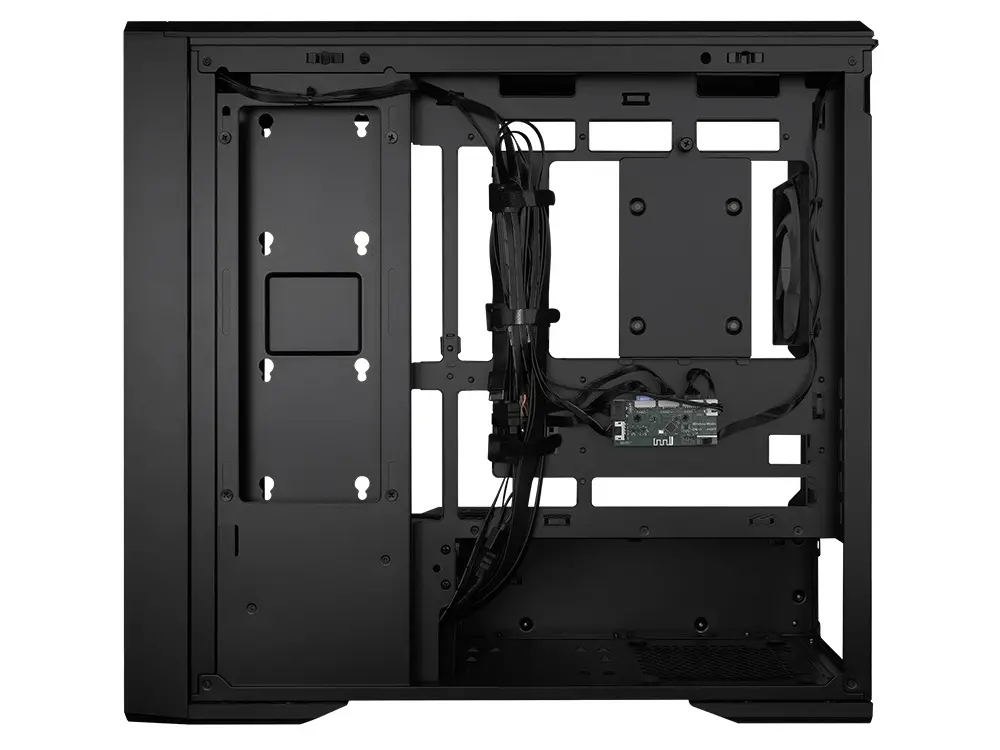
Internally, Geometric Future has opted for an unconventional front-side mounting position for the power supply. While this allows for more clearance elsewhere, it limits PSU depth to 160mm. Despite its smaller stature, it still offers ample room for core components, supporting graphics cards up to 435mm in length and CPU coolers up to 175mm in height. However, motherboard support is strictly limited to Micro-ATX and Mini-ITX form factors, and those hoping for “back-connect” BTF motherboard compatibility will be disappointed to find it missing here.

Cooling capacity remains flexible as long as you stick to 120mm fans. The Model 3 can house up to eight 120mm units, whereas 140mm support is restricted to just four mounts. For those leaning toward liquid cooling, the top panel supports a 360mm radiator. The chassis also includes several QoL features that punch above its weight class, such as a bottom dust filter accessible from the side, an integrated GPU anti-sag bracket, and pre-placed Velcro straps for cable management.

KitGuru says: While the front-mounted PSU and Micro-ATX form factor might turn some off, the Model 3 offers a clean “aquarium” look for those who want the Model 5 aesthetic with a smaller footprint.

The post Geometric Future unveils compact Model 3 mATX chassis first appeared on KitGuru.

Cougar CFV235 Case Review

17 March 2026 at 11:52

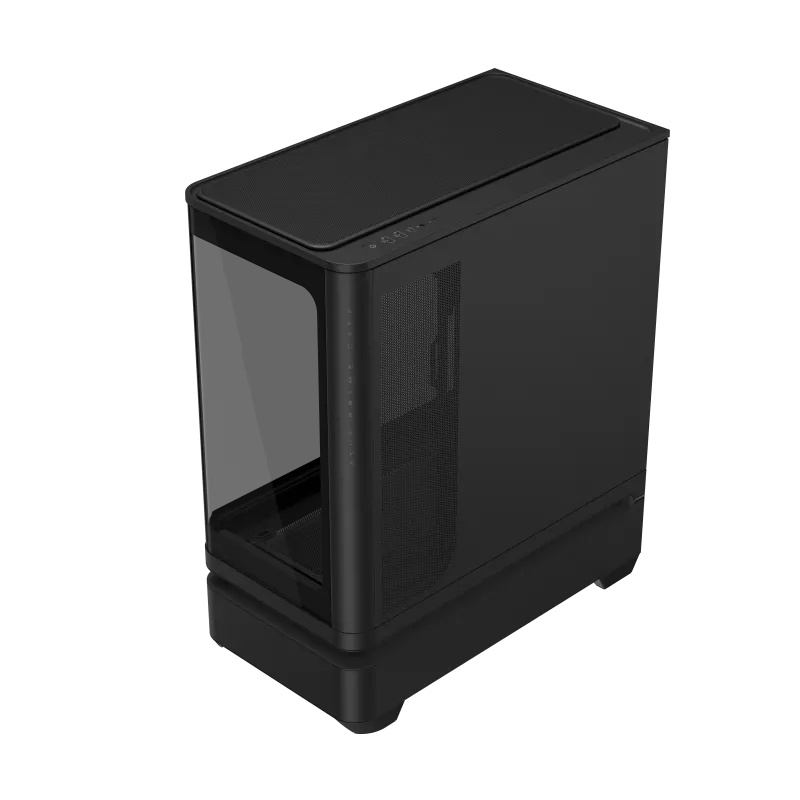
Today we’re taking a look at the Cougar CFV235 mid-tower chassis. It features Cougar’s Central Floating Ventilation design, support for up to EATX motherboards, including back connect, and comes with pre-installed ARGB PWM fans straight out of the box. On paper, there’s plenty of cooling potential too with support for up to nine fans and 360mm radiators, along with clearance for graphics cards up to 430mm long. As always, we’ll be checking out build quality, ease of installation, thermal performance, and overall value to see if the CFV235 is worth considering for your next build.
Timestamps:

00:00 Intro
00:45 Pricing + key info
02:38 Getting inside
04:10 Cooling support, pre-installed fans
05:55 CPU and GPU compatibility
06:52 Looking at the rear
07:18 Area behind the mobo tray
09:32 Storage support
10:21 Floor of the case
11:17 Accessories
12:14 Thermal tests + noise
13:49 James’ experience so far
15:19 Closing thoughts

Features:

  • Central Floating Ventilation (CFV) structure: A unique floating chamber design that creates separation between the PSU cabin and main chamber to enhance airflow and gives the case its distinctive look.
  • Pre-installed Unity 240 ARGB PWM reverse-blade fan & Aurora RGB lighting: Included is a Cougar Unity 240 single-frame ARGB fan and an integrated Aurora RGB lighting strip for enhanced cooling and aesthetics.
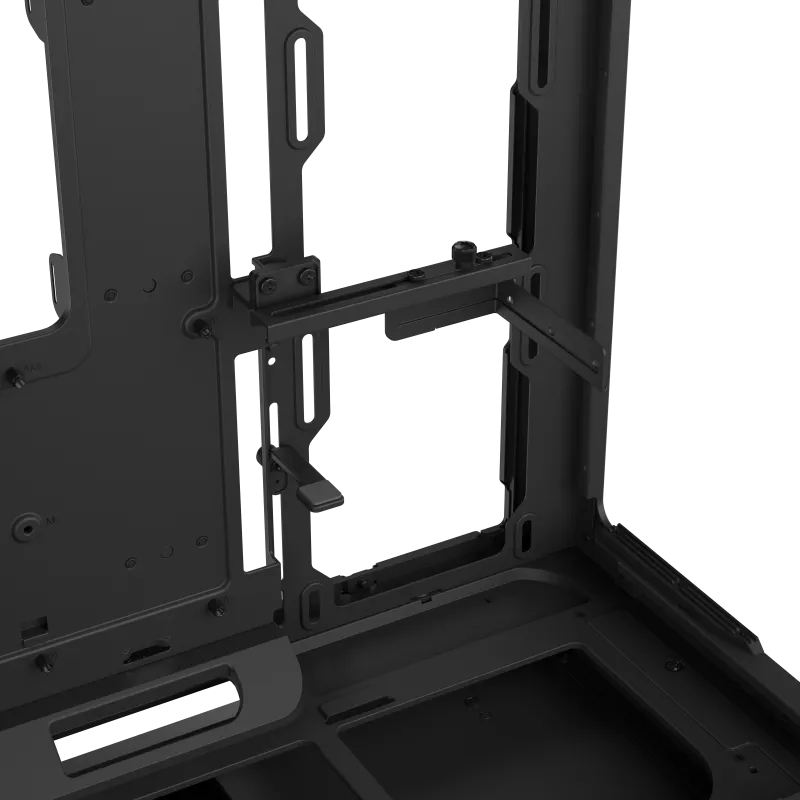
  • Versatile hardware support: CFV235 is compatible with motherboards up to E-ATX size, including back connect, 360mm radiators, 175mm tall air coolers and supports GPUs up to 430 mm in length.
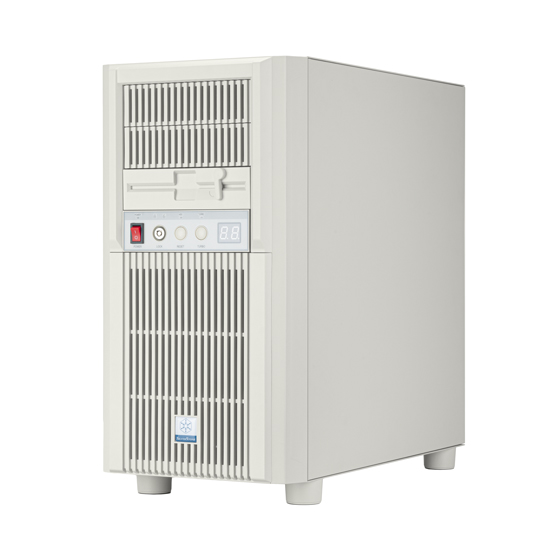
Specifications:

  • Case Type: Mid Tower
  • Dimensions (LxWxH): 235 × 493 × 460 mm
  • Materials: Steel, Plastic, Glass
  • Motherboard Support: Mini ITX / Micro ATX / ATX / CEB
  • Back-connect motherboard support: Yes
  • Expansion Slots: 7
  • Storage bays: 5″ ×2, 2.5″ ×2 + 2 (converted from 3.5″ bays)
  • Max GPU Length: 430mm
  • Max CPU Cooler Height: 175mm
  • PSU Type: ATX up to 200mm
  • Pre-installed Fans: Unity 240 ARGB PWM Reversed Fan × 1 (Side) 120mm ARGB PWM Fan × 1 (Rear)
  • Fan Support: 120mm × 3 / 140mm × 3 (Top), 120mm ×2 (Side), 120mm x 3 (Bottom), 120mm x 1 (Rear)
  • Radiator Support: 360mm / 280mm / 240mm / 140mm / 120mm (Top), 120mm (Rear)
  • Dust Filters: Bottom
  • Front I/O: USB 3.2 Gen 2×2 Type-C ×1, USB 3.0 Type-A ×2, 4-Pole Headset Audio Jack ×1, RGB Button
  • LCD Screen: N/A

Thermal Performance Testing

To simulate thermal demand, we run the Cinebench R23 multi-thread benchmark and 3DMark Speed Way stress test simultaneously in a loop for 30 minutes to load the system fully. This gives the CPU and GPU enough time to reach constant steady-state temperature. With this data, we can compare how the system handles the thermal demand and measure peak noise levels.
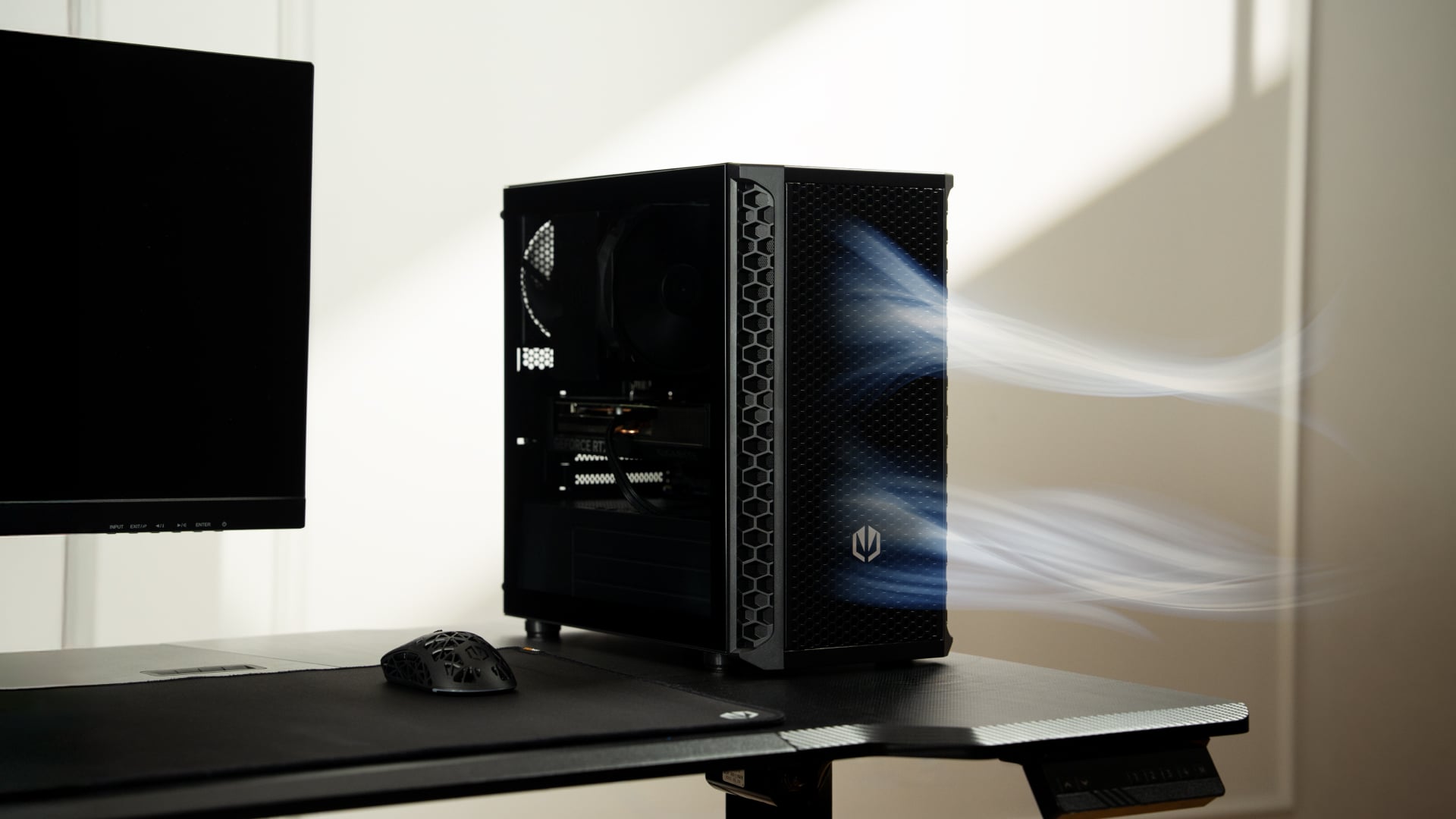
Thermal performance is measured with the case in various configurations, such as the default, with the tempered glass left-hand side panel removed and with the front panel removed to see how these configurations affect the CPU and GPU temperature. During testing, only stock case fans are used unless otherwise specified. All water pumps are set to maximum RPM and fans are set to a custom RPM curve by the Motherboard software/BIOS.
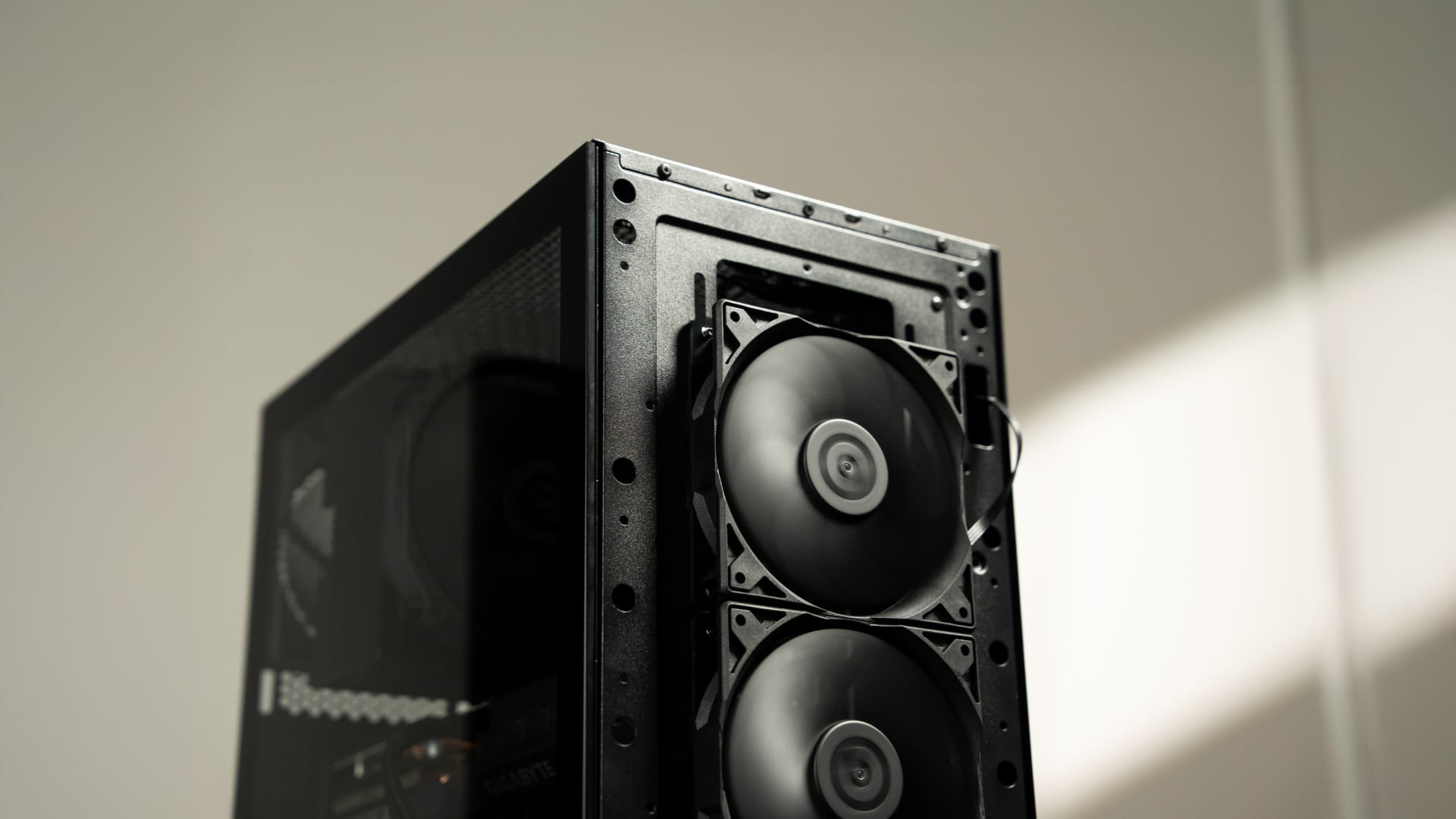
All temperature measurements are presented as Deltas – meaning the ambient temperature has been deducted from the CPU temperature, giving us a Delta. Data shown in the charts represents the average component temperature over the length of the test as measured by HWiNFO, and then the last 15 minutes of the data are calculated to get the average. The ambient temperature during thermal tests is between 19-20⁰C.

Test System Specification:

Thermal Performance Overview

We tested the case thermals with a 360mm AIO as the exhaust at the top and in several different configurations. The default configuration shown in the charts is with the 360mm AIO at the top, Cougar Unity 240 intake side fan, 1 x 120mm rear exhaust and with all panels installed.

In our thermal testing the Cougar CFV235 delivered fairly consistent thermal results across different configurations. With the default setup, the system recorded 53°C over ambient on the CPU and 49°C on the GPU. Taking off the mesh top panel produced similar behaviour, with the CPU reaching 53°C and the GPU 49°C. So the mesh isn’t too restrictive.

Removing the glass side panel had little effect on CPU or GPU thermals at 52°C and 48°C, respectively. But adding bottom intake fans reduced GPU temperature further to 46°C over ambient, while CPU temperature remained the same at 52°C. Overall, the results suggest the case’s stock airflow configuration is reasonably well balanced, but there are minor GPU thermal gains to be had from adding bottom intake airflow.

Noise Output

As with thermals, the noise testing shows only a minor difference between configurations under load. In the default configuration, the maximum load noise measures 52 dBA, which drops to 49 dBA when bottom intake fans are installed – showing the cooler GPU temperature helped reduce fan speed.

At idle, the system remained consistent across all configurations at around 36–37 dBA. Overall, our testing would suggest the additional bottom fans help reduce system noise slightly under load, while panel removal has a minor impact on acoustics.

Closing Thoughts

First impressions of the Cougar CFV235 are good thanks to its distinctive design. Cougar’s Central Floating Ventilation layout gives the chassis a unique look that stands out from more conventional mid-tower designs, while the overall construction feels surprisingly solid and well put together. Panel fitment is good, materials feel sturdy, and the case generally gives the impression of a well-built product.

Thermal performance is decent rather than class-leading. The stock configuration delivers stable temperatures in our testing, but it doesn’t quite extract the maximum possible cooling potential straight out of the box. That said, adding bottom intake fans provides a small but noticeable improvement in GPU temperature and noise, suggesting the airflow design benefits from a little extra intake to help feed the GPU and main chamber. Based on that, it does seem odd that Cougar doesn’t include bottom intake fans as the default.

There are a couple of minor usability issues worth mentioning, such as the lack of removable radiator brackets, meaning that it's difficult to connect cables at the top of the motherboard with an AIO installed. This is a feature I like to see at this price point. Additionally, the side cable cut-out grommet can be easily dislodged during cable routing, which may prove to be a little frustrating during the build process.

Even with those small drawbacks, the CFV235 still offers a well-rounded package with strong build quality, extensive hardware compatibility, including back-connect motherboards, big graphics cards, plenty of cooling potential, and a distinctive aesthetic that all work in its favour. Thermal performance is also perfectly respectable once airflow is optimised with bottom intake fans. For builders looking for something a little different visually without sacrificing practicality or build quality, the Cougar CFV235 is a solid option.

UK availability is scarce but we found it listed on Amazon HERE.

Pros: 

  • Unique look with the free-floating top chamber.
  • No adverse chassis flex due to the 1.5mm thick steel frame.
  • Good hardware support, with up to EATX motherboards, including back connect, and big graphics cards.
  • Included six-port PWM ARGB hub.

Cons:

  • Thermal performance is a little limited out of the box.
  • Non-removable top radiator bracket.
  • Side cable grommet is easily dislodged.

KitGuru says: If you want a case that has a distinctive look but doesn't sacrifice build quality or practicality, the Cougar CFV235 is worth a look.

The post Cougar CFV235 Case Review first appeared on KitGuru.

Jonsbo’s new D33 mATX case series includes two wood variants

10 March 2026 at 15:30

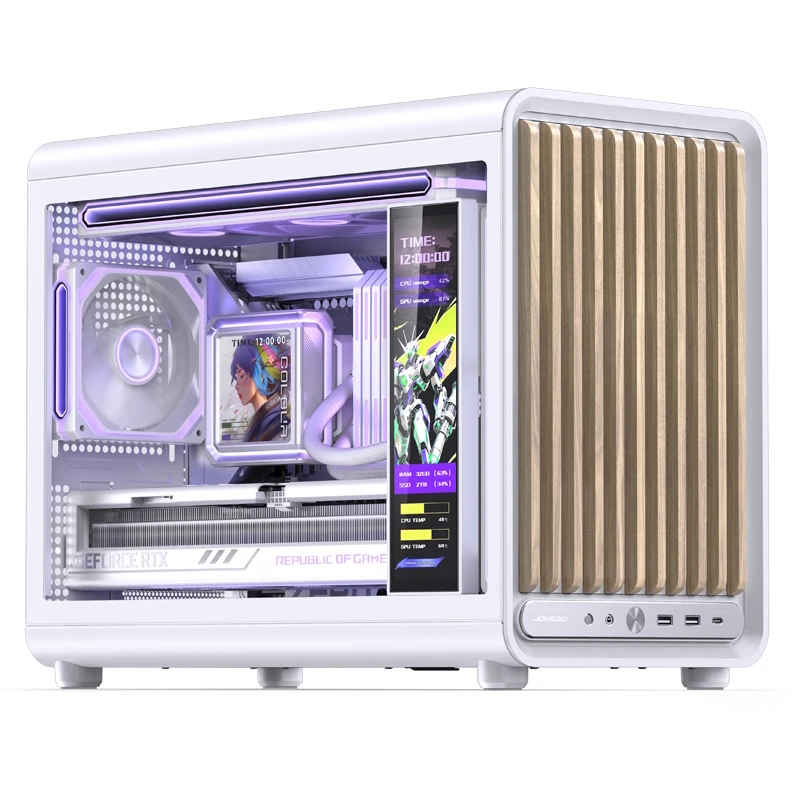
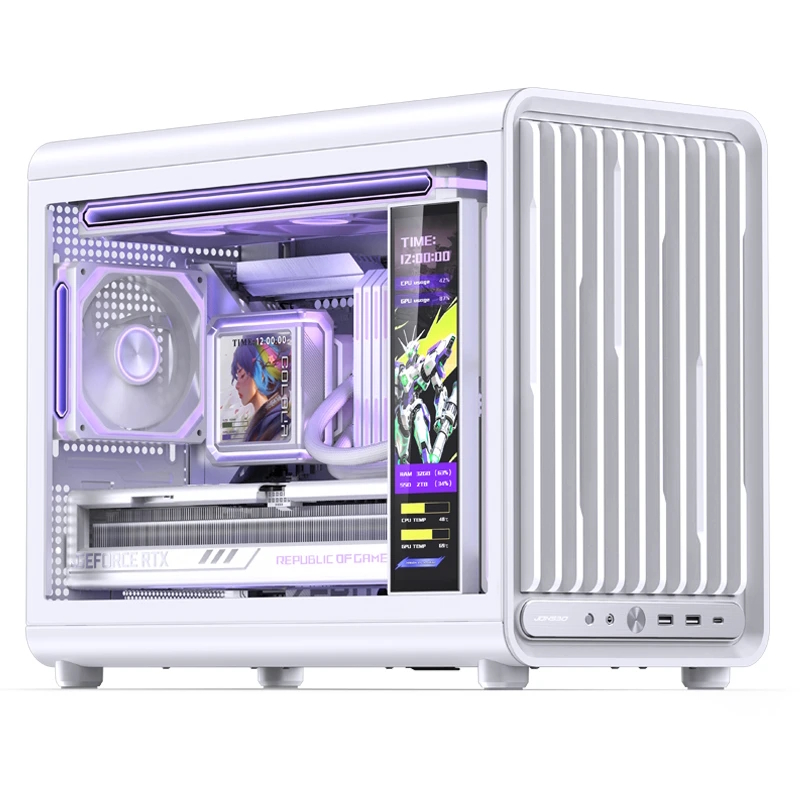
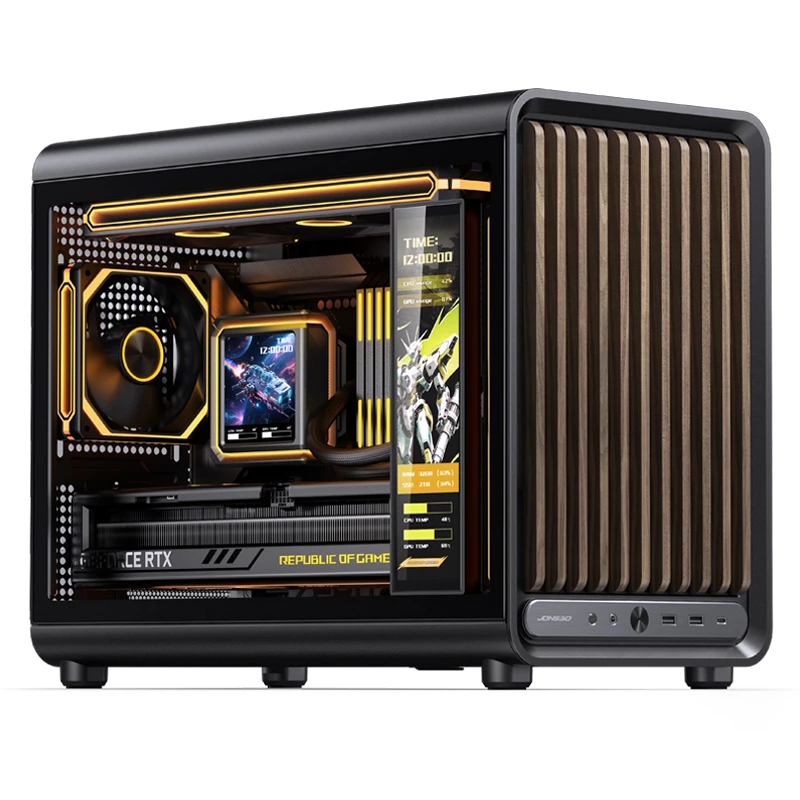
Jonsbo is expanding its case lineup with the launch of the D33 and its wood-accented sibling, the D33 Wood. These Micro-ATX cases are built for enthusiasts who want a “furniture look” without sacrificing the cooling potential required for modern high-end hardware.

Available in black and white across both variants, the D33 series features a compact footprint of 455 x 238.2 x 368.4mm. The standard D33 features a plastic front panel defined by bevelled vertical bars. For the D33 Wood, Jonsbo swaps these for genuine wood slats, utilising a light oak-like wood for the white chassis and a darker walnut-toned wood for the black version. While the wood variant uses straight bars rather than bevelled edges, both models maintain a clean, integrated I/O panel that includes a USB-C port, two USB-A 3.0 ports, and a power button.

The D33 natively supports motherboards with rear-mounted connectors, such as the MSI Project Zero or Asus BTF series. To accommodate these boards, Jonsbo has engineered a large, component-free zone behind the motherboard tray for routing. This focus on a clean interior does come with a slight trade-off in storage, as the case relies on a single bracket behind the CPU backplate that can hold two 2.5-inch or 3.5-inch drives. However, this layout leaves the bottom of the chassis open for three 120mm intake fans and two 120 or 140mm fans on the front, depending on whether you're using an ATX or an SFX PSU.

Regarding cooling, the cases use a “sandwich” mounting system for top-mounted radiators. Rather than bolting the cooling kit directly to the chassis frame, the fans, mounting plate, and radiator are layered together into a single module that then attaches to the top panel. While this requires a bit more assembly time than a traditional mount, it allows the D33 to support a full 360mm radiator in a Micro-ATX frame. For those who prefer air cooling, the case offers 172 mm of clearance for CPU towers. Lastly, there's space for PSUs up to 160 mm long and cards up to 435 mm long.

KitGuru says: If you're planning to downsize your build, the D33 looks like a potentially good option for a compact case.

The post Jonsbo’s new D33 mATX case series includes two wood variants first appeared on KitGuru.

Endorfy goes compact with new Signum M30 mATX series

25 February 2026 at 08:30

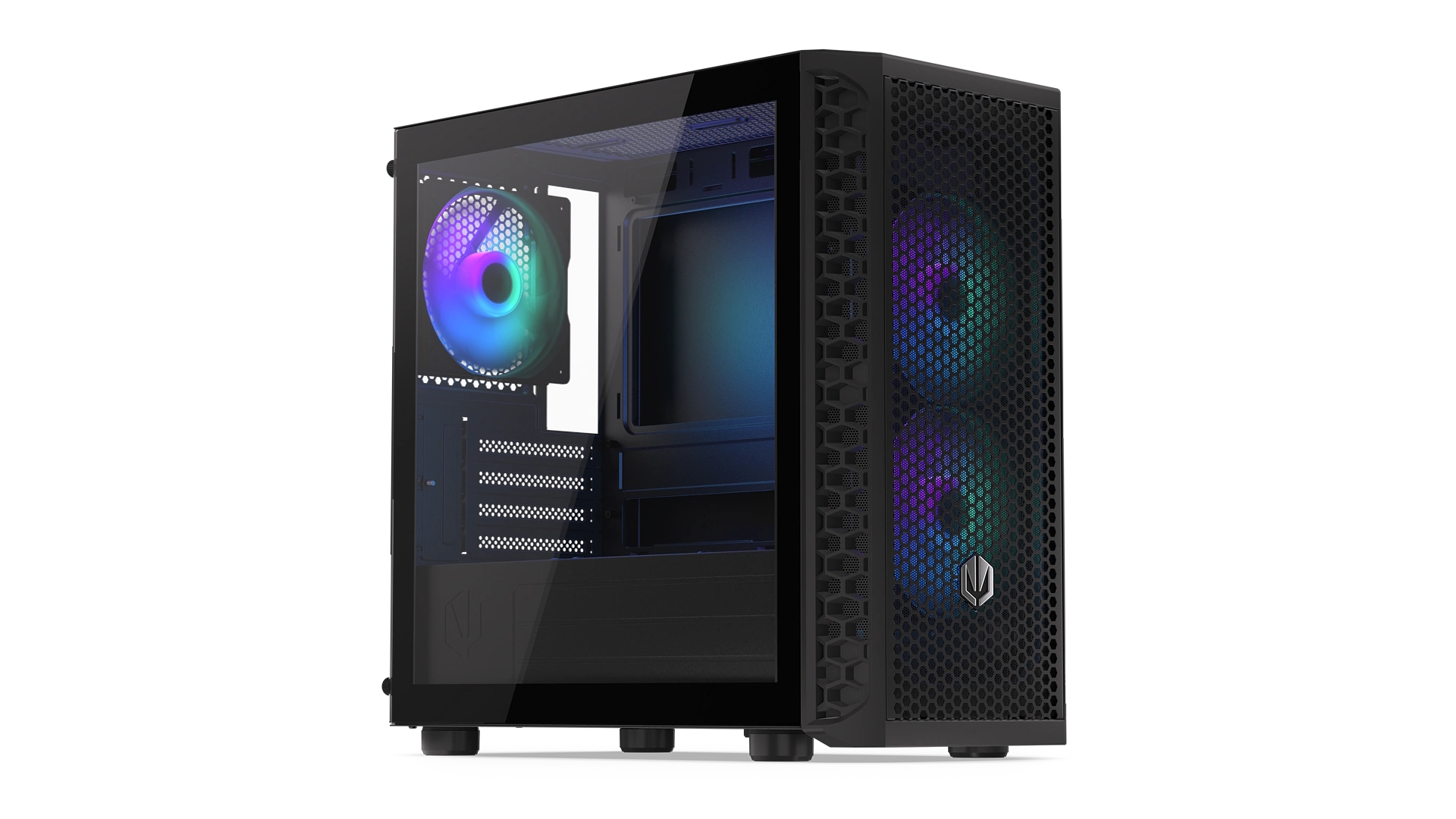
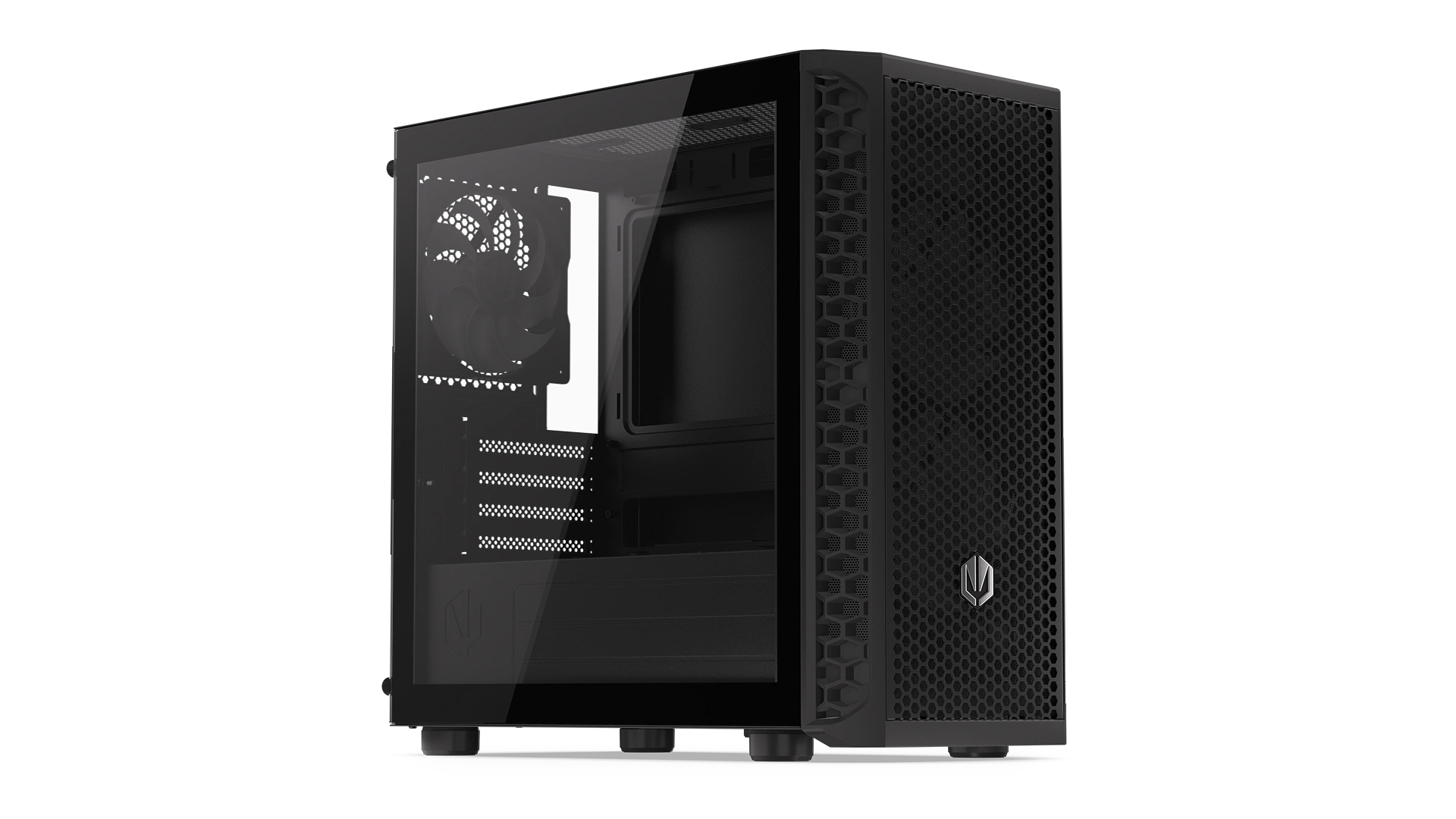
Endorfy has made its debut in the mATX market with the launch of the Signum M30 series, a new line of compact mini-towers inspired by the brand’s successful Signum 300 family. Designed to offer full-sized functionality within a smaller footprint, the series debuts with two distinct models: the Signum M30 ARGB and the Signum M30 Air.

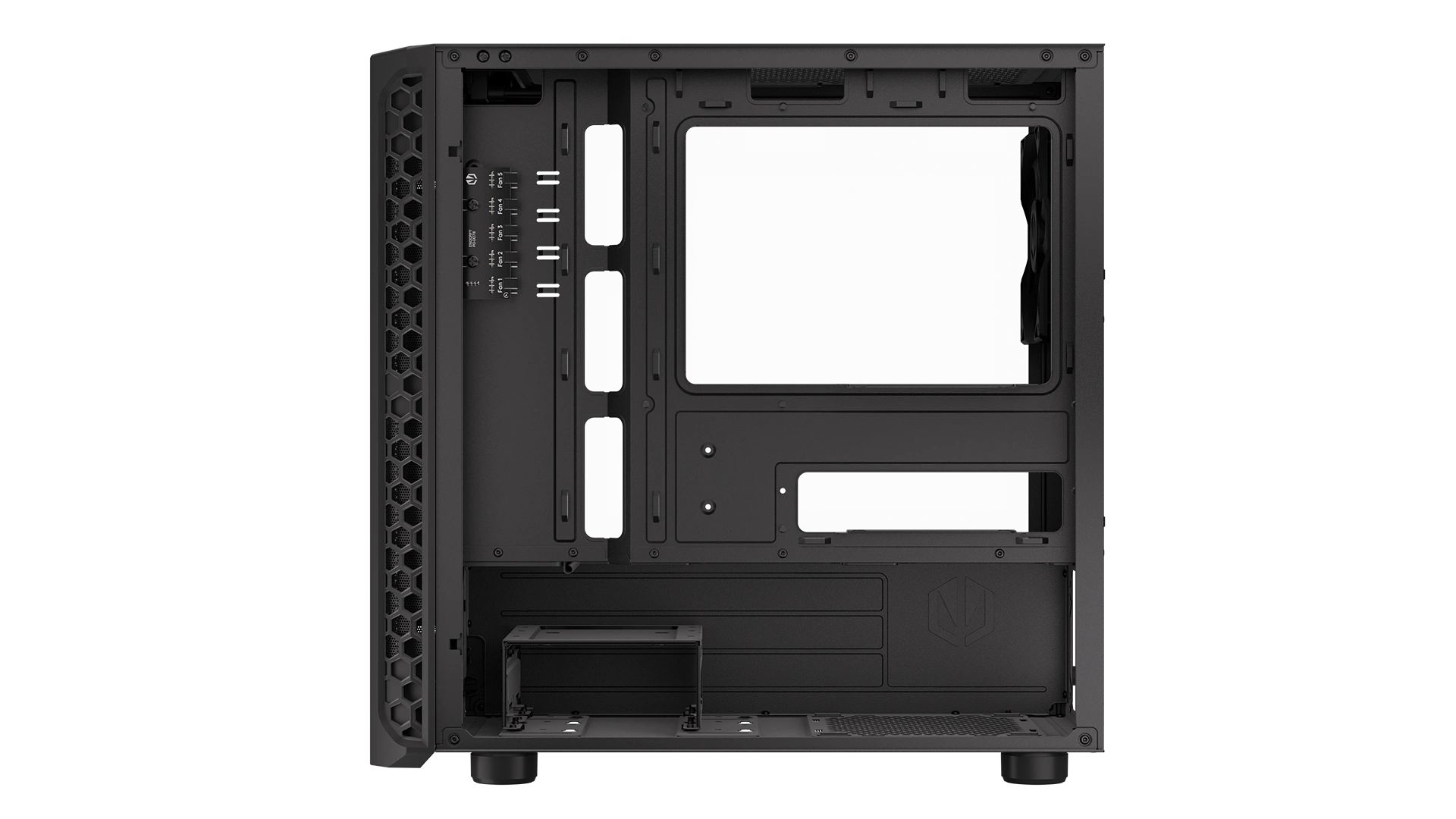
Despite their compact dimensions, the Signum M30 cases do not compromise on hardware compatibility or cooling. Both cases are engineered for high-performance builds and support motherboards in microATX, Mini-ITX, and Flex ATX formats. Regarding GPU and cooling support, these models accommodate graphics cards up to 345 mm in length, CPU air coolers up to 159 mm, and up to a 240 mm radiator.

In both models, the chassis features a mesh front panel that doubles as a dust filter and a perforated top panel for unrestricted airflow. Moreover, each case comes factory-equipped with three Stratus 120 PWM fans: ARGB versions for the M30 ARGB and standard black for the M30 Air. These fans support a fan-stop mode for silent operation and are pre-wired to a PWM splitter for easy motherboard control.

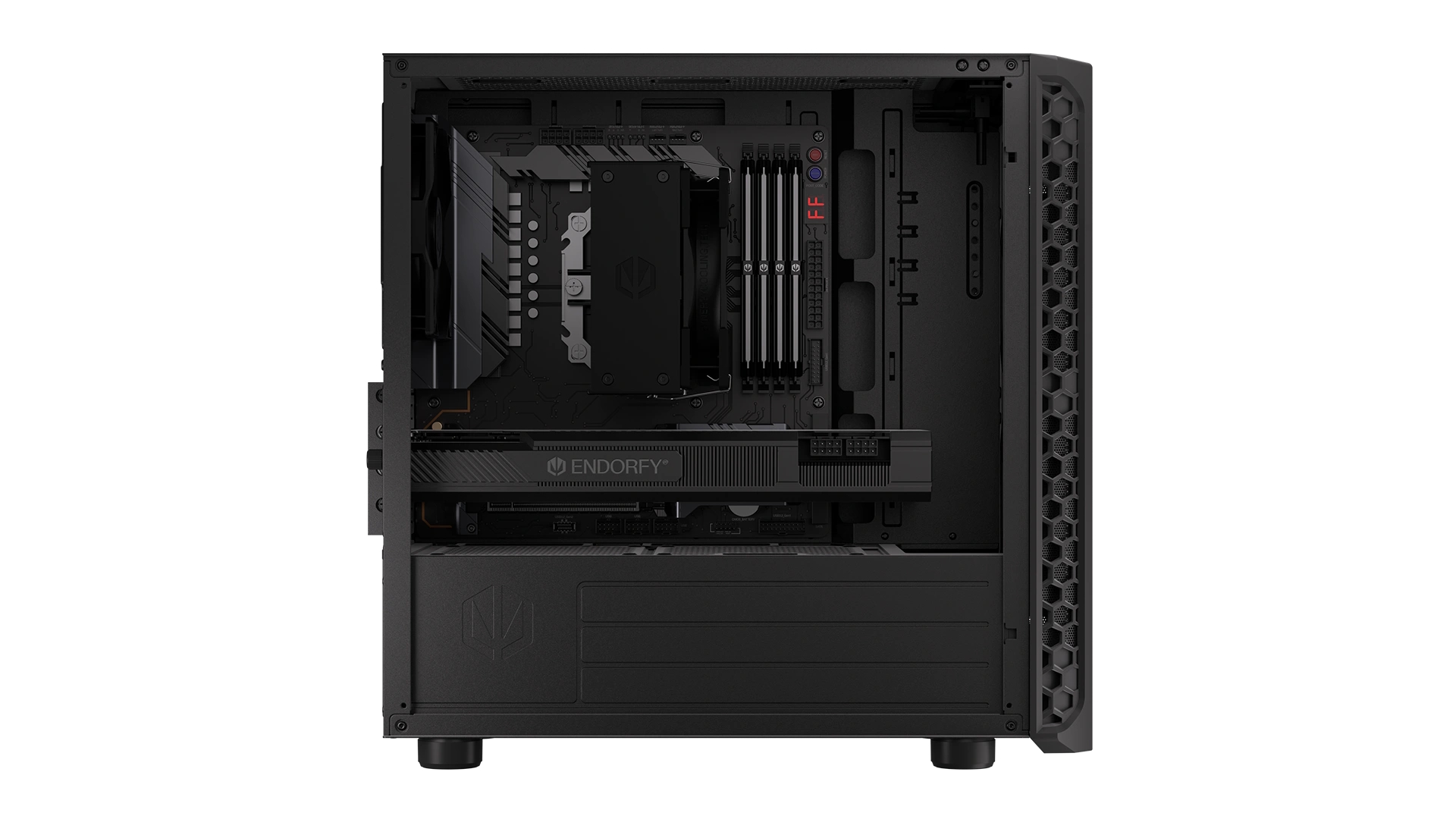
The interior has a modern dual-chamber layout to keep the build tidy, offering dedicated cable routing channels behind the motherboard tray and a left-side tempered glass panel to showcase the components. Storage options are plentiful for the size, with room for two 2.5-inch and two 3.5-inch drives. On the front I/O, Endorfy has included a USB-C 3.2 Gen 2×2 port capable of 20 Gb/s speeds, alongside two USB-A 3.2 Gen 1 ports and dedicated audio jacks.

KitGuru says: Endorfy is making a smart move by bringing its “Signum” DNA to the microATX space. For builders tired of massive towers but unwilling to give up 345 mm GPUs, the M30 looks like a very balanced contender.

The post Endorfy goes compact with new Signum M30 mATX series first appeared on KitGuru.
❌
❌