Normal view

There are new articles available, click to refresh the page.
Before yesterdayMain stream

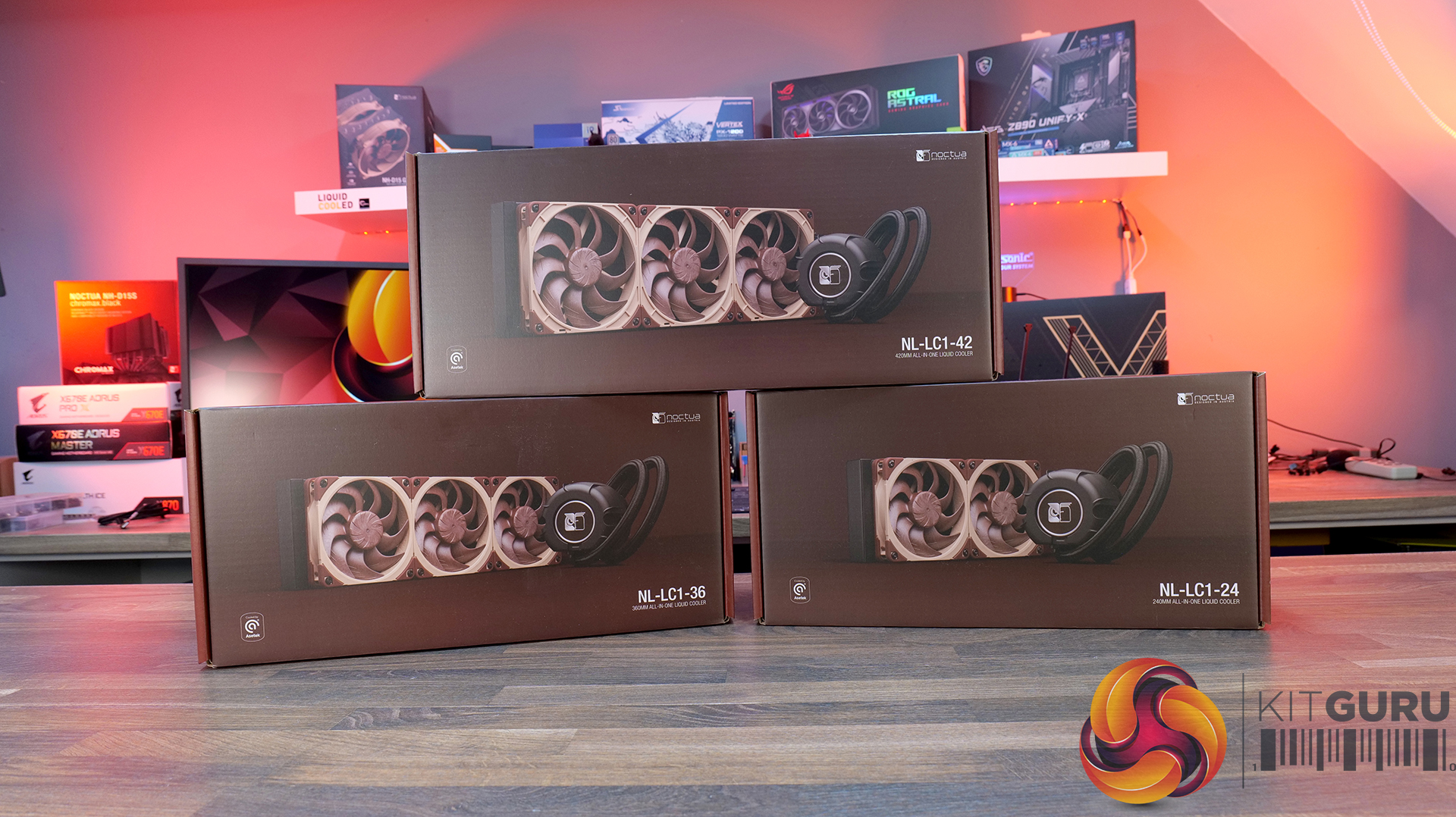
Noctua NL-LC1-360 360mm AIO CPU Cooler Review

24 June 2026 at 11:42

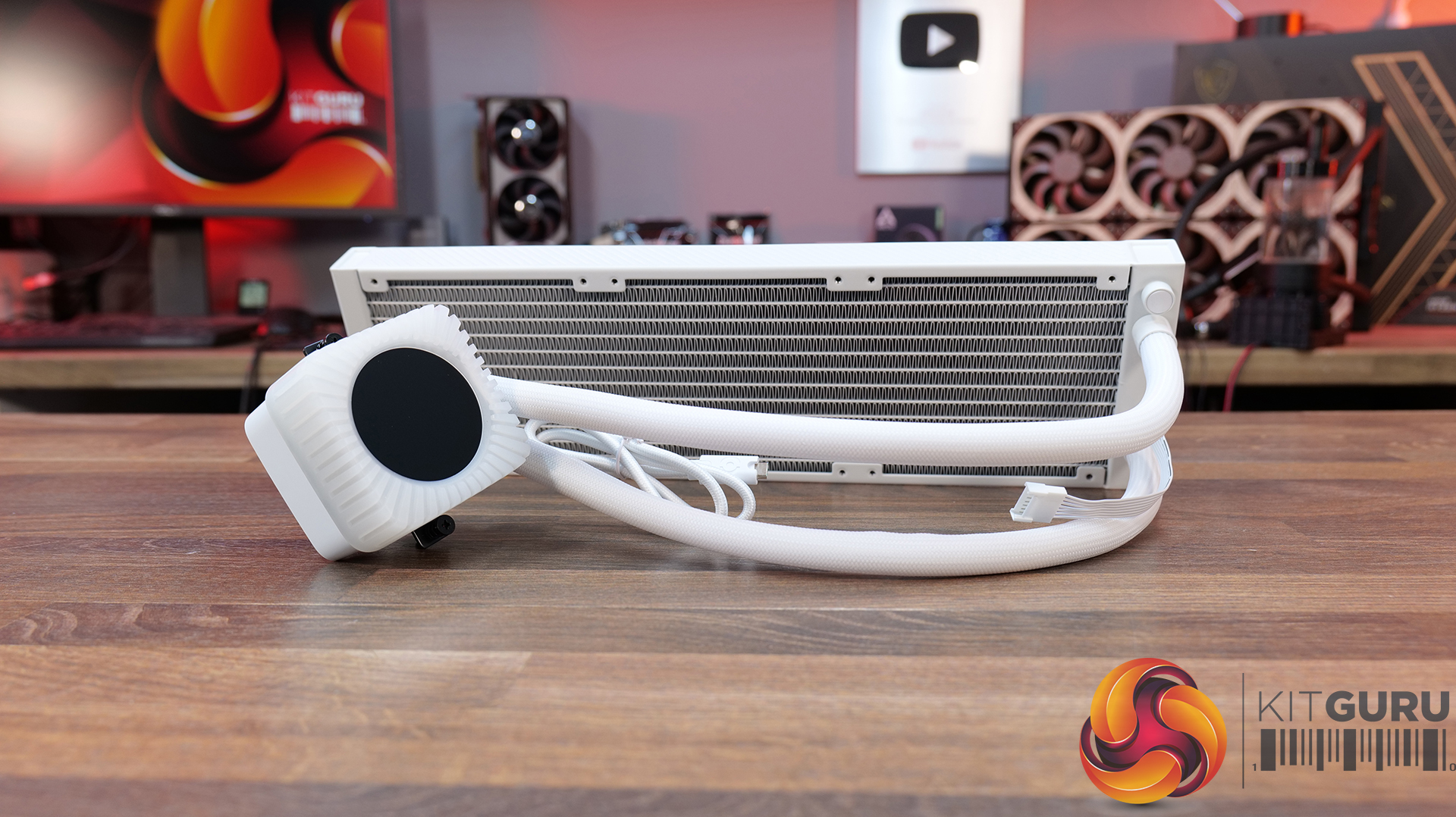
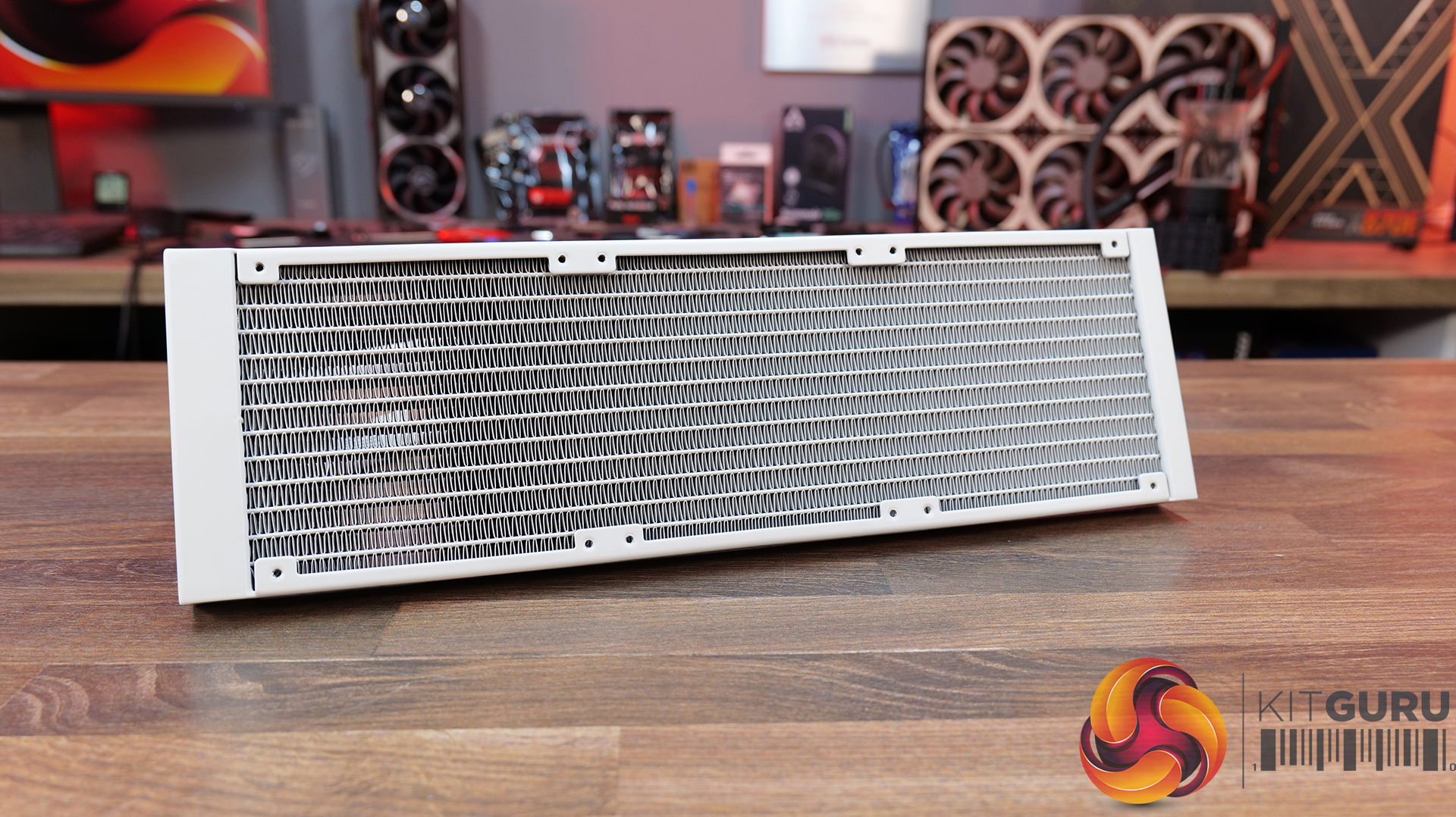
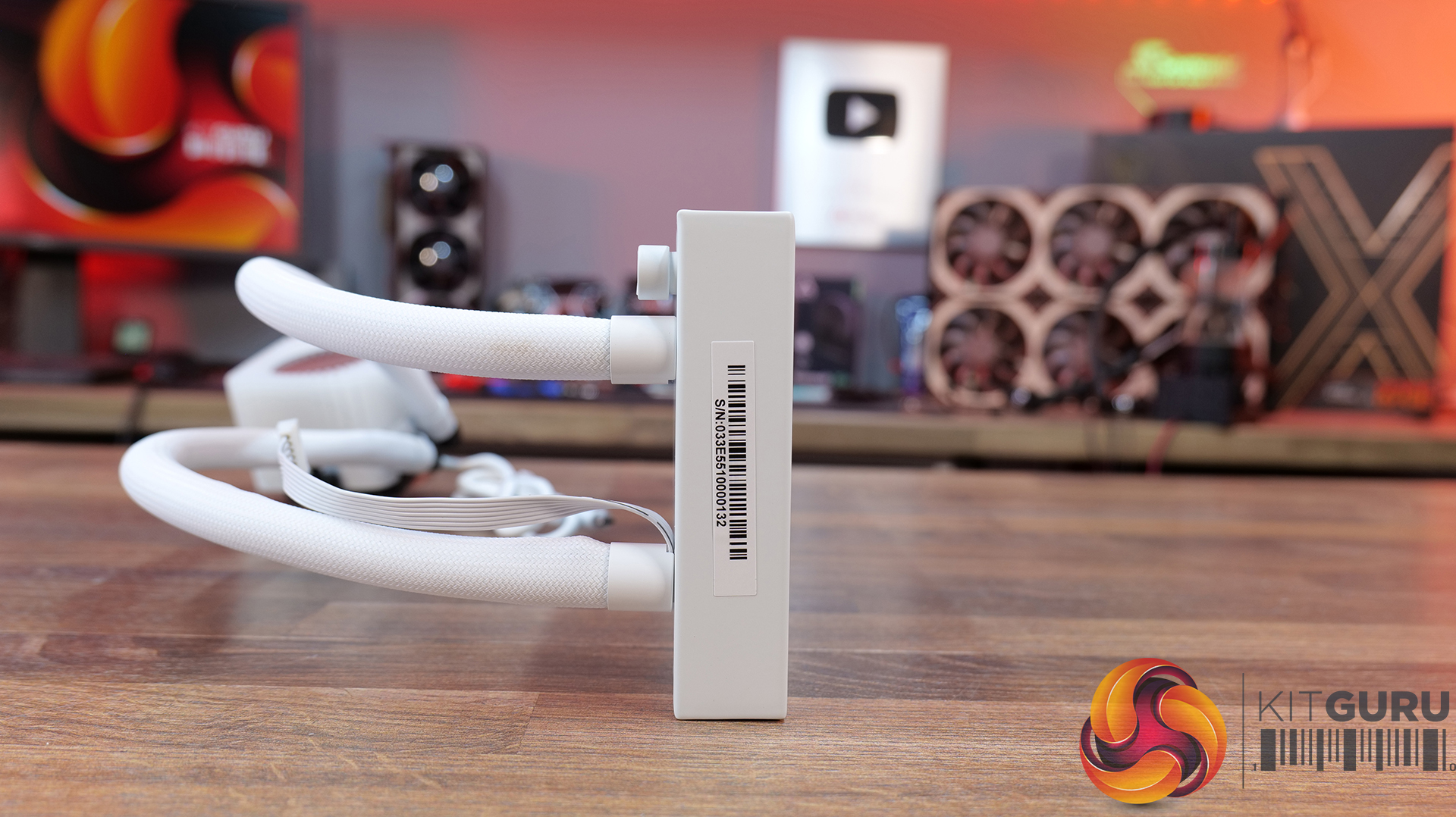
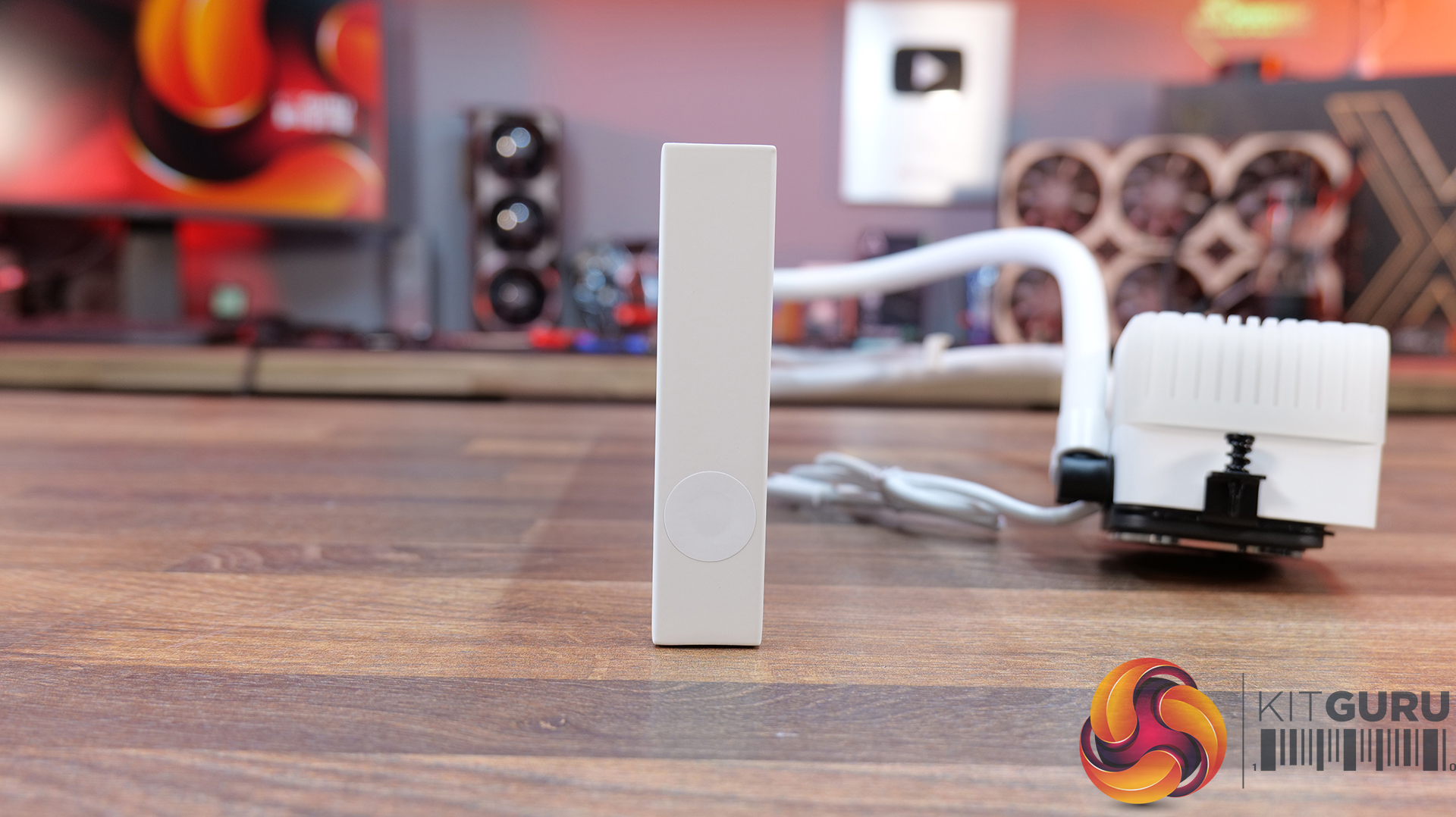
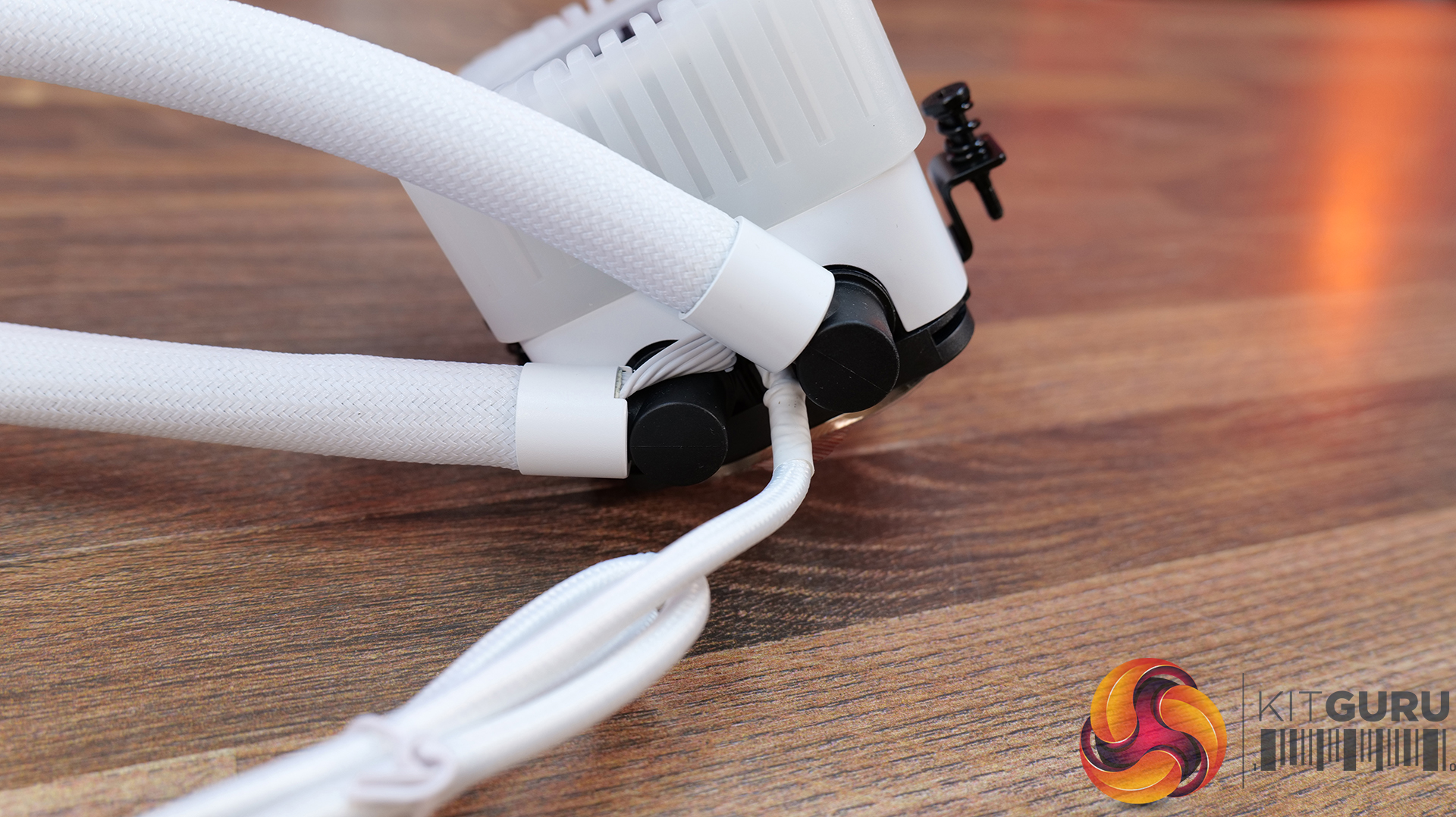
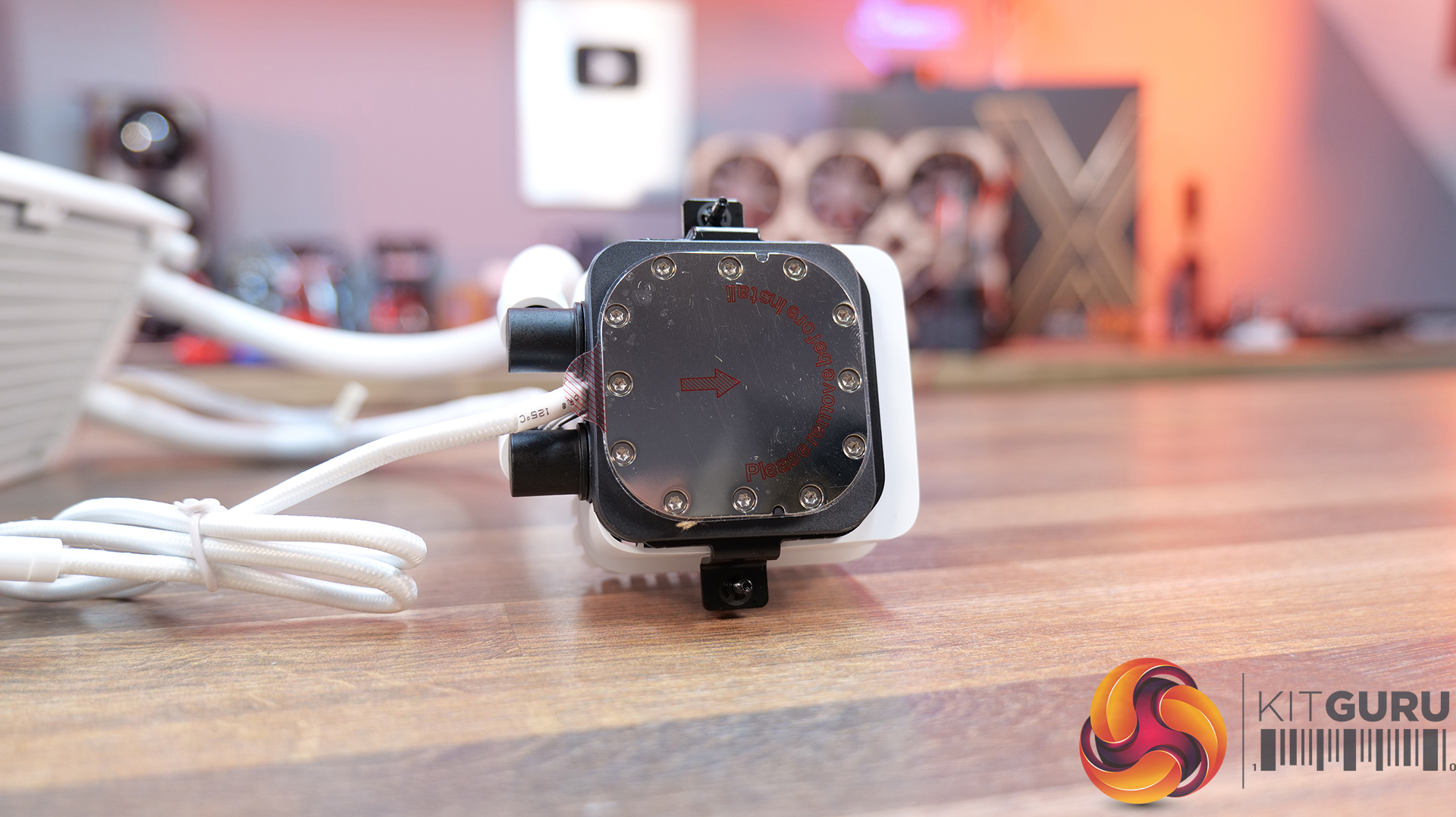
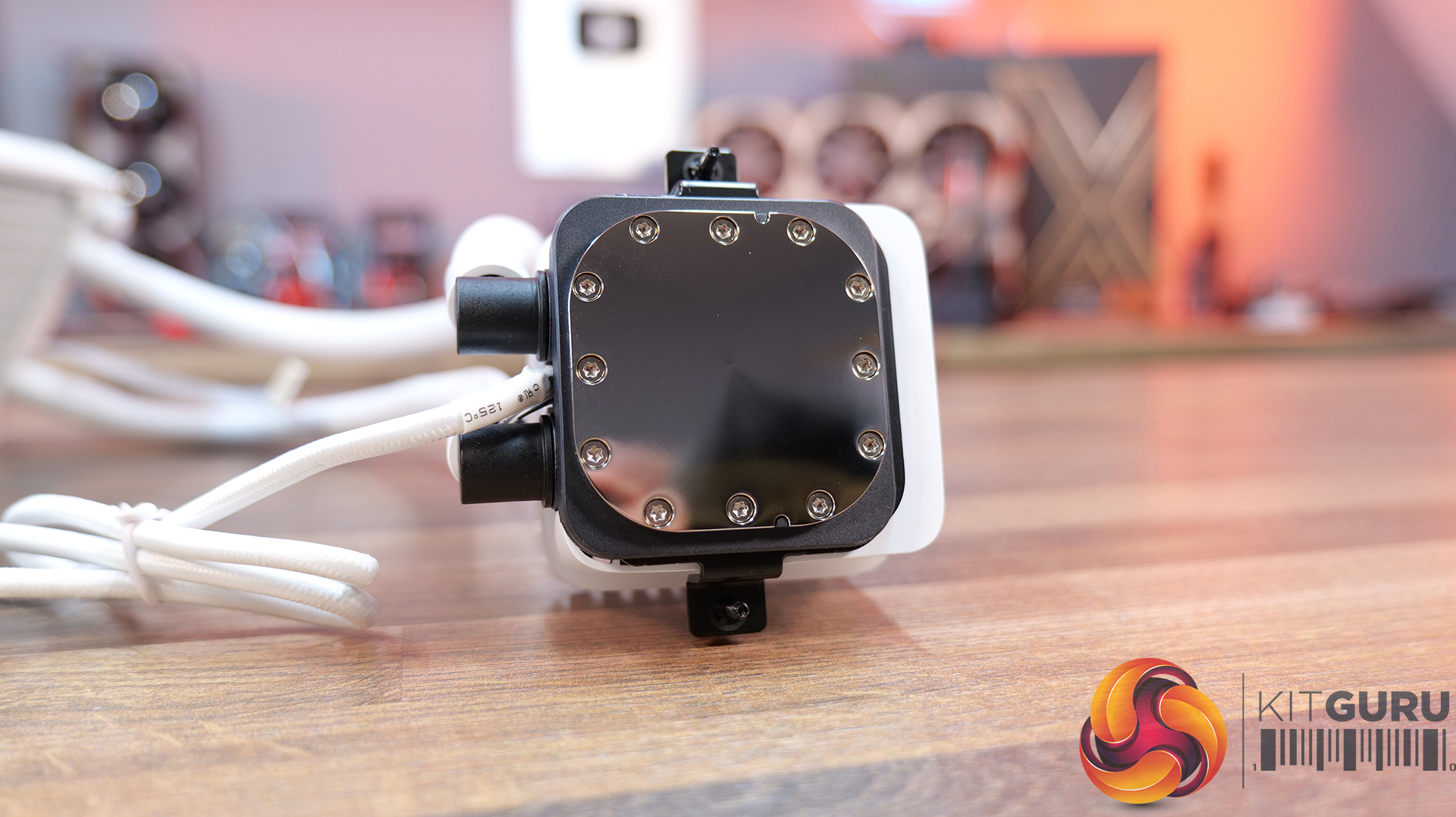
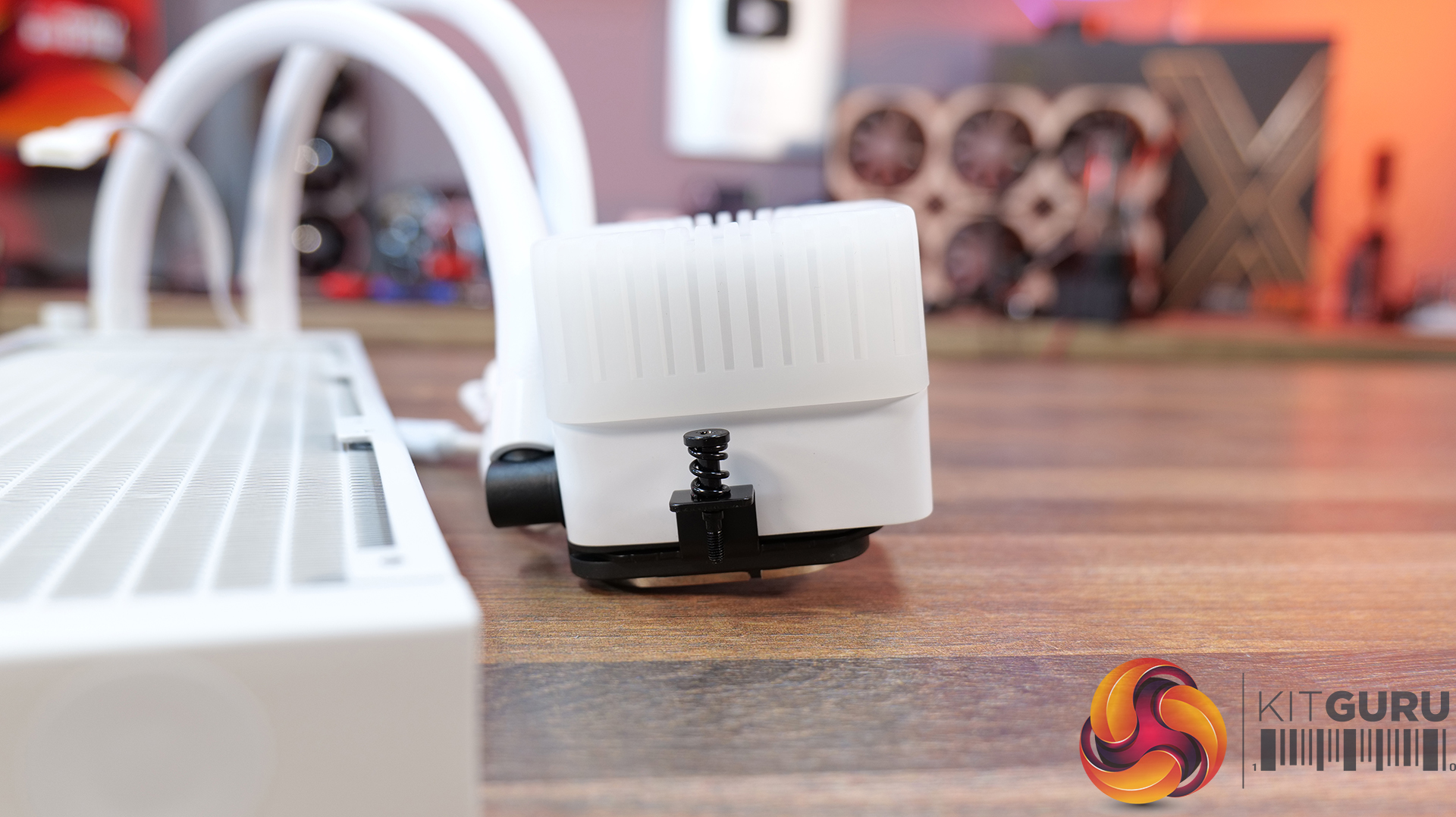
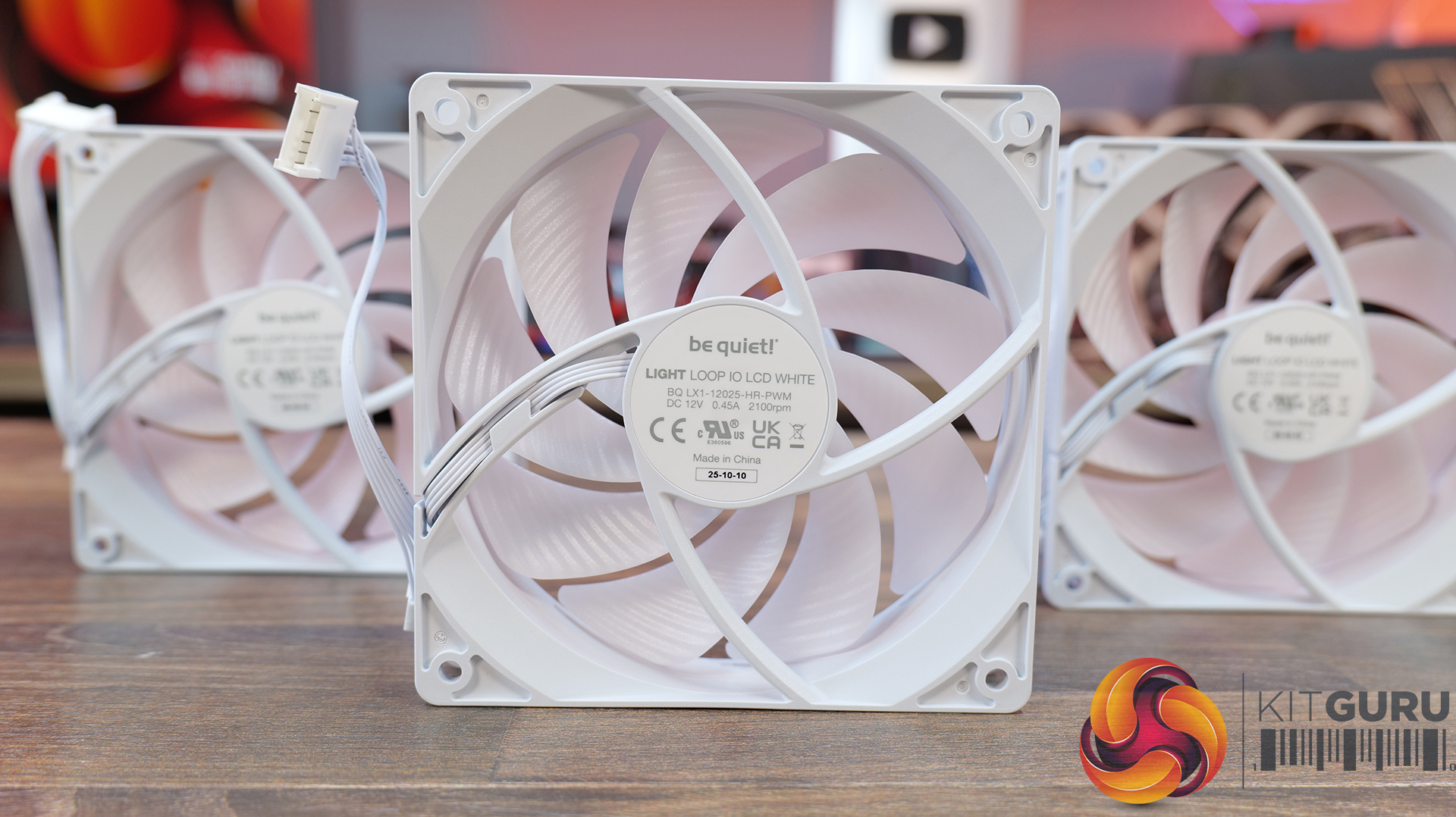
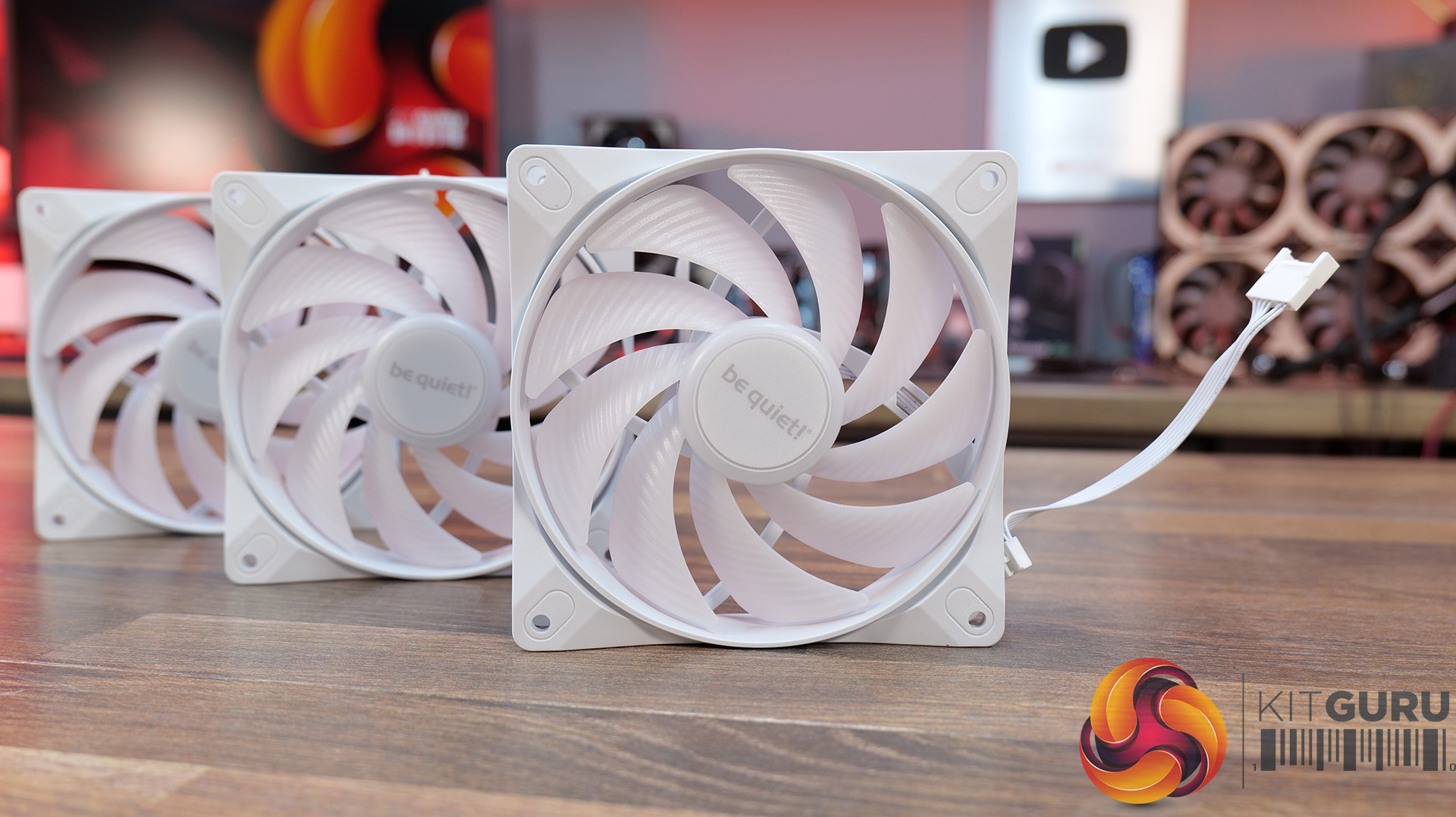
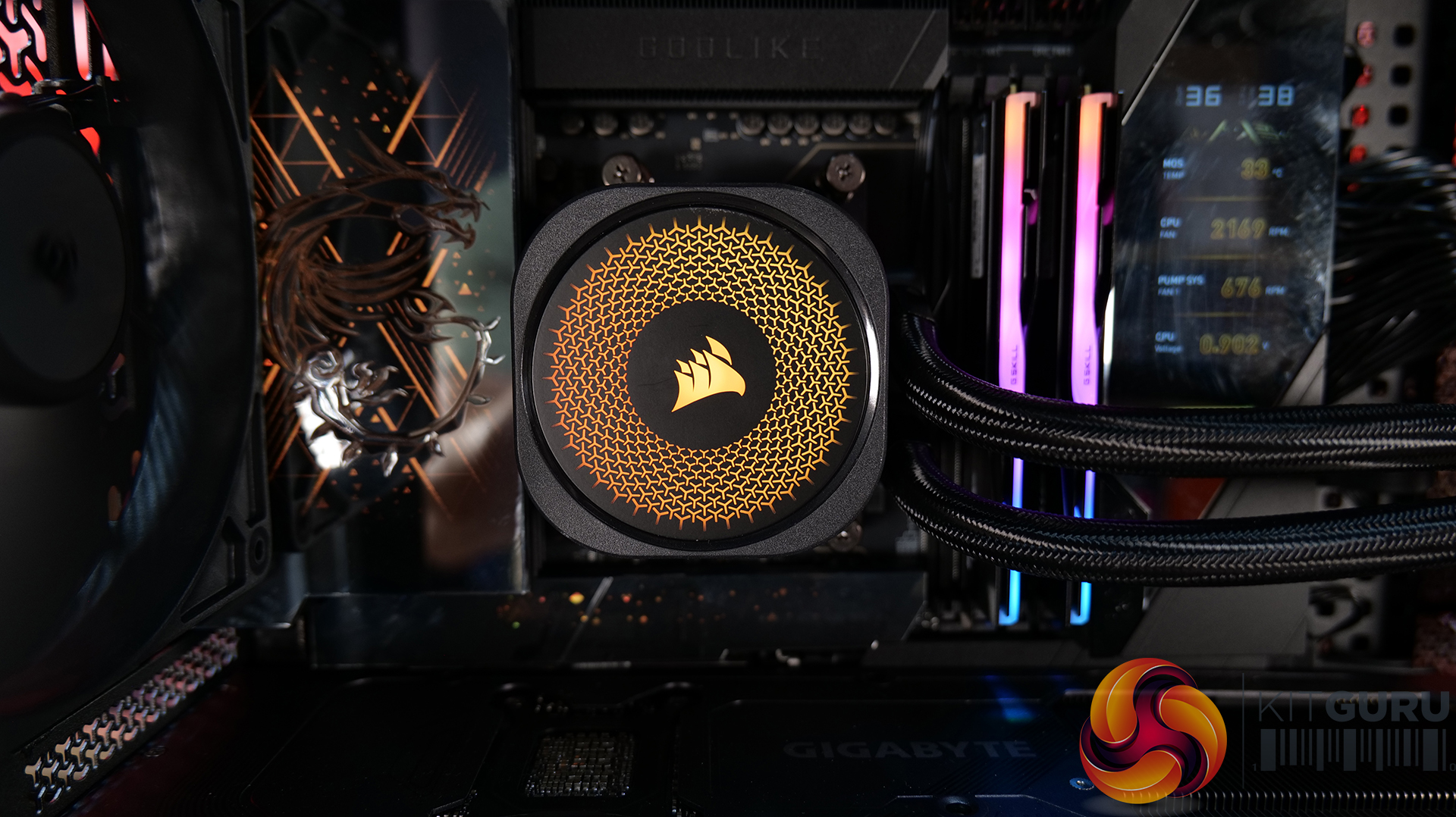
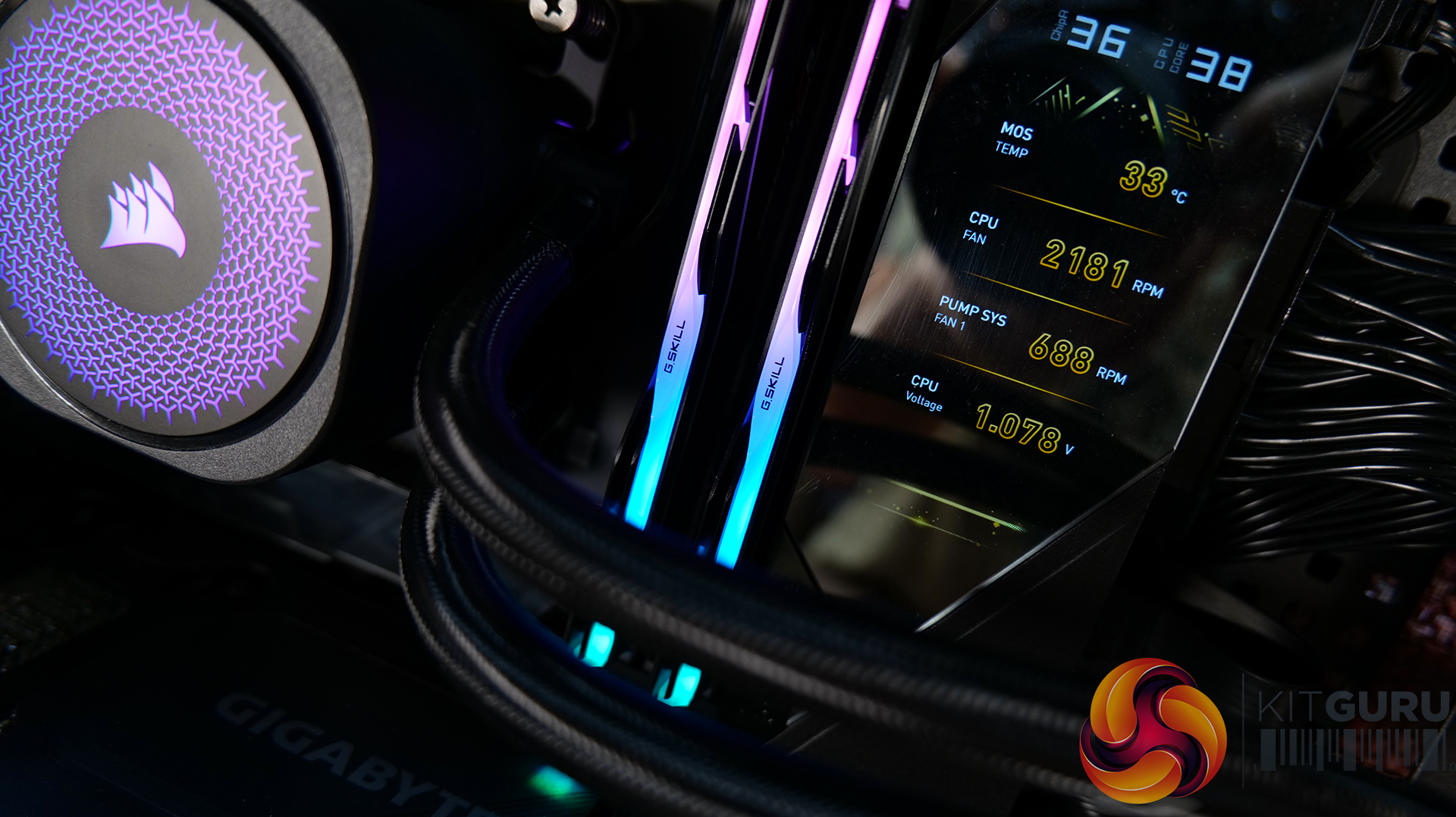
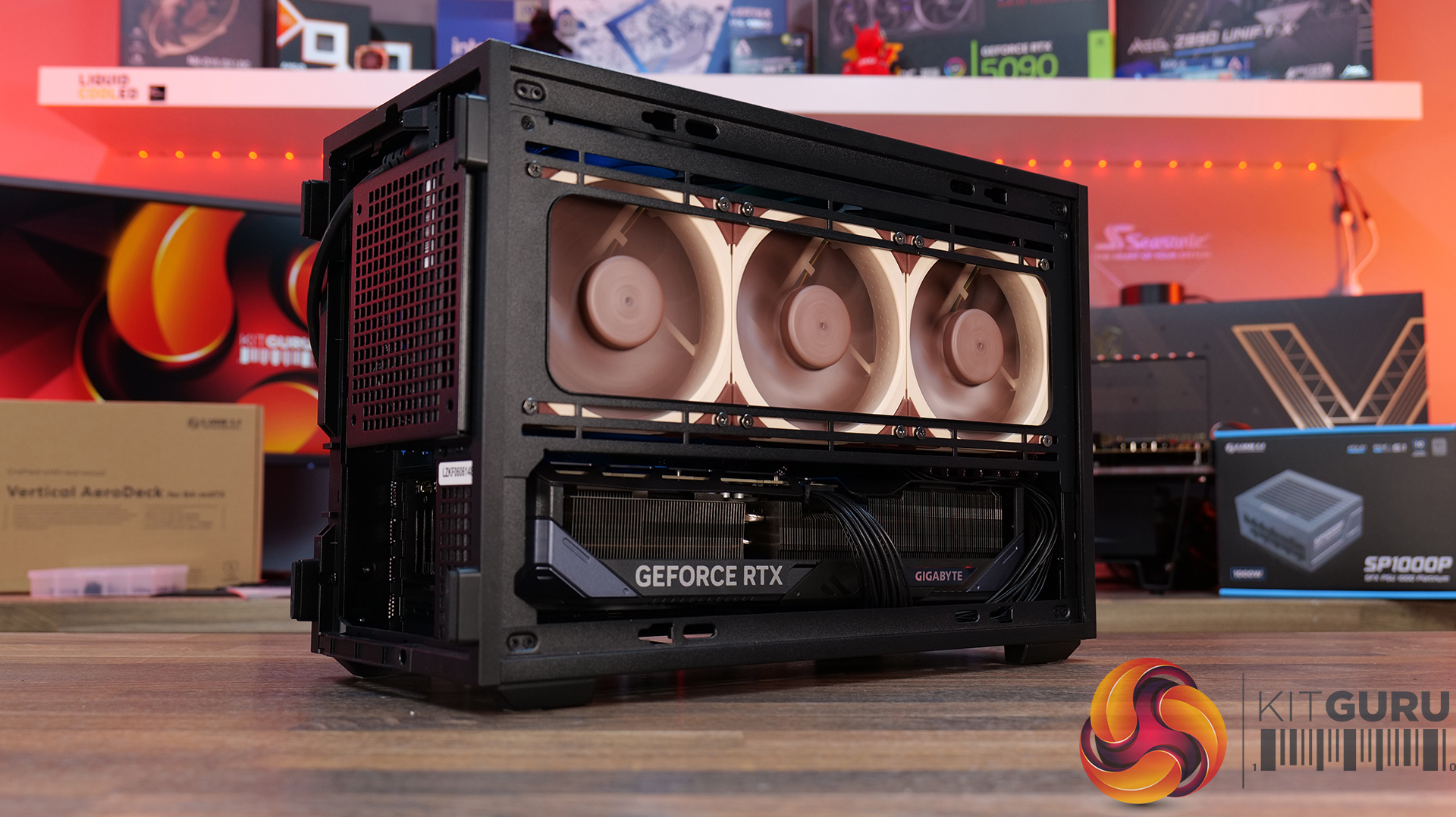
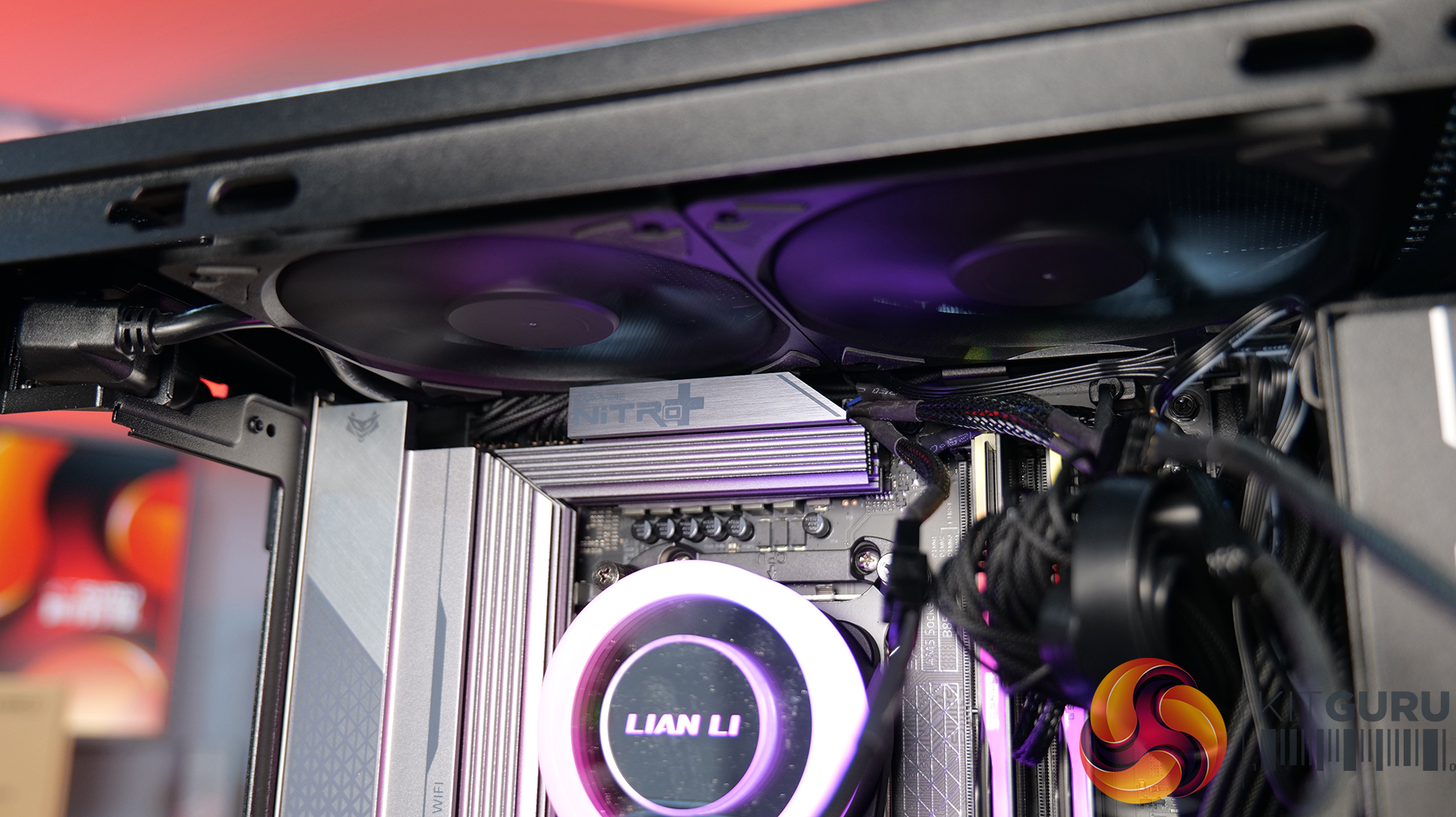
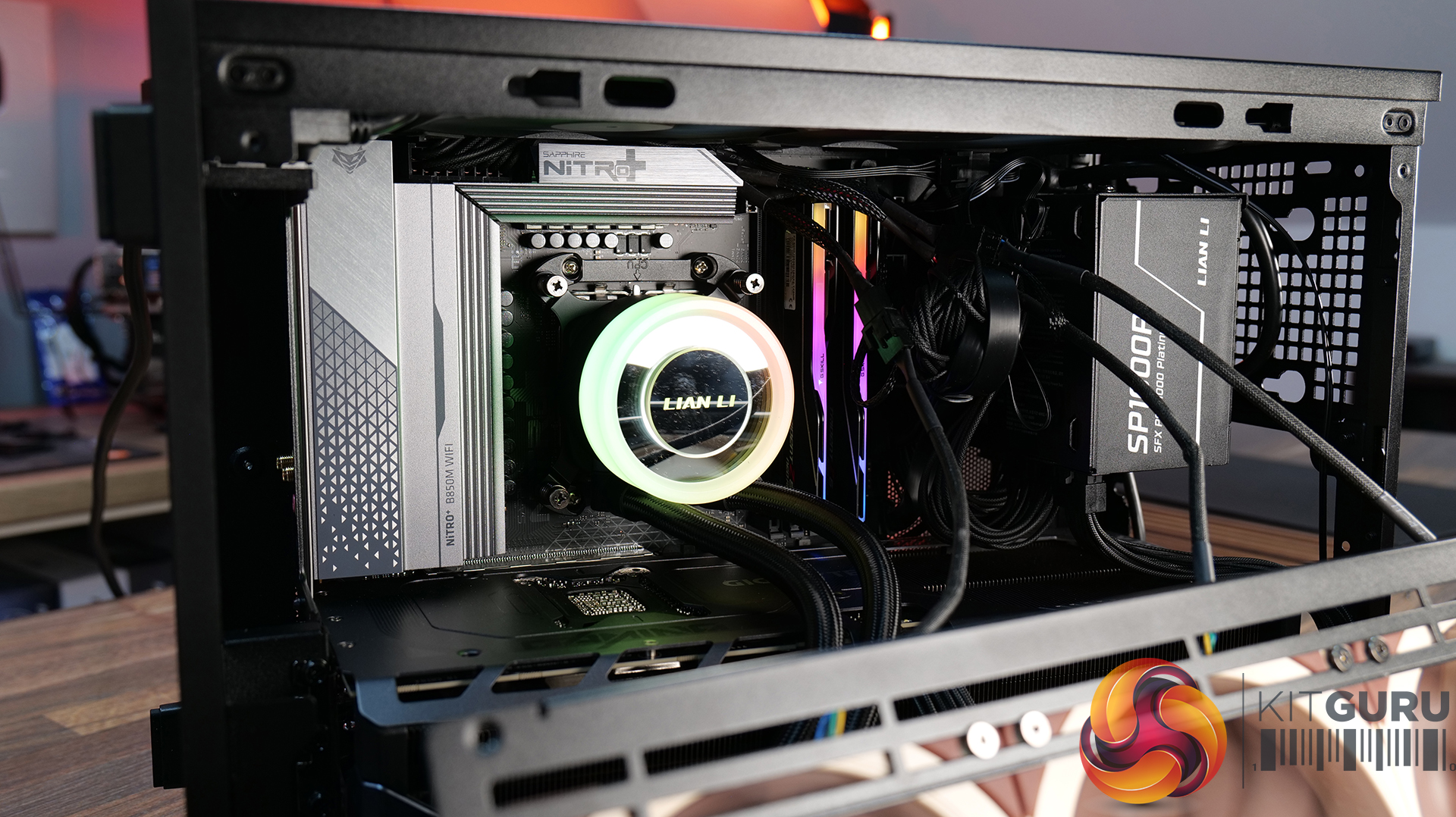
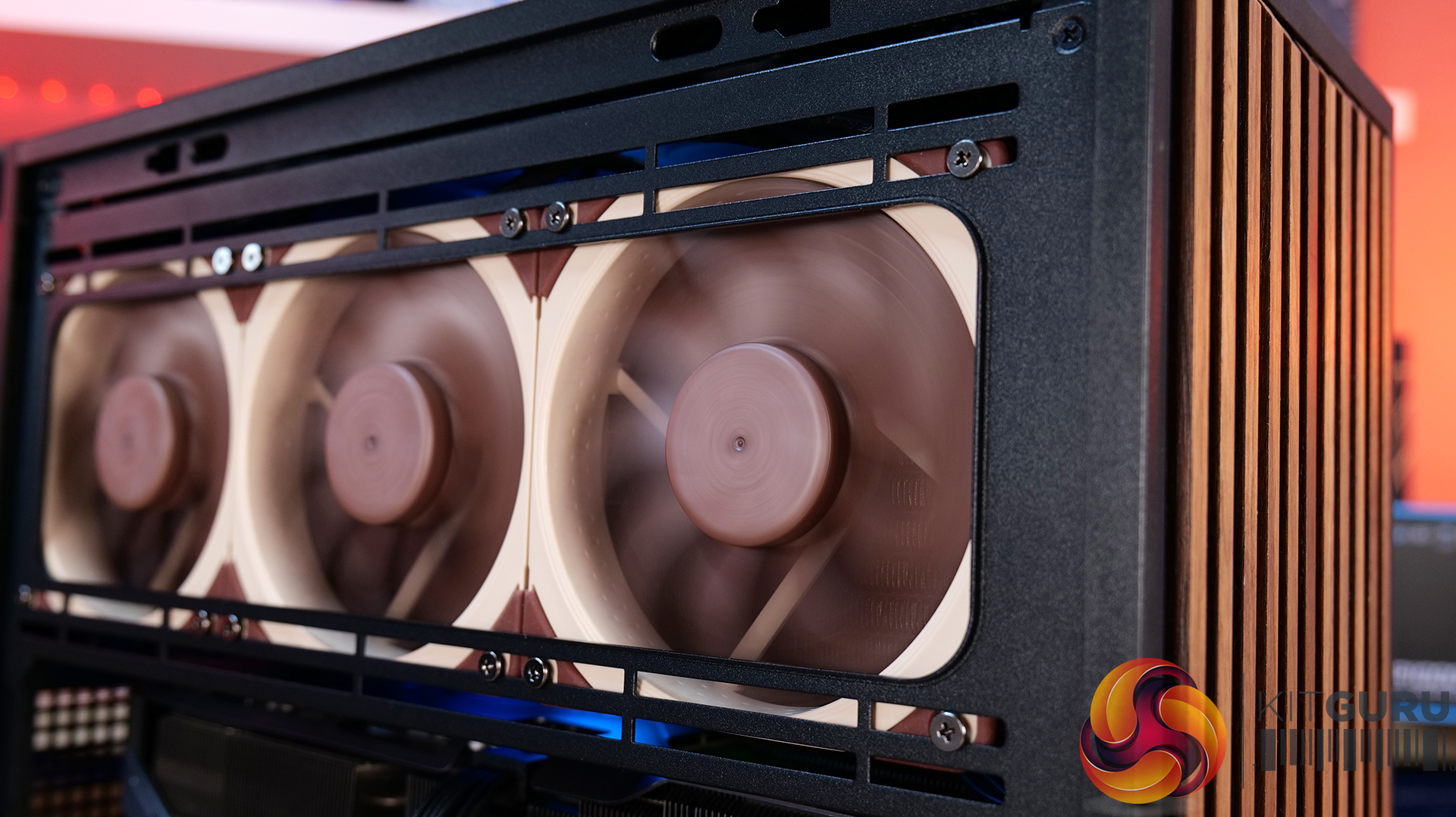
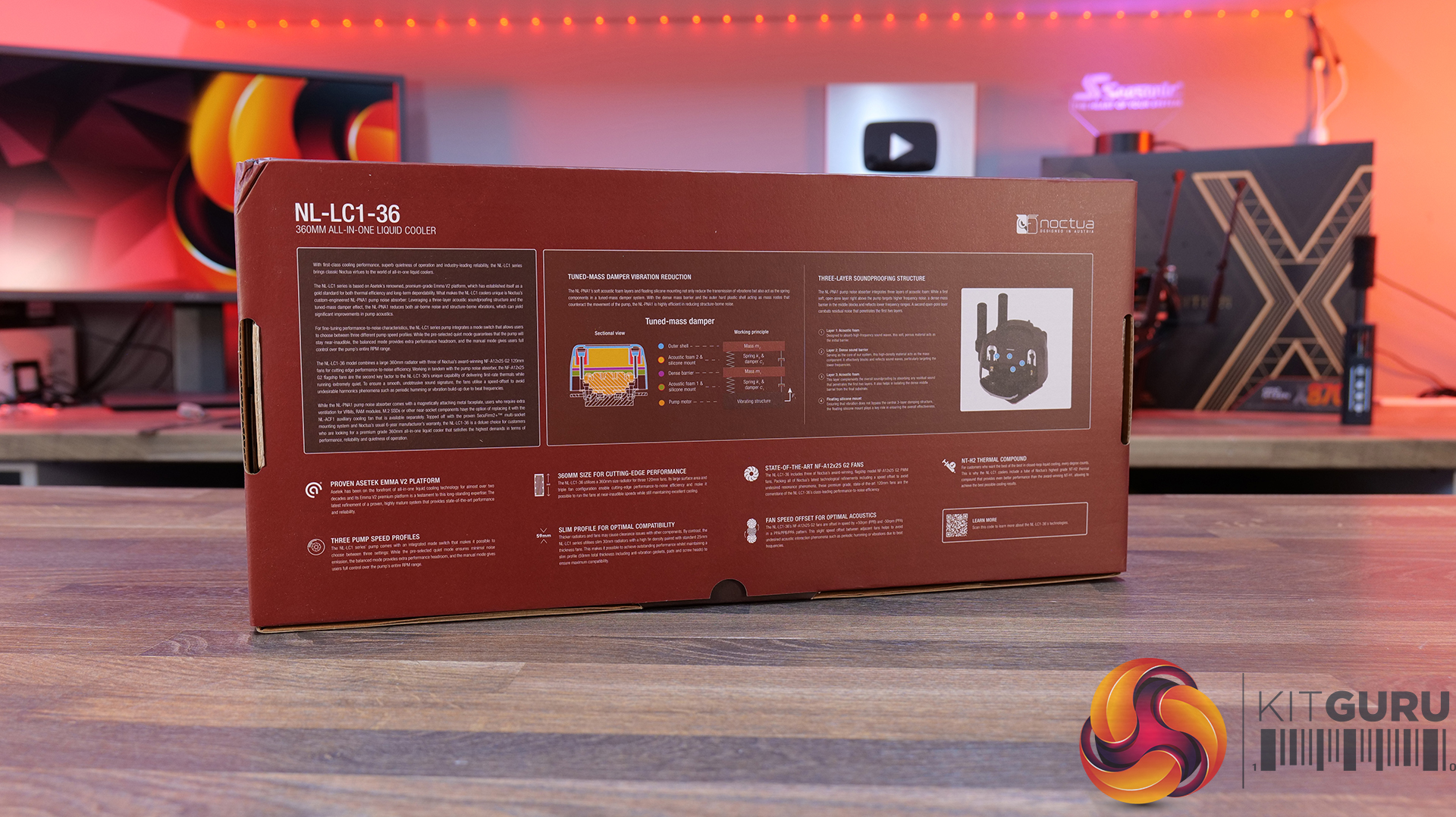
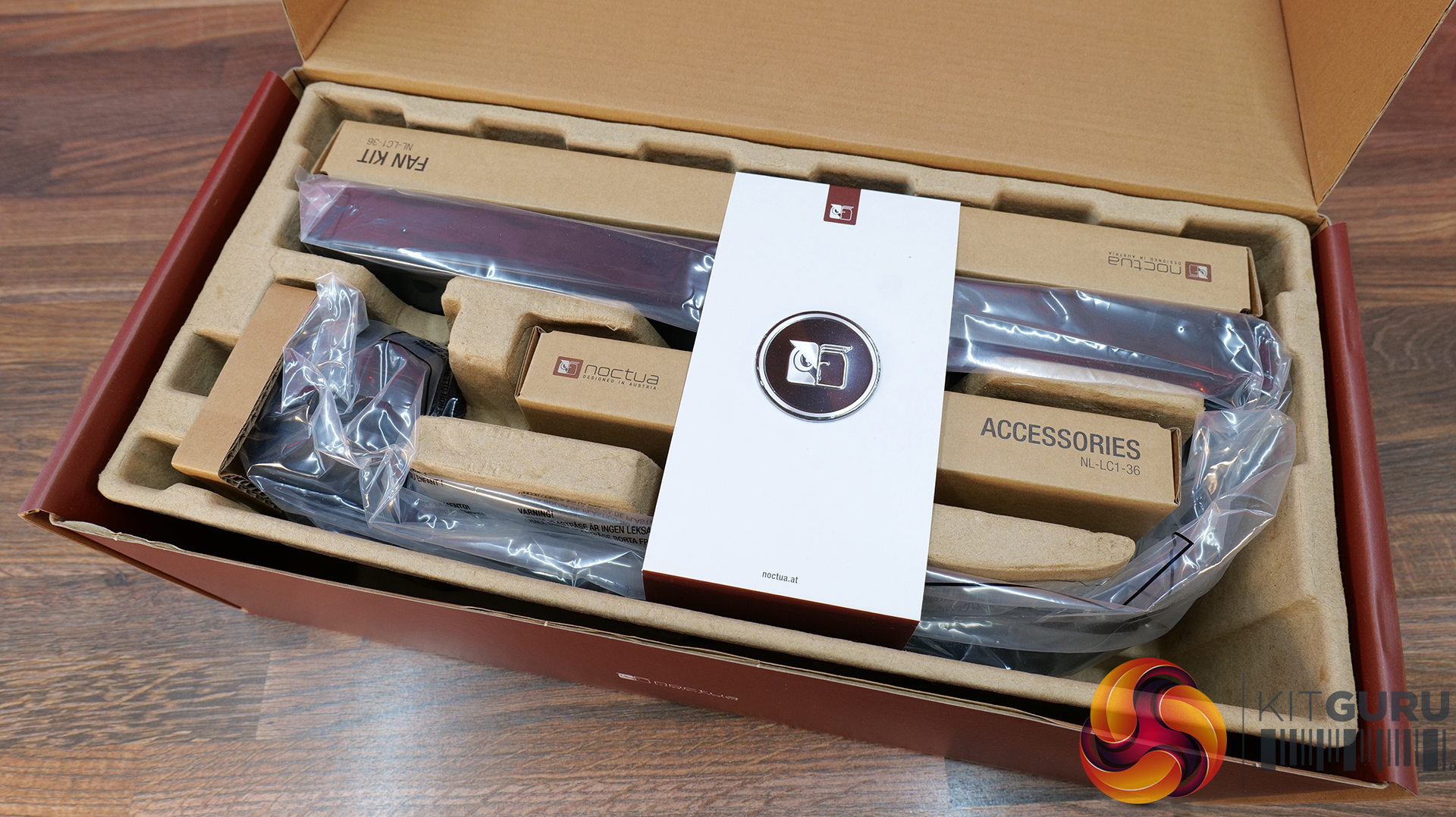
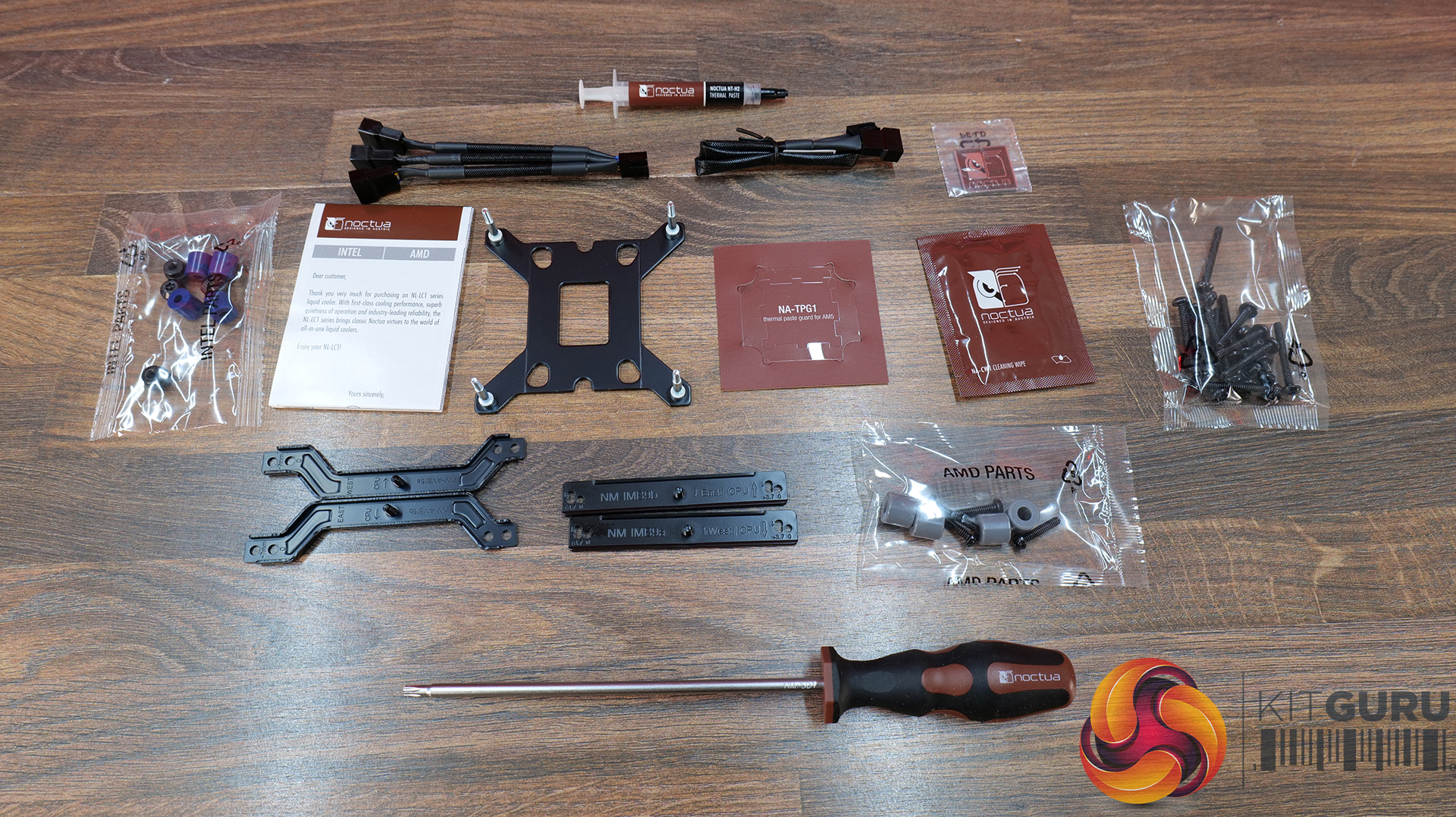
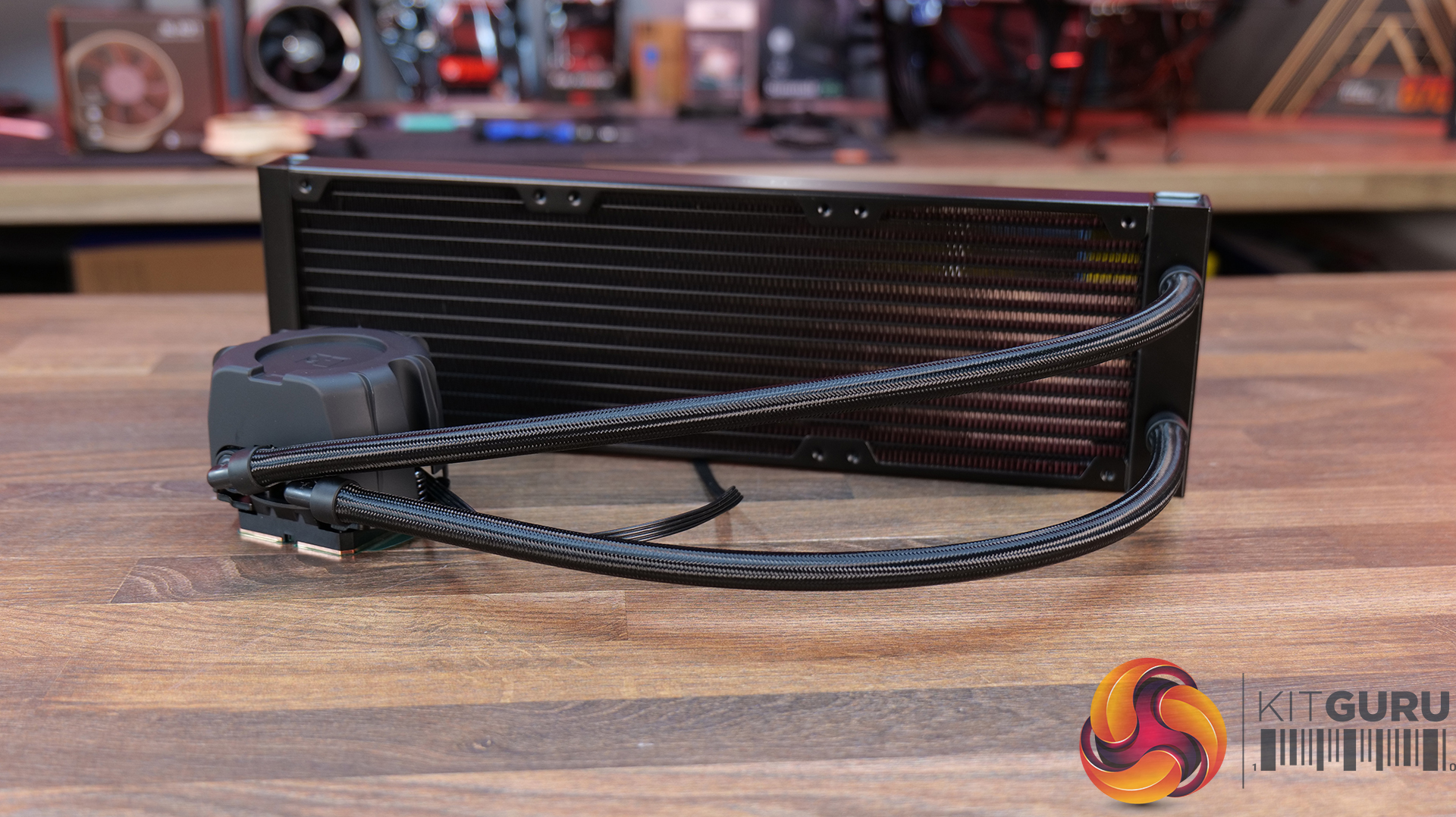
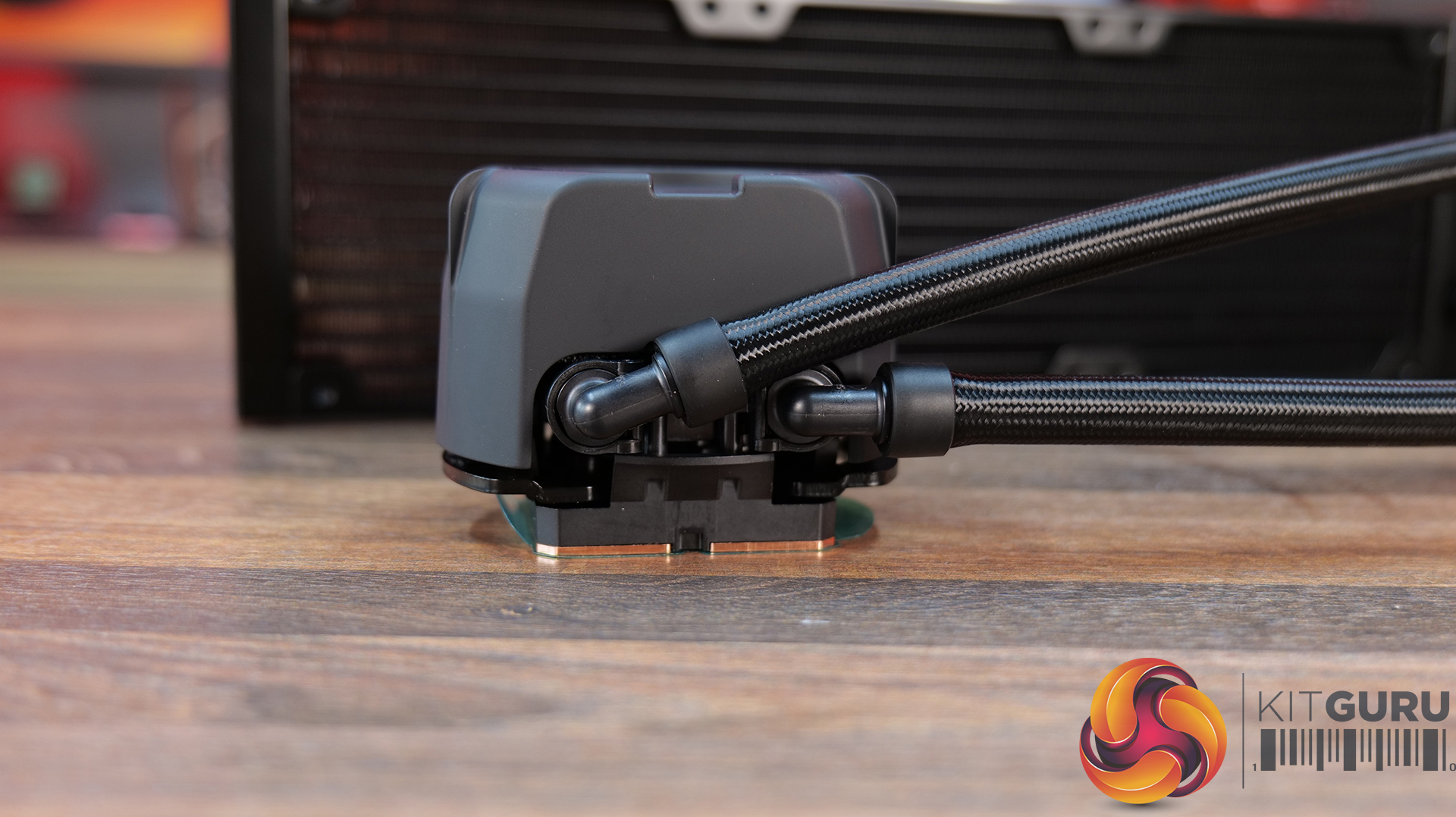
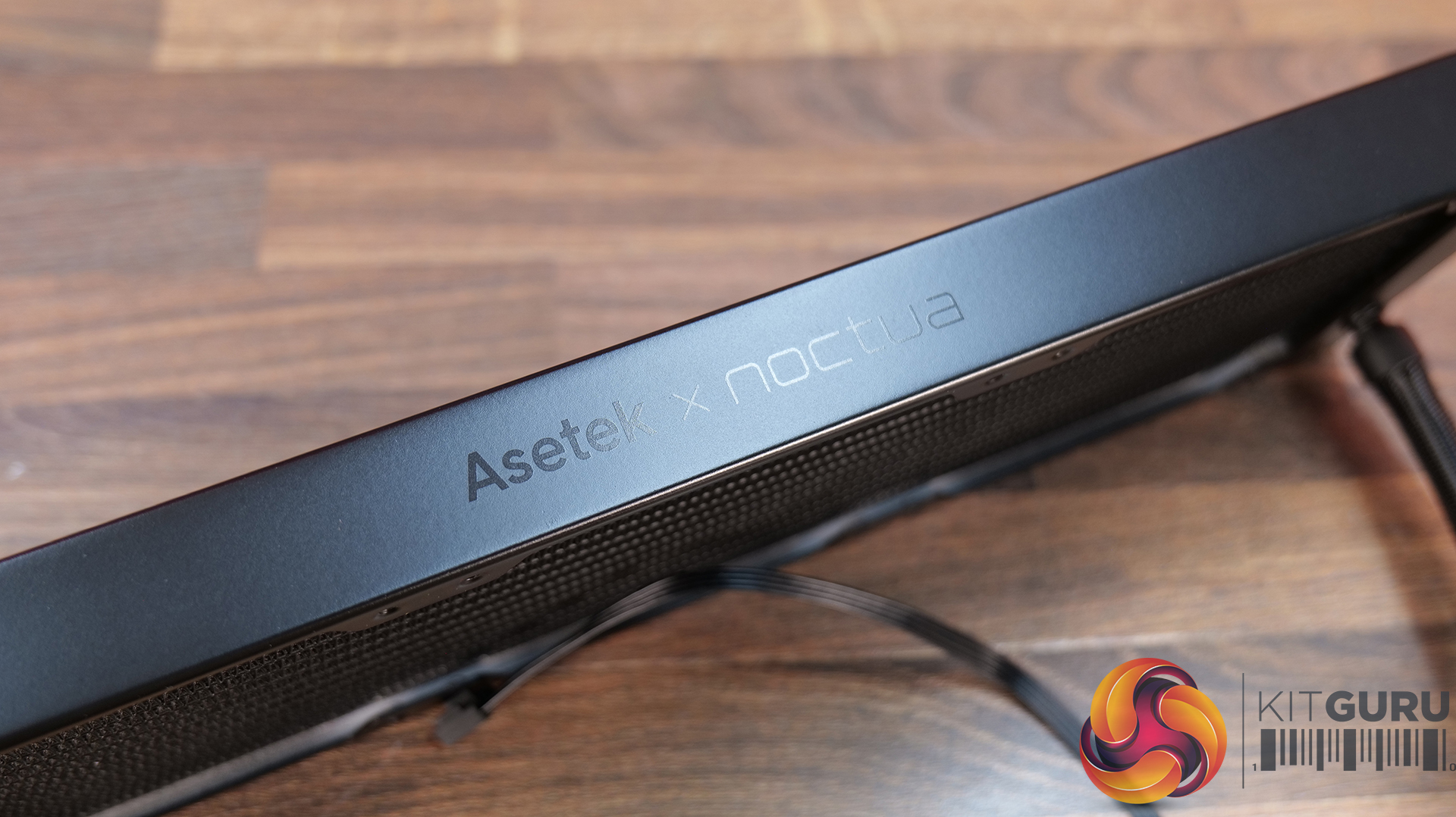
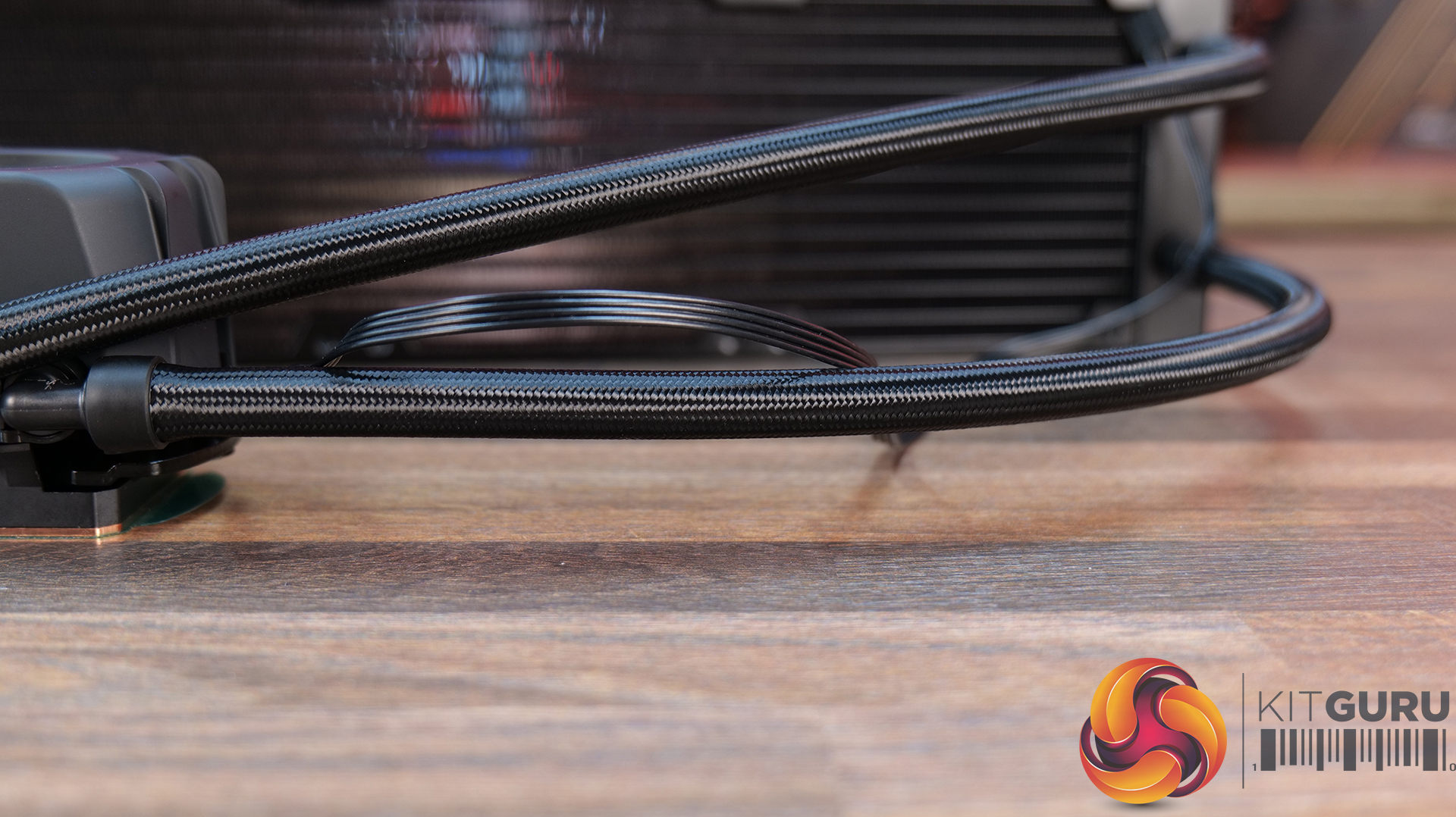
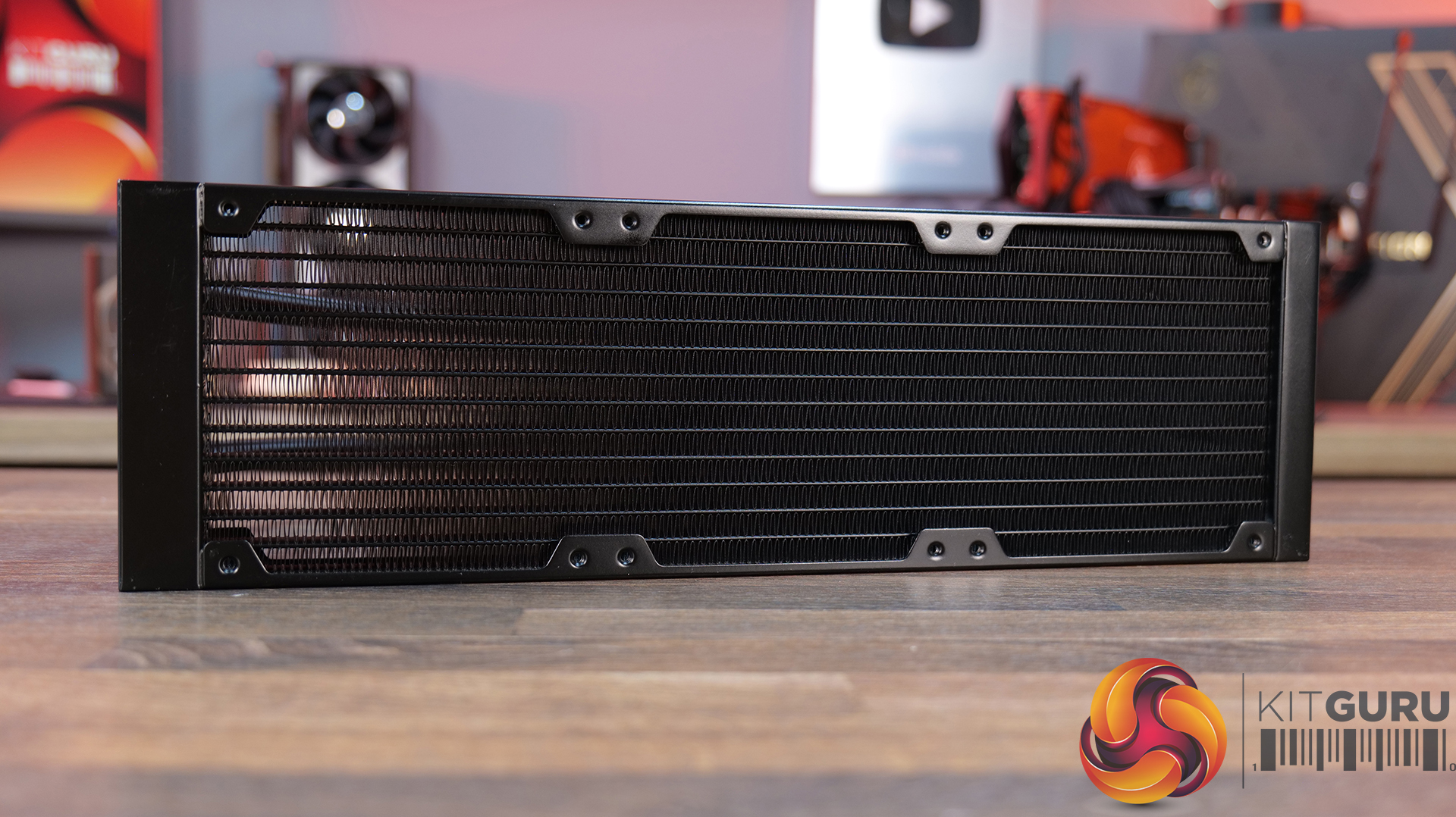
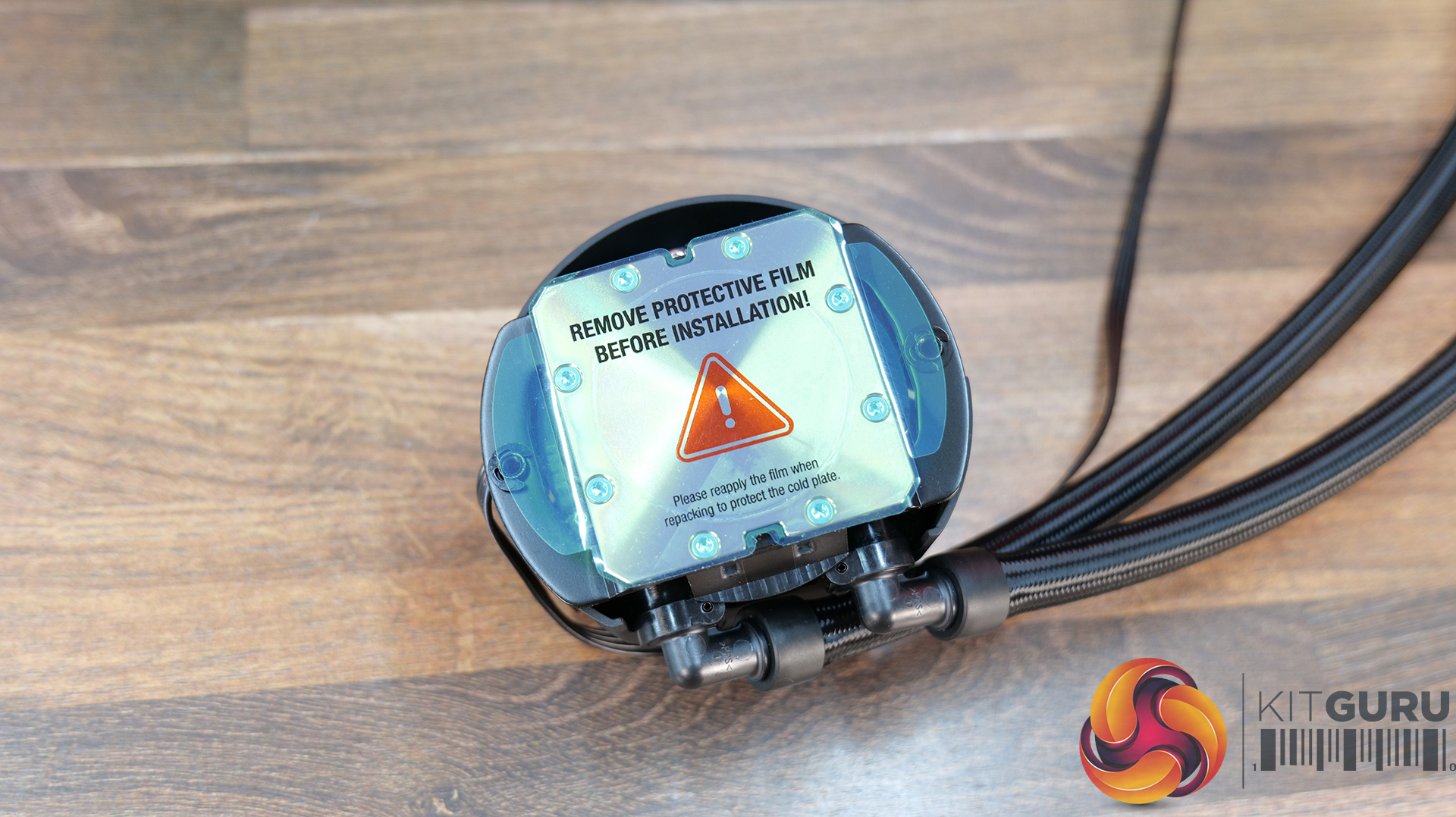
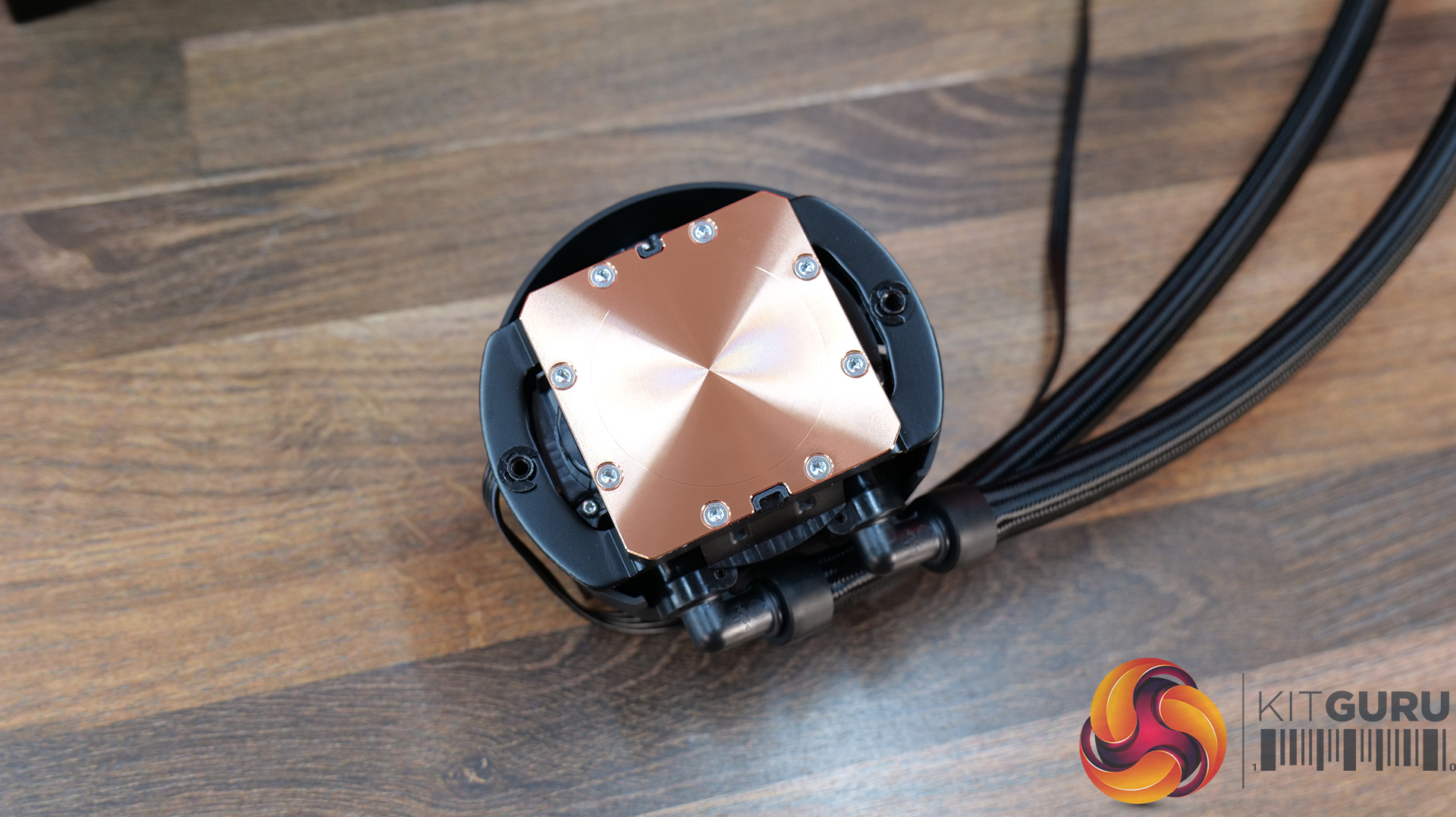
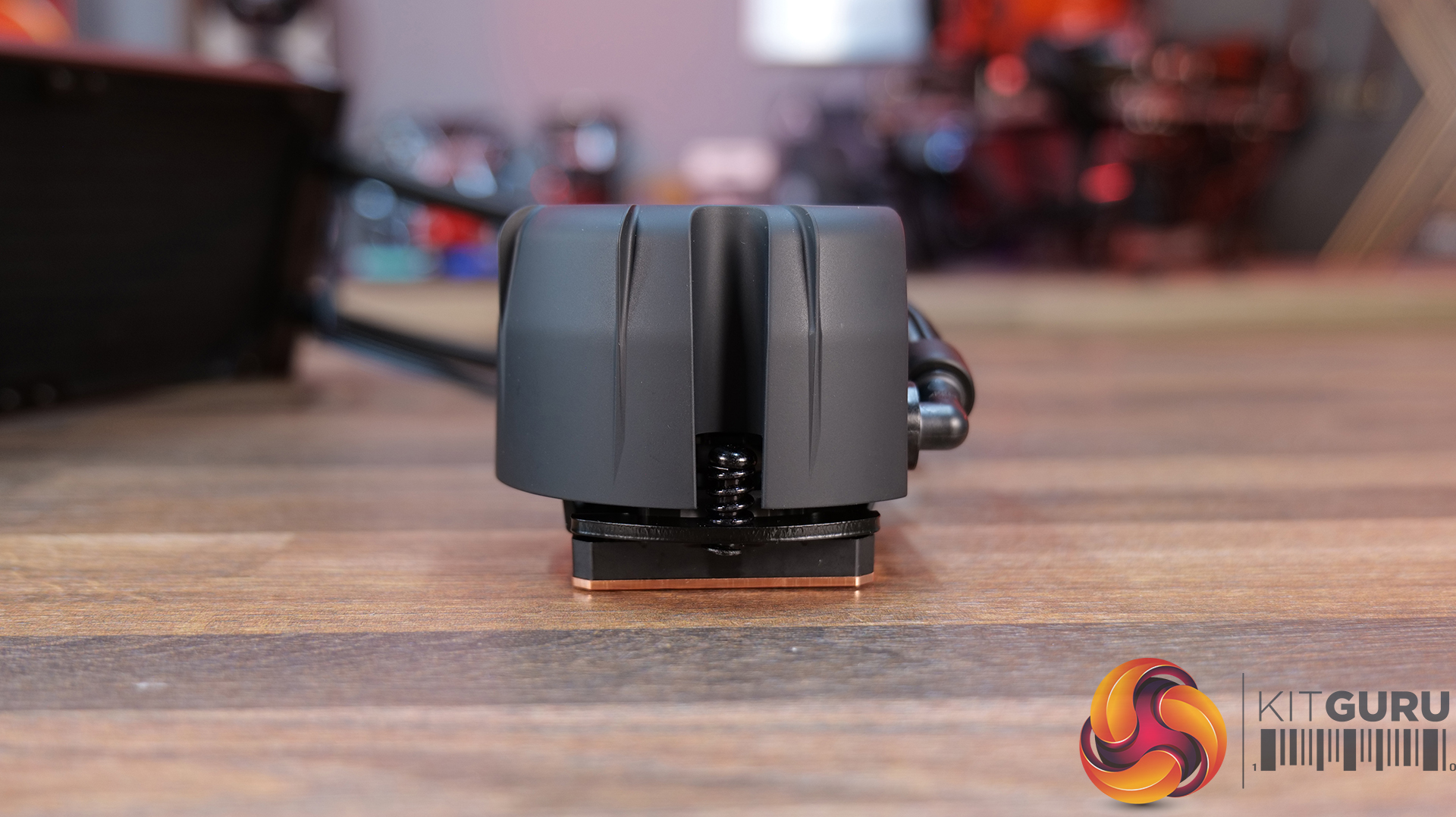
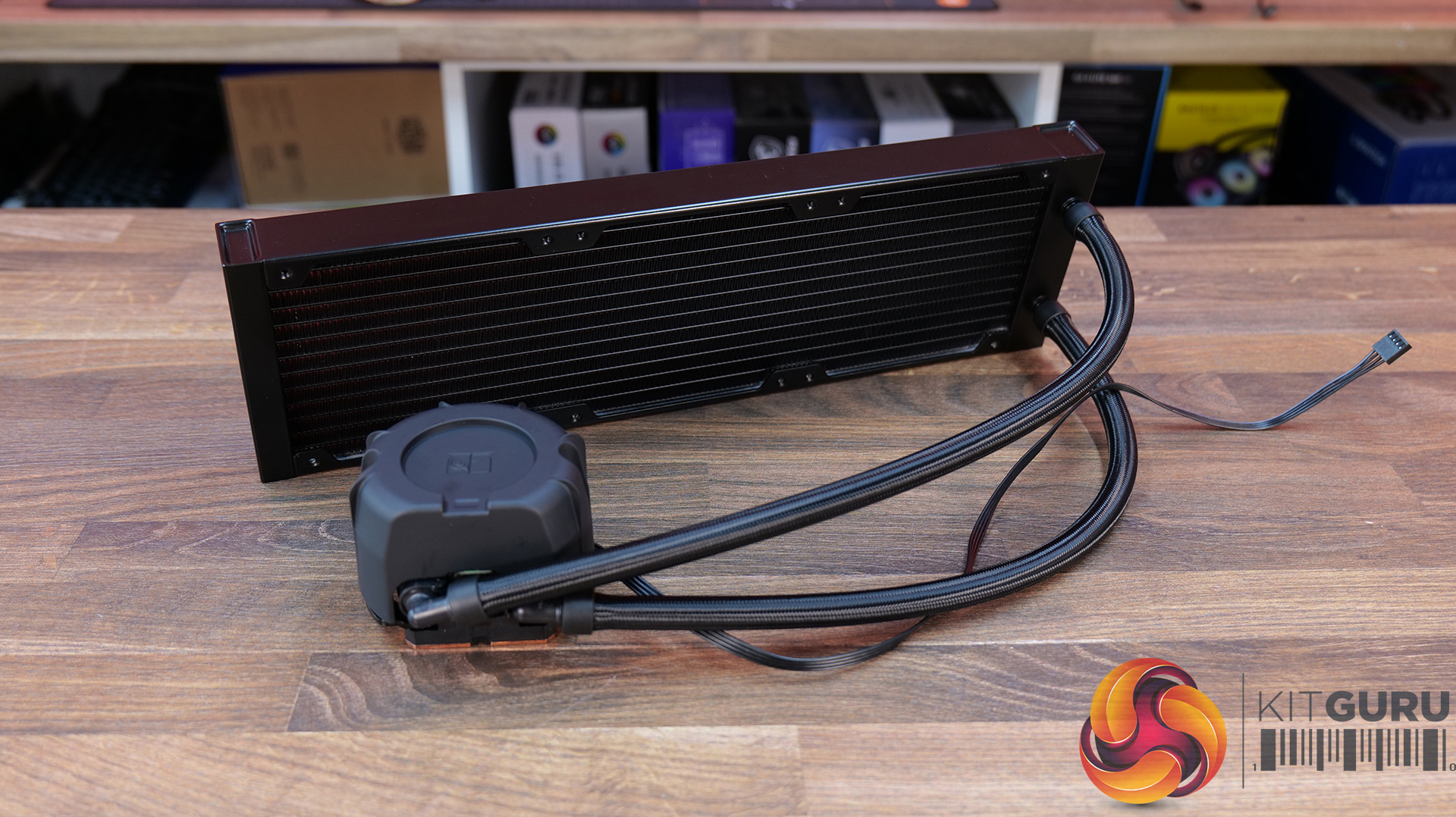
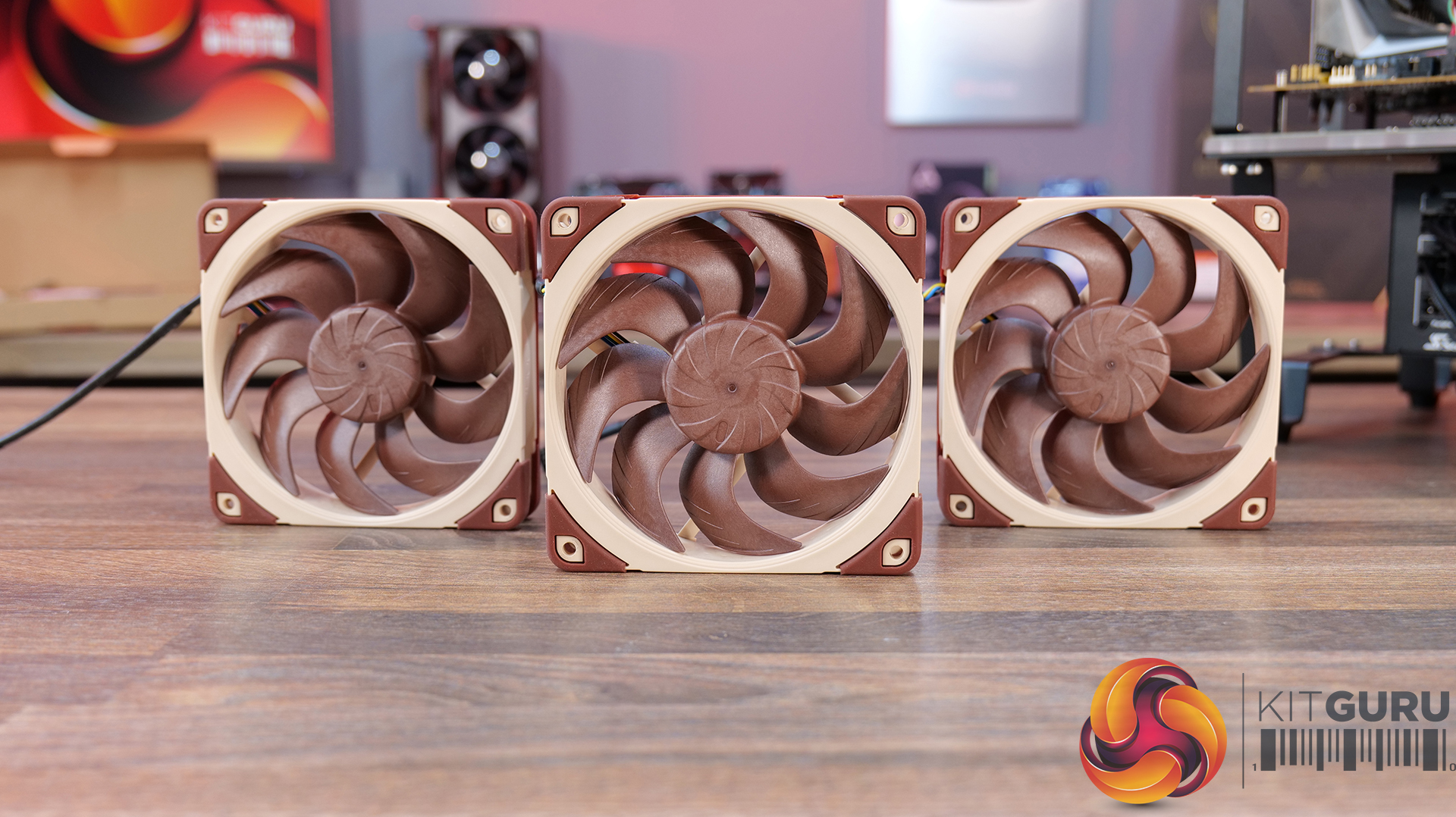
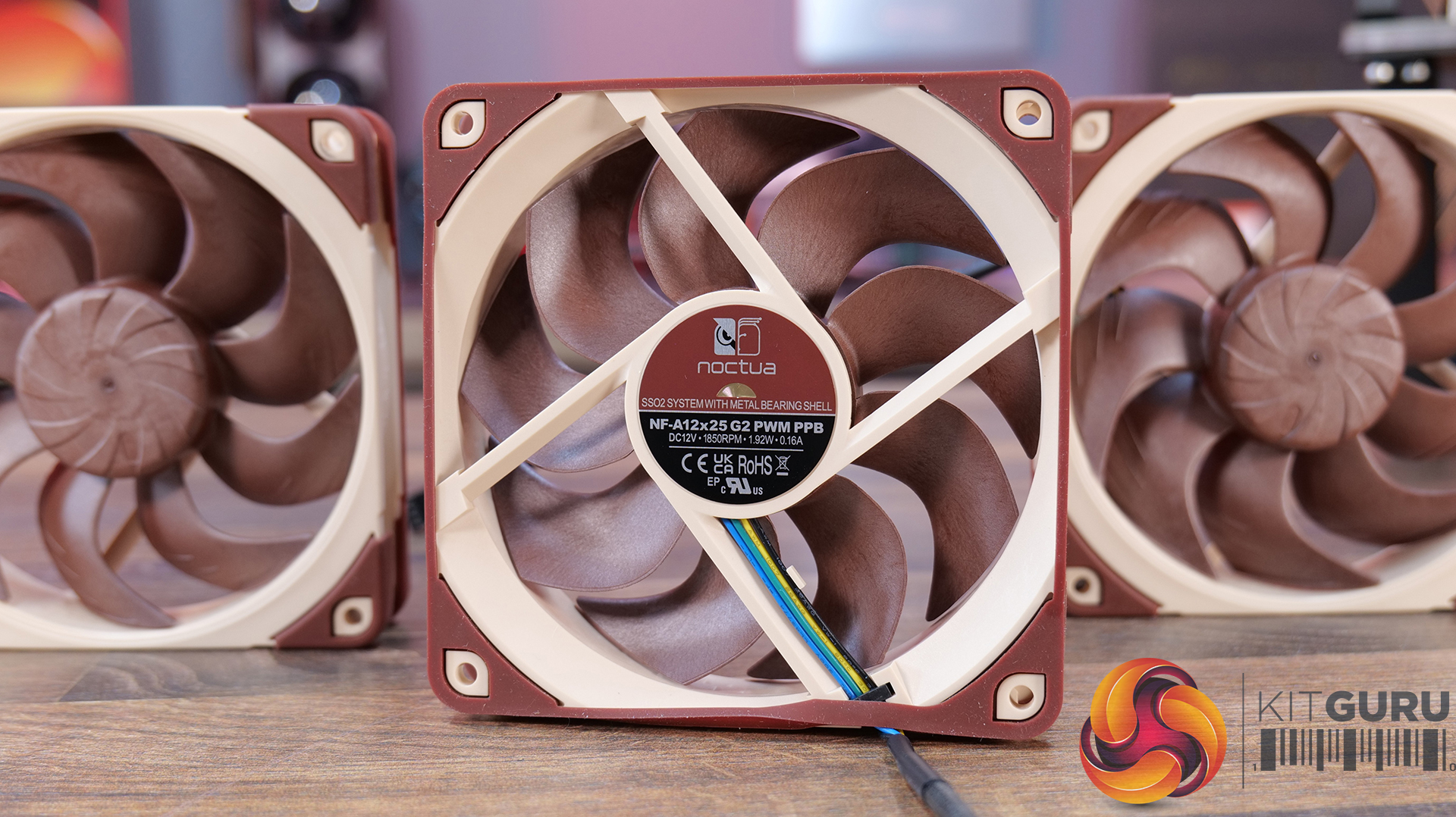
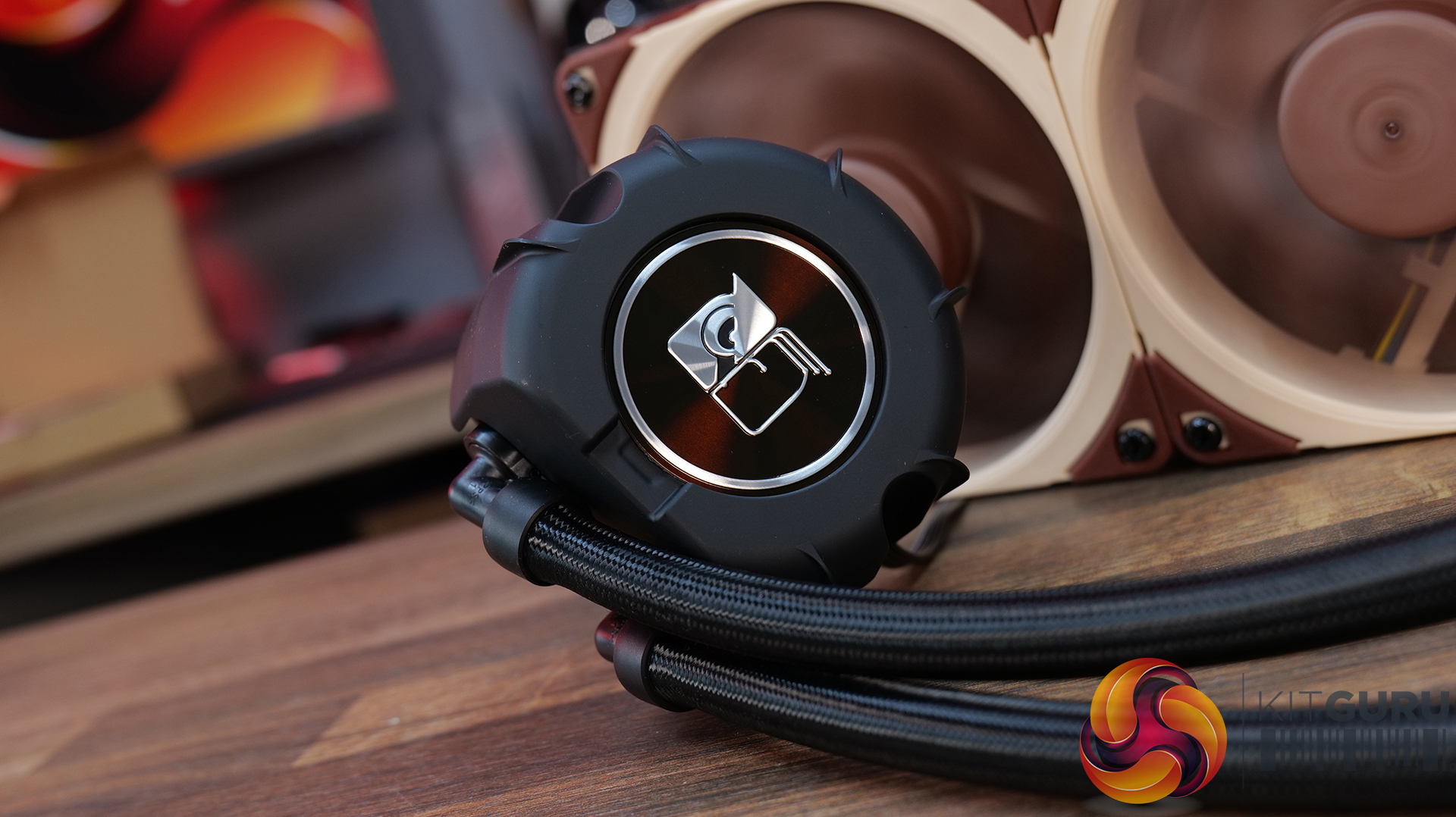
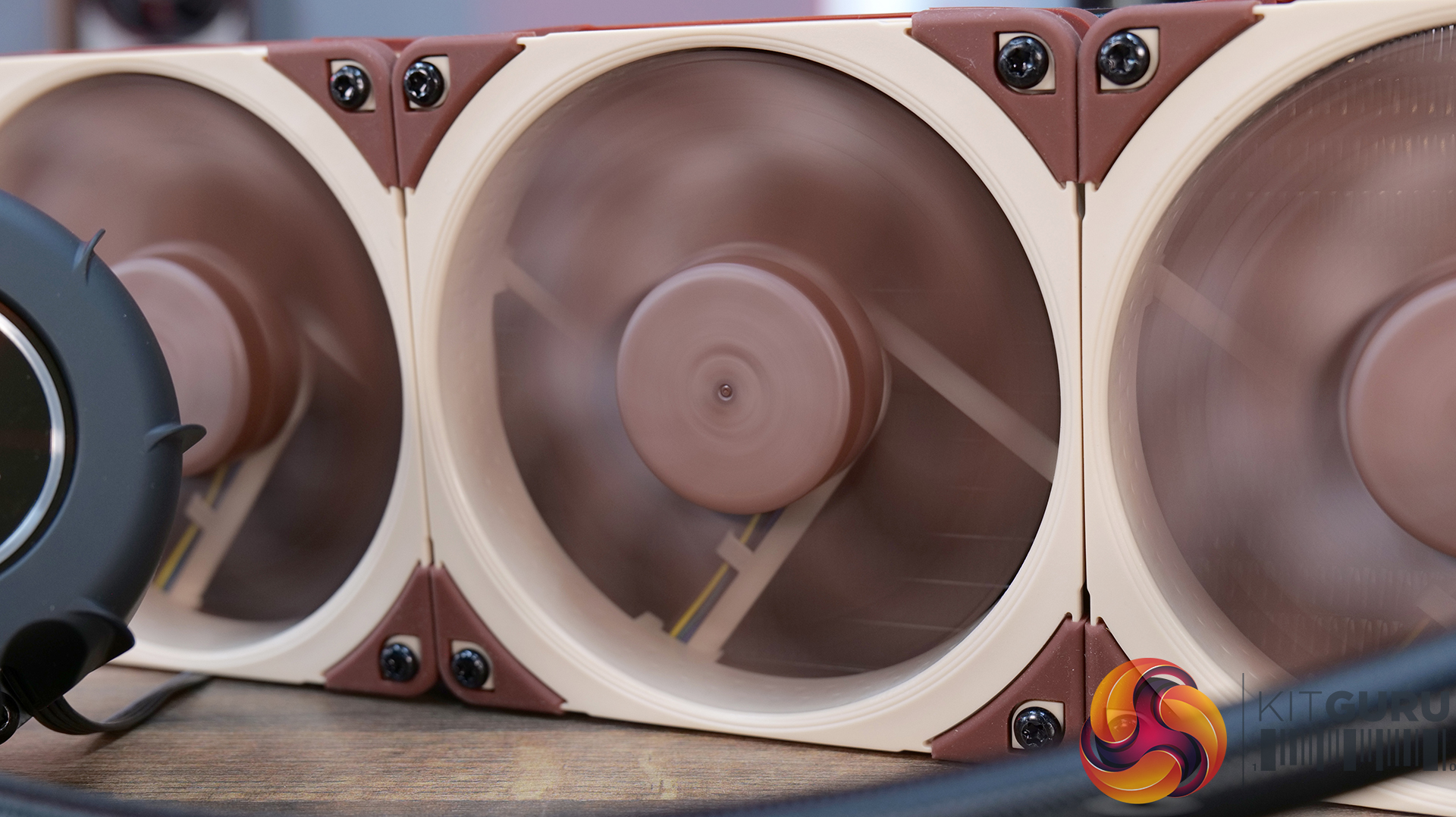
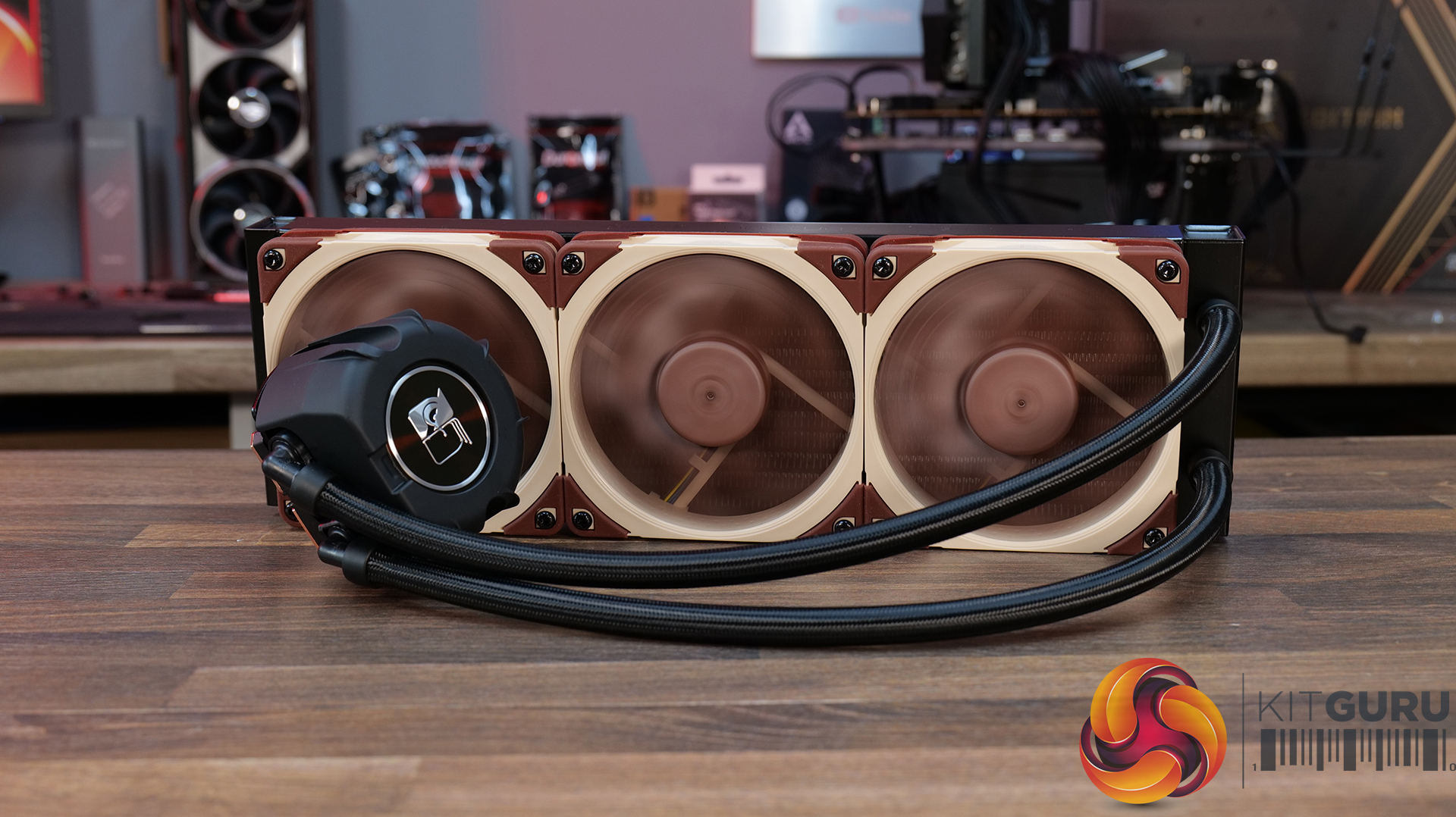
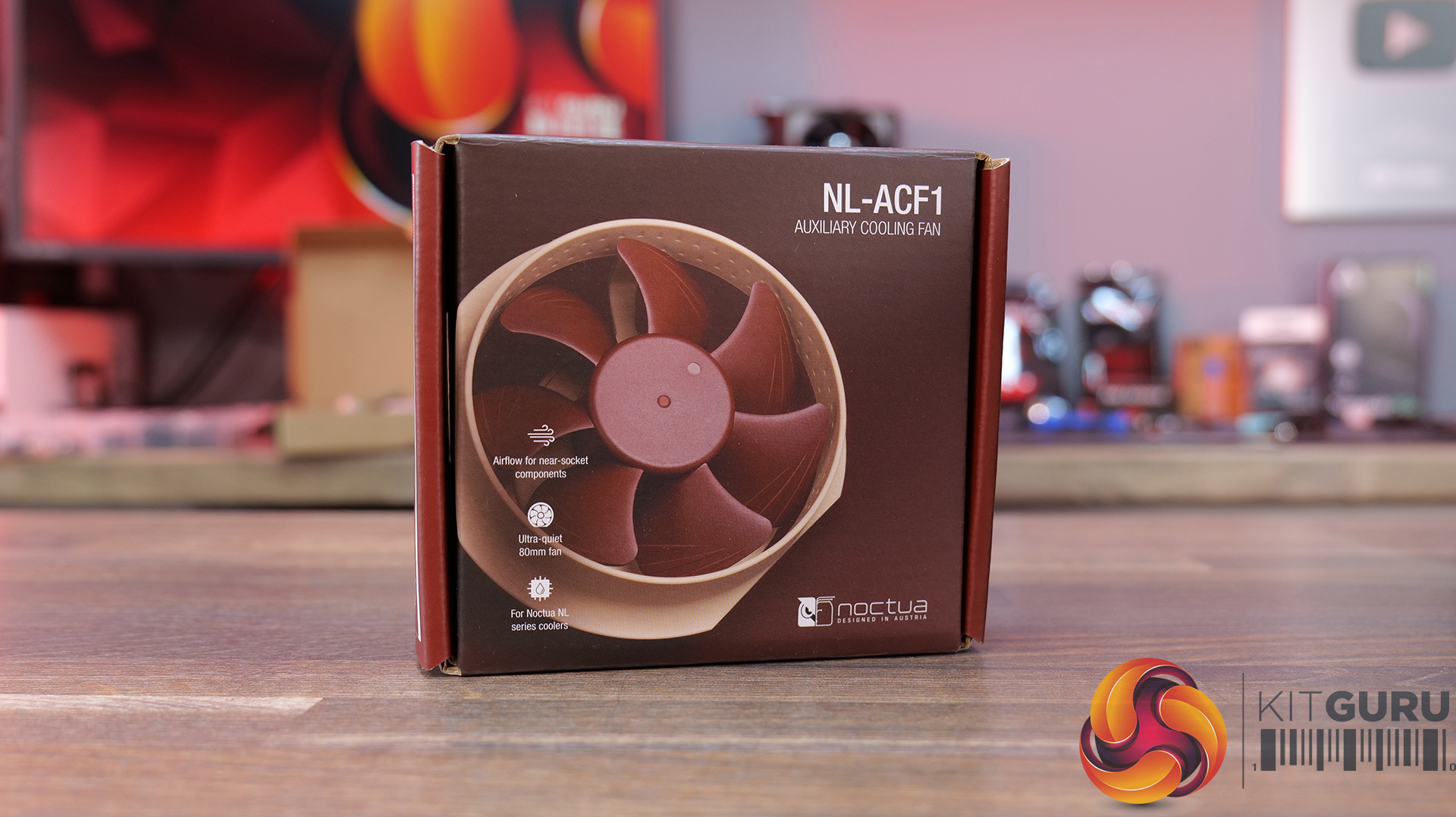
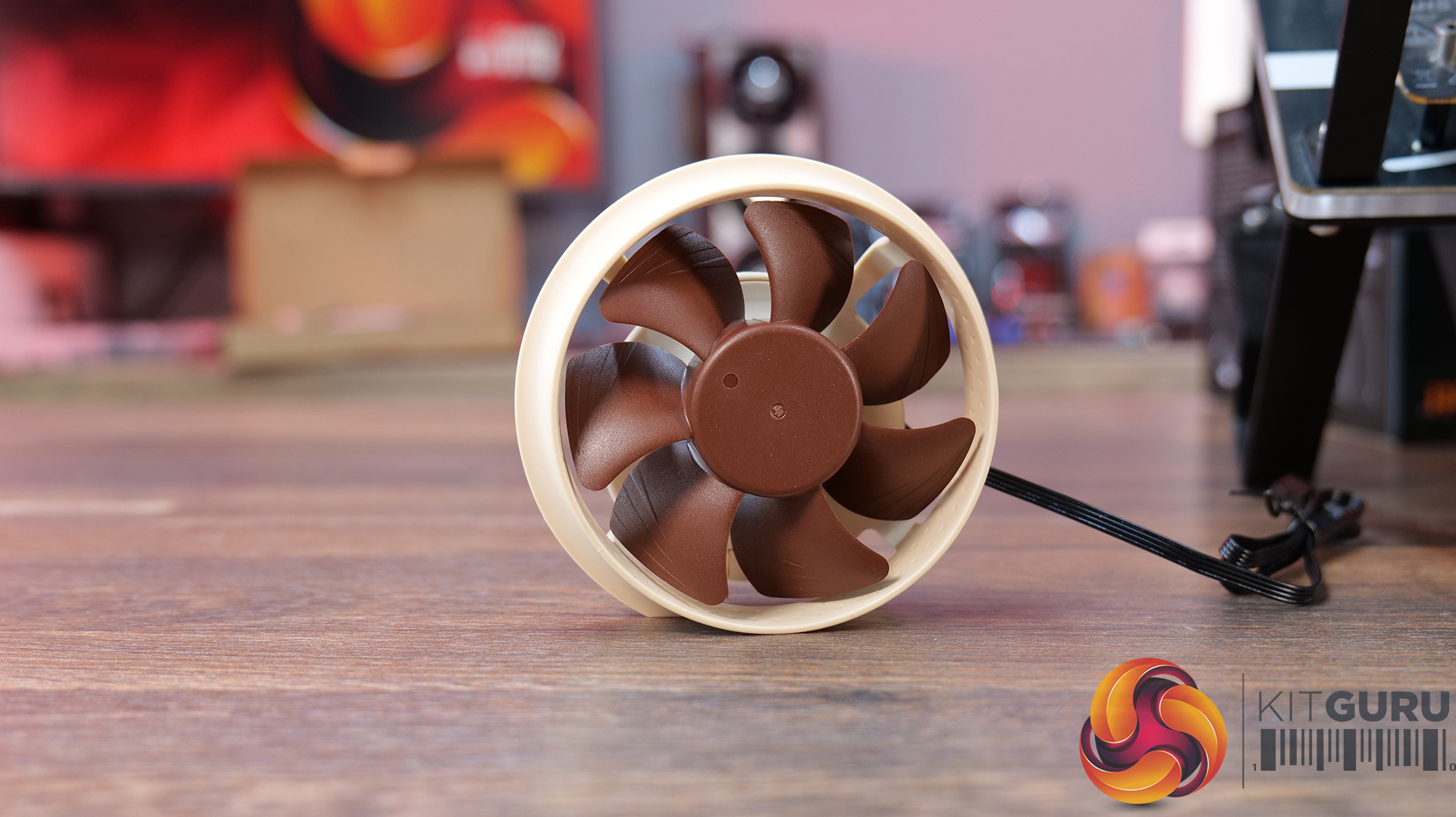
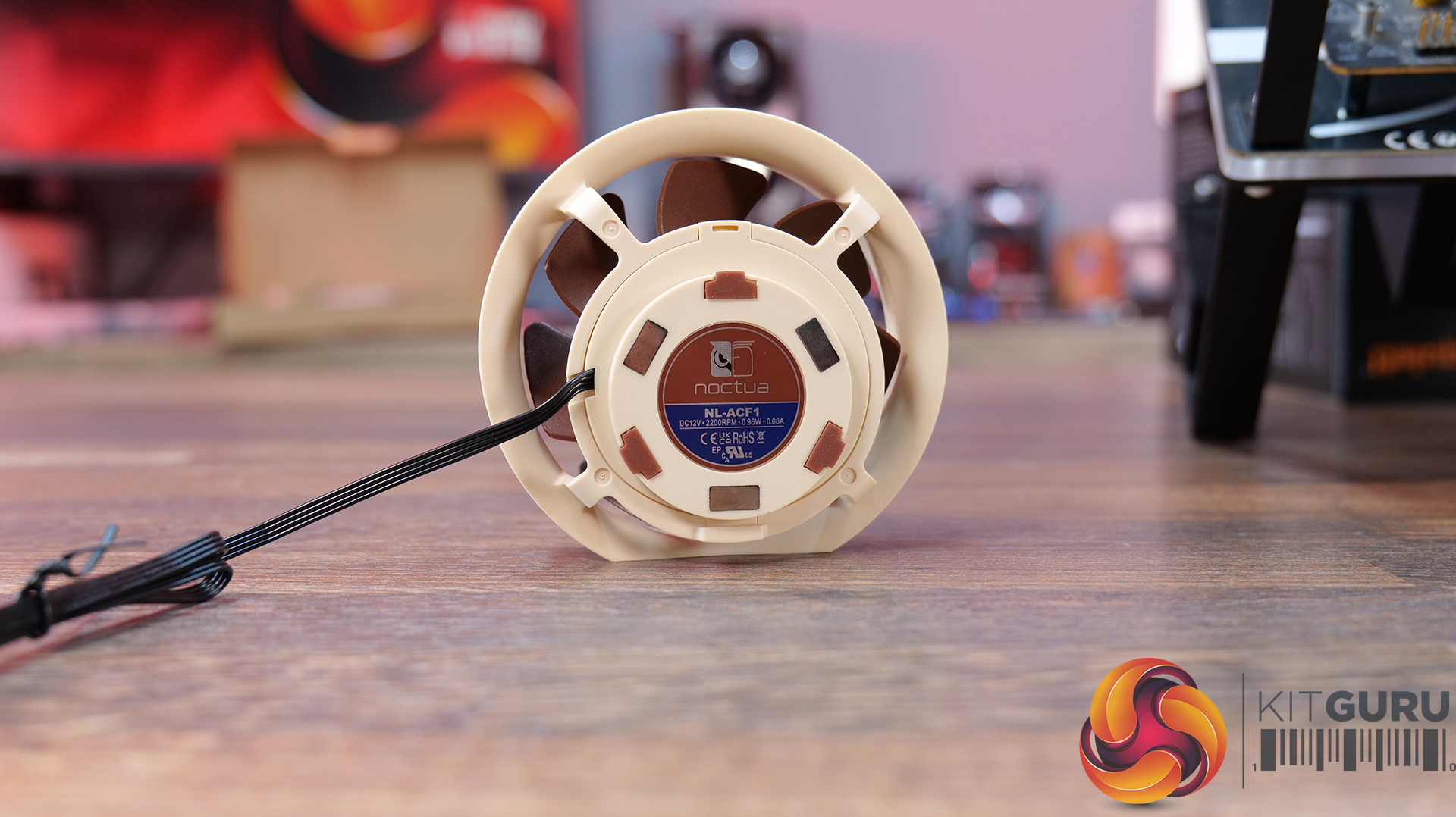
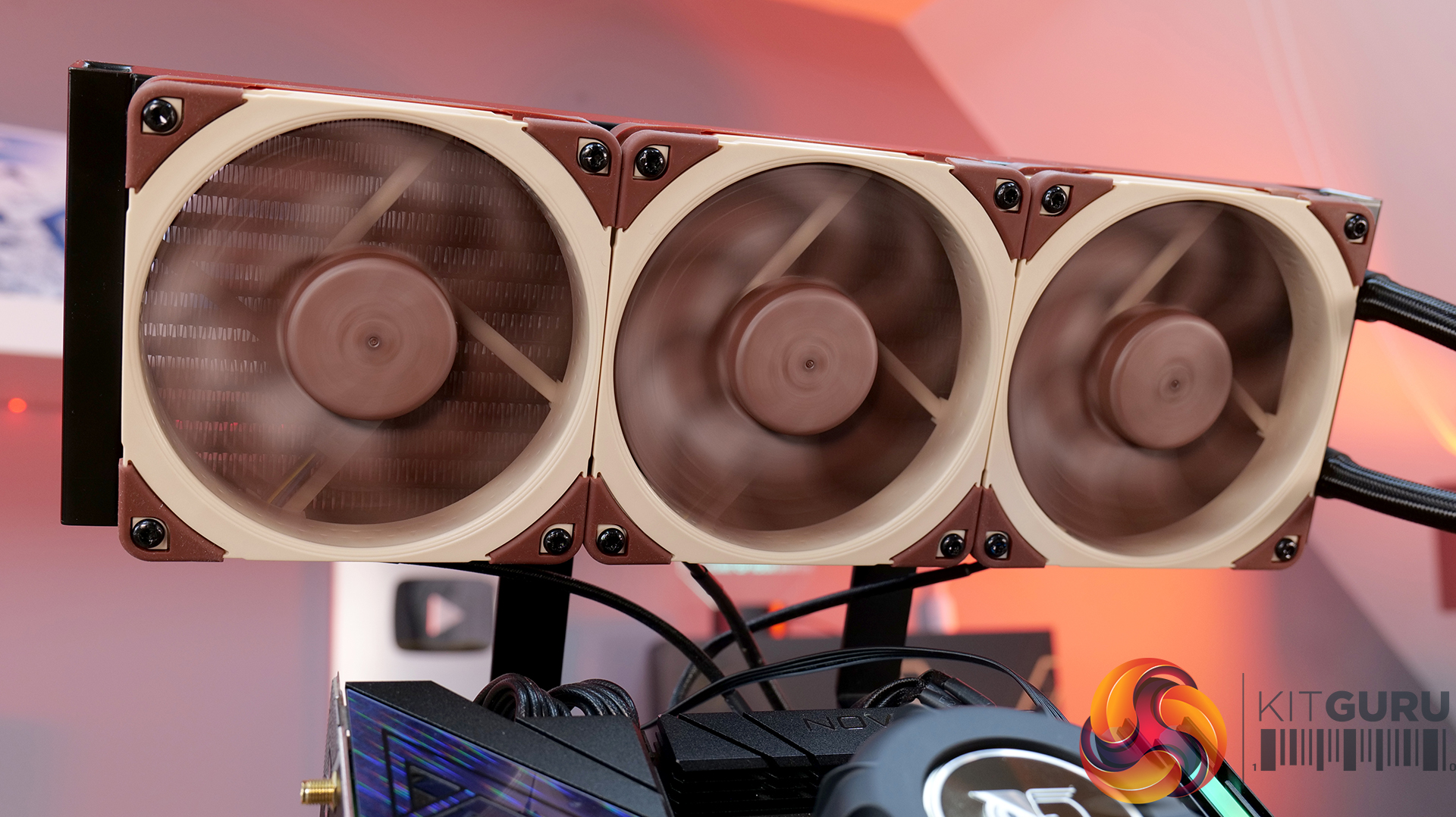
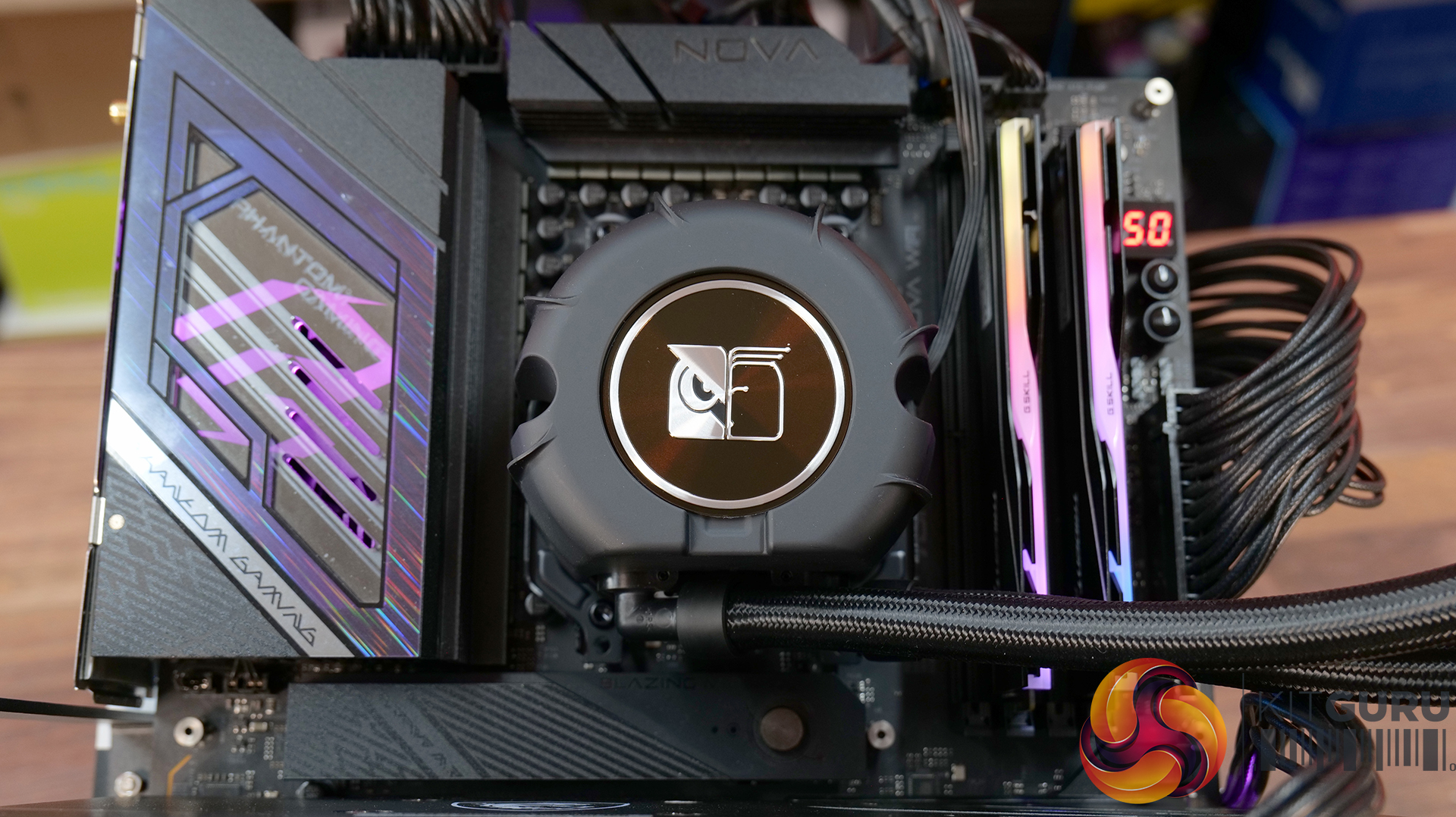
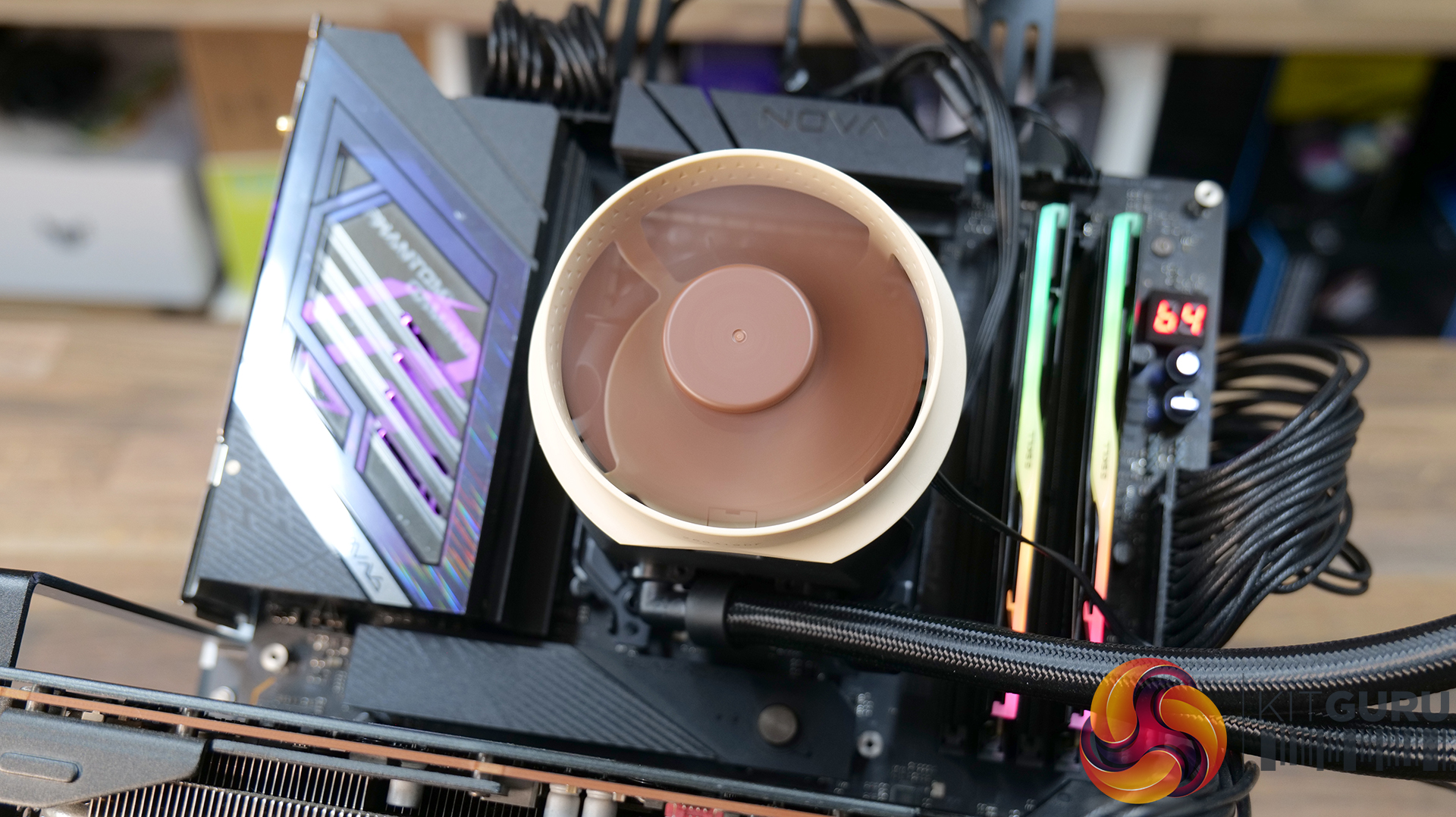
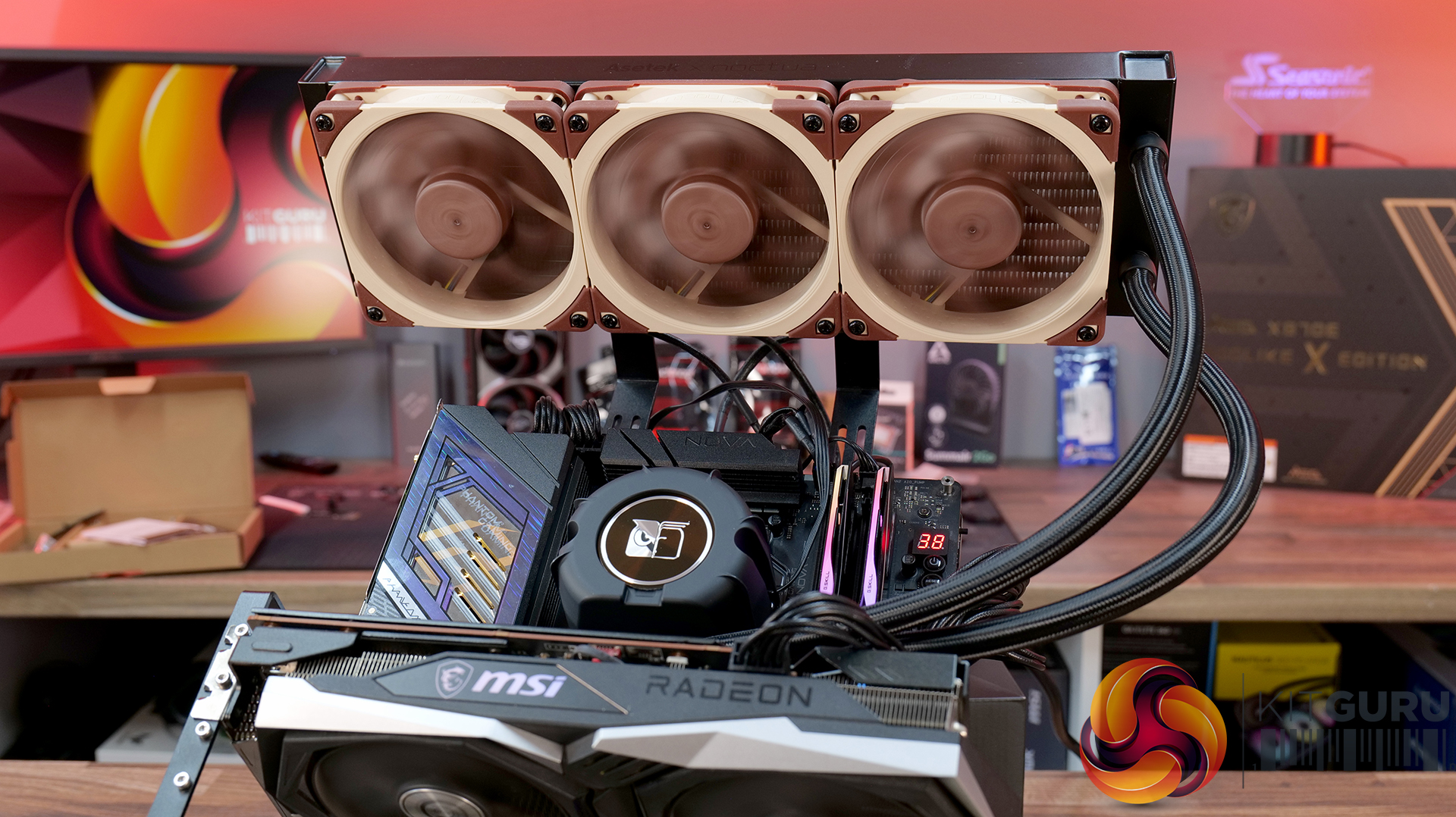
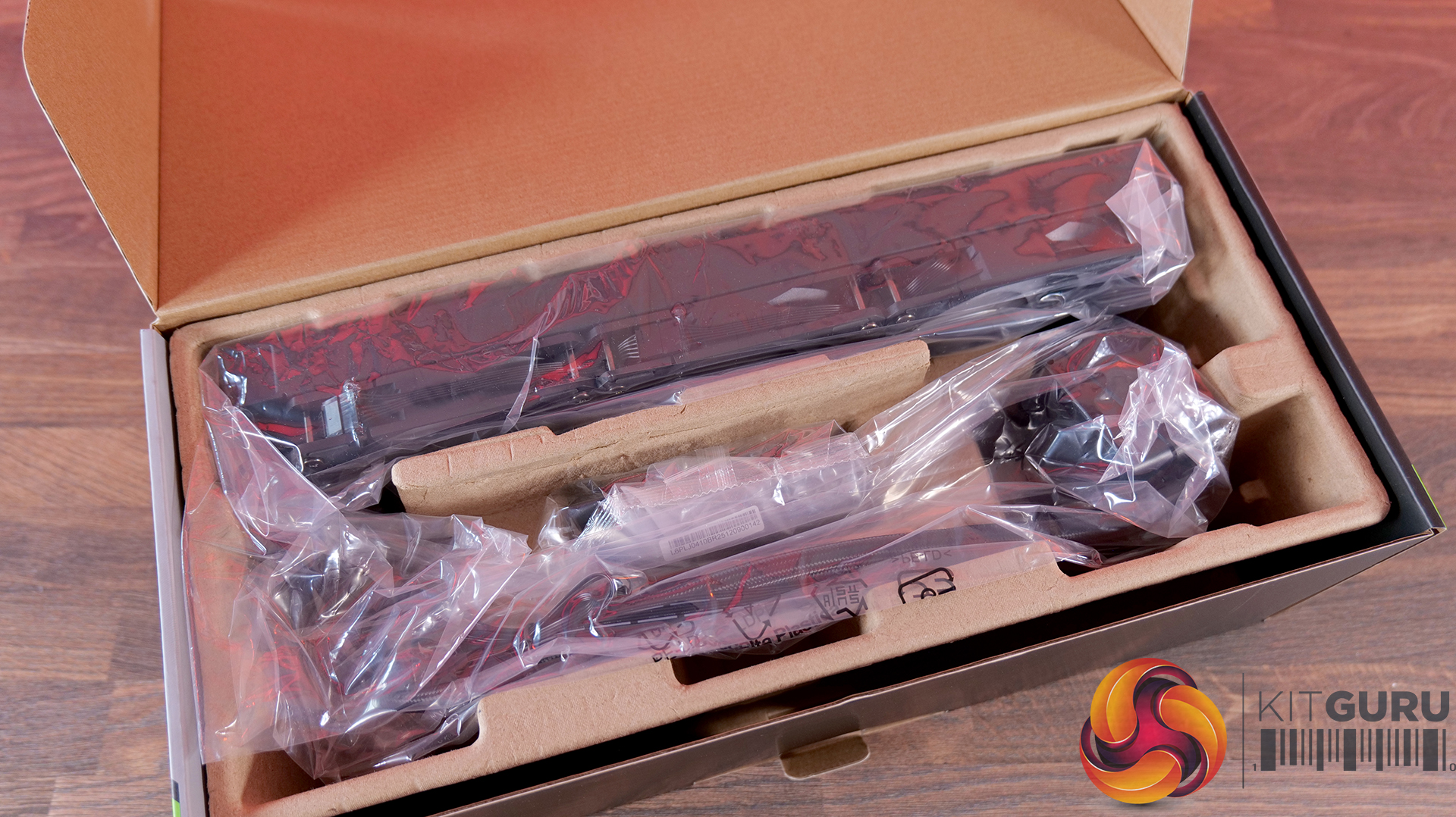
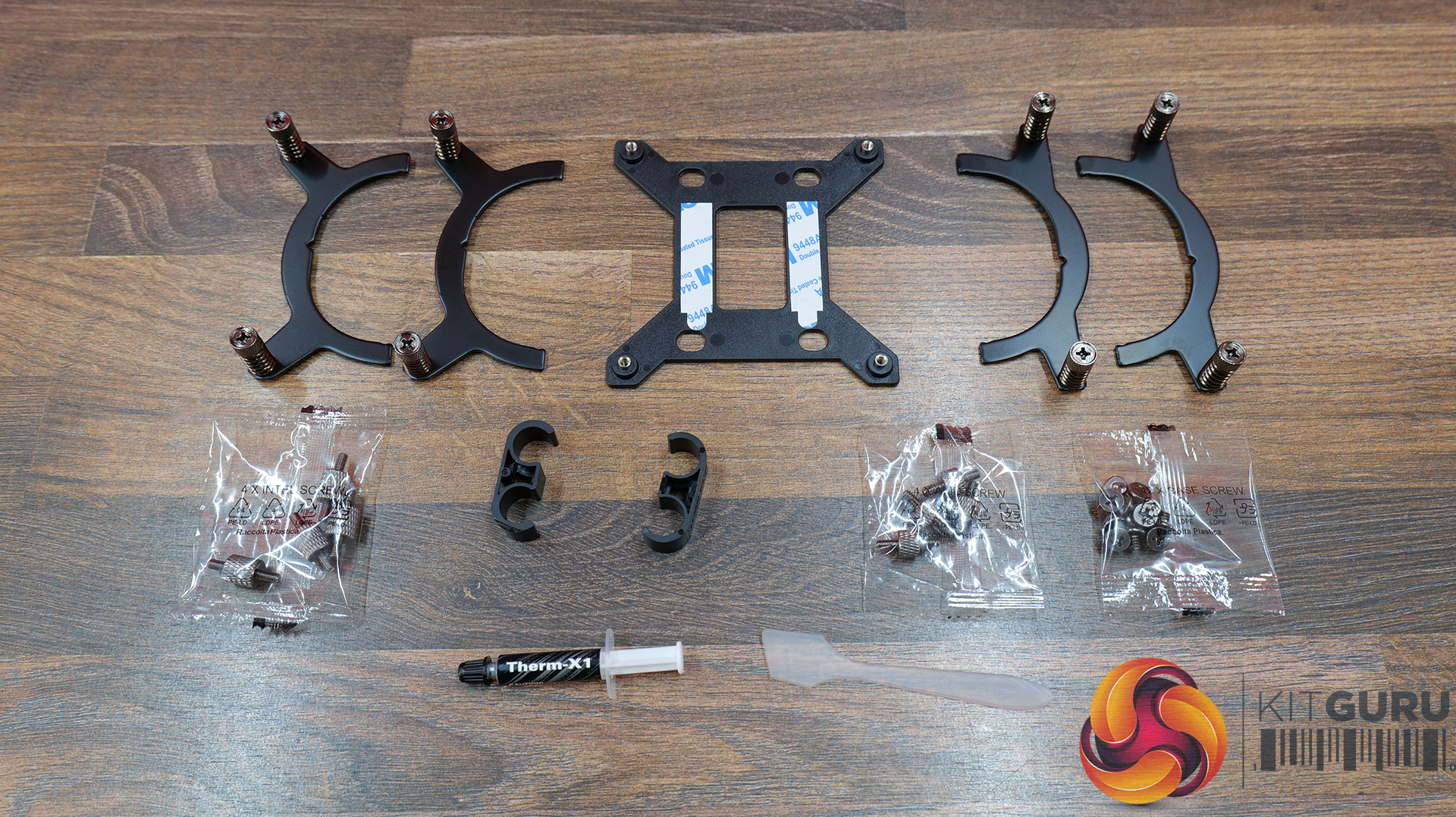
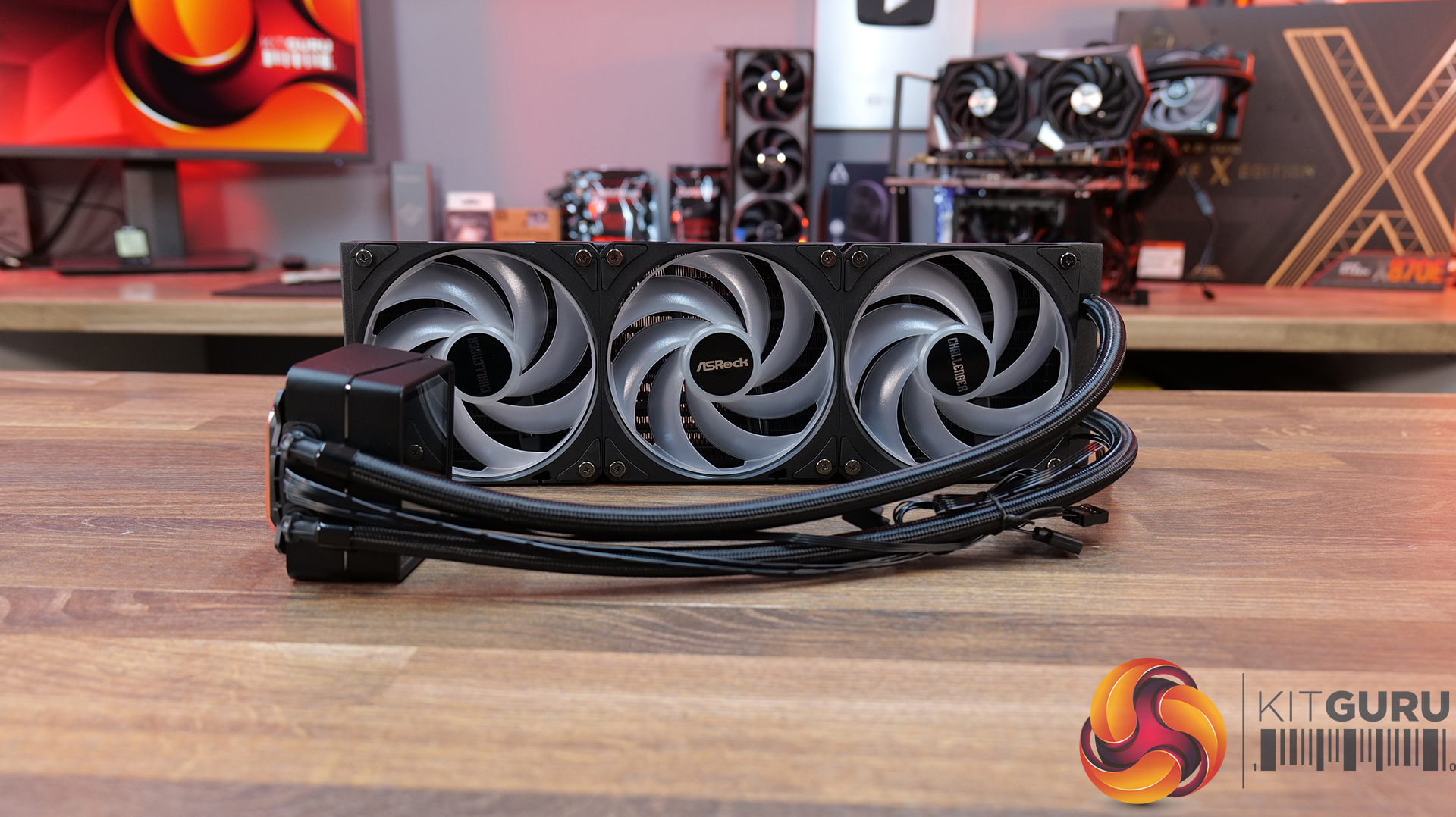
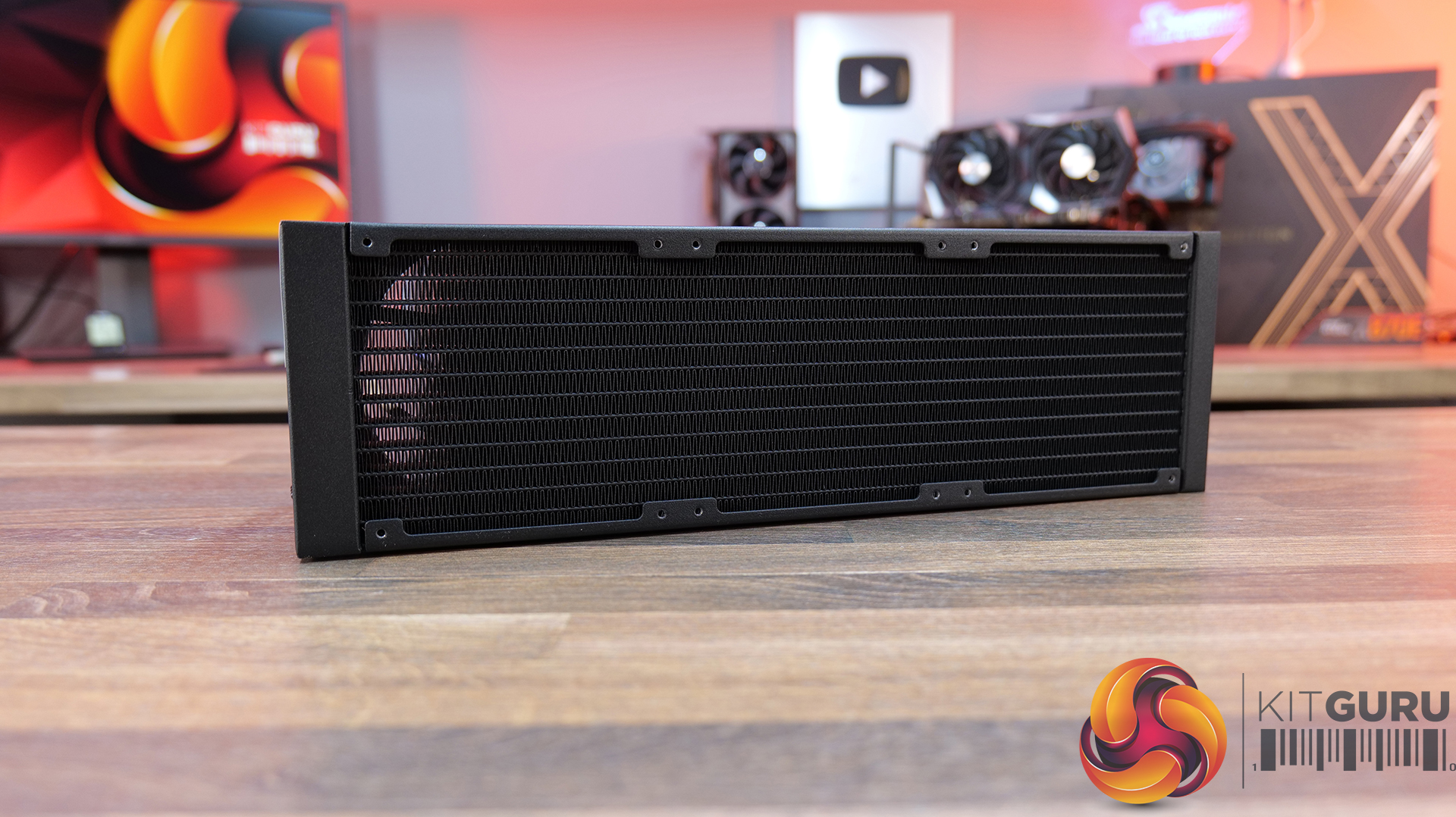
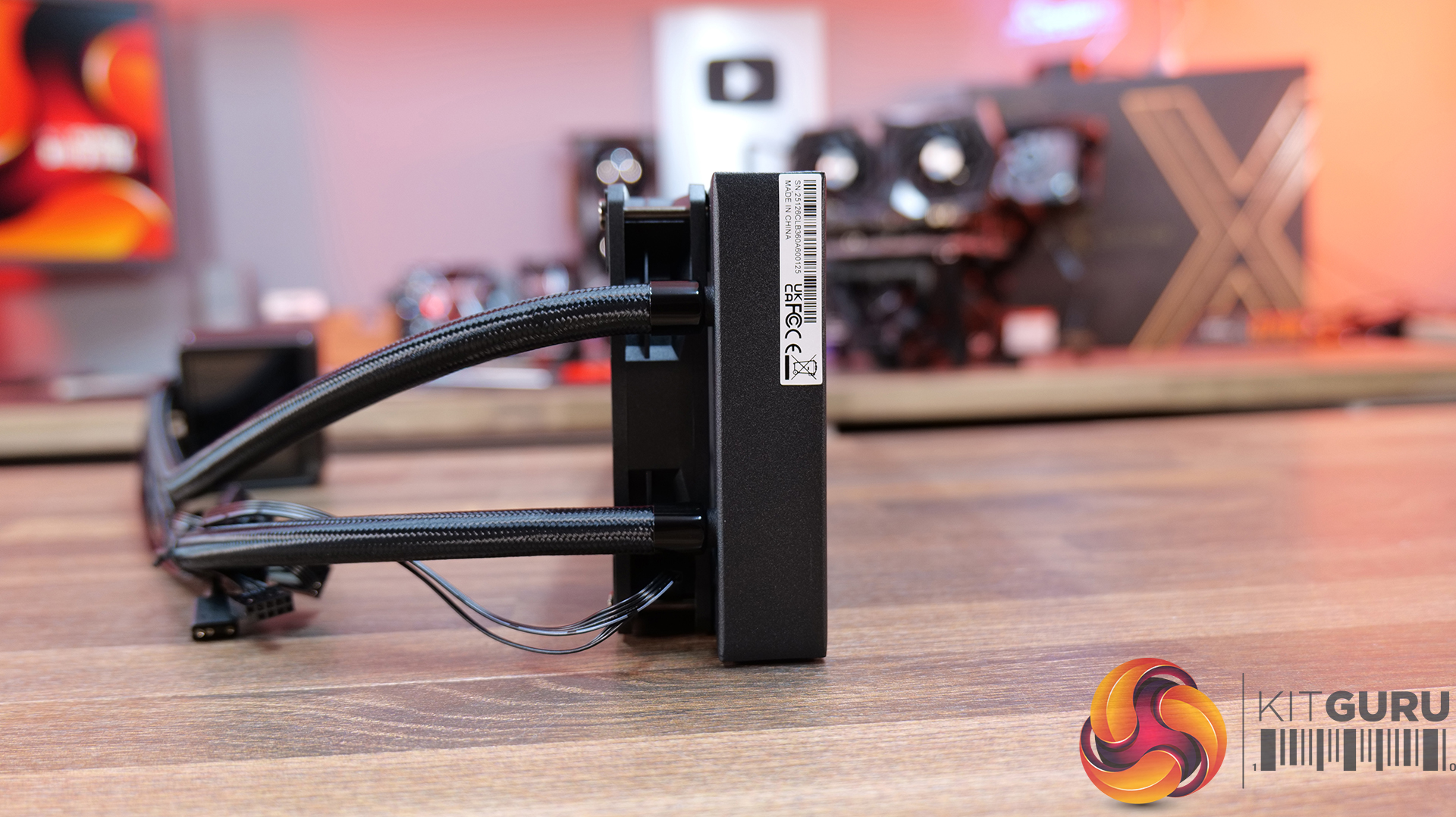
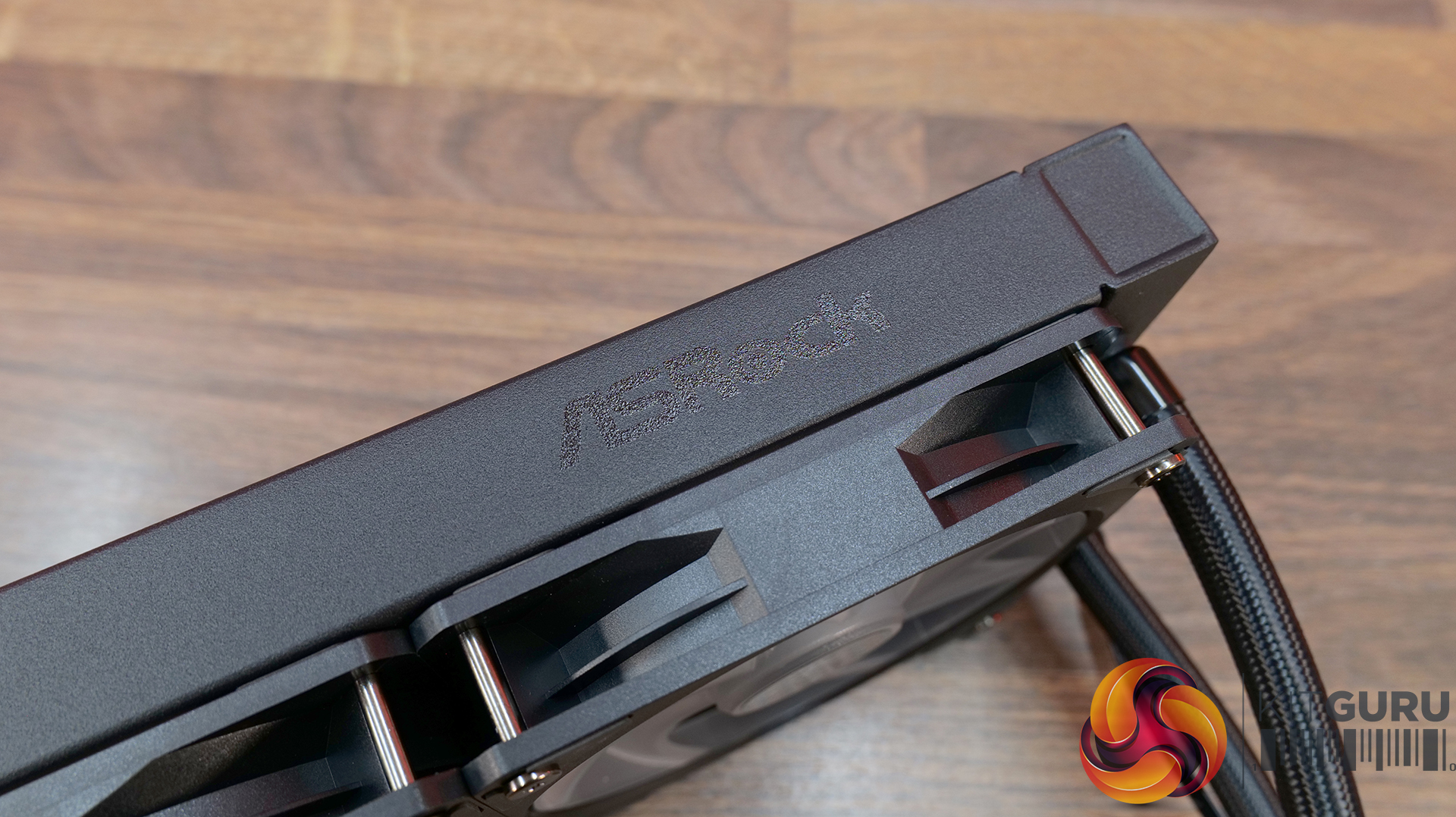
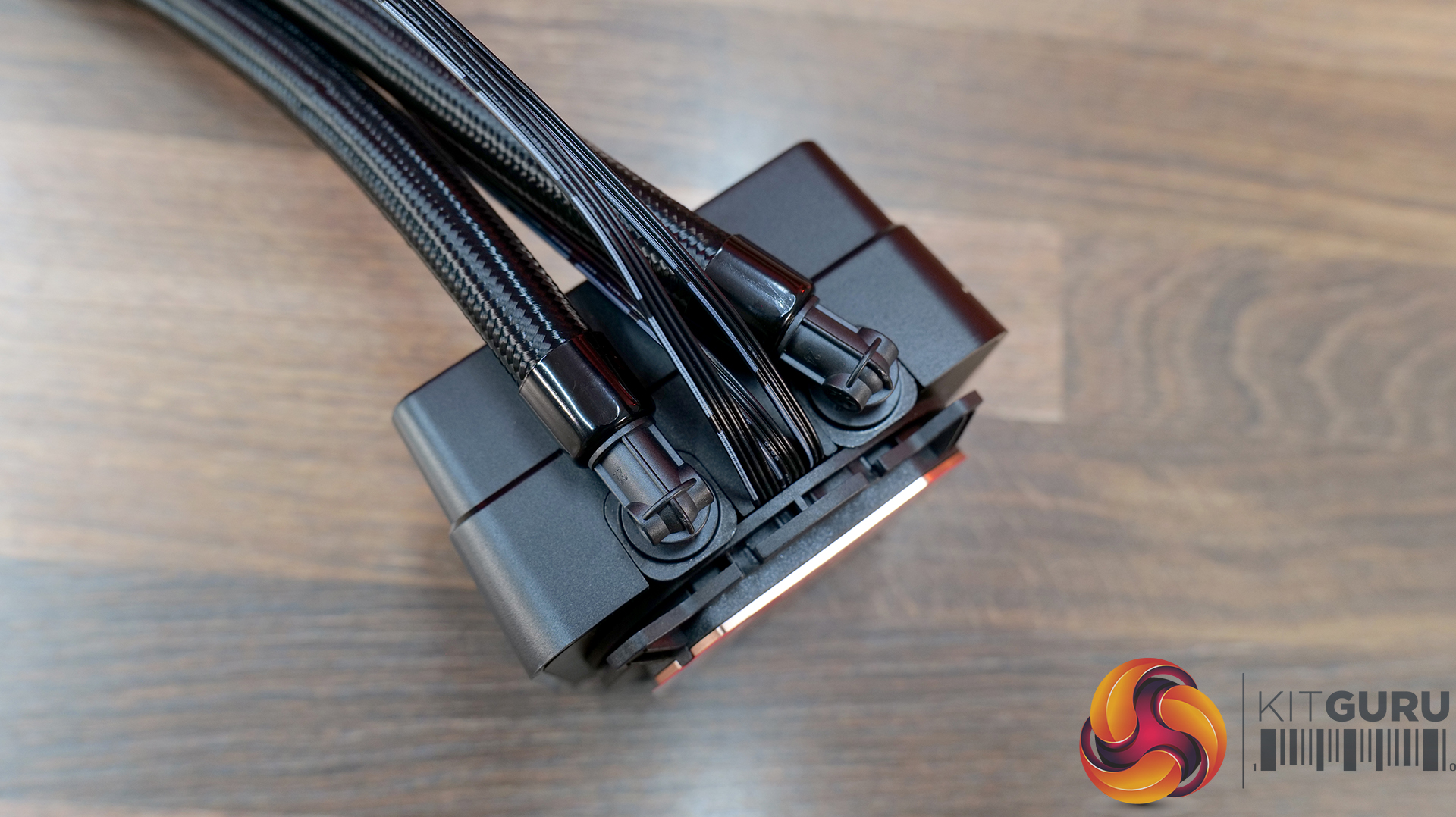
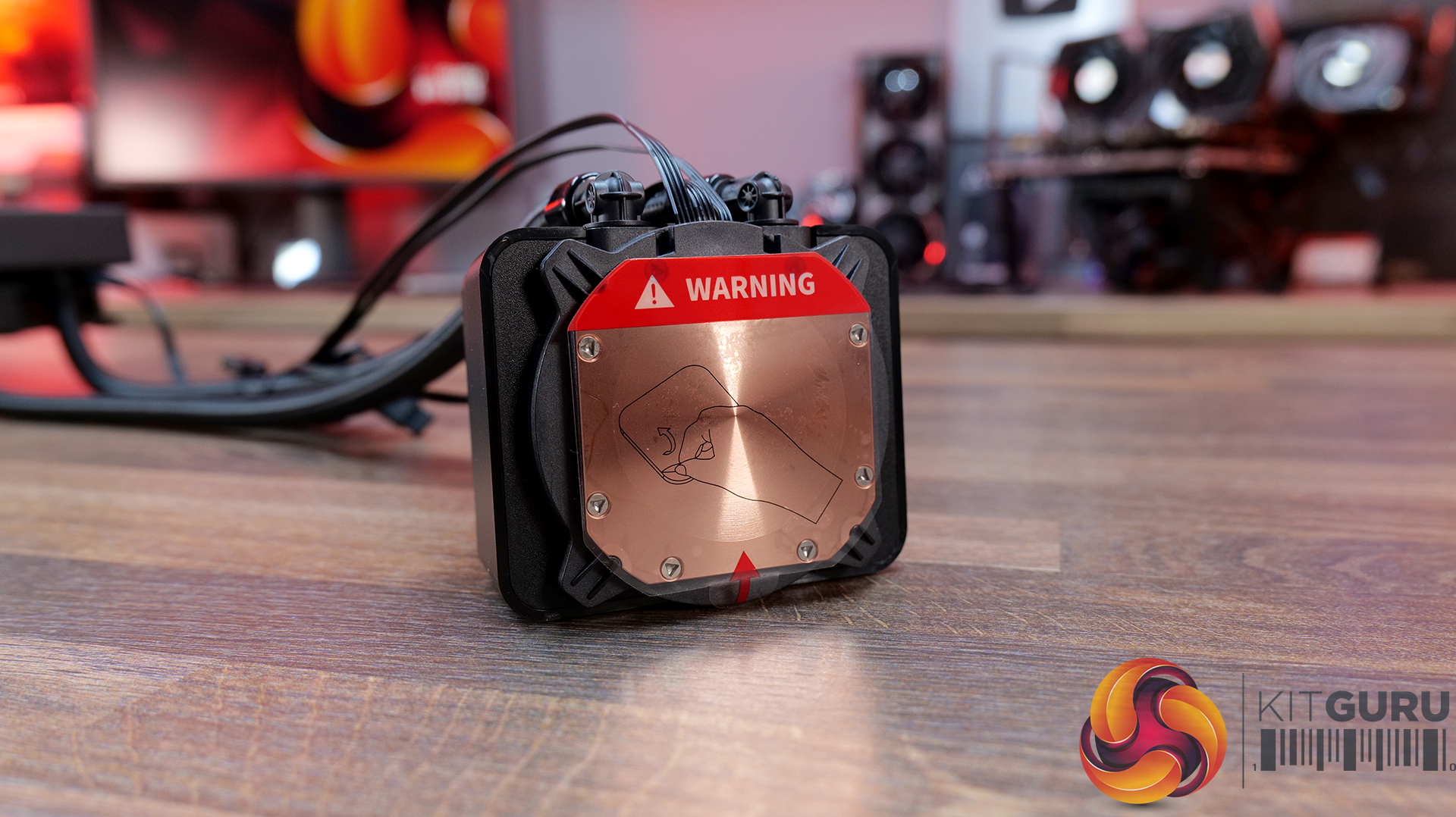
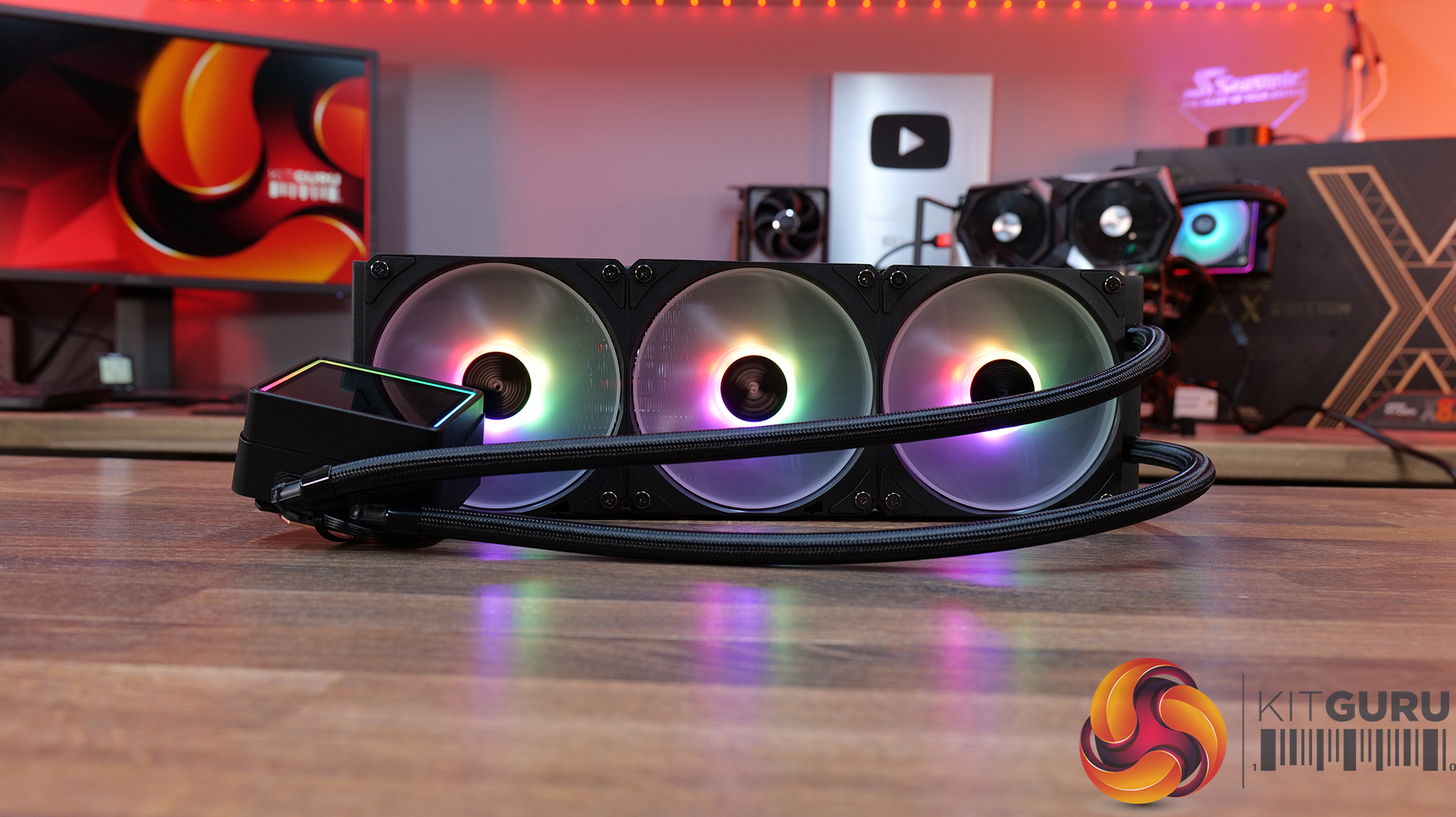
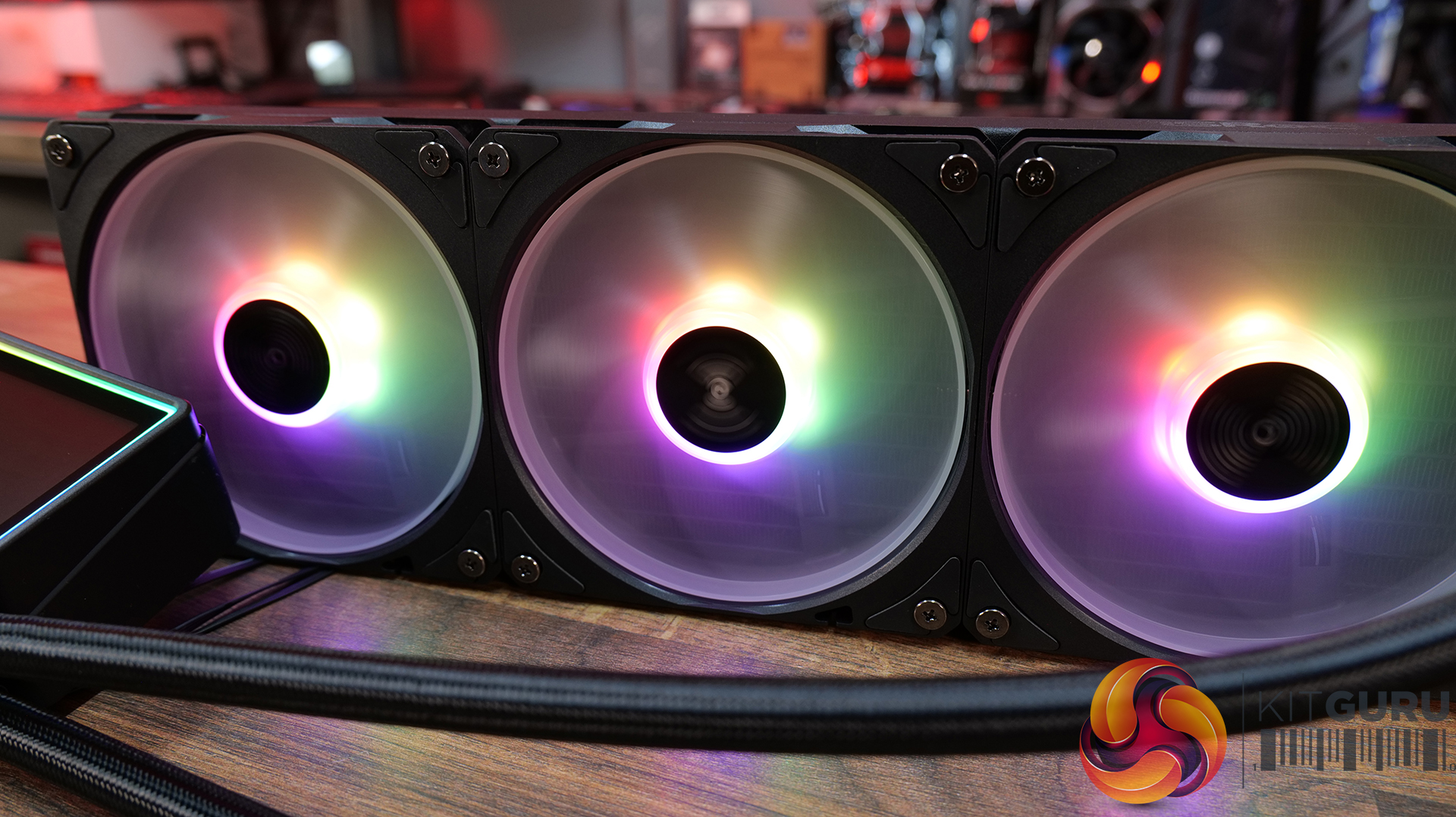
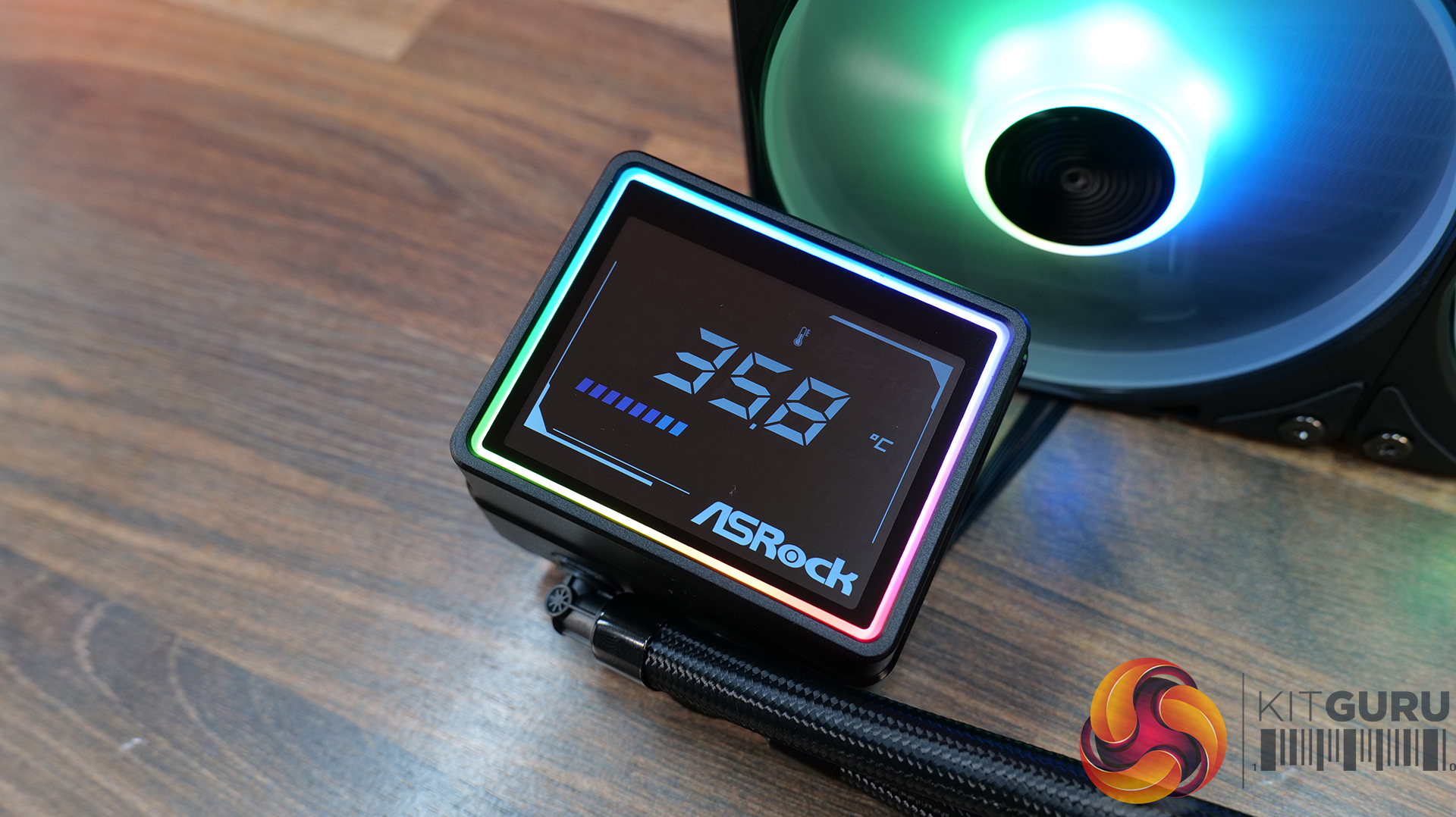
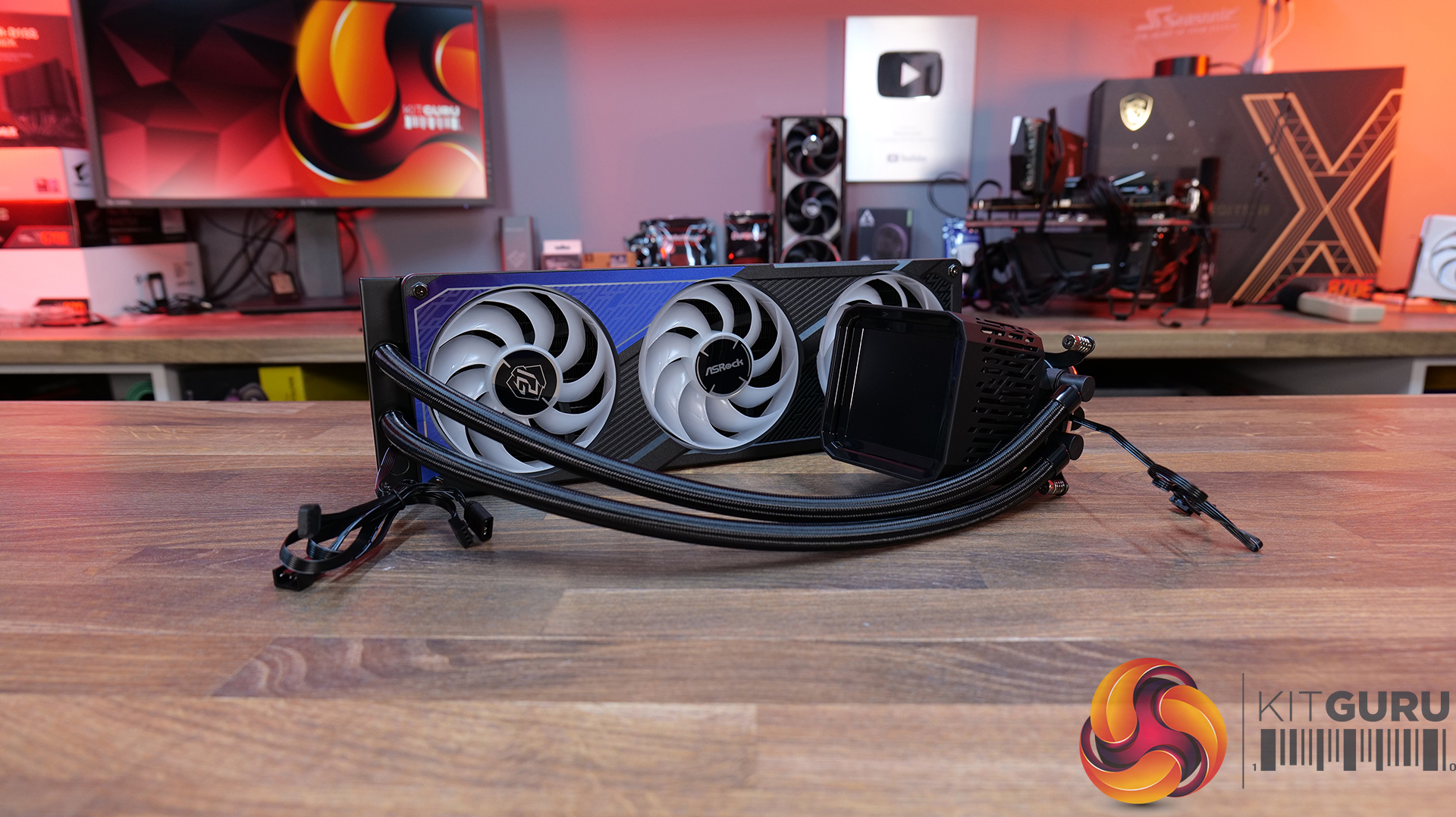
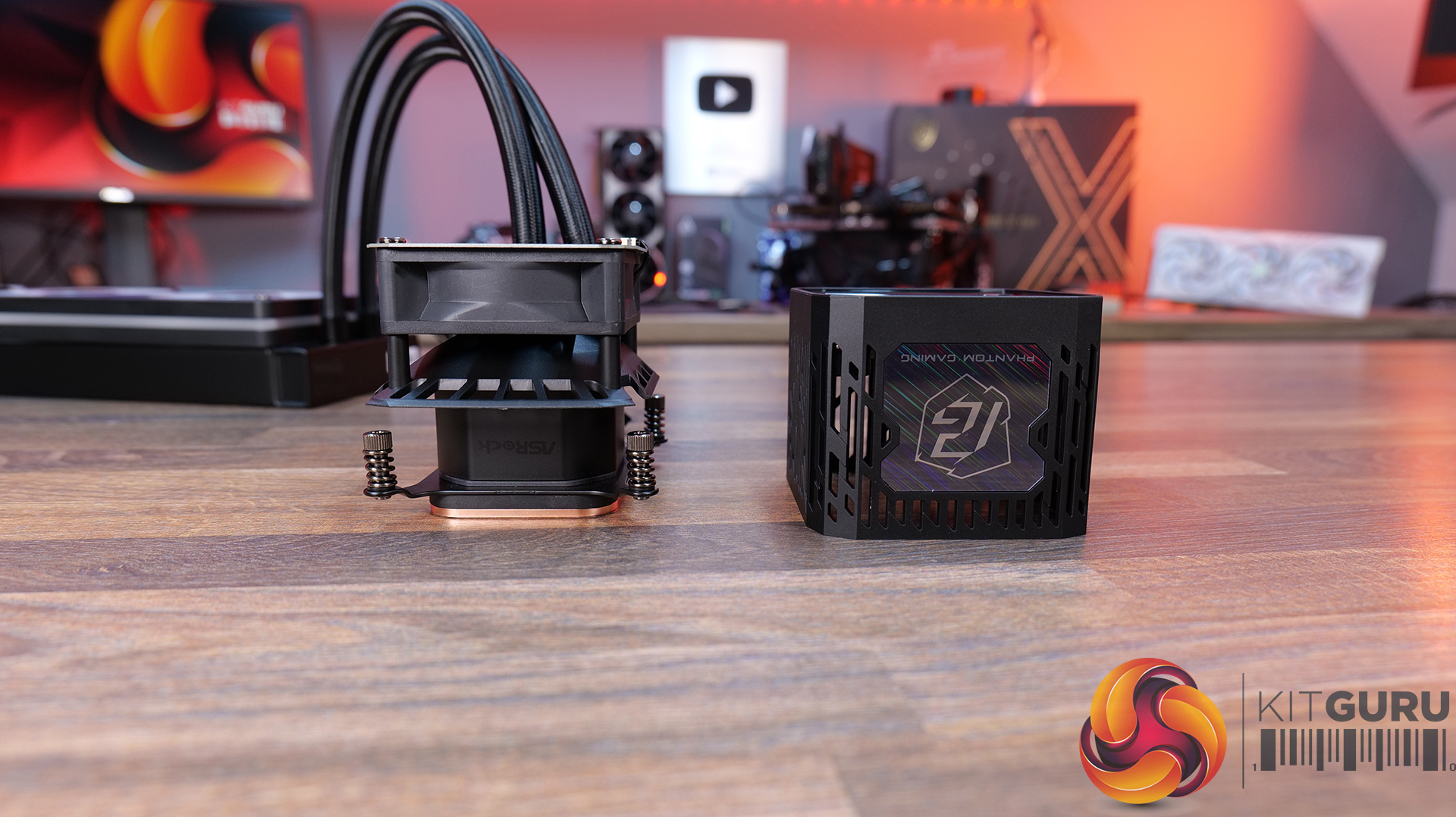
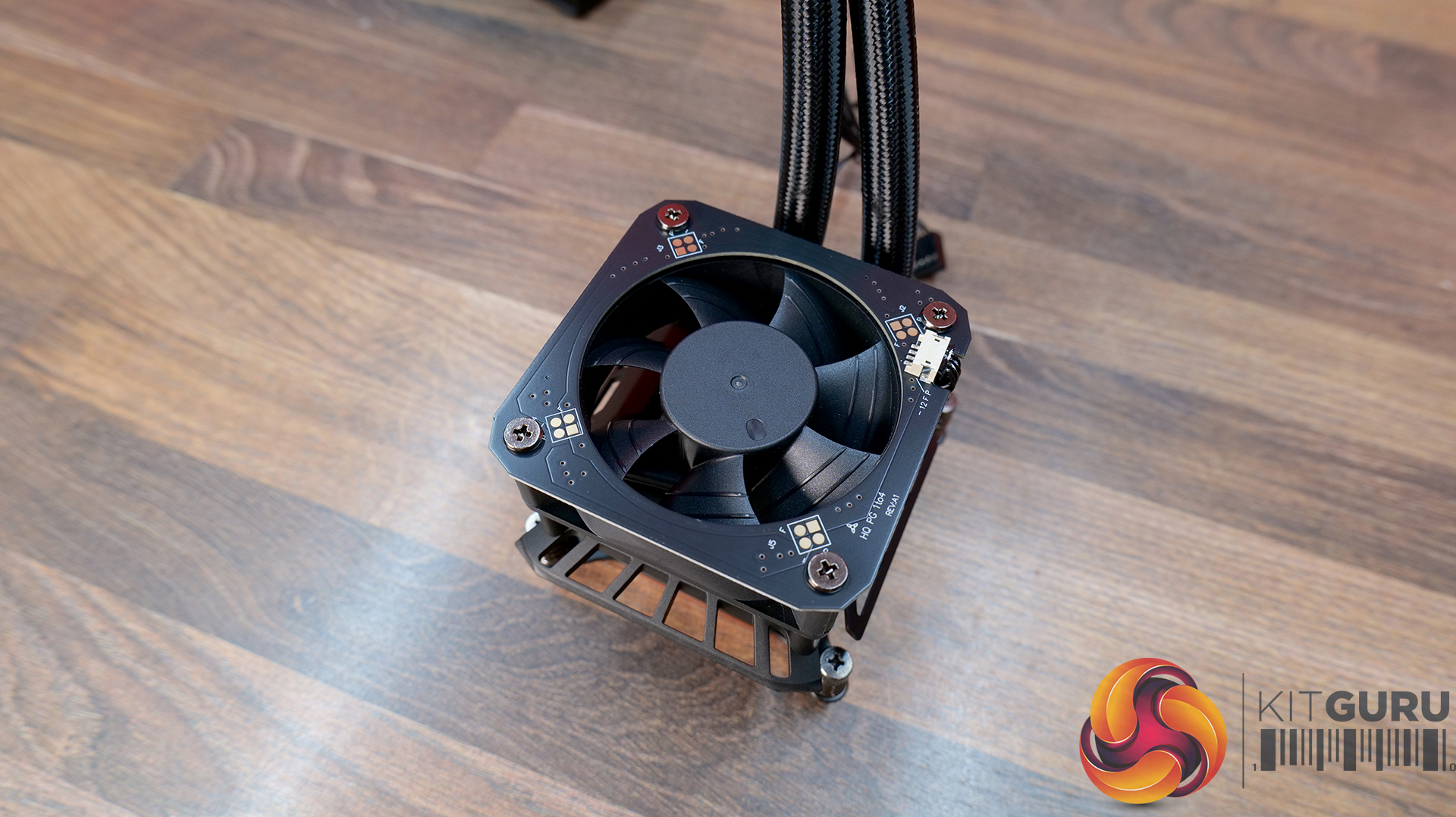
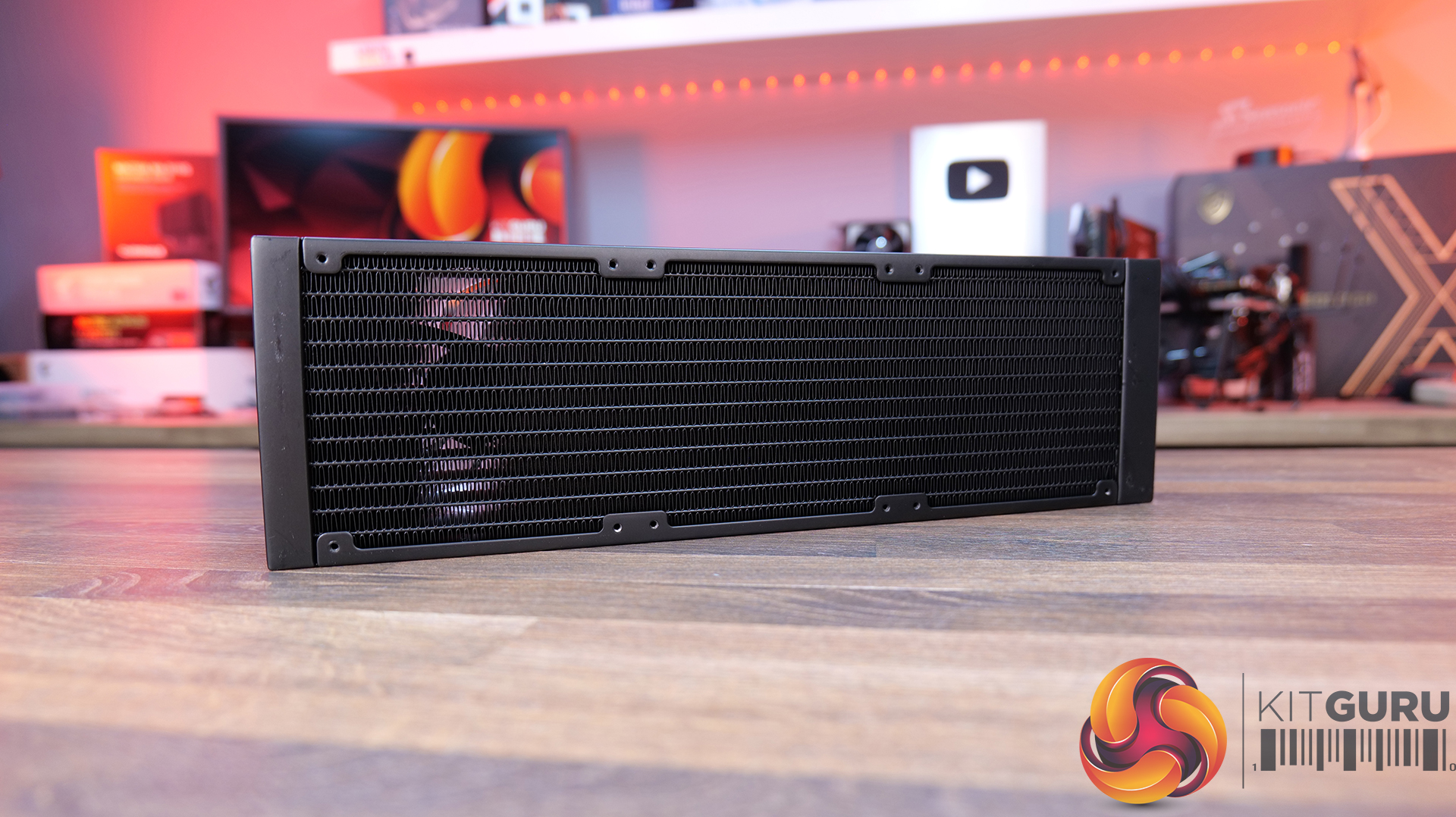
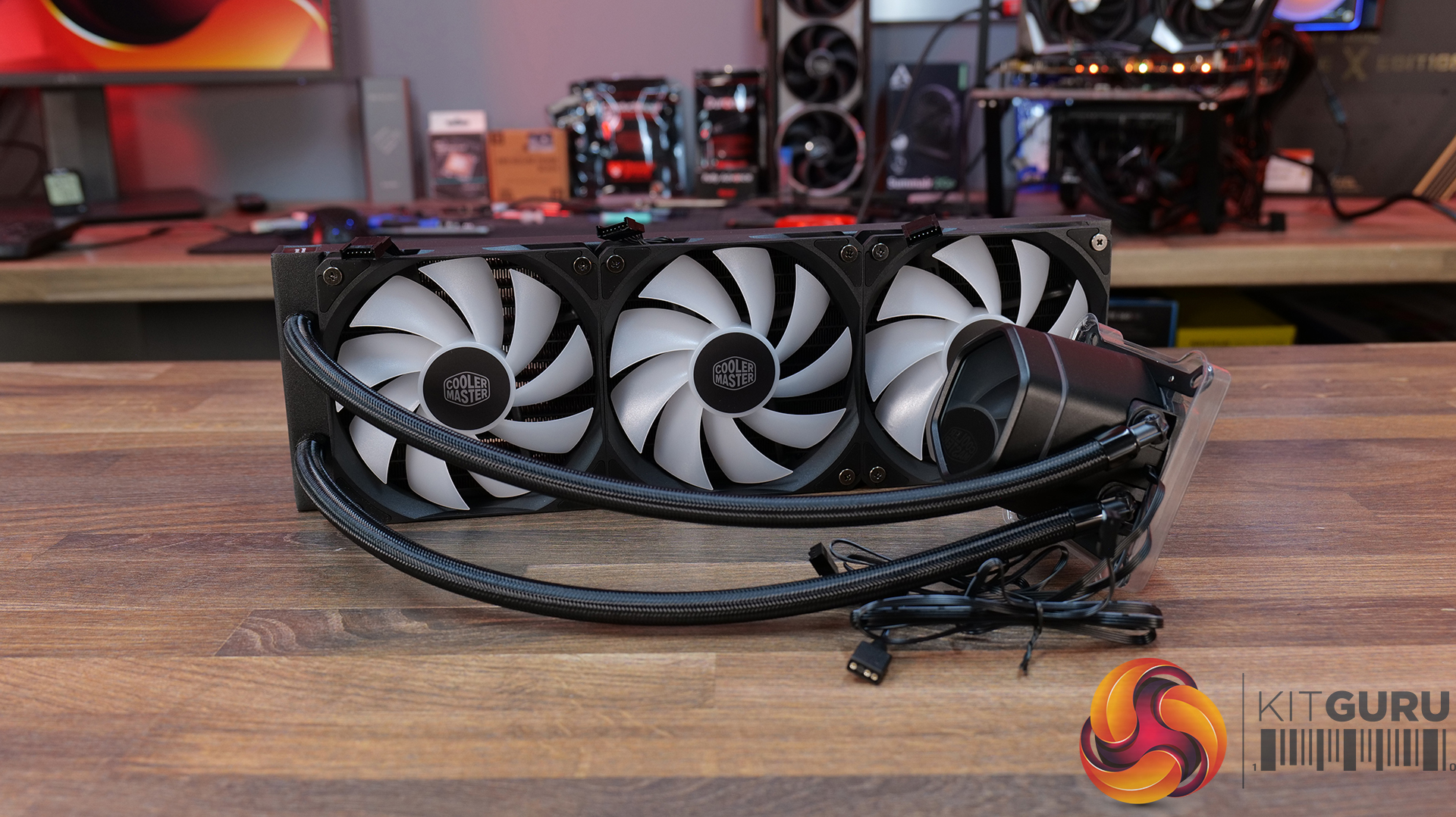
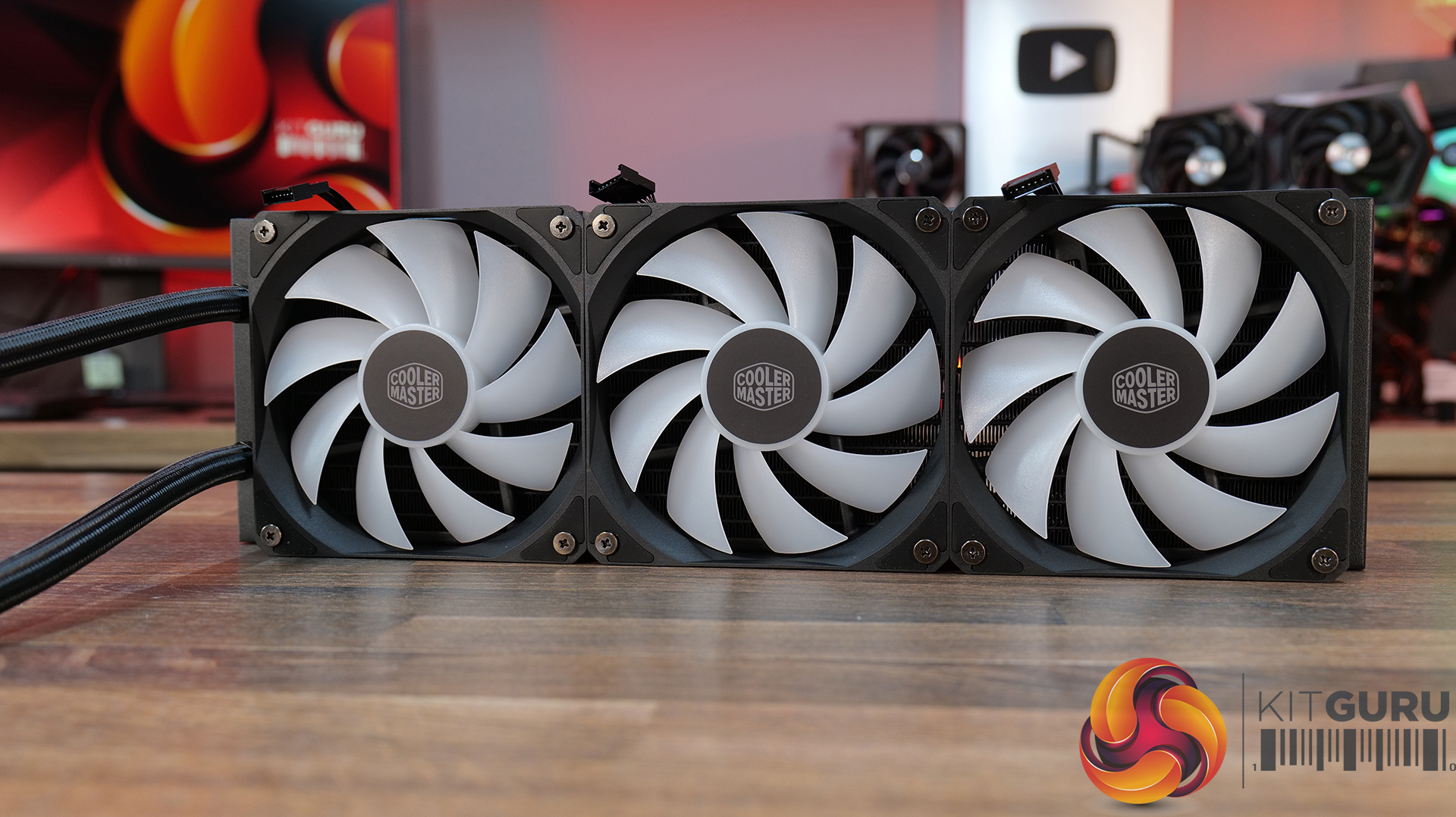
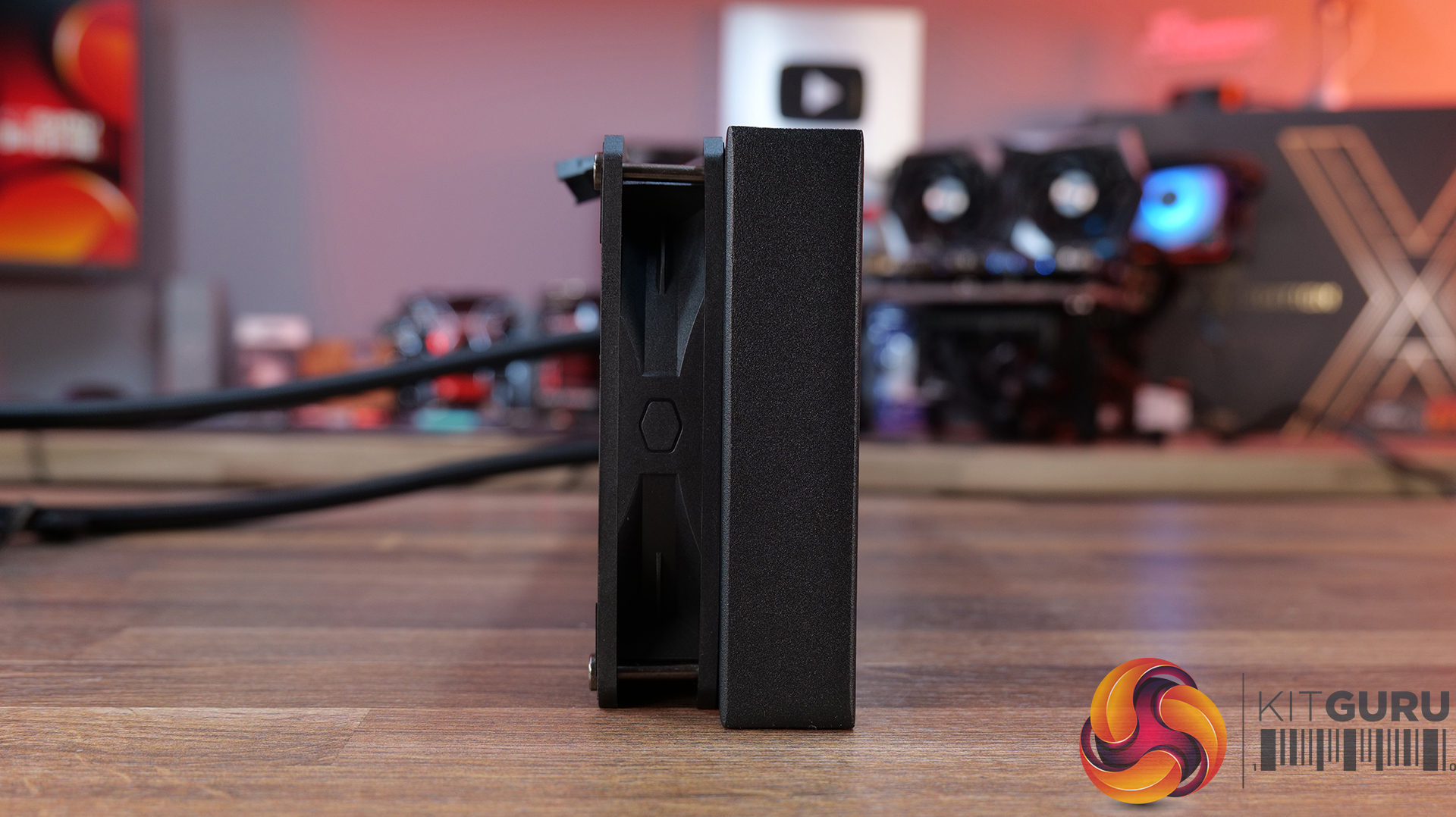
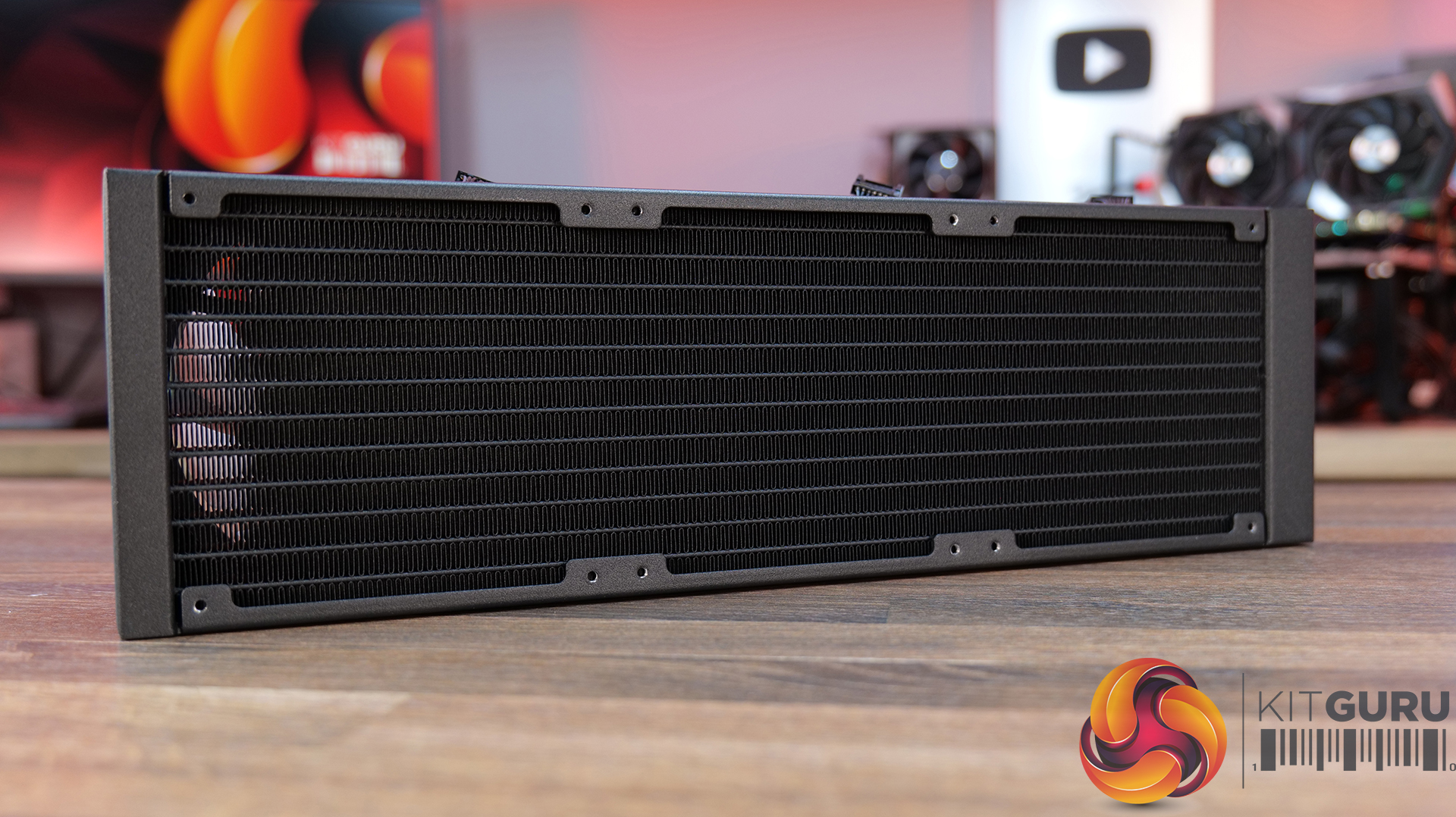
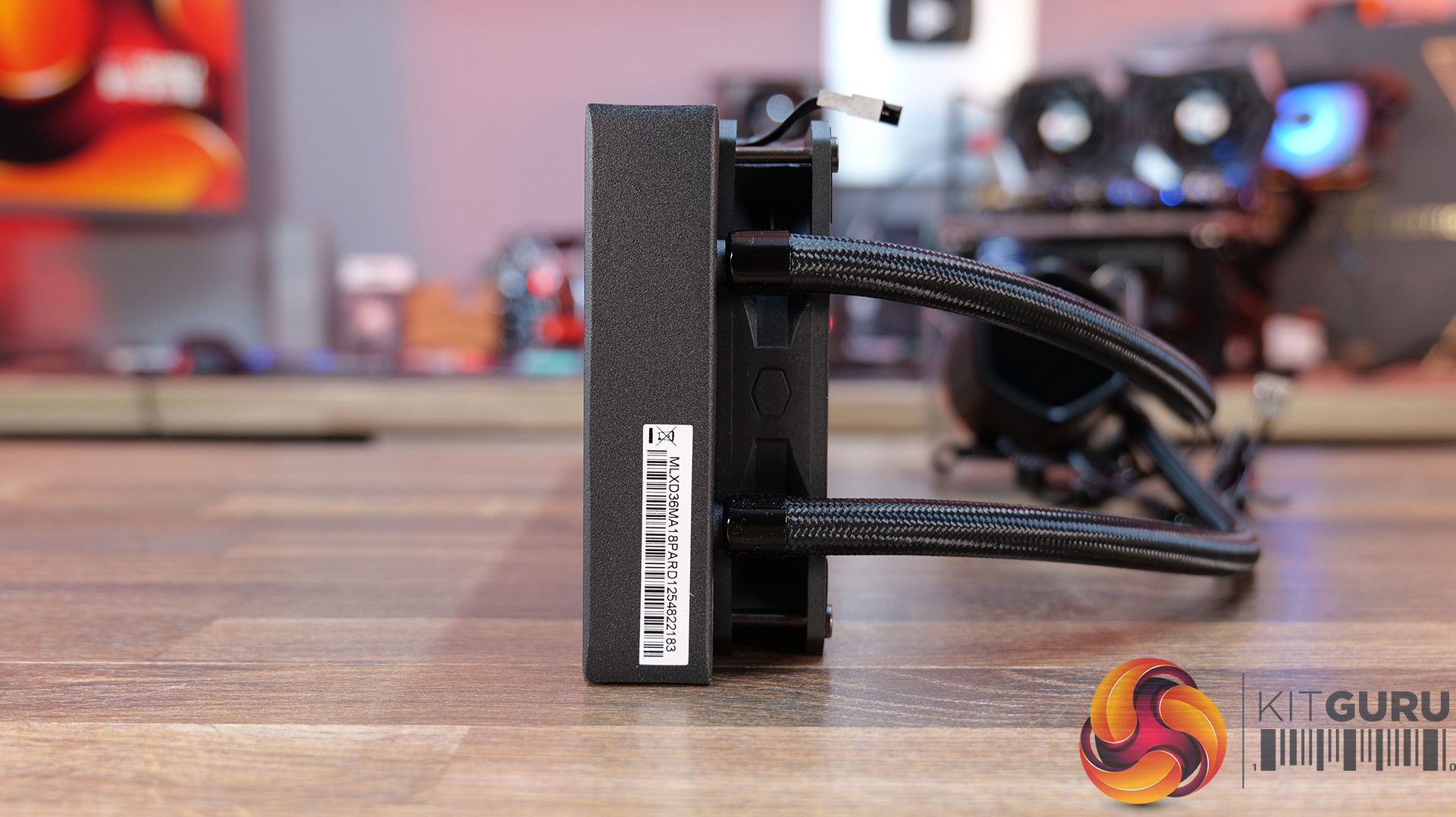
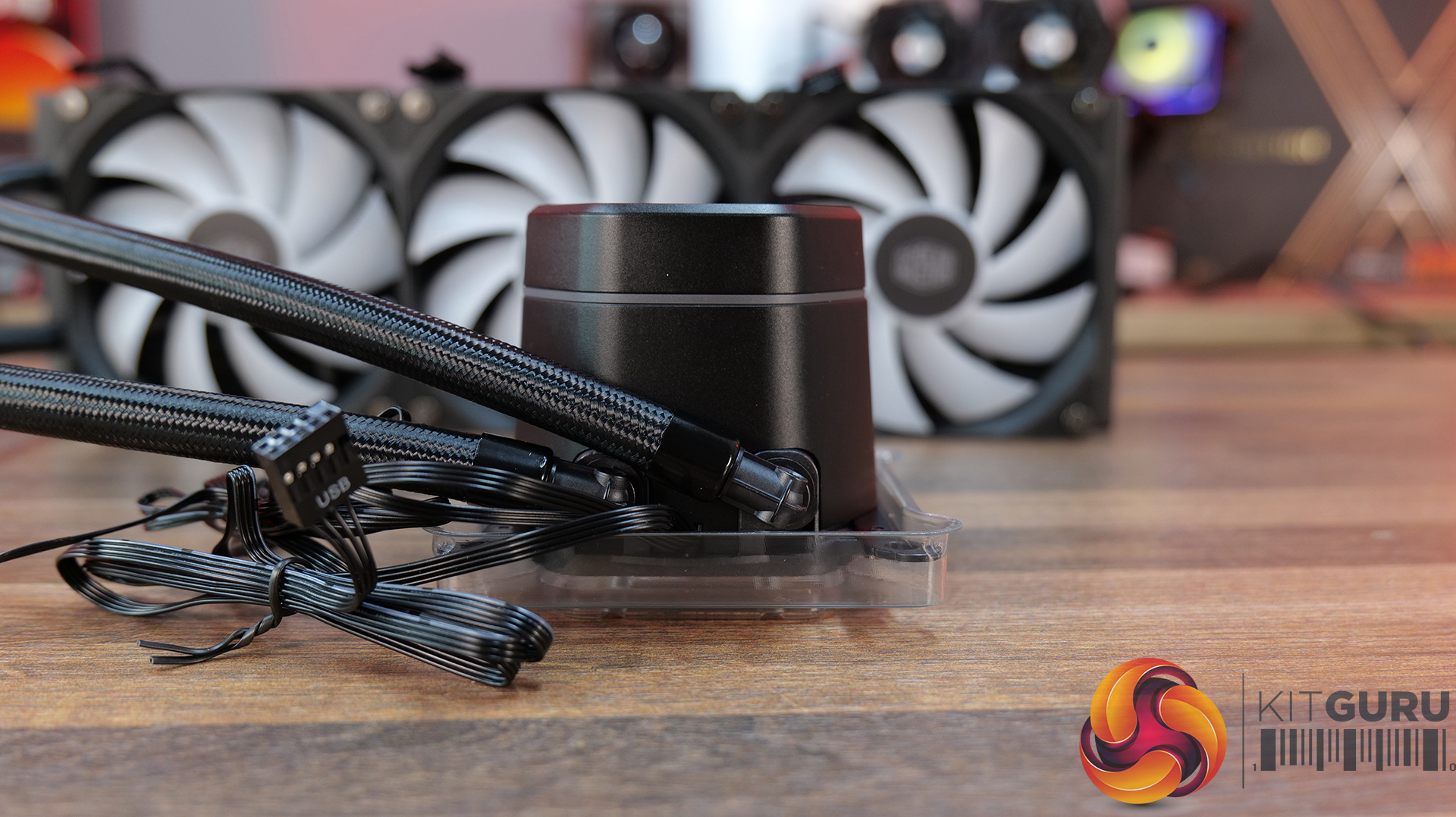
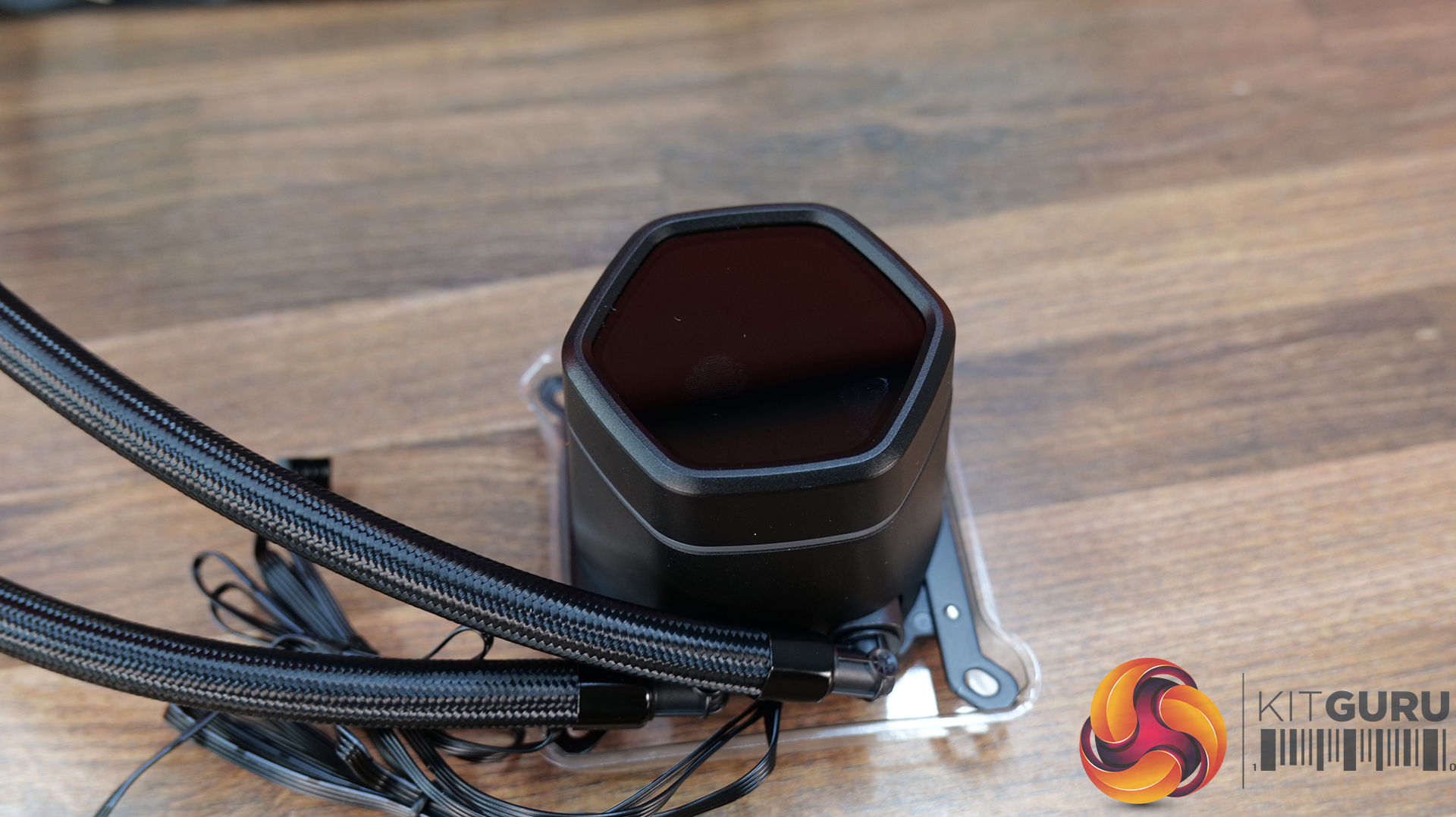
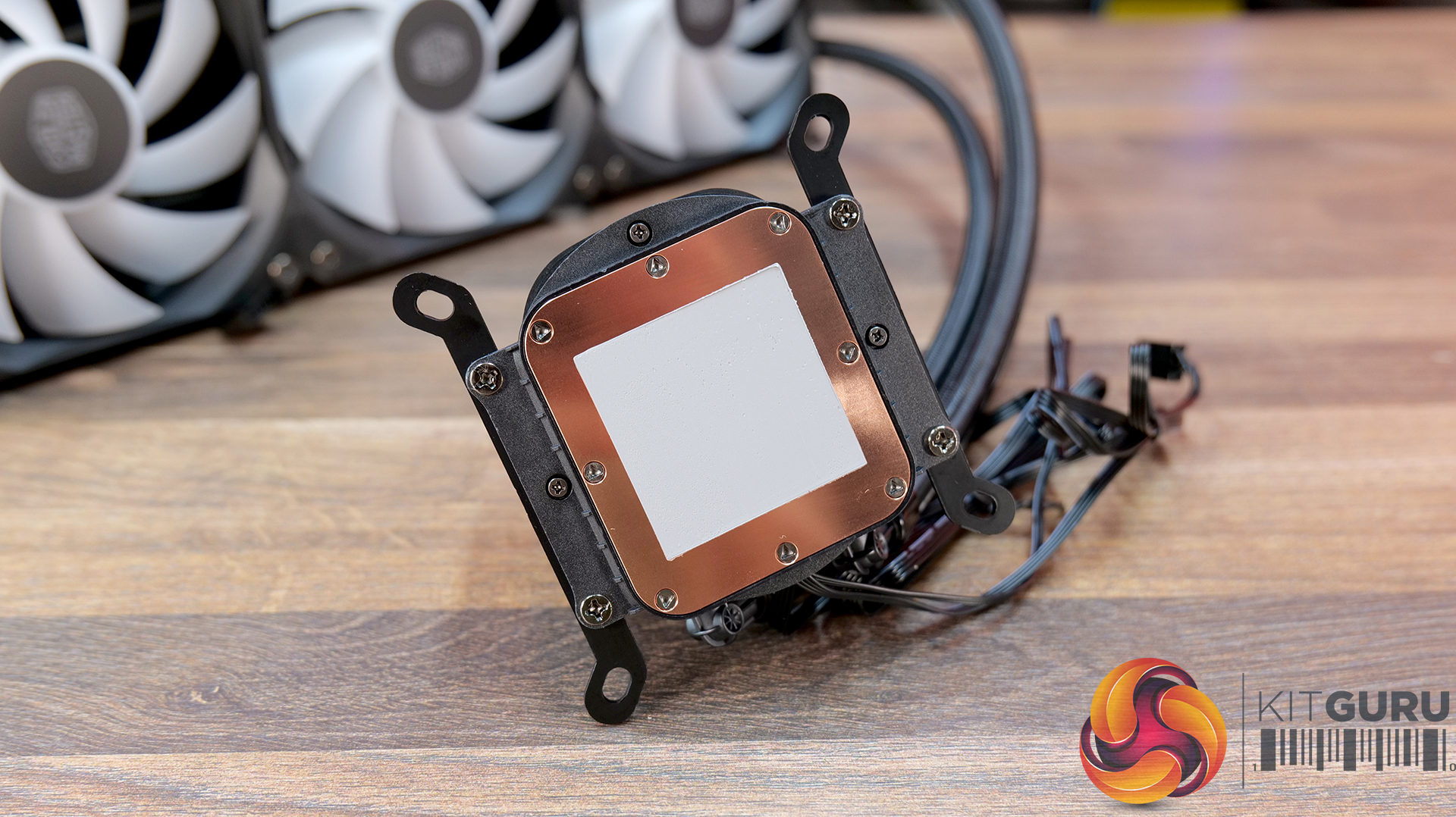
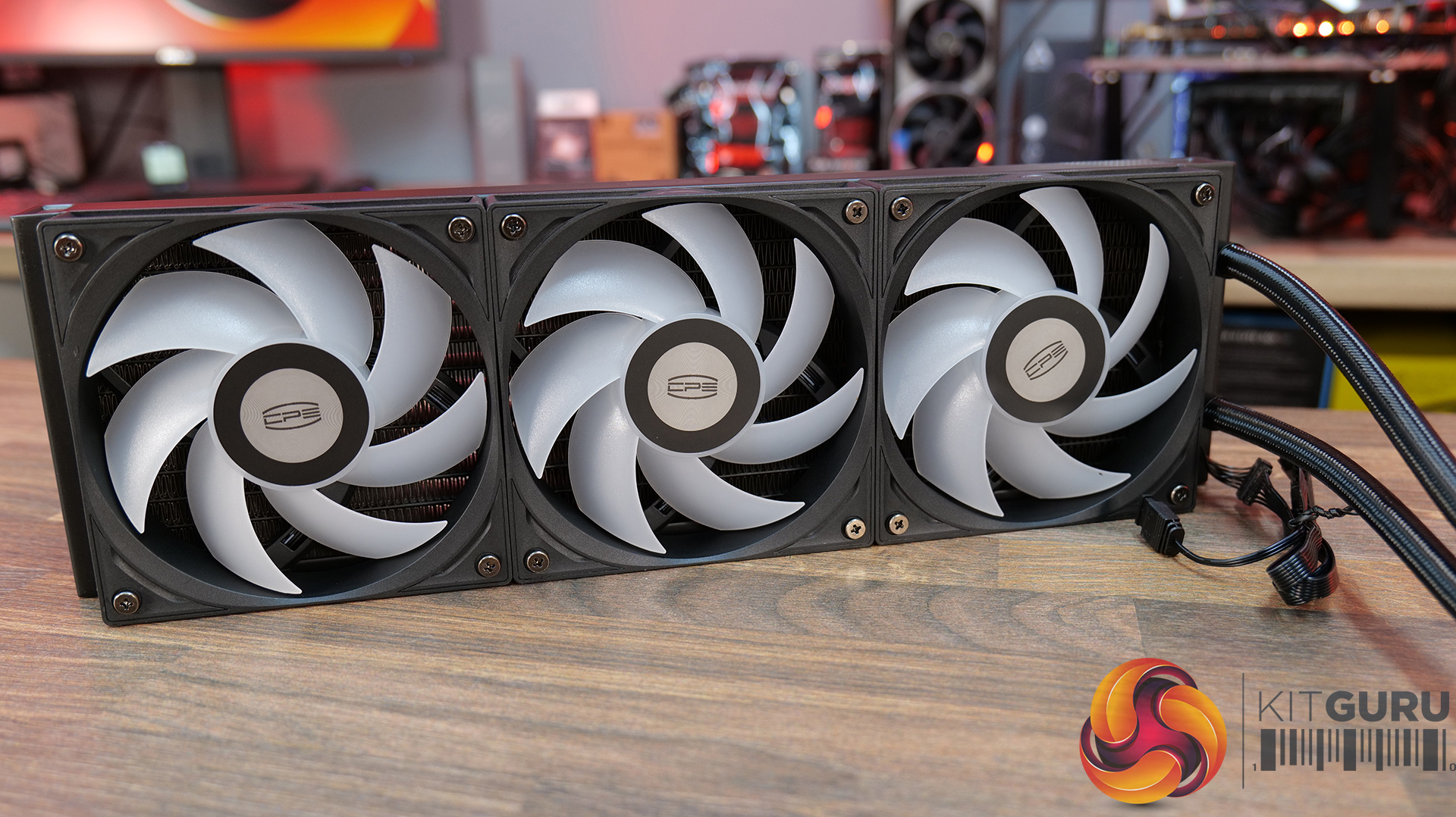
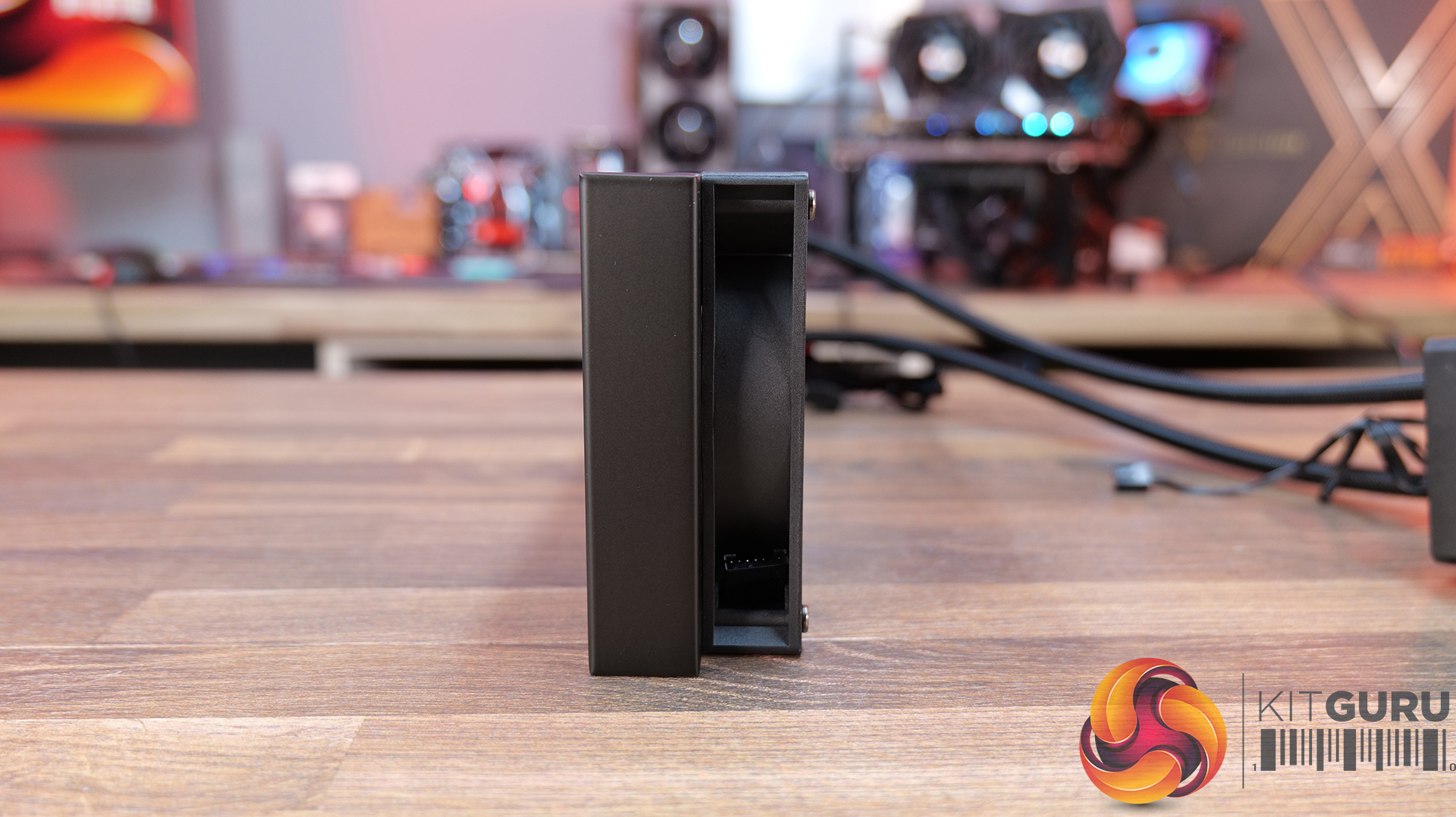
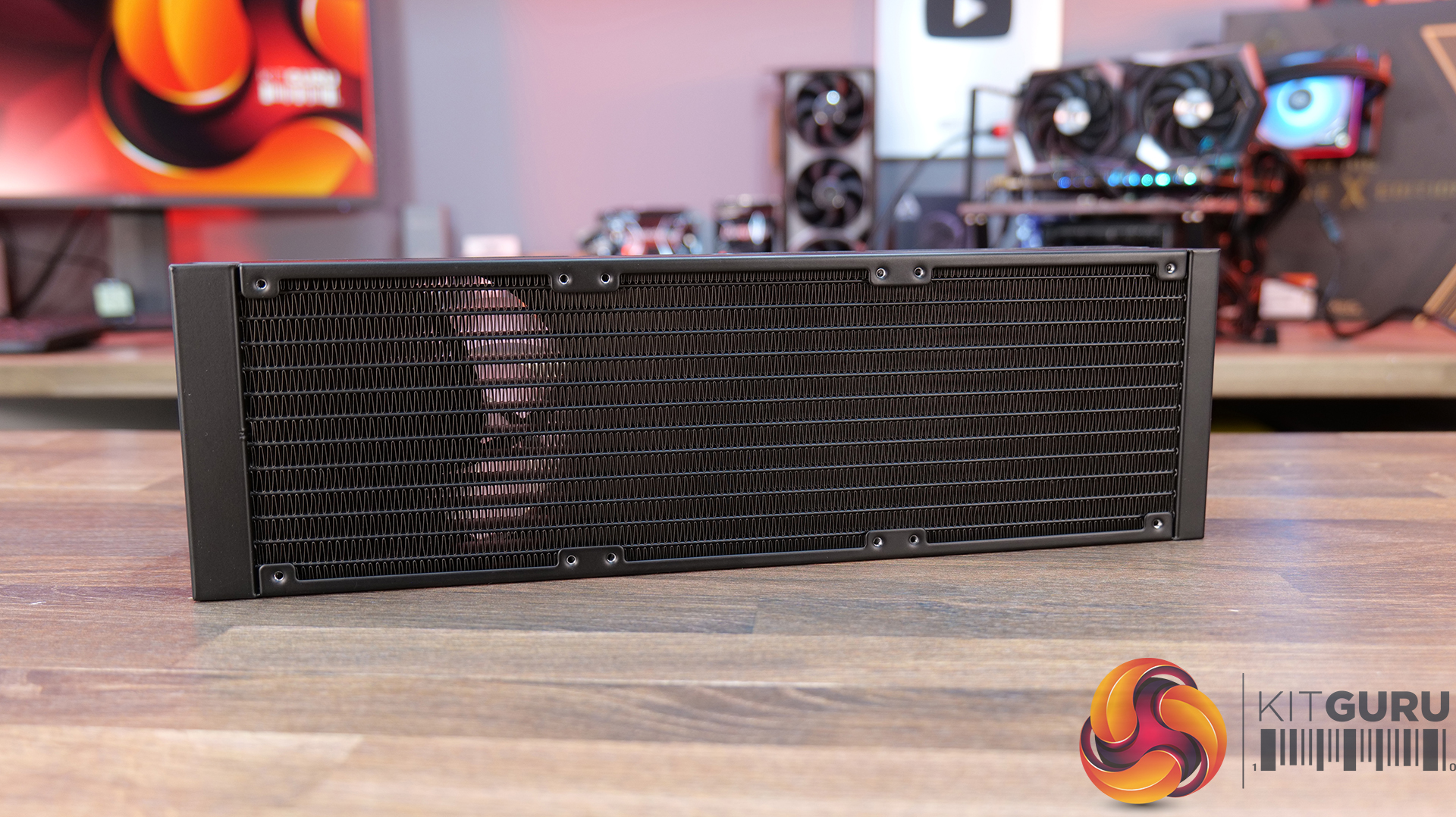
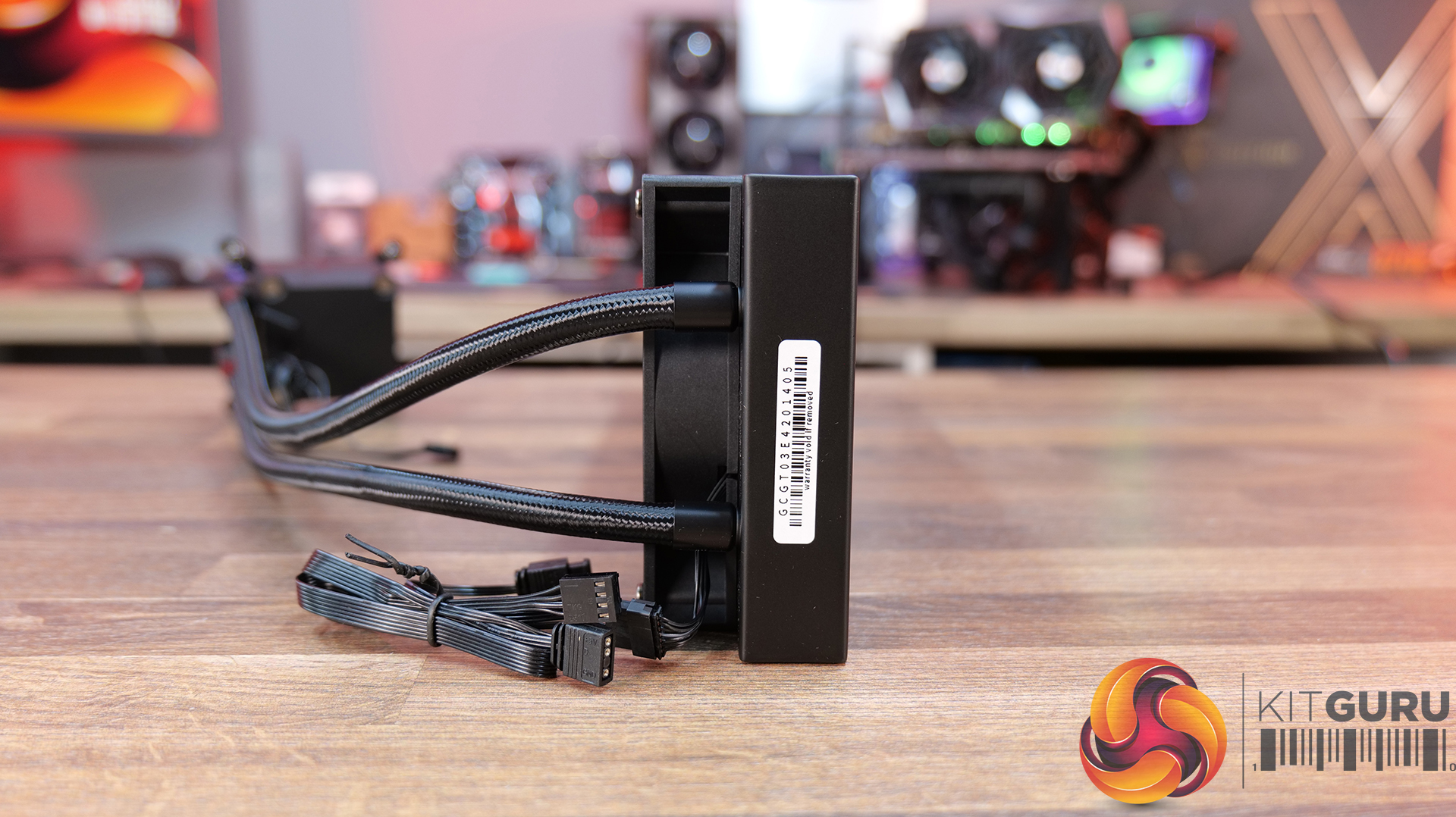
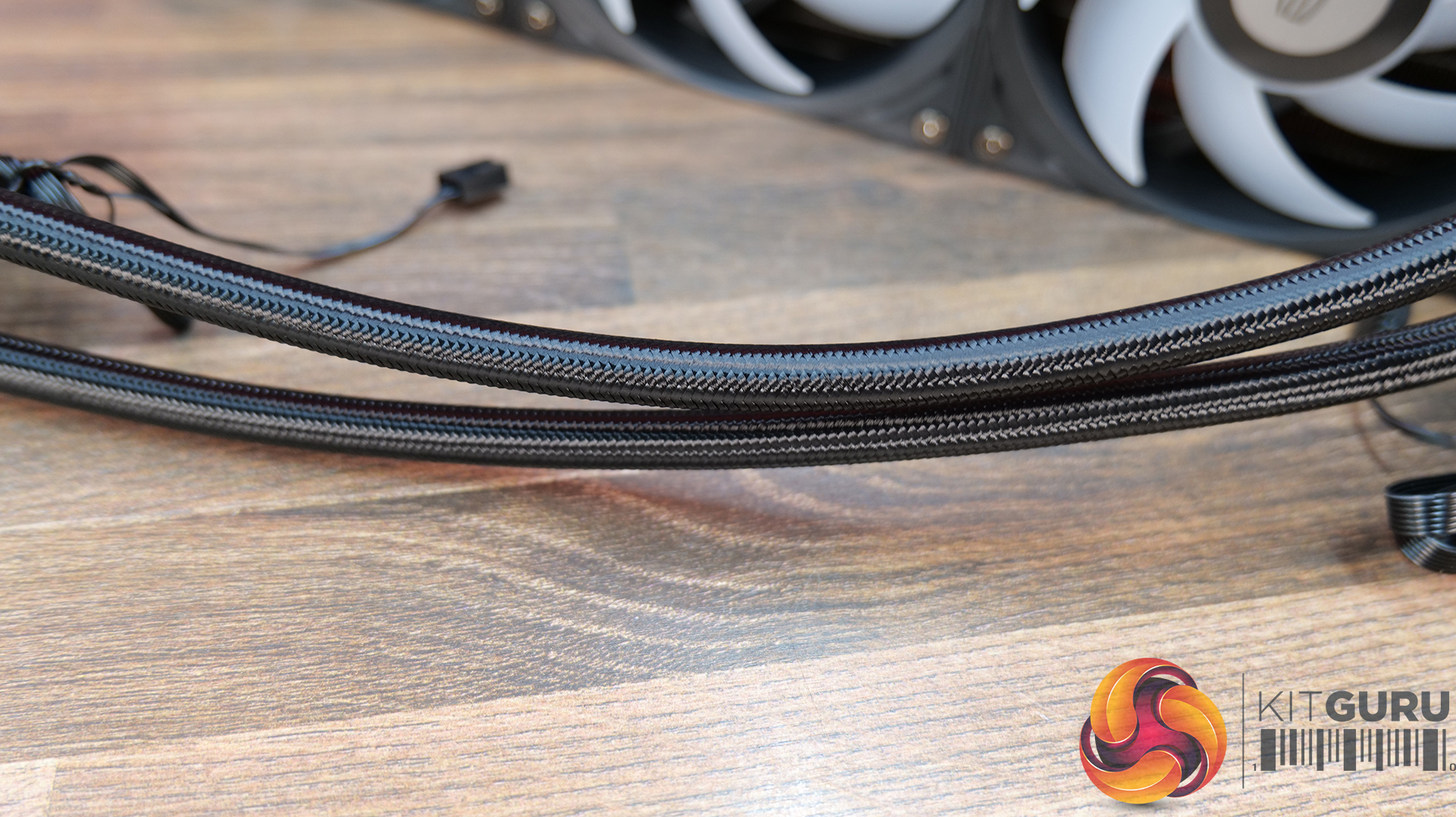
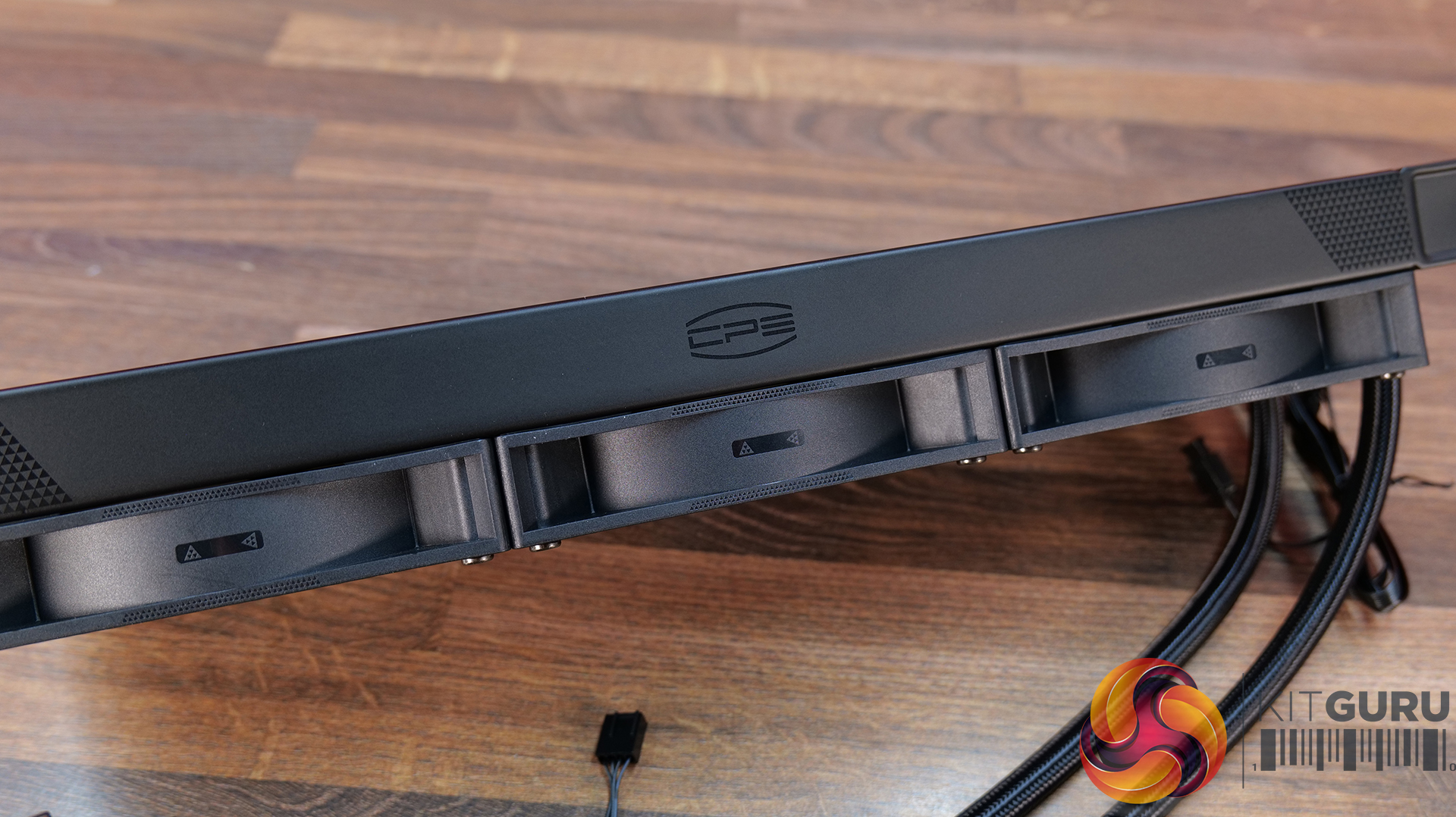
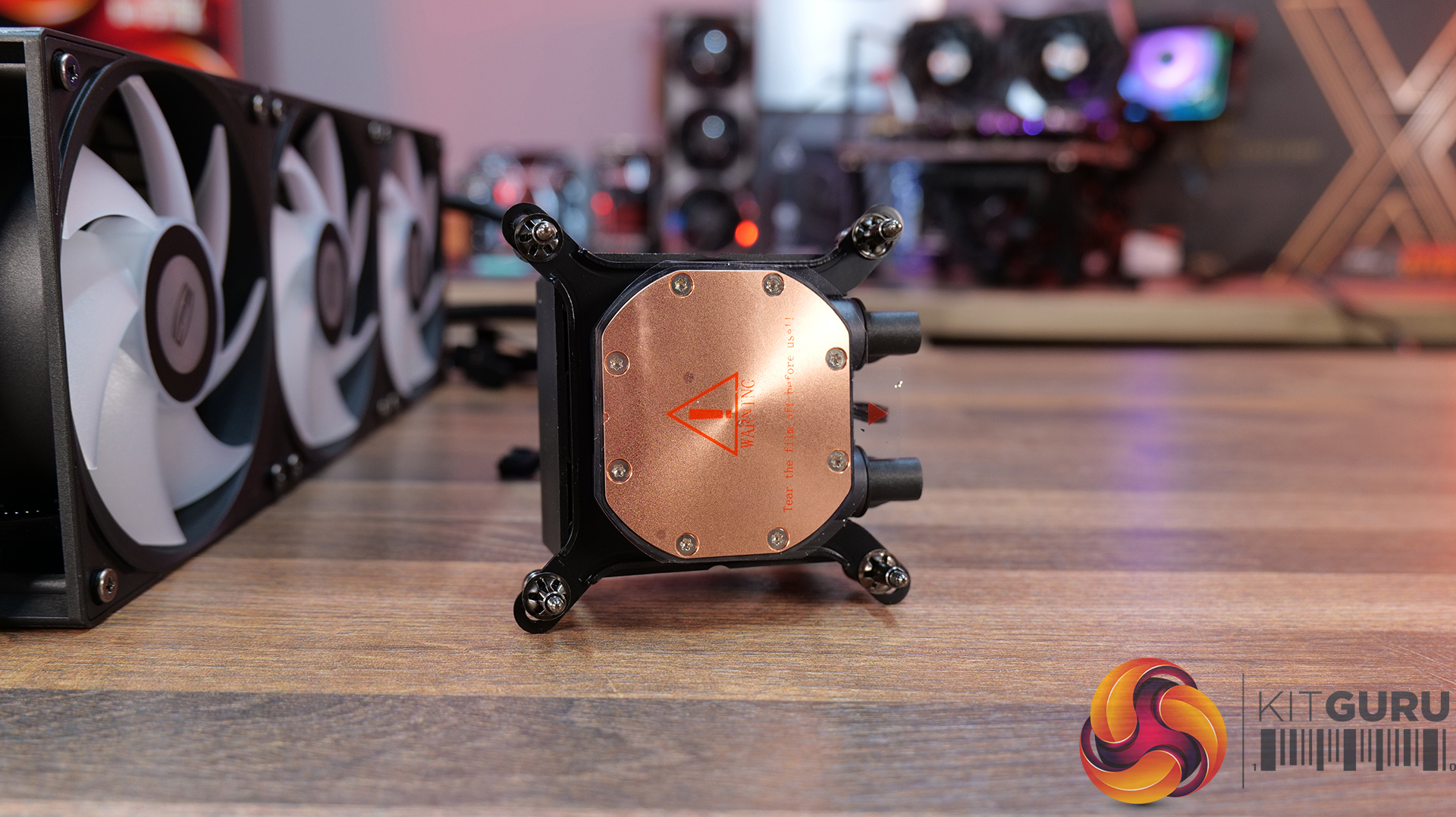
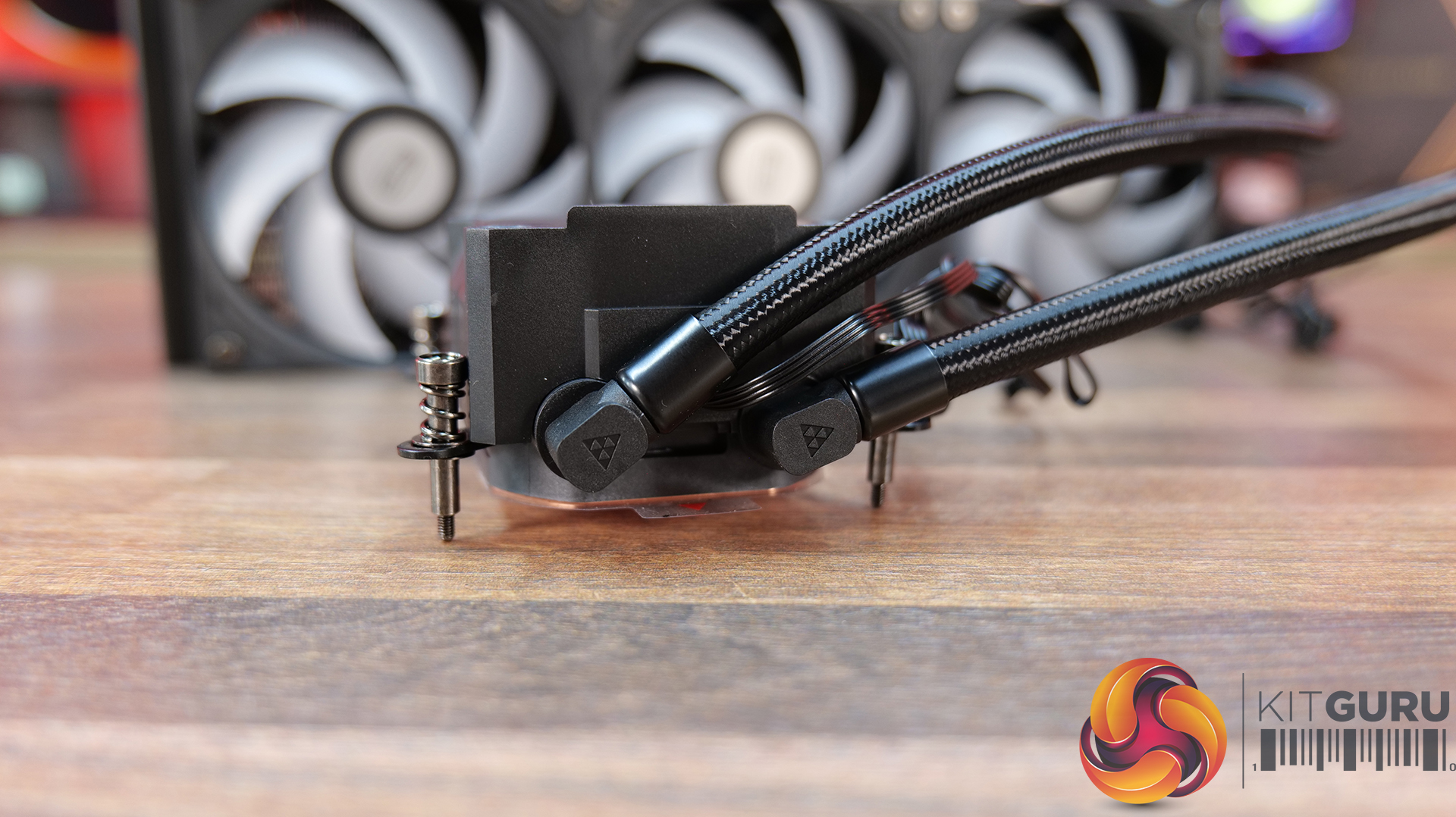
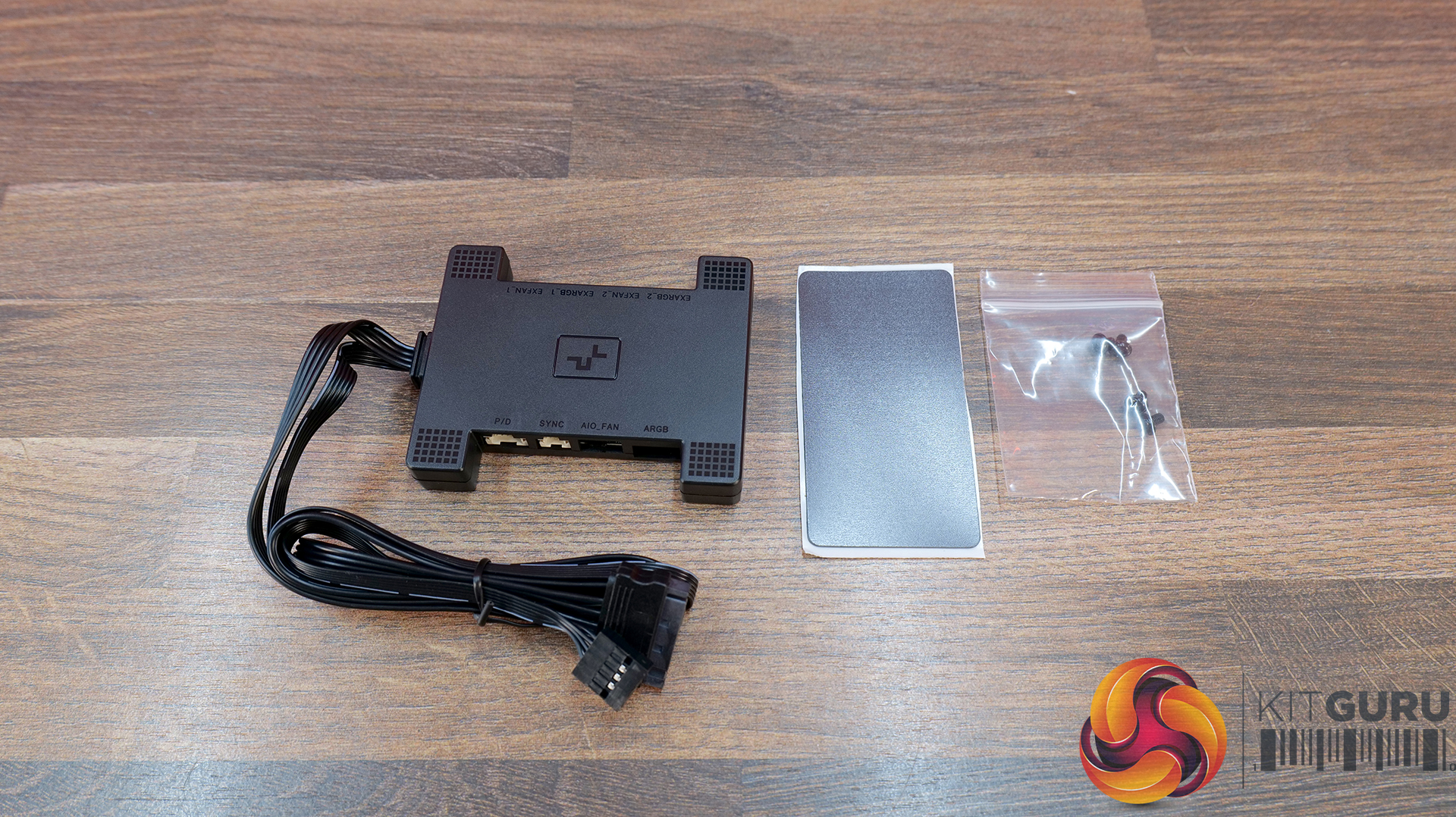
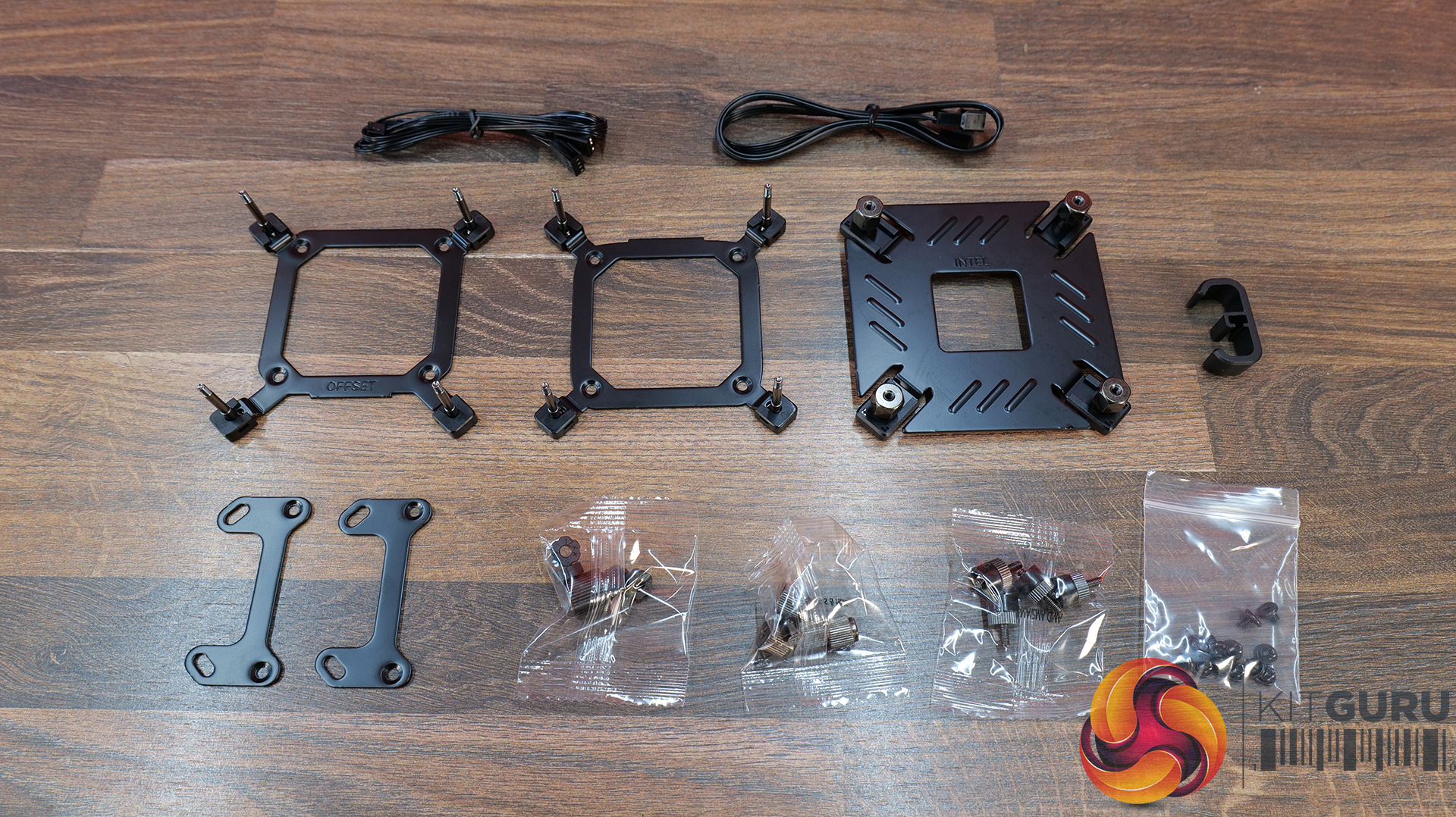
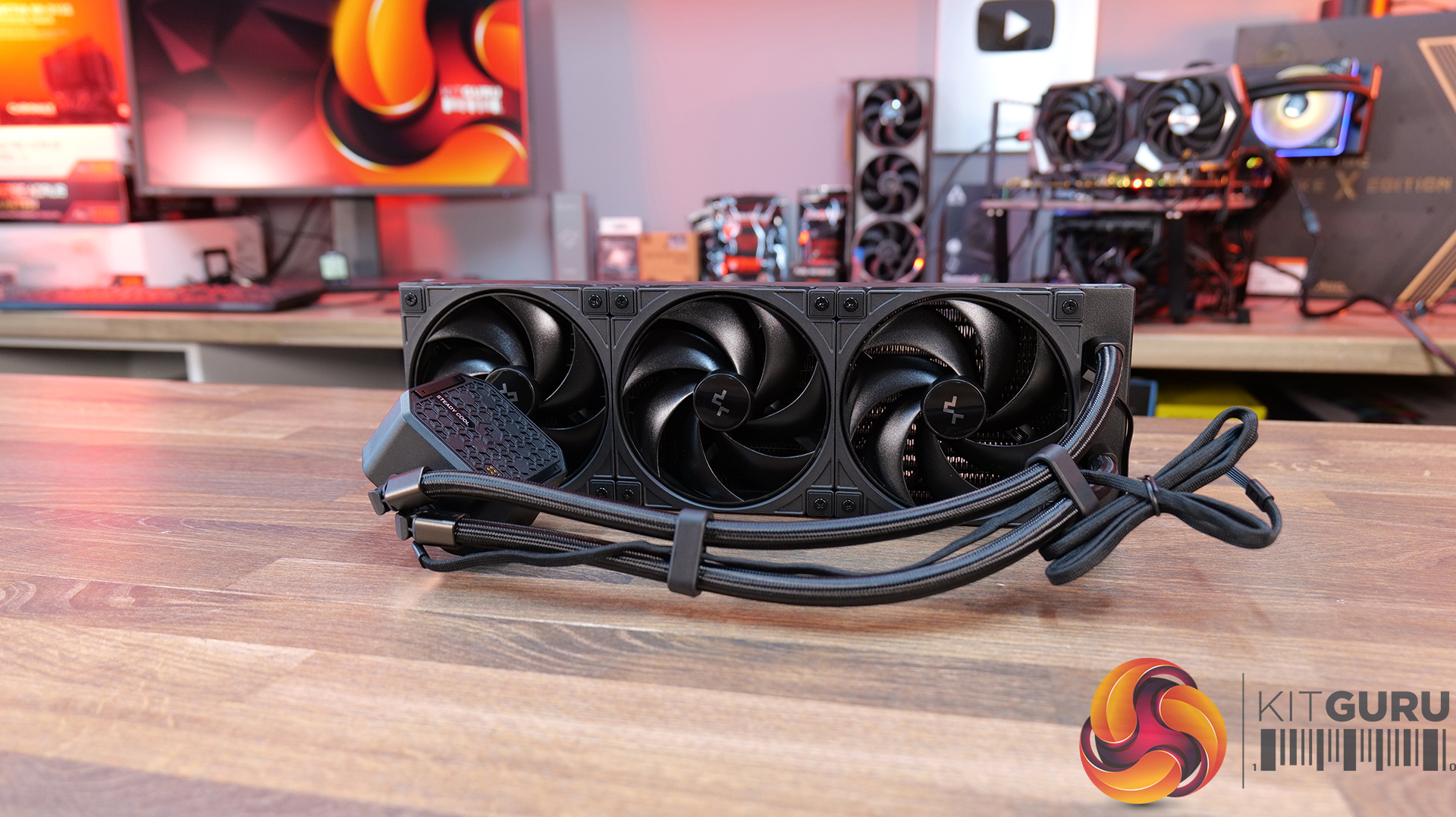
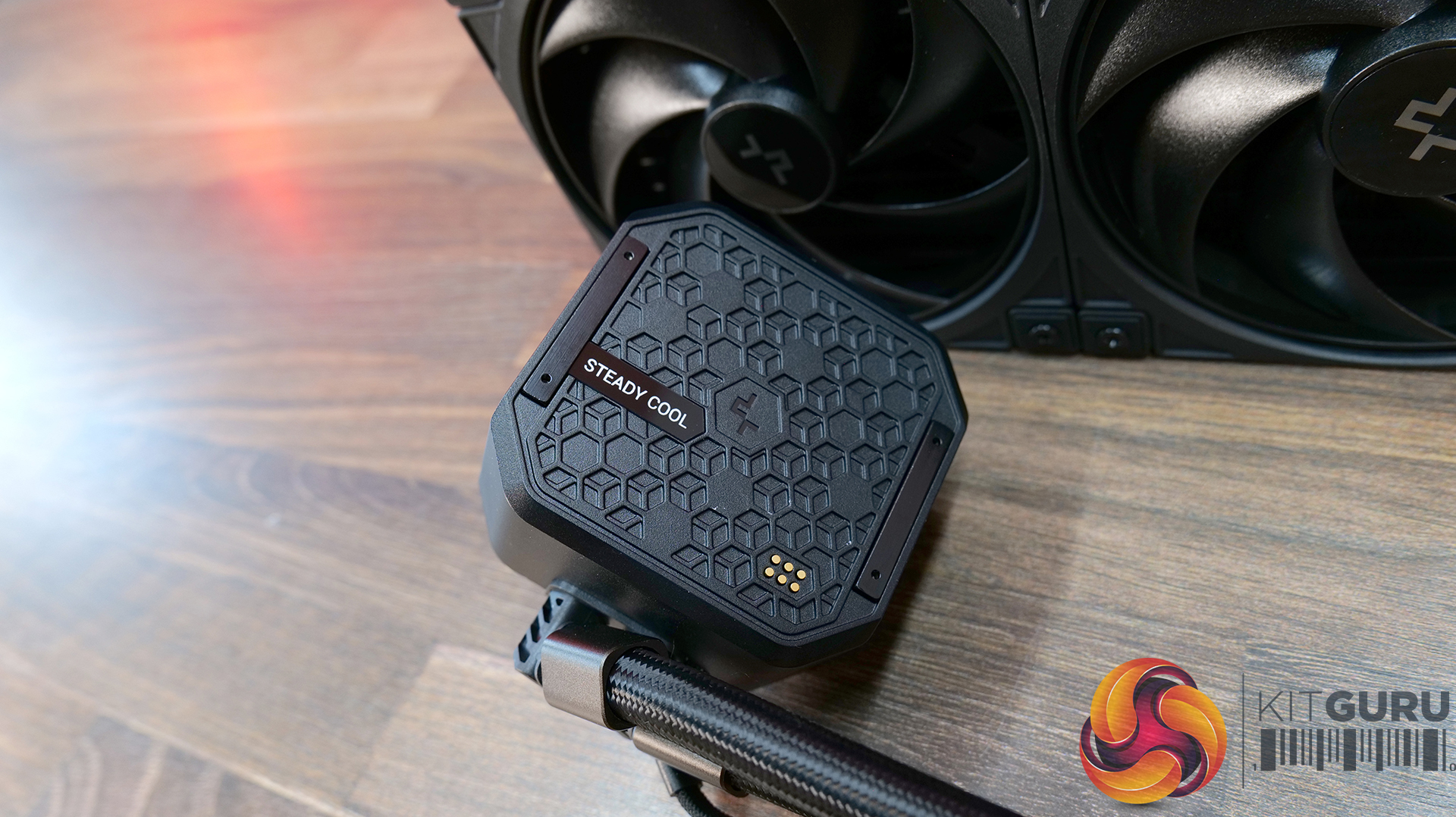
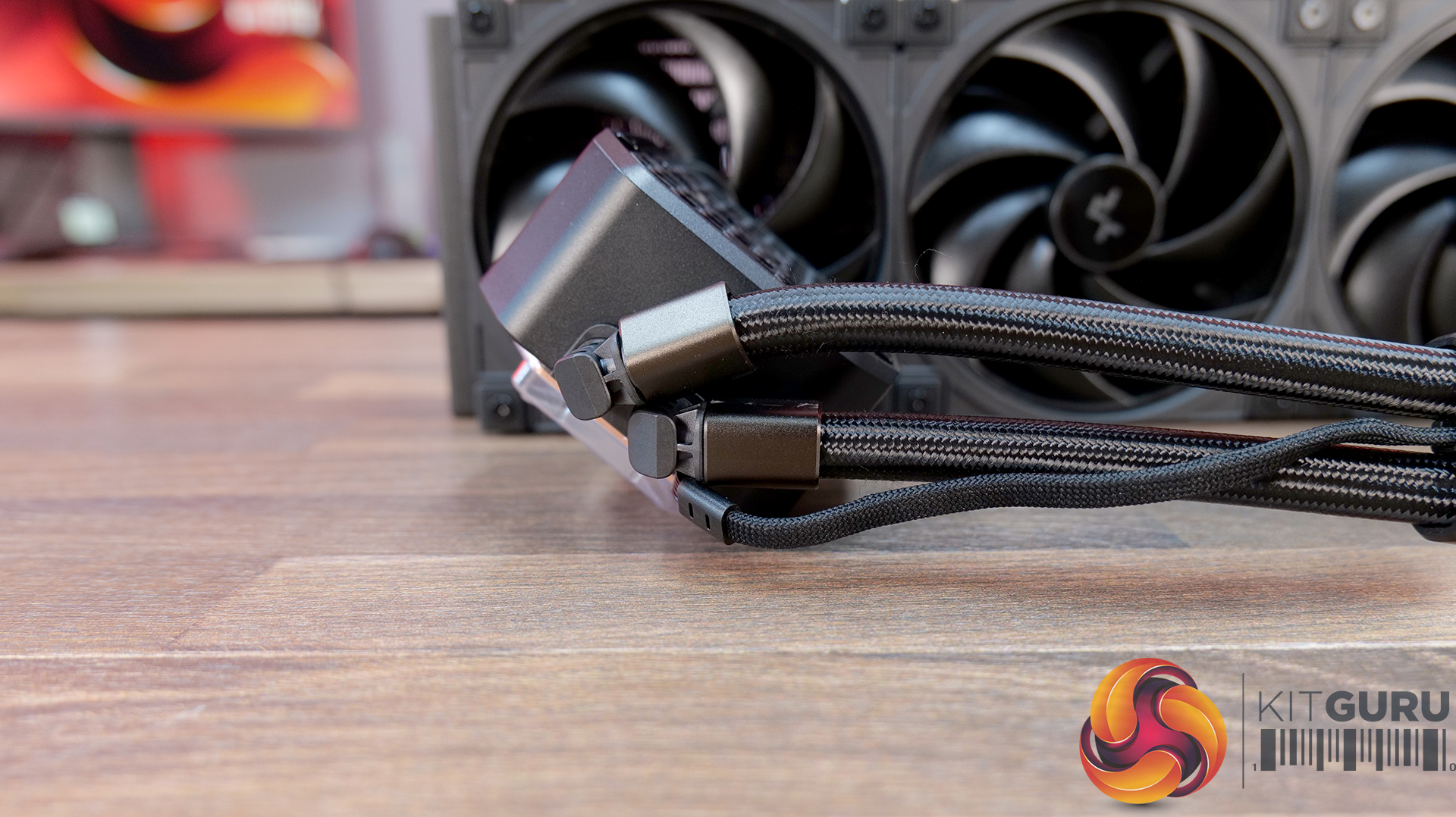
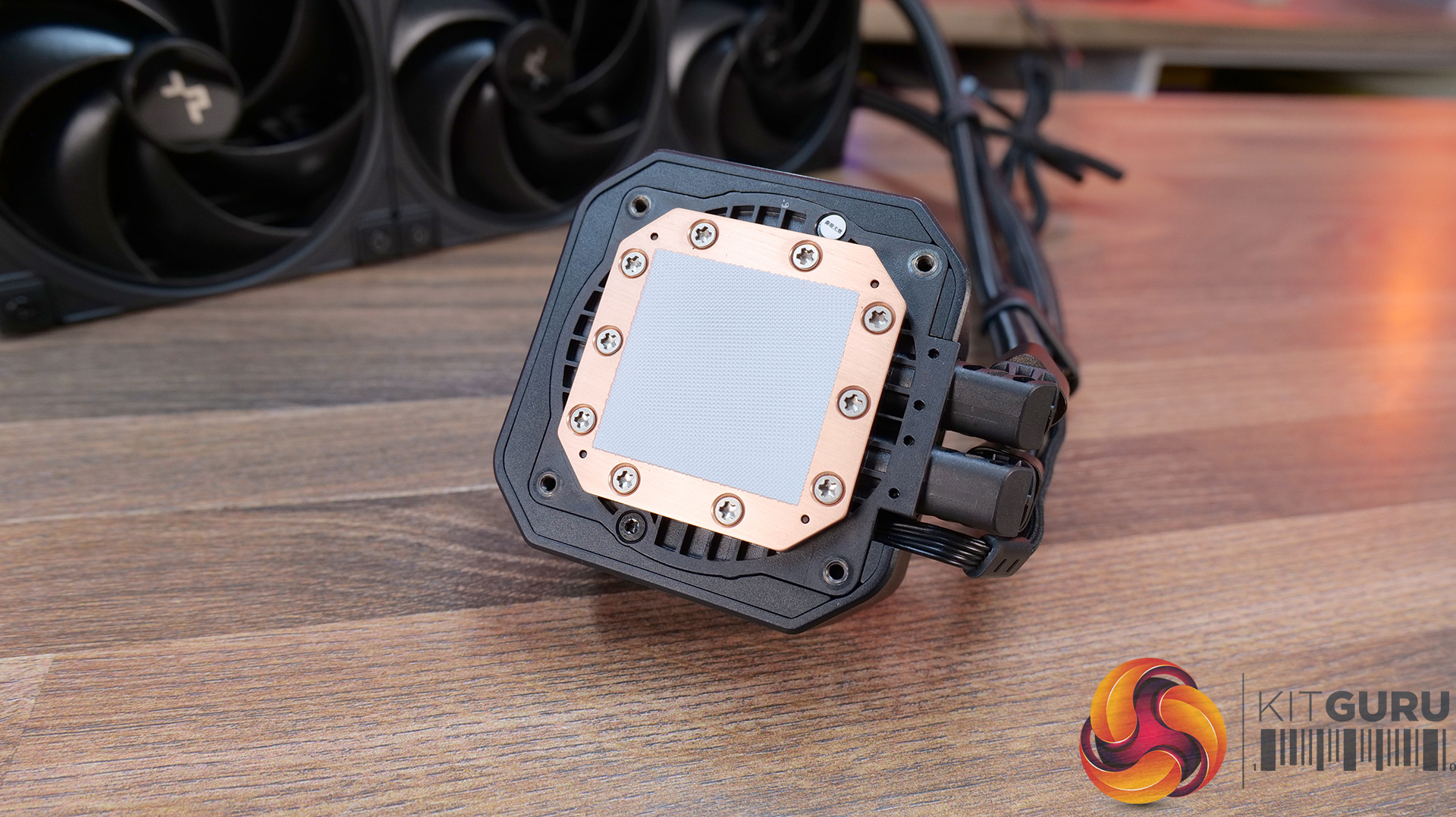
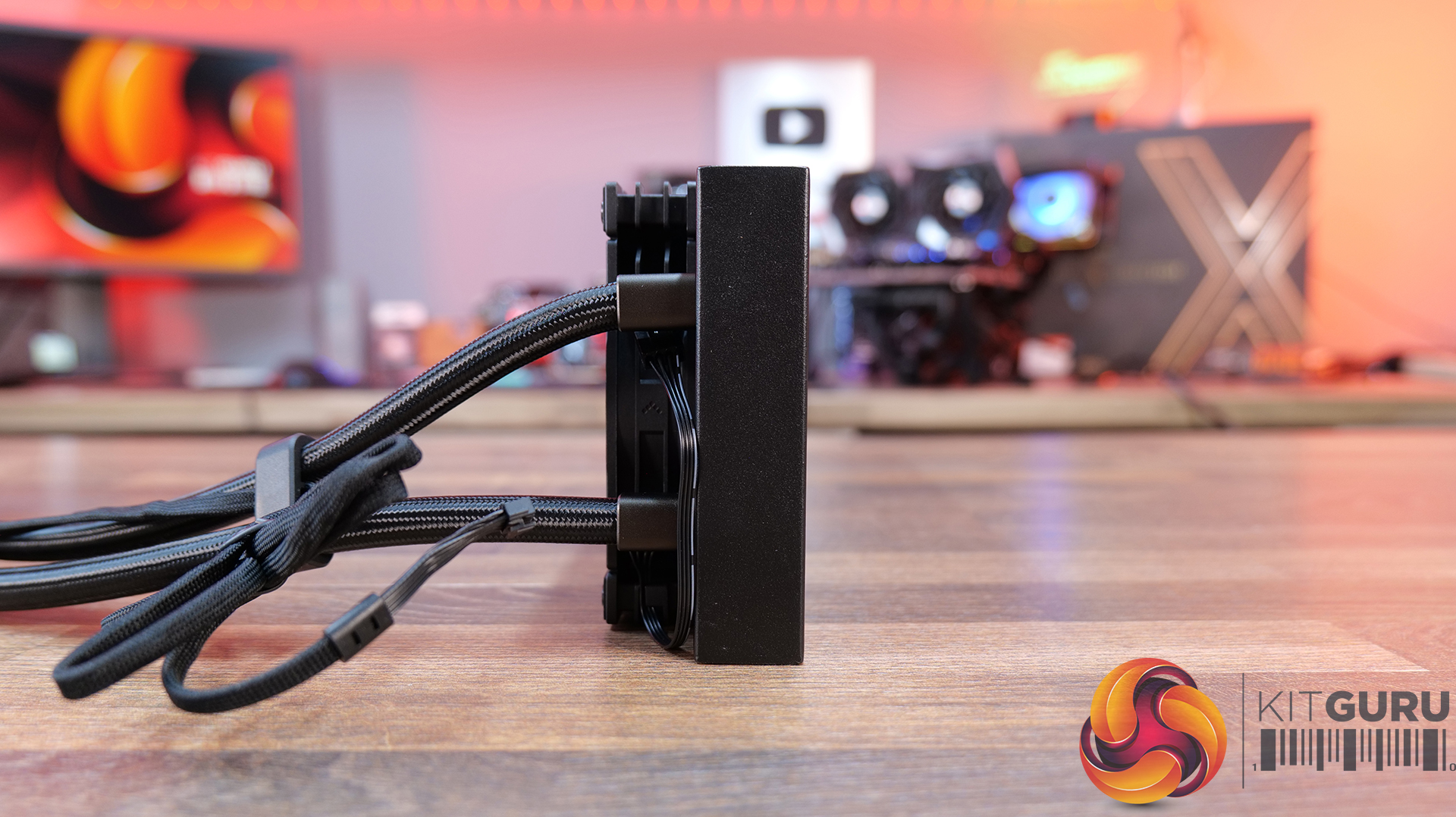
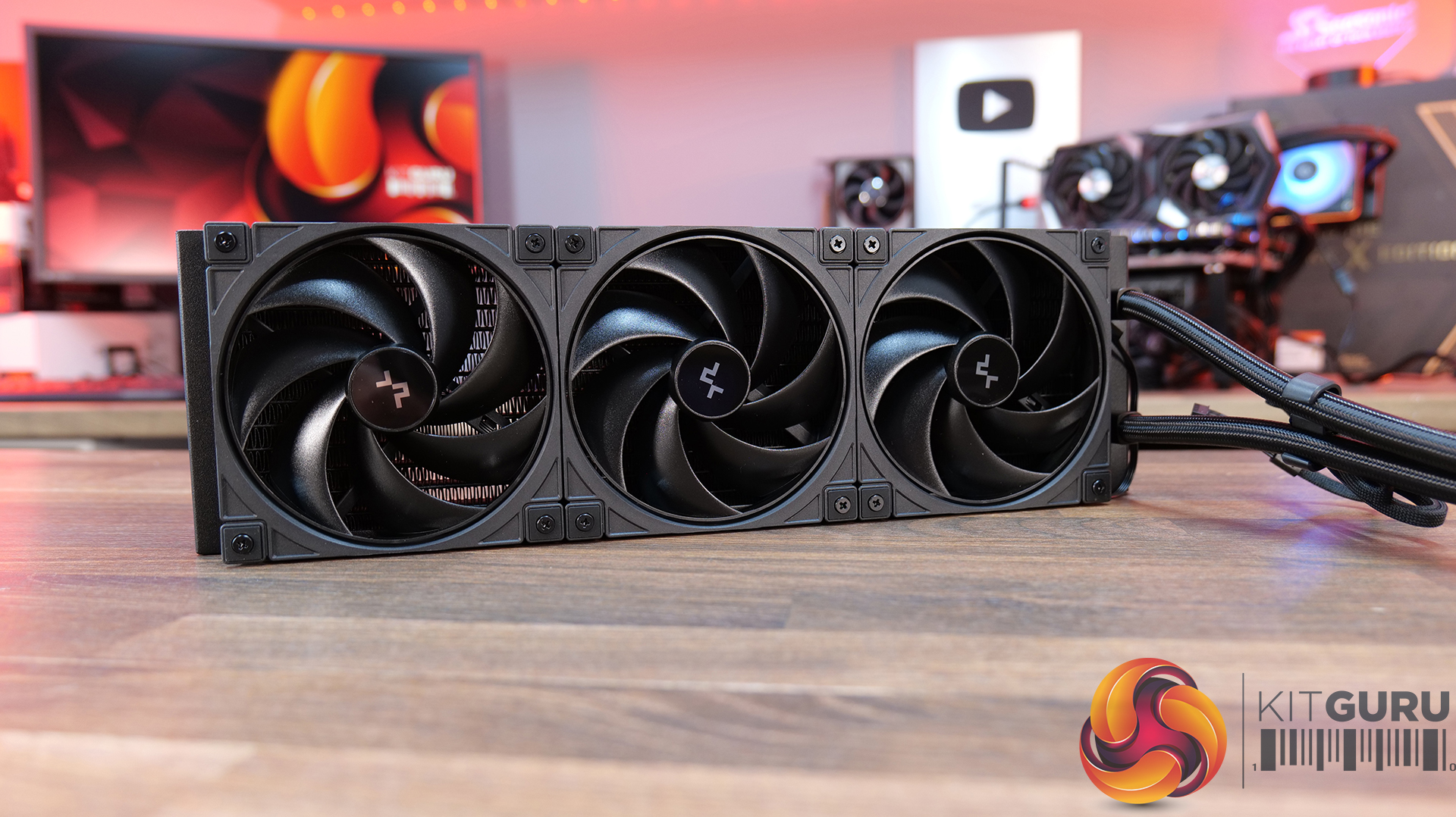
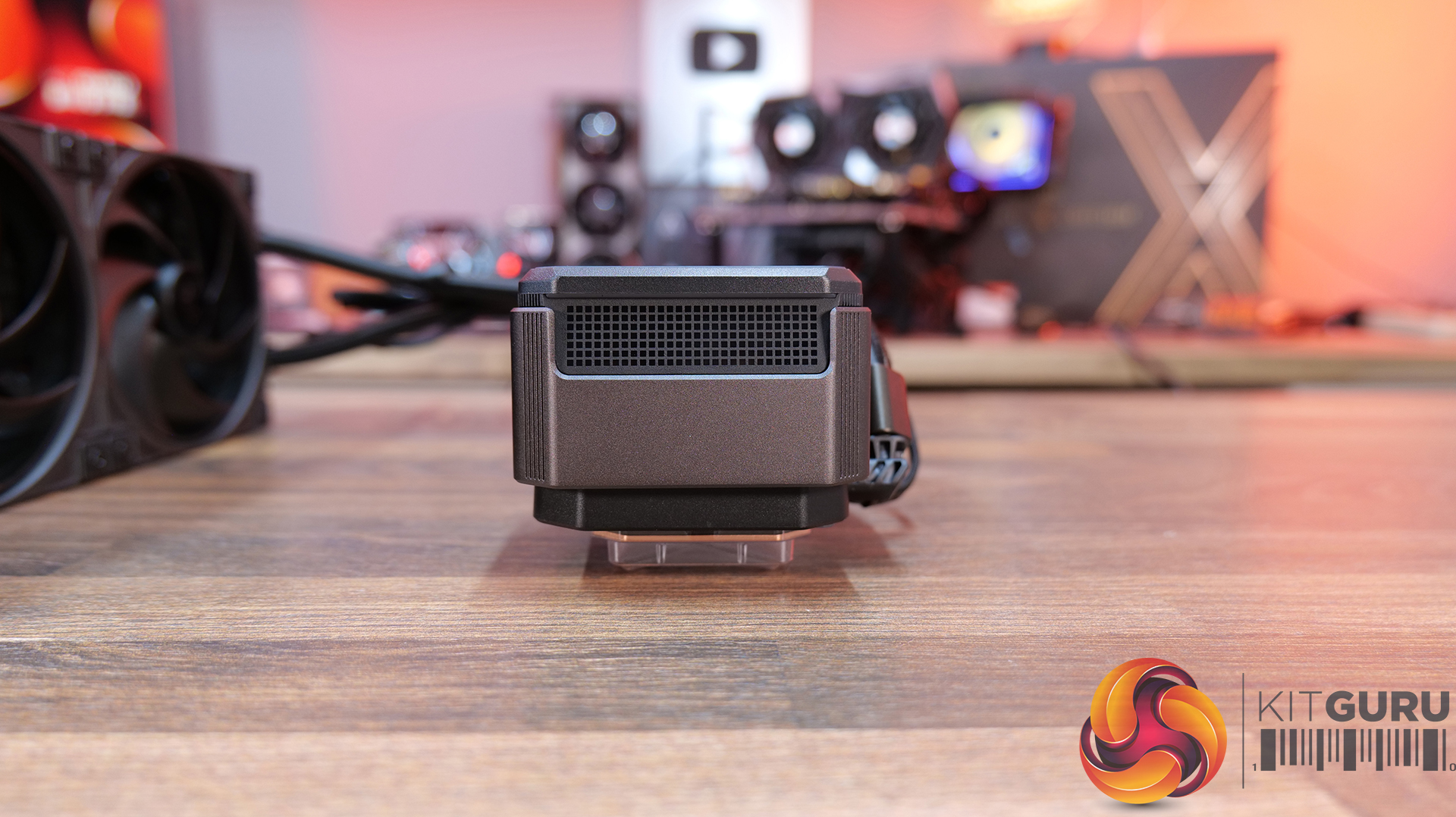
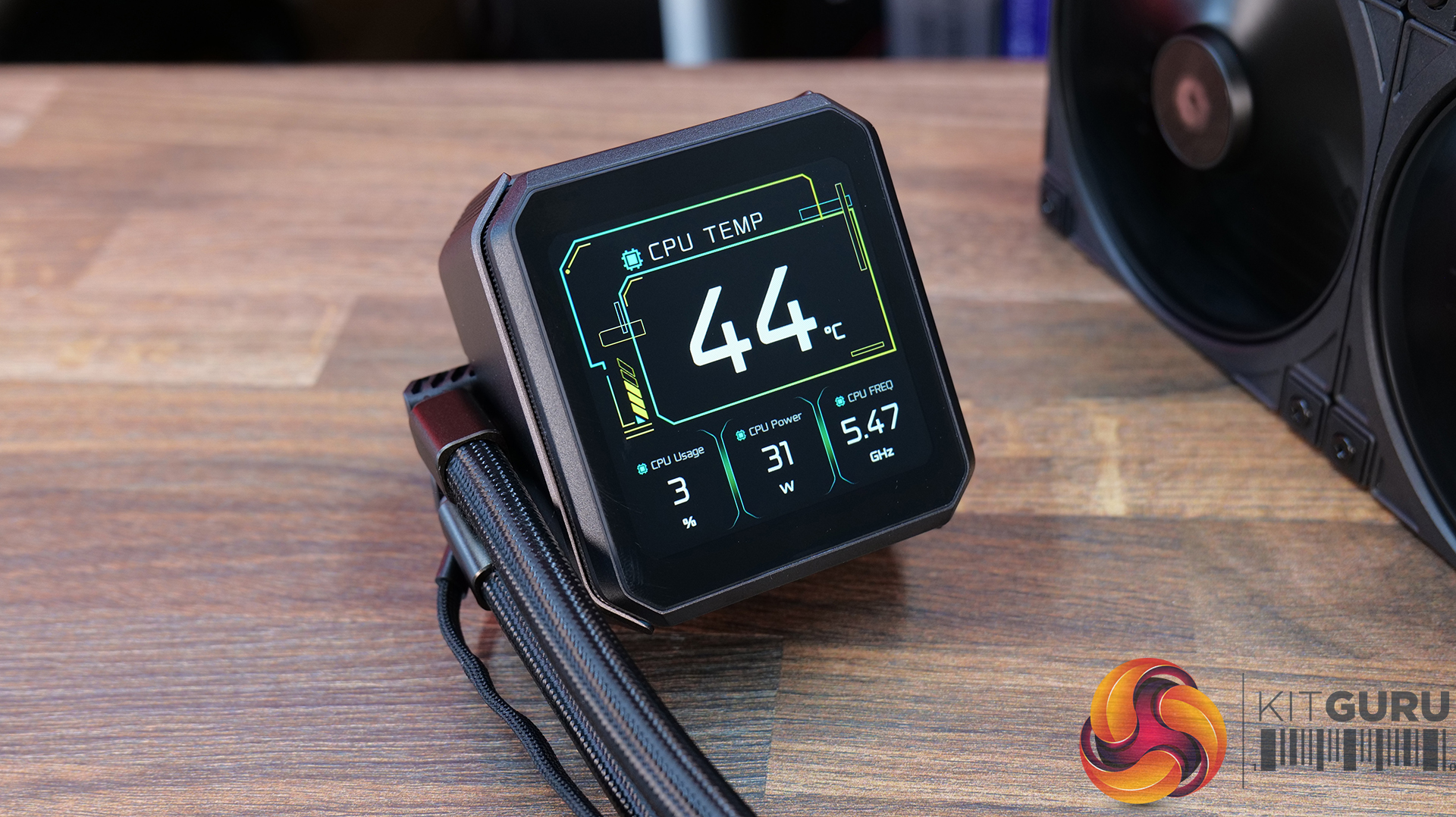
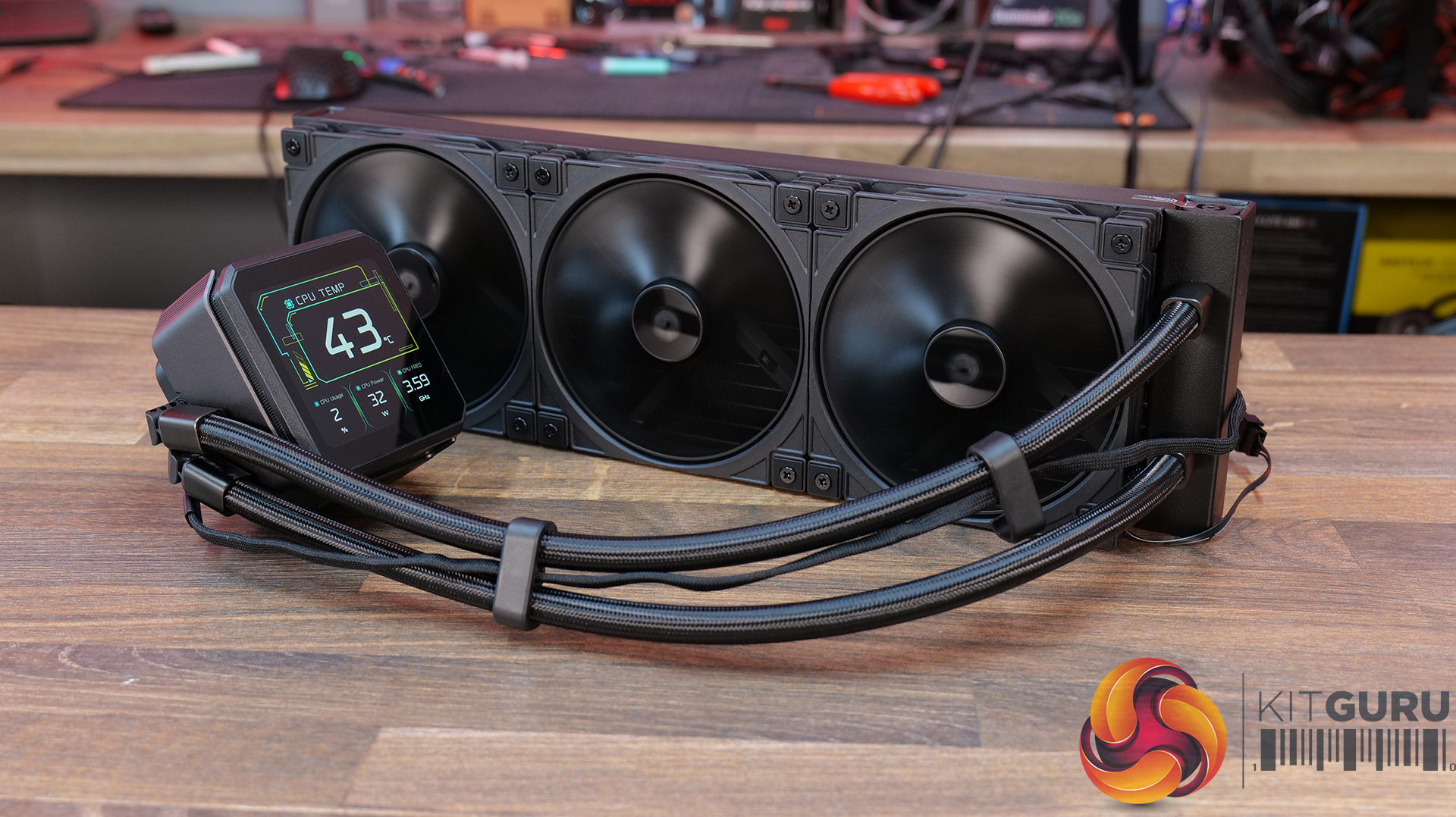
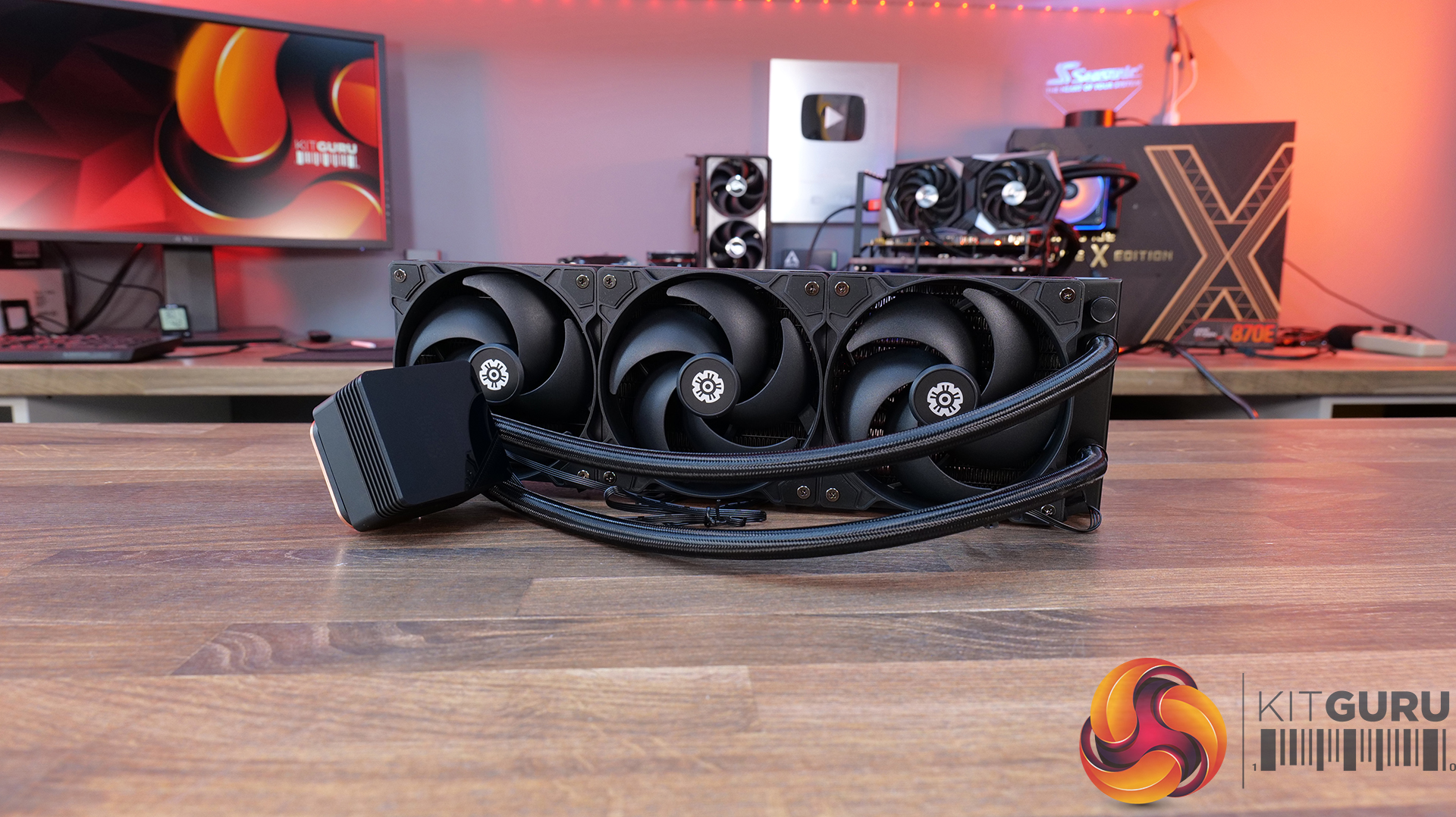
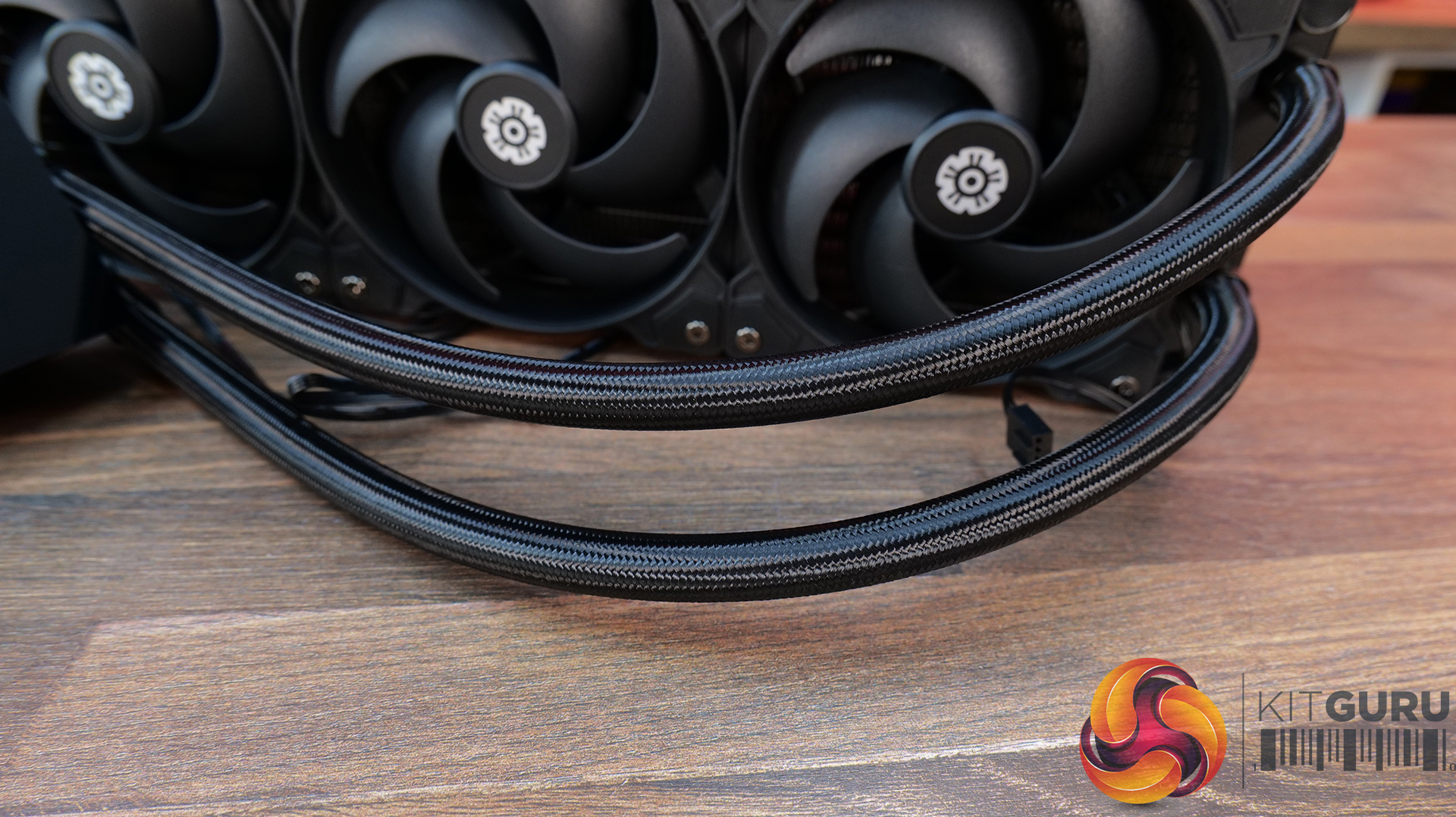
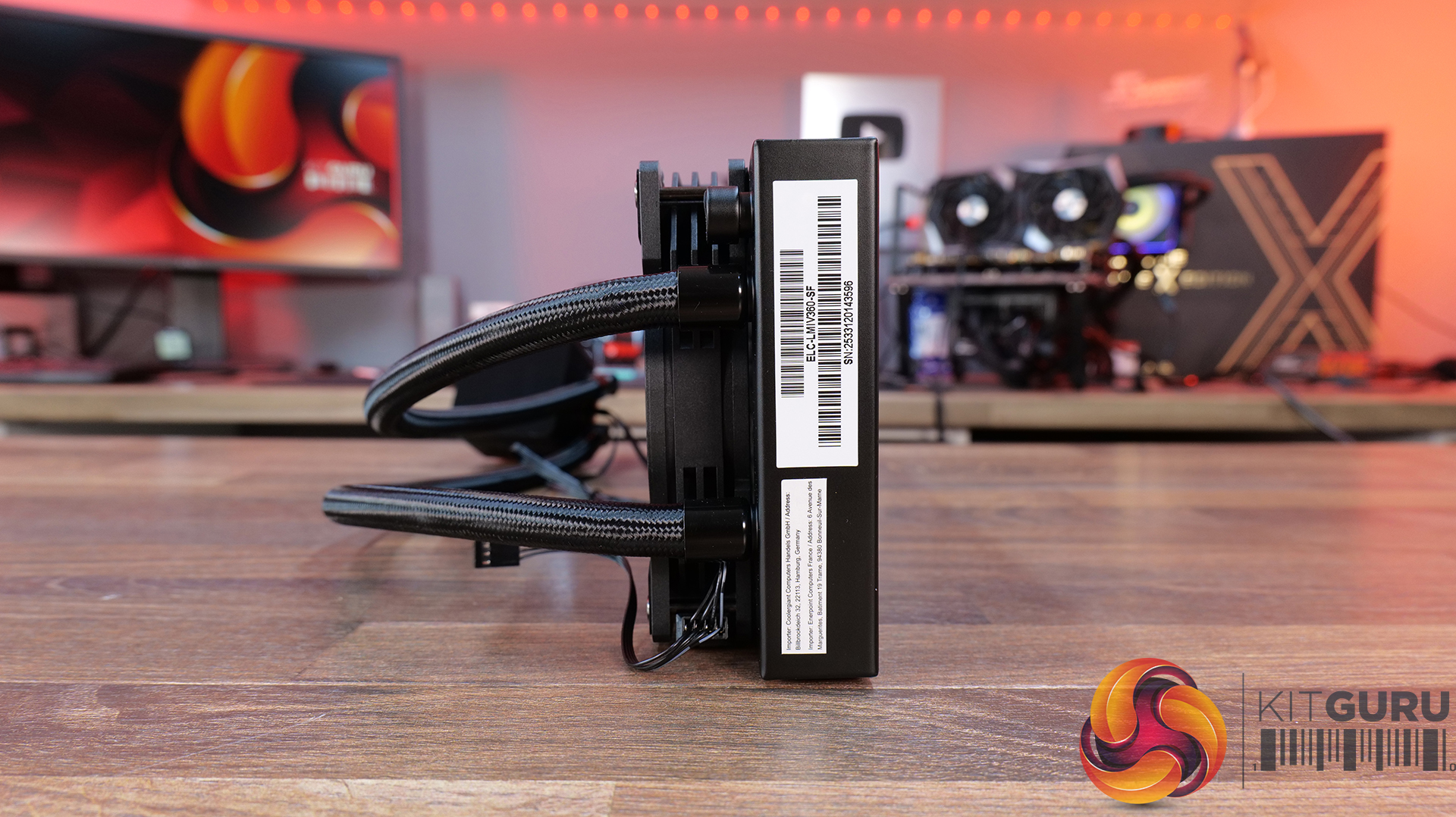
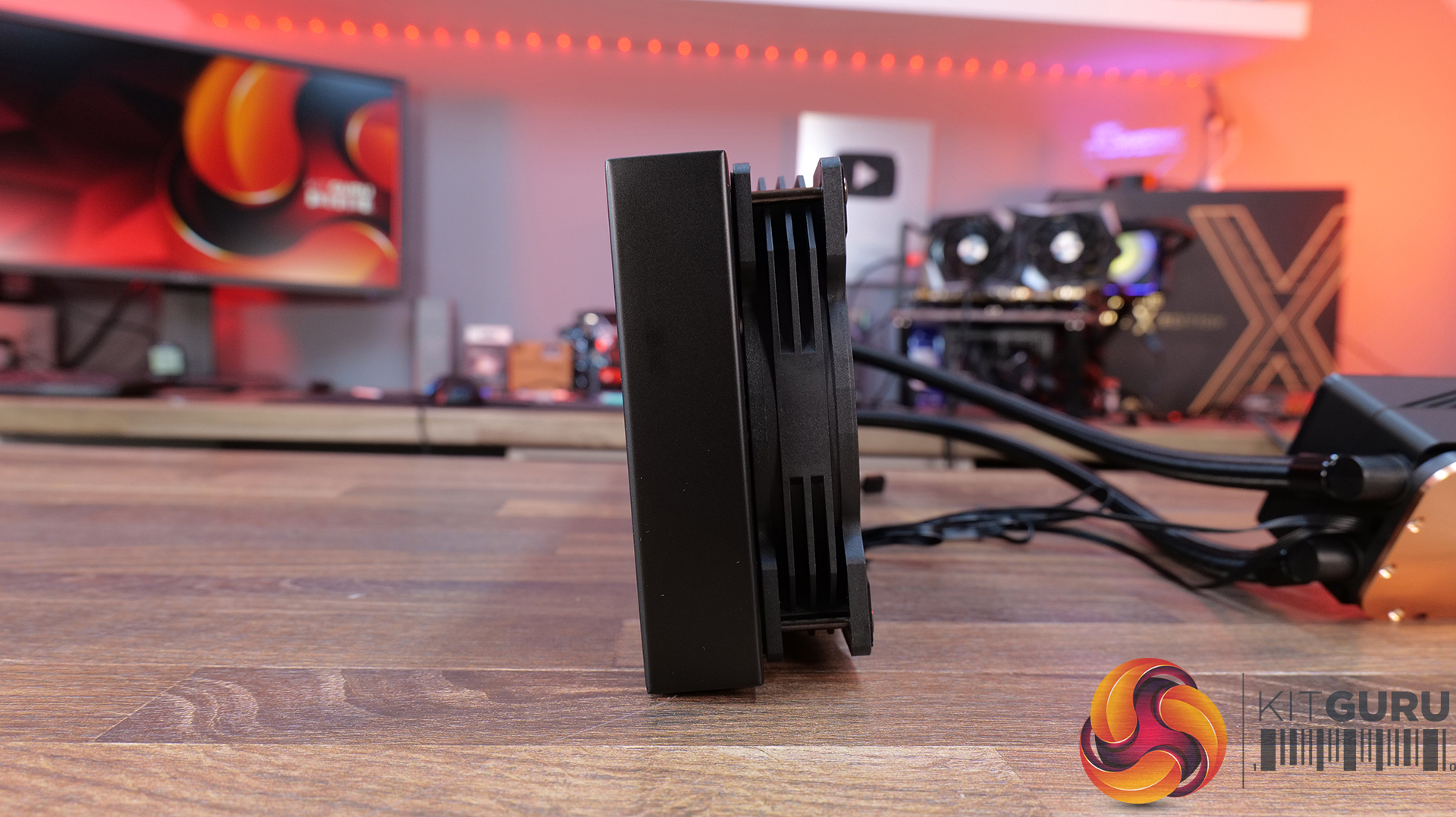
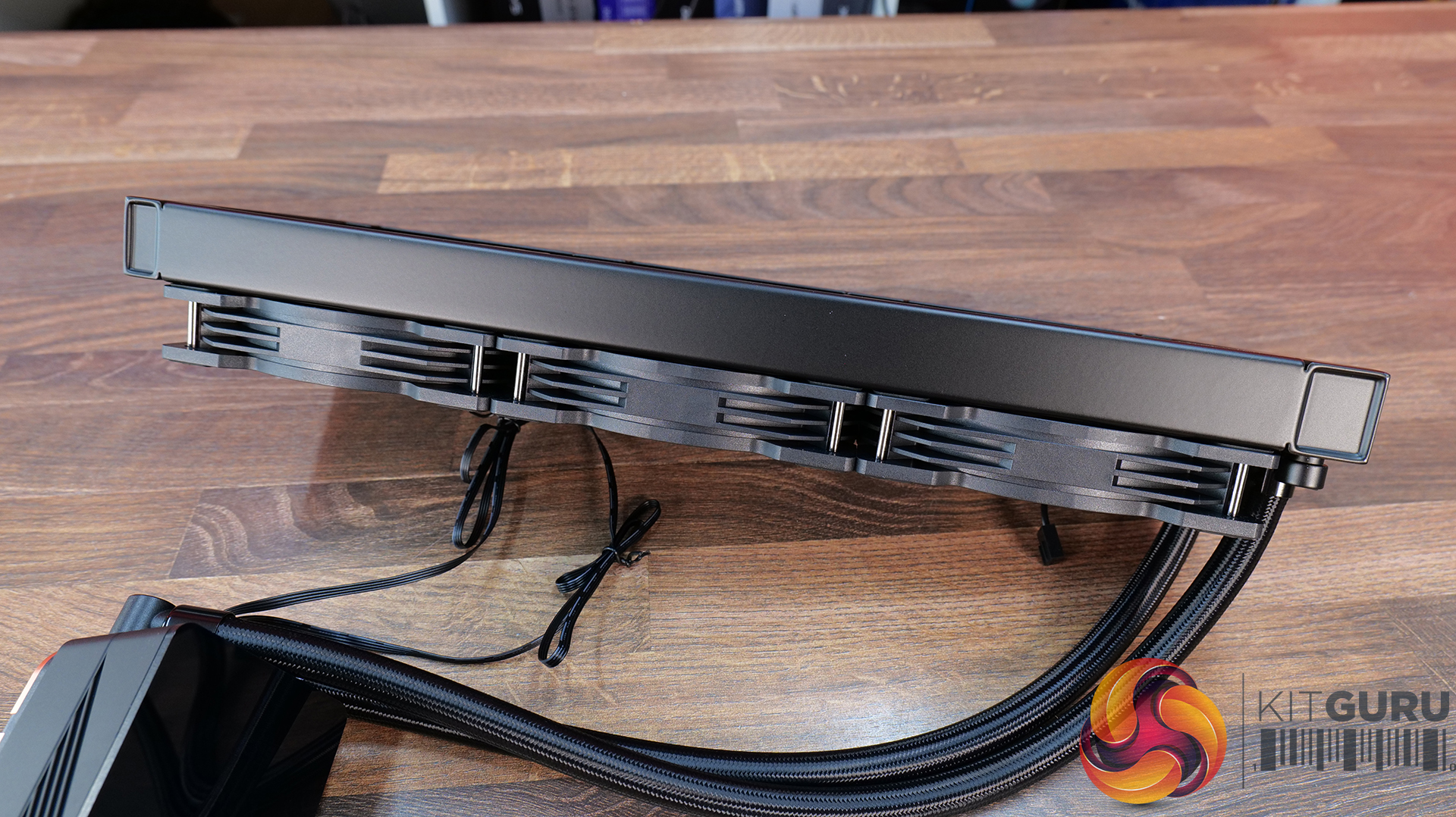
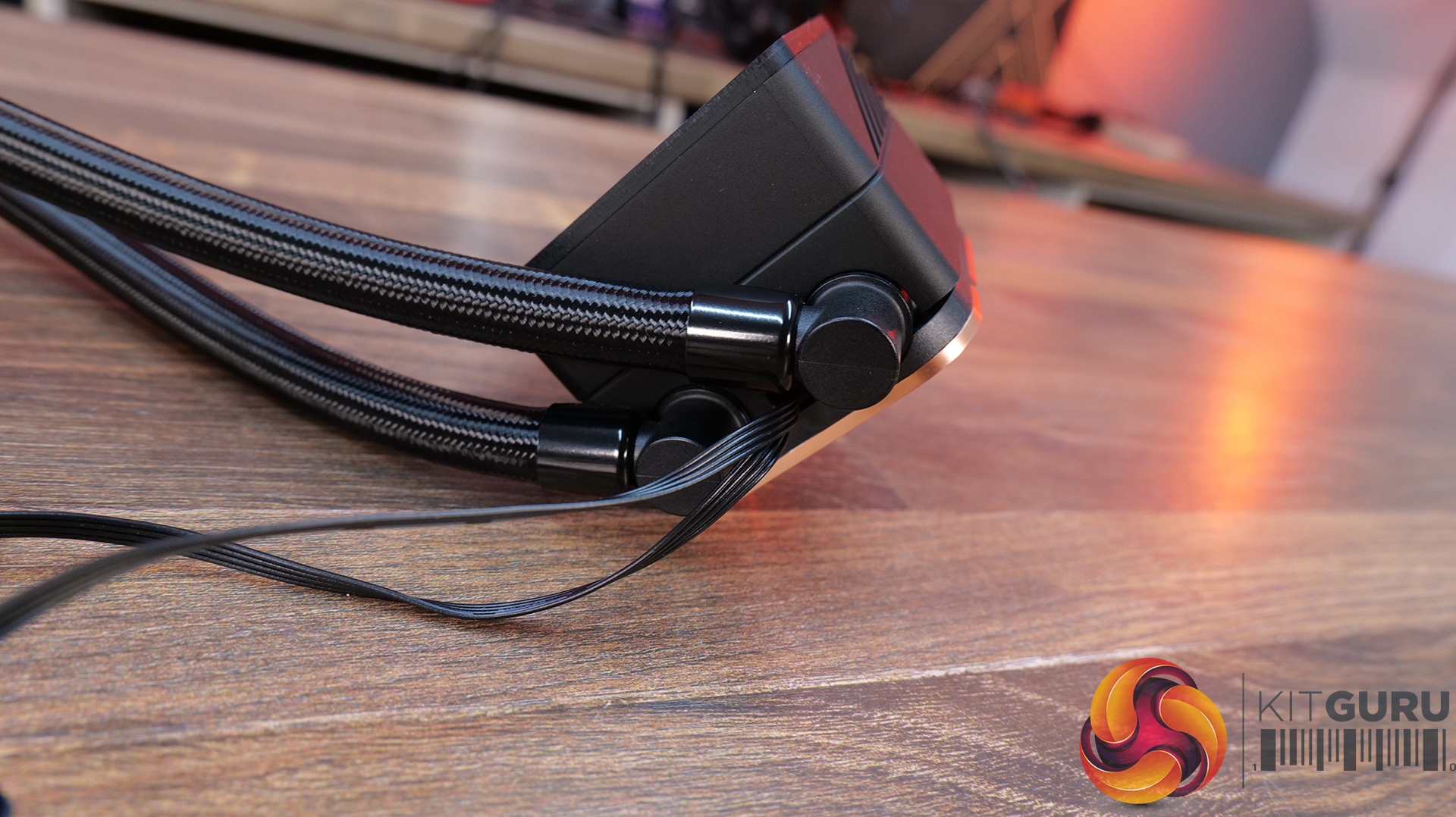
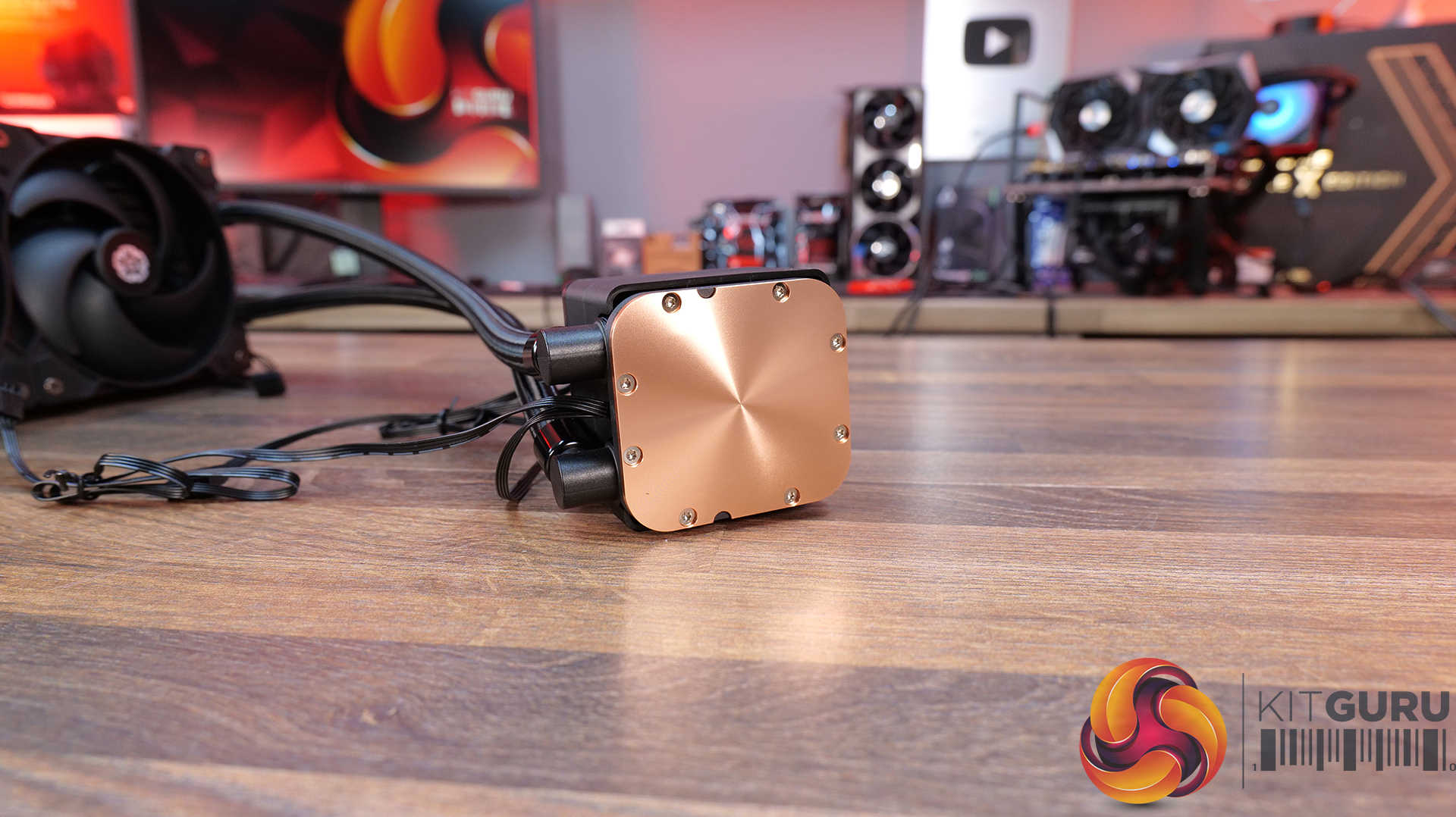
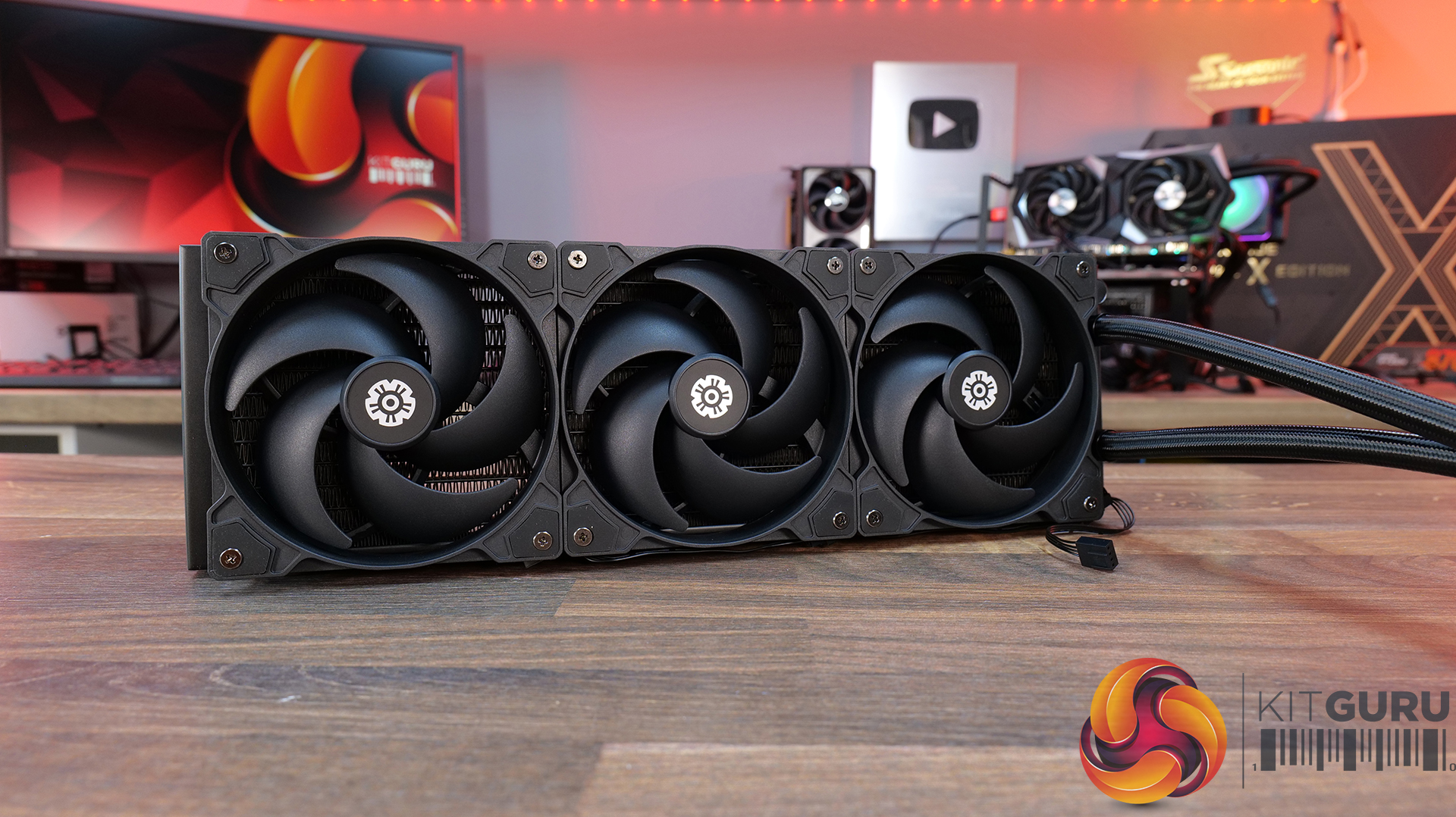
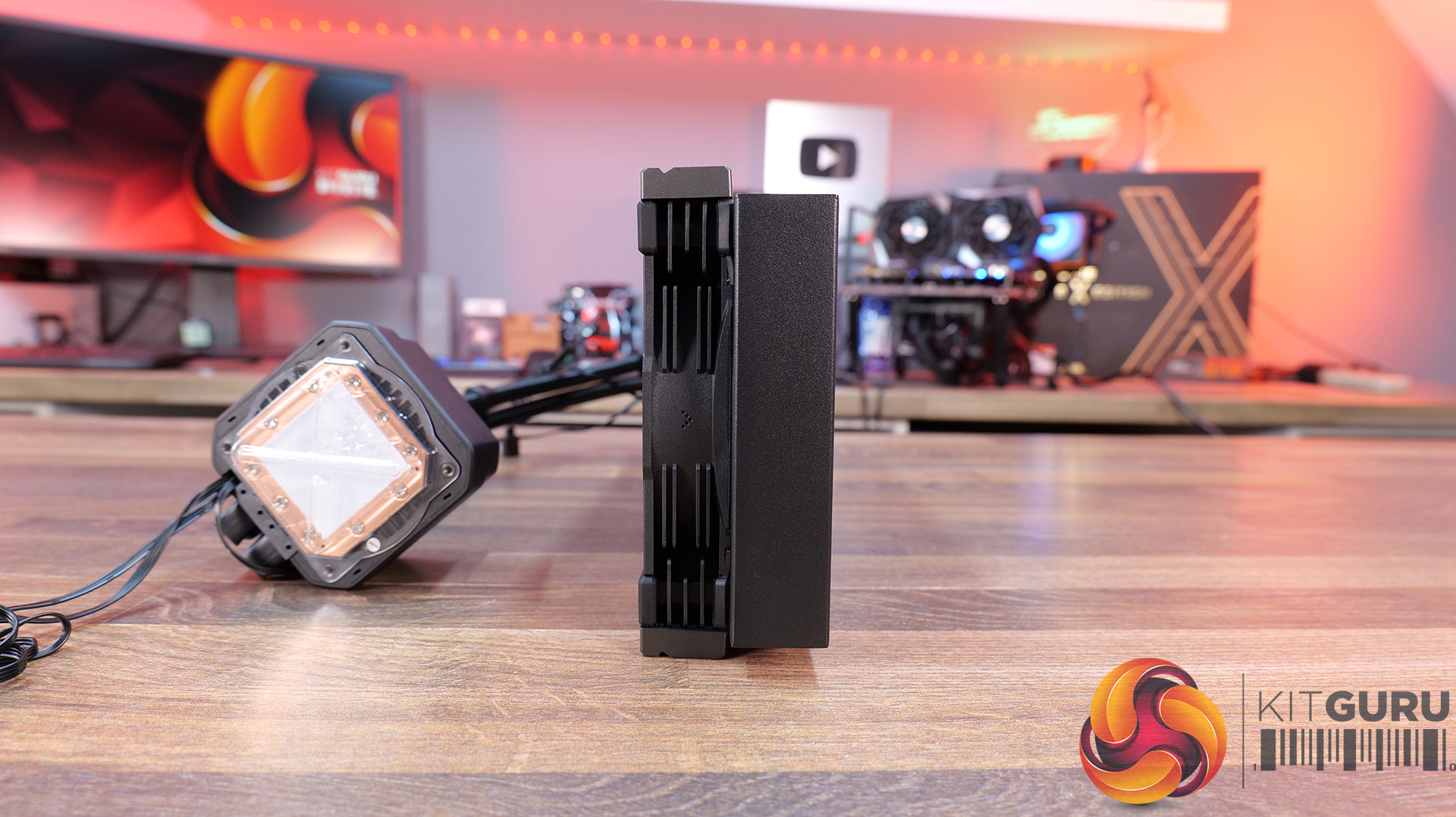
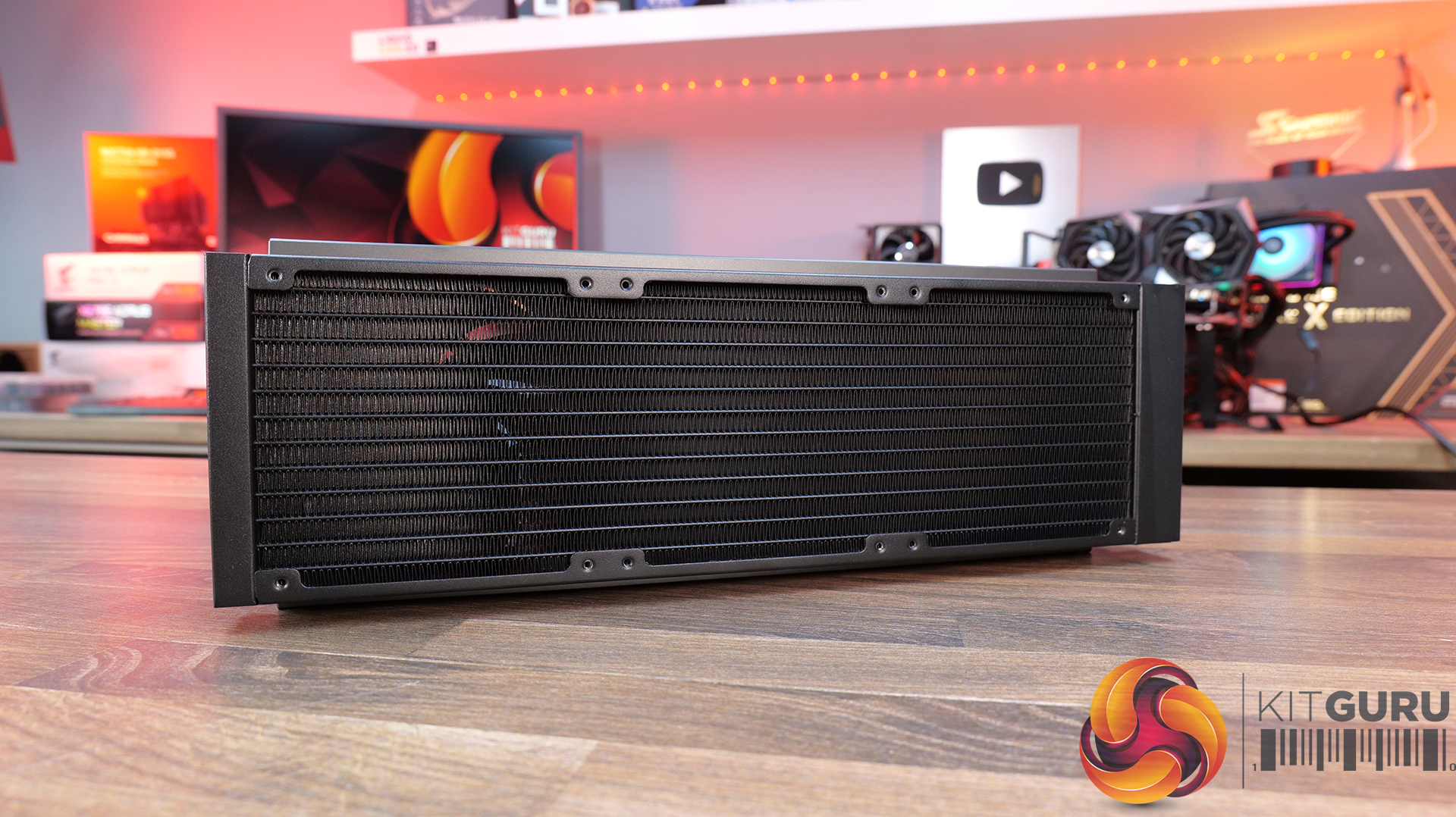
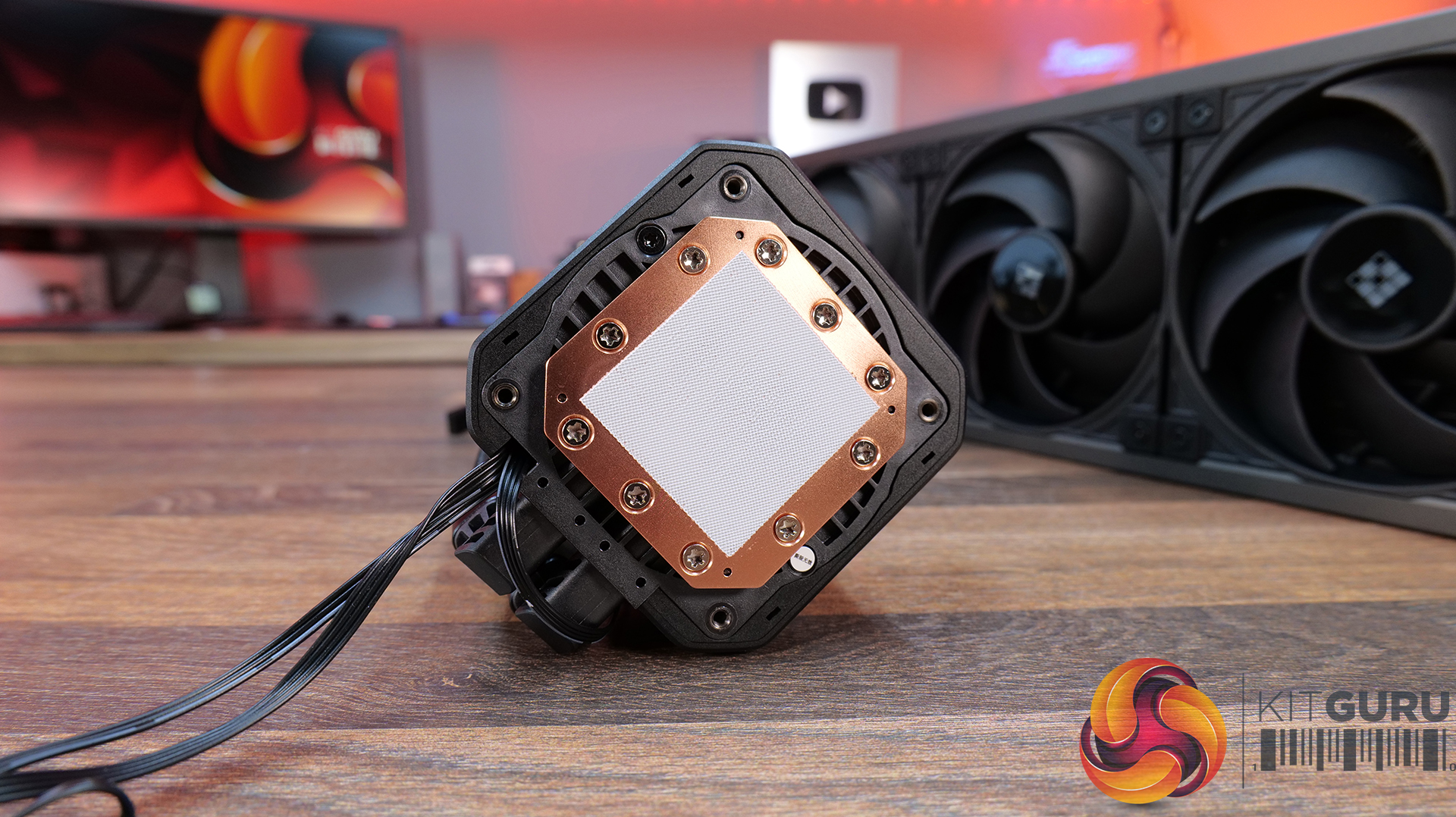
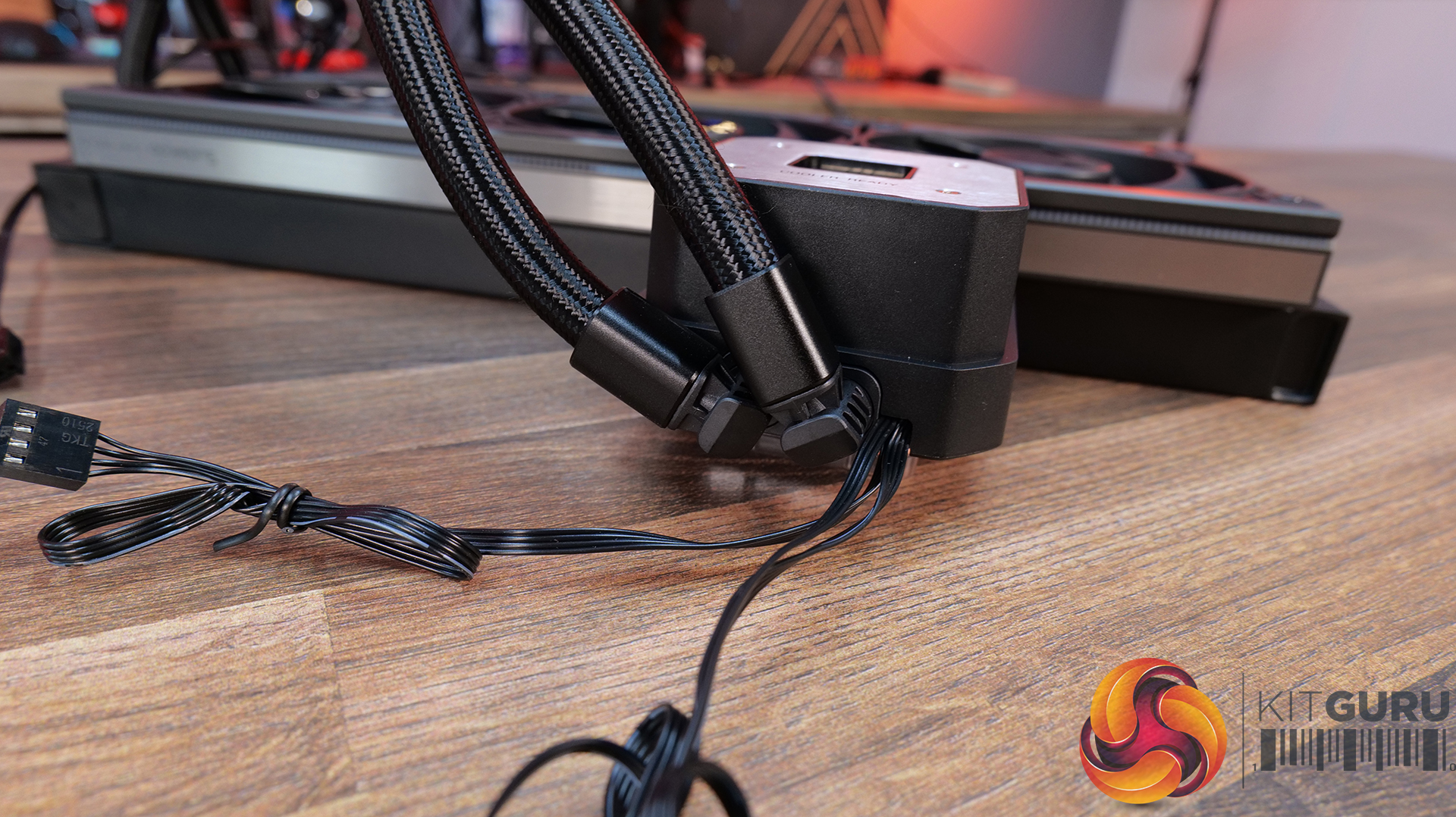
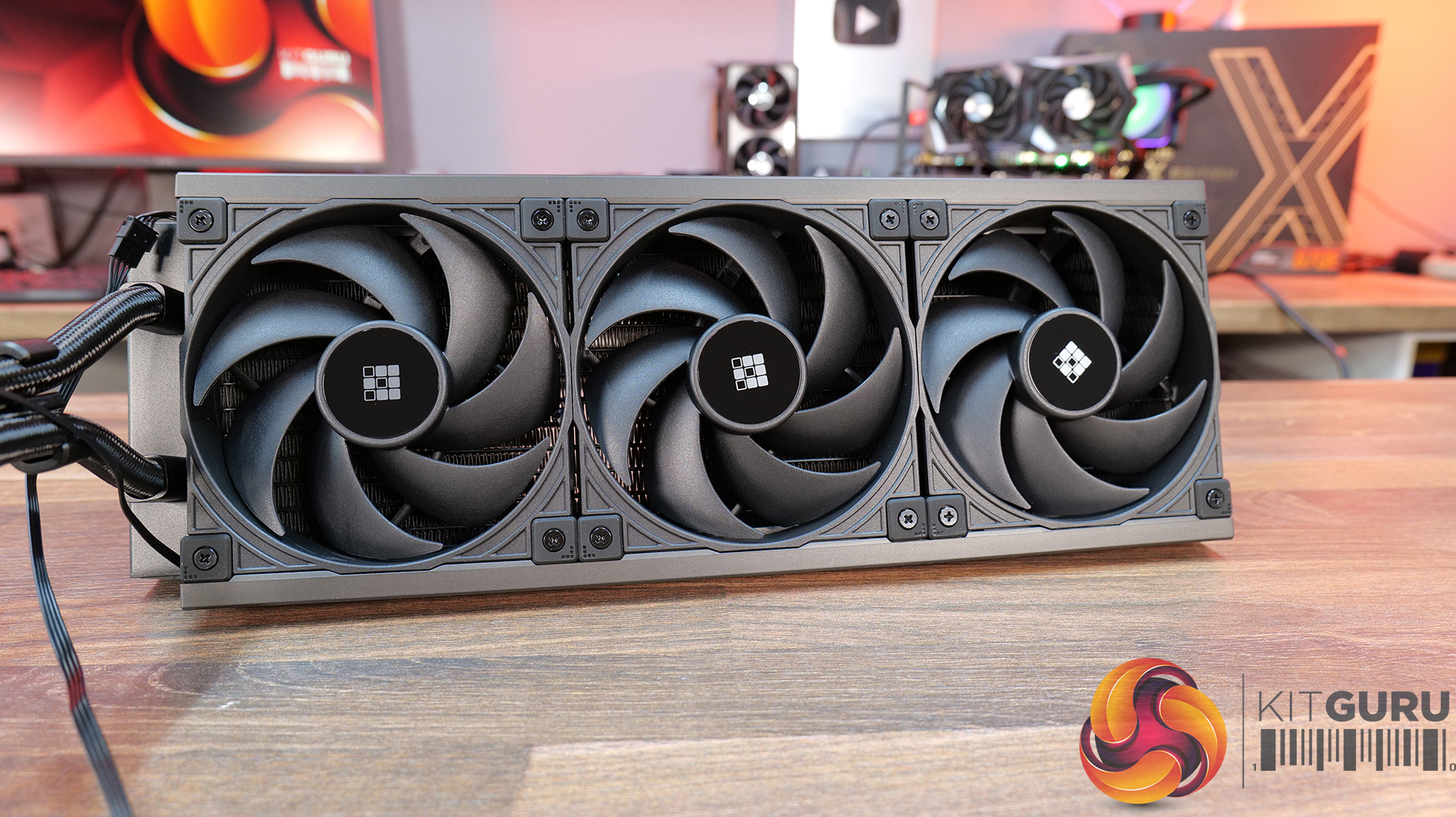
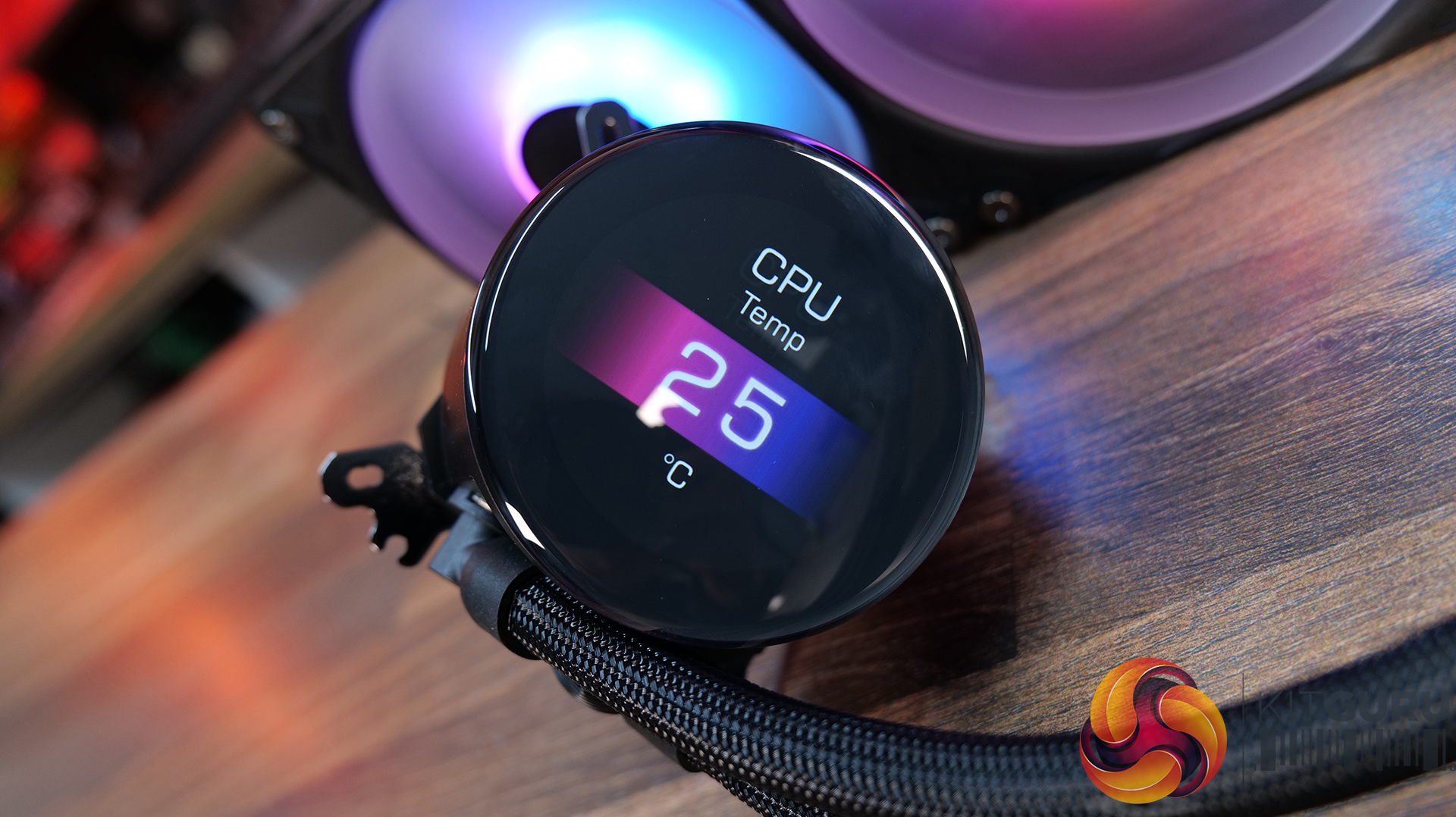
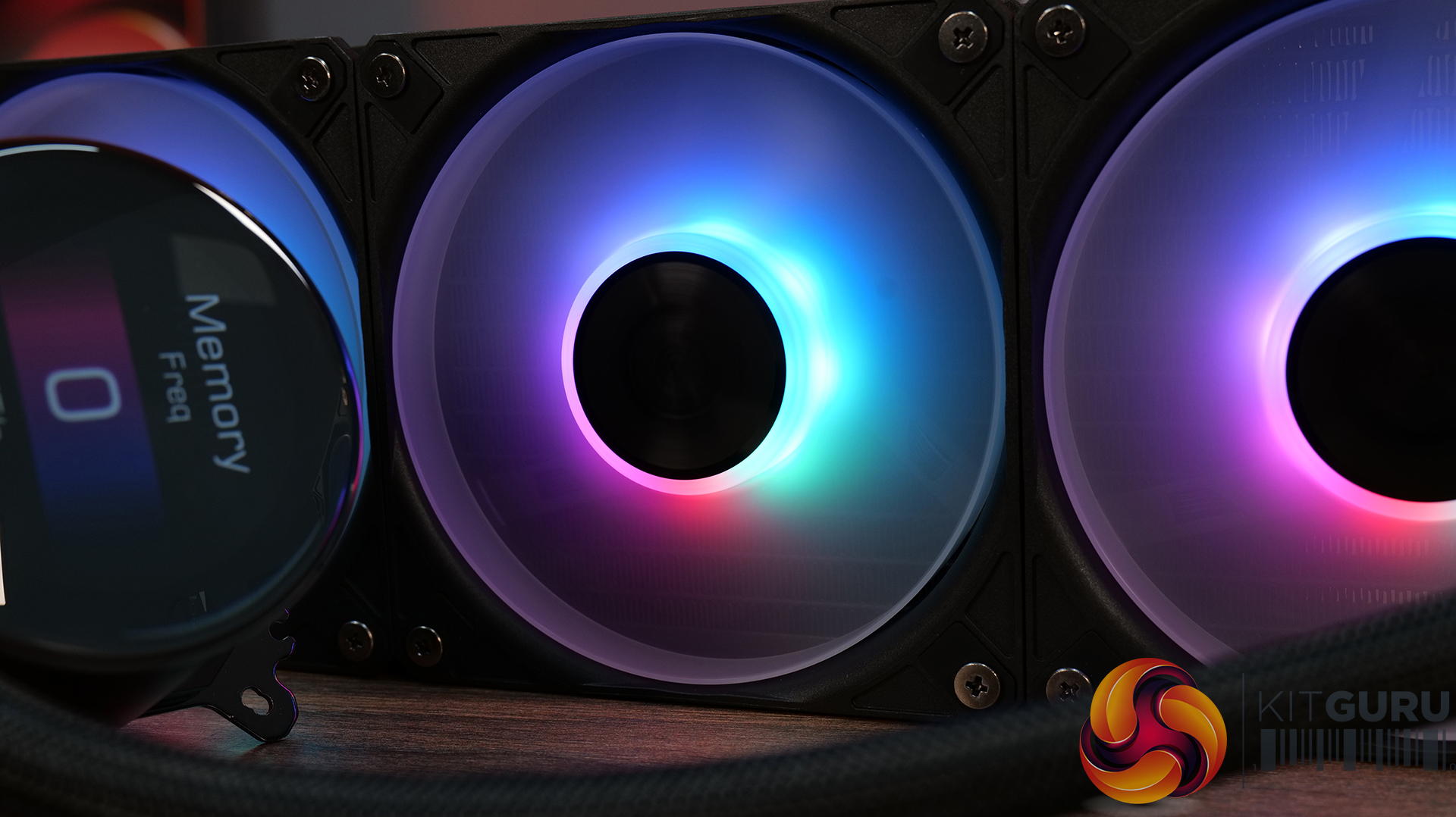
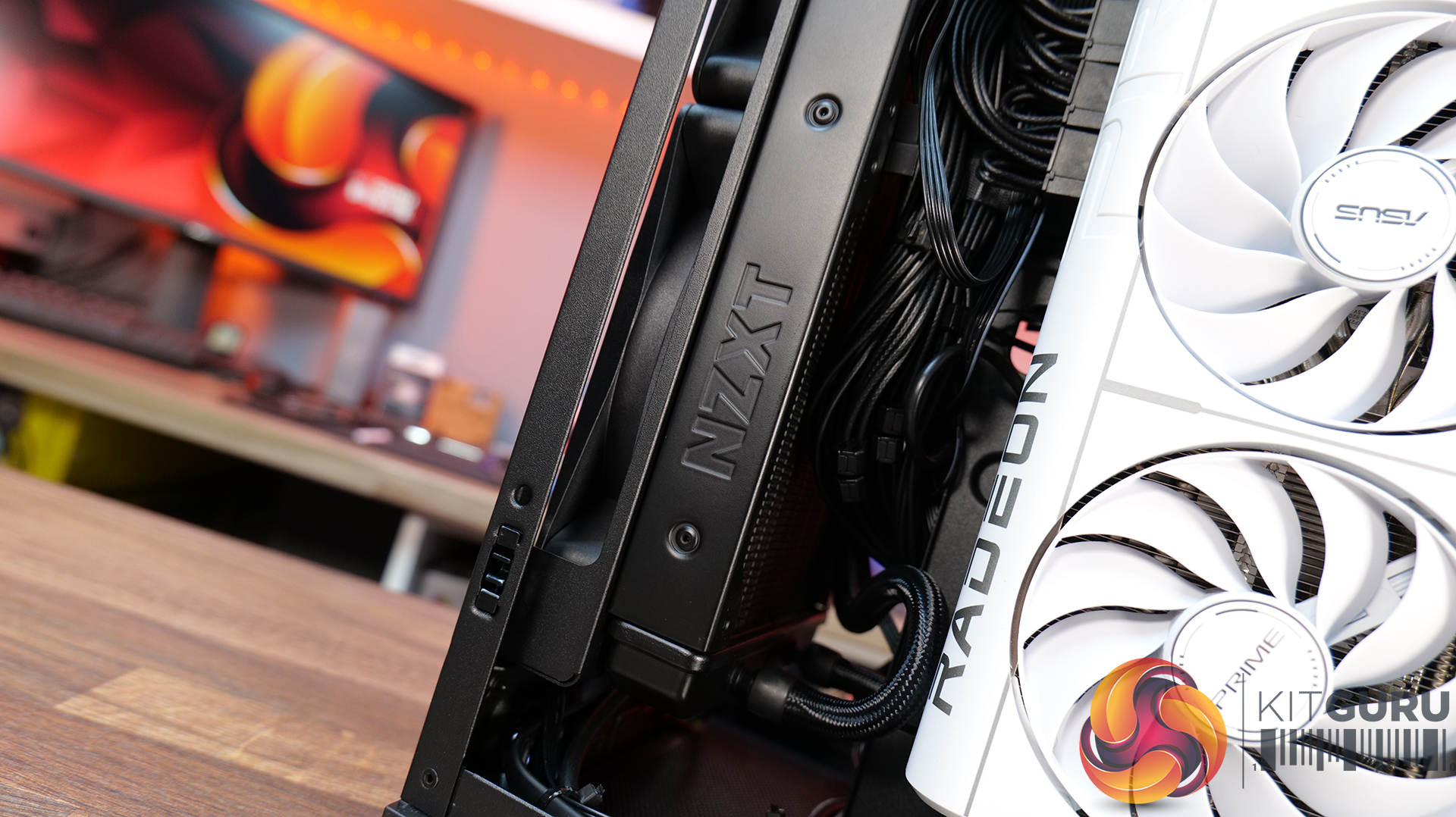
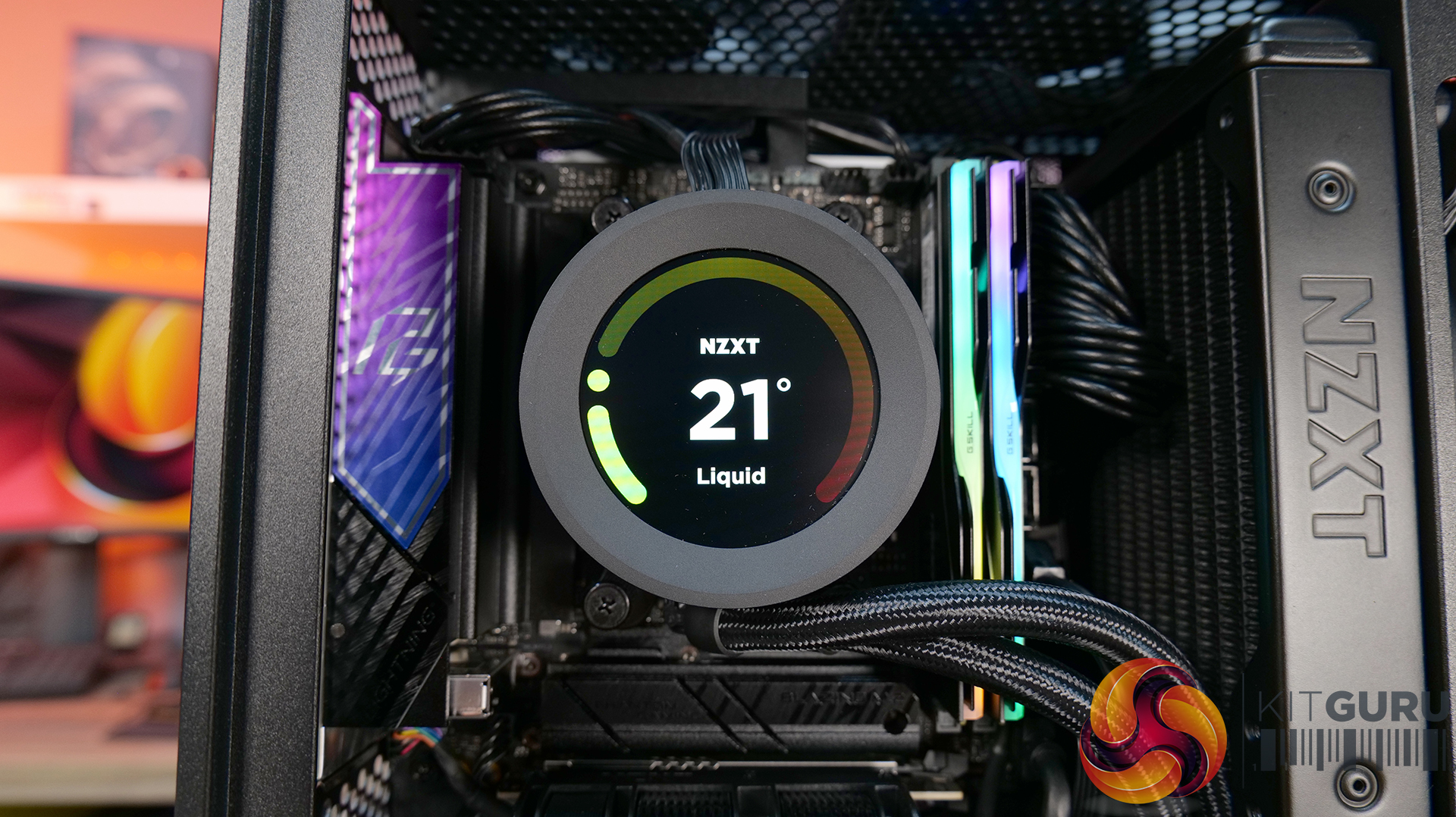
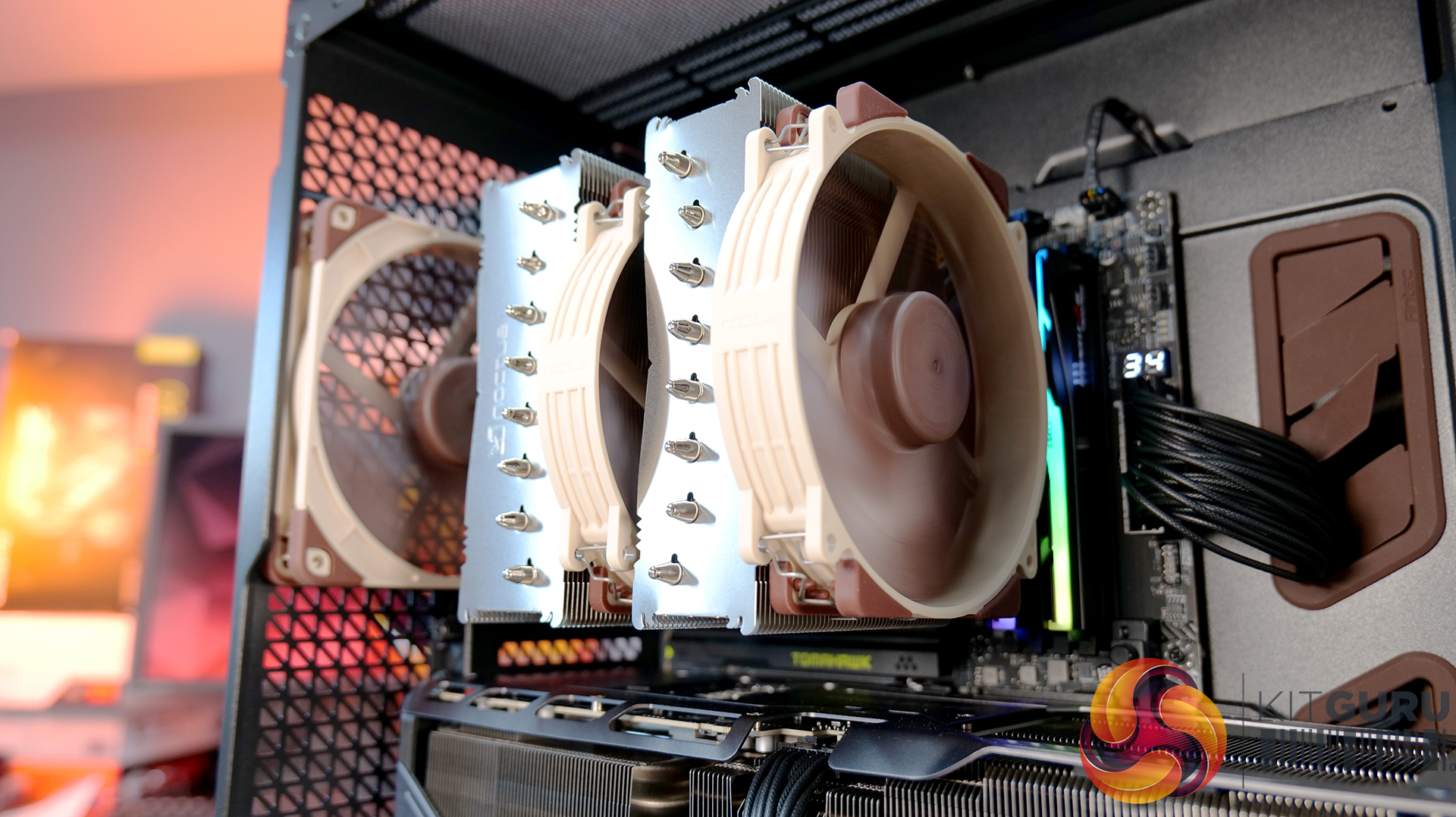
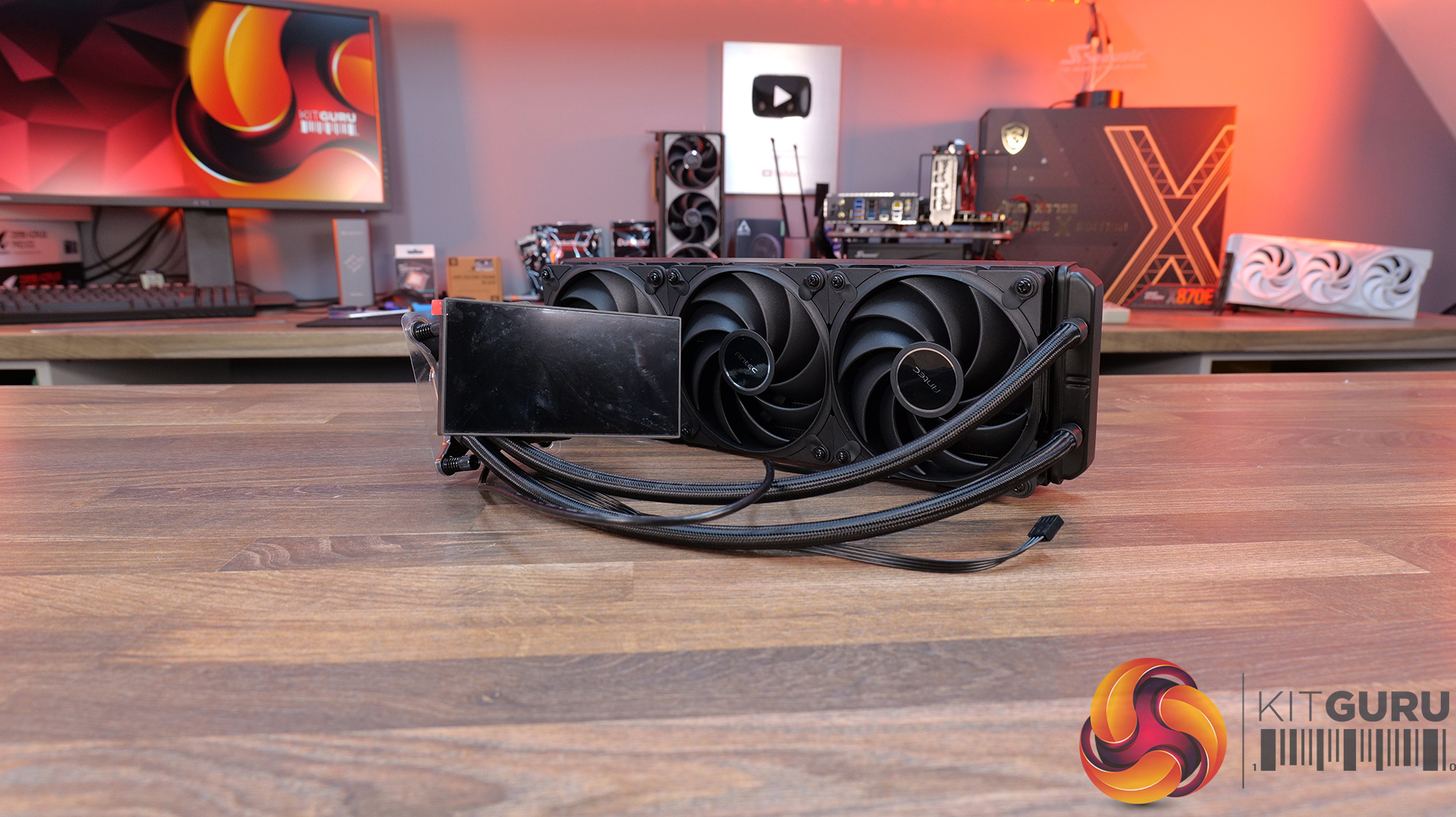
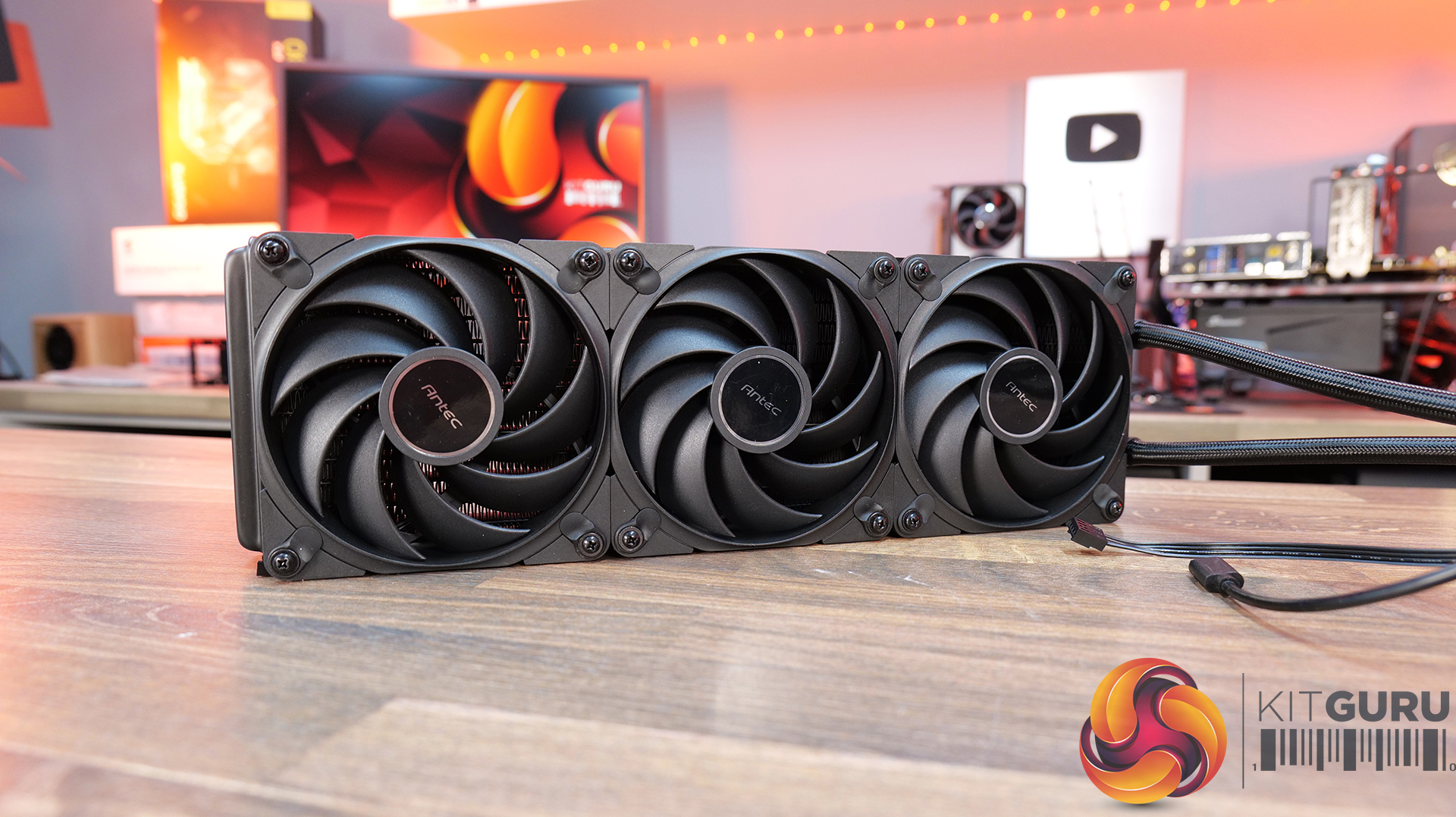
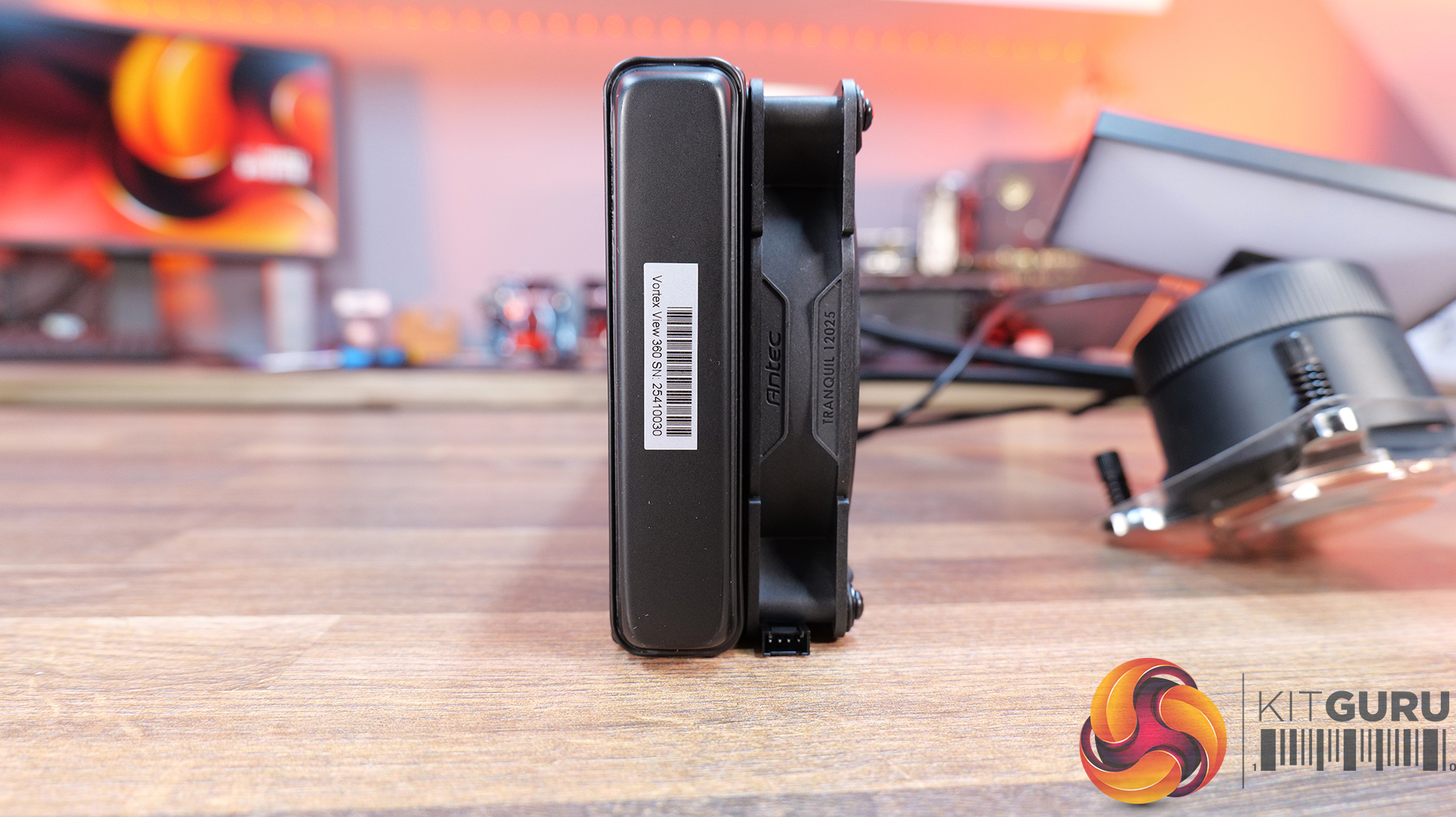
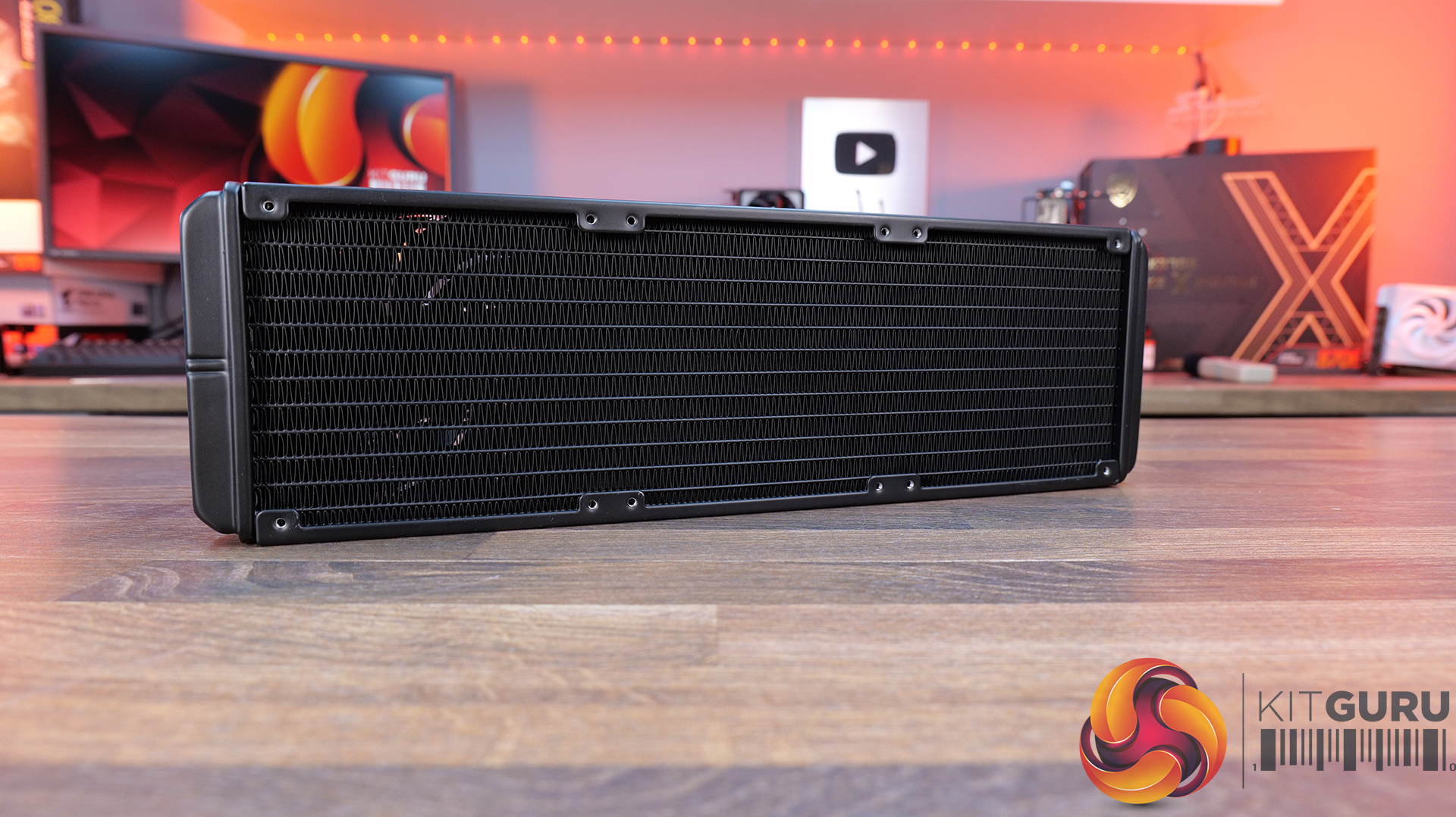
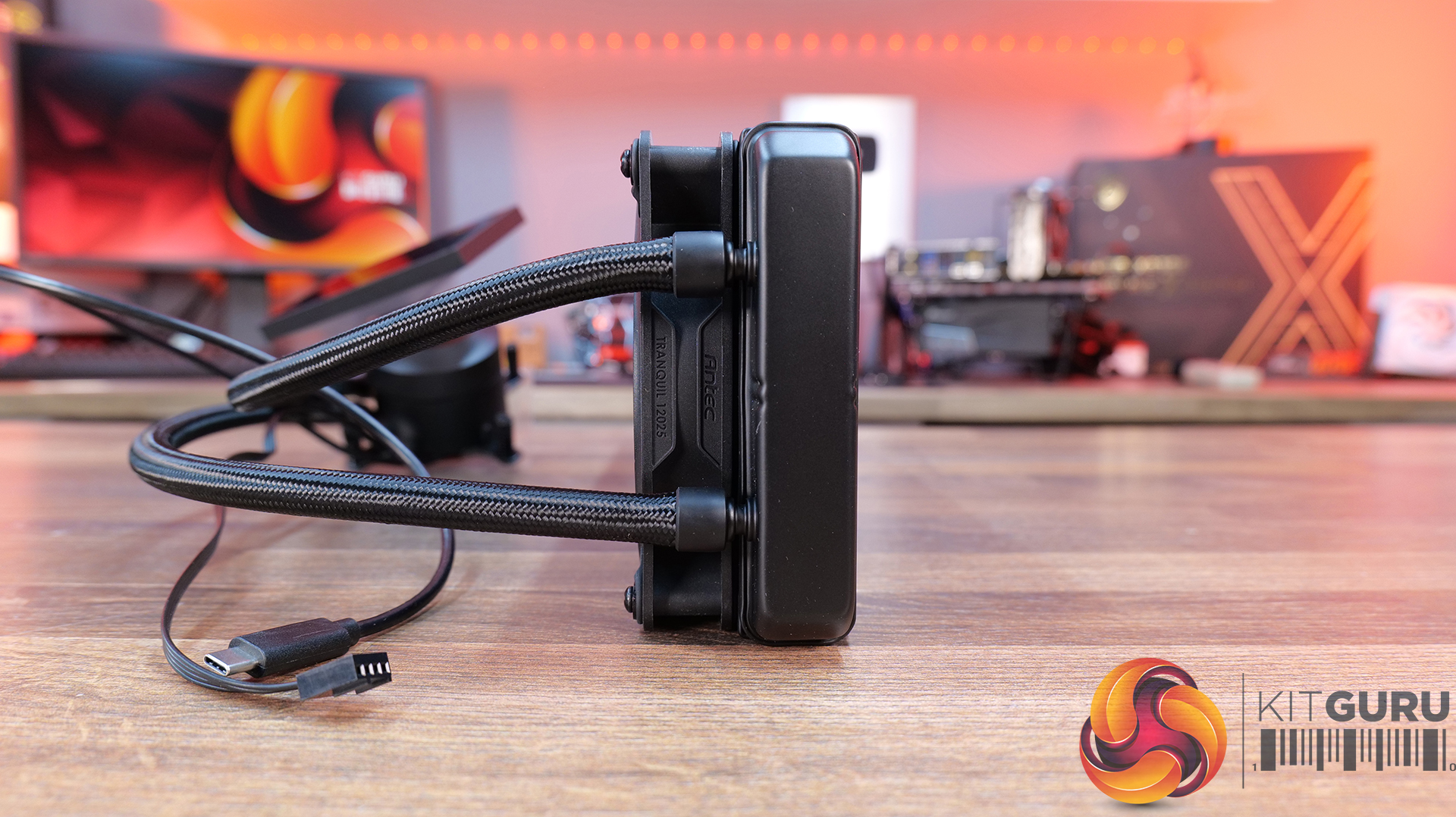
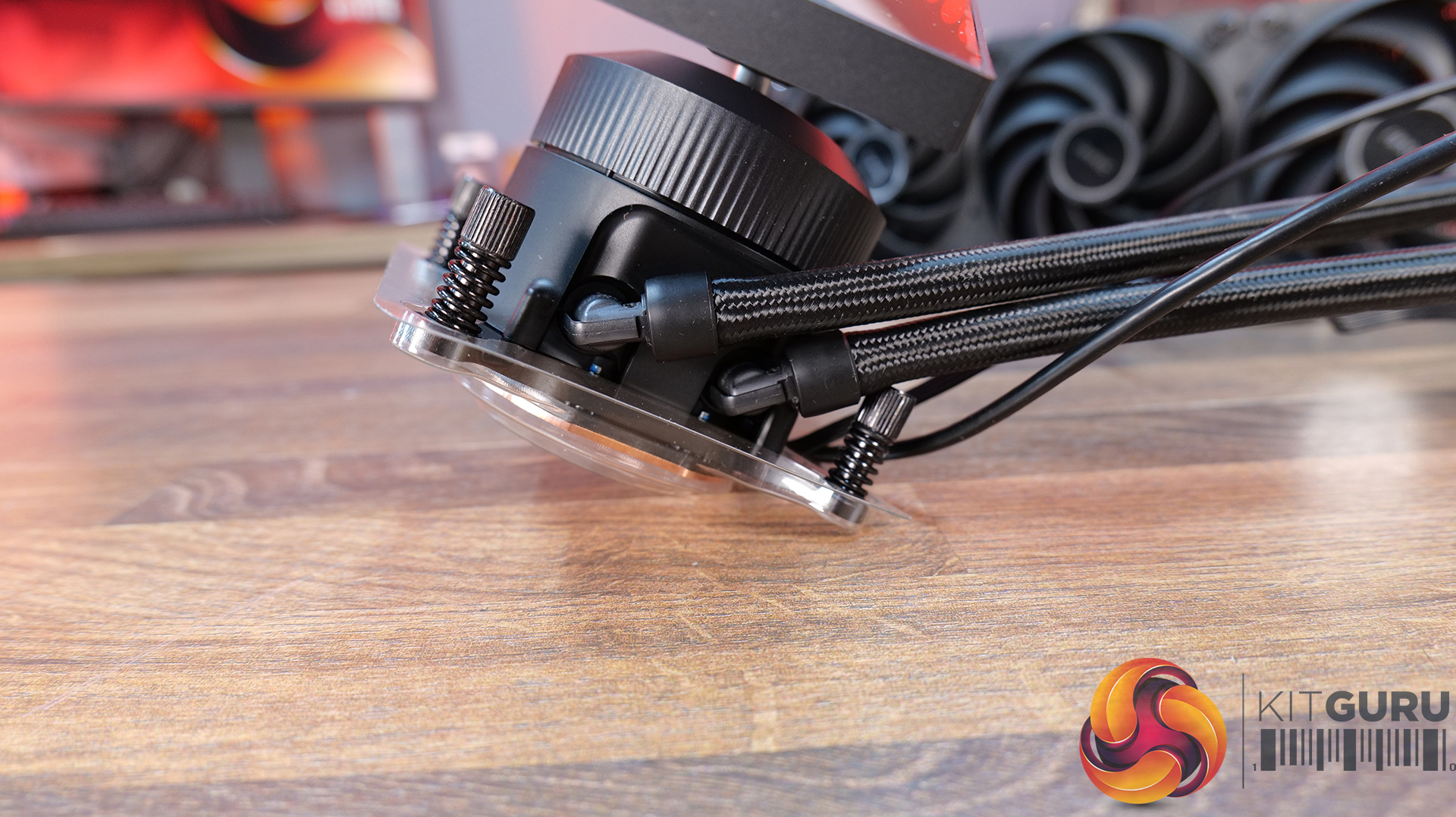
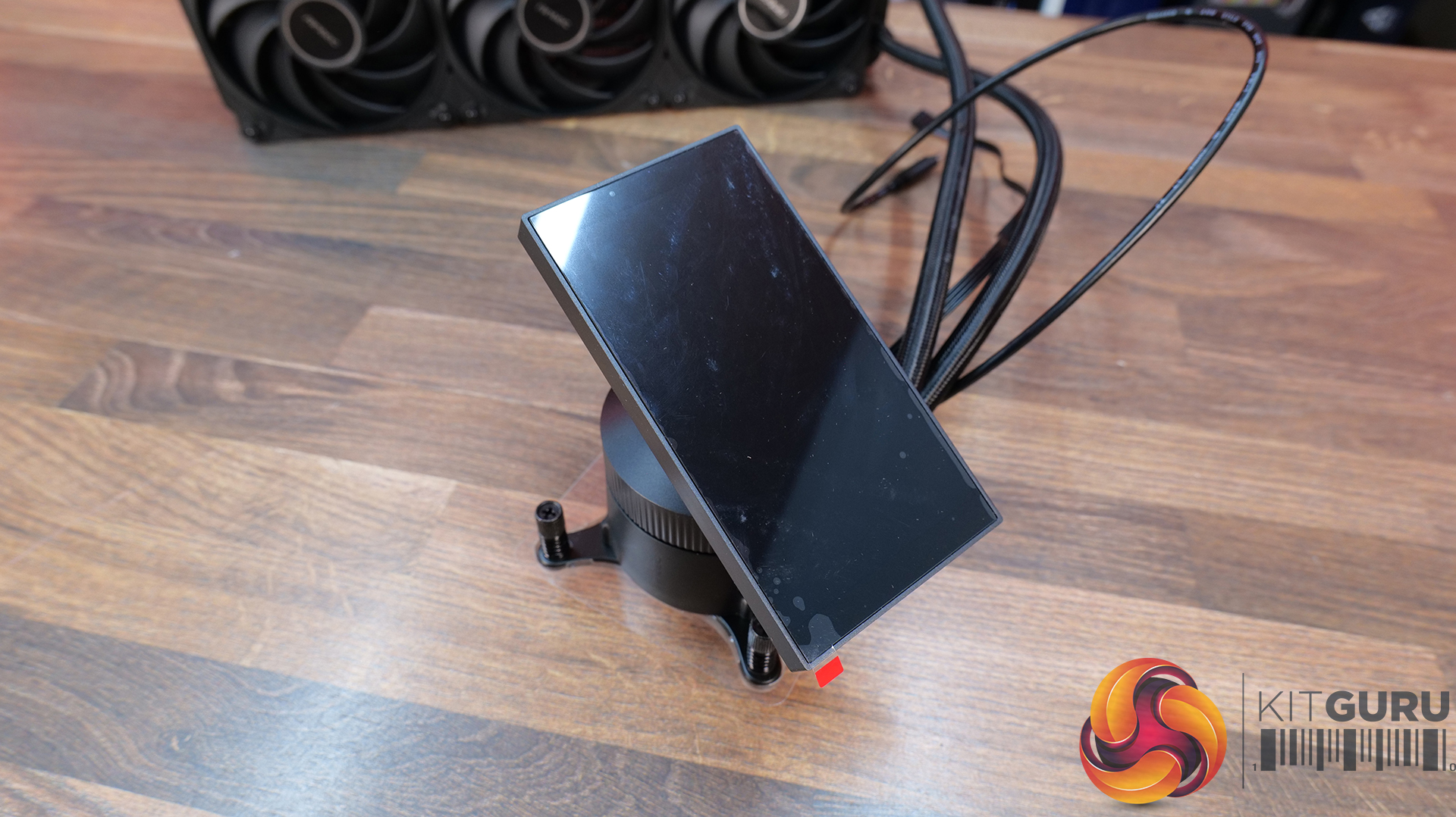
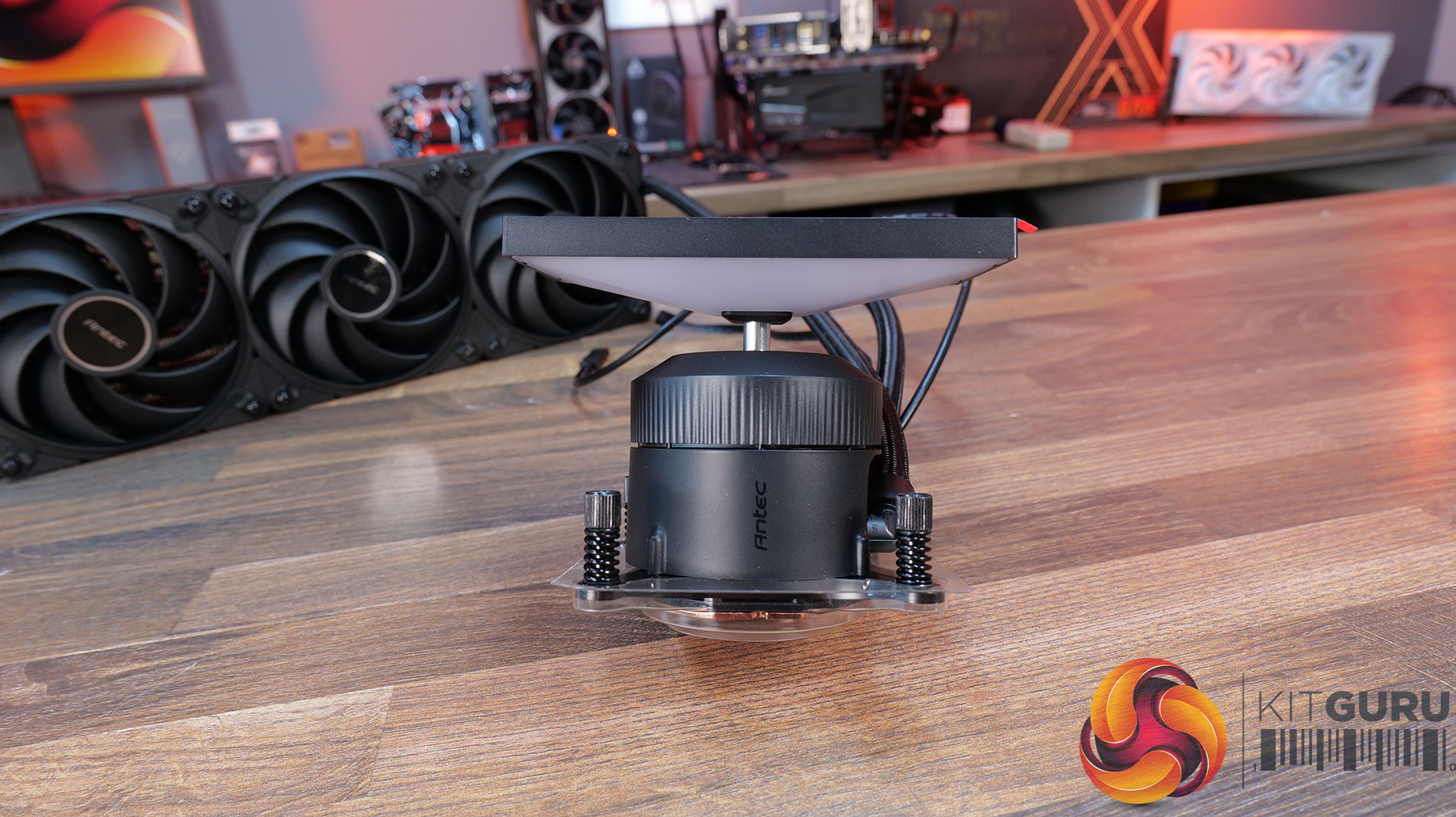
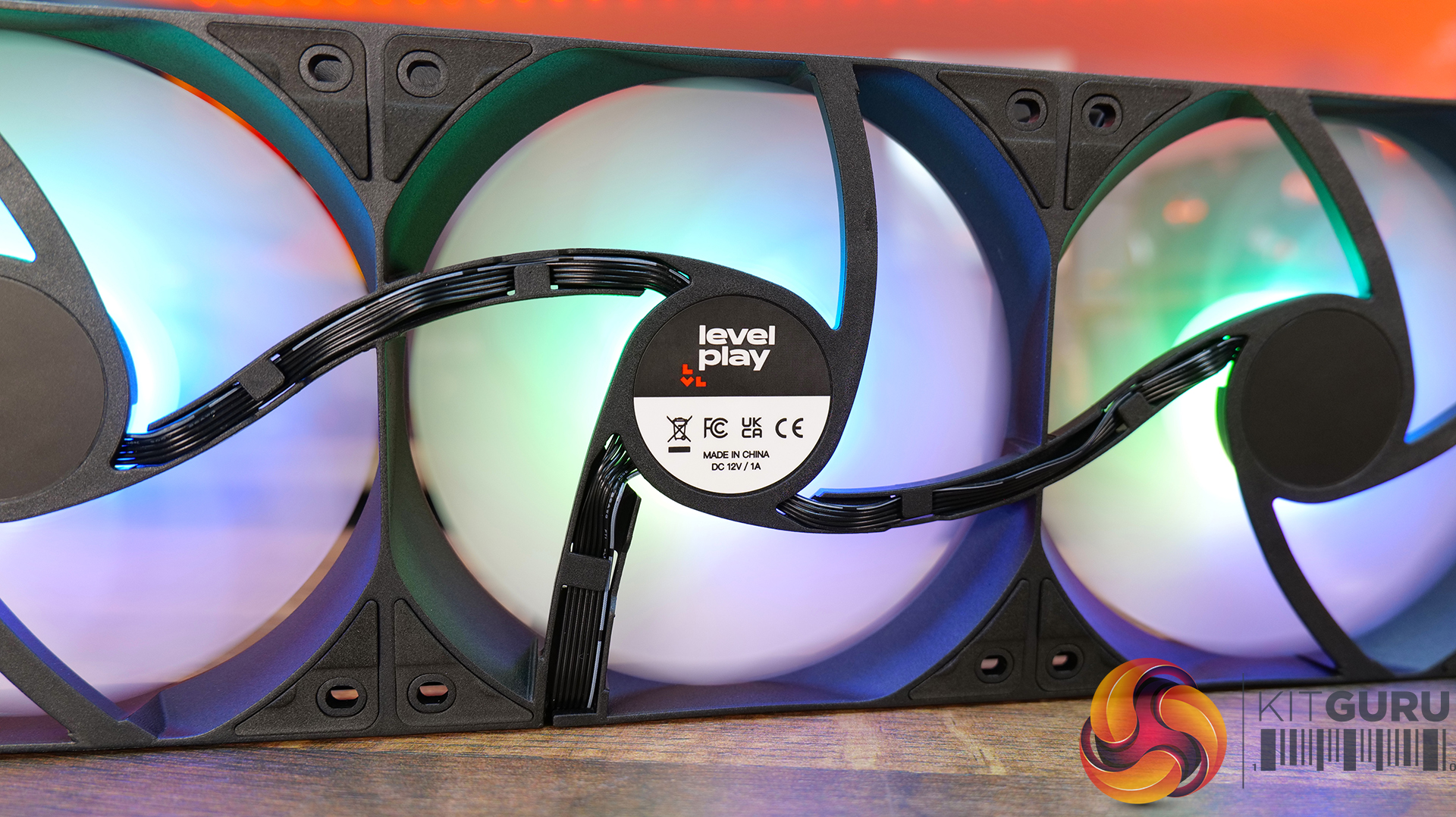
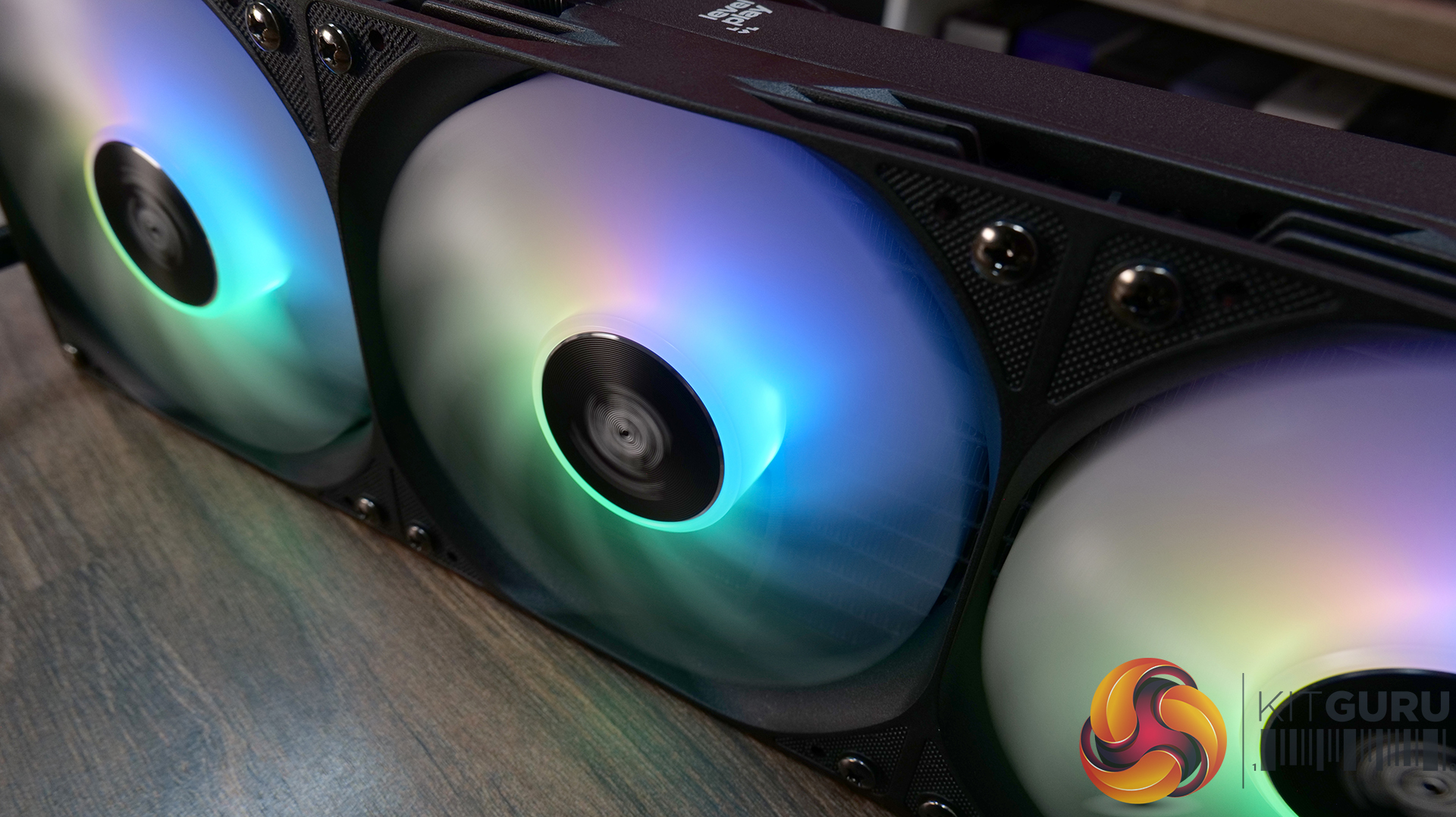
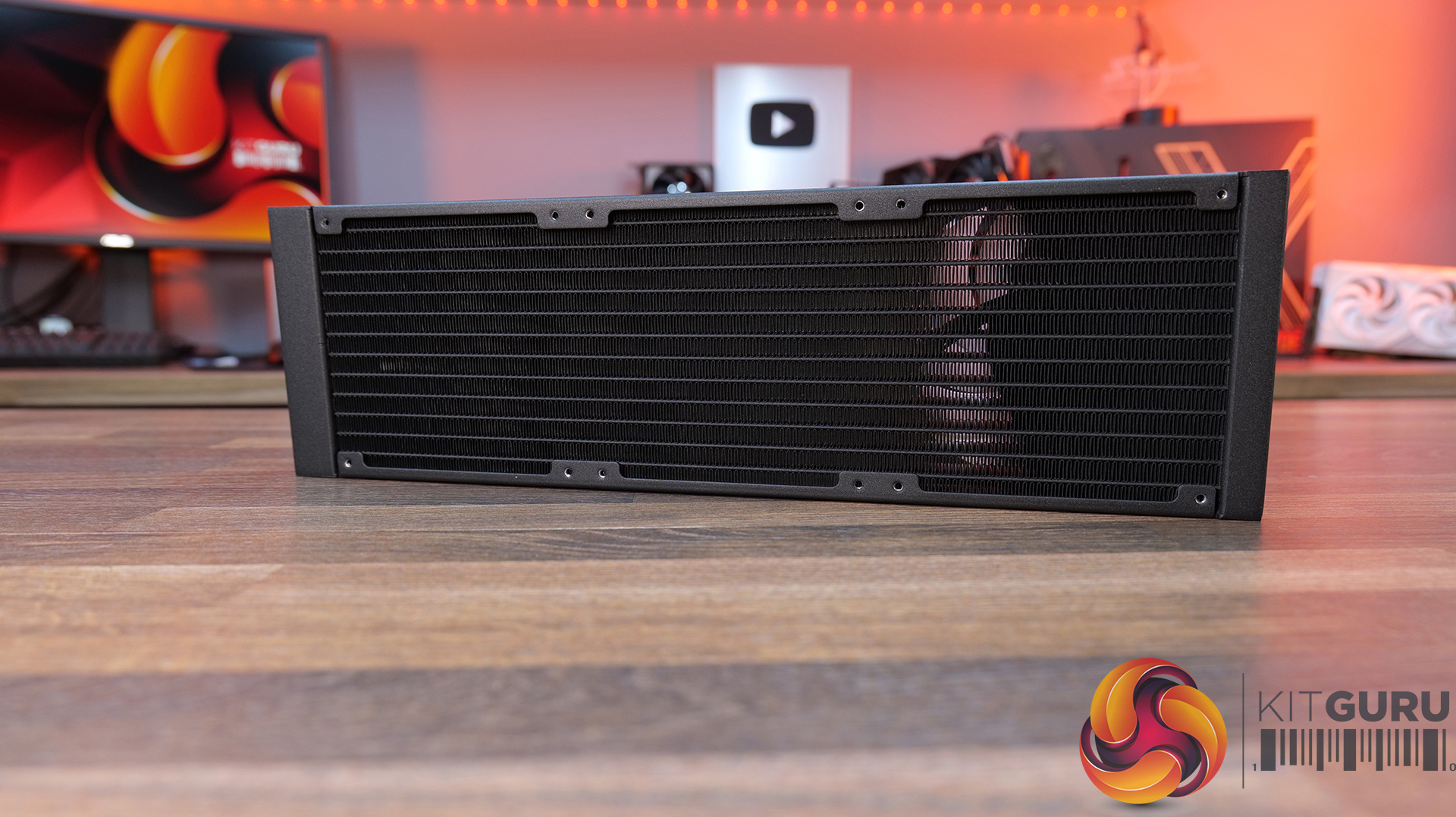
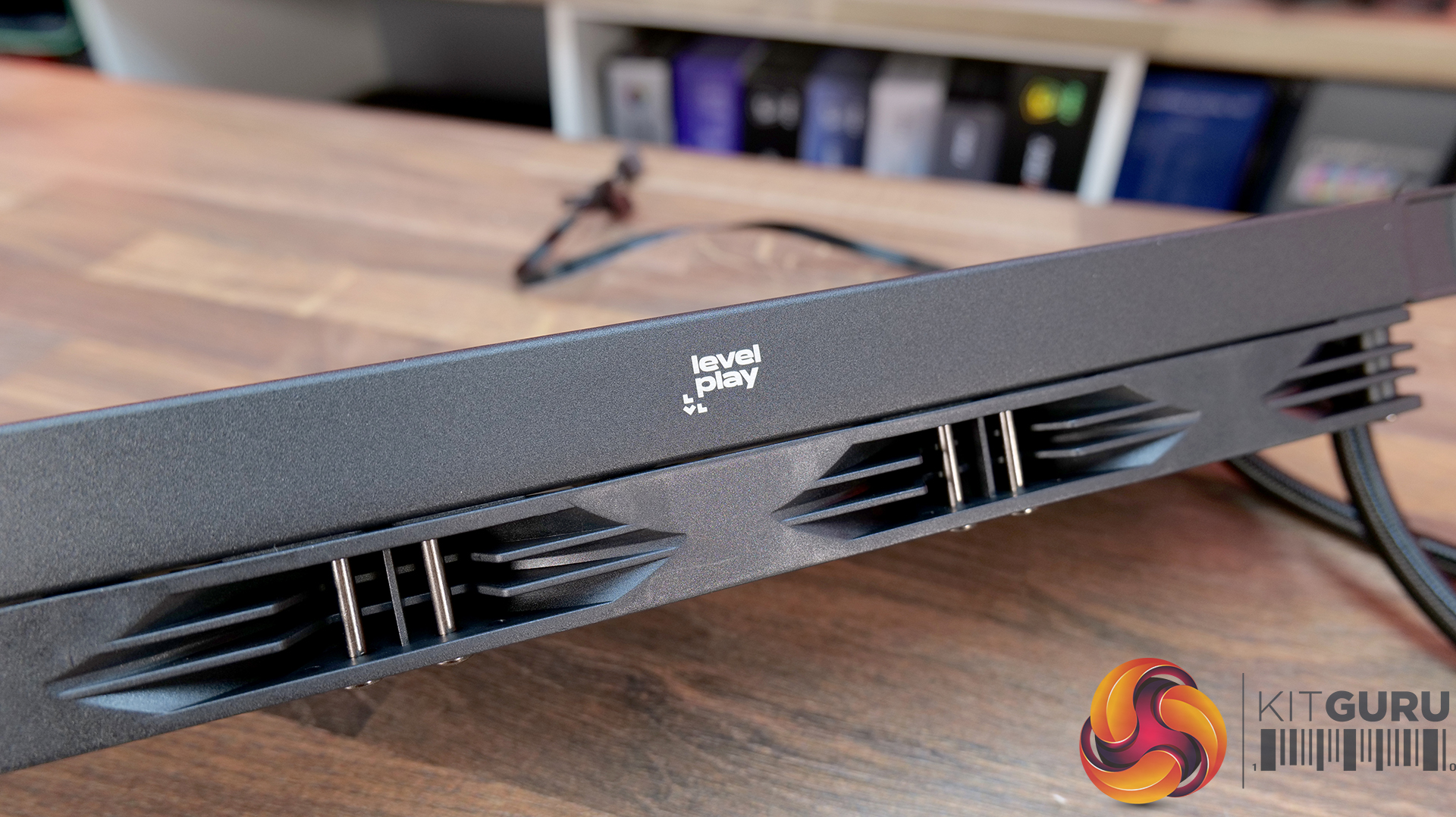
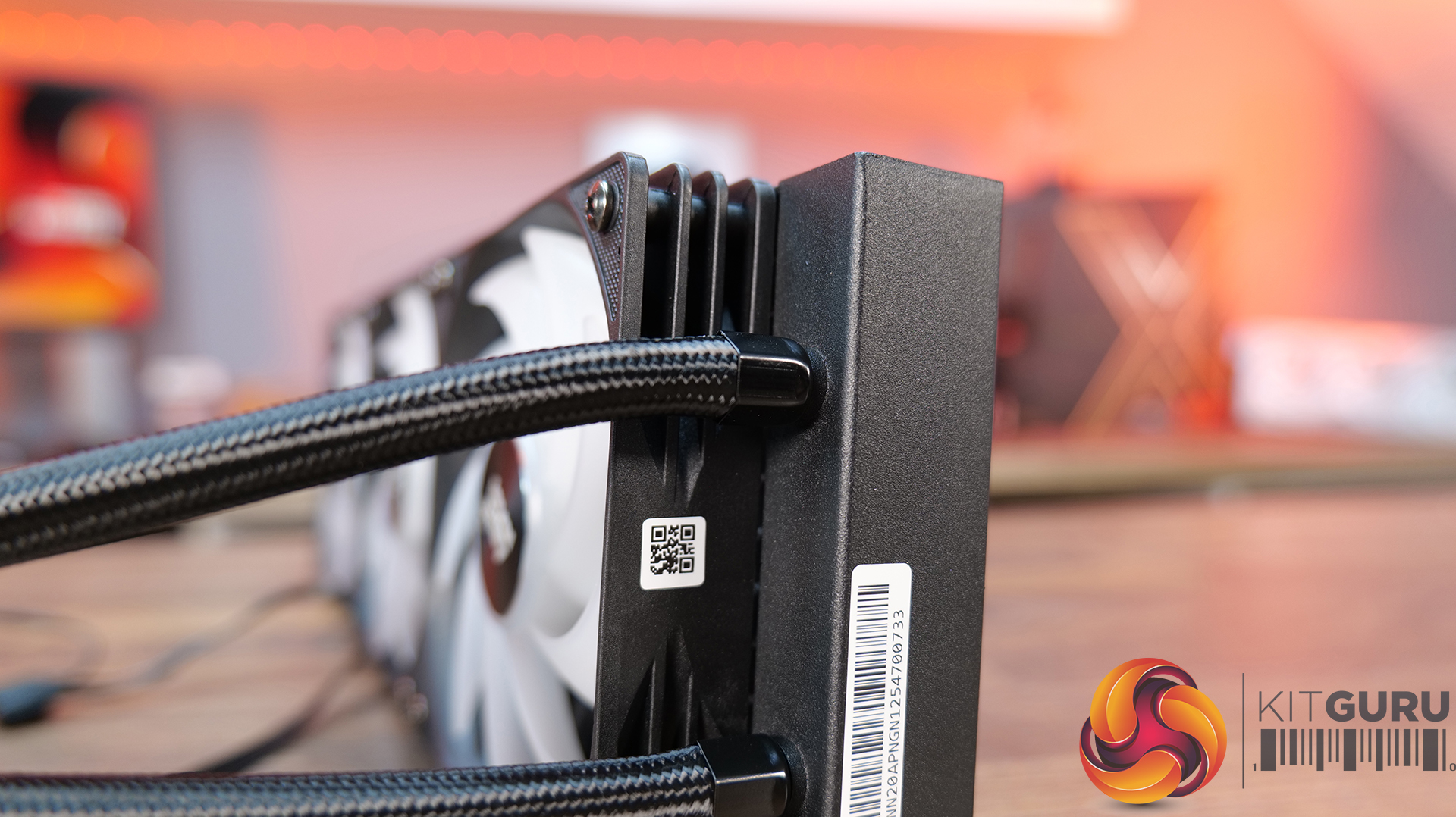
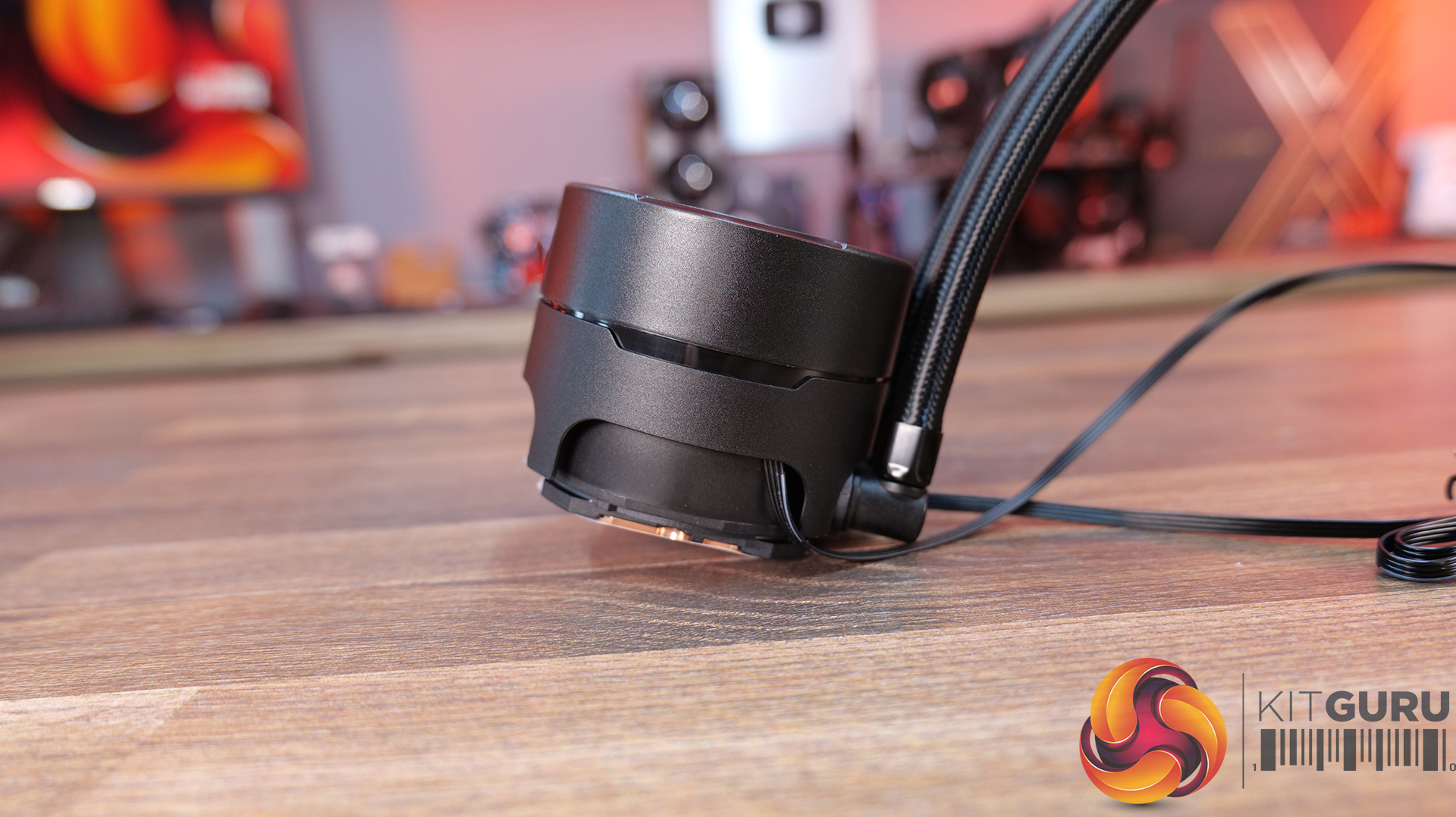
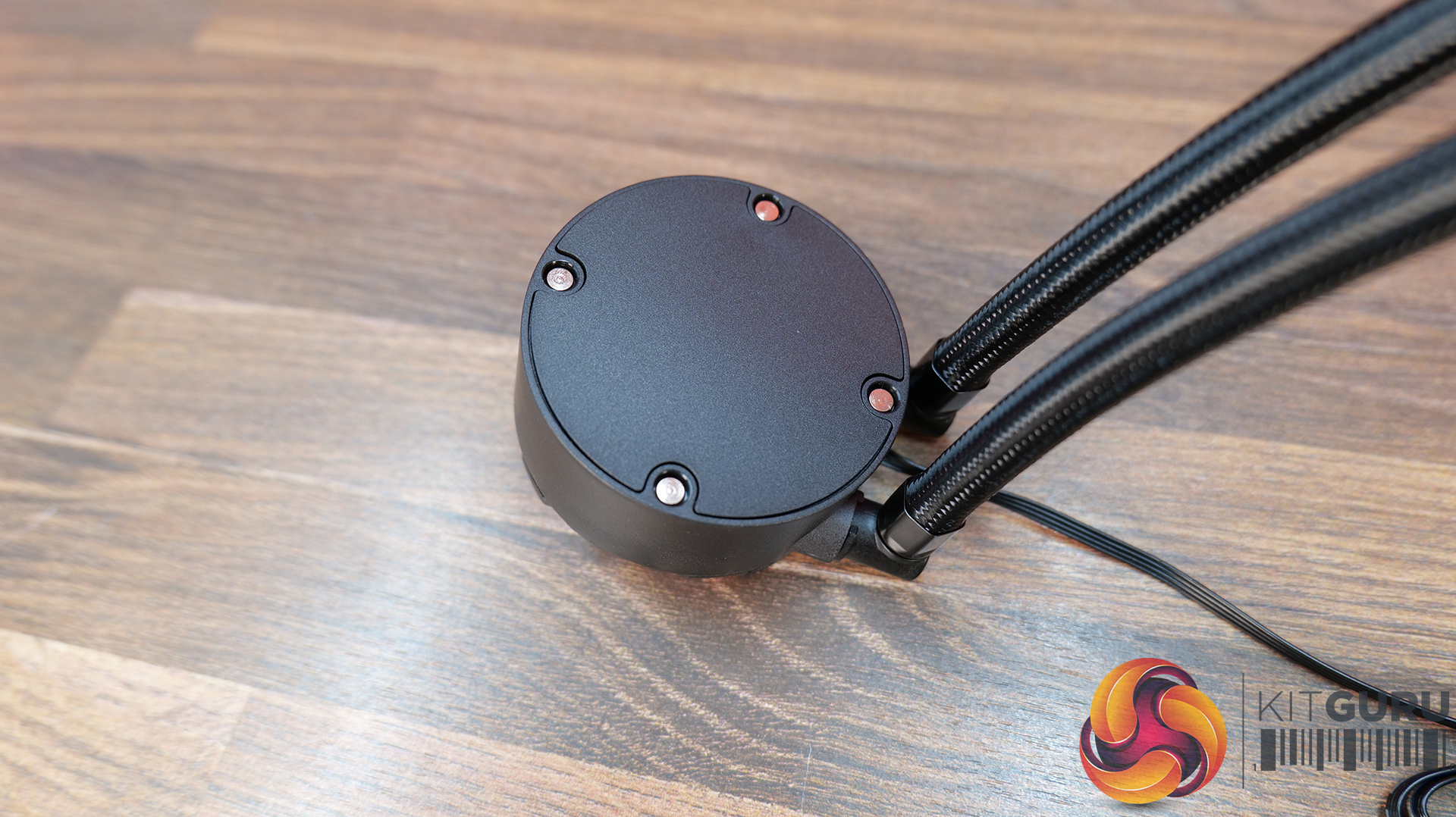
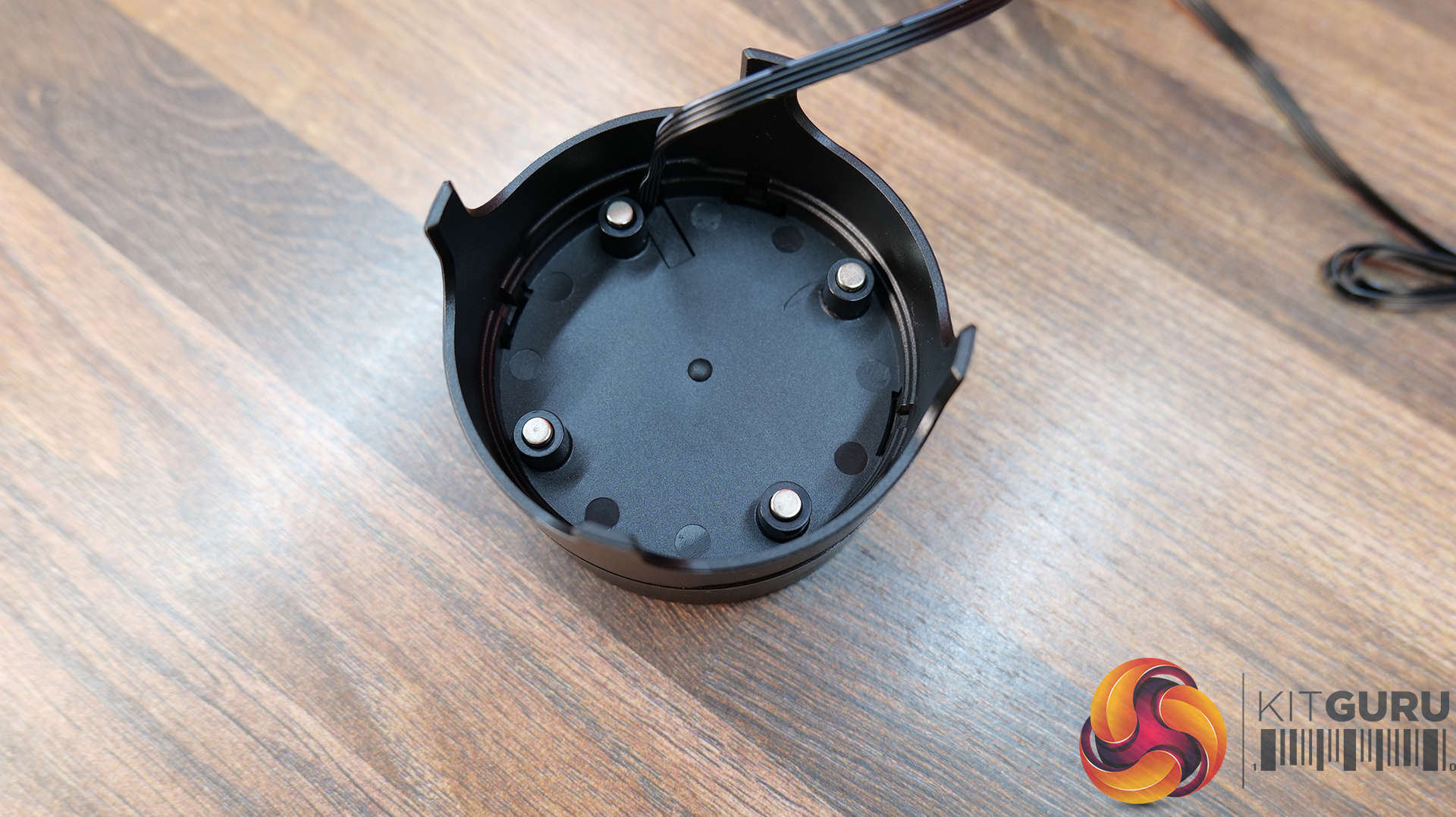
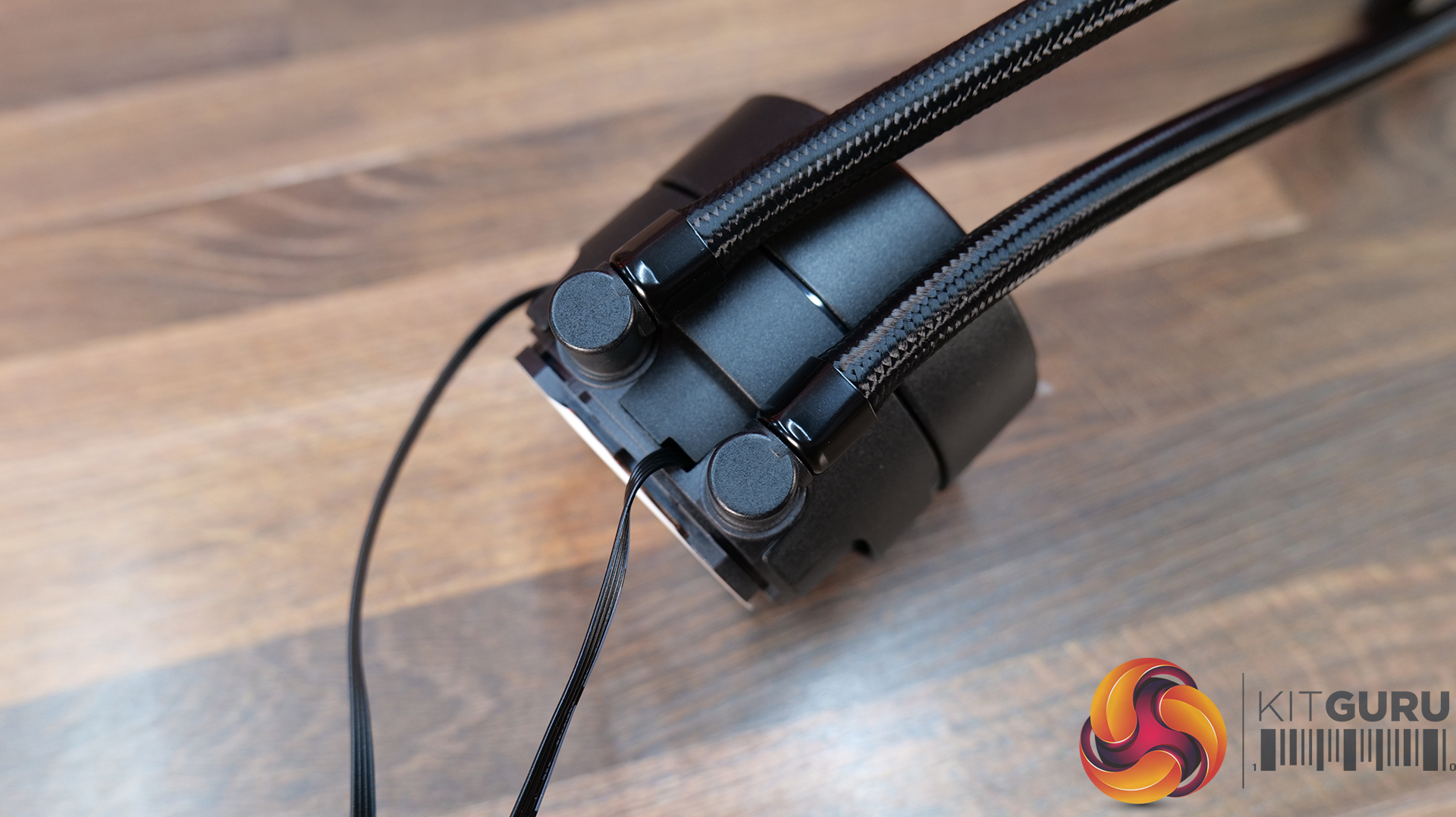
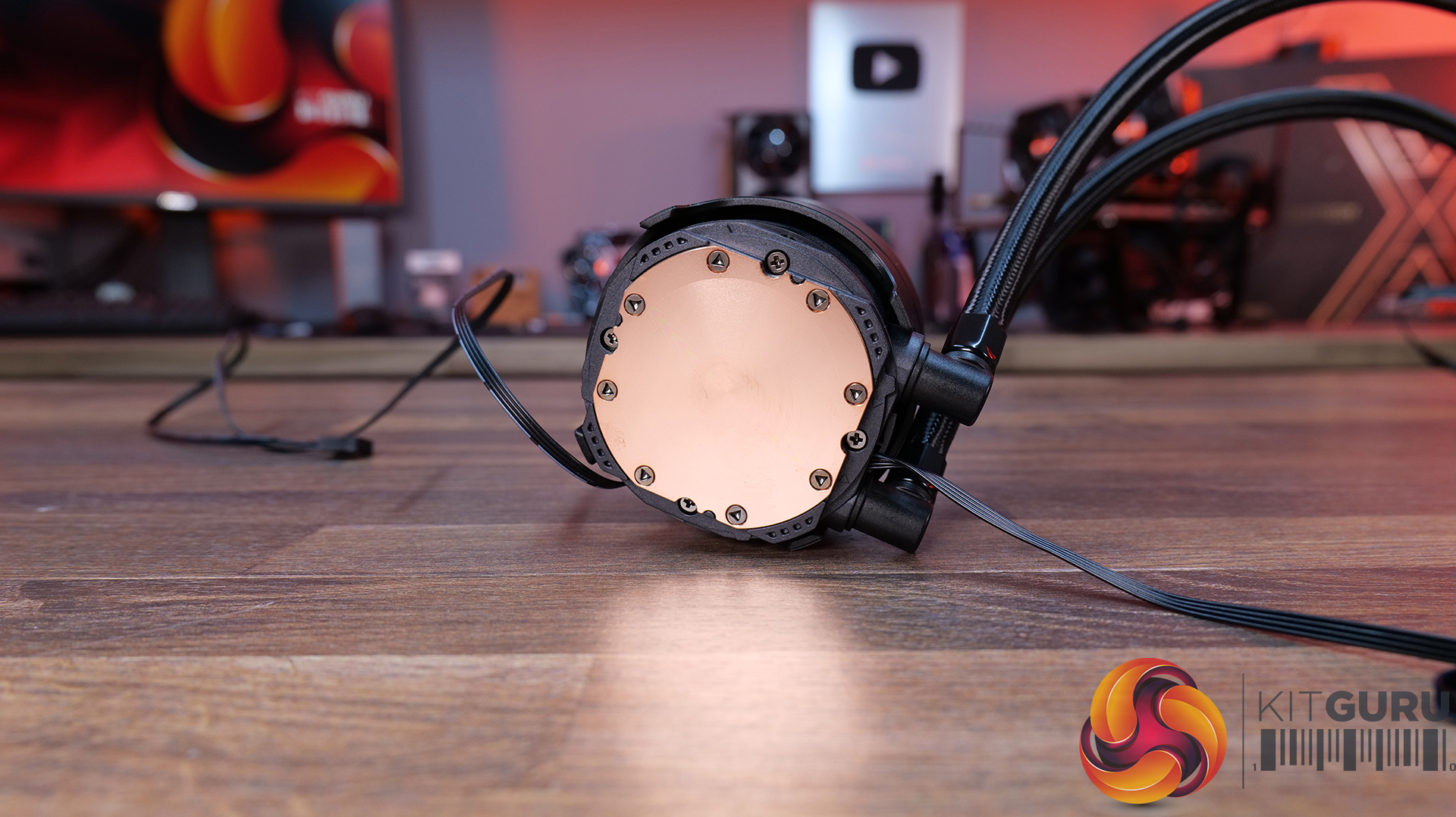
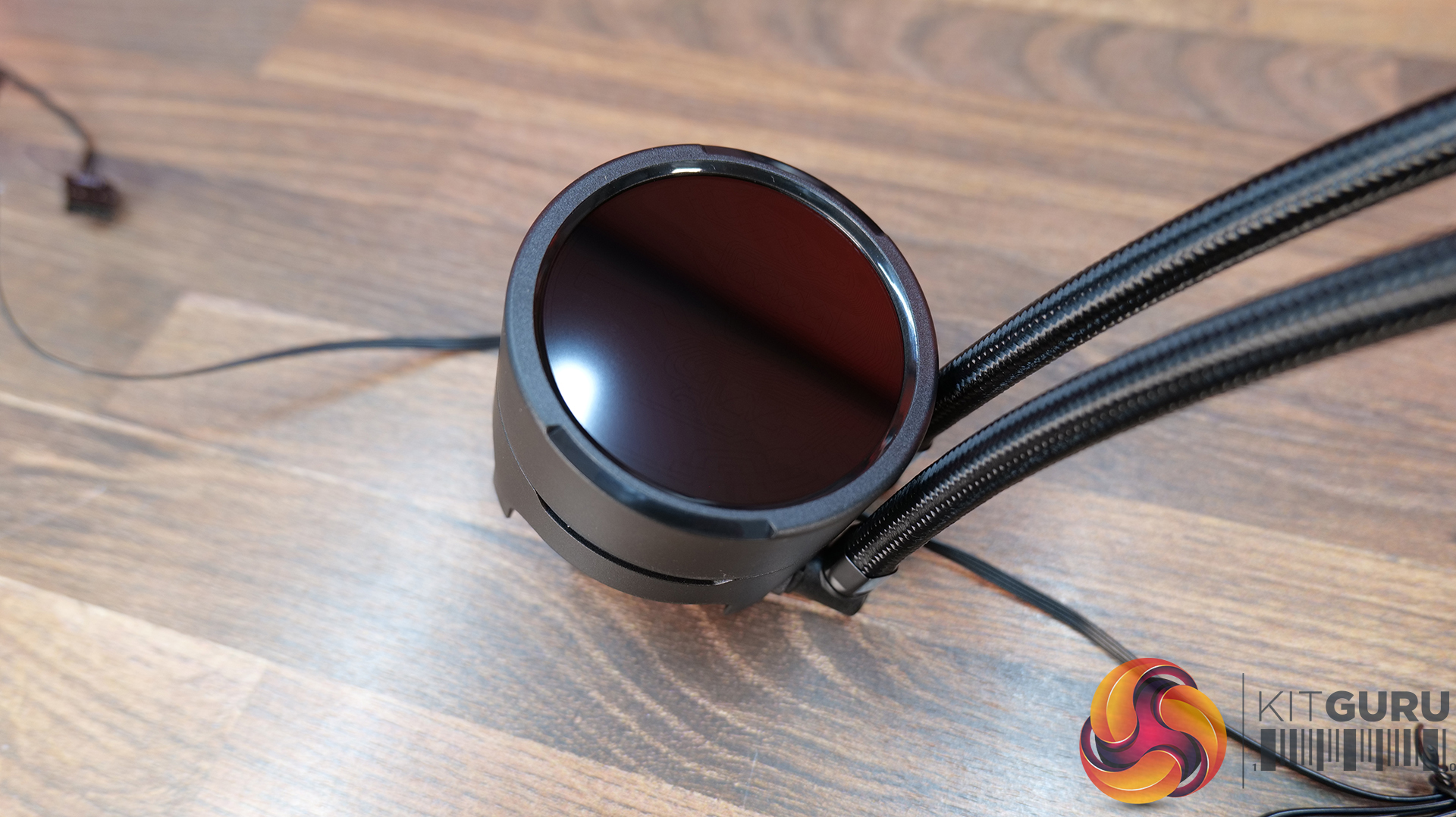
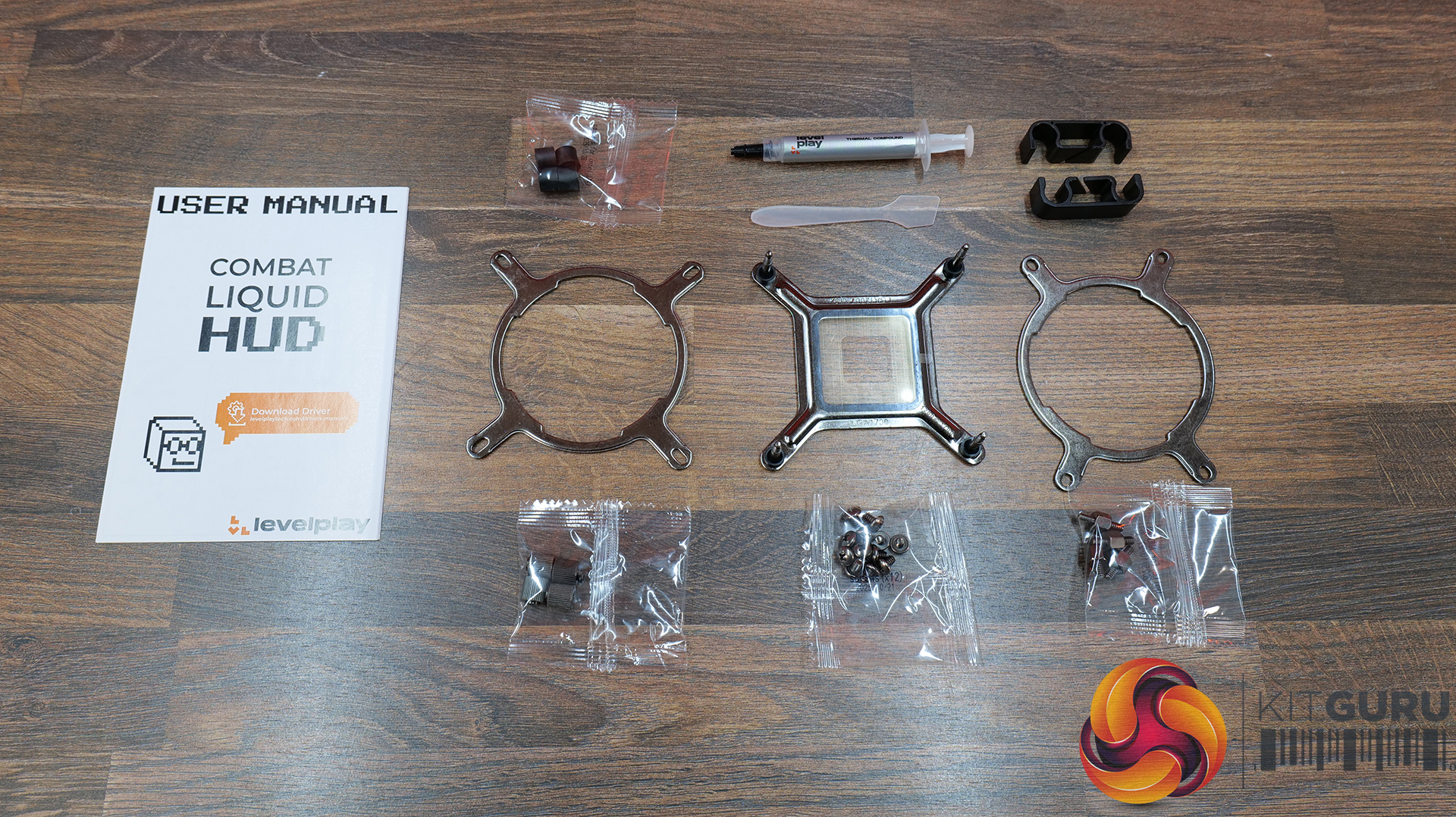
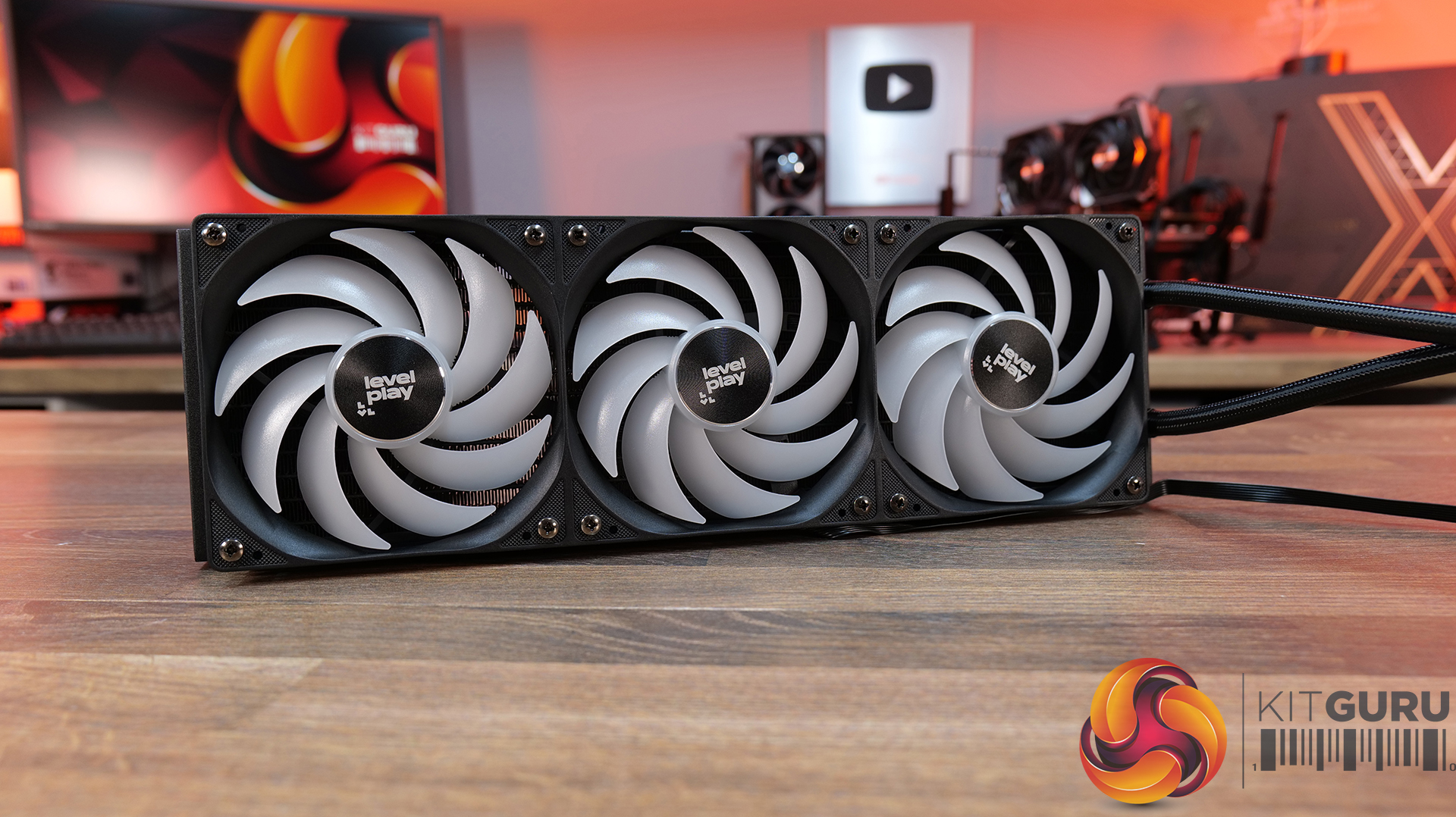
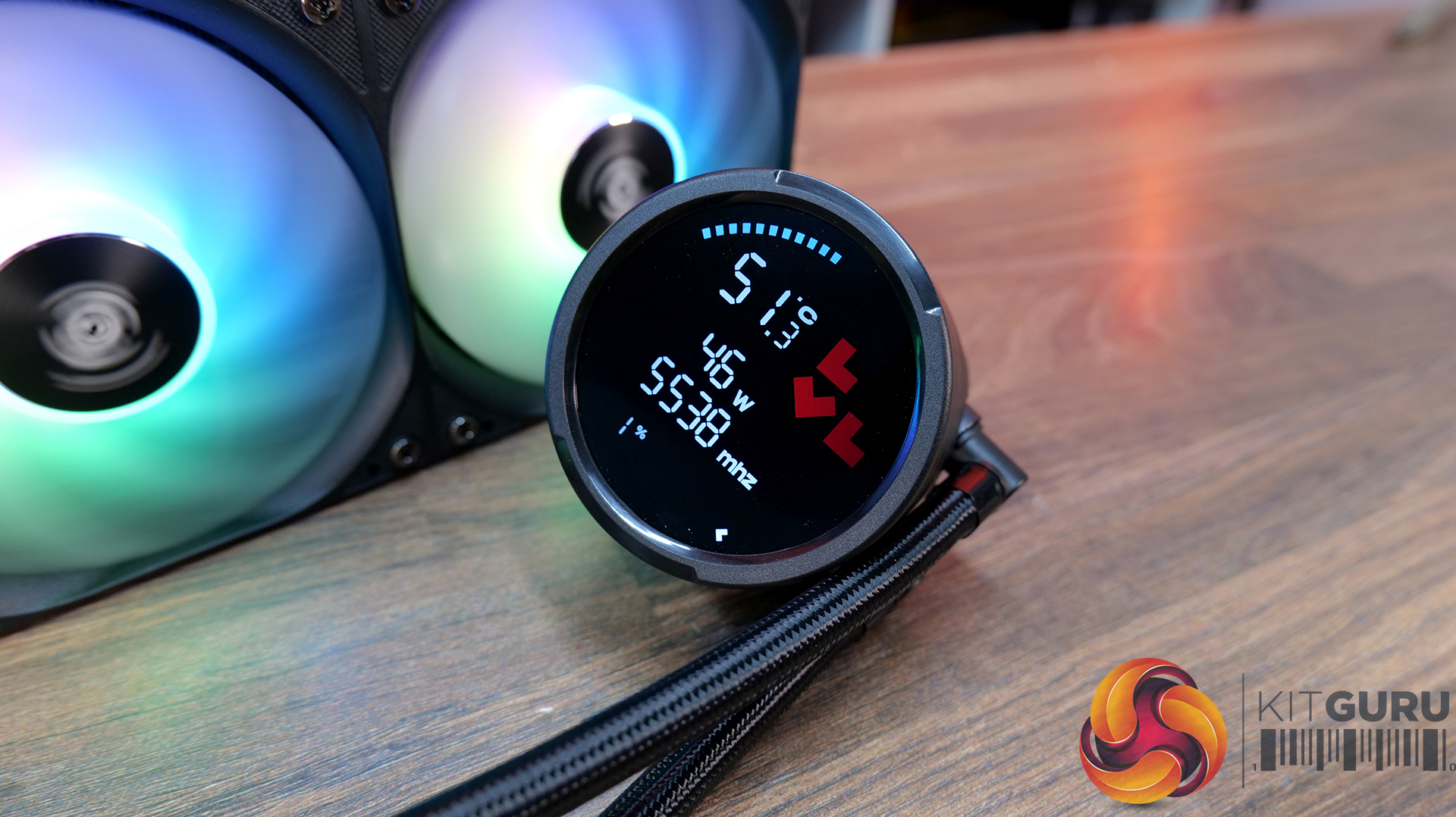
Today we're taking a look at something that has been a very long time coming – the NL-LC1-36, Noctua's first-ever all-in-one liquid CPU cooler. It's built around Asetek's EMMA V2 platform, paired with several Noctua-specific enhancements including NF-A12x25 G2 fans, a dedicated pump noise absorber, SecuFirm2+ mounting hardware and an optional auxiliary fan designed to improve airflow around nearby motherboard components. As expected, Noctua is aiming the focus on acoustics, reliability and attention to detail that made its air coolers so popular over the years, but now implementing that into liquid cooling. In this review, we'll be testing installation, build quality, acoustics and, of course, thermal performance to see how the NL-LC1-36 compares against the best 360mm AIO coolers currently on the market.

Timestamps:

00:00 Start
01:11 Versions and pricing
02:06 Product information
03:56 The Mode Switch / Sound Tests
04:56 Top Cover and fan accessory
06:12 Coldplate and fitment
06:50 James thoughts so far
07:12 The Fans / kit
09:07 Accessories
10:27 Setting up the test system
12:33 Noise Output
13:20 CPU Temperature – Manual OC, 100% fans
13:58 CPU Temperature – Manual OC, 40dBA
14:37 CPU Temp and Clocks – PBO
15:21 James Closing Thoughts

Features:

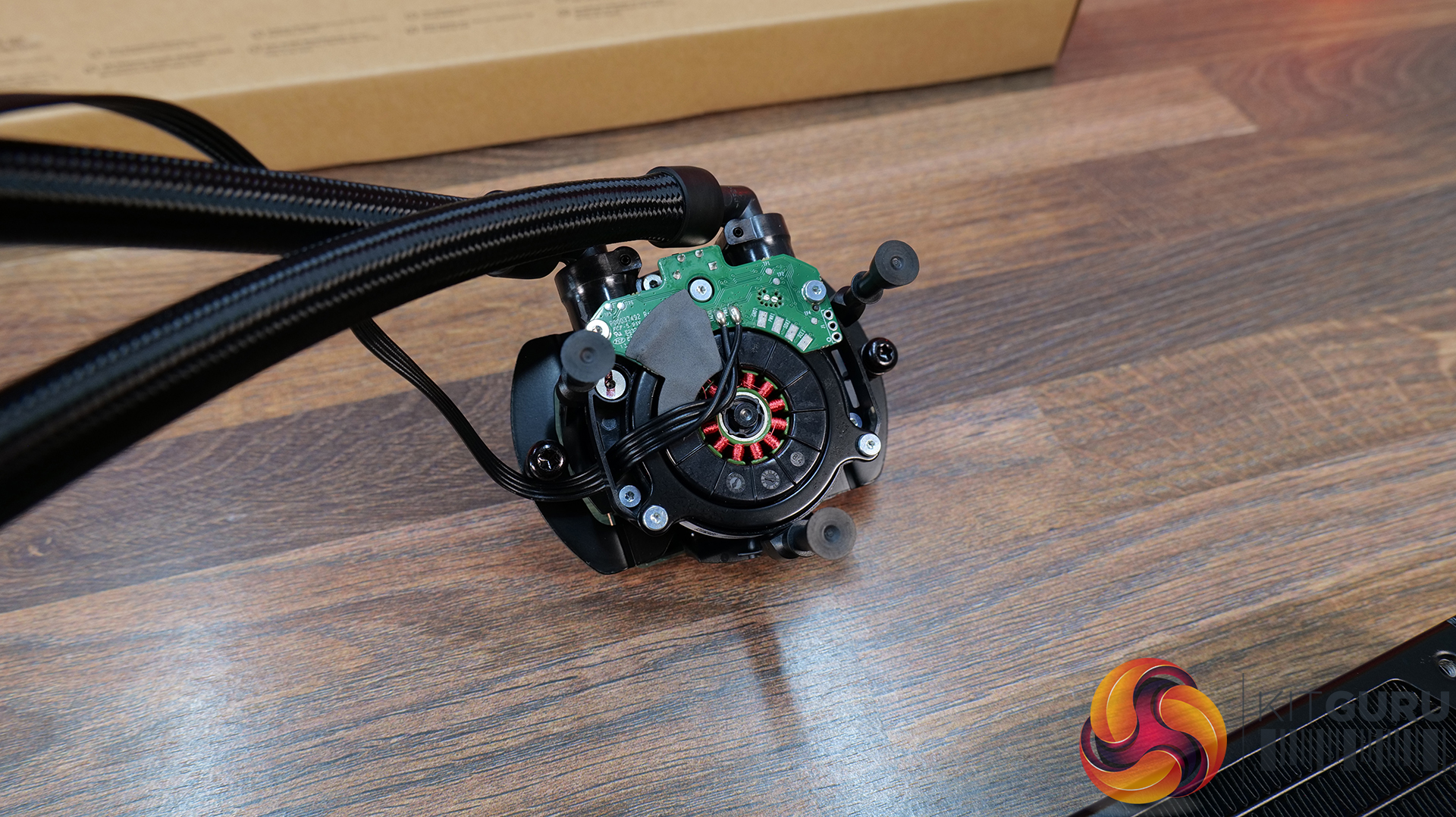
  • Based on Asetek’s Emma V2 Platform – Asetek’s flagship pump that uses a closed impeller design for improved efficiency and performance. Compared with its predecessor Emma V2 provides 58% higher flow rate, and 124% higher head pressure as well as offering a 40% reduction in energy consumption.
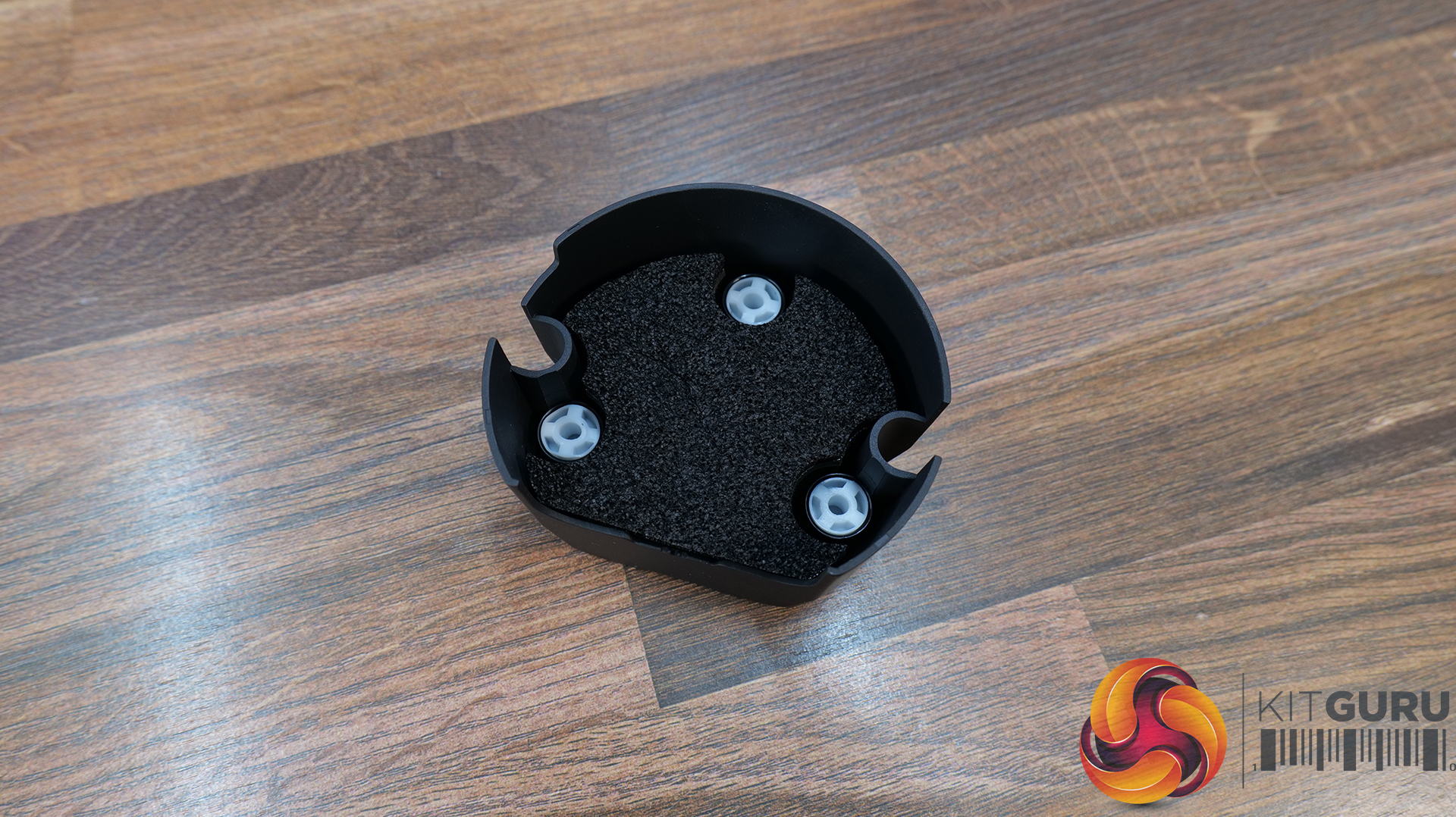
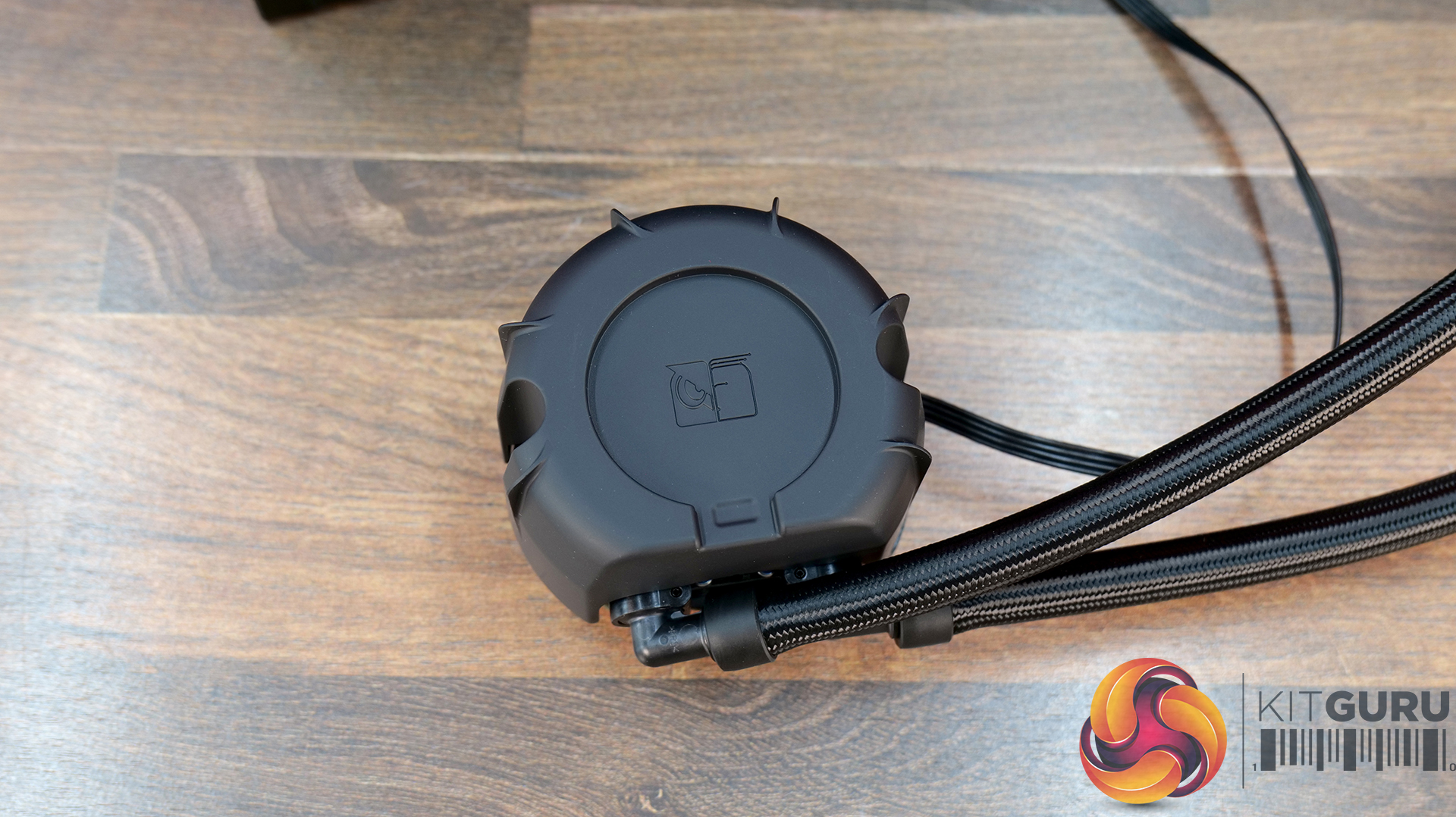
  • Equipped with Noctua NL-PNA1 Pump Noise Absorber – Improved pump acoustics by reducing SPL and shifting the pump's sound signature towards lower, less distracting noise frequency.
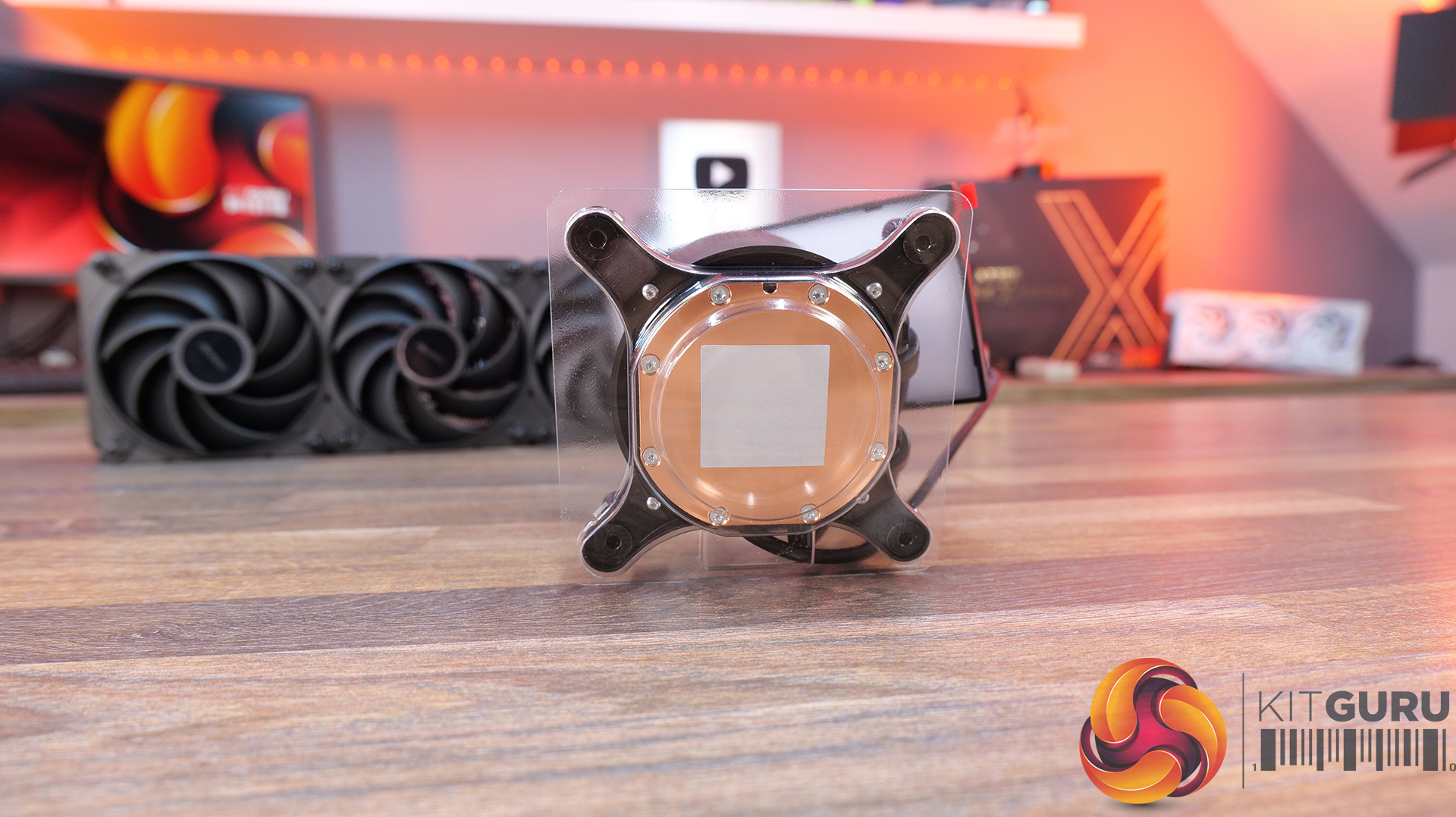
  • High Purity Copper Cold Plate – Manufactured from 99.95% CU110 copper with a large 32.5 x 22.5mm micro-skived fin array.
  • Noctua NF-A12/A14x25 G2 Fans Included – All Noctua NL-LC1 series AIO’s include Noctua NF-A12 or A14 X25 G2 fans

Specifications:

  • CPU Socket Compatibility: AMD AM5/AM4, Intel LGA1700/LGA1851
  • Radiator Material: Aluminium
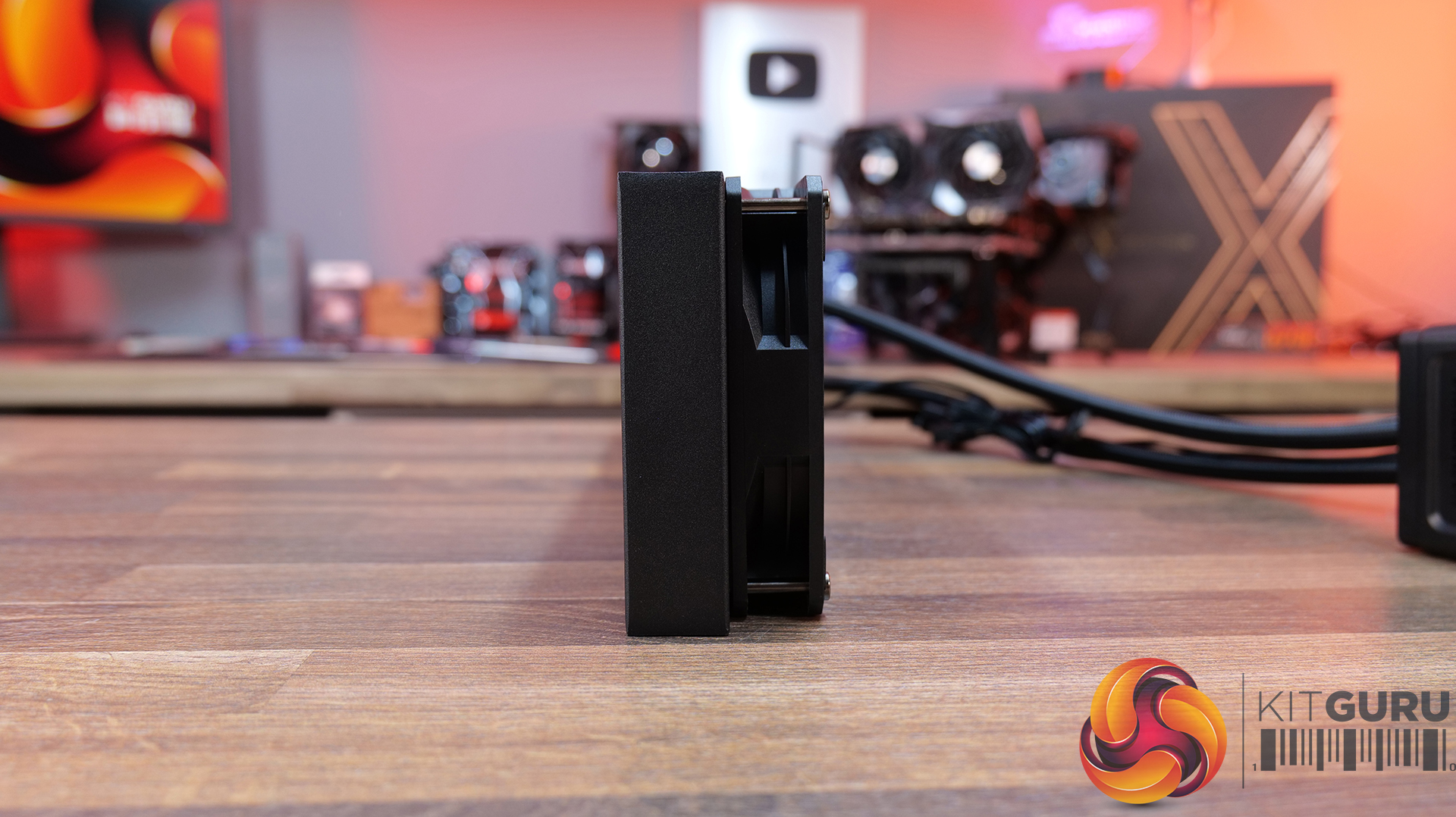
  • Radiator Dimensions: 400x120x30mm
  • CPU Block/Pump Dimensions:
  • Pump Speed: 750~3400 RPM (±10 %) Max (Manual Mode)
  • Cold Plate Material: Micro Skived Copper
  • Pump Connector: 4-Pin PWM
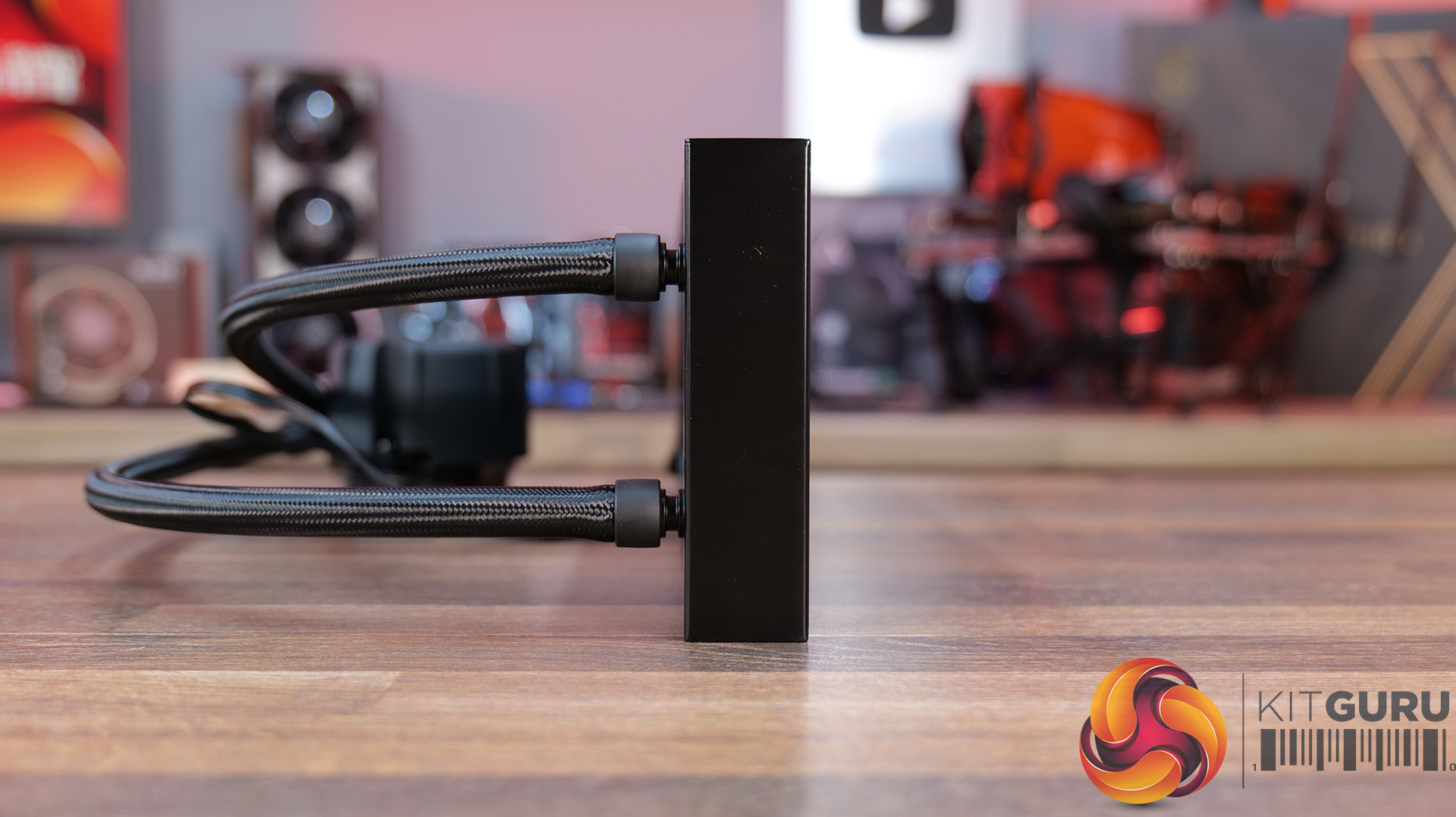
  • Tubing Material: EPDM with braided sleeving
  • Tubing Length: 410mm
  • Fan Dimensions: 120 x120 x25mm
  • Fan Speed: 0 – 1800 rpm
  • Air flow: 63.15 CFM
  • Air Pressure: 3.14 mm H₂O
  • Fan Noise: 22.5 dB(A) (Per Fan)
  • Fan Connector: 4 – Pin PWM
  • Warranty: 6 years

Test System Specifications:

The post Noctua NL-LC1-360 360mm AIO CPU Cooler Review first appeared on KitGuru.

June 2026 AIO CPU Cooler Round Up Multi Review

22 June 2026 at 10:15

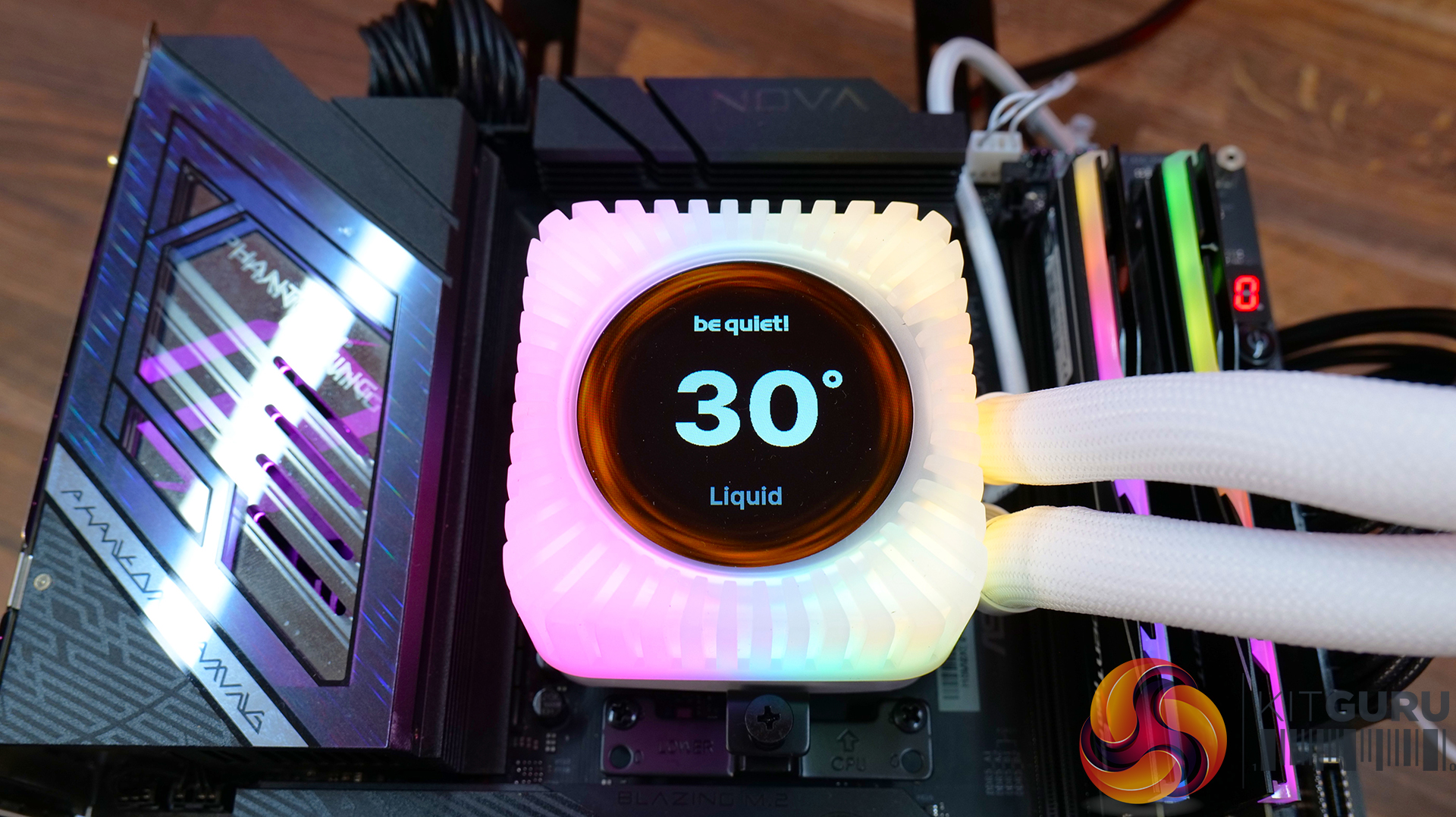
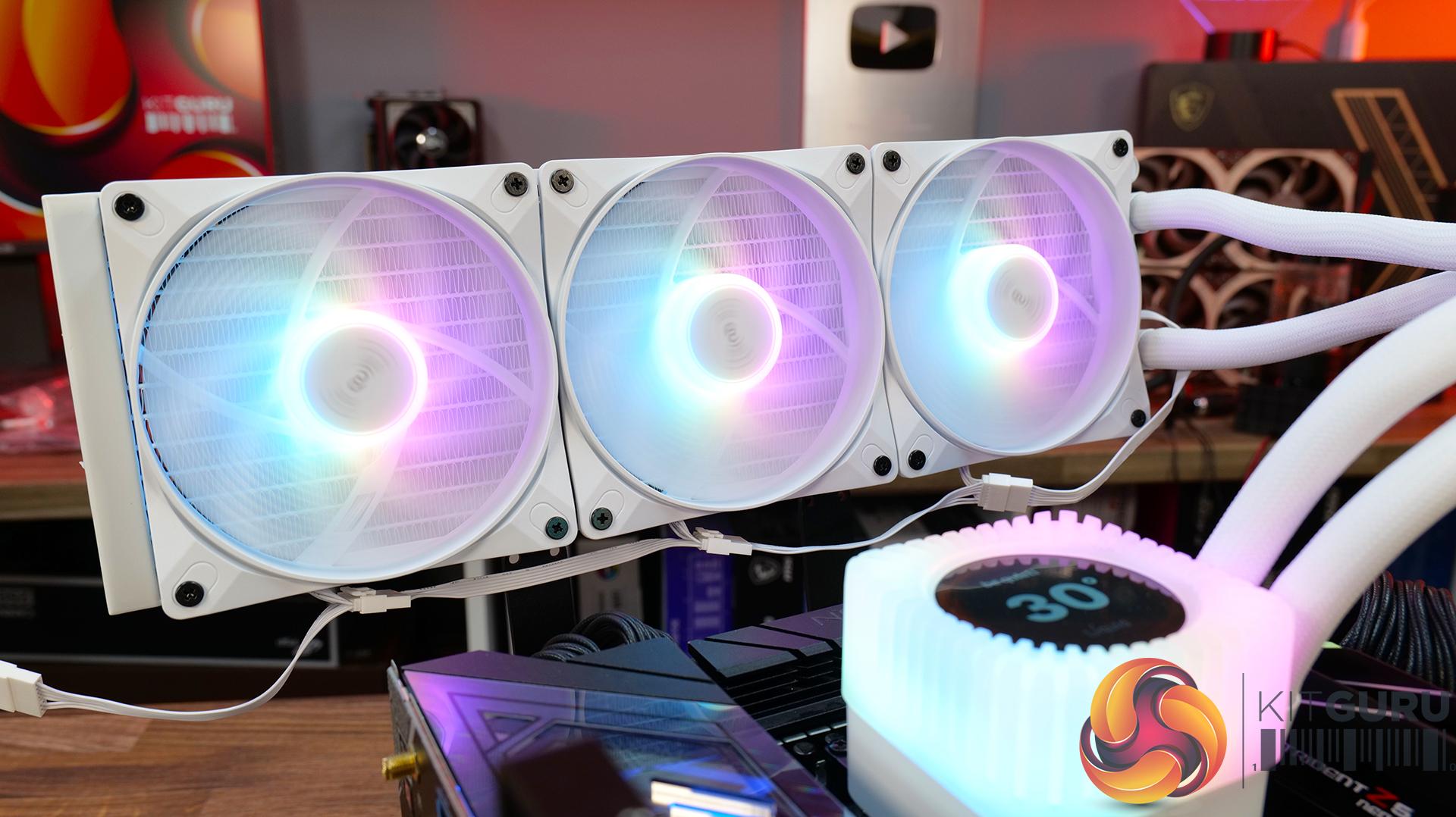
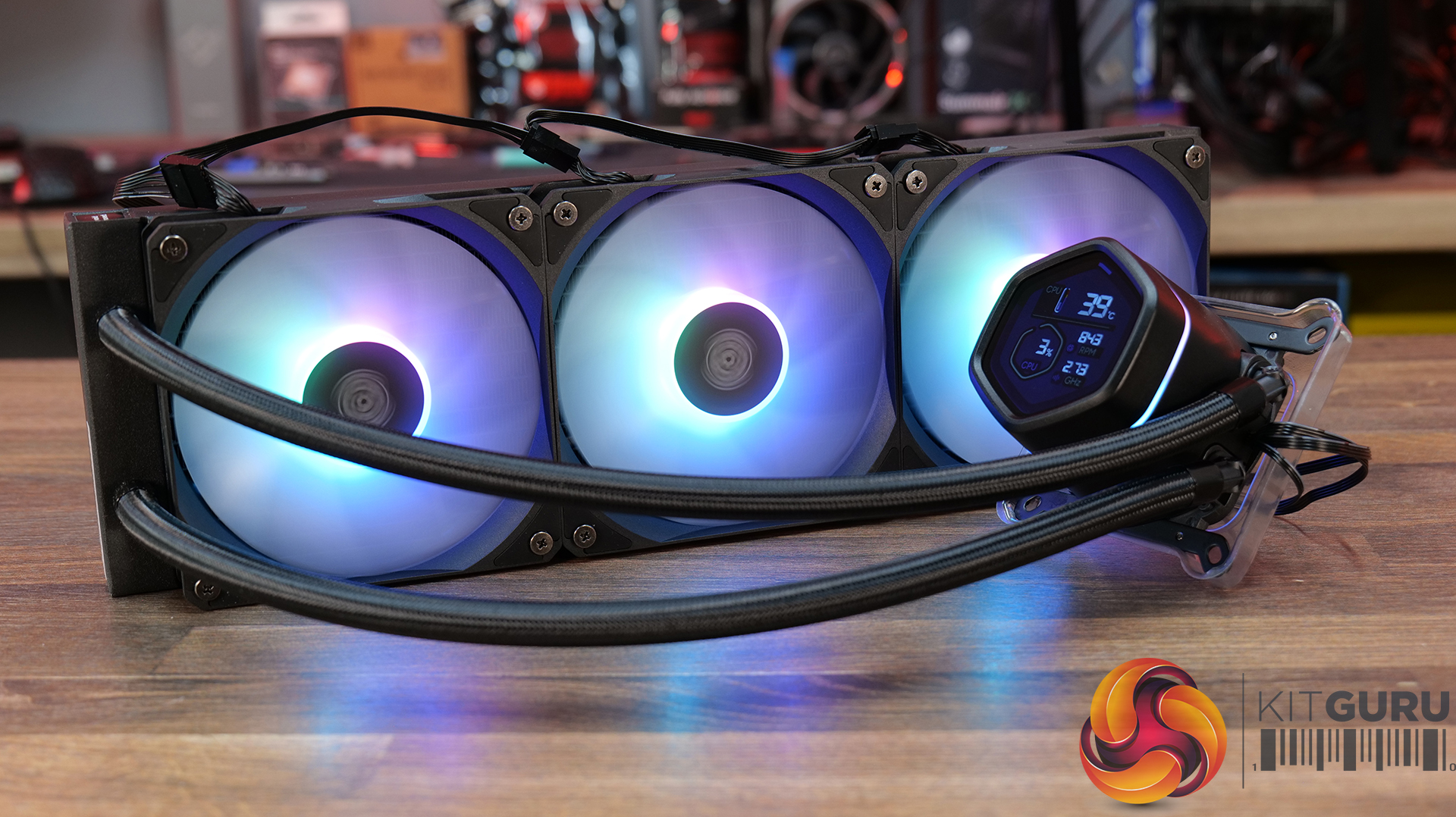
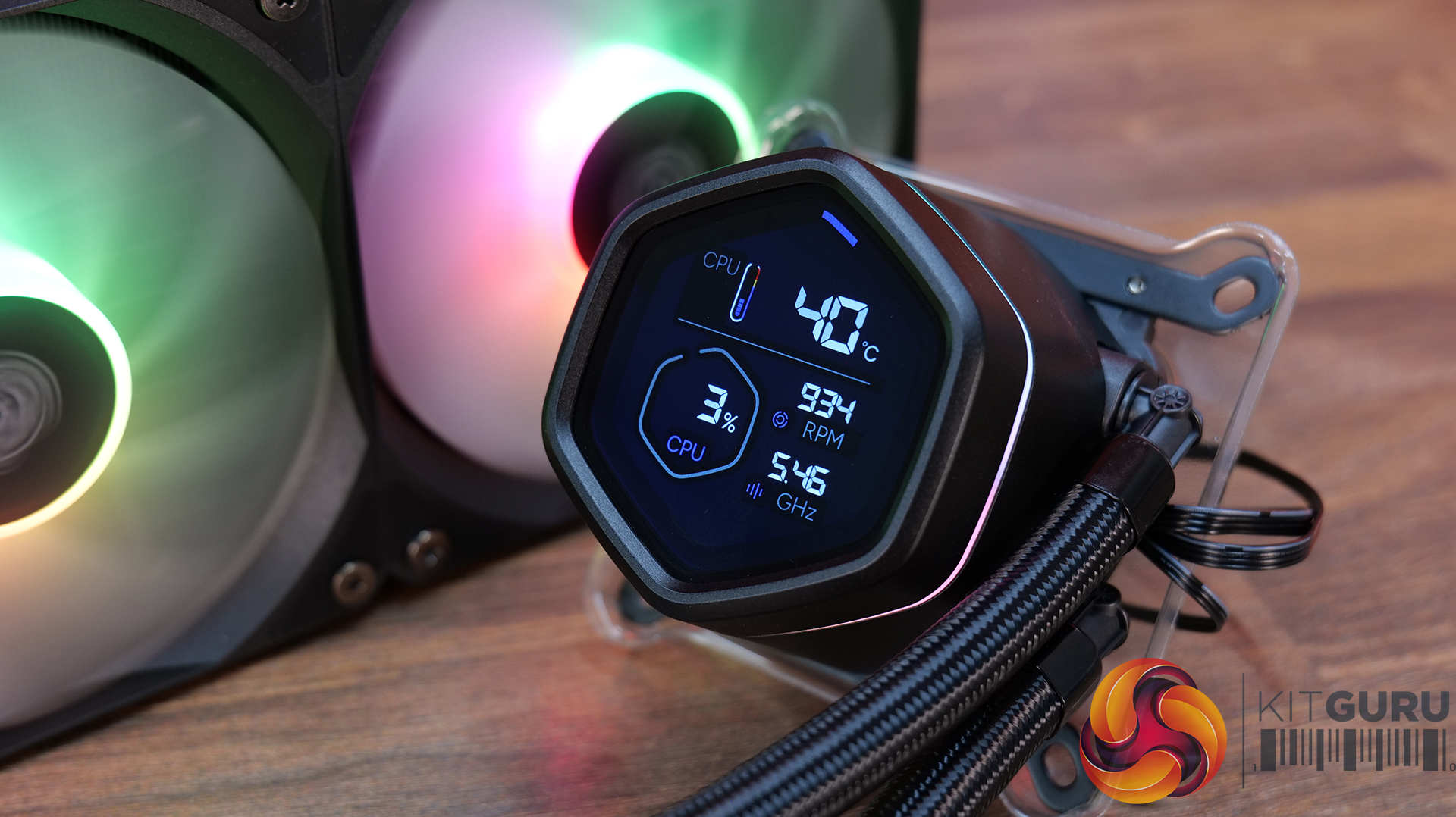
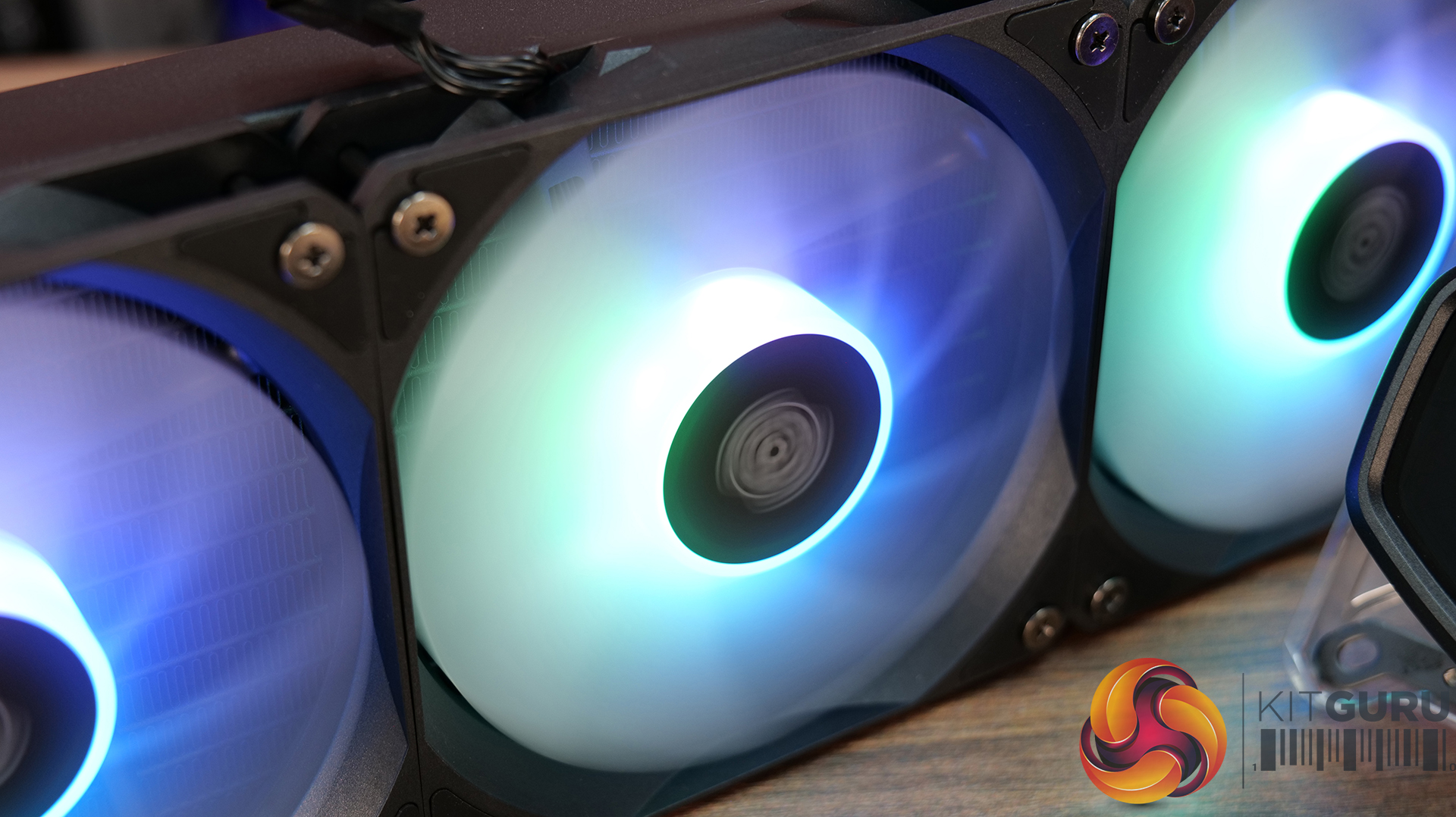
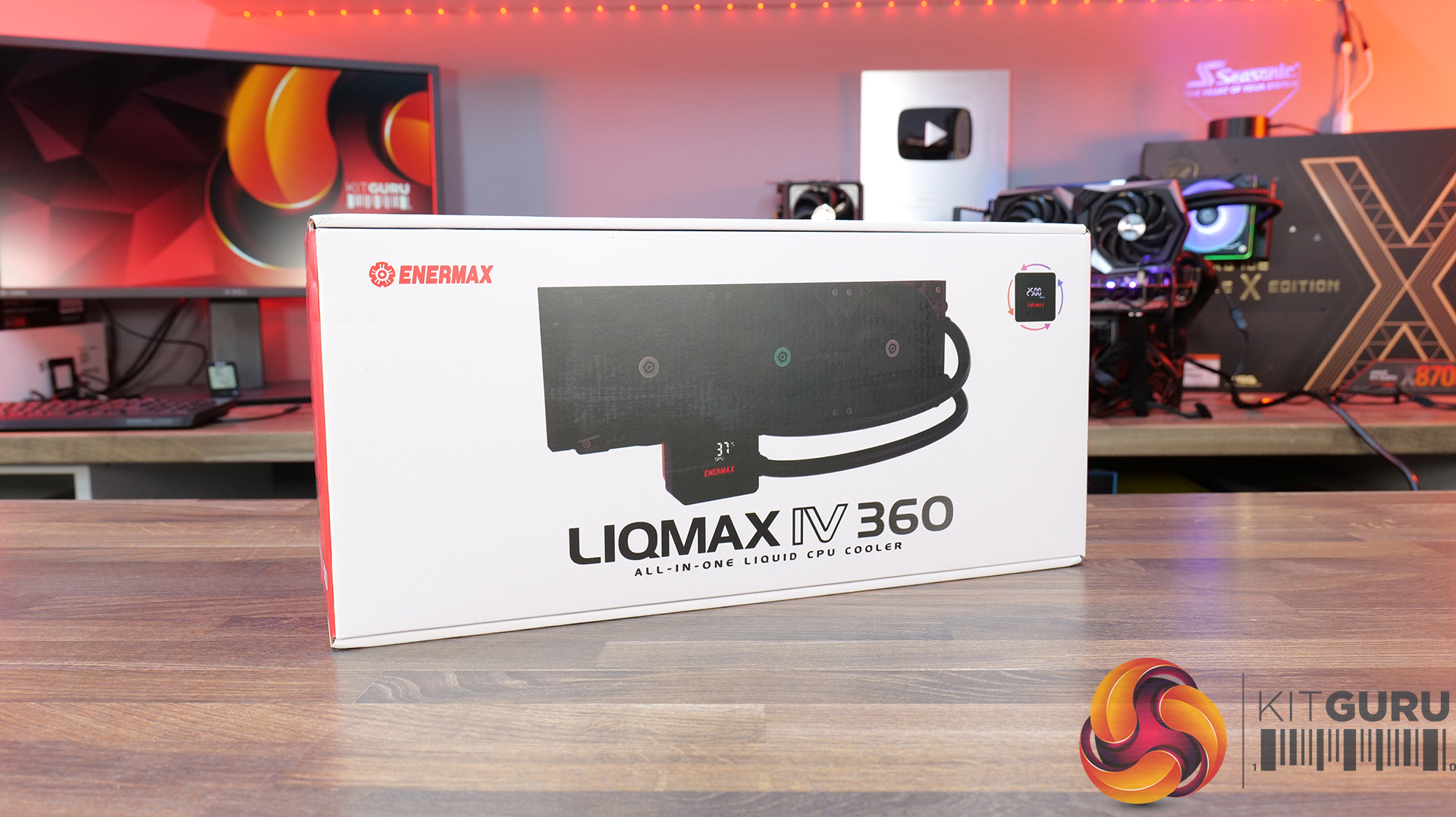
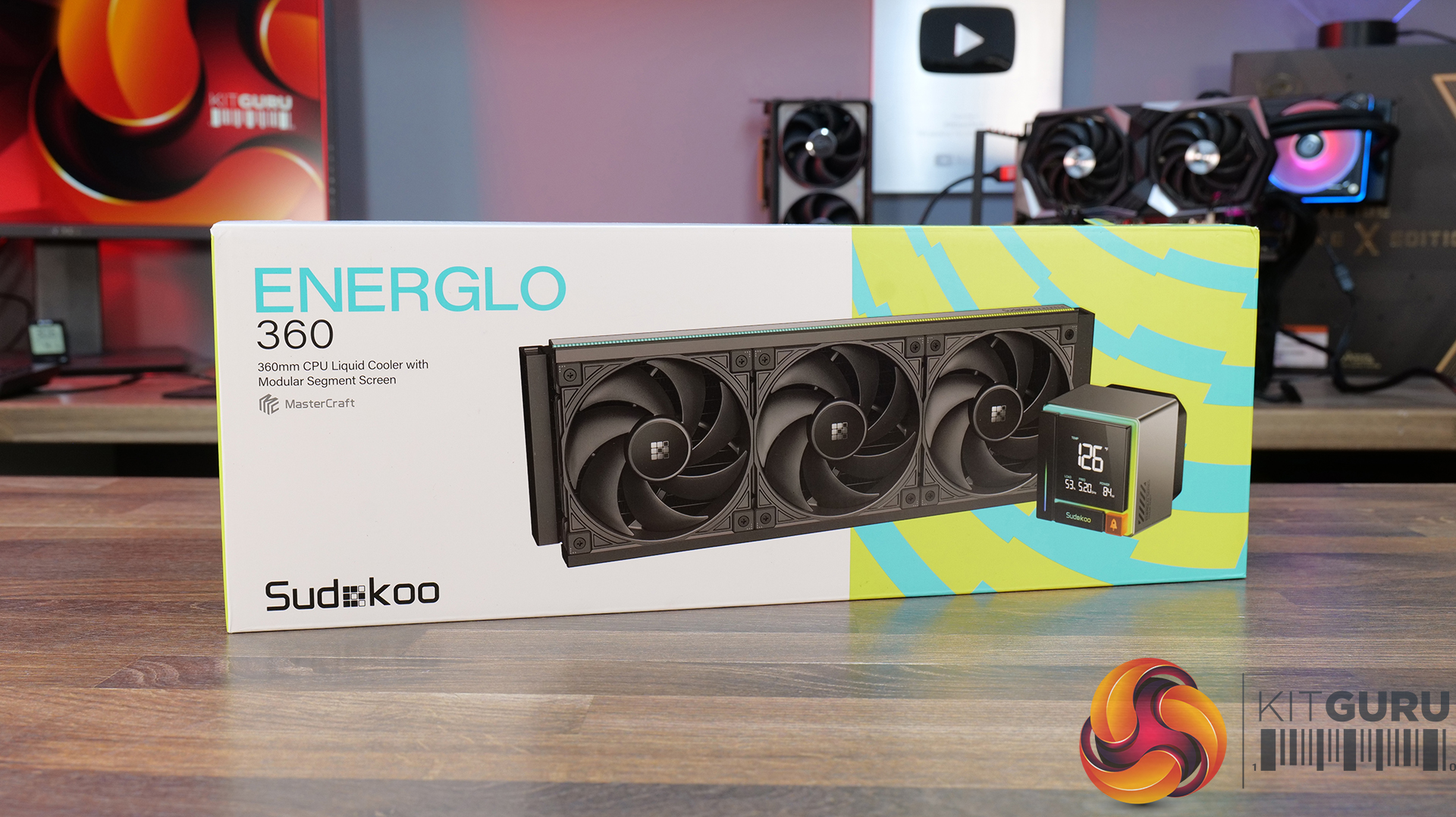
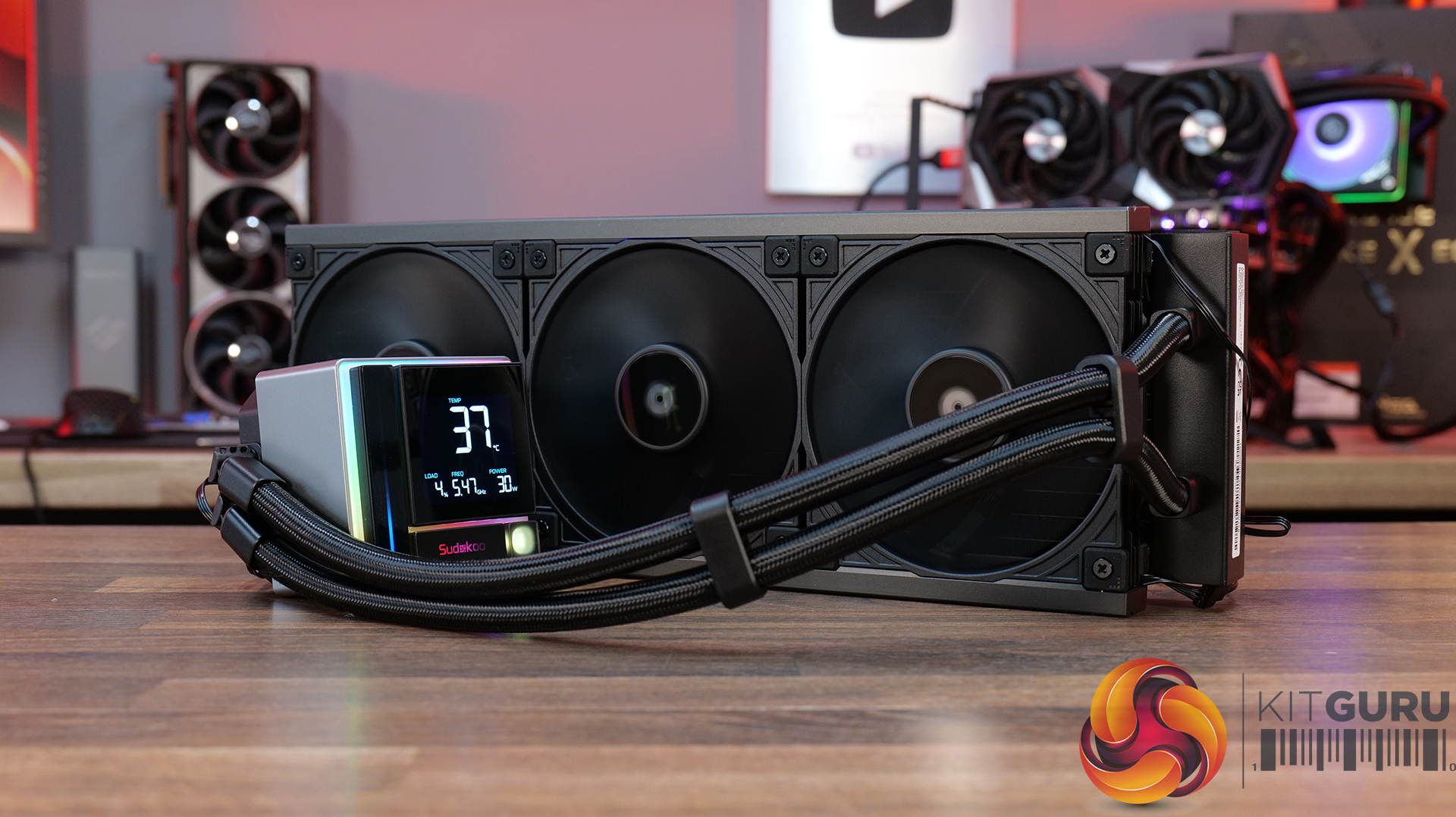
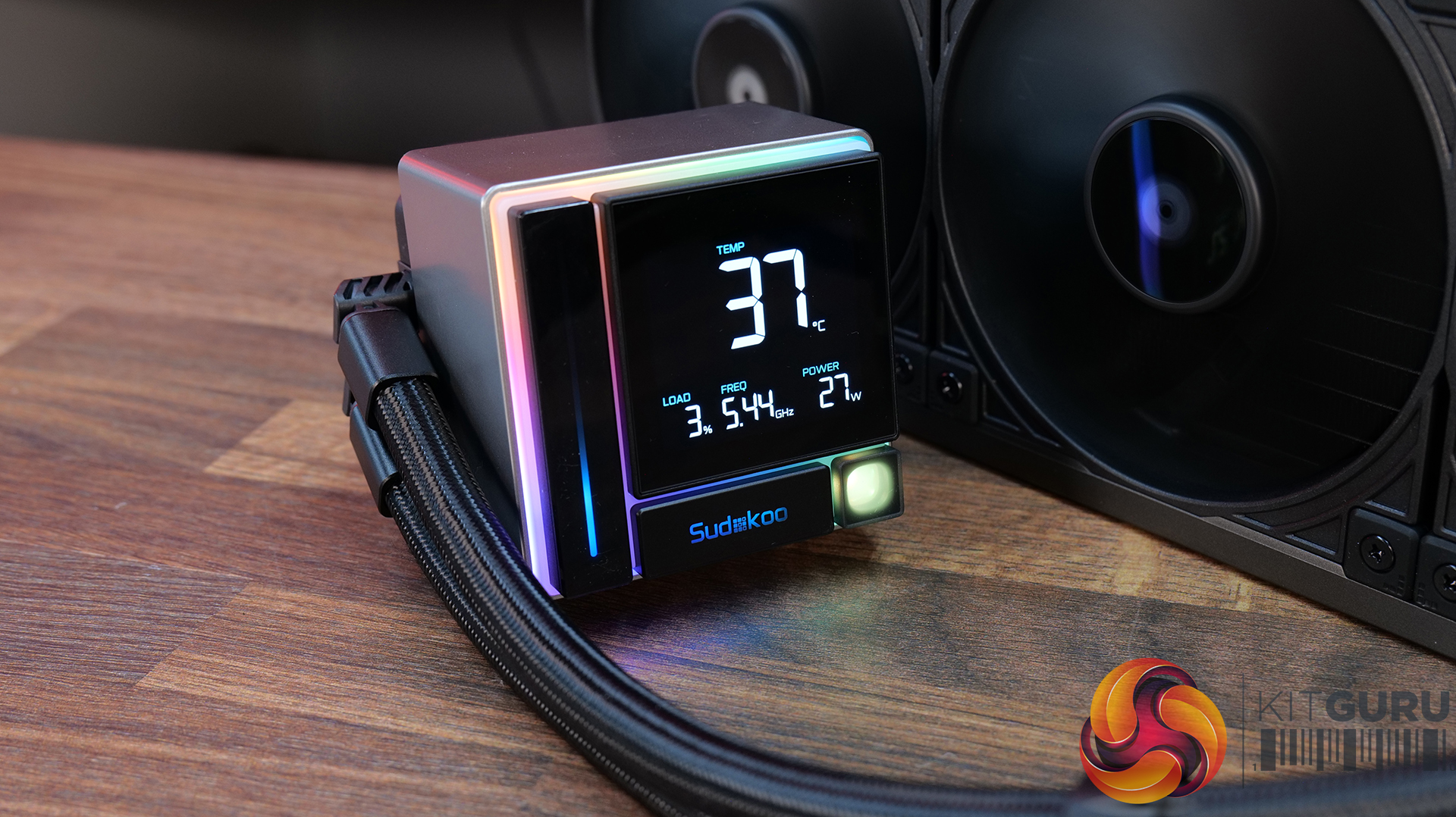
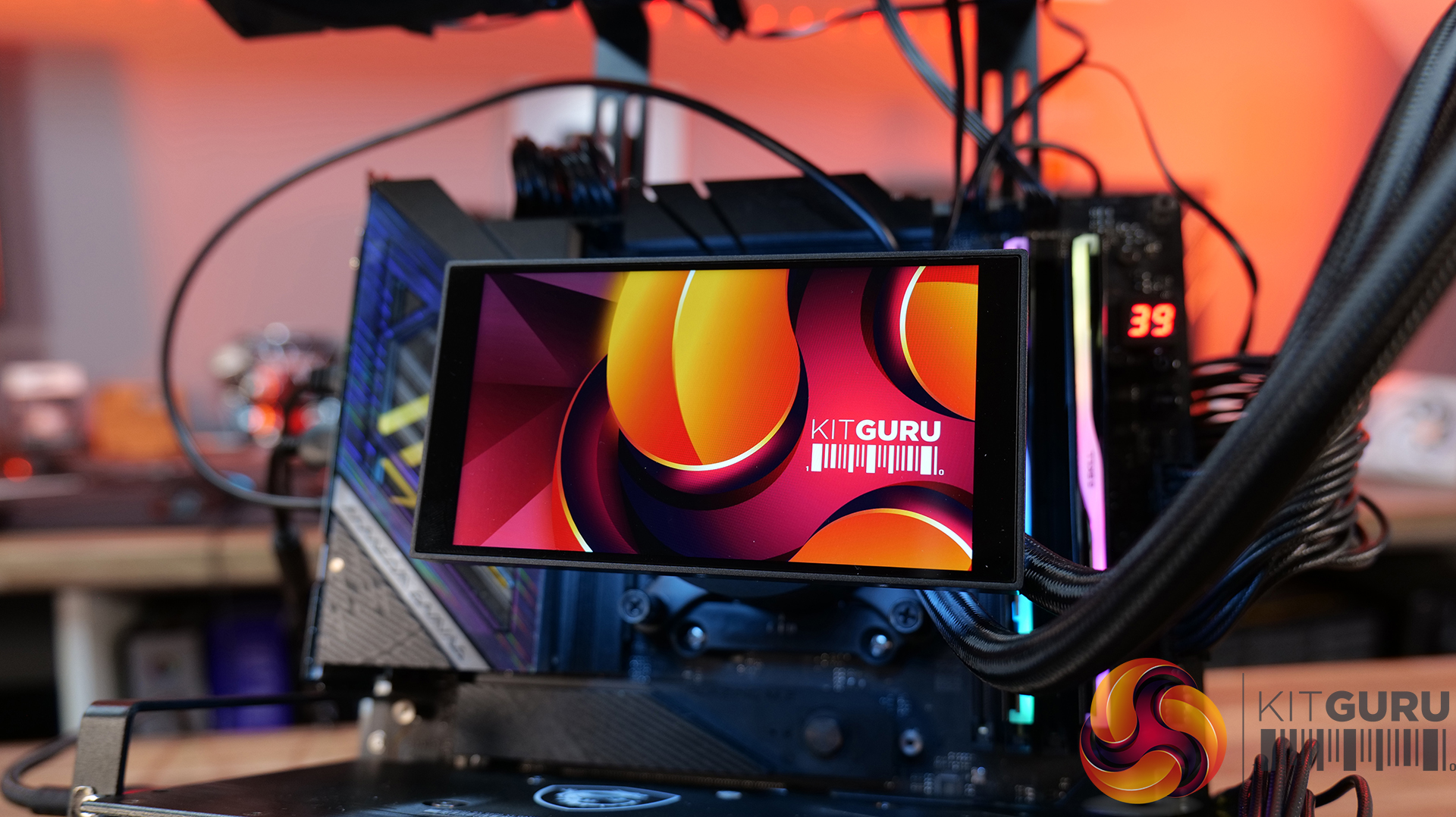
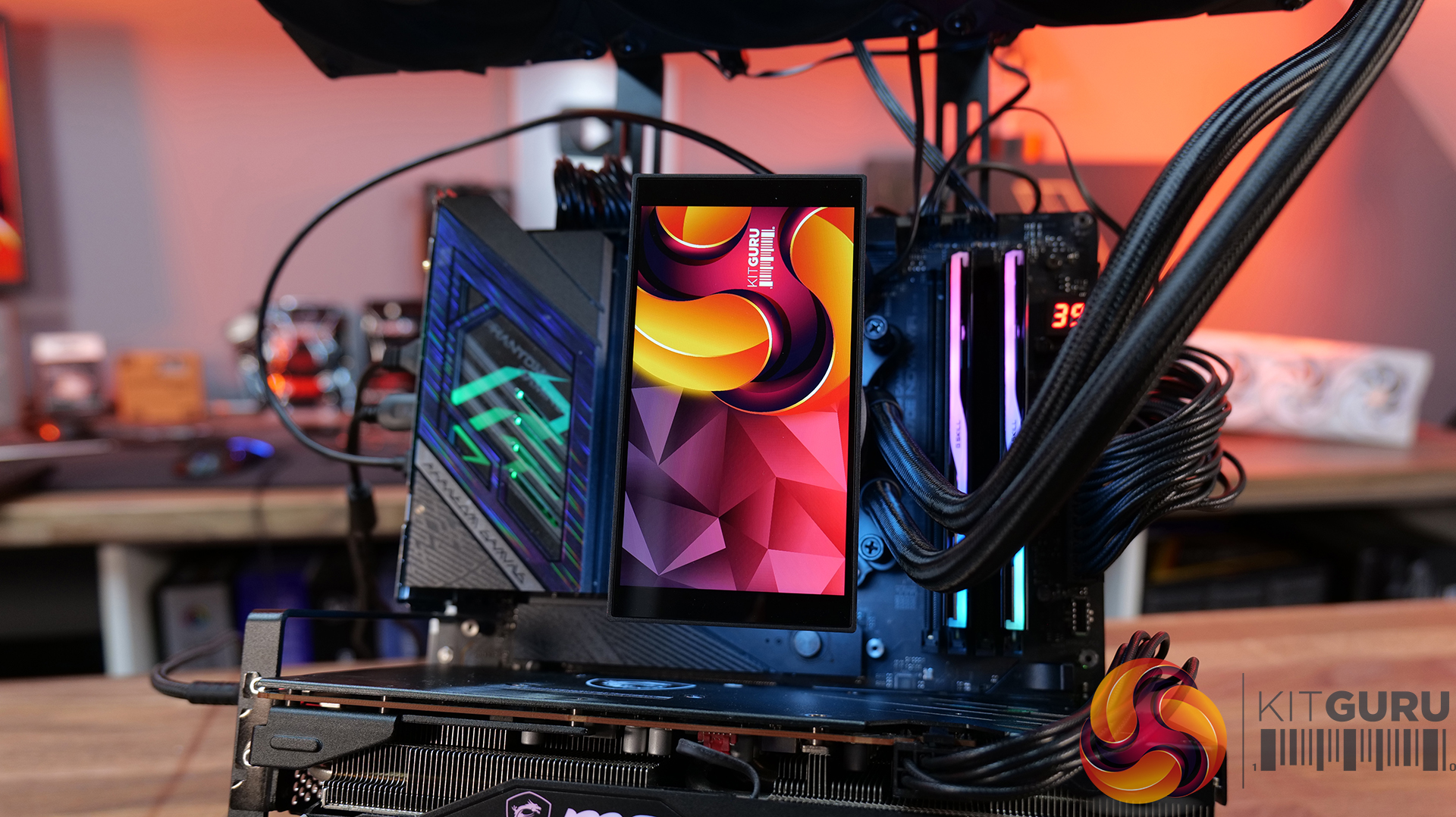
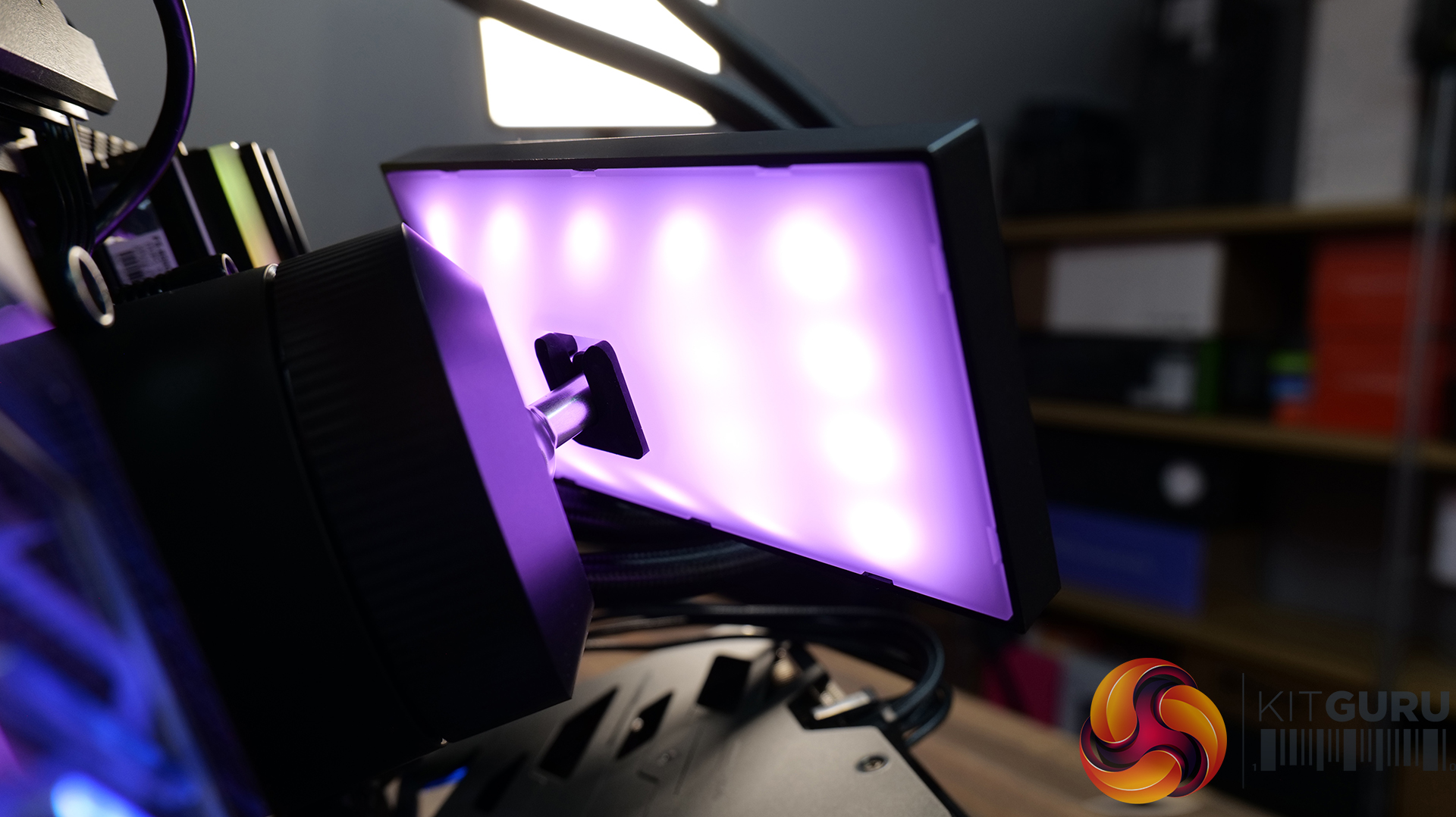
Today we’re going big on AIO coolers – seven of them in fact! We’ve got new hardware from ASRock, Cooler Master, CPS PCCOOLER, DeepCool, Enermax and Sudokoo to look at, all featuring integrated pump-mounted displays and targeting a wide range of price points. In this multi-review, we’ll be looking at thermals, noise, build quality and value for money to find out which ones are genuinely impressive, and which ones are just flashy-looking screens with a pump attached.

Timestamps:

00:00 Intro
00:44 ASRock Challenger 360 Digital
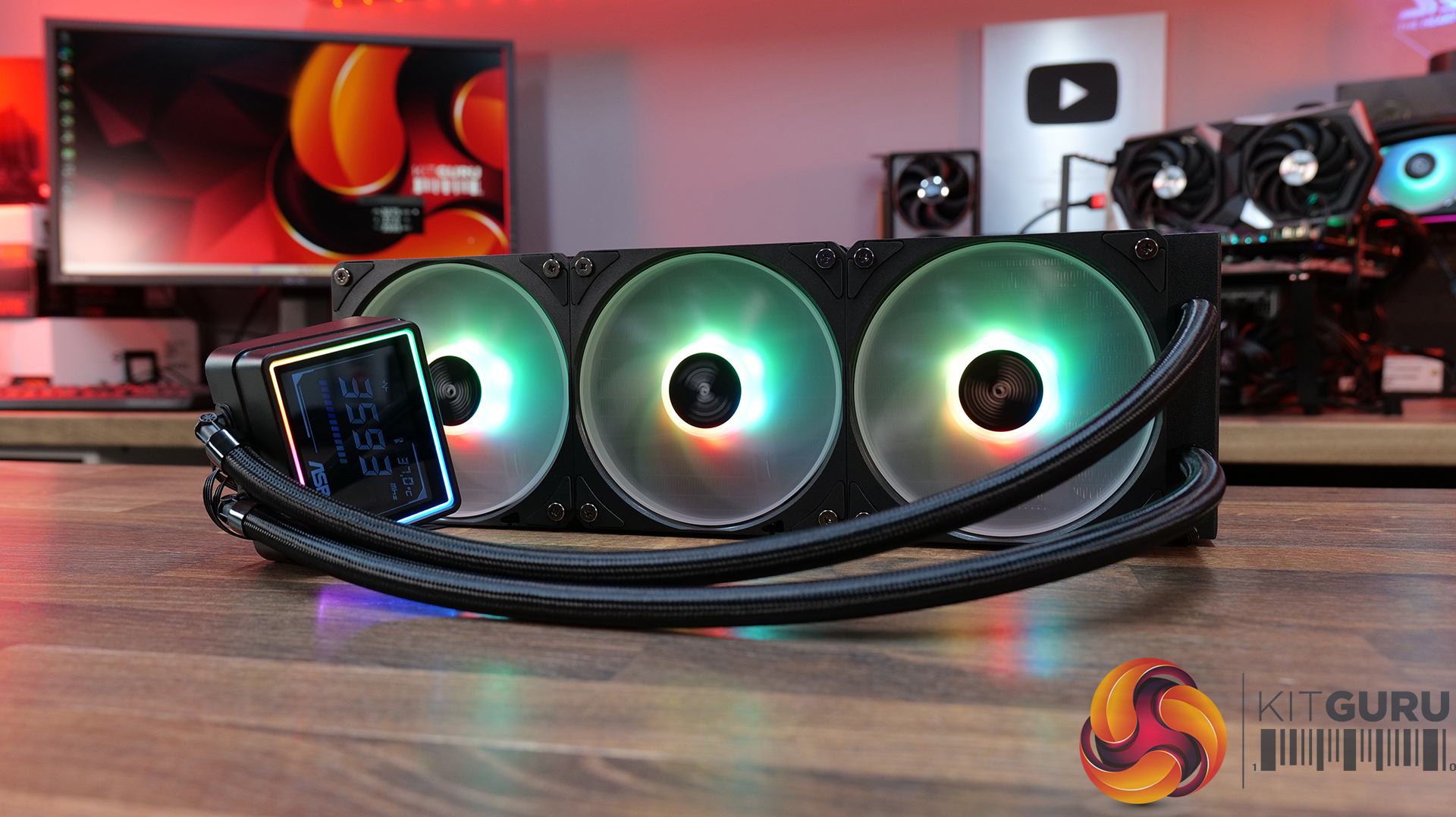
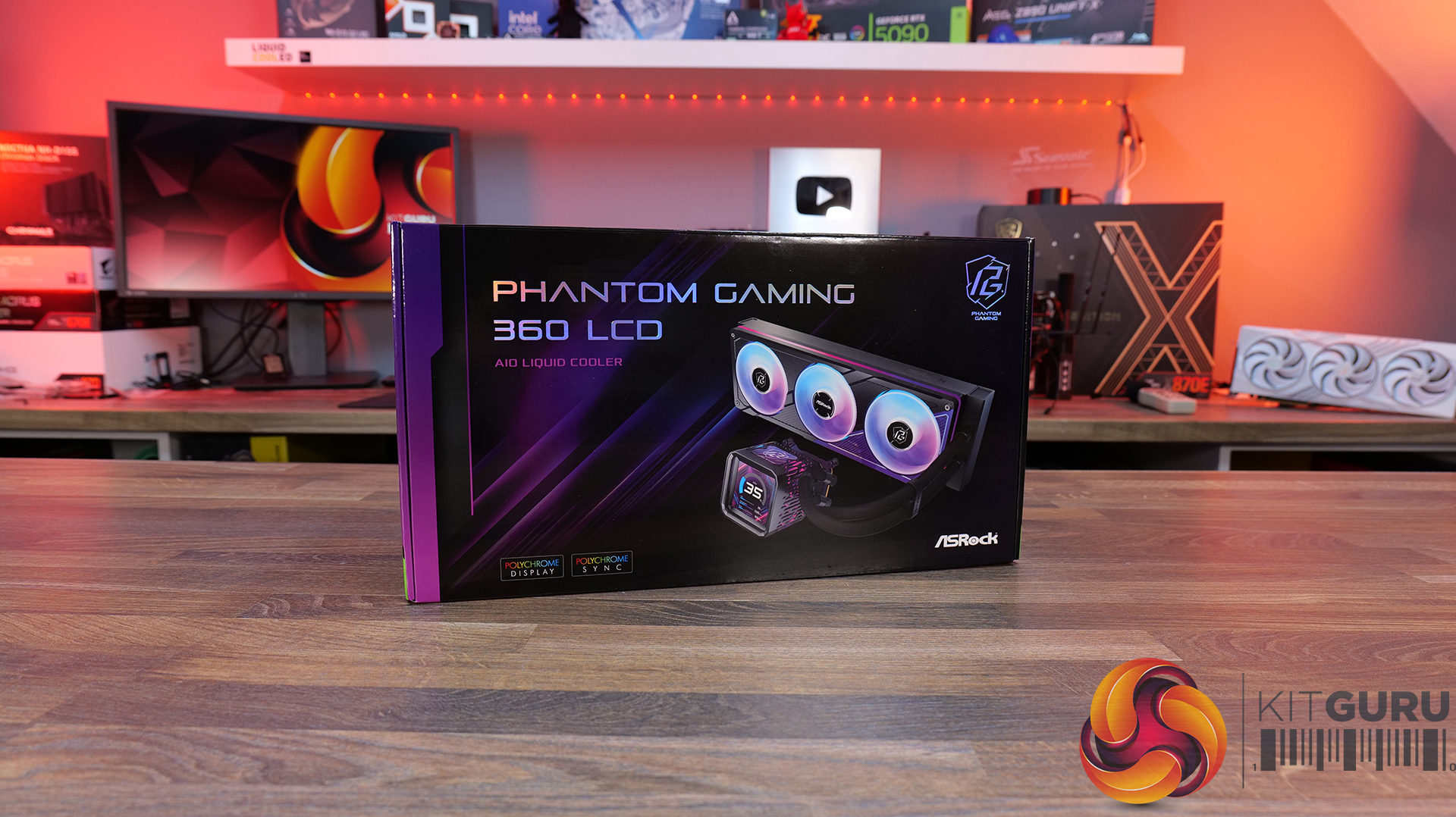
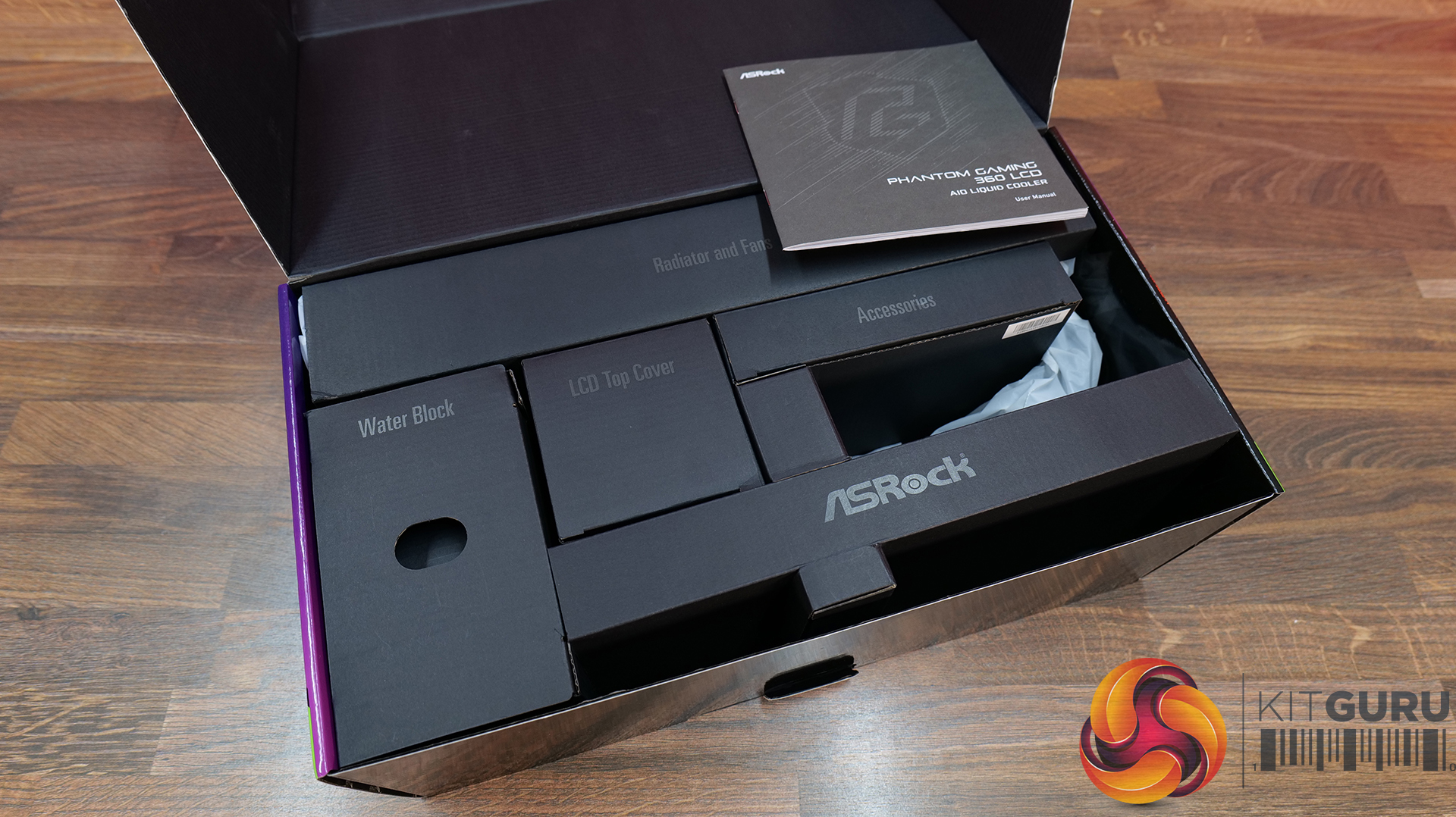
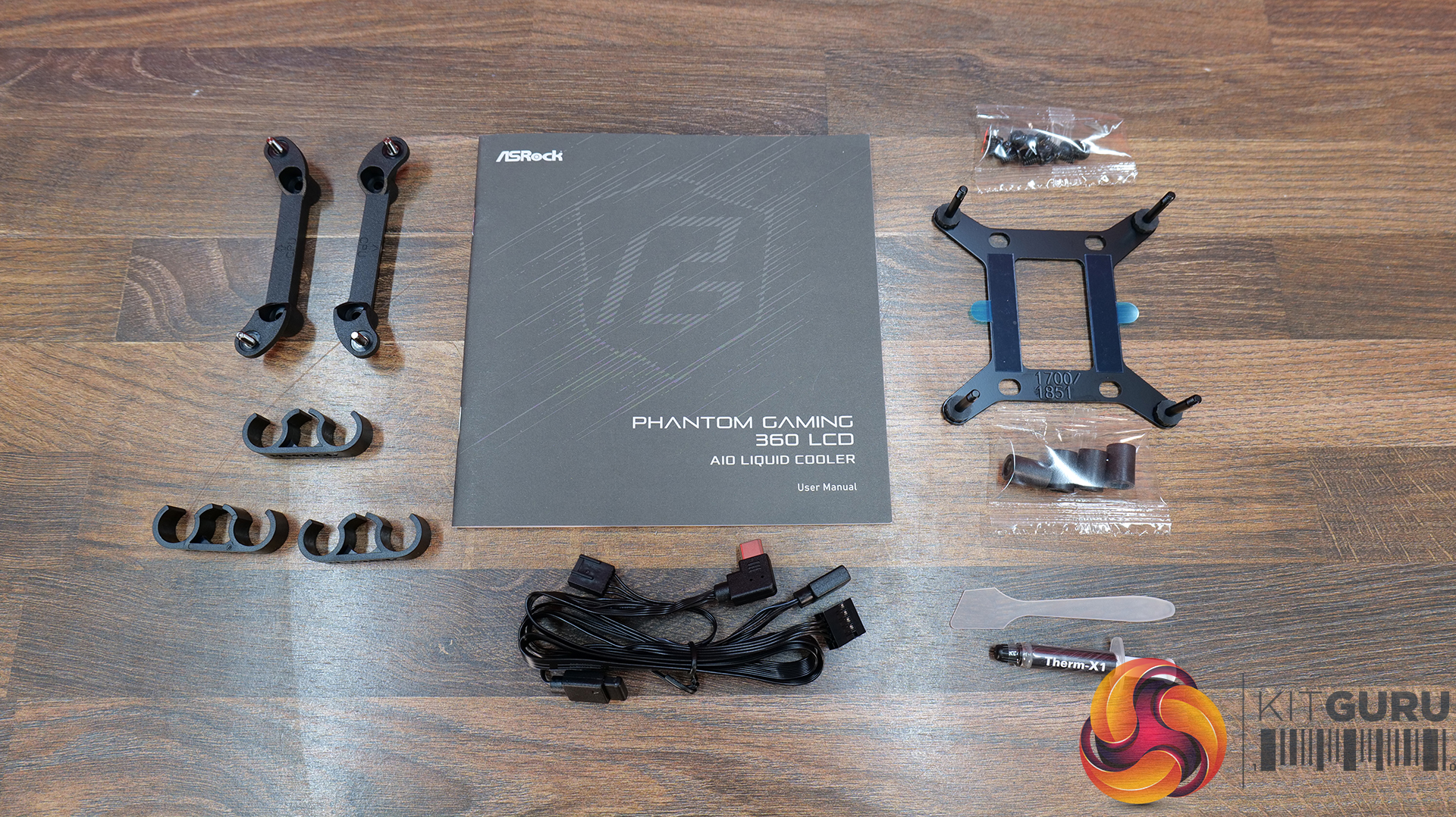
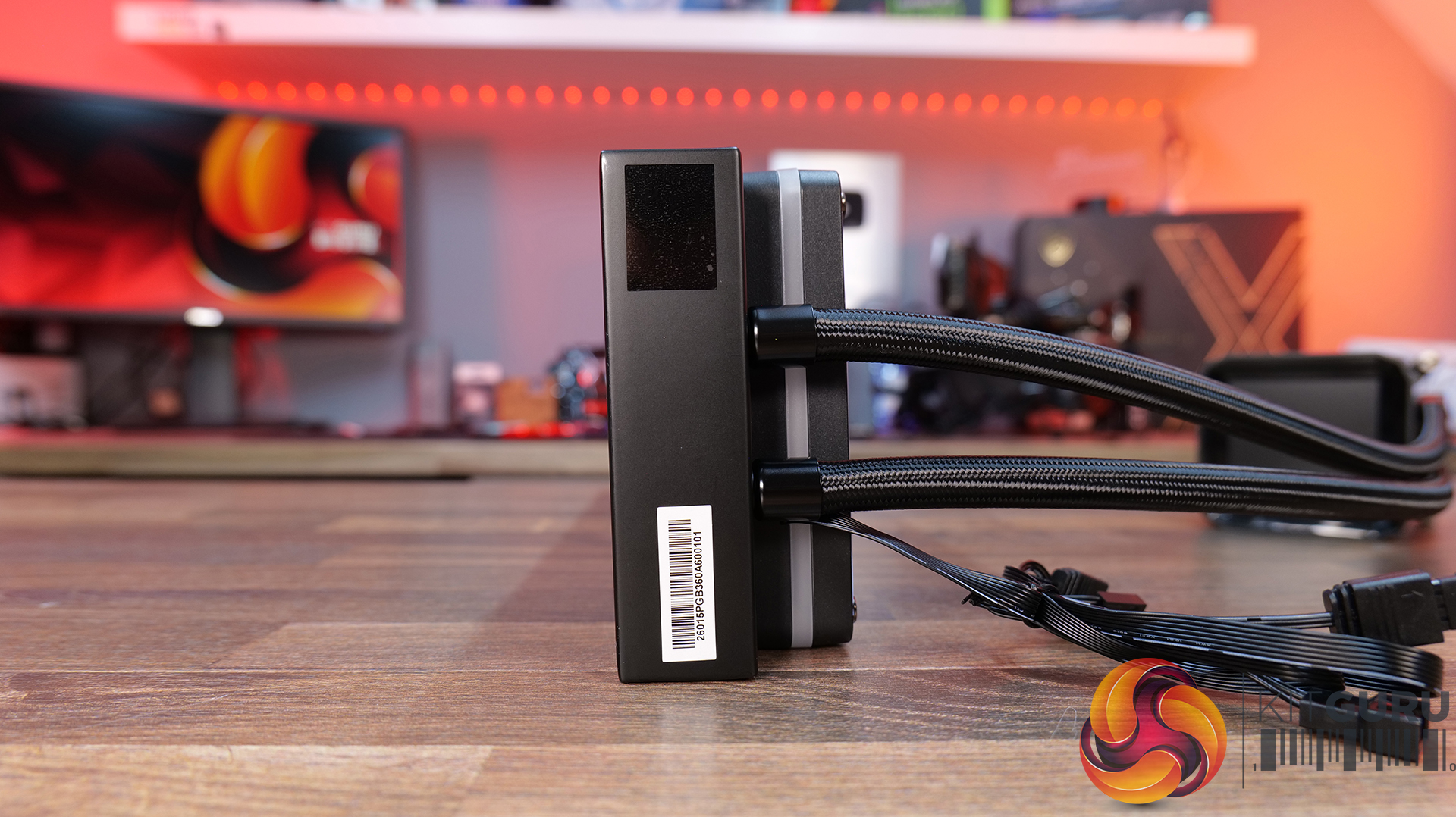
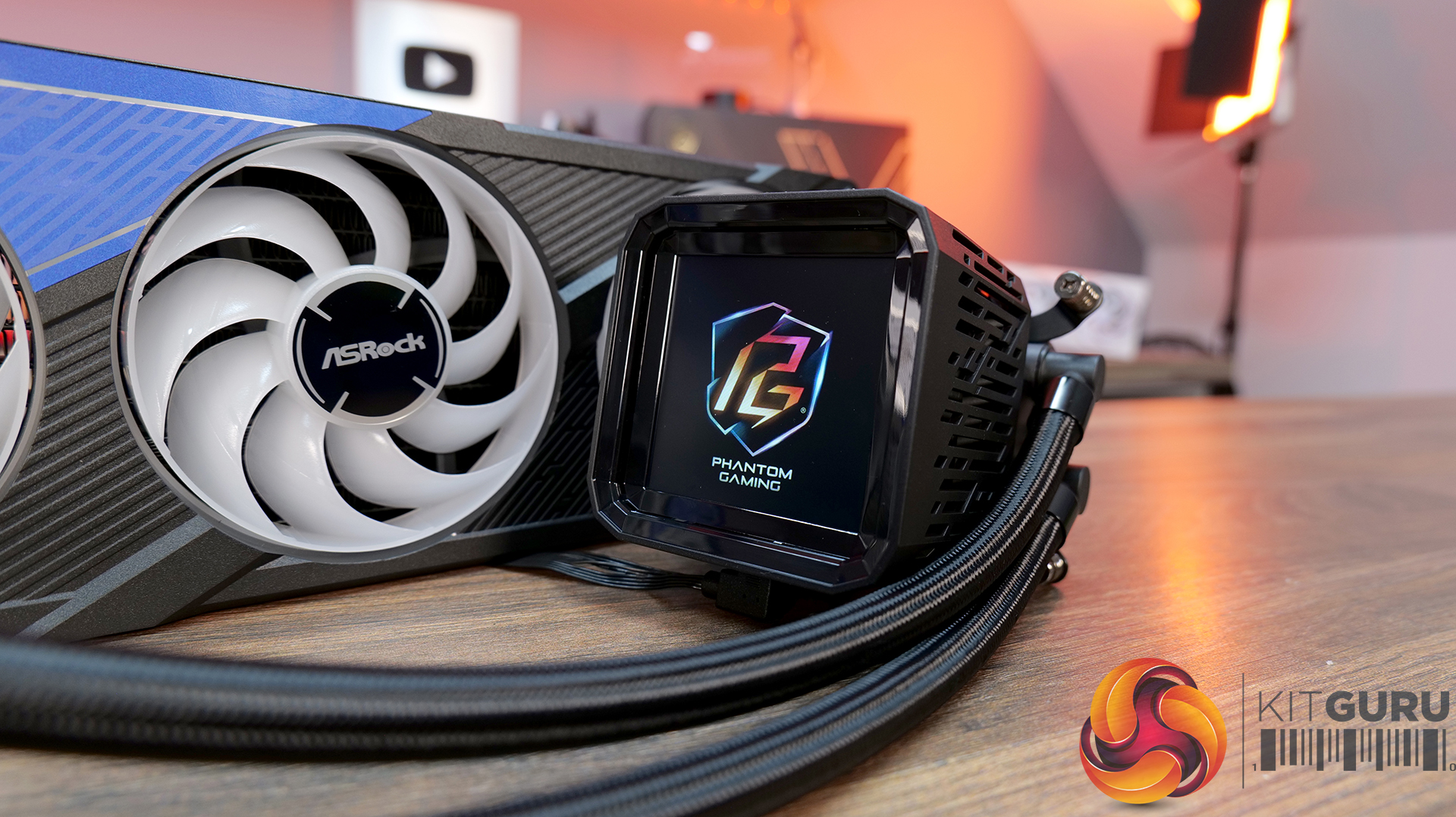
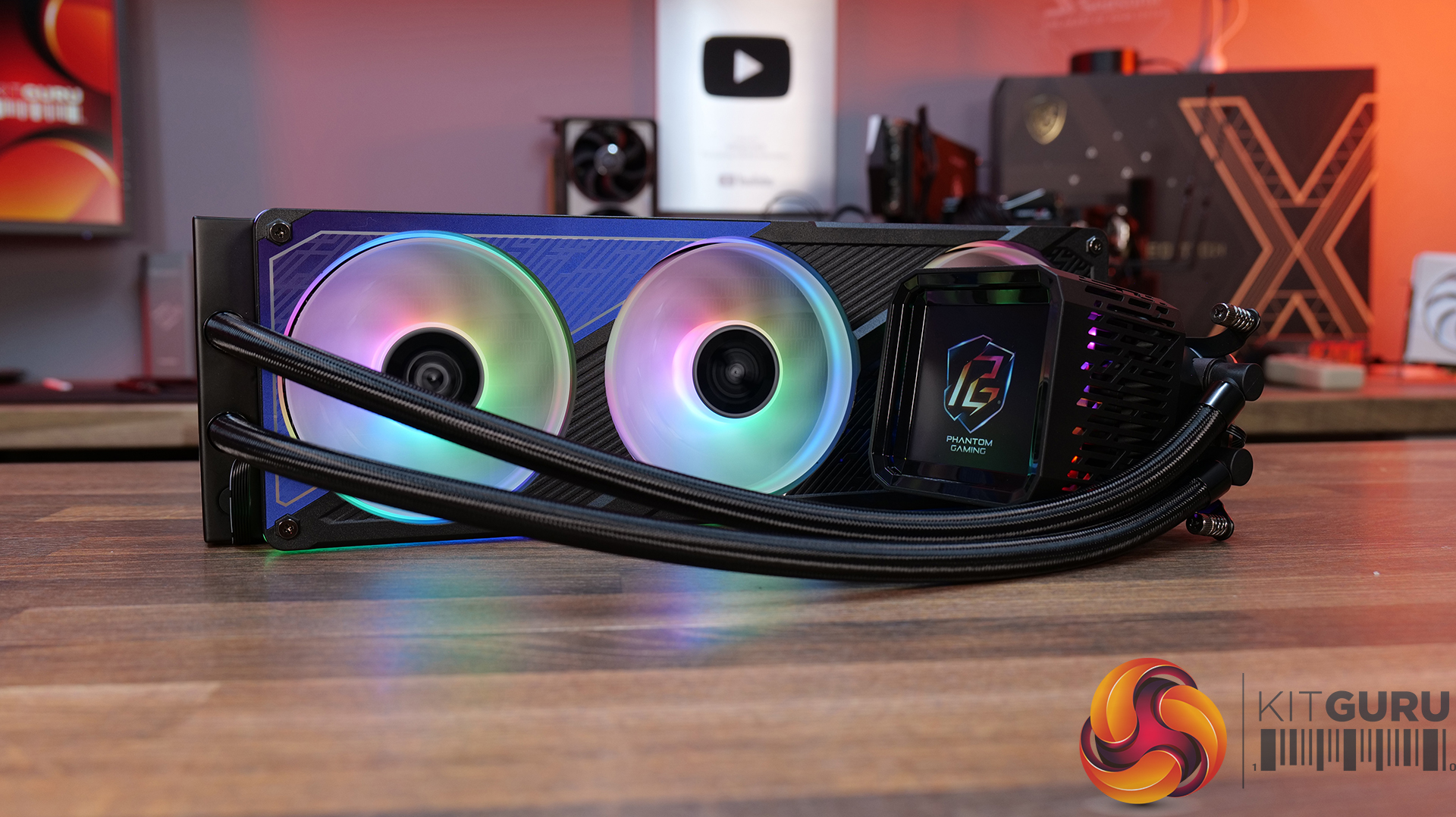
07:40 ASRock Phantom Gaming 360 LCD
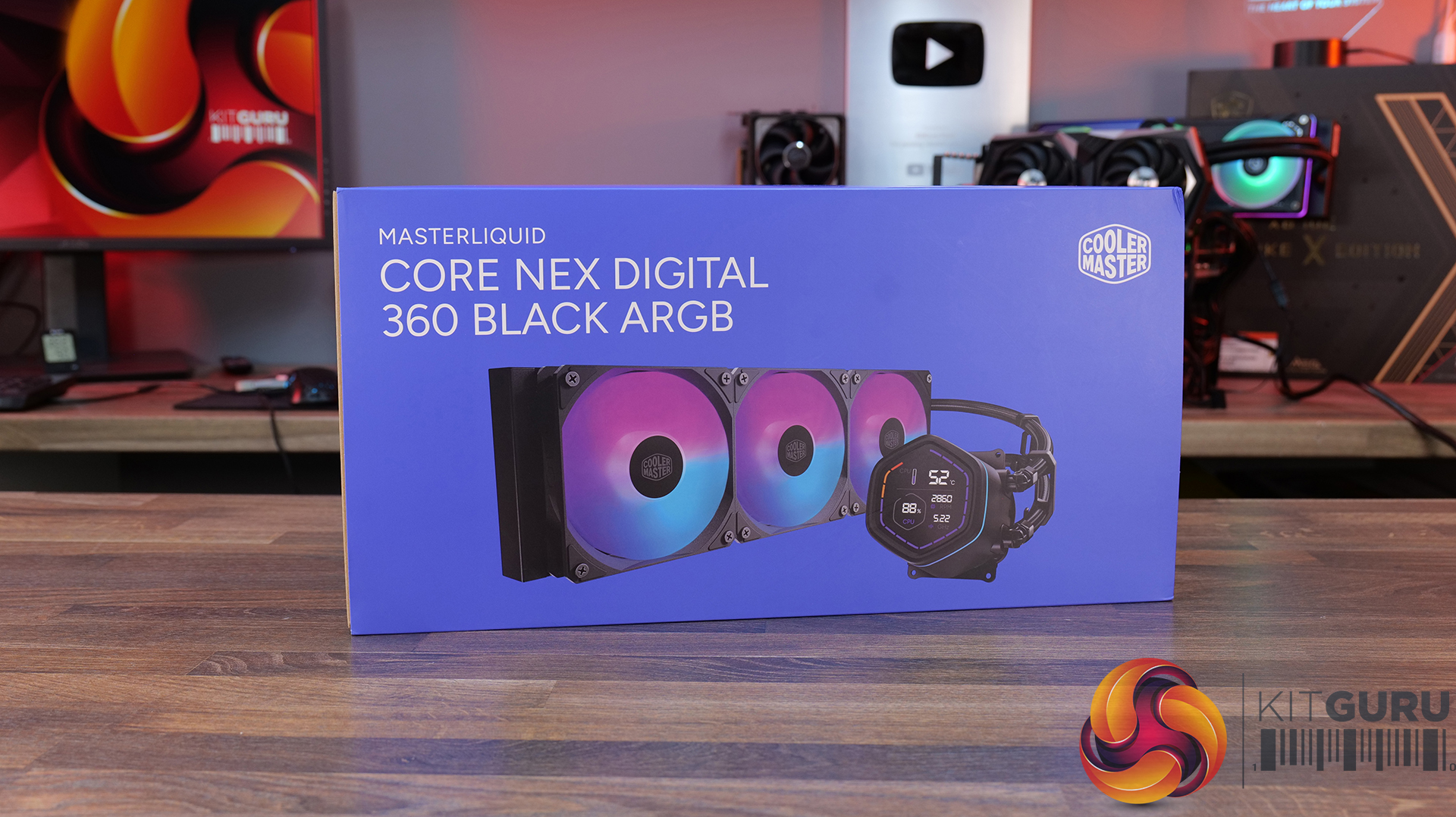
14:56 Cooler Master MasterLiquid Core Nex Digital 360 Black ARGB
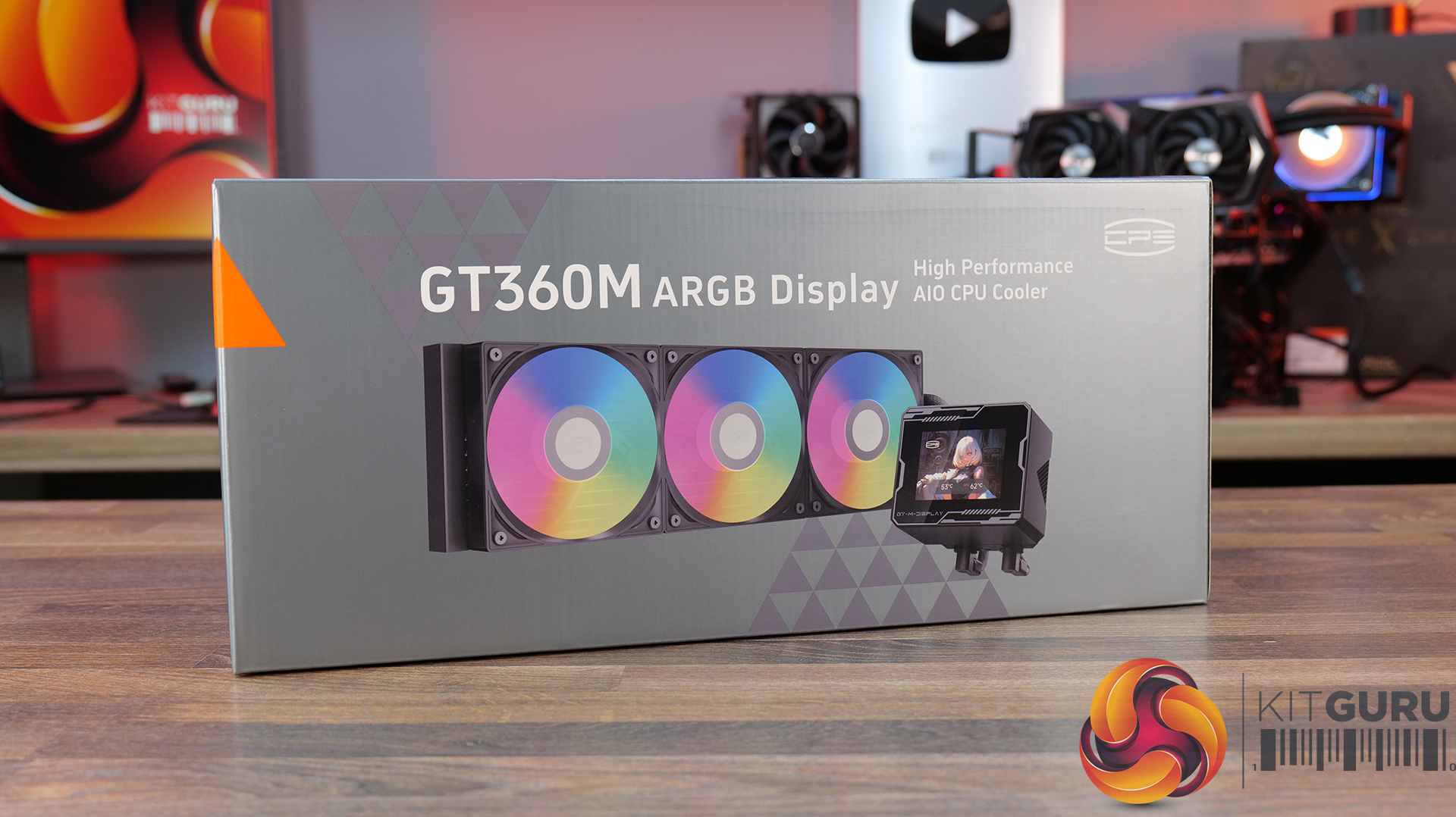
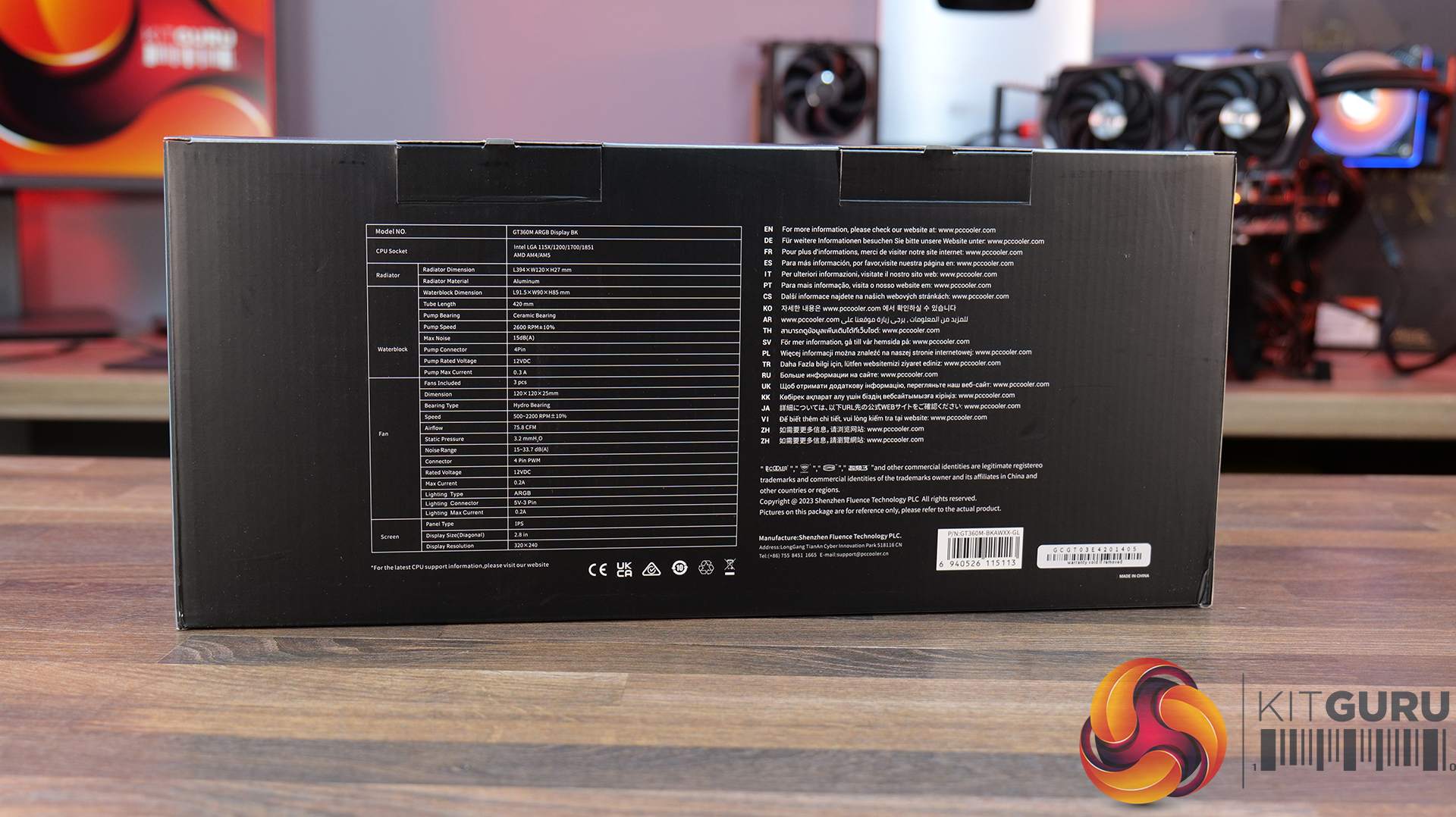
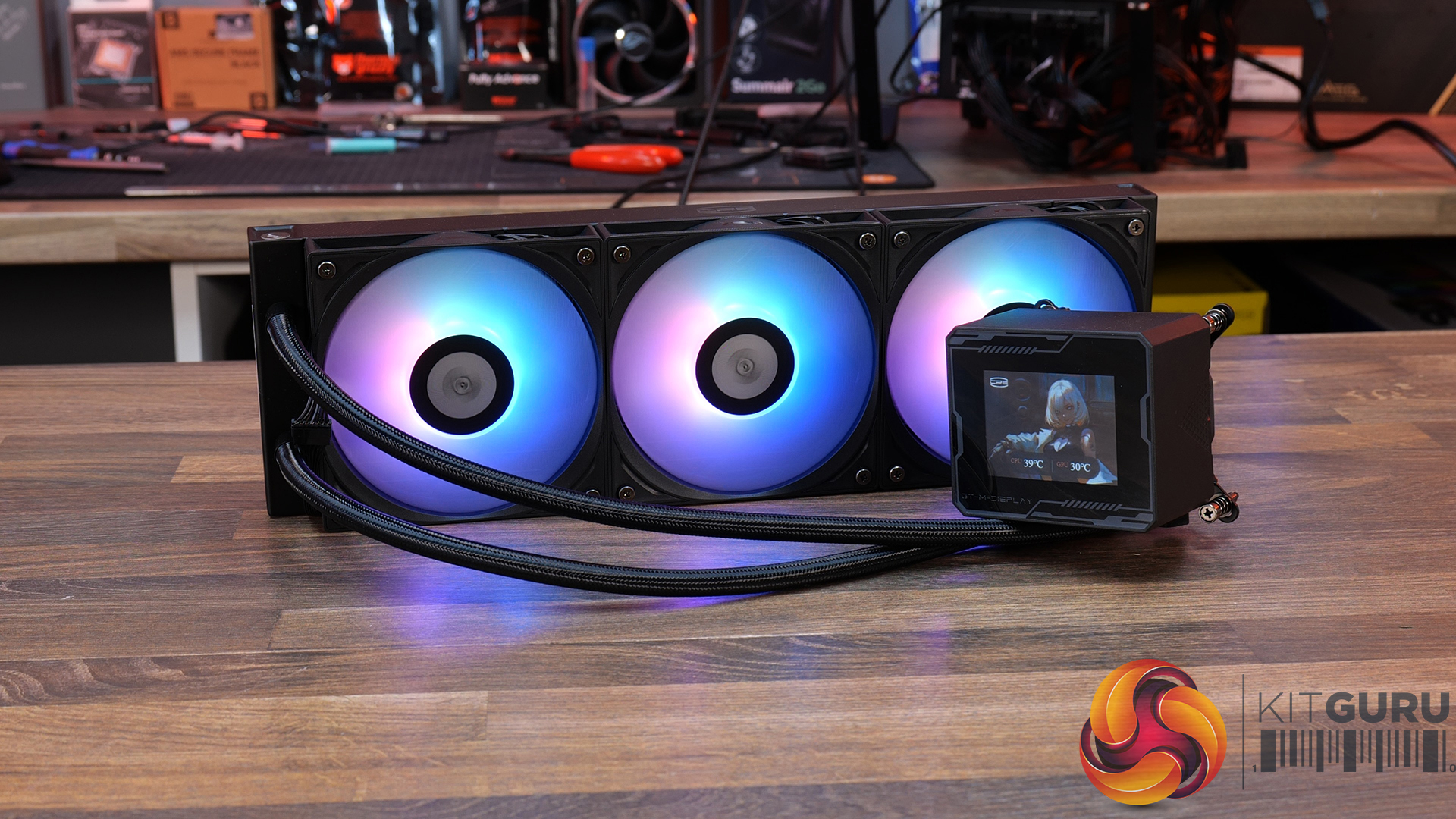
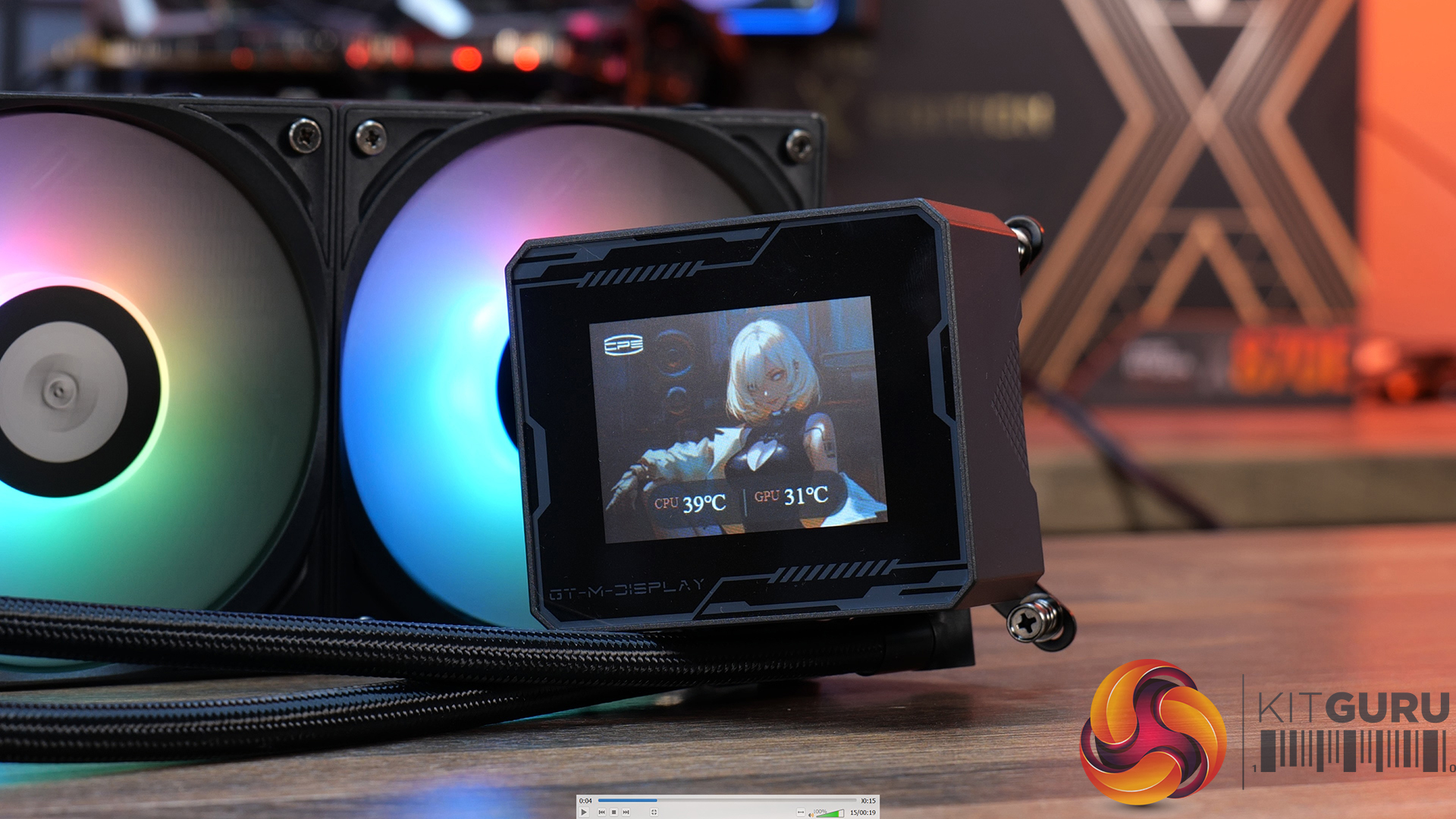
21:01 CPS PCCOOLER GT360M ARGB Display
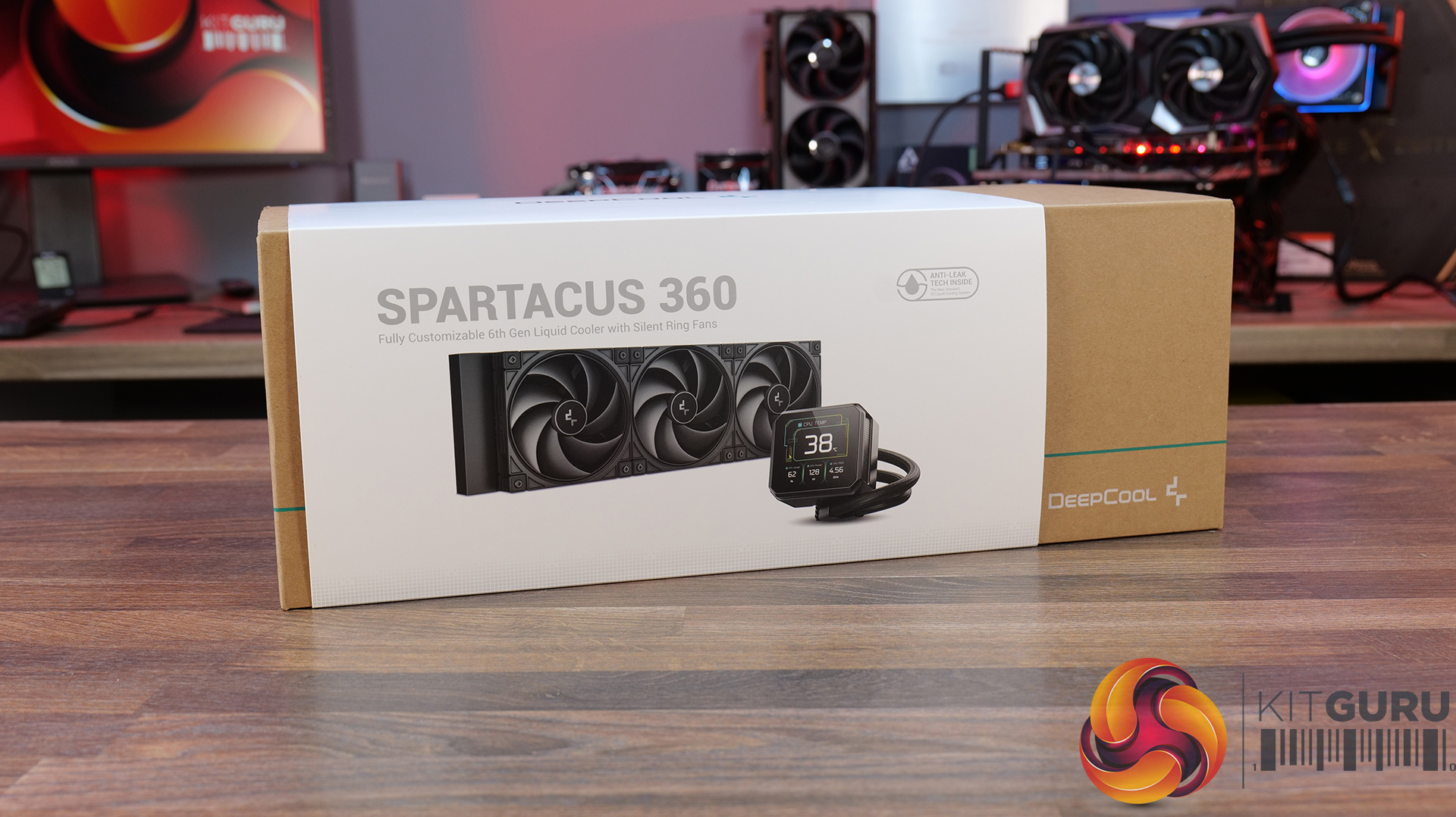
26:23 Deepcool Spartacus 360
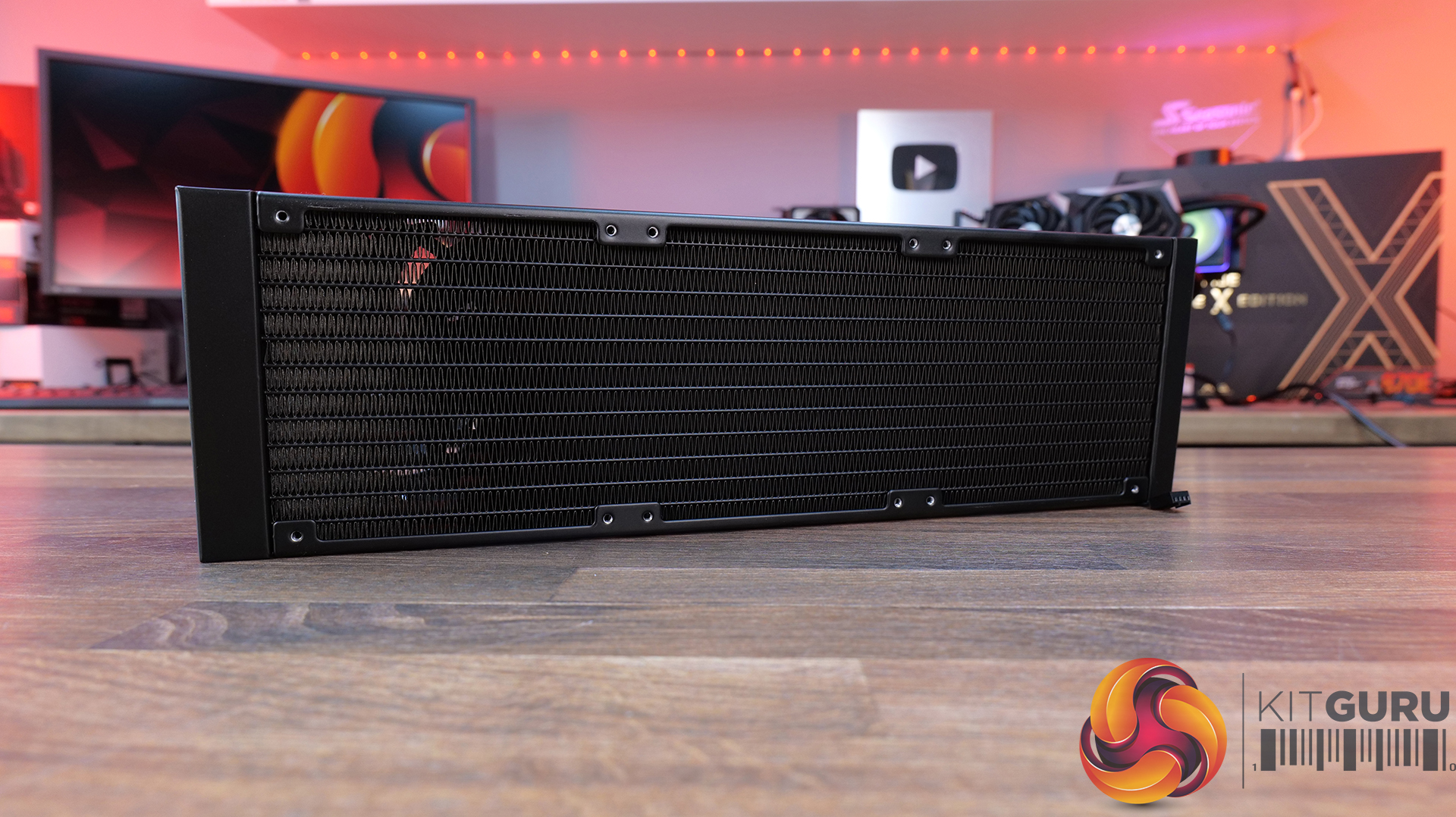
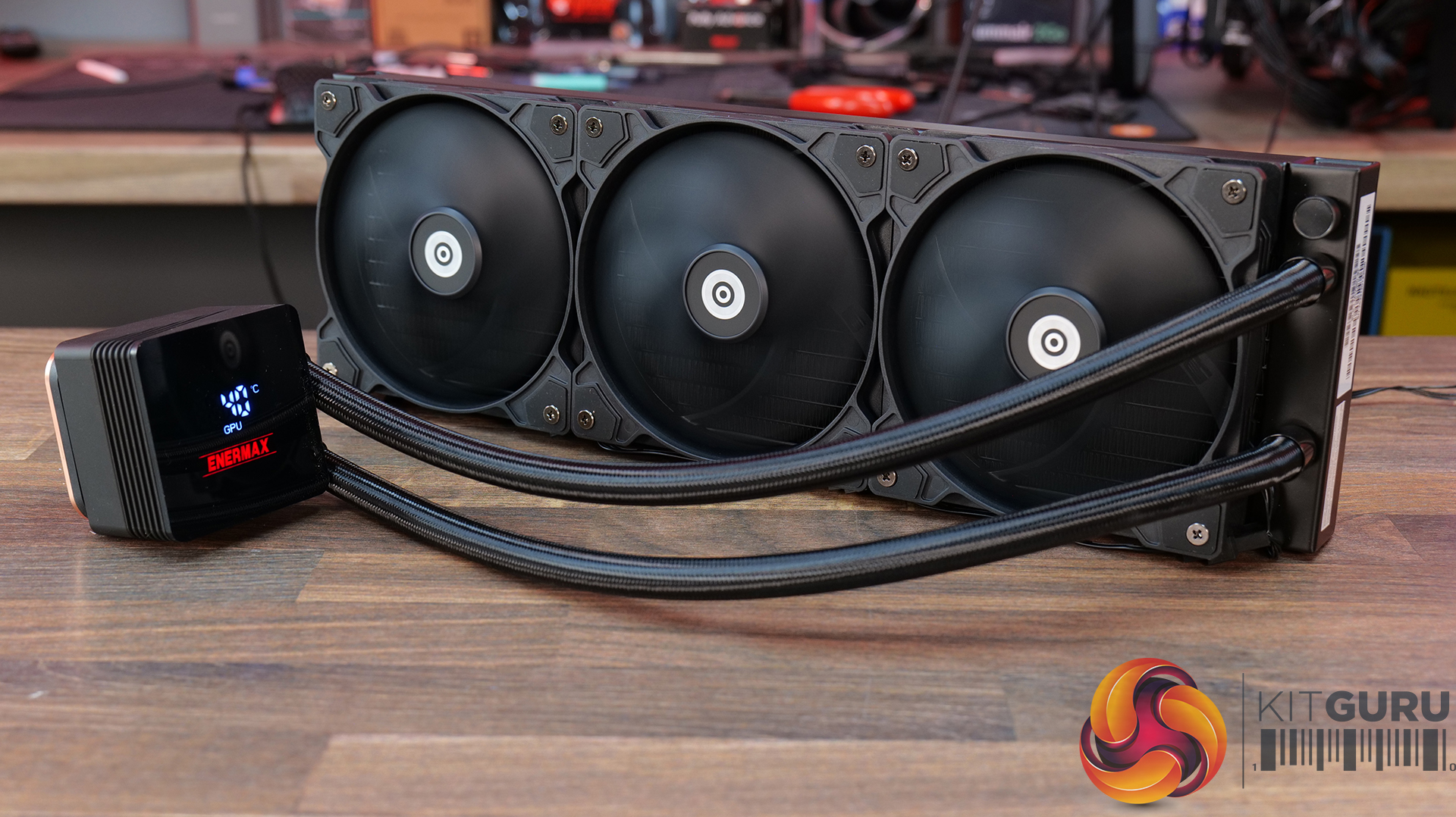
31:20 Enermax Liqmax IV 360
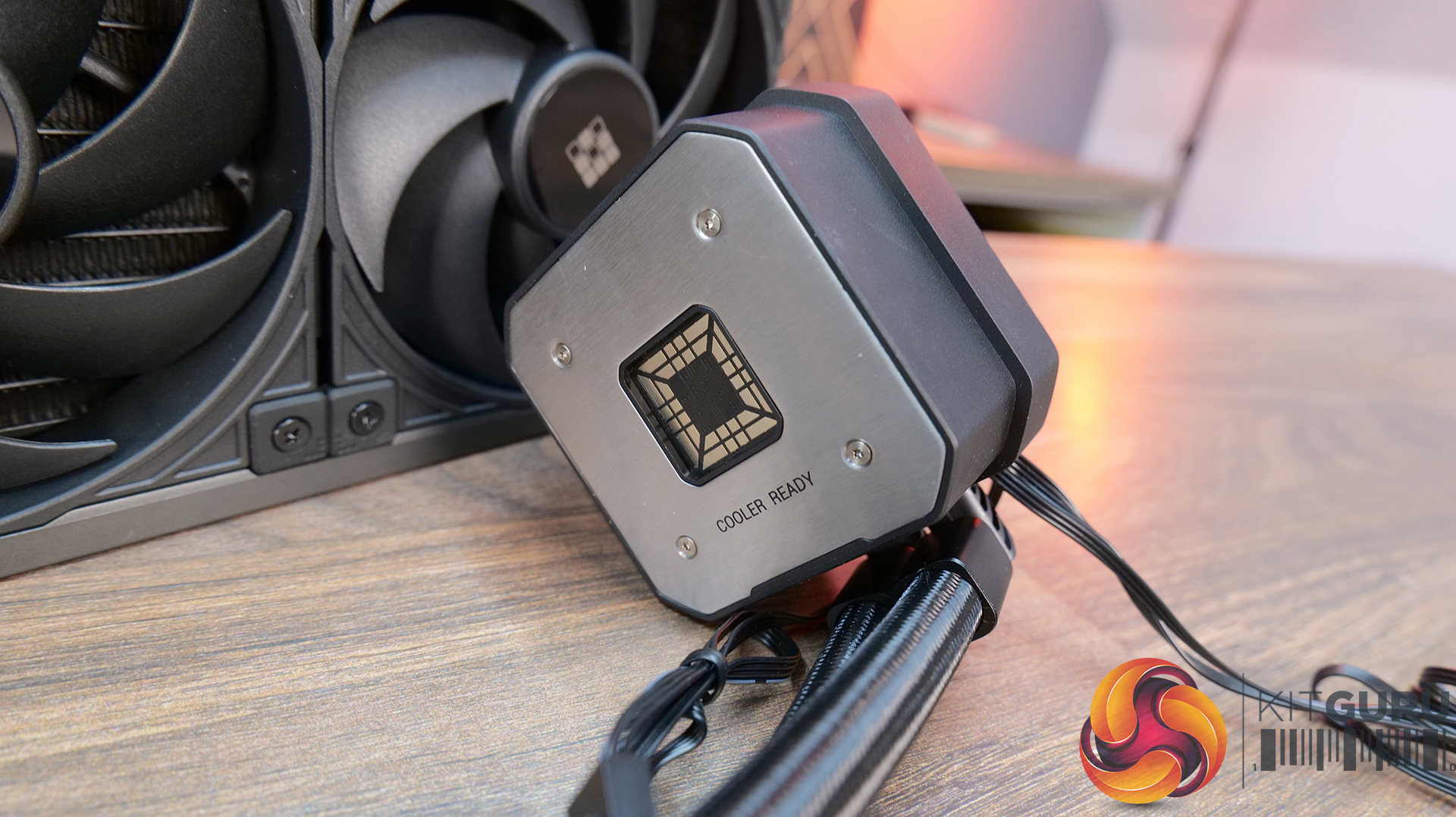
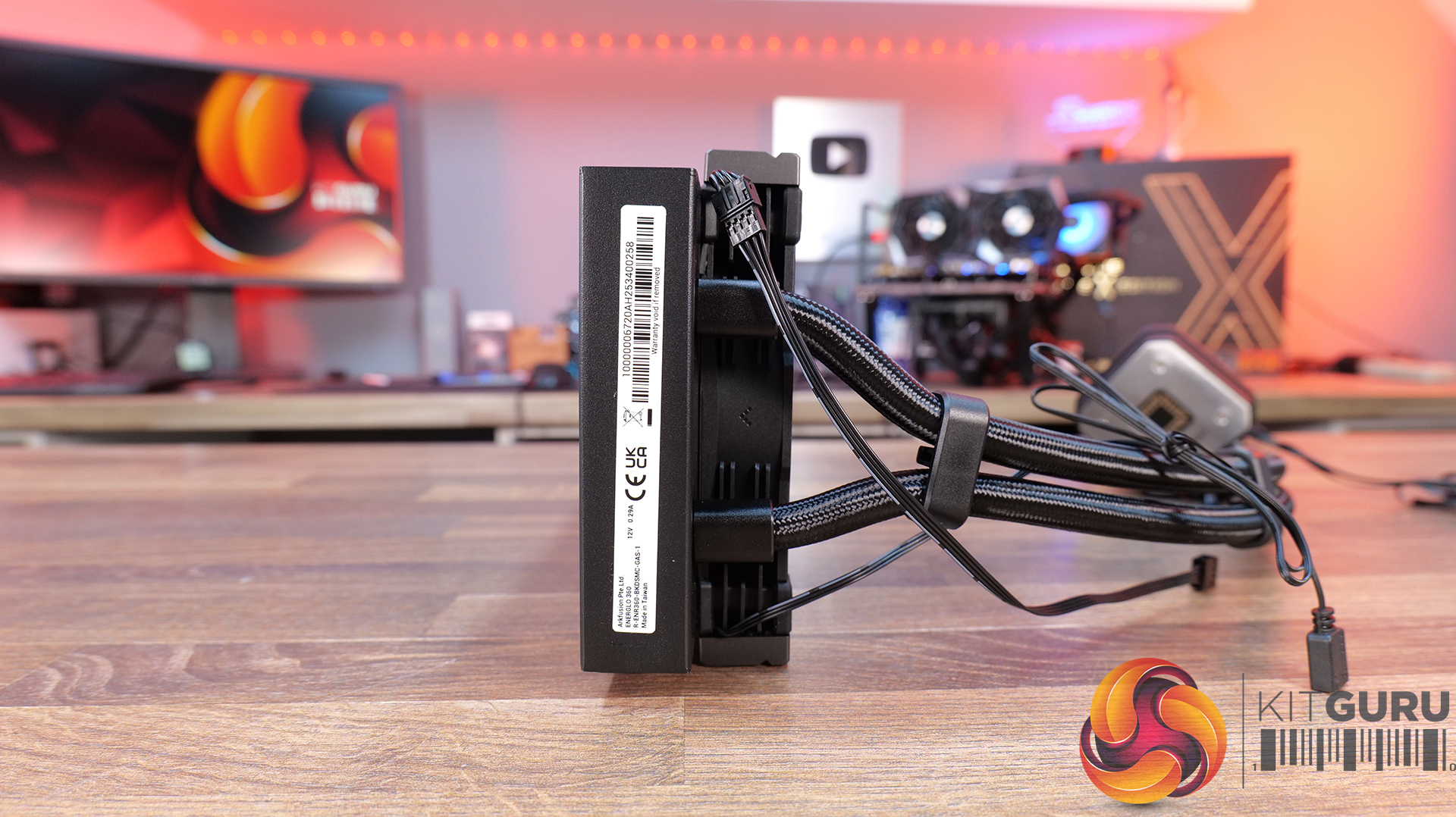
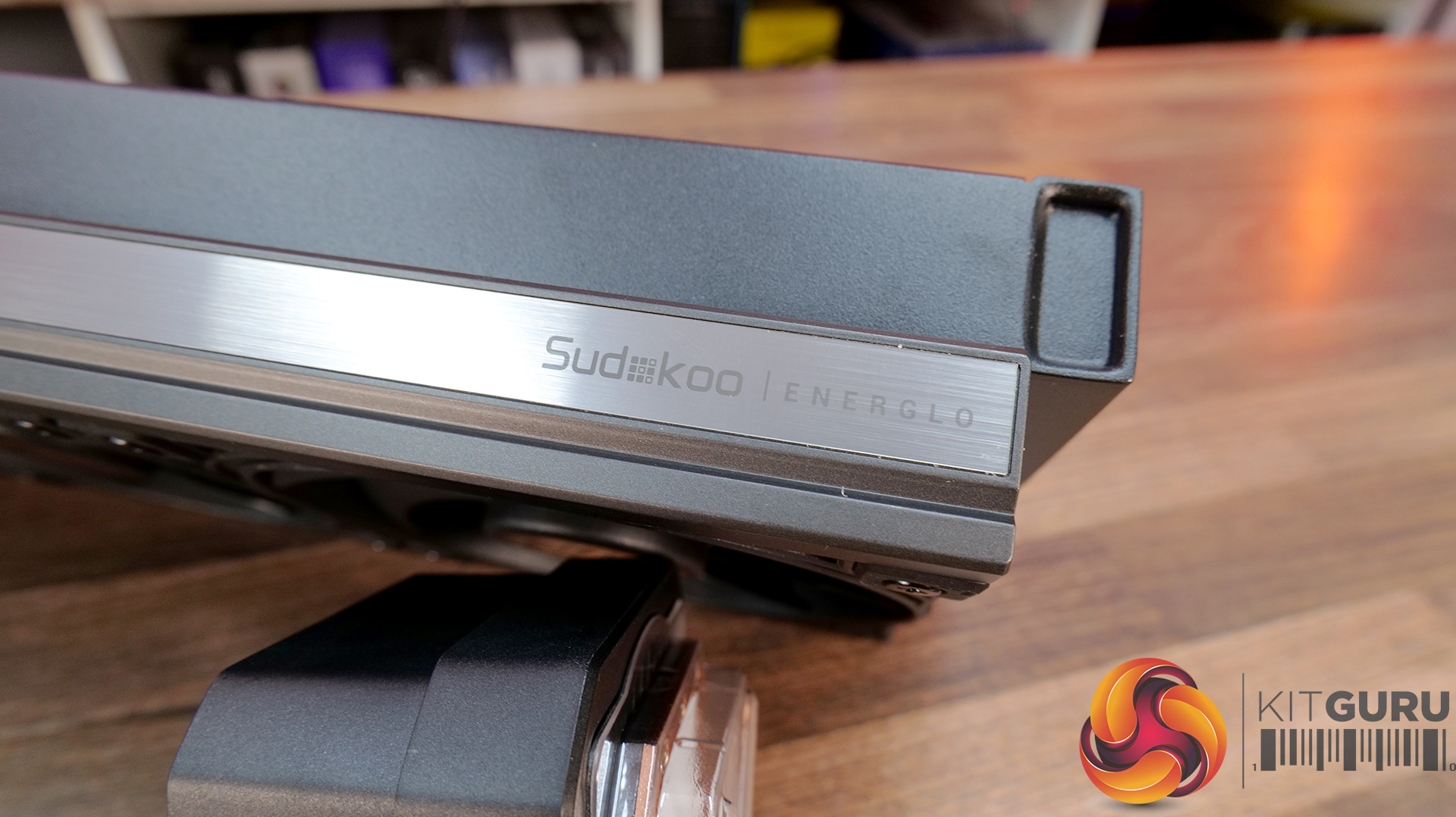
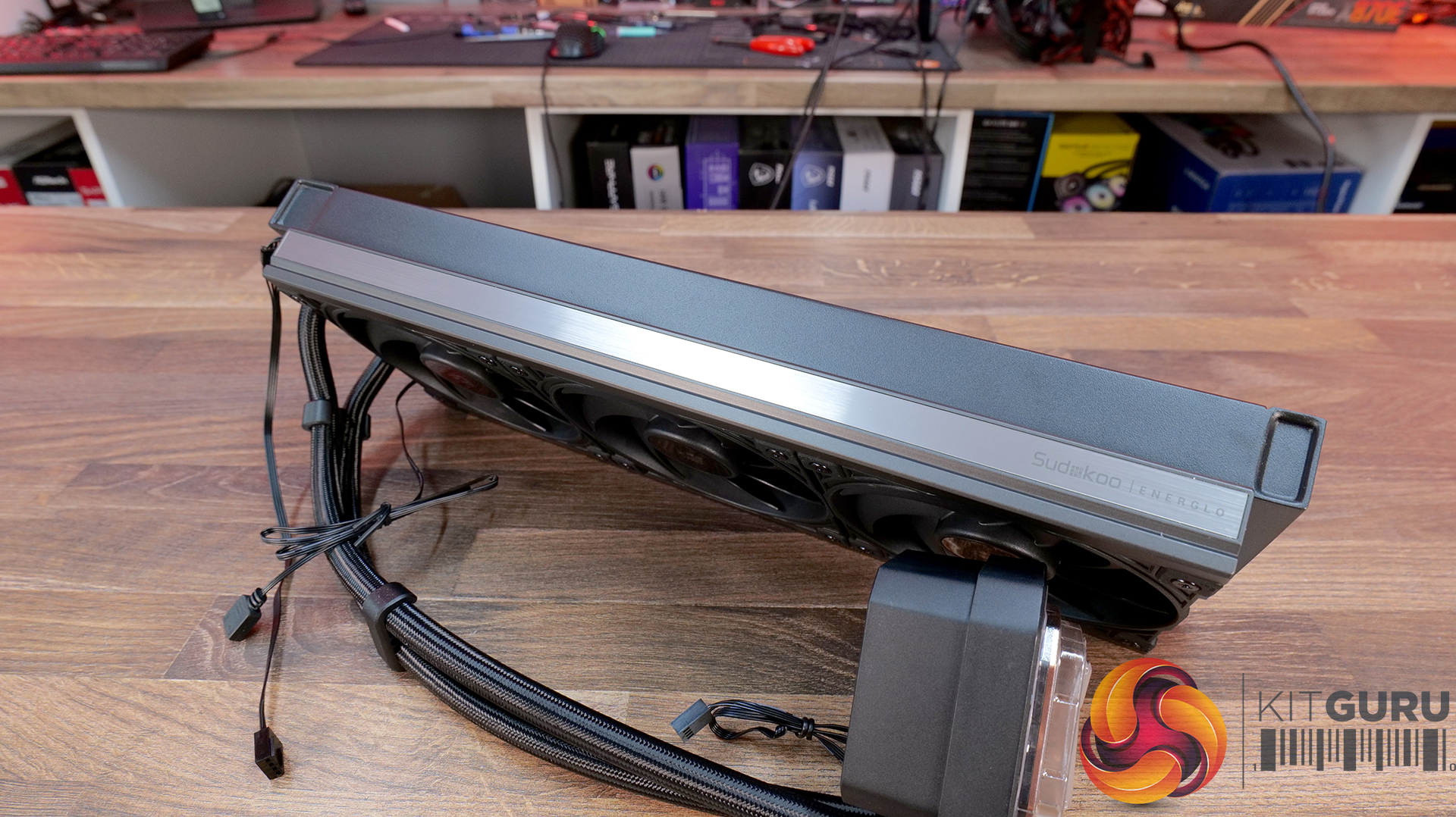
35:07 Sudokoo Energlo 360
40:10 General installations
40:44 Thermal + acoustic performance
44:49 Closing thoughts

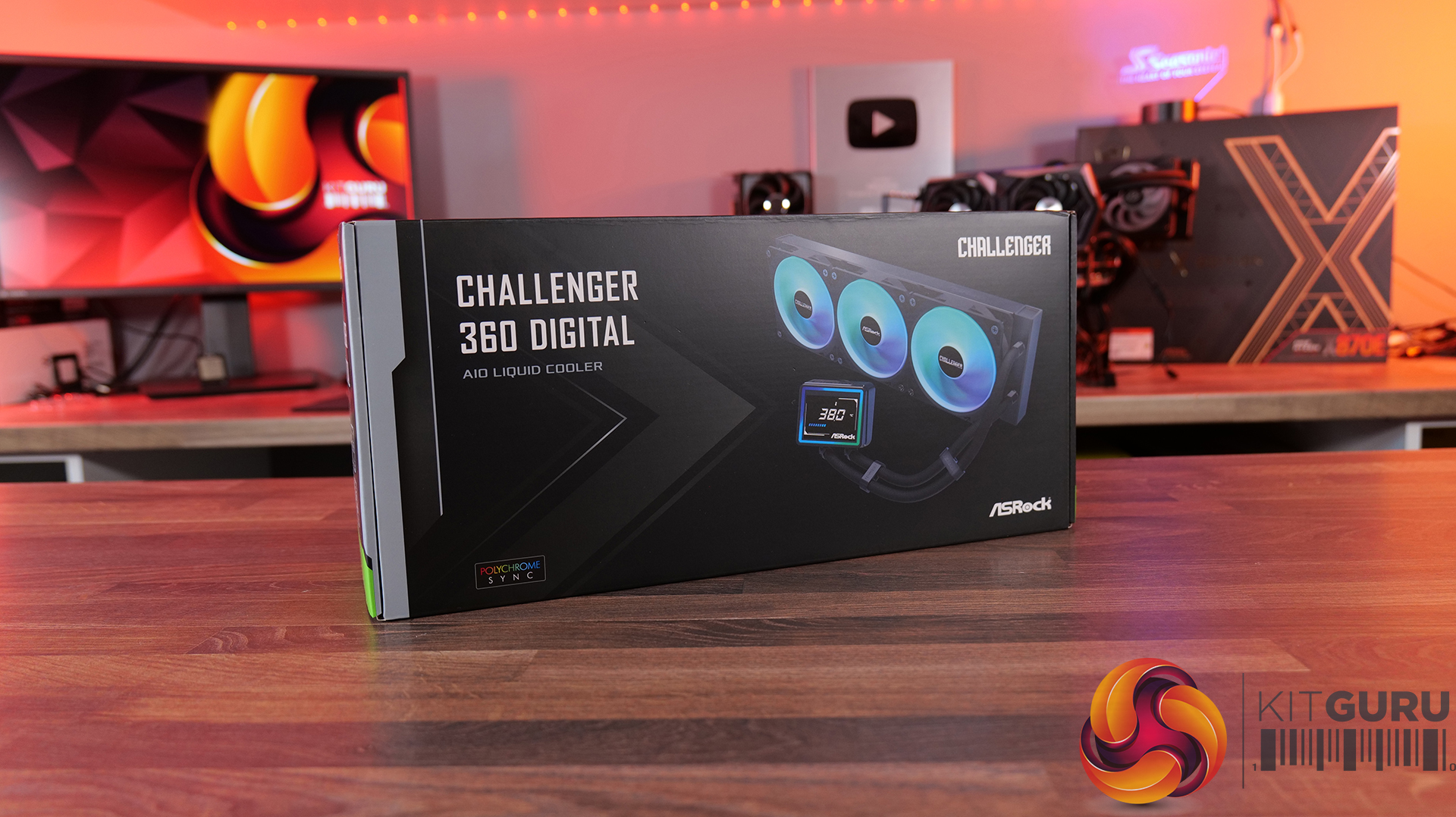
ASROCK Challenger 360 Digital – CCL £88.99 black HERE – £95.99 White HERE.

Features

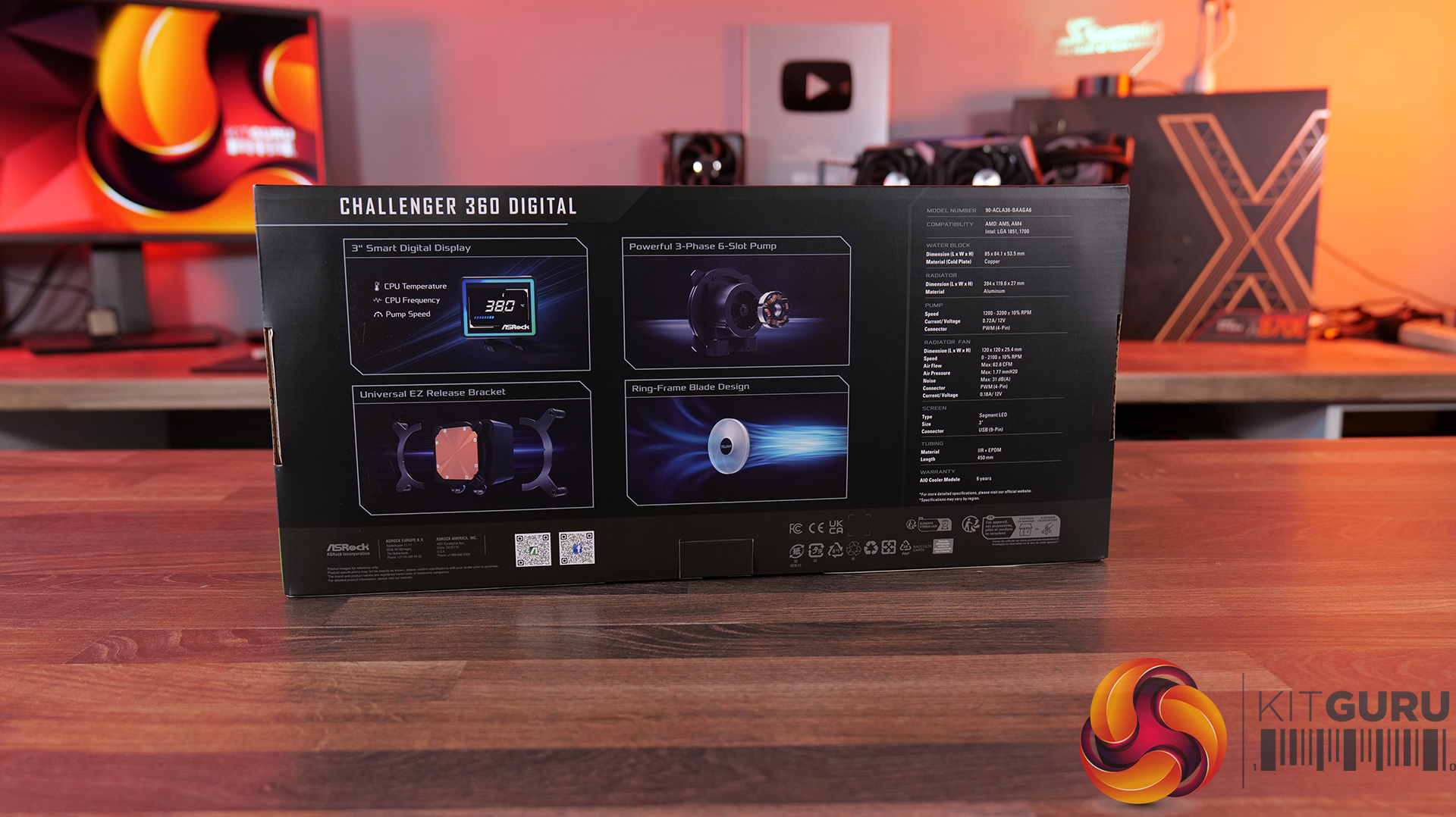
  • 3-inch digital display with real-time monitoring — Challenger 360 Digital features an integrated pump-top display showing key system stats like CPU temperature, frequency and pump speed.
  • Next-gen pump design — With 3-phase, 6-slot, 4-pole motor and a dual-side inlet design and a precision copper cold plate for optimal coolant and efficient heat dissipation.
  • Streamlined installation — Pre-mounted fans, hidden cable routing and a universal mounting system, alongside features like ring-frame fan blades and 0dB fan stop support to balance airflow performance with quieter operation.

Specification:

  • CPU Socket Compatibility: AMD AM5, AM4 | Intel LGA1851, LGA1700
  • Radiator Material: Aluminium
  • Radiator Dimensions: 394 x 119.6 x 27 mm
  • CPU Block/Pump Dimensions: 85 x 84.1 x 53.5 mm
  • Pump Speed: 1200–3200 ±10% RPM
  • Cold Plate Material: Mico-Skived Copper
  • Pump Connector: 4-pin PWM
  • Fan Dimensions: 120 x 120 x 25.4 mm
  • Fan Speed: 0–2100 ±10% RPM
  • Air flow: 6 CFM
  • Air Pressure: 77 mmH₂O
  • Fan Noise: 31 dB(A)
  • Fan Connector: 4-pin PWM
  • LCD Screen: 3-inch segment LED display
  • Warranty: 6 years (AIO cooler module)

Pros:

  • The digital display is bright and easy to read data.
  • Reasonable noise at max fan speed.
  • Daisy-chained fans reduce cable clutter.

Cons:

  • Light bleed from the LEDs on the fans is not well diffused.
  • Requires a driver to run the screen.
  • No screen rotation.

Rating: 8.5.

ASRock Phantom Gaming 360 LCD – CCL £169.99 HERE.

Features

  • 4-inch full-colour LCD — Equipped with a full-coverage display that shows real-time system stats, images or animations, all configurable through ASRock’s Polychrome Display software.
  • Next-gen cooling system with dual-inlet design — 3-phase, 6-slot, 4-pole pump, paired with a dual-side inlet cooling path for improved thermal efficiency and more consistent temperatures under load.
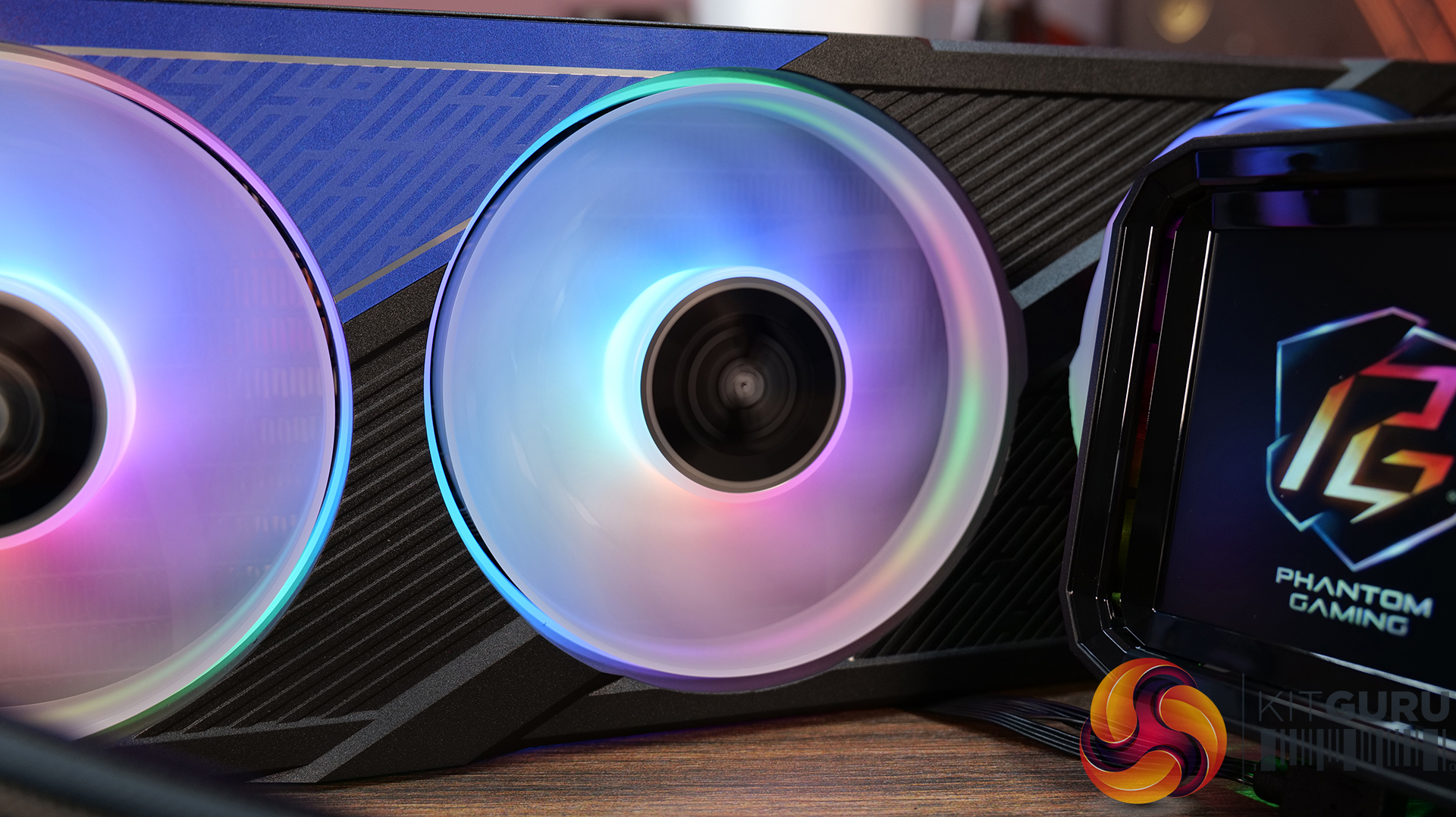
  • 360° Halo ARGB fan system — Integrated halo lighting with a single-cable fan design, combining high airflow FDB fans with streamlined cable management for cleaner installs and synchronised lighting.

Specification:

  • CPU Socket Compatibility: AMD AM5, AM4 | Intel LGA1851, LGA1700
  • Radiator Material: Aluminium
  • Radiator Dimensions: 397 x 120 x 32 mm
  • CPU Block/Pump Dimensions: 4 x 86 x 107.6 mm
  • Pump Speed: 1200 – 3100 ± 10% RPM
  • Cold Plate Material: Micro-Skived Copper
  • Pump Connector: PWM (4-Pin)
  • Fan Dimensions: 362 x 123 x 28 mm
  • Fan Speed: 0 – 2400 ± 10% RPM
  • Air flow: 28 CFM
  • Air Pressure: 11 mmH20
  • Fan Noise: 4 dB(A)
  • Fan Connector: PWM (4-Pin)
  • VRM Fan Dimensions: 70 x 70 x 25 mm
  • VRM Fan Speed: 3000 ± 10% RPM (Max)
  • VRM Fan Connector: PWM (4-Pin)
  • LCD Screen: 4” IPS LCD, 480 x 480, 60Hz, 24-bit, 250 cd/m2
  • Warranty: 6 Years (AIO Cooler Module), 2 years (Display Module)

Pros:

  • Decent-looking screen with plenty of customisation options.
  • Solid cooling performance.
  • Single-frame fan looks neat with minimal wiring.

Cons:

  • CPU block is very tall.
  • Quite loud at max fan speed.
  • Requires several software apps to operate the screen, RGB and fan speed.

Rating: 7.5.

Cooler Master MasterLiquid Core Nex Digital 360 Black ARGB – OcUK £89.99 HERE.

Features

  • Hexagonal digital display with real-time system monitoring — MasterLiquid Core NEX Digital 360 features an integrated top-mounted screen capable of displaying CPU/GPU temperatures, usage, fan speeds and pump RPM via Cooler Master’s MasterCTRL software.
  • Refined dual chamber pump architecture — Featuring Cooler Master’s updated G9R dual chamber design with improved water pressure and optimised coolant flow for enhanced heat transfer efficiency.
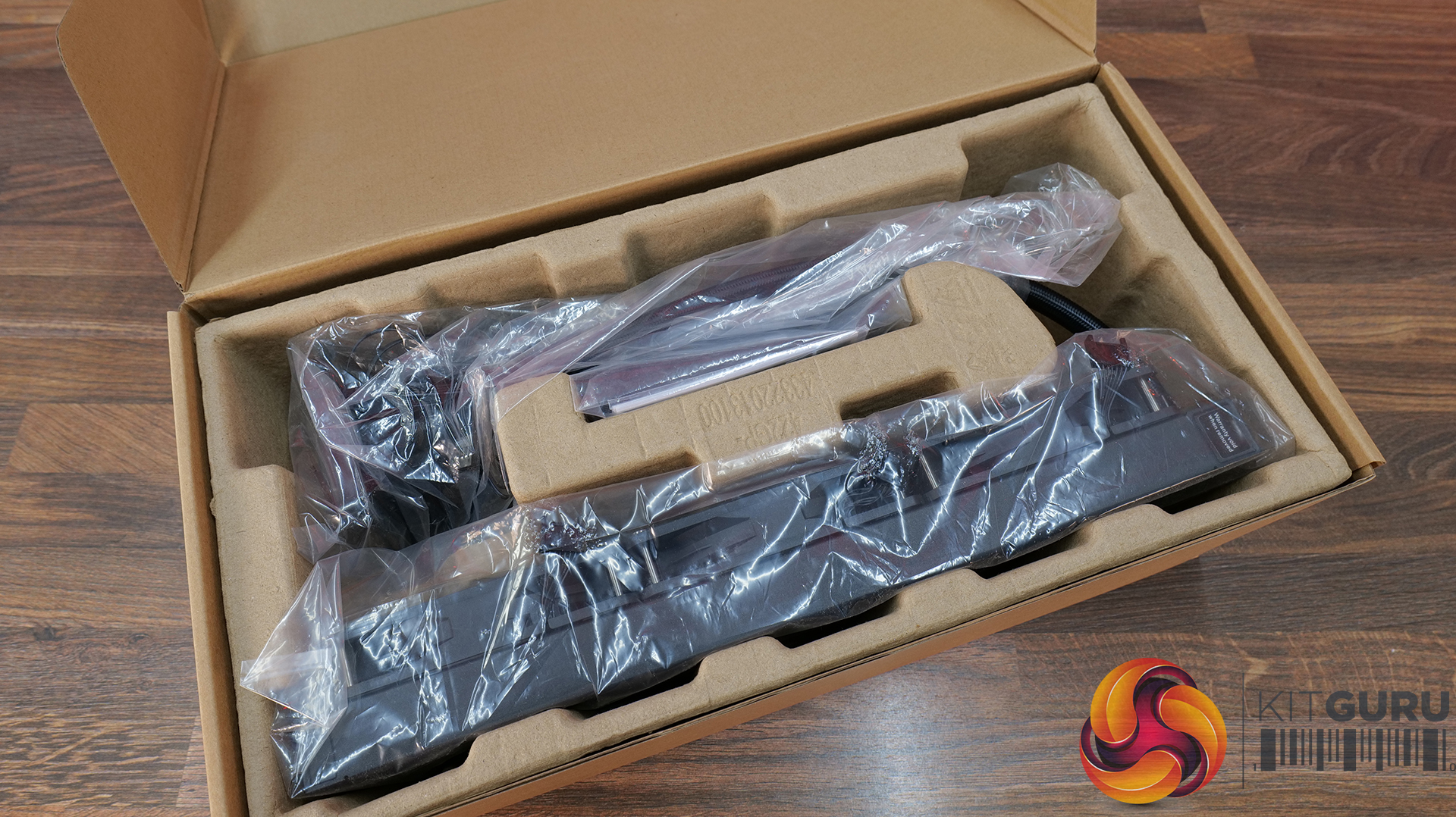
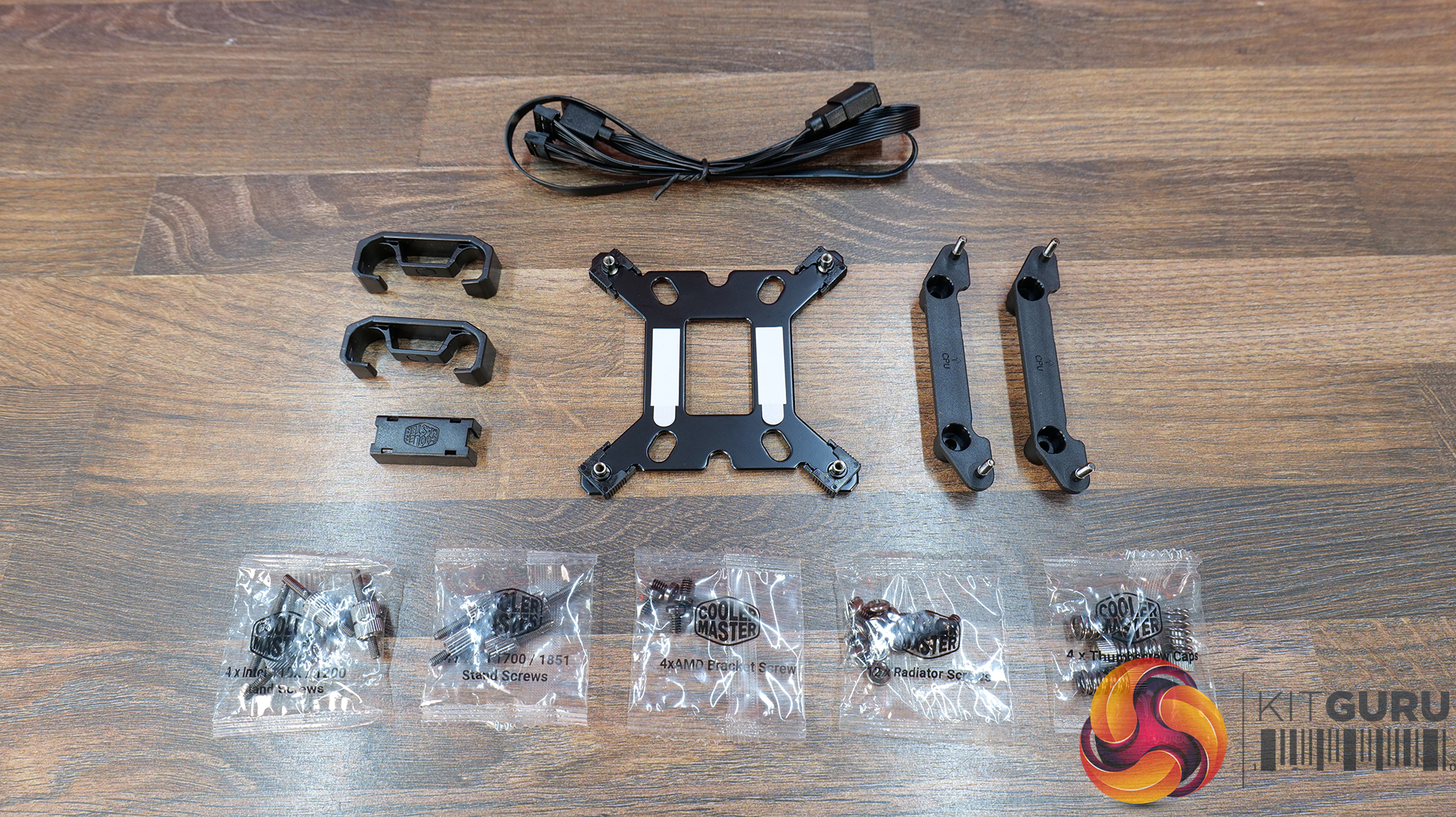
  • Simplified all-in-one installation — Pre-installed fans, streamlined cabling, pre-applied thermal paste and pre-mounted brackets help reduce installation complexity while maintaining a cleaner overall system build.

Specification:

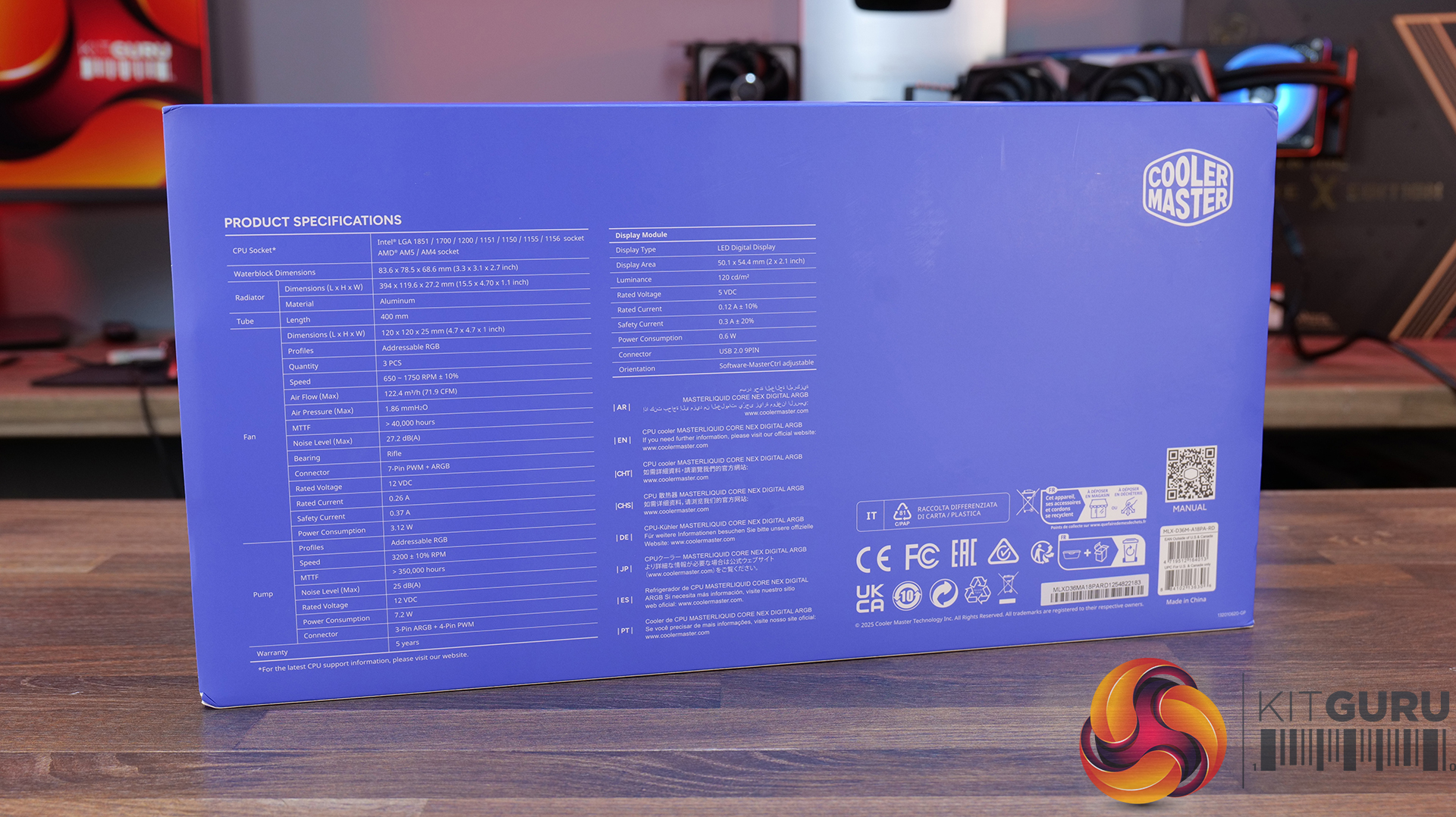
  • CPU Socket Compatibility: Intel LGA 1851 / 1700 / 1200 / 1156 / 1155 / 1151 / 1150, AMD AM5 / AM4
  • Radiator Material: Aluminium
  • Radiator Dimensions: 394 x 119.6 x 27.2 mm
  • CPU Block/Pump Dimensions: 6 x 78.5 x 68.6 mm
  • Pump Speed (Max): 3200 ±10% RPM
  • Tubing Length: 400mm
  • Cold Plate Material: Micro-Skived Copper
  • Pump Connector: 3-Pin ARGB + 4-Pin PWM
  • Fan Dimensions: 120 x 120 x 25 mm
  • Fan Speed: 650–1750 RPM ±10%
  • Air flow: 4 m³/h (71.9 CFM) Max
  • Air Pressure: 86 mmH₂O Max
  • Fan Noise: 2 dBA Max
  • Fan Bearing: Rifle Bearing
  • Fan Connector: 7-Pin PWM + ARGB
  • LCD Screen: LED Digital Display, 50.1 x 54.4 mm, 120 cd/m²
  • Screen Connector: USB 2.0 9-Pin
  • Warranty: 5 Years

Pros:

  • Daisy-chained fans reduce wiring.
  • Quick and easy.
  • Clear and easy to read display.

Cons:

  • Very loud at max fan speed.
  • Average 40 dba thermal performance.
  • Some Cable clutter at the CPU block.

Rating: 7.

CPS PCCOOLER GT360M ARGB Display – £85.99 Amazon in black or white HERE.

Features

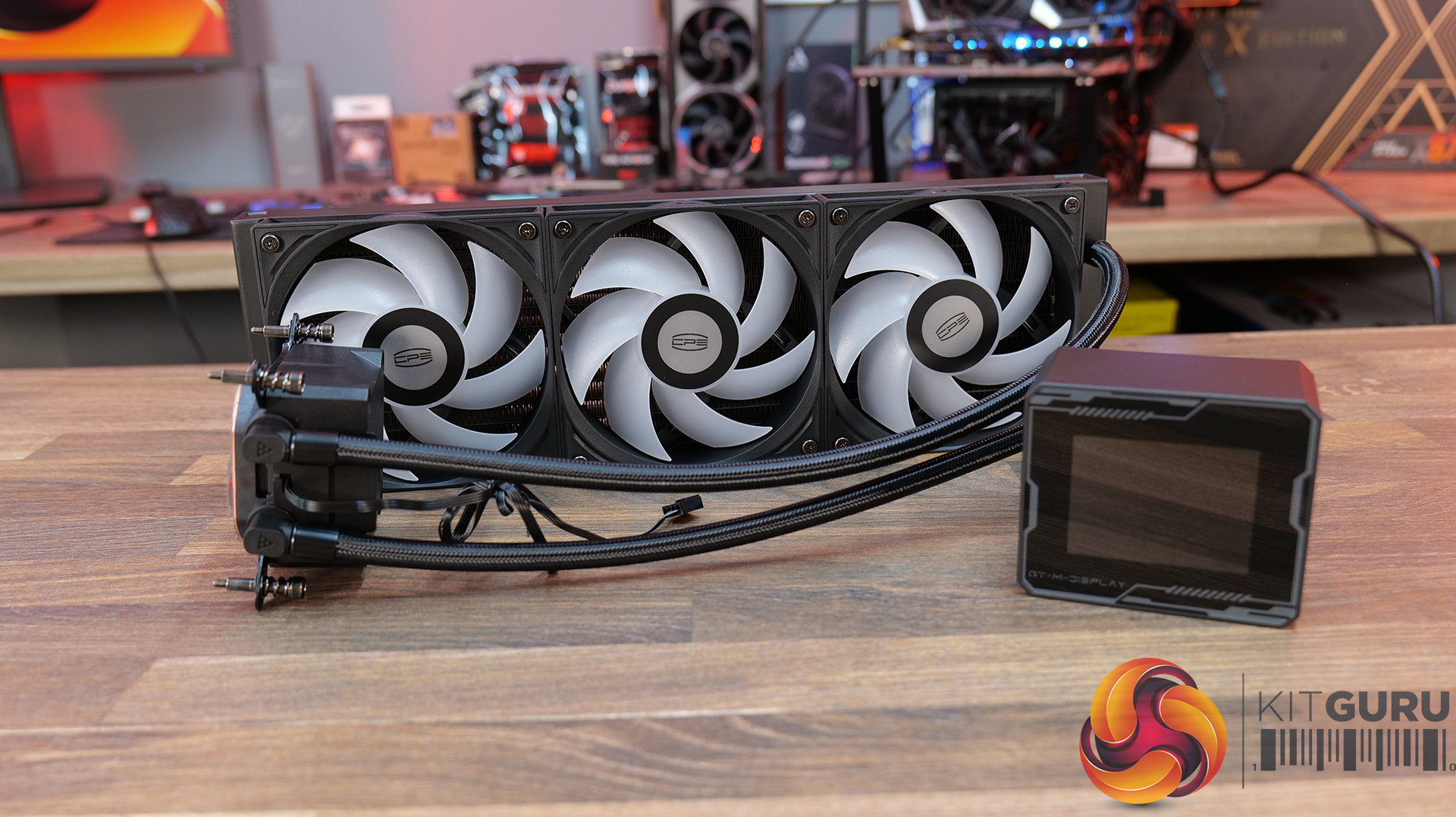
  • 5-inch high-resolution LCD display — GT360M ARGB Display features a customisable IPS screen capable of showing real-time system monitoring data, animations, wallpapers and video playback through CPS control software support.
  • Next-generation ceramic bearing pump design — Equipped with a second-generation large chamber pump, ultra-fine micro water channels and an all-ceramic bearing structure designed to improve coolant flow, reduce operational noise and extend long-term durability.
  • Streamlined cable management and installation — Factory pre-installed fans, integrated hidden wiring and a quick-release mounting system help simplify the build process while maintaining a cleaner overall system appearance.

Specification:

  • CPU Socket Compatibility: Intel LGA115X / 1200 / 1700 / 1851, AMD AM4 / AM5
  • Radiator Material: Aluminium
  • Radiator Dimensions: 394 x 120 x 27 mm
  • CPU Block/Pump Dimensions: 5 x 90 x 85 mm
  • Pump Speed (Max): 2600 RPM ±10%
  • Cold Plate Material: Mico-Skived Copper
  • Pump Connector: 4-Pin
  • Fan Dimensions: 120 x 120 x 25 mm
  • Fan Speed: 500–2200 RPM ±10%
  • Air flow: 8 CFM
  • Air Pressure: 2 mmH₂O
  • Fan Noise: 15–33.7 dB(A)
  • Fan Bearing: Hydro Bearing
  • Fan Connector: 4-Pin PWM
  • LCD Screen: 8-inch, IPS, 320 × 240 pixels
  • Warranty: 3 Years

Pros:

  • Solid cooling performance.
  • Daisy-chained fans neaten up wiring.
  • Decent Price.

Cons

  • A little loud at max fan speed.
  • Screen customisation is limited.
  • Screen brightness and clarity aren’t the best.

Rating: 8.

Deepcool Spartacus 360 – £159.99 HERE.

Features

  • 4-inch IPS LCD with modular customisation — SPARTACUS 360 features a 480×480 IPS display with 16.7 million colours, supports system monitoring layouts, GIFs, video playback and dynamic graph modes through DeepCreative software integration.
  • 6th-generation pump with AI-tuned cooling control — Equipped with a 3-phase, 6-slot, 4-pole Gen 6 pump and DeepCreative AI algorithms that dynamically tune pump and fan speeds for quieter operation and up to 320W of heat dissipation performance.
  • Semi-integral blade fans with streamlined connectivity — High-performance 120mm fans use a reinforced semi-integral blade design for improved airflow stability and lower noise, while DeepCool’s single 10-pin connection design dramatically cuts cable clutter during installation.

Specification:

  • CPU Socket Compatibility:
  • Radiator Material: Aluminium
  • Radiator Dimensions: 402 × 120 × 27 mm
  • CPU Block/Pump Dimensions: 99 × 91 × 65 mm
  • Pump Speed: 500–3400 RPM ±10%
  • Cold Plate Material: Micro-Skived Copper
  • Pump Connector: 4-Pin PWM
  • Tube Length: 410 mm
  • Fan Dimensions: 120 × 120 × 25 mm
  • Fan Speed: 500–2500 RPM ±10% – 0% Mode below 5% PWM duty
  • Air flow: 89 CFM
  • Air Pressure: 30 mmAq
  • Fan Noise: ≤32.23 dB(A)
  • Fan Connector: 4-Pin PWM
  • Bearing Type: Hydro Bearing
  • LCD Screen: 4-inch TFT LCD, 480 × 480 pixels
  • LED Type: Addressable RGB LED
  • LED Connector: 3-Pin (+5V-D-G)
  • Warranty: 5 Years

Pros:

  • Single cable at the pump gives a clean look.
  • Screen looks great.
  • Has a high-quality feel to it.

Cons:

  • Very loud at max fan speed.
  • No individual fan and pump speed adjustment using DeepCool software.
  • No extra thermal paste included.

Rating: 7.5.

Enermax Liqmax IV 360 – Amazon £56.54 HERE.

Features

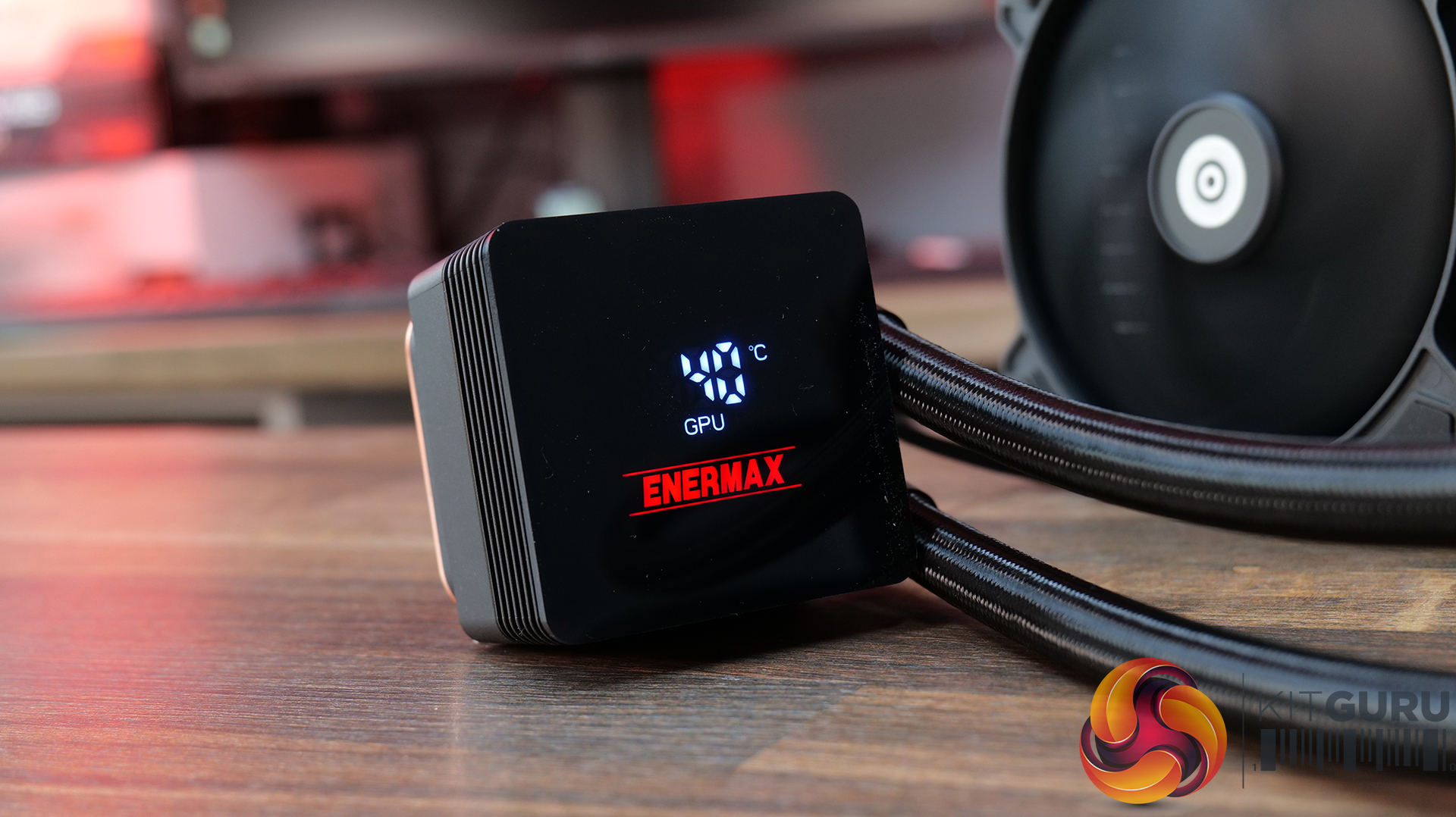
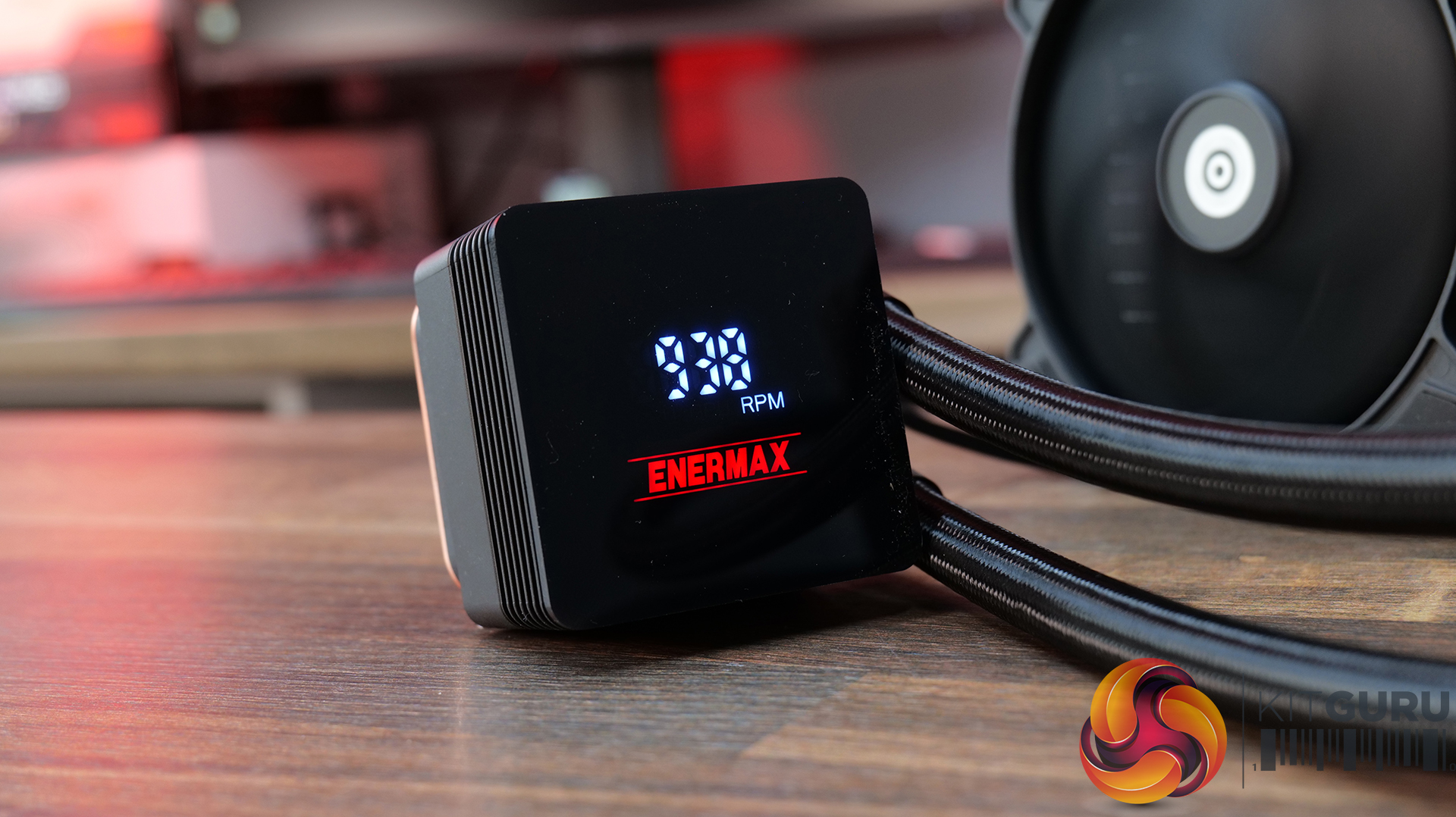
  • Magnetic rotatable digital display with real-time monitoring — LIQMAX IV 360 features a magnetic pump-top status display that can be manually rotated for cleaner orientation while providing live CPU temperatures, fan speeds and system monitoring data.
  • Patented dual-chamber pump with Gen.2 Xtreme technology — ENERMAX pairs a larger 35% expanded copper base with its Gen.2 Xtreme Pump design, delivering a claimed 31% increase in coolant flow rate and cooling capacity rated up to 390W TDP.
  • Quiet high-performance cooling setup — PWM-controlled radiator fans and pump operation are tuned to balance airflow and acoustics, with 500–1800RPM fan speeds and low-noise operation designed to keep high-end systems under control.

Specification:

  • CPU Socket Compatibility: Intel LGA 1851 / 1700 / 115x / 2066, AMD AM5 / AM4
  • Radiator Material: Aluminium
  • Radiator Dimensions: 394 x 120 x 27 mm
  • Pump Speed: 1500 – 3100RPM
  • Cold Plate Material: Micro Skived Copper
  • Pump Connector:
  • Fan Dimensions: 120 x 120 x 26.8 mm
  • Fan Speed: 500–1800 RPM ±10%
  • Air flow: 03 CFM
  • Air Pressure: 4 mmH₂O
  • Fan Noise: 46 dBA
  • Fan Connector: 4-Pin PWM
  • LCD Screen: Digital Display
  • Warranty: 3 years

Pros:

  • Good value.
  • Easy installation and minimal software setup.
  • Functional but minimal aesthetics.

Cons:

  • Minimal screen customisation.
  • No RGB.
  • Short Warranty.

Rating: 7.

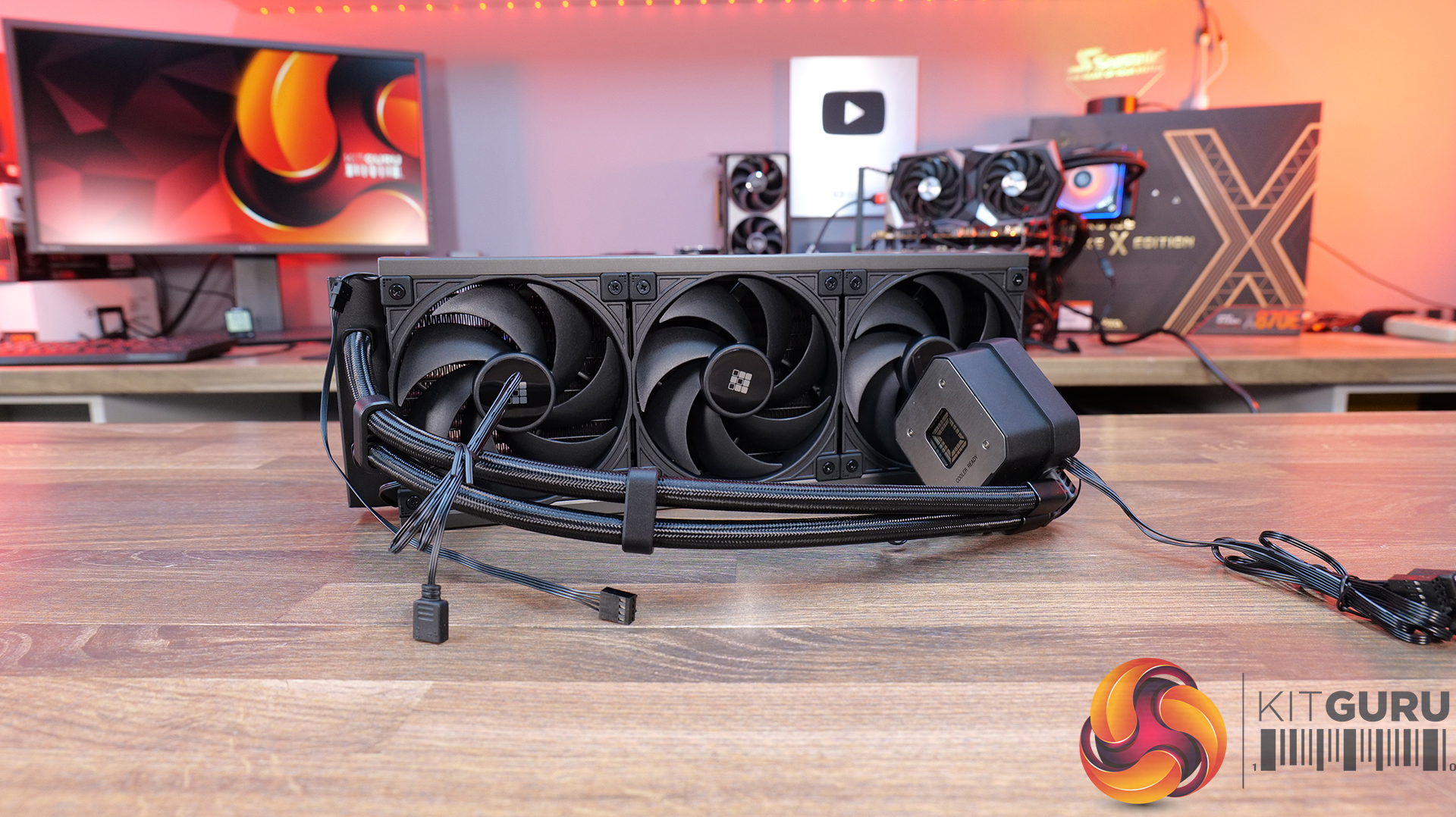
Sudokoo Energlo 360 – Amazon UK £121.99 HERE.

Features

  • Segmented pump display with real-time system monitoring — ENERGLO 360 features a pump top-mounted modular segmented screen on the that displays CPU temperature and system status in real time, without requiring external software.
  • High-performance PWM pump with wide speed control range — Equipped with a high-performance pump with a speed range of 2500–3400 RPM, designed for efficient thermal transfer while maintaining quiet operation.
  • 360mm triple-fan cooling array with high airflow performance — Includes three 120mm PWM fans delivering up to 73.41 CFM airflow with strong static pressure, optimised for high-efficiency cooling at high-demand workloads.

Specification:

  • CPU Socket Compatibility: Intel LGA1851 / 1700 / 1200 / 1151 / 1150 / 1155, AMD AM5 / AM4
  • Radiator Material: Aluminium
  • Radiator Dimensions: 402 × 120 × 27 mm
  • CPU Block/Pump Dimensions: 96 × 81 × 80 mm
  • Pump Speed: 2500–3400 RPM ±10%
  • Cold Plate Material: Micro Skived Copper
  • Pump Connector: 4-Pin PWM
  • Tubing Length: 410 mm
  • Fan Dimensions: 120 × 120 × 25 mm
  • Fan Speed: 500–2500 RPM ±10%
  • Air flow: 41 CFM
  • Air Pressure: 69 mmAq
  • Fan Noise: ≤35.63 dB(A)
  • Fan Connector: 4-Pin PWM
  • Bearing Type: Fluid Dynamic Bearing
  • LCD Screen: Yes
  • Warranty: 5 years

Pros:

  • Nice-looking display
  • Feels high quality
  • CPU block customisation is a nice touch.

Cons:

  • Quite loud.
  • Software can be a bit fussy if your Windows isn’t up to date.
  • RGB strips make the fans very bulky – might be a problem for space in some cases.

Rating: 7.5.

Test System Specifications:

  • CPU – AMD Ryzen 9 9950X
  • Motherboard – ASRock Phantom Gaming X870E Nova WiFi
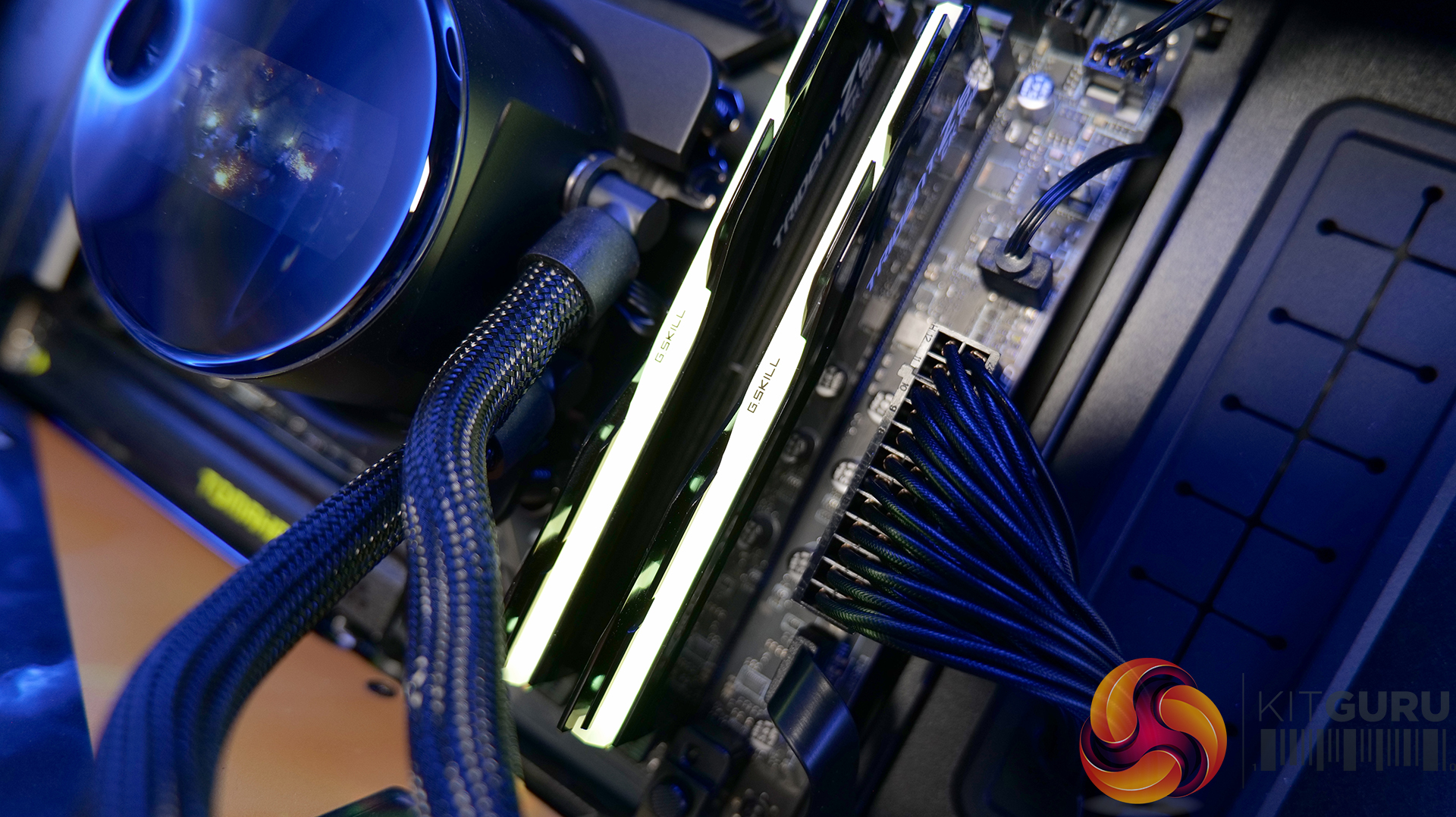
  • Memory: 32GB (2 x 16GB Modules) G.SKILL Trident Z5 RGB DDR5-6000
  • Graphics card: MSI Radeon RX 6600 XT Gaming X
  • Storage: 1TB Corsair MP600 Elite PCIe Gen4x4 NVME M.2 SSD
  • Power Supply: Seasonic Prime TX-1000
  • Chassis: Open Test Bench
  • Thermal Compound: Arctic MX-6
  • O/S: Windows 11 Version 24H2

Testing Methodology:

We are primarily focusing on the performance of each cooler at 100% fan speed and also when locked to 40dBA noise output. We will focus on cooling performance using a manual overclock with all-core frequency and VCORE locked to 5.2GHz/1.3V (AMD) and 5.5GHz/1.3V (Intel) and Precision Boost Overdrive performance.

  • The test data is logged using HWINFO and the final 10 minutes of the data is calculated to find the average CPU temperature and CPU clock multiplier (AMD PBO Test) and then plotted in the charts.
  • For testing, we use a 30-minute looped run of Cinebench R23 and record the steady-state CPU temperature at the end of the test. This ensures that the CPU has had ample time to warm up and reach a steady state under all of the coolers.
  • The ambient is maintained at 19-21 degrees Celsius. Where there is variation beyond this temperature range, we add extra repeated tests to ensure consistency. However, this is well controlled now with A/C.
  • We also test each cooler with at least two fresh installs (typically three) to mitigate the likelihood of poor mounting spoiling results.
  • Ambient temperature and humidity are controlled via a mini split air conditioning system inside the test room. Ambient temperature is maintained between 19-20°C; temperature delta figures are shown in the charts (ambient temperature is deducted from the measured component temperature).

Test Results:

Acoustics

We will start by looking at noise output which gives us a good indication of thermal performance based on noise.

When looking at noise output with the fans and pump operating at max speed, there’s quite a wide spread between the coolers on test. The quietest is the ASRock Challenger 360 Digital at 47dBA, which puts it among the quieter coolers in our database overall. The Enermax Liqmax IV 360 also performs well at 48dBA, while the CPS PCCOOLER GT360M ARGB Display sits in the middle at 51dBA.

At the louder end of the chart are the ASRock Phantom Gaming 360 LCD and Cooler Master MasterLiquid Core Nex 360 ARGB both at 52dBA, which is noticeable but still quite typical for 360mm liquid coolers running flat out. The Sudokoo Energlo 360 comes in slightly higher at 53dBA, while the loudest cooler of this group is the DeepCool Spartacus 360 at 55dBA. That’s definitely getting loud enough to be quite distracting.

Thermal Performance: AMD Ryzen 9 9950X

With fans and pumps still running at max speed, thermal performance from the coolers on test is competitive, with only  2°C  separating the best and worst results in this test. Leading the pack are the CPS PCCOOLER GT360M ARGB Display, DeepCool Spartacus 360 and Sudokoo Energlo 360, all at  59°C CPU over ambient under steady-state load, which places them among the top performing AIOs in our chart overall.

Just behind are the ASRock Challenger 360 Digital and Phantom Gaming 360 LCD, alongside the Cooler Master ML Core Nex 360 ARGB, with all three producing a 60°C delta result. While not chart-topping, the difference in real-world terms is small and well within the range you would expect from good 360mm liquid coolers. The Enermax Liqmax IV 360 Display trails slightly at 61°C, though again the margin is minimal.

At a noise-normalised level of 40dBA, the thermal results provide a clearer indication of efficiency once acoustics are taken into account. At the top we see the ASRock Challenger 360 Digital and Phantom Gaming 360 LCD, both with a 63°C delta, placing them in the top end of the chart. Just behind them is the Sudokoo Energlo 360 at 64°C over ambient, followed by the CPS PCCOOLER GT360M ARGB Display and the DeepCool Spartacus 360 at 65°C. suggesting similar efficiency once acoustics are equalised.

Further back is the Enermax Liqmax IV 360 at 66°C over ambient, while the Cooler Master MasterLiquid Core Nex 360 ARGB trails slightly further at 67°C. These results indicate both models lose efficiency when limited to a 40dBA noise target, relying more heavily on higher fan speeds to maintain thermal performance.

Switching to AMD PBO testing, the results reflect a more real-world scenario where we see how effectively coolers can maintain boost clocks under sustained load. The strongest results come from the ASRock Phantom Gaming 360 LCD, which posts a 52.5x clock multiplier and 63°C delta, placing it among the top-performing units in the PBO test. The ASRock Challenger 360 Digital follows with the same clock multiplier but just 1°C higher delta so basically producing the same CPU performance.

Just below is the Deepcool Spartacus with the same 52.5x clock multiplier at 65°C and the Sudokoo Energlo at 66°C delta, again with a 52.5 x multiplier. Further back with a clock multiplier of 52.4x are the Cooler Master ML Coer Nex Digital at 64°C delta, the CPS PCCOOLER GT360M at 64°C and the Enermax trails at 66 °C over ambient. While these results place them behind the best coolers, the clock multipliers are narrow enough that, under AMD PBO conditions, all of the tested 360mm AIOs deliver similar sustained boost behaviour.

KitGuru says:  In terms of real-world performance, all of these coolers are quite closely matched. However, in terms of best value for money, I'd go with the ASRock Challenger 360 Digital as it combines good thermals, low max fan speed noise and a decent-looking screen at a reasonable price.

The post June 2026 AIO CPU Cooler Round Up Multi Review first appeared on KitGuru.

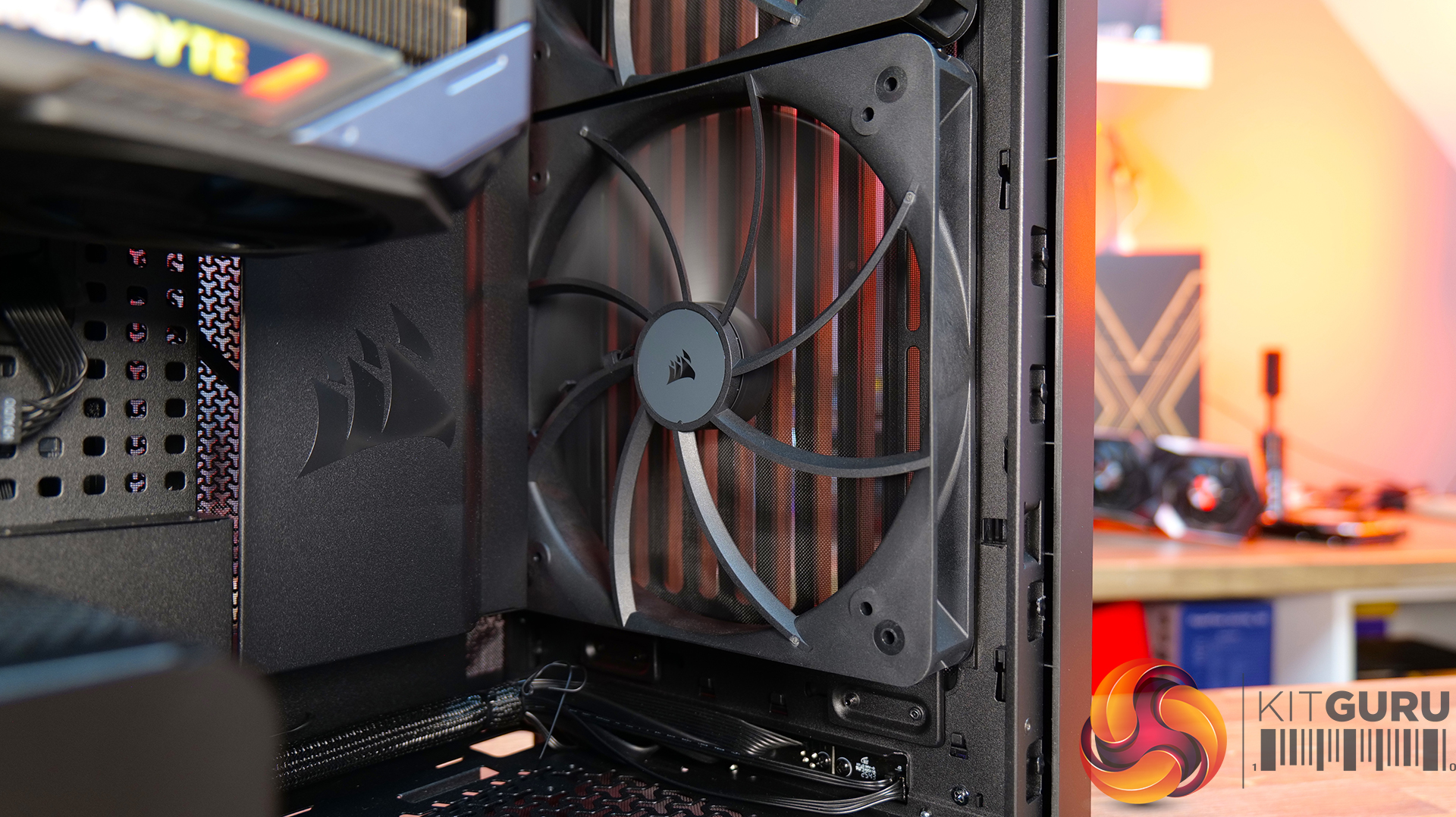
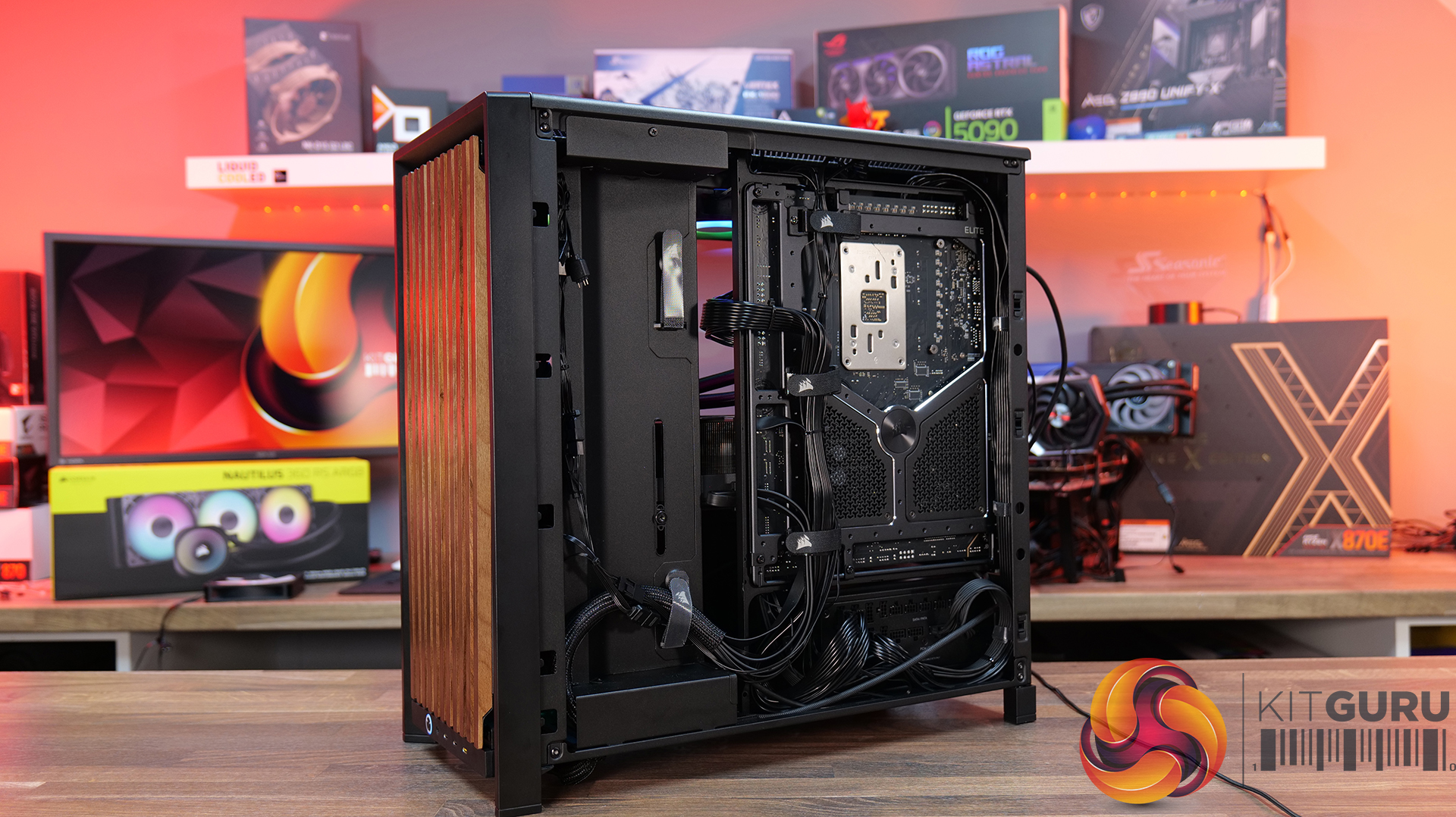
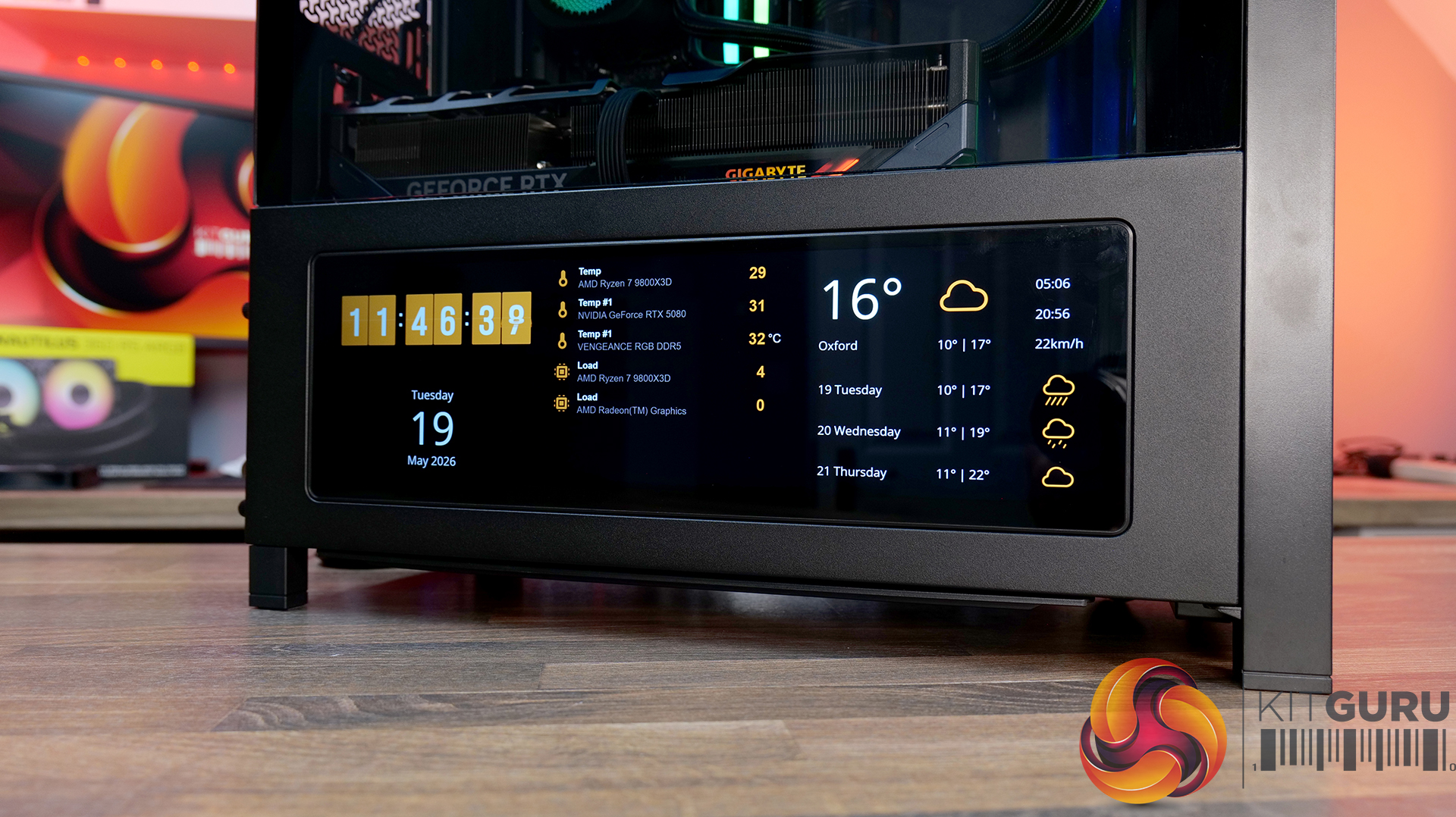
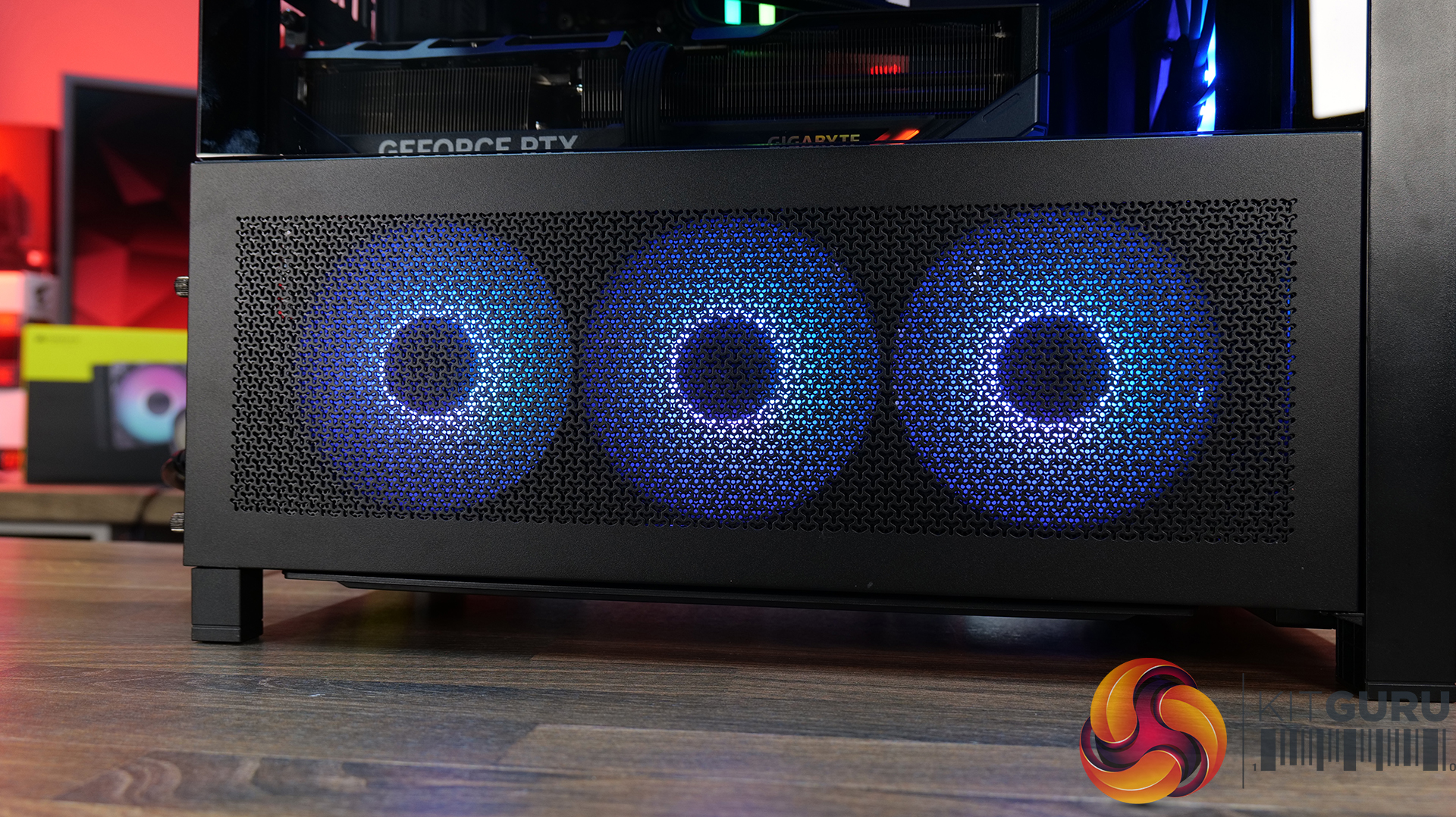
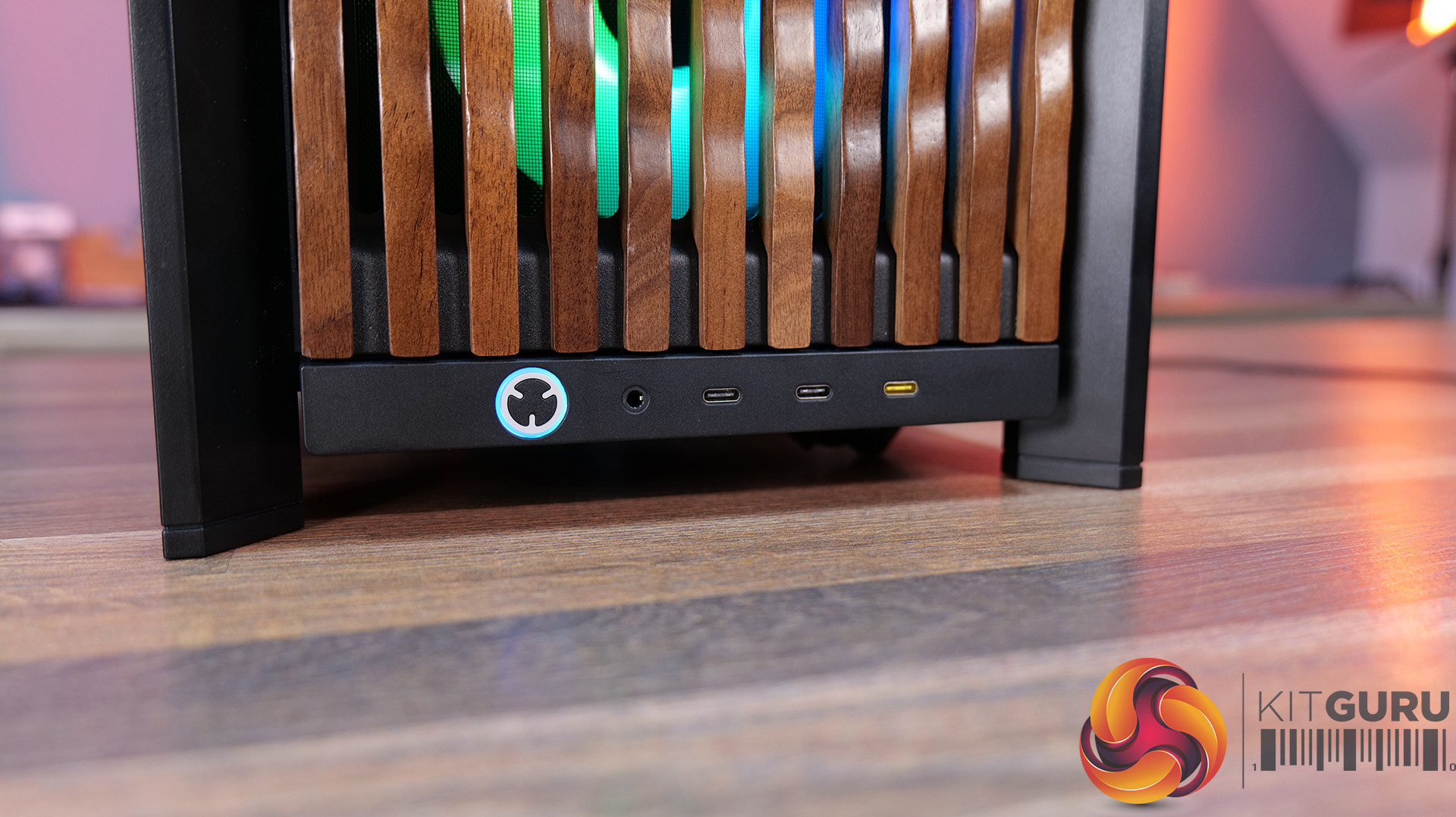
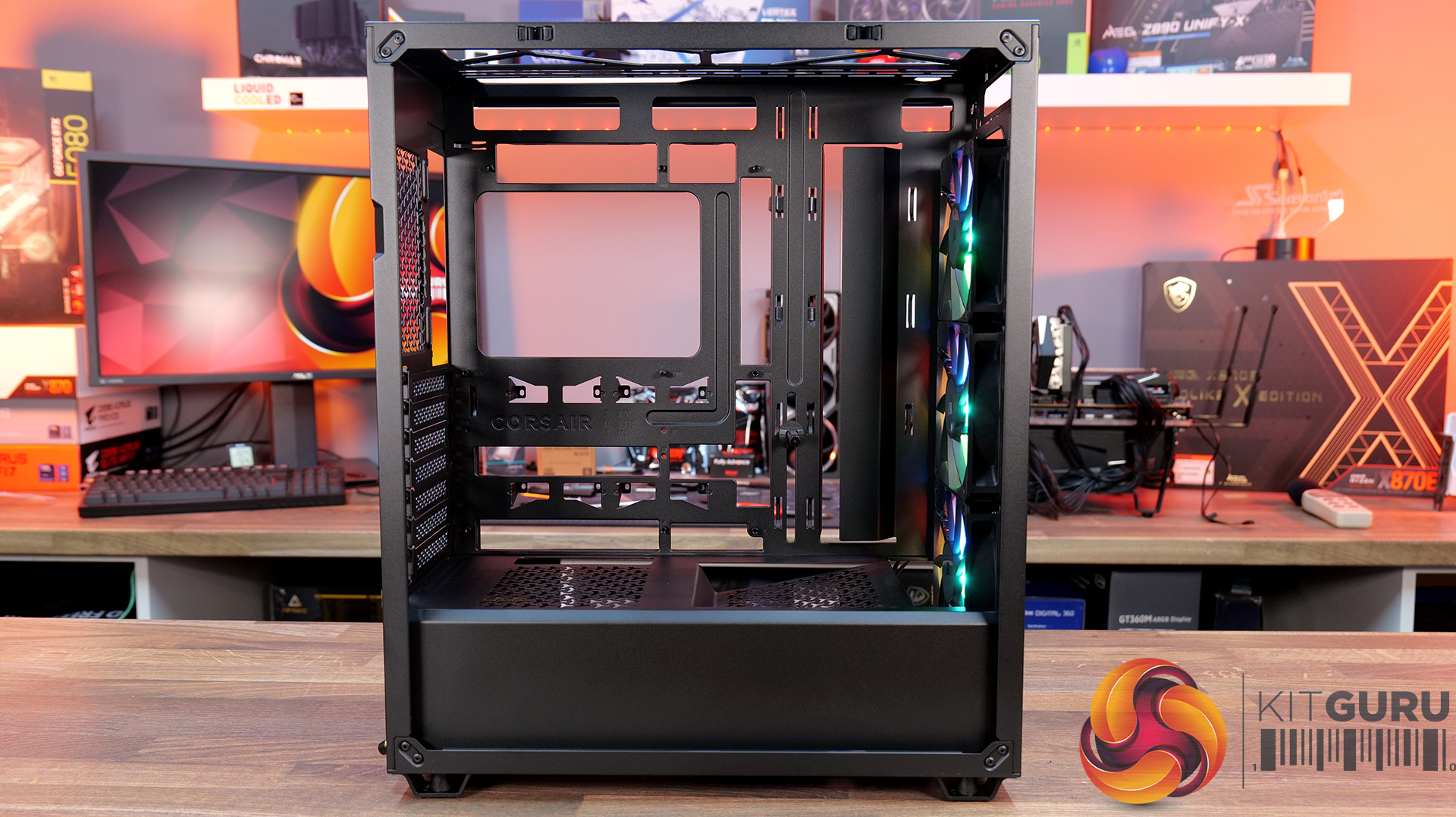
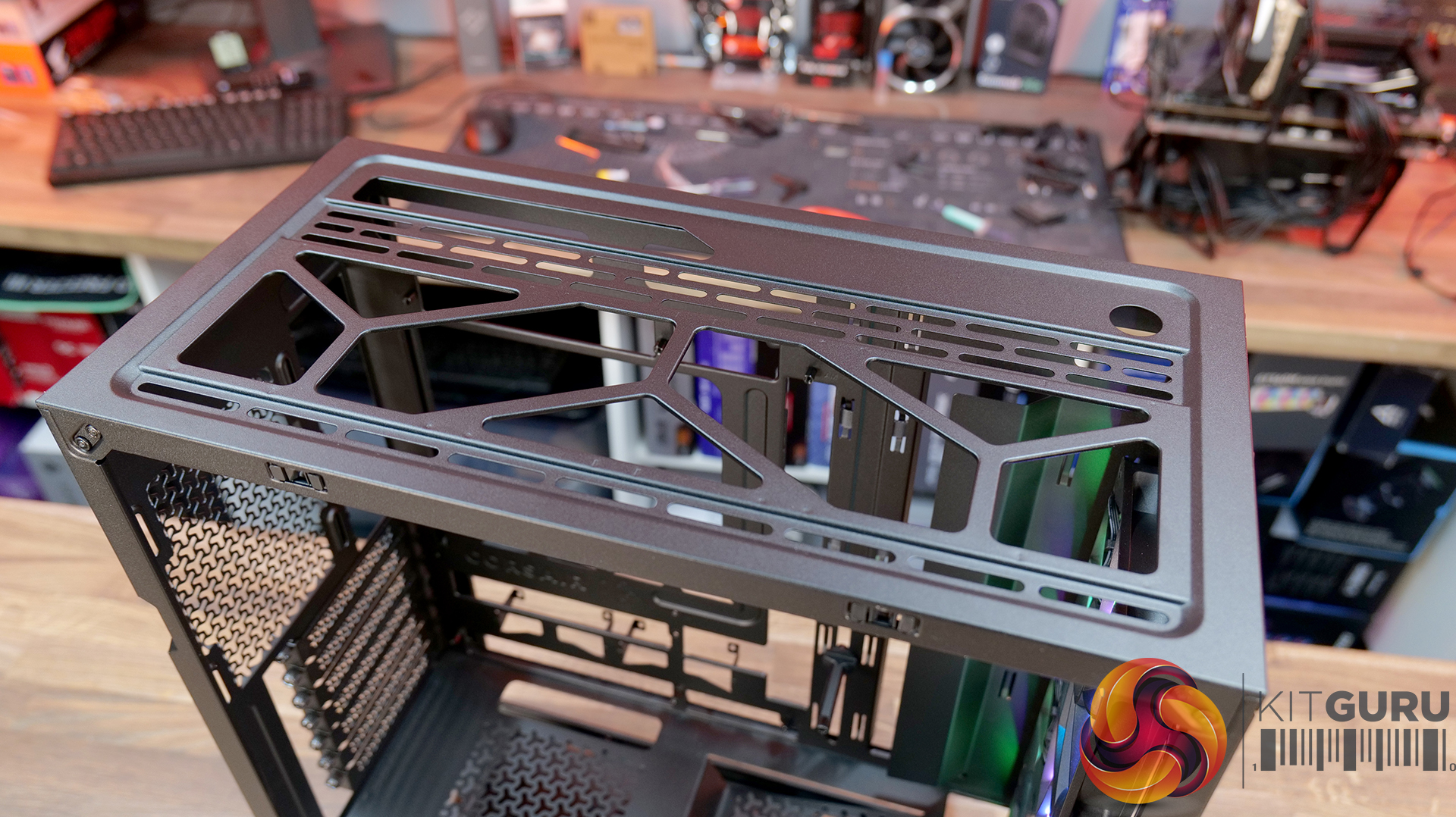
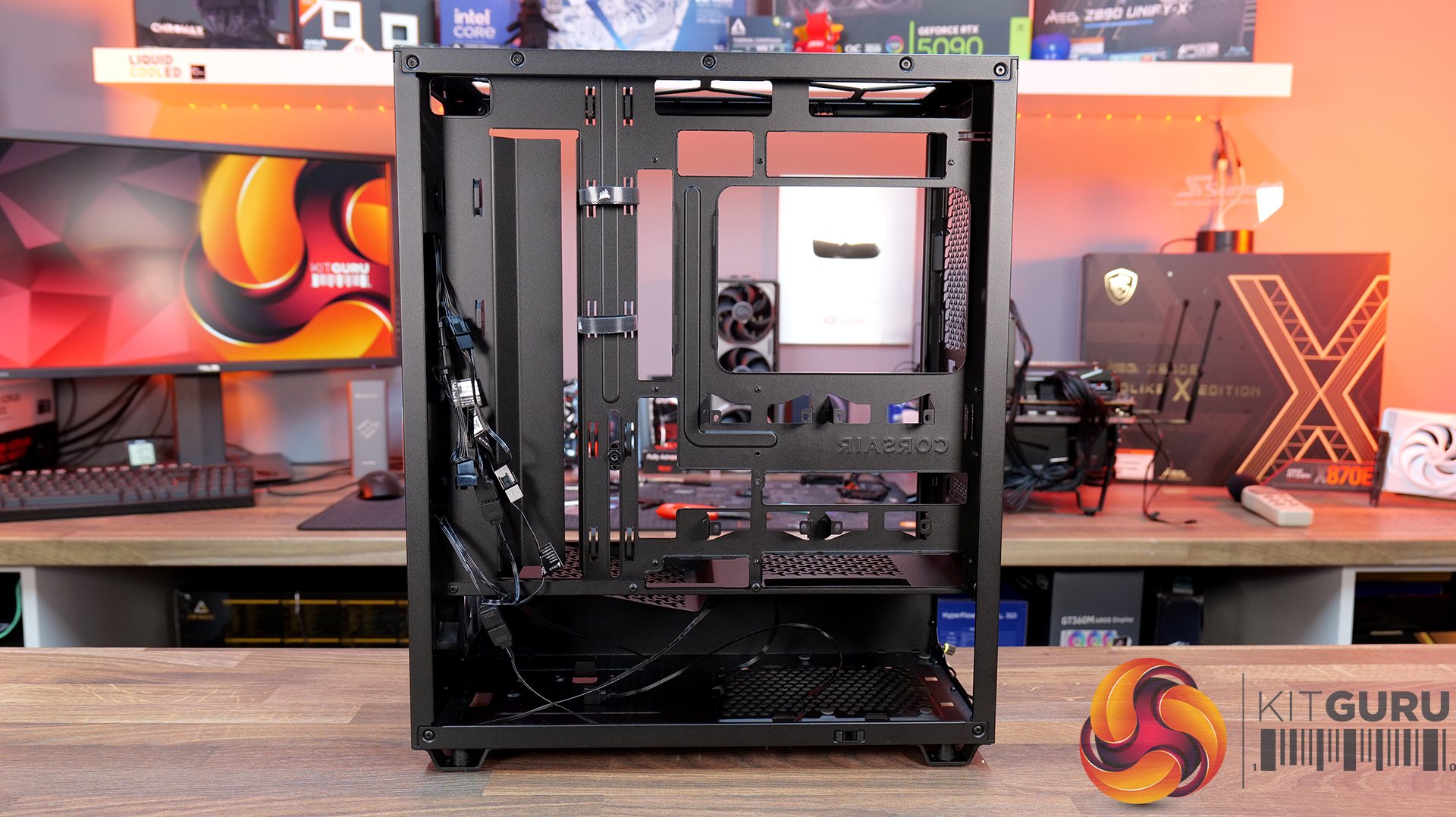
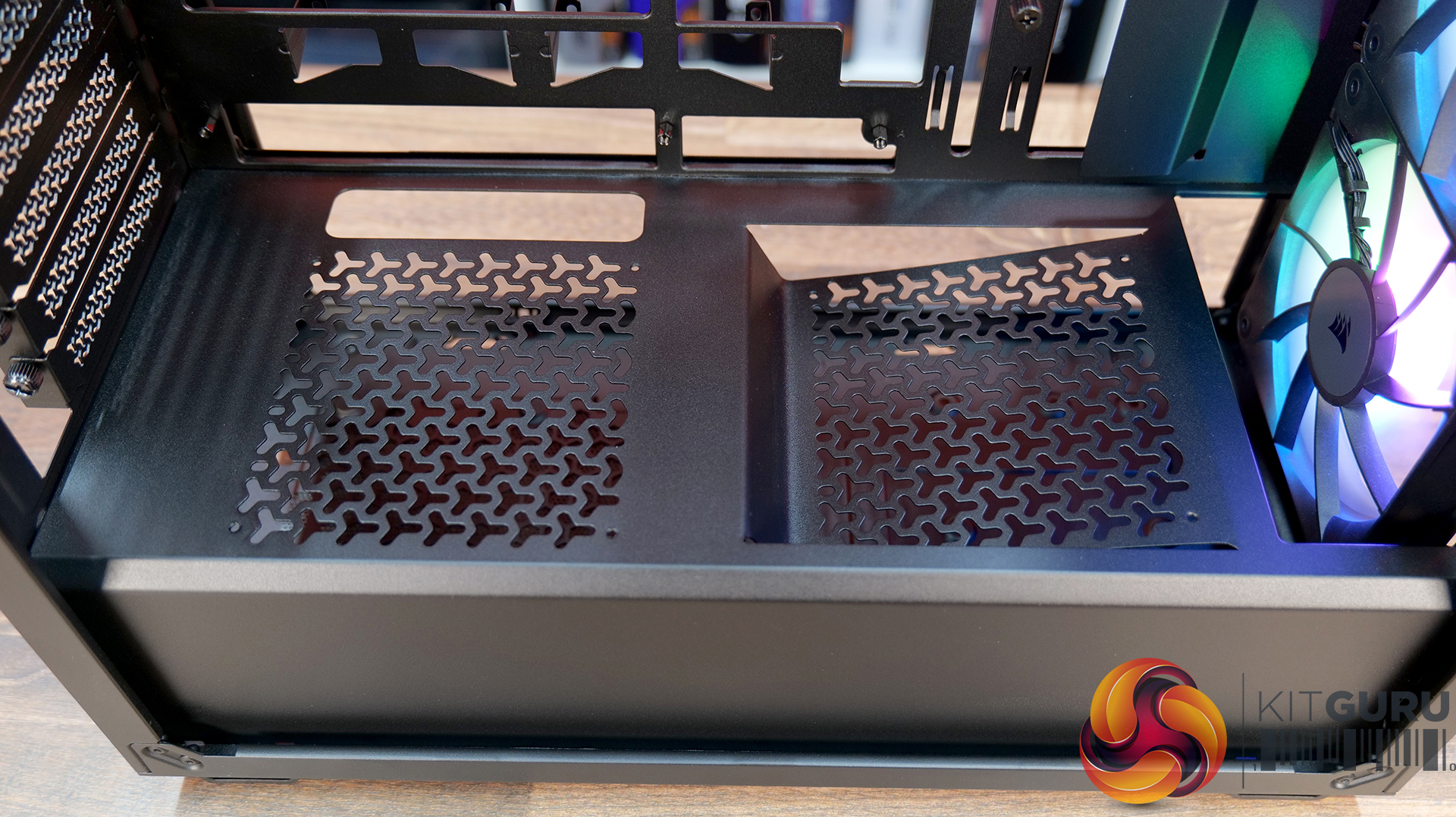
Corsair Frame 4000 Series Accessories Hands-On

27 May 2026 at 09:54

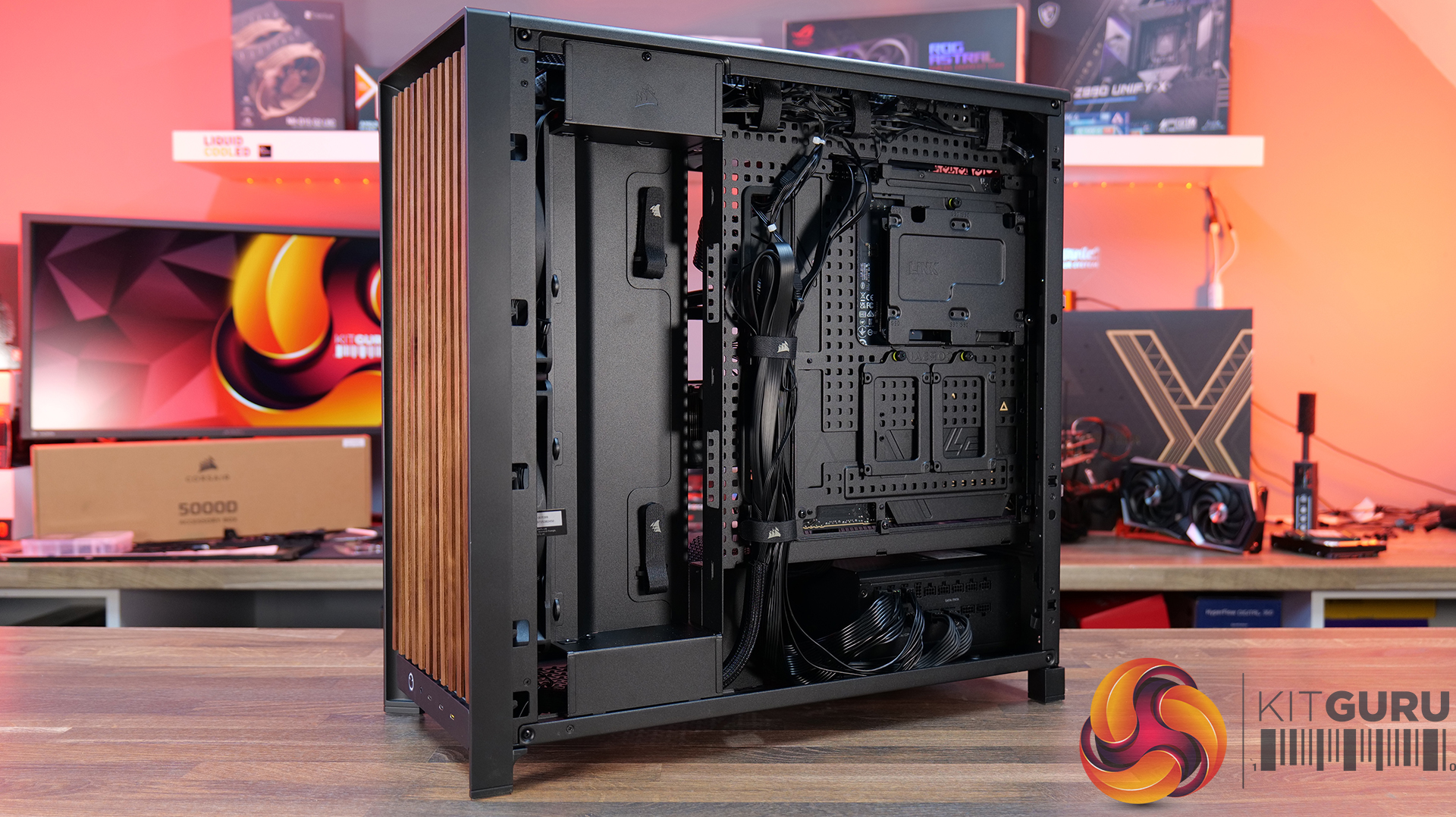
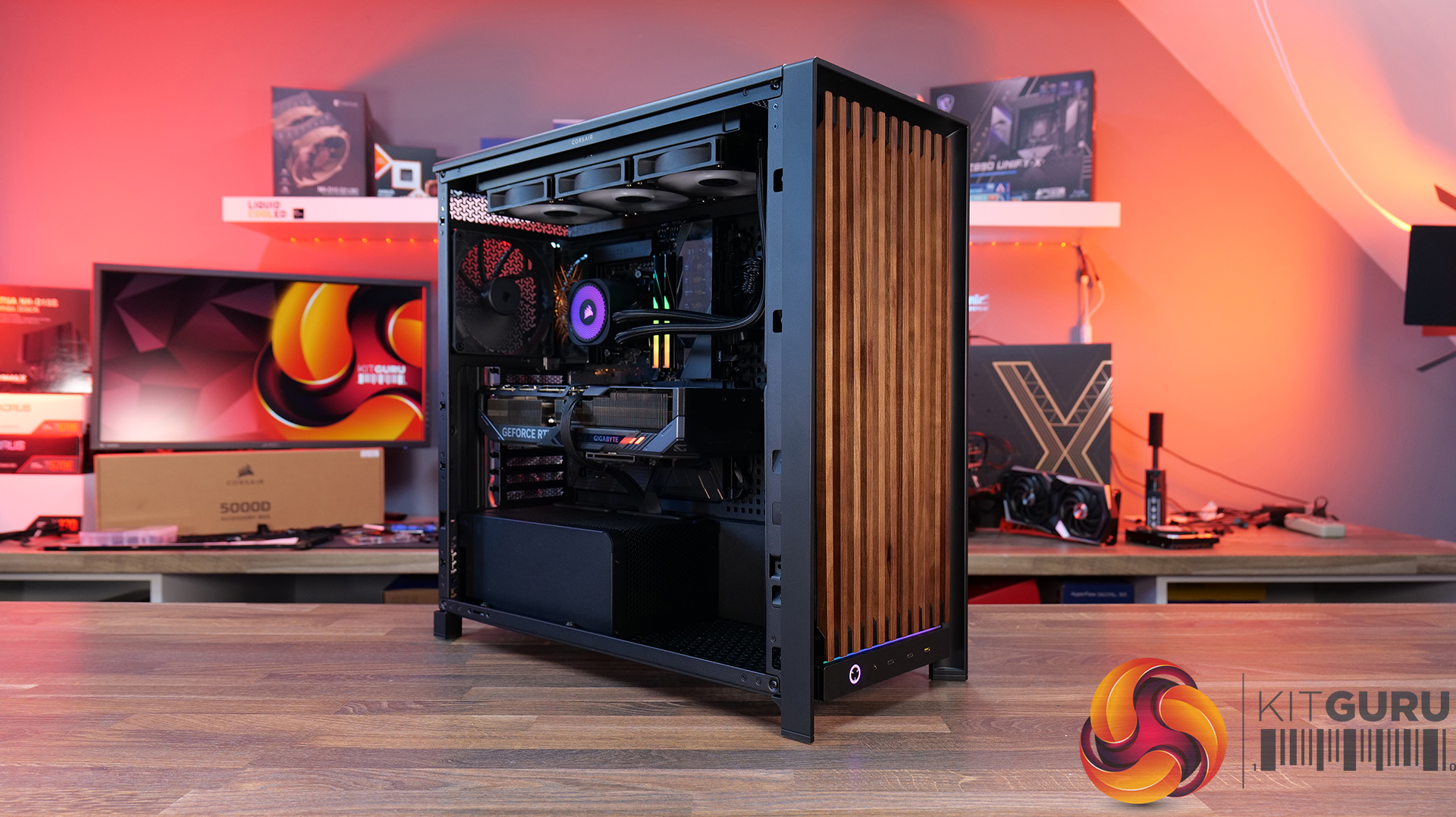
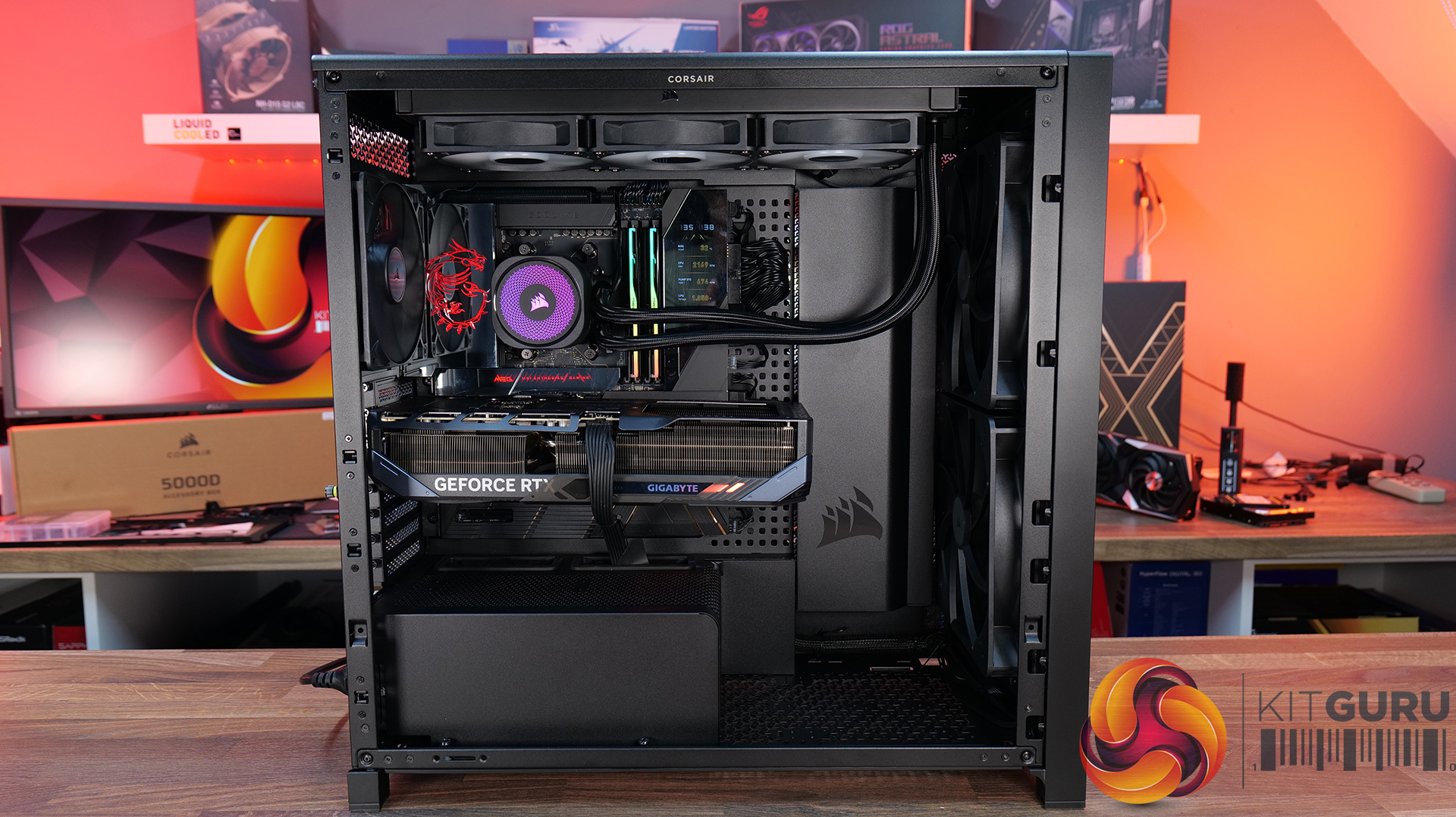
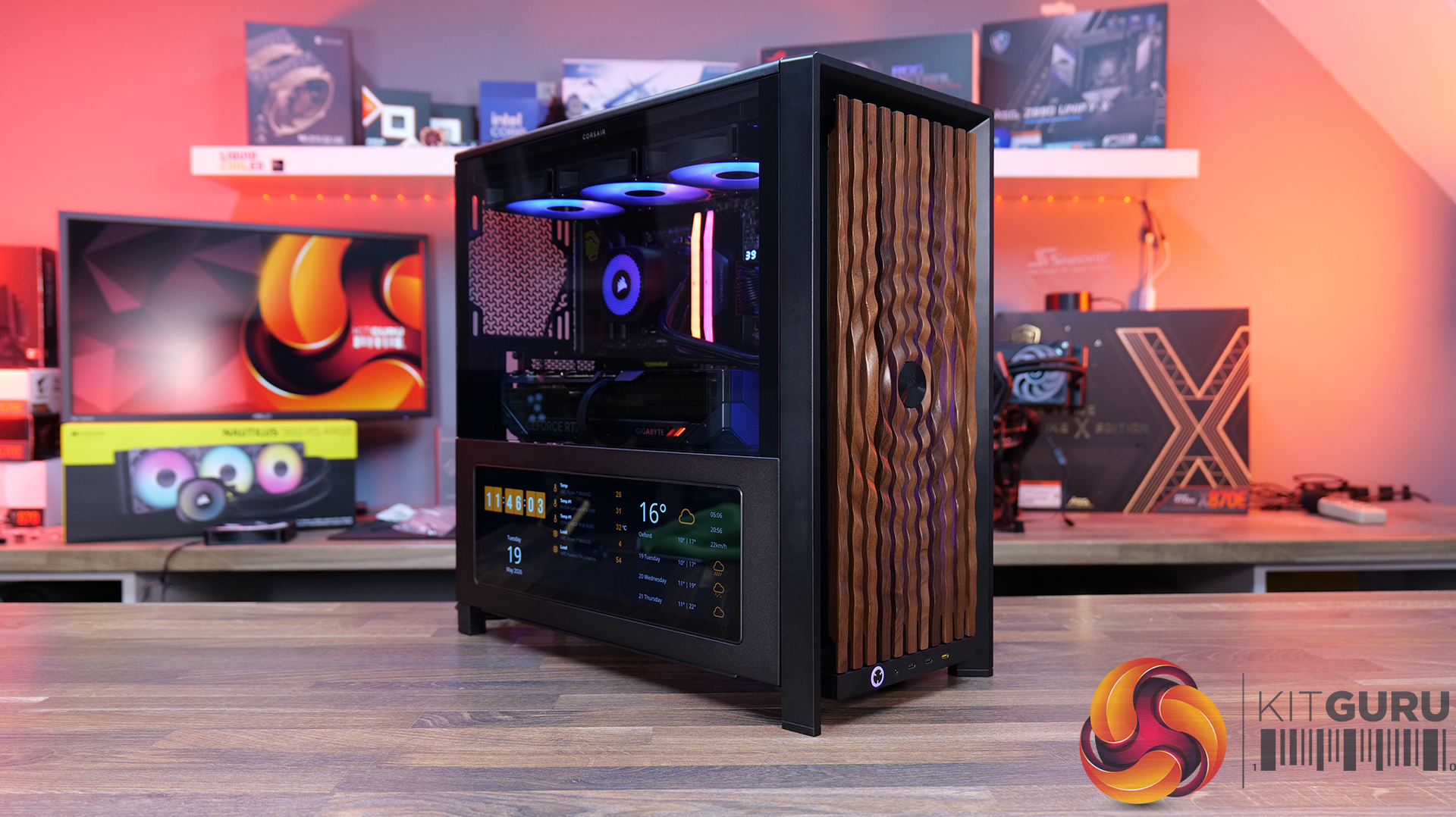
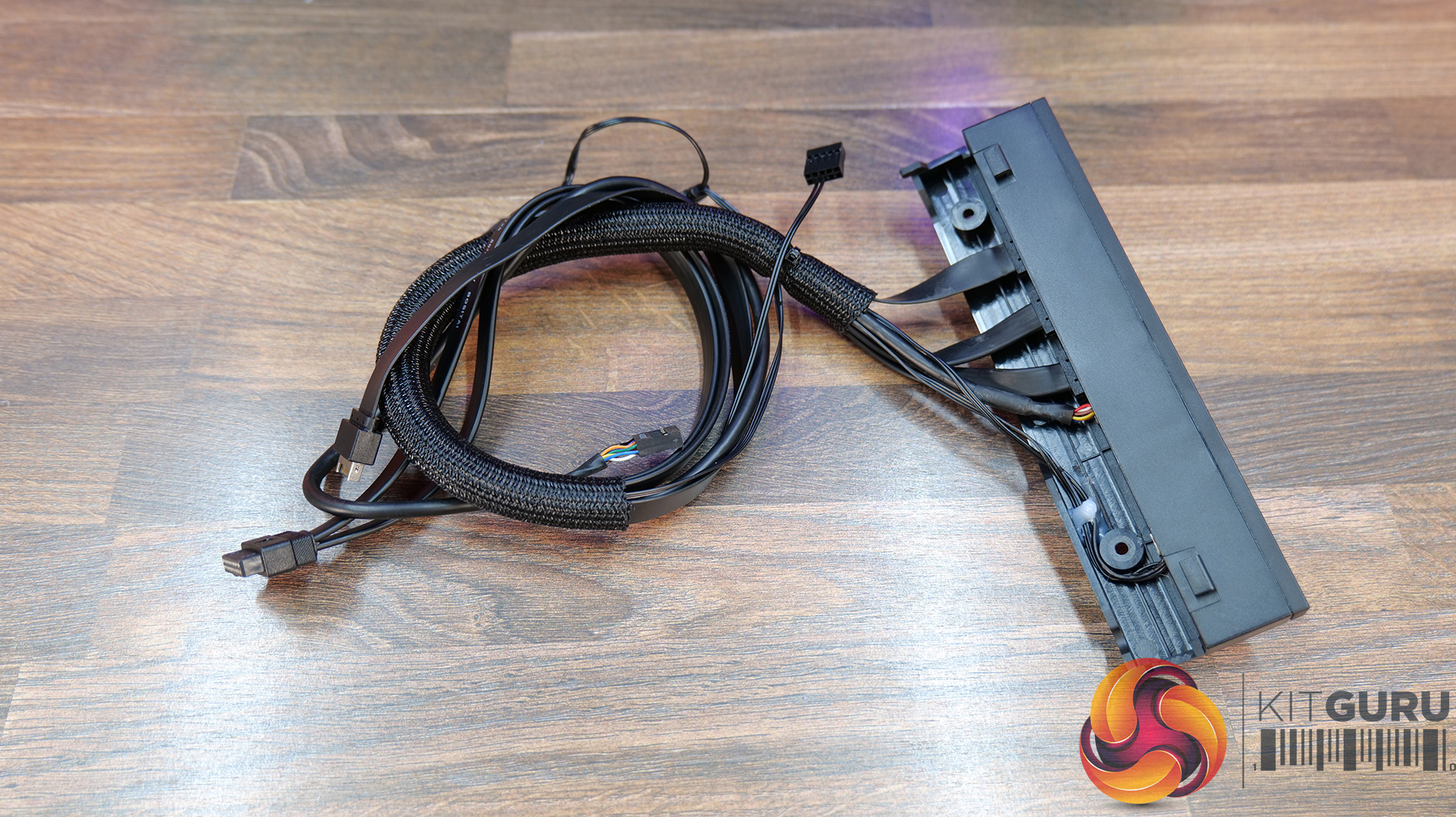
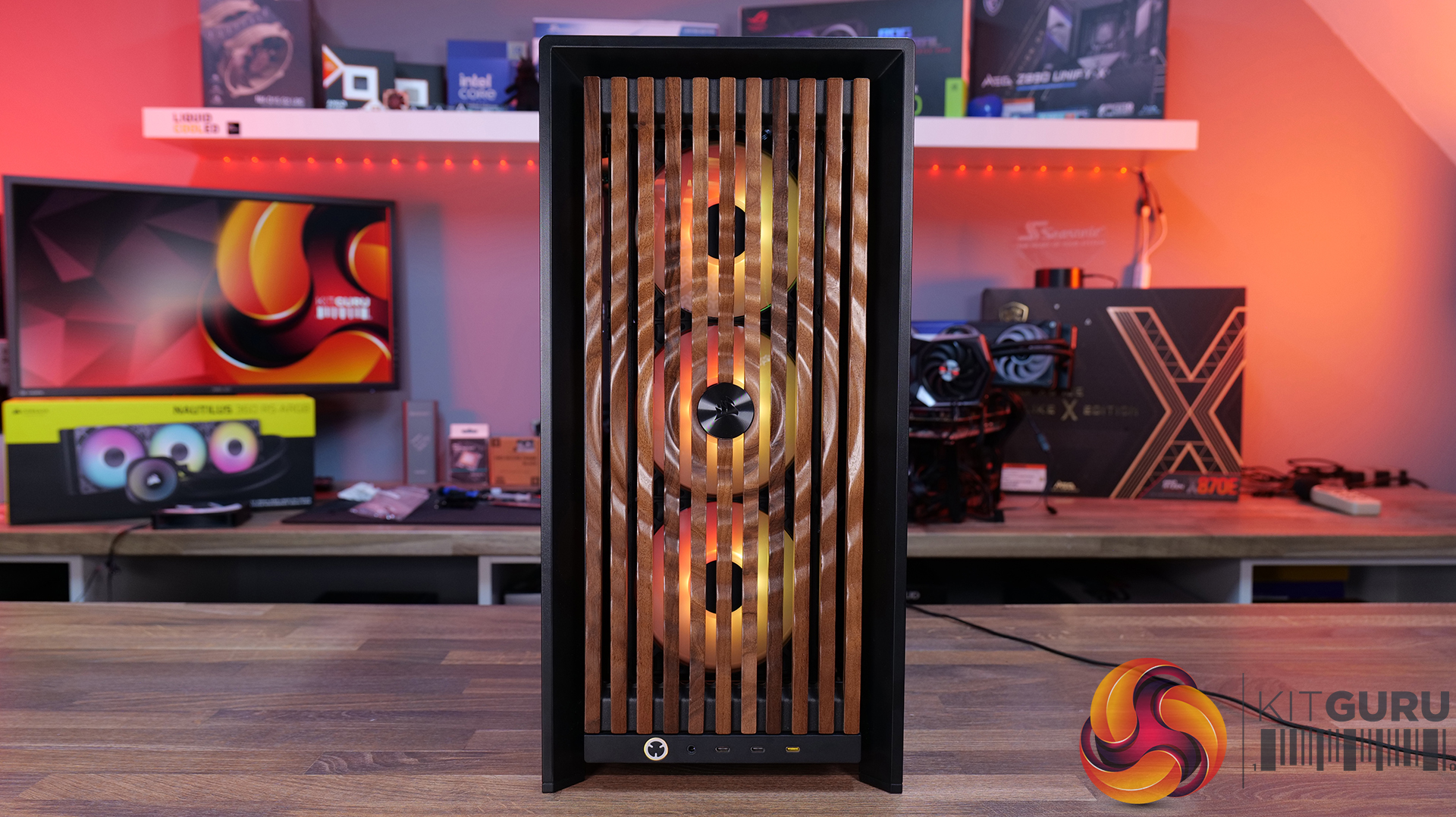
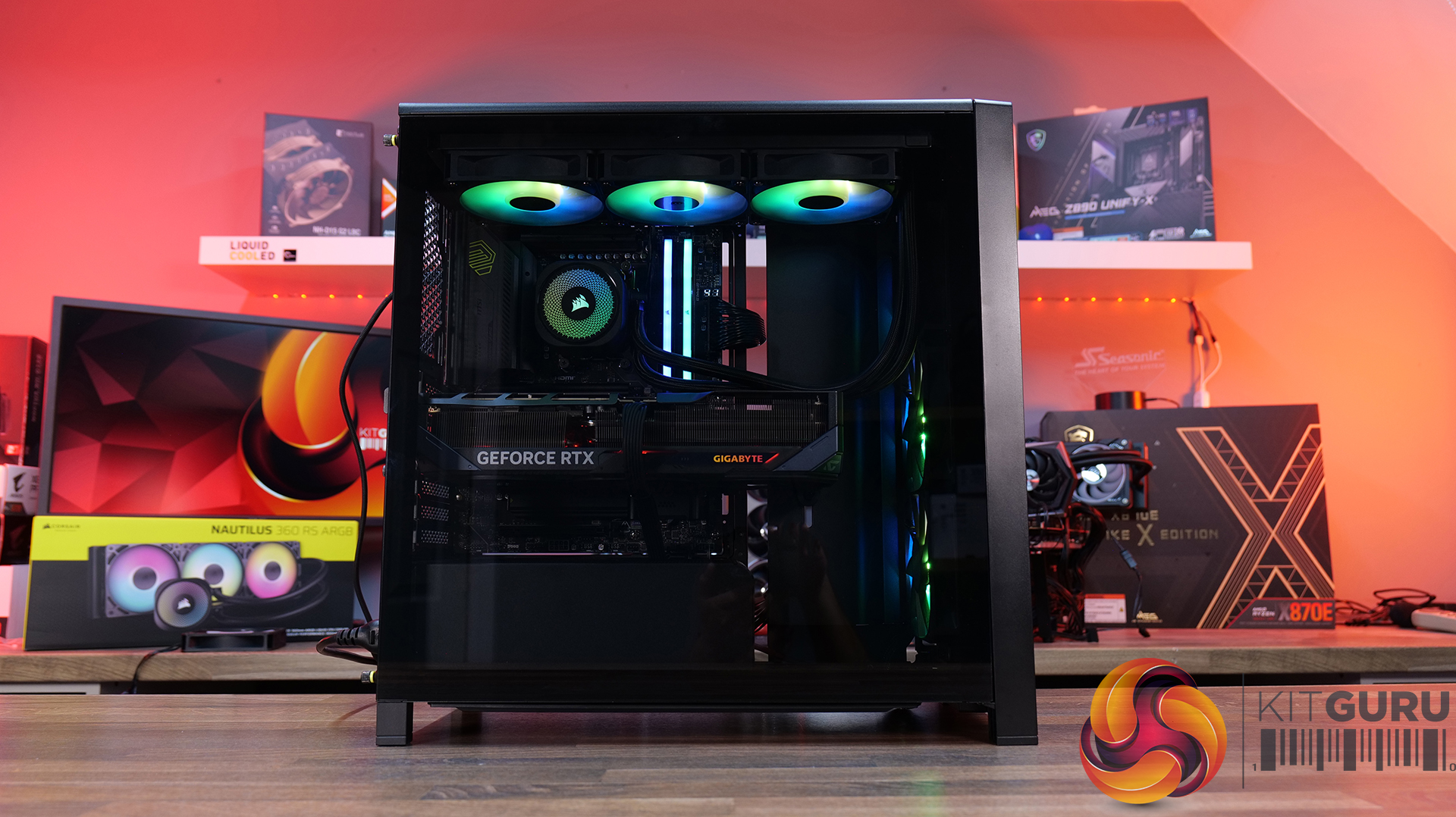
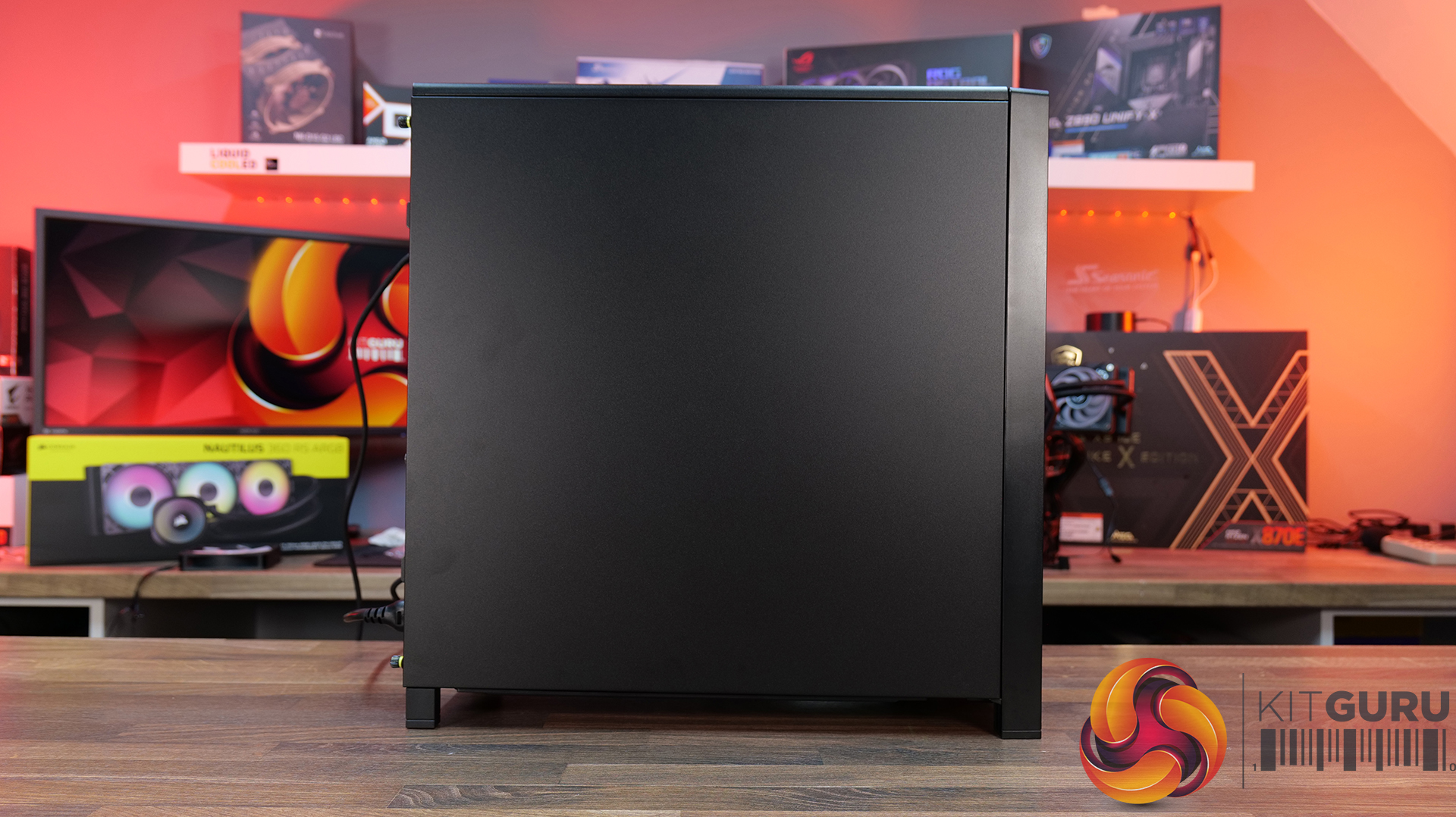
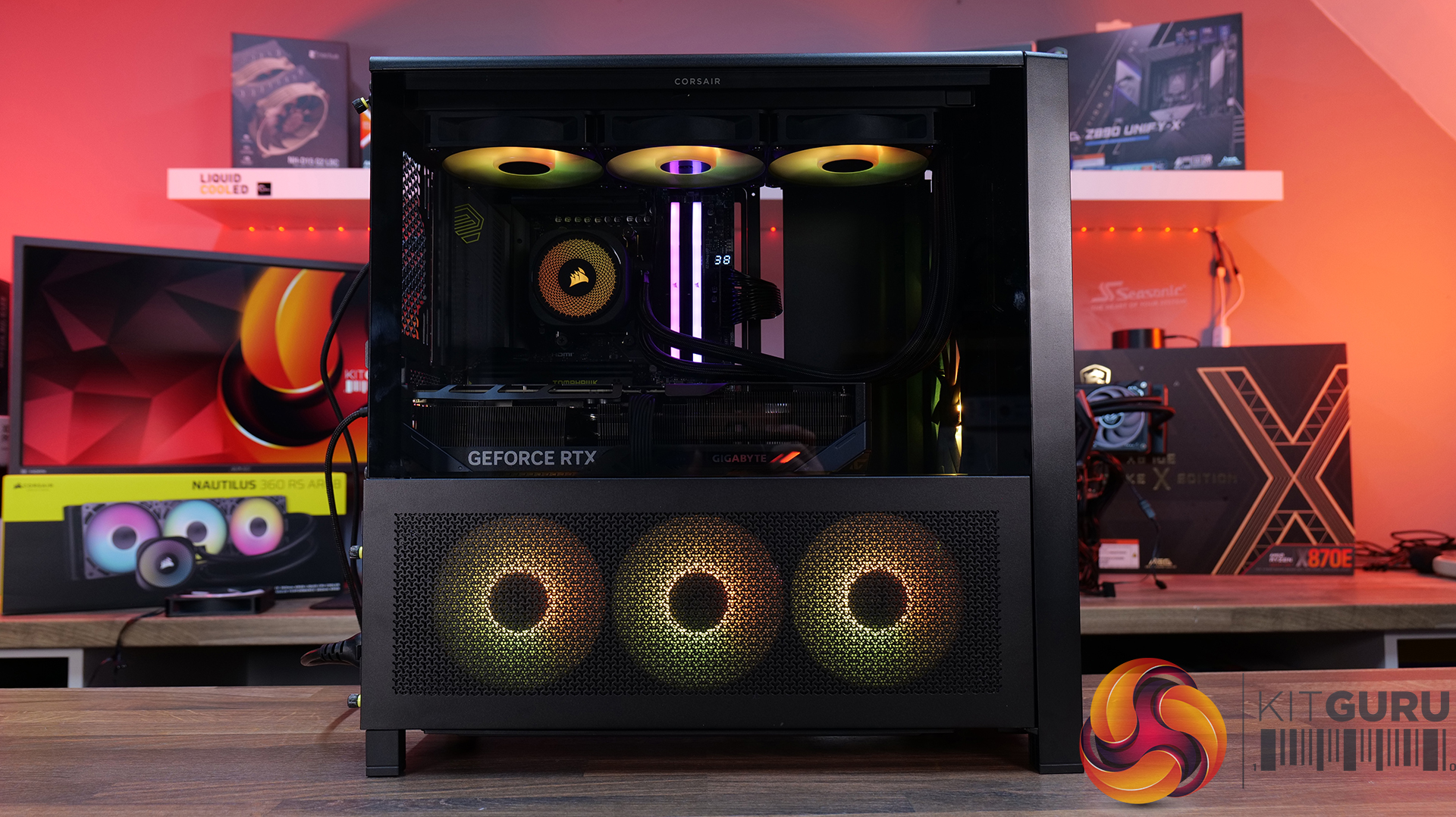
Today we’re looking at the new accessory ecosystem for the Corsair Frame 4000 case series. I reviewed the Frame 4000D about a year ago when Corsair first introduced its modular chassis design, now the company is expanding that idea with a range of upgrade parts and customisation options. New accessories include alternative front and side panels, replacement motherboard trays, a redesigned power supply shroud, plus an updated front I/O panel with improved USB connectivity. Corsair is clearly pushing the Frame platform as something you can maybe evolve rather than replace outright… but how useful are these upgrades, and are any of them worth buying? Let’s find out.

Timestamps:

00:00 Start
00:56 Accessories Overview
01:52 Alternative Motherboard Trays
03:33 Front Panel Options
08:18 Side Panel Options
13:43 Alternative Power Supply Shroud
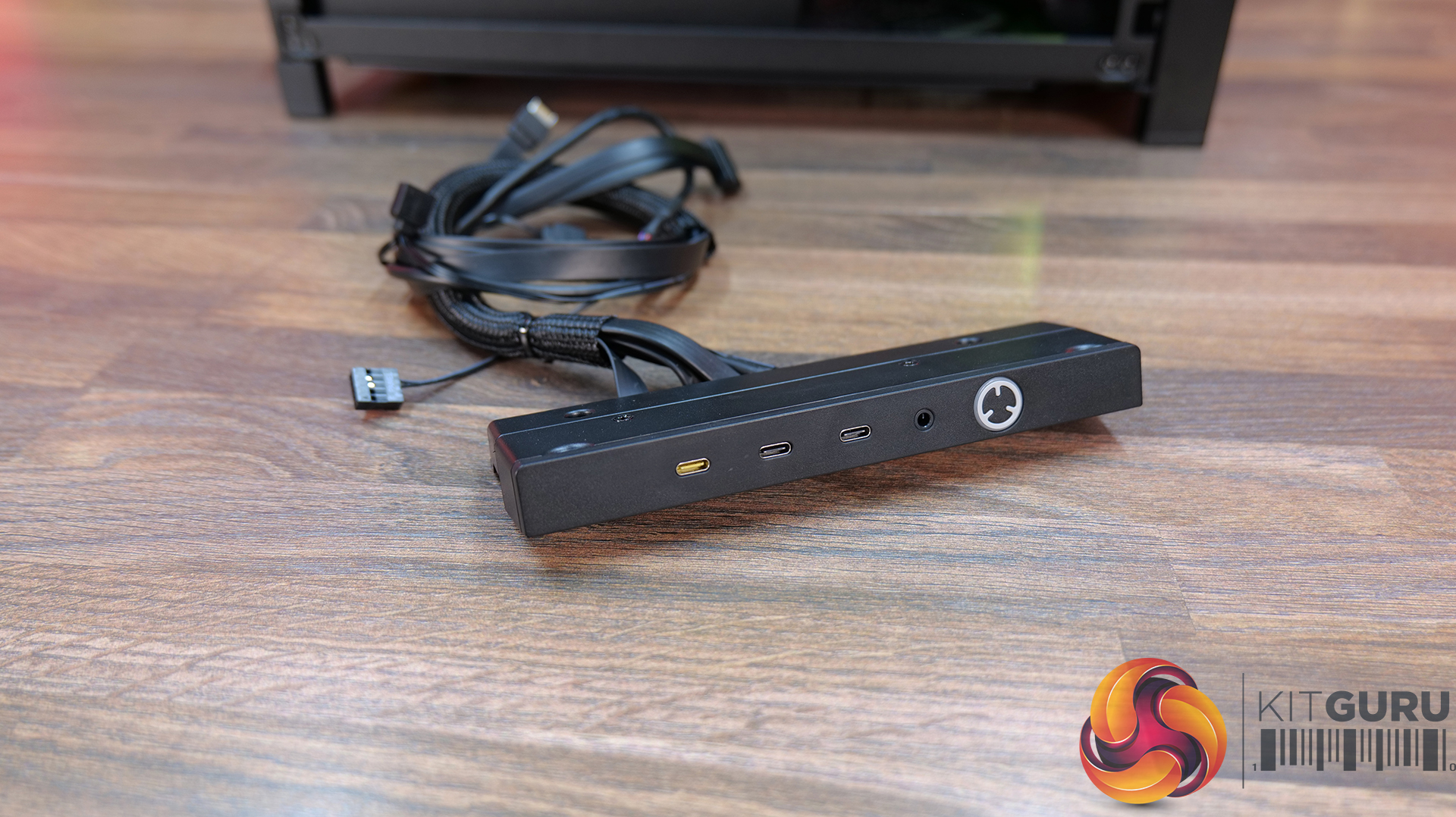
14:27 Front I/O Panel (ELITE)
15:53 James' Thoughts

Frame 4000 Series Accessories: Corsair Frame Configurator

  • Elite Front Panel I/O – $24.99 / £29.99
  • Rapid Route 2.0 Motherboard tray – $9.99 / £10.82
  • ELITE Motherboard Tray – Meteorite Aluminium – $79.99 / £69.99
  • Full Tempered Glass Side Panel – $19.99 / £21.65
  • Flat Steel Side Panel – $14.99 / £16.24
  • LCD Mounting Kit – $39.99 / £29.99
  • Cold Air Intake Kit – $39.99 / £29.99
  • RGB FLOW Front Panel – $19.99 / £21.65
  • WOOD Front Panel – $29.99 / £29.99
  • ELITE WOOD Front Panel – $49.99 / £59.99
  • Flat Glass Front Panel – $19.99 / £21.65
  • Series Pixel Glass Front Panel – $19.99 / £21.65
  • Compact PSU Shroud – $14.99 / £16.24

Front I/O:

  • Elite Front Panel I/O: Comes with 3 x USB Type C Ports (1x USB 3.2 Gen 2×2 Type-C 20Gb/s port and 2x USB 3.2 Gen 1 Type-C 5Gb/s ports)  and a swappable MX-Style Green mechanical power button. The standard Front I/O comes with 1 x USB Type-C port and 2 x USB Type-A ports.

Motherboard Tray Options:

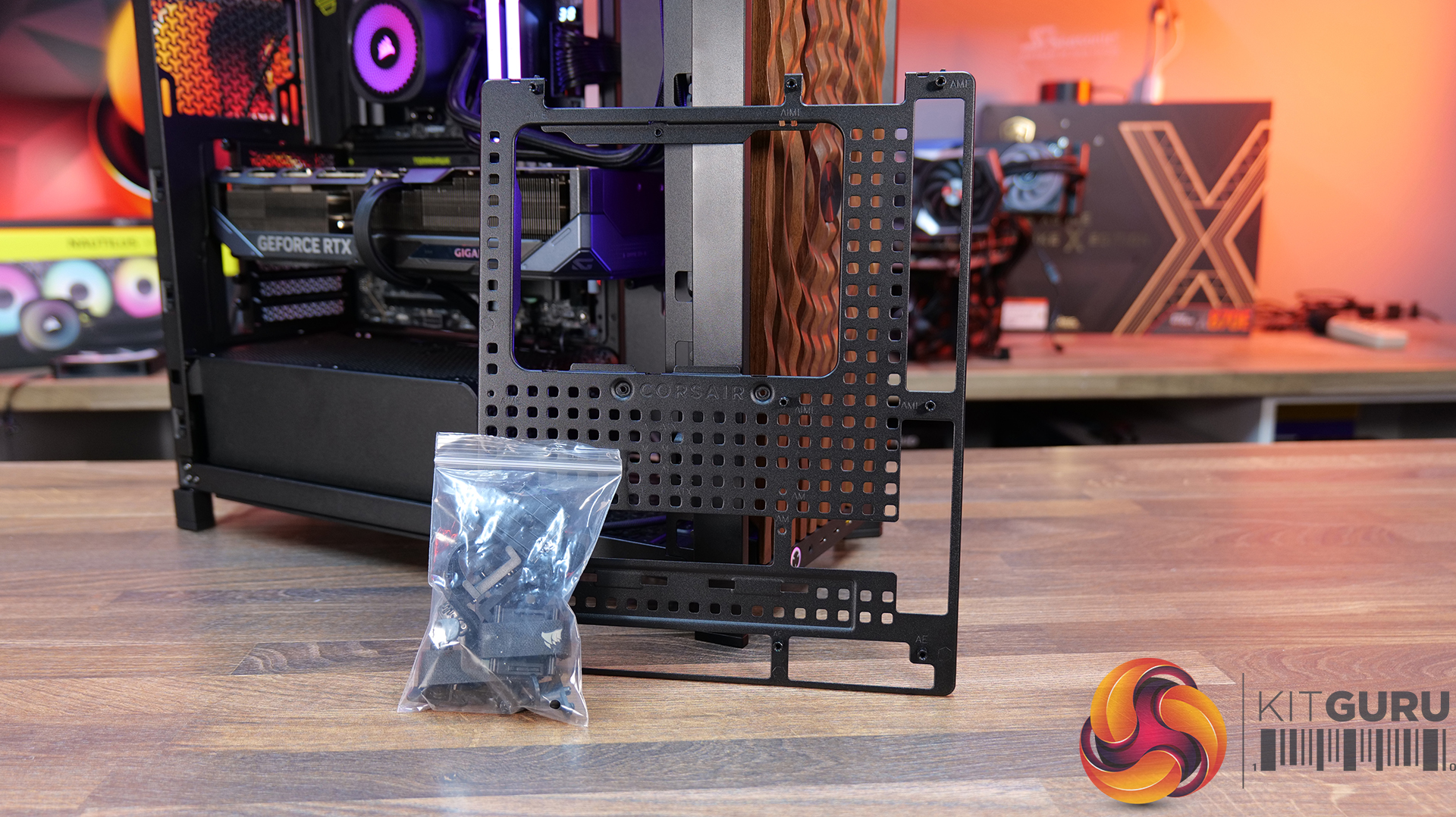
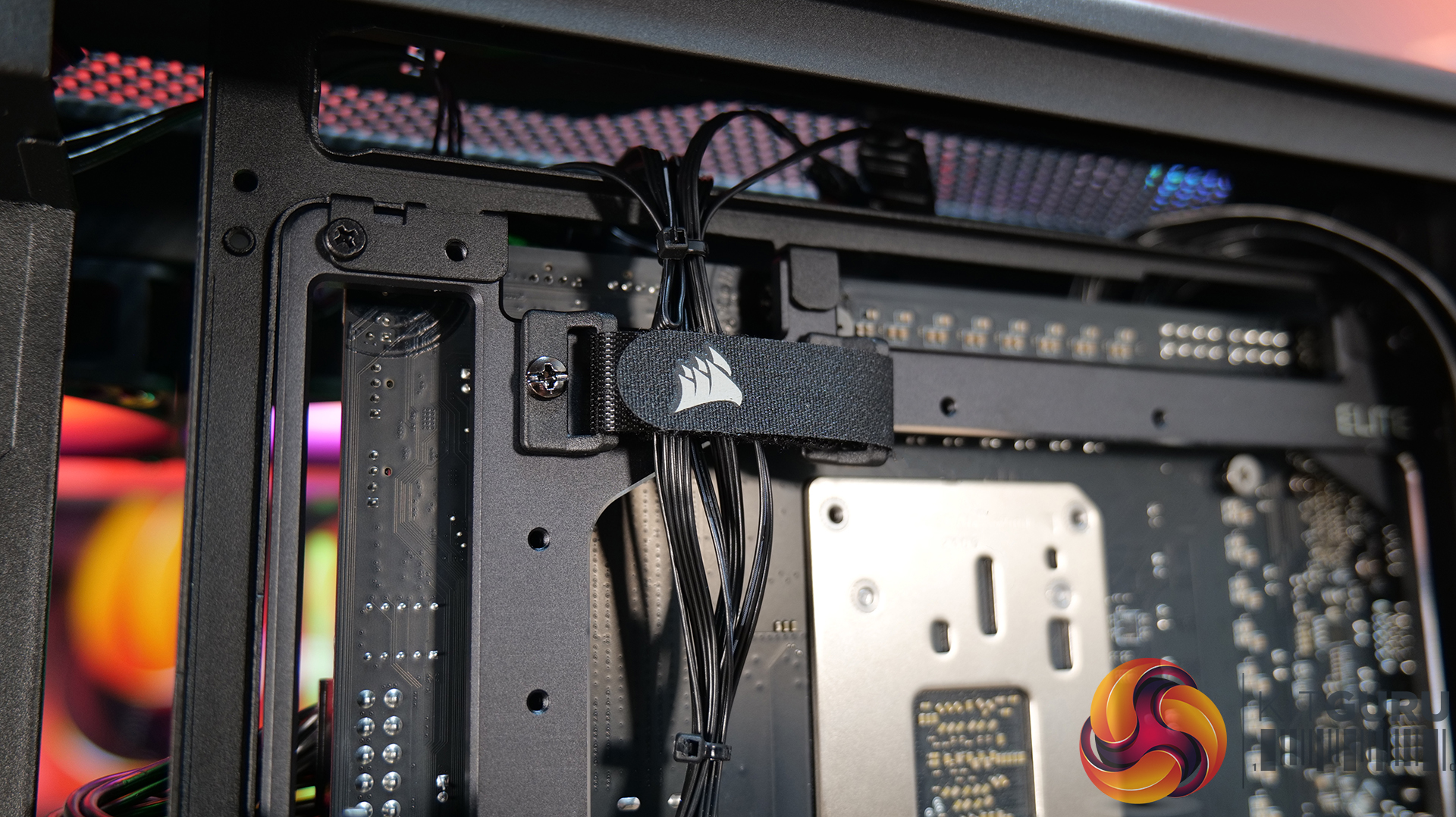
  • RapidRoute 2.0 Motherboard Tray – A Pegboard motherboard tray designed to make cable management easy, allowing the user to move and rotate the ratcheting cable ties for customised cable management.
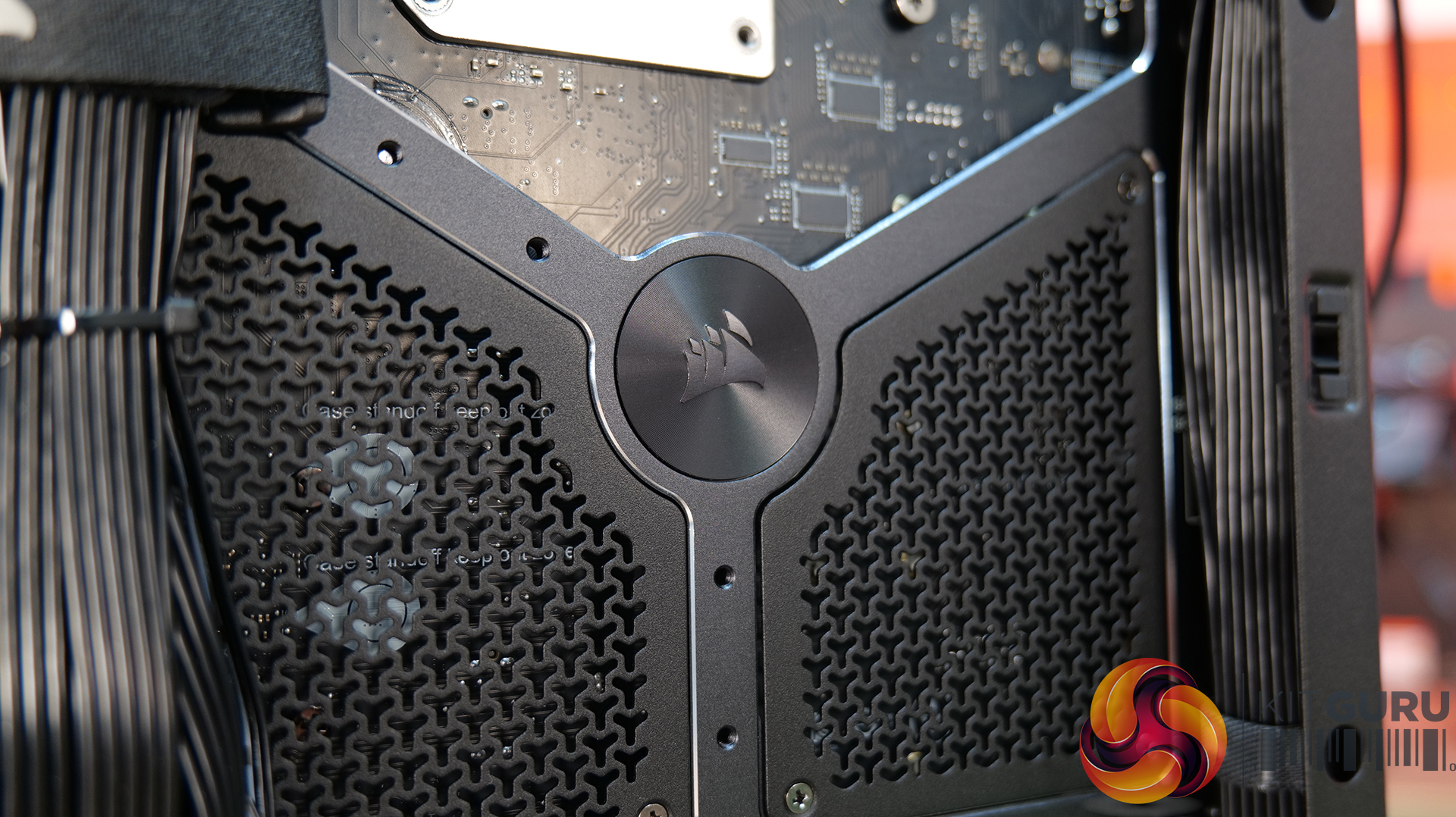
  • ELITE Motherboard Tray – Meteorite Aluminium – Premium motherboard tray made from a single piece of aluminium, high rigidity and light weight with diamond cut edges – Supports E-ATX, ATX, Micro ATX, including reverse connector boards.

Front Panel options:

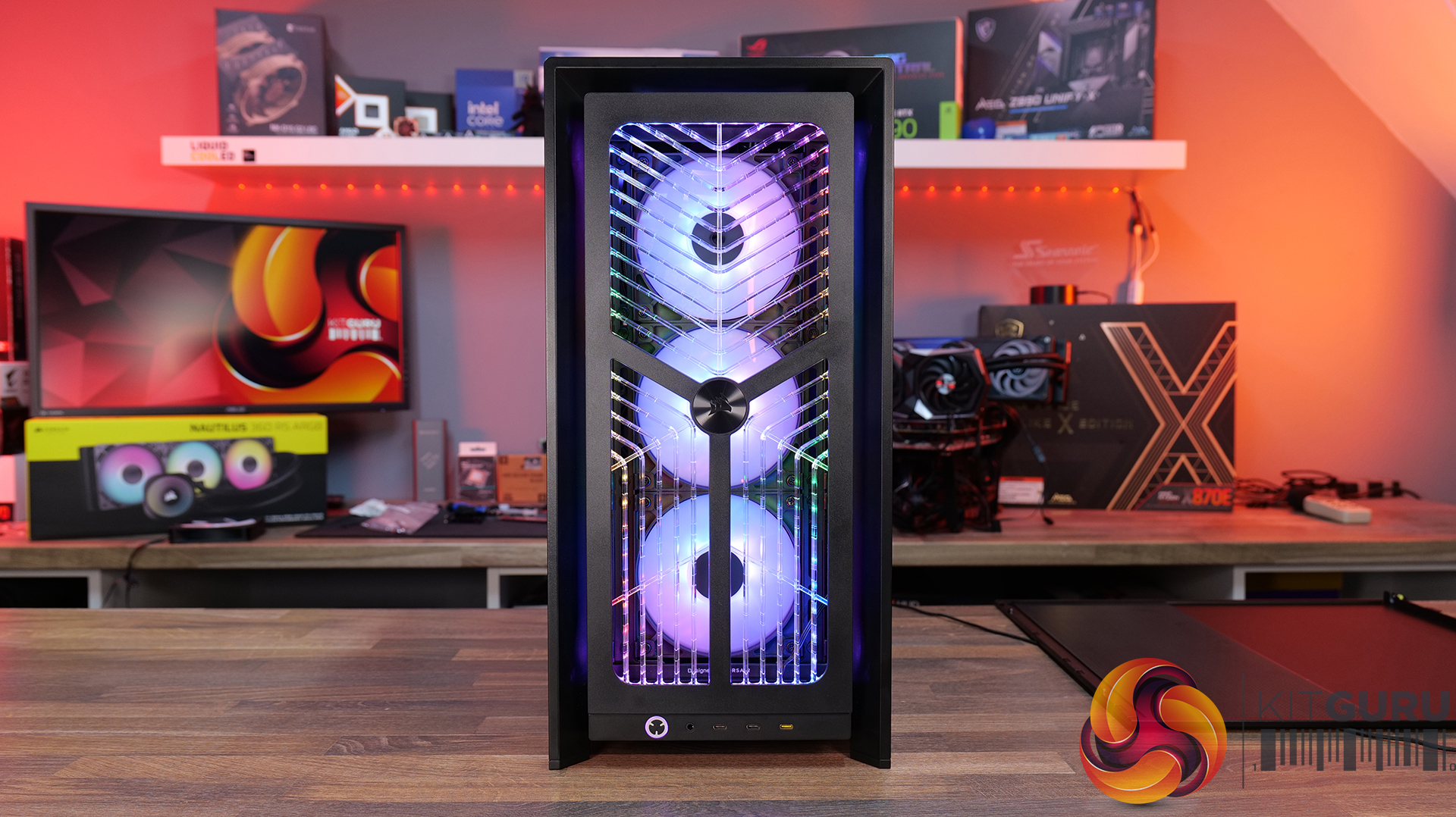
  • RGB FLOW Front Panel – High air flow front panel with built-in RGB lighting -completely different look from the stock 3D-Y design.
  • Flat Glass Front Panel – Solid glass for showing off front fans.
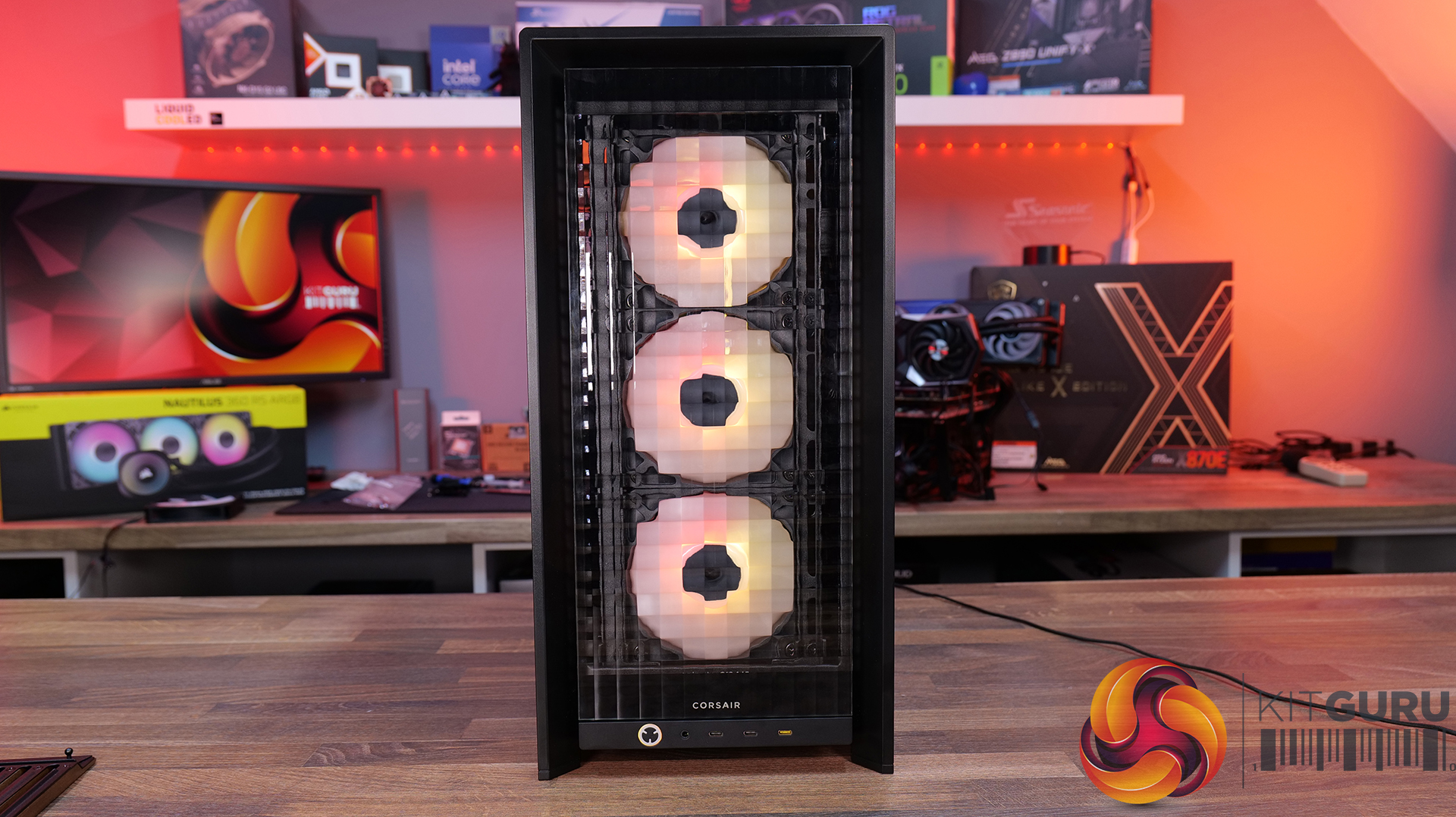
  • Pixel Glass Front Panel – A full glass panel that allows unobstructed RGB lighting and creates a pixelated visual.
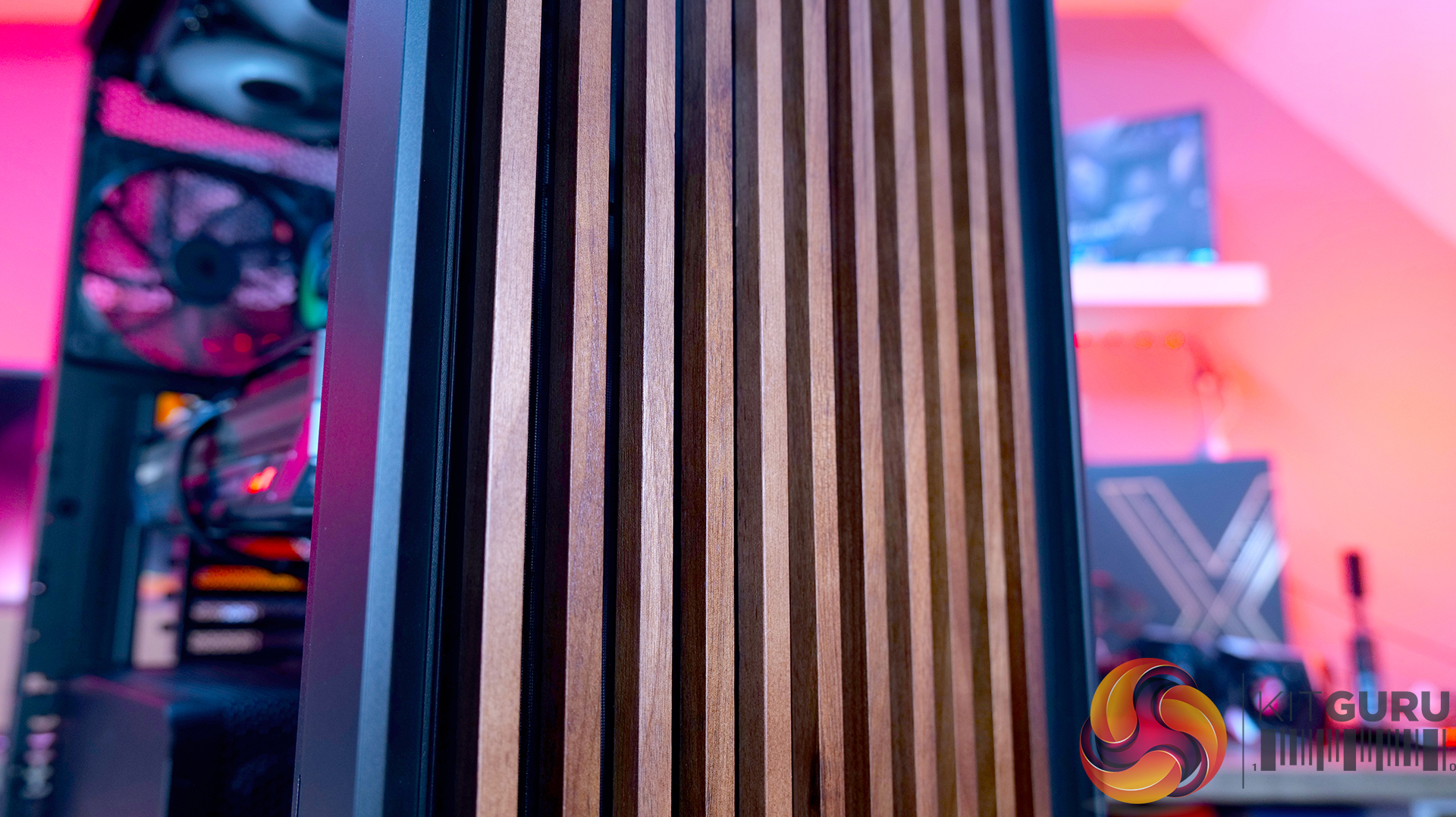
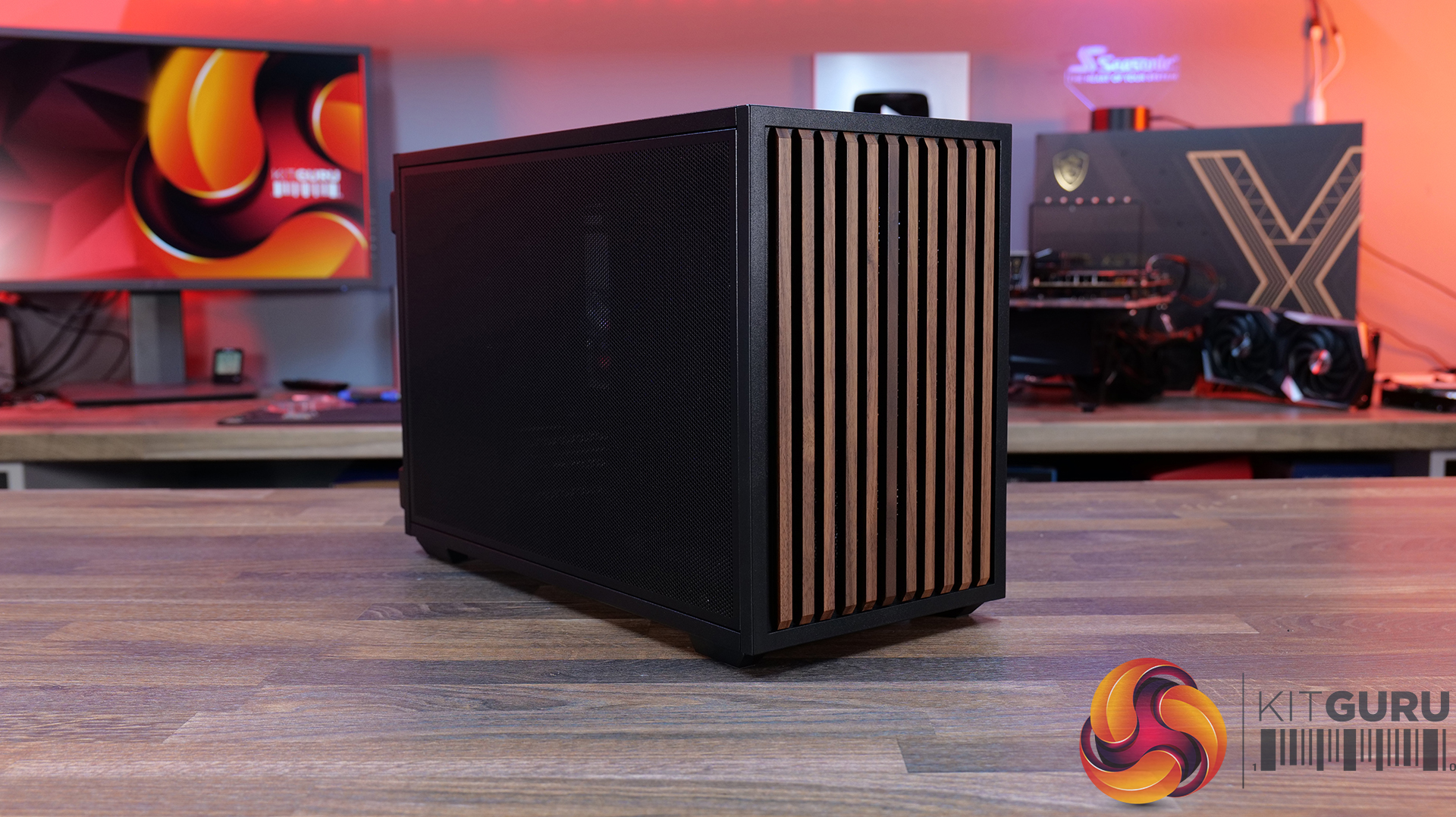
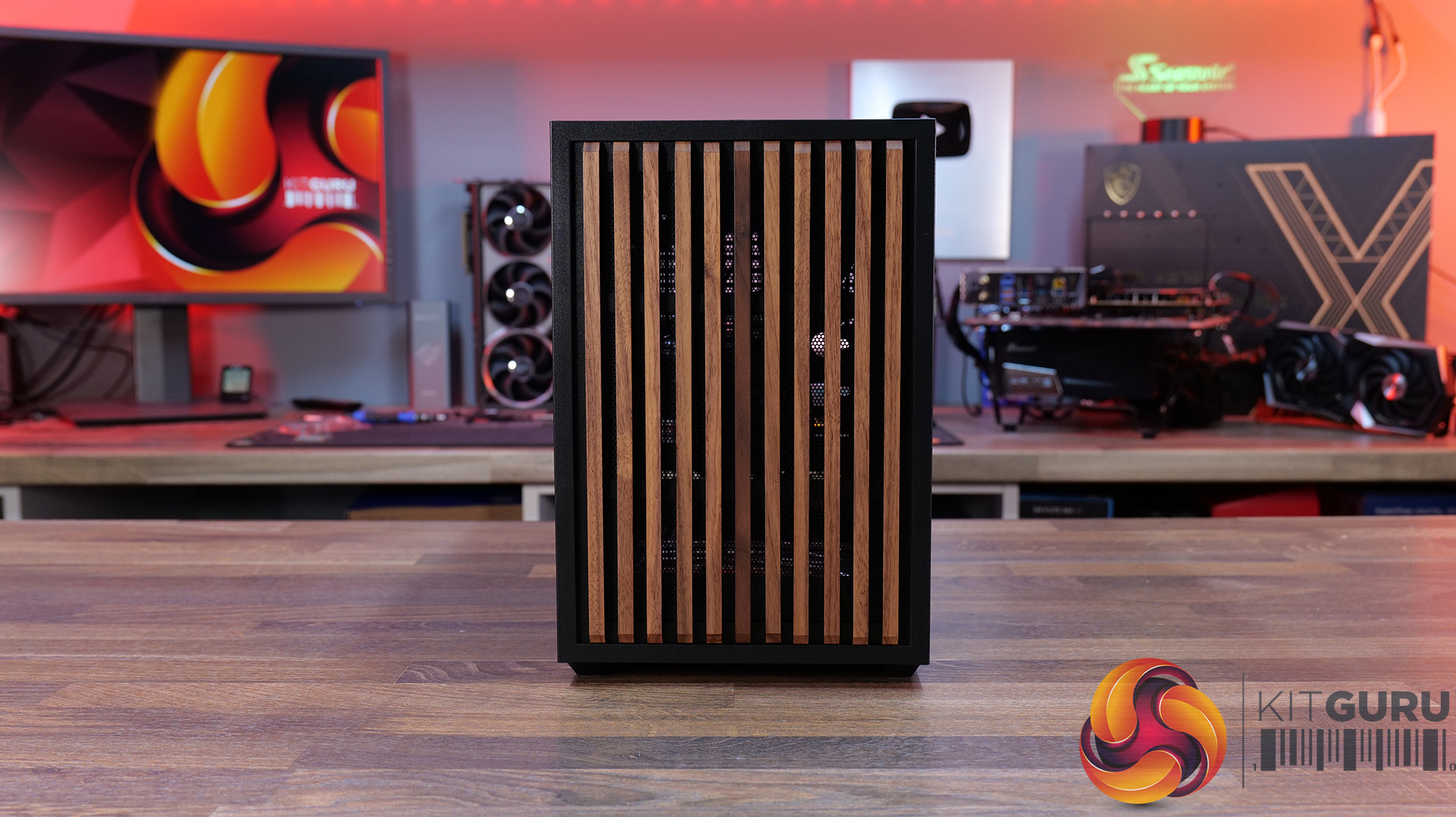
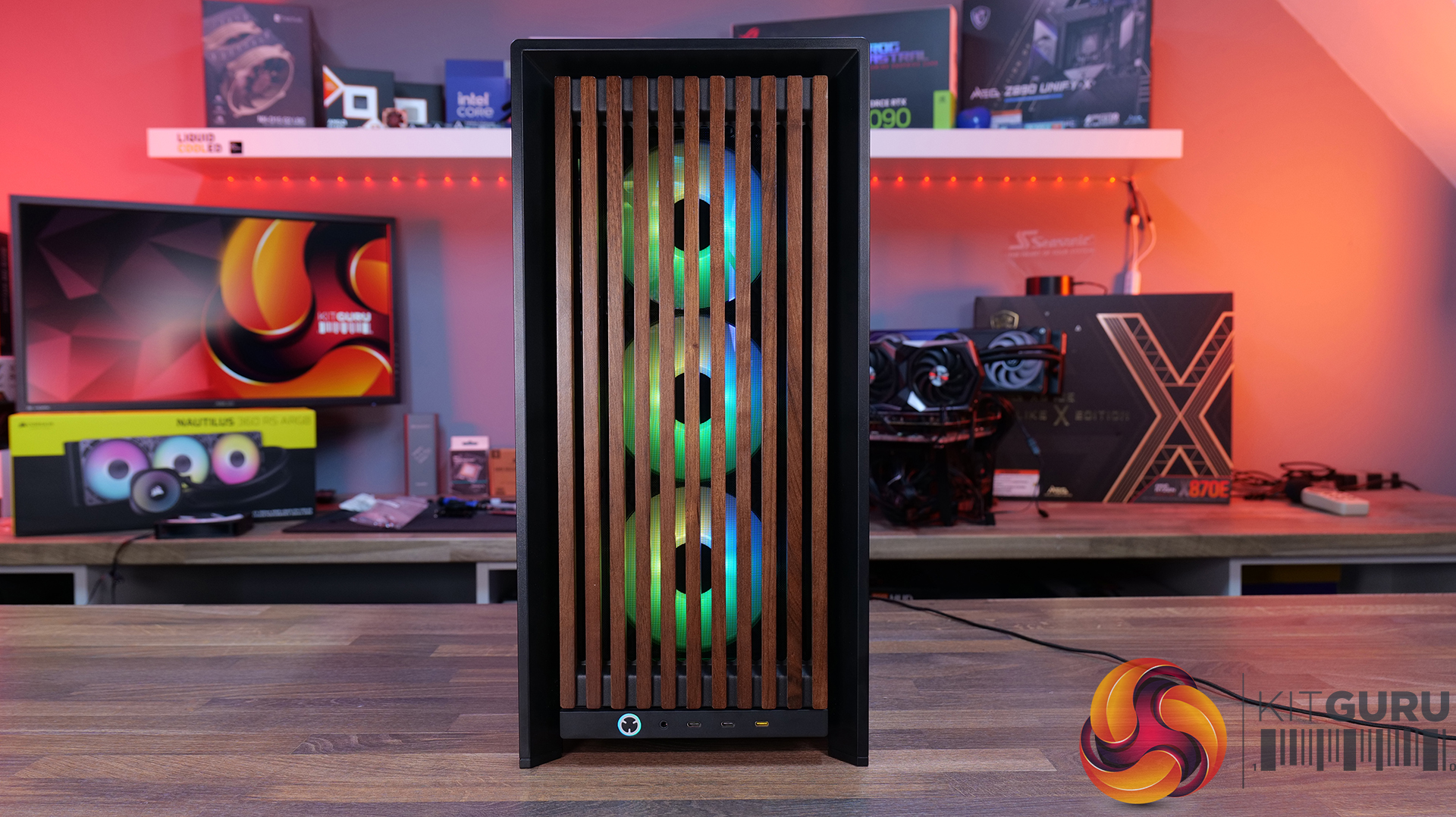
  • Wood Front Panel – Made using real FSC certified wooden slats for a natural look, but still retaining great airflow  – available in black/walnut or white/oak.
  • ELITE Wood Front Panel – again made from fsc certified wooden slats with a wavy parametric design and a central Corsair logo – also available in black/walnut or white/oak.

Side Panels Options:

  • Full Glass Side Panel – ideal if you want to show off your whole system; you can even run it with the PSU shroud completely removed for a more retro look and to show off your power supply.
  • Flat steel Side Panel – if you don’t want to see inside at all.
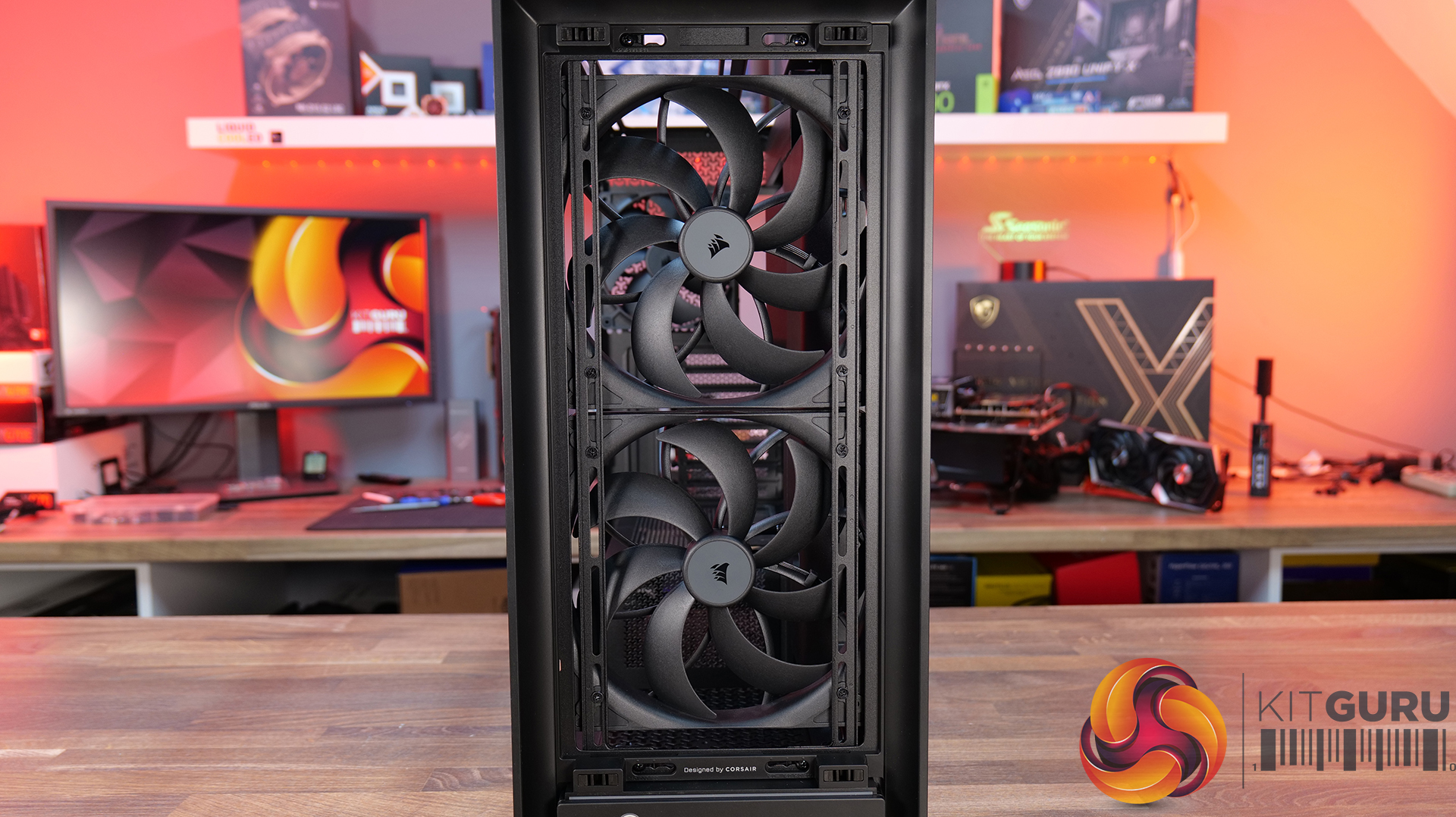
  • Cold Air Intake Kit – 2/3 glass and a fan bracket for 3 x 120mm fans.
  • LCD Mounting Kit – 2/3 glass and a slot to fit the Xenon Edge 14.5” LCD touchscreen – plus all cables for internal connectivity.

PSU Shroud:

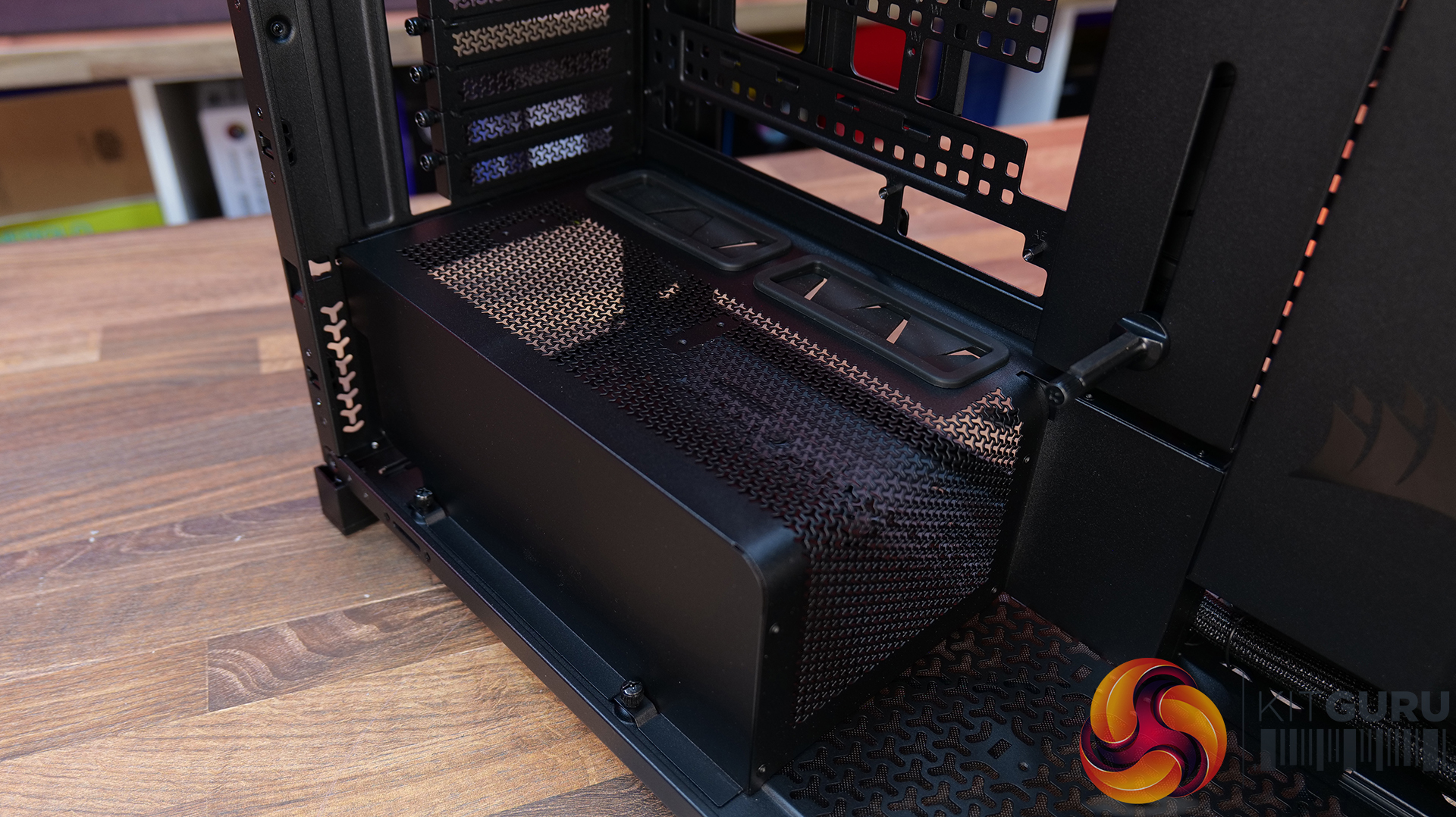
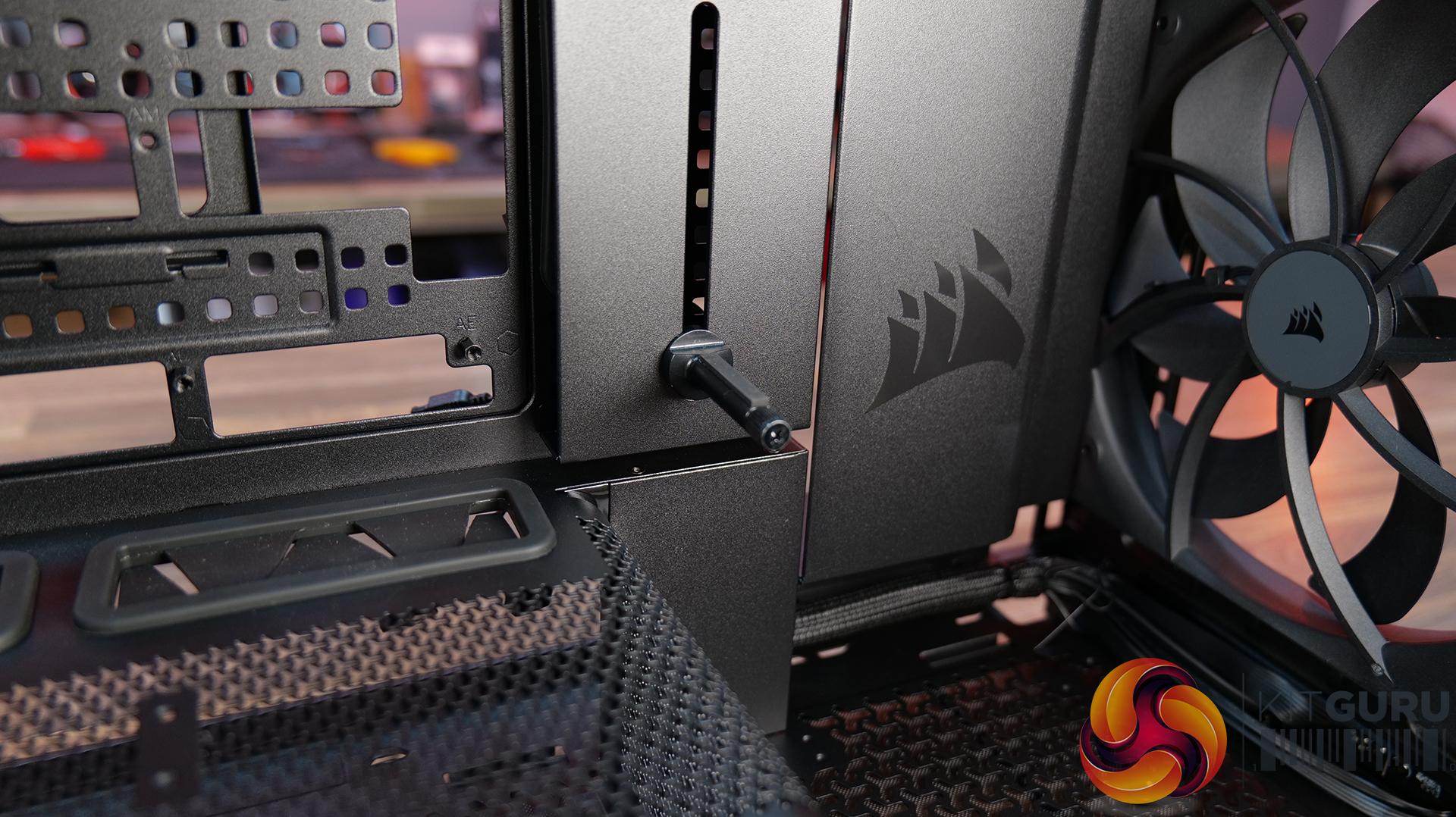
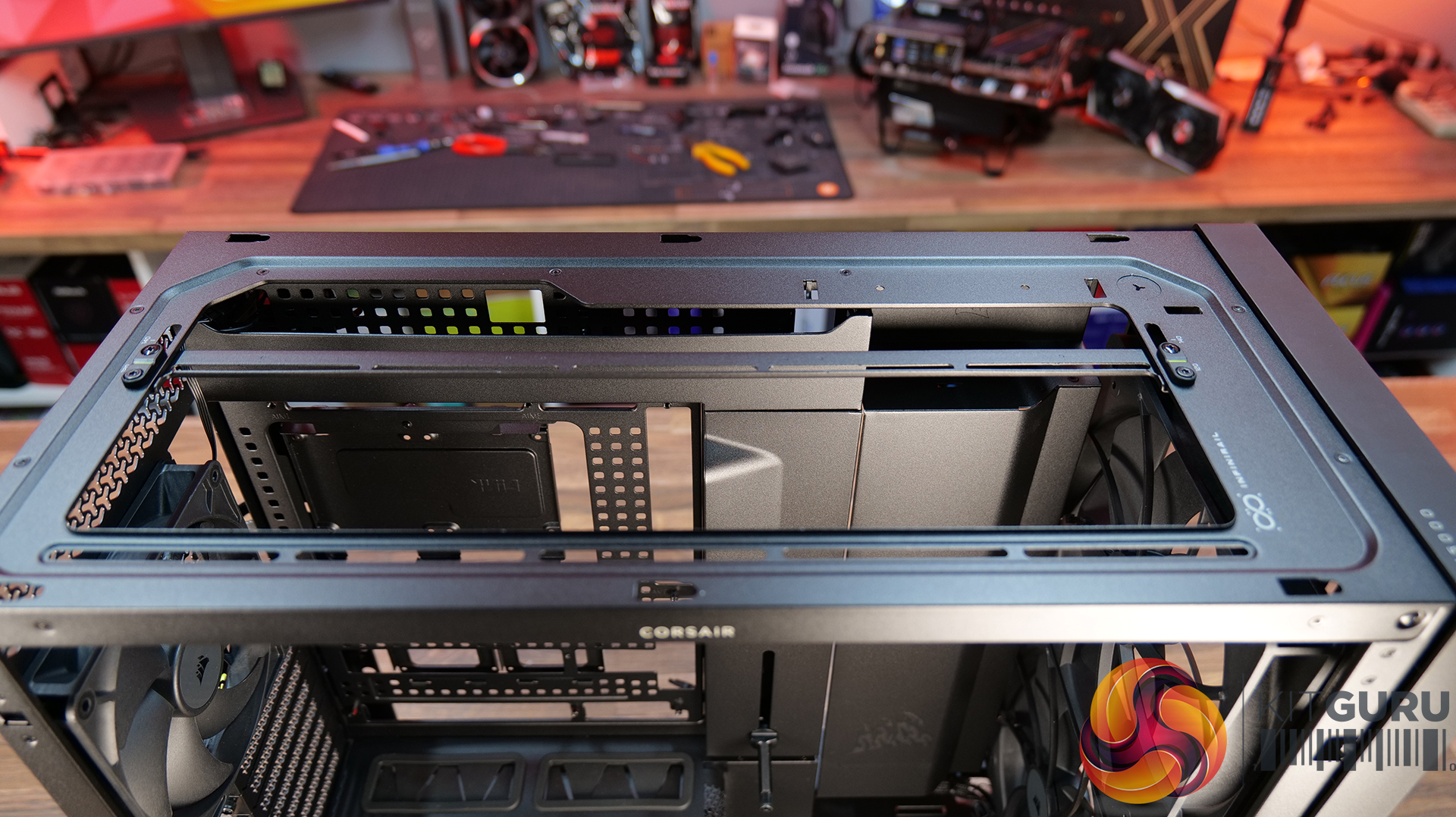
  • Compact PSU Shroud – ideal for pairing with the tempered glass front panels to show off your build. Mesh design with 2 x 120mm fan mounts on top. The standard 4000D/X case comes with a full-length power supply shroud.

Build Specification

KitGuru says: There's a decent range of accessories to fit most users' budgets, but if you want the full high-end, premium look with the Xenon Edge display its going to work out quite expensive. But if your taste of PC cases is all about aesthetics, it might be a price worth paying?

The post Corsair Frame 4000 Series Accessories Hands-On first appeared on KitGuru.

Lian Li O11 Vision-M PC Case Review

21 May 2026 at 13:00

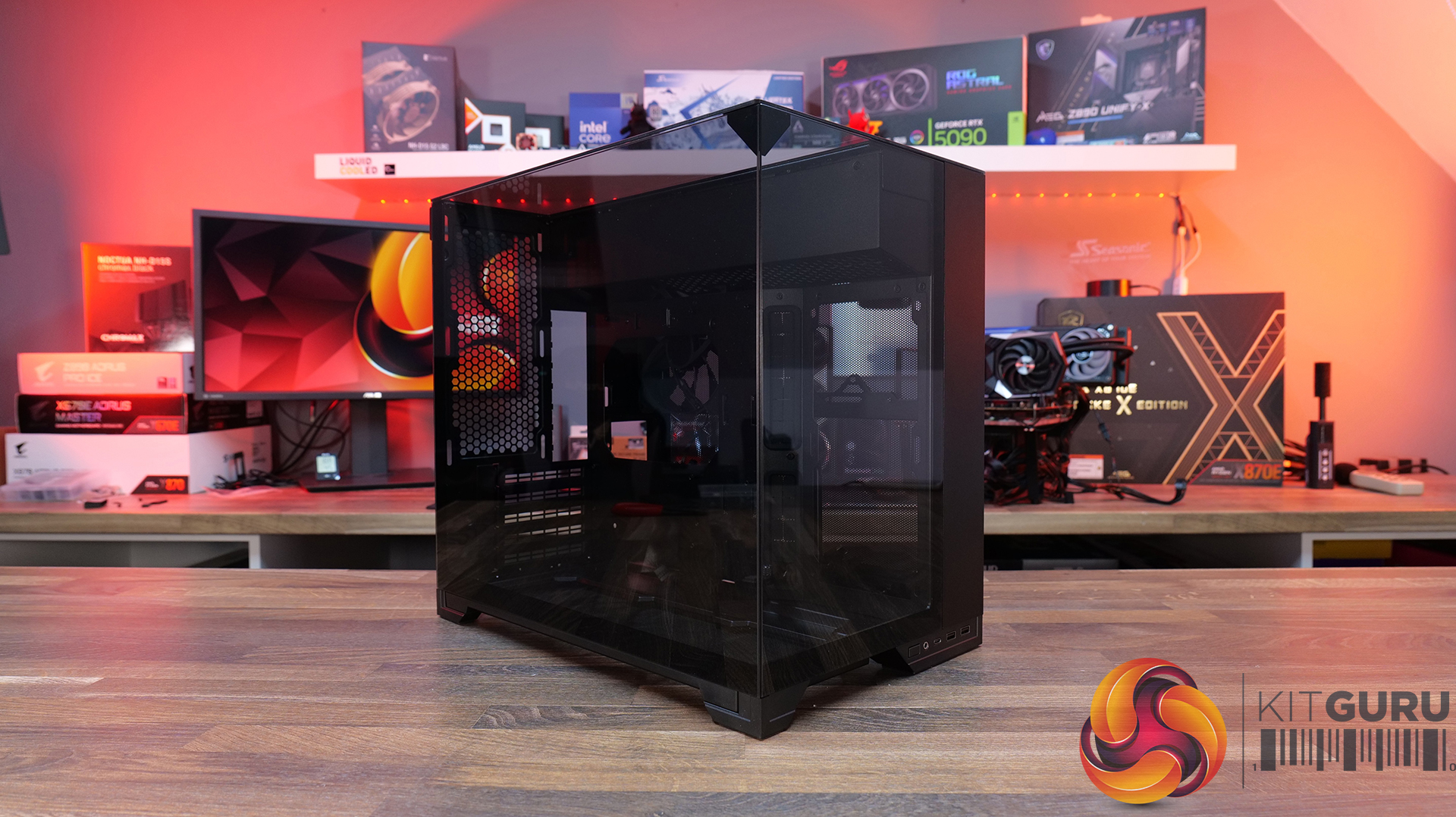
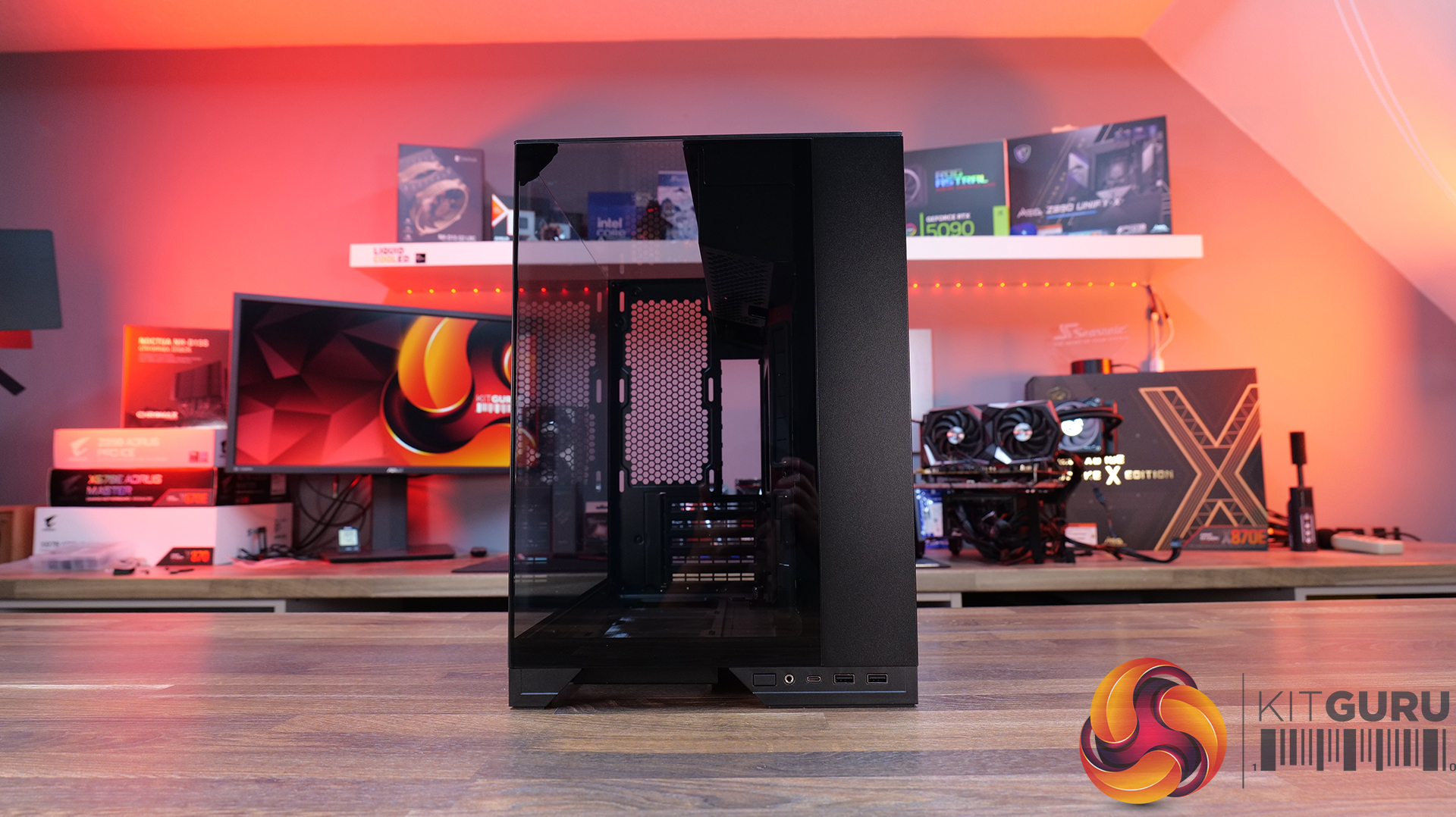
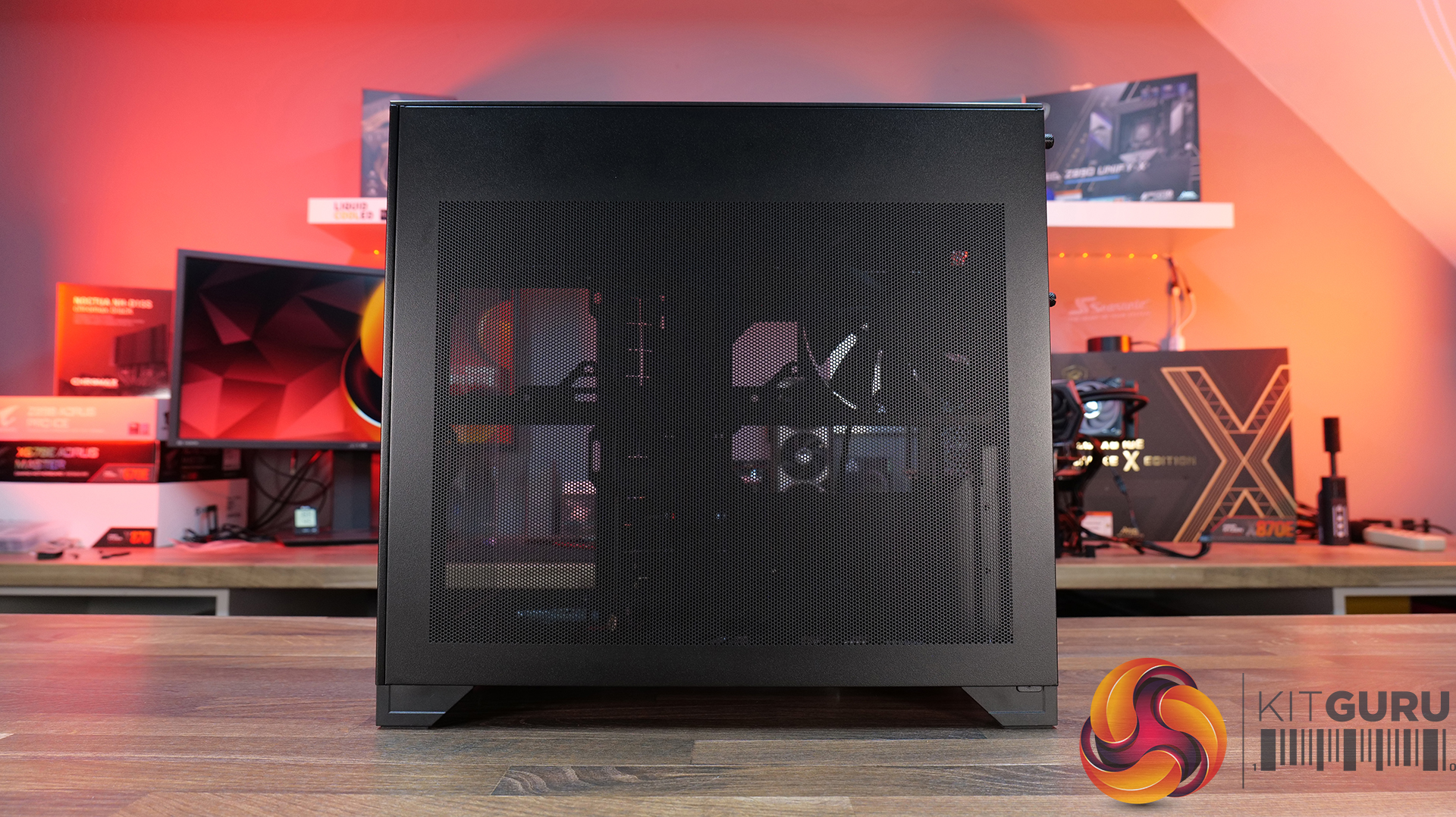
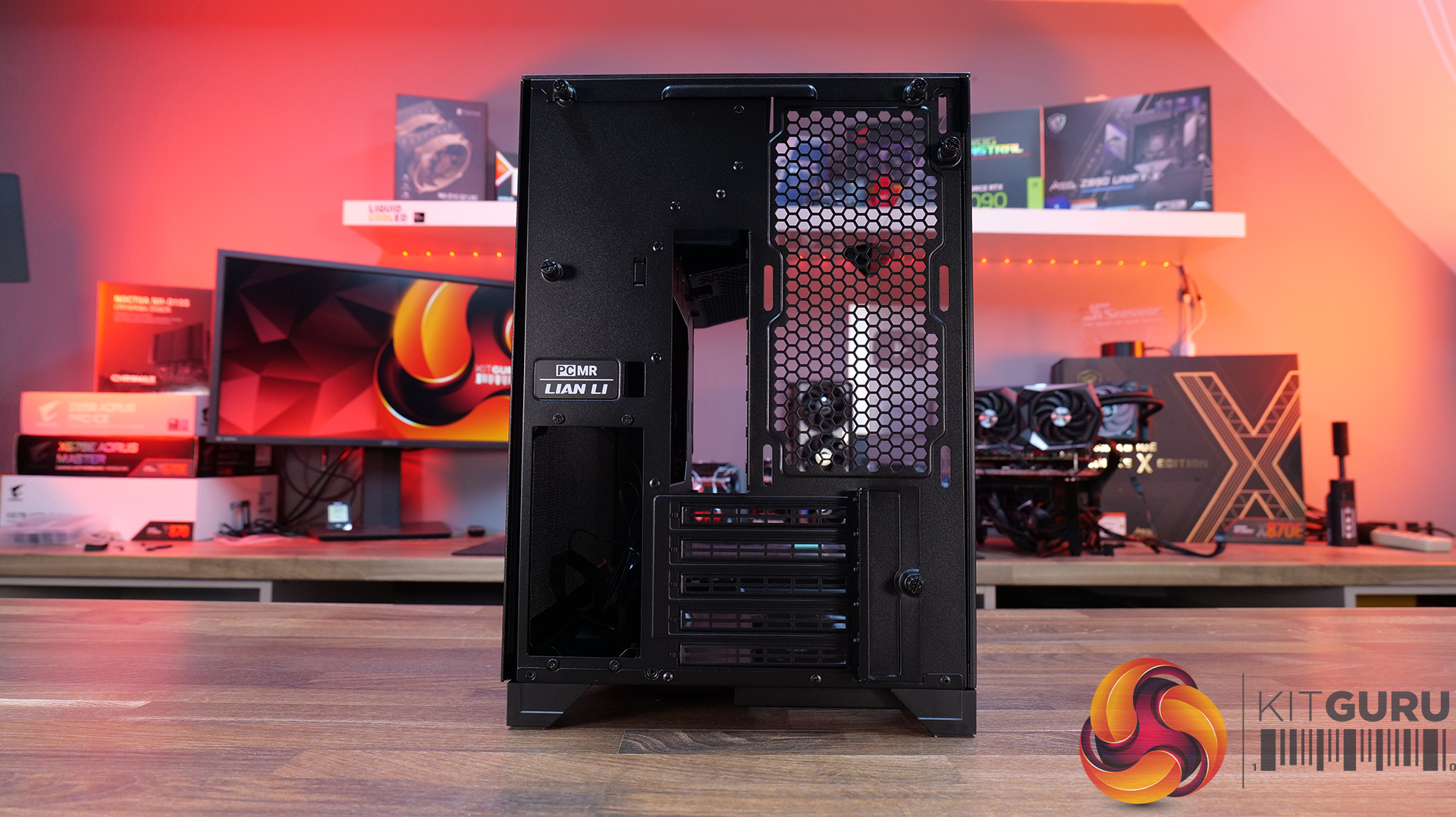
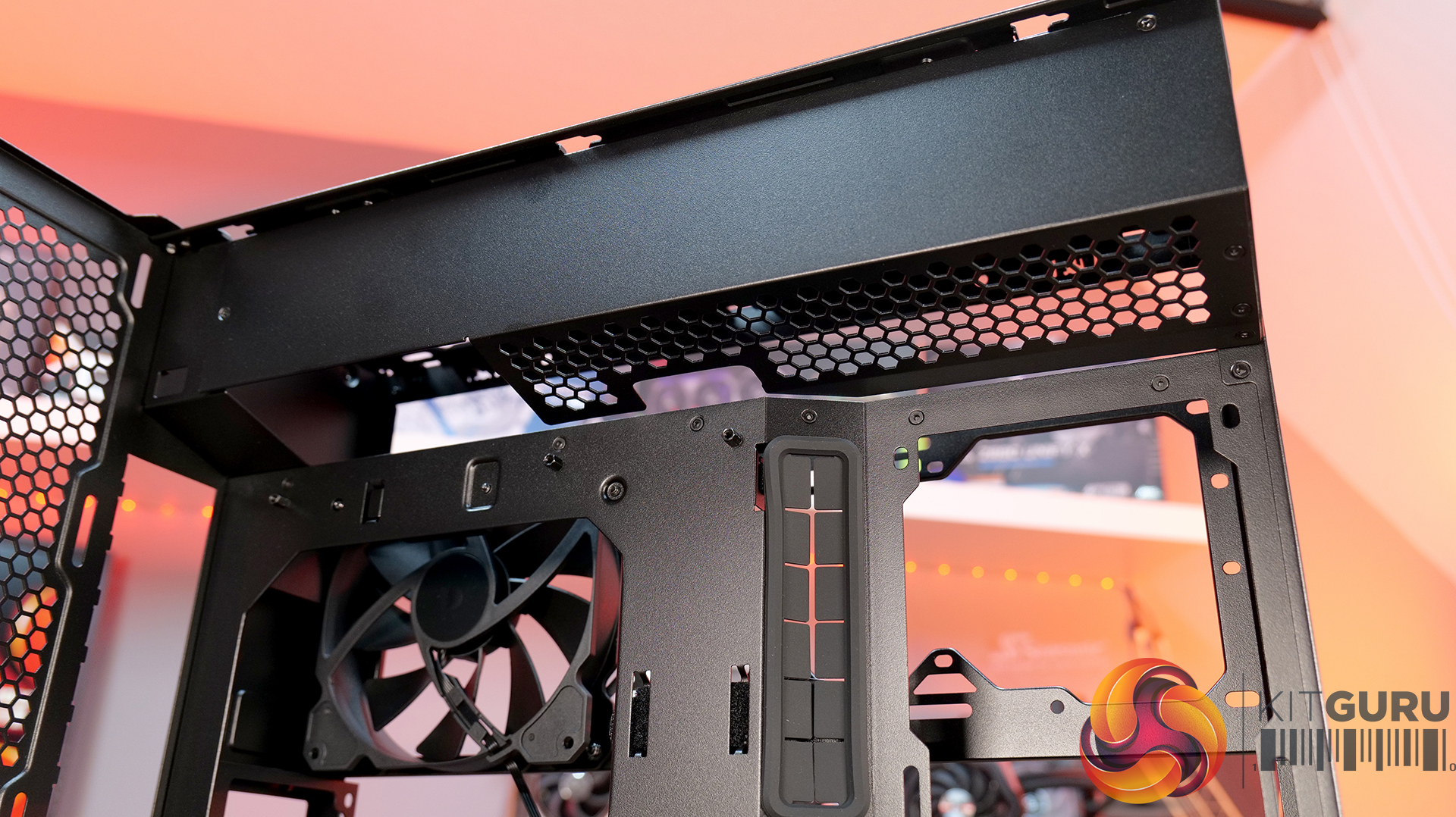
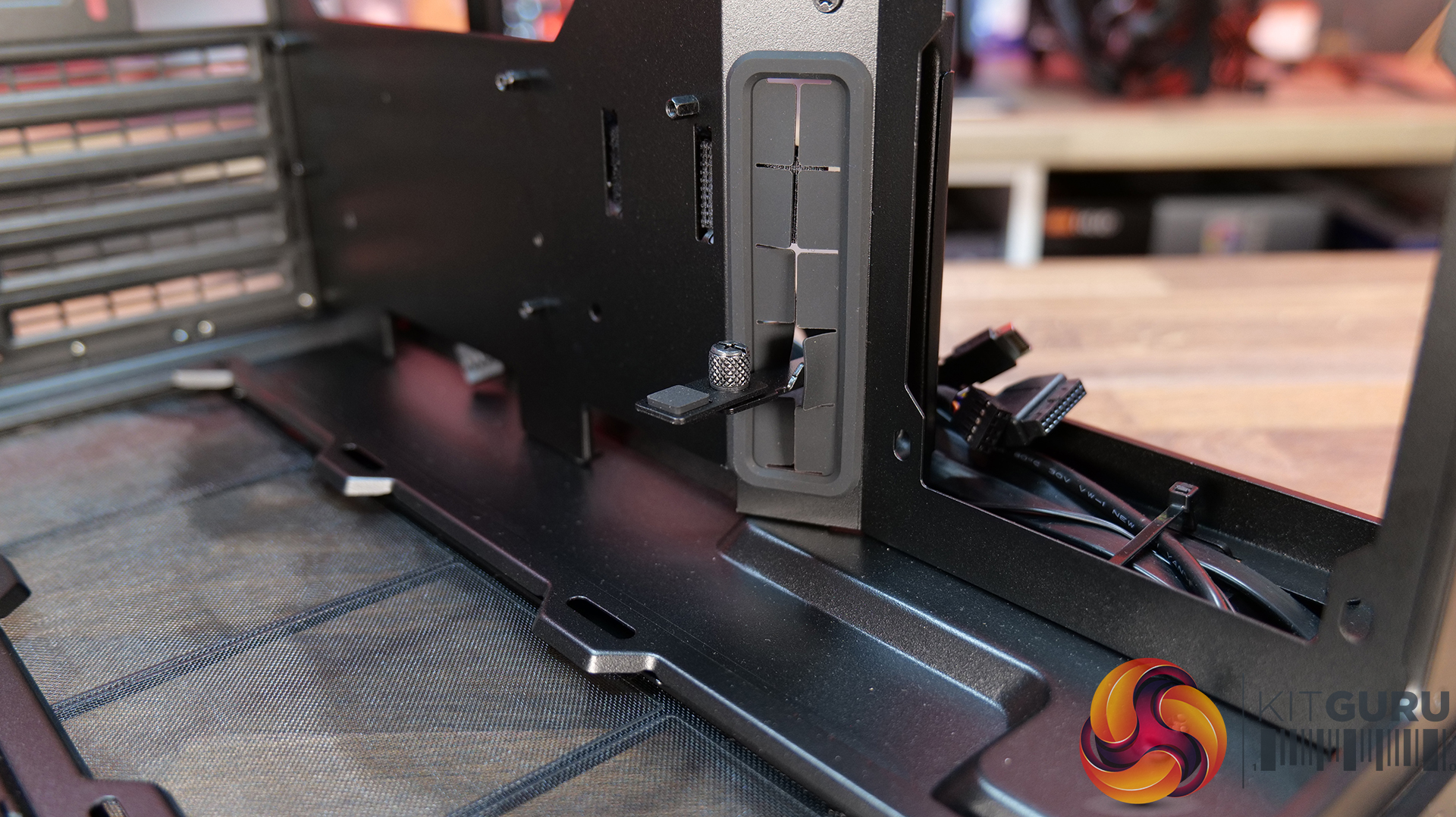
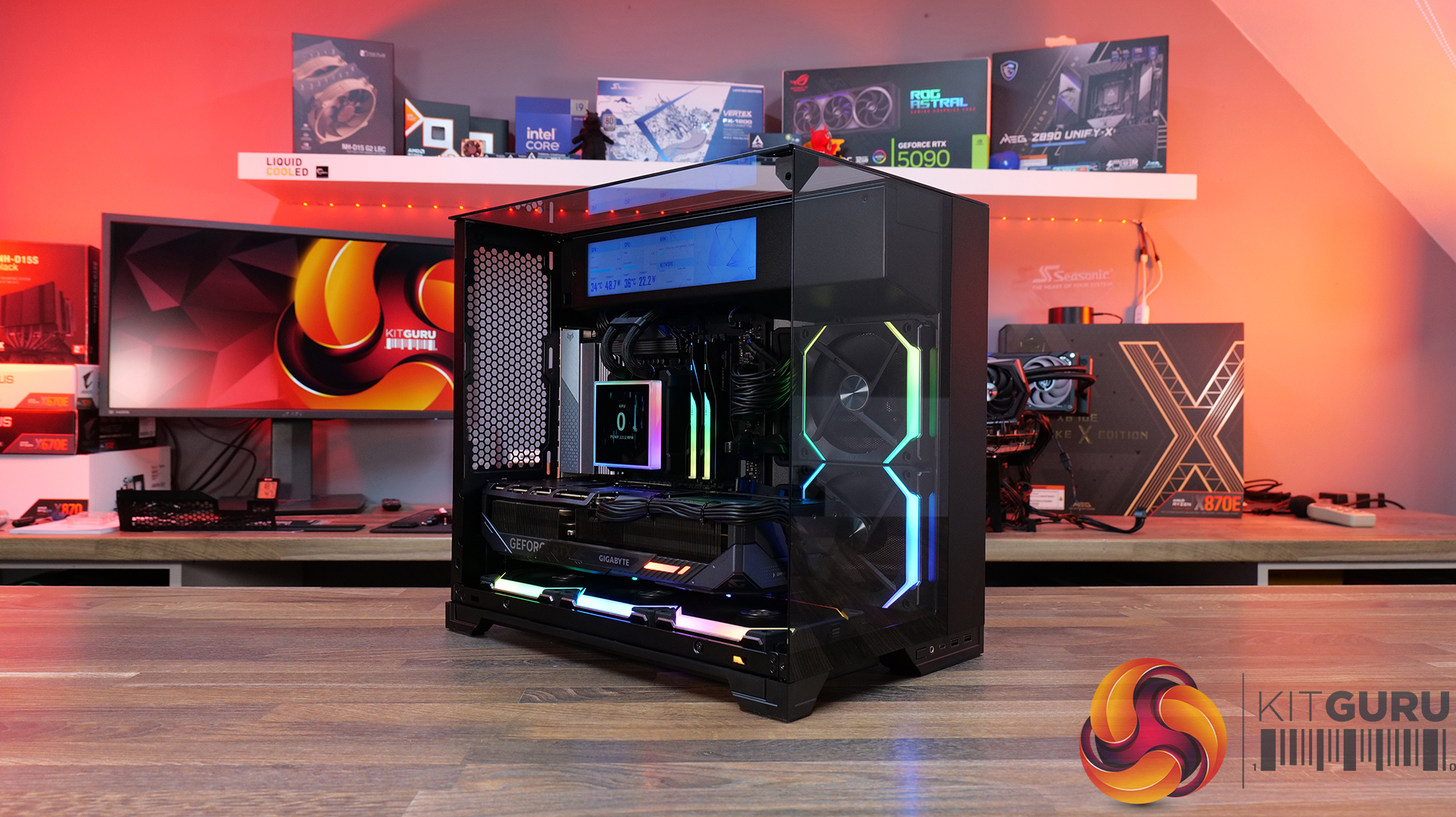
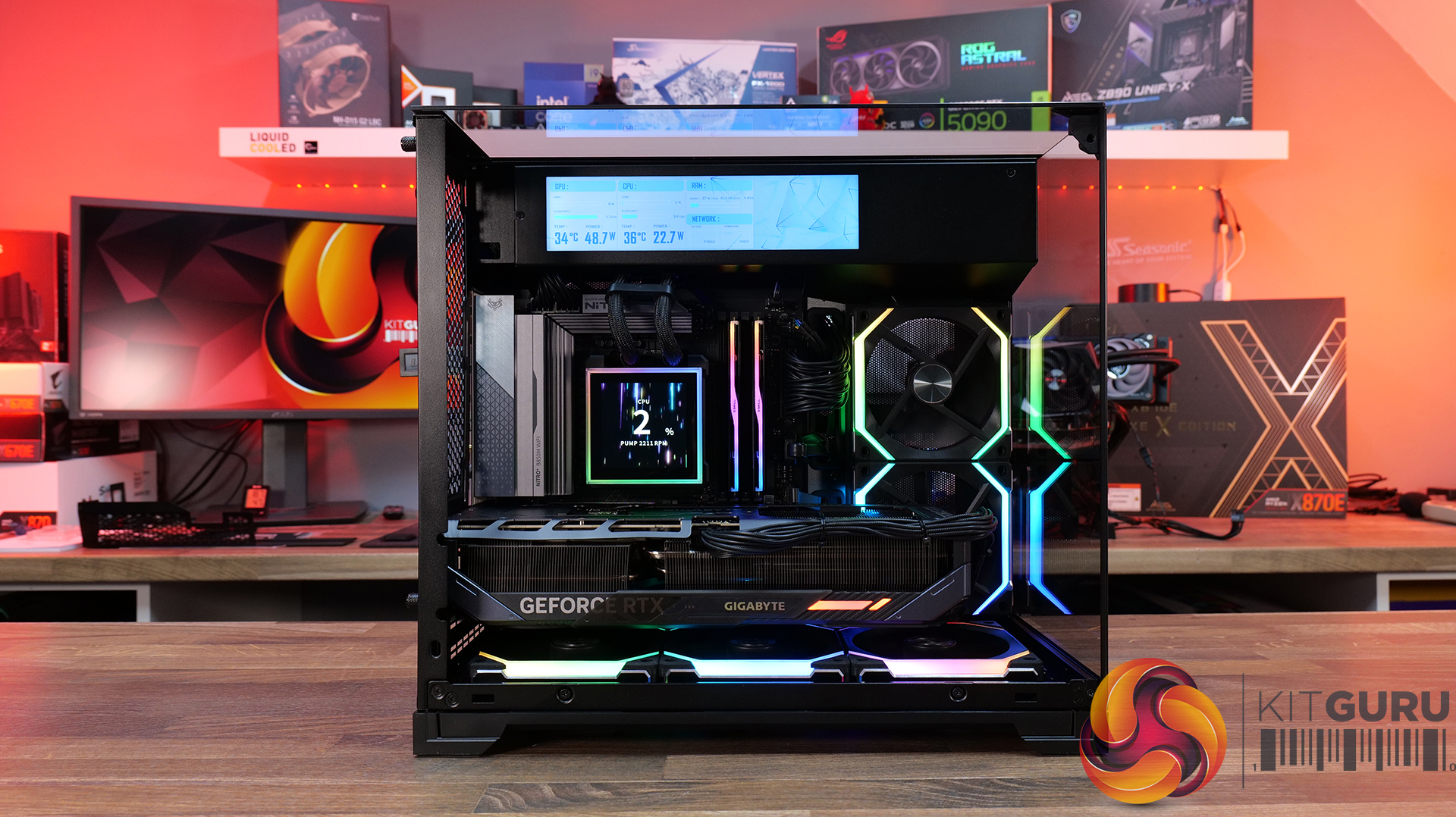
Today, we’re looking at the new Lian Li O11 Vision-M PC case. It’s a compact dual-chamber chassis built around a full glass design, with a clean-looking showcase style. You get support for micro-ATX and mini-ITX motherboards, graphics cards up to 410mm, 360mm radiators, and air coolers up to 162mm tall, plus a hidden top radiator compartment to keep things looking tidy without compromising cooling. On paper, it looks like the perfect blend of compact size, strong hardware support, and the signature O11 aesthetic… but does it actually deliver? Let’s find out.

Timestamps:

00:00 Start
00:57 Pricing / colours
01:41 Overview / Dimensions / Materials
02:31 Front I/O
02:53 Panel removal / filters
04:34 Motherboard and GPU support
05:19 Bottom tray / filter system
05:41 Cooling Fan / Radiator Support
07:20 Vented Shroud and LCD Screen
08:09 Cable Management
09:00 Rear of the case
09:32 Side Compartment / PSU
10:54 Drive install / cable shroud options
11:54 Top radiator bracket
12:56 GPU Bracket / no reverse MB support
13:59 Bottom of the case / accessories
15:00 3D Printable parts
15:37 Thermal and Noise Performance
17:15 Smoke Test & Thoughts
18:05 Installation / Closing Thoughts

Features:

  • Ventilated Top Glass – Integrated mesh cut-out vent aligned with the top radiator for top heat exhaust flow and minimal heat buildup from internal system components.
  • Modular Divider – A removable divider panel gives the user the choice of a clean, separate dual-chamber look or a more open layout. With the divider panel installed, accessories such as an LCD screen can be easily mounted.
  • Hidden AIO Compartment – Designed to hide the AIO radiator and route tubing out of the way, hidden from view in the main chamber for an ultra clean look.
  • Compact but high-end hardware support – Including mATX or Mini ITX motherboards, up to 410mm long graphics cards, 162mm tall air coolers and up to 360mm radiator support.

Specifications:

  • Case Type: Micro ATX
  • Dimensions (DxWxH): 419.6mm x 275.1mm x 395.2mm
  • Materials: Steel, 4.0mm Tempered Glass, 3.0mm Tempered Glass, Aluminum
  • Motherboard Support: Micro-ATX, Mini-ITX
  • Reverse Connector motherboard support: No
  • Expansion Slots: 5
  • Storage bays: 3.5” HDD x 1 + 2.5” SSD x 2 or 2.5” SSD x 3
  • Max GPU Length: 410mm
  • Max CPU Cooler Height: 162mm
  • PSU Type: ATX (Under 202mm)
  • Cable Routing Grommet: Yes (Motherboard Side)
  • Hook-and-loop straps: Yes
  • Supplied Fans: 140mm x 1 (Pre-installed)
  • Fan Support: 120mm x 3 (Top) 120mm x 2 (Side) 120 mm x 3 (Bottom) 120 mm x 2 (Rear) 140mm x 1 (Second Chamber)
  • Radiator Support: 360mm / 240mm (Top)
  • Dust Filters: Removable bottom dust tray x 1
  • Front I/O: Power Button x 1, USB 3.0 Type A x 2, USB 3.2 Type C x 1, Audio x 1
  • LCD Screen (O11 Vision-M Digital): Yes, IPS LCD, 9.2”, 60 Hz, 1920×462, 500nits

Thermal Performance Testing

To simulate thermal demand, we run the Cinebench R23 multi-thread benchmark and 3DMark Speed Way stress test simultaneously in a loop for 30 minutes to load the system fully. This gives the CPU and GPU enough time to reach constant steady-state temperature. With this data, we can compare how the system handles the thermal demand and measure peak noise levels.

Thermal performance is measured with the case in various configurations, such as the default, with the tempered glass left-hand side panel removed and with the front panel removed to see how these configurations affect the CPU and GPU temperature. During testing, only stock case fans are used unless otherwise specified. All water pumps are set to maximum RPM and fans are set to a custom RPM curve by the Motherboard software/BIOS.

All temperature measurements are presented as Deltas – meaning the ambient temperature has been deducted from the CPU temperature, giving us a Delta. Data shown in the charts represents the average component temperature over the length of the test as measured by HWiNFO, and then the last 15 minutes of the data are calculated to get the average. The ambient temperature during thermal tests is between 19-20⁰C.

Test System Specification:

Thermal Performance Overview

We test case thermals using a 360mm AIO as exhaust at the top and with the case in several different fan configurations. The default configuration shown in the charts is with the top 360mm AIO cooler, 2 x 120mm side intake, 3 x 120mm bottom intake fans and with all case panels installed.

The O11 Vision-M performs well considering the dual-chamber layout and the number of glass panels it has. In the default configuration, CPU and GPU temperatures measure 54°C and 51°C over ambient respectively. Removing the glass side panel or right-side mesh makes little difference to overall results, suggesting that the stock airflow setup is already very well optimised. The hidden AIO placement keeps heat away from the radiator and CPU temperatures benefit from it.

Bottom intake fans are relatively important for GPU cooling. Removing the floor intake pushes GPU temperatures up to 55°C above ambient, while every other configuration stays very consistent around the 50–52°C mark. So for a compact dual-chamber case with this much glass, thermal performance is genuinely solid.

Noise Output

Noise performance is consistent across the board too, with the O11 Vision-M sat at 48dBA under full load in most configurations, while idle noise mostly stays fixed at 37dBA. Removing the right-side mesh panel drops load noise slightly to 47dBA, while removing the floor intake fans pushes it up to 49dBA, likely due to the GPU fans working harder to compensate for reduced airflow and slightly raised temperature.

The case has very balanced airflow regardless of configuration changes, and no major spikes in noise. Overall, for a compact dual chamber with multiple glass panels, the O11 Vision-M delivers solid acoustic performance without sacrificing cooling.

Closing Thoughts

Taken as a whole, the Lian Li O11 Vision-M is a very well-designed compact dual-chamber chassis that does a good job of balancing aesthetics, cooling performance and hardware compatibility. Despite the reduced footprint compared with larger O11 variants, there’s still support crammed in for high-end hardware, including 410mm graphics cards, 360mm radiators or AIOs, up to 13 fans and large CPU air coolers. Plus, thermal performance remains consistently strong even with the use of multiple glass panels.

The standout feature is the hidden top radiator compartment. Not only does it help maintain a clean showcase-style appearance that the O11 Vision series is known for, but it also works well from a cooling perspective without restricting airflow. The digital version looks impressive, with the integrated 9.2-inch LCD screen feeling more refined and useful than the gimmicky implementations we sometimes see from competitors. This screen fits in with the design of the case perfectly.

However there are a few compromises, such as clearance around the top radiator mount being very tight, so not every 360mm AIO will fit without issue. Checking dimensions before buying is essential. The smaller internal layout also means there’s a more specific hardware installation order required during the build process, which increases build time a little compared to similar dual-chamber cases with more space.

At $70 MSRP for the standard version, the O11 Vision-M offers good value considering the excellent build quality, cooling performance and hardware support it provides. Even the $130 digital version feels reasonably priced given the quality of the integrated display. While it’s technically compatible with Mini-ITX systems, due to its dimensions, it feels more like a compact Micro-ATX case than a true ITX chassis. Even so, if you want a compact case with strong airflow, premium aesthetics and high-end hardware support, the O11 Vision-M is an easy one to recommend.

The Lian Li O11 Vision-M has a £69.99 (black) MSRP for the regular model and $129.99 for the digital version with a 9.2″ LCD.

Pros: 

  • The hidden AIO compartment gives a clean look.
  • Good cooling options for a small dual-chamber glass case.
  • Screen integration on the digital version is excellent.

Cons:

  • Tight tolerance for top AIO support makes installation fiddly and means that some AIOs will be incompatible.
  • Not small enough to be considered for ITX builds.
  • The installation process takes a little more time than in some similar cases.

KitGuru says:  This is one of the best mATX cases we have seen for a long time. It's packed with high-end cooling options as well as that hidden radiator compartment which gives a clean look to the build. Plus, it's competitively priced too.

The post Lian Li O11 Vision-M PC Case Review first appeared on KitGuru.

Fractal Pop 2 Vision Case Review

29 April 2026 at 13:00

Today we’re checking out the Fractal Pop 2 Vision PC case. It’s a mid-tower chassis built around a dual-chamber design, aiming for a clean look with minimal clutter. You get four pre-installed Aspect 12X Reverse fans, support for large GPUs and 360mm radiators, plus a build-friendly layout with tool-free panel access and plenty of cable management space. On paper it looks like a solid mix of Fractal style and practicality, but does it actually deliver? Let’s find out.

Timestamps:

00:00 Intro
00:52 Meet the Pop 2 Vision
01:32 Key features
03:04 Starting the teardown
05:30 Inside the main chamber
07:47 Hardware compatibility
09:23 Back of the case
10:09 Behind the mobo tray
12:08 Quick look at the bottom
12:29 Included accessories
13:20 Test setup
13:42 Thermal + noise results
15:29 James’ thoughts on the installation process
17:36 Closing thoughts

Features:

  • Full-vision Design: Dual-chamber layout and panoramic glass panels combine for a clean, clutter-free showcase build, with hidden cabling and pre-routed fans.
  • Serious hardware support: Space for GPUs up to 412 mm and top-mounted radiators up to 360 mm, giving flexibility for high-end gaming or water-cooled setups.
  • Cooling sorted out of the box: Fractal includes four Aspect 12X Reverse fans as standard, for optimal airflow and tidy-looking visual presentation.
  • Builder-friendly features: Tool-free panel access, a magnetic top filter, generous cable routing space with straps and grommets, plus support for reverse-connector motherboards.

Specifications:

  • Case Type: Dual Chamber Chassis
  • Dimensions (LxWxH): 434 x 297 x 441 mm
  • Materials: Steel, Tempered Glass, Plastic
  • Motherboard Support: ATX / mATX / Mini-ITX
  • Reverse Connector motherboard support: Yes
  • Expansion Slots: 7
  • Storage bays: 3.5” x 1, 2.5” x 3
  • Max GPU Length: 412mm
  • Max CPU Cooler Height: 172mm
  • PSU Type: ATX up to 190mm
  • Cable Routing Space: 93mm
  • Cable Routing Grommet: Yes
  • Hook-and-loop straps: Yes, 5 pcs
  • Supplied Fans: 4 x Aspect 12X Reverse RGB BK
  • Fan Support: 2 x 120 mm (Front/Right), 3 x 120 mm or 2 x 140 mm (Top), 1 x 120 mm (Rear), 2 x 120 mm (Bottom)
  • Radiator Support: Up to 280 / 360 mm (Top), 1 x 120mm (Rear)
  • Dust Filters: 1 x Top, 1 x Bottom, 1 x Perforated Side Panel
  • Front I/O: 1 x USB Type-A 5 Gbps, 1 x USB Type-C 5 Gbps, 1 x Audio/Mic Combo Jack
  • LCD Screen: N/A

Thermal Performance Testing

To simulate thermal demand, we run the Cinebench R23 multi-thread benchmark and 3DMark Speed Way stress test simultaneously in a loop for 30 minutes to load the system fully. This gives the CPU and GPU enough time to reach constant steady-state temperature. With this data, we can compare how the system handles the thermal demand and measure peak noise levels.

Thermal performance is measured with the case in various configurations, such as the default, with the tempered glass left-hand side panel removed and with the front panel removed to see how these configurations affect the CPU and GPU temperature. During testing, only stock case fans are used unless otherwise specified. All water pumps are set to maximum RPM and fans are set to a custom RPM curve by the Motherboard software/BIOS.

All temperature measurements are presented as Deltas – meaning the ambient temperature has been deducted from the CPU temperature, giving us a Delta. Data shown in the charts represents the average component temperature over the length of the test as measured by HWiNFO, and then the last 15 minutes of the data are calculated to get the average. The ambient temperature during thermal tests is between 19-20⁰C.

Test System Specification:

  • CPU – AMD Ryzen 7 9800X3D
  • Motherboard – MSI X870 Tomahawk WiFi
  • Graphics Card – Gigabyte RTX 5080 Gaming OC
  • Memory – 32GB (2 x 16GB Modules) G.SKILL Trident Z5 Neo RGB DDR5-6000
  • Storage – 1TB Corsair MP600 Elite PCIE Gen4 NVMe M.2 SSD
  • CPU Cooler – Montech HyperFlow Digital 360
  • Power Supply – Seasonic Focus GX 1000 ATX3
  • Case fans – Stock (Fractal Aspect 12X Reverse RGB BK)
  • Chassis – Fractal Pop 2 Vision
  • Operating System – Windows 11 24H2

Thermal Performance Overview

We test case thermals using a 360mm AIO as exhaust at the top and with the case in several different fan configurations. The default configuration shown in the charts is with the top 360mm AIO cooler, 2 x 120mm side and bottom intake fans and with all case panels installed.

Looking at the thermals first, the Fractal Pop 2 Vision shows solid performance overall, with a few minor differences between configurations. With all glass panels removed, the CPU temperature is 54°C above ambient, and the GPU is at 50°C. With the case in the default configuration, temperatures rise slightly to 57°C over ambient on the CPU and 52°C on the GPU, so out-of-the-box airflow is clearly doing a decent job.

Removing the top mesh panel doesn’t change temperatures much, but removing the floor intake has an impact, pushing the CPU to 58°C and the GPU to 55°C over ambient, highlighting how important the bottom intake is for keeping GPU temperatures in check.

Noise Output

Looking at the noise results, it's pretty well controlled overall with only small differences between configurations. In the default setup, max noise is 50 dBA under load and 37 dBA at idle, which is normal for a dual-chamber case running this hardware and cooling setup.

Removing the glass panels or the top mesh panel drops load noise slightly to 49 dBA due to cooler temperatures and slightly lower fan speed. Disabling the floor intake fans pushes noise up to 52 dBA, likely due to the fans working a bit harder to compensate. At idle though it’s consistent across the board at 37 dBA.

Closing Thoughts

For a first attempt at a modern ATX dual-chamber case, the Fractal Pop 2 Vision PC Case looks to be decent value, assuming it becomes available at its suggested MSRP on launch. Build quality is a big positive as the chassis feels very solid throughout, plus the design strikes a nice balance between understated styling and full-vision aesthetic from the panoramic glass, with the recessed fans keeping things  looking clean inside the main chamber.

In terms of hardware support, there’s a lot to like here too, with 40mm+ clearance for large graphics cards, support for 360mm radiators and AIOs up top, alongside compatibility with reverse-connector ATX and mATX motherboards, so it’s flexible enough for a wide range of modern builds. It’s also generally easy to work in, with a good amount of internal space and sensible layout choices that make cable management simple and tidy presentation easy to achieve.

That said, there are some minor downsides. Some features you might expect at this price point are missing – there’s no proper fan hub included, no integrated GPU support bracket, and fan flexibility is a bit limited, with the bottom and side mounts restricted to 120mm units only. On top of that, front I/O is a little sparse, offering just a single Type-A and one Type-C port, where many cases still provide a bit more Type-A connectivity normally.

So while it’s not a completely perfect design, the core features and build quality are done well. If you’re after a dual-chamber case that prioritises clean looks, solid build quality and good hardware compatibility, the Pop 2 Vision makes a strong case for itself. While it may not give the absolute chart-topping thermals of a high airflow mesh case, with a 360mm top AIO, cooling is also pretty decent for a dual-chamber chassis.

The Fractal Pop 2 Vision has a £87.99 MSRP for the RGB model (as reviewed).

Pros: 

  • Four reverse-blade fans pre-installed.
  • Good hardware support, including reverse-connect motherboards.
  • Easy to build with.
  • Competitive MSRP.

Cons:

  • Limited side/floor fan choice.
  • No fan hub included.
  • No integrated GPU support bracket.

KitGuru says: Fractal has done a good job with the Pop 2 Vision, for the suggested MSRP it offers a good value, a solid base for your new gaming system and with the recessed fans, it looks pretty cool too.

The post Fractal Pop 2 Vision Case Review first appeared on KitGuru.

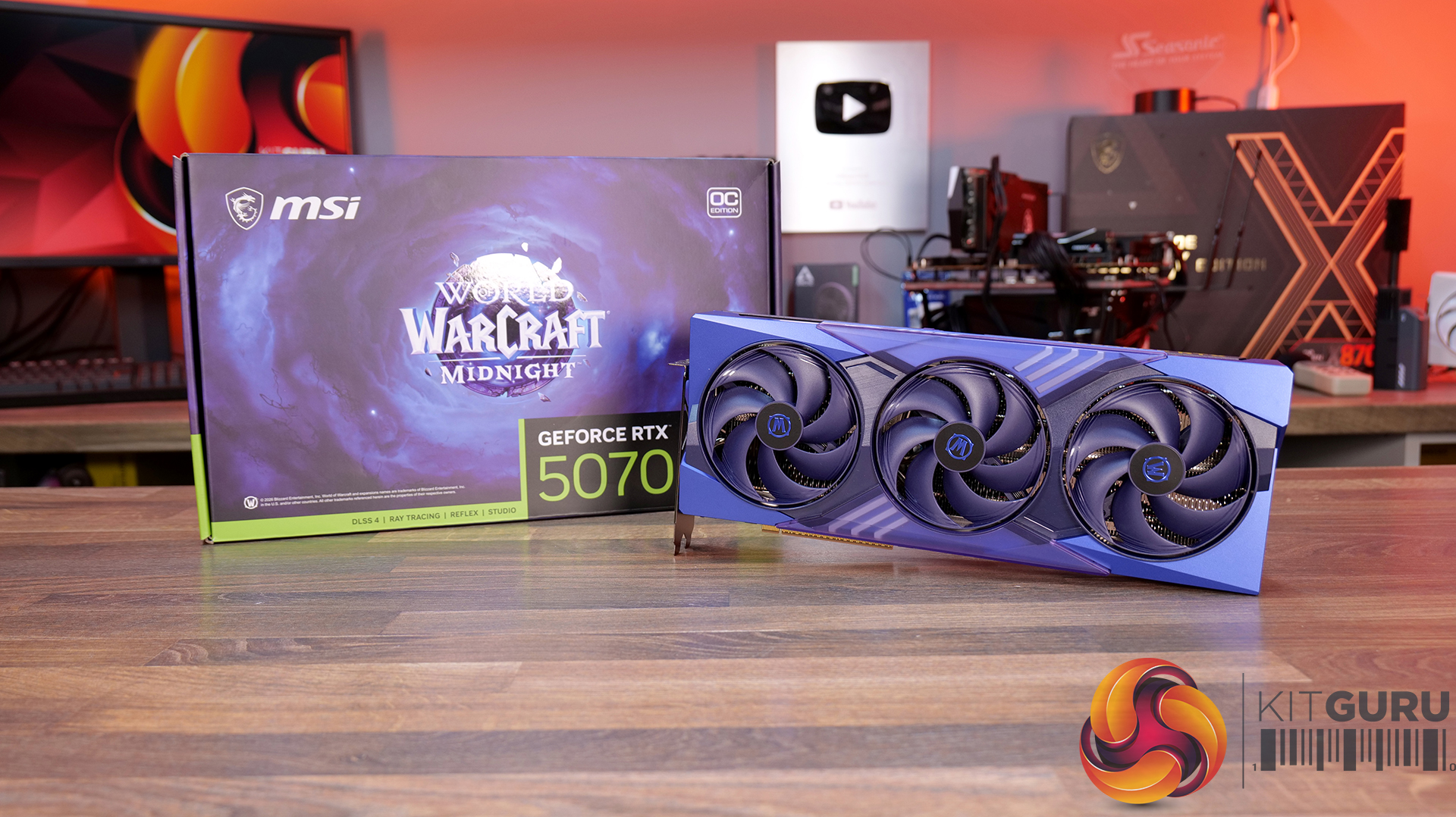
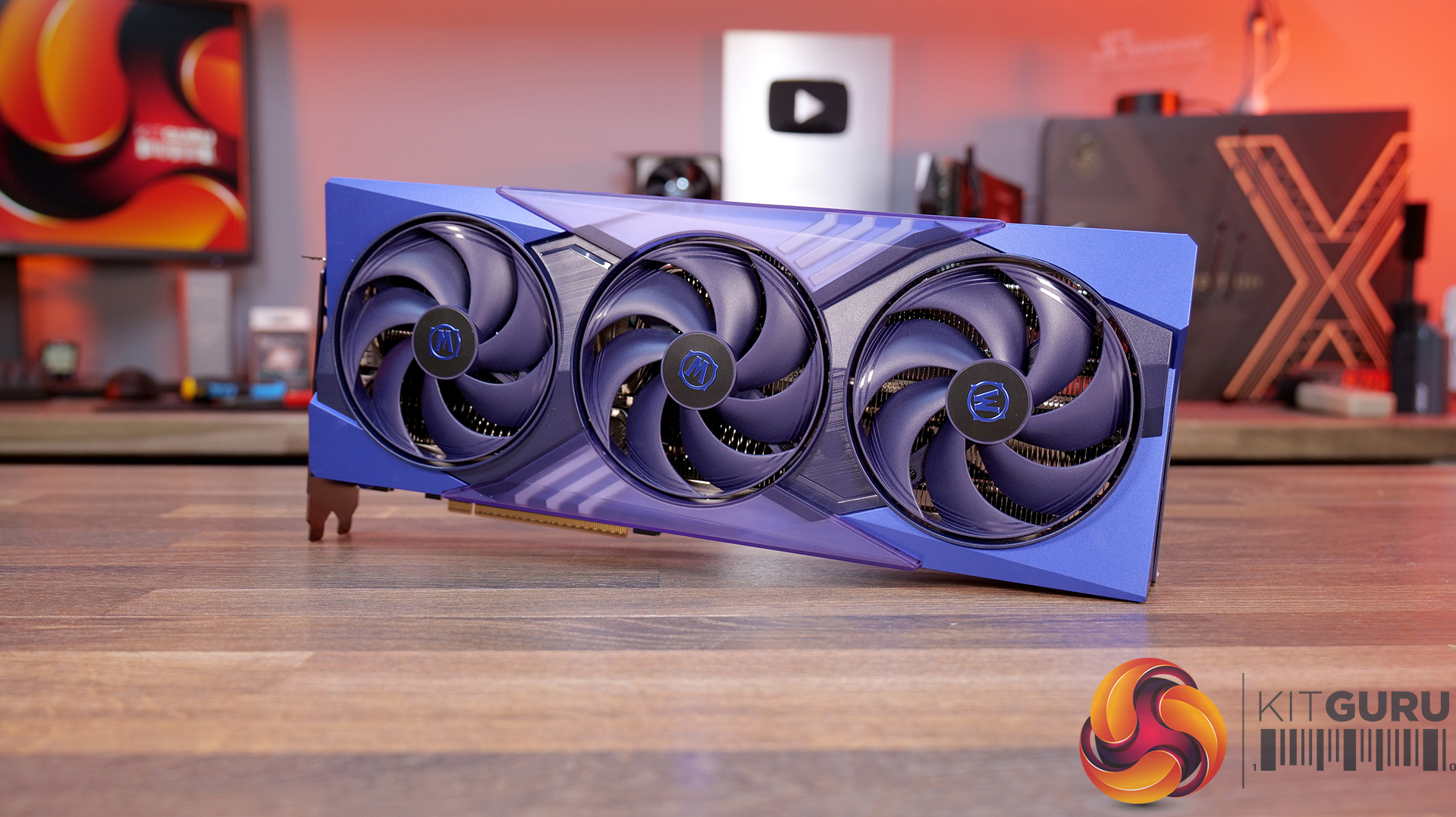
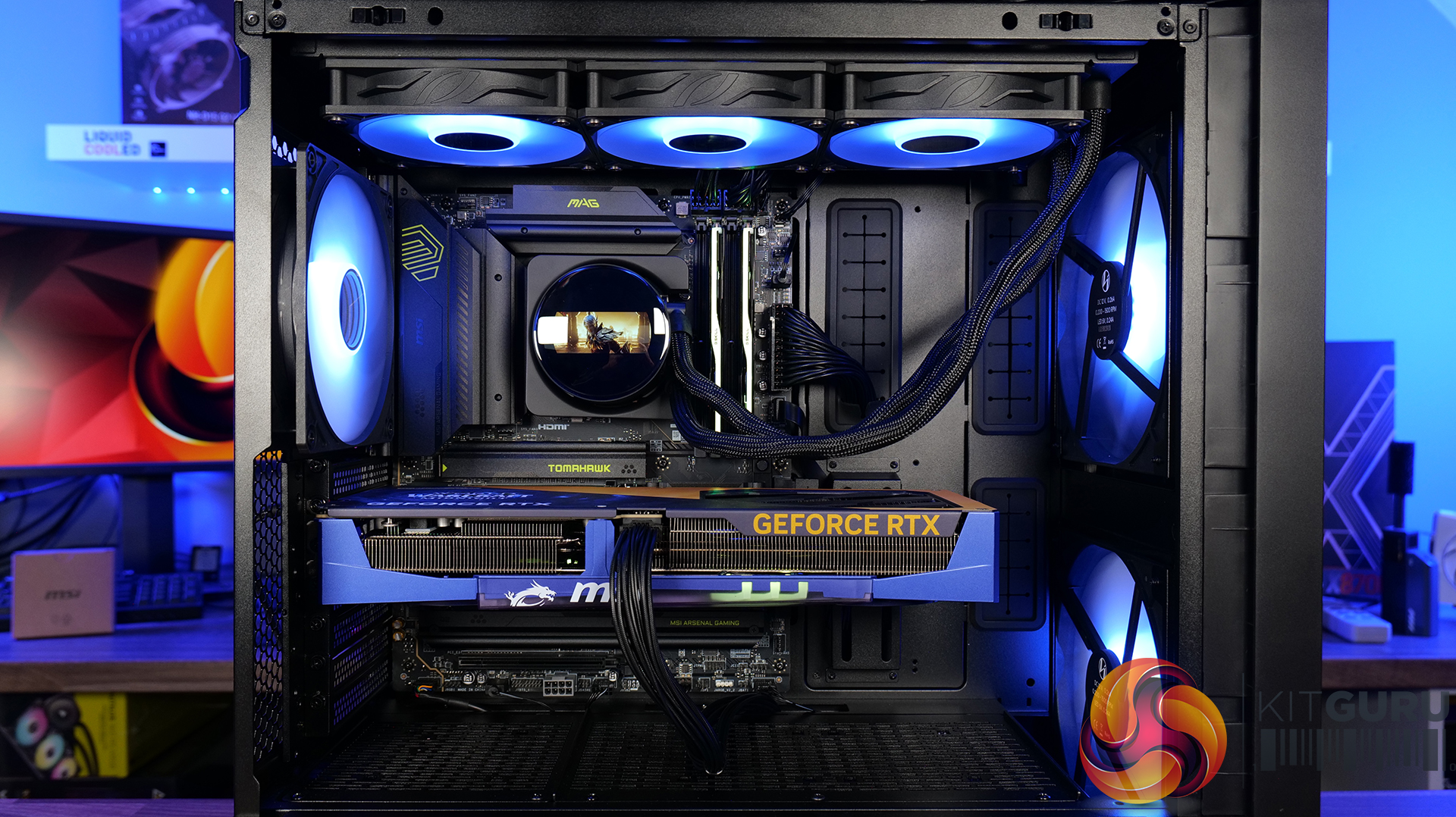
MSI RTX 5070 World Of Warcraft Midnight Featured Build

23 April 2026 at 09:30

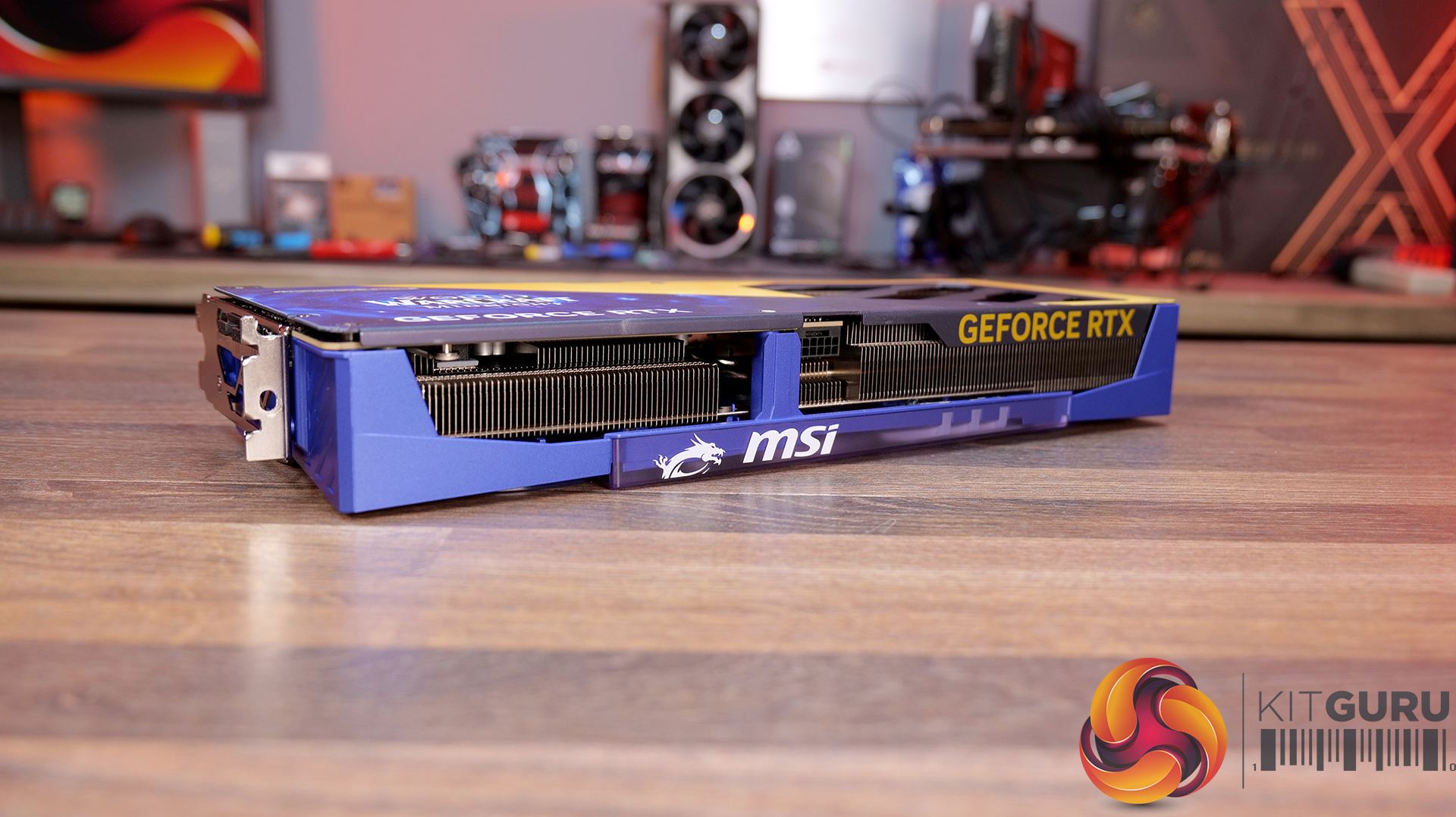
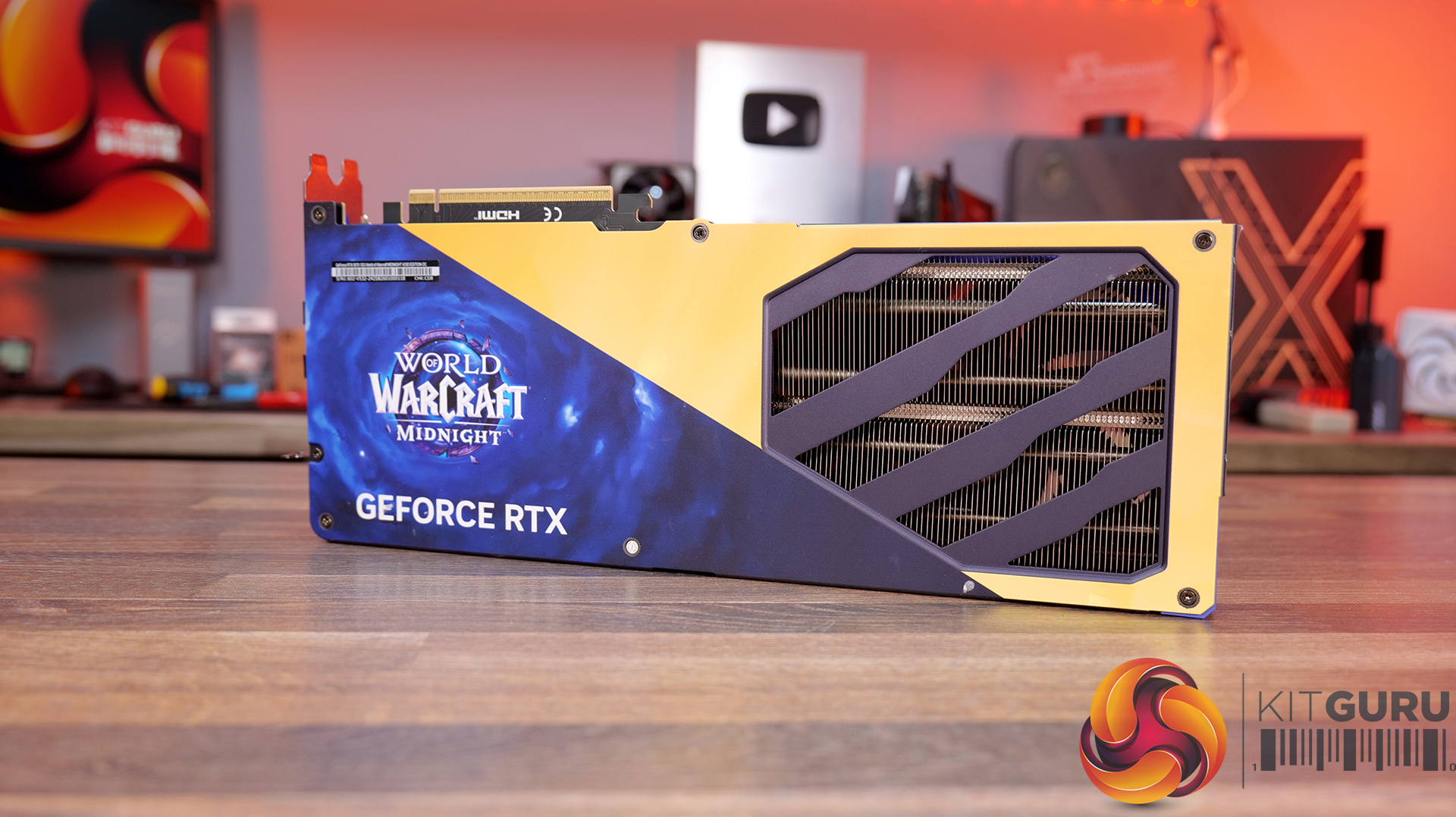
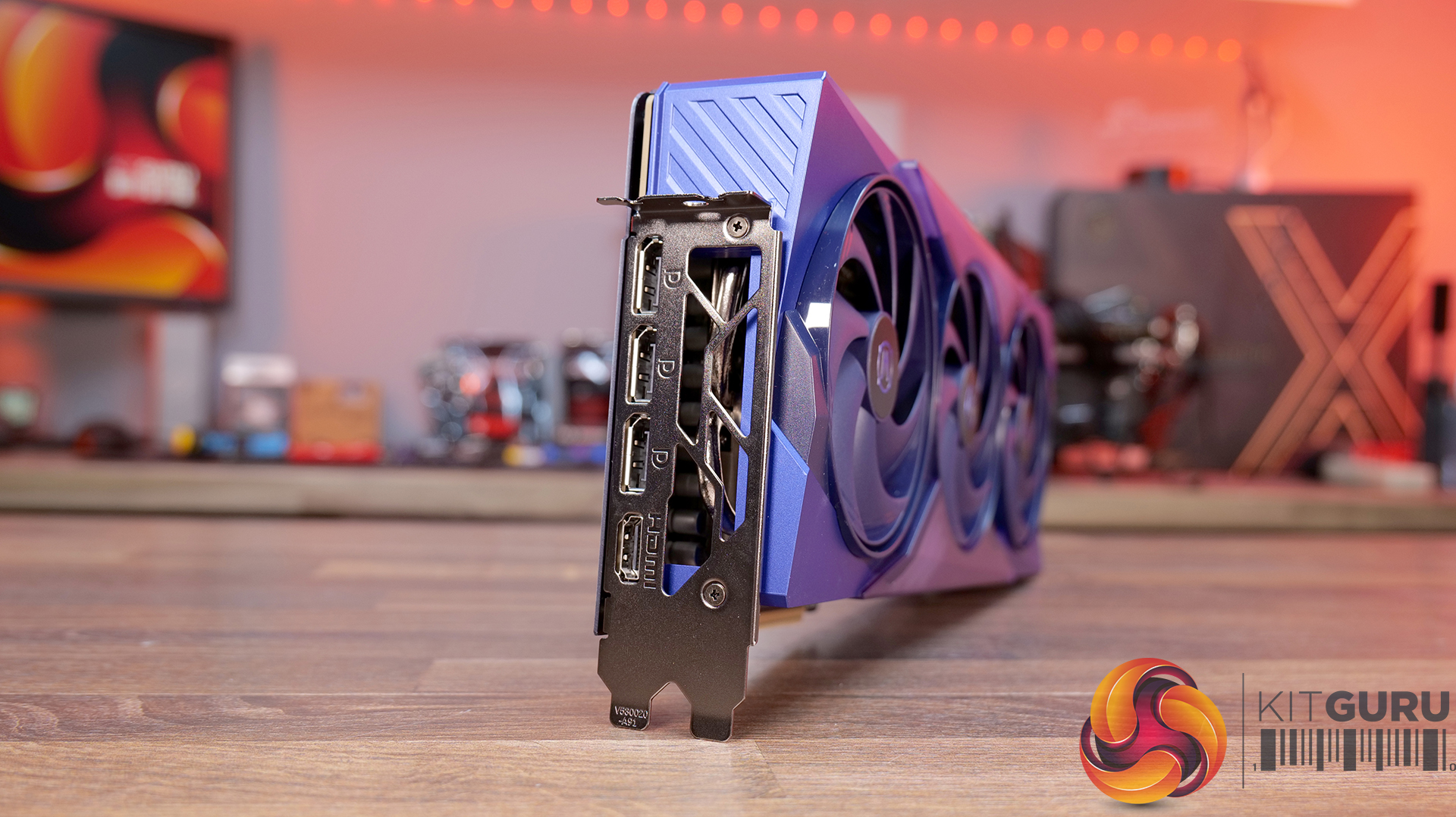
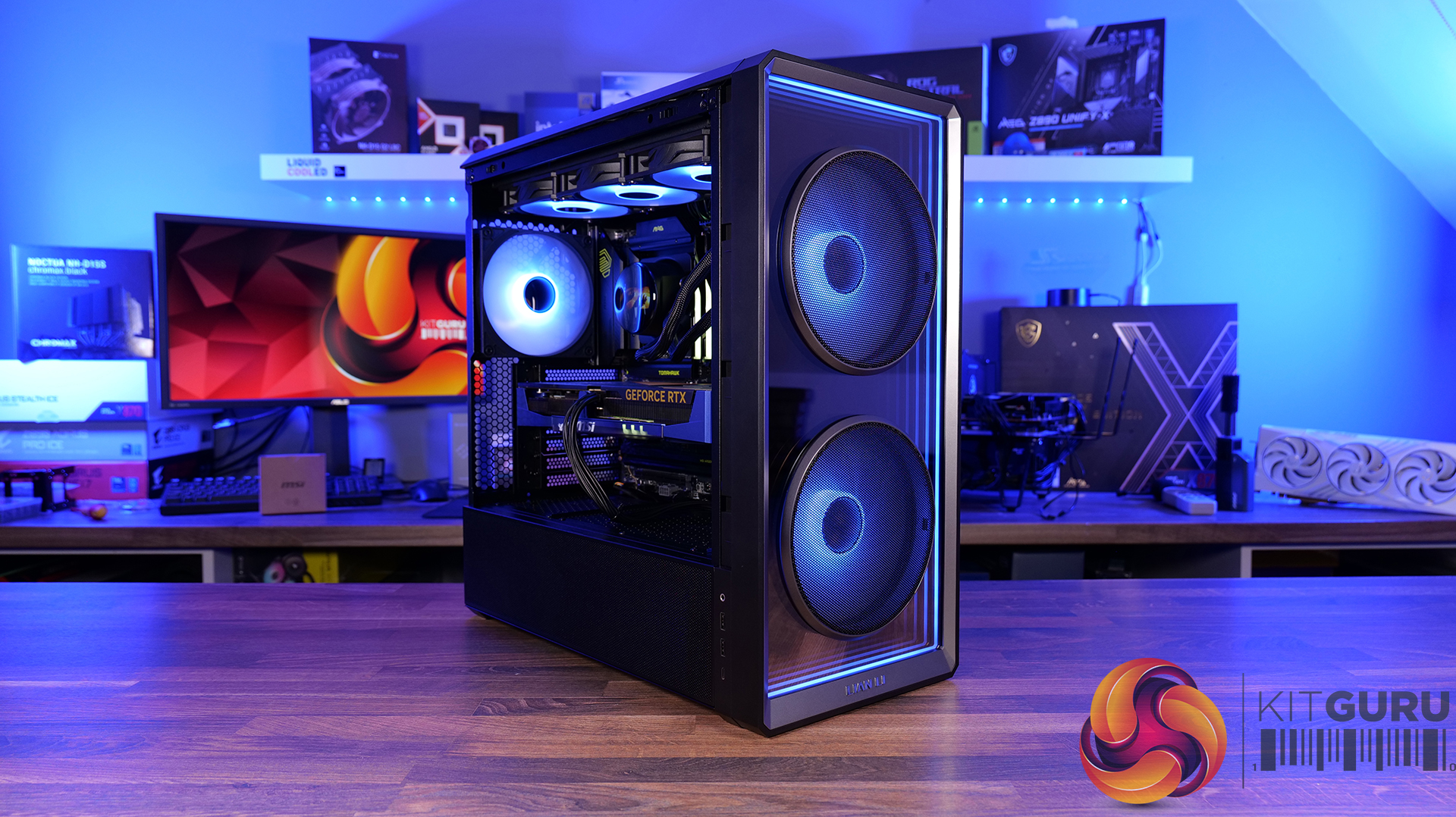
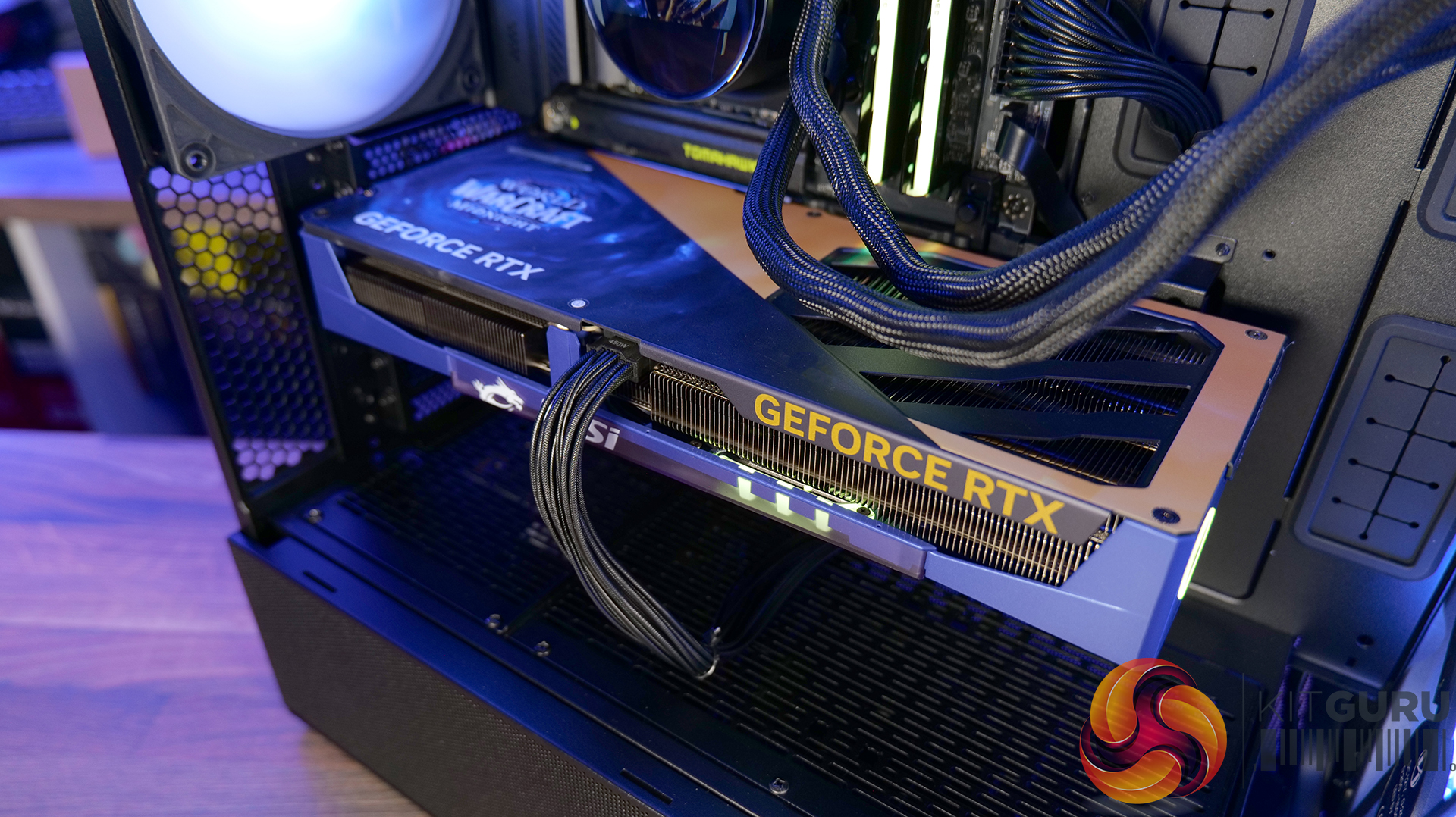
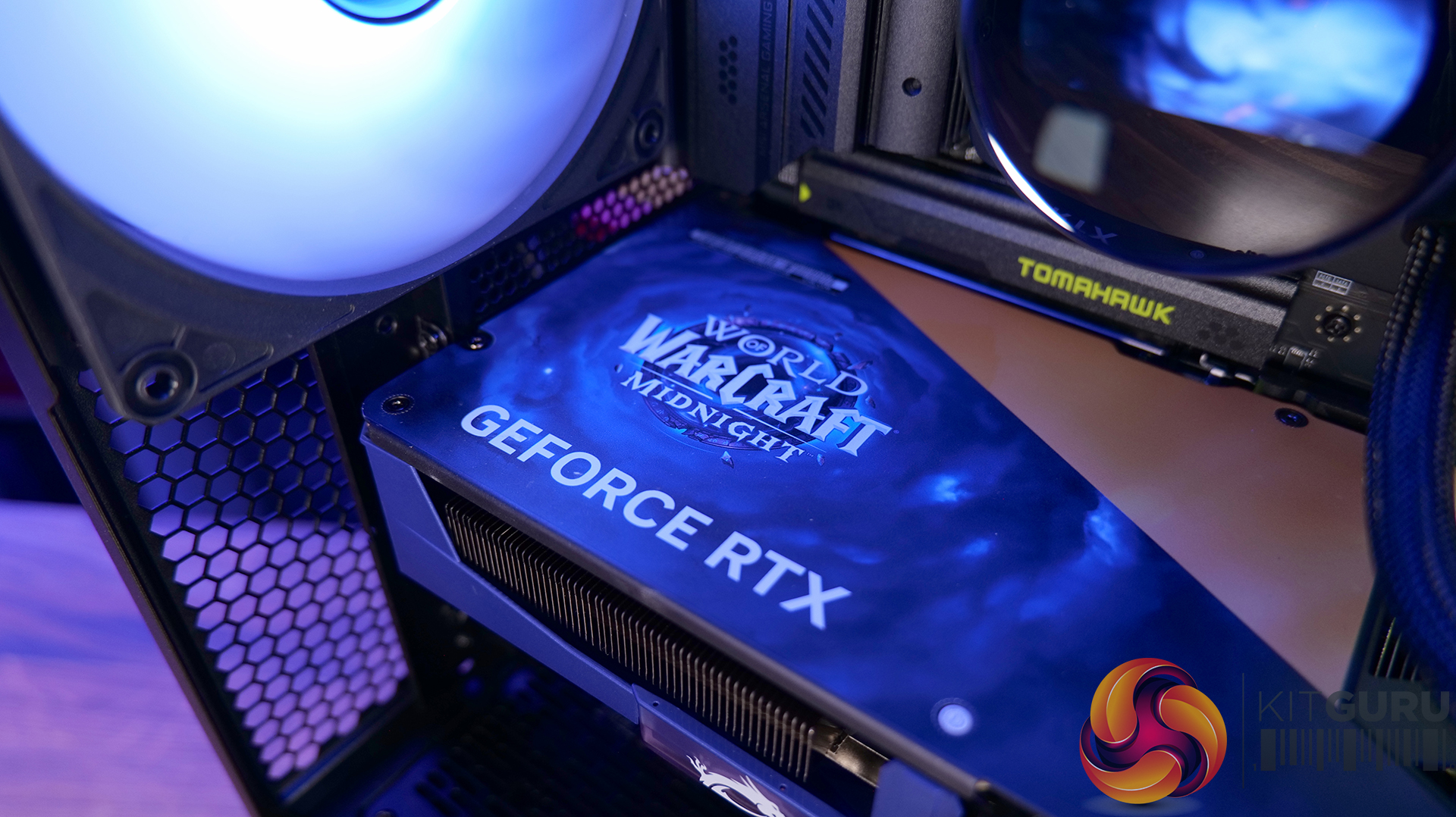
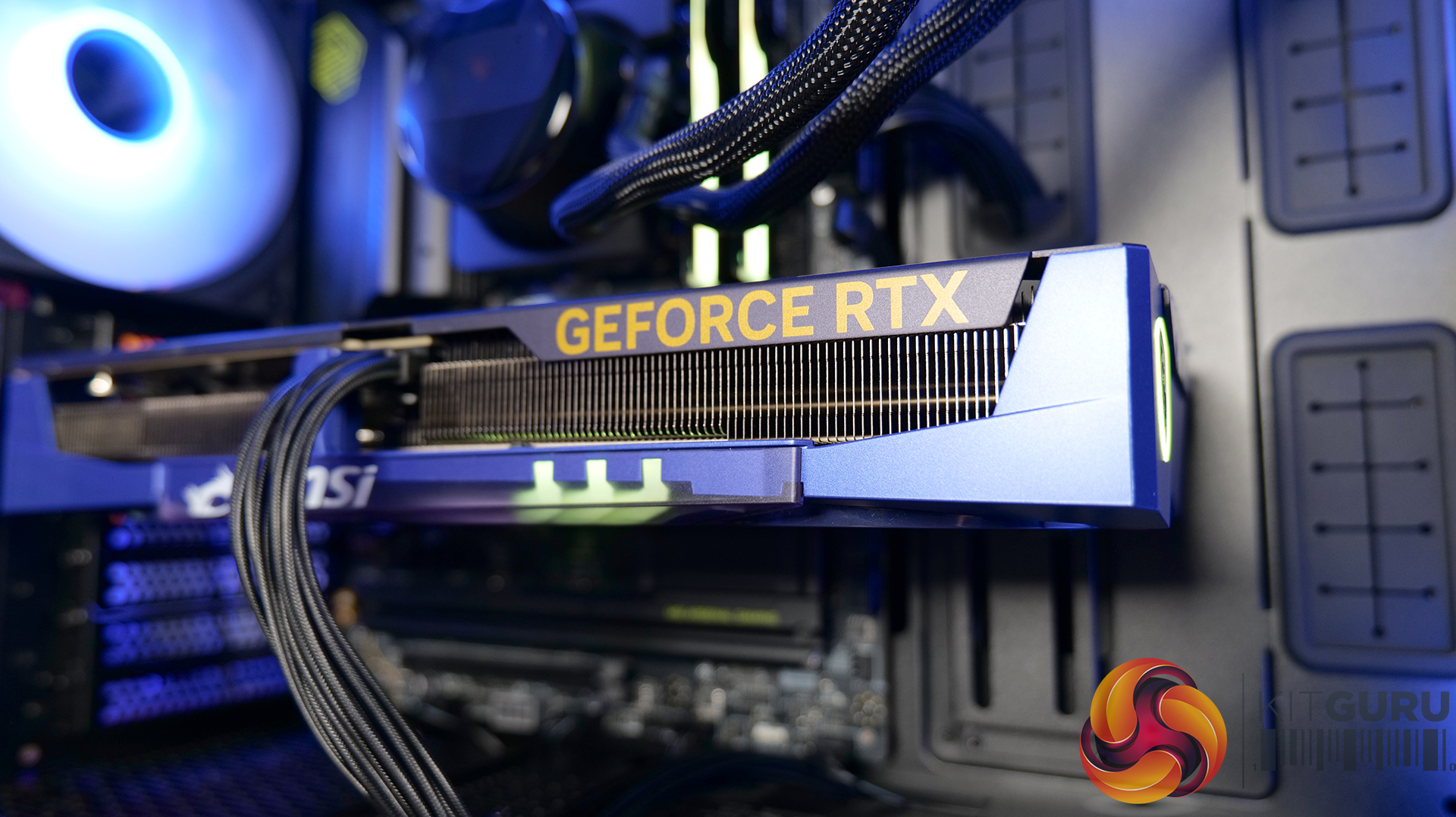
MSI has recently launched a series of RTX 5070 graphics cards in collaboration with Blizzard and World Of Warcraft. There are two versions of the Midnight-themed cards: Void and Light editions. We took the Void edition and made an MSI World of Warcraft Midnight build featuring the special-edition graphics card and the brand-new Intel Core Ultra 7 270K Plus CPU!

Graphics Card: MSI GeForce RTX 5070 12G World of Warcraft MIDNIGHT VOID EDITION OC – Available from Currys for £719.99 HERE.

  • TRI FROZR 4 Cooling – MSI’s latest thermal design brings upgraded fans and refined airflow control for lower temperatures and quieter operation under load.
  • Factory Overclocked – ships with an “Extreme Performance” clock of 2625 MHz via MSI Centre, giving you an out-of-the-box boost without any tinkering.
  • Blackwell Architecture + DLSS 4 – built on NVIDIA’s latest platform with AI-enhanced rendering and multi-frame generation, pushing both performance and image quality forward.
  • 12GB of GDDR7 VRAM – fast 192-bit memory running at 28 Gbps, providing plenty of bandwidth for modern titles and high-resolution workloads.

Specifications

  • Model: G507012WMVEC
  • Graphics Processing Unit: NVIDIA GeForce RTX 5070
  • Interface: PCI Express Gen 5
  • Core Clocks: Extreme Performance 2625 MHz (MSI Centre) / Boost: 2610 MHz
  • CUDA Cores: 6144 Units
  • Memory: 28 Gbps 12GB GDDR7 192-bit
  • Outputs: DisplayPort x3 (v2.1b), HDMI™ x1 (up to 4K 480Hz or 8K 120Hz with DSC, VRR, HDR)
  • HDCP Support: Yes
  • Power Consumption: 250 W
  • Power Connectors: 16-pin x1 (ATX 3.1 PSU recommended)
  • Recommended PSU: 650 W
  • Dimensions: 338 x 140 x 50 mm
  • Weight: 1187 g (card) / 1705 g (package)
  • API Support: DirectX 12 Ultimate, OpenGL 4.6
  • Maximum Displays: 4
  • G-SYNC® Technology: Yes
  • Digital Maximum Resolution: 7680 x 4320

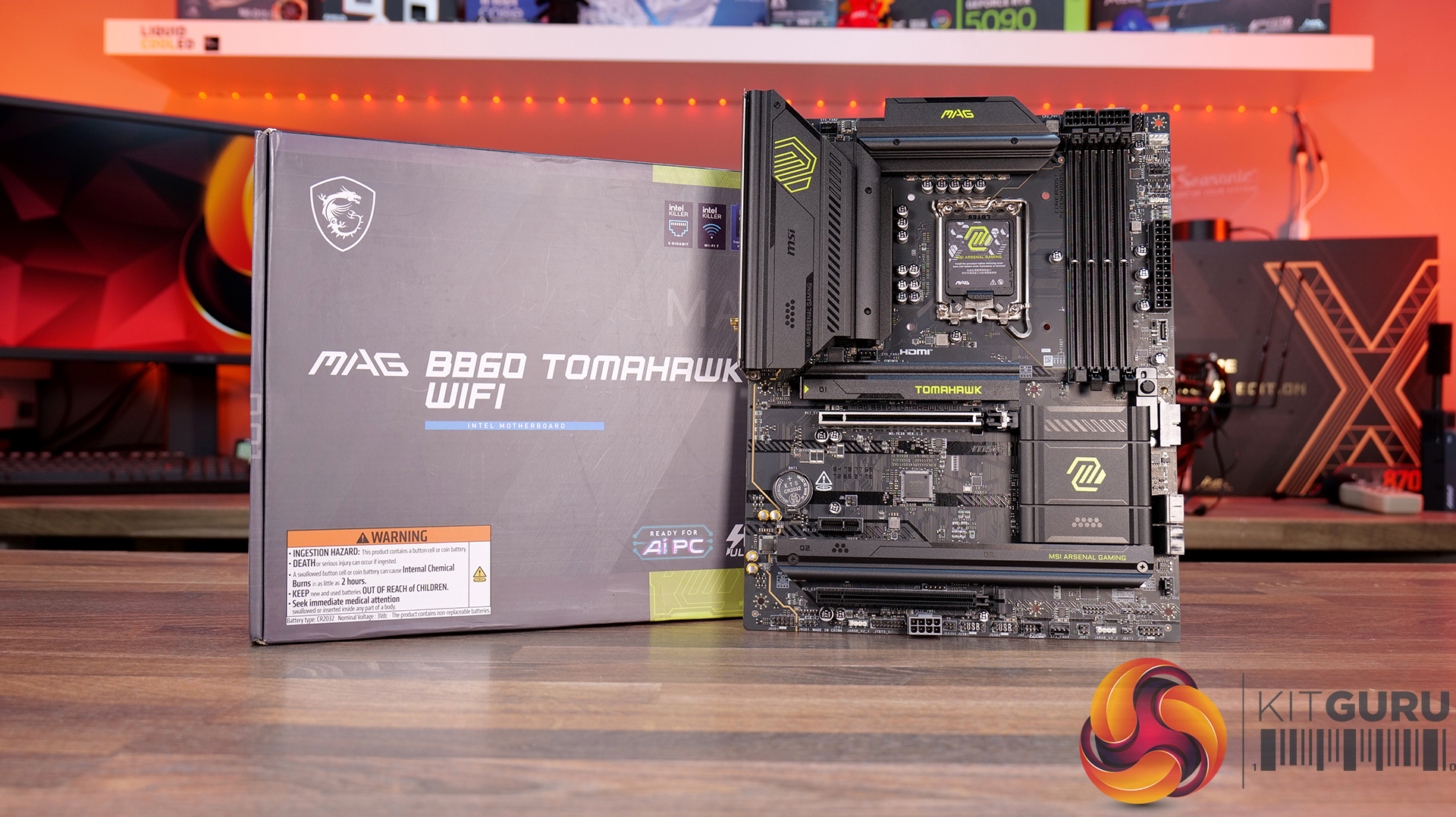
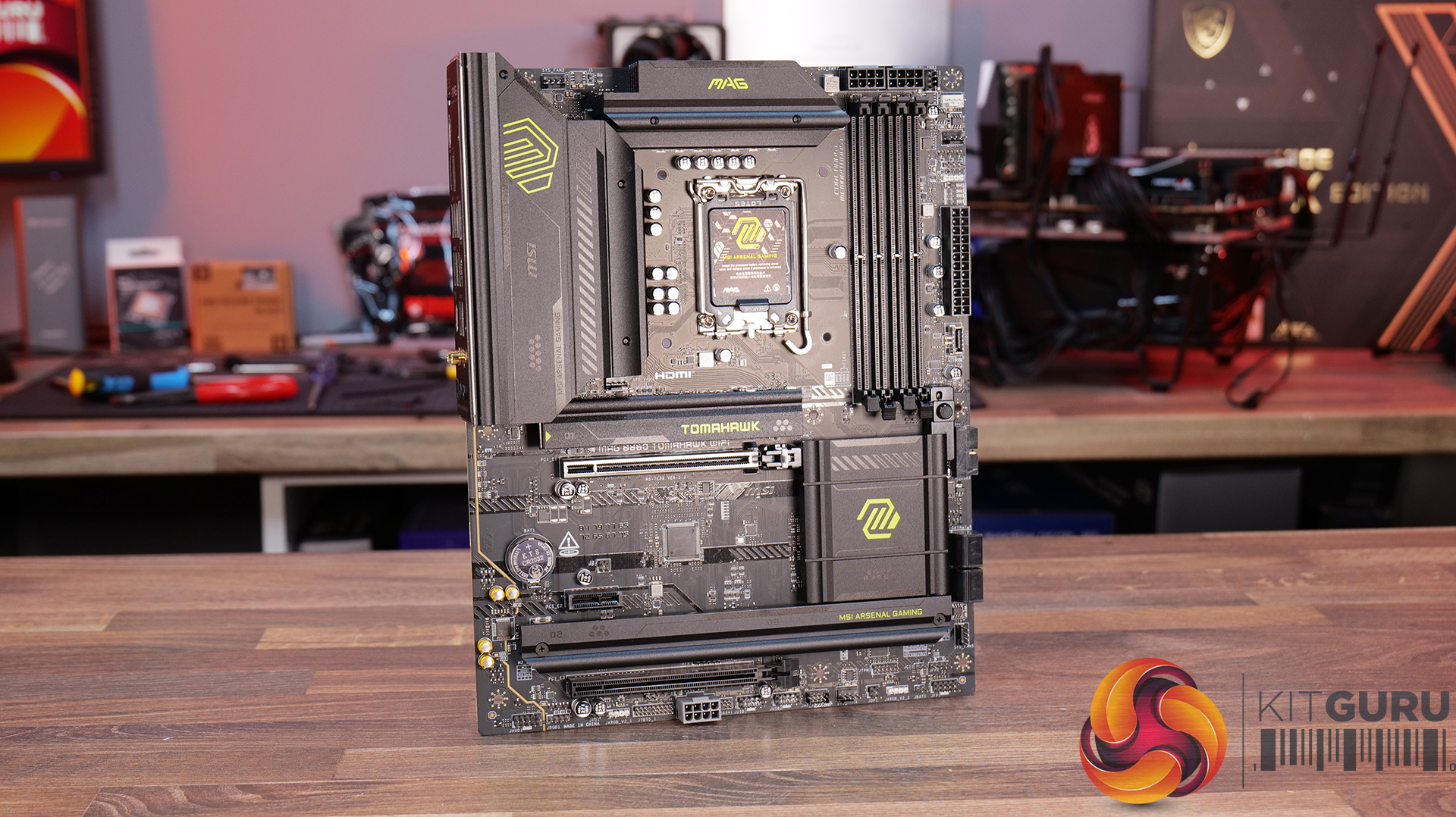
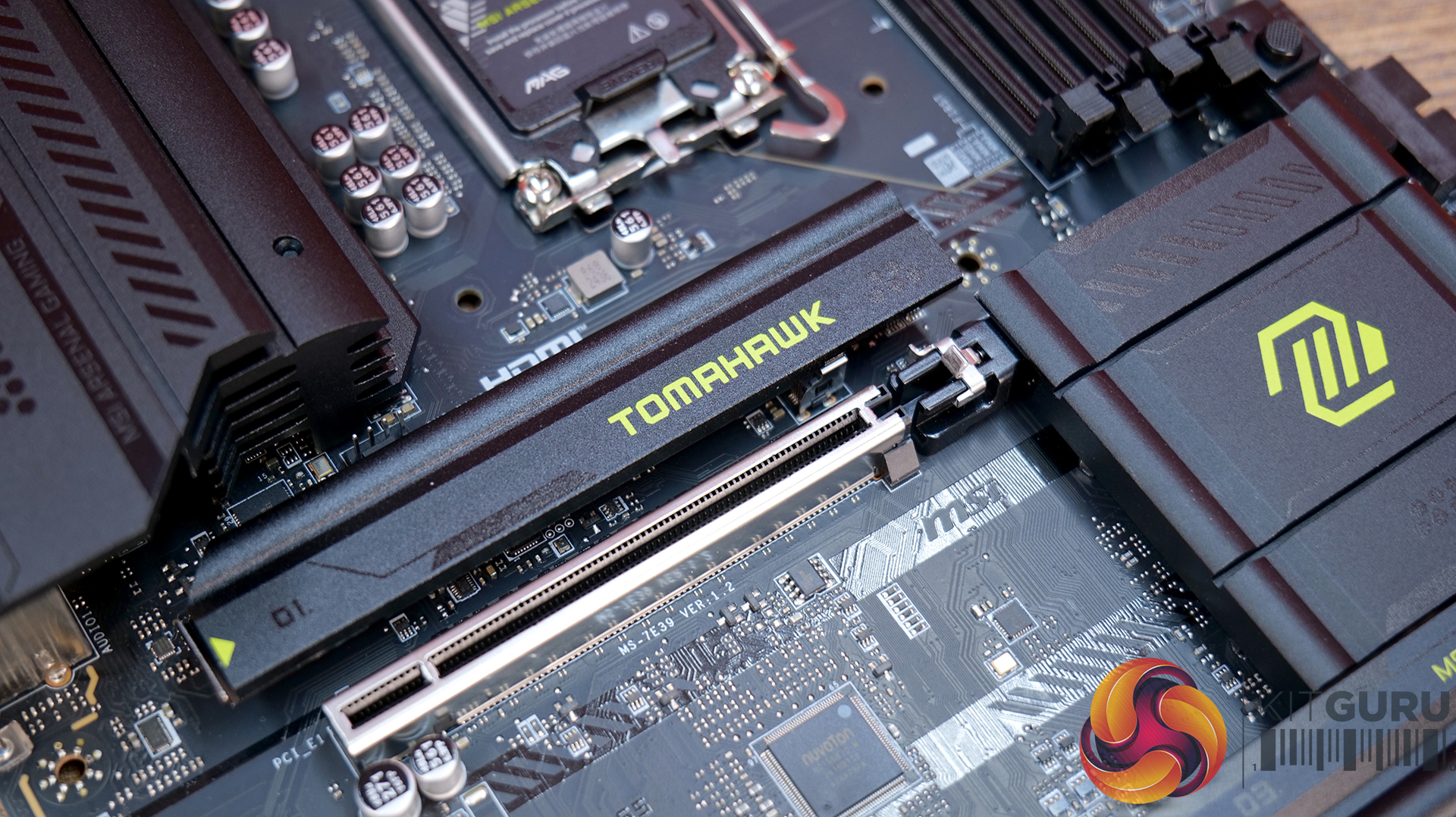
Motherboard: MSI MAG B860 Tomahawk WiFi – Available now from Scan priced at £199.99 HERE.

  • Serious power delivery – 12+1+1+1 Duet Rail VRM with 60A SPS and dual 8-pin CPU connectors is built to keep Intel Core Ultra CPUs powered correctly during sustained load.
  • PCIe 5.0 ready – Full PCIe 5.0 support for GPUs and a Gen5 M.2 slot, designed to support the latest hardware and future upgrades.
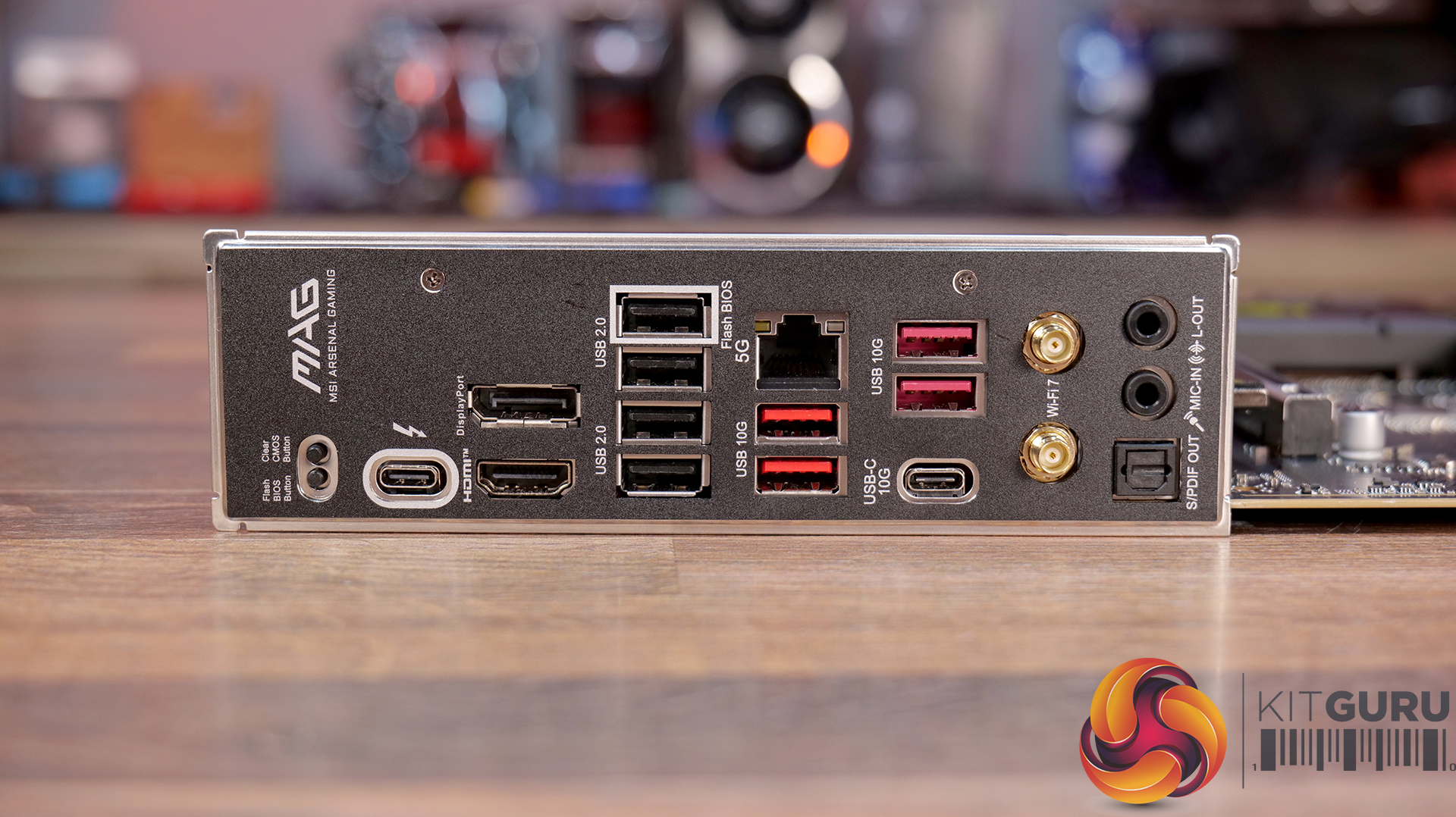
  • Generous Connectivity – Wi-Fi 7, 5G LAN and Thunderbolt 4 for cutting-edge networking and high-bandwidth I/O.
  • Proper thermal design – extended heatsinks, 7W/mK thermal pads and M.2 Shield Frozr II all work together to keep temps in check under heavy gaming or workstation loads.

Specifications

  • Chipset: Intel B860
  • CPU Support: Supports Intel® Core™ Ultra Processors (Series 2)
  • Socket: LGA 1851
  • Memory: 4× DDR5 UDIMM slots (up to 256GB) 9200 – 6400 MT/s (OC) 6400 – 4800 MT/s (JEDEC)
  • Onboard Graphics (iGPU required): 1× HDMI™ 2.1 (up to 8K 60Hz), 1× DisplayPort 1.4 (up to 4K 60Hz), 1× USB Type-C (DisplayPort 2.1 via Thunderbolt™ 4, up to 8K 60Hz / 4K 120Hz)
  • Expansion Slots: 2× PCIe x16 slots, 1× PCIe x1 slot, PCI_E1: PCIe 5.0 x16 (CPU), PCI_E2: PCIe 4.0 x1 (Chipset), PCI_E3: PCIe 4.0 x4 (Chipset, drops to x2 if PCI_E2 in use)
  • Audio: Realtek ALC897 codec, 7.1-channel HD audio, S/PDIF output support
  • Storage: 3× M.2 slots – M.2_1: PCIe 5.0 x4 (CPU), M.2_2: PCIe 4.0 x4 (Chipset, supports up to 22110), M.2_3: PCIe 4.0 x4 (Chipset), 4× SATA 6G ports
  • RAID Support: RAID 0, 1, 5, 10 (SATA)
  • Thunderbolt 4: 1× rear port (up to 40Gbps), USB4 (20Gbps), USB 3.2 (10Gbps) backward compatibility
  • USB Connectivity: 4× USB 2.0, 4× USB 10Gbps Type-A, 1× USB 10Gbps Type-C, 1× USB 40Gbps Type-C (Rear) / 4× USB 2.0, 2× USB 5Gbps Type-A, 1× USB 10Gbps Type-C (Front)
  • LAN: Intel® Killer™ E5000 5Gbps LAN
  • Wireless & Bluetooth: Intel® Killer™ BE1750x Wi-Fi 7,Bluetooth 5.4
  • Internal I/O: 1× ATX, 2× CPU, 1× PCIe 8-pin, 1× CPU fan, 1× pump/sys fan, 5× system fans, RGB: 3× ARGB Gen2, 2× RGB, 4× USB 2.0, 2× USB 5Gbps Type-A,1× USB 10Gbps Type-C, 2× Front panel headers, Front audio, Chassis intrusion, TPM 2.0 header, JDASH tuning controller
  • LED Features: 4× EZ Debug LEDs, 1× EZ Memory Detection LED
  • Rear Panel / Ports: Clear CMOS Button, DisplayPort, USB 2.0 (Flash BIOS Port), 5G LAN, USB 10Gbps Type-A, Audio Connectors, Flash BIOS Button, Thunderbolt™ 4 40Gbps (Type-C), HDMI™, USB 2.0, USB 10Gbps Type-A, USB 10Gbps Type-C, Wi-Fi / Bluetooth, S/PDIF-OUT

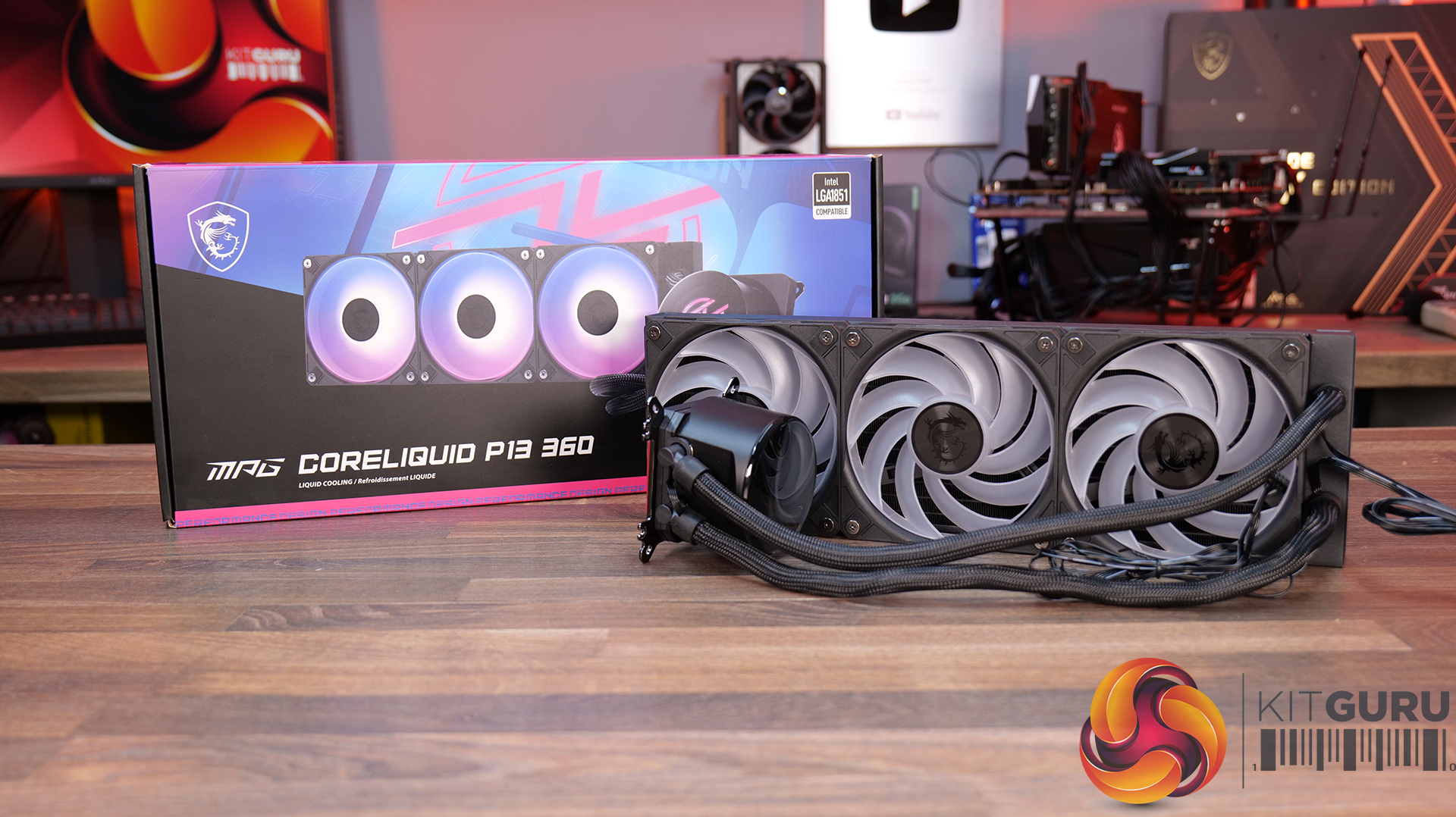
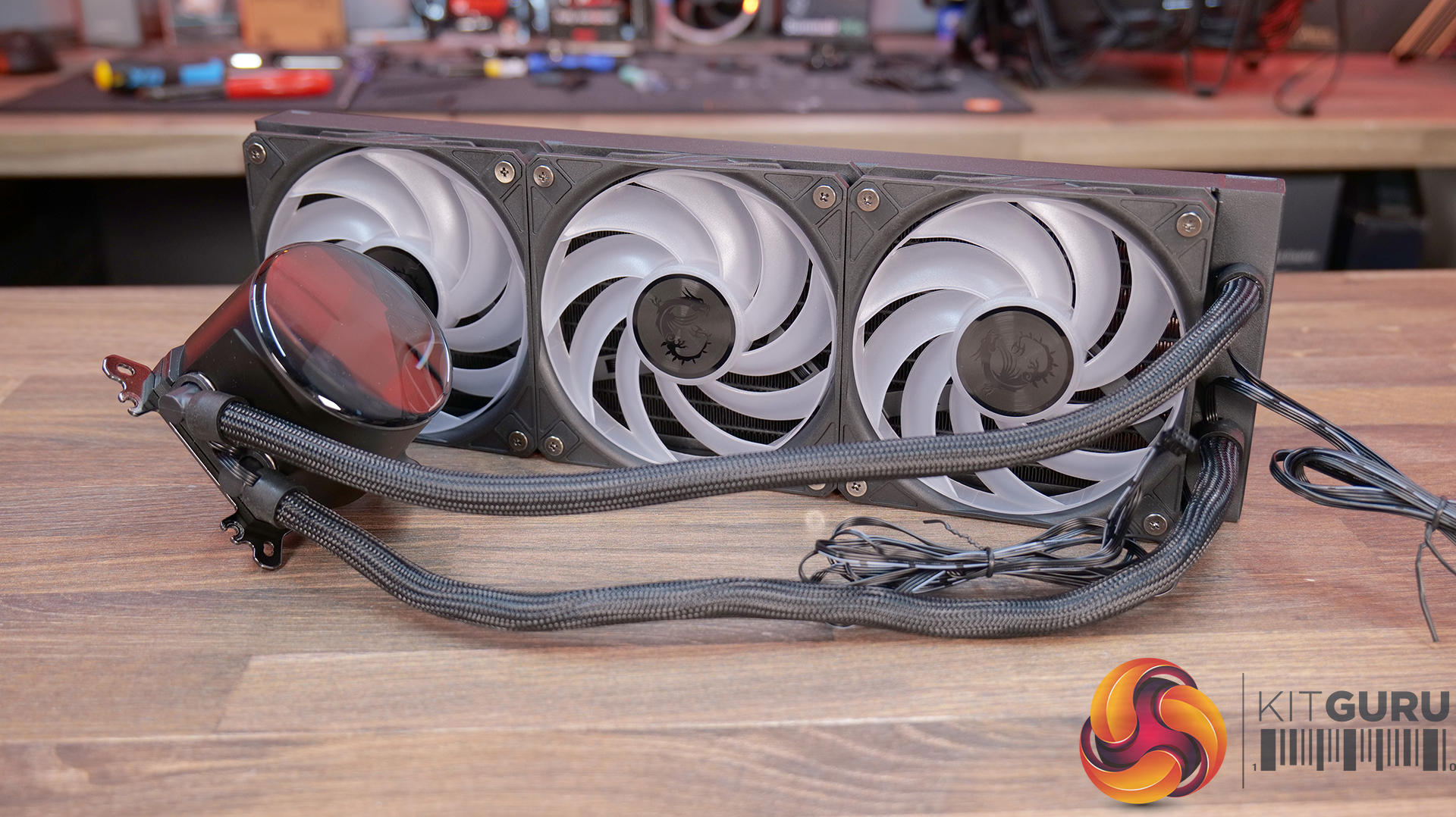
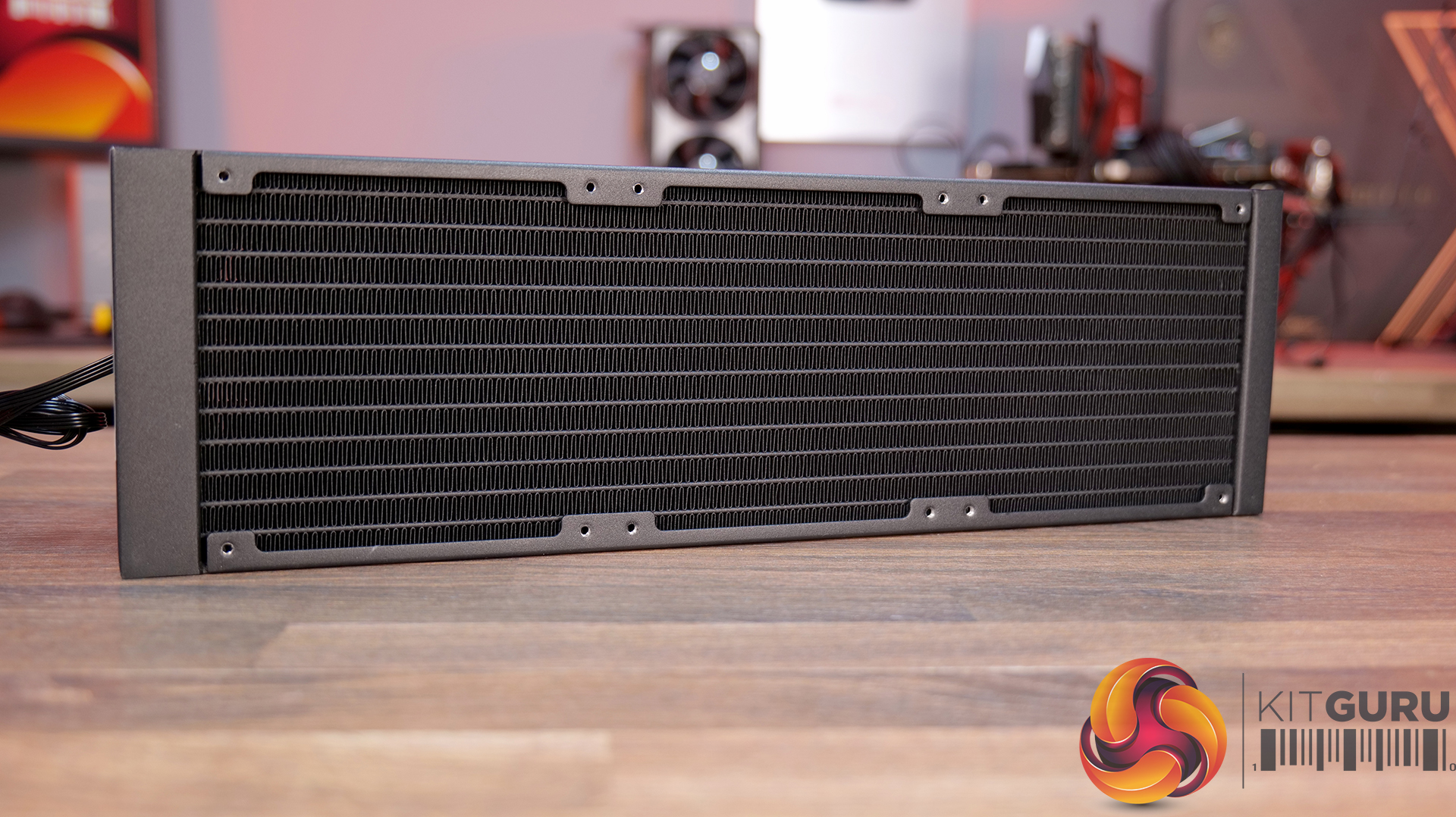
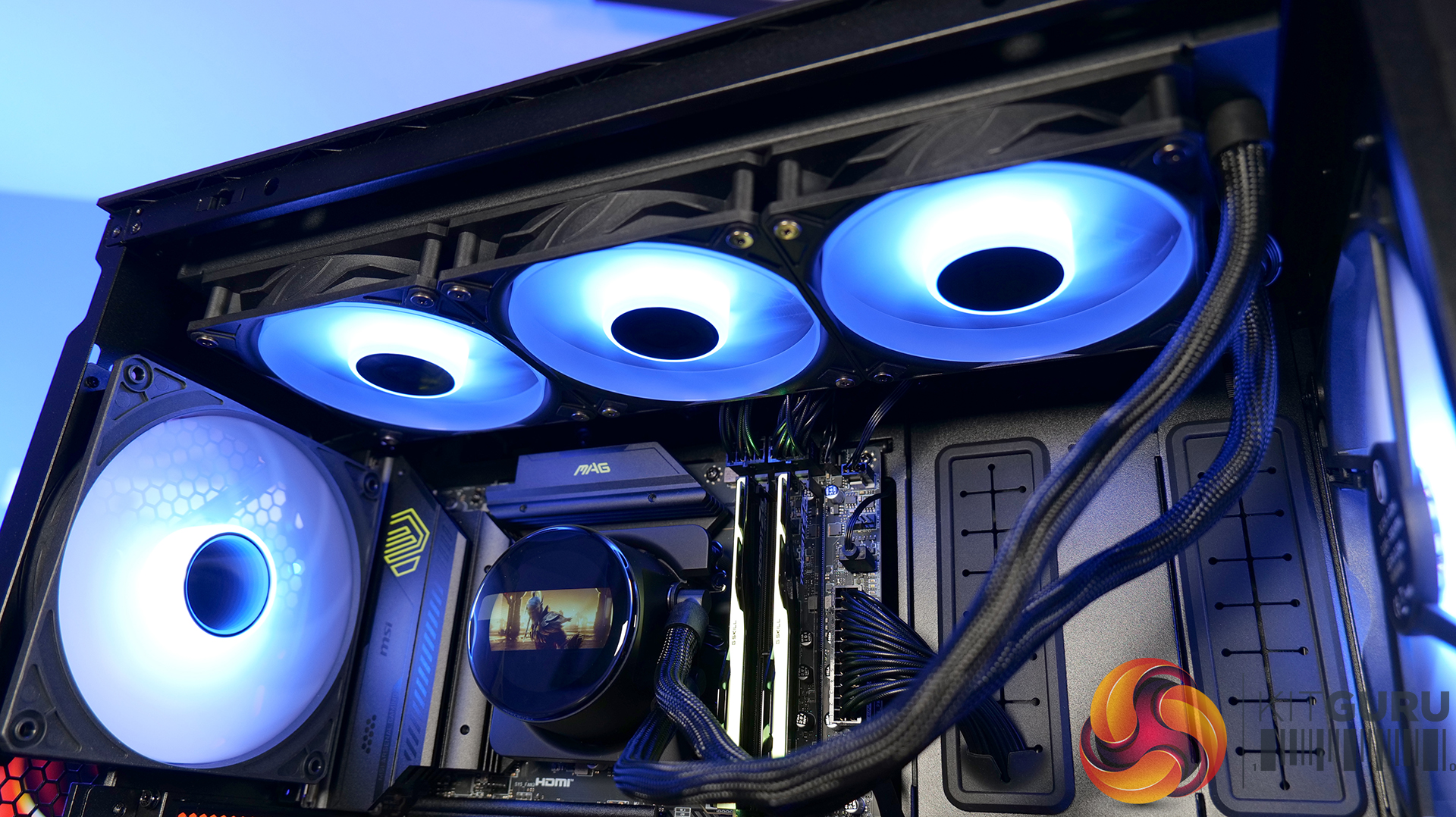
CPU Cooler: MSI MPG CoreLiquid P13 360 – Available now from Scan priced at £149.99 HERE.

  • Curved Glass CPU Block – Curved glass housing a 2.1-inch IPS LCD screen with 480 x 480 resolution and 600 nit peak brightness that can be configured and customised to display real-time system info, animated visuals or used as a secondary display.
  • Universal Mounting System – Upper mounting bracket compatible with current Intel and AMD desktop sockets makes installation a simple process, while the cables hidden in tube sleeving provide a super clean aesthetic.
  • Latest Cooling Engine – It's equipped with a new generation screwless full-plane copper base that enhances water tightness and ensures reliable operation, while the 0.1mm micro channel cold plate absorbs heat for efficient CPU heat dissipation and cooling.

Specifications

  • CPU Socket Compatibility:Intel LGA 1700 / 1851, AMD AM5/AM4
  • Radiator Material: Aluminium
  • Radiator Dimensions:394 x 119.6 x 27.2mm
  • Radiator Tube Length: 390mm
  • CPU Block/Pump Dimensions: 70 x 80 x 75mm (approx.)
  • Pump Speed: 3400 RPM ± 340 RPM
  • Cold Plate Material: Micro-Skived Copper
  • Pump Connector: 4-pin PWM
  • Pump Noise (dBA): 20 dBA ( avg )
  • VRM Fan:N/A
  • Fan Dimensions: 120 x 120 x 25 mm
  • Fan Speed (PWM): 500~2050 ± 150 RPM
  • Fan Max Airflow: 89 CFM
  • Fan Max Static Pressure: 59 mmH20
  • Fan Noise: 7 dBA (max)
  • Fan Bearing: Rifle bearing
  • Fan Connector: 4-pin PWM + 3-pin 5V ARGB
  • LCD Screen: 1” IPS 480 x 480
  • Warranty: 3 years

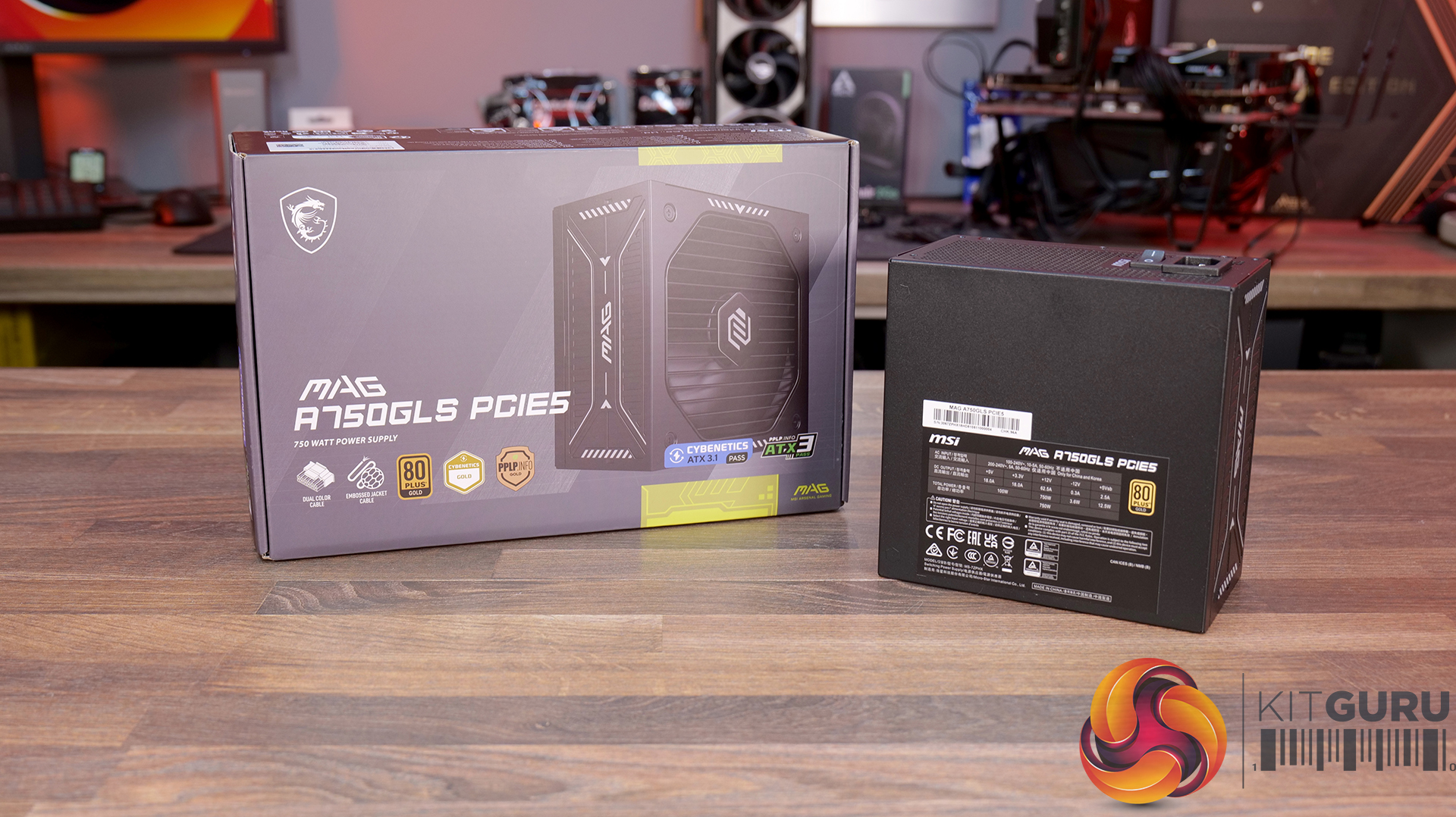
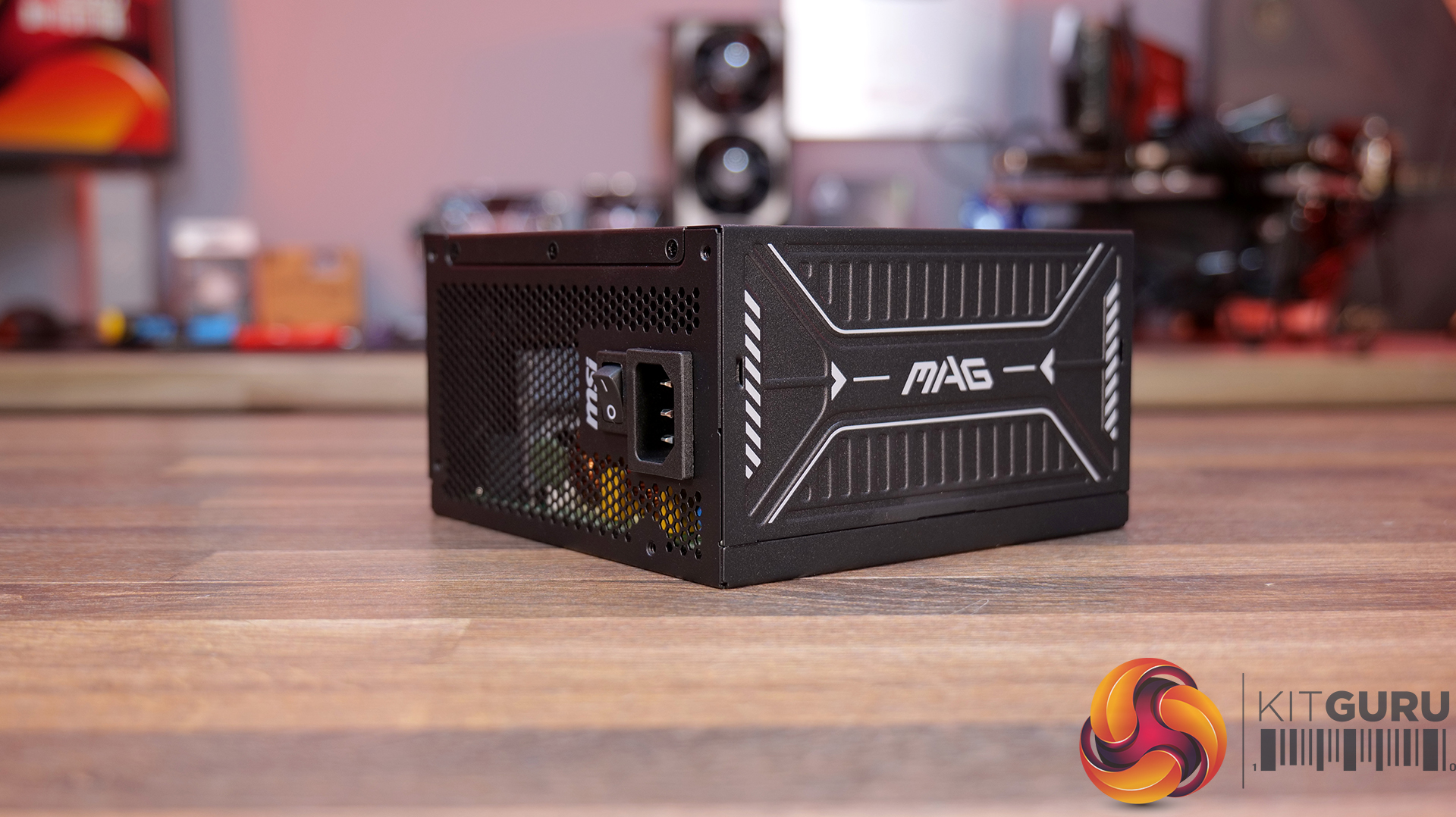
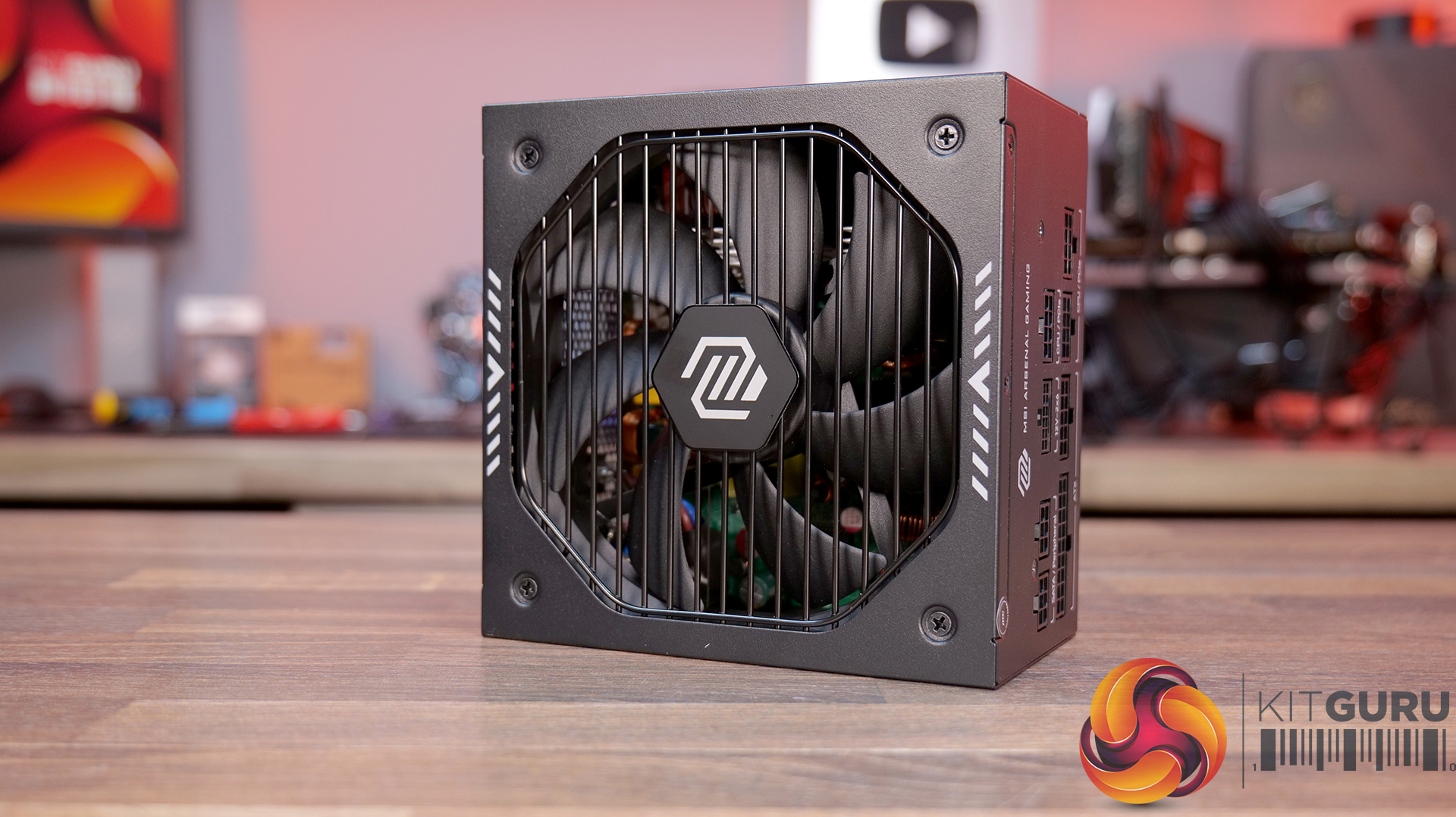
Power Supply: MSI MAG A750GLS PCIE5 750W – Available now from Amazon priced at £104.22 HERE.

  • Compact Size – 150 mm long and 150 mm wide ATX form factor ensures a comfortable and easy fit in most PC cases, freeing up more space for cable management and airflow.
  • 80 Plus Gold Certified – Up to 90% efficiency, ideal for powering hardware with high energy demands, such as GPUs and CPUs.
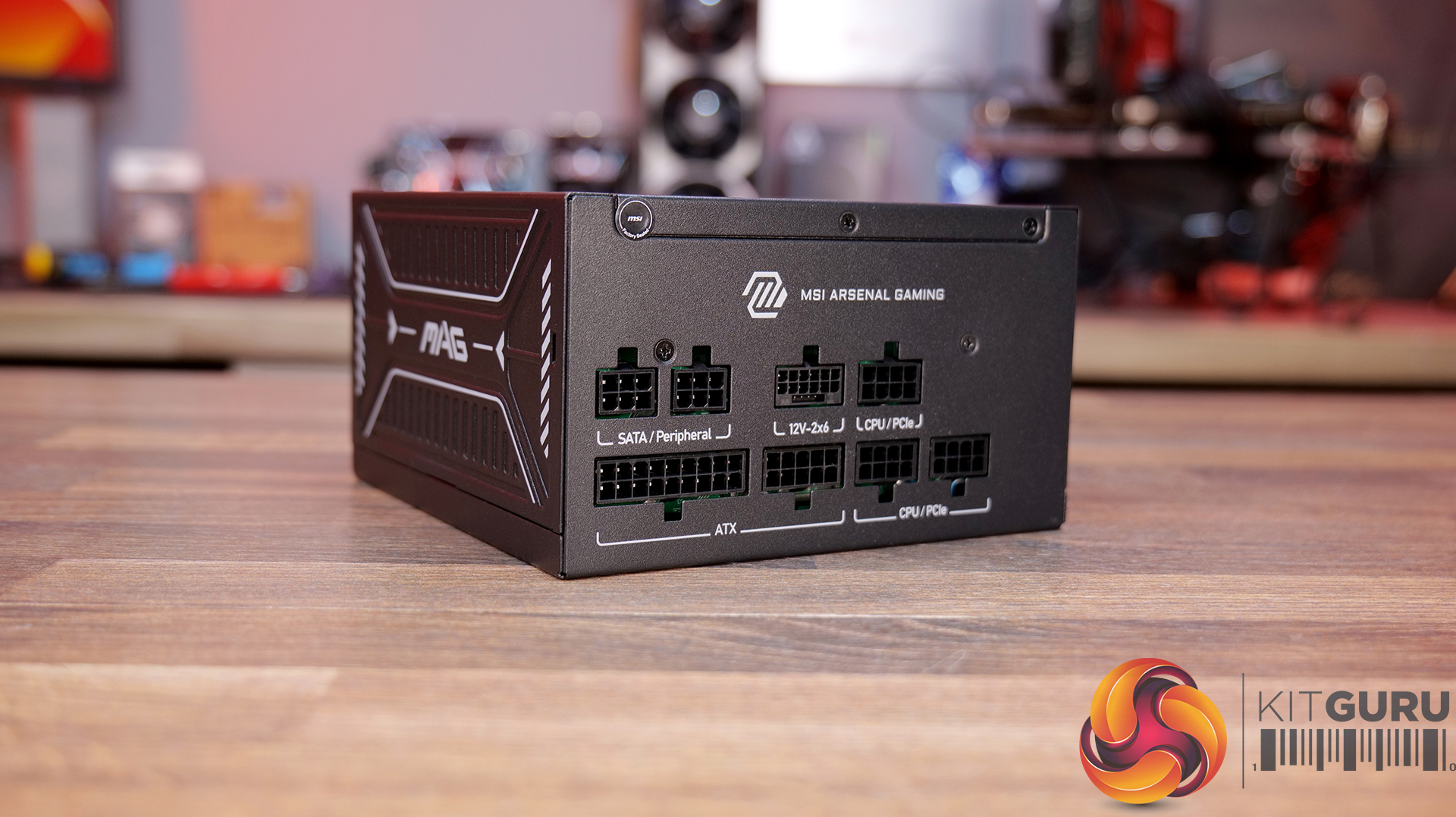
  • Native 12V-2×6 – Equipped with native 12V-2×6 PCIe connector to deliver up to 600W of power to support PCIe 5.1 GPUs.
  • Durable Design – Featuring LLC half-bridge with DC-to-DC converter and an active PFC design ensures a reliable output with OCP / OTP / OPP / SCP / OVP / UVP / SIP / NLO protection.

Specifications

  • Efficiency Rating: 80 PLUS Gold (up to 90%)
  • Modular: Yes (Fully Modular)
  • Cooling: 135 mm Fan With Fluid Dynamic Bearing
  • Dimensions (D × W × H): 150 × 150 × 86 mm
  • Electrical: Active PFC
  • Input Voltage Range: 100–240V~
  • Input Frequency Range: 50–60 Hz
  • Rated Power: 750W
  • Power Excursion: 1650W (up to 220% for 100μs)
  • Protections: OCP/OTP/OPP/SCP/OVP/UVP/SIP/NLO
  • Connectors: 1× ATX, 2× EPS, 1× PCIe 5.1, 4× PCIe, 5× SATA, 2× Peripheral, 1× FDD (4 pin)

Build Specification:

Be sure to check out the RTX 5070 World of Warcraft Midnight Edition on Currys HERE.

KitGuru says: This new series of graphics cards will certainly appeal to die-hard World Of Warcraft fans and the bold colour schemes bring some life to your PC build!

The post MSI RTX 5070 World Of Warcraft Midnight Featured Build first appeared on KitGuru.

NZXT H2 Flow PC Case Review

31 March 2026 at 12:22

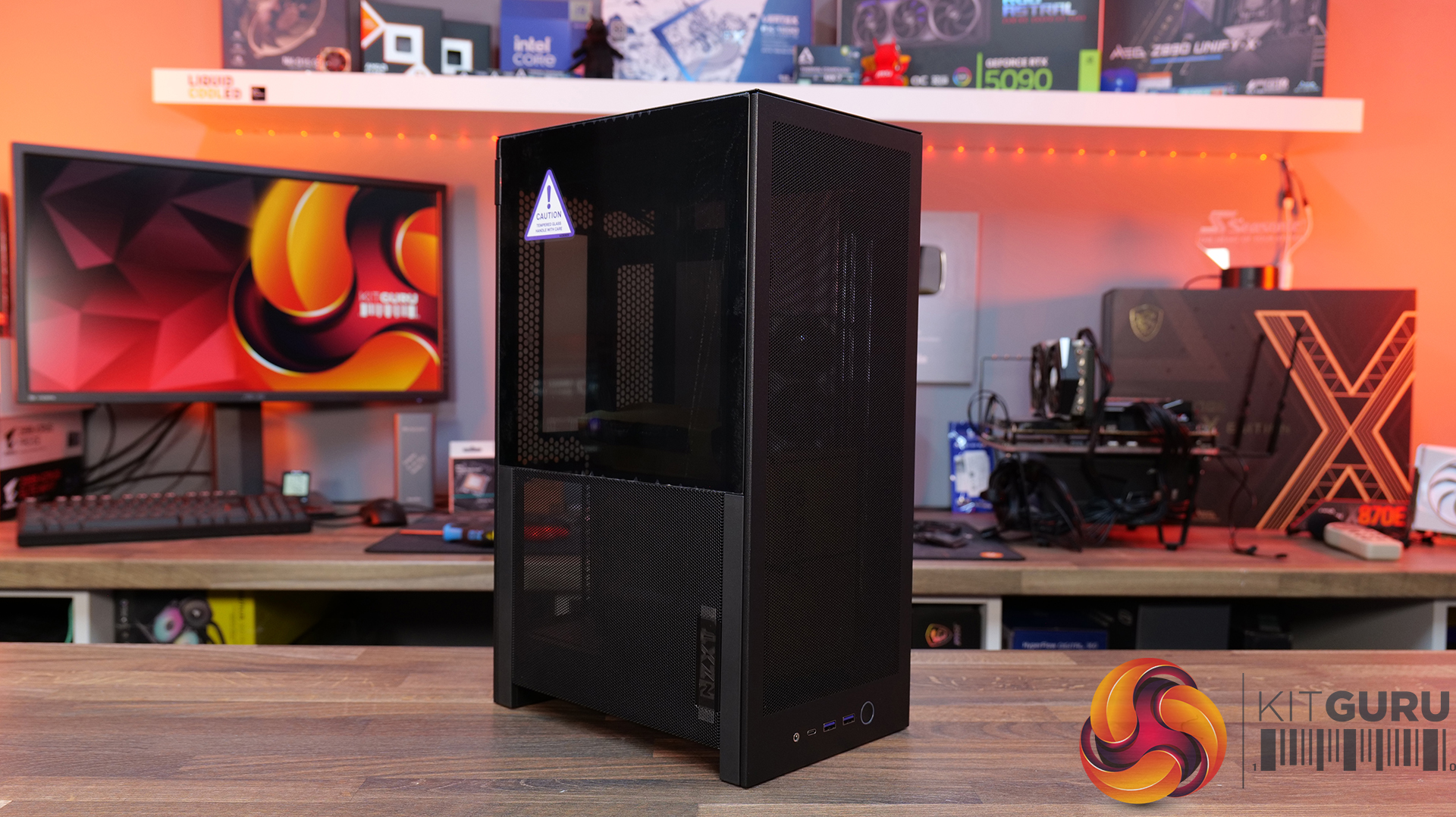
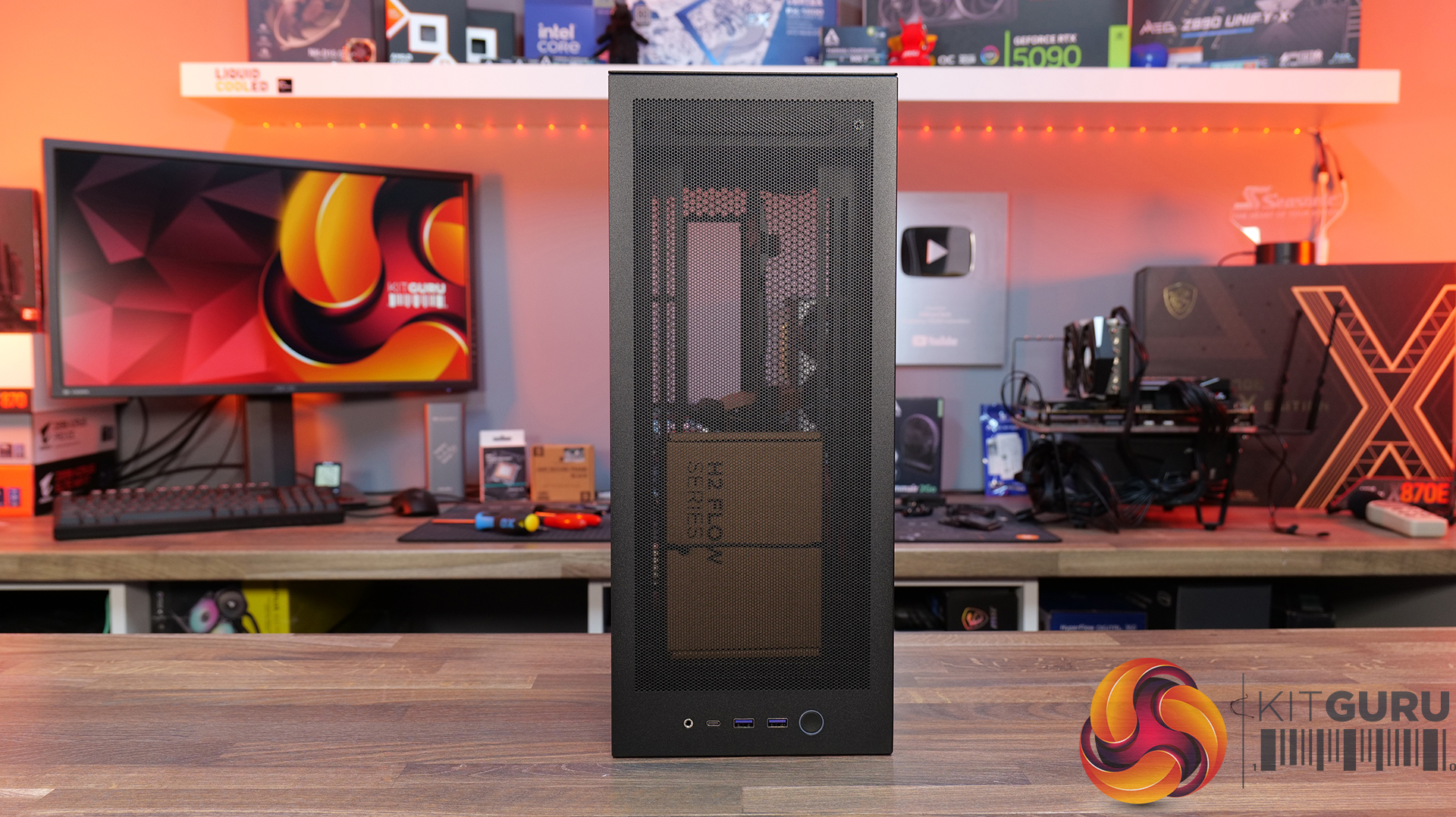
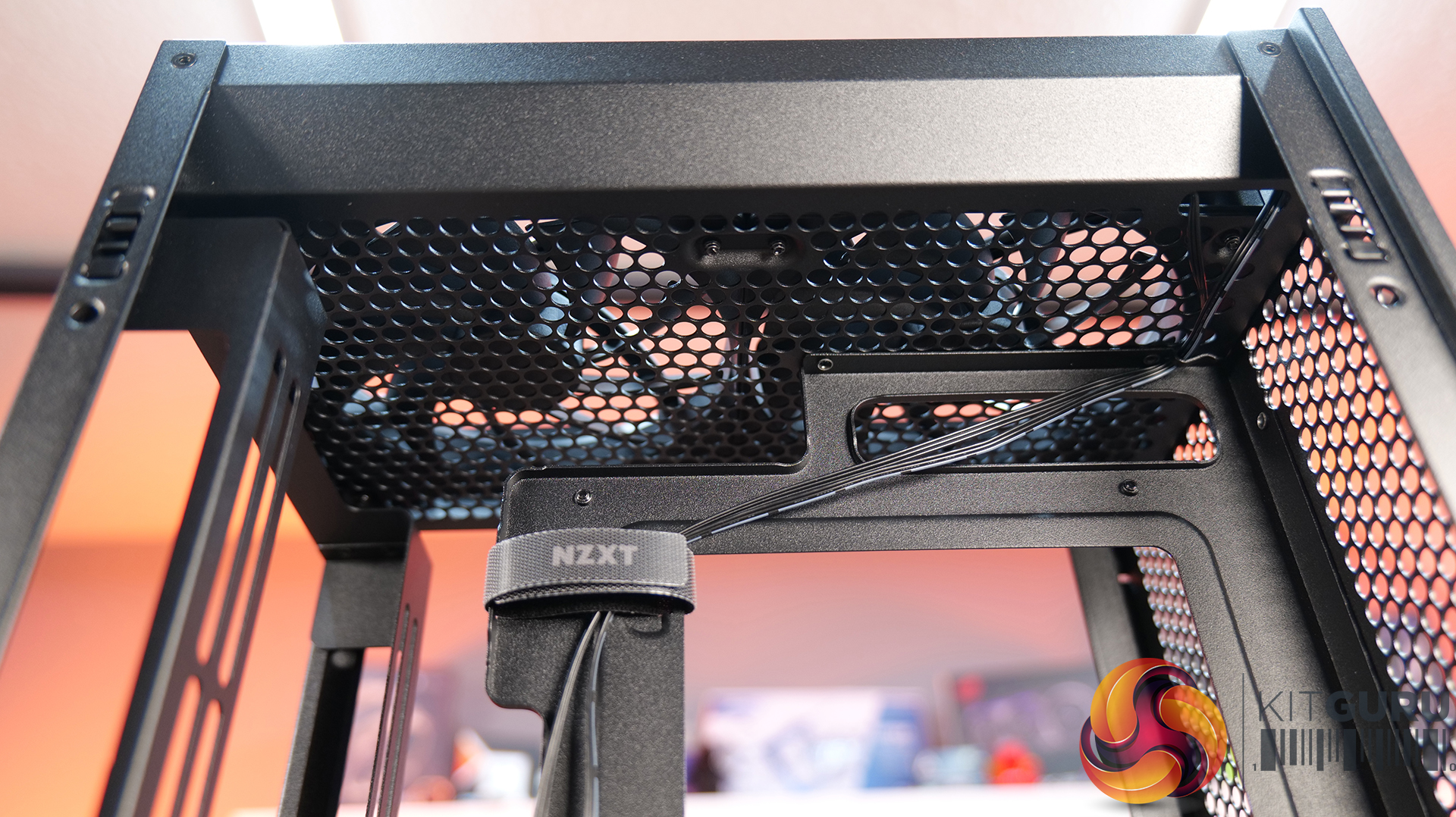
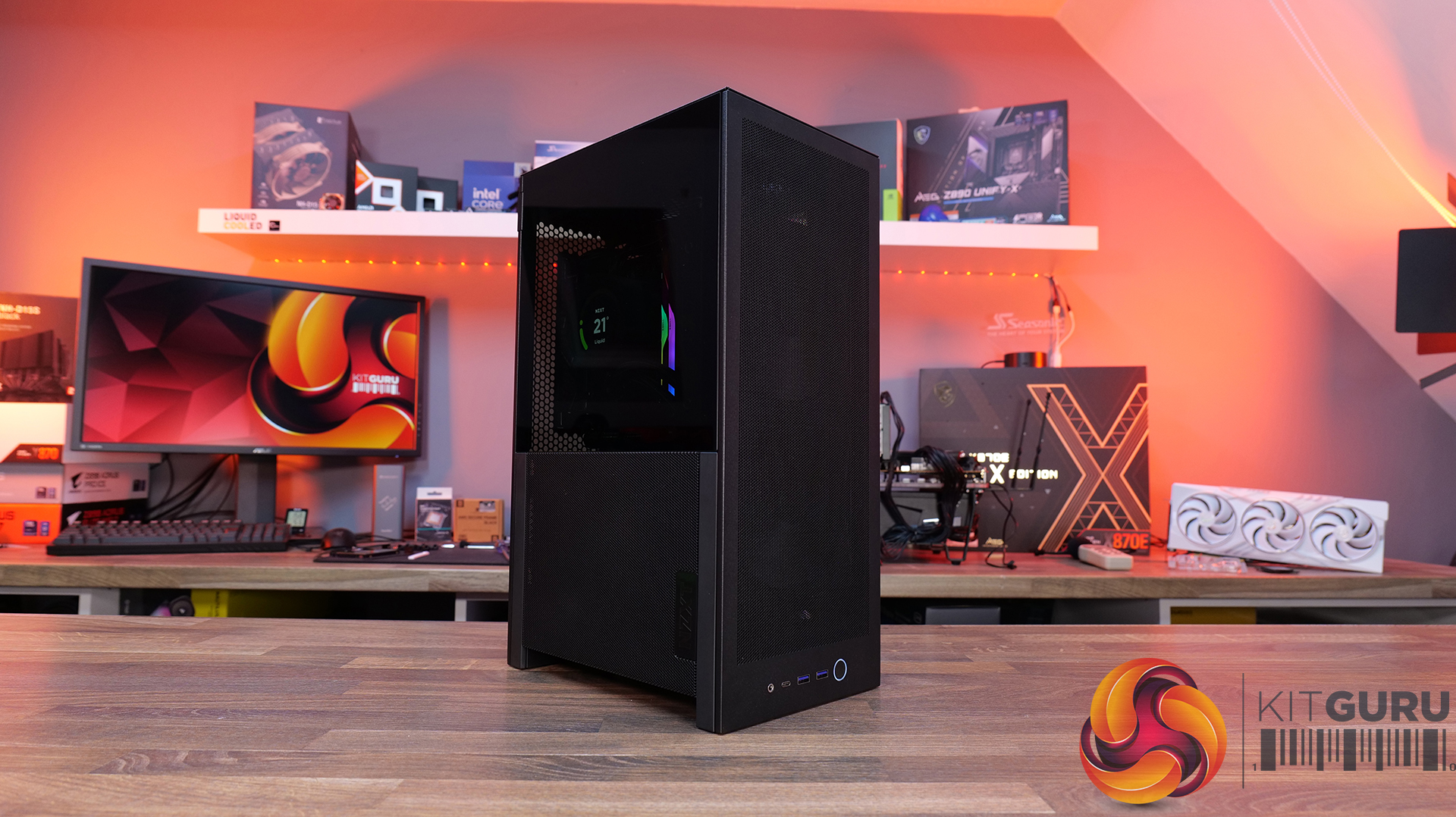
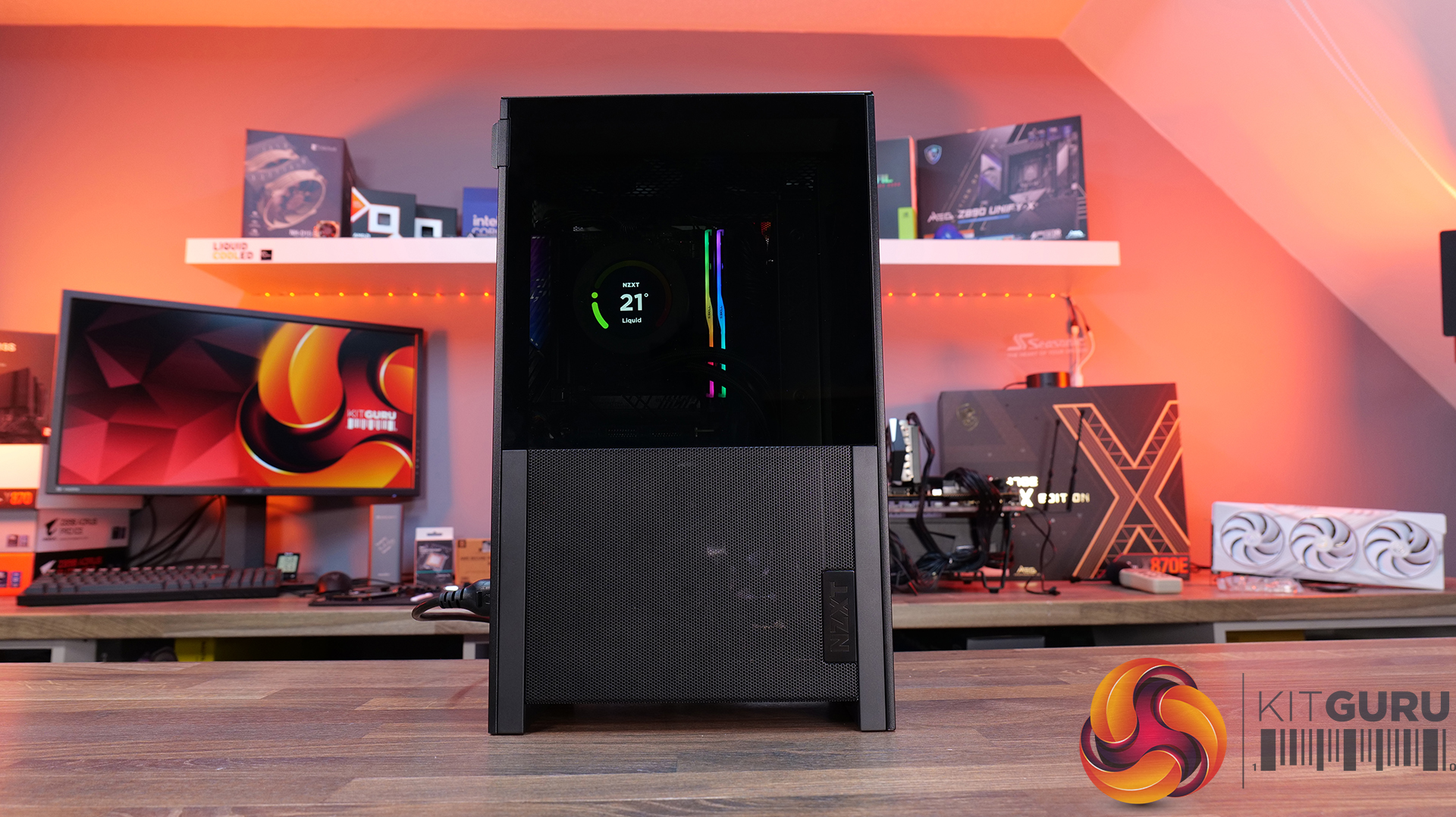
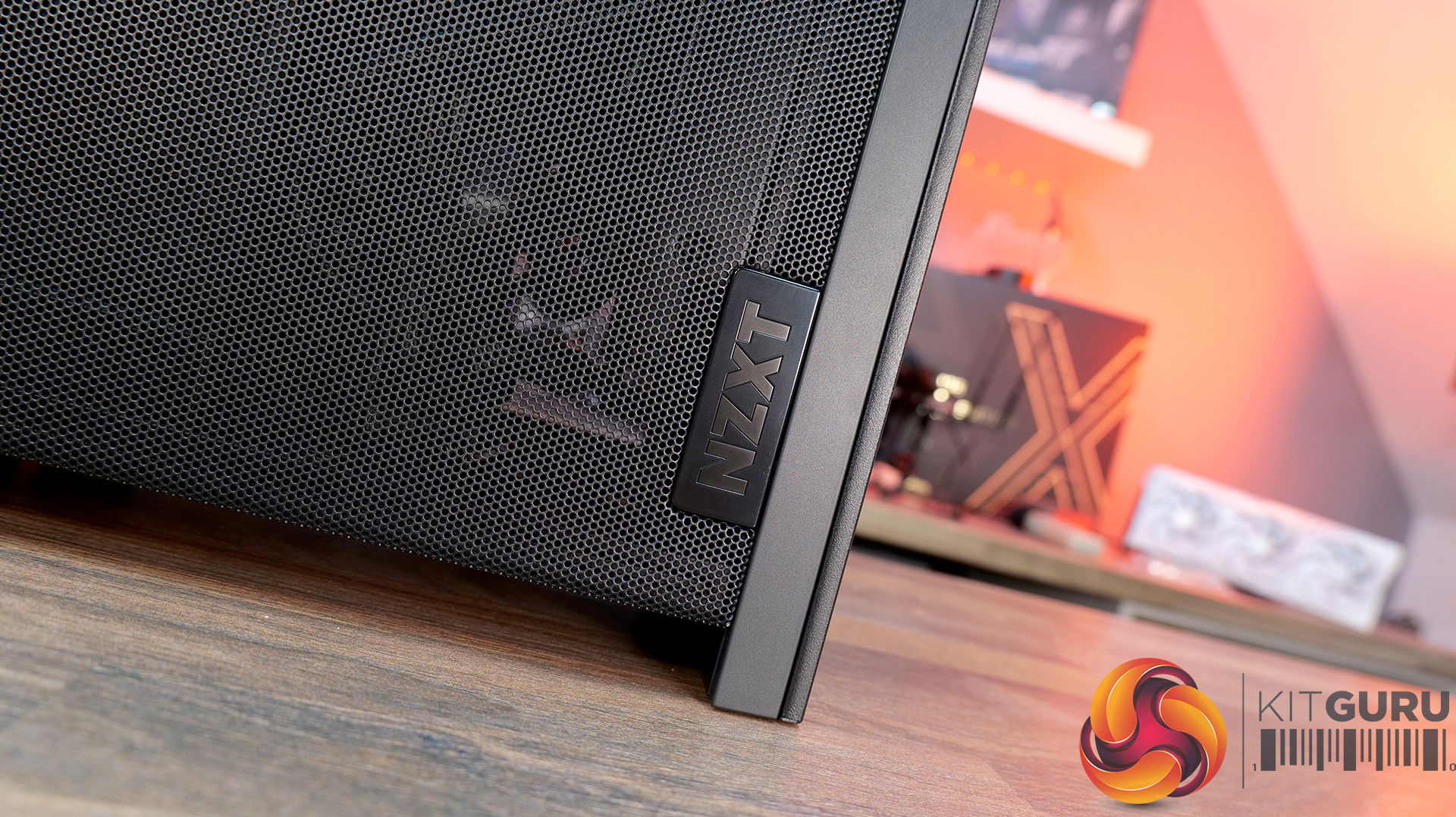
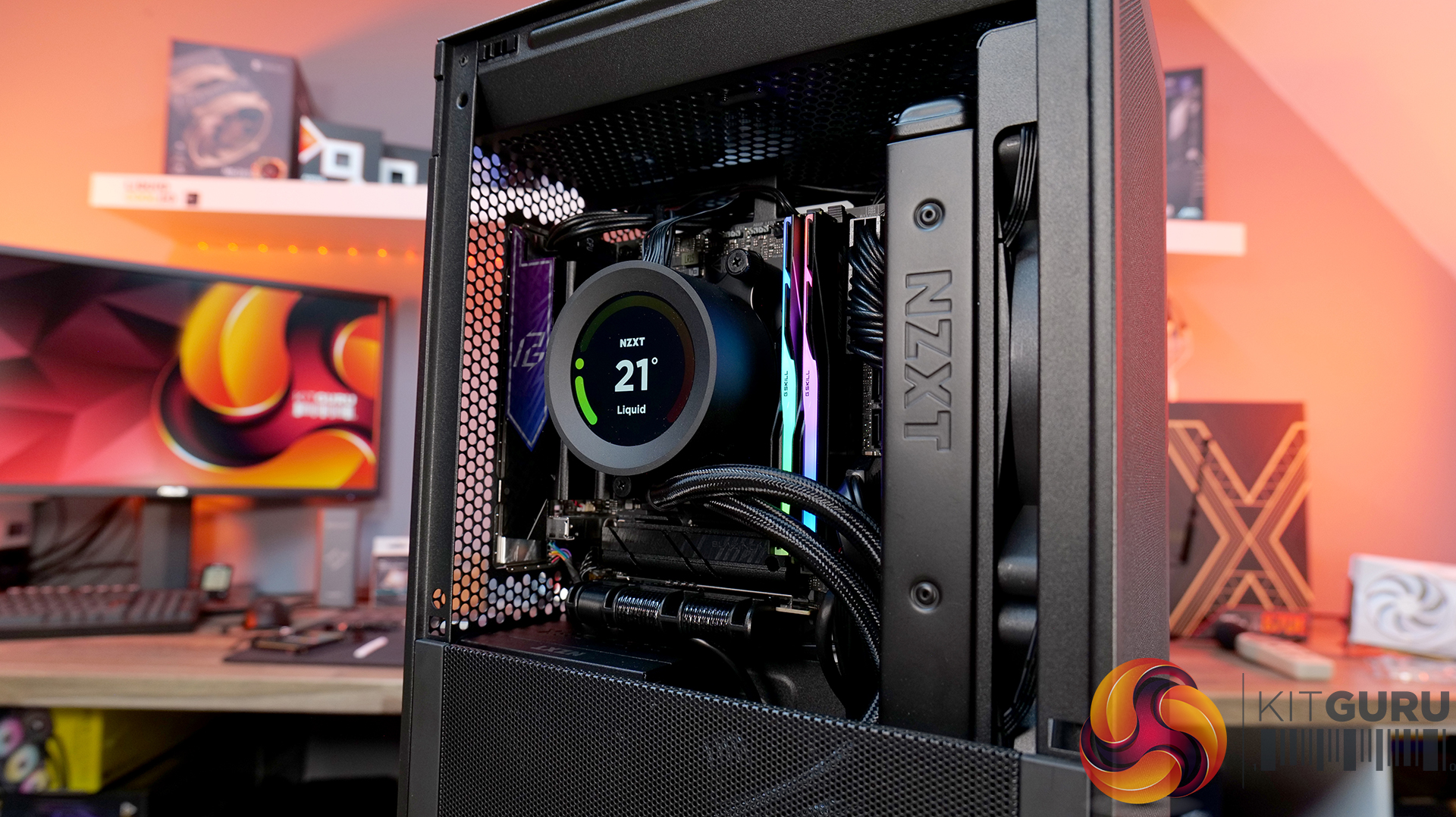
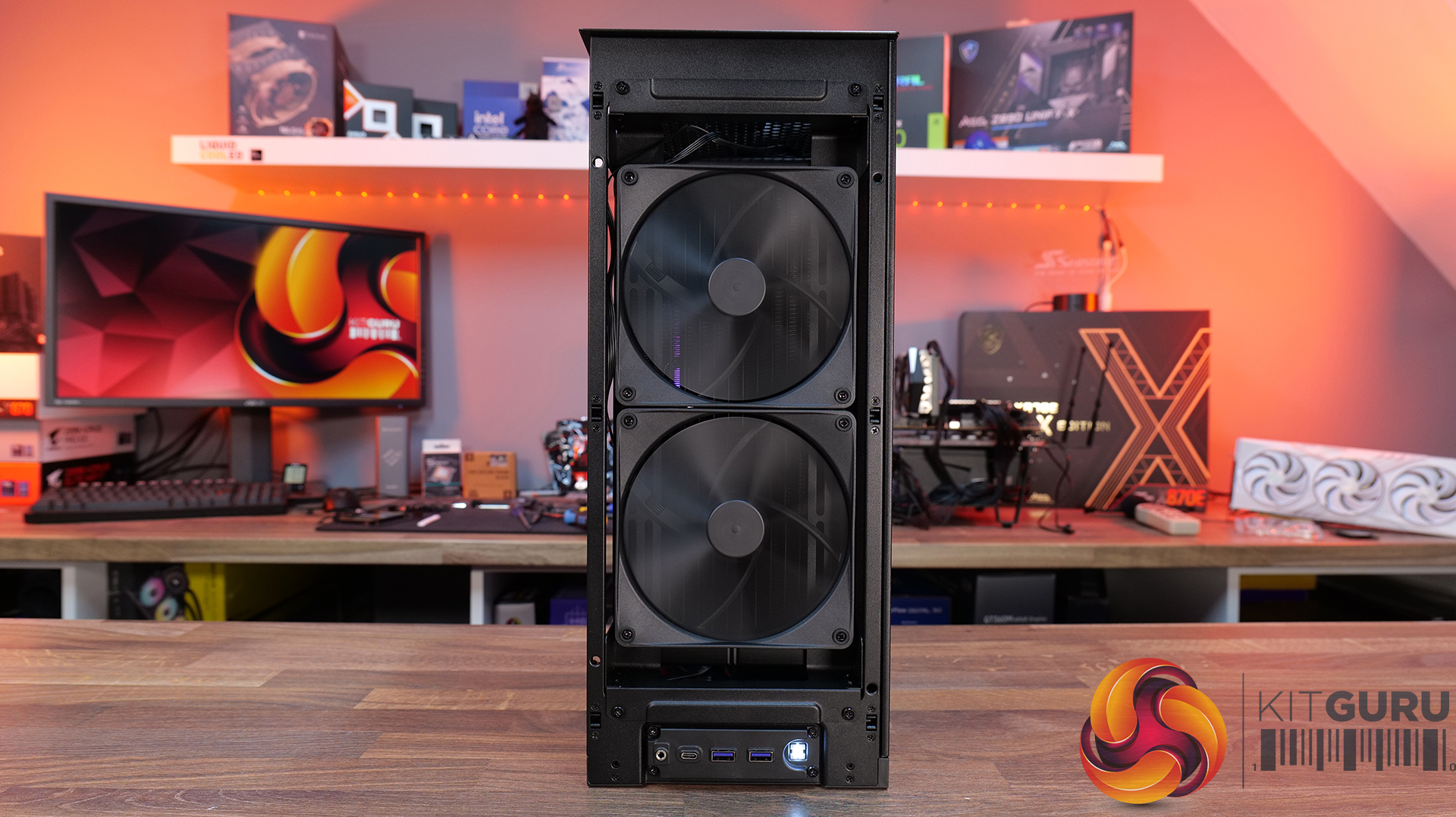
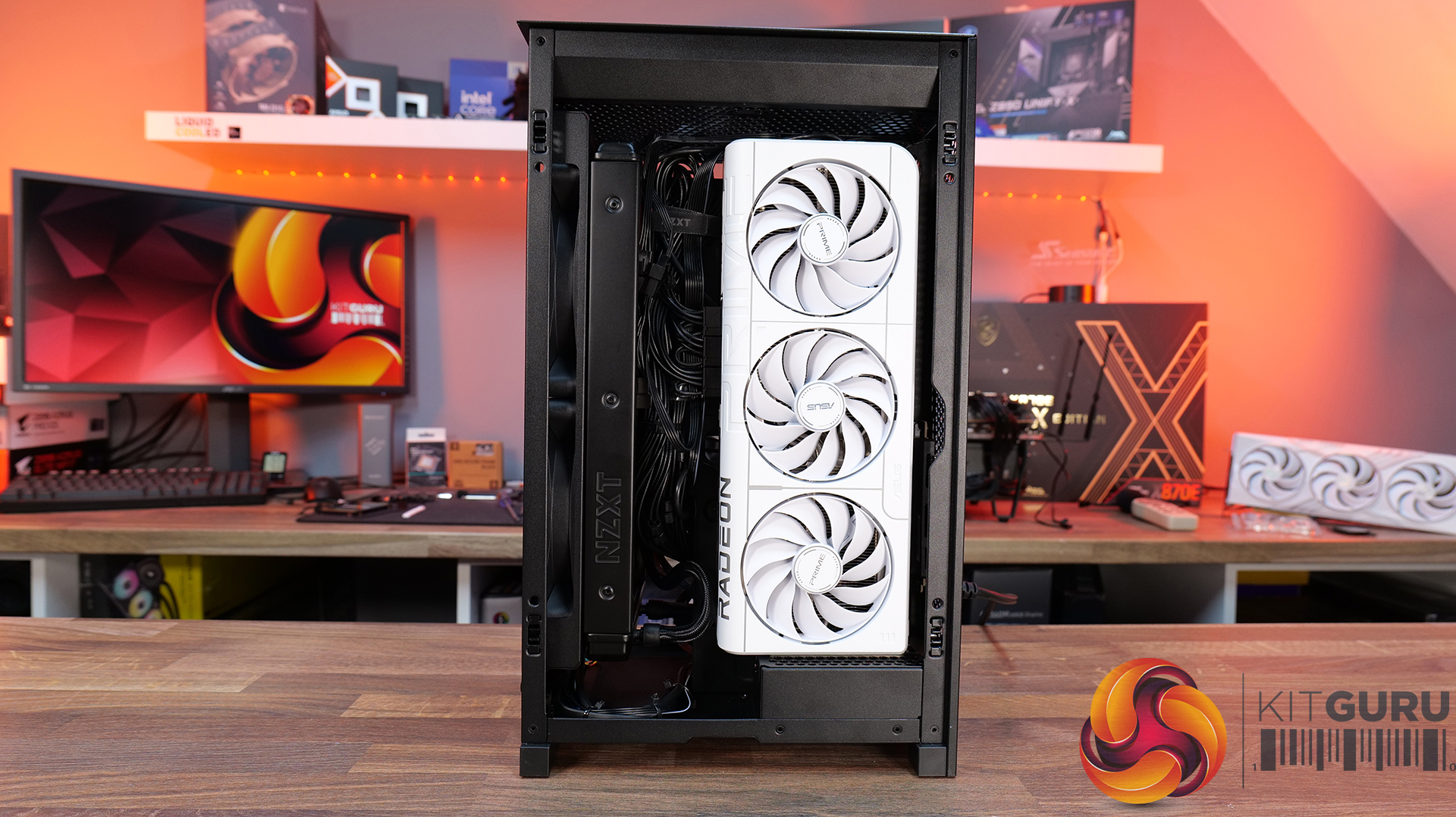
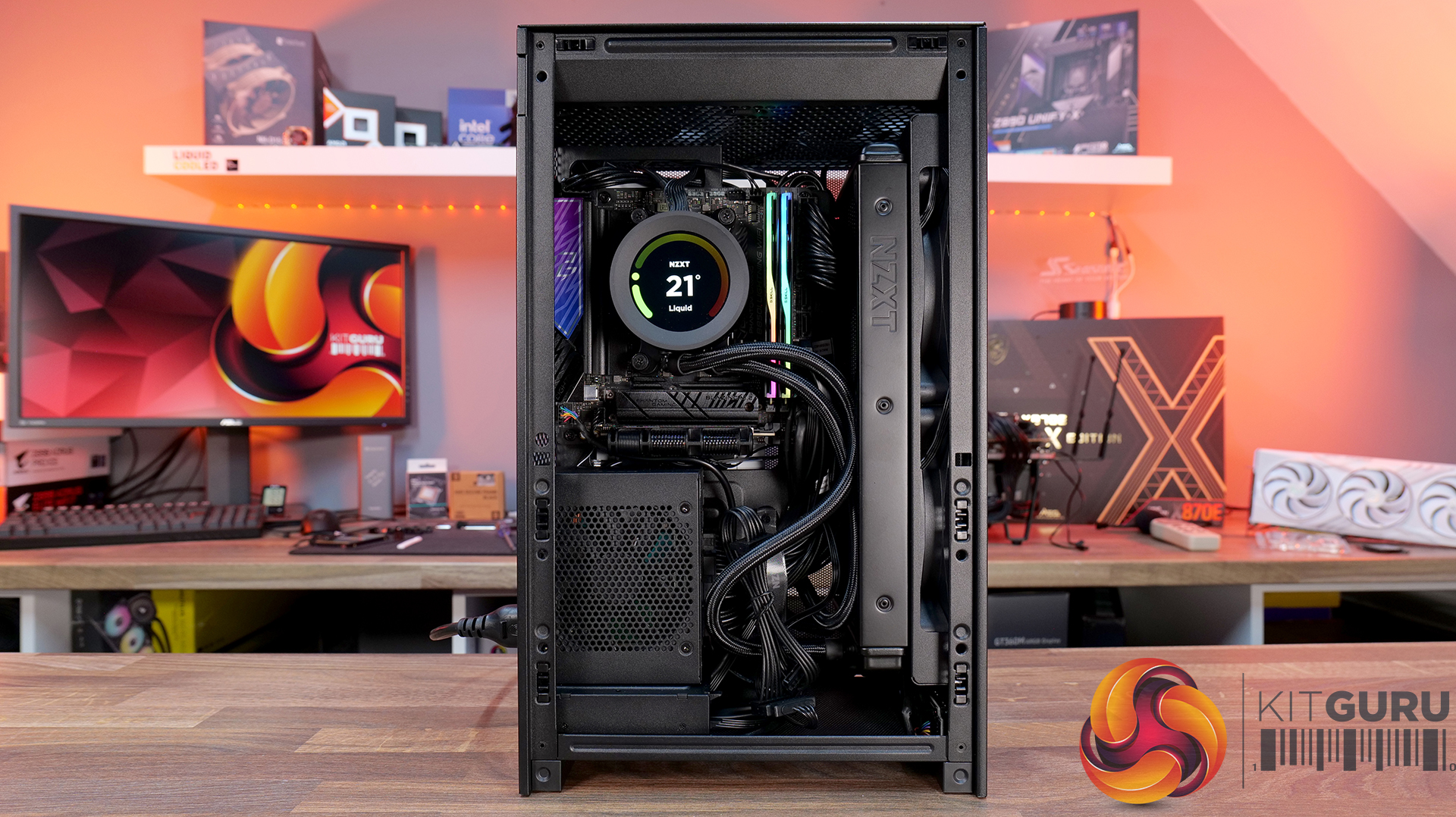
Today we’re checking out the new H2 Flow case from NZXT. It’s a small-form-factor chassis designed to focus on cooling performance while maintaining the clean, minimal looks NZXT is known for. It has a full mesh panels, support for high-end hardware and according to NZXT, a layout aimed at making the build process as straightforward as possible. There’s even support for several fan and radiator configurations, so on paper at least, it looks like NZXT is addressing one of the biggest criticisms of its previous ITX case. But how well does it actually perform? Let’s find out.

Timestamps:

00:00 Intro
00:50 Pricing and details
01:34 Overview / Dimensions / Materials
02:10 Panels / A look Inside
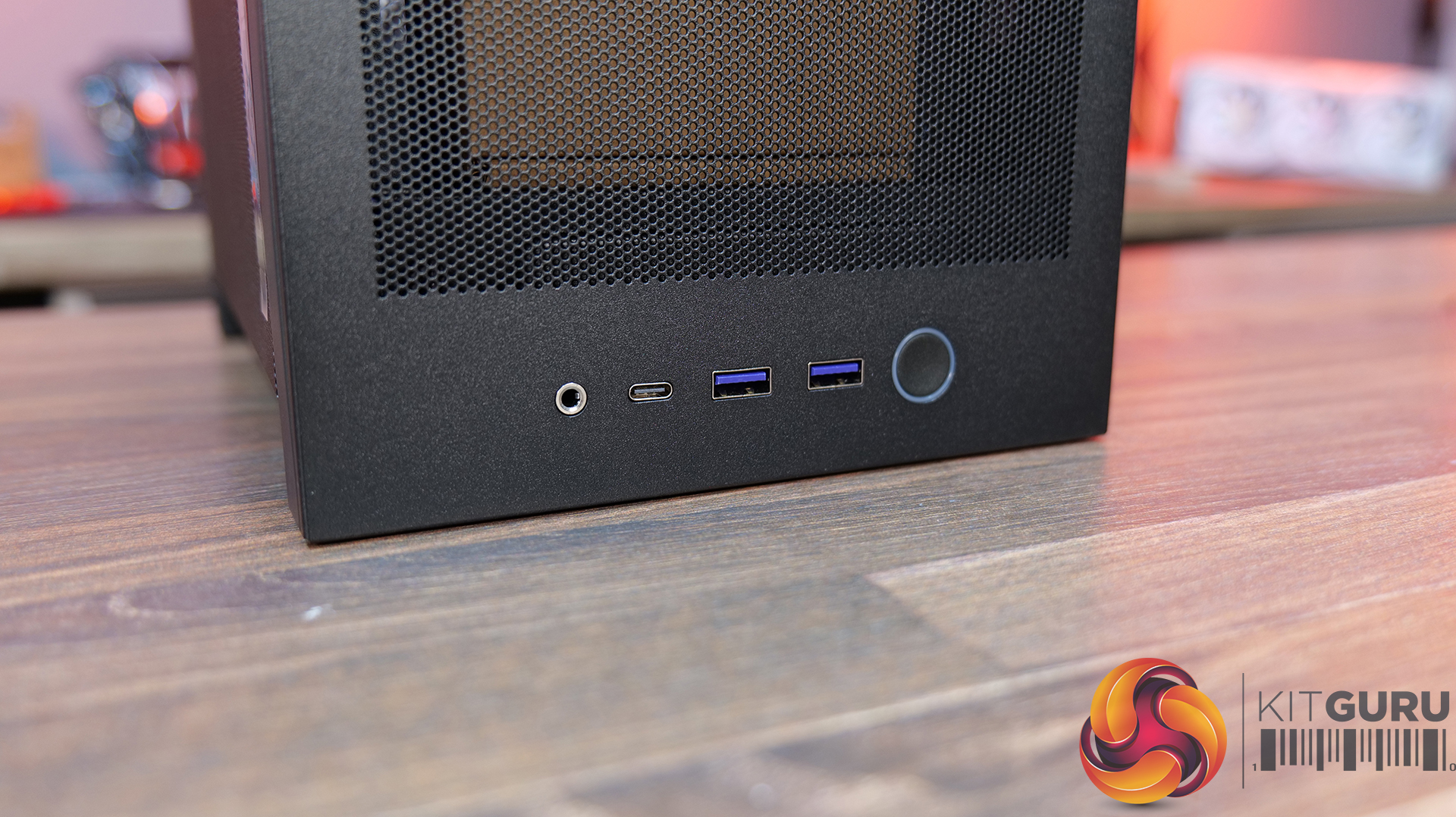
04:20 Front IO
04:56 Cooling Support
06:27 Motherboard and PSU support
07:03 Cable Management support
08:14 Graphics Card and some issues
11:45 Motherboard layout and air flow
12:37 Cable Management features
12:52 Power Supply / Drive support
13:46 Building inside the case / accessories
14:41 Thermal and Noise Performance
16:16 James thoughts

Features:

  • High-airflow mesh design: Ultra-fine mesh panels on multiple sides maximise air flow while also helping to filter dust, keeping components cool and clean.
  • Strong liquid cooling support: Designed primarily for AIO setups, with support for up to a 280mm front-mounted radiator to keep thermals under control in a compact system.
  • Compact footprint, high-end compatibility: Despite the small 20.7L layout, it supports GPUs up to 331mm and 3-slots wide, making it capable of handling modern high-performance hardware.
  • Builder-friendly design: the H2 Flow Features tool-less panels, smart cable management, pre-installed fans, and a PCIe 5.0 riser cable, all aimed at making the build process quick and straightforward.

Specifications:

  • Case Type: Small Form Factor
  • Dimensions (HxWxD): 435 mm x 181 mm x 263 mm
  • Materials: Steel, tempered glass
  • Motherboard Support: Mini-ITX
  • Back-connect motherboard support: N/A
  • Expansion Slots: 3 (Standard Vertical)
  • Storage bays: 2 x 2.5”
  • Max GPU Length: 331mm
  • Max GPU Thickness: 65mm
  • Max GPU Width: 150mm
  • Max CPU Cooler Height: 75mm
  • PSU Type: SFX up to 130mm
  • Cable Management: Fixed Velcro Straps / Zip Ties Included
  • Supplied Fans: 2 x F120Q (Top)
  • Fan Support: 2 x 120 / 2 x 140mm (Front), 2 x 120mm (Top),
  • Radiator Support: up to 280mm (Top)
  • Font I/O: 1 x USB 3.2 Gen2x2 Type-C, 2 x USB 3.2 Type-A, 1 x combined 3.5mm Auio/Mic jack
  • LCD Screen: N/A

Thermal Performance Testing

To simulate thermal demand, we run the Cinebench R23 multi-thread benchmark and 3DMark Speed Way stress test simultaneously in a loop for 30 minutes to load the system fully. This gives the CPU and GPU enough time to reach constant steady-state temperature. With this data, we can compare how the system handles the thermal demand and measure peak noise levels.

Thermal performance is measured with the case in various configurations, such as the default, with the tempered glass left-hand side panel removed and with the front panel removed to see how these configurations affect the CPU and GPU temperature. During testing, only stock case fans are used unless otherwise specified. All water pumps are set to maximum RPM and fans are set to a custom RPM curve by the Motherboard software/BIOS.

All temperature measurements are presented as Deltas – meaning the ambient temperature has been deducted from the CPU temperature, giving us a Delta. Data shown in the charts represents the average component temperature over the length of the test as measured by HWiNFO, and then the last 15 minutes of the data are calculated to get the average. The ambient temperature during thermal tests is between 19-20⁰C.

Test System Specification:

Thermal Performance Overview

We test case thermals using a 280mm AIO as the intake at the front and with the case in several different fan configurations. The default configuration shown in the charts is with the Front 280mm AIO cooler, 2 x 120mm top exhaust fans and with all case panels installed.

Looking at the thermal results, the H2 Flow delivers pretty solid performance overall, with some interesting quirks. With the side panels removed, we see CPU temperature at 61°C over ambient and 39°C on the GPU. In the default configuration with all panels installed, CPU temperature increases to 65°C over ambient on the CPU and 41°C on the GPU, so out of the box airflow seems reliable, but there's some restriction.

Switching the top fans to intake doesn’t help CPU temperature at all and pushes GPU temperatures up a couple of degrees. Using an AIO as exhaust at the front sees CPU temperatures climb to 68°C, although GPU temps drop back down to 39°C in this configuration, so there’s a bit of a trade-off depending on your setup.

Noise Output

Moving on to noise output, again the H2 performs quite consistently. With the side panels removed we see a maximum load noise level of 41dBA, rising slightly to 42dBA in the default setup with all side panels installed, due to increased temperatures and higher fan speeds.

Switching the top fans to intake doesn’t change things at all, but using the AIO as exhaust pushes noise up slightly to 43dBA, due to higher CPU temperature and AIO fan speed. However, an increase of 1dBA shouldn’t be too noticeable in real-world scenarios. At idle, everything sits between 36 – 37dBA regardless of configuration, so overall the H2 Flow delivers controlled acoustics — its not the quietest case we’ve tested, but certainly nothing much to complain about either.

Closing Thoughts

Overall, the H2 Flow is a bit of a mixed bag, but there are some positives worth highlighting. The compact footprint is one of its best features — it takes up less space desk space than mid-towers and some compact SFF cases with horizontal layouts, which will appeal to users who are working with a smaller desk setup. At the same time, NZXT has done a solid job with cooling support, with compatibility for 280mm AIOs and 140mm fans, so you don’t have to sacrifice cooling for desk space, which is great and a big improvement on its predecessor, the H1.

Building inside the case is mostly a smooth experience. System installation is straightforward, there’s a decent amount of space to work with given the overall size, and cable routing is handled reasonably well for the most part. There are clear channels for running cables, which work well. It's not the most radical design, nor does it include any genuinely innovative ideas, but NZXT has clearly put some thought into making the build process as painless as possible for most users.

That said, there are a few downsides that hold it back. One of those issues is GPU compatibility — the maximum graphics card length is quite restrictive; it's an improvement on the H1 at 331mm, but a lot of current high-end cards simply won’t fit. There are also some concerns around build quality. The motherboard tray has excessive flex, the PCIe riser cable fouls the motherboard tray and the back of the GPU, some of the outer panels feel a bit weak, and small details like the Velcro straps don’t properly secure the 24-pin cable, even though generally cable management is good.

There are a few usability niggles too. Removing a graphics card can be awkward due to the limited access to the PCIe retaining latch, which you only notice when removing the graphcis card. There's only a small cutout in the chassis frame to get a finger in to release the PCIe latch, you may be tempted to use a tool and pry it open, which can result in damage. So while the H2 Flow gets things right in terms of size, airflow, and ease of use, the compromises — particularly around GPU support and build quality mean it doesn’t quite hit the mark.

The NZXT H2 Flow is available to purchase now from Scan priced at £129.98 HERE.

Pros: 

  • Decent cooling support
  • Small footprint.
  • Easy system installation.

Cons:

  • Max graphics card space limits options.
  • Build quality issues.
  • Cable management Velcro straps are a bit weak.
  • A little expensive.

KitGuru says: The H2 Flow is certainly an improvement in terms of cooling compared to the H1, but it still falls short in some areas, which makes it difficult to recommend. The potential for a solid small form factor case is there, but there's still room for improvement.

The post NZXT H2 Flow PC Case Review first appeared on KitGuru.

Antec Flux Pro Noctua Edition PC Case Review

22 March 2026 at 13:19

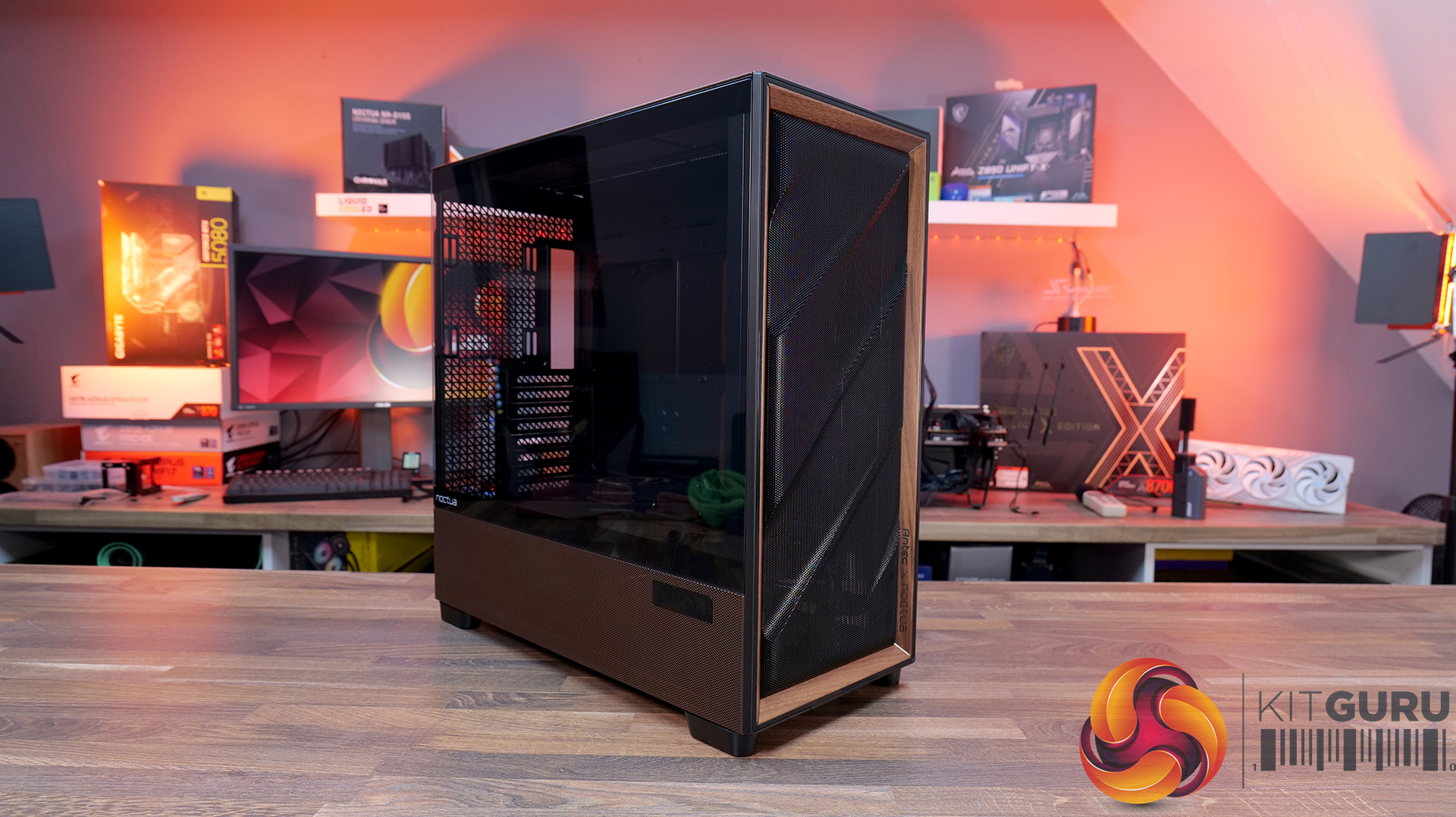
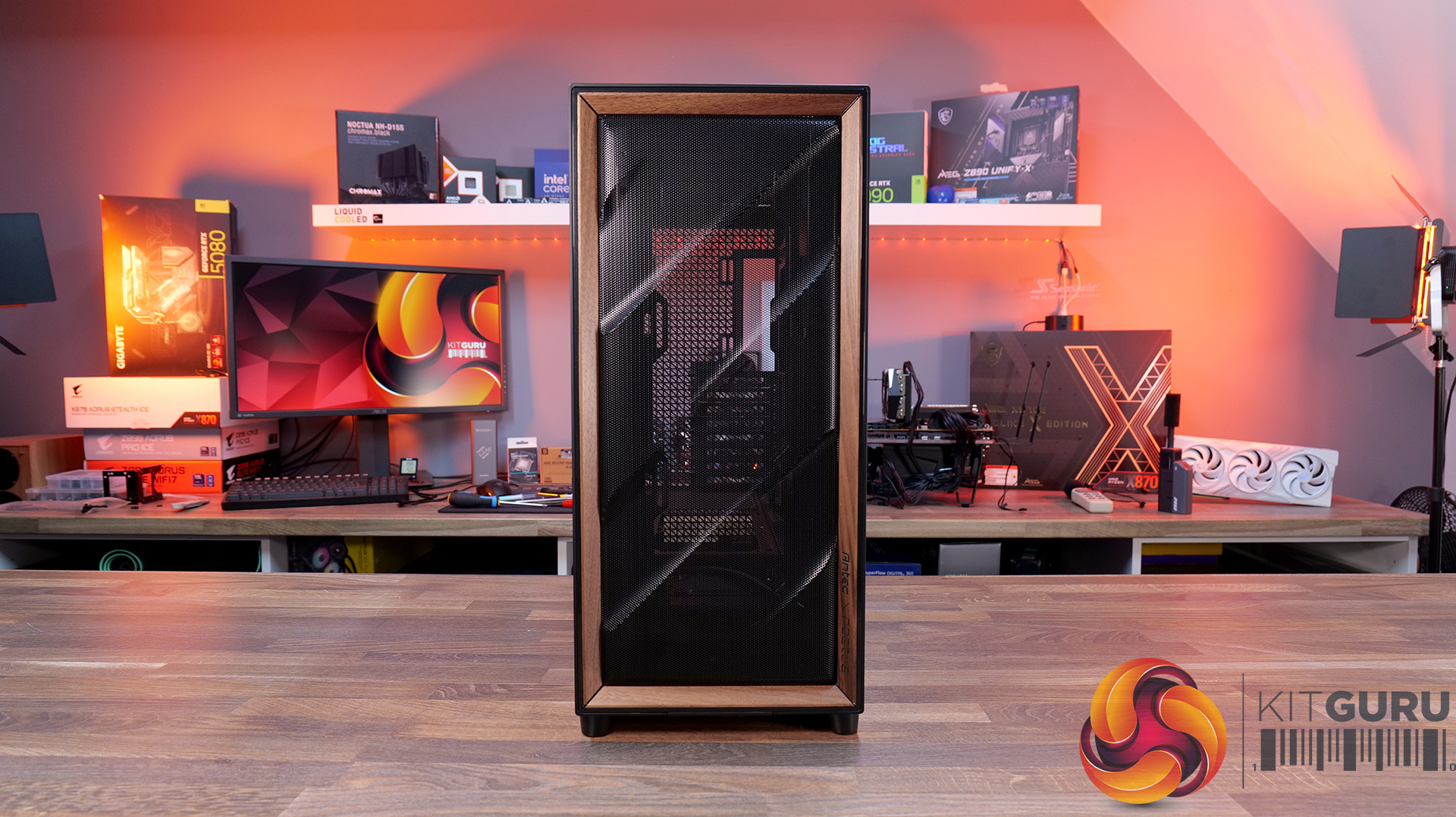
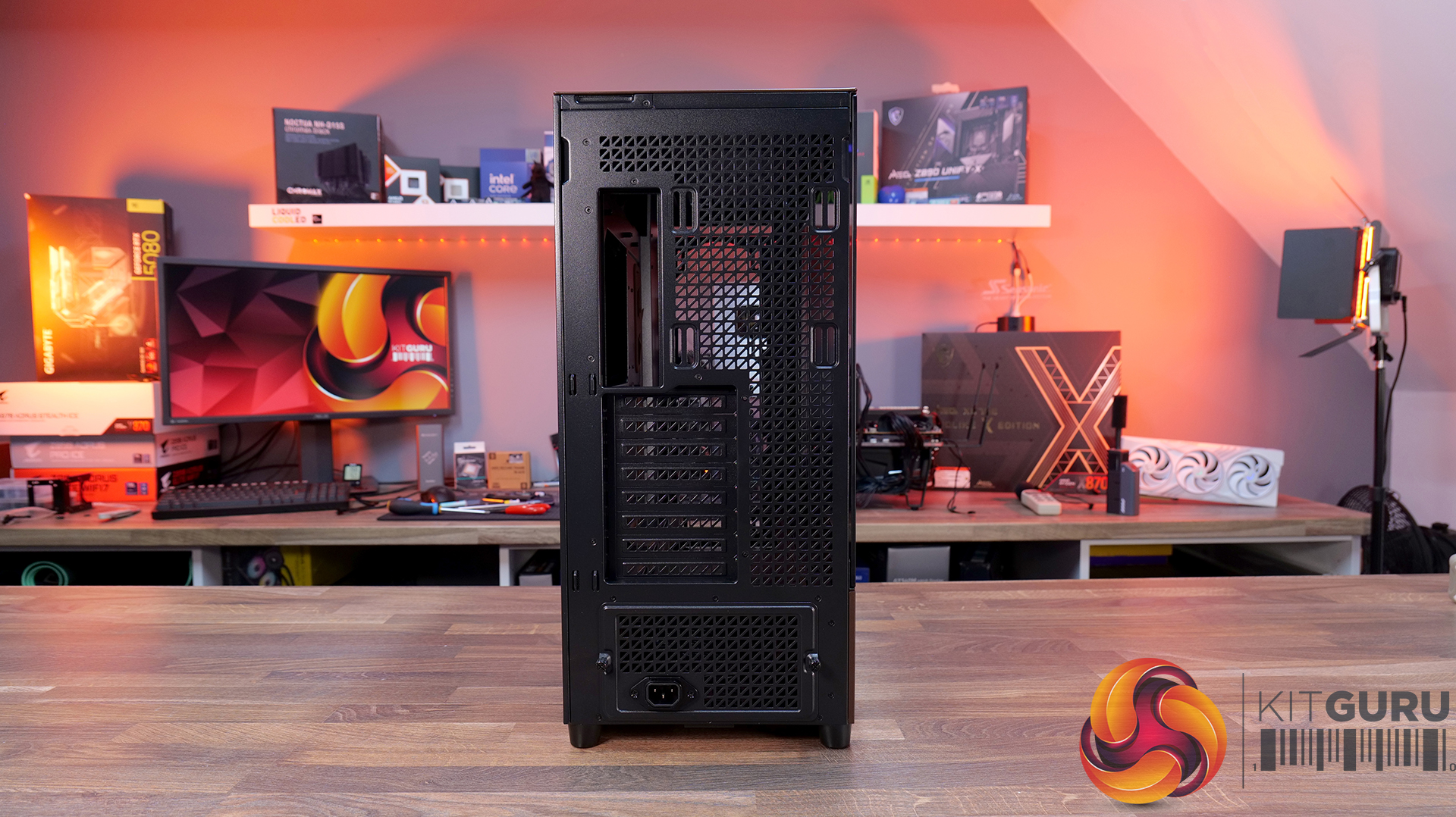
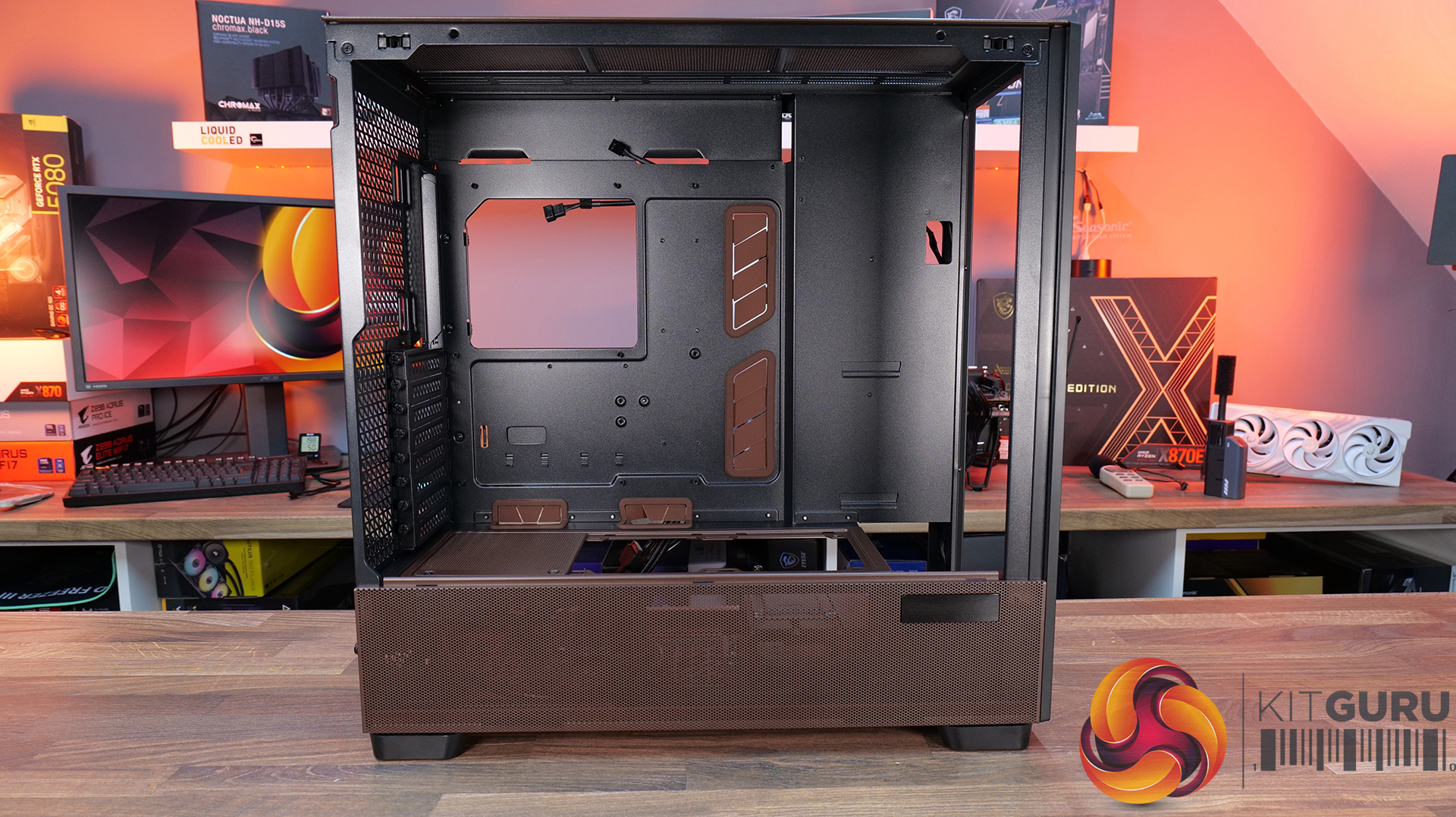
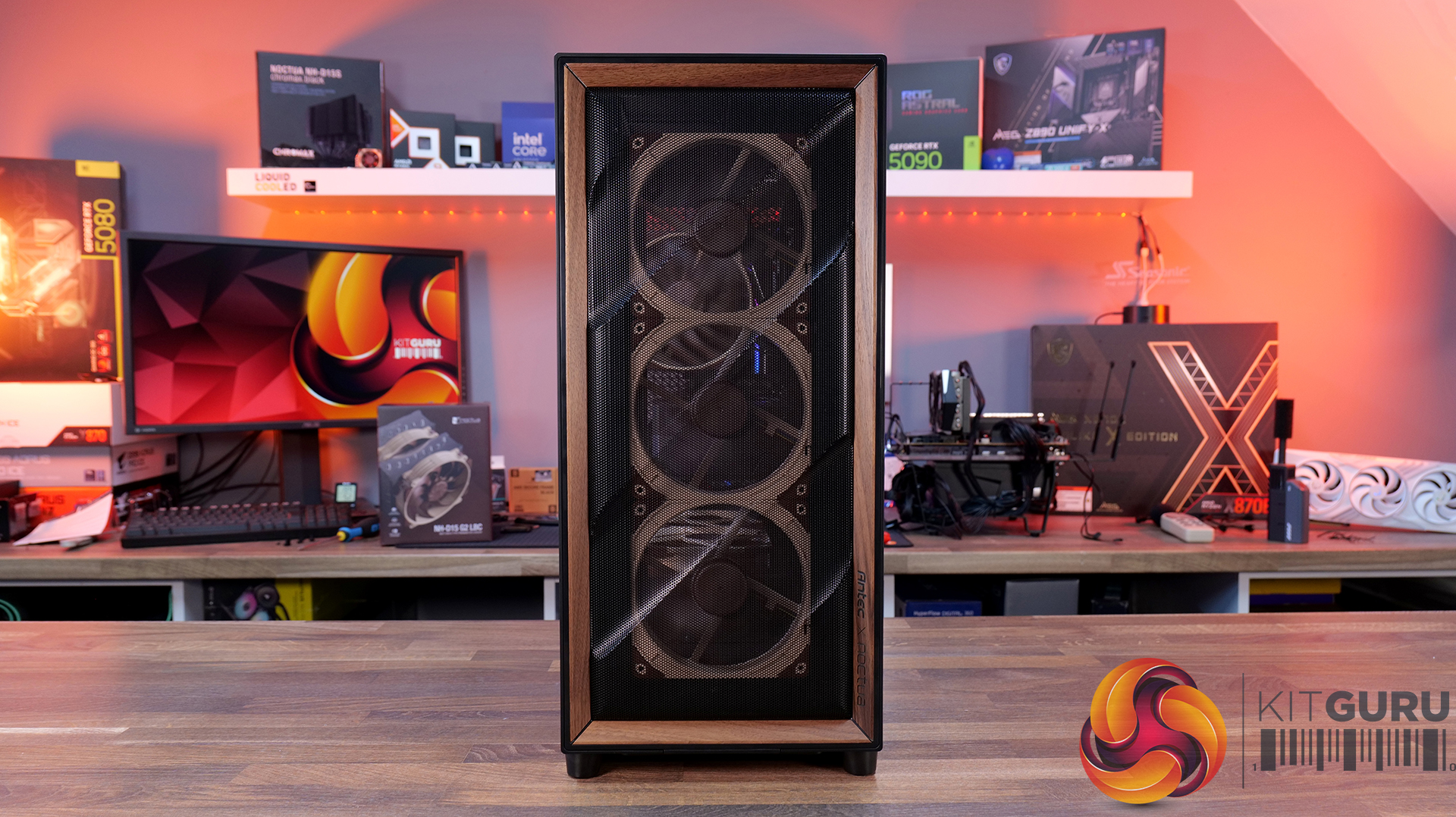
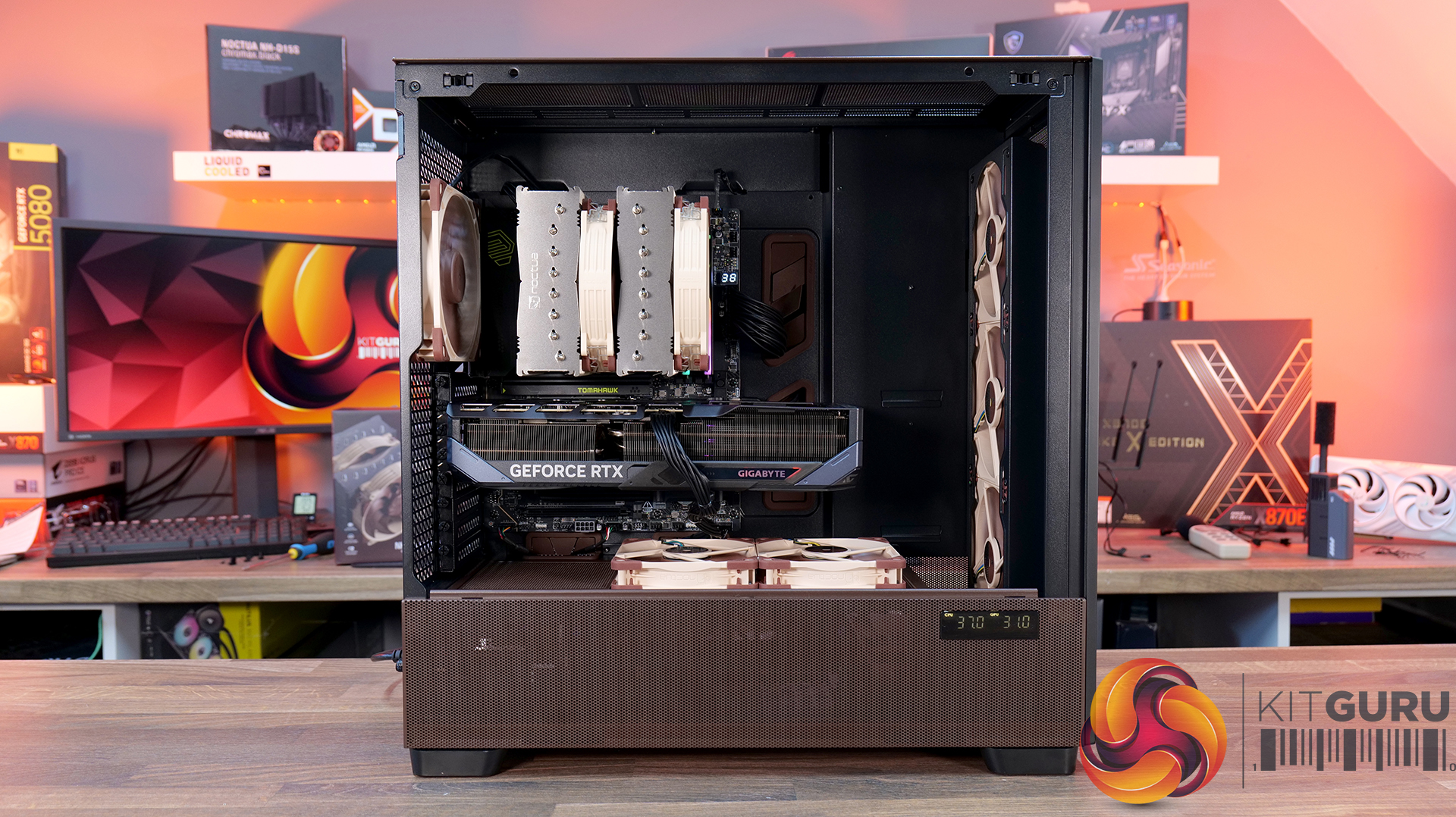
Today we’re taking a look at the Antec Flux Pro Noctua Edition, a full-tower case designed around high airflow and low-noise performance. It combines Antec’s Flux Pro chassis with a set of pre-installed Noctua G2 fans, tuned to deliver strong cooling with minimal acoustic impact. The case features extensive ventilation and support for large radiators, high-end GPUs, and oversized air coolers. In this review, we’ll be checking build quality, layout, and thermal performance to see how it stacks up.

Timestamps:

00:00 Start
00:44 Pricing / Costs
01:38 Accessories
02:02 Dimensions
02:14 Materials / Build
03:00 Recommended Fan Config
03:19 Front I/O (top)
03:47 Temperature display
04:27 Getting Inside the case / Colours
07:13 Install Options
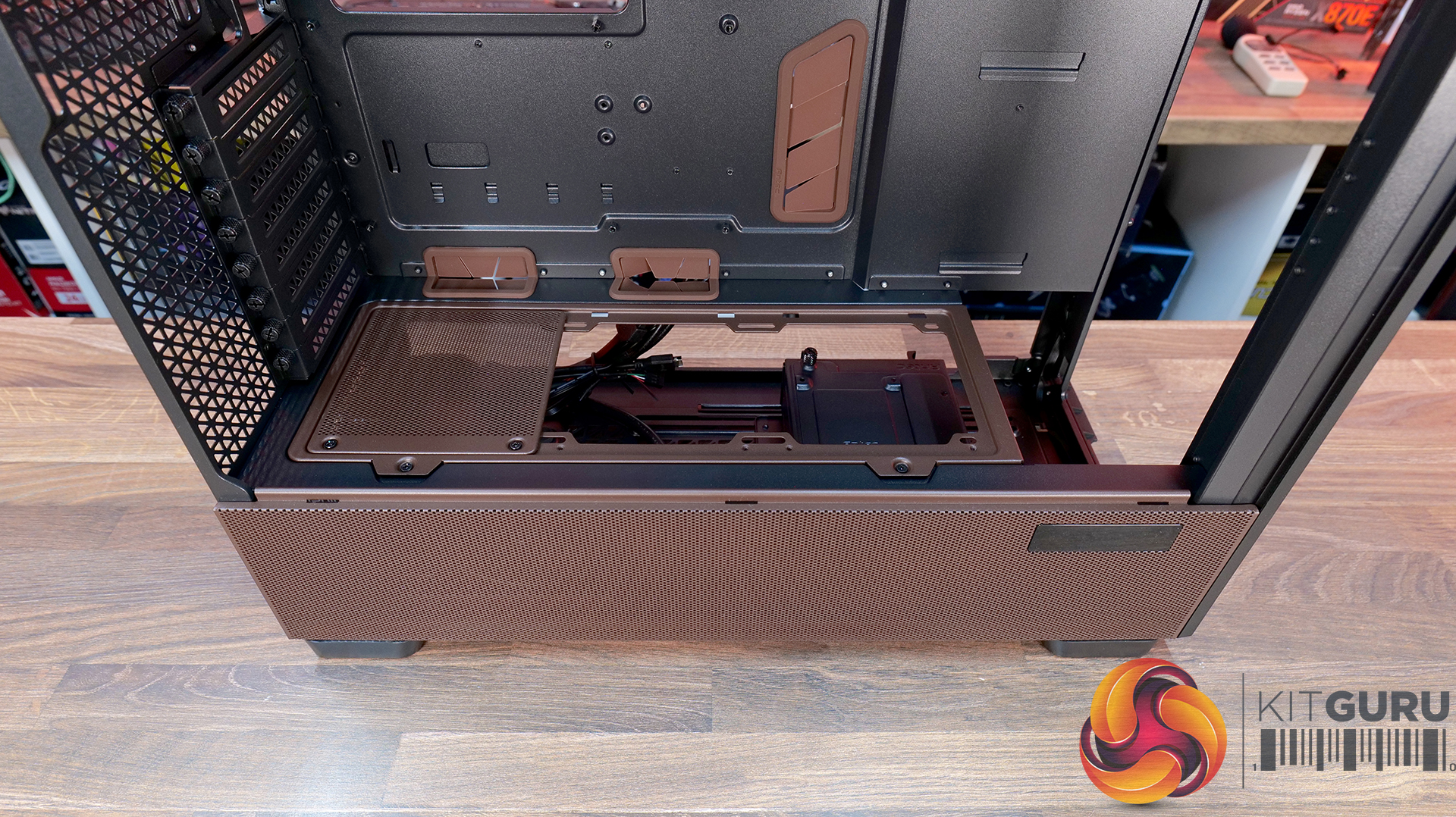
12:27 Rotated PSU Design
13:36 Right hand side / drive positions
17:10 Floor of the case
17:55 Testing Methodology
19:08 Thermal and Noise Performance
21:09 Visual Airflow demo and thoughts
23:22 Closing Thoughts

Features:

  • Pre-installed Noctua G2 fans – Includes four Noctua NF-A14x25 G2 and two NF-A12x25 G2 premium fans, delivering high-end airflow straight out of the box.
  • Optimised for low noise operation – Noctua’s Extensive lab testing and offset fan speeds are designed to reduce vibration and “beat frequency” hum for quieter performance.
  • Integrated fan hub and clean wiring – It also comes with a pre-wired NA-FH1 fan hub for synchronised control and simplified cable management.
  • High-airflow Flux Pro chassis design – Flux Pro Noctua Edition is built on a low-airflow-resistance platform designed to maximise cooling efficiency for high-performance systems.

Specifications:

  • Case Type: ATX Full Tower
  • Dimensions (LxWxH): 530 x 245 x 546 mm
  • Materials: Steel, Tempered Glass, Walnut Wood, Silicone, Plastic
  • Motherboard Support: STX, Mini-ITX, µATX, ATX, E-ATX (Max 280mm)
  • Back-connect motherboard support: No
  • Expansion Slots: 8
  • Storage bays: 5” x 2 / 2.5/3.5” x 4
  • Max GPU Length: 455mm
  • Max CPU Cooler Height: 190mm
  • PSU Type: ATX up to 470mm (300mm with HDD) (180mm Rotated 90°)
  • Cable Routing Space: 5mm
  • Supplied Fans: 3x NF-A14x25 G2 PWM (Front), 2x NF-A12x25 G2 PWM (PSU shroud), 1x NF-A14x25 G2 PWM (rear)
  • Fan Support: 3 x 120 / 3 x 140mm (Front), 3 x 120 /  3 x 140mm (Top), 2 x 120 / 2 x 140mm (Bottom), 1 x 120 / 1 x 140mm (Rear) 3 x 120mm (PSU Shroud)
  • Radiator Support: 120/140/240/280/360/420 mm (Front/Top), 120/140mm (Rear/Bottom), 120/240/360mm (PSU Shroud)
  • Dust Filters:
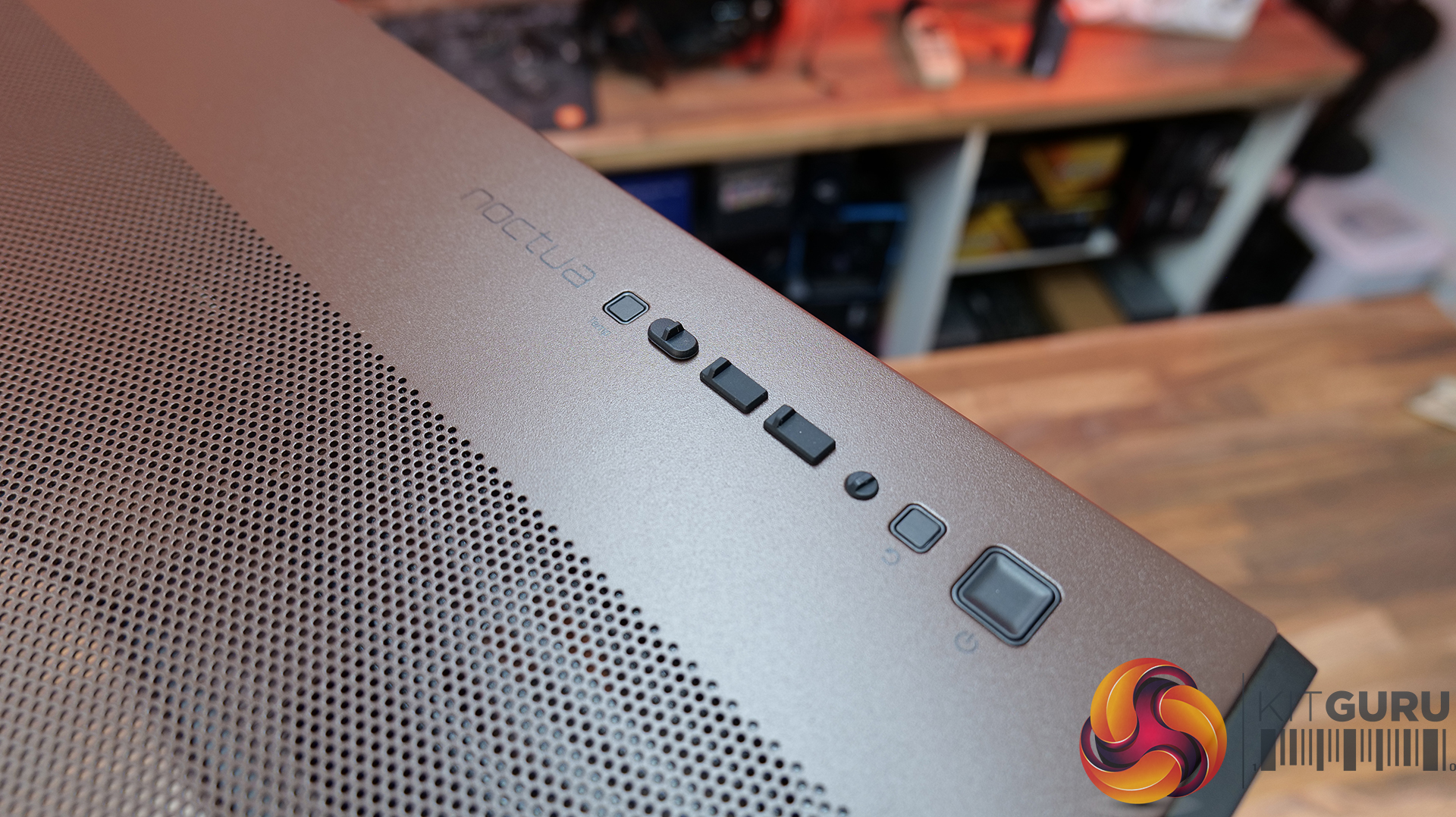
  • Font I/O: 1x USB-C 3.1 (10 Gbit/s), 2x USB-A 3.0 (5 Gbit/s), 3.5 mm headphone/mic combo jack, Power / Reset / Temperature / Display Switch
  • LCD Screen: Yes – Temperature Display

Thermal Performance Testing

To simulate thermal demand, we run the Cinebench R23 multi-thread benchmark and 3DMark Speed Way stress test simultaneously in a loop for 30 minutes to load the system fully. This gives the CPU and GPU enough time to reach constant steady-state temperature. With this data, we can compare how the system handles the thermal demand and measure peak noise levels.

Thermal performance is measured with the case in various configurations, such as the default, with the tempered glass left-hand side panel removed and with the front panel removed to see how these configurations affect the CPU and GPU temperature. During testing, only stock case fans are used unless otherwise specified. All water pumps are set to maximum RPM and fans are set to a custom RPM curve by the Motherboard software/BIOS.

All temperature measurements are presented as Deltas – meaning the ambient temperature has been deducted from the CPU temperature, giving us a Delta. Data shown in the charts represents the average component temperature over the length of the test as measured by HWiNFO, and then the last 15 minutes of the data are calculated to get the average. The ambient temperature during thermal tests is between 19-20⁰C.

Test System Specification:

Thermal Performance Overview

We tested the case thermals using a Noctua NH-D15 G2 LBC / 360mm AIO as the exhaust at the top and with the case in several different fan configurations. The default configuration shown in the charts is with the Noctua NH-D15 G2 LBC CPU cooler, 3 x 140mm front intake fans, 2 x 120mm PSU shroud intake fans, 1 x 140mm rear exhaust fan and with all panels installed.

Thermal performance from the Flux Pro Noctua Edition is generally very strong. In the default configuration, CPU temperatures average 56°C over ambient, with the GPU at 45 °C. There is a clear improvement over the air-cooled setup when using a top-mounted 360mm AIO. This is due to the AIO's increased cooling power rather than any limitation of the case.

However, in the air-cooled setup, adding top fans as exhaust negatively affects CPU thermals, raising temperatures to 58°C, suggesting an airflow disruption. Adding a 120mm top intake fan can have a minor improvement in CPU temperature, but GPU temperature is unchanged with both top fan configurations, so leaving top fans out completely is fine.

GPU temperature remains consistent across most setups at around 45°C over ambient, highlighting the effectiveness of the case’s airflow design in the recommended configuration. Removing the PSU shroud fans leads to a small increase in GPU temperature at 48°C. Overall, the results show that the case performs best with balanced airflow in the default configuration, delivering solid all-around thermal performance.

Noise Output

Noise performance is fairly consistent across test configurations, with load noise at 46 dBA in the default setup, which doesn’t really change whether you switch to top intake or add extra exhaust fans. Noise shifts slightly when you remove the PSU shroud fans or install a top-mounted AIO, increasing to 48 dBA under load, suggesting those configurations introduce a bit of fan noise from the GPU cooler and from the AIO compared with the default configuration and using the D15 G2 air cooler.

Idle noise, however, is rock solid across the board at 36 dBA. Overall, it’s a pretty well-balanced acoustic in any configuration, but clearly best optimised in the recommended Noctua configuration.

Closing Thoughts

The Antec Flux Pro Noctua Edition is a case that does exactly what it sets out to do — deliver strong airflow, great cooling and low noise performance. In testing, it handles both CPU and GPU thermals with ease, and more importantly, it manages to keep noise levels impressively low, not just at idle, but also under load. Something that case manufacturers don’t always get right with pre-installed fan configurations. However, the Noctua Fans are not pre-installed; this is the job of the user. They arrive in a separate box.

A big part of that comes down to the included Noctua fans. You’re getting a set of high-quality NF-A12x25 and NF-A14x25 G2 units, along with a Noctua fan hub, all designed to work together. Build quality is exactly what you’d expect from an Antec/Noctua partnership, and the colour scheme is carried throughout the case, giving it a very distinct look that suits the whole package very well and will no doubt please Noctua enthusiasts.

In terms of compatibility, there’s plenty to like here too, including support for dual 420mm radiator installation, as well as generous clearance for large air coolers such as the Noctua NH-D15 G2 and high-end graphics cards. So whether you’re building a high-performance air-cooled system or going all-in with liquid cooling, the Flux Pro has the space and layout to handle it. But this means the case is quite large with Full tower dimensions, not ideally suited to placement on top of the desk.

That said, it’s not without its downsides. At around £350, it’s a very expensive case; at that price, you start to expect a bit more in terms of features. There’s no integrated GPU support bracket, no back-connect motherboard support, and some of the internal panels — particularly the top and front fan mounting brackets could be more intuitive to remove. Even so, if your main priority is excellent cooling performance with low noise levels straight out of the box, the Antec Flux Pro Noctua Edition is a very capable, premium option.

The Antec Flux Pro Noctua Edition is available to purchase now from Amazon priced at £348.90 HERE.

Pros: 

  • Great thermal performance and low noise.
  • Very high-quality fans included.
  • Built-in fan hub.

Cons:

  • Expensive.
  • Missing basic key features such as an integrated GPU support arm, tool-free parts, and back-connect motherboard support.
  • Fans are not pre-installed.

KitGuru says: If you have the cash to splash on a case and want a large chassis with great cooling and low noise, then this might be ideal, especially for Noctua enthusiasts. But in the current economic conditions, it could be money better spent on core system components.

The post Antec Flux Pro Noctua Edition PC Case Review first appeared on KitGuru.

Corsair 3200D RS ARGB Case Review

19 March 2026 at 13:00

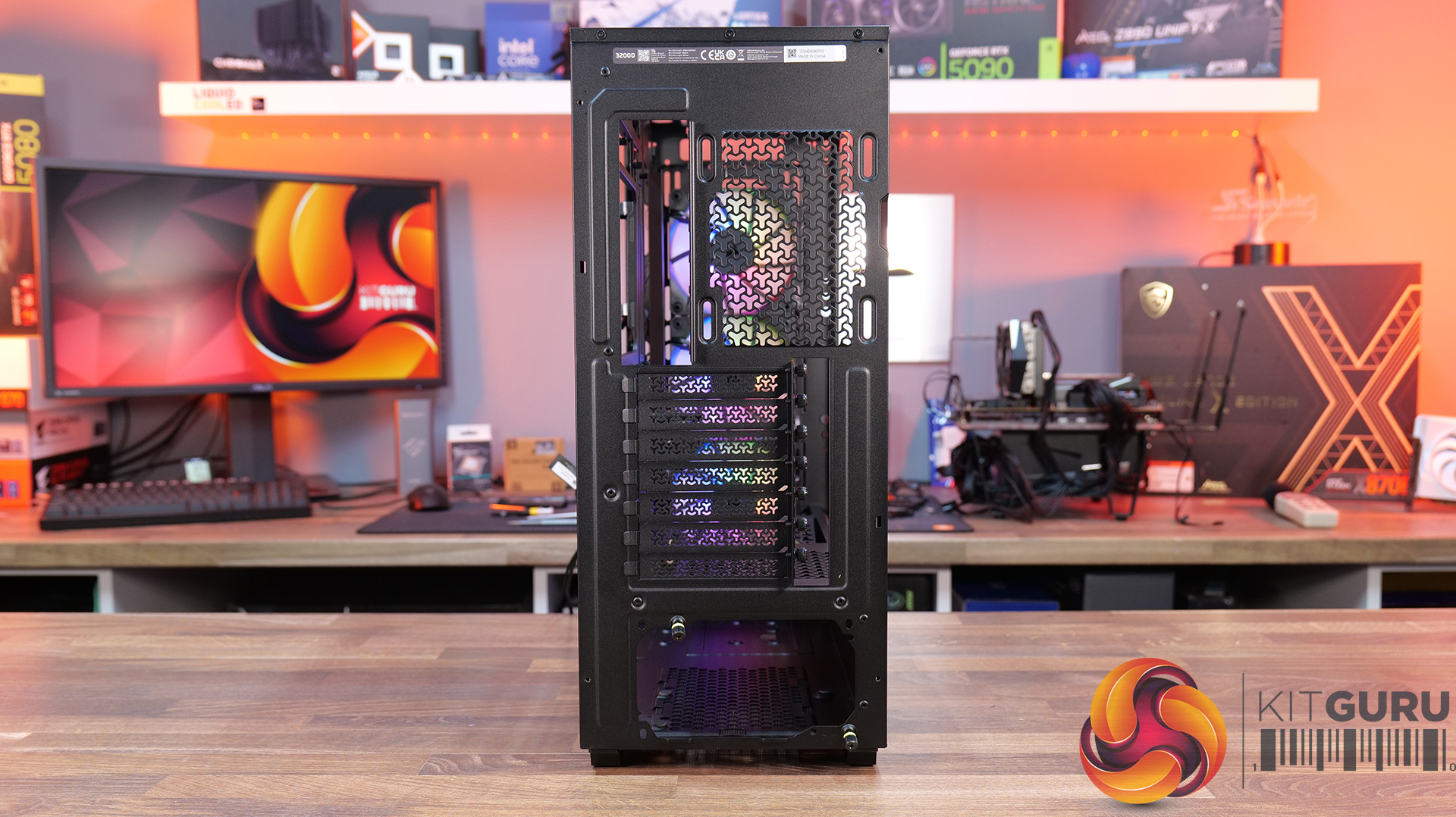
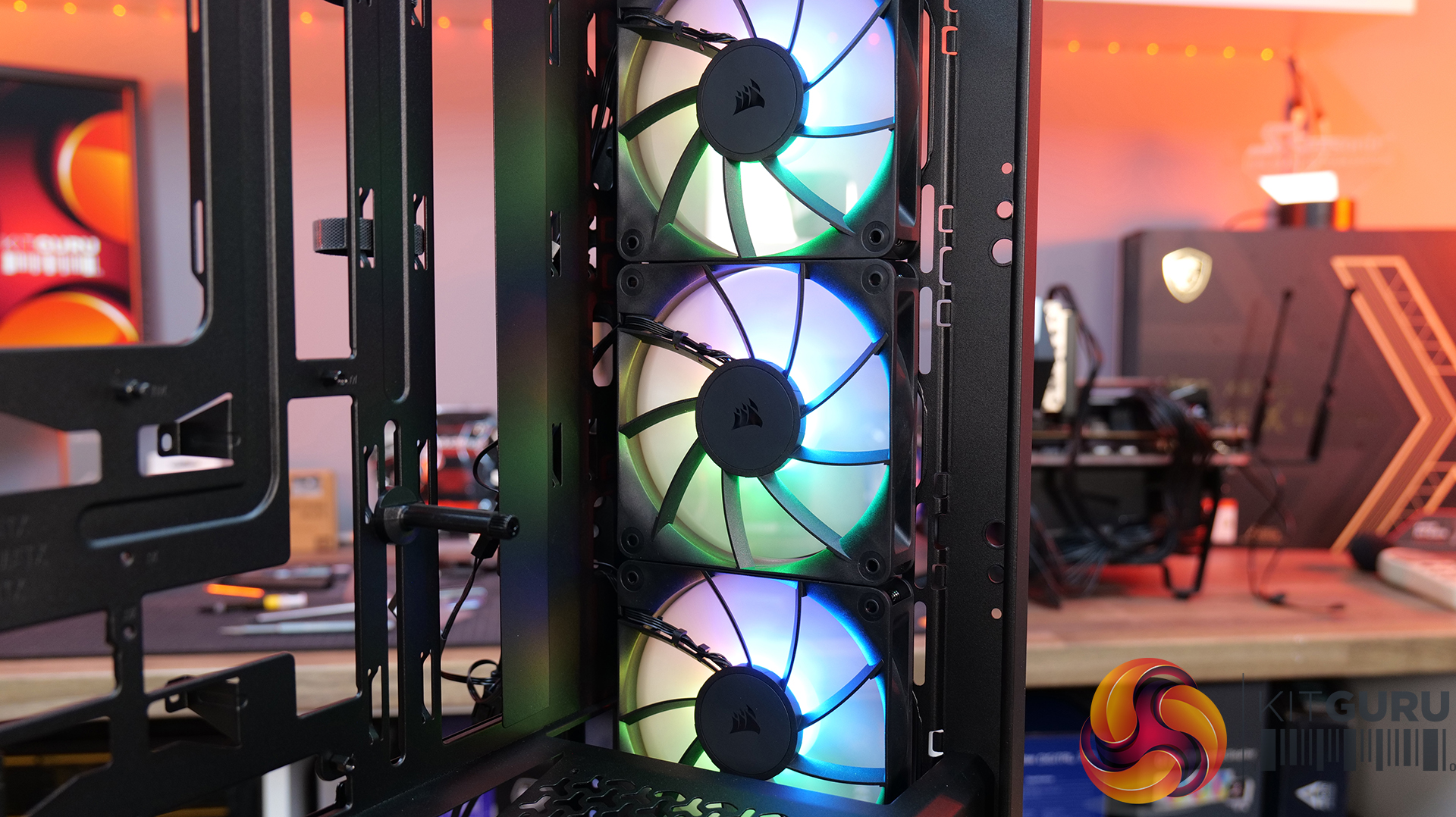
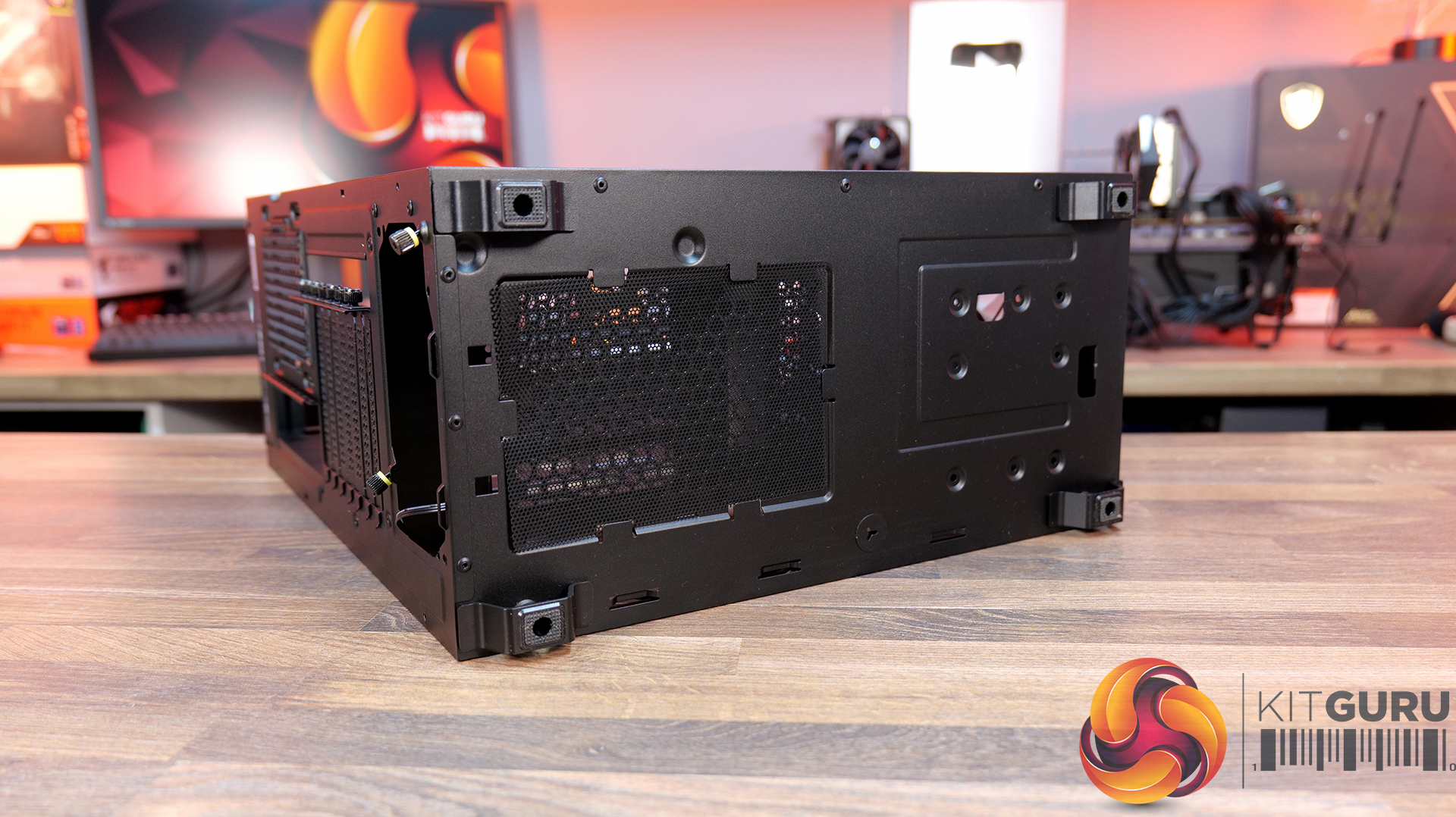
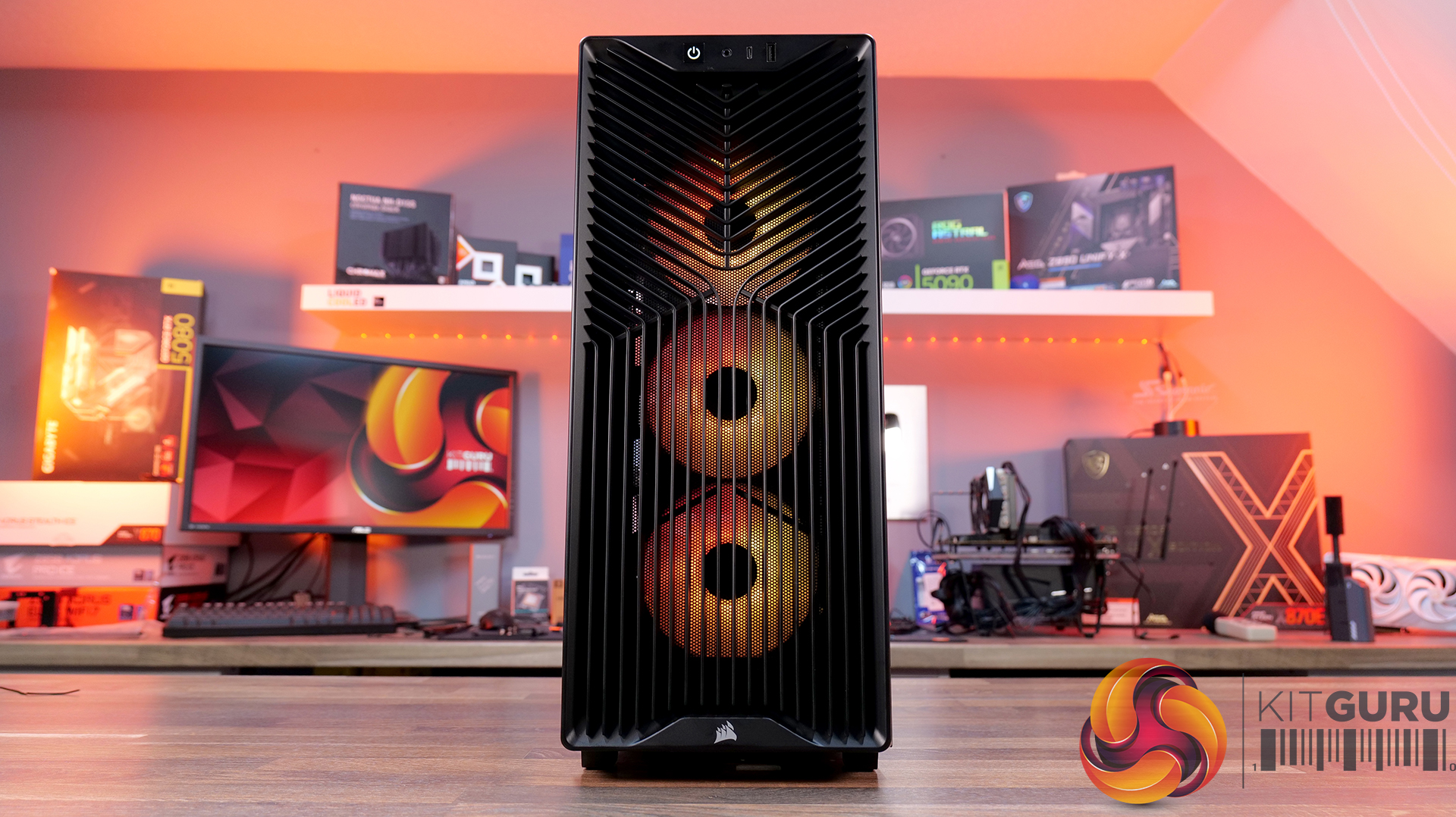
Today we’re checking out the new 3200D case from Corsair. It’s a compact mid-tower chassis aiming to combine strong airflow with the latest builder-friendly features, including support for 360mm radiators, reverse-connection motherboards, and graphics cards up to 370mm long. In this RS ARGB version, you also get three included fans, a tempered glass side panel, and a built-in GPU support bracket. But how well does it actually perform? Let’s find out.

Timestamps:

00:00 Intro
00:48 Meet the 3200D – pricing and variants
01:19 Key specs
03:08 Accessing internals
05:34 Cooling and hardware support
07:51 At the back of the case
08:22 Behind the mobo tray
11:02 The case floor
11:48 Accessories and setup
12:24 Thermals and noise
13:34 James’ thoughts so far
14:45 Some compromises made…
16:19 USB 2.0?! And a potential explanation…
19:24 Last minor negative
19:55 Closing thoughts

Features:

  • Strong Cooling Potential – Supports up to nine 120mm fans with three RS120 ARGB fans included out of the box and 360mm radiators are supported front and top.
  • Reverse-Connector Motherboard Support – Compatible with reverse-connector motherboards, helping create clean builds with minimal visible cabling.
  • GPU-Focused Design – Includes a built-in GPU anti-sag stabilisation arm and angled PSU-shroud fan mount to direct airflow toward the graphics card.

Specifications:

  • Case Type: ATX Mid Tower
  • Dimensions (LxWxH): 476 x 214 x 446mm
  • Materials: Steel, Plastic, Tempered Glass
  • Motherboard Support: ATX / mATX, Mini-ITX
  • Back-connect motherboard support: Yes
  • Expansion Slots: 7
  • Storage bays: 2 x 2.5” / 1 x 3.5”
  • Max GPU Length: 370mm
  • Max CPU Cooler Height: 165mm
  • PSU Type: ATX up to 180mm
  • Pre-installed Fans: 3 x RS120 ARGB (Front)
  • Fan Support: 3 x 120 / 2 x 140mm (Top), 3 x 120 / 2 x 140mm (Front), 2 x 120mm (Bottom), 1 x 120mm (Rear)
  • Radiator Support: 360 / 280 / 240mm (Top), 360 / 280 / 240mm (Front)
  • Dust Filters: Front / Bottom / Top
  • Front I/O: 1 x USB 3.2 Gen 2 Type-C (20Gbps), 1 x USB 2.0 Type-A, 3.5mm Audio and Mic Combo Jack, Power Button
  • LCD Screen: N/A

Thermal Performance Testing

To simulate thermal demand, we run the Cinebench R23 multi-thread benchmark and 3DMark Speed Way stress test simultaneously in a loop for 30 minutes to load the system fully. This gives the CPU and GPU enough time to reach constant steady-state temperature. With this data, we can compare how the system handles the thermal demand and measure peak noise levels.

Thermal performance is measured with the case in various configurations, such as the default, with the tempered glass left-hand side panel removed and with the front panel removed to see how these configurations affect the CPU and GPU temperature. During testing, only stock case fans are used unless otherwise specified. All water pumps are set to maximum RPM and fans are set to a custom RPM curve by the Motherboard software/BIOS.

All temperature measurements are presented as Deltas – meaning the ambient temperature has been deducted from the CPU temperature, giving us a Delta. Data shown in the charts represents the average component temperature over the length of the test as measured by HWiNFO, and then the last 15 minutes of the data are calculated to get the average. The ambient temperature during thermal tests is between 19-20⁰C.

Test System Specification:

Thermal Performance Overview

We tested the case thermals with a 360mm AIO as the exhaust at the top and in several different configurations. The default configuration shown in the charts is with the 360mm AIO at the top, 3 x 120mm RS ARGB fans at the front as intake and with all panels installed.

Looking at the thermal results, the 3200D performs consistently across all of our test configurations. With the case in its default setup, we saw CPU temperatures of 52°C and GPU temperatures of 47°C above ambient, which are solid out of the box results.

Removing the glass side panel or the dust filters doesn't make a meaningful difference, suggesting airflow through the chassis is already quite unrestricted by default. Interestingly, adding bottom fans shaves a few degrees off the GPU temperature, dropping it to 44°C, which shows that directing airflow toward the graphics card can provide a small benefit.

Noise Output

Moving on to noise output, results are again consistent across the different configurations. In the default setup the system measures 49 dBA under full load, while idle noise sits at a steady 36 dBA regardless of configuration.

Removing the dust filters or the glass side has little impact, with load noise varying only slightly from 49 to 50 dBA. The configuration with bottom fans installed produces the lowest load noise at 48 dBA, suggesting the additional airflow allows the GPU fans to work a little less aggressively under load, lowering overall system noise.

Closing Thoughts

Taken as a whole, the Corsair 3200D is a solid addition to the affordable airflow-focused case market. In our testing it delivers strong thermal performance with little variation in performance across configurations, so the case is well optimised for airflow and cooling straight out of the box. Build quality is also impressive for the price point, with a sturdy overall feel and a generally clean, understated design that should appeal to a wide range of consumers.

Hardware support is positive too, as the case manages to squeeze in high-end components despite its fairly compact mid-tower footprint. There’s room for large graphics cards, decent CPU cooler clearance, 360mm AIOs and support for several motherboard formats, which helps make the 3200D a flexible platform for mainstream gaming builds. While the interior layout does involve a few compromises due to the case dimensions, overall it still offers a fairly straightforward building experience.

That said, there are a few areas where the design feels slightly underdeveloped. The 360mm top radiator support is there technically, but compatibility can be limited depending on radiators and fan size, plus installation itself is a little awkward without a detachable top panel or radiator/fan bracket. Similarly, the front I/O feels somewhat dated with the inclusion of a USB 2.0 Type-A port, where a USB 3.0 connection would make more sense for a modern chassis. This could come down to the choice of reverse connector motherboard support and tight right-hand side clearance for cable management, although Corsair suggests otherwise.

There are also some smaller usability quirks to be aware of. The included GPU support bracket may not work with some graphics cards, particularly those with fans that extend lower than the shroud, plus there's no fan/ARGB hub included. However, these drawbacks don’t completely undermine what the Corsair 3200D does well. With strong airflow performance, solid build quality and good overall hardware support, it remains a capable budget builder-friendly case – even if a few design tweaks could have made it a much stronger contender.

The Corsair 3200D RS ARGB is has an MSRP of £79.99 here in the UK.

Pros:

  • Strong airflow and cooling,
  • Solid build quality at this price point.
  • Good hardware support for its size, even with the compromises with a top 360 rad.

Cons:

  • Top 360 radiator compatibility is limited, and installation can be awkward.
  • USB 2.0 Type-A should be upgraded to USB 3.0.
  • No detachable top rad/fan mount.
  • GPU support bracket not compatible/interferes with fans on some graphics cards.
  • No fan/ARGB hub included.

KitGuru says: Corsair almost nailed it with the 3200D, it has great cooling potential and hardware support, but some extra attention to detail would have resulted in a more well-rounded case.

The post Corsair 3200D RS ARGB Case Review first appeared on KitGuru.

Cougar CFV235 Case Review

17 March 2026 at 11:52

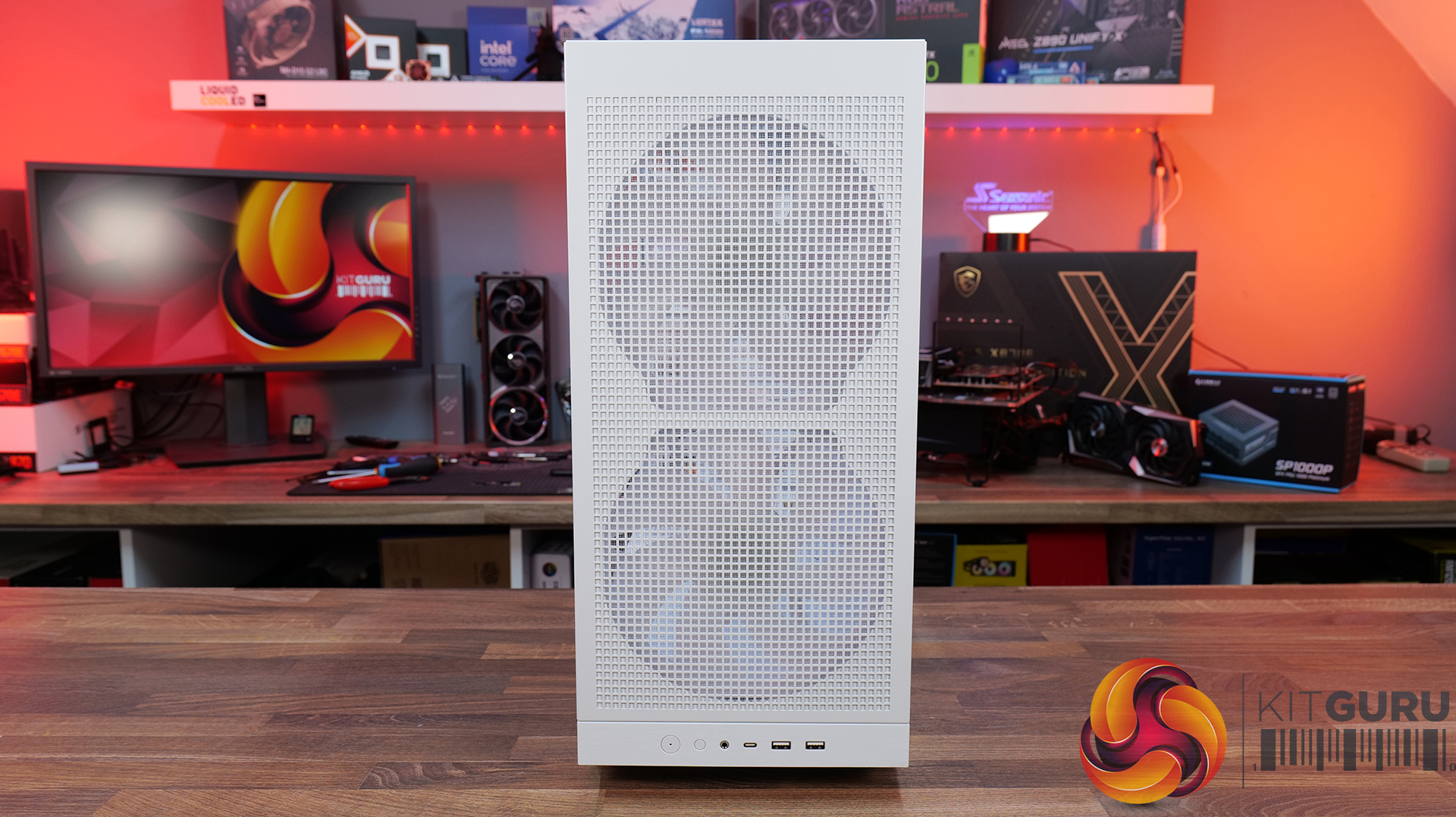
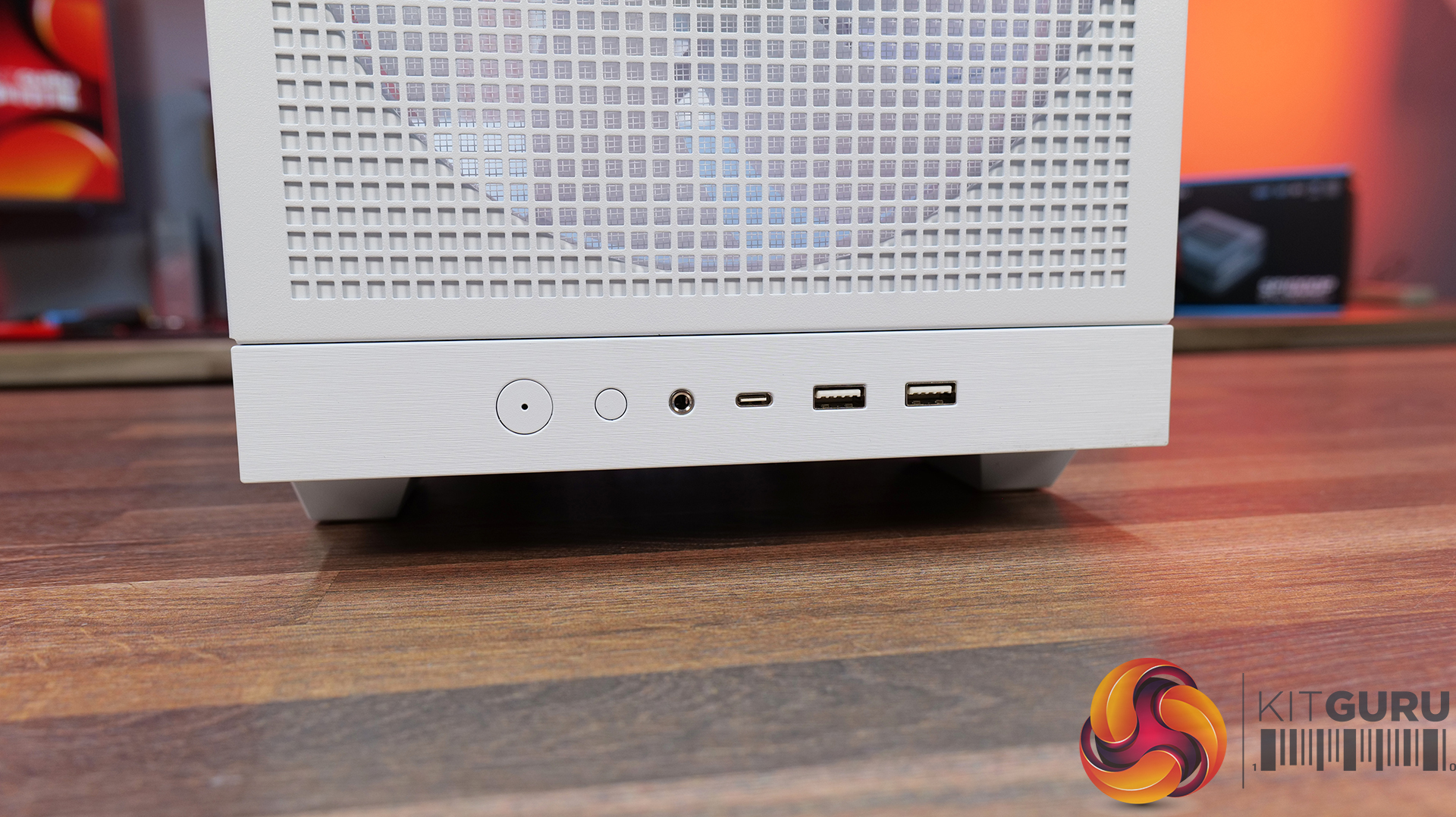
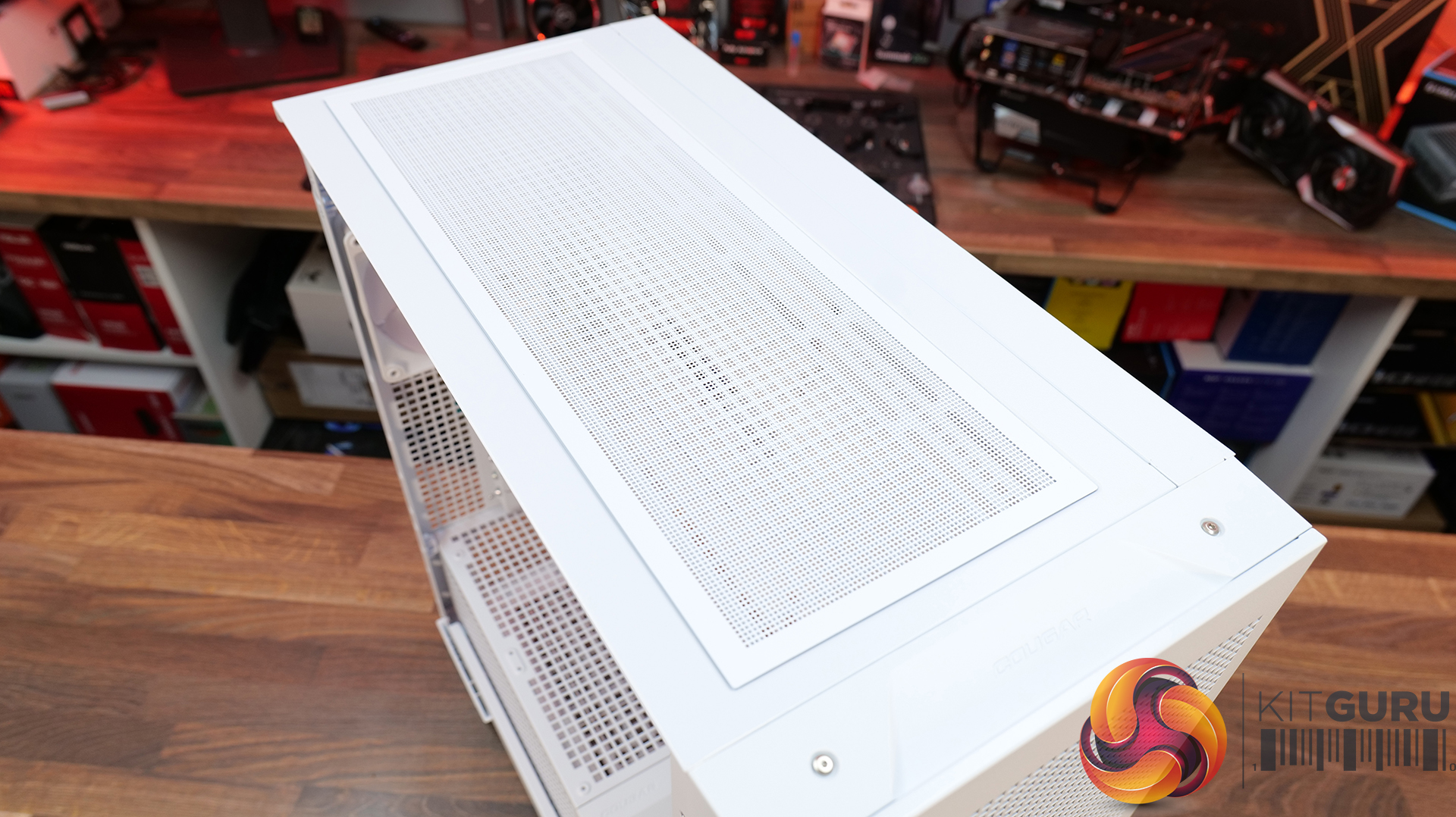
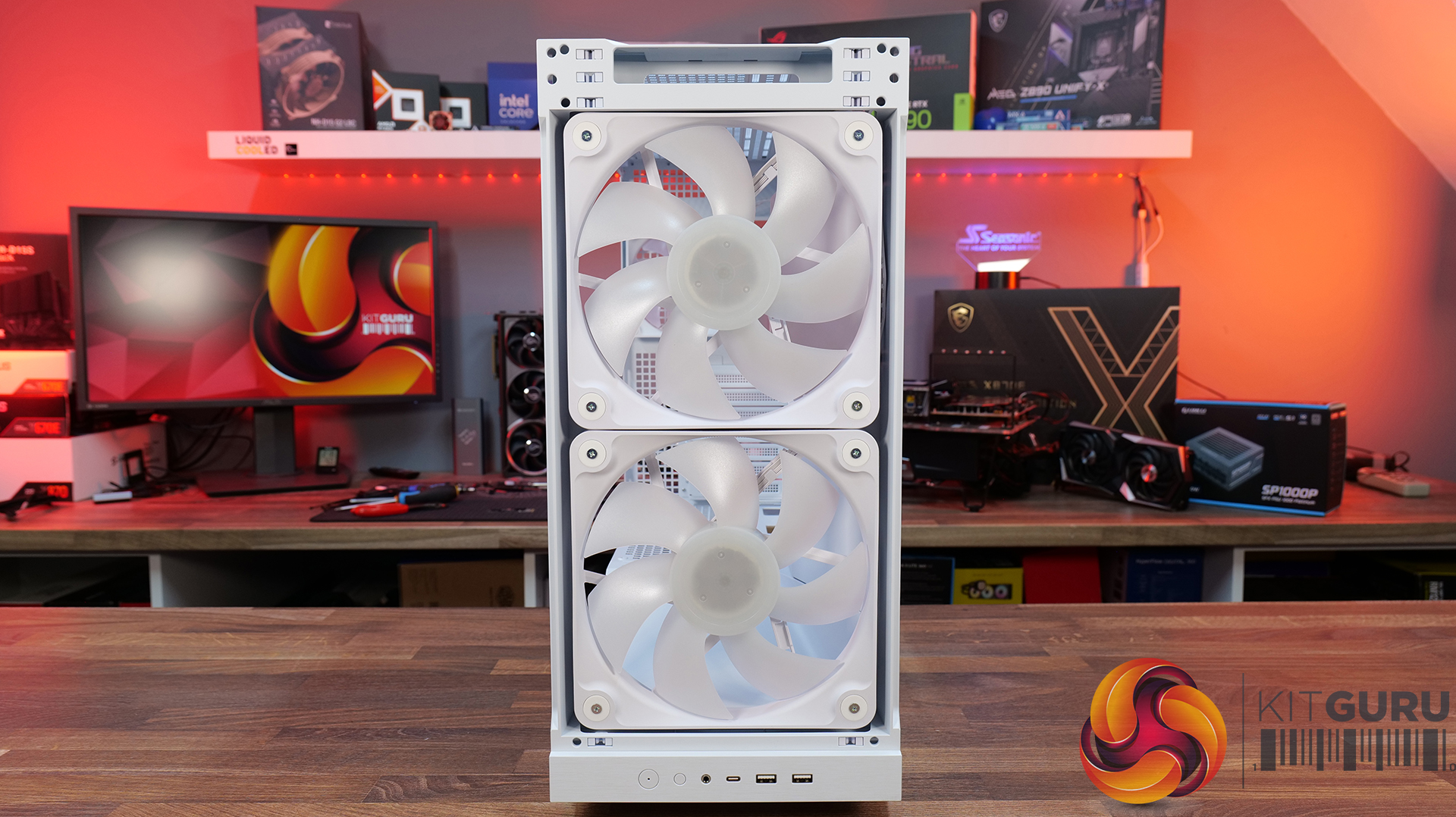
Today we’re taking a look at the Cougar CFV235 mid-tower chassis. It features Cougar’s Central Floating Ventilation design, support for up to EATX motherboards, including back connect, and comes with pre-installed ARGB PWM fans straight out of the box. On paper, there’s plenty of cooling potential too with support for up to nine fans and 360mm radiators, along with clearance for graphics cards up to 430mm long. As always, we’ll be checking out build quality, ease of installation, thermal performance, and overall value to see if the CFV235 is worth considering for your next build.

Timestamps:

00:00 Intro
00:45 Pricing + key info
02:38 Getting inside
04:10 Cooling support, pre-installed fans
05:55 CPU and GPU compatibility
06:52 Looking at the rear
07:18 Area behind the mobo tray
09:32 Storage support
10:21 Floor of the case
11:17 Accessories
12:14 Thermal tests + noise
13:49 James’ experience so far
15:19 Closing thoughts

Features:

  • Central Floating Ventilation (CFV) structure: A unique floating chamber design that creates separation between the PSU cabin and main chamber to enhance airflow and gives the case its distinctive look.
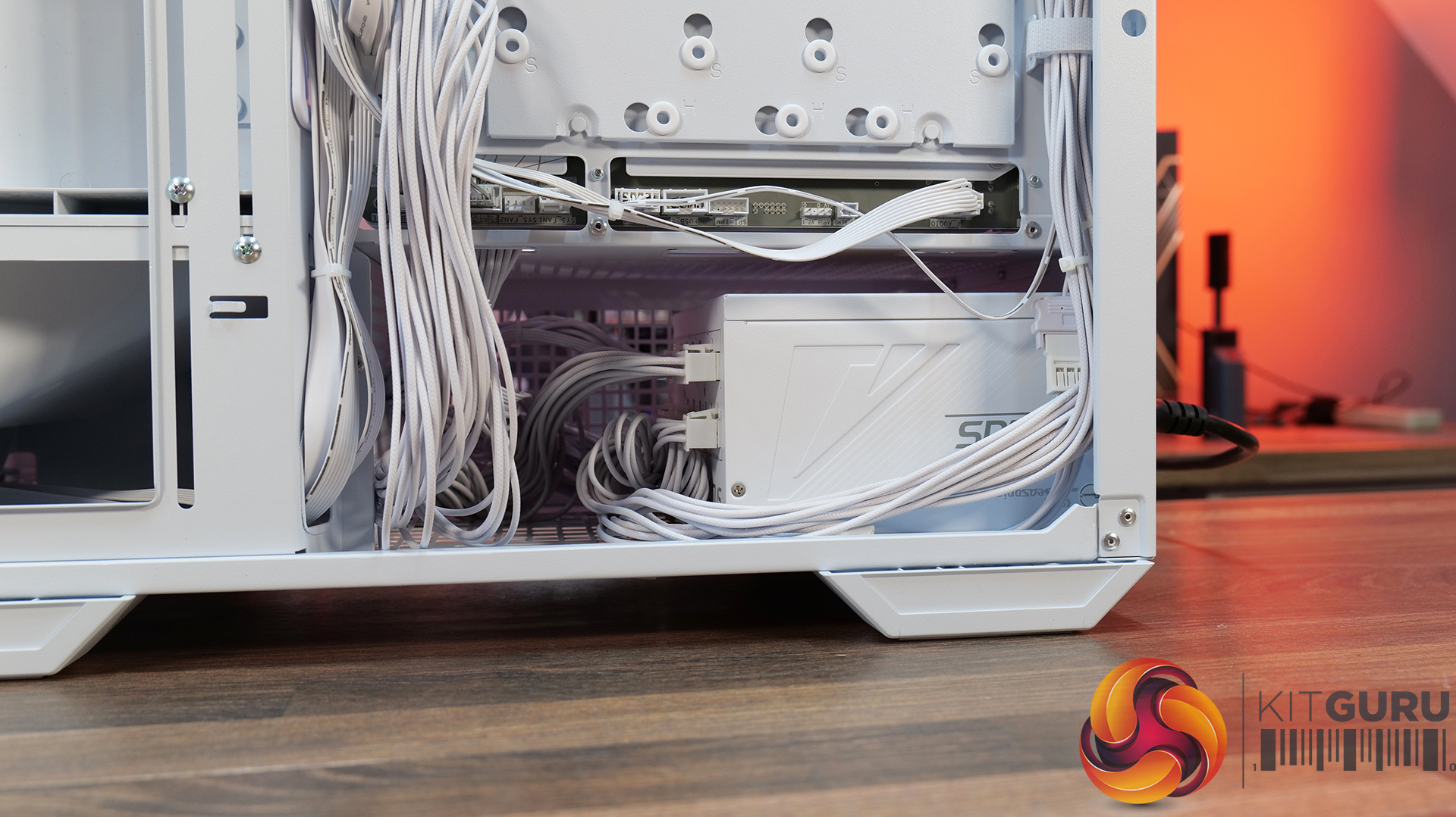
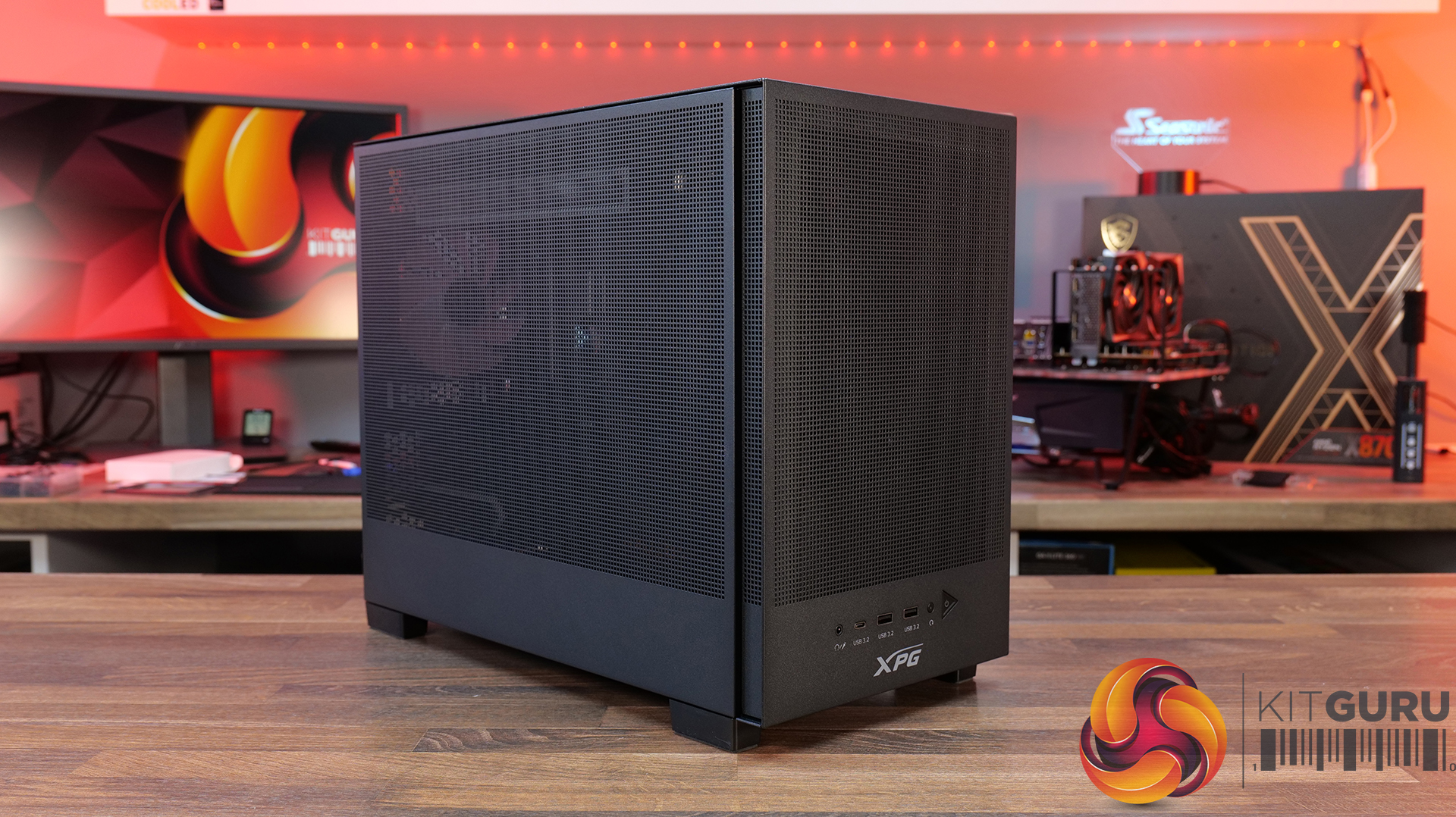
  • Pre-installed Unity 240 ARGB PWM reverse-blade fan & Aurora RGB lighting: Included is a Cougar Unity 240 single-frame ARGB fan and an integrated Aurora RGB lighting strip for enhanced cooling and aesthetics.
  • Versatile hardware support: CFV235 is compatible with motherboards up to E-ATX size, including back connect, 360mm radiators, 175mm tall air coolers and supports GPUs up to 430 mm in length.
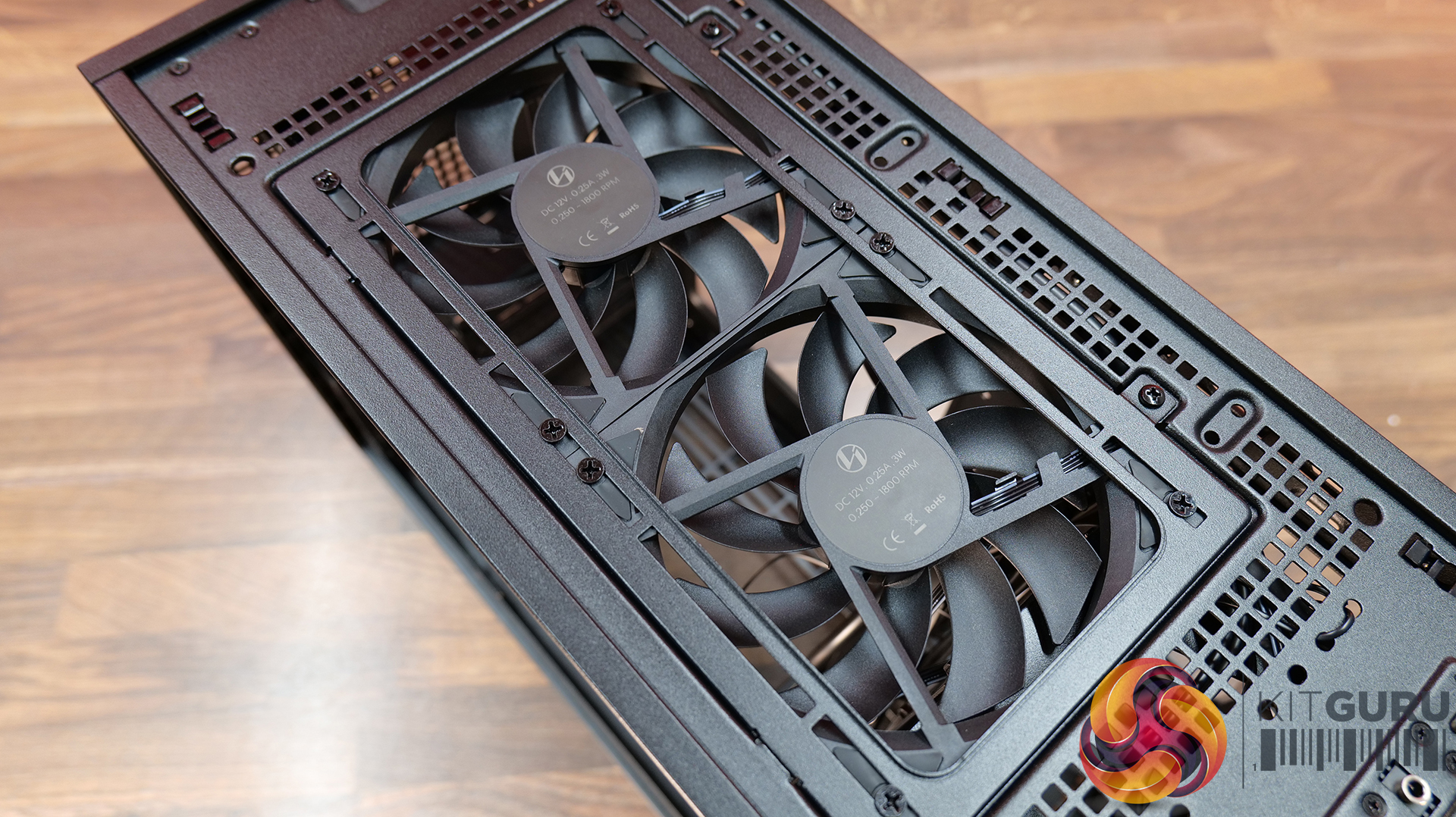
Specifications:

  • Case Type: Mid Tower
  • Dimensions (LxWxH): 235 × 493 × 460 mm
  • Materials: Steel, Plastic, Glass
  • Motherboard Support: Mini ITX / Micro ATX / ATX / CEB
  • Back-connect motherboard support: Yes
  • Expansion Slots: 7
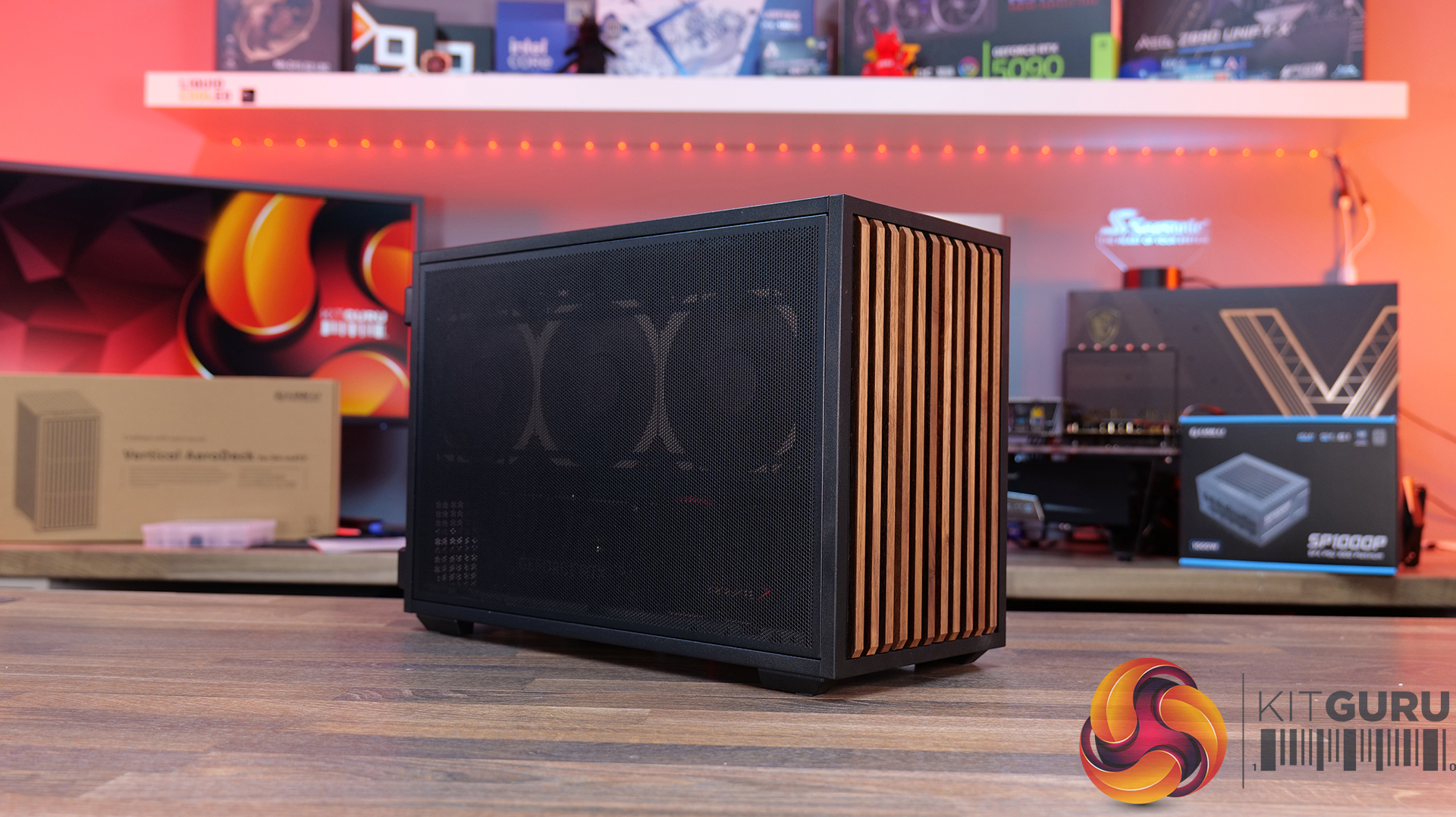
  • Storage bays: 5″ ×2, 2.5″ ×2 + 2 (converted from 3.5″ bays)
  • Max GPU Length: 430mm
  • Max CPU Cooler Height: 175mm
  • PSU Type: ATX up to 200mm
  • Pre-installed Fans: Unity 240 ARGB PWM Reversed Fan × 1 (Side) 120mm ARGB PWM Fan × 1 (Rear)
  • Fan Support: 120mm × 3 / 140mm × 3 (Top), 120mm ×2 (Side), 120mm x 3 (Bottom), 120mm x 1 (Rear)
  • Radiator Support: 360mm / 280mm / 240mm / 140mm / 120mm (Top), 120mm (Rear)
  • Dust Filters: Bottom
  • Front I/O: USB 3.2 Gen 2×2 Type-C ×1, USB 3.0 Type-A ×2, 4-Pole Headset Audio Jack ×1, RGB Button
  • LCD Screen: N/A

Thermal Performance Testing

To simulate thermal demand, we run the Cinebench R23 multi-thread benchmark and 3DMark Speed Way stress test simultaneously in a loop for 30 minutes to load the system fully. This gives the CPU and GPU enough time to reach constant steady-state temperature. With this data, we can compare how the system handles the thermal demand and measure peak noise levels.

Thermal performance is measured with the case in various configurations, such as the default, with the tempered glass left-hand side panel removed and with the front panel removed to see how these configurations affect the CPU and GPU temperature. During testing, only stock case fans are used unless otherwise specified. All water pumps are set to maximum RPM and fans are set to a custom RPM curve by the Motherboard software/BIOS.

All temperature measurements are presented as Deltas – meaning the ambient temperature has been deducted from the CPU temperature, giving us a Delta. Data shown in the charts represents the average component temperature over the length of the test as measured by HWiNFO, and then the last 15 minutes of the data are calculated to get the average. The ambient temperature during thermal tests is between 19-20⁰C.

Test System Specification:

Thermal Performance Overview

We tested the case thermals with a 360mm AIO as the exhaust at the top and in several different configurations. The default configuration shown in the charts is with the 360mm AIO at the top, Cougar Unity 240 intake side fan, 1 x 120mm rear exhaust and with all panels installed.

In our thermal testing the Cougar CFV235 delivered fairly consistent thermal results across different configurations. With the default setup, the system recorded 53°C over ambient on the CPU and 49°C on the GPU. Taking off the mesh top panel produced similar behaviour, with the CPU reaching 53°C and the GPU 49°C. So the mesh isn’t too restrictive.

Removing the glass side panel had little effect on CPU or GPU thermals at 52°C and 48°C, respectively. But adding bottom intake fans reduced GPU temperature further to 46°C over ambient, while CPU temperature remained the same at 52°C. Overall, the results suggest the case’s stock airflow configuration is reasonably well balanced, but there are minor GPU thermal gains to be had from adding bottom intake airflow.

Noise Output

As with thermals, the noise testing shows only a minor difference between configurations under load. In the default configuration, the maximum load noise measures 52 dBA, which drops to 49 dBA when bottom intake fans are installed – showing the cooler GPU temperature helped reduce fan speed.

At idle, the system remained consistent across all configurations at around 36–37 dBA. Overall, our testing would suggest the additional bottom fans help reduce system noise slightly under load, while panel removal has a minor impact on acoustics.

Closing Thoughts

First impressions of the Cougar CFV235 are good thanks to its distinctive design. Cougar’s Central Floating Ventilation layout gives the chassis a unique look that stands out from more conventional mid-tower designs, while the overall construction feels surprisingly solid and well put together. Panel fitment is good, materials feel sturdy, and the case generally gives the impression of a well-built product.

Thermal performance is decent rather than class-leading. The stock configuration delivers stable temperatures in our testing, but it doesn’t quite extract the maximum possible cooling potential straight out of the box. That said, adding bottom intake fans provides a small but noticeable improvement in GPU temperature and noise, suggesting the airflow design benefits from a little extra intake to help feed the GPU and main chamber. Based on that, it does seem odd that Cougar doesn’t include bottom intake fans as the default.

There are a couple of minor usability issues worth mentioning, such as the lack of removable radiator brackets, meaning that it's difficult to connect cables at the top of the motherboard with an AIO installed. This is a feature I like to see at this price point. Additionally, the side cable cut-out grommet can be easily dislodged during cable routing, which may prove to be a little frustrating during the build process.

Even with those small drawbacks, the CFV235 still offers a well-rounded package with strong build quality, extensive hardware compatibility, including back-connect motherboards, big graphics cards, plenty of cooling potential, and a distinctive aesthetic that all work in its favour. Thermal performance is also perfectly respectable once airflow is optimised with bottom intake fans. For builders looking for something a little different visually without sacrificing practicality or build quality, the Cougar CFV235 is a solid option.

UK availability is scarce but we found it listed on Amazon HERE.

Pros: 

  • Unique look with the free-floating top chamber.
  • No adverse chassis flex due to the 1.5mm thick steel frame.
  • Good hardware support, with up to EATX motherboards, including back connect, and big graphics cards.
  • Included six-port PWM ARGB hub.

Cons:

  • Thermal performance is a little limited out of the box.
  • Non-removable top radiator bracket.
  • Side cable grommet is easily dislodged.

KitGuru says: If you want a case that has a distinctive look but doesn't sacrifice build quality or practicality, the Cougar CFV235 is worth a look.

The post Cougar CFV235 Case Review first appeared on KitGuru.

Antec Vortex View 360 AIO CPU Cooler Review

11 March 2026 at 10:30

Today we’re taking a look at the Antec Vortex View 360, a premium 360mm AIO cooler built around Asetek’s latest 9th-generation pump design, featuring an integrated 5-inch 360-degree rotatable IPS display. On paper, Antec is targeting both strong thermal performance and a high level of visual customisation with the Vortex View 360. In this review, we’ll be testing installation, build quality, acoustics and, of course, thermal performance to see how it compares against other 360mm AIOs.

Timestamps:

00:00 Intro
00:44 Pricing and key details
01:42 Closer look – radiator
03:29 CPU block + screen!
07:00 Tranquil fans
08:19 Other accessories
09:09 Installation process
10:30 Screen software
11:41 Acoustics and thermals
13:48 Closing thoughts

Features:

  • Huge 5-inch IPS display — Vortex View 360 is equipped with a 1280 x 720 IPS panel that can be oriented through 360 degrees to suit your build, perfect for monitoring real-time system stats or custom visuals that show through your chassis side panel.
  • 9th-Gen Asetek cooling platform with quieter pump — engineered for up to ~400 W TDP cooling power with reduced vibration and optimised acoustics, pairing performance with lower noise.
  • Integrated iUnity 2.0 — Users can fine-tune fan and pump curves, customise lighting zones and control what the display shows, all through Antec’s updated iUnity 2.0 software.

Specifications:

  • CPU Socket Compatibility: Intel: LGA115X / 1200 / 1700 / 1851, AMD: AM4 / AM5
  • Radiator Material: Aluminium
  • Radiator Dimensions: 394 × 120 × 27 mm
  • Pump Speed: up to 3000RPM
  • Pump Noise: ≤27 dB(A)
  • Cold Plate Material: Micro Skived Copper
  • Pump Connector: 4-pin Molex
  • Fan Dimensions: 120 × 120 × 25 mm
  • Fan Speed (PWM): 400 ±100 ~ 2000 ±150 RPM
  • Air flow: 59.23 CFM (max.)
  • Air Pressure: 2.46 mmH₂O (max.)
  • Fan Noise: 28.6 dB(A)
  • Fan Connector: 4-pin PWM
  • LCD Screen: IPS 1280 x 720 resolution, 60Hz refresh, 300 nits brightness
  • Warranty: 6 Years

Test System Specifications:

The post Antec Vortex View 360 AIO CPU Cooler Review first appeared on KitGuru.

Levelplay Combat Liquid 360 HUD AIO CPU Cooler Review

24 February 2026 at 10:16

The most exciting part of reviewing PC hardware is looking at brand new products from a fresh new company. Levelplay debuted its cooling line at Computex 2024, so its products are very new to the market. Today we get our first look at one of the company's AIO coolers, the Combat Liquid 360 HUD, equipped with a 360mm radiator, RGB fans, and an LCD screen, or you could say… a Heads-Up Display! 

Features:

  • Integrated 2.6″ circular display: Combat Liquid 360 HUD is equipped with a built-in HUD, providing real-time system info like CPU temperature, power draw, usage rate, and clock speeds directly on the pump cap mounted LCD.
  • Jet impingement pump technology: Levelplay AIOs use a high-velocity coolant flow pumped directly onto the cold plate to improve thermal transfer from the CPU.
  • Rigid All-in-one fan design: Three 120mm ARGB fans are encased in a unified frame design, pre-installed to the cooler for less cable clutter and maximum airflow.
  • Engineering designed to last: Durable metal brackets support installation on AMD and Intel desktop platforms while reinforced rubber tubing with braided sleeving allows for maximum flexibility, leak protection and a clean look.

Specifications:

  • CPU Socket Compatibility: Intel LGA1851 / LGA1700, AMD AM5 / AM4
  • Radiator Material: Aluminium
  • Radiator Dimensions: 397 x 120 x 27mm
  • CPU Block/Pump Dimensions: 89 × 80 × 64 mm
  • Pump Speed: 800 ~ 3000 RPM ± 10%
  • Cold Plate Material: Micro-Skived Copper
  • Pump Connector: 4-Pin PWM / 9-Pin USB (LCD)
  • Fan Dimensions: 360 × 120 × 25.5 mm
  • Fan Speed (PWM): 800 ~ 2000 RPM ± 10%
  • Fan Static Pressure: 2.1mm H20 (max)
  • Fan Airflow: 71 CFM (Max)
  • Fan Noise: 6 ~ 36 dBA
  • Fan Connector: 4-Pin PWM / 3 Pin 5V ARGB
  • LCD Screen: 2.6-Inch Segmen LED screen
  • Warranty: 3 Years

Levelplay ships the Combat Liquid 360 HUD in a cardboard box with an image of the cooler and Combat logos on the front. On the back, some key features are listed with images. Inside the box, the contents are packed into a cardboard crate for protection during shipping. The cooler is wrapped in plastic, and the accessories are included separately in a smaller box.

The included fans are mounted in a single-frame design to reduce cable clutter and feature a PWM speed range of 800-2000 RPM. The opaque fan blades illuminate with ARGB lighting once the cooler is powered on, and a single cable connects from the centre, featuring standard 4-pin PWM and 3-pin ARGB connections.

The Combat 360 HUD uses a standard 27mm thick aluminium radiator with 12 waterways and a dense fin pitch with fixed position tubing at the radiator tank. The radiator is coated with a slightly textured, satin black finish that appears high-quality. The tubing is fitted with premium-looking braided sleeving.

For an LCD-equipped pump, the Levelplay Combat Liquid 360 HUD is a compact unit, with dimensions of 89 x 80 x 64 mm with the screen housing installed. The screen housing is attached to the pump body magnetically and can be easily removed and rotated so that the display can always be mounted in the correct orientation.

Tubing is flexible EPDM rubber connected to the CPU block on 90-degree rotary fittings. At the base of the CPU block, the cold plate is manufactured from micro-skived copper. Wiring to the pump is standard 4-pin PWM, and the LCD connects to the PC motherboard via a 9-pin USB header connection.

In terms of included accessories, all installation hardware for current AMD and Intel platforms is shipped with the cooler. There is also a small tube of thermal compound, as there isn't any pre-applied to the cold plate and a thermal paste spreading tool. A physical copy of the installation guide is included too, which I prefer to digital versions that seem to be more common these days.

The post Levelplay Combat Liquid 360 HUD AIO CPU Cooler Review first appeared on KitGuru.
❌
❌