Login
Login
ATK Blazing Sky F1 V3 Extreme+ Review: A Lightweight Wireless Gaming Mouse
The ATK Blazing Sky F1 V3 Extreme+ is the latest wireless gaming mouse from ATK GEAR, a brand that has been gaining attention for its lightweight gaming peripherals. ATK sent me the Sky F1 V3 Extreme+ for this review, but the brand has no influence over what I write here. Everything in this review is based on my own experience with the mouse, from its build and comfort to its gaming performance and everyday use.
Launched on July 14, 2026, the Sky F1 V3 Extreme+ takes a very lightweight approach, coming in at just 36g while using a hole-free shell. It also features the PAW3955 Master flagship sensor and Nordic 54 Series MCU, which give it some serious hardware credentials on paper.
But specifications only tell part of the story. What matters more to me is how a mouse actually feels after spending real time with it. So, rather than simply going through the spec sheet, I’ve focused this review on how the ATK Blazing Sky F1 V3 Extreme+ performs in actual use and whether it lives up to what it promises.
Unboxing
The ATK Blazing Sky F1 V3 Extreme+ comes in a black box with orange accents. The front shows the mouse and the main model branding. It also has the ATK GEAR logo and the Blazing Sky Wireless Mouse name.

The back is more detailed. It lists the main features and product information. You can also find the model label, production details, and certification markings.
Once the box is opened, the mouse and dongle are placed in a foam insert. They are held firmly in place. This gives the mouse good protection during shipping.
Below that, there is a separate accessories box. The packaging is simple and well organized.
Inside the box, we get:
- User Manual
- Warranty Card
- Safety Guide
- All-New GEM 8K Dongle
- 8K Ultra-Spec Data Cable
- 2 × Gray Dual-Layer Anti-Indentation Mouse Skates
- Color-Matched Grip Tape
I have no complaints about the packaging. The inner box is sturdy, and the mouse is properly protected. The accessories are also packed separately, so everything is easy to find.
Overall, the unboxing is straightforward. ATK has kept the packaging practical, with good protection and all the important accessories included.
ATK Blazing Sky F1 V3 Extreme+ specifications
| Specification | ATK Blazing Sky F1 V3 Extreme+ |
|---|---|
| Model | Sky F1 V3 Extreme+ |
| Color | Coral Pink / Leviatan Edition |
| Dimensions | 118.2 × 62.4 × 38.8 mm |
| Weight | 36g ± 3g |
| Sensor | PAW3955 Master |
| MCU | Nordic 54H20 |
| Solution | ATK Self-Developed Nordic 54 Series ApexShark MAX Mouse Solution |
| Button Latency | 0.163 ms |
| Switch | Omron Optical Switches |
| Scroll Wheel | TTC Gold |
| Battery | 200 mAh High-Density Battery, Fast Charging |
| Battery Life | Up to 80 hours at 1000 Hz |
| Coating | All-New Nano Coating |
| Connectivity | Wired / 2.4 GHz |
| Mouse Feet | 2 × Gray Dual-Layer Anti-Indentation Large Skates |
| Dongle | All-New GEM 8K Dongle |
ATK Blazing Sky F1 V3 Extreme+ pricing
| ATK Gear Official Store | £75.23 |
A Closer Look
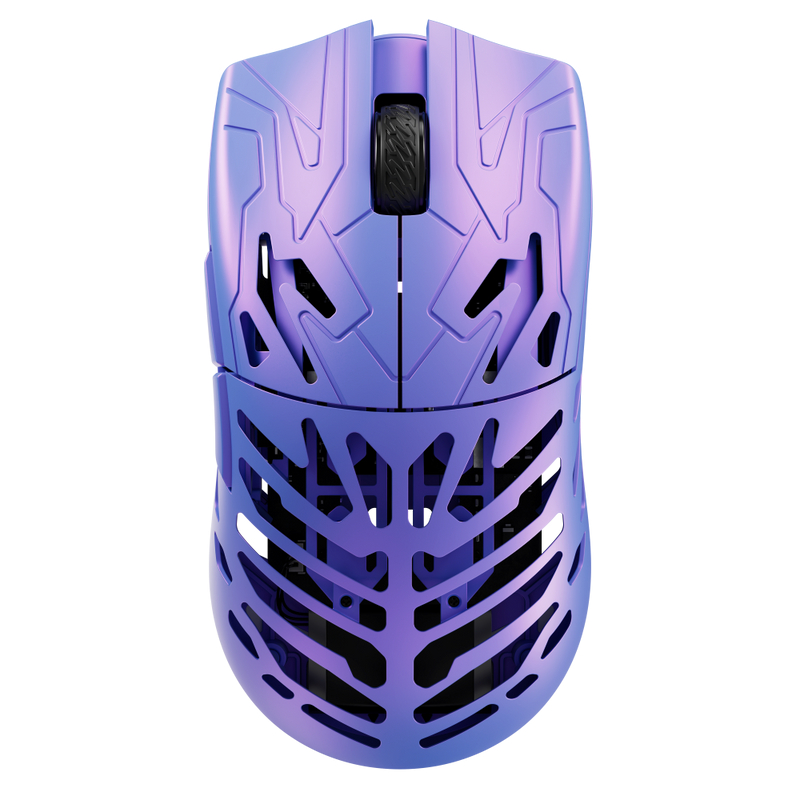
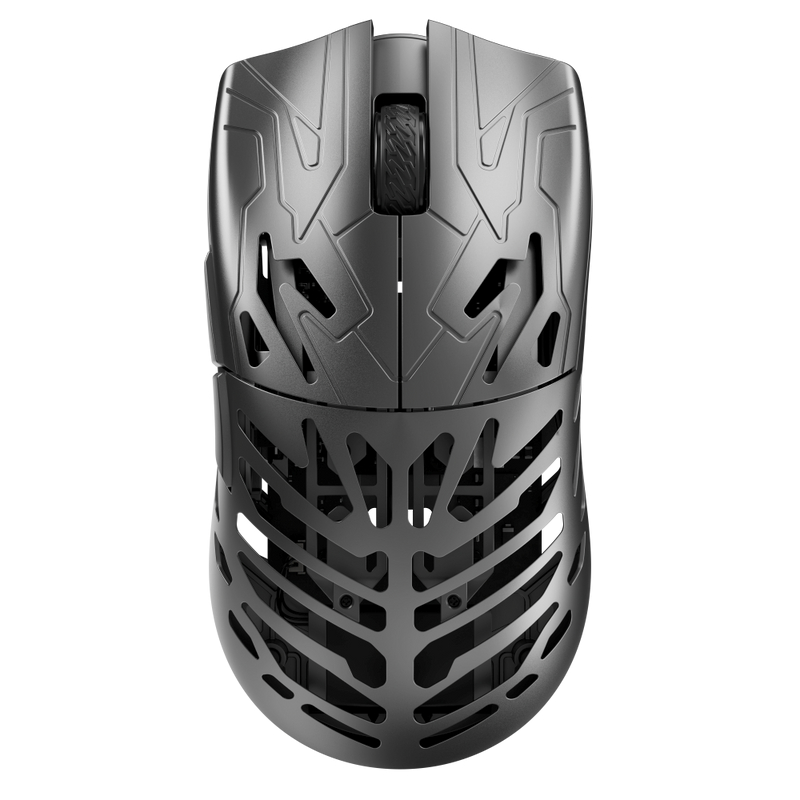
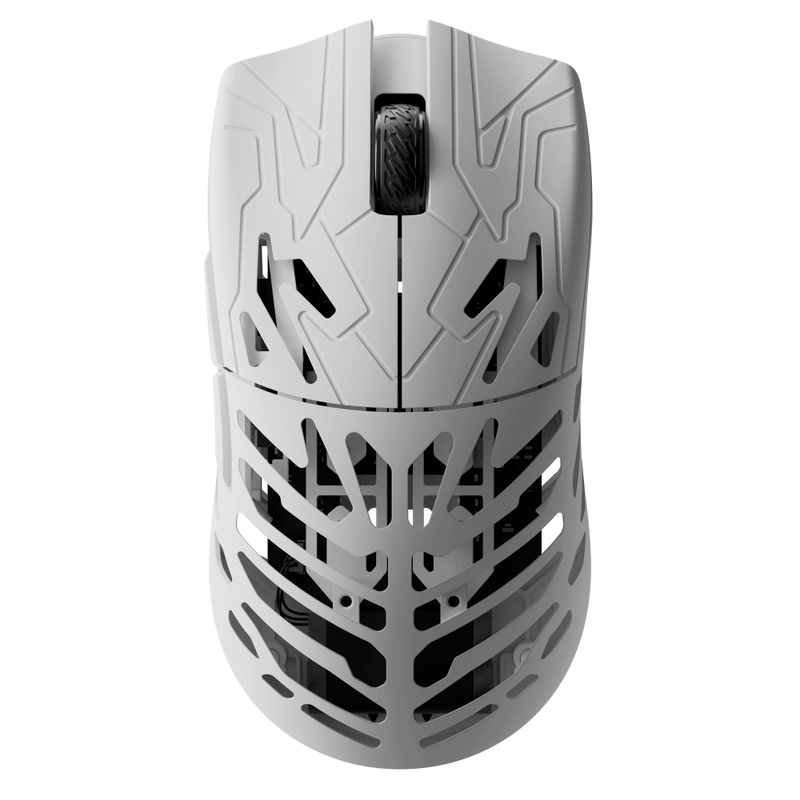
The ATK Blazing Sky F1 V3 series comes in two variants, Ultimate+ and Extreme+. The one I’m reviewing here is the Extreme+. It is available in two colors, Blue Leviatan Edition and Coral Pink. I have the Coral Pink version for this review.
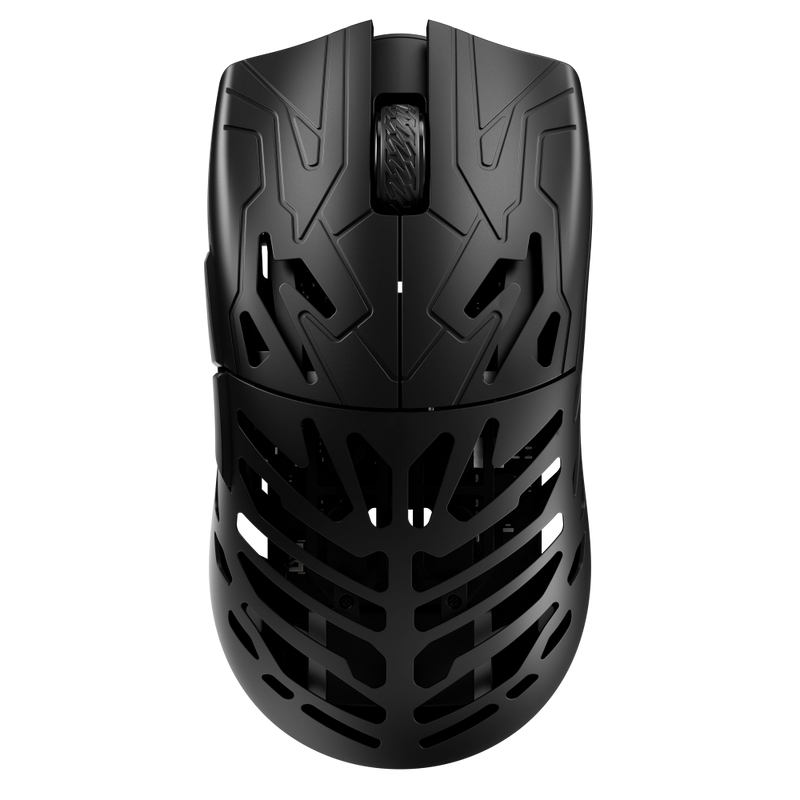
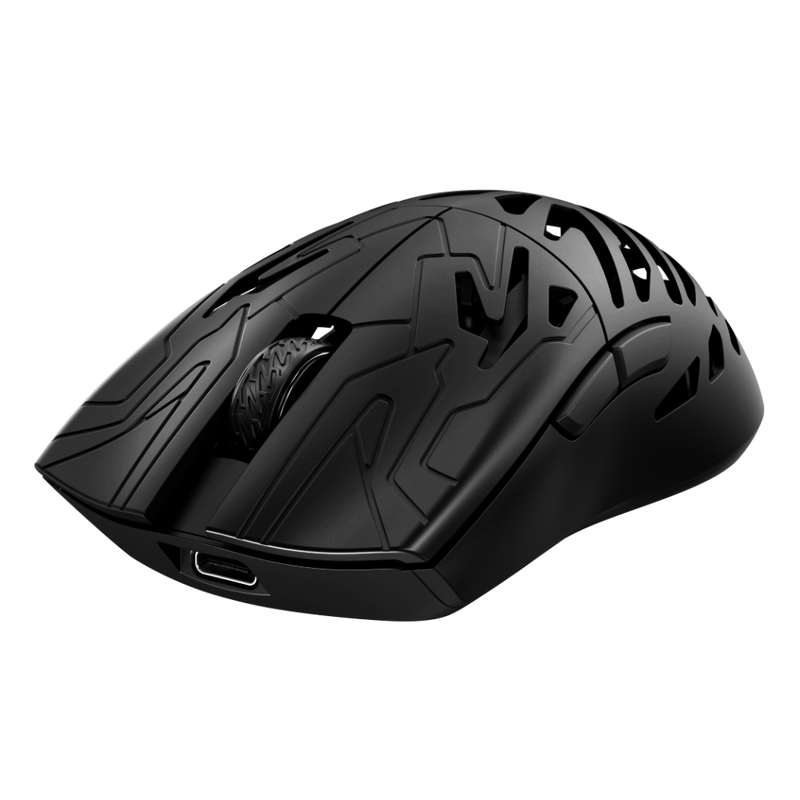
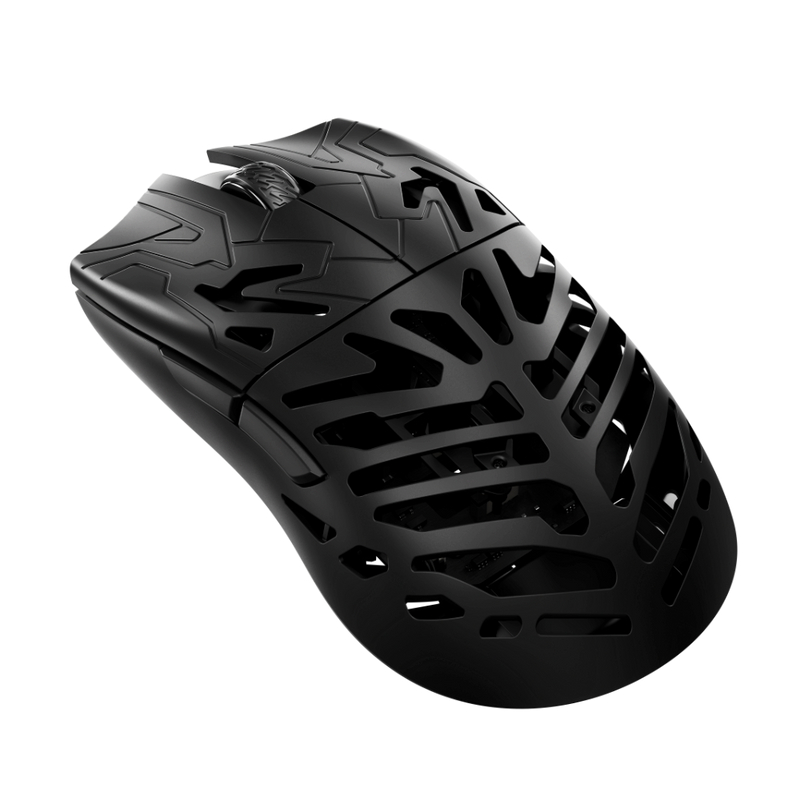
The mouse measures 118.2 × 62.4 × 38.8 mm and weighs 36g ± 3g. The low weight is immediately noticeable when you pick it up. It feels very light in the hand, but the shell itself feels solid and sturdy.
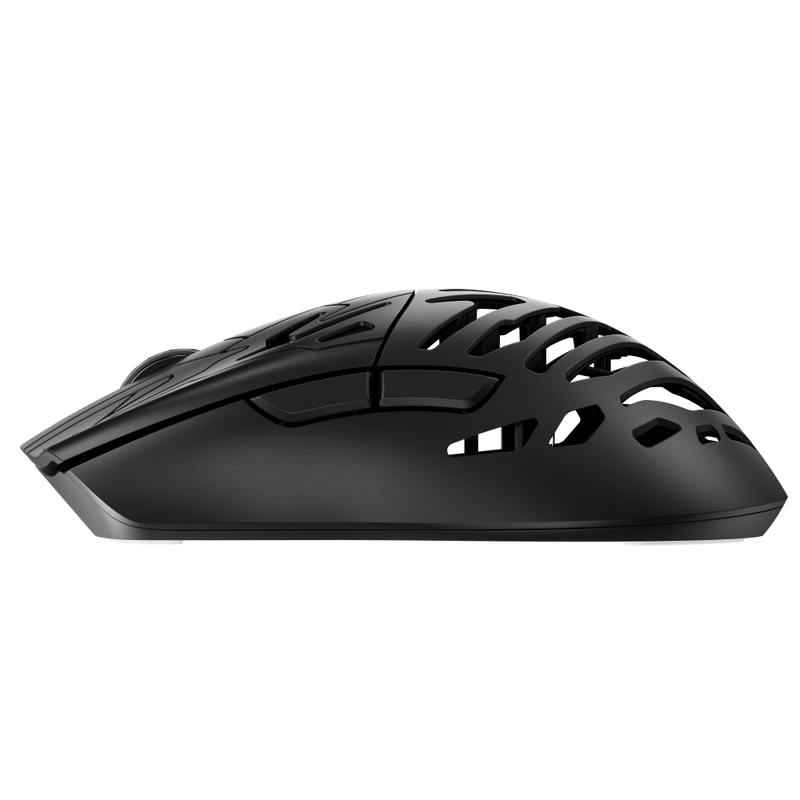
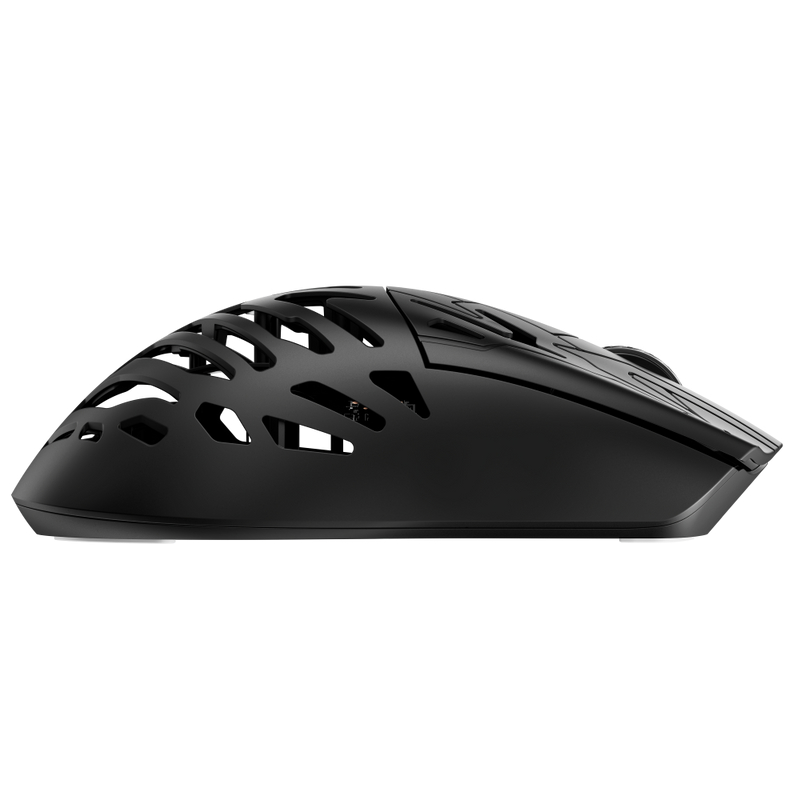
The overall shape is symmetrical, which gives it a balanced feel. However, the side buttons are placed on the left, so it is better suited to right-handed users. I found the shape comfortable with both a claw grip and palm grip.
The mouse uses a matte finish. It feels smooth in the hand without being too slippery. The shell also doesn’t feel hollow or weak despite the low weight.
The main left and right buttons have a noticeable clicky sound. Both buttons feel crisp and consistent when pressed. The two side buttons on the left have a similar clicky feel and sound.
The ATK branding is placed near the front of the left side. The Blazing Sky logo is located on the palm area. You also get F1 Extreme branding toward the rear side of the mouse.
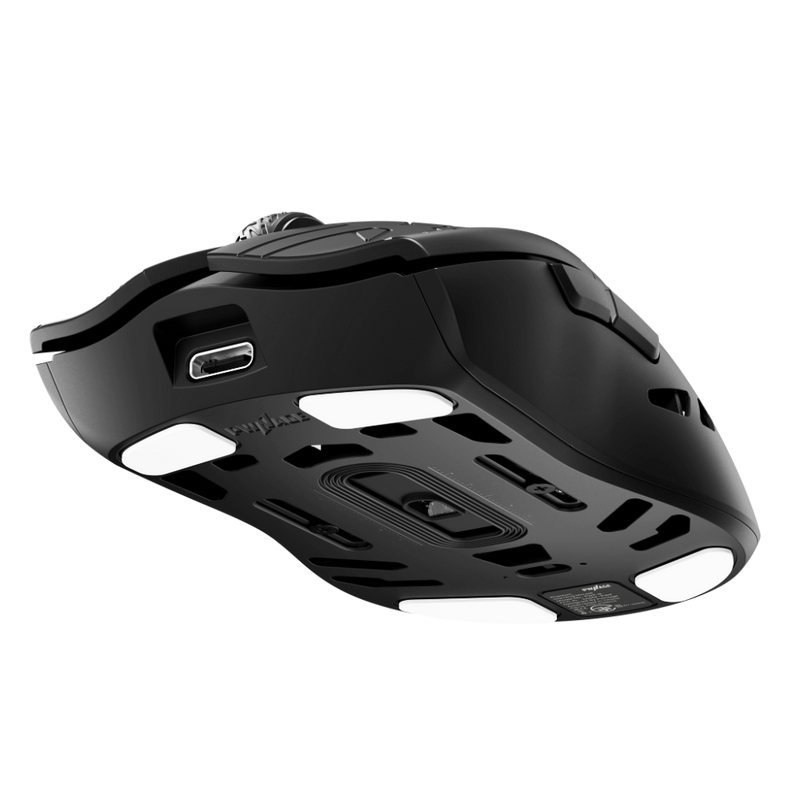
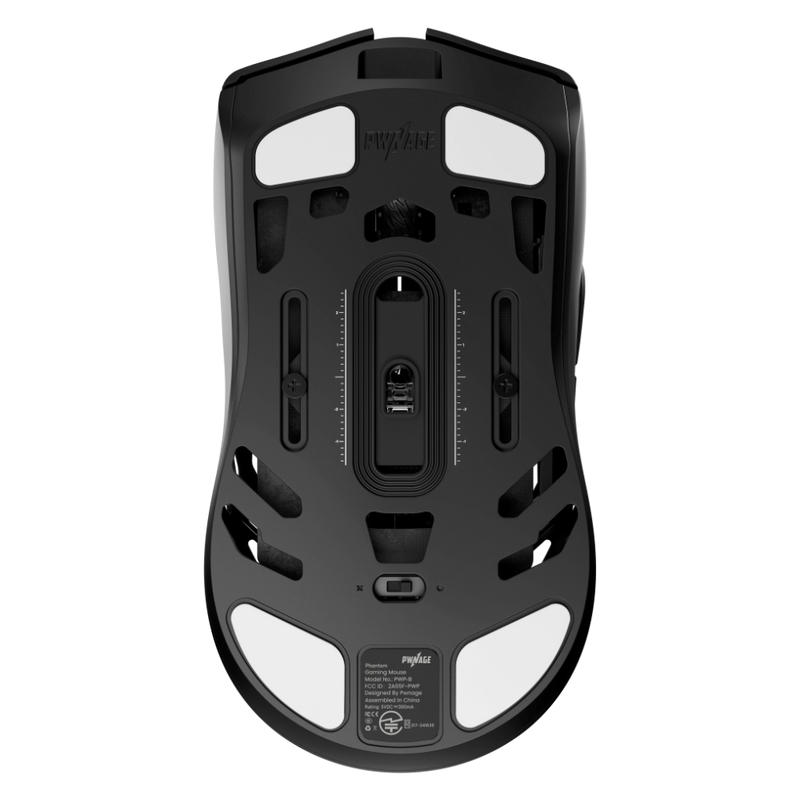
On the bottom, the mouse has a mesh-style design. The mouse skates are not pre-installed, so you need to install them before use. ATK has used this open mesh design to cut down some of the weight while keeping the mouse sturdy. The sensor is placed in the center, with the power switch next to it.
Even with the open design underneath, the mouse feels sturdy during normal use. I didn’t notice any unwanted flex while using it.
Overall, the Sky F1 V3 Extreme+ keeps the design simple. The symmetrical shape, 36g weight, matte finish, and solid shell make it comfortable to use, while the left-side buttons make it more practical for right-handed gamers.
Battery and Connectivity
The Sky F1 V3 Extreme+ uses a 200mAh high-density battery. ATK rates it for up to 80 hours at 1000Hz polling rate. The mouse also supports fast charging, which is useful when you need to get back to gaming without waiting too long.
For connectivity, the mouse supports both 2.4GHz wireless and wired mode. In wireless mode, it uses the included GEM 8K Dongle. The dongle supports an up to 8000Hz polling rate, while the included 8K Ultra-Spec Data Cable can be used for wired operation and charging.
GEM 8K Dongle
The included GEM 8K Dongle is one of the main parts of the Extreme+ package. It allows the mouse to run at up to 8K polling, which means the mouse can report its position to the PC more frequently than at lower polling rates.
For normal desktop use, I don’t think 8K is something you will notice immediately. Its benefit makes more sense when you’re gaming at high refresh rates and want to get the most out of the mouse’s hardware.
The wireless connection itself is straightforward. You can use the mouse wirelessly with the GEM 8K Dongle or switch to the supplied cable when needed. There is no need to compromise on connectivity just to keep the mouse wireless.
User experience
I tested the Sky F1 V3 Extreme+ in Warzone, Battlefield 6, and PUBG PC. The 36g weight makes a big difference. With a short hand movement, I could cover a good distance on the mousepad. This was useful for quick turns and flick shots.
The mouse supports 8000Hz polling in both wired and wireless modes. I used it with the GEM 8K Dongle. Tracking felt smooth and quick during fast gameplay.
The PAW3955 Master sensor supports up to 40,000 DPI and can reach 50,000 DPI with overclocking. I did not need such high DPI for gaming. At my normal settings, tracking felt accurate and consistent.
The 0.163ms rated button latency also helps with the fast feel. The Omron Optical Switches feel crisp and have short travel. They give a quick response without needing much pressure. The click quality also gives the mouse a more premium feel.
I tried both claw and palm grip. Both worked well for me. The large skates also provide a smooth glide and make the mouse easy to control.
| Specification | Details |
|---|---|
| Switch Type | Omron Optical Switches |
| Button Latency | 0.163ms |
| Click Feel | Crisp and Clicky |
| Button Travel | Short |
| Response | Quick |
| Overall Feel | Premium |
ATK HUB Software
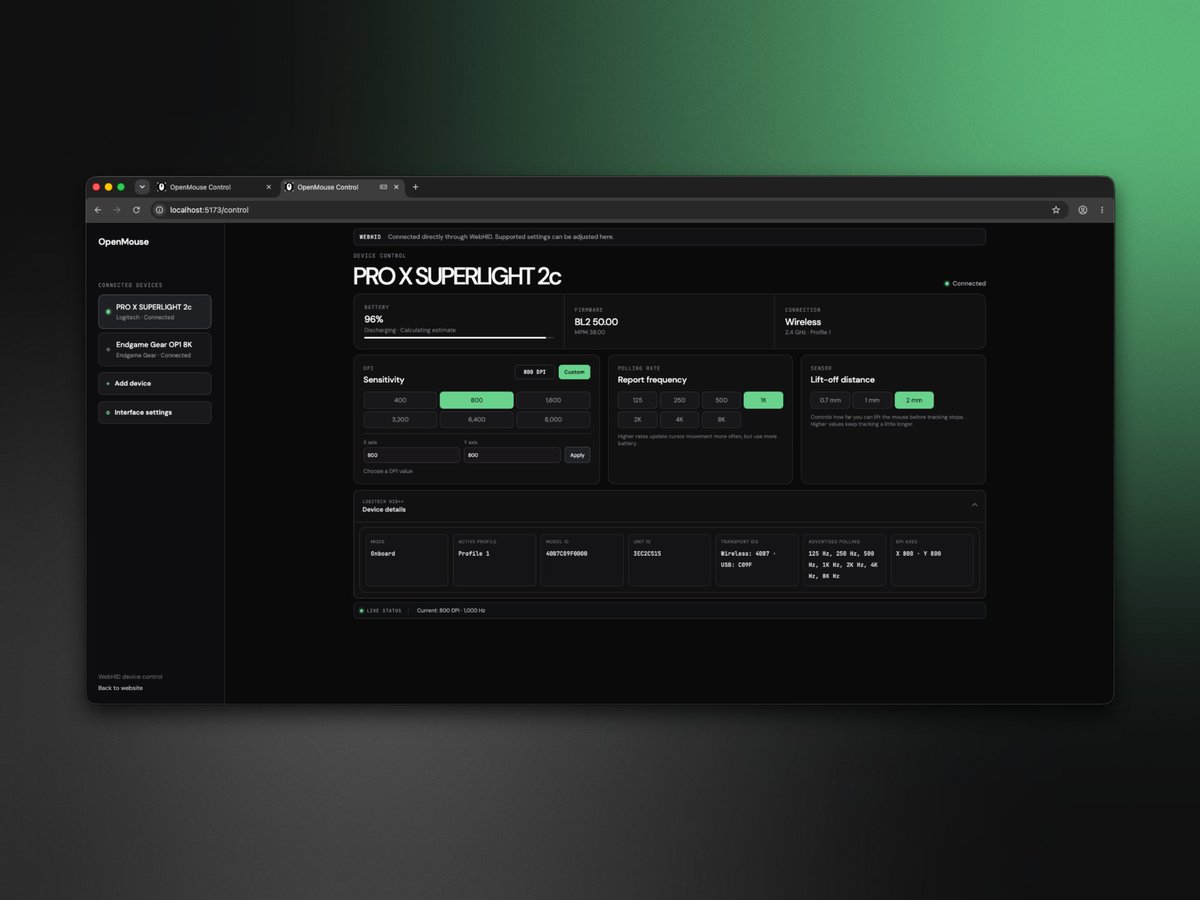
The ATK HUB software gives you full control over the Sky F1 V3 Extreme+. The interface is clean and easy to understand.
From the Key Change Settings, you can remap all the mouse buttons. You can also create macros and assign them to different buttons.
The DPI Settings let you create multiple DPI levels. I used 400, 800, 1600, and 3200 DPI in my setup. You can also set different X and Y values.
The Performance Settings include the polling rate. You can select anything from 125Hz up to 8000Hz. The software also shows estimated battery life based on your settings. At 1KHz, it shows around 240–300 hours, while 8KHz shows around 24–30 hours.
There are also several useful options under Parameter Settings. You can adjust the debounce delay, LOD height, sensor rotation, sensor virtual offset, and Dynamic DPI Curve. Options like Movement Synchronization and Ripple Correction are also available.
The Configuration Management section lets you save up to four local profiles. You can switch between them depending on the game or your setup. Cloud configuration is also available after logging in.
The software also lets you check the mouse and receiver firmware versions, pair the receiver again, and reset the mouse if needed.
Overall, I found ATK HUB easy to use. It gives you plenty of settings without making things too complicated.
Final verdict
After using the ATK Blazing Sky F1 V3 Extreme+, I came away quite impressed with how well everything works together. The 36g weight makes the mouse very easy to move, while the solid shell still gives it a good and premium feel. The shape also worked well for my claw and palm grip.
The gaming performance was another strong point. I tested it with Warzone, Battlefield 6, and PUBG PC, and the mouse felt smooth and responsive. The PAW3955 Master sensor, 8000Hz polling rate, low button latency, and large skates all worked well during fast movements and aiming.
I also like the Omron Optical Switches. They have a crisp click and short travel. A small hand movement can cover a good distance on the pad, which I found useful in FPS games.
The ATK HUB is another plus. It gives you a lot of customization options, including DPI, polling rate, LOD, debounce, sensor settings, profiles, and more. This makes it easy to set the mouse up according to your own playing style.
The only thing I would point out is the price. It sits a little on the higher side compared with some lightweight wireless mice. But considering the build quality, features, software, and gaming performance, I think the overall package justifies the price.
For me, the Sky F1 V3 Extreme+ is a great gaming mouse. It is light, comfortable, fast, and packed with useful features. I would definitely recommend it, especially if you are looking for a lightweight wireless mouse for competitive FPS gaming.