Normal view

There are new articles available, click to refresh the page.
Before yesterdayMain stream

Early performance tests reveal significant throughput penalty for HUDIMM DDR5

21 April 2026 at 13:50

Intel, in partnership with various partners, has introduced the HUDIMM (Half-Unbuffered DIMM) standard to address the ongoing global memory shortage and rising hardware costs. This new specification aims to lower the barrier to entry for DDR5 platforms by simplifying the internal architecture of the memory modules. However, this new module type appears to have disadvantages, particularly in terms of performance.

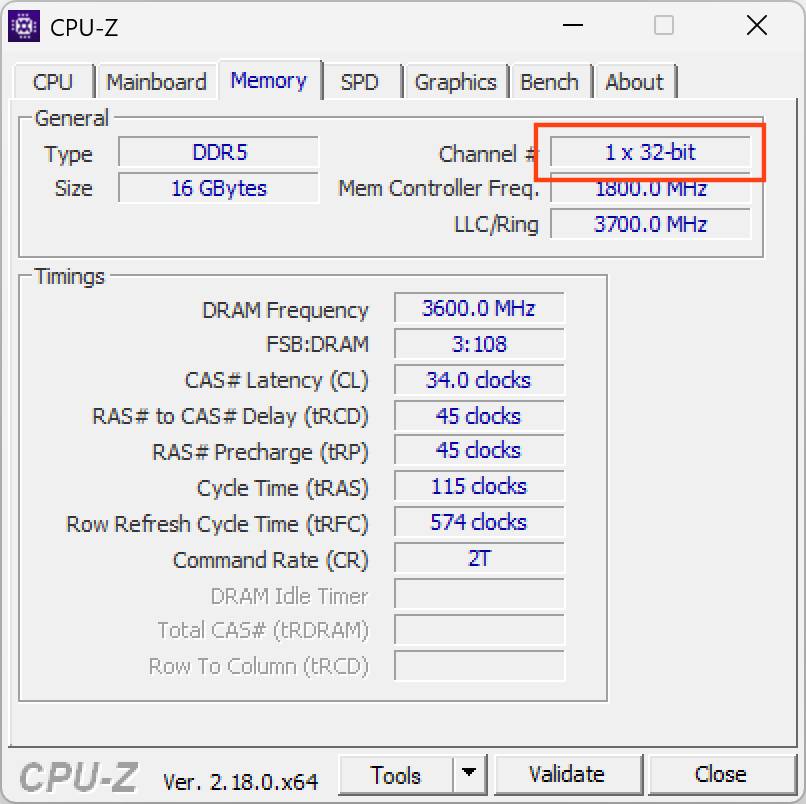
The core design of HUDIMM involves transitioning from the standard two 32-bit subchannels (forming a 64-bit-wide bus) found on traditional UDIMMs to a single 32-bit subchannel. By populating only half of the memory banks, manufacturers can produce modules using fewer DRAM chips, directly reducing production costs. Initial releases are expected in 8GB and 12GB capacities, targeted primarily at entry-level office systems and budget-conscious builds.

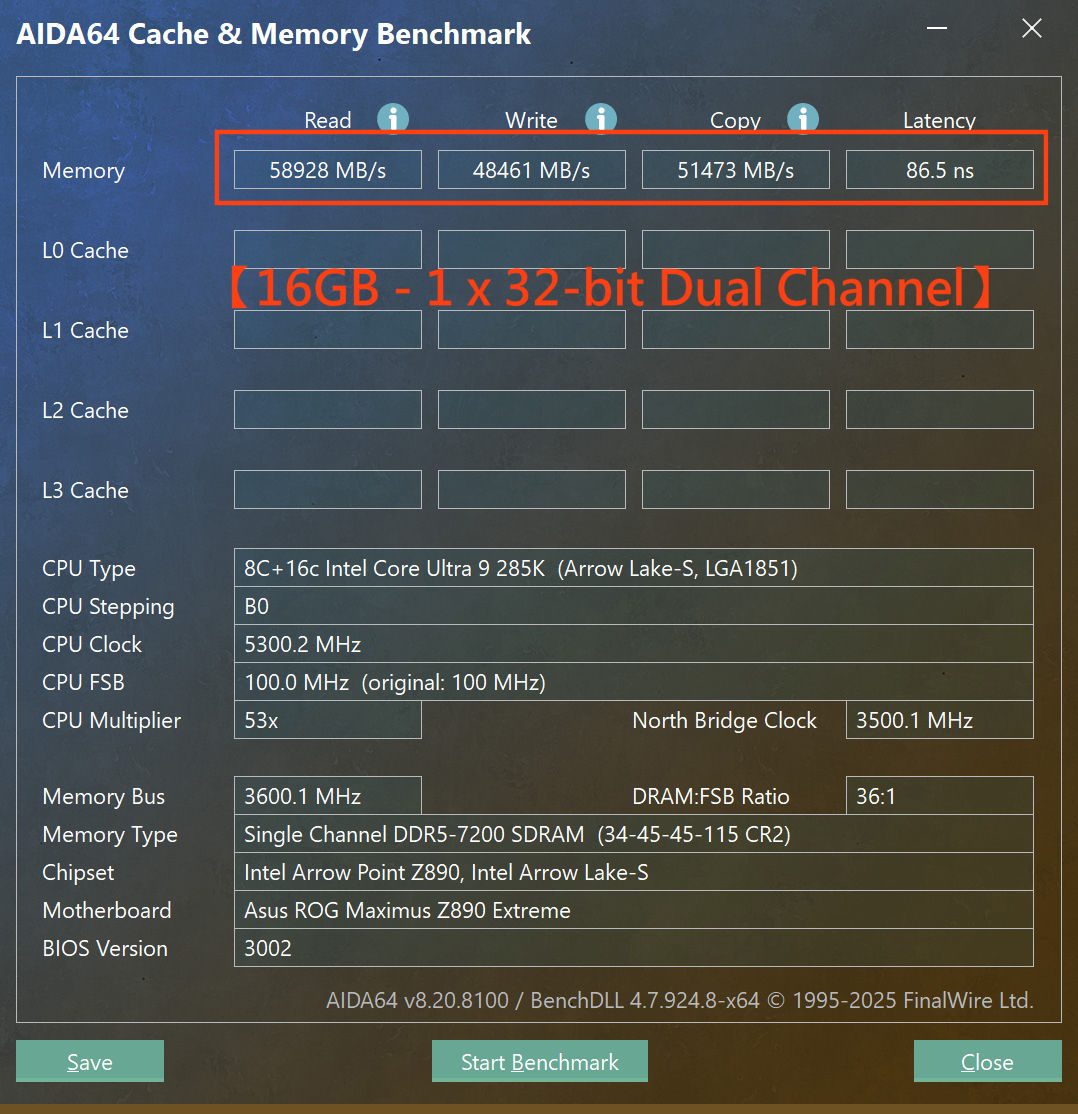
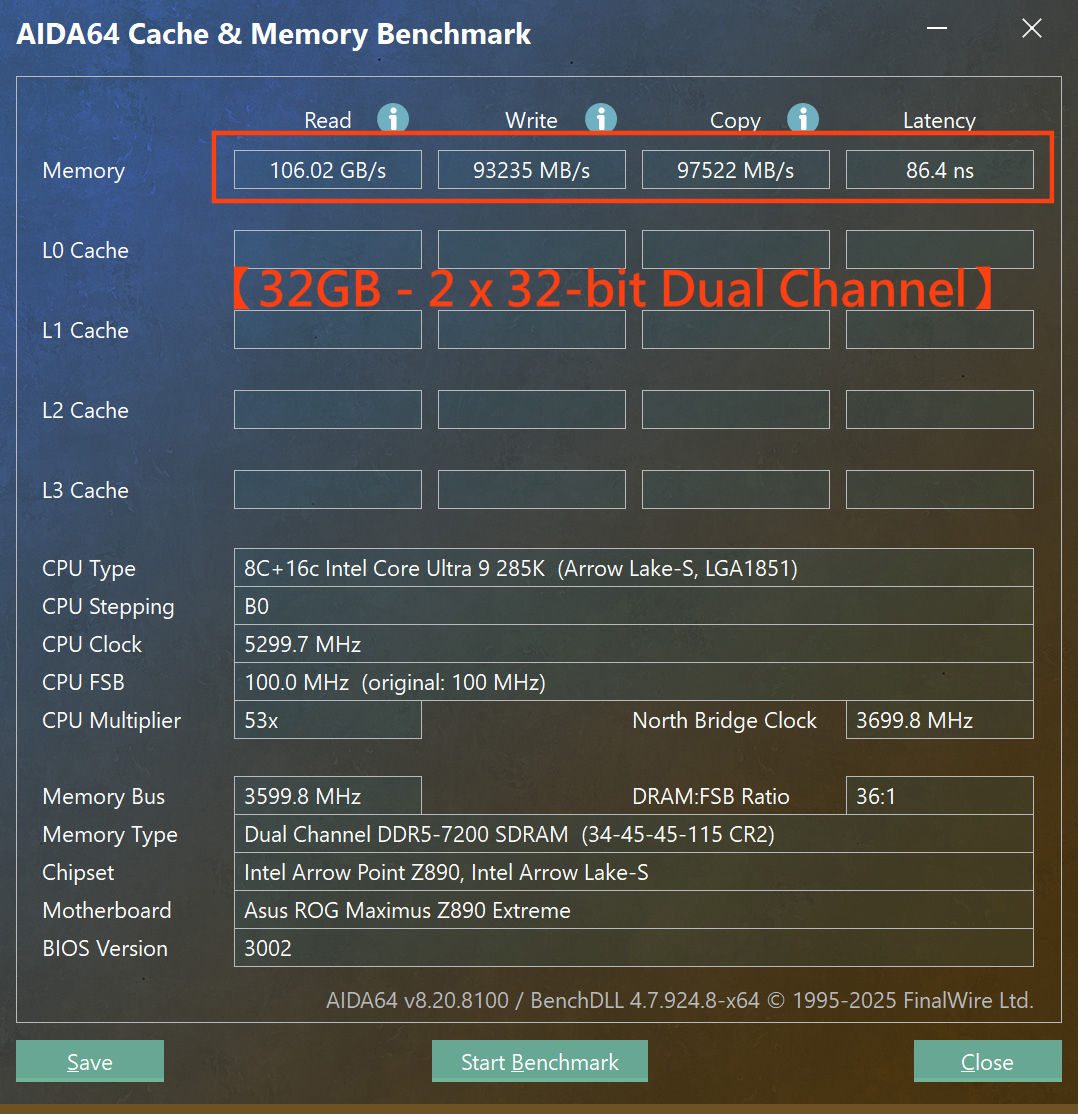
Image credit: HKEPC

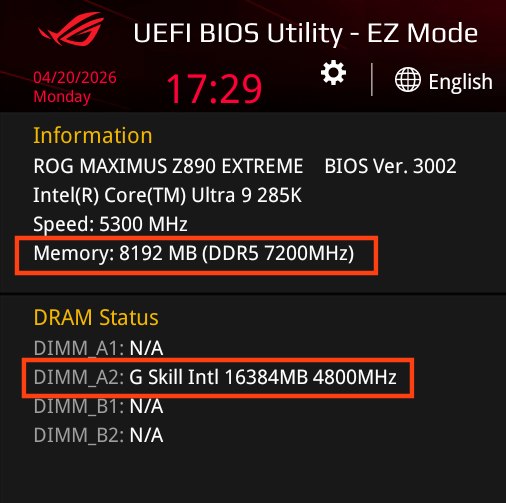
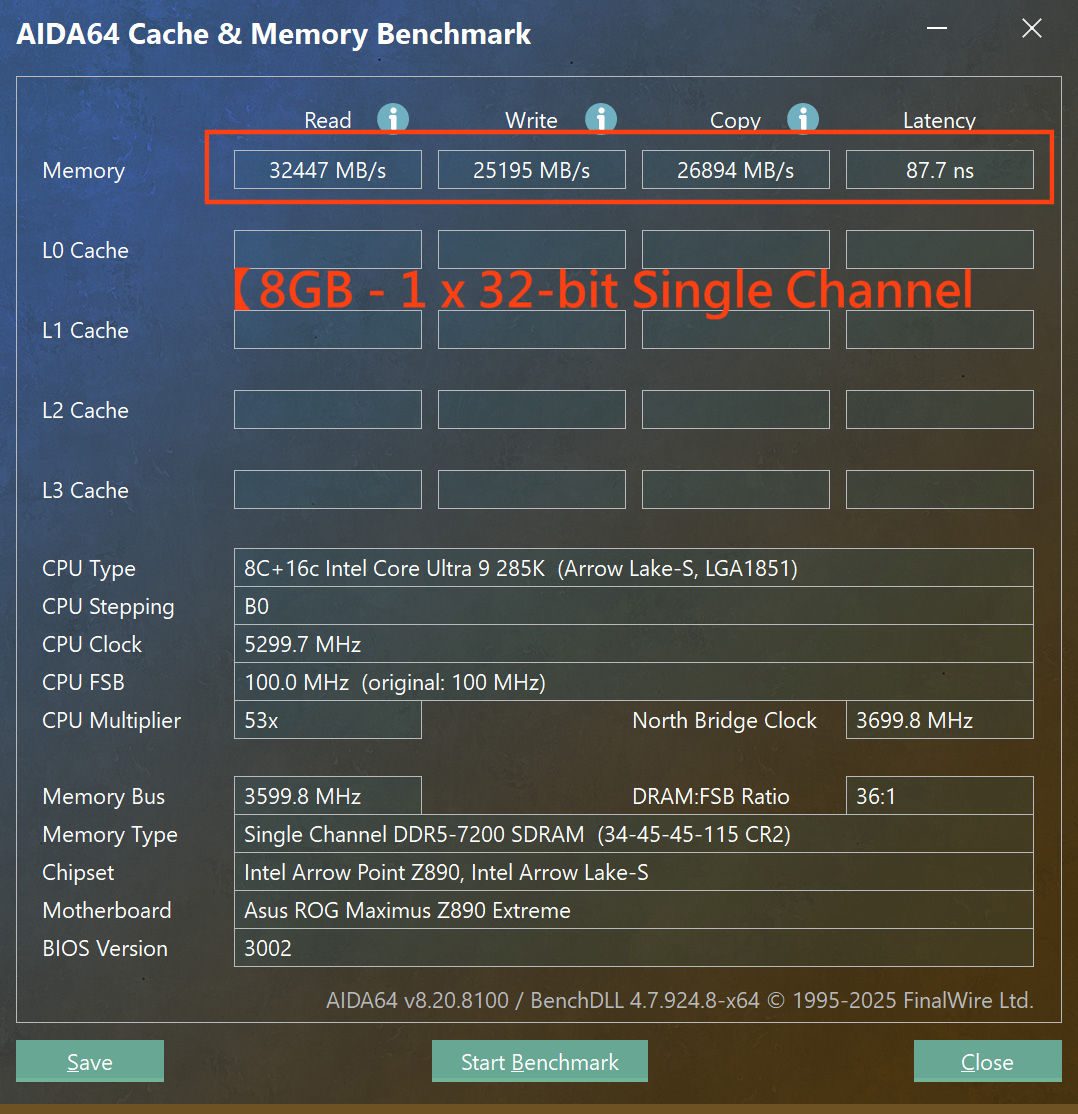
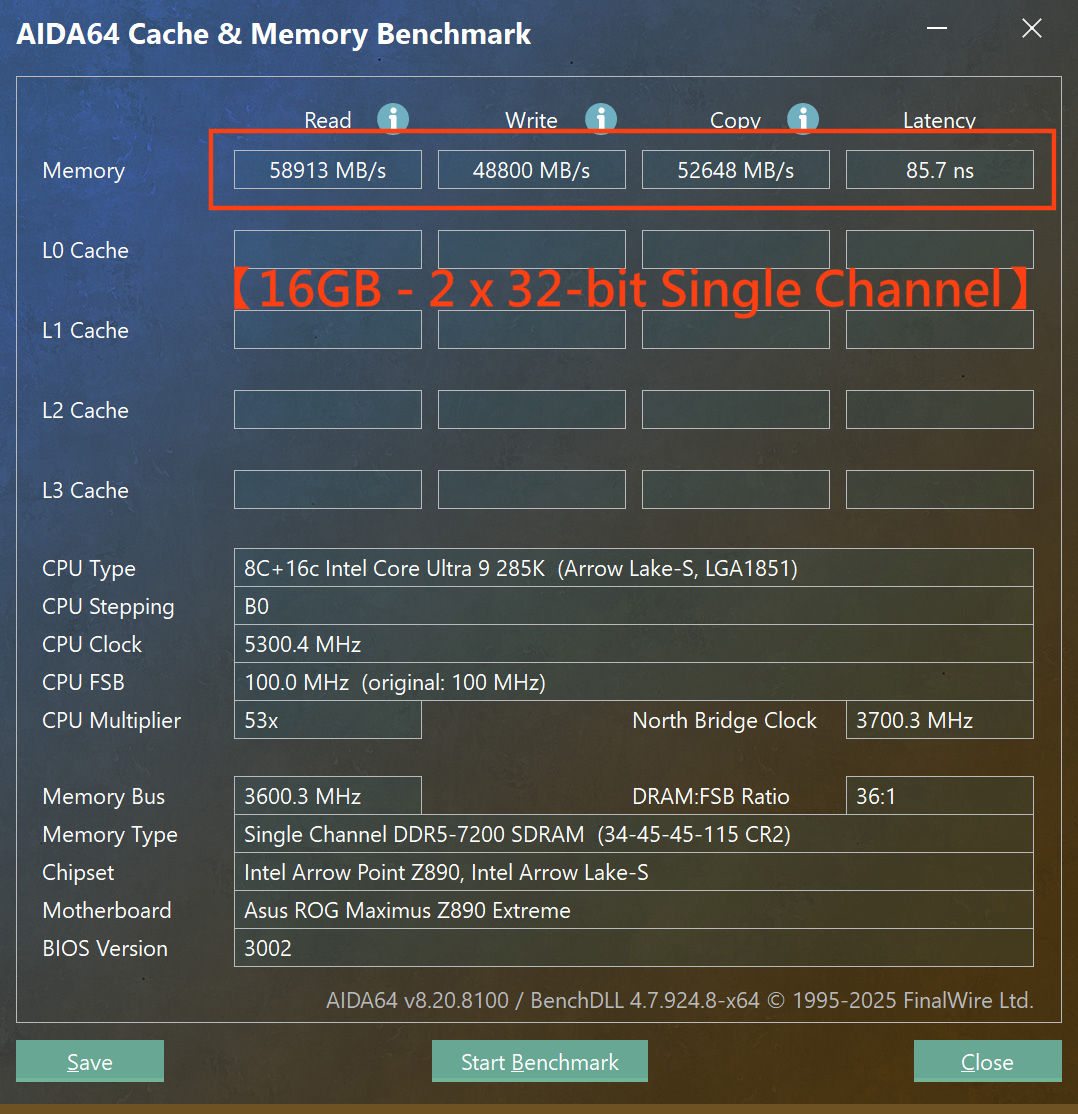
Despite the cost benefits, performance benchmarks conducted by HKEPC and Asus (via Wccftech) show a severe trade-off. The test was performed by selecting a standard UDIMM and converting it into a HUDIMM module by shielding half of the banks. The transition to a single 32-bit subchannel results in an approximate 45–50% loss in total bandwidth across read, write, and copy operations. While memory latency remained relatively stable at 85–87ns, the throughput of a dual-channel HUDIMM setup was roughly equivalent to that of a single standard UDIMM running in single-channel mode.

One redeeming feature is the support for asymmetrical dual-channel operation. This allows users to mix different module types, like HUDIMM and UDIMM, to achieve unique capacities while maintaining three active 32-bit subchannels. However, for users prioritising speed, the significant bandwidth reduction makes HUDIMM only a solution for systems where peak memory performance is secondary to overall cost efficiency.

Discuss on our Facebook page, HERE.

KitGuru says: Given the performance trade-offs (and without knowing the pricing of HUDIMMs), do you think budget builders will be willing to sacrifice half their bandwidth to get a modern platform running, or will they stick to older DDR4 systems?

The post Early performance tests reveal significant throughput penalty for HUDIMM DDR5 first appeared on KitGuru.

Intel Wildcat Lake Lineup And Specifications Leaked: Six SKUs, 1/2+4-Core Configuration, And Up To 35W TDP

31 March 2026 at 16:39

Intel Wildcat Lake chip with an overlay of a wildcat face, showcasing technology and nature.

Intel's most powerful ultra-power-efficient chips will operate in a much higher TDP range compared to predecessors. Here are all the leaked specifications of the Intel Wildcat Lake. Intel Wildcat Lake Specifications Unveiled: 1/2 P-Core + 4-LP-E Cores, 15-35W TDP, up to 4.8 GHz Turbo, and 2 Xe3 iGPU Cores With Intel's Wildcat Lake launch approaching, the SKUs and specifications have started surfacing on social media. Some specifications have been confirmed by the latest leak, and it's probably the biggest leak we have on the lineup yet. Recently, we saw an entry-level Wildcat Lake SKU and its specifications leaked. We weren't […]

Read full article at https://wccftech.com/intel-wildcat-lake-lineup-and-specifications-leaked/

Antec Flux Pro Noctua Edition PC Case Review

22 March 2026 at 13:19

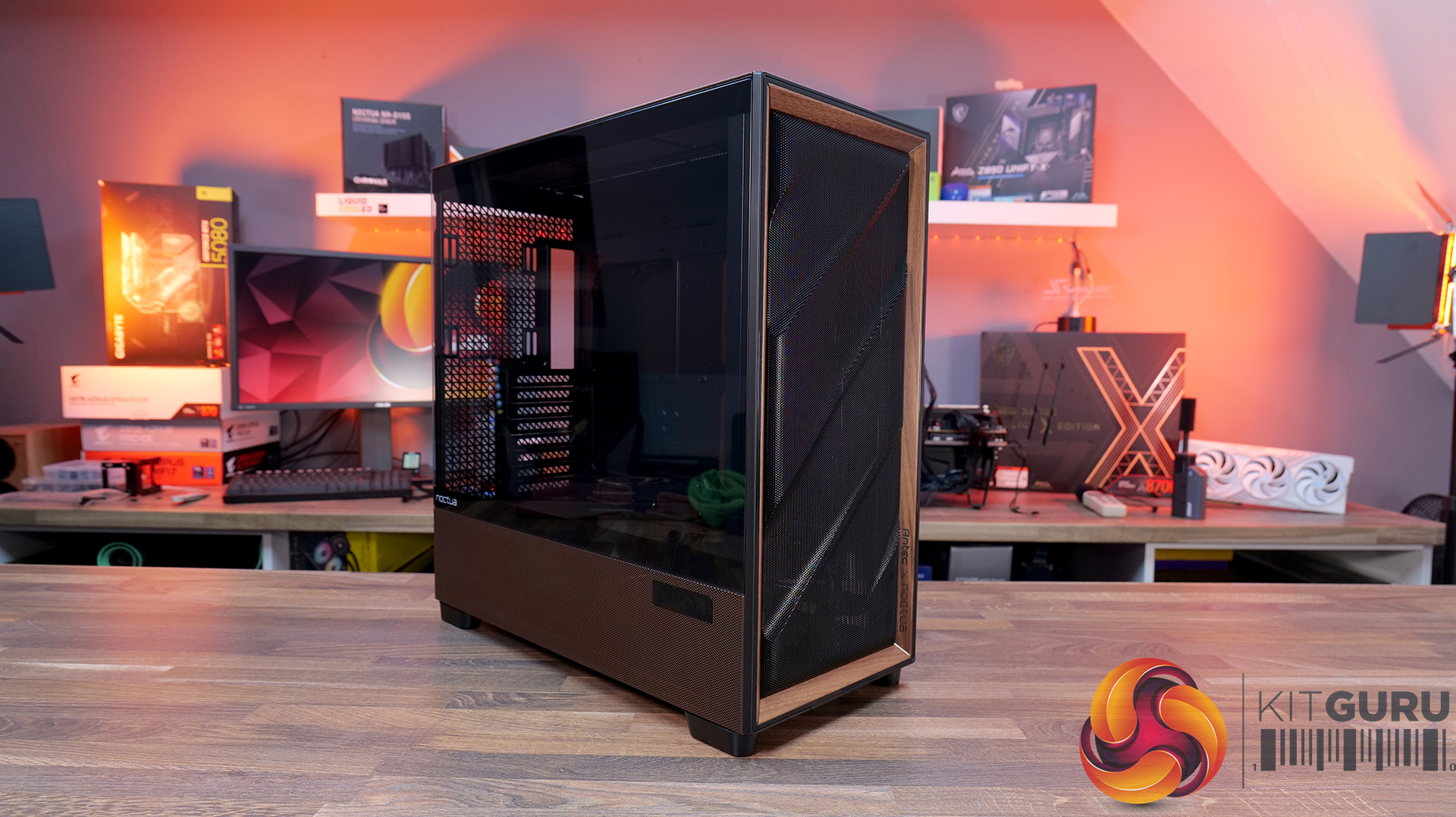
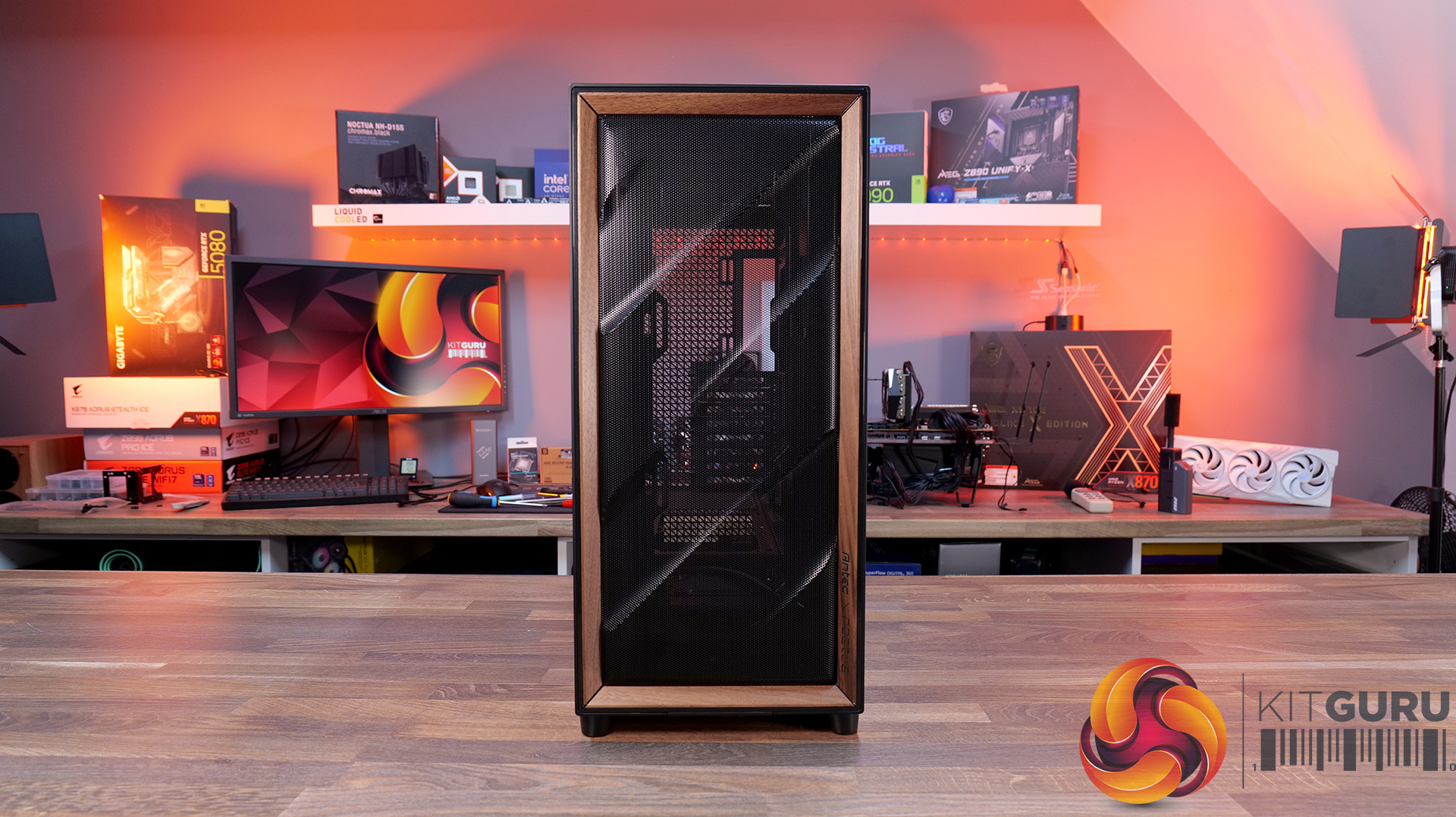
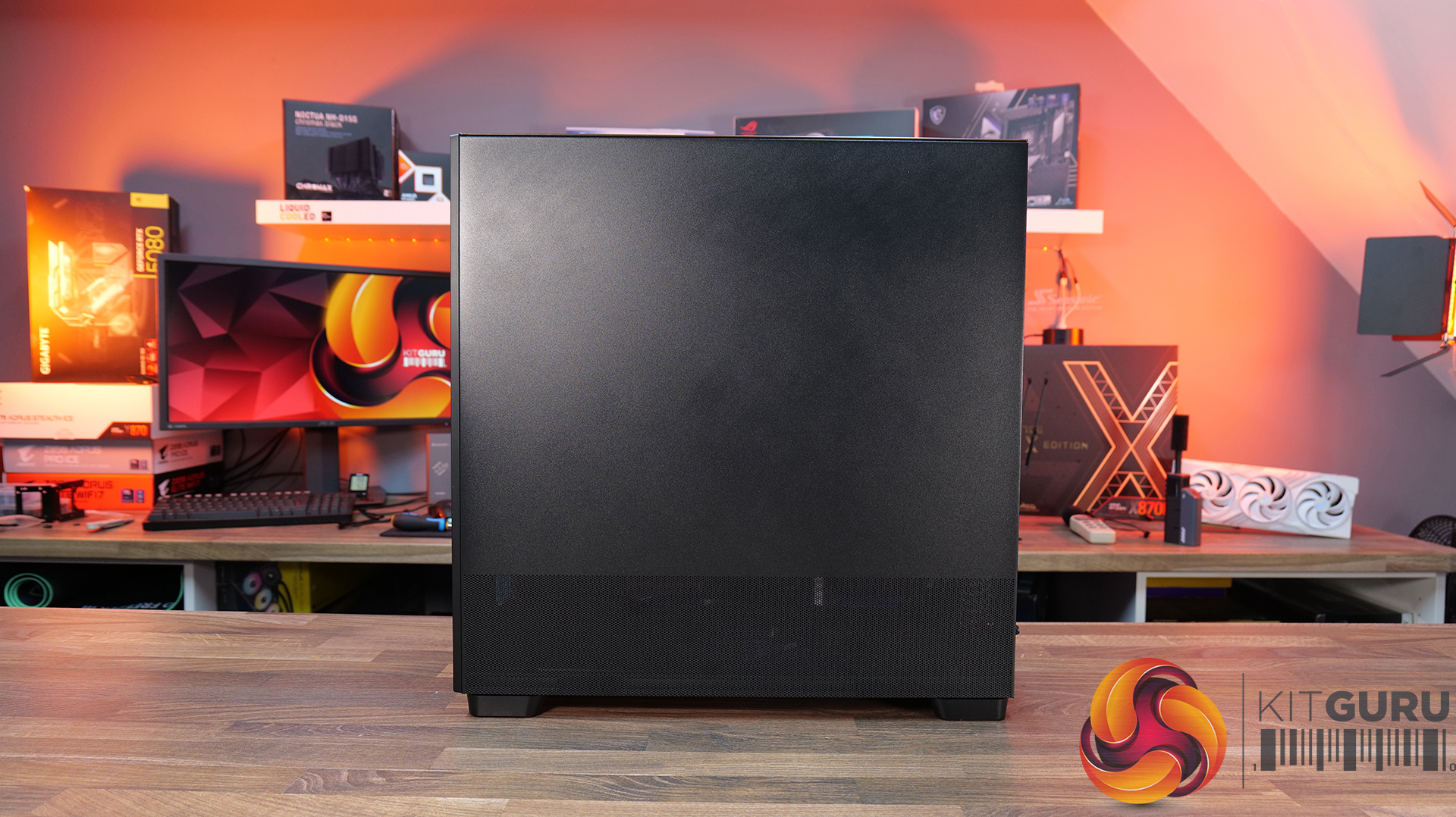
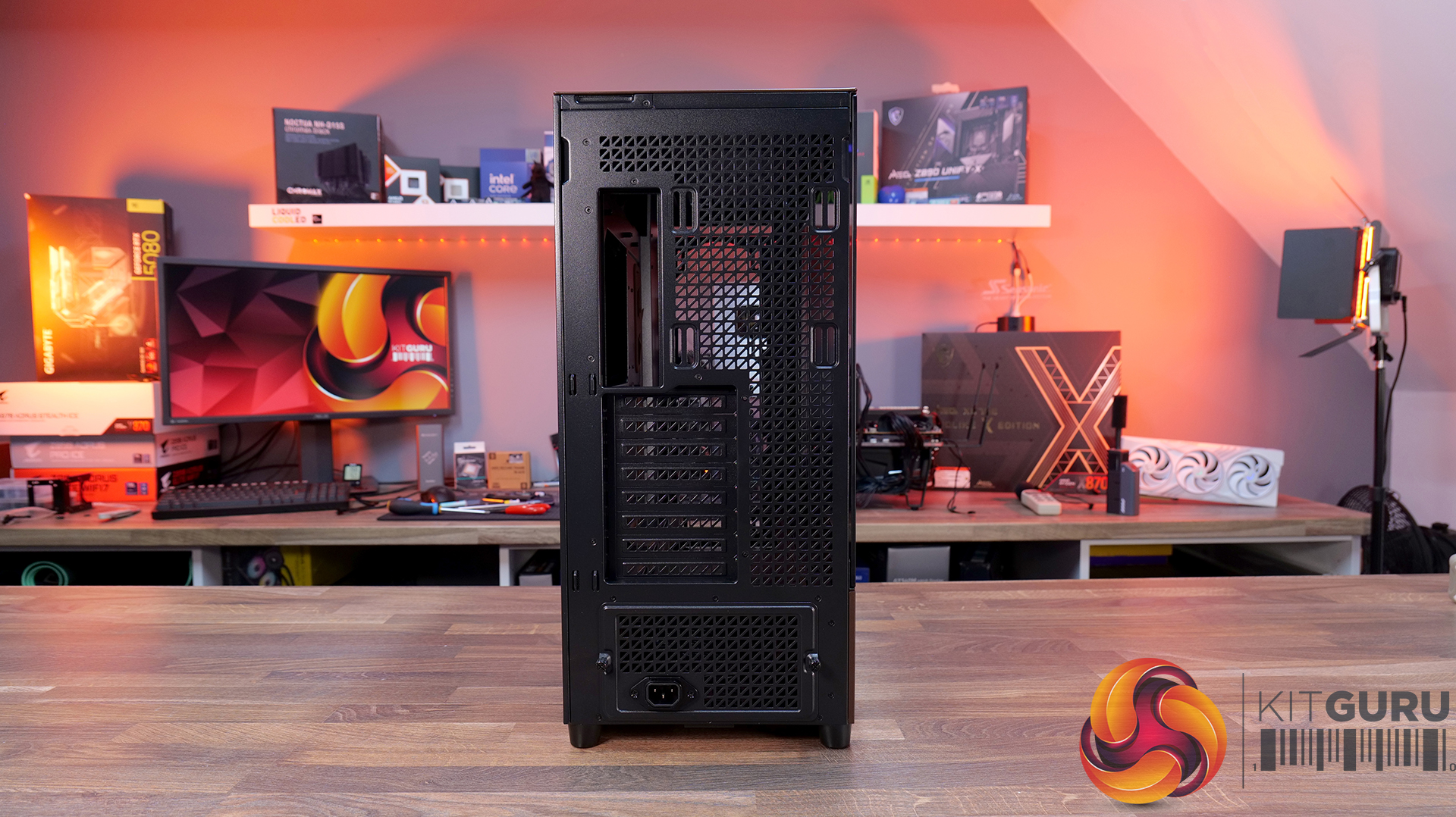
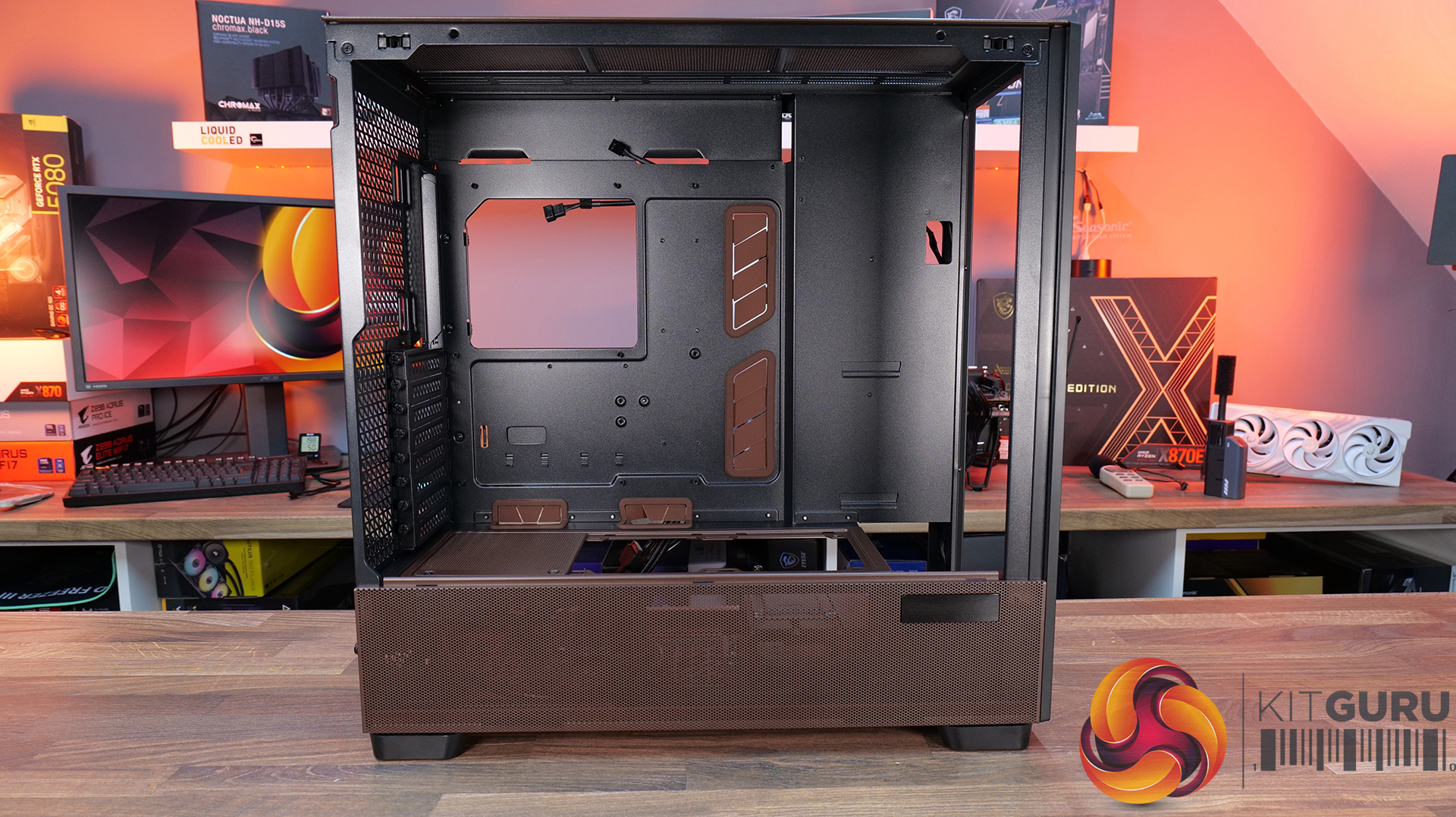
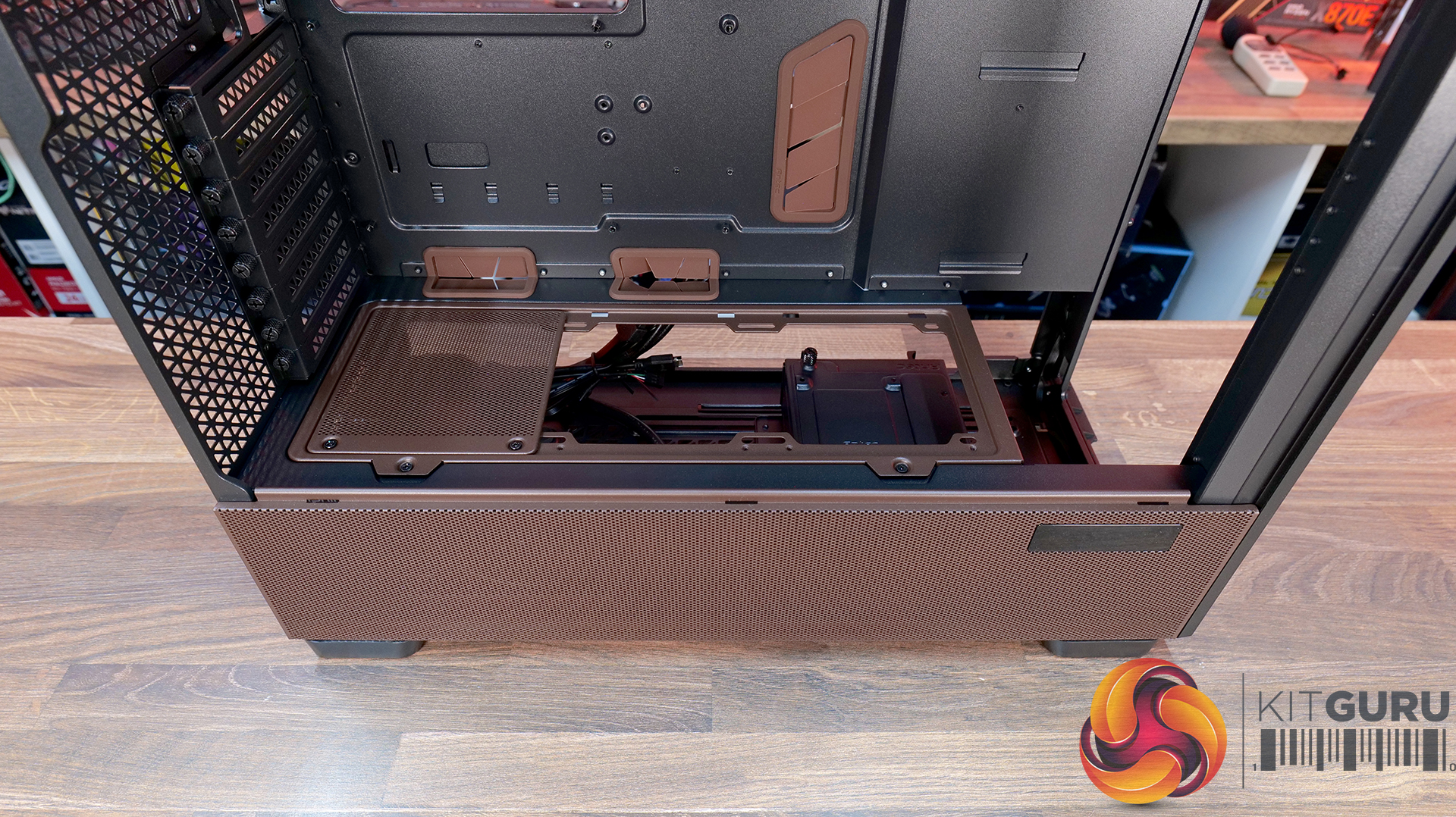
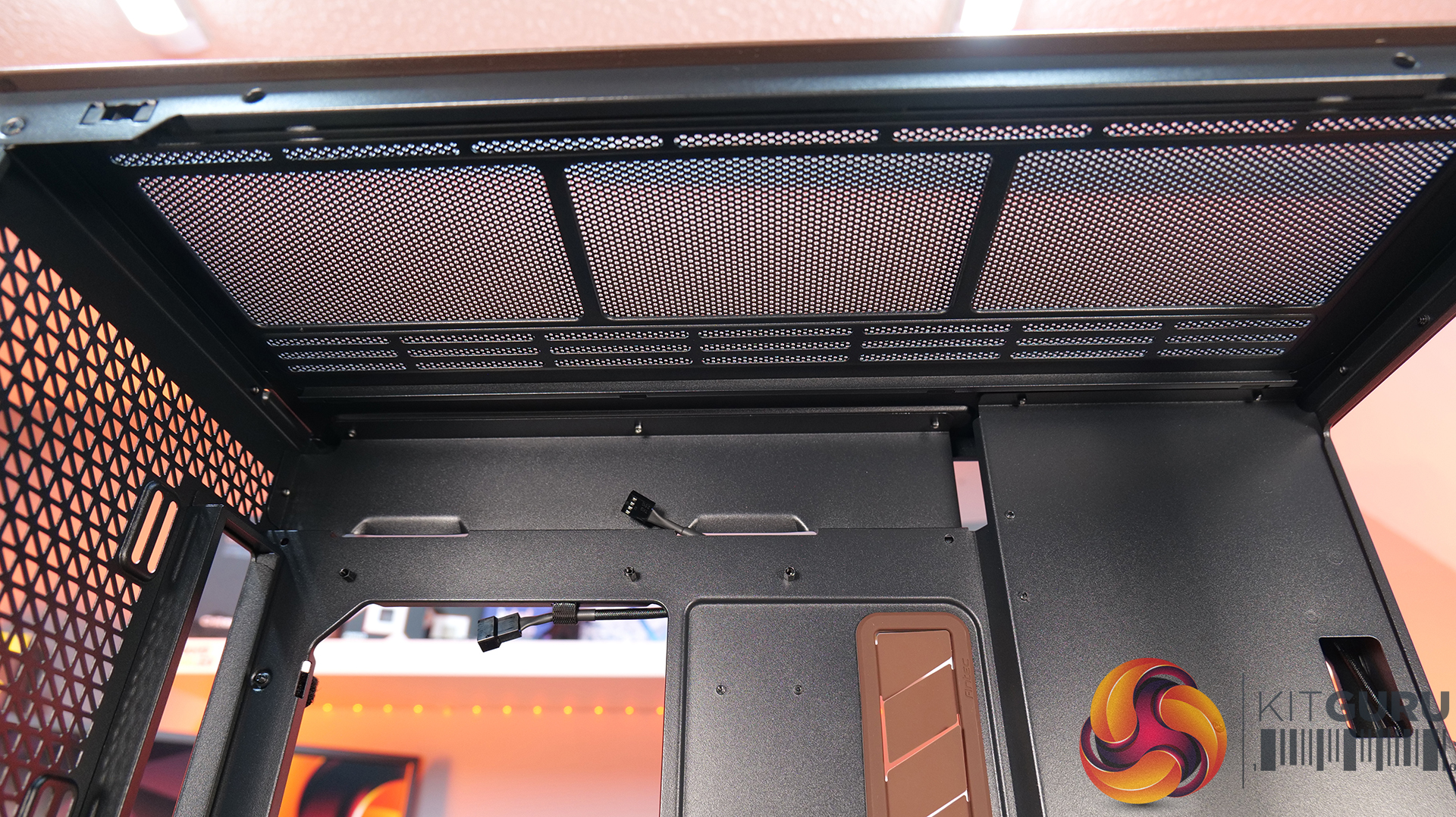
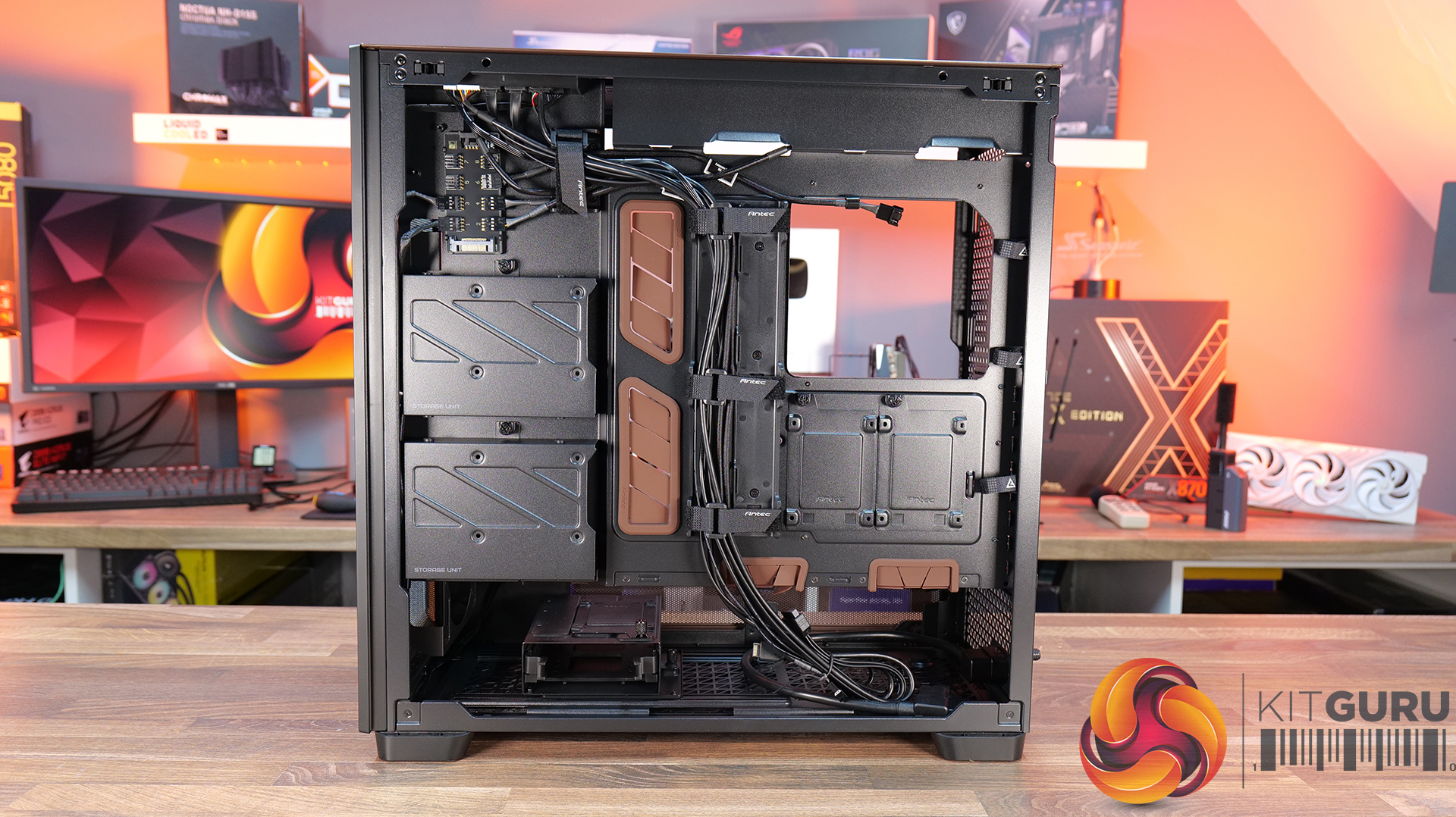
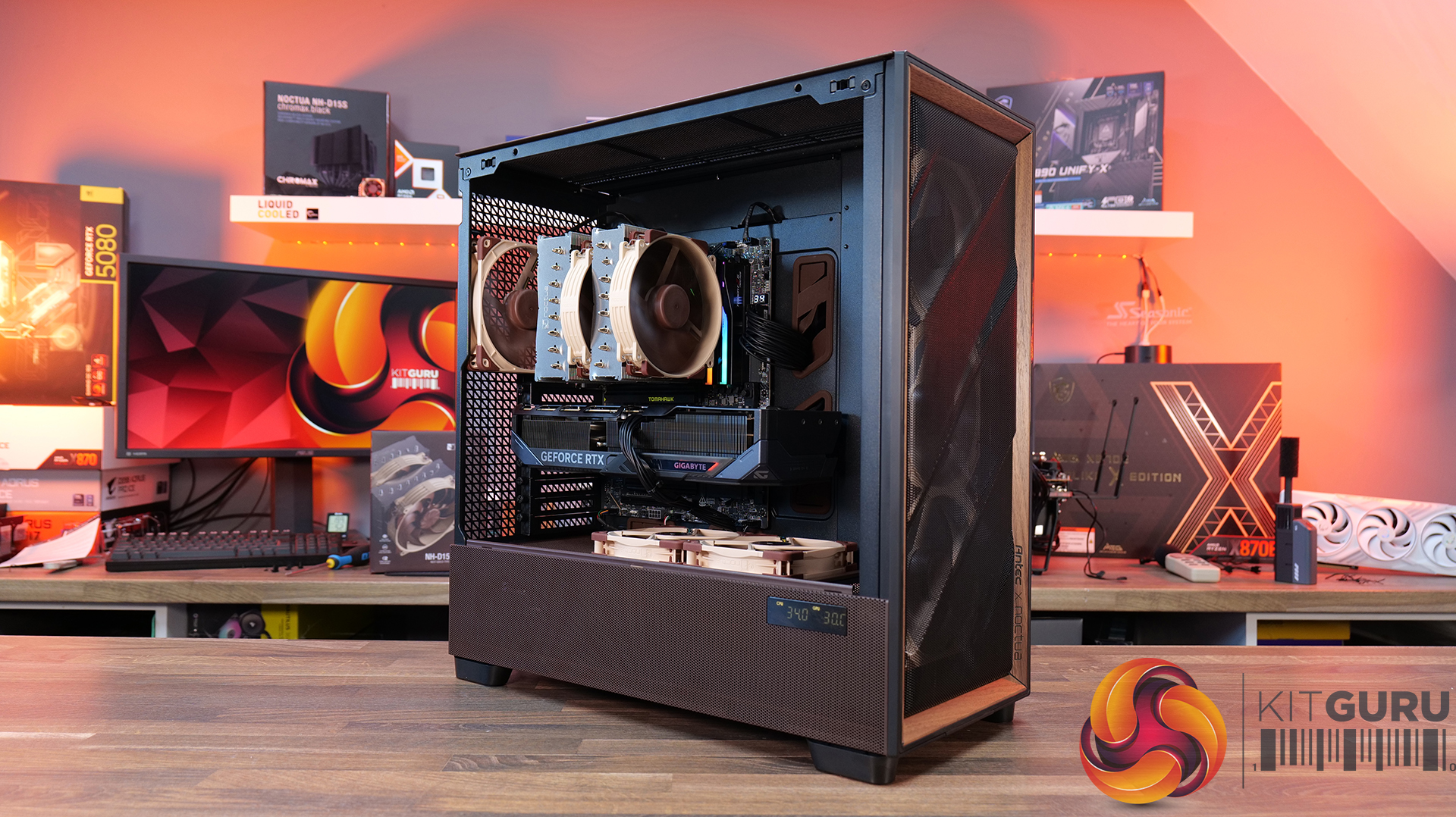
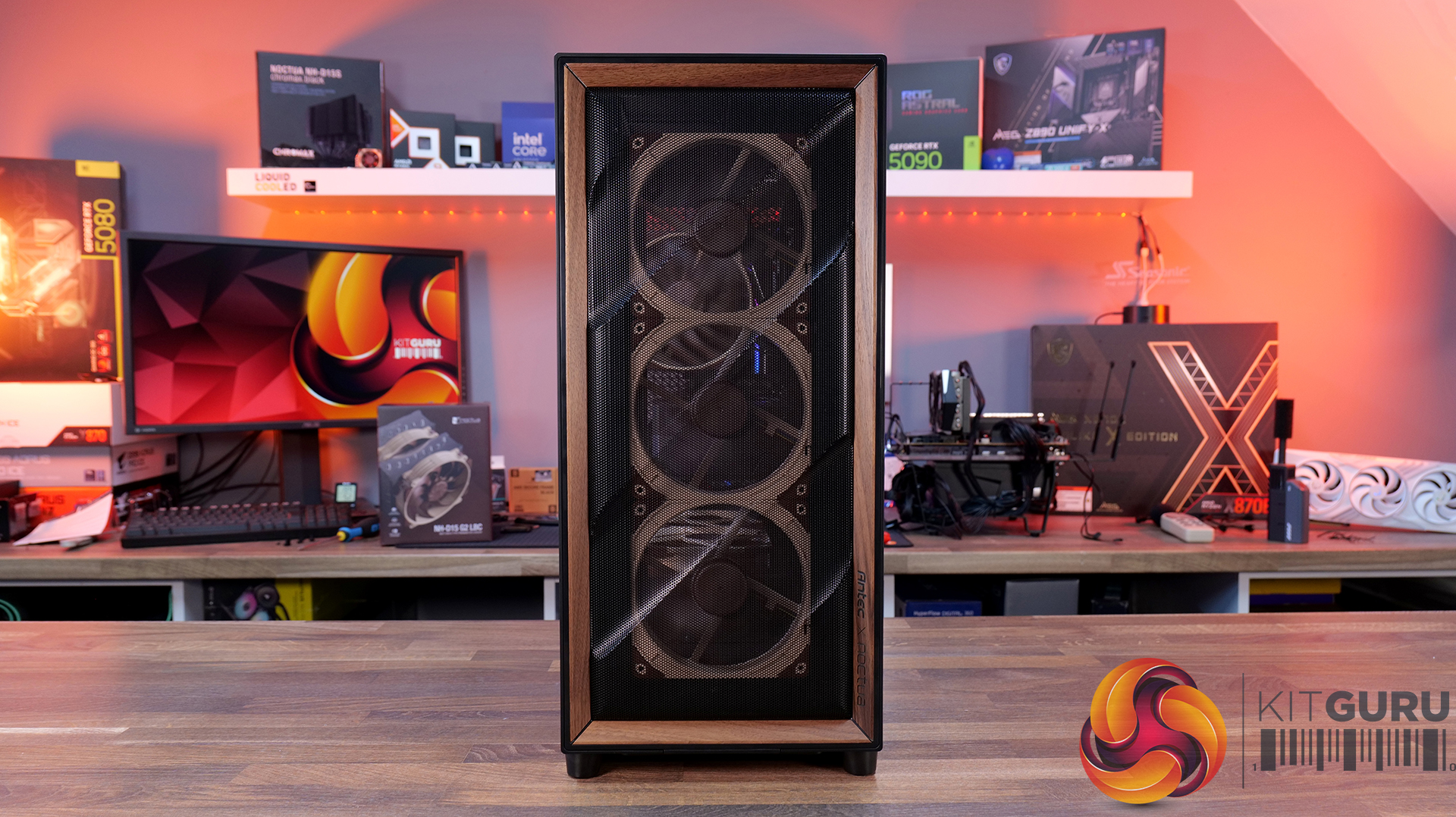
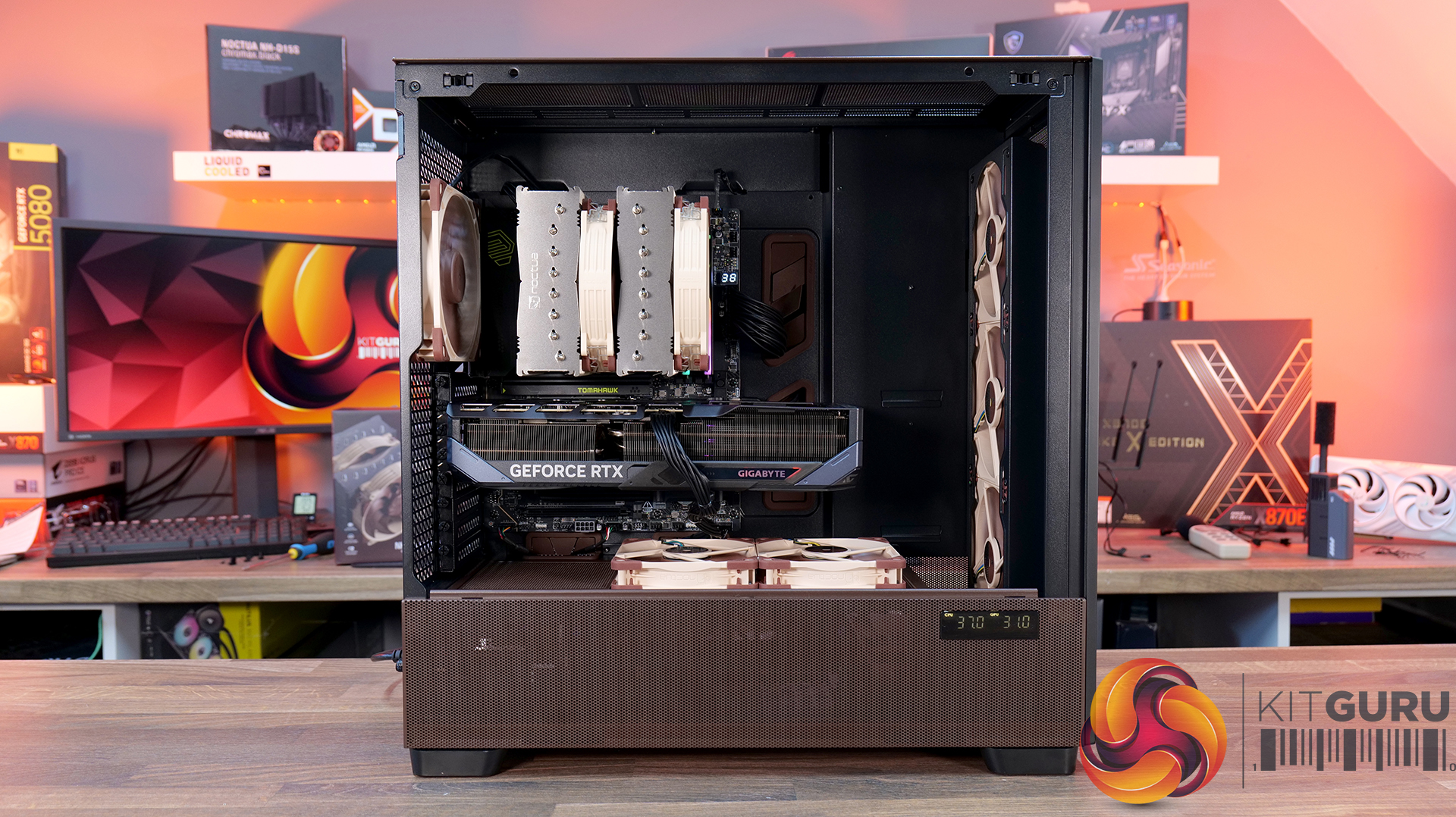
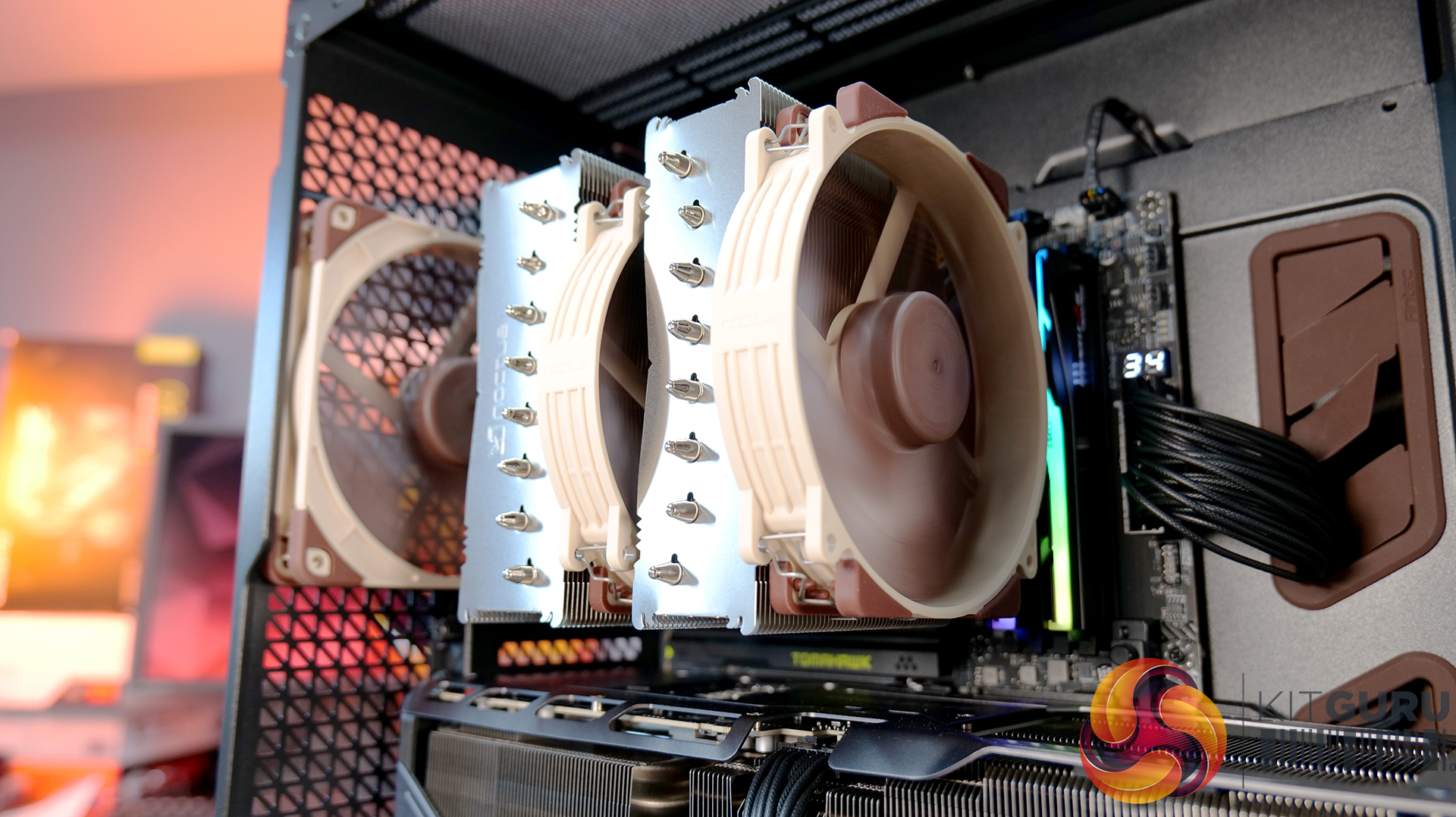
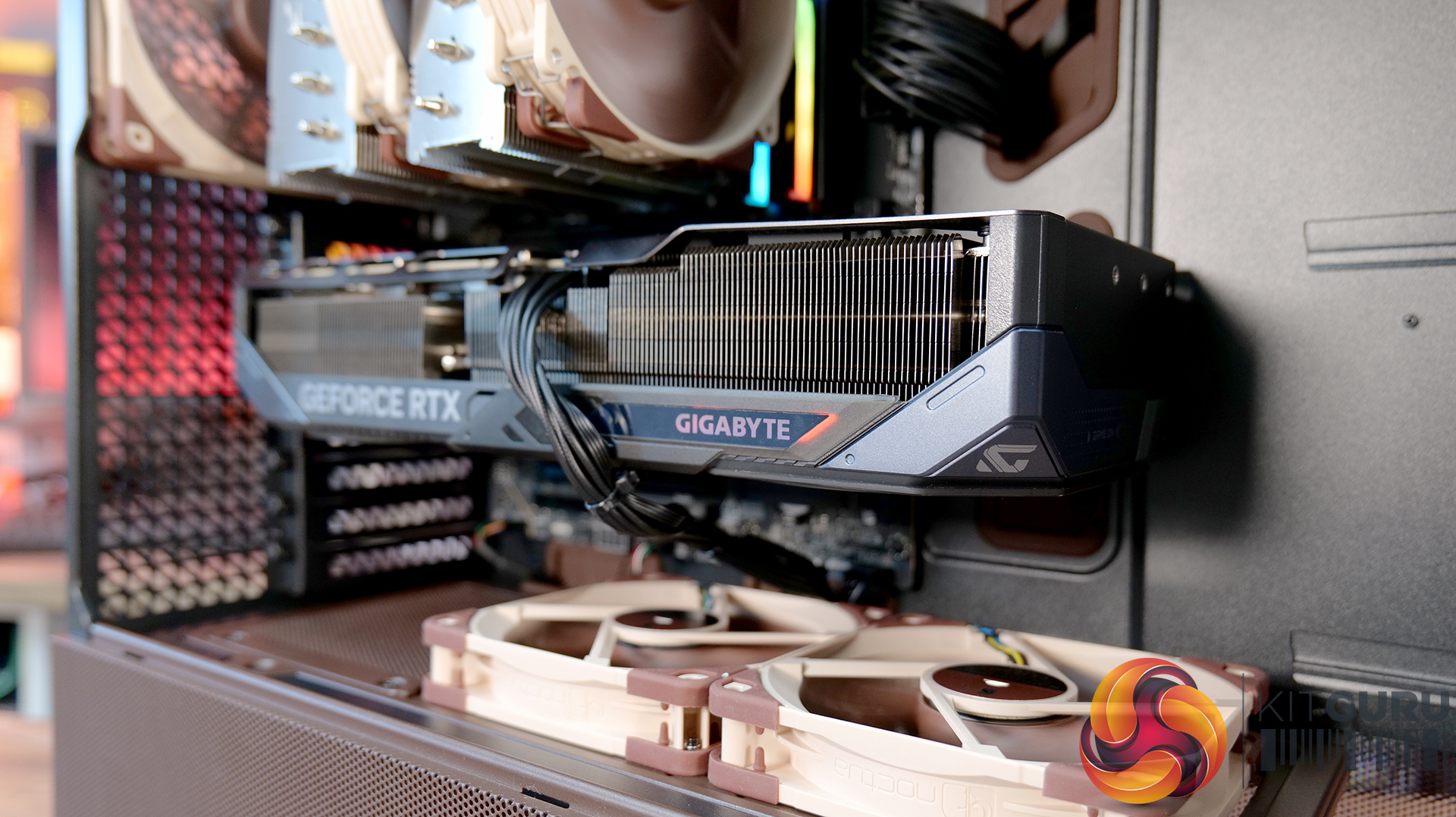
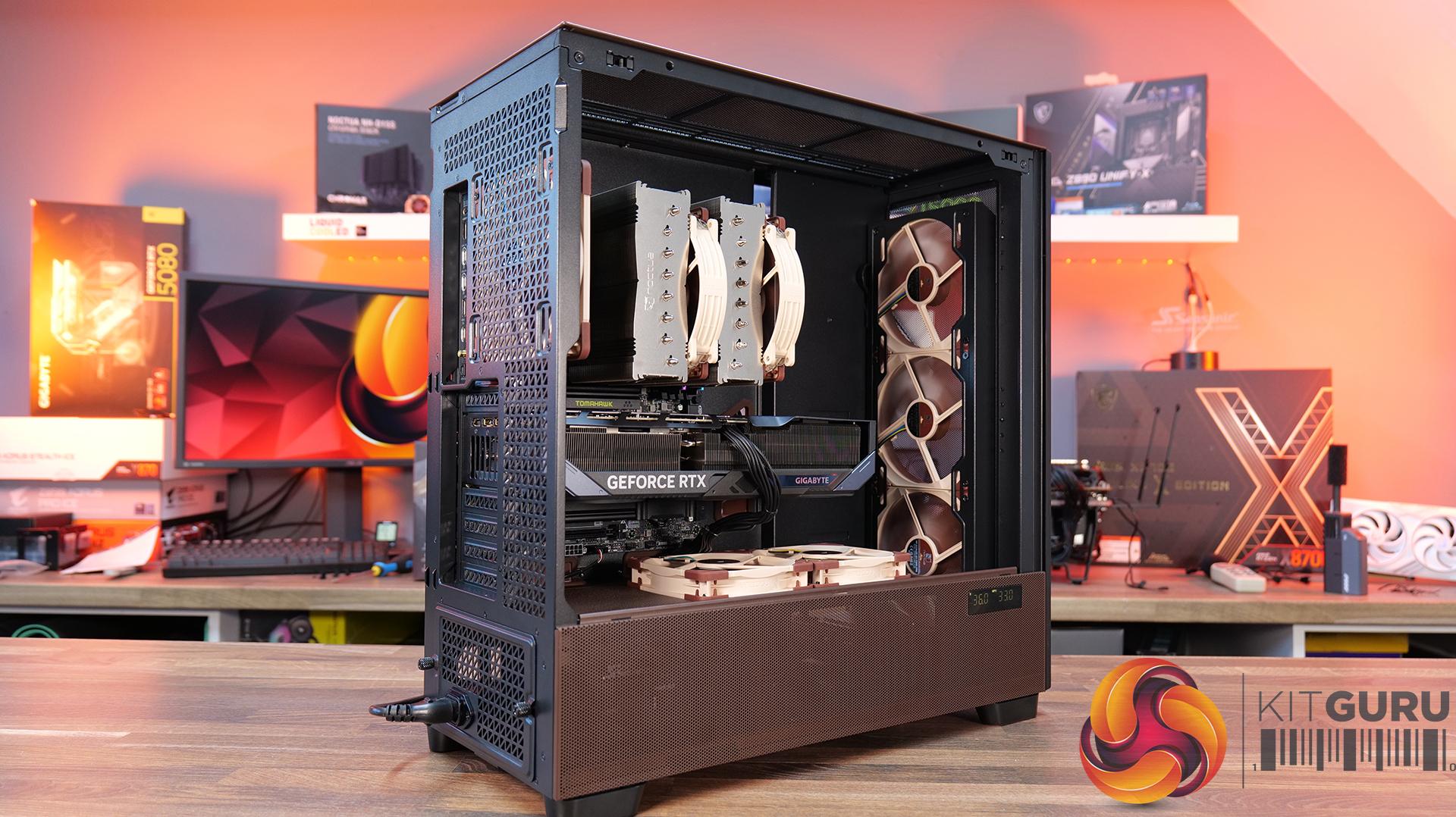
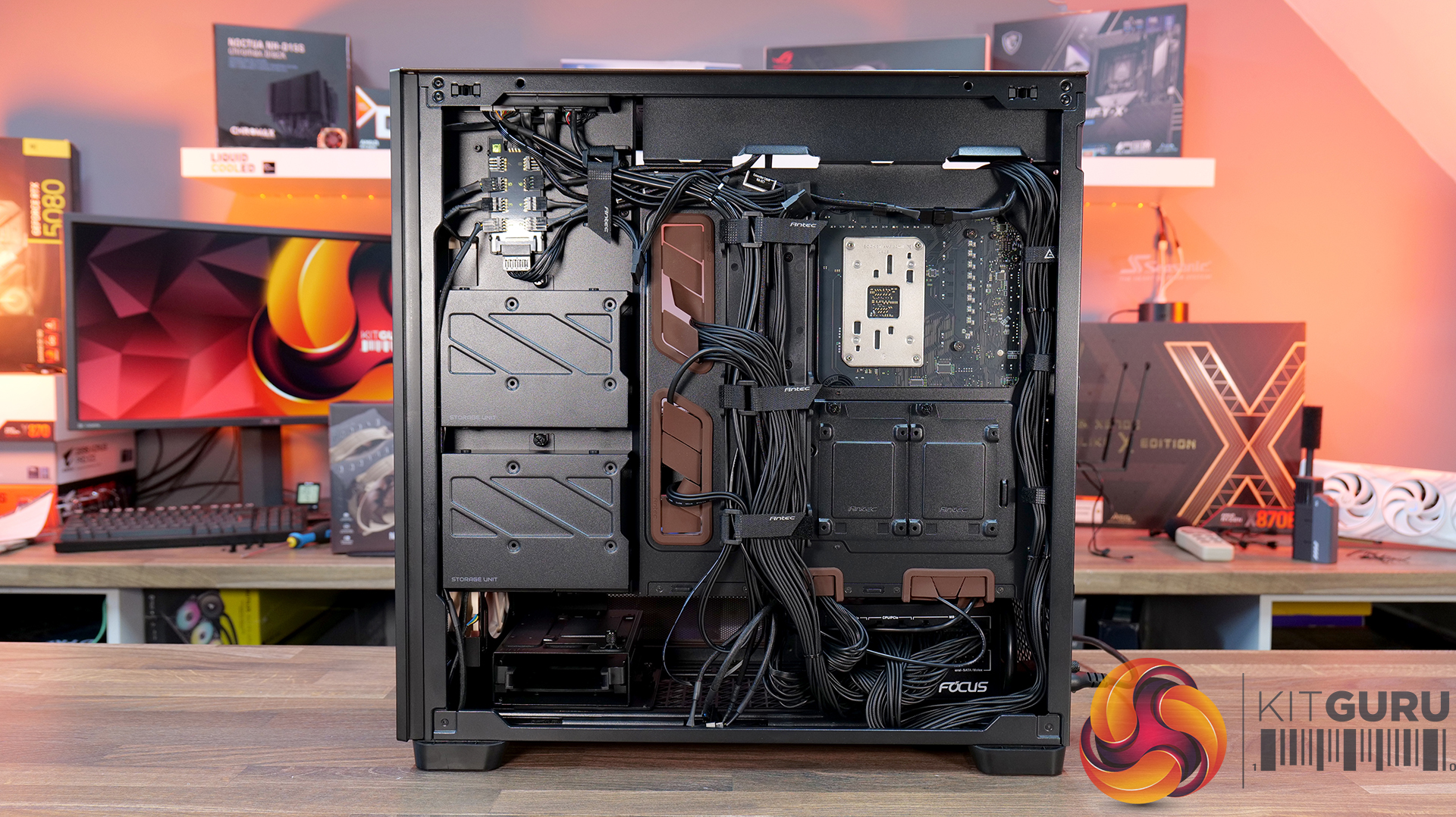
Today we’re taking a look at the Antec Flux Pro Noctua Edition, a full-tower case designed around high airflow and low-noise performance. It combines Antec’s Flux Pro chassis with a set of pre-installed Noctua G2 fans, tuned to deliver strong cooling with minimal acoustic impact. The case features extensive ventilation and support for large radiators, high-end GPUs, and oversized air coolers. In this review, we’ll be checking build quality, layout, and thermal performance to see how it stacks up.

Timestamps:

00:00 Start
00:44 Pricing / Costs
01:38 Accessories
02:02 Dimensions
02:14 Materials / Build
03:00 Recommended Fan Config
03:19 Front I/O (top)
03:47 Temperature display
04:27 Getting Inside the case / Colours
07:13 Install Options
12:27 Rotated PSU Design
13:36 Right hand side / drive positions
17:10 Floor of the case
17:55 Testing Methodology
19:08 Thermal and Noise Performance
21:09 Visual Airflow demo and thoughts
23:22 Closing Thoughts

Features:

  • Pre-installed Noctua G2 fans – Includes four Noctua NF-A14x25 G2 and two NF-A12x25 G2 premium fans, delivering high-end airflow straight out of the box.
  • Optimised for low noise operation – Noctua’s Extensive lab testing and offset fan speeds are designed to reduce vibration and “beat frequency” hum for quieter performance.
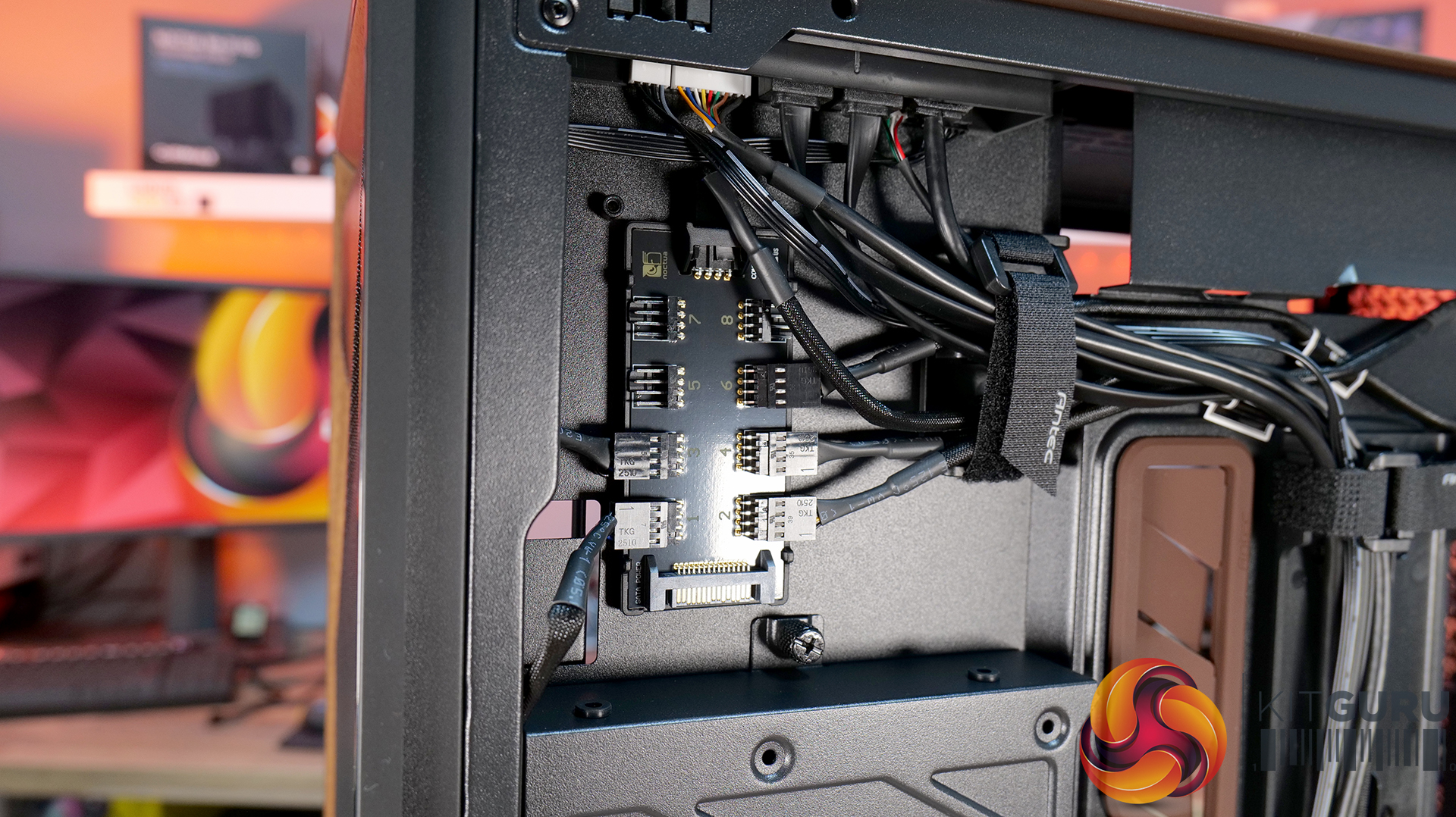
  • Integrated fan hub and clean wiring – It also comes with a pre-wired NA-FH1 fan hub for synchronised control and simplified cable management.
  • High-airflow Flux Pro chassis design – Flux Pro Noctua Edition is built on a low-airflow-resistance platform designed to maximise cooling efficiency for high-performance systems.

Specifications:

  • Case Type: ATX Full Tower
  • Dimensions (LxWxH): 530 x 245 x 546 mm
  • Materials: Steel, Tempered Glass, Walnut Wood, Silicone, Plastic
  • Motherboard Support: STX, Mini-ITX, µATX, ATX, E-ATX (Max 280mm)
  • Back-connect motherboard support: No
  • Expansion Slots: 8
  • Storage bays: 5” x 2 / 2.5/3.5” x 4
  • Max GPU Length: 455mm
  • Max CPU Cooler Height: 190mm
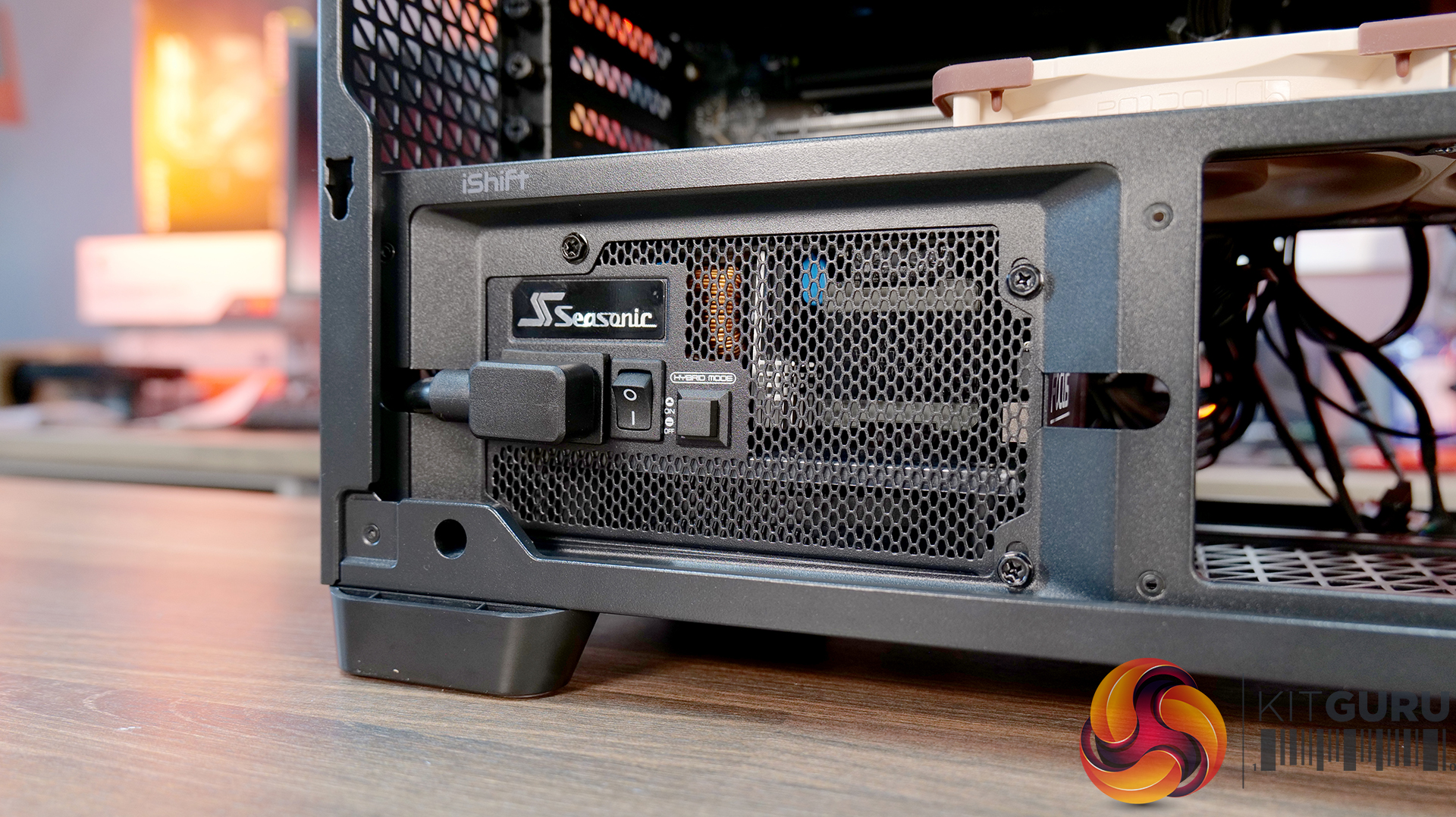
  • PSU Type: ATX up to 470mm (300mm with HDD) (180mm Rotated 90°)
  • Cable Routing Space: 5mm
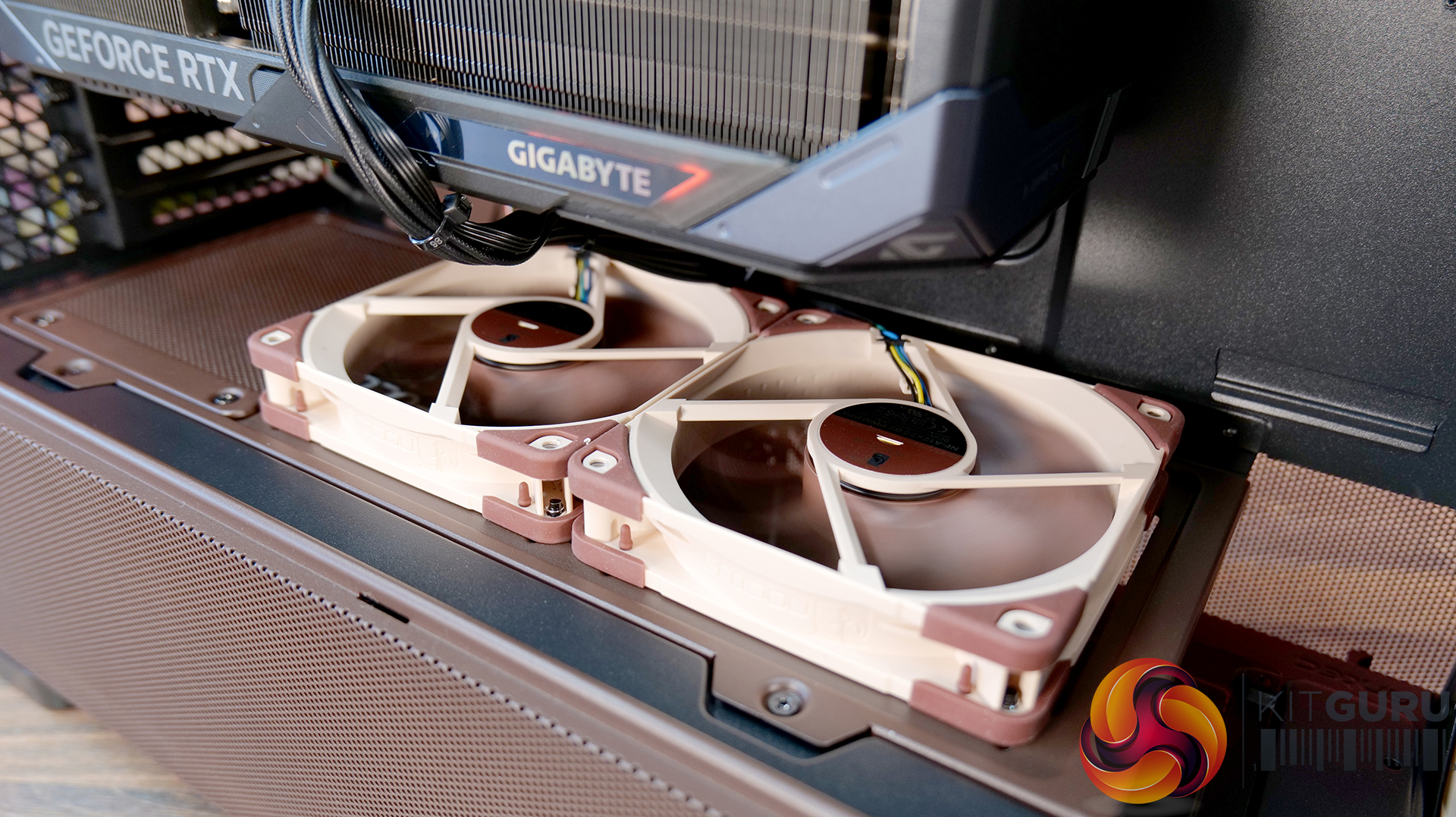
  • Supplied Fans: 3x NF-A14x25 G2 PWM (Front), 2x NF-A12x25 G2 PWM (PSU shroud), 1x NF-A14x25 G2 PWM (rear)
  • Fan Support: 3 x 120 / 3 x 140mm (Front), 3 x 120 /  3 x 140mm (Top), 2 x 120 / 2 x 140mm (Bottom), 1 x 120 / 1 x 140mm (Rear) 3 x 120mm (PSU Shroud)
  • Radiator Support: 120/140/240/280/360/420 mm (Front/Top), 120/140mm (Rear/Bottom), 120/240/360mm (PSU Shroud)
  • Dust Filters:
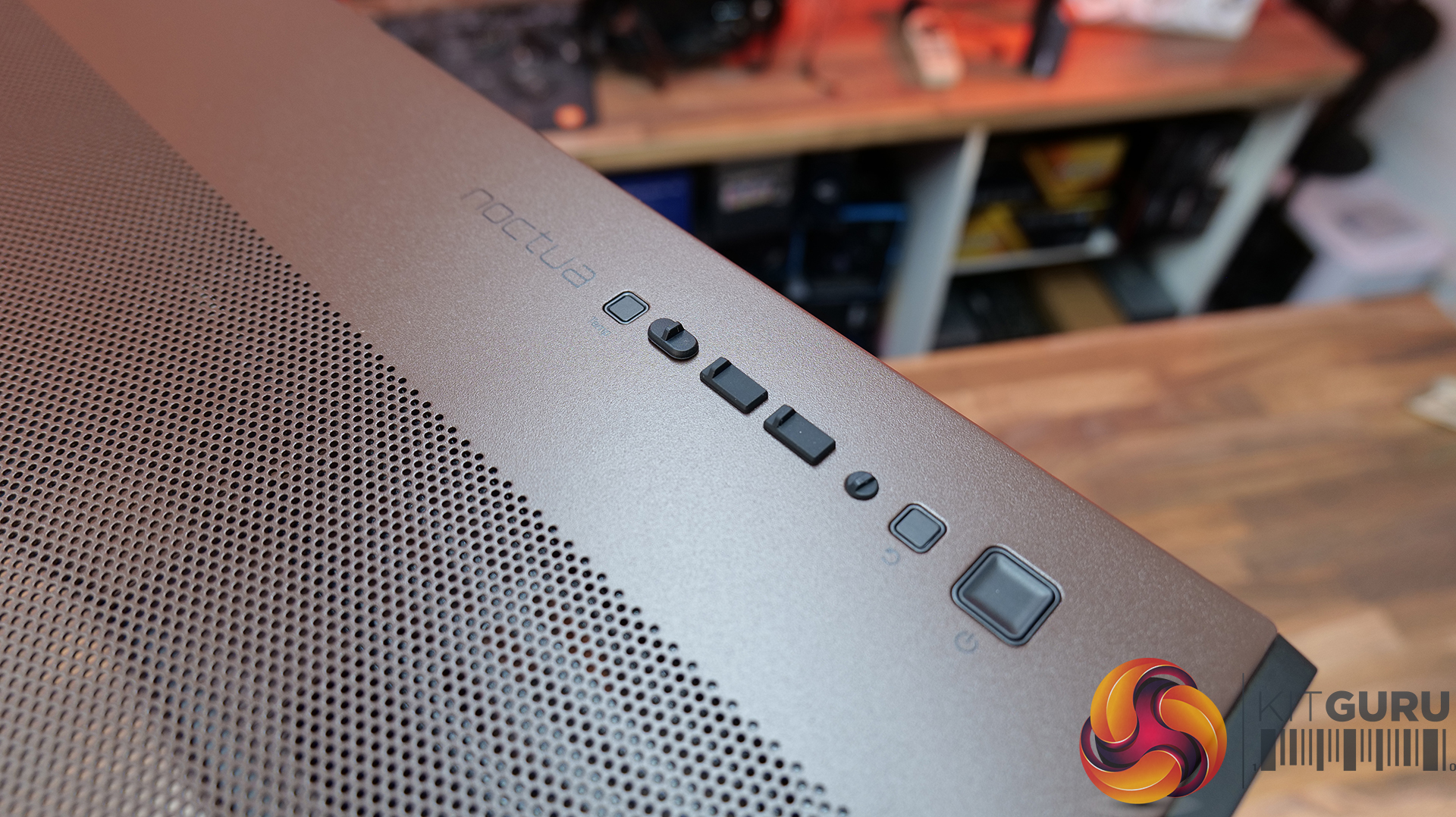
  • Font I/O: 1x USB-C 3.1 (10 Gbit/s), 2x USB-A 3.0 (5 Gbit/s), 3.5 mm headphone/mic combo jack, Power / Reset / Temperature / Display Switch
  • LCD Screen: Yes – Temperature Display

Thermal Performance Testing

To simulate thermal demand, we run the Cinebench R23 multi-thread benchmark and 3DMark Speed Way stress test simultaneously in a loop for 30 minutes to load the system fully. This gives the CPU and GPU enough time to reach constant steady-state temperature. With this data, we can compare how the system handles the thermal demand and measure peak noise levels.

Thermal performance is measured with the case in various configurations, such as the default, with the tempered glass left-hand side panel removed and with the front panel removed to see how these configurations affect the CPU and GPU temperature. During testing, only stock case fans are used unless otherwise specified. All water pumps are set to maximum RPM and fans are set to a custom RPM curve by the Motherboard software/BIOS.

All temperature measurements are presented as Deltas – meaning the ambient temperature has been deducted from the CPU temperature, giving us a Delta. Data shown in the charts represents the average component temperature over the length of the test as measured by HWiNFO, and then the last 15 minutes of the data are calculated to get the average. The ambient temperature during thermal tests is between 19-20⁰C.

Test System Specification:

Thermal Performance Overview

We tested the case thermals using a Noctua NH-D15 G2 LBC / 360mm AIO as the exhaust at the top and with the case in several different fan configurations. The default configuration shown in the charts is with the Noctua NH-D15 G2 LBC CPU cooler, 3 x 140mm front intake fans, 2 x 120mm PSU shroud intake fans, 1 x 140mm rear exhaust fan and with all panels installed.

Thermal performance from the Flux Pro Noctua Edition is generally very strong. In the default configuration, CPU temperatures average 56°C over ambient, with the GPU at 45 °C. There is a clear improvement over the air-cooled setup when using a top-mounted 360mm AIO. This is due to the AIO's increased cooling power rather than any limitation of the case.

However, in the air-cooled setup, adding top fans as exhaust negatively affects CPU thermals, raising temperatures to 58°C, suggesting an airflow disruption. Adding a 120mm top intake fan can have a minor improvement in CPU temperature, but GPU temperature is unchanged with both top fan configurations, so leaving top fans out completely is fine.

GPU temperature remains consistent across most setups at around 45°C over ambient, highlighting the effectiveness of the case’s airflow design in the recommended configuration. Removing the PSU shroud fans leads to a small increase in GPU temperature at 48°C. Overall, the results show that the case performs best with balanced airflow in the default configuration, delivering solid all-around thermal performance.

Noise Output

Noise performance is fairly consistent across test configurations, with load noise at 46 dBA in the default setup, which doesn’t really change whether you switch to top intake or add extra exhaust fans. Noise shifts slightly when you remove the PSU shroud fans or install a top-mounted AIO, increasing to 48 dBA under load, suggesting those configurations introduce a bit of fan noise from the GPU cooler and from the AIO compared with the default configuration and using the D15 G2 air cooler.

Idle noise, however, is rock solid across the board at 36 dBA. Overall, it’s a pretty well-balanced acoustic in any configuration, but clearly best optimised in the recommended Noctua configuration.

Closing Thoughts

The Antec Flux Pro Noctua Edition is a case that does exactly what it sets out to do — deliver strong airflow, great cooling and low noise performance. In testing, it handles both CPU and GPU thermals with ease, and more importantly, it manages to keep noise levels impressively low, not just at idle, but also under load. Something that case manufacturers don’t always get right with pre-installed fan configurations. However, the Noctua Fans are not pre-installed; this is the job of the user. They arrive in a separate box.

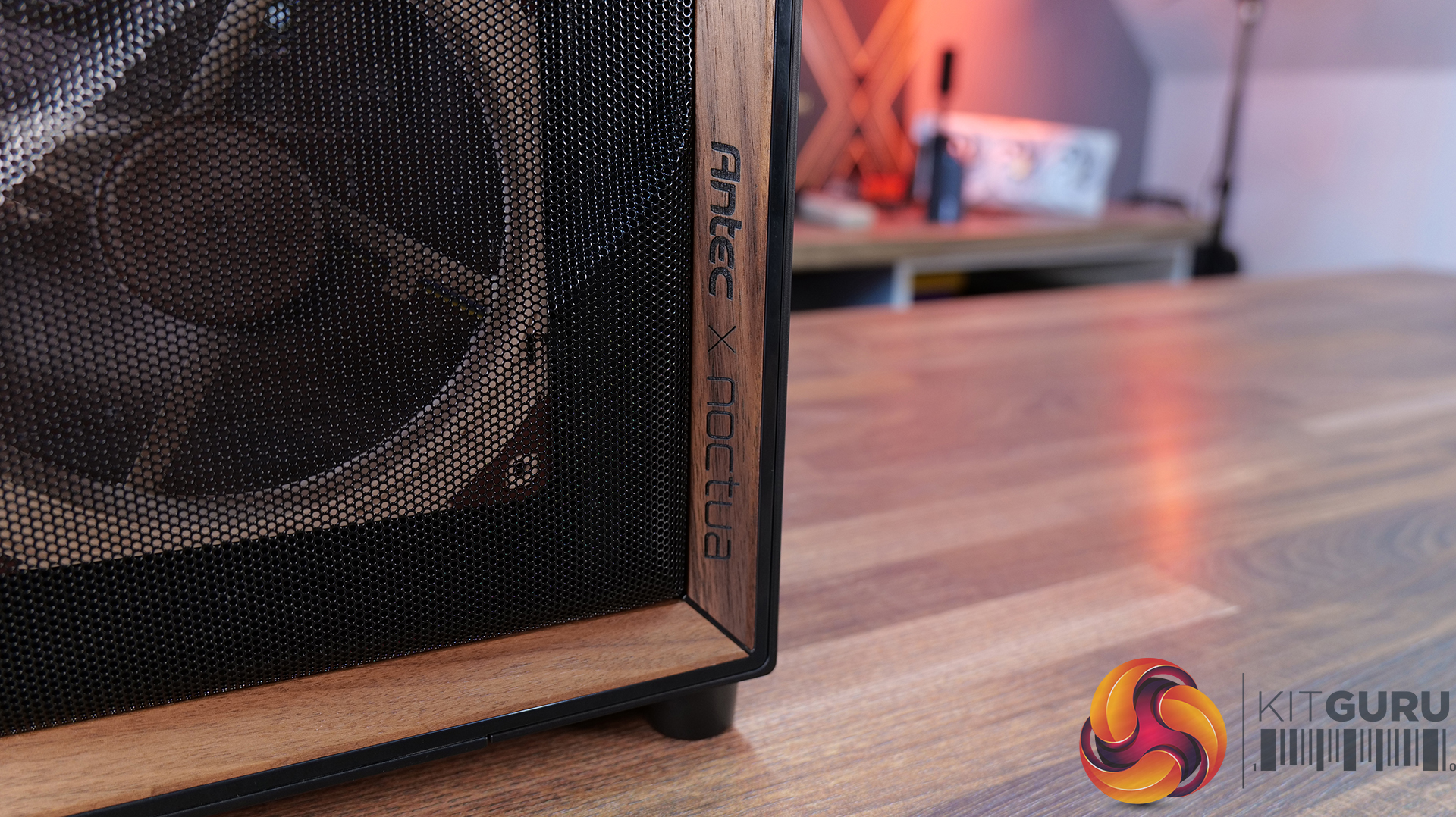
A big part of that comes down to the included Noctua fans. You’re getting a set of high-quality NF-A12x25 and NF-A14x25 G2 units, along with a Noctua fan hub, all designed to work together. Build quality is exactly what you’d expect from an Antec/Noctua partnership, and the colour scheme is carried throughout the case, giving it a very distinct look that suits the whole package very well and will no doubt please Noctua enthusiasts.

In terms of compatibility, there’s plenty to like here too, including support for dual 420mm radiator installation, as well as generous clearance for large air coolers such as the Noctua NH-D15 G2 and high-end graphics cards. So whether you’re building a high-performance air-cooled system or going all-in with liquid cooling, the Flux Pro has the space and layout to handle it. But this means the case is quite large with Full tower dimensions, not ideally suited to placement on top of the desk.

That said, it’s not without its downsides. At around £350, it’s a very expensive case; at that price, you start to expect a bit more in terms of features. There’s no integrated GPU support bracket, no back-connect motherboard support, and some of the internal panels — particularly the top and front fan mounting brackets could be more intuitive to remove. Even so, if your main priority is excellent cooling performance with low noise levels straight out of the box, the Antec Flux Pro Noctua Edition is a very capable, premium option.

The Antec Flux Pro Noctua Edition is available to purchase now from Amazon priced at £348.90 HERE.

Pros: 

  • Great thermal performance and low noise.
  • Very high-quality fans included.
  • Built-in fan hub.

Cons:

  • Expensive.
  • Missing basic key features such as an integrated GPU support arm, tool-free parts, and back-connect motherboard support.
  • Fans are not pre-installed.

KitGuru says: If you have the cash to splash on a case and want a large chassis with great cooling and low noise, then this might be ideal, especially for Noctua enthusiasts. But in the current economic conditions, it could be money better spent on core system components.

The post Antec Flux Pro Noctua Edition PC Case Review first appeared on KitGuru.

Corsair 3200D RS ARGB Case Review

19 March 2026 at 13:00

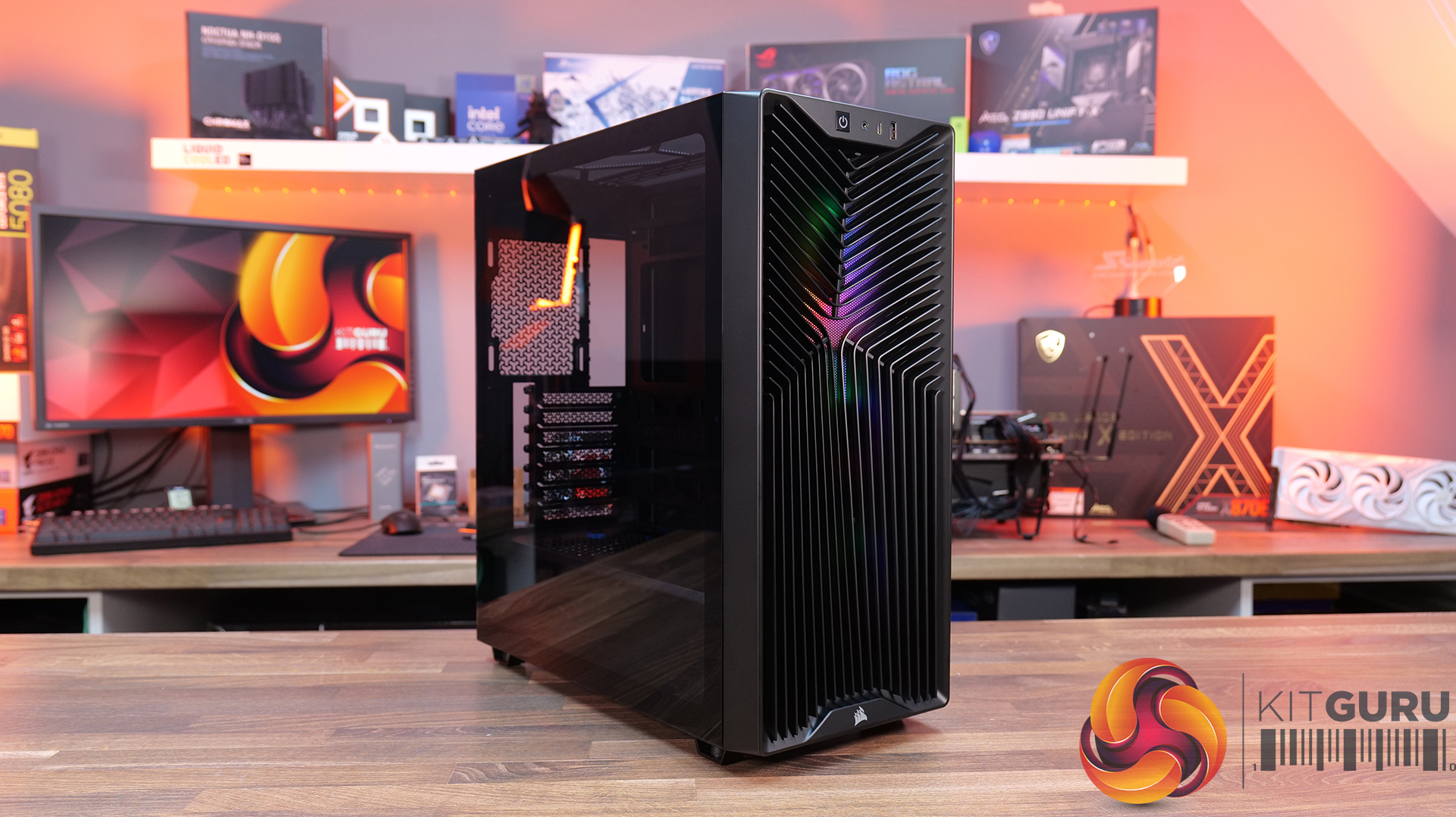
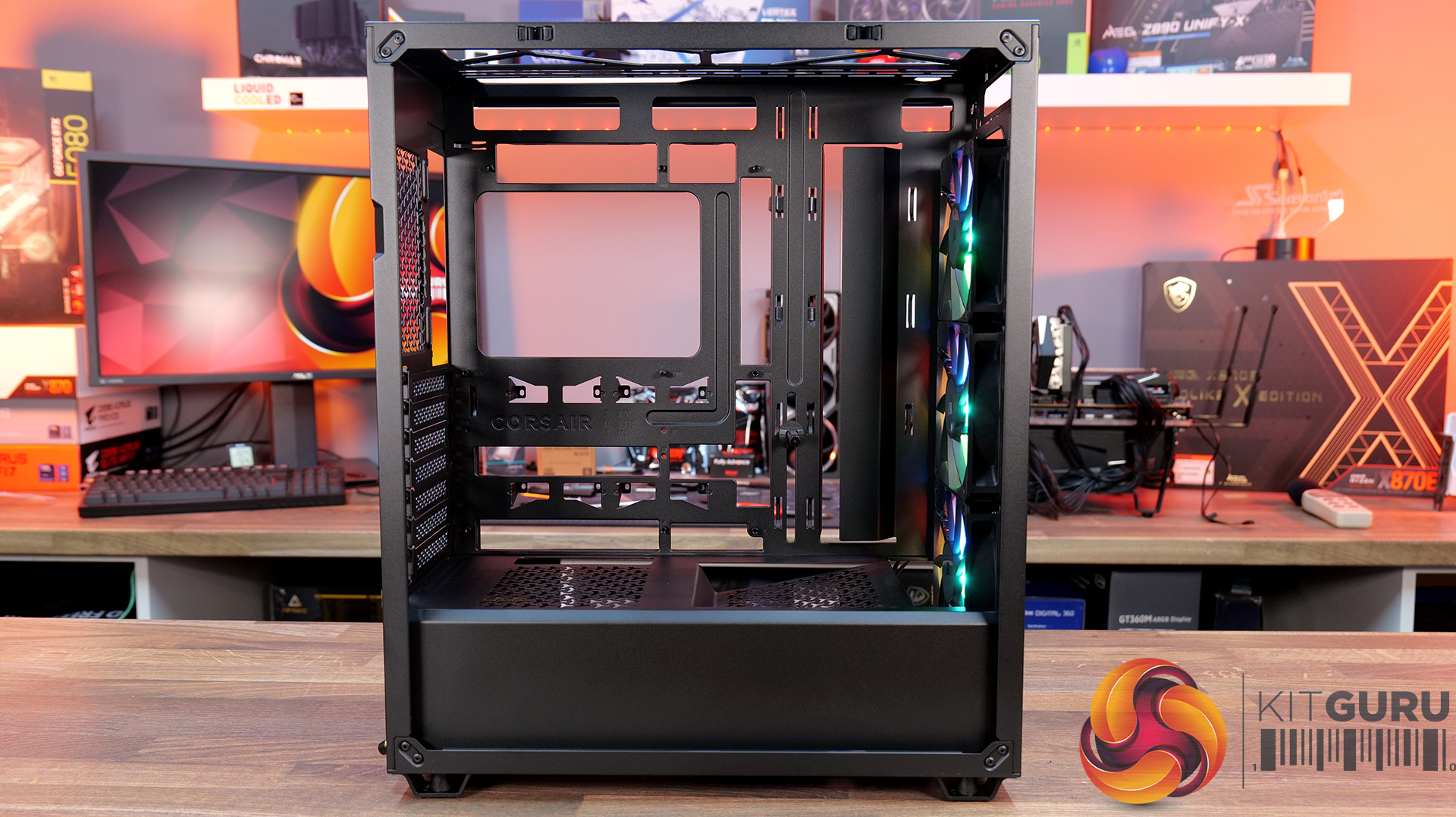
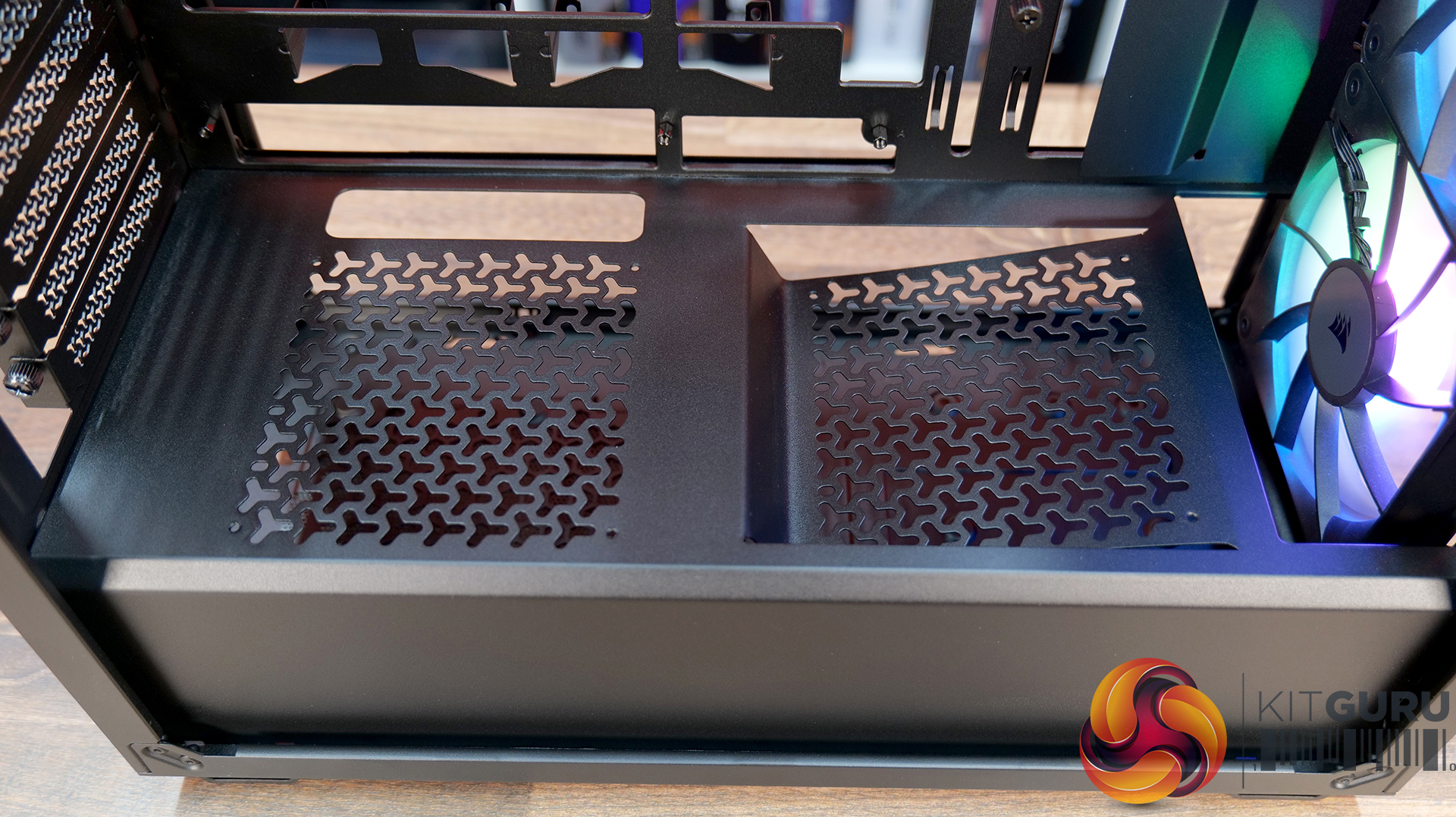
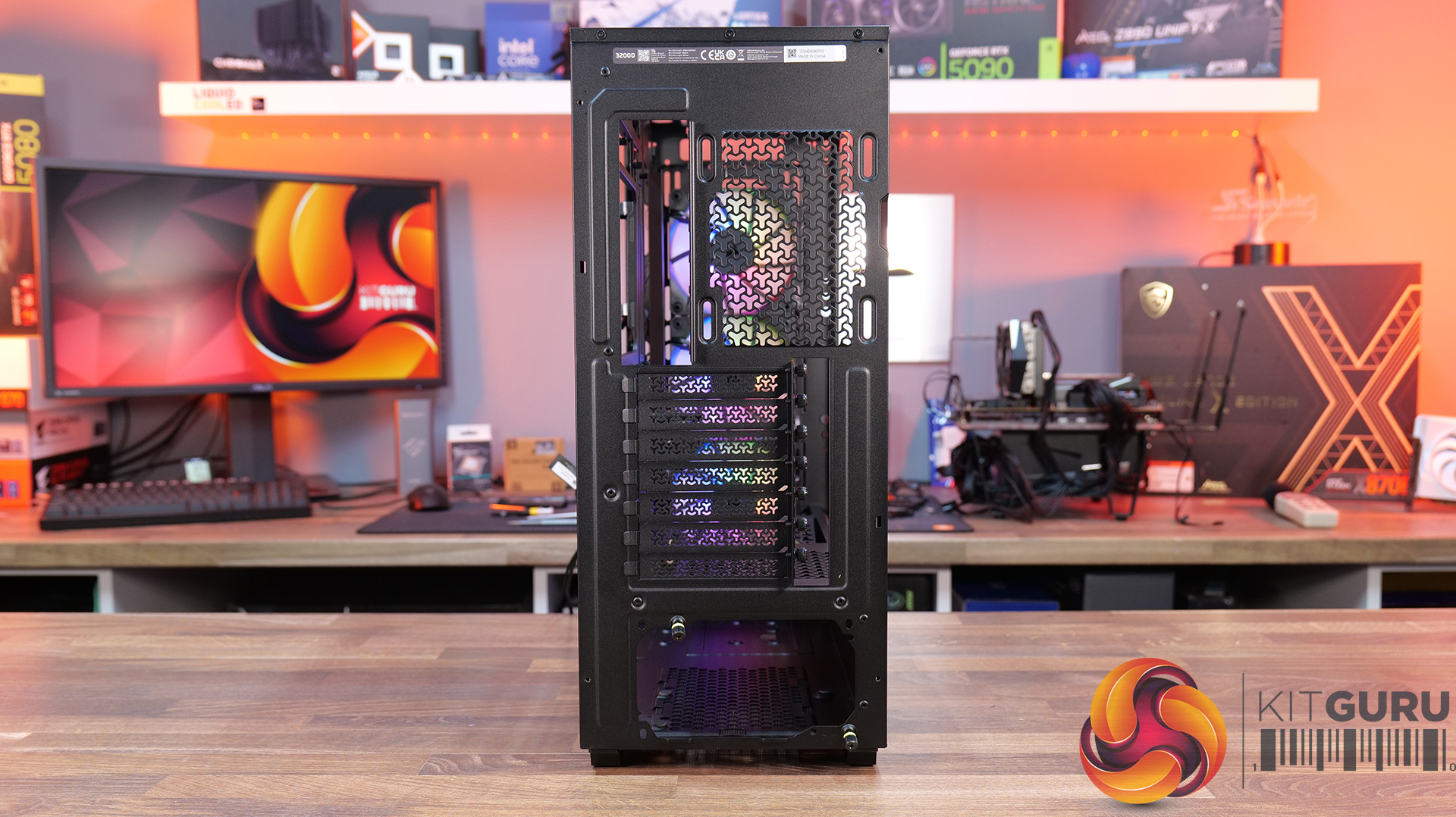
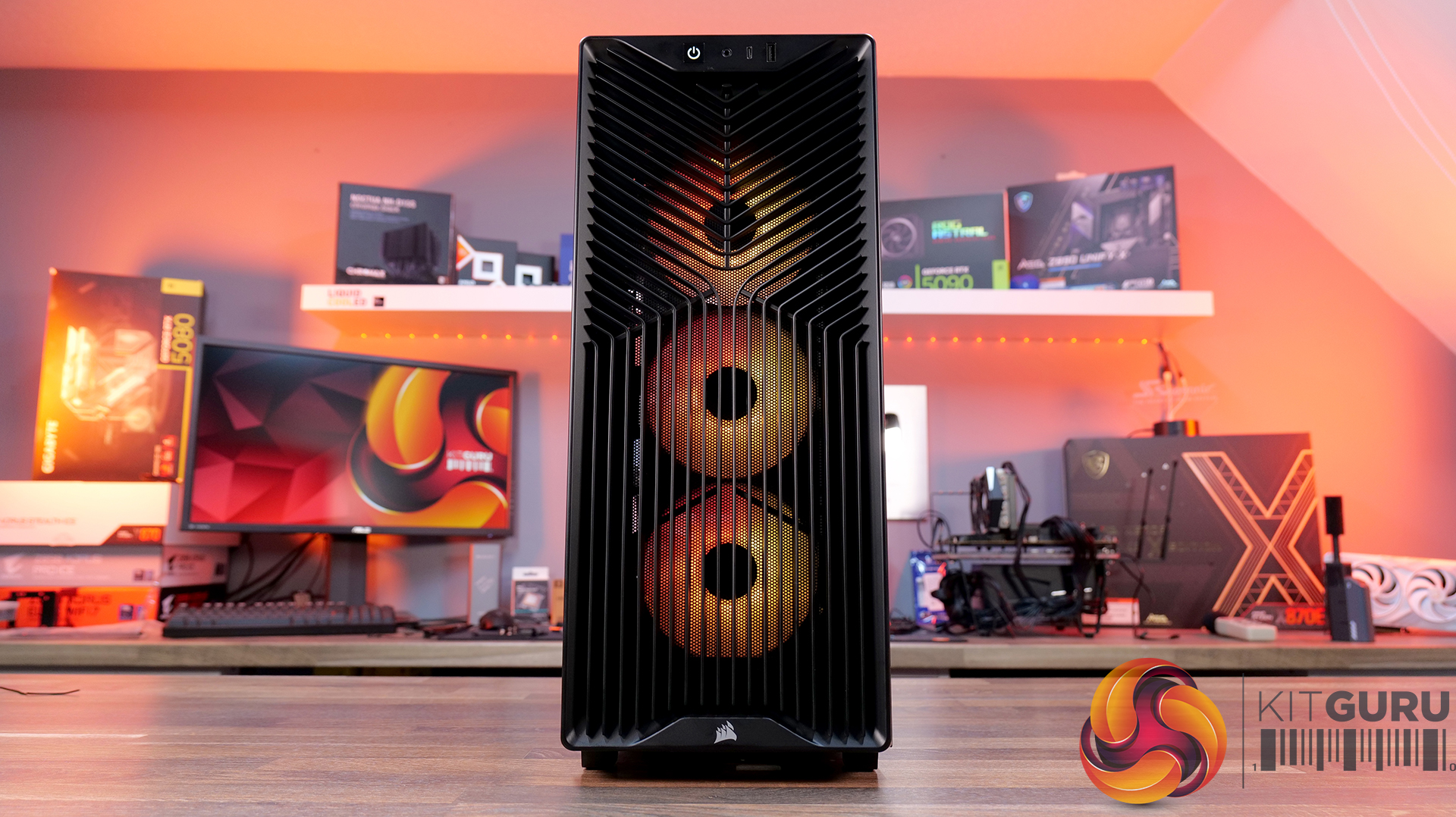
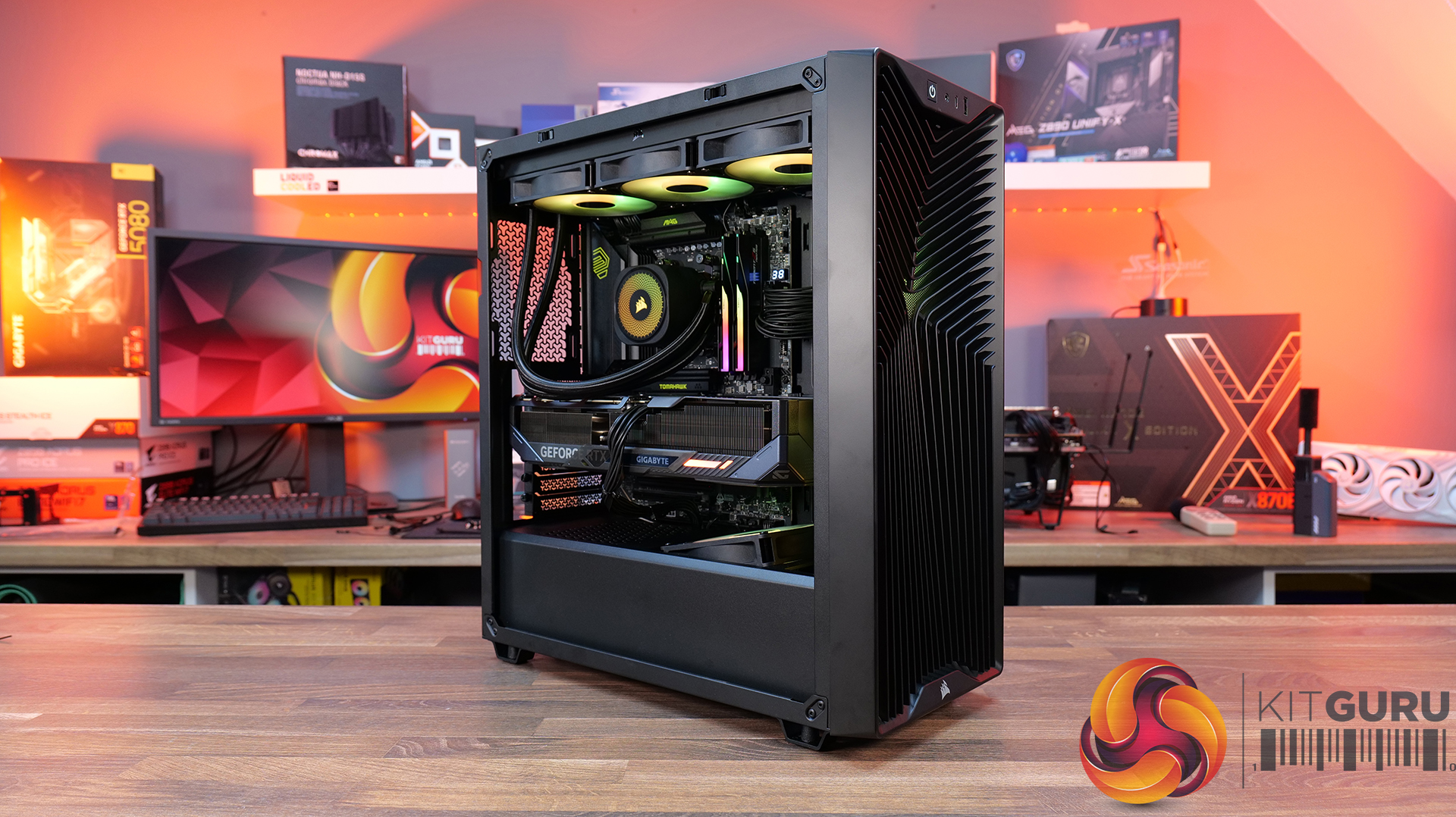
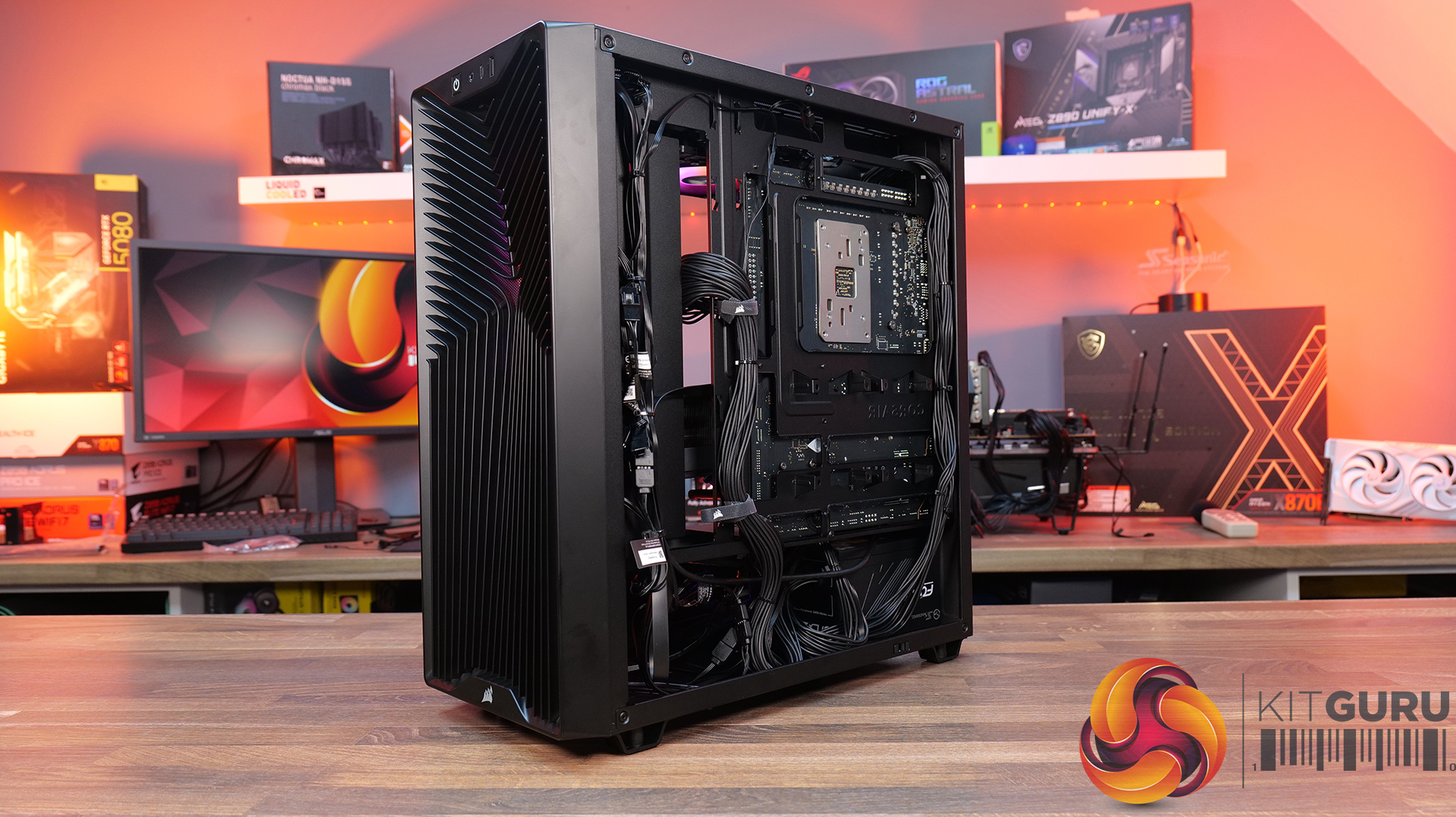
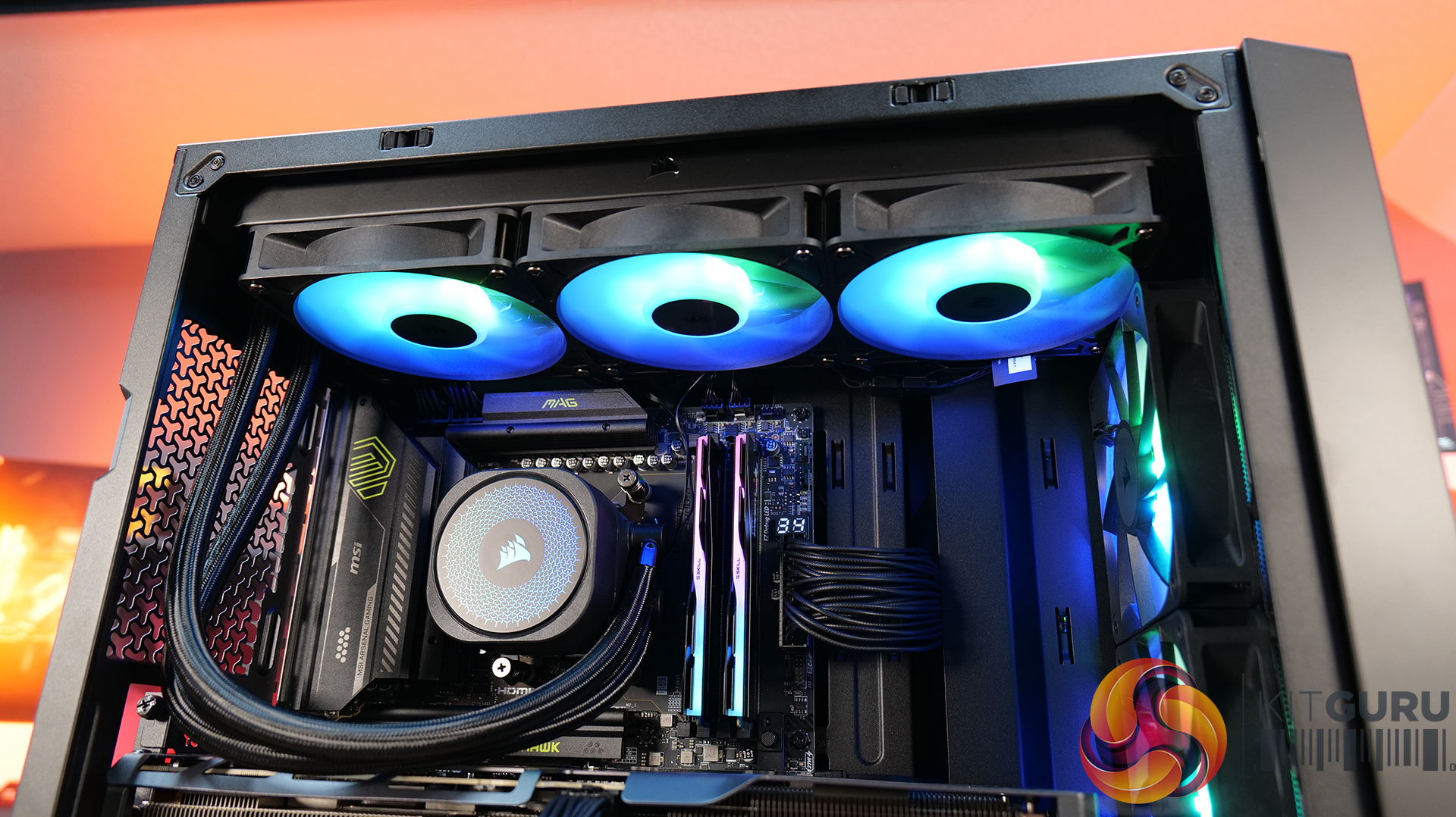
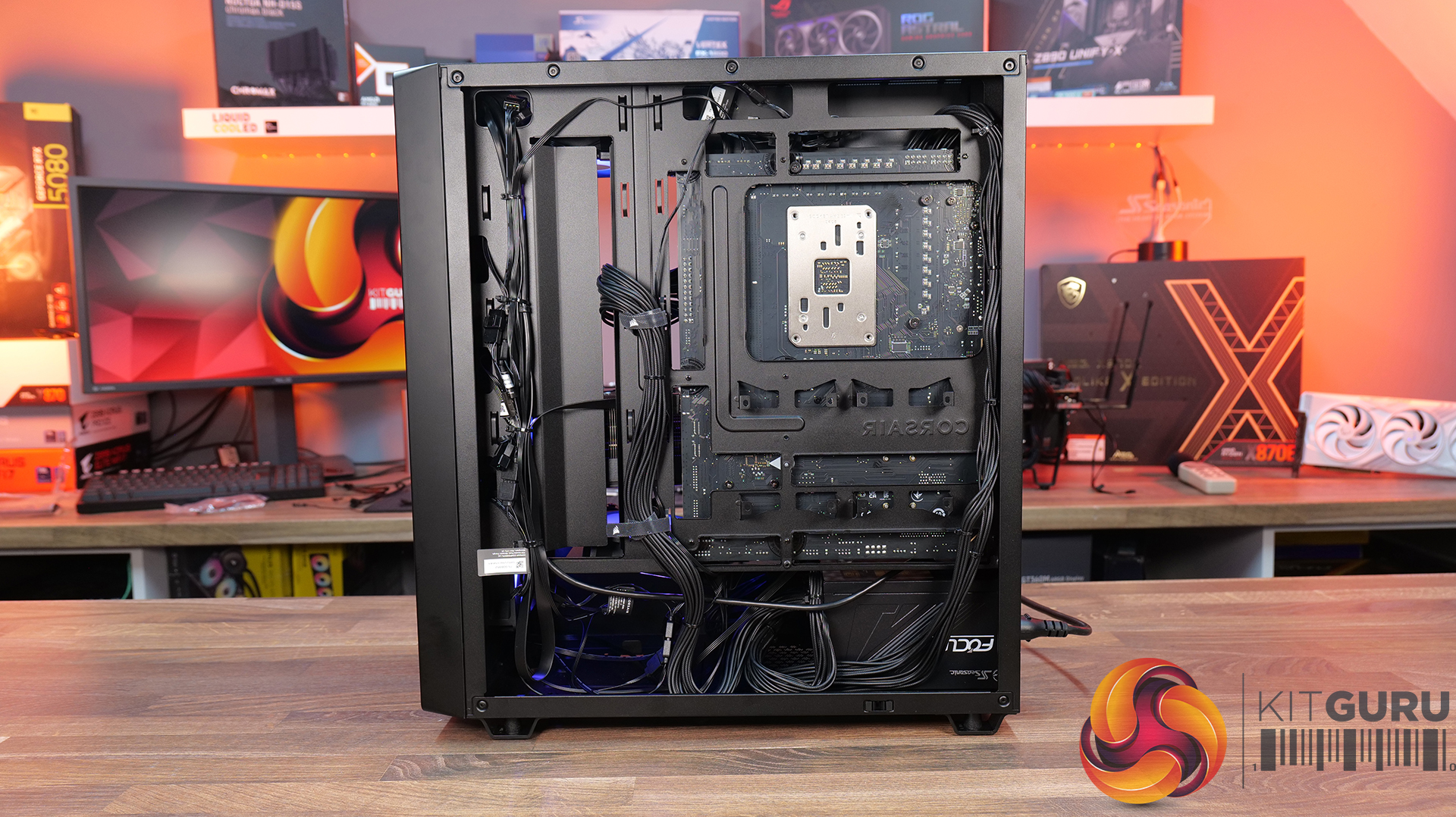
Today we’re checking out the new 3200D case from Corsair. It’s a compact mid-tower chassis aiming to combine strong airflow with the latest builder-friendly features, including support for 360mm radiators, reverse-connection motherboards, and graphics cards up to 370mm long. In this RS ARGB version, you also get three included fans, a tempered glass side panel, and a built-in GPU support bracket. But how well does it actually perform? Let’s find out.

Timestamps:

00:00 Intro
00:48 Meet the 3200D – pricing and variants
01:19 Key specs
03:08 Accessing internals
05:34 Cooling and hardware support
07:51 At the back of the case
08:22 Behind the mobo tray
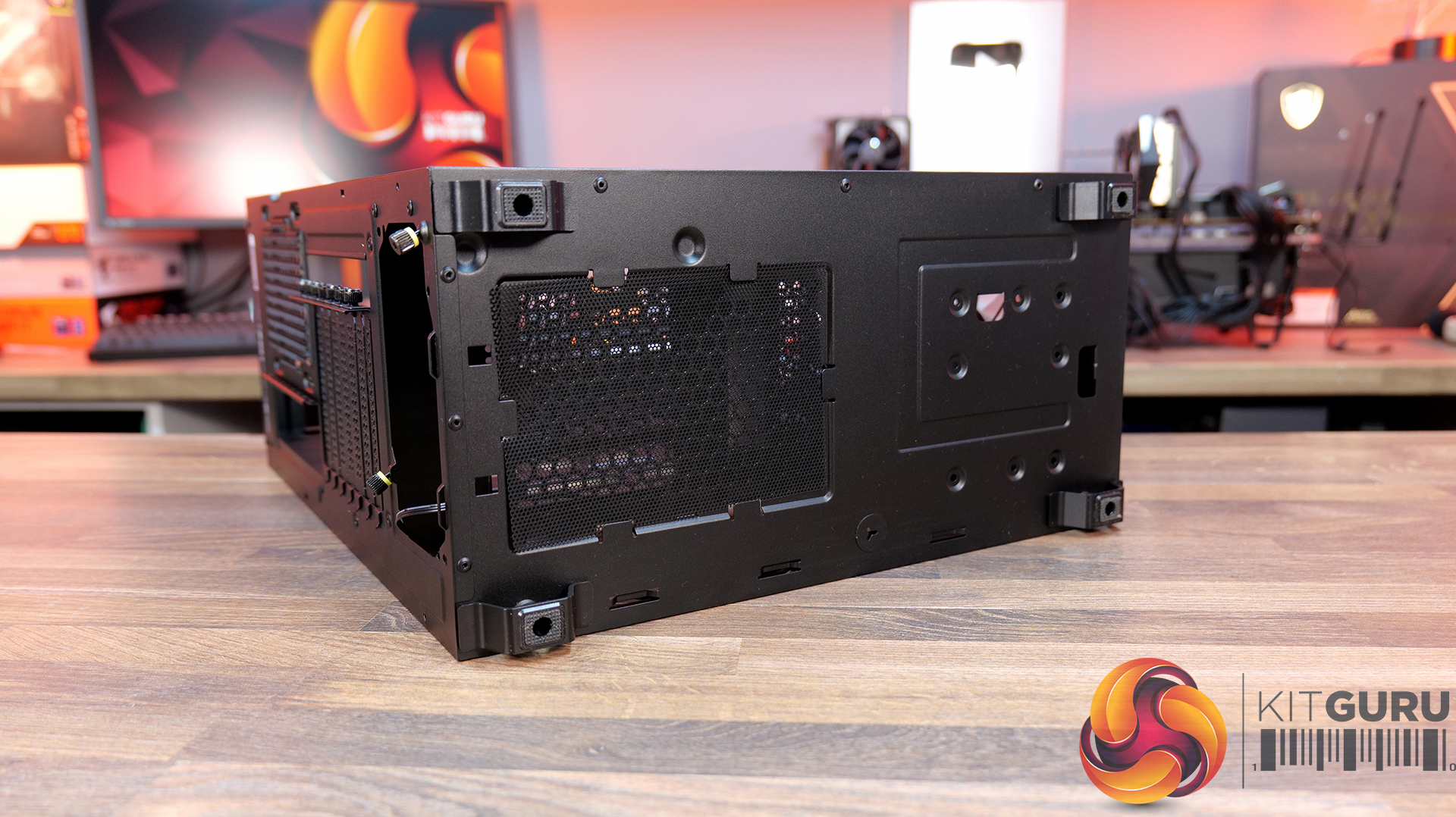
11:02 The case floor
11:48 Accessories and setup
12:24 Thermals and noise
13:34 James’ thoughts so far
14:45 Some compromises made…
16:19 USB 2.0?! And a potential explanation…
19:24 Last minor negative
19:55 Closing thoughts

Features:

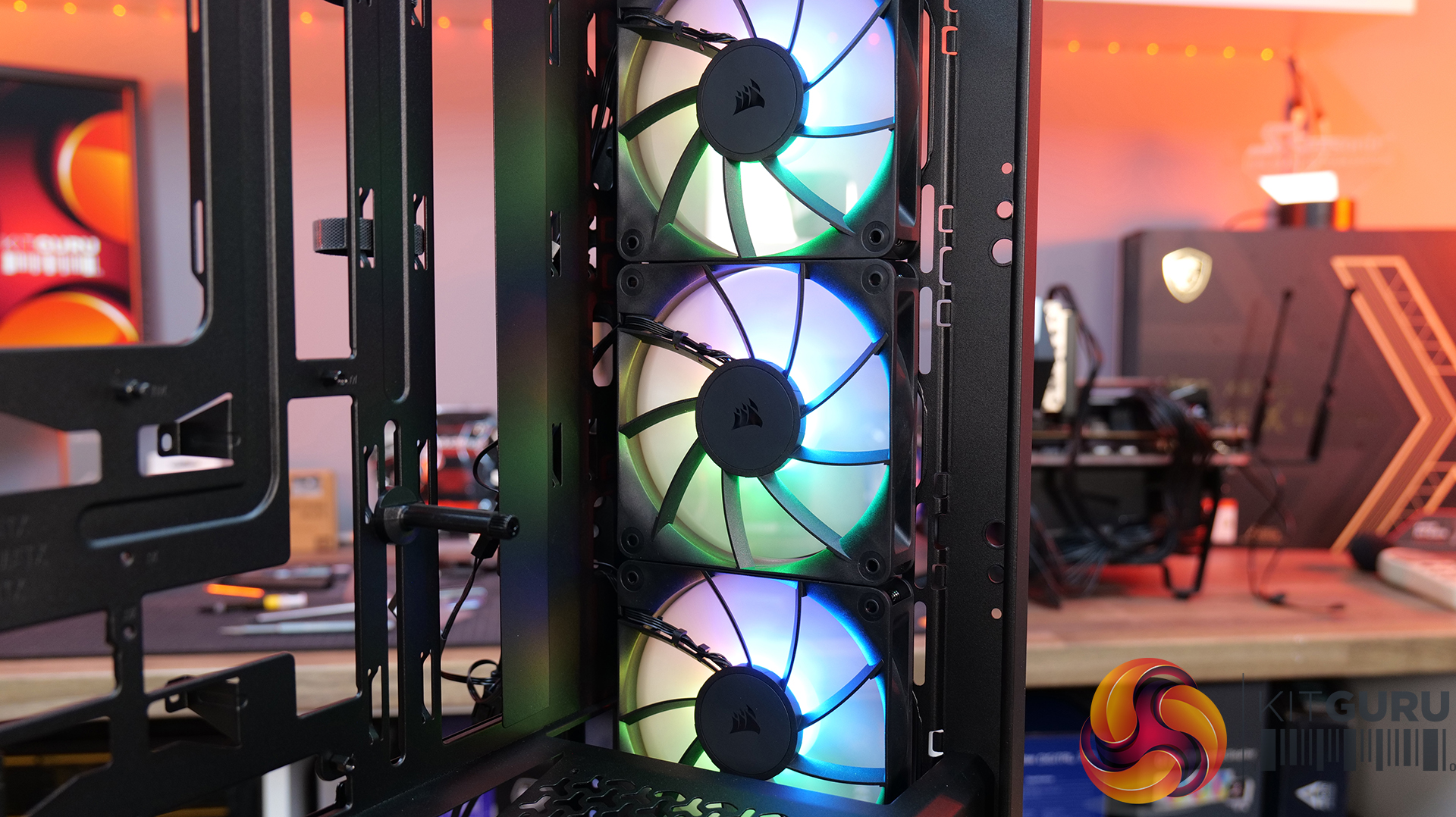
  • Strong Cooling Potential – Supports up to nine 120mm fans with three RS120 ARGB fans included out of the box and 360mm radiators are supported front and top.
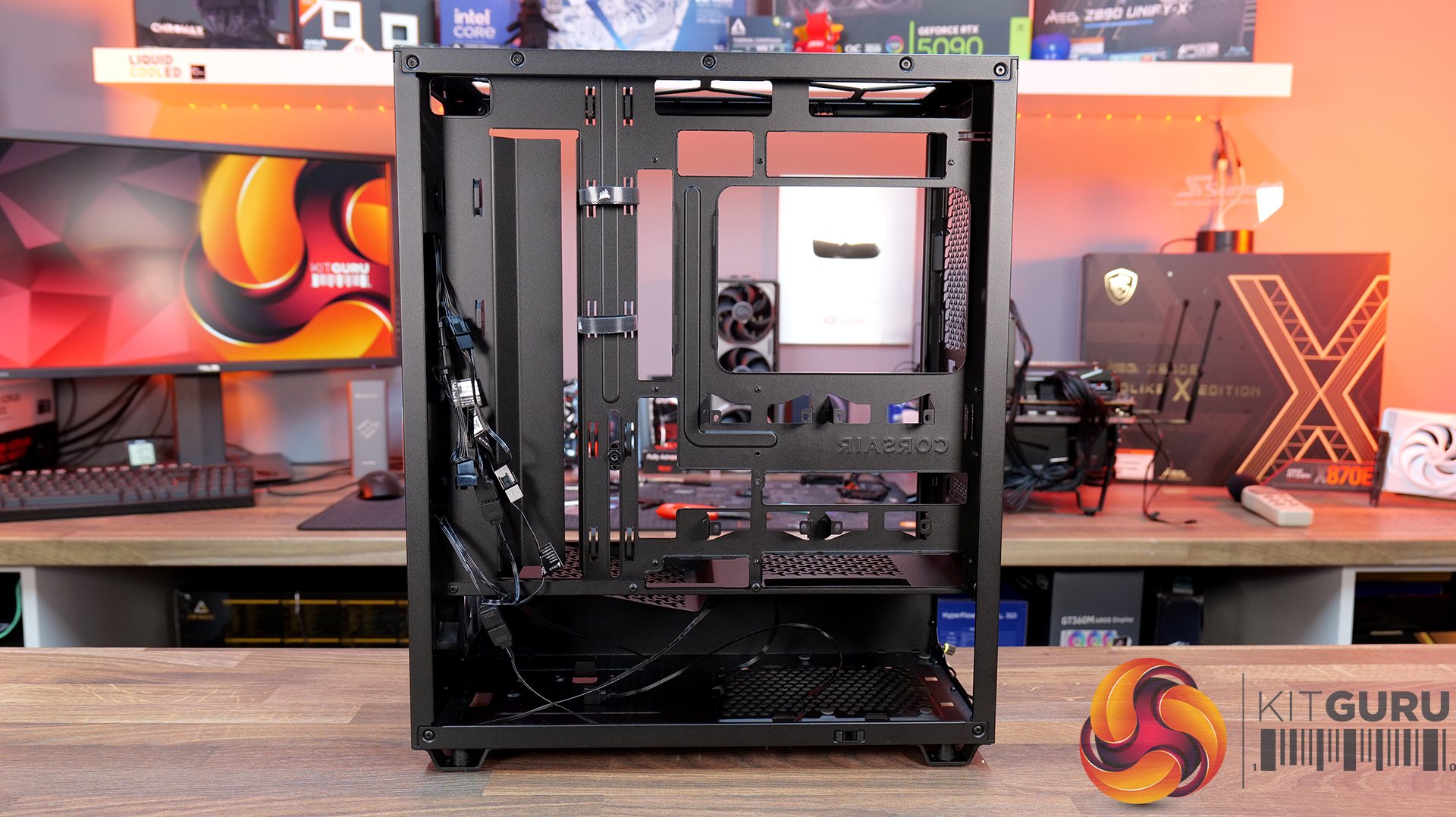
  • Reverse-Connector Motherboard Support – Compatible with reverse-connector motherboards, helping create clean builds with minimal visible cabling.
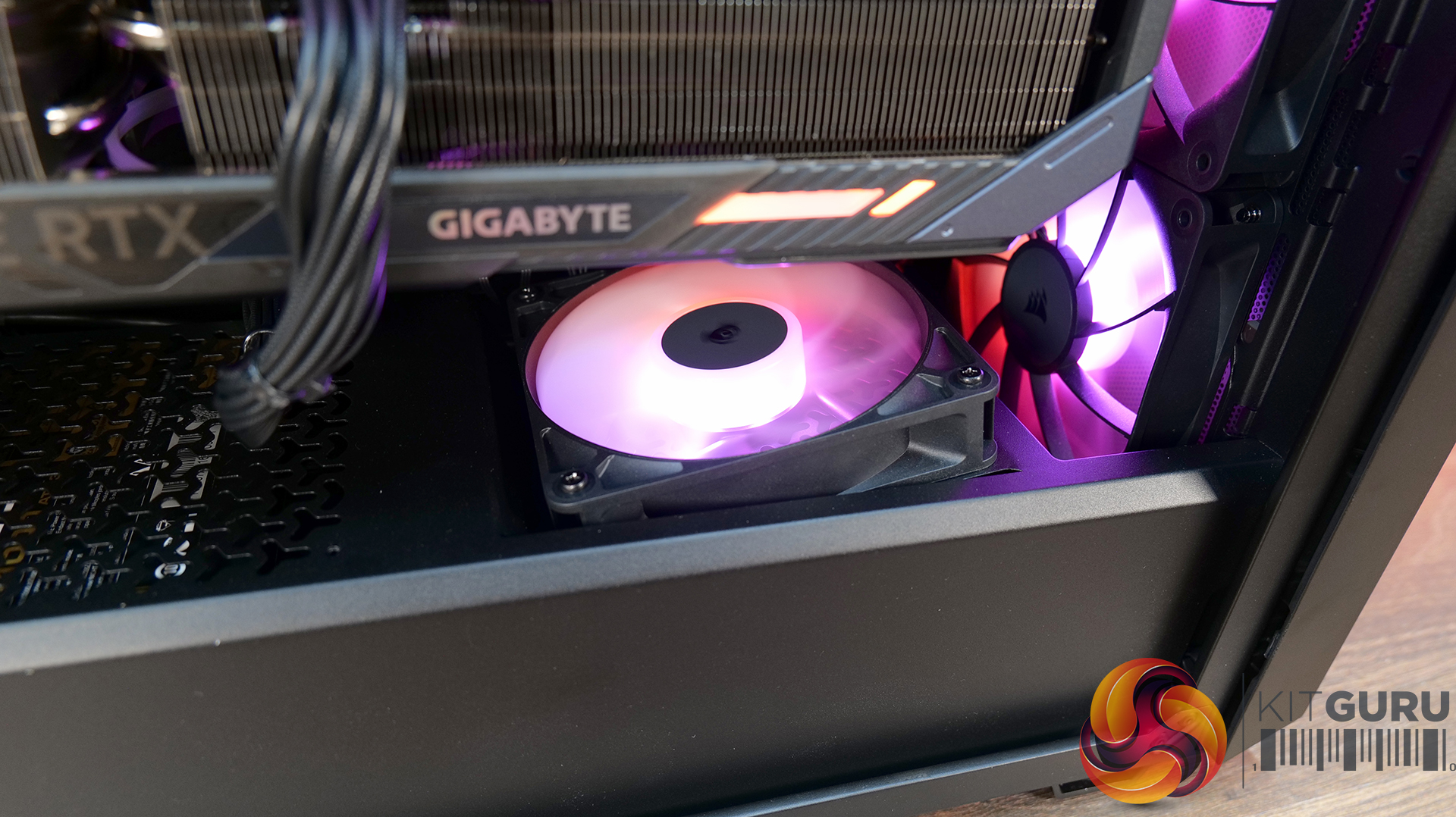
  • GPU-Focused Design – Includes a built-in GPU anti-sag stabilisation arm and angled PSU-shroud fan mount to direct airflow toward the graphics card.

Specifications:

  • Case Type: ATX Mid Tower
  • Dimensions (LxWxH): 476 x 214 x 446mm
  • Materials: Steel, Plastic, Tempered Glass
  • Motherboard Support: ATX / mATX, Mini-ITX
  • Back-connect motherboard support: Yes
  • Expansion Slots: 7
  • Storage bays: 2 x 2.5” / 1 x 3.5”
  • Max GPU Length: 370mm
  • Max CPU Cooler Height: 165mm
  • PSU Type: ATX up to 180mm
  • Pre-installed Fans: 3 x RS120 ARGB (Front)
  • Fan Support: 3 x 120 / 2 x 140mm (Top), 3 x 120 / 2 x 140mm (Front), 2 x 120mm (Bottom), 1 x 120mm (Rear)
  • Radiator Support: 360 / 280 / 240mm (Top), 360 / 280 / 240mm (Front)
  • Dust Filters: Front / Bottom / Top
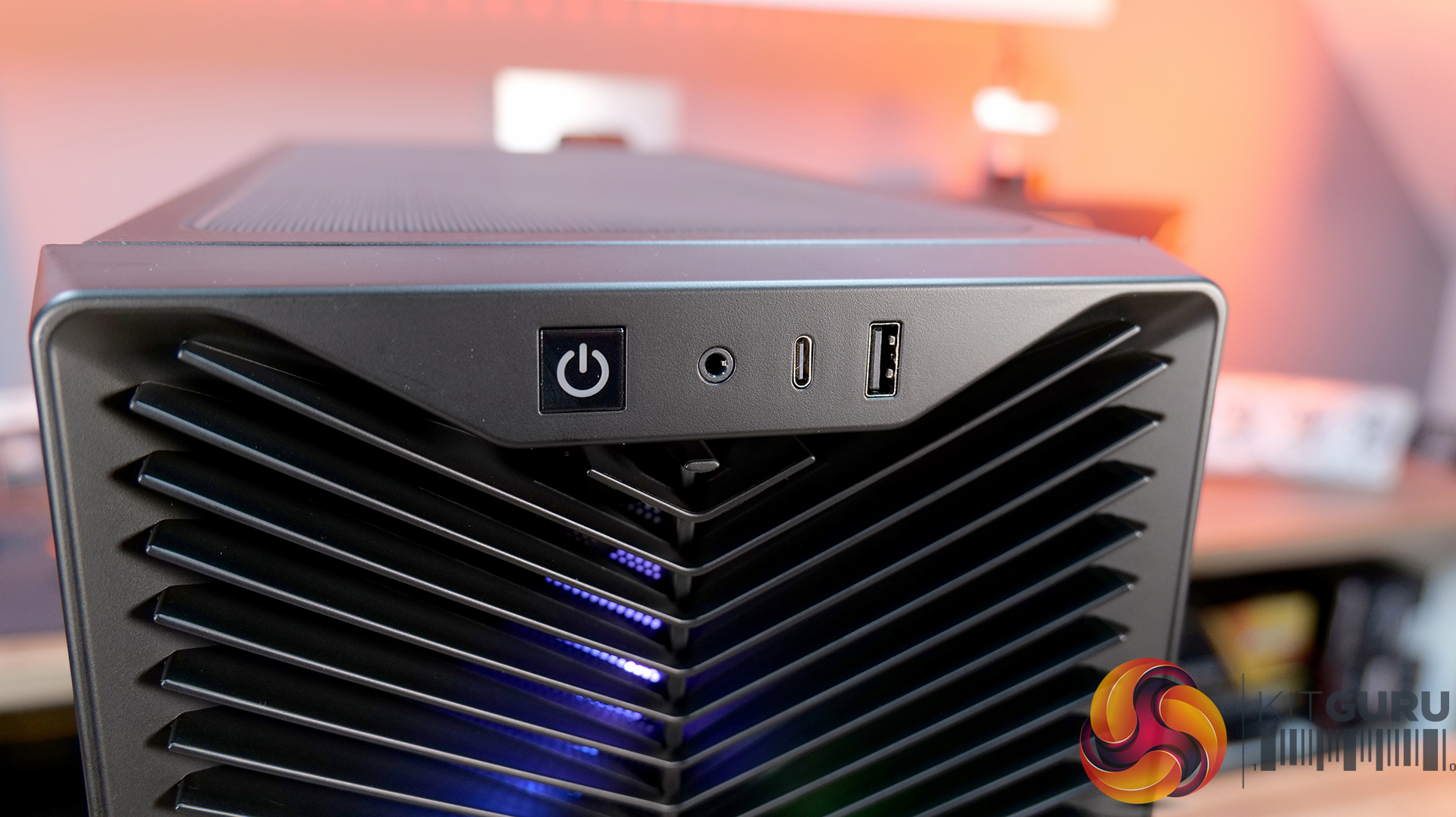
  • Front I/O: 1 x USB 3.2 Gen 2 Type-C (20Gbps), 1 x USB 2.0 Type-A, 3.5mm Audio and Mic Combo Jack, Power Button
  • LCD Screen: N/A

Thermal Performance Testing

To simulate thermal demand, we run the Cinebench R23 multi-thread benchmark and 3DMark Speed Way stress test simultaneously in a loop for 30 minutes to load the system fully. This gives the CPU and GPU enough time to reach constant steady-state temperature. With this data, we can compare how the system handles the thermal demand and measure peak noise levels.

Thermal performance is measured with the case in various configurations, such as the default, with the tempered glass left-hand side panel removed and with the front panel removed to see how these configurations affect the CPU and GPU temperature. During testing, only stock case fans are used unless otherwise specified. All water pumps are set to maximum RPM and fans are set to a custom RPM curve by the Motherboard software/BIOS.

All temperature measurements are presented as Deltas – meaning the ambient temperature has been deducted from the CPU temperature, giving us a Delta. Data shown in the charts represents the average component temperature over the length of the test as measured by HWiNFO, and then the last 15 minutes of the data are calculated to get the average. The ambient temperature during thermal tests is between 19-20⁰C.

Test System Specification:

Thermal Performance Overview

We tested the case thermals with a 360mm AIO as the exhaust at the top and in several different configurations. The default configuration shown in the charts is with the 360mm AIO at the top, 3 x 120mm RS ARGB fans at the front as intake and with all panels installed.

Looking at the thermal results, the 3200D performs consistently across all of our test configurations. With the case in its default setup, we saw CPU temperatures of 52°C and GPU temperatures of 47°C above ambient, which are solid out of the box results.

Removing the glass side panel or the dust filters doesn't make a meaningful difference, suggesting airflow through the chassis is already quite unrestricted by default. Interestingly, adding bottom fans shaves a few degrees off the GPU temperature, dropping it to 44°C, which shows that directing airflow toward the graphics card can provide a small benefit.

Noise Output

Moving on to noise output, results are again consistent across the different configurations. In the default setup the system measures 49 dBA under full load, while idle noise sits at a steady 36 dBA regardless of configuration.

Removing the dust filters or the glass side has little impact, with load noise varying only slightly from 49 to 50 dBA. The configuration with bottom fans installed produces the lowest load noise at 48 dBA, suggesting the additional airflow allows the GPU fans to work a little less aggressively under load, lowering overall system noise.

Closing Thoughts

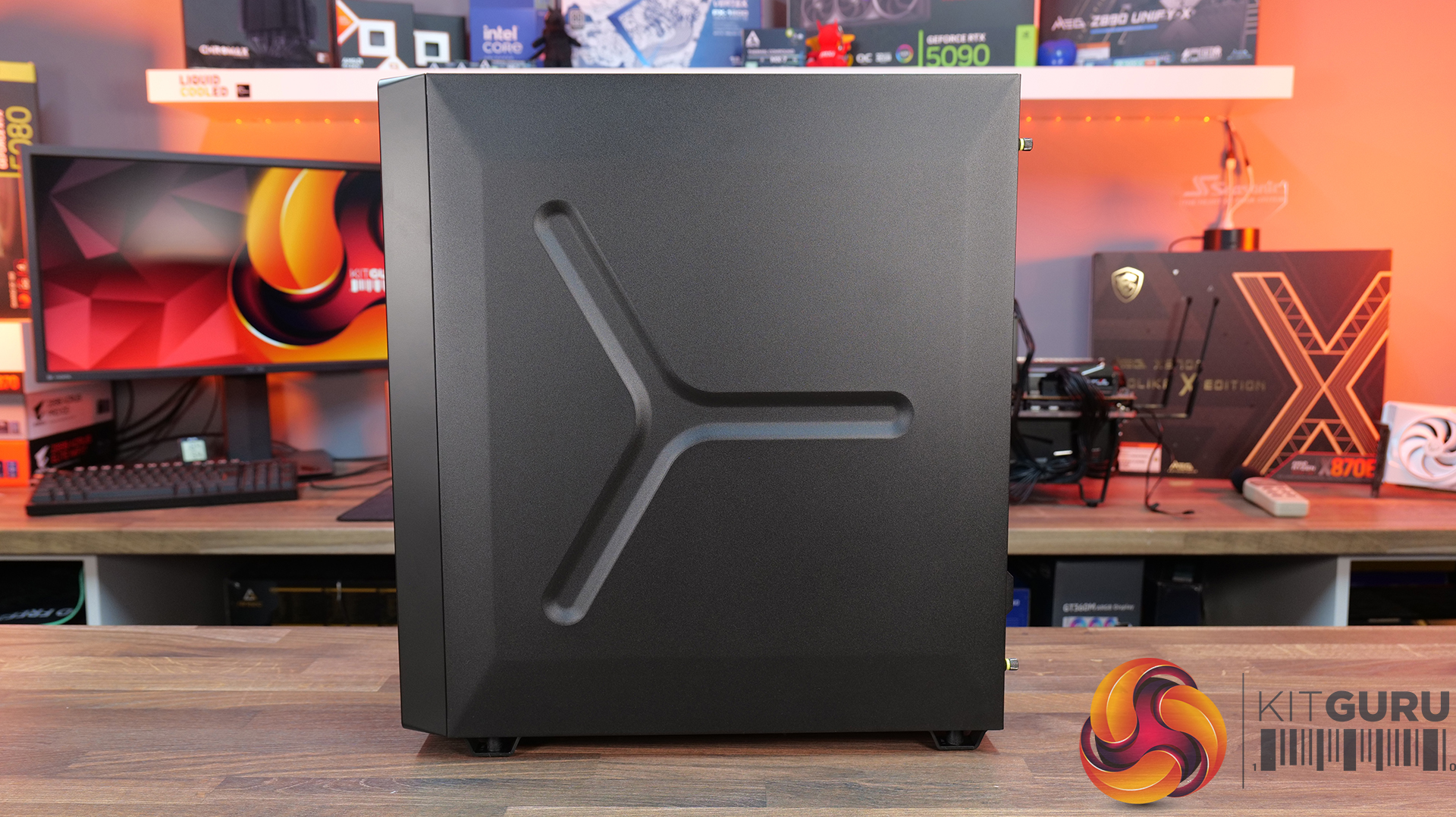
Taken as a whole, the Corsair 3200D is a solid addition to the affordable airflow-focused case market. In our testing it delivers strong thermal performance with little variation in performance across configurations, so the case is well optimised for airflow and cooling straight out of the box. Build quality is also impressive for the price point, with a sturdy overall feel and a generally clean, understated design that should appeal to a wide range of consumers.

Hardware support is positive too, as the case manages to squeeze in high-end components despite its fairly compact mid-tower footprint. There’s room for large graphics cards, decent CPU cooler clearance, 360mm AIOs and support for several motherboard formats, which helps make the 3200D a flexible platform for mainstream gaming builds. While the interior layout does involve a few compromises due to the case dimensions, overall it still offers a fairly straightforward building experience.

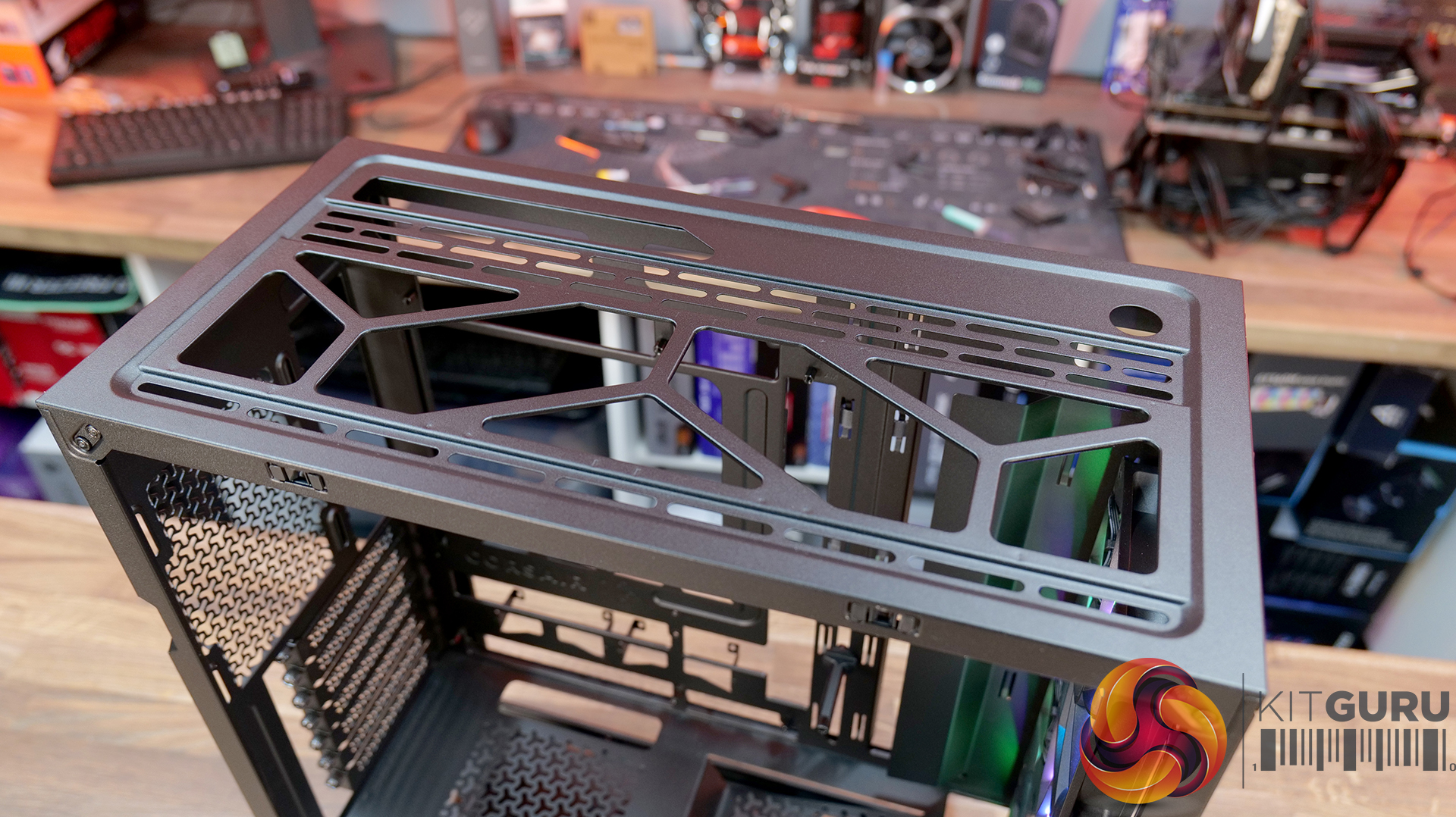
That said, there are a few areas where the design feels slightly underdeveloped. The 360mm top radiator support is there technically, but compatibility can be limited depending on radiators and fan size, plus installation itself is a little awkward without a detachable top panel or radiator/fan bracket. Similarly, the front I/O feels somewhat dated with the inclusion of a USB 2.0 Type-A port, where a USB 3.0 connection would make more sense for a modern chassis. This could come down to the choice of reverse connector motherboard support and tight right-hand side clearance for cable management, although Corsair suggests otherwise.

There are also some smaller usability quirks to be aware of. The included GPU support bracket may not work with some graphics cards, particularly those with fans that extend lower than the shroud, plus there's no fan/ARGB hub included. However, these drawbacks don’t completely undermine what the Corsair 3200D does well. With strong airflow performance, solid build quality and good overall hardware support, it remains a capable budget builder-friendly case – even if a few design tweaks could have made it a much stronger contender.

The Corsair 3200D RS ARGB is has an MSRP of £79.99 here in the UK.

Pros:

  • Strong airflow and cooling,
  • Solid build quality at this price point.
  • Good hardware support for its size, even with the compromises with a top 360 rad.

Cons:

  • Top 360 radiator compatibility is limited, and installation can be awkward.
  • USB 2.0 Type-A should be upgraded to USB 3.0.
  • No detachable top rad/fan mount.
  • GPU support bracket not compatible/interferes with fans on some graphics cards.
  • No fan/ARGB hub included.

KitGuru says: Corsair almost nailed it with the 3200D, it has great cooling potential and hardware support, but some extra attention to detail would have resulted in a more well-rounded case.

The post Corsair 3200D RS ARGB Case Review first appeared on KitGuru.
❌
❌