AMD's EPYC Venice is coming, and OEMs are eager to show off their upcoming wares. At Computex we caught MSI's CD182-S6091-X2 (DLC), a liquid cooled dual socket 1OU2N server node
ASRock is well known among PC enthusiasts for its graphics cards, motherboards, power supplies, and gaming monitors. Now, it has entered the market for liquid cooling solutions.
We’re looking at two of the company’s first AIOs here, the Phantom Gaming 360 LCD and Steel Legend 360 LCD. Both of these liquid coolers feature 3.4-inch 480 x 480 displays for showing off animations and monitoring performance metrics. Aside from aesthetics, the main differences between the two are the included fans and radiator size. The Steel Legend 360 incorporates a standard 27 mm thick radiator, whereas the Phantom Gaming 360 uses a thicker-than-normal 32 mm radiator.
(Image credit: Tom's Hardware)
Let's take a look at the specifications and features of the coolers, then we’ll go over thermal and noise benchmarks and decide whether ASRock’s Phantom Gaming and Steel Legend AIOs deserve to make our list of the best CPU coolers.
Cooler specifications
Cooler
ASRock Phantom Gaming 360
LCD/Steel Legend 360 LCD
Colors
Black
White
MSRP
$189.99
$159.99
Lighting
CPU block, radiator, and fans
CPU block
Warranty
6 years
2 years
Socket Compatibility
AMD AM5/AM4
Intel 1700/1851
Radiator dimensions
397mm (L) x 120mm (W) x 32mm (H)
397mm (L) x 120mm (W) x 27mm (H)
Maximum TDP (Our Testing)
>260W with AMD’s Ryzen 9 9950X3D
Features of ASRock Phantom Gaming & Steel Legend 360 LCD
▶️ 60hz 3.4-inch LCD display
(Image credit: Tom's Hardware)
Both the Phantom Gaming 360 LCD and the Steel Legend 360 LCD include a 3.4-inch square IPS screen with a 480 x 480 resolution and 60 Hz refresh rate, with brightness rated at 250 nits.
(Image credit: Tom's Hardware)
To control and customize the screen, you’ll need to download ASRock’s Polychrome Display software. You have the option of selecting six preset themes, or you can build your own theme, and/or customize the individual elements shown on the display.
(Image credit: Tom's Hardware)
While I certainly wish there were more presets available, my biggest complaint using this software is the extreme file compatibility limits. If you’d like to upload a custom background, the image or video file needs to be less than 20 megabytes and 1080p or lower in resolution.
(Image credit: Tom's Hardware)
▶️ RAM Clearance
As with most liquid coolers, the design of both the Steel Legend and Phantom Gaming 360 has the CPU block set so it doesn’t overhang or interfere with the DIMM slots – ensuring that all sizes of RAM, no matter how tall, are compatible.
(Image credit: Tom's Hardware)
▶️ VRM fan
Included on top of the CPU block is a 70 mm, 3,000 RPM fan designed to help keep your RAM and motherboard’s VRM modules cool. As you’ll see in our Karhu benchmarks, it does an excellent job of cooling these parts of your computer.
(Image credit: Tom's Hardware)
▶️ Thick CPU cold plate
The copper contact plate is unusually thick, like you’d more typically see in an AIO supporting AMD Threadripper or Intel Xeon server CPUs.
(Image credit: Tom's Hardware)
Differences between the ASRock Phantom Gaming 360 LCD and Steel Legend 360 LCD
▶️ Color schemes and aesthetic
While they are similar in many ways, each of these AIOs has a different aesthetic, similar to what you’d see in the company’s motherboard lines. The Steel Legend might appeal to those who prefer simpler designs, with a white body and gray fan blades.
(Image credit: Tom's Hardware)
If you want flashy lighting, the Phantom Gaming 360 might be your thing. In addition to ARGB lighting on the fan blades, it also includes a lighting strip across the side of the radiator.
(Image credit: Tom's Hardware)
▶️ Radiator sizes: 32 mm and 27 mm
There are two primary technical differences between the Phantom Gaming 360 LCD and the Steel Legend 360 LCD; one of those is the radiator size. The Steel Legend 360 LCD has a standard 27 mm radiator, whereas the Phantom Gaming 360 features a thicker 32 mm radiator.
(Image credit: Tom's Hardware)
▶️ 120 mm fans
There’s more to a liquid cooler than just the radiator and liquid pump. The included fans directly impact noise levels and cooling performance. This constitutes the second primary technical difference between the AIOs we’re reviewing today.
Both units include fans that are 28 mm thick and pre-installed for user convenience. The Steel Legend 360 features three individual 120 mm fans, with a white shell and gray blades.
(Image credit: Tom's Hardware)
The Phantom Gaming includes a fancier fan block instead of individual fans, and features ARGB lighting on the fan blades and a strip across the radiator. These fans aren’t as powerful – or as noisy – as the fans included with the Steel Legend, but this is balanced by the thicker 32 mm radiator included on the Phantom Gaming 360 LCD.
(Image credit: Tom's Hardware)
Steel Legend
Phantom Gaming
Fan Speed
0 - 2500 ± 10% RPM
0 - 2400 ± 10% RPM
Airflow
76.7 CFM
61.28 CFM
Air Pressure
4.16 mmH20
3.11mmH20
Packaging
The outer packaging is a bit flashy – at least, in comparison to your normal AIO box. It features a rendering of the cooler against a black background with streaks of purple hues.
(Image credit: Tom's Hardware)
The inner packaging is just as fresh as the outside, with each component of the cooling system well protected from the chaos that shipping can bring by using a combination of soft covers and individual cardboard walls for each component.
Tom's HardwareTom's Hardware
Included with the package are:
Mounting hardware for AMD and Intel platforms
Tubing clips
A small tube of thermal paste
360 mm radiator and 120 mm fans
3.4-inch LCD display
(Image credit: Tom's Hardware)
AM5 Installation
This section assumes you’ve already mounted the 360 mm radiator. Installation of AIOs is typically much easier when you have already secured the radiator to your computer case.
To begin putting things together, you’ll first need to remove the default AM4/5 retention from the motherboard.
(Image credit: Tom's Hardware)
The next step is to place the mounting bars on top of the studs, securing them with the included screws. The middle of the mounting bars includes a helpful image indicating the direction the bars should be installed, with an arrow pointing towards where the CPU should be.
(Image credit: Tom's Hardware)
Now you’ll want to apply the included thermal paste. If you’re not sure how to do that, we have a handy thermal paste application guide that covers the different methods you can use.
Afterwards, place the pump block against the CPU and mounting bars, and use a screwdriver to secure it. You should have the liquid tubing in the south position for best thermal performance.
(Image credit: Tom's Hardware)
The next step is to slide the LCD display on top of the VRM fan. To complete the AIO’s installation, you’ll want to connect the USB, PWM, and ARGB headers as appropriate – then you can power on your system.
We’ve tested coolers with both the Ryzen 9950X3D and its non-V-Cache sibling, the 9950X. There are some differences in how the 9950X and 9950X3D CPUs are impacted by thermal events. While the heat output of the CCDs of AMD’s 9950X3D is relatively balanced, the 9950X I used has one CCD that runs much hotter than the other, with a difference of over 10 degrees Celsius in some scenarios, shown below.
(Image credit: Tom's Hardware)
We’ve since returned to using a 9950X3D for cooler testing, as it has a more balanced heat profile, and is almost certainly a more widely adopted CPU. The benchmark results shared in these reviews may differ from others because I emphasize results that are comparable to real-world use. This means I generally test CPU coolers inside of a closed desktop case, which increases cooling difficulty compared to other testing methods.
Many reviewers test coolers on open test benches, which have a combination of lesser airflow needs and lowered ambient temperatures. This results in making weak coolers appear stronger than they really are. Some also use generic thermal plates to test cooling solutions. I reject both of these methods because they don’t accurately reflect real-world cooler conditions.
Our latest testing setup uses the Flova F50 computer case from Tryx.
(Image credit: Tom's Hardware)
This case features a unique “crossflow” fan that pulls air from the side, which the company claims is more effective than traditional intake fans. For air cooling tests, we’ve added a single Noctua NF-A12 G2 intake fan.
We’re going to start this review’s benchmark section by focusing on a traditional maximum performance test, with the CPU cooler’s fans allowed to reach their fastest speeds for the best cooling possible.
Turning on PBO allows AMD’s Ryzen 9 9950X3D to stretch its legs to an extent, and all air coolers I have tested with PBO enabled using MSI’s X870E Carbon Wifi motherboard reach the maximum CPU temperature of 95 degrees C (203 F) and thermally throttle to some extent.
(Image credit: Tom's Hardware)
The thermals of both ASRock AIOs are excellent, able to keep AMD’s Ryzen 9 9950X3D under its peak temperature (TJ Max) in Cinebench R23 with PBO enabled – allowing for the best possible benchmark performance. Of particular note is the performance of ASRock’s Steel Legend 360; it maintained an average of 61.5C over ambient (83.5C), the best result we’ve seen on this test bench.
Some coolers perform well in maximum strength tests, but require running loudly to maintain said performance. The ASRock AIOs we tested reach 46.9 and 47.8 dBA, which is about average for most liquid coolers on the market.
(Image credit: Tom's Hardware)
200W thermal benchmarks
For the next thermal test, I leave the motherboard settings at their defaults, which results in a power limit of 200W when running Cinebench R23.
(Image credit: Tom's Hardware)
When a standard power limit is imposed, the thermal differences between the two ASRock coolers close, with both coolers performing about the same. I measured 47.3 and 47.9 degrees over ambient, giving them the third- and fourth-best performing results from this test bench.
150W + GPU thermal results, noise levels
Our next test runs Cinebench on the CPU with a 150W power limit, while also running Furmark on MSI’s RTX 4070 Ti Super Ventus 3x OC. This causes the GPU to consume ~295W of power. This test is designed to emulate the thermals of games, which primarily stress the CPU and GPU.
(Image credit: Tom's Hardware)
ASRock’s Steel Legend stood out in this test, outperforming all other competitors, with an average temperature of 57.4 C (35.4 C above ambient). The Phantom Gaming AIO also performed well, taking the fourth-place spot.
But thermals are only part of the story. Noise levels, especially when you’re gaming, are far more important here. When tied to my motherboard’s default fan curve, ASRock’s Steel Legend 360 had a noise level measured at 39.2 dBA. The Phantom Gaming 360 LCD was just a hair louder, measuring 39.6 dBA.
(Image credit: Tom's Hardware)
Noise-normalized testing
Most testing is performed with the cooler tied to the default fan curve of our MSI X870E Carbon motherboard, but some prefer to see tests when the noise levels of coolers are equalized. This is especially important to those of you who prefer silent computers. This next test has the CPU cooler noise-normalized to 38.9 dBA, with PBO enabled for the Ryzen 9 9950X3D CPU.
(Image credit: Tom's Hardware)
With recordings of 258.8 and 258.2W average CPU power consumption, ASRock’s AIOs perform essentially on par with each other while noise-normalized.
Karhu DDR5 RAM thermals testing
Your CPU cooler does not operate in isolation. It has an impact on not just your CPU’s temperatures, but also the other components in your build, like your RAM and GPU. To that end, I’ve run the Karhu RAM stress test. This places a load of ~153W on the CPU and ensures system RAM (DDR5 in my case) is fully stable. In this type of scenario, most AIOs tend to produce worse results than air coolers.
(Image credit: Tom's Hardware)
DDR5 temperatures were excellent in this test, with averages of 20.9 C (Steel Legend) and 21.5 C (Phantom Gaming) recorded. Of the AIOs I’ve tested on this configuration, only Silverstone’s IceMyst Pro with its unique stackable fans performs better.
We’ve also included a chart showing the CPU temperatures in this test, and thermal performance was strong – outperforming air coolers by ~5 degrees C. But I haven’t recorded this data for other AIOs yet.
(Image credit: Tom's Hardware)
Conclusion
(Image credit: Tom's Hardware)
ASRock’s Steel Legend 360 LCD and Phantom Gaming 360 LCD are both strong coolers, well suited to heat-intensive CPUs like AMD’s Ryzen 9950X3D or Intel’s Core i9-14900K.
Of the two ASRock AIOs, I would recommend the Steel Legend 360 LCD for users who want the best thermal performance possible (and a lower price tag). It might lack the thicker 32 mm radiator included with the Phantom Gaming 360 LCD, but its included fans are stronger, and as a result provide lower CPU temperatures and quieter noise levels in common scenarios. Still, at around $160, the Steel Legend is far from the most affordable AIO with a display, and it’s only available in white.
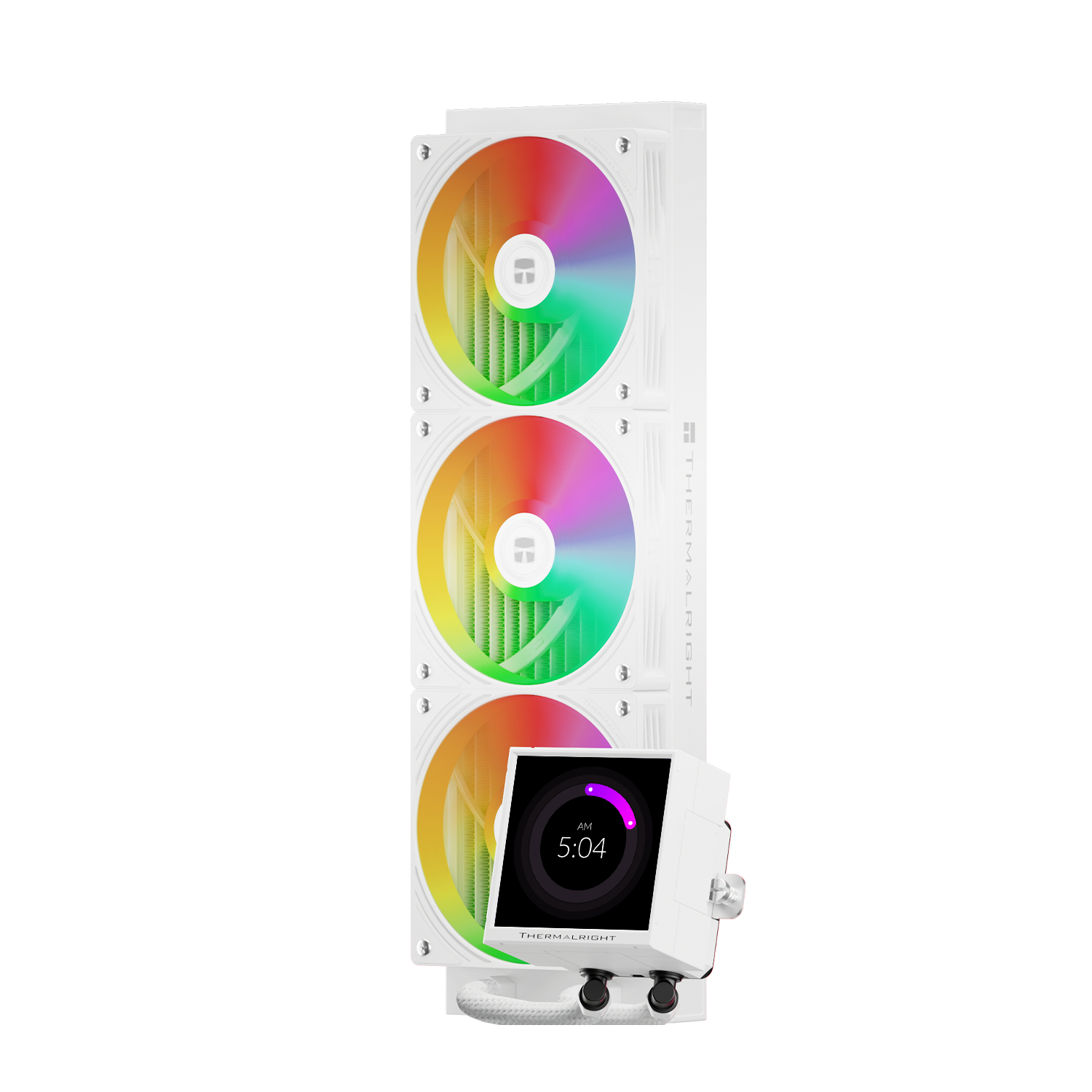
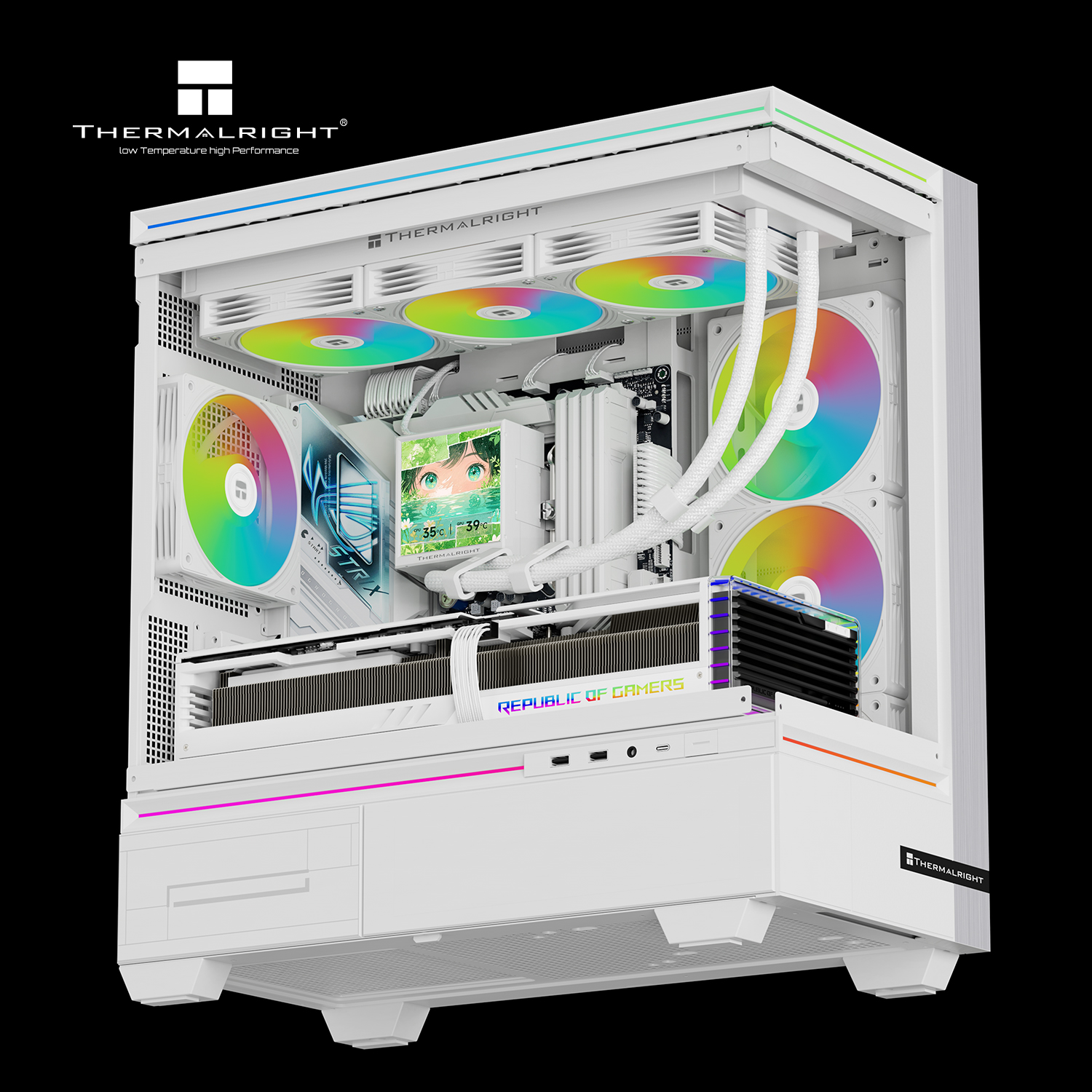
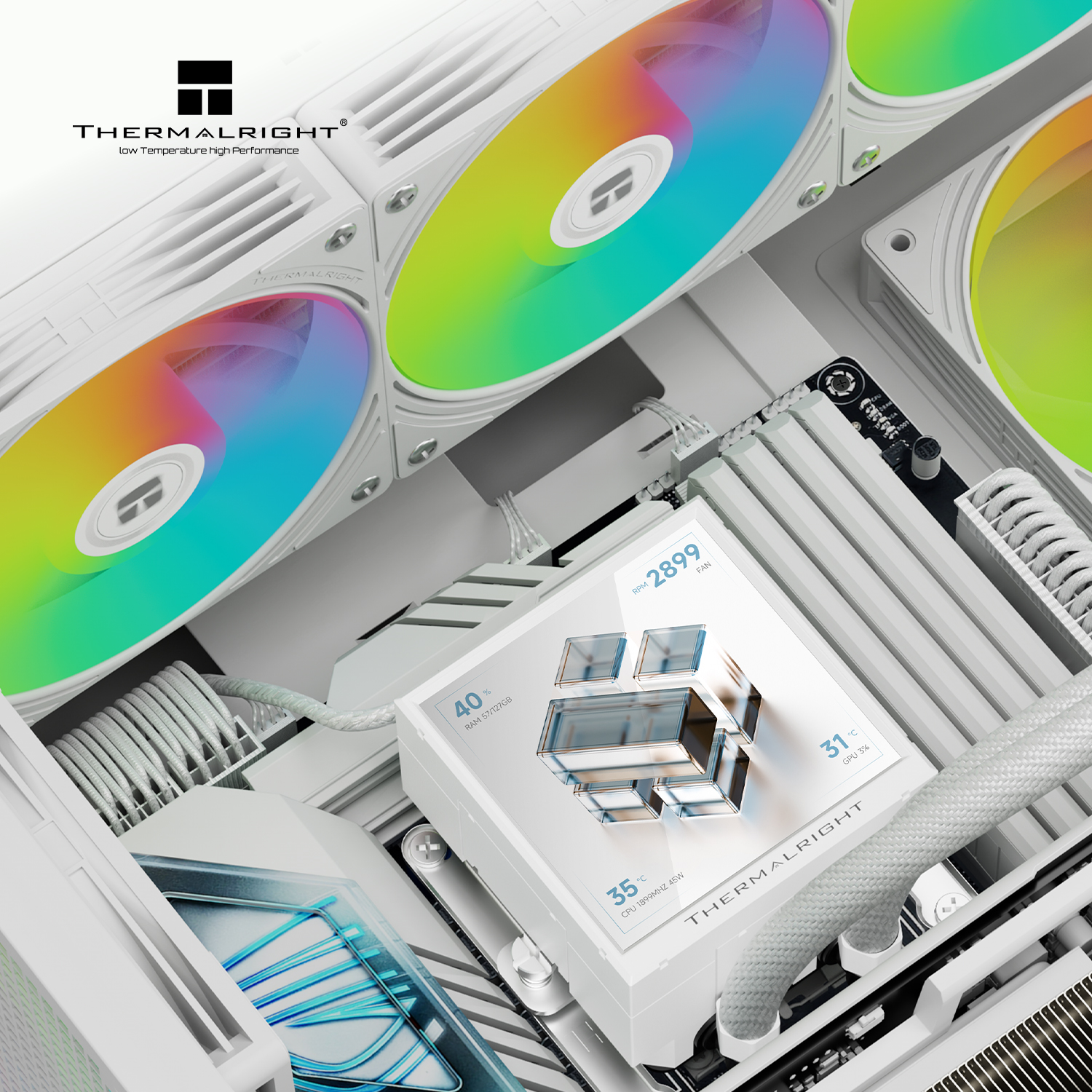
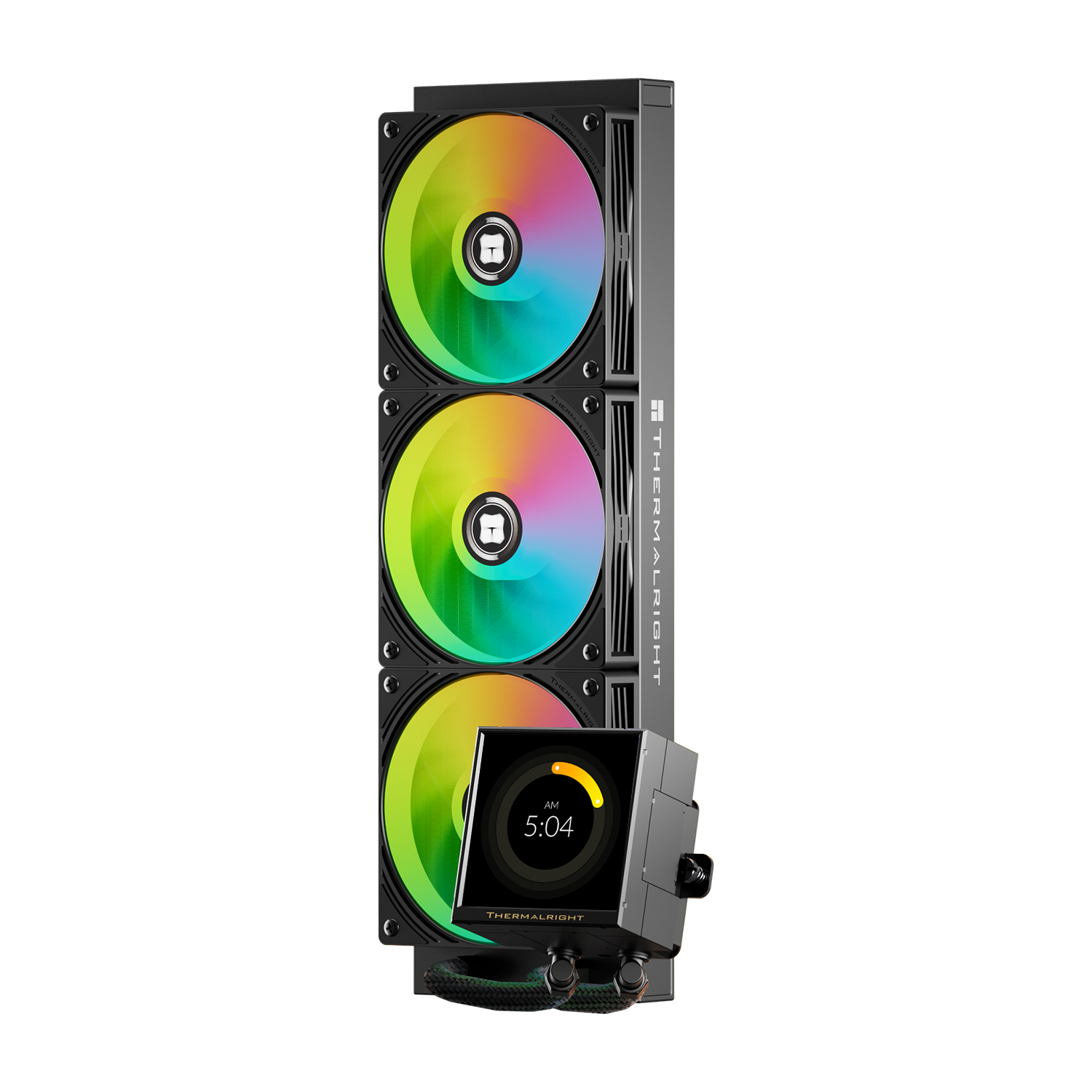
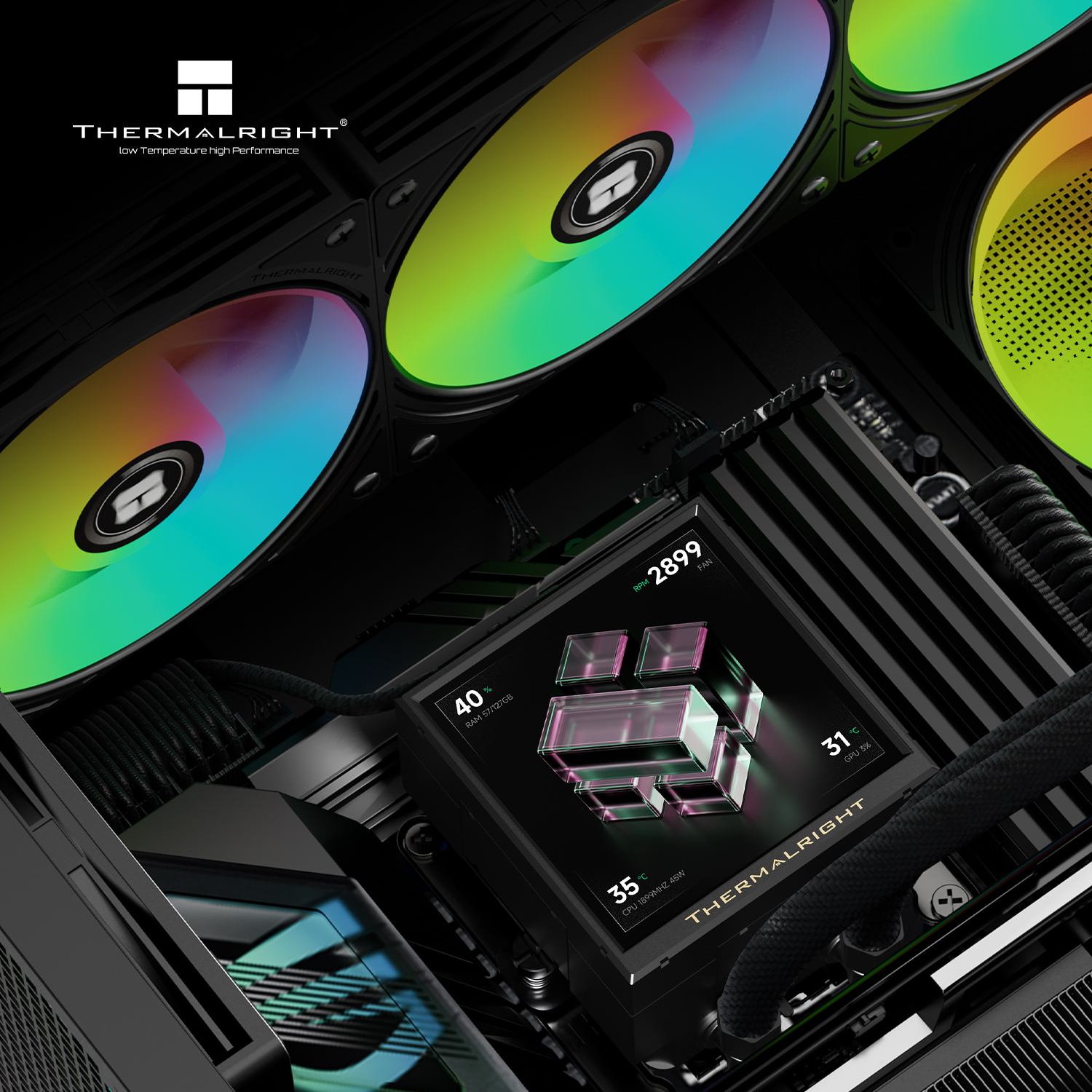
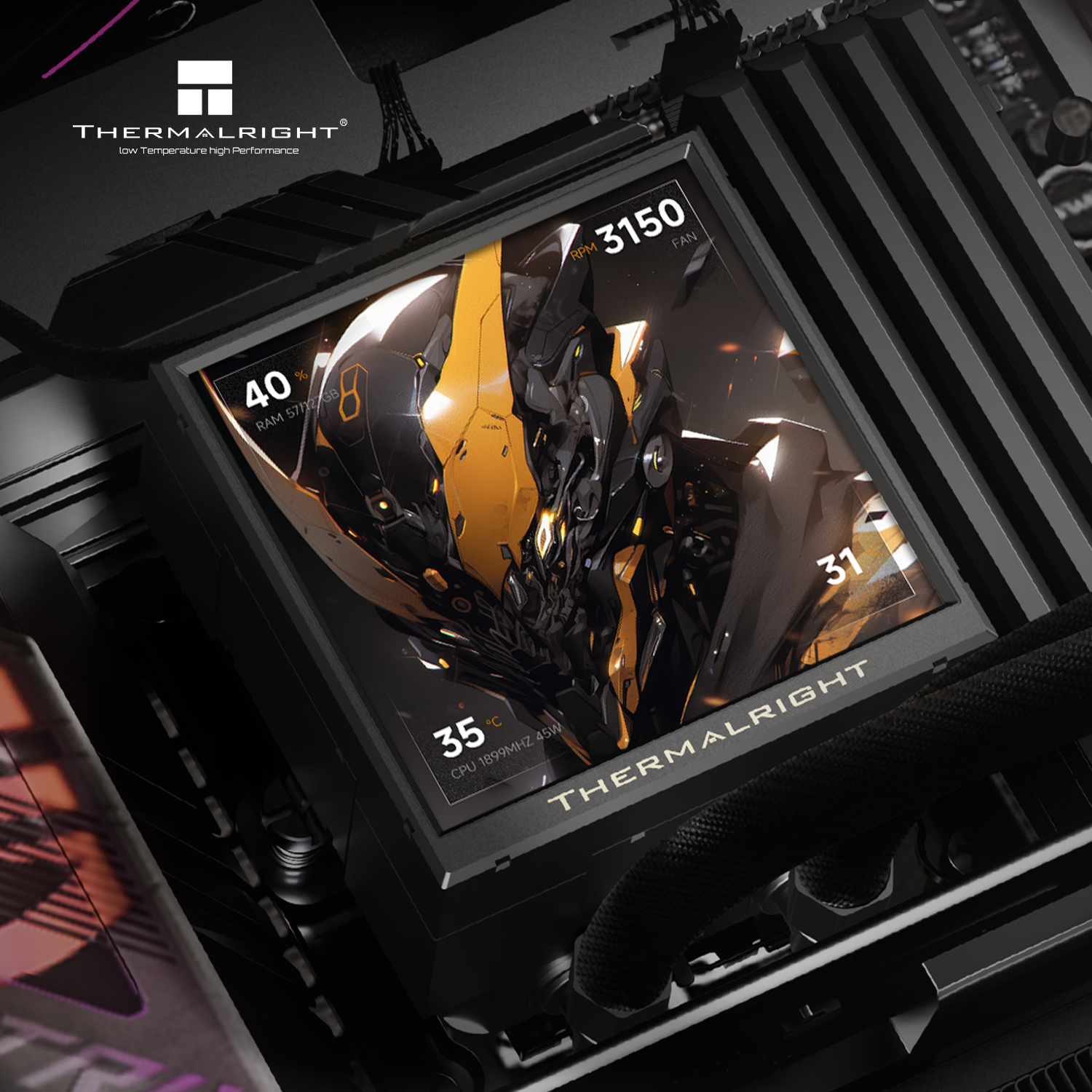
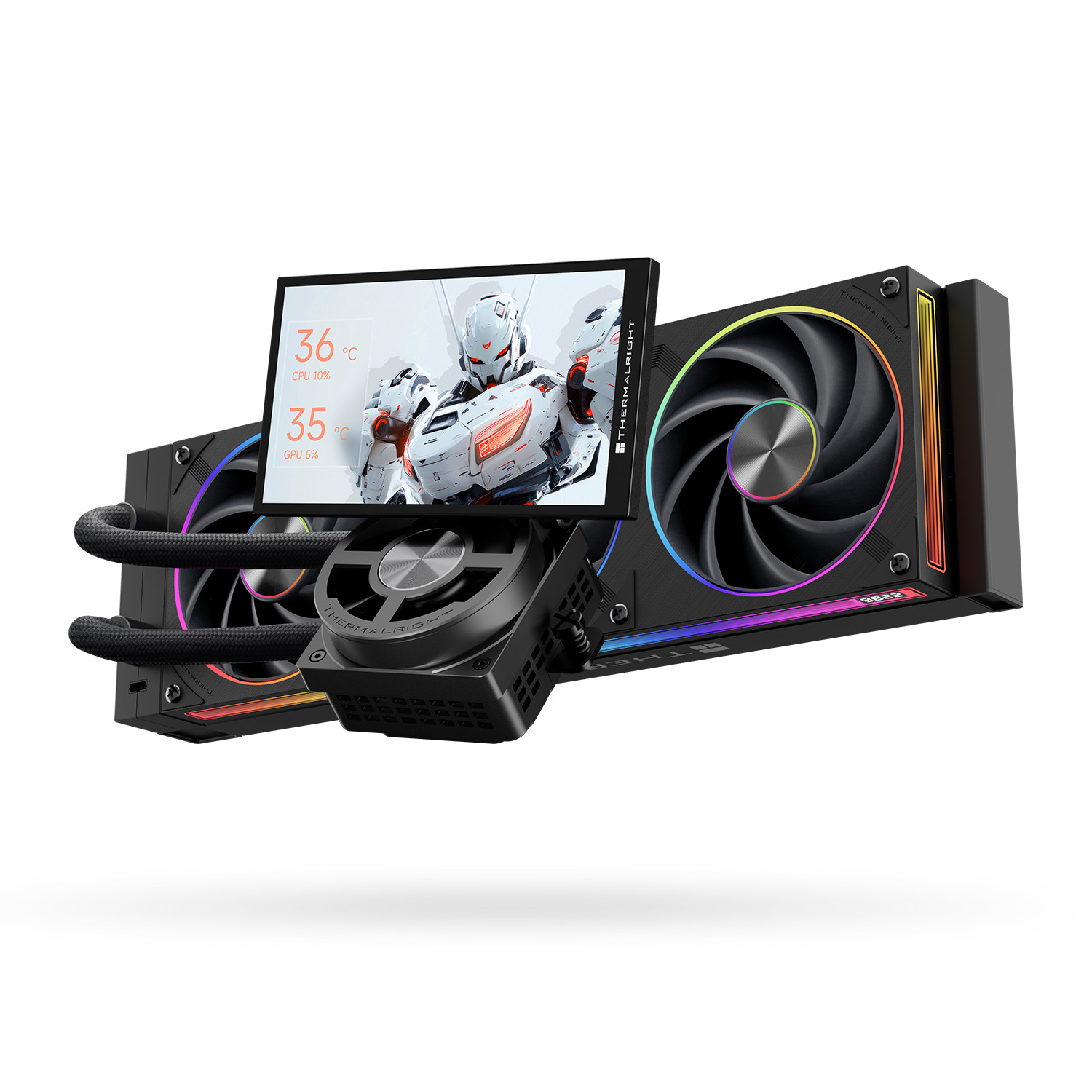
Thermalright has introduced the Dynamic Vision PRO 360 ARGB Black, a new 360mm all-in-one liquid CPU cooler with a massive 5.5-inch display on top of the CPU block and a dedicated VRM fan.
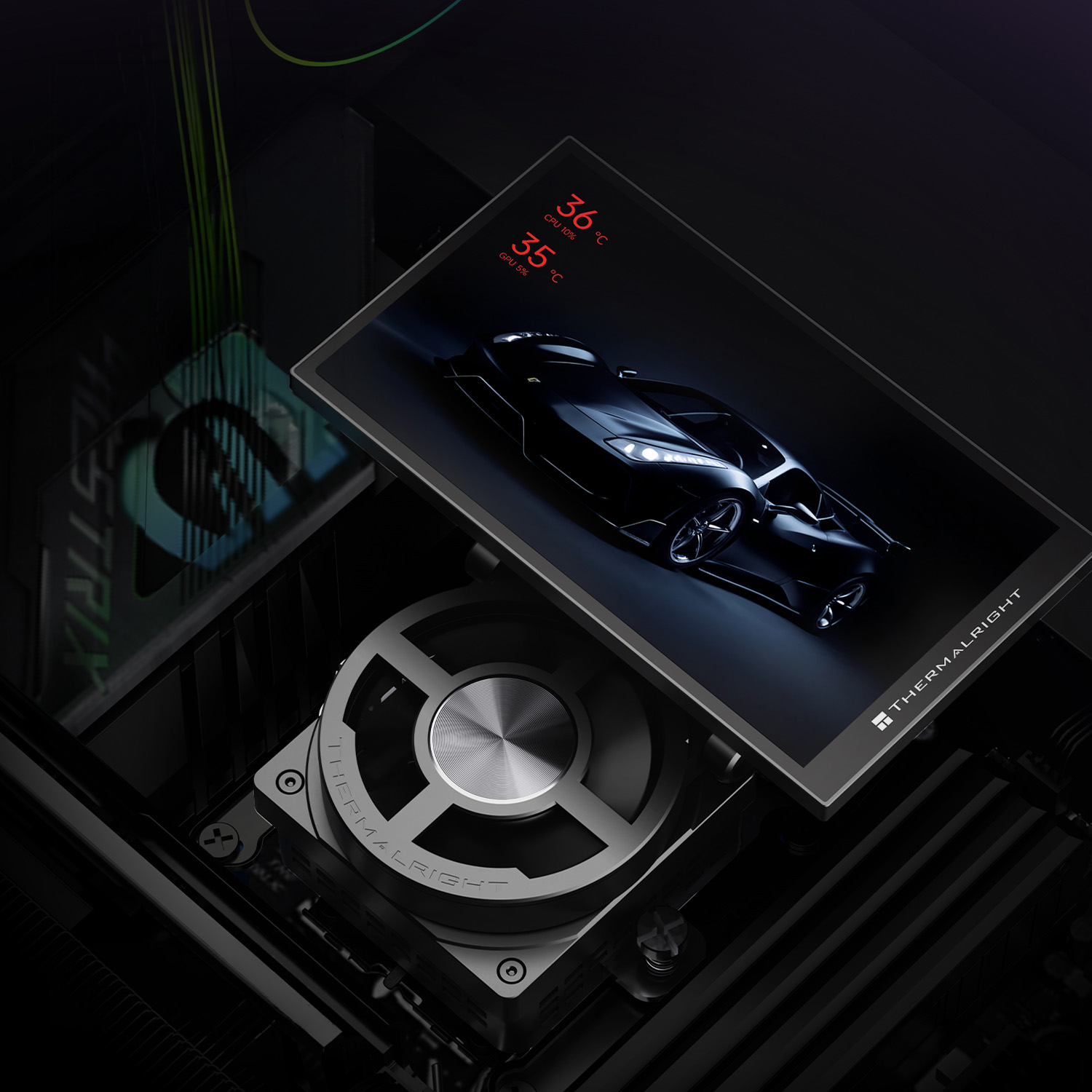
The Dynamic Vision PRO 360 ARGB Black cooler stands out with its 5.5-inch LCD screen, which is mounted onto the CPU block magnetically, making it easy to remove or adjust the angle. Below the screen, the water block integrates a dedicated VRM fan operating at 2500RPM to deliver 20.8CFM of airflow and 2.3mmH2O of static pressure, while the pump runs at up to 6800RPM.
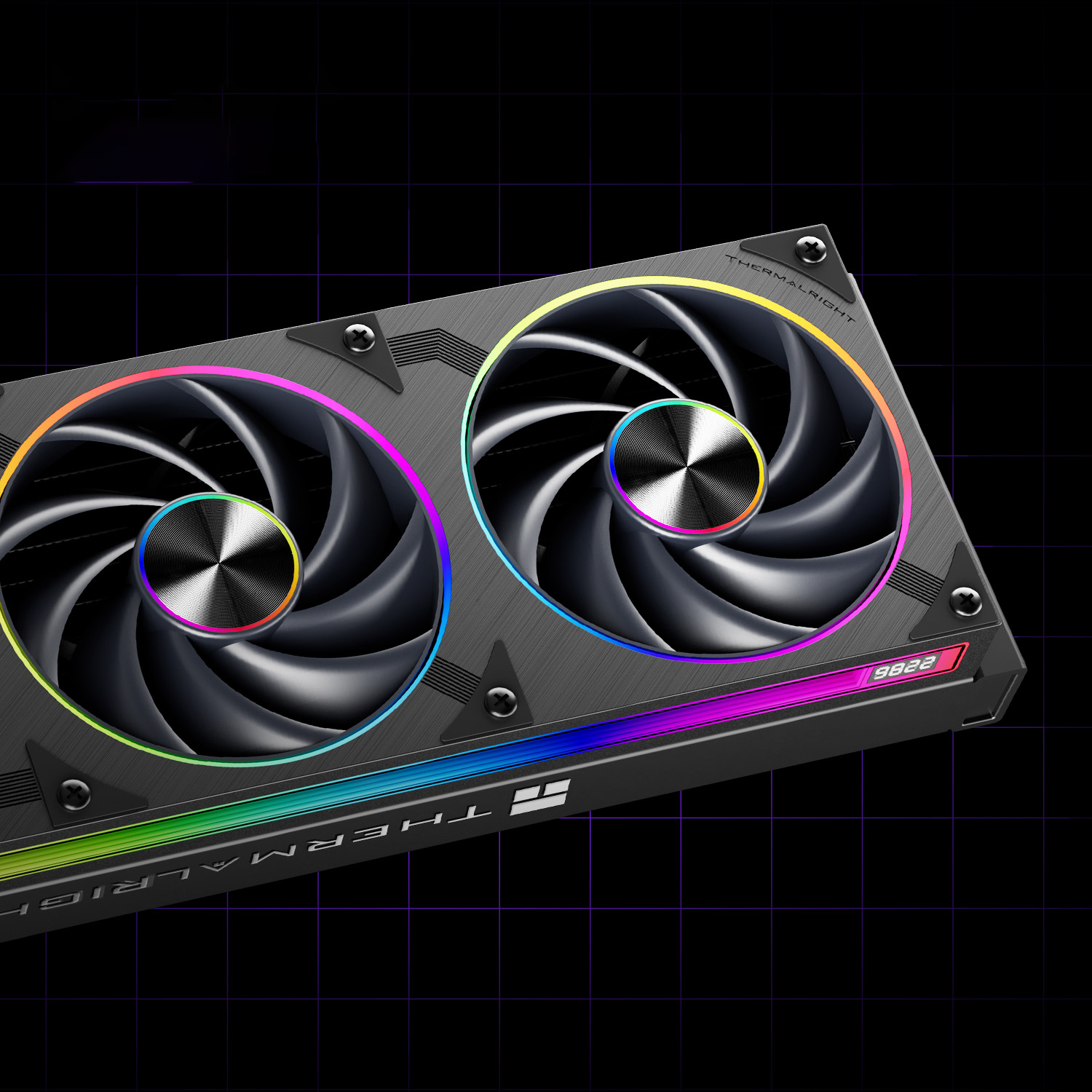
The radiator is equipped with the TL-U36, a 25mm-thick single-frame that houses three fans. At the centre of each fan is an infinity mirror effect, along with ARGB lighting going around each fan, with an extra ARGB LED strip running along the full length of the frame. Performance specs show the fans topping out at 2400RPM, pushing up to 71.5CFM of airflow alongside 2.69mmH2O of static pressure.
KItGuru Says: Would you prefer an oversized display for your AIO, or do you prefer smaller displays that sit directly inside the CPU block?
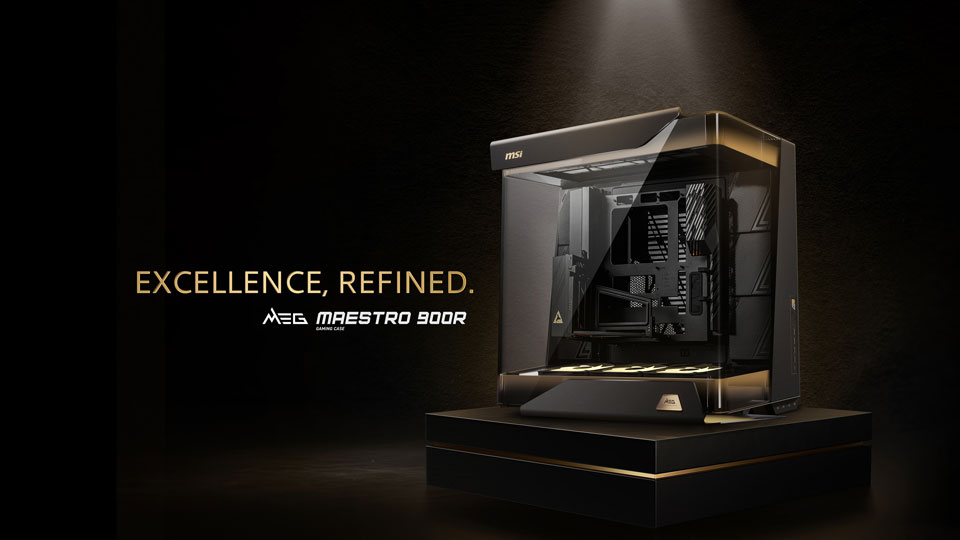
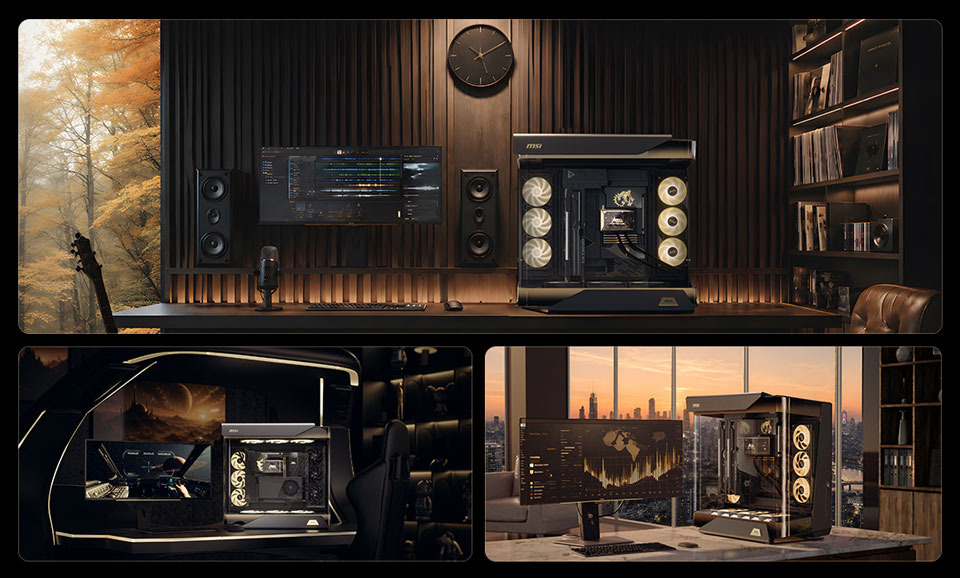
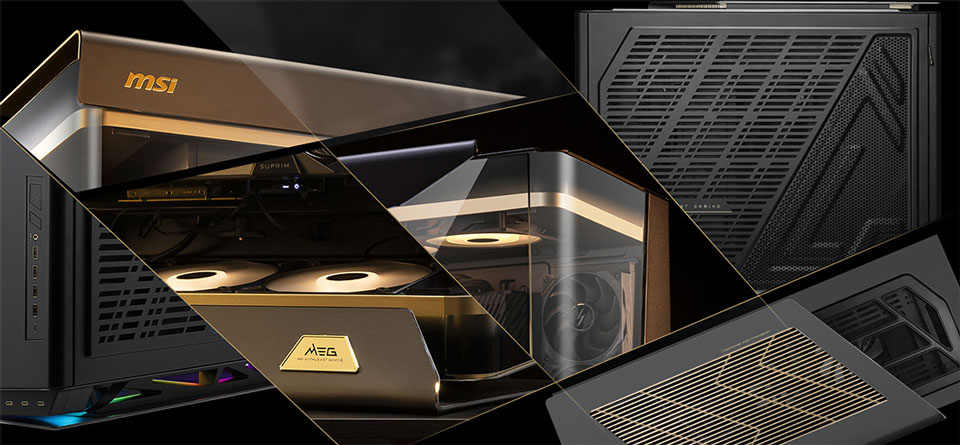
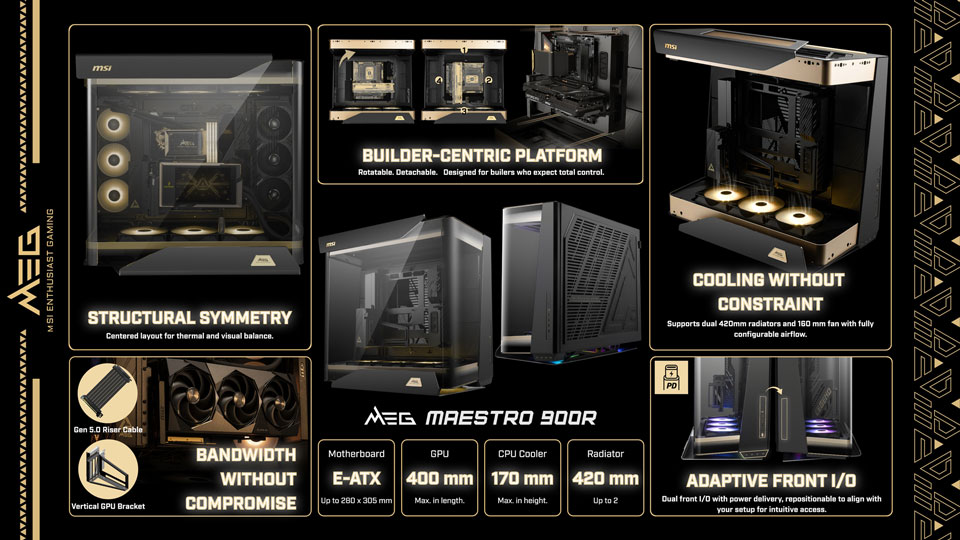
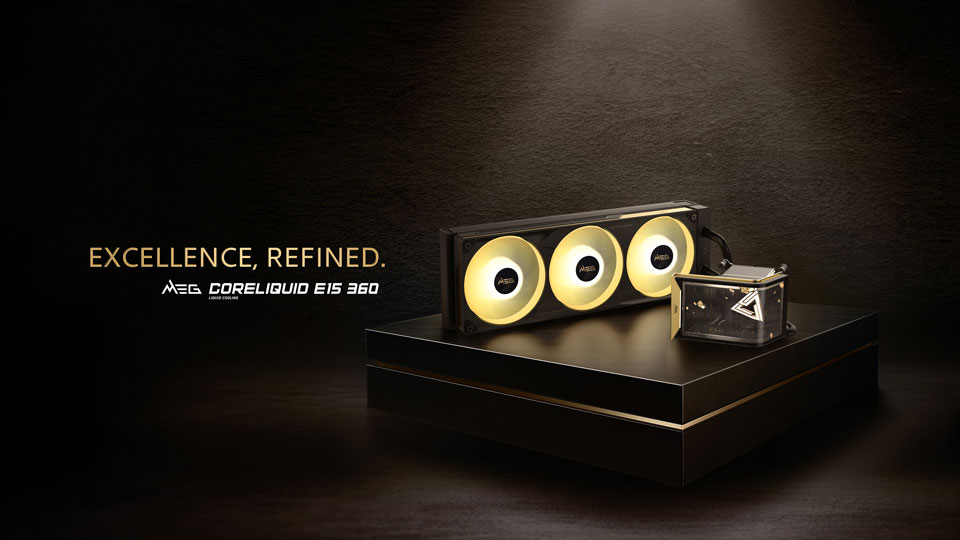
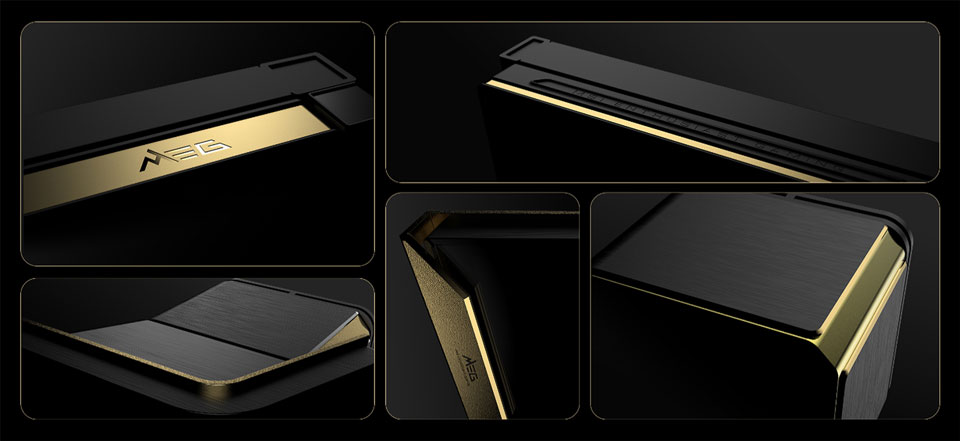
MSI has officially unveiled its new flagship case and CPU cooler: the MEG Maestro 900R full-tower chassis and the MEG Coreliquid E15 360 all-in-one liquid CPU cooler. Both products feature premium aluminium construction and advanced structural designs for enthusiast system builders.
The MEG Maestro 900R full-tower case uses a unique “Centered Architecture” that places the motherboard, graphics card, and cooling hardware at the absolute centre of the chassis. This layout pairs with a triple-sided panoramic tempered-glass exterior and features a signature 75º aluminium geometry. To assist with system assembly, MSI includes a detachable, rotatable motherboard tray that can function independently as an open test bench across four installation orientations. The company also bundles a PCIe Gen5 x16 riser cable and a vertical GPU mounting bracket to facilitate centred graphics card positioning.
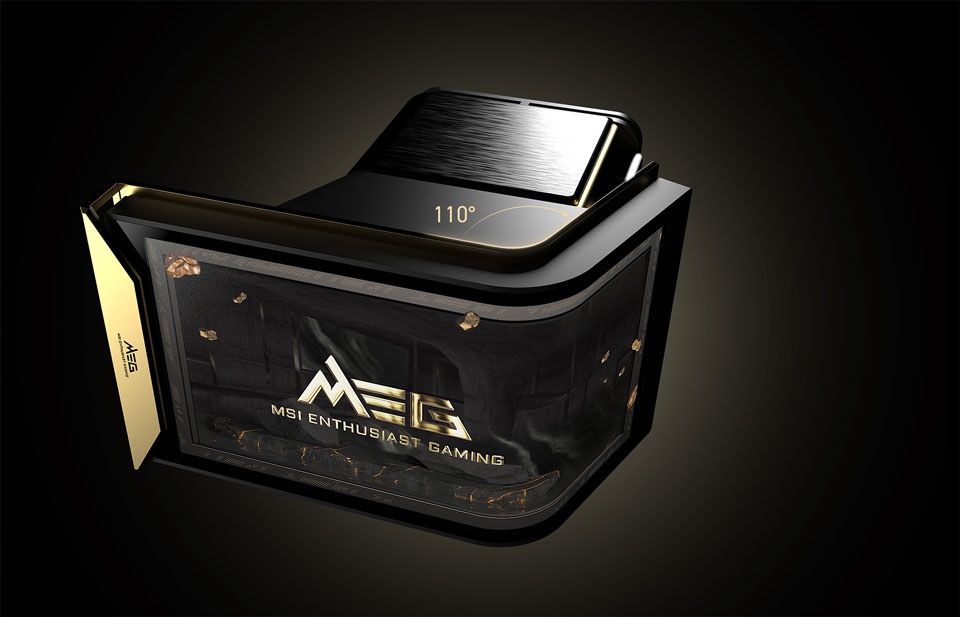
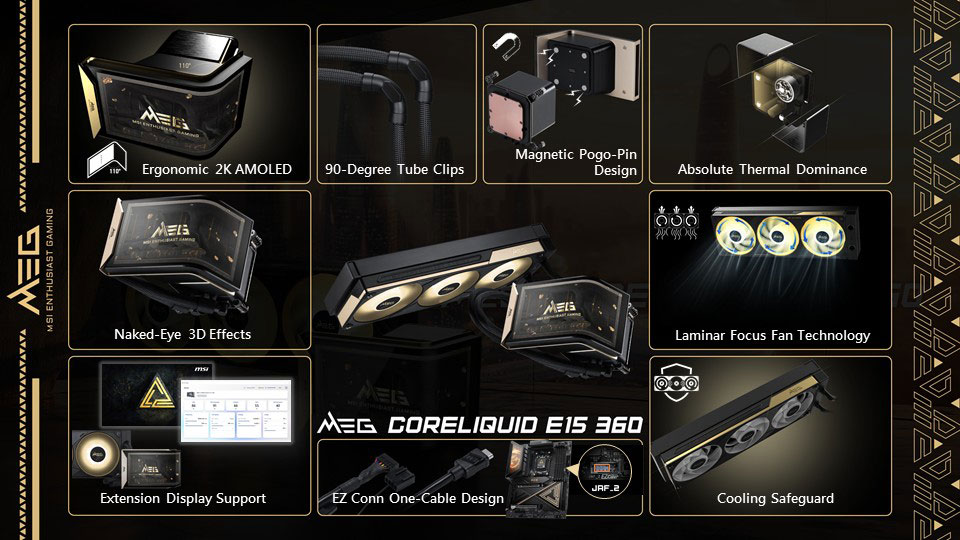
Accompanying the case is the MEG Coreliquid E15 360 AIO liquid cooler, which features an integrated 110º curved 2K AMOLED display capable of rendering naked-eye 3D content. MSI uses a magnetic Pogo-pin connection to attach the screen to the pump block, removing visible cables from the central CPU area. System communications like screen data, pump power, fan speeds, and ARGB lighting route through a single cable via the EZ Conn system.
Regarding thermals, MSI says the Laminar Focus technology runs the centre fan clockwise while the outer fans spin counter-clockwise to reduce turbulence. A three-phase sensorless motor powers the pump, while an integrated Cooling Safeguard system flashes a red warning light if it detects abnormal fan speeds.
KitGuru says: Interested in any of MSI's new high-end MEG components?
Chieftec has introduced the Iceberg Pro 360 series, a new lineup of 360mm all-in-one liquid CPU coolers featuring an integrated centrifugal VRM fan built directly into the pump housing.
The new series includes two distinct models: the Iceberg Pro 360 RGB and the Iceberg Pro 360 Dark. Both configurations deploy a 360mm aluminium radiator alongside an aerospace-inspired pump design. Chieftec aims to improve overall motherboard thermal performance by using the integrated pump fan to actively direct airflow over nearby VRMs, M.2 SSDs, and memory modules.
Cable management and installation are said to be streamlined with the company's Snap-On interlocking 120mm radiator fans, which spin up to 2200 RPM. Other performance figures for the fans include a rated airflow of 64.72 CFM and a rated air pressure of 3.06 mmH2O. The VRAM fan speed is rated at 500-2200RPM.
Illumination choices separate the two variants: the RGB model uses ARGB/PWM fans, while the Dark edition swaps them for non-illuminated PWM fans to achieve a clean, all-black look. Aside from the fans, both coolers share the same structural framework. Socket compatibility spans Intel LGA1851, LGA1700, LGA1200, and LGA115x, as well as AMD AM5 and AM4.
KitGuru says: Integrating a VRM fan into an AIO pump block isn't new, but it's proven to help reduce temperatures. Do you consider a VRM fan a plus when choosing AIOs, or is it something you just ignore?
Noctua confirmed the upcoming release of its “NL-LC1 chromax.black series” AIO liquid coolers via its official YouTube account. In response to a user query, the company stated that the all-black variant is planned for release around the end of the year, even though it hasn't been mentioned in the updated roadmap.
Wccftech was the first to spot Noctua's comment on YouTube. Standard configurations for the original NL-LC1 series, launched on June 16th (and our review HERE), represent the brand's very first foray into the all-in-one liquid cooling market and are available in 240mm, 360mm, and 420mm sizes. Noctua equips the 240mm and 360mm versions with NF-A12x25 G2 fans, while the larger 420mm unit uses NF-A14x25 G2 fans.
All three models are built around the Asetek Emma V2 platform and include the custom NL-PNA1 pump noise absorber. The integrated pump firmware features three selectable speed profiles: quiet, balanced, and manual. Each package also contains a tube of NT-H2 thermal paste and comes backed by a 6-year manufacturer's warranty.
Pricing for the existing standard models is set at $219.90/€219.90 for the NL-LC1-24, $249.90/€249.90 for the NL-LC1-36, and $279.90/€279.90 for the NL-LC1-42. Buyers can also pick up the optional NL-ACF1 auxiliary fan for $19.90 to replace the magnetic pump faceplate. For the chromax.black, pricing should be slightly higher, as usual for the series.
KitGuru says: An all-black chromax.black version of the NL-LC1 will be a welcome option for builders who want Noctua's liquid-cooling performance without the traditional brown-and-beige aesthetic.
Nvidia announced a new cooling system that cuts water use inside the data center. But it does nothing to address AI's biggest water use — fossil fuel power plants.
Asus has announced the launch of its ROG Strix LC IV series of AIO liquid CPU coolers, featuring the proprietary Asus AIO Q-Connector for cable-free installation.
According to Guru3D, the new generation of Asus AIO coolers brings design updates to streamline system assembly. The lineup includes the standard LC model, featuring 400mm tubing attached to the radiator with ball-joint fittings for easier orientation, and the SLC variant with shortened 250mm pipes centred along the radiator.
Both versions feature a 5.08-inch IPS display with a 720×720 resolution on the pump block. Users can display images, video, or real-time metrics using the new Asus InfoHub software application. Cable management is handled by Asus's AIO Q-Connector system, which uses a USB-C port under the screen to interface with Pogo pins, transferring power and data directly through contact points on select motherboards. Currently, compatible motherboards include the ROG Crosshair X870E Glacial, ROG Crosshair X870E Dark Hero, and ROG Strix X870E-E/A Gaming WIFI7 Neo.
Airflow is driven by three 120mm fans combined into a single unified frame to minimise cable clutter. These fans operate between 800RPM and 2500RPM, delivering up to 82.57CFM of airflow and 4.36mmH2O of static pressure through a combined PWM and RGB connection. The coolers are compatible with AMD AM4 and AM5 sockets, as well as Intel LGA1700 and LGA1851 platforms. Pricing for the series starts at around €220.
KitGuru says: The inclusion of a cable-free contact system and a unified fan frame shows Asus is now focusing on cleaner aesthetics. However, you'll need a compatible motherboard to take full advantage of these AIOs.
We test Noctua’s first attempt at an all-in-one liquid cooler, focusing specifically on pump performance to determine whether Noctua’s AIO is truly a viable alternative to swapping the fans on another unit and the brand’s own legendary air cooler.
Noctua has introduced its first AIO liquid CPU coolers with the launch of the NL-LC1 series. Available in 240mm, 360mm, and 420mm form factors, the closed-loop coolers are built on Asetek's latest technology, along with custom acoustic optimisations from Noctua.
To address pump noise, Noctua integrates its custom NL-PNA1 pump noise absorber. This design uses a three-layer acoustic soundproofing structure and a tuned-mass damper effect to reduce airborne noise and structure-borne vibrations. Users can choose among three pump speed profiles via an integrated mode switch, including quiet, balanced, and manual control modes.
The series uses NF-A12x25 G2 and NF-A14x25 G2 fans depending on the radiator size. These fans use a specific speed offset to prevent undesirable harmonics, such as periodic humming. For users wanting extra VRM or RAM ventilation, the magnetically attaching faceplate can be replaced with an optional NL-ACF1 auxiliary cooling fan. Installation is handled through the SecuFirm2+ mounting system, which provides offset mounting choices.
Each package includes NT-H2 thermal paste and comes backed by a 6-year manufacturer's warranty. The series is now available, with the NL-LC1-24 priced at $219.90/€219.90, the NL-LC1-36 at $249.90/€249.90, and the NL-LC1-42 at $279.90/€279.90. The separate NL-ACF1 auxiliary fan costs $19.90/€19.90.
KitGuru says: Entering the liquid cooling market is a massive step for Noctua. Now we'll just have to wait and see how these perform in real world testing.
Noctua just dropped its NL-LC1 AIO coolers on Amazon, with the 240mm option starting at $219.95. It also comes with an optional 80mm auxiliary fan to help keep other components cooler and reduce case fan speed.
The MSI MPG Coreliquid P22 360 is a new AIO with a low price tag, strong thermal performance, and a 2.1-inch IPS display. We’ve tested this liquid cooler paired with AMD’s Ryzen 9 9950X3D CPU to benchmark thermal efficiency.
Einarex has officially introduced the Orbit AIO liquid cooling series, featuring an integrated circular digital display built directly into the pump block.
The built-in screen allows users to monitor CPU and GPU temperatures, as well as CPU and RAM usage simultaneously. Beyond its monitoring capabilities, the Orbit series leverages the Einarex's Vertex platform, combining a pure-copper cold plate with a pump that runs at up to 2800RPM.
To cool the radiator, the AIO ships with EX12A PWM fans with fluid dynamic bearings. These fans are capable of speeds up to 2600RPM, pushing up to 82.9CFM of airflow with a static pressure of 4.16mmH2O. Builders can choose between 240mm and 360mm configurations, with both sizes available in black and white colour variants.
The cooler is compatible with AMD AM5 and AM4 platforms, as well as Intel LGA 1851/1700/1200/115x/20xx sockets.
KitGuru says: We've seen plenty of AIOs featuring displays, but most only show CPU stats. With the Orbit AIO, you'll be able to monitor other components as well.
Noctua is officially entering the AIO market on June 16 with its new "NL-LC1" liquid cooler that starts at 220 EUR (around $250) for the 240mm variant. It features a customized Asetek Emma V2 pump with a lot of soundproofing, NF-A12x25 G2 or NF-A14x25 G2 fans and SecuFirm2+ mounting.
Einarex has officially introduced the Halox series, a new line of AIO liquid coolers with an unconventional open-structure pump design. Moving away from traditional solid, enclosed housings, the hardware leaves its internal pump block area hollow to establish distinct structural layers and visible depth inside the chassis.
According to the manufacturer, the open-pump-block architecture of the Einarex Halox series results in a lighter visual layout that suits panoramic and dual-chamber cases, where component visibility is more important. The RGB lighting setup is also integrated into this hollow space, diffusing light through the opening to produce a 3D illumination effect. The pump runs at a maximum speed of around 2800 RPM.
Thermal performance is tailored for high-performance CPUs. The radiator and fan assemblies are designed to fit into most PC cases, while maintaining balanced airflow and heat dissipation under sustained processing loads. For the fans, Einarex chose hydraulic-bearing units that spin up to 2600RPM, generating up to 82.9CFM of airflow and 40.7dBA of noise at maximum speeds.
The Einarex Halox AIO liquid coolers will be available in 240mm and 360mm radiator sizes, in both black and white colour options. As you would expect, these units are compatible with Intel LGA 1851/1700/1200/115/20xx sockets, as well as AMD AM4 and AM5 sockets.