Normal view

There are new articles available, click to refresh the page.
Before yesterdayMain stream

3rd-party PC app DSX gets native DualSense haptics support via Bluetooth

15 June 2026 at 12:00

While Sony’s relationship with PC recently has been somewhat in-flux, the console maker has been pushing to have its hardware integrate more smoothly with the platformespecially when it comes to the likes of the DualSense controller. Unfortunately, one the DualSense’s core features (its advanced haptics) has been highly limited; only working through a wired connection. Finally, doing what Sony themselves refuse to do, the 3rd-party tool DSX has now gotten native wireless DualSense haptic support…for a small price.

DSX is a great tool for those on PC who enjoy using a DualSense controller. Serving as a conversion layer of sorts, the software allows you to fully customise your controller while also offering a ton of cool additional features, including the ability to translate audio outputs directly into haptic feedback for added immersion.

Up until now, many of the more advanced haptic features required you to have your controller connected via a cable (similar to PlayStation’s own native DualSense support on PC, with some exceptions).
DSX DualSense

Following months of teasers however, the team at Paliverse have now unveiled DSX version 3.2. Currently in beta, this update brings with it ‘Virtual DualSense with Audio Support’ – “allowing games to send native DualSense audio and haptics through DSX over Bluetooth or USB.”

It is worth noting that creating a virtual DualSense (which is required in order to unlock more advanced haptic features) does necessitate a one-time purchase of DSX+. The base DSX itself is also a paid product, but for many the roughly £10 asking price between the two is more than worth it for the added versatility on offer.

I covered DSX in-depth back in 2024, and since then the software has only improved in terms of features, stability and UX. Even so, this latest update marks a major milestone for the software, and means that using a DualSense on PC is now in some ways superior to its native experience on PlayStation 5. The full patch notes can be found HERE.

Discuss on our Facebook page HERE.

KitGuru says: What do you think of DSX? Is it worth the asking price? Why do you think Sony themselves haven't made advanced haptics work wirelessly across-the-board on PC? Let us know down below.

The post 3rd-party PC app DSX gets native DualSense haptics support via Bluetooth first appeared on KitGuru.
Yunzii debuts the M1 – its first lightweight gaming mouse

3 March 2026 at 17:30

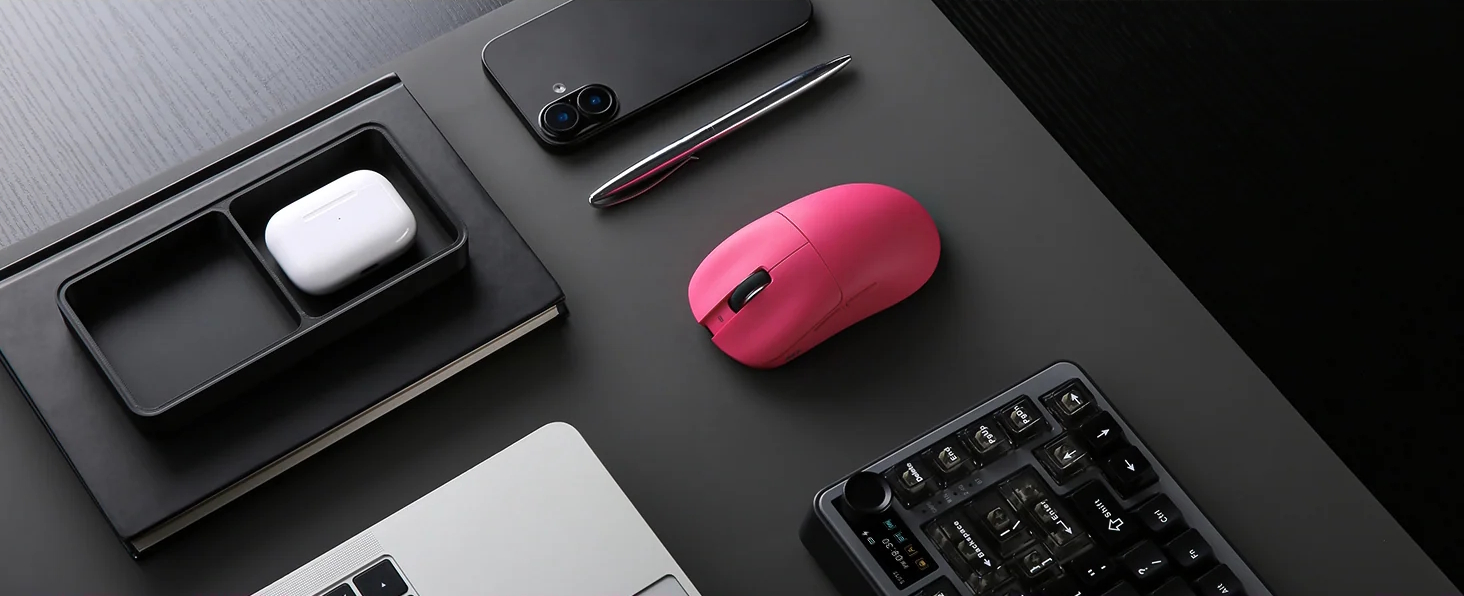
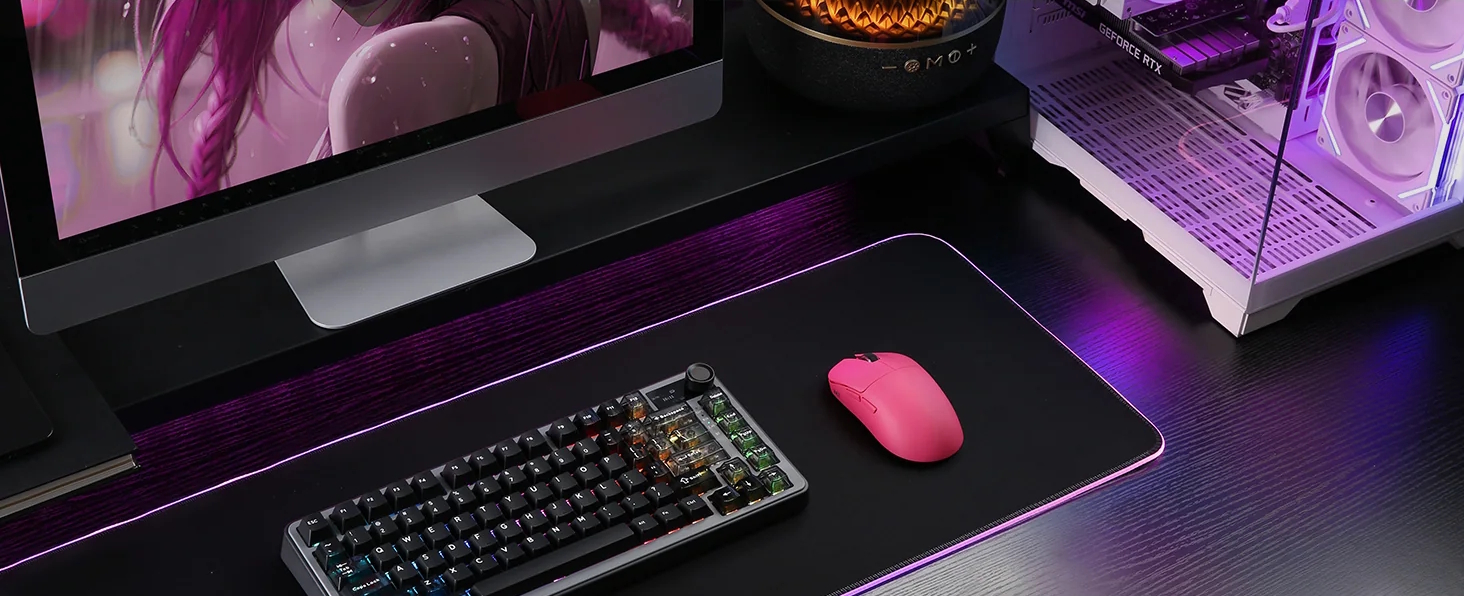
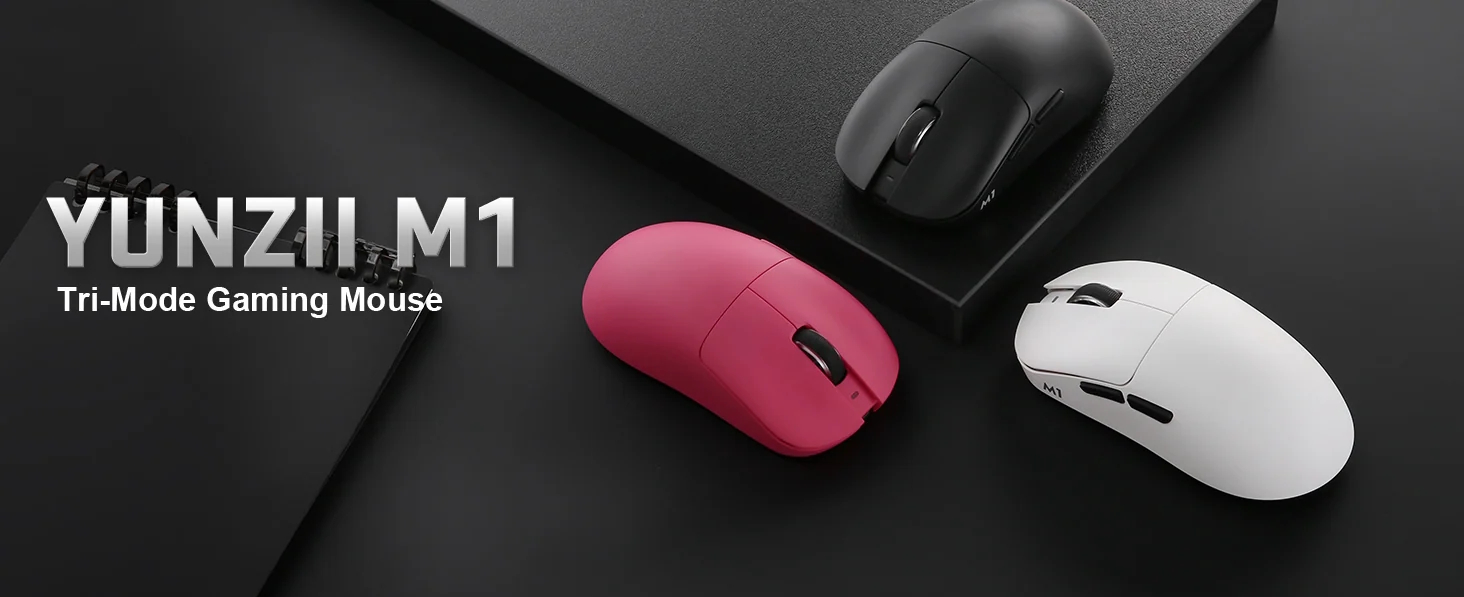
Yunzii is known for its keyboards, but it seems the company hasn't stopped there. Although it had launched mice before (the C-series), these weren't clearly for gaming and were more like cute compact mice. Now with the new M1, Yunzii hopes to get some of that market with an affordable, configurable gaming mouse.

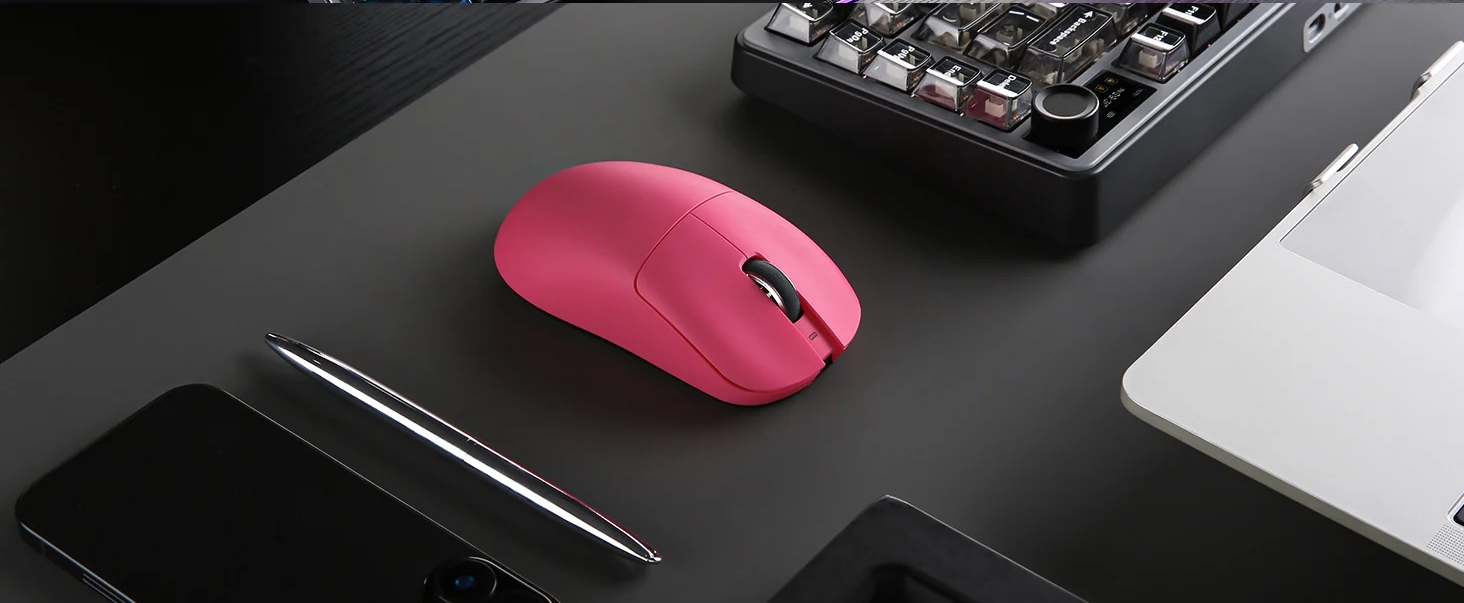
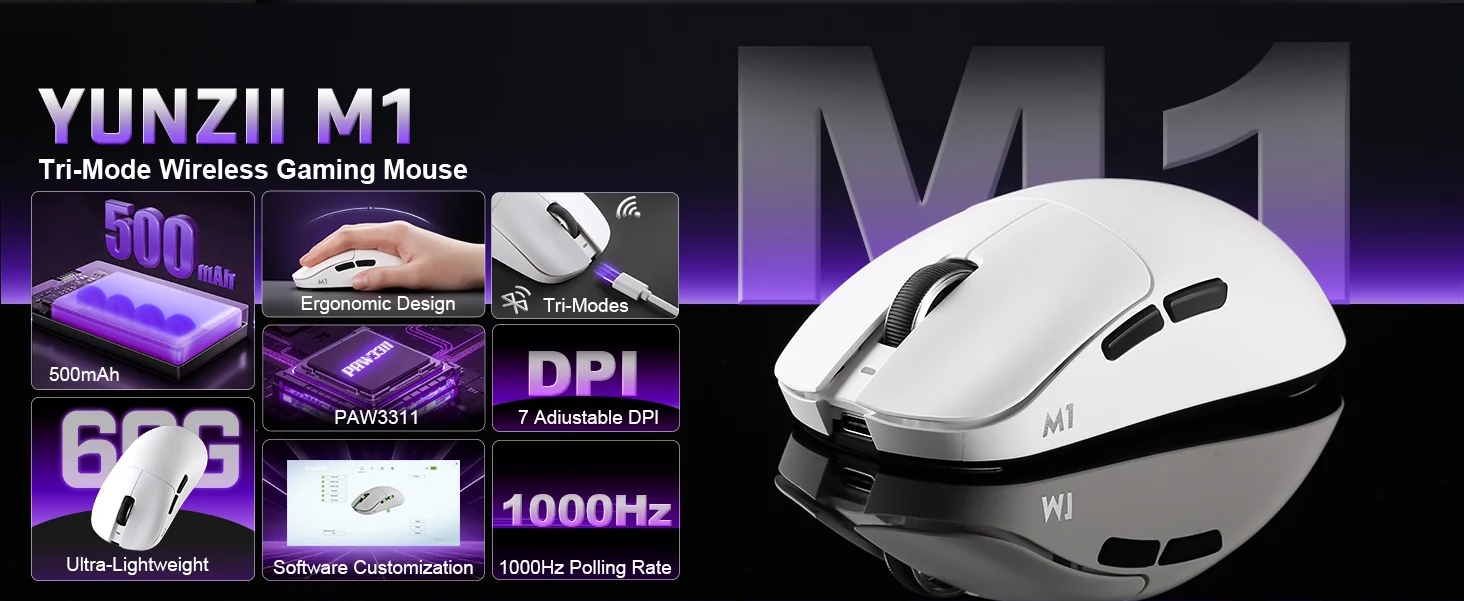
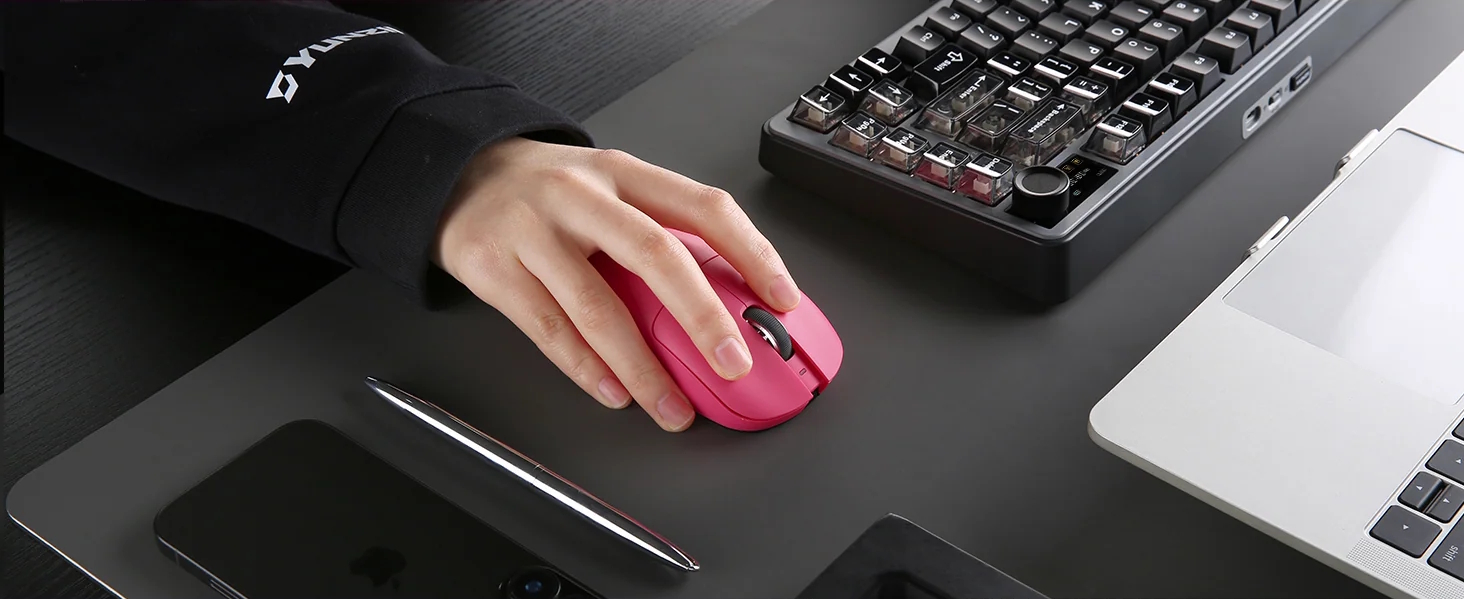
The Yunzii M1 (via TechPowerUP) is a lightweight gaming mouse designed for both competitive play and productivity. Weighing in at just 60 grams, it is engineered to reduce wrist strain during long sessions without sacrificing durability. Its ergonomic shape supports multiple grip styles, following the natural curve of the hand for a more comfortable experience.

Equipped with the PAW3311 sensor, the M1 offers precise tracking at 300 IPS and 35G acceleration. It supports a 1000 Hz polling rate for a 1 ms latency, ensuring your movements are translated to the screen instantly. For versatility, it features tri-mode connectivity, allowing you to switch between 2.4 GHz wireless, Bluetooth, and USB-C wired modes across Windows and macOS devices.

Customisation is a core feature, with seven preset DPI levels ranging from 400 to 10,000 and the ability to reach 22,000 DPI via software. The mouse also includes a 500 mAh rechargeable battery and a built-in storage compartment for the 2.4G receiver. The Yunzii M1 is now available in pink, white, or black for $39.99.

Discuss on our Facebook page, HERE.

KitGuru says: Would you consider the Yunzii M1 for your next gaming mouse, or does it lack some features that you require?

The post Yunzii debuts the M1 – its first lightweight gaming mouse first appeared on KitGuru.

Asus launches its first ProArt keyboard

20 February 2026 at 09:00

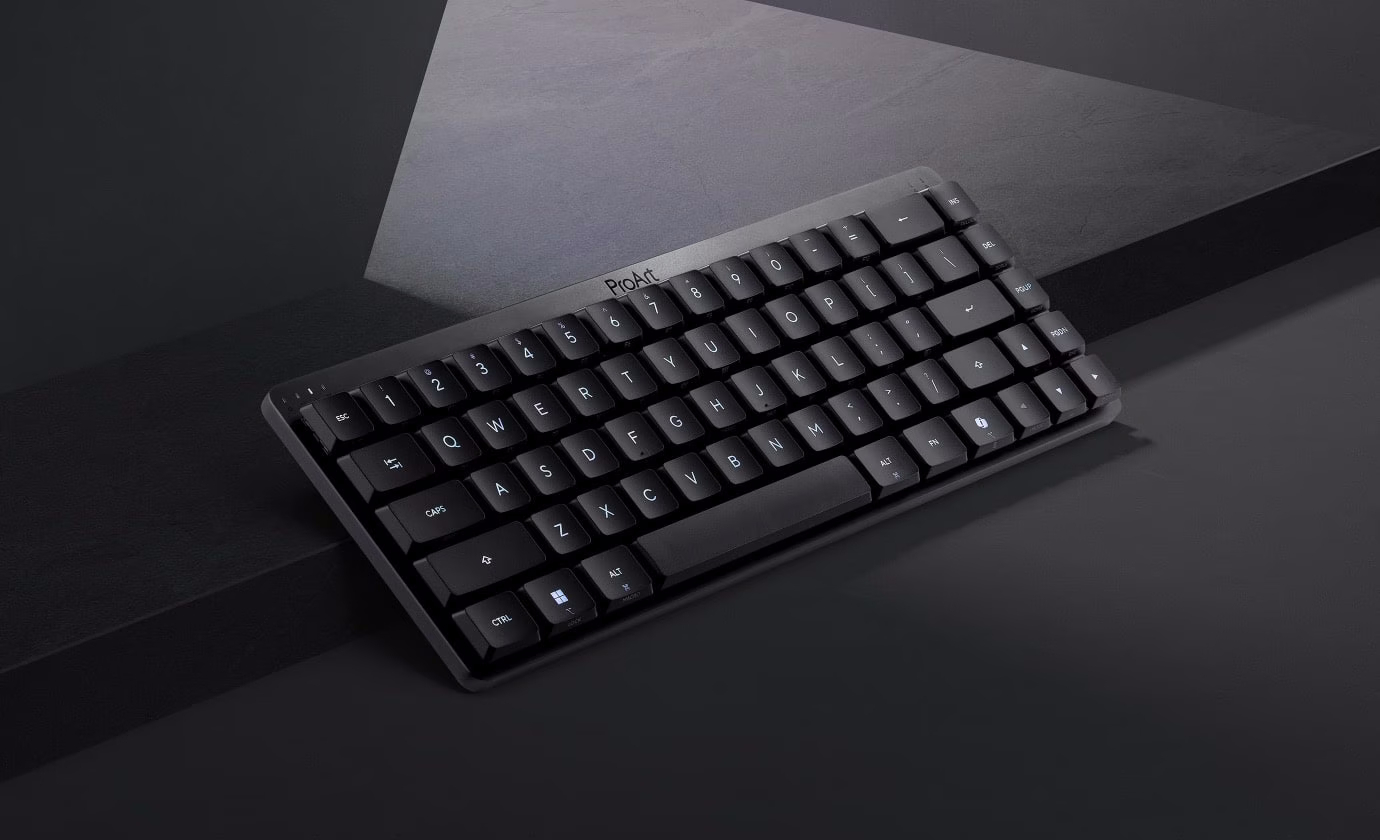
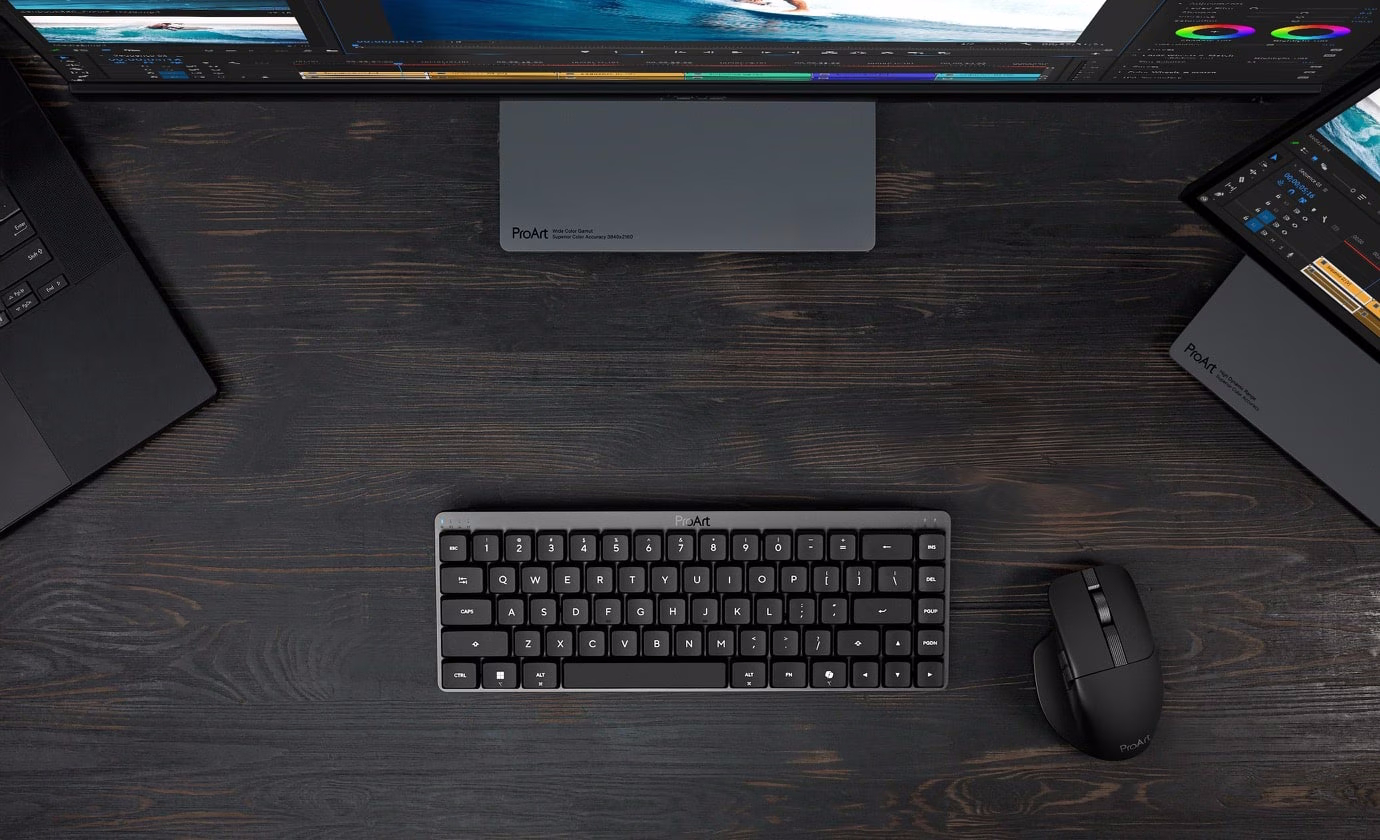
Asus's ProArt series is expanding with its first keyboard. Named ProArt KD300, this is a 65% wireless keyboard that trades the aggressive aesthetic of the ROG line for a sophisticated “Black Aerolite” finish aimed at designers and office professionals.

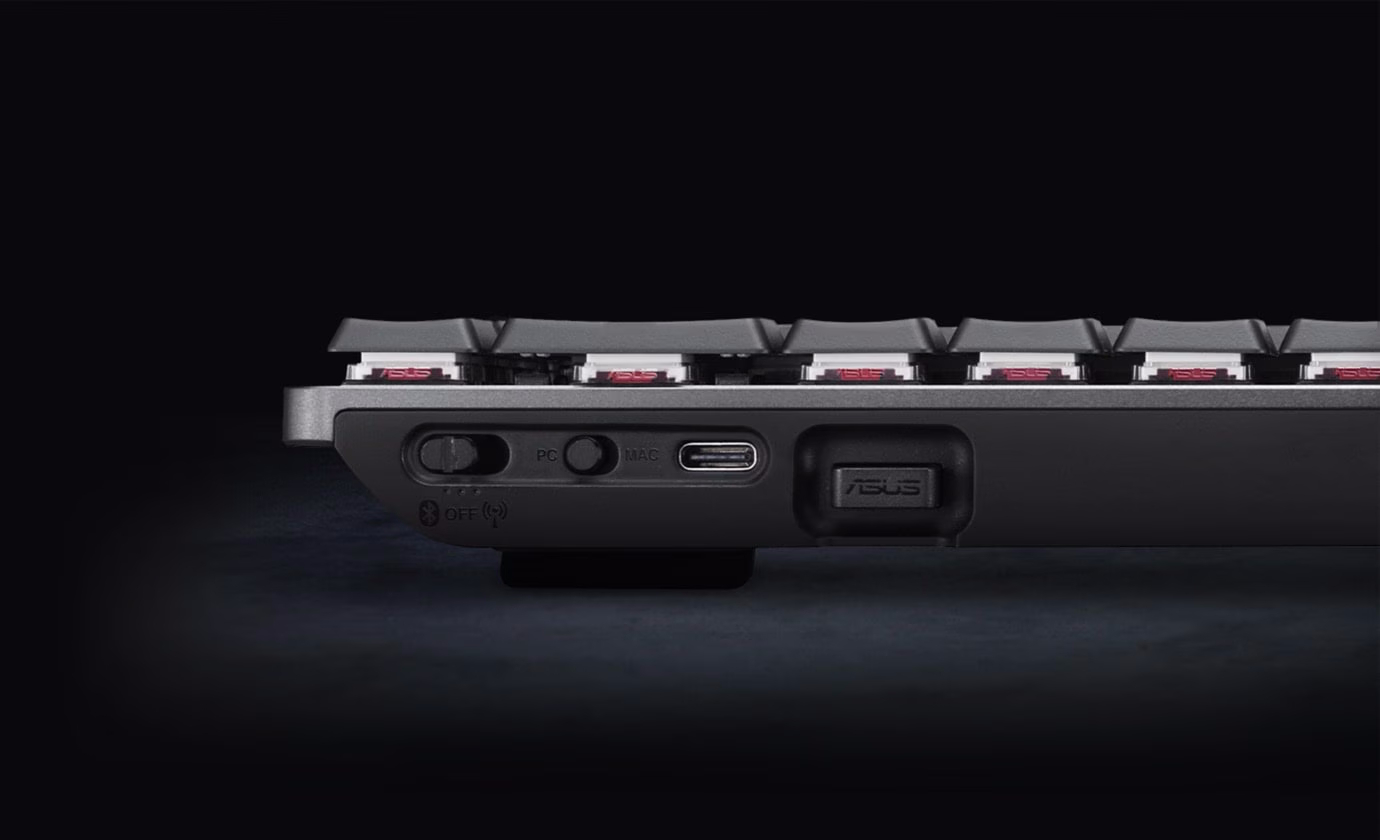
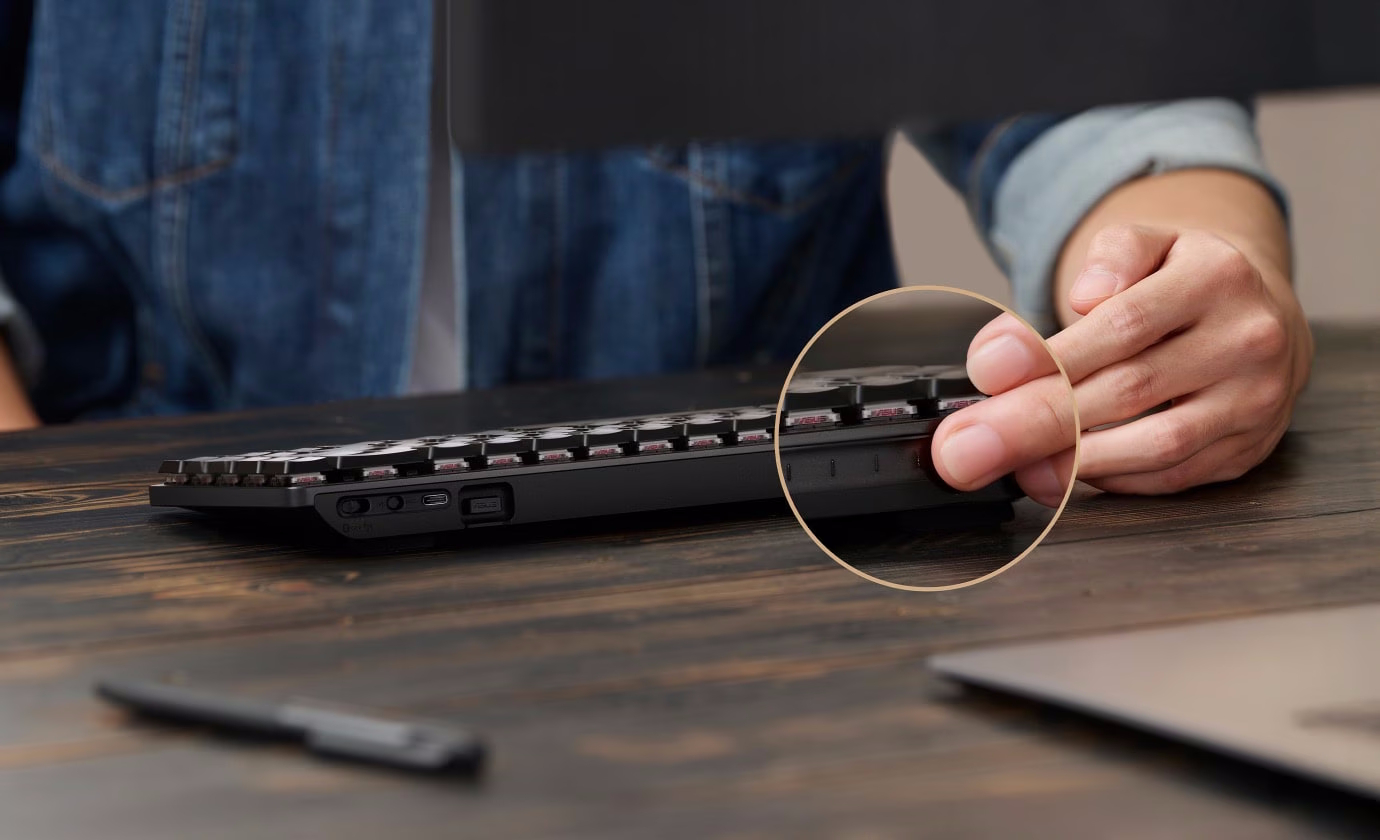
While similar to the ROG Falchion RX Low Profile, including using the same Asus RX Red optical switches with a 1.0 mm actuation point, the KD300 (via NotebookCheck) relocates the signature touch panel to the rear of the chassis to maintain a clean, distraction-free top plate. This positioning allows for a sleek aluminium top cover while still providing gesture-based controls for volume, brightness, and creative macros through the web-based AsusGear Link interface.


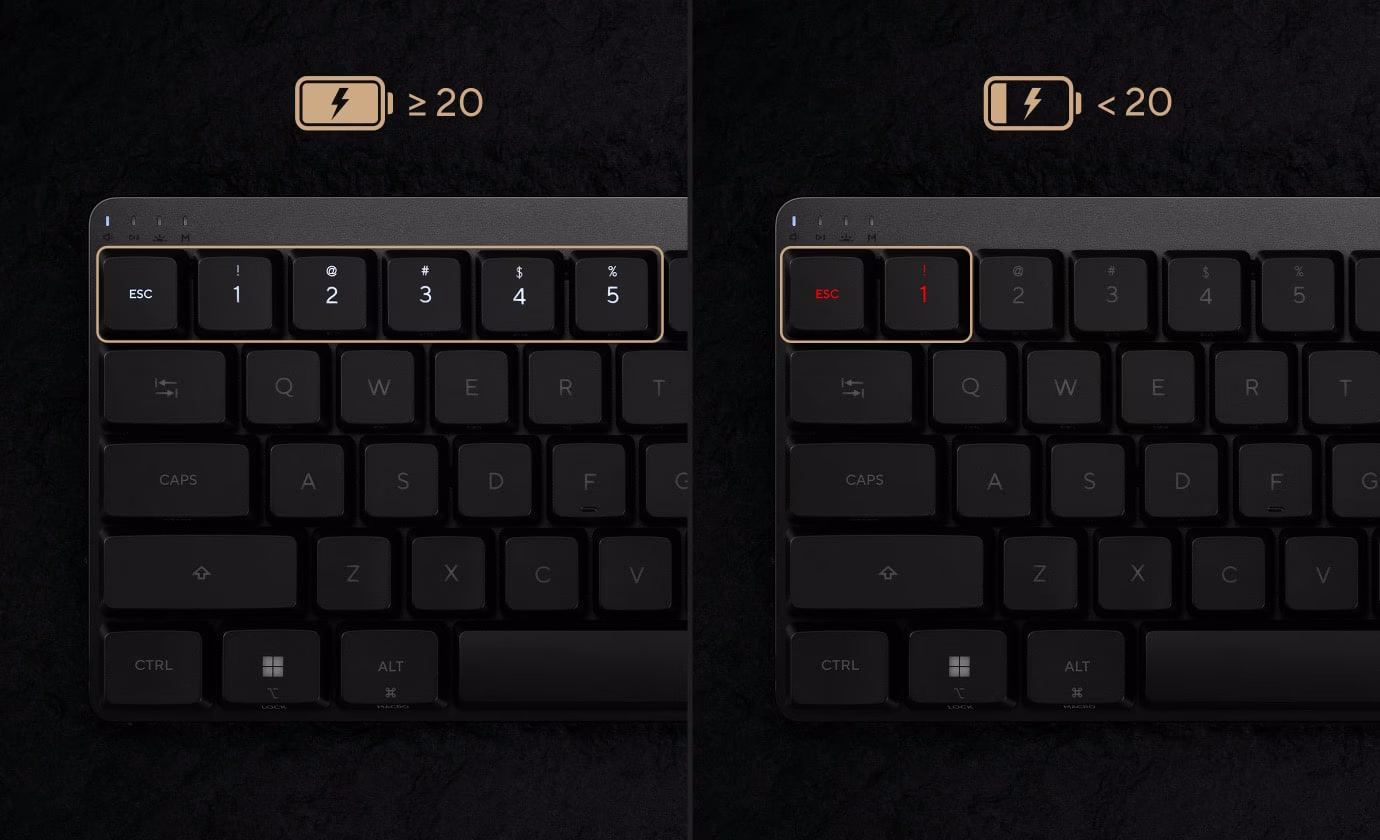
Connectivity-wise, the keyboard supports tri-mode connectivity for up to 5 devices simultaneously via 2.4 GHz wireless, Bluetooth, and USB-C. To further enhance functionality, Asus has included a dedicated PC/Mac toggle switch and integrated storage for the wireless dongle in its injection-moulded plastic base. The device is powered by a 4,000 mAh battery, which the company claims can last 16 months on a single charge with the backlighting disabled, or around 100 days with the RGB running at full brightness.

The typing experience is designed to be both responsive and quiet, featuring dual layers of integrated silicone-damping foam to absorb the metallic pings often found on compact mechanical boards. Currently, the ProArt KD300 has officially launched in the Chinese market for CNY 999 (approximately £107).

KitGuru says: Do you prefer the more understated looks of the KD300 or the gamified aesthetics of the ROG Falchion RX?

The post Asus launches its first ProArt keyboard first appeared on KitGuru.
❌
❌