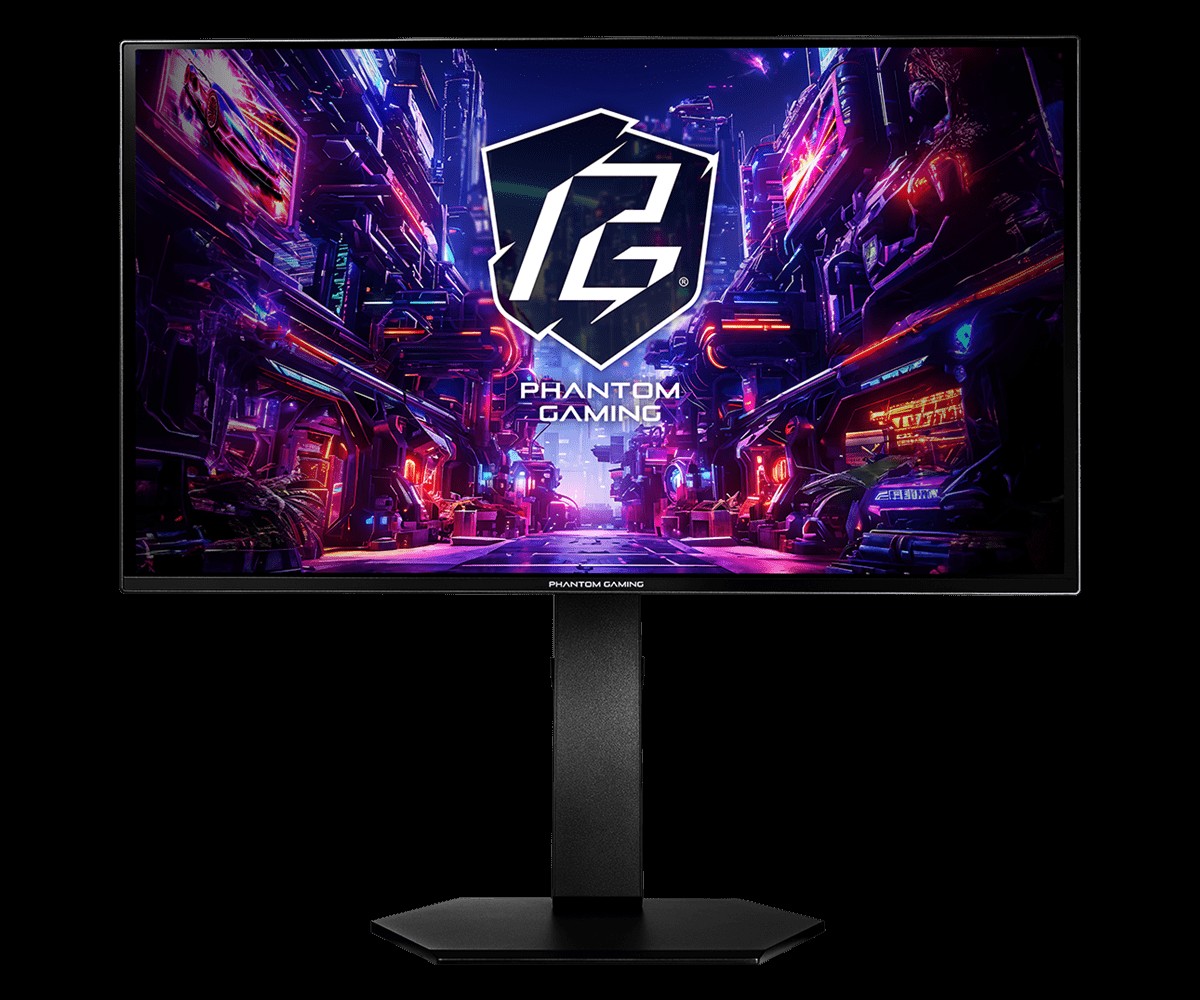
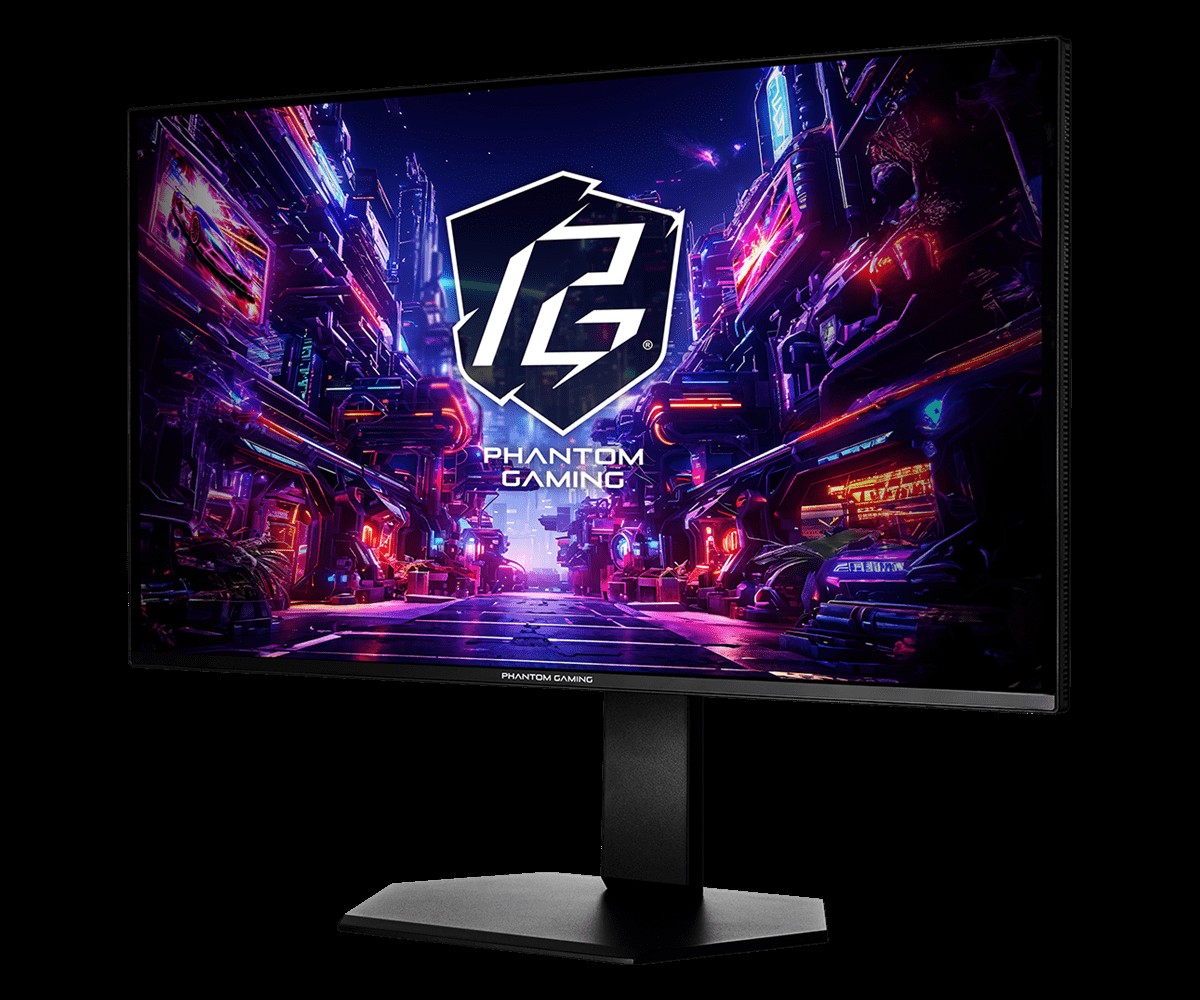
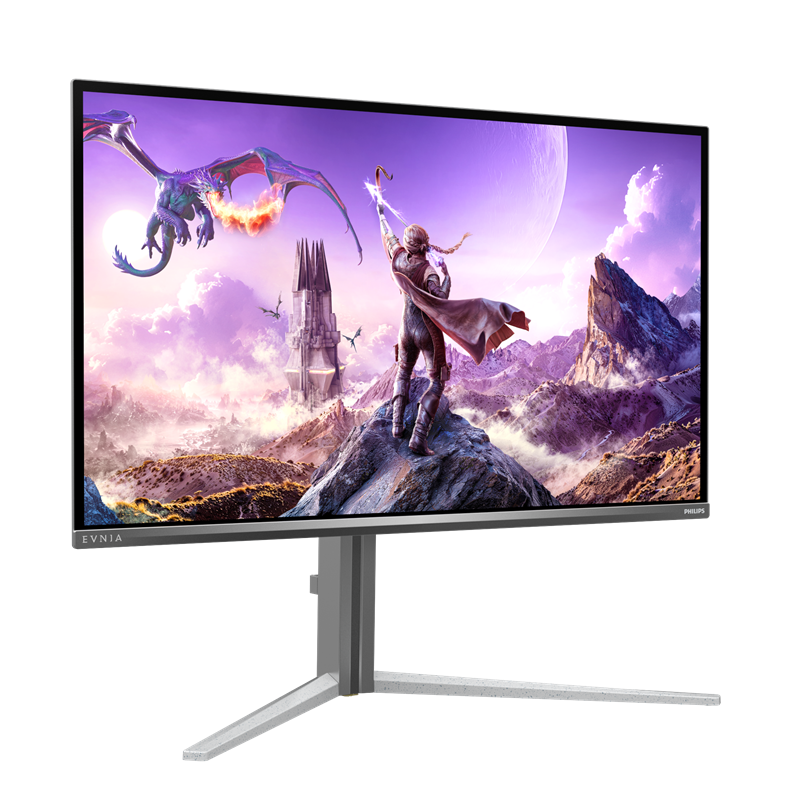
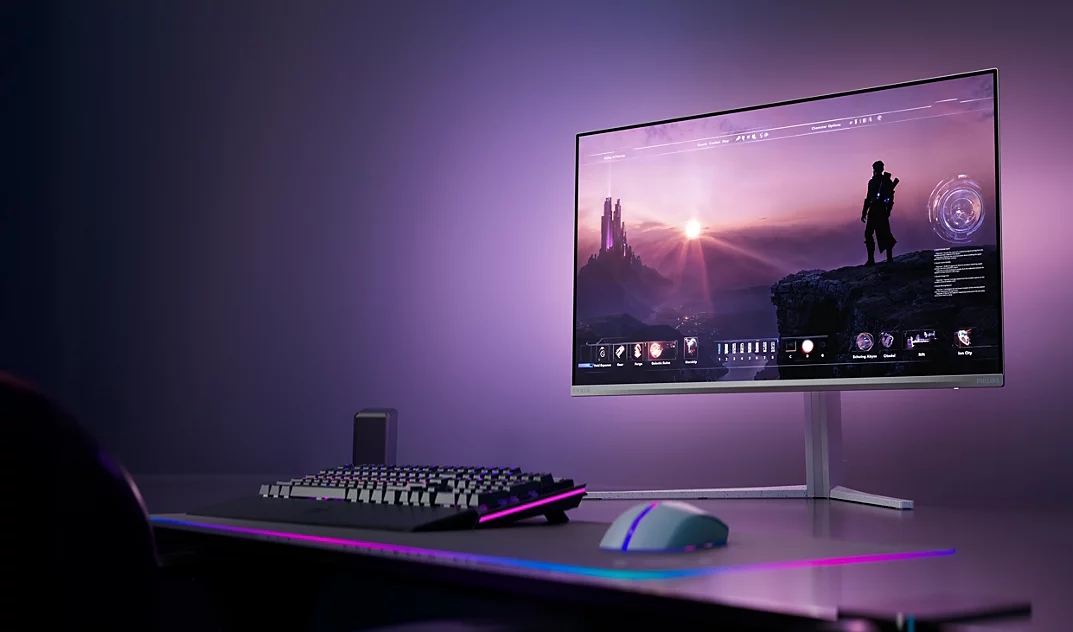
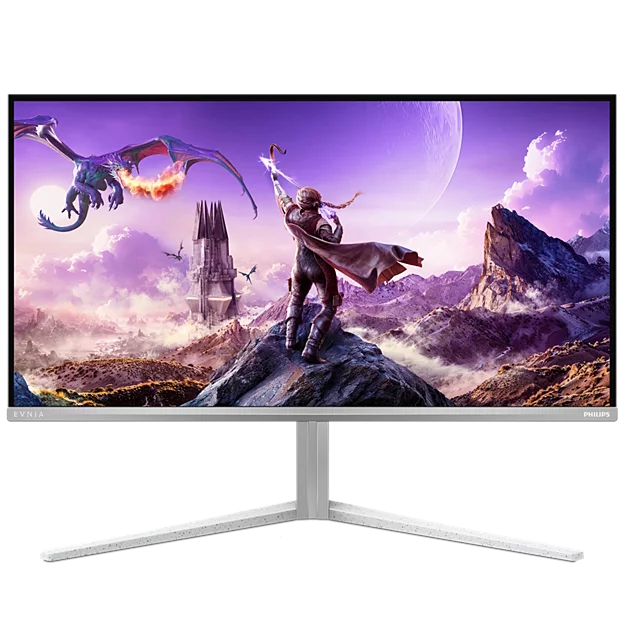
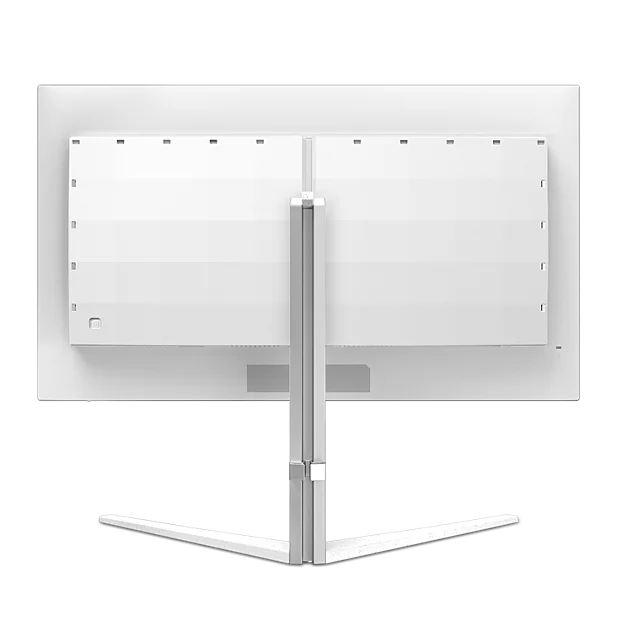
ASRock has announced the launch of the Phantom Gaming PGO27QSA and PGO27QSA-W OLED gaming monitors. Both models pack a 27-inch QD-OLED panel with QHD resolution and an ultra-smooth 240Hz refresh rate.
As you would expect from an OLED display, colour performance is strong here, covering 99% of the DCI-P3 colour gamut, with factory calibrated Delta E < 2 colour accuracy. Support for AMD FreeSync Premium is also included to reduce screen tearing and stuttering, along with a 0.03ms G2G response time.
Typical brightness is rated at 200nits in SDR, increasing to 400nits in HDR mode at peak. The 10-bit colour panel is coated in a glossy finish with an anti-reflection treatment and features a low blue light mode to reduce eye strain.
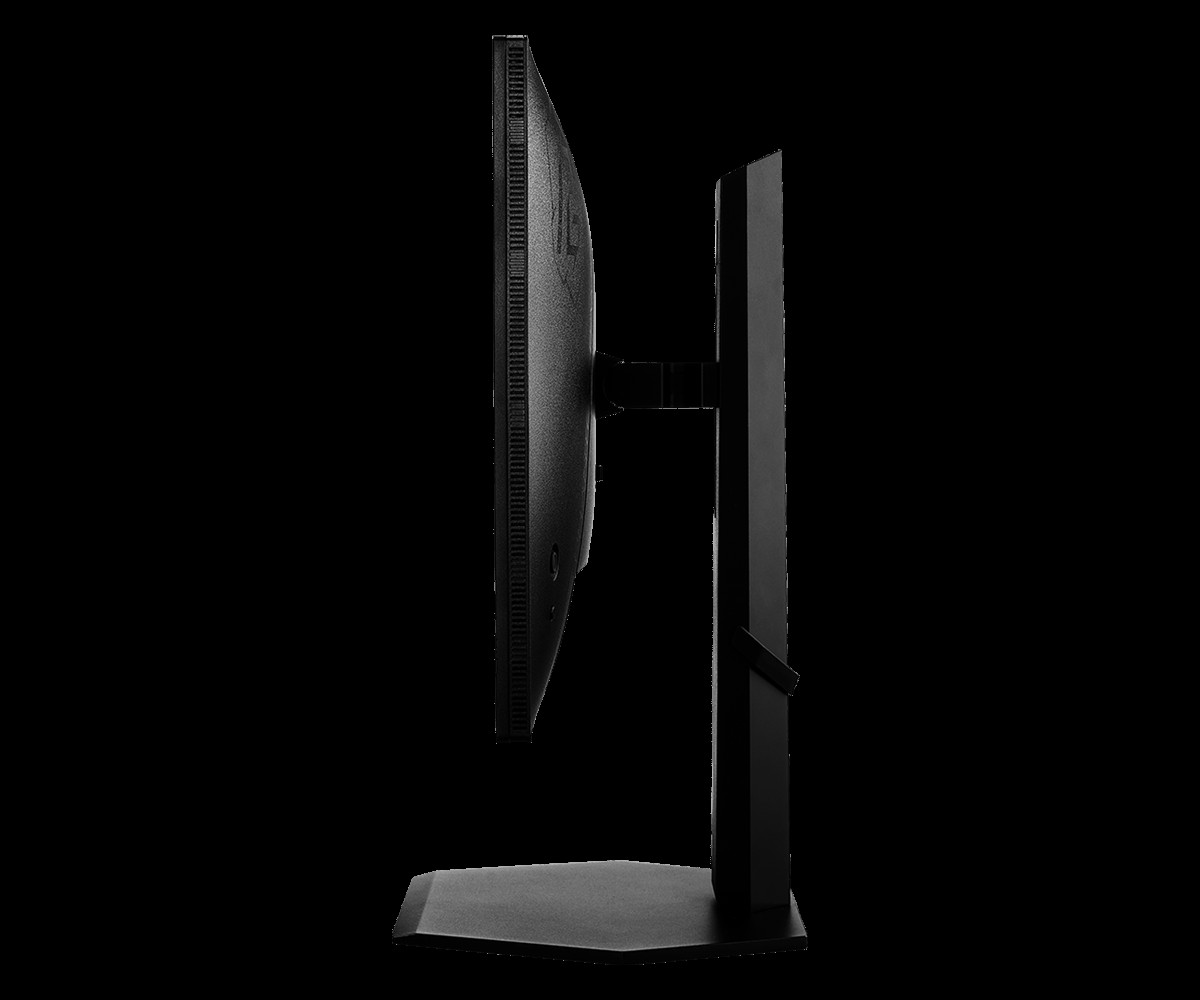
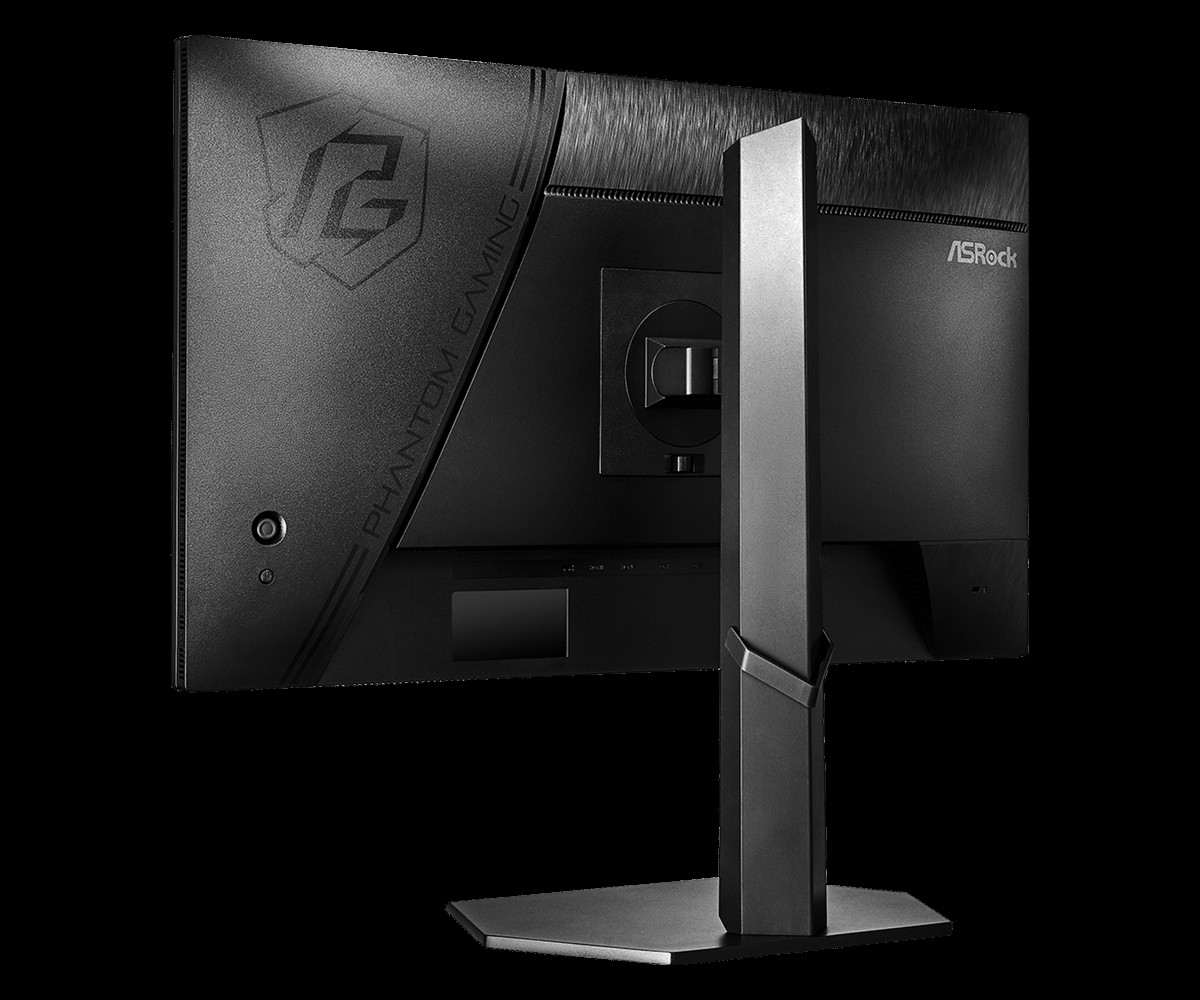
Ergonomic adjustments include height, swivel, tilt, and pivot functionality. Connectivity options include two HDMI 2.1 ports, two DisplayPort 1.4 inputs, and a headphone output for multi-device setups. While the standard PGO27QSA sports ASRock's signature Phantom Gaming black chassis, the PGO27QSA-W offers identical hardware, but in white instead of black.
KitGuru says: Are you thinking of making the jump to an OLED gaming monitor this year?
There is no shortage of 27-inch gaming monitors to choose from. This size strikes a balance between screen area and desktop footprint. But who would turn down a 32-inch panel when it comes to the best gaming monitors? No one I can think of. It requires a bit more room, but if you have it, it’s a screen size that lets you keep multiple apps open and edit documents side by side. It’s also a great window for the detailed graphical worlds found in today’s most popular games.
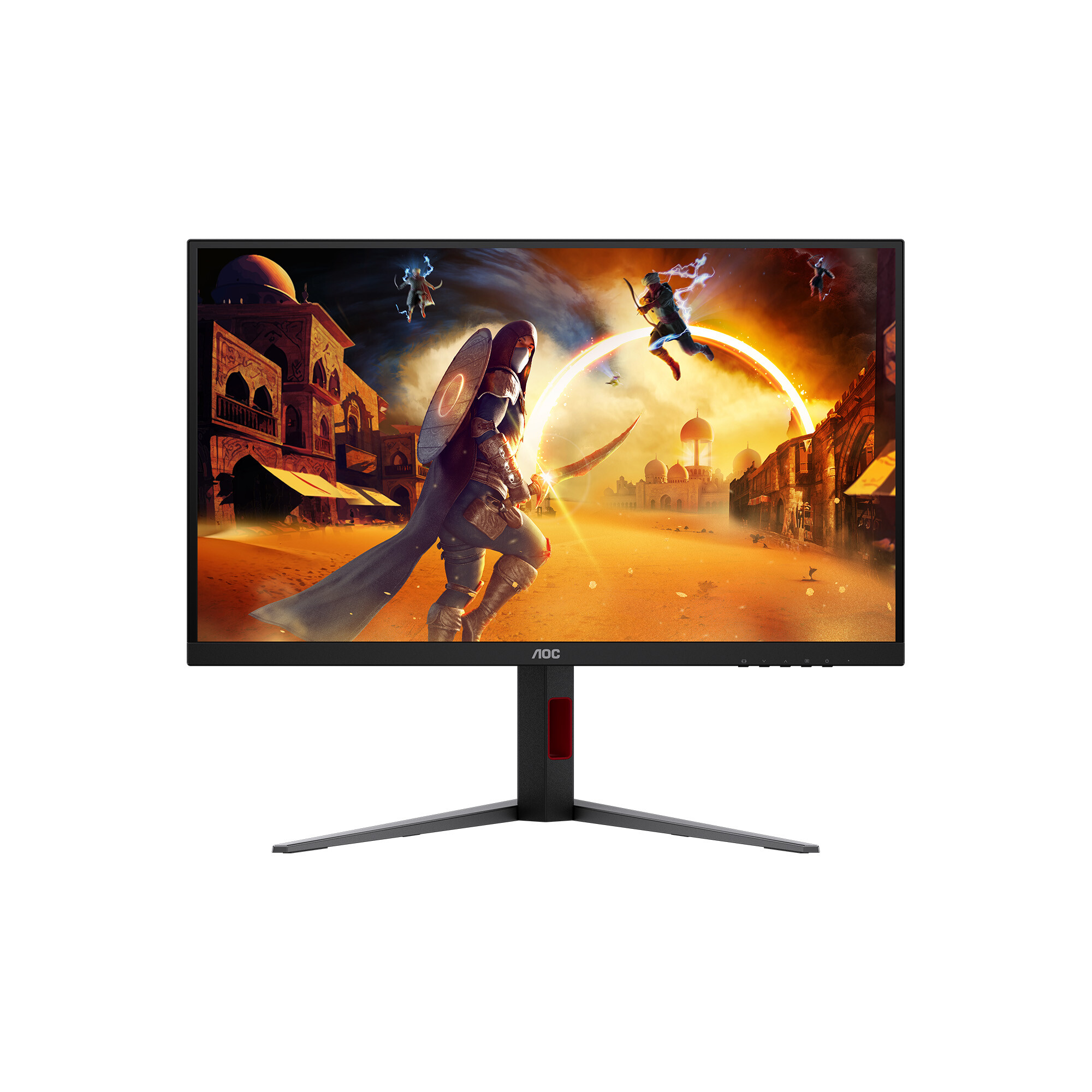
Larger screens always cost more than smaller ones, or do they? Following my recent review of AOC’s U27G4XM, a 27-inch 4K Mini LED panel that sells for $350, I have the U32G4. It also uses a 4K panel with a dual-refresh operation that toggles between 4K/160 Hz and FHD 320 Hz. It forgoes the Mini LED for an edge array, but in doing so, it actually costs less while being larger, 32 inches diagonal. It also has Adaptive-Sync, wide gamut color, and HDR. Let’s take a look.
AOC U32G4 Specs
Panel Type / Backlight
IPS / W-LED, edge array
Screen Size / Aspect Ratio
32 inches / 16:9
Max Resolution and Refresh Rate
3840x2160 @ 160 Hz
1920x1080 @ 320 Hz
FreeSync and G-Sync Compatible
Native Color Depth and Gamut
10-bit / DCI-P3
HDR10, DisplayHDR 400
Response Time (GTG)
1ms
Brightness (mfr)
450 nits
Contrast (mfr)
1,000:1
Speakers
None
Video Inputs
1x DisplayPort 1.4
2x HDMI 2.1
Audio
3.5mm headphone output
USB
None
Power Consumption
25.8w, brightness @ 200 nits
Panel Dimensions
WxHxD w/base
28.2 x 17.9-22.9 x 10.6 inches
(716 x 455-582 x 269mm)
Panel Thickness
2.4 inches (61mm)
Bezel Width
Top/sides: 0.3 inch (8mm)
Bottom: 0.8 inch (20mm)
Weight
18.1 pounds (8.2kg)
Warranty
3 years
The U32G4 starts with an IPS panel that’s both fast and full of contrast. I measured around 1,100:1, which is a little higher than average for the category. Keep in mind that an OLED with similar specs will cost you close to $1,000, so this AOC is a terrific bargain. Speed comes from a 160 Hz refresh rate and a decent overdrive. You also get backlight strobing that can be used in concert with Adaptive-Sync. That’s something usually reserved for high-end gaming screens. The dual-mode feature doubles the Hertz to 320 and sets the resolution to FHD (1920x1080). That’s a bit soft for such a large screen, but it nearly eliminates motion blur.
There’s plenty of color and brightness here with 480 nits available for SDR content. Contrast is solid with respectable black levels that are a little lower than the average IPS panel. No Quantum Dots are used, but color coverage is measured at 90% of DCI-P3. HDR10 content is supported, with a VESA DisplayHDR 400 rating. And three HDR emulation modes work to increase the dynamic range of SDR material.
Gamers get a nice set of extras, including aiming points with a dynamic option, sniper modes, and a frame counter. There are no LED lights, USB ports, or internal speakers. But you do get a precise four-level overdrive and the backlight strobe, which can be used along with Adaptive-Sync. That’s a boon for those who want to stay at 4K resolution but don’t have a fast enough video card to run at 160 fps. Of course, the 320 Hz/FHD option is just a button click away.
If you’re willing to give up the U27G4XM’s Mini LED backlight, the U32G4 represents a phenomenal value. $320 for a 32-inch 4K gaming monitor? That’s a deal well worth checking out.
Assembly and Accessories
The U32G4 ships in crumbly foam packaging, with the base, upright, and panel requiring toolless assembly. Once done, it’s a reasonably solid piece with a wide stance and good stability. The power supply is internal, so you get an IEC cord plus DisplayPort and HDMI cables.
Product 360
AOCAOCAOCAOCAOC
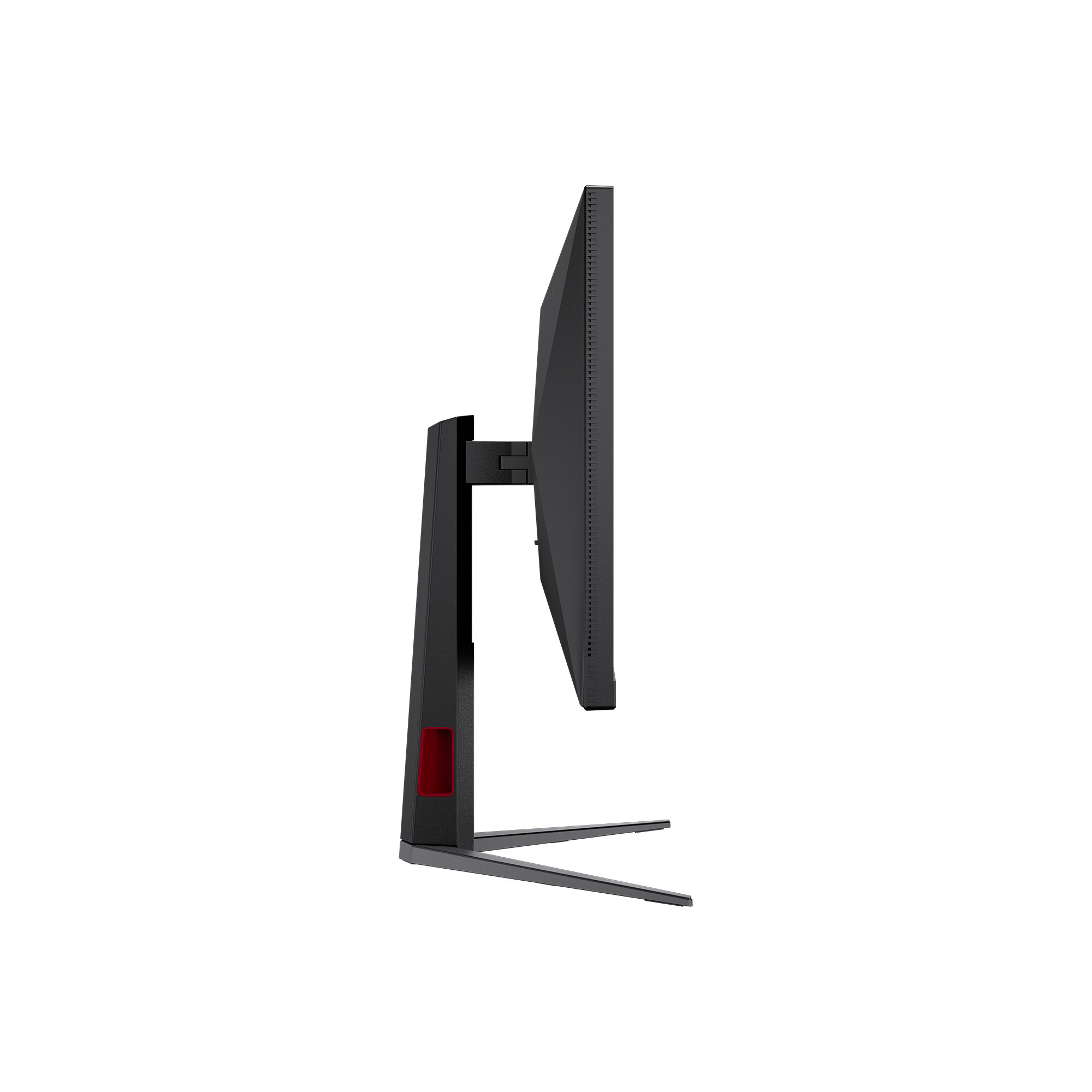
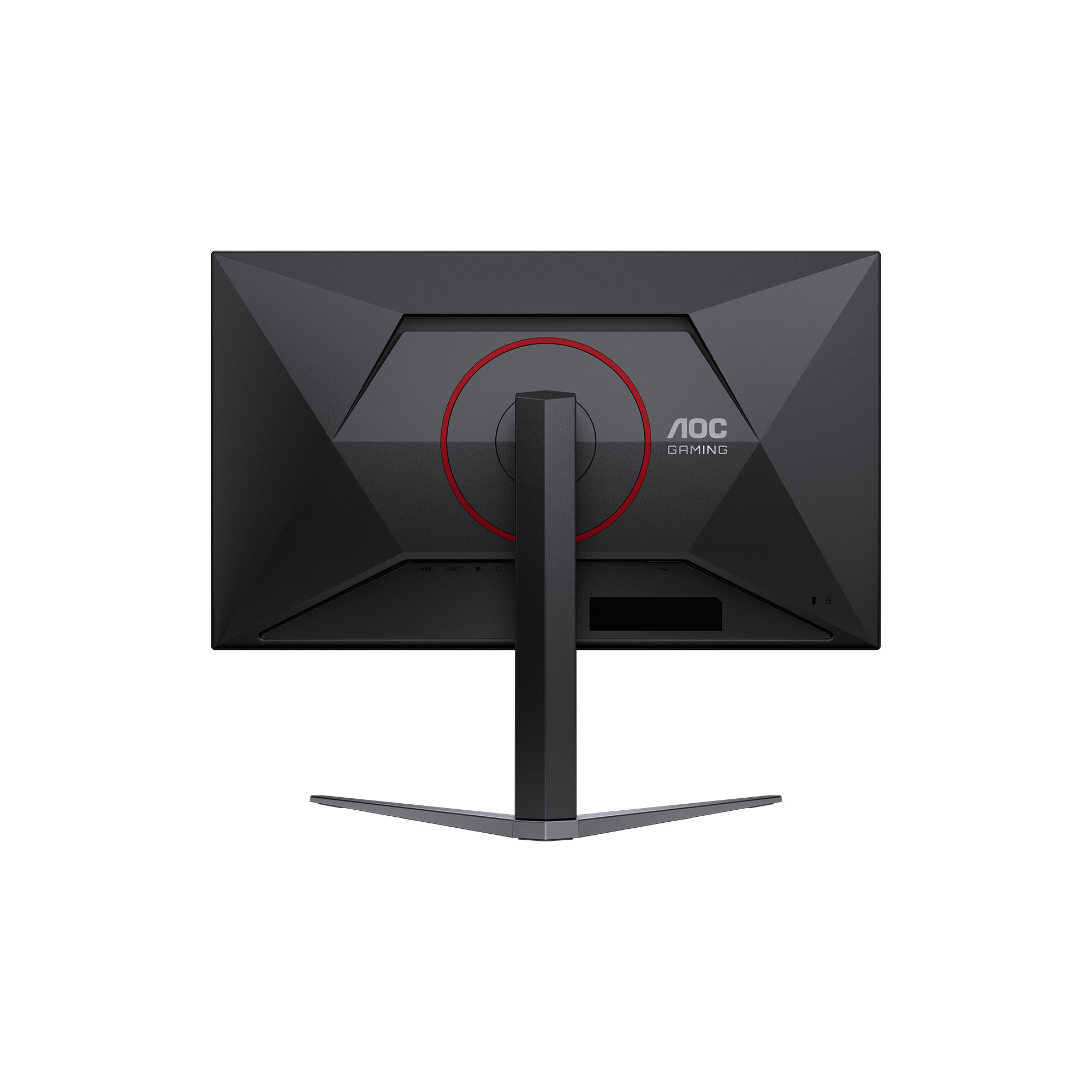
The U32G4’s styling is simple and elegant, with the panel’s shape formed from triangles in the back. A bright red trim ring encircles the fulcrum in the back and the words “AOC Gaming” appear as well. The cooling vents are hidden inside the gap you see at the top.
The screen has an 8 mm-wide flush bezel with a 20mm strip across the bottom. Under the right corner are four OSD control keys and a power toggle. A tiny status LED glows orange in standby and white when the power is on. The screen’s anti-glare layer keeps ambient light from spoiling the image while being clear and grain-free.
The stand is secure and tight in operation. It includes a red-trimmed cable hole that’s turned to the side, so it doesn’t show from the front. Ergonomics include a 5/23-degree tilt, 20-degree swivel, and a 5-inch height adjustment. You also get a 90-degree portrait mode. Movements are firm and smooth with little to no play. Though relatively lightweight, the U32G4 is a solid piece of gear.
There isn’t much happening on the I/O panel, except for a DisplayPort 1.4 port and two HDMI 2.1 ports. There are no internal speakers, but you can plug headphones into the 3.5mm jack. There are no USB ports or LED lighting. If you prefer to use a monitor arm, a 100mm VESA mount is provided with fasteners included.
OSD Features
To summon the U32G4’s OSD, press the right-most control key. Don’t press the power toggle by mistake, as I did several times. The menu is convenient and concise, and divided into seven sections.
The Game Setting menu starts with the dual mode feature, which includes 4K 120 Hz, 160 Hz, and FHD 320 Hz modes. The quicker way to switch is to press the second button, which pops up a quick menu and changes modes in a few seconds. You’ll need to visit the Nvidia or AMD control panel once to set each mode, then you can toggle back and forth at will.
There are also game modes in addition to the Eco picture modes. That makes for many possible combinations, so I suggest sticking with Standard/Standard for all content. It’s the closest to spec and calibrates to a high standard. This menu also offers shadow control for low-end gamma, a color saturation slider, a dial point (the aiming point, static or dynamic), and three sniper magnifications. The second screen has MBR and MBR Sync, which is the blur-reducing backlight strobe. Sync means you can use it along with Adaptive-Sync. There is a little phasing, but it is effective at keeping blur at bay when frame rates drop below 120fps. You can also turn on a frame rate indicator. The overdrive has four levels, of which Faster strikes the best balance between ghosting and blur reduction at 160fps.
The Picture menu contains the eight main picture modes. Standard works the best, and I used it for all testing and gameplay. You can adjust the color temp with fixed modes and a set of RGB sliders. There are five gamma presets, color management and three gamut options. Panel Native covers around 90% of DCI-P3 and is suitable for all SDR and HDR content. The sRGB mode is accurate enough to qualify for color-critical applications.
There are three HDR emulation modes that extend the perceived dynamic range of SDR content. When HDR10 signals are present, a fourth mode appears, Display HDR. It is the best choice for its accurate grayscale, EOTF, and color tracking.
The only other peripheral feature I noted here was PIP and PBP. You can view two sources at once and the PIP window can be moved and sized. You can swap the windows and select which one plays audio through the DisplayPort or HDMI inputs.
AOC U32G4 Calibration Settings
The U32G4 looked a tad warm to my eyes, and initial measurements showed it was a little short on blue in grayscale patterns. It can be used without calibration, but a few tweaks to the RGB sliders removed all visible errors. Gamma runs a shade dark on the 2.2 setting. Changing it to 2.0 was too much; it washed out the image. I noted that the sRGB mode had no calibration options, but it tracked grayscale and color with reasonable accuracy, though it showed a few gamma quirks. I’ll tell you more about that on page four. HDR signals have four modes available, with Display being the best choice. They cannot be calibrated. Below are my recommended SDR settings. Please enjoy.
Picture Mode
Standard/Standard
Brightness 200 nits
62
Brightness 120 nits
23
Brightness 100 nits
13
Brightness 80 nits
4 (min. 72 nits)
Contrast
50
Gamma
2.2
Color Temp User
Red 51, Green 49, Blue 51
Gaming and Hands-on
Right out of the gate, I could see how quick the U32G4 was. Even at a “mere” 160 Hz, it delivered smooth motion thanks to its precise and artifact-free overdrive. It’s one of the better implementations I’ve seen, especially at this price point. I used the Faster setting (third of four) and was rewarded with no perceivable motion blur. I was able to stay at 160fps thanks to a GeForce RTX 4090.
I tried the backlight strobe and found it effective at lower frame rates. I capped the action at 120 Hz and still had a smooth experience. It keeps Adaptive-Sync on, which is something I’m rarely able to do. There aren’t many monitors at any price that have that ability. If you have a slower video card, you can still enjoy 4K resolution at lower frame rates.
The dual-mode switch worked without issue once I set it up in the Nvidia control panel. You can toggle it in the OSD or press the second control key for a quick menu that does it faster. Running FHD on a 32-inch monitor is soft at best, but there’s no denying the benefit of 320fps. The U32G4 is quick at 160 Hz and super-quick at 320 Hz. This is also a good way to enjoy high frame rates from a budget gaming PC.
There are no Quantum Dots here, so I missed a little green saturation. But otherwise, the U32G4 is very colorful. DCI-P3 coverage is around 90%, so there is plenty of color for SDR content. The sRGB gamut option is useful when a smaller color space is needed, but I noticed slight gamma issues. Shadow areas were a bit light, and some highlights were muted. You can see why in the tests on page four.
For workday tasks, I stuck with Panel Native and a few tweaks to the RGB sliders to remove all grayscale errors. Gamma is a shade dark, but there is no loss of detail. Set the brightness slider to 200 nits, and you’ll enjoy a vivid and pleasing image.
4K at 32 inches has plenty of pixel density at 139ppi. That’s fine enough to hide the dot structure unless you sit inches from the screen. Text is smoothly rendered without visible jaggies. Graphics look realistic with photos being particularly enjoyable. That might have something to do with the large format. 32 inches is my go-to and it’s the size of my reference screen. It’s perfect for writing where I need to keep extra windows open to refer to charts and data. Spreadsheets can be viewed with much less scrolling, and webpages display more of their content too. Photoshop lets you see the picture and keep lots of toolbars at hand.
Takeaway: For $320, it’s hard to imagine a better 4K gaming monitor than the U32G4. It’s fast, bright, and colorful. It doesn’t have USB ports or internal speakers, but it does have all the goods for high-performance gaming with low input lag, smooth motion resolution, and accurate color. It’s equally adept at productivity with lots of screen area for documents and large, clear text. If you have the desktop space for something bigger, a 32-inch monitor is a great option.
Click here to read up on our pixel response and input lag testing procedures.
Tom's HardwareTom's Hardware
The response test group consists of the last five LCD panels I’ve tested, so their sizes and resolutions vary. It’s interesting to note that refresh rate doesn’t always mean faster screen draw. That is a function of the overdrive. When I test, I set it to where there are no ghosting artifacts. This is usually not the fastest setting. In the U32G4’s case, doubling the refresh rate adds a scant 0.16ms to the score. This is an imperceptible amount. The overdrive is effective, but the first three panels will be a touch smoother at the indicated refresh rates. Remember that an OLED panel is about ten times quicker with draw times around 0.25ms.
In the lag test, the U32G4 takes the win at 320 Hz with a 13.4ms score. This puts it on par with many premium gaming monitors. At 160 Hz, it manages to outdo three monitors with higher refresh rates. For the price, this kind of performance is hard to beat.
Test Takeaway: The U32G4 is one of the faster gaming monitors I’ve tested. It’s worth pairing with a video card powerful enough to run at 160 Hz at 4K resolution, as it offers excellent overdrive and very low input lag. To get smoother processing, you’ll need an OLED, which will cost you around three times as much. This is impressive performance to say the least.
Viewing Angles
(Image credit: Tom's Hardware)
The green tint seen in the U32G4’s 45-degree side photo shows its IPS origin. But it isn’t the most tint I’ve seen. And there is no change to gamma or brightness, which is a major plus. This is a very shareable monitor. The top view has a red cast with reduced gamma and luminance.
Screen Uniformity
To learn how we measure screen uniformity,click here.
(Image credit: Tom's Hardware)
I noticed a Uniformity picture mode, which indeed improves uniformity but at the cost of peak brightness and contrast. No matter, because my U32G4 sample scored an excellent 6.58% in its Standard mode. There are no visible issues here in any test pattern or content. This is excellent performance.
The U32G4 is fairly bright for its size. Most 32-inch screens do well to hit 400 nits unless they have Mini LED backlights. At 480, the U32G4 is nearly as bright as its 27-inch Mini LED stablemate, the U27G4XM. If you use a 32-inch monitor at 480 nits, you will tire quickly unless your room is sunlit, or you’re outside, say in a location shoot tent. The black level is respectable for an IPS monitor, so you get 1,154.9:1 contrast, which is a tad above average. Only the ViewSonic boasts more dynamic range.
After Calibration to 200 nits
Tom's HardwareTom's HardwareTom's Hardware
After calibration, the U32G4’s black level goes up to second place behind the overachieving VX2730D-4K, and contrast stays consistent at 1,147.4:1. ANSI contrast is also very consistent at 1,088.4:1, keeping it ahead of all but the ViewSonic in this group of tests. This is excellent performance.
Test Takeaway: You won’t mistake the U32G4 for an OLED or VA monitor, but among IPS screens, the most common tech, it stands out with solid contrast and good black levels. It also has high brightness, which is an asset for outdoor use or if you have a very sunny office like me.
The U32G4 is on the edge of needing calibration. I expect most users will be satisfied with the image as it comes out of the box. If you do tweak, stick to the Standard/Standard mode which allows access to RGB sliders, gamma presets and color gamut options.
Grayscale and Gamma Tracking
Our grayscale and gamma tests use Calman calibration software fromPortrait Displays. We describe our grayscale and gamma tests in detail here.
In the first chart, you can see that the U32G4 is a tad warm in tone, but the errors are close to the 3dE threshold. Brightness levels below 50% have no visible issues. This is solid performance for the money. Gamma runs a tad dark with rising values in the 60-90% range. This is a small error that won’t adversely affect real-world content. Some highlights may look muted, but problems will be hard to spot.
Calibration tightens up grayscale tracking by bringing all errors below 2dE. You won’t see anything but perfectly neutral tones here. Gamma is a shade lighter too, which is a subtle but positive change. Considering that the U32G4 is a 32-inch 4K monitor for $320, I can’t complain.
The sRGB mode has similar grayscale tracking, but gamma is a bit askew. The dip at 10% means dark areas will be too light. As the values rise, it mutes highlight areas, especially in the 80-90% brightness region. The U32G4 can be considered qualified for critical applications, but some compensation for the gamma error should be made.
In the default comparison, the U32G4 sits right on the edge of “needs calibration.” I would say it does, but I’m pickier than most. It’s an occupational hazard. I doubt too many gamers would complain. But if you tweak, at least with my recommended settings, you’ll make visible gains in image quality. Not only are the neutral tones more neutral, but the gamma is also a tad lighter, which gives the picture more verve.
Though gamma is a shade dark, its tight range of values mitigates the visual impact of any inaccuracy. The range is small at 0.12 while the deviation is 3.64%. That equates to an actual value of 2.28, not too far from 2.2. This is excellent performance for a budget gaming monitor.
Color Gamut Accuracy
Our color gamut and volume testing usePortrait Displays’ Calman software. For details on our color gamut testing and volume calculations,click here.
The default color chart shows excellent tuning on AOC’s part, with only slight hue errors in magenta and cyan. Green comes up a tad short of full coverage thanks to the lack of Quantum Dots. The inner points hit their marks, but you only get around 85% of the green primary. This is typical of non-QD LCD panels.
Calibration corrects secondary hue errors without changing any saturation points. The improvement is subtle but visible. This is excellent performance.
The sRGB chart adheres well to the standard despite the gamma errors I noted earlier. This is why you can use the U32G4 for critical work. Gamma issues can be compensated for using a software profile if you wish.
Comparisons
Tom's HardwareTom's Hardware
This is a solid group of color-accurate monitors, with the U32G4 in fourth place. If you lined them all up, you’d see very little difference except for the top three, which cover more of the green primary. From a precision perspective, the U32G4 holds its own with more expensive displays. DCI-P3 coverage comes up a little short of 90%, but for the price, there is nothing to complain about. sRGB coverage is ideal at 99.32%.
Test Takeaway: The U32G4 is very accurate out of the box when price is considered. You’re getting a 32-inch 4K display for $320. That alone is enough. With calibration, it delivers solid accuracy with its only weakness being green primary coverage when referenced to DCI-P3. The sRGB mode has excellent gamut accuracy and only needs improvement to its gamma tracking. Overall, the U32G4’s color performance is more than good enough to satisfy users looking to save a bit of money on a large screen.
The U32G4 supports HDR10 content with an automatic switch and four specific picture modes. It can also mimic HDR’s dynamic range with three emulation modes for SDR signals.
HDR Brightness and Contrast
Tom's HardwareTom's HardwareTom's Hardware
I was surprised to see that the U32G4’s HDR peak was a little lower than its SDR number. This isn’t a huge deal, but it does narrow the gap between SDR and HDR in terms of impact. I also noted that there was no dynamic contrast in play. There is no edge-zone or field dimming, and the DCR option in the picture menu is grayed out. This means there is no difference in black levels or contrast between SDR and HDR. In both modes, you get around 1,100:1. The U32G4 supports HDR but doesn’t embrace it. This is also true of the ViewSonic, Titan Army, and Gigabyte displays. If you want high-impact HDR from an LCD, go for a Mini LED screen like the U27G4XM.
Grayscale, EOTF and Color
Portrait Displays CalmanPortrait Displays Calman
In the HDR grayscale test, there is a slightly warm tone, but the error is barely visible in content. That’s a good thing because there are no adjustments available. The highest errors just crack 4dE, not bad for a budget display. The EOTF tracks very closely to the reference with a little lightness around 40-50% brightness and an elevated black level seen at the 0-5% part of the chart. The tone map transition at 65% is correct for the measured black and white thresholds.
The color test shows a little oversaturation, but no more than any other HDR monitor I’ve tested. This is a typical approach taken by most displays that gives HDR more punch. It’s effective in the U32G4’s case with no cause for complaint. Hue tracking is on point. The DCI-P3 chart is a tad short on green; also typical for non-Quantum Dot screens. In the BT.2020 test, the U32G4 runs out of color at 85% red, 70% green and 90% blue.
Test Takeaway: The U32G4 is a color-accurate HDR monitor but not a particularly bright or impactful one. It has no dynamic contrast available to extend that range but that isn’t unusual at this price point. The standard is supported with accurate color and luminance tracking, but HDR doesn’t look significantly different from SDR.
Now that 4K monitors are becoming available at truly attractive prices, the array of choices is vast. But it seems they’re mostly concentrated in the 27-inch category, if my review database is any indication. I doubt there are users who would choose a 27 over a 32 unless they just don’t have the room. 32 inches used to be a significant price jump, but no more. The AOC U32G4 is $320, and for that sum, you get a lot.
(Image credit: AOC)
Its IPS panel has slightly higher than average contrast at around 1,100:1. Color is accurate with no real need for calibration, but you can tweak it for a small improvement. It’s bright at over 480 nits peak though HDR is a little less vivid at around 450 nits. And it doesn’t offer dynamic dimming so the quality difference between SDR and HDR is small. In all scenarios though, it is very colorful. You don’t get Quantum Dots, but you do get 90% coverage of DCI-P3.
(Image credit: Tom's Hardware)
Video processing is on par with many premium screens thanks to a precise overdrive and extremely low input lag. The U32G4 also lets you run backlight strobing with Adaptive-Sync, a feature that very few monitors offer. And the dual-mode feature works without issue if you want to race around at 320fps in FHD resolution.
If you only have a small monitor budget but want a large screen, the AOC U32G4 is pretty much a no-brainer. It’s fast, bright, and colorful, and games with the best monitors I’ve reviewed. It’s versatile too, with dual-refresh and MBR Sync. For $320, it has no real competition. Budget-conscious gaming PC owners should definitely check it out.
AOC has listed a new 27-inch gaming monitor, the Q27G4SM, on its Chinese website. Built around a Fast IPS panel and an 1152-zone Quantum Dot Mini-LED backlight, the display delivers a 2560×1440 resolution, a 340Hz refresh rate, and VESA DisplayHDR 1000 certification.
According to the official datasheet (via Prad), the monitor achieves a peak brightness of 1200nits with a 10-bit colour depth and a 1 ms G2G response time. Colour coverage reaches 100% sRGB and 99% DCI-P3 with a Delta-E accuracy rating under 2, while typical power consumption is rated at 35W. FreeSync is on board to prevent screen tearing, backed by a selectable motion blur reduction mode.
Display features include picture-in-picture and picture-by-picture viewing, an FPS counter, and a crosshair overlay. Physical connectivity options consist of two HDMI 2.1 inputs, one DisplayPort 1.4 connection, and a headphone output. The included stand supports tilt, swivel, and pivot, along with 130mm height adjustment and 100x100mm VESA mounting support. Release timing and pricing outside of China remain unconfirmed.
KitGuru says: Pairing 1152 Mini-LED dimming zones to a 340Hz 1440p Fast IPS panel makes the Q27G4SM a compelling display option if AOC brings it to Western markets.
Philips has introduced its latest Evnia gaming monitor, the 32M2N6901A, a 32‑inch 4K QD‑OLED monitor designed to deliver high colour accuracy and fast performance. It will be available starting in August, offering Ambiglow lighting and compatibility with other AmbiScape lighting products for full-room RGB.
The monitor supports VESA DisplayHDR True Black 400, offering deep blacks, high contrast and true 10‑bit colour for smoother gradients and more natural transitions, as is standard for QD-OLED displays. What isn't standard is the monitor's AI-enhanced Ambiglow lighting, giving you lighting that reflects off the wall behind your monitor and naturally adjusts depending on the content on screen. The monitor can also sync up with Philips' other AmbiScape lighting products, so you can turn your whole office into an ARGB light show.
Features like Low Blue Mode are present to reduce eye strain during longer sessions. The monitor also has a 165Hz native refresh rate, so you'll get ultra-smooth gaming performance, as well as 0.03ms response time, making it ideal for competitive multiplayer games as well as AAA blockbusters.
Connectivity options include USB‑C with up to 90W power delivery, and the display also ships with two integrated 5W speakers and Philips’ Compact Ergo Base stand with height, tilt and swivel adjustment.
The Philips Evnia 32M2N6901A will be available starting in August, priced around £649.99.
KitGuru Says: Are you thinking about making the upgrade to an OLED gaming monitor this year?
Samsung Display has started supplying tandem OLED laptop panels that meet VESA's new DisplayHDR True Black 1400 certification, a significant upgrade over the previous generation. These new ultra-bright OLED panels are now shipping to laptop OEMs around the world, so we should see them in new laptop designs very soon.
To qualify for VESA's DisplayHDR True Black 1400 standard, displays must reproduce black levels of 0.0005nits or lower while reaching a peak brightness of 1400nits at a 10% On Pixel Ratio (OPR). This increases the peak brightness requirement by 40% compared to the previous DisplayHDR True Black 1000 benchmark.
Samsung Display states that its new tandem OLED panel achieves up to 1600nits of peak brightness at the panel level. That represents a 40% improvement over conventional single-stack OLED panels capped at 1100nits. Stacking two organic emissive layers reduces stress on each layer, doubling the panel's lifespan under standard laptop operating conditions. Newly developed materials also optimise light efficiency and operational stability.
The Lenovo Yoga Pro 9i Aura Edition (16″, 11) earned True Black 1400 certification on July 8th using this panel. Additional products from Asus, Dell, and MSI are expected to feature the display from the second half of this year through next year. Samsung Display will also showcase the technology at K-Display 2026 in Seoul from July 22nd to 24th.
KitGuru says: If you were to buy a laptop now, would you consider one with an OLED panel?
Philips has listed its new Evnia 32M2N6901A gaming monitor, featuring a 31.5-inch 4K QD-OLED panel and a 165Hz refresh rate. While the company has not announced an official launch date or price, retail listings point toward a late August 2026 release.
According to Prad, the Evnia 32M2N6901A sports a 3840×2160 resolution and carries VESA DisplayHDR True Black 400 alongside ClearMR 9000 certifications. Its datasheet details a 10-bit color depth, a 0.03ms gray-to-gray response time, a 1,500,000:1 contrast ratio, and a Delta-E color accuracy value of less than two. Colour gamut coverage hits 100% sRGB, 99% DCI-P3, and 97.5% Adobe RGB. For brightness, Philips advertises 250nits under standard SDR workloads, climbing to a peak of 1000nits in HDR mode at a 3% Average Picture Level (APL).
Gaming features include AMD FreeSync Premium Pro, an on-screen smart crosshair overlay, and three-sided Ambiglow AI-powered lighting effects. Built-in audio is handled by two 5W internal speakers with DTS Virtual :X virtual surround sound. For multi-device users, the integrated KVM switch works alongside picture-in-picture and picture-by-picture viewing modes to manage multiple sources.
Connectivity options include two HDMI 2.1 inputs, a DisplayPort 2.1 input, a USB 3.0 hub, a headphone output, and a USB-C port that delivers up to 65W of power. The included stand supports height adjustment up to 130mm, tilt, and swivel, though it lacks a pivot option. Some retailers have already listed the monitor at around €750, with availability expected in August.
KitGuru says: Looking for a 4K QD-OLED gaming monitor? The Philips Evnia 32M2N6901A could be worth considering given its spec sheet.
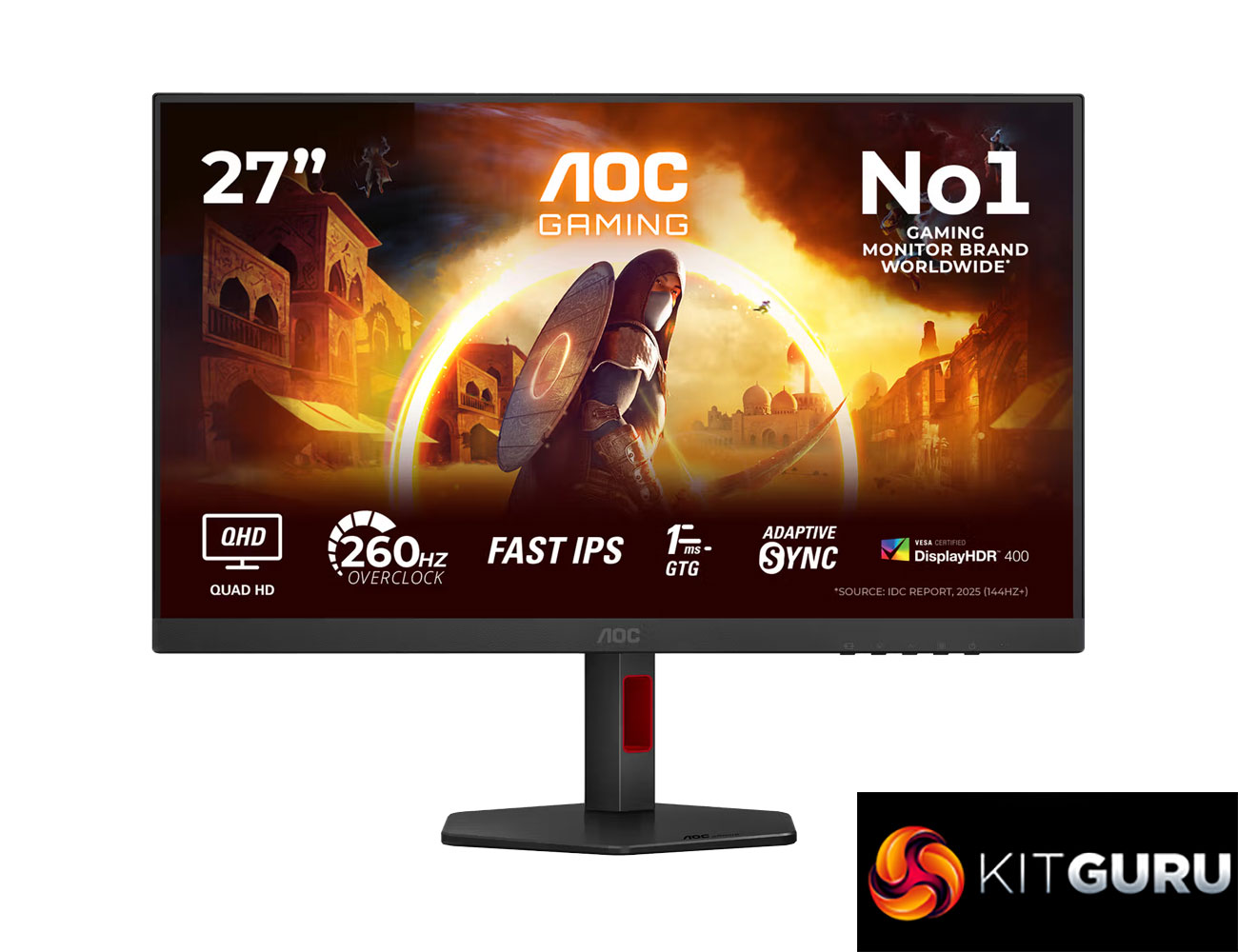
Today we're taking a break from high-end OLED and mini LED monitors to focus on something more affordable. But despite retailing for just £179 here in the UK, AOC's Q27G4ZR has an impressive spec sheet, packing in a 27in IPS panel with a 1440p resolution and 260Hz refresh rate, alongside G-Sync Compatible certification and a claimed 1ms response time. Let's find out exactly how good this screen really is…
If the spec and price of the AOC Q27G4ZR sound familiar, it certainly has a number of similarities when compared to the Philips Evnia 27M2N3501PA that we reviewed at the end of last year, and it's an almost certainty that both screens are using the same panel.
Still, we know from experience that's no guarantee of similar performance, so let's take a closer look and find out if the Q27G4ZR is worth buying.
Specification:
Screen size: 27.0″ / 68.58 cm
Flat / Curved: Flat
Panel treatment: Antiglare (AG)
Pixel pitch: 0.2331 mm
Pixels per inch: 108.8
Panel resolution: 2560 x 1440
Aspect ratio: 16:9
Panel type: Fast IPS
Backlight type: WLED
Max refresh rate: 260Hz OC / 240Hz native
Response time (GtG): 1 ms
Response time (MPRT): 0.3 ms
Static contrast ratio: 1000:1
Dynamic contrast ratio: 80M:1
Viewing angle (CR10): 178 / 178
Display colours: 16.7 Million
Brightness: 400 cd/m²
Sync technology (VRR): Adaptive Sync
NVIDIA G-SYNC: NVIDIA G-SYNC Compatible
HDMI: HDMI 2.0 x 2
DisplayPort: DisplayPort 1.4 x 1
Audio output: Headphone out (3.5mm)
Digital signal frequency (vertical): HDMI 48–144Hz / DP 48–260Hz
Digital signal frequency (horizontal): HDMI 30k–230kHz / DP 30k–400kHz
Samsung Display has announced that it is now supplying its first mass-produced VESA DisplayHDR True Black 1400 monitor panels to laptop makers including Lenovo, Asus, Dell, and MSI. Get ready for the brightest and punchiest portable displays yet as these big-name laptop brands integrate Samsung’s latest tandem OLED displays into their designs. VESA only introduced this new standard earlier this month, and it is notable for requiring panels with at least 40% higher brightness than the previous top tier.
Samsung DisplaySamsung Display
The VESA DisplayHDR True Black 1400 specs are rather strenuous. Earning this certification means that your display must “reproduce black levels of 0.0005 nits or lower while achieving peak brightness of 1,400 nits at a 10% On Pixel Ratio (OPR),” notes Samsung. Peak brightness is also boosted by 40% compared to VESA’s previous highest certification level, True Black 1000. In terms of actual brightness readings, Samsung’s new tandem OLEDs offer up to 1,600 nits, which is 40% higher than the 1,100-nit peak brightness of conventional OLED panels with a single emissive layer.
In case you haven’t heard of tandem OLED display panels, a big clue to their boosted visual performance is in the name. This display architecture stacks two organic emissive layers to improve light-emitting efficiency and achieve higher brightness. Another benefit is that the dual operation of the panels means a “tandem OLED can produce greater brightness using the same current or reduce the load on each emissive layer at the same brightness level, extending the panel’s lifespan,” notes Samsung in today’s press release. Thus, this kind of panel isn’t necessarily going to crater your laptop battery life when you only require modest brightness levels, as in a typical home/office environment, for example.
Lenovo’s Yoga Pro 9i Aura Edition was the first device to feature Samsung’s new tandem OLED panel. Meanwhile, devices from Asus, Dell, and MSI are going to hit retail sometime in H2 this year.
We’ve already seen tandem OLED-enhanced desktop monitors launched from brands like Alienware, Gigabyte, and MSI. Samsung Display’s local rival, LG Display, is also gearing up to compete in this premium market segment.
AOC is expanding its Agon G4 ultrawide range with two new 34‑inch curved monitors – the CU34G4CA at 180Hz and the CU34G4ZCA at up to 250Hz. Both models have the specs needed for high performance gaming, but there are additional features that will be handy for a hybrid work-from-home setup, including 90W USB‑C Power Delivery and an integrated KVM switch.
Both displays use a 1500R curved Fast VA panel with 3440×1440 resolution. You will benefit from HDR too thanks to DisplayHDR 400 certification, with a peak brightness of 450-nits.
The CU34G4CA targets mainstream ultrawide gaming with a 180Hz refresh rate and 0.5ms MPRT response time. Connectivity includes two HDMI 2.0 ports and one DisplayPort 1.4. The CU34G4ZCA steps things up with a native 240Hz refresh rate, overclockable to 250Hz, alongside a faster 0.3ms MPRT.
Both monitors double as workstation hubs thanks to 90W USB‑C, an integrated KVM switch and a built‑in USB hub. AOC also includes USB‑C, HDMI and DisplayPort cables in the box. Ergonomic features include height, tilt and swivel adjustment, and both models support Adaptive‑Sync and AOC’s G‑Menu software.
The AOC GAMING CU34G4CA and CU34G4ZCA will be available from August, priced at £289.99 and £329.99 respectively.
KitGuru Says: Are you considering making the switch to an ultrawide display?
TCL CSOT, a subsidiary of Chinese electronics and TV giant TCL, has been developing inkjet-printed (IJP) OLED displays since 2024, and it seems that it has finally brought it to market with the Lenovo Legion R9000P. Lenovo says that this is the first laptop in the world to feature the TCL CSOT technology, which marks a significant step towards “the commercialization of this next-generation display technology.”
(Image credit: Lenovo)
This Lenovo Legion laptop will feature a 16-inch IJP OLED that can hit a 240 Hz refresh rate while also covering more than 99% of the DCI-P3 color gamut. This isn’t exactly groundbreaking when it comes to OLED monitors, but the biggest advantage that IJP OLED displays have over the traditional vacuum thermal evaporation (VTE) method is that it’s cheaper and simpler to produce, resulting in higher yields. TCL CSOT’s IJP OLEDs also promise improved brightness, which is something that traditional OLED screens struggle with. This is especially important for laptops like the Legion R9000P, which are expected to face more varied lighting conditions due to their portable nature, compared to monitors and TVs that are often placed statically in one location for most of their lifetime.
If this technology catches on, it should reduce the cost of the best OLED gaming monitors, which, arguably, offer one of the best experiences when it comes to contrast and color. Unfortunately, Lenovo hasn’t revealed the specifications or the price of the Legion R9000P, so we cannot say for sure how the IJP OLED has affected its affordability and compare it with similar models that feature a more traditional OLED display.
While this is the first time that IJP OLED is being mass-produced for consumer electronics, TCL CSOT has been working on the technology for over 10 years now. In fact, the company has been mass-producing its 5.5-generation IJP OLED since 2024 (which is presumably used in commercial and industrial products like medical displays) and has started construction of its 8.6-generation IJP OLED production last year.
Aside from Lenovo, MSI is also using this new IJP OLED panel in the just-announced MSI Pro Max OLED 271UPJW12. While the company did not explicitly mention that it used a display from TCL CSOT, its specifications exactly match. Besides that, TCL CSOT is currently the only one manufacturing OLED screens using the inkjet printing technique.
Aside from laptops and monitors, we also expect to see this technology to eventually reach TVs and smartphones. This should make high-quality OLED TVs more affordable to more users and compete against cheaper TVs that use technologies like QLED and Mini LED. It could also allow for budget phones with beautiful screens that can give flagship models a run for their money.
MSI has officially announced the Pro Max OLED 271UPJW12, introducing the world's first 27-inch inkjet-printed (IJP) OLED display. The new monitor is designed for both high-end productivity and entertainment workloads.
This monitor (via DisplaySpecifications) features a 27-inch 4K panel with a 120Hz refresh rate and a 164PPI pixel density. The panel uses an RGB stripe sub-pixel layout to reduce color fringing, improving overall text and image clarity. Colour performance covers 99% of the DCI-P3 color gamut with a Delta E ≤ 2 accuracy rating. According to MSI, the display is VESA DisplayHDR True Black 500-certified and can reach a peak HDR brightness of 1000nits.
To prevent burn-in, the brand integrates its OLED Auto Care Technology, which runs Data Counting Compensation (DCC) dynamically in the background. Physical protection includes an anti-glare (AG) coating with a 3H-rated surface hardness. For eye comfort, the monitor features EyesErgo technology with TÜV certification, Eyesafe 3.0 certification limiting blue light to 20% or less, and Circadian Protection Factor (CPF) compliance to minimise sleep disruption.
Connectivity features include a built-in KVM switch, PIP/PBP support, and a USB-C port supporting 15W Power Delivery. An adjustable ergonomic stand and multi-format support across SDR and HDR modes round out the specifications.
KitGuru says: It will be interesting to see how these stack up against other OLEDs currently on the market.
Edifier has launched its latest studio monitor speakers, the MR4.5, expanding its MR Series lineup. Available now, the new active speakers aim to bridge the gap between the entry‑level MR4 and the flagship MR5 models, offering a mid‑range solution for content creation, video editing, and music production.
The MR4.5 has a bi‑amplified design and Hi‑Res Audio certification for accurate sound reproduction. To adapt to different desktop environments, the speakers include built‑in acoustic tuning alongside desktop compensation controls. These options let users adjust performance based on room placement and proximity to walls.
There are both wired and wireless connectivity options here too, so you get the best of both worlds. You can use Bluetooth 6.0 to stream music to the speakers from any device, and multipoint connectivity means you can easily switch between audio sources and have multiple paired at once. For wired connectivity, you get XLR and TRS inputs, so they can hook right into an audio interface, mixer or PC.
To manage the speakers, users can use the Edifier ConneX App to make EQ adjustments, switch between preset modes, and access advanced acoustic controls. The MR4.5 speakers are now available in black or white for $249.99.
KitGuru says: Are you looking to upgrade your desktop audio setup with a pair of compact studio monitors?
The Video Electronics Standards Association (VESA) has announced DisplayHDR True Black 1400, a new performance tier in its display specification certifying the latest generation of OLED displays. This new spec targets both professional HDR content creation and premium consumer displays.
To achieve certification under the new tier, displays must reach a peak luminance of at least 1400cd/m² while maintaining black levels down to 0.0005cd/m². The specification also increases the required full-screen luminance to a minimum of 700cd/m². VESA states that these thresholds are made possible by recent technological innovations such as tandem OLED architectures, which boost sustained brightness without compromising the deep blacks characteristic of emissive panels.
The new standard builds directly on the testing framework established in the DisplayHDR CTS 1.2 specification. This framework requires more rigorous validation for colour accuracy, contrast, and black-level performance. Lenovo will showcase the very first certified displays at Bilibili World 2026 in Shanghai from July 10-12th. Samsung also plans to demonstrate qualified OLED and QD-OLED panels featuring this tier at various trade shows during the second half of the year.
KitGuru says: The introduction of the DisplayHDR True Black 1400 tier establishes a clearer performance standard for the latest high-brightness tandem OLED panels entering the market. Still, don't expect every new OLED to meet the criteria for this new certification, at least for the foreseeable future.
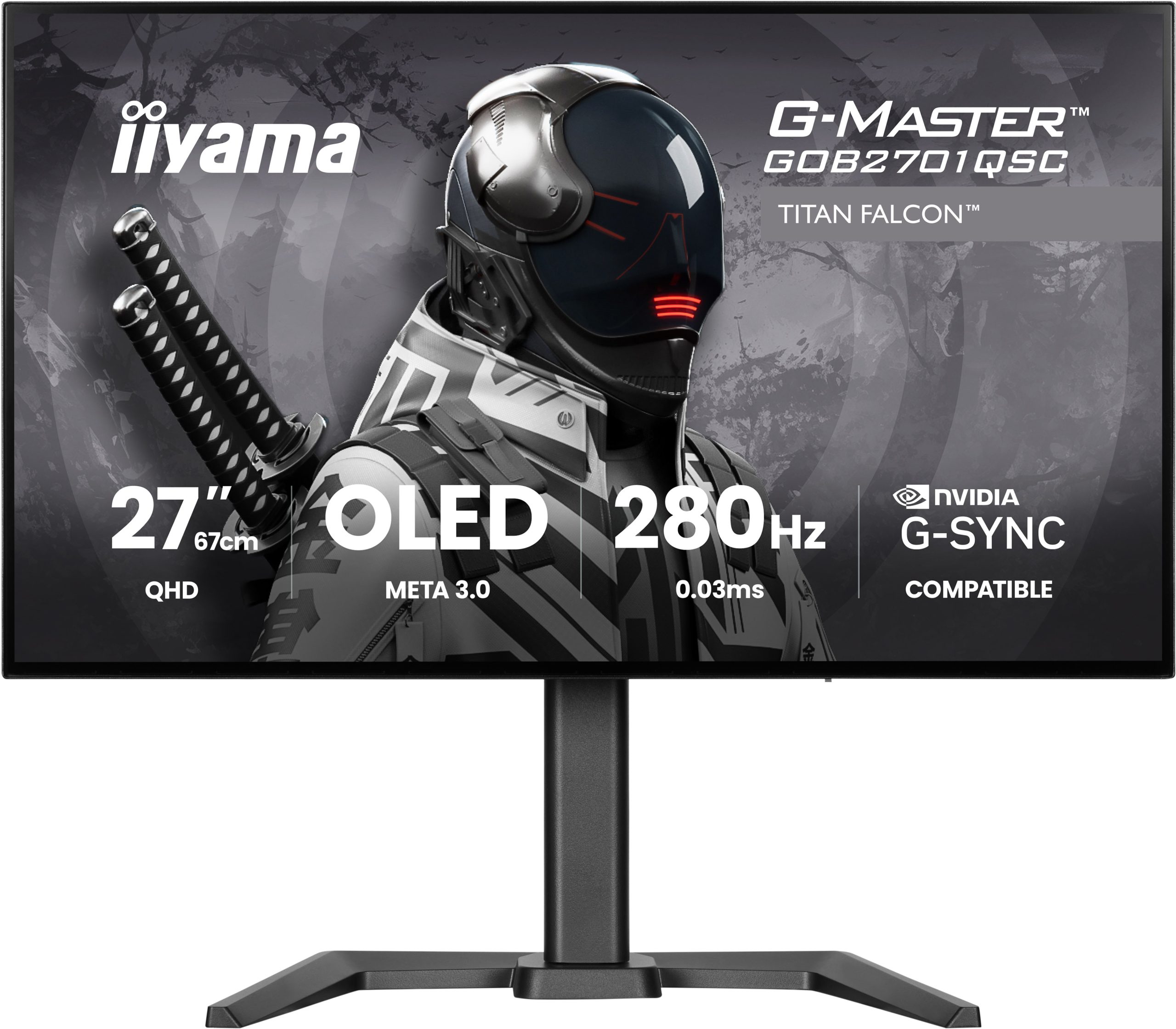
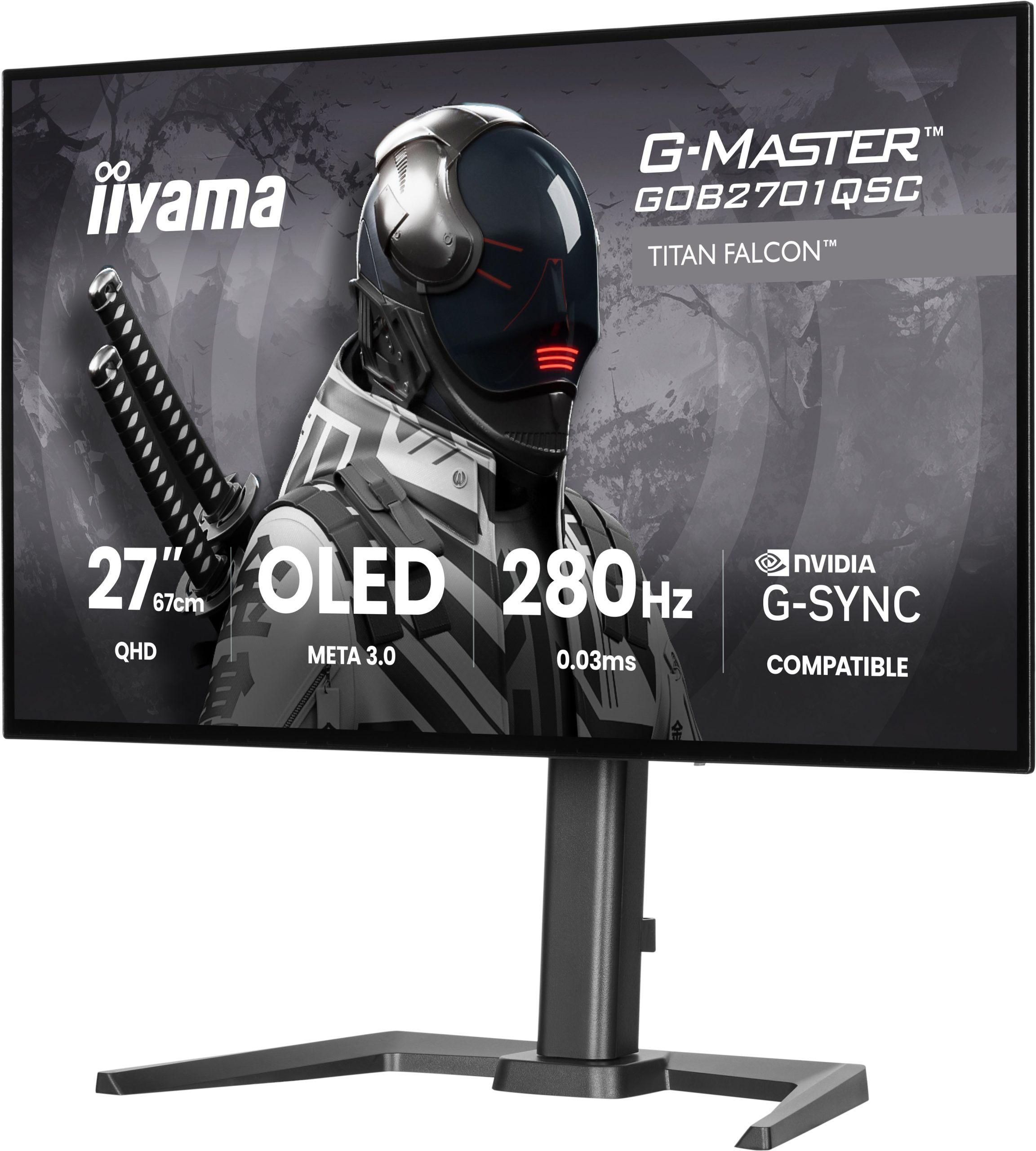
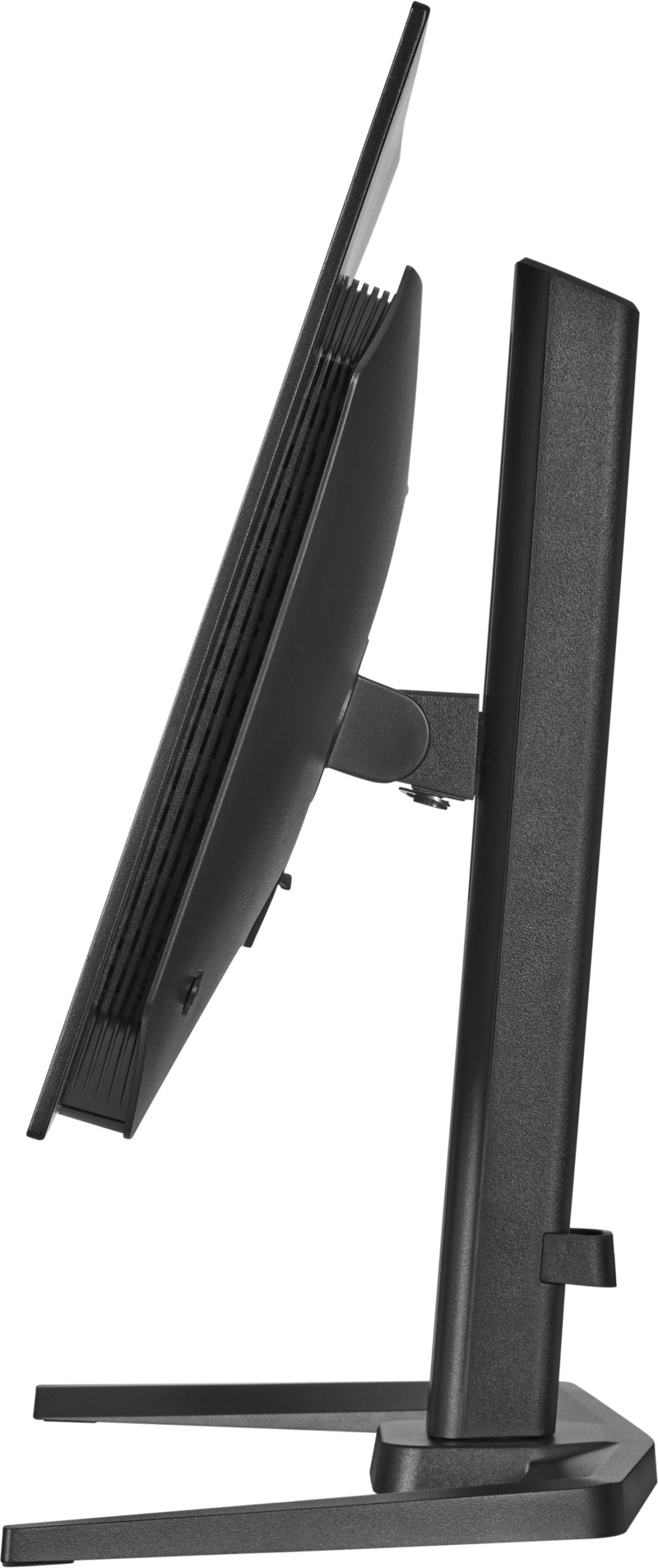
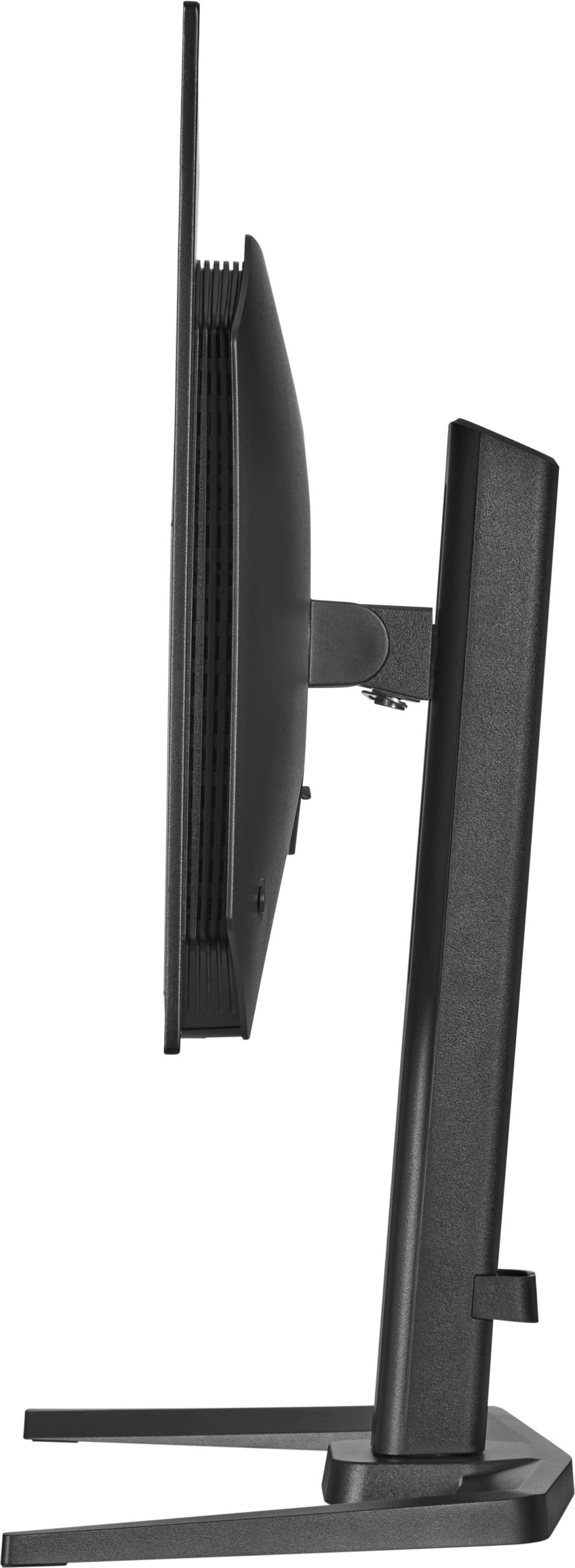
iiyama has expanded its gaming monitor lineup with the launch of the G-Master Titan Falcon GOB2701QSC-B1, making this the manufacturer's first ever OLED display. The 27-inch monitor features a fourth-generation WOLED panel from LG Display, delivering QHD resolution, a 280Hz refresh rate, and a 0.03ms GtG response time.
LG manufactured the 27-inch display using a fourth-generation WOLED (META 3.0) panel. The G-Master Titan Falcon GOB2701QSC-B1 features a Primary RGB Tandem architecture alongside an RGWB subpixel structure to improve text rendering and brightness, and it doesn't require an MLA layer. The display hits a 1,500,000:1 contrast ratio and meets the VESA HDR True Black 400 standard. Typical luminance is 335 nits, though highlights can reach 1500 nits at peak. Colour coverage spans 99.5% of the DCI-P3 space, 95% of Adobe RGB, and 150% of sRGB.
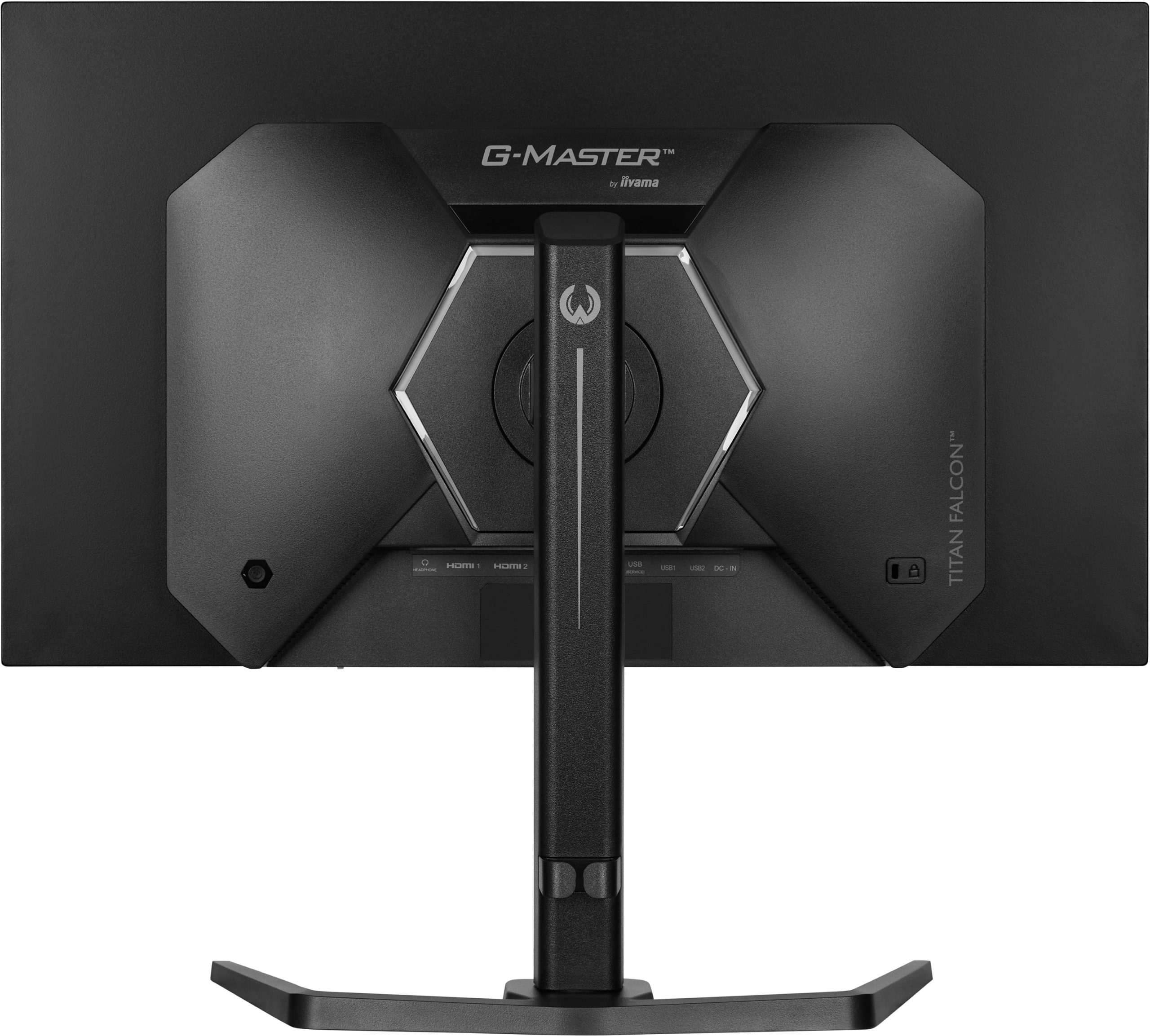
Gamers can take advantage of both Nvidia G-Sync Compatible and AMD FreeSync Premium technologies. Connectivity options include a DisplayPort, two HDMI 2.1 inputs, and a USB-C port supporting 65W Power Delivery, with all video inputs running at the full 280Hz.
The monitor integrates an automatic brightness adjustment system driven by TPC technology to smooth out sudden luminance shifts. Additional features include a built-in KVM switch, a USB 3.2 hub (one port with 65W power delivery), a pair of 5W speakers, an ergonomic stand with 150mm of height adjustment, and customisable rear LED lighting. Configurable settings can be adjusted directly from the iiGMasterControl desktop app. The G-Master Titan Falcon GOB2701QSC-B1 is now available for £499.99.
KitGuru says: There are still not many 4th Gen Tandem WOLED options in the market, but thanks to iiyama, we just got another one.
Of the many sizes and shapes the best gaming monitors come in, the 34-inch ultra-wide 21:9 screen strikes a good balance between size and player immersion. It’s wider than the 32-inch 16:9 format but not as large as extreme displays like the52-inch LG I reviewed recently.
What makes them even better is QD-OLED technology, and there, Alienware is offering a nice update to last year’s AW3425DW. It’s the AW3426DW, and it brings a few new features, like a five-layer tandem OLED for higher light output, V-stripe RGB sub-pixels for sharper rendering, a bump from 240 to 280 Hz, and a new anti-reflective screen coating. It’s still WQHD 3440x1440 pixels, and it still offers Adaptive-Sync, HDR10, and wide gamut color, and adds Dolby Vision to its list of supported content. Let’s take a look.
The AW3426DW’s Tandem OLED is a new variant of the technology that takes the simple approach of stacking multiple OLED layers for greater light output with less energy consumption. It also taxes the layers less, so they last longer and are more resistant to burn-in. Alienware backs this with a three-year warranty that includes burn-in. The screen has a 34-inch diagonal, a 21:9 aspect ratio, a 1800mm curve radius, and WQHD (3440x1440) resolution.
V-Stripe RGB refers to the sub-pixel layout, which is finer and more precisely applied. This makes fine text and detail sharper by reducing color fringing. With its five OLED layers, the AW3426DW now boasts higher light output than last year’s model. The VESA DisplayHDR rating is now 500 nits for a full white field and 1,300 nits for a 3% window. To cap off the imaging improvements, there’s a new anti-glare coating applied to the screen that further deepens black levels and more effectively rejects ambient light.
With 280 Hz instead of last year’s 240, the AW3426DW is a tad speedier, and my test results, which you’ll see on the next page, show a nice drop in input lag. Panel response is typical OLED-quick, resulting in perfect motion resolution and smooth action free of motion blur. Adaptive-Sync is also supported on both Nvidia and AMD platforms.
It’s no surprise that the AW3426DW supports HDR10, but now it adds Dolby Vision to the mix. The benefits of its dynamic tone mapping cannot be understated. HDR10’s tone mapping is fixed to the content metadata, which usually has a peak of 1,000 nits. If a display can’t hit 1,000 nits, or its output exceeds that, it must tone map to render all brightness steps. Dolby Vision controls this process within the content and always knows the display's actual output level. Bottom line: it’s more accurate and consistent, and it looks better. It’s a difference you can plainly see. Dolby Vision isn’t common in games, but it is common from streaming services like Netflix, HBO Max, and Disney+.
All other features of the AW3425DW carry over to the AW3426DW, like AlienVision and its cool aiming point/sniper mode editor. You also get USB ports and a backlit Alienware logo on the back. There’s no headphone jack or internal speaker, but the downstream USB-A and USB-C ports are on the bottom edge of the panel, where they are within easy reach. Video inputs include two HDMI and a DisplayPort.
Assembly and Accessories
The AW3426DW arrived in secure molded pulp packaging that is completely recyclable. The base, upright, and panel assemble easily with no tools needed. The power supply is internal, so you get IEC power plus HDMI, DisplayPort, and USB cables. A small microfiber cloth is provided to keep that beautiful screen free of dust and fingerprints.
Product 360
DellDellDellDell
The AW3426DW maintains the aesthetic Alienware introduced last year with softly rounded corners and smooth tapers. My favorite bit is where the upright and base meet; the joint appears to float with a slender swivel point that’s barely visible. In the back is a backlit Alienware head and a polished symbol; “Alienware 30” is the official term. The head can light up with different colors and effects. A subtle vent rings the fulcrum with small perforations that keep the internals cool. A graphite layer behind the OLEDs further cools the screen.
The side photo affords a good view of the rounded aesthetic. The stand has no angles or corners at all, just a small cable hole to keep wiring tidy. Ergonomics include a 5/21-degree tilt and a 20-degree swivel. The height range is 4.4 inches, and there is no portrait mode. Movements are firm and free of play. Build quality is premium in every respect. If you’d rather not use the stand, there is a 100mm VESA mount with fasteners included.
Underneath, you’ll find a small I/O panel with two HDMI 2.1 ports and a DisplayPort 1.4 with Display Stream Compression (DSC). A USB upstream port supports the two downstream jacks on the panel’s edge. You get a USB Type-A and Type-C. The Type-C port supports charging and peripherals, but not video. In the center, you can see the OSD joystick that controls all monitor functions.
OSD Features
Pressing the AW3426DW’s joystick opens a quick menu at the bottom of the screen with a large status bar at the top. It shows input signal info along with the current picture mode, HDR status, panel health, and dark stabilizer setting. The quick menu has five icons that scroll left to right. They can be programmed for many different monitor functions, such as brightness/contrast, input, AlienVision, HDR, and others. Clicking the joystick up opens the full OSD.
In the Game menu, you can choose from 13 picture modes. Standard works well by default and does not require calibration if you’re OK with using the full color gamut in SDR mode. It covers 105% of DCI-P3. If you want to make adjustments, select Custom Color, where you get RGB gain/bias and color management. To access sRGB, there’s a Creator mode with a gamut selector and gamma presets.
Game Enhance Mode contains a timer, frame counter, and alignment marks, but where are the aiming points? That’s one of the coolest features of the AW3426DW, it’s called AlienVision, and it is a completely customizable set of reticles and sniper modes, eight parameters in all, that can be edited and combined in hundreds of ways to create a custom view of the game environment. Once configured, there are three memories so you can have setups for different games.
In the AlienFX Lighting menu, you can customize the behavior of the power button and the Alienware head on the back. There are lots of color and effect options, and you can turn on Aurora, which coordinates the lights with what’s happening on screen. You’ll need Alienware Command Center and a USB connection to make that happen.
The Display menu has seven HDR modes for HDR10 content, including a tweakable Custom Color option. I found decent accuracy in both Desktop and HDR Peak 1300 Bright modes. I’ll tell you more about that on page five. You can also toggle Dolby Vision on and off here.
The AW3426DW includes PIP and PBP with options for window size and position. In Personalize, you can specify the functions of the five quick menu icons and the four joystick directions. This makes it easy to quickly change something like the input or the picture mode.
OLED care is much simpler now than in previous models. Functions like logo detection and pixel orbiting are handled automatically by the AW3426DW’s firmware. The only thing you can do manually is pixel refresh. This menu also has a factory reset option. In the Information menu, you’ll find an 11-page calibration report for each monitor, along with signal information and support resources.
Alienware AW3426DW Calibration Settings
Calibrating the AW3426DW is completely unnecessary. Just leave it in the default Standard mode and set brightness to taste. There is no variable brightness for SDR, so only one value is needed. If you want to calibrate, choose Custom Color. It has RGB gain and bias, plus hue and saturation sliders for each color. To change the gamut, use Creator mode. It lets you specify sRGB or P3 and includes five gamma presets. In the three Game modes, you can also adjust color and specify a custom value for the dark stabilizer. My SDR settings are included below.
For HDR content, there are seven more modes. Desktop is the default and is similar to HDR Peak 1300 Bright in its color and luminance tracking. The latter delivers the brightest highlights and the most vivid color.
Picture Mode
Custom Color
Brightness 200 nits
81
Brightness 120 nits
53
Brightness 100 nits
43
Brightness 80 nits
32
Brightness 50 nits
16 (min. 22 nits)
Contrast
75
Color Temp User
Red 99, Green 99, Blue 100
Gaming and Hands-on
I suspect that some readers here will be wondering if the AW3426DW is a worthwhile upgrade over the AW3425DW. After several days of gaming and working, I will say that it is. HDR is brighter, and the new panel with its V-Strip RGB pixel structure is clearer than before. It’s hard to quantify this since OLEDs are sharp by nature, but the AW3426DW does make an incremental improvement. Brighter HDR certainly makes an impact with highlights that pop and a dimensional quality that no premium Mini LED can match.
Color accuracy is superb both out of the box and after calibration, where I changed just two settings, one click each. The AW3426DW is truly factory-calibrated. It equals any professional monitor in terms of measured performance and image fidelity.
Gaming was an addictive experience, as it is with any fast OLED. The smooth motion that comes with panel response, measured in fractions of a millisecond, is something you can’t get from an LCD. An OLED draws the screen about 10 times faster than an LCD with an equal refresh rate. The AW3426DW’s bump to 280 Hz is also a reason to upgrade. It reduces my input lag by 4ms in my test. Could I spot that difference in gameplay? No, but I’m not a competition gamer either. Those looking for every advantage will want to give this monitor an audition.
The 34-inch curved panel proved useful for both work and entertainment. It’s just large enough for me to display two documents side by side. It requires a bit more scrolling than my 16:9 32-inch screen, but the 1800R curve isn’t too severe. There was no image distortion, but I got a nice wraparound effect when navigating first-person shooters and graphical adventures.
I appreciated the inclusion of USB ports, especially the two located on the bottom edge of the panel. It’s easy to plug in peripherals or charge a phone from the USB-C port. But I missed the 3.5mm headphone jack. And there are no internal speakers, so to get audio, you’ll need USB-capable headphones or a desktop amplifier if you want to drive cabinet speakers. And I enjoyed the AlienFX feature with its glowing Alien head. It played colors off the wall behind my desk.
Takeaway: The AW3426DW is a worthy upgrade from the AW3425DW. It’s quicker and brighter, and the image is a tad sharper than before. Input lag is lower as well, which will appeal to skilled gamers looking for every possible advantage. Color is saturated and vivid with accuracy good enough to use right out of the box. The screen’s curve strikes an ideal balance between immersion and a square image.
Click here to read up on our pixel response and input lag testing procedures.
Tom's HardwareTom's Hardware
OLED panel response times are extremely tight, and in practice, you’re unlikely to see a difference unless frame rates are low. A panel like the AW3426DW, with its 0.24ms draw time, will retain smooth motion resolution down to about 160 fps. A faster panel like the Acer can maintain blur-free operation up to around 140 fps. If your video card can keep the action above 200 Hz, all the panels will perform equally from a visual standpoint.
In the lag test, the AW3426DW is among the fastest panels I’ve tested. The Asus is an extreme overachiever. Only a couple of other monitors can approach 10ms in my test. 14.1ms is very fast, more than enough for pro-level competition. And it’s a tad quicker than last year’s AW3425DW. Most gamers will be satisfied with the AOC and Gigabyte screens at 22ms. Remember that the fastest human reaction time is typically around 100ms.
Test Takeaway: The AW3426DW improves slightly over its predecessor, with nearly 4ms less input lag. Its panel response is on par with the other fast OLEDs I’ve tested. Motion resolution is extremely high, with moving objects rendering blur-free. It is fast and smooth enough for pro-level competition.
Viewing Angles
(Image credit: Tom's Hardware)
Most Quantum Dot OLEDs show a slight tint in 45-degree-angle photos, but the AW3426DW’s tandem OLED tech seems to have eliminated that issue. There is no change to gamma or brightness either. This is about as good as it can possibly be. Viewing angles up to 45 degrees are visually perfect. The top view has a slight red shift with a 10% brightness drop and reduced gamma.
Screen Uniformity
To learn how we measure screen uniformity,click here.
(Image credit: Tom's Hardware)
Fittingly, the AW3426DW aces my uniformity test and is bested only by its predecessor, the AW3425DW. Visually, there is no difference here. You won’t see any variation among these screens, as they are all below the visible threshold of 10%. It doesn’t get better than that.
The AW3426DW is a bit brighter than last year, with over 320 nits peak for SDR. That’s from a full field white pattern. There is no variable brightness option, so you’ll see the same number from smaller windows and highlights in actual content. This does not reduce the impact of OLED’s infinite contrast and its unmeasurable black levels. The new anti-glare layer and five-layer Tandem OLED are said to lower black levels, but to the naked eye, they were already as black as black gets.
After Calibration to 200 nits
Tom's HardwareTom's HardwareTom's Hardware
Calibration doesn’t change the black level or contrast result. It still cannot be measured. You’ll only need one brightness value since there’s no variable option. That comes into play for HDR content, though. ANSI, or intra-image contrast, also cannot be measured.
Test Takeaway: The AW3426DW offers the same black level and contrast performance as any OLED. That said, its new anti-glare layer offers better light rejection, which improves the perception of blacks in environments with medium to high ambient light levels. That is a visual observation that I cannot measure with instruments. One point in favor of upgrading your AW3425DW to an AW3426DW is the extra 60 nits of peak brightness it offers.
The AW3426DW came to me set to Standard picture mode, which, as you’ll see, does not need calibration. There is an 11-page report stored in each sample’s firmware that you can read from the OSD. My tests confirmed that it is indeed calibrated at the factory.
Grayscale and Gamma Tracking
Our grayscale and gamma tests use Calman calibration software fromPortrait Displays. We describe our grayscale and gamma tests in detail here.
If I were just going to put the AW3426DW on my desk and use it for gaming and productivity, I would not bother with adjustments. The first chart shows that it has no grayscale errors above 2dE, and the gamma is slightly dark but very close to the 2.2 reference. This is impressive out-of-box performance.
In the Custom Color mode, you get RGB gain and bias sliders. I didn’t have to touch the bias, but I lowered red and green gain by one click each. The result was all errors below 0.5dE and a slightly tighter gamma. The visual difference is extremely small, but if you have the desire and the means, why not? This is a superlative performance.
The Creator sRGB mode has very accurate grayscale, but gamma is a tad wonky. It’s too light at 10%, making the shadow areas less black. And there’s a rise between 60 and 80%, which takes a bit of definition out of the brighter mid-tones. This is a minor error, but it would be nice to have tighter gamma. You can change the preset, but you can’t alter the curve’s shape.
Though the AW3426DW impresses with a 1.46dE default grayscale score, it is slightly bested by its predecessor and by the Gigabyte. These numbers are more like talking points as the visual difference can’t be seen with the naked eye. But I am here to be precise in my testing.
Calibration takes the AW3426DW down to 0.44dE, but again, it is pipped by the AW3425DW by 0.01dE. Yes, that is a hair at best. All the monitors here test extremely well.
Gamma performance is excellent but middling by comparison. The range of values is very tight at 0.08 from lowest to highest. The deviation is 2.73% with an actual average of 2.26. This is excellent performance.
Color Gamut Accuracy
Our color gamut and volume testing usePortrait Displays’ Calman software. For details on our color gamut testing and volume calculations,click here.
The color test result clearly shows the advantage of Quantum Dot technology. The AW3426DW fully covers all primaries, including green with slight oversaturation at all points. This means the picture will be very colorful but also well-balanced. Calibration barely makes a difference, but you can see slightly better hue tracking in cyan, magenta, and yellow.
The sRGB chart is very good overall, but with some slight undersaturation in the midrange red tones. This is an extremely small error. The AW3426DW is qualified for color-critical applications.
Comparisons
Tom's HardwareTom's Hardware
The color difference between all six monitors is extremely small. From an error standpoint, there is no visible difference. The only variation comes in the volume test, where the AW3426DW sits at the bottom of the Quantum Dot screens. It has about 1.5% less color volume than the AW3425DW, which is an invisible difference. The AOC and Gigabyte screens have a touch more green and red, but you’ll only see that in the brightest content. For everyday games, videos, and applications, all six monitors will look the same.
Test Takeaway: The AW3426DW has exemplary out-of-box color, grayscale, and gamma accuracy. It does not need calibration, but a couple of tweaks generated awesome numbers in my tests. Its color volume is on par with other Quantum Dot screens at a hair shy of 105% of DCI-P3. No one would complain about its colorful and clear image.
The AW3426DW offers higher brightness than its predecessor for both SDR and HDR content. It’s rated for 1,300 nits from a 3% window and certified by VESA for DisplayHDR 500. HDR10 signals get seven specific modes, and it supports Dolby Vision.
HDR Brightness and Contrast
Tom's HardwareTom's HardwareTom's Hardware
For my tests, I measured HDR10 performance and noted a 70-nit higher peak for the AW3426DW over the AW3425DW. This is from a 25% window pattern. A 3% window is claimed at 1,300 nits, and this result leaves no reason for doubt. The AW3426DW is definitely brighter than before, and its HDR is more impactful. Variable brightness is in play here and cannot be turned off, not that you’d want to. This is excellent performance.
Grayscale, EOTF and Color
Portrait Displays CalmanPortrait Displays Calman
I measured the Desktop and HDR Peak 1300 Bright modes and got similar color and grayscale results. There are no visible errors in the first chart, and EOTF tracking is solid. The trace starts a tad dark, but I could still see all the steps in a test pattern. Shadow detail is clear and visible in all cases. The tone map transition is at 65%, which is correct for the measured white and black thresholds.
In the color gamut test, the AW3426DW uses all available coverage with extra saturation for P3 and almost 80% coverage of BT.2020. All points are slightly oversaturated, which is typical of the HDR monitors I’ve tested. They all push the envelope for extra impact, and it is effective. In the BT.2020 chart, the AW3426DW runs out of color at 90% red, 75% green, and 95% blue.
Test Takeaway: The AW3426DW presents a stunning HDR image with deep blacks and very bright highlights. It is a clear improvement over the AW3425DW. If you enjoy a lot of HDR content, it’s a worthwhile upgrade. Color and grayscale are very accurate in both Desktop and Peak 1300 modes.
The benefits of 34-inch 21:9 curved gaming monitors are many when compared to the vast array of sizes and shapes currently available. Play is enhanced by a screen that mimics VR headsets by encompassing the viewer’s peripheral vision. And this size doesn’t have a huge footprint. While jumbo screens are cool, they demand a larger desktop and can be costly. The AW3426DW strikes a good balance between usability, performance and cost. At this writing, it’s brand new to the market with an opening price of $800, the same as last year’s AW3425DW.
(Image credit: Dell)
The AW3426DW offers several compelling reasons to upgrade. It’s brighter for both SDR and HDR content by around 60 and 70 nits, respectively. It also boasts much brighter small highlights for HDR, around 1,300 nits for a 3% window. This is thanks to its new five-layer Tandem OLED tech. Color remains vivid, with 105% DCI-P3 coverage from its Quantum Dot layer.
(Image credit: Tom's Hardware)
Speed has increased from 240 to 280 Hz, and that brings with it a 4ms drop in input lag, about 22%. That will be worthwhile to the most skilled gamers who want every possible advantage. The new anti-glare coating helps keep the image solid in bright rooms. And the V-Stripe RGB sub-pixel layout sharpens fine detail and text better as well.
At $800, the AW3426DW is a solid value among OLED gaming monitors. If you already own an AW3425DW, it’s worth upgrading for the improvements in speed, brightness and clarity. If you’re looking for your first OLED, it’s a great choice for all-around use, work, and play that is worth checking out.
It hasn't been this cheap in some time, according to Camelcamelcamel's data, with a price rising as high as $249.99 just one month ago. The saving here makes this a really affordable option for gamers who want a display from a trusted brand without compromising on specs. This Samsung Odyssey G53F monitor comes with an IPS panel, offering a 1440p top display resolution and a 200Hz refresh rate.
The refresh rate is an important point to mention for gaming, as this will ensure that you can play games at a high enough refresh rate without screen tearing, as long as your GPU is capable enough.
The Samsung Odyssey G53F (LS27FG532ENXZA) is a 27-inch gaming monitor, featuring a 200Hz refresh rate and a top resolution of 2,560 x 1,440 on an IPS panel. It includes AMD FreeSync Premium support to eliminate screen tearing and includes HDR10 support for vivid, high contrast gameplay visuals.View Deal
IPS panels, like the one in this Samsung display, are typically good all-rounders, as they offer the best viewing angles compared to (now cheaper) VA and TN rivals. The 1440p resolution means you can set your in-game resolutions to as high as 2,560 x 1,440, but this is a 27-inch monitor, meaning you'll have a higher pixel density at 1440p on this display than a bigger 32-inch alternative, giving you much sharper visuals overall.
If you're upgrading from 1080p, you'll notice a big difference in the quality of your graphics, and HDR10 support means you can enable HDR in-game for deeper contrast levels and more vivid colors. This display also supports AMD FreeSync Premium, a functionality that will allow you to completely eliminate screen tearing by syncing the monitor's refresh rate up to the GPU's frame rate output. Nvidia G-Sync support isn't officially mentioned, but it does often work with FreeSync-enabled displays, although it isn't something that we can guarantee will work here.
The G53F is a worthy upgrade for a PC, but it has one HDMI 2.0 and one DisplayPort 1.4 connection available, so you could hook it up to an extra laptop, handheld, or game console. It has auto-source switching functionality, too, which means that the monitor will automatically change inputs when a new device is plugged in or switched on, making it easier to use with multiple devices.
The $169.99 sale price for the Samsung Odyssey G53F gaming monitor on sale here is a good option. It's a 1440p monitor from a known and trusted brand with a high refresh rate, making it ideal for a budget-friendly modern gaming rig. This 32% discount might not be around for long, however, so make sure to pick it up before the sale runs out.
BenQ is expanding its Creative Pro monitor portfolio with the introduction of the PD2732U, a 27-inch 4K display designed for creative professionals. The colour-accurate monitor features 99% Adobe RGB and 99% DCI-P3 coverage, targeting graphic design, photography, video editing, and print workflows.
The PD2732U delivers 100% sRGB coverage alongside the other wide colour gamuts. Featuring a Nano Matte coating, the panel offers 4K resolution, 400 nits of typical brightness, a 60Hz refresh rate, 10-bit colour depth, and a 5ms GTG response time. Each unit arrives factory-calibrated with an included report, achieving an average Delta E < 2 to ensure immediate out-of-the-box accuracy. BenQ uses its AQColor technology to ensure screen uniformity, consistency, and corner-to-corner brightness. The monitor is independently Calman Verified and Pantone Validated, including Pantone SkinTone validation.
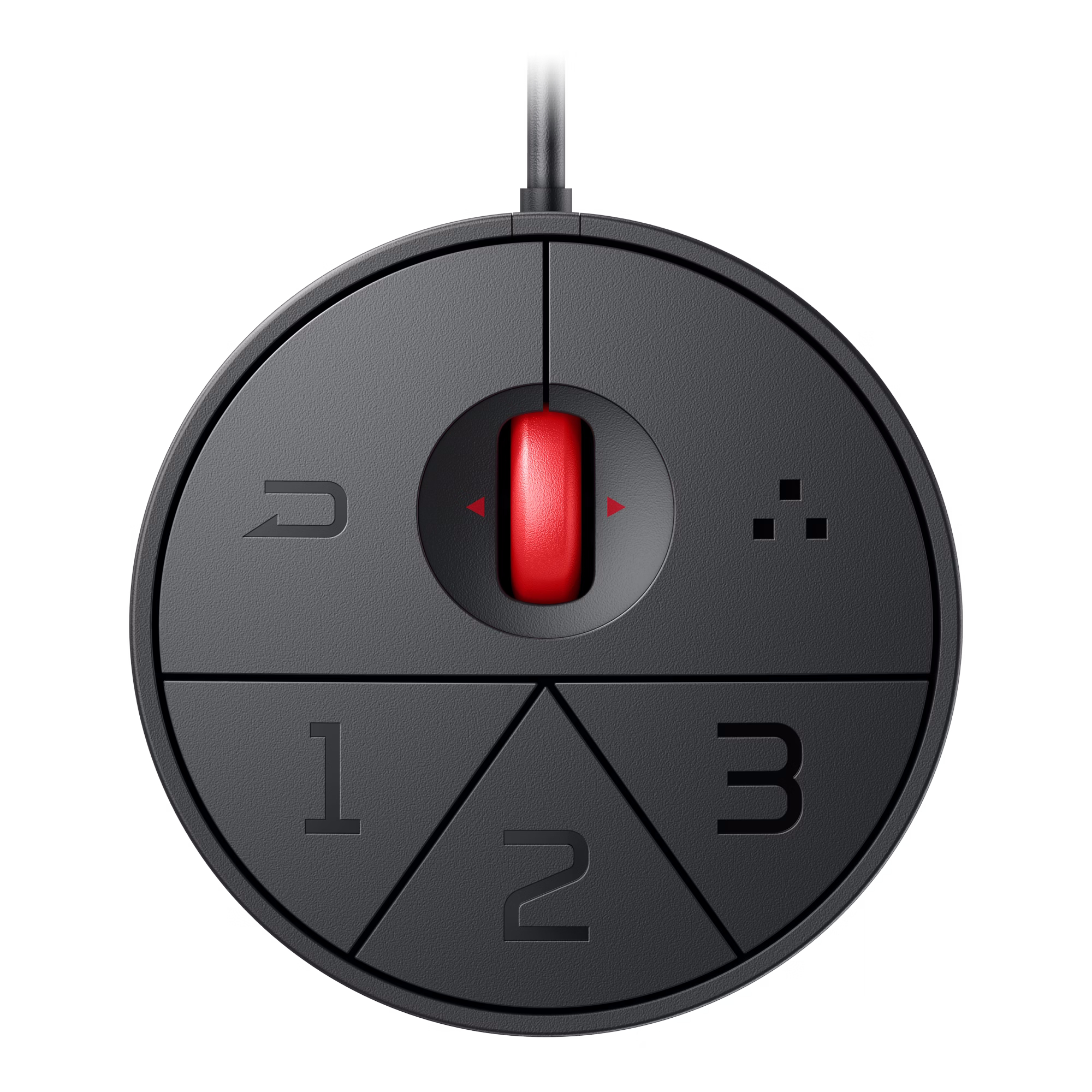
Workflow management is handled via software utilities, including AQColor Pilot for hardware and software calibration, which will launch in early August. Another utility, Display ColorTalk, matches colours across multi-monitor setups. Physical connectivity includes Thunderbolt 4 for single-cable video, data, and power delivery, along with daisy-chain support. Hardware features also include a smart KVM switch to control multiple systems and a wireless hotkey puck for rapid menu adjustments.
Apple ecosystem integration is supported through multiple modes. Specifically, M-book mode matches colour profiles to Mac displays, while iDevice Color Sync previews content on iPhone and iPad. Users can also manage brightness and volume levels directly through Mac keyboards using iKeyboard Control. BenQ has already opened pre-orders for the PD2732U, which comes at $699.
KitGuru says: If you're looking for a 4K professional monitor for colour-sensitive applications, this new BenQ monitor could well be exactly what you need.
This is the fastest claimed refresh rate we’ve seen so far on an e-ink monitor, with the previous record sitting at just 33 Hz. That doesn’t mean that you can start gaming on an e-ink display, though. VideoCardz points out that displays like these still face slow pixel response rates, latency, ghosting, and image quality issues, especially during fast motion, so it’s better to stick with the best gaming monitors if you need a monitor for competitive gaming. Nevertheless, this might be a viable solution if you have a text-heavy workload and have grown tired of dealing with strained eyes at the end of the workday.
Its 3200 x 1800 resolution, paired with a 25.3-inch screen size, gives it 145 DPI, which is slightly better than the 92 to 93 PPI you’d get from a 24-inch Full HD display. It also supports 4096 colors and 16 gray levels — although this is miles away from the millions of colors that modern monitors support, but that is the limitation that e-ink monitors face for now. The Bigme B521 Pro offers HDMI or DP connectivity, but also comes with wireless screen mirroring and a remote control. It also has a built-in front light with adjustable temperature, allowing you to use it in the dark without requiring an external light source.
The Bigme B251 Pro is an interesting development in e-ink technologies, and it would be nice to see if it can actually deliver a usable experience outside of reading. While we doubt its capabilities when it comes to gaming, we still want to see if it’s a usable alternative for productivity. Those on a budget will likely be deterred from buying it, though, especially as its high price point makes it more expensive than some of the best 4K gaming monitors you can buy today.
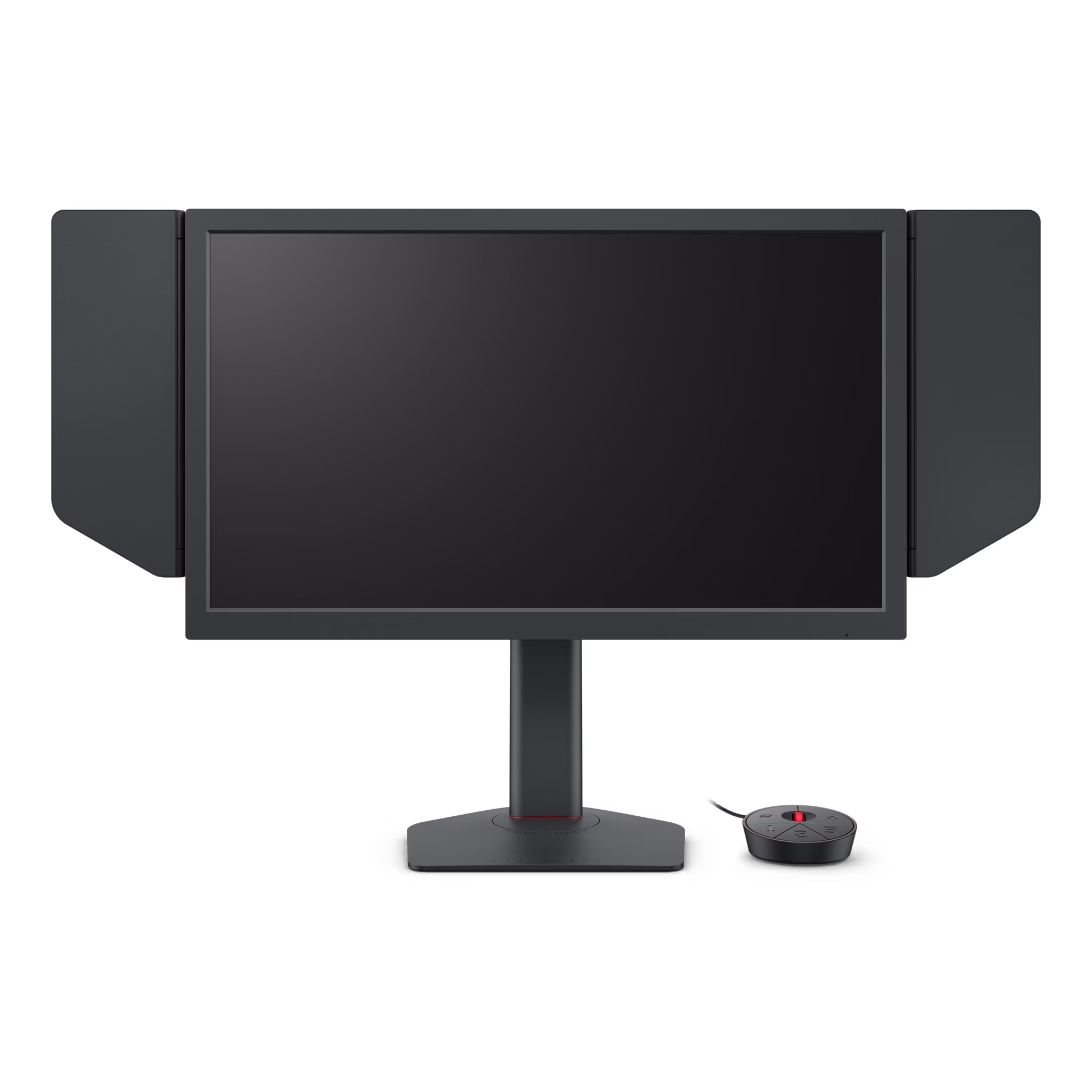
Zowie has introduced its new XQ esports monitor series, including the XQ2566X and XQ2766X. The lineup uses newly developed QHD Fast TN panels paired with a 360Hz refresh rate and the company’s latest DyAc 3 motion‑clarity technology.
Zowie says the new displays are designed for competitive players who prioritise motion resolution and latency. The XQ series also introduces a new Color Filter option, which adjusts colour balance to improve visibility in games with heavy visual overlays.
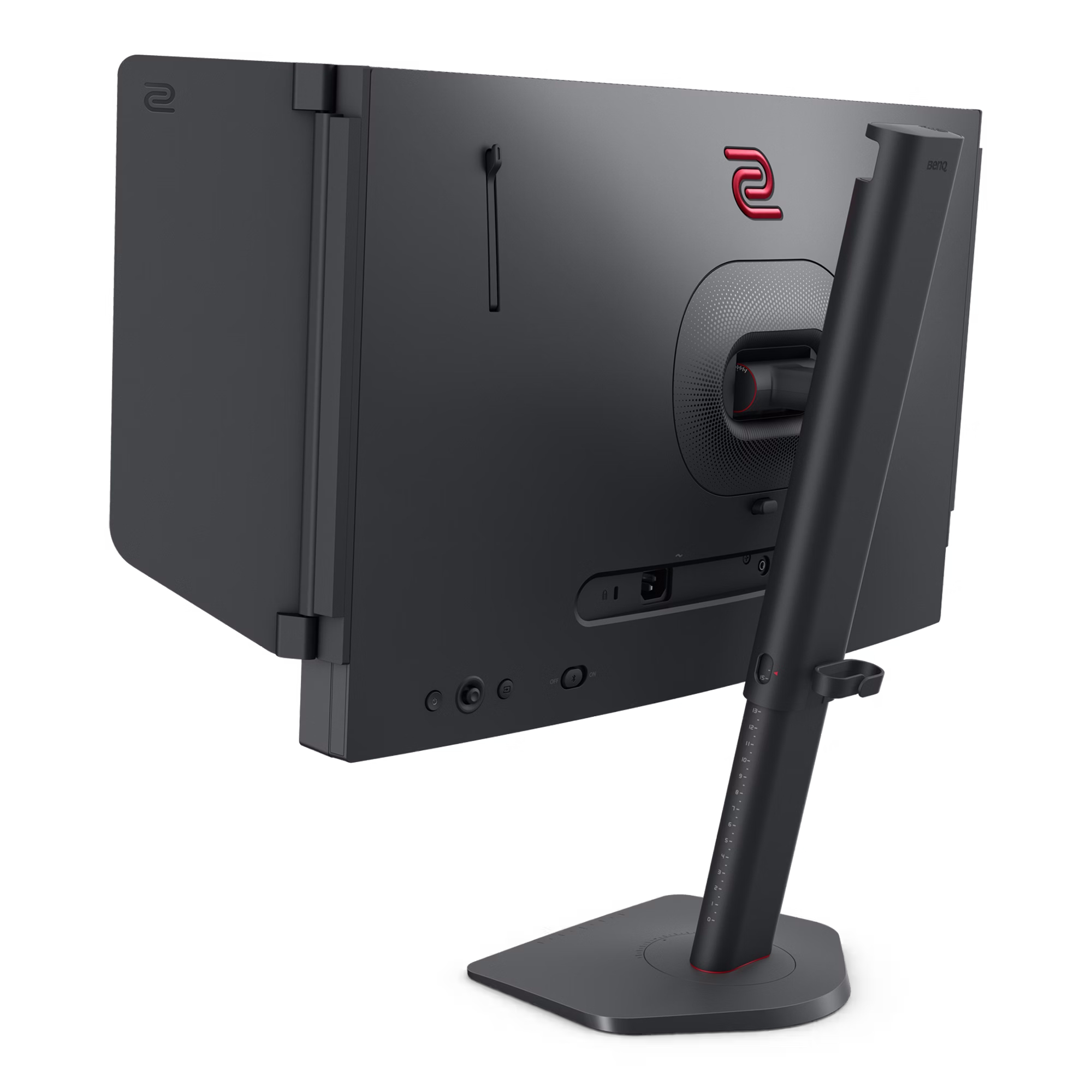
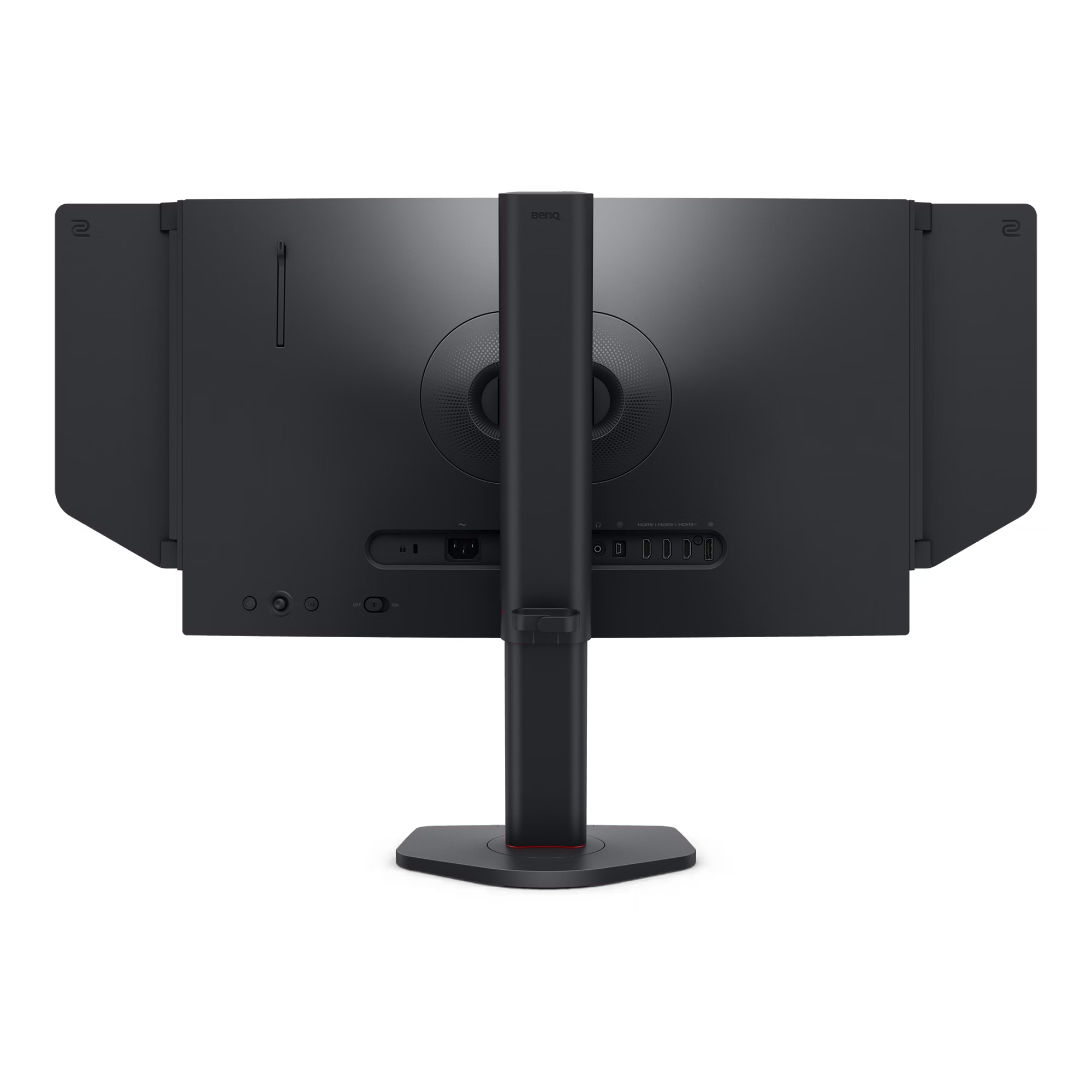
To streamline tournament setup, the monitors support Zowie Sync software and NFC Tap‑to‑Share, allowing players to transfer display profiles instantly. The stand uses an industrial‑grade bearing mechanism with an integrated G‑sensor for precise tilt and level detection, and each model ships with a magnetic hood for quick installation.
Two sizes will be available: the 24.1-inch XQ2566X, which launches at in Europe soon, followed by the 27-inch XQ2766X in a few months' time.
KitGuru says: While most are looking towards IPS or OLED monitors these days for better colour performance, there is still a place in the market for TN. In most cases, TN panels are preferred by esports players.

 Login
Login