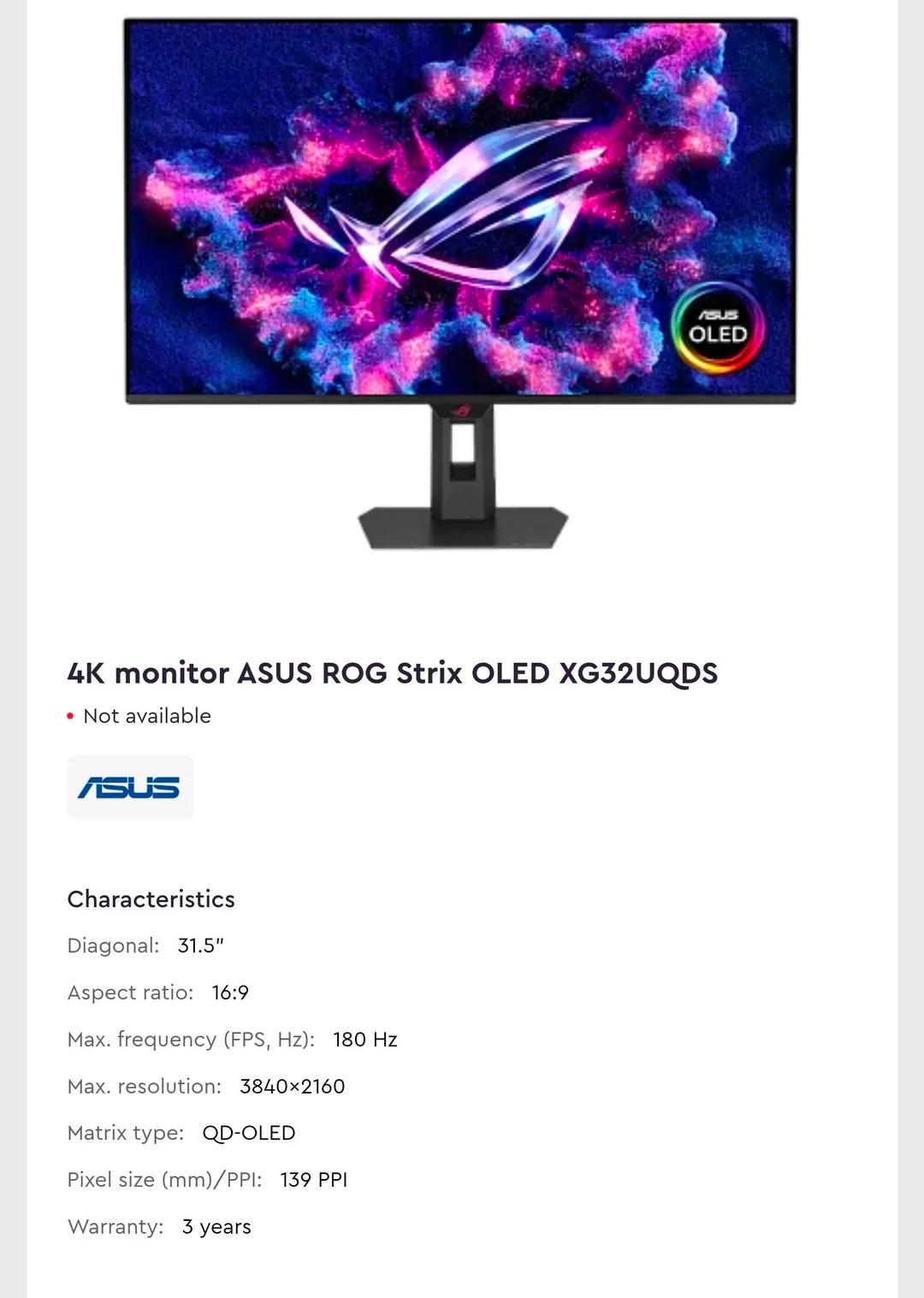
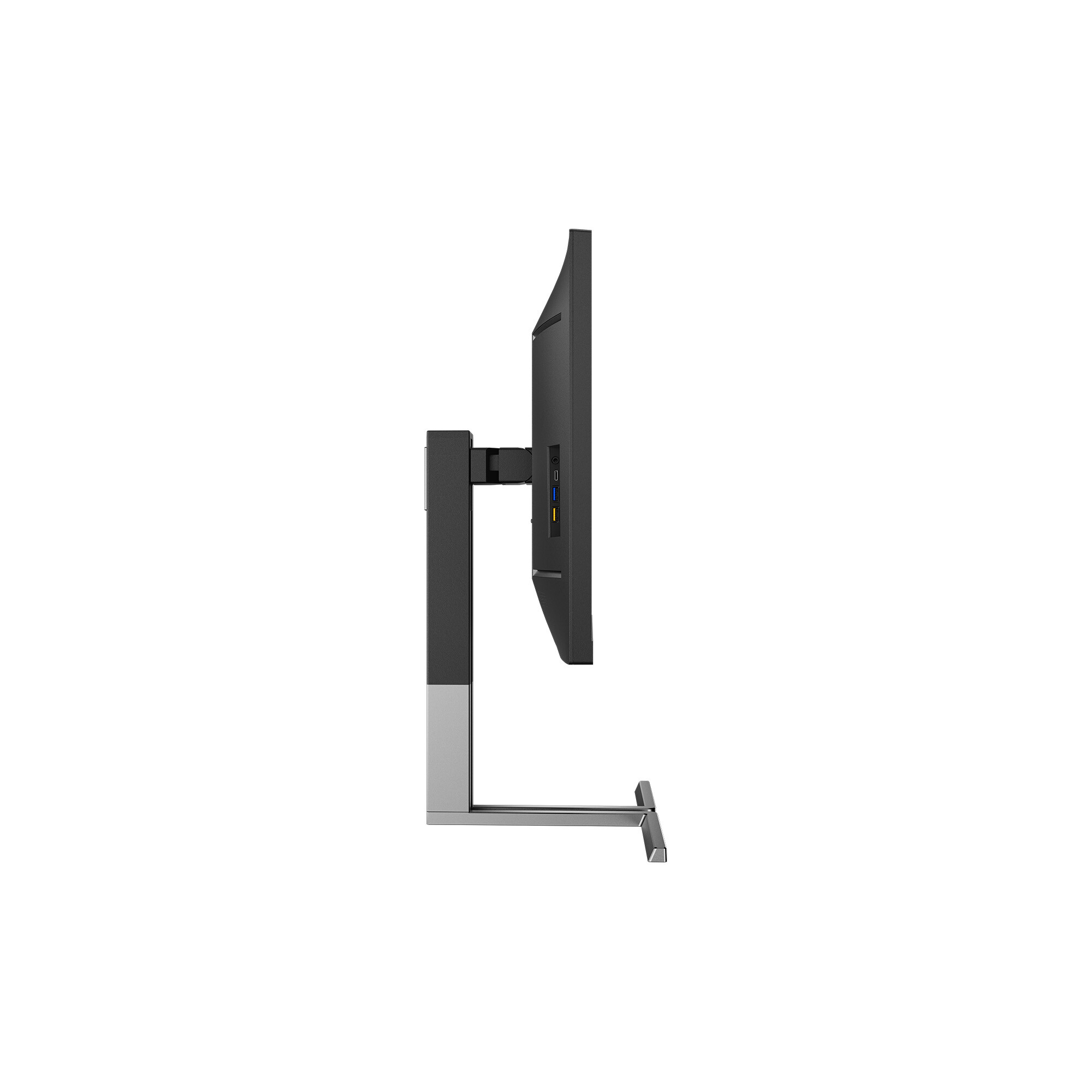
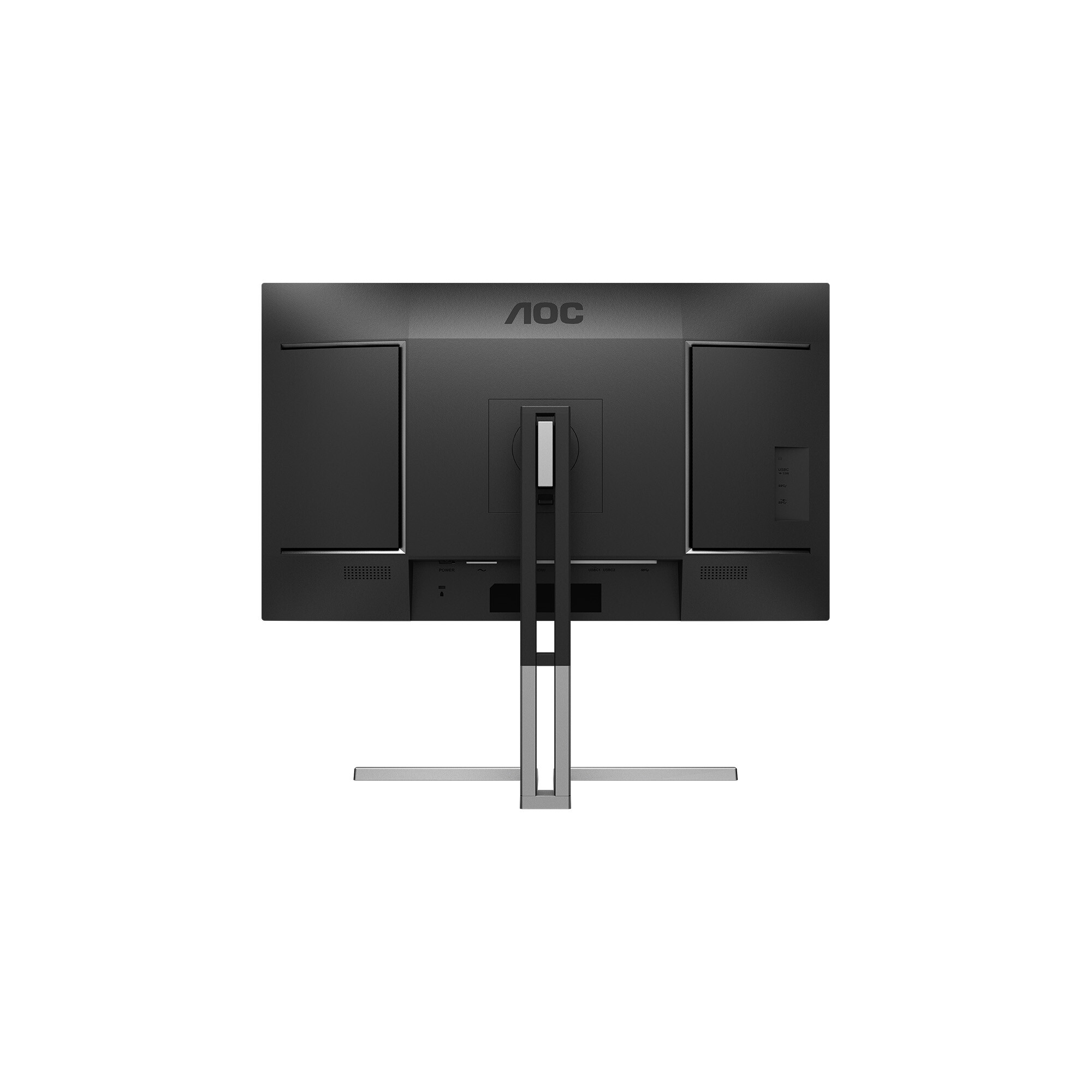
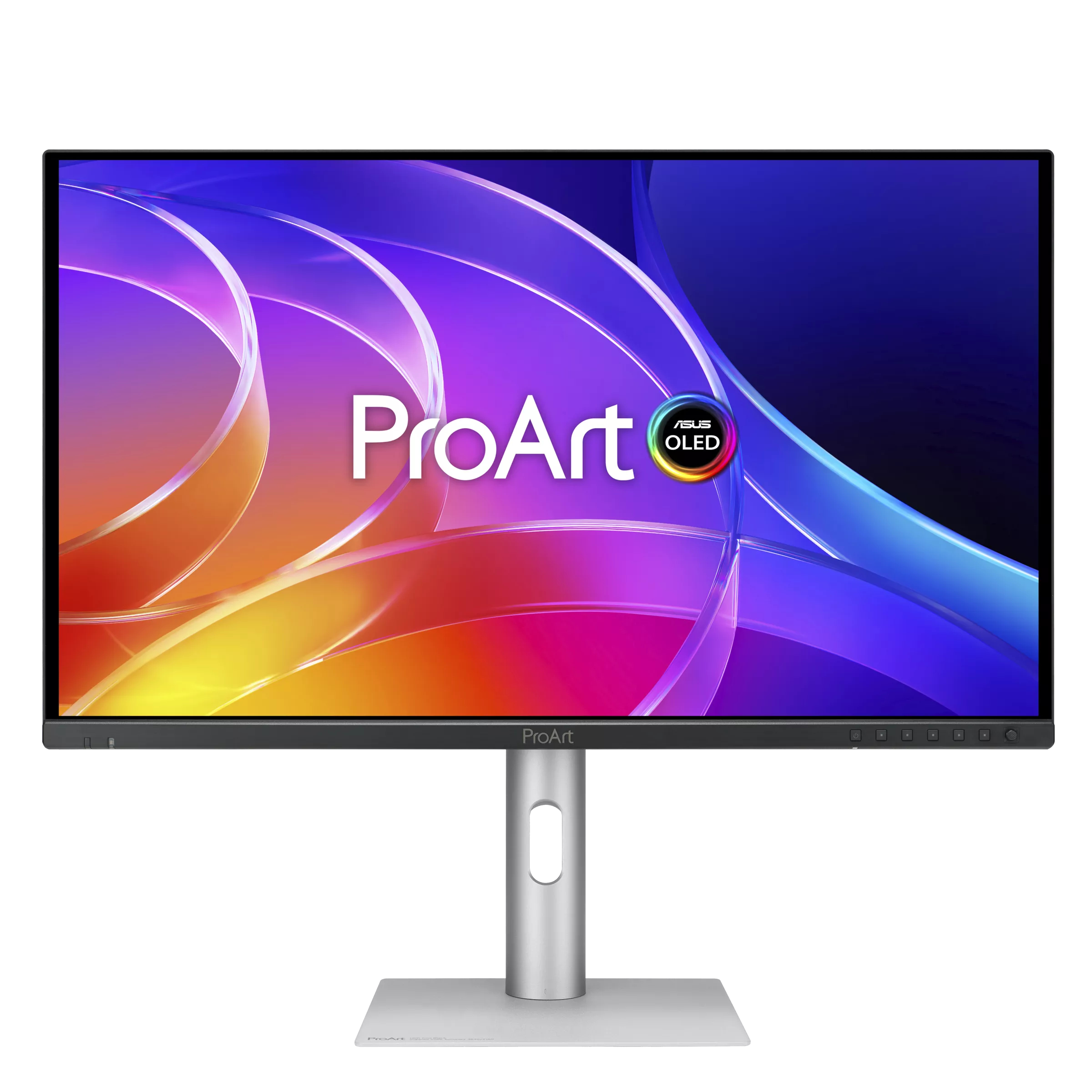
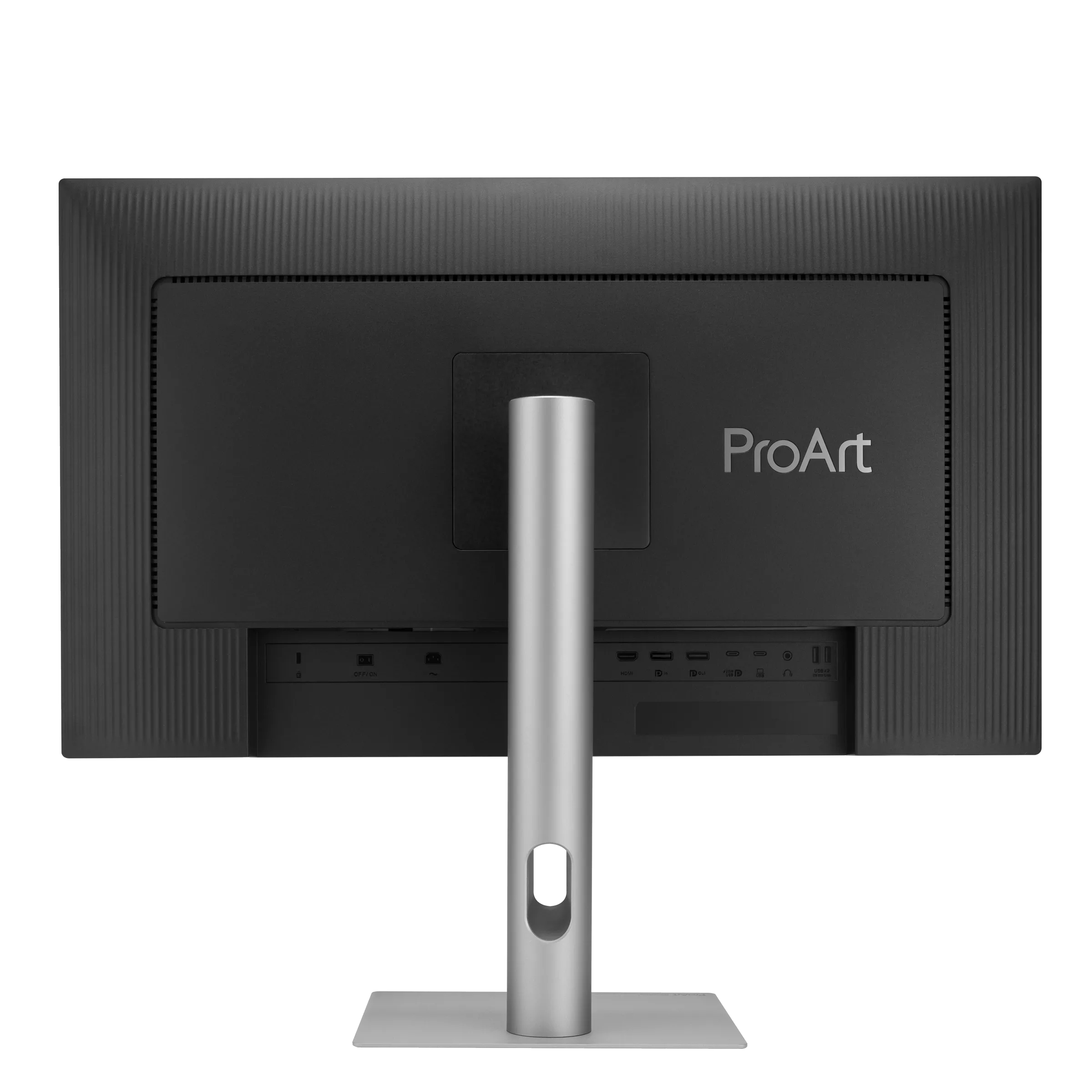
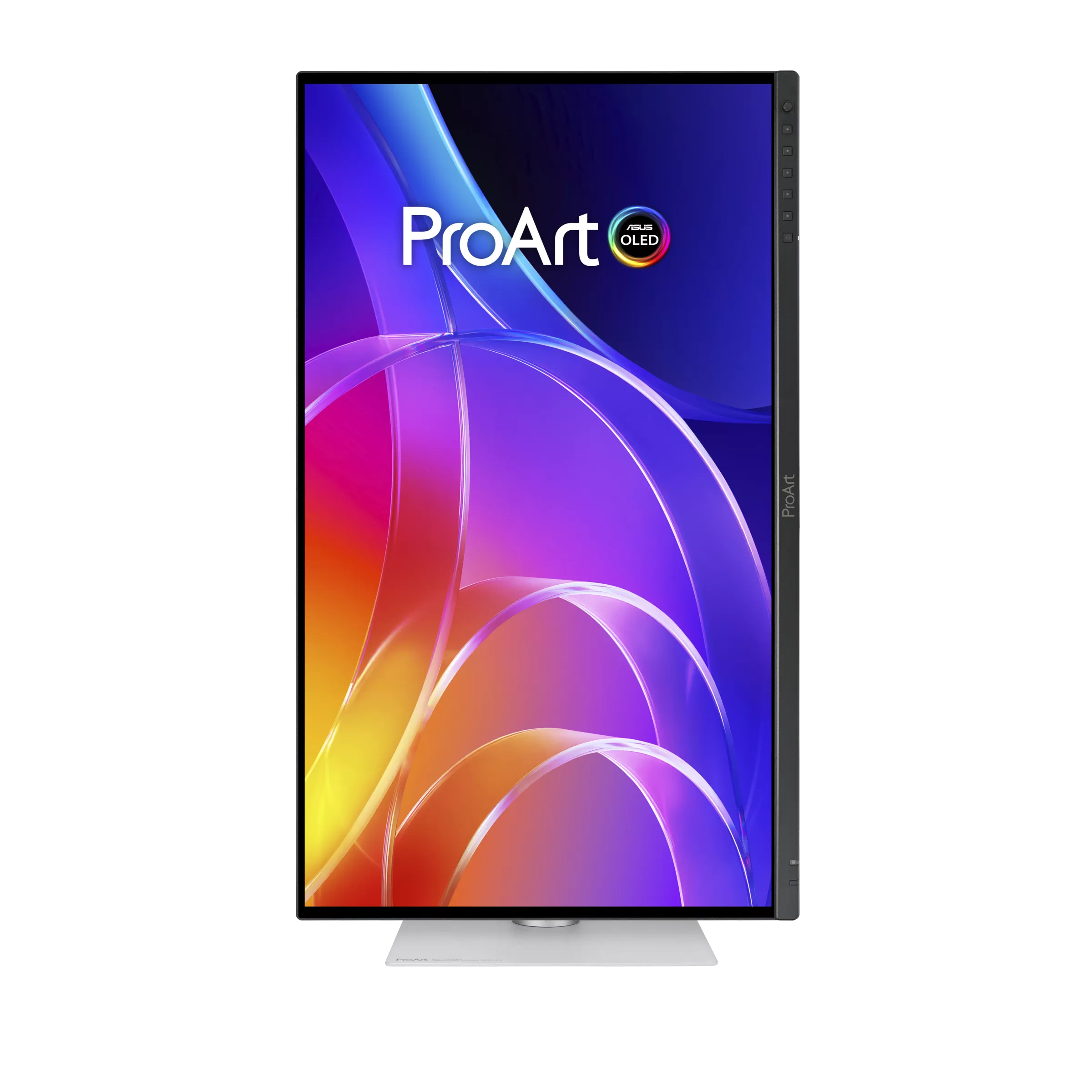
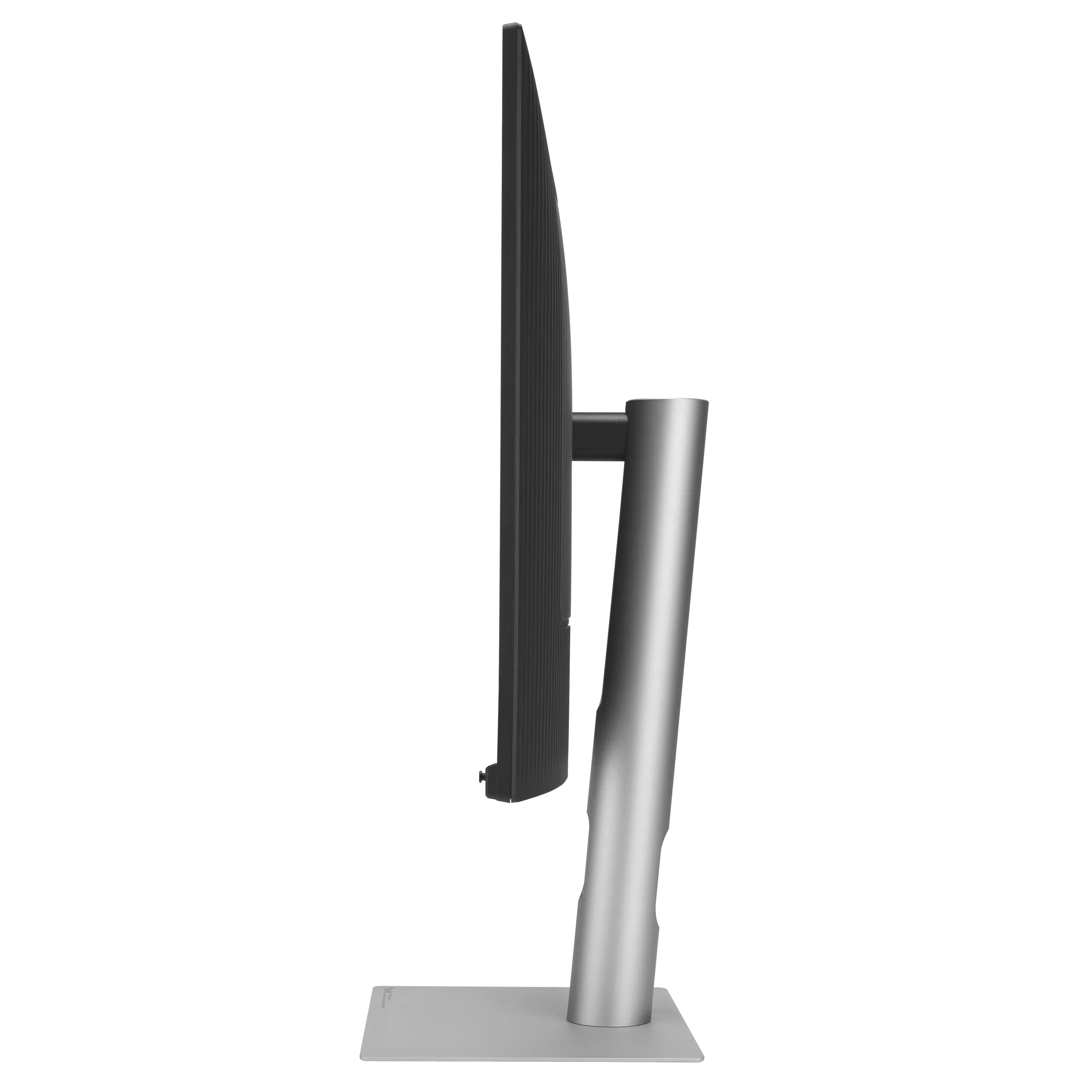
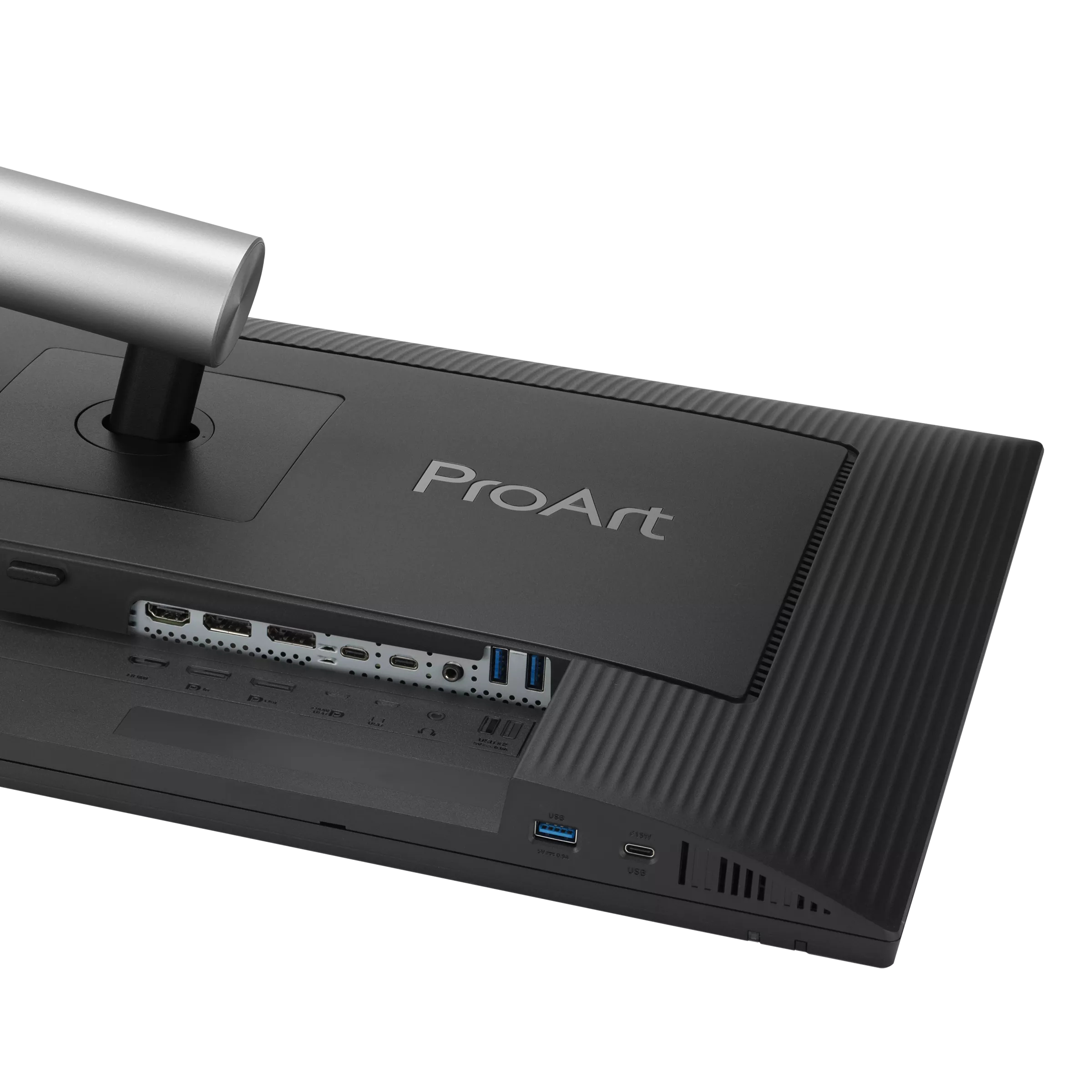
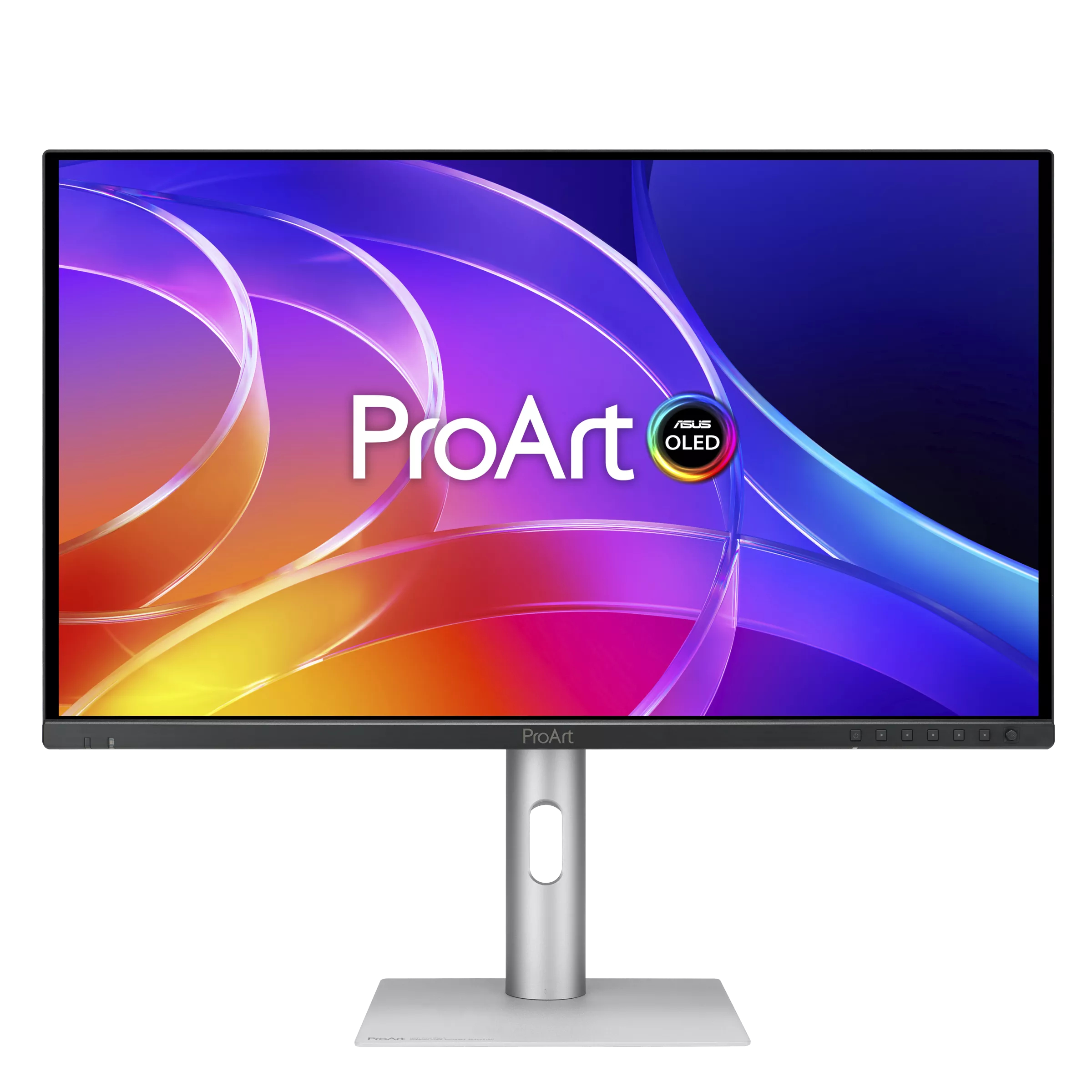
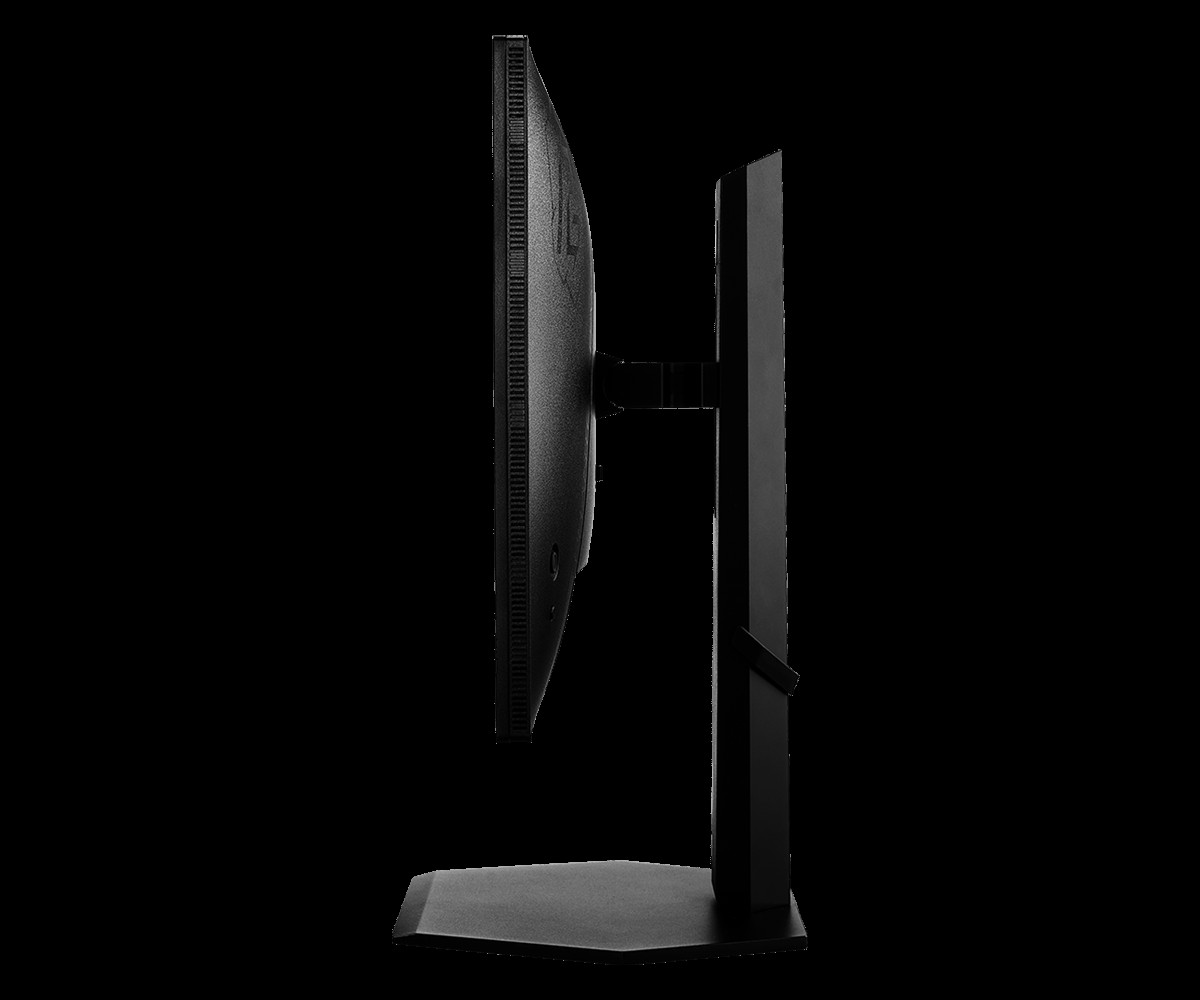
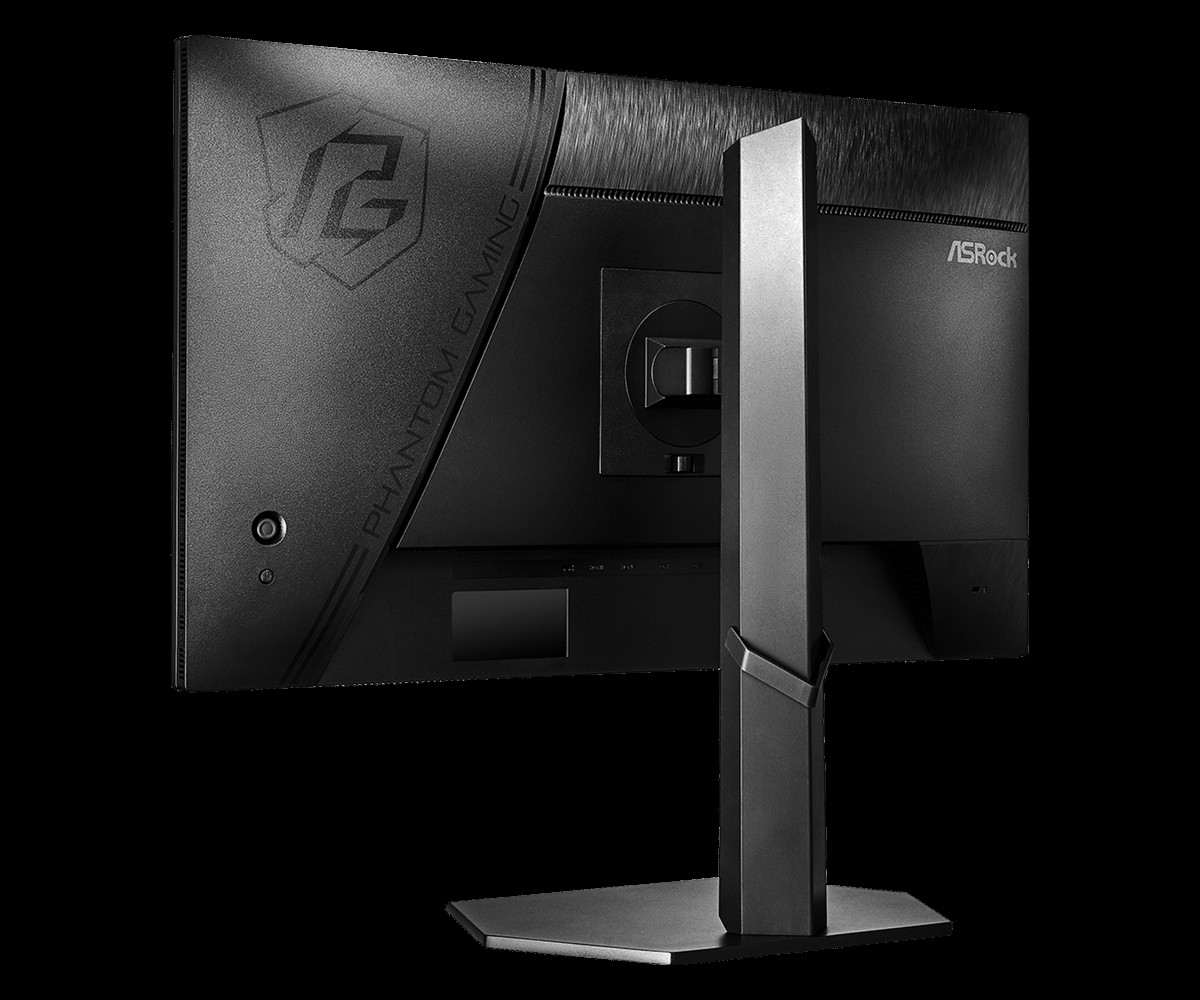
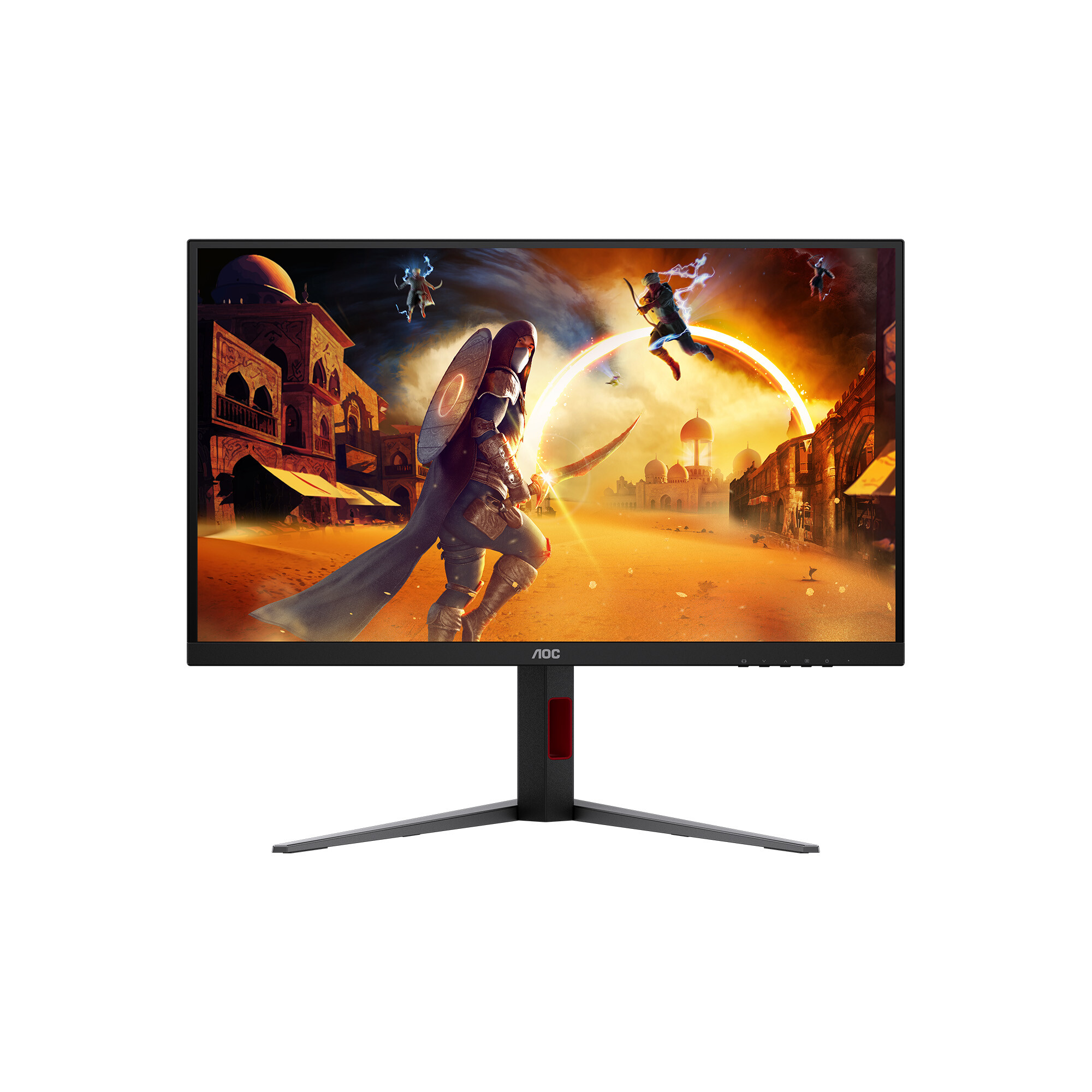
A Reddit user has shared details on seven unannounced Asus OLED gaming monitors spanning 24.5-inch, 27-inch, and 32-inch screen sizes. The upcoming lineup includes both QD-OLED and WOLED panels with refresh rates as high as 560Hz and varying resolutions, from FullHD up to 4K.
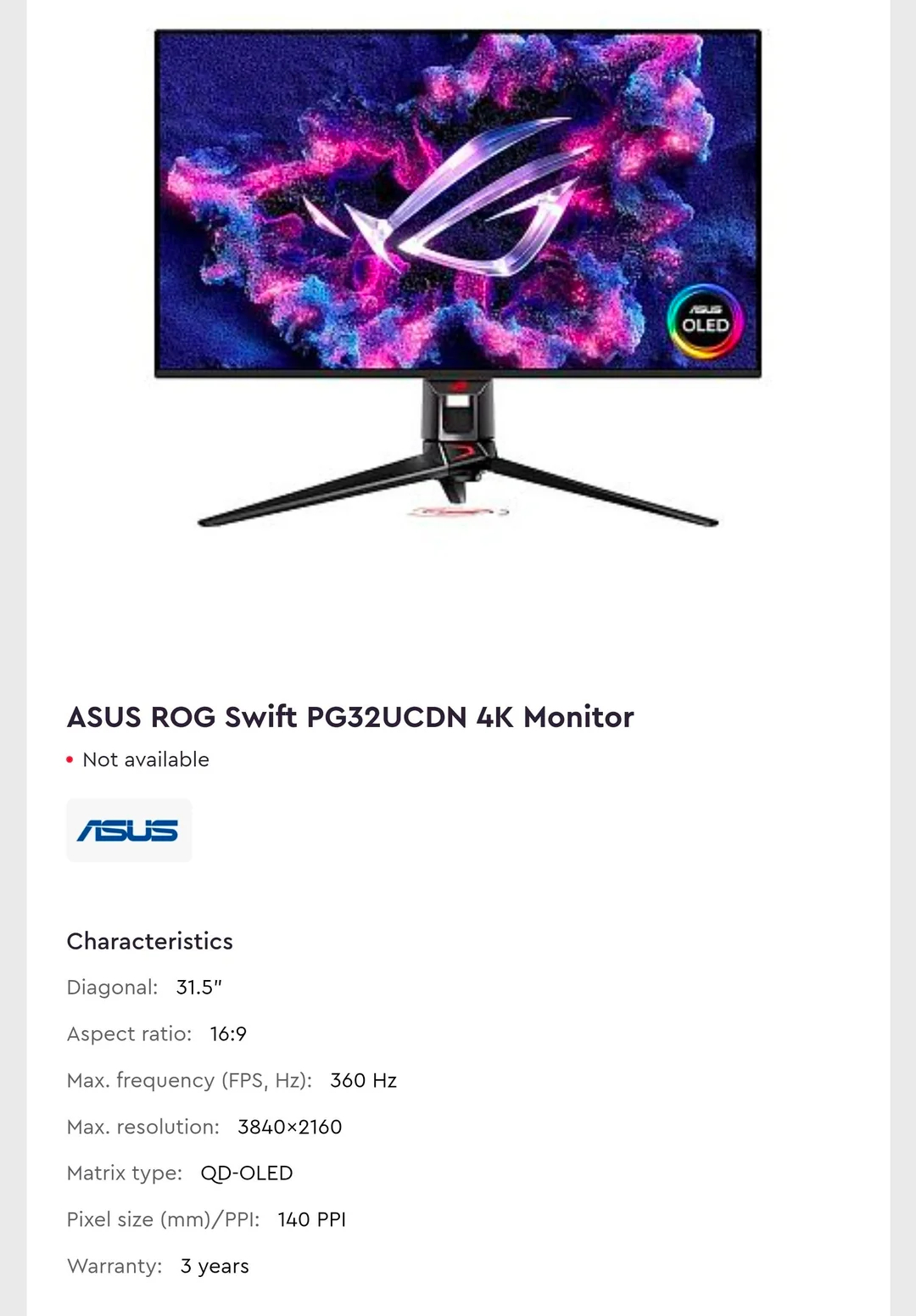
Based on ParkGGoki's leak (via ITHome), the 4K options are led by the ROG Swift PG32UCDN, which features a 32-inch QD-OLED panel running at 360Hz. A similar-sized but lower-refresh-rate option included in the leak was the XG32UQDS, which offers an 180Hz 4K display.
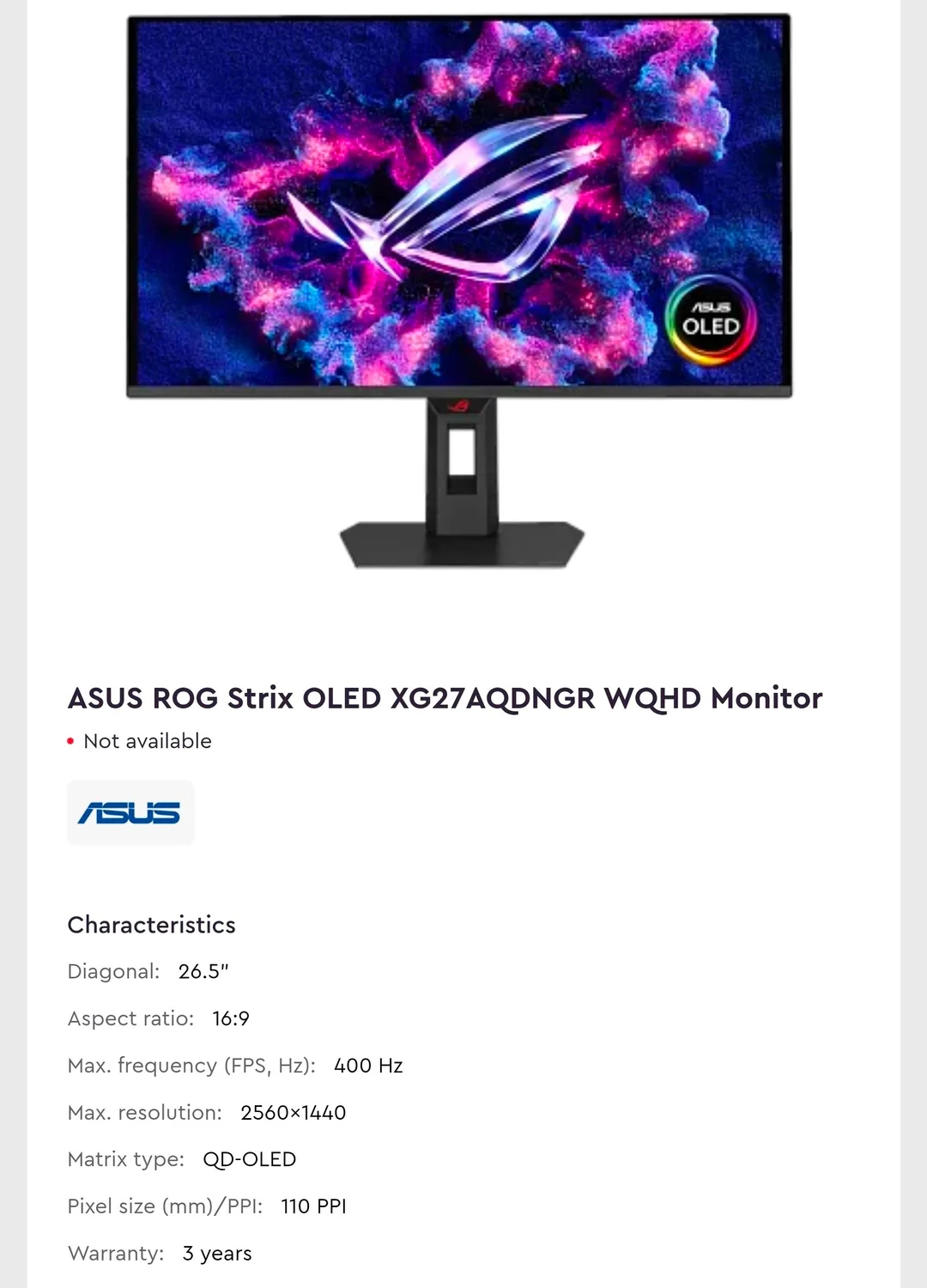
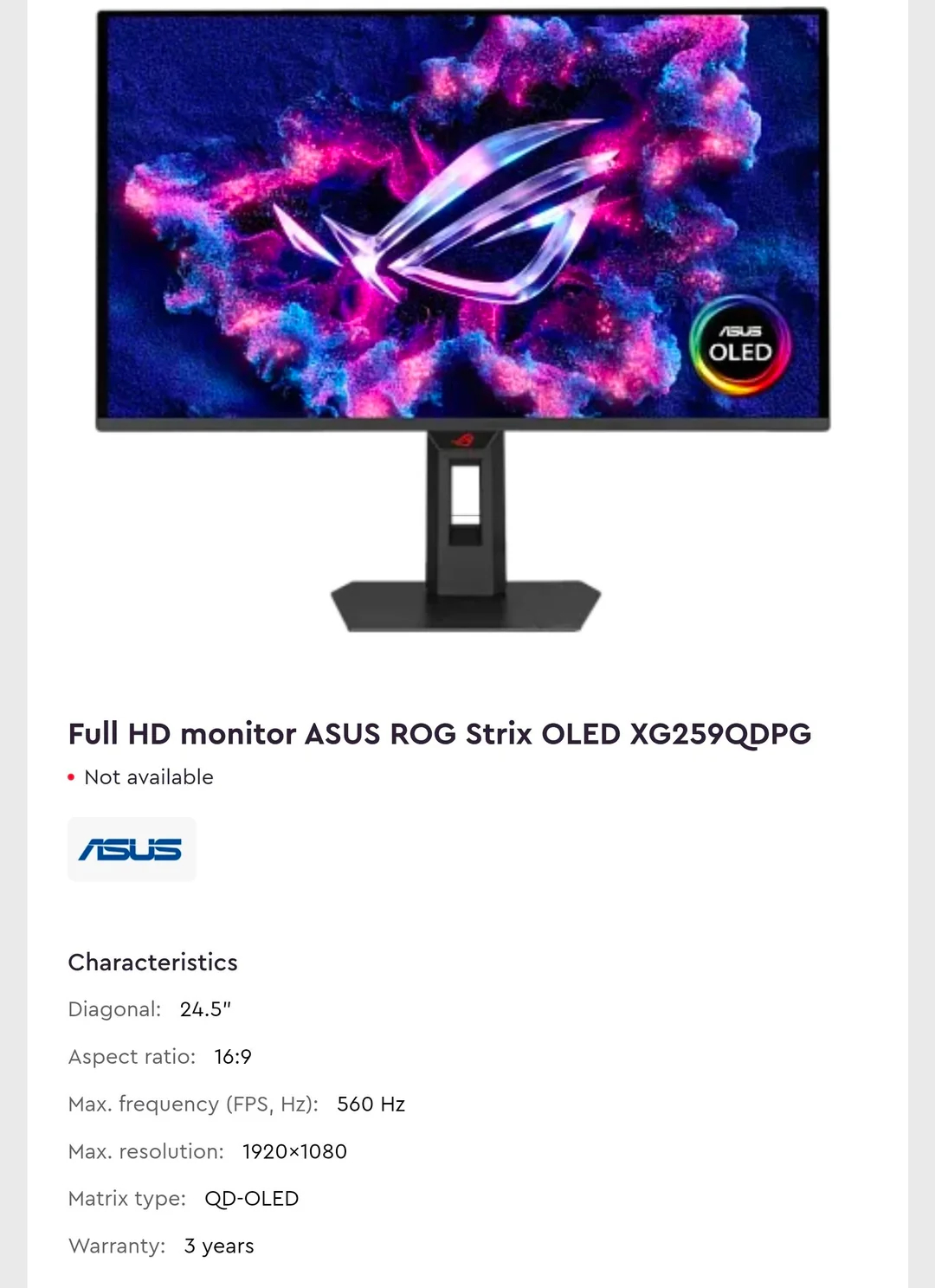
Lower-resolution entries included the 27-inch 2560×1440 400Hz XG27AQDNGR QD-OLED and the 27-inch XG27ACDMSR, which comes with a 320Hz QHD QD-OLED panel. Surprisingly, the leak included various FullHD options, including the 24.5-inch XG259QDPG, which comes with a 560Hz QD-OLED panel, and the XG259QDNS as a 360Hz QD-OLED option in the same size.
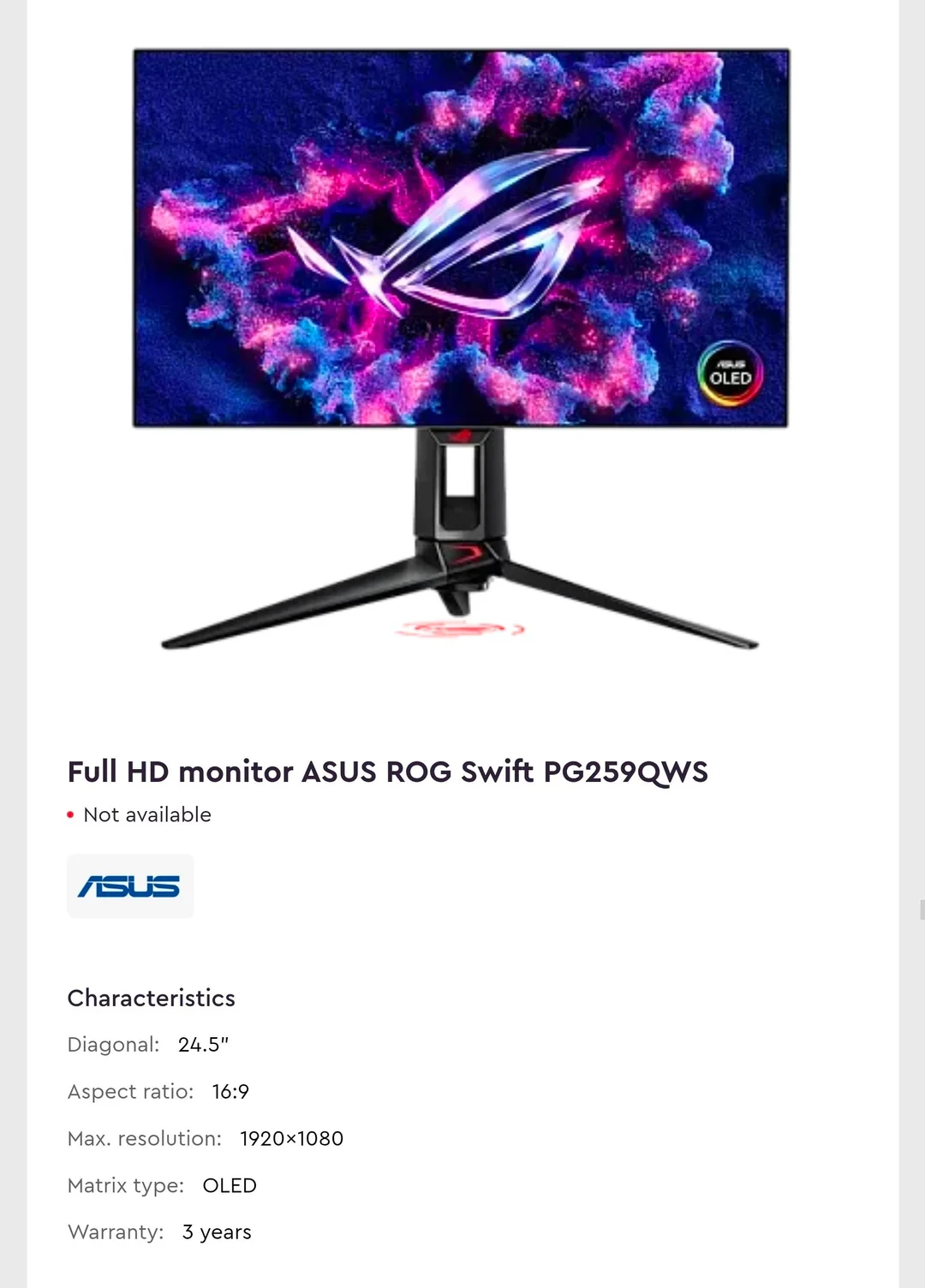
The leak also highlights a single WOLED entry, the 24.5-inch Full HD PG259QWS, though its exact refresh rate remains unconfirmed despite expectations that it will exceed 600Hz.
KitGuru says: There are now a ton of options to be found in the OLED monitor market. Better yet, the vast majority of them outperform the usual VA/IPS gaming monitors in both refresh rate and visual quality.
Following its showcase at Computex 2026, BenQ is officially releasing the Mobiuz EX271QMZ gaming monitor to the market. The display features a 26.5-inch 3rd Gen QD-OLED panel with a QHD resolution, a 240Hz refresh rate, and a 0.03ms GTG response time.
The Mobiuz EX271QMZ QD-OLED gaming monitor features AMD FreeSync Premium certification and BenQ's Color Shuttle platform, providing access to more than 120 game-specific colour profiles. Built-in tools include a crosshair, FPS counter, Blur Reduction, Color Vibrance, and Light Tuner. Peak HDR brightness reaches 400nits while typical SDR brightness sits at 200nits, supported by a 1,500,000:1 contrast ratio. Additionally, colour coverage spans 99% of the P3 space across 1.07 billion colours. Other features include Spectral Color (factory calibration) and High Pixel Contrast (image enhancer).
Panel longevity is managed through the Intelligent OLED Protection Suite, which includes Pixel Refresh, Idle Dimmer, Logo Dimming, and Pixel Shift. BenQ replaces traditional ABL behaviour with Brightness Flow technology to stabilise luminance in real time, pairing it with a graphene film layer to improve heat dispersion. Display outputs cover two HDMI 2.1 ports and a DisplayPort 1.4 connection, alongside dual 2W speakers and a headphone jack. Physical adjustment options offer up to 100mm of height adjustment, -5° to 15° tilt, and 15° swivel in either direction, supported by TÜV eye comfort certification.
KitGuru says: BenQ's latest Mobiuz display pairs a fast 240Hz 3rd Gen QD-OLED panel with dedicated thermal management and software colour profiles for competitive gamers.
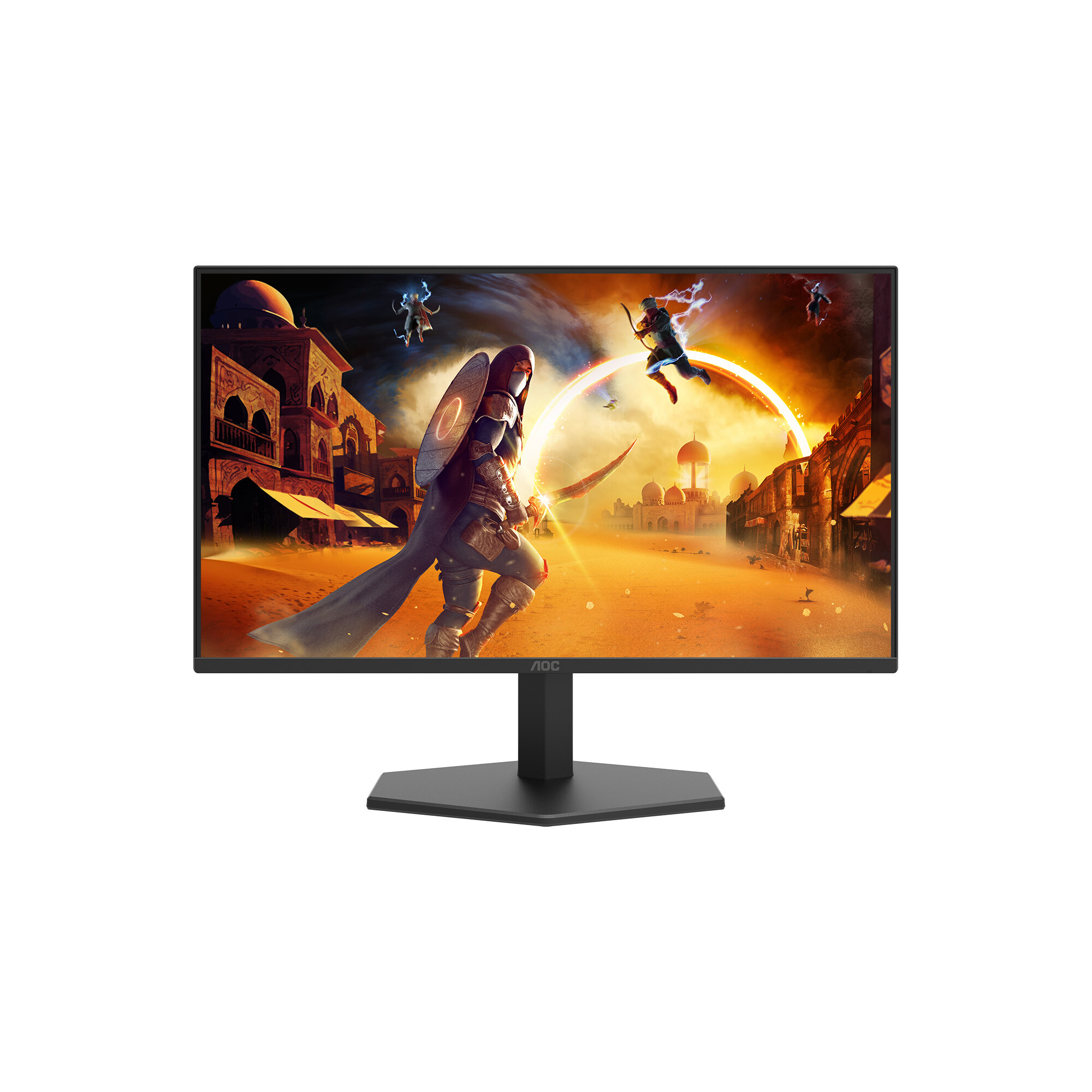
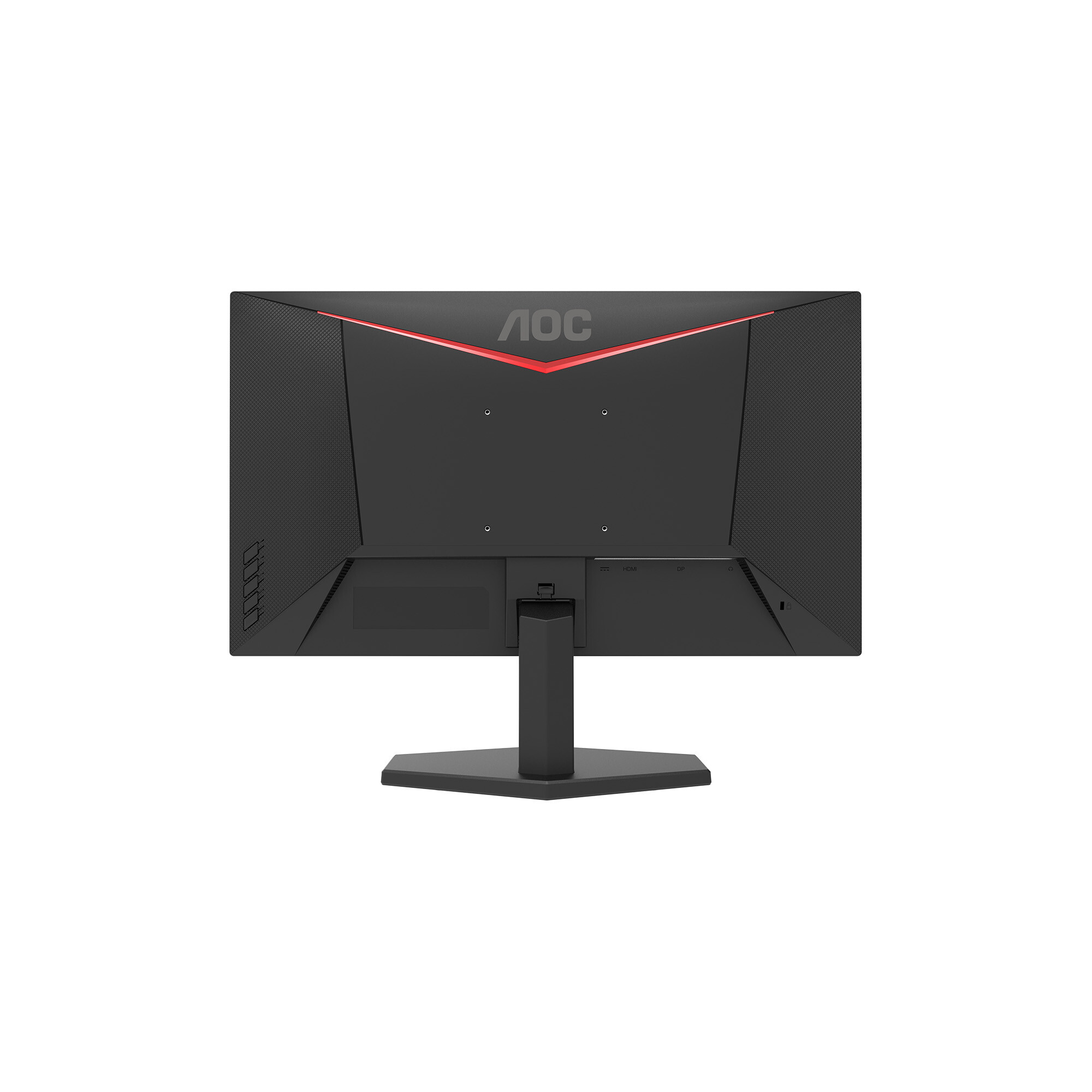
AOC has quietly unveiled the Q25G11SE6, a 24.5inch Fast IPS gaming monitor featuring a QHD resolution, a 360Hz native refresh rate, and a 0.3ms MPRT response time.
The Q25G11SE6 (via DisplaySpecifications) display achieves its maximum 360Hz refresh rate via DisplayPort 1.4 using Display Stream Compression (DSC), while capping at 320Hz over HDMI 2.1 with DSC. Adaptive-Sync technology handles motion smoothness alongside FreeSync support, supported by low input lag and MBR/MBR Sync low-motion-blur features. Built-in gaming options include FPS and RTS modes, dynamic crosshair overlays, sniper scope functions, dark-field control, shadow enhancement, and a frame counter, all configurable through AOC's G-Menu software.
Color coverage spans 100% of sRGB and 95% of DCI-P3 colour gamuts, with factory calibration guaranteeing a deltaE below 2. Users can adjust colour settings themselves using the six-axis colour adjustments. SDR brightness is rated at 350nits and HDR performance at 400nits under the HDR10 standard. Native contrast sits at 1300:1.
Physical connectivity consists of HDMI 2.1, DisplayPort 1.4, and an audio output. For multitasking, the unit supports picture-by-picture (PBP) and picture-in-picture (PIP) modes across two signal sources. Eye-care features include a hardware low-blue-light panel and flicker-free operation. The included stand provides tilt adjustments only.
KitGuru says: AOC's Q25G11SE6 360Hz refresh rate into a compact 24.5inch QHD panel is rather interesting, though users looking for ergonomic stand options will need to look elsewhere.
If you don't have the cash reserves to fund a new GPU, RAM, or SSD, then consider upgrading the visuals on your PC with a new monitor. Upgrading the size or the panel from IPS/VA to OLED can give your games a vivid visual boost. At Best Buy, you can currently grab the magnificent MSI MAG 321UPXB gaming monitor, returning to its lowest-ever price of $599.99. That's a saving of $130 from the original $729.99 list price on the Best Buy store page.
The MSI MAG 321UPXB is a premium gaming monitor with all the bells and whistles for producing stunning images. The monitor is a flat-panel with a 32-inch viewable area and a high-detail 4K (3,820 x 2,160) UHD resolution. The QD-OLED panel has a fast refresh rate up to 240Hz and a blisteringly fast 0.03ms gray-to-gray response time thanks to the OLED panel tech. The combination of fast refresh and response times produces very smooth motion in games and eliminates ghosting artifacts.
The display also has an anti-reflective treatment to avoid light sources disrupting your viewing experience, plus it is compatible with Nvidia's G-Sync technology to help eliminate screen tearing by matching the monitor's refresh rate to the output of the game you're playing. To hit the high refresh rates of this monitor, you will require a powerful graphics card or use frame-generation techniques to boost frame rates. So you don't need to worry about the refresh rate of this gaming monitor bottlenecking your gaming PC.
MSI's MAG 321UPXB is a great 32-inch QD-OLED 4K gaming display. Get up to a 240Hz refresh rate, 0.03ms response time, and support for HDR 400. Connectivity includes USB-C and HDMI. View Deal
The MSI's panel is DisplayHDR True Black 400-certified and supports VRR (variable refresh rate) for gaming consoles like the PlayStation 5 and Xbox Series X. Ports are also plentiful, with two HDMI 2.1, one DisplayPort 1.4a, and one USB-C (DisplayPort Alt Mode) to choose from. For peace of mind, there's also a 3-year manufacturer's warranty that includes coverage for the dreaded OLED burn-in.
The MAG 321UPXB has a list price of $729.99 at Best Buy, but is currently $599.99 for a limited time only.
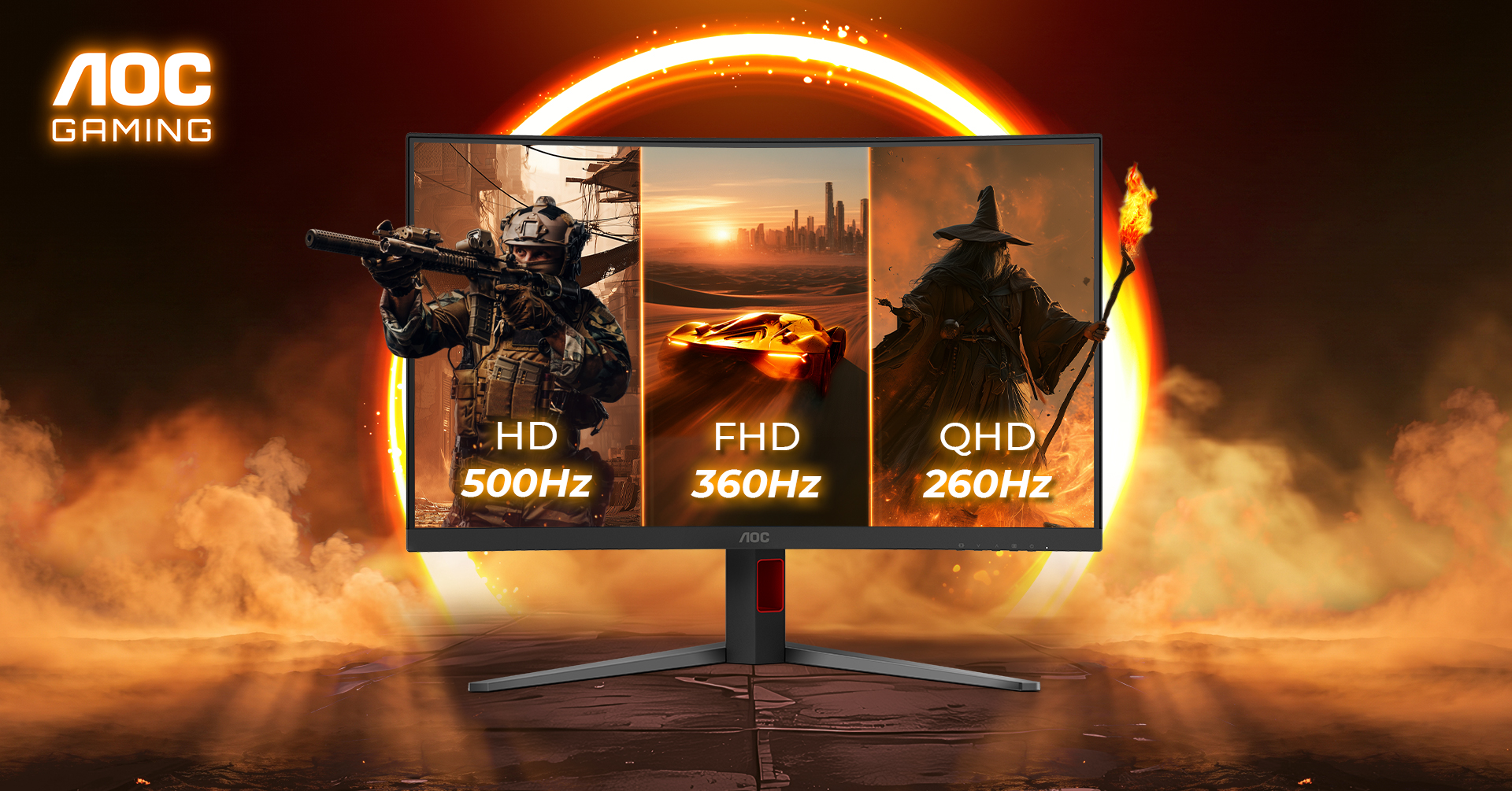
AOC is adding another excellent looking gaming monitor to its line-up, this one with support for frame rates as high as 500Hz, while keeping the price below £250.
The AOC GAMING CQ32G4ZA is a 31.5-inch curved monitor that combines a 1500R Fast VA panel with Triple Refresh Rate technology, response times of 0.3ms MPRT as well as DisplayHDR 400 support and 95 % DCI-P3 colour coverage. It is the first AOC monitor to offer three selectable resolution and refresh rate combinations in a single display, enabling refresh rates as high as 500Hz.
To hit 500Hz, the resolution does need to come down to 720p. At 1080p, the monitor still manages a highly respectable 360Hz, and at native QHD, you still get a 260Hz refresh rate, so even at its slowest, it is still faster than many of the gaming displays currently out there.
The monitor doesn't demand a massive price tag either. According to AOC, the monitor will be available starting in December, priced around £239.99.
KitGuru Says: Would you like one of these for your desk?
Is now a good time to think about upgrading your PC or gaming monitor? As one of the only PC-related items that is still seeing discounts in the ever-increasing AI boom-related price inflation apocalypse, gaming monitors especially have become the best bang-for-buck upgrade for your gaming setup. With prices on OLED displays falling dramatically since the technology launched, and generational improvements in the panel technology and manufacturing making the screens cheaper, more resilient to burn-in, and offering large gains in refresh rates. A prime example is this deal on the 280Hz WOLED Gigabyte MO27Q28G 27-inch gaming monitor for $399.99, a massive $200 (33%) off its original listing price.
You may be thinking about upgrading your CPU or GPU to improve your gaming experience, but honestly, none of that matters if your display doesn't do your hardware justice. Gigabyte's 27-inch MO27Q28G gaming monitor features a fast 280Hz refresh rate that requires powerful graphics cards to fully utilize, and a blisteringly fast 0.03ms gray-to-gray response time thanks to standard OLED tech. The Gigabyte MO27Q28G uses a colorful 4th-Gen WOLED display with 99.5% of the DCI-P3 color gamut and 84% of BT 2020. With a decent pixel density, delivering a crisp image at a 2560x1440 QHD resolution.
The monitor also features a KVM switch, USB-C connectivity, and a bright HDR peak brightness of 1500 Nits. To complete the package of a gaming monitor, the MO27Q28G also features a "tactical switch" for switching between screen ratios and resolutions.
Gigabyte's 27-inch MO27Q28G gaming monitor features a fast 280Hz refresh rate and a 0.03ms response time on its colorful 4th-Gen WOLED display with 99.5% of the DCI-P3 color gamut and 84% of BT 2020. High pixel density delivers a crisp image at 2560x1440 QHD resolution. View Deal
The Gigabyte MO27Q28G comes with a standard stand that allows for adjustments to height, tilt, swivel, and pivot, but if you fancy upgrading the stand to a monitor arm and are also running a second monitor, you can pick up this handy bundle offer on the Gigabyte MO27Q28G and the MSI MPG MT201DR V2 desk-mounted dual monitor arms.
(Image credit: MSI)
The MSI MPG MT201DR V2 sell for $139.99 individually, but if you purchase them as part of the Gigabyte MO27Q28G combo bundle for $519.98, you can save $20 off the monitor mount.
Professional displays have always been regarded as tools for a specific task and nothing more. They are precise, accurate, and usually built to a rugged standard suitable for long-term use. However, they are often expensive. When you consider the basics – resolution, size, and speed – their bang-for-the-buck is low.
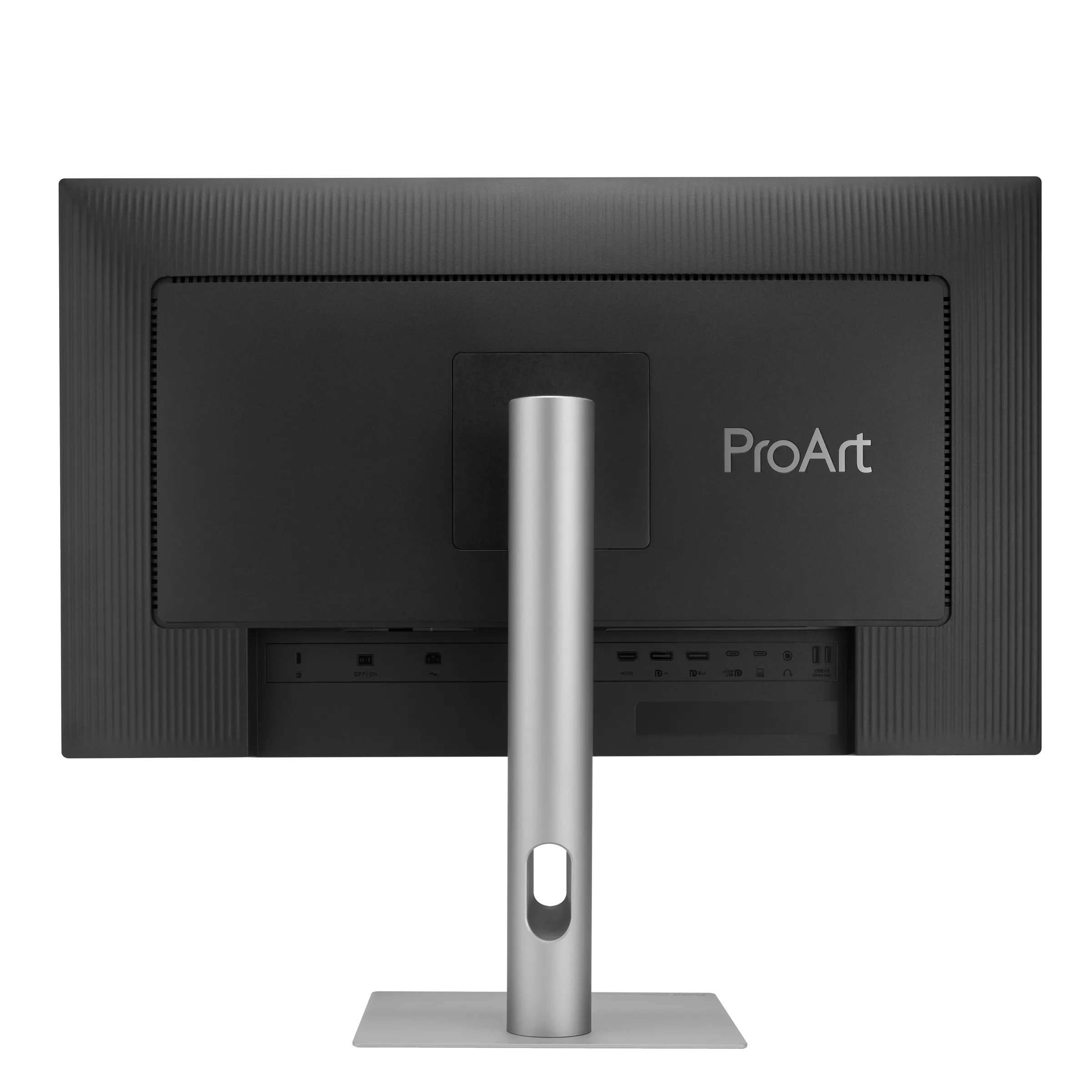
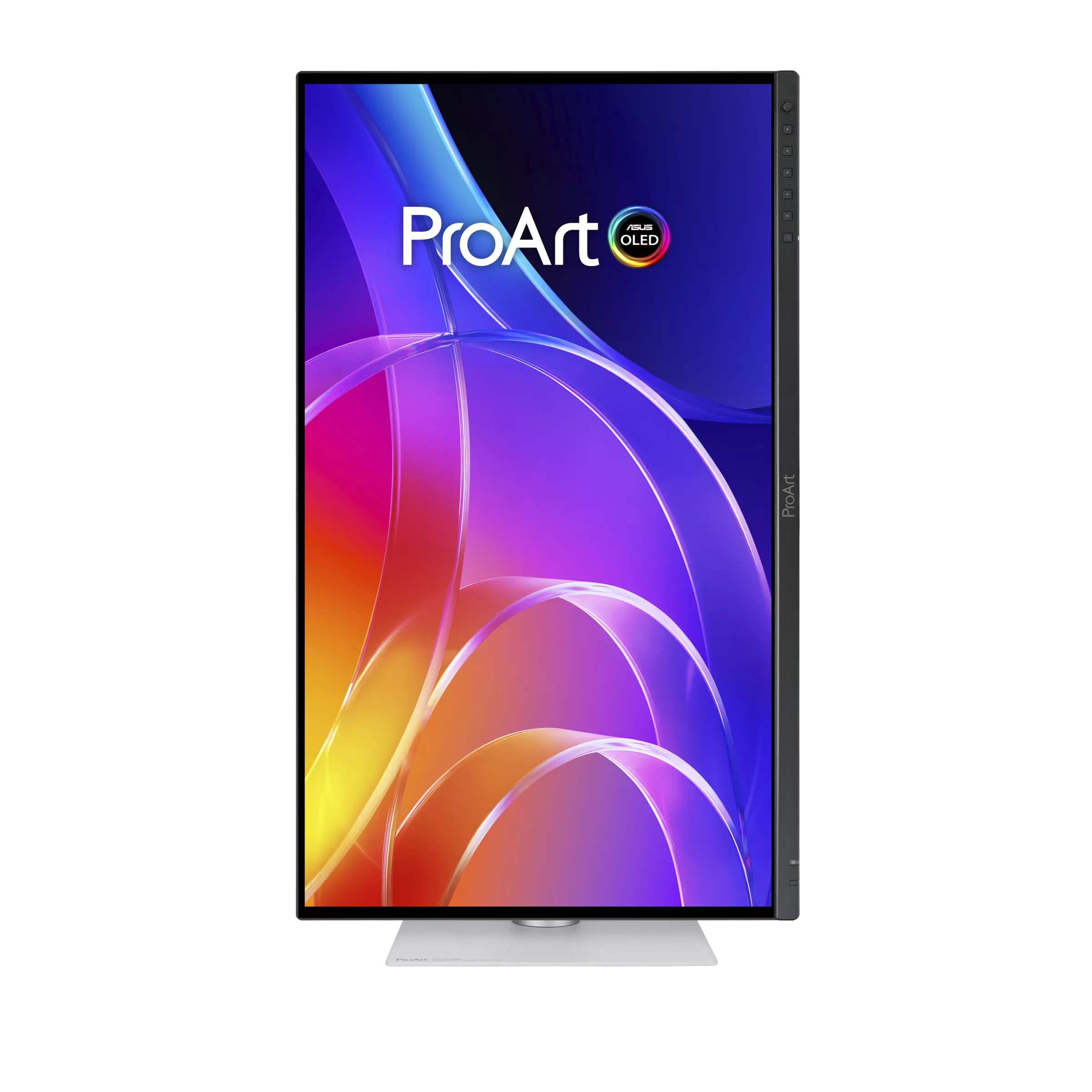
But that has changed of late in my experience. You’ll still pay a premium for a professional monitor, but you’ll get more than you used to. Many screens now have fast refresh, Adaptive-Sync, and features that make them suitable for gaming, entertainment, and daily productivity. One could say that they are a luxury category, and that’s where Asus’ new ProArt PA32UCDMR comes into focus. It’s a 32-inch Quantum Dot 4K OLED with 240 Hz, Adaptive-Sync, HDR10, HLG, and Dolby Vision. It also comes with a calibrator/controller combo and an all-metal chassis that features a slim and elegant design.
The PA32UCDMR’s price, as I write this, is around $1,900, so it still qualifies as expensive. But you can pay much more for a pro screen that doesn’t have fast refresh or Adaptive-Sync. Let’s take a look.
3 years (can be extended to 5 years with online registration)
The PA32UCDMR is an upgrade from last year’s PA32UCDM. It has the same specs but adds a calibrator. It isn’t the built-in kind where a little sensor flips up from the bezel. Rather, Asus created a small puck that integrates the colorimeter and an OSD controller. Control is via Asus’ DisplayWidget Center and ProArt Calibration apps, which are free downloads. You can also use Calman or ColourSpace software. The puck is called CaliContrO, which is clever, but hereafter, I’m calling it The Puck. The good part is that the monitor generates its own test patterns and stores the calibrations in the firmware. You’ll need a PC connection to make it all work.
Pro features continue with a complete list of color modes that correspond to every standard in current use. The gamut choices range from sRGB to BT.2020, with everything in between, including Adobe RGB. You can bank on the accuracy of these modes right out of the box, according to my test results, which you can see in detail on pages four and five. HDR support is nearly complete with HDR10, Hybrid Log Gamma, and Dolby Vision. Only HDR10+ is absent. HDR10 includes multiple PQ curves and the choice of P3 or 2020 gamuts.
The panel tech is Quantum Dot OLED, meaning a wide color gamut that covers over 104% of DCI-P3. The PA32UCDMR is rated for VESA DisplayHDR 400, which I verified in testing. You can expect HDR peaks of around 1,000 nits for a 3% window pattern. I measured over 420 nits from a 25% window. You also get variable brightness for both SDR and HDR.
For game content creators or well-heeled gamers, the PA32UCDMR offers 4K resolution and a 240 Hz max refresh rate. You also get Adaptive-Sync, which works on both AMD and Nvidia platforms. My response and lag tests showed this to be one of the quickest 4K OLEDs you can buy. Those results are on page two.
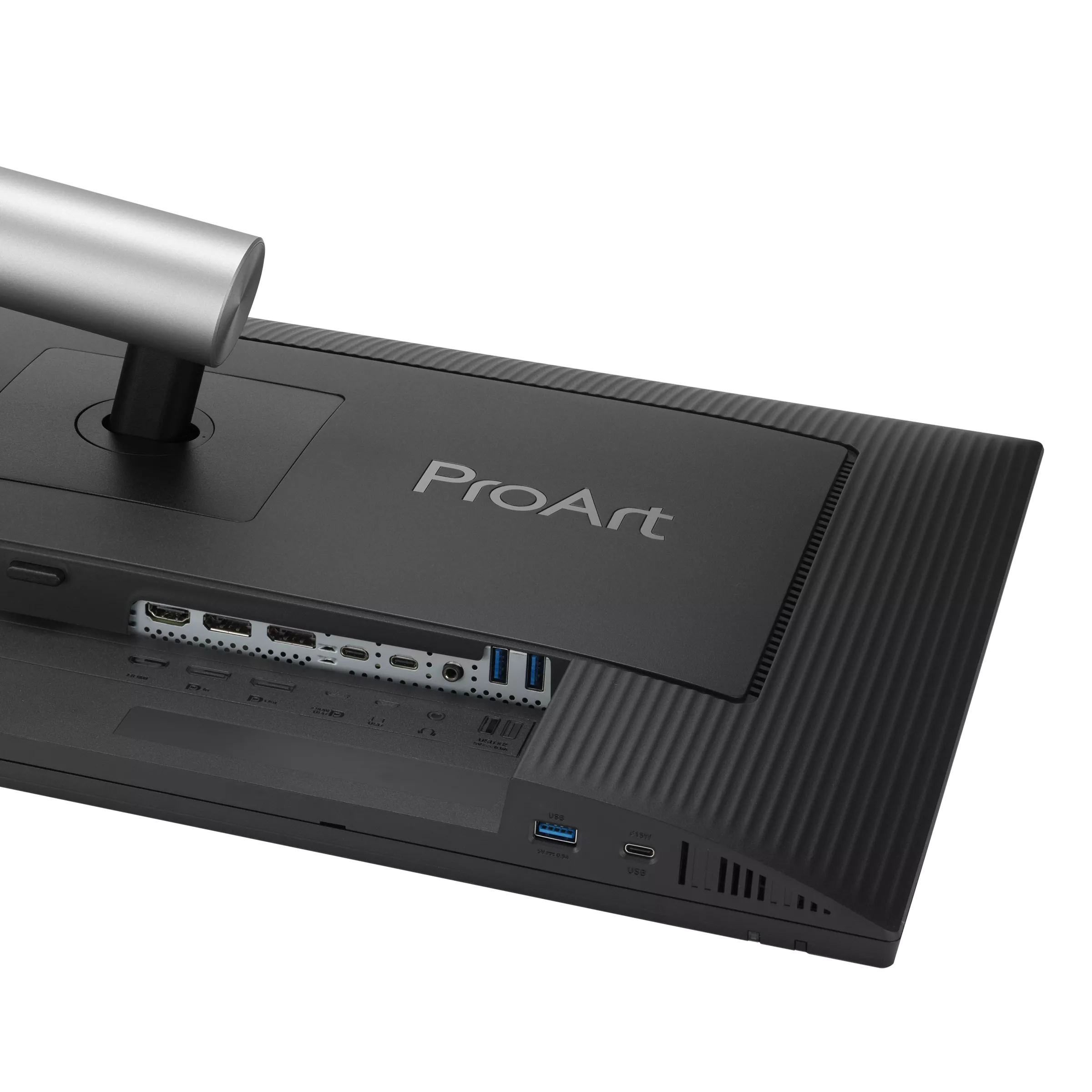
Physical features, beyond the gorgeous all-metal chassis and slim styling, include plenty of video inputs. You get two HDMI 2.1 ports, a DisplayPort 1.4 with Display Stream Compression (DSC), and a Thunderbolt 4 port. A second Thunderbolt serves as an output for daisy-chaining. The main USB-C port supports 96 watts for charging, while additional USB-C and USB-A ports deliver up to 15 watts. You also get internal speakers, three watts apiece.
The PA32UCDMR handily meets the requirements for professionals and users who just want a really nice monitor. At $1,900, it isn’t a bargain, but it is less expensive than many other pro monitors that aren’t as capable.
Assembly and Accessories
The PA32UCDMR ships in a large clamshell box with cardboard forms protecting the contents. The panel, base and upright are separate and go together without tools. Also included is a rigid light-blocking hood made from hard plastic and lined with light-absorbing material. It attaches magnetically to the panel and can easily be removed when you wish. The Puck comes in its own little box with a simple set of instructions. It connects to your PC or laptop. I noted that it would control the OSD when hooked up to one of the monitor’s USB-C ports. For calibration, though, it needs to have that PC in the chain. The cable bundle includes IEC power, two USB-C ports, DisplayPort, and HDMI. You also get a nice microfiber cleaning cloth.
Product 360
AsusAsusAsusAsusAsus
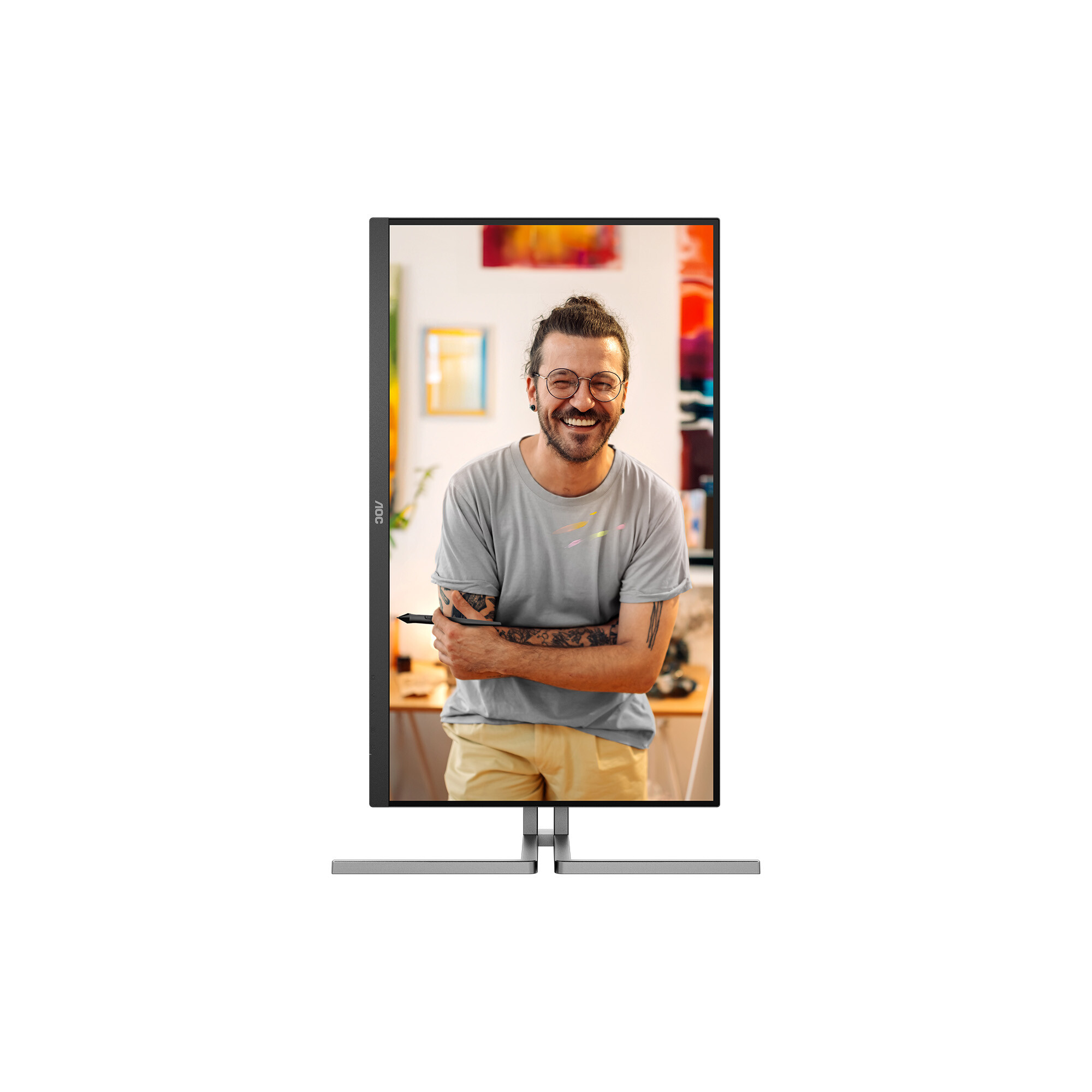
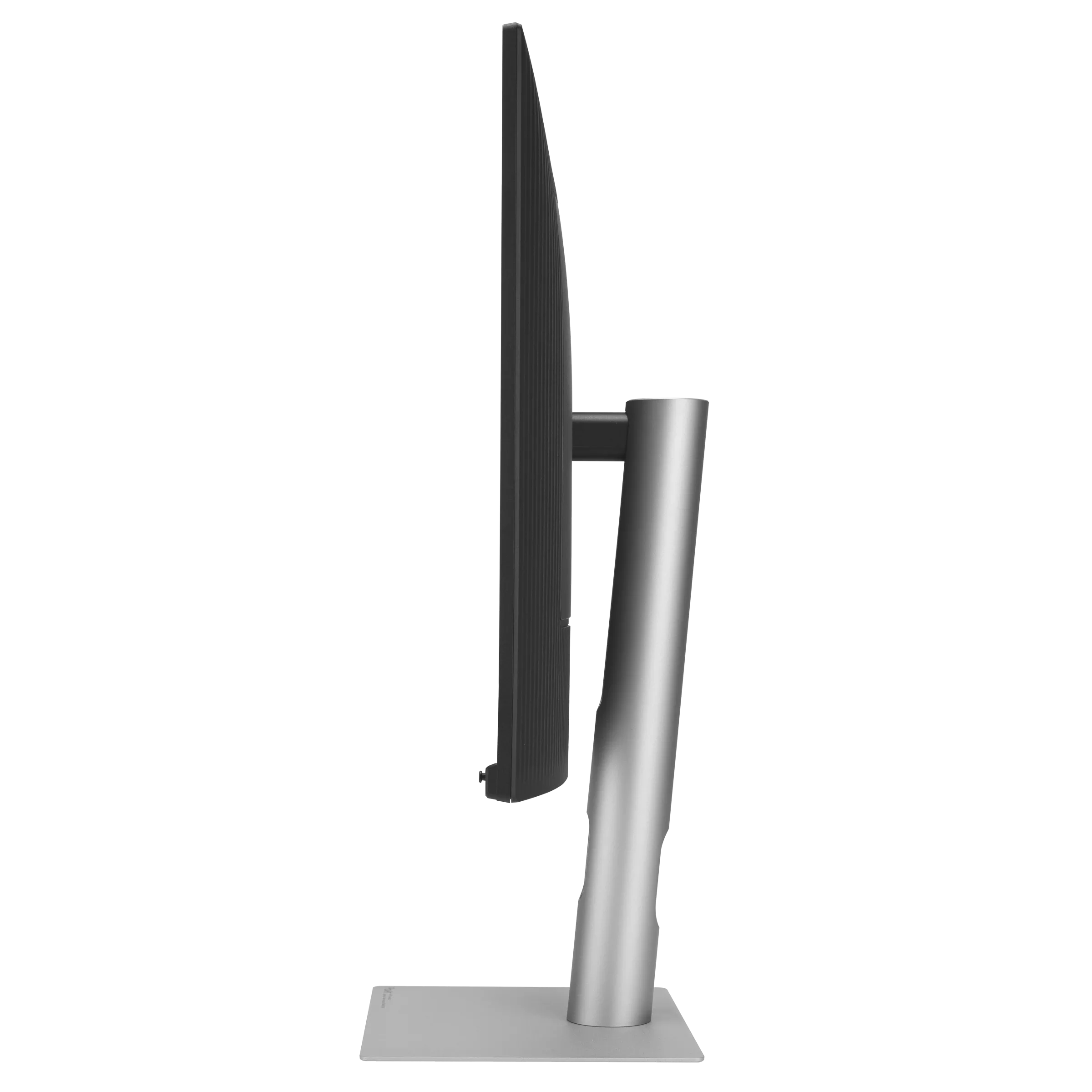
The PA32UCDMR’s styling is what I’d call “executive”. Though it would be massive overkill for someone just reading email and browsing the web, it’s one of those objects that makes your office or workspace look better. The silver parts you see in the photos are all aluminum with a smooth matte finish. That means the panel can be super slim, and it is indeed thinner than any other 32-inch OLED or LCD I’ve reviewed at just 1.7 inches. There is a flush bezel that disappears when the power’s off and only creates a thin frame of 7-16 millimeters. The screen is glossy, but a coating prevents reflections from washing out the image. If you want the best possible picture quality, a magnetic hood is available, made of rigid plastic and lined with light-absorbing material.
The stand is a twin-spire design with quality ergonomics. It has a small but stable base, which keeps the PA32UCDMR’s footprint efficient. Movements are firm and smooth and include a 5/20-degree tilt, a 90-degree portrait mode, and a 5.2-inch height range. There is no swivel. To control the OSD, reach behind the small protrusion at the center to find a tiny joystick and two buttons. One is a power toggle, while the other cancels whatever menu is currently active.
The input panel is up and under the right side of the component bulge in the back. It includes two HDMI 2.1 ports, a DisplayPort 1.4 with DSC, and a Thunderbolt 4 port. A second Thunderbolt port serves as an output for daisy-chaining a second monitor to the PC or Mac with a single cable. Two USB ports, one C and one A, provide support for peripherals. There is no headphone jack.
(Image credit: Tom's Hardware)
The calibrator, called CaliContrO, is a small puck with a cover for the lens. A weight slides along the cable so you can hang it from the top edge of the panel. At the top are a joystick and four touch-sensitive buttons. You can also slide your finger around the joystick, like the click wheel on an old iPod. These functions must be programmed in the DisplayWidget Center app. I’ll talk more about the calibration process in a moment.
OSD Features
The OSD is Asus ProArt standard, with a small, efficient menu that sits vertically in the lower-right corner of the screen, well away from test patterns. It appears when you press the joystick on the PA32UCDMR or on The Puck.
The PA32UCDMR is centered on its preset modes, which cover every standard currently in use. Native uses the monitor’s full color gamut, covering around 104% of DCI-P3. You also get sRGB, BT.709, Adobe RGB, P3 display and cinema, BT.2020, DICOM for medical equipment and multiple flavors of HDR10 and HLG. And there’s Dolby Vision, which is still a rarity on computer monitors. Three memory slots accommodate custom calibrations created by the ProArt Calibration app. Each preset can be tweaked in the OSD for gamma, color temp, and other parameters.
Signal range is an important setting when mastering different content types. Auto works in most cases, but you can specify the thresholds if you wish. Included here is SDI 4-1019, which is a 10-bit standard for commercial video applications. It maps image data from level 4 to 1019 while reserving 0-3 and 1020-1023 for audio and time codes.
The PA32UCDMR has Asus’ QuickFit feature, which puts markers and frames on the screen to aid in composition. You can specify different aspect ratios and display rulers for help with scaling.
Rapid Rendering is an important sub-menu because it’s where you control the PA32UCDMR’s Adaptive-Sync. It’s turned off by default, so to enable G-Sync or FreeSync, select one of the four options. FreeSync Premium Pro only works up to 120 Hz. For the full 240 Hz, choose either Native or Upto 240 Hz. Once enabled, it worked for me without issue.
Finally, two of the quick menu options can be programmed for quick access to different functions like brightness or specific preset modes.
Asus ProArt PA32UCDMR Setup And Hands-on
The PA32UCDMR’s calibration procedure is a little different than what I’ve encountered from ProArt monitors with a built-in sensor. There is no calibration menu in the OSD. Instead, you must install DisplayWidget Center and ProArt Calibration on your PC or Mac. The Puck is then plugged into the computer, where it is controlled from the desktop.
(Image credit: Tom's Hardware)
DisplayWidget Center fully mimics the OSD, so you can control everything from a Windows or Mac desktop. ProArt is a plugin that manages calibration and stores the results in the PA32UCDMR’s internal firmware. You can also use your own meters with Calman or ColourSpace if you wish. Calibrations can be scheduled to run while you’re away.
(Image credit: Tom's Hardware)
Any preset mode can be calibrated, or you can create up to three custom configurations with any combination of gamut, gamma, and color temp you wish. You can also calibrate the HDR modes with equal flexibility and precision. I noted that with the light hood in place, there was no place to run The Puck’s wire to hang it on the screen. Other Asus hoods I’ve seen include a little doggy door for the meter, but this one is completely solid. Fortunately, it’s easy to remove just the top piece when you need to.
For my purposes, I found the presets to be spot-on for color and grayscale and slightly off for gamma. You’ll see those results on pages four and five. In the HDR10 mode, there are three Perceptual Quantization (PQ) options, Clip, Basic and Optimized. Clip is the closest to standard.
The preset modes can be tweaked in the OSD, but their default settings are accurate to industry standards. Here is a quick reference that shows their default parameters.
Mode
Gamut
Color Temp
Gamma
sRGB
sRGB
D65
2.2 power
BT.709
BT.709
D65
2.4 power
Adobe RGB
Adobe RGB
D65
2.2 power
P3
P3
D63 or D65
2.2 or 2.6 power
BT.2020 (SDR)
P3
D65
2.4 power
With imaging squared away, I turned to game setup. There aren’t any options like strobing or overdrive, but I did have to turn on Adaptive-Sync as it was off by default. That’s done in the Rapid Rendering menu where you get four options. To get AS at 240 Hz, select either Native or Upto 240 Hz. The other two top out at 120 Hz. For my GeForce RTX 4090-based PC, G-Sync worked perfectly at all frame rates. When I set a game like Doom Eternal to max detail, I see around 220 FPS in 4K resolution.
Gameplay for me generated no notes. I couldn’t find anything negative about the PA32UCDMR’s abilities as a frag-worthy tool. It’s one of the fastest OLEDs I’ve experienced with perfectly smooth motion and instant control response. Run-and-gun maneuvers were easy and intuitive. Aiming was always precise with most shots landing on target and minimal wasted ammo. Color and contrast, especially for HDR titles, was exemplary. Though I don’t expect a lot of users to shop the PA32UCDMR as a gaming display, it competes with the best I’ve seen.
For everyday productivity, the PA32UCDMR is complete overkill but on the other hand, it’s a really nice monitor with a gorgeous image. Does it matter that I wouldn’t use all its features just to play games, edit Word documents or prepare graphics in Photoshop? Not a bit when it’s so enjoyable to use, and so beautiful to look at. I likened it to a piece of high-end furniture. Yes, you can make a nice desk from a door and two filing cabinets (ask me how I know), but a sexy piece of glass supported by slim metal legs is way cooler. If you have that desk, the PA32UCDMR is the perfect complement.
The image is as stunning as any premium OLED I’ve experienced. Color is vibrant and saturated. I used the PA32UCDMR in its Native mode for most SDR applications. sRGB was handy for photo work and just a couple of clicks away. HDR looked even more impressive. And it was nice to have Dolby Vision available. There’s plenty of content on Netflix and Disney+ that looks better on the PA32UCDMR than anything outside a premium television.
Takeaway: I found no negatives during daily use of the PA32UCDMR. Whether creating content, text or graphics, or watching a TV show or playing a game, it brought pleasure to all activities. It is completely qualified for professional applications like video post-production or photography. Though a $1,900 monitor might seem indulgent, it is true that you never regret buying the best. For every use I can think of, the PA32UCDMR has few, if any, equals.
I don’t test many professional monitors, so you won’t see comparison charts in this review. Rather, I’ve simply laid out my test results with comments.
Pixel Response and Input Lag
Click here to read up on our pixel response and input lag testing procedures.
· Response Time Full black to white transition – 0.12ms
· Absolute Input Lag Full black to white transition – 14.9ms
That being said, the PA32UCDMR could easily compete with and beat many speedy gaming monitors. Most OLEDs I’ve tested since acquiring the Nvidia LDAT draw a one-inch square in 0.24ms. This one manages the feat in 0.12ms. Though the human eye won’t perceive this difference in gaming content, it can be seen in moving test patterns rendered at perfect resolution. That is, there is no loss of clarity when comparing moving objects to static ones. That makes things like camera pans look better, and you can more precisely aim and fire when you want to.
The PA32UCDMR is also a champ in the input lag test, where it averaged just 14.9ms over 25 mouse clicks. That is a real-world test similar to what you’ll see on a monitor equipped with Nvidia’s Latency Analyzer. This is also one of the fastest times I’ve recorded for any OLED at any refresh rate. The current record holders are LG’s 27GX790 and Philips’ 27M2N8500, which scored 10.0ms at 360 Hz. That the PA32UCDMR is only a tick behind at 240 Hz speaks to its quality and precision. Any competition gamer would consider this monitor an essential tool.
Test Takeaway: The PA32UCDMR is super quick and would serve any pro-gamer well. Its low response time means the fastest motion remains perfectly clear. That includes moving objects and panning backgrounds. If you’re a more casual player, it still provides a play advantage thanks to its precise movement and aiming capabilities.
Viewing Angles
(Image credit: Tom's Hardware)
The PA32UCDMR exhibits excellent off-axis image quality, but if you look closely, you can see a slight red tint, which indicates it is a Quantum Dot screen. This is nearly impossible to spot in actual content. The gray step pattern is a torture test here. There is no change in brightness or gamma. The top view is a bit washed out but still reasonably bright and free of heavy color shifts.
Screen Uniformity
To learn how we measure screen uniformity,click here.
· Screen Uniformity Deviation From Center 0% Black Field – 2.09%
Many pro monitors include uniformity compensation, but the PA32UCDMR doesn’t and doesn’t need to. 2.09% is about as good as it gets for any flat panel display. There are no visible anomalies in content or in any of the test patterns I observed. This is excellent performance.
· Maximum White Luminance Native Mode – 415.4752 nits
· Maximum Black Luminance Native Mode – 0 nit
· Maximum Contrast Ratio Native Mode – Unmeasurable
· ANSI Contrast Native Mode – Unmeasurable
The PA32UCDMR includes a Constant Brightness toggle in the Settings menu. When turned off, a 25% window pattern measures just over 415 nits. That is typical of the DisplayHDR 400-rated OLEDs I’ve tested. A 3% window is claimed to be around 1,000 nits. A full field measures 240 nits, so that’s the peak you can expect when Constant Brightness is on. For SDR, this is my preferred setting, as it keeps everything more consistent-looking, which is ultimately better for long work sessions. I generally save variable brightness for HDR video and game content.
Test Takeaway: The PA32UCDMR delivers typical OLED numbers in my brightness and contrast tests. It’s not super bright, but it is more than bright enough for any indoor environment. Black levels are immeasurable, which is why contrast is too. The image is gorgeous in every respect.
To test the PA32UCDMR’s preset modes, I measured each one at its default settings. You can tweak them in the OSD with color temp and gamma presets, or calibrate them using The Puck and the ProArt Calibration app.
Our grayscale and gamma tests use Calman calibration software fromPortrait Displays. We describe our grayscale and gamma tests in detail here.
The only variations you’ll see in the grayscale tests is gamma tracking. It’s referenced at different points depending on mode, either 2.2, 2.4 or 2.6. What I observed consistently is that it runs a tad light. This isn’t a big deal for an OLED since contrast is so high. But as a professional screen, the PA32UCDMR should be right on the yellow line. This can easily be tightened up with a calibration using The Puck. I noted that the PA32UCDMR correctly rendered a D63 color temp for P3 Cinema and D65 for P3 Display.
Color Gamut Accuracy
Our color gamut and volume testing usePortrait Displays’ Calman software. For details on our color gamut testing and volume calculations,click here.
The PA32UCDMR’s color gamut results are exemplary. No mode is greater than 2dE for the 32-point average. The highest number is for BT.2020 and that’s simply because there isn’t quite enough color to cover its large space. Volumes run between 95 and 99% for the most part. 2020 covers just under 75% and Adobe RGB tops out at 91%. That’s because there isn’t enough green, a typical issue with today’s professional displays. If you want full Adobe coverage, you’ll need an LCD with a special CCFL backlight that delivers the extra green. OLED hasn’t quite gotten there yet.
Grayscale, Gamma and Color Gamut Test Summary
I pulled all the numbers into a table so you can see how each mode performed out of the box. There is no need to calibrate the PA32UCDMR unless you want to get below 1dE for color or tighten up the gamma tracking. This is what I’d expect from an Asus ProArt monitor or any professional screen for that matter.
Grayscale Error
Gamma Range
Gamma Deviation
Gamma Actual
Gamut Error
Gamut Volume
Native
1.26dE
0.09
5.90%
2.07
1.75dE
104.89%
sRGB
0.84dE
0.16
5.90%
2.07
1.09dE
98.60%
BT.709
0.63dE
0.15
3.75%
2.31
1.05dE
97.77%
Adobe RGB
0.69dE
0.07
3.18%
2.13
1.21dE
90.73%
P3 Cinema
0.79dE
0.16
3.46%
2.51
0.99dE
94.96%
P3 Display
0.89dE
0.15
4.09%
2.11
1.10dE
94.82%
BT.2020
0.66dE
0.13
4.09%
2.11
1.76dE
74.83%
Test Takeaway: I have yet to find an Asus ProArt monitor that didn’t perform at the highest level. The PA32UCDMR has visually perfect color out of the box and is ready for any task, be it productivity, entertainment, or color-critical work. Gamma, in general, runs a tad light, but that can be tightened up with The Puck and the ProArt Calibration app.
The PA32UCDMR is one of the most capable HDR monitors you can buy. It supports multiple PQ curves for HDR10 plus Hybrid Log Gamma and Dolby Vision. The only thing it doesn’t have is HDR10+.
HDR Brightness and Contrast
· HDR White Luminance – 420.0729 nits
· HDR Black Level – 0 nit
· HDR Sequential Contrast – Unmeasurable
The PA32UCDMR is rated for VESA DisplayHDR 400 and exceeds that rating when measured with a 25% window pattern. Asus claims 1,000 nits for a 3% window, and this result casts no doubt on that. Black levels and contrast cannot be measured. I noted that peak brightness was about the same regardless of which PQ curve was selected. You can expect the same numbers for Dolby Vision content as well. It is possible to engage constant brightness for HDR content, but it looks much better when that’s left off.
Grayscale, EOTF and Color
Portrait Displays CalmanPortrait Displays Calman
The PA32UCDMR’s HDR color accuracy is equal to what I found in SDR mode. For this test, I used HDR10 with a BT.2020 gamut and PQ Clip. Grayscale tracking is perfect with all errors below 2dE. The EOTF runs a tad dark from 0 to 40% where it meets the reference line up to the tone-map transition point at 65% brightness. This is correct for the measured black and white thresholds.
In the color test, there is slight oversaturation throughout the gamut range for both DCI-P3 and BT.2020. This is typical of the HDR monitors I’ve measured, though the PA32UCDMR isn’t quite as over-the-top as some others. I would expect to see this behavior given its professional aspirations. This can be tightened up with a calibration if you wish.
Test Takeaway: The PA32UCDMR is a reference display for HDR content. It will look superior to just about any other OLED outside of a premium TV, or another pro monitor. LCD? Yeah, not even close. This is a great monitor, whether you buy it as a professional tool or simply to enjoy its gorgeous picture and elegant styling.
Professional monitors were once very expensive tools that only made sense for working pros who needed a reference display that was also adjustable and built for long-term use. Style and entertainment were non-factors. And you were expected to provide your own color meter and software to keep them tuned. That’s all changed in recent times, to the point where you can now buy a premium display that’s ready to go out of the box, and can play games with the best, and function as a luxury screen for daily use.
(Image credit: Asus)
The Asus ProArt PA32UCDMR embodies this trend with a $1,900 32-inch QD-OLED panel that not only delivers accuracy but also includes a colorimeter and the means to keep it in check, with easy-to-use software that’s a free download. It also has gaming cred with a 240 Hz refresh rate, 4K resolution, Adaptive-Sync, and some of the quickest response and lowest input lag of any gaming OLED.
(Image credit: Tom's Hardware)
Usually, I would say it’s a great pro monitor that performs well in games. But with such elegant styling included in the deal, I cannot dismiss its appeal as a luxury display that would look good in any modern office, media room, or workspace. Yes, it’s expensive. But it’s not as costly as many pro monitors. It has a gorgeous picture and every capability a user could want for any task or form of entertainment.
The PA32UCDMR isn’t just a pro monitor. It’s a fully capable display that games brilliantly, gets through workday tasks with ease, offers flexible calibration and looks great doing it. If you need a professional tool, a reference display, or just want a really nice monitor, the Asus ProArt PA32UCDMR is well worth checking out.
AOC has introduced the K27U3FD, a 27-inch Fast IPS monitor featuring a dual-mode design that lets users switch between 5K resolution at 75Hz and QHD mode running up to 300Hz.
When in 5K mode at 5120×2880, the display produces a pixel density of 218ppi. According to DisplaySpecifications, the Fast IPS panel on the K27U3FD supports 10-bit colour with 100% sRGB coverage, 125% sRGB volume, and 96% DCI-P3 gamut, backed by factory calibration rated at ΔE<1. AOC rates HDR brightness at 450nits alongside 350nits SDR brightness and a 1500:1 contrast ratio. Toggling over to QHD mode drops resolution to 2560×1440 while pushing refresh rates up to 300Hz with a 1ms GtG response time and Adaptive-Sync support.
Built around a Red Dot Design-awarded chassis, the monitor sits on a Pi-shaped metal stand offering 150mm of height adjustment, bi-directional pivot, ±30° swivel, and tilt from -6.5° to 23°. Port selection includes an HDMI 2.1 input with FRL6 48Gbps bandwidth, a DisplayPort 1.4 connection with DSC, and a USB-C Gen 2 port featuring DP Alt Mode alongside 96W Power Delivery. An additional USB-C data-only upstream port, one USB-C downstream port, four USB-A Gen 2 ports, and a headphone jack complete the connectivity suite.
KitGuru says: AOC's K27U3FD sounds like a nice solution for those who need a high-res display for editing, but then like to game at ultra-fast refresh rates in their downtime.
The ongoing global memory crisis has made upgrading an existing PC or building a new one a lot more expensive, with RAM, SSD, and graphics card prices all climbing in recent months. However, gaming monitors have become far more affordable than they were just a couple of years ago, especially when it comes to OLED. If you are looking for a new display for your setup, you could consider the Gigabyte GO27Q24A, a 27-inch QHD 240Hz QD-OLED monitor which is currently down to just $299.99 from its usual listed price of $449.99 on Newegg.
The monitor offers pretty decent specs for the asking price including a third-gen 27-inch QD-OLED panel with a 2560x1440 resolution, which is considered the sweet spot for most gaming setups. It also offers a fast refresh rate of 240 Hz and a response time of just 0.03ms GTG, which makes it perfect for fast-paced games without compromising on the visual fidelity. For esports lovers, the monitor comes with a feature to quickly switch display resolutions or swap to a specific aspect ratio (such as a 4:3 ratio or a dedicated 24-inch custom format size) with a single click using a dedicated physical button.
Gigabyte's 27-inch gaming monitor packs a third-gen QD-OLED panel with a 1440p resolution and support for up to 240 Hz refresh rate, 10-bit color, 99% DCI-P3 coverage, and fast response time of 0.03ms GTG. View Deal
In terms of color, Gigabyte claims up to 99% coverage of the DCI-P3 gamut with support for up to 10-bit color and a factory calibrated Delta E<2 rating. With a peak brightness of 400 nits in HDR, expect lower brightness levels at SDR, though it should be enough for most indoor use cases. Gigabyte has also added Black Equalizer 2.0 which essentially improves visibility in dark scenes by enhancing shadow detail without over-exposing the rest of the image.
As for connectivity, you get two HDMI 2.1 ports and a Displayport 1.4, meaning you can hook this up to your console alongside your PC or laptop. There’s even a standard 3.5mm earphone jack to plug in your headphones or speakers.
For $299.99, the Gigabyte GO27Q24A is one of the most affordable ways to step into OLED gaming without sacrificing key features like a high refresh rate, HDMI 2.1 connectivity, and a 1440p resolution. It may not be the brightest QD-OLED gaming monitor on the market, but at this price, it's hard to complain.
Asus has announced two new additions to its ProArt display lineup, the 26.5-inch PA279CDV and the 31.5-inch PA329CDV. Both monitors feature 4K QD-OLED panels, 120Hz refresh rates, and factory calibration for creative workflows.
Asus states both displays deliver up to 1000nits peak brightness across a 3% window, alongside true 10-bit color depth. Panel coverage spans 99% DCI-P3, 100% sRGB, and 100% Rec. 709 colour gamuts, backed by factory calibration guaranteeing a Delta E<1.5. To protect from physical damage, an anti-scratch film covers the panel, providing up to 2.5X greater scratch resistance than previous-generation QD-OLED displays.
An Auto KVM feature lets users control two connected systems using a single keyboard and mouse. Connectivity options include a USB-C port with 96W power delivery, HDMI 2.1, DisplayPort 1.4 with DSC, and a built-in USB 3.2 hub featuring one USB-C and three USB Type-A ports. macOS support arrives via the M Model-P3 colour profile, DisplayWidget Center software compatibility, and synchronisation with Apple ProMotion at 120Hz.
The company also equips the monitors with its OLED Care suite, using pixel shifting, logo detection brightness reduction, and a proximity sensor to dim the screen when unattended. Redesigned stands offer a 33% smaller footprint and 2X slimmer profile compared to prior designs. Asus will release the PA279CDV in July 2026 for $699, followed by the PA329CDV in September 2026 for $899. Select regions will also include a three-month Adobe Creative Cloud subscription with purchase.
KitGuru says: Of the two new ProArt QD-OLED monitors, which one would you prefer?
HKC has revealed its upcoming display lineup for ChinaJoy, highlighted by a tri-mode 1300Hz esports monitor alongside an 83.4-inch 12K ultrawide monitor.
First spotted by VideoCardz, HKC describes the flagship 1300Hz unit as a tri-mode esports monitor. However, HKC hasn't disclosed its screen size, panel type, or the specific resolutions and refresh rates supported by each mode. Joining the lineup is the AntGamer ANT25ASF, a Full HD display featuring a native 1000Hz Fast TN panel with a rated 0.8ms G2G response time that appeared at Computex 2026. HKC is also debuting an RGB Mini LED 4K dual-mode monitor as part of its exhibit.
Other scheduled displays include the HKC Apex 32U165VD, a 31.4-inch 4K monitor featuring an RGB Mini LED backlight and dual refresh-rate modes. For wide-format setups, the company will demonstrate the Shield C83U60, an 83.4inch ultrawide display operating at an 11520×2160 resolution with a 60Hz refresh rate and R1000 curvature. HKC's booth will also feature additional 57.1-inch, 39.7-inch, and 43.8-inch ultrawide models. Pricing, release dates, and regional availability for all mentioned displays remain unknown.
KitGuru says: 1000Hz monitors already sound kind of crazy, but 1300Hz pushes that to a whole new level. Do you think brands should keep pushing for higher Hz monitors, or would you prefer they focus on other aspects?
This is a huge price drop for a display that was priced at nearly $600 less than a month ago. The UltraGear OLED 27GX700A-B launched last year and comes with LG's 4th-generation Primary RGB Tandem OLED panel, which the company claims can reach up to 1,500 nits of peak brightness. It also uses less power than previous OLED monitor generations, which should help improve your chances against disruptive burn-in.
This 27-inch OLED display from LG features a max 2,560 x 1,400 resolution for gaming at 1440p. It has an ultra-fast 280Hz refresh rate, ships with both Nvidia G-Sync and AMD FreeSync support, and has a fully adjustable height, tilt, swivel and pivot stand.View Deal
This is a 27-inch display, which means you'll get an ultra-sharp 1440p picture compared to larger displays at the same resolution. Speaking of resolution, this display can hit 2,560 x 1,440, and comes with a fast 280 Hz refresh rate.
The refresh rate matters for a gaming monitor like this one, because it ensures that fast-paced action appears smooth with minimal motion blur. You're also able to benefit from Nvidia G-Sync and AMD FreeSync Premium Pro support, which will completely eliminate screen tearing and stuttering by synchronizing the display's refresh rate with your graphics card.
Ultimately, though, you're going to be wowed by the upgrade from an LCD to an OLED panel. Specs-wise, this comes with DisplayHDR True Black 500 and UL Perfect Black certification, ensuring true black levels to improve visual depth and the quality of shadows in dark scenes. It has a contrast ratio of 1,500,000:1, covering 98.5% of the DCI-P3 color gamut, and delivering color accuracy of Delta E ≤ 2. What this means is you're getting vibrant visuals with lifelike realism, which'll make the games you play extra immersive.
As far as ports go, you're getting two HDMI 2.1 and one DisplayPort 1.4 connections, along with a built-in USB hub. There's also a 2.5mm aux connector for your headphones, which includes DTS Headphone:X support, which can simulate 3D surround sound with up to 11 channels using standard stereo headphones. The monitor can be adjusted to suit your ergonomics, too, with a built-in stand that can be adjusted for height, tilt, swivel, and pivot.
This LG monitor also comes with built-in features to help protect your OLED panel, including automated panel care cycles, pixel cleaning, and screen shift to avoid common burn-in scenarios. You also get a two-year warranty with this monitor for additional peace of mind.
The $399 sale price for this 27-inch LG UltraGear OLED 27GX700A-B gaming monitor is a seriously good price and one you can't ignore if you need a display upgrade. It's the best-priced OLED at this size and with a refresh rate this high. This limited-time Amazon deal won't be around for long, however, so you'll need to snap it up fast if you want to secure one for yourself.
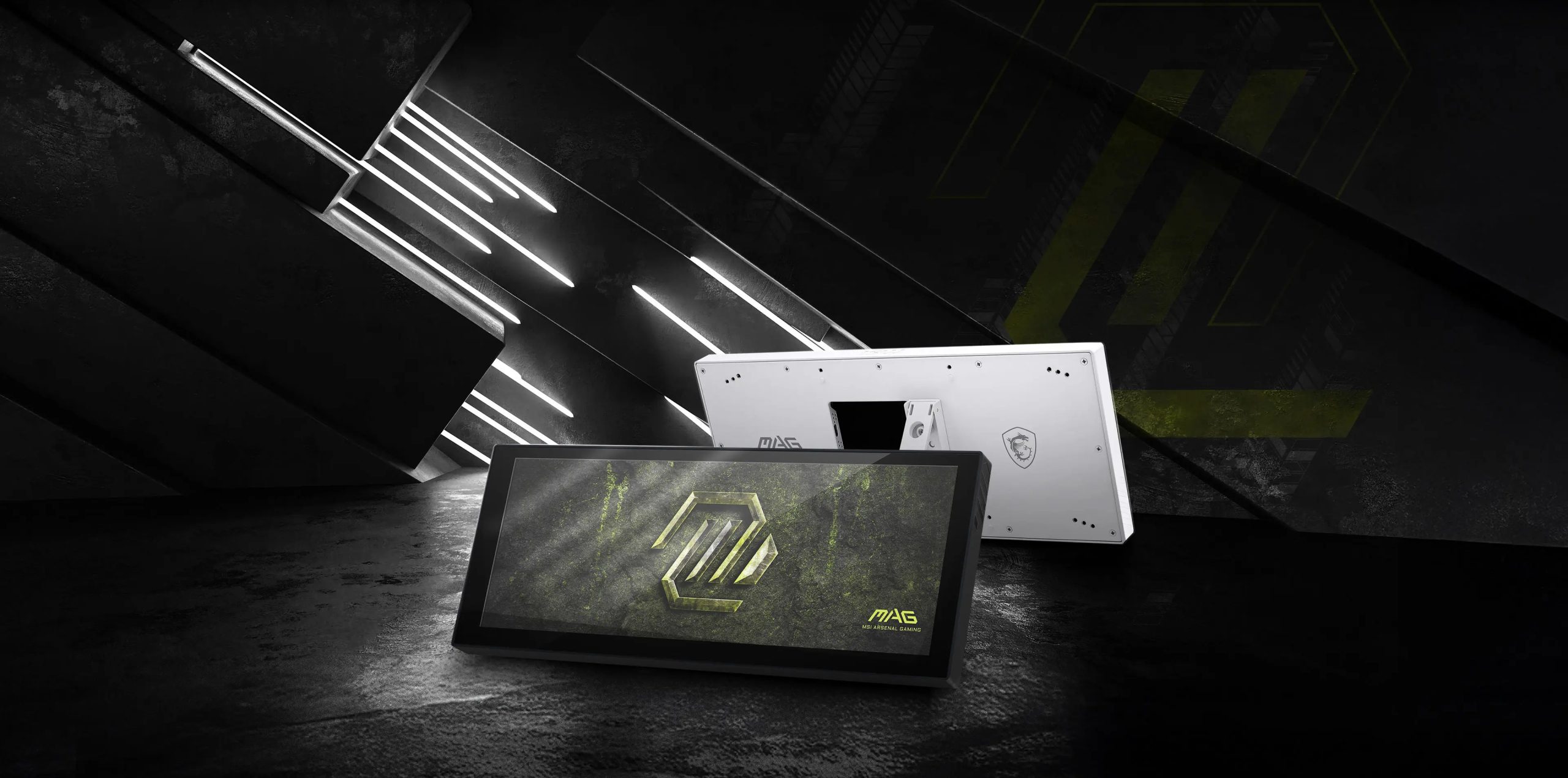
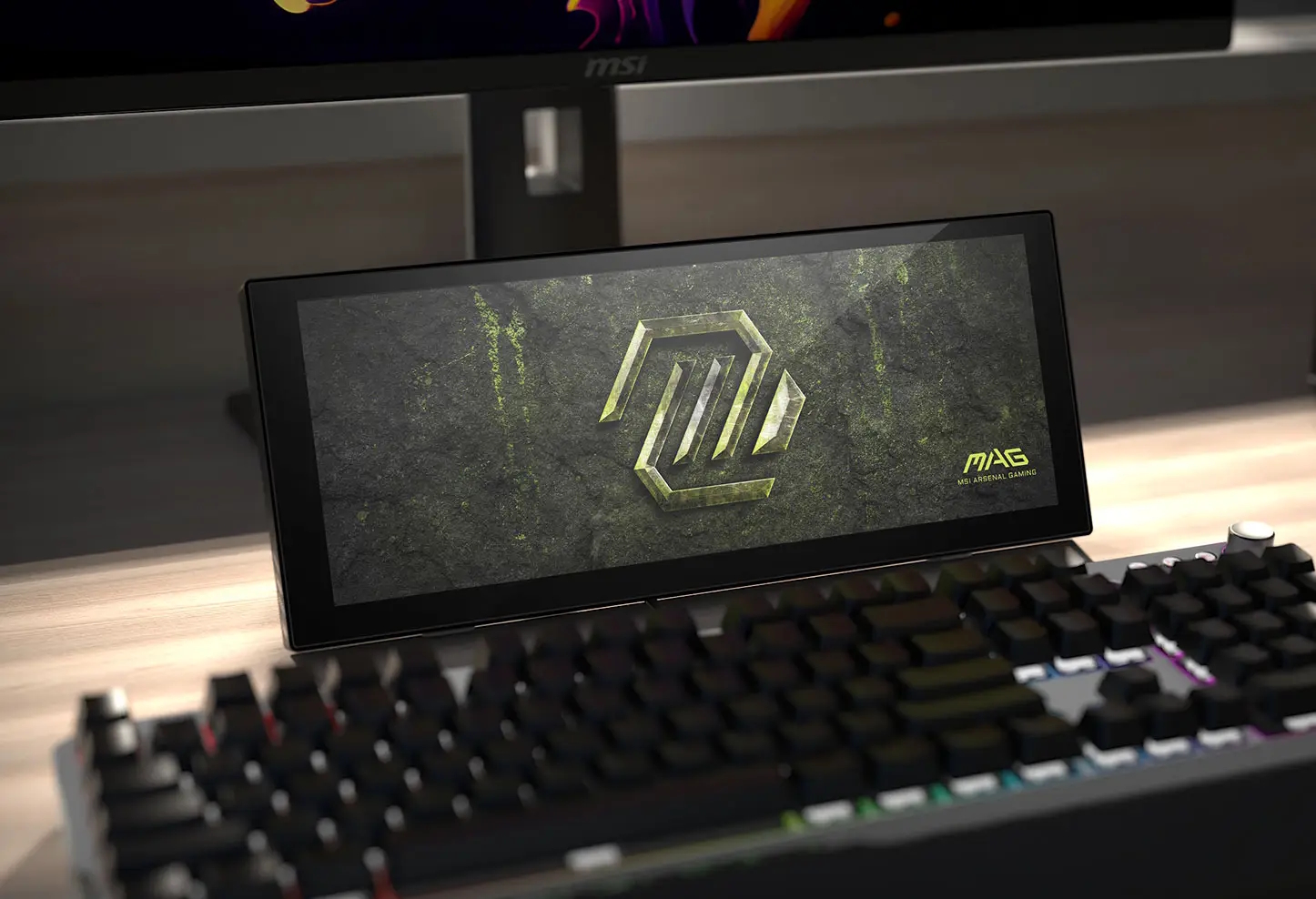
MSI has shared additional details about the MAG View Xpander 12, a 12.3-inch IPS display designed for internal hardware monitoring or as a secondary display in desktop setups.
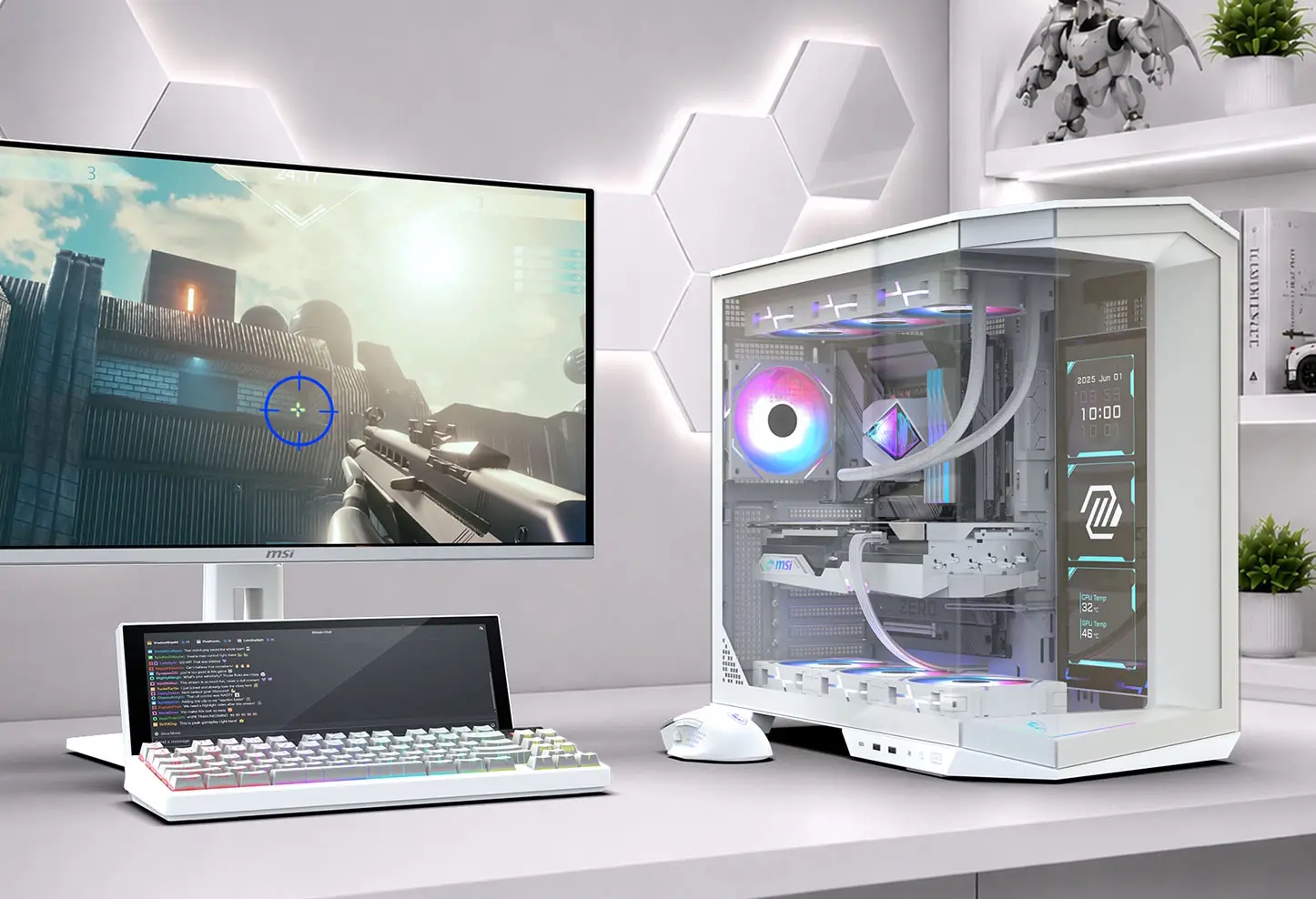
The MAG View Xpander 12 display (via Vortez) features 1920×720 resolution and is available in both black and white finishes. Designed to run in landscape or portrait orientation, the panel integrates with MSI Center software to show system metrics, clock faces, photo slideshows, and custom notifications. Users can also configure the unit as a standard secondary Windows display for chat apps, streaming tools, or reference material.
Installation options include mounting the panel to a 360mm radiator bracket, attaching it to a 120mm fan using an included L-shaped bracket, or placing it on a desk as a standalone monitor. MSI states the screen natively supports select Pano, Velox 300, and Maestro series cases. Power and video signals run over a single USB connection, with both Type-C-to-Type-A and internal USB header cables included in the box.
KitGuru says: MSI is taking on the Xeneon Edge with this new secondary mini-display. Would you like one of these for your setup?
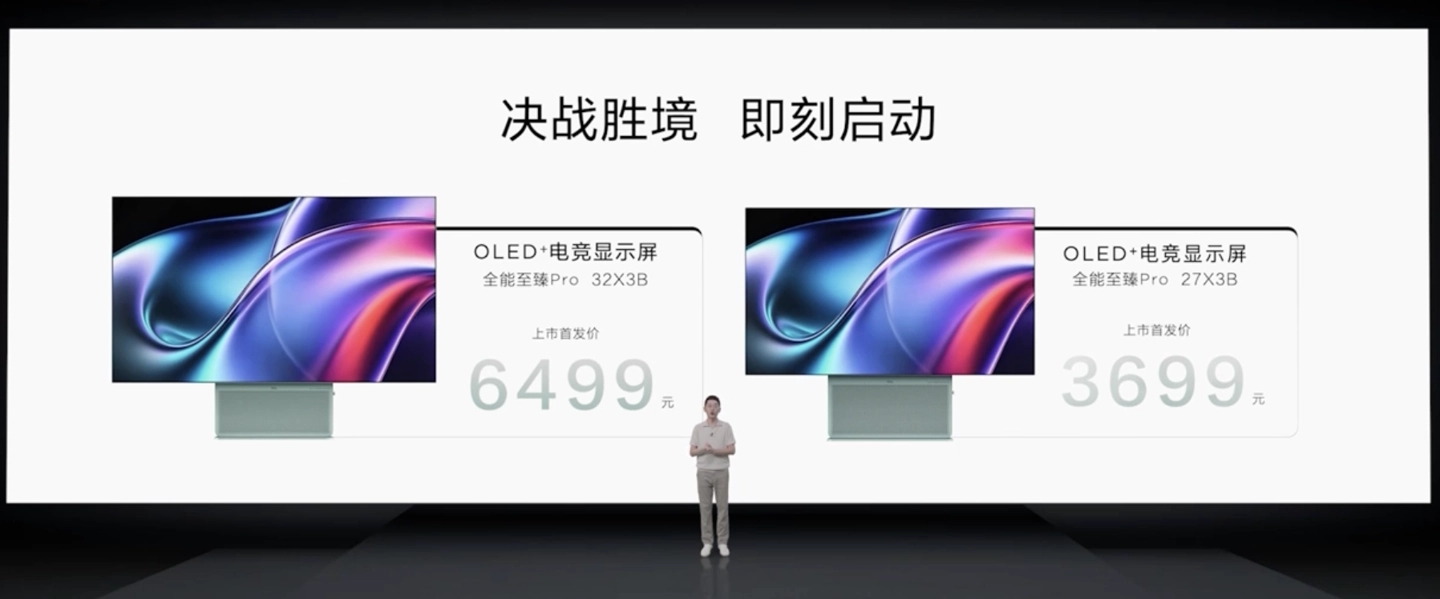
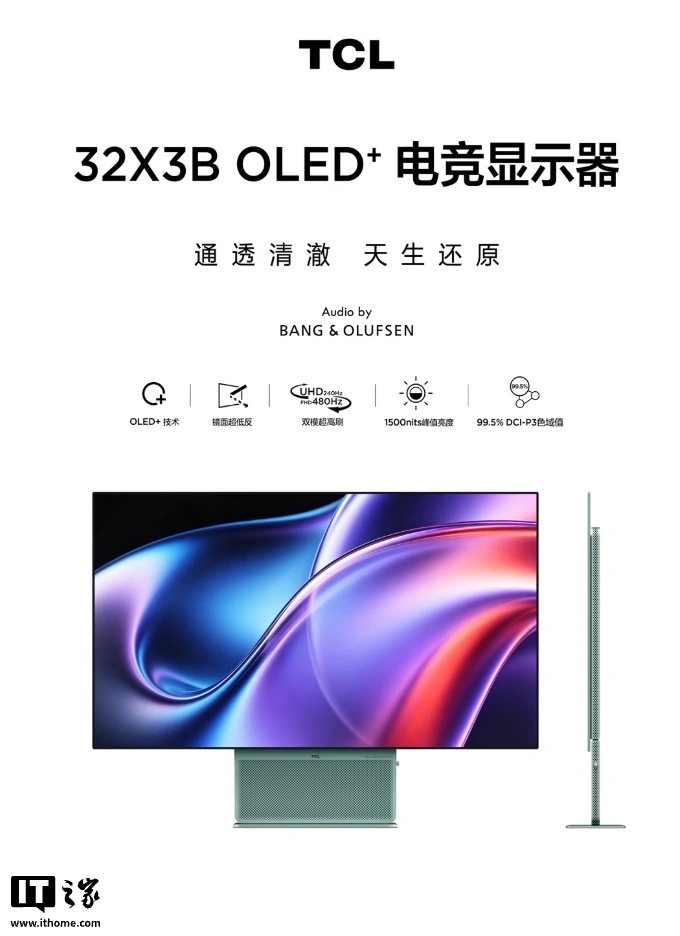
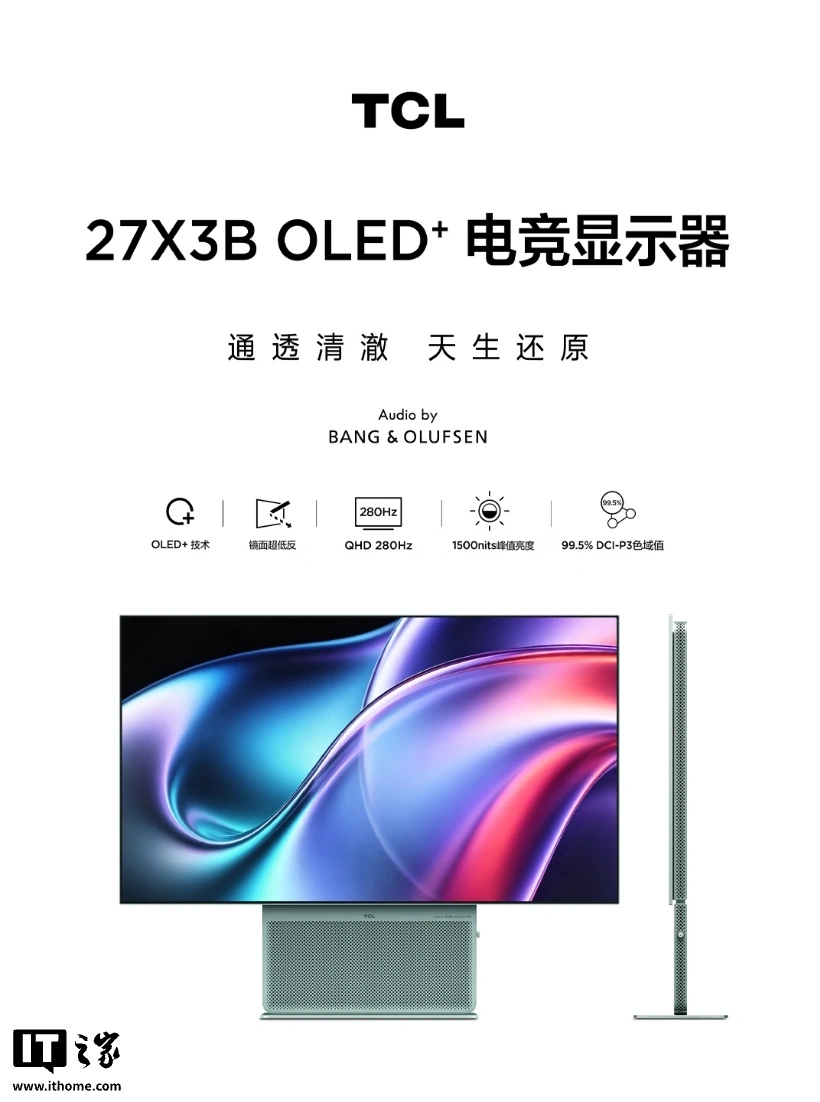
TCL has expanded its display lineup with the announcement of the 27X3B and 32X3B OLED gaming monitors. These new monitors use 4th Gen WOLED panels, improving peak brightness, text legibility and anti-reflective properties.
Display specifications vary between the two sizes shown in official promotional materials. The 27X3B operates at QHD resolution with a 280Hz refresh rate. Meanwhile, the larger 32X3B supports dual-mode operation, switching between UHD at 240Hz and FHD at 480Hz. Both monitors feature circular polarisation technology designed to reduce screen reflections down to a rated panel reflectivity of 1.1%. According to TCL, the displays reach peak HDR brightness of up to 1500 nits, with a 0.03ms GTG response time and 99.5% DCI-P3 colour gamut coverage.
Integrated speakers co-tuned with Bang & Olufsen provide built-in audio across both models. For connectivity, the 27X3B has two HDMI 2.1 ports, one DP 1.4 port, and one 3.5mm audio jack, while the 32X3B has two HDMI 2.1 ports, one USB-C 90W port, two USB-A (KVM) ports, one DP 2.1 port, and one 3.5mm audio jack. Ergonomics are limited to a tilt-adjustable stand.
Global availability and international pricing have not yet been announced. In China, the 27-inch model debuts at 4999 yuan (£556), while the 32-inch edition lands at 7999 yuan (£890).
KitGuru says: TCL's fourth-generation WOLED panels combine impressive anti-reflection ratings with high refresh rates and Bang & Olufsen audio, though international pricing remains to be seen.
In recent reviews of professional displays, I’ve talked about their function as content creation tools with reference color and the ability to integrate into video post-production and photography workflows. But there is a conceptual side that today’s monitors do not usually address. Designers and creators often collaborate and present their ideas, and for that, different display tools are needed. Things like touchscreens, tablet-style stands, and webcams are just as useful as standardized color modes and reference calibrations.
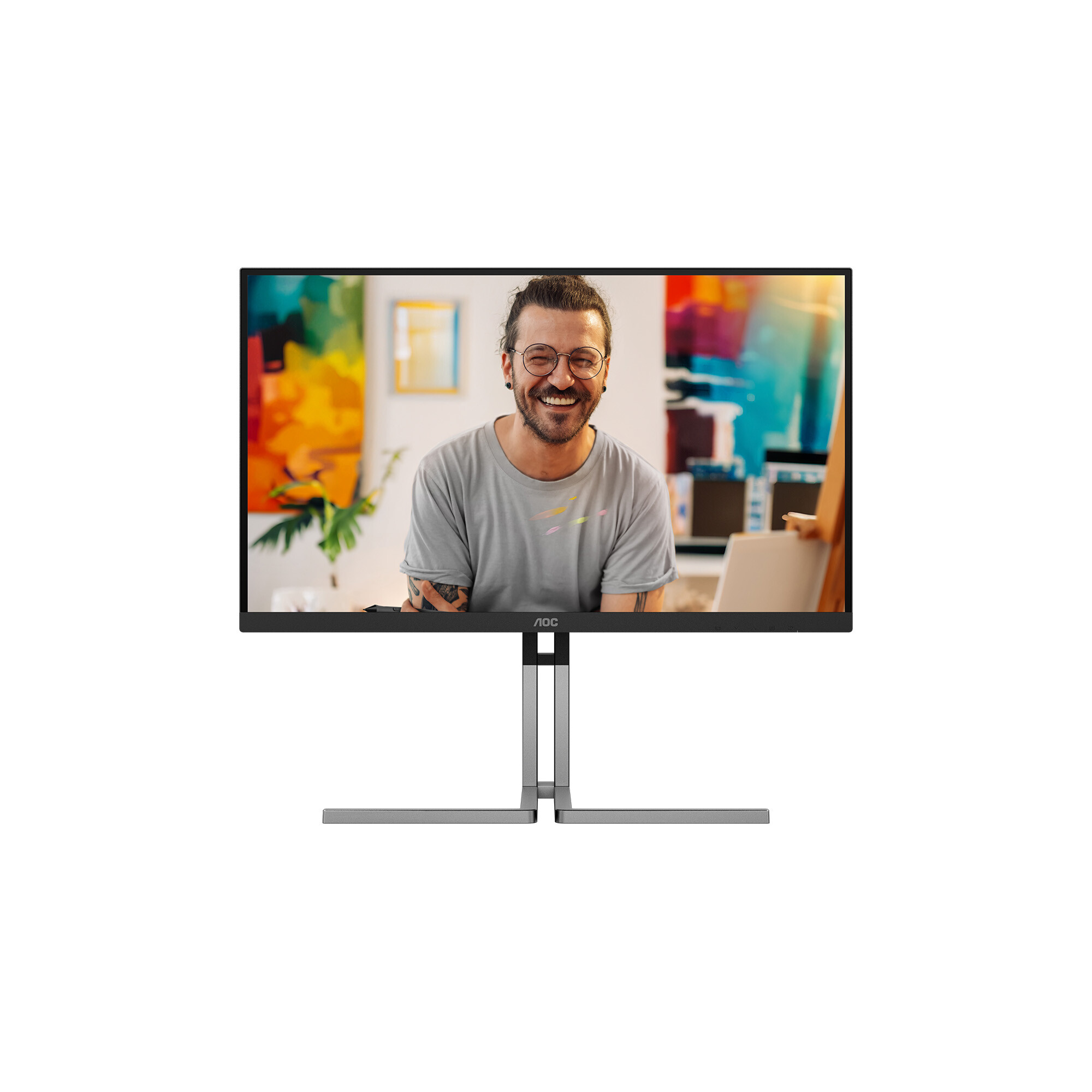
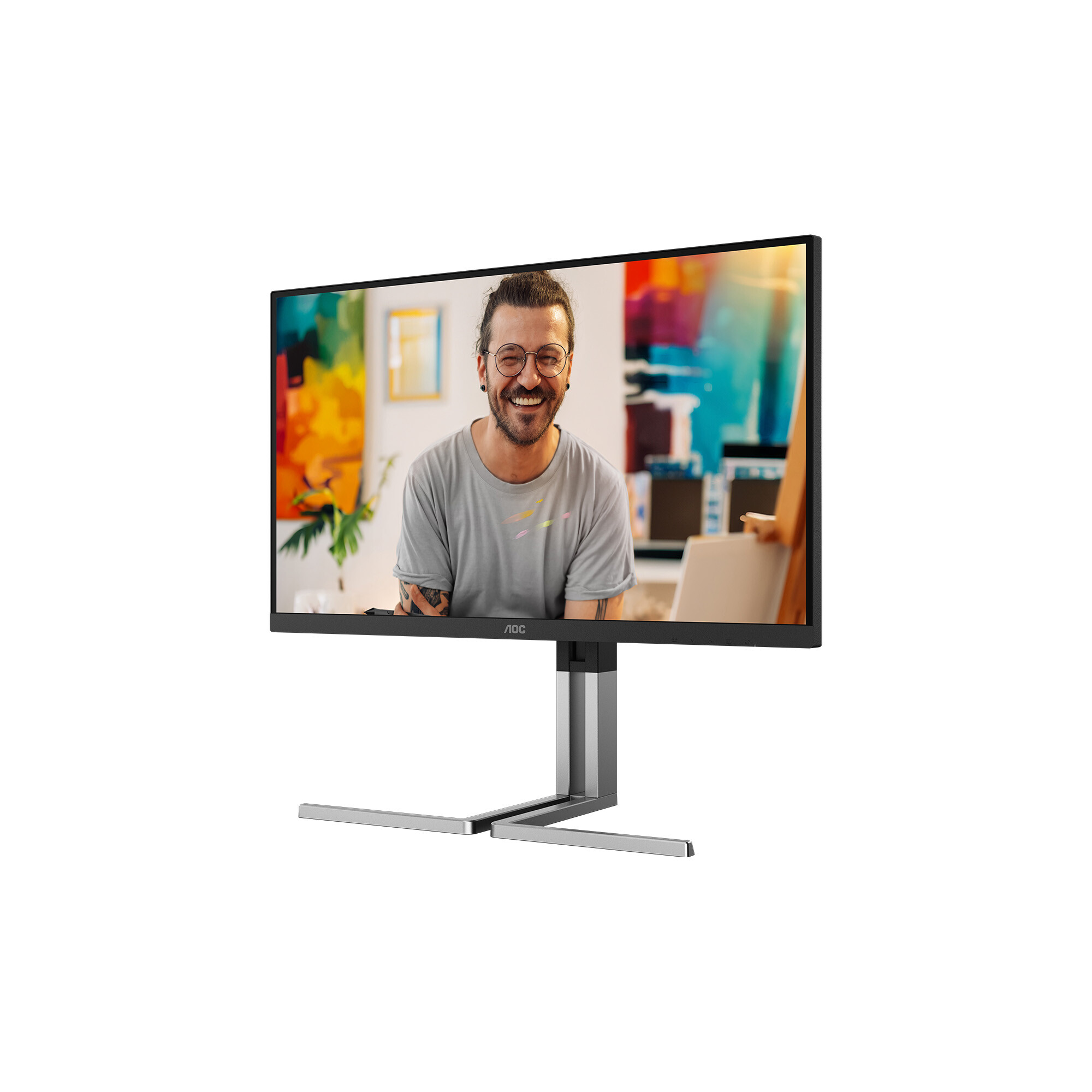
The Acer ProDesigner PE320QXT is such a monitor. It doesn’t have fast refresh or Adaptive-Sync, but it does have 219 ppi pixel density thanks to its 32-inch IPS panel with 6016 x 3384 resolution. It also has a Quantum Dot film for wide-gamut color that covers over 120% of DCI-P3. A 10-point capacitive touchscreen supports Microsoft Pen protocols. An integrated webcam lets users collaborate remotely. And a slick oleo stand lets the panel tilt back 60 degrees or stand up straight for a wide range of useful positions. Though exotic, it isn’t super expensive at $1,800 to start. Let’s take a look.
Acer ProDesigner PE320QXT Specs
Panel Type / Backlight
IPS / W-LED, edge array
Quantum Dot Film
Screen Size / Aspect Ratio
32 inches / 16:9
10-point capacitive touchscreen
Stylus compatible
Max Resolution and Refresh Rate
6016x3384 @ 60 Hz
Native Color Depth and Gamut
10-bit (8-bit+FRC) / DCI-P3+
HDR10, DisplayHDR 600
Response Time (GTG)
4ms
Brightness (mfr)
400 nits SDR
600 nits HDR
Contrast
1,500:1
Speakers
2x 5w
Video Inputs
1x DisplayPort 1.4
2x HDMI 2.1, 1x USB-C
Audio
3.5mm headphone output
USB 3.2
2x up, 2x down
Power Consumption
54w, brightness @ 200 nits
Panel Dimensions
WxHxD w/base
28.6 x 11.1-20.8 x 12.6 inches
(726 x 282-528 x 320mm)
Panel Thickness
2.36 inches (60mm)
Bezel Width
Top/sides: 0.55 inch (14mm)
Bottom: 0.87 inch (22mm)
Weight
22 pounds (10.1kg)
Warranty
3 years
6K resolution is somewhat rare, but I’ve seen a few such panels now, so it no longer has unicorn status. 6016 x 3384 is an in-between resolution that is not supported by video content. You won’t find 6K video anywhere. But it is useful for photography and CAD. It’s also great for presentation and conceptual graphics.
The PE320QXT’s maximum refresh rate is 60 Hz, so gaming with any sort of fast motion is impractical. But if your interest lies in titles that prioritize graphics over speed, 219ppi makes for a stunning image. Though the panel tech here is IPS, contrast is above average at over 1,500:1. HDR10 is also supported, though there is no zone dimming here so you won’t find much extra contrast for HDR content.
You will find lots of color though. The PE320QXT has one of the largest color gamuts I’ve yet encountered. In testing, I measured over 120% coverage of DCI-P3 and over 81% coverage of BT.2020. Adobe RGB gets a fair shake too with 96%. There are color modes to cover all current standards except for Cinema P3; however, Display P3 is included.
The PE320QXT forgoes the integrated calibration of other pro screens I’ve reviewed, but there is some tweakability in the OSD. You get Calman verification as well. I found all the preset modes to be reasonably accurate with just a few minor issues. I’ll talk more about that later.
Peripheral features include USB ports, types A, B, and C. There are four video inputs, two HDMI 2.1 and a DisplayPort 1.4 along with USB-C. Internal speakers play with five watts apiece, and there’s a headphone jack. A 4K webcam is mounted on the top and includes an angle adjustment knob and a cover for the lens. My sample shipped with a stylus that works with Microsoft protocols and can function as a pointing and drawing device. The screen is 10-point capacitive touch.
The PE320QXT is a different kind of professional display. It maintains color reference but is squarely aimed at designers and collaborators. At $1,900, it’s a decent value when you consider its unique abilities, extreme pixel density, and included extras.
Assembly and Accessories
The PE320QXT ships in fully recyclable packaging with molded pulp protecting the contents. The panel, upright, and base assemble without tools into a solid package. More on that unique stand in a moment. The webcam is permanently attached to the top of the panel. The pen comes in its own box with a USB charging cable for its Type-C port. Bundled cables include HDMI and USB, plus an external power supply brick.
Product 360
AcerAcerAcerTom's HardwareTom's Hardware
From the front, the PE320QXT looks like any other monitor, though it sits lower than most. That’s due to the oleo stand, which provides 60 degrees of tilt so you can angle the panel up like a tablet. The tilt extends five degrees forward as well. The height range is almost 10 inches, but if you want the panel to sit vertically in front of you, you’ll need a pedestal. You also get 360 degrees of swivel, with the base moving on a smooth bearing concealed within it. All movements are smooth and precise and befit a premium display.
The webcam sits atop the panel and is permanently attached. It has a little lens cover for security that slides left and right. You can roll a dial to angle the lens and tilt it completely backwards. The pen I received stows on the bottom of the screen magnetically and is compatible with Windows’ touchscreen protocols.
The screen’s front layer is very slick and shiny, perfect for drawing but not as good at preventing light reflection. You’ll need to be conscious of ambient light sources, especially when tilting the PE320QXT upwards. The image is very sharp and clear when no light hits it.
The ports are around the back and face rearwards. You get three USB ports, one upstream and two downstream. Video includes two HDMI 2.1 and a DisplayPort 1.4 plus a USB-C (DP Alt) port that supports 90 watts of power. There’s a 3.5mm headphone jack, and there are a decent pair of internal speakers, five watts each.
OSD Features
The PE320QXT uses buttons for OSD control. I found this a bit confounding since nearly every monitor today employs a joystick. Navigation is intuitive but slow. I also turned off the power accidentally a few times. Pressing any of the first four keys brings up a quick menu. Click button four for the full OSD.
The OSD is Acer ProDesigner standard and starts with basic image controls. The HDR option includes Off, Auto, and HDR600. I found that even on Auto, I had to manually select the HDR mode for HDR10 content. You’ll also want to turn on the Max Brightness option to get, you know…
In the Color menu, there are gamma and color temp presets for the General color space. These options are grayed out in the other color modes. They are found on the second screen under the Color Space sub-menu. There, you get Adobe RGB, sRGB, BT.709, DCI (Display P3 only), and HDR, which corresponds to BT.2020. General and HDR cover over 120% of DCI-P3 while the other modes are fairly close to their respective values. The picture modes include two calibration settings that can be any gamut and four memories which the user can select. In the Calibration sub-menu, you can specify two of the presets’ gamut selection.
Gaming’s single option is a two-level overdrive. It’s reasonably effective on its Normal setting, but there’s only so much it can do with a 60Hz refresh rate and no Adaptive-Sync.
The PIP/PBP menu gives you options for viewing two sources at once. You can size and move the PIP window and swap sources too.
In Save Settings to, four memory slots let the user assign configurations to four of the 10 picture modes.
Acer ProDesigner PE320QXT Setup And Hands-on
The PE320QXT can be calibrated in the OSD like a regular monitor in its User picture mode when the General color space is selected. This is the default setting, and its gamut covers a very colorful 120% of DCI-P3. I left the gamma preset on 2.2 and tweaked the RGB gain sliders for excellent grayscale tracking and no visible errors. To access other gamuts, use the Color Space option in the Color menu. The most used options are listed below with their color temp and gamma defaults. I noted that all of them grayed out the other picture controls so they cannot be calibrated in the OSD. You’ll see all test results on pages four and five.
Mode
Gamut
Color Temp
Gamma
General
DCI-P3
D65
2.2 power
Adobe RGB
Adobe RGB
D65
2.2 power
sRGB
sRGB
D65
sRGB
BT.709
BT.709
D65
BT.1886
DCI (Display P3)
P3
D65
2.2 power
HDR (BT.2020 SDR)
BT.2020
D65
BT.1886
For gaming and productivity, I stuck with the General color space and User mode with my calibration in place. I’ll deliver the spoiler first: the PE320QXT is not a monitor for fast-paced shooters. There is significant motion blur at 60 FPS to where aiming becomes difficult if you’re accustomed to faster screens. And there’s no Adaptive-Sync, though this wasn’t a significant issue since the frame rate never varied from 60. There is an overdrive option which reduces blur a little and works without ghosting on its Normal setting.
If your games are more like Myst, then you can have a spectacular time playing on the PE320QXT. The color is stunning with rich hues and bright primaries. The image is also razor sharp. 219ppi is a benefit you can plainly see when compared to the 140ppi of the same-sized Ultra HD monitor. You won’t be able to see the dot structure without a serious magnifying glass.
With a resolution like 6K, you must consider the original content. Nothing is mastered in 6K, so unless you’re playing a rendered game, there will be some upscaling. Watching 4K video was a good experience with clean rendering, but the frame rate is locked at 60Hz. There is no support for 24 or 50p cadences.
Rendered graphics are the PE320QXT’s strongest ability. I look forward to the day that 8K is a thing because 6K is so realistic already. Moving through a virtual environment suspends disbelief far more effectively than lower resolutions. Looking at CAD drawings and conceptual renderings is also much more useful with this much pixel density.
Color-critical work is also a good experience, but I wished for more flexibility in the PE320QXT’s OSD. You’ll see in the tests later that color and gamma are close to the mark, but grayscale tracking has errors that are just visible. This manifests more in neutral tones like clouds or snow. And black and white material has a slight color cast as well.
The touchscreen function is something I haven’t seen before in such a large monitor. To activate it, just make a USB connection between the PE320QXT and the PC. I could use my finger or the included stylus to act as a pointing and drawing device. It was handy to store the stylus on its magnetic strip across the bottom of the screen. The webcam was also very cool. It rotates enough that you can keep your face centered in the frame regardless of the panel’s position. With 60 degrees of tilt, it can almost lie flat, which is great for use while standing. The stand is super solid and flexible and lets you put the monitor in almost any position. 360 degrees of swivel means that you’re only limited by cables when swinging the monitor about.
Takeaway: The PE320QXT acquits itself well as a collaboration and design tool. It isn’t quite a reference display for video postproduction or photography, though it supports those color spaces correctly to the point where you could use it for presentation. Gaming isn’t its forte with a 60Hz limit, but the overdrive was effective at reducing motion blur. The tablet feature and flexible stand are its most usable assets since you can work in a group while standing or sitting. The webcam also makes collaboration easy.
Comparing professional displays is difficult because they take different approaches to their design goals. For this review of the PE320QXT, I’ve laid out the results and charts with comments in the same areas that I normally test.
Pixel Response and Input Lag
Click here to read up on our pixel response and input lag testing procedures.
· Response Time Full black to white transition – 7.93ms
· Absolute Input Lag Full black to white transition – 26ms
Though I can’t recommend the PE320QXT for high-speed gaming, it performs better than many 60 Hz panels I’ve tested. The response time is very quick at just under 8ms. There is some motion blur but not as much as you’d expect. The overdrive helps somewhat, but gaming should be kept to slower-paced titles for best results. Doom Eternal will go a little soft when the action ramps up.
Input lag is 26ms, which is slower than typical gaming monitors but faster than typical human reaction times. Obviously, a skilled gamer will be hampered by that much delay, but casual gaming is well within the PE320QXT’s wheelhouse.
Test Takeaway: You can play games on the PE320QXT if you take its limitations into account. At 60 Hz, there will be some motion blur. And input lag isn’t super low, but it isn’t super high either. The overdrive is effective at reducing some of that softness. Though there is no Adaptive-Sync, you’ll rarely see a frame tear if your PC can run 6K at 60fps.
Viewing Angles
(Image credit: Tom's Hardware)
The PE320QXT has some of the best off-axis image quality of any IPS screen I’ve tested. The side view would fool anyone into thinking it’s an OLED. There is no visible color shift, nor is there a change to brightness or gamma. This is important given its design intent. The giveaway comes in the vertical view where you can see a red shift. But gamma and brightness aren’t significantly different. The PE320QXT is designed to be shared, and it easily can be as these results show
Screen Uniformity
To learn how we measure screen uniformity,click here.
· Screen Uniformity Deviation From Center 0% Black Field – 11.28%
I noted some slight glow around the edges of my PE320QXT sample, which put its deviation score over the visible threshold of 10%. A lot is going on here with the extra Quantum Dot and capacitive touch screen layers in play, so this result is not surprising.
· Maximum White Luminance General Mode – 346.3619 nits
· Maximum Black Luminance General Mode – 0.2194 nit
· Maximum Contrast Ratio General Mode – 1,578.4:1
· Calibrated White Luminance General Mode – 206.9276
· Calibrated Black Luminance General Mode – 0.2125 nit
· Calibrated Contrast Ratio General Mode – 1,621.4:1
· ANSI Contrast General Mode – 1,542.8:1
The PE320QXT doesn’t have local or zone dimming, so measurements of full field and window patterns are the same. SDR brightness tops out at 346 nits, which is plenty of light for any indoor environment. Given the shiny screen, I would recommend using higher brightness settings to keep the image from being affected by reflections. Black levels are respectable for an IPS screen, resulting in an above-average contrast ratio of 1,578.4:1. This is excellent performance.
When I calibrated the General mode, I had to reduce the contrast slider to solve a clipping issue, but the ratio actually increased to 1,621.4:1, a nice gain. ANSI contrast (intra-image) is also solid at 1,542.8:1. The picture has a nice depth and texture, and though it won’t match an OLED, it is visibly superior to most IPS monitors.
Test Takeaway: The PE320QXT has plenty of light output and excellent black levels and contrast for an IPS screen with above-average scores in all areas. My only complaint is that there’s no dimming available to increase dynamic range. Adding a full-array Mini LED backlight would take it to another level.
To verify the PE320QXT’s color accuracy, I tested grayscale, gamma, and gamut tracking for the Color Space modes that match commonly used standards. I noted that they cannot be calibrated in the OSD except for General, which uses the monitor’s full native gamut. The charts are below, and at the end of this page is a table summarizing all the error values.
Grayscale and Gamma Tracking
Our grayscale and gamma tests use Calman calibration software fromPortrait Displays. We describe our grayscale and gamma tests in detail here.
The PE320QXT’s default color space in the User mode is General with a 2.2 gamma and D65 color temp (Warm setting). It runs a tad cool with barely visible errors at 90 and 100% brightness. You won’t see a problem in most content. Gamma is a tad light as well. I tweaked the RGB gains to visual perfection, though gamma is unchanged. Overall, though, the picture is excellent, more than enjoyable for general use.
The other modes are fixed and cannot be adjusted in the OSD. They all have slight errors in grayscale tracking, being either a tad cool or a tad warm. The furthest off the mark is HDR (BT.2020), which is very warm in tone. This will manifest later in the HDR tests. In all cases, gamma is either on point or a little light.
Color Gamut Accuracy
Our color gamut and volume testing usePortrait Displays’ Calman software. For details on our color gamut testing and volume calculations,click here.
Color tracking takes a middle road between P3 and BT.2020. The PE320QXT is a P3+ monitor thanks to its Quantum Dot layer. But note the direction of the green hue. It tends towards BT.2020. This is a compromise that keeps color from being too garish while taking advantage of that bonus volume. This creates a more natural look. I noted that Adobe RGB was on point for saturation and only showed slight hue errors in cyan and magenta. The PE320QXT has enough green to qualify as a true Adobe RGB display. Many other pro screens can’t make that claim.
Grayscale, Gamma and Color Gamut Test Summary
Below is a table of all the color space options’ results. Volume figures are impressive, especially for Adobe RGB and BT.2020, where the PE320QXT fills more than nearly all its competitors. Gamma runs a tad light and varies anywhere from 1.36 to 4.54% from its intended reference point. Grayscale errors are right at the visual threshold with a few slight issues but nothing significantly wrong. Gamma range values are very tight with very few variations.
Grayscale Error
Gamma Range
Gamma Deviation
Gamma Actual
Gamut Error
Gamut Volume
General
2.30dE
0.09
4.54%
2.10
2.91dE
121.40%
Adobe RGB
3.92dE
0.10
3.63%
2.12
2.30dE
96.02%
sRGB
2.59dE
0.25
2.08%
2.35
1.75dE
97.96%
BT.709
2.76dE
0.14
3.33%
2.32
1.91dE
98.22%
DCI (Display P3)
3.10dE
0.09
1.36%
2.17
1.83dE
97.51%
BT.2020
6.22dE
0.16
0.42%
2.41
4.02dE
81.03%
Calibrated
0.24dE
0.10
2.72%
2.14
2.37dE
121.09%
Test Takeaway: The PE320QXT is a color-accurate monitor with a good selection of modes for professional use. It can’t be calibrated in the OSD, though, which might be an issue for long-term maintenance of standard references. It also lacks a P3 Cinema mode, which could be a problem for video post-production. In the General color space, it calibrates to a very high standard. It also has more color volume than just about any other professional display I’ve reviewed.
The PE320QXT supports HDR10 content with two modes. I noted that it would not switch automatically to HDR mode when a signal was applied.
HDR Brightness and Contrast
· HDR White Luminance – 424.9390 nits
· HDR Black Level – 0.2125 nit
· HDR Sequential Contrast – 2,000.2:1
The PE320QXT is rated for VESA DisplayHDR 600, but I could not get my sample brighter than 425 nits. There is no local dimming available, but since contrast is higher than SDR at 2,000:1, it is logical to conclude that some field dimming is taking place. Measuring window patterns returns the same result as full fields. The result is that HDR is only slightly more impactful than SDR. The PE320QXT would really benefit from a full array Mini LED backlight.
Grayscale, EOTF and Color
Portrait Displays CalmanPortrait Displays Calman
The BT.2020 grayscale errors I observed in the SDR tests are also present for HDR. There is a very warm tone here that cannot be corrected in the OSD. The EOTF tracks close to the reference with slight darkness from 10% brightness up to the tone map transition at 65%. This is the correct value given the measured black and white levels. The only issue I noted was lightness between zero and 10%. Shadow detail is well rendered but not at black as it should be.
The PE320QXT’s color tests show much better results with linear oversaturation and hue points that are close to their targets. The DCI-P3 gamut is used fully while BT.2020 covers more than other professional monitors I’ve tested. The PE320QXT runs out of color at 90% red, 80% green, and 98% blue. With over 81% coverage of 2020, it’s one of the most colorful monitors you can buy.
Test Takeaway: The PE320QXT does a decent job with HDR thanks to solid luminance tracking. But it leaves dynamic range under the table with its edge backlight. It also has a warm grayscale, which means neutral tones aren’t quite neutral. Color is the best part with vivid hues and accurate gamut tracking. It also fills more of the BT.2020 gamut than just about any other monitor.
When shopping for a professional monitor, it’s important to consider what it will be used for. The most common category is color reference, where you’ll be creating video and photography. There, accuracy and flexibility are paramount. You must have reliable color modes and the ability to easily adjust them when needed. And if you’re creating game content, you need fast refresh, speed video processing and Adaptive-Sync.
But if you want to conceptualize and present, you need things like a flexible stand, a touchscreen and a webcam for remote collaboration. You also need good viewing angles, so sharing doesn’t leave some users looking at different colors. The Acer ProDesigner PE320QXT is made precisely for those purposes.
(Image credit: Acer)
Though I noted some discrepancies in grayscale tracking, the PE320QXT displays solid accuracy out of the box. The only thing missing there is an easy way to calibrate in the OSD. I noted that the General color space did allow calibration to a very high standard. HDR color also showed a few hiccups in the grayscale test where neutral tones were visibly warm. But color and luminance tracing were exemplary. The PE320QXT is also missing the gaming element with no Adaptive-Sync and a 60 Hz refresh rate. But its 6K resolution and massive color gamut deliver a stunning image when gameplay isn’t too twitchy.
(Image credit: Tom's Hardware)
Not only did image quality shine, but its presentation and design features were impressive. The touchscreen element worked without issue and was a real value-add for artists and designers. The included stylus was a nice touch, as was the integrated webcam, which makes for easy remote collaboration. And the stand was truly useful with its 60-degree up angle. A large touchscreen that you can also draw on is a real plus for digital art.
If you need a large monitor that can function as a meeting place, a design tool, an artist’s easel or just as a really nice display, the Acer ProDesigner PE320QXT fills the bill. At $1,800, it’s also a decent value when compared to other pro monitors. Those looking for something different should definitely check it out.
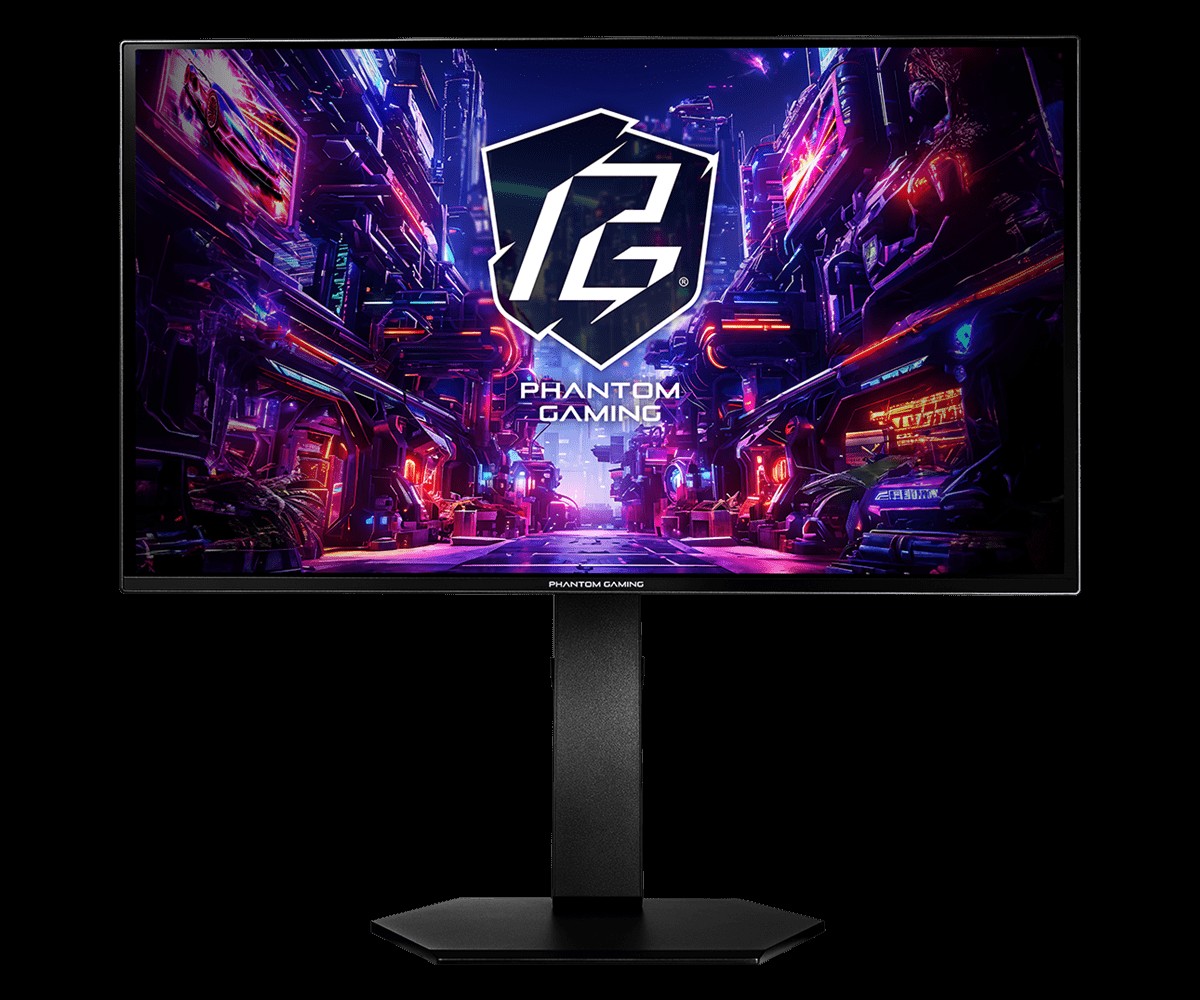
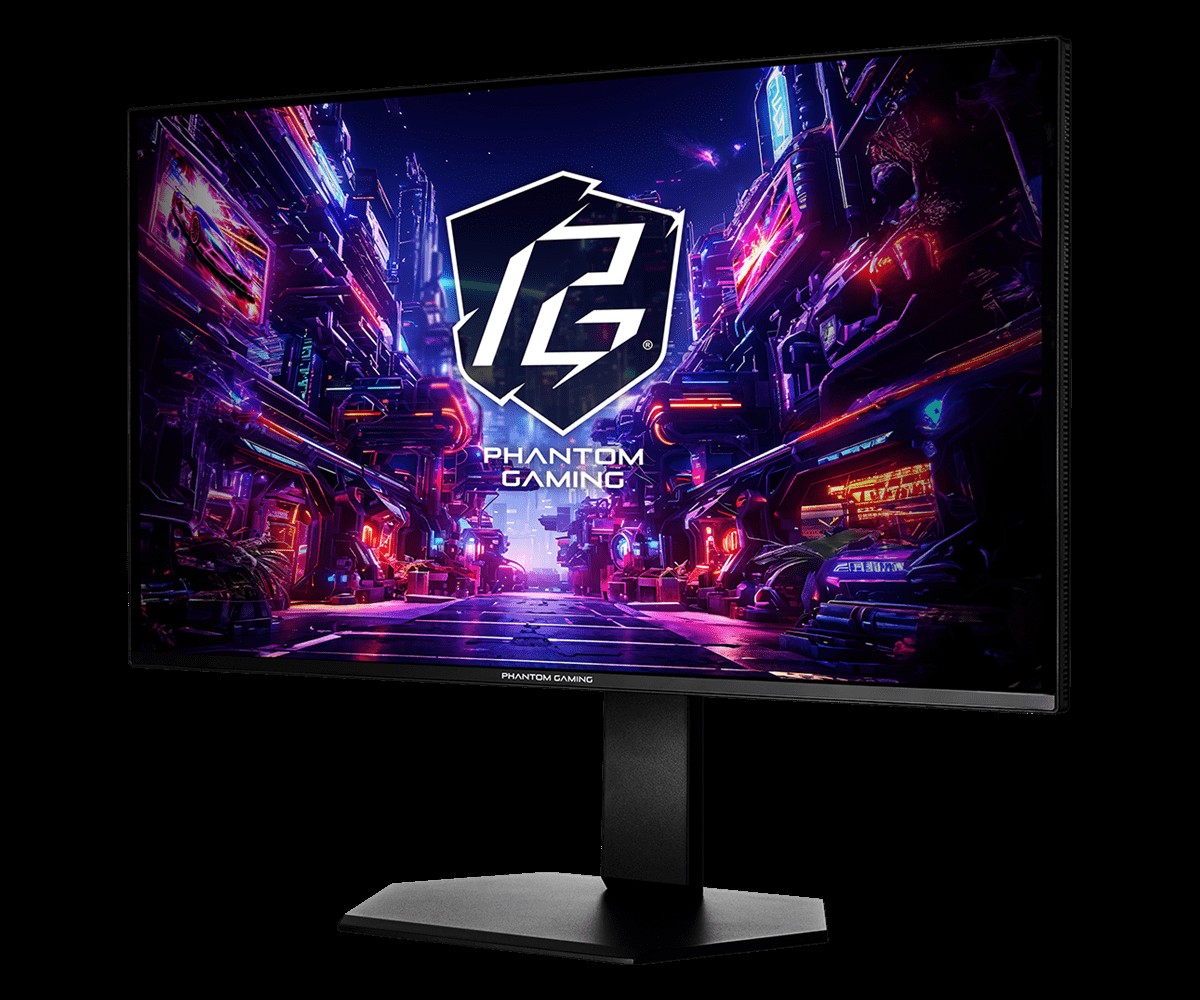
ASRock has announced the launch of the Phantom Gaming PGO27QSA and PGO27QSA-W OLED gaming monitors. Both models pack a 27-inch QD-OLED panel with QHD resolution and an ultra-smooth 240Hz refresh rate.
As you would expect from an OLED display, colour performance is strong here, covering 99% of the DCI-P3 colour gamut, with factory calibrated Delta E < 2 colour accuracy. Support for AMD FreeSync Premium is also included to reduce screen tearing and stuttering, along with a 0.03ms G2G response time.
Typical brightness is rated at 200nits in SDR, increasing to 400nits in HDR mode at peak. The 10-bit colour panel is coated in a glossy finish with an anti-reflection treatment and features a low blue light mode to reduce eye strain.
Ergonomic adjustments include height, swivel, tilt, and pivot functionality. Connectivity options include two HDMI 2.1 ports, two DisplayPort 1.4 inputs, and a headphone output for multi-device setups. While the standard PGO27QSA sports ASRock's signature Phantom Gaming black chassis, the PGO27QSA-W offers identical hardware, but in white instead of black.
KitGuru says: Are you thinking of making the jump to an OLED gaming monitor this year?
There is no shortage of 27-inch gaming monitors to choose from. This size strikes a balance between screen area and desktop footprint. But who would turn down a 32-inch panel when it comes to the best gaming monitors? No one I can think of. It requires a bit more room, but if you have it, it’s a screen size that lets you keep multiple apps open and edit documents side by side. It’s also a great window for the detailed graphical worlds found in today’s most popular games.
Larger screens always cost more than smaller ones, or do they? Following my recent review of AOC’s U27G4XM, a 27-inch 4K Mini LED panel that sells for $350, I have the U32G4. It also uses a 4K panel with a dual-refresh operation that toggles between 4K/160 Hz and FHD 320 Hz. It forgoes the Mini LED for an edge array, but in doing so, it actually costs less while being larger, 32 inches diagonal. It also has Adaptive-Sync, wide gamut color, and HDR. Let’s take a look.
AOC U32G4 Specs
Panel Type / Backlight
IPS / W-LED, edge array
Screen Size / Aspect Ratio
32 inches / 16:9
Max Resolution and Refresh Rate
3840x2160 @ 160 Hz
1920x1080 @ 320 Hz
FreeSync and G-Sync Compatible
Native Color Depth and Gamut
10-bit / DCI-P3
HDR10, DisplayHDR 400
Response Time (GTG)
1ms
Brightness (mfr)
450 nits
Contrast (mfr)
1,000:1
Speakers
None
Video Inputs
1x DisplayPort 1.4
2x HDMI 2.1
Audio
3.5mm headphone output
USB
None
Power Consumption
25.8w, brightness @ 200 nits
Panel Dimensions
WxHxD w/base
28.2 x 17.9-22.9 x 10.6 inches
(716 x 455-582 x 269mm)
Panel Thickness
2.4 inches (61mm)
Bezel Width
Top/sides: 0.3 inch (8mm)
Bottom: 0.8 inch (20mm)
Weight
18.1 pounds (8.2kg)
Warranty
3 years
The U32G4 starts with an IPS panel that’s both fast and full of contrast. I measured around 1,100:1, which is a little higher than average for the category. Keep in mind that an OLED with similar specs will cost you close to $1,000, so this AOC is a terrific bargain. Speed comes from a 160 Hz refresh rate and a decent overdrive. You also get backlight strobing that can be used in concert with Adaptive-Sync. That’s something usually reserved for high-end gaming screens. The dual-mode feature doubles the Hertz to 320 and sets the resolution to FHD (1920x1080). That’s a bit soft for such a large screen, but it nearly eliminates motion blur.
There’s plenty of color and brightness here with 480 nits available for SDR content. Contrast is solid with respectable black levels that are a little lower than the average IPS panel. No Quantum Dots are used, but color coverage is measured at 90% of DCI-P3. HDR10 content is supported, with a VESA DisplayHDR 400 rating. And three HDR emulation modes work to increase the dynamic range of SDR material.
Gamers get a nice set of extras, including aiming points with a dynamic option, sniper modes, and a frame counter. There are no LED lights, USB ports, or internal speakers. But you do get a precise four-level overdrive and the backlight strobe, which can be used along with Adaptive-Sync. That’s a boon for those who want to stay at 4K resolution but don’t have a fast enough video card to run at 160 fps. Of course, the 320 Hz/FHD option is just a button click away.
If you’re willing to give up the U27G4XM’s Mini LED backlight, the U32G4 represents a phenomenal value. $320 for a 32-inch 4K gaming monitor? That’s a deal well worth checking out.
Assembly and Accessories
The U32G4 ships in crumbly foam packaging, with the base, upright, and panel requiring toolless assembly. Once done, it’s a reasonably solid piece with a wide stance and good stability. The power supply is internal, so you get an IEC cord plus DisplayPort and HDMI cables.
Product 360
AOCAOCAOCAOCAOC
The U32G4’s styling is simple and elegant, with the panel’s shape formed from triangles in the back. A bright red trim ring encircles the fulcrum in the back and the words “AOC Gaming” appear as well. The cooling vents are hidden inside the gap you see at the top.
The screen has an 8 mm-wide flush bezel with a 20mm strip across the bottom. Under the right corner are four OSD control keys and a power toggle. A tiny status LED glows orange in standby and white when the power is on. The screen’s anti-glare layer keeps ambient light from spoiling the image while being clear and grain-free.
The stand is secure and tight in operation. It includes a red-trimmed cable hole that’s turned to the side, so it doesn’t show from the front. Ergonomics include a 5/23-degree tilt, 20-degree swivel, and a 5-inch height adjustment. You also get a 90-degree portrait mode. Movements are firm and smooth with little to no play. Though relatively lightweight, the U32G4 is a solid piece of gear.
There isn’t much happening on the I/O panel, except for a DisplayPort 1.4 port and two HDMI 2.1 ports. There are no internal speakers, but you can plug headphones into the 3.5mm jack. There are no USB ports or LED lighting. If you prefer to use a monitor arm, a 100mm VESA mount is provided with fasteners included.
OSD Features
To summon the U32G4’s OSD, press the right-most control key. Don’t press the power toggle by mistake, as I did several times. The menu is convenient and concise, and divided into seven sections.
The Game Setting menu starts with the dual mode feature, which includes 4K 120 Hz, 160 Hz, and FHD 320 Hz modes. The quicker way to switch is to press the second button, which pops up a quick menu and changes modes in a few seconds. You’ll need to visit the Nvidia or AMD control panel once to set each mode, then you can toggle back and forth at will.
There are also game modes in addition to the Eco picture modes. That makes for many possible combinations, so I suggest sticking with Standard/Standard for all content. It’s the closest to spec and calibrates to a high standard. This menu also offers shadow control for low-end gamma, a color saturation slider, a dial point (the aiming point, static or dynamic), and three sniper magnifications. The second screen has MBR and MBR Sync, which is the blur-reducing backlight strobe. Sync means you can use it along with Adaptive-Sync. There is a little phasing, but it is effective at keeping blur at bay when frame rates drop below 120fps. You can also turn on a frame rate indicator. The overdrive has four levels, of which Faster strikes the best balance between ghosting and blur reduction at 160fps.
The Picture menu contains the eight main picture modes. Standard works the best, and I used it for all testing and gameplay. You can adjust the color temp with fixed modes and a set of RGB sliders. There are five gamma presets, color management and three gamut options. Panel Native covers around 90% of DCI-P3 and is suitable for all SDR and HDR content. The sRGB mode is accurate enough to qualify for color-critical applications.
There are three HDR emulation modes that extend the perceived dynamic range of SDR content. When HDR10 signals are present, a fourth mode appears, Display HDR. It is the best choice for its accurate grayscale, EOTF, and color tracking.
The only other peripheral feature I noted here was PIP and PBP. You can view two sources at once and the PIP window can be moved and sized. You can swap the windows and select which one plays audio through the DisplayPort or HDMI inputs.
AOC U32G4 Calibration Settings
The U32G4 looked a tad warm to my eyes, and initial measurements showed it was a little short on blue in grayscale patterns. It can be used without calibration, but a few tweaks to the RGB sliders removed all visible errors. Gamma runs a shade dark on the 2.2 setting. Changing it to 2.0 was too much; it washed out the image. I noted that the sRGB mode had no calibration options, but it tracked grayscale and color with reasonable accuracy, though it showed a few gamma quirks. I’ll tell you more about that on page four. HDR signals have four modes available, with Display being the best choice. They cannot be calibrated. Below are my recommended SDR settings. Please enjoy.
Picture Mode
Standard/Standard
Brightness 200 nits
62
Brightness 120 nits
23
Brightness 100 nits
13
Brightness 80 nits
4 (min. 72 nits)
Contrast
50
Gamma
2.2
Color Temp User
Red 51, Green 49, Blue 51
Gaming and Hands-on
Right out of the gate, I could see how quick the U32G4 was. Even at a “mere” 160 Hz, it delivered smooth motion thanks to its precise and artifact-free overdrive. It’s one of the better implementations I’ve seen, especially at this price point. I used the Faster setting (third of four) and was rewarded with no perceivable motion blur. I was able to stay at 160fps thanks to a GeForce RTX 4090.
I tried the backlight strobe and found it effective at lower frame rates. I capped the action at 120 Hz and still had a smooth experience. It keeps Adaptive-Sync on, which is something I’m rarely able to do. There aren’t many monitors at any price that have that ability. If you have a slower video card, you can still enjoy 4K resolution at lower frame rates.
The dual-mode switch worked without issue once I set it up in the Nvidia control panel. You can toggle it in the OSD or press the second control key for a quick menu that does it faster. Running FHD on a 32-inch monitor is soft at best, but there’s no denying the benefit of 320fps. The U32G4 is quick at 160 Hz and super-quick at 320 Hz. This is also a good way to enjoy high frame rates from a budget gaming PC.
There are no Quantum Dots here, so I missed a little green saturation. But otherwise, the U32G4 is very colorful. DCI-P3 coverage is around 90%, so there is plenty of color for SDR content. The sRGB gamut option is useful when a smaller color space is needed, but I noticed slight gamma issues. Shadow areas were a bit light, and some highlights were muted. You can see why in the tests on page four.
For workday tasks, I stuck with Panel Native and a few tweaks to the RGB sliders to remove all grayscale errors. Gamma is a shade dark, but there is no loss of detail. Set the brightness slider to 200 nits, and you’ll enjoy a vivid and pleasing image.
4K at 32 inches has plenty of pixel density at 139ppi. That’s fine enough to hide the dot structure unless you sit inches from the screen. Text is smoothly rendered without visible jaggies. Graphics look realistic with photos being particularly enjoyable. That might have something to do with the large format. 32 inches is my go-to and it’s the size of my reference screen. It’s perfect for writing where I need to keep extra windows open to refer to charts and data. Spreadsheets can be viewed with much less scrolling, and webpages display more of their content too. Photoshop lets you see the picture and keep lots of toolbars at hand.
Takeaway: For $320, it’s hard to imagine a better 4K gaming monitor than the U32G4. It’s fast, bright, and colorful. It doesn’t have USB ports or internal speakers, but it does have all the goods for high-performance gaming with low input lag, smooth motion resolution, and accurate color. It’s equally adept at productivity with lots of screen area for documents and large, clear text. If you have the desktop space for something bigger, a 32-inch monitor is a great option.
Click here to read up on our pixel response and input lag testing procedures.
Tom's HardwareTom's Hardware
The response test group consists of the last five LCD panels I’ve tested, so their sizes and resolutions vary. It’s interesting to note that refresh rate doesn’t always mean faster screen draw. That is a function of the overdrive. When I test, I set it to where there are no ghosting artifacts. This is usually not the fastest setting. In the U32G4’s case, doubling the refresh rate adds a scant 0.16ms to the score. This is an imperceptible amount. The overdrive is effective, but the first three panels will be a touch smoother at the indicated refresh rates. Remember that an OLED panel is about ten times quicker with draw times around 0.25ms.
In the lag test, the U32G4 takes the win at 320 Hz with a 13.4ms score. This puts it on par with many premium gaming monitors. At 160 Hz, it manages to outdo three monitors with higher refresh rates. For the price, this kind of performance is hard to beat.
Test Takeaway: The U32G4 is one of the faster gaming monitors I’ve tested. It’s worth pairing with a video card powerful enough to run at 160 Hz at 4K resolution, as it offers excellent overdrive and very low input lag. To get smoother processing, you’ll need an OLED, which will cost you around three times as much. This is impressive performance to say the least.
Viewing Angles
(Image credit: Tom's Hardware)
The green tint seen in the U32G4’s 45-degree side photo shows its IPS origin. But it isn’t the most tint I’ve seen. And there is no change to gamma or brightness, which is a major plus. This is a very shareable monitor. The top view has a red cast with reduced gamma and luminance.
Screen Uniformity
To learn how we measure screen uniformity,click here.
(Image credit: Tom's Hardware)
I noticed a Uniformity picture mode, which indeed improves uniformity but at the cost of peak brightness and contrast. No matter, because my U32G4 sample scored an excellent 6.58% in its Standard mode. There are no visible issues here in any test pattern or content. This is excellent performance.
The U32G4 is fairly bright for its size. Most 32-inch screens do well to hit 400 nits unless they have Mini LED backlights. At 480, the U32G4 is nearly as bright as its 27-inch Mini LED stablemate, the U27G4XM. If you use a 32-inch monitor at 480 nits, you will tire quickly unless your room is sunlit, or you’re outside, say in a location shoot tent. The black level is respectable for an IPS monitor, so you get 1,154.9:1 contrast, which is a tad above average. Only the ViewSonic boasts more dynamic range.
After Calibration to 200 nits
Tom's HardwareTom's HardwareTom's Hardware
After calibration, the U32G4’s black level goes up to second place behind the overachieving VX2730D-4K, and contrast stays consistent at 1,147.4:1. ANSI contrast is also very consistent at 1,088.4:1, keeping it ahead of all but the ViewSonic in this group of tests. This is excellent performance.
Test Takeaway: You won’t mistake the U32G4 for an OLED or VA monitor, but among IPS screens, the most common tech, it stands out with solid contrast and good black levels. It also has high brightness, which is an asset for outdoor use or if you have a very sunny office like me.
The U32G4 is on the edge of needing calibration. I expect most users will be satisfied with the image as it comes out of the box. If you do tweak, stick to the Standard/Standard mode which allows access to RGB sliders, gamma presets and color gamut options.
Grayscale and Gamma Tracking
Our grayscale and gamma tests use Calman calibration software fromPortrait Displays. We describe our grayscale and gamma tests in detail here.
In the first chart, you can see that the U32G4 is a tad warm in tone, but the errors are close to the 3dE threshold. Brightness levels below 50% have no visible issues. This is solid performance for the money. Gamma runs a tad dark with rising values in the 60-90% range. This is a small error that won’t adversely affect real-world content. Some highlights may look muted, but problems will be hard to spot.
Calibration tightens up grayscale tracking by bringing all errors below 2dE. You won’t see anything but perfectly neutral tones here. Gamma is a shade lighter too, which is a subtle but positive change. Considering that the U32G4 is a 32-inch 4K monitor for $320, I can’t complain.
The sRGB mode has similar grayscale tracking, but gamma is a bit askew. The dip at 10% means dark areas will be too light. As the values rise, it mutes highlight areas, especially in the 80-90% brightness region. The U32G4 can be considered qualified for critical applications, but some compensation for the gamma error should be made.
In the default comparison, the U32G4 sits right on the edge of “needs calibration.” I would say it does, but I’m pickier than most. It’s an occupational hazard. I doubt too many gamers would complain. But if you tweak, at least with my recommended settings, you’ll make visible gains in image quality. Not only are the neutral tones more neutral, but the gamma is also a tad lighter, which gives the picture more verve.
Though gamma is a shade dark, its tight range of values mitigates the visual impact of any inaccuracy. The range is small at 0.12 while the deviation is 3.64%. That equates to an actual value of 2.28, not too far from 2.2. This is excellent performance for a budget gaming monitor.
Color Gamut Accuracy
Our color gamut and volume testing usePortrait Displays’ Calman software. For details on our color gamut testing and volume calculations,click here.
The default color chart shows excellent tuning on AOC’s part, with only slight hue errors in magenta and cyan. Green comes up a tad short of full coverage thanks to the lack of Quantum Dots. The inner points hit their marks, but you only get around 85% of the green primary. This is typical of non-QD LCD panels.
Calibration corrects secondary hue errors without changing any saturation points. The improvement is subtle but visible. This is excellent performance.
The sRGB chart adheres well to the standard despite the gamma errors I noted earlier. This is why you can use the U32G4 for critical work. Gamma issues can be compensated for using a software profile if you wish.
Comparisons
Tom's HardwareTom's Hardware
This is a solid group of color-accurate monitors, with the U32G4 in fourth place. If you lined them all up, you’d see very little difference except for the top three, which cover more of the green primary. From a precision perspective, the U32G4 holds its own with more expensive displays. DCI-P3 coverage comes up a little short of 90%, but for the price, there is nothing to complain about. sRGB coverage is ideal at 99.32%.
Test Takeaway: The U32G4 is very accurate out of the box when price is considered. You’re getting a 32-inch 4K display for $320. That alone is enough. With calibration, it delivers solid accuracy with its only weakness being green primary coverage when referenced to DCI-P3. The sRGB mode has excellent gamut accuracy and only needs improvement to its gamma tracking. Overall, the U32G4’s color performance is more than good enough to satisfy users looking to save a bit of money on a large screen.
The U32G4 supports HDR10 content with an automatic switch and four specific picture modes. It can also mimic HDR’s dynamic range with three emulation modes for SDR signals.
HDR Brightness and Contrast
Tom's HardwareTom's HardwareTom's Hardware
I was surprised to see that the U32G4’s HDR peak was a little lower than its SDR number. This isn’t a huge deal, but it does narrow the gap between SDR and HDR in terms of impact. I also noted that there was no dynamic contrast in play. There is no edge-zone or field dimming, and the DCR option in the picture menu is grayed out. This means there is no difference in black levels or contrast between SDR and HDR. In both modes, you get around 1,100:1. The U32G4 supports HDR but doesn’t embrace it. This is also true of the ViewSonic, Titan Army, and Gigabyte displays. If you want high-impact HDR from an LCD, go for a Mini LED screen like the U27G4XM.
Grayscale, EOTF and Color
Portrait Displays CalmanPortrait Displays Calman
In the HDR grayscale test, there is a slightly warm tone, but the error is barely visible in content. That’s a good thing because there are no adjustments available. The highest errors just crack 4dE, not bad for a budget display. The EOTF tracks very closely to the reference with a little lightness around 40-50% brightness and an elevated black level seen at the 0-5% part of the chart. The tone map transition at 65% is correct for the measured black and white thresholds.
The color test shows a little oversaturation, but no more than any other HDR monitor I’ve tested. This is a typical approach taken by most displays that gives HDR more punch. It’s effective in the U32G4’s case with no cause for complaint. Hue tracking is on point. The DCI-P3 chart is a tad short on green; also typical for non-Quantum Dot screens. In the BT.2020 test, the U32G4 runs out of color at 85% red, 70% green and 90% blue.
Test Takeaway: The U32G4 is a color-accurate HDR monitor but not a particularly bright or impactful one. It has no dynamic contrast available to extend that range but that isn’t unusual at this price point. The standard is supported with accurate color and luminance tracking, but HDR doesn’t look significantly different from SDR.
Now that 4K monitors are becoming available at truly attractive prices, the array of choices is vast. But it seems they’re mostly concentrated in the 27-inch category, if my review database is any indication. I doubt there are users who would choose a 27 over a 32 unless they just don’t have the room. 32 inches used to be a significant price jump, but no more. The AOC U32G4 is $320, and for that sum, you get a lot.
(Image credit: AOC)
Its IPS panel has slightly higher than average contrast at around 1,100:1. Color is accurate with no real need for calibration, but you can tweak it for a small improvement. It’s bright at over 480 nits peak though HDR is a little less vivid at around 450 nits. And it doesn’t offer dynamic dimming so the quality difference between SDR and HDR is small. In all scenarios though, it is very colorful. You don’t get Quantum Dots, but you do get 90% coverage of DCI-P3.
(Image credit: Tom's Hardware)
Video processing is on par with many premium screens thanks to a precise overdrive and extremely low input lag. The U32G4 also lets you run backlight strobing with Adaptive-Sync, a feature that very few monitors offer. And the dual-mode feature works without issue if you want to race around at 320fps in FHD resolution.
If you only have a small monitor budget but want a large screen, the AOC U32G4 is pretty much a no-brainer. It’s fast, bright, and colorful, and games with the best monitors I’ve reviewed. It’s versatile too, with dual-refresh and MBR Sync. For $320, it has no real competition. Budget-conscious gaming PC owners should definitely check it out.
AOC has listed a new 27-inch gaming monitor, the Q27G4SM, on its Chinese website. Built around a Fast IPS panel and an 1152-zone Quantum Dot Mini-LED backlight, the display delivers a 2560×1440 resolution, a 340Hz refresh rate, and VESA DisplayHDR 1000 certification.
According to the official datasheet (via Prad), the monitor achieves a peak brightness of 1200nits with a 10-bit colour depth and a 1 ms G2G response time. Colour coverage reaches 100% sRGB and 99% DCI-P3 with a Delta-E accuracy rating under 2, while typical power consumption is rated at 35W. FreeSync is on board to prevent screen tearing, backed by a selectable motion blur reduction mode.
Display features include picture-in-picture and picture-by-picture viewing, an FPS counter, and a crosshair overlay. Physical connectivity options consist of two HDMI 2.1 inputs, one DisplayPort 1.4 connection, and a headphone output. The included stand supports tilt, swivel, and pivot, along with 130mm height adjustment and 100x100mm VESA mounting support. Release timing and pricing outside of China remain unconfirmed.
KitGuru says: Pairing 1152 Mini-LED dimming zones to a 340Hz 1440p Fast IPS panel makes the Q27G4SM a compelling display option if AOC brings it to Western markets.
Philips has introduced its latest Evnia gaming monitor, the 32M2N6901A, a 32‑inch 4K QD‑OLED monitor designed to deliver high colour accuracy and fast performance. It will be available starting in August, offering Ambiglow lighting and compatibility with other AmbiScape lighting products for full-room RGB.
The monitor supports VESA DisplayHDR True Black 400, offering deep blacks, high contrast and true 10‑bit colour for smoother gradients and more natural transitions, as is standard for QD-OLED displays. What isn't standard is the monitor's AI-enhanced Ambiglow lighting, giving you lighting that reflects off the wall behind your monitor and naturally adjusts depending on the content on screen. The monitor can also sync up with Philips' other AmbiScape lighting products, so you can turn your whole office into an ARGB light show.
Features like Low Blue Mode are present to reduce eye strain during longer sessions. The monitor also has a 165Hz native refresh rate, so you'll get ultra-smooth gaming performance, as well as 0.03ms response time, making it ideal for competitive multiplayer games as well as AAA blockbusters.
Connectivity options include USB‑C with up to 90W power delivery, and the display also ships with two integrated 5W speakers and Philips’ Compact Ergo Base stand with height, tilt and swivel adjustment.
The Philips Evnia 32M2N6901A will be available starting in August, priced around £649.99.
KitGuru Says: Are you thinking about making the upgrade to an OLED gaming monitor this year?

 Login
Login