Normal view

There are new articles available, click to refresh the page.
Today — 30 July 2026Main stream

AULA AG60 Pro Keyboard Review

29 July 2026 at 09:33

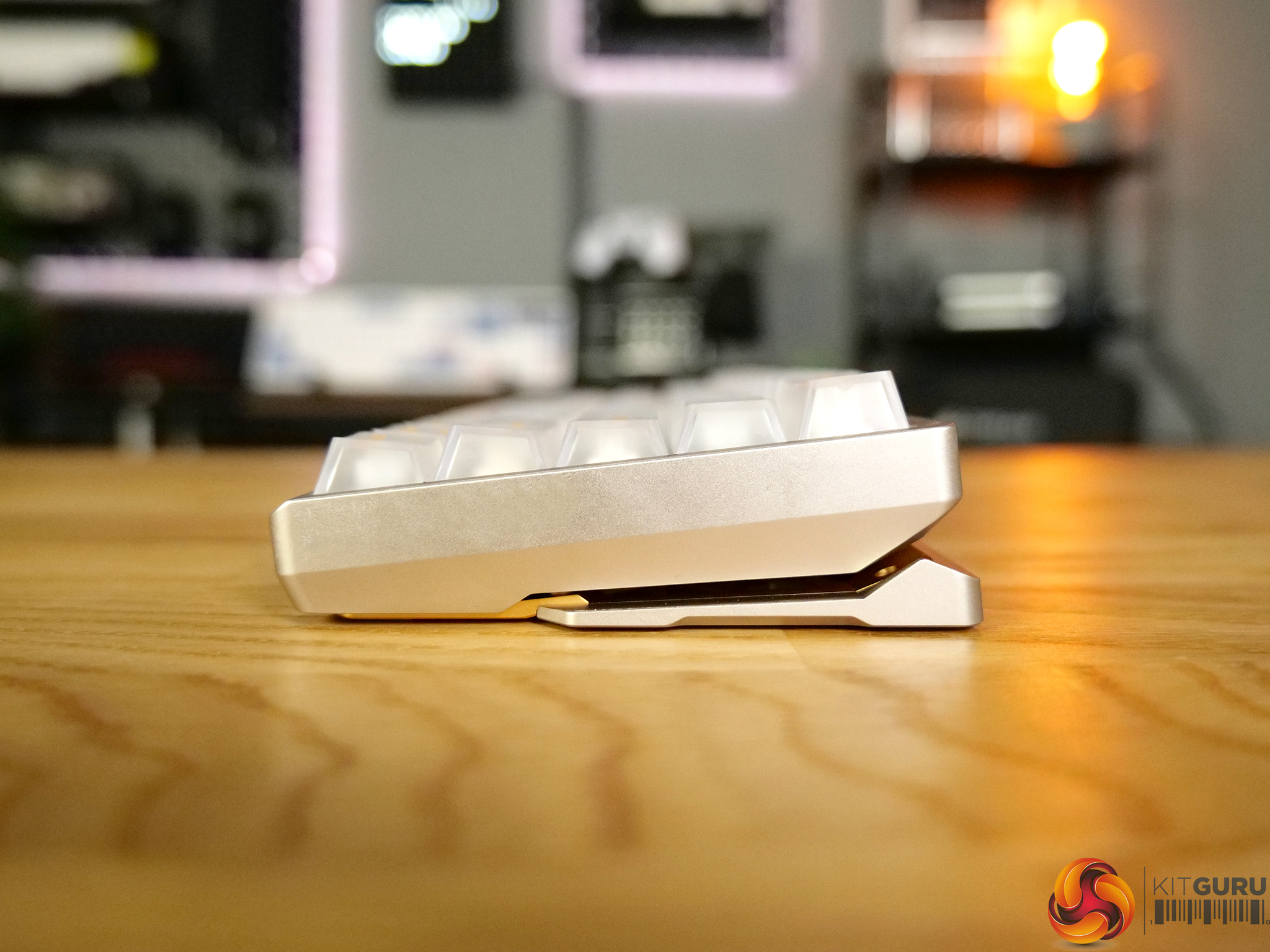
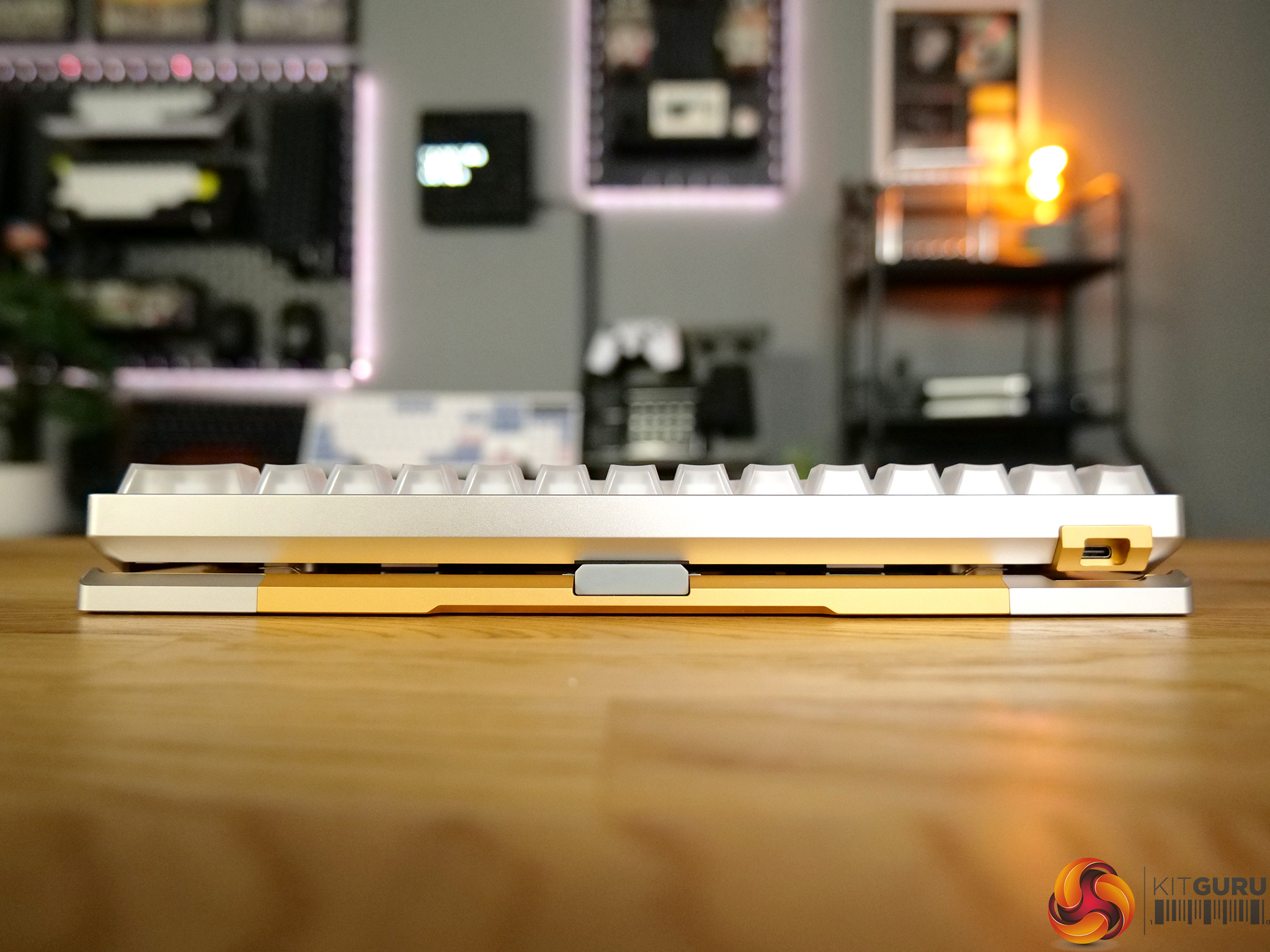
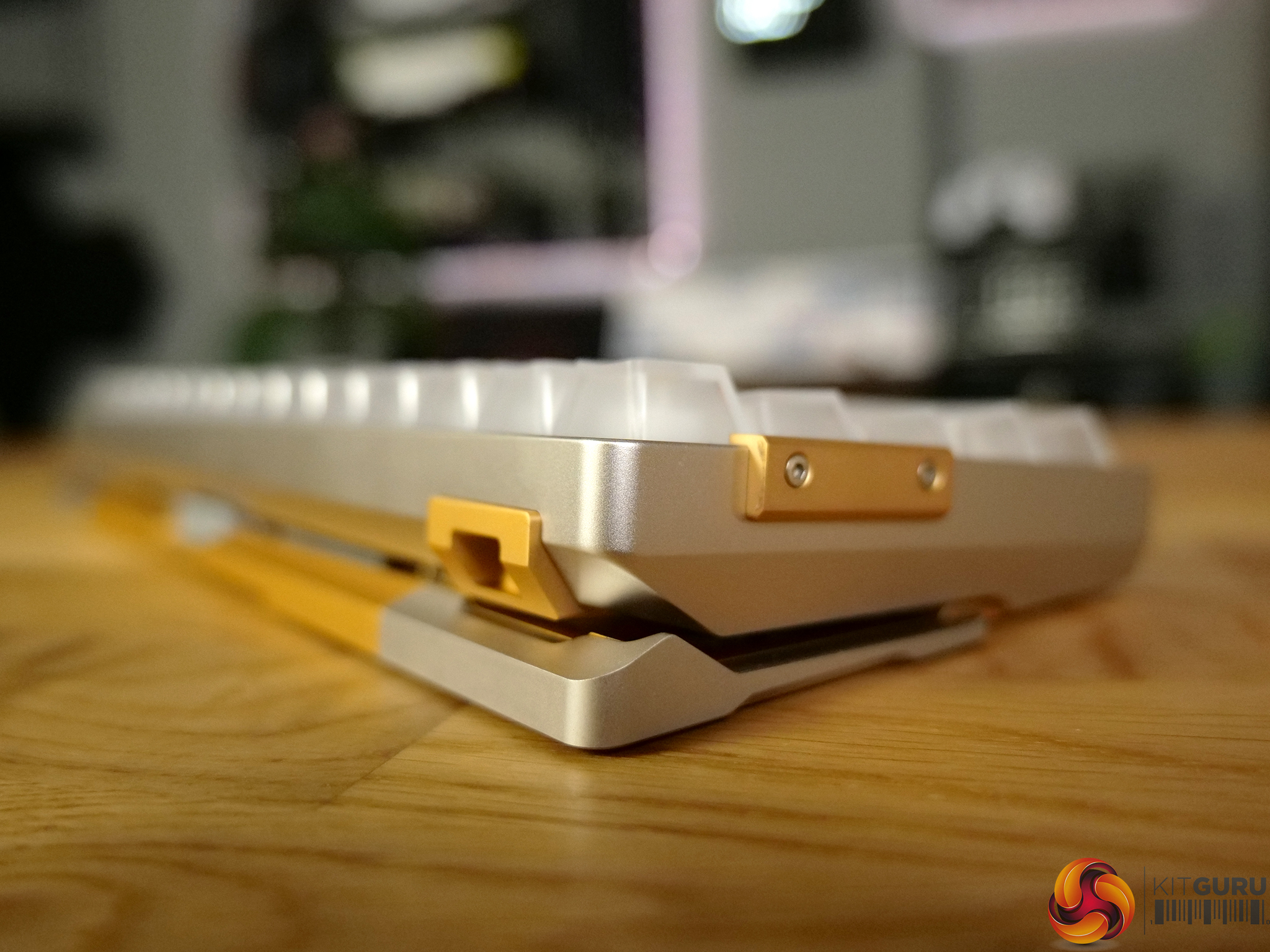
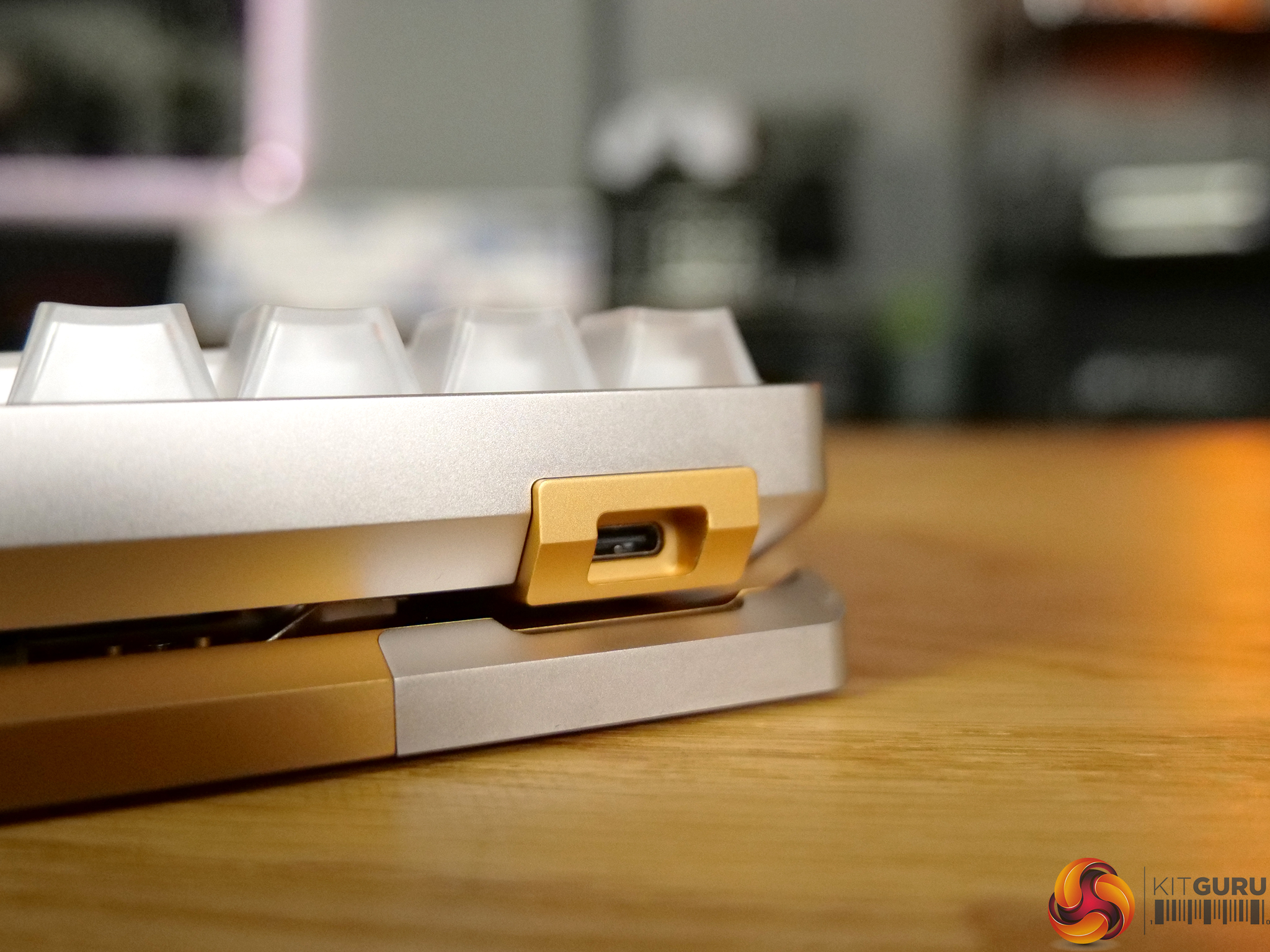
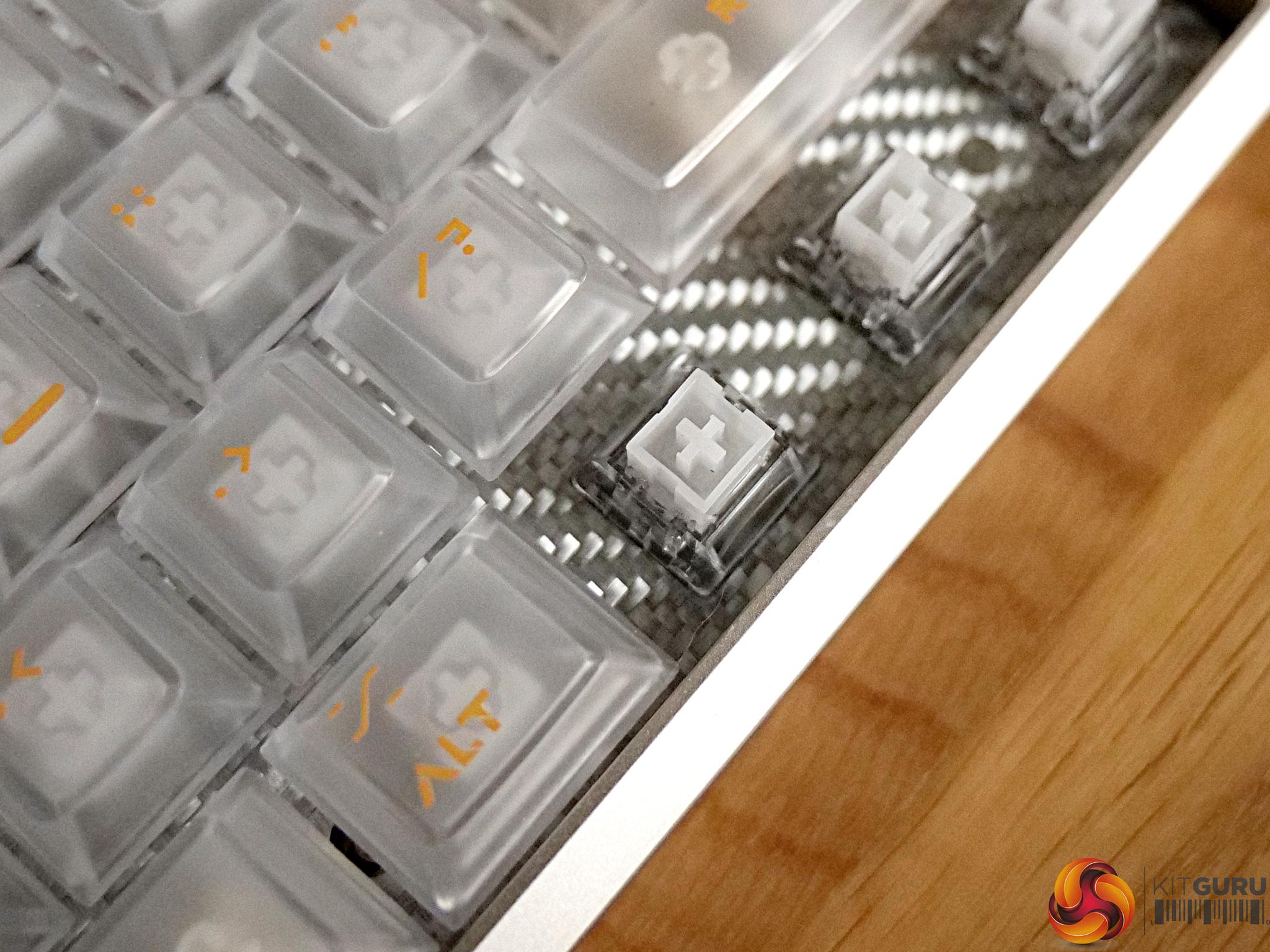
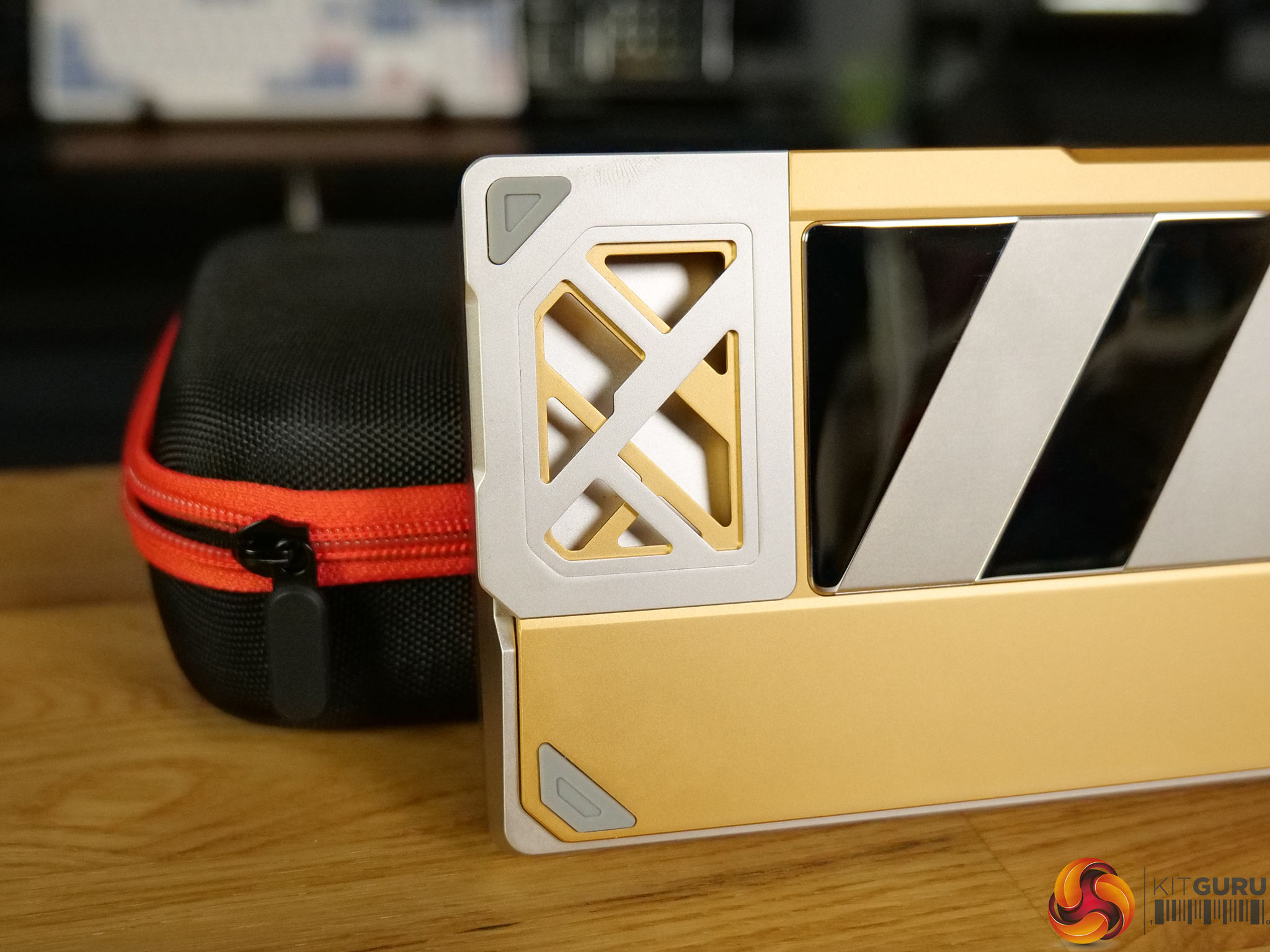
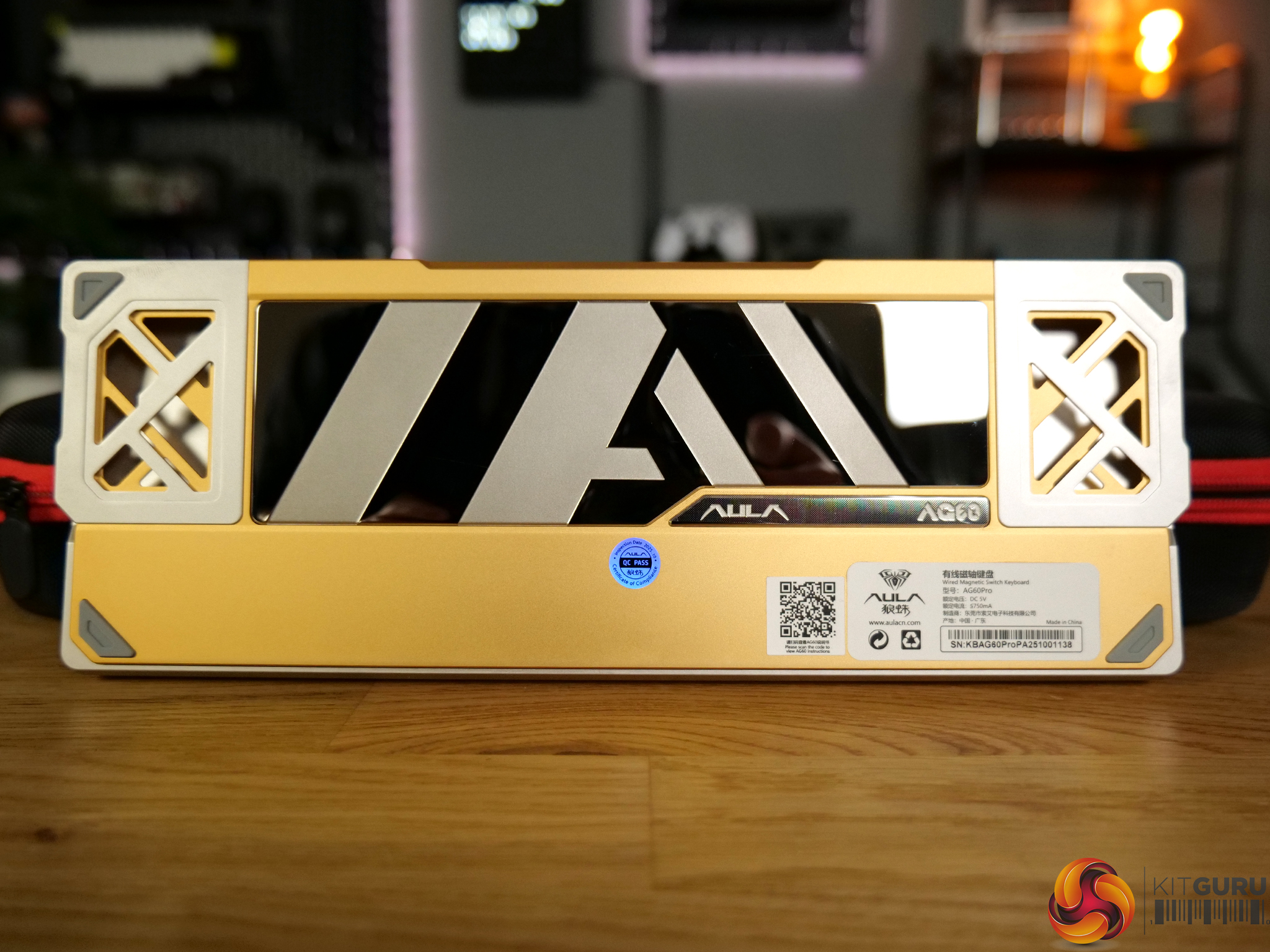
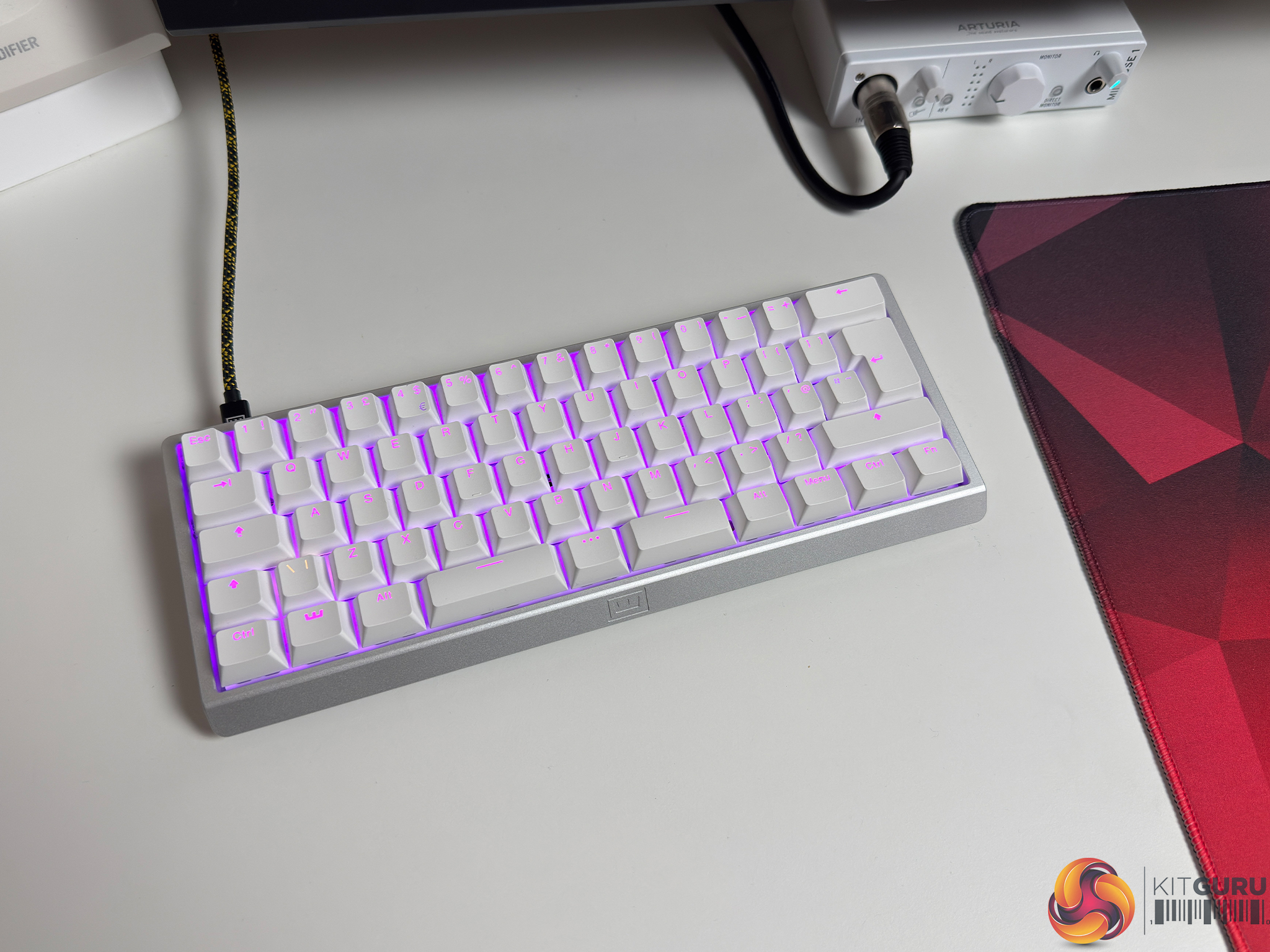
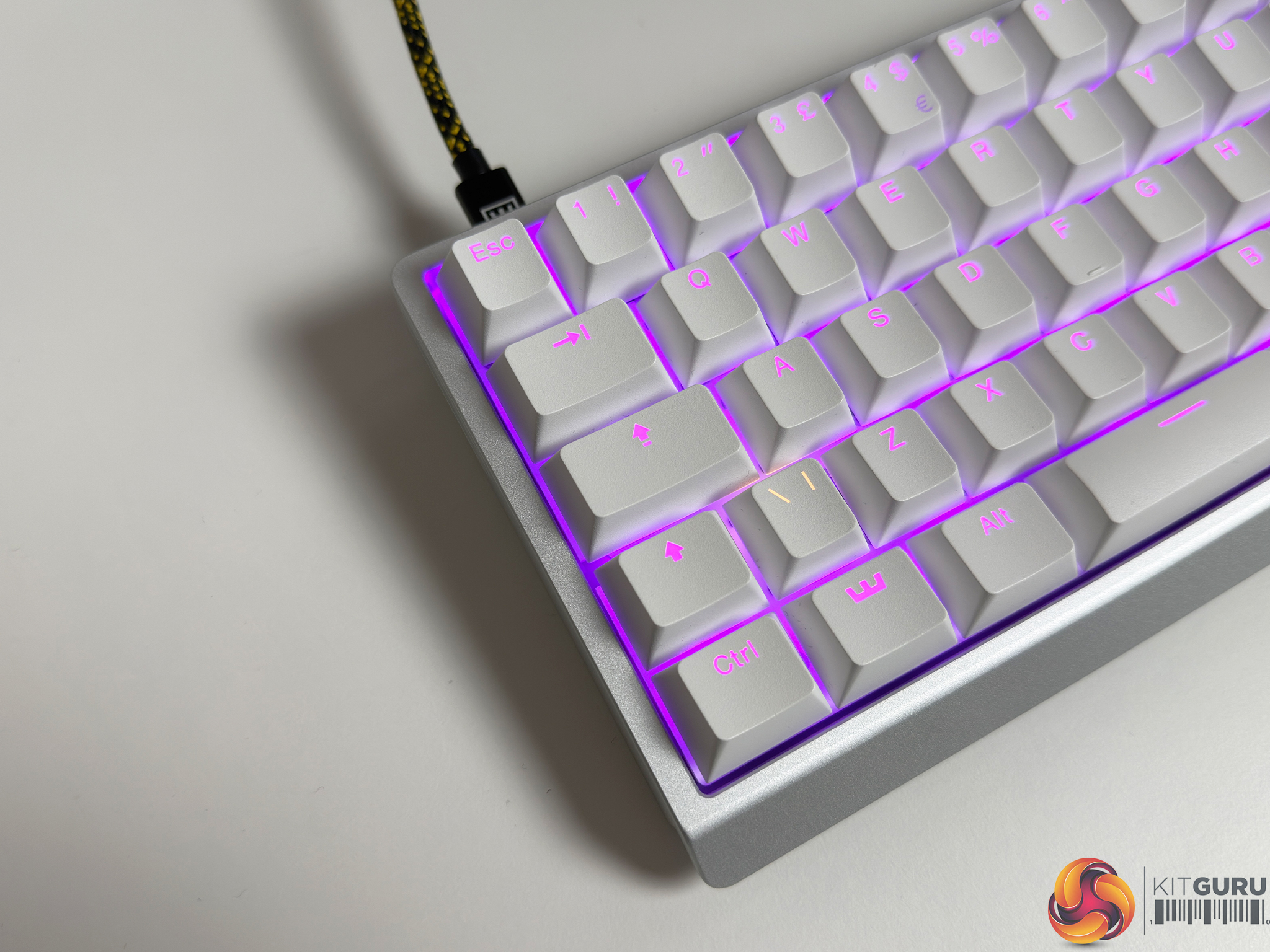
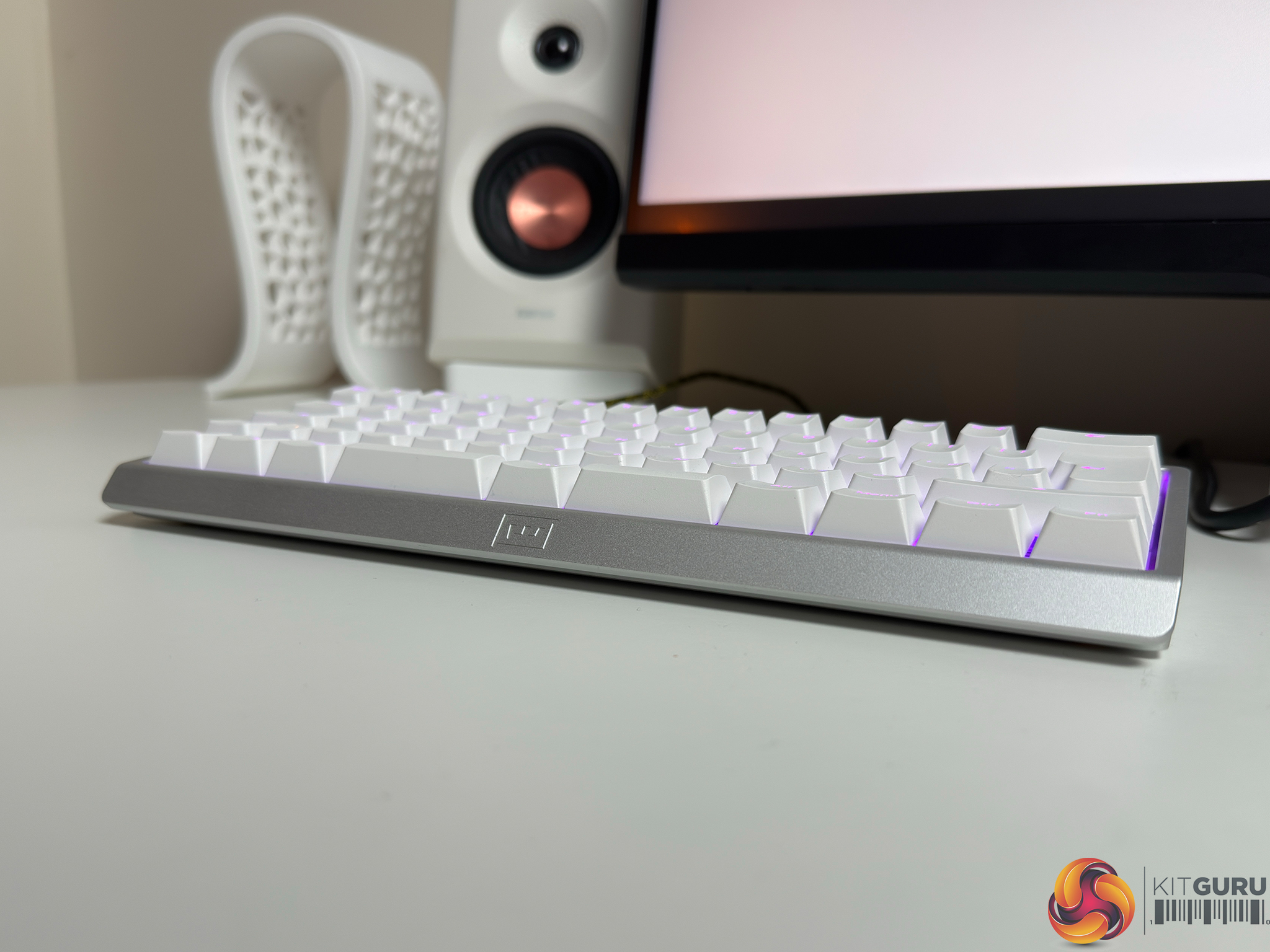
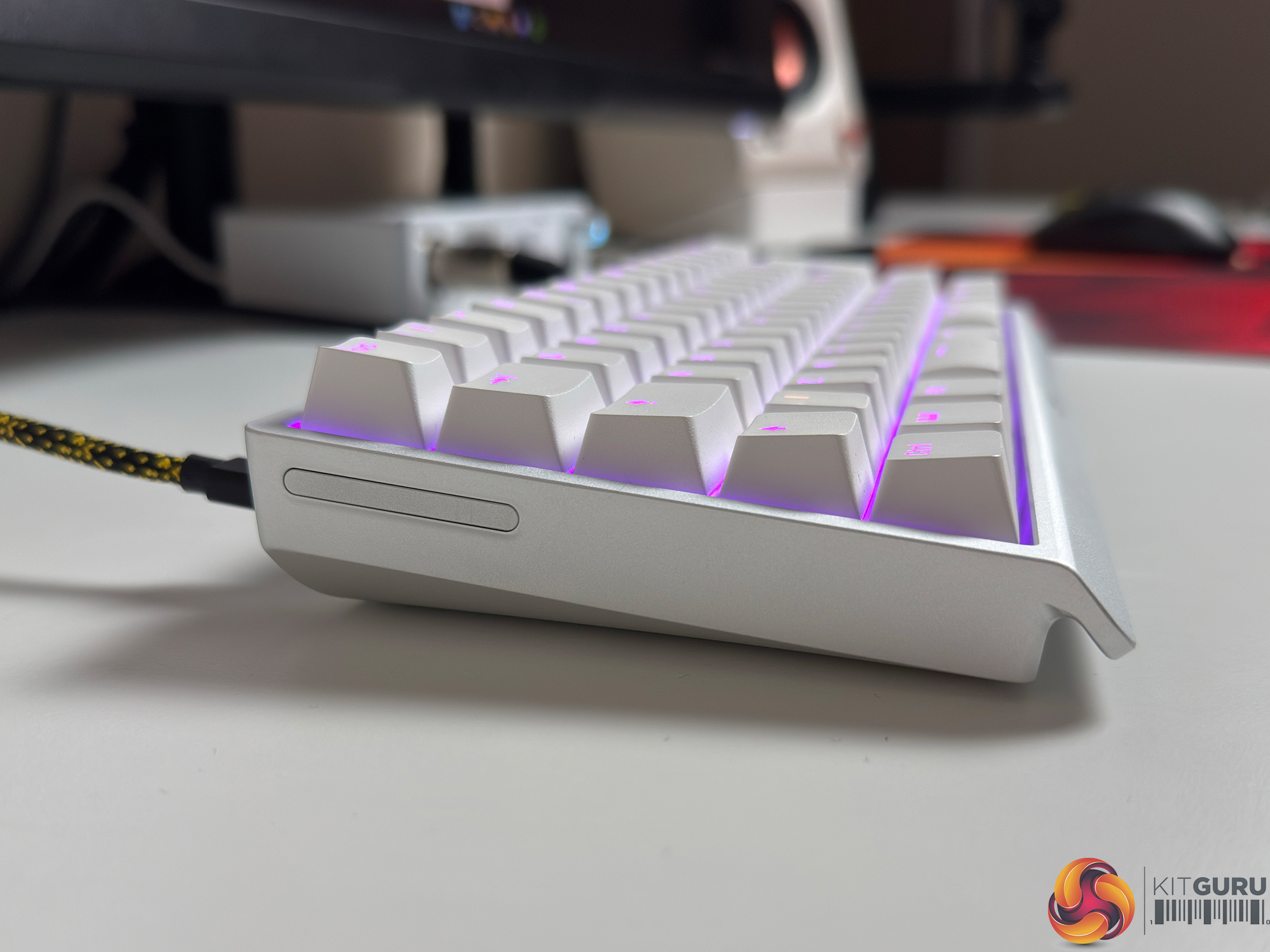
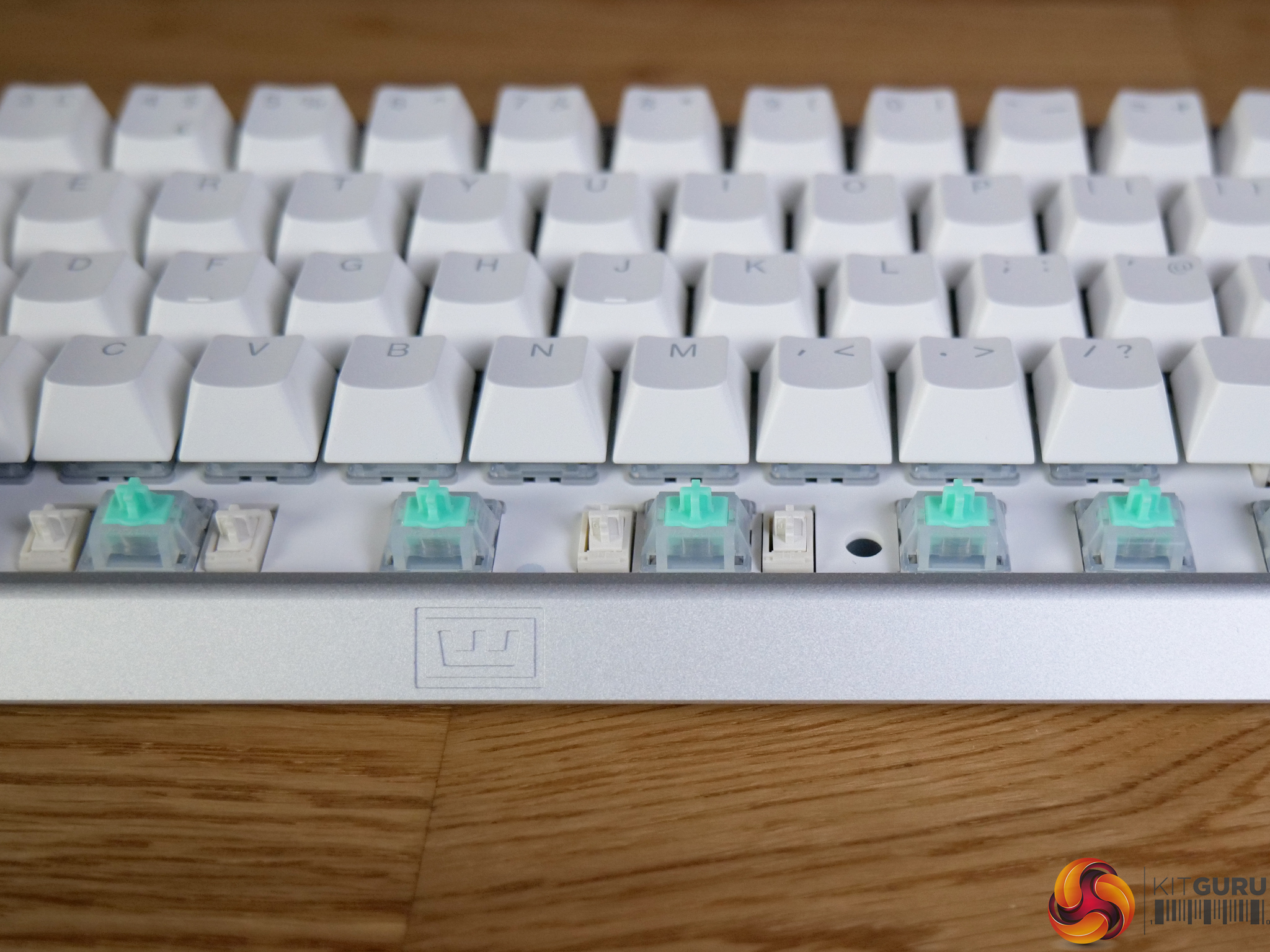
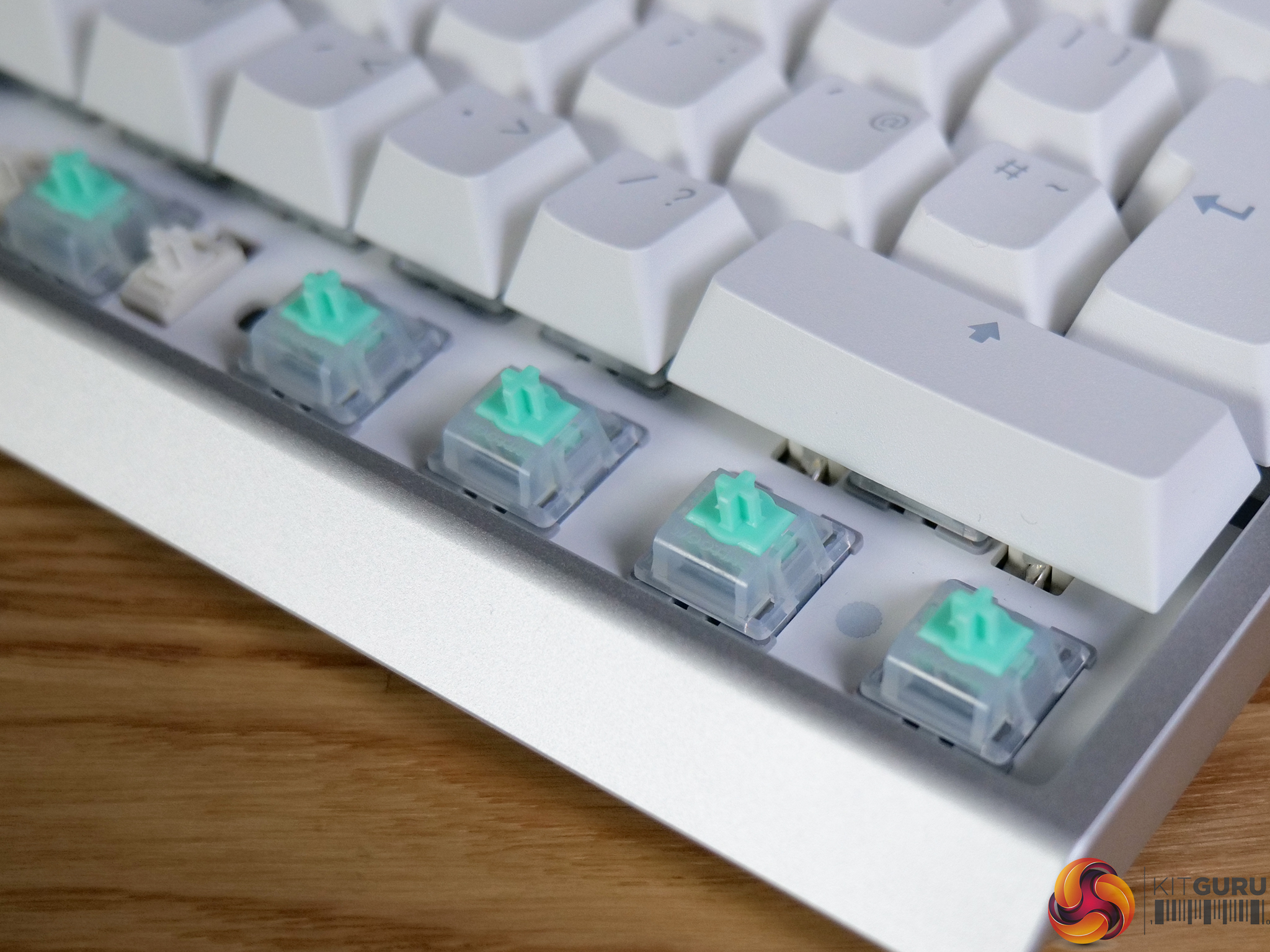
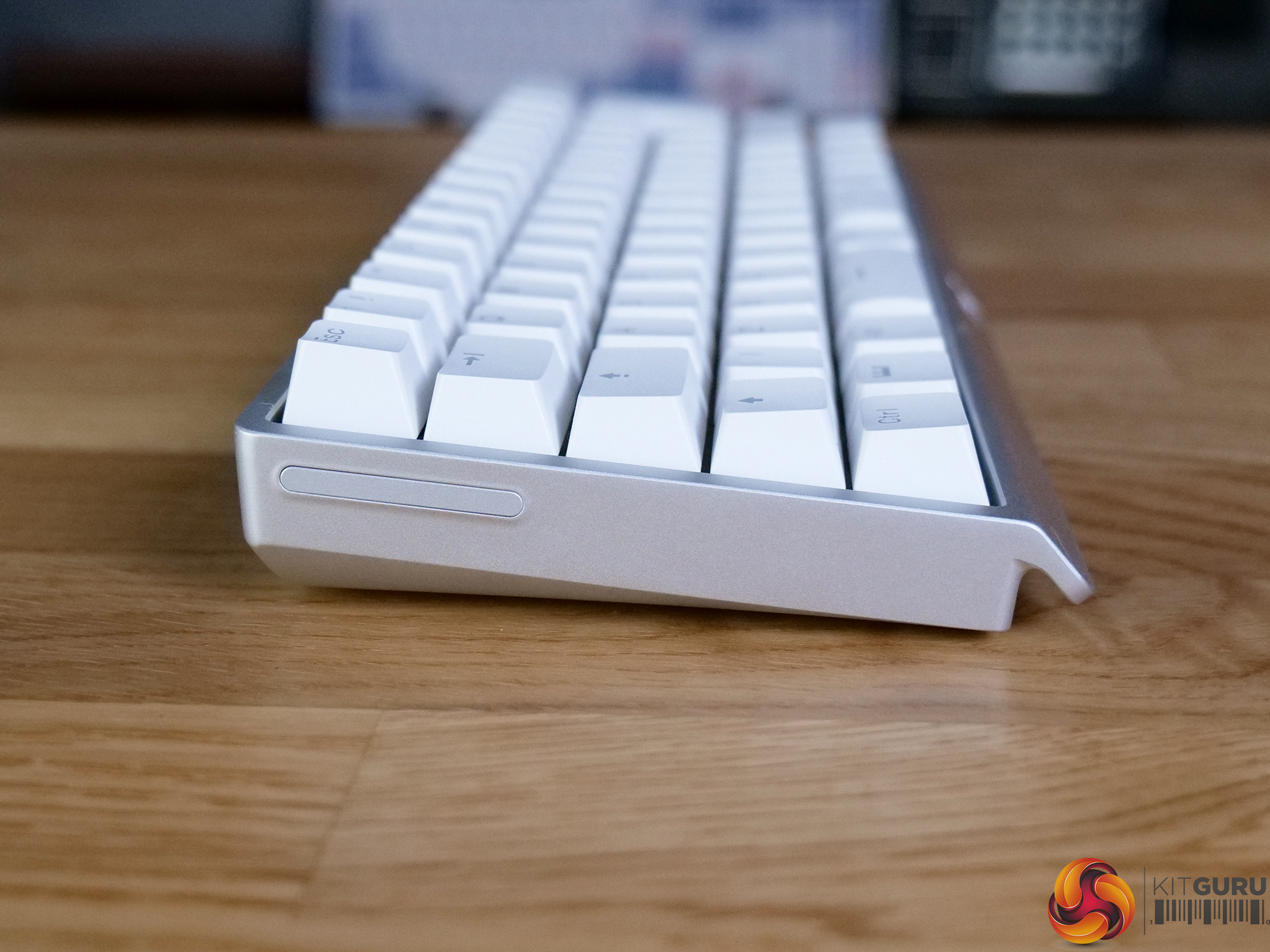
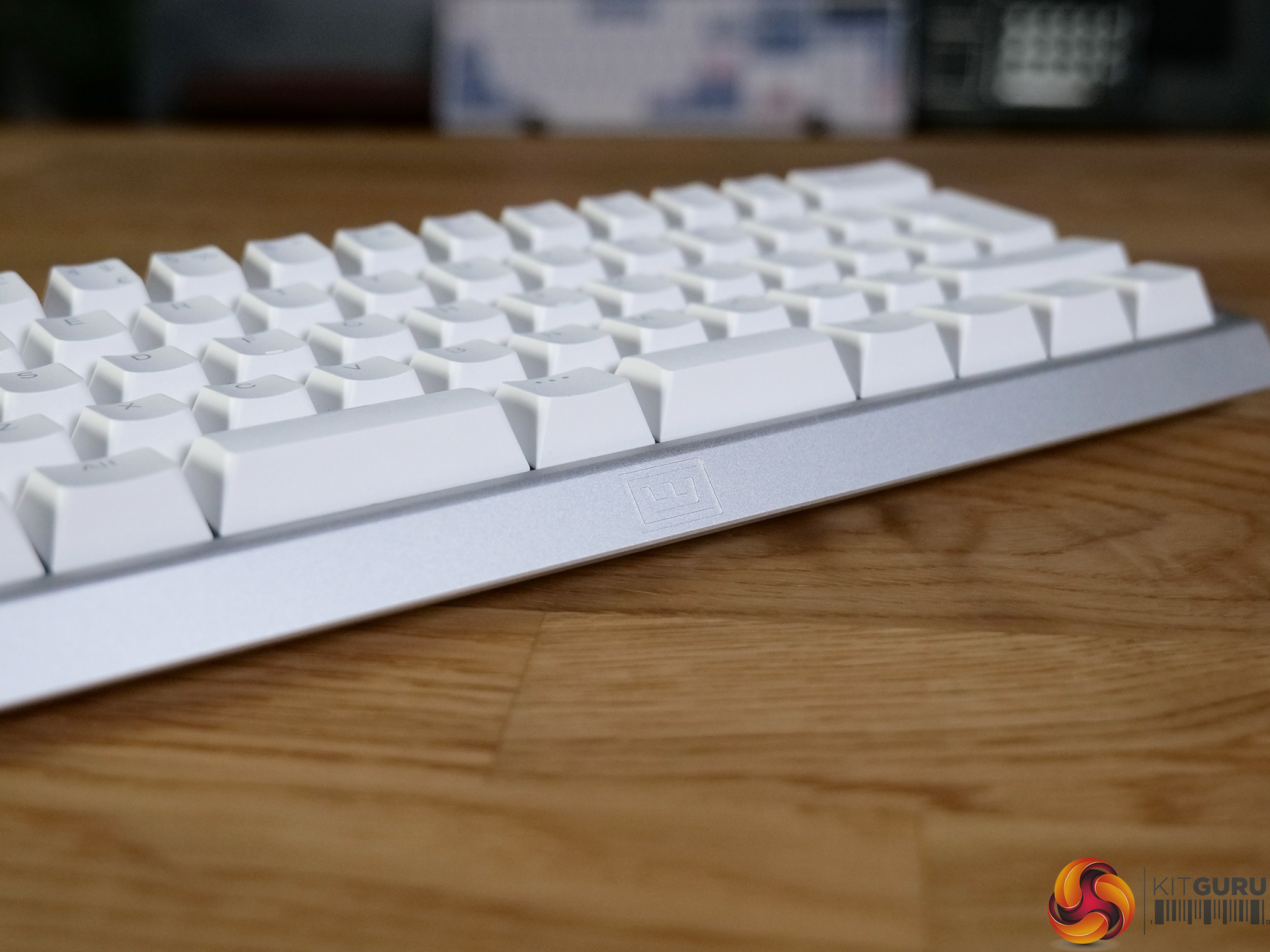
The AULA AG60 Pro is a compact 60% gaming keyboard built around magnetic switches, bringing features like adjustable actuation, rapid trigger and deep customisation to a much lower price point than we typically see. On top of that, it pairs those gaming-focused features with a full CNC aluminium chassis, giving it a surprisingly premium feel considering the $160 asking price. The question is, does it actually deliver where it matters in real-world use, or are there compromises hiding beneath the surface?

Timestamps:

00:00 Intro
01:16 Pricing discussion
02:01 Design impressions
03:34 Semi-transparent caps + RGB
04:26 Keycaps, switches, stabilisers
05:59 The soundtest!
06:25 Build quality
07:12 Gaming performance
09:23 Web control interface
10:29 Closing thoughts
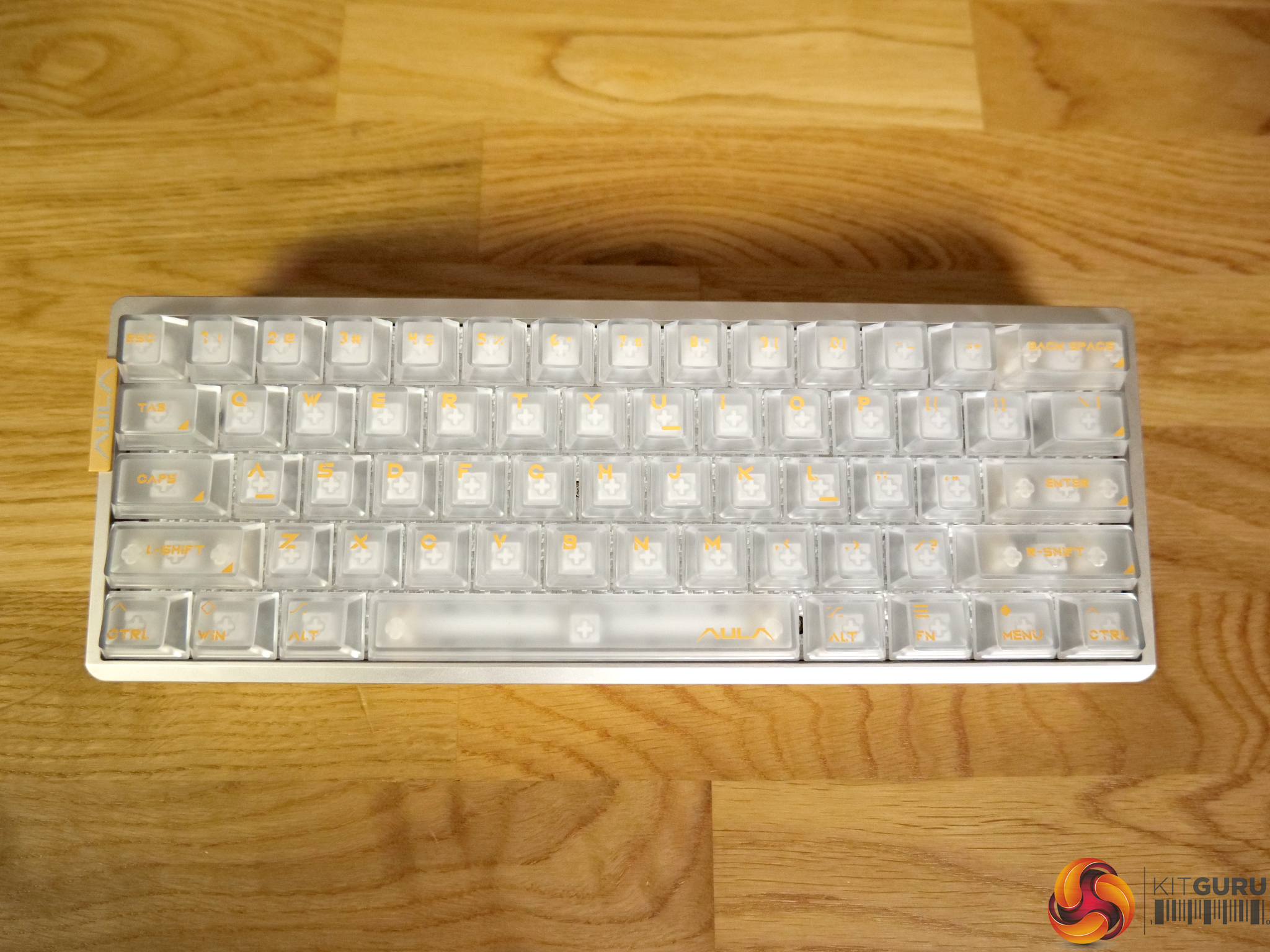
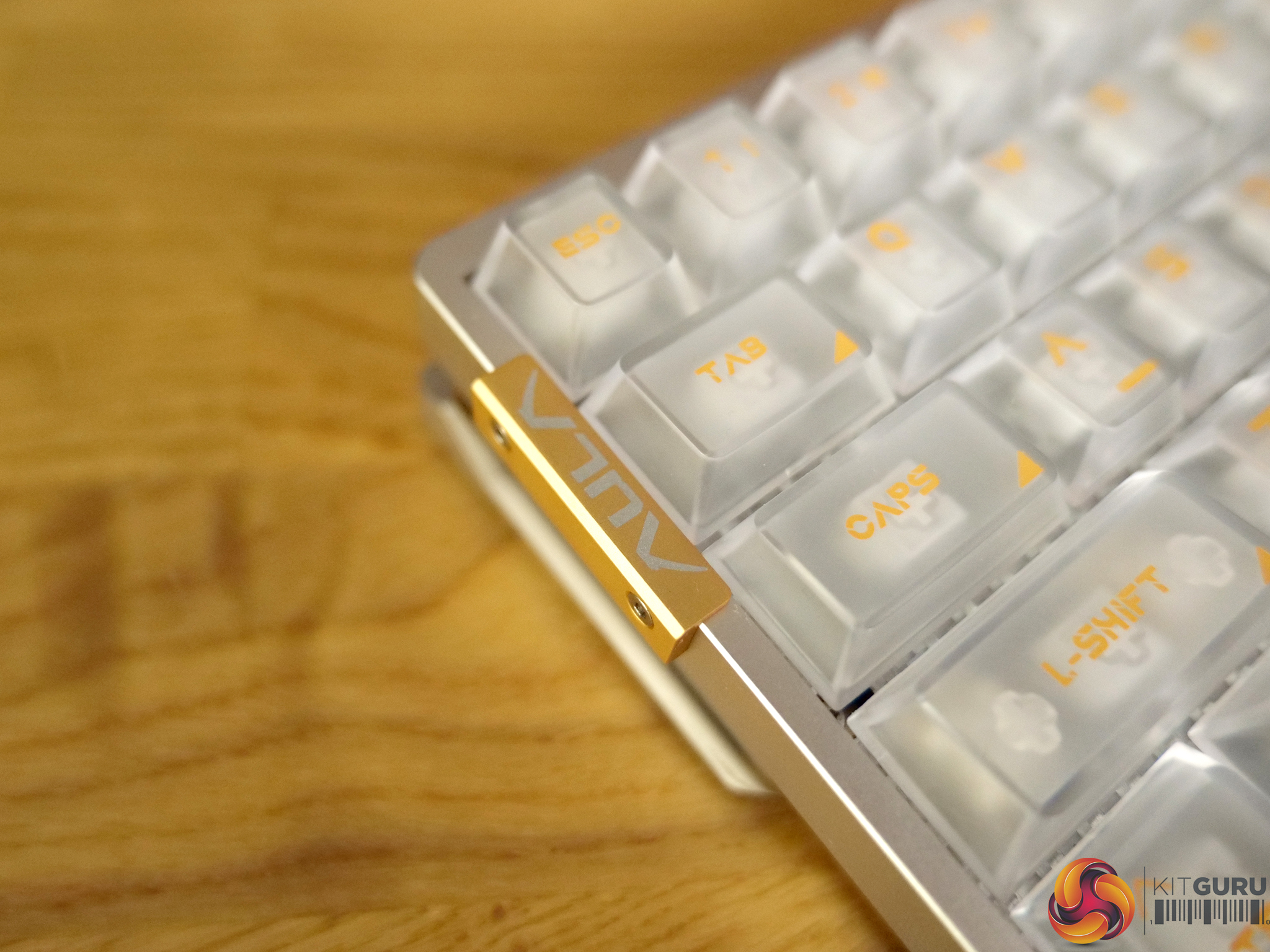
Specifications

  • Polling Rate – 8,000hz
  • Keycaps Profile – Cherry Profile
  • Switch Type – AULA Magnetic Switches
  • Layout – 60% Layout, QWERTY ANSI US Layout
  • Number of Keys – 61 Keys
  • Case Material – CNC Aluminum Case
  • Case Structure – Dual-Engine Structure
  • Keyboard Connectivity – Wired
  • Product Size – 298.33mm in Length, 110.2mm in Width, and 40.94mm in Height

You can buy the AG60 Pro directly from AULA for $160 HERE.

Pros:

  • Excellent CNC aluminium build quality.
  • Very strong feature set for competitive gaming.
  • Highly customisable actuation and key behaviour.
  • Extremely detailed RGB lighting system.
  • Strong value at lower price point.

Cons:

  • Web driver lacks polish and has translation issues.
  • Limited availability in the UK.
  • Sound profile can be slightly hollow.
  • Keycaps feel average for the price.

KitGuru says: The AG60 Pro delivers exceptional build quality and an impressive gaming-first feature set that will rival keyboards which cost substantially more. 

The post AULA AG60 Pro Keyboard Review first appeared on KitGuru.
Before yesterdayMain stream

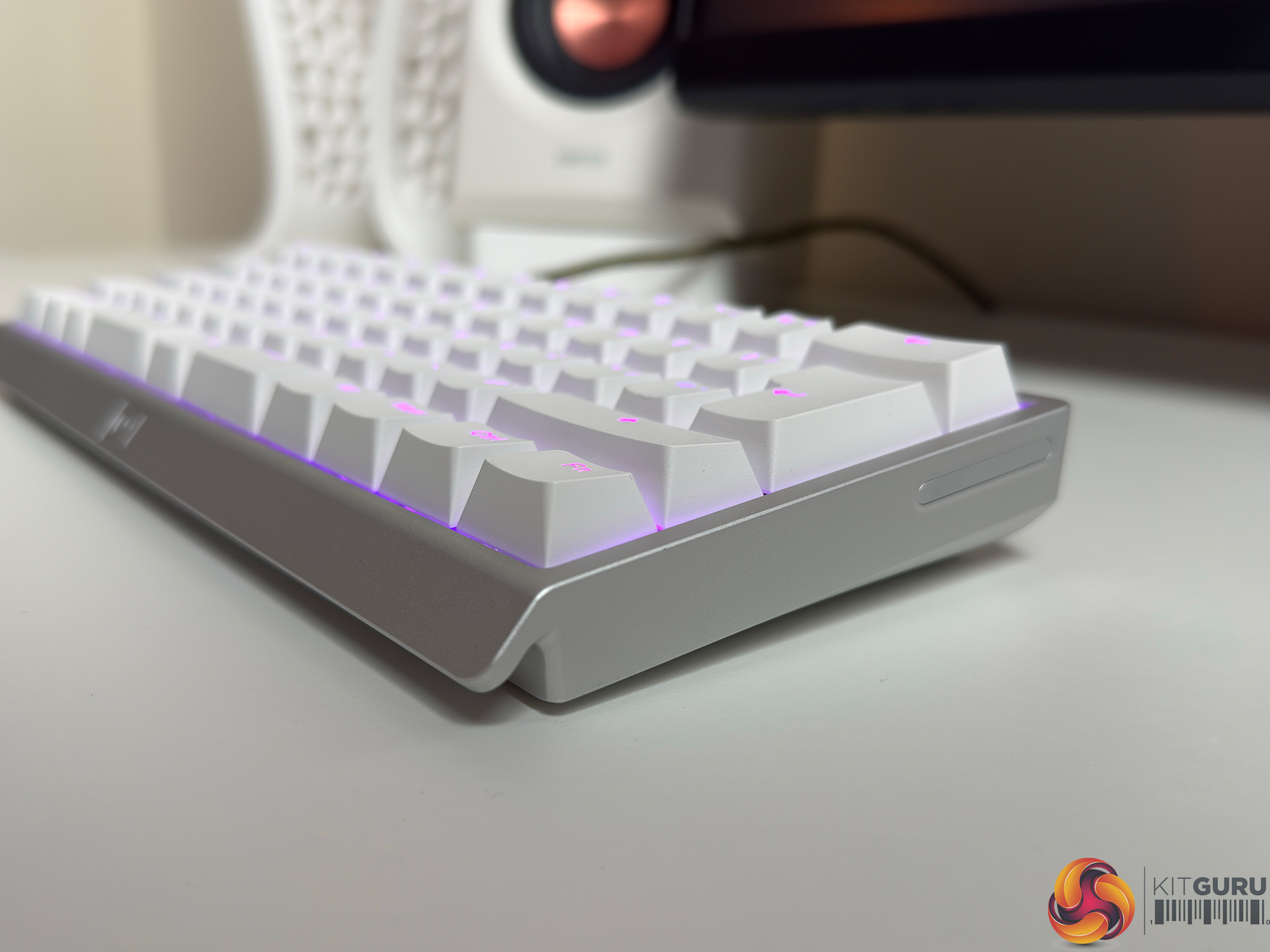
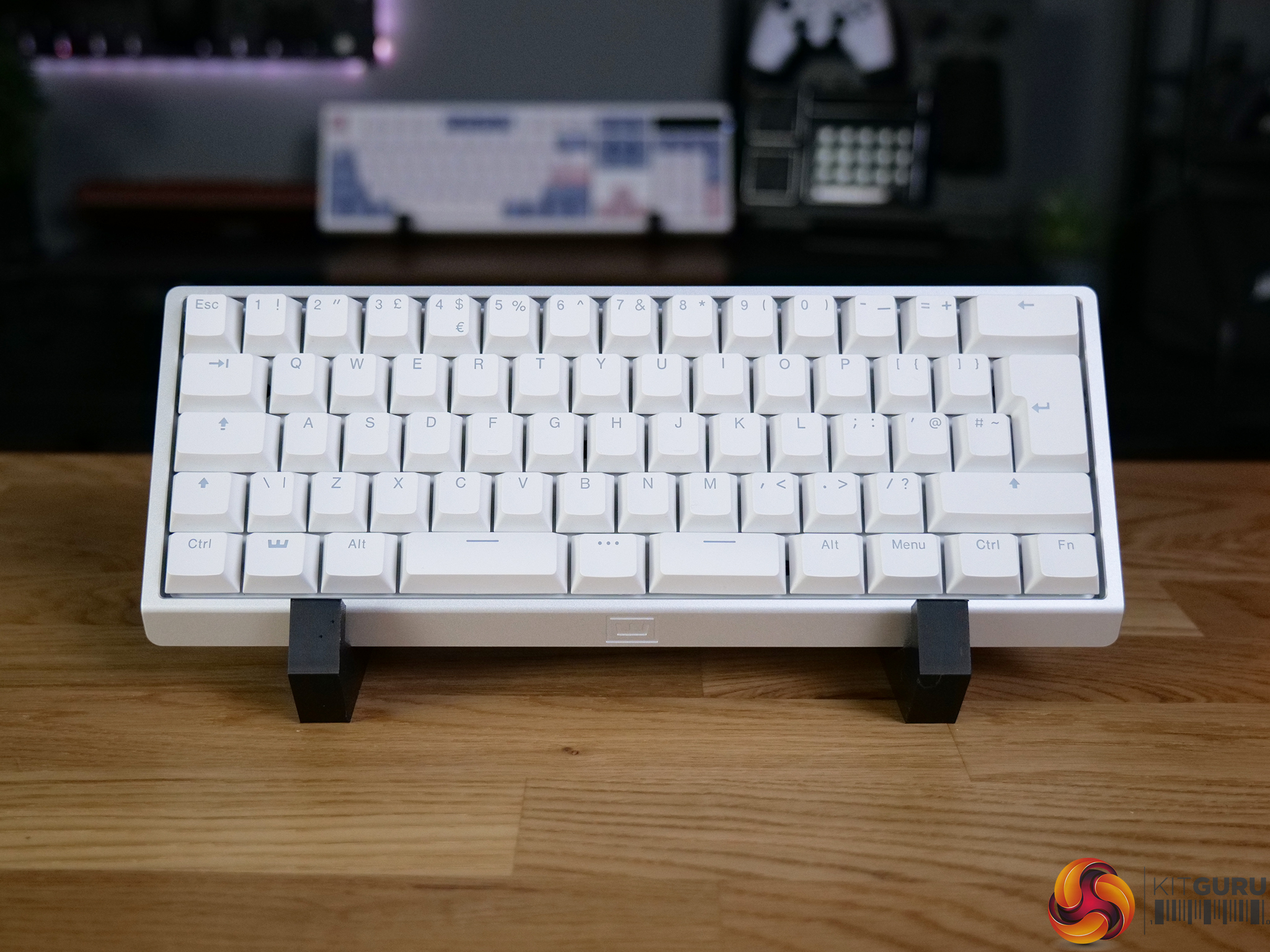
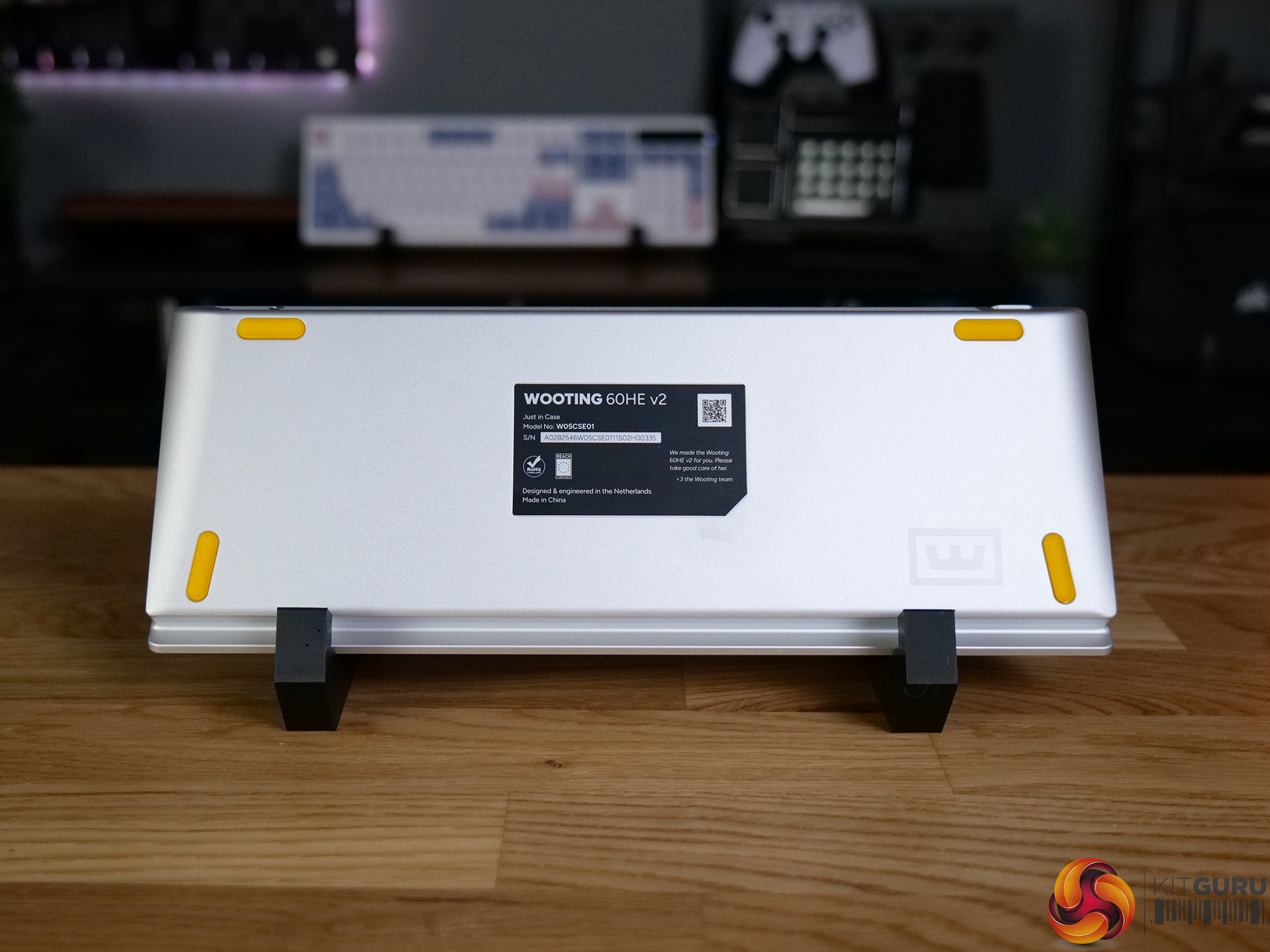
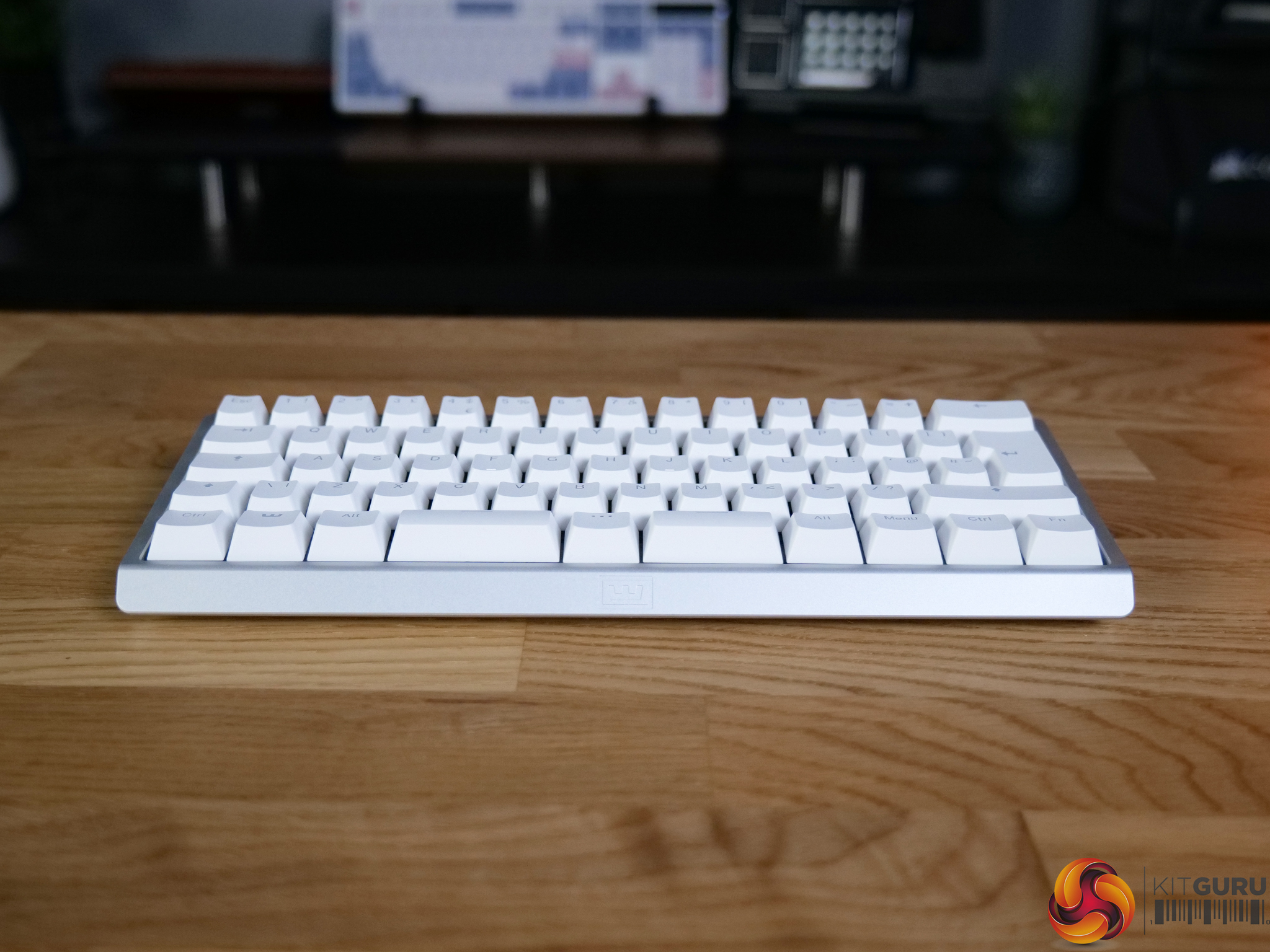
Wooting 60HE V2 Keyboard Review

22 July 2026 at 12:47

The Wooting 60HE V2 is one of the most talked-about hall effect keyboards on the market, and for good reason. Built around magnetic switches and packed with features like rapid trigger, adjustable actuation and SOCD, it’s aimed squarely at competitive gamers. But with a price tag to match its reputation, does it actually deliver where it matters?

Timestamps:

00:00 Intro
01:20 Key info + pricing
02:24 Design
04:33 Let’s talk gaming features
07:10 Internals + DIY elements
08:25 Soundtest
09:39 Wootility web software
11:48 Closing thoughts

Specifications

  • Switches – Lekker Tikken Medium
  • Keycaps – PBT, ABS and Dye-sub options available
  • Case – ABS or Aluminium
  • Stabilisers – Screw-in stabiliser
  • Switch Plate – FR4
  • Sandwich Pad – HD Poron Sandwich & Silicone Friction Fit Pad
  • PCBA – GH60 (60%)
  • Cable – 2 meter USB-C to C nylon braided cable
  • Dimensions – 305 x 115 mm | 12.0 x 4.5 inch – 28.6mm (H) front height with OEM keycap
  • Weight
    • Aluminium version: 945 grams
    • ABS version: 606 grams

You can buy the 60HE V2 directly from Wooting starting at £155 HERE.

Pros:

  • Exceptional gaming performance.
  • Deep customisation options.
  • Premium build quality.
  • Excellent software (Wootility).
  • Strong community support.

Cons:

  • Expensive.
  • Does take some time to dial it in fully.
  • SOCD banned in some games.

KitGuru says: The 60HE V2 is the best gaming keyboard we've tested. It delivers excellent performance and stellar build quality.

The post Wooting 60HE V2 Keyboard Review first appeared on KitGuru.

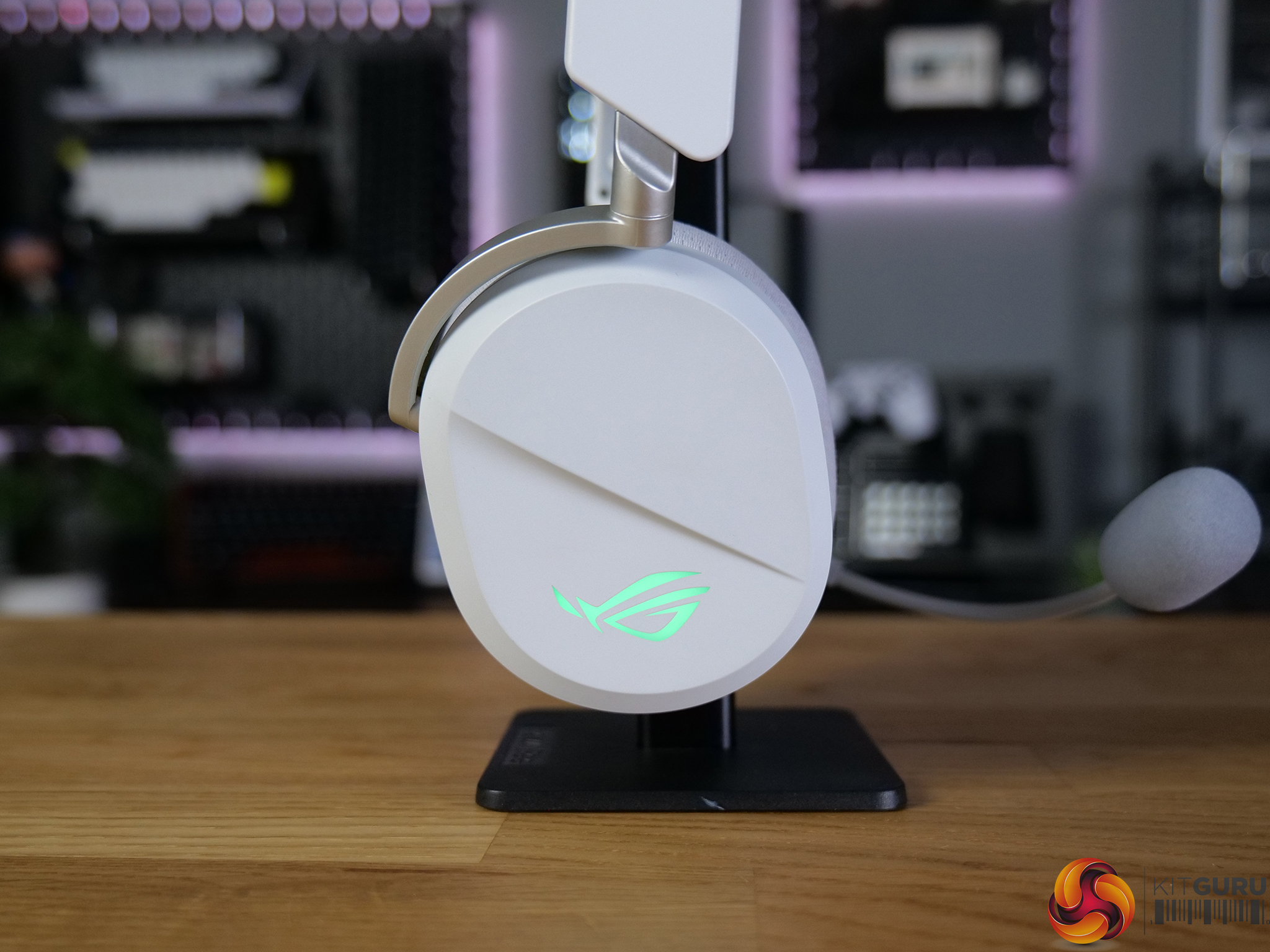
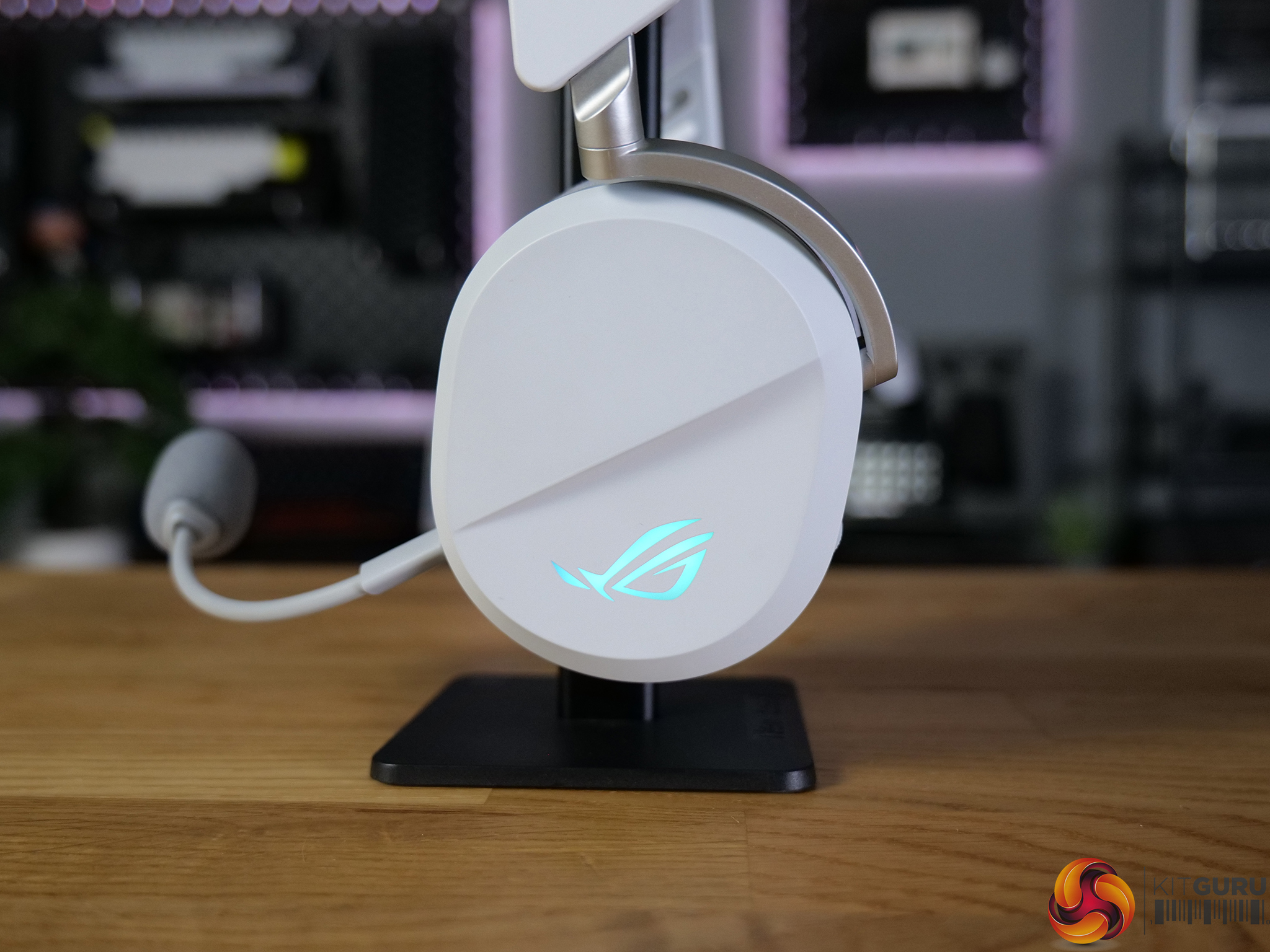
ASUS ROG Pelta Wireless Headset Review

9 July 2026 at 08:38

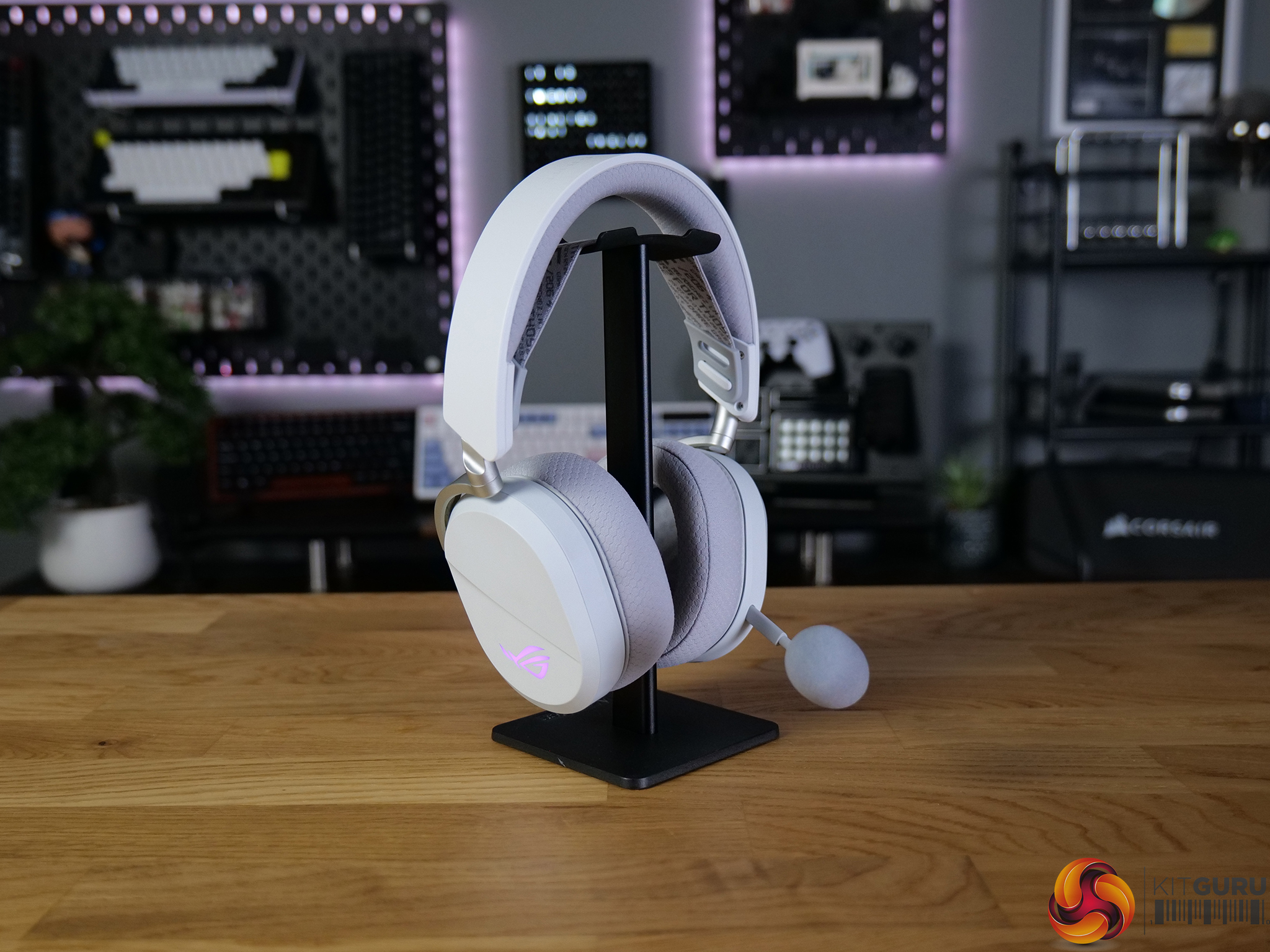
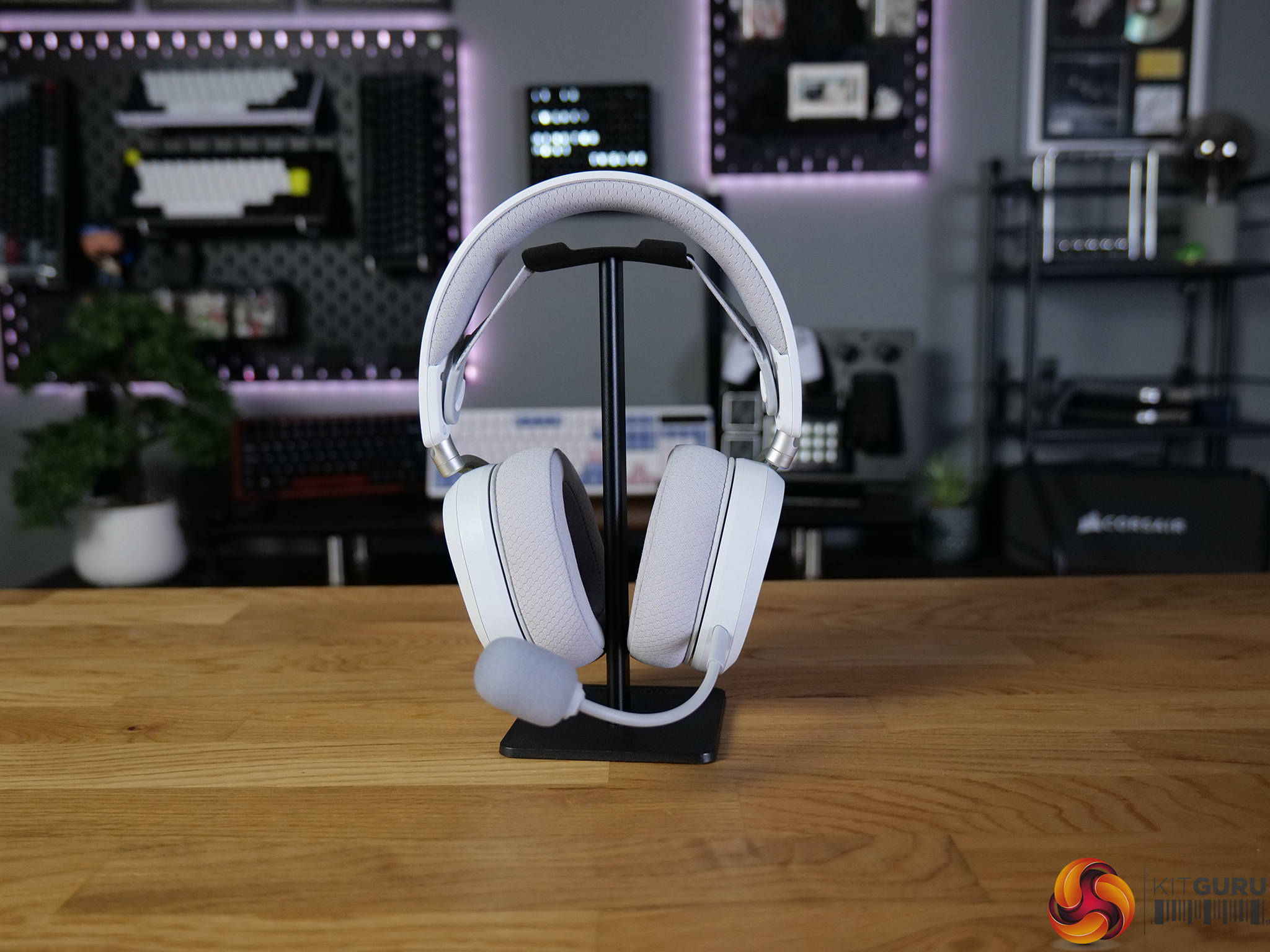
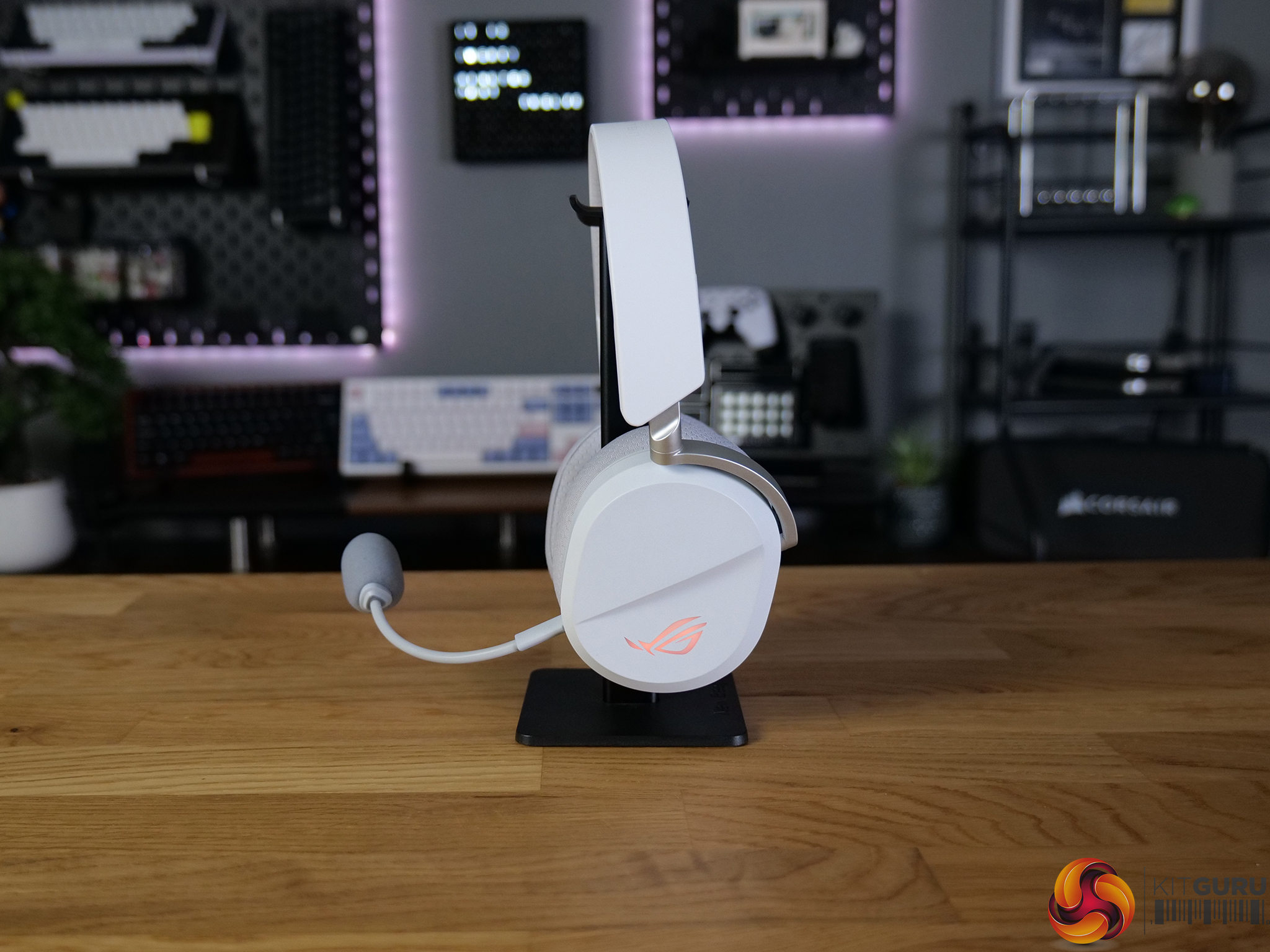
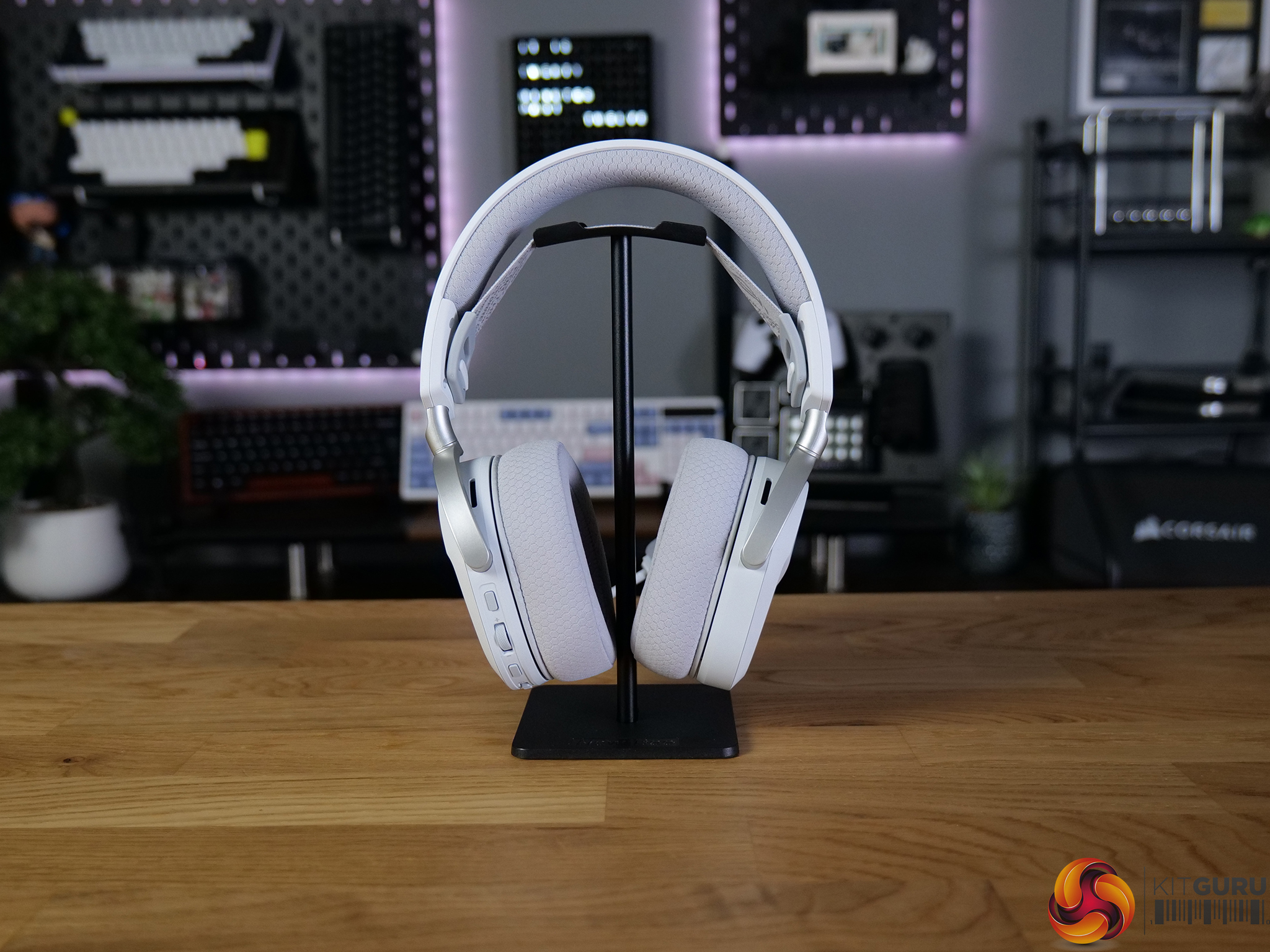
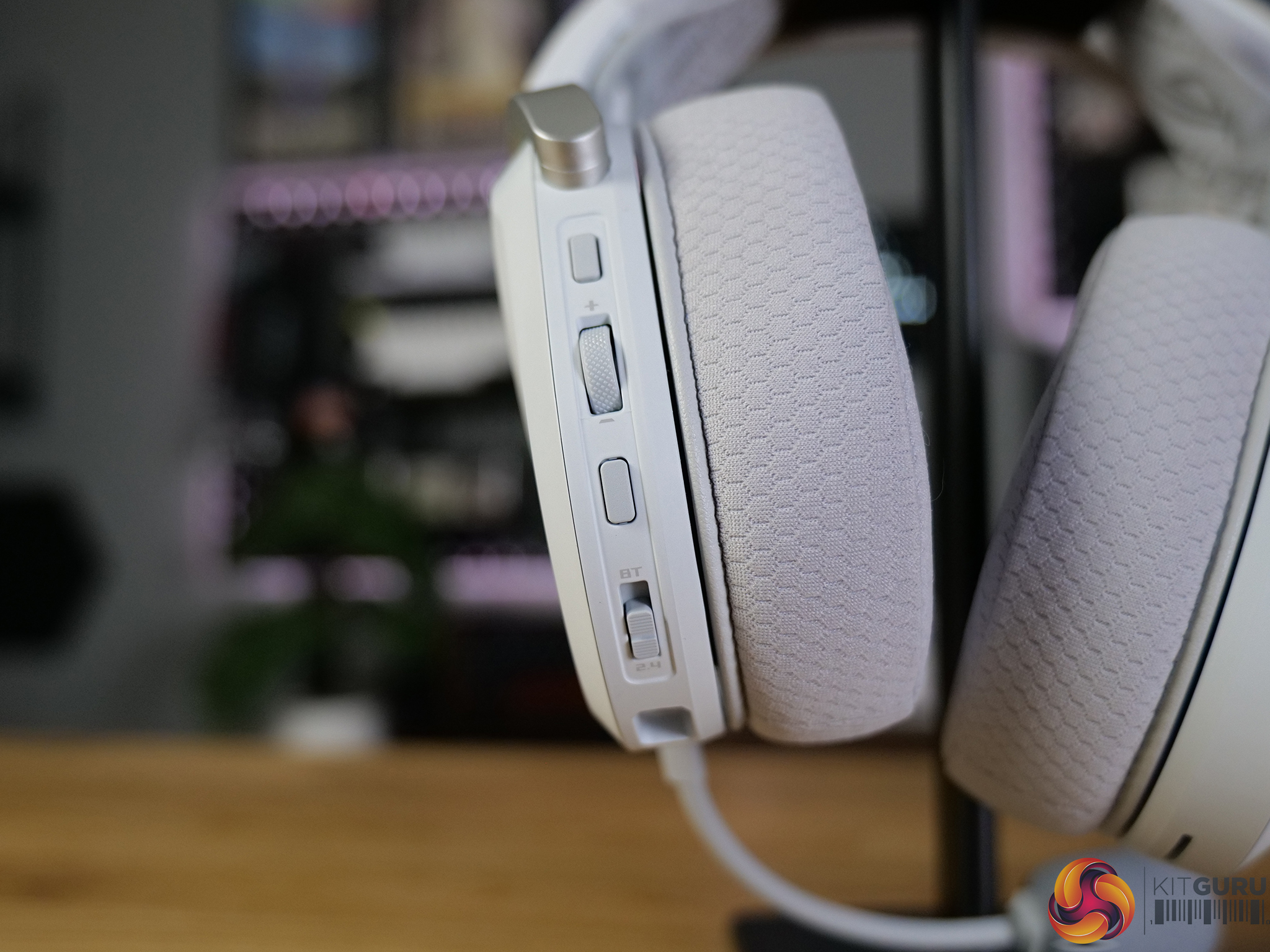
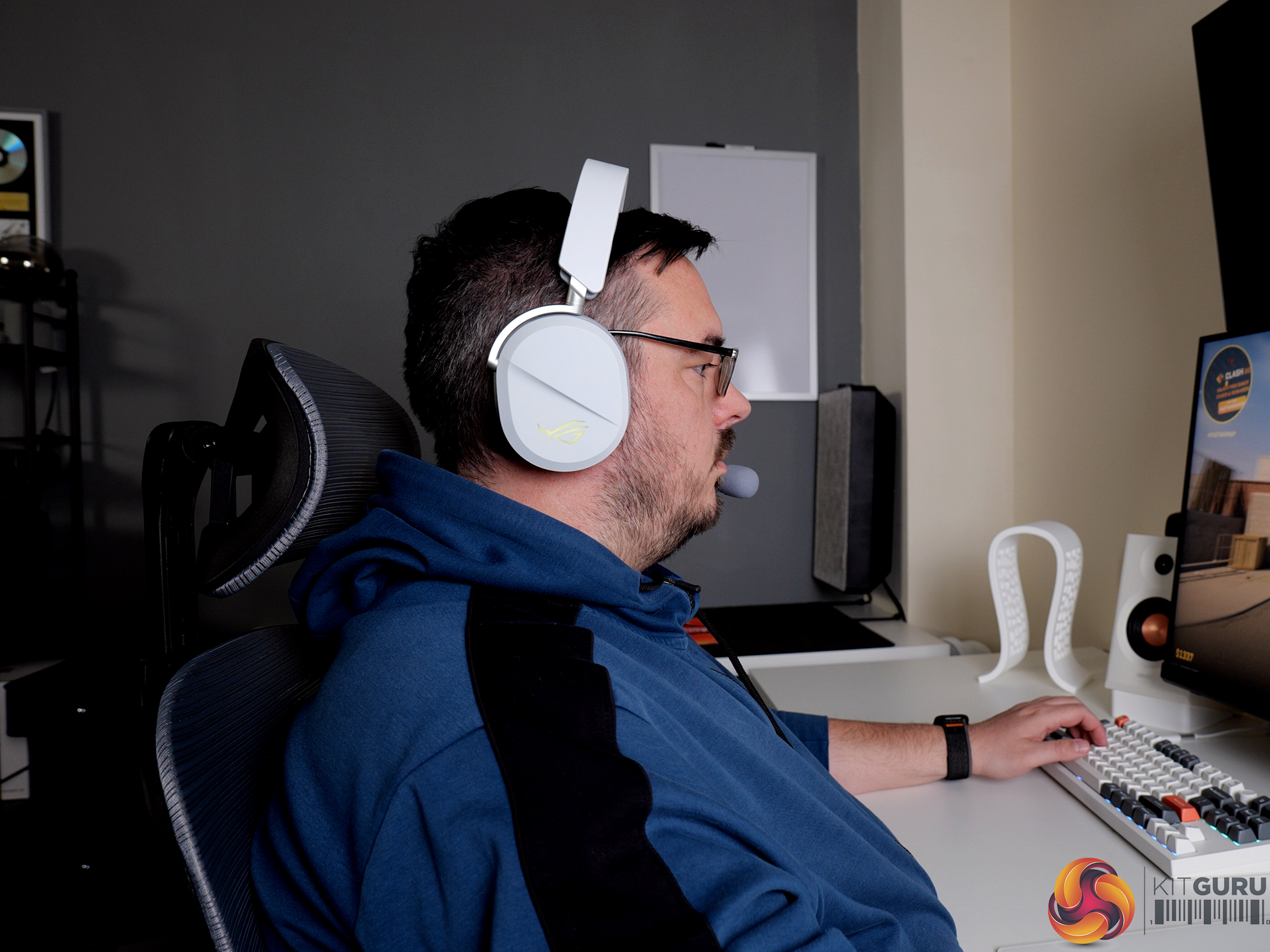
The ASUS ROG Pelta Wireless is a mid-range gaming headset that takes a slightly different approach to sound, offering a flatter out-of-the-box profile with plenty of room for customisation. With strong wireless connectivity, excellent comfort, and a lightweight version of Armoury Crate handling the software side, it looks solid on paper. But how well does it actually perform in real-world use, and is it worth the asking price?

Timestamps:

00:00 Intro
01:00 Pricing
01:26 Design first impressions
02:39 Comfort in use
03:10 Sound quality
04:53 Mic + soundtest!
06:43 Connectivity options
08:02 Battery life
08:53 ArmoryCrate Gear software
10:32 Closing thoughts

Specifications

  • Product type: Wireless headset
  • Usage: Gaming
  • Connectivity: 2.4GHz wireless, Bluetooth, USB-C
  • Platforms: PC, Mac, PlayStation 4, PlayStation 5, Nintendo Switch, iPad, iOS, Android, Bluetooth devices
  • Drivers: 50mm titanium-plated diaphragm
  • Impedance: 32 ohm
  • Frequency response: 20Hz – 20kHz
  • Channel: Stereo
  • Microphone pickup pattern: Unidirectional
  • Microphone sensitivity: -40 dB
  • Microphone frequency response: 100Hz – 10kHz
  • AI noise cancelling microphone: No
  • Active noise cancellation: No
  • Lighting: RGB (Aura Sync)
  • Battery: 900 mAh
  • Foldable: No
  • Weight: 309g
  • Carry case: No
  • Extra ear cushions: No
  • Colour: Black
  • Cable: USB-C to USB-A charging cable (1.8m)
  • Accessories: 2.4GHz USB-C dongle, USB-C to USB-A adapter, USB-C to USB-A charging cable, quick start guide, warranty booklet

You can buy the ROG Pelta Wireless Headset directly from ASUS for £124.99 HERE.

Pros:

  • Excellent comfort, among the best in class.
  • Highly customisable sound with effective EQ and tuning options.
  • Strong wireless connectivity with 2.4GHz and Bluetooth support.
  • Good battery life with fast charging capability.
  • Armoury Crate Gear is lightweight and easy to use.

Cons:

  • Requires software tuning to get the best audio performance.
  • Build is mostly plastic despite premium pricing.
  • Mic quality is only average.

KitGuru says: The ROG Pelta Wireless is an extremely comfortable headset with good audio performance once adjusted in Armoury Crate Gear.

The post ASUS ROG Pelta Wireless Headset Review first appeared on KitGuru.

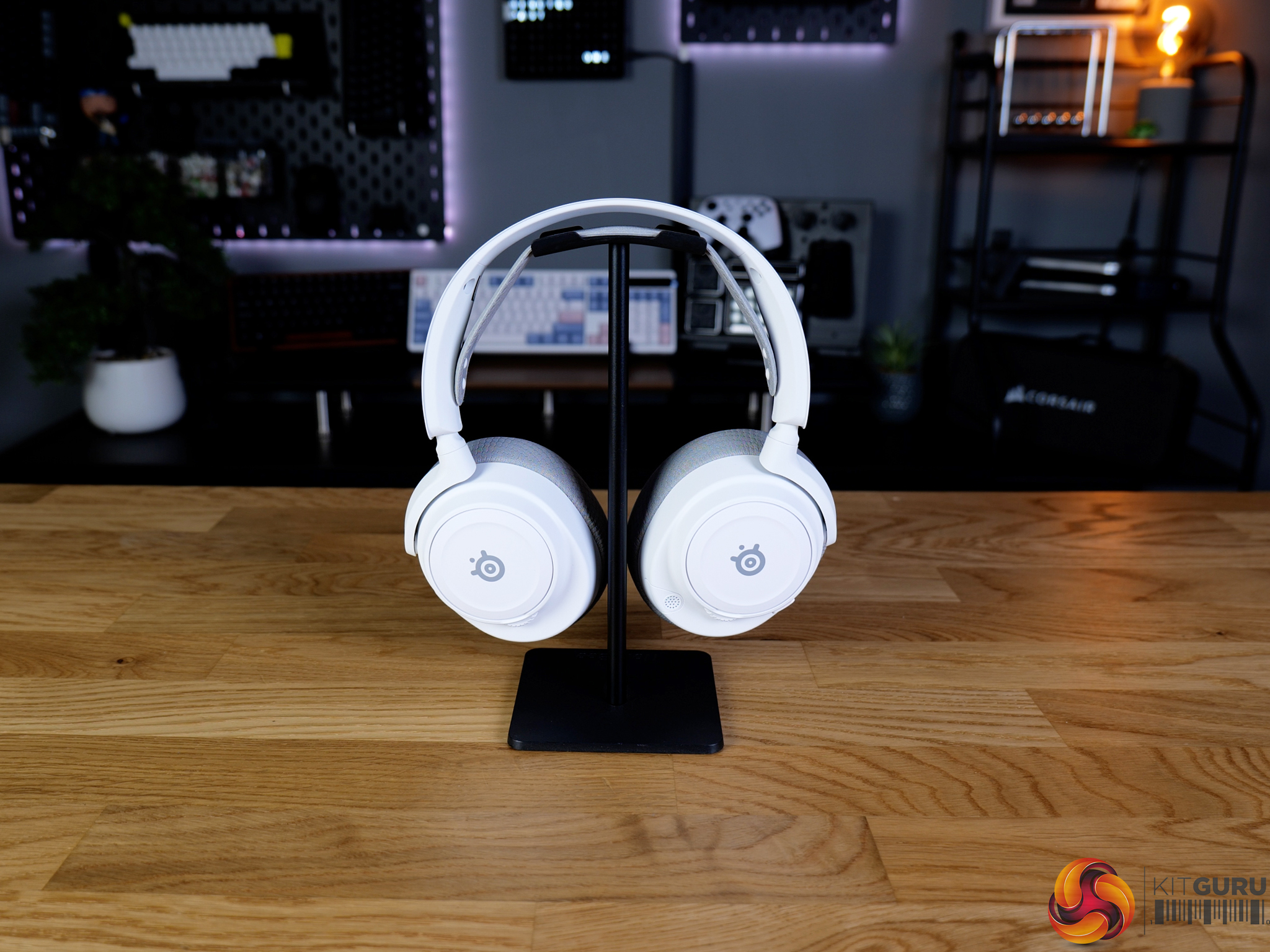
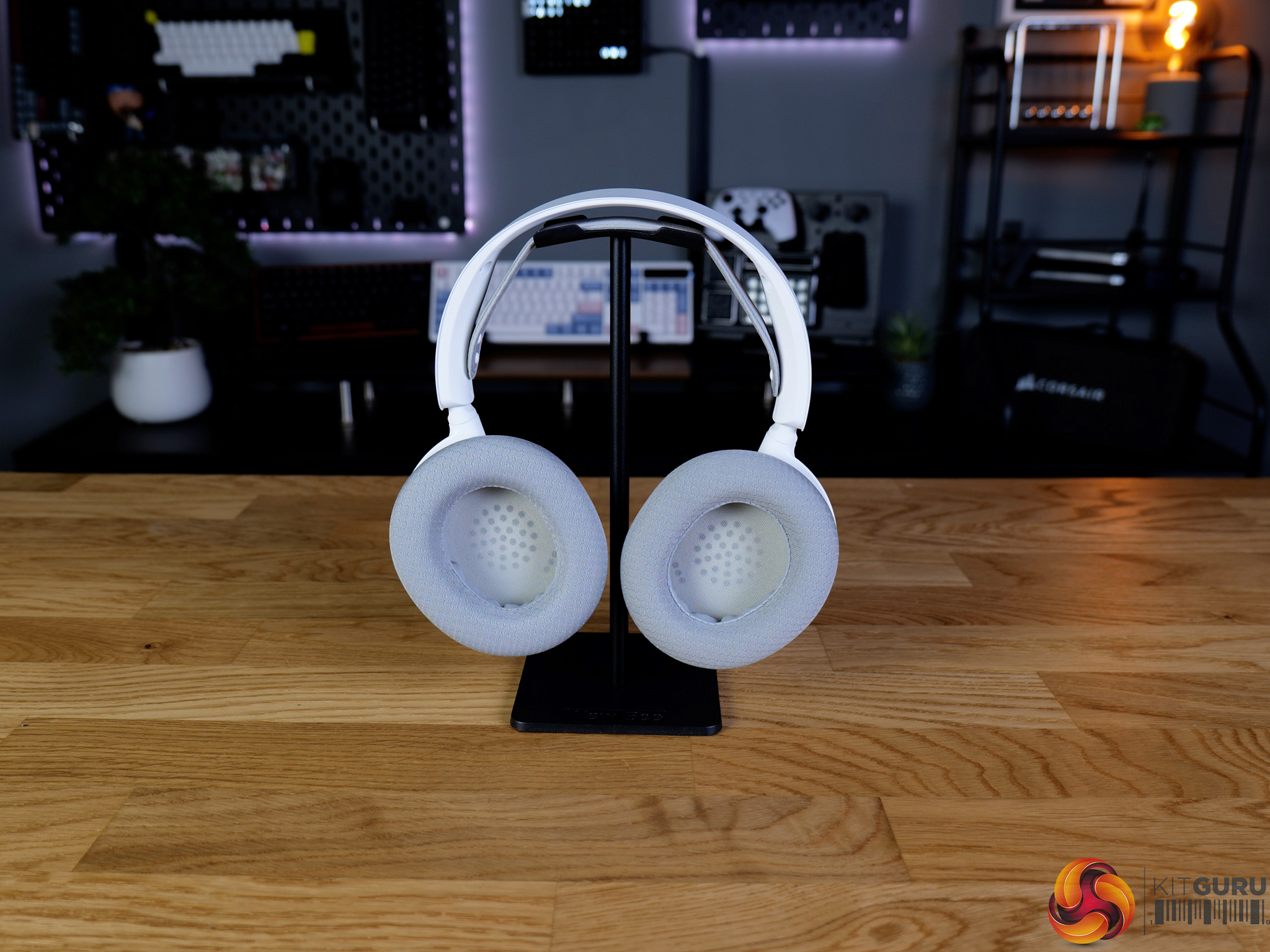
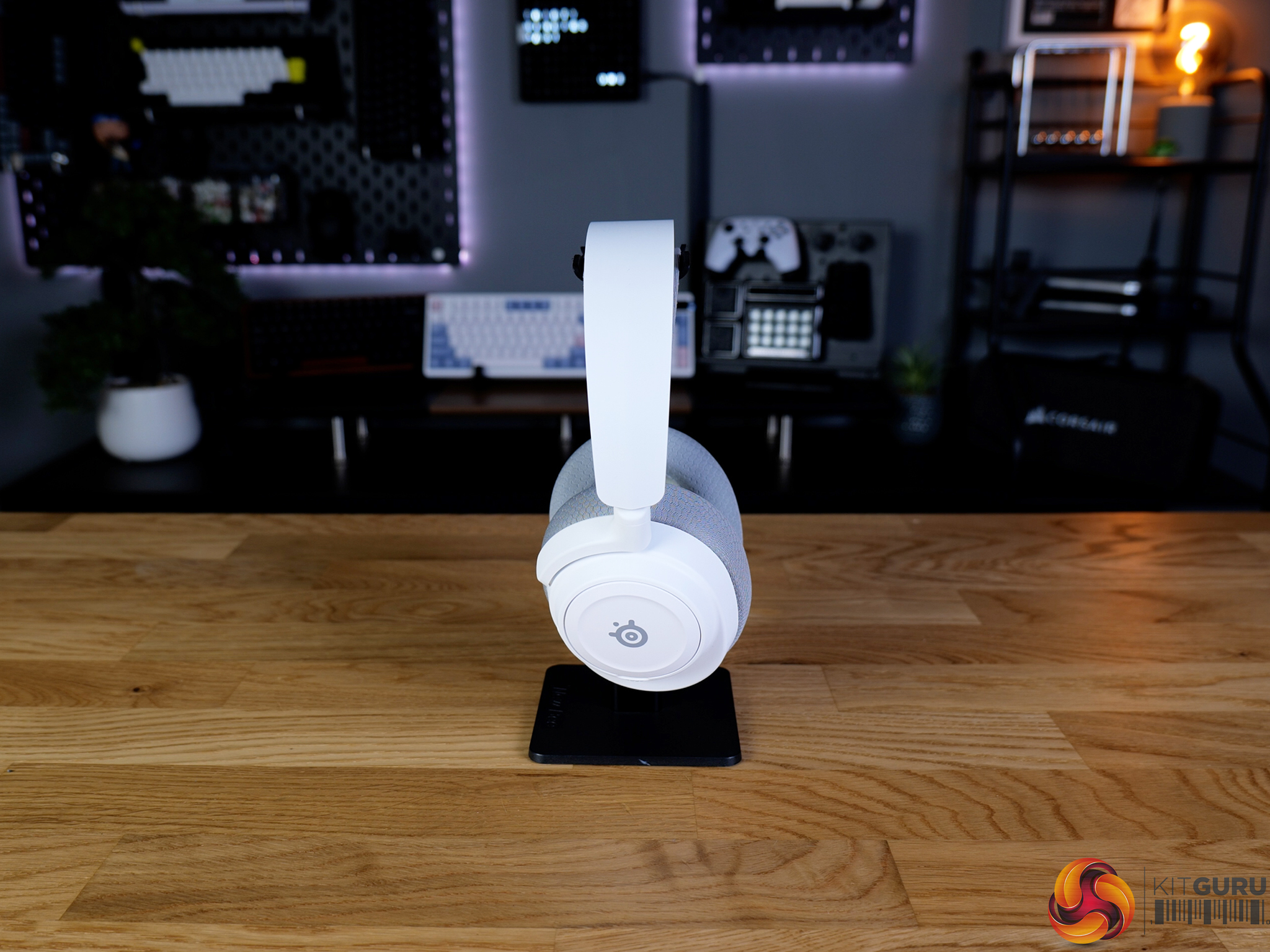
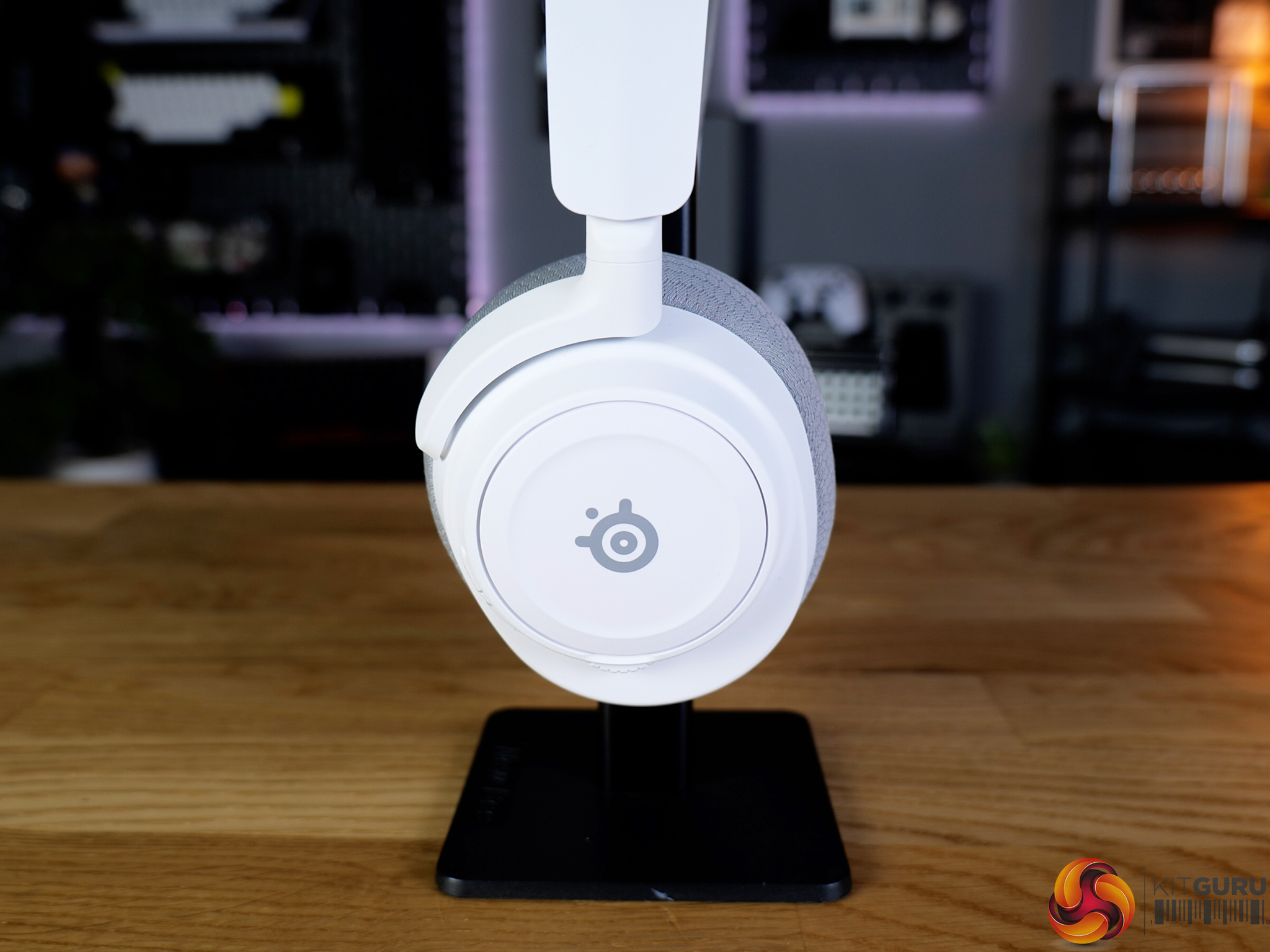
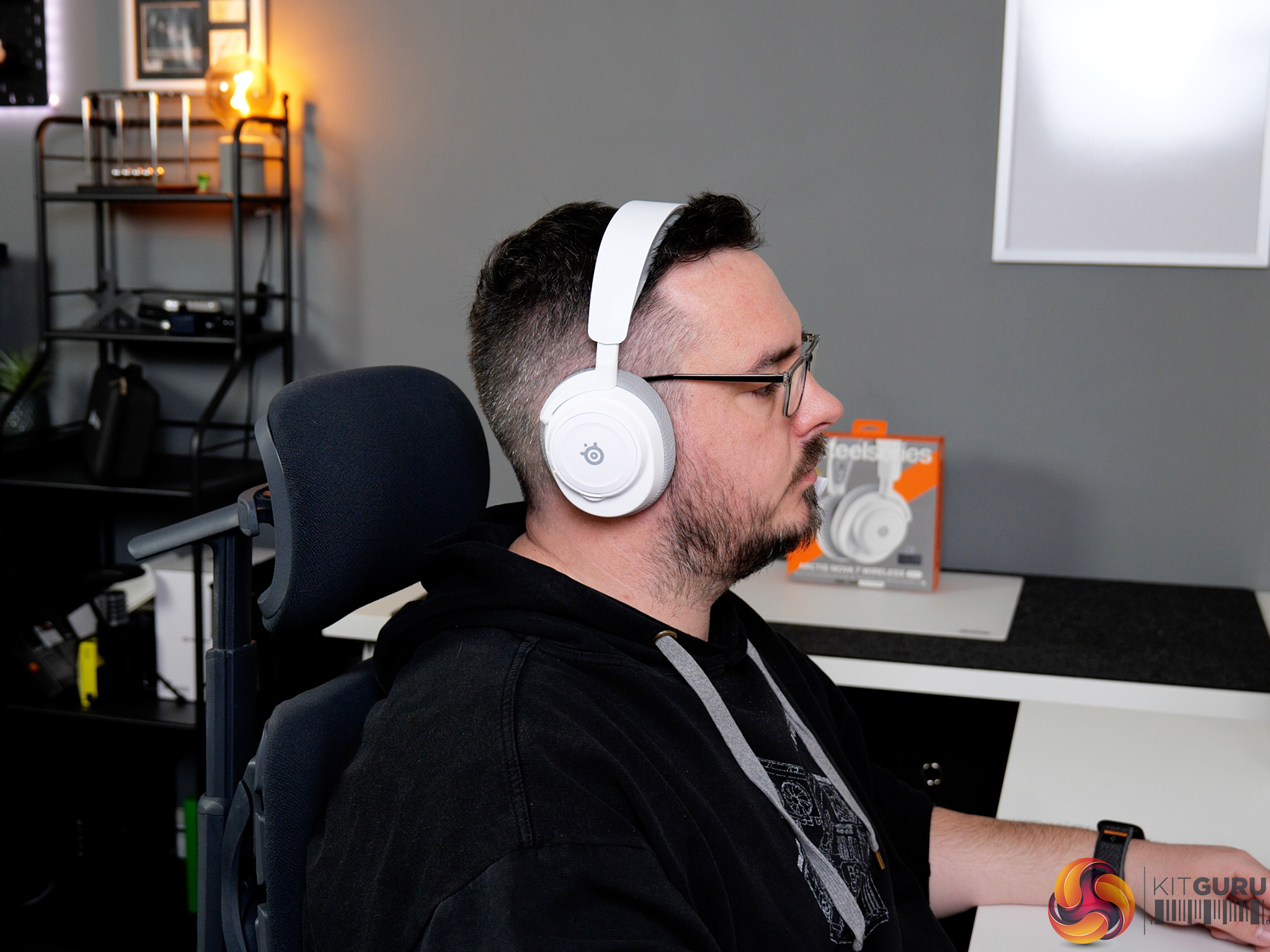
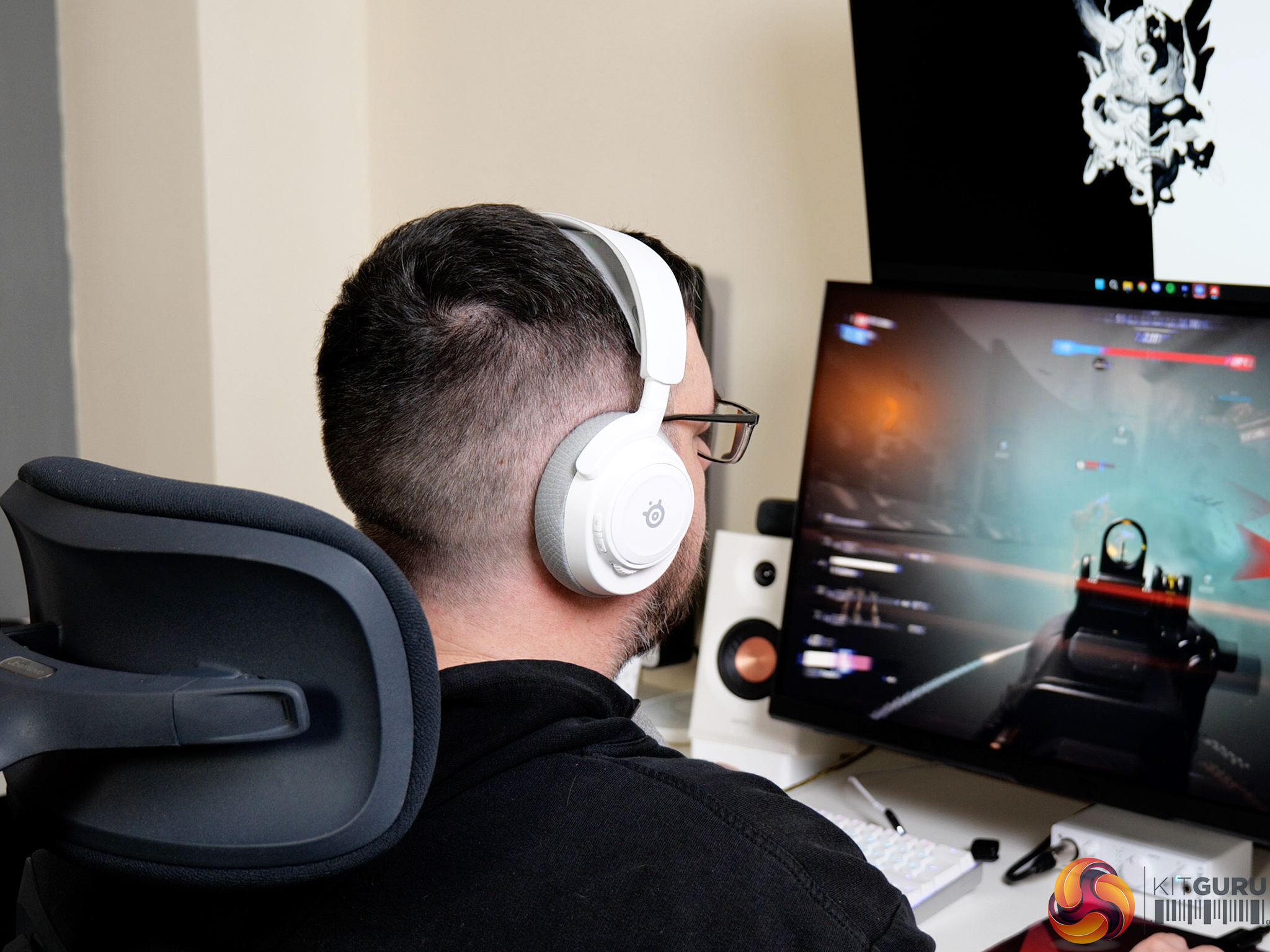
SteelSeries Arctis Nova 7 Wireless Gen 2 Headset Review

20 May 2026 at 13:00

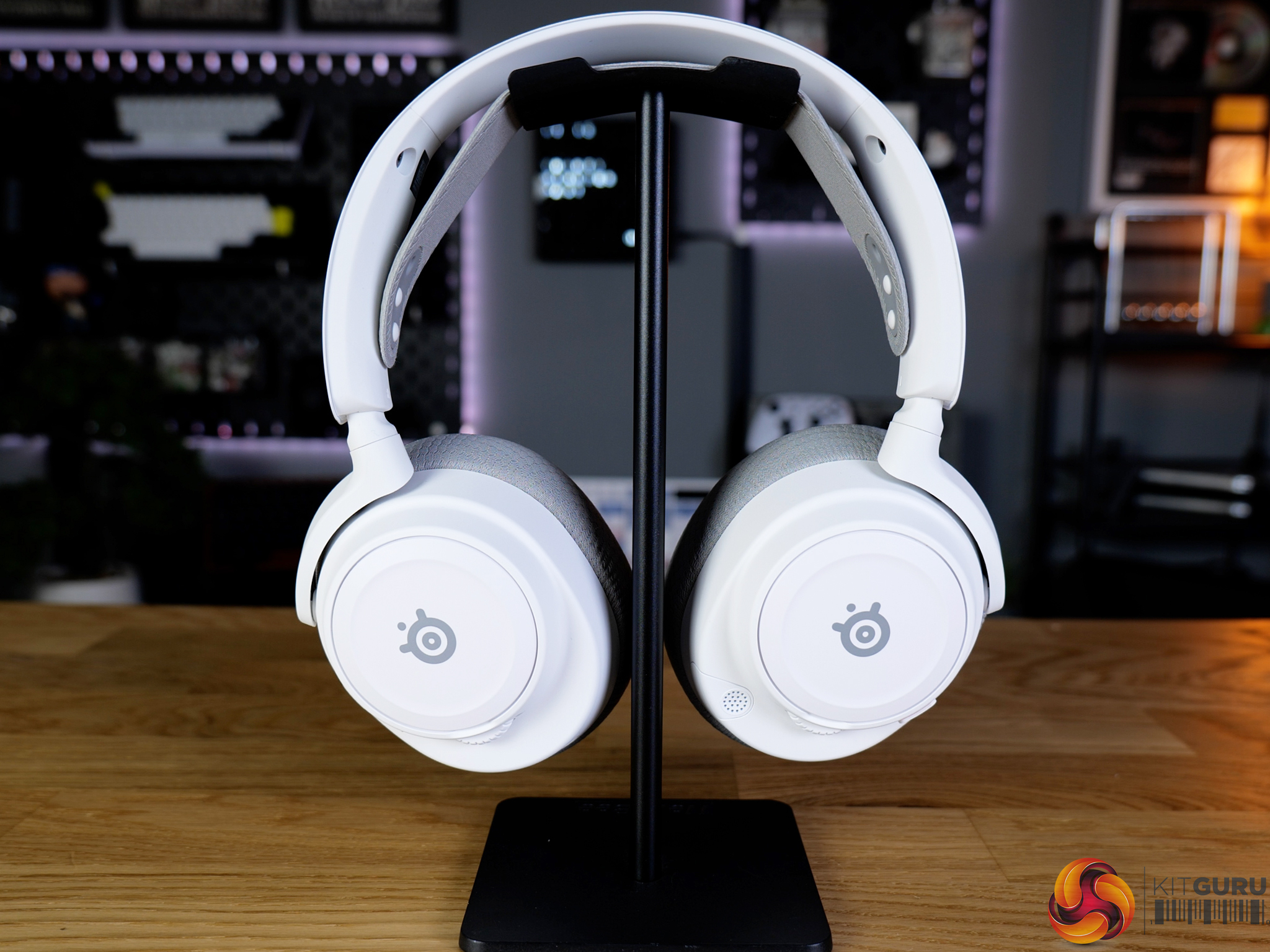
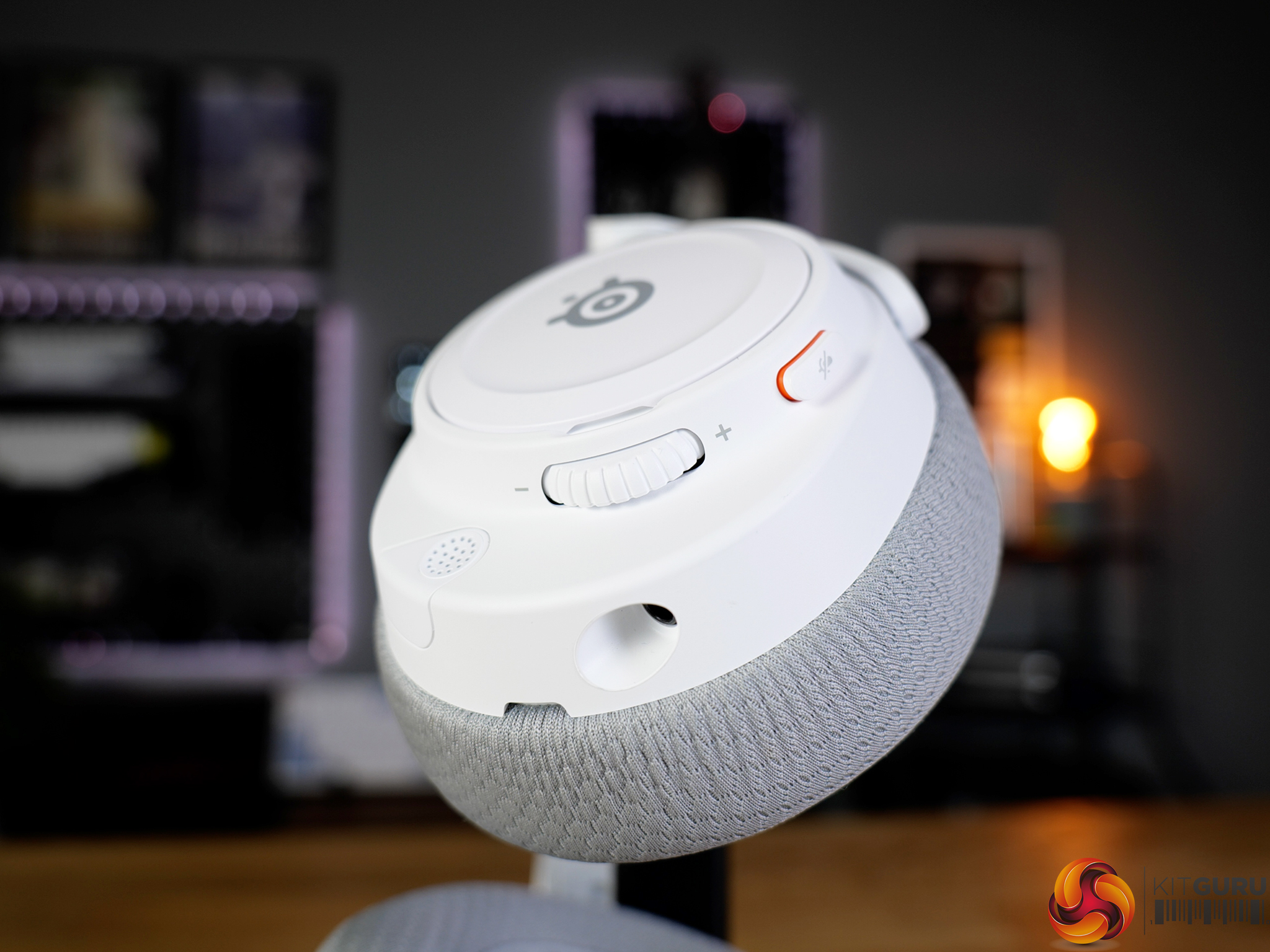
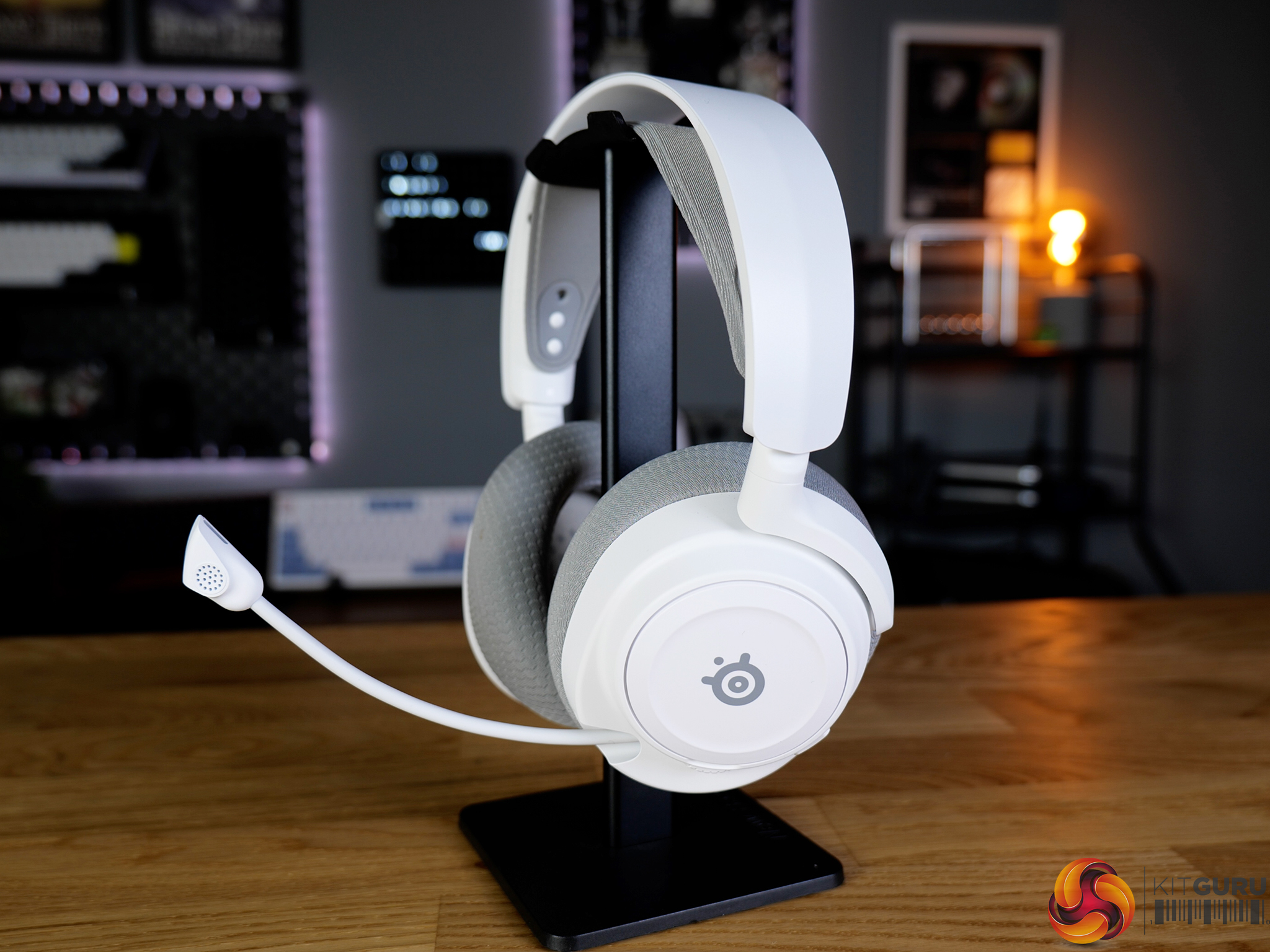
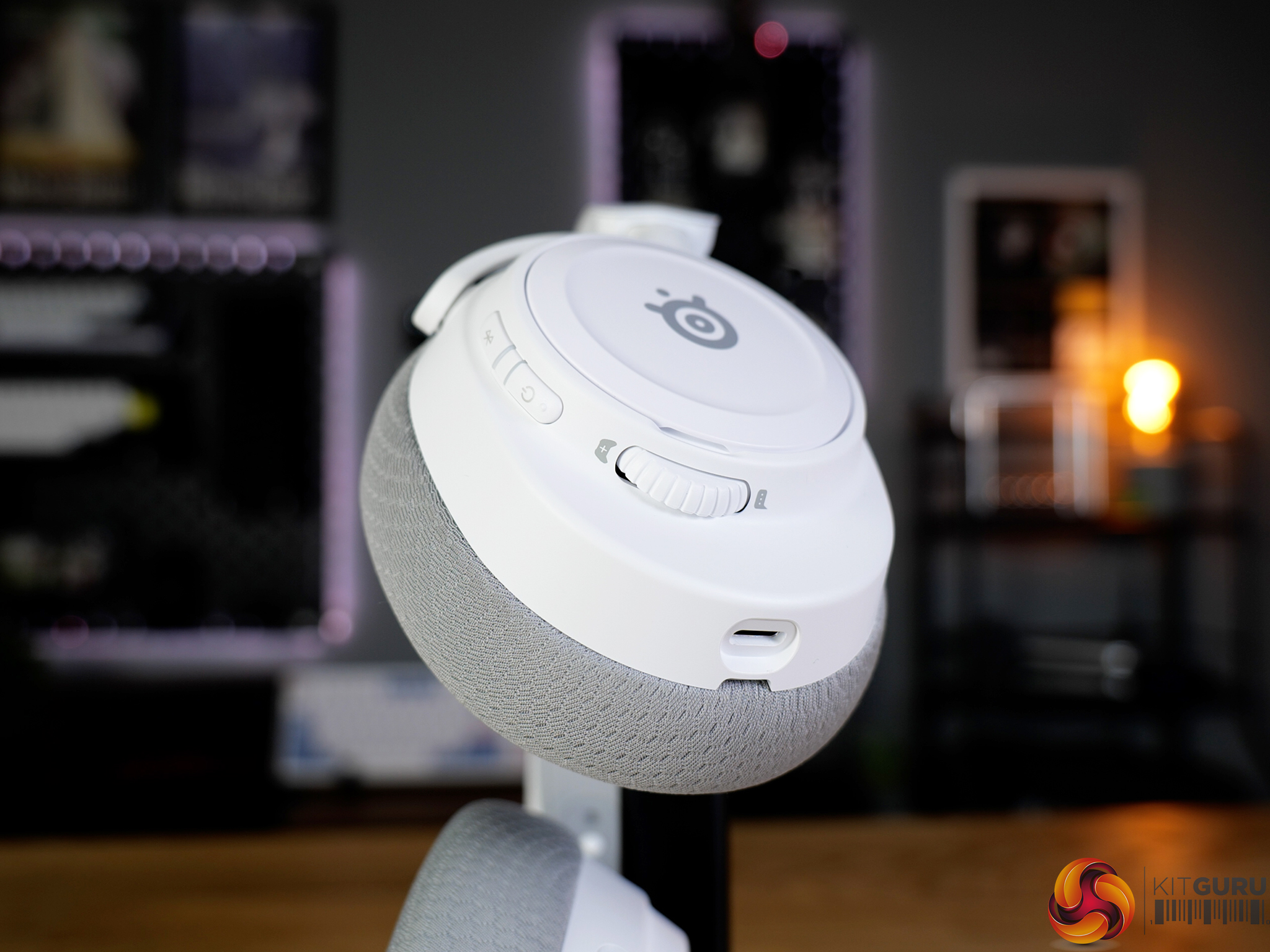
SteelSeries’ Arctis Nova 7 Wireless Gen 2 aims to deliver a premium gaming headset experience with a strong focus on features and flexibility. With dual-wireless connectivity, long battery life and deep software customisation through SteelSeries GG and Sonar, it certainly looks well equipped on paper. But at £179.99, it’s not exactly cheap, so the question is whether those features translate into a genuinely worthwhile experience in day-to-day use…

Timestamps:

00:00 Intro
00:58 Pricing info
01:27 Design first impressions
03:43 Sound specs + gaming performance
04:34 The mic
05:12 Mic soundtest!
07:00 Connectivity options
08:00 Battery life
08:36 Customisation / software control
11:17 Closing thoughts

Specifications

  • 40mm neodymium magnetic drivers
  • Frequency response: 20Hz – 22,000Hz
  • Wireless: 2.4GHz (USB dongle) + Bluetooth
  • Simultaneous dual wireless audio (2.4GHz + Bluetooth)
  • ChatMix control (separate game/chat audio balance)
  • Battery life:
    • Up to 54 hours (2.4GHz)
    • Up to 42 hours (Bluetooth)
    • Up to 38 hours (dual wireless)
  • Fast charging: ~6 hours use from 15 minutes charge
  • Charging via USB-C
  • Microphone: ClearCast Gen 2 retractable mic
  • Mic frequency response:
    • 100–7000Hz (2.4GHz)
    • 100–6500Hz (Bluetooth)
  • 3.5mm wired audio support
  • Weight: 325g
  • Software: SteelSeries GG with Sonar support
  • Platform variants: PC, PlayStation, Xbox
  • Colours: Black, White, Magenta

You can buy the Arctis Nova 7 Wireless Gen 2 directly from SteelSeries for £179.99 HERE.

Pros:

  • Solid build quality with metal reinforcement in key areas.
  • Extremely customisable audio and mic settings via Sonar.
  • Reliable 2.4GHz wireless performance with no dropouts.
  • Strong battery life with fast USB-C charging.
  • Comfortable overall with a clean, compact design.

Cons:

  • Microphone quality is thin and lacks depth.
  • Software requires an account to unlock full features.
  • Can feel overwhelming due to the amount of software options.
  • Clamping force is slightly tight over longer sessions.
  • Price is on the high side for the overall performance.

KitGuru says: The Arctis Nova 7 Wireless Gen 2 is a good headset, let down by its microphone quality.

The post SteelSeries Arctis Nova 7 Wireless Gen 2 Headset Review first appeared on KitGuru.

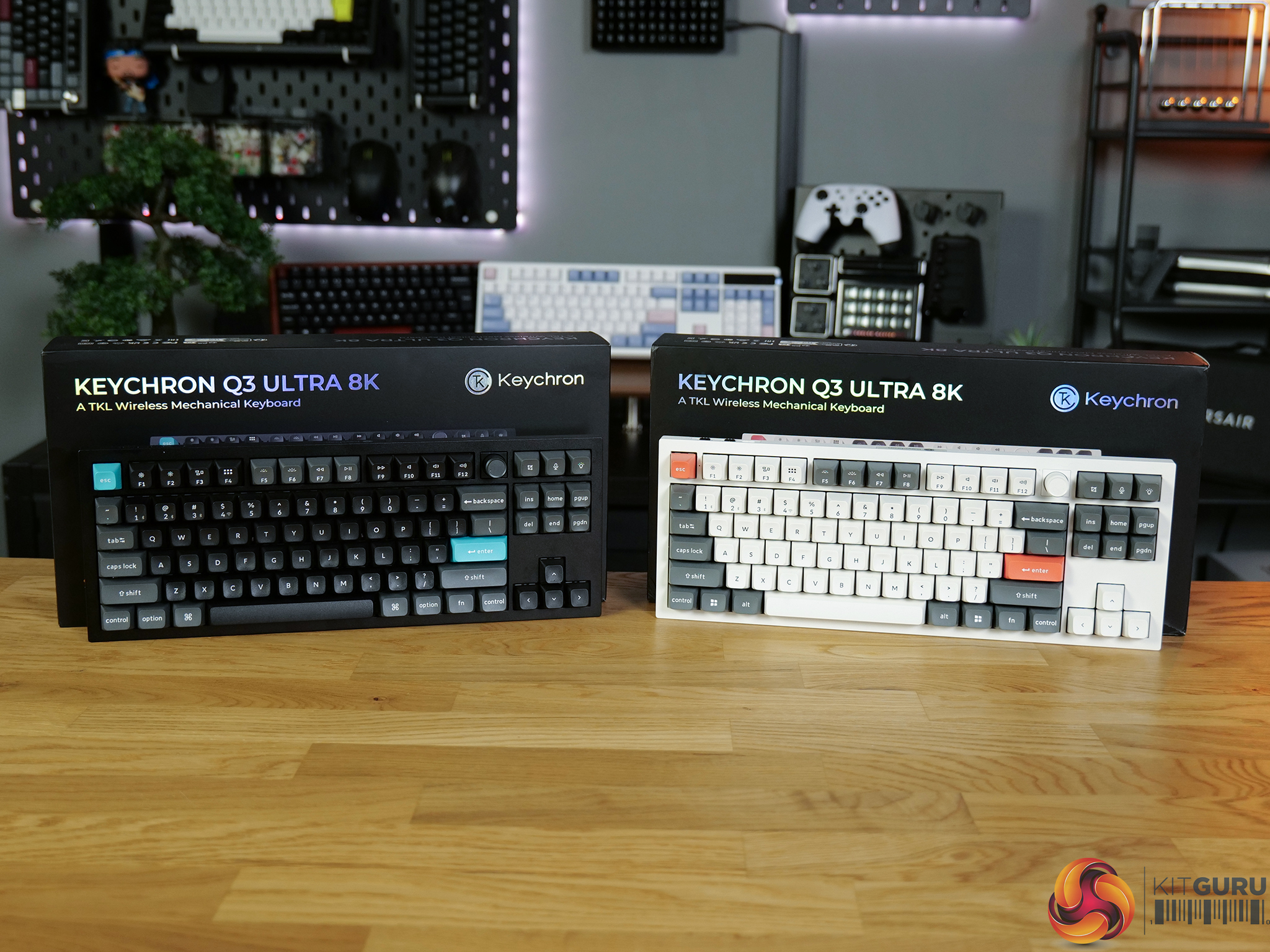
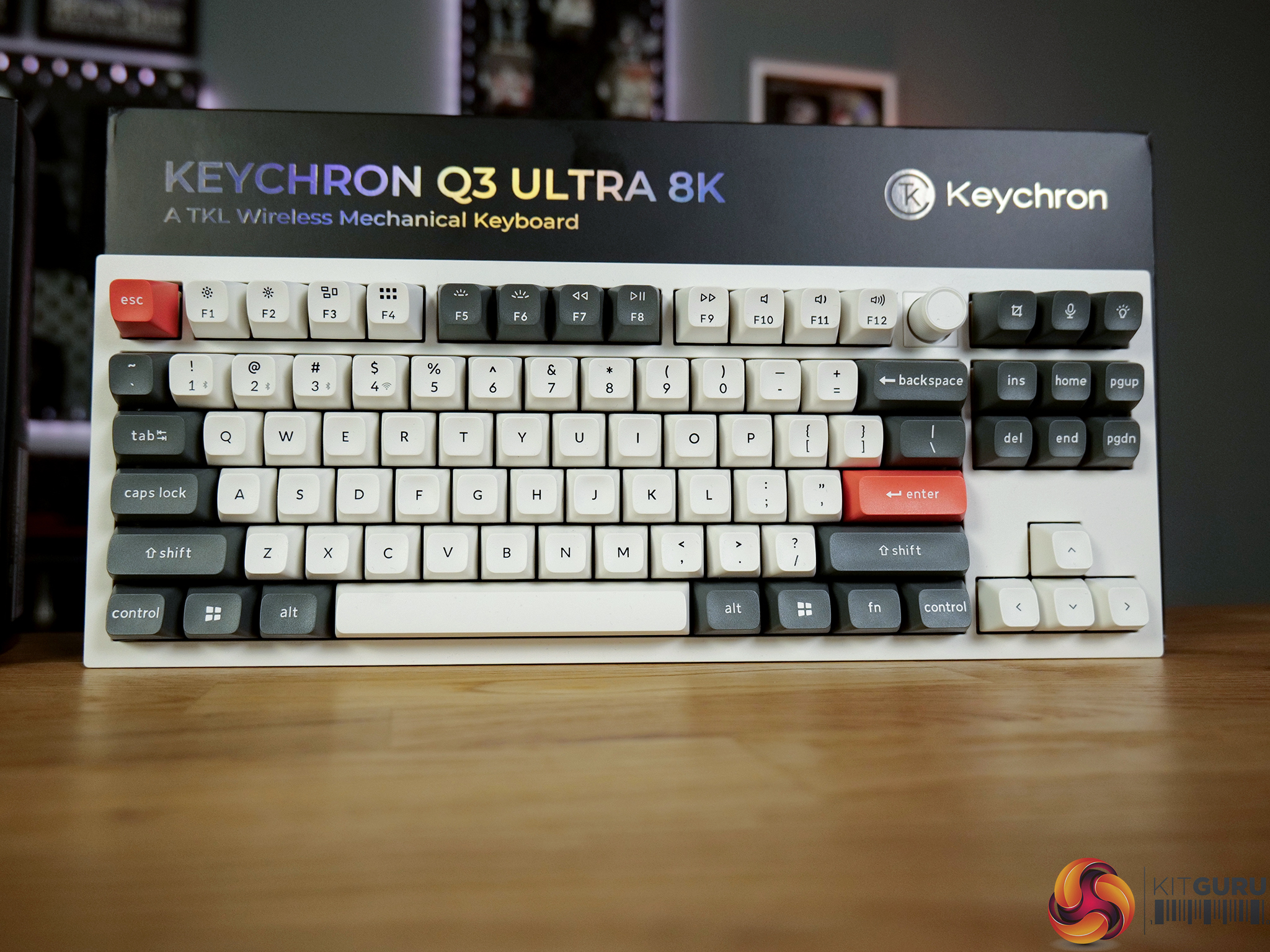
Keychron Q3 Ultra 8K Keyboard Review

13 May 2026 at 09:30

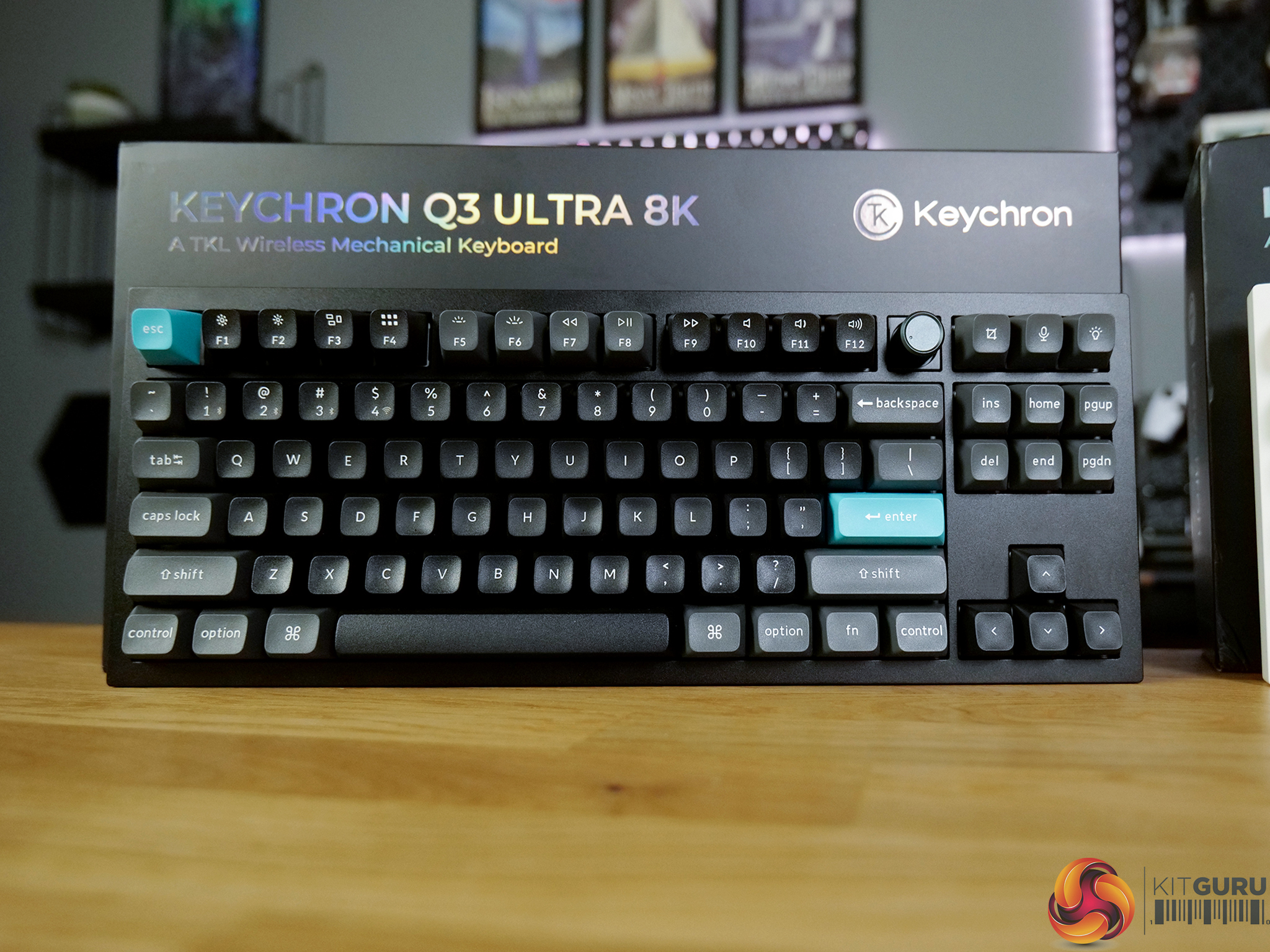
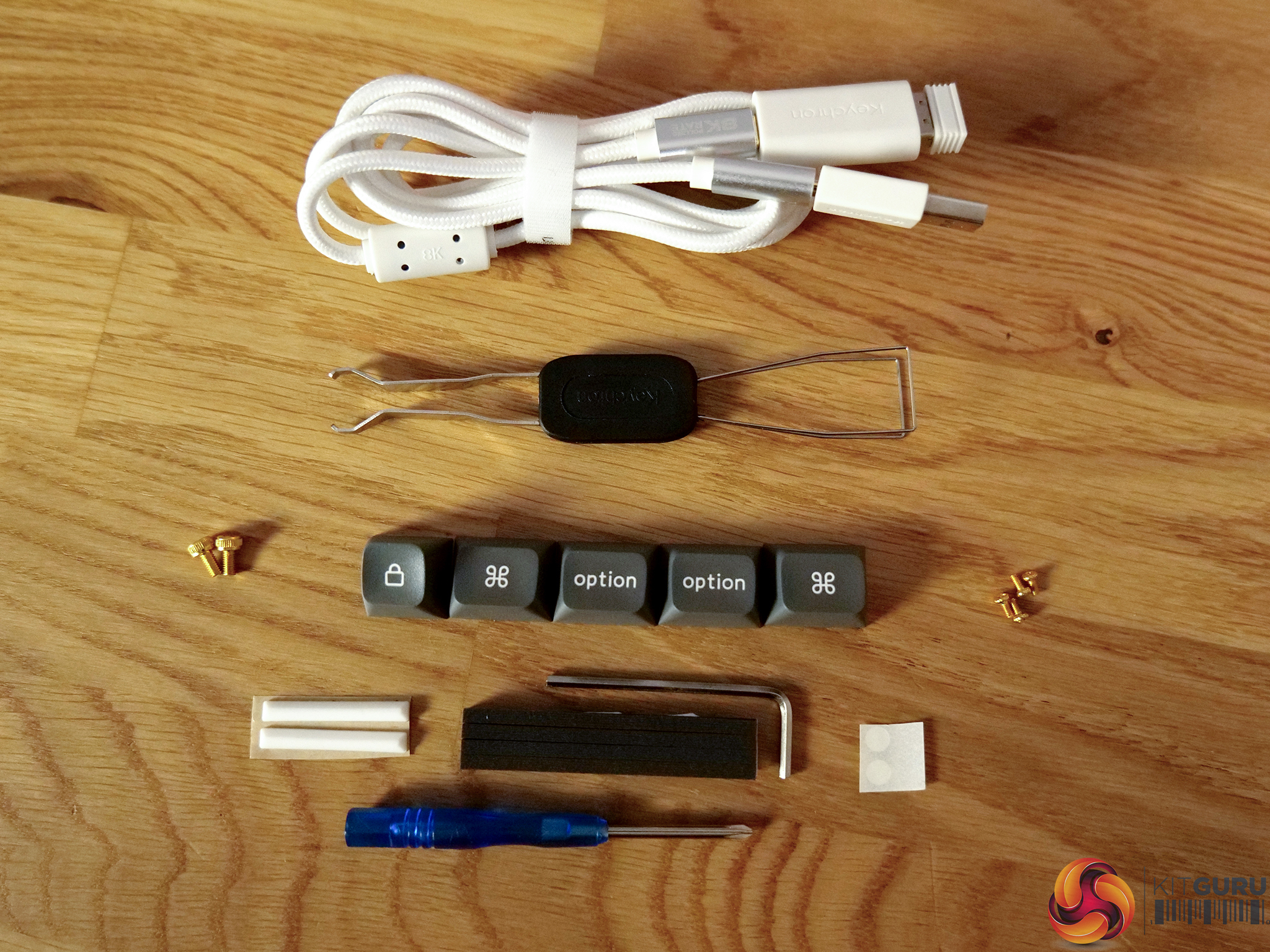
The Keychron Q3 Ultra 8K is a premium tenkeyless mechanical keyboard that blends enthusiast-level build quality with modern connectivity and performance features. Built inside a full aluminium chassis and offering hot-swappable switches, wireless support and an 8K polling rate, it aims to deliver the flexibility of a custom keyboard with the responsiveness expected from gaming-focused hardware. But with a price tag of $229.99, does it offer enough to justify the cost, or is it a case of style and spec over substance?
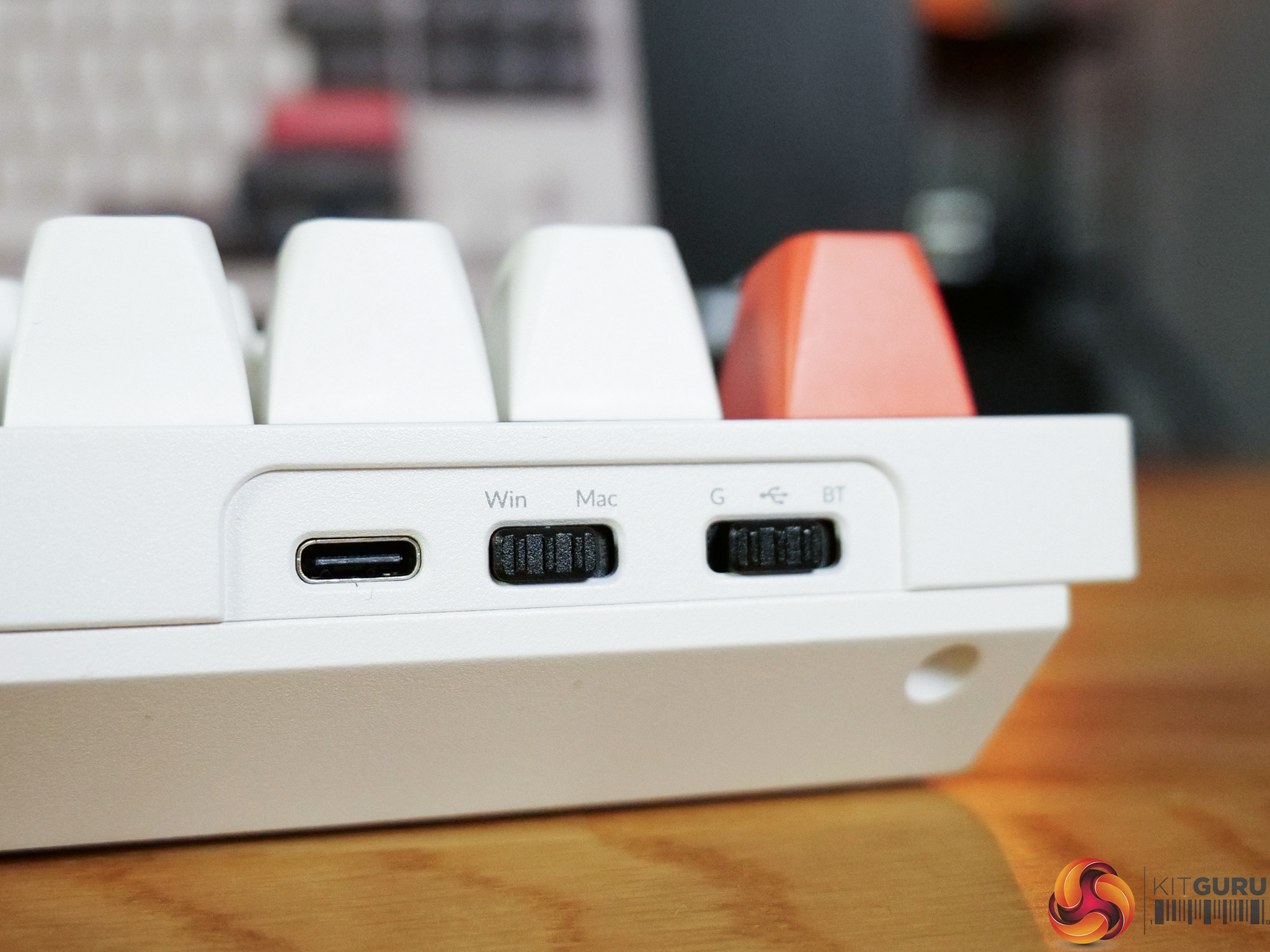
Timestamps:

00:00 Intro
00:50 Pricing info
01:38 Design first impressions
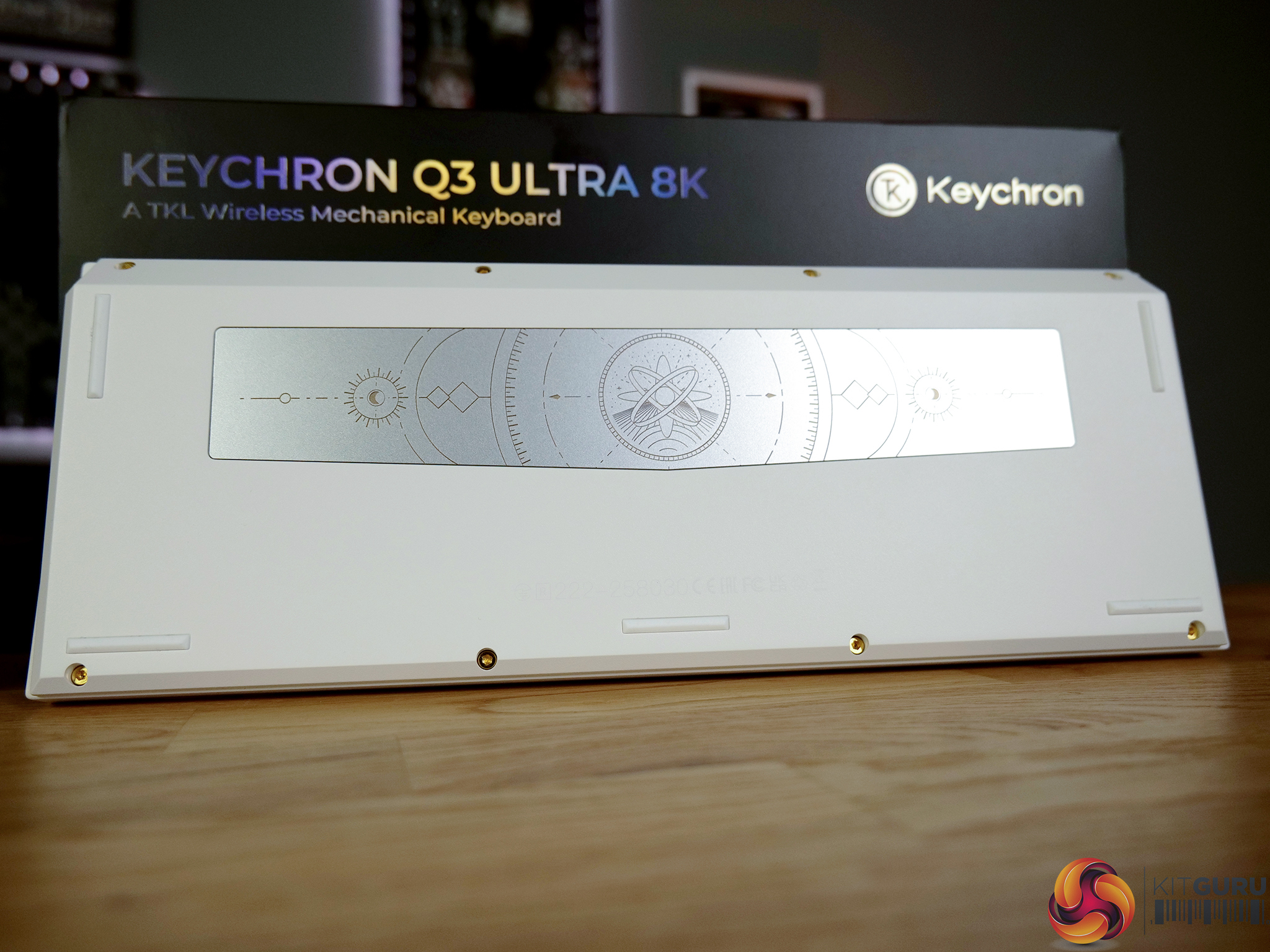
03:40 Backplate design
04:14 Toggle switches + accessories
04:53 Keycaps, switches, stabilisers
06:36 The soundtest!
07:17 Build quality discussion
08:05 Gaming performance
09:48 The general usage experience
11:18 Software
12:12 Closing thoughts

Specifications

  • Size – 137 x 365mm
  • Front Height – 20.6mm (without keycaps)
  • Back Height – 31.09mm (without keycaps)
  • Bottom Case Material – CNC Aluminum
  • Feet Height – 1.24mm
  • Angle – 5.3°
  • Weight – 1787g ± 10g
  • Body Material – CNC Aluminum
  • Keycap – KSA double-shot PBT keycaps
  • Plate Material – PC
  • Switch – Keychron Silk POM Switch
  • Stabilizer – Screw-in PCB stabilizer
  • Backlight – South-facing RGB LED
  • Battery – 4000 mAh rechargeable li-polymer battery
  • Compatible System – macOS/Windows/Linux
  • Connectivity – 2.4 GHz / Bluetooth 5.3 / Type-C Wired
  • Polling Rate – 8000 Hz / 2000 Hz / 1000 Hz
  • N-Key Rollover (NKRO) – Yes (wireless & wired)
  • Wireless Working Time – Up to 660 hours (Backlit off) – Up to 200 hours (RGB, lowest brightness)
  • Hot-swappable – Yes

You can buy the Q3 Ultra 8K directly from Keychron for $229.99 HERE.

Pros:

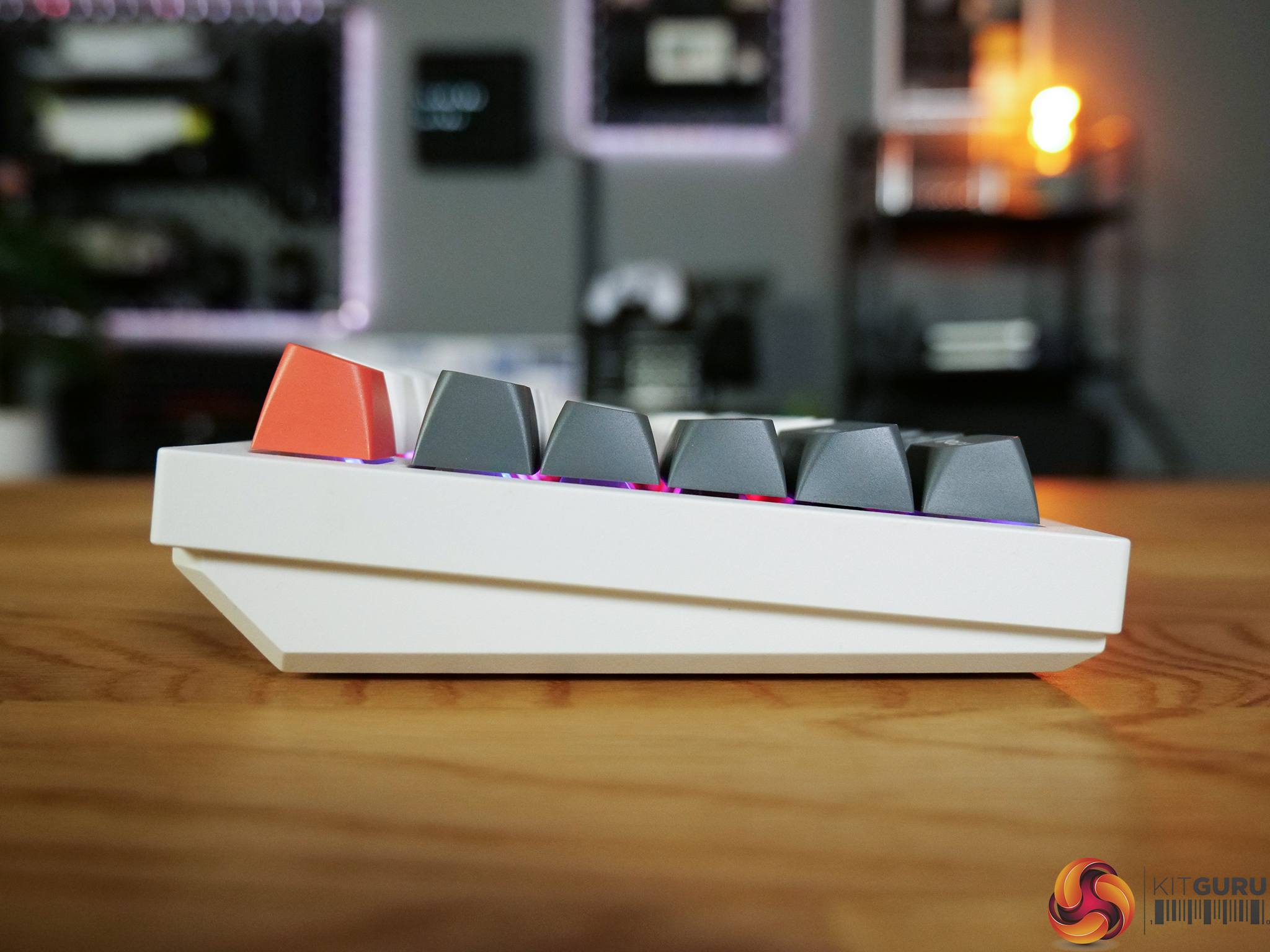
  • Excellent full aluminium build quality.
  • Solid, heavy chassis feels premium and planted.
  • Comfortable typing experience with KSA keycaps.
  • Reliable wireless performance and strong battery life.
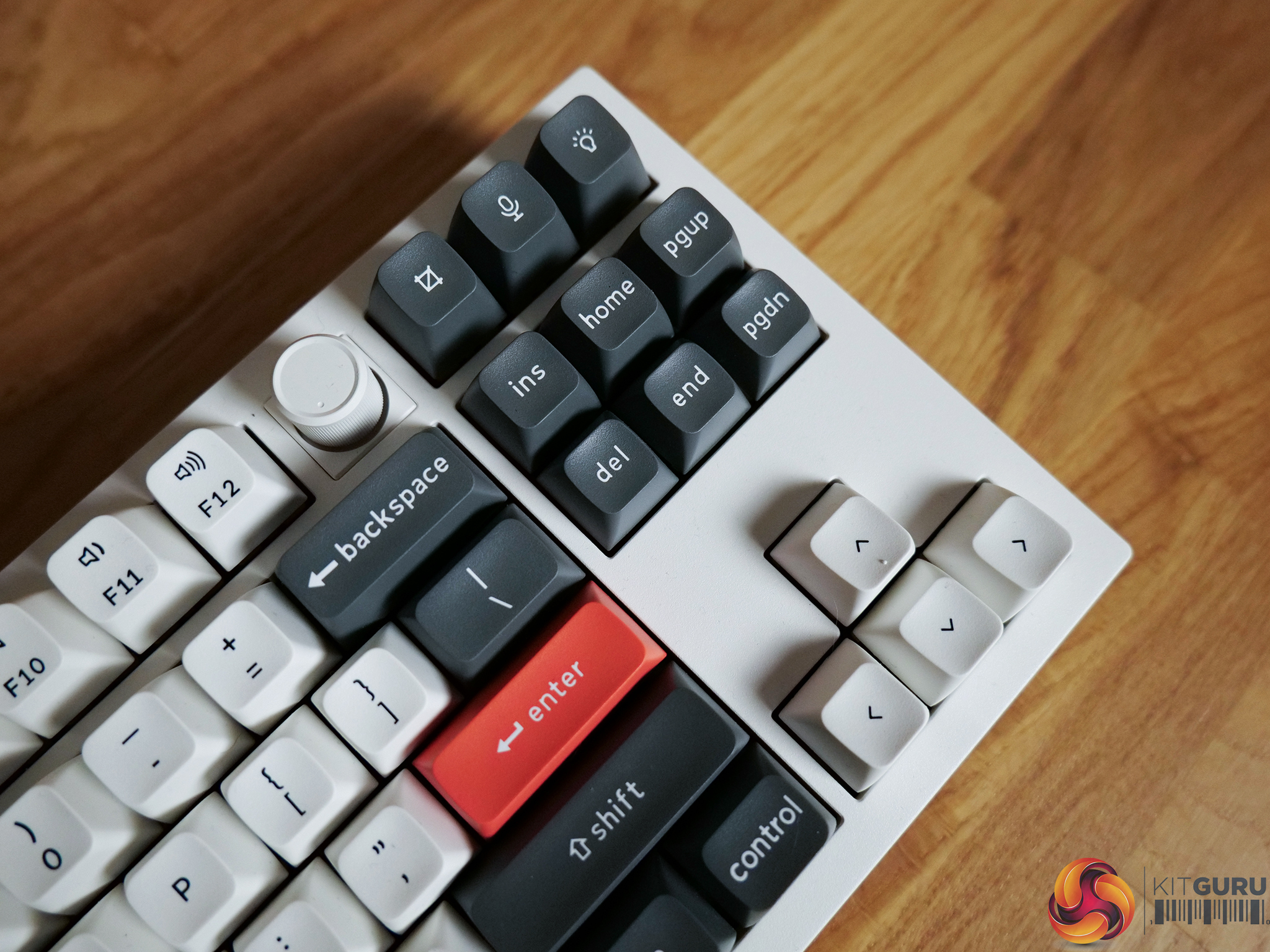
  • Web-based customisation.
Cons:

  • On the more expensive side at $229.99.
  • 8K polling offers little real-world benefit.
  • Lacks gaming features like rapid trigger or adjustable actuation.
  • Slight stabiliser inconsistency between review units.
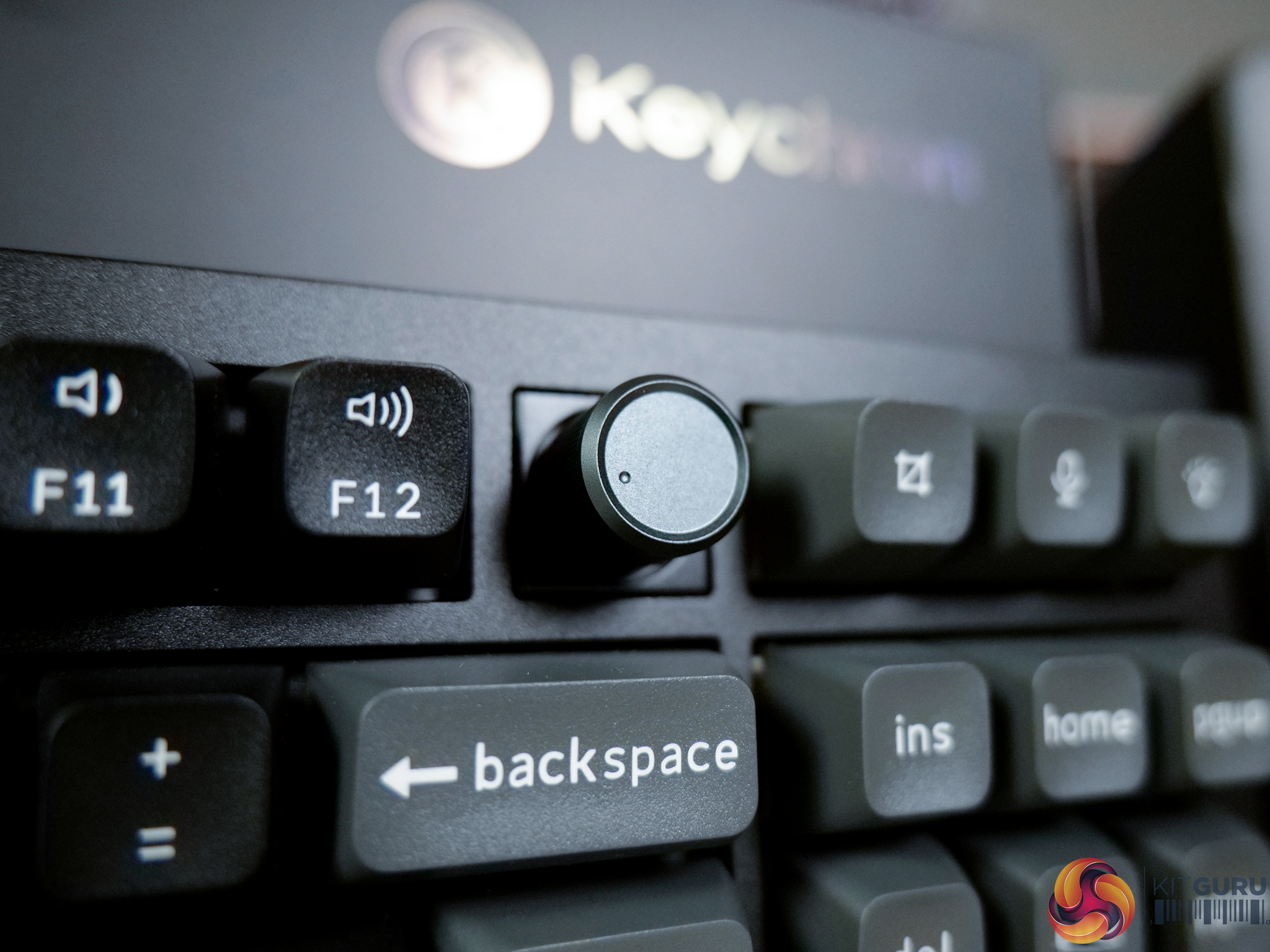
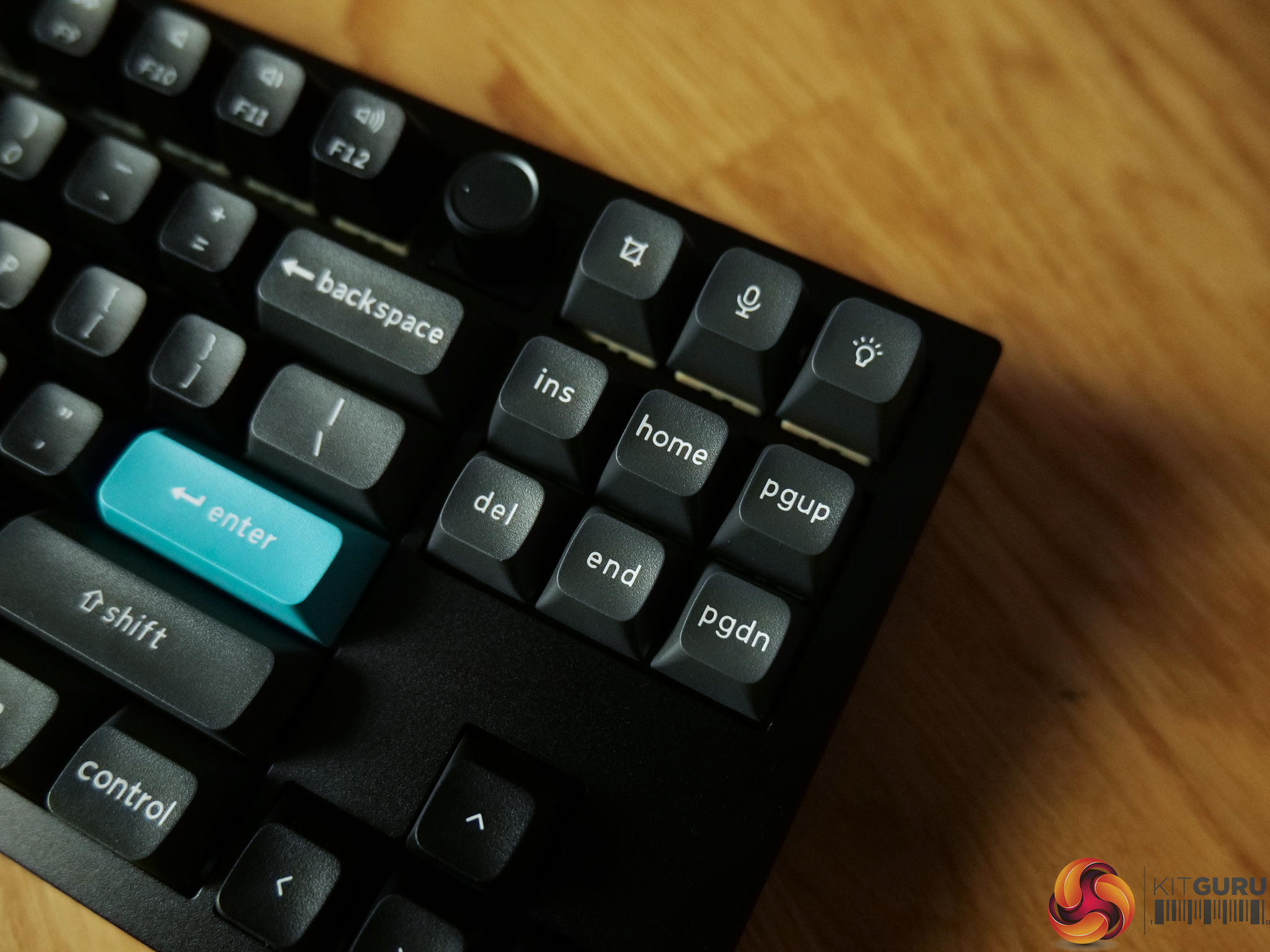
  • Plastic knob feels less premium than the rest of the board.

KitGuru says: The Q3 Ultra 8K is a great ‘workhorse' of a keyboard that is satisfying and comfortable to use.

The post Keychron Q3 Ultra 8K Keyboard Review first appeared on KitGuru.

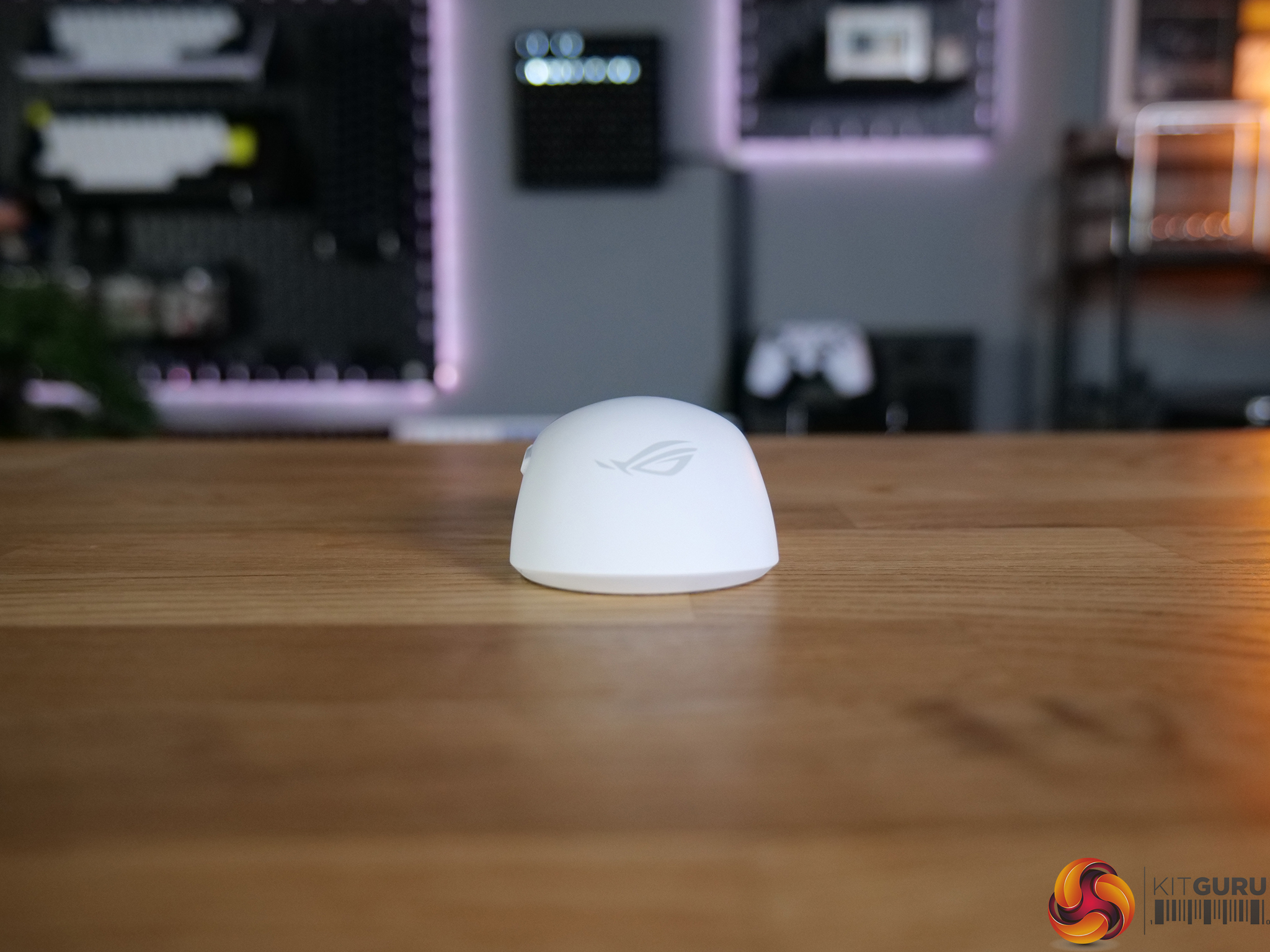
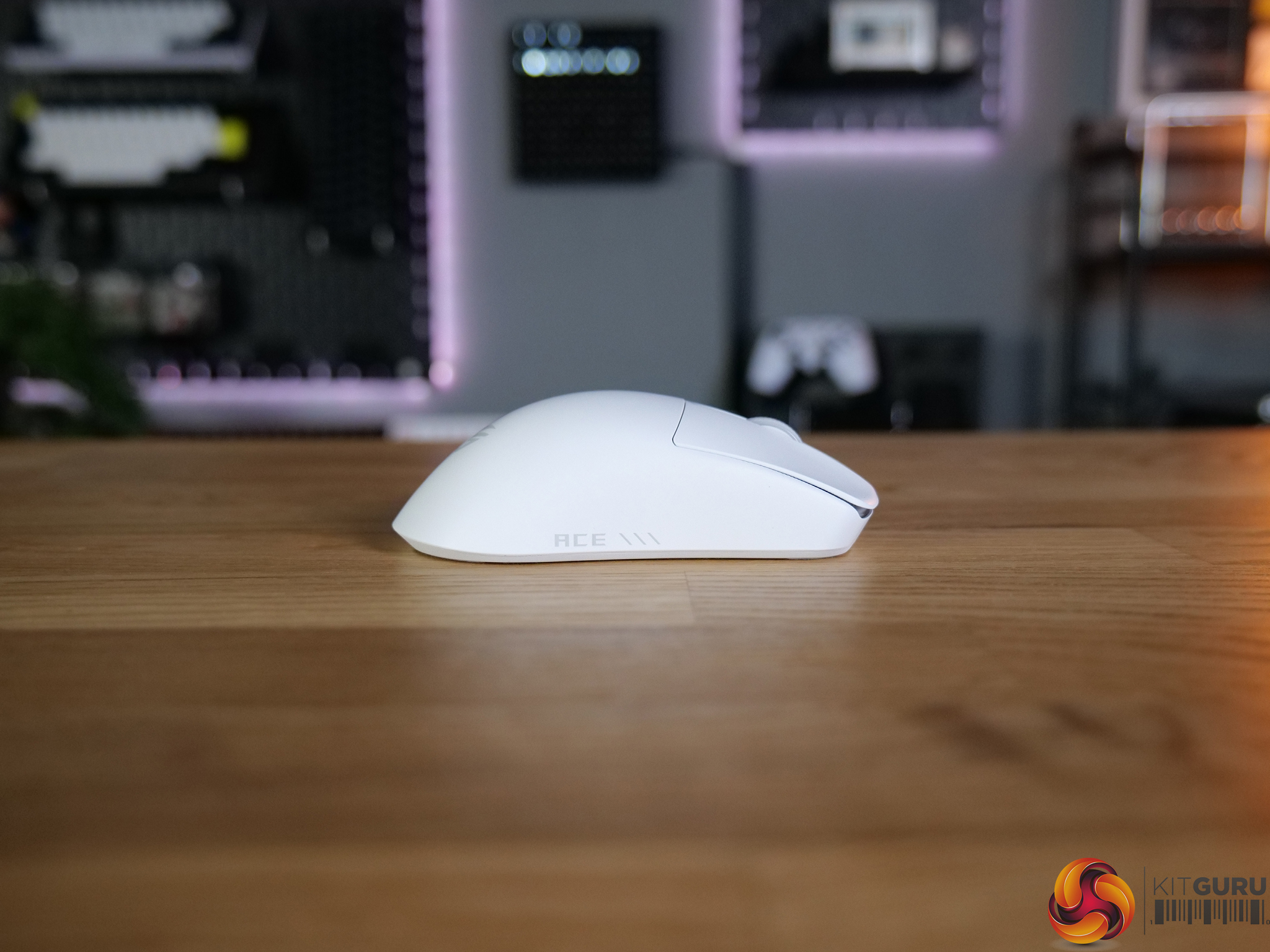
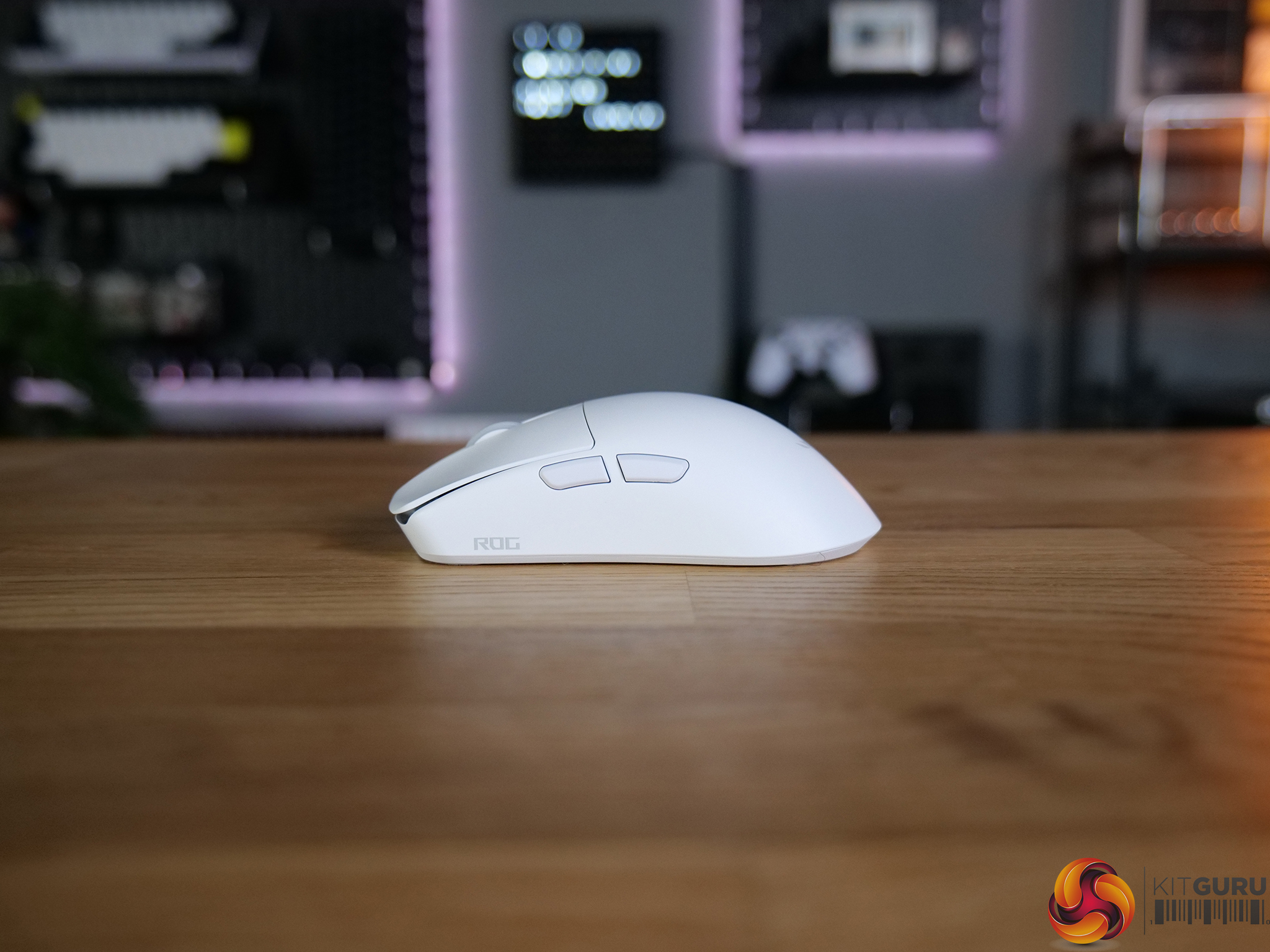
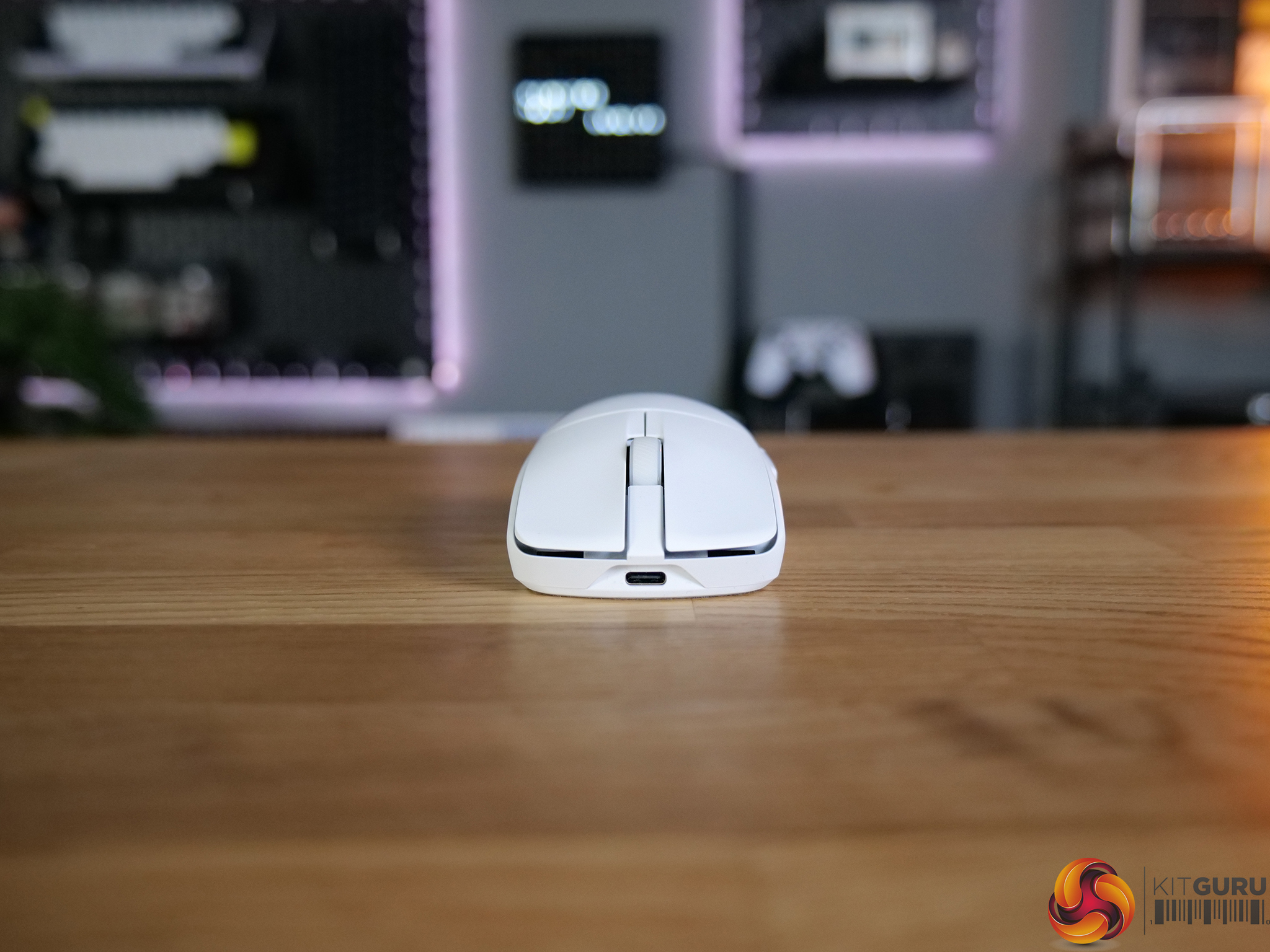
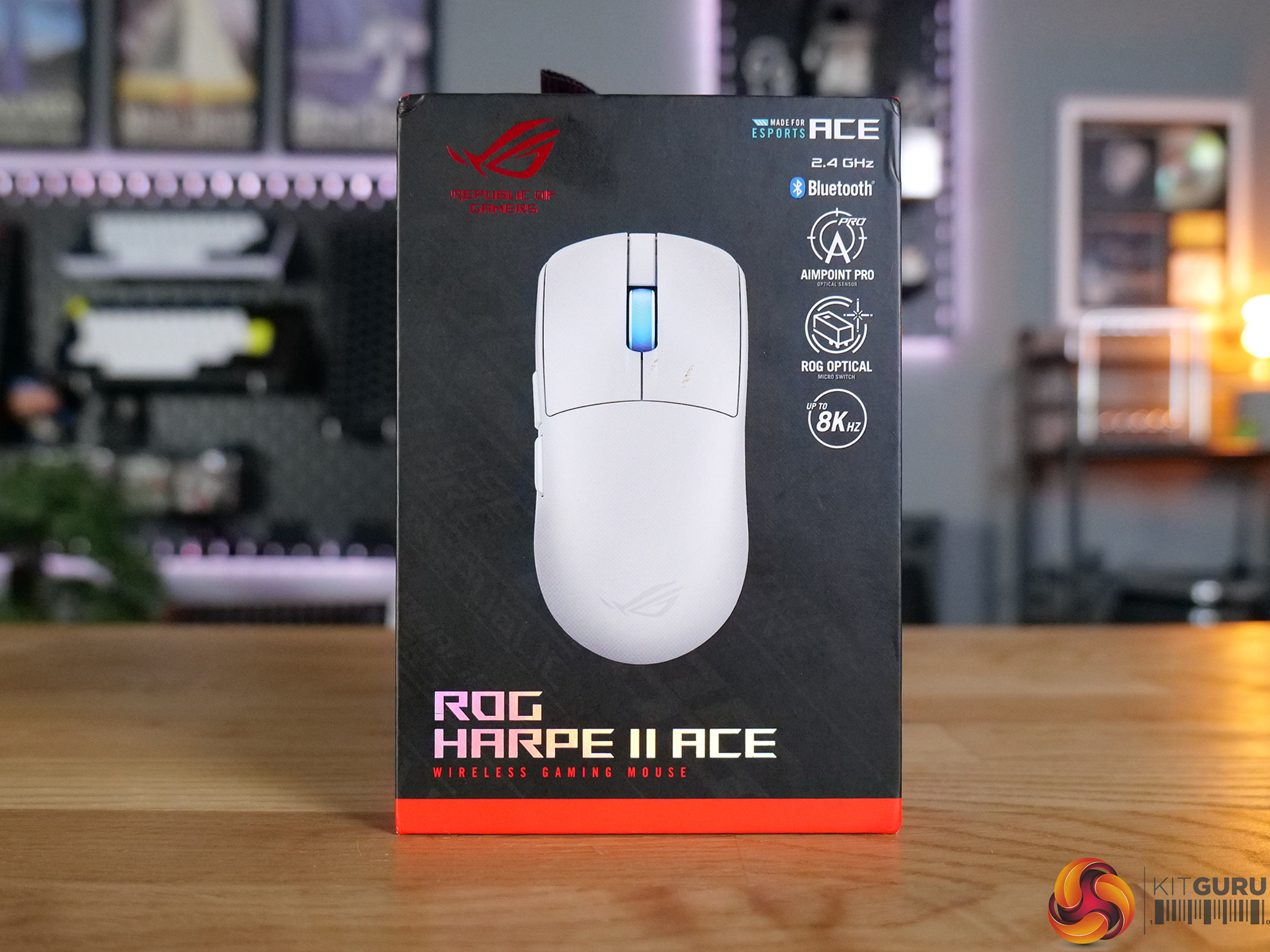
ASUS ROG Harpe II Ace Mouse Review

8 May 2026 at 09:30

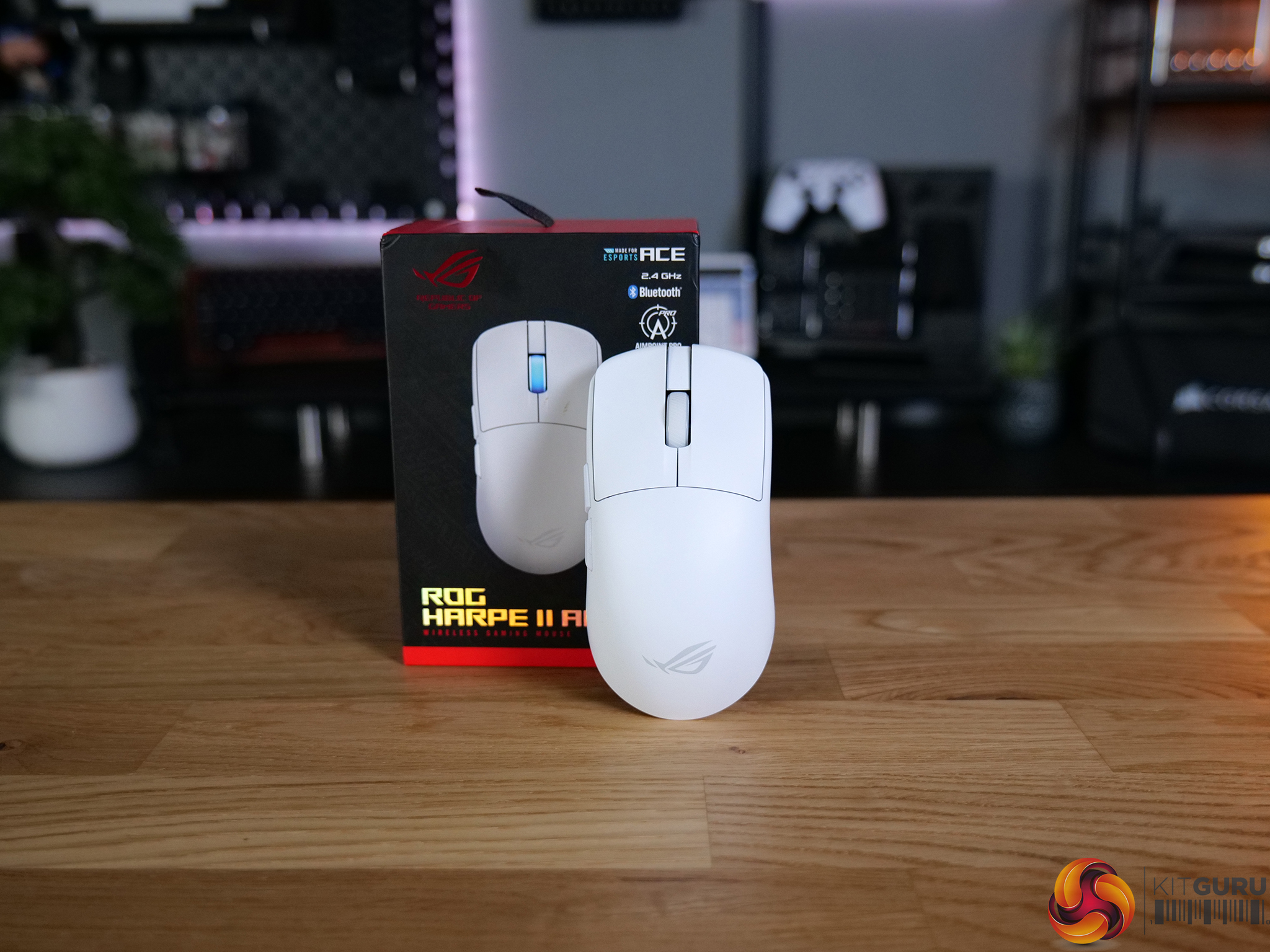
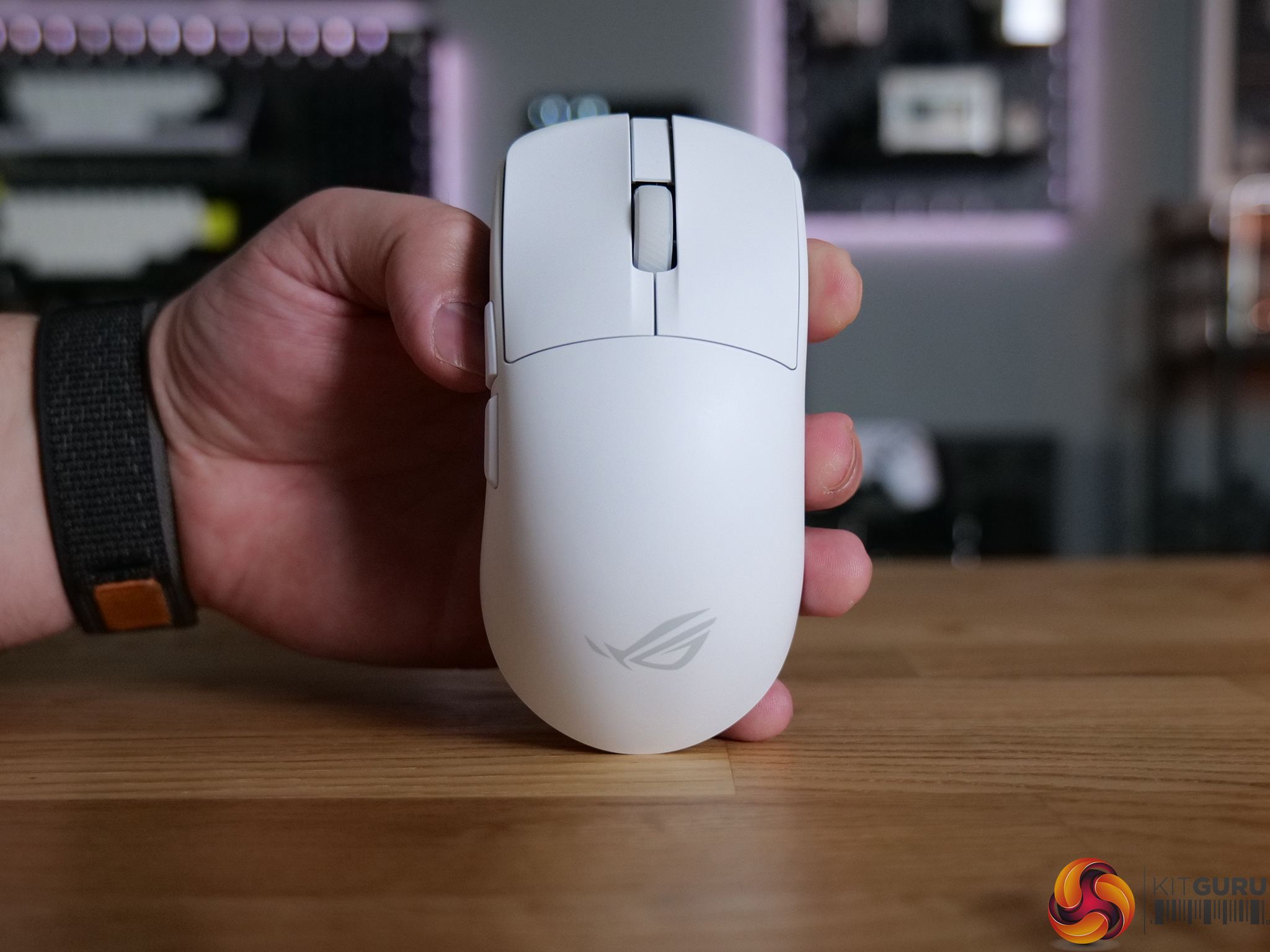
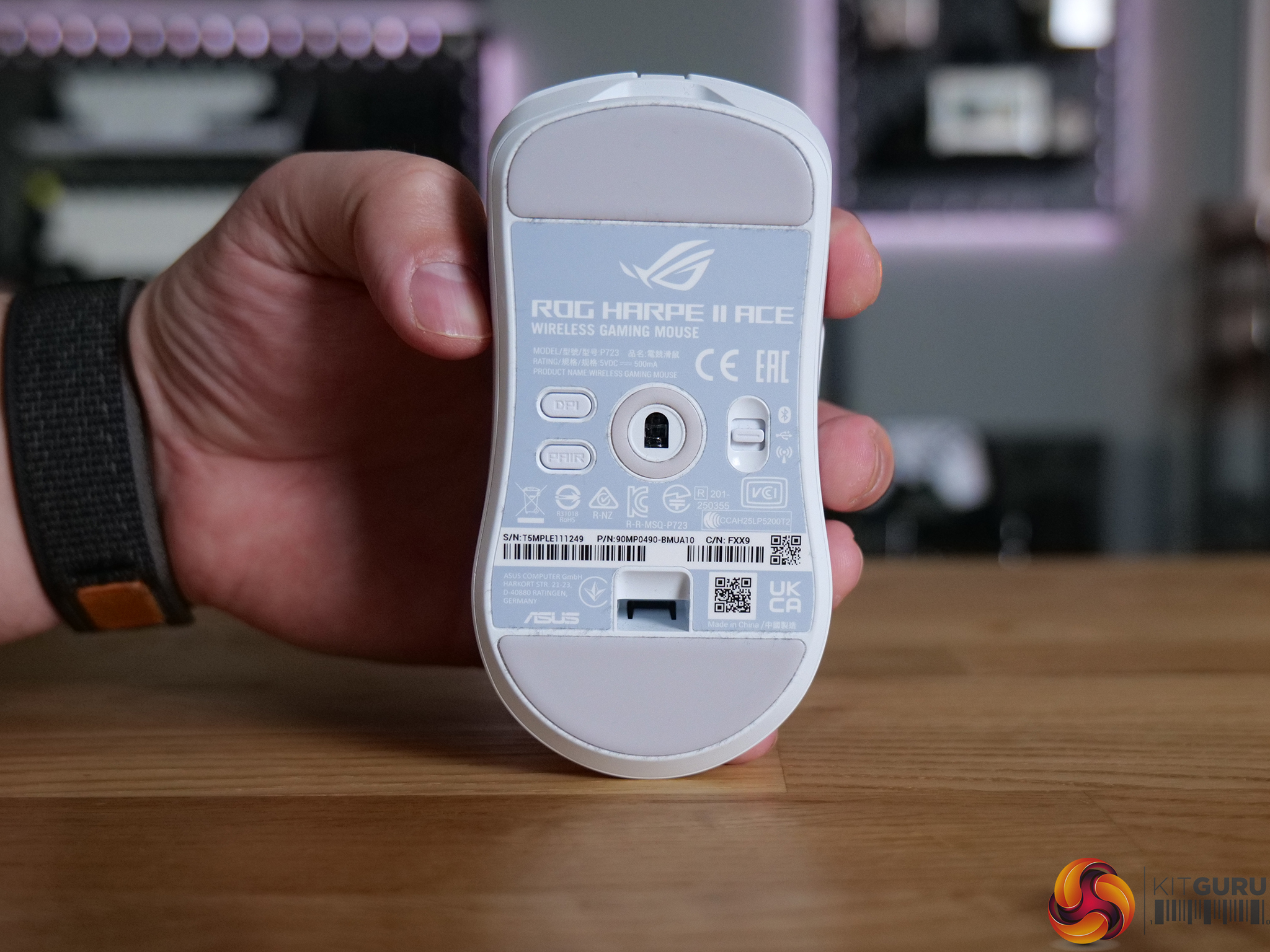
The ASUS ROG Harpe II Ace is a lightweight, esports-focused wireless gaming mouse built for pure performance. With a 48g chassis, a 42,000 DPI sensor and support for 8K wireless polling, it’s aiming straight for the top-end of the market. In this review, we take a closer look at the design, performance and day-to-day usability to see if it truly competes with the very best.

Timestamps:

00:00 Intro
00:52 Pricing discussion
01:26 Design/shape first impressions
02:58 RGB + underside
03:39 Shell, coating, build quality
04:20 Buttons
05:08 Soundtest!
05:44 Specs / battery
06:30 Gearlink software
07:45 Gaming experience
08:30 Closing thoughts

Specifications

  • Sensor: ROG AimPoint Pro
  • Resolution: 42,000 DPI
  • Max Speed: 750 IPS
  • Max Acceleration: 50G
  • Polling Rate (USB): 8000 Hz
  • Polling Rate (2.4GHz): 8000 Hz
  • Connectivity:
    • USB 2.0 (Type-C to Type-A)
    • 2.4GHz RF wireless
    • Bluetooth 5.1
  • Switches: ROG Optical Micro Switches (100 million clicks)
  • Lighting: AURA Sync RGB
  • Battery: Lithium-ion
  • Cable: 2m ROG Paracord
  • Shape: Right-handed symmetrical
  • Dimensions: 126.1 × 63.9 × 39.7 mm
  • Weight: 48g (without dongle)
  • Software: Gear Link
  • OS Support: Windows 10 / Windows 11

You can buy the ROG Harpe II Ace directly from ASUS for £149.99 HERE.

Pros:

  • Excellent, safe shape suitable for claw and fingertip grip.
  • Extremely lightweight at just 48g.
  • Top-tier sensor and tracking performance.
  • 8K wireless polling support.
  • Solid build quality with no flex or creaking.

Cons:

  • Scroll wheel lacks defined tactility.
  • Battery life drops significantly at 8K.

KitGuru says: The ROG Harpe II Ace is a well built FPS mouse that performs well and doesn't try to reinvent the wheel.

The post ASUS ROG Harpe II Ace Mouse Review first appeared on KitGuru.

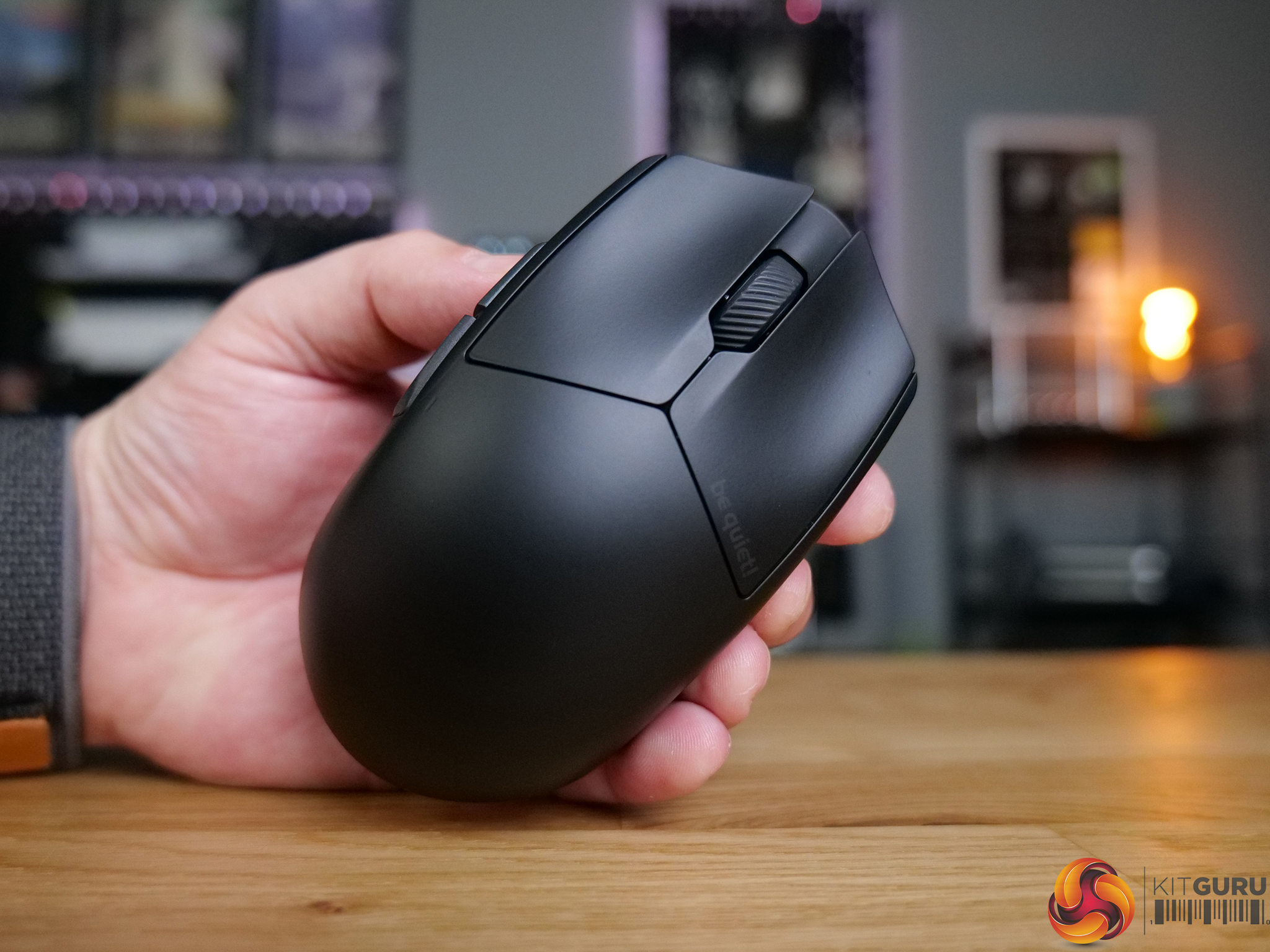
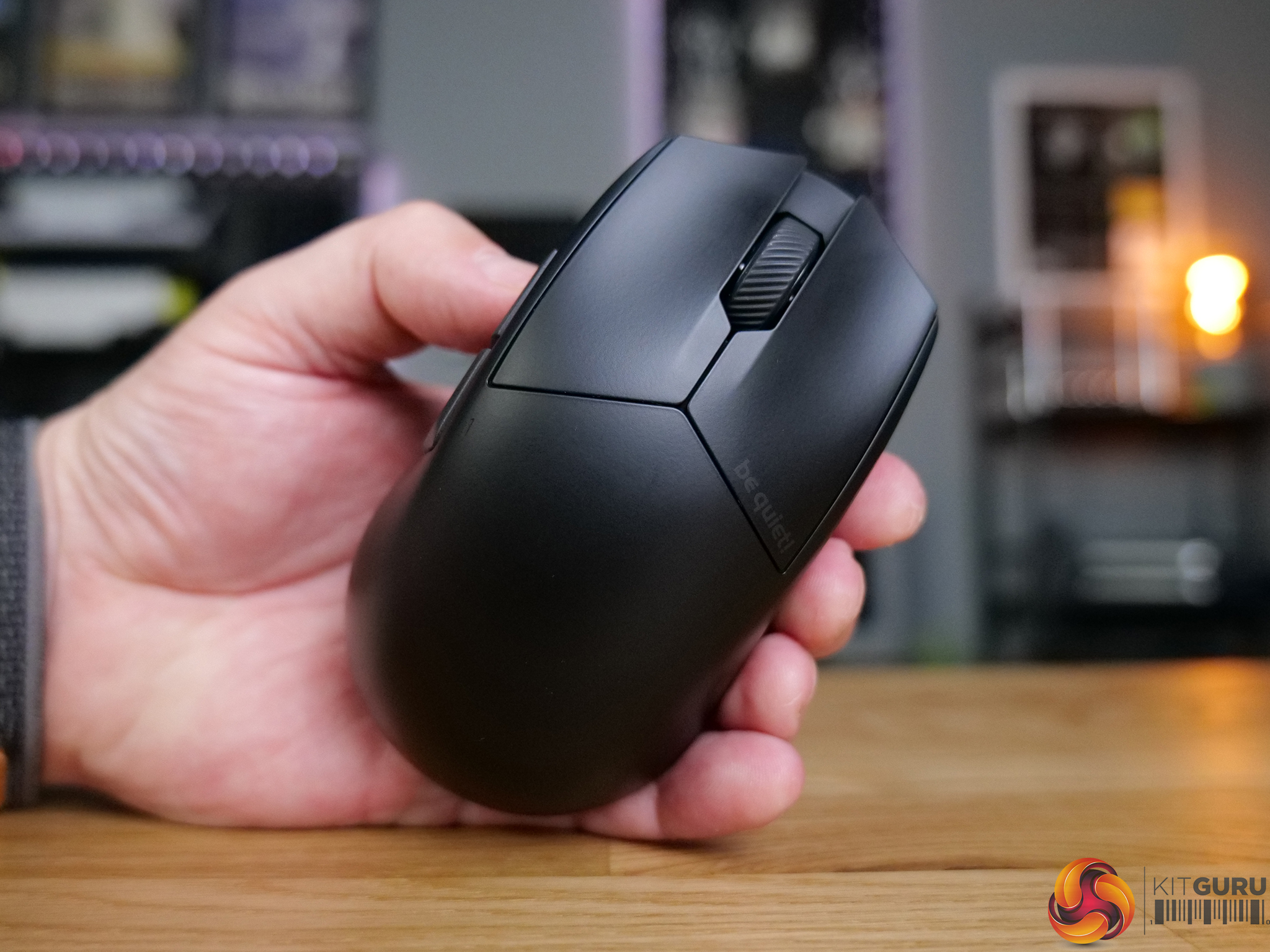
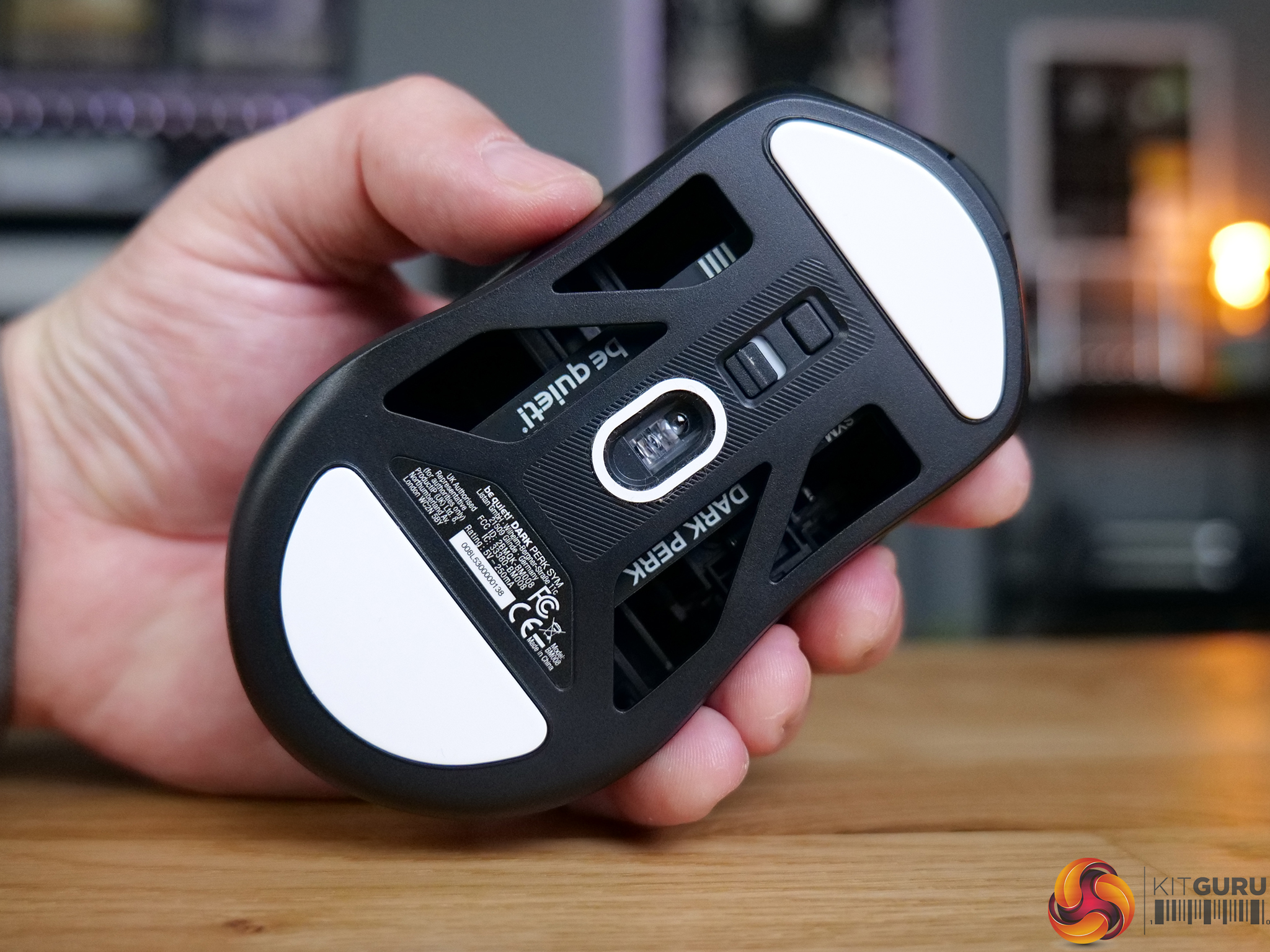
be quiet! Dark Perk Mice Review

4 May 2026 at 09:30

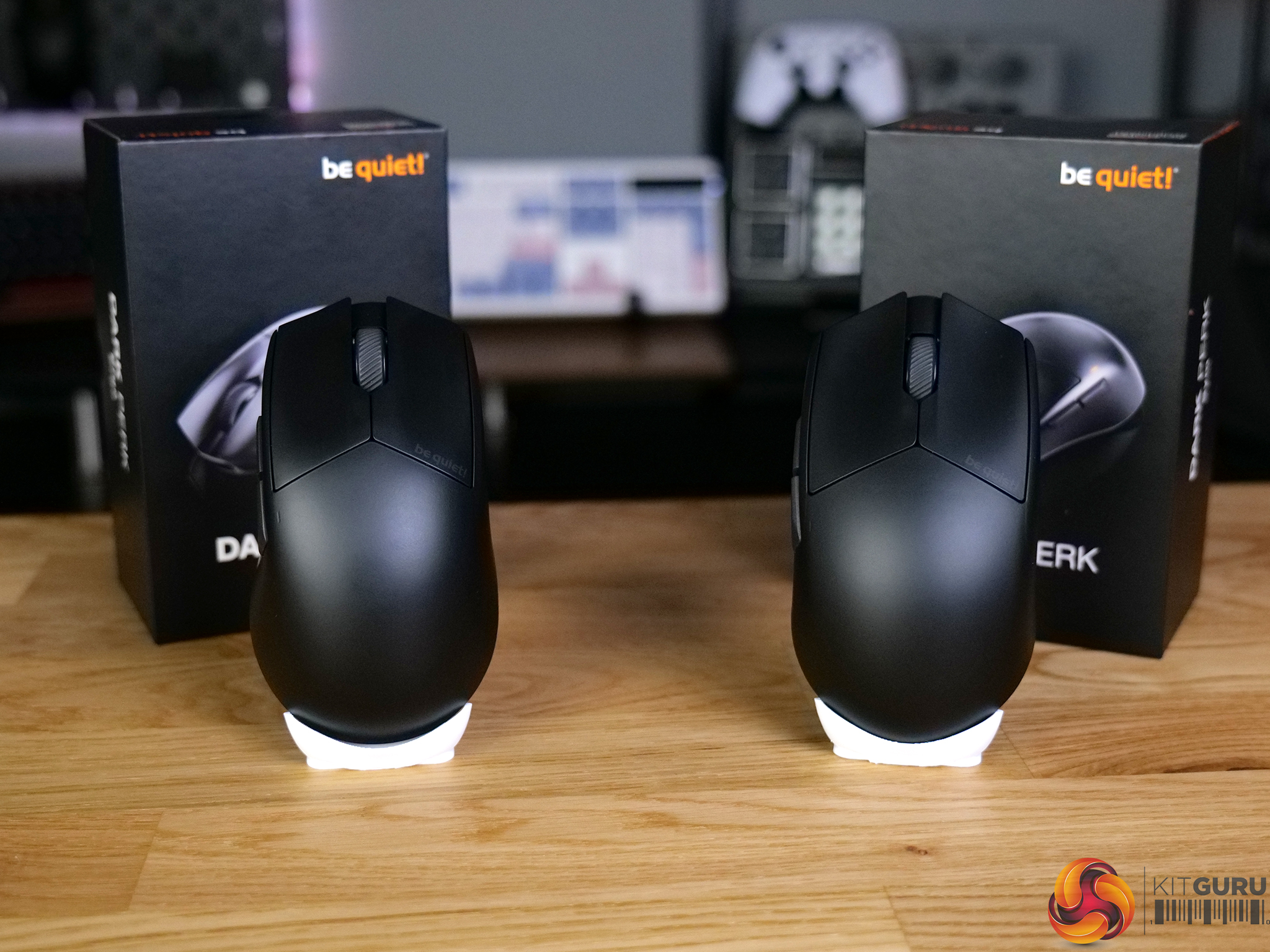
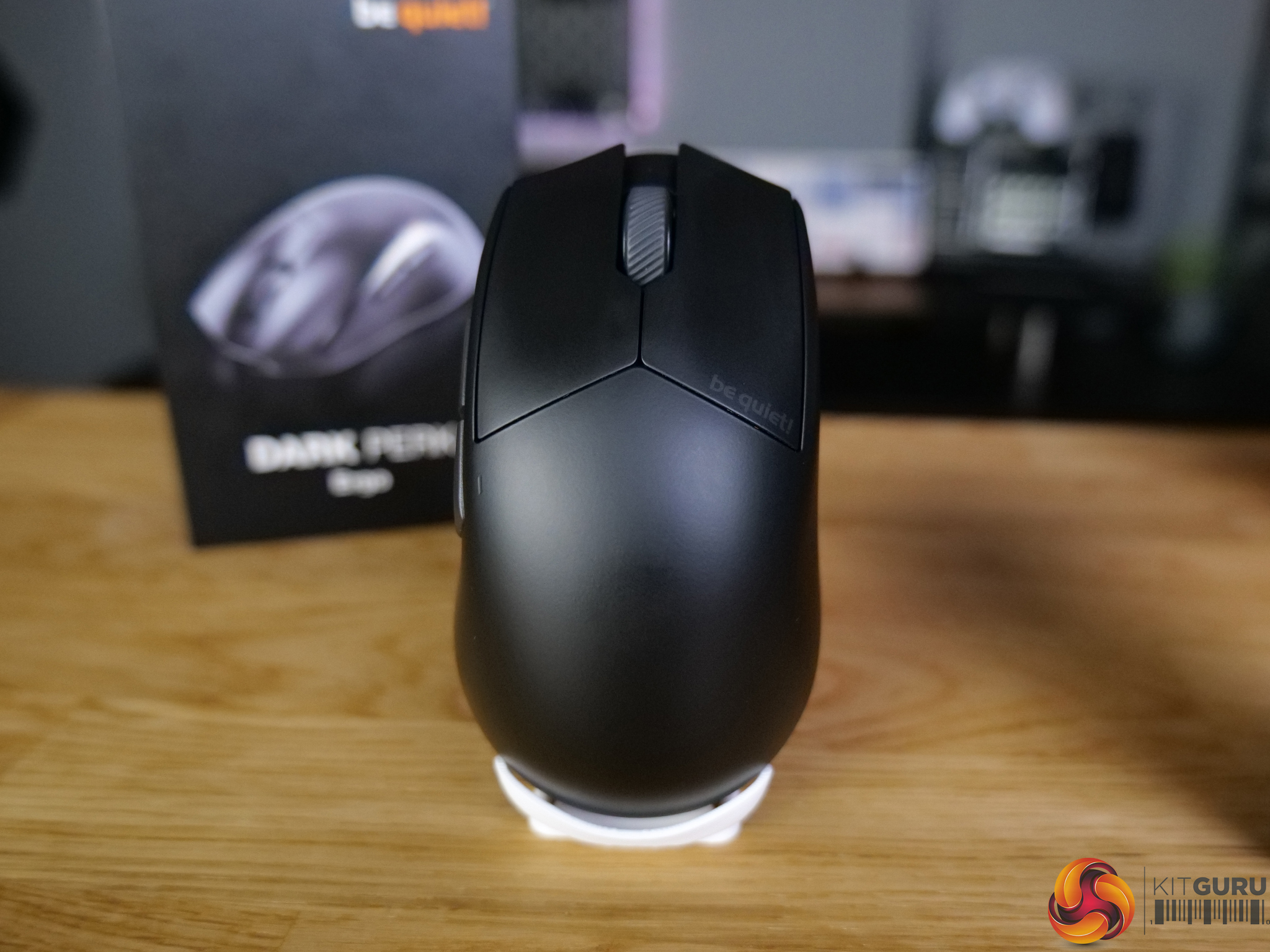
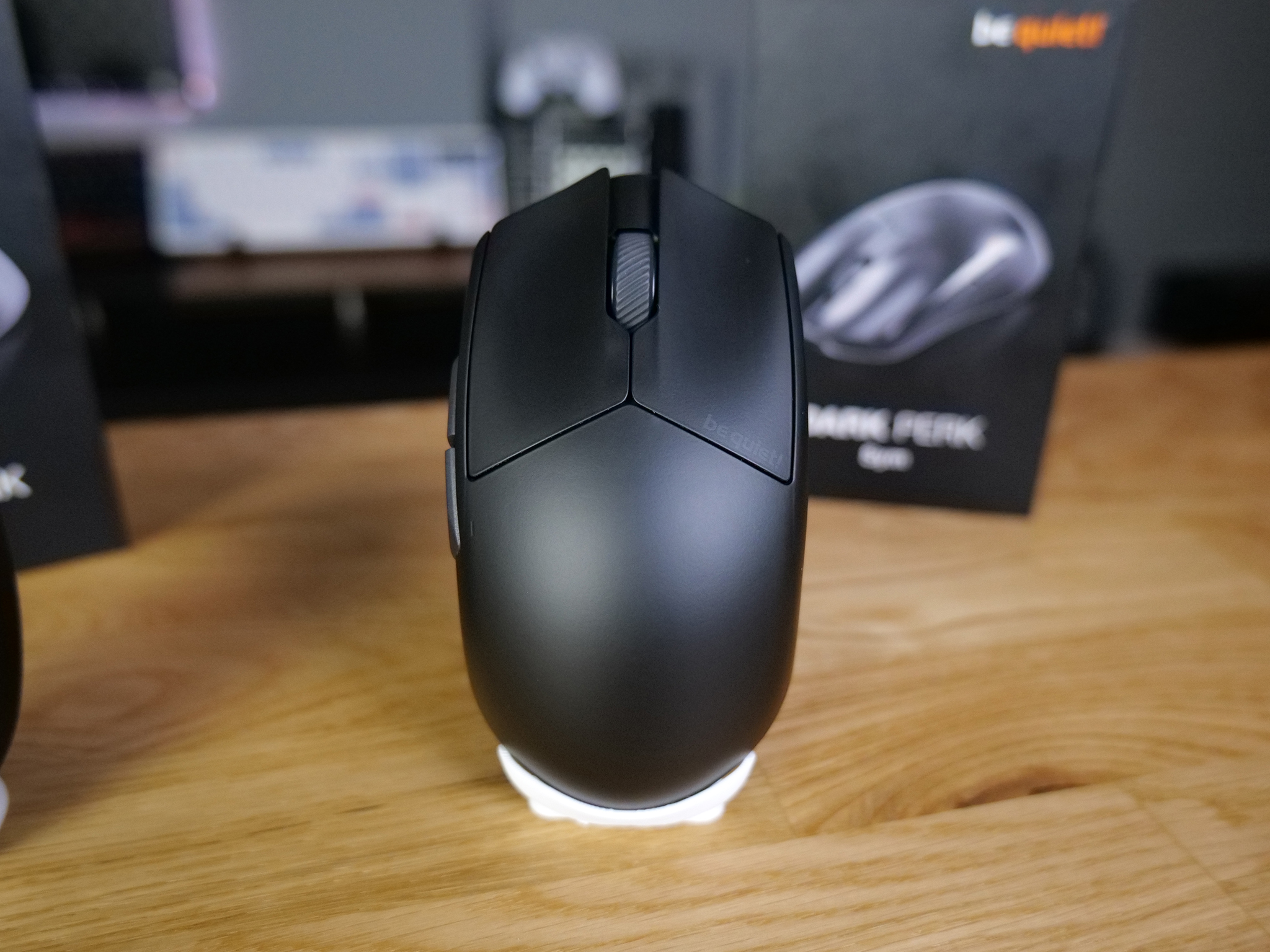
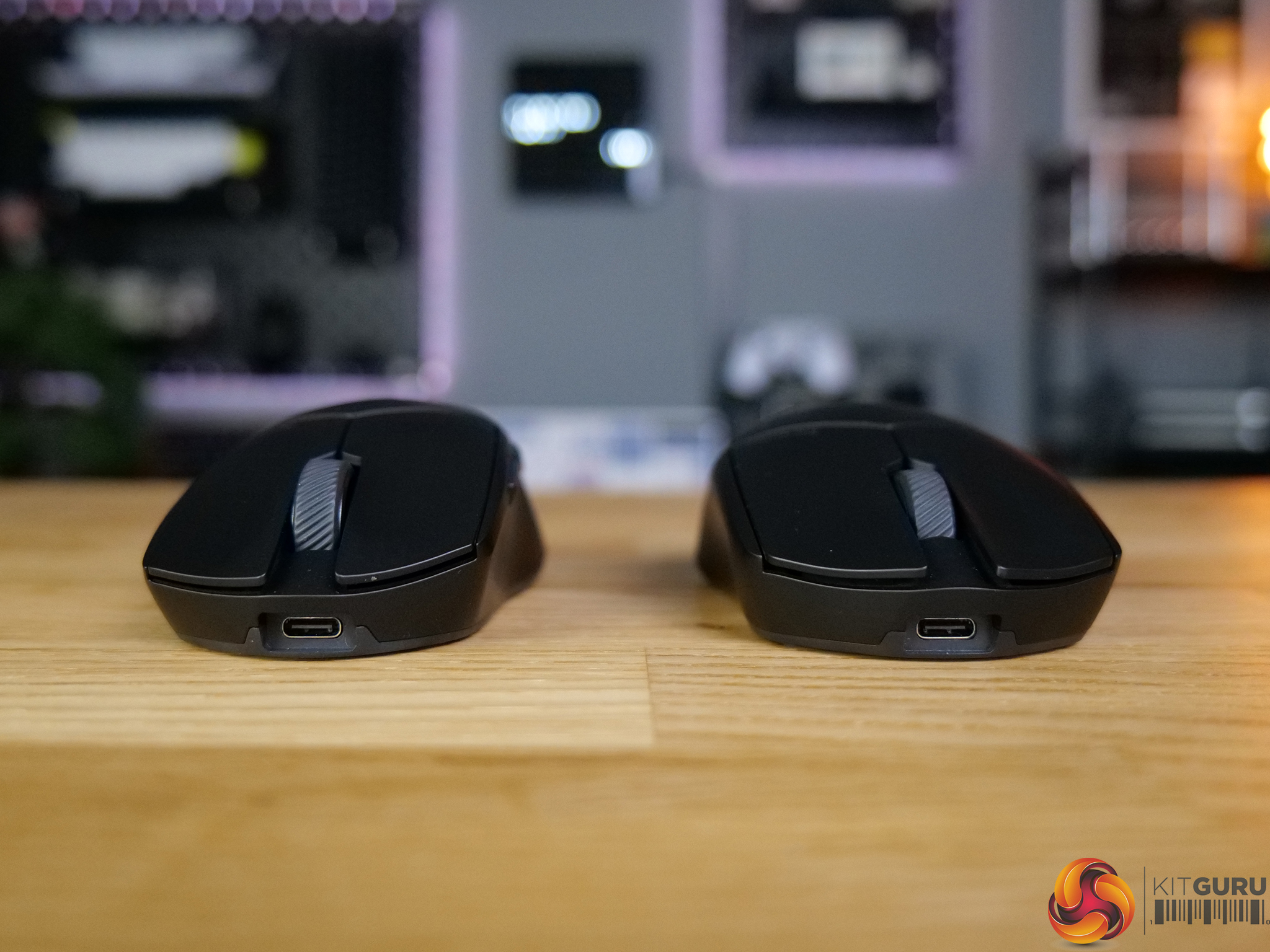
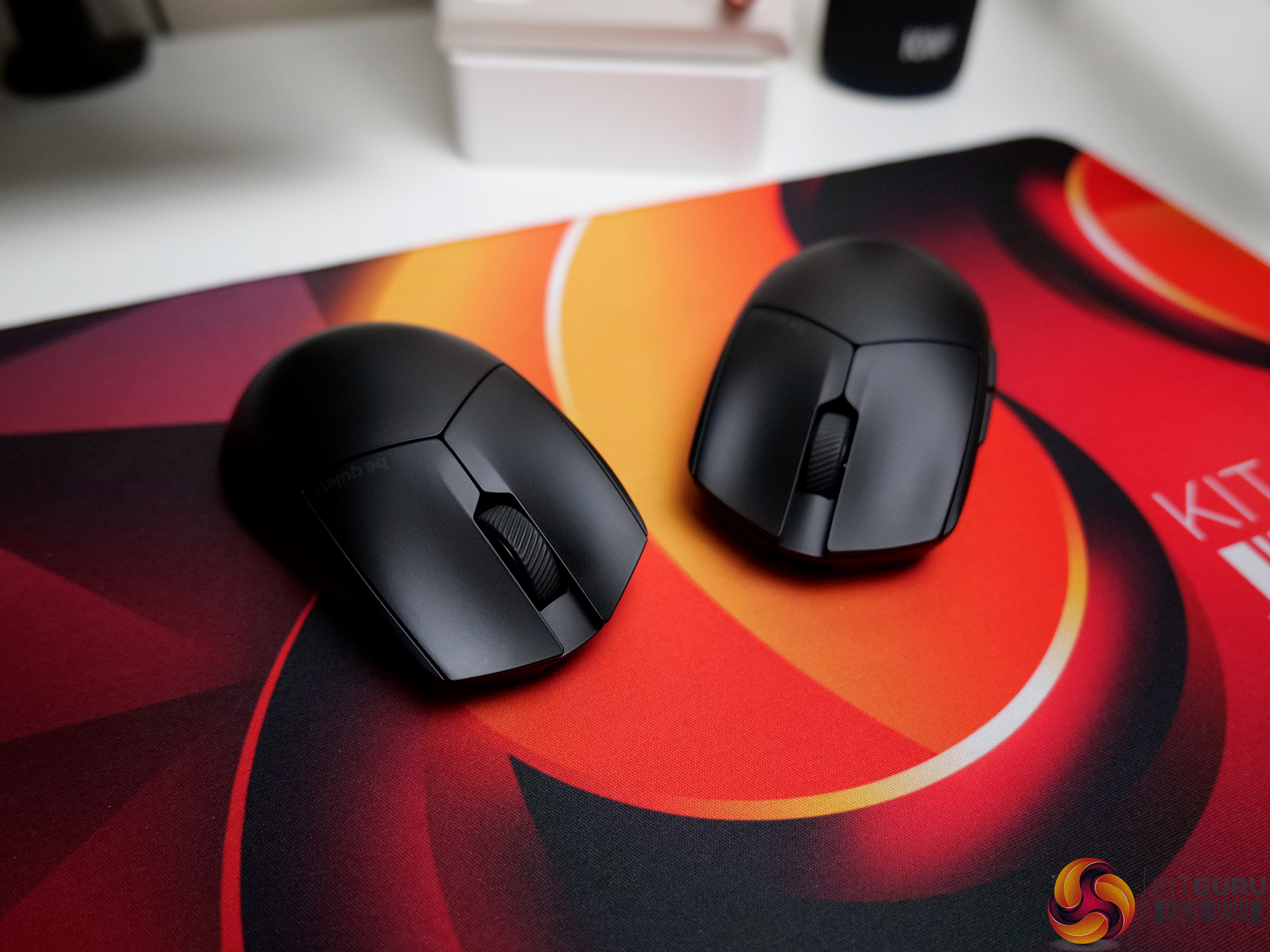
be quiet! has expanded into the gaming mouse market with its first ever entries, the Dark Perk Sym and Dark Perk Ergo. Both models share the same high-end hardware, including a Pixart PAW3950 sensor with up to 8K polling, but offer two different shapes to suit different preferences. The focus here isn’t on flashy features or aggressive styling, but on solid fundamentals, clean design and reliable performance.

Timestamps:

00:00 Start
01:03 Pricing / Accessories
01:51 Shape / Weight / Design
04:10 Shell / Quality / Buttons
05:43 Sensor
06:32 Sound test
06:53 Software
07:57 Real world gameplay
08:53 Wireless performance
09:17 Closing thoughts

Specifications

Dark Perk Ergo:

  • Dimensions – (L x W x H), (mm) 120 x 66 x 39
  • Color option – Black
  • Total weight – (kg) 0.055
  • Sensor – PixArt PAW3950
  • Encoder – TTC Yellow
  • Max DPI – 32.000
  • Lift Off Distance – (LOD) (mm) 1-2
  • Battery Life – Up to 110 (1000Hz polling)
  • Materials –  ABS, rubber, PTFE

Dark Perk Sym:

  • Dimensions – (L x W x H), (mm) 123 x 66 x 39
  • Color option – Black
  • Total weight – (kg) 0.055
  • Sensor – PixArt PAW3950
  • Encoder – TTC Yellow
  • Max DPI – 32.000
  • Lift Off Distance – (LOD) (mm) 1-2
  • Battery Life – Up to 110 (1000Hz polling)
  • Materials – ABS, rubber, PTFE

You can buy the Dark Perk Ergo and Dark Perk Sym for £86.99 from Scan here – Dark Perk ErgoDark Perk Sym.

Pros:

  • Excellent coating with great grip.
  • Solid build quality.
  • Good pricing compared to other mice with similar specifications.
  • Reliable sensor and wireless performance.
  • Clean, understated design.

Cons:

  • Designed to offer a ‘no frills' experience, so lacks flashy features or unique innovations.
  • Battery life takes a noticeable hit at higher polling rates.

KitGuru says: The Dark Perk mice are excellent gaming mice with great build quality, and both mark a great debut into a new product category for be quiet!

The post be quiet! Dark Perk Mice Review first appeared on KitGuru.

Lamzu Maya X + Maya Champion Edition Mice Review

20 April 2026 at 10:27

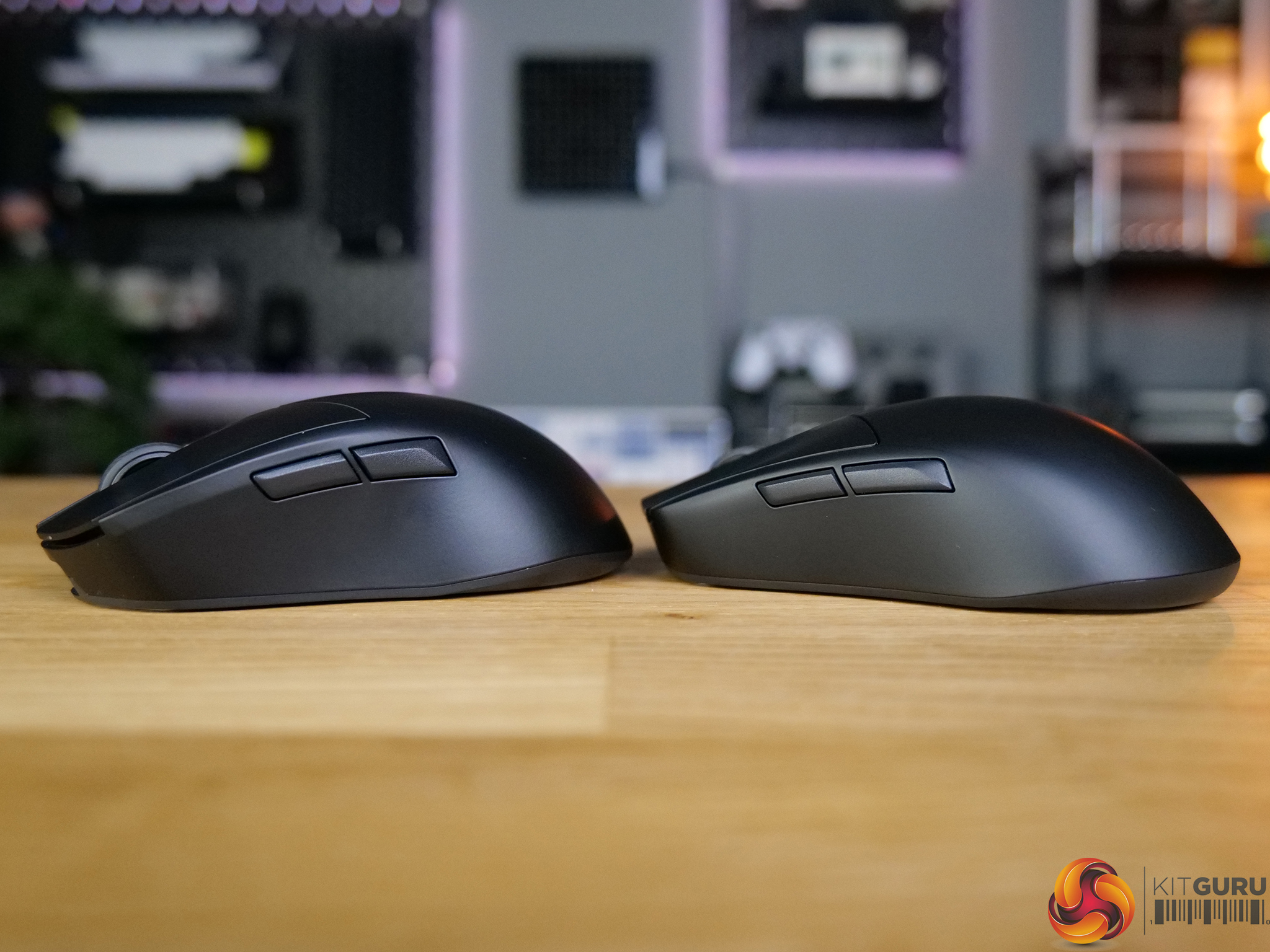
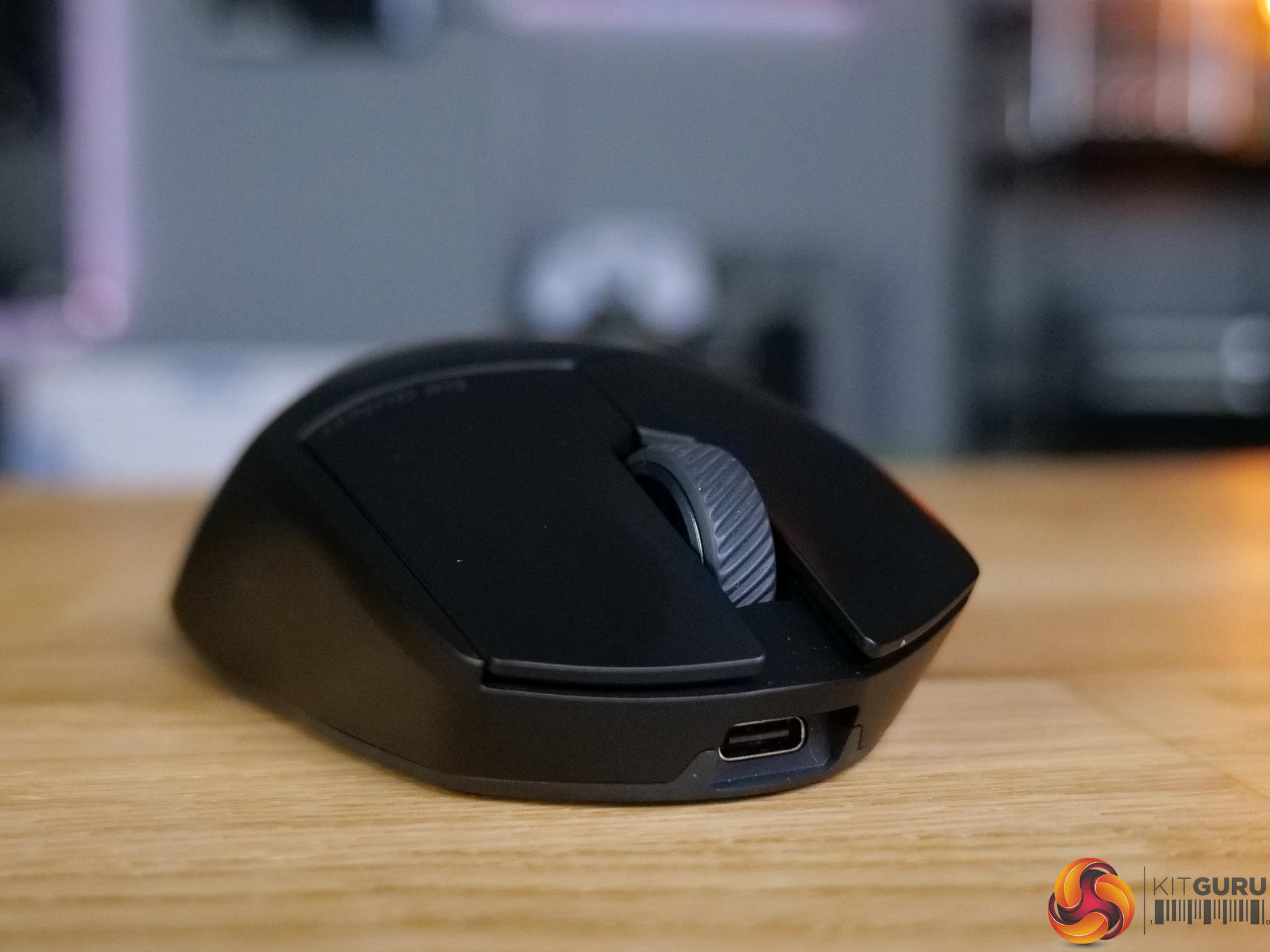
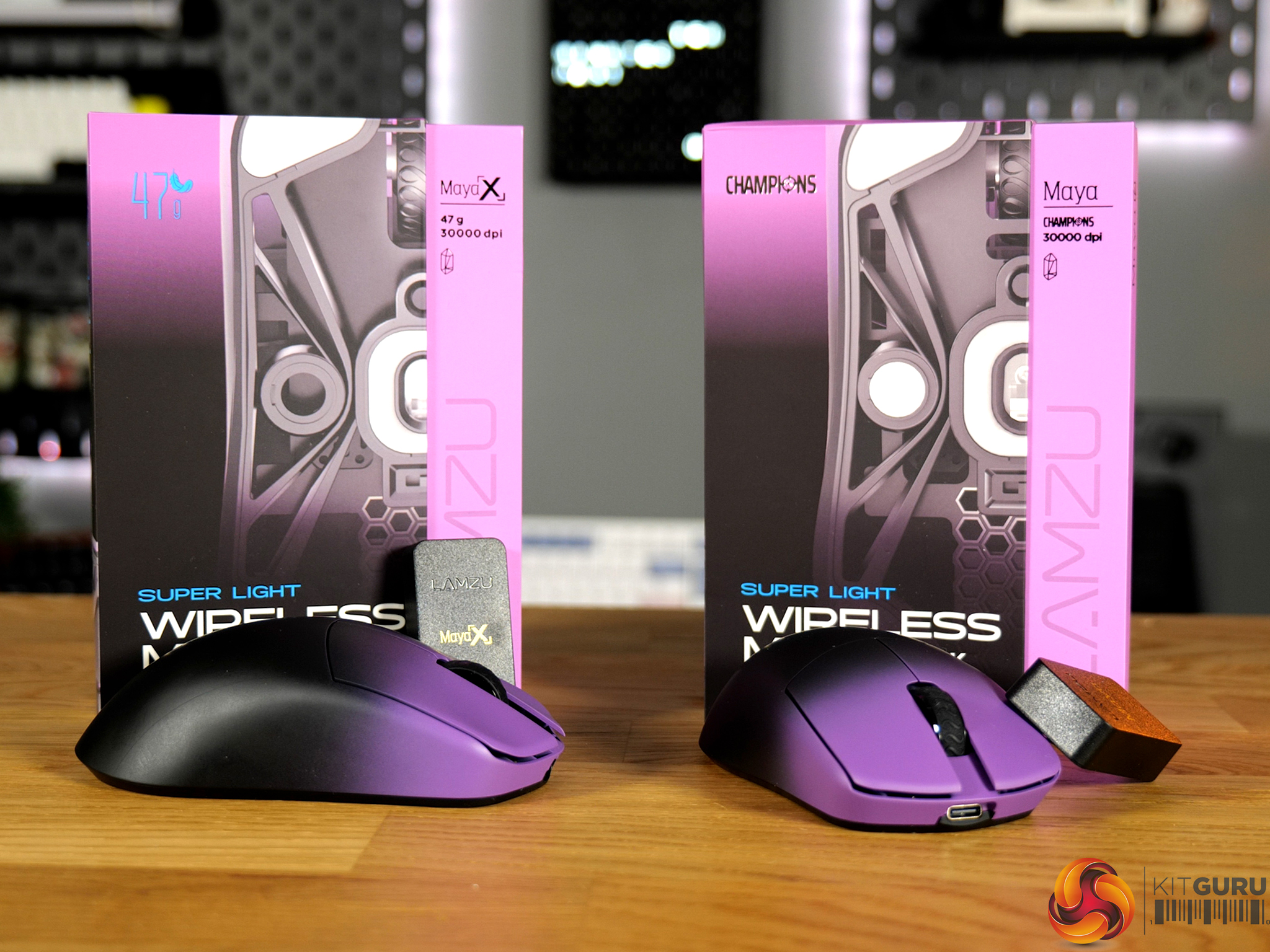
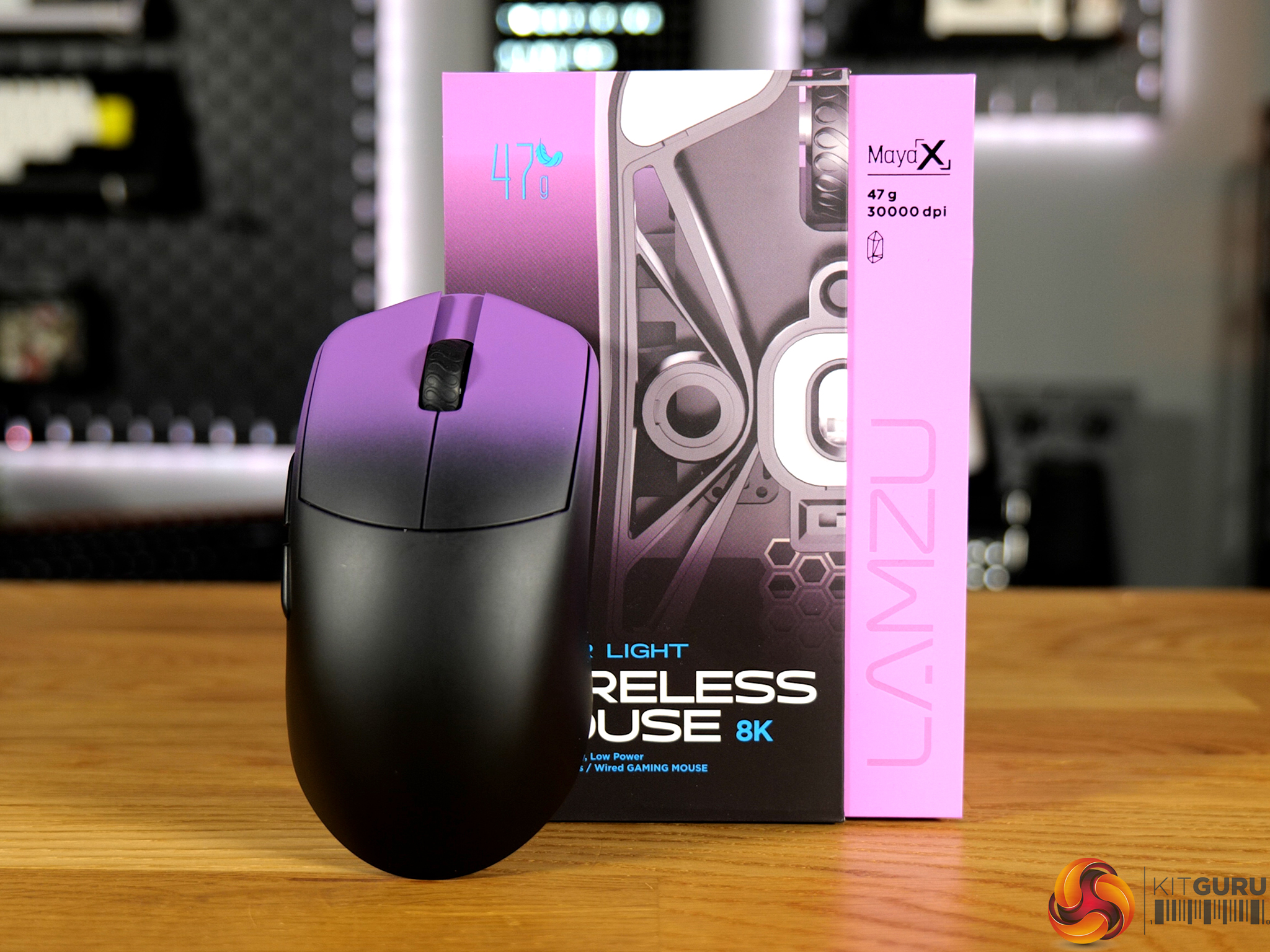
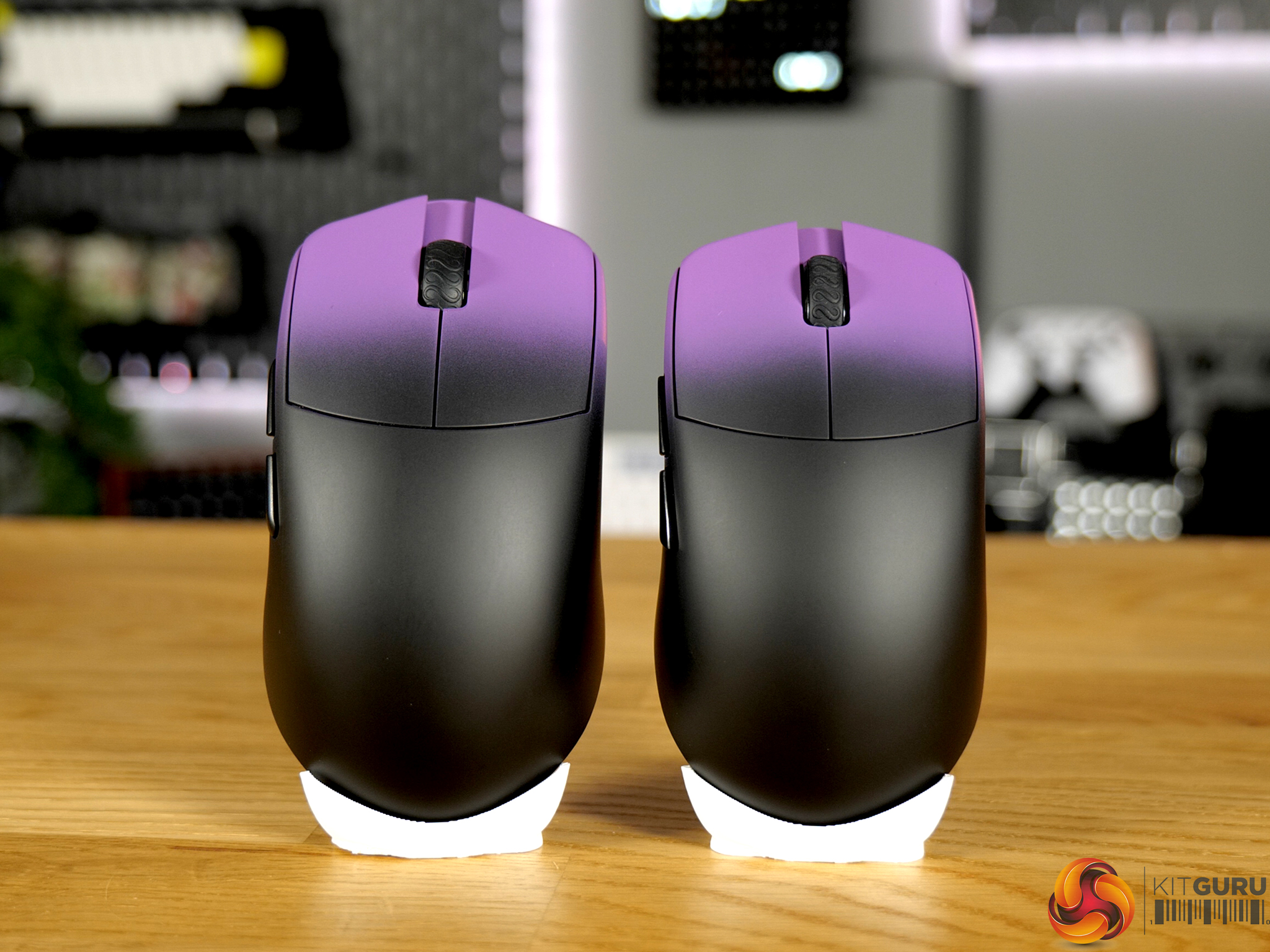
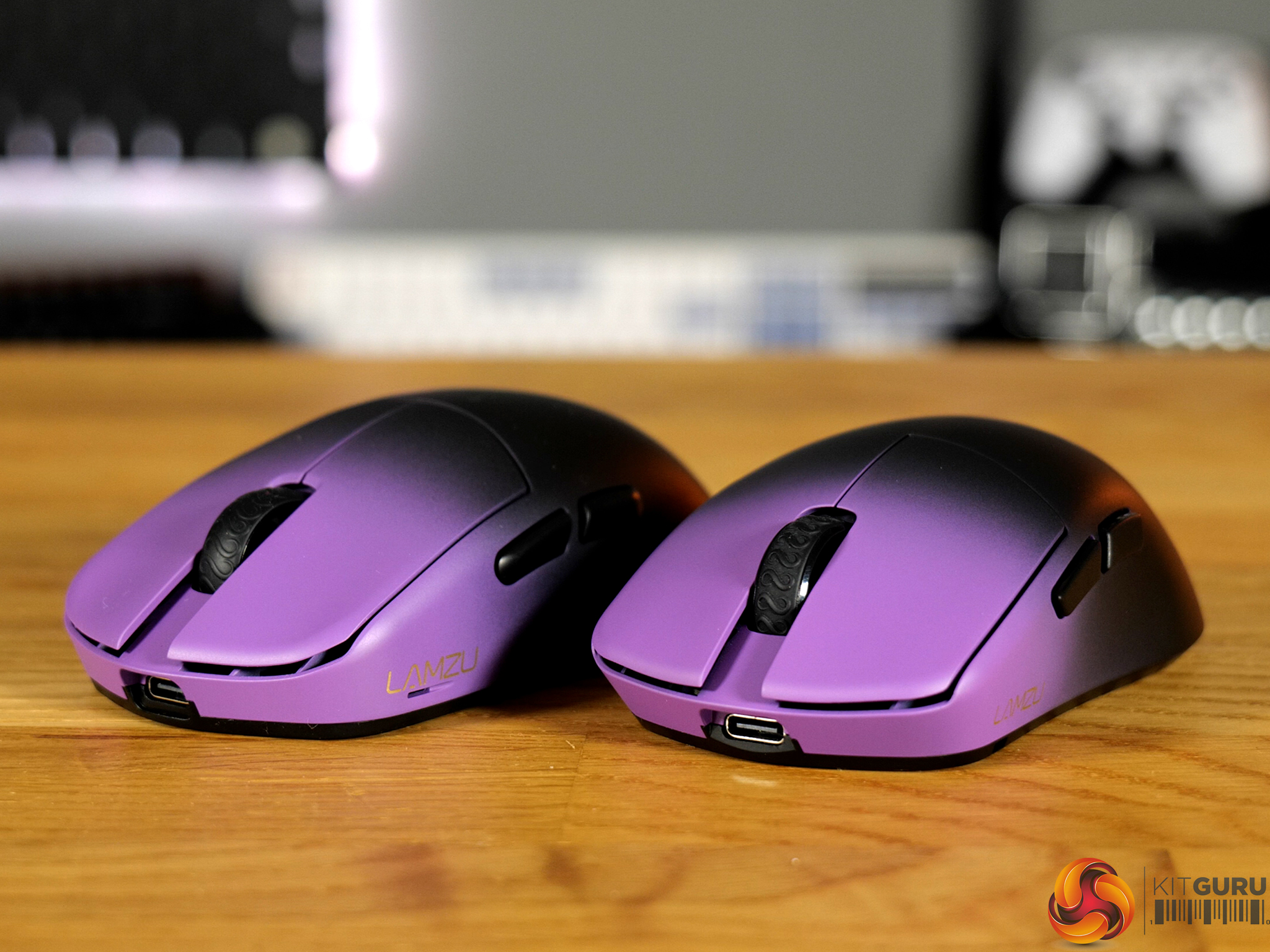
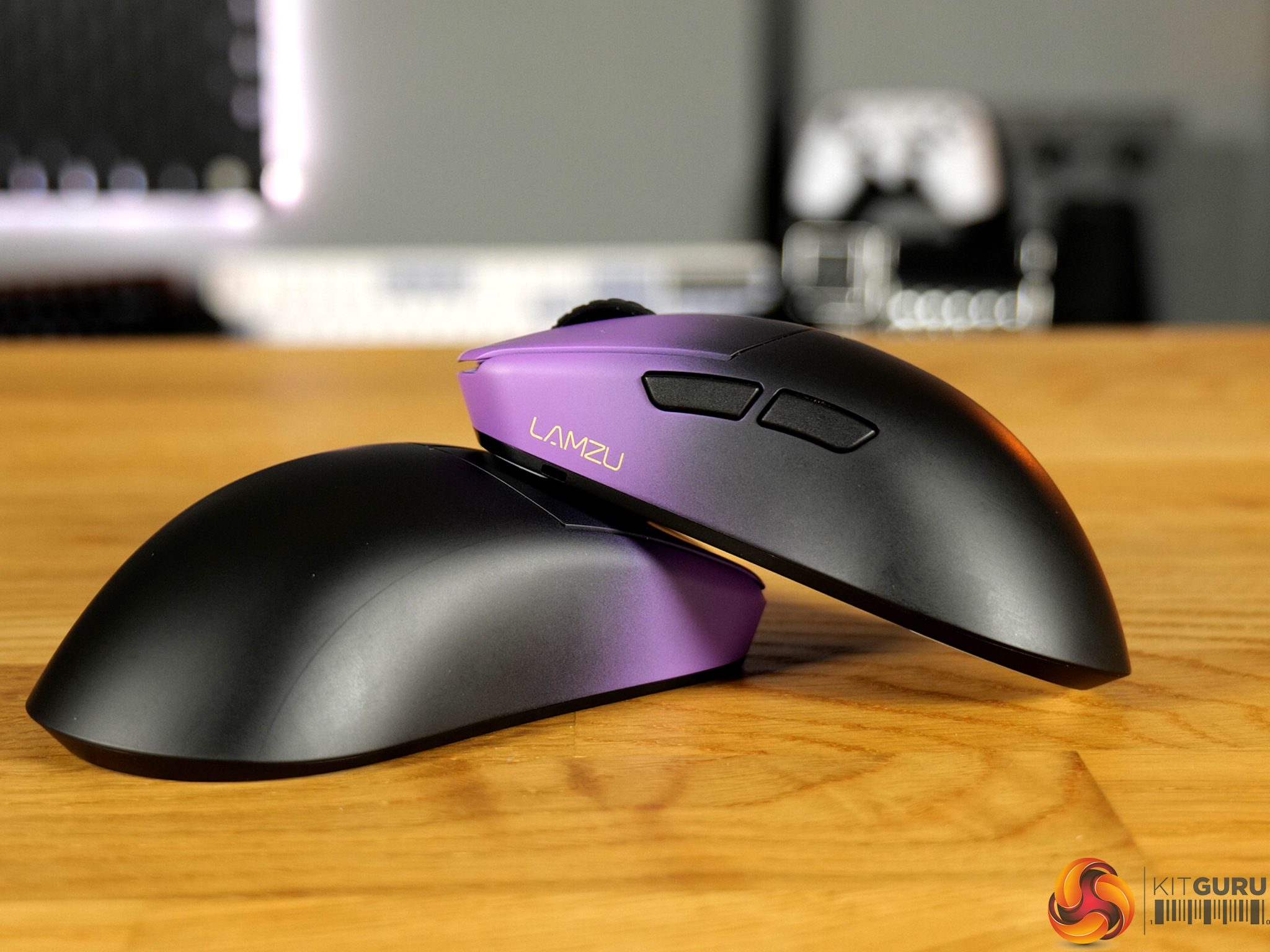
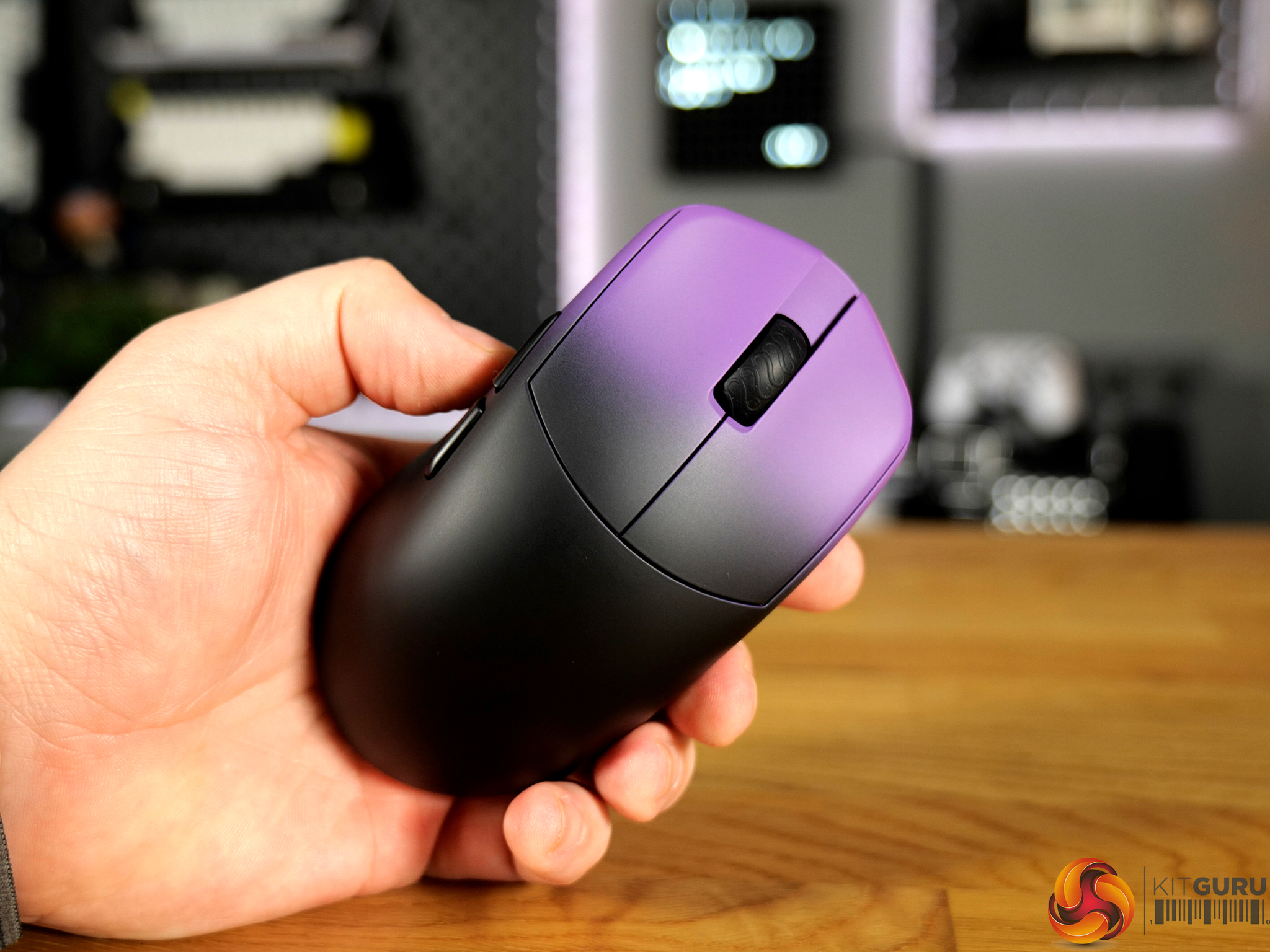
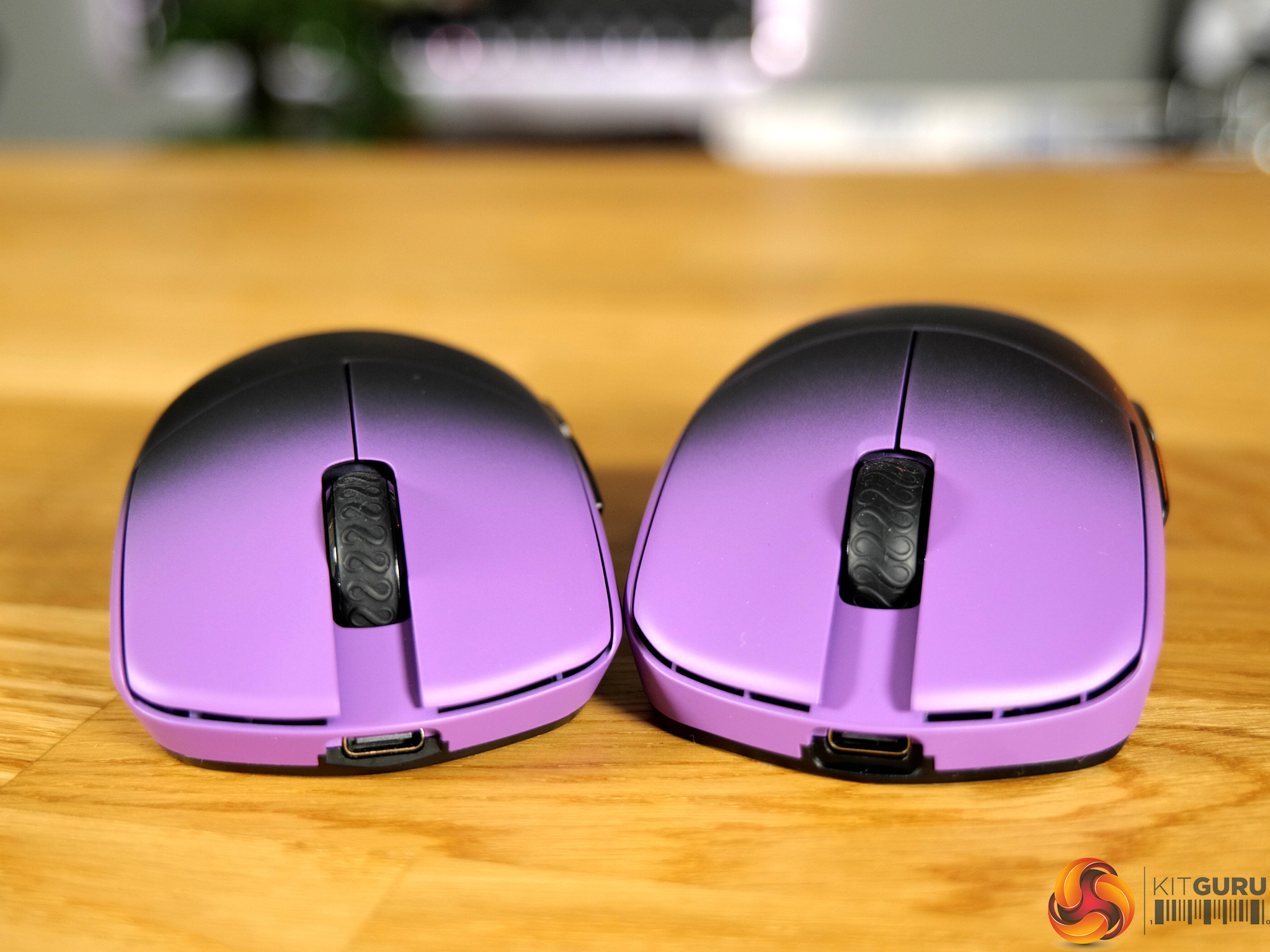
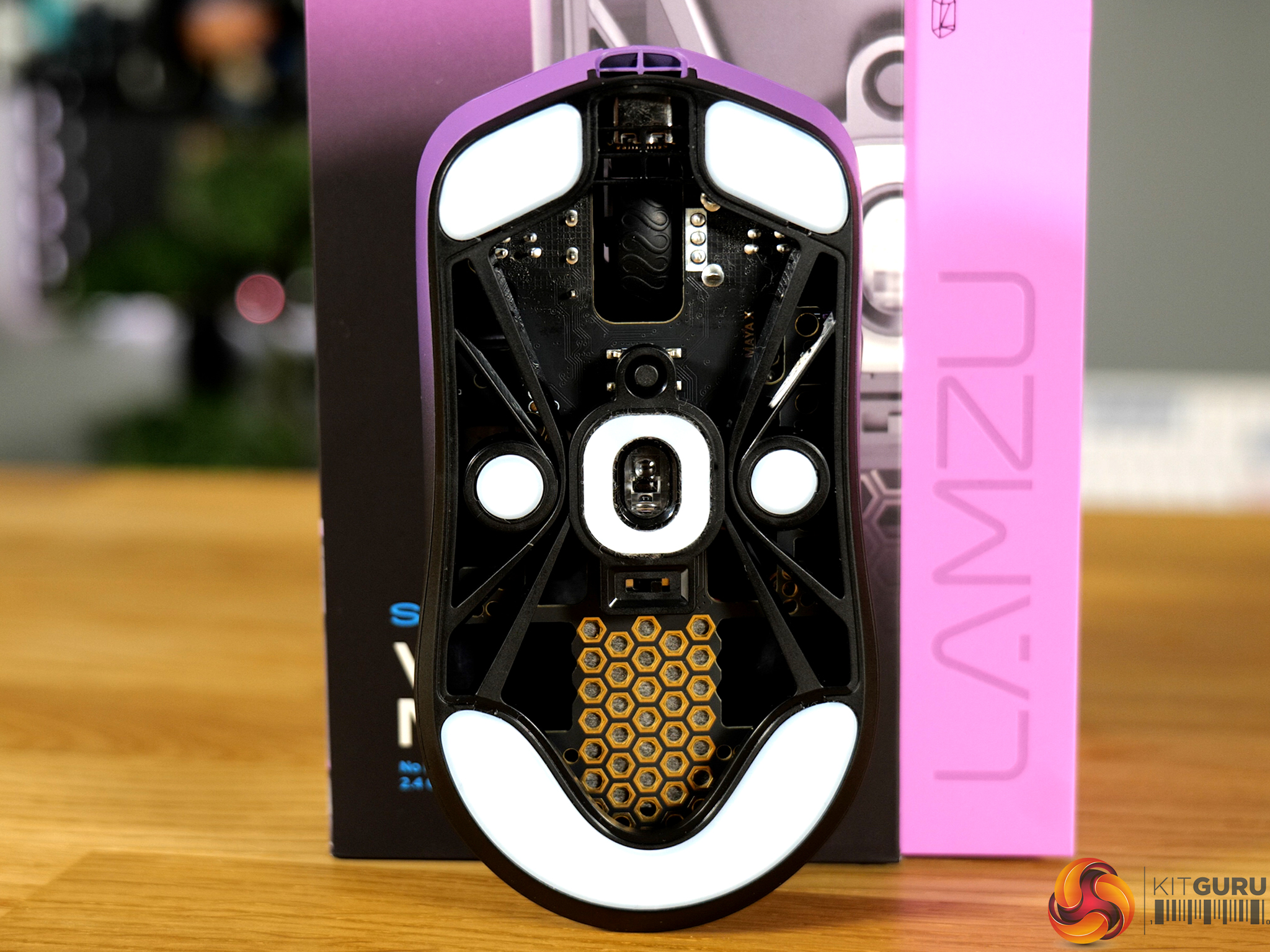
Lamzu have been building their reputation within the peripheral industry for some time now. The company focuses on producing lightweight, performance-centred mice that leave out the gimmicks in pursuit of the perfect peripheral for FPS gaming. Today we’re checking out two from their lineup – the Maya X and the Maya Champion Edition. On paper, these two mice sound very similar, both sporting a PixArt PAW3950 sensor and Omron optical switches. There are differences that could make a big impact though – so can a slight difference in weight and shape change the game?

Timestamps:

00:00 Intro
00:51 Pricing and key info
01:45 Differences between the two
02:50 Dimensions, feel
03:58 Buttons + scroll wheel
05:21 Hardware specs + usage
06:45 Software / key settings
08:42 Battery life
09:41 Closing thoughts

Specifications

Lamzu Maya X

  • Product Size – 124x64x40mm
  • Weight – 47g
  • Sensor IC – Pixart PAW 3950
  • DPI – 30k Maximum
  • MCU – Nordic 52840
  • Polling Rate – 8KHz maximum
  • Encoder – TTC
  • Connection – Wireless/Wired
  • Colour – Light Pink/Purple Shadow/Cloud Grey/White/Charcoal Black
  • Switches – Omron Optical Switches (Left and Right click buttons)
  • Package Contents – PTFE Feet x1, 8k Dongle x1, MAYA X Dustproof Seal, Velvet Bag x1, Maya X Mouse Grip Tape, 1.8m Type-C para cord x1

Lamzu Maya Champion Edition

  • Product Size – 119x62x38mm
  • Weight – 45g
  • Sensor IC – Pixart PAW 3950
  • DPI – 30k Maximum
  • MCU – Nordic 52840
  • Polling Rate – 8KHz maximum
  • Encoder – TTC
  • Connection – Wireless/Wired
  • Colour – Purple Shadow/Light Pink
  • Switches – Omron Optical Switches (Left and Right click buttons)
  • Package Contents – PTFE Feet x1, 8k Dongle x1, MAYA Dustproof Seal, Velvet Bag x1, Maya Mouse Grip Tape, 1.8m Type-C para cord x1

You can buy the Maya X and Maya Champion Edition directly from Lamzu for $119.99 – MAYA XMAYA Champion Edition.

Pros:

  • Responsive and fluid gaming experience.
  • Generous included accessories.
  • Good build quality.
  • Great switches.
  • Excellent sensor.

Cons:

  • Coating can be a little difficult to grip until warmed up.
  • Battery life hampered when enabling all gaming features (8Khz polling etc).

KitGuru says: The Maya X and Maya Champion Edition are both very good gaming mice that perform incredibly well. If choosing between one or the other, it all boils down to which size, shape and weight you prefer. 

The post Lamzu Maya X + Maya Champion Edition Mice Review first appeared on KitGuru.

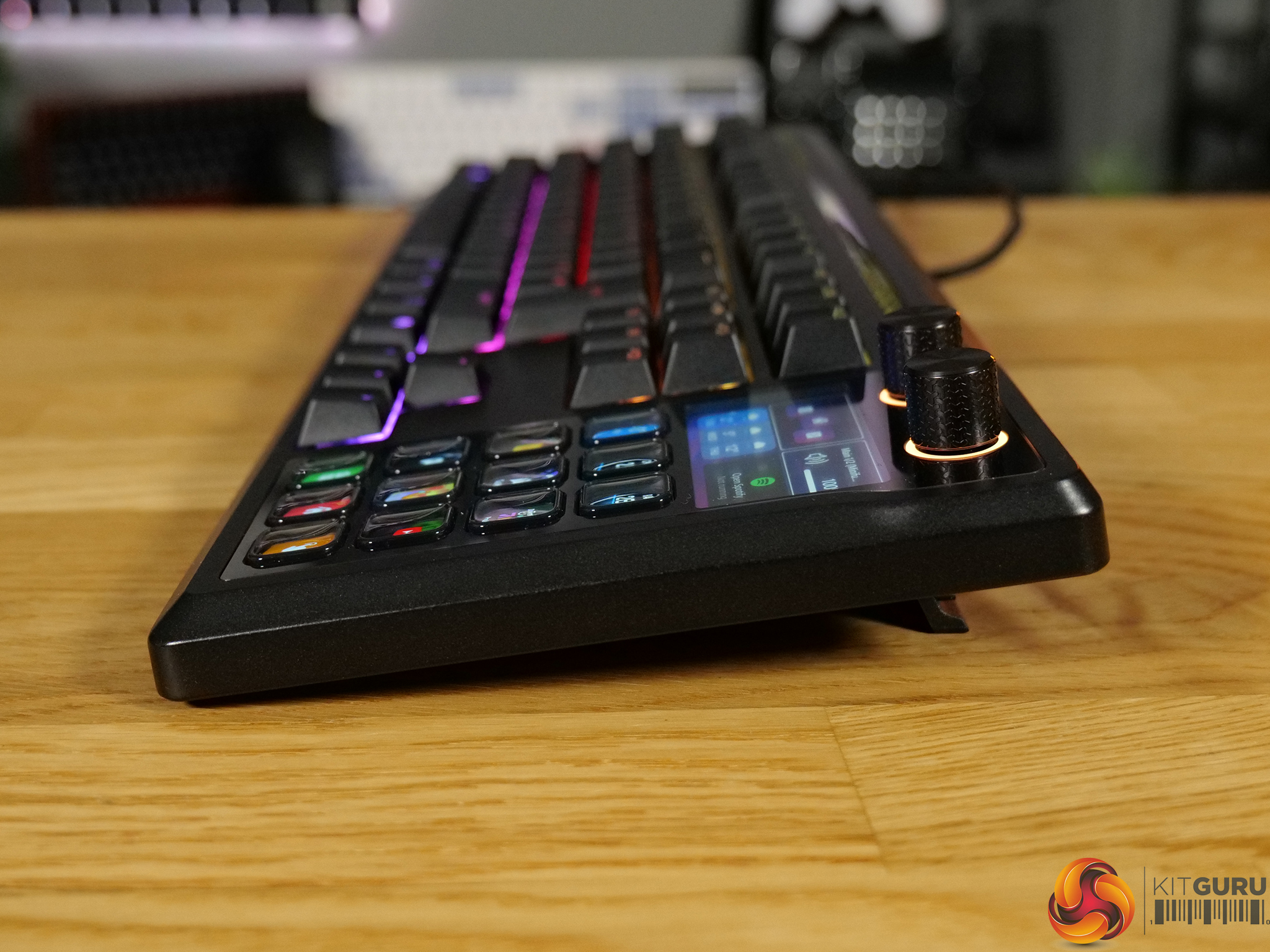
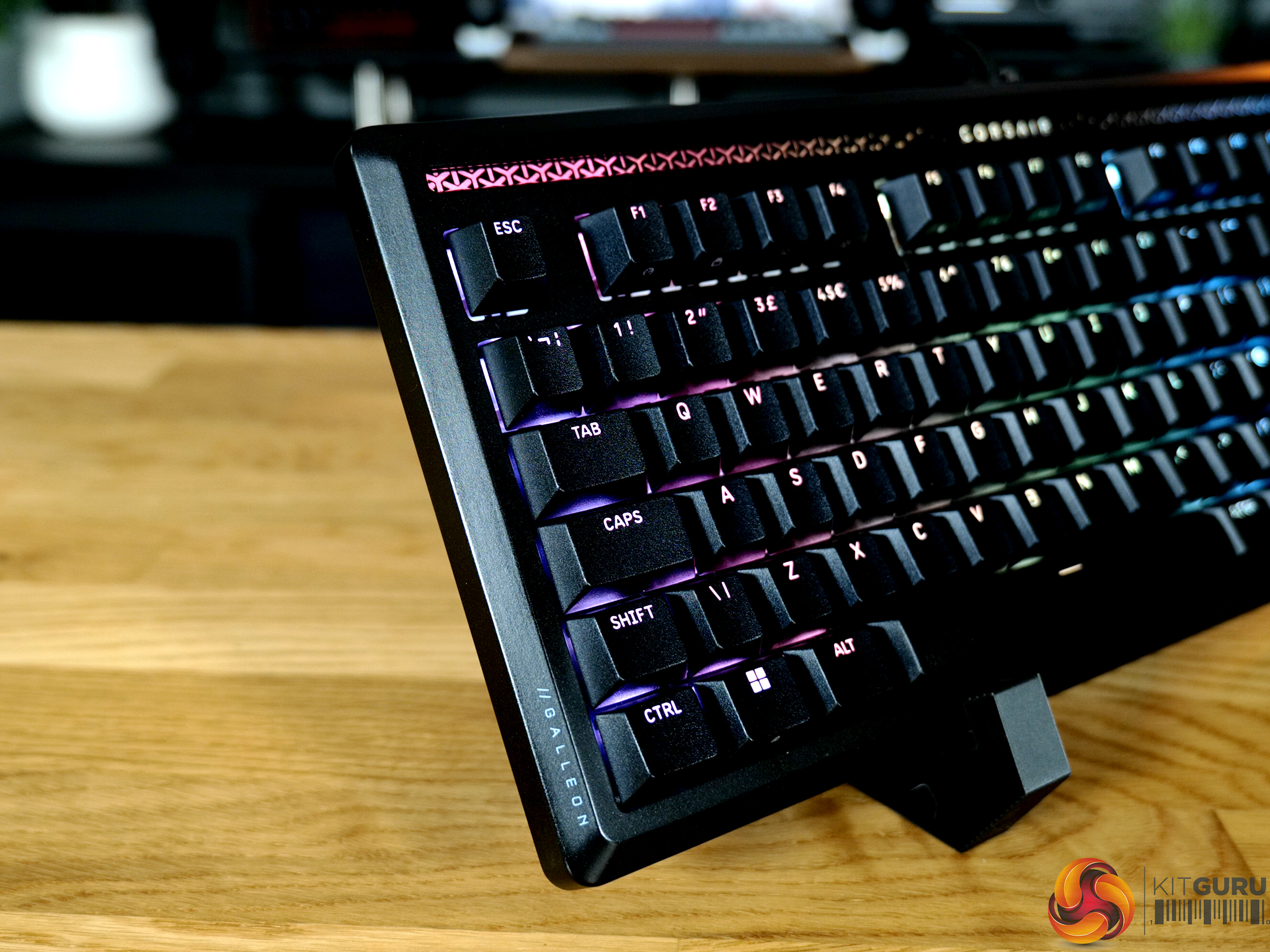
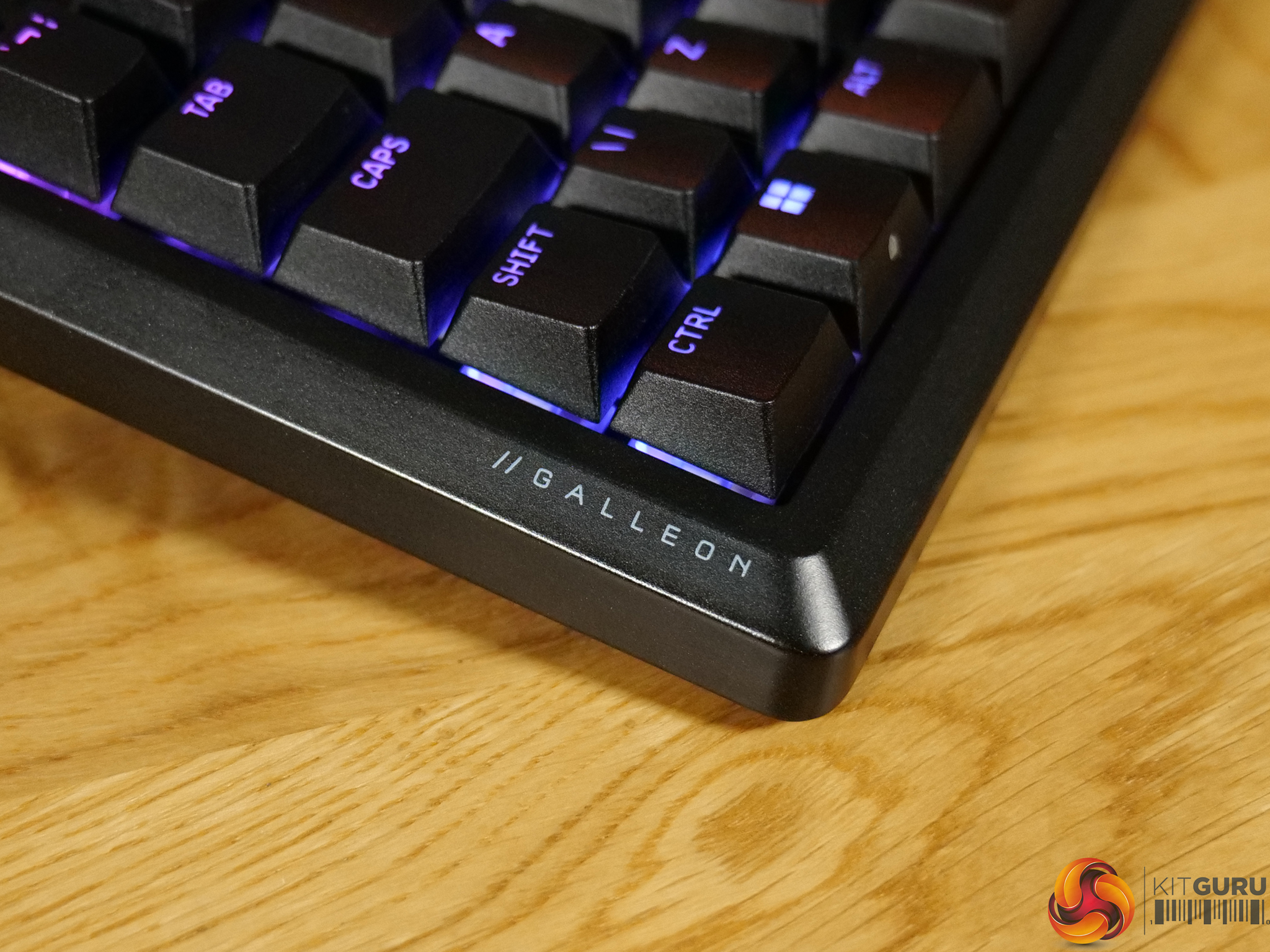
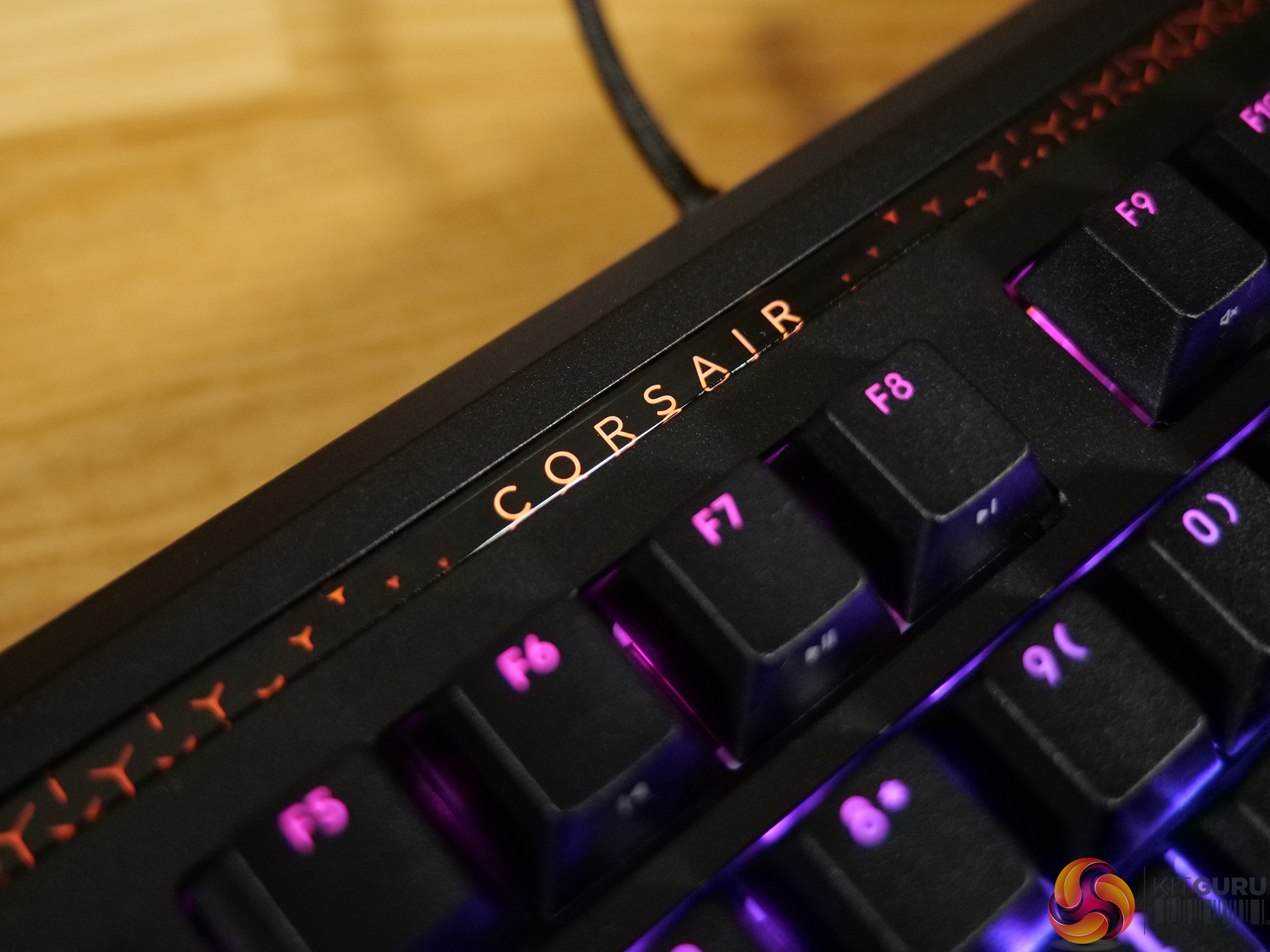
Corsair Galleon 100 SD Keyboard Review

13 April 2026 at 09:09

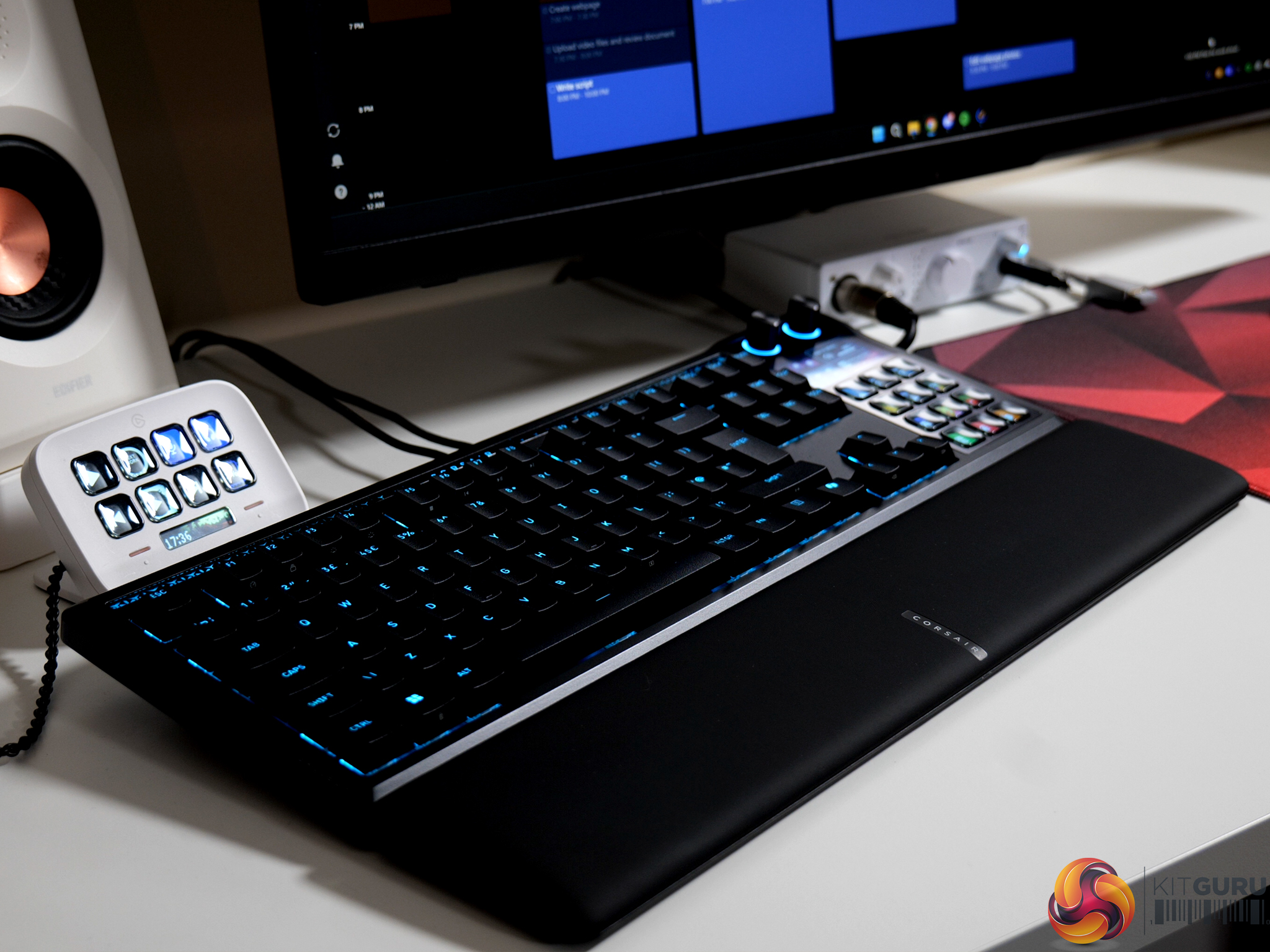
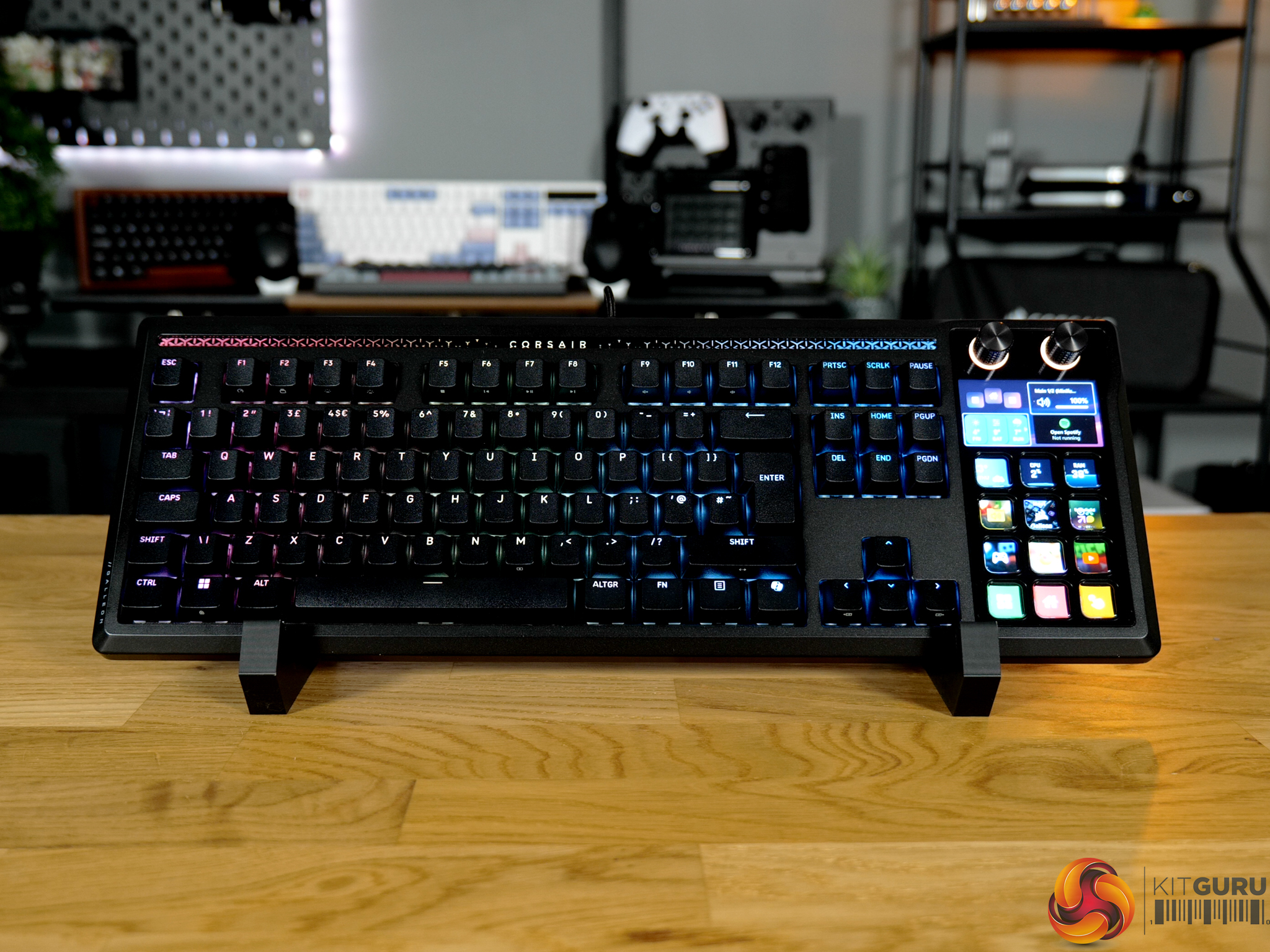
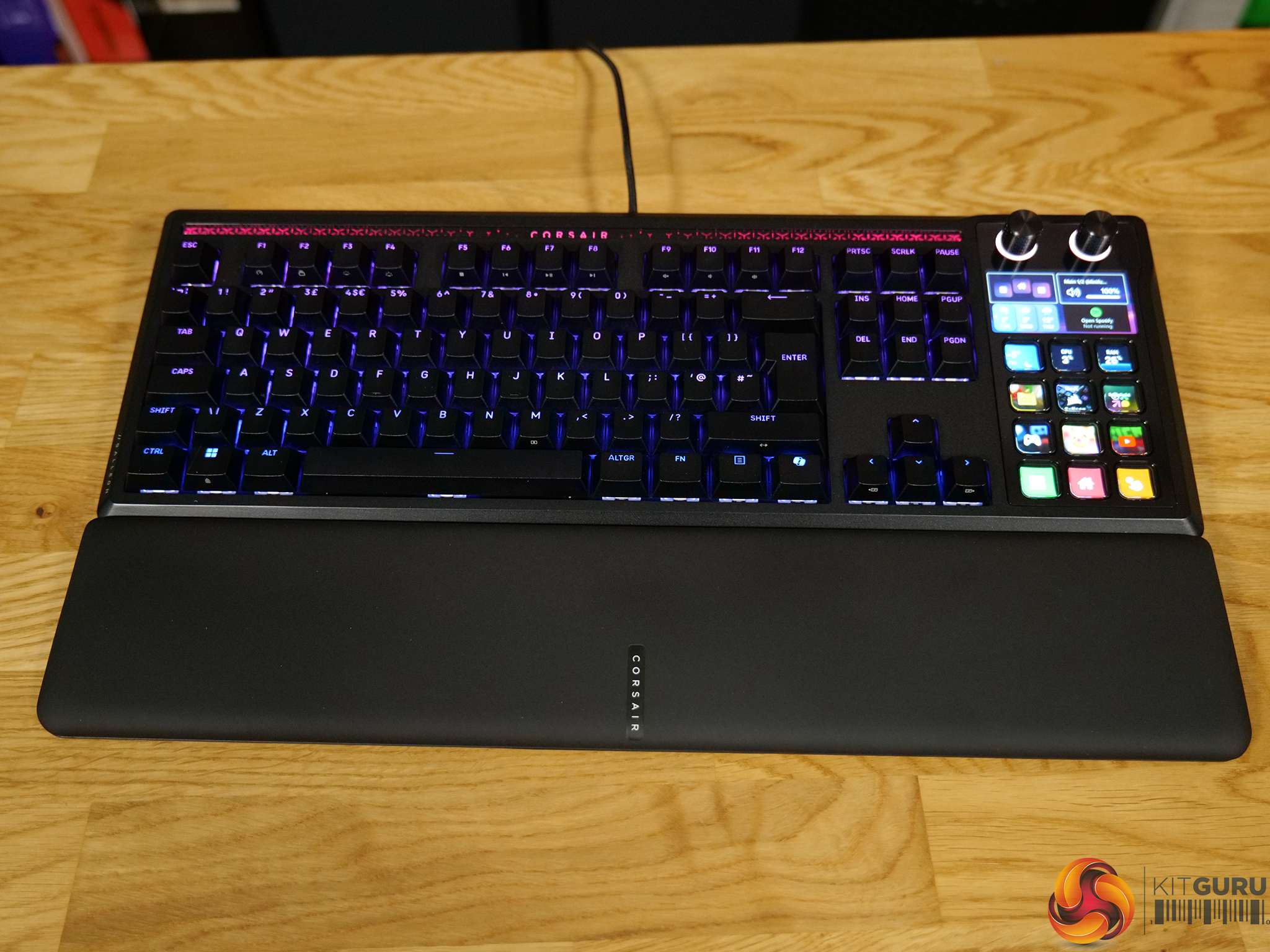
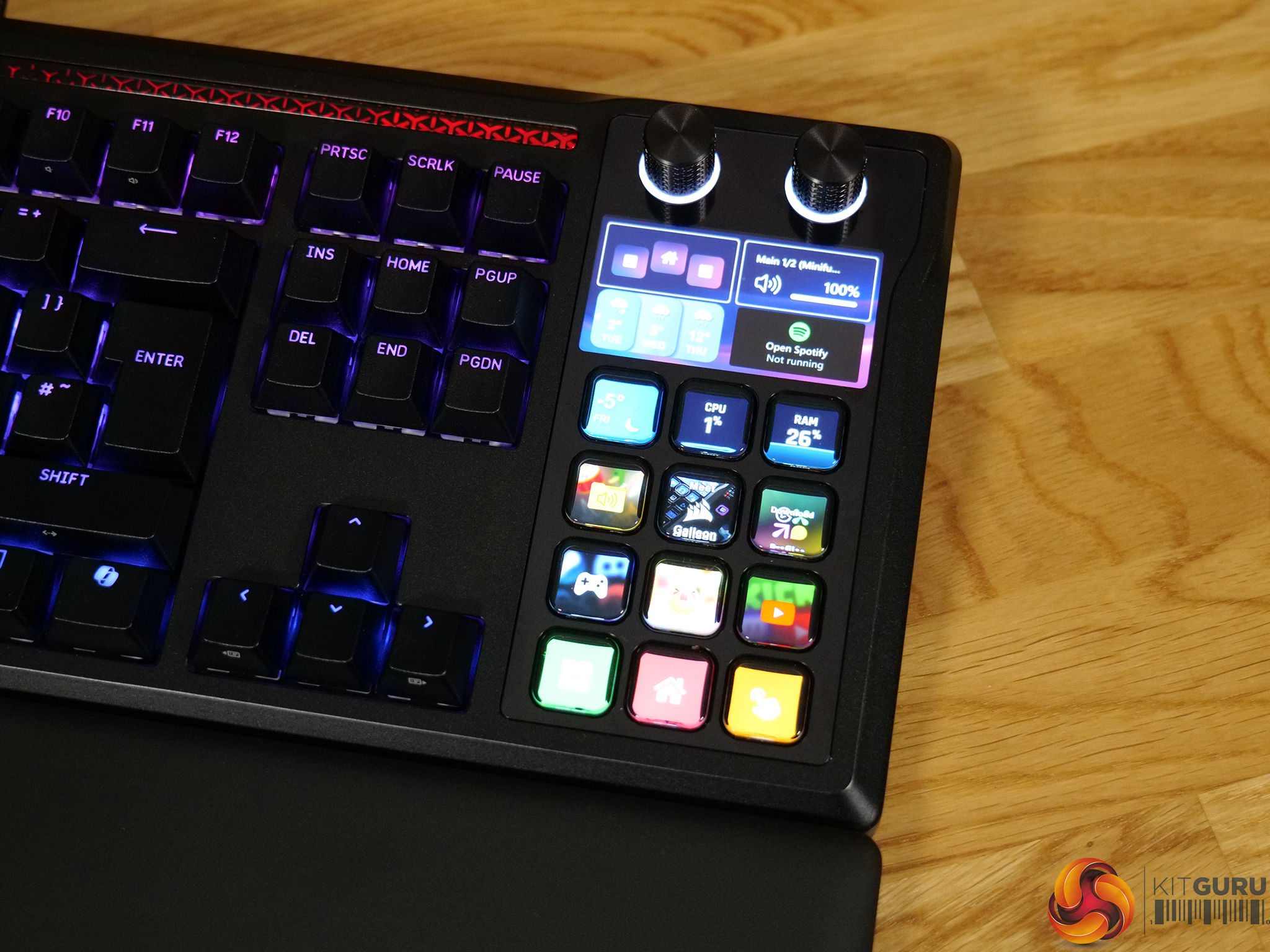
Corsair and Elgato have combined two of their most recognisable product lines into a single device with the Galleon 100 SD – a mechanical gaming keyboard featuring a fully integrated Stream Deck. At over £300, it’s positioned firmly in enthusiast territory, promising high-end gaming performance alongside serious workflow customisation. The question is whether this all-in-one approach genuinely adds value, or if you’re better off keeping your keyboard and Stream Deck separate…

Timestamps:

00:00 Intro
00:51 Pricing and key details
02:10 Design first impressions
03:13 Build quality
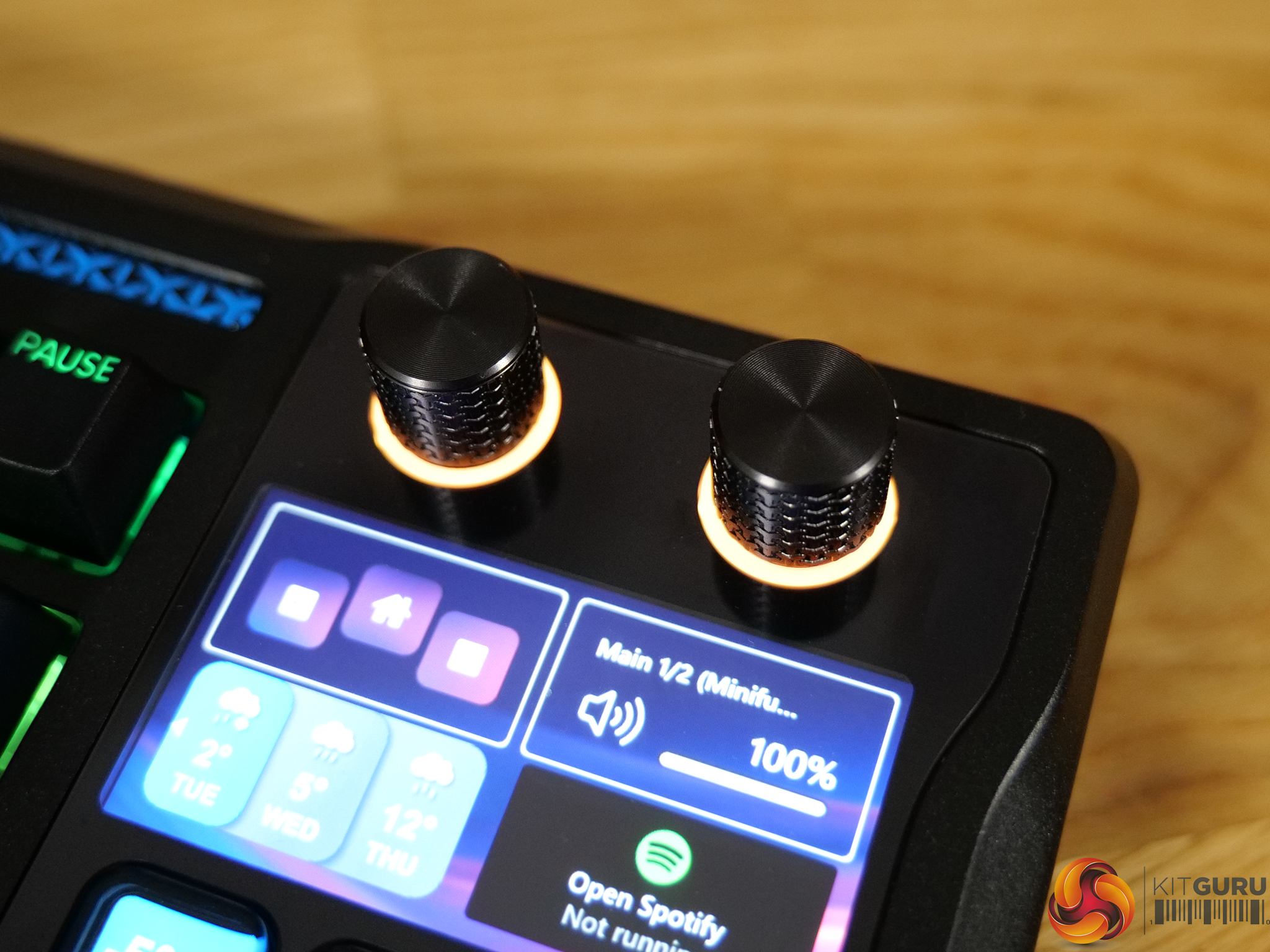
04:34 The Stream Deck integration
06:00 Setting up your SD profile
08:06 Keyboard switches and sound
09:52 Software experience
11:36 Closing thoughts

Specifications

  • Media and Volume Controls – Yes
  • Keyboard Size – Extended
  • Wrist Rest Included – Magnetic detachable, with leatherette cover and memory foam cushion
  • Keyboard Report Rate – Up to 8,000Hz
  • Keyboard Form Factor – Full Size
  • Keyboard Color – BLACK
  • Switch Type – Mechanical
  • On Board Memory – 8MB
  • Adjustable Height – Yes
  • Wired Connectivity – USB Type-A
  • Keyboard Connectivity – Wired
  • Keyboard Cable Material – Braided
  • WIN Lock – Dedicated Hotkey
  • Media Keys – Dedicated Media Keys, Volume Roller, Control Wheel
  • Key Rollover – Full Key (NKRO) with 100% Anti-Ghosting
  • Key Switches – CORSAIR MLX Pulse
  • Keyboard Layout – UK (UK)
  • Keyboard Warranty – 2 Years
  • Keyboard Compatibility – PC or Mac®|Windows® 10 or macOS® 10.15|CORSAIR WEB HUB & ELGATO Stream Deck
  • Weight – 1.392kg
  • USB Passthrough – USB 2.0 Type-A

You can buy the Galleon 100 SD keyboard for £309.99 RRP directly from Corsair HERE.

Pros:

  • Fully integrated Stream Deck with mature, powerful ecosystem.
  • Strong plug-in marketplace and deep workflow customisation.
  • Reliable performance with no crashes or missed inputs.
  • Solid aluminium top plate and good overall build quality.
  • Smooth MLX Pulse linear switches and decent stabiliser tuning.

Cons:

  • £309.99 pricing puts it firmly in enthusiast territory.
  • Stream Deck fixed on the right side limits ergonomics and flexibility.
  • Physically wide layout can impact desk comfort.
  • Keyboard itself isn’t exceptional without the Stream Deck.
  • Some uneven RGB through larger keycap legends.

KitGuru says: The inclusion of a fully functional Stream Deck makes the Galleon 100 SD one of the most versatile and customisable keyboards on the market. However, it is let down slightly by poor ergonomics for right-hand users.

The post Corsair Galleon 100 SD Keyboard Review first appeared on KitGuru.

Corsair Sabre V2 Pro MG + CF Mice Review

9 April 2026 at 10:54

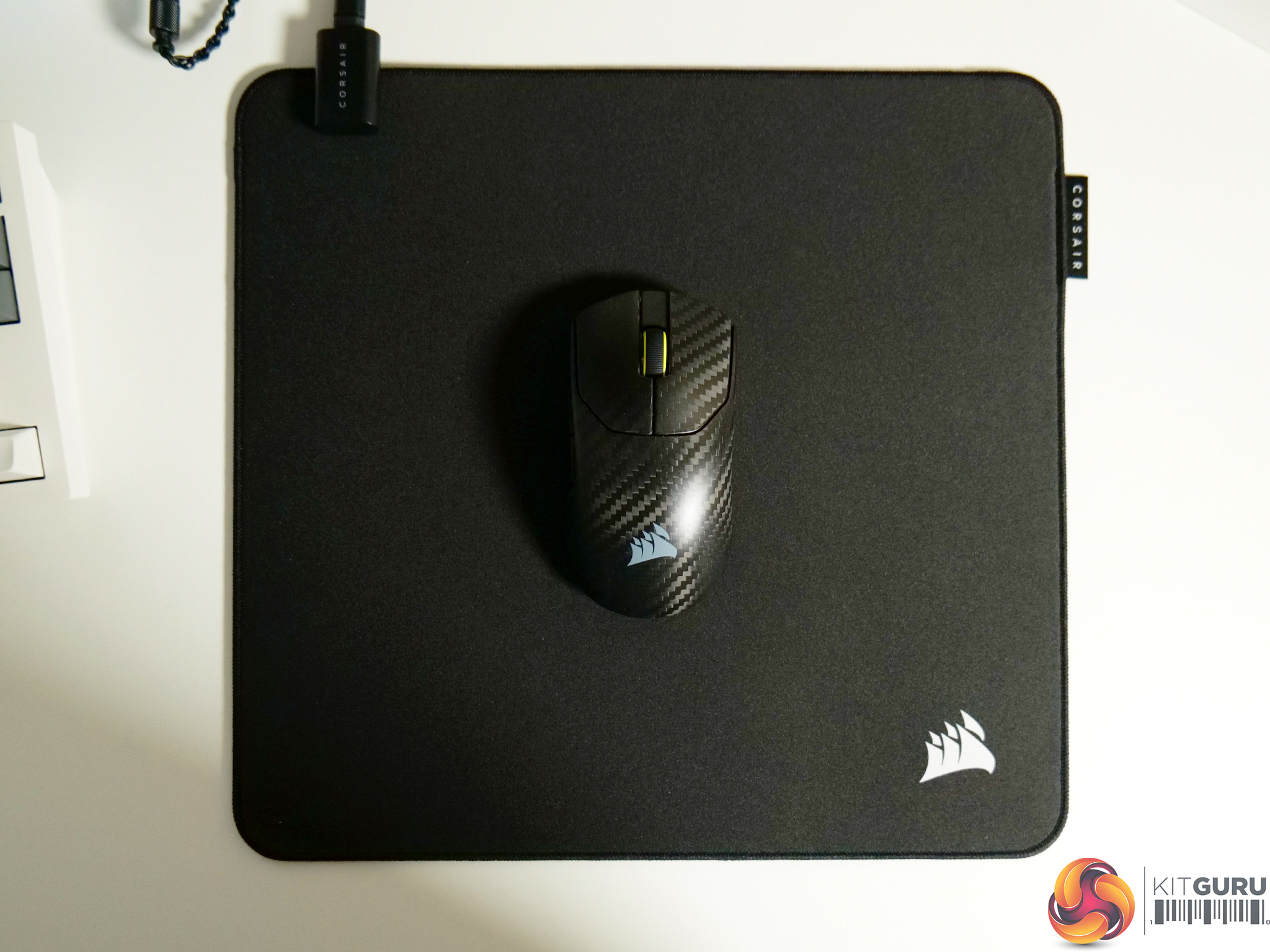
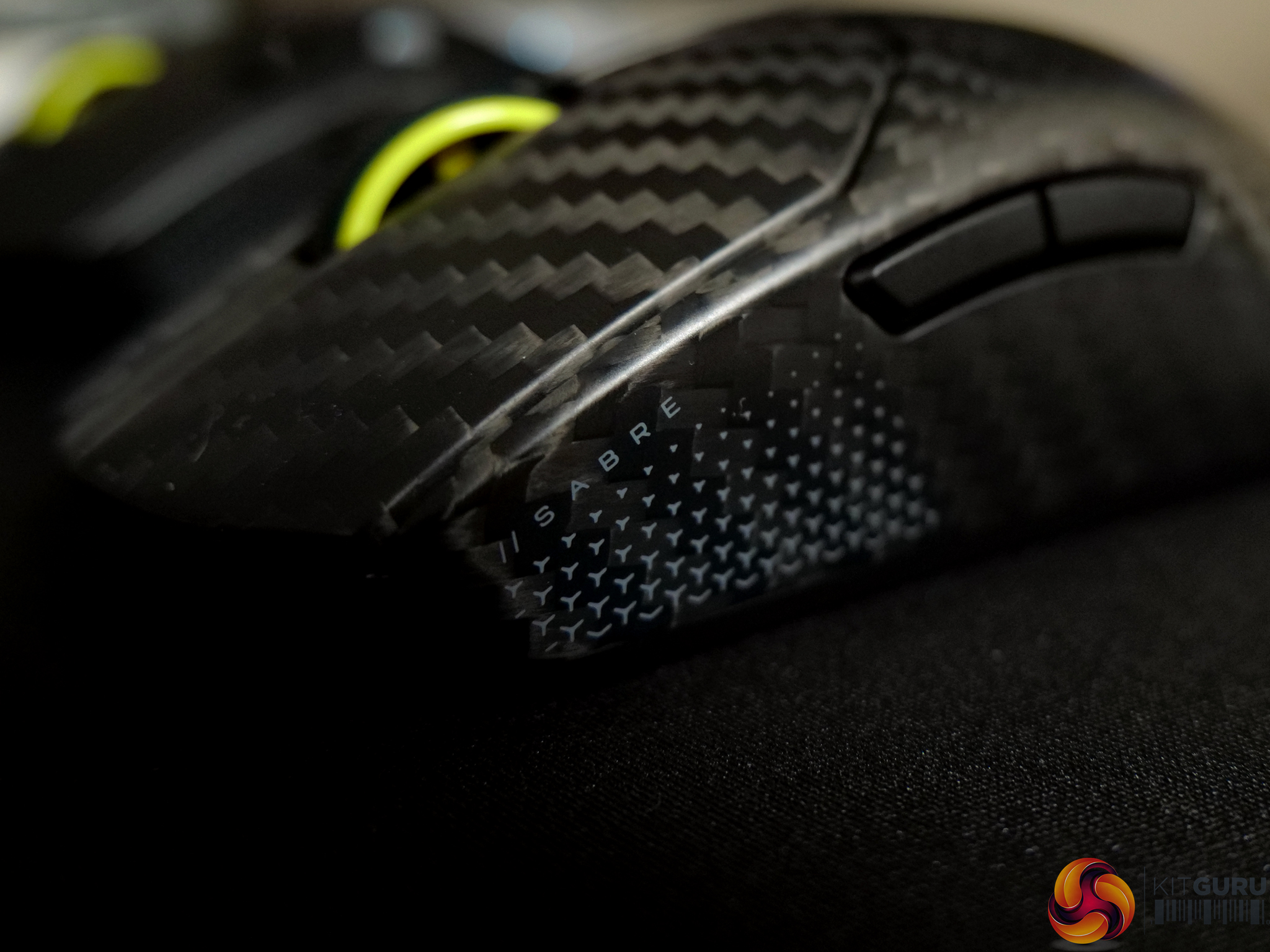
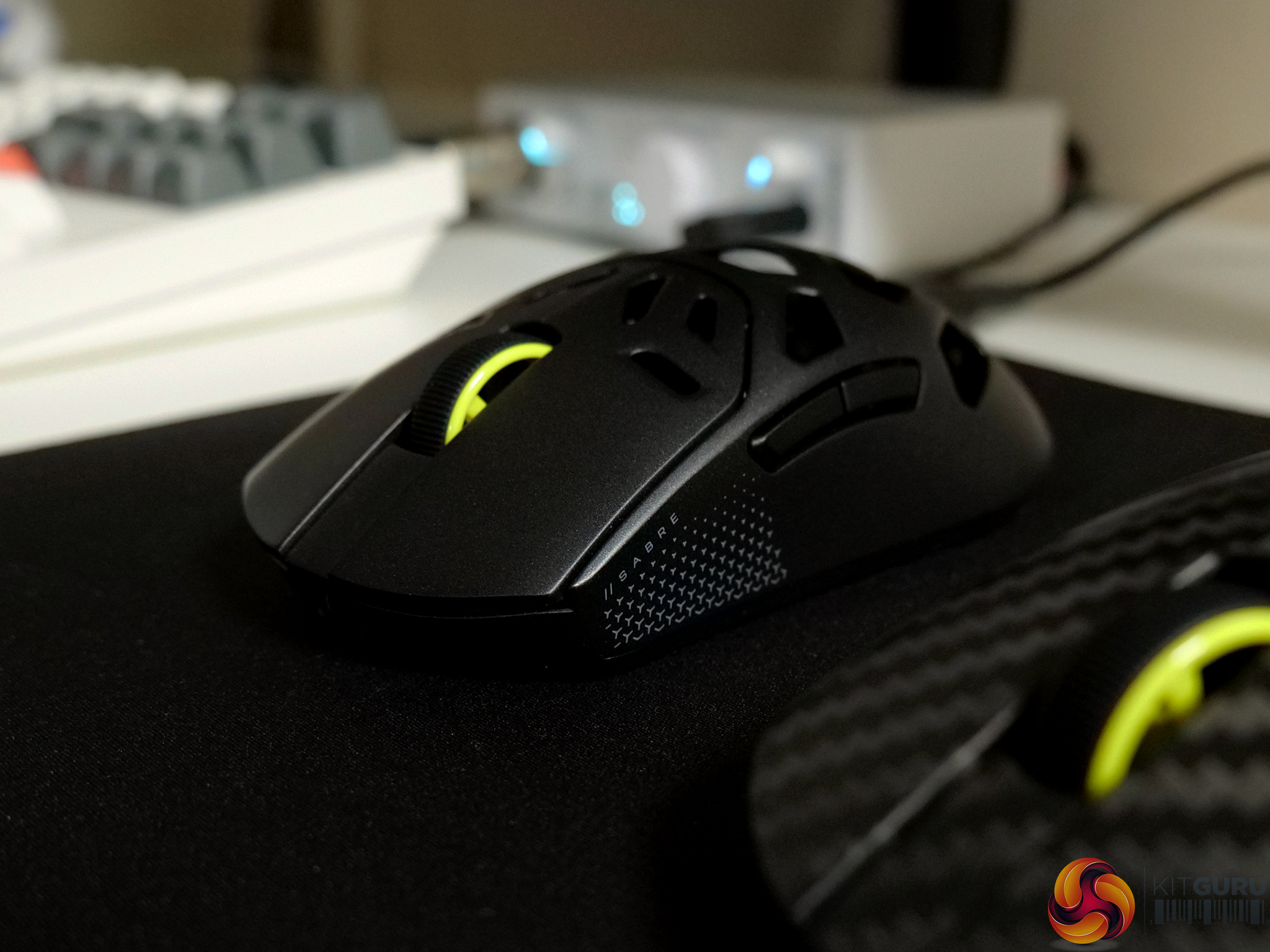
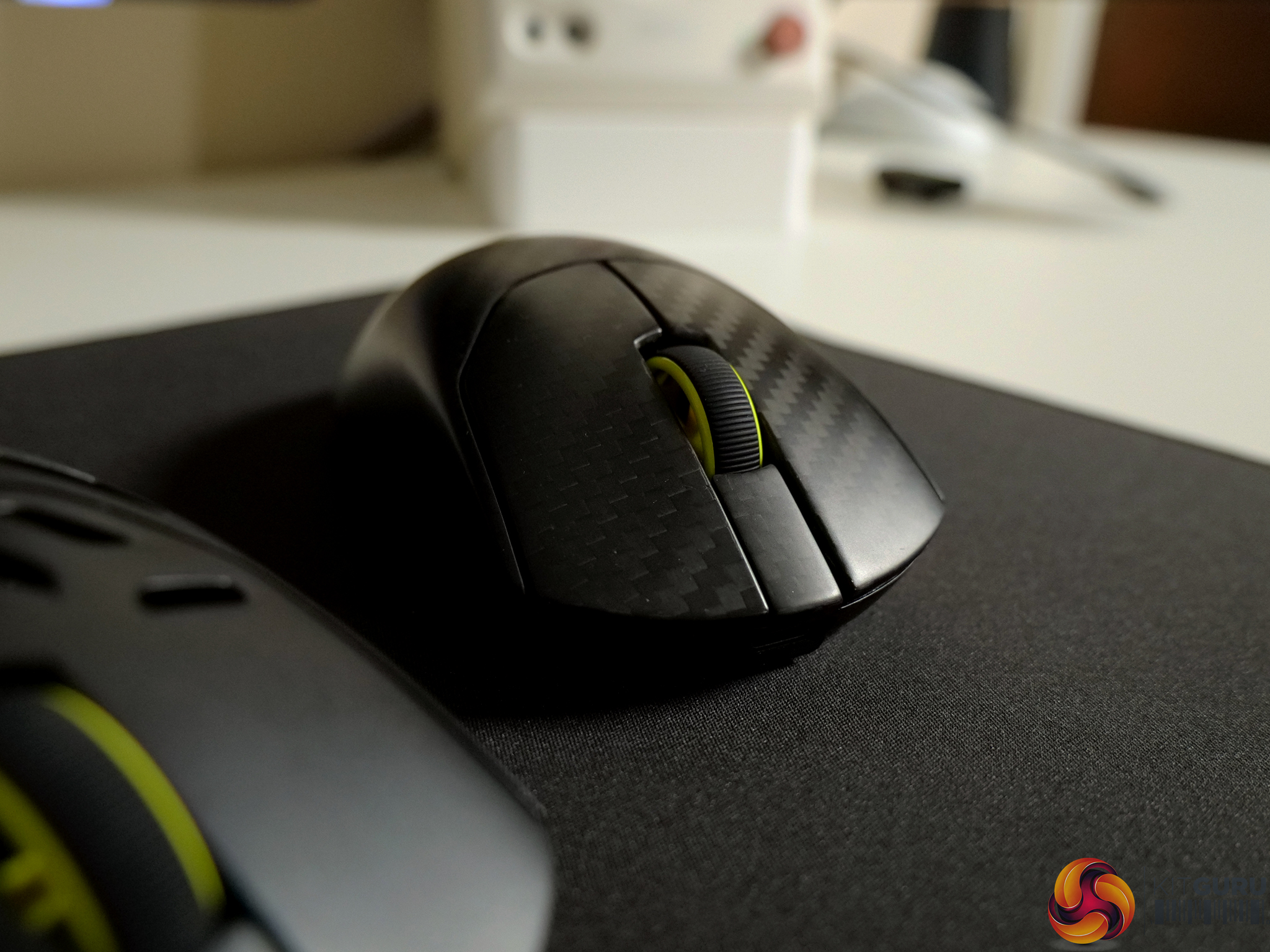
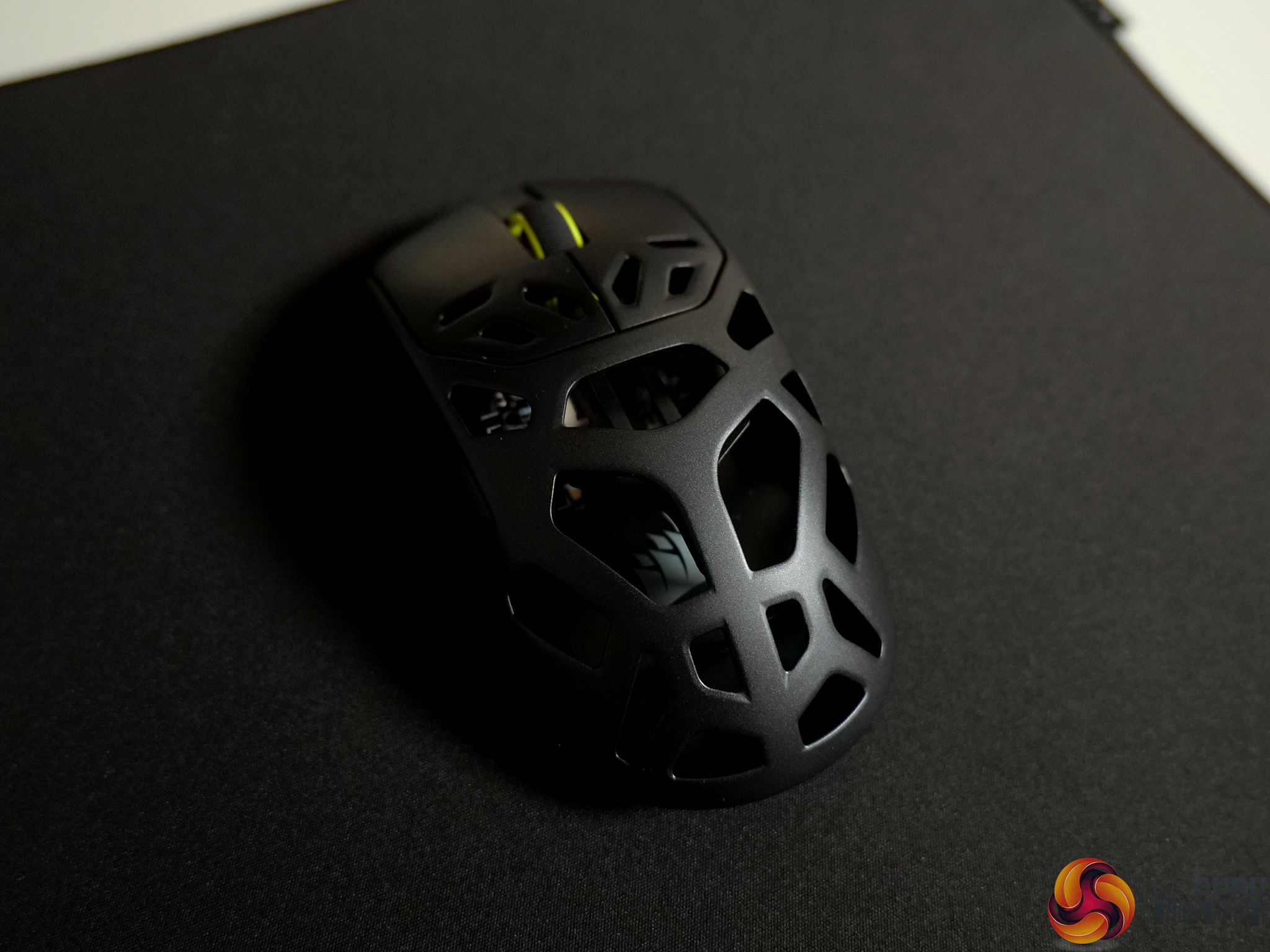
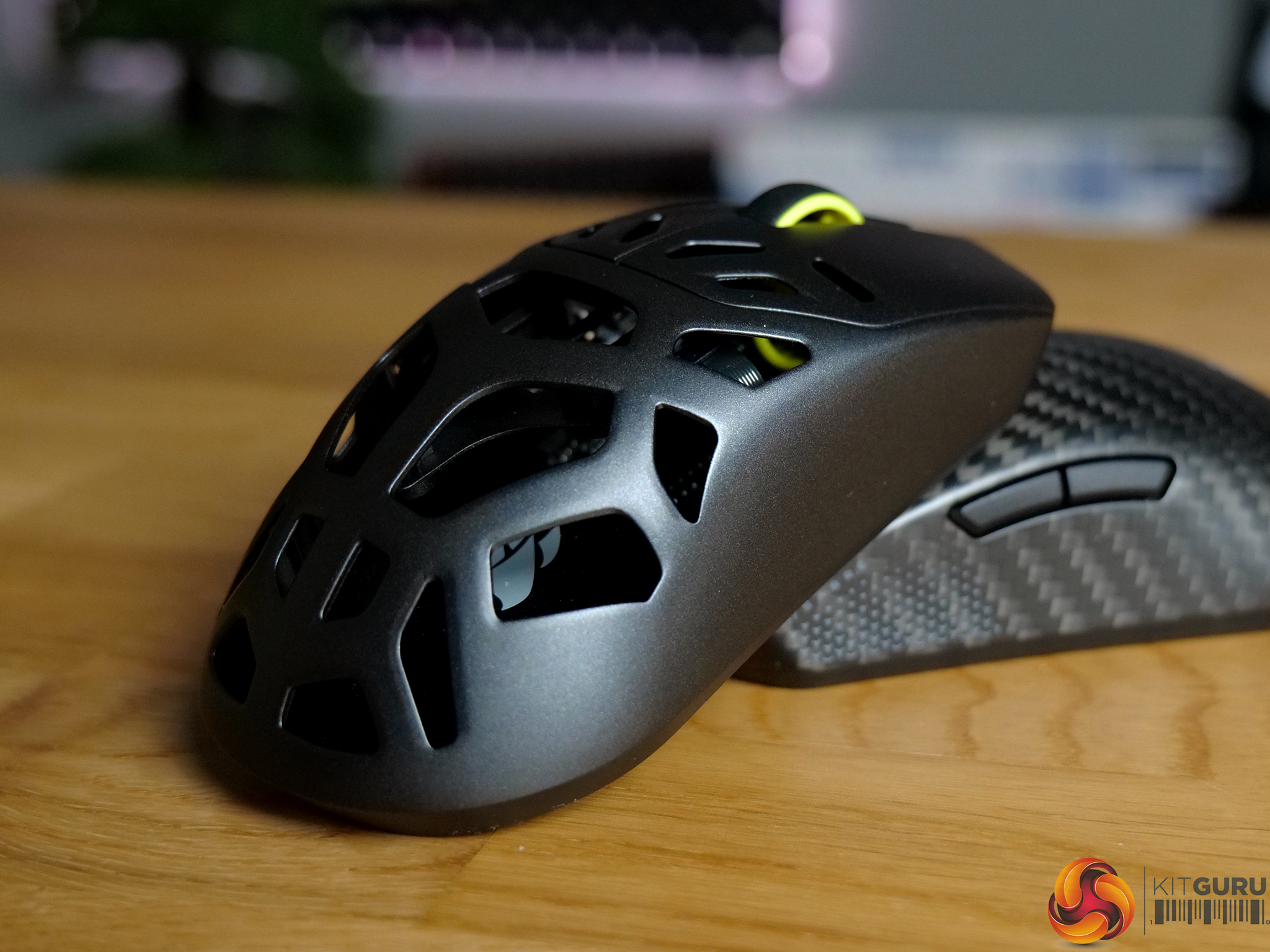
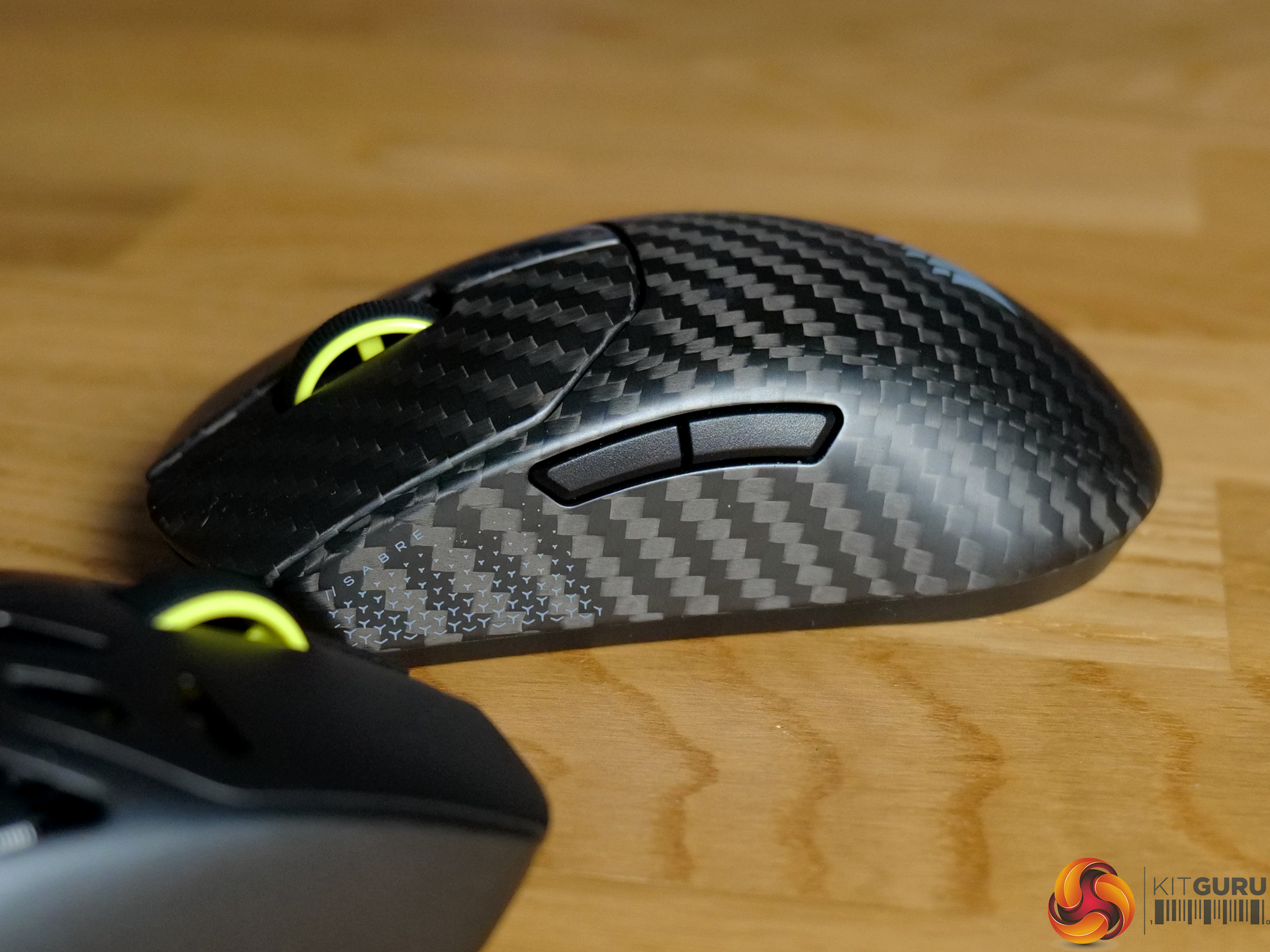
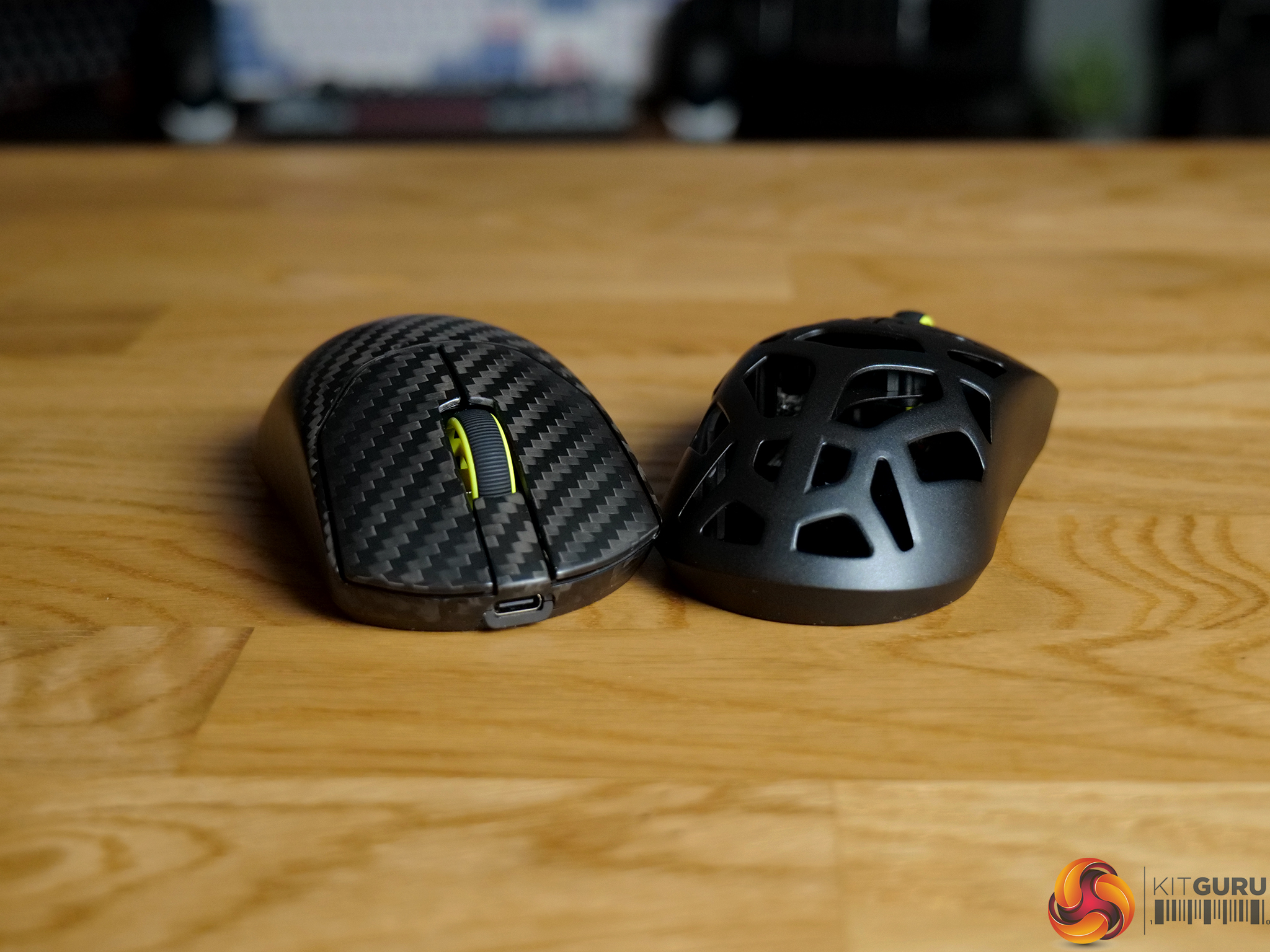
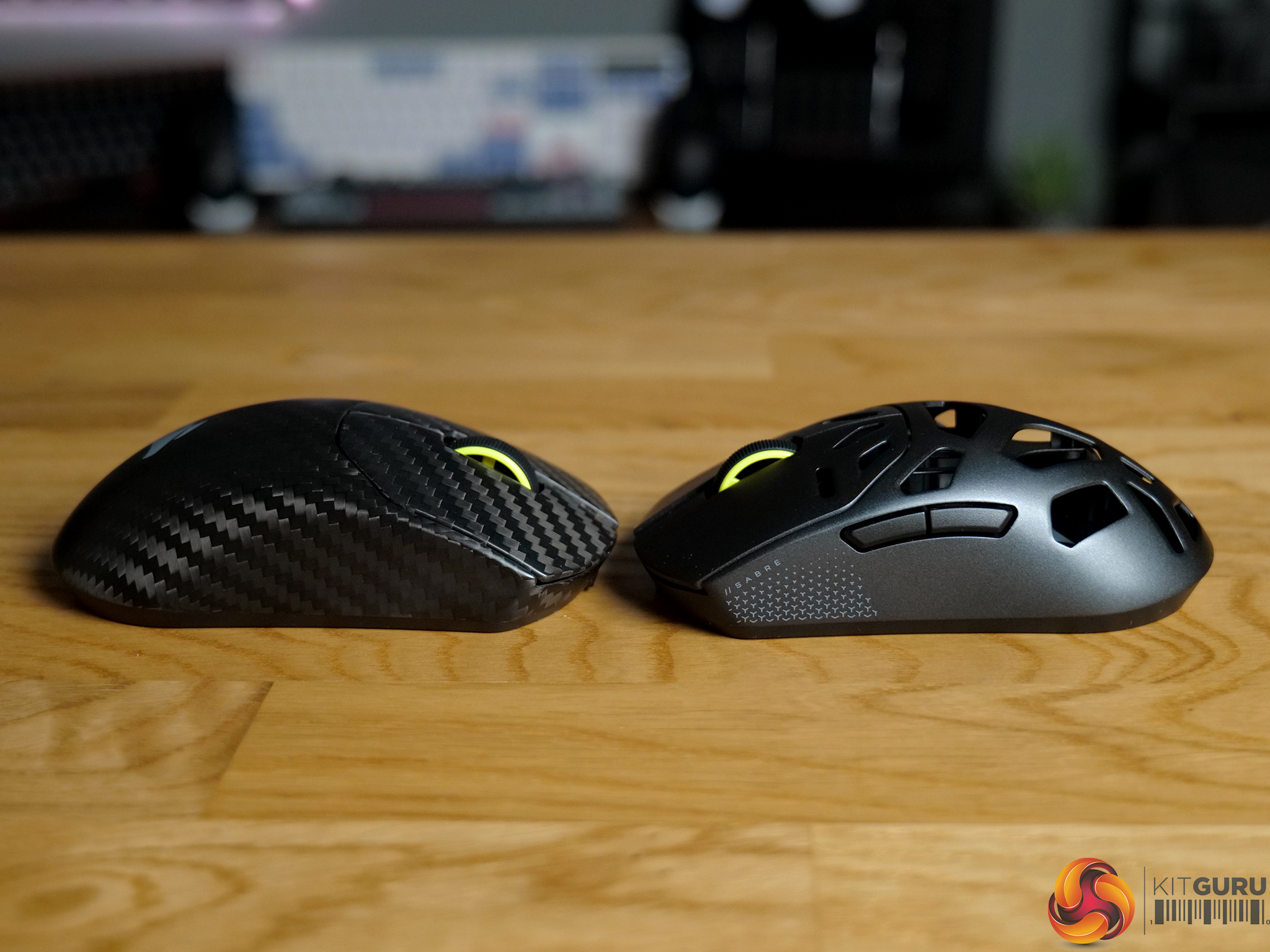
Just a few weeks after reviewing the 36 gram Sabre V2 Pro, Corsair has returned with two more premium versions built from magnesium and carbon fibre. They’re heavier, more rigid and undeniably more refined, with improved battery life and added Bluetooth support. But in chasing a more premium feel, Corsair has moved away from the extreme lightweight identity that made the original stand out. The question is whether that trade-off makes these better overall… or simply different.
Timestamps:

00:00 Intro
01:20 Pricing and key info
01:54 Design, main differences
03:24 Weight and build
04:57 Shape/size
06:12 Sensor / battery / Bluetooth
07:20 Corsair web hub
08:24 Closing thoughts

Specifications

SABRE v2 PRO WIRELESS MAGNESIUM ALLOY

  • Weight In Grams – 56
  • Connectivity – Wireless;Wired
  • Sensor Type – Optical
  • Grip Type – Any
  • Battery Life – Up to 120 hours of battery life using 2.4 GHz with 1kHz polling rate. Up to 21 hours of battery life using 2.4 GHz with 8kHz polling rate. Up to 170-h
  • Cable – 1.8M/ 6ft Braided Type C to A cable
  • Mouse Compatibility – PC with a USB Type-A port | Windows® 10, Windows® 11
  • Mouse Warranty – 2 Year

SABRE v2 PRO CARBON FIBER WIRELESS

  • Weight In Grams – 55
  • Connectivity – Wireless;Wired
  • Sensor Type – Optical
  • Grip Type – Any
  • Battery Life – Up to 120 hours of battery life using 2.4 GHz with 1kHz polling rate. Up to 21 hours of battery life using 2.4 GHz with 8kHz polling rate.
  • Cable – 1.8M/ 6ft Braided Type C to A cable
  • Mouse Compatibility – PC with a USB Type-A port | Windows® 10, Windows® 11
  • Mouse Warranty – 2 Years

You can buy the Sabre V2 Pro in either Magnesium Alloy or Carbon Fiber for £119.99 and £169.99, respectively, directly from Corsair here: MagnesiumCarbon Fiber.

Pros:

  • Much improved build quality.
  • Premium magnesium and carbon fibre finishes.
  • More rigid, solid feel.
  • Better battery life.
  • Bluetooth added.
  • Updated Web Hub controls.

Cons:

  • Heavier than the 36g original.
  • Magnesium shell feels cold and perforations are noticeable.
  • Carbon fibre finish lacks grip.
  • 8ms debounce locked with no official adjustment.
  • 8K polling drains battery quickly.
  • Higher price points.

KitGuru says: The materials used in these mice certainly give them a premium, eye-catching allure. However, the added weight takes away what made the original Sabre v2 Pro so appealing. 

The post Corsair Sabre V2 Pro MG + CF Mice Review first appeared on KitGuru.

ASUS ROG Kithara Gaming Headset Review

7 April 2026 at 10:32

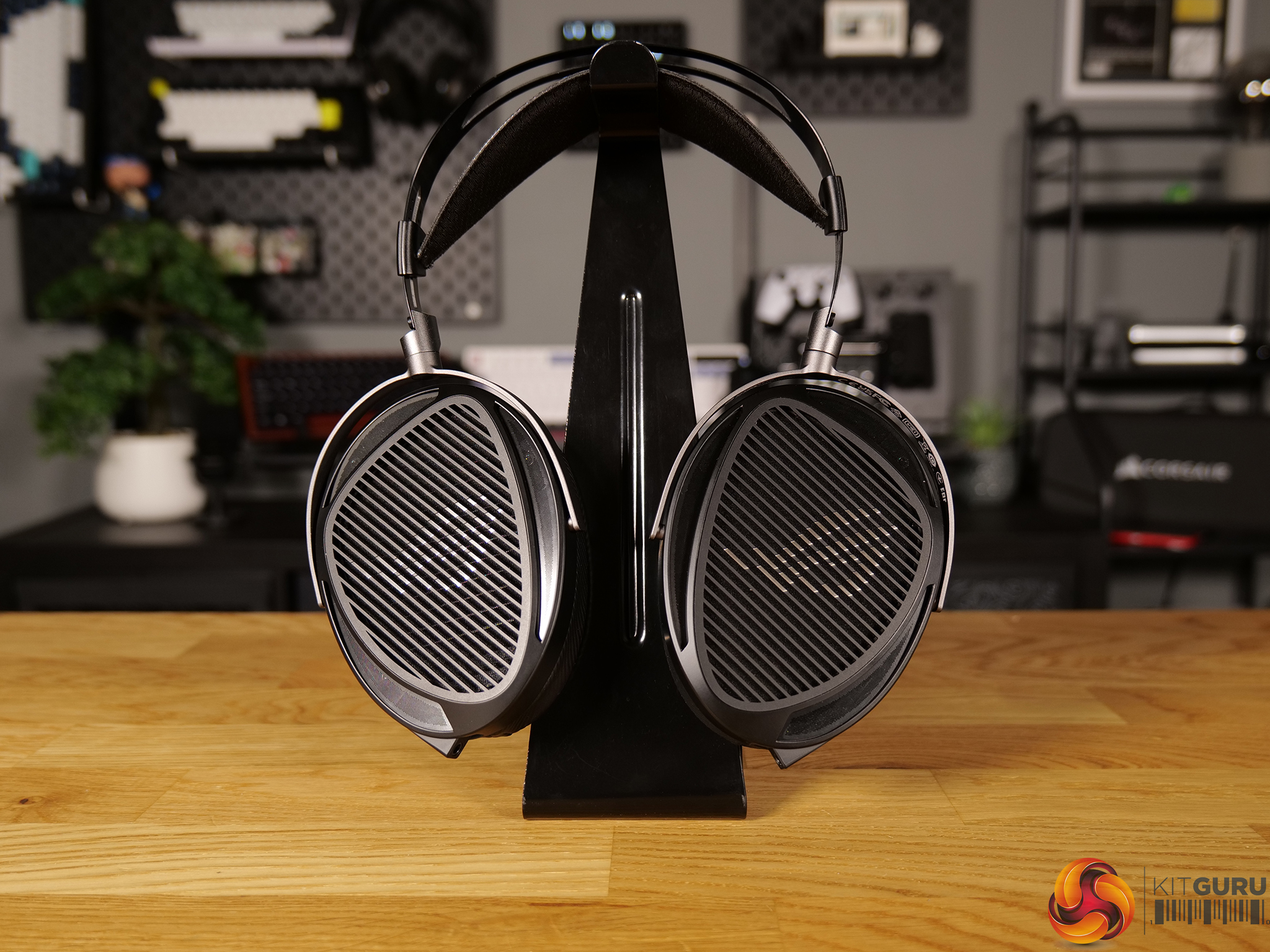
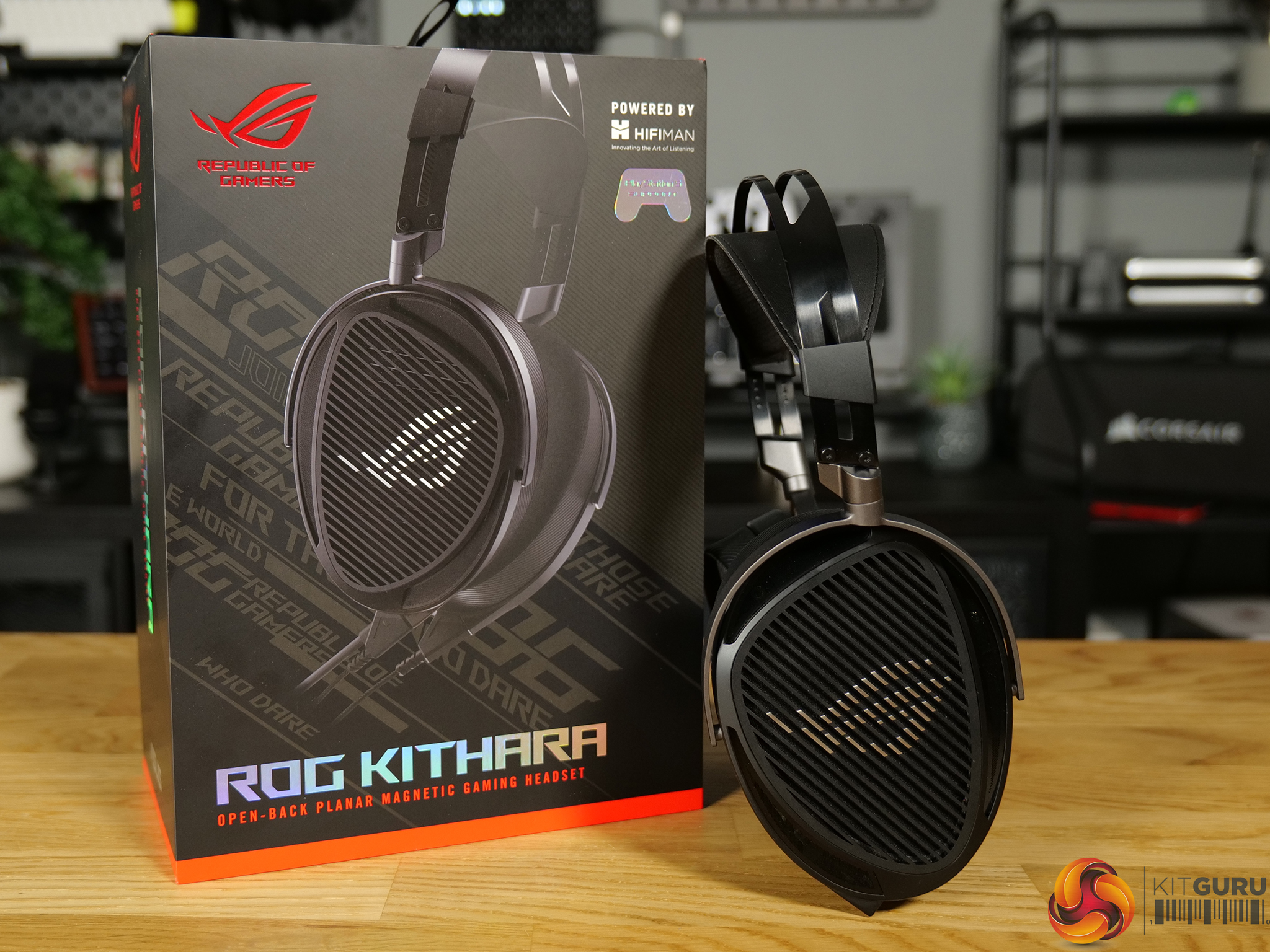
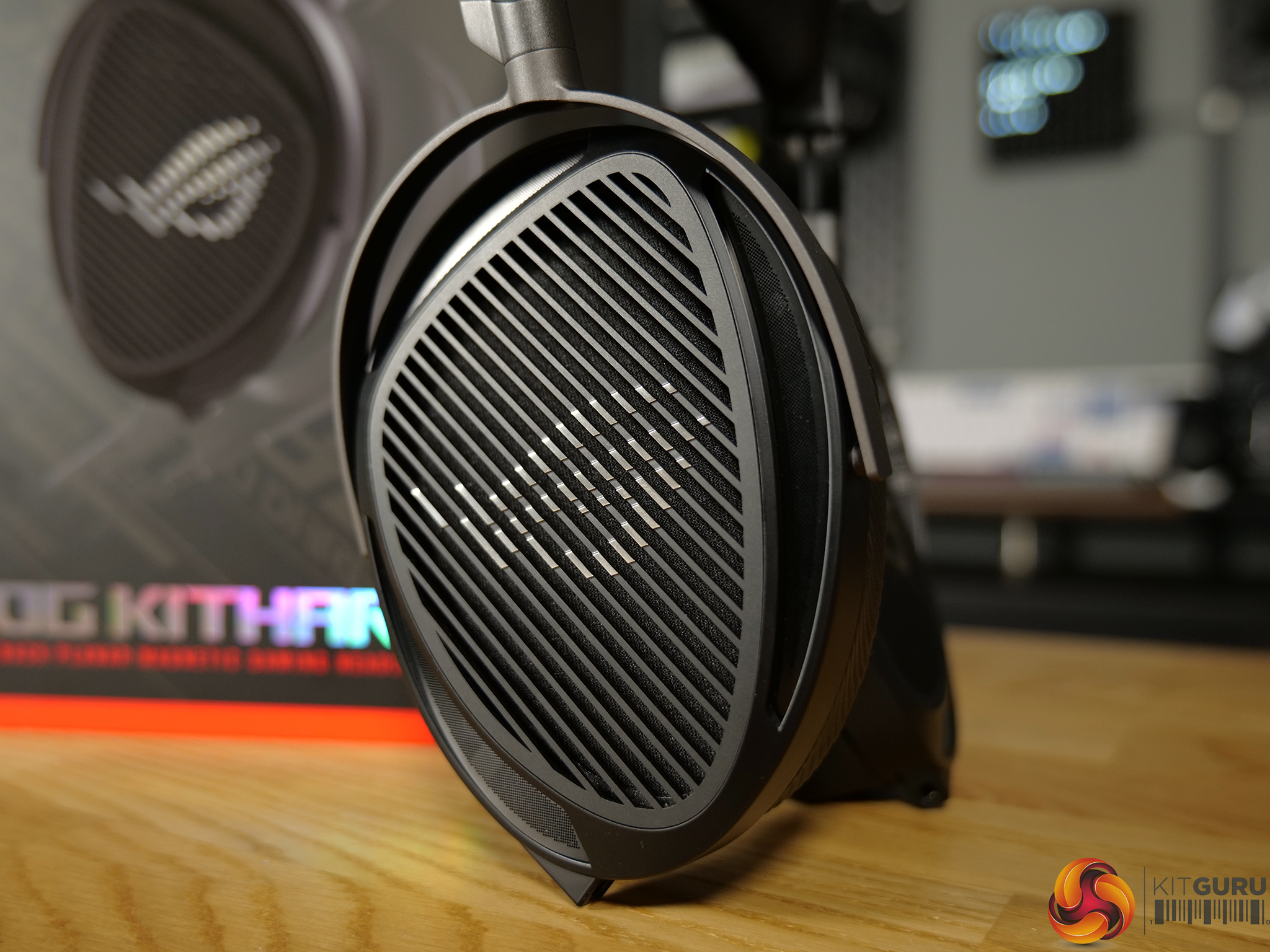
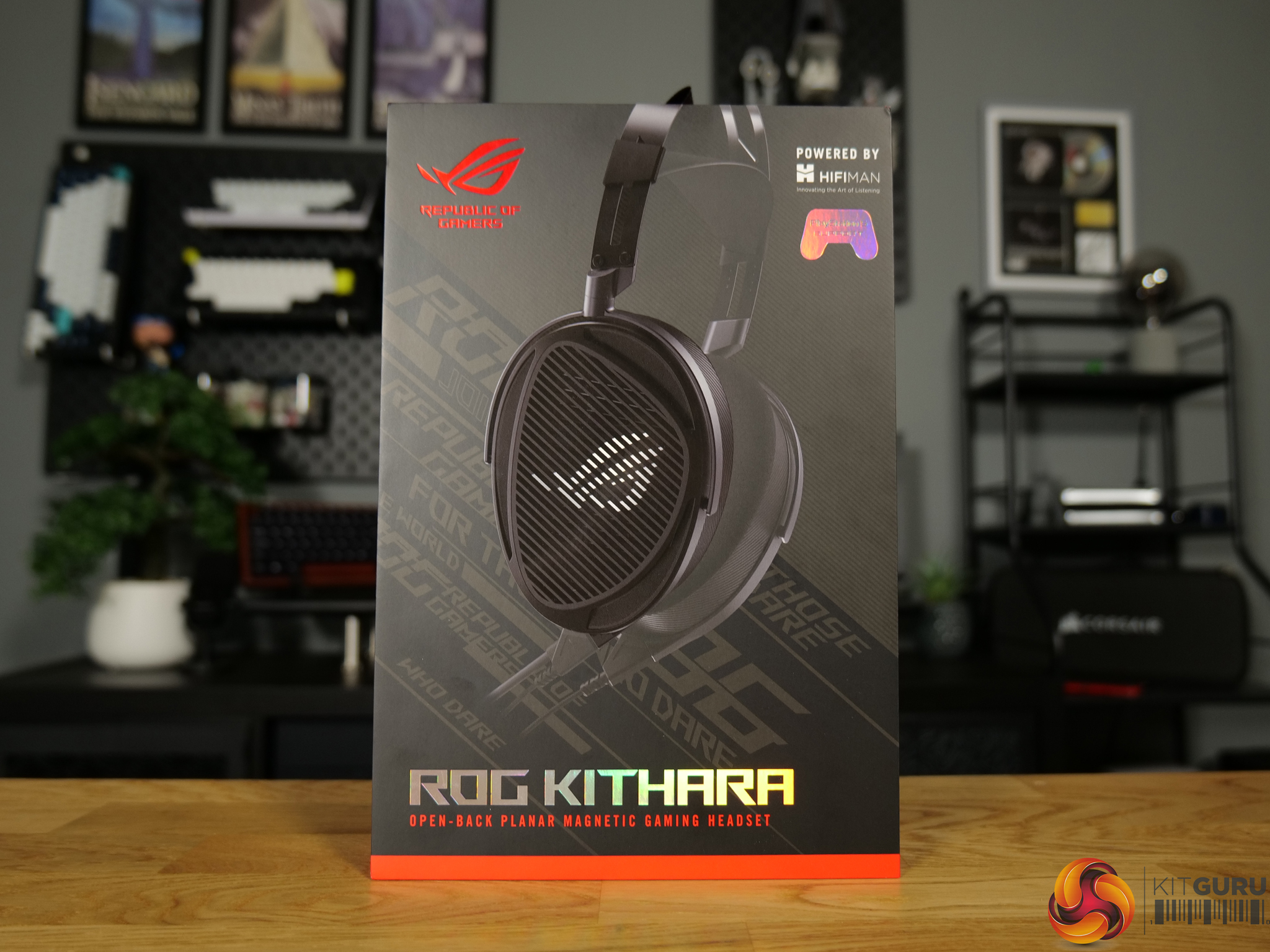
ASUS isn’t short on gaming headsets, but the ROG Kithara feels like something a little different. Developed in collaboration with HiFiMan and built around large 100mm planar magnetic drivers, it aims to blur the line between traditional gaming headsets and more studio-focused audiophile headphones. Priced at £284.99 in the UK, the Kithara sits firmly in premium territory, promising detailed, spacious sound for both competitive gaming and music listening. Does it justify the price?

Timestamps:

00:00 Intro
01:02 Pricing and key info
01:41 Design first impressions
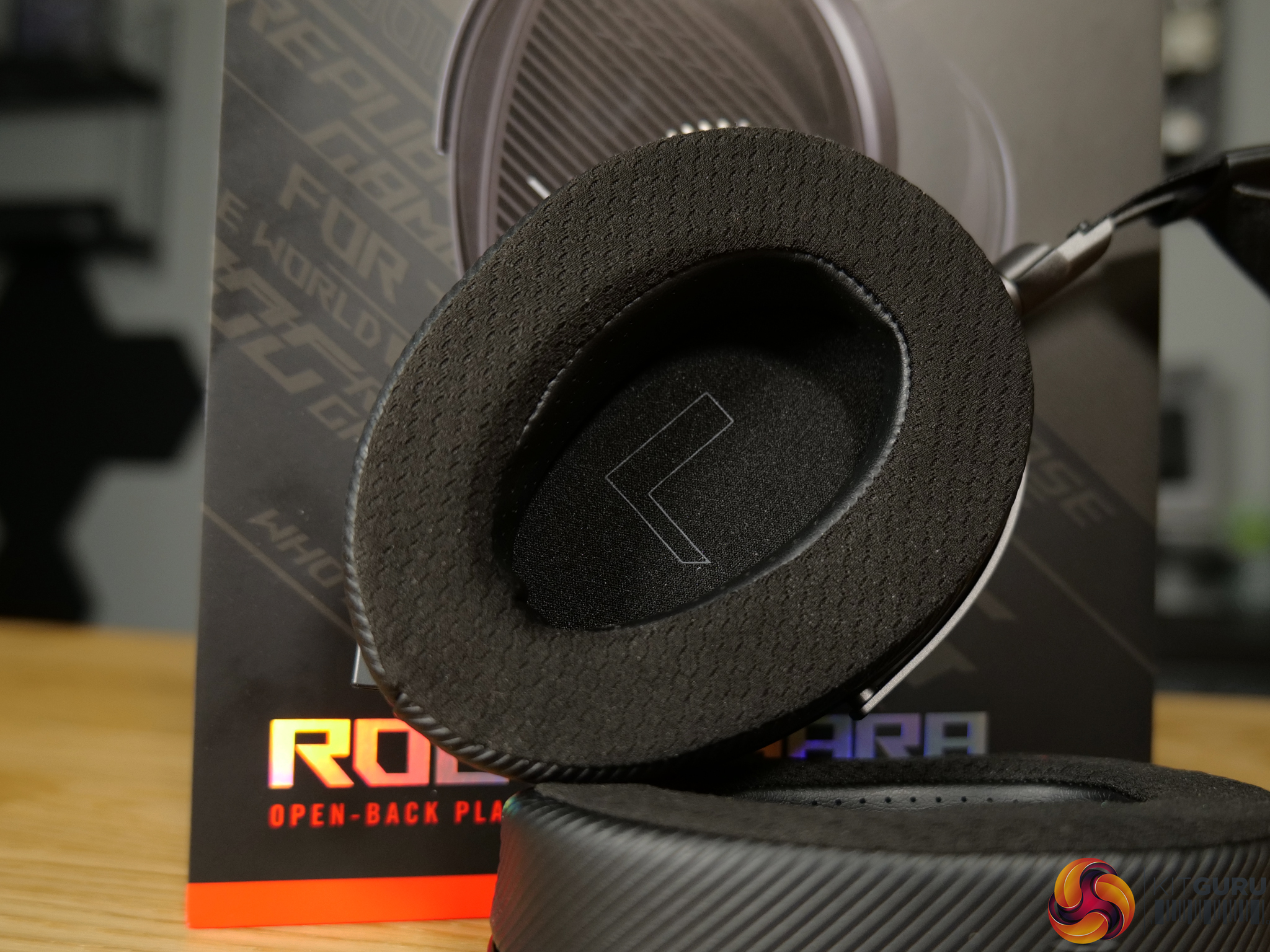
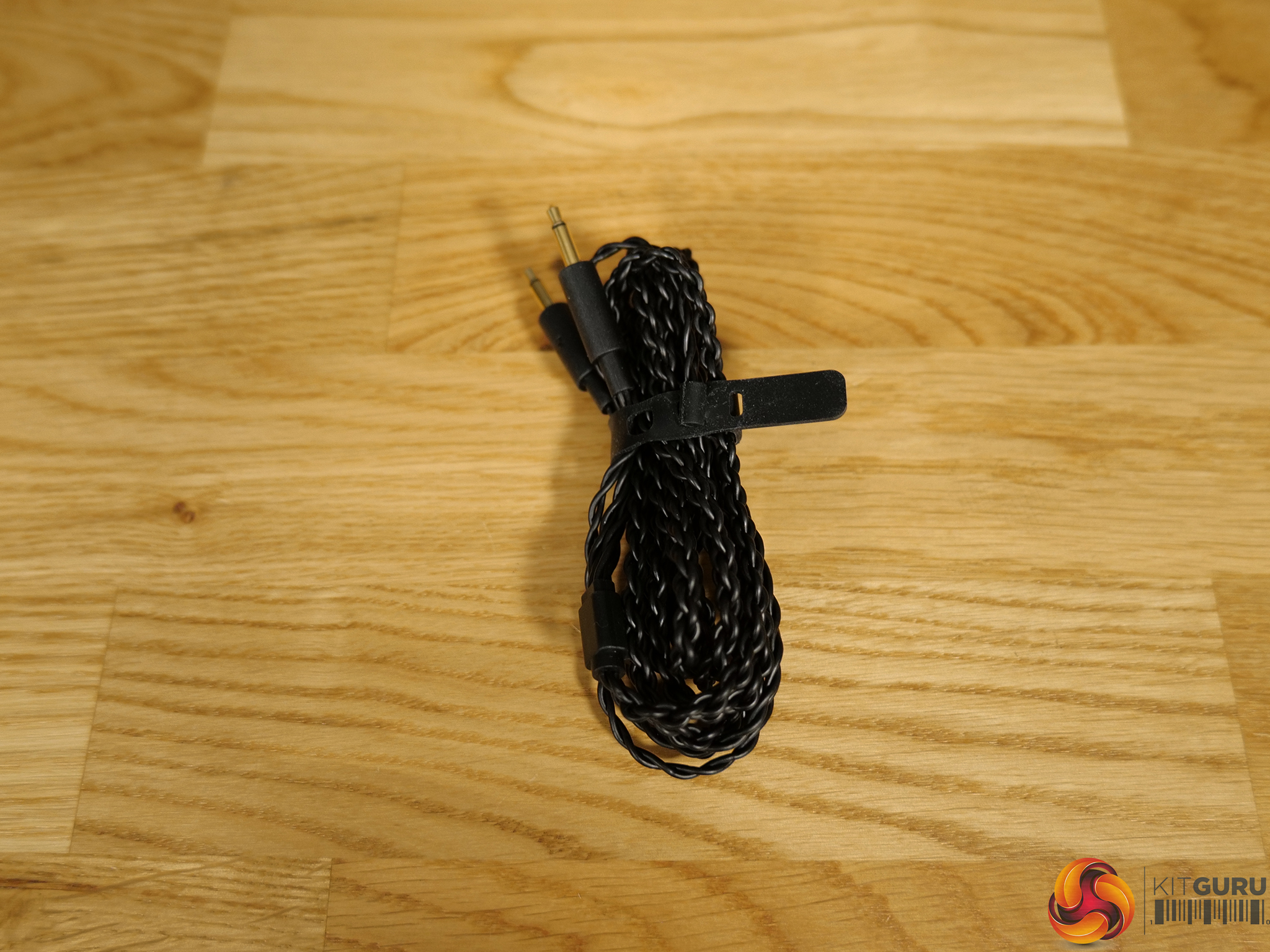
03:45 Ear cushion, cable info
05:11 Included measurement card
05:34 Headset specs
06:35 Real-world gaming experience
07:11 Music testing
07:40 Driving from an amp/DAC
09:01 Device compatibility
10:33 Mic test
11:40 Closing thoughts

Specifications

  • Product Type – 3.5mm headset
  • Interface – Wired
  • Connector – 3.5mm
  • Support Platform
    • PC
    • MAC
    • PlayStation® 4, PlayStation® 5
    • Nintendo Switch
    • iPad, iOS
    • Android
    • Xbox (* Compatible with Xbox consoles via 3.5mm connection)
  • Driver Material – Planar Magnetic Driver
  • Driver Size – 100 mm
  • Headphones Impedance – 16 ohm
  • Headphones Frequency Response – 8Hz – 55kHz
  • Microphone Sensitivity – -36 dB
  • Microphone Frequency Response – 20Hz – 20kHz
  • Active Noise Cancellation – No
  • Channel – Stereo
  • Aura – No
  • Foldablility – No
  • Weight – 420 g
  • Carry bag/box – No
  • Extra ear-cushion – Yes
  • Color – Black
  • Cable
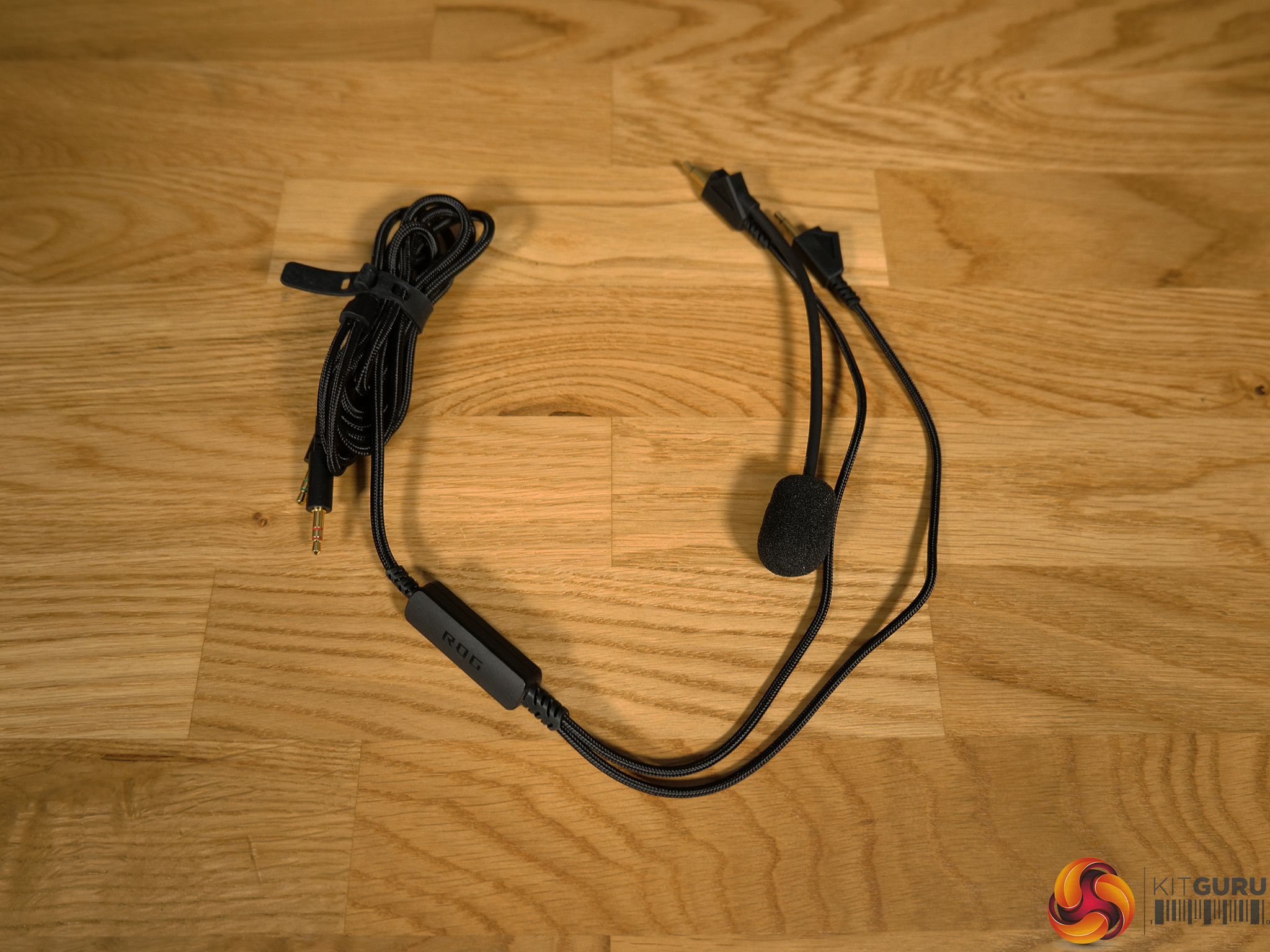
    • 1.8m Dual-3.5mm to Dual-3.5mm Boom Mic Cable
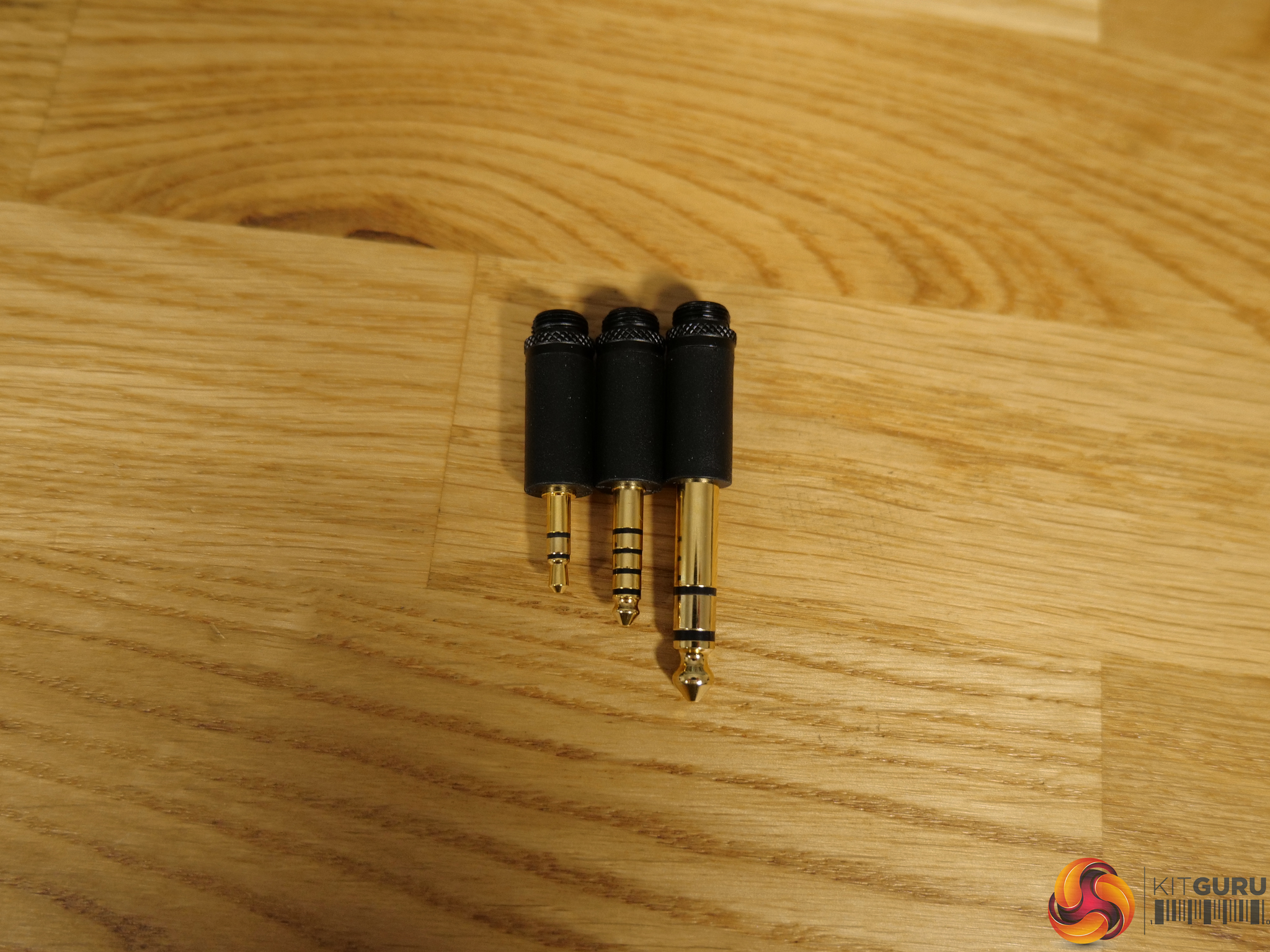
    • 1.8m Dual-3.5mm with 3-in-1 (3.5mm/6.3mm single-ended, 4.4mm balanced) plug cable
  • Accessories
    • 1.8m Dual-3.5mm to Dual-3.5mm Boom Mic Cable
    • 1.8m Dual-3.5mm with 3-in-1 (3.5mm/6.3mm single-ended, 4.4mm balanced) plug cable
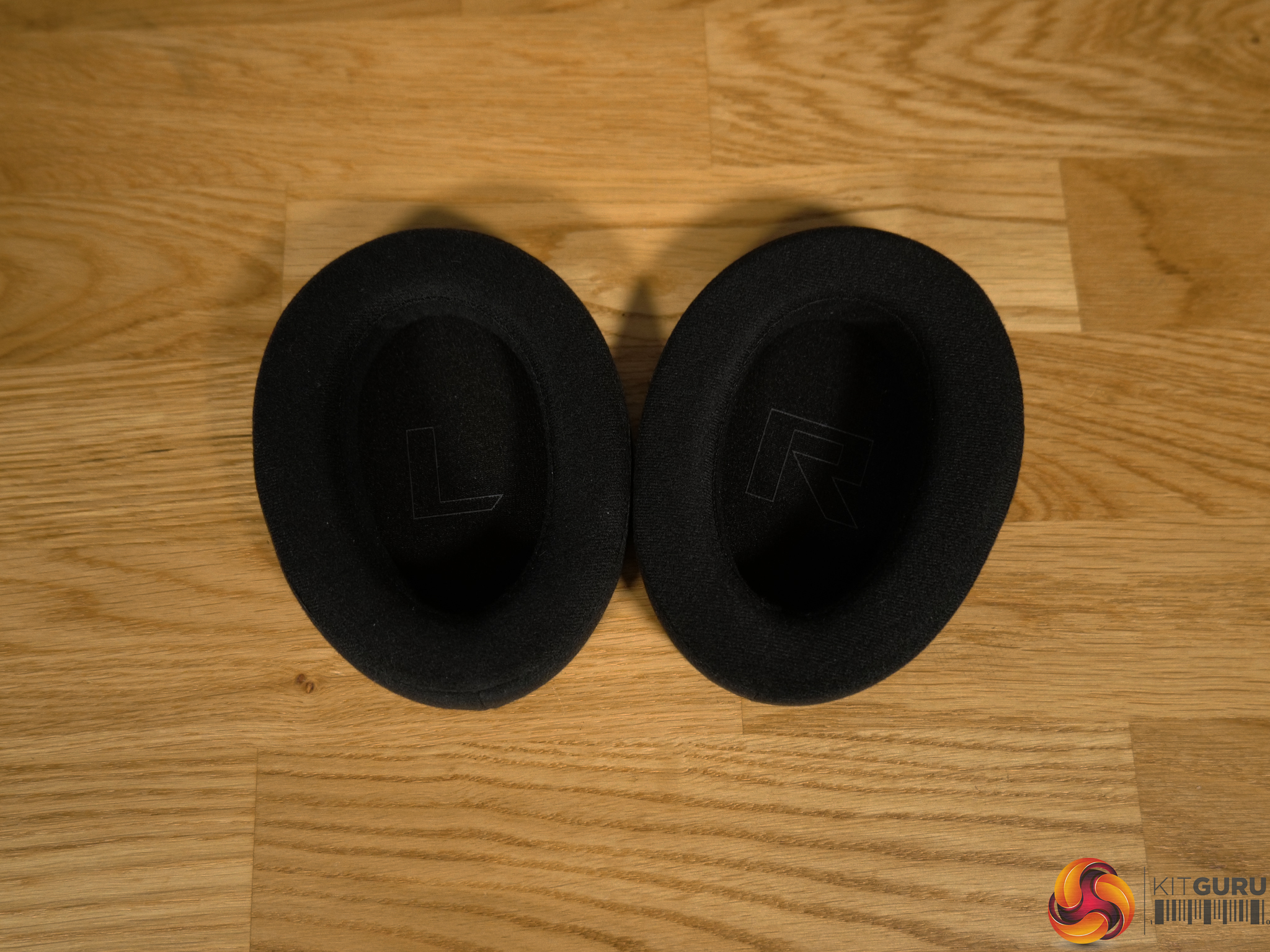
    • USB-C to Dual-3.5mm Adapter
    • 2 sets of Ear Cushion: 1 x Velour, 1 x Leatherette with Mesh Fabric
    • Frequency Response Measurement Card
    • Warranty Booklet
    • Quick Start Guide

You can buy the ROG Kithara Gaming Headset for £284.99 from Scan HERE.

Pros:

  • High quality, detailed audio.
  • Great frequency separation.
  • Very comfortable.
  • Good selection of accessories.
  • Clean design.

Cons:

  • Weak headband adjustment brackets.
  • Needs a DAC/Amp/Audio Interface to get the most from it.

KitGuru says: The ROG Kithara brings great sound quality to a gaming headset.

The post ASUS ROG Kithara Gaming Headset Review first appeared on KitGuru.

ASUS ROG Falchion ACE 75 HE Keyboard Review

13 March 2026 at 14:00

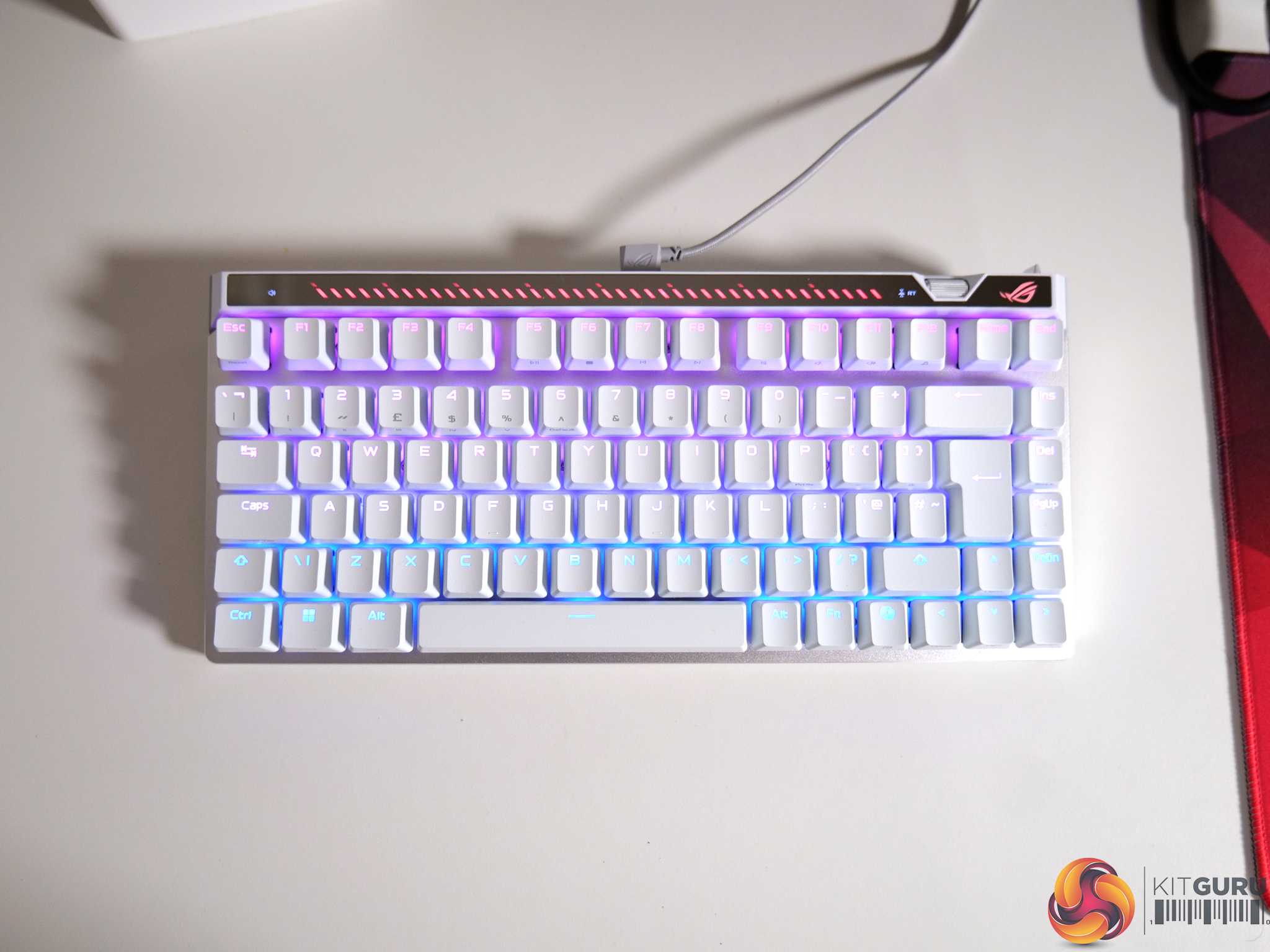
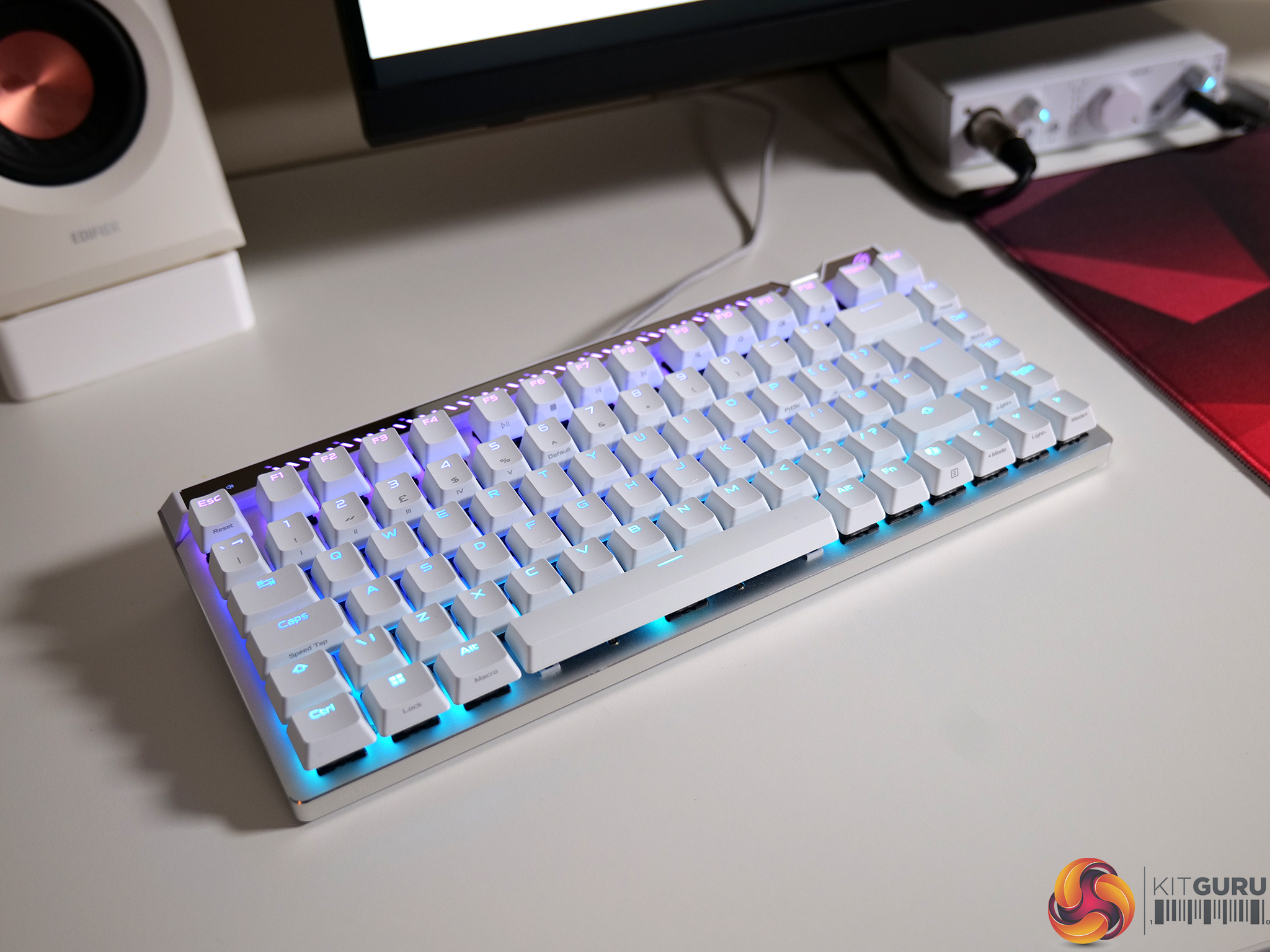
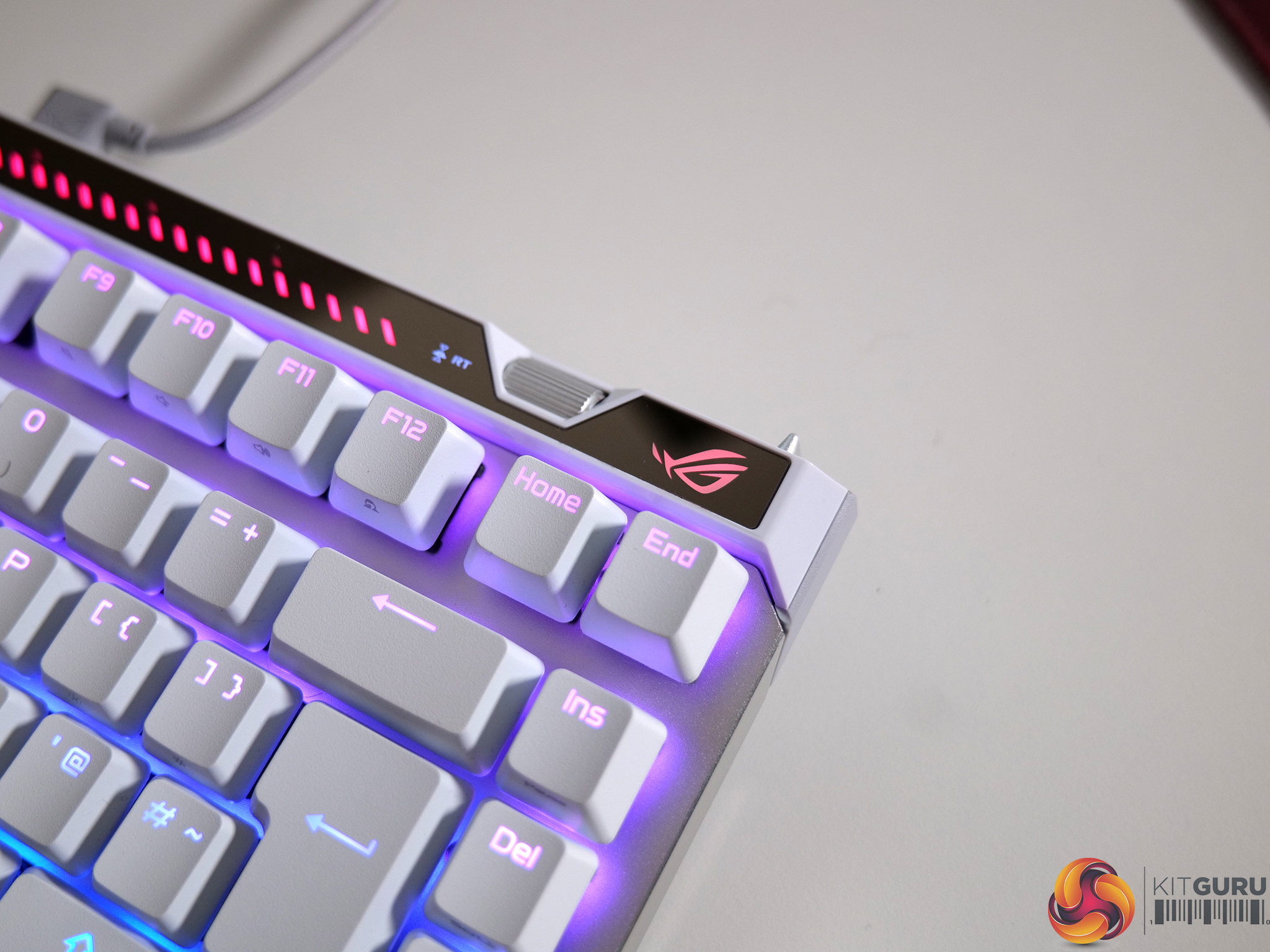
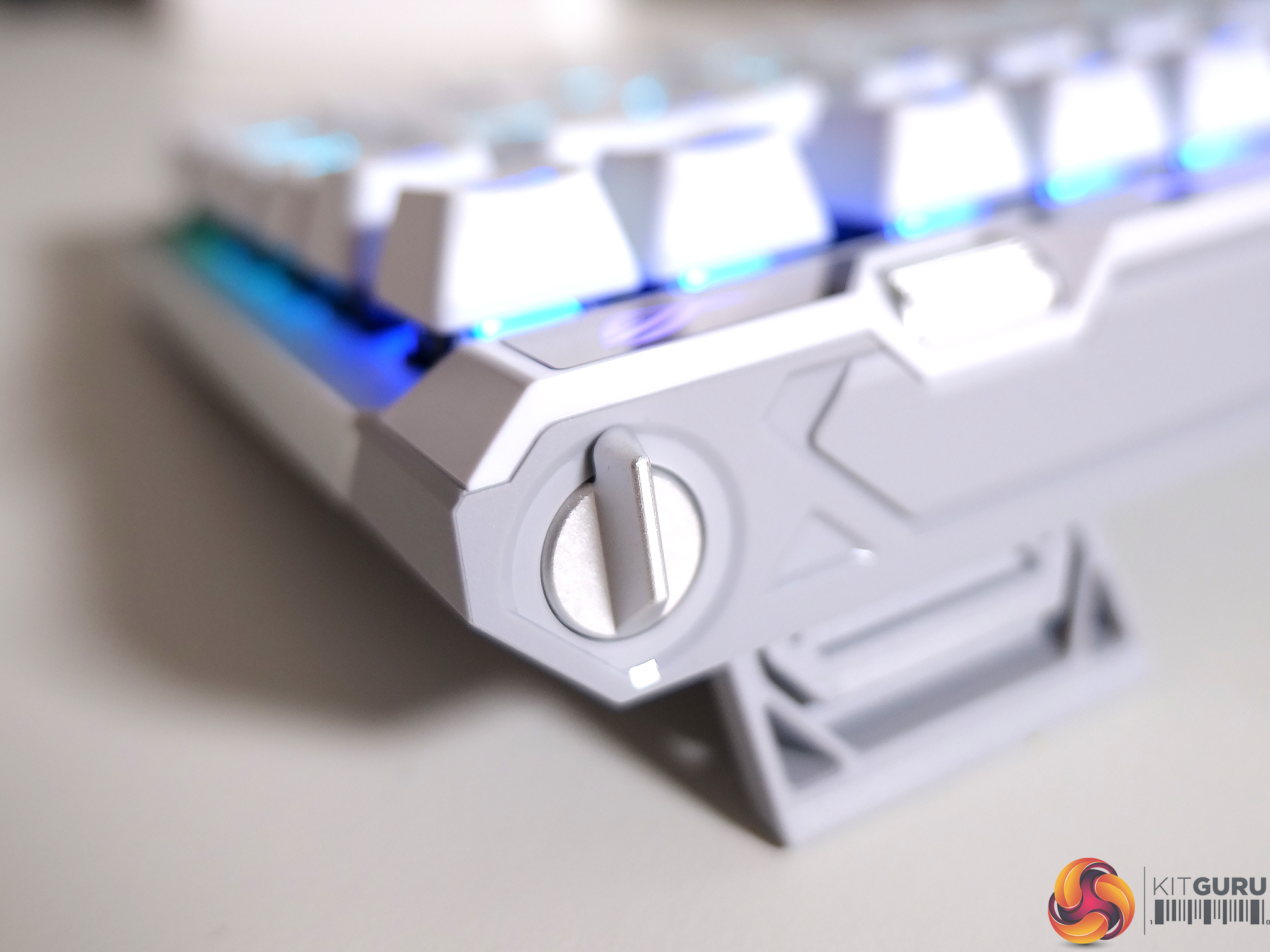
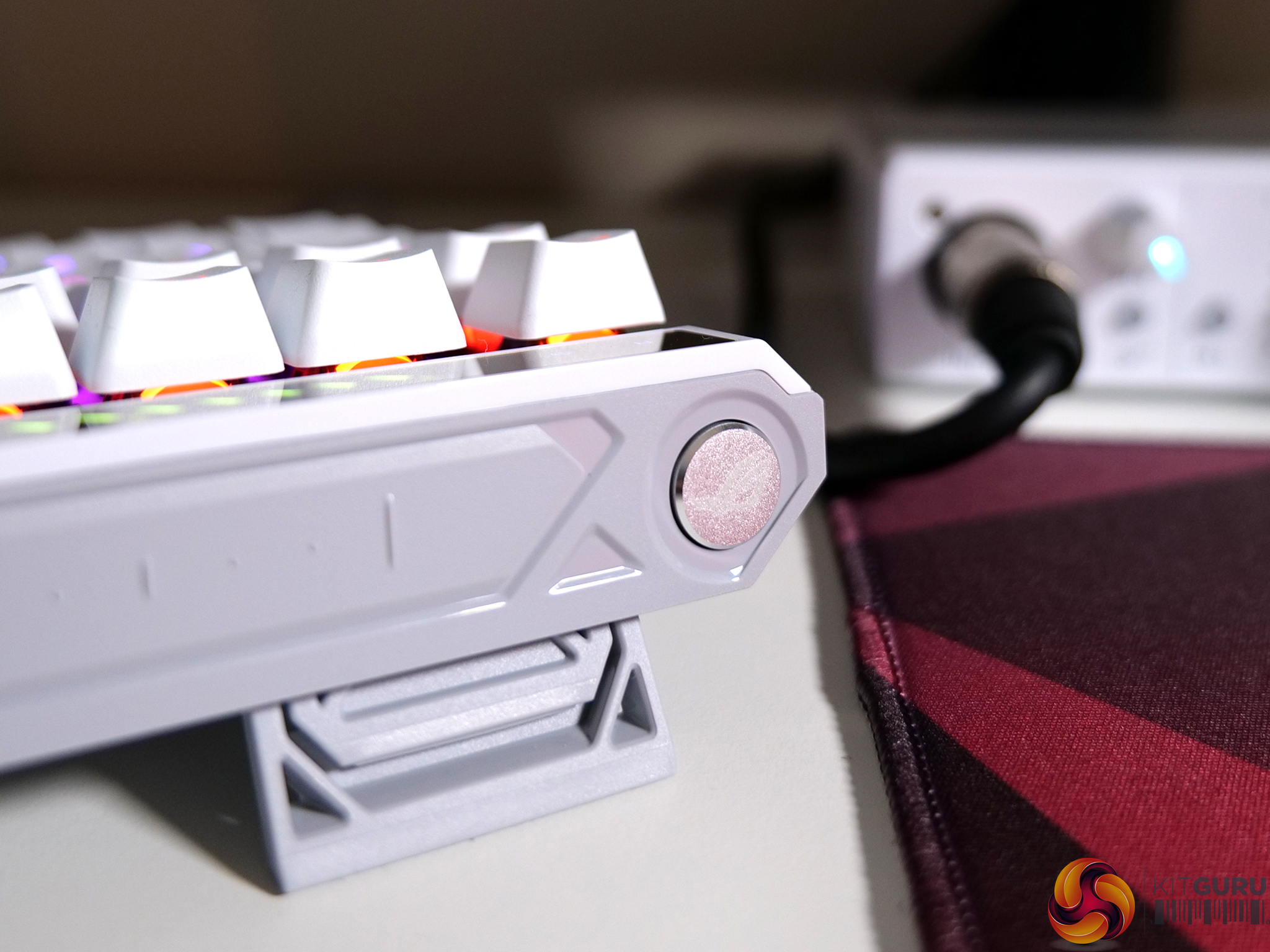
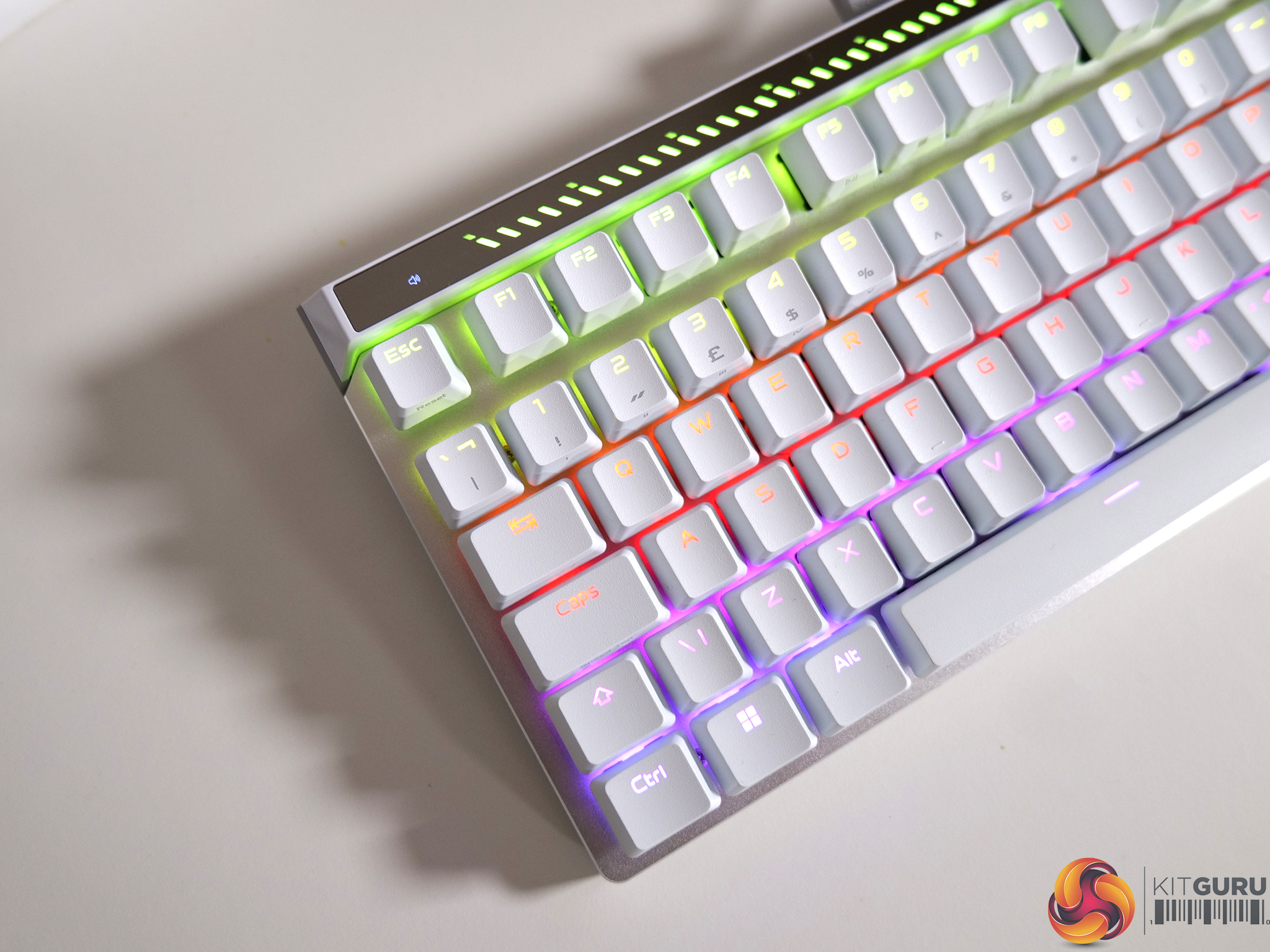
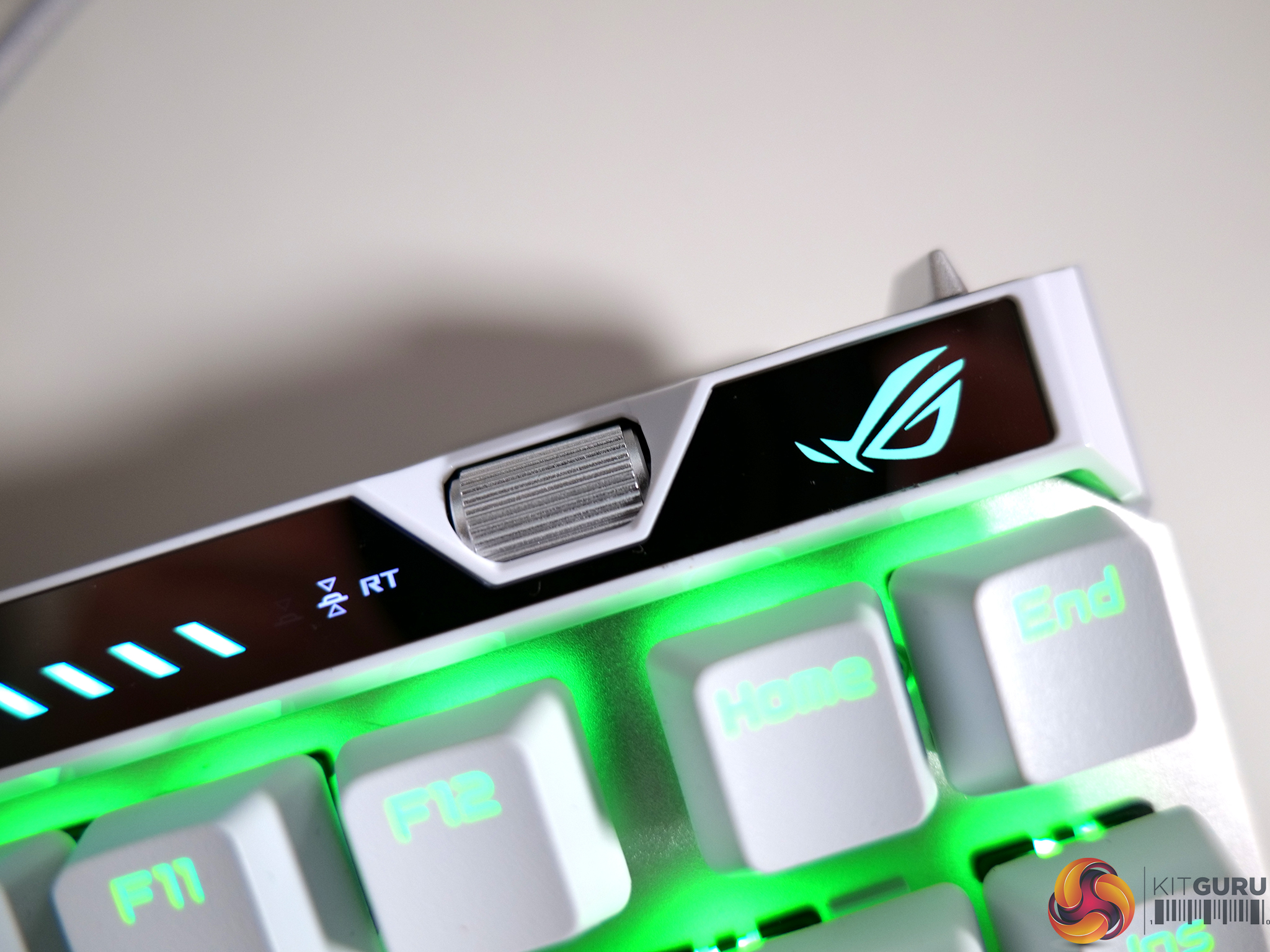
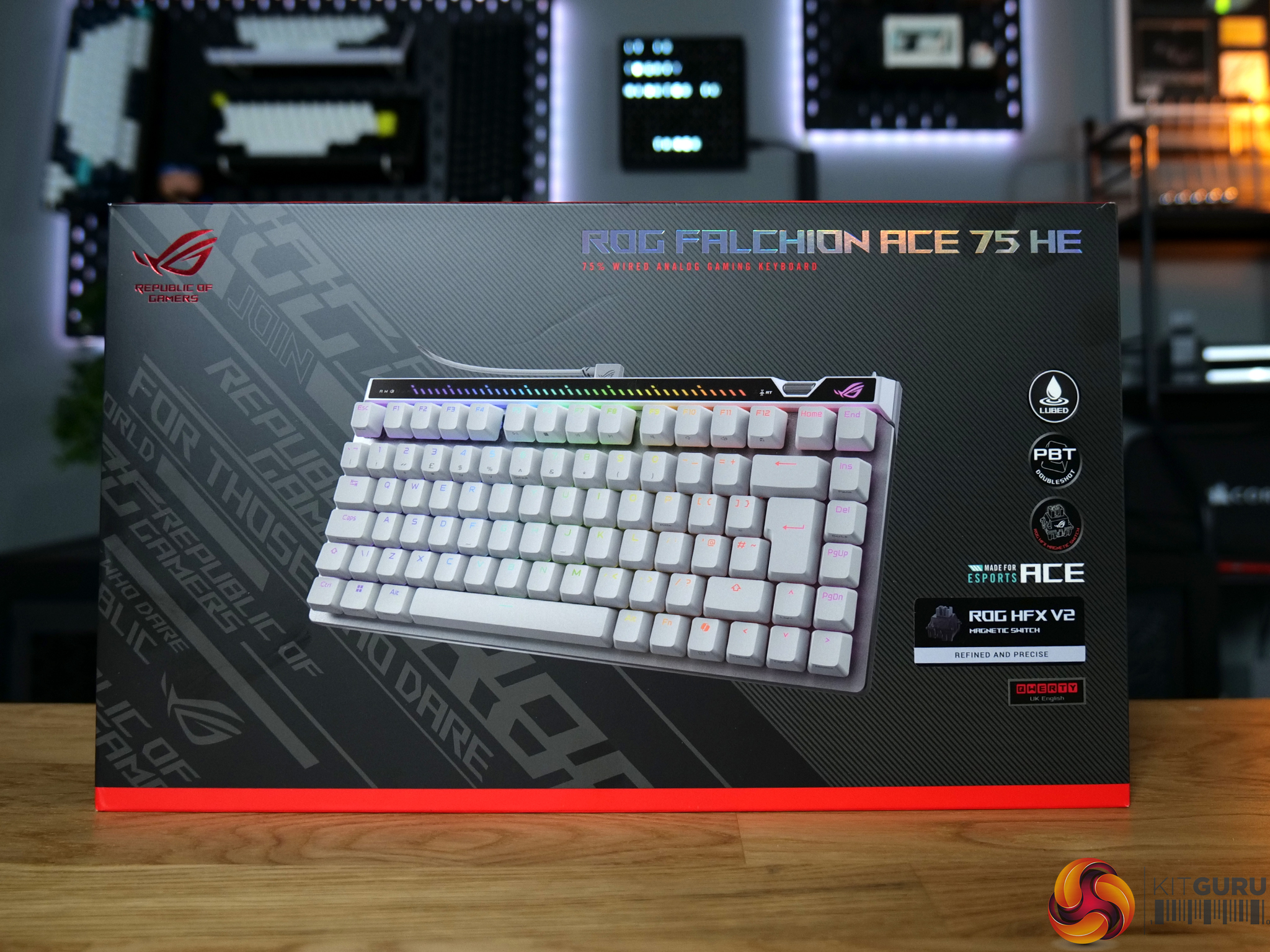
The ROG Falchion 75 HE is a premium hall effect gaming keyboard, with a price tag to match. Coming in at around £220 here in the UK, it brings pretty much every gaming feature you could want from a top-tier gaming board in 2026. Adjustable actuation? Check. Rapid Trigger? Check. 8KHz polling rate? Check. There’s not a lot the Falchion doesn’t do… but what's it like to use and is it better than ASUS’ current flagship gaming board, the ROG Falcata?

Timestamps:

00:00 Intro
00:44 Pricing
01:10 Design first impressions
02:20 Gaming features
03:28 Switches and dialling it in
04:20 Soundtest
05:33 Gearlink web hub
07:08 Day to day experience
08:06 Closing thoughts

Specifications

  • Key Switch – ROG HFX V2 Magnetic Switch, ROG HFX V2X Magnetic Switch
  • Connectivity – USB 2.0 (Type-C to Type-A)
  • Software – Gear Link
  • Dimensions – 320 x 145 x 35 mm
  • Color – Black / White
  • Contents
    • 1 x ROG Falchion ACE 75 HE
    • 1 x keyboard carry case
    • 1 x Keycap puller
    • 1 x USB cable
    • 1 x ROG sticker
    • 1 x ctrl Keycap
    • 1 x Quick Start Guide
    • 1 x Warranty booklet

You can buy the ROG Falchion ACE 75 HE from Scan for £219.98 HERE.

Pros:

  • Great gaming performance.
  • Packed with every gaming feature you could ask for.
  • Great design and clean look to the white model.
  • Comfortable to both type and game on.
  • Intuitive and genuinely convenient on-board controls.
  • Web based config is leaps and bounds better than Armory Crate.

Cons:

  • Expensive.
  • Plastic bottom case is disappointing considering the price.
  • No included wrist rest.

KitGuru says: The Falchion ACE 75 HE is a great gaming keyboard and probably a better fit for most people when compared to ASUS' flagship board, the ROG Falcata.

The post ASUS ROG Falchion ACE 75 HE Keyboard Review first appeared on KitGuru.
❌
❌