❌

Normal view

There are new articles available, click to refresh the page.
Before yesterdayMain stream

Geekom A5 Pro Mini PC Review

15 April 2026 at 09:30

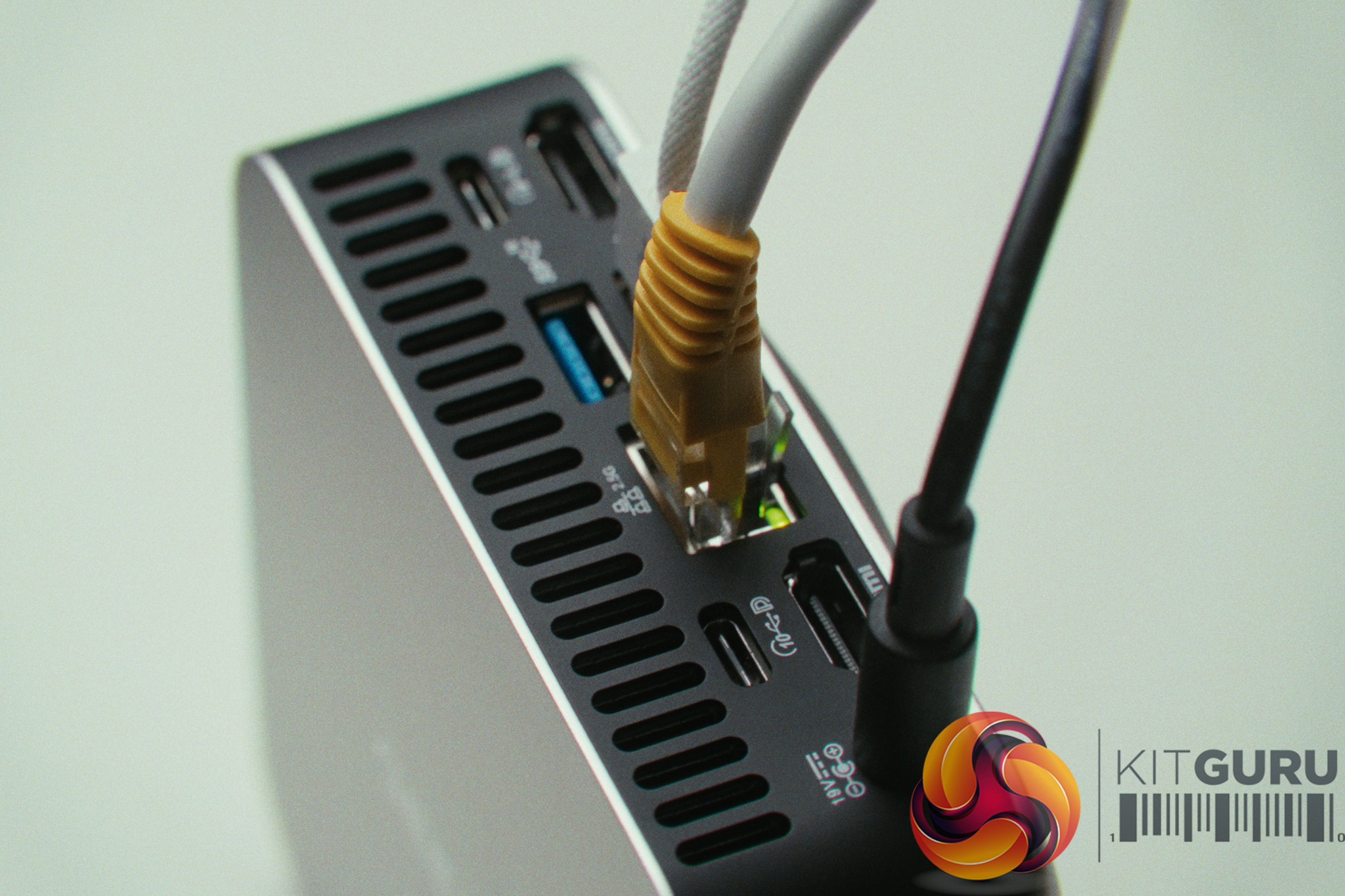
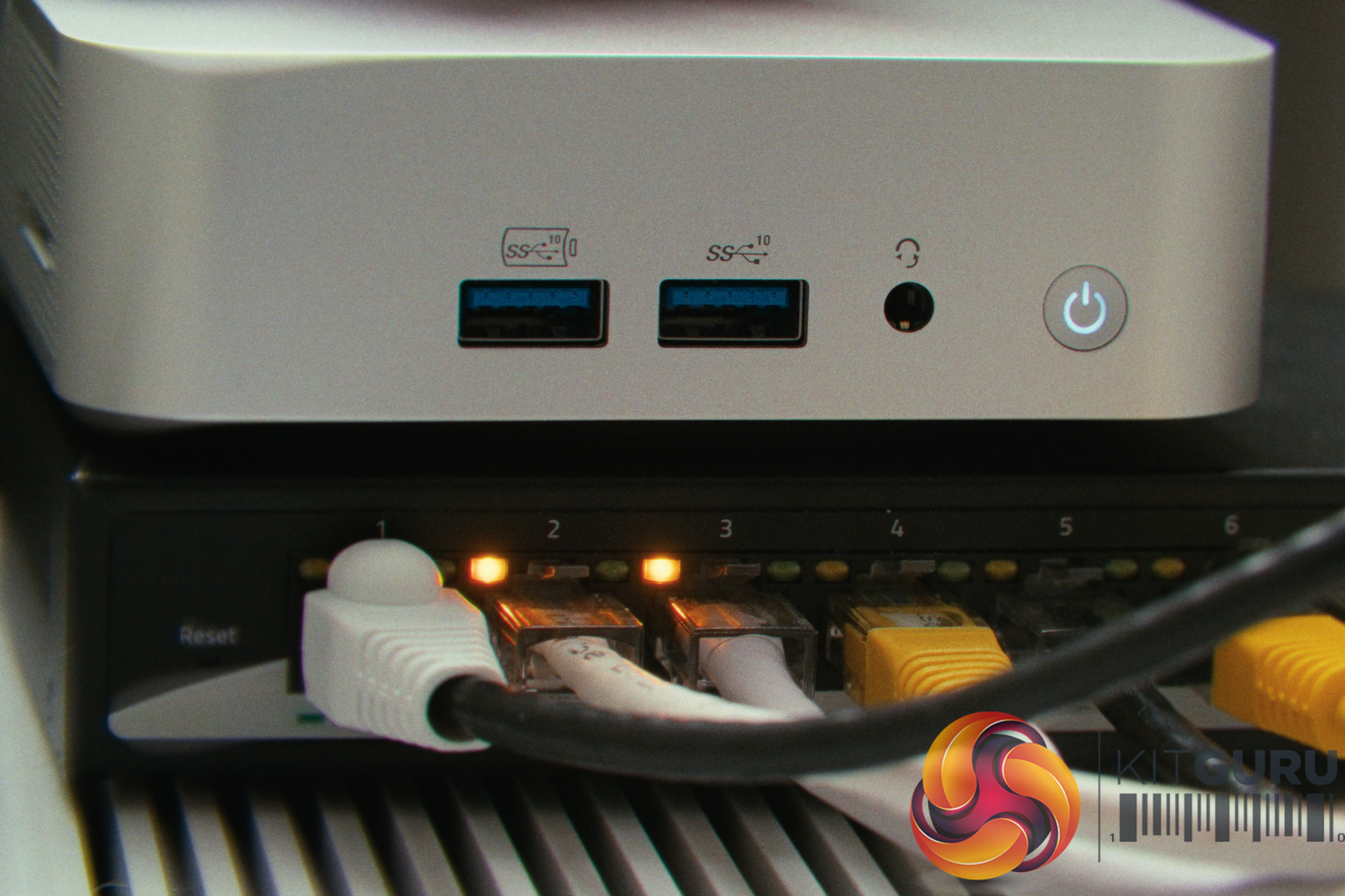
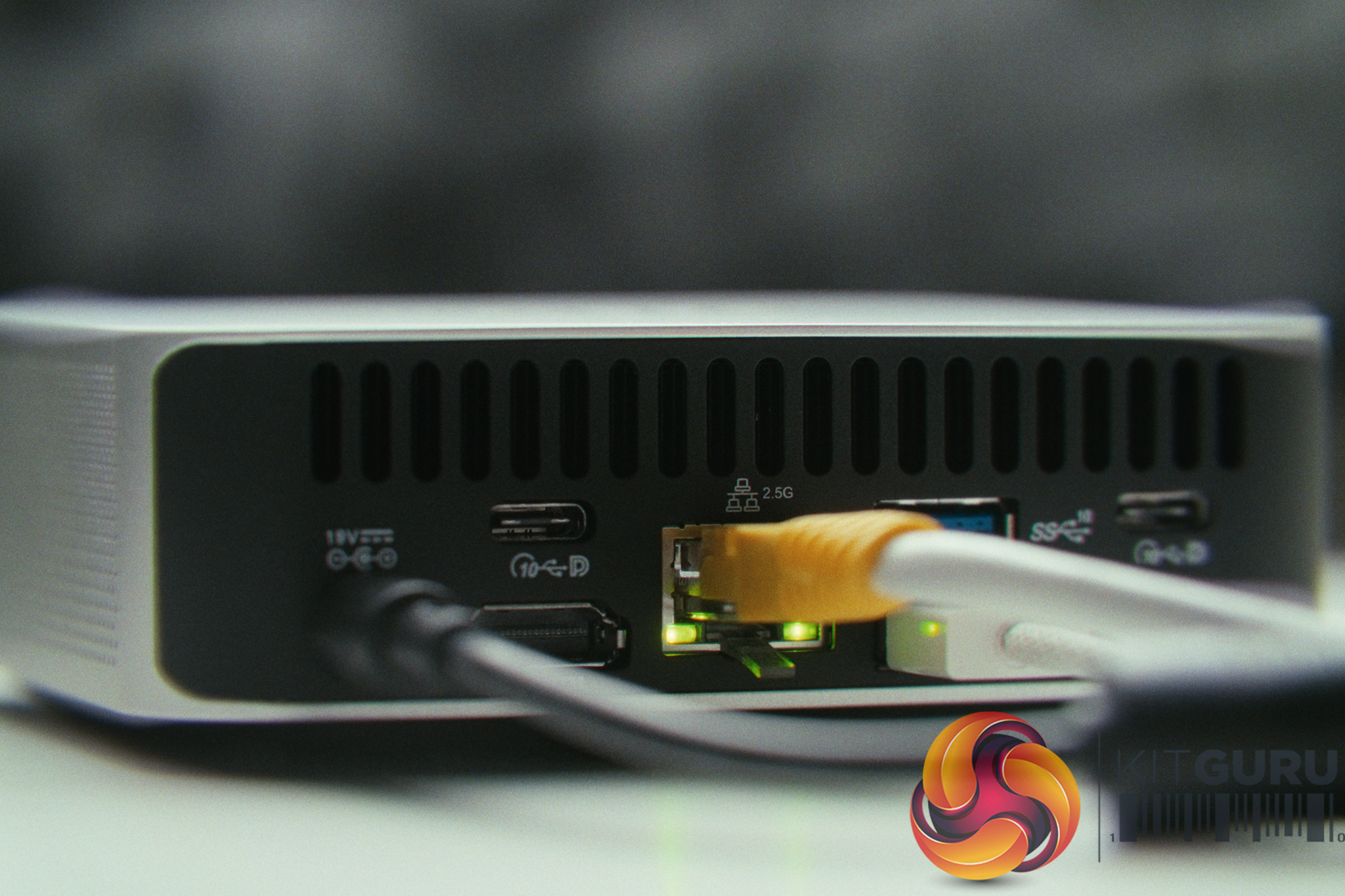
The Geekom A5 Pro (2026) is a Β£520 mini PC designed for everyday desktop computing, housed in an all-aluminium chassis. But sometimes hardware testing doesn't go exactly to plan – so this time around, when my primary home network server suddenly died, this compact machine was drafted into emergency service to act as a VPN server, OPNsense router / firewall. On paper this seemed like a tough challenge, but a month later has it been a success?

Timestamps:

00:00 Intro
01:33 How this happened
03:12 The Geekom A5 Pro – Hardware
05:12 The I/O and WAN / LAN
07:52 Proxmox Install and Configuration
09:37 Real World Performance
11:42 Thoughts?
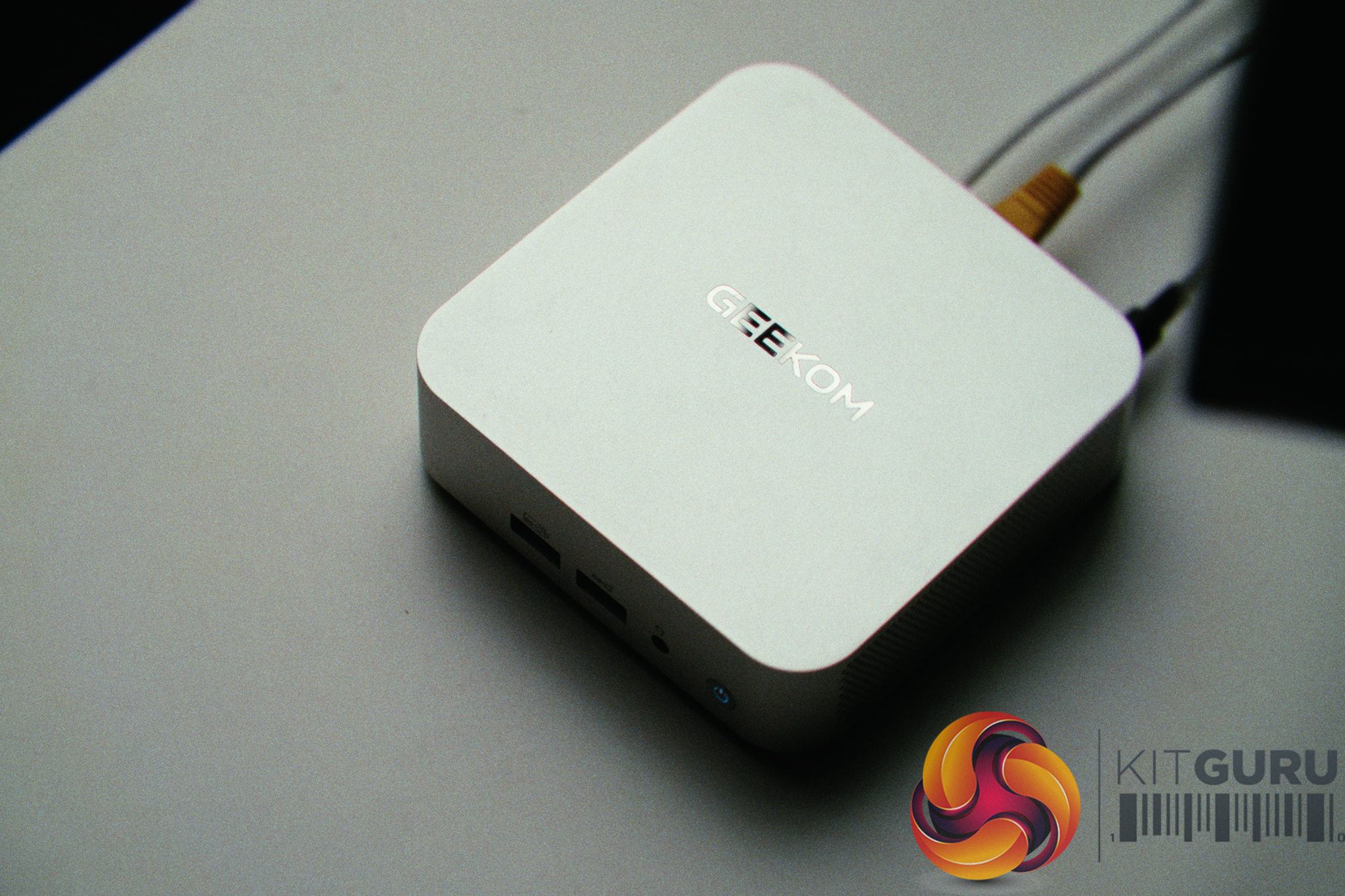
Specifications:

  • Processor: AMD Ryzenβ„’ 5 7530U (6 Cores, 12 Threads, 16MB Cache, up to 4.5GHz).
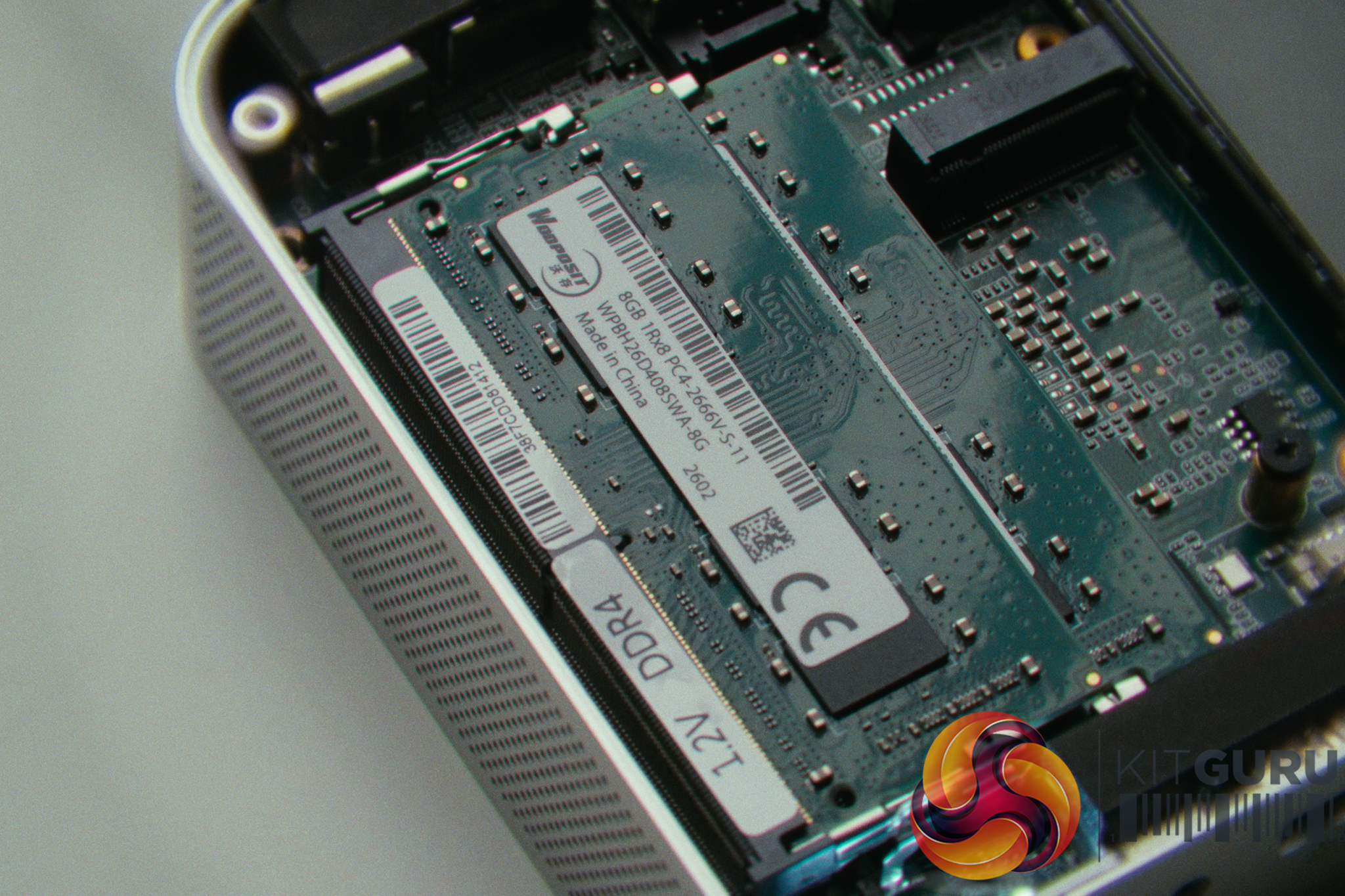
  • Memory: 16GB (2x8GB) DDR4 SODIMM (Expandable up to 64GB).
  • Storage: 1TB M.2 NVMe SSD (Supports 1x 2280 PCIe & 1x 2242 SATA III).
  • Networking: 1x 2.5GbE LAN (Realtek Controller), Wi-Fi 6, and Bluetooth 5.2.
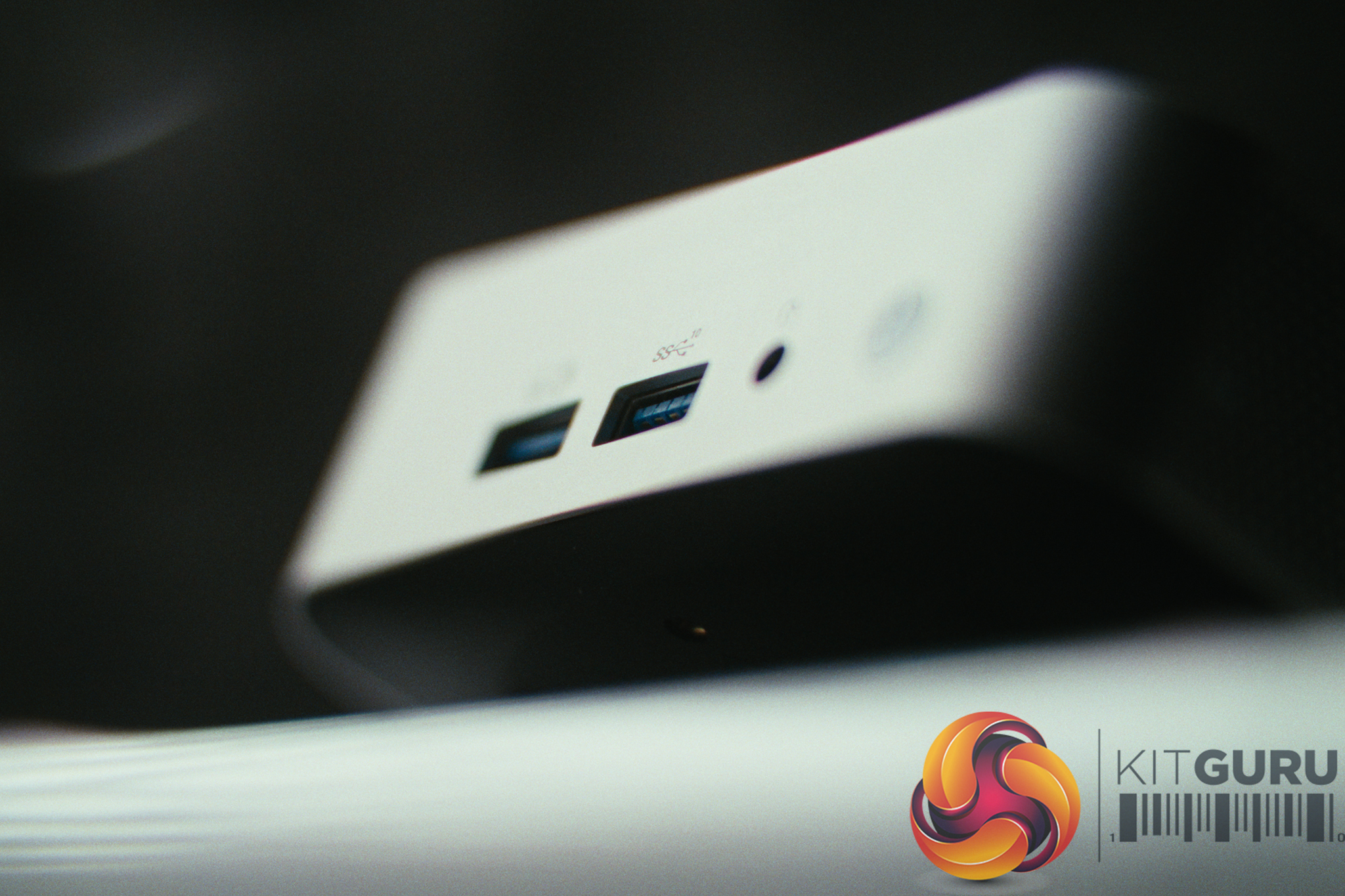
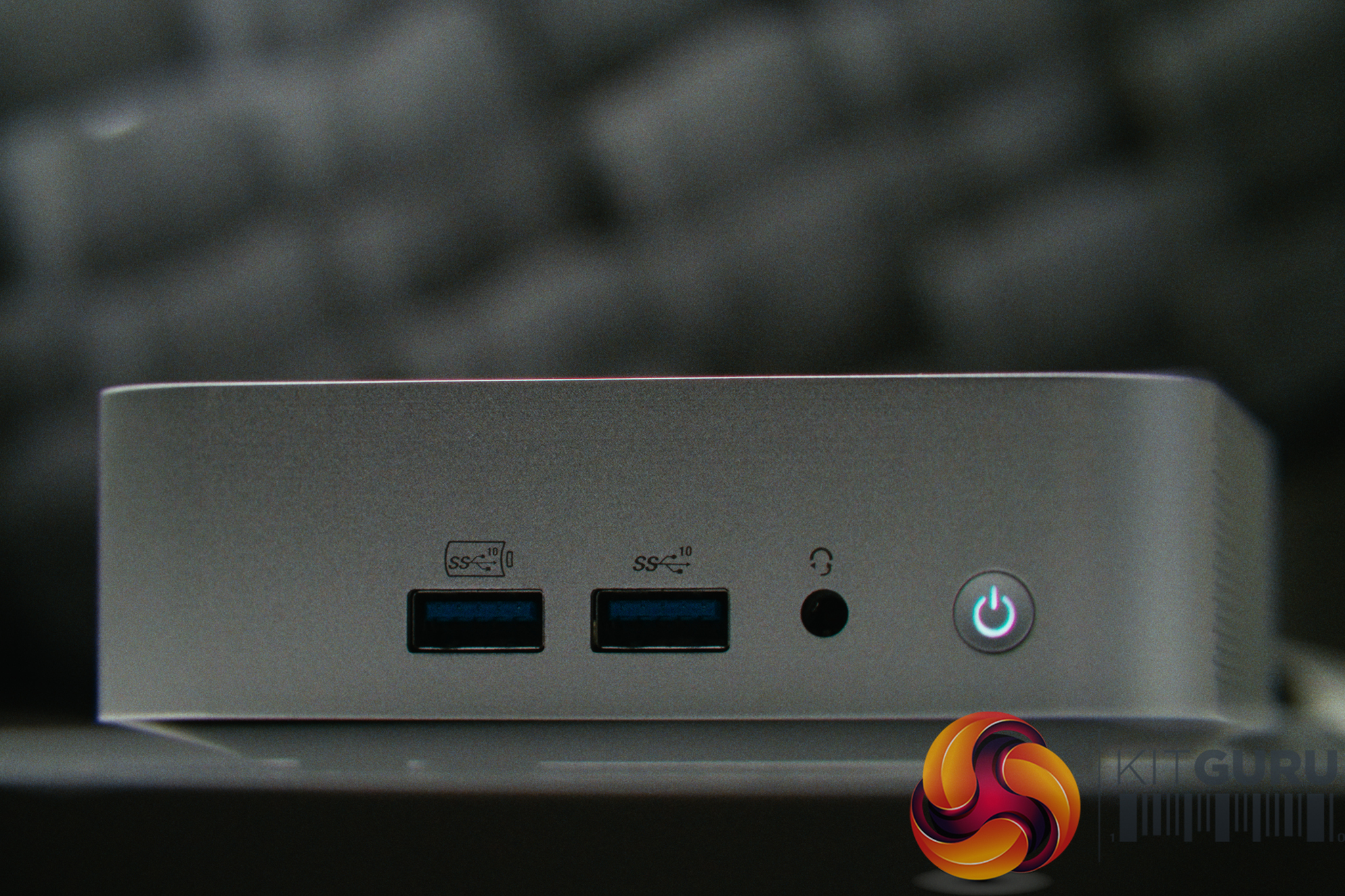
  • I/O Ports: 2x USB 3.2 Gen 2 Type-C, 3x USB 3.2 Gen 2 Type-A, 1x USB 2.0, 2x HDMI 2.0, SD Card Reader, 3.5mm Audio.
  • Chassis & Dimensions: All-Aluminium Unibody / 112.4 Γ— 112.4 Γ— 37 mm (0.47L).
  • Power Consumption: ~14W idle / ~40W peak.
  • Target Price: ~Β£520.

Closing Thoughts

The Geekom A5 Pro is a machine that massively exceeded our expectations, primarily because we threw it into a scenario it was never designed for. Rather than light web browsing, we tasked it with running Proxmox, an OPNsense router/firewall, Home Assistant, and multiple other Docker containers to replace a dead server. The Ryzen 5 7530U is incredibly capable; even when routing traffic for an entire home network, CPU utilization never crossed the 40% mark. Cooling was also very impressive given it also remained whisper-quiet, with temperatures hovering in the high 50s while drawing as little as 14 watts.

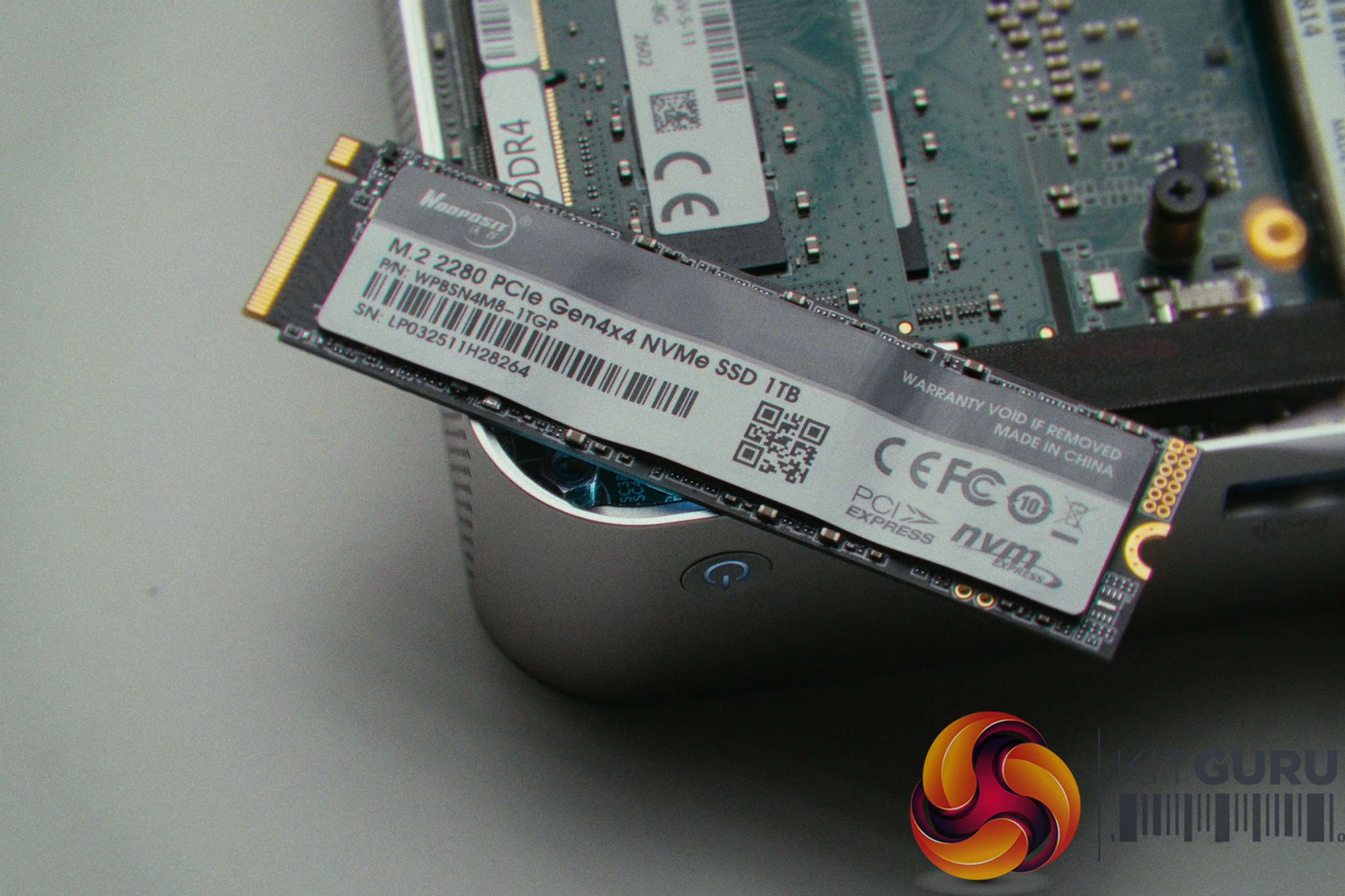
That said, repurposing a standard mini PC as a network server was an emergency plan and not really an ideal solution. Having only a single Ethernet port requires significant networking gymnastics (like using a managed switch and VLAN tagging) to route both WAN and LAN traffic over one cable. Furthermore, the Realtek network controller is less ideal than an Intel equivalent for virtualised routing, requiring hardware offloading to be disabled to maintain stability. We also noted that the RAM and SSD in our unit came from a relatively unknown brand called Wodposit, though the SSD speeds (7.2GB/s read) were good during large file transfers.

Ultimately, while running a home network on a single-port mini PC is an impractical long-term solution, this month-long experiment proves just how capable these small machines are. If you are looking to dip your toes into the world of self-hosting and home labs without driving up your energy bill, the Geekom A5 Pro is definitely a versatile piece of hardware.

Geekom also sent over the following retail links and discount code, but please note these are not affiliate links and we do not profit from any sales:

Pros:

  • Excellent CPU performance handles multitasking and virtualization with ease.
  • Power efficient, drawing between 14W and 40W.
  • Quiet operation and great thermal management.
  • Premium all-aluminum unibody chassis with generous I/O.
  • Fast NVMe SSD speeds despite the unknown manufacturer.

Cons:

  • Realtek networking controller requires software tweaking in Proxmox.
  • Uses lesser-known component brands for memory and storage.
  • Single Ethernet port.

KitGuru says: The Geekom A5 Pro might target the average user, but its power efficiency, metal chassis, and highly capable Ryzen processor make it a fantastic, affordable gateway into the world of self-hosting and home labs.
The post Geekom A5 Pro Mini PC Review first appeared on KitGuru.

Arctic Senza Review (Ryzen AI 9 HX 370 + Passive Cooling)

8 April 2026 at 10:17

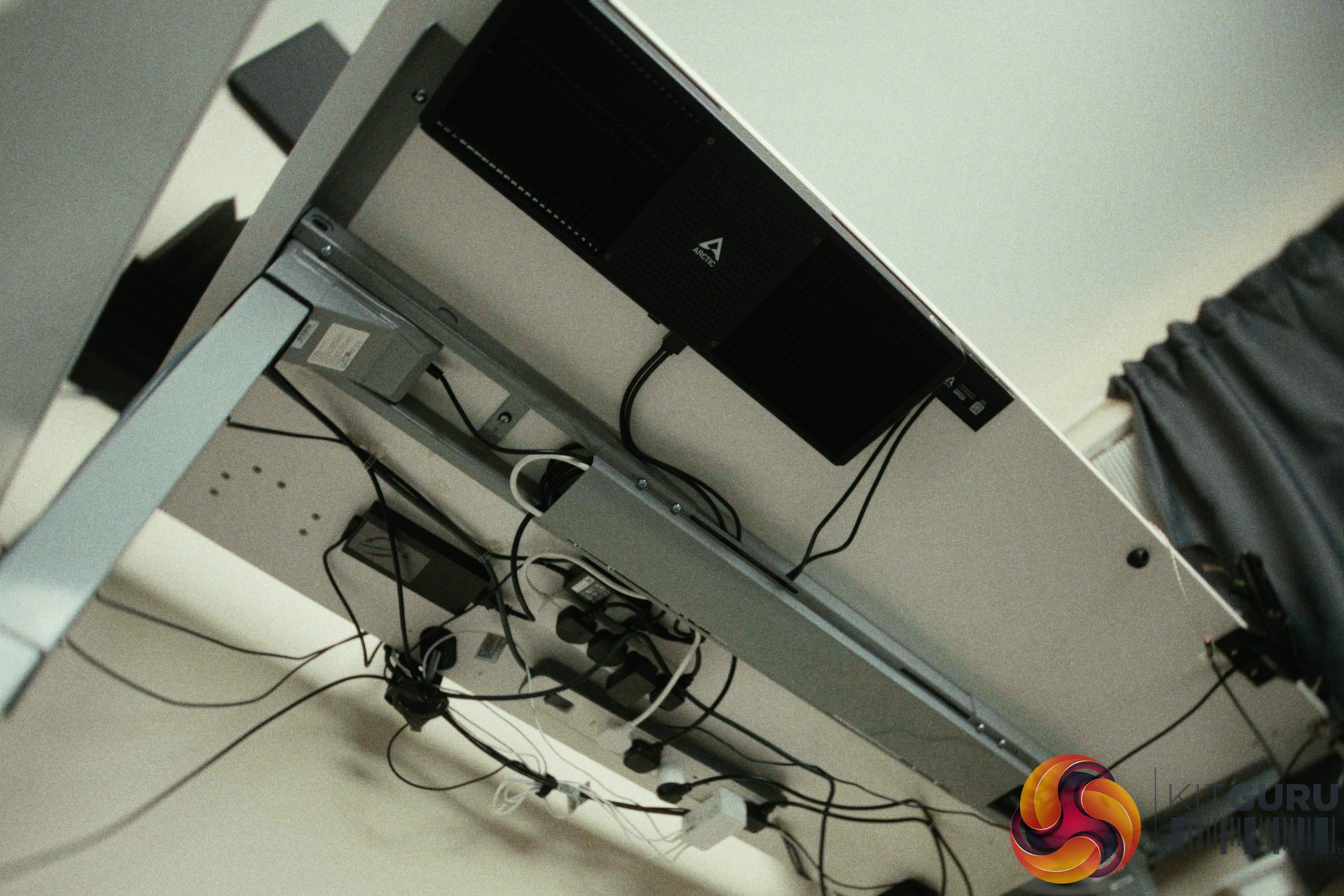
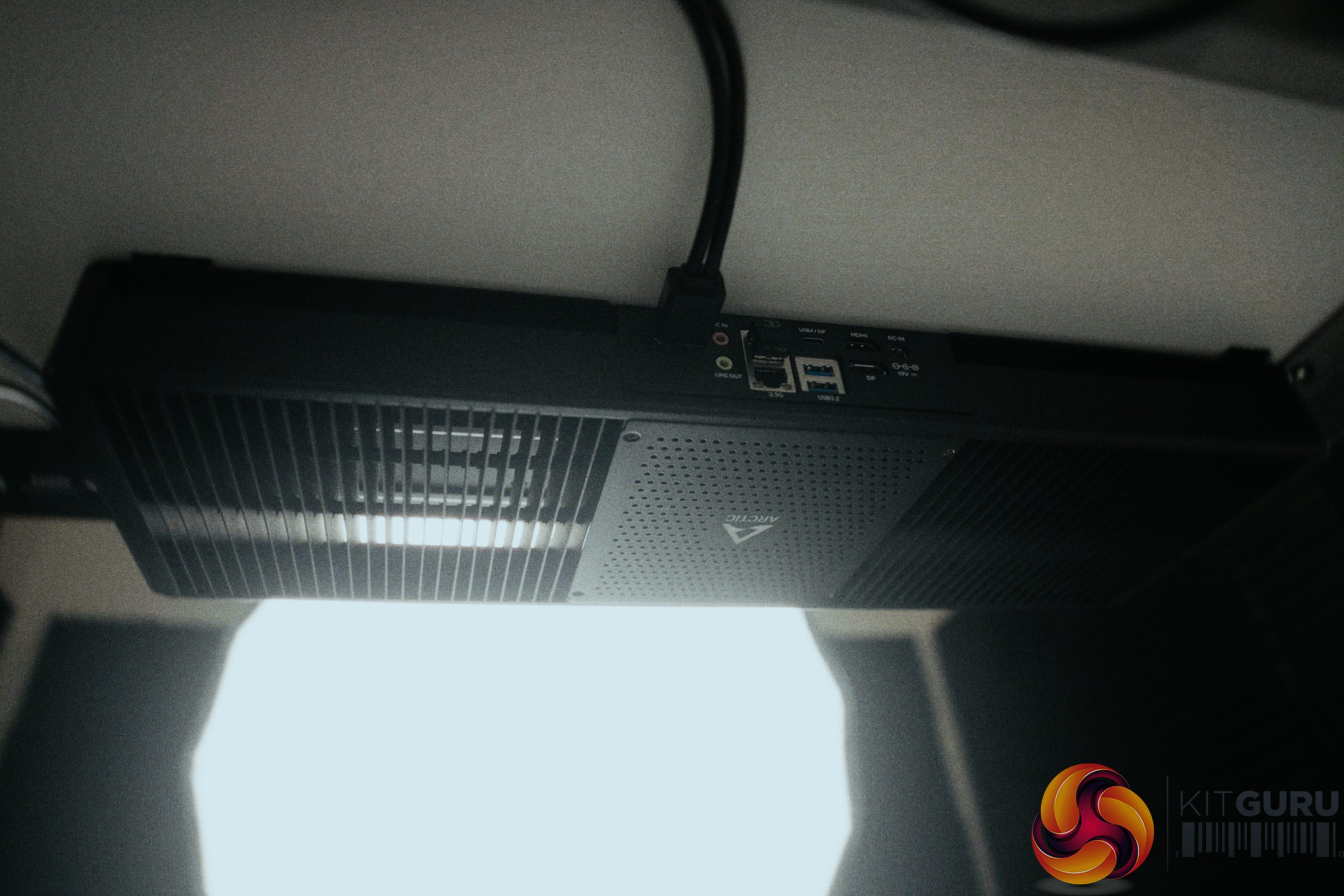
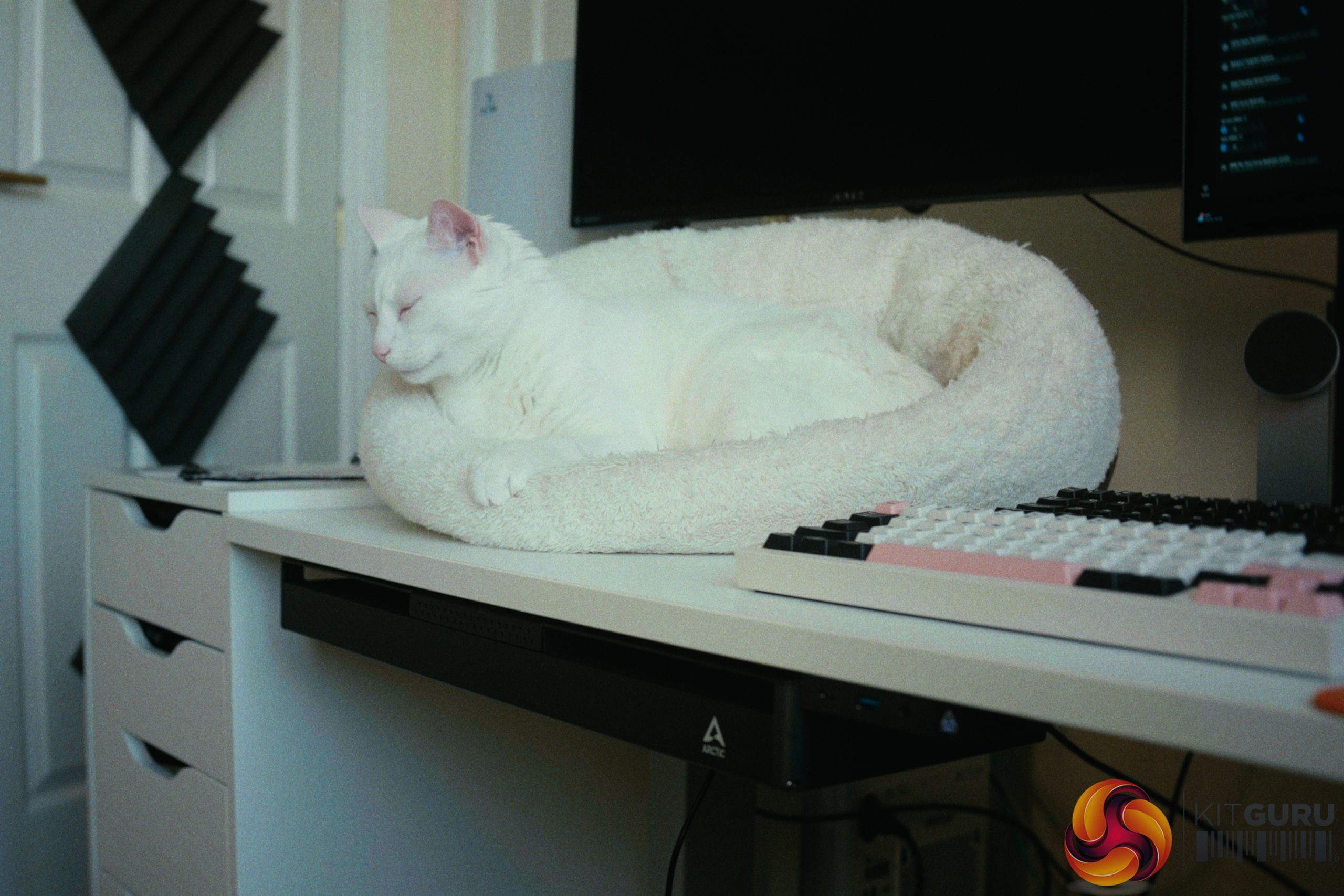
The Arctic Senza promises the ultimate stealth PC experience by packing a 12-core Ryzen AI 9 HX 370 and 32GB of LPDDR5X memory into a completely passive, desk mounted chassis. On paper, it looks like a whisper-quiet productivity powerhouse capable of handling heavy workloads without breaking a sweat or making a single sound. But does this fanless design actually hold up under sustained pressure, or do the inevitable compromises of a silent PC outweigh the engineering marvel?

Timestamps:

00:00 Intro
01:04 Build quality / form-factor
02:44 Default thermals
04:56 How far can we push the power?
07:25 Background tasks and RAM usage
08:59 GPU performance – gameplay tests
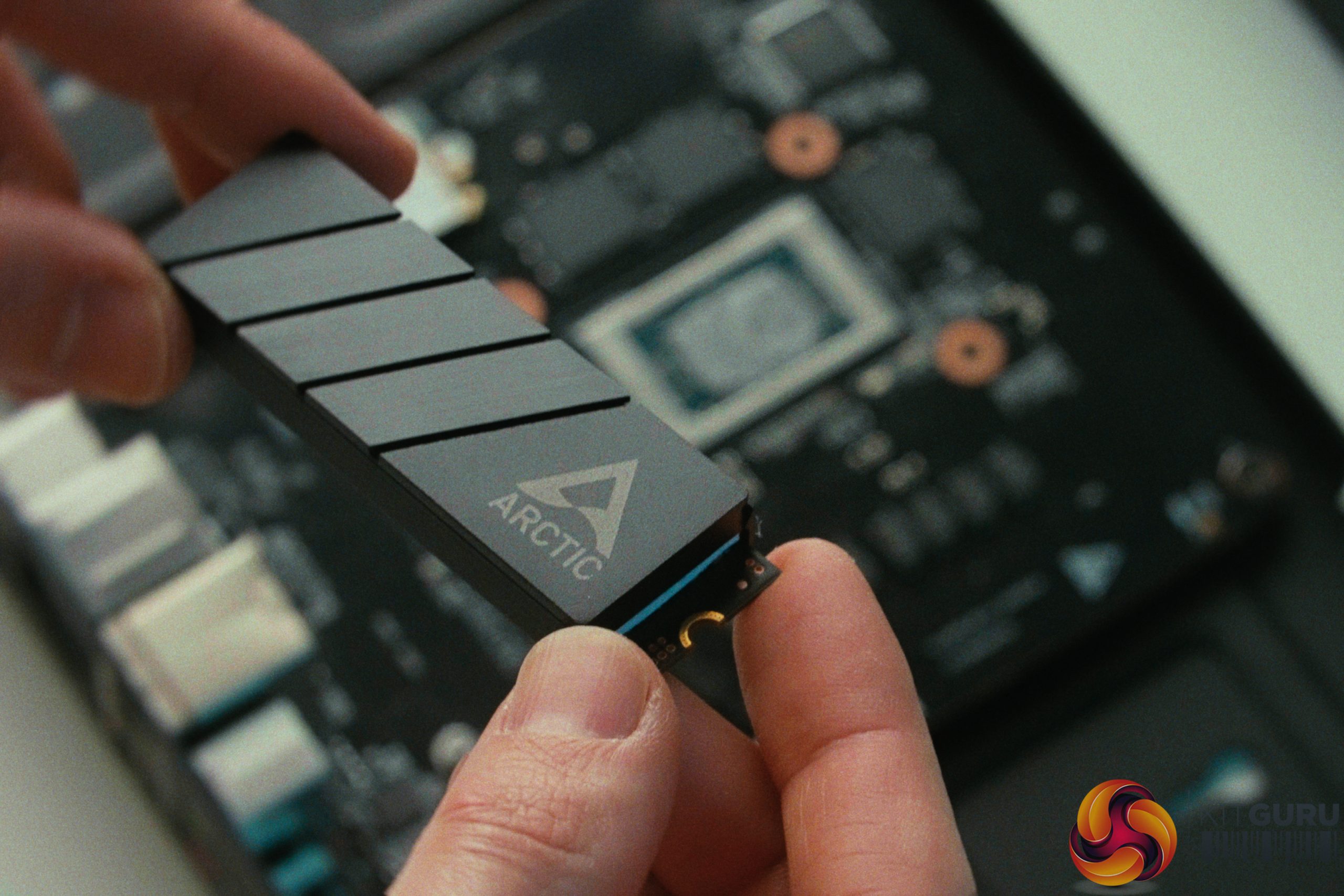
10:57 SSD and upgradability
12:05 BIOS CEC shenanigans
14:04 WiFi situation
15:35 Front panel box
19:12 Closing thoughts

Specifications:

  • Processor: AMD Ryzen AI 9 HX 370
  • Graphics: AMD Radeon 890M
  • Memory: 32GB LPDDR5X-8000Mhz
  • Storage: 1TB PCIe Gen4 NVMe SSD
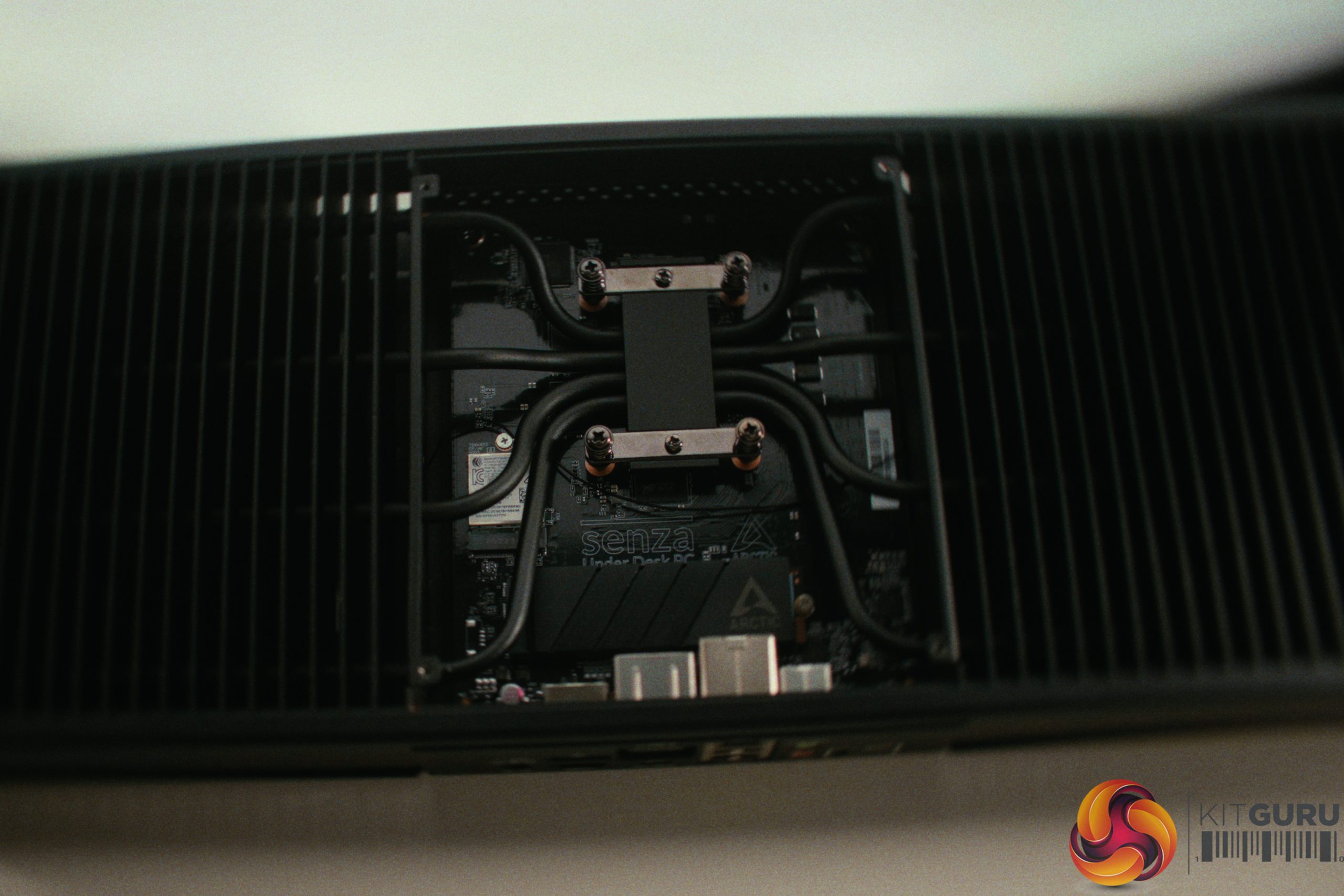
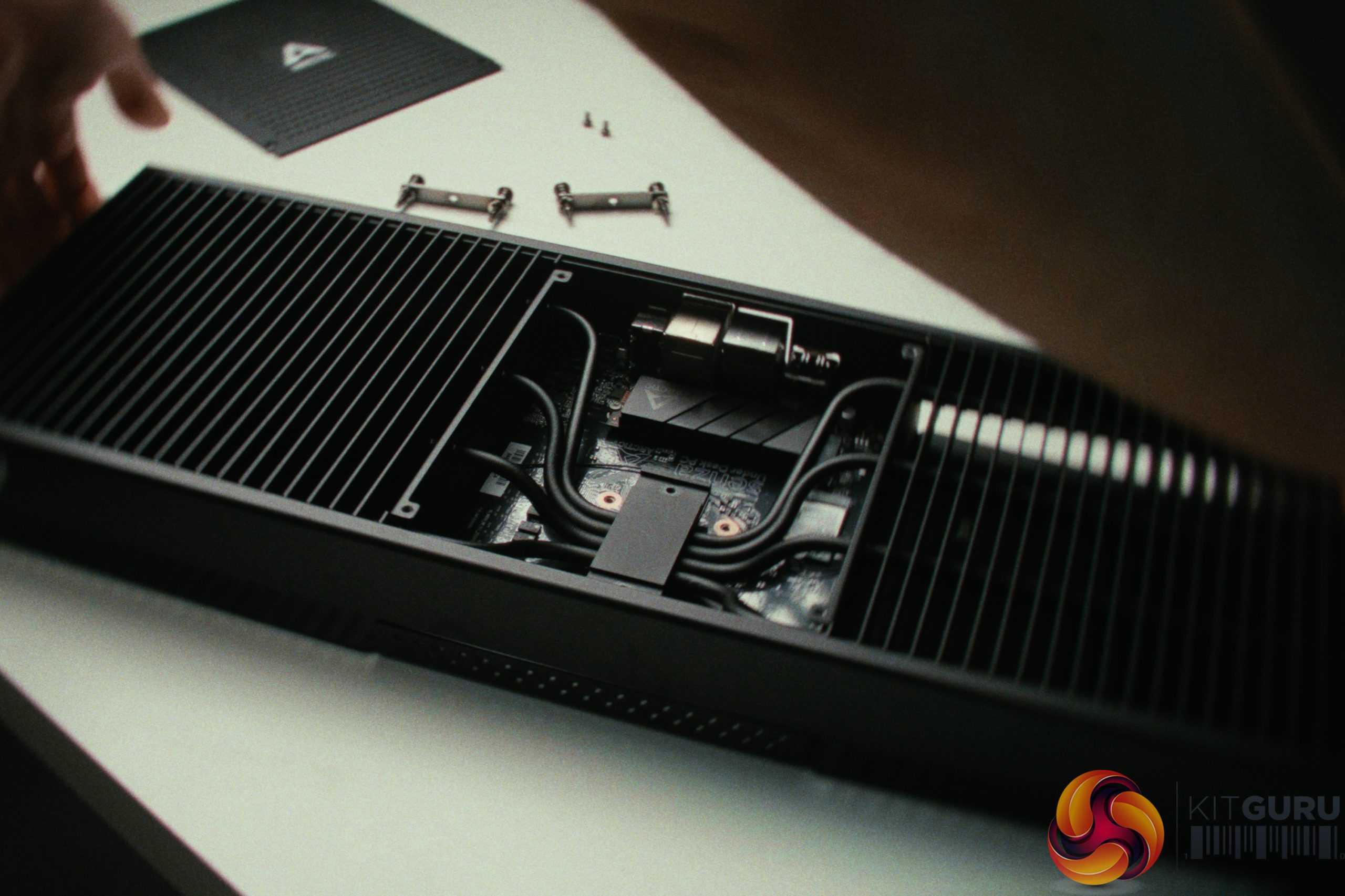
  • Cooling: Completely passive custom under-desk heatsink
  • Connectivity: Wi-Fi 7, Bluetooth 5.3, 2.5Gbps LAN
  • Dimensions: 536mm (L) x 180mm (W) x 50mm (H)

Closing Thoughts

The Arctic Senza is a machine that left me profoundly conflicted. On one hand, the sheer engineering and build quality completely caught me off guard. The thick metal panels and massive central heatsink scream premium, successfully pushing the concept of whisper-quiet computing to the absolute extreme. Thermal performance is a solid 10/10 out of the box; even when unlocking the CPU power limit to 115W during a 12-hour 4K video encode, the massive passive cooler effortlessly kept temperatures in check. Performance-wise, the Ryzen AI 9 HX 370 and Radeon 890M combo delivers excellent results for heavy productivity and light 1080p gaming while sipping power from the wall.

On the other hand, the Senza is held back by a series of frustrating quirks. The front panel box feels like an afterthought compared to the main chassis. It has terrible audio shielding that results in interference on the headphone jack and I could barely get enough power to trickle charge another device.

Additionally, the system suffers from annoying connectivity bugs, including mediocre Wi-Fi 7 performance due to a problematic antenna setup, and random HDMI sleep/wake issues. Even the front power LED is entirely inconsistent, making it hard to tell what state the PC is in (a problem I found quite funny during the first days of testing but quickly found myself hating).

Ultimately, the Senza is a brilliant, unique piece of thermal engineering that I want to root for. It is the perfect foundation for a silent workstation, but it feels like it needs a slight revision to its peripherals and BIOS to achieve true perfection.

You can buy the Arctic Senza for €1,049 HERE.

Pros:

  • Incredible premium build quality and stealthy under-desk design.
  • Phenomenal passive cooling, even under sustained 12-hour heavy loads.
  • Excellent CPU performance and incredible power efficiency.
  • Completely silent operation.

Cons:

  • Front panel box feels cheap and suffers from audio interference.
  • Annoying HDMI sleep issues and an inconsistent power LED.
  • Mediocre Wi-Fi performance compared to other Wi-Fi 7 devices.
  • BIOS bugs and limited options

KitGuru says: The Arctic Senza is an absolute thermal engineering marvel that delivers massive silent performance, but it is somewhat let down by frustrating peripheral and connectivity quirks.

The post Arctic Senza Review (Ryzen AI 9 HX 370 + Passive Cooling) first appeared on KitGuru.

Boulies Aura Chair Review

16 March 2026 at 12:23

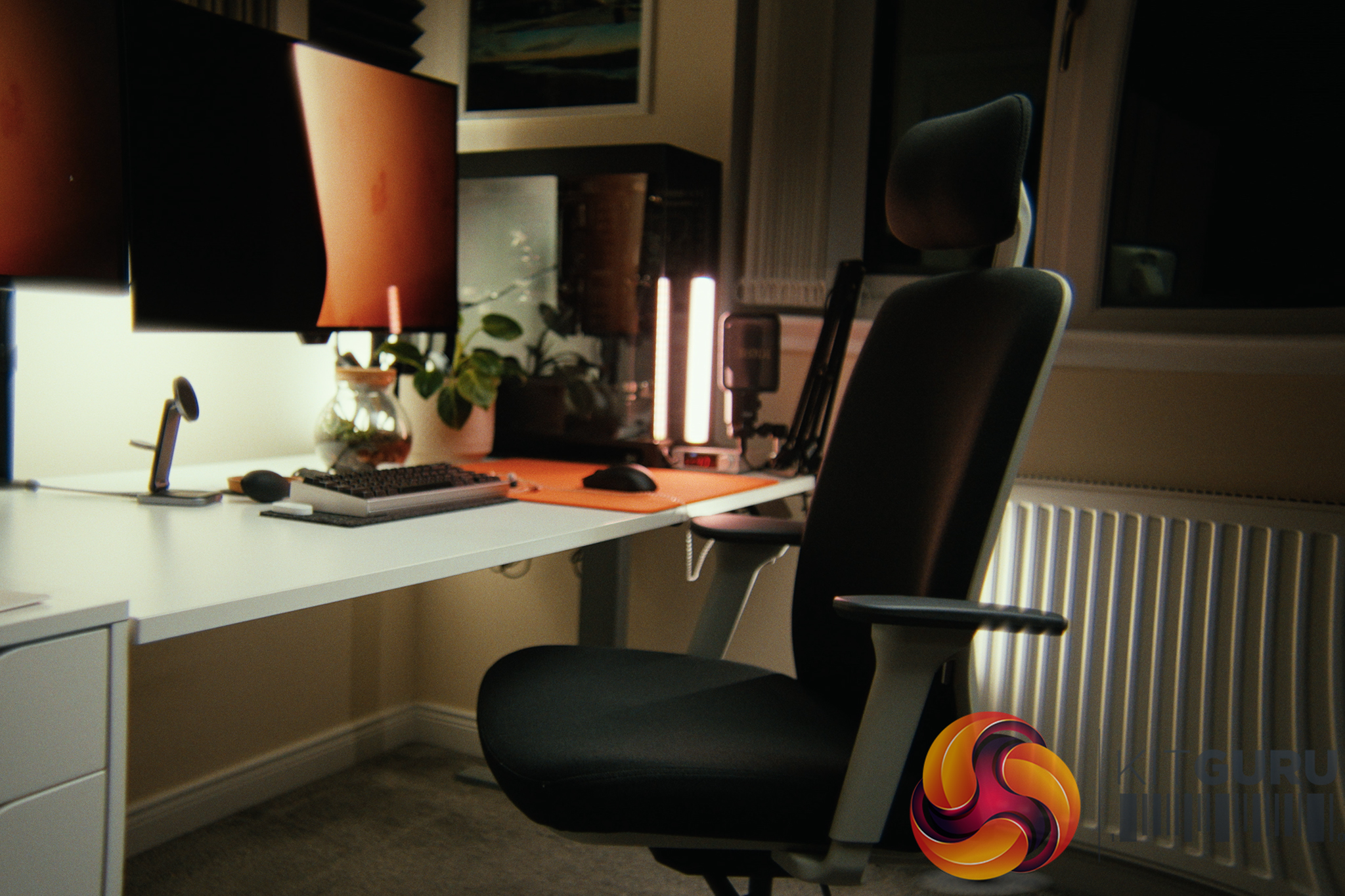
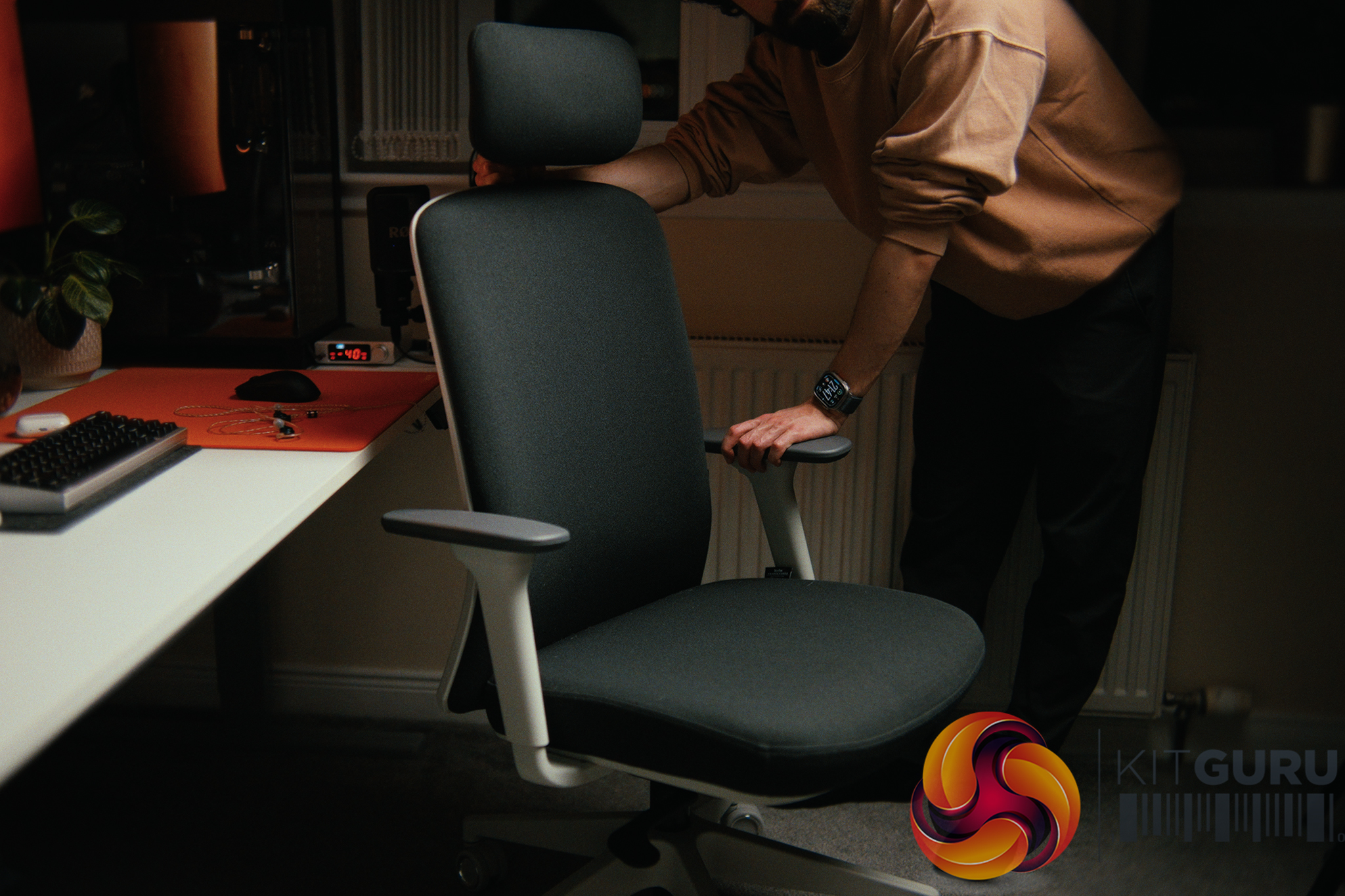
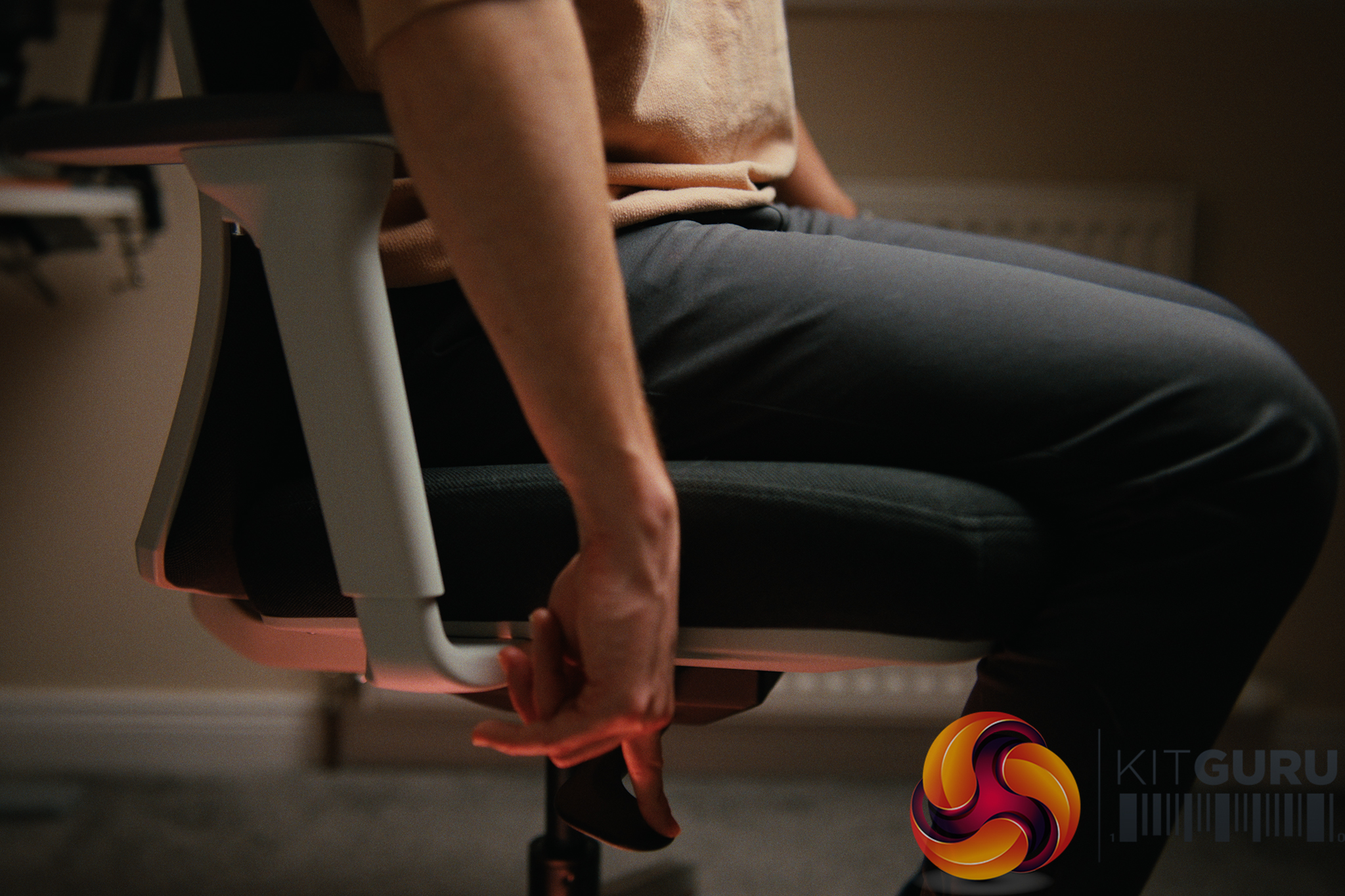
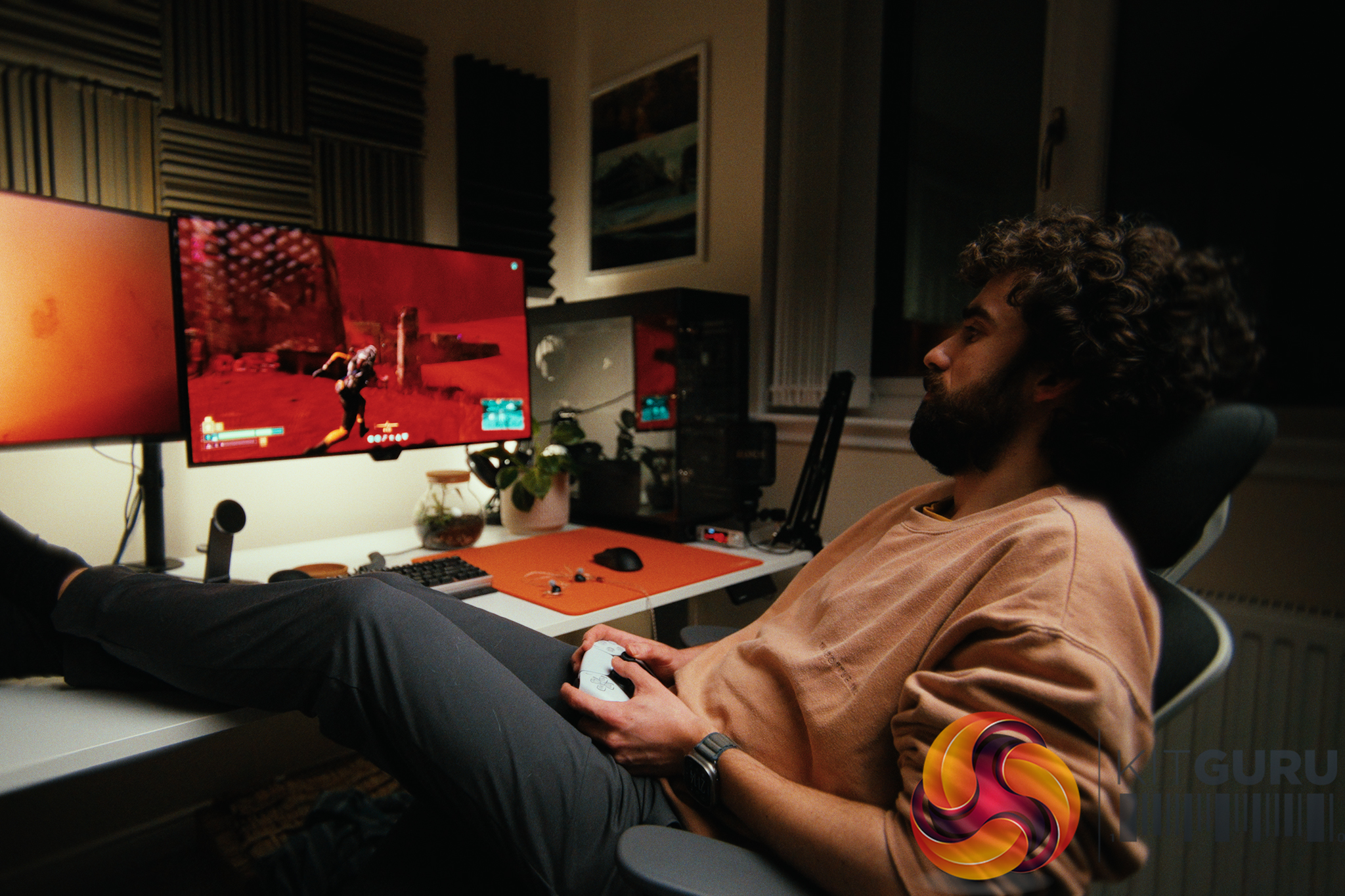
The Boulies Aura enters the competitive office chair market with a Β£270 price tag, promising a blend of clean, modern design and ergonomic comfort. Featuring a highly adjustable frame, cold-cured foam, and breathable fabric, it looks like a solid ergonomic investment on paper. But does this extensive list of adjustments actually translate into a comfortable, supportive experience for long hours of work and gaming?

Timestamps:

00:00 Intro
01:24 Size and fit
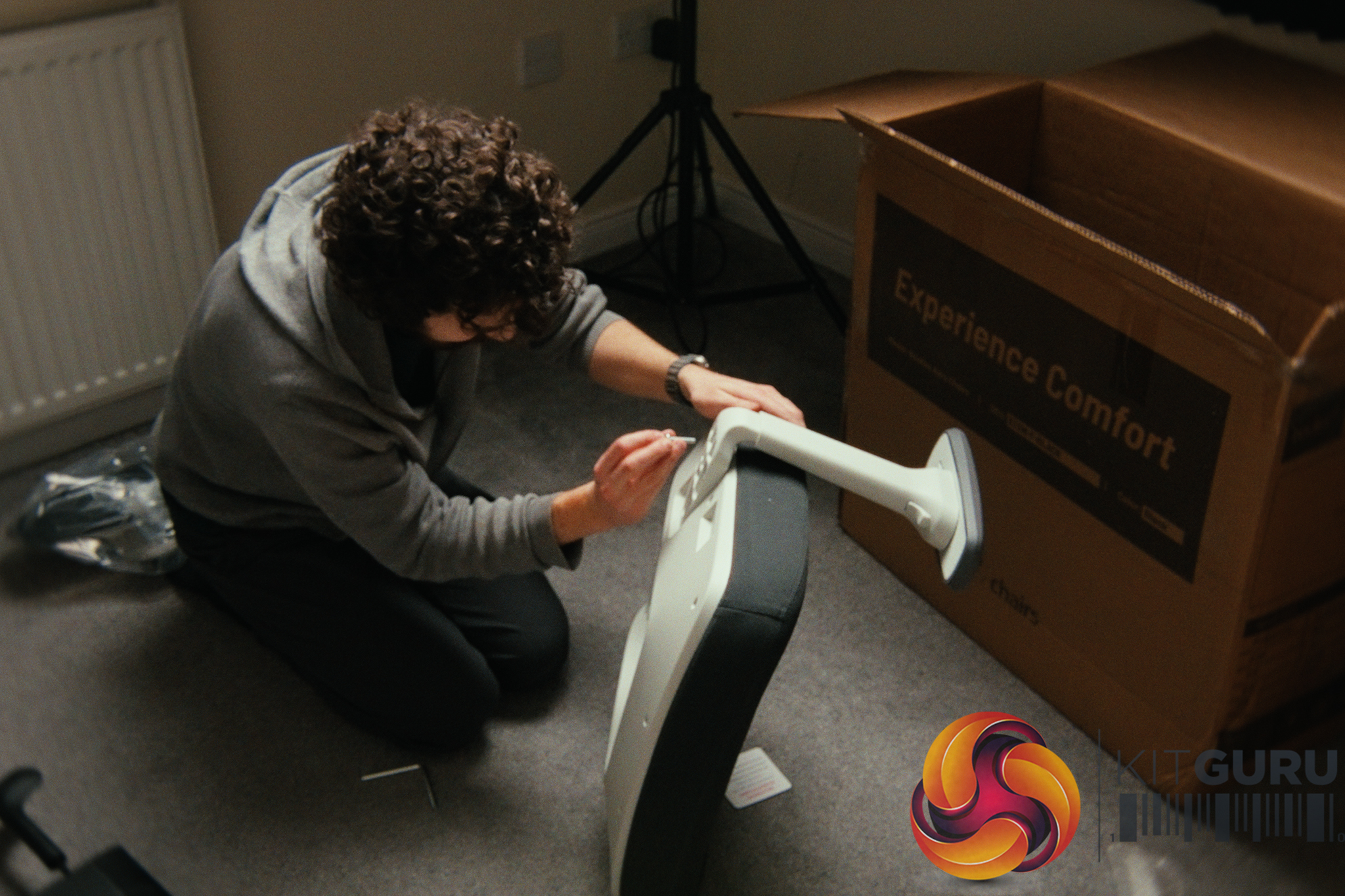
02:11 Assembly process
02:46 Adjustment settings
03:27 Arm rests and back lock
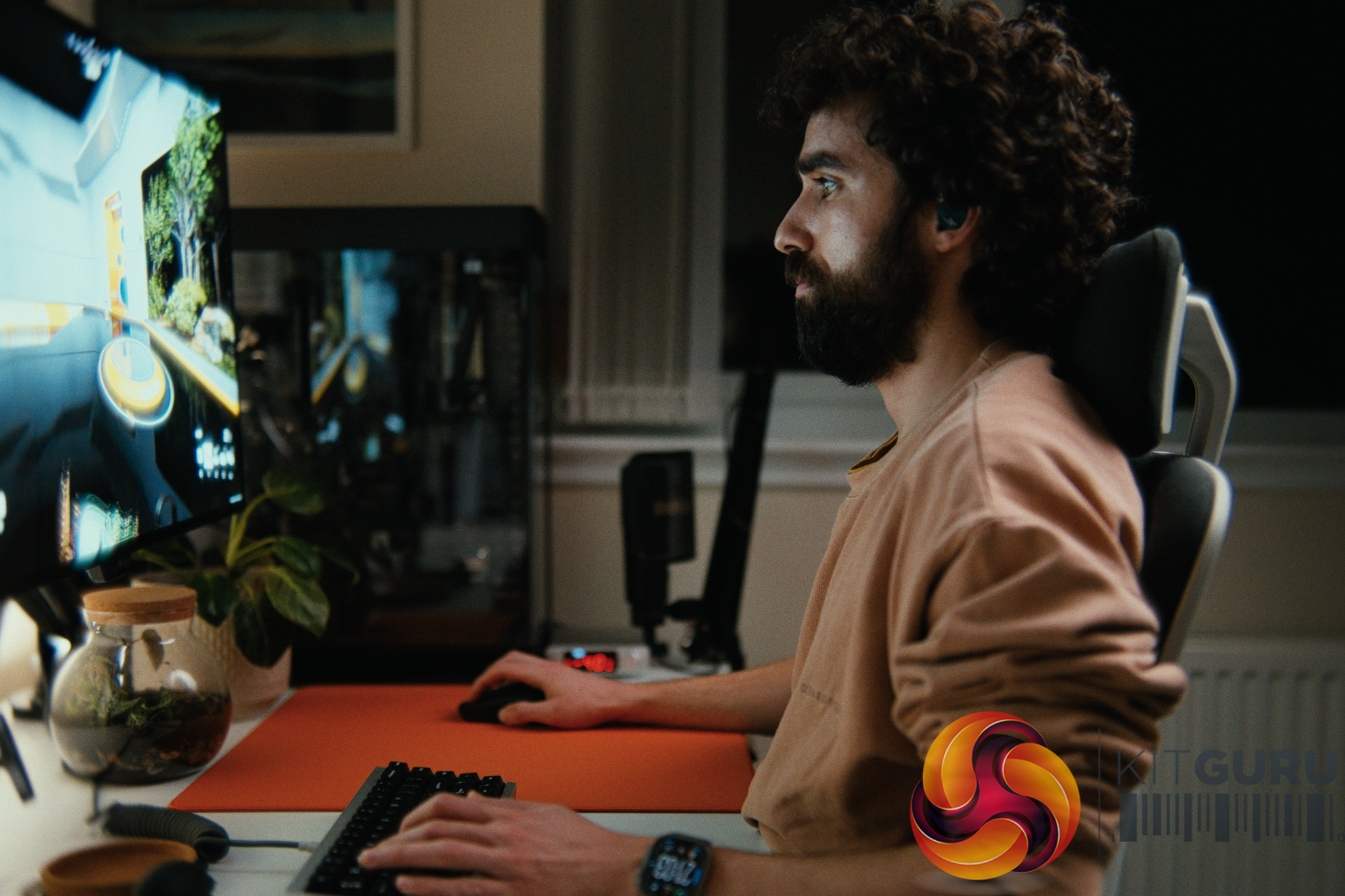
05:29 Overall comfort
06:44 Areas for improvement…
08:01 Two other considerations
09:36 Closing thoughts

Specifications:

  • Upholstery: Boulies NUO Breathable Fabric.
  • Seat Cushion: Upgraded Cold-Cured Foam.
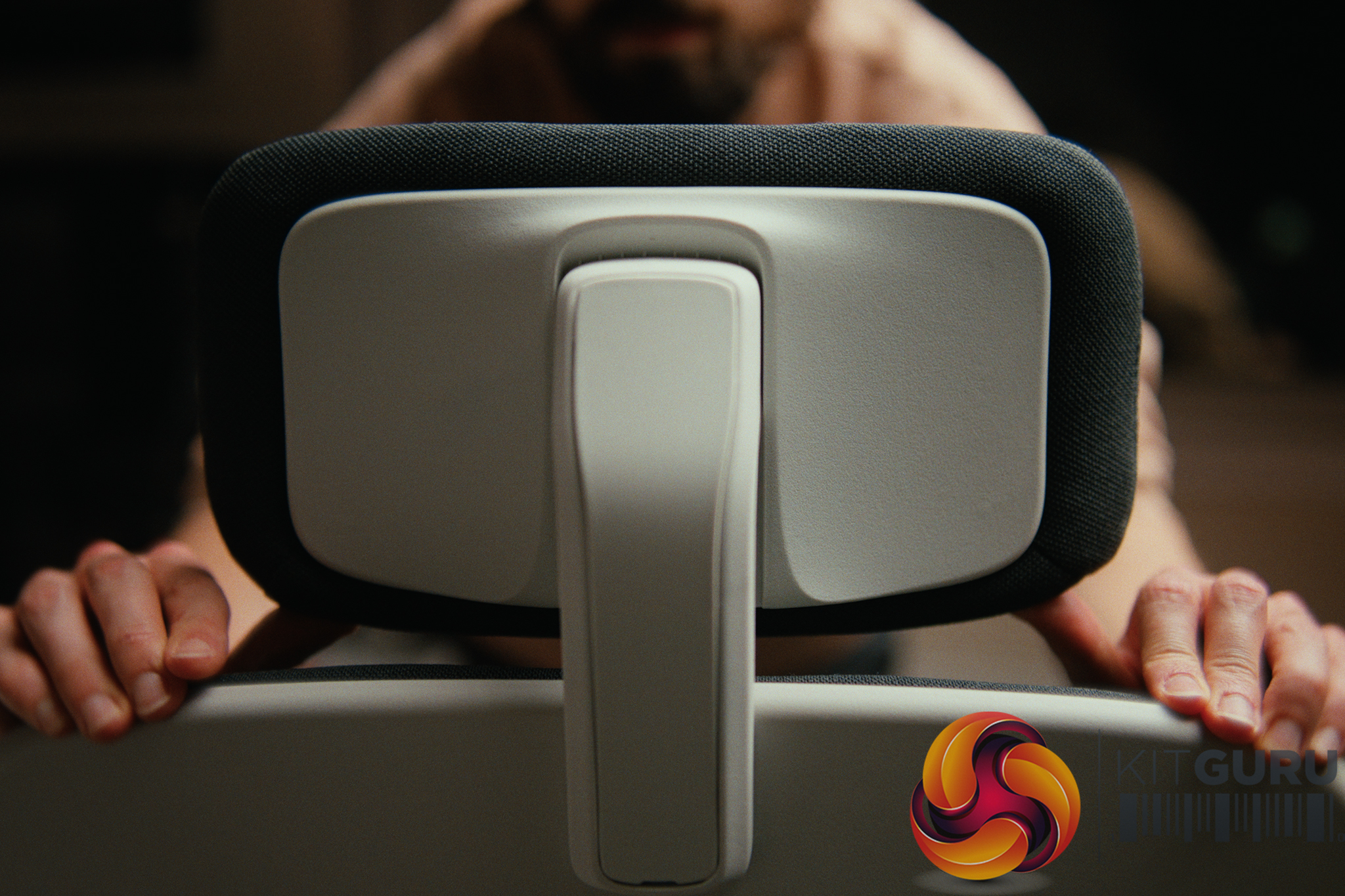
  • Adjustability: Seat height (46-56cm), seat depth (49.5-54cm), backrest height (71-77.5cm), and lumbar support.
  • Armrests: 3D adjustable (height (64-81.5cm), depth, and angle).
  • Recline: 3-level multi-tilt mechanism (95Β°, 113Β°, 135Β°).
  • Hydraulics & Base: Class 4 Gas Lift with Heavy-duty Engineering Plastic Base.
  • Casters: 6cm PU casters.

Closing Thoughts

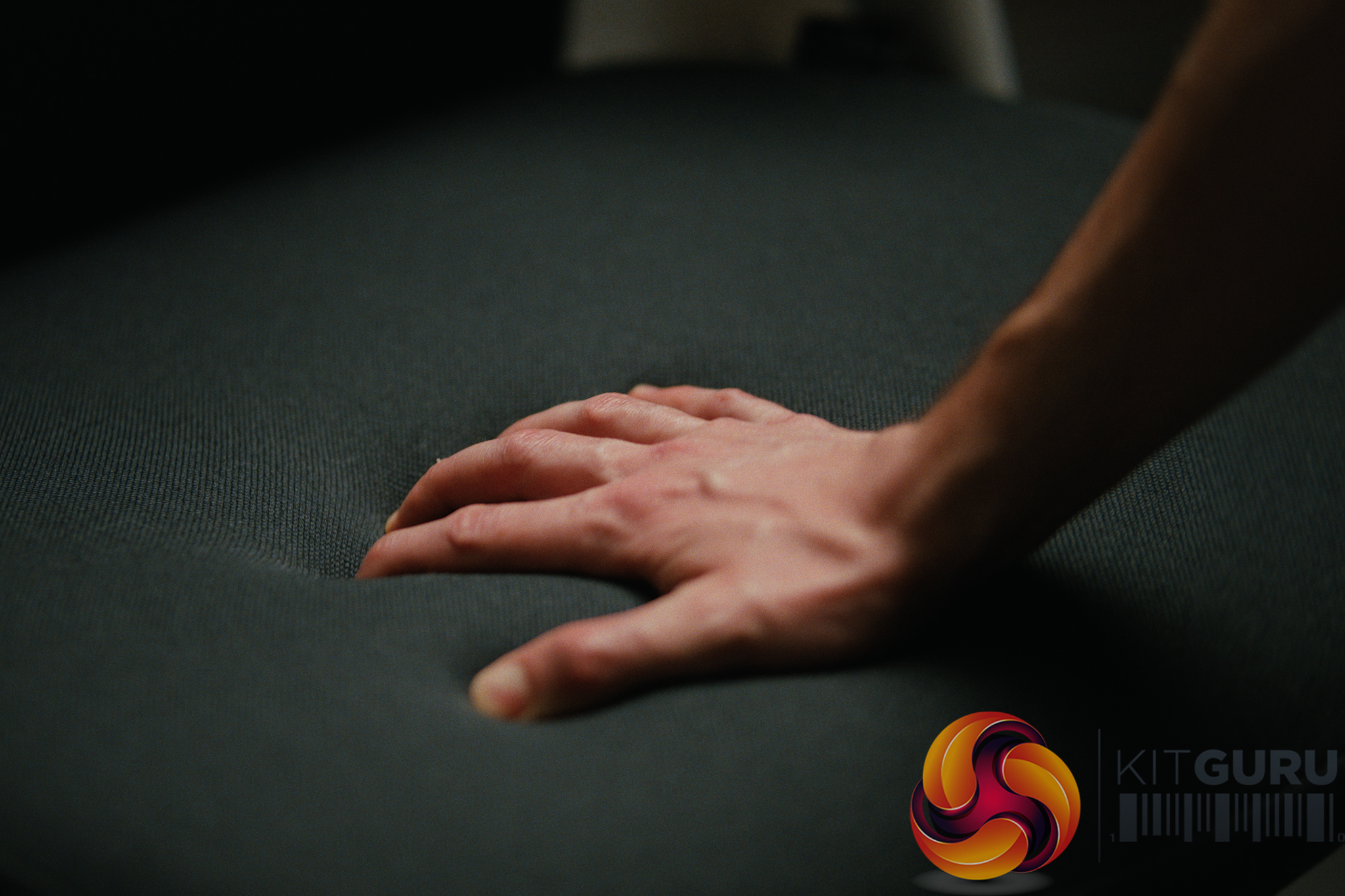
The Boulies Aura is a highly competent office chair that excels in its sheer level of adjustability. Being able to tweak the seat depth, backrest height, lumbar support, and armrests makes it incredibly easy to dial in a customized fit for long productivity or gaming sessions. The plush cold-cured foam and breathable fabric make it a comfortable place to sit, and the remarkably easy 20-minute solo assembly process is a massive bonus for anyone dreading flat-pack furniture.

However, it is not without a few quirks. Smaller users (under 1.75m) may find the seat depth a bit too long even on the shortest setting, and the armrests do not naturally go low enough for competitive gamers who like to sit flush against their deskβ€”though reversing the armrests works as a clever, easy workaround. Add in some minor plastic-on-plastic creaking during adjustments and a black fabric that acts as a magnet for pet hair, and it loses a tiny bit of its premium luster. Overall, if the Β£270 price fits your budget and you need a highly customizable ergonomic chair, the Aura is a very solid choice that is built to last.

You can buy the Boulies Aura for Β£269.99 HERE.

Pros:

  • Good amount of ergonomic adjustability (seat depth, lumbar, backrest).
  • Very comfortable cold-cured foam seat for long sessions.
  • Quick and easy solo assembly (under 20 minutes).
  • Highly repairable and customizable (armrests can be easily unscrewed and reversed if you want them lower and further back).

Cons:

  • Minimum seat depth might be slightly too long for users under 1.75m.
  • Minor plastic creaks make the adjustment mechanisms feel less premium.
  • Black fabric is an absolute magnet for pet hair.
  • Seat foam can get a bit warm in rooms over 25Β°C.

KitGuru says: The Boulies Aura offers an impressive suite of ergonomic adjustments and genuine all-day comfort, making it a strong contender for any home office or gaming setup.

The post Boulies Aura Chair Review first appeared on KitGuru.

Mchose V9 Turbo Wireless Headphones Review

25 February 2026 at 13:55

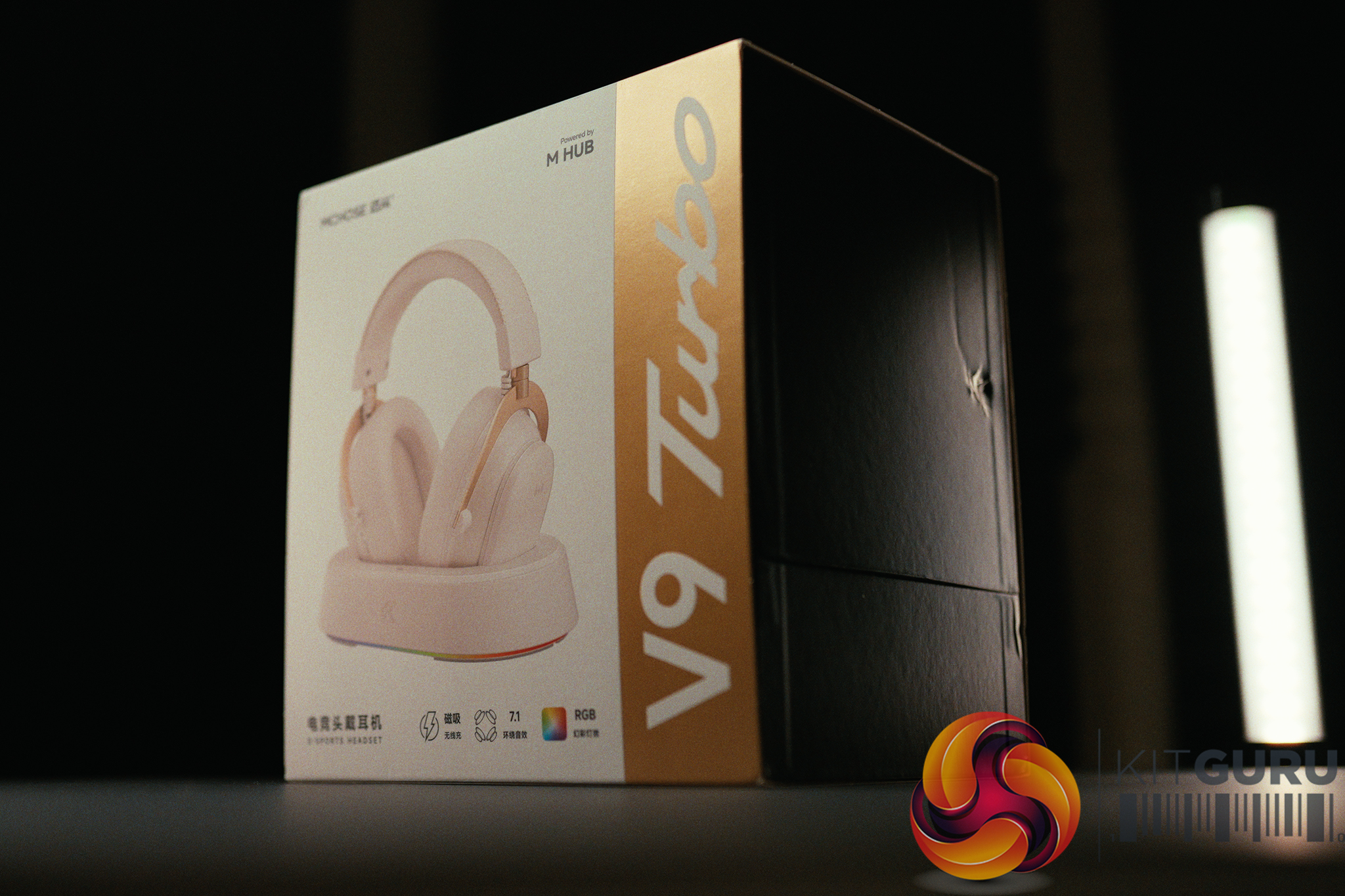
The Mchose V9 Turbo enters the highly competitive Β£100 wireless gaming headset market with some bold hardware features. Boasting a clever magnetic charging dock, seamless 2.4GHz and Bluetooth connectivity, and a battery that refuses to die, it looks like a fantastic all-in-one package on paper. But can it deliver a balanced experience, or will it compromise where it matters most?

Timestamps:

00:00 Intro
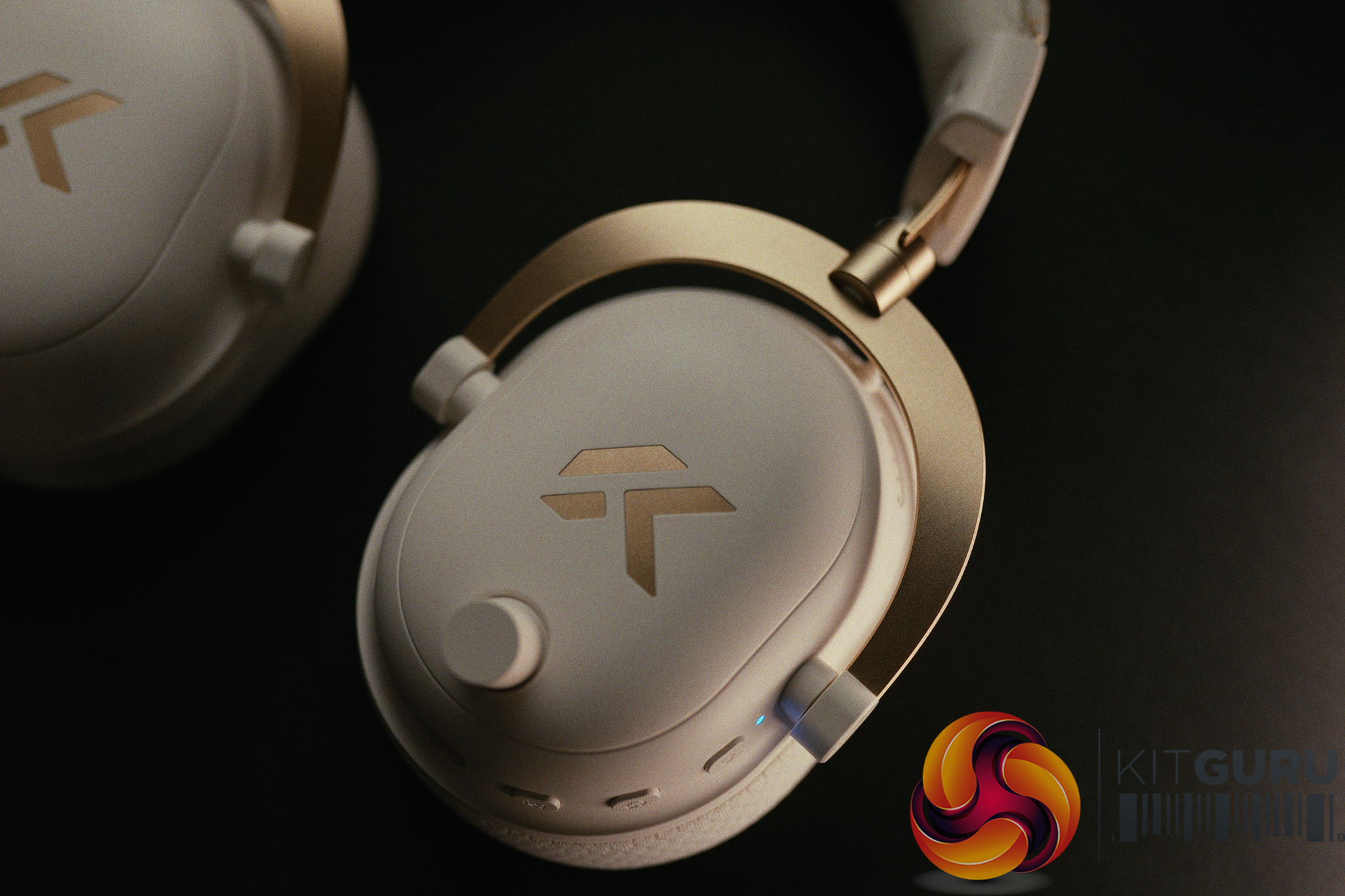
00:59 Build Quality, Materials and Controls
02:07 Weight and Shape
02:42 Charging on the Dock
03:07 Battery Life
04:13 Dock and RGB
04:38 The App and files
05:40 Firmware update for English
06:06 Virtual Surround
06:59 AI Noise reduction
08:19 Equaliser settings and audio
10:05 Gamer 1 Profile and tweaks
11:41 Gaming Audio Experience
13:38 Carlos' closing thoughts

Specifications:

  • Driver Type & Size: 60mm Composite Diaphragm Driver.
  • Connection Modes: Wireless 2.4GHz / BT Wireless / Wireless Type-C / Wired.
  • Battery: 2000mAh.
  • Weight: Approx. 320g (excluding microphone) 330g (with microphone)
  • Charging Base: RGB Magnetic Charging Base Station.
  • Ear Cushions: Ice-Cooling Protein Leather (Replacement fabric ear cups included).
  • Microphone: Detachable AI Noise-Canceling Microphone with 360Β° Voice Pickup.
  • Software & Features: MCHOSE M HUB (7.1 Virtual Surround Sound, Custom EQ Modes, Battery Display).
  • Compatible Platforms: PC / Laptop / PS5 / PS4 / Switch / Mobile / Tablet.

Closing Thoughts

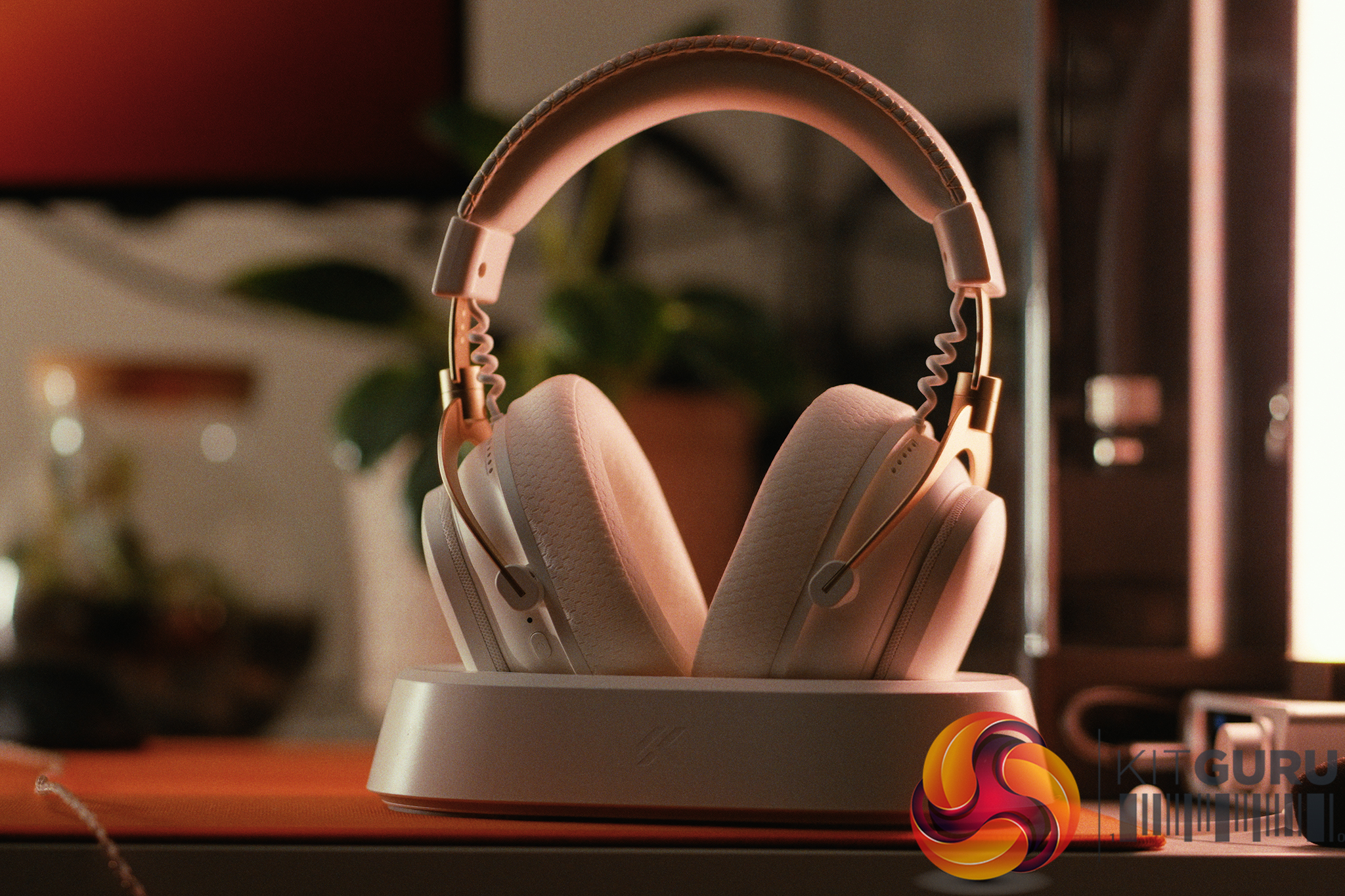
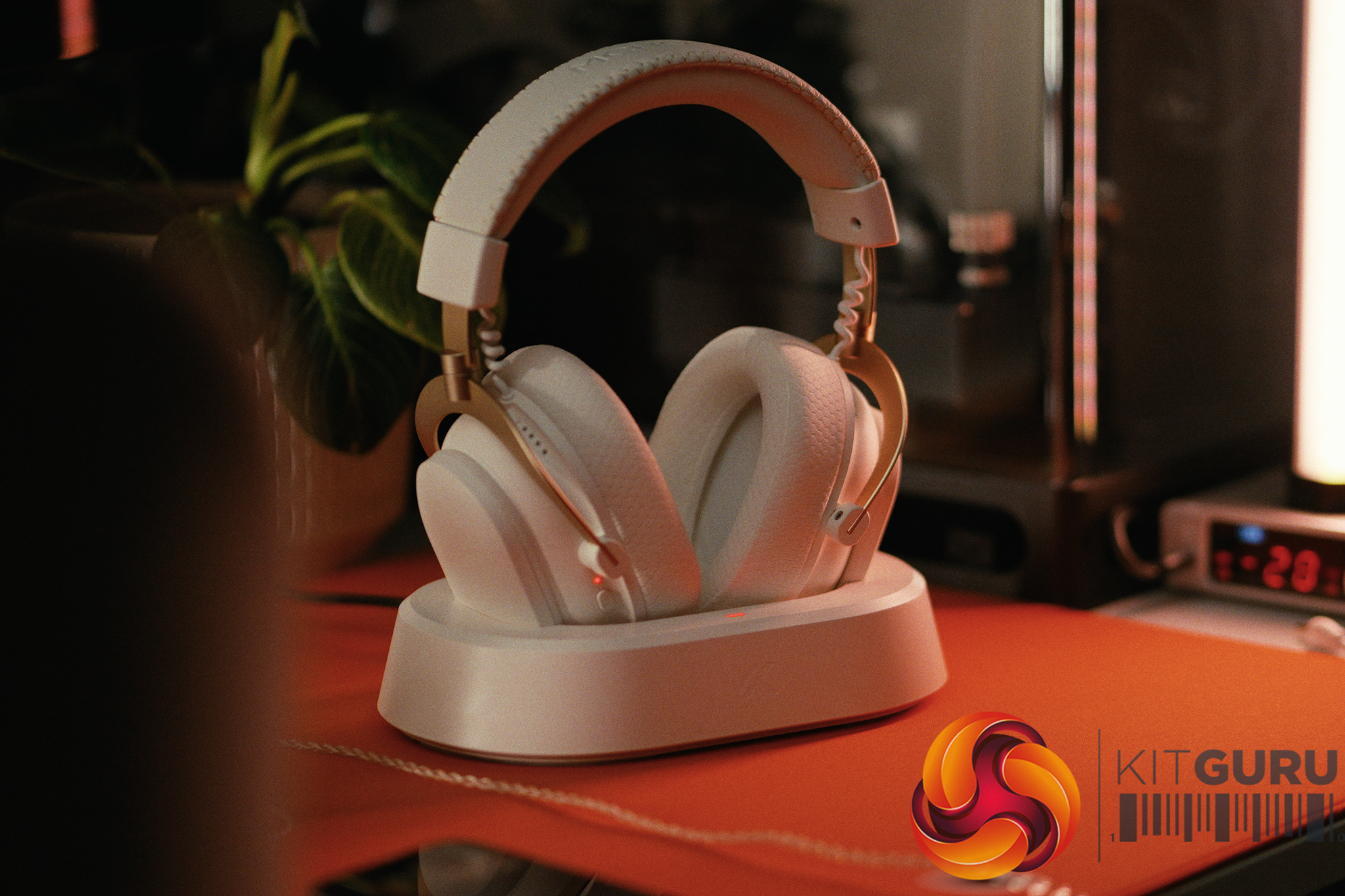
The Mchose V9 Turbo is a headset that gets the physical hardware incredibly right, but stumbles on the execution of what makes a headphone great. On the positive side, the magnetic charging dock is brilliant – simply dropping the headphones into place via the volume knob cutout is effortless. Comfort is great, especially when using the included fabric pads, and the battery life is pretty solid.

There is definitely a software bug that makes the battery report a solid 100% life remaining even after 75 hours of active use, but with the convenient charging station I see no use-case where battery will be a concern. The 2.4GHz wireless latency is also spot-on for gaming which is always a must for any wireless headsets.

Unfortunately, the audio experience lets it down. The sound profile feels small, thin, and shouty, severely lacking in low-end energy and sporting recessed mid-frequencies. It is a fatiguing listen for both music and gaming. Even with tools like Equalizer APO, you are fighting against the built-in DSP, making it hard to find an enjoyable tuning, let alone if you just stick with the built-in equalizer on the Mchose app.

The microphone is equally only OK, delivering a muffled, highly compressed sound that easily picks up keyboard noise, requiring noise reduction that further makes it muffled and compressed.

I also spotted some software quirks that could be easily addressed, such as stealthy background processes even when closed, a max 45-minute auto-power-off timer that given the convenient dock setup could have offered a off setting, and a blinding green LED on the dongle.

For Β£100, I would personally prefer moving to a Β£20-30 set of IEMs and an external USB microphone on a boom arm, but if you need flawless wireless and are ok with compromising on sound quality, these are worth considering.

You can buy the Mchose V9 Turbo for around Β£100 HERE.

Pros:

  • Brilliant magnetic charging dock makes top-ups effortless.
  • Strong battery life that lasts for weeks.
  • Excellent 2.4GHz wireless performance with consistently low latency.
  • Comfortable fit, especially with the included fabric earpads.

Cons:

  • Audio is thin and a little fatiguing thanks to poor mid/low-end energy.
  • Muffled, highly compressed microphone with unimpressive clarity.
  • Some annoying software quirks (always on bright green dongle LED, background running processes, battery percentage reporting is broken).

KitGuru says: The Mchose V9 Turbo nails the wireless experience, but it is ultimately let down by fatiguing audio and an only OK microphone.

KitGuru Worth Considering Award

The post Mchose V9 Turbo Wireless Headphones Review first appeared on KitGuru.
❌
❌