Login
Login
Geekom A5 Pro Mini PC Review
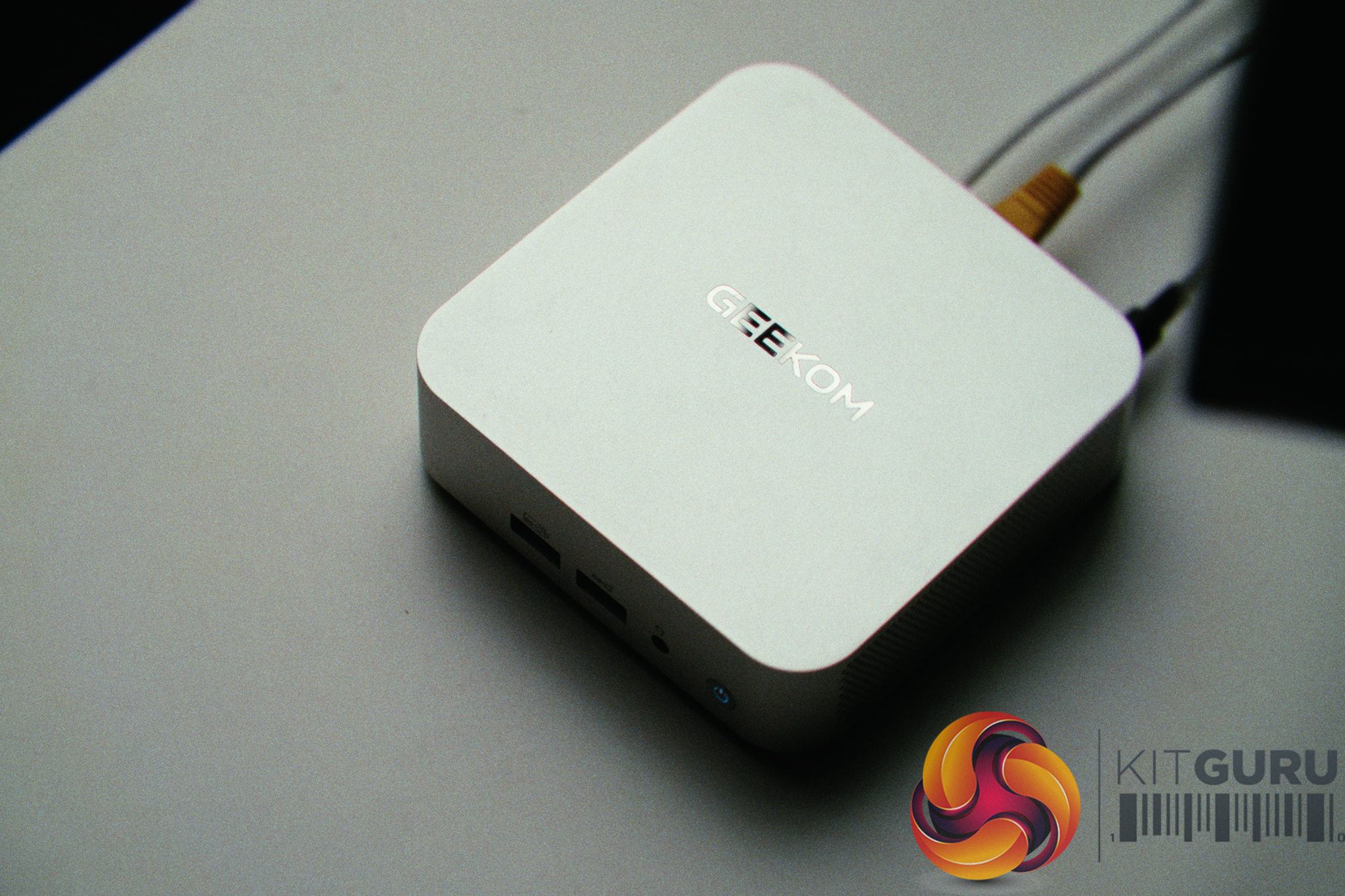
The Geekom A5 Pro (2026) is a £520 mini PC designed for everyday desktop computing, housed in an all-aluminium chassis. But sometimes hardware testing doesn't go exactly to plan – so this time around, when my primary home network server suddenly died, this compact machine was drafted into emergency service to act as a VPN server, OPNsense router / firewall. On paper this seemed like a tough challenge, but a month later has it been a success?
Timestamps:
00:00 Intro
01:33 How this happened
03:12 The Geekom A5 Pro – Hardware
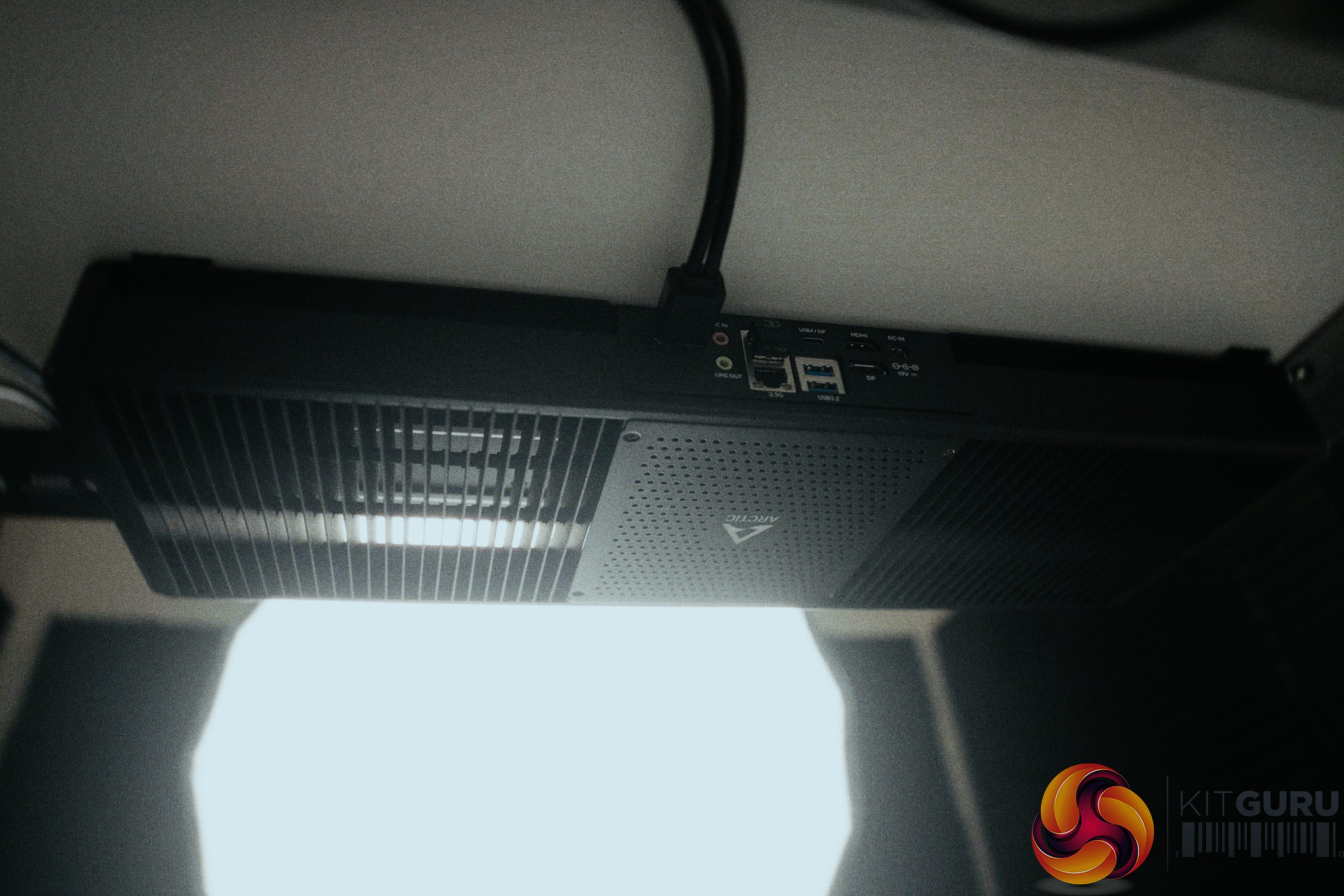
05:12 The I/O and WAN / LAN
07:52 Proxmox Install and Configuration
09:37 Real World Performance
11:42 Thoughts?

Specifications:
- Processor: AMD Ryzen
 5 7530U (6 Cores, 12 Threads, 16MB Cache, up to 4.5GHz).
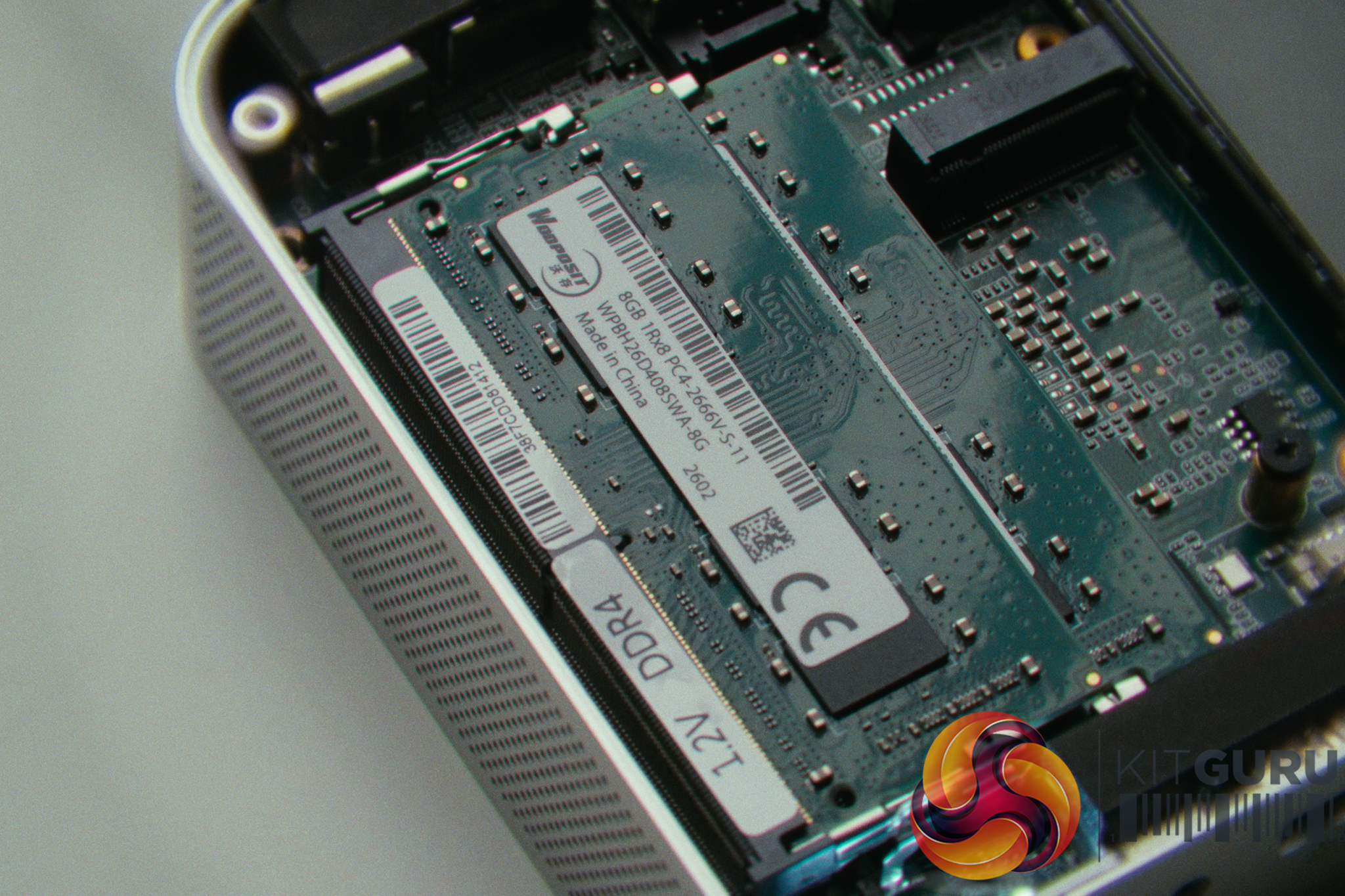
 - Memory: 16GB (2x8GB) DDR4 SODIMM (Expandable up to 64GB).
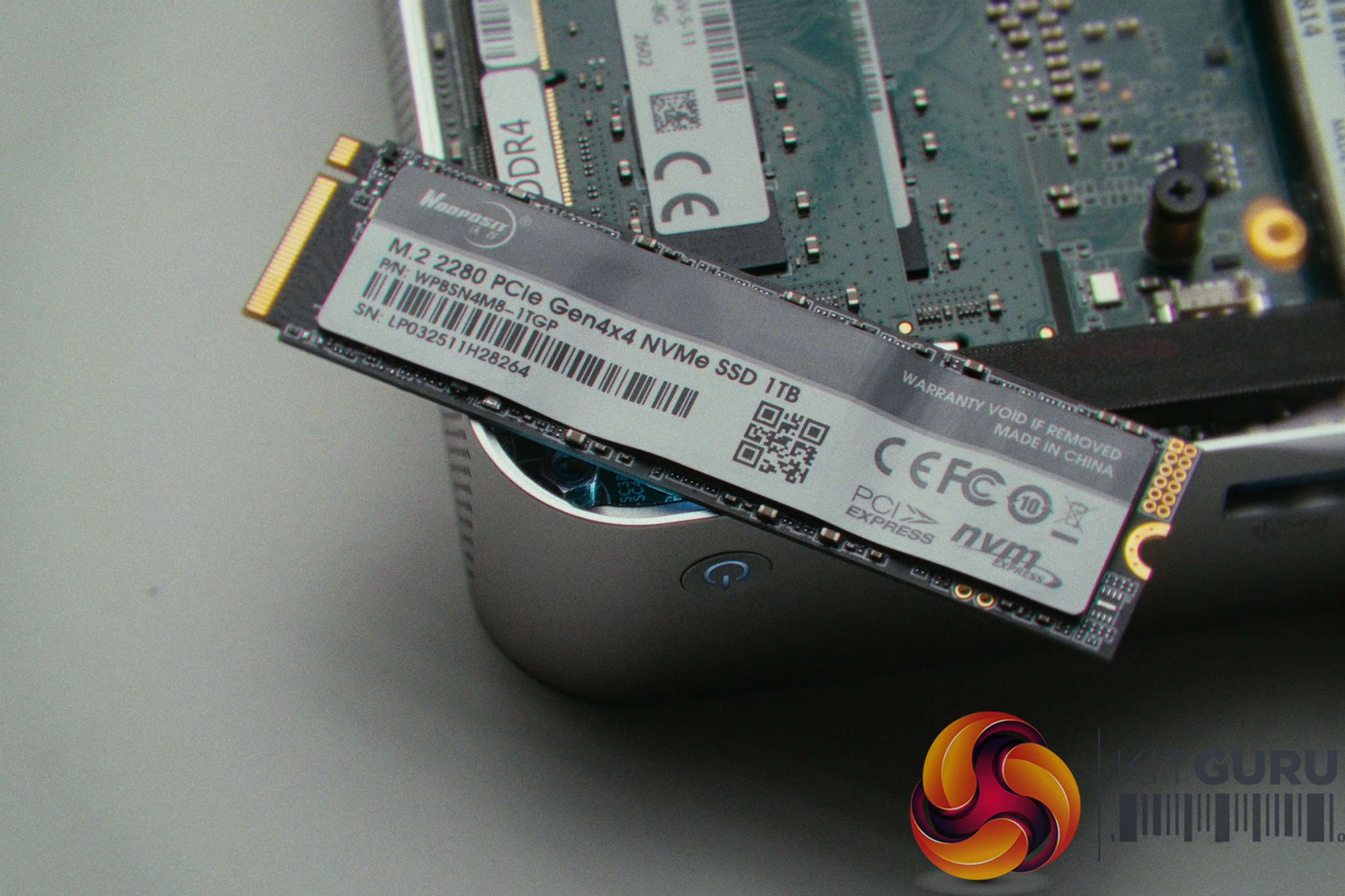
- Storage: 1TB M.2 NVMe SSD (Supports 1x 2280 PCIe & 1x 2242 SATA III).
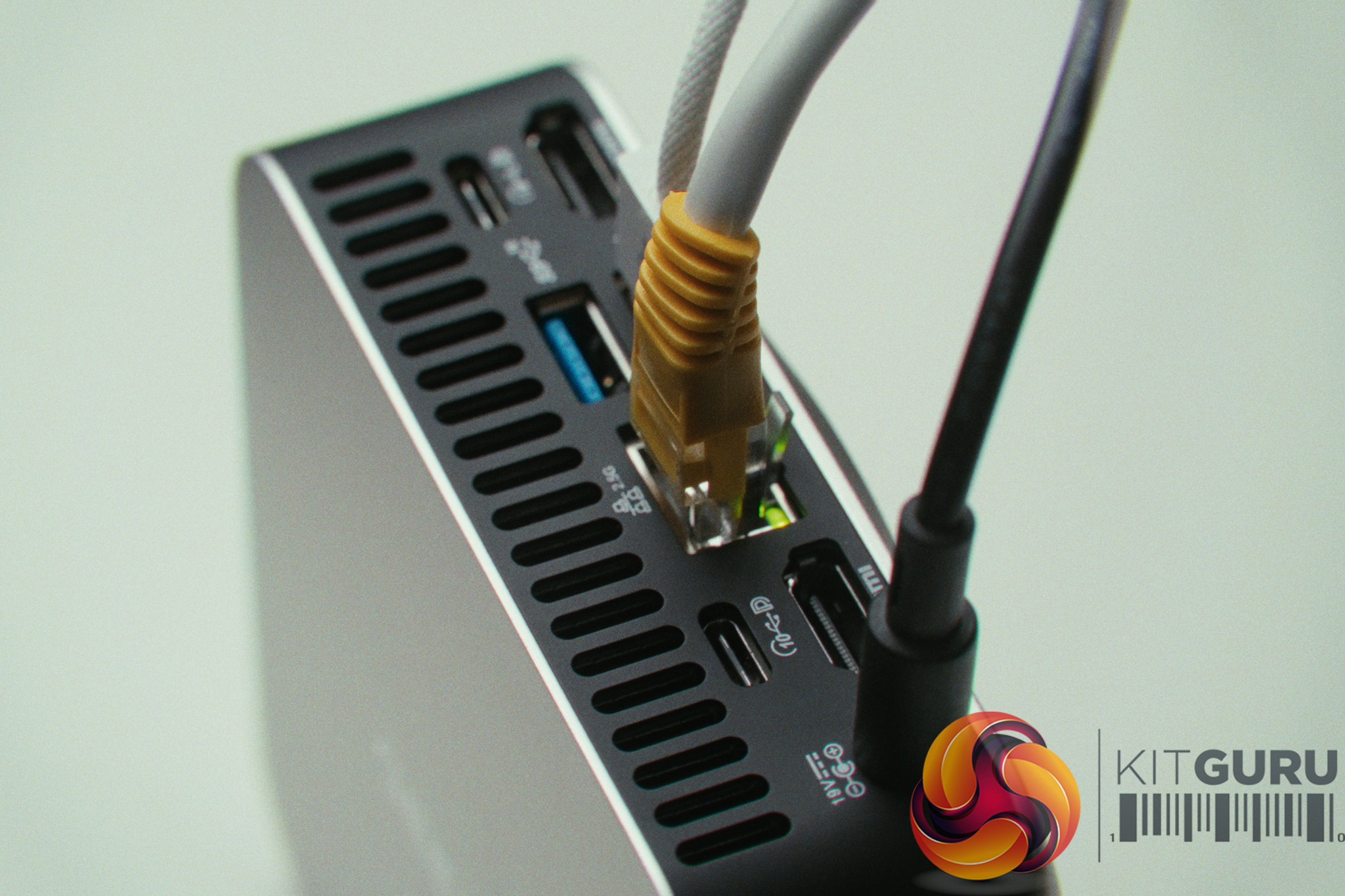
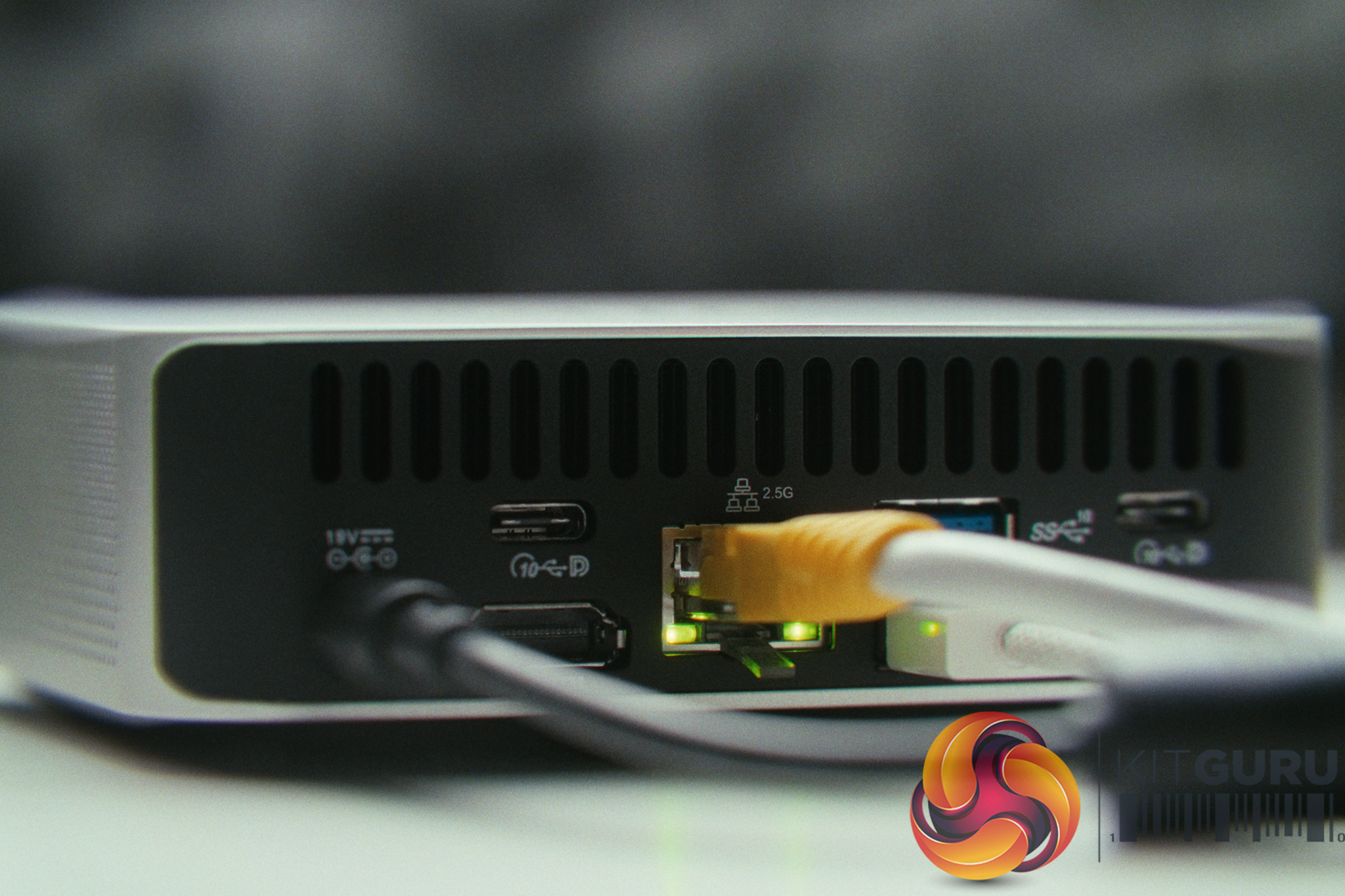
- Networking: 1x 2.5GbE LAN (Realtek Controller), Wi-Fi 6, and Bluetooth 5.2.
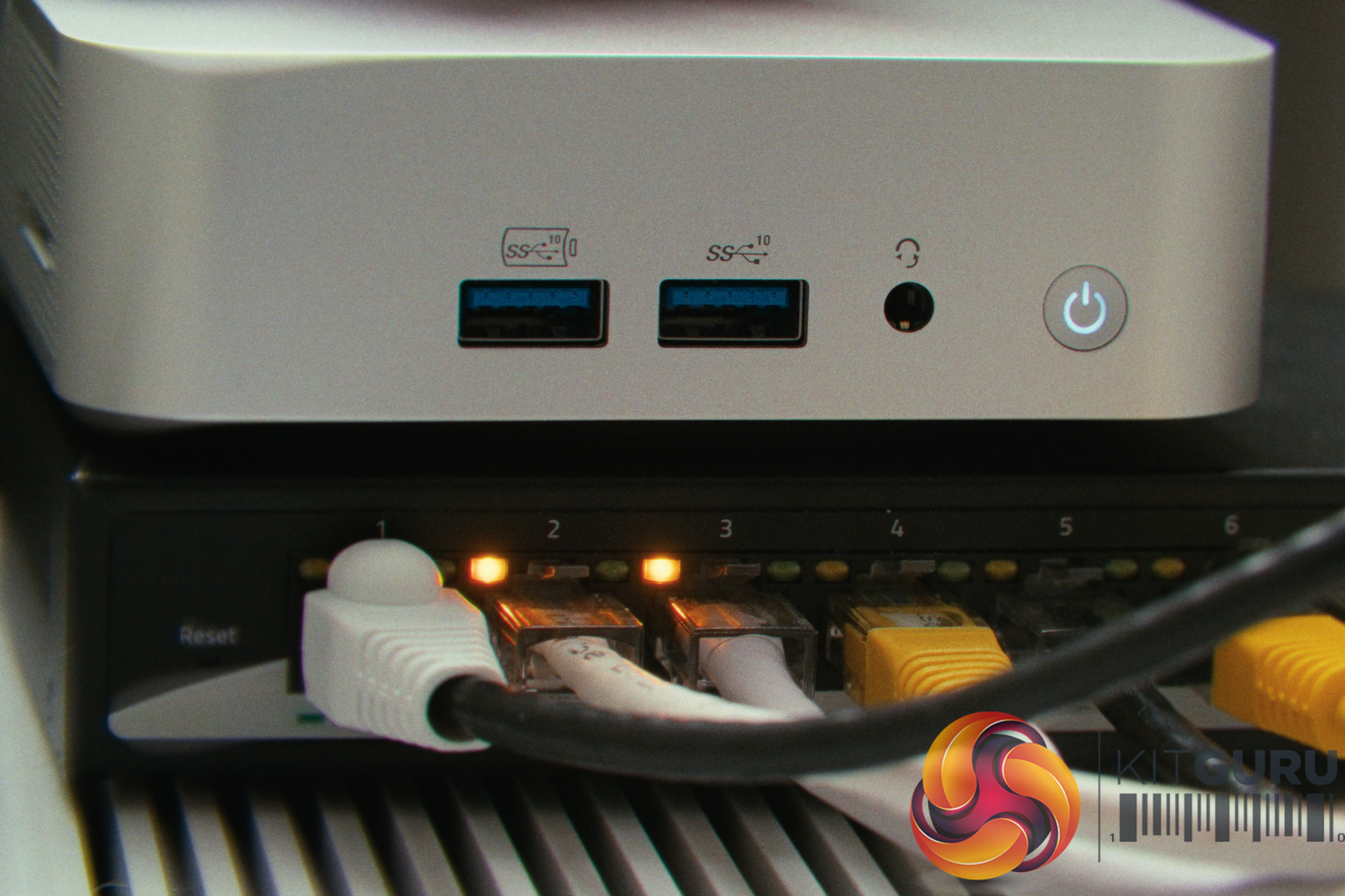
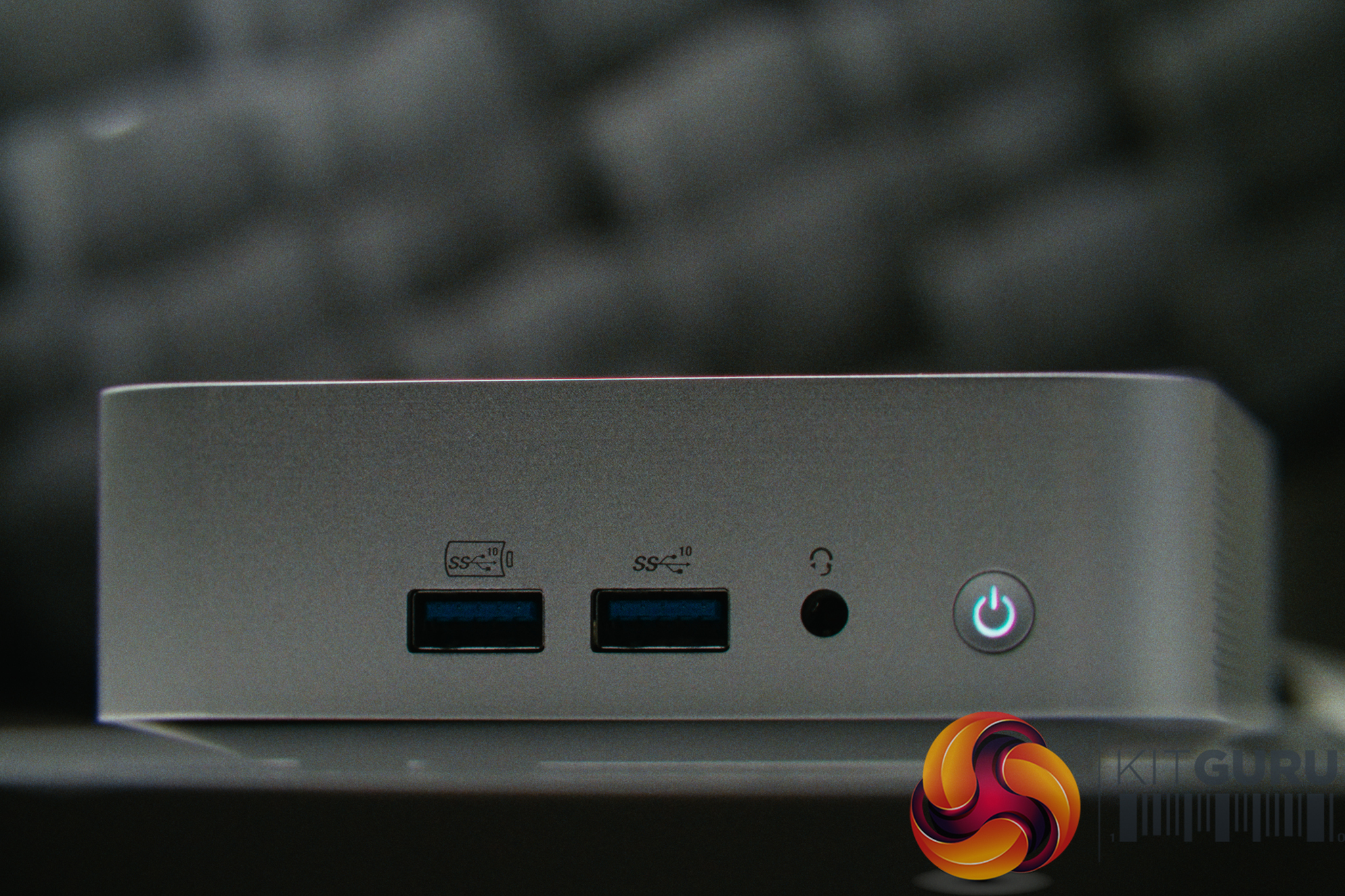
- I/O Ports: 2x USB 3.2 Gen 2 Type-C, 3x USB 3.2 Gen 2 Type-A, 1x USB 2.0, 2x HDMI 2.0, SD Card Reader, 3.5mm Audio.
- Chassis & Dimensions: All-Aluminium Unibody / 112.4 × 112.4 × 37 mm (0.47L).
- Power Consumption: ~14W idle / ~40W peak.
- Target Price: ~£520.
Closing Thoughts
The Geekom A5 Pro is a machine that massively exceeded our expectations, primarily because we threw it into a scenario it was never designed for. Rather than light web browsing, we tasked it with running Proxmox, an OPNsense router/firewall, Home Assistant, and multiple other Docker containers to replace a dead server. The Ryzen 5 7530U is incredibly capable; even when routing traffic for an entire home network, CPU utilization never crossed the 40% mark. Cooling was also very impressive given it also remained whisper-quiet, with temperatures hovering in the high 50s while drawing as little as 14 watts.
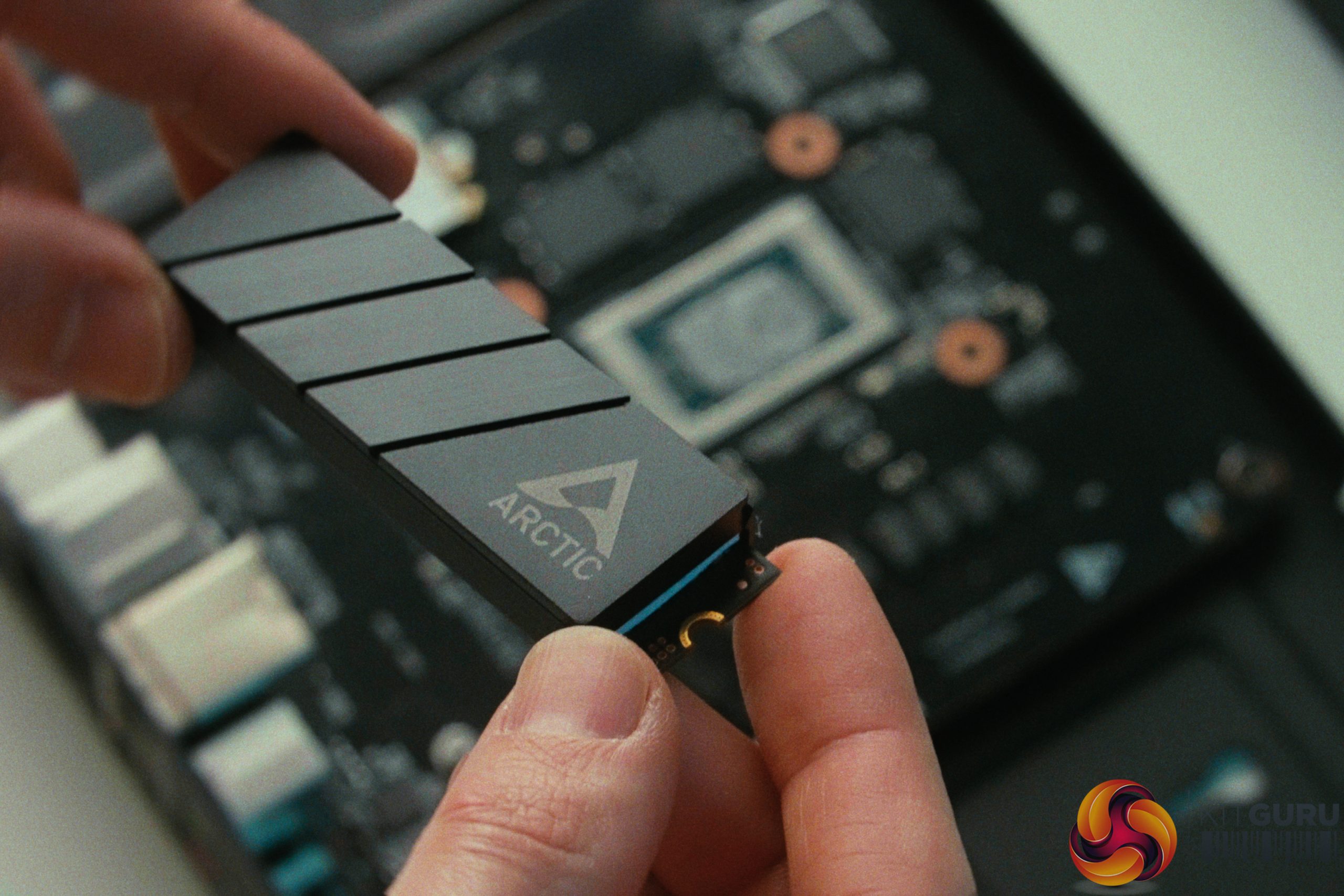
That said, repurposing a standard mini PC as a network server was an emergency plan and not really an ideal solution. Having only a single Ethernet port requires significant networking gymnastics (like using a managed switch and VLAN tagging) to route both WAN and LAN traffic over one cable. Furthermore, the Realtek network controller is less ideal than an Intel equivalent for virtualised routing, requiring hardware offloading to be disabled to maintain stability. We also noted that the RAM and SSD in our unit came from a relatively unknown brand called Wodposit, though the SSD speeds (7.2GB/s read) were good during large file transfers.
Ultimately, while running a home network on a single-port mini PC is an impractical long-term solution, this month-long experiment proves just how capable these small machines are. If you are looking to dip your toes into the world of self-hosting and home labs without driving up your energy bill, the Geekom A5 Pro is definitely a versatile piece of hardware.
Geekom also sent over the following retail links and discount code, but please note these are not affiliate links and we do not profit from any sales:
- 7% Coupon: KITGURUA5PRO, expires May 31.
- Amazon UK
- Official UK
- Amazon US
- Official US
Pros:
- Excellent CPU performance handles multitasking and virtualization with ease.
- Power efficient, drawing between 14W and 40W.
- Quiet operation and great thermal management.
- Premium all-aluminum unibody chassis with generous I/O.
- Fast NVMe SSD speeds despite the unknown manufacturer.
Cons:
- Realtek networking controller requires software tweaking in Proxmox.
- Uses lesser-known component brands for memory and storage.
- Single Ethernet port.
KitGuru says: The Geekom A5 Pro might target the average user, but its power efficiency, metal chassis, and highly capable Ryzen processor make it a fantastic, affordable gateway into the world of self-hosting and home labs.