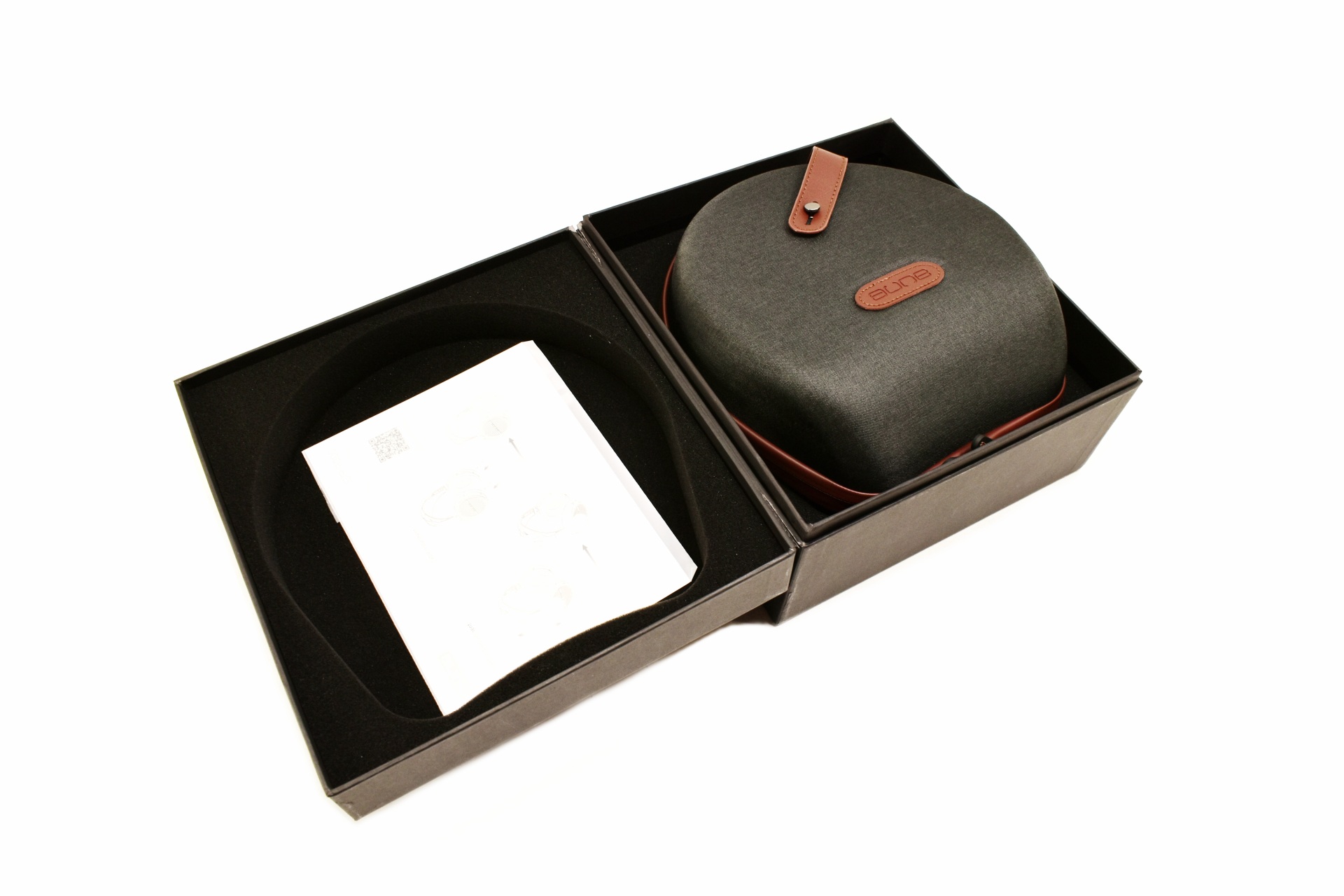
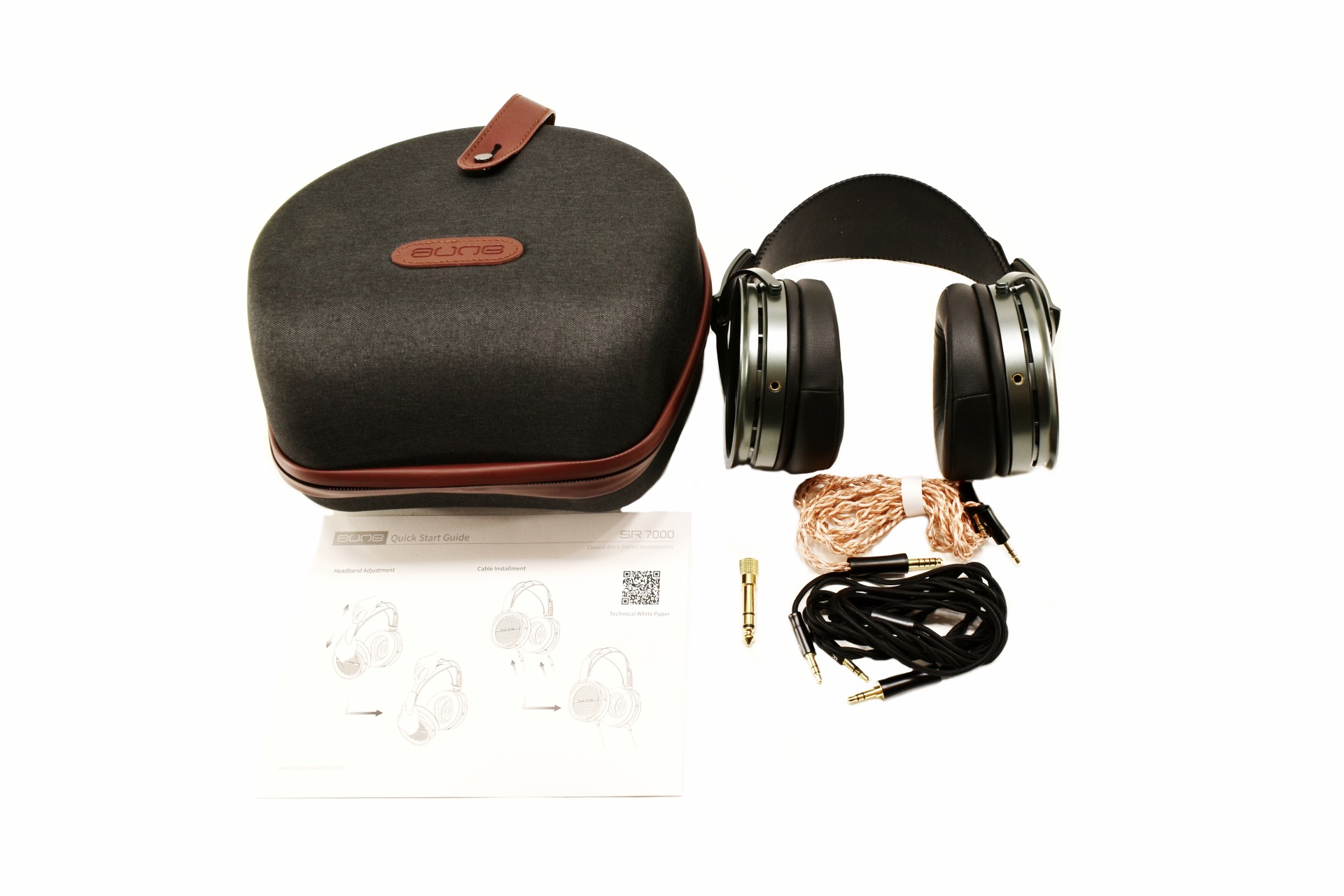
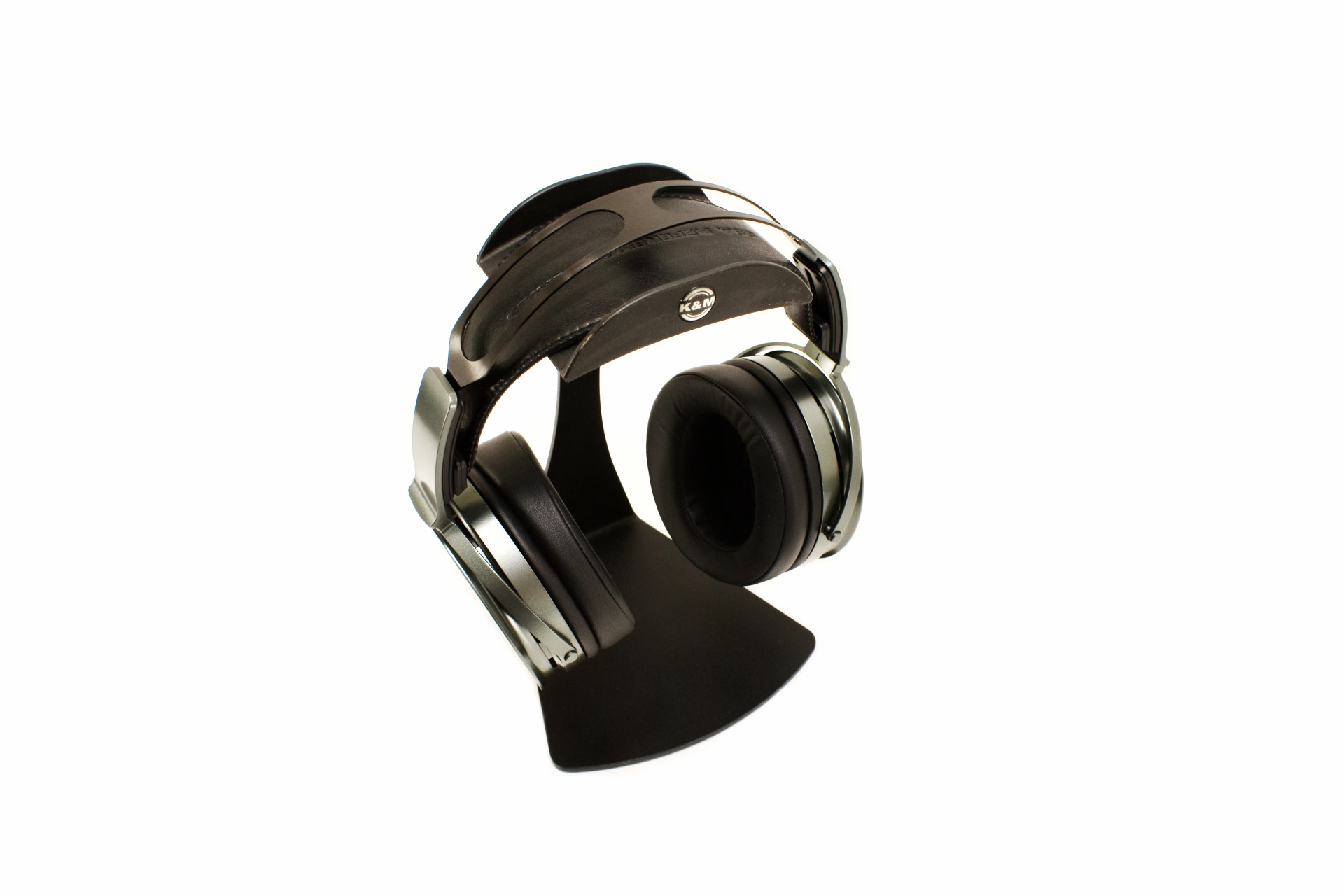
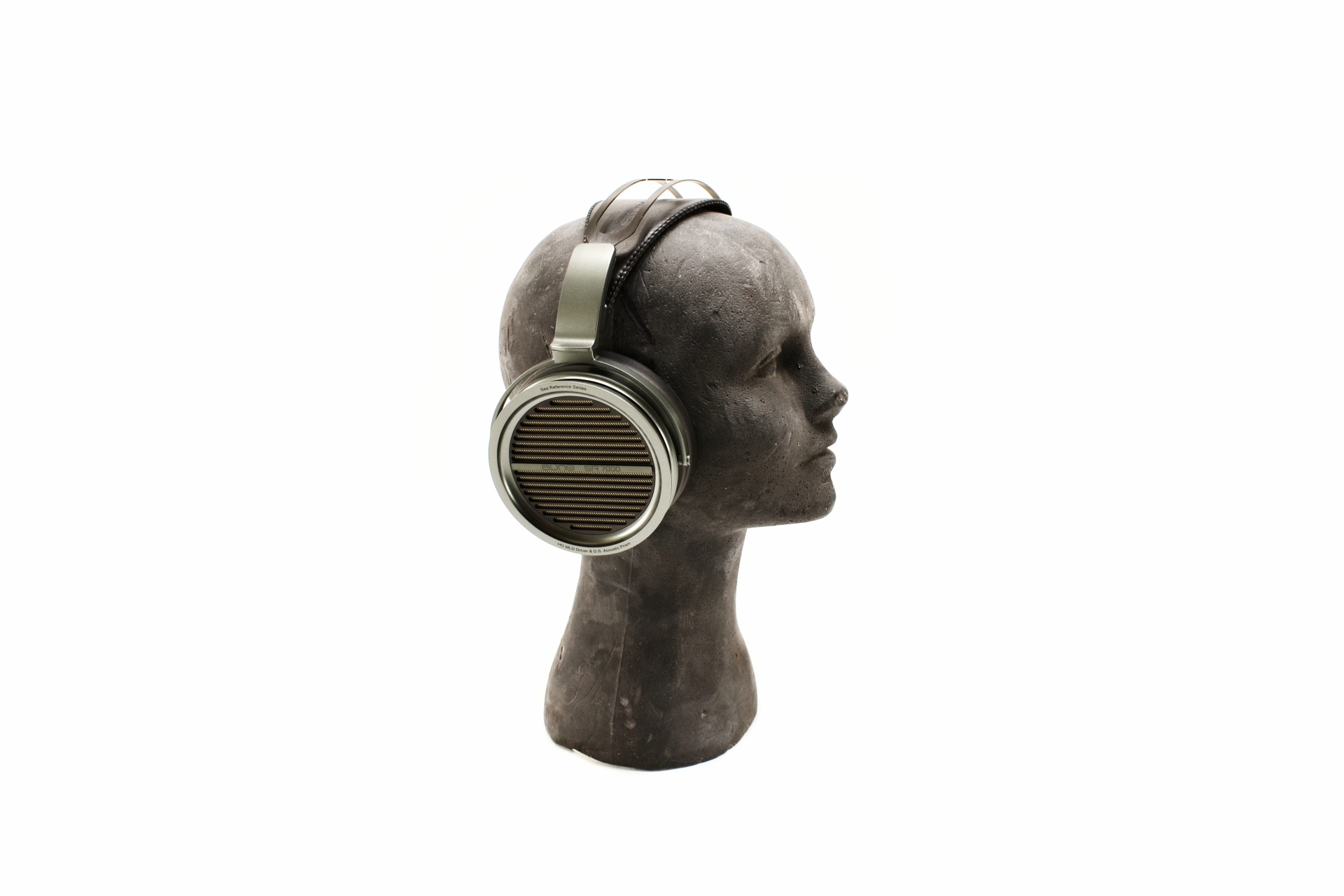
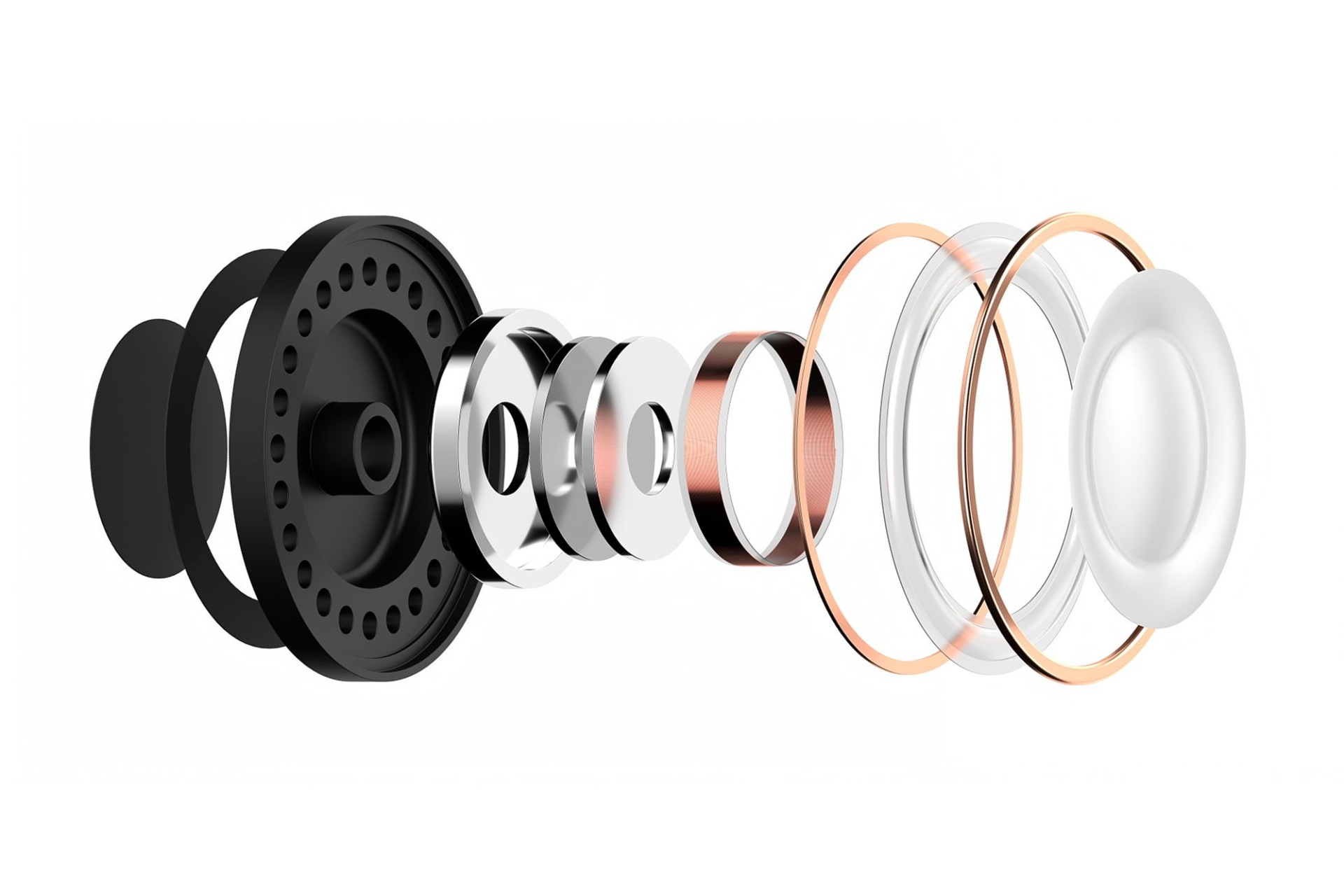
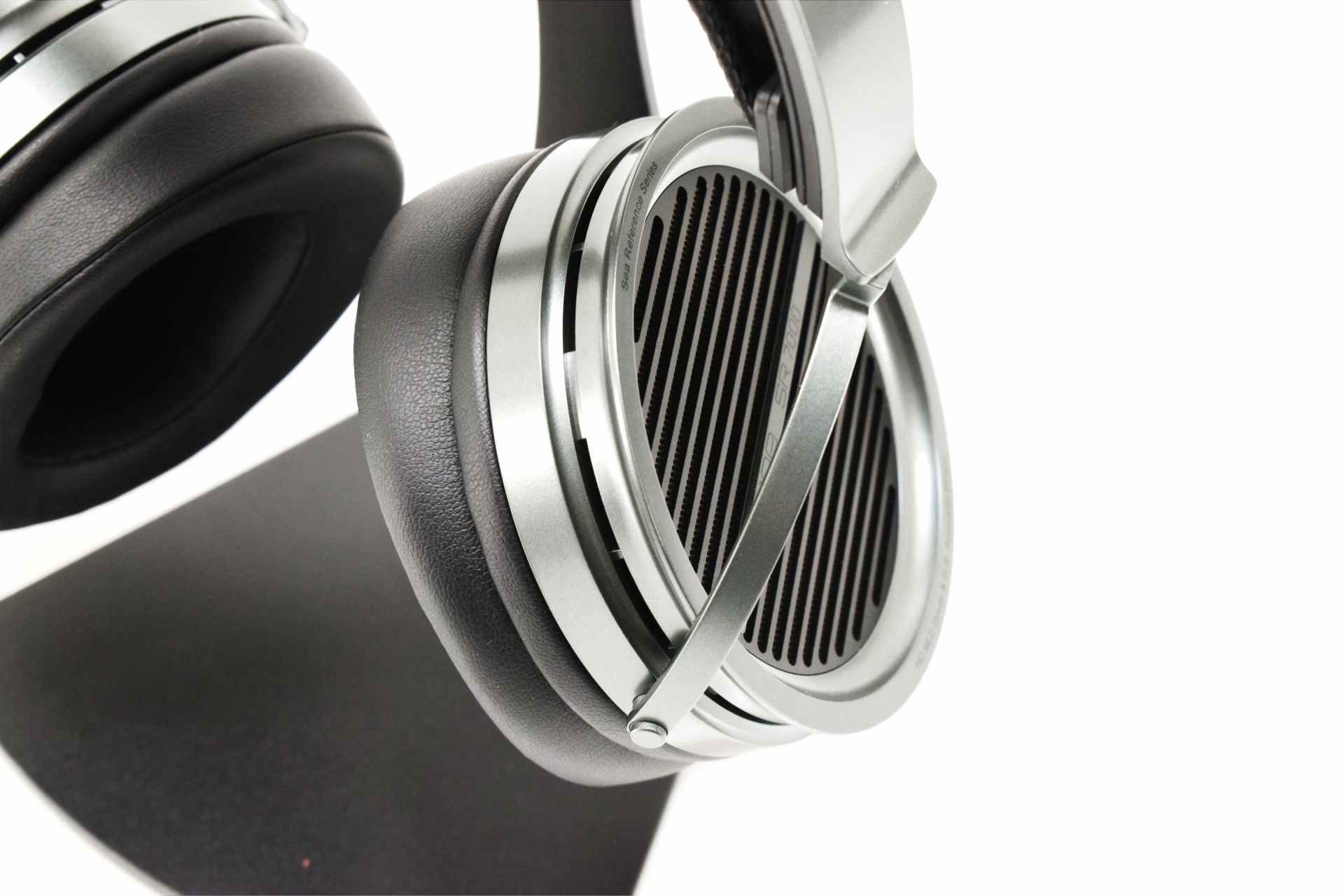
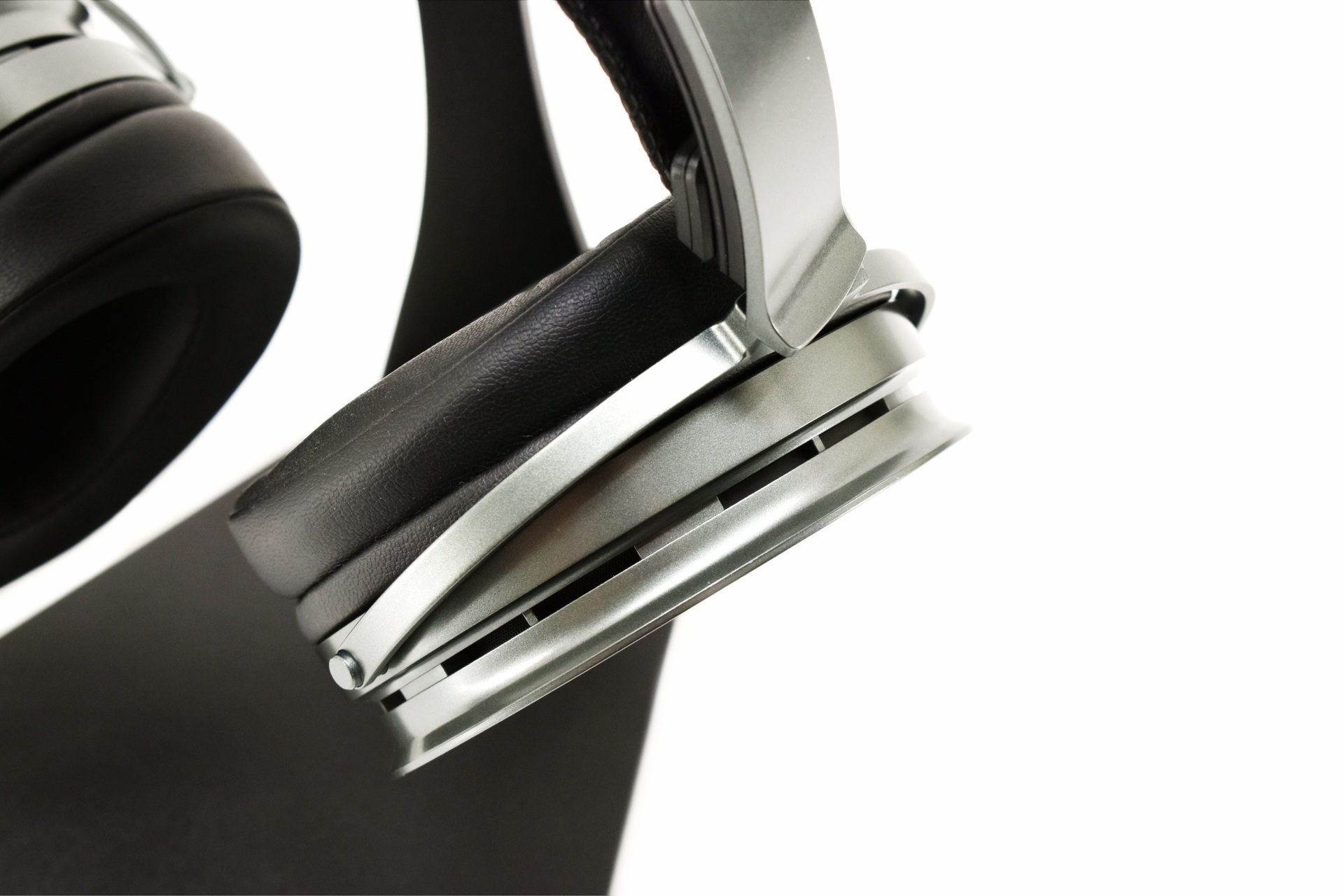
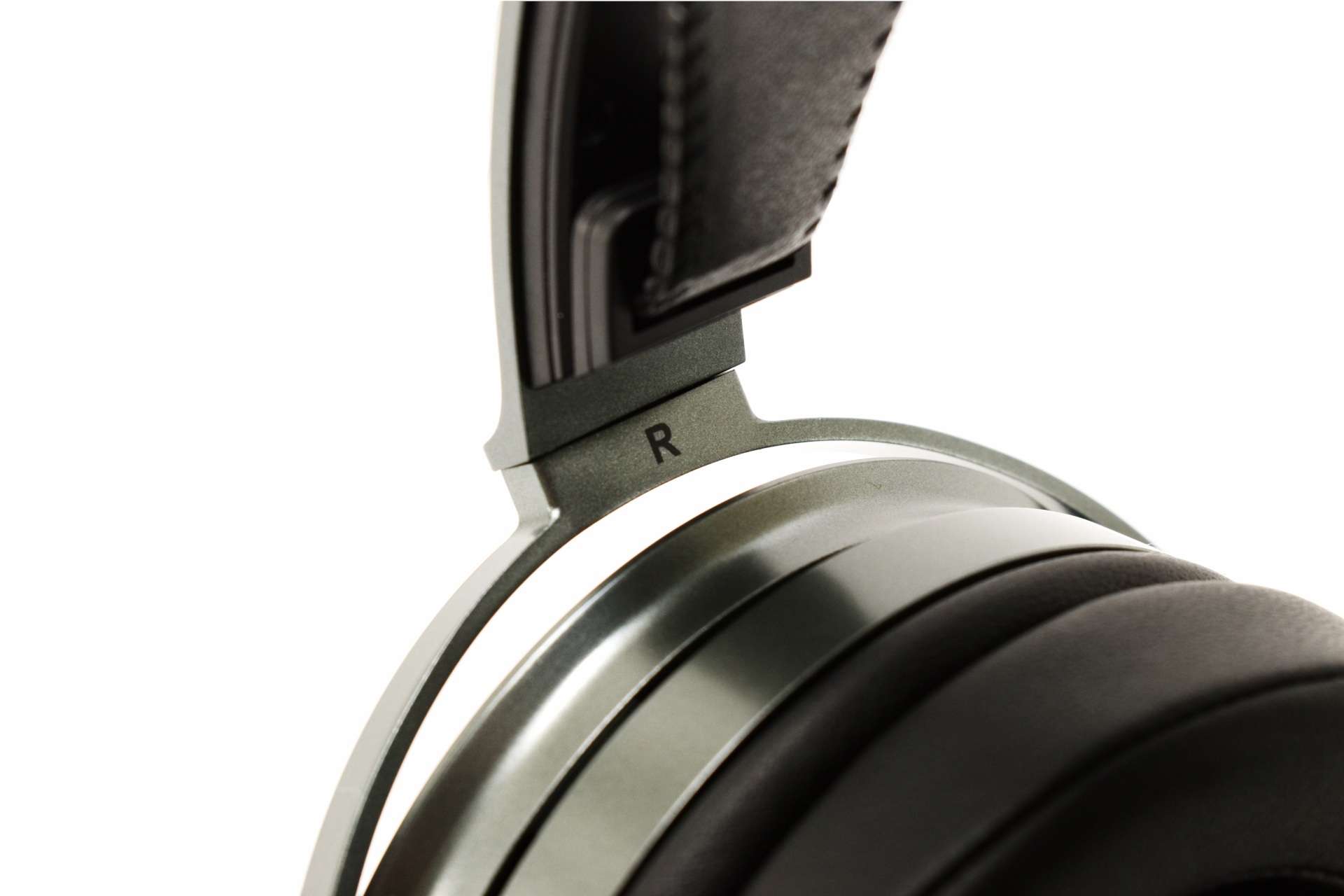
Normal view

There are new articles available, click to refresh the page.
Before yesterdayRSS FEEDS

Gooloo A5 & A7 Jump Starters With Air Compressors Review

INTRODUCTION


gooloo a5 a7 review a


    Jump starters and tire inflators have evolved from emergency-only tools into essential gear for anyone who values independence on the road. Modern units combine high-capacity lithium batteries with intelligent air systems, letting drivers revive a dead battery or restore tire pressure in minutes without relying on roadside assistance. The best designs emphasize portability, digital precision, and multi-mode adaptability, capable of handling cars, motorcycles, and even sports equipment. Today’s review focuses on two of Gooloo’s latest entries in this category, the A5 and A7, both engineered to push that balance of power and practicality even further.


        Gooloo is a global leader in automotive solutions, specializing in high-performance lithium jump starters, smart power banks, and 2-in-1 air compressor tools. With over 5 million units sold across 160+ countries, Gooloo is trusted by drivers, mechanics, and outdoor adventurers alike. From everyday roadside emergencies to professional-grade fleet solutions, Gooloo products are designed to deliver unmatched safety, portability, and performance—anytime, anywhere.


    Both the Gooloo A5 and A7 take a very spec‑driven approach, but each one does it in its own way. On one hand the A5 delivers a 4000A peak jump output, a 160 PSI inflation system powered by a 25mm high‑efficiency motor, and a 20000mAh lithium-ion battery pack that supports USB‑C fast charging and long accessory use. The A7 on the other hand scales things up with a 6000A peak rating, a larger 30mm inflation motor (same 160 PSI inflation), and a higher‑capacity 24000mAh lithium-ion battery pack, giving it noticeably stronger cranking performance and faster air delivery. Both models include 10 smart safety protections (over-charge, over-current, short-circuit, reverse polarity, high and low temp, spark proof, over-voltage, over-load, reverse charge and software), automatic pressure shutoff, multiple inflation presets, 400 lumen LED torches/lights and clear digital readouts.


SPECIFICATIONS AND FEATURES


PACKAGING AND CONTENTS


gooloo a5 a7 review 1t

Both the A5 and A7 come in black boxes that have the company logo at the front next to a large product picture and the main selling points.


The 10 smart safety protections are listed at the base.


A quick start guide is printed at the top of each box.


At the rear we find the specifications of each product.


The A5 comes inside its soft carrying/storage case whereas the A7 is placed inside a piece of foam while the rest of the bundle is placed inside a small cardboard box.


Inside the box of the A3 we find a carrying/storage pouch, jump starter cable, tire pump tube, USB-C cable, 5 different air nozzles and the user manual while in the GT4000S box we find a storage/carrying bag, jump starter cables, cigar lighter adapter, USB-A and USB-C cables and the user manual.


THE A5


Neither the A5 or the A7 are small devices, the A5 weighs 1.45Kg and measures 22.8x6.1x14.1cm while the A7 weighs 1.81Kg and measures 23.5x12.4x11.2cm.


Just like the A3 model which I tested a while back the A5 has all its controls on top next to its display.


This color display informs you of battery life, PSI, current vehicle mode and desired KPA output.


The handle is also a built-in USB-C PD45W cable.


At the front we find the pump tube port, USB-A 5V/2.4A port, USB-C 5-9V USB port, 400 lumen LED torch and the jump starter cable port.


Once again, the product specifications and proper use instructions are printed at the base.


Here you can see the proper connectivity for the A5.


Just like with the A3 the bundled carrying/storage pouch may not be as good as their EVA model but it’s better than not having one at all.


ΤΗΕ Α7


The A7 looks a lot like a small tool box and so it’s different compared to the A5.


There’s a very convenient handle on top made of plastic.


The controls with the LCD display are located at the front.


Unlike the A5 this isn’t a color display but it does offer the same information such as battery life, desired KPA output, PSI and current vehicle/inflate mode.


On one side of the A7 Gooloo has placed the pump tube port, USB-A 5/9/12V 18W port, USB-C PD30 USB port, 400 lumen LED torch and the jump starter cable port while on the other side, they’ve placed the deflate and inflate ports for the air hose.


The product specifications are printed at the rear as seen above.


Above you can see the proper connectivity for the A7 (minus the air hose).


Unfortunately, even though the A7 is among the top models by Gooloo it comes with a carrying/storage pouch in the bundle.


NOISE LEVELS


dba

Not much I can test compressors/air pumps for so at least for now I'll be including noise levels from 15cm away.


CONCLUSION


gooloo a5 a7 review b


    The Gooloo A5 and A7 wrap a lot of practical capability into single units, and that’s ultimately what makes them compelling. Both deliver the kind of jump‑start power that actually matters on the road, enough to revive larger cars and SUVs without hesitation. Their compressors, while not class‑leading in raw speed, inflate tires at a steady, reliable pace while the built‑in power‑bank functionality adds real value when you need to top up a phone or accessory. High battery capacity and clear LCD displays round out the everyday usability. The A7 edges ahead in refinement thanks to its improved features set and lower operating noise, which makes longer inflation sessions more comfortable. The A5 isn’t dramatically louder, but the difference is noticeable enough to count as a small advantage for the A7. Both models share the same trade‑offs, they’re bulkier than compact inflators or basic jump starters, and they can’t match the speed of dedicated 12V cigar‑socket inflators. But those compromises are reasonable given the all‑in‑one design. In the end, the A5 and A7 stand out as dependable, multi‑purpose emergency tools. If you want maximum convenience and quieter operation, the A7 is the more polished choice. If you want the same core capability at a slightly lower tier, the A5 still delivers strong, well‑rounded performance.


    The Gooloo A5 and A7 jump starters and tire inflators currently retail for USD99.99/USD149.99 inside the USA and for 84.99/149.99Euros inside the EU directly from Gooloo (plus a -5% coupon which is currently active in both pages). Due to cost the A5 is obviously the best choice for people on a budget but if you can go higher, I’d suggest getting the A7 instead, not just because of the higher battery capacity but also available outputs and noise levels. Overall, however both the A5 and A7 represent two great choices for people looking to get a 3 in 1 unit and that’s why both get the Golden Award.

PROS


- Jump Starting Capabilities
- Rubber Coated Battery Connectors
- Tire Inflators
- Inflate / Deflate Air Hose (A7)
- LCD Screens
- 400 Lumen LED Torches
- USBA & USBC Charging Ports
- USBC PD45 Charging Cable (A5)
- Soft Carrying / Storage Case (A5)
- Price (A5)


CONS


- Price (A7)
- Average Inflate Time (For Some)
- Size (For Some)


EnGenius ECW520 Cloud Managed WiFi 7 AP Review

INTRODUCTION


engenius ecw520 ap review a


    We rarely think about Wi‑Fi until it fails us, a dropped call, a buffering video, a sluggish upload or download, all these can easily become annoying. With more devices, heavier workloads, and denser environments, the pressure on wireless networks has never been higher. Access points are the backbone that carry that load, shaping how well a space performs under real‑world demand. EnGenius is pushing forward with its Cloud7 ecosystem, and the ECW520 Access Point steps in as a Wi‑Fi 7‑ready solution built for environments that demand both performance and cloud‑native control.


    EnGenius Technologies Inc. is an industry leader in secure, cloud-driven networking solutions for enterprise and SMB environments. With over 25 years of innovation, EnGenius enables organizations to build smart, scalable, and easily managed networks with best-in-class total cost of ownership (TCO).


    The EnGenius ECW520 leans heavily on the Qualcomm Networking Pro 1220 (IPQ9574) platform, a Wi‑Fi 7 system built around a high‑performance quad‑core CPU and a 12‑stream tri‑band architecture capable of handling dense multi‑client environments with low latency and high concurrency. The NP1220 brings native support for 320MHz channels, 4K QAM, Multi‑Link Operation (MLO), Adaptive Interference Puncturing, and advanced OFDMA/MU‑MIMO scheduling, all of which feed directly into the ECW520’s 2x2x2 tri‑band radio design. On the 6GHz band, the AP taps into the wide EHT320 channel widths for high peak throughput and reduced contention, while the 5GHz and 2.4GHz radios maintain backward compatibility for legacy clients. EnGenius pairs this with a 2.5GbE PoE+ uplink, ensuring the wired side isn’t the bottleneck when Wi‑Fi 7 features are fully engaged. The AP is rated for 1,250 sq. ft. of coverage and up to 512 concurrent clients, making it suitable for offices, retail, hospitality, MDUs, and healthcare deployments. Management is handled through the license‑free EnGenius Cloud, offering remote provisioning, monitoring, automated firmware/security updates, and Cloud To‑Go mobile access. Security is anchored by WPA3 Enterprise, and the unit carries a five‑year hardware warranty, positioning the ECW520 as a cost‑efficient but technically capable entry point into the Cloud7 ecosystem.


SPECIFICATIONS AND FEATURES


PACKAGING AND CONTENTS


Once again EnGenius uses a plain cardboard box to ship the product the front of which just has their logo and a product description.


The serial numbers and barcodes are located on sticker on the right side.


Just like with past models the ECW520 is placed inside a formed piece of cardboard.


Along with the ECW520 AP inside the box you'll also find wall mounting brackets and screws.


THE ECW520


The ECW520 AP comes in white matte color and measures 158mm in width, 158mm in length and 39mm in thickness.


It has but a single multi-color activity LED at the front.


Turning the AP around we find two wall mounts, reset button, 2.5GbE PoE RJ45 port and a DC12V power port (power adapter sold extra).


GO TO CLOUD APP


There are two ways for users to control the ECW520, either from the Cloud web GUI or the Go To Cloud App (for this review, I chose the latter).

After you add the AP by following the on-screen instructions, you’ll find yourself on the main tab which lists your registered EnGenius devices.


 engenius cloud to go app 2

If you go into the bottom organization tab you’ll see the available devices, in this case the AP.


From the dashboard you can see if everything is alright or if there’s something wrong with your registered devices.


From inside the AP tab you can change the name, check for firmware versions (v1.10.112-13 was used for this review), enable disable radio bands, check the IP addresses, use VLAN management (need to be enabled first), check connected clients, read logs, use diagnostics tools, view statistics, replace the AP with another of the same model, reboot the AP, adjust the LEDs, write a note and post a picture (for device identification/location purposes).


If you head back to the 1st (main) tab and choose the AP device directly (AP graphic) you will see many different tabs regarding bandwidth, portal, splash page, schedule, access control, firewall, application control and SSID suffix.


TESTING METHODOLOGY


    To test access points, I decided on a whole new approach so this time over I’ll been using the Xiaomi 15T smartphone (at least for now, if this changes I will update this page) from a distance of 2 and 10 meters to check internet speeds (the current optical connection at the office/lab is set at 1Gbps so at least for now it should be more than enough).


    To accomplish this, I will be using several applications including Speedtest, SpeedChecker, Meteor and nPerf (each test is performed a total of 3 times at which point the average results are recorded in the charts). Of course, all AP’s will have a total of 10 concurrent Wi-Fi connections by laptops and smartphones without however actively using the internet.


    I will also be using the BR1600SI by APC and the FRITZ!Smart Energy 210 by AVM for AP’s with power adapters and the ECS2512FP by EnGenius for PoE/+/++ AP’s to test power consumption during my tests.


TEST RESULTS – SPEEDTEST


TEST RESULTS – SPEEDCHECKER


TEST RESULTS – METEOR


TEST RESULTS – NPERF


TEST RESULTS – POWER CONSUMPTION


CONCLUSION


    The ECW520 AP by EnGenius wraps up as a small, efficient, and forward‑thinking access point that delivers exactly what Wi‑Fi 7 is supposed to be, excellent 6GHz performance, consistently low latency, and the ability to handle large client counts without strain. Its compact size and low average power draw make it easy to deploy anywhere while EnGenius’ management stack, both the Cloud To‑Go app and the Cloud web GUI, gives you granular control without the usual complexity or licensing overhead. That said, it’s not without compromises. 5GHz performance isn’t as strong as its 6GHz capabilities, the unit is only available in white color, and while PoE keeps cabling simple, the fact that a power adapter isn’t included may frustrate anyone planning a non‑PoE setup. Still, if your priority is stepping into Wi‑Fi 7 with strong 6GHz throughput, cloud‑native management, and a compact, low‑power design, the ECW520 stands out as a practical and well‑balanced choice for modern business environments.


    As for cost, the ECW520 by EnGenius currently retails for USD189 inside the USA (Amazon.com) and for around 220Euros inside the EU and so its price certainly reflects its performance and available features. At the end of the day, I haven’t got many complaints about the ECW520 AP. Yes, a power adapter in the bundle would be great for people who don’t have an PoE/+/++ setup and 5GHz performance could be better but thanks to its available features, Cloud Web GUI and Cloud To-Go app and very good 6GHz performance it certainly deserves the Golden Award.

PROS


- Build Quality
- Tri Band Model (2.4/5/6GHz)

- 6GHz Performance
- Compact Size
- Power Consumption
- Up To 512 Concurrent Connections
- WPA3 / WPA2 Encryption
- 2.5GbE RJ45 Port
- PoE & Wall Powered
- Cloud Web & Go To App


CONS


- Wall Power Adapter/Injector (Extra)
- 5GHz Performance
- Current Availability (EU)


UWANT D100 Cordless Wet Dry Vacuum Cleaner Review

INTRODUCTION


uwant d100 review a

    Wet‑and‑dry vacuums are built for households that need one machine capable of handling both solid debris and liquid messes without hesitation. They combine strong airflow systems for dust, crumbs, and pet hair with dedicated liquid‑intake pathways that prevent moisture from reaching the motor, allowing them to switch between tasks seamlessly. Modern designs often use dual‑tank setups, separating clean and dirty water so the brush roller can wash and extract in a single motion, useful for kitchens, entryways, and any space where spills and dirt tend to overlap. The D100 by UWANT is their entry level wet and dry vacuum and that's exactly what today's review is all about.


    The story of UWANT begins with a group of individuals who pursued perfection in cleanliness. We believe true cleanliness is not just about surface-level neatness but the perfection hidden in the details. We focus not only on product performance but also on how it enhances the quality of life for our users. Thus, in 2021, UWANT was born-a brand dedicated to making every detail spotless through technology and innovation. We meticulously refine every aspect of our products, from cleaning effectiveness to user experience, from design aesthetics to smart features, always centering on user needs. Our goal is to make cleaning thorough, effortless, and convenient.


    For an entry level model, the UWANT D100 packs a surprisingly advanced feature set into a compact 4.29kg frame, combining strong 17000Pa suction with a dual‑tank water system (650ml clean / 700ml dirty) for efficient wet‑and‑dry operation. Its 180° ultra‑flat design and dual‑edge cleaning allow it to reach tight spaces and clean as close as 2–4mm from walls, while the Intelligent Floor Sensing System automatically adjusts suction and water flow based on dirt levels. An 18‑ or 24‑path water spray system (depending on region) ensures even, streak‑free coverage, and the real‑time electrolyzed‑water function provides chemical‑free sanitizing during both cleaning and self‑cleaning cycles. The push‑in base station handles charging, self‑cleaning, and 60 °C hot‑air drying without lifting while the IPX6‑rated washable brush plus deodorizing rod keep maintenance simple and hygienic. With up to 35 minutes of runtime, a 450RPM brush roller, LED display, adaptive ergonomic handle, and solid‑liquid separation, the D100 is engineered as a highly practical all‑floor solution grounded in thoughtful mechanical design.


SPECIFICATIONS AND FEATURES


PACKAGING AND CONTENTS


The D100 is shipped inside a black and orange box the front of which has the company logo and a large product picture.


At the rear UWANT showcases the push-in docking system of the D100.


Typically, the entire bundle is placed inside pieces of cardboard.


Along with the D100 wet dry vacuum and its handle inside the box you'll also find the 2-piece base, cleaning brush, deep cleaning solution bottle and the user manual.


THE D100


The D100 comes in white and black color (not the best match for my white photo bench).


Starting from the roller brush it's very easy to remove, just take the top off and rotate the right end to unlock as seen above.


After that just pull the roller brush out to clean and/or replace.


The wheels of the D100 are not very large but work well.


For this specific model the water tank is located at the rear.


This time over this tank holds both the clean and dirty water, in separate compartments of course (inside you can see the orange deodorizing rod).


Left and right from the base of the handle we find the voice broadcast volume and self-cleaning/water volume control buttons.


The LED display is located in front of the buttons as seen above.


UWANT has used a handle made of plastic and aluminum.


On the top plastic end of the handle, we find the mode (smart/turbo) and power on/off buttons.


Unlike most wet and dry vacuums, the charging contacts are located at the front of the D100.


The 2-piece base assembled makes it clear that you will need to push the D100 into it (just make sure you have the base against the wall).


The push-in system is certainly more convenient than having to lift the vacuum and place it on the charging contacts.


This is how the LED display looks when the vacuum is in operation (may not stand out compared to some other models but it's practical).


TEST RESULTS


Just like with robot vacuums all cordless handheld vacuum models will be thoroughly tested (for a duration of at least 20 days) to properly and accurately record/measure total battery life (using just the corner nozzle/flat suction tip for cordless vacuum sticks) and noise levels (from around 50cm distance using the ExTech HD600 dBA meter) in all available modes.


CONCLUSION


    Even though the D100 is UWANT's entry level model in their lineup it wraps up as a well‑rounded wet‑and‑dry cleaner with strengths that genuinely matter in day‑to‑day use. Its suction performance is consistently strong, and the 35‑minute maximum runtime (although a bit off compared to what I got during testing) gives you enough headroom to clean multiple rooms without rushing. That said it does have a motor that runs a bit louder than some competing models, something you’ll notice more in smaller spaces or late‑night cleanups. The lack of front LEDs may also steer away some potential buyers but for an entry-level model this was expected. Also like all cordless floor washers, it carries the unavoidable long‑term drawback of sealed battery design since lithium‑ion packs naturally degrade after a few years, and once they reach the end of their lifespan, replacements are rarely straightforward or even officially supported (something not many tend to point out). Still, if you value power, runtime, and a polished cleaning workflow, the D100 delivers a compelling package with only the typical cordless trade‑offs to keep in mind.


    Right now, the D100 cordless wet dry vacuum retails for USD239.99 inside the USA (plus a -5% coupon available currently) and 279.99Euros inside the EU directly from UWANT so it’s priced well. Yes, it’s not the perfect cordless wet and dry vacuum but for an entry-level model it does deliver and that’s why it deserves the Golden Award.

PROS


- Overall Build Quality
- Intelligent Sensor
- LED Display
- 180 Degrees Reclining Function
- Clean & Dirty Water Tank
- 60 Degrees Self Cleaning Function With Electrolytic Water
- Deodorizing Rod
- Voice Assistant
- Push In Charging Base
- Price (For Some)


CONS


- No Forward LEDs
- Noise Levels
- Battery Life (Up To 35 Minutes)
- No Android / iOS App


EIBOS POLYPHEMUS 3D Printing Filament Dryer Review

INTRODUCTION


eibos polyphemus review a


    3D printing has come a long way from its early, experimental days, but one thing hasn’t changed, filaments are still sensitive materials. Many of them, especially hygroscopic ones like PLA+, ABS, PETG, TPU, and Nylon, absorb moisture from the air. Even a small amount of humidity can cause popping, stringing, inconsistent extrusion, or that frustrating fuzzy surface finish that ruins an otherwise perfect print. That’s why filament drying has become a core part of a reliable 3D‑printing workflow, right alongside bed leveling and slicer tuning. And in that landscape of drying solutions, one model in particular has been getting attention for its design and practicality, the POLYPHEMUS filament dryer by EIBOS.


    EIBOS was established on April 20, 2020, in the cement forest of Shenzhen. We believe the world will eventually revolve around technology advancement. We believe that 3D printing will promote this process. We believe in the laws of world movement. We believe in physics and mathematics. We believe many things in the world. We believe that there are still many unknown things in this world. Excellent Ideas Based On Structure, EIBOS, may the technology to be with you.


    The POLYPHEMUS is EIBOS’s new‑generation filament dryer, built around the company’s core principles of active drying and controlled air circulation. Instead of blasting heat directly onto the spool like other models, it uses multiple hot‑air outlets (maximum operating temperature of 70°C) to distribute warmth evenly, supported by a 360° rotating platform that eliminates top‑to‑bottom temperature inconsistencies. It offers automatic humidity control, three heating‑power modes for different material sensitivities, and built‑in presets for nine filament types, from PLA, ABS and PETG to PA, PC, and TPU, plus three customizable slots for user‑defined profiles. Internal chamber‑mounted sensors provide accurate, real‑time temperature and humidity readings, with support for both °C and °F. By default, the POLYPHEMUS is designed as a dual‑spool dryer that supports two 1kg filaments (210x80mm each) but for users who rely on oversized or industrial‑grade filaments, EIBOS offers a dedicated 3kg expansion kit allowing the dryer to accommodate a full 3kg spool (210x170mm) without compromising rotation or airflow.


SPECIFICATIONS AND FEATURES


PACKAGING AND CONTENTS


EIBOS uses a black box to ship the POLYPHEMUS in the front of which features a rather subtle drawing which isn't very easy to notice.


The model version (power plug and power supply) is noted on the left side as seen above.


Typically, the entire bundle is placed between pieces of foam.


Inside the box you'll find the main dryer with its power cord, extra motor (1500 hours lifespan), extra spool roller, 6 lid frames (2xA / 4xB), 5 acrylic panels, plastic handle, 10 screws, Allen wrench, Teflon tube, 3 silicone stoppers and the product manual.


THE POLYPHEMUS


The main device measures 275mm in length, 205mm in width and 66mm in height.


EIBOS has also placed two desiccant compartments into the POLYPHEMUS.


At the front we find an LCD screen along with 6 buttons from where you can control filament type, temperature, desired humidity and time.


Turning the device around we find the power port and two feed ports from where you can directly route the filaments to your 3D printer.


The POLYPHEMUS sits on 4 rubber feet and has a small compartment at its base from where you can replace the motor.


ASSEMBLY


Setting up the POLYPHEMUS is easy, first attach the 4 lid-B frames to one of the lid-A frames.


Then mount the 4 acrylic panels between the lid-B frames and place the 2nd lid-A frame on top (don't secure it yet).


Then mount the top acrylic panel, secure it onto the lid-A frame and also mount the handle.


With the top attached the device now measures 275mm in length, 205mm in width and 317mm in height (274mm without the handle).


For my tests EIBOS provided me with two of their Silk Ribbons PLA filaments as seen above.


As you can all see the LCD screen displays time, humidity, temperature, device temperature and type of PLA.


Again, worth pointing out is that for people using 3Kg filaments EIBOS has an extra kit available (they did send it over but I don't have any 3Kg filaments in the lab).


Using a thermal imager, I tested the POLYPHEMUS with and without the 360-degree feature and yes, I did notice slightly better results with it enabled.


CONCLUSION


    Looking at the EIBOS POLYPHEMUS from a performance‑driven perspective, it stands out as a dryer built to maintain stable conditions over long sessions rather than simply heating a spool and hoping for the best. Its controlled thermal system ramps up quickly, and the preset material modes give you predictable behavior across a wide range of filaments without constant manual tweaking. The rotating platform helps distribute warmth around the spool’s circumference, reducing the usual hot‑spot/cold‑spot imbalance that can show up in static dryers. For users who frequently work with moisture‑sensitive materials, especially engineering‑grade filaments the consistency it provides is genuinely useful. Where the POLYPHEMUS becomes more versatile is in its ability to scale. With the optional expansion kit, it can house 3kg filaments, which opens the door for long‑form printing, multi‑day jobs, or large‑format machines that rely on oversized filament rolls. The dual rear feed ports also make it easy to integrate the dryer directly into your printing workflow, letting you run filament straight from the chamber without constantly relocating spools. Combined with its internal sensors and steady temperature regulation, the device behaves more like a controlled environment than a simple heater box. Its drawbacks are practical rather than conceptual. The power draw above 100W during active heating is something to keep in mind if you run extended drying cycles or operate multiple units. The rotating system does improve uniformity, but the real‑world gain is incremental, not a dramatic leap over simpler designs (although once again, my thermal imaging devices may not be as accurate as the ones used by the people over at EIBOS). And because the chamber is sized to accommodate larger spools and a rotating base, the unit occupies a noticeable amount of workspace, which may matter in compact setups. Even with these considerations, the POLYPHEMUS presents itself as a solid, dependable drying solution.


    As I type these lines the POLYPHEMUS filament dryer by EIBOS retails for USD139.19 inside the USA (Amazon.com) and for 125.03Euros inside the EU (Amazon.de) and so it’s priced well for what it does. At the end of the day the POLYPHEMUS does exactly what it was designed to do, it effectively dries and keeps your filaments dry regardless of type and that’s why it gets the Golden Award.

PROS


- Fast 360 Degree Drying
- LCD Screen
- Adjustable Time, Humidity & Temperature
- Filament Support (9 Types Plus 3 Custom)
- Extra Motor & Roller
- 3Kg Filament Support Kit Available (Extra)


CONS


- Overall Size
- Power Consumption (For Some)


OBSBOT Tiny 3 AI-Powered Spatial Audio 4K PTZ Webcam Review

INTRODUCTION


obsbot tiny 3 review a


    Webcams have come a long way from the grainy, fixed‑focus modules we once tolerated. As more people create content, stream, teach, and collaborate online, the demand has shifted toward cameras that behave less like simple peripherals and more like miniature production tools. Larger sensors, smarter autofocus, and AI‑driven framing have become the new baseline for anyone who wants consistent, professional‑looking video without building a full studio. A handful of companies have embraced this shift, blending PTZ mechanics, real‑time tracking, and computational imaging into compact devices that sit quietly on a monitor yet perform far above typical webcam expectations. OBSBOT has been one of the most active players in that space, and their latest entry, the Tiny 3, continues that push.


    Founded in 2016, OBSBOT is an innovative imaging technology and hardware brand dedicated to using new technologies such as AI to inject new vitality into the videography market. With the artificial intelligence as the core, OBSBOT focuses on the application research of new technologies in the field of videography. It hopes to use revolutionary technology and innovative products to innovate the way of public records and image creation, and to change people's social way.


    The Tiny 3 is an AI‑Powered 4K Webcam which OBSBOT has equipped with a 1/1.28" CMOS sensor (50M effective pixels, ƒ/1.8 aperture, 82.4°/74° FOV depending on aspect ratio, 70° horizontal FOV and 1–4x digital zoom), built‑in intelligent directional microphone system (1 omnidirectional + 2 directional mics) with multiple audio modes and automatic gain control, and a body featuring a non‑removable 2‑axis gimbal (±130° pan / 32° down to –60° up tilt controllable range, ±150° pan / ±90° tilt mechanical range) complete with auto‑tracking, voice tracking, voice locator, gesture control, and voice control. The Tiny 3 is capable of recording 4K video at up to 3840x2160@30 in MJPEG (with additional MJPEG modes at 1920x1080 up to 120fps, 1280x720 up to 120fps, and several 4:3 resolutions), as well as YUV output at lower resolutions. Thanks to its upgraded imaging pipeline it supports HDR, All‑Pixel PDAF autofocus, manual focus, a 100–12800 ISO range, ±3EV exposure compensation, and a minimum focus distance of 14cm. All AI‑assisted functions, including tracking, framing, exposure logic, and audio mode selection, are accessible through the OBSBOT Center software.


SPECIFICATIONS AND FEATURES


PACKAGING AND CONTENTS


obsbot tiny 3 review 1t

OBSBOT has once again used the same small white and red box the front of which is taken by a product picture and the company logo.


At the rear OBSBOT lists the bundle contents, company contact information and numerous certifications.


Once you open the box, you'll see several warning icons and 2D barcodes for the OBSBOT center app.


Along with the Tiny 3 inside the box, you'll find a carrying/storage case, magnetic mount, USB-C cable, USB-C to USB-A adapter, warranty card and the user manual.


THE TINY 3


obsbot tiny 3 review 5t

The Tiny 3 weighs just 63g and measures 49mm in height, 37mm in length and 37mm in width.


Compared to the previous SE and 2 lines the Tiny 3 is indeed much more compact.


The 1/1.28" CMOS sensor sports a total of 50M pixels and features a f/1.8 aperture with 82.4 degrees diagonal FOV when in 4:3 format and 74 degrees diagonal FOV when in 16:9 format.


Both the activity LED (half ring) and the company logo are placed at the front.


This time over OBSBOT has placed 1 omni-directional and 2 directional noise reduction microphones with automatic gain control all of which are placed at the top rear as seen above (perforated area).


Typically, the USB-C port is located at the rear of the Tiny 3.


The base of the Tiny 3 doesn’t only feature a magnet but also a rubber ring and a universal 1/4" mounting port.


The bundled base is so versatile that you can use it virtually on anything.


Packing a hard storage/carrying case was a pleasant surprise and yes, it’s big enough for the entire bundle.


OBSBOT also shipped their wireless microphone with the Tiny 3 so this was also used quite a bit during this review.


OBSBOT CENTER


obsbot center 1t

As with past reviews the first thing I checked when I launched the OBSBOT center software was for a firmware from within the settings tab.


The main software tab includes settings like high-fps recording, AI tracking, AI mode and manual PTZ use (also zoom and aspect ratio).


From inside the image tab, you can enable/disable HDR and adjust the focus, exposure, anti-flicker, white balance and image settings.


Settings like device initial state (orientation), device sleep, gestures, zoom, direction flip, voice controls, microphone noise reduction and automatic gain, indicator settings, image flip and reverse view and gimbal are all inside the more tab (firmware upgrades and factory restore as well).


From here you can also switch between the onboard microphones and the wireless one as seen above (the wireless microphone also gets firmware updates).


Another great feature is that you can use the gimbal function with your mouse, you just need to click and pull where you want it to go on the live feed.


As usual you can change the resolution and video encoding format from within the settings menu.


Finally, we have the beauty mode which has been slightly expanded compared to previous software versions.


SCORE


score

I haven't really tested and/or used that many web cameras over the years but the ones that I have are still in the lab so it wasn't hard for me to test all of them with numerous Viber and skype calls and make a chart based on my opinion (again, just like with all charts based on my opinion and/or findings you should take this with a grain of salt).


CONCLUSION


obsbot tiny 3 review b


    The OBSBOT Tiny 3 continues the company’s push toward compact, creator‑focused PTZ webcams, and in daily use it proves to be one of the most capable small‑form cameras in its class. Its tiny footprint makes it easy to place anywhere, the upgraded microphone system delivers surprisingly clean and full audio, and the overall video quality remains strong across most lighting conditions. Tracking performance, gesture control, and the broader AI feature set are all fast and reliable, giving the Tiny 3 a level of flexibility that standard webcams simply can’t match. Add to that the option to pair it with OBSBOT’s wireless microphone accessory, and you end up with a setup that covers far more scenarios than its size suggests. Not all is perfect however and so image quality feels like a small step down from the Tiny 2, especially in situations where that model’s sensor and processing pipeline had a clear edge. It’s not a deal‑breaker, but it’s noticeable if you’re coming from the previous generation. Even so, the Tiny 3 remains a highly capable, feature‑rich webcam that stands well above typical offerings and continues OBSBOT’s reputation for pushing the category forward.


    Right now, the Tiny 3 by OBSBOT retails for USD349 inside the USA (Amazon.com) and for 394.93Euros inside the EU (Amazon.de) and so its target audience are demanding users and content creators. Overall, I don’t really have any complaints about the Tiny 3 by OBSBOT. Yes, it’s not quite perfect but it gets high scores on most things and for that it gets the Golden Award.

PROS


- Build Quality
- Tiny Size
- Image/Video Quality (4K @ 30fps / HDR)
- Audio Quality (Three Noise Cancelling Microphones)
- 2 Axis Gimbal (AI Tracking)
- Voice & Gestures Control
- Available Bundles
- Beauty Mode


CONS


- Price (For Some)


MOAIPLAY ORA PRO G1 1000 ATX 3.1 Power Supply Unit Review

INTRODUCTION


moaiplay ora pro g1 1000w review a


    A stable system starts with stable power. The PSU’s job is simple in theory but demanding in execution, deliver clean energy, handle sudden load shifts, and stay cool and quiet while doing it. Not all units manage that balance, and the difference becomes obvious when a system is pushed to its limits. Good electrical performance translates directly into smoother operation, quieter thermals, and fewer surprises during long‑term use. With that in mind, today we’re examining MOAIPLAY’s ORA PRO G1 1000W, a unit targeting users who want dependable and whisper quiet power for their systems.


    MOAIPLAY is dedicated to developing high-performance PC hardware that balances superior quality with affordability. By focusing on "affordable price but better performance," we empower gamers and creators with the reliable heart their systems deserve. LEGENDS PLAY ON!


    The ORA PRO G1 line includes 750/850/1000W output models all of which are fully modular and Cybenetics Gold certified (up to 89% electrical efficiency). The 1000W unit which I've had on my test bench for over a week now features a single 12V-2x6 power connector (600W), three 6+2 pin PCIe power connectors, single strong +12V rail (83A) capable of delivering 99% of the units’ total power output (996W) and a maximum power output of no less than 1144W (peak should now be up equal or more than 2.3KW for up to 100ms - once again however this is not something i can test). The ORA PRO G1 also sports half-bridge & LLC Resonant Converter with DC to DC design, active PFC, zero fan mode for its 148mm fan (starts spinning after a certain load), high-quality Japanese capacitors certified for use up to 105 degrees Celsius and a full array of electrical protections including over-current (OCP), over-voltage (OVP), under-voltage (UVP), short-circuit (SCP), over-temperature (OTP), surge and in-rush (SIP), no-load operation (NLO) and over-power (OPP). As for warranty even though MOAIPLAY is the new kid on the block they do cover the entire ORA PRO G1 line of PSUs with a 10-year limited one.


SPECIFICATIONS AND FEATURES


PACKAGING AND CONTENTS


moaiplay ora pro g1 1000w review 1t

Certifications, main features and a product picture are all located at the front of the box.


Numerous certifications, available power cables and the electrical table are placed on the right side.


Two product pictures and the main features of the ORA PRO G1 are located at the rear.


Typically, the unit is placed between two pieces of foam.


Along with the ORA PRO G1 1000W inside the box you'll also find the power cord (strangely enough my sample didn't come with an EU one), modular cables with storage pouch, 6 cable ties, 4 cable straps, 4 mounting screws and the user manual.


THE ORA PRO G1 1000 EXTERIOR


This model comes with low-profile modular cables as seen above.


The ORA PRO G1 1000W measures 152mm in length, 150mm in width and 86mm in height.


As of now MOAIPLAY is the only company to have fitted an 148mm fan into one such unit.


The model name is printed on both sides of the enclosure.


As usual the electrical table is printed on a sticker located at the base of the PSU.


All 12 power ports at the front are different in size and tagged.


At the rear we find the power on/off and zero fan mode switches and the power port.


THE ORA PRO G1 1000 INTERIOR


The 148mm fluid-dynamic bearing fan used is manufactured by Yate Loon and can reach speeds up to 1400RPM to produce up to 62CFM of airflow with just 29dB of noise.


Dongguan Sanren (SANR) is the OEM behind the ORA PRO G1 1000W and if memory serves this is the 1st PSU I've ever tested manufactured by them.


Primary capacitors are manufactured by Nippon Chemi-Con and are certified for use up to 105 degrees Celsius.


Secondary capacitors are manufactured by Nippon Chemi-Con and Rubycon and are also certified for use up to 105 degrees Celsius.


TEST BED


xeon x5660


TESTING METHODOLOGY


     Using a dedicated measurement instrument such as a Chroma or a SunMoon to test power supply units is without doubt the most ideal and accurate way (not to mention the fastest) to do that currently. However, it's certainly not the only way there is and so pretty much anyone can test a power supply unit just by using a test rig. Certainly, limitations do apply and so you can't really push a 1000W power supply to its limits if your system only uses 500W at peak loads and that's why over the years we saved certain hardware components for the purpose of building a dedicated PSU test rig. True it may not be as accurate as the above-mentioned solutions, but it comes really close and is in fact much closer to real world usage. So as always, we ran several games with maximum graphic options enabled at a resolution of 2560x1600 in order to stress every hardware component and increase the overall power demands of the system. The Passmark BurnIn Test was also used to overstress the components in an effort to provide the most accurate results possible. As a final test we also used the latest OCCT software and its dedicated PSU testing suite since it can really bring a power supply to its knees after inside a few minutes.


   Rail stability was checked/measured with the CPUID Hardware monitor and a Metex multimeter which also recorded the system load in idle and in load. As always try to remember that the power consumption numbers listed in the graph are the highest (Peak) ones recorded during the entire duration of the tests and not the average ones. Noise levels coming from the fan were recorded using the high precision HD600 ExTech Sound dBA Meter from the rear of the unit and at a range of no more than 5-10cm. Readings under load are recorded the exact moment we manually switch the fans of all graphics cards from full speed to almost zero, that way the fan of the power supply does not have enough time to slow its RPM and so by doing this we get very accurate noise level readings. Needless to say, in order to get 100% accurate readings, you need to have a noise isolated room for that exact purpose, something which is quite impossible unless you are working inside a real lab (some people use very small noise insulated boxes but due to their size both heat and noise exceed normal levels and so the results can't really be considered to be 100% accurate, nor realistic for that matter). Also do take into account that since all noise measurements take place from just 5-10cm away the final noise levels to reach your ears will be considerably less.


* After well over 10 years of testing PSUs the Intel Core i7-920 CPU of this rig failed and so we replaced it with a Xeon X5660 (we also swapped the GA-X58A-UD7 for the G1. Assassin).


TEST RESULTS


CONCLUSION


moaiplay ora pro g1 1000w review b


    The ORA PRO G1 1000W by MOAIPLAY leaves a solid first impression for a debut unit. Its low noise profile (thanks to using an 148mm FDB fan) is genuinely one of its strongest traits, staying effectively silent even when the system leans on it. Rail stability is also handled well, with consistent behavior under load and no signs of erratic voltage movement. Build quality feels competent throughout, suggesting that MOAIPLAY took care with component selection (Japanese capacitors) and assembly. Still, two factors may give some buyers pause, that the OEM is a lesser‑known Chinese manufacturer, and the decision to pursue Cybenetics certification instead of the more familiar and well established 80 PLUS route. Neither is inherently negative, but both can certainly influence perception.


    At this time the ORA PRO G1 1000 power supply unit by MOAIPLAY retails for just USD89.99 inside the USA (Amazon.com) and so it’s priced very well (unfortunately I wasn’t able to locate it inside the EU). Overall, the ORA PRO G1 1000 may not be the best PSU out there but it delivers good performance while at the same time being virtually inaudible so if we also take into account add the all-Japanese capacitors and cost the Golden Award is in order.

PROS


- Good Build Quality (100% Japanese Capacitors)
- Good Rail Stability
- ATX 3.1 & PCIe 5.1 Compliant
- Noise Levels (Almost Inaudible)
- Cybenetics Gold Certified
- 1000W Output
- Electrical Protections (OCP/OVP/SSP/OPP/UVP/SPD/OTP/SIP/NLO)
- 10 Year Limited Warranty


CONS


- EU Availability (Current)
- Lack Of 80 PLUS Certification (For Some)
- OEM Manufacturer (For Some)


Edifier ES850NB ANC Over-Ear Headphones Review

INTRODUCTION


edifier es850nb review a


    For far too many years, wireless headphones were the “easy” choice, not the audiophile one. They were built for convenience, quick pairing, fewer cables, lighter bags, but they rarely delivered the kind of fidelity that made you stop and really listen. That started to change when Hi‑Res Wireless technology entered the picture. Suddenly Bluetooth audio had the bandwidth, the codec support (LDAC for most), and the headroom it always lacked, giving manufacturers the freedom to tune for nuance instead of just efficiency. Edifier’s ES850NB arrives right in the middle of this shift, aiming to prove just how far everyday listening has come.


    Edifier specializes in premium sound systems that showcase technological innovation and design elegance, delivering outstanding audio experiences through a wide range of headphones, speakers, and music systems, for personal entertainment and professional excellence. Established in May 1996 in Beijing, Edifier is the brainchild of a small group of enterprising music lovers. Over the past 25 years, Edifier has been guided by the “passion for sound” principle, which helped the brand emerge as a world-class designer and manufacturer of award-winning sound systems. Today, Edifier serves audio lovers worldwide through its distributors in over 70 countries, with operations in North America, South America, Europe, the Middle East, and Asia Pacific regions.


    The Edifier ES850NB (currently available in black, brown, ivory and pink colors) come packed with a surprisingly deep feature set for their category, starting with Hi‑Res Audio and Hi‑Res Audio Wireless certification and a pair of 40mm dynamic stereo drivers using titanium‑coated composite diaphragms for clear highs, detailed mids, and solid low‑end performance (20-40kHz frequency response). Wireless quality is handled through LDAC and SBC codec support, while Bluetooth v5.4 and multipoint connectivity keep the connection stable and flexible across devices. Edifier’s upgraded hybrid ANC system can reduce ambient noise by up to -45 dB, complemented by over‑ear passive isolation for a more immersive experience. Battery life is another standout delivering up to 92 hours with ANC off, or around 53 hours with ANC on, making the ES850NB genuinely week‑long headphones for daily use. Comfort and practicality are also part of the package, with skin‑friendly leatherette cushions, a light 265g frame, foldable design, and an included travel case. Add in AI‑assisted call noise reduction, Touch‑to‑Chat, wired USB‑C audio support, and app integration through Edifier ConneX (Android) and TempoHub (iOS), and the ES850NB rounds out as a feature‑rich, modern wireless ANC headset built for everyday versatility.


SPECIFICATIONS AND FEATURES


PACKAGING AND CONTENTS


edifier es850nb review 1t

The company and Hi-Res logos are placed at the front of the box right over a large product picture and the battery life further down.


A partial product picture is located at the rear of the box next to the main product features.


Typically, the entire bundle is placed inside a hard storage/carrying case.


Along with the ES850NB and their carrying case Edifier also bundles a USB-A to USB-C charging cable, statement of compliance, warranty information paper and the manual.


THE ES850NB


The 265g heavy ES850NB are primarily made by aluminum, plastic and leatherette.


In terms of size the ES850NB are small to medium ones.


The exterior of the earcups is also dressed with what seems to be leatherette.


At the rear end of the left earcup we find the microphone, USB-C port, and an activity LED.


The Bluetooth pairing, ANC/mode button and increase volume/next track, decrease volume/previous track and power on/off/play/pause/mute microphone/answer call/end call/make call buttons are placed at the front end.


The leatherette dressed earpads are good in size but certainly not large.


Both earcups can rotate and fold for easier storage (the headband can extend up to roughly 27mm on each side via 9 increments).


The headpad is also dressed with leatherette.


Edifier has bundled a hard storage/carrying case with the ES850NB with plenty of room for the entire bundle and more.


CONNEX APP


As with past Edifier products you should use the ConneX app for more and easier control over the ES850NB.

edifier connex app 1

First tab displays remaining battery and allows the end user to adjust noise cancellation (5 modes), sound effects (4 modes) and sound modes (music, game and spatial).


From the top right of the initial tab, you can access the settings menu from where you can read the user manual, check connected devices, adjust touch area sensitivity, adjust the multi-function button, change the audio codec (again, 96kHz is not enabled by default), enable multi-point connectivity, find your headphones and adjust prompt audio volume.


edifier connex app 9

Again, just like with past speakers and headphones by Edifier once you enable 96kHz the Hi-Res logo lights up in the main tab.


CONCLUSION


edifier es850nb review b


    The Edifier ES850NB may be a somewhat affordable wireless headset but it actually delivers on more than what I was hoping for. Music comes through clear, smooth, and pleasantly warm, the kind of tuning that works for almost anything you throw at it. Voices sound natural, instruments have space to breathe, and the bass has enough punch to feel satisfying without drowning everything else. It’s the sort of sound that feels instantly comfortable, no harsh highs, no muddy lows, just a clean, enjoyable balance that most people will appreciate right away. Combine that with strong noise cancelling, excellent battery life (with LDAC at 96kHz it does get reduced to less than 65/40 hours without and with ANC), and a design that stays comfortable even during long listening sessions, and the ES850NB feel like a very complete package. Yes, they’re far from perfect since both call quality and controls could be better, but for everyday listening, they deliver a level of sound quality and ease of use that fits their price extremely well.


    Right now, the ES850NB by Edifier retail for USD129.99 inside the USA (Amazon.com) and for 149.99Euros inside the EU (Amazon.de) so they are priced well overall (you should also be able to find them for even less in local stores). At the end of the day the ES850NB weren’t designed by Edifier to impress, they were designed to deliver accurate audio reproduction and equally good ANC and since they deliver just that the Golden Award is in order.

PROS


- Good Build Quality (Aluminum/Lambskin/Top Grain Cowhide)
- Overall Audio Reproduction
- Hi Resolution Certified
- Multipoint Support
- Touch Controls
- Foldable / Rotatable Earcups
- Battery Life (Up To 92 Hours)
- Available In 4 Colors
- ConneX App


CONS


- Call Quality (Could Be Better)
- Controls (Could Be Better)
- 96kHz Not Enabled By Default


CPS PcCooler YT1200 ATX 3.1 Power Supply Unit Review

INTRODUCTION


cps pccooler yt1200 review a

    Every PC build eventually comes down to trust, you can pair the fastest CPU with the most ambitious GPU, but none of it means anything if the power delivery behind them falters. The PSU is the one component that never gets to rest, it has to respond instantly to shifting loads, absorb the chaos of wall power, and keep every rail within safe margins no matter what the system throws at it. It’s here that build quality, component selection, and electrical design quietly determine whether your hardware enjoys a long, uneventful life or ends up dealing with instability, noise, or premature wear. As the market fills with units that promise high wattage but deliver mixed real‑world behavior, the importance of a PSU that prioritizes consistency over theatrics becomes even more apparent. Into that landscape steps the CPS PcCooler YT1200.


    Shenzhen Fluence Technology PLC, established in 2005, is mainly engaged in lithium battery cathode materials, new cooling devices for electronic products and LED industry chain-related businesses, which is recognized as a national high-tech enterprise.


    The YT line of power supply units but CPS PcCooler currently includes 850/1000/12000W output variants all of which are ATX 3.1 & PCIe 5.1 compliant and Cybenetics Platinum certified (up to 93%+ efficiency). Τhe YT1200 model features a single 12V-2x6 power connector, three 6+2 pin PCIe power connectors, single +12V rail (100A) capable of delivering 100% of the units’ power output and has a total power output of no less than 1319W (220% peak for this model which should place it up to 2.9KW for up to 16ms - once again however this is not something I can test). Other features and specifications include Full-Bridge & LLC Resonant Converter paired with synchronous rectification and DC‑to‑DC regulation (thus allowing the unit to sustain stable voltage output even under rapid load shifts), active PFC, Smart ECO fan mode for the 135mm fan (starts spinning after a specific load), flat embossed Cables and a full array of electrical protections including over-current (OCP), over-voltage (OVP), under-voltage (UVP), short-circuit (SCP), over-temperature (OTP), surge protection (SPD) and over-power (OPP). As for warranty CPS PcCooler covers their YT line of power supply units with a 10-year limited one.


SPECIFICATIONS AND FEATURES


PACKAGING AND CONTENTS


cps pccooler yt1200 review 1t

At the front of the box once again we find the company logo, product picture and available certifications.


Moving at the rear we find the unit’s electrical table, available power cables and the specifications table.


Typically, the unit is placed between two pieces of foam.


Along with the YT1200 power supply unit and its power cord inside the box you’ll also find 5 cable ties, 4 mounting screws, power tester, service & safety manual and the user manual.


THE YT1200 EXTERIOR


CPS PcCooler chose to go with low-profile (flat) embossed power cables.


Measuring 150mm in length, 150mm in width and 86mm in height the YT1200 is a compact high-output model.


The 135mm fluid dynamic bearing fan is placed underneath a nice-looking grille.


Just the company logo is placed on both sides.


Once again, the electrical table can be found on a large sticker located at the base of the unit.


All 11 power ports at the front of the YT1200 are tagged (12V-2x6 is also different in color).


At the rear we find the on/off power switch, ECO fan switch and the power port.


THE YT1200 INTERIOR


The YT1200 uses a 135mm FDM fan by Hong Hua rated for up to 2300RPM.


The OEM behind the CPS PCCooler YT1200 is the Taiwanese Andyson International.


Primary capacitors are manufactured by the Japanese nichicon and are certified for use up to 105 degrees Celsius.


Secondary capacitors are manufactured by Rubycon and Teapo (Taiwanese) and are also certified for use up to 105 degrees.


TEST BED


xeon x5660


TESTING METHODOLOGY


     Using a dedicated measurement instrument such as a Chroma or a SunMoon to test power supply units is without doubt the most ideal and accurate way (not to mention the fastest) to do that currently. However, it's certainly not the only way there is and so pretty much anyone can test a power supply unit just by using a test rig. Certainly, limitations do apply and so you can't really push a 1000W power supply to its limits if your system only uses 500W at peak loads and that's why over the years we saved certain hardware components for the purpose of building a dedicated PSU test rig. True it may not be as accurate as the above-mentioned solutions, but it comes really close and is in fact much closer to real world usage. So as always, we ran several games with maximum graphic options enabled at a resolution of 2560x1600 in order to stress every hardware component and increase the overall power demands of the system. The Passmark BurnIn Test was also used to overstress the components in an effort to provide the most accurate results possible. As a final test we also used the latest OCCT software and its dedicated PSU testing suite since it can really bring a power supply to its knees after inside a few minutes.


   Rail stability was checked/measured with the CPUID Hardware monitor and a Metex multimeter which also recorded the system load in idle and in load. As always try to remember that the power consumption numbers listed in the graph are the highest (Peak) ones recorded during the entire duration of the tests and not the average ones. Noise levels coming from the fan were recorded using the high precision HD600 ExTech Sound dBA Meter from the rear of the unit and at a range of no more than 5-10cm. Readings under load are recorded the exact moment we manually switch the fans of all graphics cards from full speed to almost zero, that way the fan of the power supply does not have enough time to slow its RPM and so by doing this we get very accurate noise level readings. Needless to say, in order to get 100% accurate readings, you need to have a noise isolated room for that exact purpose, something which is quite impossible unless you are working inside a real lab (some people use very small noise insulated boxes but due to their size both heat and noise exceed normal levels and so the results can't really be considered to be 100% accurate, nor realistic for that matter). Also do take into account that since all noise measurements take place from just 5-10cm away the final noise levels to reach your ears will be considerably less.


* After well over 10 years of testing PSUs the Intel Core i7-920 CPU of this rig failed and so we replaced it with a Xeon X5660 (we also swapped the GA-X58A-UD7 for the G1. Assassin).


TEST RESULTS


CONCLUSION


cps pccooler yt1200 review b

    What defines the CPS PcCooler YT1200 is its sense of electrical composure. The rails remain rock solid even when the system throws sudden, high‑demand spikes at it, and the internal build quality suggests a platform designed with longevity in mind. The capacitor mix (Japanese nichicon and Rubycon supplemented by Taiwanese Teapo units) is respectable, though not the all‑Japanese configuration some buyers might expect at this wattage. Under heavier workloads, the acoustic profile shifts noticeably, the fan curve climbs quickly once you pass the 700–800W threshold, making the PSU far more audible than it is at moderate draw. PcCooler’s choice to lean exclusively on Cybenetics certification, without the more familiar 80 PLUS badge alongside it, may also feel like an odd omission for buyers who value conventional validation. Still, the YT1200 delivers dependable power and solid engineering, with the main compromises being its assertive cooling strategy and a certification approach that won’t resonate with everyone.


    Availability is pretty much the single most important downside of the YT1200 by CPS PcCooler since I wasn’t able to find it anywhere, at least not in the USA or the EU. It’s recommended retail price however is set at USD159.99/159.99Euros and so if it does reach store shelves with that attached it will become the favorite of many. Cost aside the YT1200 delivers as advertised and even though its aggressive fan curves, Teapo capacitors and lack of 80 PLUS may be of concern for some people the Golden Award is still in order.

PROS


- Good Build Quality
- Very Good Rail Stability
- ATX 3.1 & PCIe 5.1 Compliant
- Cybenetics Platinum Certified
- 1200W Output
- Electrical Protections (OCP/OVP/SSP/OPP/UVP/SPD/OTP)
- 10 Year Limited Warranty
- Price (MSRP)


CONS


- Aggressive Fan Curve At Load (For Some)
- Lack Of 80 PLUS Certification (For Some)
- Current Availability


FliKEZE SpectraPanel Elite 60 Red Light Therapy Device Review

INTRODUCTION


flikeze spectrapanel elite 60 review a

    By the time most people cross into their forties, a quiet shift begins in how the body repairs, restores, and responds to daily stress. Energy levels dip more easily, sleep becomes lighter or more fragmented, skin loses some of its natural elasticity, and recovery after exercise or long workdays takes noticeably longer. Many also start noticing joint stiffness, slower circulation, or a general sense that the body isn’t bouncing back the way it used to. These changes are normal, they’re simply the biology of aging, but they’ve also pushed a lot of people to explore non‑invasive tools that support cellular energy, circulation, and recovery without medication or complicated routines. That’s where modern light‑therapy devices have carved out a niche, offering targeted wavelengths that can help stimulate mitochondrial activity, support skin health, ease muscle tension, and promote a more balanced circadian rhythm. Among the newer compact panels designed for everyday use, the SpectraPanel Elite 60 by FliKEZE stands out as a multi‑wavelength option that blends red, near‑infrared, and even blue light into a single, versatile unit.


    In the world of product design, inspiration often springs from the most personal of experiences. For FliKEZE’s founder, that inspiration came after witnessing his wife’s remarkable postpartum recovery through red light therapy. What began as hope turned into passion — to explore how light could heal, restore, and rejuvenate. From those early discoveries, FliKEZE was born: a mission to make non-invasive, science-backed wellness and beauty technology accessible to every home.


    The SpectraPanel Elite 60 is a compact, multi‑wavelength light‑therapy panel built around a 60‑LED array that blends blue, red, and near‑infrared output in a single unit. More specifically it uses 460nm blue, 630nm and 660nm red, and 810nm, 830nm, 850nm, and 880nm near‑infrared wavelengths, giving it a broad spectrum intended for skin‑level and deeper‑tissue applications. It also features an irradiance of 142mW/cm² at 6 inches (15cm), positioning it as a high‑intensity option for close‑range sessions, even light distribution, low EMF readings at typical use distances, and a build designed for face and upper‑body treatments. It also comes with a 12‑month warranty, a 14‑day return policy, and a design that emphasizes portability while still offering a multi‑wavelength configuration usually found in larger panels. All of these details frame the SpectraPanel Elite 60 as a versatile, small‑format device aimed at users who want a broad spectrum of therapeutic light without committing to a full‑size system.


SPECIFICATIONS AND FEATURES


PACKAGING AND CONTENTS


flikeze spectrapanel elite 60 review 1t

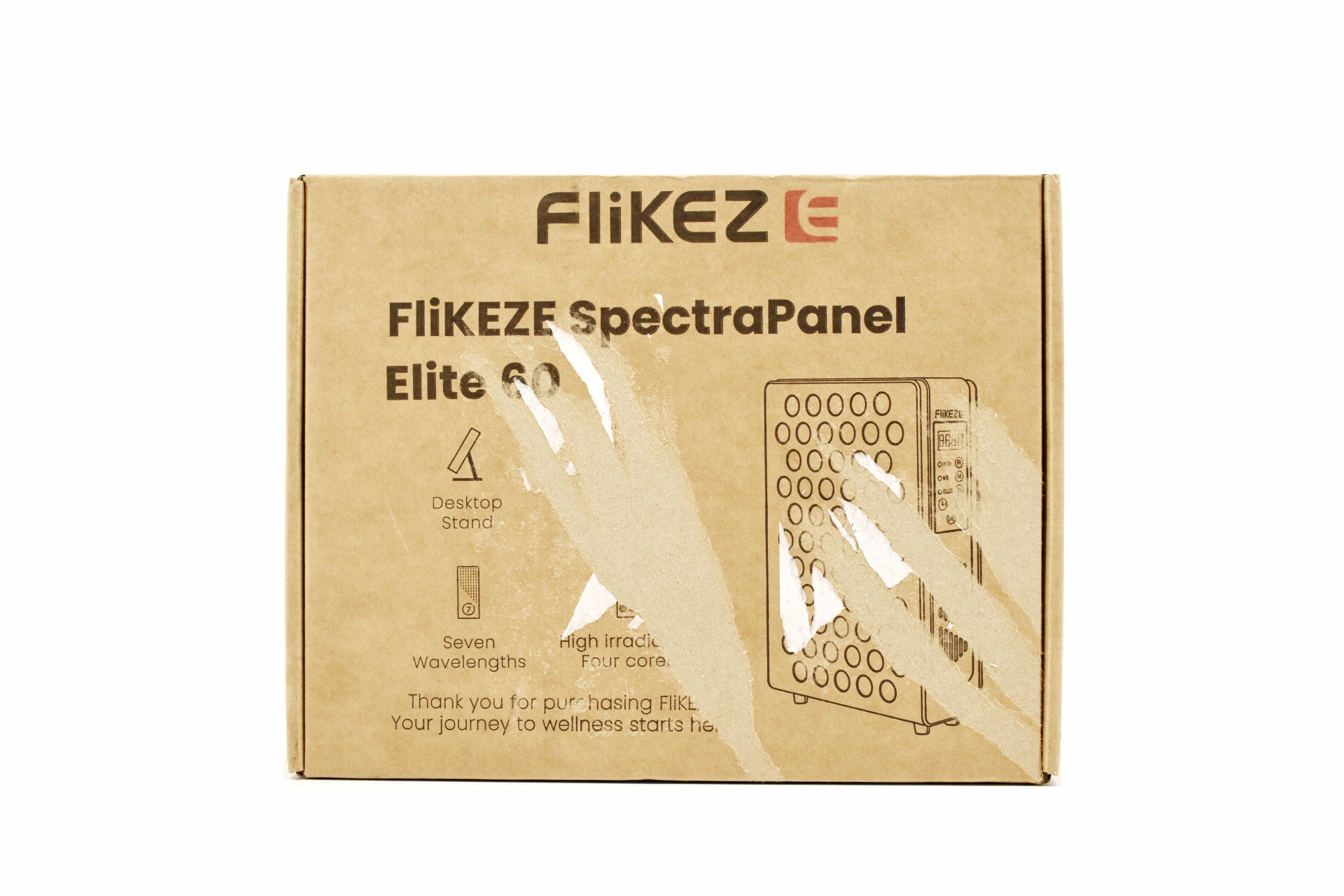
A product drawing, company logo, main product features and product name are all placed at the front of the box.


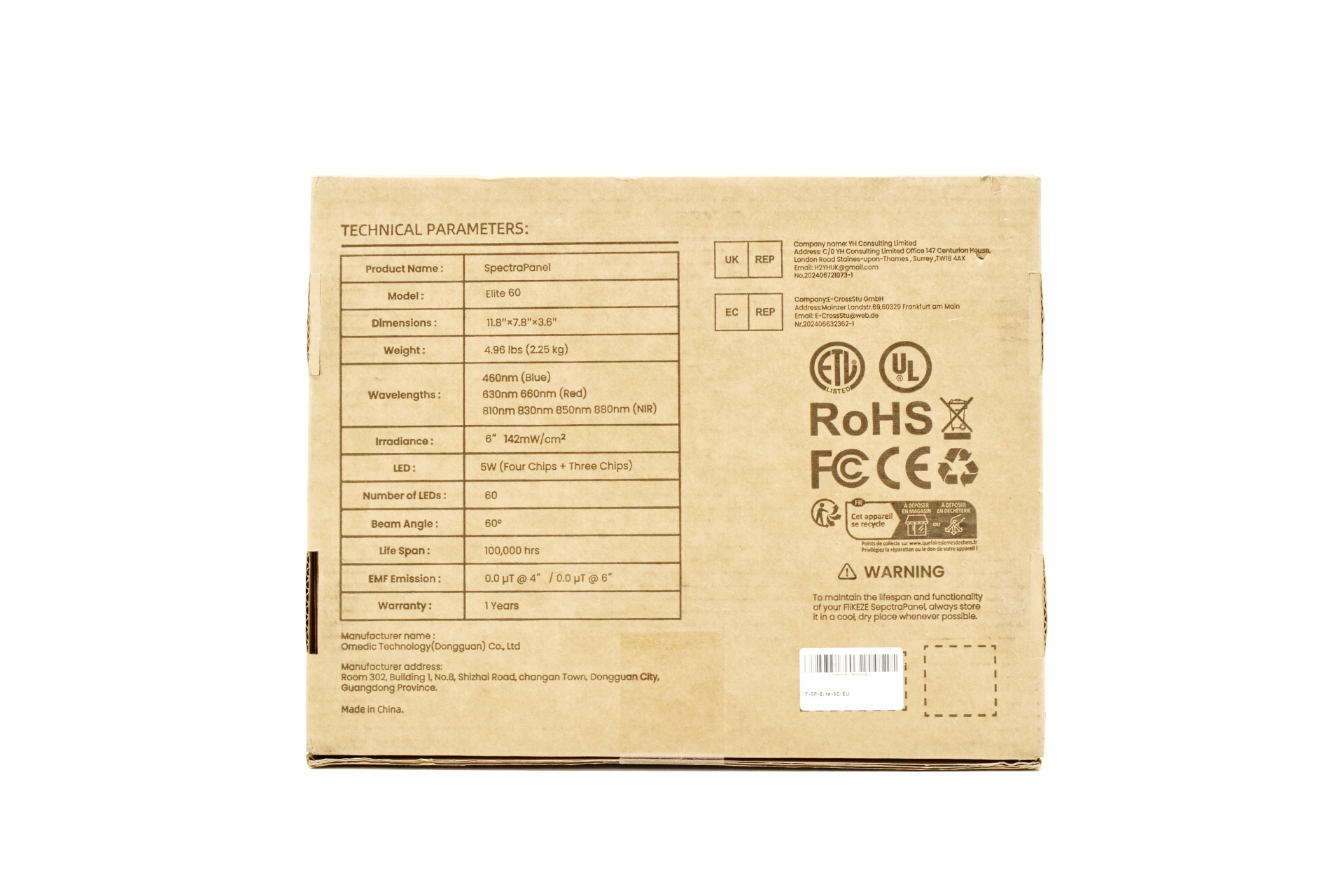
The product specifications along with contact information are placed at the rear.


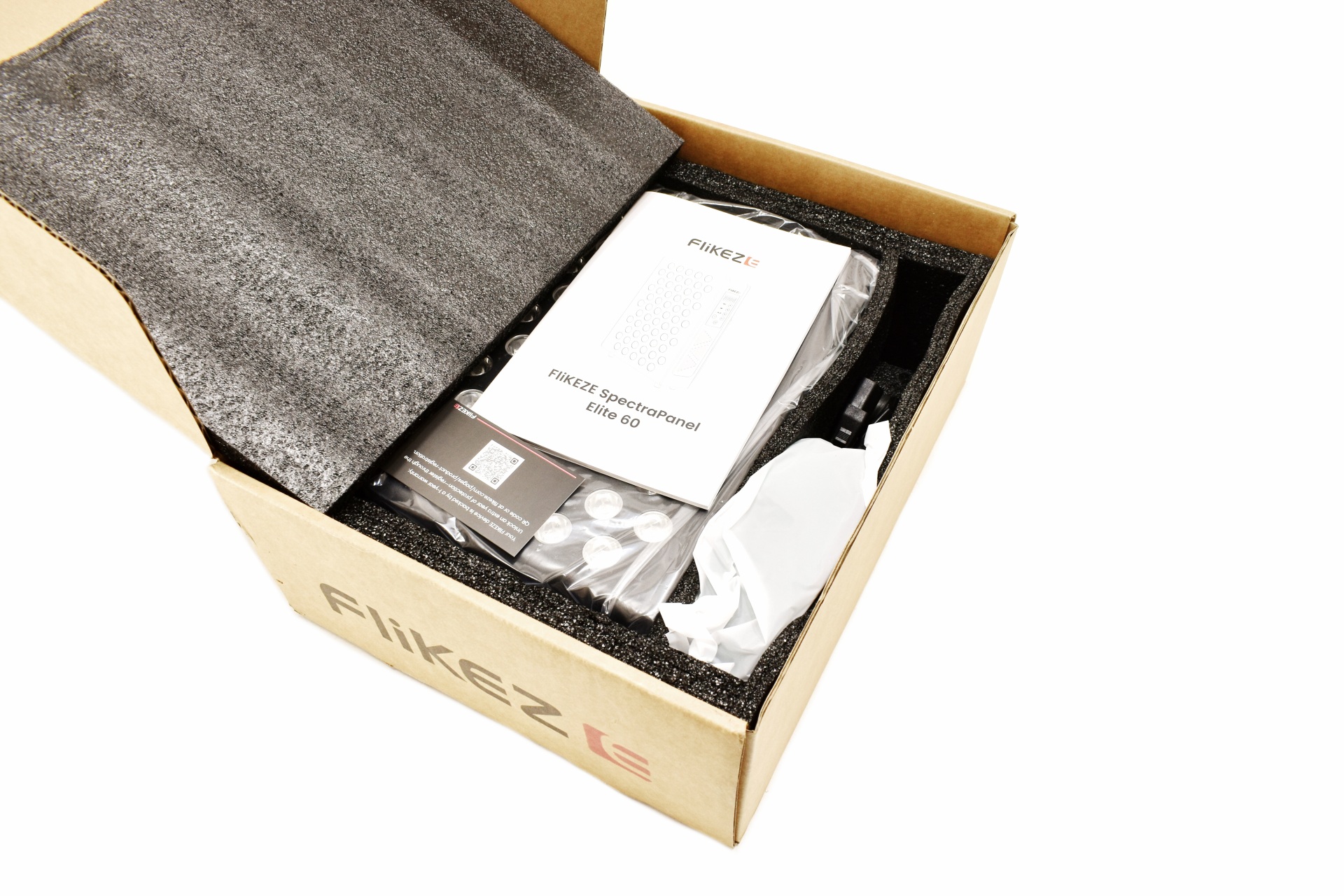
The entire bundle is placed inside a formed piece of foam.


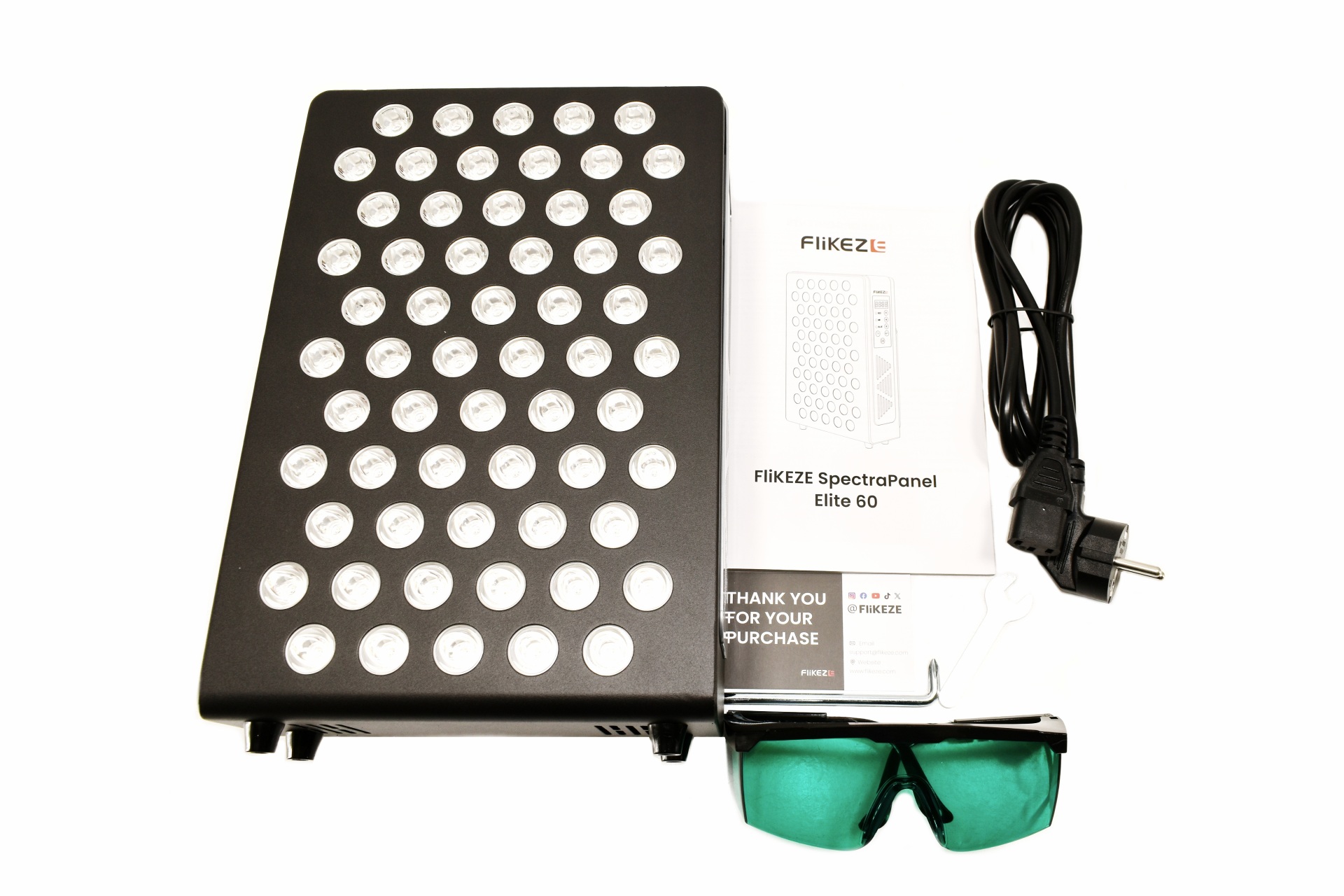
Along with the SpectraPanel Elite 60 and its power cord inside the box you’ll also find protection glasses, thank you note, Philips screwdriver, Allen key, and the user manual.


THE SPECTRAPANEL ELITE 60


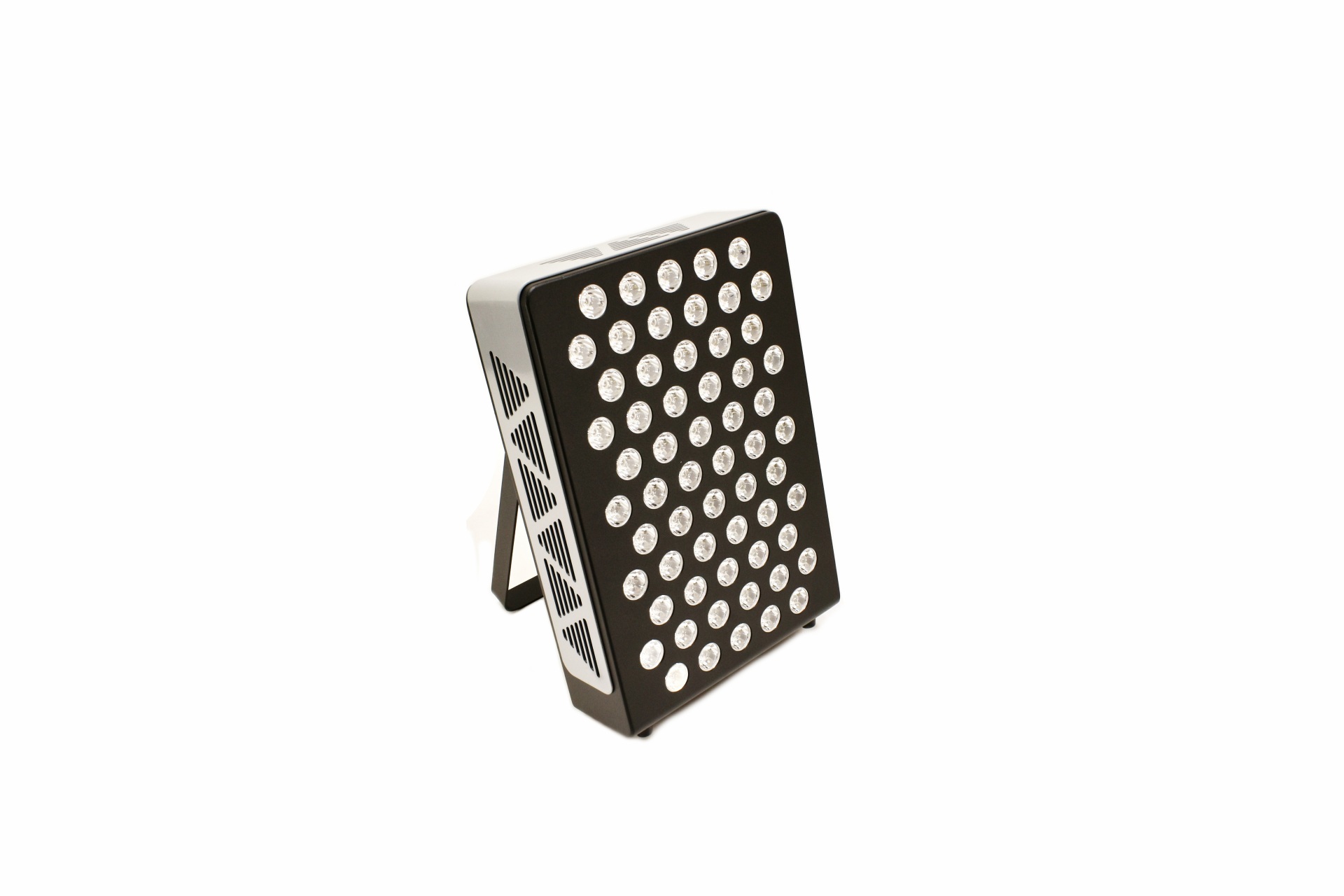
The SpectraPanel Elite 60 stands almost 30cm tall, 20cm wide and 10cm in thickness.


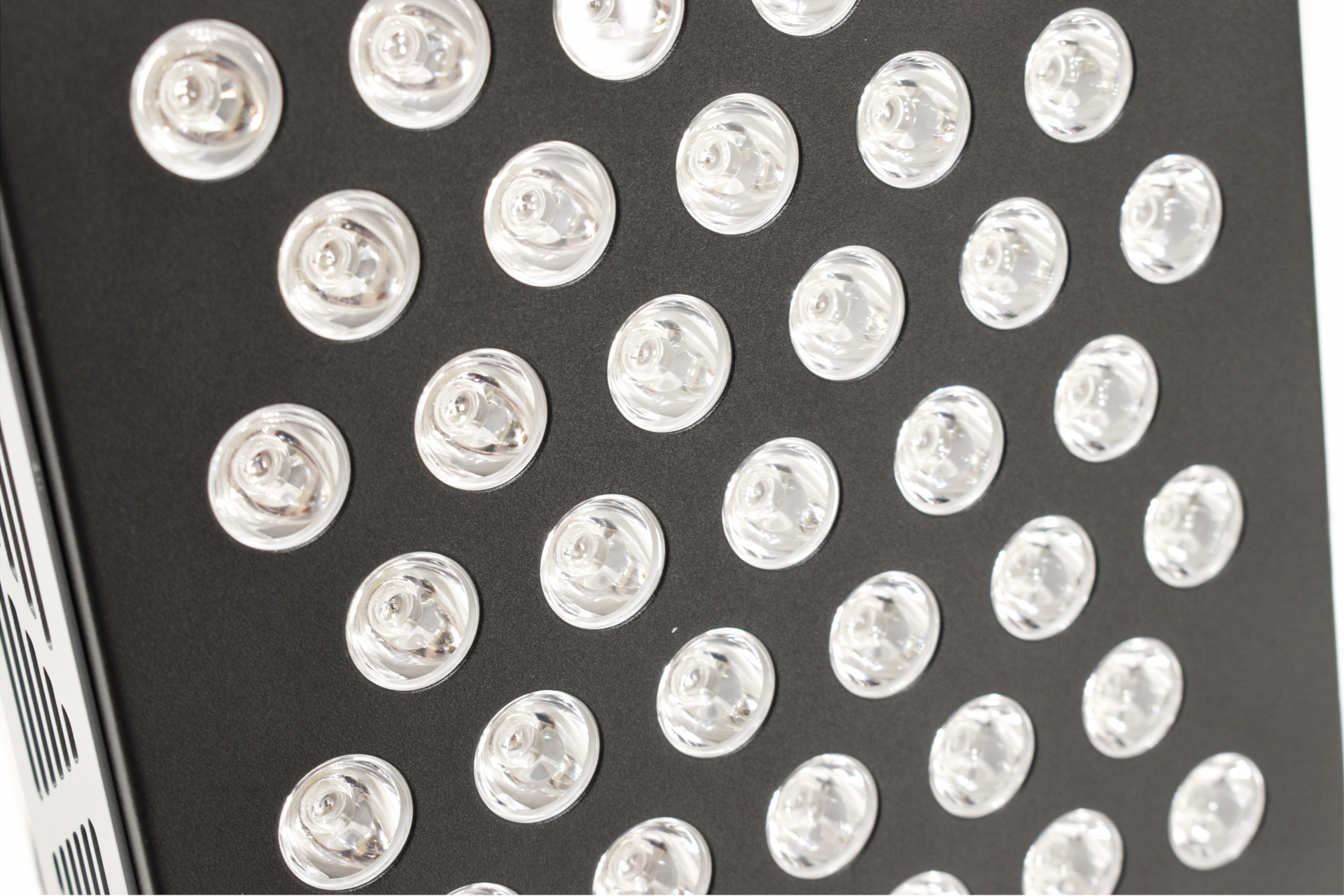
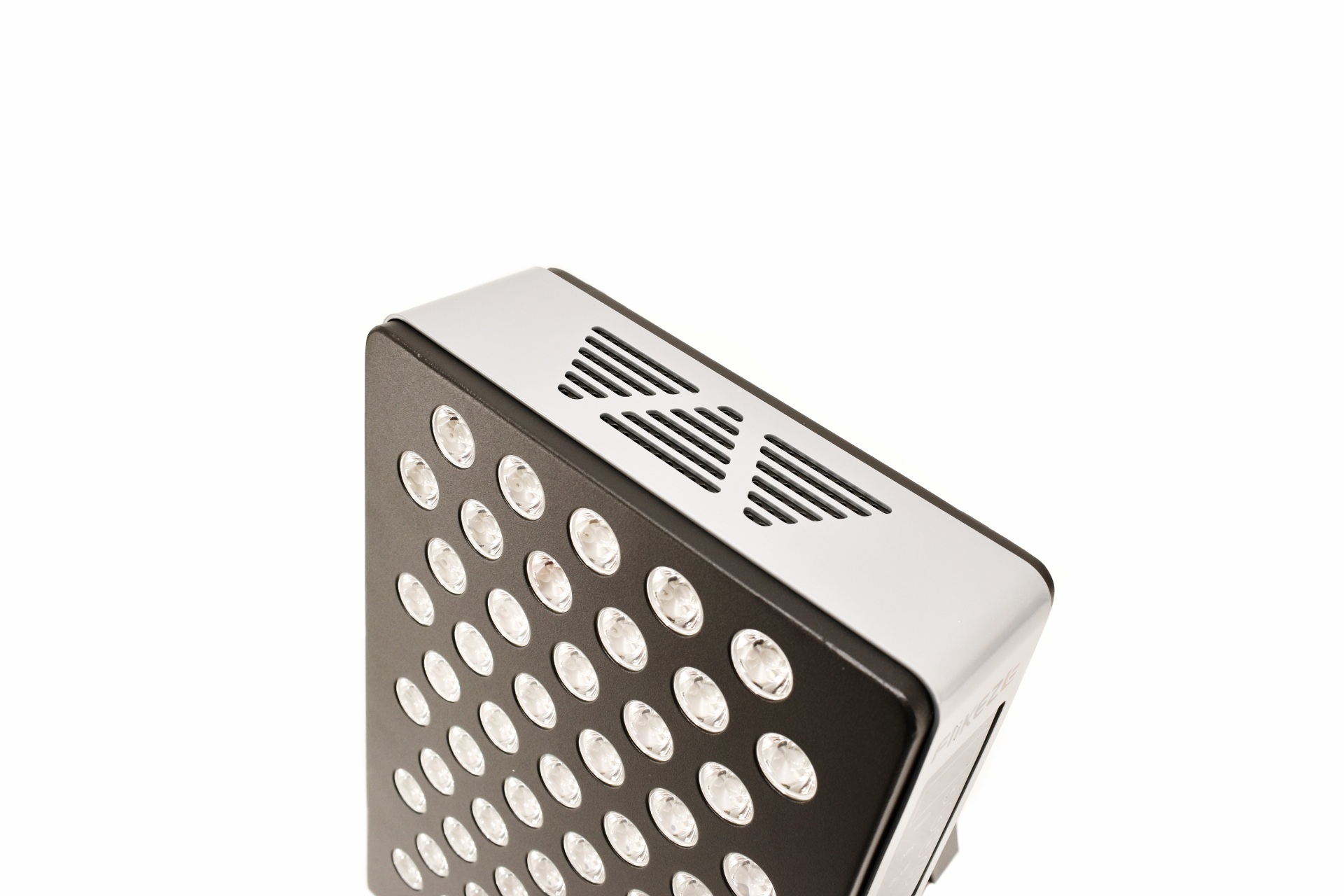
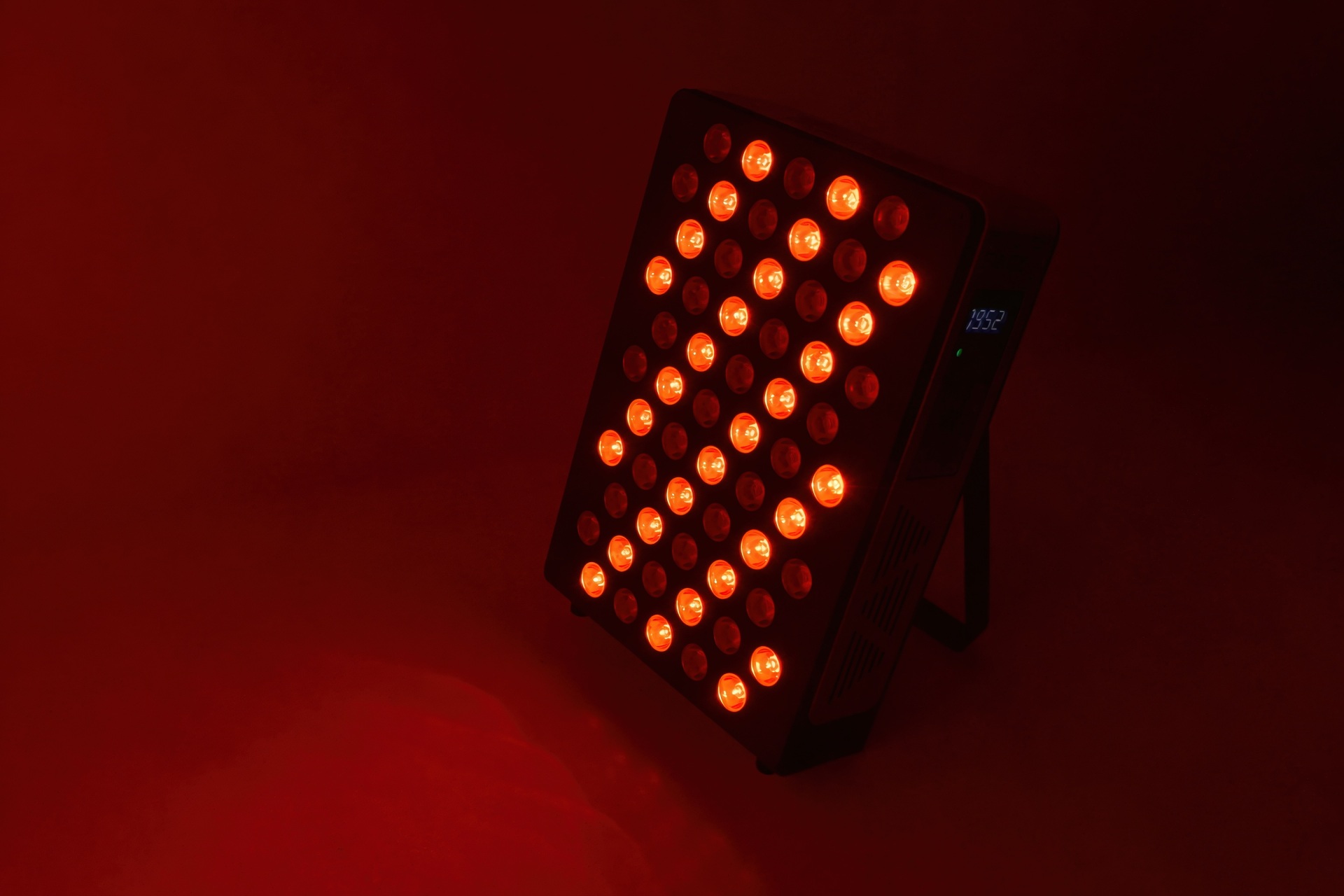
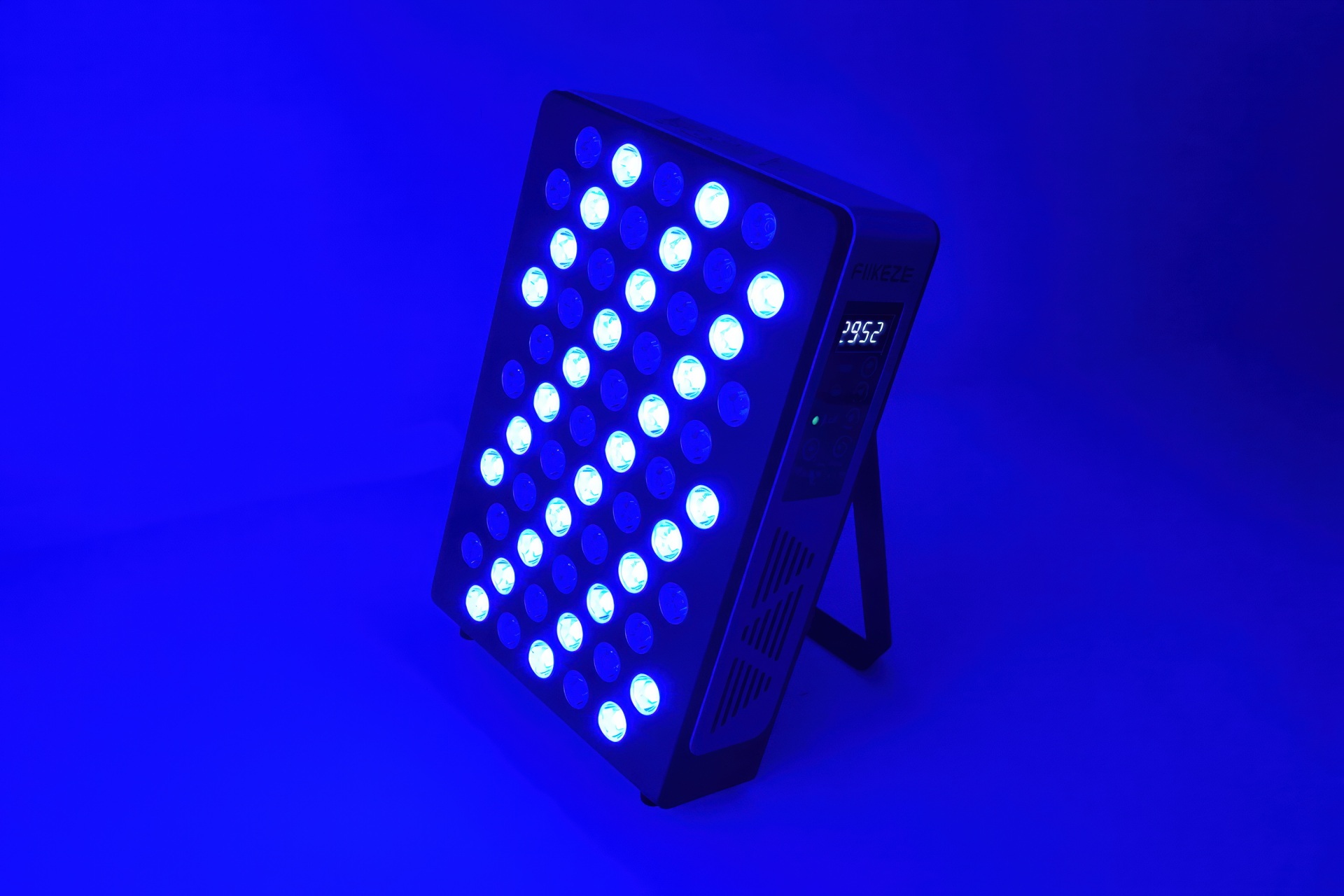
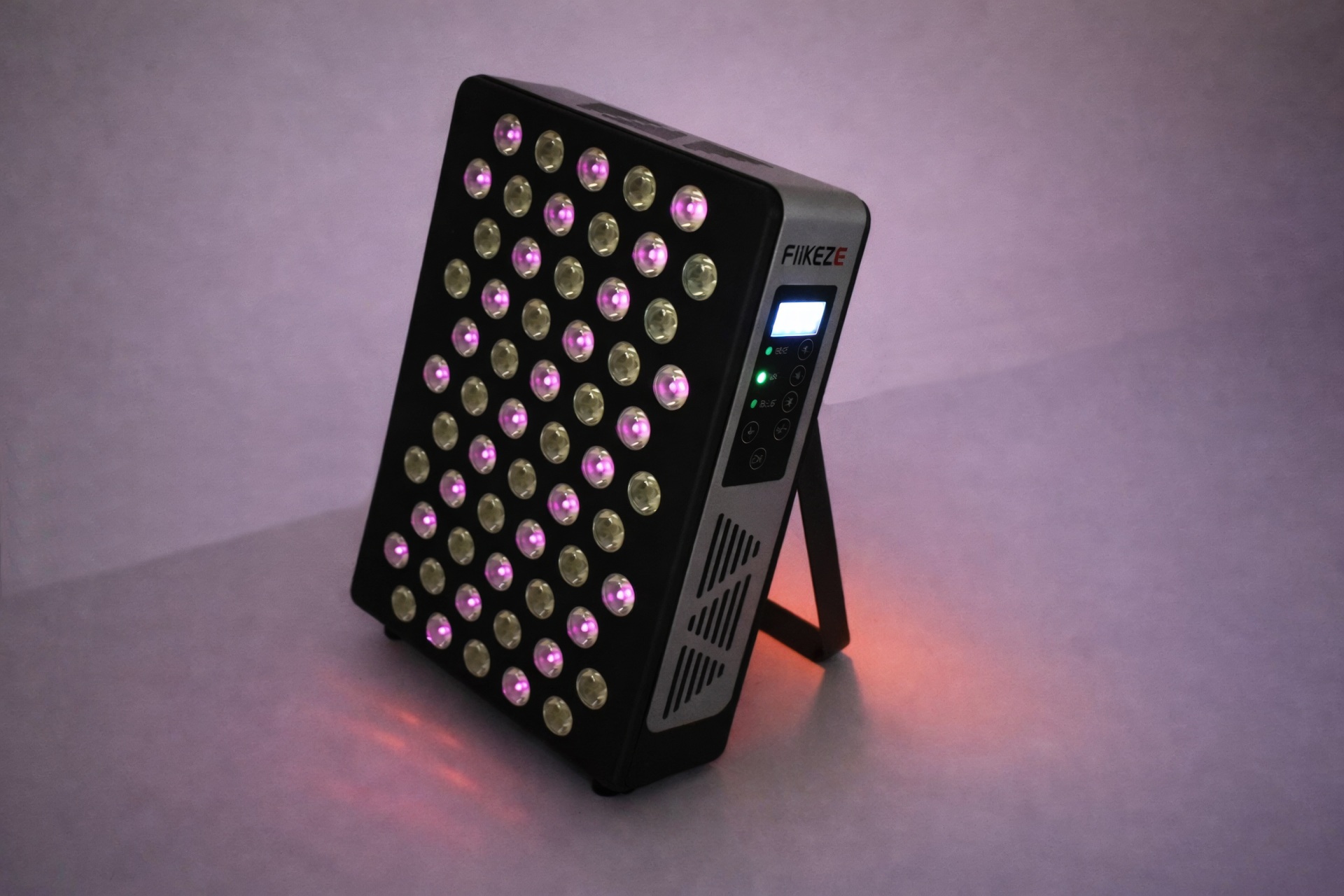
There are 60 LEDs at the front, 30 produce both red and blue colors while the other 30 produce NIR.


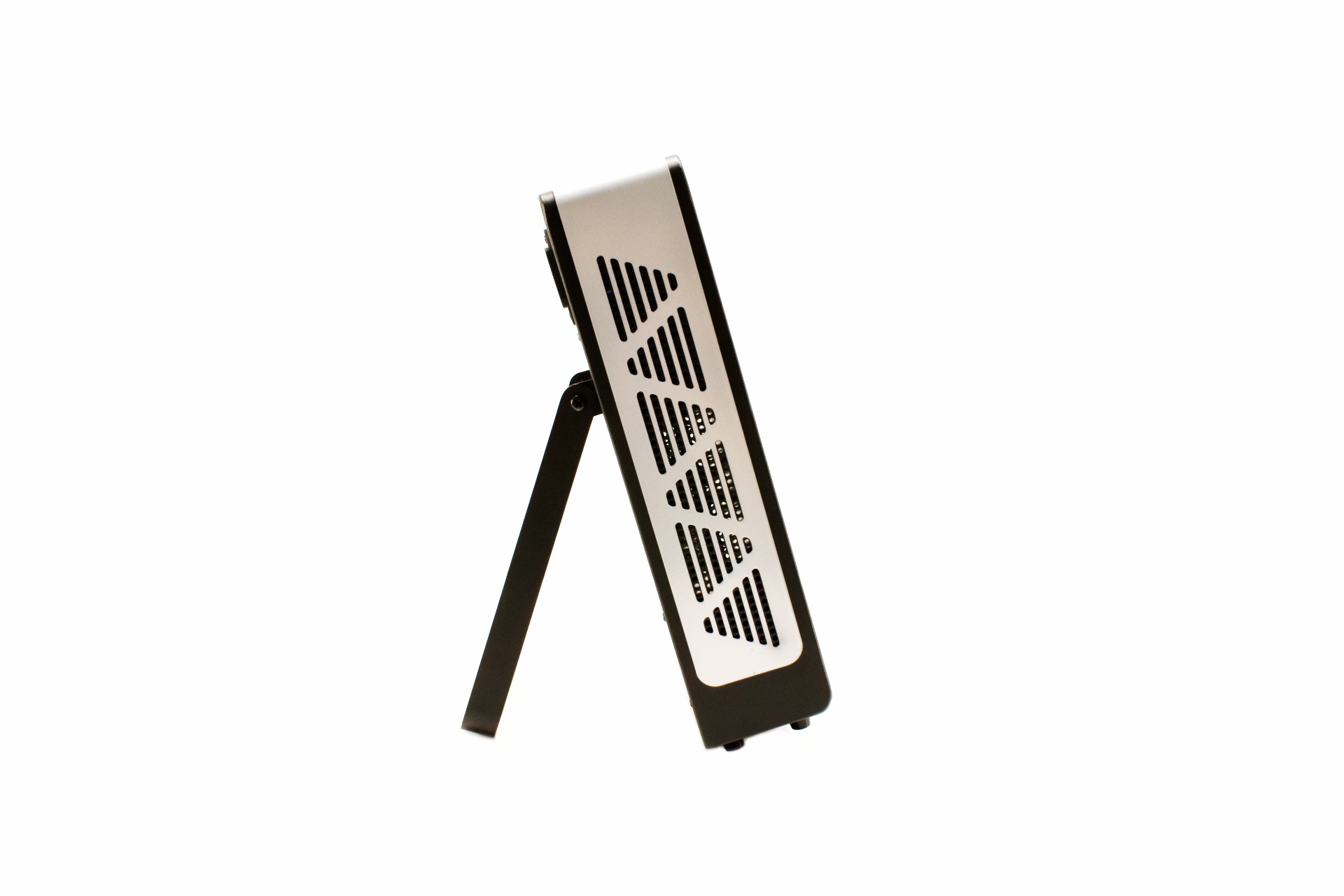
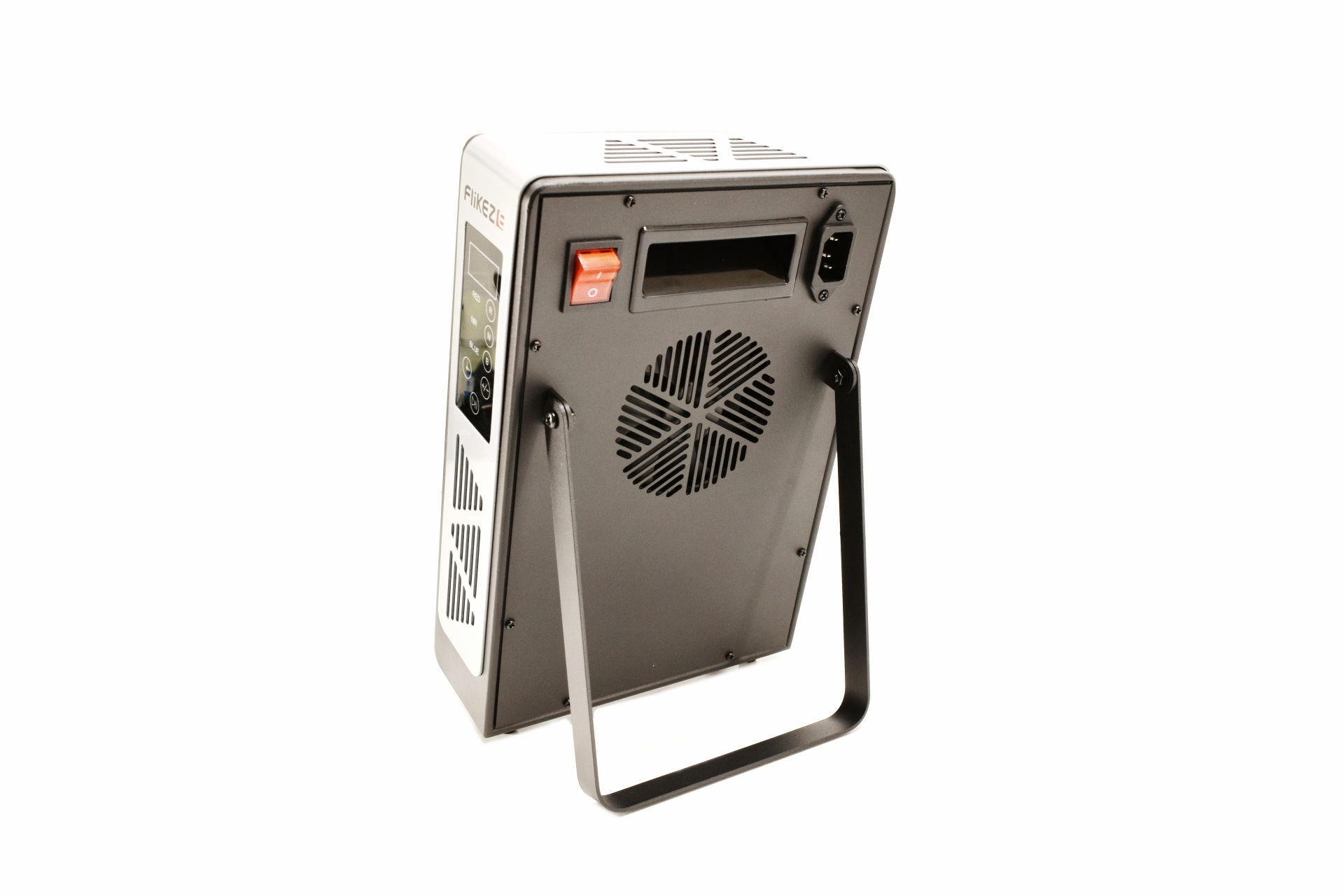
 The sides are perforated and the stand allows the end user to angle it according to their needs.


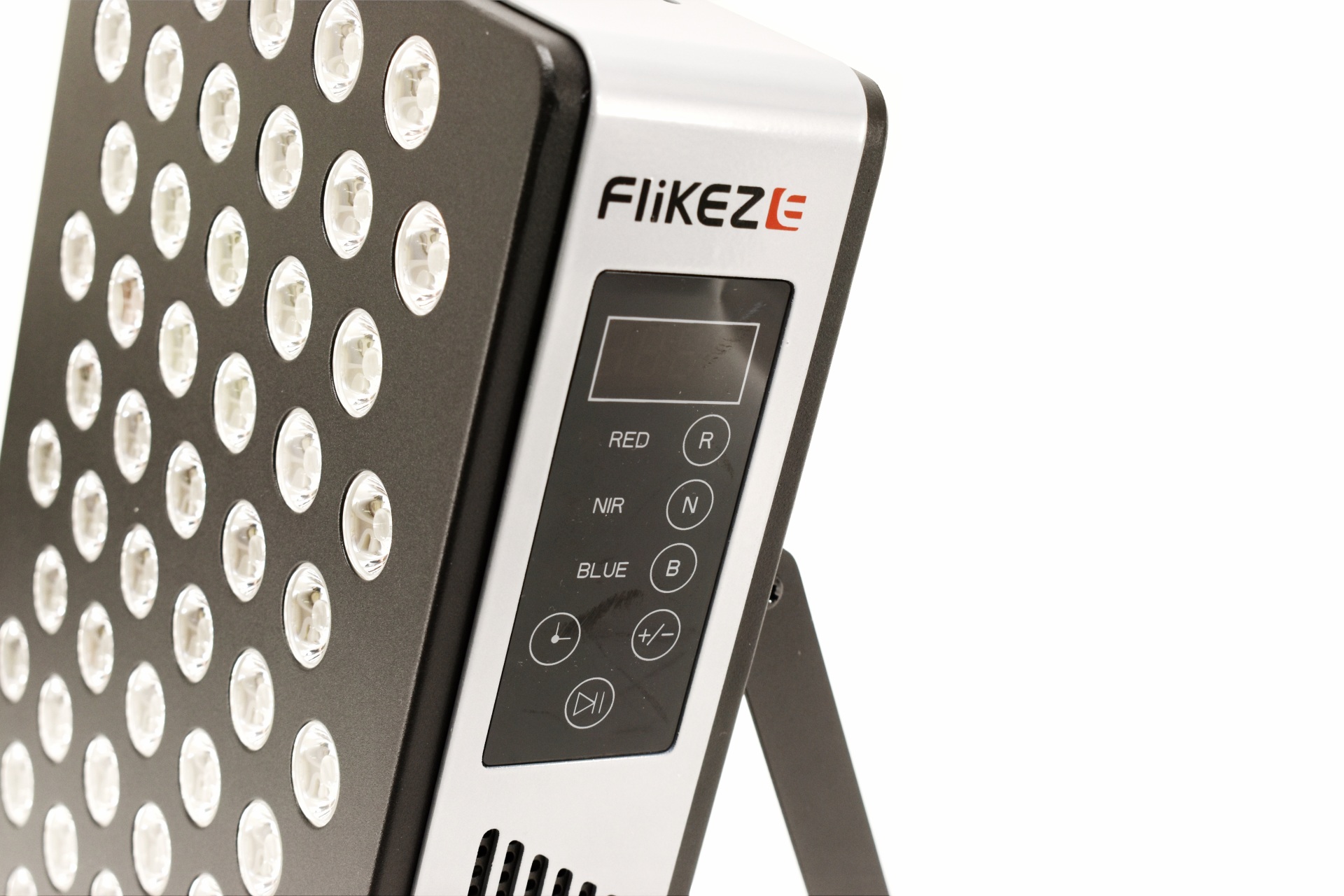
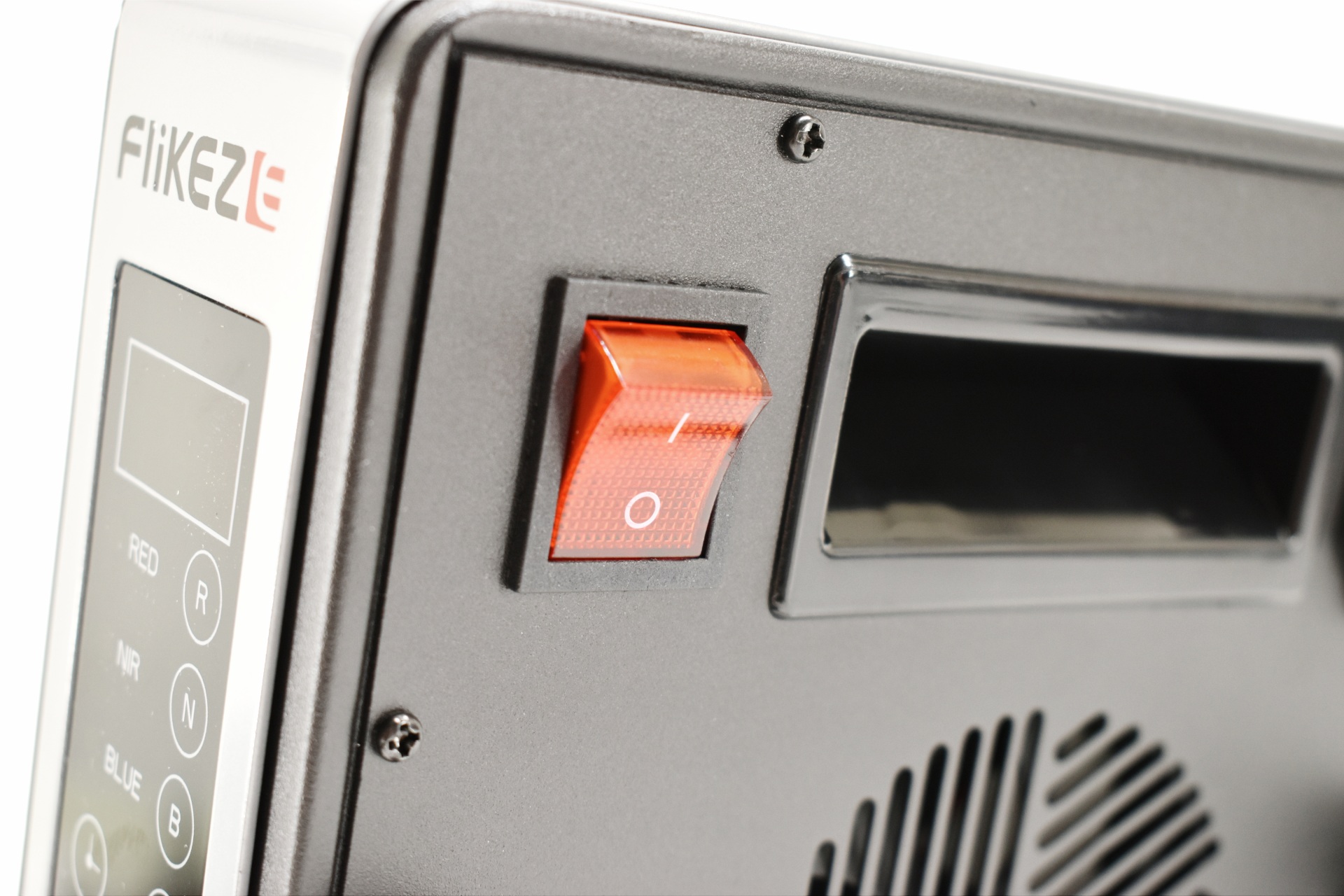
FliKEZE has placed the control panel on the left side of the device and from here you can turn on/off the LEDs (red, blue and NIR), set the timer, adjust LED intensity and start/pause the program.


The top and bottom are also perforated.


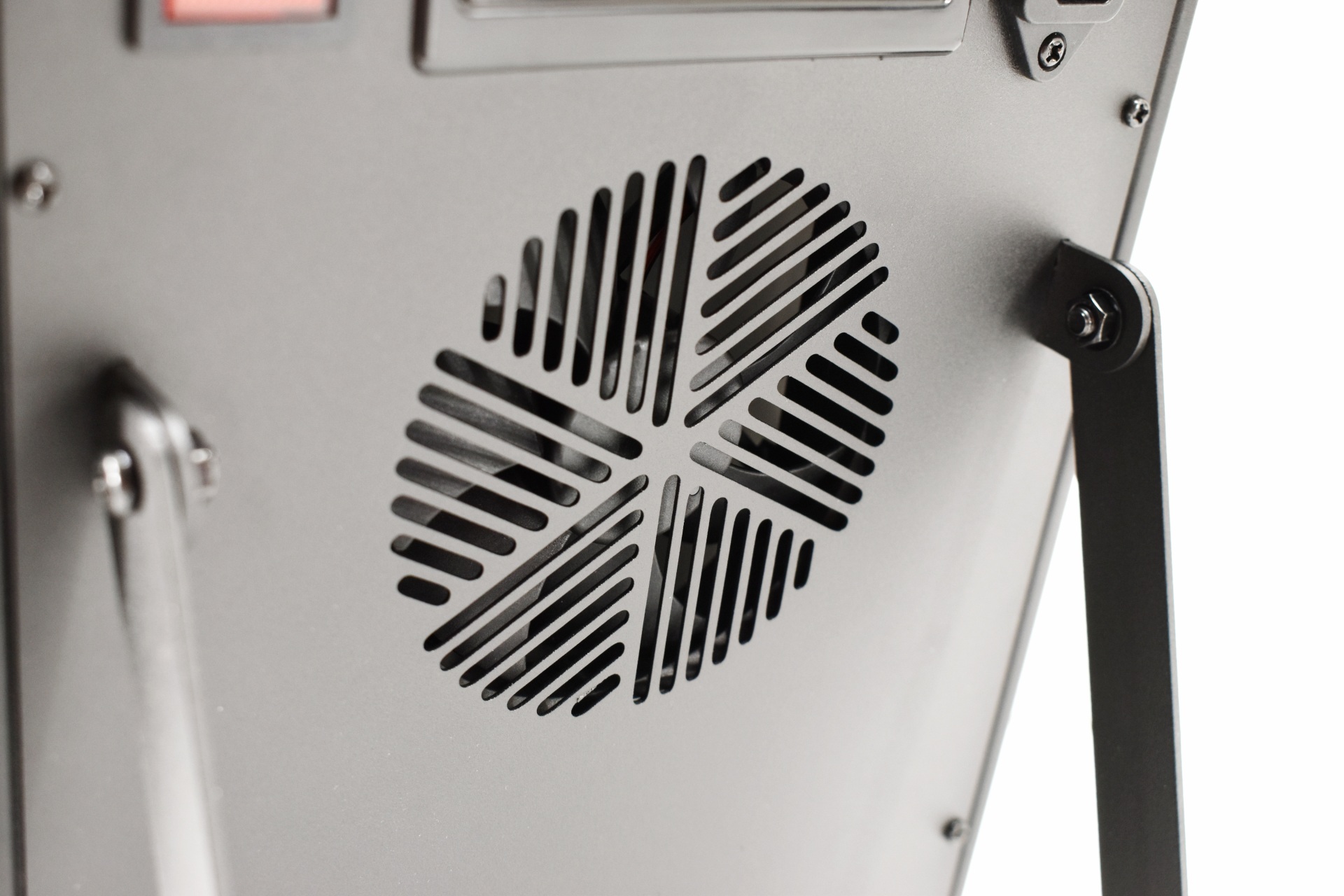
Turning the device around we find the on/off power switch, handle, power port and an 90mm cooling fan.


Above you can see the three different LED colors and which LEDs deliver them.


flikeze spectrapanel elite 60 review 16t

Remember to always use the bundled protective glasses when in front of the SpectraPanel Elite 60.


CONCLUSION


flikeze spectrapanel elite 60 review b


    After looking closely at what the SpectraPanel Elite 60 offers and comparing it to the kinds of experiences people usually report with compact red light therapy devices, I end up with a cautiously positive impression. Many users of similar multi‑wavelength devices describe gradual improvements in skin tone, a bit less morning stiffness, faster recovery after workouts, and a general sense of better energy or relaxation after consistent use, nothing dramatic or overnight, but noticeable enough to feel worthwhile. With the Elite 60, the broad wavelength mix and the claimed high output suggest it could deliver those same kinds of steady, cumulative benefits, especially for targeted face and upper‑body sessions and after 20 days of testing, I have to admit that my muscles feel much more relaxed than before (skin also feels better/smoother to the touch). There are practical considerations, though, the panel draws up to 59 watts when running both red and NIR modes together, and the fan sits around 44dBA at roughly a meter away, which is audible and might matter if you prefer quieter sessions. And as with most devices in this category, the usual caveats apply, without scientifically accurate independent testing, it’s hard to know how closely the real‑world performance matches the numbers on the page, and long‑term durability remains an open question. Even so, as a compact, feature‑rich panel aimed at everyday wellness routines, the SpectraPanel Elite 60 presents itself as a promising option for users looking for incremental improvements rather than quick fixes.


    Right now, the SpectraPanel Elite 60 red light therapy device retails for USD359.99/359.99Euros directly from the FliKEZE online store, a price tag which will probably seem high to many people even though it’s far beneath what others ask for similar models. Honestly, I haven’t tested similar devices in the past so I can’t do a comparison when it comes to results. What I do know is that the SpectraPanel Elite 60 helped sooth my muscles and improve the texture of my skin (alas not considerably – this probably takes more time to accomplish) so it does work as advertised and that’s enough for me to give it our Golden Award.

PROS


- Red, Blue & NIR LEDs
- Seven Wavelengths (460/630/660/810/830/850/880nm)
- Professional Grade LED Tech (FSE7 Pro Chips)
- Active Cooling (80mm Fan)
- Adjustable Timer
- Protection Glasses
- Price (Compared To The Competition)


CONS


- Coverage Area (Compared To Larger Models)
- Lack Of Clinical Validation
- Noise Levels (For Some)


BIOSTAR Z890 Valkyrie Motherboard Review

INTRODUCTION


biostar z890 valkyrie review a

    A powerful PC isn’t just a collection of high‑end parts, it’s an entire system built on a motherboard capable of unleashing every watt, every lane, and every ounce of performance your components can deliver. As its name suggests, the motherboard is the command center, the power distributor, the traffic controller, and the silent enabler of stability under pressure. When you’re running demanding games, heavy rendering workloads, or aggressive overclocks, the motherboard’s engineering becomes the difference between smooth performance and frustrating instability. That’s exactly the philosophy behind a design built around strength, identity, and enthusiast‑grade ambition, the Z890 Valkyrie from BIOSTAR.


    In 1980, amidst the rapid growth of the IT industry, BIOSTAR GROUP's founder, with extensive experience in electronic parts trade and foresight into future demands for motherboards and graphics cards, established BIOSTAR MICROTECH INTERNATIONAL CORP. in 1986. During its initial years, BIOSTAR primarily focused on manufacturing motherboards designed for the XT form factor. To sustain consistent business expansion, BIOSTAR strategically allocated a significant portion of its resources and workforce to continuously innovate and develop new products. This proactive approach allowed the company to remain competitive in the swiftly evolving computer industry.


    The Z890 Valkyrie motherboard by BIOSTAR is built around a 20 (110A) VCORE + 1 VCCGT + 1 VCCSA (22) power‑phase design, giving the CPU a stable and well‑regulated foundation for heavy workloads, overclocking, and next‑gen Intel architectures. From there, the platform expands into a full suite of high‑end features, the Intel Z890 single‑chip architecture paired with the LGA1851 socket supports Intel Core Ultra 9, 7, and 5 processors, while four DDR5 DIMM slots provide dual‑channel memory support up to 256 GB with overclocking profiles (9066+ OC MT/s). Storage is extensive, with six M.2 slots (one PCIe 5.0 and five PCIe 4.0) alongside four SATA III ports, and expansion is handled by three PCIe 5.0 x16 slots for GPUs and add‑in cards. Connectivity is equally stacked, a USB4 Type‑C port and nine USB 3.2 Gen2 ports populate the rear I/O, complemented by dual LAN (5 GbE + 2.5 GbE), headers for a Wi-Fi 7 module (sold extra), and display outputs via DisplayPort 2.1 and HDMI 2.1. Rounding out the platform is a Realtek ALC1220 7.1‑channel audio solution, giving the board a complete, flagship‑grade specification set. 


SPECIFICATIONS AND FEATURES


PACKAGING AND CONTENTS


biostar z890 valkyrie review 1t

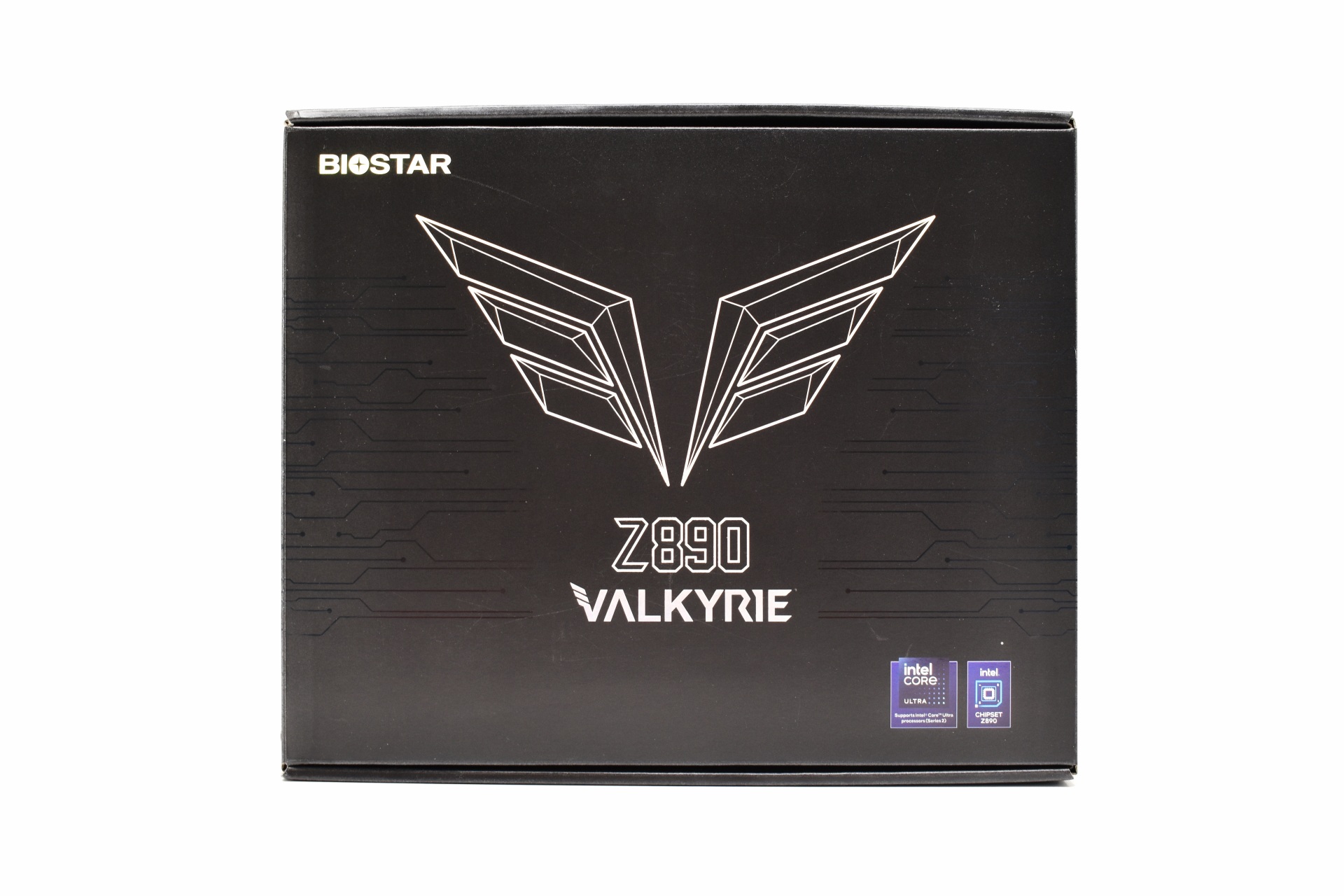
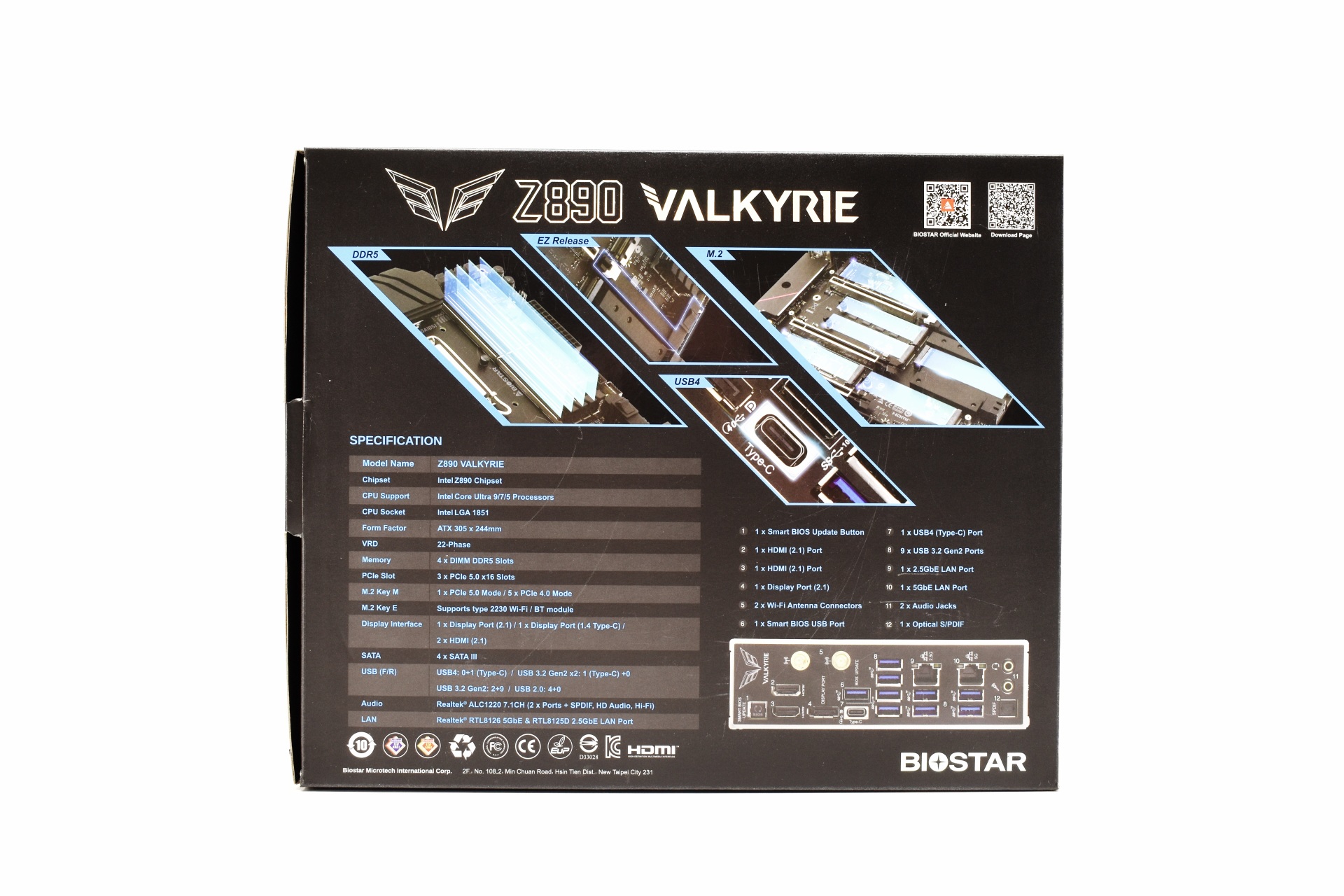
BIOSTAR uses a black box to ship the Z890 Valkyrie that just has their logo, Valkyrie logo and supported CPUs at the front.


4 product pictures, the product specifications and features are placed at the rear.


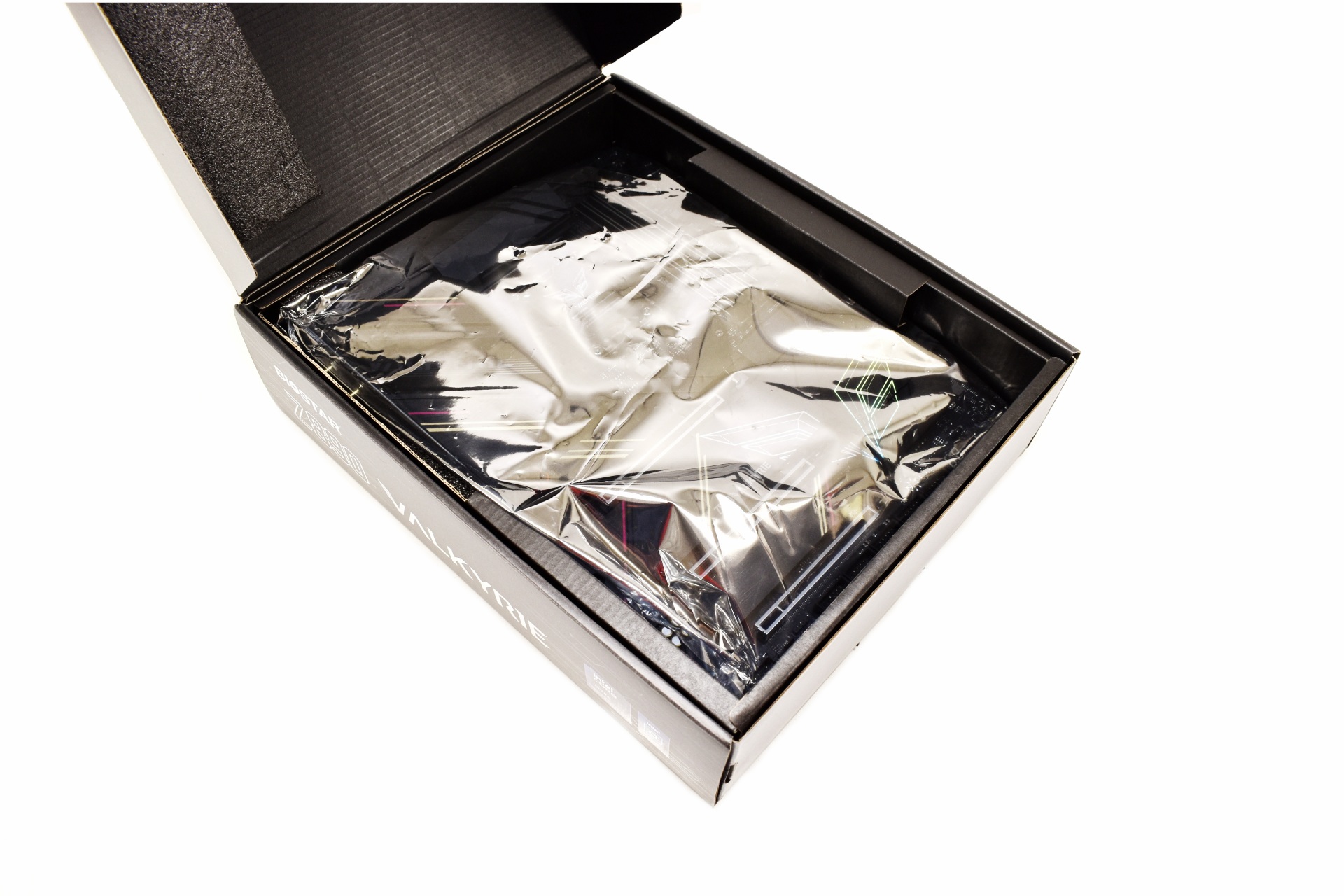
Typically, the board is placed inside a static-free bag.


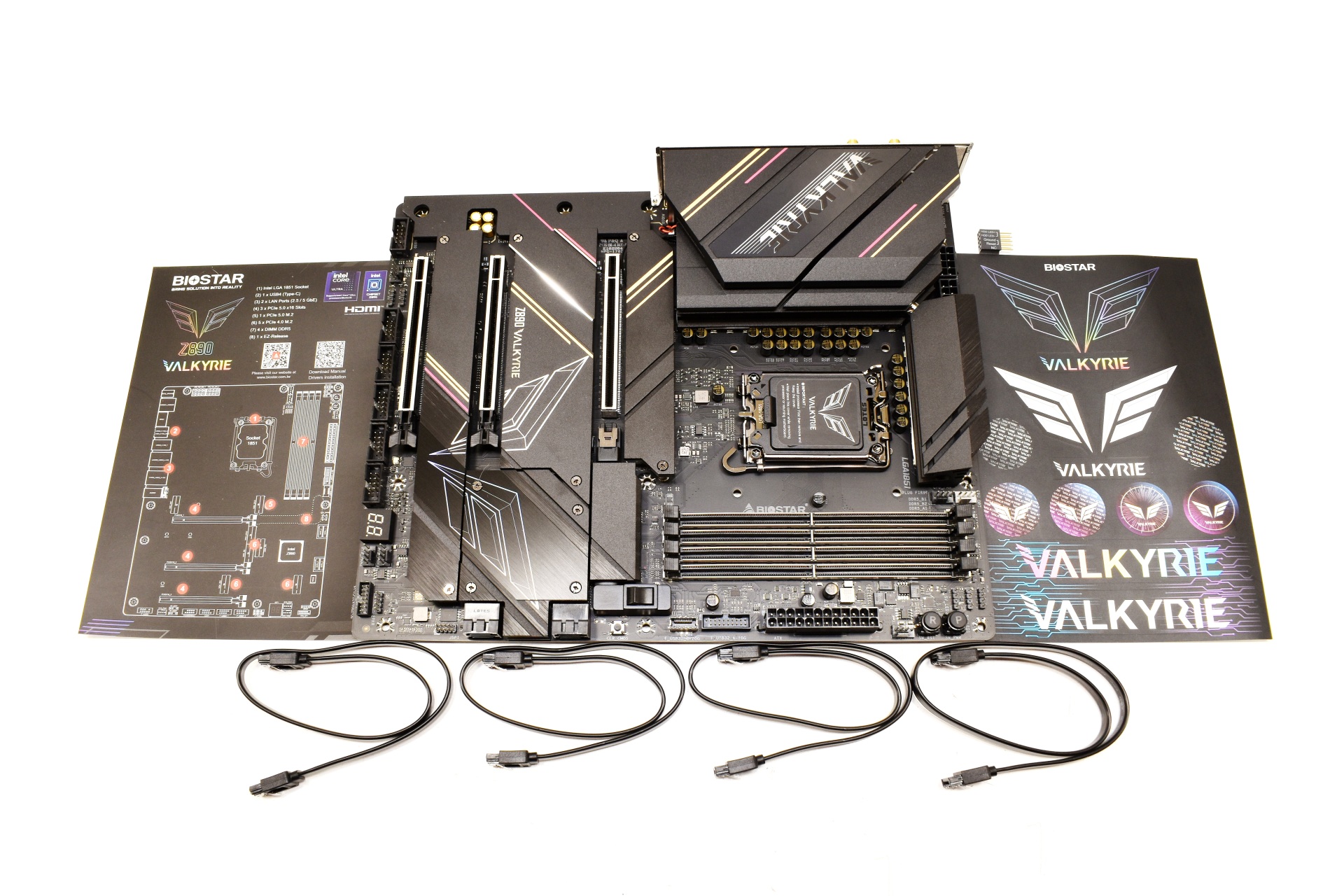
Along with the Z890 Valkyrie inside the box you’ll also find 4 SATA cables, stickers, motherboard header adapter and a paper with the layout of the motherboard.


THE Z890 VALKYRIE


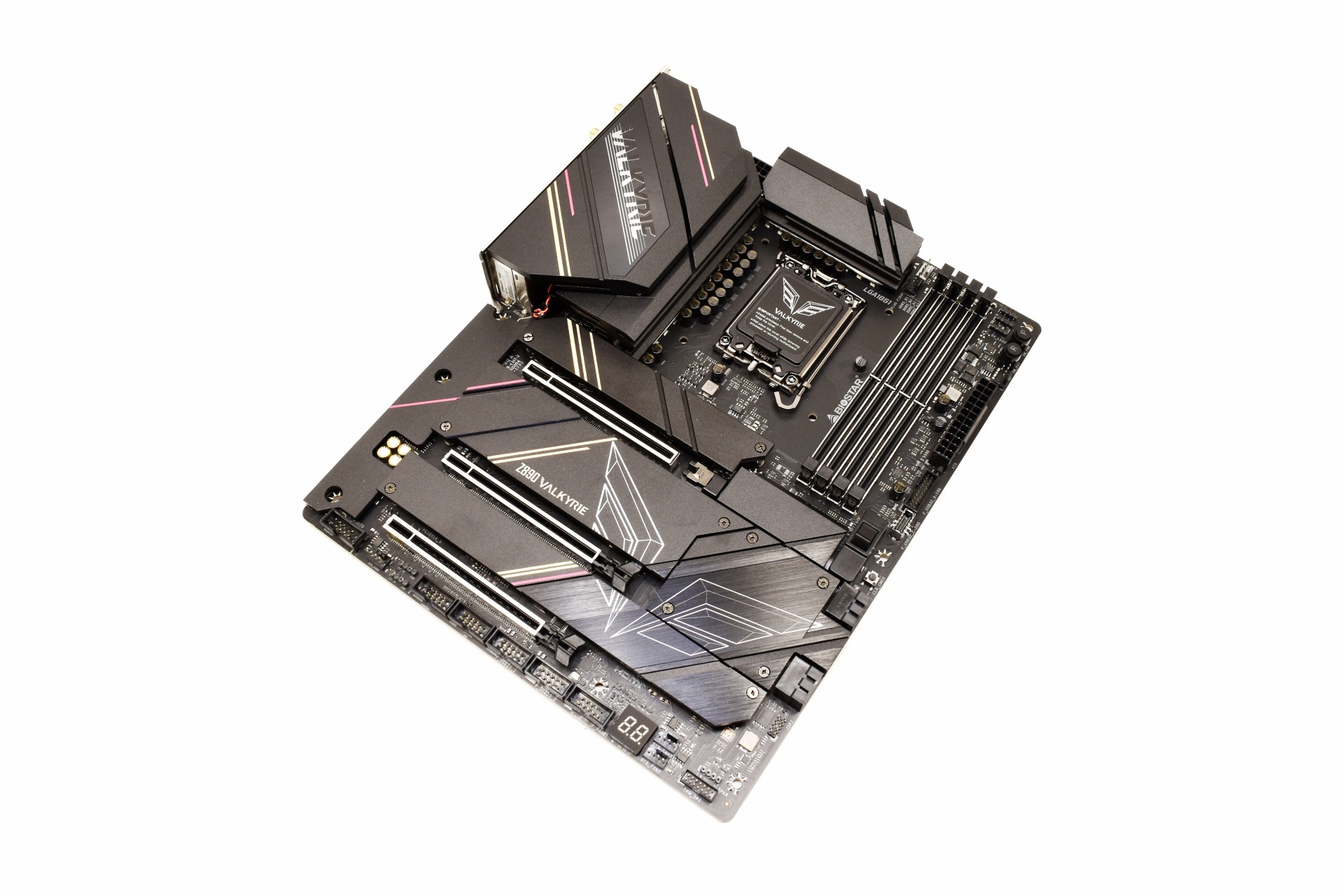
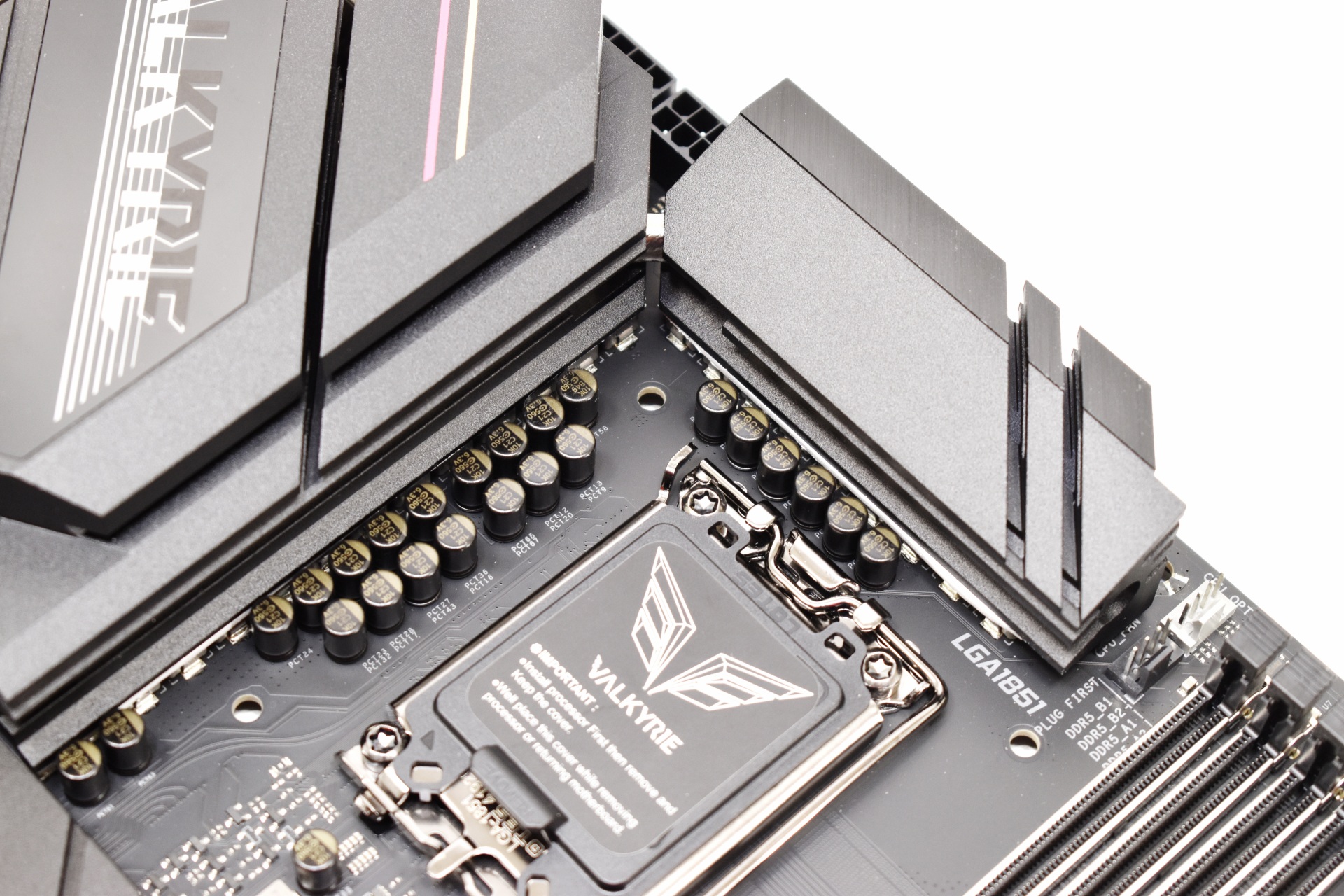
The color theme BIOSTAR has used looks nice and gives a robust feeling to the Z890 Valkyrie.


Using a 22-phase power design should provide extra stability for the CPU.


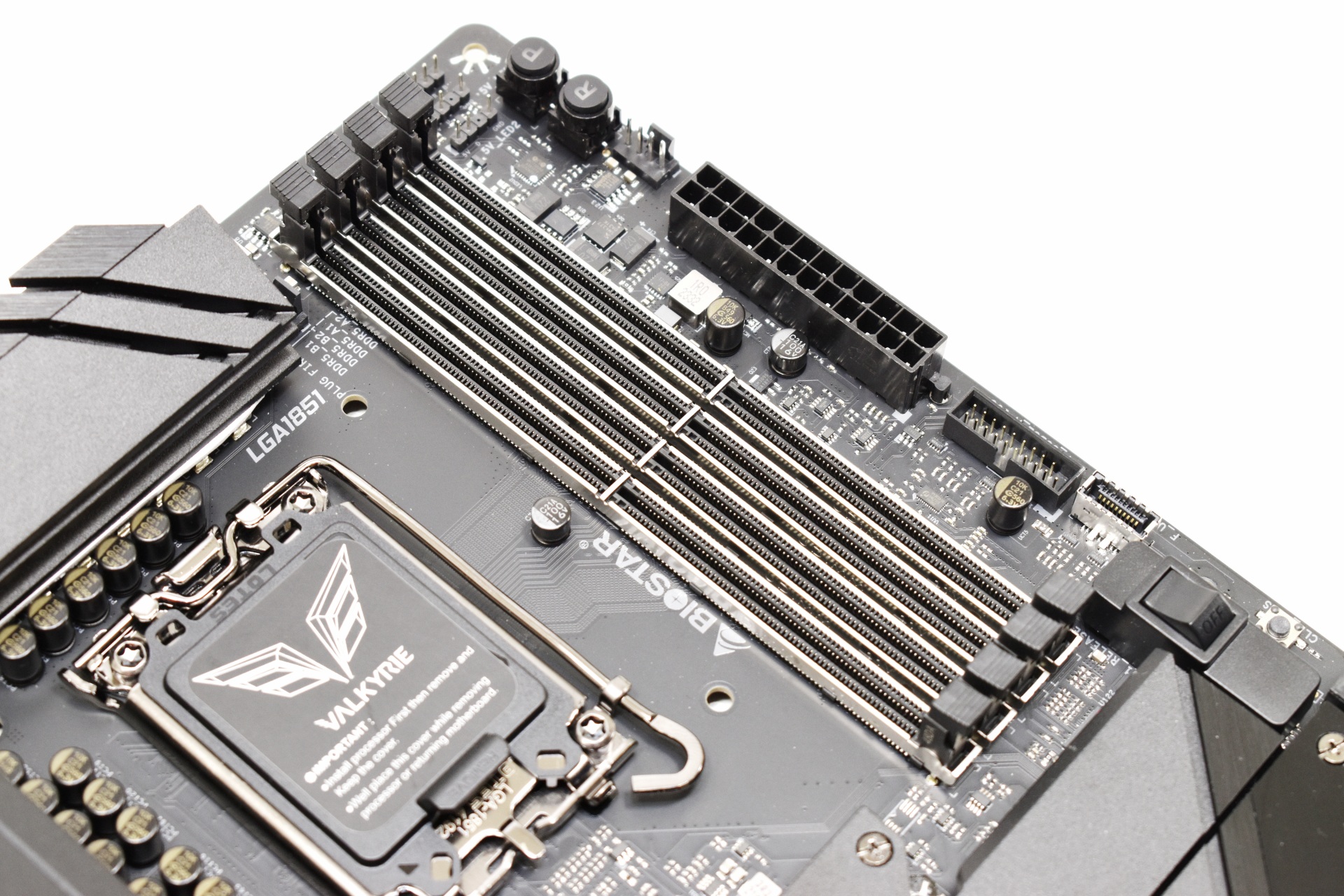
The 4 reinforced DIMM slots can accommodate up to 256GB RAM at speeds of up to and even surpassing 9066MT/s.


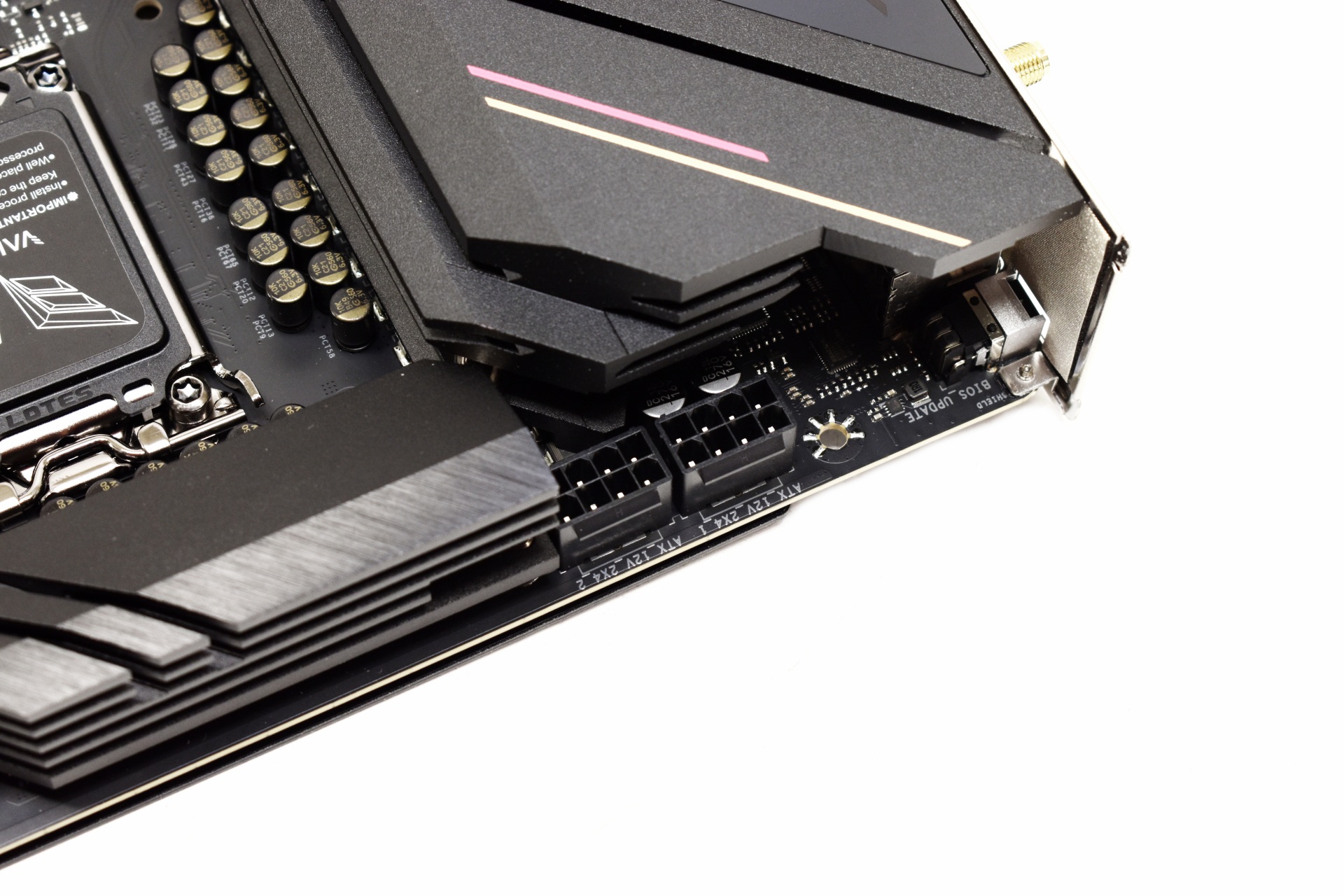
Two 2x4 CPU power connectors are located on the top left of the motherboard.


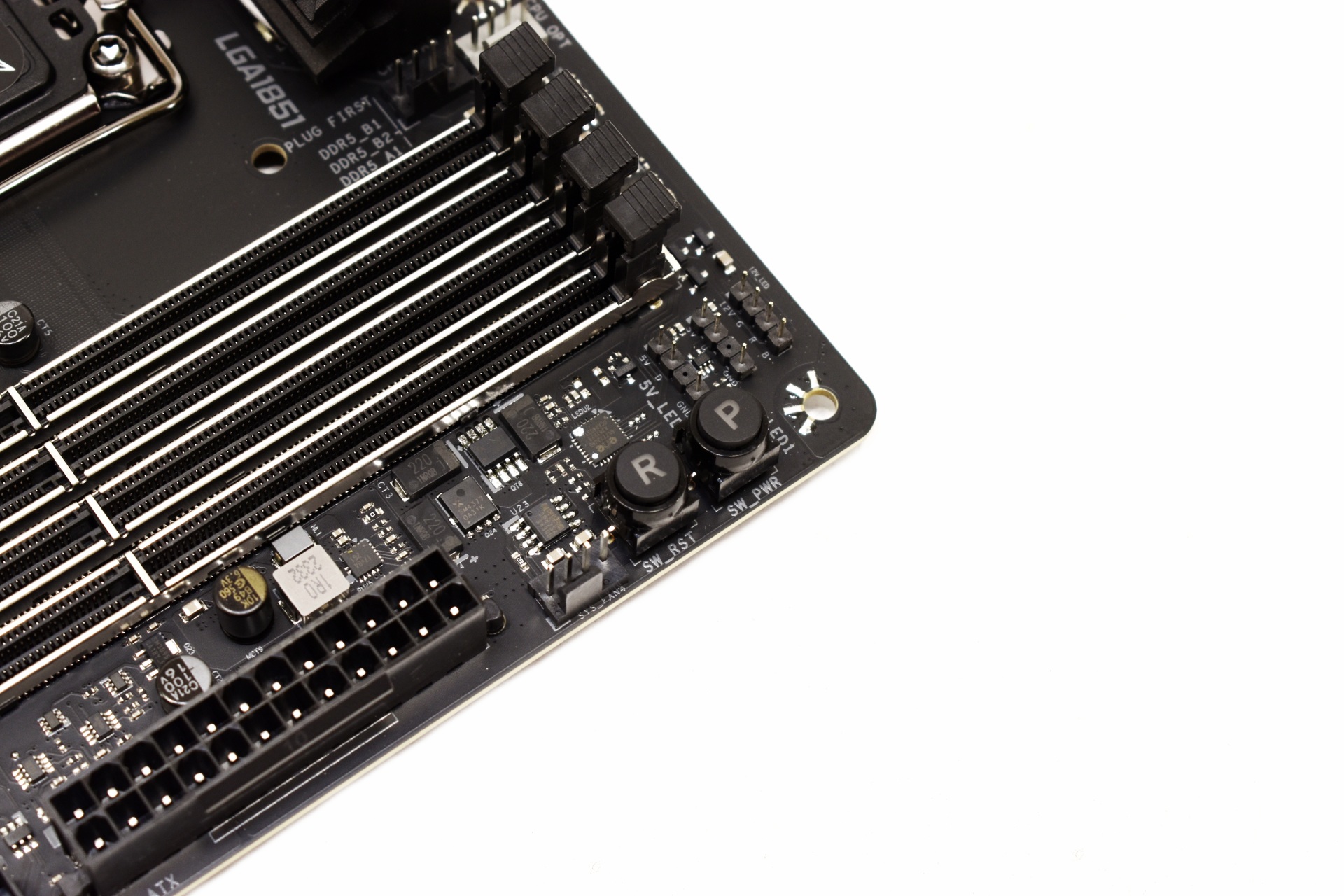
Power and reset buttons are located next to the DIMM slots.


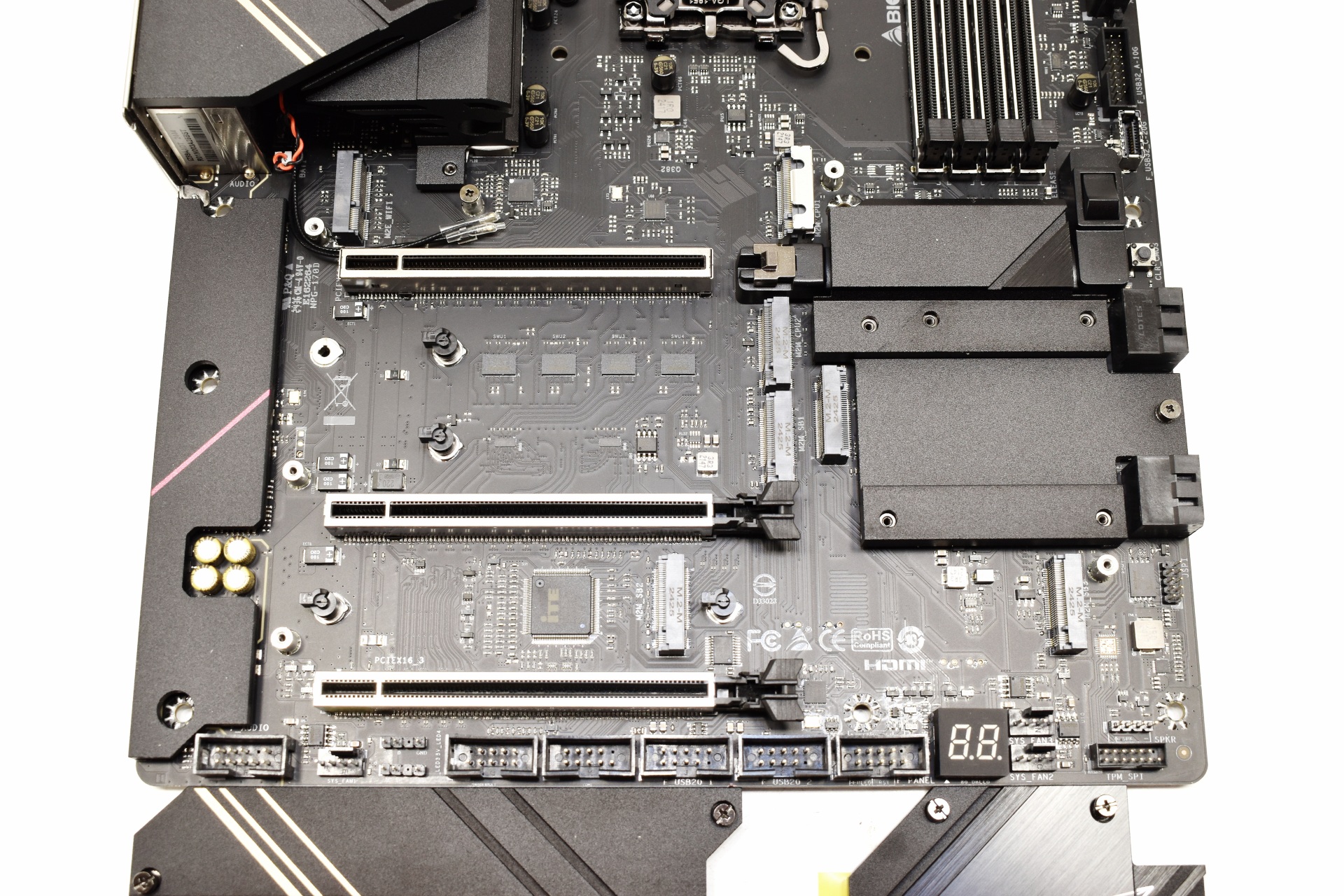
The primary PCIe 5.0 x16 slot has a very convenient quick release switch.


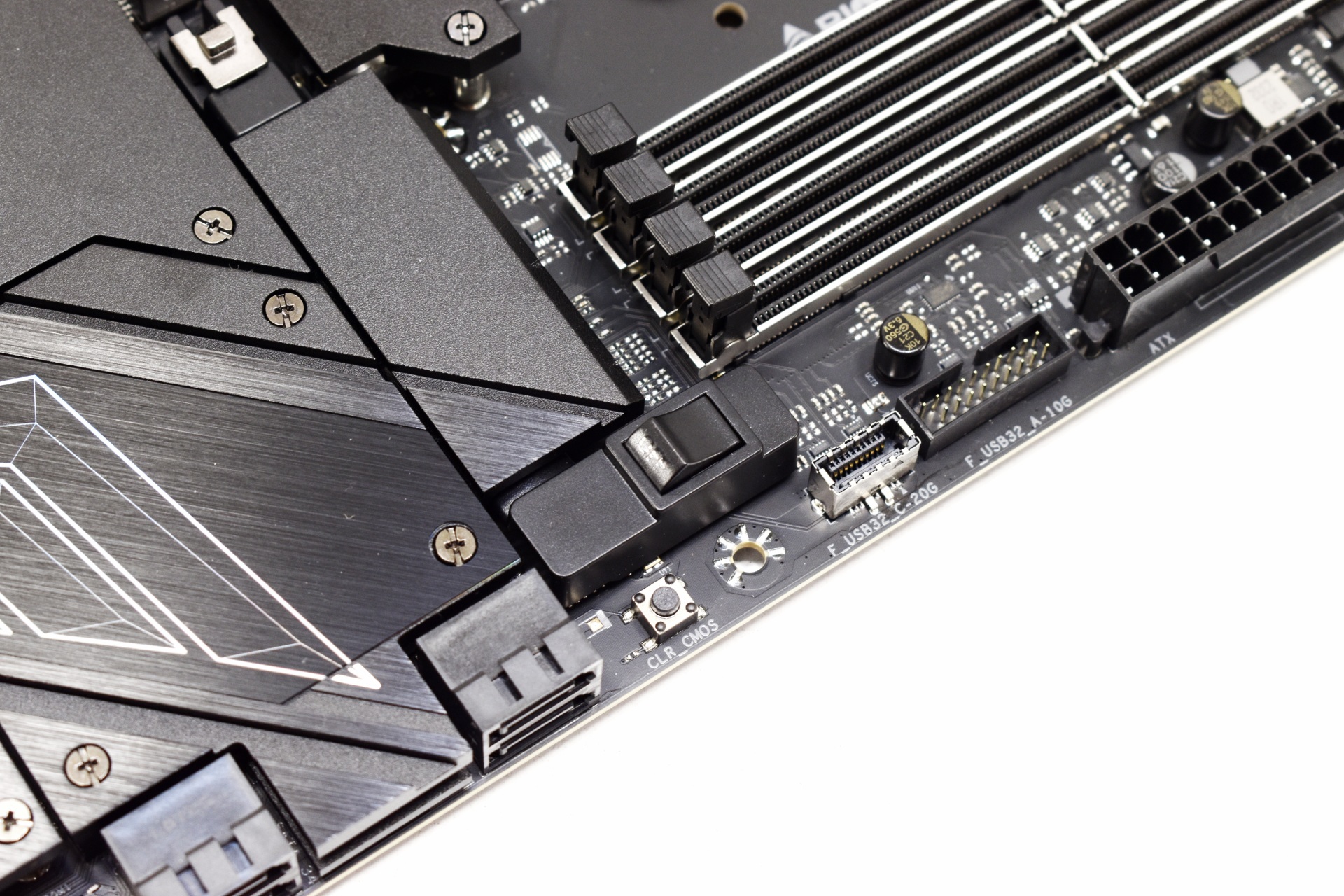
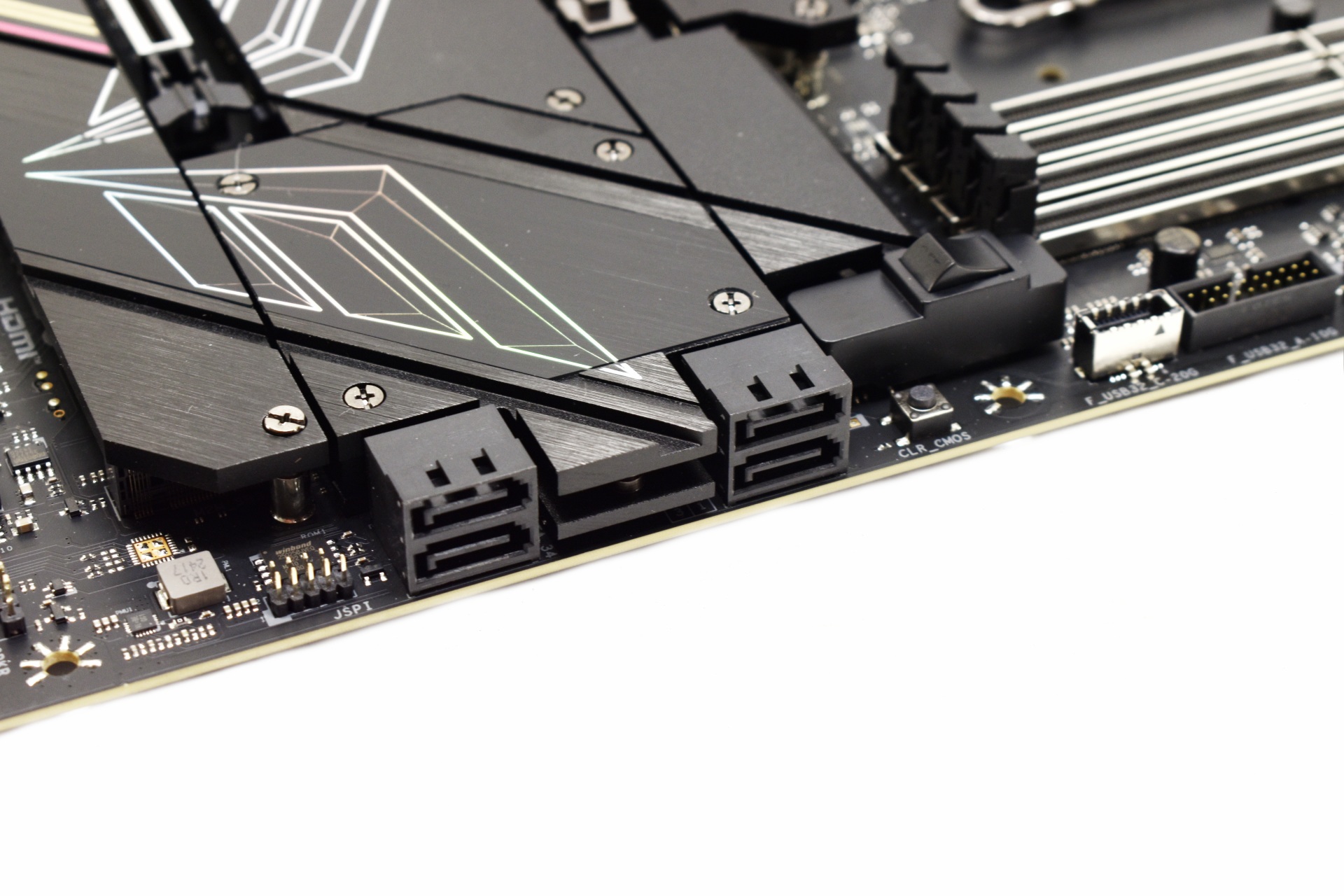
A clear CMOS button is located next to the 4 SATA ports.


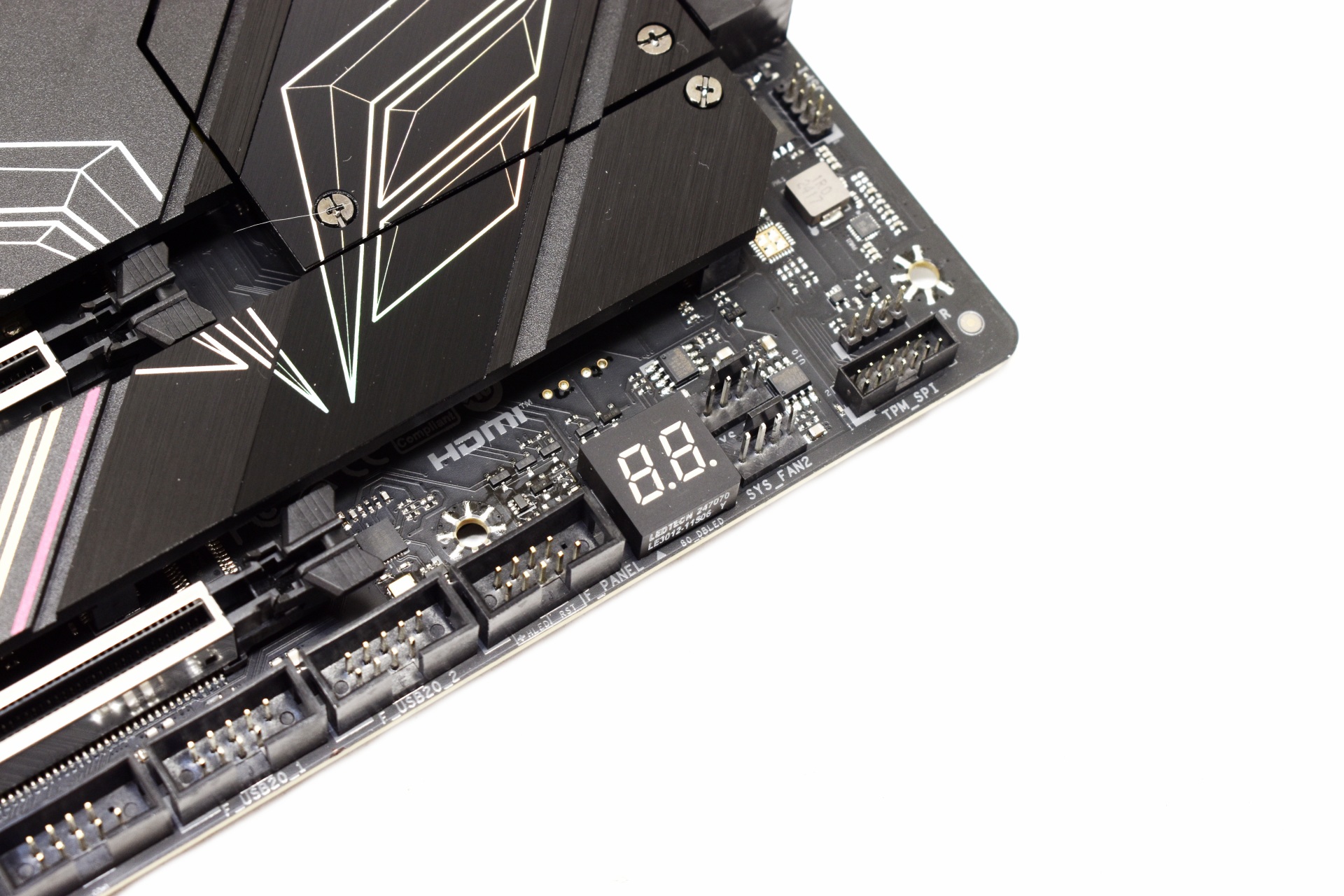
A debug LED is located on the lower right of the motherboard.


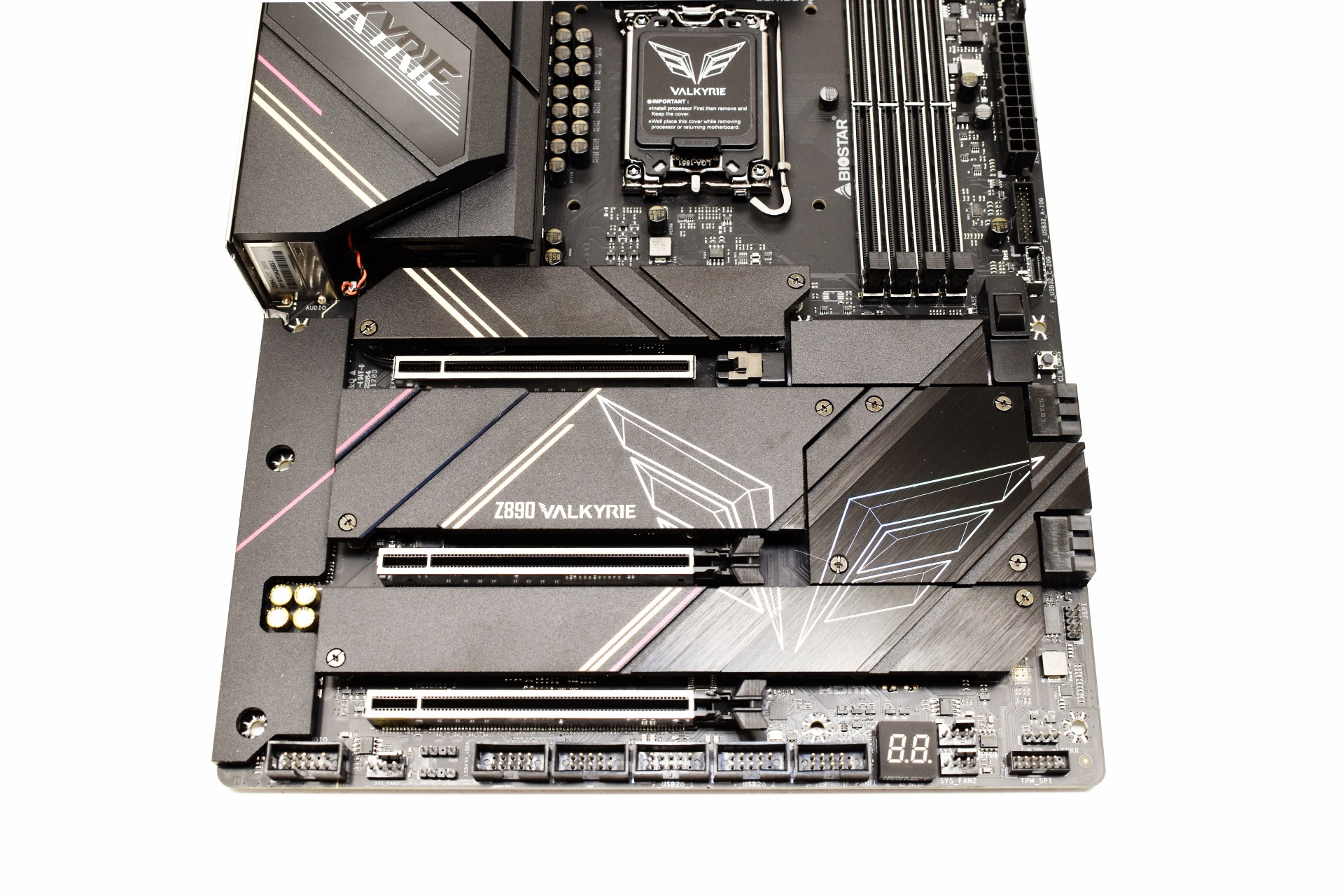
BIOSTAR has equipped the Z890 Valkyrie with 3 full sized PCIe 5.0 x16 slots which are also reinforced.


There are 4 removable heat spreaders on this motherboard under which we find 7 M.2 slots (1 is reserved for the Wi-Fi 7 module).


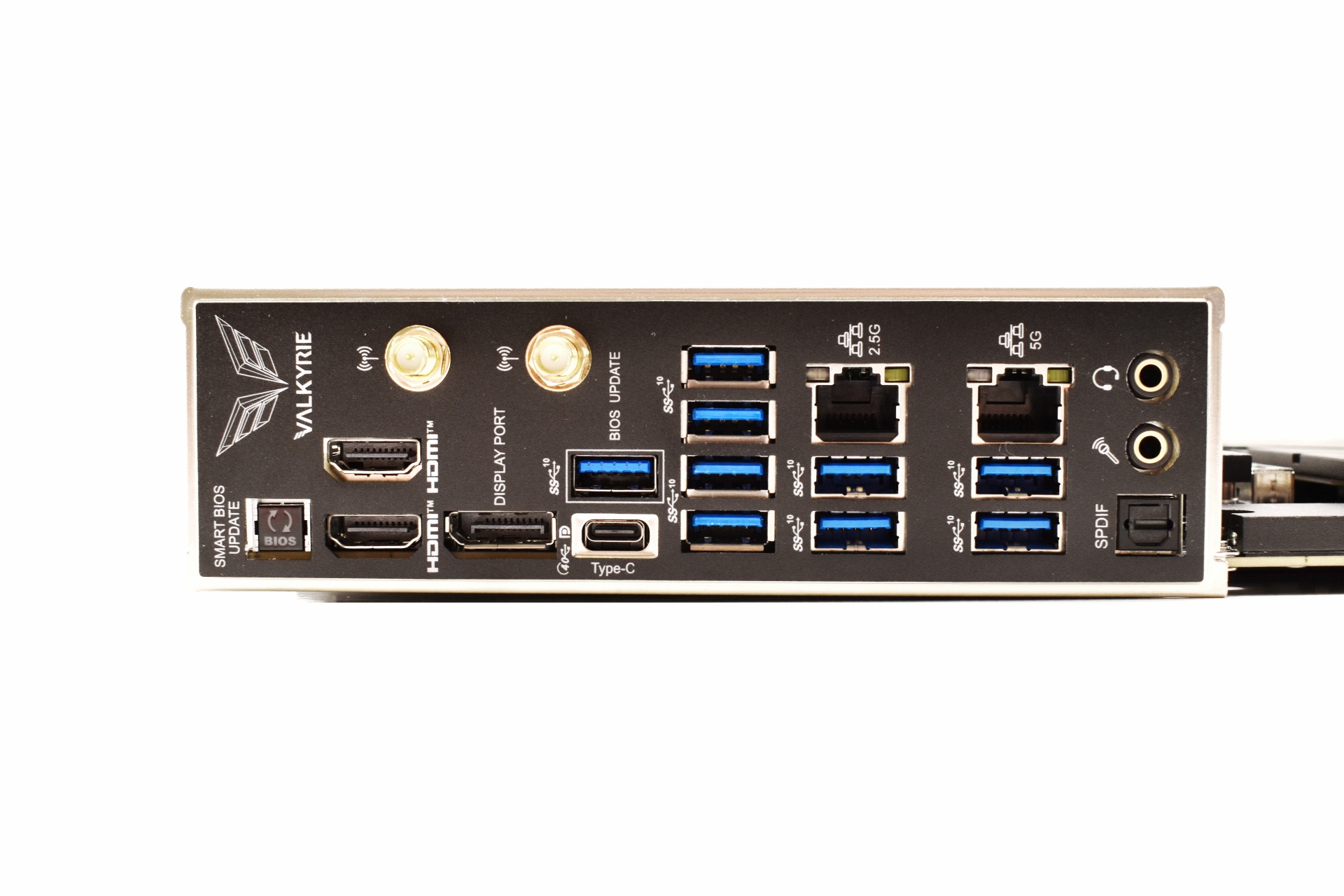
Moving to the rear I/O here we find a smart BIOS update button, two Antenna ports, two HDMI ports, DisplayPort, USB-C Gen 2x2 port, 9 USB 3.2 Gen2 ports, 2.5G and 5G RJ45 LAN ports and the audio ports (SPDIF, headphones and microphone).


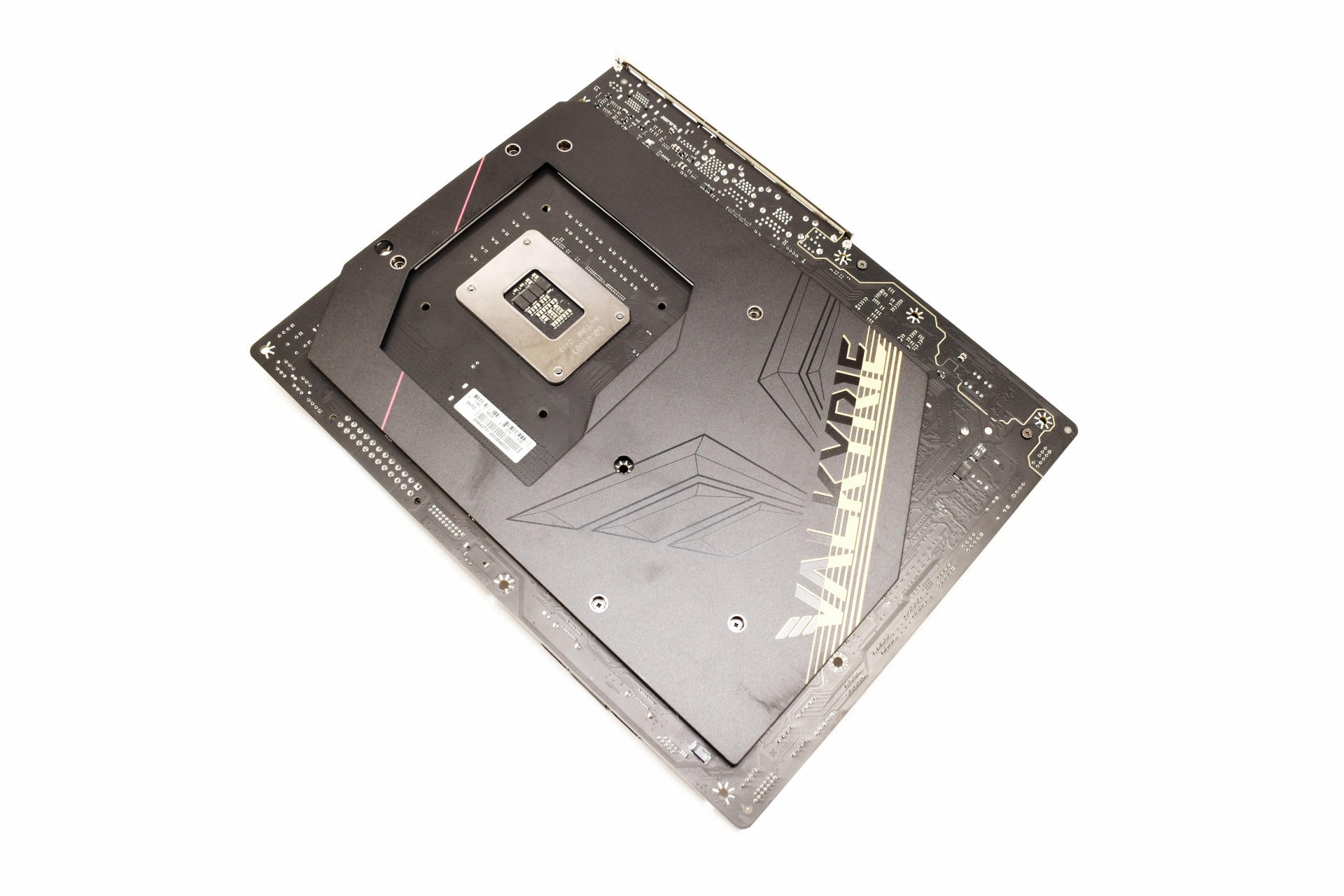
Most of the rear is covered with a metal plate for increased rigidity.


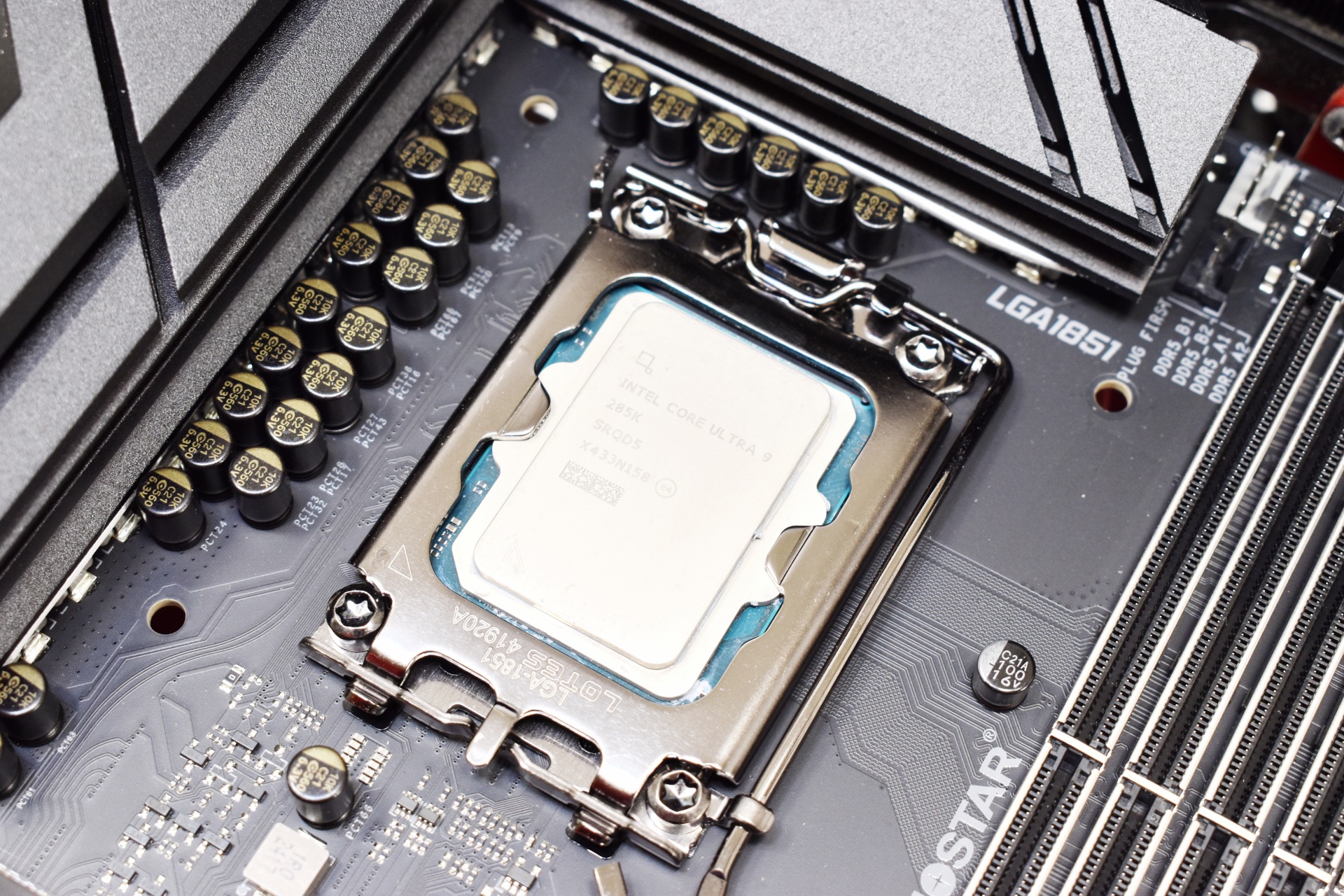
Once again for this review I used the Core Ultra 9 285K CPU.


BIOS Z89AC515


biostar z890 valkyrie ac515 bios 1t

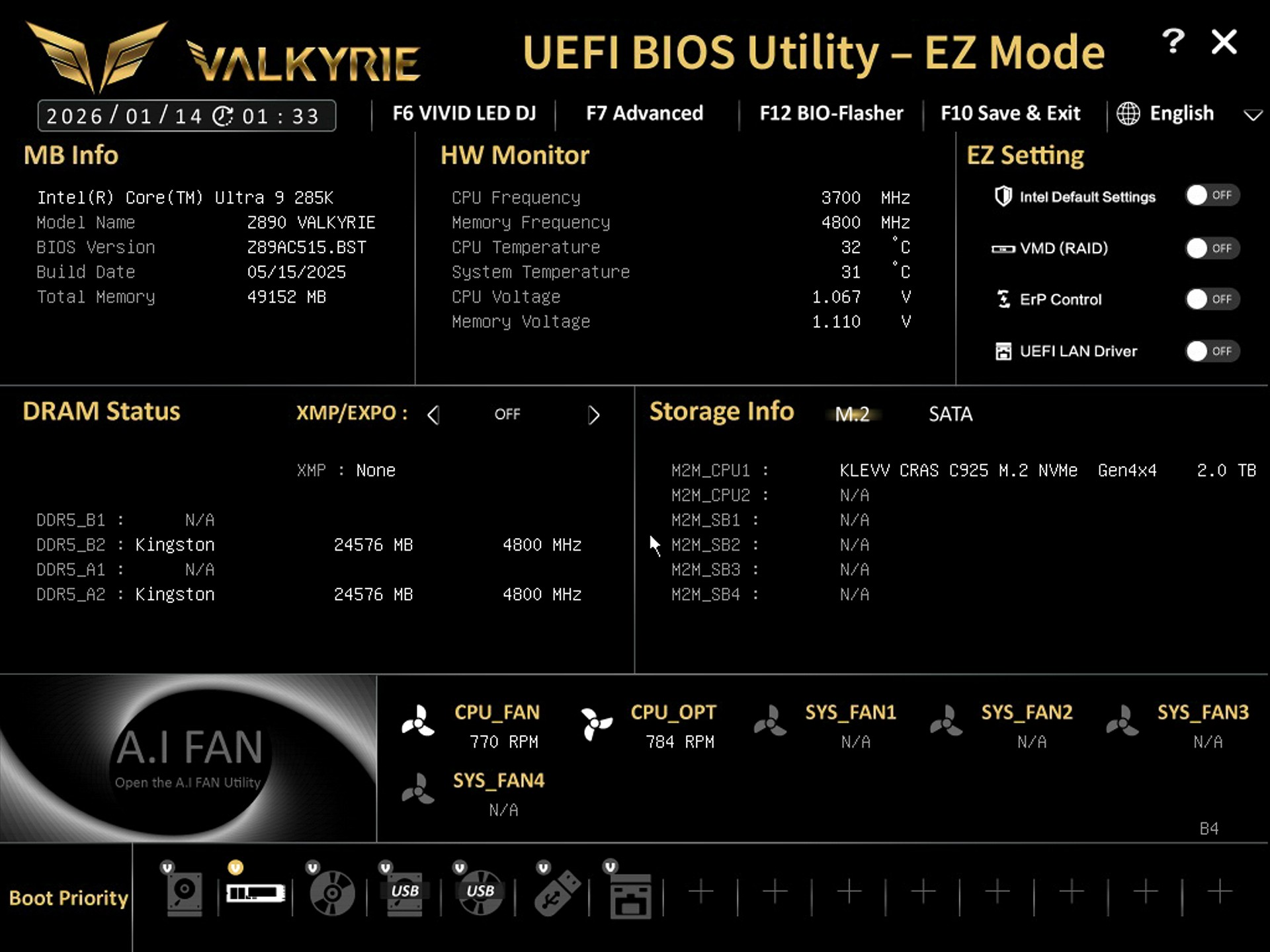
The EZ Mode screen includes basic toggles for XMP, fan profiles, boot priority, and quick monitoring.


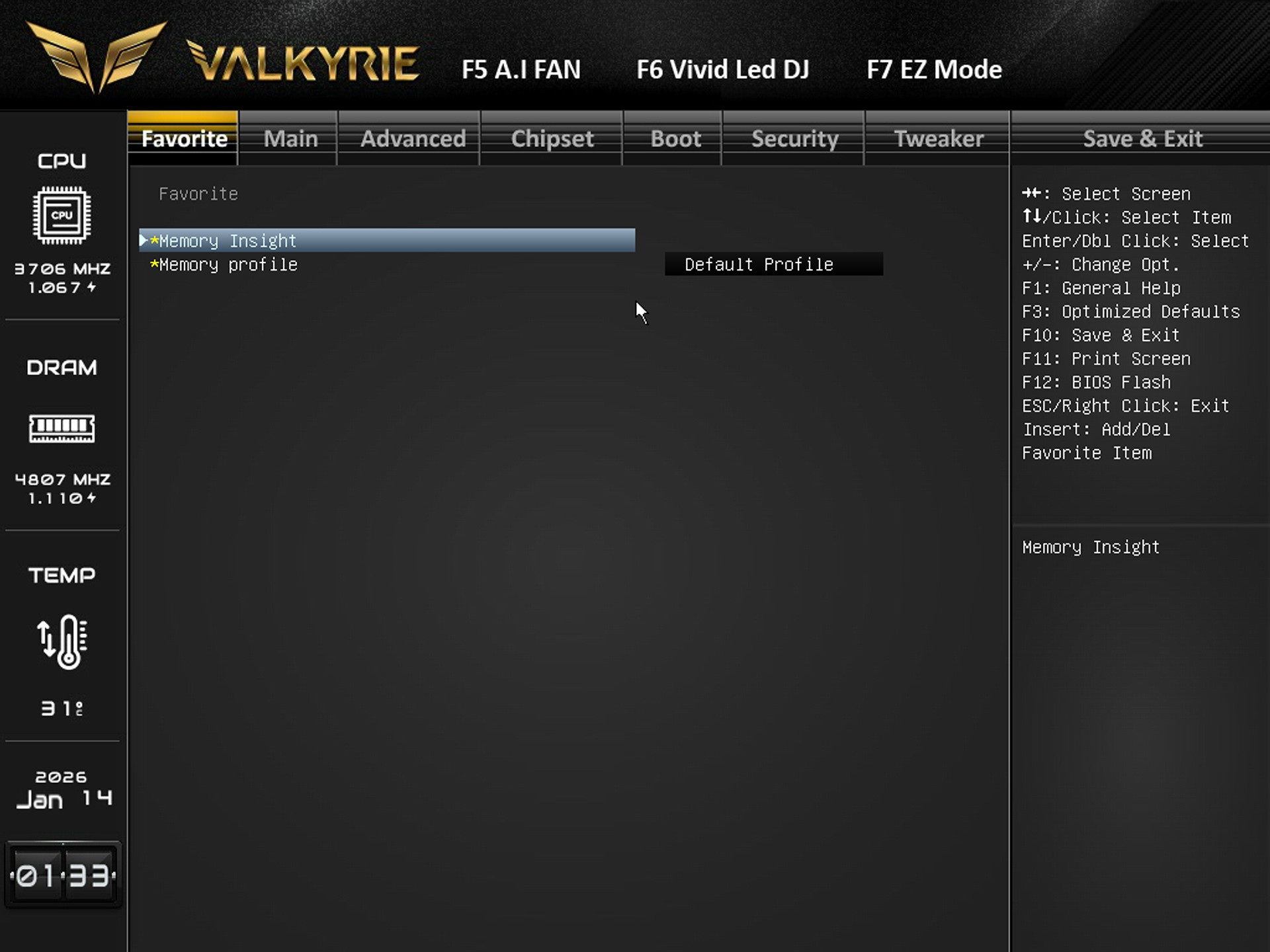
Inside the favorite tab you have quick access to memory tools like Memory Insight and Memory Profile selection.


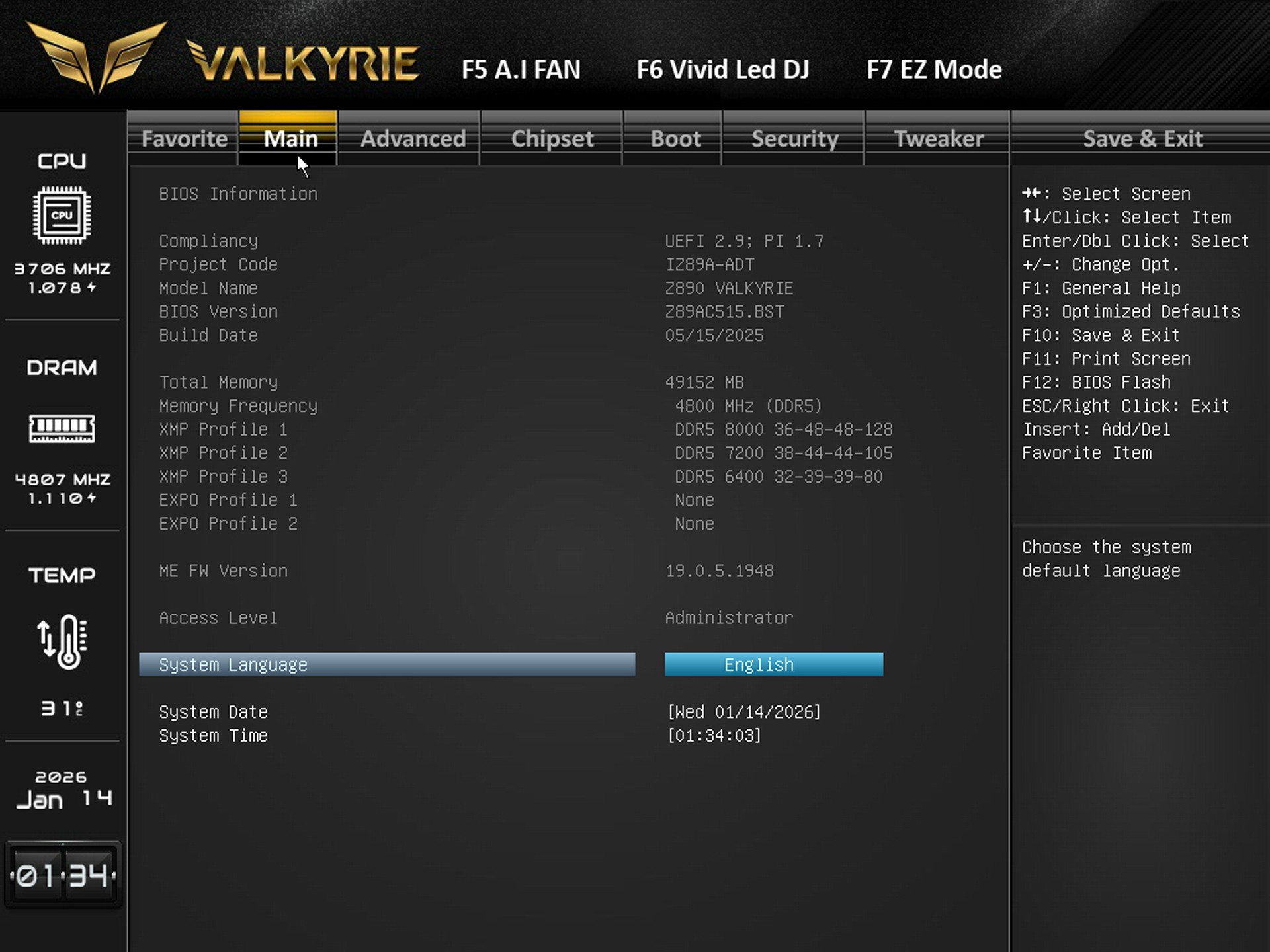
From the main tab you can adjust system language, date, time, and view BIOS/XMP profile availability.


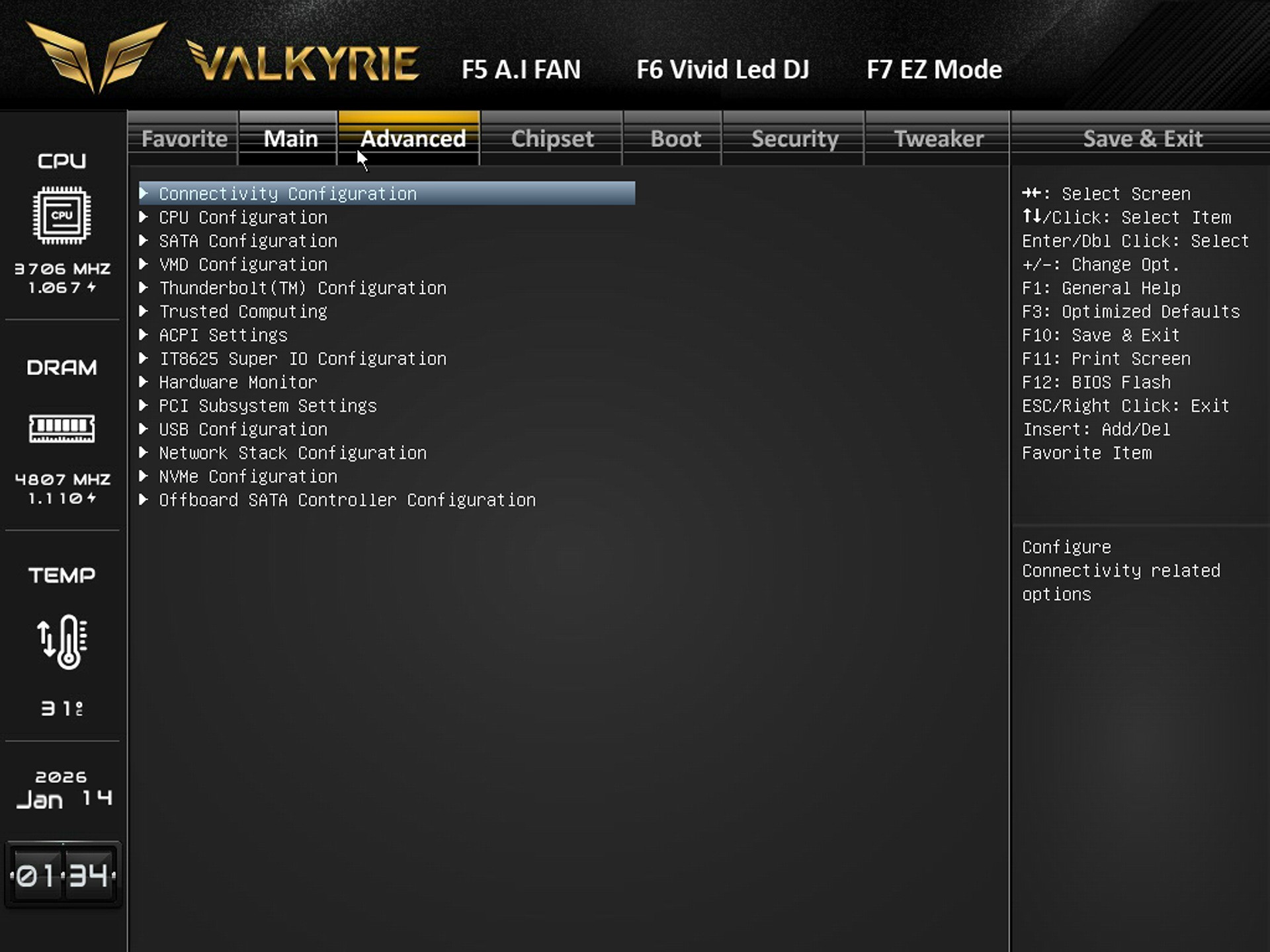
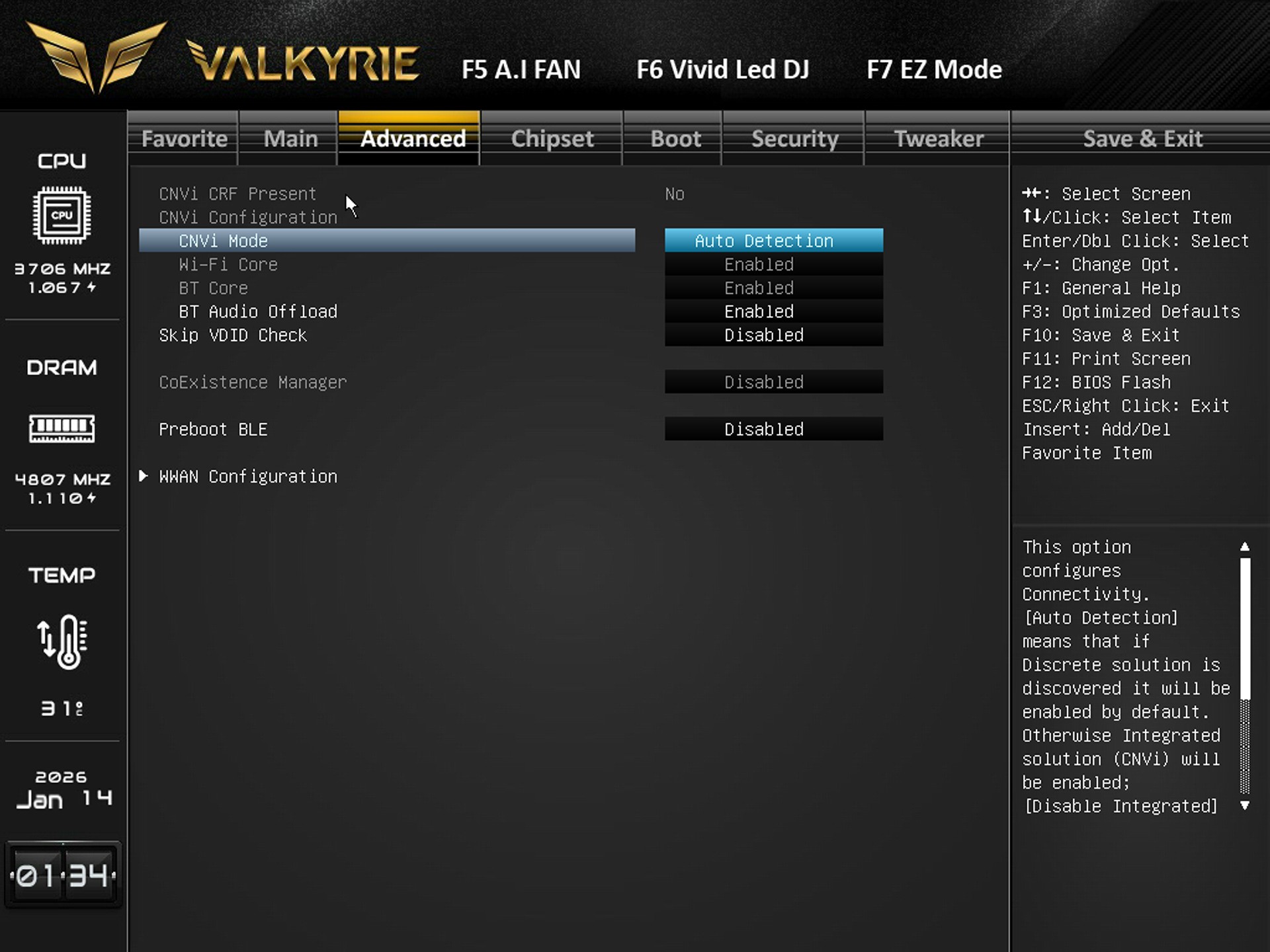
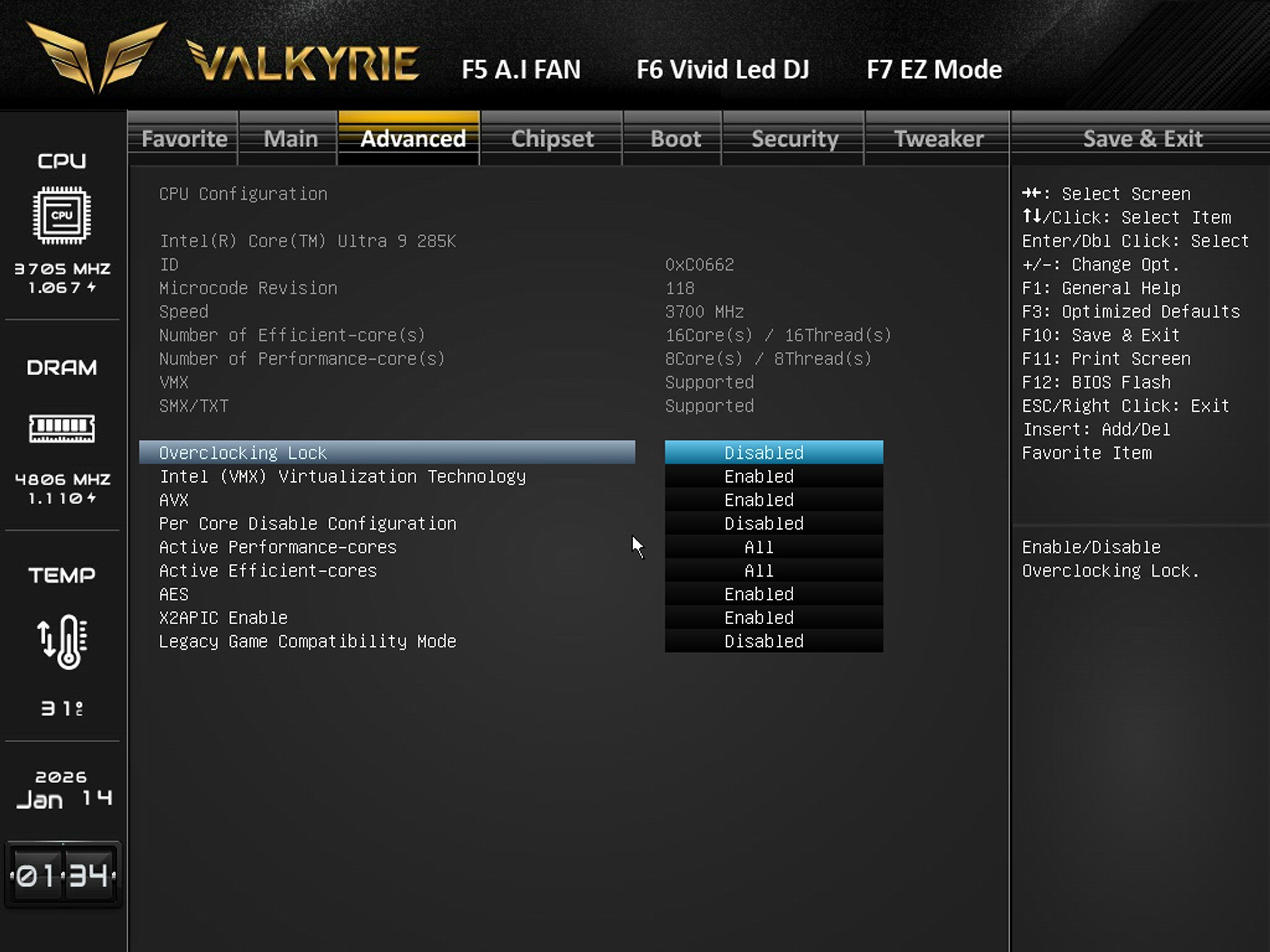
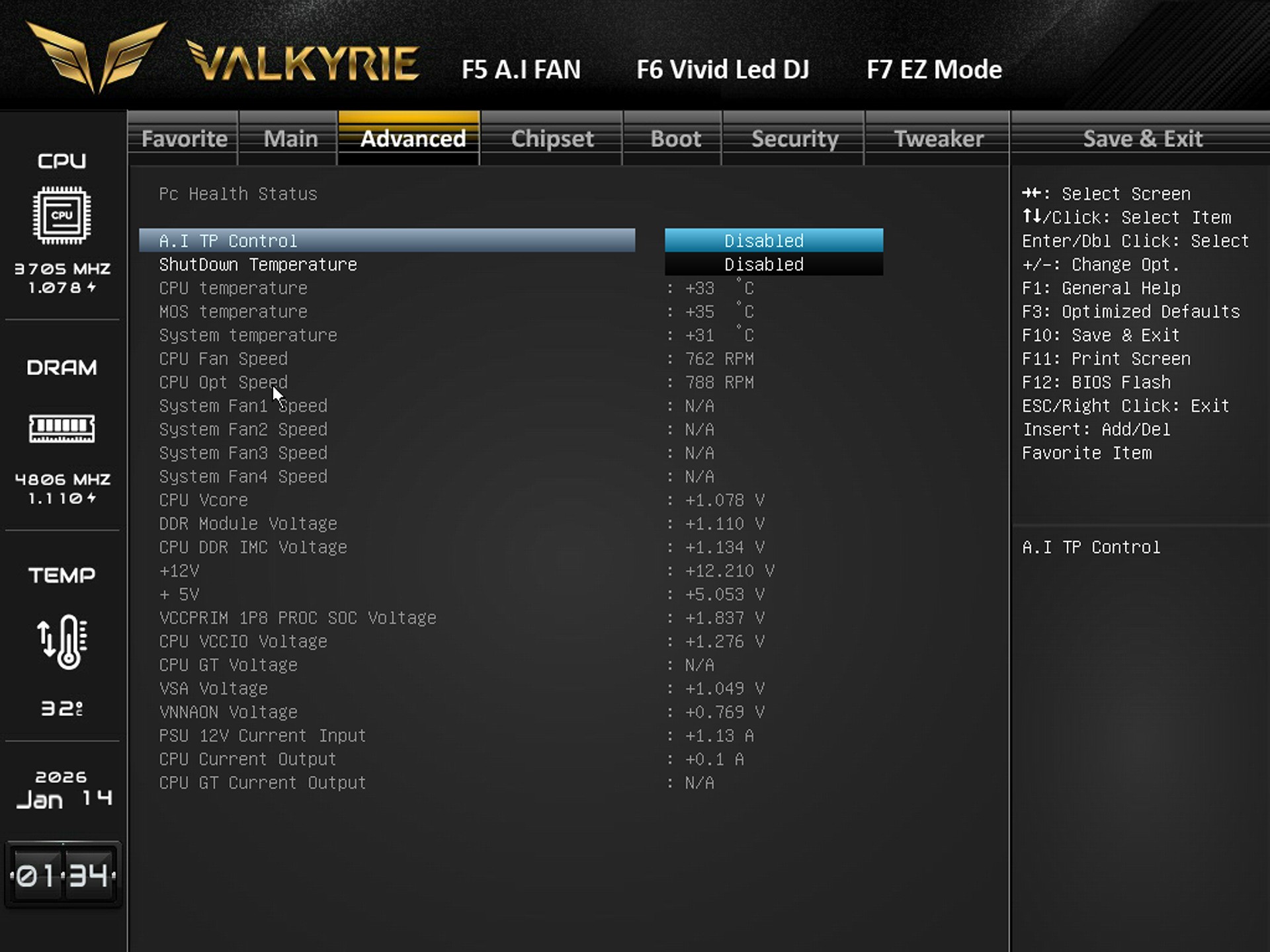
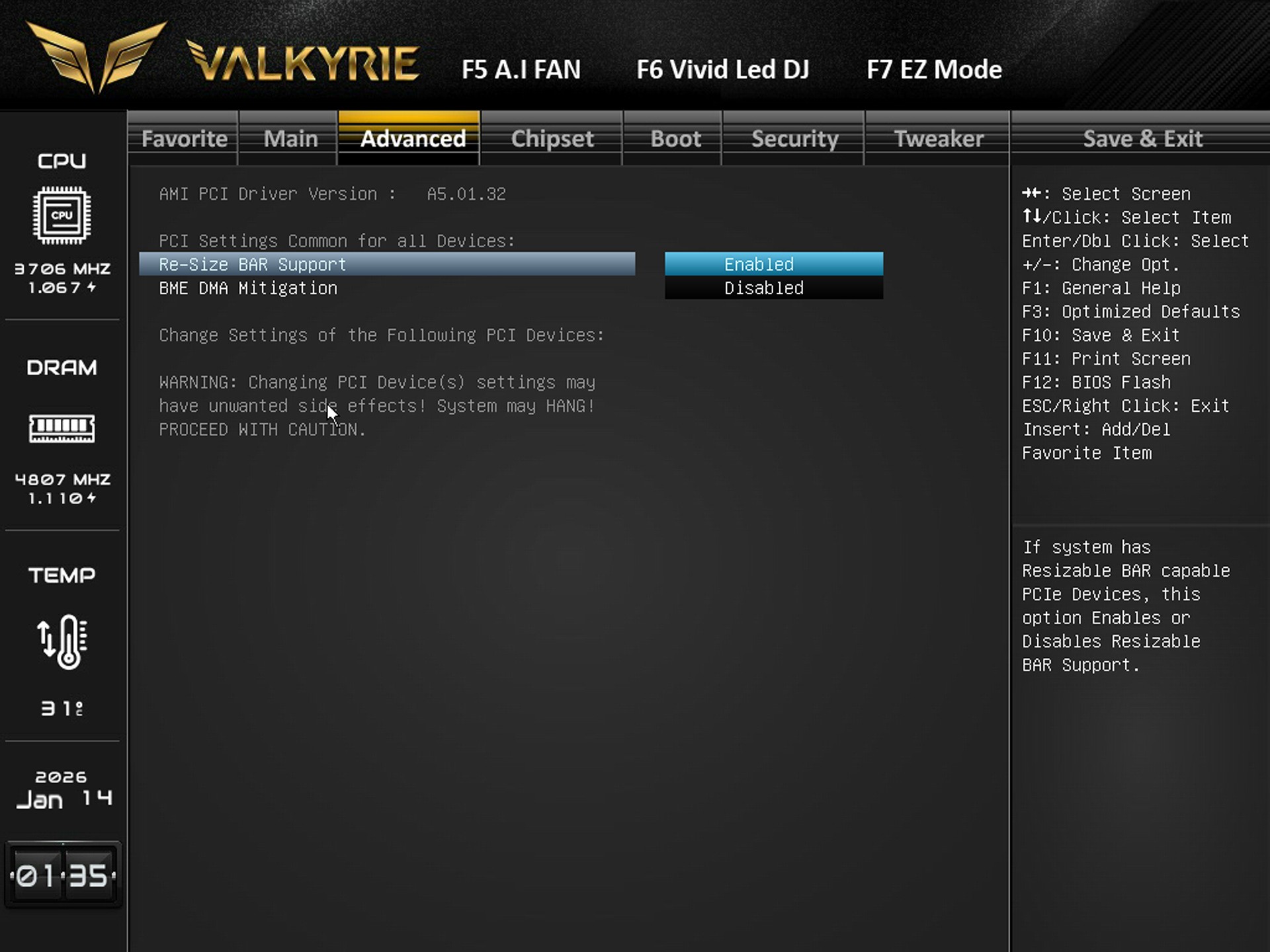
The advanced tab includes everything regarding the CPU, SATA, NVMe, USB, PCIe, ACPI, Thunderbolt, Super I/O, and hardware monitoring.


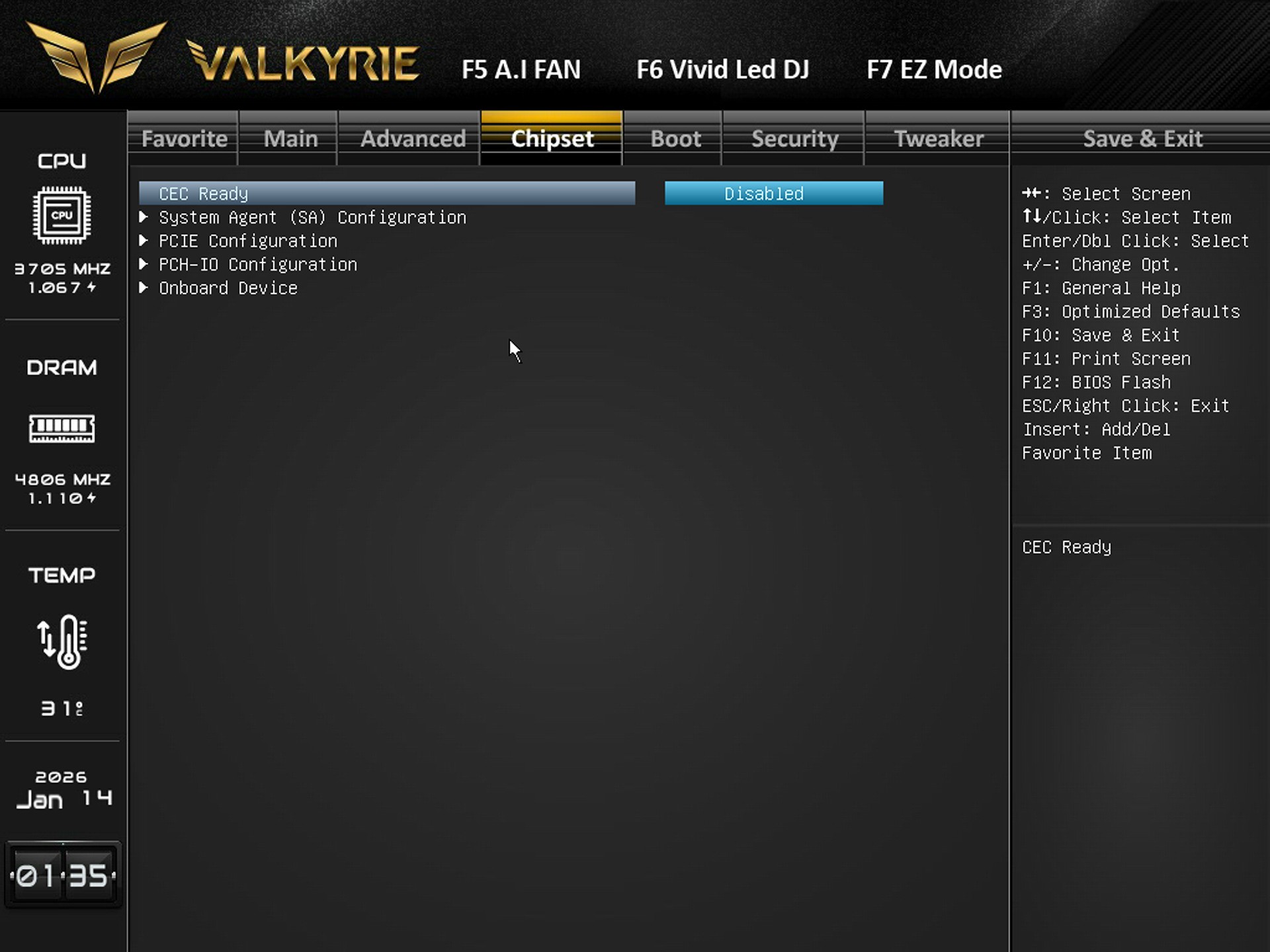
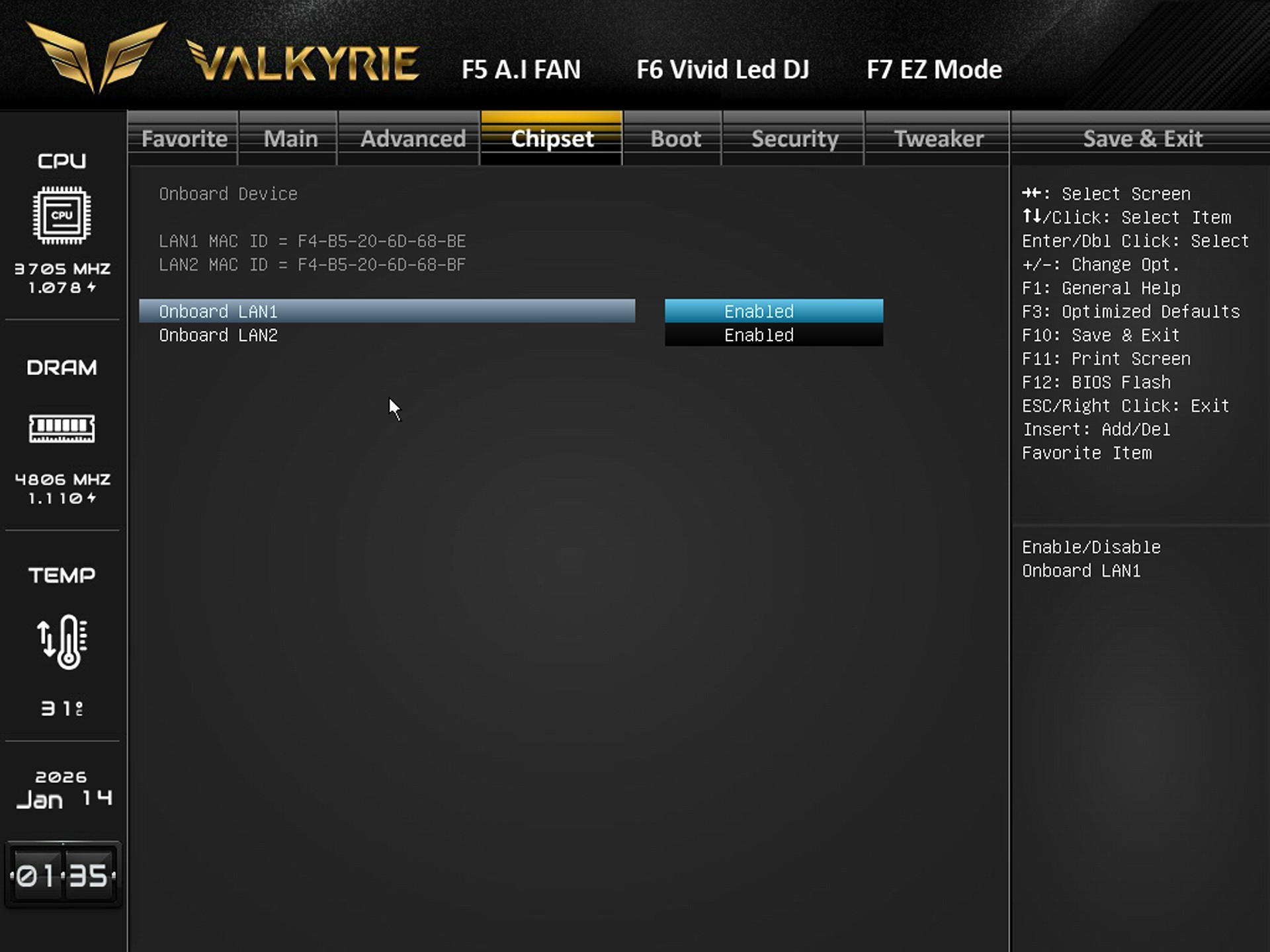
Available settings for system agent, PCIe lanes, PCH I/O behavior, and onboard device settings are all in the chipset tab.


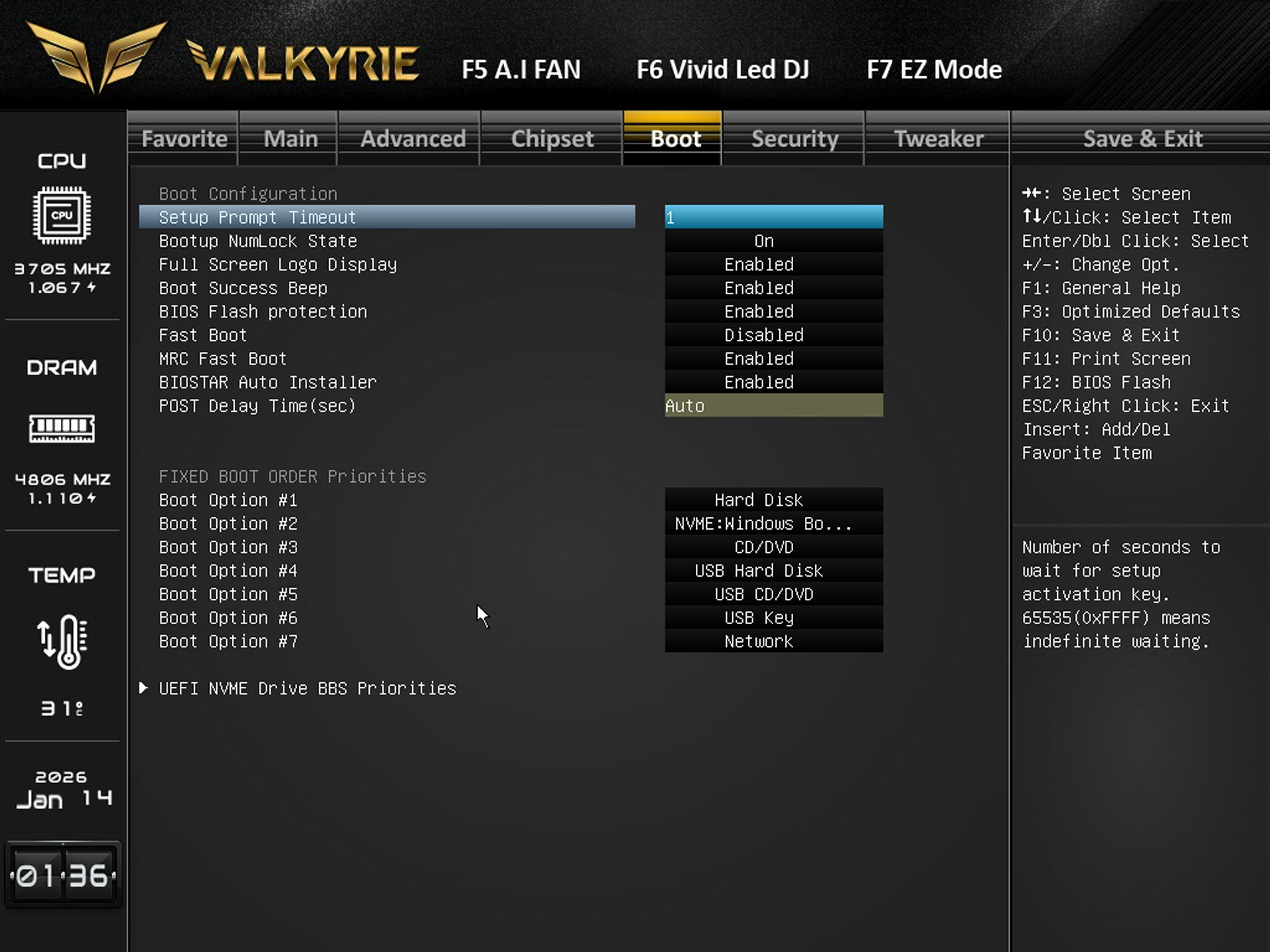
Boot tab includes the boot logo, fast boot, POST delay, NumLock, BIOS flash protection, and boot order priorities.


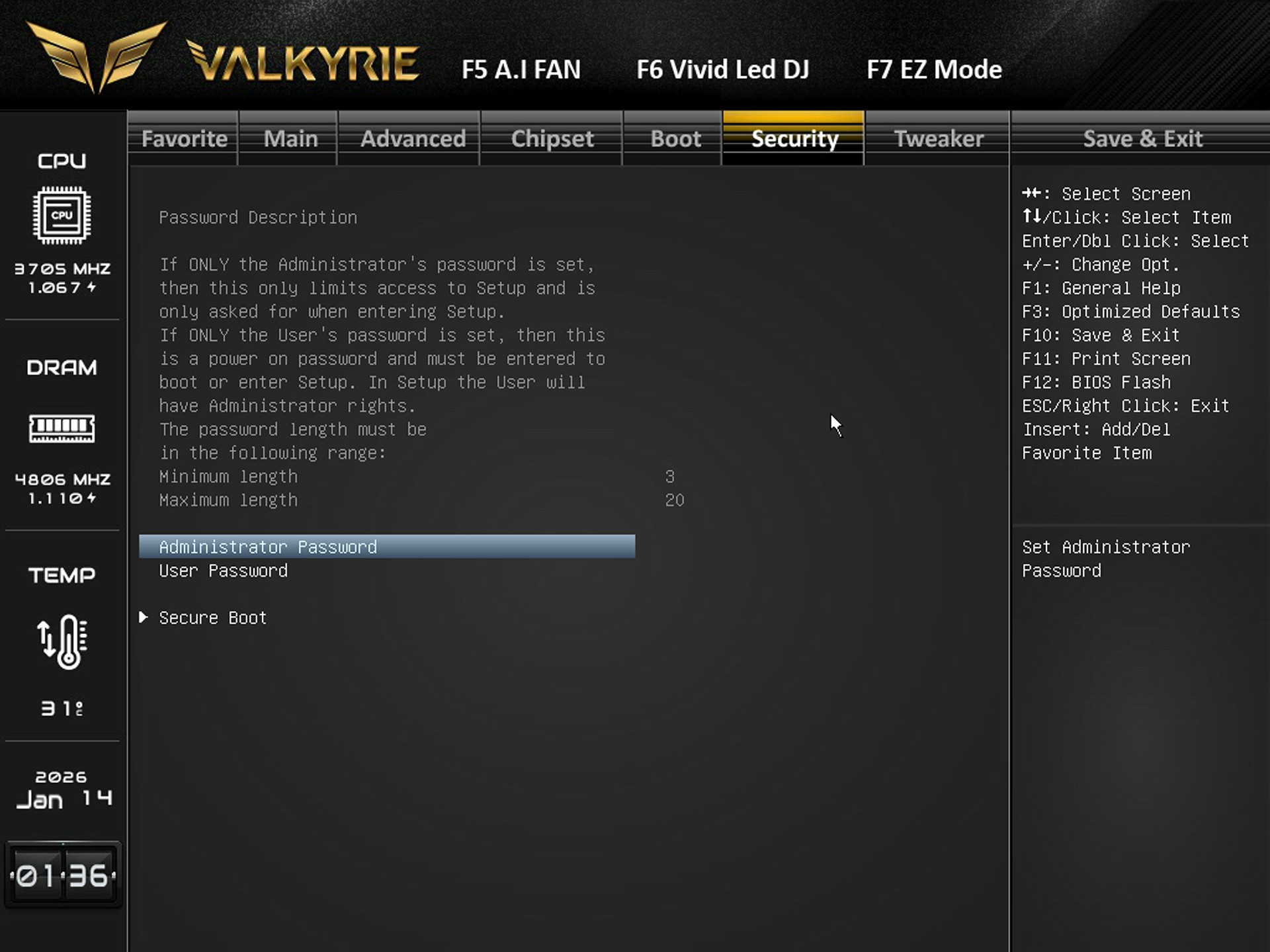
You can set administrator/user passwords and configure Secure Boot from the security tab.


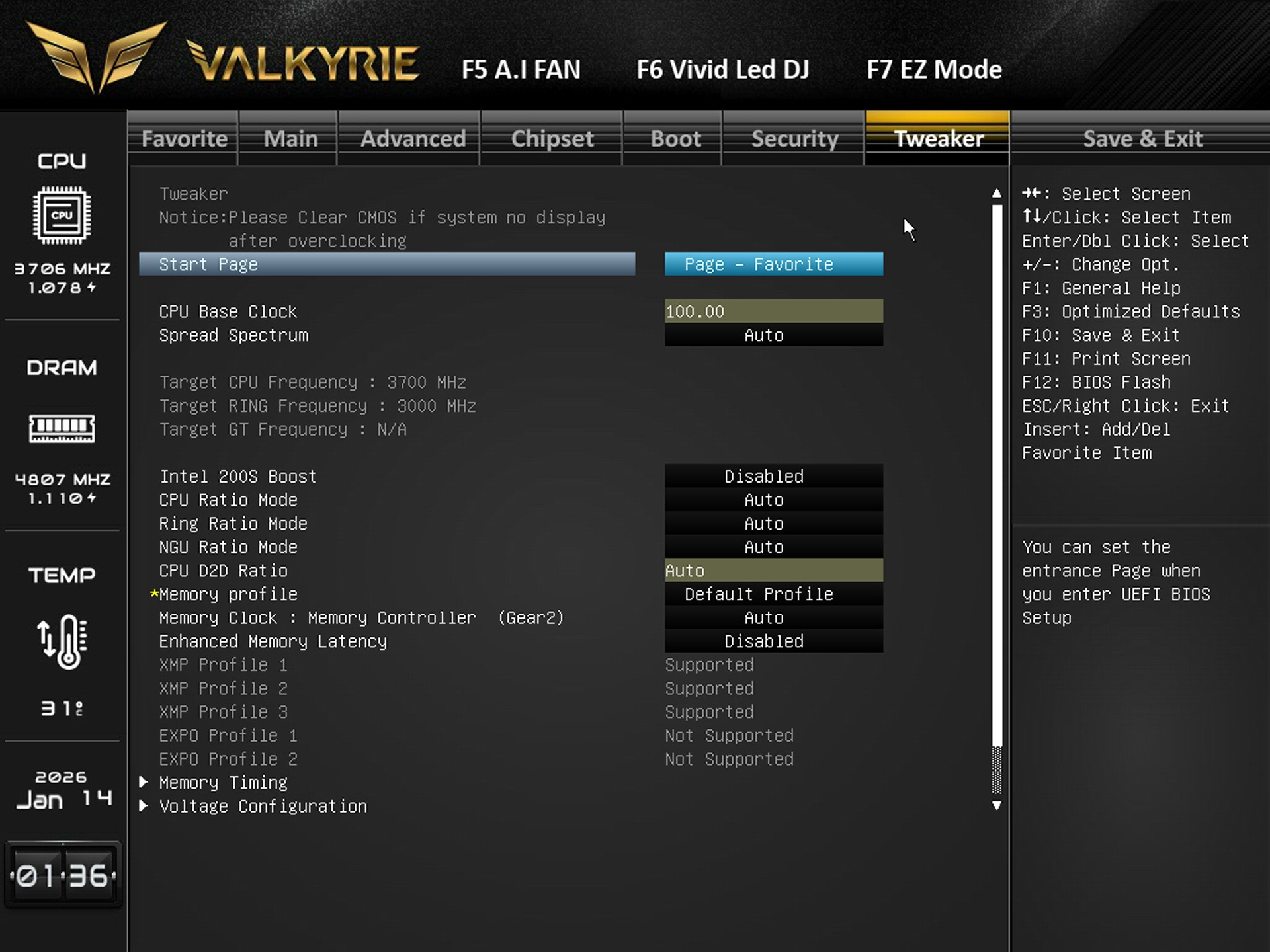
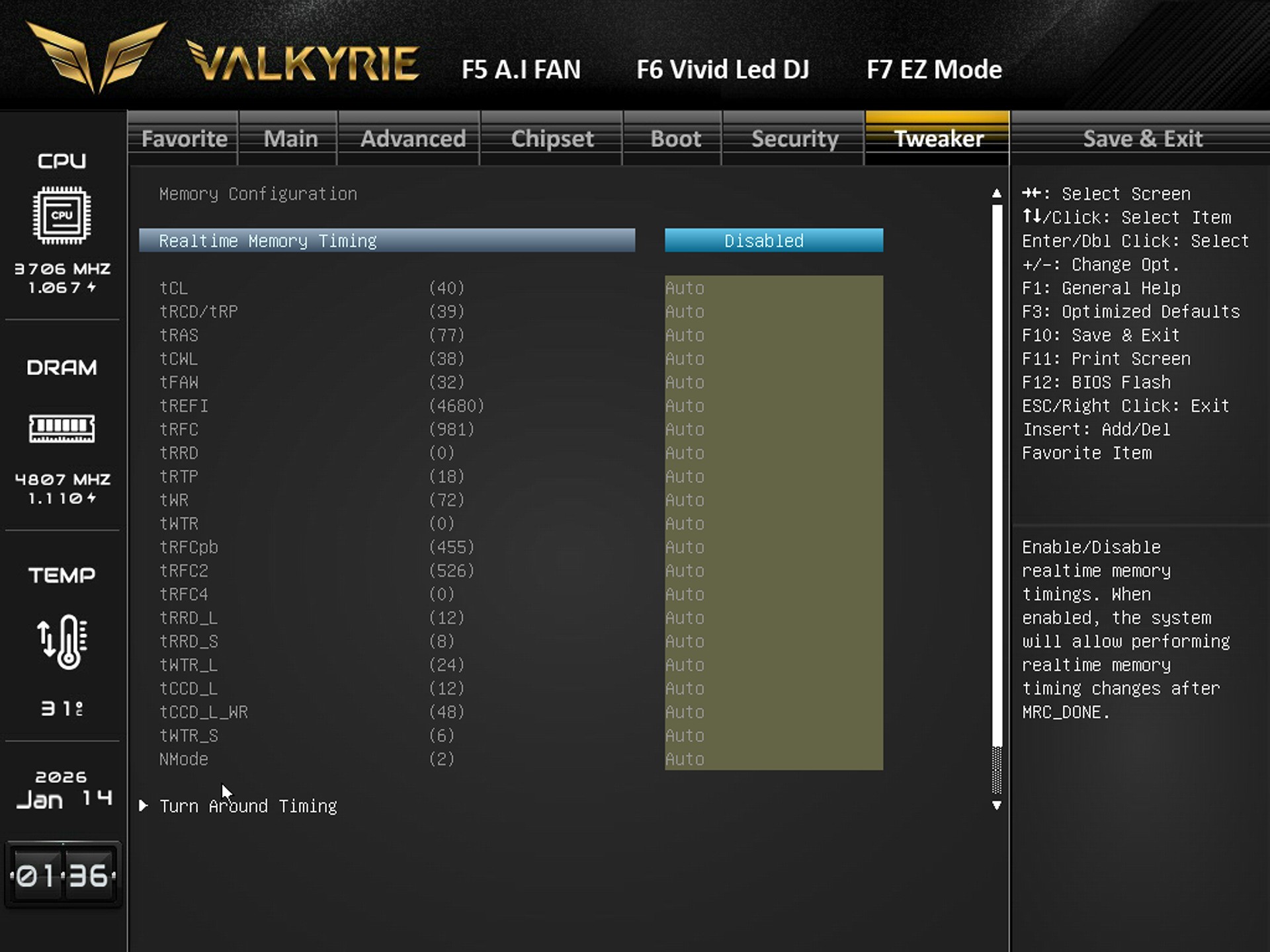
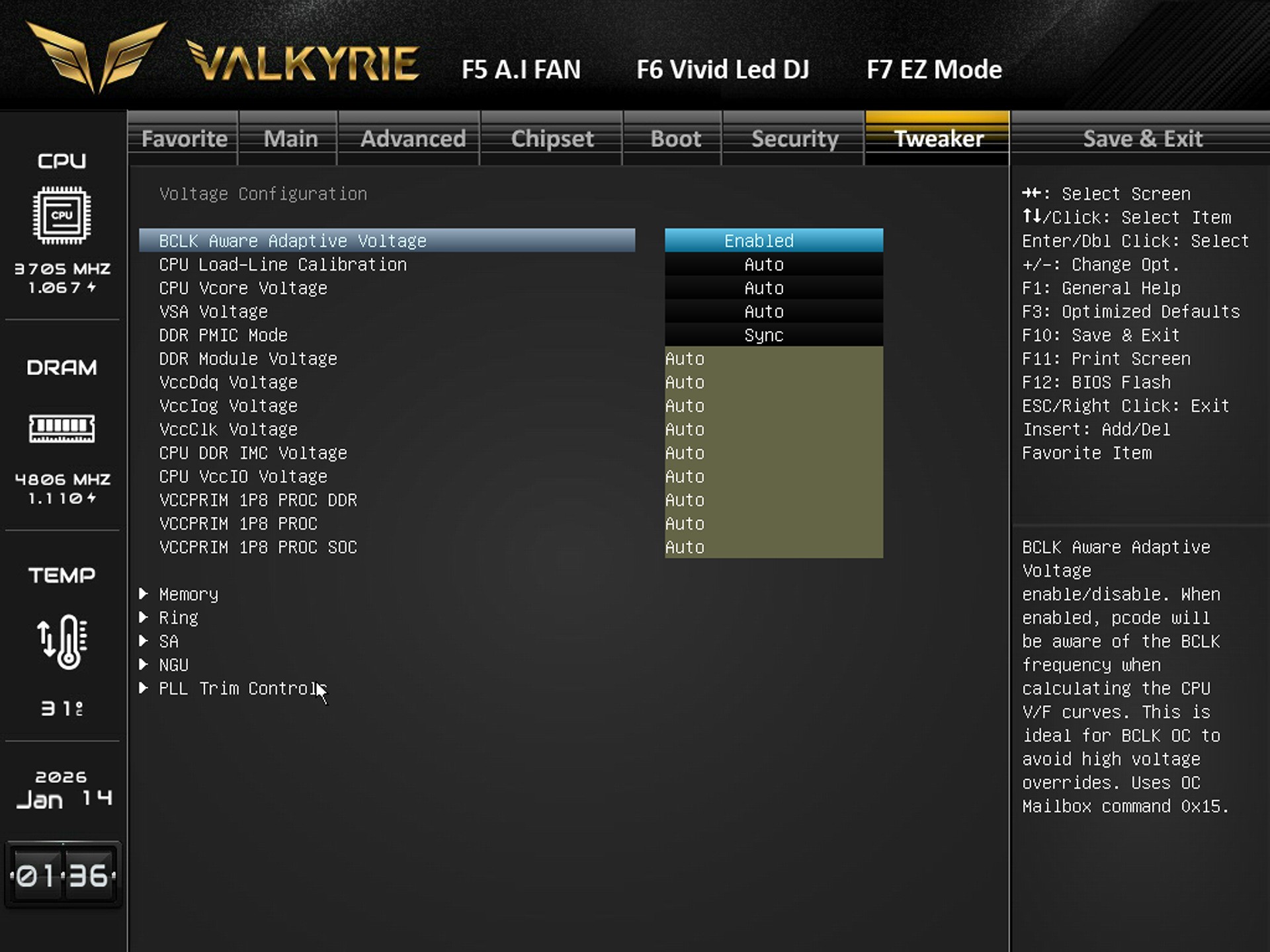
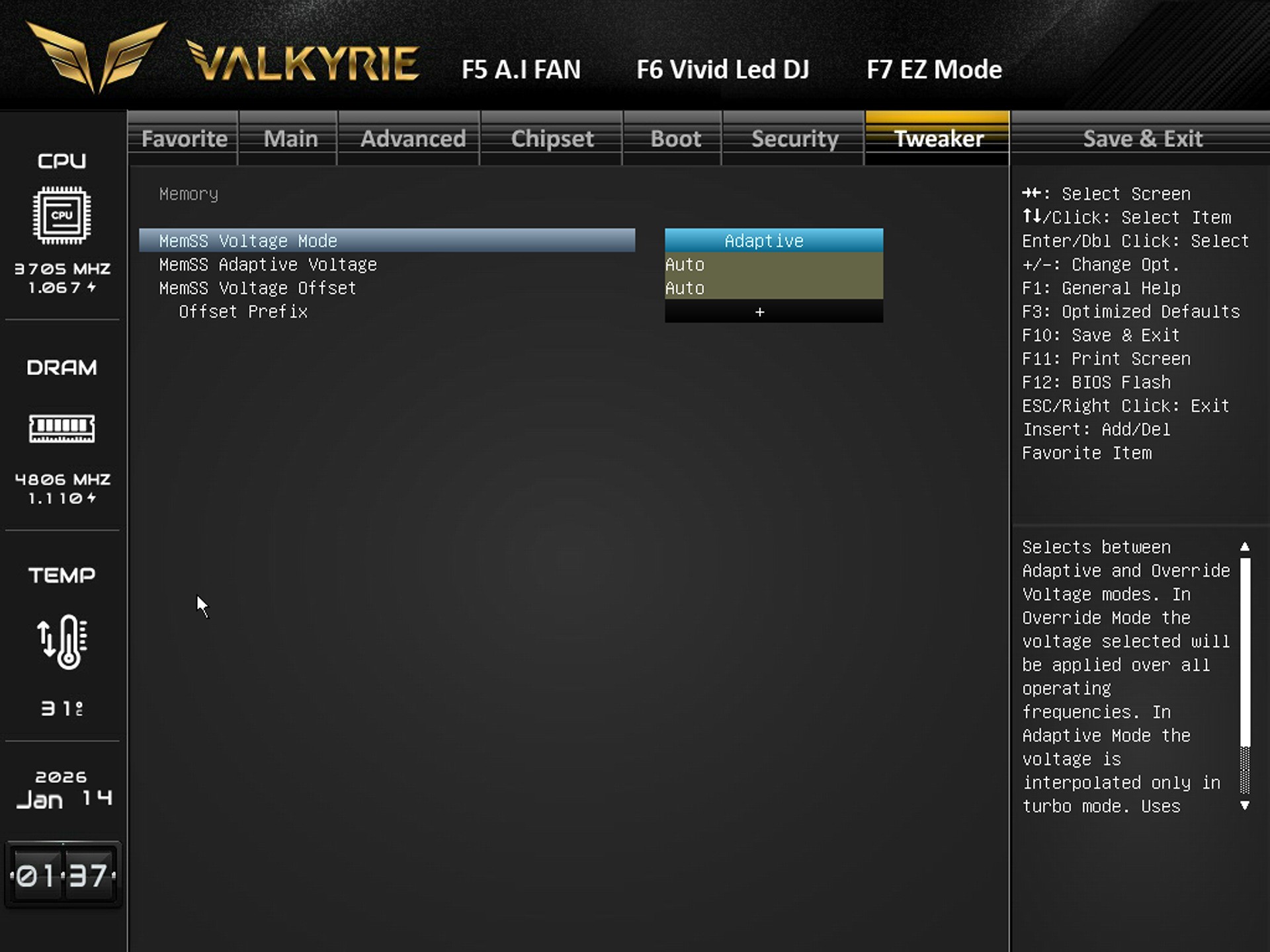
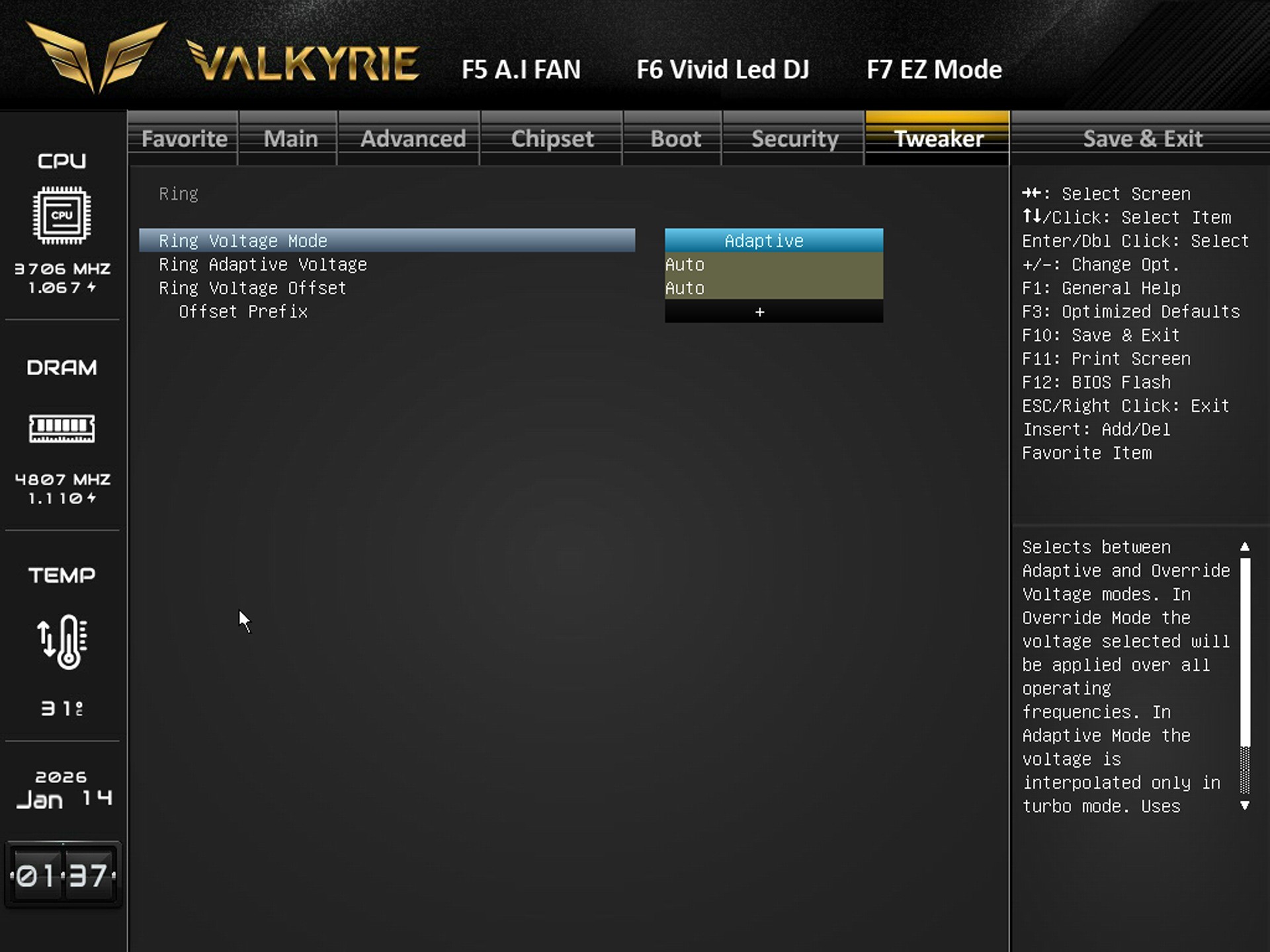
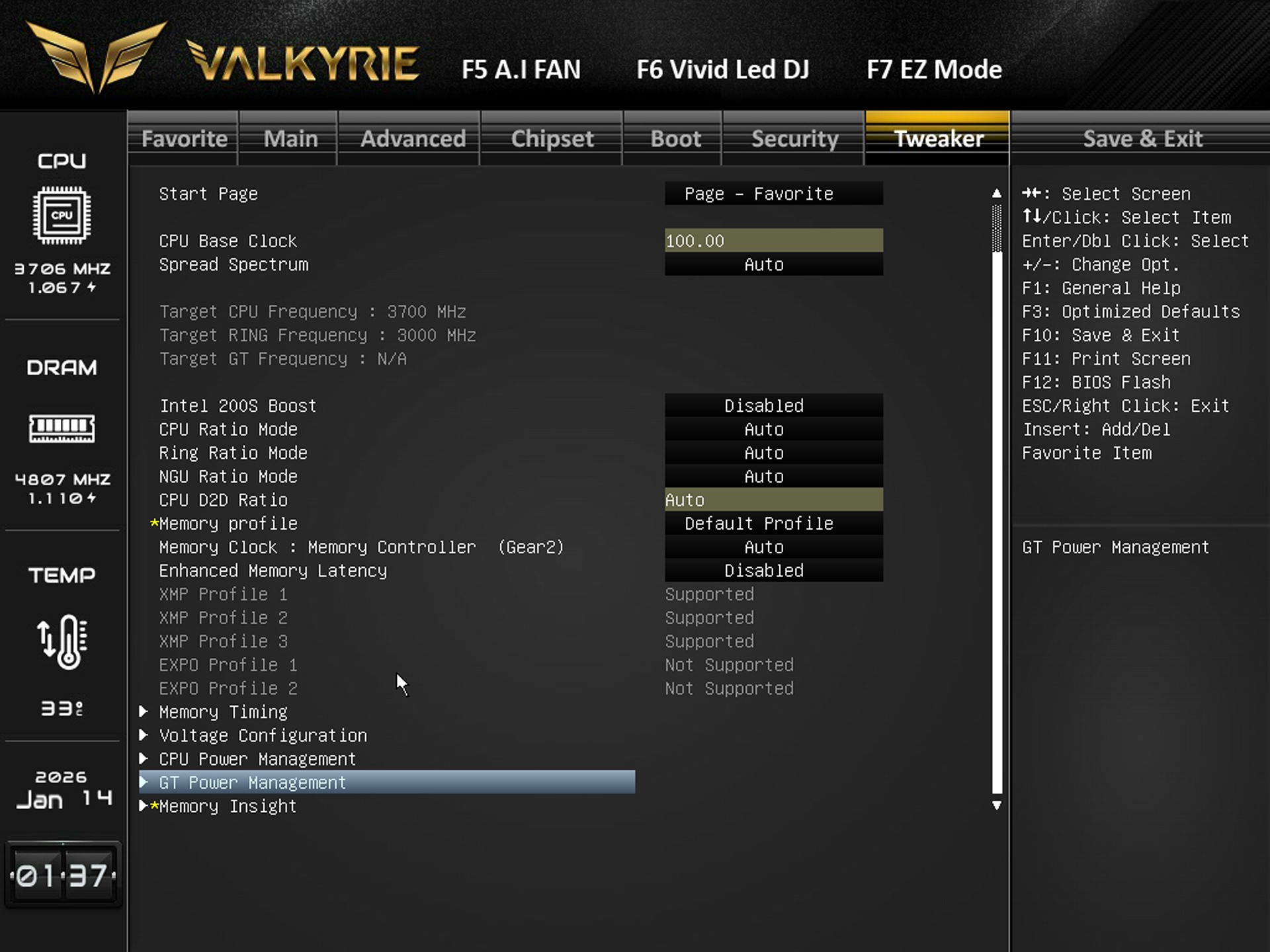
Finally the tweaker tab includes everything related to overclocking so from here you can adjust base clock, CPU ratios, ring ratios, memory profiles (XMP), memory gear mode, latency presets, manually tune individual DDR5 timings (tCL, tRCD, tRAS, etc.), adjust CPU Vcore, load‑line calibration, VSA, DDR voltages, IMC voltage, and other power rails, switch memory voltage between Adaptive and Override, and set voltage offsets, set ring voltage mode (Adaptive/Override) and adjust offsets, Select XMP profiles, adjust memory clock, enable/disable enhanced latency, and access deeper timing/voltage submenus.


TEST BED


cpuza


TESTING METHODOLOGY


cpuzb

   Exactly like used to do in the past each mainboard to arrive in the lab will get mounted on an open-air test bench and will be used for no less than two full weeks (daily tasks and gaming) with a fresh Windows 10 Pro installation. All motherboards arriving here will be tested with the top CPU of that line available to me at the time of each review (I9-9900K for Z390/I9-10900K for Z490/I9-11900K for Z590/I9-12900K for the Z690/Ryzen 9 5900X for X570 and B550/Ryzen 9 7900X for X670E and B650E/i9-13900K for Z790/Core Ultra 9 285K for Z890) together with 32/48GB of RAM (different models for different motherboards/CPUs). Needless to say, I’ll be clocking CPUs at the same speeds between same chipset models (unless a motherboard is not capable of getting the same speeds) for a more accurate performance comparison.


   To measure performance, I’ll be using several benchmarking programs (6 repeats after which the average numbers will get recorded in the charts) like AIDA64, CINEBENCH R20, CPUZ, Passmark Performance Test, RealBench, 3Dmark, GeekBench AI and the Sisoftware Sandra Titanium version. Games like Cyberpunk 2077 (Phantom Liberty), Dying Light 2 and Forza Horizon 5 were also added for people who care about FPS*.


* Since October 2024 I added more benchmarking suites and even game titles.


TEST RESULTS – 3DMARK / CINEBENCH R20


cpuprofile


TEST RESULTS - CPUZ / PASSMARK PERFORMANCE TEST / GEEKBENCH AI


cpuz


TEST RESULTS - REALBENCH / SISOFTWARE SANDRA TITANIUM / AIDA64


TEST RESULTS - CYBERPUNK 2077 / DYING LIGHT 2 / FORZA HORIZON 5


CONCLUSION


biostar z890 valkyrie review b


    The Z890 Valkyrie is the kind of board that wins you over with its hardware first. A beefy VRM, loads of PCIe 5.0 bandwidth, high‑speed DDR5 support, HDMI and DP video outputs, and a stacked storage layout give it the muscle to anchor a serious build. It’s clear BIOSTAR wanted this board to compete in the heavyweight class and on a technical level, it clearly does. Performance is on par with some of the best Z890 based motherboards in the market today, as showcased in the charts. The weak points are somewhat familiar, the lack of a Wi-Fi module is somewhat problematic, BIOS updates are not released as often as with bigger brands (although this varies a lot between models), and the price feels bold for a company that usually leans on value. But if you’re chasing performance and features rather than a badge, the Z890 Valkyrie delivers more than enough to justify a closer look.


    Availability is probably the most serious drawback for the Z890 Valkyrie by BIOSTAR since currently the few stores that do carry it have it for anything between 600-700Euros inside the EU (none in the USA). Overall, the BIOSTAR Z890 Valkyrie delivers on everything from performance to features and even build quality, and even though that doesn’t mean much when consumers can’t get their hands on it, still the Golden Award is in order.

PROS


- Good OC Potential (20+1+1 Phase Digital VRM)
- Three Reinforced & EMI Shielded PCIe 5.0 Slots (x16/x8/x4)
- 4 UDIMM DDR5 Slots (Up To 9066MT/s+ / 256GB Total / CUDIMM Support)
- 5 M.2 PCIe Slots (1x5.0 / 5x4.0)
- Rear Connectivity (USB-C / 9xUSB A / DisplayPort 2.1 / 2xHDMI v2.1)
- 5/2.5GbE RJ45 Ports
- Available BIOS Settings


CONS


- Price & Availability (For Some)
- WiFi 7 Module Sold Extra


aune SR7000 Closed Back Hi-Res Headphones Review

INTRODUCTION


aune sr7000 review a


    In the audiophile world, headphones aren’t just playback devices, they’re precision instruments shaped by countless decisions about acoustics, materials, and tuning philosophy. From planar magnetics to dynamic flagships, each design tries to carve out its own corner of the listening experience. It’s a world where small design decisions create big experiential differences, and where enthusiasts chase that elusive blend of resolution, musicality, and long‑term comfort. Into that environment comes aune’s SR7000, a dynamic headphone positioned as a disciplined, engineering‑first entry.


    In 2004, shared passion and a common pursuit brought together a group of seasoned audio enthusiasts with profound expertise in audio engineering. Over two decades, we've been dedicated to creating high-quality audio products including DACs, digital transports, players, amps, clocks, speakers, and headphones. The logo of aune was inspired by the concept of Yin-Yang - the Chinese philosophy of balance. The rounded design of the letters conveys a message of peace and gentleness. The openings on four sides indicate inclusiveness.


    The aune SR7000 is a closed-back, over-ear headphone built around a specially developed 50mm dynamic driver with a w-shaped ceramic polymer composite diaphragm, copper-clad (CCAW) aluminum coil, high-grade NdFeB magnet and dragon scale acoustic prism. The SR7000 offers a wide frequency response of 5Hz–44.5kHz, 106dB sensitivity, and 55Ω impedance, delivering strong dynamics with low distortion across genres. Its ergonomic structure stands out through a suspension‑style headband paired with an adjustable stainless‑steel frame, a somewhat a rare combination that offers both the floating comfort of a suspension system and the fine‑tuning flexibility of a traditional headband. The earcups are mounted with generous freedom of movement, allowing them to naturally conform to different head shapes while maintaining a consistent acoustic seal. Memory‑foam leather earpads, a reinforced spring‑steel core, and a detachable 1.5 meter long high‑purity copper cable round out the design.


SPECIFICATIONS AND FEATURES


PACKAGING AND CONTENTS


aune sr7000 review 1t

As always, the front of the box is taken by a large product picture, company logo, and in this case also the Hi-Res and VGP logos.


At the rear of the box we find the main product features, specifications table in two languages and contact information for aune.


After you remove the exterior cover, you’ll see a black box with the company name on it.


Typically, since this is a model that comes with a carrying/storage case the entire bundle is safely placed in it.


Contained inside the box are the AuNest carrying/storage case, SR7000 headphones, 1.5 meter long OFC TRS cable, 1 meter long OCC 4.4mm balanced cable, 3.5mm to 6.3mm adapter and the quick start guide.


THE SR7000


aune sr7000 review 6t

The aune SR7000 weigh 380g and are primarily made by aluminum, plastic and faux leather.


In terms of size this is a big model.


Even though the SR7000 is a closed back model the exterior of the earcups seems to be partially perforated.


Aside the suspension system the SR7000 also feature adjustable length sides.


The 3.5mm ports are as expected located at the base of each earcup.


Aside having large to very large plush earpads the SR7000 also features tilted drivers for improved reproduction and expanded soundstage.


Above you can see a picture of the driver inside the earcups (marketing material).


The earcups of the SR7000 have a good range of motion so I see no problems here.


Left and right markings are printed on the interior, just over the earcups.


SR stands for Sea Reference Series (top of the line series by aune) and that’s exactly what aune has printed on the exterior of the suspension headpad.


This is one of the only times I've seen a suspension system that also expands on both sides (up to 70mm total via 10 increments).


As with similar models every single jack is gold plated.


High‑purity copper cables is something we usually see with high-end IEMs but I am certainly not complaining.


Having seen countless storage/carrying cases I have to admit that the AuNest is among the three best ones.


Of course, it has more than enough room for the SR7000 and their bundle.


Once again, I am using the FiiO R9 and M15 music players to test the headphones in my hands today (among other devices).


CONCLUSION


aune sr7000 review b


    What stays with you after time with the SR7000 is its sense of calm confidence. The SR7000 is a closed‑back that behaves uncannily like an open‑back, delivering an airy, spacious presentation with precise imaging and a natural sense of openness that certainly surprised me. Trebles are accurate and refined (yet not harsh), mids feel lifelike and bass is clearly balanced for the best overall results (could be more rich/punchy however). The craftsmanship reinforces that mood while thanks to the comfort of the suspension system it encourages hours of uninterrupted listening. The earcups may not swivel as dramatically as some other designs (usually by smaller models), but they settle comfortably (regardless of head size) and maintain a stable seal thus making the overall experience feel cohesive and intentional. One other thing I did notice is that the SR7000 by aune require as much power as for example the i5 by Fossi Audio to drive them so do keep that in mind if you don’t own a strong enough source.


    Right now, the aune SR7000 closed back headphones retail for USD499 inside the USA (Amazon.com) and for around 599Euros inside the EU thus narrowing down their target audience. Cost aside however the SR7000 deliver on everything from audio accuracy and wide soundstage to comfort and a bundle we don’t see a lot so the Golden Award is in order.

PROS


- Good Build Quality
- Audio Signature (Across The Board)
- Wide & Accurate Soundstage
- Suspension & Slider Adjustment System (Comfort)
- Balanced 4.4mm High Purity Copper & Single Ended 3.5mm Cables
- AuNest Carrying / Storage Case


CONS


- Size (For Some)
- Bass Levels (Could Be Richer)
- Price (For Some)


beyerdynamic DT 1990 PRO MKII Studio Headphones Review

INTRODUCTION


beyerdynamic dt 1990 pro mk ii review a

    Monitor‑grade headphones sit at an interesting crossroads in the audio world. On one hand, they’re engineered as precision tools, built to reveal balance, expose flaws, and deliver the kind of accuracy that studio work depends on. On the other, the rise of high‑resolution streaming and enthusiast listening has pulled these same designs into the hands of consumers who want a more honest, unfiltered connection to their music. This dual identity has reshaped the category, headphones must now satisfy engineers who demand neutrality while also appealing to listeners who appreciate detail, openness, and a more revealing sound signature. Few models manage to walk that line gracefully, and even fewer become long‑term references. Today, we’re looking at one of the rare headphones that has earned trust in studios while becoming a favorite among detail‑hungry audiophiles, the Beyerdynamic DT 1990 PRO MKII.


    Since 1924, beyerdynamic has stood for first-class, professional audio products that delight discerning customers around the world. The majority of the product lines are handmade at the Heilbronn site. In the product areas “Creator”, “Gamer”, “Work & Learn” and “Enjoyment - Music lovers”, beyerdynamic offers headphones, headsets, microphones, gaming, and home office products. They all have one thing in common: pristine sound. This has always carried the company across the emotional stages of the world, through the inspiring studios of the cities and into the ears and hearts of the people.


    Beyerdynamic’s DT 1990 PRO MKII builds on the company’s studio heritage with a premium open‑back, circumaural design built around the improved TESLA.45 driver, now optimized at 30Ohm for broader device compatibility without sacrificing resolution. The headphones deliver a wide 5Hz–40kHz frequency response and a 94dB SPL nominal sensitivity, giving them the headroom and precision expected from a monitor‑class tool. The construction remains unmistakably Beyerdynamic, a rugged spring‑steel headband, soft circumaural pads, and a redesigned headband pad with a fontanelle recess for reduced pressure during long sessions. The MKII continues the single‑sided mini‑XLR connection system and includes both a 3 meter long straight and 5-meter-long coiled cable, each terminating in a 3‑pin XLR to 6.35mm plug. True to its dual‑use philosophy, the MKII ships with two distinct ear‑pad sets, a “producing” set with a slight bass lift and a “mixing & mastering” set tuned for linearity, allowing users to tailor the headphone’s response to their workflow. At 376g without cable and manufactured entirely in Germany, the DT 1990 PRO MKII maintains the brand’s reputation for durability, precision, and studio‑grade craftsmanship.


SPECIFICATIONS AND FEATURES


PACKAGING AND CONTENTS


beyerdynamic dt 1990 pro mk ii review 1t

Just like with past models The DT 1990 PRO MKII arrived inside a small box that has a small product picture at the front along with the company logo and country of manufacture.


Contact details for beyerdynamic are once again available on a sticker at the rear.


Once you open the box, you'll see a hard carrying/storage case in which beyerdynamic has placed the entire bundle.


Inside the hard carrying/storage case you'll find the DT 1990 PRO MKII, 3 meter long 3.5mm straight detachable cable, 5 meter long 3.5mm coiled detachable cable, two 6.35mm gold-plated jack adapters, set of extra soft earpads and the quick start guide.


THE DT 1990 PRO MKII


At 376g the DT 1990 PRO MKII are as heavy as the DT 1770 PRO MKII and share similar build quality.


Size is also roughly the same with the DT 1990 PRO MKII being medium to large.


Since the DT 1990 PRO MKII are open back studio headphones the exterior of the earcups is perforated.


The company name and logo are printed on both ends of the headband.


Typically, at the base of the left earcup we find the single 3pin mini XLR connector.


Left and right markings along with company information are printed on both ends of the interior.


The velour earpads are quite large and very comfortable so they should cover most people.


The faux leather dressed headpad features a fontanelle recess for maximum comfort.


beyerdynamic dt 1990 pro mk ii review 17t

The headband extends on both sides by 40mm (80mm total) via 11 increments (8 visible ones).


On the exterior of the headpad beyerdynamic has once again placed their logo.


Beyerdynamic uses the same 322g heavy hard carrying/storage case (hardcase pro) with the DT 1990 PRO MKII that measures 21cm in length, 18cm in width and 12cm in thickness.


Once again, this hard case is large enough to store both the headset and its bundle.


This time over beyerdynamic bundles two different pairs of earpads, "producing" velours which are fitted as standard and "mixing & mastering" velours (both are showcased above).


All jacks in this bundle are gold plated.


As usual for my review, I've used a large number of devices including the M15, M23 and R9 music players by FiiO.


CONCLUSION


beyerdynamic dt 1990 pro mk ii review b

    The DT 1990 PRO MKII leaves the impression of a headphone that’s grown into itself. It keeps the honesty and resolution that engineers depend on, but the rougher edges have been softened just enough to make it more approachable. The treble is clearer and more disciplined without being sharp, the midrange sits more naturally, and the overall balance feels easier to trust across different genres. Detail is still abundant, imaging is still laser‑precise, and the sense of openness remains a defining trait. Add in the comfort tweaks, the durable build, and the genuinely useful pad options, and you end up with a headphone that fits comfortably into both professional and personal listening spaces. It’s still unmistakably a DT 1990, just one that’s learned how to be a little more forgiving without “losing” its voice.


    Right now, the DT 1990 PRO MKII by beyerdynamic retail for USD699.99 inside the USA (Amazon.com) and for 562.03Euros inside the EU (Amazon.de) and so just like their predecessor their target audience is quite specific. At the end of the day the DT 1990 PRO MKII (meant for mixing and mastering) is basically the open back version of the DT 1770 PRO MKII (meant for recording, monitoring and editing tasks) and since it’s just as good (slightly better for me to be honest) the Golden Award is in order.

PROS


- Near Excellent Build Quality
- Balanced Audio Signature
- Comfortable
- 3m & 5m Long Detachable Cables (With 6.35mm Adapter)
- Hard Carrying / Storage Case
- Open Back Design (Expanded Soundstage)


CONS


- Open Back Design (Lack Of Noise Isolation)
- Price (For Some)


ENERMAX PlatimaxII 1200DF ATX 3.1 Power Supply Unit Review

INTRODUCTION


enermax platimax ii 1200df review a


    Power supplies sit at the quiet center of every serious build, shaping stability, efficiency, and long‑term reliability in ways that only become obvious when they’re missing. They translate raw wall power into clean, predictable energy for GPUs, CPUs, and storage, and the best units balance electrical precision with thermal discipline and acoustic restraint. As modern systems draw sharper transient spikes and demand tighter voltage behavior, the PSU has shifted from an afterthought to a core component that defines how confidently a rig can be pushed. Into that landscape steps the latest PlatimaxII 1200DF model by ENERMAX.


   ENERMAX was founded in Taiwan in 1990 and is a world-renowned PC Power Supply manufacturer and maker of award-winning PC components such as chassis, coolers, fans, and peripherals, with recognition from consumers around the world. Our farsighted R&D capability is our key strength, and we stick to our spirit of “Technical Innovation” and “Quality First” to create products that unleash the full potential of the system for every PC enthusiast. For more information, please visit us at www.ENERMAX.com


    The brand new PlatimaxII line of power supply units currently includes only a 1200W output variant available in both black and white colors. This is an ATX 3.1 & PCIe 5.1 compliant and 80 PLUS Platinum certified (up to 92% efficiency) model that features a single 12V-2x6 power connector, three 6+2 pin PCIe power connectors, single +12V rail (100A) capable of delivering 100% of the units’ power output and has a total power output of no less than 1319W (peak should be up to 2820W for up to 100ms - once again however this is not something I can test). Other features and specifications include Full-Bridge & LLC Resonant Converter paired with synchronous rectification and DC‑to‑DC regulation (thus allowing the unit to sustain stable voltage output even under rapid load shifts), active PFC, semi-passive zero-RPM fan mode and dust-free rotation feature for the 135mm fan (starts spinning after a specific load), and a full array of electrical protections including over-current (OCP), over-voltage (OVP), under-voltage (UVP), short-circuit (SCP), over-temperature (OTP), and over-power (OPP). ENERMAX currently offers a very generous 13-year limited warranty for the new PlatimaxII 1200DF.


SPECIFICATIONS AND FEATURES


PACKAGING AND CONTENTS


enermax platimax ii 1200df review 1t

The latest PlatimaxII 1200DF PSU is shipped inside a cardboard box that has the Enermax logo at the front and a piece of paper with a product picture and the product certifications.


A product description is printed on the right side of that paper in multiple languages.


At the rear we find the electrical table along with several product pictures showcasing the main product features.


Typically, the unit is wrapped inside a synthetic cover and placed between two pieces of foam.


Along with the PlatimaxII 1200DF, it's power cord and modular cables inside the box you'll also find two synthetic covers (PSU, modular cables), 4 cable ties, 5 mounting screws, and the user manual.


THE PLATIMAXII 1200DF EXTERIOR


enermax platimax ii 1200df review 6t

ENERMAX has used embossed, low profile (for the most part) power cables with the PlatimaxII 1200DF.


The PlatimaxII 1200DF is a compact model measuring just 150mm in width, 150mm in length and 86mm in height.


Using an 135mm fan in such a model is something I always welcome.


The company logo and model name are both printed on the sides.


As usual the electrical table is placed on a sticker located at the base of the enclosure.


All 14 modular power ports are tagged and different in size.


At the rear we find the power port, on/off switch and the dust free rotation mode button.


THE PLATIMAXII 1200DF INTERIOR


The 135mm brushless ball bearing fan is manufactured by Globe Fan.


Shenzhen RSY is the OEM behind the PlatimaxII 1200DF (and other models by Enermax in the past).


The two primary capacitors are manufactured by Rubycon and are certified for use up to 105 degrees Celsius.


Secondary capacitors are manufactured by both Rubycon and Unicon and are also certified for use up to 105 degrees Celsius.


TEST BED


xeon x5660


TESTING METHODOLOGY


     Using a dedicated measurement instrument such as a Chroma or a SunMoon to test power supply units is without doubt the most ideal and accurate way (not to mention the fastest) to do that currently. However, it's certainly not the only way there is and so pretty much anyone can test a power supply unit just by using a test rig. Certainly, limitations do apply and so you can't really push a 1000W power supply to its limits if your system only uses 500W at peak loads and that's why over the years we saved certain hardware components for the purpose of building a dedicated PSU test rig. True it may not be as accurate as the above-mentioned solutions, but it comes really close and is in fact much closer to real world usage. So as always, we ran several games with maximum graphic options enabled at a resolution of 2560x1600 in order to stress every hardware component and increase the overall power demands of the system. The Passmark BurnIn Test was also used to overstress the components in an effort to provide the most accurate results possible. As a final test we also used the latest OCCT software and its dedicated PSU testing suite since it can really bring a power supply to its knees after inside a few minutes.


   Rail stability was checked/measured with the CPUID Hardware monitor and a Metex multimeter which also recorded the system load in idle and in load. As always try to remember that the power consumption numbers listed in the graph are the highest (Peak) ones recorded during the entire duration of the tests and not the average ones. Noise levels coming from the fan were recorded using the high precision HD600 ExTech Sound dBA Meter from the rear of the unit and at a range of no more than 5-10cm. Readings under load are recorded the exact moment we manually switch the fans of all graphics cards from full speed to almost zero, that way the fan of the power supply does not have enough time to slow its RPM and so by doing this we get very accurate noise level readings. Needless to say, in order to get 100% accurate readings, you need to have a noise isolated room for that exact purpose, something which is quite impossible unless you are working inside a real lab (some people use very small noise insulated boxes but due to their size both heat and noise exceed normal levels and so the results can't really be considered to be 100% accurate, nor realistic for that matter). Also do take into account that since all noise measurements take place from just 5-10cm away the final noise levels to reach your ears will be considerably less.


* After well over 10 years of testing PSUs the Intel Core i7-920 CPU of this rig failed and so we replaced it with a Xeon X5660 (we also swapped the GA-X58A-UD7 for the G1. Assassin).


TEST RESULTS


consumption


CONCLUSION


enermax platimax ii 1200df review b


    The PlatimaxII 1200DF wraps up as a PSU that leans heavily on its core strengths, solid rail behavior, high‑efficiency credentials, and a component selection built for longevity. Its dual Platinum certifications reinforce that it maintains strong efficiency across real‑world load ranges, while the 1200W output and generous power‑excursion tolerance give modern GPUs and multi‑device setups the breathing room they need. The allJapanese capacitors add confidence in long‑term stability, while Enermax includes a full suite of electrical protections (OVP, UVP, OCP, OPP, SCP, and OTP) to safeguard the system when something goes wrong. Rail stability is very good, though not quite at the very top of the category, and as for noise levels under heavier loads they can rise a bit more than ideal without becoming a major drawback. Taken as a whole, it’s a dependable, efficiency‑focused unit that delivers consistent performance and robust protection for demanding builds.


    Currently the ENERMAX PlatimaxII 1200DF ATX 3.1 & PCIe 5.1 power supply unit retails for USD229.99 inside the USA (Amazon.com) and for 178.35Euros inside the EU (Amazon.de) so it’s priced well. Bottom line is that you simply can’t go wrong with the PlatimaxII 1200DF by ENERMAX which is not only why I hope they add more models in that lineup but also why it gets our Golden Award.

PROS


- Good Build Quality
- Very Good Rail Stability
- ATX 3.1 & PCIe 5.1 Compliant
- 80 PLUS Platinum Certified
- 1200W Output
- Dust Free Fan Feature
- Electrical Protections (OCP/OVP/SSP/OPP/UVP/OTP)
- 13 Year Limited Warranty


CONS


- Single Model In The Lineup
- Overall Availability


Formula V Line Crystal U9 PA Mid Tower Review

INTRODUCTION


formula v line crystal u9 pa review a


    Anyone who’s spent time building PCs knows the case sets the tone long before the system ever powers on. It dictates how cables route, how air moves, how easy it is to swap parts, and ultimately how satisfying the whole build process feels. Some cases make you fight them; others quietly get out of the way and let the hardware shine. Over the years, expectations have shifted toward smarter interiors, better thermals, and designs that don’t feel overcomplicated for the sake of it. That’s the environment where Formula V Line introduces the Crystal U9 PA, a new chassis meant to offer a straightforward, modern foundation for a fresh build.


    Formula V Line is a Taiwanese company founded by a group of professionals in 2012. Our main product lines include various computer cases, power supplies and air-cooling systems for computers. Our research and development team can bring your best ideas to life. Formula V Line's mission is to create reliable products with the best price-quality ratio. For more information, visit http://formulav-line.com/


    The Crystal U9 PA continues the series’ dual‑chamber approach, separating the main hardware compartment from the PSU and storage area to keep airflow unobstructed and cable clutter out of sight. It comes with four 120mm Performance ARGB PWM fans pre‑installed and uses curved tempered‑glass panels on the front and side for a clear view of the build. Formula V Line has equipped the U9 PA with removable top and bottom dust filters for easy maintenance. Hardware support is broad, GPUs up to 420mm long, CPU coolers up to 182mm tall, single 360mm on top, and up to E‑ATX size motherboards all fit within the main chamber. Storage is handled by a single 2.5” drive bay, single 3.5” drive mount and as for the PSU chamber, it accommodates standard ATX units. The case is available in black or white, matching the PA variant’s included ARGB fans.


SPECIFICATIONS AND FEATURES


PACKAGING AND CONTENTS


Formula V Line uses a plain cardboard box to ship the Crystal U9 PA the front of which has their logo, product drawing and the main product features.


The specifications table is printed at the rear of the box.


Typically, the case is wrapped inside a plastic bag and placed between two foam spacers.


Along with the Crystal U9 PA inside the box you'll also find 5 cable ties, 3 rubber anti-vibration rings, what seems to be a cable holder, two bags of standoffs and screws and the user manual.


THE CRYSTAL U9 PA EXTERIOR


The Crystal U9 PA stands between midi and full towers measuring 484mm in height, 480mm in length and 235mm in width.


Both the right tempered glass panel and the left steel panel feature clip mechanisms instead of screws.


Formula V Line has placed their logo on the lower left corner of the right side.


The I/O is located on the right lower end and it includes two USB-A ports, USB-C port, 3.5mm headphones/microphone port and the on/off button.


As mentioned in the features list the front is made of curved tempered glass.


Just like the side panels the top is also kept in place with clips so you just have to pull it upwards to reveal the fan/radiator mounting area.


Roughly 1/3rd of the left side panel is perforated.


Moving at the rear we find an 120mm exhaust fan, 7 PCI expansion slots and the PSU area.


The Crystal U9 PA sits on 4 feet and features a removable dust-filter right under the PSU area.


THE CRYSTAL U9 PA INTERIOR


The interior of the Crystal U9 PA is quite spacious and should hold any hardware component.


With three 120mm ARGB fans pushing air towards the left of the case airflow levels should be substantial.


The dual chamber cover features room for two more 120mm fans.


A total of 11 holes are located on the motherboard tray (plus the CPU cutout) and 3 on the dual chamber cover.


Taking a look on the other side, we find a single aluminum 2.5" drive tray, three cable holders, 3.5" drive mount (at the base of the case, next to the PSU area) and the PSU area.


BUILDING THE SYSTEM


As always, the purpose of this section is not to build a functional system but rather to showcase what you can expect from the case at hand in terms of interior space.

Even if you were to mount an 3.5” drive at the front end of the case you’d still have enough room for most (if not all) PSU models in the market today.


With enough room for even E-ATX sized motherboards space inside the Crystal U9 PA is plenty.


You can install CPU air coolers up to 182mm in height so again, this should be enough for any model out there.


Even though you should be able to mount a radiator on the left fan mounting area (which would limit your GPU length) officially you can only mount a single radiator on top (240/360mm).


With room for up to 420mm long graphics cards you should be able to fit anything inside the Crystal U9 PA.


The graphics card support bracket wasn’t implemented properly but it does help.


NOISE LEVEL TEST


After giving it much thought we decided on performing noise tests with each PC Case we receive by placing our ExTech HD600 vertically on top of each case to measure the noise levels emanating from the pre-installed fans at both 50% and 100% with the help of a fan controller (if the case doesn't have one, we use our own).


CONCLUSION


    A case like the Crystal U9 PA ultimately wins you over by how it feels once everything is inside it. The clean glass surfaces give it a sharp, modern look without drifting into anything gaudy, and the dual‑chamber layout keeps the interior looking spacious even when the build is fully populated. With the fans tucked behind the curved front panel and the hardware sitting in a wide, open main chamber, noise levels stay pleasantly low during everyday use. Airflow moves smoothly through the case without the harsh turbulence you get from tighter layouts, and the dust filters do their job quietly in the background. Cable management is another strong point, the hidden chamber, generous routing space and several holders make it easy to keep everything tidy without forcing cables into awkward paths. It’s the kind of chassis that looks tidy from every angle, stays cool without sounding like a wind tunnel, and gives high‑end components room to breathe. For builders who want a clean aesthetic, calm acoustics, and a layout that naturally encourages neat wiring, the U9 PA lands in a very comfortable sweet spot.


    Although I was unable to find the Crystal U9 PA anywhere online (USA/EU) Formula V Line has set an MSRP of around USD80/80Euros and well, if that’s how much it ends up costing it will represent great value for money. Looks, spacious interior, low noise levels and a very attractive price tag, everything checks out for our Golden Award.

gold

PROS


- Overall Build Quality
- Curved Tempered Glass Fascia
- 4 Pre Installed 120mm ARGB Fans (Up To 9)
- 240/360mm Radiator Mount
- Interior Space For 182mm Tall CPU Coolers, 200mm Long PSUs, and 420mm Long Graphics Cards
- Top / Bottom Dust Filters
- Available In Black & White Colors


CONS


- Room For Only 2 Drives
- Current Availability


be quiet! Dark Perk Ergo & Sym Gaming Mice Review

INTRODUCTION


be quiet dark perk ergo sym review a


    Modern gaming mice have become showcases of sensor engineering, RF optimization, and power‑management design. Wireless performance has also improved dramatically through refined 2.4GHz protocols, better shielding, and more efficient microcontrollers, bringing response times extremely close to wired operation. Equally important is battery architecture, high‑efficiency MCU platforms, adaptive polling logic, and ultra‑low‑drain sleep states allow premium mice to sustain 1000–8000Hz wireless polling for days rather than hours. What was once a trade‑off between freedom and fidelity has become a mature, highly optimized ecosystem. It’s within this landscape of mature wireless performance and week‑long battery endurance that be quiet! steps in with their brand-new Dark Perk Ergo and Dark Perk Sym gaming mice, two fresh contenders aiming to bring the brand’s engineering philosophy into the competitive mouse space.


    We are the German premium brand manufacturer of quiet hardware components for gaming, workstations and desktop PCs. Since our foundation in 2001, we are proud to have more than 20 years of experience in the industry. Our goal from the very beginning has been to develop products of the highest quality that are not only quiet, but also extremely powerful. With a wide range of power supplies, PC cases, water and air coolers and fans, we have established ourselves as a leading manufacturer in this field.


    Both Dark Perk models share the same high‑end internal platform, built around the PixArt PAW3950 sensor with a maximum 32000DPI, 8000Hz wireless polling, optical primary Omron Optical switches (D2FP-FN2), 2.4GHz RF wireless connection and ultralight 55-56g chassis that glide on 100% PTFE skates. They deliver up to 100-110 hours of battery life (1000Hz polling), supported by efficient RF design and low‑power firmware, and integrate with be quiet! IO Center for full customization. Where they diverge is in their intended user, the Dark Perk Ergo uses a sculpted, right‑handed ergonomic shell designed for players who want palm support, natural wrist alignment, and long‑session comfort, ideal for FPS and general gaming where stability matters. The Dark Perk Sym, on the other hand with its fully symmetrical shape, targets competitive players who prefer agility, fingertip or claw grip styles, and a balanced feel that works equally well for left‑ and right‑handed users. Together, they cover both ergonomic and ambidextrous preferences without compromising on the shared performance foundation.


SPECIFICATIONS AND FEATURES


PACKAGING AND CONTENTS


For both models be quiet! uses black boxes that have a product picture, their logo and the model name at the front.


The product specifications are printed at the rear.


As far as packaging goes, I think this is sufficient.


Each box contains the Dark Perk wireless gaming mouse, 1.8 meter long braided USB-C cable, USB-C to USB-A adapter, 2.4GHz RF wireless dongle, replacement PTFE feet and the user manual.


THE DARK PERK ERGO & SYM


As with most wireless gaming mice today the 2.4GHz wireless dongle is tiny, even compared to the USB-C to USB-A adapter.


The black and orange braided cable is a nice touch by be quiet!.


The Dark Perk Sym model measures 123mm in length, 66mm in width and 39mm in height and weighs 56g (notice how the front is angled slightly towards the left).


On the other hand, the Ergo model measures 120mm in length, 66mm in width and 40mm in height and weighs 55g.


Both mice have two configurable buttons on the left side (LED indicator just over the rear button).


They also have the same primary buttons and the same rubberized clickable scroll wheel.


The USB-C charging/FW update port is located just under the primary buttons.


Turning both mice around we see that the base is perforated and of course the sensor, on/off switch and the DPI mode button (5 modes).


Be quiet! obviously focused on performance and grip so neither of these two mice stands out much (if at all really).


IO CENTER SOFTWARE


io center 1t

Once you install the software and plug the braided cable with the adapter and the dongle onto your PC it will detect whether not a new firmware is available (if it is you will need to connect the mouse and the dongle with your PC).


The IO Center software detects and lists compatible devices on the initial tab.


From the first screen of the software you can configure/remap buttons with actions and create macros.


Second screen allows the end user to set the DPI levels for each of the 5 available modes.


Inside the settings screen you'll be able to manually check for new firmware updates, set the polling rate, enable power saving mode, adjust sensor sensitivity, click speed and button response time, set lift-off distance, enable/disable features like angle snapping, ripple control and motion sync and adjust the time for the sleep function.


IO CENTER WEB


io center web 1tio center web 2t

You can perform all functions of the IO Center software online from the IO Center Web (minus mouse sensitivity and click speed).


CONCLUSION


be quiet dark perk ergo sym review b


     In the end, both Dark Perk models show that be quiet! approached its first gaming mice with a clear engineering agenda, clean, purpose driven design, a top tier sensor platform, and power efficiency that supports real world use. The PAW3950 sensor by PixArt delivers the kind of raw accuracy, motion stability, and high‑speed tracking that competitive players expect, and the 8000Hz wireless polling option gives both mice the responsiveness needed for fast, micro‑adjustment heavy gameplay. Their 55/56g chassis designs, ergonomic for the Ergo and symmetrical for the Sym, ensure that the sensor’s performance isn’t held back by fatigue or grip limitations (alas they may be just a tad small for some people). And while battery life will always be a limiting factor for wireless hardware during my tests, I found that be quiet! is mostly accurate with their reporting (over 90 hours at 1000Hz polling), at the same time however going to 8000Hz cuts the advertised number to roughly half. Overall, both the Dark Perk Ergo and Sym land as confident first entries, technically solid, thoughtfully shaped, and built around a sensor and battery system that can keep up with modern competitive demands.


    Currently both the Dark Perk Ergo and Sym Wireless Gaming Mice by be quiet! retail for 99.90Euros inside the EU (Amazon.de) a price tag which is honestly set higher than what I was expecting (always compared to the competition). At the end of the day both Dark Perk wireless gaming mice are very good at what they were designed to do and even though you may find models with better specifications for less things like build quality and support also matter which is why both are getting our Golden Award.

PROS


- Build Quality
- PixArt PAW3950 (Speed / Accuracy)
- 8kHz Wireless Rate
- Battery Life (Up To 110 Hours)
- Design / Fit / Weight
- Silent Primary Buttons (Omron Optical)
- IO Center Software / Web


CONS


- Price (For Some)
- Small Size (For Some)


Thermal Grizzly WireView Pro II Monitoring Device Review

INTRODUCTION


thermal grizzly wireview pro II review a

    As modern GPUs push well beyond the 400W envelope and routinely generate transient spikes that stress even high‑end PSUs, the electrical interface between the card and its power delivery has become a critical point of failure. Real‑time power monitoring isn’t just a convenience anymore, it’s a diagnostic necessity for validating load behavior, transient response, and connector integrity under sustained thermal and electrical stress. This is especially relevant today, as both the original 12VHPWR and its successor, the supposedly improved 12V‑2X6 connector, continue to exhibit documented cases of melting, pin‑row deformation, and partial‑seating failures under load. With incidents occurring even on undervolted or power‑limited cards, it’s clear the problem could be deeper and even tied to the connector design itself. Thermal Grizzly’s WireView Pro II directly addresses this vulnerability by inserting a precision measurement stage into the 12VHPWR/12V‑2X6 path, giving users an instrument‑grade view of real power draw and helping identify unsafe conditions long before they escalate into catastrophic connector damage.


    Thermal Grizzly was founded in 2013 as a sole proprietorship by Dipl.-Inf. (FH) Wolf Eike Salow in Hamburg. In 2015, the first thermal paste was launched after Eike Salow entered into a collaboration with B. Eng. Roman Hartung (der8auer e.K.) for product development. Eike and Roman merged from sole proprietors in 2020 to form the newly founded Thermal Grizzly Holding GmbH. In 2021, the company headquarters were relocated to Berlin, where a new location for development and production was established. After almost two years, the company moved to the new production site in Hohen Neuendorf, Brandenburg, in 2023. The logistics center has been located in Lippstadt since 2019.


    The WireView Pro II represents a substantial evolution over the original WireView Pro, moving from a straightforward inline power‑monitoring tool to a far more advanced diagnostic platform tailored for modern 12VHPWR and 12V‑2X6 GPU power delivery. The first‑generation WireView Pro introduced core features such as an OLED display for real‑time power readouts, onboard and external temperature sensors, connector‑type detection, and an adjustable acoustic alarm for thermal or electrical irregularities. The WireView Pro II builds on this foundation with per‑pin current measurement, enabling users to detect uneven load distribution or poor terminal contact key contributors to connector overheating. It also adds PC software integration, allowing the device to be controlled, monitored, and logged directly from a computer for deeper analysis and long‑term data capture. Thermal Grizzly further enhances reliability by integrating an 30mm active cooling fan inside the unit to help dissipate heat around the connector area, reducing thermal stress during high‑load or extended testing scenarios. Additional improvements include automatic data logging, 320x170p TFT‑IPS display for higher‑clarity readouts, and an extended warranty on the GPU‑side connector. To accommodate different GPU layouts and cable‑routing constraints, Thermal Grizzly offers the WireView Pro II in two orientations, normal and reverse. Together, these upgrades position the WireView Pro II as a comprehensive, precision‑grade tool for monitoring total and per‑pin current, temperature behavior, connector integrity, and now full PC‑based control and even active cooling.


SPECIFICATIONS AND FEATURES


PACKAGING AND CONTENTS


Thermal Grizzly shipped both orientations to us and so even though both boxes have the company logo and model name at the front each has a different design of the device (different connector orientation) and of course the type of connector and orientation printed beneath it.


The product features are printed at the rear of the box in 10 languages and just over a 2D barcode, serial number and barcode and contact information for Therman Grizzly.


A foam piece keeps the device safe inside the box.


Inside the box of either orientation, you’ll find a USB-C to motherboard header cable, two temperature sensors/probes, 2 pin motherboard power cable, thank you card and a guide.


THE WIREVIEW PRO II


What stands out at the front is without doubt the 320x170p TFT-IPS screen.


thermal grizzly wireview pro II review 17t

For any of you wondering this is how the WireView Pro II looks next to the original WireView/Pro device.


Right under the screen we find the 30mm cooling intake fan (an single button is placed on the right side).


At the base both models have the 12VHPWR/12V-2X6 power connector, USB-C port, two temperature probe headers and the motherboard power on/off header.


At the rear both have a small soft pad at the area where the devices touch the GPU and the 12V-2X6 connector, normal and reversed.


The 320x170p TFT-IPS display has a live view of power consumption (W), cable type/output, temperature, current (A) and voltages.


You can also check the firmware update (v03 for this review).


Finally, you can enter the menu to change the current and power scales, temperature source and information order (short clip is available on both YouTube and TikTok).


WIREVIEW2 SOFTWARE V1.0.5


Initial tab is basically a monitoring dashboard showing total current, voltage, power draw, and multiple temperature sensors, along with a fault‑status panel that confirms whether any electrical or thermal limits have been triggered.


Second tab features a time‑based graph that plots total power, total current, and voltage lines, with adjustable sampling intervals and export options for logging and analysis.


Next tab has a long‑duration graph displaying thousands of loaded samples, allowing users to inspect voltage, current, power, and temperature trends over extended periods for deeper diagnostics.


From the device tab you can rename the unit, adjust display brightness, configure the cooling‑fan curve, set how the device responds to various fault conditions, set temperature, current, wire‑current, power, and imbalance limits and adjust the display.


Inside the settings tab you can adjust UI preferences such as theme, background color, opacity, startup behavior, and what screen the device should show upon connection.


CONCLUSION


thermal grizzly wireview pro II review b


    What ultimately elevates the WireView Pro II is how well its hardware and software work together to give you a clear, controlled view of your GPU’s power behavior. The upgraded TFT‑IPS display already makes on‑device monitoring far more readable, but the real leap comes from the PC software. It provides structured graphs, per‑pin data visualization, adjustable limits, fan‑curve control, and full logging, thus turning the WireView Pro II into a proper analysis tool rather than just an inline meter. You can tweak thresholds, monitor temperatures, export data, and even adjust the device’s behavior in real time, all from a clean, responsive interface. And with the integrated cooling fan actively managing connector temperatures during heavy load or long‑term testing, the device doesn’t just report conditions, it helps stabilize them. My sole concern is clearance issues with very large CPU coolers since the WireView Pro II is larger/longer compared to its predecessor. This of course also has to do with the length and location of the power port on the graphics card but it's a possibility.


    At the time of my you can pre-order the WireView Pro II directly from Thermal Grizzly for USD140.28/119.90Euros, a price tag which is considerably higher compared to its predecessor. Thing is it’s a definite upgrade and so for people who really want what the WireView Pro II offers it’s a one way currently and that’s also why it gets the Golden Award.

gold

PROS


- Display Information (Power Consumption / Temperatures / Current)
- Large 320x170p TFT IPS Color Display
- 30mm Cooling Fan
- PC Software
- Available Orientations (Normal & Reversed)
- Bundle (2 Temperature Probes & PC On/Off Header Cable)


CONS


- Price (For Some)
- Current Availability
- Size (Potential Clearance Issues)


Creality K2 Pro Combo 3D Printer Review

INTRODUCTION


creality k2 pro combo review a


    3D printing has evolved into a remarkably versatile craft, no longer limited to enthusiasts tinkering in garages but embraced by designers, engineers, and everyday problem‑solvers who want to turn digital ideas into physical objects with precision and speed. Modern machines emphasize consistency, smarter motion systems, and materials that once belonged only in industrial workshops, making the technology feel more approachable than ever. As the field keeps expanding, each new model tries to balance performance with ease of use, and that’s where Creality’s K2 Pro Combo steps in.


    Shenzhen Creality 3D Technology Co., Ltd., known as Creality, is a world-leading brand of consumer 3D printers. Since our establishment in 2014, we have embraced our role as an "3D Printing Evangelist" committed to the innovation, application, and popularization of 3D printing technology worldwide. Our forward-looking business strategy, termed "One Core with Two Wings," has propelled our rapid growth. Specifically, 3D printer products are at the “Core” of our business, which is assisted by the first “Wing” of ecosystem products like 3D scanners, laser engravers, filaments, and accessories. A second “Wing” of our business is Creality Cloud, an all-in-one 3D printing platform that gathers 3D models and enables a cloud printing experience.


    Modern high‑speed printers live or die by the balance between raw motion performance and environmental control, and Creality’s K2 Pro Combo leans into that philosophy with a surprisingly robust spec sheet. Its CoreXY system is tuned for up to 600mm/s print speeds and 30.000mm/s² acceleration, supported by a rigid frame and a fully enclosed, actively heated chamber that can reach 65°C to stabilize demanding filaments. The hotend pushes temperatures up to 300°C, while the bed heats to 120°C, opening the door to materials like ABS, ASA, PETG, TPU, and various composites. Creality’s CFS unit adds multi‑material capability with up to 16‑color support (4 CFS units), and the dual AI cameras handle print monitoring, spaghetti detection, and time‑lapse capture. The build surface uses a flexible PEI plate for reliable adhesion and easy part removal, and control is handled through a responsive 4.3‑inch touchscreen that keeps navigation straightforward. With automated leveling, a 300x300x300mm build area, and a tightly managed thermal environment, the K2 Pro Combo positions itself as a machine built for users who want speed without sacrificing consistency or material flexibility.


SPECIFICATIONS AND FEATURES


PACKAGING AND CONTENTS


Creality uses a newly designed box for the K2 Pro Combo the front and rear of which have their logo and a product drawing.


Contact information for Creality and several certification and warning logos are placed on the sides.


Packing is pretty flawless so there were no problems with our sample.


As expected, the entire bundle (minus the top tempered glass cover which is taped on the side of the printer) is placed inside the K2 Combo.


Aside the K2 Pro and the CFS inside the box we also find the top tempered glass cover, white hyper PLA filament, LCD touchscreen, 4 PTFE tubes, two 485 cables, buffer, buffer mounting screws, filament mount, glue stick, metal grease, cleaning tools, Allen keys, USB flash drive, tube/filament cutting tool, power cord, stickers, quick installation guides (K2 Pro printer & CFS), after sales service card, and two creality certification papers.


Creality has placed two plastic mounts inside the printer which hold the CFS in place.


THE K2 PRO COMBO


The K2 Pro is a medium to large size FDM printer that weighs 23.7Kg and measures 850mm in height, 445mm in width and 505mm in length/depth.


Creality has placed the LCD touchscreen mount on the front top right.


A USB-A port and the RFID scanner are located on the right side as seen above.


At the rear we find three perforated areas (exhausts), filament waste outlet, on/off switch, power port, RJ45 LAN port and a 485 port.


After you have removed the CFS from the interior of the K2 Pro you will also need to remove the two plastic pieces holding it in place and 6 more (you will need one of the bundled Allen keys for some of them).


I was glad to see that Creality has used a flexible PEI plate (much like the one used in the Hi-Combo).


Inside the K2 Pro we also find a heater, blower fan (cooling), air-purifier compartment, residue cleaner and a HD (720p) camera.


The direct drive extruder Creality has used features a built-in run out sensor and is very easy to take apart.


 According to Creality there’s also an AI camera right behind the extruder which ensures your prints complete properly.


This is the 2nd time I’ve received Creality’s CFS so once again it’s primarily made of plastic and measures 314mm in width, 276mm in height and 314mm in length/width.


Inside we find 4 filament spots and two large silica gel packs placed in separate compartments.


Turning the CFS around we find two PTFE ports and two 485 ports.


ASSEMBLY


3D printers like the K2 Pro require no assembly but you still need to attach a few things.

In this model first thing to attach is the LCD touchscreen which can also tilt a few degrees.


Next in line is the buffer which attaches at the rear and just over the filament waste outlet.


Finally for people who haven’t gotten the Combo version it’s the filament spool holder.


For my tests I used a total of 4 Hyper PLA filaments by Creality (black, white, red and blue).


Both temperature and moisture are in good levels where I do all my 3D printer tests.


In most marketing pictures Creality has the CFS placed on top of the K2 Pro but since for PLA prints the top tempered glass panel should be removed, I chose to place it next to the printer instead (this is the best one can do with the bundled 485 cables).


DISPLAY MENUS


Once again, the moment you power the K2 Pro Combo for the first time you will need to choose the language, connect it to the Internet via Wi-Fi, set the time zone and wait for it to complete a self-check.


Typically, the printer will also check for firmware updates and in my case v1.1.3.6 was available.


From the main tab you can check and adjust current temperatures (printing platform, enclosure and extruder), turn the LED light on/off, access local files (built-in memory and USB) and see what filaments are installed (only after you complete that step).


Second tab gives you control over the axis, temperatures and print plate, allows you to load/unload filaments (easy to do with RFID, just press the loading circle on top of each filament position), adjust print settings like AI detection and perform calibration (auto leveling, cutter calibration and input shaping).


Third tab list 3D model thumbs found in the built-in memory (if you print something from the USB it first gets copied to the local memory) and the USB (also records what prints you’ve completed).


From inside the settings tab, you can adjust the brightness levels of the LCD touchscreen, set sleep time for the screen, change the language, enable/disable timelapse, enable/disable sounds, enable/disable automatic firmware updates during the night, access expert mode settings, check for updates and reset the printer to its factory settings.


The android tab contains the 2D barcode (wiki), prompts, logs and maintenance options.


CREALITY CLOUD


For extra control over your K2 Pro/Combo you should download the Creality Cloud app.

From inside the app you can watch what is being printed live, check the timelapse (once complete), control the printer (stop/pause), check temperatures, adjust speed, enable/disable the LED, adjust fan speeds, control the axis and the bed and check the status of the installed filaments.


The settings tab contains your electronic insurance card and allows you to access information of the printer, share the printer with others, check local files and time lapses and check for firmware updates.


TESTING METHODOLOGY


    Once again to test this printer by Creality I used their latest print software (Creality Print 6.2) by manually entering the same settings I’ve used to date with all FDM printers (quality of 0.16mm, 20% infill density and cubic infill pattern).


    Nothing else has changed of course so again I’ll be using 2 different sized models (downloaded from Cults3D / member Eastman) to record completion time at 100% speed. Second thing to test are noise levels and so once again I’ll be using my ExTech HD600 decibel meter placed roughly 30cm away to record the maximum noise coming from the 3D printer while printing. As for the 3rd test with the help of an UPS and two power meters I decided to also record not only the lowest and highest but also the average instant power consumption of the 3D printer in my hands.


creality k2 pro combo review 55t

    I’ve never had any complaints from Creality models when it comes to print quality and the K2 Pro Combo is not an exception (timelapse is available on both TikTok and YouTube).


    Once again my sole concern is filament waste when printing complex multi-color models. Just take into account that not only did these two tiny pieces take longer to print compared to the large Deadpool bust but I also had to "sacrifice" 10 times the amount of filament as you can see from the above picture (and this isn't just with the K2 Pro Combo, it's a general issue with all multi-color printers).


TEST RESULTS


completion


CONCLUSION


creality k2 pro combo review b


    The K2 Pro Combo ultimately is a 3D printer built to deliver fast, confident results, and its strengths show up immediately in day‑to‑day use. Its high‑speed motion system, dependable print quality, multi‑color capability through the CFS unit, responsive touchscreen, and grippy PEI plate all contribute to a workflow that rarely gets in your way. With the top glass installed, overall noise levels stay surprisingly controlled, and average power consumption during normal printing remains more than reasonable for a fully enclosed CoreXY system. Still, the multi‑color workflow comes with trade‑offs since even tiny models can take noticeably longer to complete, and the filament purging process generates a fair amount of waste. Peak power draw also climbs when the system is heating aggressively (this however matters very little, average consumption is what people should be looking at), and the nozzle‑cleaning routine is significantly louder than the rest of the printing cycle (without the top cover I could hear it from 3 rooms away – since this isn’t continuous it’s not recorded in the charts just like with other similar models). Even so, the K2 Pro Combo stands out as a capable, well‑rounded platform whose advantages will outweigh its compromises for users who want speed, stability, and the option to explore color‑rich projects.


    Currently the K2 Pro Combo 3D printer by Creality retails for USD1049 inside the USA (Amazon.com) and for 1139Euros inside the EU (Creality Store) and so it’s priced more or less properly for what it has to offer. At the end of the day the K2 Pro Combo is not for people who are taking their first steps with 3D printing, it’s clearly aimed towards experienced users and even professionals and since currently it’s the best all around 3D printer to arrive in the lab (to date) it deserves the Platinum Award.

platinum

PROS


- Very Good Build Quality (Aerospace Grade Aluminum Alloy / Tempered Glass Panels)
- Very Fast (Up To 600ms Speed / 20000ms Acceleration)
- CFS Addon (4 Filaments Per CFS / Up To 16 Filaments)
- Print Quality
- Heated & Flexible PEI Print Bed
- Temperature Controlled Chamber
- High Speed Dual Gear Direct Drive Extruder
- G Sensor (Input Shaping)
- Automatic Leveling
- 4” Inch HD Color Touch Screen Display
- Air Purifier
- RFID Sensor
- WiFi, RJ45 Ethernet & USB Port


CONS


- 720p Camera (Subpar Timelapse Quality)
- Nozzle Cleaning Noise (For Some)
- Short 3D Printer To CFS Cable


❌
❌