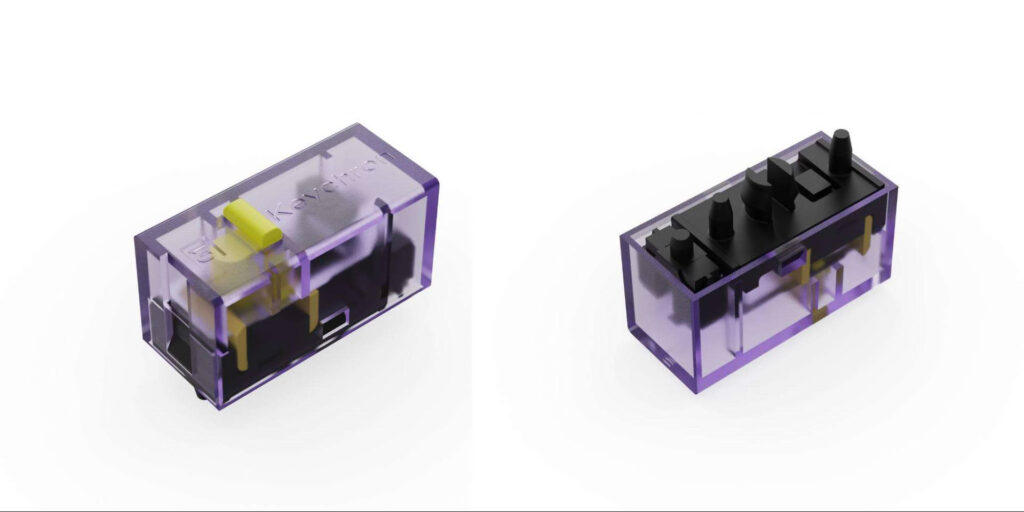
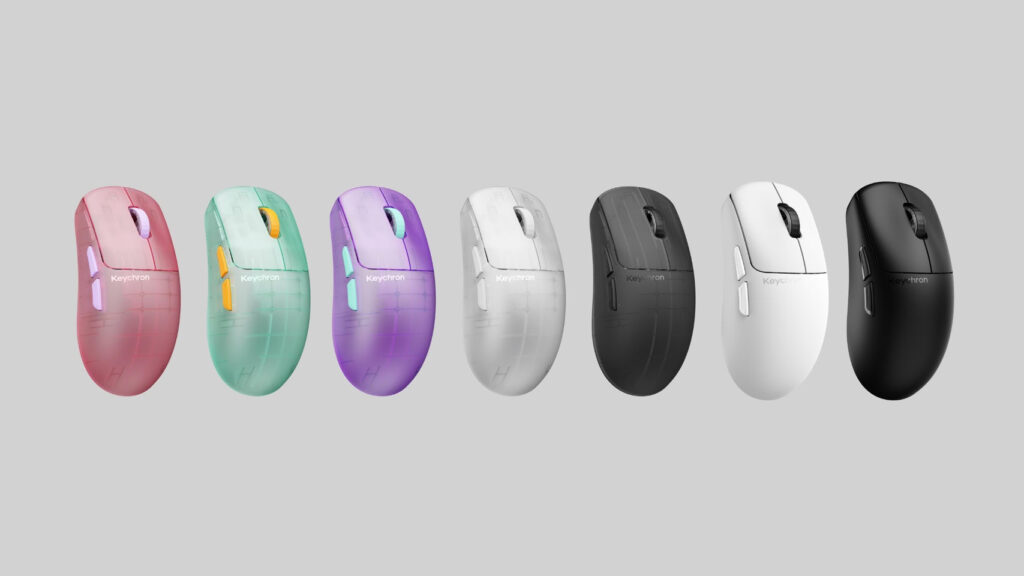
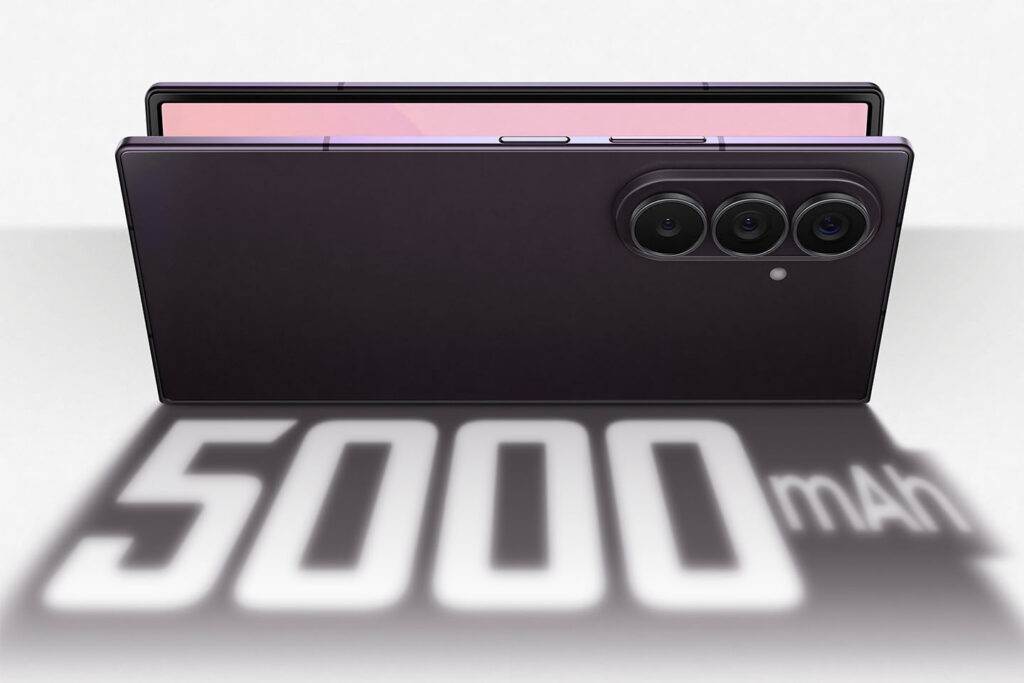
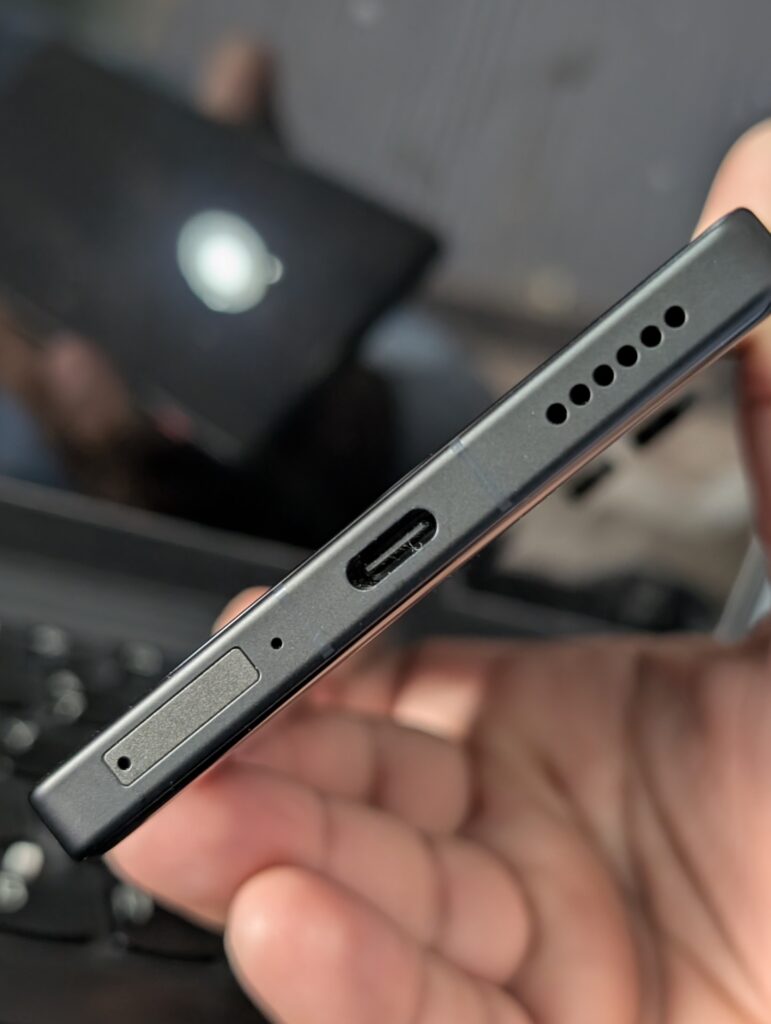
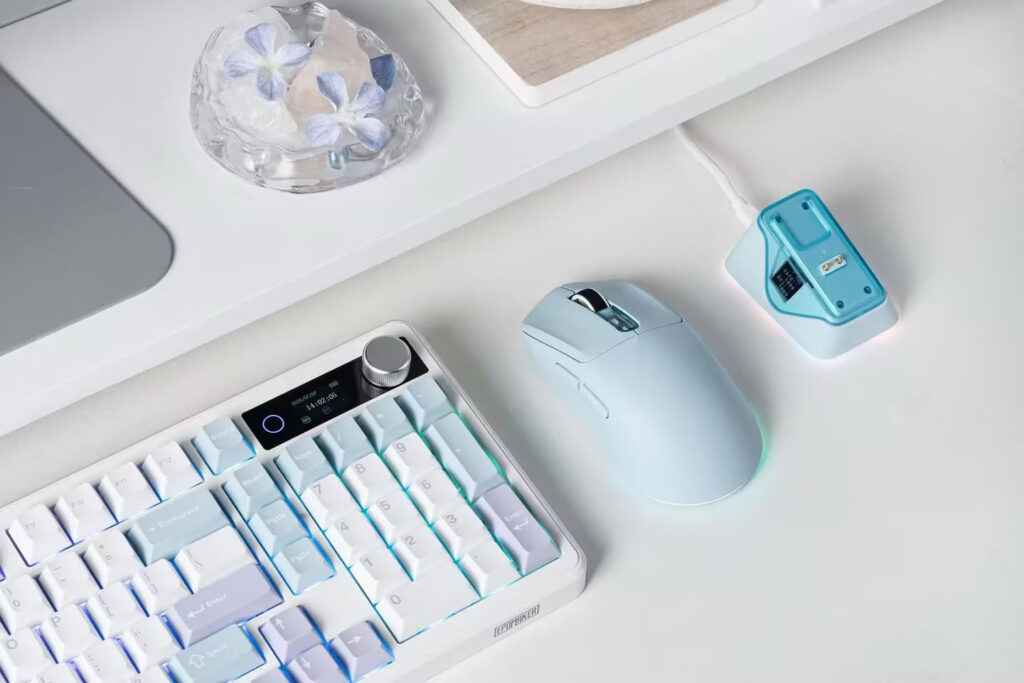
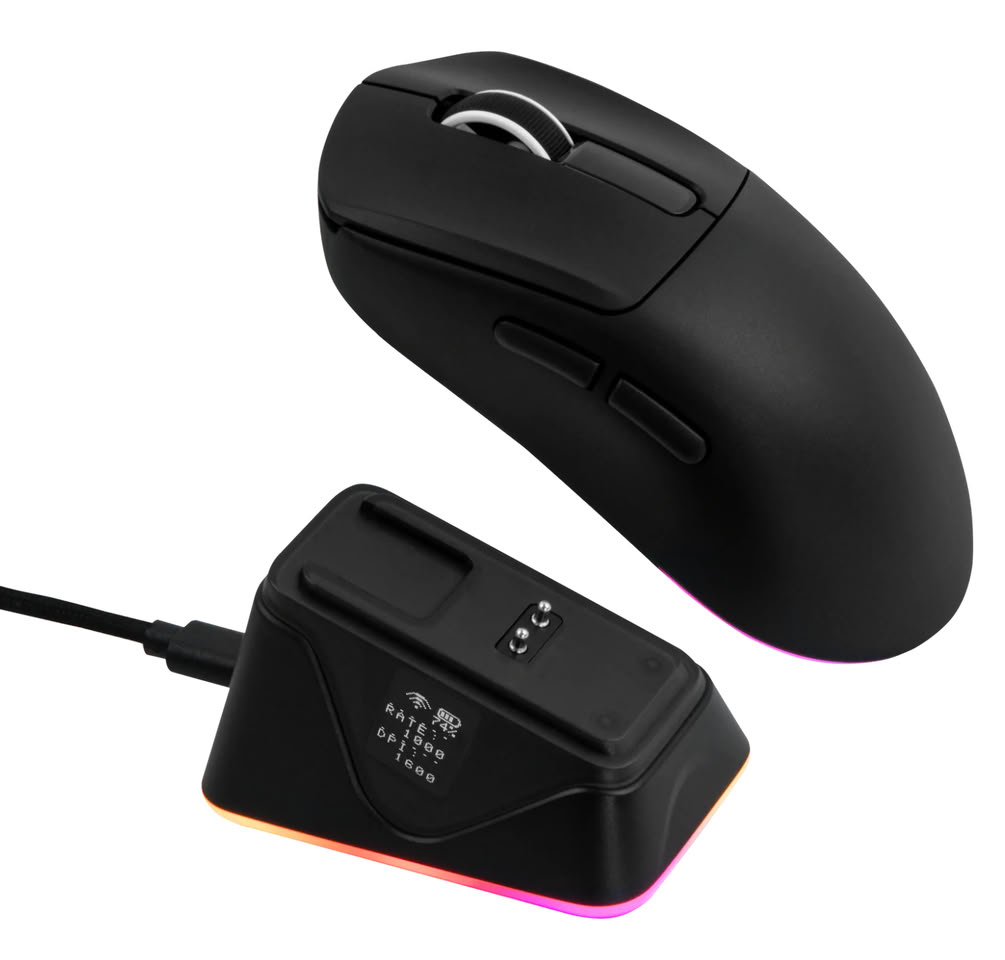
Keychron has revealed the new Keychron G6 HE gaming mouse, adding another lightweight option to its growing gaming lineup. The company has confirmed that the mouse will launch globally at a price of around $90. It combines a very light design with magnetic switches, a swappable battery, and open source firmware.
The Keychron G6 HE gaming mouse weighs only 46 g, making it suitable for fast and smooth movement during gaming. It uses the PixArt PAW 3955 sensor together with the Nordic 54LM20A MCU for accurate tracking and responsive performance.
One of the biggest highlights is the new MagOpt hybrid optical magnetic switches. These switches support adjustable actuation through the Keychron Launcher software. Users can choose from 12 different actuation levels in HE mode, allowing them to set the click response based on their personal preference. Keychron has not yet shared the exact actuation values for each level.
Another useful feature is the removable battery system. The mouse uses a 350 mAh battery, and every retail package will include a second battery. This allows users to quickly replace the battery instead of waiting for the mouse to recharge, making it more convenient during long gaming sessions.
Keychron also confirmed that the Keychron G6 HE gaming mouse will launch with open source firmware. This gives enthusiasts and developers the freedom to customize and modify the mouse beyond the standard software features.
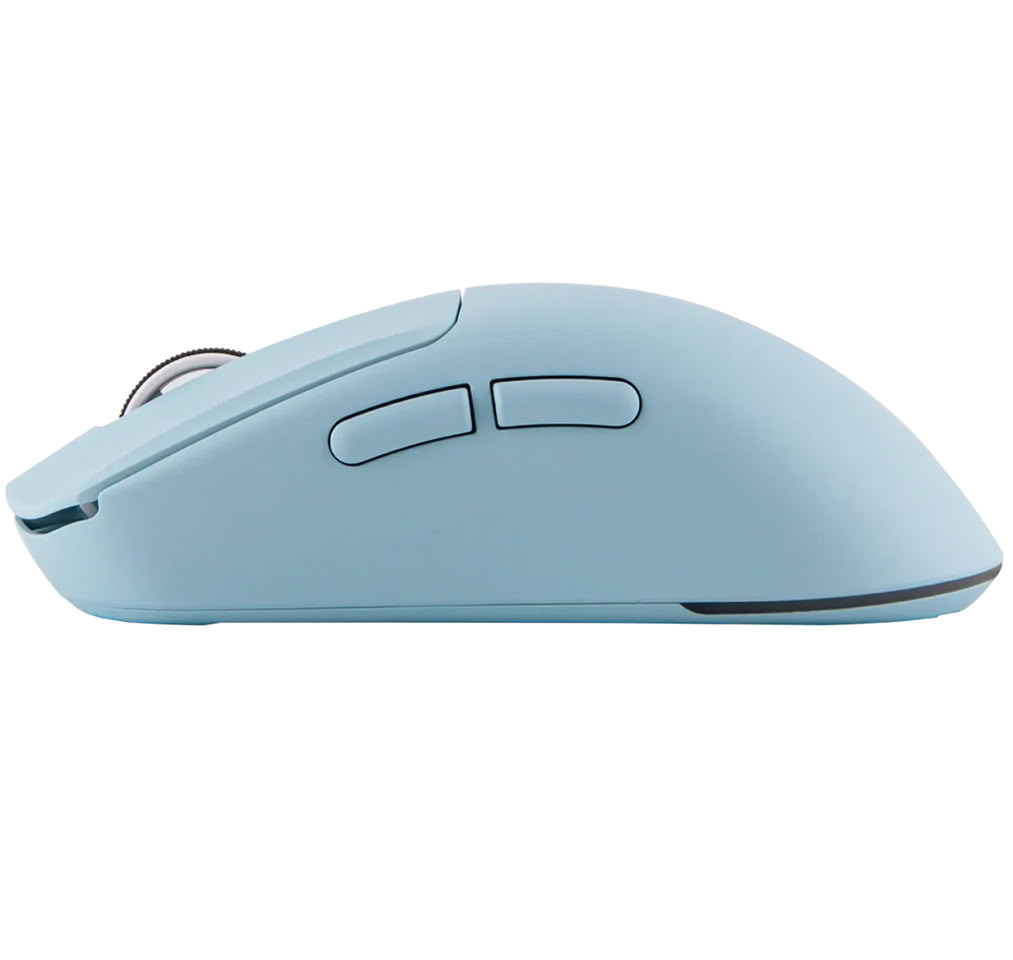
The mouse will also be available in seven different colors, including several transparent versions that bring back the classic retro electronics look.
Keychron has not announced an exact global release date yet, but with the company confirming worldwide availability and a price of around $90, the Keychron G6 HE gaming mouse is expected to arrive soon. Its lightweight design, magnetic switches, swappable battery, and open source firmware make it one of the more interesting gaming mice to watch in the coming weeks.
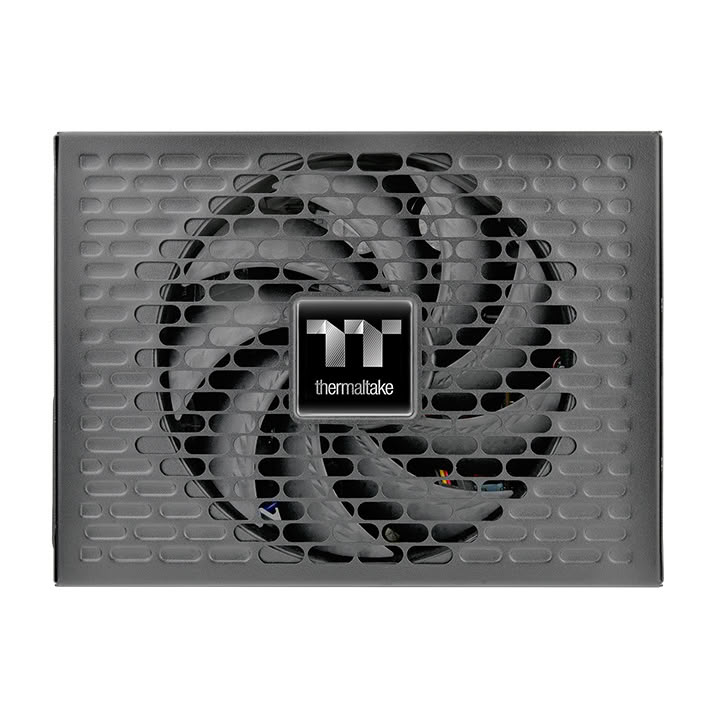
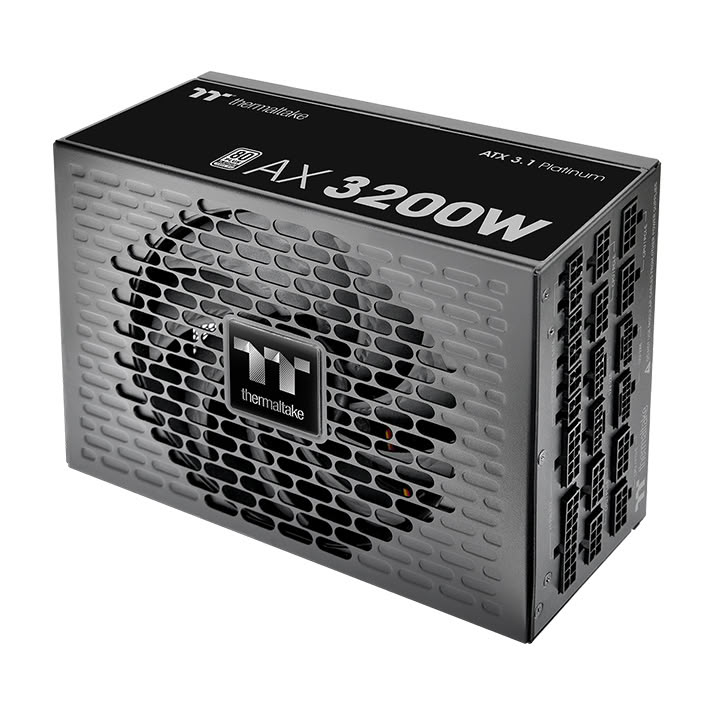
Thermaltake has officially introduced the Thermaltake AX 3200W Platinum, a new high wattage power supply built for AI workstations, content creators, and professional systems with multiple graphics cards. The new model delivers stable power, modern connectivity, and high efficiency for users running demanding workloads.
As AI software and GPU powered applications continue to grow, many professionals need a power supply that can handle heavy performance. The Thermaltake AX 3200W Platinum is designed to meet those needs with a continuous power output of 3200W.
Thermaltake AX 3200W Platinum is built for demanding workloads
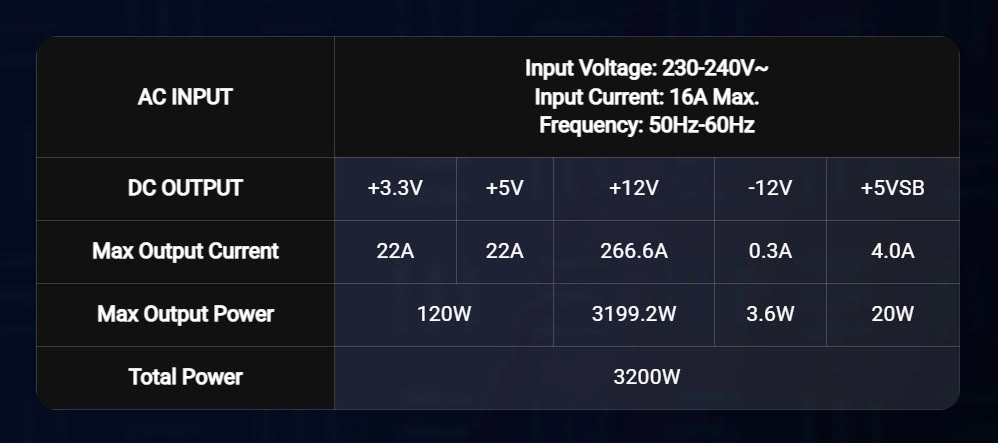
The Thermaltake AX 3200W Platinum delivers up to 3200W of continuous power at temperatures of up to 45°C. This makes it suitable for AI development, 3D rendering, scientific computing, video production, and other professional tasks that require several powerful graphics cards.
The power supply is fully compliant with the latest ATX 3.1 standard. It supports up to 200% power excursions and meets Intel’s latest power timing requirements, helping systems remain stable during sudden changes in power demand.
Modern connectivity for next generation GPUs
The Thermaltake AX 3200W Platinum comes with four native PCIe 12V-2×6 connectors, allowing users to connect multiple next generation graphics cards without adapters. The connectors feature a dual color design that makes it easier to confirm a secure cable connection during installation.
Inside, the power supply uses a single +12V rail with LLC and DC-to-DC circuit design for stable voltage delivery. It also includes 100% Japanese 105°C capacitors to provide reliable performance during long periods of heavy use.
High efficiency with a fully modular design
The Thermaltake AX 3200W Platinum is certified with 80 Plus 230V EU Internal Platinum, offering up to 94% efficiency. Higher efficiency helps reduce wasted energy and keeps heat generation lower during extended workloads.
The fully modular cable design allows users to install only the cables they need, making cable management easier while improving airflow inside the PC case. The low profile black cables also help create a cleaner looking system.
In addition, the power supply supports Intel C6 and C7 low power states, meets Energy Star 5.0 requirements, and complies with WEEE and RoHS standards. It also includes protection features such as OCP, OVP, UVP, OPP, OTP, and SCP to help protect connected hardware.
Thermaltake also backs the Thermaltake AX 3200W Platinum with a 10 year warranty, giving professionals and enthusiasts extra confidence for long term use.
Thermaltake AX 3200W Platinum key features
3200W continuous power output at 45°C
Designed for AI workstations and multi GPU systems
Microsoft has officially launched its new backward compatibility program, allowing players to enjoy Microsoft Original Xbox Games on PC for the first time through the Xbox app. The feature starts with four classic titles and is available for Windows 11 users with an Xbox Game Pass subscription or a supported digital game license.
The first wave includes BLiNX: The Time Sweeper, Conker: Live and Reloaded, Crimson Skies: High Road to Revenge, and Fuzion Frenzy. Every Xbox Game Pass member can download and play these games. Players who already own the digital console versions can also access them on PC through Xbox Play Anywhere.
The launch of Microsoft Original Xbox Games on PC also supports handheld gaming devices such as the ROG Xbox Ally and Xbox Ally X. Microsoft says the hardware requirements are low, making it possible for many existing PCs to run these classic games without needing expensive upgrades.
To improve the experience, Microsoft has added several modern features while keeping the original gameplay intact. Players can enjoy up to four times higher resolution, better anti-aliasing, anisotropic filtering, V-Sync support, and both fullscreen and windowed display modes. The games also include adjustable language and audio settings for a better overall experience.
Minimum System Requirements
Operating System: Windows 11
Processor: Intel Core i3-8100, AMD Ryzen 3 1200, or AMD Ryzen Z2 A Processor
DirectX: DirectX 12 with Hardware Feature Level 11
Drivers: Latest version available as of January 2026
Microsoft has confirmed that more Microsoft Original Xbox Games on PC will be added over time. Jason Ronald, Vice President of Next Generation at Xbox, said the company plans to expand the backward compatibility library, although no release dates or upcoming titles have been announced yet.
The arrival of Microsoft Original Xbox Games on PC is good news for longtime Xbox fans. It gives players an easy way to revisit classic games on modern Windows devices while enjoying better graphics, smoother performance, and support for both desktops and gaming handhelds.
Steam has rolled out a welcome update that makes buying games as gifts much simpler. The new Steam cross region gifting feature removes old limits and gives players more ways to share games with friends around the world.
Steam Cross Region Gifting Removes Old Limits
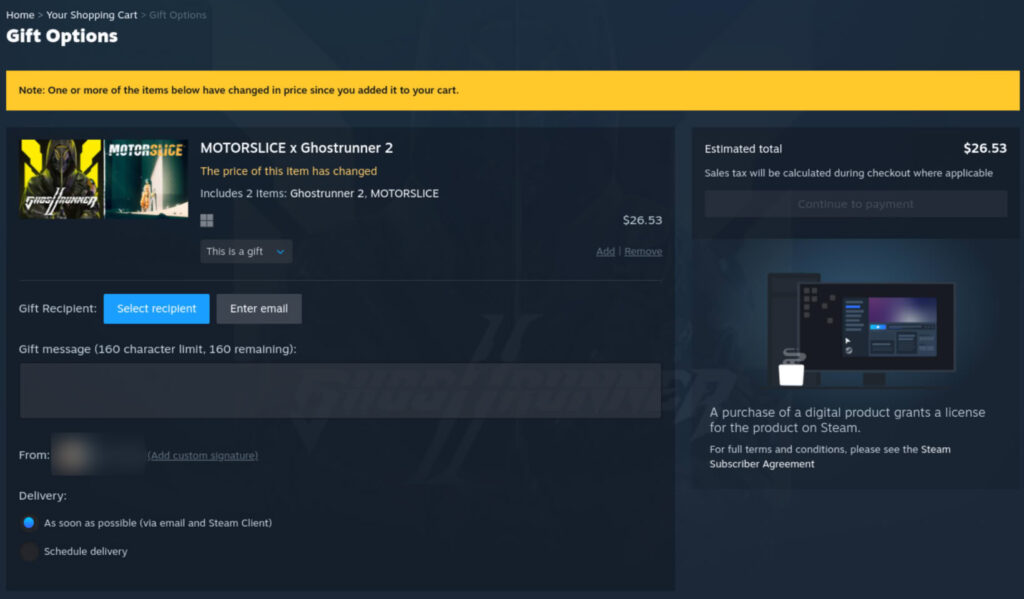
One of the biggest changes is that Steam now allows users to send games to friends in different regions. In the past, gifting was limited because game prices were different in many countries. This meant some players could not send gifts to friends living in another region.
With Steam cross region gifting, those restrictions have been relaxed. Players can now buy games for friends in supported regions without the old regional barriers.
Steam has also updated how prices work. If the game costs more in the recipient’s country, the buyer will pay that local price during checkout. Valve has not confirmed whether buyers will pay a lower price if the recipient lives in a region where the game is cheaper.
Guest Checkout Is Now Available
Another useful addition is guest checkout. People no longer need a Steam account to purchase a game as a gift. They can complete the purchase as a guest, making it easier for family members or friends who do not use Steam regularly.
Once the payment is complete, Steam will send the gift to the recipient by email, just like before. The process remains simple while giving buyers more flexibility.
A Better Experience for Players
The new Steam cross region giftingupdate is good news for players who enjoy gaming with friends across different countries. It removes one of the biggest problems with gifting and makes the process much more convenient.
Guest checkout is another welcome improvement, especially for people who only want to buy a game as a present without creating a Steam account. Together, these changes make gifting on Steam easier and more accessible than before.
As online gaming continues to connect players around the world, updates like this help make sharing games with friends a smoother experience.
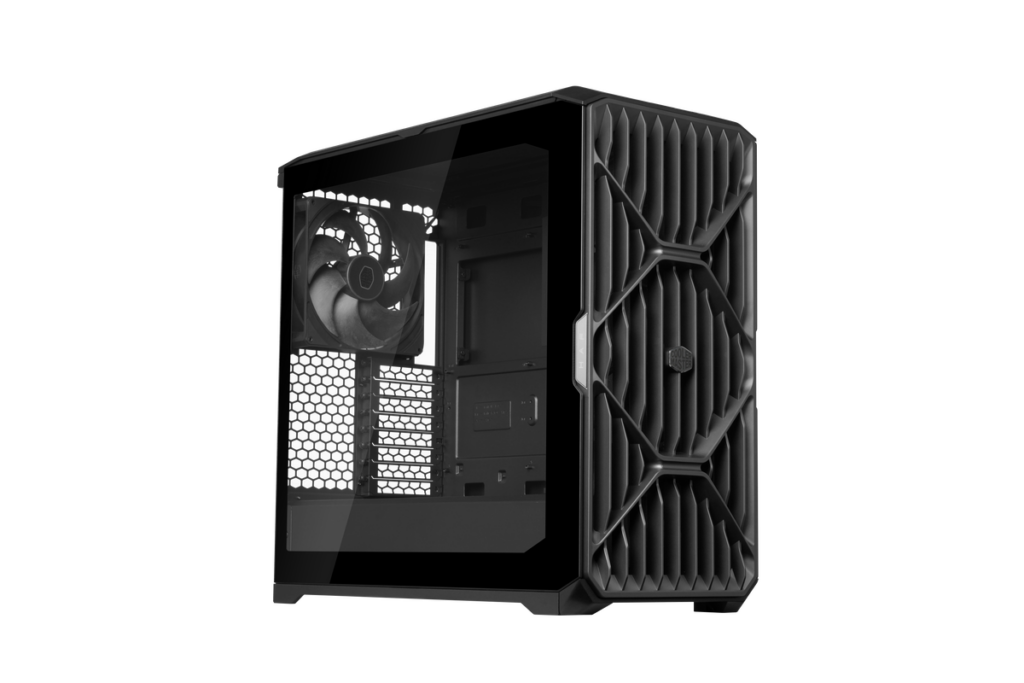
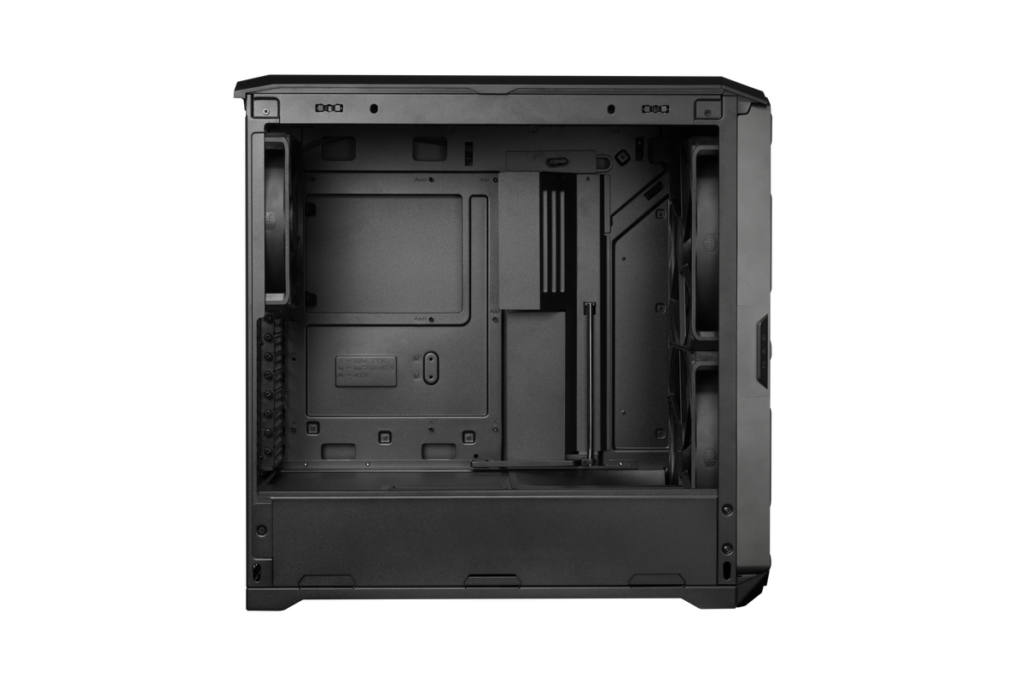
XERON, a technology brand guided by its “From Origin, Beyond Boundaries” philosophy of returning to first principles through purposeful design and user-focused innovation, proudly announces the launch of the NEX C53 and NEX C33 PC cases. Expanding the company’s NEX Series lineup, the new chassis combine panoramic tempered glass aesthetics with exceptional hardware compatibility and builder-friendly features, delivering an ideal platform for gamers, enthusiasts, and creators. Available in both black and white, the NEX C53 and NEX C33 are designed to showcase modern PC hardware without compromising cooling performance or upgrade flexibility.
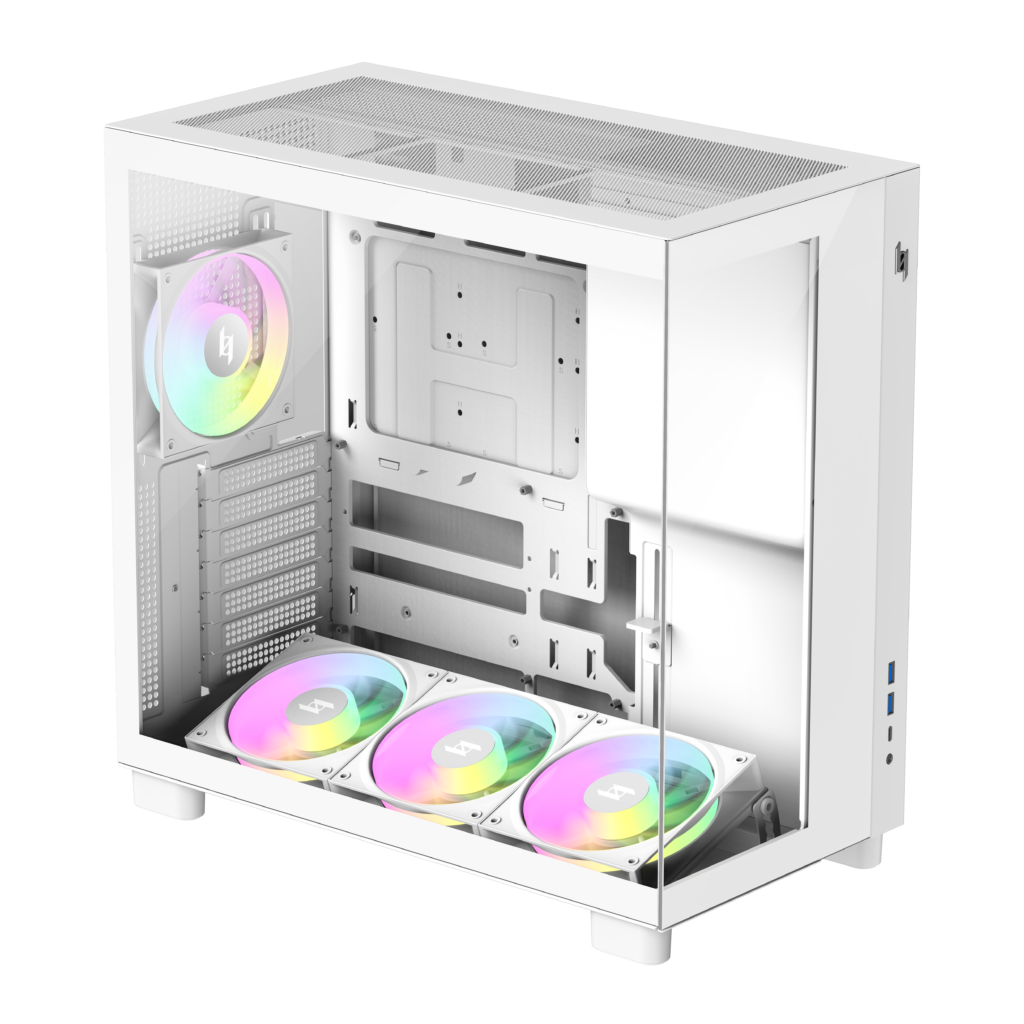
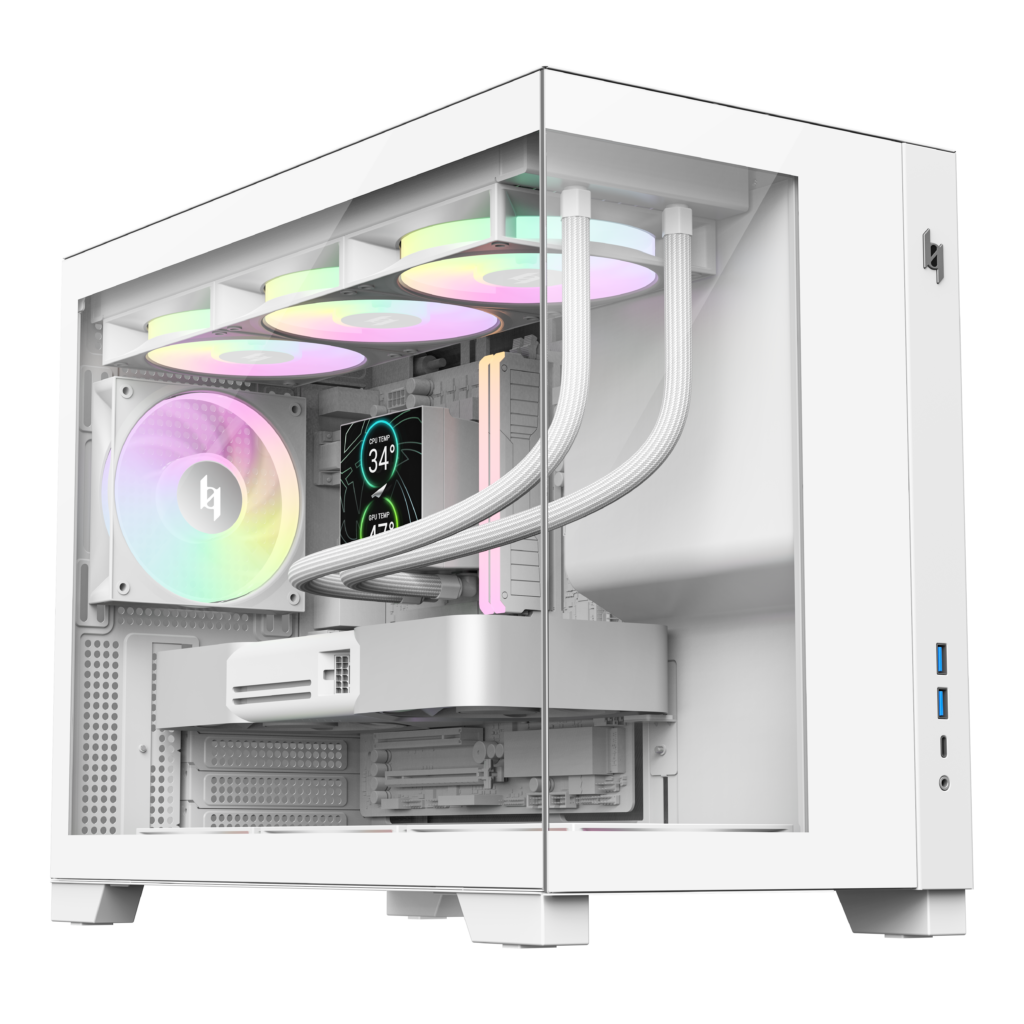
Designed around a panoramic dual tempered glass layout, the NEX C53 and NEX C33 feature seamless front and side glass panels that provide an unobstructed view of the system’s interior, transforming every build into a striking display. Support for flagship graphics cards, 360mm liquid cooling radiators, and BTF motherboards is complemented by four pre-installed daisy-chained ARGB fans — three bottom intake fans and one rear exhaust fan—delivering excellent airflow and outstanding out-of-the-box value. Simply add your AIO liquid cooler, and your cooling setup is complete.
Combined with thoughtful features such as a front-mounted power supply layout, hidden side-panel handle, and optimized cable management, the NEX C53 and NEX C33 provide a clean, refined, and effortless PC building experience.
XERON NEX C53
Designed for enthusiasts who want the flexibility of a full ATX system in a compact footprint, the NEX C53 combines outstanding hardware compatibility with an innovative internal layout. Measuring just 435 × 235 × 435 mm, the chassis supports flagship graphics cards up to 425mm long, CPU air coolers up to 180mm tall, and top-mounted 360mm radiators, making it well suited for high-performance gaming and content creation systems. An adjustable bottom fan bracket with a 12° tilt optimizes airflow directly to the graphics card for more efficient cooling.
Key Features
• Compact ATX Design: Supports ATX and M-ATX BTF motherboards in a space-efficient chassis.
• Dual Tempered Glass Panels: Showcase internal hardware with a premium panoramic presentation.
• Extensive Cooling Support: Accommodates up to seven 120mm fans and 360mm radiators.
• Four Pre-installed ARGB Fans: Includes daisy-chained reverse-blade ARGB fans with ring-blade design for simplified installation.
• Front-Mounted PSU Layout: Maximizes internal space while creating a cleaner system presentation.
• Adjustable bottom Fan Bracket: Enables customized airflow configurations for improved GPU’s cooling performance.
• GPU Support Bracket: Prevents graphics card sag while protecting the motherboard’s PCIe slot.
• High-Speed Front I/O: Features USB Type-C Gen 2×2 20Gbps port and dual USB 3.0 ports.
• Eco-Friendly Coating: Premium surface finish designed with environmentally conscious materials.
XERON NEX C33
The NEX C33 brings the same premium design language to Micro-ATX builders, offering exceptional compatibility in an even smaller 435 × 235 × 355 mm chassis. Despite its compact dimensions, the NEX C33 supports graphics cards up to 425mm in length, 180mm CPU air coolers, and 360mm radiators, making it an excellent platform for compact gaming systems without sacrificing cooling performance or future upgrade flexibility.
Key Features
• Compact Micro-ATX Design: Supports Micro-ATX BTF motherboards with an optimized internal layout.
• Dual Tempered Glass Panels: Highlights internal components through a clean panoramic design.
• Excellent Hardware Compatibility: Supports 425mm graphics cards, 180mm air coolers, and 360mm radiators.
• Four Pre-installed ARGB Fans: Includes reverse-blade ring-design ARGB fans with daisy-chain connectivity.
• Front-Mounted PSU Layout: Improves space efficiency while maintaining a cleaner interior appearance.
• GPU Support Bracket: Prevents graphics card sag while protecting the motherboard’s PCIe slot.
• High-Speed Front I/O: Equipped with USB Type-C Gen 2×2 20Gbps port and dual USB 3.0 ports.
• Hidden Side-Panel Handle: Offers quick access while preserving the minimalist exterior design.
• Eco-Friendly Coating: Durable premium finish with environmentally friendly materials.
Pricing and Availability
The XERON NEX C53 and NEX C33 cases are available in black and white color options, see pricing below.
Suggested Retail Pricing:
• NEX C53 Black — MSRP: US$64.99
• NEX C53 White — MSRP: US$69.99
• NEX C33 Black — MSRP: US$59.99
• NEX C33 White — MSRP: US$64.99
For more information, visit the official product pages:
Samsung has officially introduced its latest foldable smartphones, bringing three new models to its Samsung Galaxy Z lineup. The new family includes the Galaxy Z Fold8 Ultra, Galaxy Z Fold8, and Galaxy Z Flip8. With this launch, Samsung is offering more choices for different types of users while making foldable phones more practical for everyday life.
The new devices focus on slimmer designs, improved durability, smarter AI features, better cameras, and longer battery life.
Samsung Galaxy Z Fold8 is lighter and more immersive
The Galaxy Z Fold8 is Samsung’s lightest Fold phone so far, weighing only 201 grams. It is designed for people who enjoy reading, watching videos, gaming, and multitasking on a larger display.
Samsung has changed the screen ratios to make both the outer and inner displays feel more natural. The phone uses the new Snapdragon 8 Elite Gen 5 Mobile Platform for Galaxy and comes with a larger 4,800 mAh battery for longer use.
A new Flex Titanium display structure helps make the phone thinner while improving strength and reducing the screen crease over time. The main display also reaches up to 3,000 nits of brightness, making it easier to use outdoors.
For photography, the Fold8 features dual 50 MP cameras for wide and ultra-wide shots. New software features such as Dual Recording and My FanCam make it easier to capture videos from different angles and create content for social media.
Samsung Galaxy Z Fold8 Ultra brings flagship performance
The Galaxy Z Fold8 Ultra is designed for users who need the highest level of performance. It has a large 8-inch main display, weighs 215 grams, and measures only 4.1 mm thick when unfolded.
The camera system includes a 200 MP main sensor and a new 50 MP ultra-wide camera. Samsung has also improved Nightography for brighter low-light photos and added support for 8K video recording with the APV codec and Cine LUT tools for creators.
Power comes from the Snapdragon 8 Elite Gen 5 Mobile Platform for Galaxy, paired with a 5,000 mAh battery. The phone also supports 45 W fast charging through a new dual-path charging system and uses a larger cooling structure to keep temperatures under control during heavy workloads.
Samsung Galaxy Z Flip8 focuses on style and convenience
Samsung has also introduced the Galaxy Z Flip8, its slimmest Flip phone yet. The device weighs only 180 grams and is just 6.1 mm thick.
The updated FlexWindow now gives users faster access to apps, AI tools, and useful information without opening the phone. Features like Now Brief and Gemini Intelligence help users complete everyday tasks directly from the cover display.
The Flip8 also improves its camera experience with a 50 MP sensor powered by Samsung’s ProVisual Engine. Flex Mode, Super Steady video, Camcorder Grip, FlipShot, and Mirror View are included to make selfies and videos easier to capture.
AI becomes a bigger part of the experience
Samsung has expanded Galaxy AI across the new lineup. Features such as Now Brief, Now Nudge, and Gemini Intelligence help users organize information, manage tasks, and work across multiple apps with fewer steps.
The larger screens on the Fold models make multitasking easier, while the Flip8 keeps important AI tools available directly on the outer display.
Samsung also introduced Gemini Notebook, allowing users to collect notes, images, files, recordings, and documents in one place for easier organization.
Better privacy and security
The new Galaxy Z series includes stronger security with Samsung Knox, Knox Vault, and Personal Data Engine. One UI 9 also introduces an AI Assistant Activity dashboard that lets users see what AI actions have been performed on their devices.
Samsung says users will have greater control over their personal data, with improved privacy alerts and easier AI management.
Samsung Galaxy Z lineup Availability
Samsung has opened pre-orders for the Samsung Galaxy Z Fold8 Ultra, Galaxy Z Fold8, and Galaxy Z Flip8 in selected markets.
Buyers will receive a six-month free trial of Google AI Pro with 5 TB of cloud storage. Samsung has also improved Smart Switch, making it easier to transfer data from Android and iPhone devices. Quick Share now works with AirDrop, allowing simpler file sharing between Galaxy and iOS devices.
Samsung Care+ is also available with additional protection, repair services, and warranty support for the new foldable lineup.
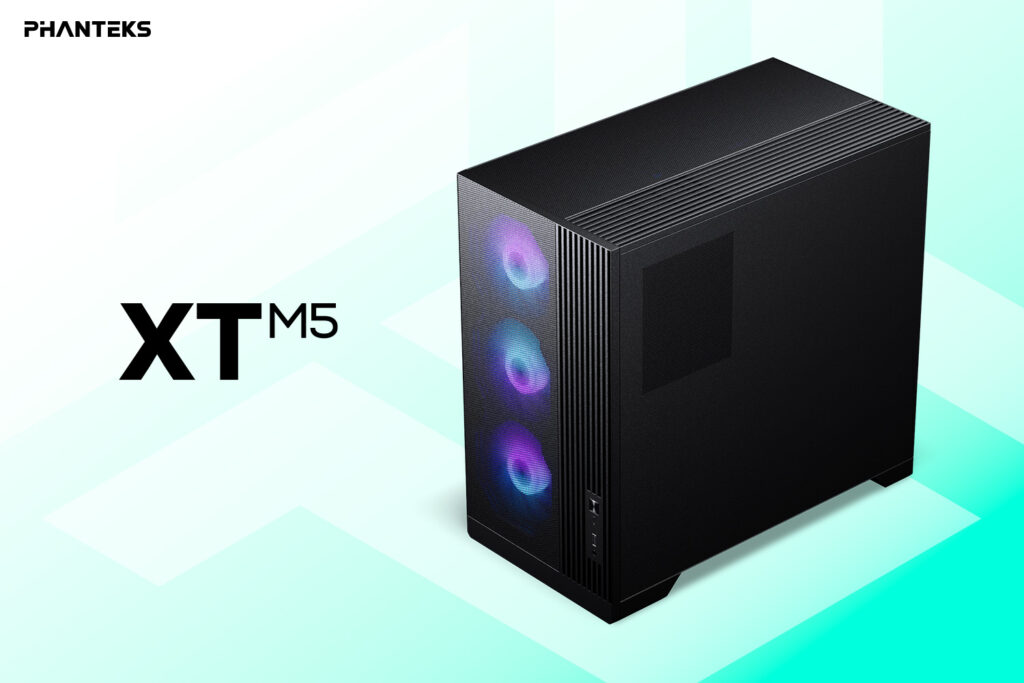
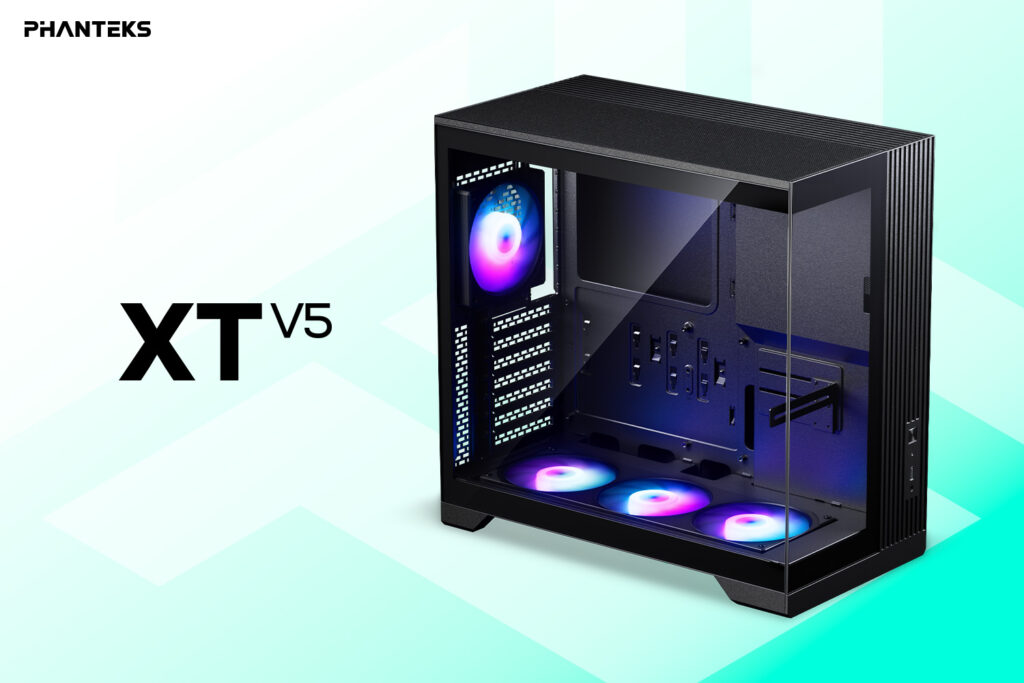
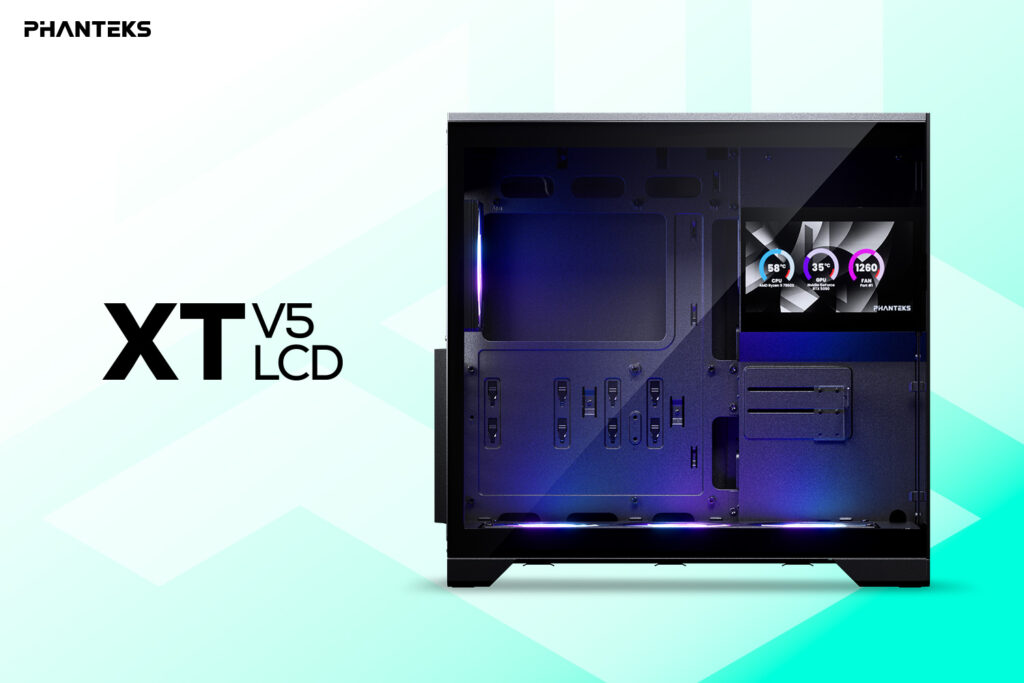
Phanteks has officially expanded its Phanteks XT Series lineup with three new ATX gaming chassis: the XT M5, XT V5, and XT V5-LCD. First showcased during Computex 2026, the new cases are designed to deliver high-end hardware support in a compact footprint, making them ideal for gamers who want a clean-looking desktop build without sacrificing cooling performance.
All three models feature a redesigned internal layout that supports a standard 360 mm radiator alongside a full-size ATX power supply despite their compact size. They also include an integrated GPU support bracket for added graphics card stability and come equipped with pre-installed ARGB cooling out of the box.
Phanteks XT Series Built for powerful cooling and modern hardware
The new XT Series cases are designed to handle today’s demanding gaming components while maintaining a smaller desktop footprint. Every model includes one 120 mm rear S25 ARGB fan and a 360 mm single-frame S25 ARGB fan assembly, providing strong airflow immediately after installation.
The chassis also support high-speed front I/O with USB 3.2 Gen2x2 Type-C and USB 3.0 ports, generous cable management space, motherboard and Nexlinq ARGB lighting compatibility, and dedicated support for a 360 mm radiator mounted at the top.
XT M5 focuses on airflow
The Phanteks XT M5 is built for users who prioritize cooling performance. It features a full mesh front panel that maximizes airflow while three pre-installed 120 mm S25 ARGB fans mounted in a unified frame provide efficient intake cooling.
The case supports up to ten 120 mm fans in total, making it an excellent choice for high-performance gaming systems and overclocked hardware.
XT V5 offers a showcase design
The XT V5 replaces the mesh front with tempered glass panels on both the front and side, giving users a clear view of their internal components and RGB lighting.
Its three pre-installed 120 mm S25 ARGB fans are positioned at the bottom to deliver direct airflow to the graphics card, balancing cooling performance with an eye-catching presentation.
XT V5-LCD adds a built-in display
The XT V5-LCD includes all the features of the standard XT V5 while adding a built-in 7-inch LCD display. The screen can be customized through the Phanteks Nexlinq application for Windows, allowing users to display system information, animations, or personalized graphics directly on the case.
Key features
Compact ATX gaming chassis with a space-saving desktop footprint
Support for up to 10 (XT M5) or 7 (XT V5/XT V5-LCD) 120 mm fans
Pre-installed S25 ARGB fans with one 120 mm rear fan and one 360 mm unified-frame fan assembly
Dedicated top-mounted 360 mm radiator support
Integrated GPU support bracket
USB 3.2 Gen2x2 Type-C and USB 3.0 front I/O
Spacious cable management design
Motherboard and Nexlinq ARGB lighting compatibility
Phanteks XT Series Pricing and availability
The Phanteks XT Series is rolling out globally, with availability varying by region.
Model
US Price
Europe
UK
XT M5
$79.99
€69.90
£59.90
XT V5
$79.99
€69.90
£59.90
XT V5-LCD
$109.99
€109.90
£99.90
The XT V5 is available now in multiple regions, while availability for the XT M5 and XT V5-LCD will vary depending on the market.
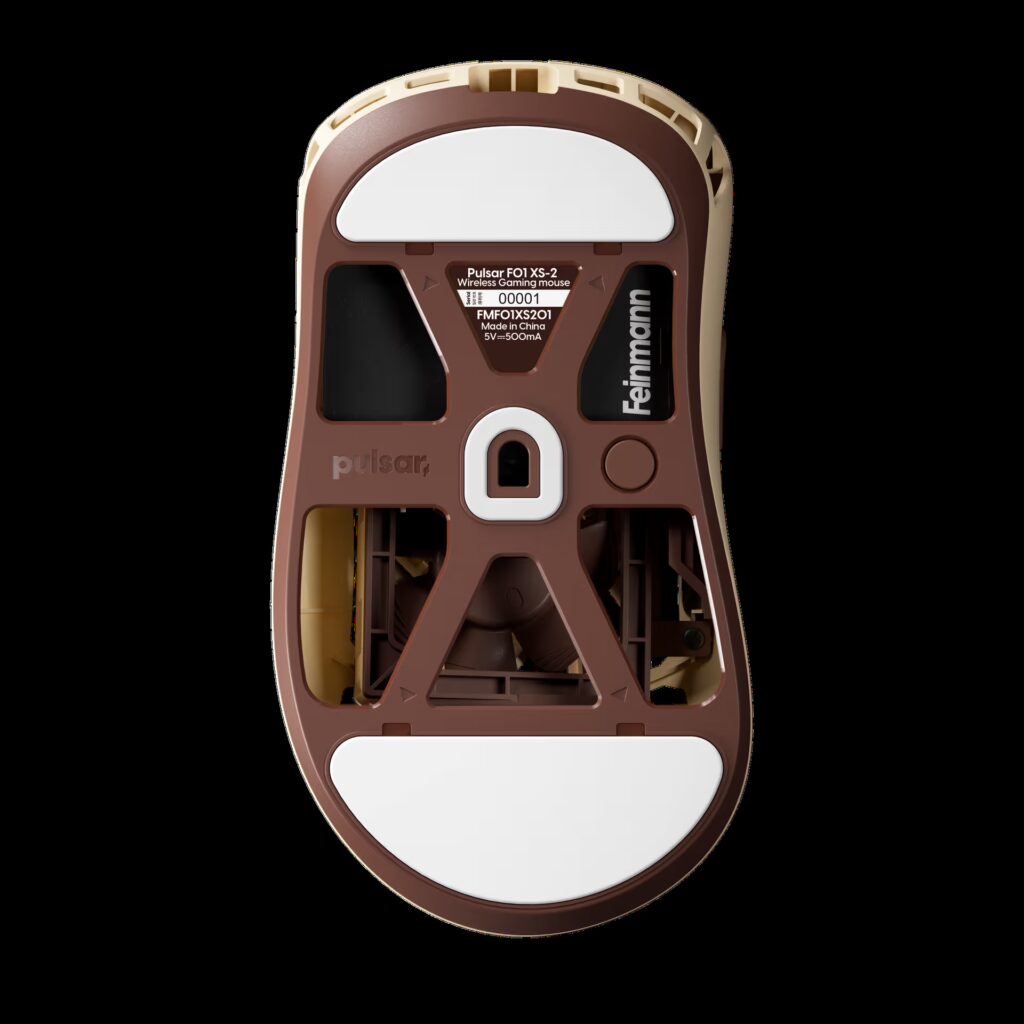
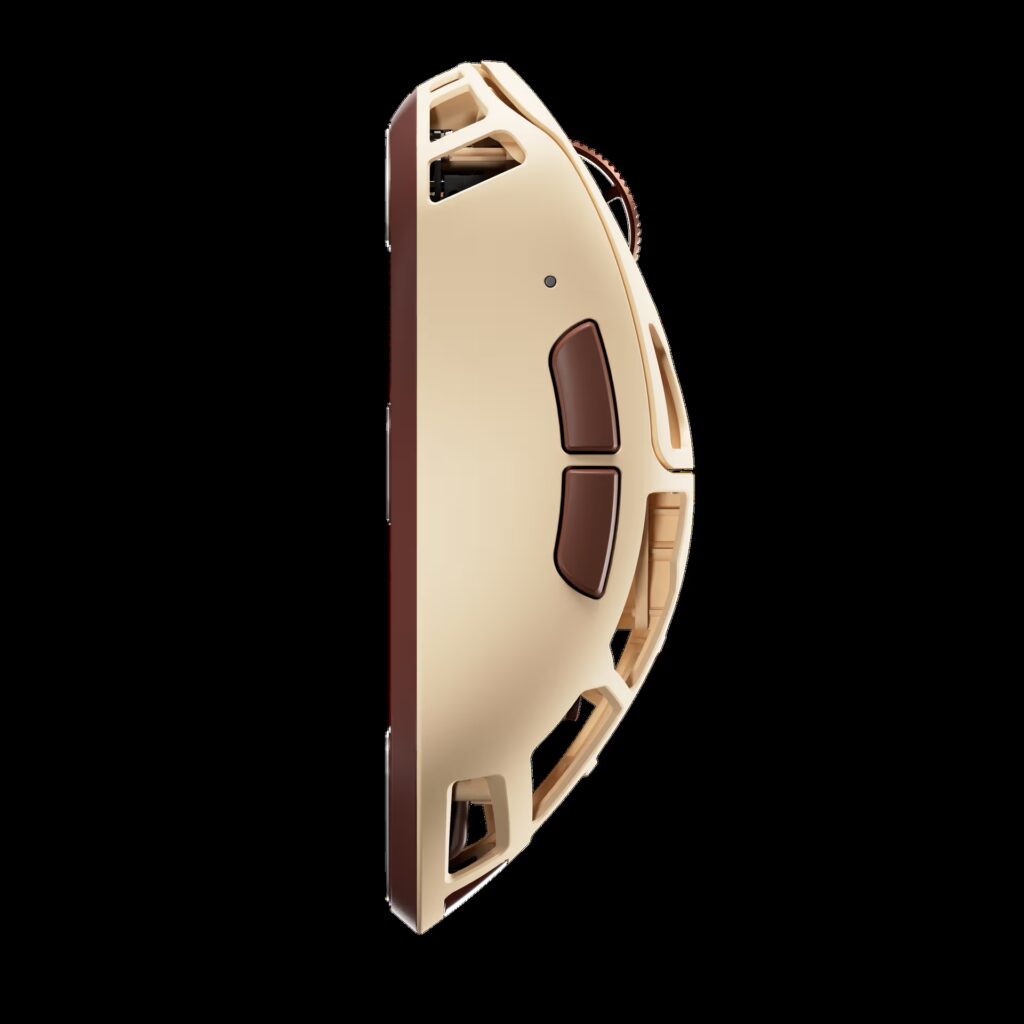
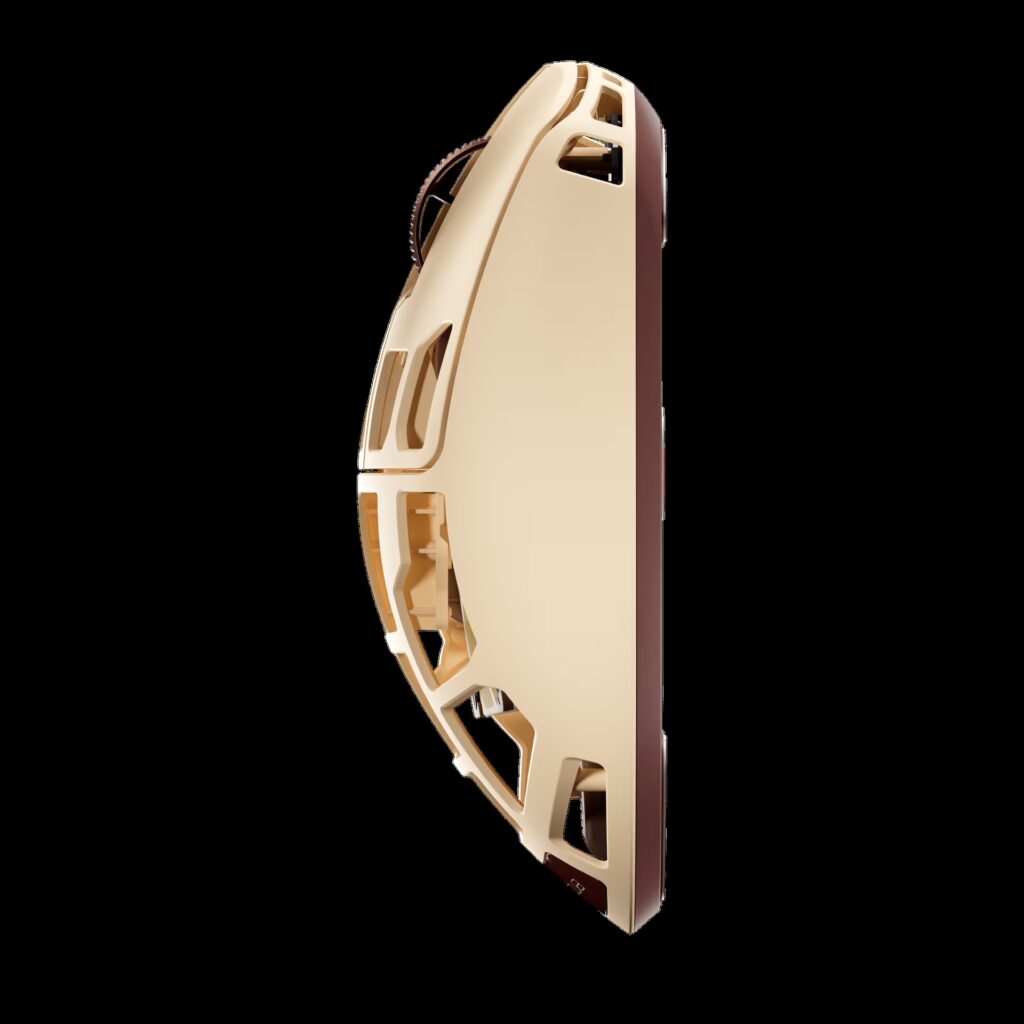
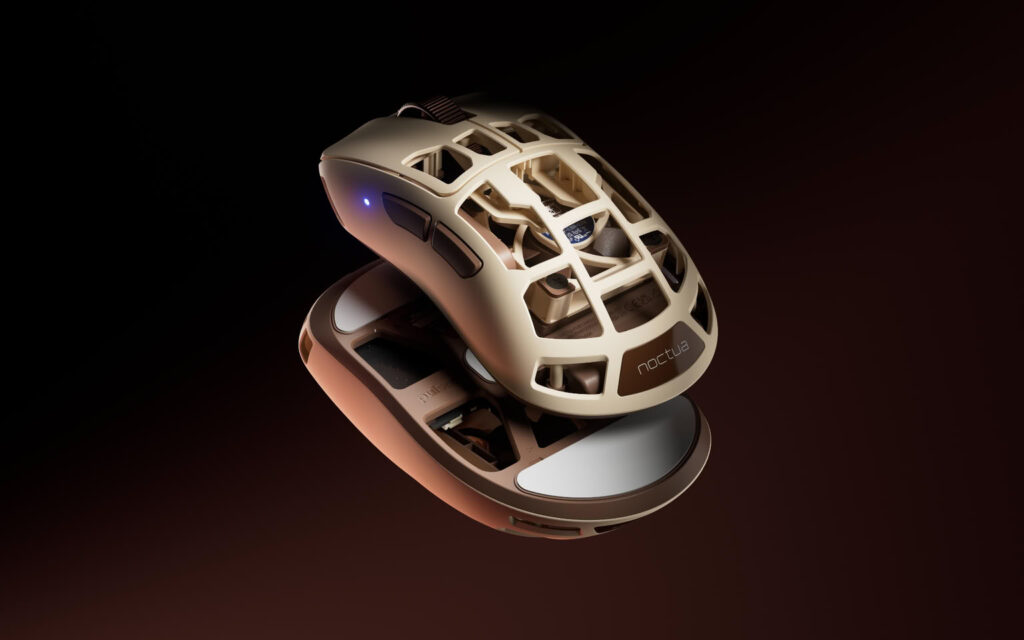
Noctua and Pulsar Gaming Gears have officially introduced the new Feinmann F01 Noctua Edition gaming mouse. The new model combines Pulsar’s premium gaming mouse design with Noctua’s well-known cooling technology. It is made for gamers who want high performance, comfort, and a unique design in one device.
The Feinmann F01 Noctua Edition stands out with Noctua’s famous brown and beige color theme. The mouse uses a carbon composite shell with many small openings to keep it strong while reducing weight. Even with a built in cooling fan, the mouse weighs only 73 grams, making it suitable for long gaming sessions.
One of the biggest highlights is the built in Noctua NF-A4x10 40 mm fan. The fan pushes air directly toward the user’s palm to help reduce sweat during gameplay. This helps keep the hand cool and improves grip, especially during long and competitive gaming sessions. Users can choose from four fan speed levels or switch the fan off completely through a button shortcut or the web based software.
The mouse is also designed for serious gaming performance. It features Pulsar’s XS-2 optical sensor with up to 42,000 DPI sensitivity, an 8,000 Hz polling rate, and tracking speeds of up to 800 IPS. These specifications are designed to deliver fast response times and accurate movement in competitive games.
According to Noctua CEO Roland Mossig, the company saw strong interest when the first prototype was shown at Computex 2025. Engineers later carried out extensive testing to make sure the cooling fan could handle the fast movements and high forces created during intense gaming. The two companies also worked together to improve airflow while maintaining reliable performance.
Pulsar Feinmann F01 Noctua Edition pricing and availability
The Pulsar Feinmann F01 Noctua Edition is available now through Pulsar’s official online store and selected retailers worldwide. It is priced at $179.95 in the United States and €179.90 in Europe. With its active cooling system, premium build quality, and high-end gaming hardware, the new mouse offers something different for gamers looking for both comfort and performance.
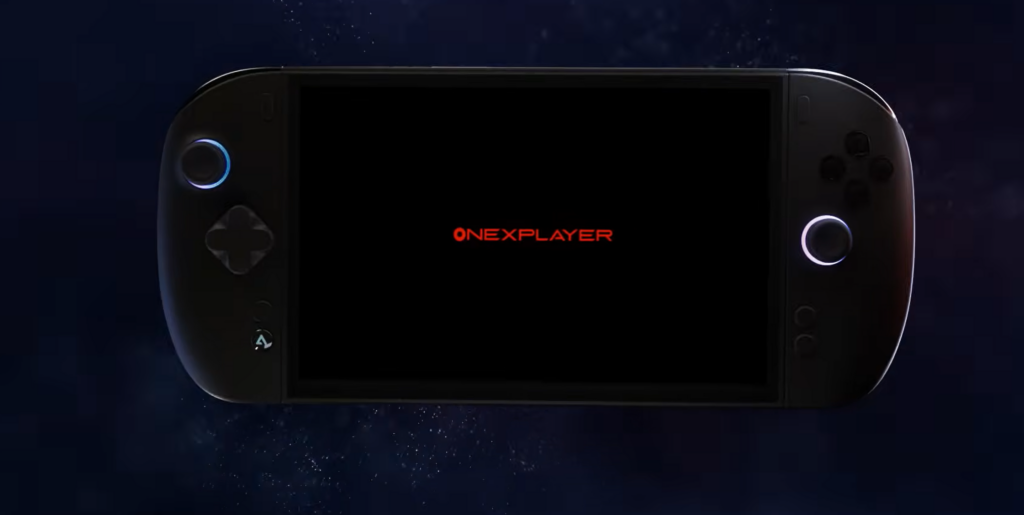
OneXPlayer has officially launched the X2 Mini Pro after its earlier Indiegogo campaign. The new gaming handheld is now available to buy directly from the company’s online store. To celebrate the launch, some models are being sold at lower prices, giving buyers a chance to save money for a limited time.
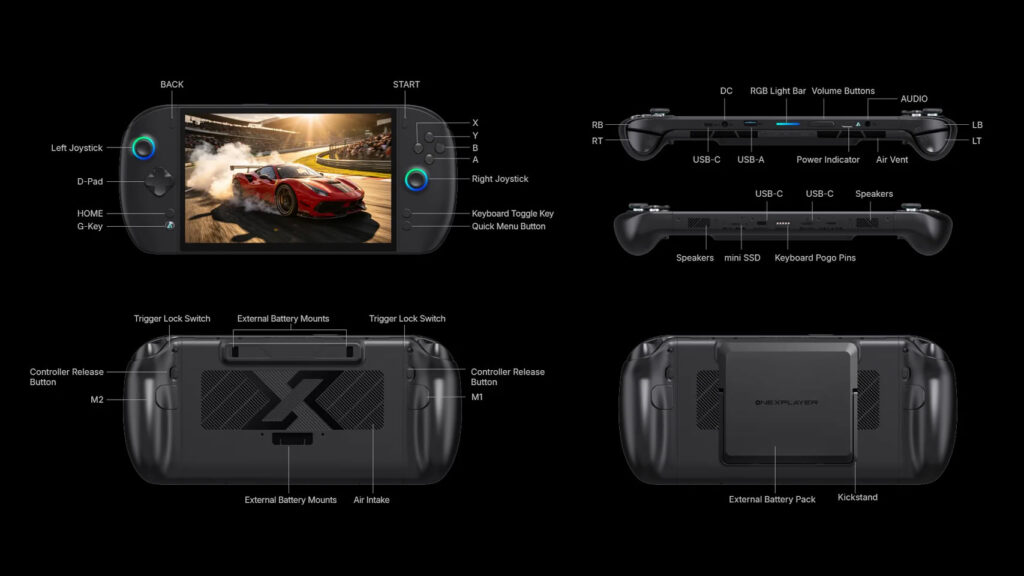
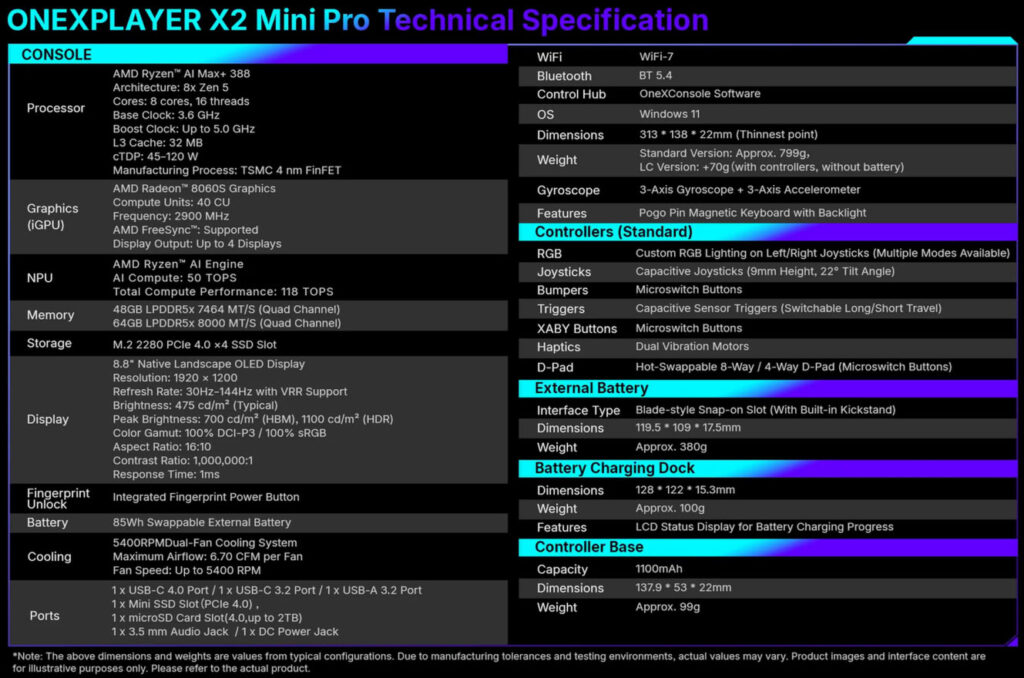
The OneXPlayer X2 Mini Pro is designed as a 3 in 1 gaming device. It works as a handheld console, a small laptop with the included magnetic keyboard, and a tablet. It is powered by AMD’s Ryzen AI Max Plus 388 processor with Radeon 8060S graphics, offering strong performance for modern PC games and demanding tasks.
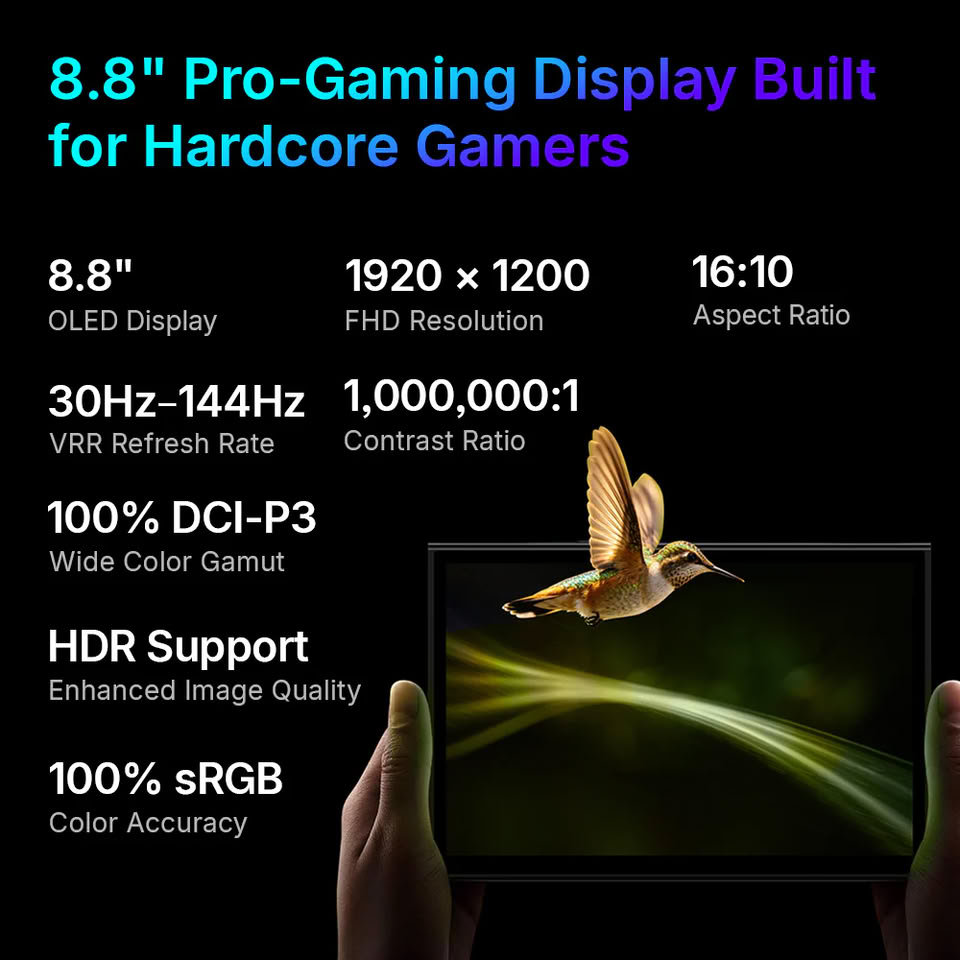
The OneXPlayer X2 Mini Pro handheld features an 8.8 inch OLED display with a 144Hz refresh rate for smooth gameplay and bright colors. Buyers can choose between up to 64GB of memory and up to 2TB of SSD storage, making it suitable for large game libraries and multitasking.
The base model comes with 48GB of RAM and a 1TB SSD. It is currently priced at $2,499 instead of $2,699. A second version with 64GB of RAM and 1TB of storage is available for $2,799 after a discount. The highest-end model includes 64GB of RAM and a 2TB SSD and is now priced at $2,999.
Every OneXPlayer X2 Mini Pro includes detachable controllers, a magnetic keyboard, a controller connector, and a protective carrying bag in the box. Buyers can also add an optional liquid cooling module for an extra $80 when placing an order.
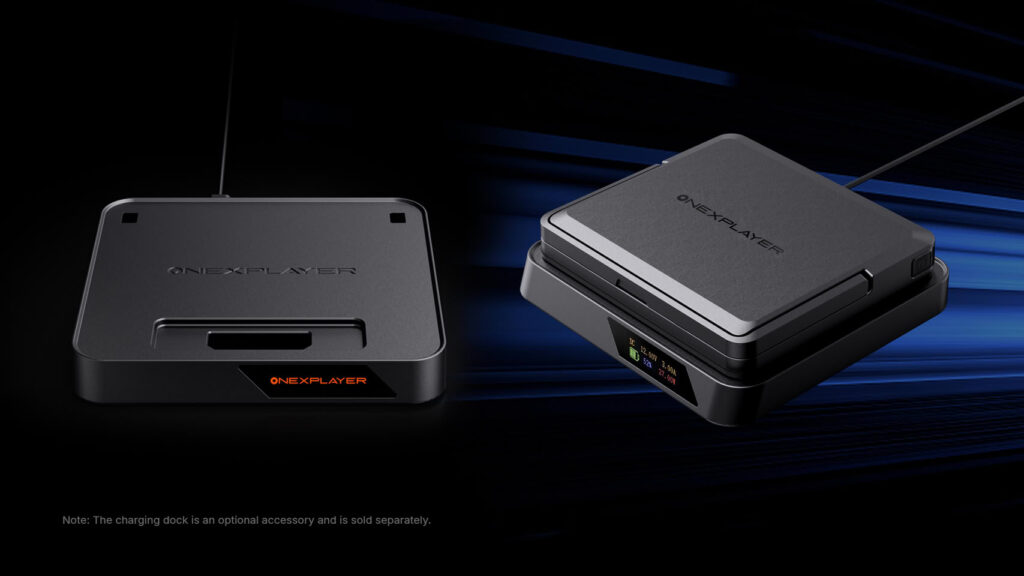
The liquid cooling option allows the Ryzen AI Max Plus 388 processor to run at up to 120W. Without it, the processor is limited to an 80W power setting. Users who want the full cooling experience will also need the separate Frost Bay cooling accessory, which unlocks the higher power mode.
OneXPlayer is also offering bundle options that include the Frost Bay accessory. These bundles cost around $150 more than the standard versions, making them a better choice for users who want the highest possible performance.
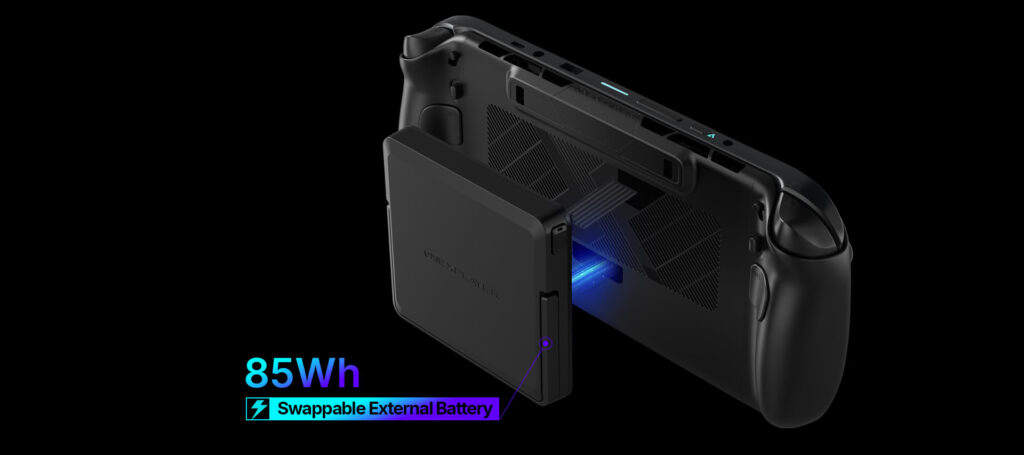
Another interesting feature is the detachable 80Wh battery. Users can connect the battery through a cable instead of keeping it attached to the handheld. This makes the device lighter to hold while also allowing extra batteries to be carried for longer gaming sessions.
OneXPlayer X2 Mini Pro specification
With powerful AMD hardware, a fast OLED display, flexible 3 in 1 design, and optional liquid cooling, the OneXPlayer X2 Mini Pro enters the premium handheld gaming market as a feature-rich option for enthusiasts looking for desktop-level gaming performance in a portable device.
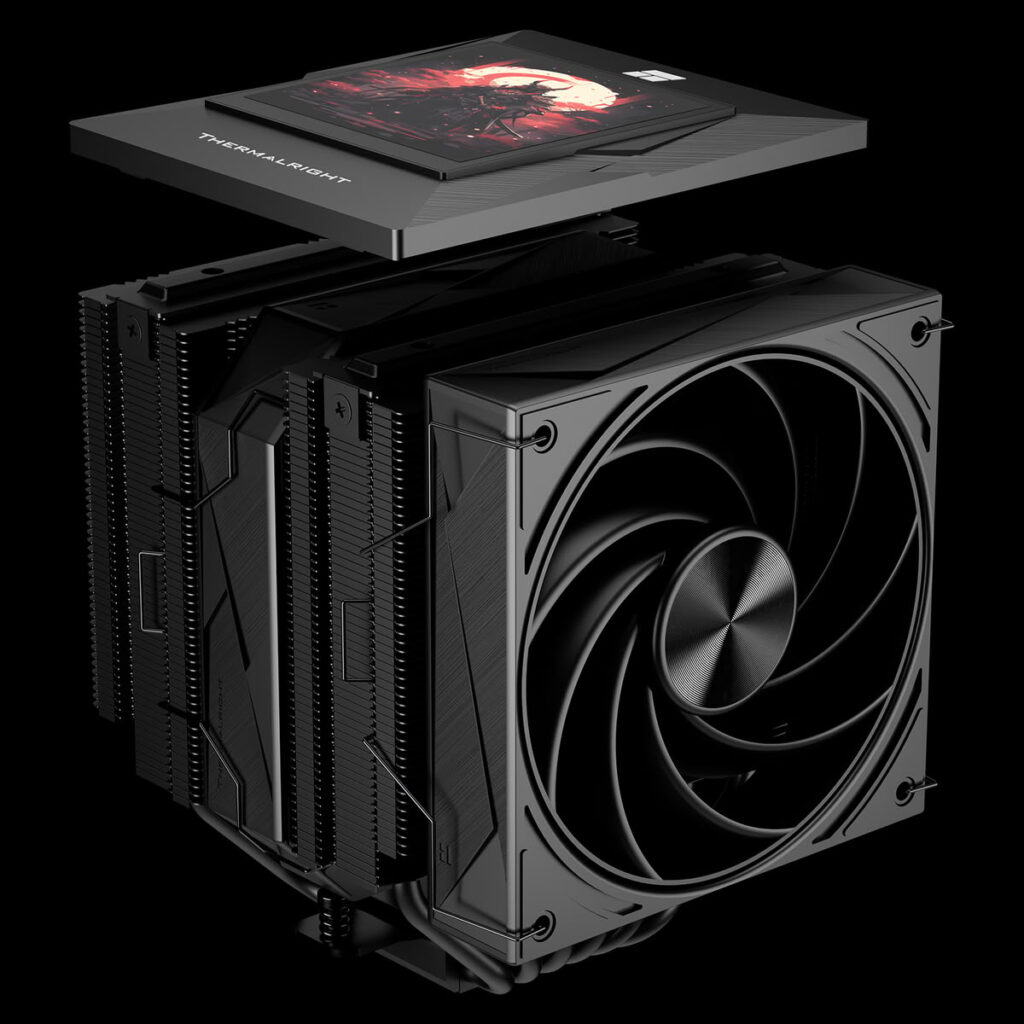
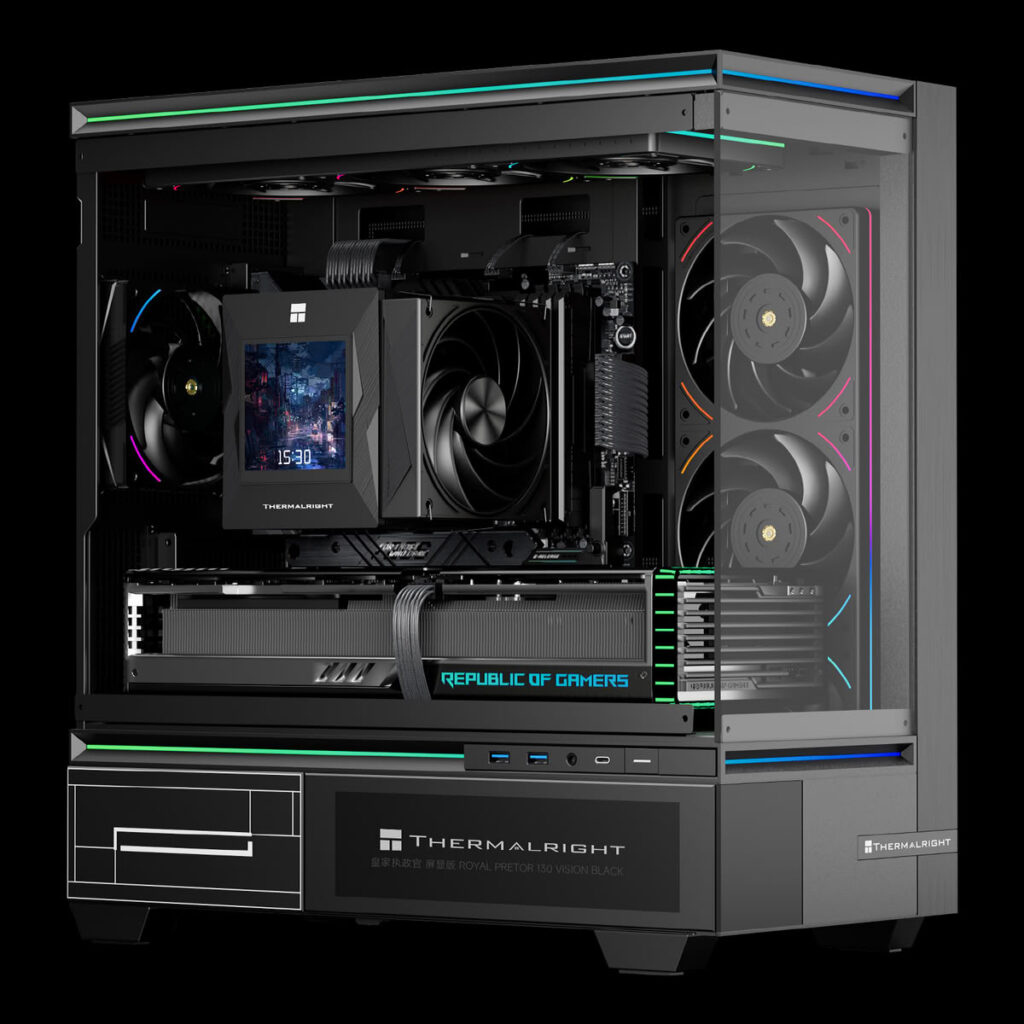
Thermalright has introduced the new Royal Pretor 130 Vision, a premium air CPU cooler designed for gamers, PC enthusiasts, and users who want both strong cooling and a modern look. The new model combines a large dual tower heatsink with a built in color display that can show useful system information in real time.
The biggest highlight of the Royal Pretor 130 Vision is its 3.95 inch full color LCD screen. The display offers a sharp 480 × 480 resolution and connects through an internal USB 2.0 header. Using Thermalright’s software, users can monitor important system details such as CPU information, temperatures, and other hardware data. The screen can also be customized to show different content.
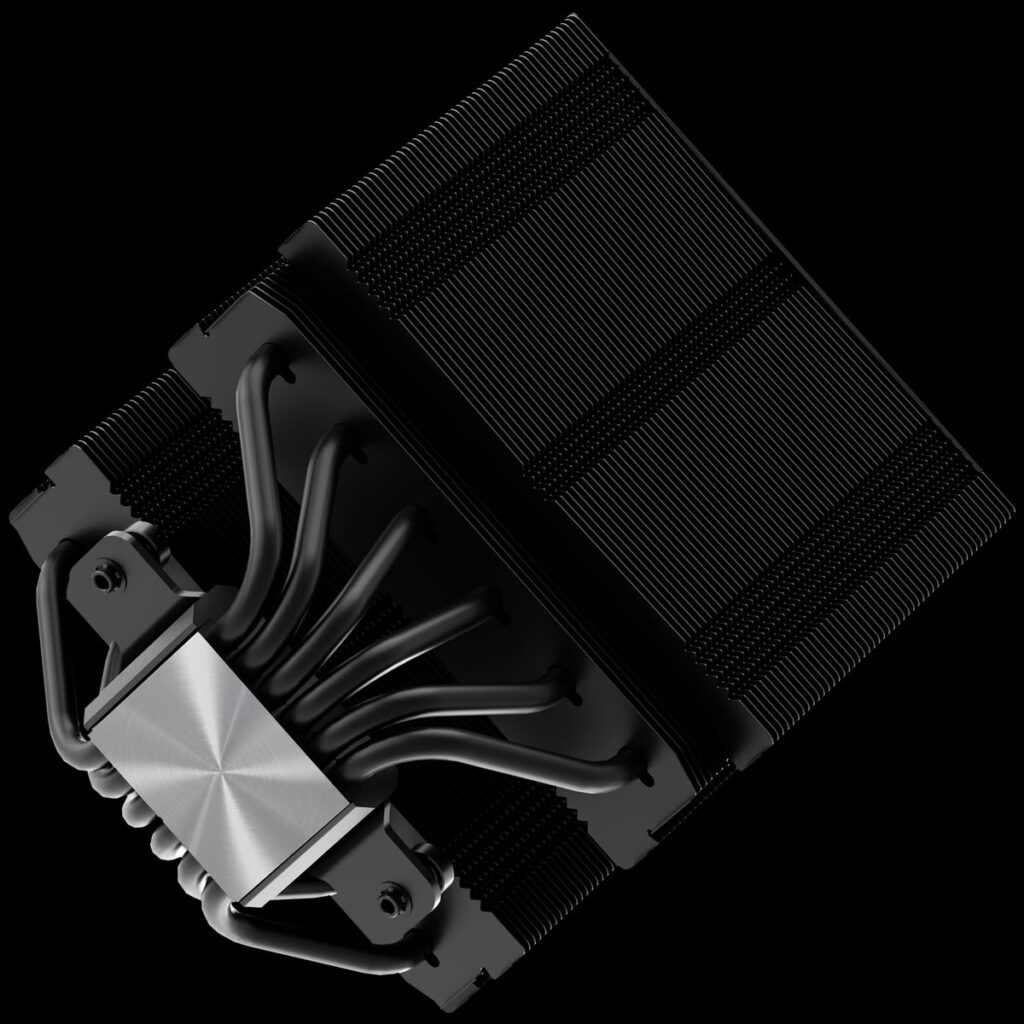
The cooler features a dual tower heatsink built with a nickel plated copper base and six copper heat pipes. This design helps move heat away from the processor quickly, allowing the cooler to handle high performance CPUs more efficiently. The complete cooler measures 130 × 140 × 165 mm, although Thermalright has not shared its official weight.
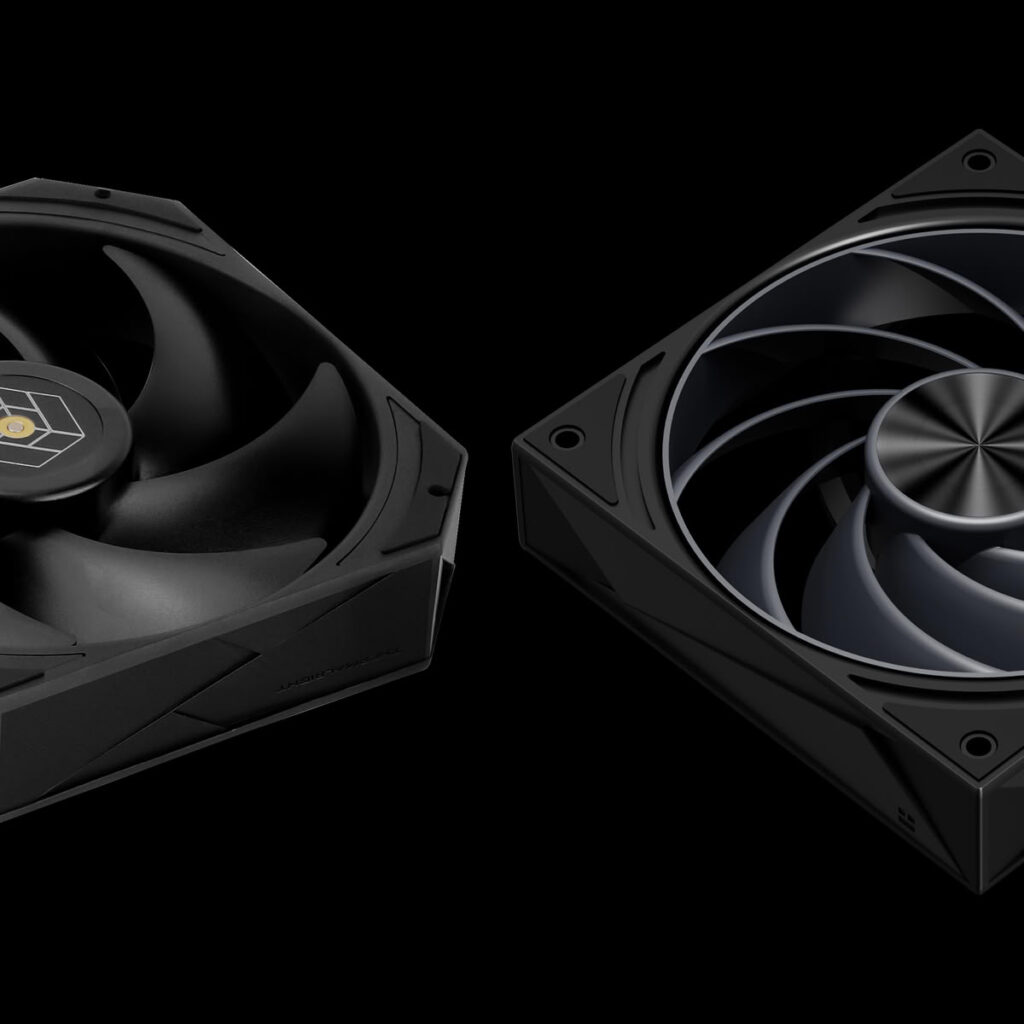
Cooling is handled by two high performance fans working together in a push pull setup. The front fan is a 130 mm TL HD13 X28 model with a maximum speed of 1,750 RPM. It delivers up to 81.88 CFM of airflow while keeping noise levels as low as 28.3 dBA. It also uses Thermalright’s second generation S FDB bearing for long lasting performance.
The second fan sits between the two heatsink towers. It is a 120 mm TL H12 X28 R9 fan that can reach speeds of up to 2,400 RPM. It provides up to 98.2 CFM of airflow with a maximum static pressure of 2.48 mm H₂O. Even at full speed, the fan produces a maximum noise level of 32.7 dBA.
At the time of announcement, Thermalright has not revealed the price or release date of the Royal Pretor 130 Vision. More details are expected to be shared in the coming weeks. For users looking for a powerful air cooler with a built in display, this new model appears to be a promising addition to Thermalright’s growing lineup.
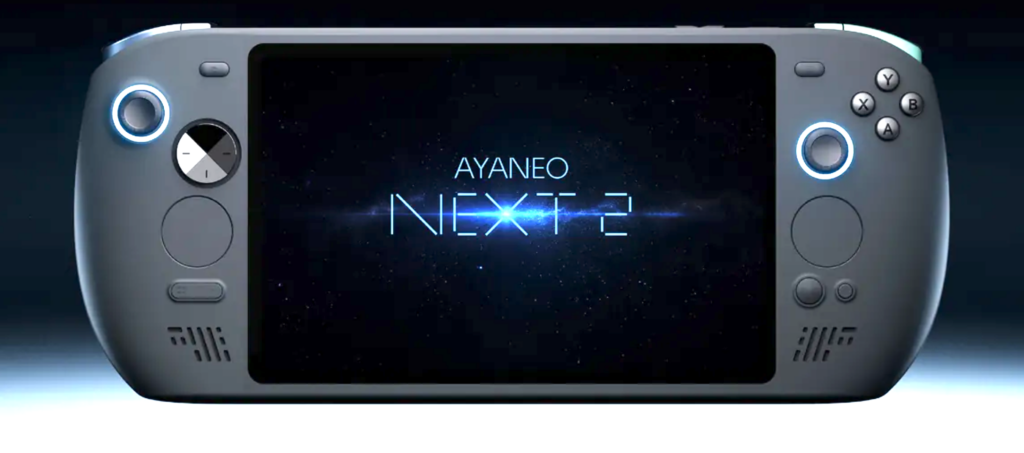
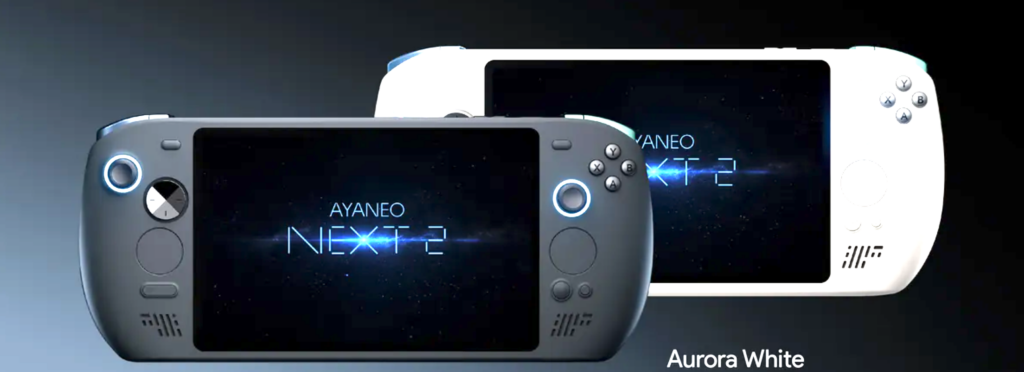
AYANEO has officially introduced the Ayaneo NEXT 2, a new high-end gaming handheld built for users who want desktop-level performance in a portable device. The company has also revealed the price of its top model, which costs $5,299. This makes it one of the most expensive gaming handheld PCs available today.
The AYANEO NEXT 2 is powered by the AMD Ryzen AI Max+ 395processor based on the Strix Halo platform. It also features Radeon 8060S integrated graphics, giving users much more power than most standard handheld gaming systems. The device is designed for people who want to play modern PC games, create content, or run demanding software while on the go.
The flagship version comes with 128GB of LPDDR5X-8533 memory and a 2TB SSD. This is far more memory than most gaming handhelds offer and puts the NEXT 2 in the same class as many premium laptops and compact workstations. The large amount of RAM can also help with AI tasks, video editing, and heavy multitasking.
For gaming and entertainment, the handheld features an 8.4-inch display with a 120Hz refresh rate. The faster refresh rate helps deliver smoother gameplay in supported titles. Since it runs Windows 11, users can install popular PC game launchers, productivity software, and other Windows applications without limitations.
AYANEO delayed the launch of the NEXT 2 earlier this year because of rising memory and storage prices. The company decided to wait until it was ready to move forward with the official product listing. Now that the device has been listed, buyers can finally see its full specifications and pricing.
The biggest talking point is its price. At $5,299, the flagship model costs more than many high-end gaming desktops. Some PCs with dedicated graphics cards, including systems built with an RTX 5090, can be assembled for a similar budget. Because of this, the NEXT 2 is expected to appeal to a small group of enthusiasts who value portability above everything else.
AYANEO has been expanding its lineup of premium handheld gaming PCs with more powerful hardware and advanced features. The NEXT 2 continues that trend by offering top-tier specifications in a handheld form. While it is not aimed at budget buyers, it shows how far portable gaming hardware has evolved.
For users who want one of the most powerful handheld PCs available, the AYANEO NEXT 2 offers impressive hardware and premium features. However, gamers looking for better value may still prefer more affordable handheld gaming devices.
The REDMAGIC 11 Air is proof that a gaming phone does not have to be bulky to deliver flagship performance. While most gaming smartphones focus on raw power and aggressive designs, the 11 Air takes a different approach by combining a slim and lightweight body with the features mobile gamers expect.
We have already reviewed the REDMAGIC 11 Pro and REDMAGIC 10S Pro, both of which impressed us with their performance and gaming-focused features. The REDMAGIC 11 Air follows the same gaming DNA but packages it in a more compact and comfortable design that is easier to use every day.
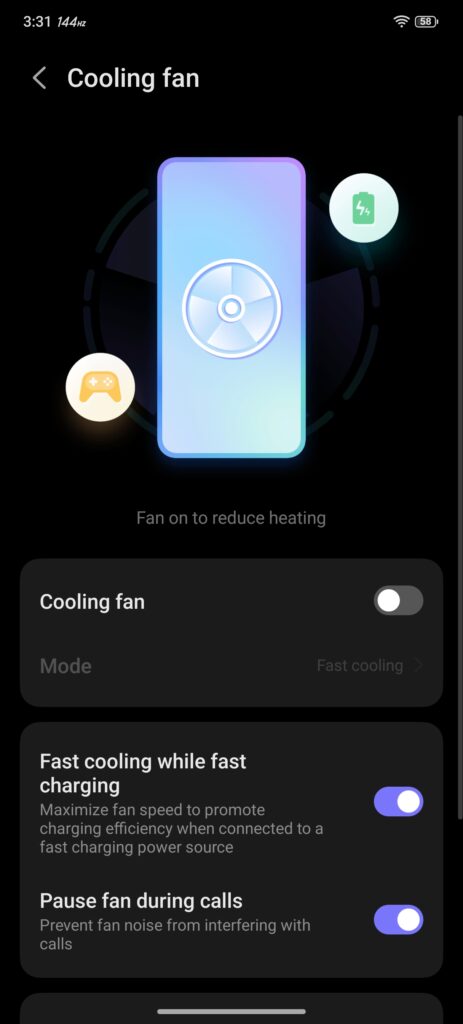
Despite its slimmer profile, the phone comes loaded with high-end hardware. It is powered by the Snapdragon 8 Elite processor and REDMAGIC’s RedCore R4 gaming chip. You also get 520Hz shoulder triggers, a built-in 24,000 RPM coolingfan, a large vapor chamber, a 144Hz display, and a massive 7,000mAh battery.
On paper, the REDMAGIC 11 Air looks like it offers the best of both worlds: flagship gaming performance and a more practical design. In this review, we’ll see whether it can live up to those promises and stand alongside its larger siblings.
Unboxing
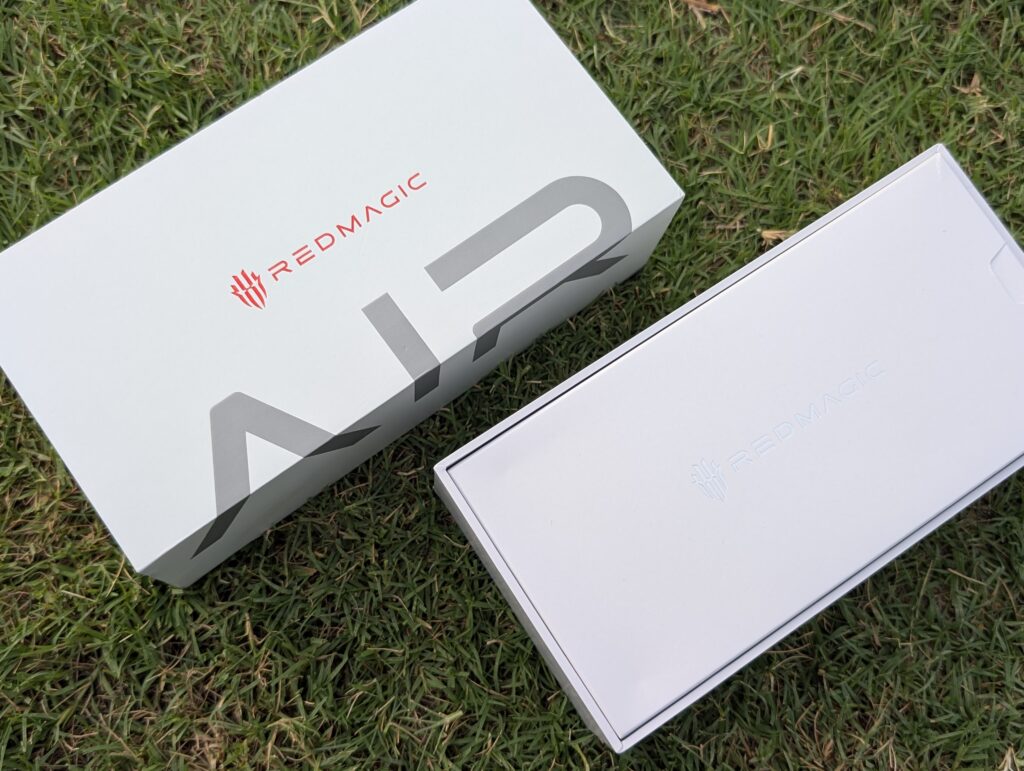
The REDMAGIC 11 Air comes in a large grey box with a clean and premium look. The packaging feels solid and is very similar to what we have seen with previous REDMAGIC phones such as the 11 Pro and 10S Pro.
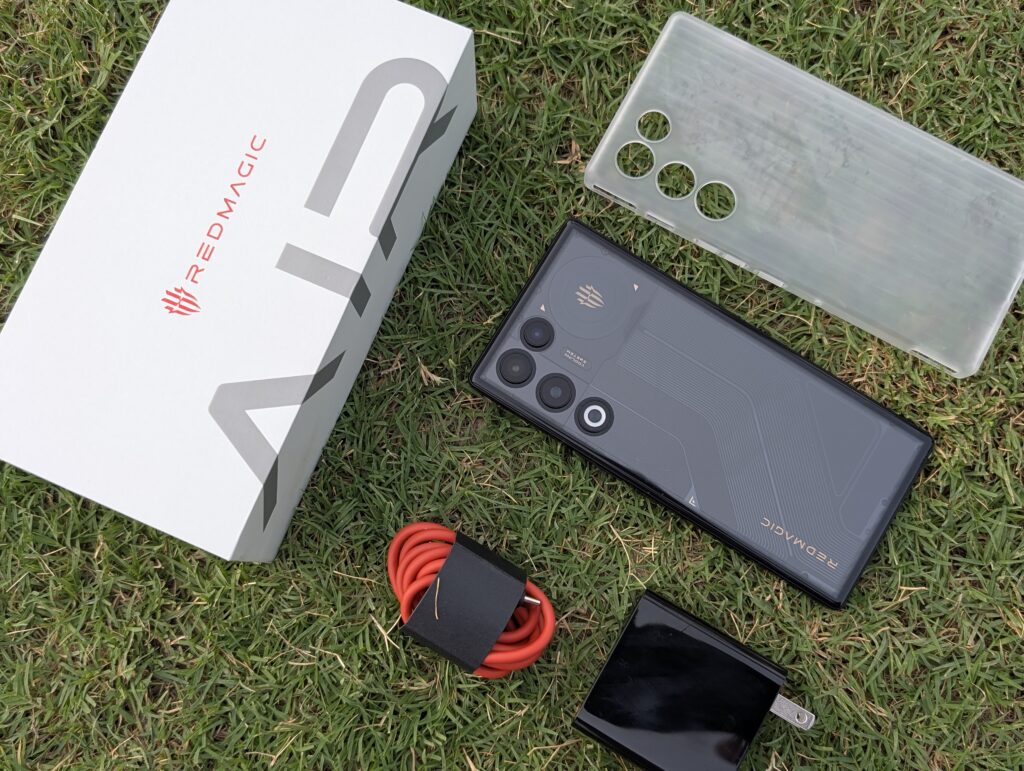
Inside the box, you get the REDMAGIC 11 Air, a transparent TPU case, a USB-A to USB-C cable, a SIM eject tool, and the usual paperwork. The clear case is a nice addition as it protects the phone while still showing off its gaming-inspired design.
REDMAGIC also includes an 80W fast charger in the box. This is great to see, especially when many brands no longer include a charger. You can enjoy the phone’s full charging speed right away without spending extra money on an adapter.
The red charging cable adds a nice gaming touch and matches REDMAGIC’s style. Overall, the unboxing experience is simple, complete, and exactly what we expect from a flagship REDMAGIC device. Everything you need is included in the box.
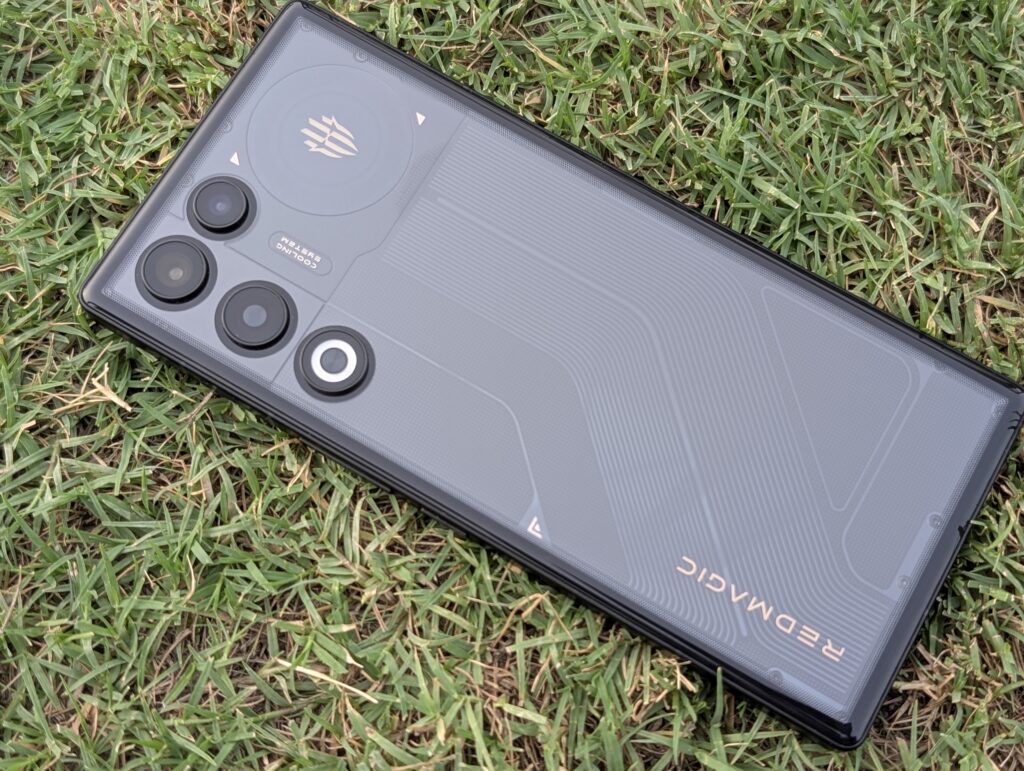
The REDMAGIC 11 Air keeps the gaming style the brand is known for, but it looks cleaner and more refined than many gaming phones. At first glance, it doesn’t scream “gaming phone,” which is something many users will appreciate. It has a modern look that works just as well in the office as it does during a gaming session.
Our review unit is the Black Phantom version. The dark finish looks excellent and pairs nicely with the transparent-inspired rear design. Instead of using flashy colours, REDMAGIC has gone for a more mature look while still keeping its gaming identity intact.
The flat aluminum frame feels sturdy and easy to hold. On the right side, you get the power button, volume buttons, dual shoulder triggers, and the cooling fan air vent. The shoulder triggers can be customized in Game Space and give you extra controls in games without taking up space on the screen.
The phone feels surprisingly slim for a device with a massive 7,000mAh battery. At 7.85mm thick, it is comfortable to hold and doesn’t feel overly heavy during long gaming sessions. The weight is well balanced, making the phone easy to use for extended periods.
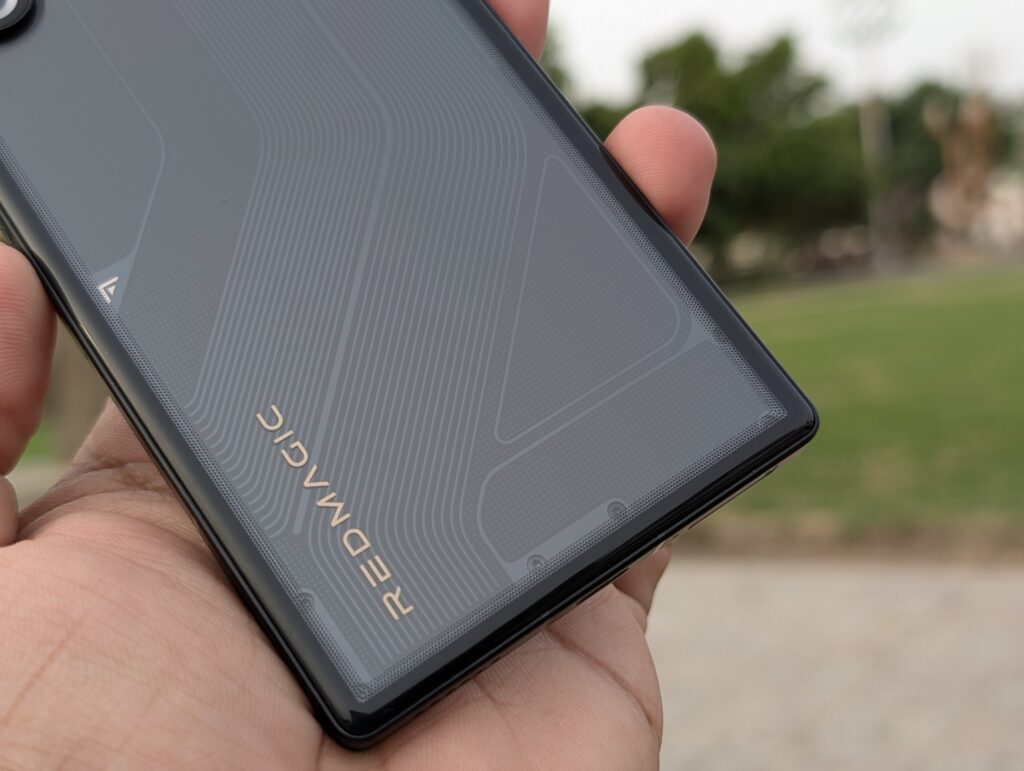
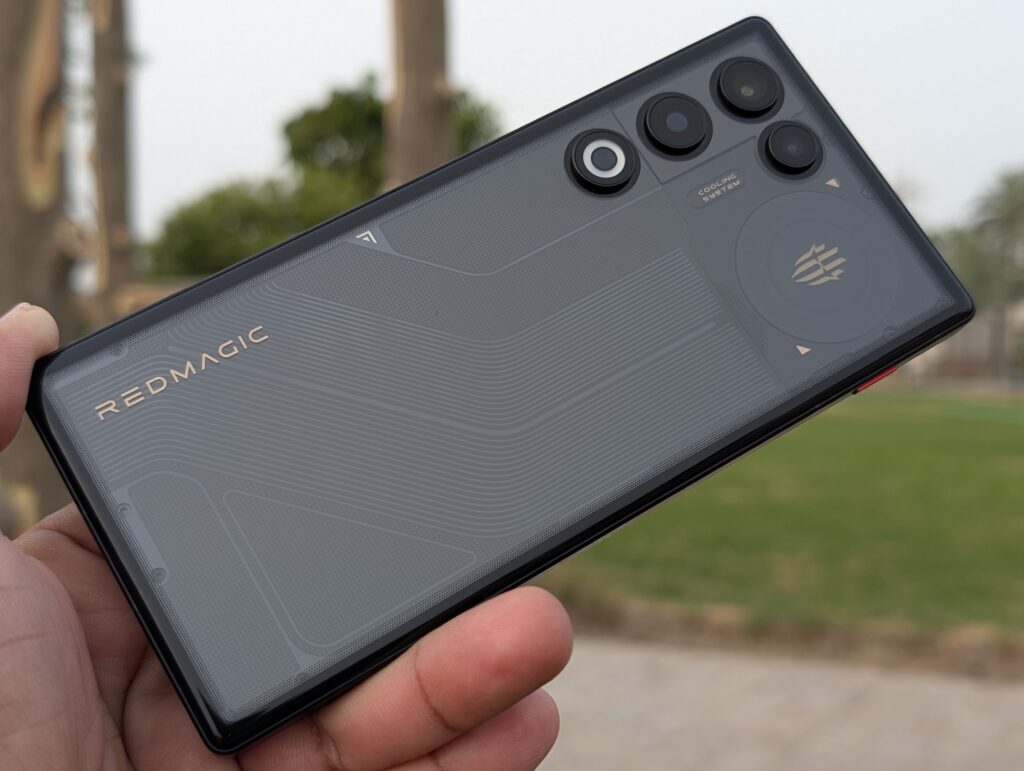
Around the back, the design is full of small details. You can see printed patterns, decorative screws, and fine lines that give the phone a futuristic look. The REDMAGIC logo is placed neatly near the bottom, while the transparent-style design helps the phone stand out from ordinary smartphones.
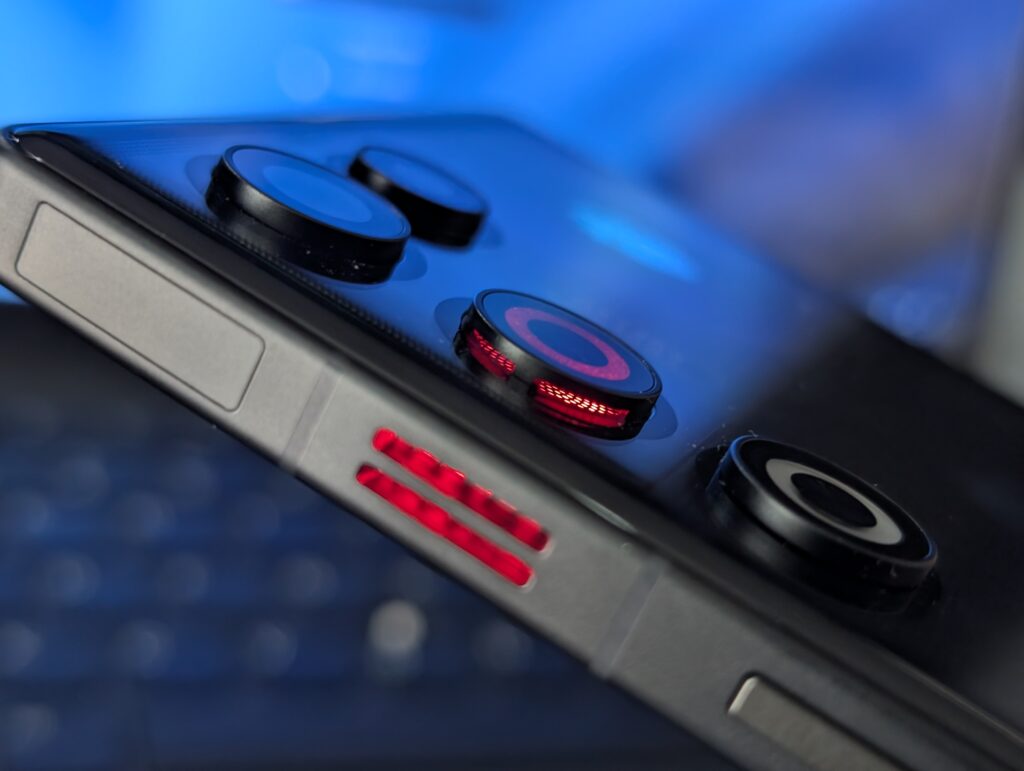
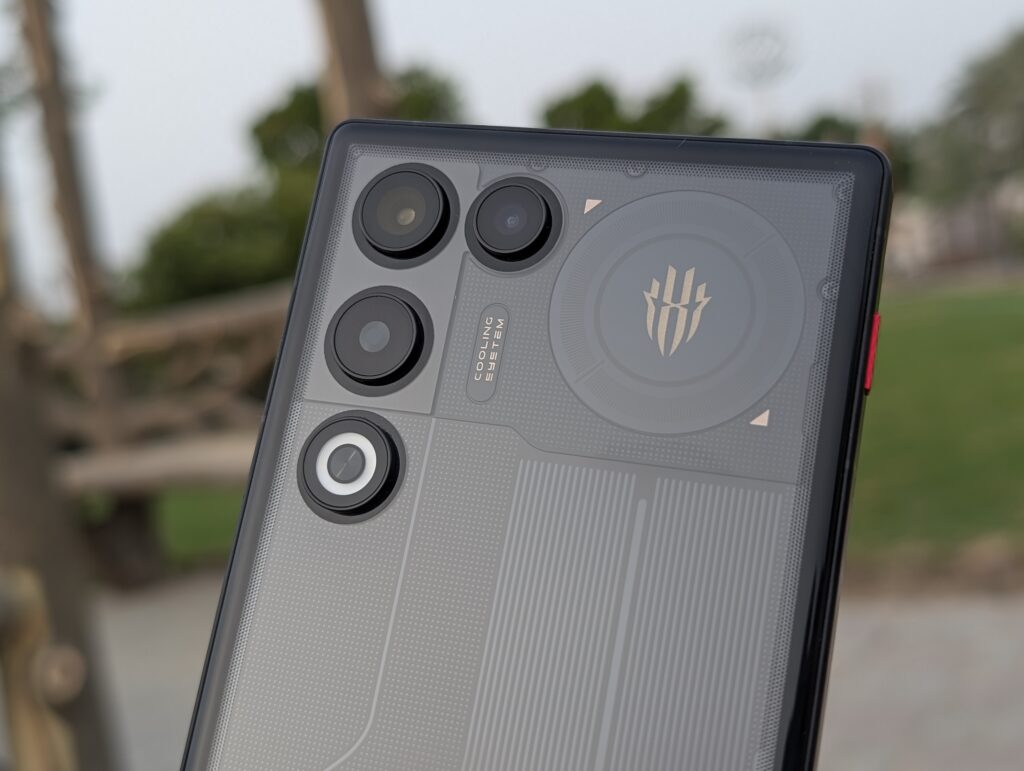
One of our favourite parts of the design is the camera layout. Instead of a large camera island, each lens sits separately on the rear panel. This keeps the back looking clean and flat. The RGB cooling fan window and LED flash are also neatly integrated into the design, adding a touch of gaming flair without making the phone look cluttered.
Build quality is excellent throughout. The aluminum alloy frame feels solid, while Gorilla Glass protection on the front and back adds durability. REDMAGIC has also included an IP54 rating, which helps protect the phone from dust and light splashes during everyday use.
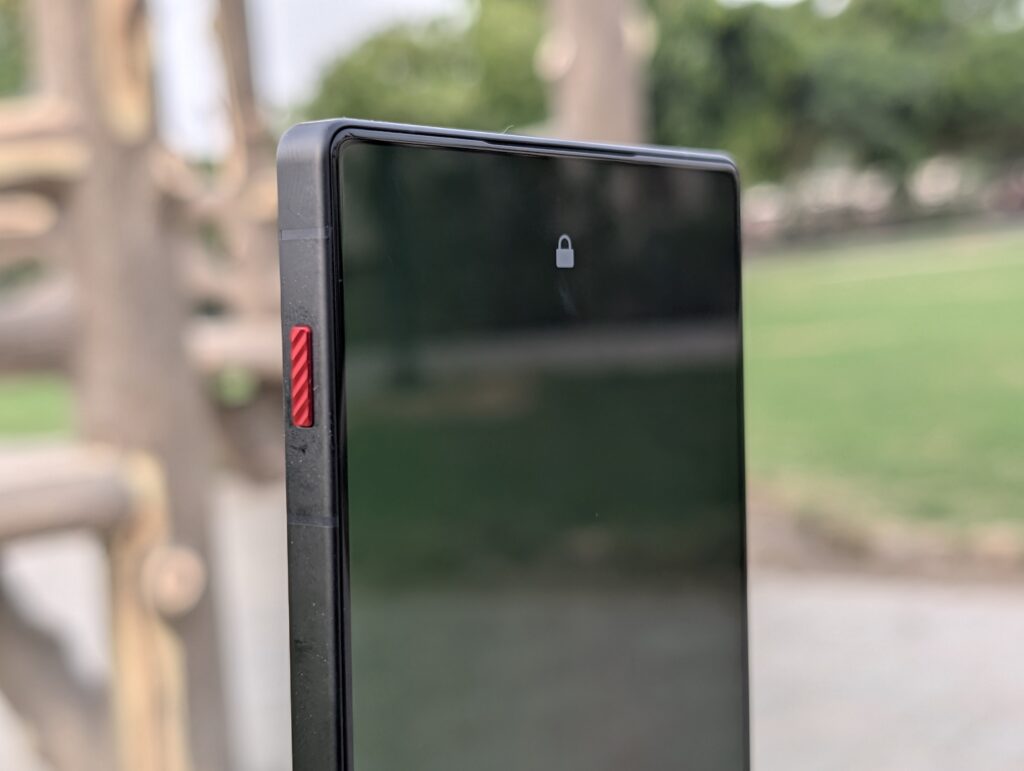
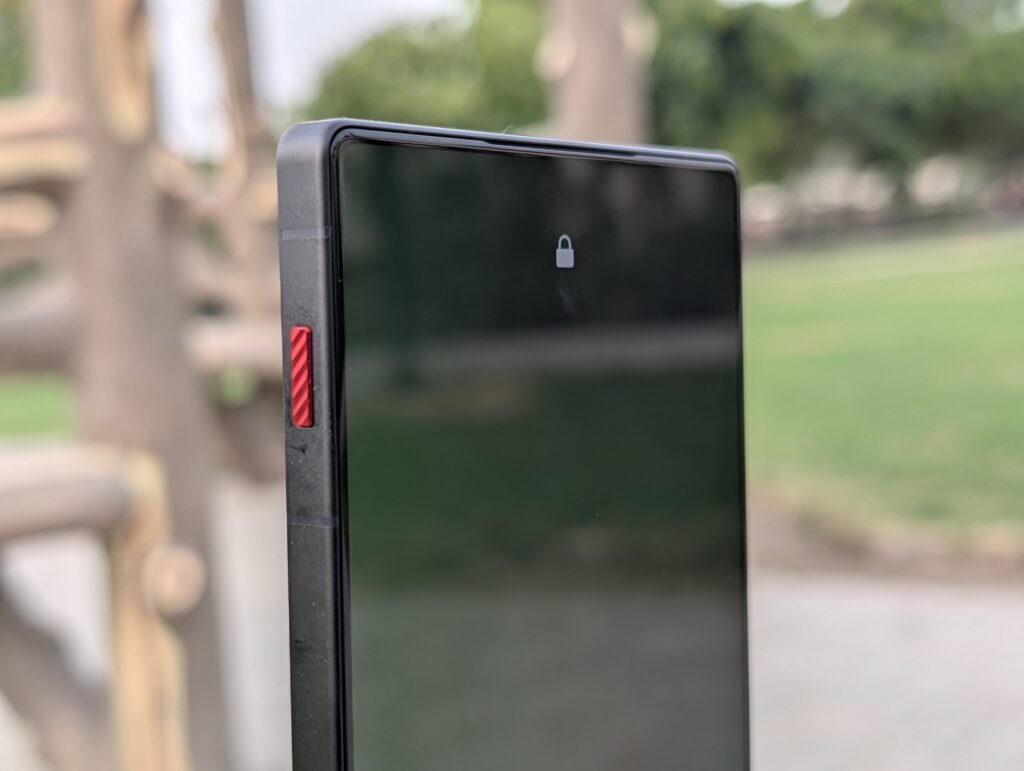
On the left side is REDMAGIC’s signature Magic Key, finished in red so it’s easy to spot. By default, it launches Game Space, but it can be assigned to other functions. During our testing, we used it as a silent mode switch, and it worked reliably even from the lock screen.
The top edge houses a secondary microphone, while the bottom contains the USB Type-C port, speaker, primary microphone, and dual Nano-SIM tray. Thanks to the flat edges, the phone feels comfortable when held horizontally, which is ideal for gaming.
Another signature REDMAGIC feature is the RGB lighting. Both the REDMAGIC logo and the cooling fan include customizable RGB effects. Users can assign lighting effects for calls, notifications, charging, or gaming sessions. If RGB lighting isn’t your thing, it can also be disabled completely.
REDMAGIC offers several lighting modes, including Static, Breathing, Flashing, and Flow effects. You can choose different colours, adjust brightness levels, and customize how the lighting behaves. It adds a fun gaming touch while giving users plenty of control over the final look.
Overall, the REDMAGIC 11 Air does an excellent job of balancing gaming style with everyday usability. It feels premium, looks unique, and manages to pack a lot of hardware into a surprisingly slim body.
Display
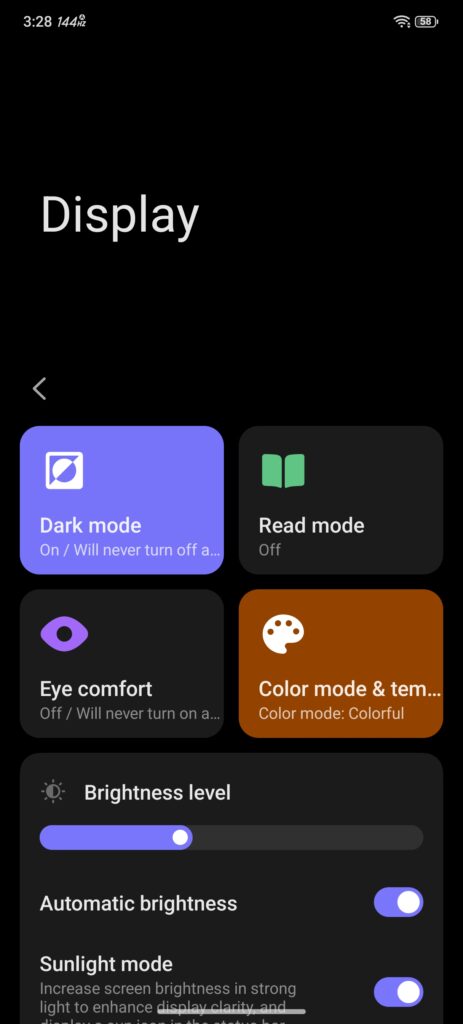
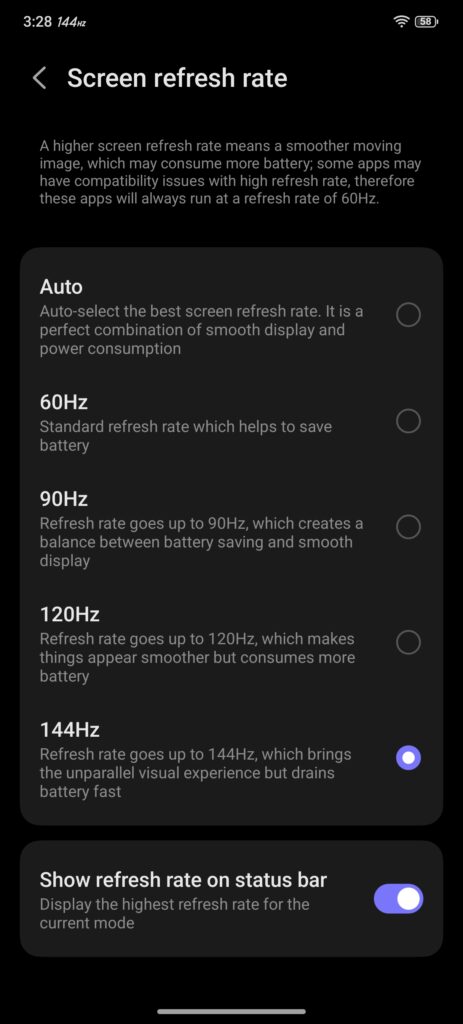
The REDMAGIC 11 Air features a 6.85-inch OLED display with a resolution of 2688 × 1216 and a refresh rate of up to 144Hz. Whether you’re gaming, scrolling through social media, or simply navigating the interface, everything feels smooth and responsive.
One of the biggest highlights is the uninterrupted full-screen experience. Thanks to the under-display camera, there is no notch or punch-hole to distract you. This gives games and videos a cleaner look and makes better use of the large display.
The display supports 100% DCI-P3 colour coverage and delivers vibrant colours with deep blacks. During testing, colours looked rich without being overly saturated, making the screen great for gaming, watching videos, and everyday use.
Brightness is another strong point. REDMAGIC rates the panel at up to 1800 nits peak brightness, and we had no issues using the phone outdoors. Text remained easy to read, and content stayed visible even under bright sunlight.
The 144Hz refresh rate makes a noticeable difference in supported games, while the fast touch response helps the phone react quickly to every tap and swipe. Combined with the shoulder triggers, the display feels perfectly suited for competitive gaming.
For users who spend long hours looking at their phones, REDMAGIC includes several eye comfort features. These include high-frequency PWM dimming, Dark Mode, Reading Mode, Night Light, and adjustable colour settings. Users can choose between different display profiles to match their personal preference.
Overall, the display is one of the best features of the REDMAGIC 11 Air. It is bright, smooth, colourful, and completely free from camera cutouts, making it an excellent screen for both gaming and everyday entertainment.
Camera
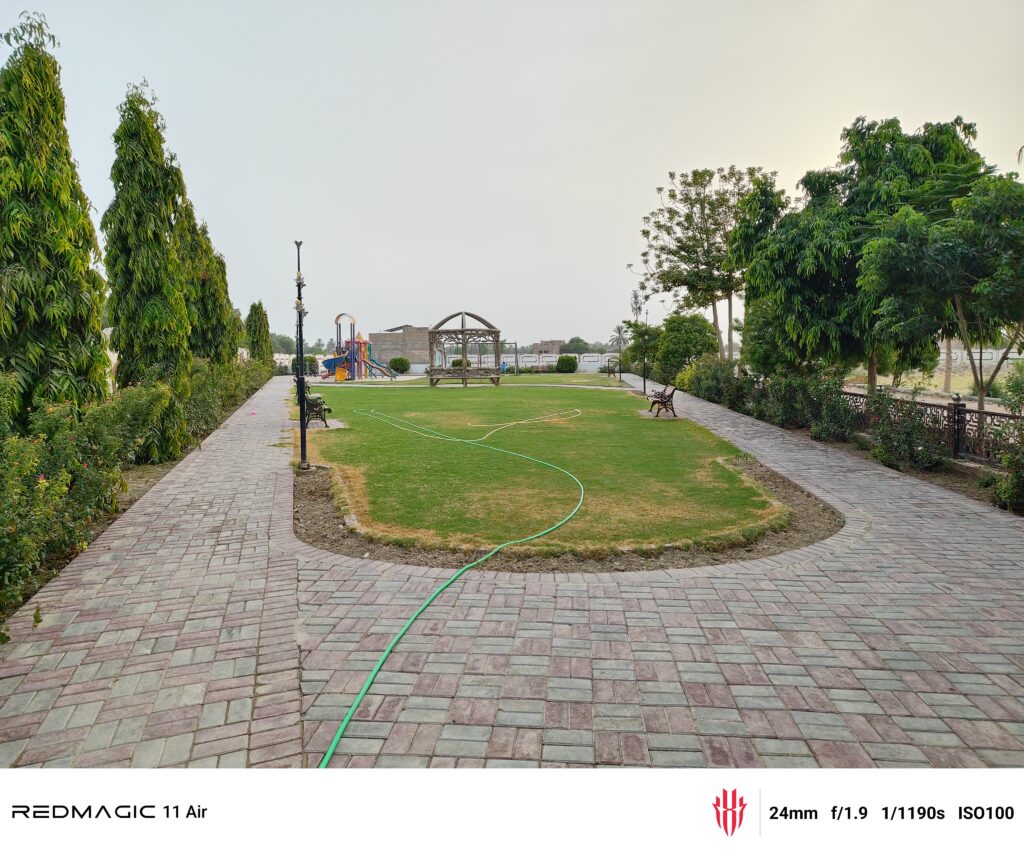
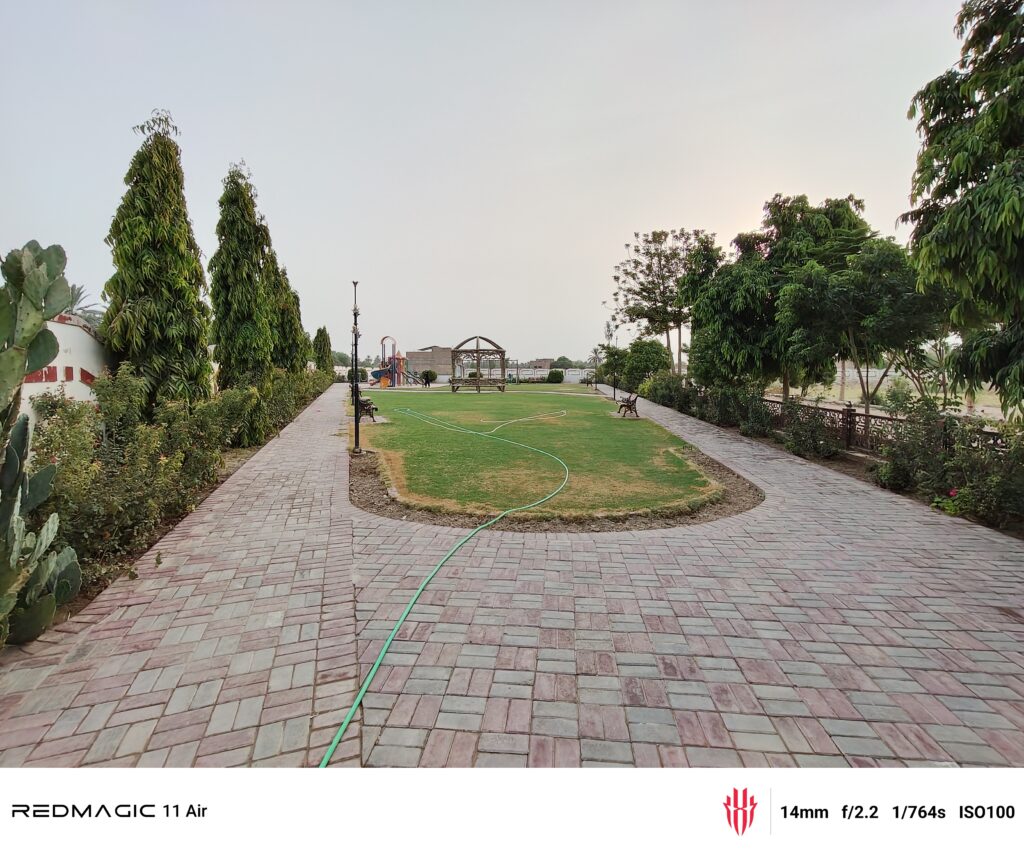
The REDMAGIC 11 Air comes with a dual rear camera setup. It includes a 50MP OmniVision OV50E main camera and an 8MP ultra-wide camera. The main sensor features OIS, autofocus, and an f/1.89 aperture, while the ultra-wide camera offers a 112° field of view for wider shots. REDMAGIC has also added an anti-glare coating to help reduce reflections when shooting outdoors.
The 50MP main camera is the highlight here. In daylight, it captures sharp and detailed photos with good colours and balanced exposure. Colours are slightly boosted, making images look more vibrant without going too far. Autofocus is quick, and OIS helps keep photos steady when shooting handheld. Whether you are taking pictures of people, buildings, or everyday scenes, the camera delivers reliable results.
Low-light performance is also decent. Night Mode helps brighten darker scenes and improves shadow detail. OIS makes a noticeable difference when shooting at night, helping reduce blur. Some smoothing is visible in darker areas, but overall image quality remains good for a gaming-focused phone.
The 8MP ultra-wide camera is useful for landscapes and group shots. It captures a much wider scene, although image quality is not as strong as the main camera. Photos have less detail, and noise becomes more noticeable in low light. Still, it performs well enough for casual use and social media sharing.
There is no dedicated telephoto camera. Zoom shots rely on digital zoom from the main sensor. Images look fine at lower zoom levels, but detail drops as you zoom further in.
On the front, the REDMAGIC 11 Air uses a 16MP under-display selfie camera. The hidden camera design allows for a clean, uninterrupted display without a notch or punch-hole. Selfies look good in bright lighting, but details are softer than those from traditional front cameras. Low-light performance is average, which is expected from an under-display camera.
For video, the rear camera can record up to 8K at 30fps. Most users will likely prefer 4K at 60fps, which delivers smoother footage. Colours look good, autofocus works well, and OIS helps reduce camera shake. The front camera supports 1080p video recording and is suitable for video calls and social media content.
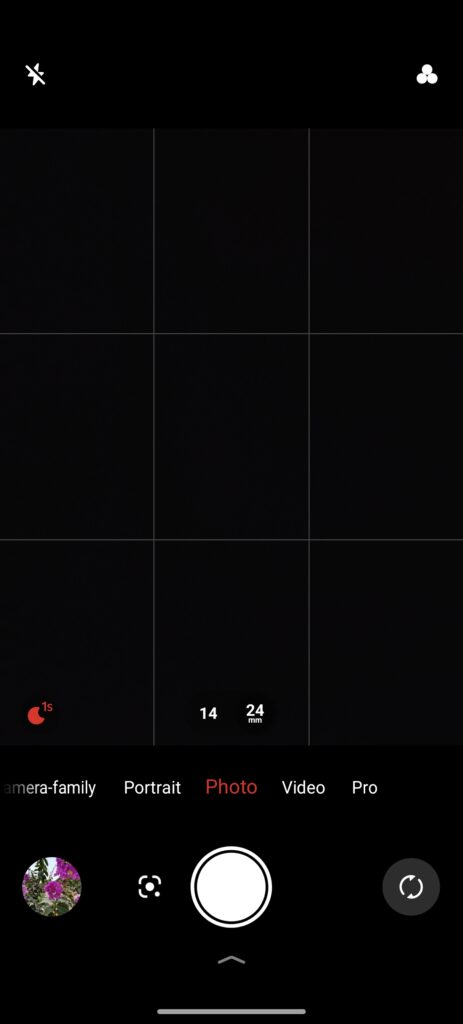
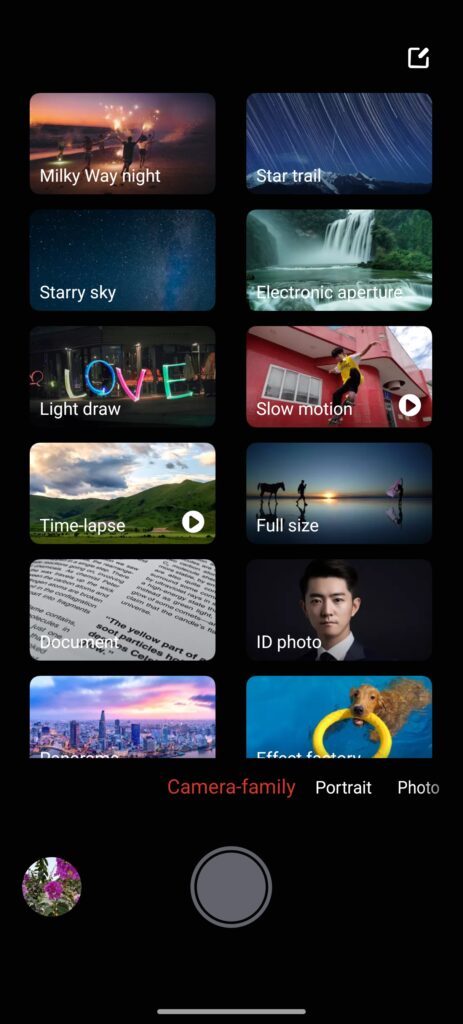
The camera app also includes several extra modes such as Star Trails, Moon Mode, Light Painting, Slow Motion, Macro, Time-Lapse, Multi-Camera, and Pro Mode. These features are easy to find and add more creative options for users who enjoy experimenting with photography.
Overall, the REDMAGIC 11 Air is not built as a camera-focused flagship, but the 50MP main camera performs well for everyday photography. It delivers good results in most situations and is more than capable for casual users.
REDMAGIC OS 11
The REDMAGIC 11 Air runs REDMAGIC OS 11 based on Android 16. If you have used a recent REDMAGIC phone before, the software will feel very familiar. The overall layout remains largely unchanged, which is not a bad thing. Everything is easy to find, and the interface feels clean and well organized.
In daily use, the software performs smoothly. Apps open quickly, switching between multiple apps is fast, and animations remain fluid throughout the system. Combined with the powerful hardware, the phone never felt slow during our testing.
REDMAGIC continues to focus on gaming, but it does not sacrifice the everyday Android experience. The interface stays close to stock Android in many areas while adding gaming features where they make sense. Google services are fully supported, including Google Gemini, and REDMAGIC’s own Mora assistant is available for gaming-related functions.
Customization options are plentiful. Users can change wallpapers, themes, icons, fonts, accent colours, and Always-On Display styles directly from the settings menu. Dark Mode, colour settings, and display preferences can also be adjusted without needing extra apps, making it easy to personalize the phone.
One thing we appreciated is the lack of unnecessary software. REDMAGIC keeps pre-installed apps to a minimum. Apart from Google’s standard apps and a few gaming tools, there is very little bloatware. This leaves more storage available for games and helps keep the software feeling clean from the start.
REDMAGIC has also improved its software support commitment. Users in the UK and European Union are expected to receive up to five years of software support, including security updates and Android upgrades. Other regions are currently expected to receive three years of support. At the time of writing, REDMAGIC has not confirmed the exact number of major Android version updates.
Overall, REDMAGIC OS 11 strikes a good balance between gaming features and everyday usability. It is fast, clean, easy to navigate, and avoids many of the unnecessary additions found on some competing gaming phones.
Battery and Charging
Battery life is one of the biggest strengths of the REDMAGIC 11 Air. The phone features a large 7,000mAh battery, yet it remains surprisingly slim at just 7.85mm thick. It does not feel overly heavy or bulky, which is impressive for a gaming phone with this much battery capacity.
In everyday use, the phone easily gets through a full day with plenty of charge left. During testing, a mix of web browsing, social media, messaging, YouTube, photography, and occasional gaming regularly delivered close to two days of battery life. Users with lighter usage habits could stretch that even further.
Gaming naturally drains the battery faster, but the results were still very good. After one hour of playing Red Dead Redemption, the battery dropped by around 15%. That translates to roughly 6 to 7 hours of gaming on a single charge, depending on the game, graphics settings, screen brightness, and refresh rate being used.
Charging is handled by the included 80W fast charger, which means you can take full advantage of the phone’s charging speed straight out of the box. During our testing, the battery reached 35% in just 15 minutes and climbed to 64% after 30 minutes. A full charge from 0% to 100% took approximately 1 hour and 8 minutes.
For a device with a 7,000mAh battery, those charging times are quite reasonable. Even a quick top-up before leaving home can provide several hours of use, making the phone easy to live with despite its large battery.
Overall, the REDMAGIC 11 Air delivers excellent battery performance. Whether you spend your day gaming, watching videos, browsing social media, or doing a bit of everything, the phone has enough endurance to keep up. Combined with the fast 80W charging support, it offers a great balance between battery life and convenience.
Performance and Benchmarks
The REDMAGIC 11 Air is powered by Qualcomm’s Snapdragon 8 Elite processor paired with the Adreno 830 GPU. Our review unit came equipped with 16GB LPDDR5X Ultra RAM and 512GB of UFS 4.1 storage. On paper, the hardware is flagship-level, and the benchmark results back that up.
To keep temperatures under control, REDMAGIC uses its latest ICE Cooling System. The cooling solution combines a large vapor chamber, graphene materials, thermal gel, and a built-in 24,000RPM cooling fan. During testing, the cooling system helped maintain consistent performance during extended benchmark runs.
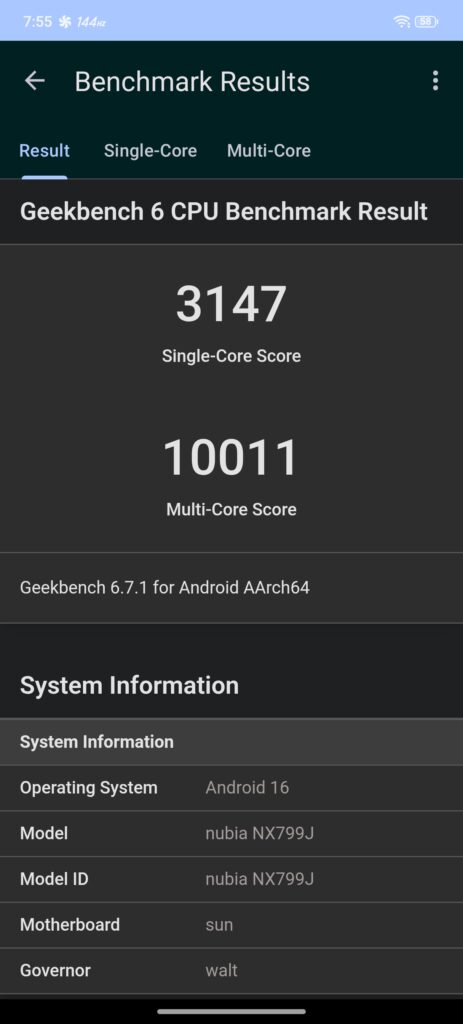
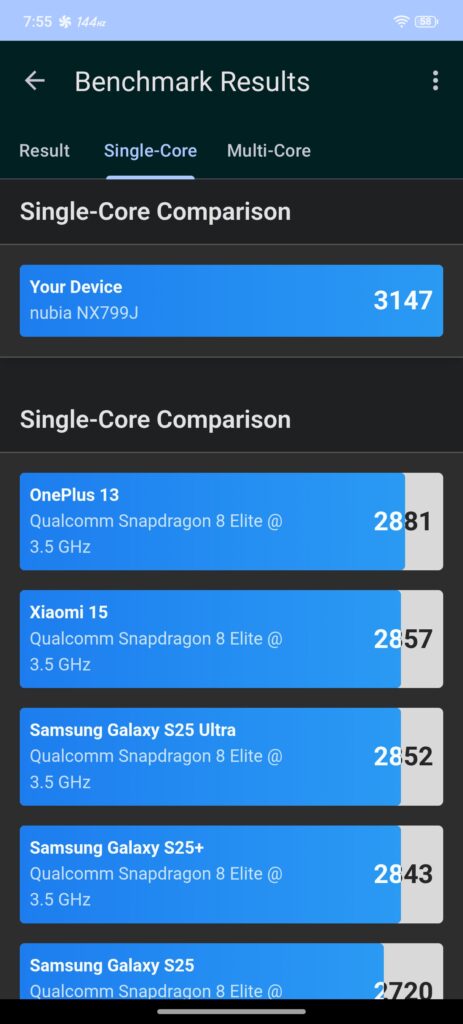
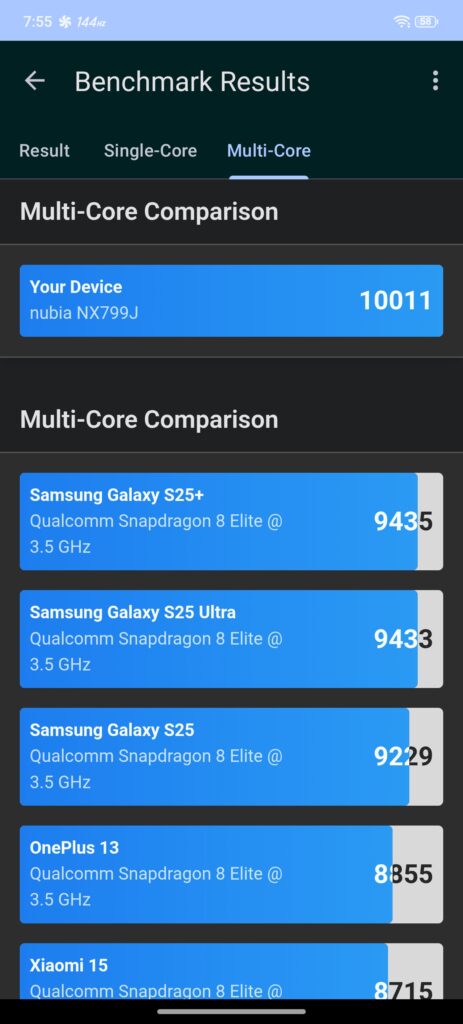
In Geekbench 6, the REDMAGIC 11 Air achieved a single-core score of 3,147 and a multi-core score of 10,011. These are excellent results and place the device ahead of several Snapdragon 8 Elite smartphones in Geekbench’s comparison database. Day-to-day performance feels extremely fast, with apps opening instantly and multitasking remaining smooth even with multiple applications running in the background.
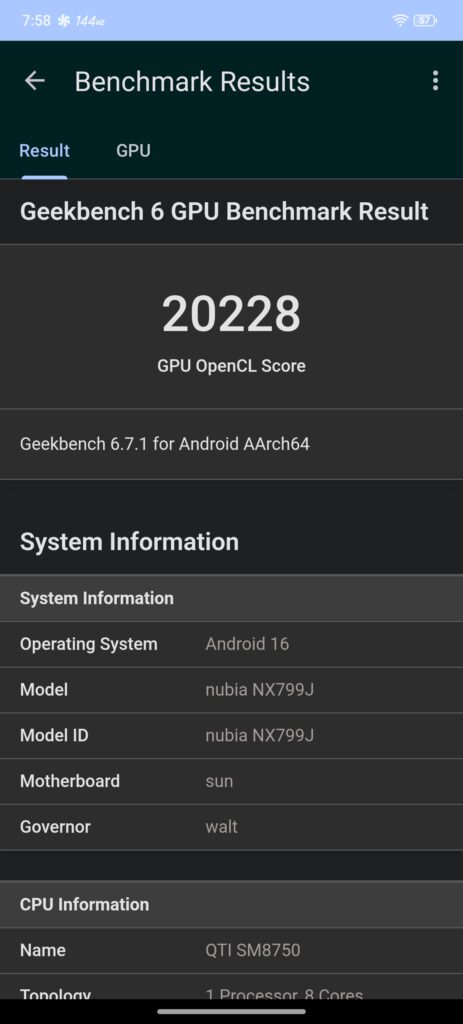
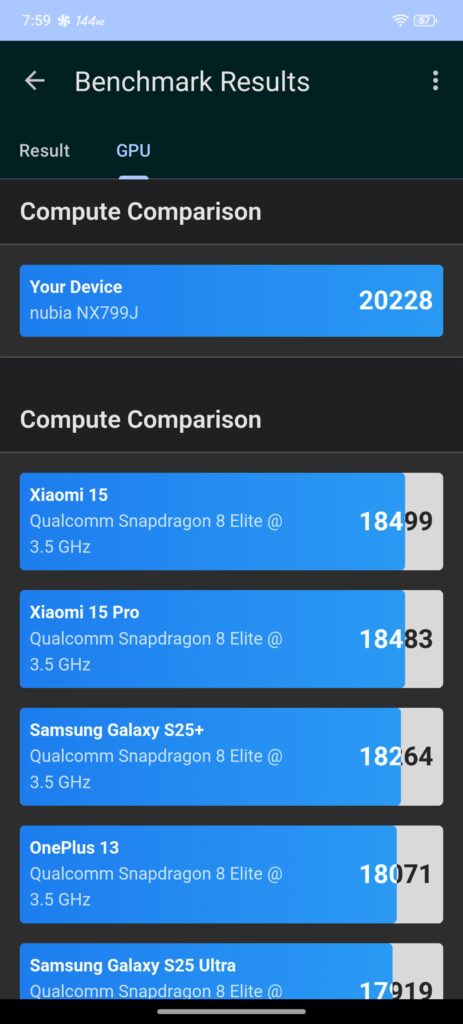
Graphics performance was equally impressive. In the Geekbench 6 GPU OpenCL test, the Adreno 830 recorded a score of 20,228. This result highlights the strong graphics capabilities of the Snapdragon 8 Elite platform and confirms that the GPU has plenty of power available for demanding workloads.
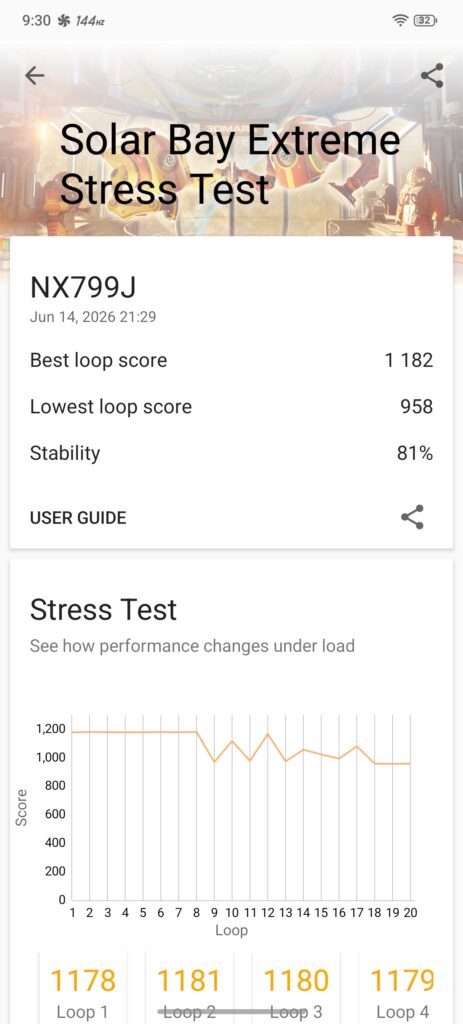
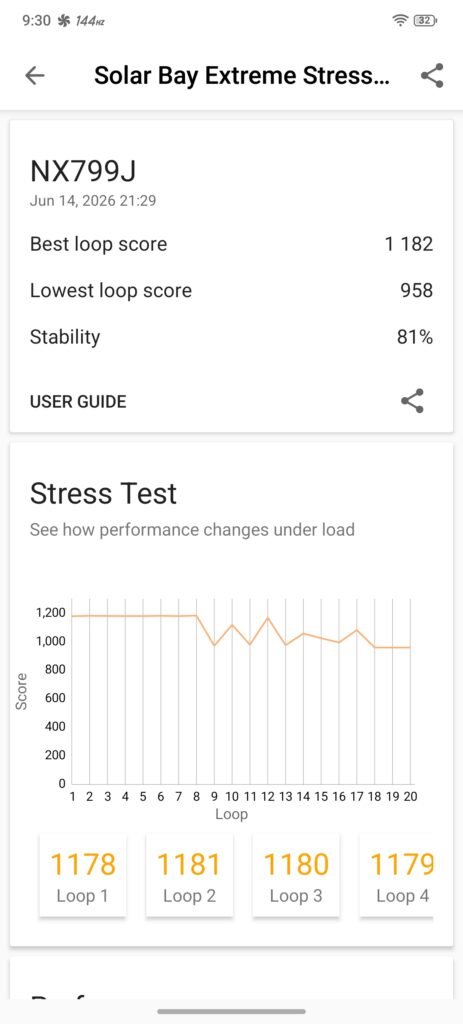
We also ran the 3DMark Solar Bay Extreme Stress Test to evaluate performance consistency under a sustained workload. The REDMAGIC 11 Air achieved a best loop score of 1,182 and a lowest loop score of 958, resulting in an overall stability rating of 81%. While some performance reduction is visible during longer runs, the phone maintained relatively stable results throughout the test, thanks in part to its active cooling system.
Benchmark
Score
Geekbench 6 Single-Core
3,147
Geekbench 6 Multi-Core
10,011
Geekbench 6 GPU OpenCL
20,228
3DMark Solar Bay Extreme Best Loop
1,182
3DMark Solar Bay Extreme Lowest Loop
958
3DMark Solar Bay Extreme Stability
81%
Overall, the REDMAGIC 11 Air delivers flagship-level performance. The combination of Snapdragon 8 Elite, fast memory, UFS 4.1 storage, and active cooling allows the device to achieve excellent benchmark scores while maintaining good stability under heavier workloads.
Gaming
Gaming is where the REDMAGIC 11 Air truly shines. Powered by the Snapdragon 8 Elite, Adreno 830 GPU, and REDMAGIC’s active cooling system, the phone delivered excellent results across both native Android games and PC titles streamed through emulation and remote gaming solutions.
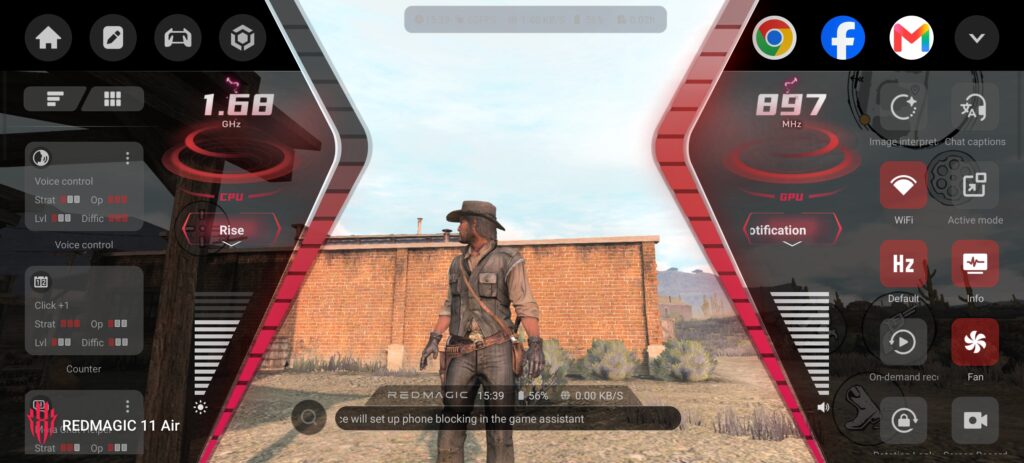
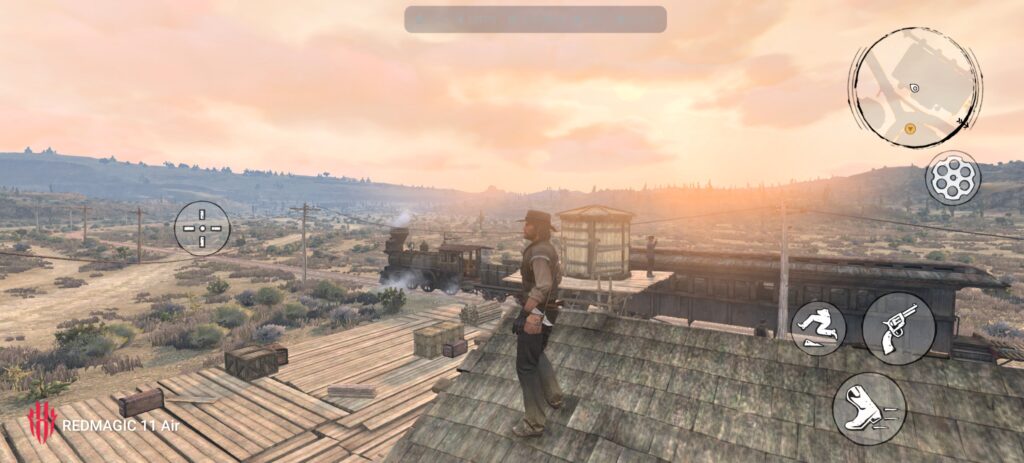
Single-player titles performed particularly well during testing. We spent time with Red Dead Redemption, which maintained a solid 60FPS throughout gameplay while rendering detailed environments, long draw distances, and stable frame pacing. The experience felt smooth and responsive, with the active cooling system helping sustain performance during extended sessions.
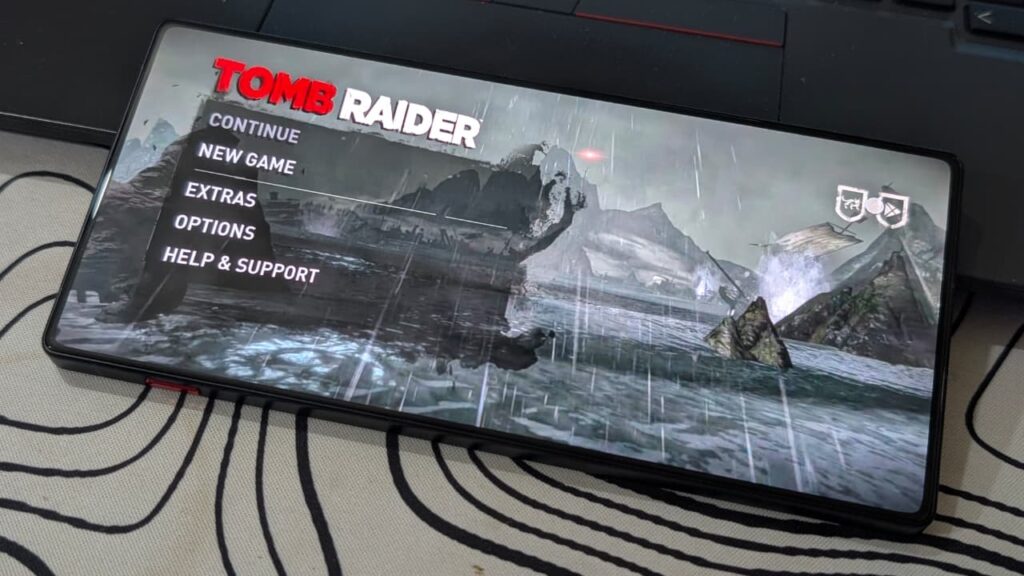
We also tested Tomb Raider, which ran at a locked 60FPS with no noticeable stuttering. Character movement, camera transitions, and combat sequences remained fluid, while the large OLED display helped showcase the game’s visual detail and contrast.
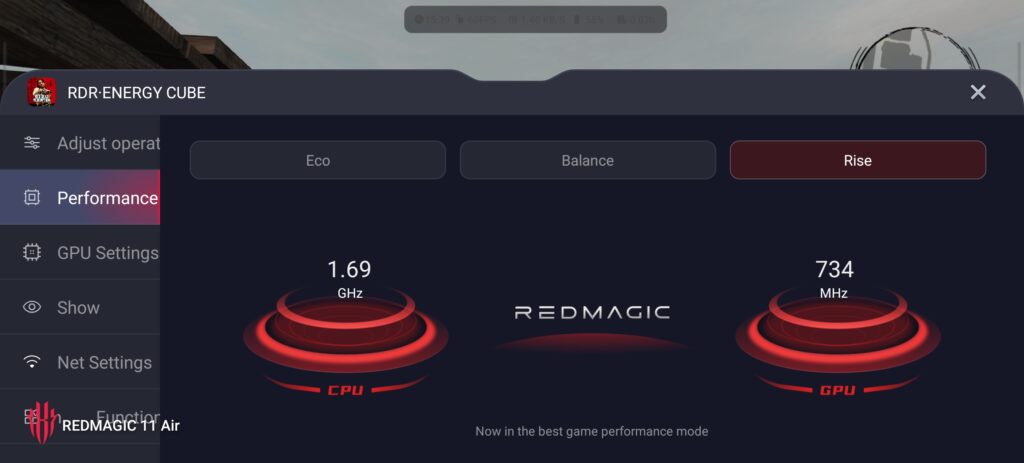
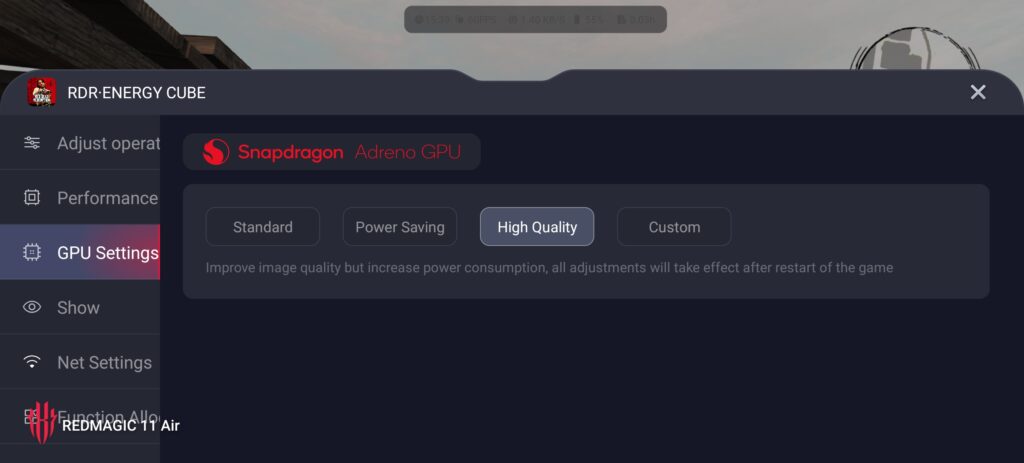
The REDMAGIC Game Space software adds several useful tools for enthusiasts. Users can quickly switch between Eco, Balance, and Rise performance modes, monitor CPU and GPU frequencies in real time, adjust fan speed, manage notifications, and access additional performance tuning options directly from the in-game overlay.
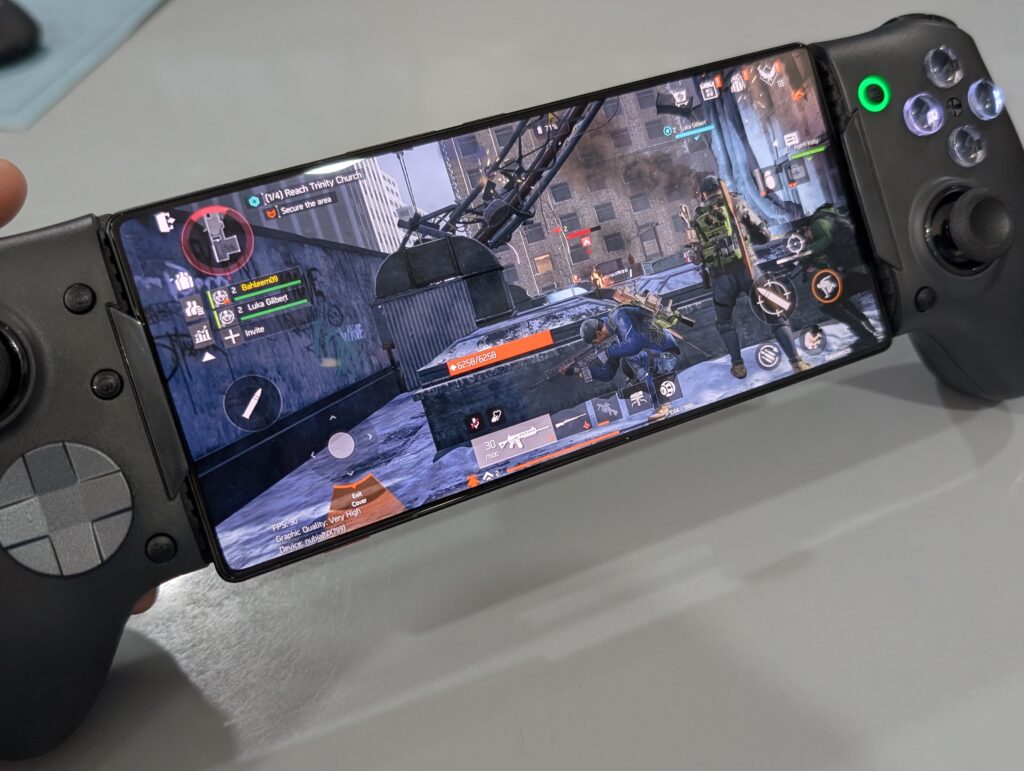
Multiplayer titles were equally impressive. The Division Resurgence ran smoothly at its highest available graphics settings, maintaining stable performance during firefights and larger combat encounters. Frame pacing remained consistent, resulting in responsive controls and smooth camera movement.
With some graphics adjustments, the REDMAGIC 11 Air was also capable of pushing beyond 60FPS in supported multiplayer games. Several competitive titles were able to maintain around 90FPS after tweaking graphics settings, providing a noticeably smoother experience while preserving visual quality.
The combination of Snapdragon 8 Elite performance, active cooling, shoulder triggers, and REDMAGIC’s gaming-focused software creates a device that comfortably handles both demanding single-player experiences and fast-paced multiplayer games without struggling under sustained workloads.
User Experience
After spending considerable time with the REDMAGIC 11 Air as a daily driver, the overall experience proved to be surprisingly well-balanced for a device that is primarily marketed as a gaming smartphone. Whether checking emails, browsing the web, managing social media accounts, watching YouTube, or handling everyday work-related tasks, the phone remained fast and responsive throughout our testing.
Apps opened quickly, multitasking was effortless, and the combination of the Snapdragon 8 Elite processor and 16GB of RAM ensured that background applications stayed active without frequent reloads. Scrolling through Facebook, X, Instagram, TikTok, and other social media platforms felt exceptionally smooth thanks to the 144Hz OLED display.
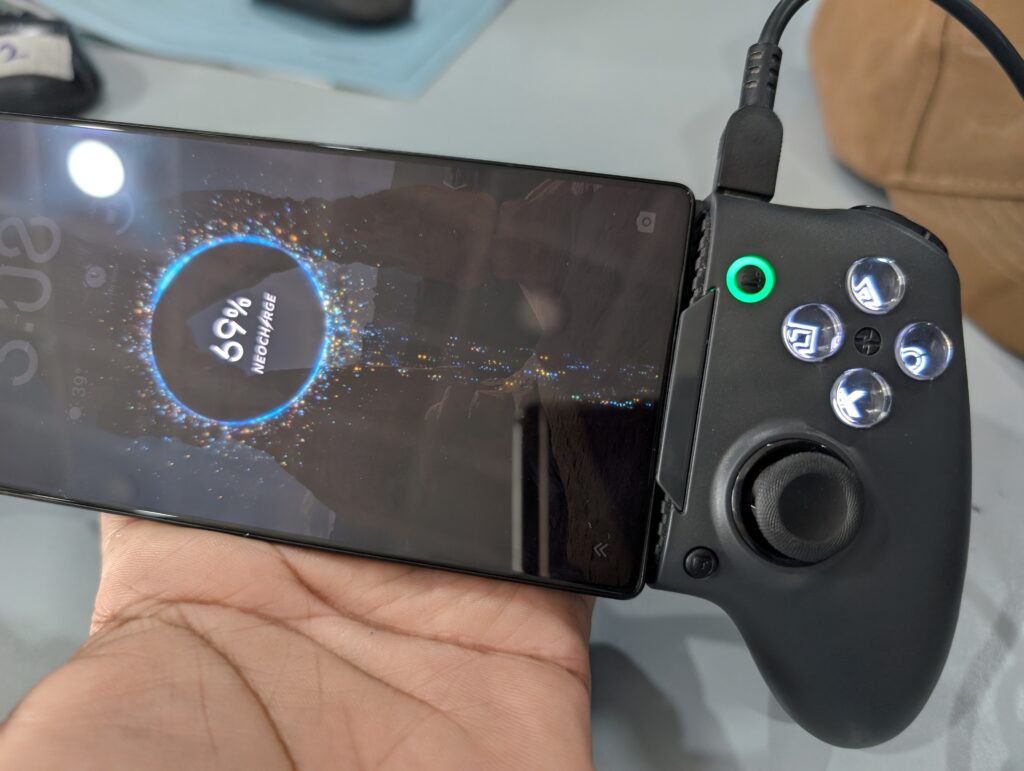
Outside of everyday productivity, the REDMAGIC 11 Air also performed exceptionally well as a portable gaming device. We spent time playing demanding Android titles as well as older PC games through emulation and GameHub while paired with the EasySMX M15 mobile gaming controller. The combination effectively transforms the phone into a handheld gaming console, allowing classic PC titles to be enjoyed comfortably on the go.
Battery life was another strong point during our testing. Even with regular daily usage that included social media, messaging, web browsing, photography, video streaming, and work-related tasks, it was common to finish a typical 9-to-5 workday with around 60% to 70% battery remaining. Users with moderate usage habits should have little trouble getting through a full day without needing to recharge.
Gaming naturally consumes more power, but the large battery still delivers impressive endurance. During heavier gaming sessions, we consistently achieved two to three hours of continuous gameplay while maintaining stable performance. More importantly, the built-in cooling fan helped keep temperatures under control, preventing excessive heat buildup and allowing the device to sustain its performance for longer periods.
The design also attracts attention in public. Whether used in a café, office, or public transport, the REDMAGIC 11 Air often stands out from traditional smartphones thanks to its gaming-inspired appearance and large immersive display. It is one of those devices that people tend to notice and ask about.
Display quality is another highlight. The OLED panel delivers vibrant colours, deep blacks, and excellent brightness, making it ideal for media consumption. Watching movies, TV shows, and YouTube content is genuinely enjoyable, while the high refresh rate adds an extra layer of smoothness to the overall experience.
Audio quality complements the display nicely. The stereo speakers produce clear sound with good volume levels, making games, videos, and music enjoyable without immediately reaching for headphones.
The camera system, however, is the one area where the REDMAGIC 11 Air feels less competitive. While it is capable of capturing good photos in favourable conditions, it does not provide the effortless point-and-shoot experience offered by many flagship smartphones. Achieving the best results often requires a steadier hand and a little more patience when framing shots. The cameras are perfectly usable for everyday photography, but they are clearly not the primary focus of the device.
Overall, the REDMAGIC 11 Air delivers an excellent user experience by combining flagship-level performance, long battery life, effective cooling, a beautiful display, strong audio, and versatile gaming capabilities into a package that remains enjoyable both for work and entertainment.
Final Verdict
The REDMAGIC 11 Air successfully achieves something that many gaming phones struggle to do: it delivers flagship-level performance while remaining practical enough for everyday use.
Throughout our review, the Snapdragon 8 Elite consistently impressed with its raw performance. Benchmark results placed it ahead of several flagship competitors, while real-world usage proved just as convincing. Whether handling daily productivity tasks, multitasking between numerous applications, streaming content, emulating older PC games, or running demanding mobile titles, the phone never felt short on power.
What makes the REDMAGIC 11 Air particularly appealing is that it is more than just a performance-focused device. The 144Hz OLED display provides an excellent viewing experience, the stereo speakers add immersion when watching videos or listening to music, and the battery life is strong enough to comfortably last through a full working day. The active cooling system is not simply a marketing feature either it genuinely helps maintain stable performance during extended workloads and gaming sessions.
The software experience also deserves credit. Features such as Game Space, performance profiles, real-time hardware monitoring, shoulder triggers, and the built-in cooling controls give enthusiasts plenty of options to customise the device to their needs. Combined with support for mobile controllers such as the EasySMX M15, the REDMAGIC 11 Air can easily replace a dedicated handheld gaming device for many users.
Of course, no device is perfect. The camera system remains the weakest aspect of the package. While capable of producing good results with proper lighting and a steady hand, it lacks the effortless point-and-shoot consistency found on camera-focused flagship smartphones. If photography is your highest priority, there are stronger alternatives available.
However, if your priorities are performance, battery life, display quality, cooling efficiency, and gaming capabilities, the REDMAGIC 11 Air delivers tremendous value. It offers the power of a flagship chipset, a genuinely useful active cooling solution, excellent battery endurance, and one of the most immersive smartphone displays currently available in its category.
The REDMAGIC 11 Air is a device built for enthusiasts, but its excellent battery life, smooth daily performance, and strong multimedia experience make it surprisingly easy to recommend to mainstream users as well.
Pros
Outstanding Snapdragon 8 Elite performance
Excellent benchmark results
Effective active cooling system
Beautiful 144Hz OLED display
Strong battery life with all-day endurance
Useful Game Space features and shoulder triggers
Excellent emulator and controller gaming experience
Epomaker has launched the new Epomaker Nex Lite mouse. It is made for everyday users, casual gamers, and content creators. The new mouse combines comfort, useful features, and an affordable price.
The Epomaker Nex Lite comes with an ergonomic design. Its shape follows the natural position of the hand. The larger body gives better palm support, while the curved sides help users keep a firm grip. This makes the mouse comfortable to use for long hours at work or during gaming sessions.
For performance, the Epomaker Nex Lite uses the PAW3311 sensor. It offers stable tracking and low power usage. The mouse also includes a rapid-fire button for faster clicks in supported games. Users can adjust debounce settings to improve click accuracy and reduce unwanted double-clicks. Multiple DPI levels are available, making it easy to switch between precise control and faster movement.
A major feature of the Epomaker Nex Lite is its tri-mode connectivity. Users can connect through USB cable, 2.4GHz wireless, or Bluetooth. This allows the mouse to work with different devices. Epomaker also includes a magnetic charging dock that stores the wireless receiver and charges the mouse when needed.
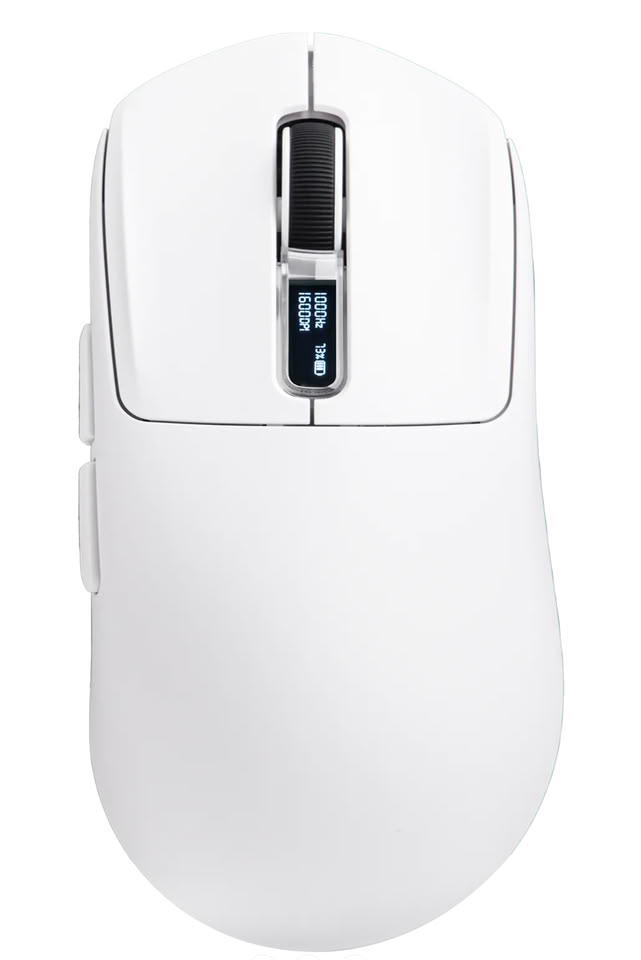
The mouse and charging dock both feature built-in display screens. These screens show useful information such as battery level, DPI settings, polling rate, and connection mode. Users can quickly check these details without opening any software.
The Epomaker Nex Lite also includes RGB lighting for a more stylish look. It is available in four colors: Black, White, Blue, and Pink. This gives users more options to match their desk setup.
The Epomaker Nex Lite is available now through the official Epomaker website, Amazon, and AliExpress. Priced at $32.39, it offers a good mix of comfort, wireless flexibility, and useful features for users who want an affordable mouse for daily use.
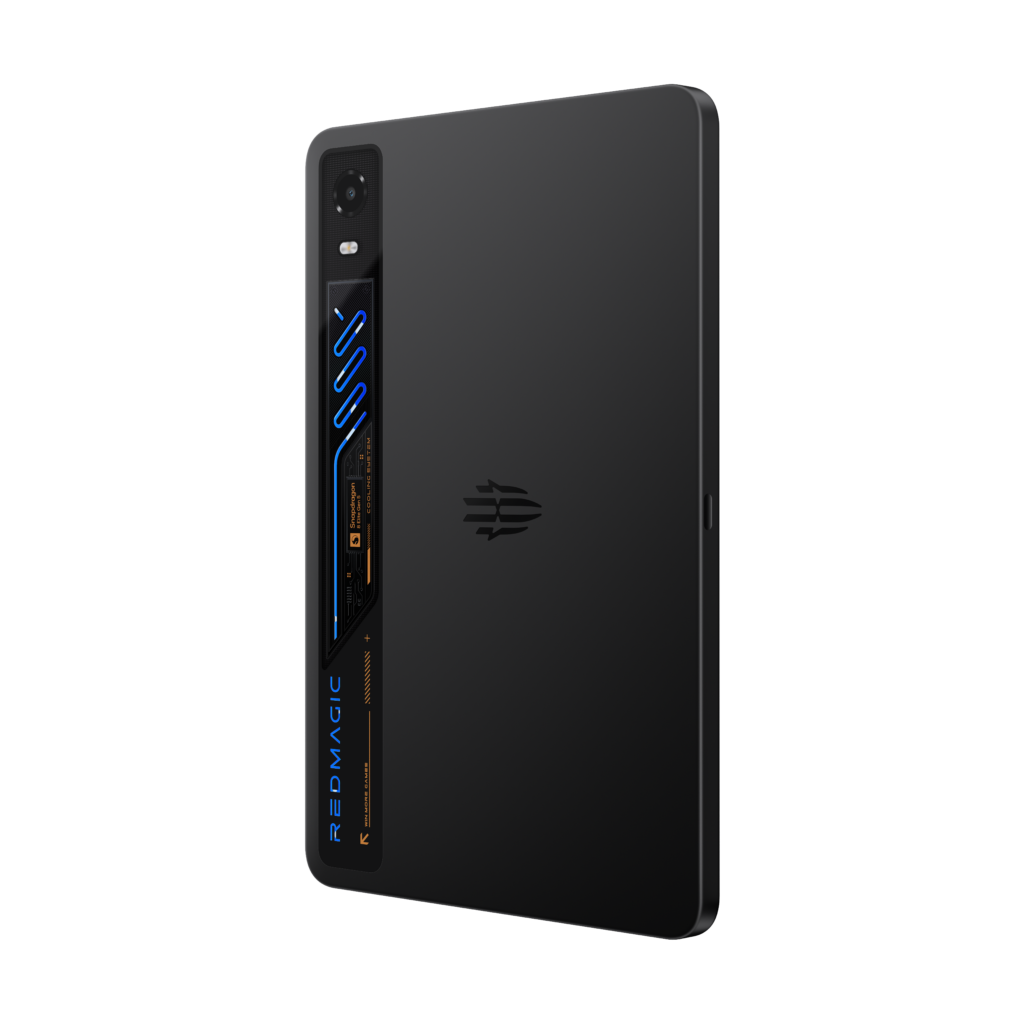
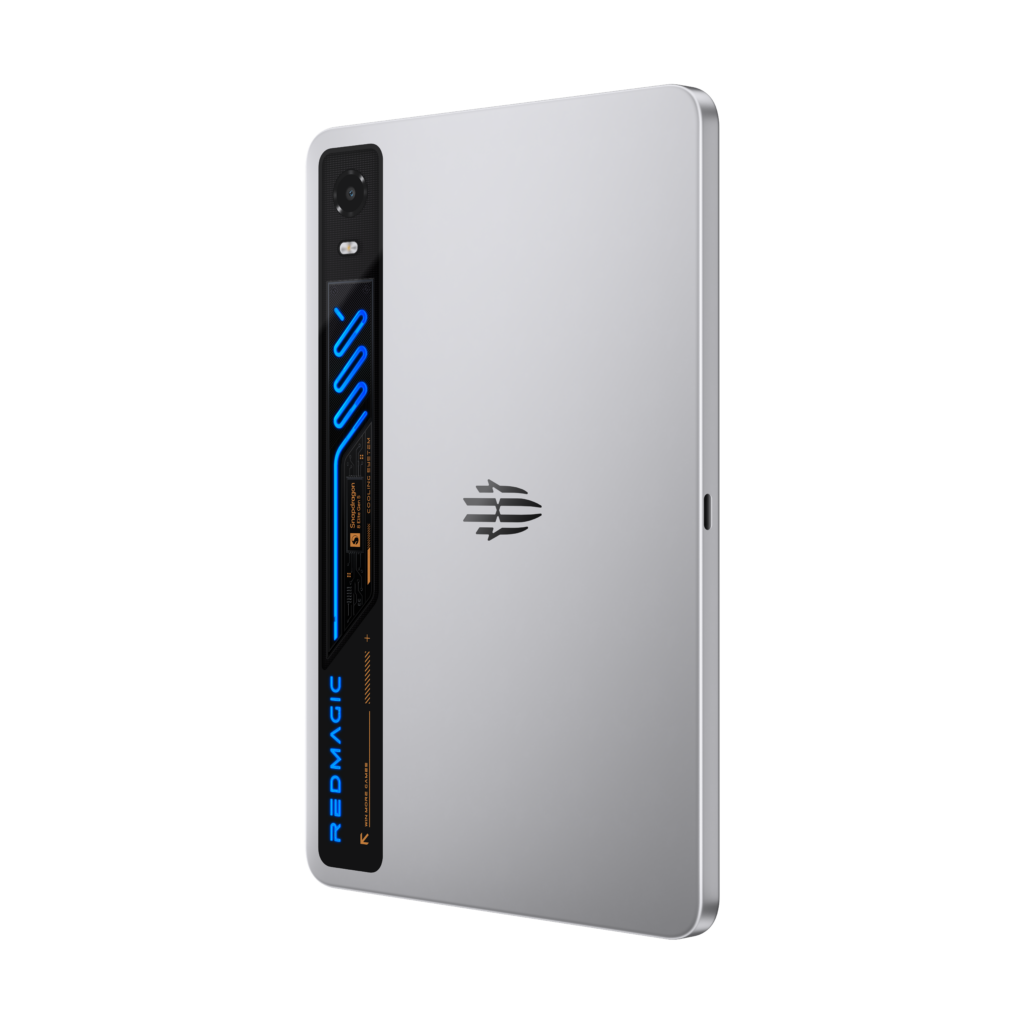
REDMAGIC, a global leader in gaming technology, today officially announced the global launch of the REDMAGIC Astra 2 Gaming Tablet, its flagship gaming tablet for 2026. Combining flagship-level performance with a compact 9.06-inch form factor, the Astra 2 is purpose-built for gamers seeking sustained power, advanced cooling, and an immersive full-screen experience in a highly portable design.
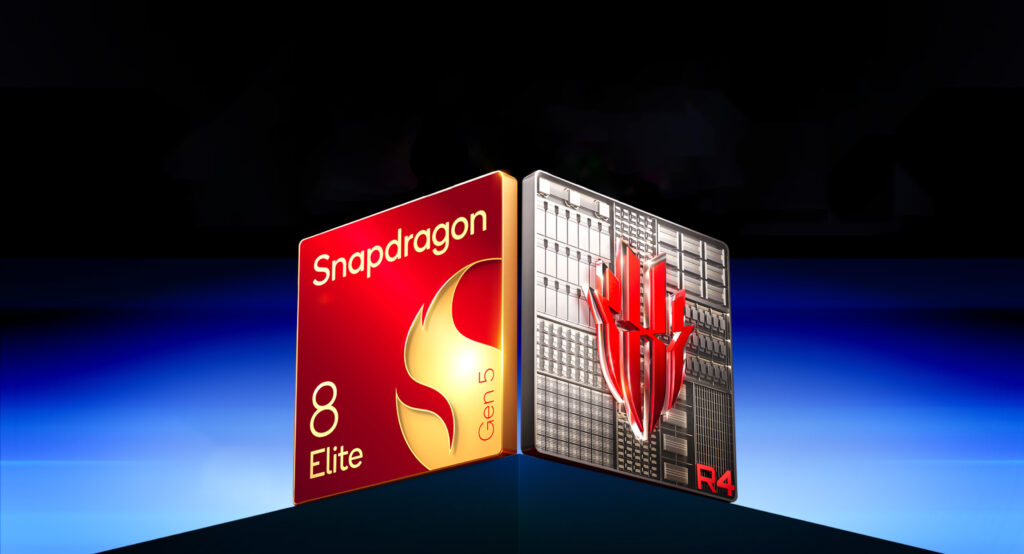
Powered by the Snapdragon 8 Elite Gen 5 and enhanced by REDMAGIC’s dedicated RedCore R4 gaming chip, the Astra 2 introduces major upgrades across processing performance, display responsiveness, thermal management, battery endurance, and system optimization. Paired with the advanced AquaCore Cooling System 2.0, REDMAGIC OS 11.5 based on Android 16, and a next-generation 2.4K (2,400 x 1,504 pixels) OLED gaming display with an industry-leading 185Hz refresh rate the highest ever offered on a tablet—the Astra 2 delivers smoother gameplay, more stable frame rates, and consistent high performance during extended use.
Rather than focusing solely on peak benchmark performance, the REDMAGIC Astra 2 is built around sustained performance and long-session stability. From competitive gaming and entertainment to multitasking and everyday productivity, every aspect of the tablet has been optimized to balance raw power, thermal efficiency, immersive visuals, and daily usability within a compact flagship tablet experience.
Next-Generation Snapdragon Performance, Built for Sustained Gaming
At the core of the REDMAGIC Astra 2 is the Snapdragon 8 Elite Gen 5 processor, delivering what REDMAGIC describes as its most powerful Android tablet performance to date. Built for demanding mobile gaming and high-performance multitasking, the platform delivers faster rendering, improved responsiveness, and enhanced power efficiency under sustained workloads.
Supporting the flagship chipset is REDMAGIC’s dedicated RedCore R4 gaming chip, designed to enhance real-time gaming experiences beyond raw hardware performance. It enables customizable in-game effects, Qualcomm-driven 2K super-resolution for sharper visuals, and intelligent power management that balances performance and efficiency during intensive gameplay.
Working alongside Energy Cube 3.0, REDMAGIC’s proprietary system-level optimization engine dynamically allocates CPU, GPU, memory, cooling, and touch resources based on real-time gaming scenarios. This results in improved frame rate stability, faster responsiveness, and more consistent performance during complex scenes, while also reducing overall power consumption and heat output.
With configurations of up to 16GB of RAM and 512GB of storage, the Astra 2 is built to handle large-scale game titles, background multitasking, and performance-intensive applications with ease, ensuring a stable and responsive experience over extended use.
Ultra-Responsive 185Hz OLED Display with 2.4K Visual Precision
The REDMAGIC Astra 2 delivers a premium visual experience, combining cutting-edge display technology with everyday usability. Featuring a 2.4K OLED panel (2,400 × 1,504 pixels), the display provides sharp detail, vibrant color reproduction, and excellent visual clarity across gaming, streaming, and creative workloads. Built on advanced OLED material with a Full Black Integrated Polarizer (POL), it enhances contrast with deeper blacks, improved brightness efficiency, and lower power consumption for more stable long-session performance.
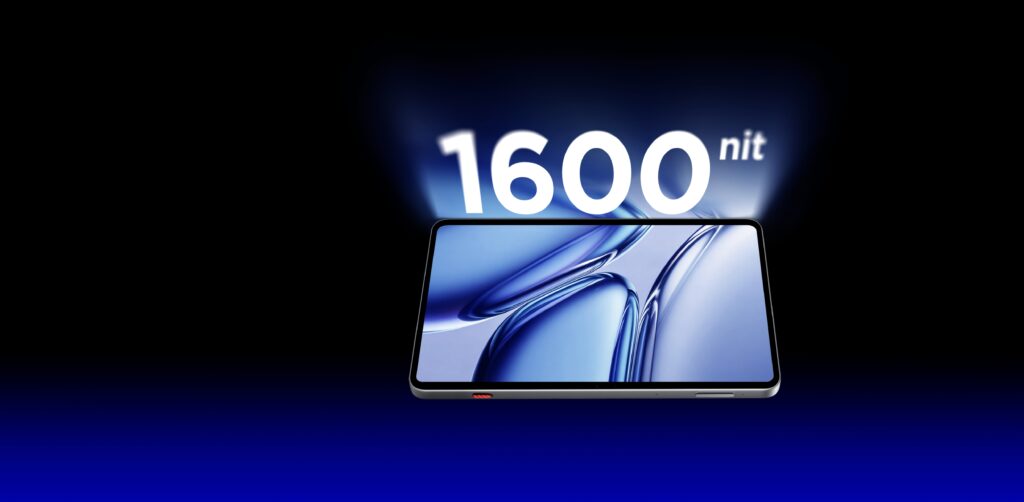
Designed for competitive responsiveness, the display supports an ultra-smooth 185Hz refresh rate, delivering fluid motion and reduced latency for fast-paced gameplay. It also achieves up to 1,600 nits peak brightness and 1,100 nits global brightness, ensuring clear visibility across a wide range of lighting environments.
The panel is further enhanced by a Synaptics S3930 touch system, making REDMAGIC the only tablet brand to feature a Synaptics chip for ultra-responsive touch performance. Delivering a 300Hz average touch sampling rate and up to 2,000Hz instant touch sampling, it provides highly precise, low-latency, and responsive input control for competitive gaming.
The Astra 2 further enhances immersion through its 9.06-inch display with a 90.1% screen-to-body ratio and ultra-slim 4.9mm bezels, creating an expansive viewing experience with minimal distraction. SGS-certified low blue light protection also helps reduce eye strain during extended gaming or media sessions.
AquaCore Cooling System 2.0: Advanced Liquid Cooling for Sustained Stability
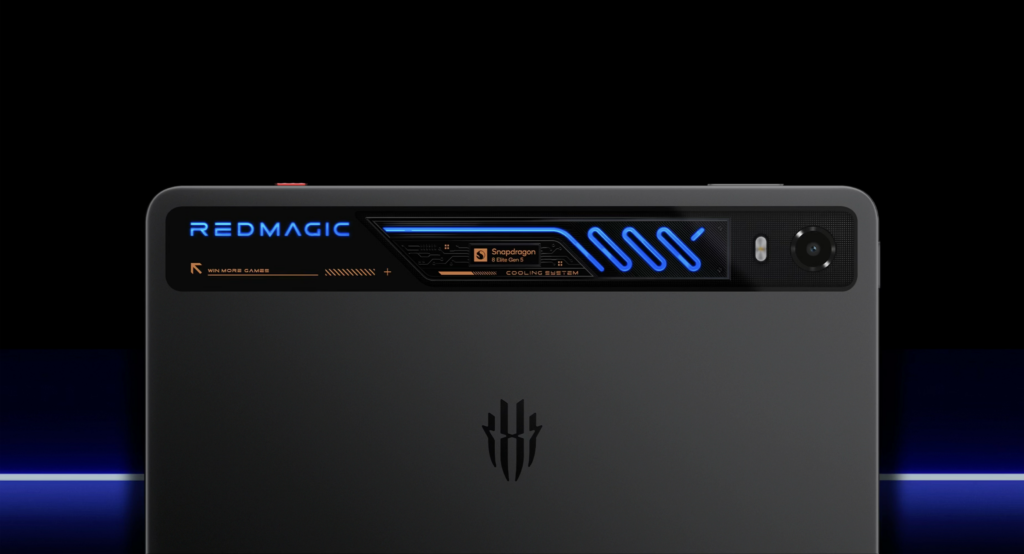
To ensure stable performance under sustained workloads, the REDMAGIC Astra 2 introduces the advanced AquaCore Cooling System 2.0, combining flowing liquid cooling, Liquid Metal 3.0, and a large VC vapor chamber within a highly integrated thermal architecture. As the industry’s first tablet to feature liquid cooling, the system is designed to deliver more efficient heat transfer and sustained peak performance during intensive gaming sessions.
The cooling system integrates micron-level liquid flow channels, piezoelectric ceramic micropumps, and AI server-grade fluorinated coolant engineered for stable circulation and efficient thermal conductivity within a compact tablet form factor.
To further improve cooling efficiency, Liquid Metal 3.0 is positioned directly above the vapor chamber to rapidly transfer CPU heat, while the upgraded VC chamber features an industry-first 4D structure with dual-side protrusions for improved heat dissipation without increasing overall device weight.
Built for both performance and long-term durability, the fully sealed cooling system is non-conductive, leak-resistant, and engineered to operate across extreme temperatures ranging from -40°C to 70°C. Combined with extensive drop-resistance testing and anti-puncture protection, the AquaCore Cooling System 2.0 helps maintain lower operating temperatures, reduce thermal throttling, and deliver more stable gaming performance over extended sessions.
Long-Session Battery Life with Flexible Dual-Port Fast Charging
The REDMAGIC Astra 2 is equipped with a large 8,300mAh dual-cell battery designed to deliver extended gaming endurance while maintaining a compact and portable tablet form factor. Optimized for sustained high-performance usage, the system supports long gaming sessions, streaming, and entertainment without frequent charging interruptions.
To minimize downtime, the Astra 2 supports up to 75W fast charging and can charge to full in as fast as 60 minutes through the USB 3.2 Gen 2 port.
The tablet also features REDMAGIC’s advanced dual Type-C design, with the short-side USB-C port supporting up to 75W charging and the long-side USB-C port supporting up to 40W charging, allowing for more flexible charging orientations during gameplay and everyday use.
Further enhancing usability, the dual Type-C system also supports two-way reverse charging—a first for REDMAGIC tablets—while the side USB-C port supports audio output, enabling users to separate charging and audio connections for a cleaner and more uninterrupted gaming setup.
Transparent Flagship Design Built for Immersive Gaming
The REDMAGIC Astra 2 combines a premium metal frame with a glass-accented transparent rear design, showcasing its visible liquid cooling structure and signature RGB lighting while reinforcing REDMAGIC’s distinctive gaming identity.
Designed around a compact 9.06-inch form factor, the tablet balances portability with ergonomic comfort, delivering a secure grip and more precise control during extended gaming sessions. Durability is further enhanced with IP54-rated water and dust resistance alongside Corning® Gorilla® Glass 3 protection for improved everyday reliability.
Immersion extends beyond visuals through REDMAGIC’s fully integrated audio-visual-haptic system. The Astra 2 features DTS® Ultra-certified symmetrical dual 1227 stereo speakers, delivering high-fidelity sound with clearer directional positioning for gaming and entertainment.
Complementing the audio system are dual 0815 X-axis linear motors that provide responsive 4D stereo haptic feedback for more engaging gameplay interactions. Customizable RGB lighting and the multifunctional Magic Key further enhance the gaming experience by providing faster access to GameSpace and essential controls.
A Complete Flagship Experience for Play, Productivity, and Beyond
Running REDMAGIC OS 11.5 based on Android 16, the Astra 2 delivers a smooth and intuitive software experience designed to balance gaming performance with everyday productivity.
The device features a 13MP rear camera enhanced by AI imaging algorithms for improved clarity and color accuracy, alongside a 9MP front camera optimized for clearer video calls and more natural-looking selfies. REDMAGIC AI-powered input tools further support faster and more efficient daily communication and content creation.
For connectivity and expansion, the Astra 2 supports upgraded Bluetooth 6.0, DisplayPort output up to 4K@144fps or 8K@60fps, and a fully featured USB 3.2 Gen 2 interface for high-speed daily connectivity.
The tablet also integrates a full suite of sensors, including a gyroscope, geomagnetic sensor, Hall sensor, ambient light sensor, accelerometer, and fingerprint sensor, while fingerprint and facial recognition provide secure and reliable unlocking even in challenging conditions such as wet hands or low-light environments.
Pricing and Availability
REDMAGIC is pleased to announce the official pricing and global availability of the highly anticipated REDMAGIC Astra 2 Gaming Tablet.
Black Eclipse (12GB + 256GB) – Black
North America: $749
Canada: CAD$1,029
Europe: €699
United Kingdom: £599
Singapore: S$1,049
Mexico: Mex$15,999
UAE: AED 2,699
Saudi Arabia: SAR 2,799
Remaining Markets: $699
Black Eclipse (16GB + 512GB) – Black
North America: $849
Canada: CAD$1,179
Europe: €799
United Kingdom: £679
Singapore: S$1,179
Mexico: Mex$18,499
UAE: AED 3,099
Saudi Arabia: SAR 3,199
Remaining Markets: $799
Silver Starfrost (12GB + 256GB) – Silver
North America: $749
Canada: CAD$1,029
Europe: €699
United Kingdom: £599
Singapore: S$1,049
Mexico: Mex$15,999
UAE: AED 2,699
Saudi Arabia: SAR 2,799
Remaining Markets: $699
Silver Starfrost (16GB + 512GB) – Silver
North America: $849
Canada: CAD$1,179
Europe: €799
United Kingdom: £679
Singapore: S$1,179
Mexico: Mex$18,499
UAE: AED 3,099
Saudi Arabia: SAR 3,199
Remaining Markets: $799
Launch Schedule
Official Global Launch: July 17, 2026 (20:00 HKT / 8:00 AM EDT / 14:00 CEST)
Early Bird Vouchers: Expected by mid-August 2026
Early Bird Access: Expected by late August 2026
Global Open Sale: Expected by late August 2026
To provide early access for fans, REDMAGIC plans to launch its Early Bird Voucher campaign by mid-August 2026. Voucher holders will enjoy exclusive one-day priority access during the Early Bird Access period, expected by late August 2026, allowing them to purchase the device before the global open sale begins.
As an added benefit, Early Bird customers will receive a complimentary 80W Fast Charger and an exclusive REDMAGIC Keychain. Given the expected demand for REDMAGIC’s latest flagship tablet, customers are encouraged to take advantage of early access to ensure availability.
Additionally, switching to a new brand isn’t always easy. REDMAGIC is introducing the “Try Before You Switch” program alongside the Astra 2 launch. Through this initiative, selected users can experience the REDMAGIC Astra 2 firsthand and share their honest feedback with the community. More REDMAGIC devices will be added to the program over time.
Additional details on the Early Bird Offer, availability, and regional launch schedule will be announced closer to launch.
Wanbo ToGo Pro is one of the latest portable projectors from Wanbo, a brand that has become a favorite here at EnosTech over the years. We have reviewed several Wanbo projectors in the past, and most of them have impressed us with their features, performance, and value. One thing we have noticed is that Wanbo is always looking to improve its products. With every new projector, the company adds useful features and works to give users a better overall experience.
The Wanbo ToGo Pro continues that trend. It comes with Google TV, a built-in battery, Full HD resolution, automatic image correction, and a 360-degree rotating stand. On paper, it looks like a projector designed for people who want a simple and flexible viewing experience without being tied to one room.
The Wanbo ToGo Pro has actually been with me for quite some time. Unfortunately, due to a few reasons, this review was delayed longer than expected. The good thing is that the extra time allowed me to use the projector much more than I normally would during a review period.
I used the Wanbo ToGo Pro in different rooms, for movies, YouTube, streaming, and everyday viewing. I also tested it in different lighting conditions and tried many of its features over a longer period of time.
Because of that, I was able to get a much better understanding of what the Wanbo ToGo Pro does well and where its limitations are. After spending a lot of time with it, I think I have a clear picture of who this projector is for and whether it is worth your money.
Unboxing
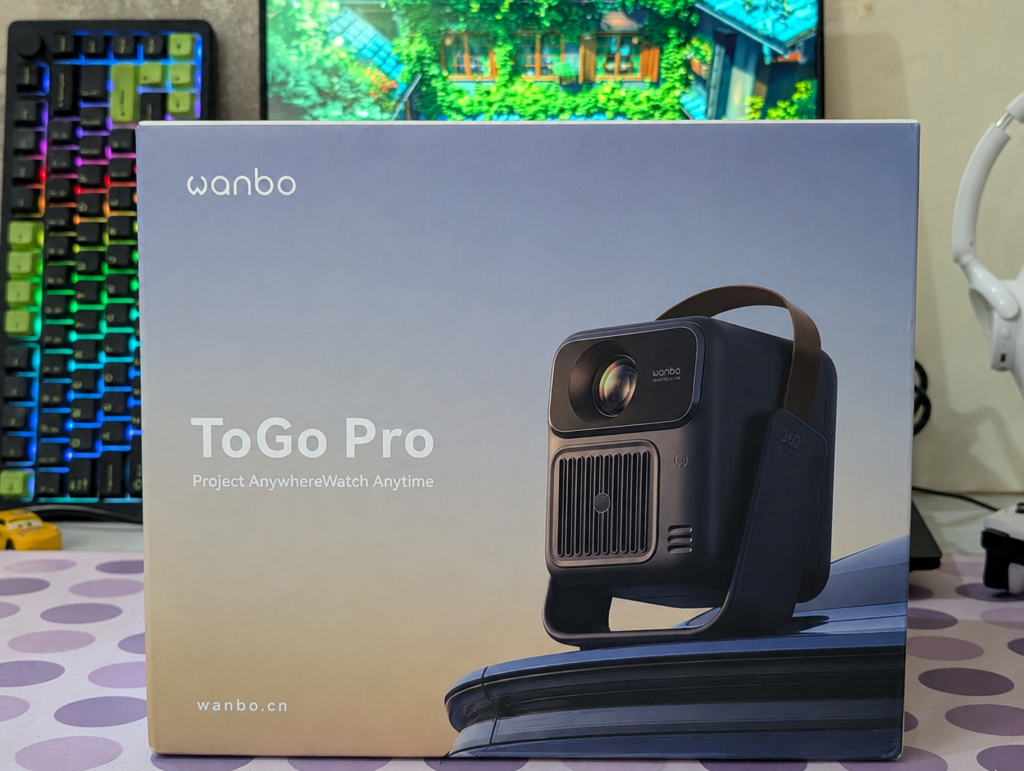
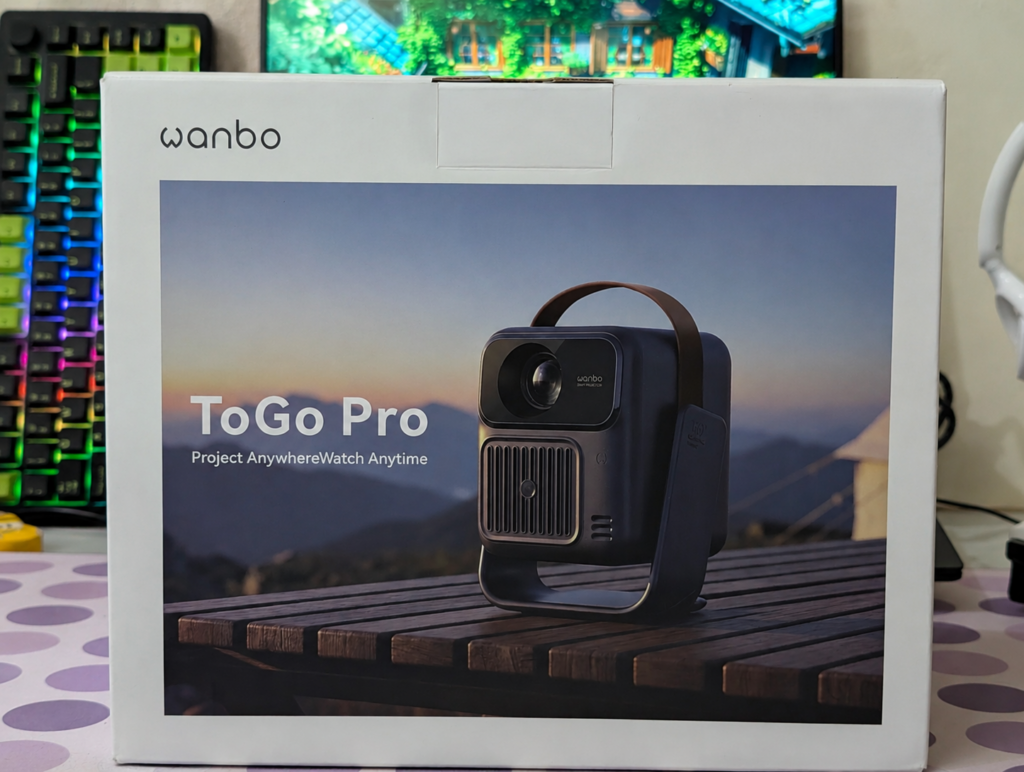
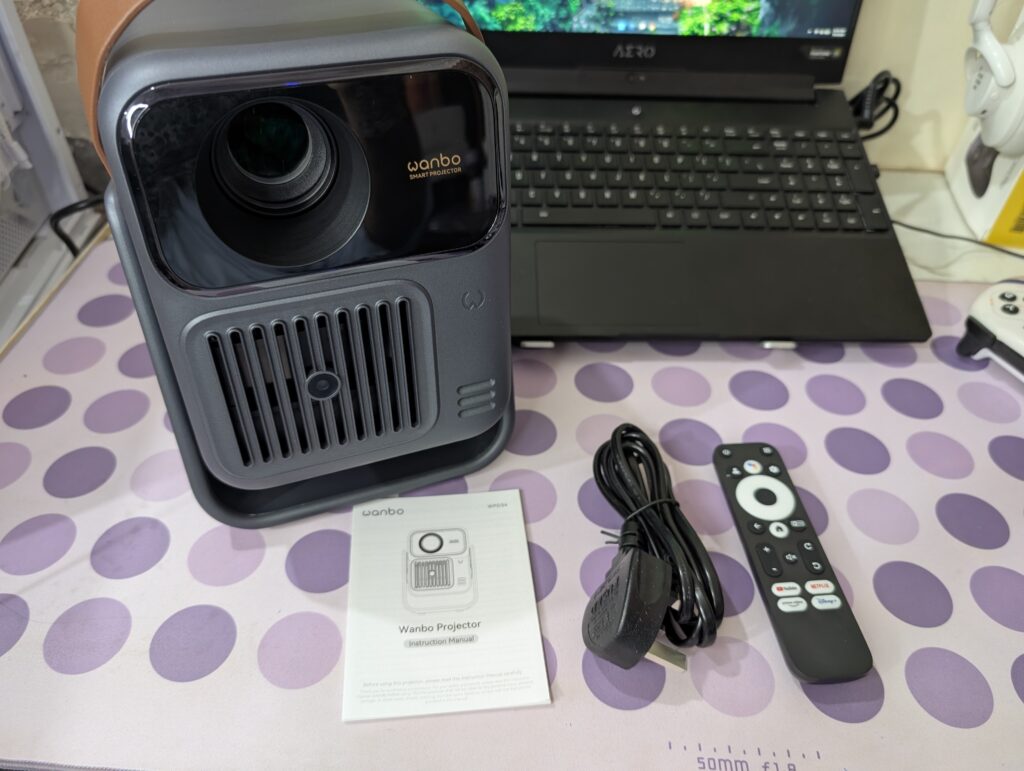
The Wanbo ToGo Pro arrives in a clean and premium-looking retail box. The front of the box features a large image of the projector along with the Wanbo branding and ToGo Pro model name. The packaging immediately highlights the portable nature of the projector thanks to the image showing the built-in carry handle. Overall, the box design looks modern and gives a good first impression.
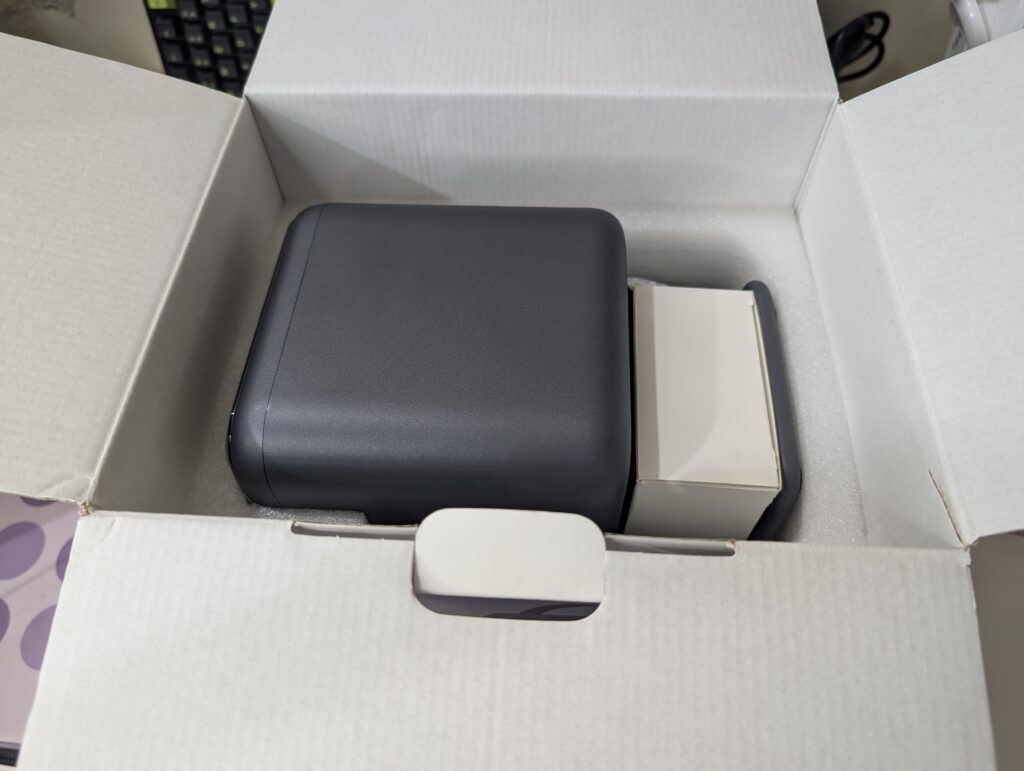
Opening the box, the projector is protected by thick foam padding to keep everything secure during shipping. The packaging feels well organized, and every component has its own place inside the box.
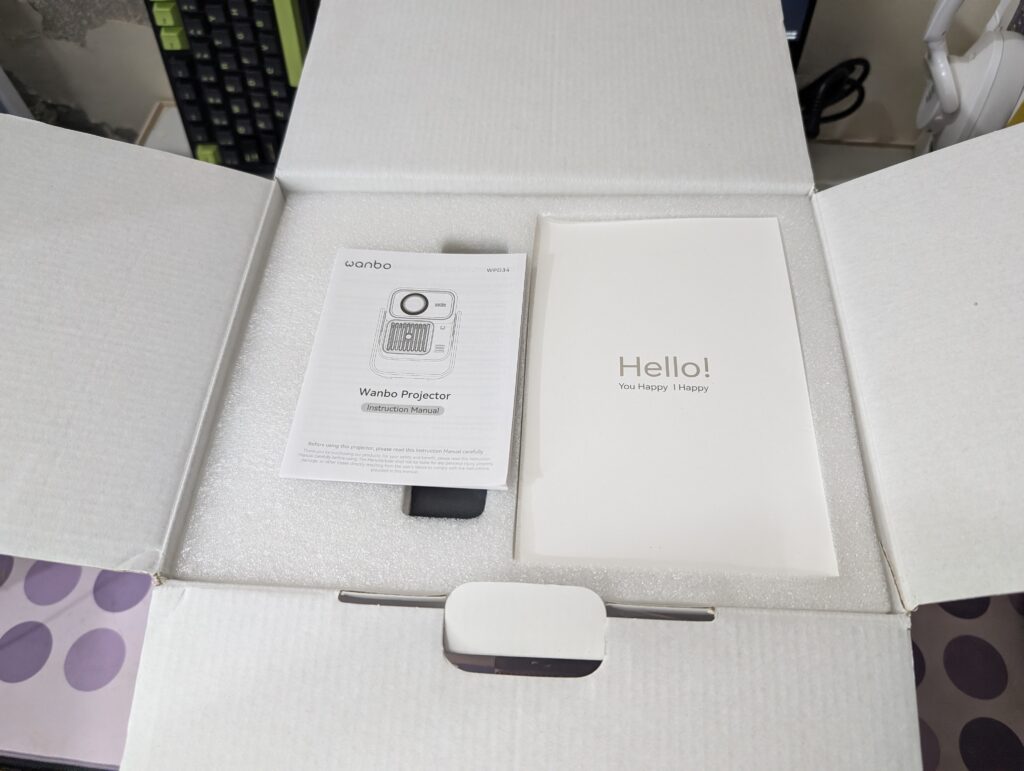
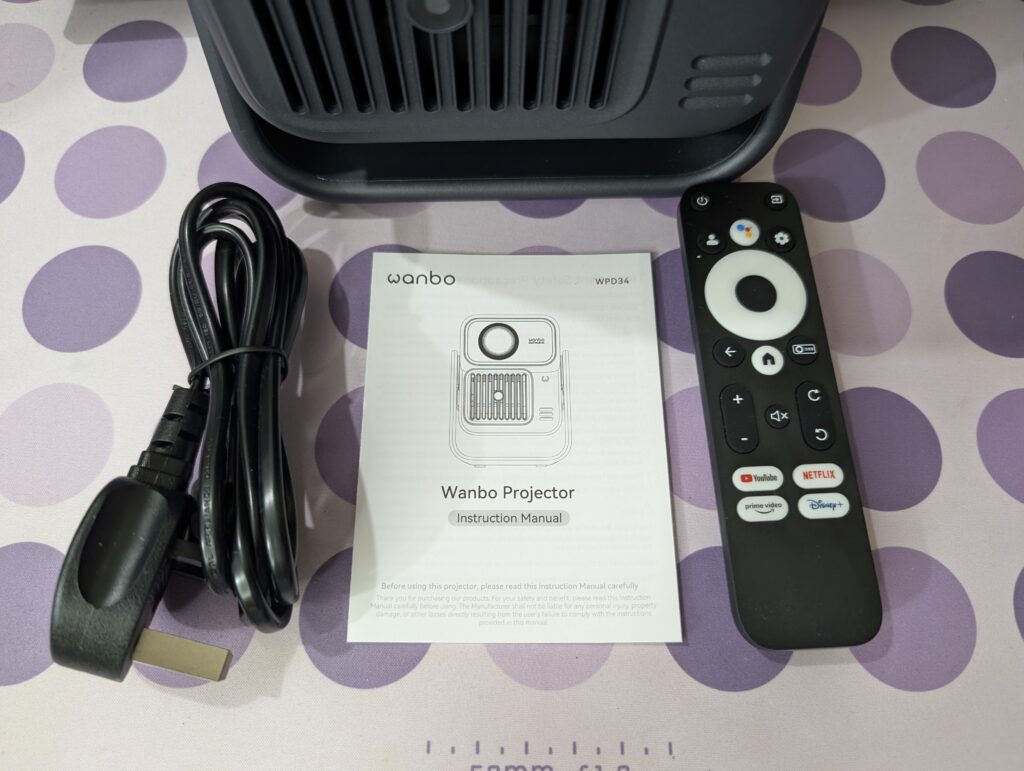
The first thing you see after opening the box is the user manual placed on top of the protective foam. Once the top layer is removed, the Wanbo ToGo Pro projector itself is revealed along with a separate compartment for the included accessories.
Inside the box, you will find:
Wanbo ToGo Pro Projector
Power Adapter and Cable
Remote Control
User Manual
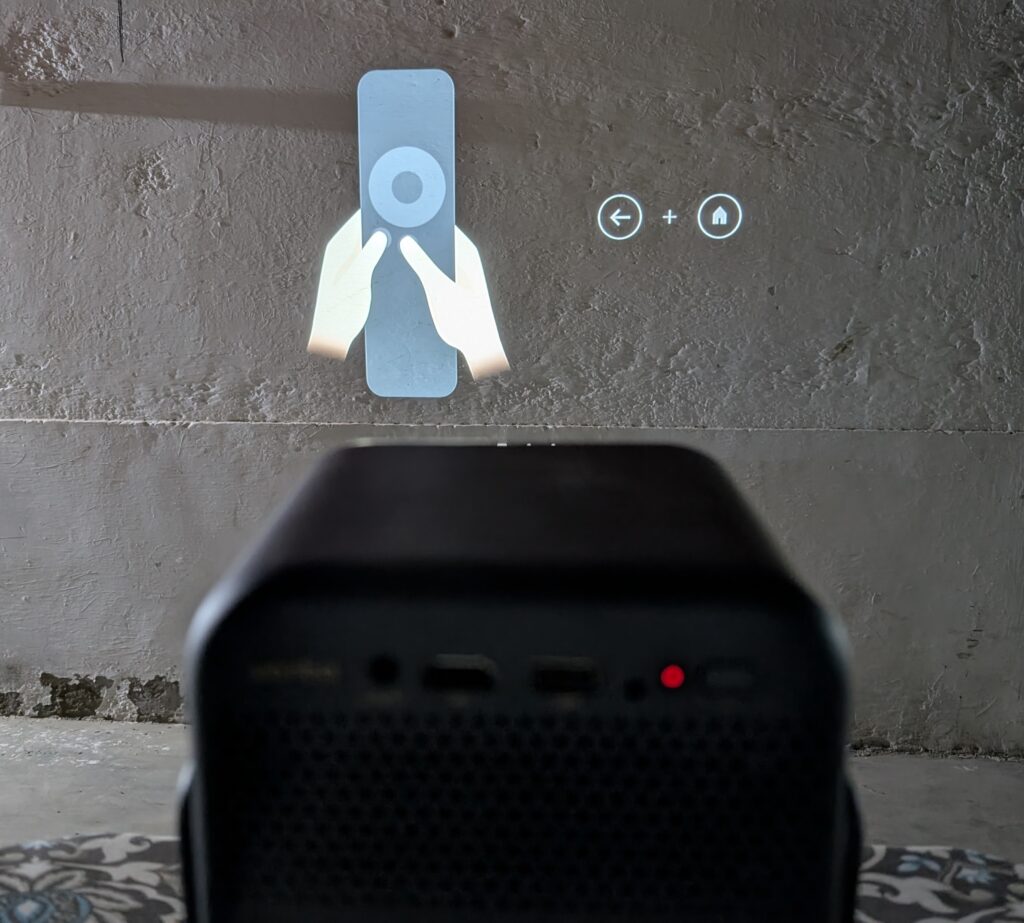
The included remote follows the same simple design we have seen on other recent Wanbo projectors. It features dedicated shortcut buttons for popular streaming services including YouTube, Netflix, Prime Video, and Disney+. There is also a Google Assistant button for voice commands, making navigation quick and easy.
Overall, the unboxing experience is simple but well executed. The packaging does a good job of protecting the projector, and everything needed to get started is included in the box. The Wanbo ToGo Pro may focus on portability, but the company has not cut corners when it comes to presentation or packaging quality.
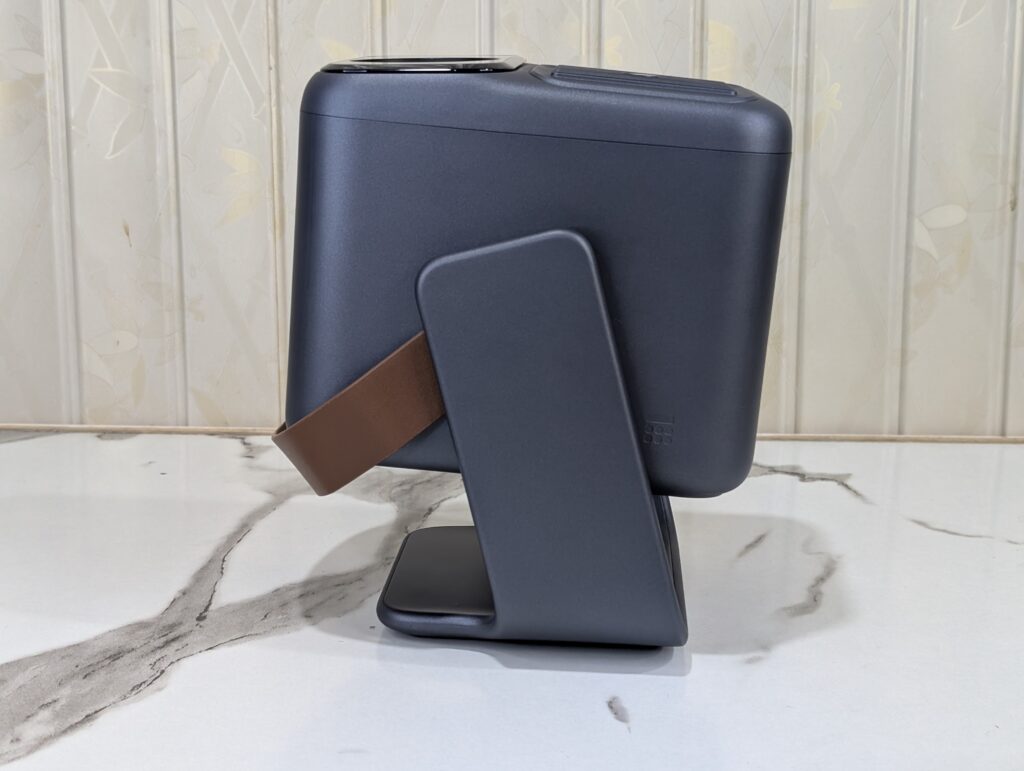
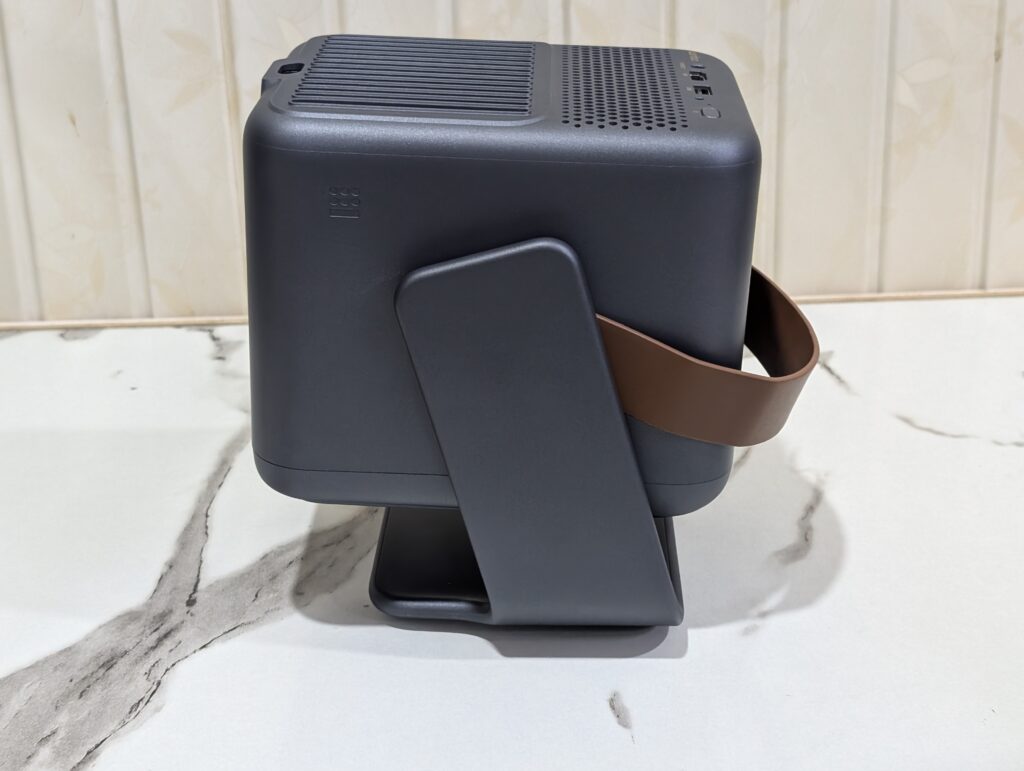
The Wanbo ToGo Pro is designed with portability in mind. It measures approximately 195 x 148 x 219 mm and weighs around 2.6kg. While it is not the smallest projector on the market, it is compact enough to carry around the house or take on short trips without much effort.
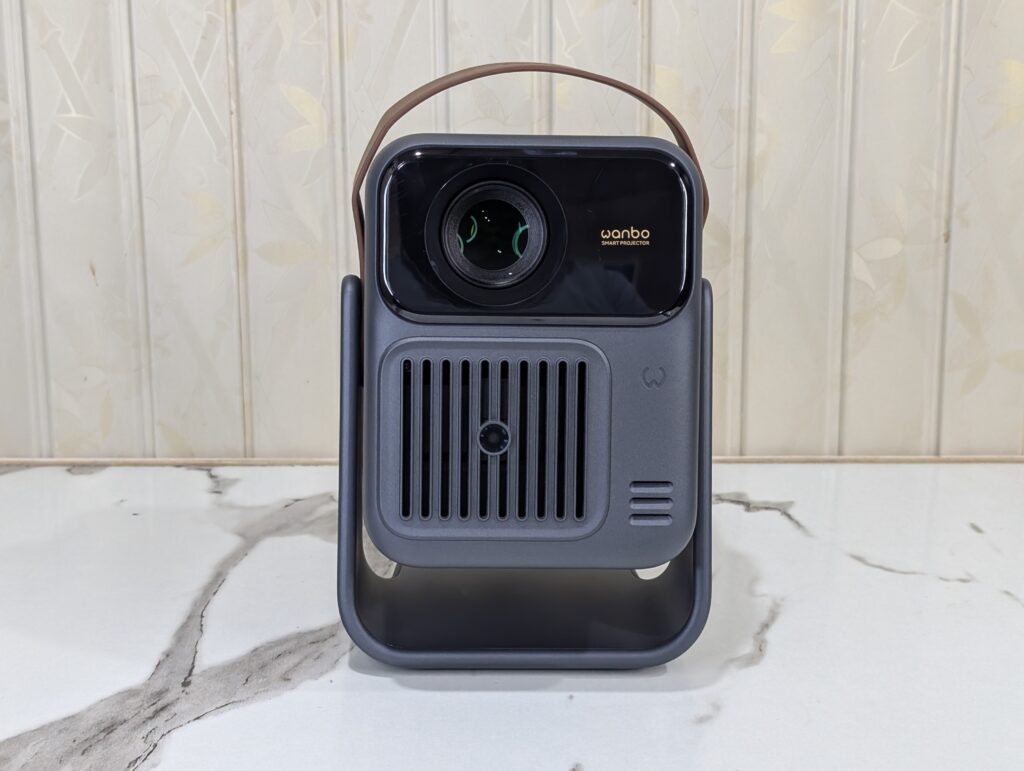
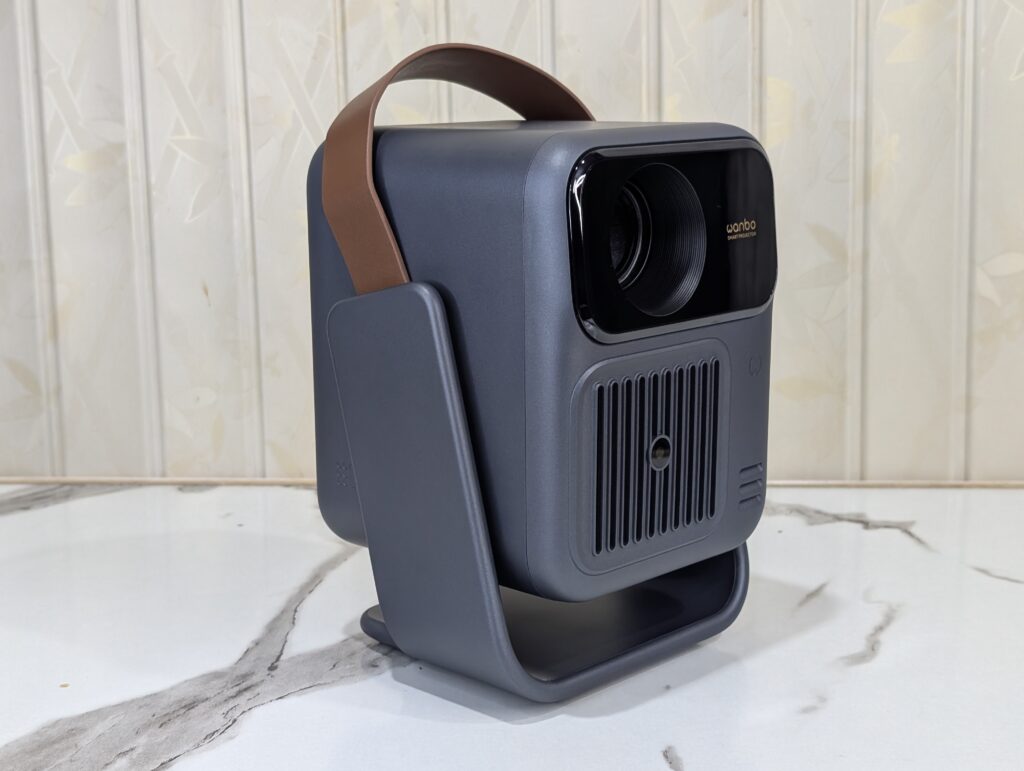
The projector comes in a stylish dark gray finish that gives it a modern and premium appearance. The color also does a good job of hiding fingerprints and dust during everyday use.
Looking at the front, you will find the large projection lens positioned near the top. Below it is a grille-style design that gives the projector a unique look compared to many traditional projectors. The front design feels clean and modern without being overly flashy.
One of the first things that stands out is the built-in leather carry handle. This is not just for looks. It makes the projector much easier to carry and adds to its portable nature. The handle also blends nicely with the overall design and gives the Wanbo ToGo Pro a more premium feel.
The most interesting part of the design is the integrated 360-degree rotating stand. Instead of using a traditional adjustable foot, the entire projector sits inside a rotating frame. This allows you to easily tilt the projector upward, downward, or even toward the ceiling. It is a simple idea, but it makes setup much more convenient.
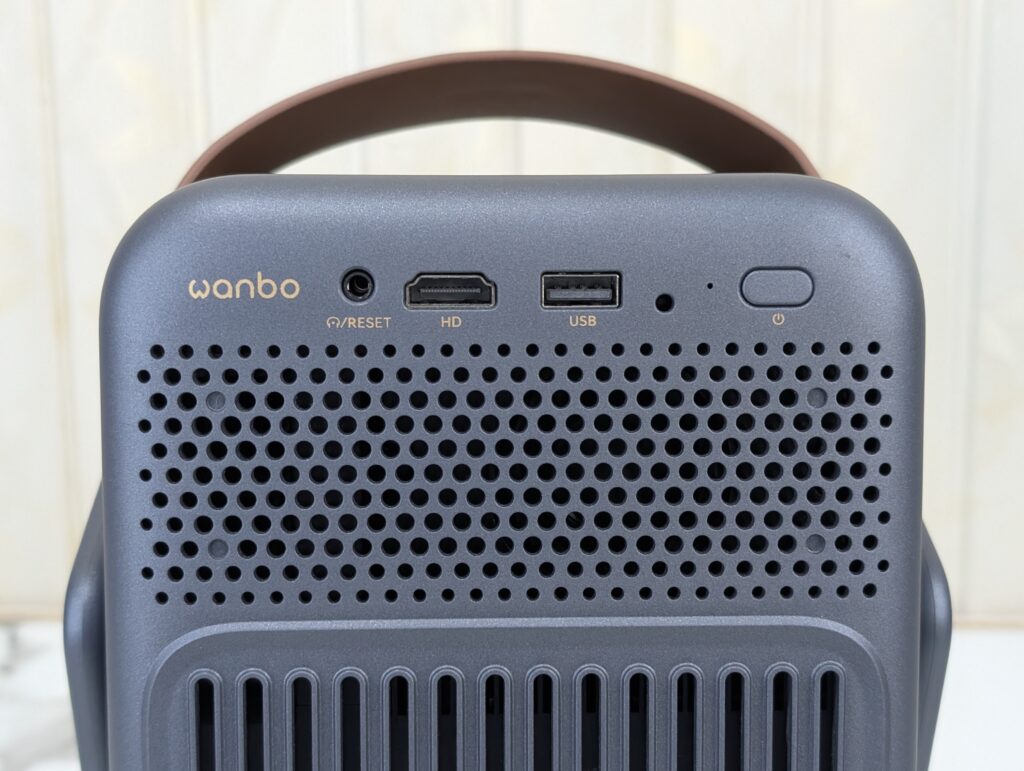
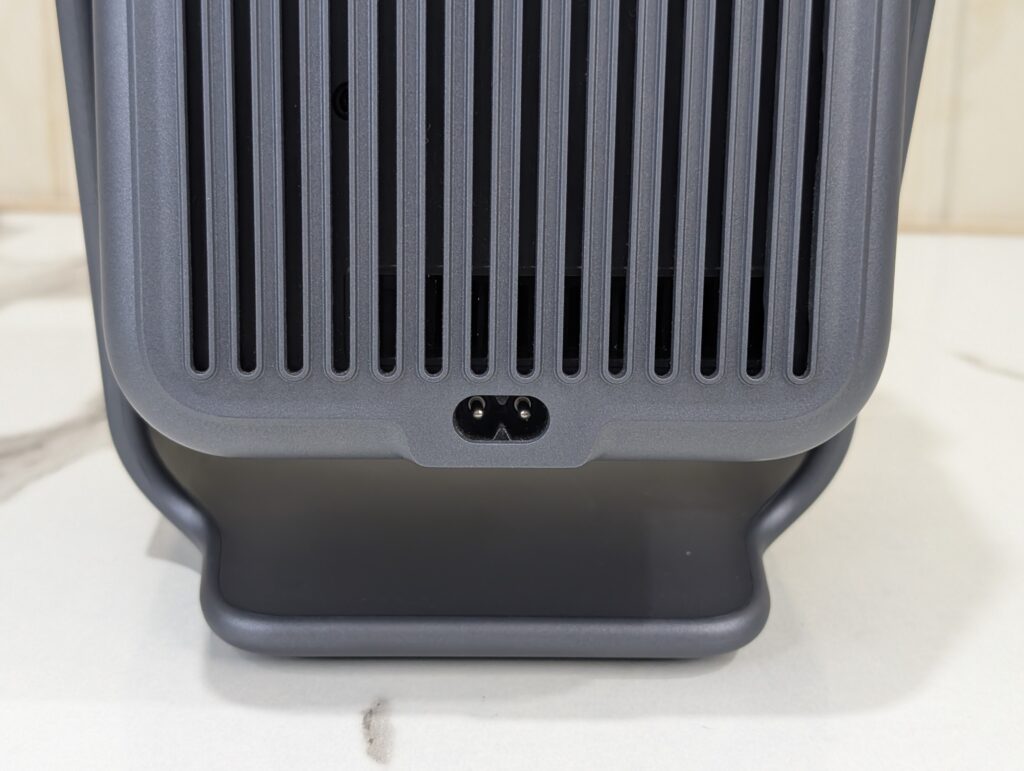
Around the back, Wanbo has included all the essential ports most users will need. These include an HDMI port, a USB-A port, a 3.5mm audio jack, and the power input. The layout is clean and keeps cables organized during use.
Overall, the Wanbo ToGo Pro looks and feels like a product designed for modern users. It combines a compact size, premium appearance, practical carry handle, and flexible rotating stand into a package that stands out from many other portable projectors on the market.
Display
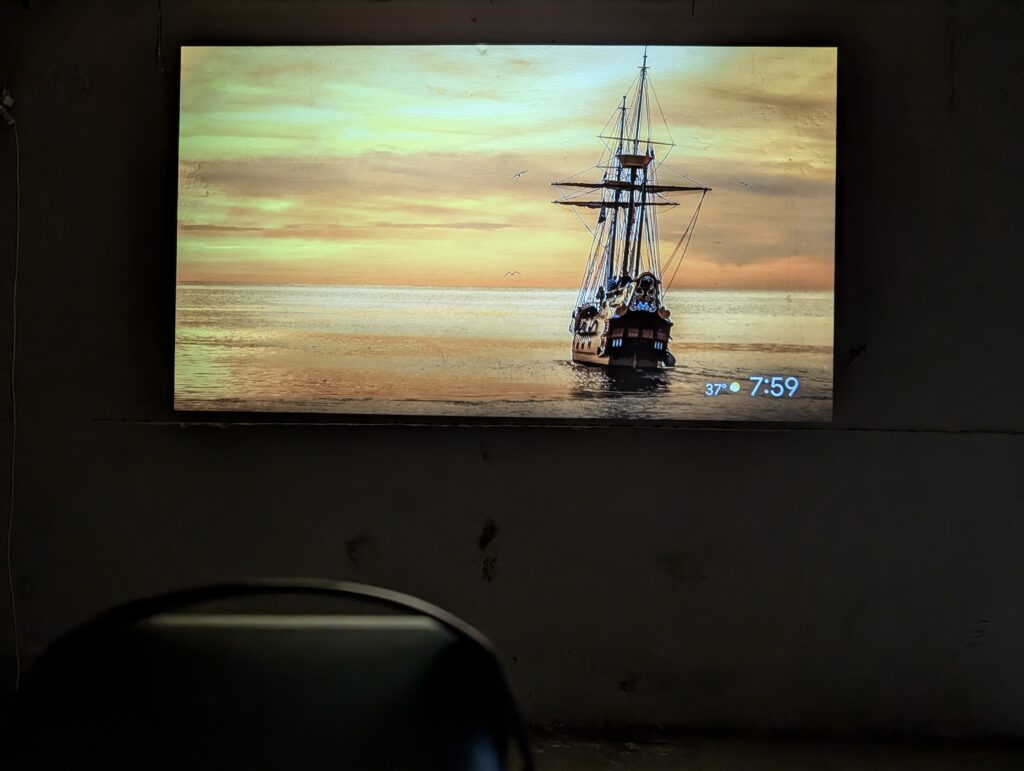
The Wanbo ToGo Pro comes with a native 1920 x 1080 Full HD resolution and supports 4K video playback. While it is not a native 4K projector, the Full HD panel does a great job of delivering a sharp and detailed image. Whether I was watching movies, YouTube videos, or streaming content from Netflix, the picture looked clean and enjoyable.
The projector is rated at 500 ANSI Lumens, which means it performs best in darker environments. During my testing, I mostly used it in the evening and at night, where it produced excellent results. Colors looked vibrant, details were easy to see, and the overall image felt immersive. Black levels are not going to compete with premium home theater projectors, but for a portable projector in this category, the performance is very impressive.
One thing I immediately noticed was how sharp the image looked after the auto focus system finished its work. Text remained readable, and smaller details in movies and videos were easy to spot. The projector can create a screen size between 40 and 120 inches, giving users plenty of flexibility depending on the available space.
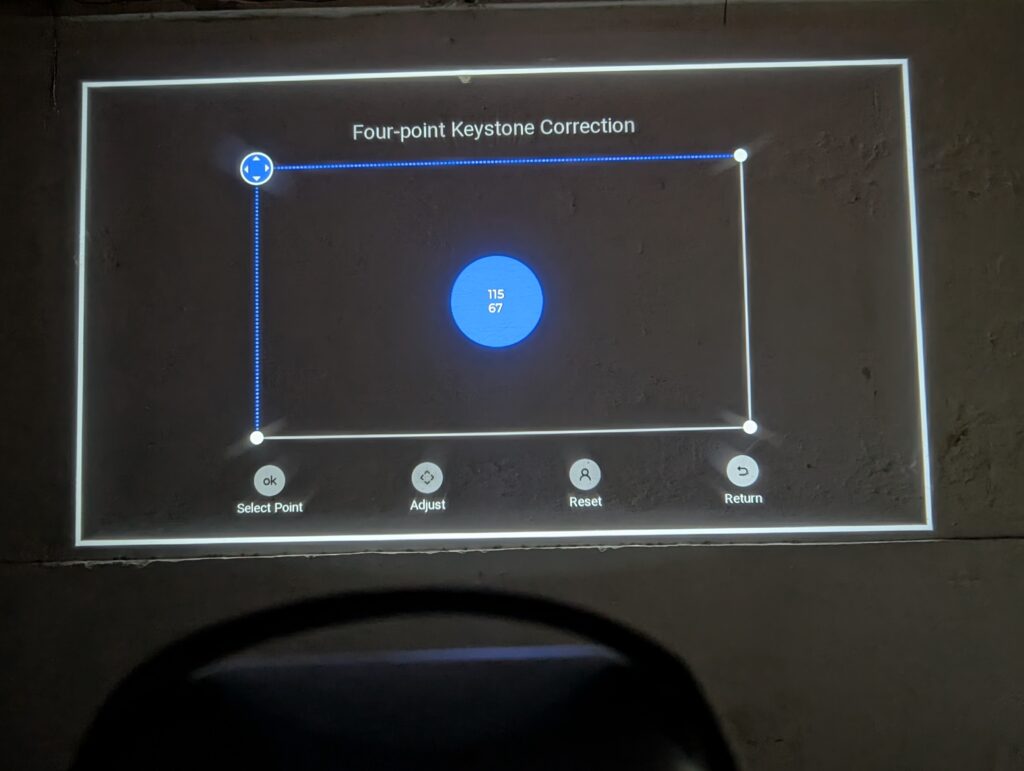
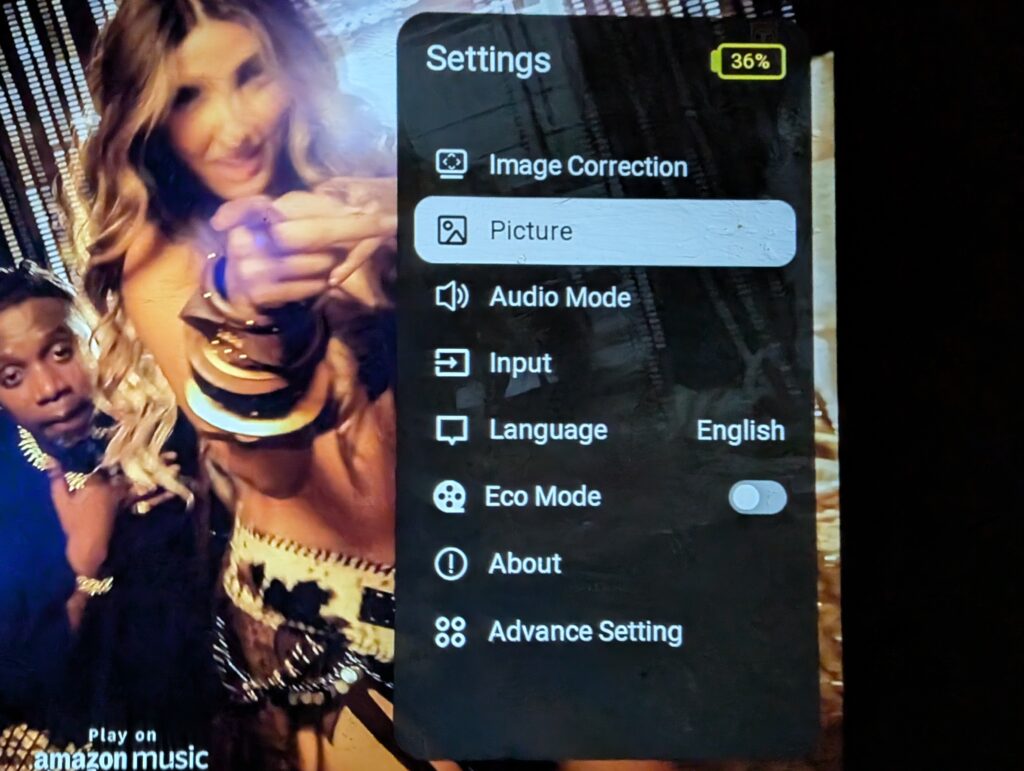
The automatic image correction features also deserve praise. Auto Focus, Auto Keystone Correction, and Auto Screen Alignment worked very well during testing. Most of the time, I simply placed the projector where I wanted it and let the system handle the adjustments. Within a few seconds, the image was ready to use.
I also decided to test the Wanbo ToGo Pro outside the house. Instead of using a projector screen, I projected the image onto a plain white wall. Honestly, I was not expecting the results to be this good. Once it got dark, the image looked surprisingly sharp and colorful. Movies and YouTube videos looked fantastic, and the large projected image created a much more immersive experience than I expected from a portable projector. The results were genuinely shocking and showed that you do not necessarily need a dedicated projector screen to enjoy what the Wanbo ToGo Pro can deliver.
The built-in 360-degree rotating stand adds even more flexibility to the display experience. It allows you to project onto walls, adjust viewing angles easily, or even project directly onto the ceiling. I found myself using the ceiling projection feature more often than expected, especially when watching content while lying in bed.
Of course, brightness remains the main limitation. The Wanbo ToGo Pro is not designed for bright daytime viewing with sunlight coming into the room. In those situations, the image can appear washed out. However, this is completely normal for a battery-powered portable projector. Use it in a dim room or after sunset, and the projector becomes much more enjoyable.
Overall, the display performance of the Wanbo ToGo Pro exceeded my expectations. The combination of Full HD resolution, good color reproduction, reliable automatic adjustments, and surprisingly strong real-world performance makes it one of the better portable projectors I have used recently. For movies, streaming, casual gaming, and outdoor viewing sessions, it delivers a very enjoyable experience.
Audio
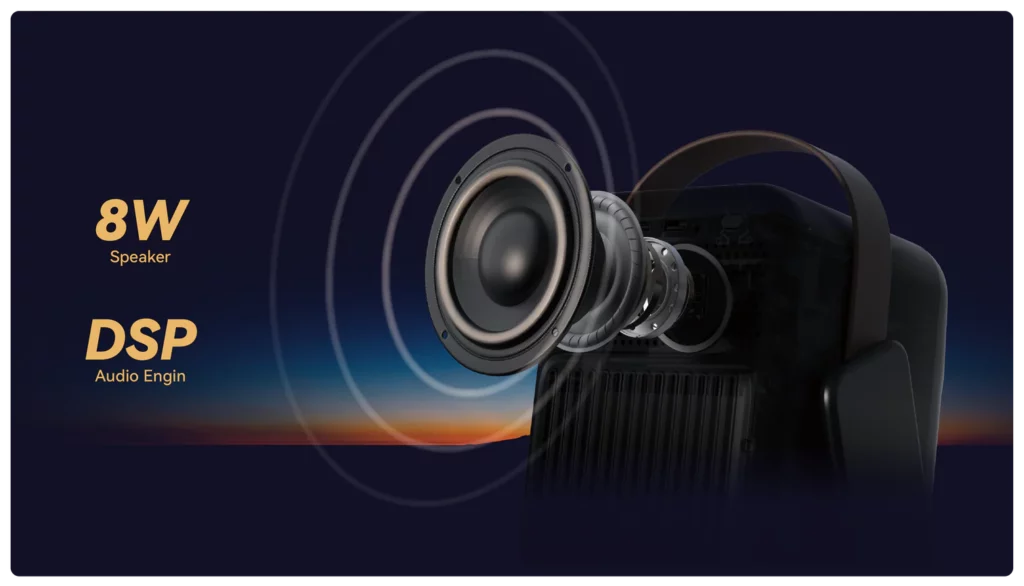
The Wanbo ToGo Pro features a built-in 8W speaker. For a portable projector, the audio quality is quite good. Voices sound clear, making movies, TV shows, and YouTube videos easy to enjoy without external speakers.
The speaker is loud enough for bedrooms, small living rooms, and casual outdoor viewing. While it lacks the deep bass and power of a dedicated sound system, it performs well for everyday use.
For users who want better sound, the projector supports Bluetooth 5.0 and includes a 3.5mm audio jack, making it easy to connect speakers, headphones, or a soundbar.
Fan noise is also well controlled. The cooling system remains quiet during use and never became distracting while watching content.
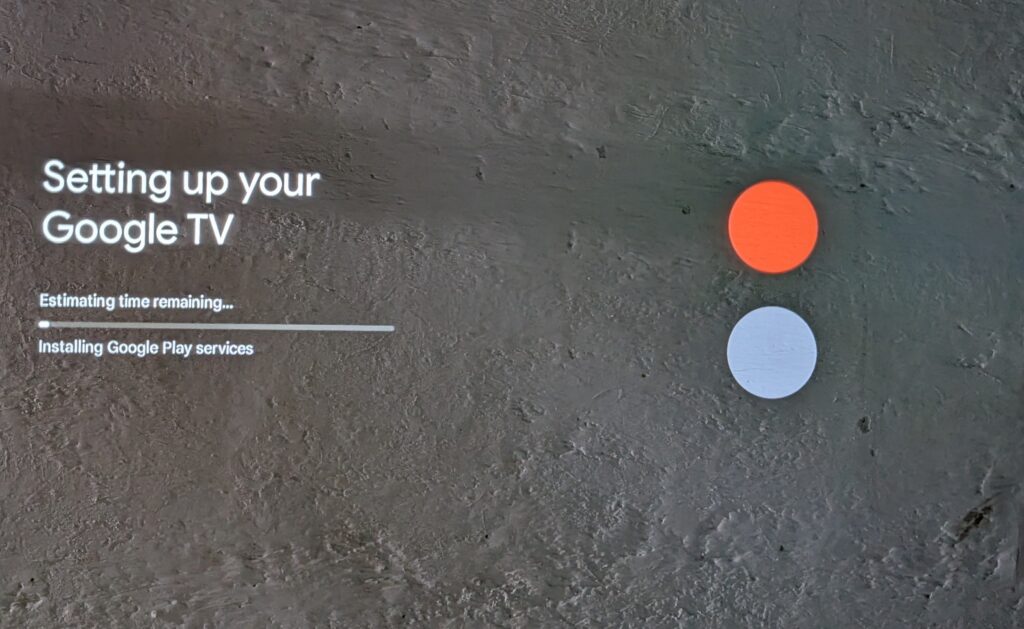
Software – Google TV
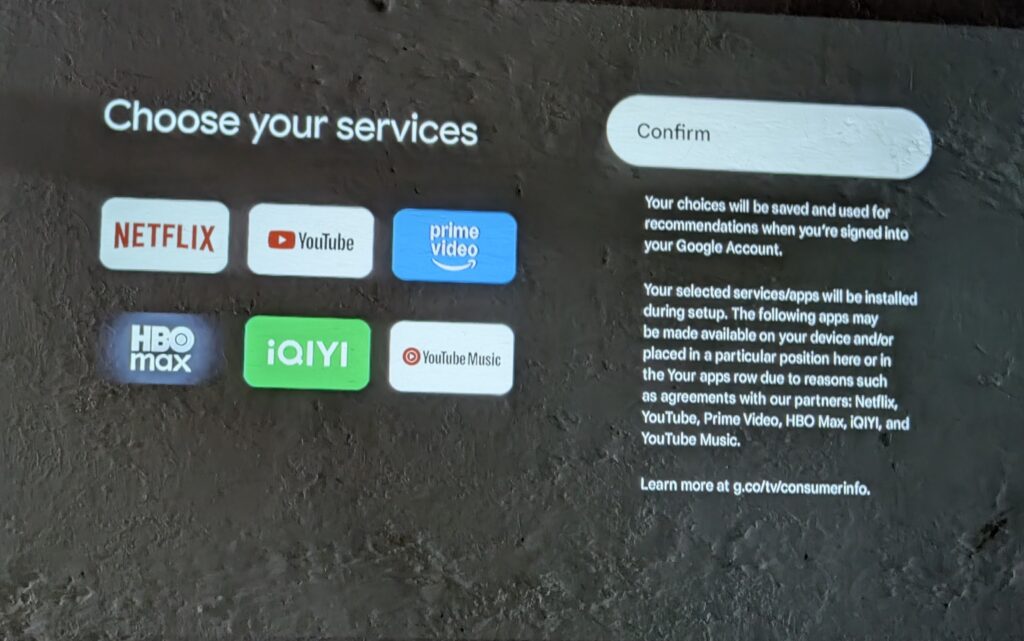
The Wanbo ToGo Pro runs on Google TV based on Android 14, giving users a complete smart entertainment experience right out of the box. It is powered by 2GB RAM and 32GB of internal storage, which is enough for streaming apps and everyday use.
One of the biggest advantages of Google TV is that you do not need a separate streaming stick. Everything is already built into the projector. Simply connect to Wi-Fi, sign in with your Google account, and start watching.
The projector gives you access to more than 10,000 apps, including popular services such as:
Netflix
YouTube
Disney+
Prime Video
Hulu
ESPN+
Spotify
And many more
During my testing, the interface felt smooth and easy to navigate. Apps opened quickly, content loaded without issues, and moving through menus was simple. It felt more like using a smart TV than a traditional projector.
The included remote control also supports Google Assistant, which adds another layer of convenience. Instead of searching through menus, you can simply use your voice. Want to find a movie? Open an app? Adjust the volume? Just press the Google Assistant button and ask.
I found the voice control feature surprisingly useful during daily use. It saves time and makes the overall experience feel more modern and user-friendly.
Overall, the Google TV experience is one of the strongest features of the Wanbo ToGo Pro. With thousands of apps, built-in streaming services, smooth performance, and Google Assistant support, the projector is ready for entertainment the moment you take it out of the box.
Battery
One of the biggest highlights of the Wanbo ToGo Pro is its built-in 99Wh battery.
According to Wanbo, the battery can provide up to 2 hours of playback in Standard Mode and up to 3.5 hours in Eco Mode. During my testing, battery life was good enough for most movies and streaming sessions without needing to reach for the charger.
The battery is what truly sets the Wanbo ToGo Pro apart from many traditional projectors. It allows you to move freely between rooms, use the projector in places with limited access to power outlets, or even enjoy outdoor movie nights without worrying about cables.
Combined with the rotating stand and automatic image correction features, the battery makes the Wanbo ToGo Pro feel like a truly portable entertainment device rather than just a smaller home projector.
Final Verdict
After spending several weeks with the Wanbo ToGo Pro, I can confidently say that this is one of the best portable projectors Wanbo has released so far. The review may have taken longer than expected, but that extra time allowed me to use the projector in different situations and get a much better understanding of its strengths and weaknesses.
The Wanbo ToGo Pro gets a lot of things right. The native Full HD resolution delivers a sharp and detailed image, while the 500 ANSI Lumens brightness provides a very enjoyable viewing experience in dark rooms and during nighttime use. Whether I was watching movies, YouTube videos, or streaming content, the projector consistently delivered a clean and immersive picture.
One of the biggest surprises came when I tested the projector outdoors. Instead of using a projector screen, I simply projected the image onto a plain white wall. Honestly, I was not expecting much, but the results were surprisingly good. The image looked sharp, colorful, and much larger than expected. It proved that you do not need an expensive screen to enjoy what the Wanbo ToGo Pro can offer.
The Google TV experience is another major reason to like this projector. Everything is built in, so there is no need for a separate streaming stick. Popular apps such as Netflix, YouTube, Disney+, Prime Video, and many others are ready to use straight out of the box. The interface is smooth, easy to navigate, and the addition of Google Assistant makes searching for content quick and convenient.
The feature that stands out the most, however, is the 99Wh built-in battery.
This battery completely changes how you use the projector. Instead of searching for a nearby power outlet or dealing with long cables, you can simply pick up the projector and use it wherever you want. During my testing, I regularly moved it between rooms and even used it outside without any hassle. This level of freedom is something many traditional projectors cannot offer.
The built-in battery works perfectly alongside the 360-degree rotating stand and automatic image adjustment features. Together, they create a projector that is genuinely easy to use. Setup takes only a few moments, and the projector quickly adjusts itself to deliver a proper image.
Another thing worth mentioning is that the Wanbo ToGo Pro won the Red Dot Design Award 2026. After using the projector, it is easy to understand why. The compact body, premium leather carry handle, rotating stand, and overall design feel well thought out. More importantly, these features are not just there to look good. They make the projector easier to carry, easier to set up, and more enjoyable to use in everyday life.
Of course, no product is perfect. I still think Wanbo should have used USB-C charging instead of a DC power adapter. The built-in speaker is good enough for casual viewing, but movie lovers will still get a better experience with an external speaker or soundbar. The brightness is also best suited for darker rooms rather than bright daytime environments.
Still, these are relatively minor complaints when compared to everything the projector does well.
The Wanbo ToGo Pro combines a sharp Full HD display, excellent portability, a smooth Google TV experience, useful smart features, award-winning design, and a battery that genuinely adds value to everyday use. It is a projector that focuses on convenience without sacrificing the features most people actually care about.
If you are looking for a projector that is easy to carry, easy to set up, and ready to stream your favorite content anywhere, the Wanbo ToGo Pro is an easy recommendation. It is stylish, practical, and one of the most complete portable projectors currently available in its category.
ASUS Republic of Gamers (ROG) has officially announced the availability of the new ROG Swift OLED PG27UCWM and PG32UCWM gaming monitors. The new displays are aimed at gamers who want premium image quality and high-speed performance in a single package. Available in 26.5-inch and 31.5-inch sizes, both models feature advanced 4K Tandem RGB OLED panels, offering vibrant colors, deep blacks, and excellent clarity for gaming, content creation, and everyday use.
The monitors use a true RGB Stripe OLED design rather than the traditional WOLED structure found in many OLED displays. By removing the white subpixel, ASUS has improved text sharpness and color accuracy while also increasing color volume. Combined with the company’s TrueBlack Glossy coating, the panels are designed to deliver cleaner visuals, richer contrast, and a more immersive viewing experience whether users are gaming, watching videos, or working on creative projects.
One of the standout features is the Dual Mode functionality, which allows users to switch between 4K resolution at 240Hz and Full HD resolution at 480Hz. This gives gamers the flexibility to enjoy detailed graphics in story-driven games while also providing the extremely high refresh rates competitive players prefer for fast-paced esports titles. A rapid 0.03ms response time further helps reduce motion blur and ghosting, ensuring smoother gameplay during intense action scenes.
ASUS has also focused on improving OLED durability. Both monitors feature a new GaNFET-based power design that increases efficiency and reduces heat generation. According to ASUS, the technology cuts waste heat by nearly 35 percent and lowers vent temperatures by around 10 percent compared to previous OLED monitor designs. Lower operating temperatures can help extend panel lifespan while maintaining stable performance during long gaming sessions.
To provide additional protection, the monitors include the latest OLED Care Pro technology. The updated system introduces a Neo Proximity Sensor with adjustable motion sensitivity settings that can detect when a user leaves their desk. An Auto Away feature can automatically activate after a selected period, helping reduce unnecessary panel usage. Users can manage these settings through the ASUS DisplayWidget Center software without needing to navigate monitor menus.
For HDR gaming and professional work, the ROG Swift OLED PG27UCWM and PG32UCWM come equipped with Dolby Vision support, VESA DisplayHDR 400 True Black certification, a 99% DCI-P3 color gamut, true 10-bit color, and Delta E below 2 color accuracy. These specifications allow the monitors to deliver realistic colors, bright highlights, and deep shadow detail, making them suitable for both gaming enthusiasts and content creators.
ASUS is also introducing AI-powered monitor controls through ASUS Display Control CLI and Agent Skill support. With a compatible AI assistant, users can adjust monitor settings using natural language commands. Simple requests can automatically change brightness, color temperature, blue light filter settings, gaming profiles, and refresh rate modes. The commands are processed locally on the system, making monitor management faster and more convenient.
Connectivity is another strong point of the new monitors. Both models feature DisplayPort 2.1a UHBR20 with up to 80Gbps bandwidth, HDMI 2.1, and USB Type-C with 90W Power Delivery. These modern connectivity options ensure compatibility with the latest gaming PCs, graphics cards, consoles, and laptops while supporting high-resolution and high-refresh-rate gaming experiences.
With premium 4K Tandem RGB OLED technology, flexible Dual Mode performance, advanced OLED protection features, and future-ready connectivity, the ROG Swift OLED PG27UCWM and PG32UCWM represent ASUS’s latest effort to deliver a complete high-end gaming monitor experience for enthusiasts and competitive players alike.
Palit has announced the new GeForce RTX 3060 Infinity 2 OC, bringing back one of the most popular graphics cards for gamers and creators. The new model combines 12GB of GDDR6 memory, a compact dual-fan cooling system, and an affordable price point for users looking to upgrade their PCs without spending a fortune.
The GeForce RTX 3060 remains one of the most widely used graphics cards among PC gamers. Its strong performance in popular esports games and modern titles has helped it maintain a large user base over the years. With the new Infinity 2 OC version, Palit aims to offer reliable gaming performance while keeping the design simple and practical.
Designed for 1080p gaming, the graphics card can deliver smooth frame rates in competitive games and everyday gaming workloads. The factory overclock also provides a small performance boost out of the box, helping users get the most from the hardware.
One of the key highlights of the GeForce RTX 3060 Infinity 2 OC is its 12GB of GDDR6 memory. This larger memory capacity gives the card an advantage in tasks that require extra video memory. Students, content creators, and video editors can benefit from the additional VRAM when working with high-resolution videos, 3D projects, and creative applications.
Palit has also focused on cooling and durability. The card features a protective backplate that helps strengthen the graphics card and reduce PCB bending over time. Ventilation openings in the backplate allow air to move through the heatsink more efficiently, helping maintain stable temperatures during long gaming sessions.
For everyday use, the card includes 0dB fan technology. During light workloads such as web browsing, watching videos, studying, or office work, the cooling fans remain turned off, creating a quieter experience.
The overall design follows a clean all-black look that can fit easily into most gaming and workstation builds. Its dual-fan cooler keeps the card compact while still providing effective cooling performance.
With the launch of the GeForce RTX 3060 Infinity 2 OC, Palit is giving budget-focused PC builders another solid option. By combining dependable gaming performance, generous 12GB memory, quiet operation, and a practical design, the card continues the legacy of one of the most trusted GPUs in the PC market.
Edifier has officially introduced the new MR4.5 Studio Monitor, expanding its popular MR Series with a model that combines professional audio performance, wireless convenience, and flexible customization. Designed for music production, video editing, content creation, and everyday listening, the MR4.5 Studio Monitor is positioned between the entry-level MR4 and the flagship MR5, giving users another option for accurate sound and modern connectivity.
The MR4.5 Studio Monitor is built to deliver clear and balanced audio across a wide range of uses. Featuring a bi-amplified design, Hi-Res Audio certification, and a broad frequency response, the speaker is designed to reproduce sound naturally and accurately. This allows creators to hear important details while working on music, podcasts, videos, and other projects, while also providing an enjoyable listening experience for entertainment.
To help users achieve the best possible sound quality in different environments, the MR4.5 Studio Monitor includes built-in acoustic tuning and desktop compensation controls. These features allow users to adjust performance based on room conditions and speaker placement. Whether positioned on a desk, near a wall, or inside a dedicated studio setup, the speaker can be optimized to provide more consistent and balanced audio.
Wireless connectivity is another major highlight of the MR4.5 Studio Monitor. It supports Bluetooth 6.0 with LDAC technology, enabling high-quality wireless audio streaming from compatible devices. The speaker also supports multipoint connectivity, allowing users to switch between multiple devices such as computers, smartphones, and tablets without interrupting their workflow. This makes it especially useful for creators who regularly work across different platforms throughout the day.
The launch of the MR4.5 Studio Monitor further strengthens Edifier’s MR Series lineup. The compact MR3 remains a good option for smaller spaces and beginner creators, while the MR4 focuses on traditional wired monitoring with simple controls and dependable performance. The new MR4.5 adds advanced wireless features, app-based customization, and greater flexibility, while the MR5 continues to serve professionals who need higher power output and a more advanced three-way driver design.
Edifier MR4.5 Studio Monitor pricing and availability
The Edifier MR4.5 Studio Monitor is now available in the United States with a suggested retail price of $249.99 through Amazon and the official Edifier online store. With its combination of accurate sound reproduction, modern wireless technology, and customizable acoustic controls, the new model offers an attractive solution for creators, professionals, and everyday listeners looking for a versatile desktop audio upgrade.
A next-generation HAF case built to reinforce Cooler Master’s thermal authority with stronger cooling, lower noise, and greater flexibility for high-performance systems.
Cooler Master, a global leader in innovative thermal solutions and PC hardware, today announced the Cooler Master HAF II 500, a new high-end airflow case designed to push cooling performance forward while delivering a quieter, more flexible building experience.
The HAF II 500 carries forward Cooler Master’s thermal expertise by combining two benefits that often compete in PC case design: stronger cooling and lower operating noise. Featuring a purpose-built thermal architecture powered by oversized extra-thick fans, along with a layout optimized for high-performance hardware and cleaner cable routing, the case helps users get more from modern gaming, creative, and compute-intensive systems.
At the center of the HAF II 500 is an uncommon fan configuration for the consumer PC case market. Two 220 × 40 mm intake fans work alongside a 180 × 40 mm exhaust fan to create a more balanced airflow system that delivers quieter cooling performance. By moving more air efficiently, the HAF II 500 helps reduce component temperatures without forcing users to trade noise for thermal headroom.
To support this thermal design, the Cooler Master HAF II 500 uses a split-level layout that improves internal space utilization while maintaining chassis dimensions. This structure creates more effective zones for cooling hardware, routing cables, and supporting flexible component configurations. The case also continues Cooler Master’s user-focused building philosophy with adaptable mounting options for cooling hardware and support for a wide range of GPU and storage configurations.
“The HAF series has always represented Cooler Master’s thermal authority,” said Gustavo Chiu, co-CEO of Cooler Master. “With the HAF II 500, we designed around rethinking airflow balance, internal layout, and builder flexibility. The result is a case that feels true to HAF while delivering a more advanced experience for today’s systems.”
The Cooler Master HAF II 500 has an official retail price of $199.99 and will be available in the MEA region soon. Availability may vary by region, and users are advised to check with local Cooler Master partners for more information.
Cooler Master HAF II 500 Key Features
Oversized Extra-Thick Fans
The intake and exhaust system uses two Mighty40 F220 intake fans (220 × 40 mm) to deliver high intake airflow quietly. The Mighty40 V180 exhaust fan (180 × 40 mm) efficiently moves air out of the case, reducing a common bottleneck that can limit high-airflow case designs.
Smooth Airflow Design
Large front and rear ventilation openings help reduce airflow resistance, allowing the fans to operate more efficiently.
Split-Level Cable Management
Split-level cable management creates dedicated routing space based on the thickness and volume of cables. This makes room for an oversized exhaust fan without increasing the overall chassis size.
MasterRail Mounting System
MasterRail uses sliding rails and locking modules to support multiple fan and radiator sizes while keeping airflow paths clear. It can also hold devices that use standard fan or radiator mounting points.
Sliding Cable Cover
The integrated Sliding Cable Cover hides cables inside the centralized routing chamber and matches the motherboard area for a cleaner finished build. Its design also helps reduce cable-related airflow disruption without compromising memory cooling.
Dual-Mode GPU Holder
The Dual-Mode GPU Holder gives users the flexibility to secure a single GPU or support two GPUs. In dual-GPU configurations, each graphics card can be up to 3.6 slots (72 mm) thick.
GPU-Focused Airflow Divider
The Airflow Divider splits air from the lower intake fan into two paths. One directs airflow toward a standalone GPU, while the other guides air toward the drive cage and PCIe area.

 Login
Login