Mario Kart 8 is easily one of Nintendo’s longest-supported titles, with the 2014 Wii U original receiving plenty of DLC at the time, followed by a Switch 1 Deluxe Edition in 2017 and its Booster Course Pass in 2022-23. Despite its successor (MK World) being in its second year on the market, Nintendo has released a surprise Switch 2 update for Mario Kart 8 Deluxe.
In an unexpected move, Nintendo announced and released a dedicated Switch 2 update for Mario Kart 8 Deluxe. Listed as version 4.0.0, the patch brings in a bunch of welcome and surprise enhancements, including:
Higher resolution output on Switch 2 and external displays
Reduced loading times
Local split-screen support for up to 8 players
Switch 2 CameraPlay functionality
Overall player speed increased by the equivalent of one Coin
Boo power-up no longer slows you down
New ‘96 Race’ challenge option
It is worth noting that this update is available on both the OG Switch as well as the Switch 2. That said, the main additions – being the 8-player split-screen and higher resolution – are understandably locked to Nintendo’s current-gen system.
Regardless, it is interesting to see Nintendo still occasionally updating Mario Kart 8 Deluxe despite the fact that MK World currently stands as THE Mario Kart experience for Switch 2. Hopefully the aforementioned Mario Kart World sees just as much support over the course of the Switch 2’s life (and perhaps beyond).
KitGuru says: What do you think of this update? Does Nintendo’s lack of consistency with updates bother you? Are you disappointed in the fact that 4-player split-screen does not run at 60fps on Switch 2? Let us know down below.
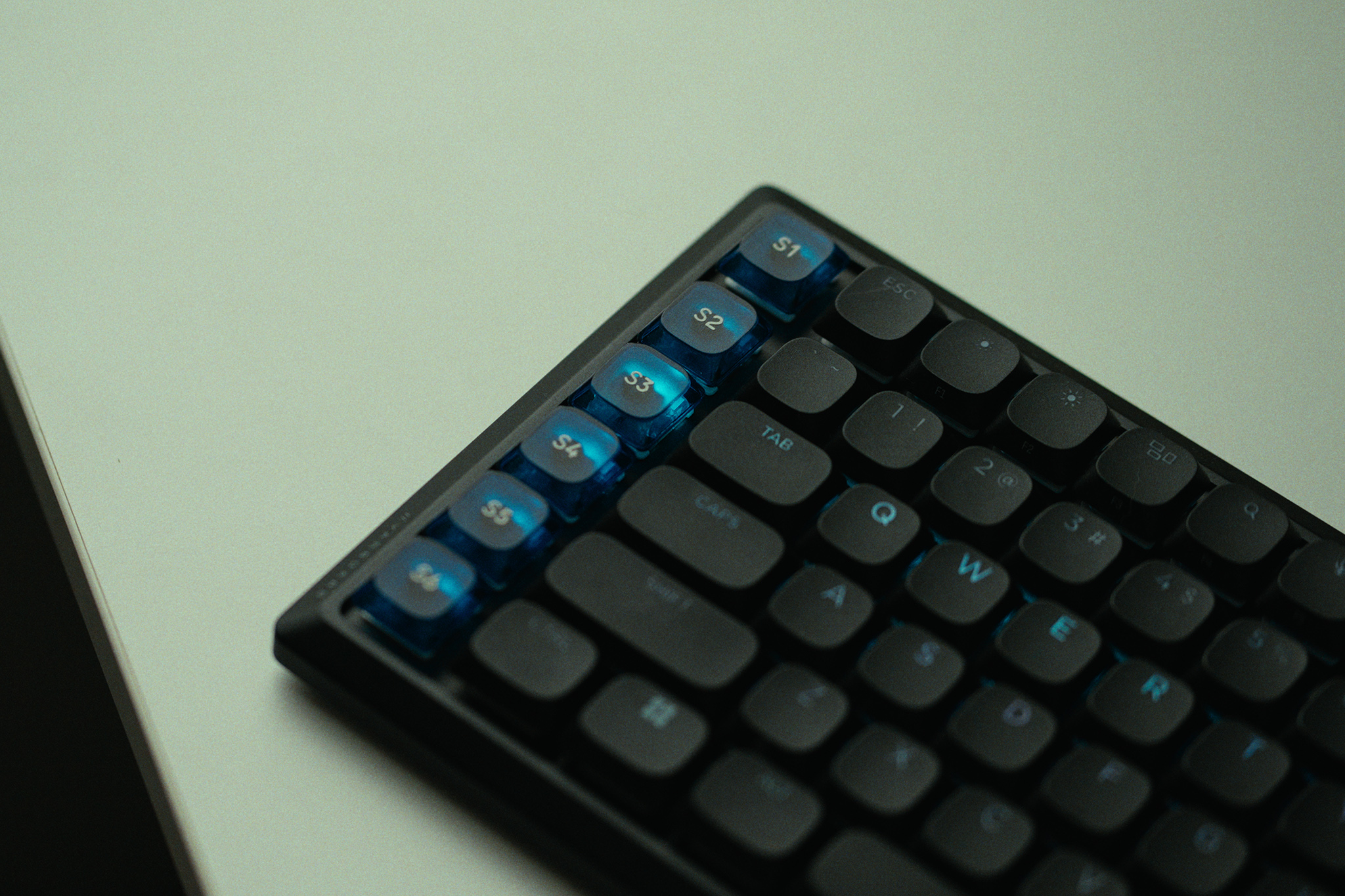
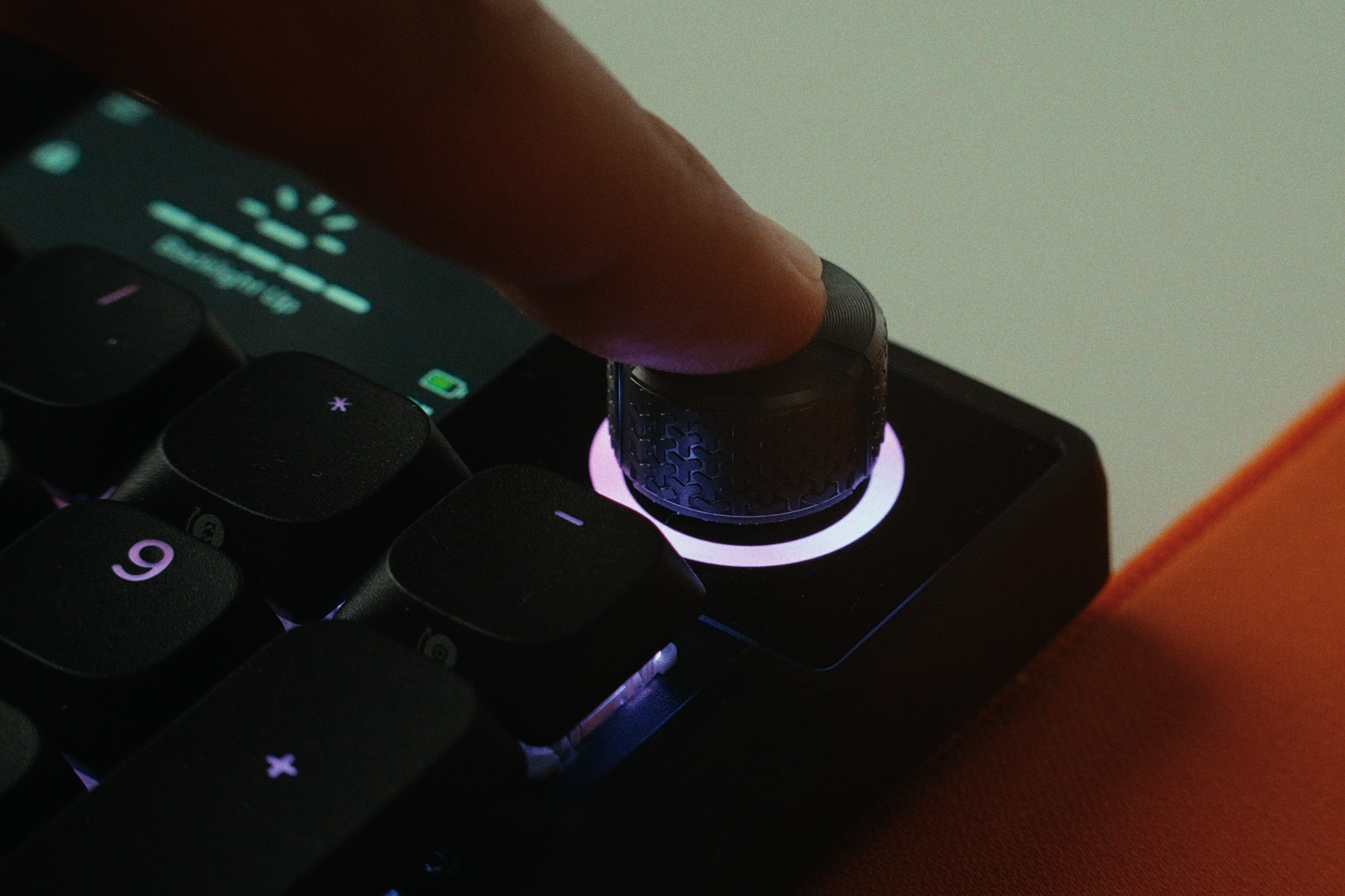
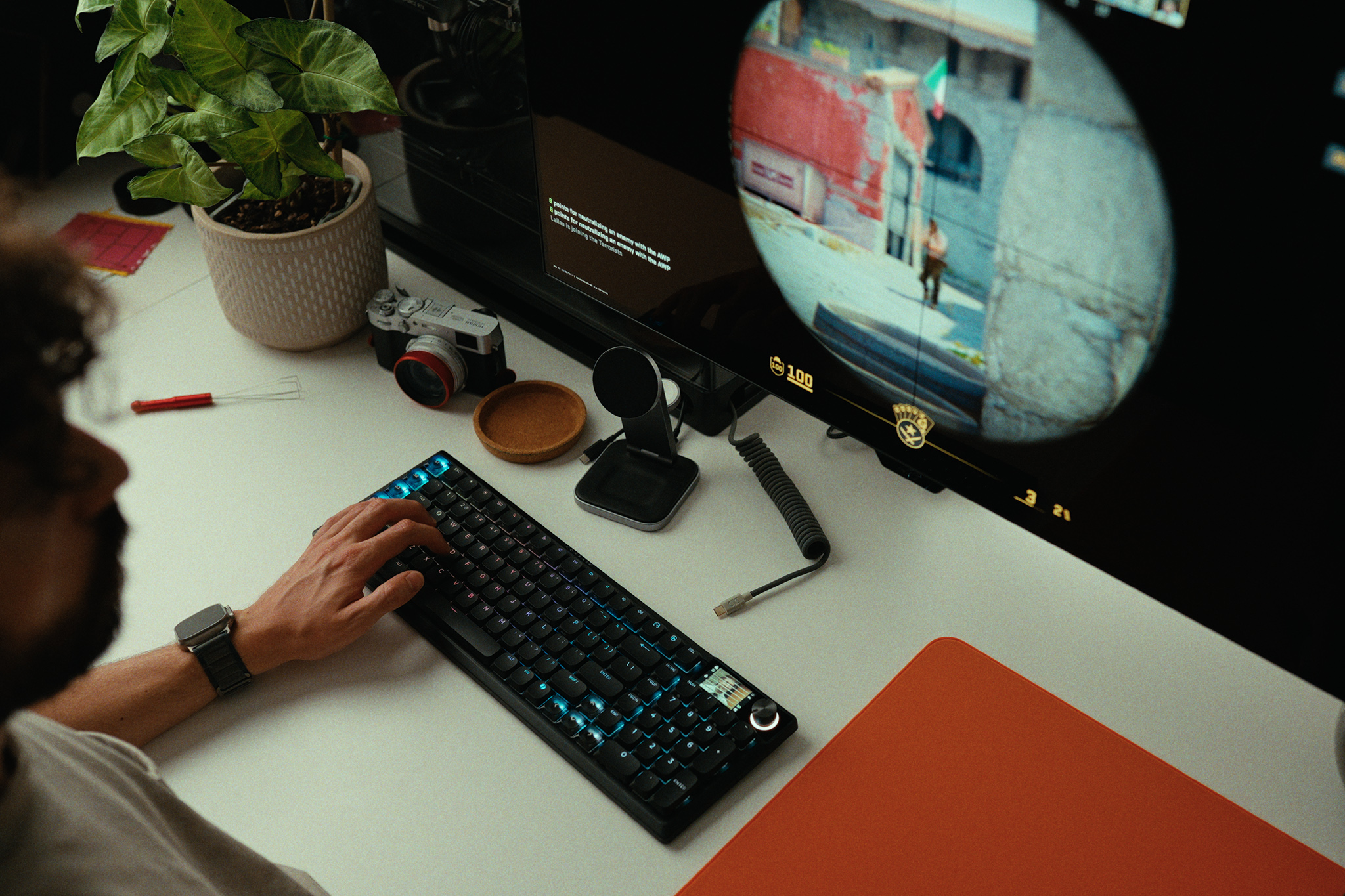
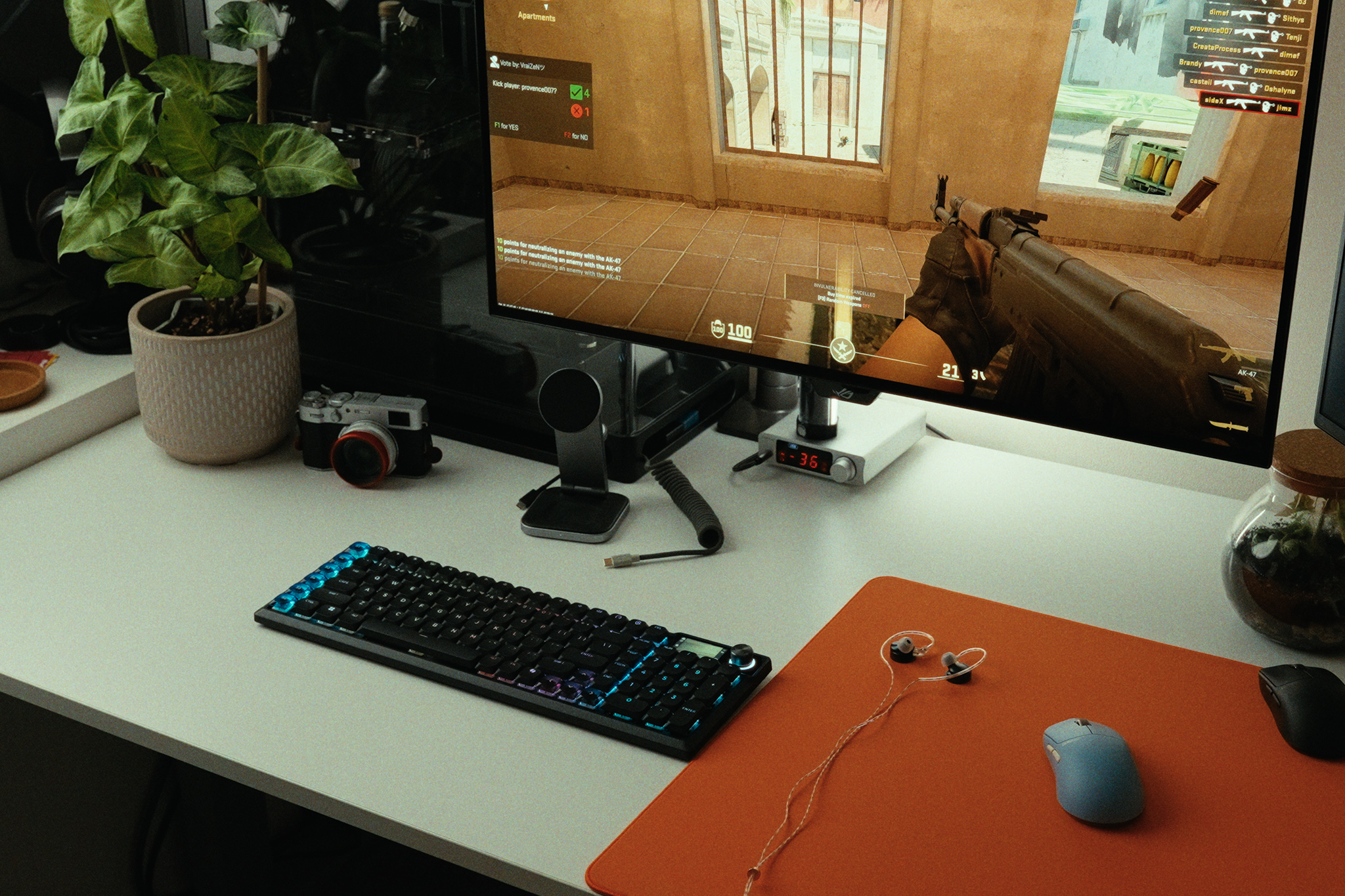
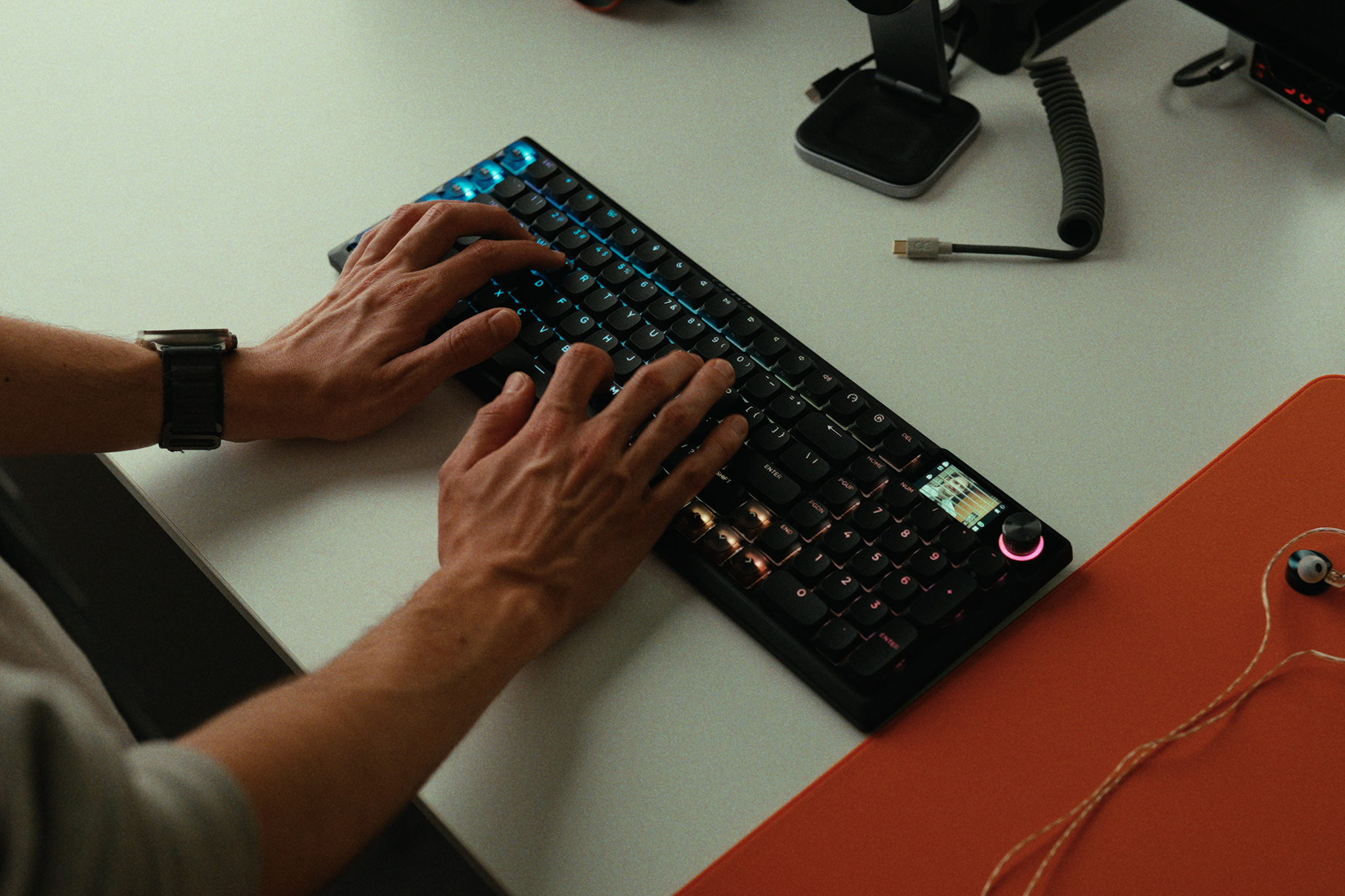
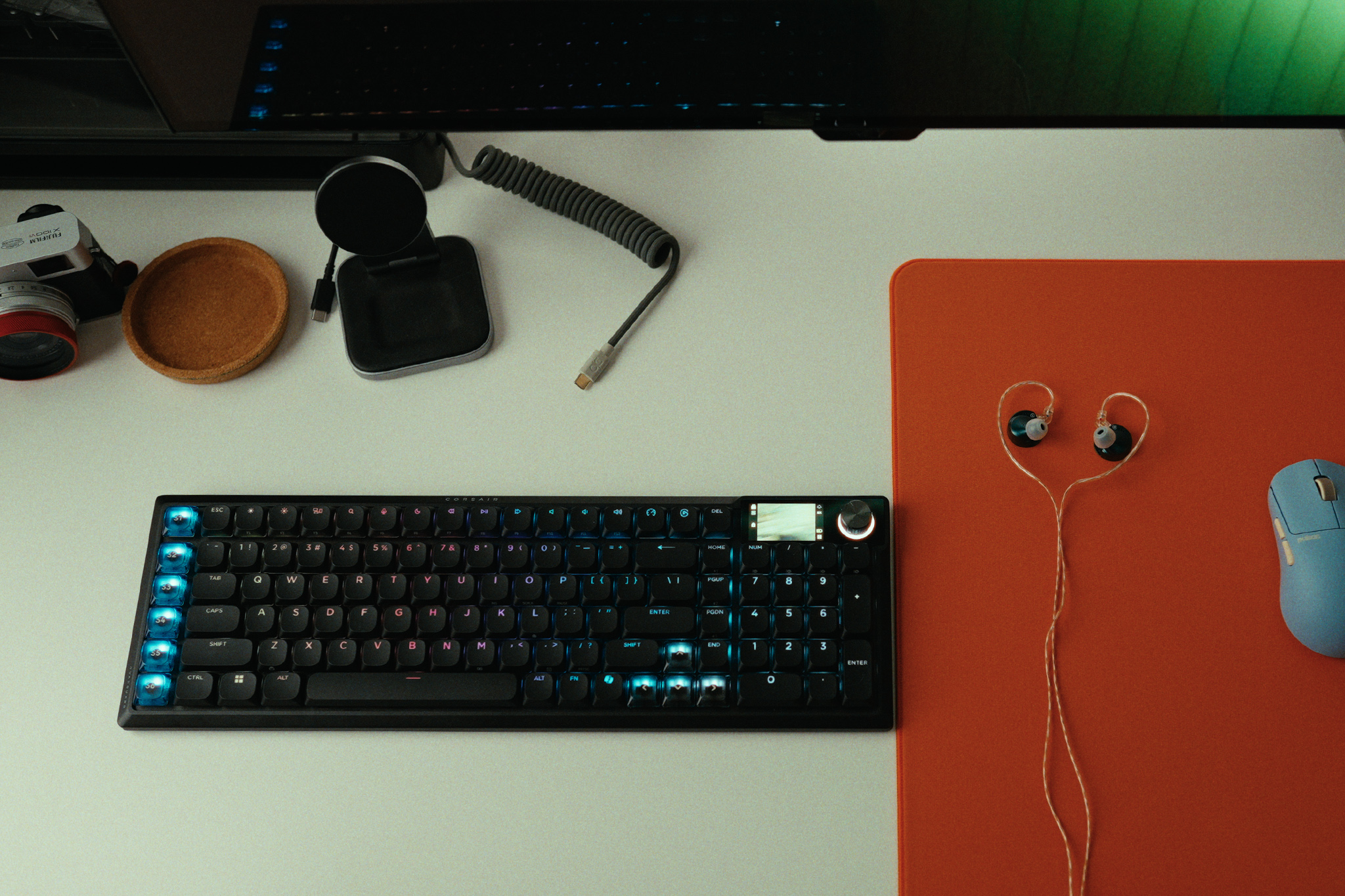
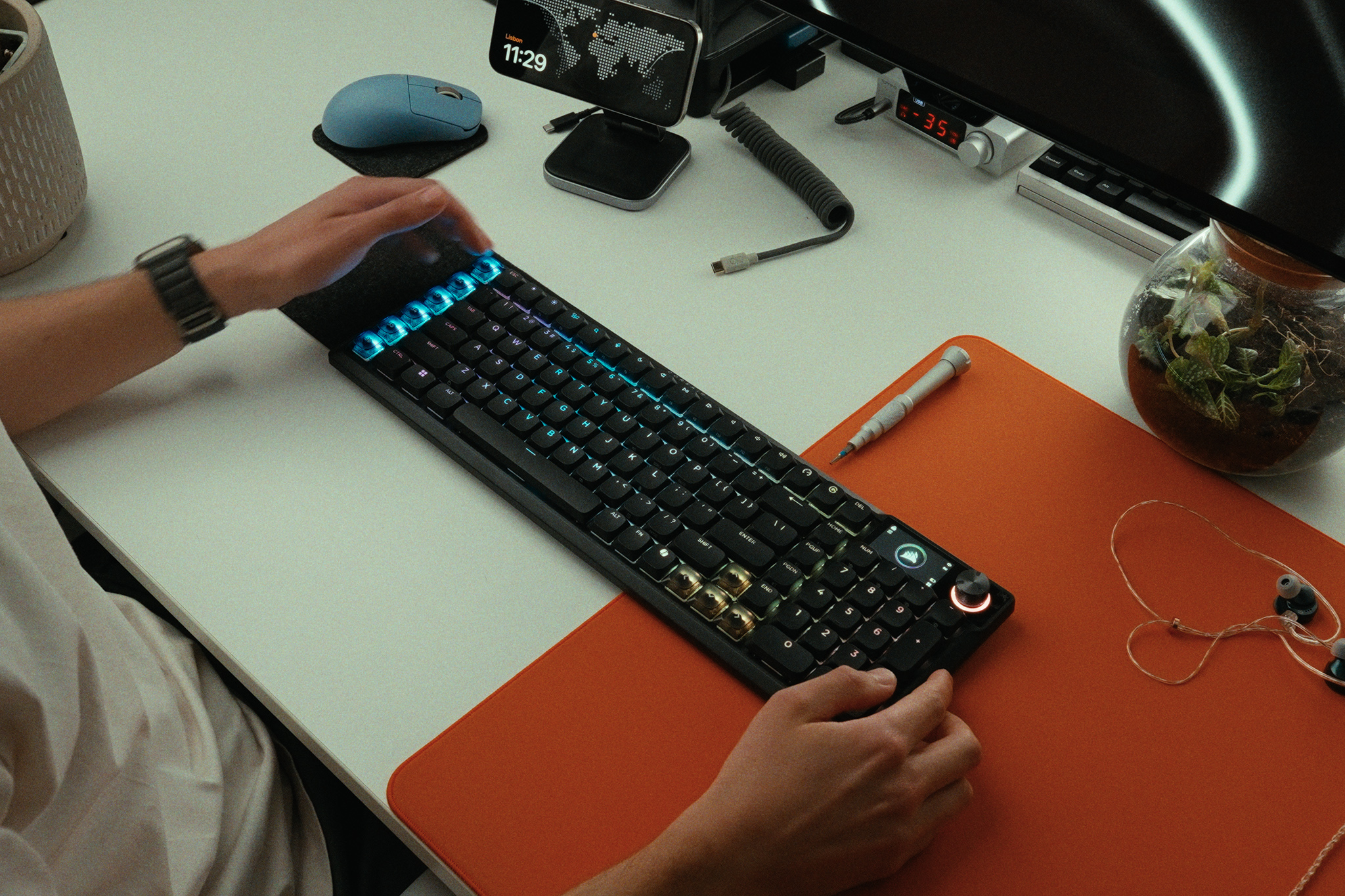
The Corsair Vanguard Air 99 Wireless is an ambitious attempt to pack almost every premium keyboard feature under the sun into one sleek, low-profile chassis. Retailing at a hefty £239 MSRP, it features smooth low profile optical switches, a bright integrated screen, per-key RGB, and an 8,000Hz polling rate. But by opting for optical switches over Hall Effect in the name of battery life, has Corsair actually delivered a coherent wireless experience, or is this keyboard crippled by frustrating compromises?
Timestamps:
00:00 Intro
01:01 Streamdeck functionality
02:34 Corsair web hub
03:22 OPX low-profile switches + keycaps
04:31 Screen, rotary dial and RGB
05:46 Pricing discussion
06:42 A cascade of bad decisions…
09:04 Slow wireless reconnection
10:04 Actual keyboard experience
11:05 Rattly stabilisers…
11:46 Closing thoughts
Software: iCUE, CORSAIR Web Hub, and Elgato Stream Deck app.
Battery Life: Up to 57 hours without RGB and at 1000Hz
Closing Thoughts
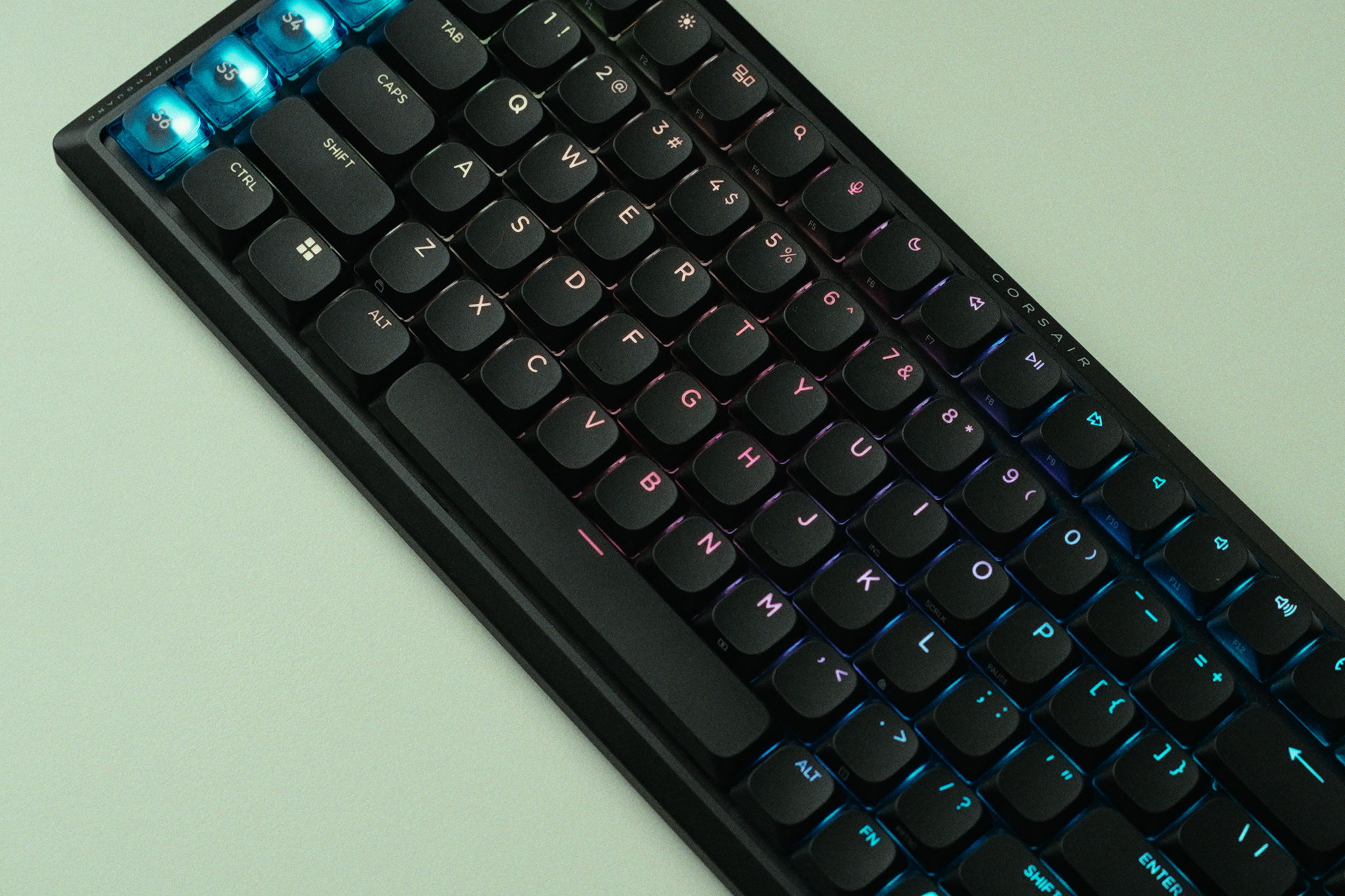
The Corsair Vanguard Air 99 Wireless is a product in conflict with itself. On paper, it looks like a productivity and gaming powerhouse. Its integration into the Corsair and Elgato ecosystems is fantastic, allowing you to configure custom macro keycaps with remarkable ease. The OPX low-profile optical switches are smooth and snappy, offering a quick 1.5mm actuation that feels right at home if you prefer laptop-style keyboards. I also love Corsair's push toward the Web Hub, which gives you near feature parity without forcing you to keep the bulky iCUE desktop app running at all times.
However, the hardware compromises are baffling. I think Corsair skipped Hall Effect switches to save battery life, but then added a bright screen, per-key RGB, and an 8KHz polling rate. The result? The battery dies in roughly 10 hours of typical use if you use all of those features, and then takes a painfully slow three and a half hours to recharge. Because it dies so fast, you will likely leave it plugged in permanently, making the omission of true Rapid Trigger Hall Effect switches a massive missed opportunity for gamers. The software-based Snap Tap feature simply isn't a replacement for Rapid Trigger, and utilizing it can even get you kicked from competitive games like CS2.
Throw in intensely rattly stabilizers that constantly tick as you type, a slow 3 to 5 second wake-from-sleep delay, and a strange wireless interference with other wireless mice, and this keyboard becomes very hard to recommend. Even at its occasional discounted promotional price of £189, there are simply too many better, more focused alternatives on the market.
You can buy the Corsair Vanguard Air 99 Wireless for £239 HERE.
Pros:
Excellent Stream Deck integration with distinct, dedicated macro keycaps.
The screen and per-key RGB are bright and easily visible in daylight.
OPX optical switches are smooth and responsive right out of the box.
The Web Hub software is a great, lightweight alternative to iCUE.
Cons:
Terrible battery life and very slow charging (maxes out at just 7.1W).
Lacks Hall Effect switches (and genuine Rapid Trigger) at a premium gaming price point.
Stabilizers are intensely rattly, ruining the acoustic and typing experience.
Wireless dongle caused bizarre interference and lag with other high-end gaming mice.
Frustratingly slow to wake from sleep, often missing the first few keystrokes.
KitGuru says: The Corsair Vanguard Air 99 Wireless attempts to do it all, but terrible battery life, rattly stabilizers, and the lack of Hall Effect switches make it a confusing and overpriced package.
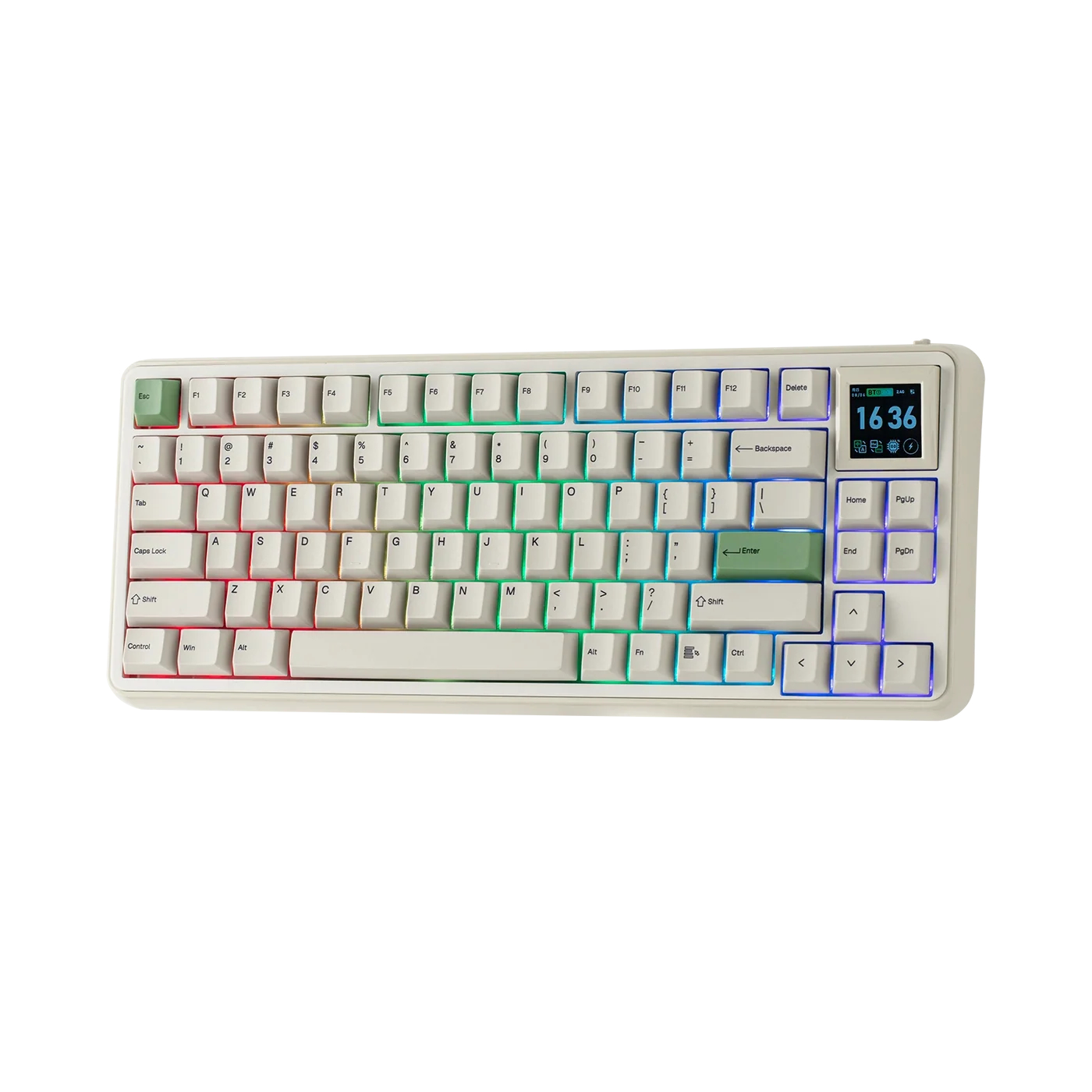
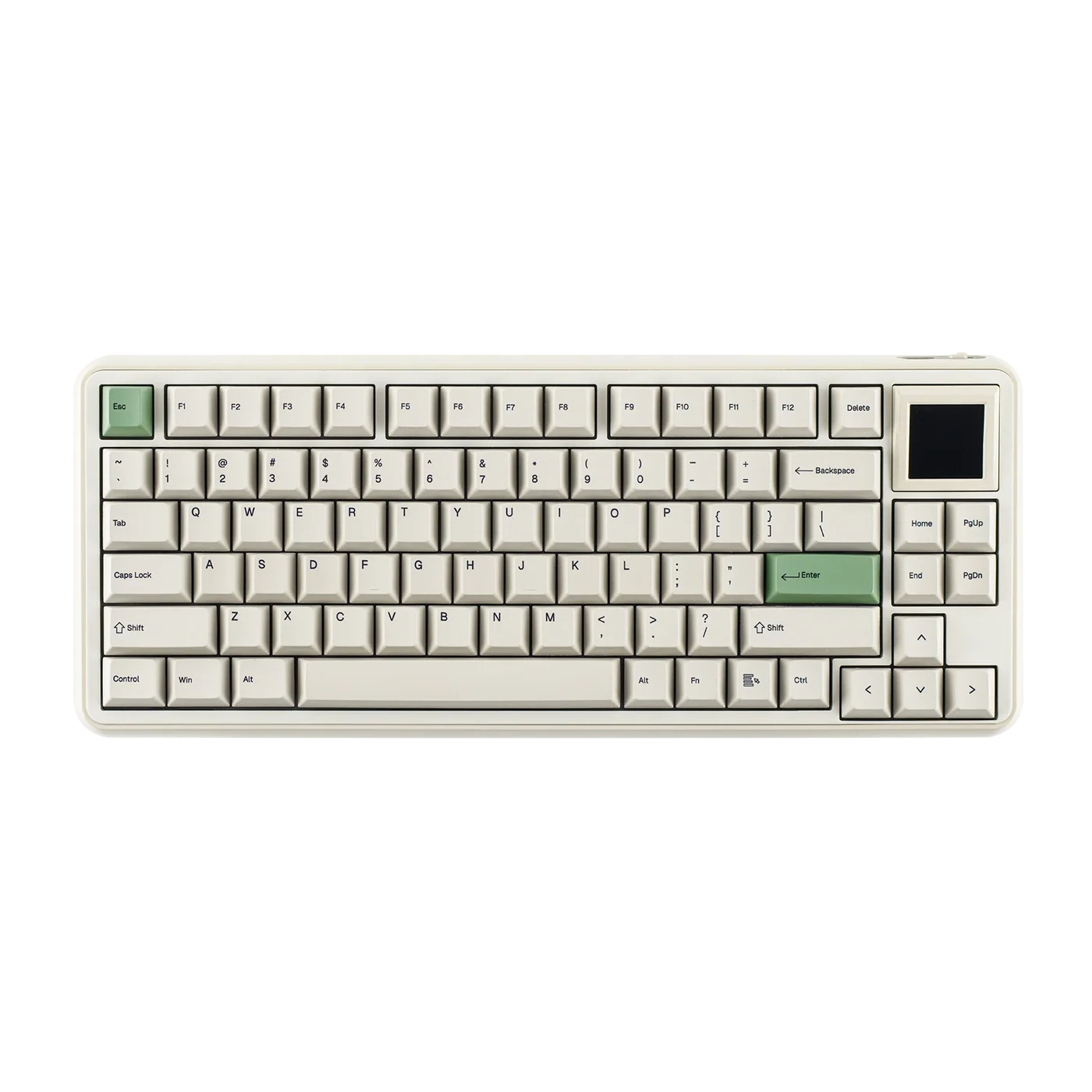
Epomaker has officially announced the RT75, a retro-inspired 75% mechanical keyboard featuring a hot-swappable 1.54-inch TFT screen, tri-mode wireless connectivity, and gasket-mount construction.
Priced at $91.79 with Epomaker's Creamy Jade linear switches or $93.49 with Crystal Tactile Silent switches, the RT75 keyboard (via TechPowerUP) lands in Retro White, though other colour options may follow. Its layout includes a 1.54-inch TFT display for showing custom GIFs, a clock, or system stats. Users can hot-swap the display for four extra switches, effectively shifting the layout closer to TKL dimensions.
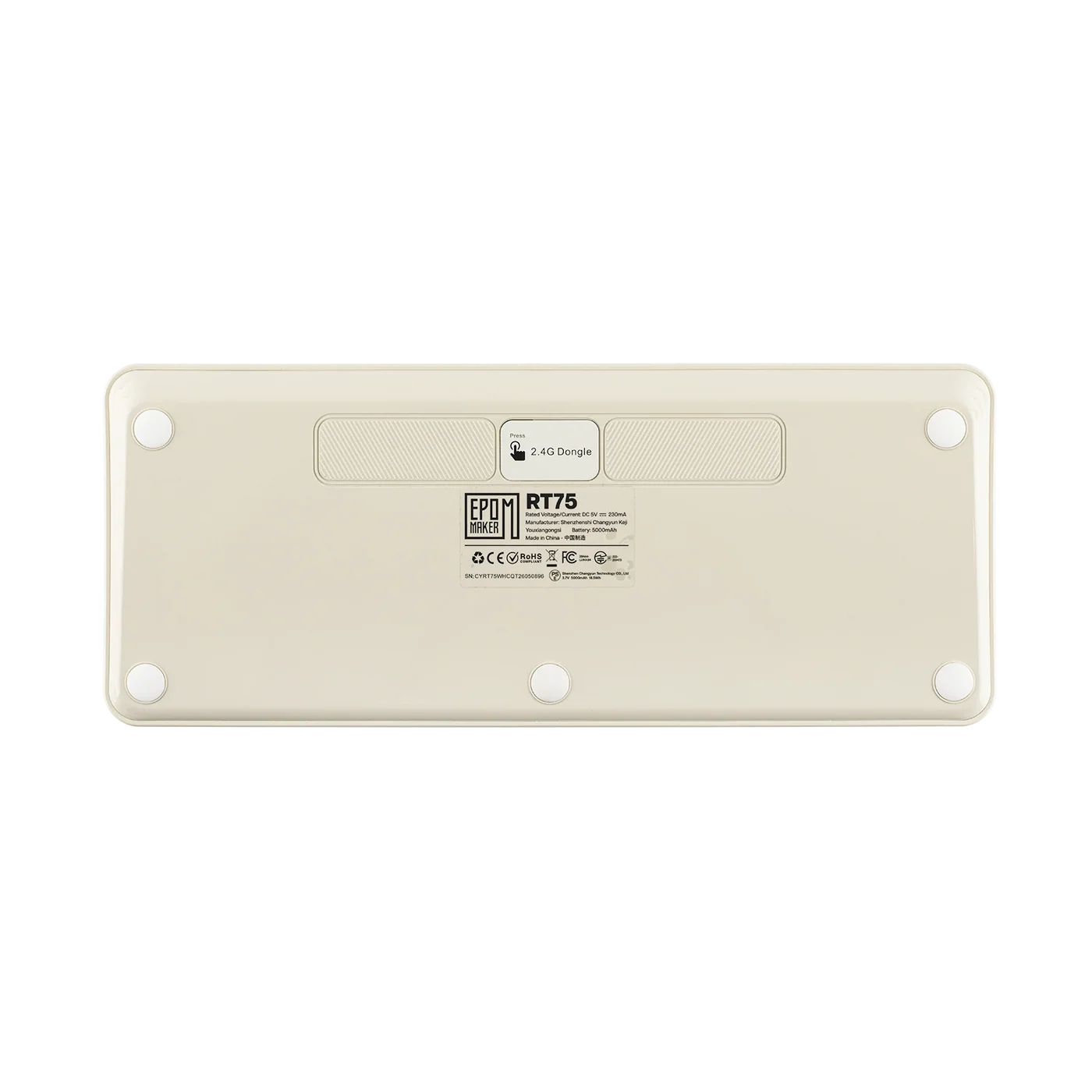
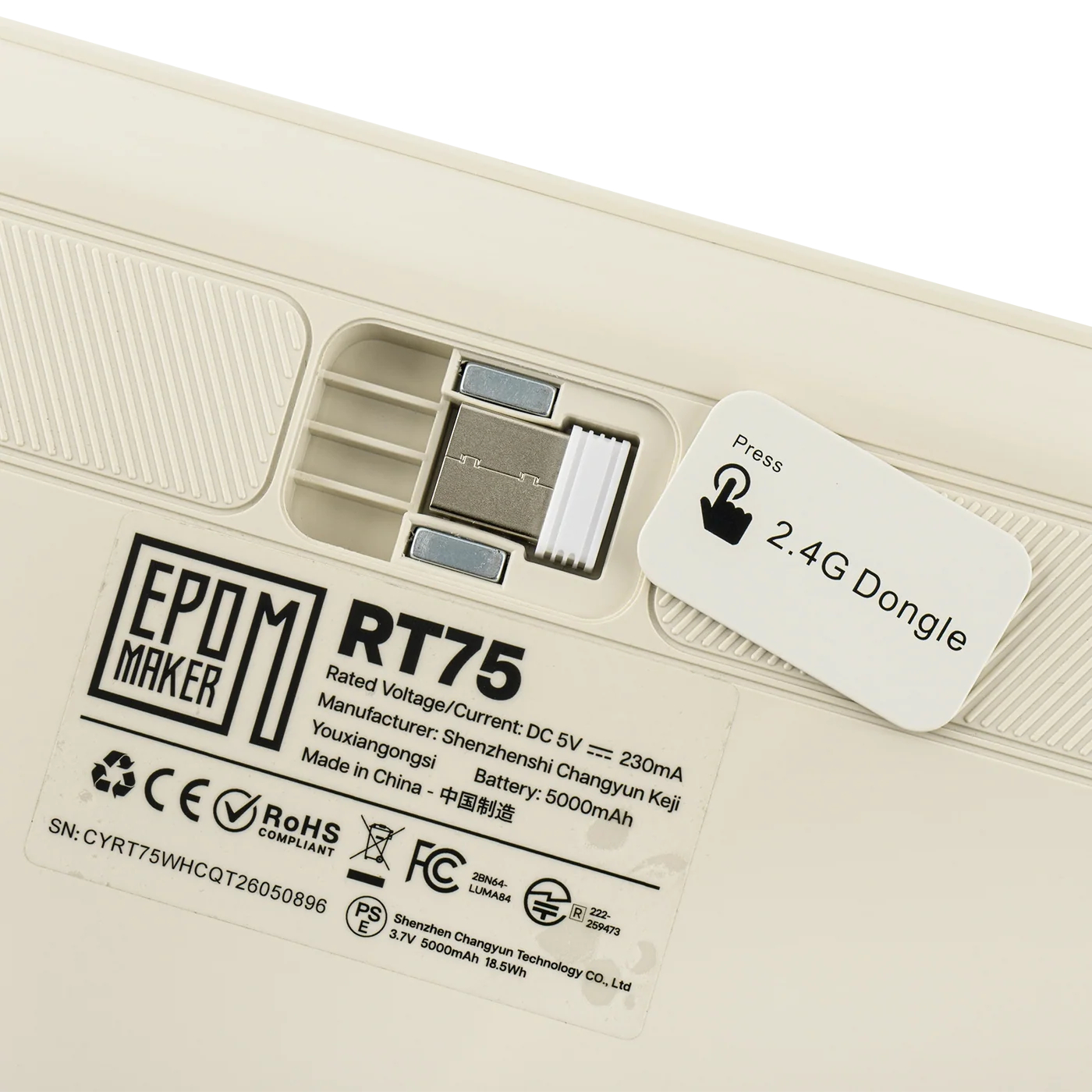
Underneath, MX-style sockets feature south-facing per-key RGB backlighting controlled via Epomaker Driver 3.0, available as a browser utility or dedicated software on Windows and macOS. Internal construction combines a polycarbonate plate, a Poron gasket mount, and six layers of sound damping. Cherry profile dye-sublimated PBT keycaps sit on top, while the ABS case houses built-in storage for the 2.4GHz receiver.
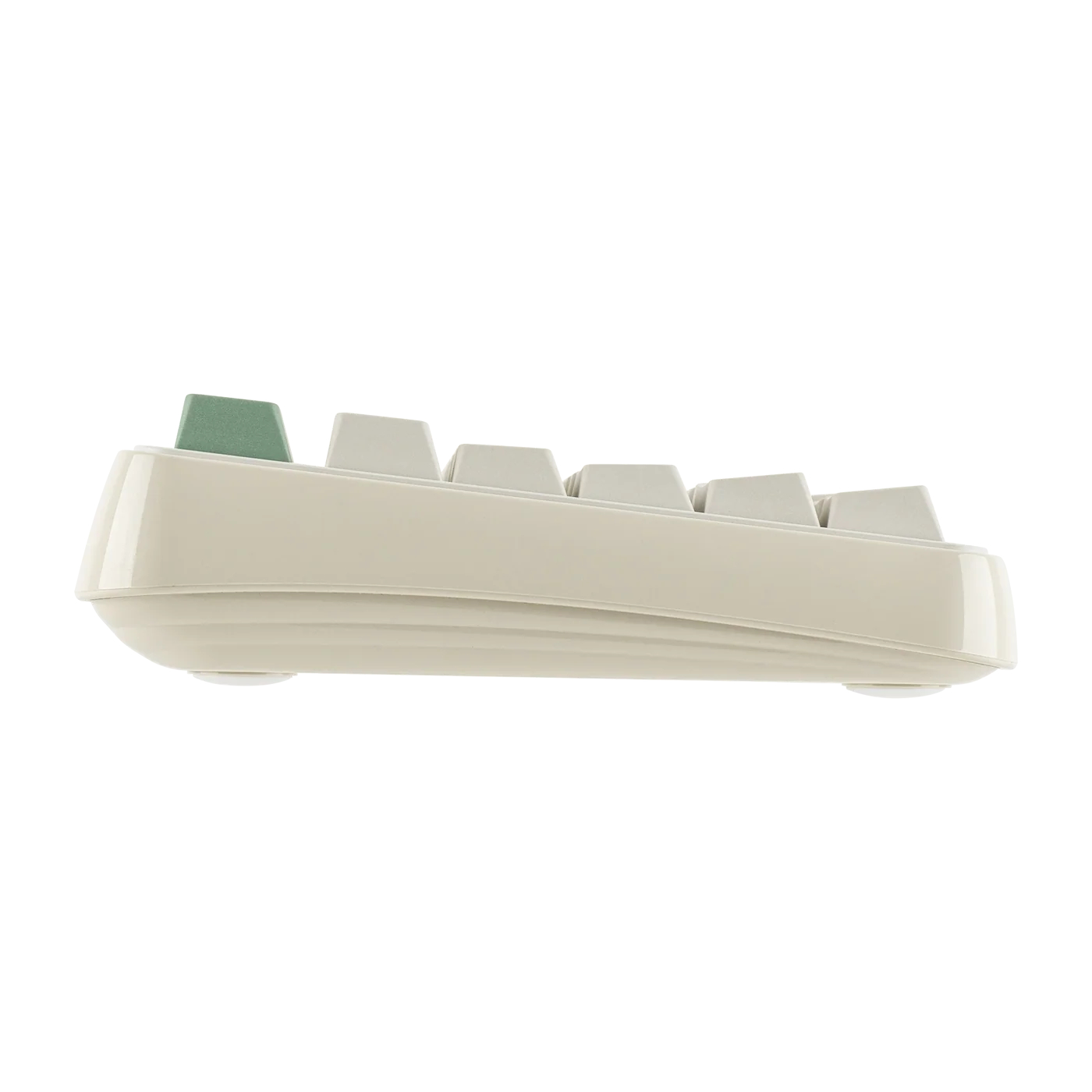
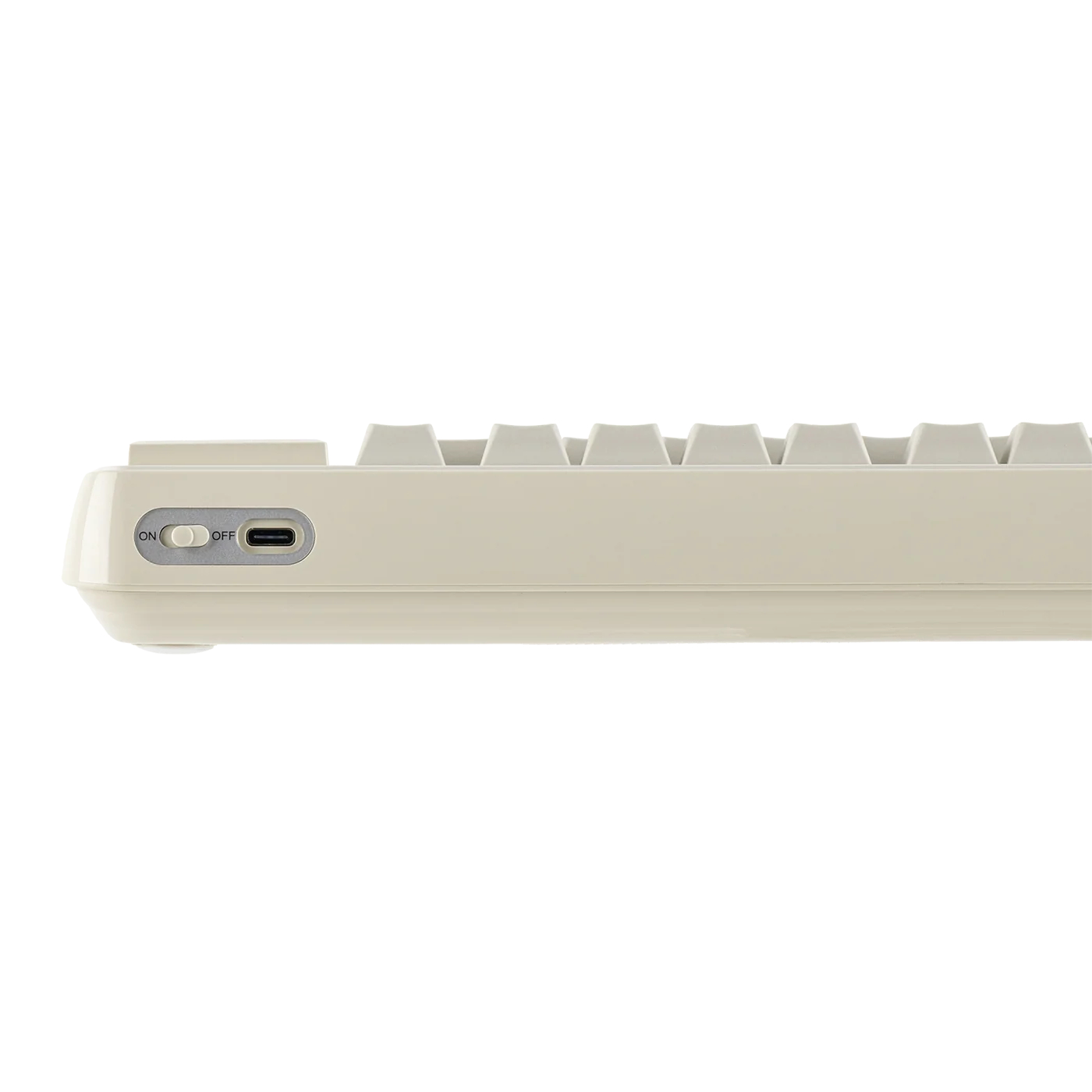
Unfortunately, there are no adjustable feet on the keyboard, so you get a fixed 5.8° typing angle. Connectivity options include Bluetooth, 2.4GHz wireless, and USB-C wired modes, with a 1000Hz polling rate over wired or 2.4GHz connections. Power is supplied by a 5000mAh battery for wireless use.
KitGuru says: Are you a fan of the current wave of retro-inspired peripherals and PC cases? Or do you prefer a more modern look?
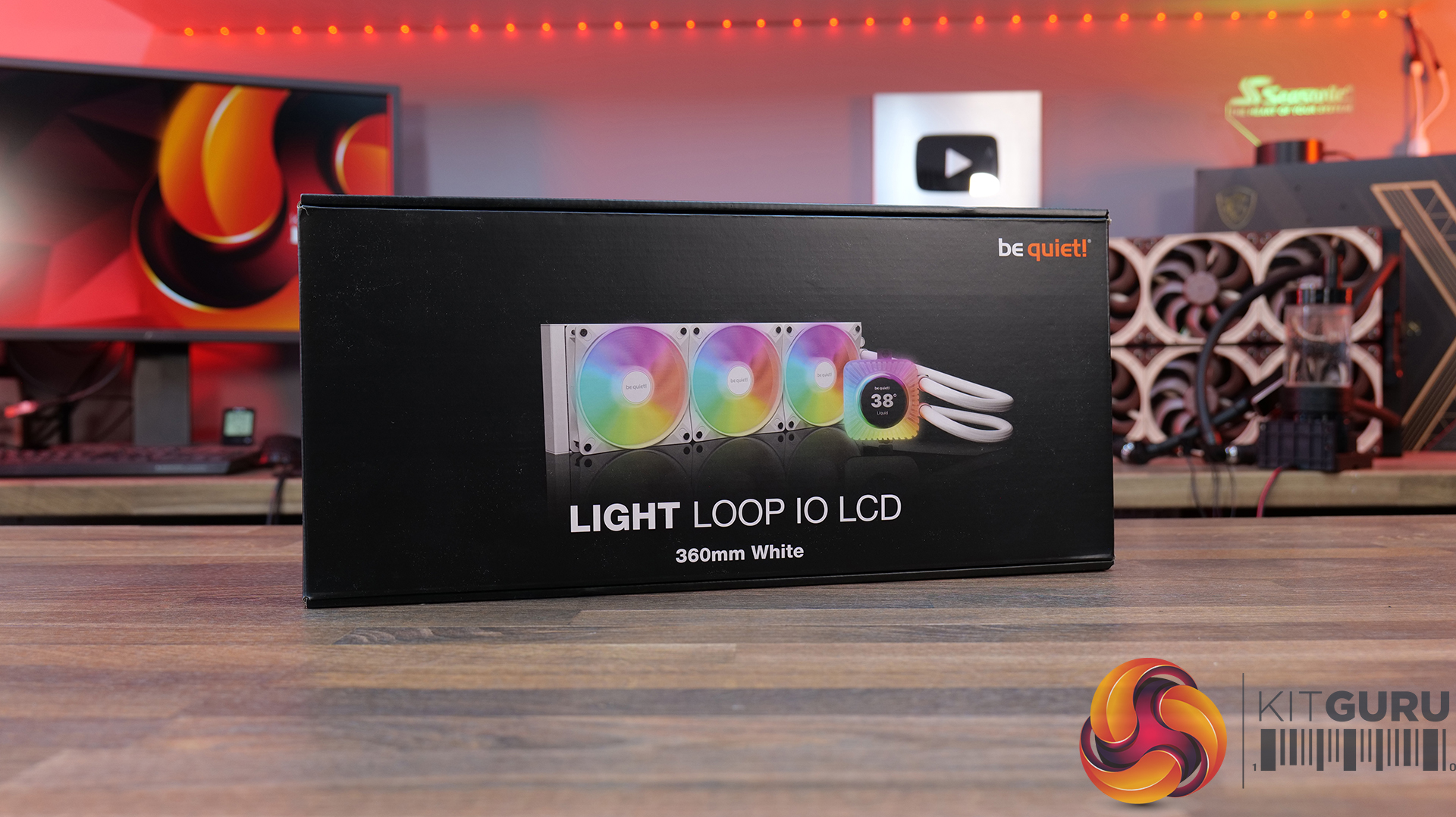
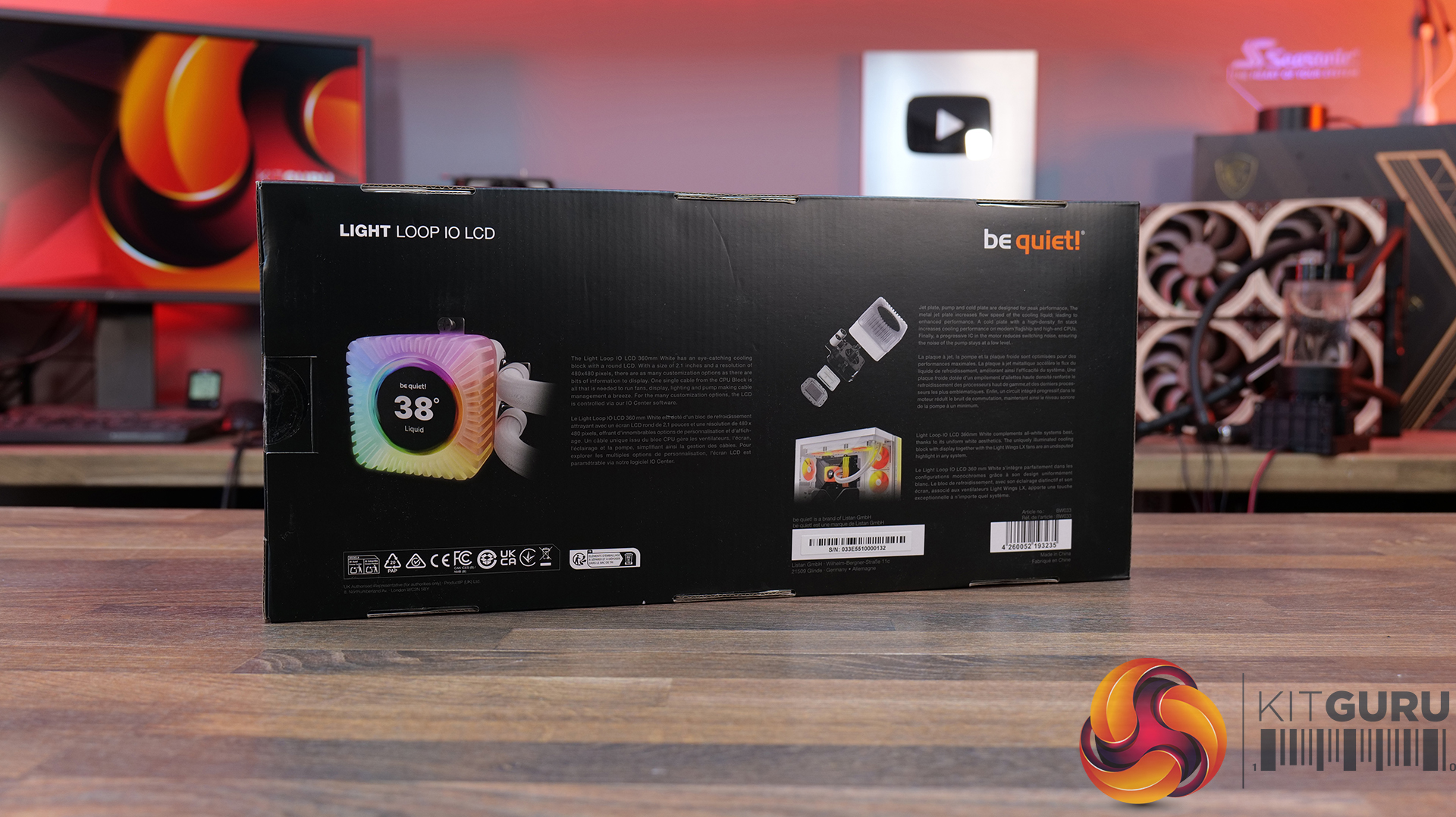
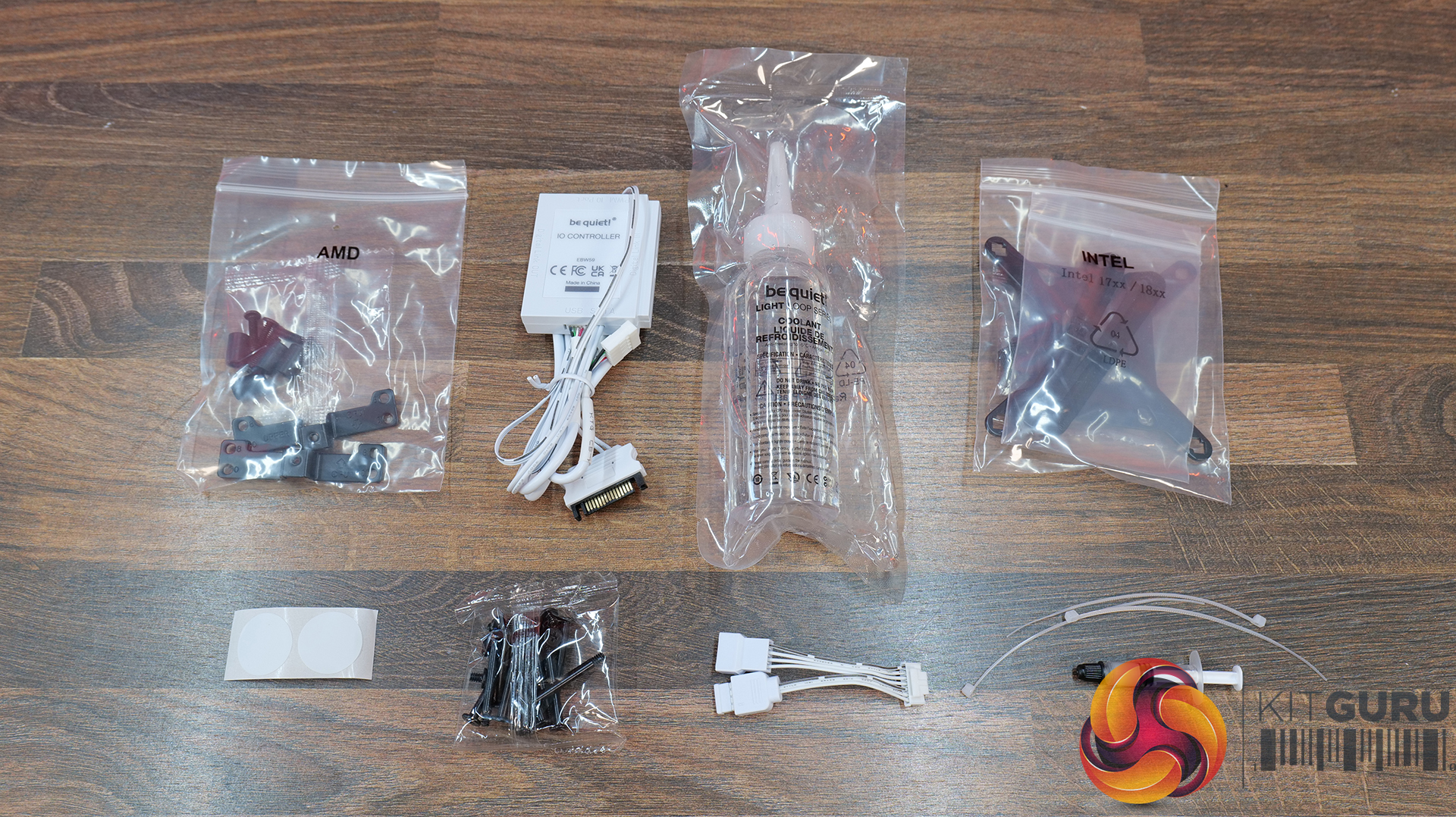
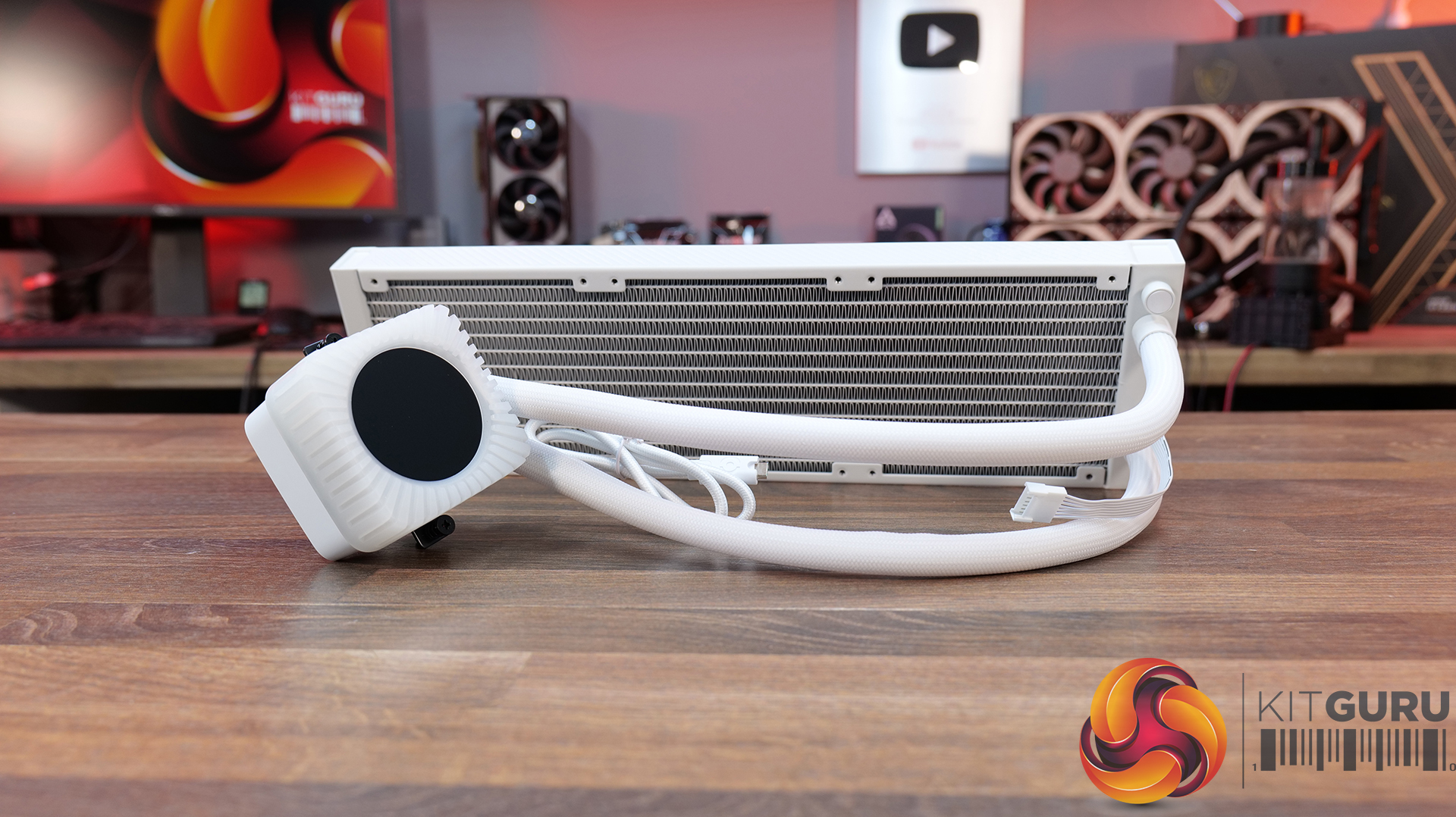
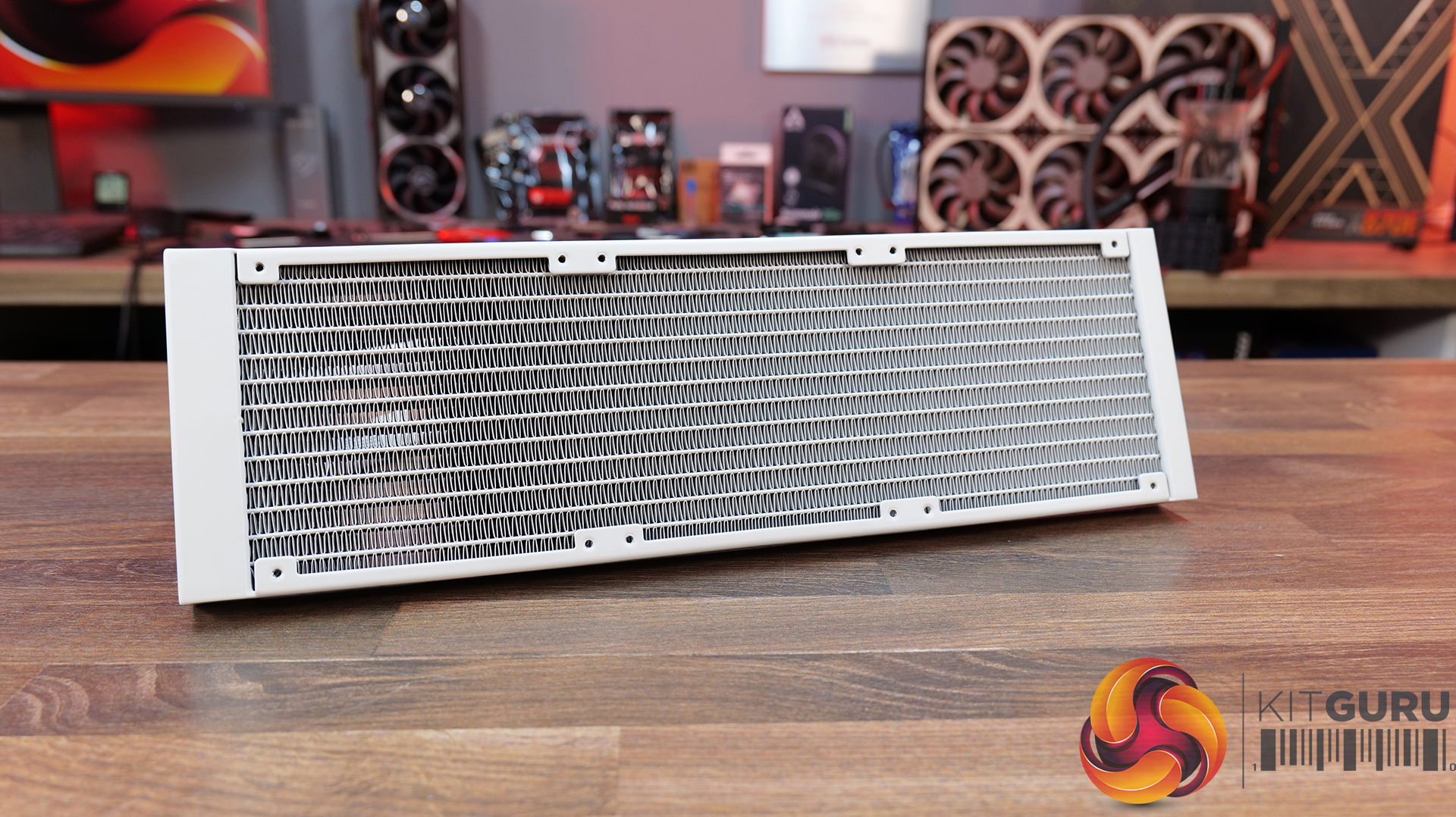
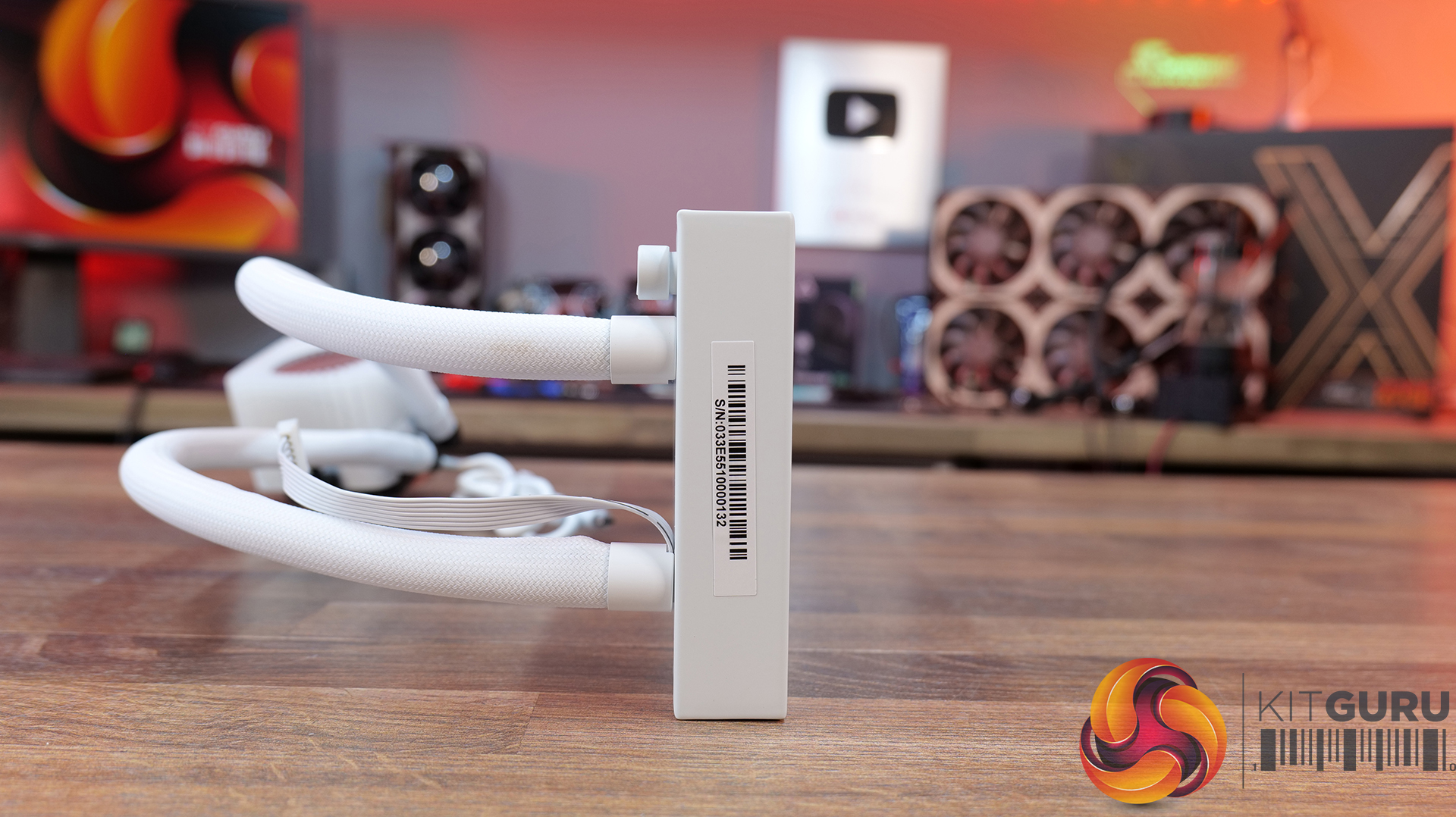
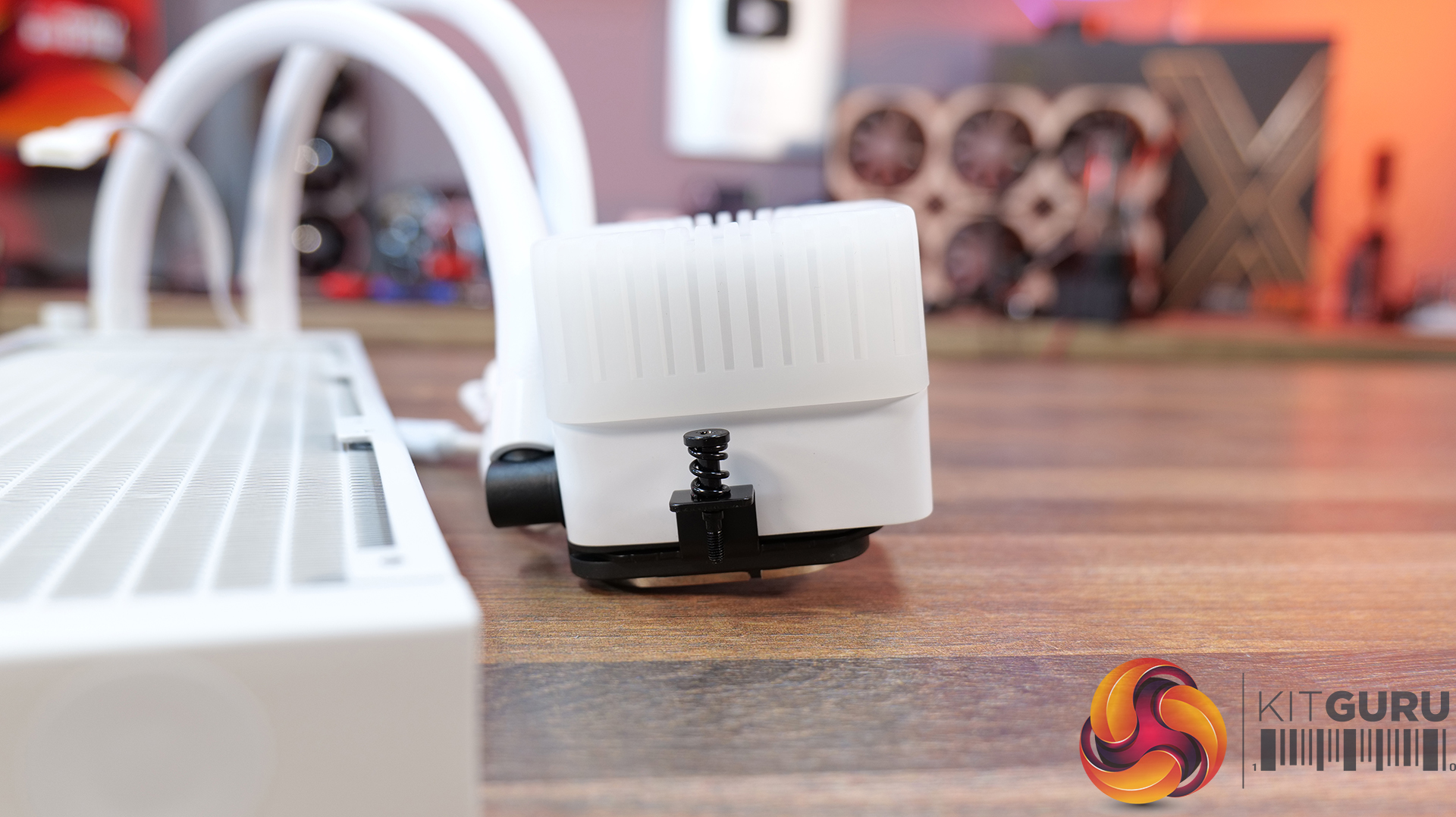
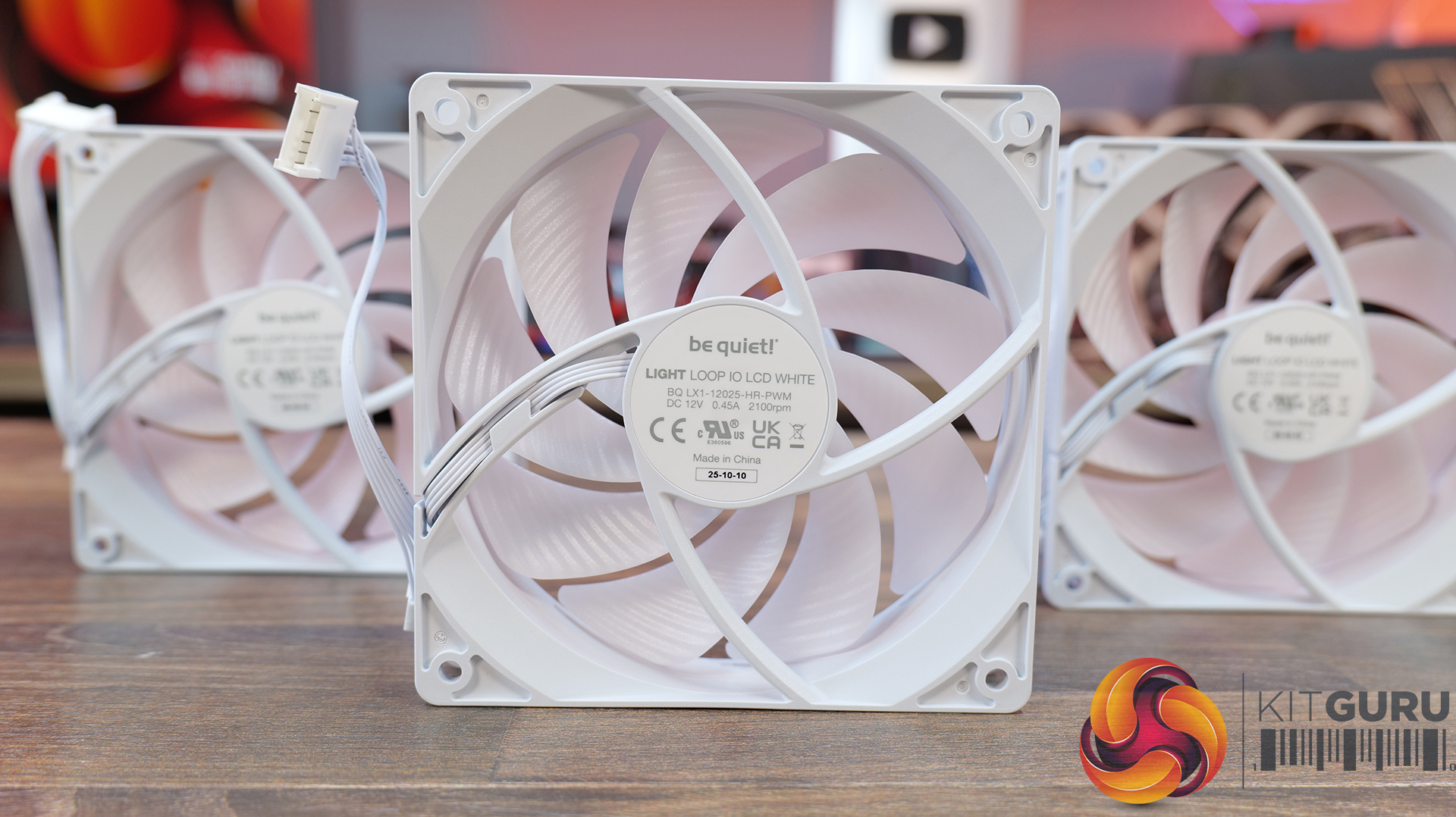
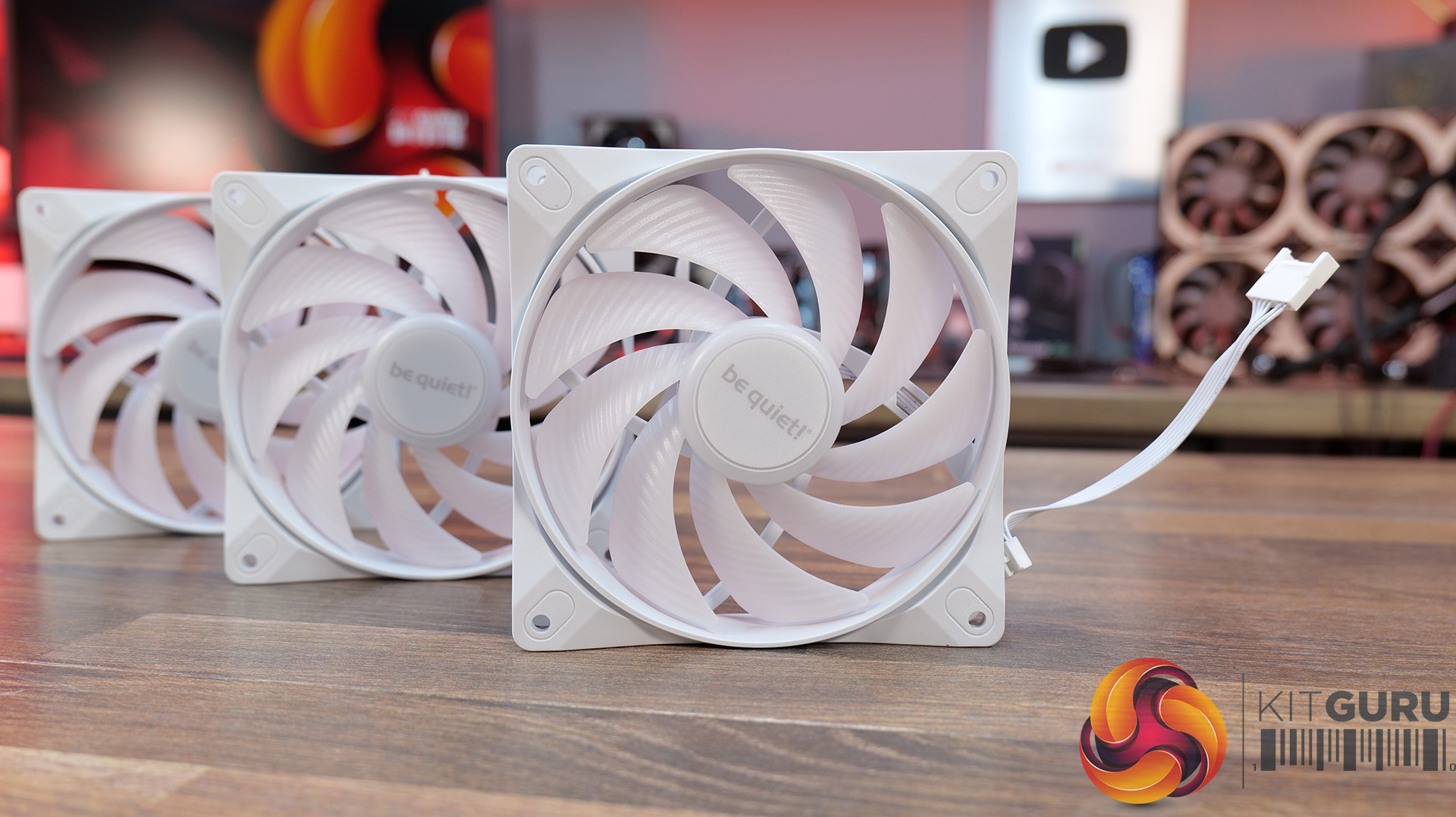
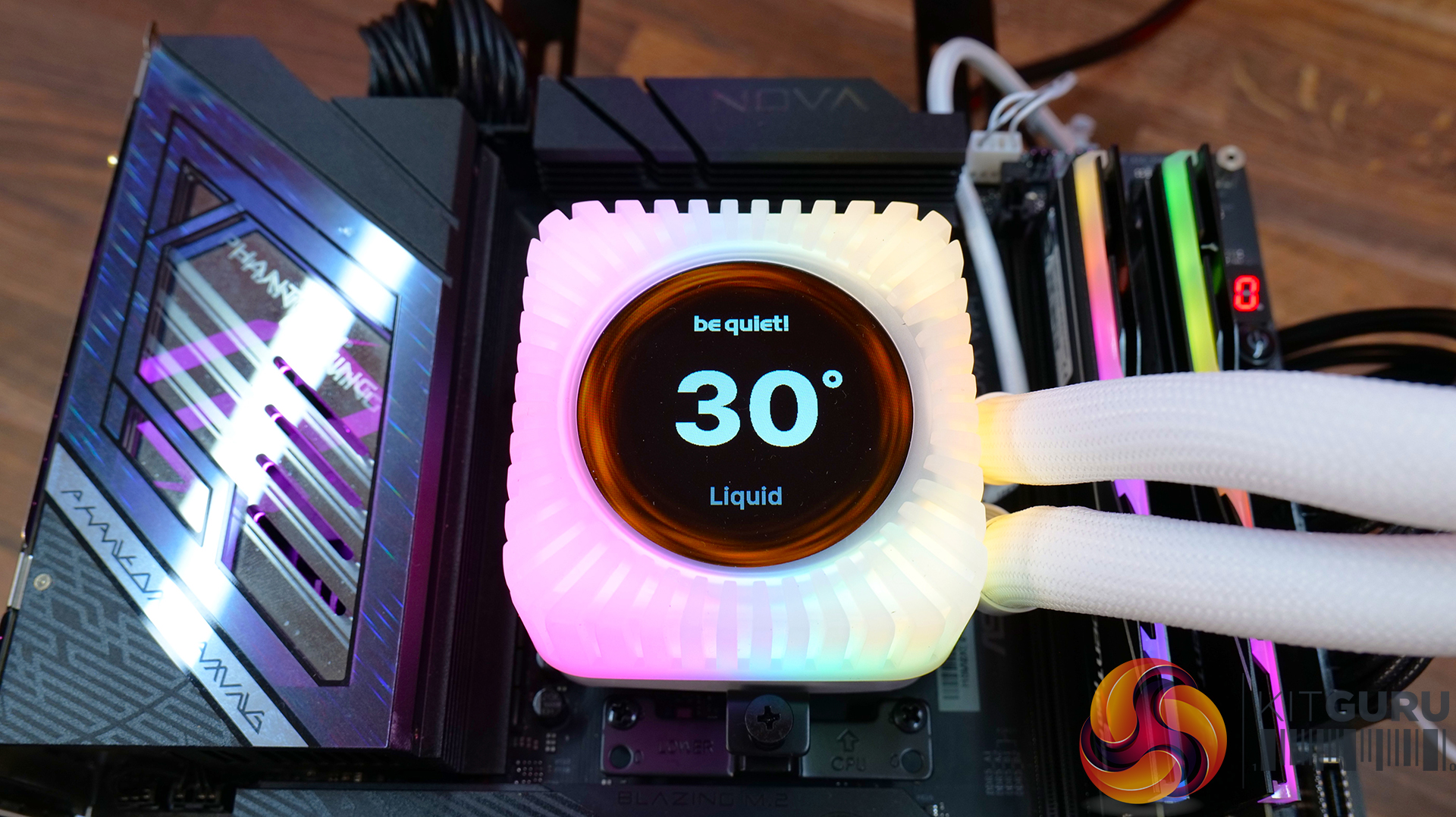
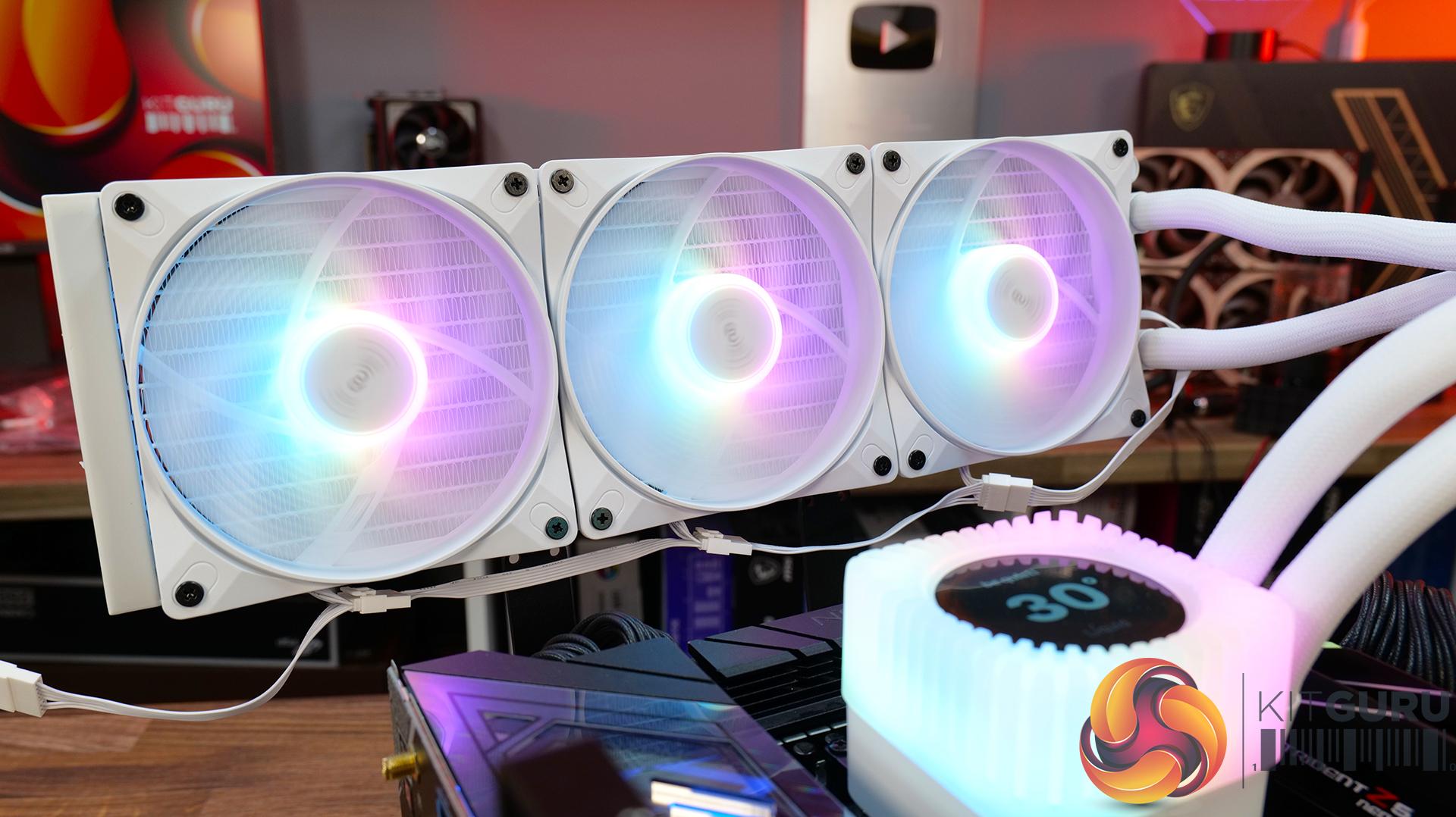
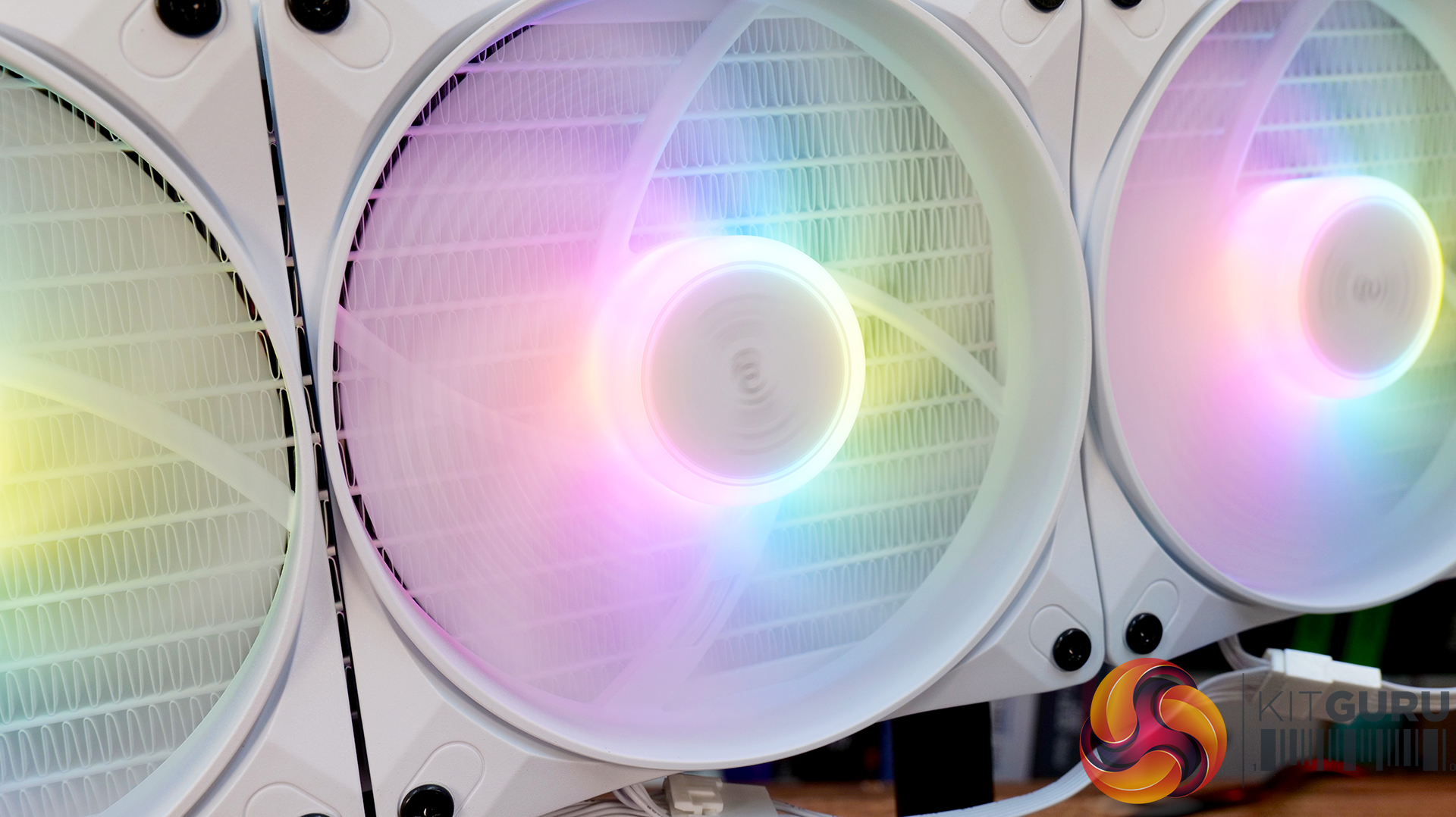
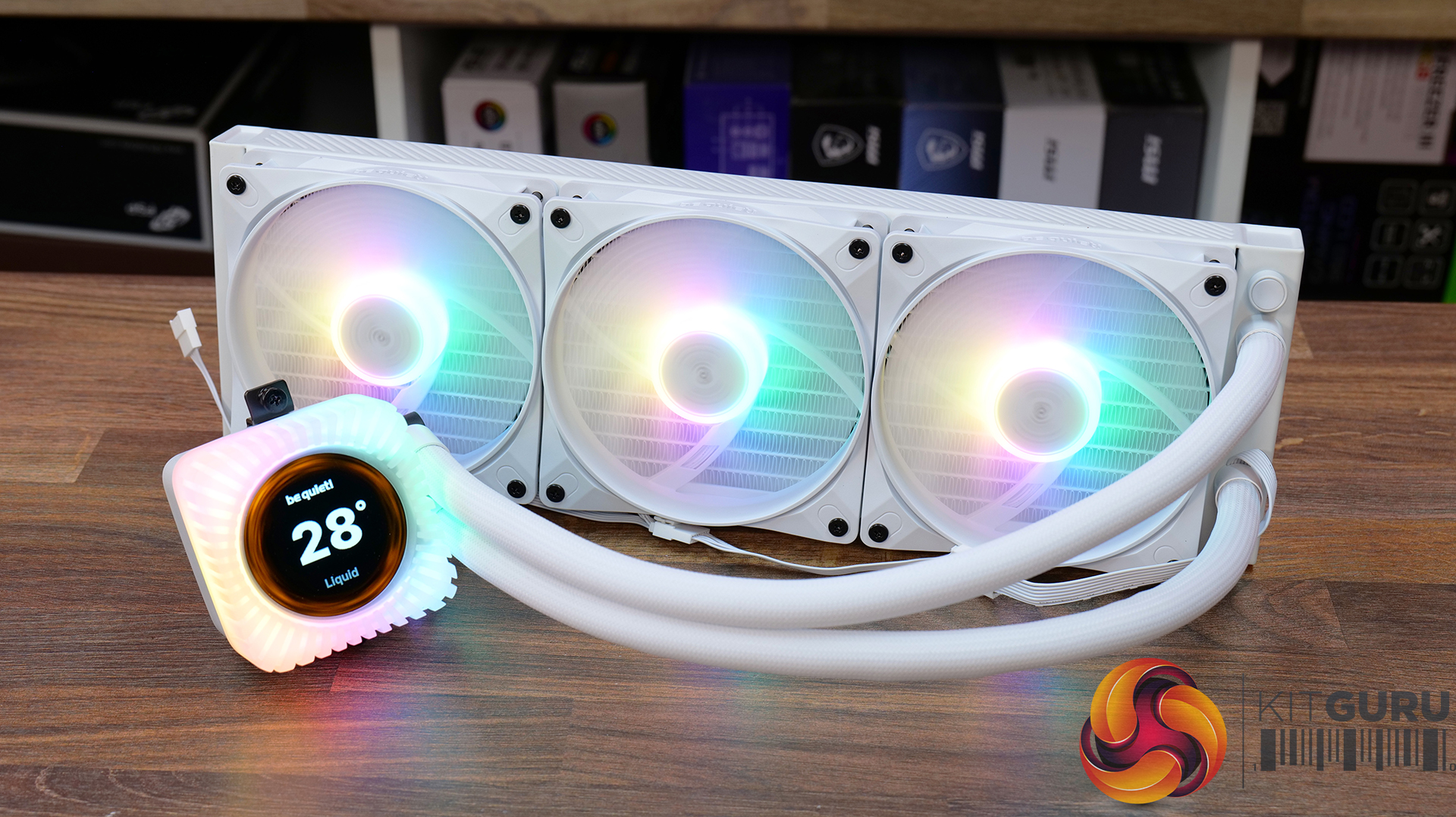
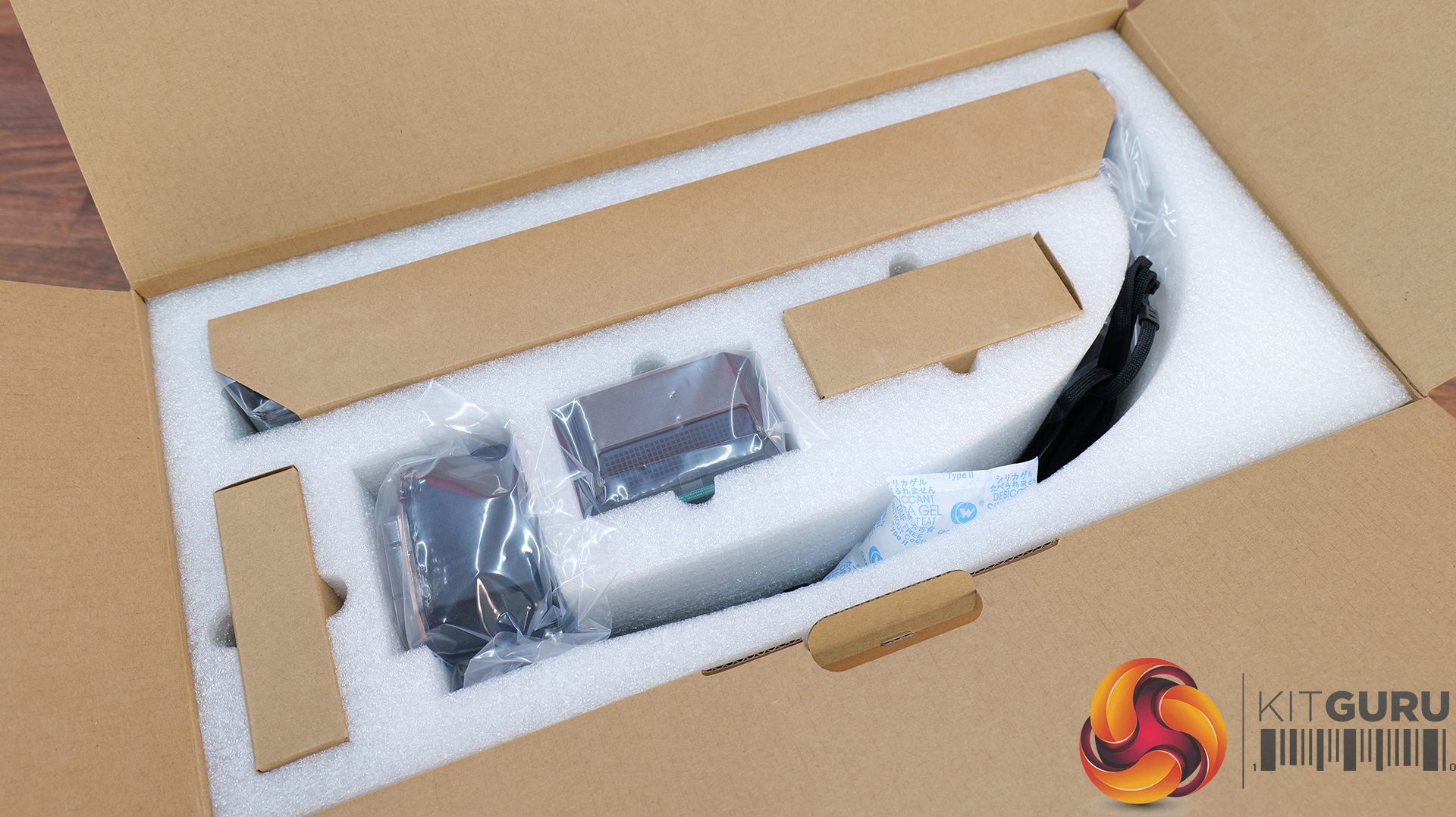
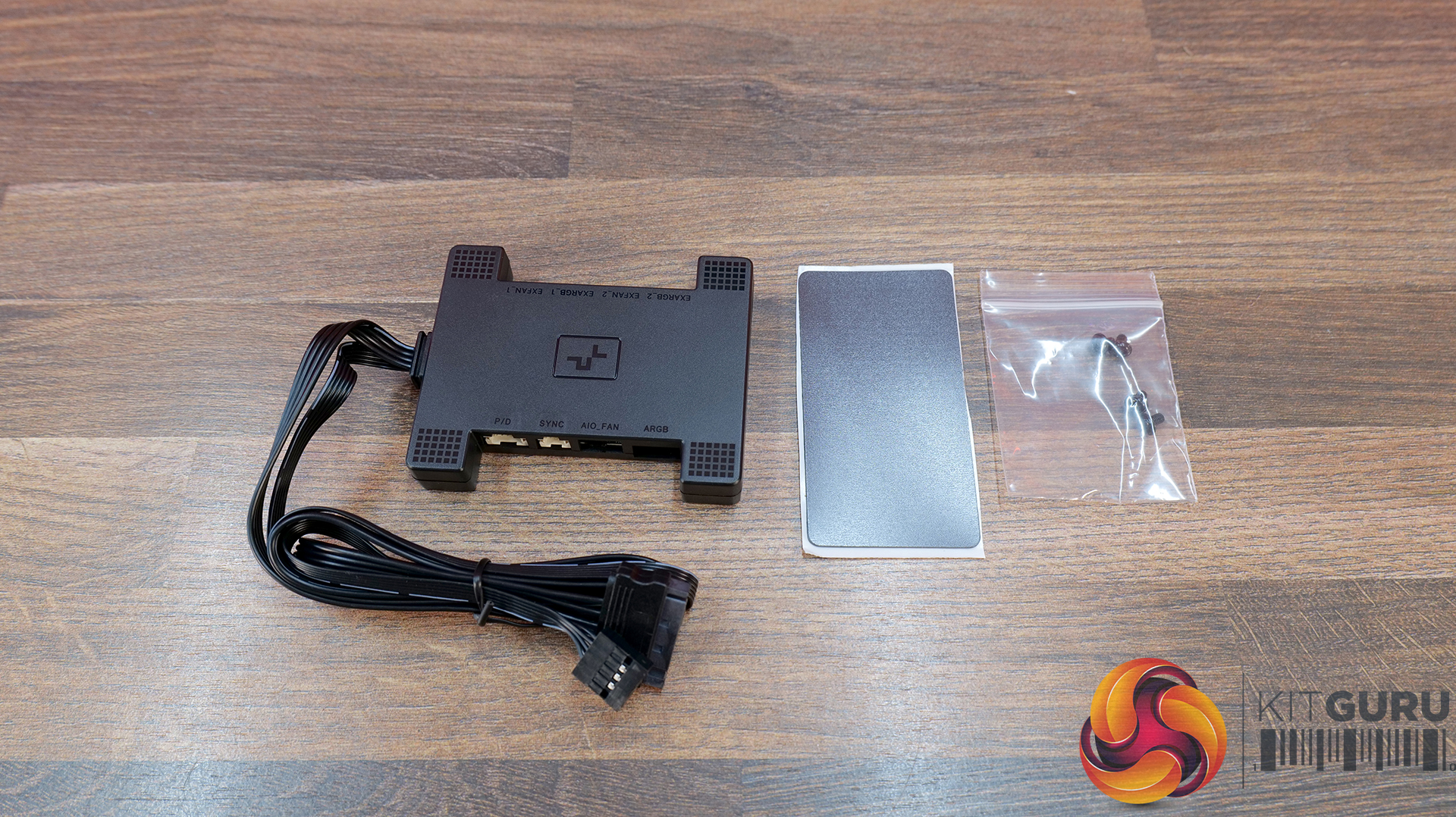
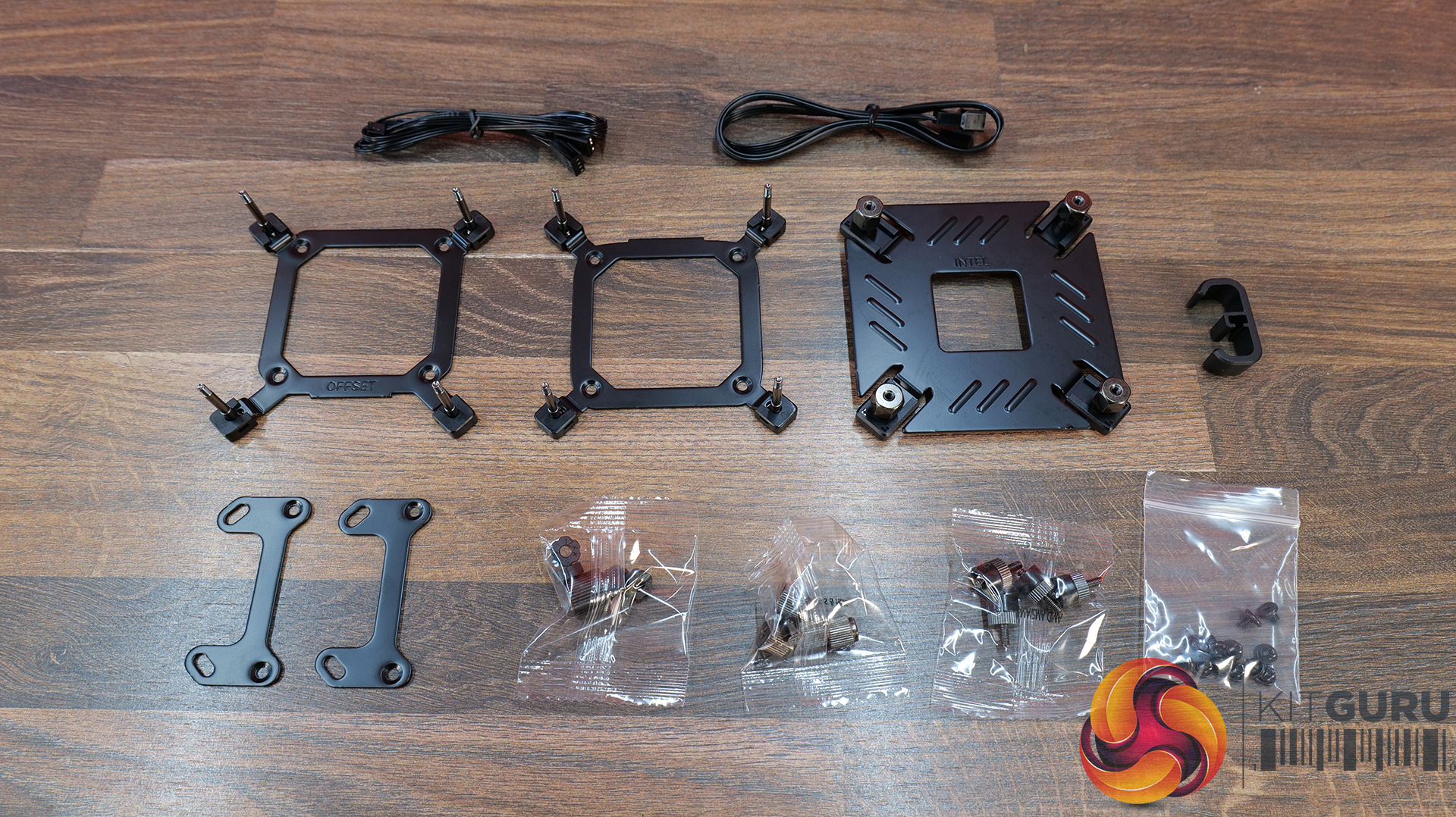
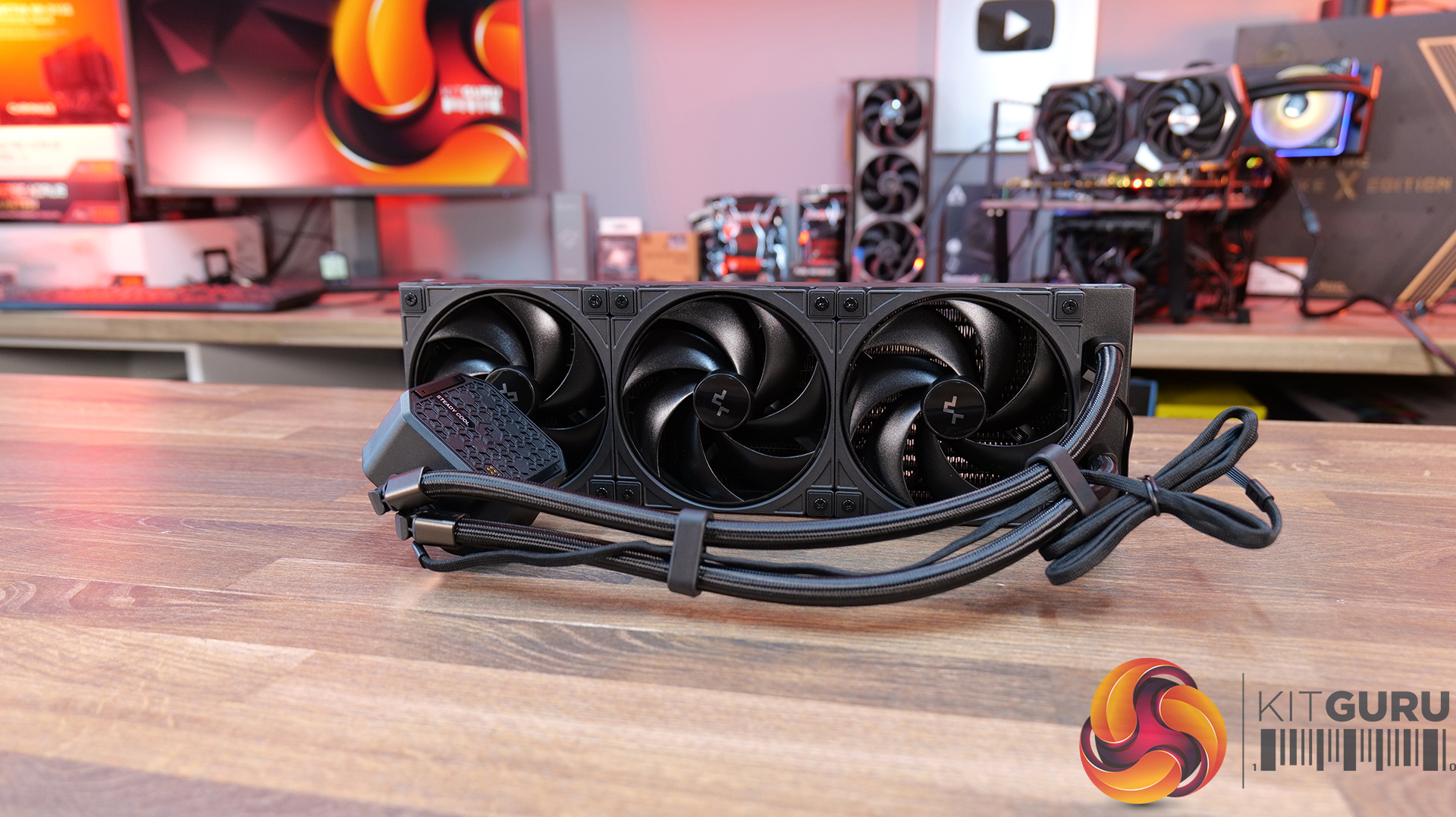
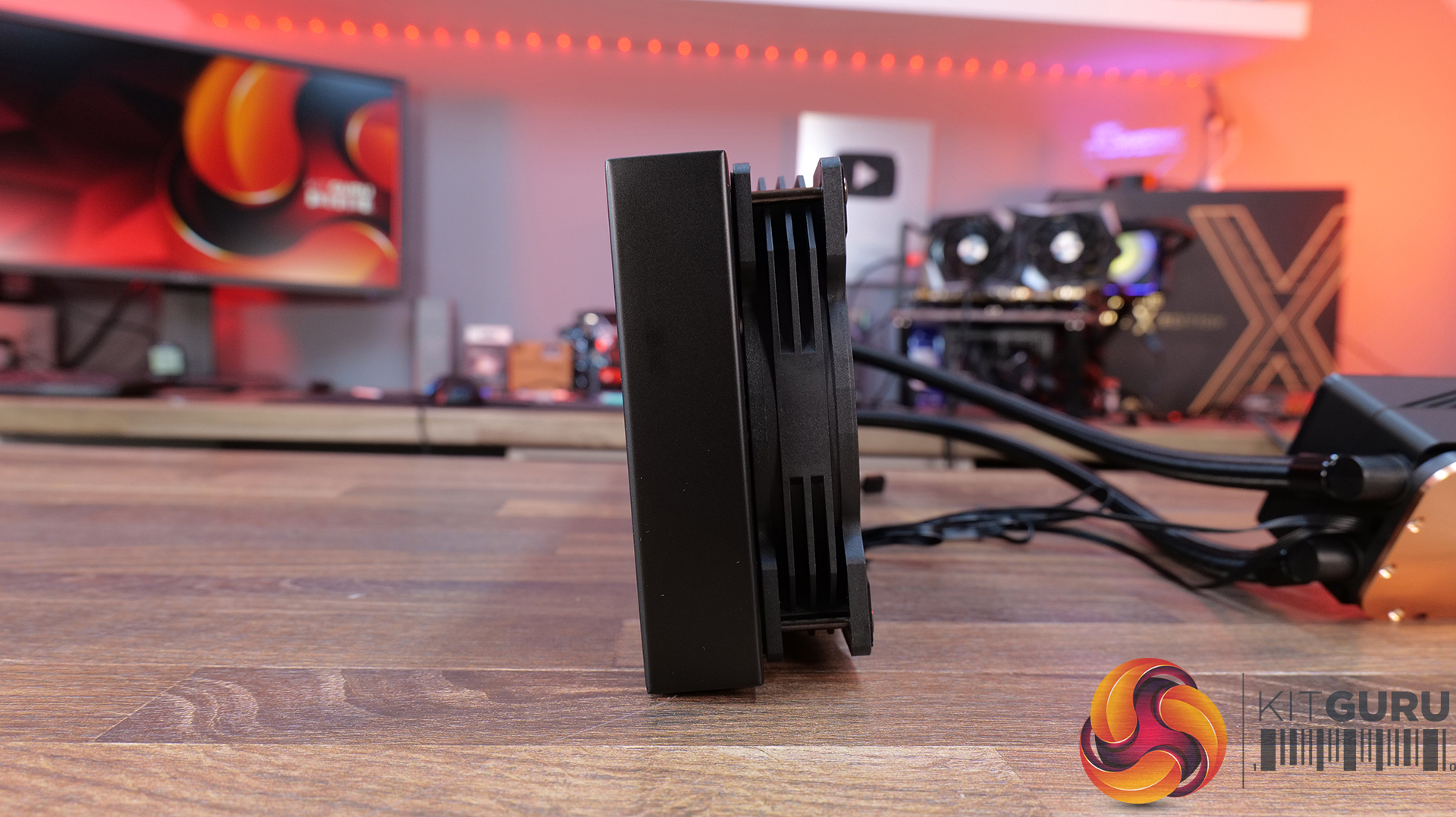
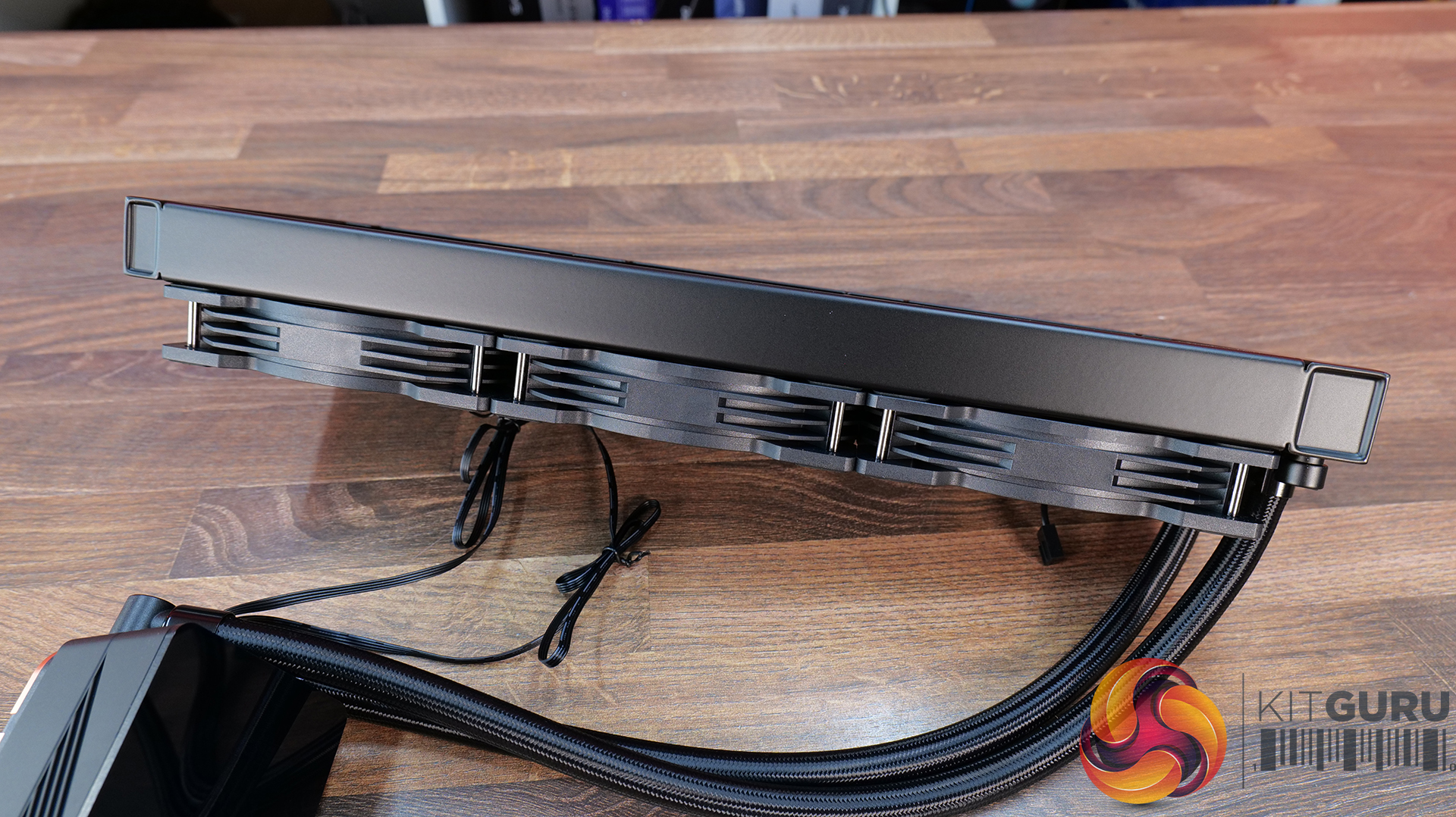
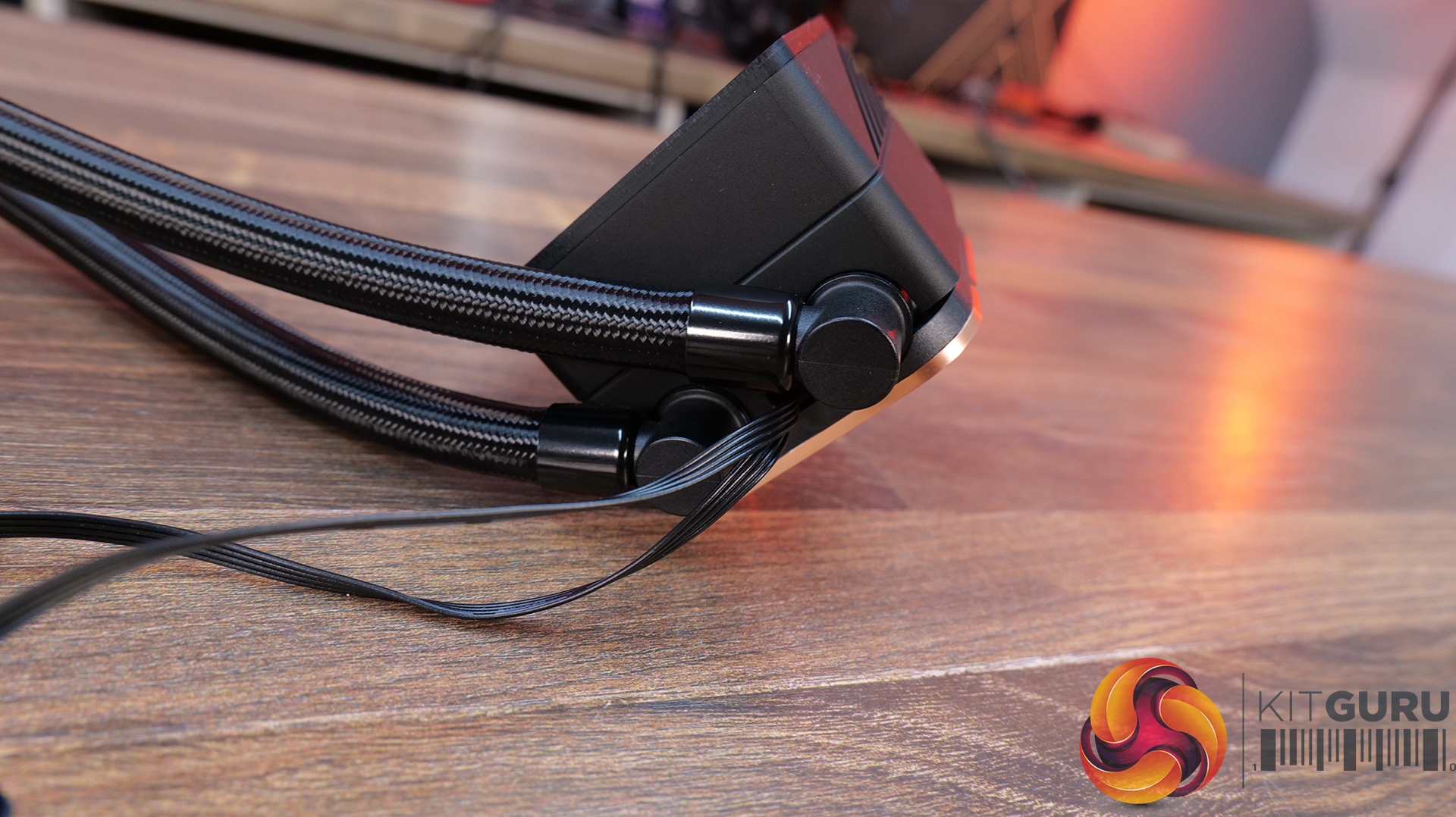
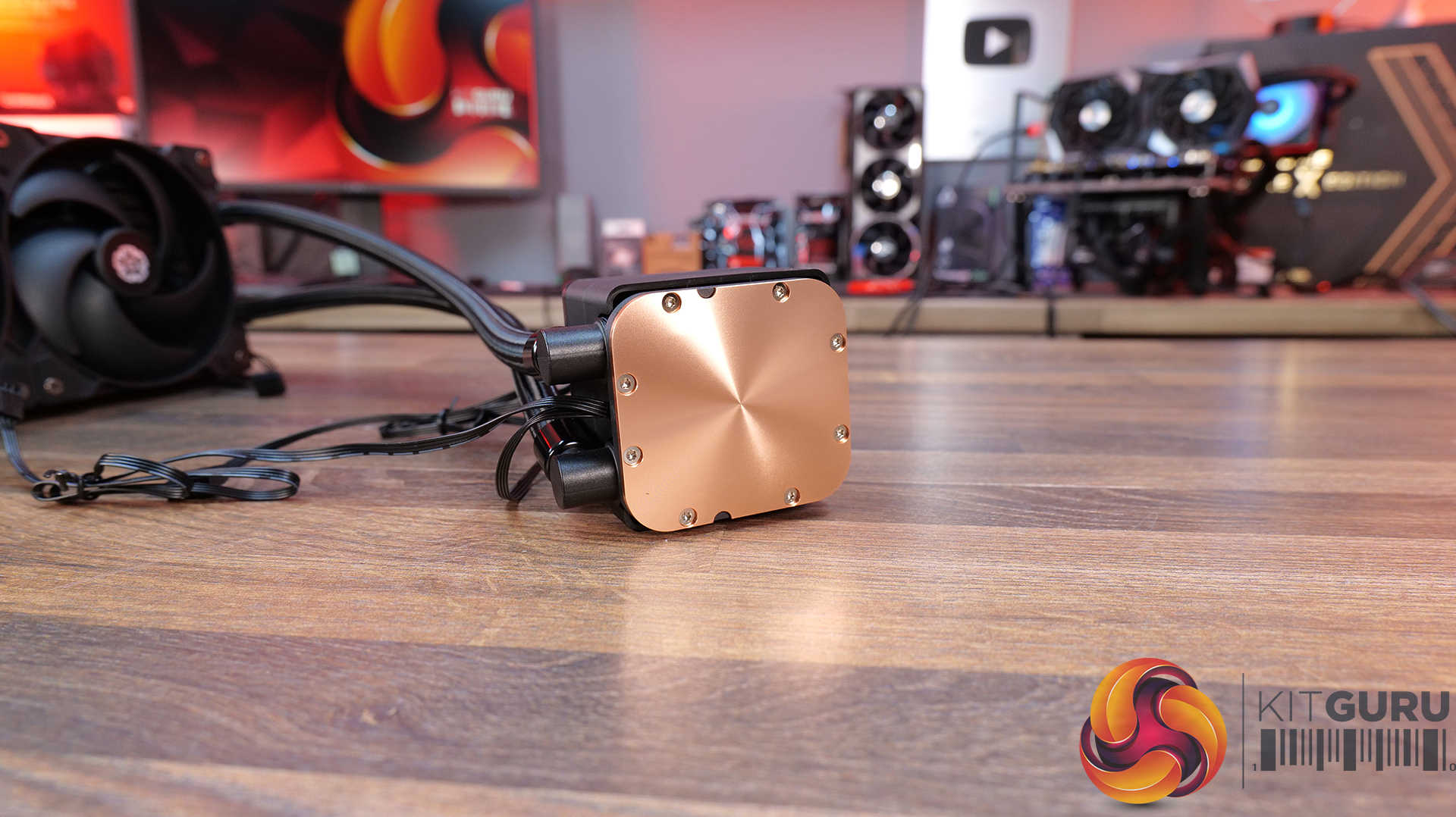
Today we're taking a look at the new be quiet! Light Loop IO LCD 360, a premium 360mm AIO liquid cooler designed to combine high-performance cooling with a fully customisable 2.1-inch IPS LCD and ARGB lighting. It also includes be quiet!'s new IO Controller for simplified cable management and complete software control. In this review, we'll be testing installation, build quality, acoustics and, of course, thermal performance to see how it stacks up against the competition.
Timestamps:
00:00 Introduction
00:47 Pricing and colours
01:40 Overview
02:07 Socket Support
02:22 360 Up Close
04:57 Tubing / fittings
05:32 Block / Display
06:41 Wiring / Fans
08:52 Accessories
10:04 Test System / Install
11:14 Thermal and Noise Performance
13:57 Worth buying?
Features:
2.1-inch IPS LCD display – Light Loop IO LCD features a high-resolution 480 x 480 IPS display, which can show live system monitoring, custom images, GIFs and videos, with extensive customisation available through be quiet!'s IO Centre software.
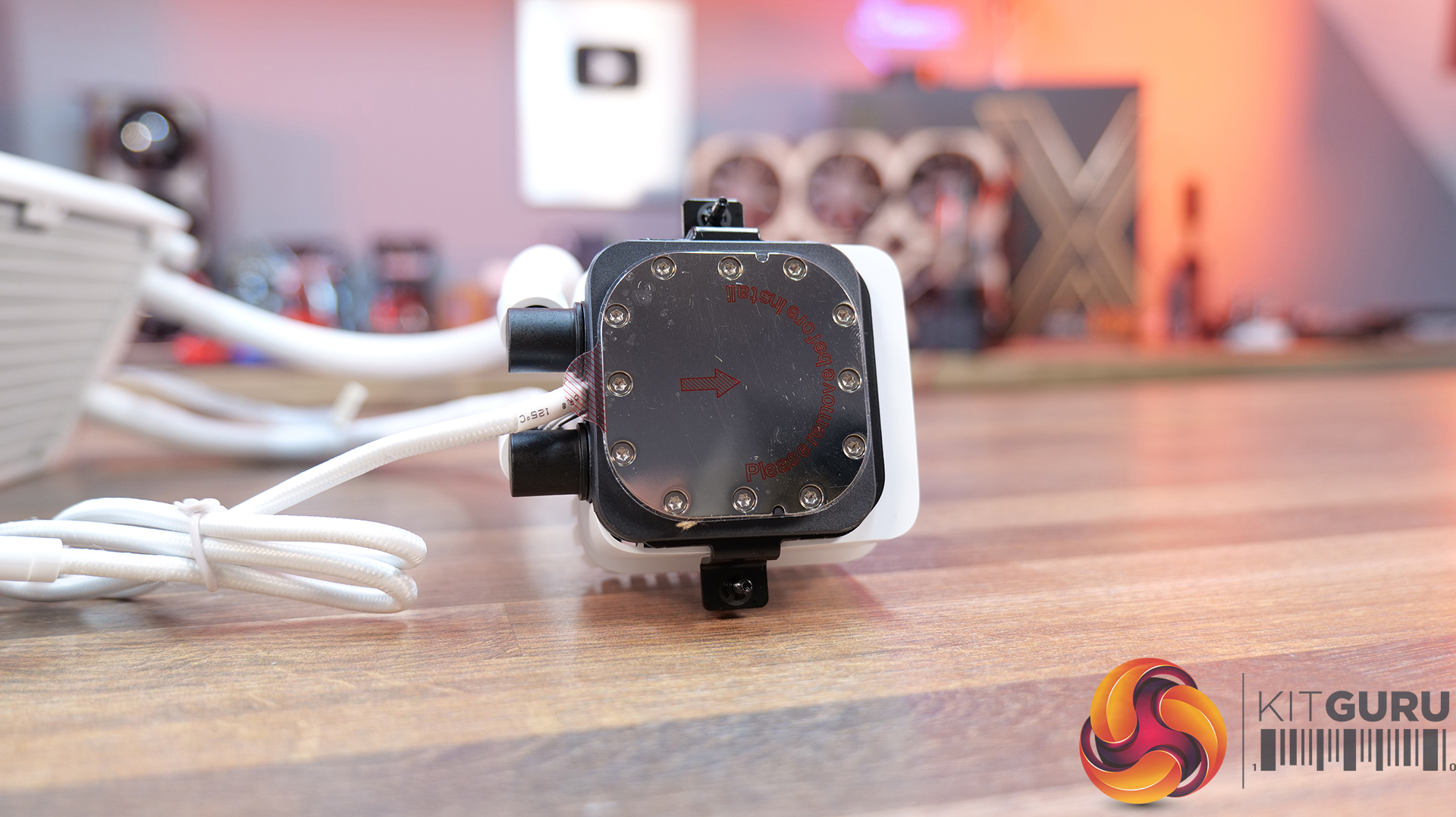
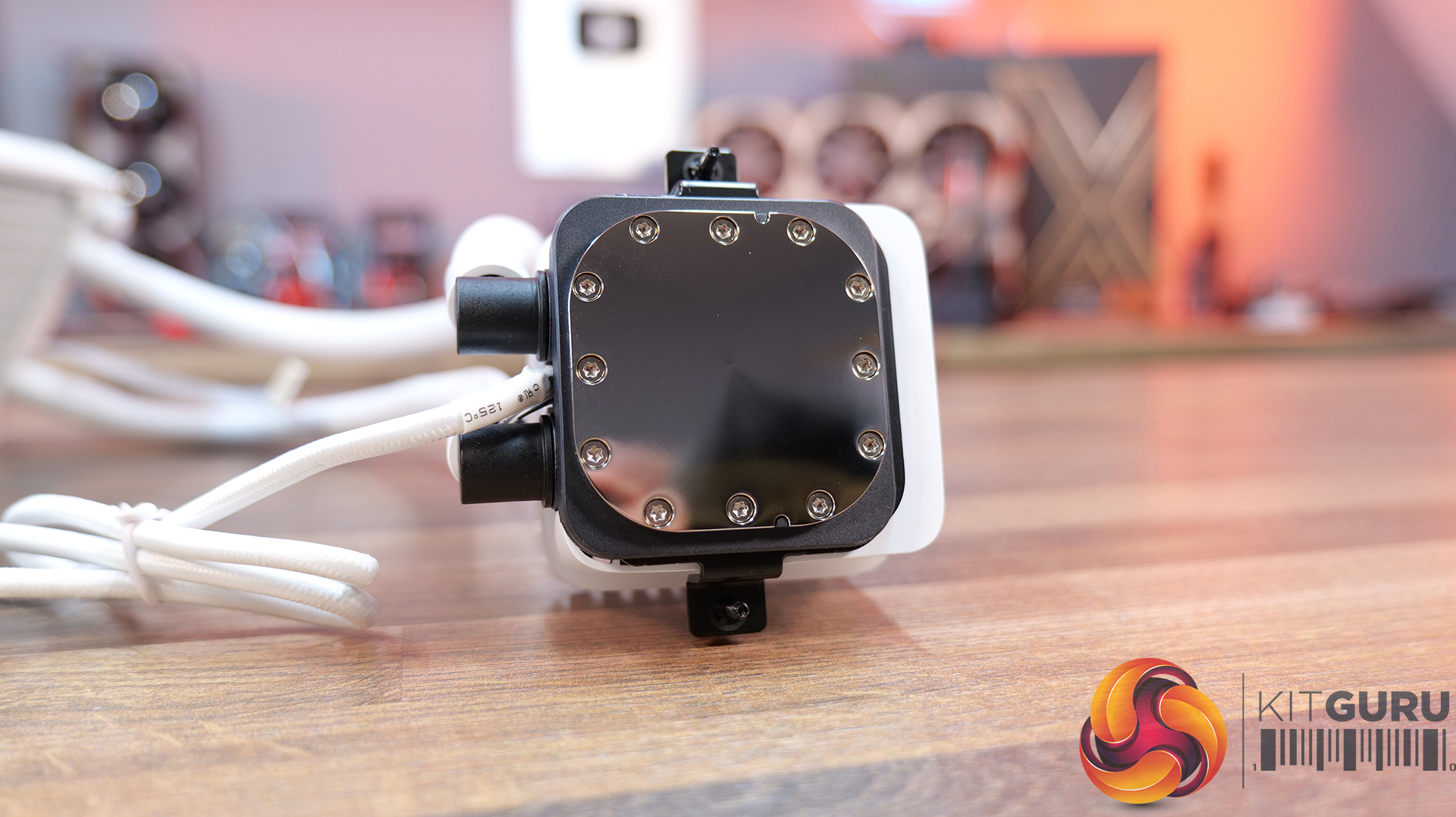
Whisper-quiet cooling performance – A redesigned pump with an advanced integrated circuit, precision jet plate and high-density cold plate are combined with Light Wings LX high-speed fans to deliver high cooling performance while keeping operating noise to a minimum.
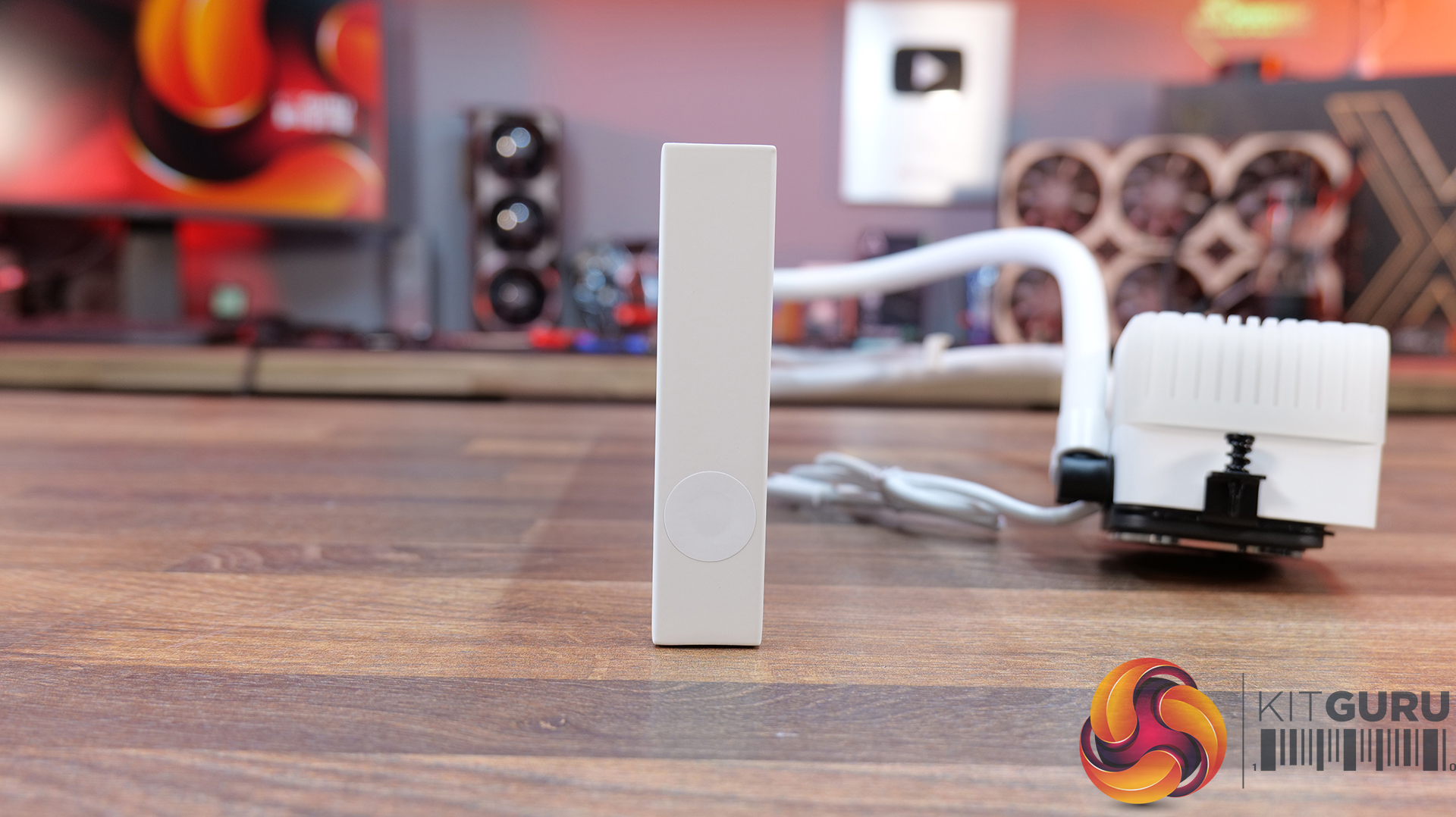
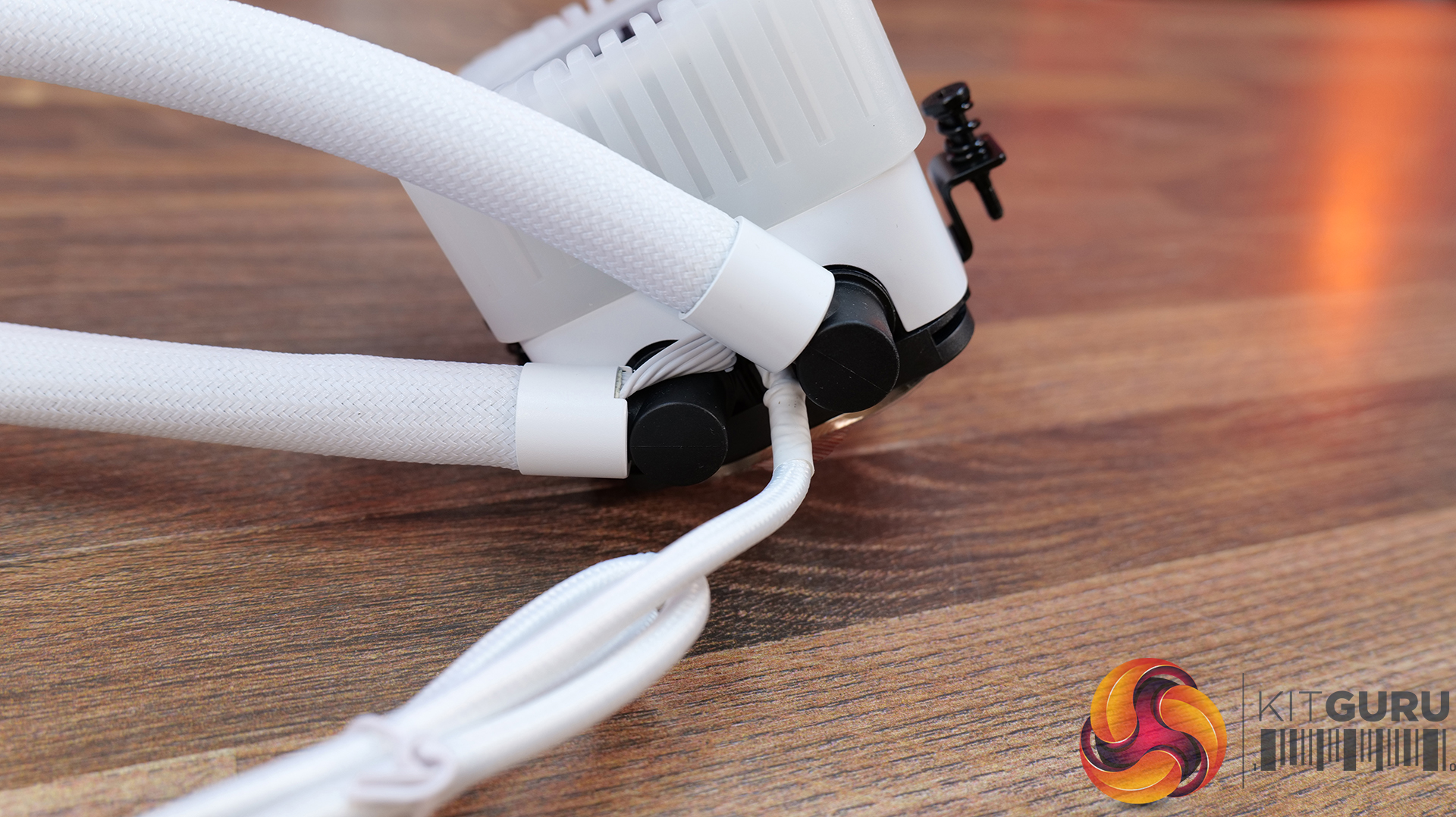
Clean installation and intelligent control – The included IO Controller carries power, PWM, ARGB and display signals over a single cable, while daisy-chained fans and hidden cabling make for a much cleaner build and simplified installation.
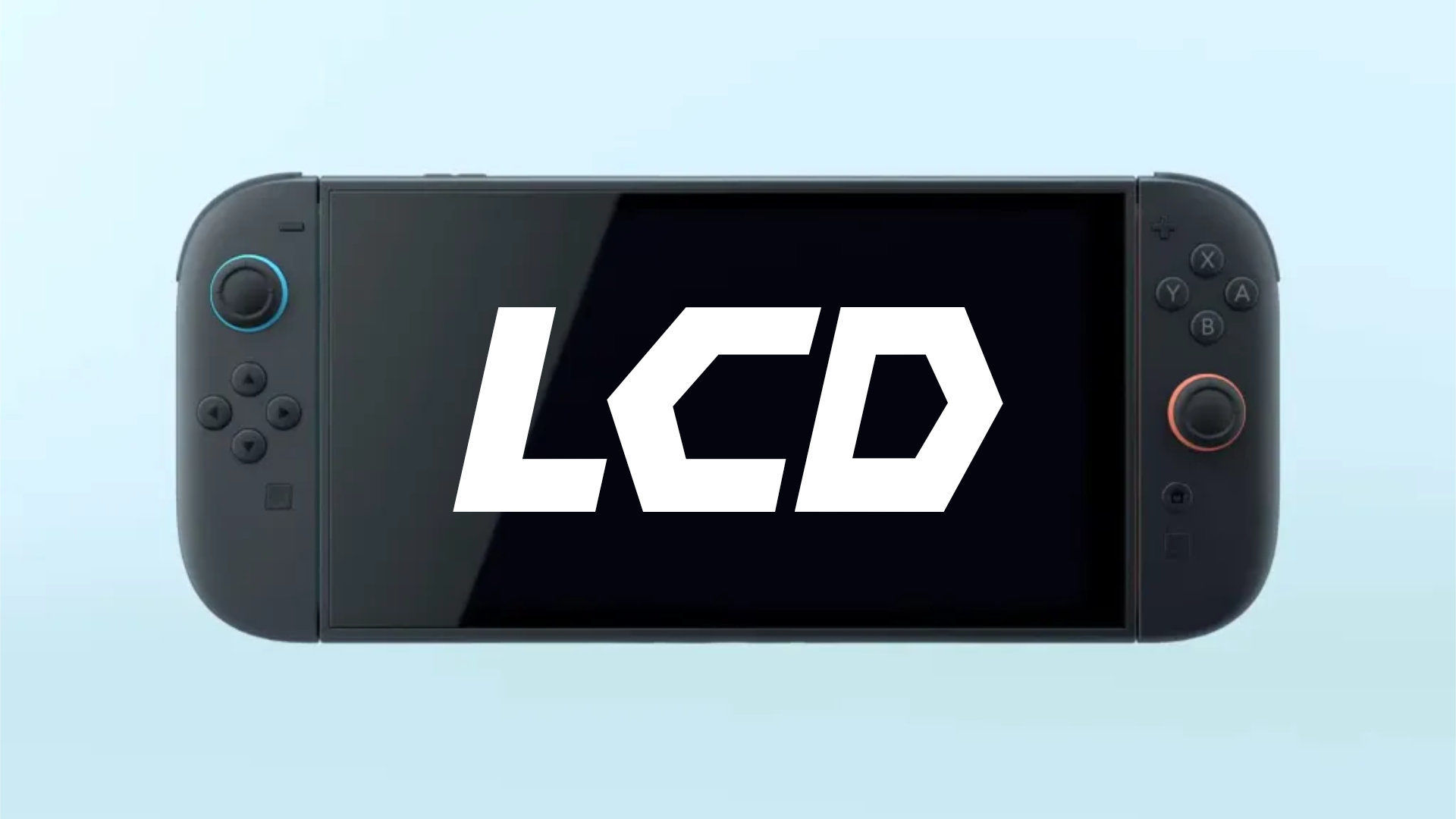
The Nintendo Switch 2 has received plenty of praise for its hardware quality, with the sequel system taking what was a rather toy-like handheld and transforming it into a premium-feeling product. Unfortunately, the Switch 2’s screen left plenty to be desired, not only due to its LCD nature, but also as a result of notable ghosting on the 120hz panel. While a new OLED model still seems to be years away, the current LCD screen on Nintendo’s Switch 2 could be receiving a new revision.
As reported by the publication NintendoEverything, a new Switch 2 revision could be on its way with an updated LCD screen. This comes via listings online which claim to be offering a new LCD panel for the handheld.
Based on the model number listed, analysis by NintendoPatentsWatch deduced this new panel will be an LTPS screen made by Sharp (as opposed to the current model produced by Innolux).
Sharp is a well known and long-standing display maker, and so such a partnership does make sense. Whether this new panel will solve the current ghosting / screen response times affecting the Switch 2 however, we will have to wait and see.
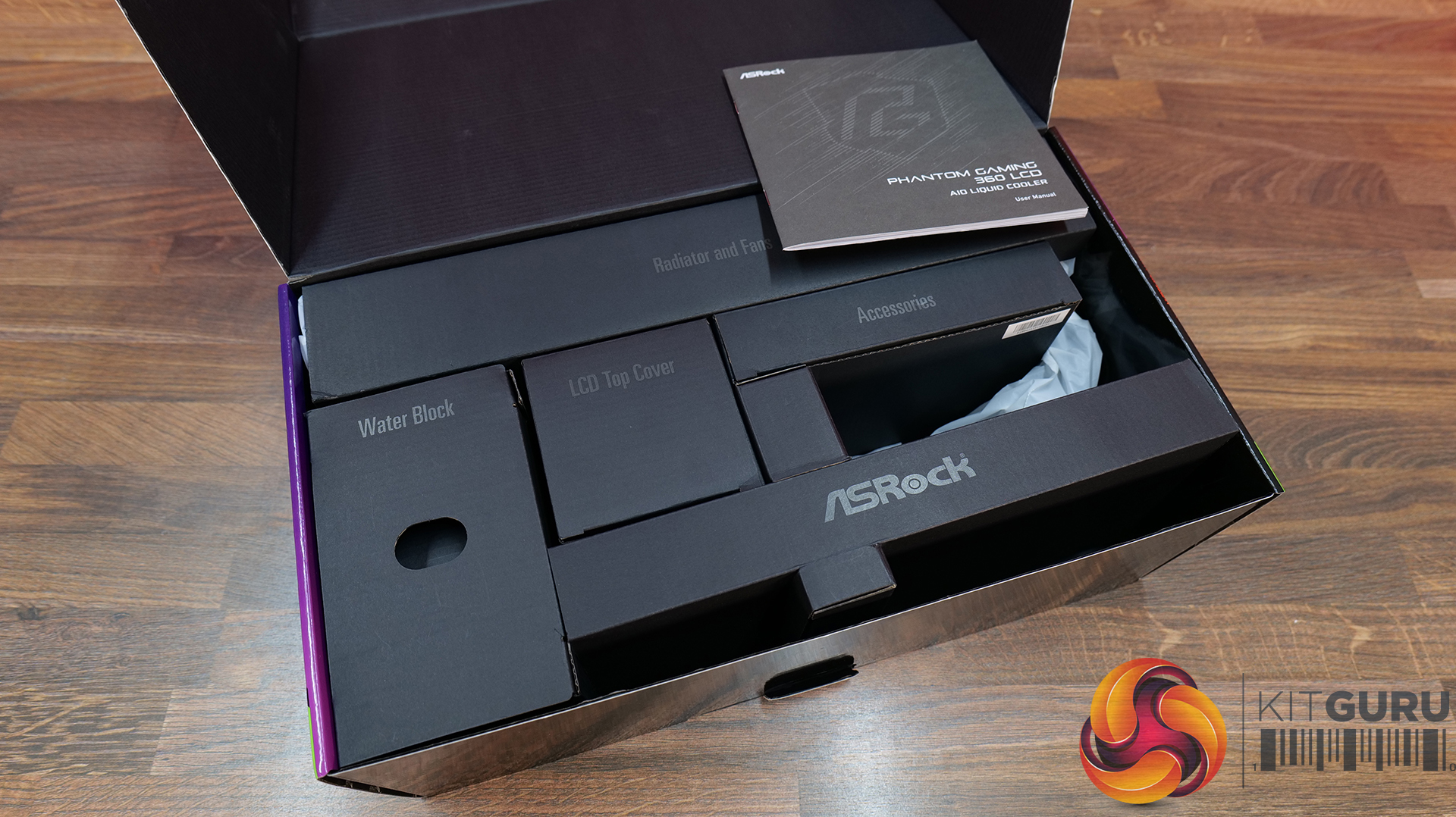
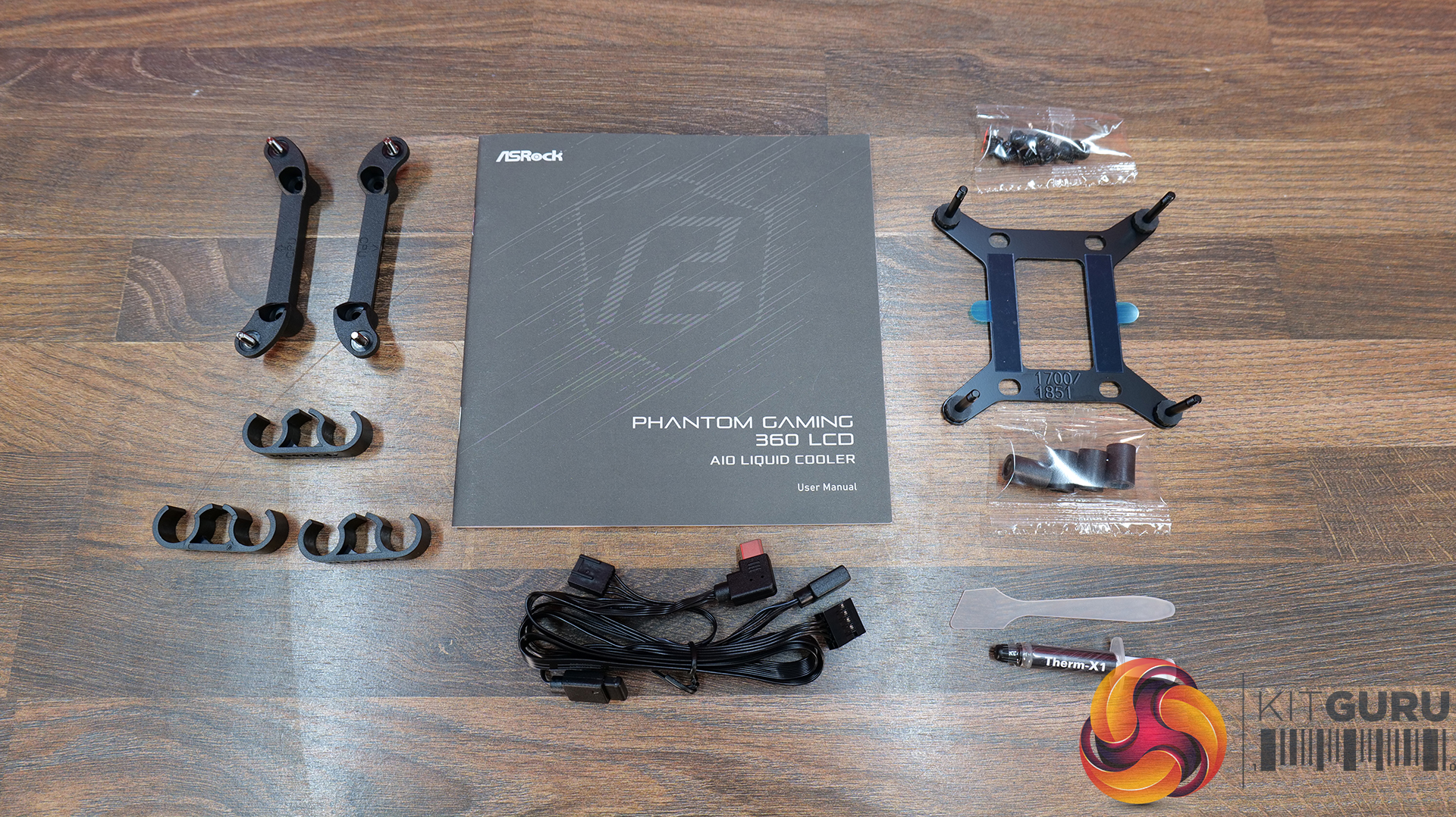
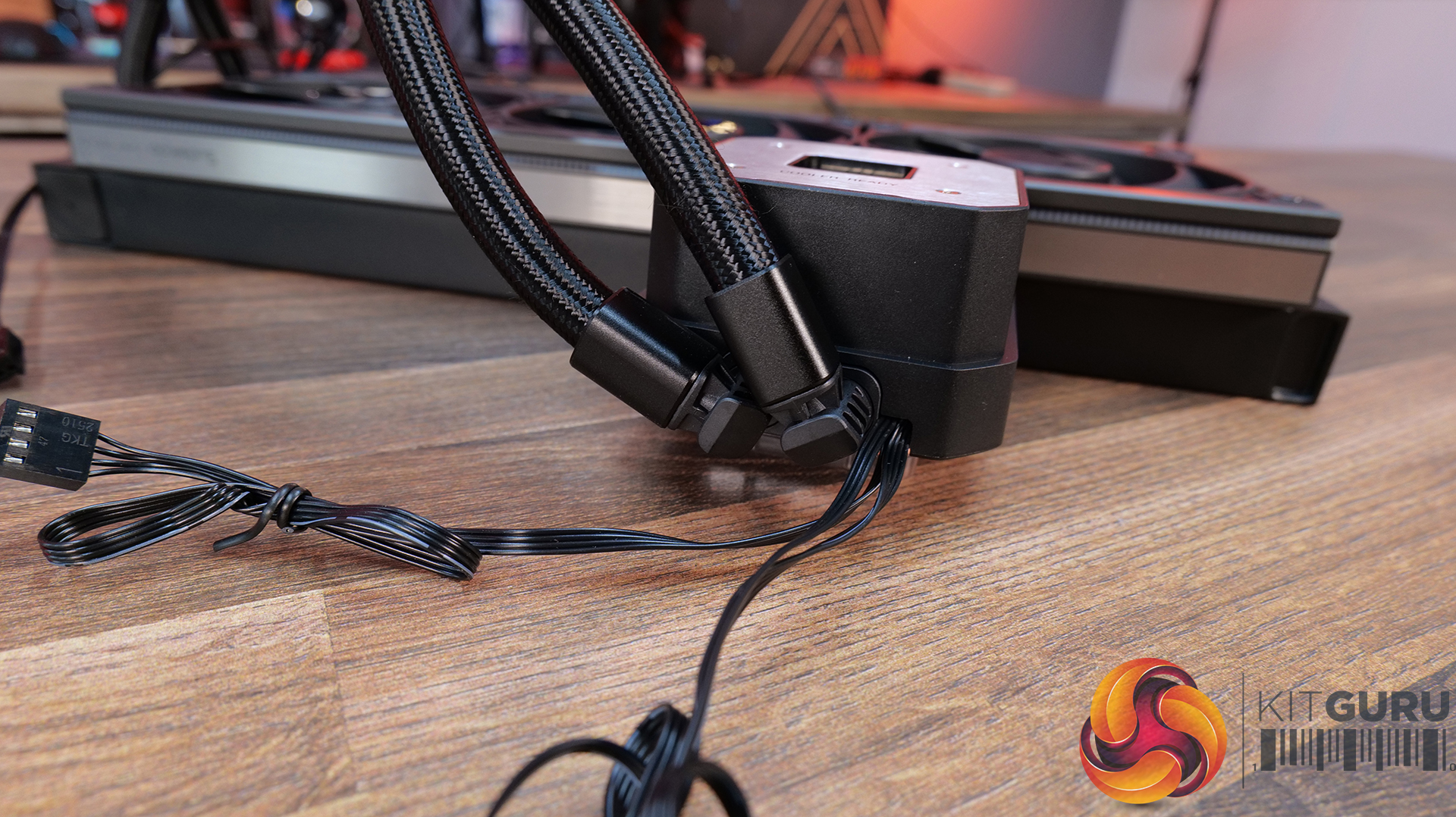
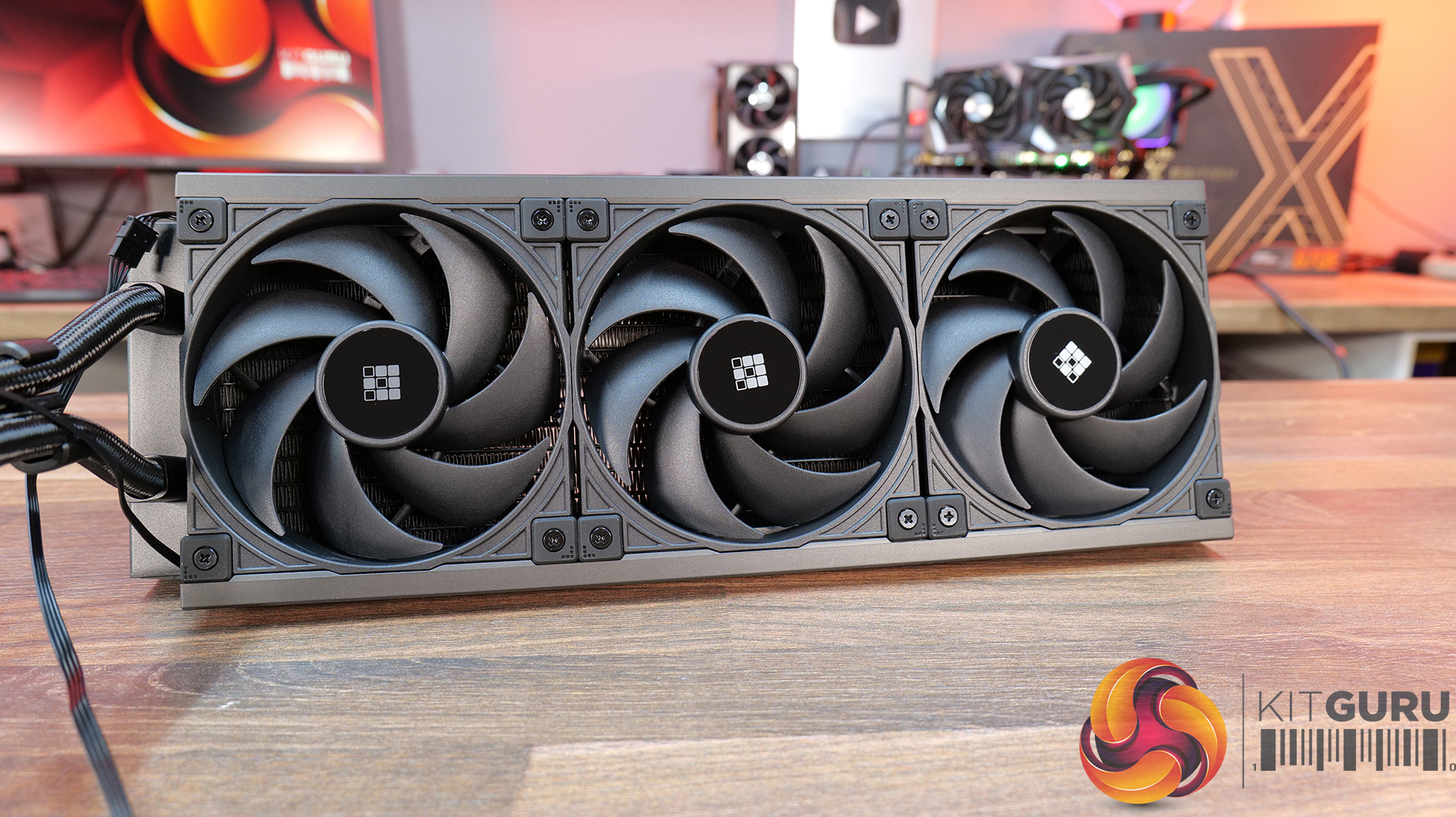
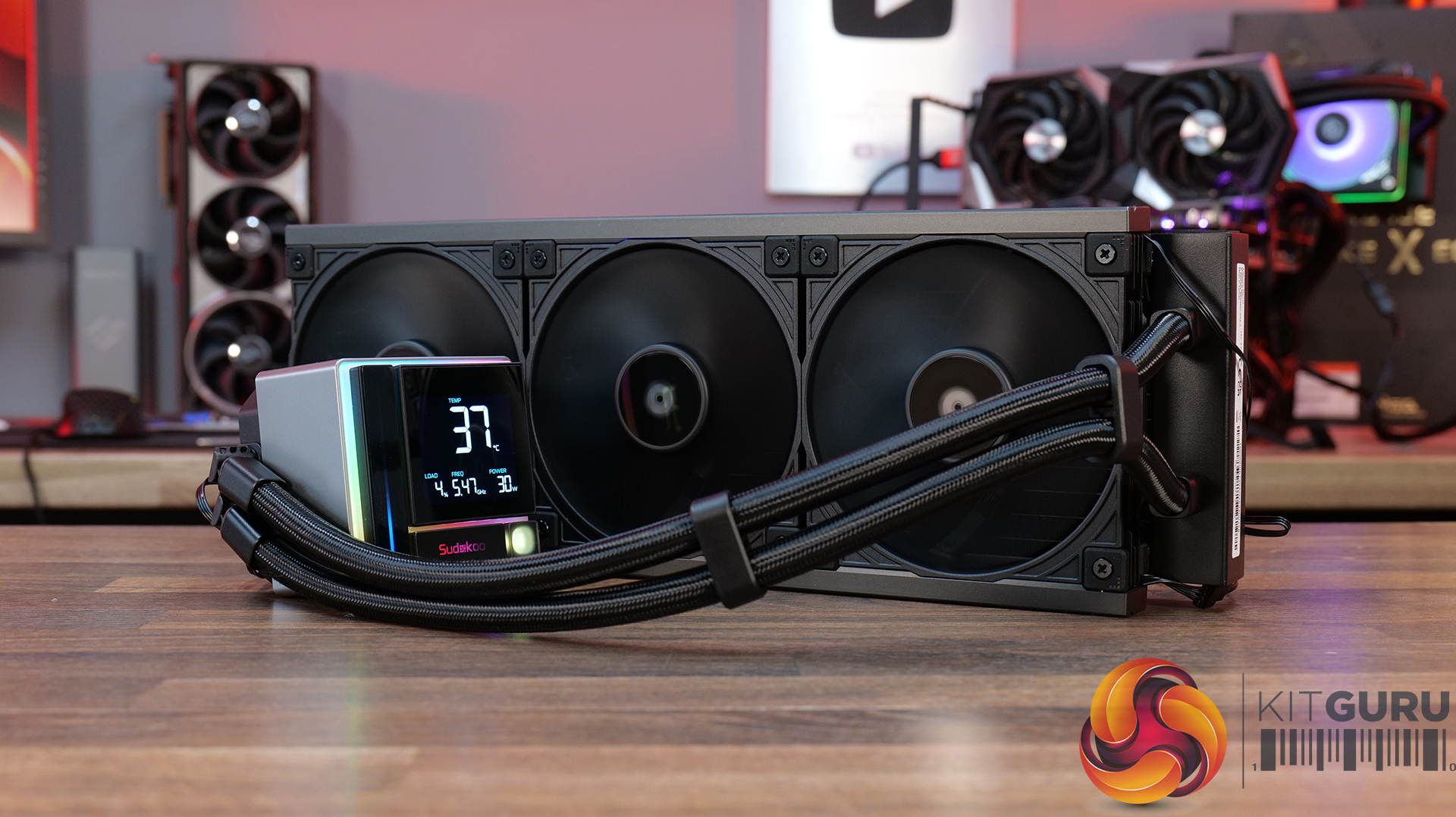
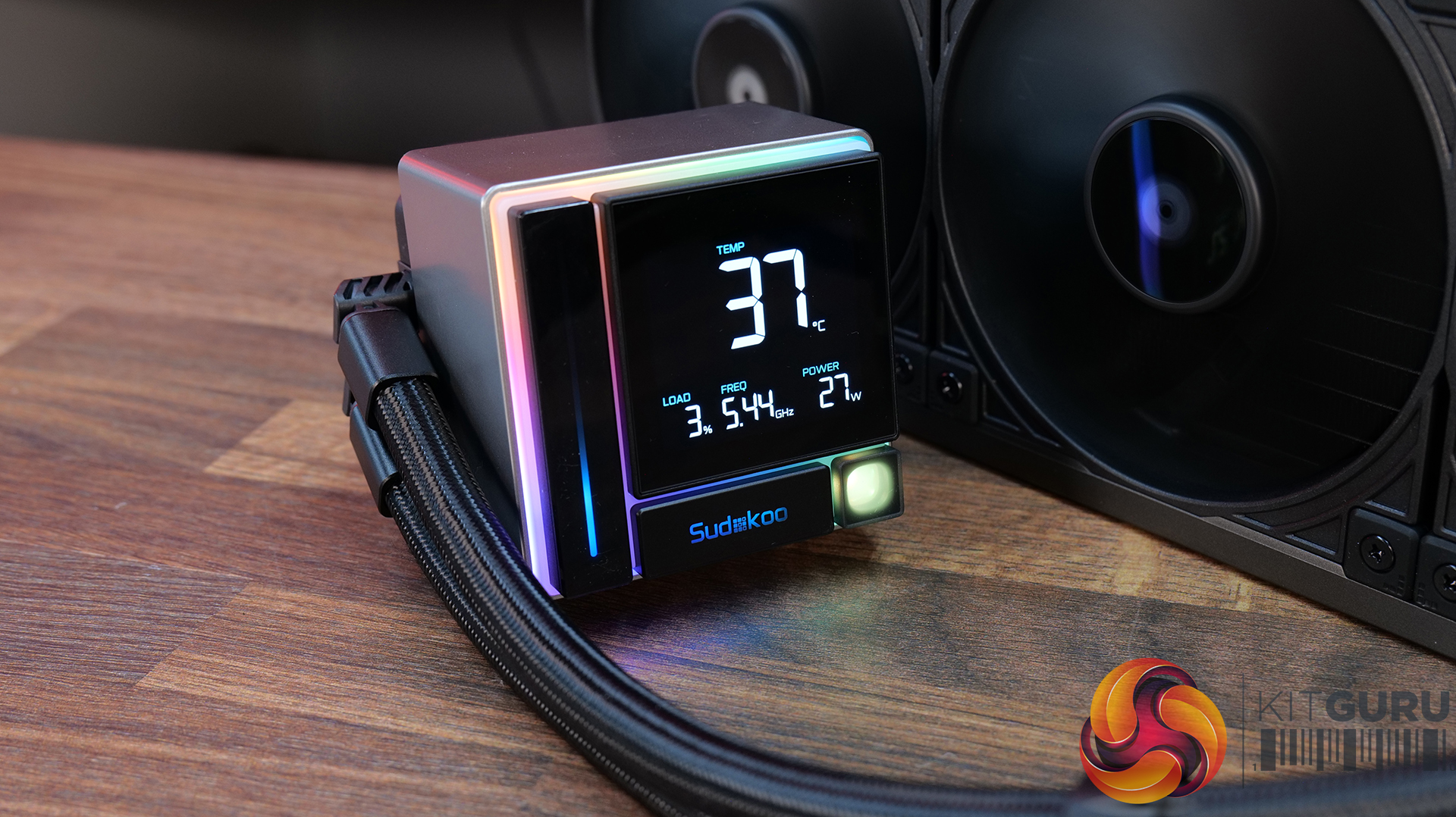
Today we’re going big on AIO coolers – seven of them in fact! We’ve got new hardware from ASRock, Cooler Master, CPS PCCOOLER, DeepCool, Enermax and Sudokoo to look at, all featuring integrated pump-mounted displays and targeting a wide range of price points. In this multi-review, we’ll be looking at thermals, noise, build quality and value for money to find out which ones are genuinely impressive, and which ones are just flashy-looking screens with a pump attached.
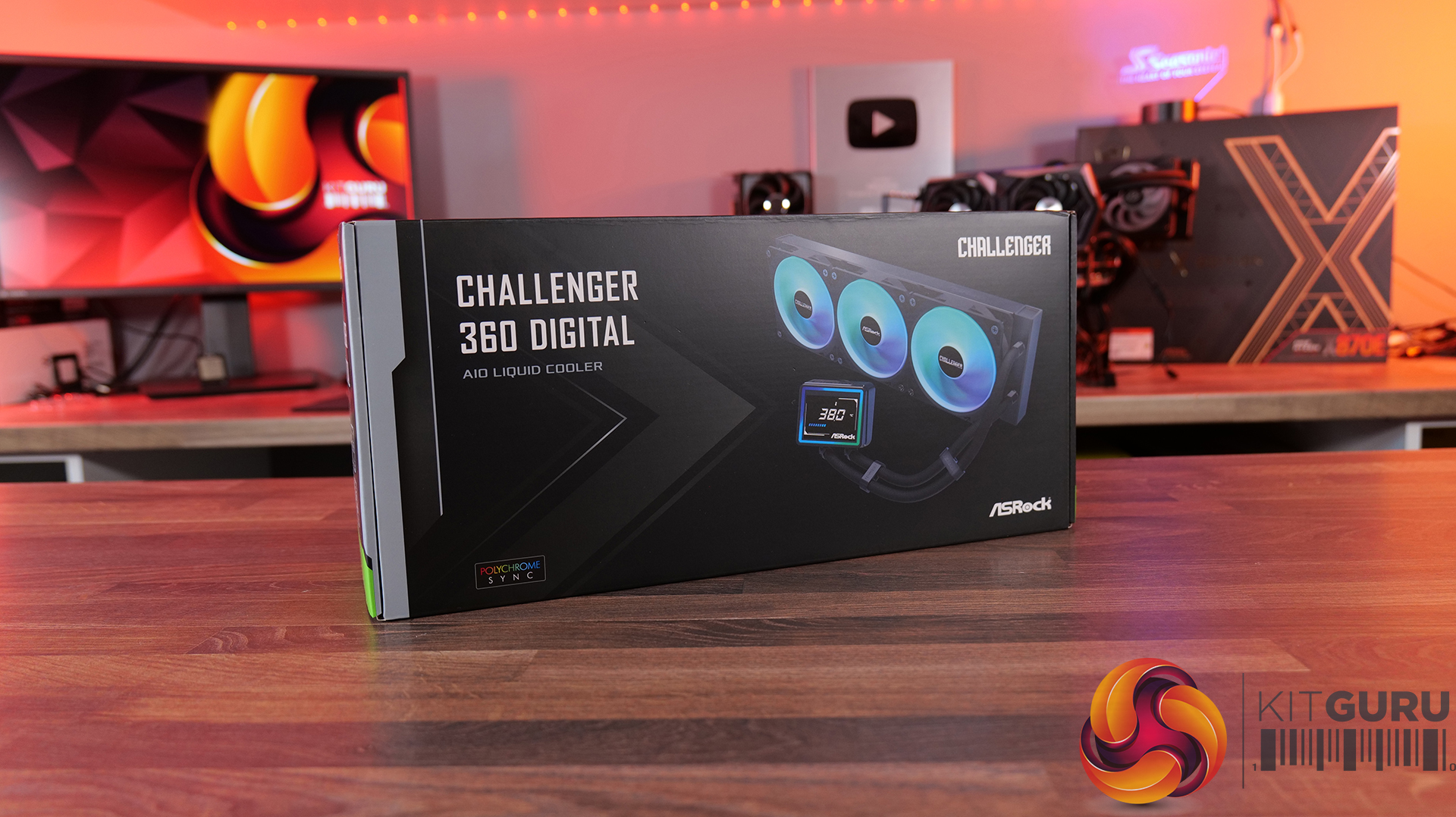
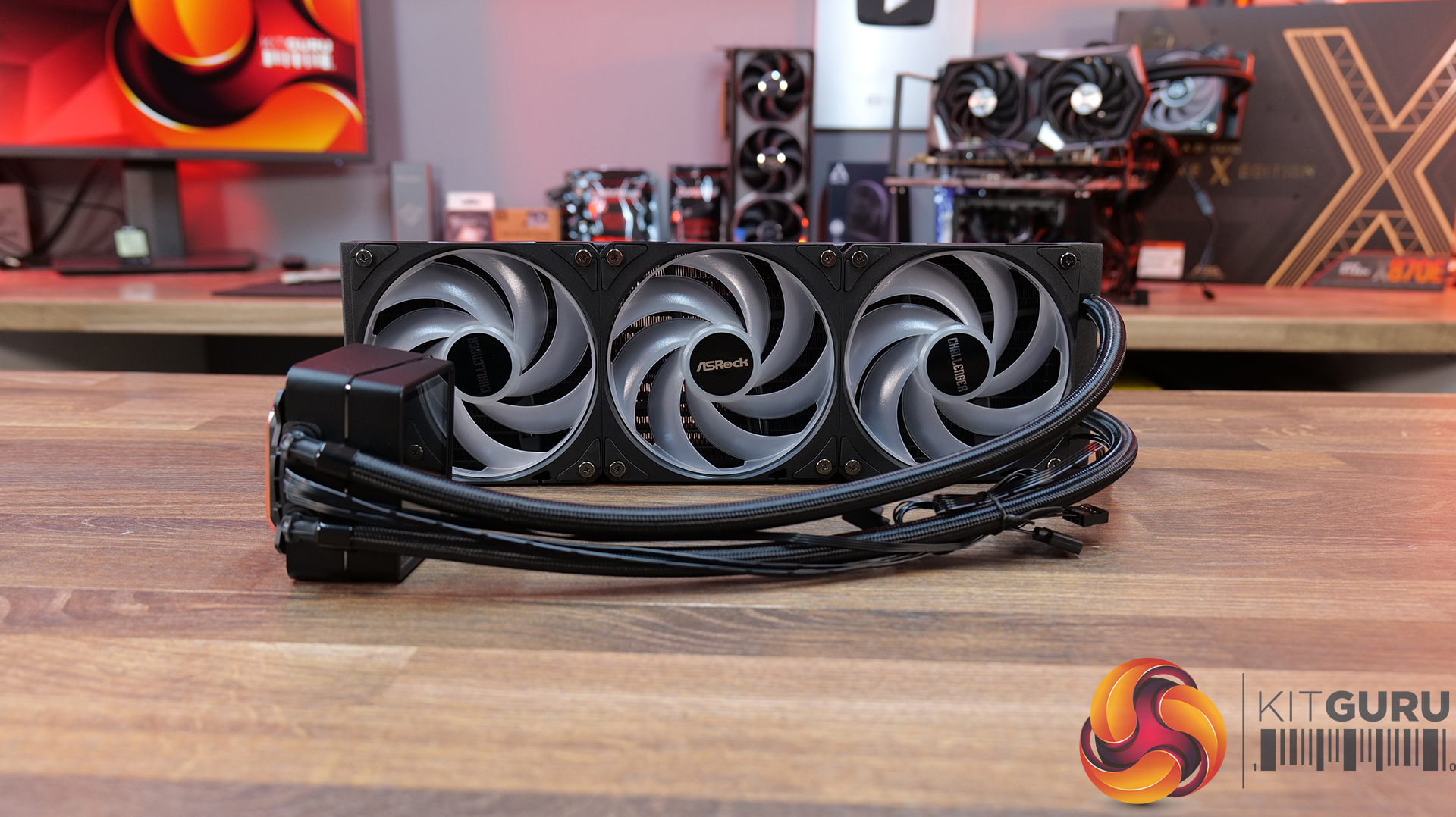
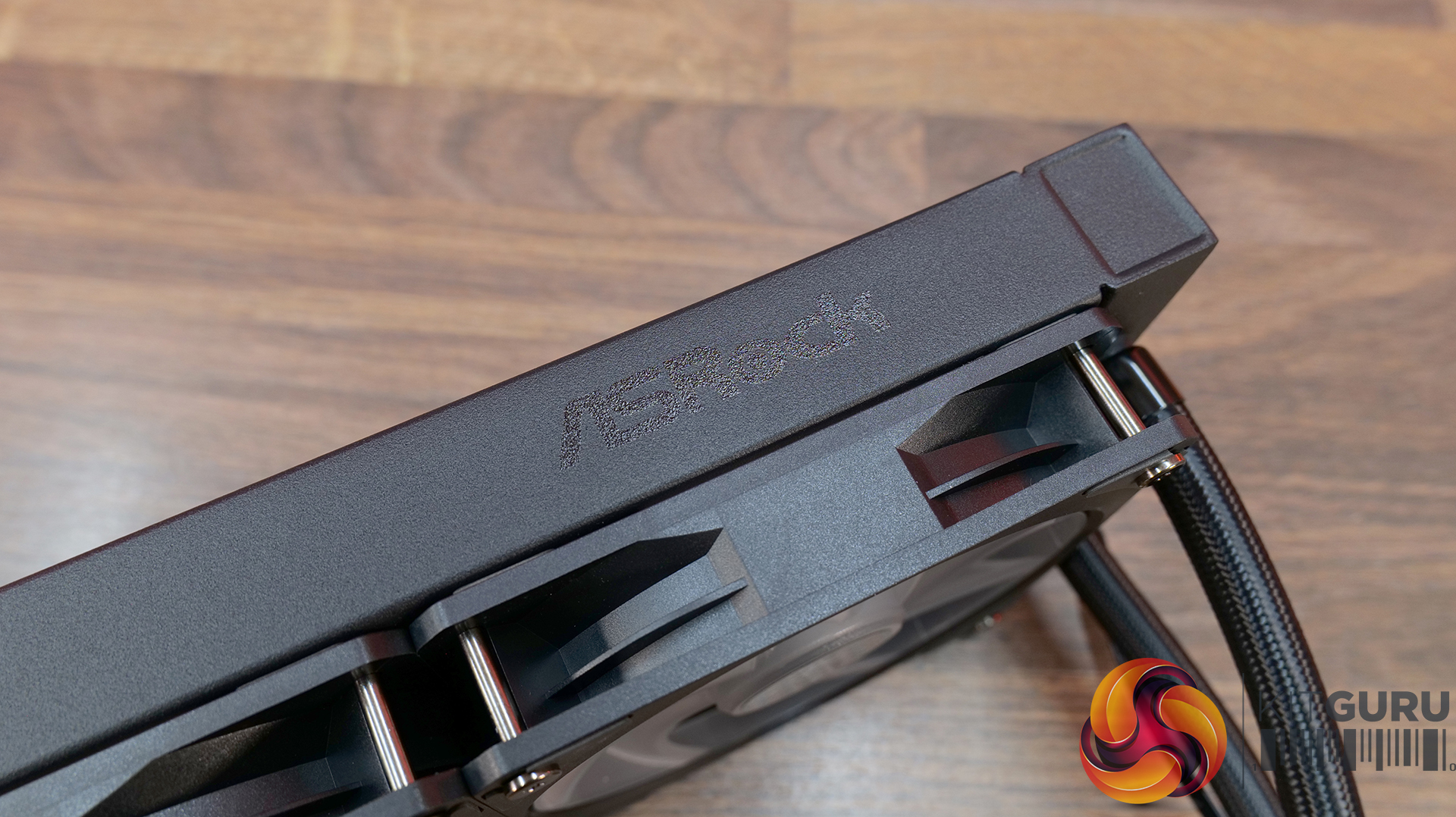
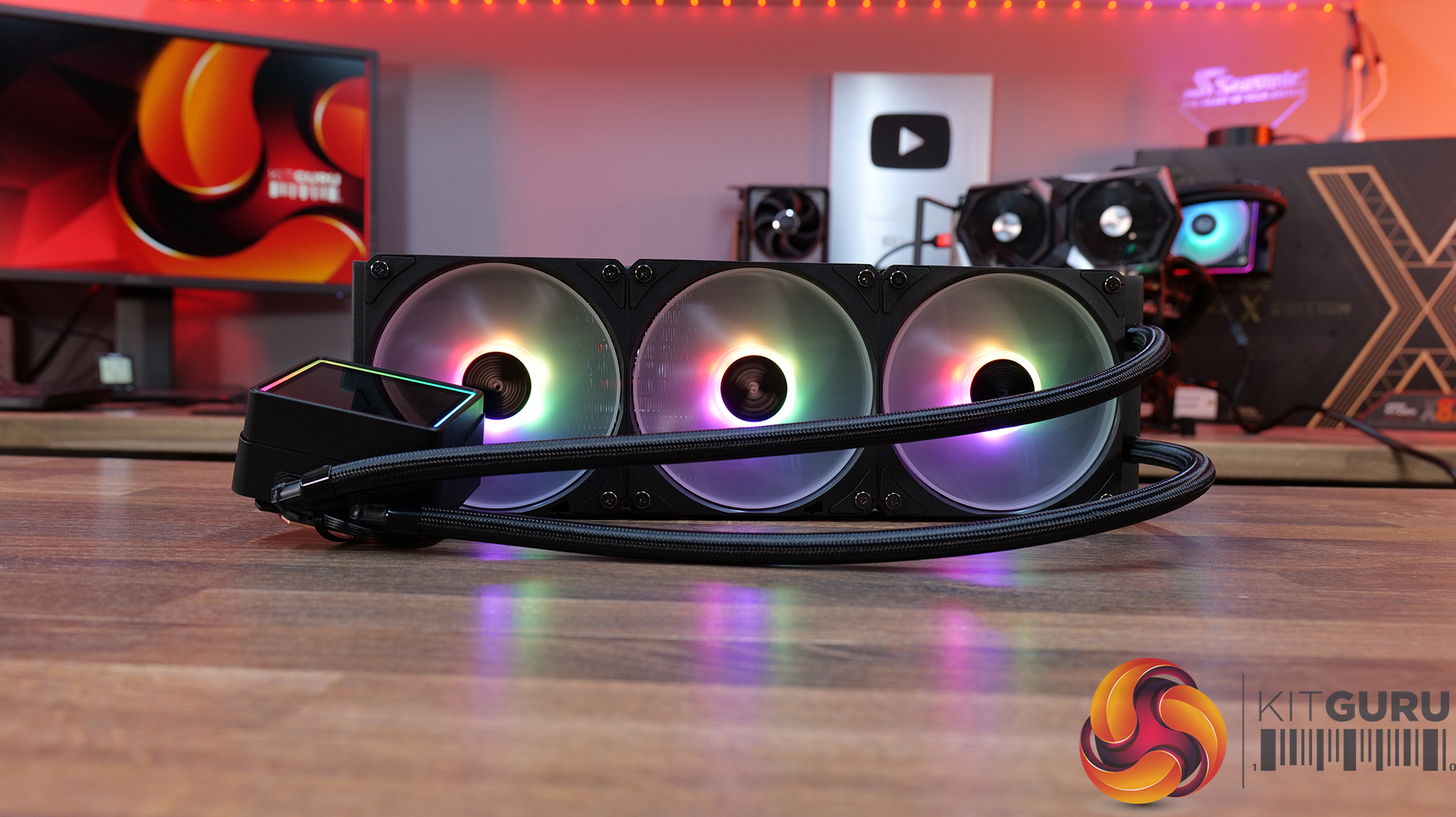
ASROCK Challenger 360 Digital – CCL £88.99 black HERE – £95.99 White HERE.
Features
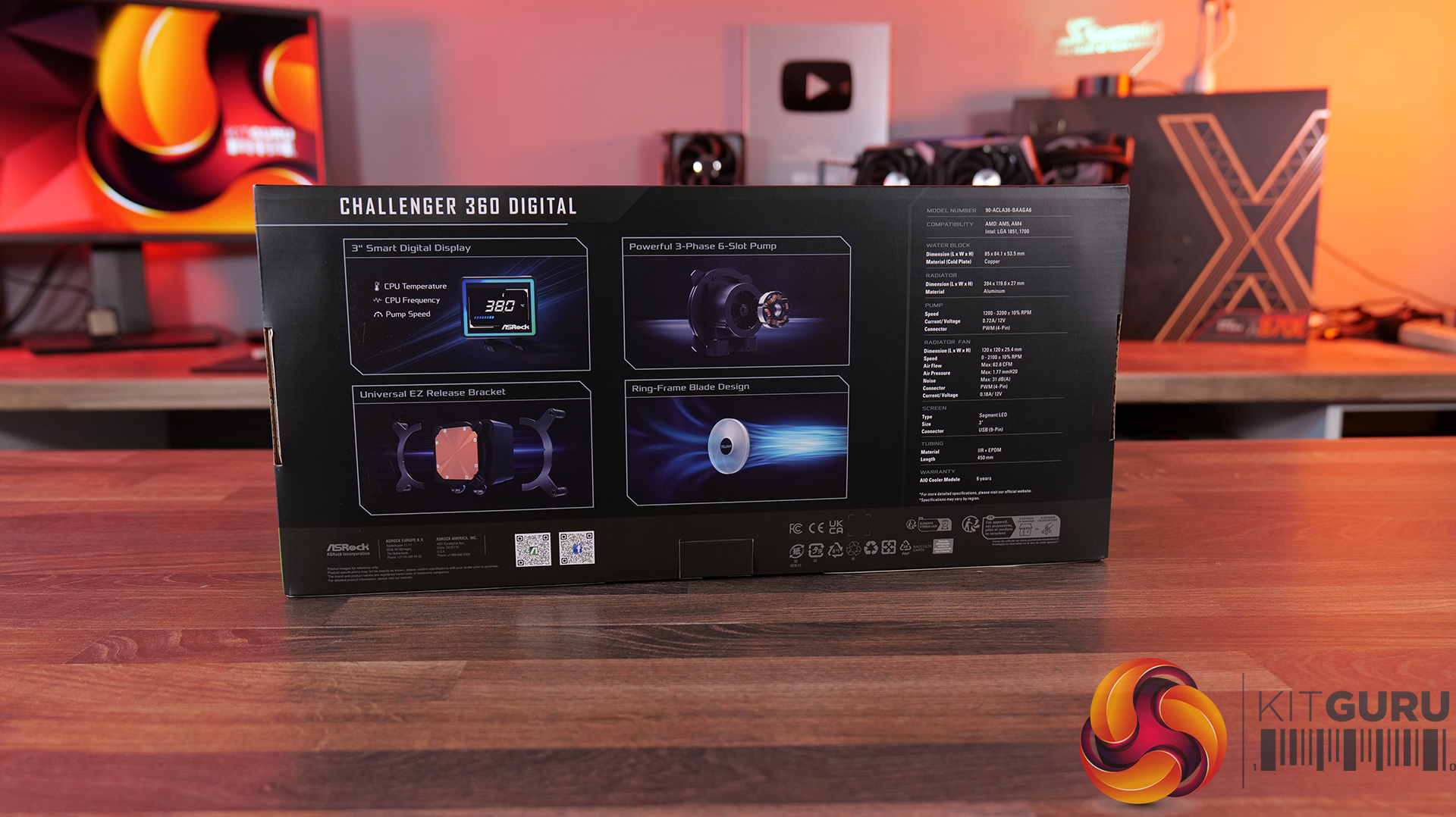
3-inch digital display with real-time monitoring — Challenger 360 Digital features an integrated pump-top display showing key system stats like CPU temperature, frequency and pump speed.
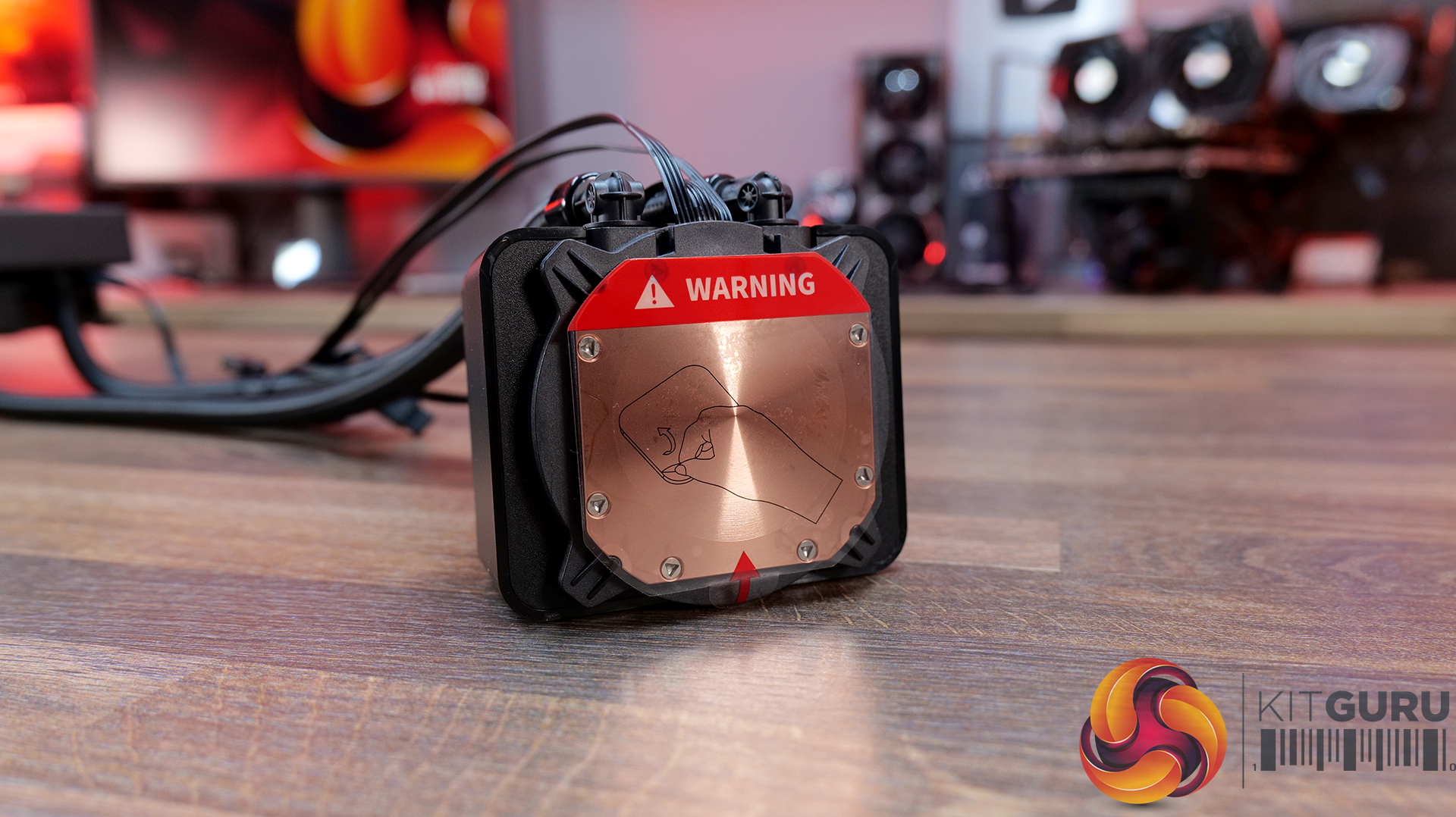
Next-gen pump design — With 3-phase, 6-slot, 4-pole motor and a dual-side inlet design and a precision copper cold plate for optimal coolant and efficient heat dissipation.
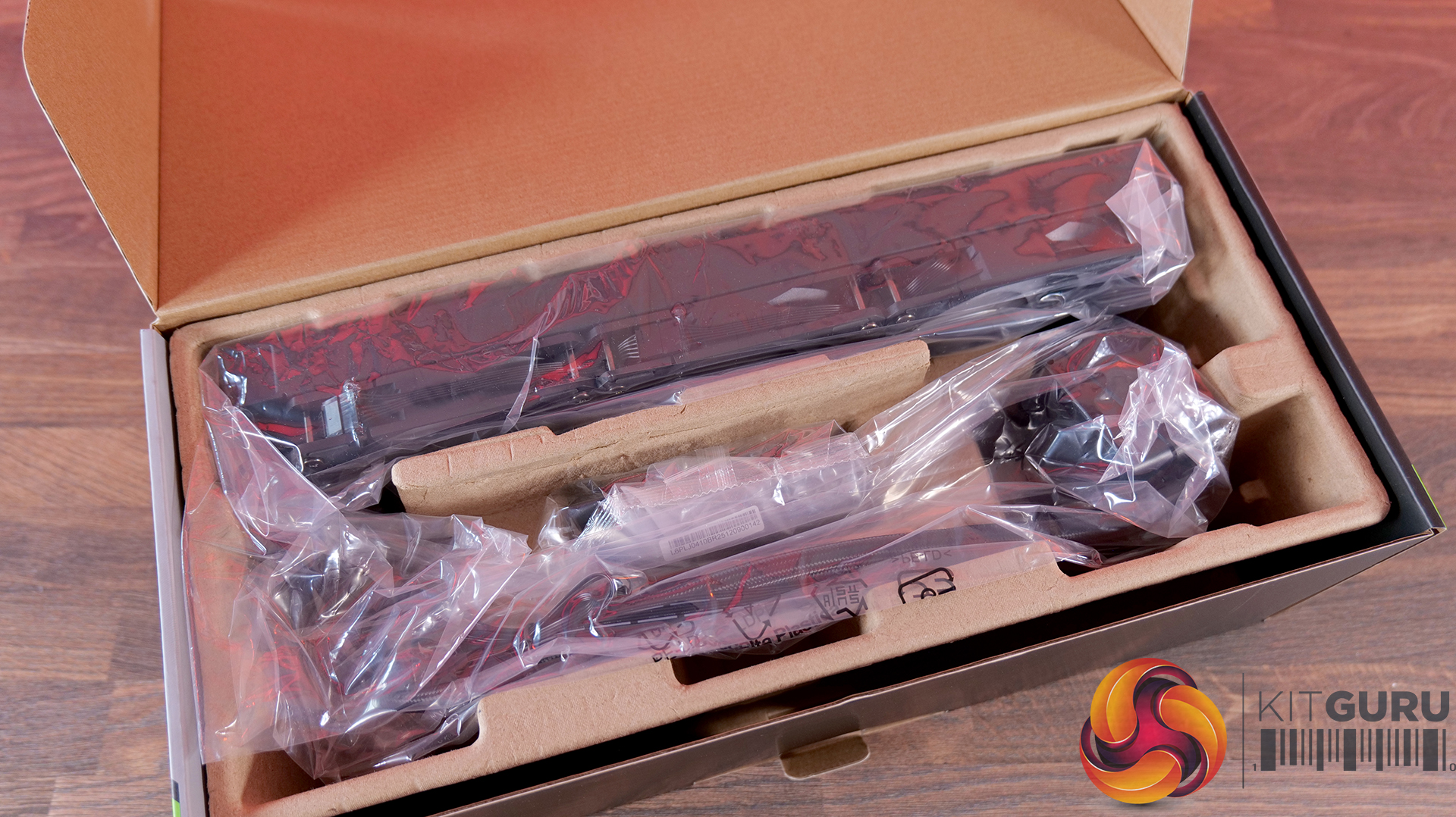
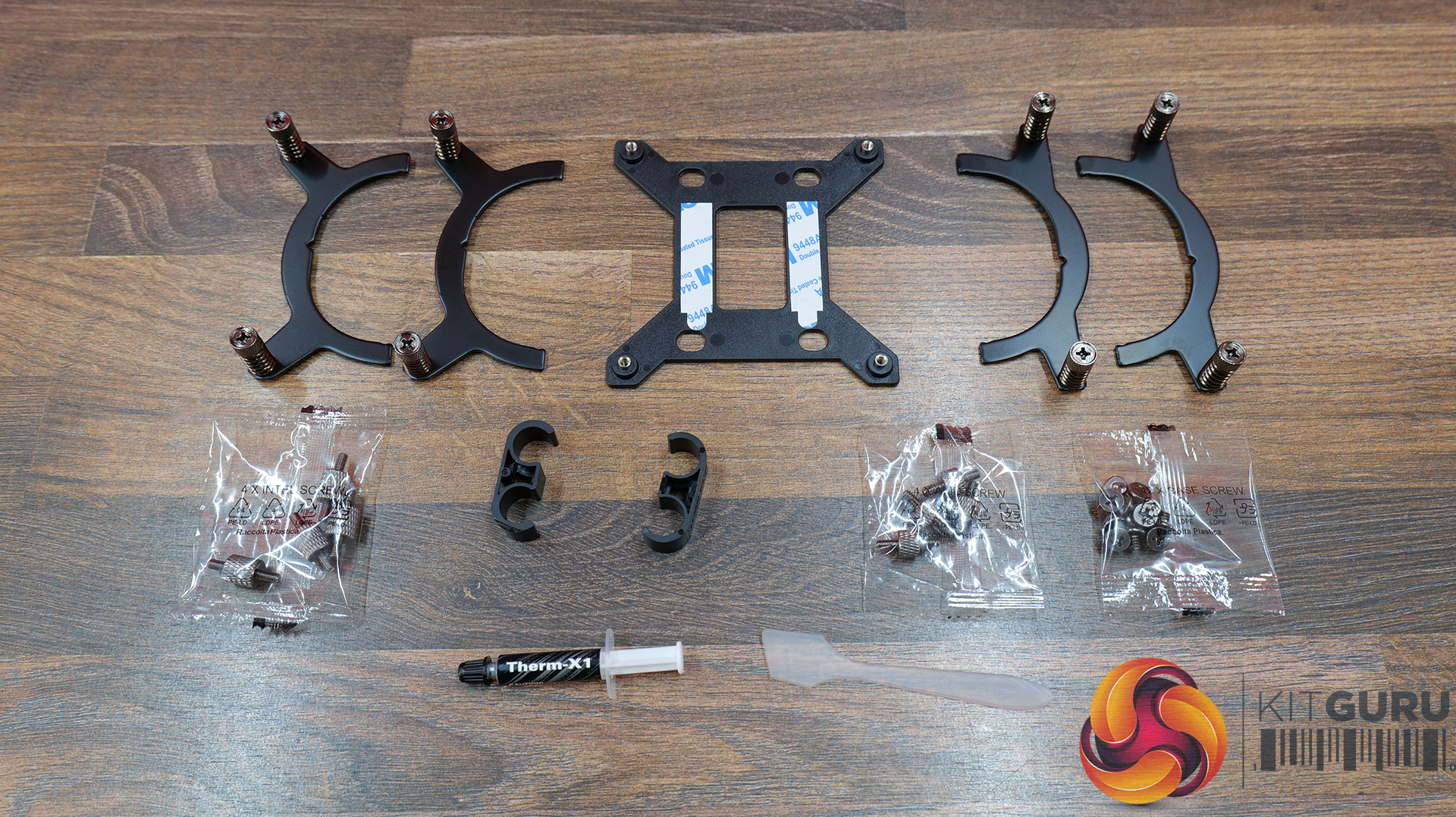
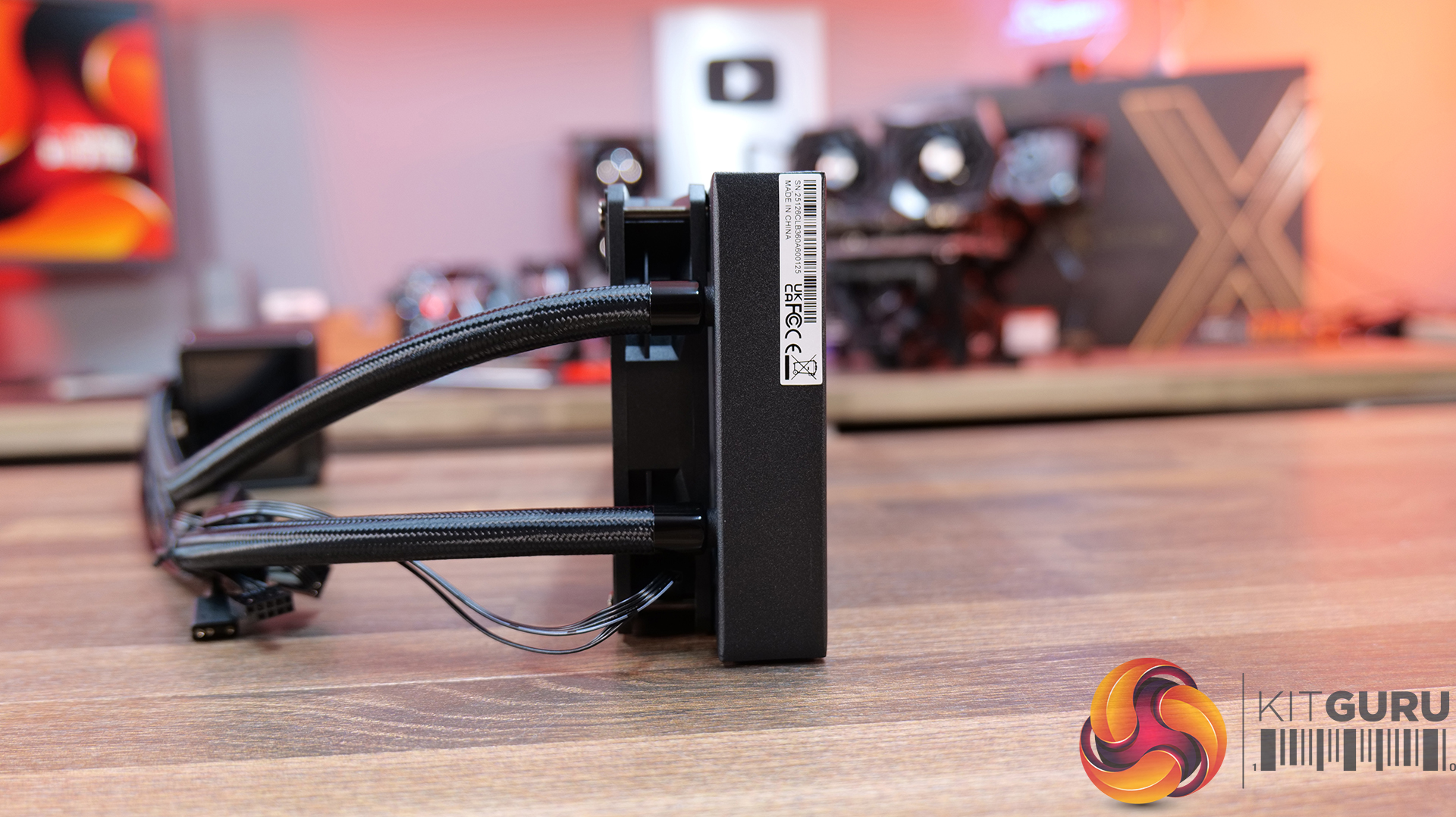
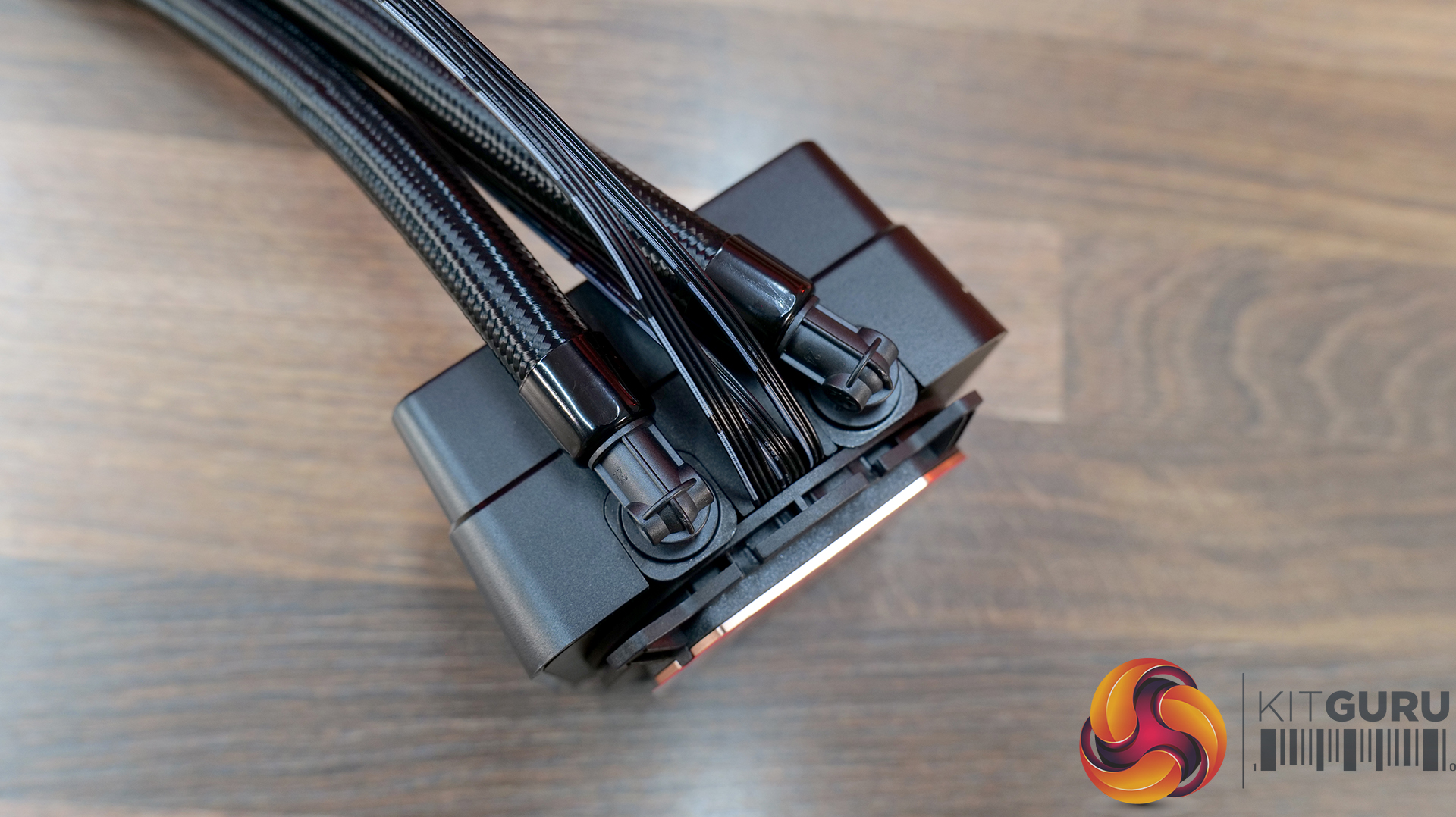
Streamlined installation — Pre-mounted fans, hidden cable routing and a universal mounting system, alongside features like ring-frame fan blades and 0dB fan stop support to balance airflow performance with quieter operation.
Specification:
CPU Socket Compatibility: AMD AM5, AM4 | Intel LGA1851, LGA1700
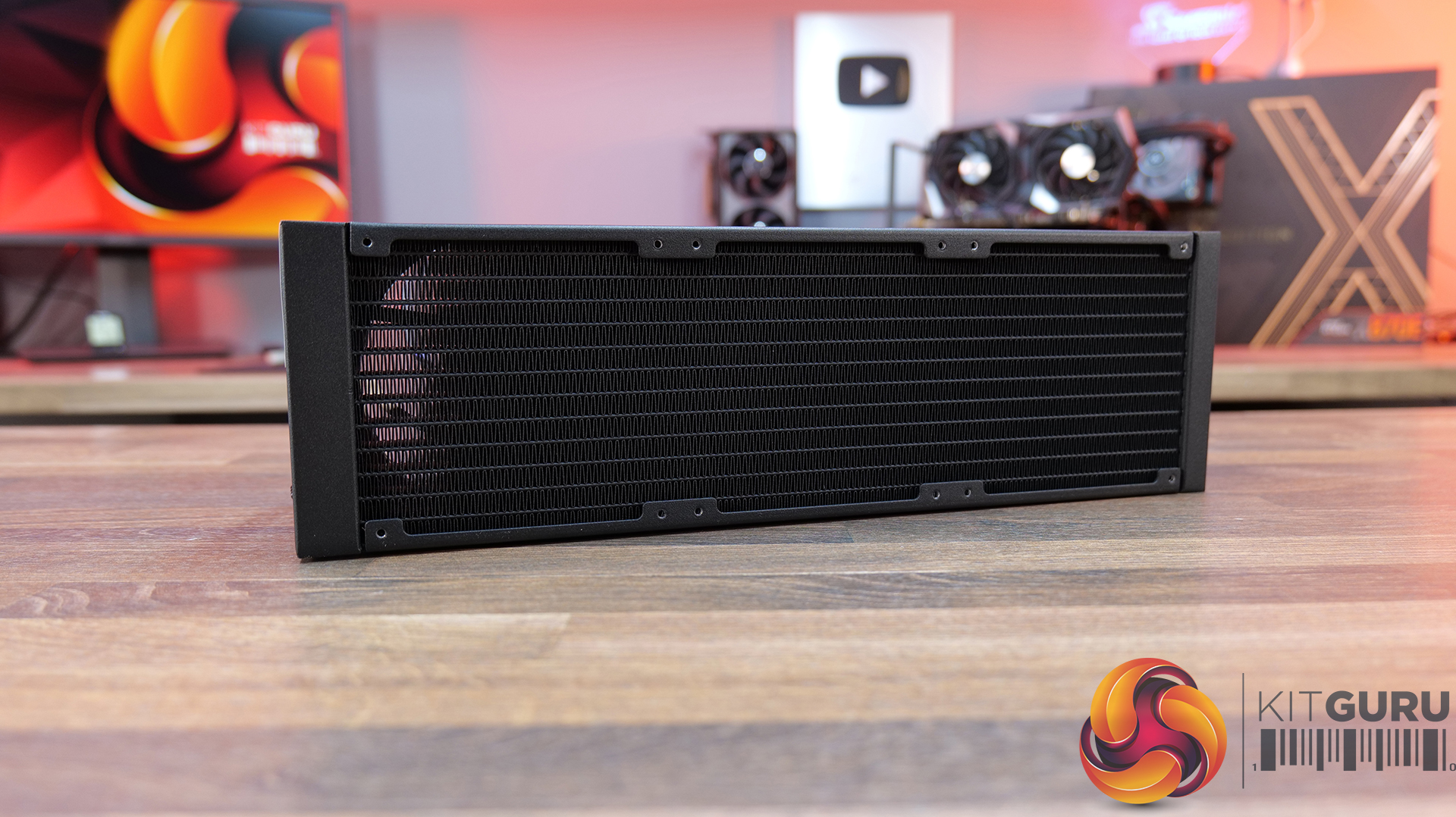
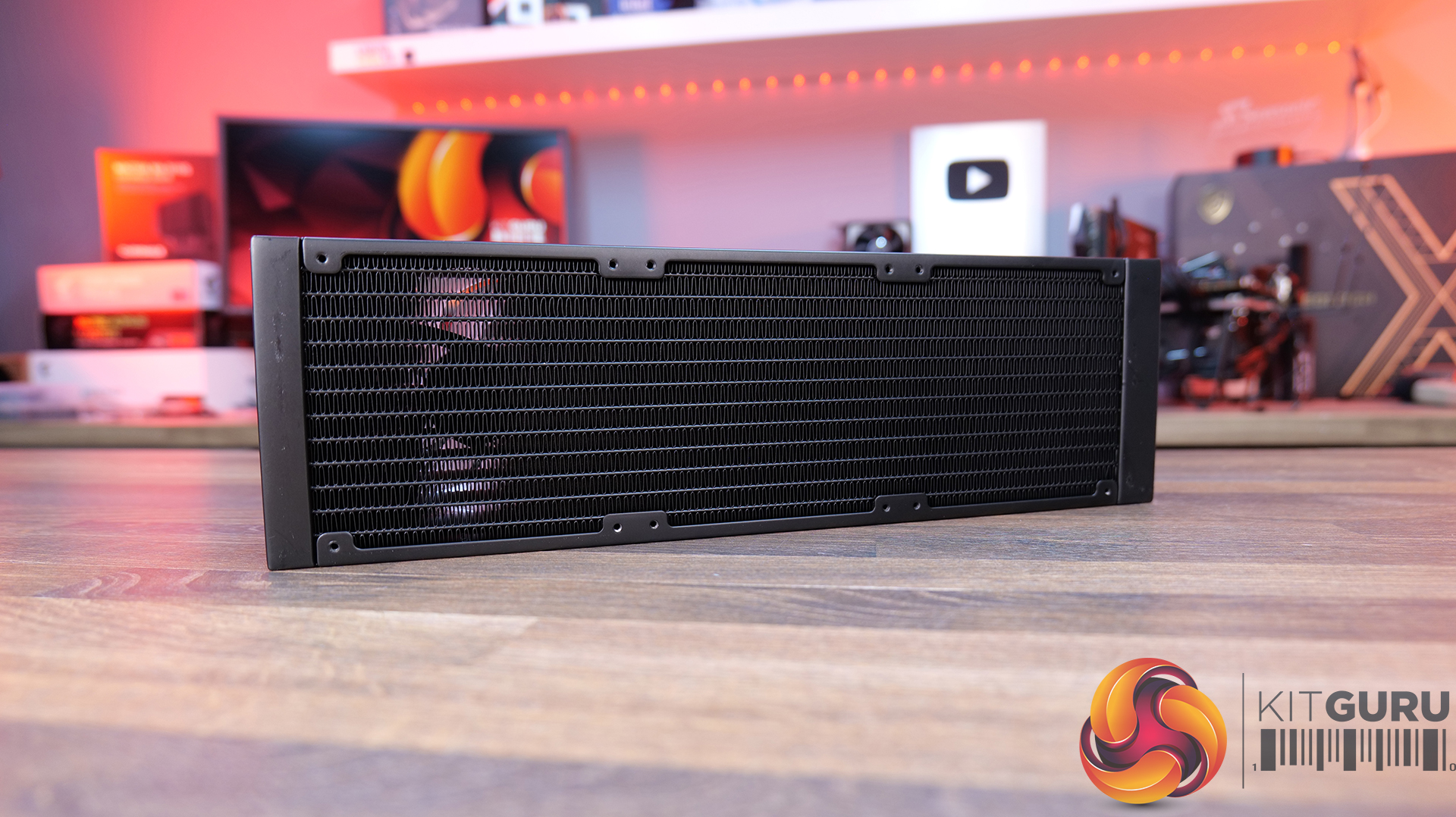
Radiator Material: Aluminium
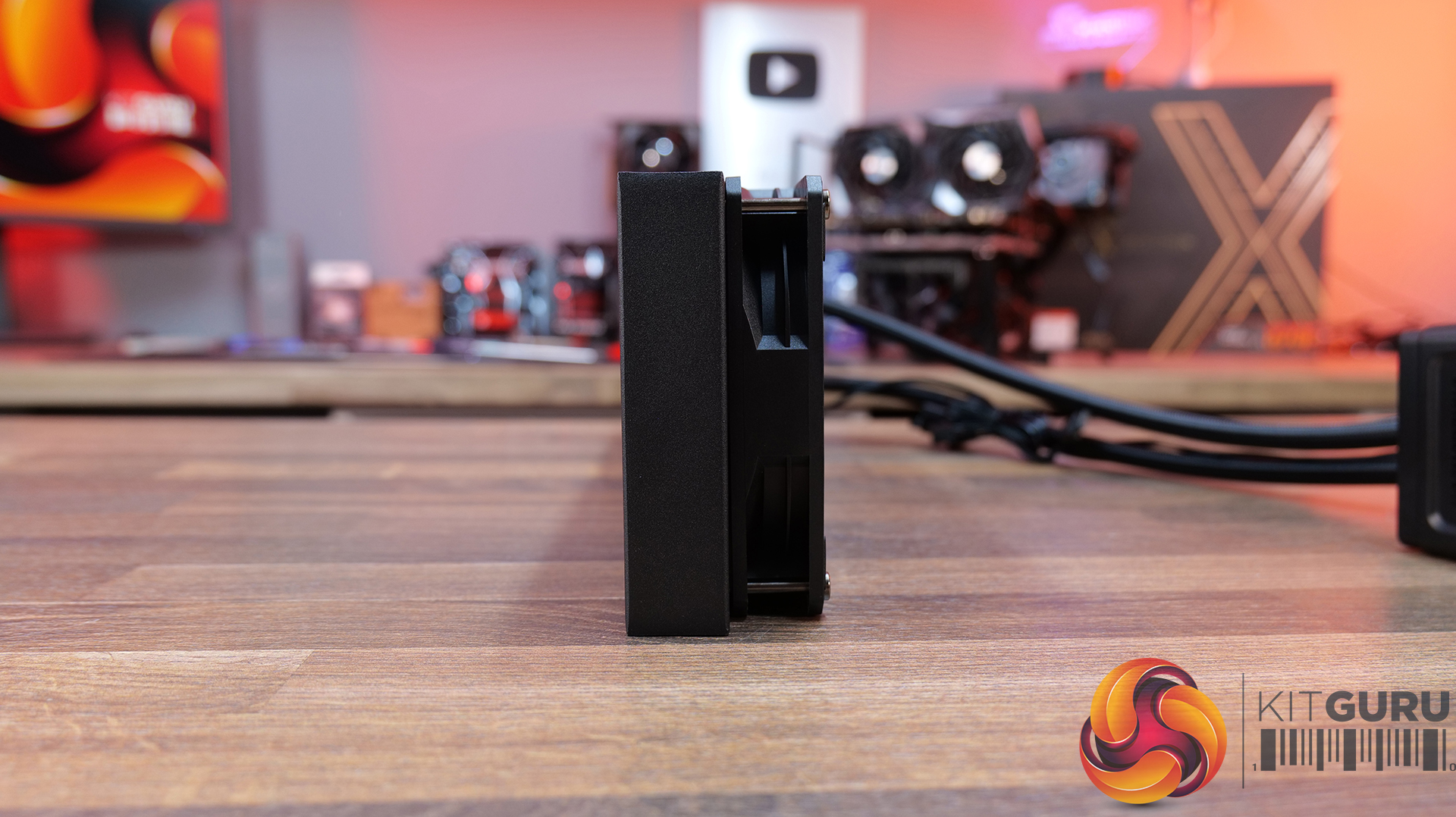
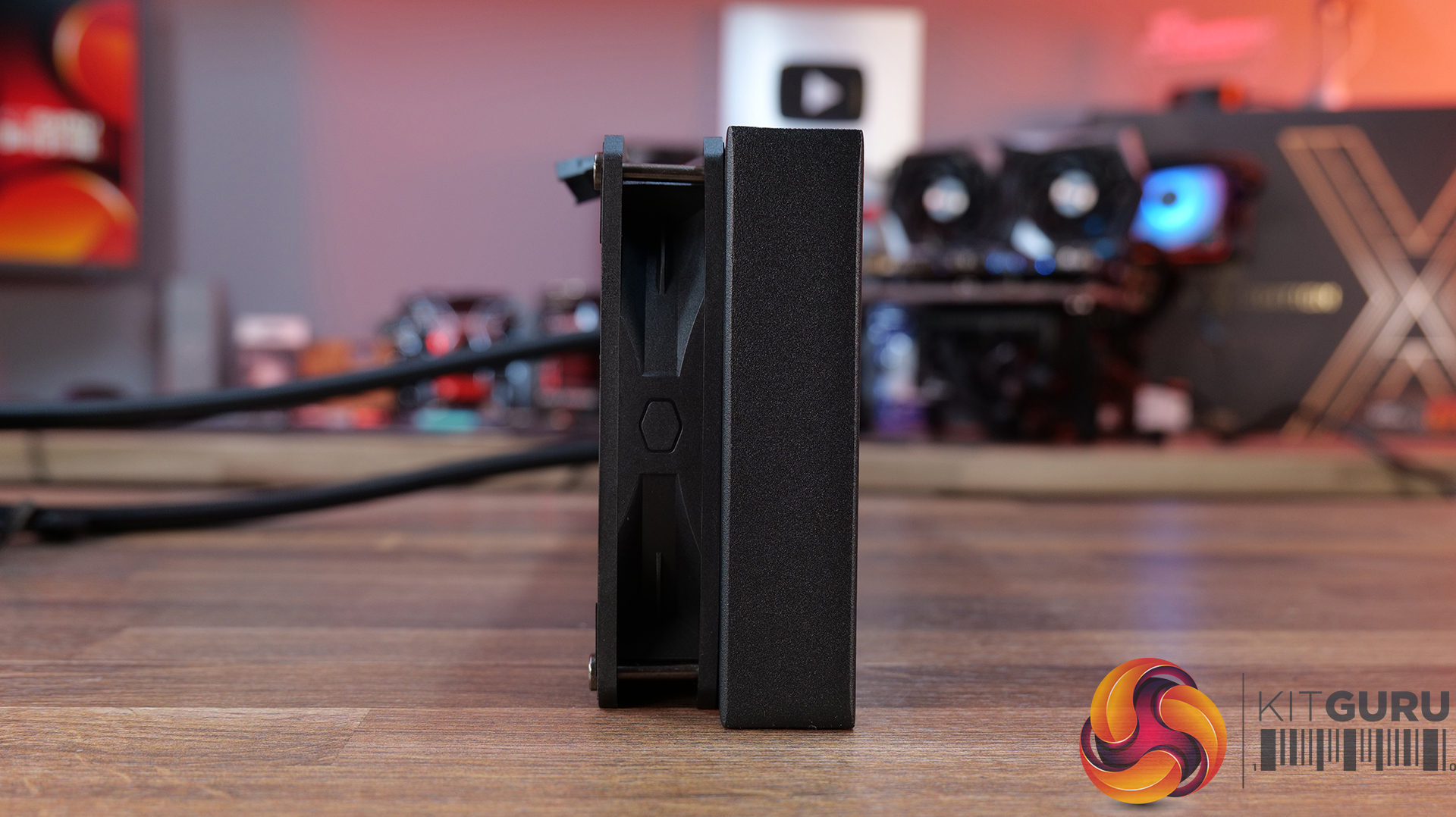
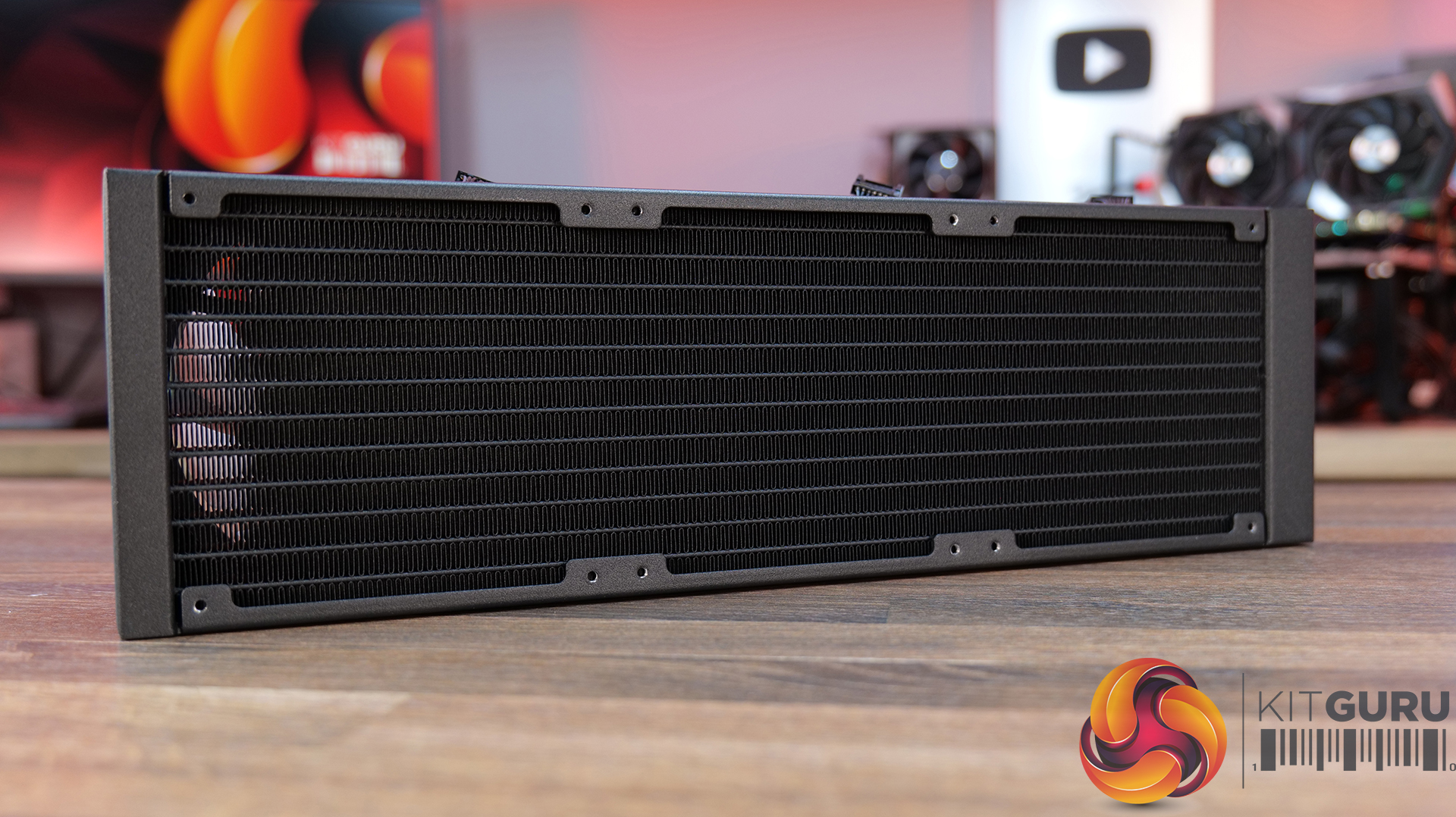
Radiator Dimensions: 394 x 119.6 x 27 mm
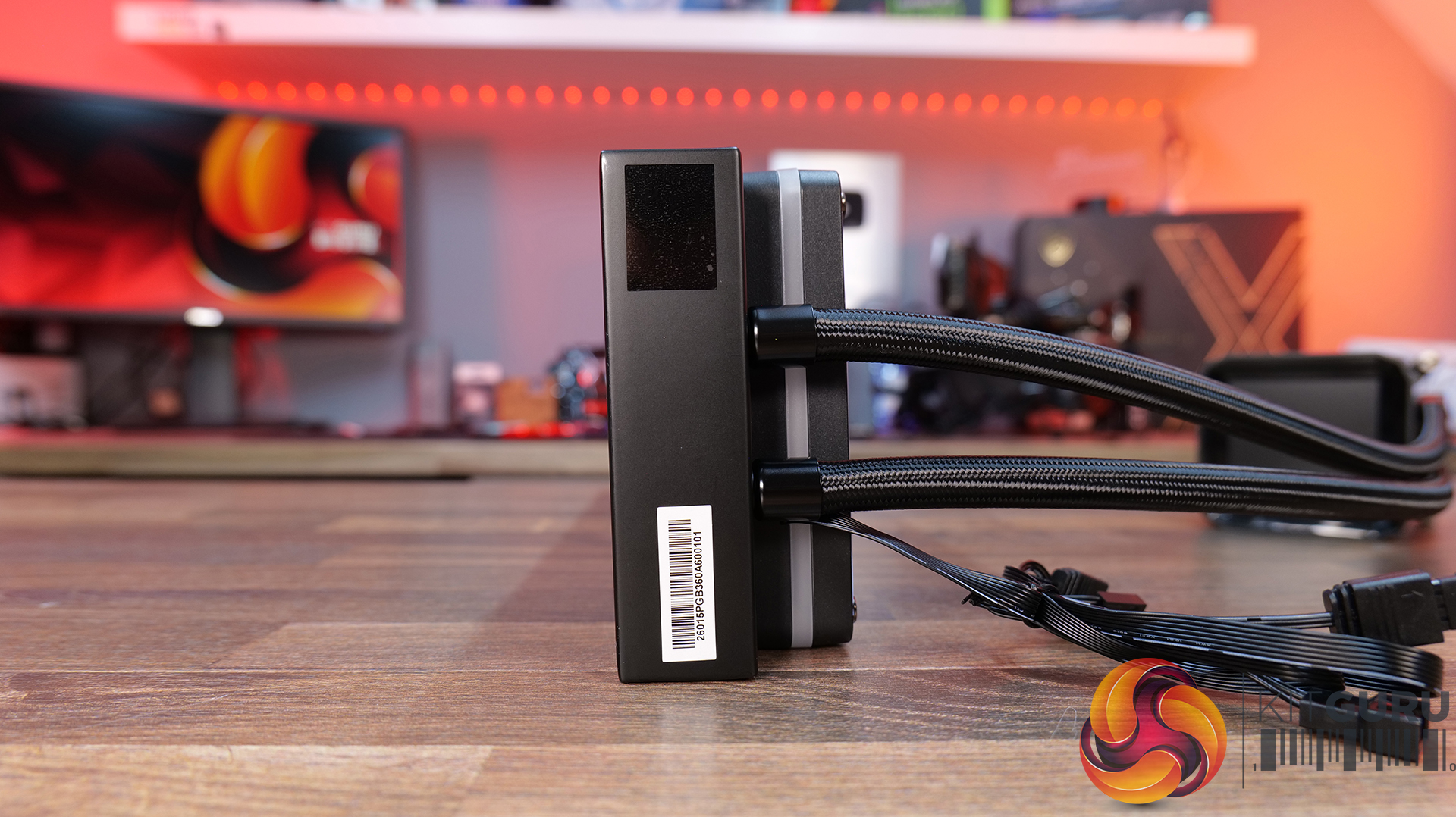
CPU Block/Pump Dimensions: 85 x 84.1 x 53.5 mm
Pump Speed: 1200–3200 ±10% RPM
Cold Plate Material: Mico-Skived Copper
Pump Connector: 4-pin PWM
Fan Dimensions: 120 x 120 x 25.4 mm
Fan Speed: 0–2100 ±10% RPM
Air flow: 6 CFM
Air Pressure: 77 mmH₂O
Fan Noise: 31 dB(A)
Fan Connector: 4-pin PWM
LCD Screen: 3-inch segment LED display
Warranty: 6 years (AIO cooler module)
Pros:
The digital display is bright and easy to read data.
Reasonable noise at max fan speed.
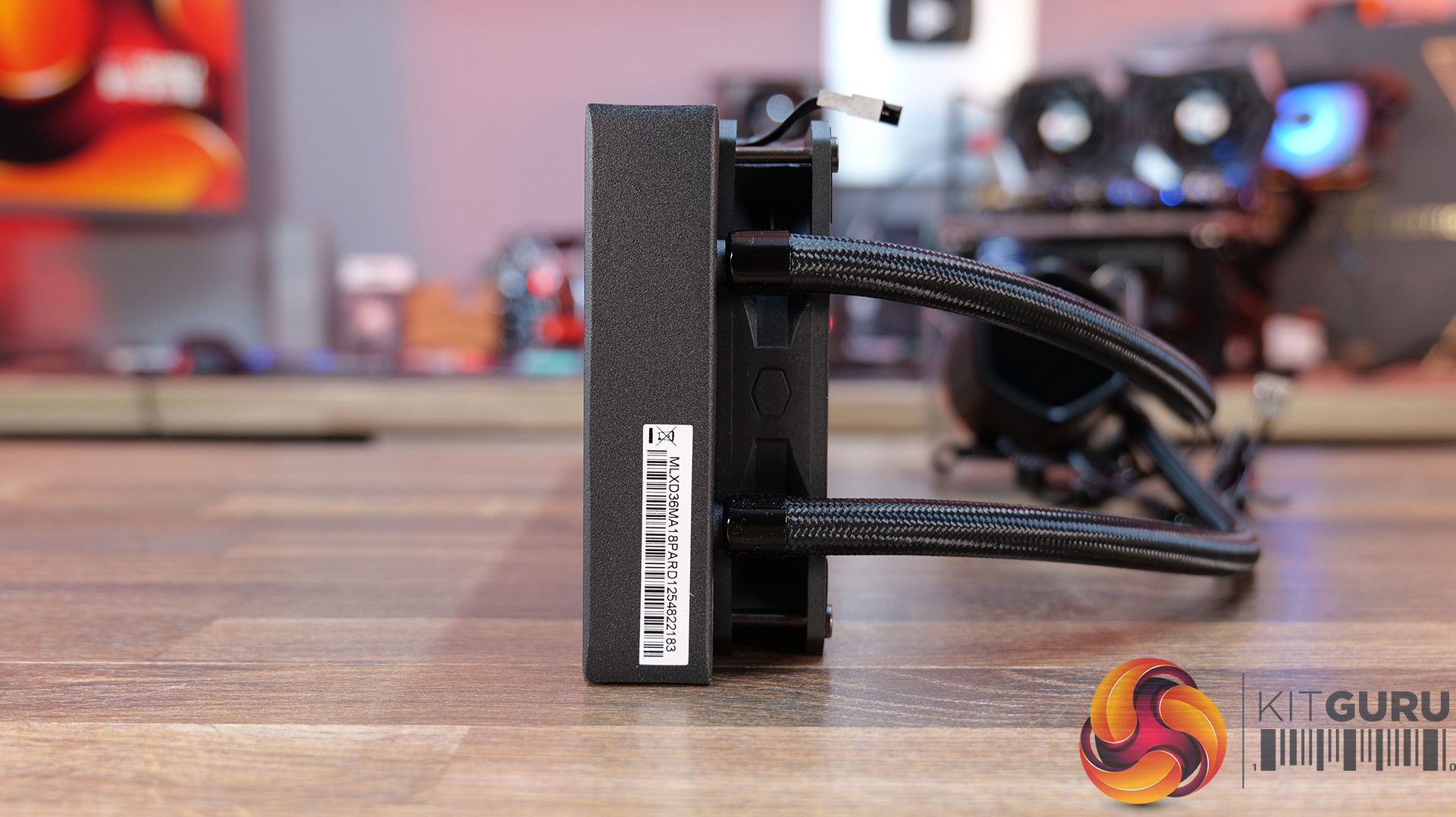
Daisy-chained fans reduce cable clutter.
Cons:
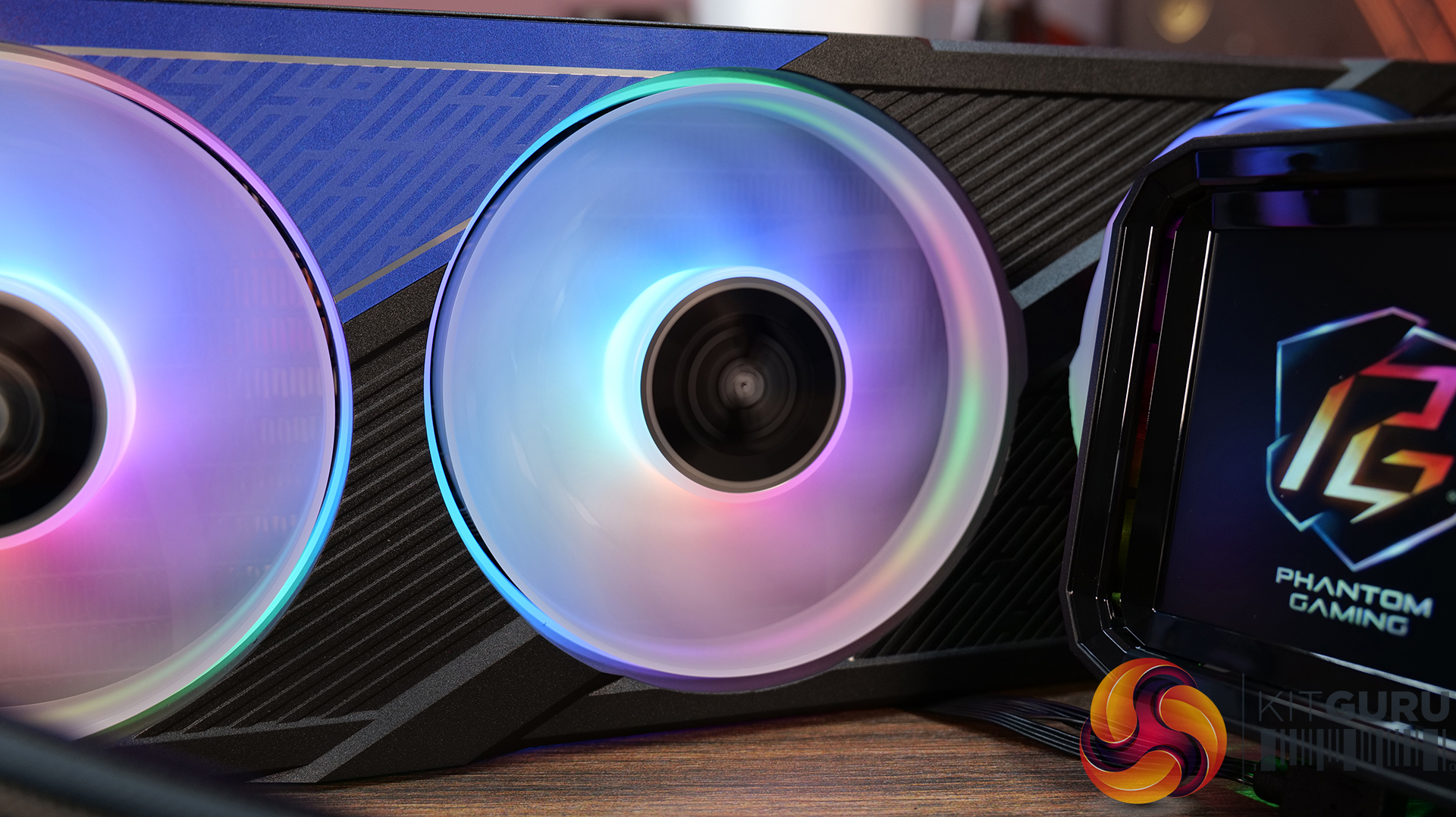
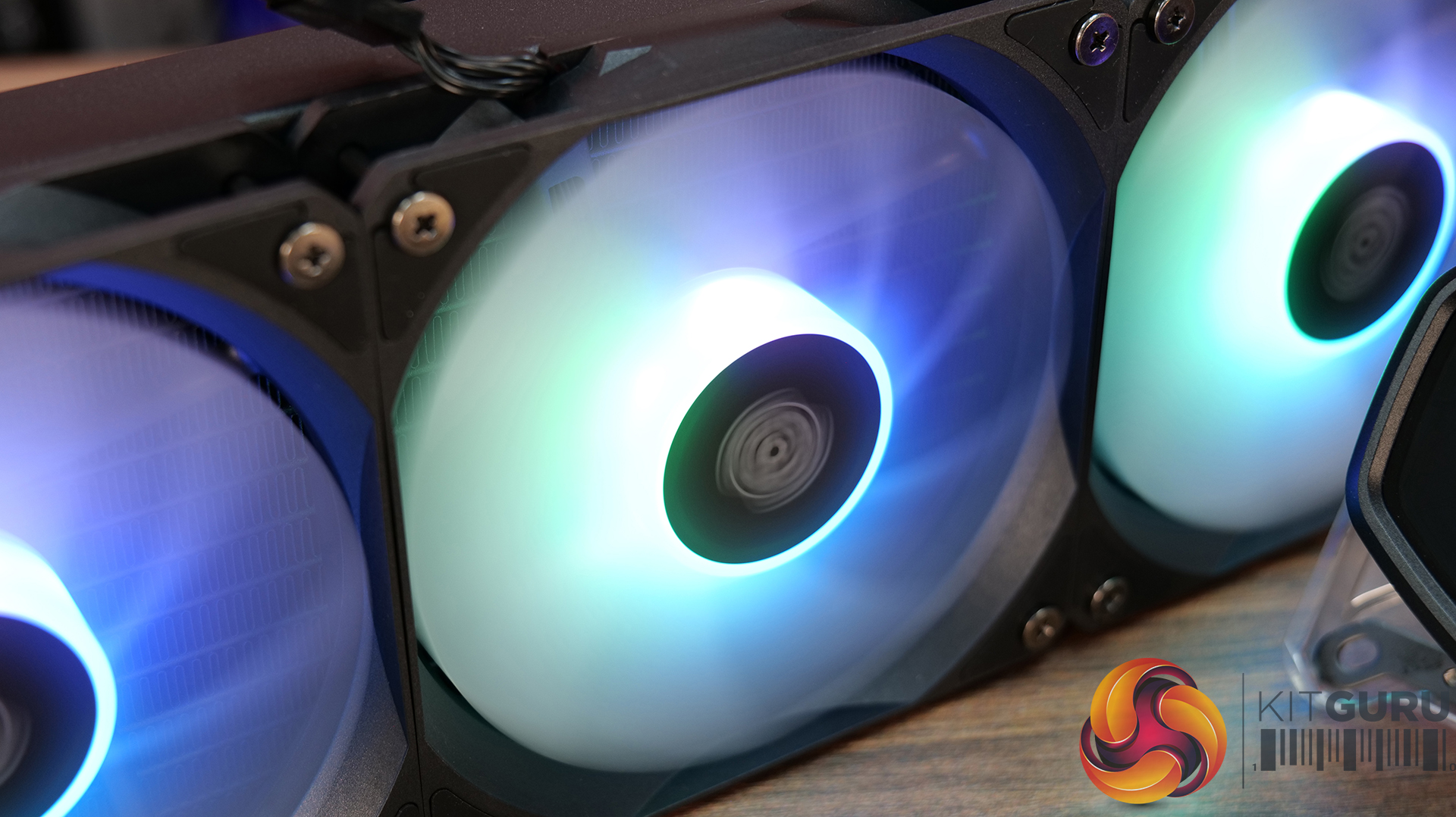
Light bleed from the LEDs on the fans is not well diffused.
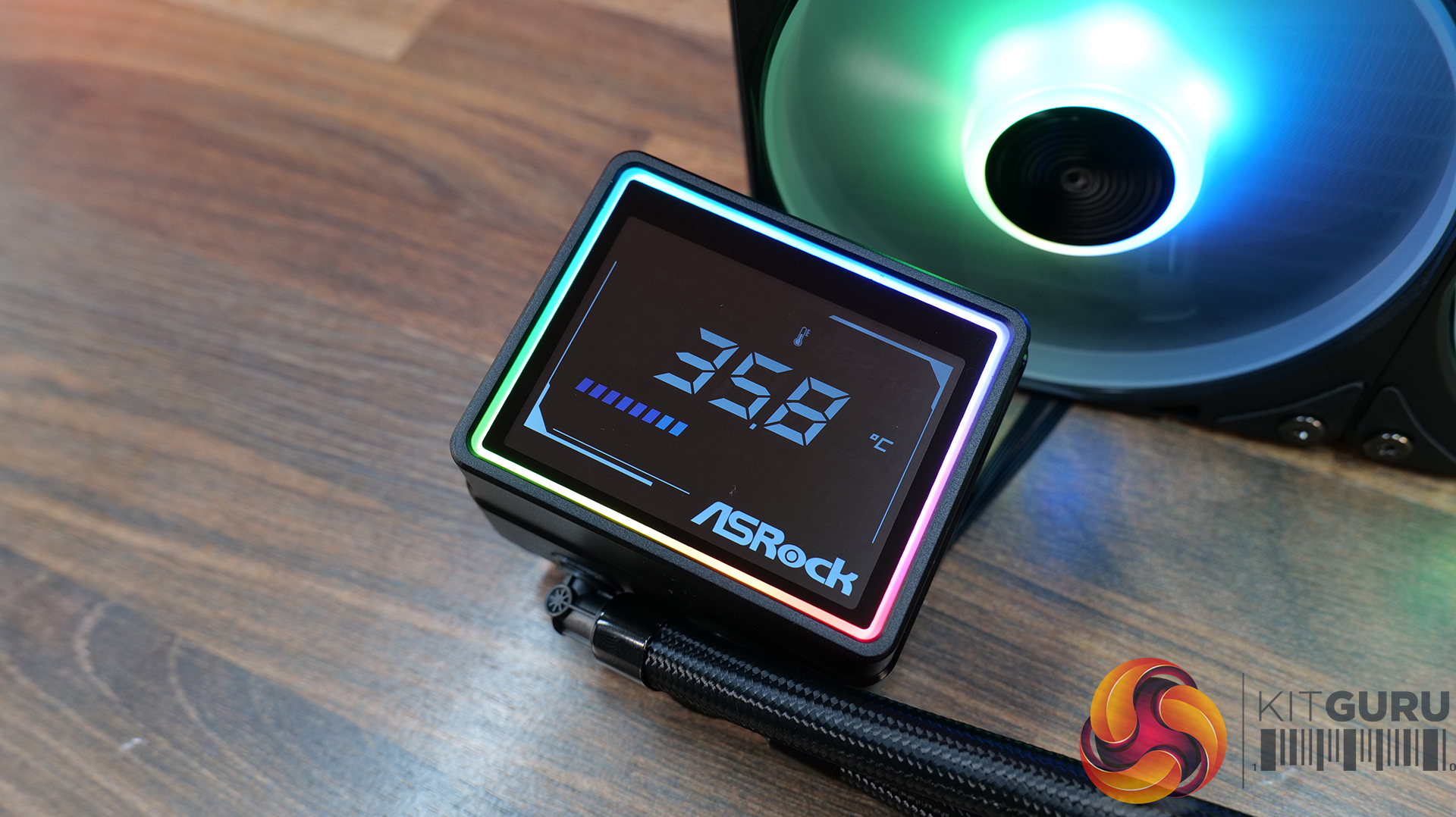
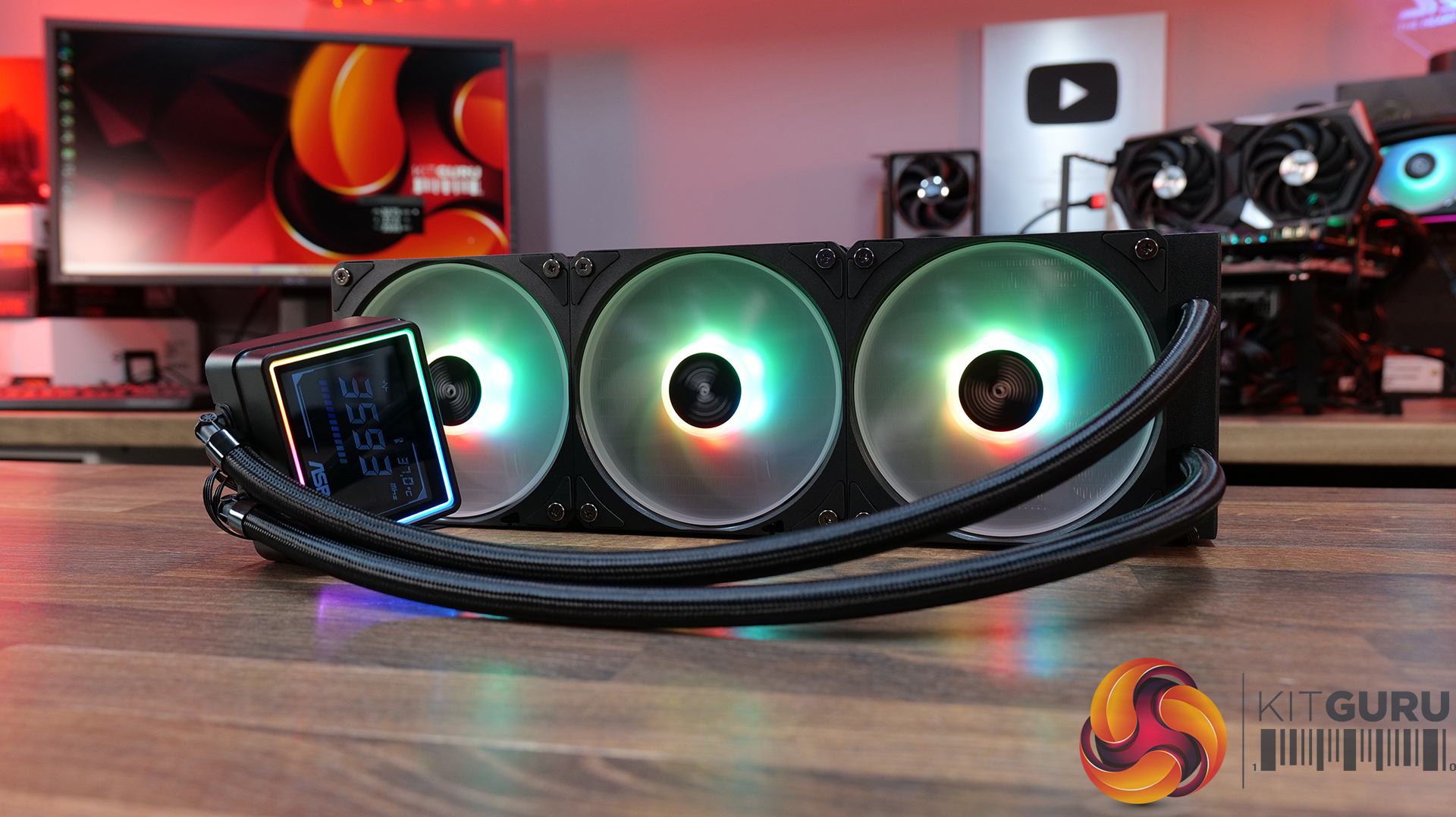
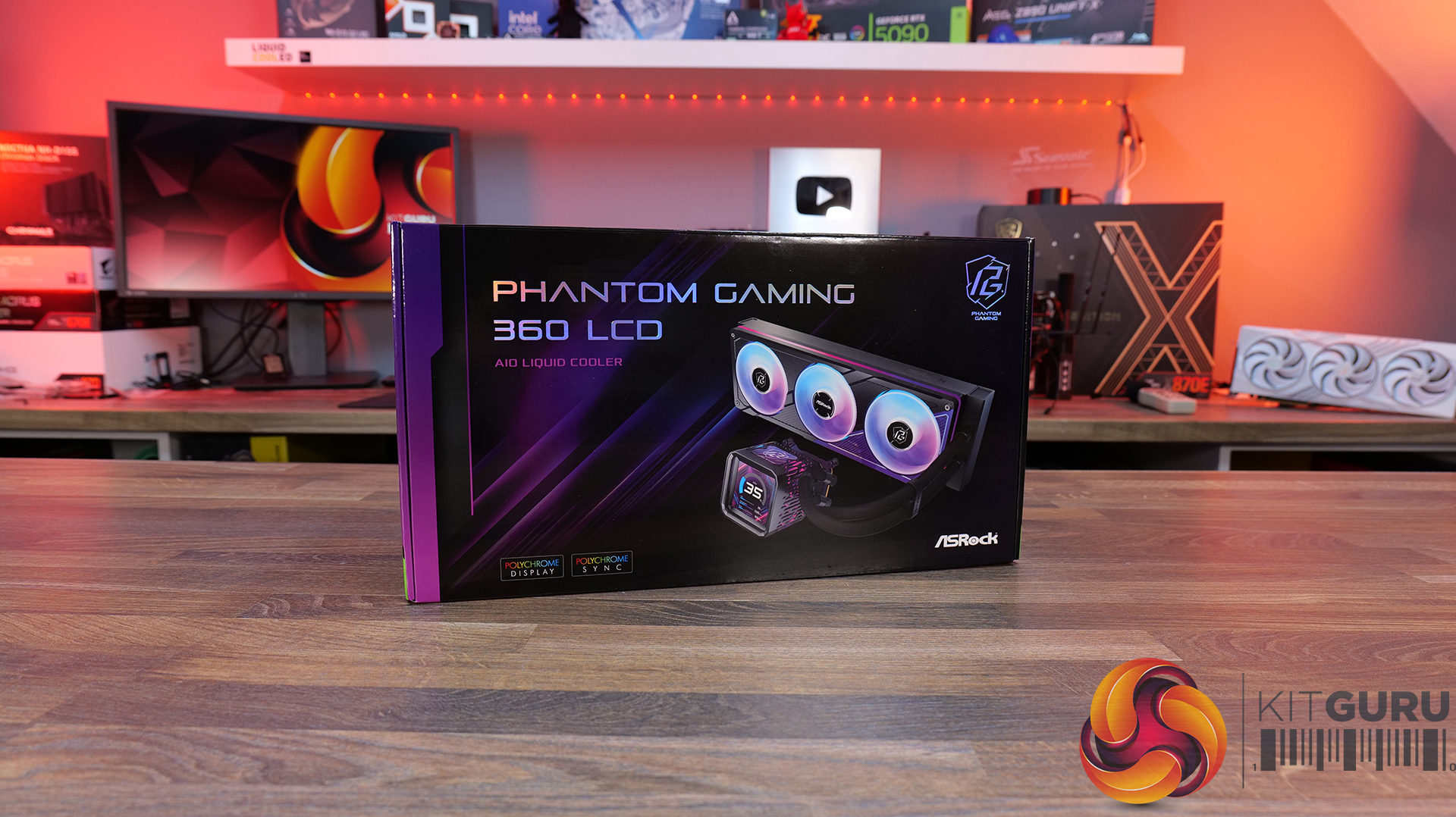
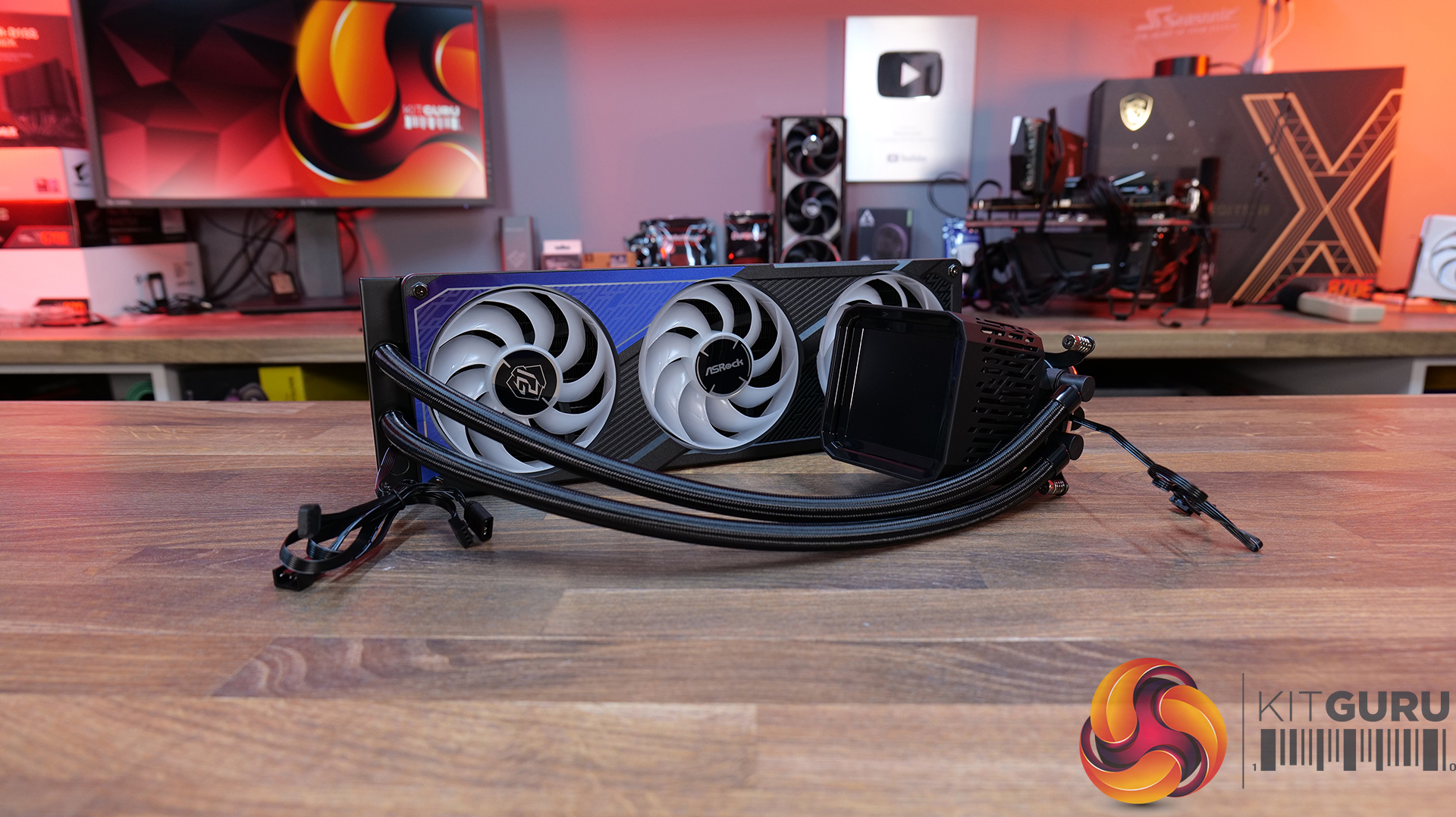
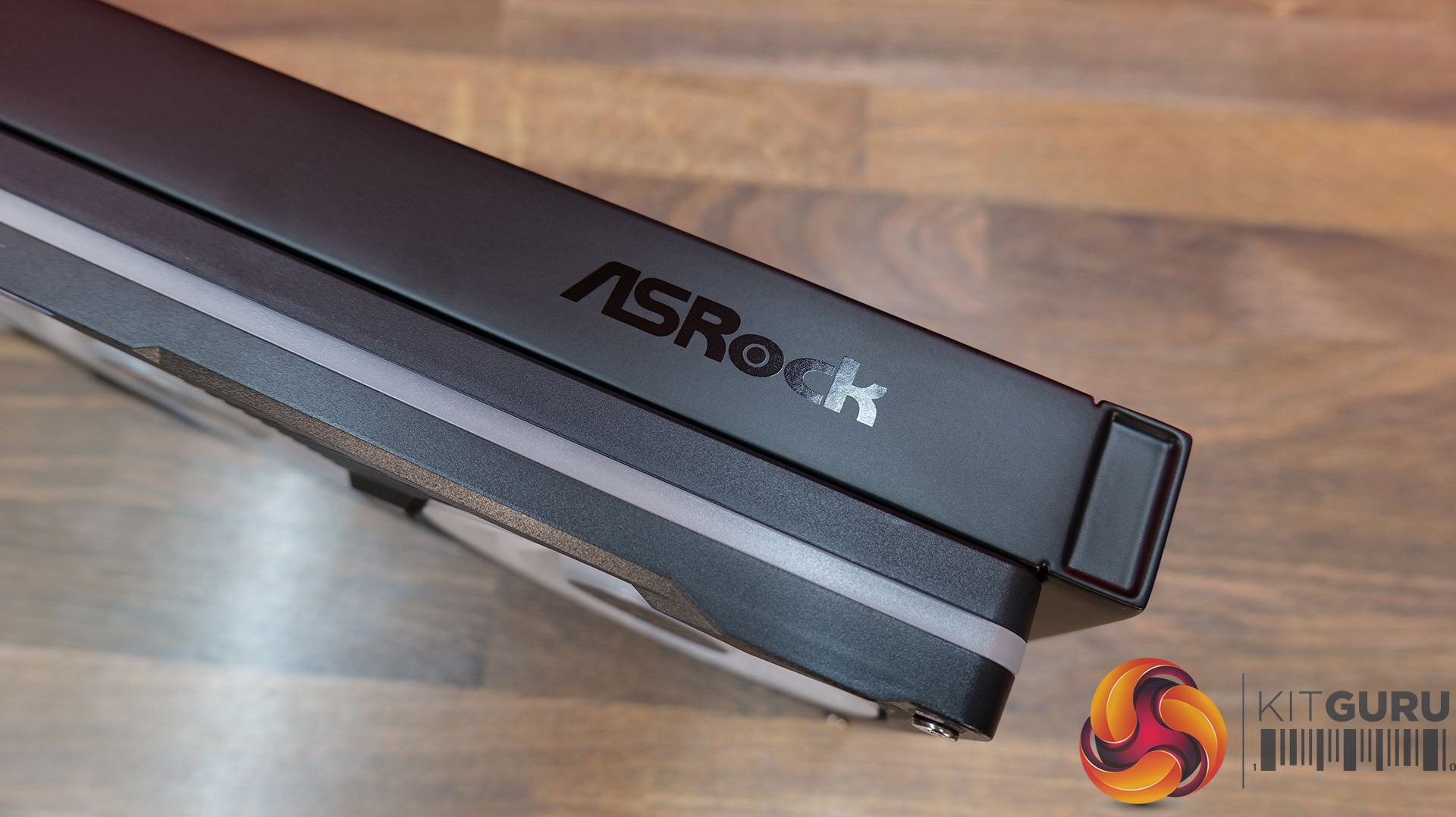
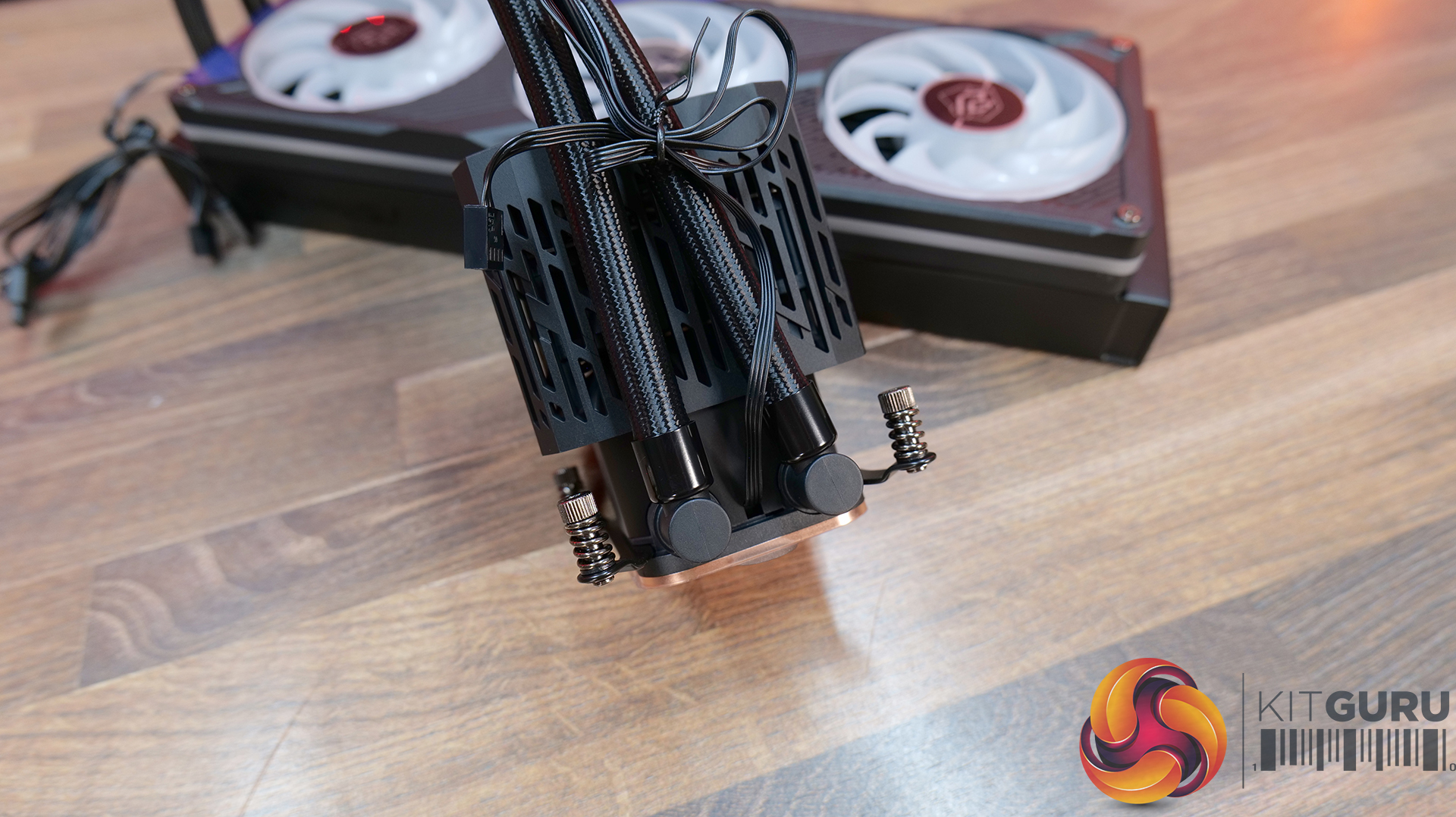
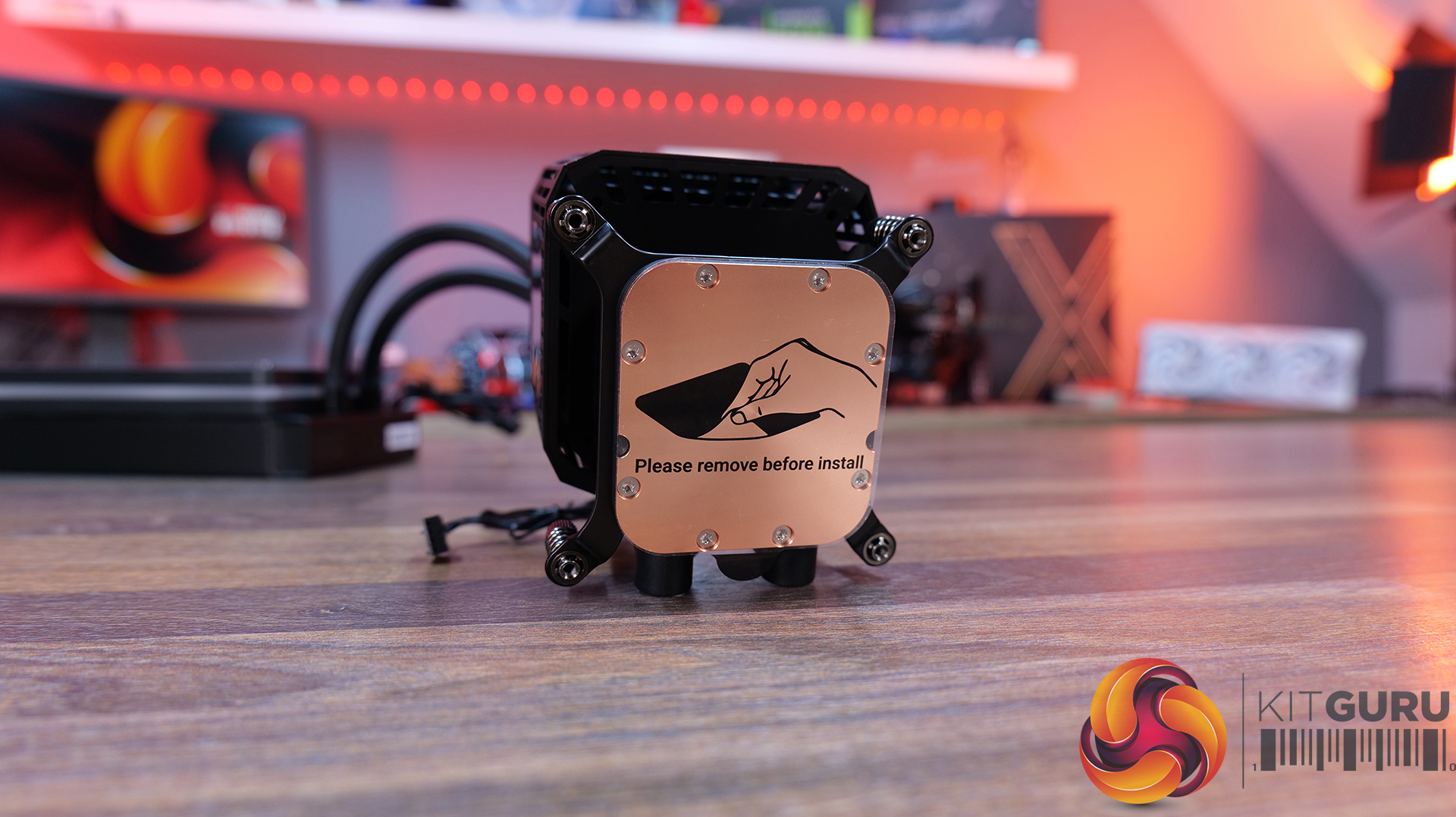
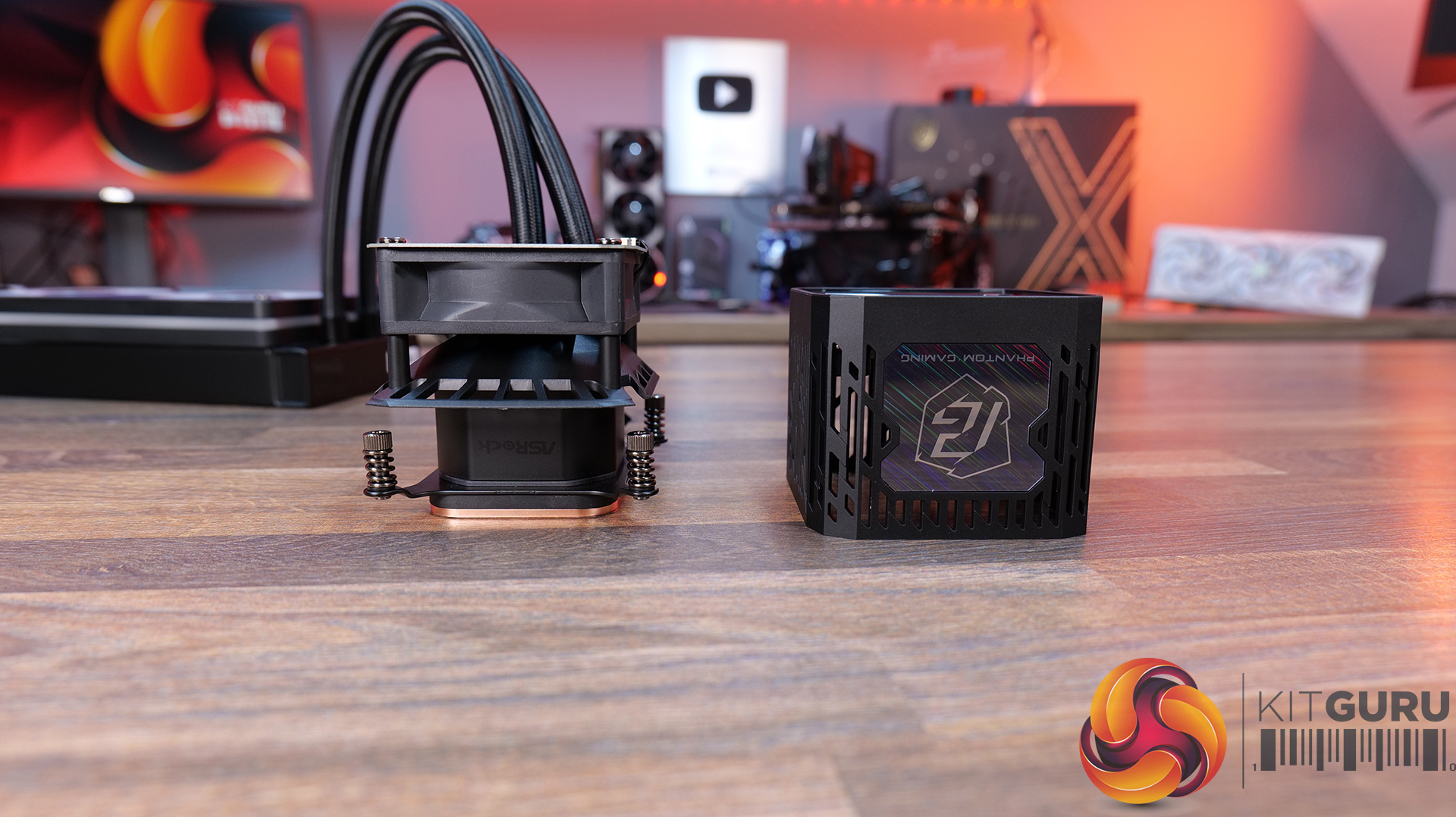
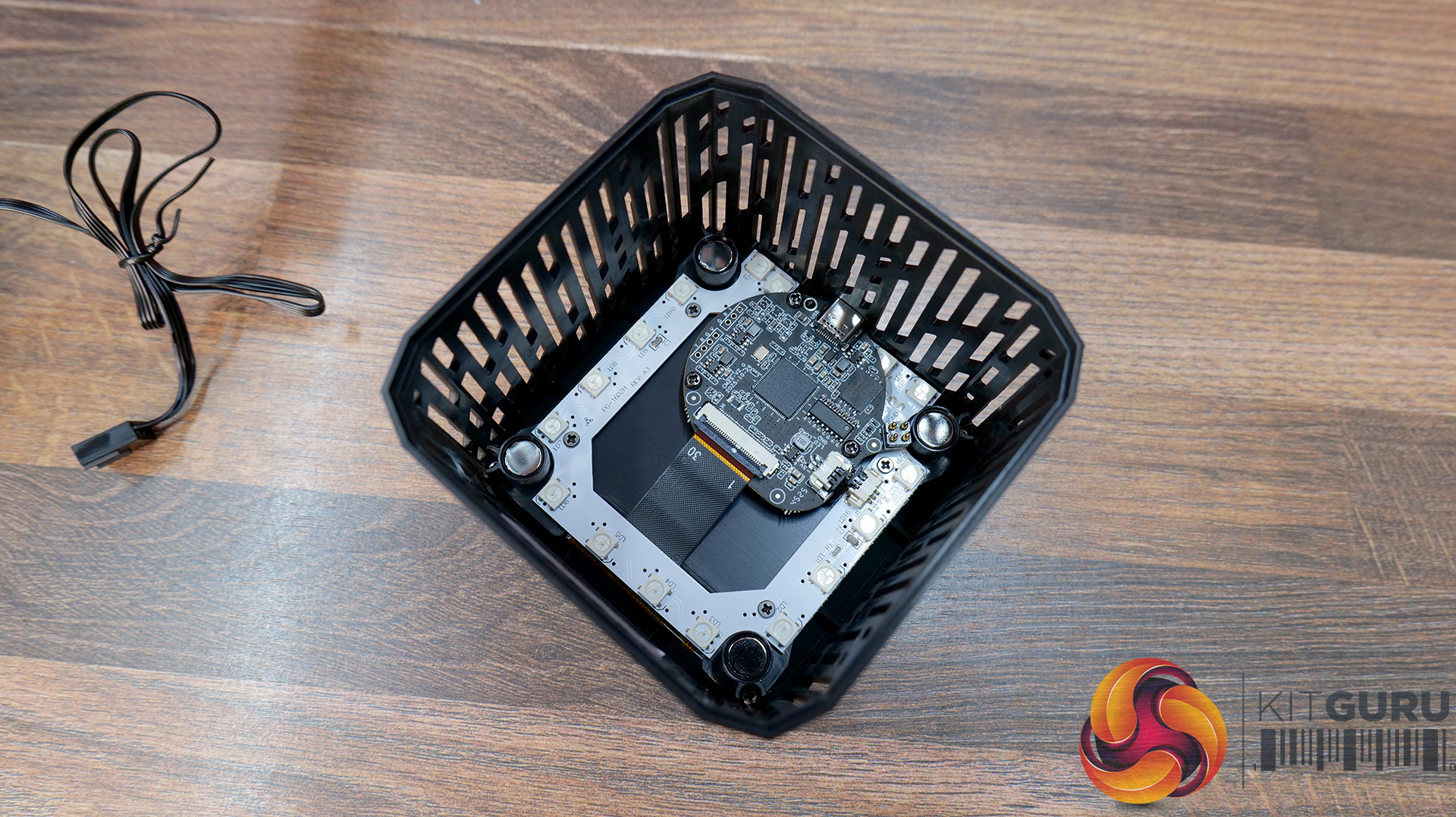
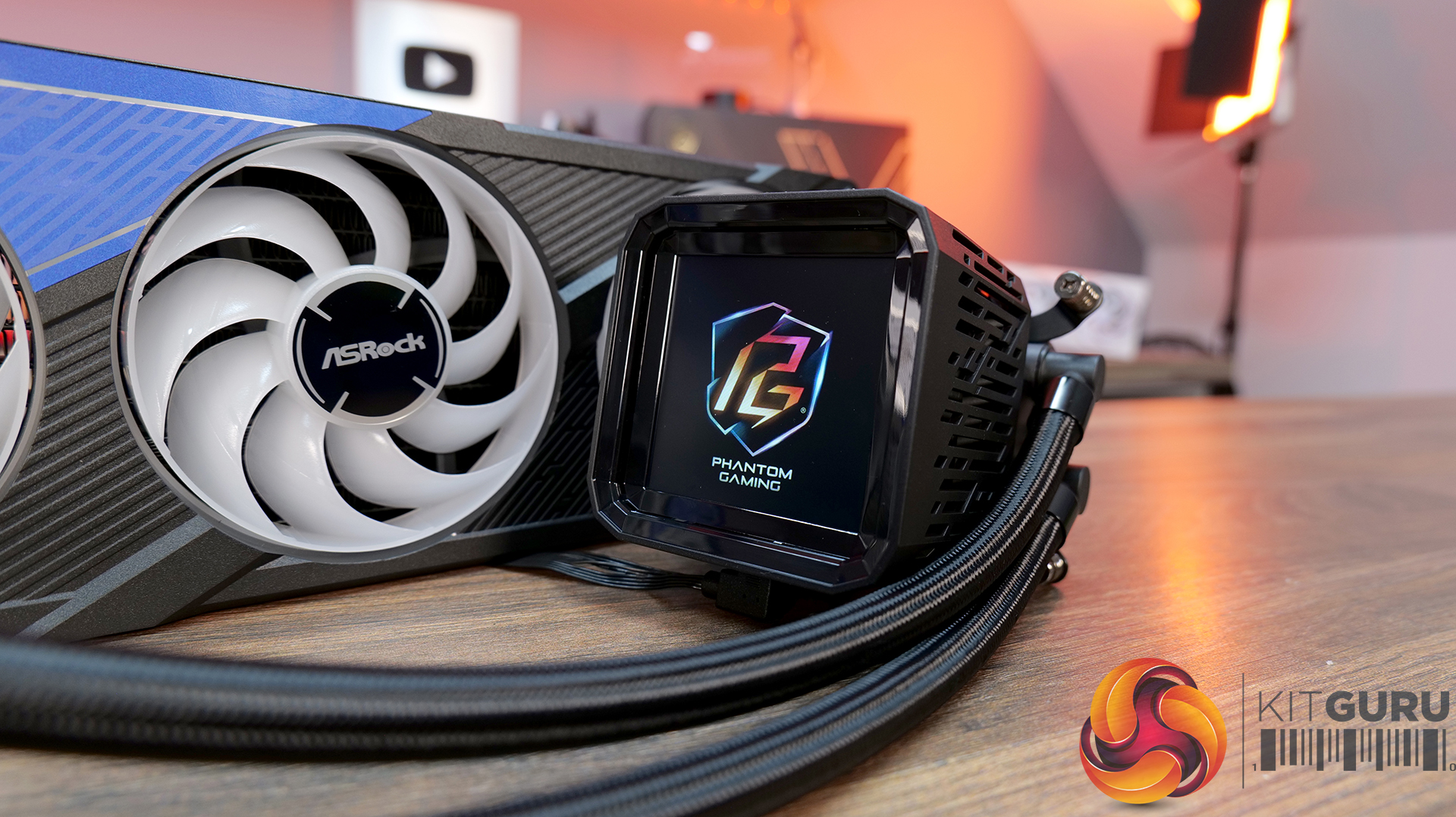
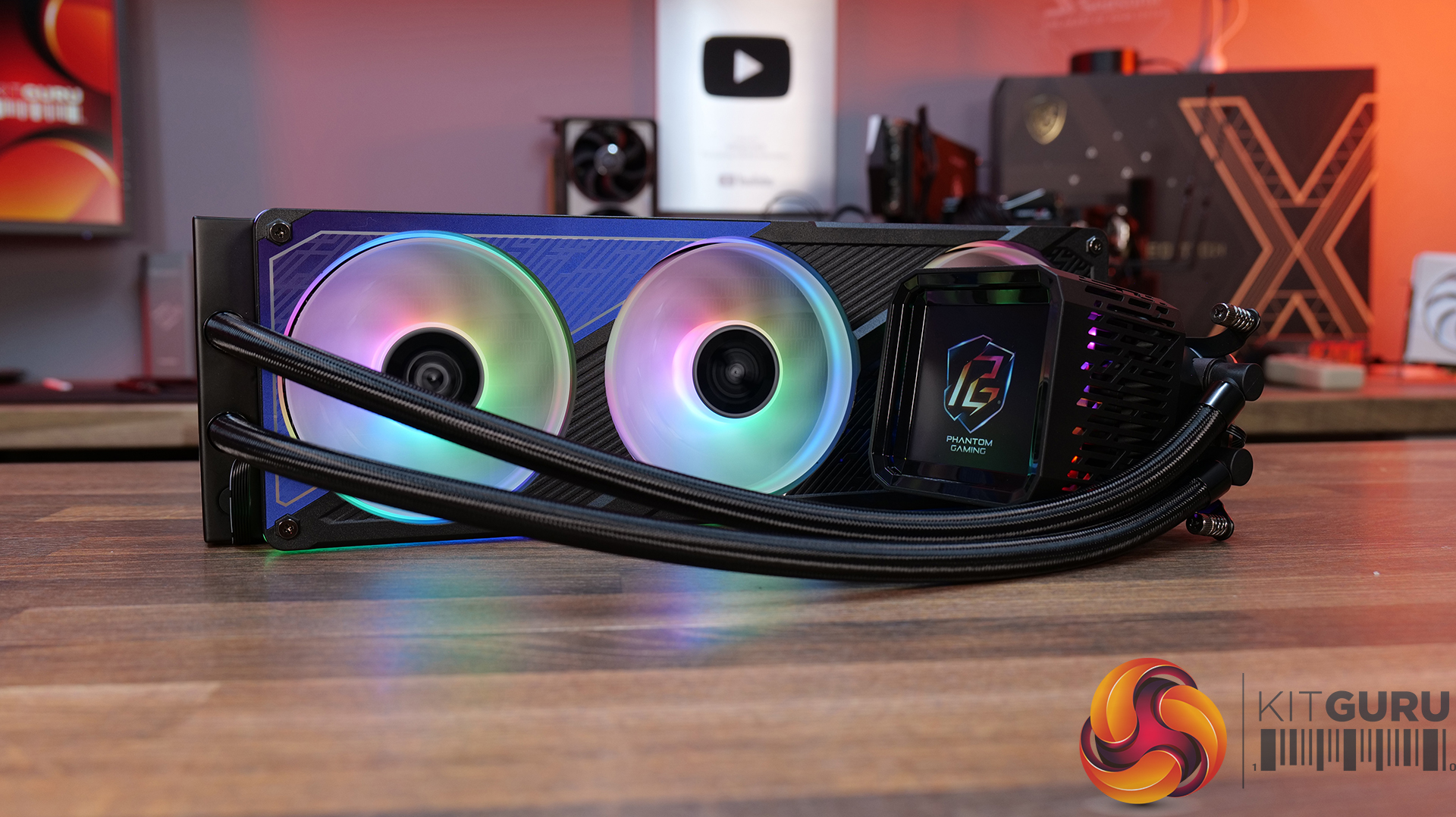
4-inch full-colour LCD — Equipped with a full-coverage display that shows real-time system stats, images or animations, all configurable through ASRock’s Polychrome Display software.
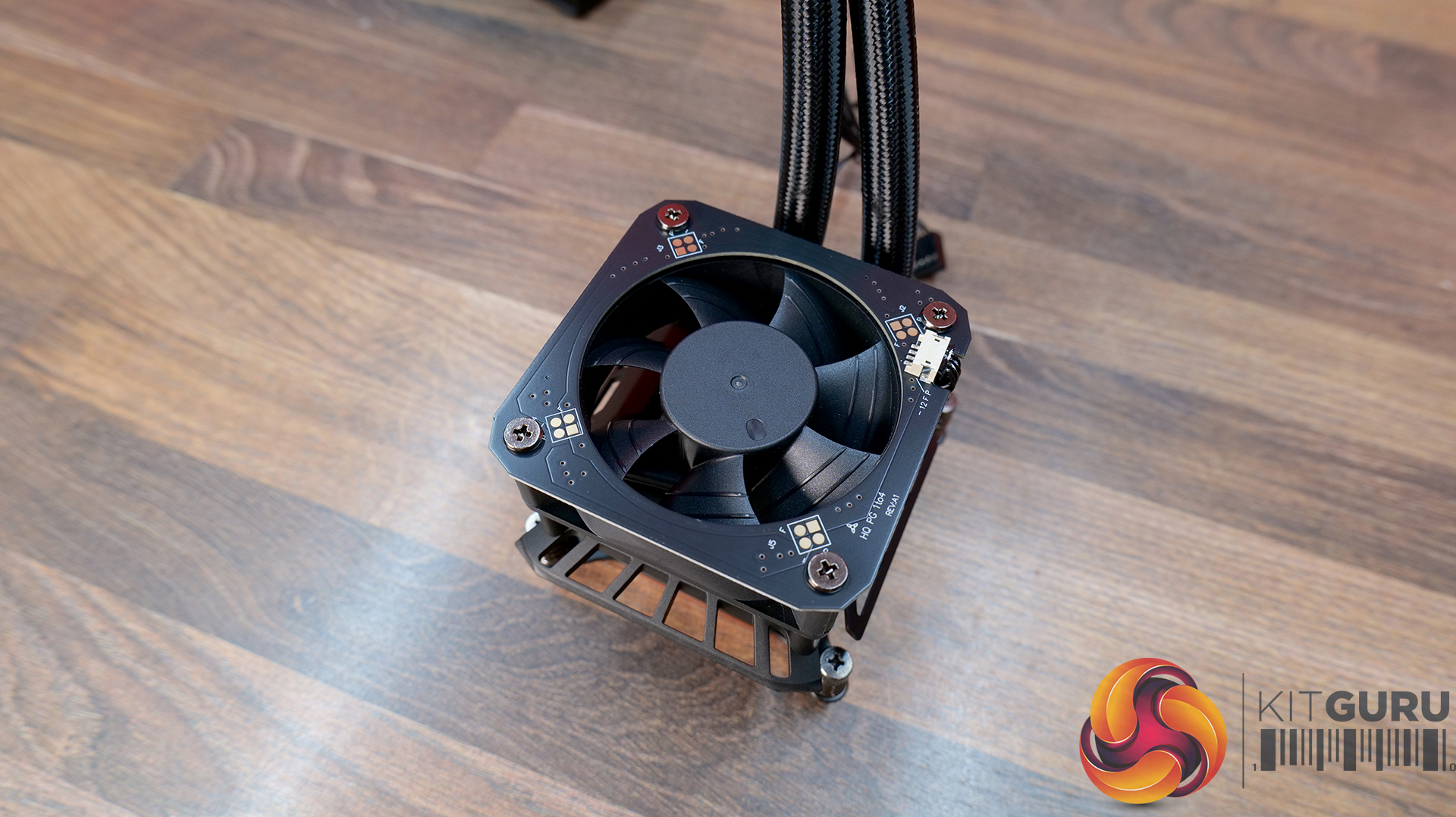
Next-gen cooling system with dual-inlet design — 3-phase, 6-slot, 4-pole pump, paired with a dual-side inlet cooling path for improved thermal efficiency and more consistent temperatures under load.
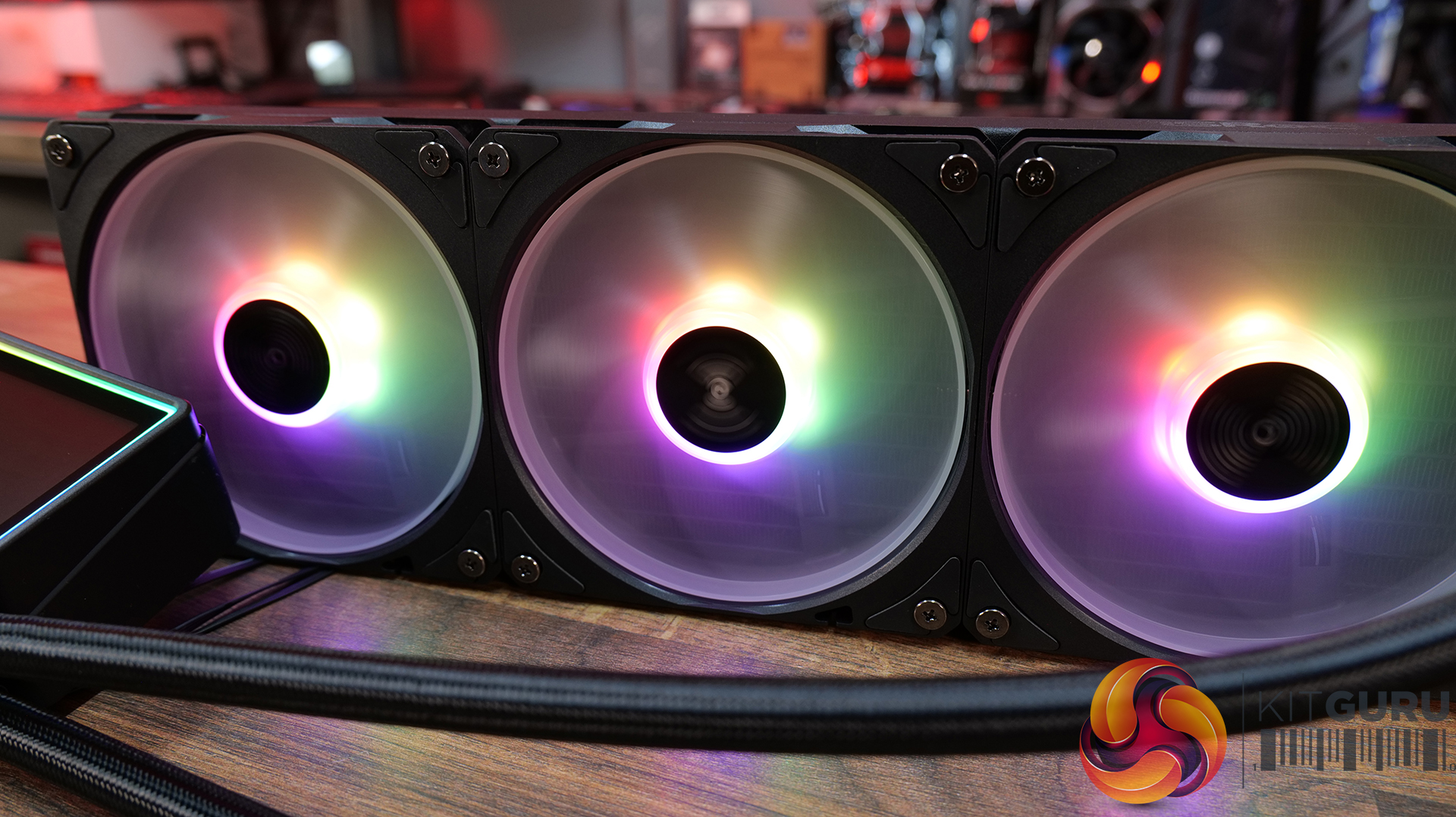
360° Halo ARGB fan system — Integrated halo lighting with a single-cable fan design, combining high airflow FDB fans with streamlined cable management for cleaner installs and synchronised lighting.
Specification:
CPU Socket Compatibility: AMD AM5, AM4 | Intel LGA1851, LGA1700
Warranty: 6 Years (AIO Cooler Module), 2 years (Display Module)
Pros:
Decent-looking screen with plenty of customisation options.
Solid cooling performance.
Single-frame fan looks neat with minimal wiring.
Cons:
CPU block is very tall.
Quite loud at max fan speed.
Requires several software apps to operate the screen, RGB and fan speed.
Rating: 7.5.
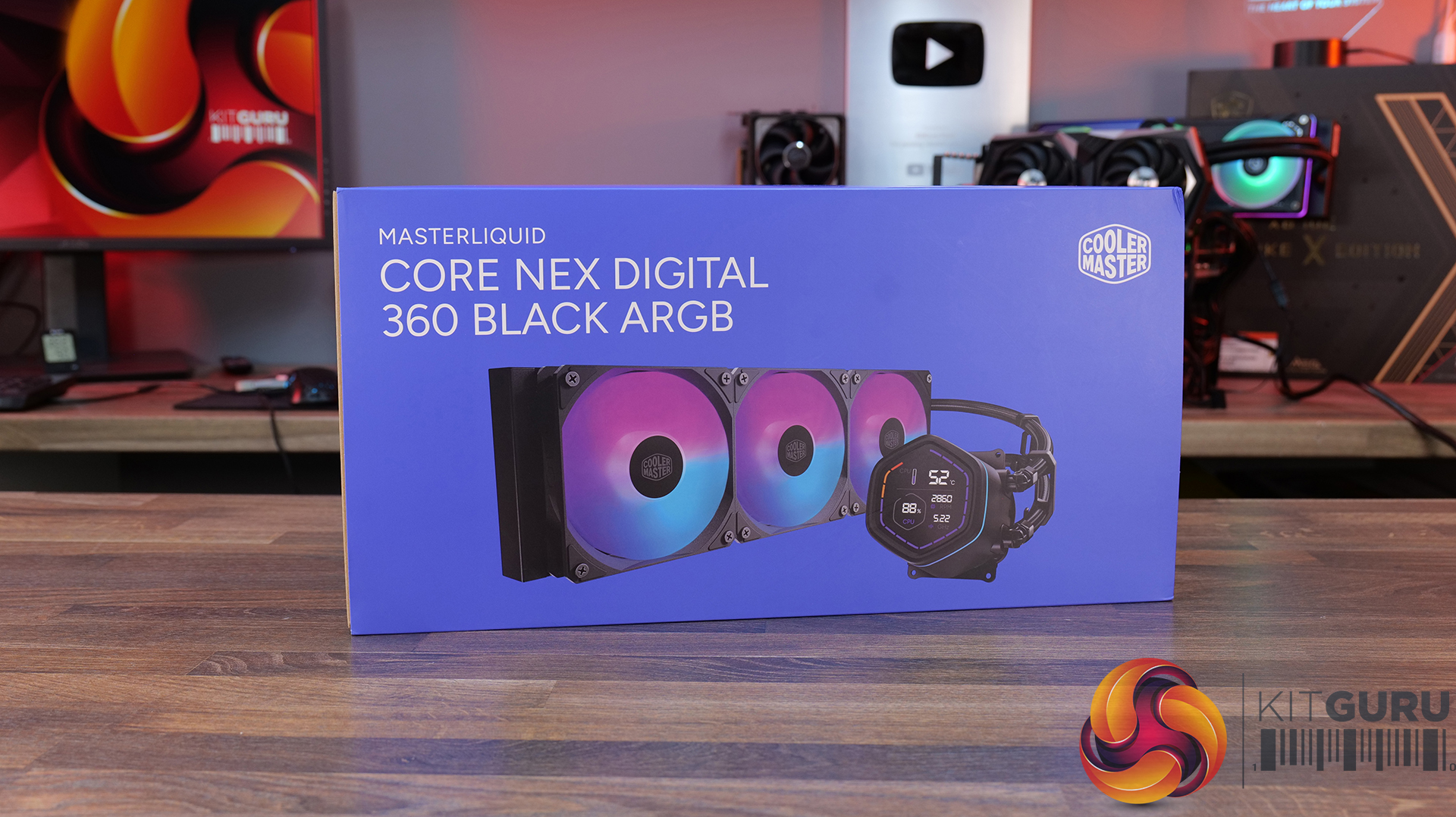
Cooler Master MasterLiquid Core Nex Digital 360 Black ARGB – OcUK £89.99 HERE.
Features
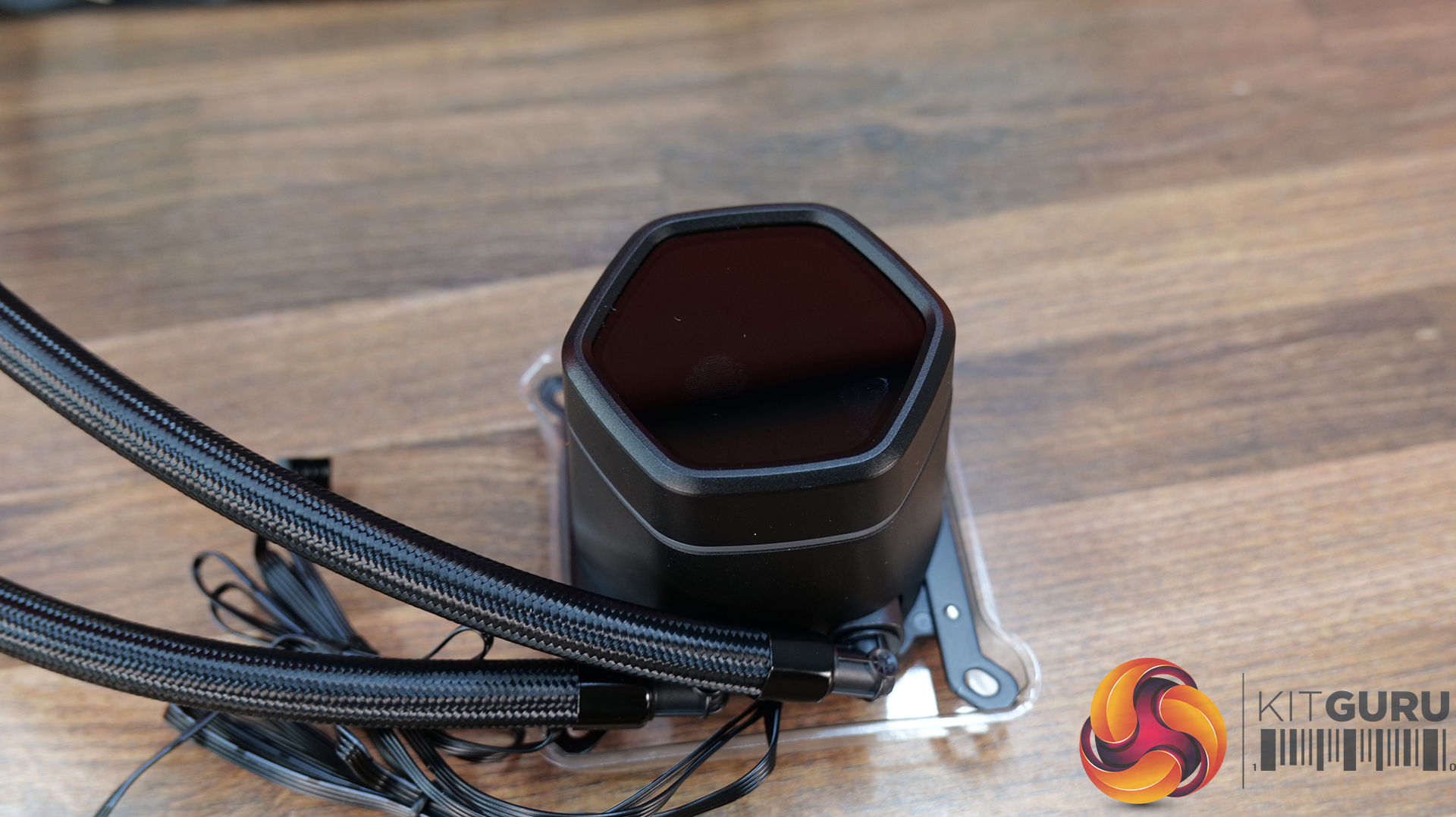
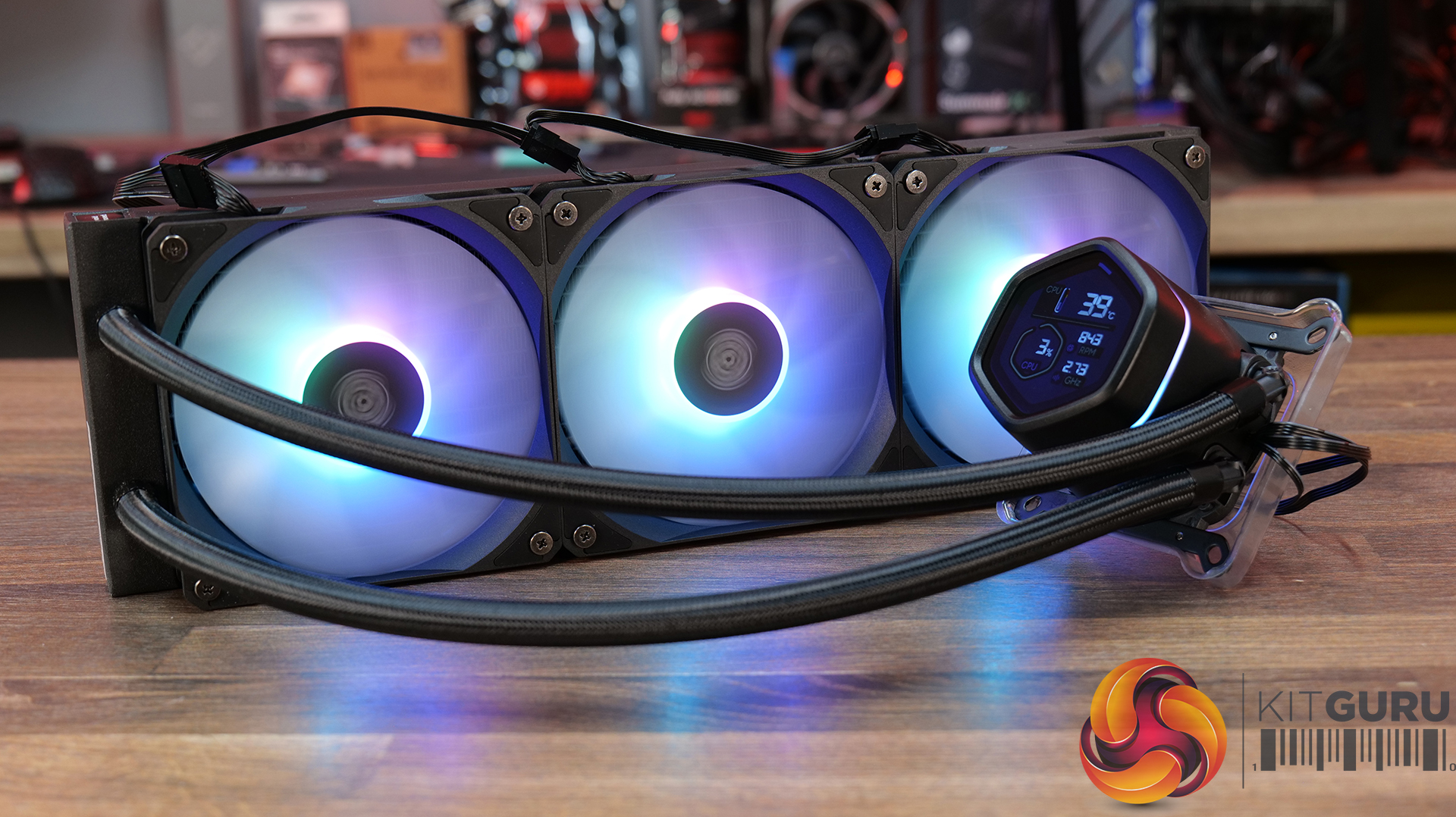
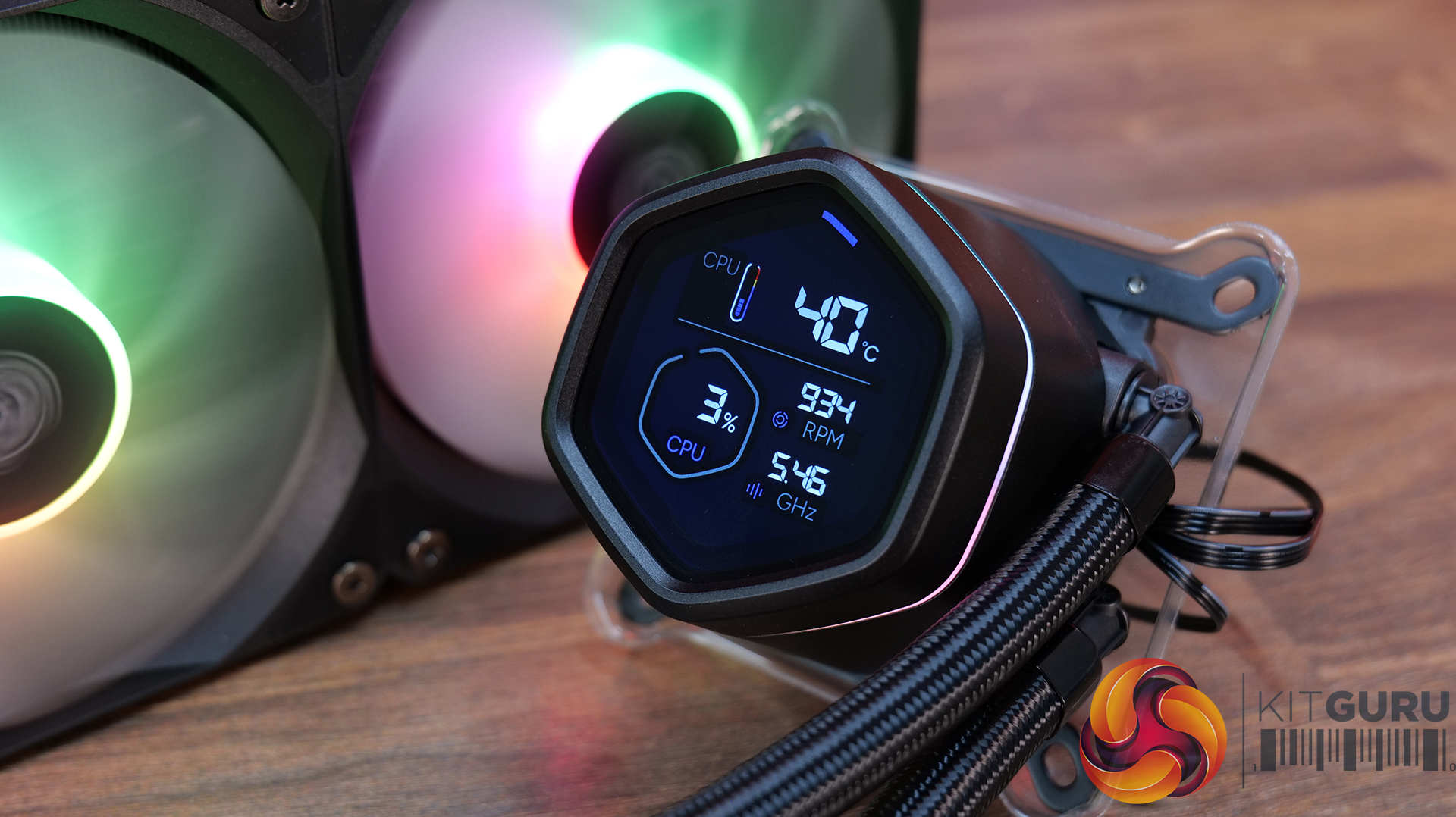
Hexagonal digital display with real-time system monitoring — MasterLiquid Core NEX Digital 360 features an integrated top-mounted screen capable of displaying CPU/GPU temperatures, usage, fan speeds and pump RPM via Cooler Master’s MasterCTRL software.
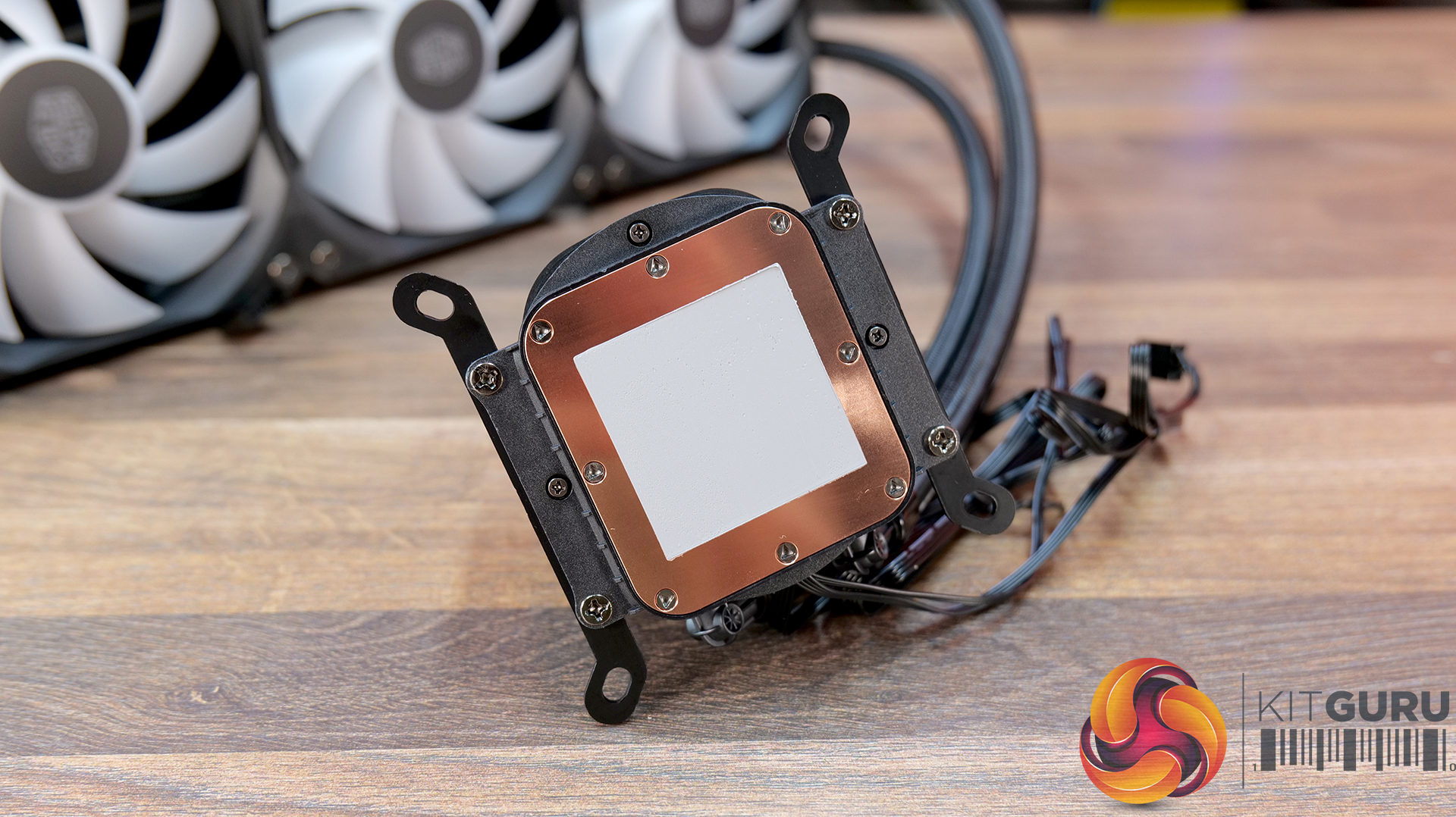
Refined dual chamber pump architecture — Featuring Cooler Master’s updated G9R dual chamber design with improved water pressure and optimised coolant flow for enhanced heat transfer efficiency.
Simplified all-in-one installation — Pre-installed fans, streamlined cabling, pre-applied thermal paste and pre-mounted brackets help reduce installation complexity while maintaining a cleaner overall system build.
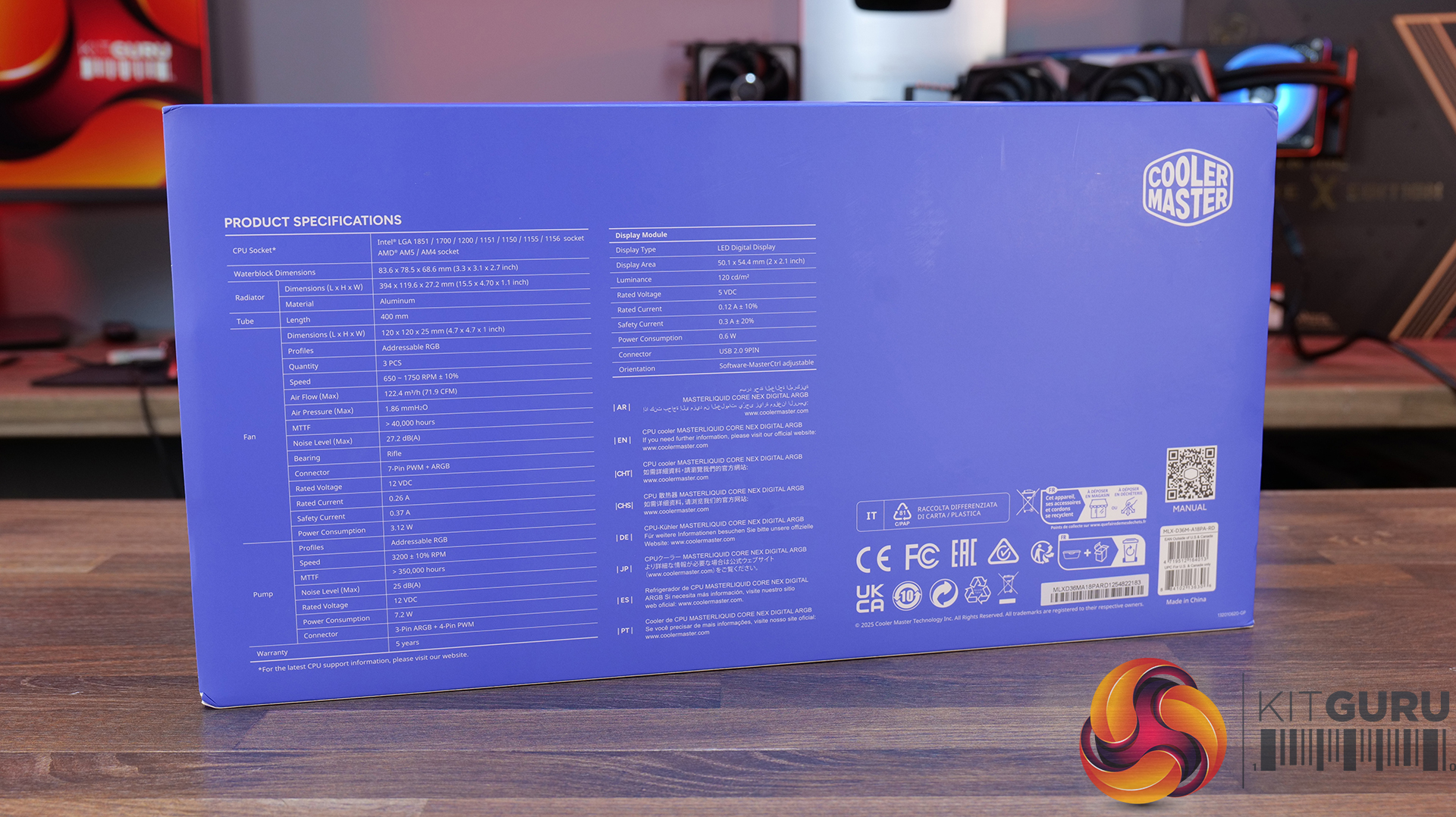
LCD Screen: LED Digital Display, 50.1 x 54.4 mm, 120 cd/m²
Screen Connector: USB 2.0 9-Pin
Warranty: 5 Years
Pros:
Daisy-chained fans reduce wiring.
Quick and easy.
Clear and easy to read display.
Cons:
Very loud at max fan speed.
Average 40 dba thermal performance.
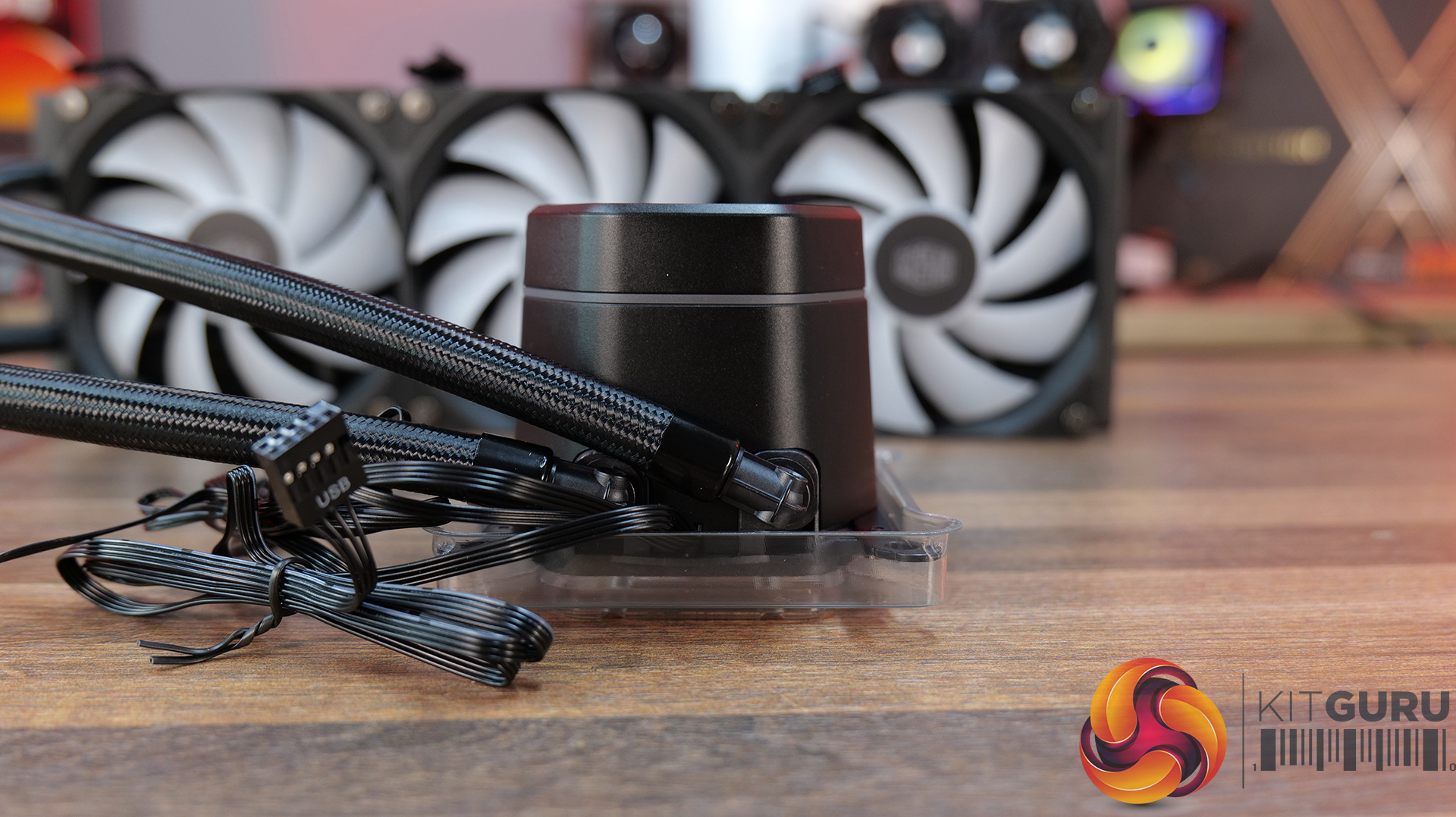
Some Cable clutter at the CPU block.
Rating: 7.
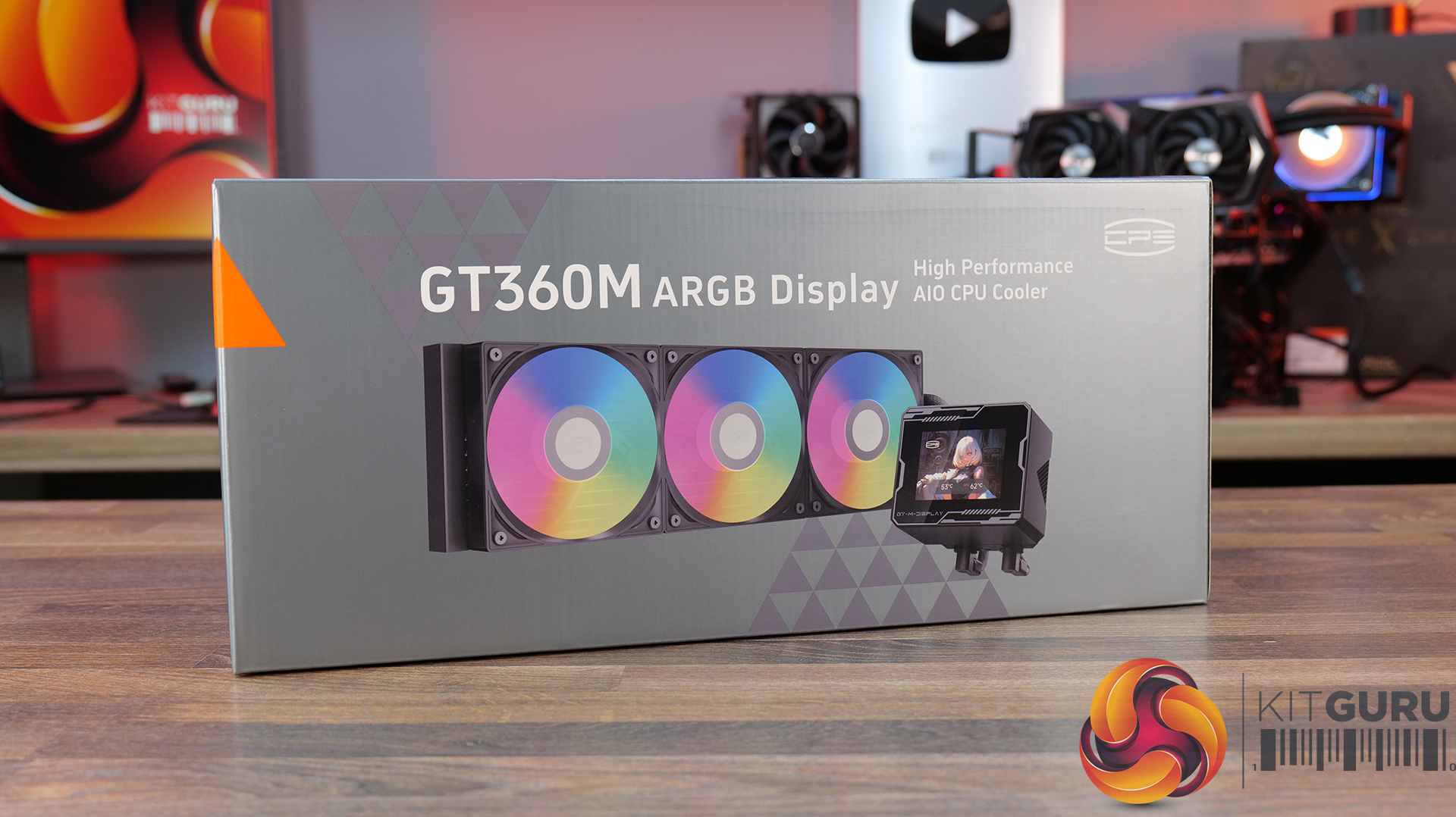
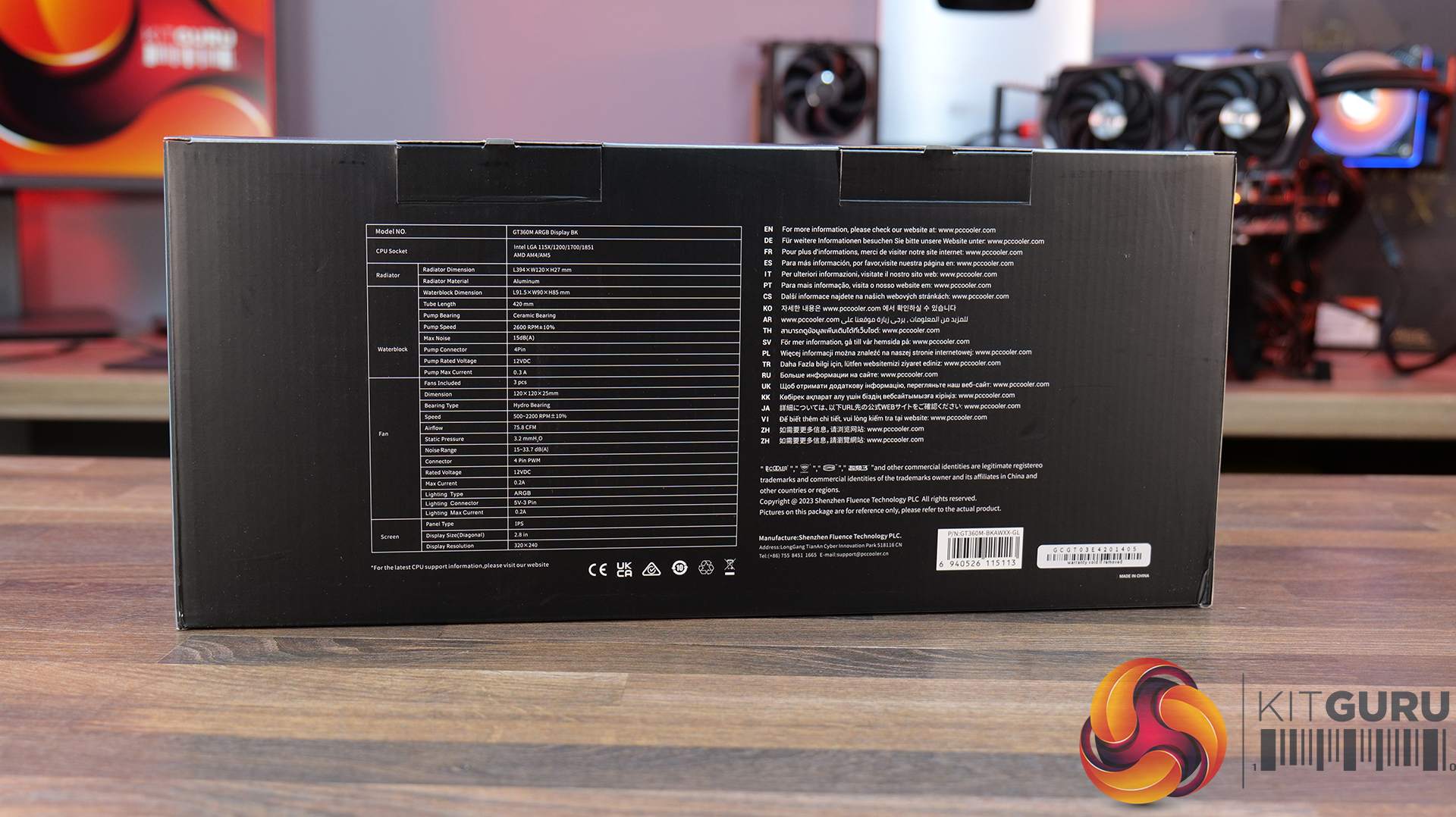
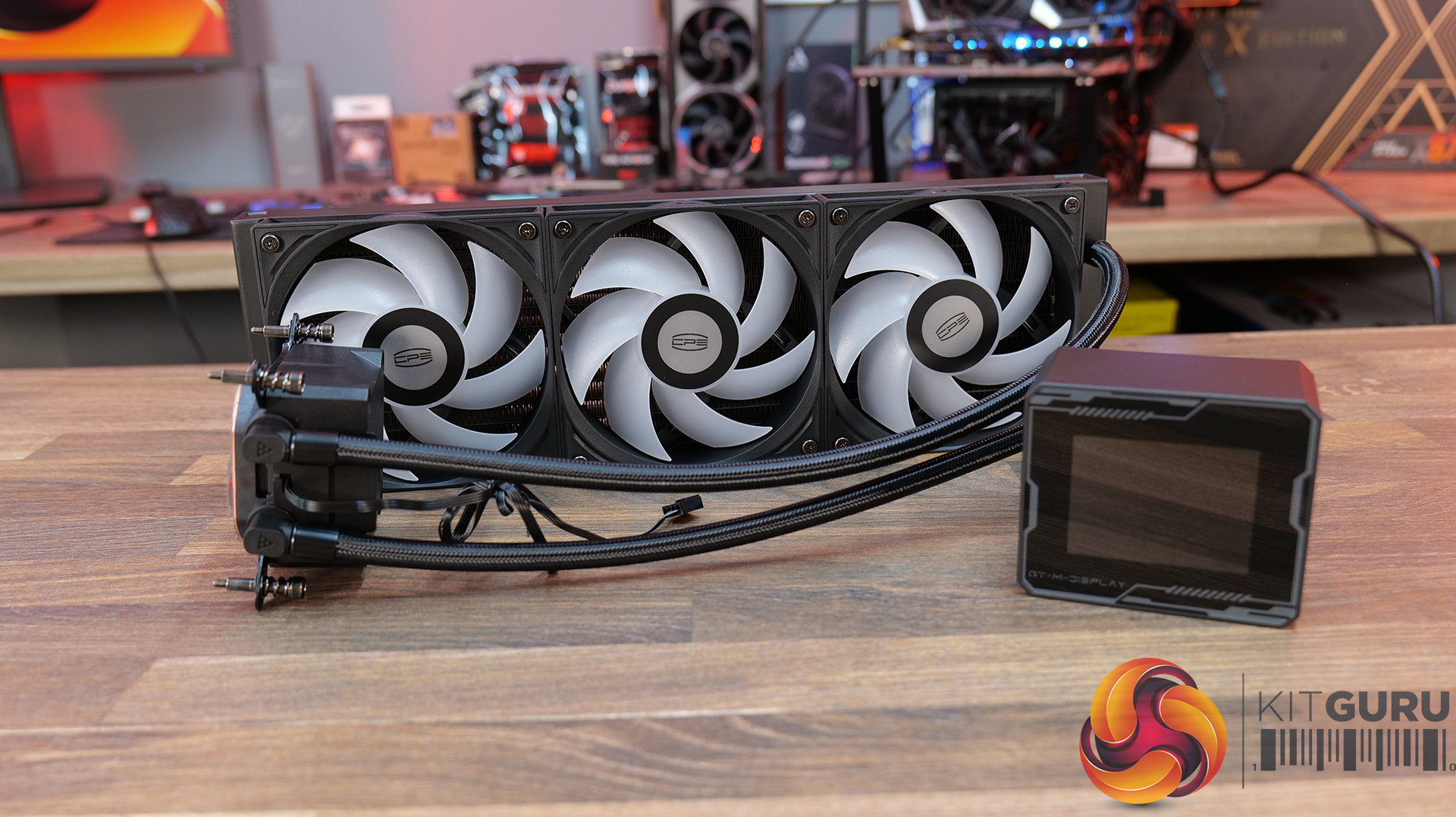
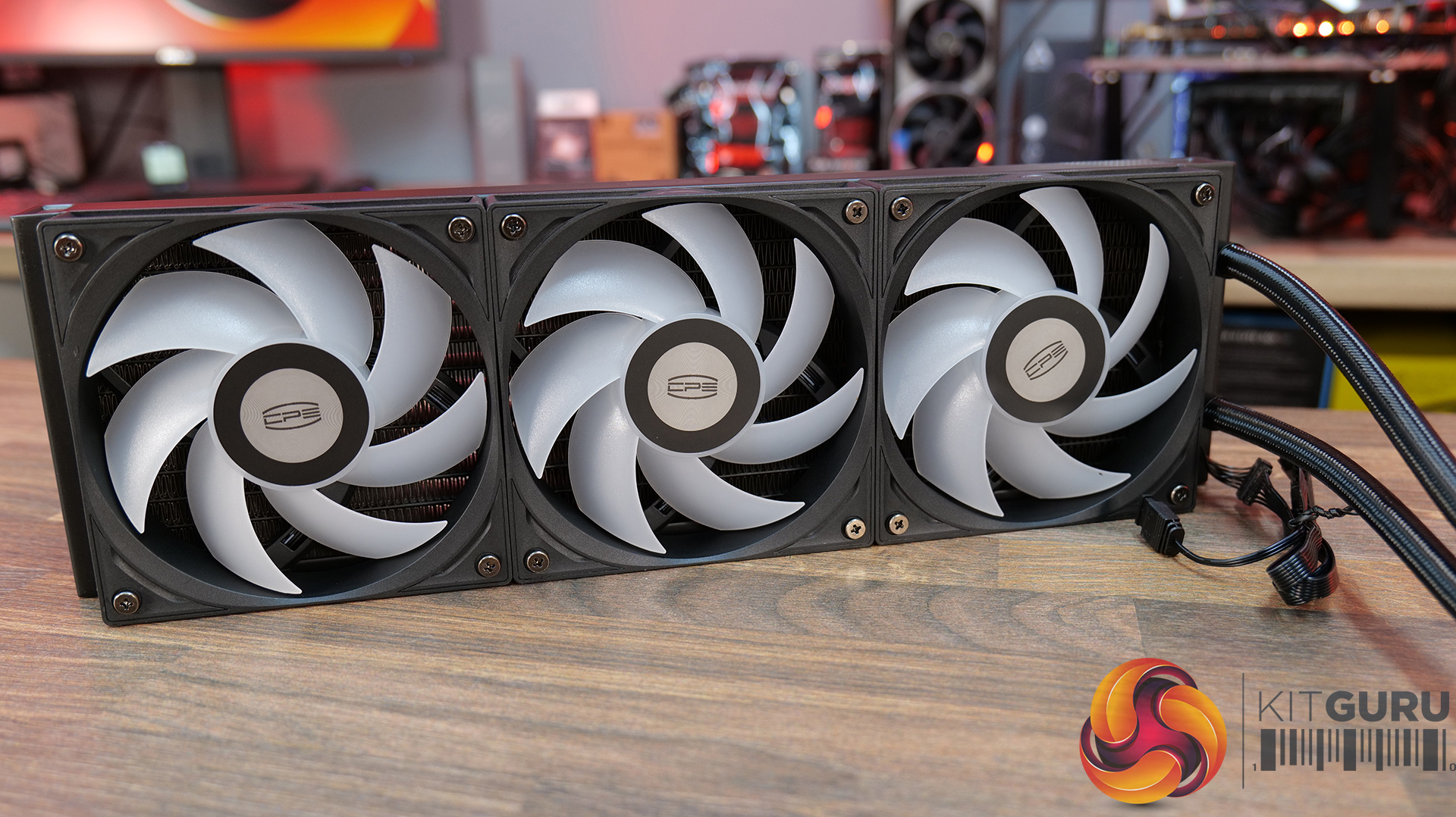
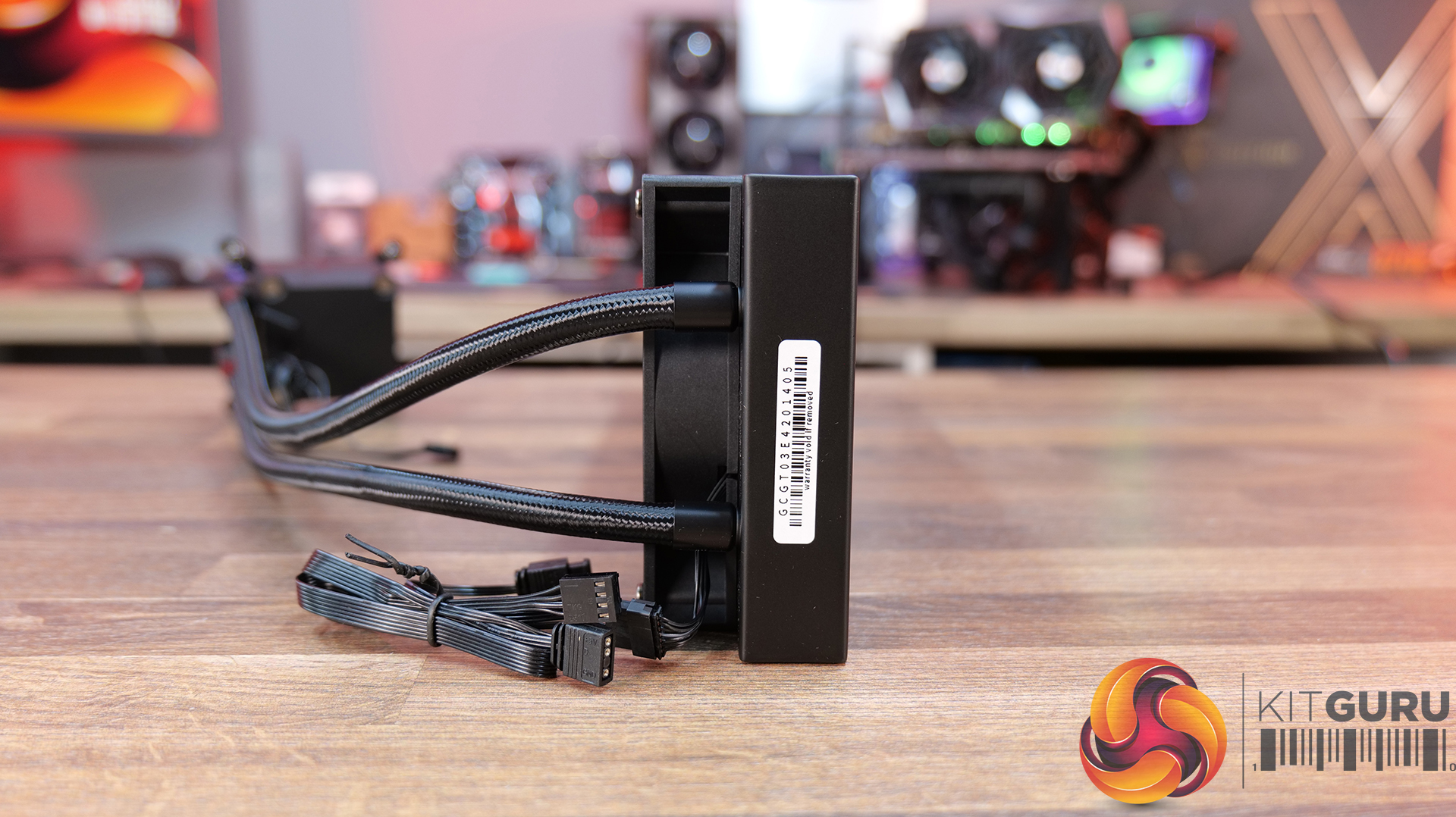
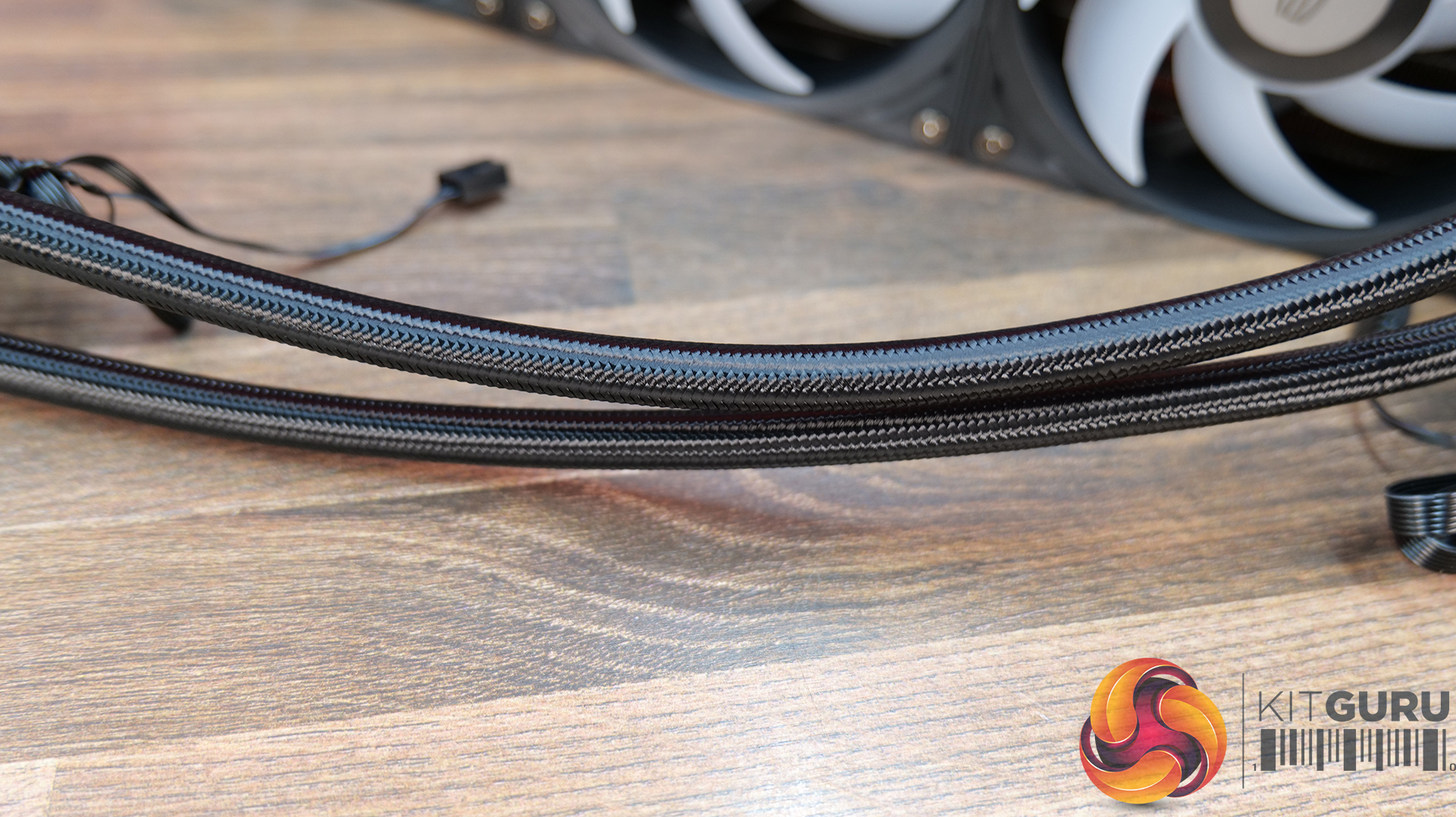
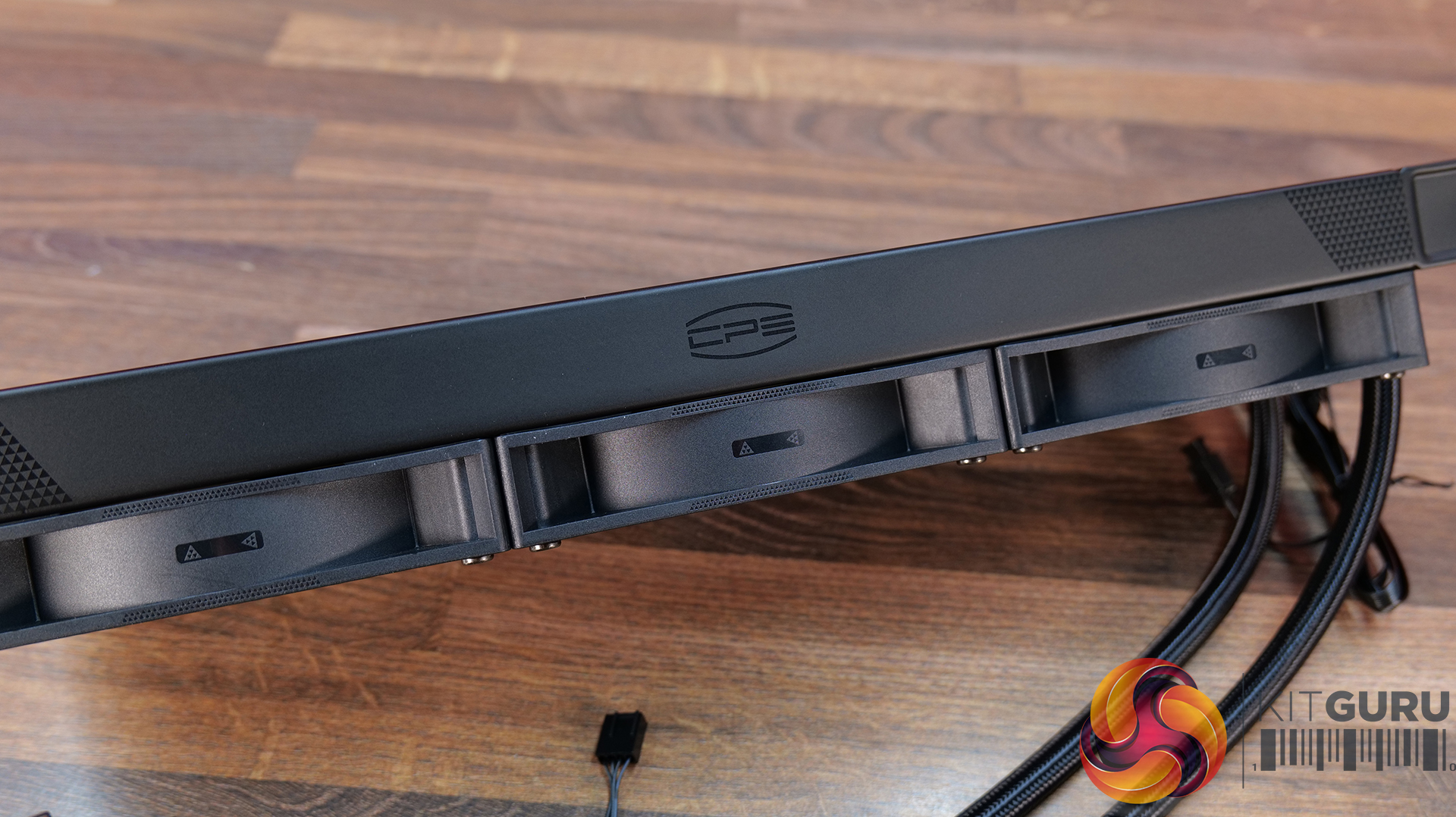
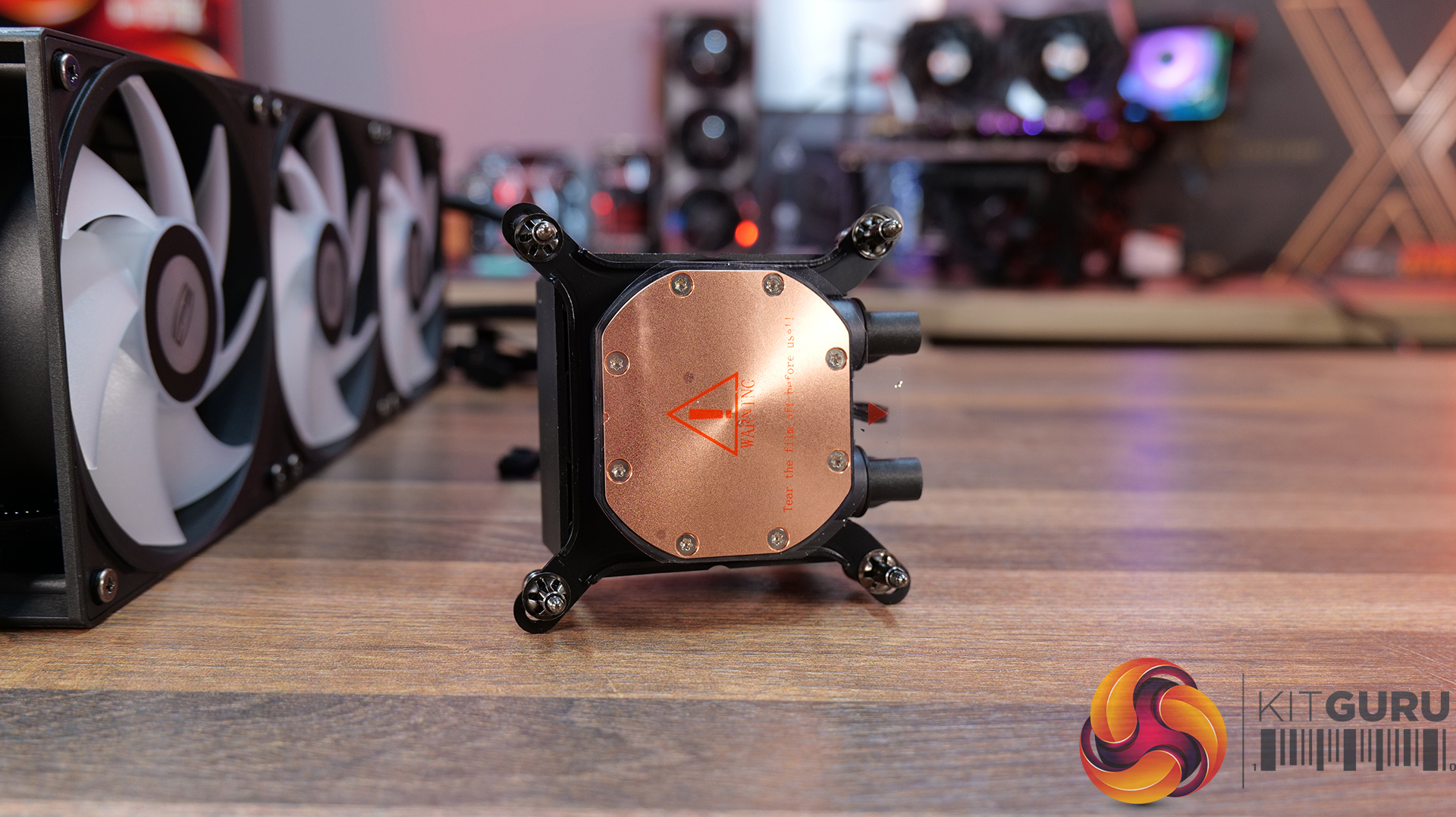
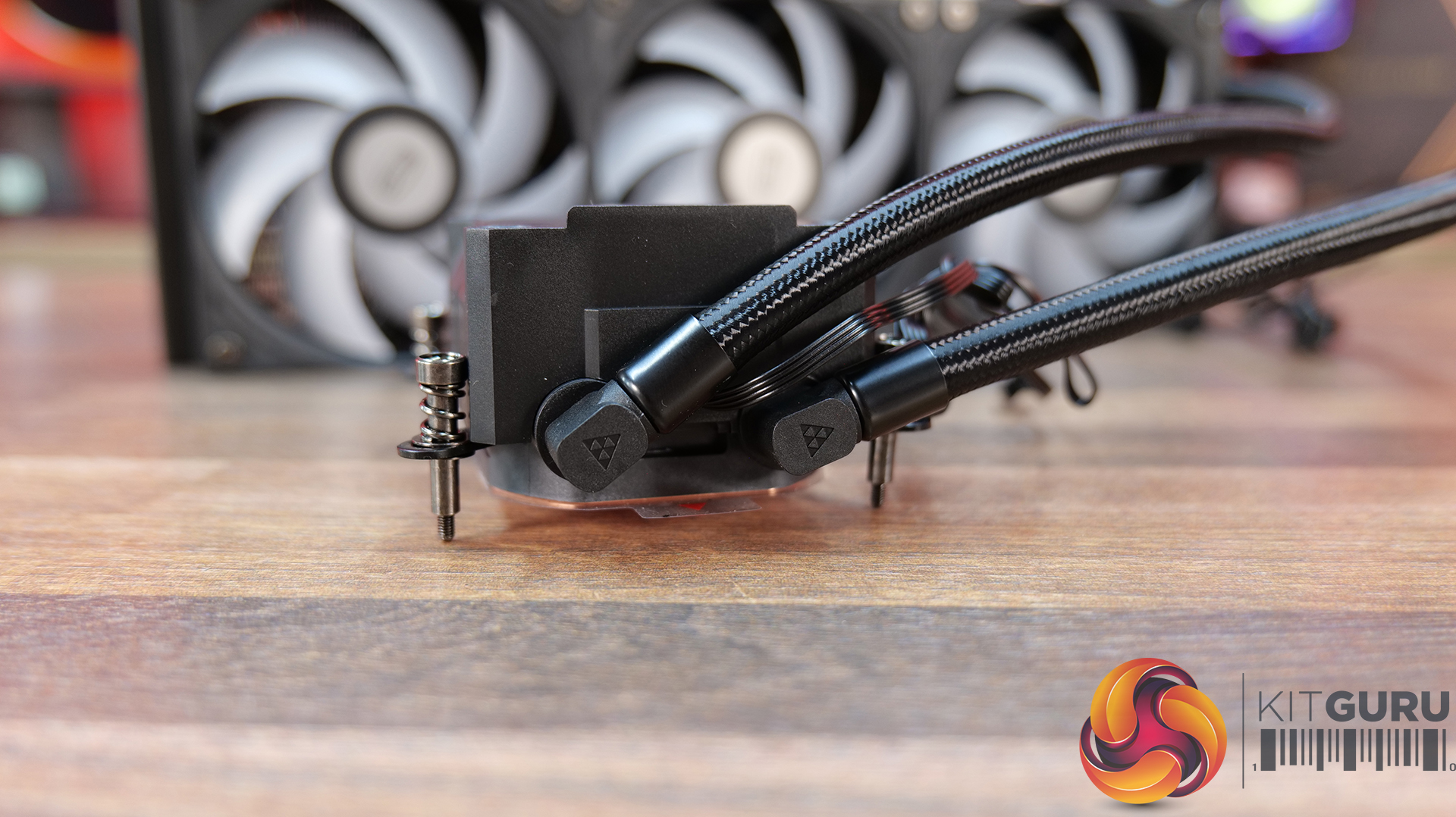
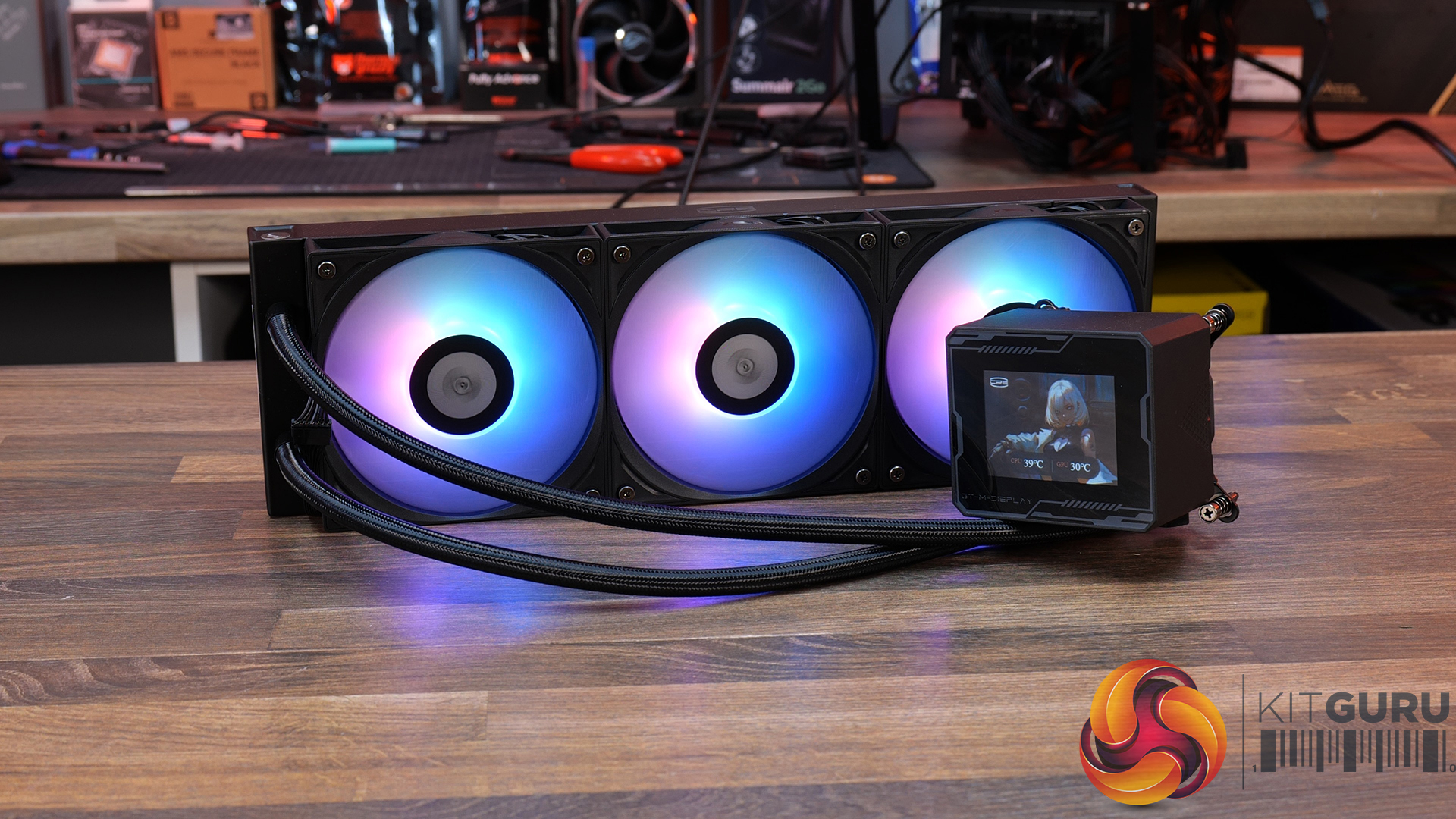
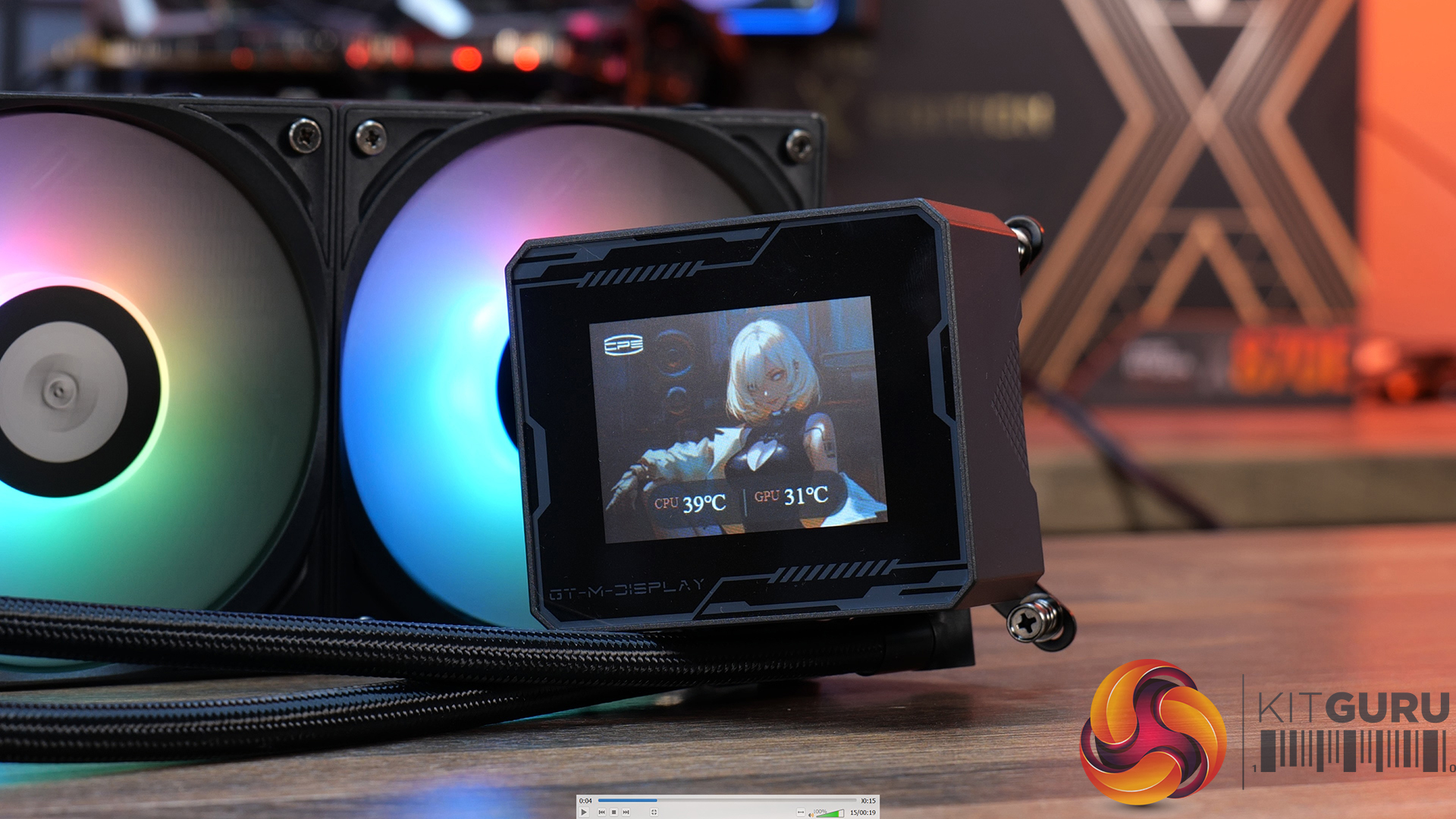
CPS PCCOOLER GT360M ARGB Display – £85.99 Amazon in black or white HERE.
Features
5-inch high-resolution LCD display — GT360M ARGB Display features a customisable IPS screen capable of showing real-time system monitoring data, animations, wallpapers and video playback through CPS control software support.
Next-generation ceramic bearing pump design — Equipped with a second-generation large chamber pump, ultra-fine micro water channels and an all-ceramic bearing structure designed to improve coolant flow, reduce operational noise and extend long-term durability.
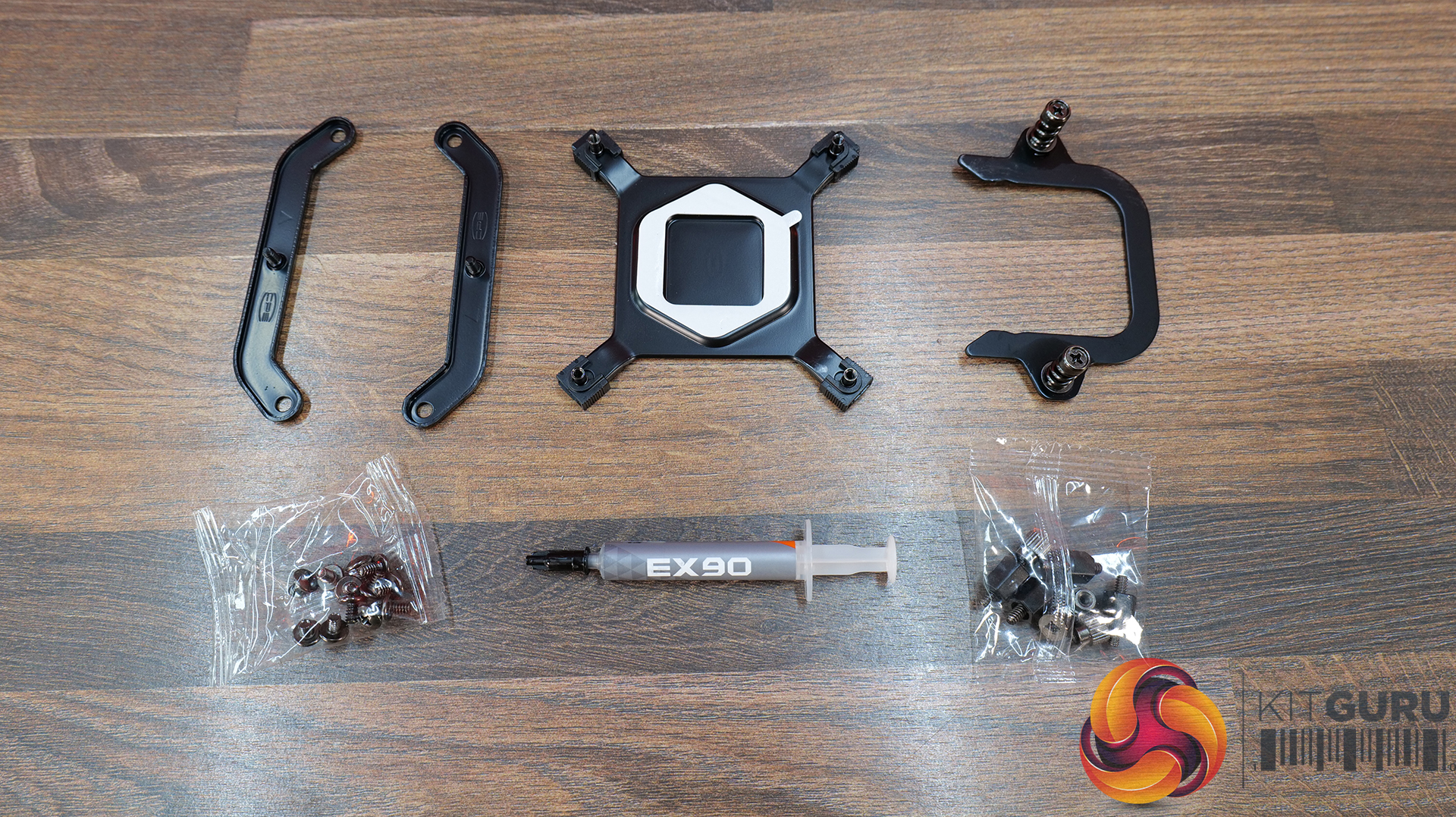
Streamlined cable management and installation — Factory pre-installed fans, integrated hidden wiring and a quick-release mounting system help simplify the build process while maintaining a cleaner overall system appearance.
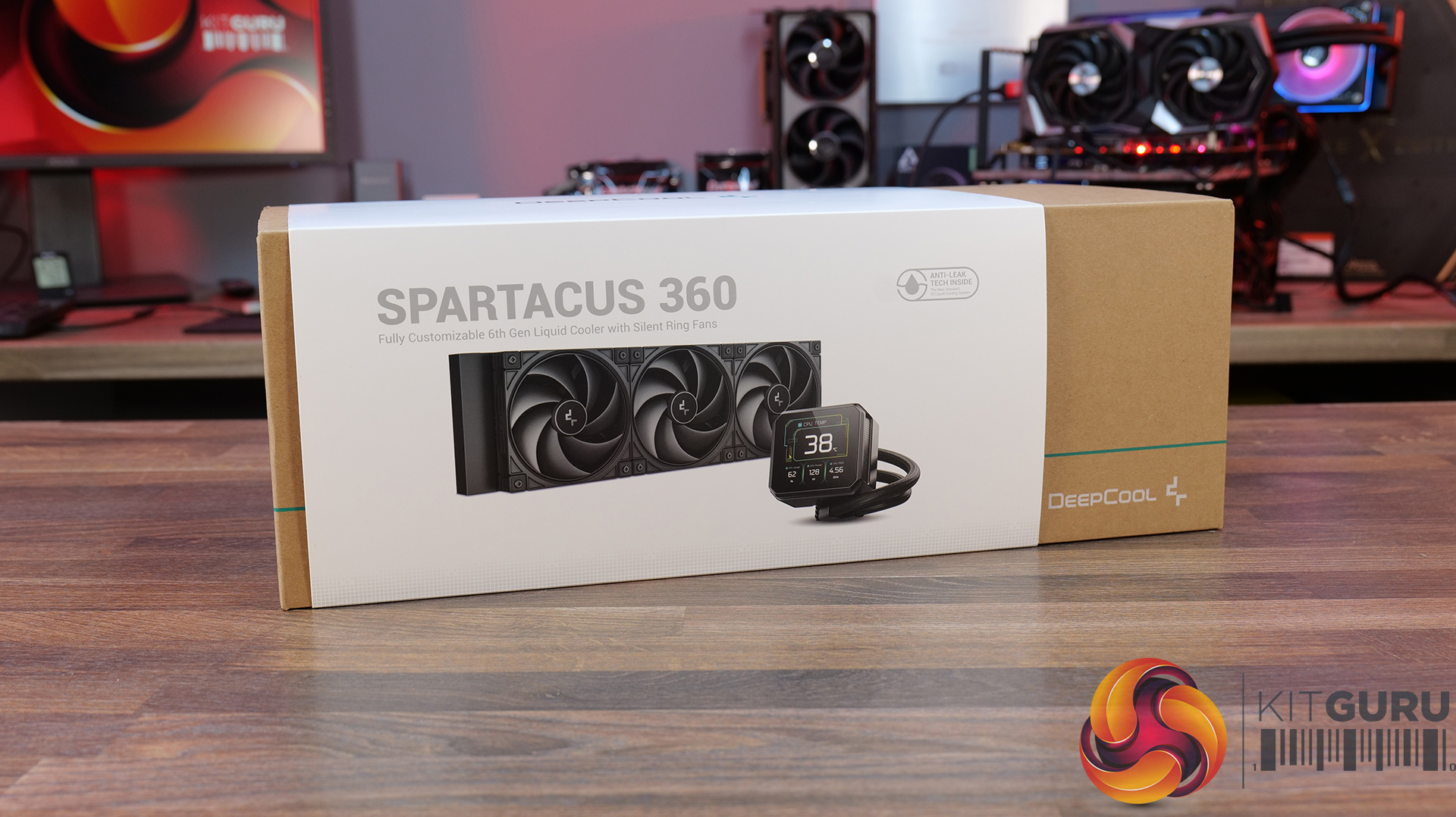
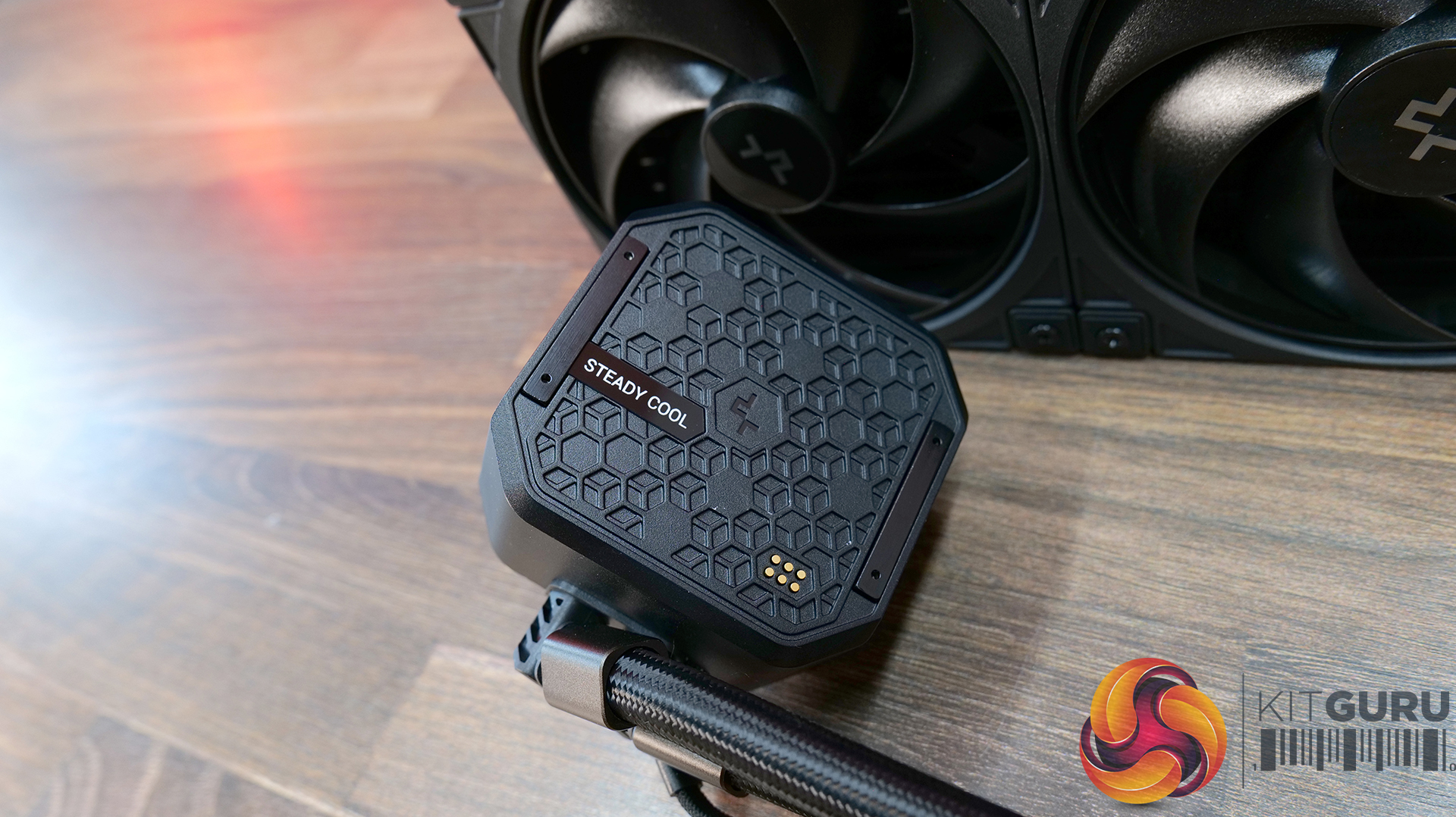
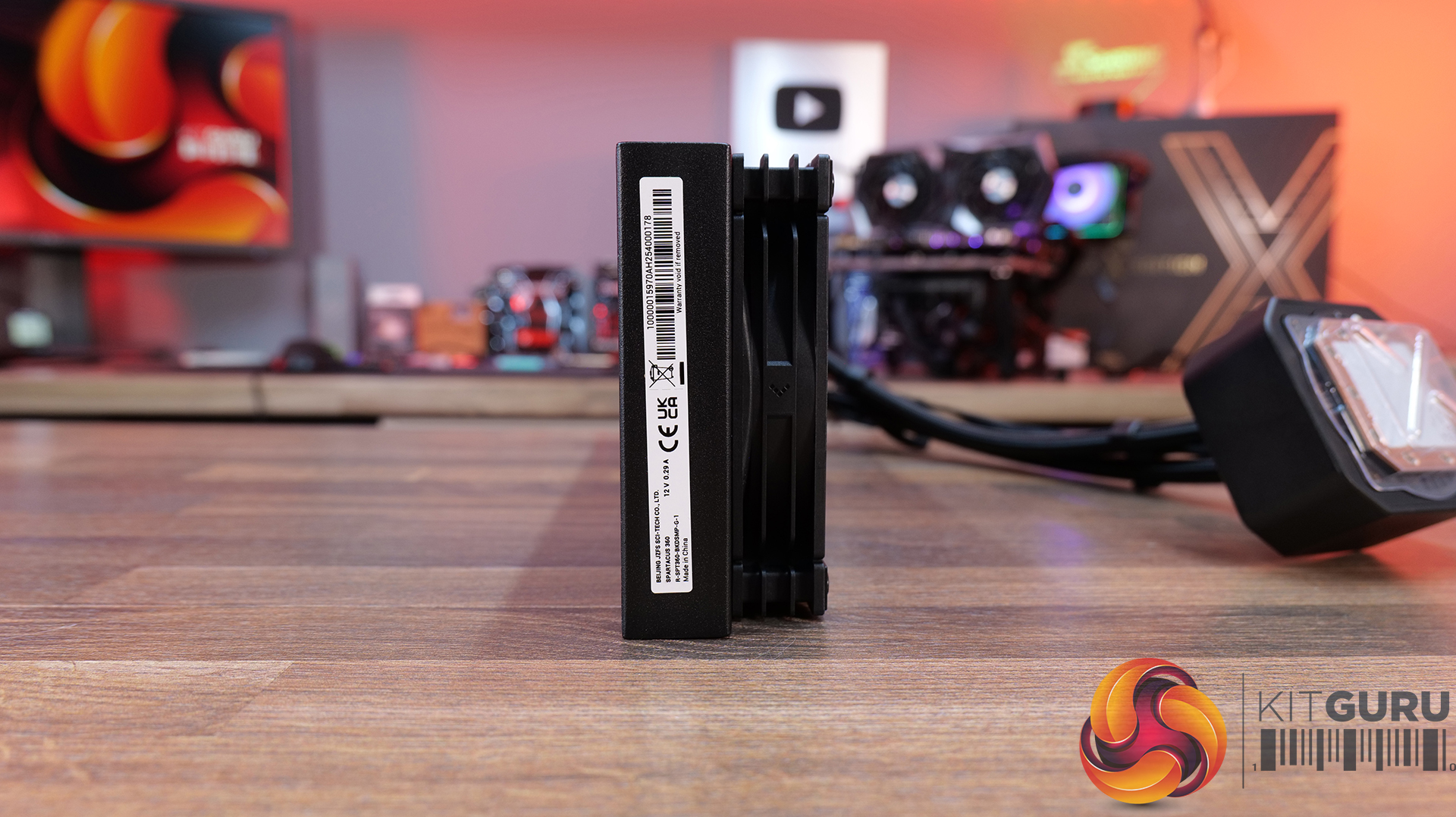
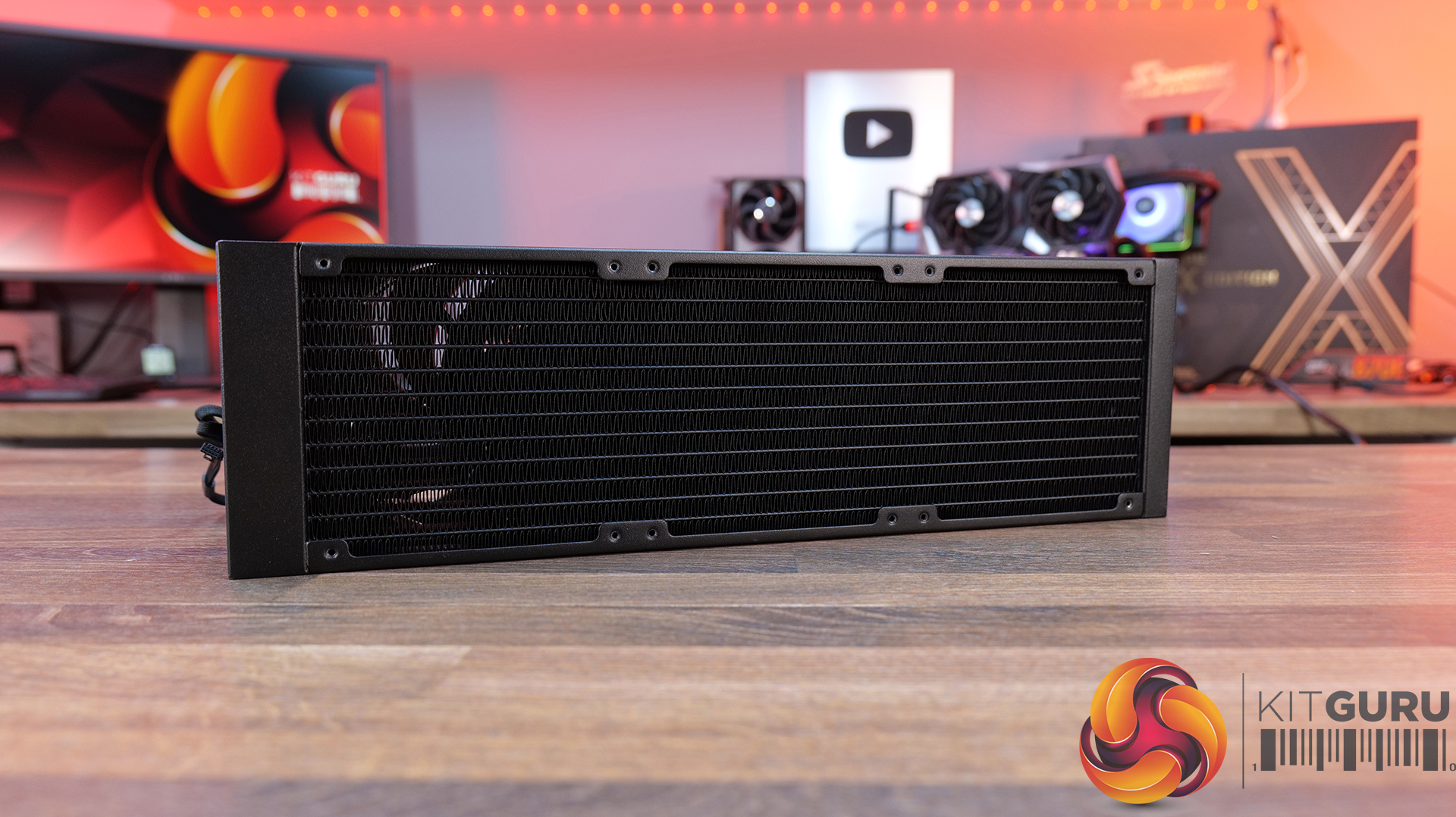
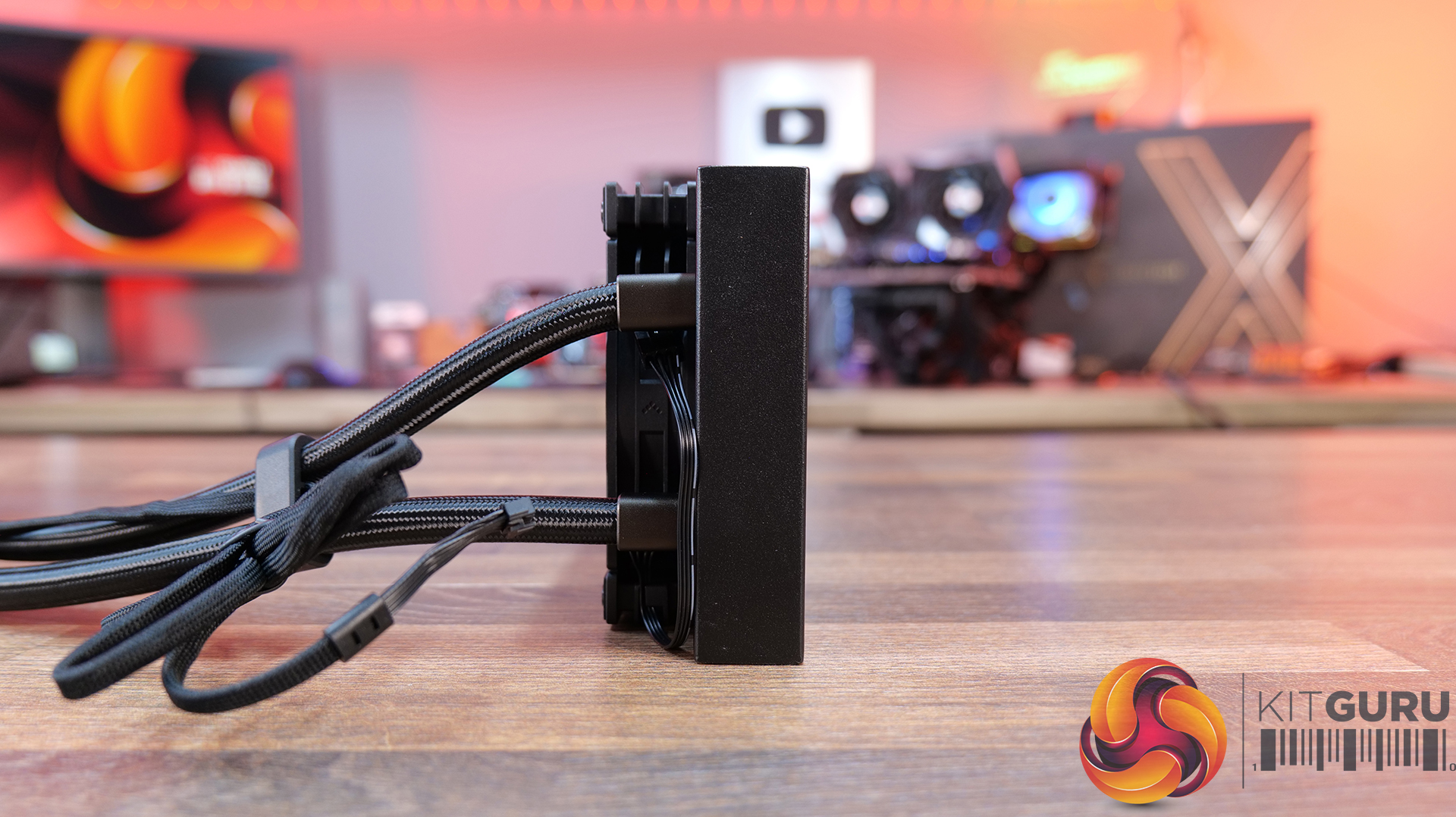
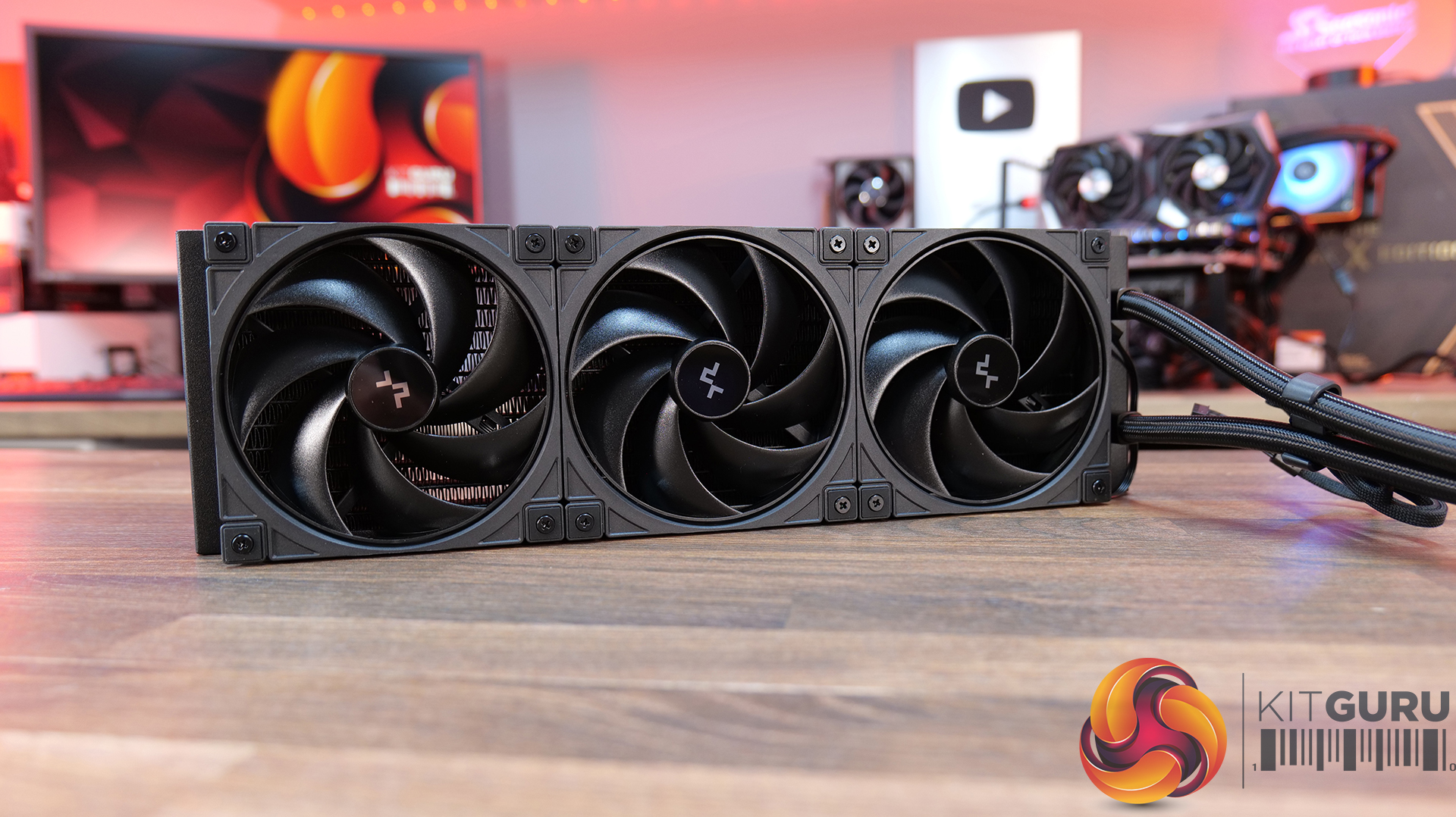
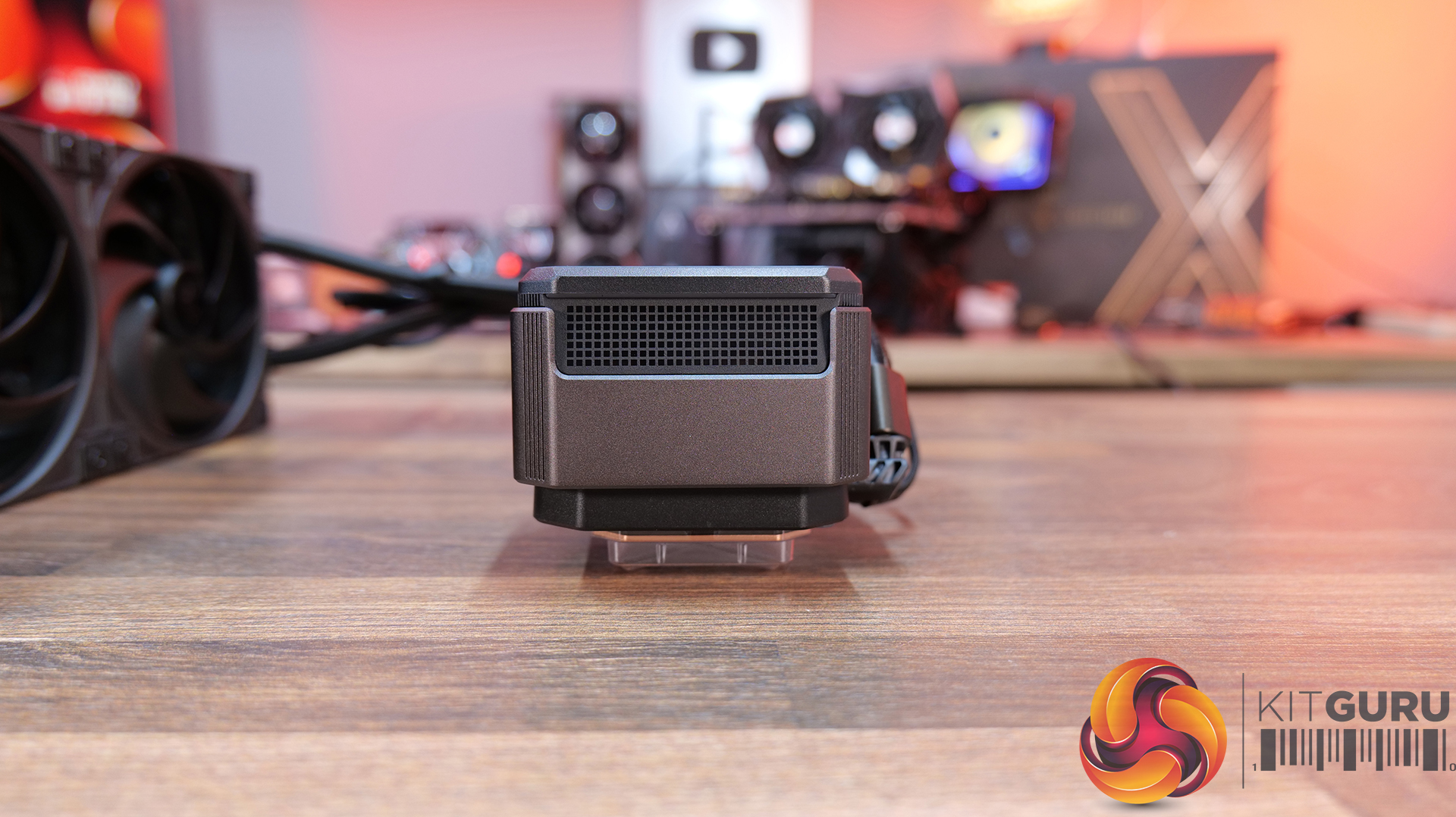
4-inch IPS LCD with modular customisation — SPARTACUS 360 features a 480×480 IPS display with 16.7 million colours, supports system monitoring layouts, GIFs, video playback and dynamic graph modes through DeepCreative software integration.
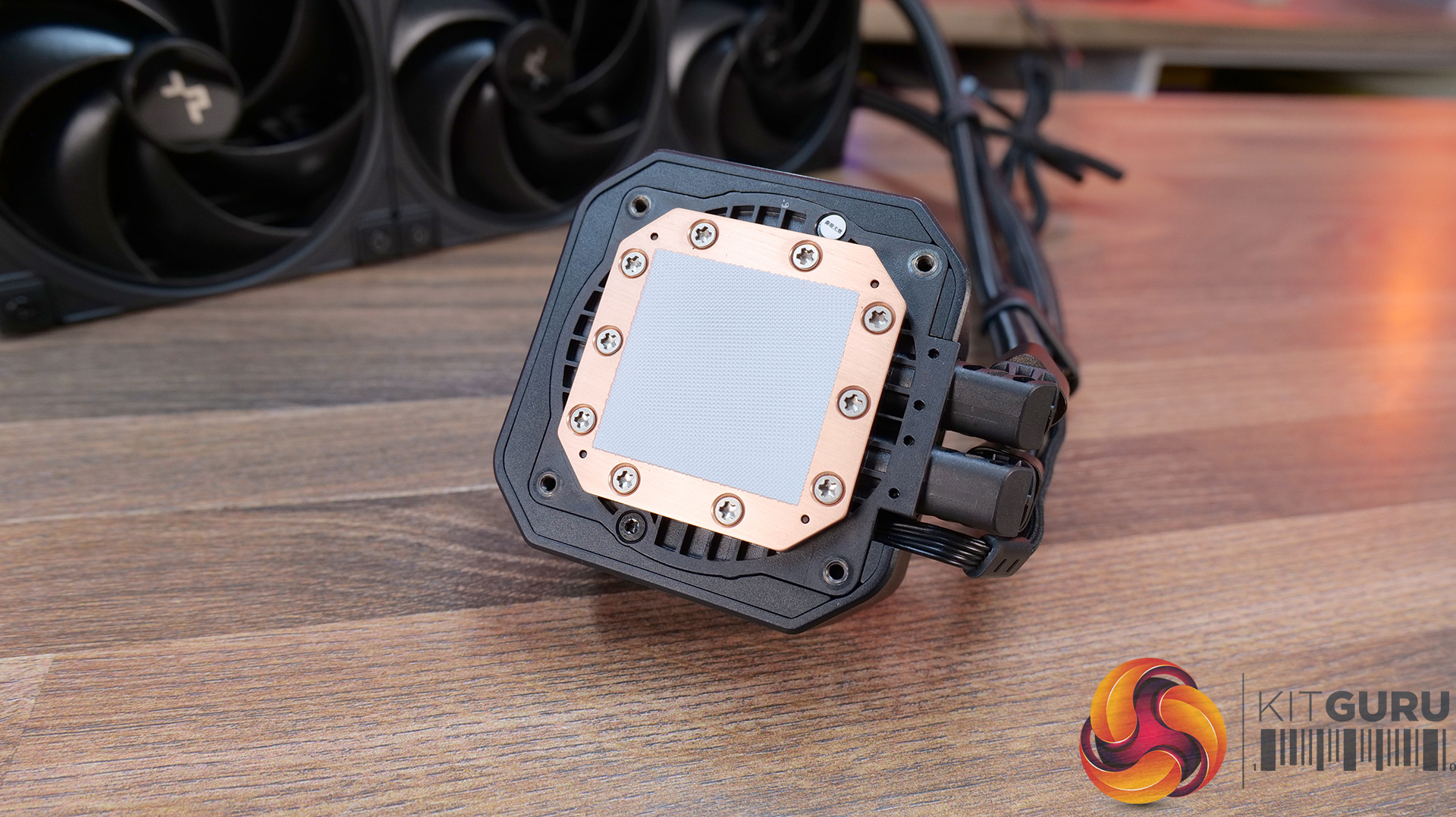
6th-generation pump with AI-tuned cooling control — Equipped with a 3-phase, 6-slot, 4-pole Gen 6 pump and DeepCreative AI algorithms that dynamically tune pump and fan speeds for quieter operation and up to 320W of heat dissipation performance.
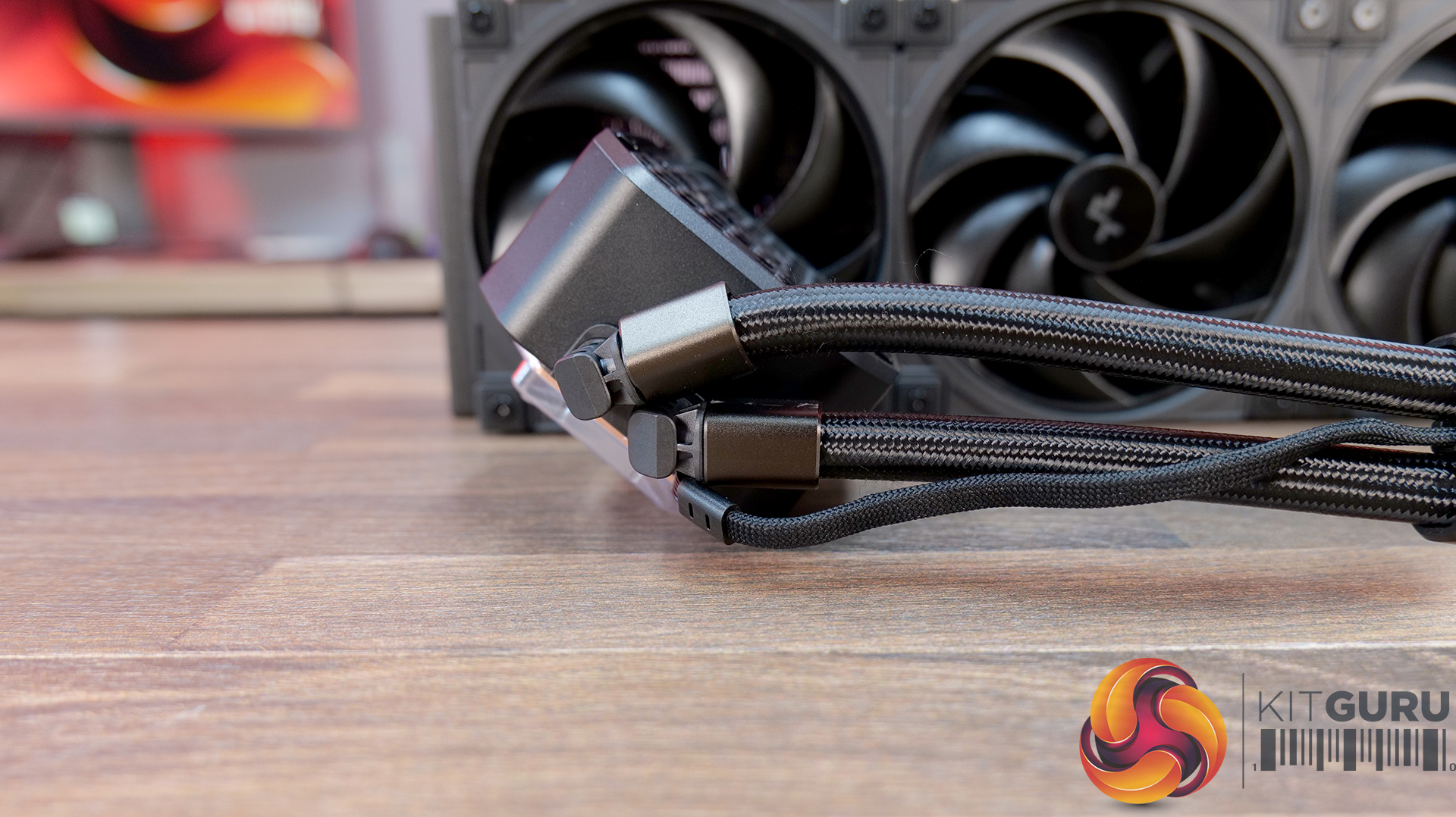
Semi-integral blade fans with streamlined connectivity — High-performance 120mm fans use a reinforced semi-integral blade design for improved airflow stability and lower noise, while DeepCool’s single 10-pin connection design dramatically cuts cable clutter during installation.
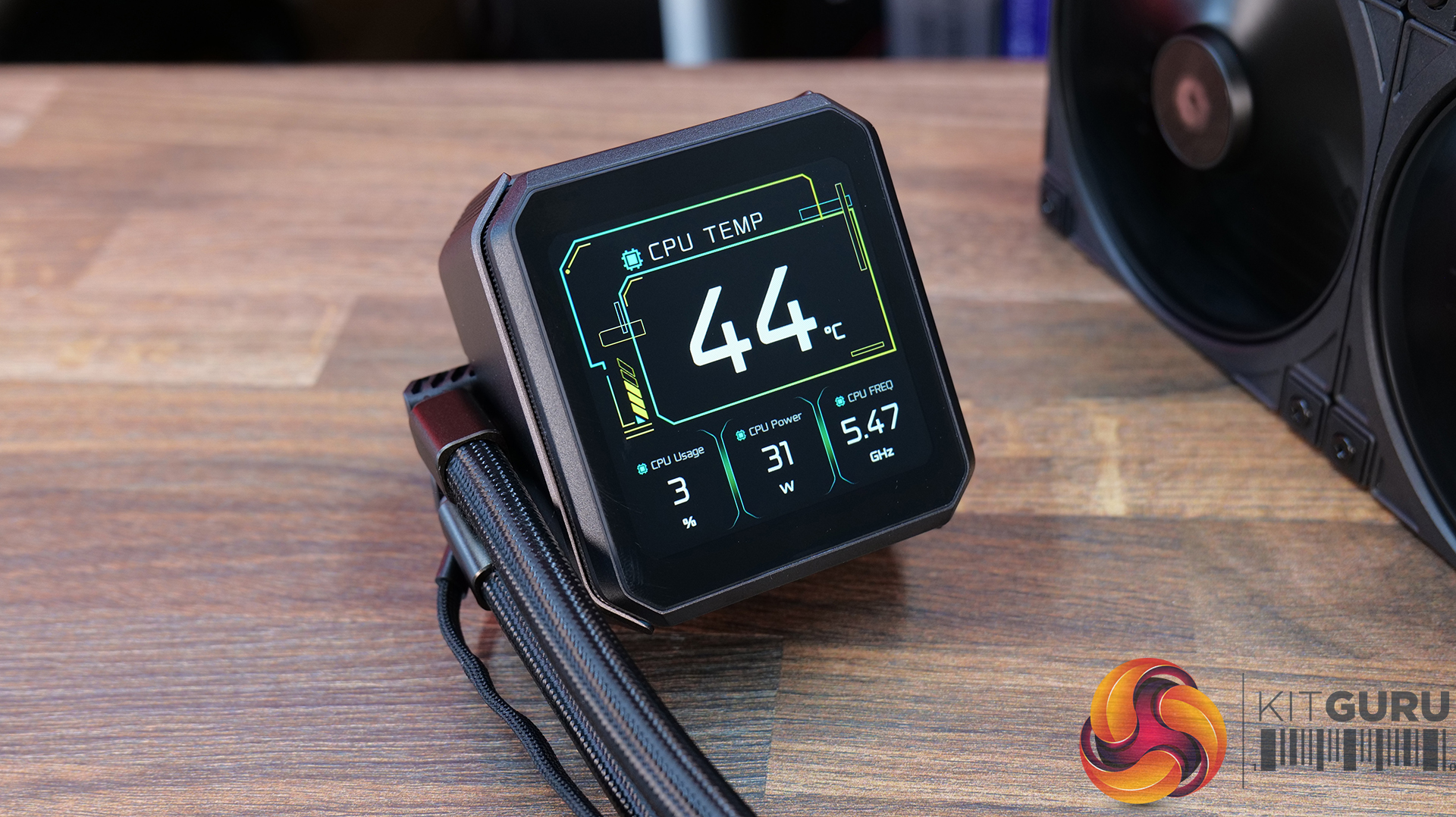
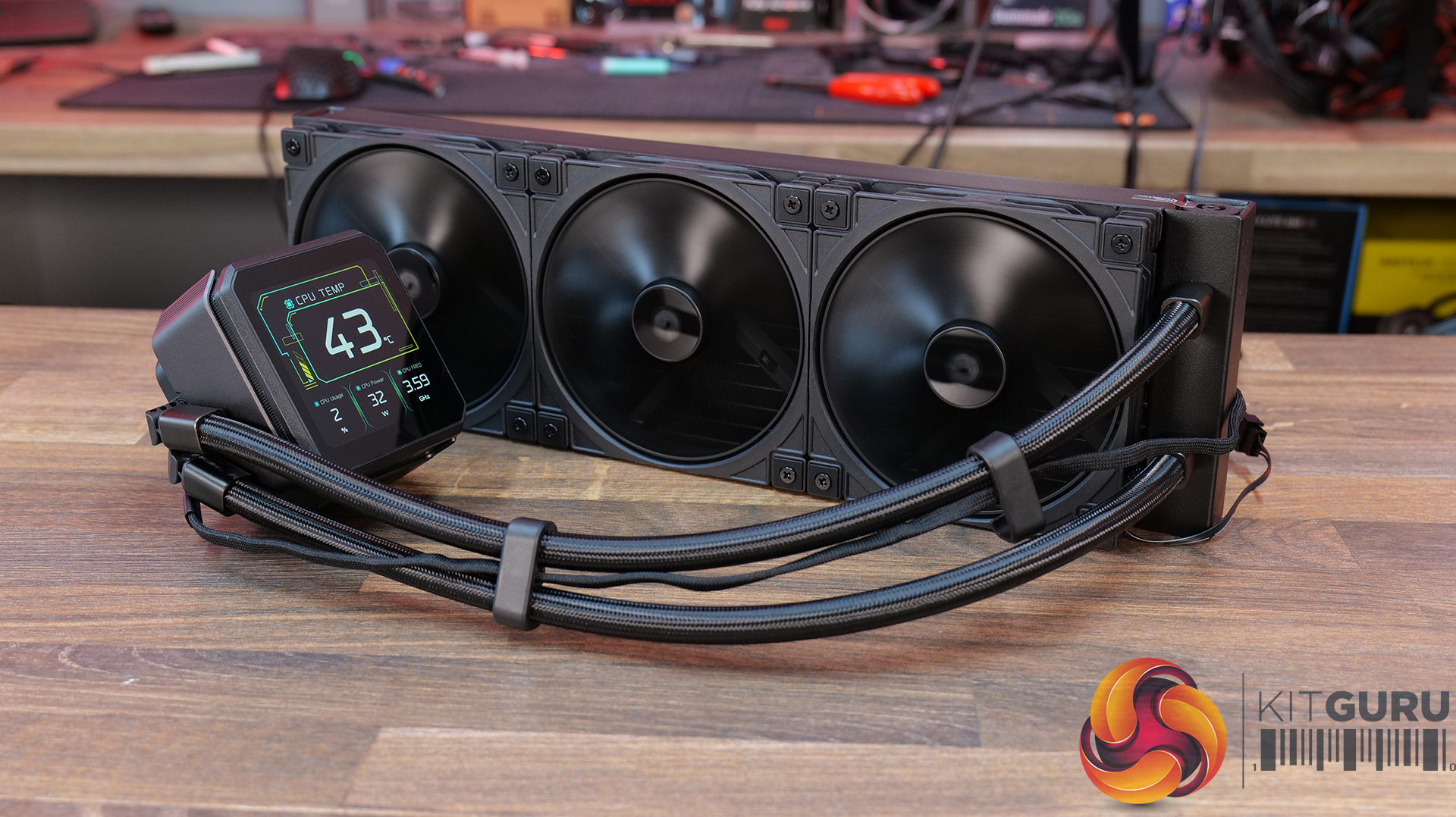
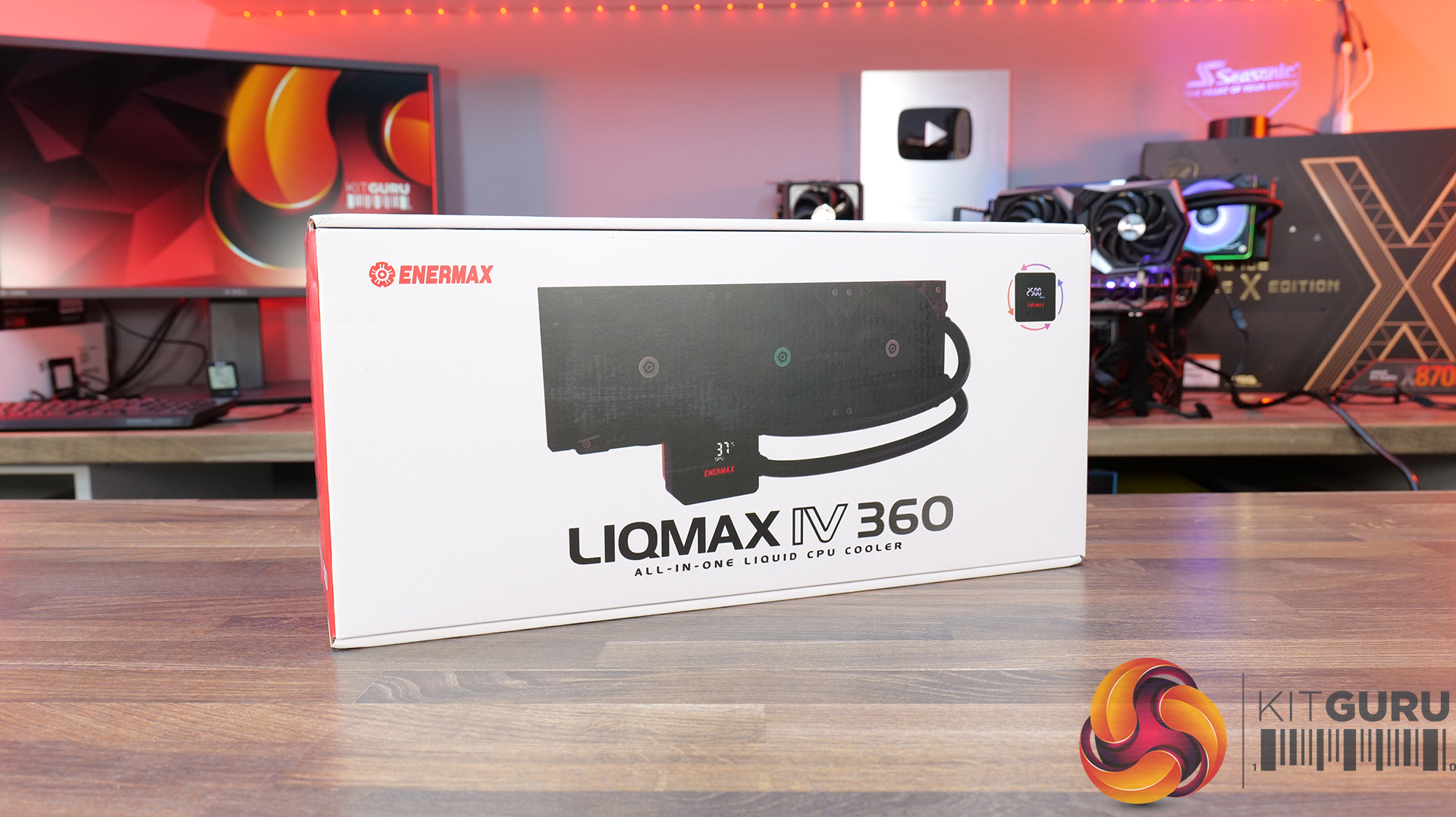
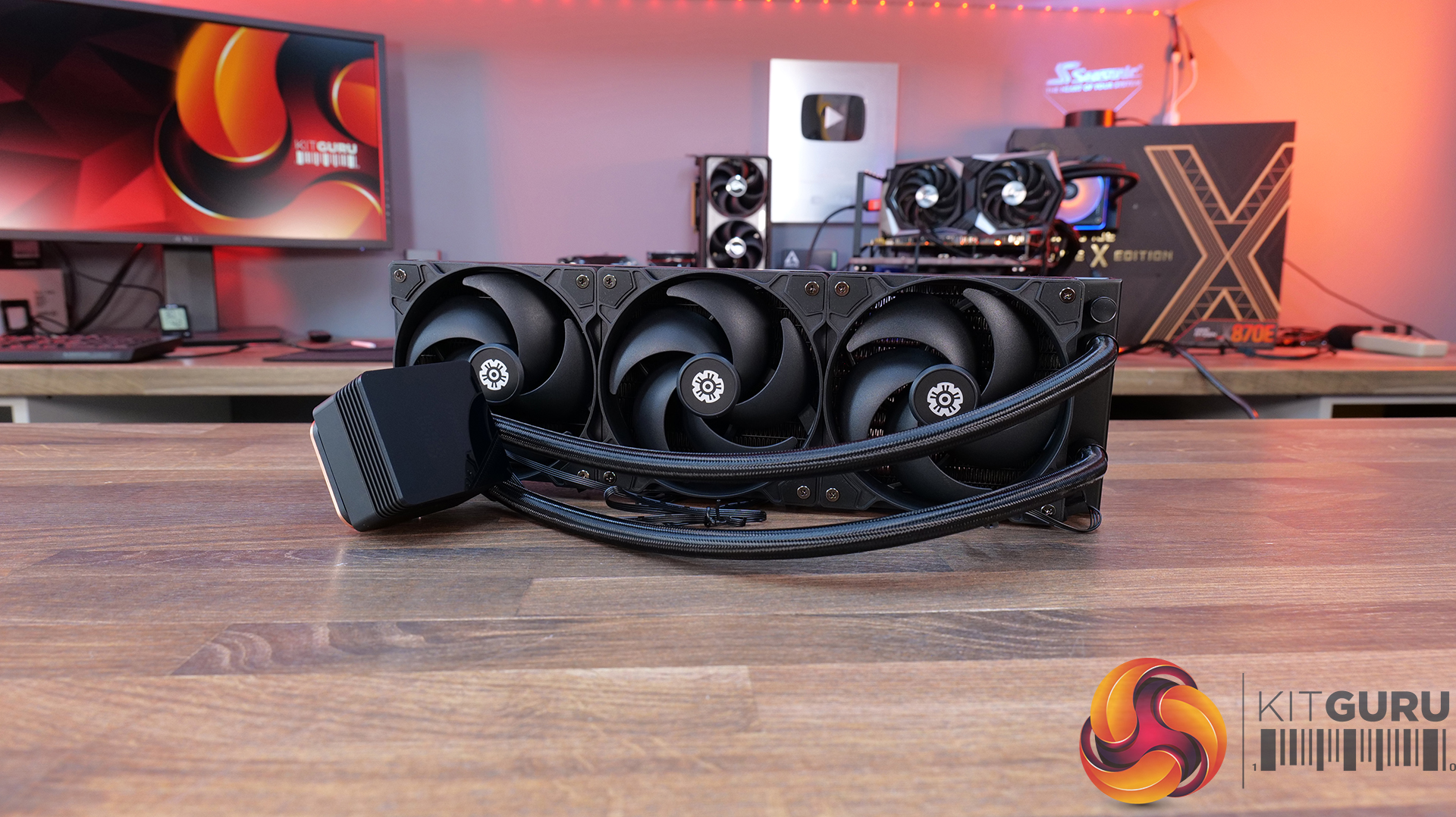
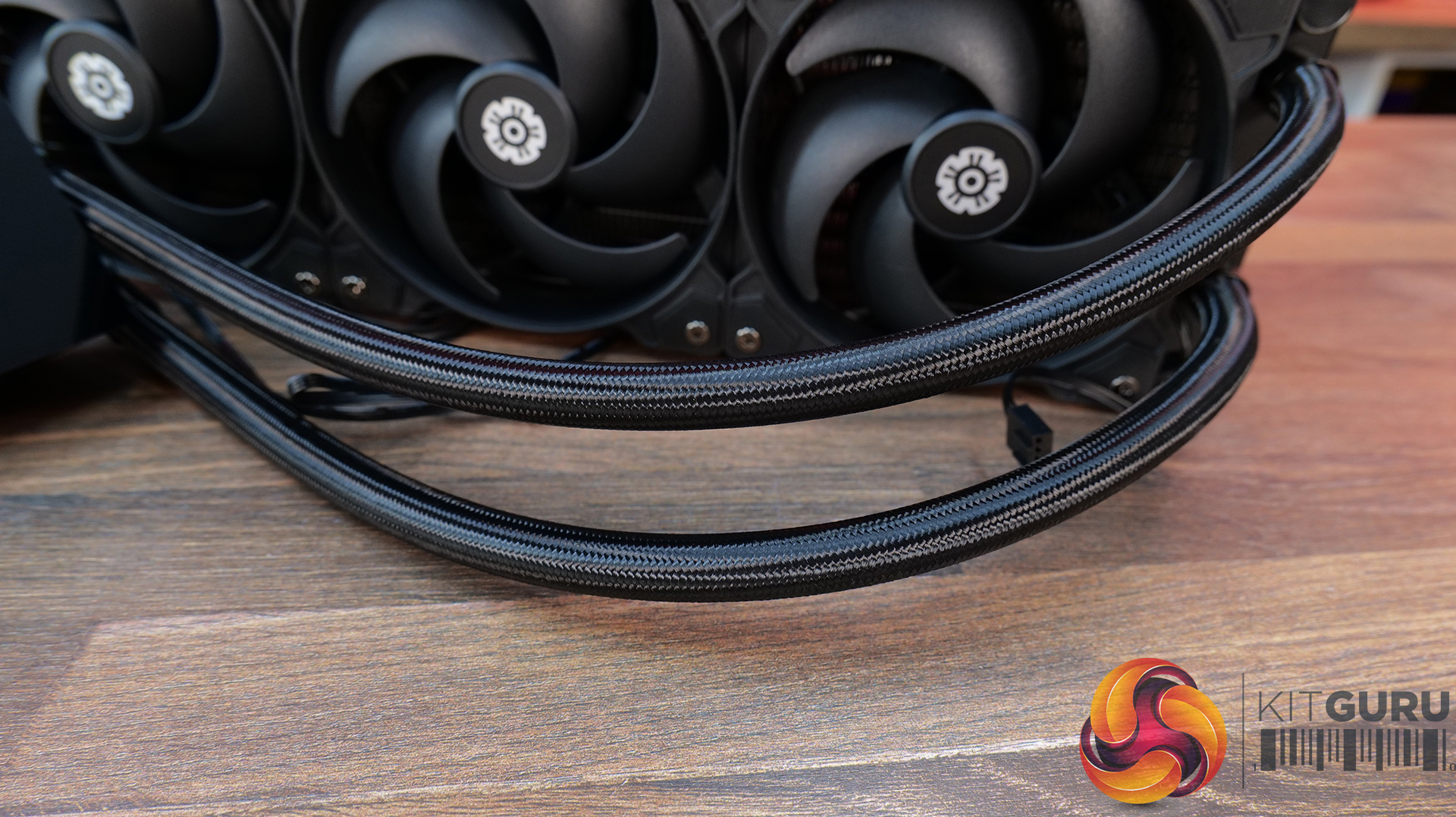
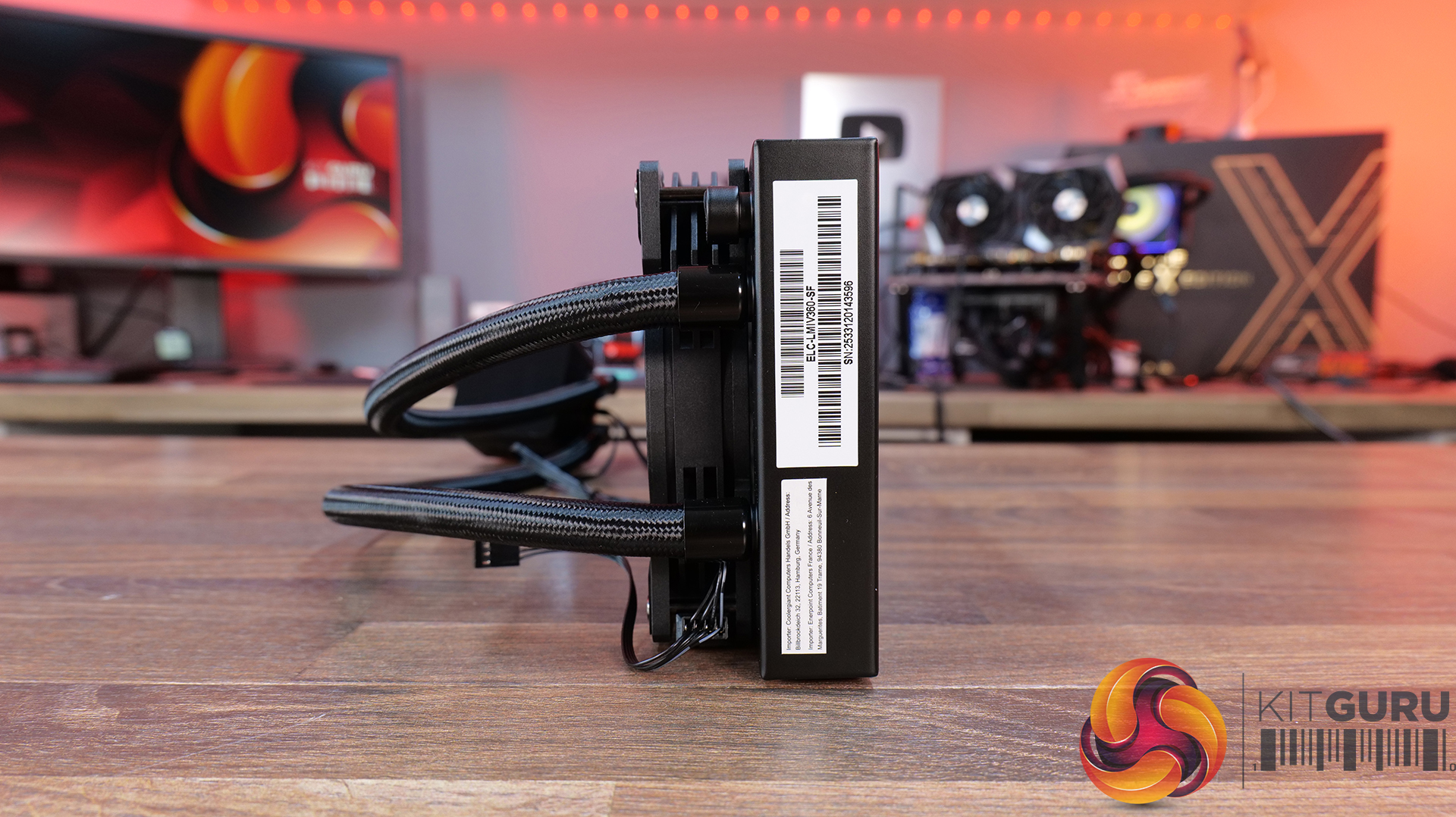
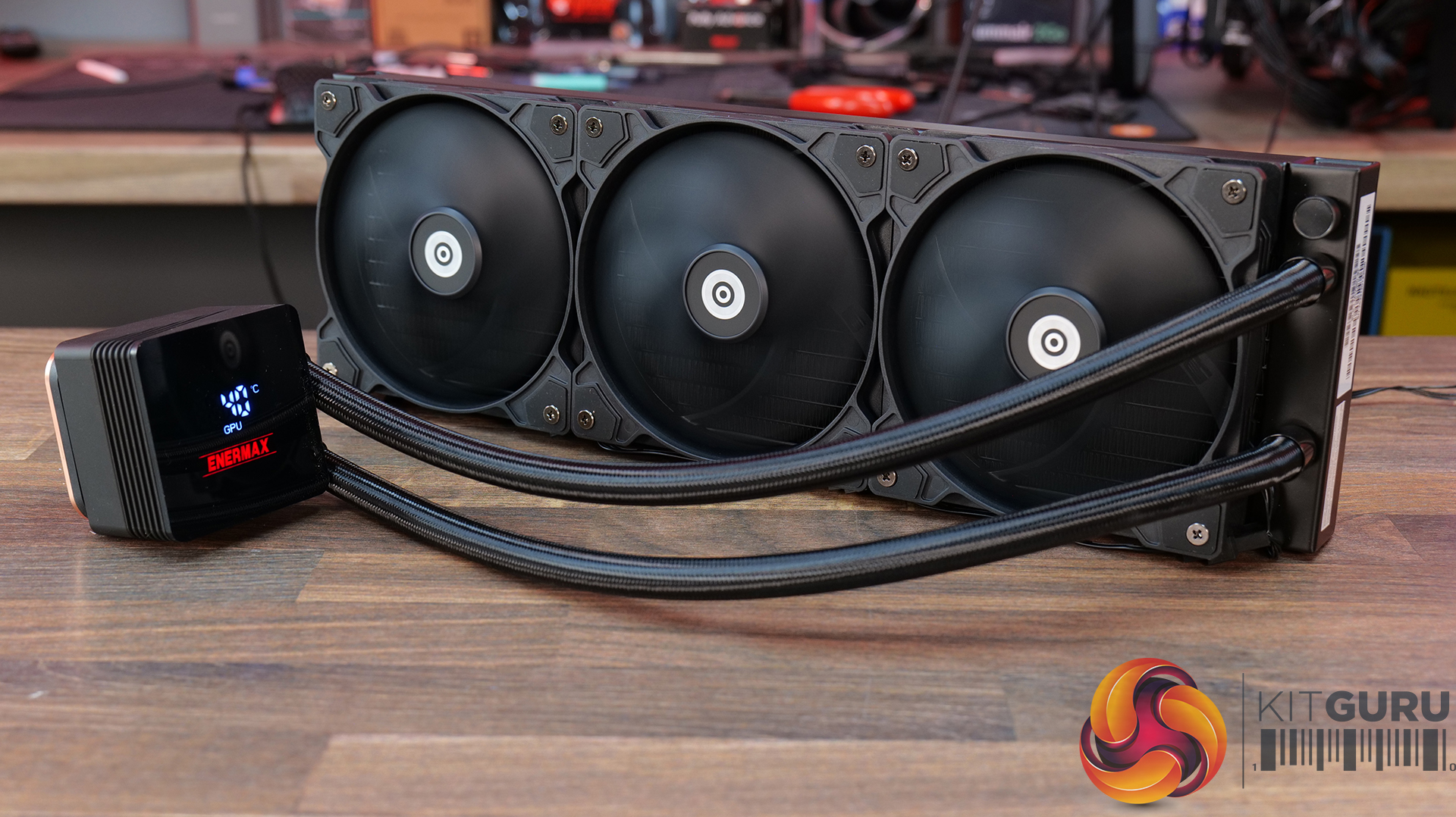
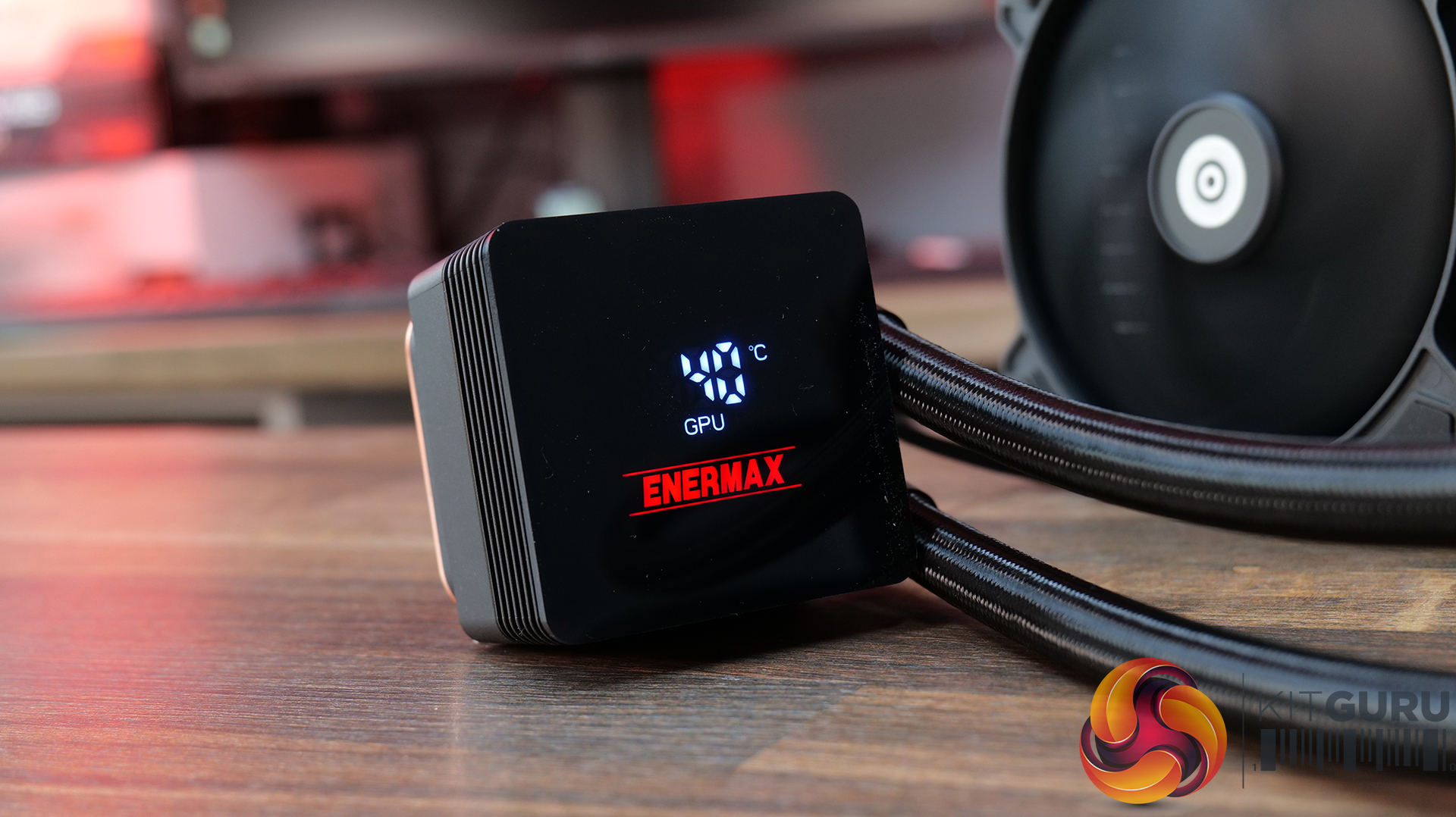
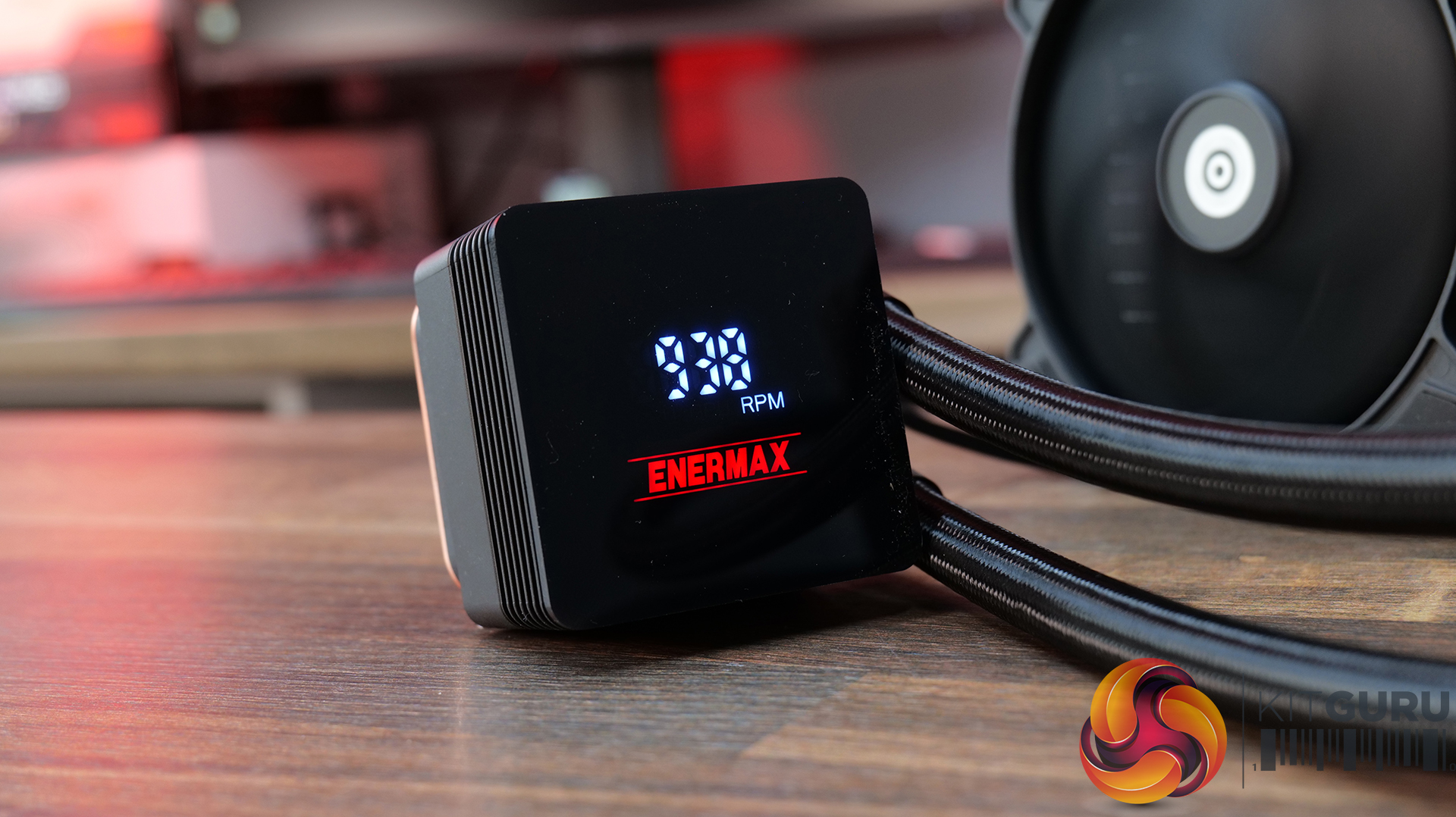
Magnetic rotatable digital display with real-time monitoring — LIQMAX IV 360 features a magnetic pump-top status display that can be manually rotated for cleaner orientation while providing live CPU temperatures, fan speeds and system monitoring data.
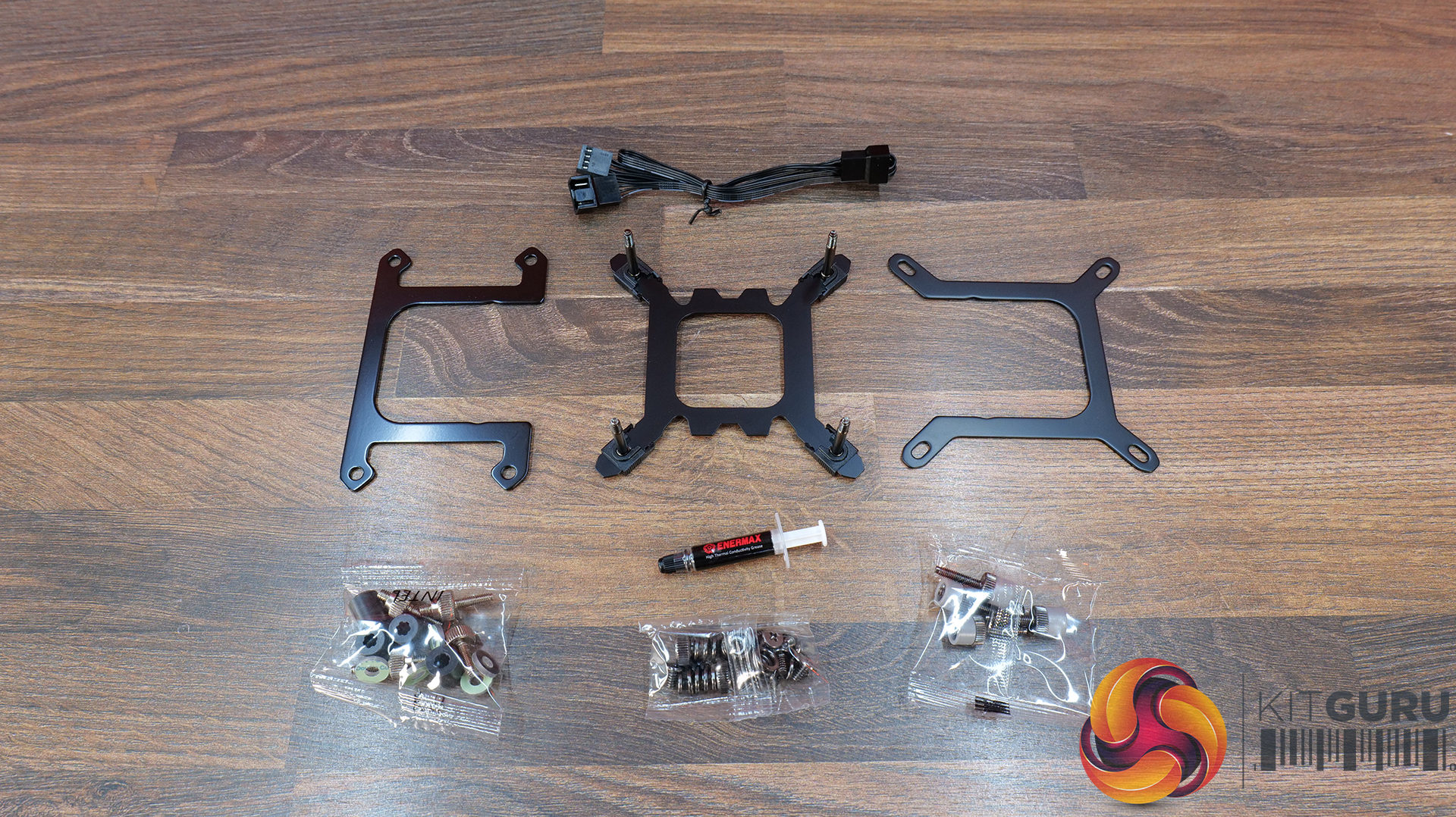
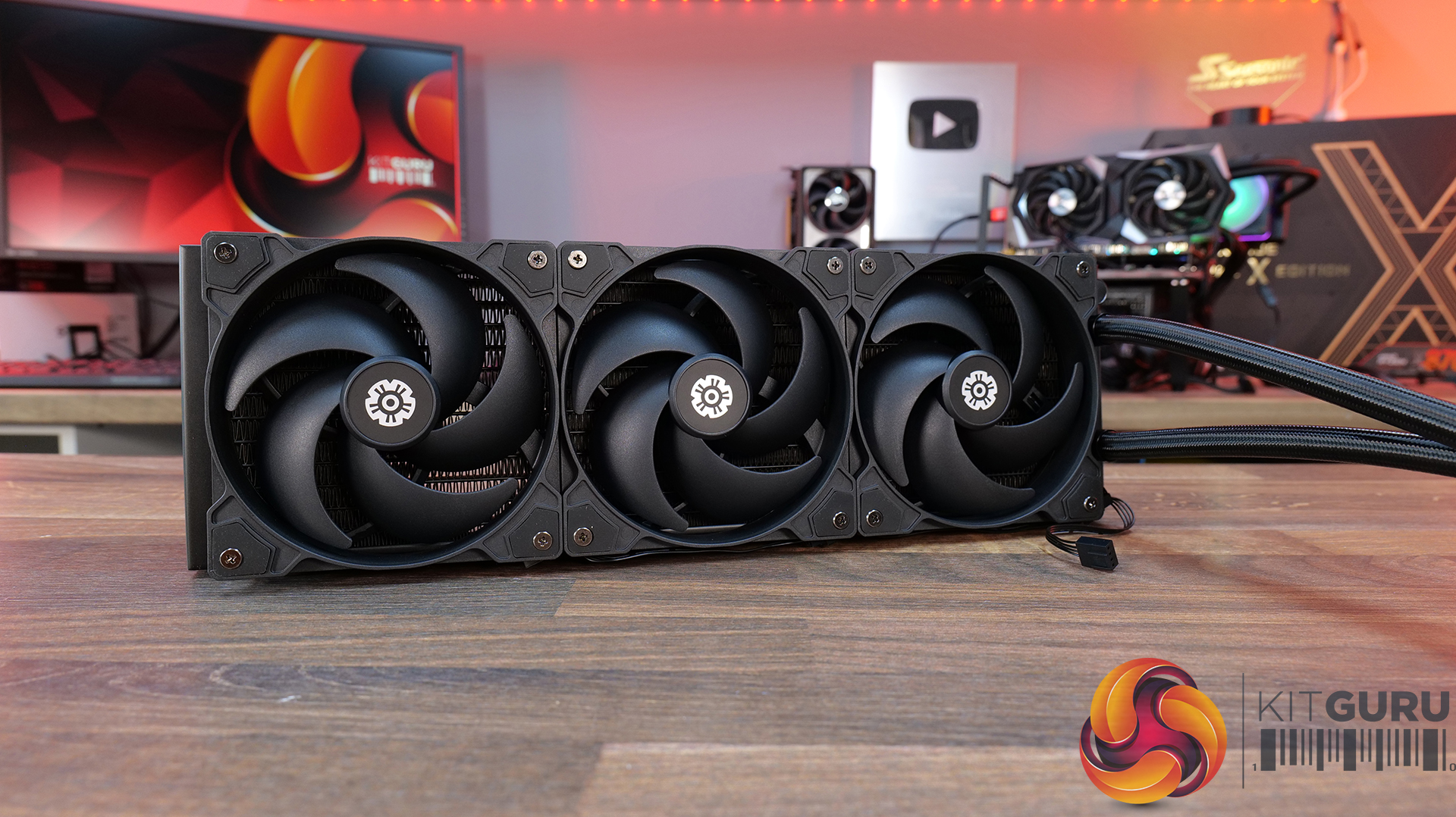
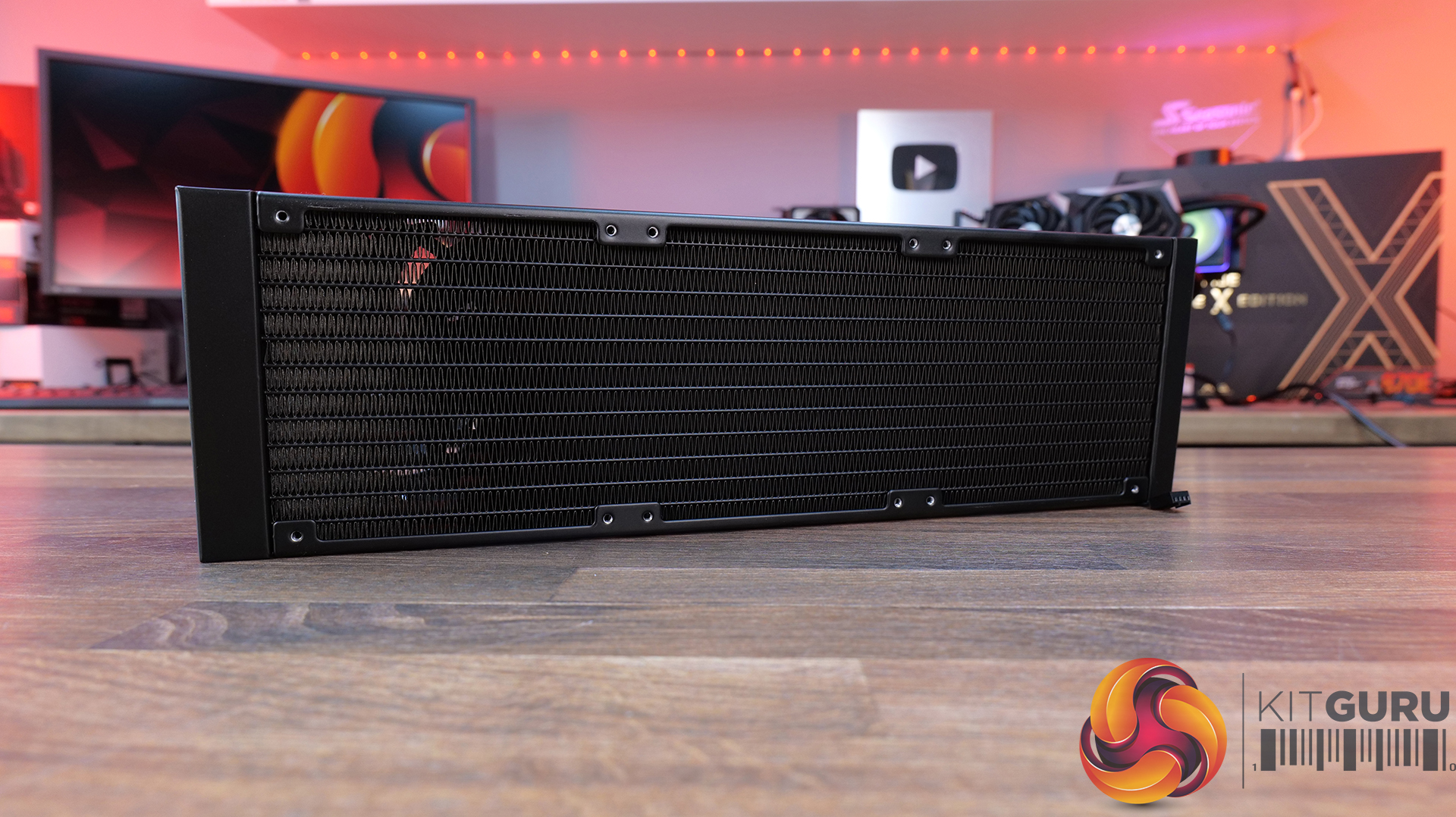
Patented dual-chamber pump with Gen.2 Xtreme technology — ENERMAX pairs a larger 35% expanded copper base with its Gen.2 Xtreme Pump design, delivering a claimed 31% increase in coolant flow rate and cooling capacity rated up to 390W TDP.
Quiet high-performance cooling setup — PWM-controlled radiator fans and pump operation are tuned to balance airflow and acoustics, with 500–1800RPM fan speeds and low-noise operation designed to keep high-end systems under control.
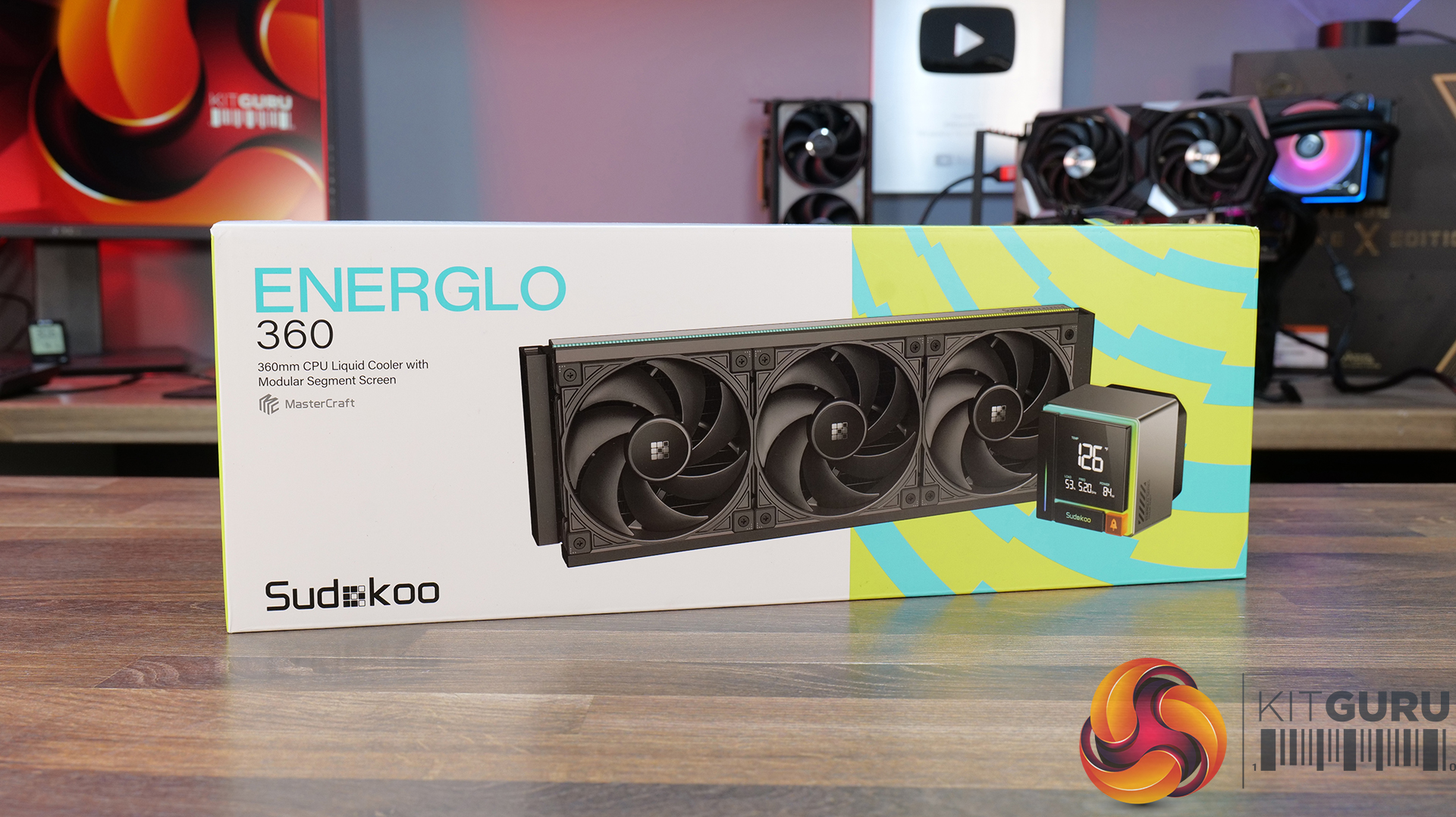
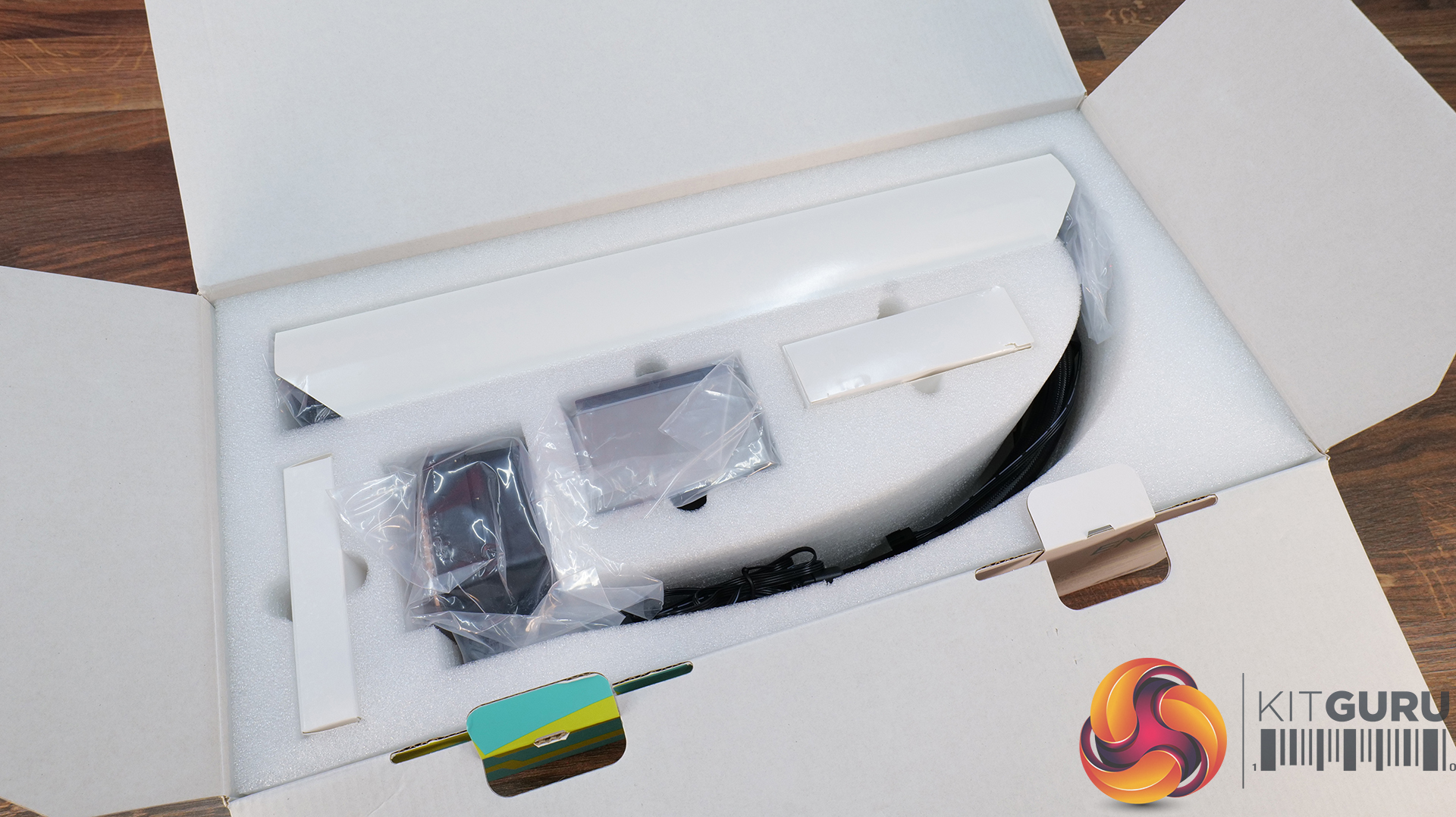
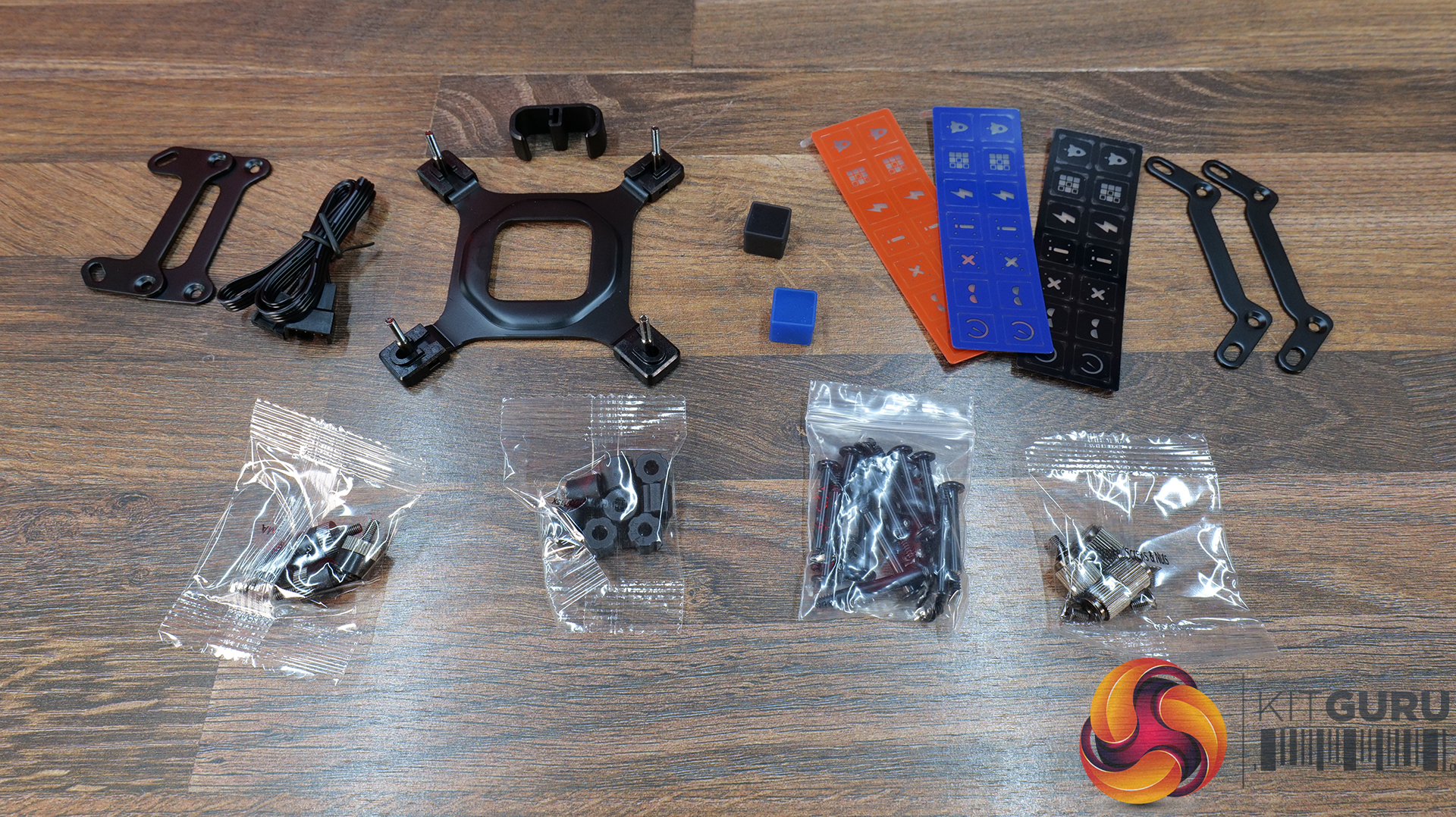
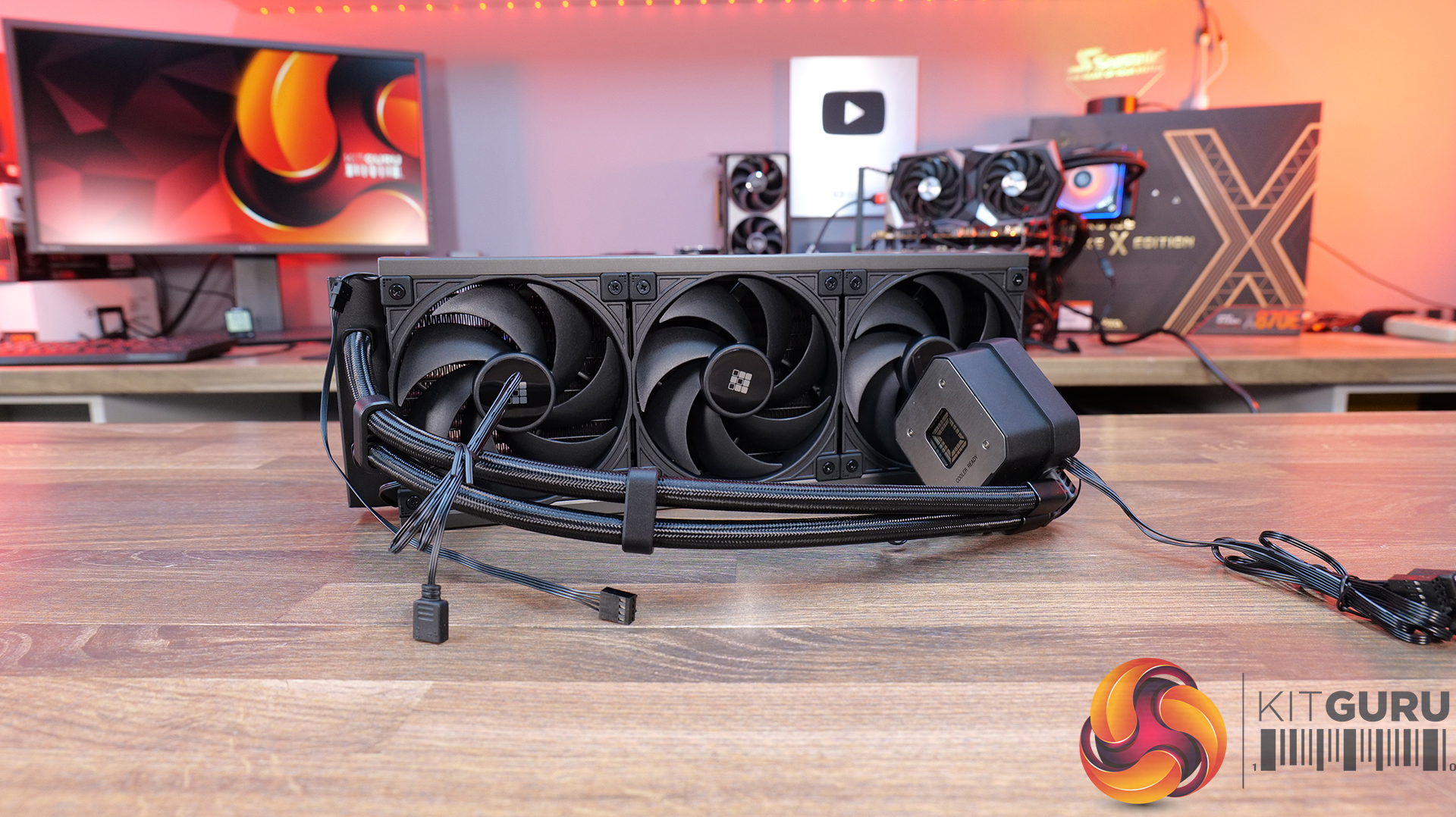
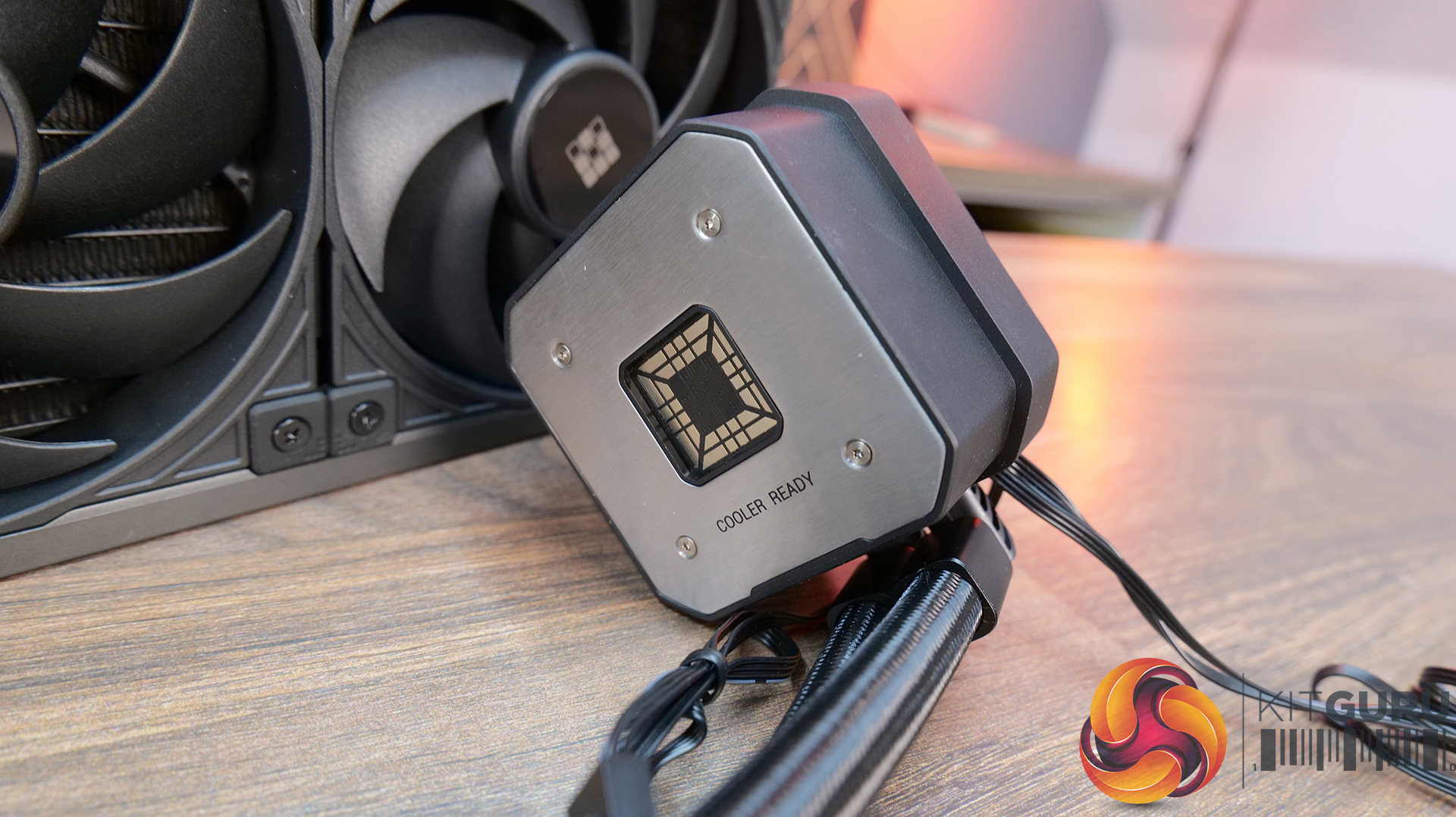
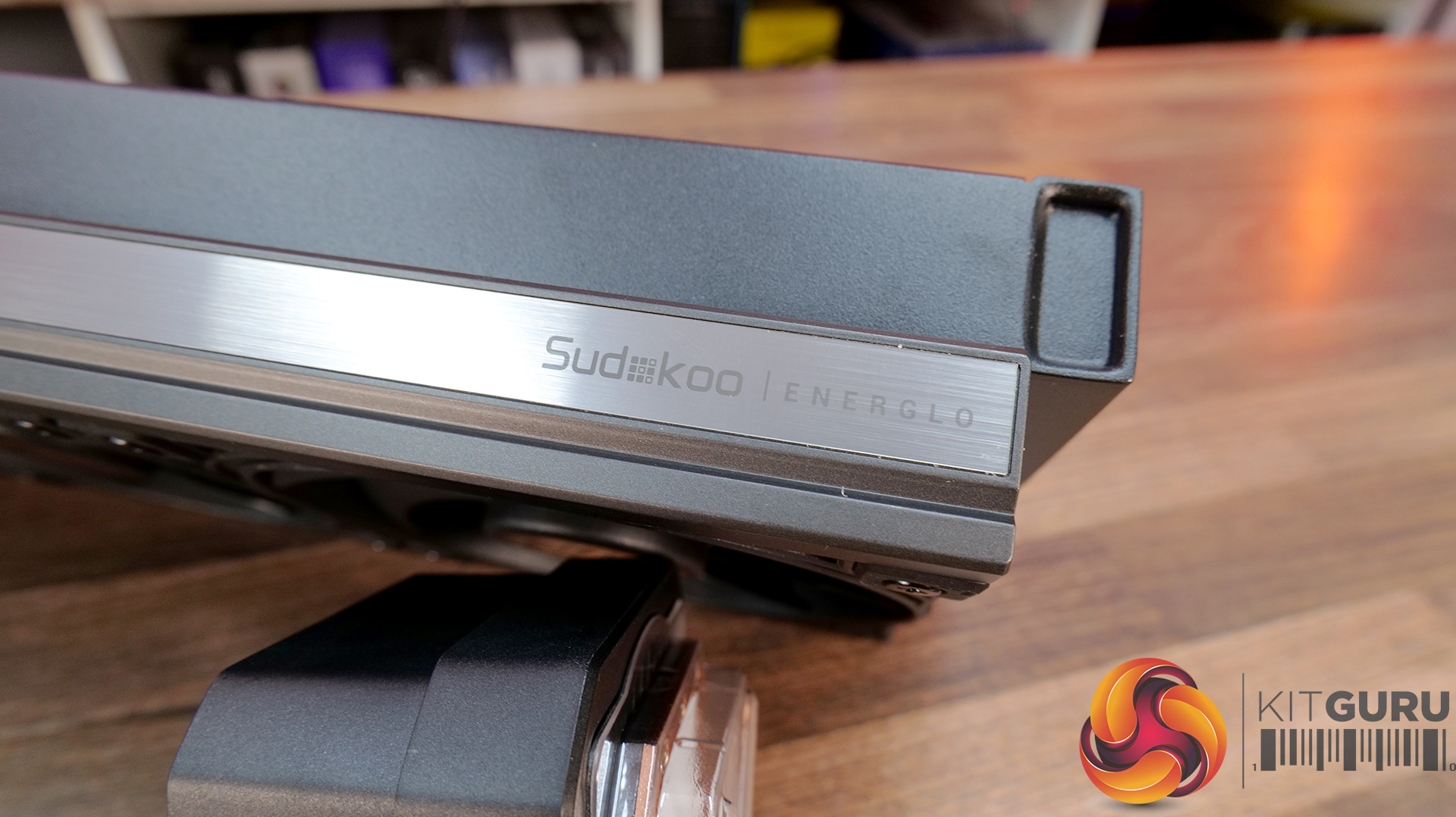
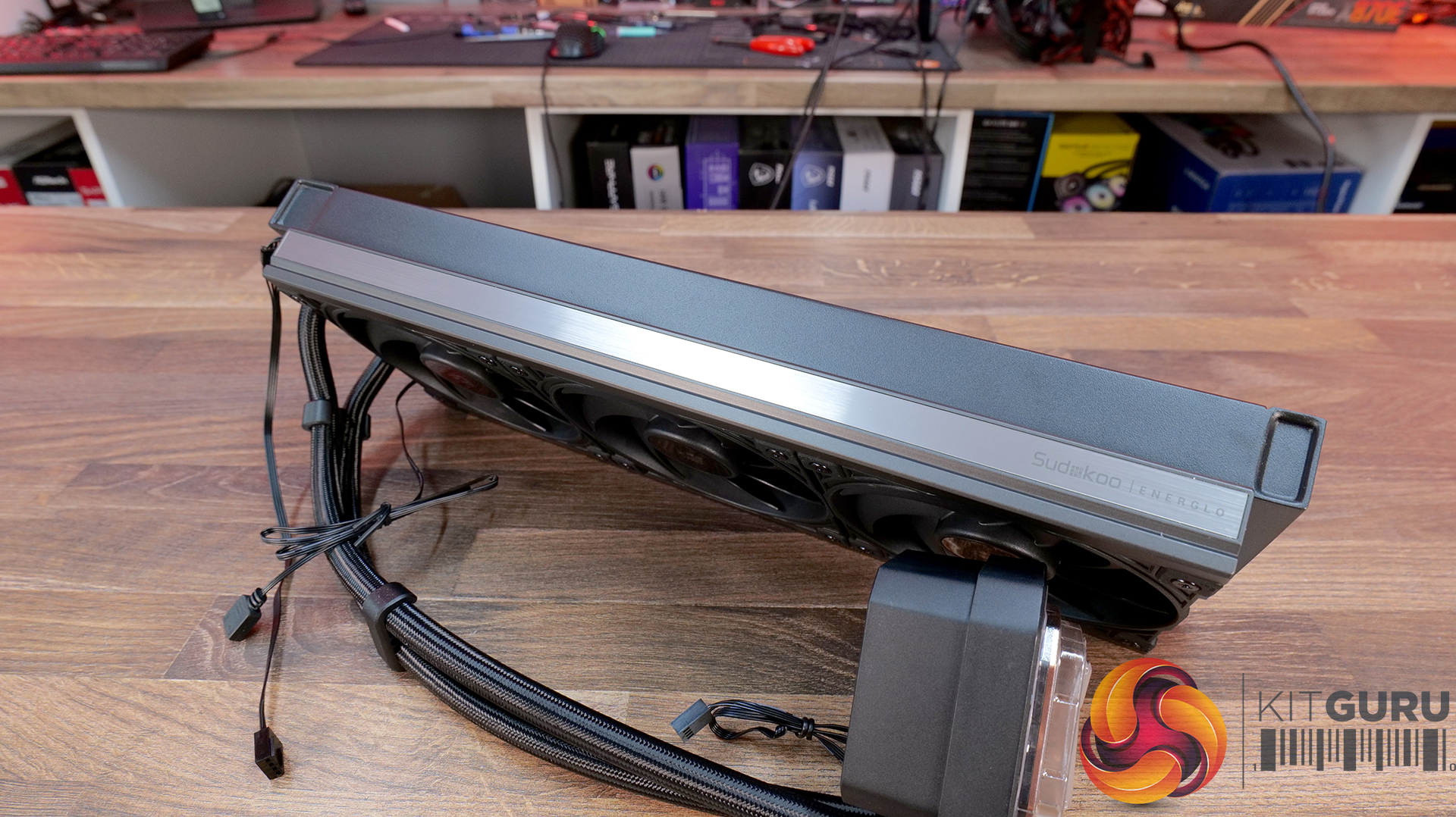
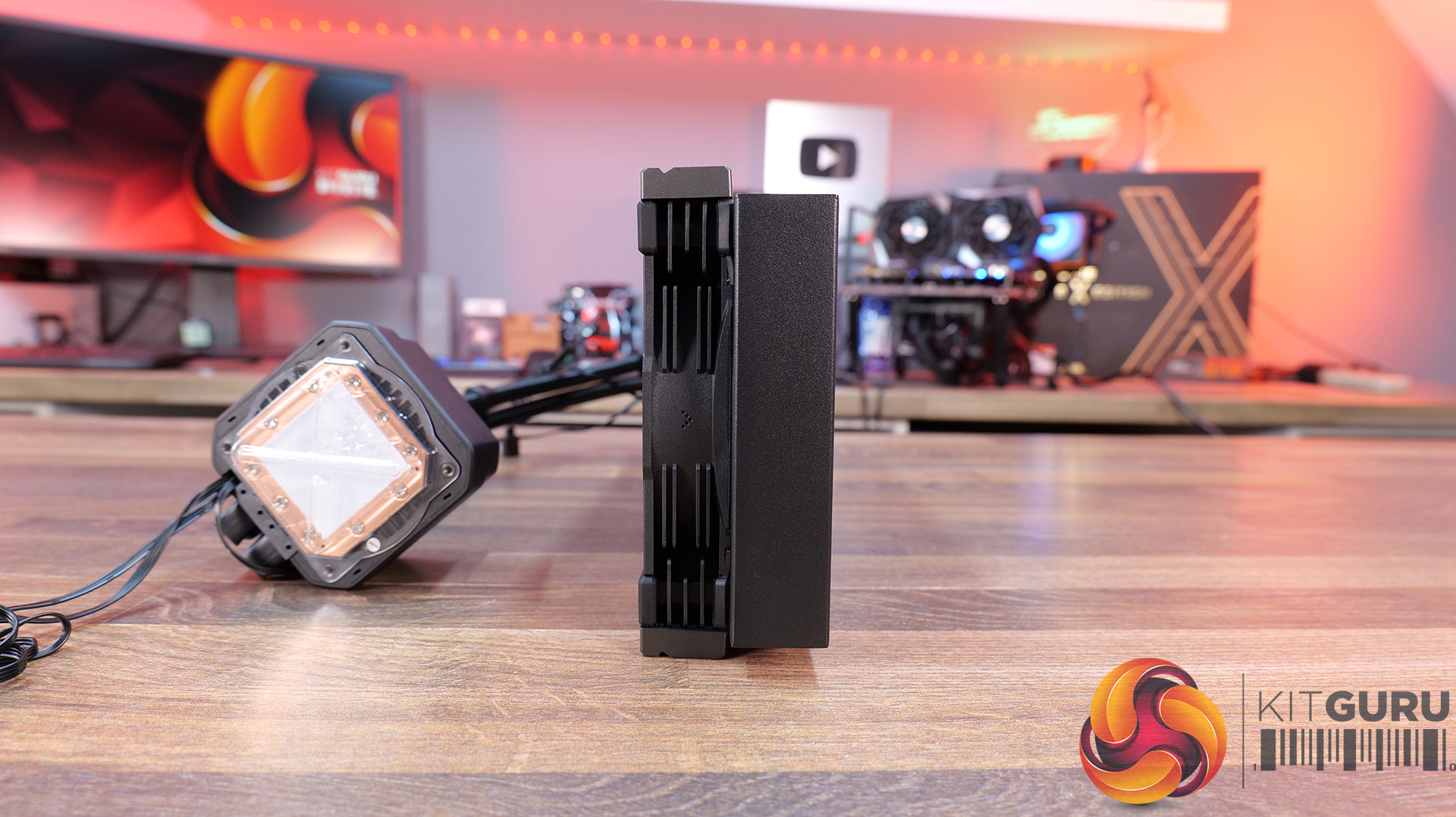
Segmented pump display with real-time system monitoring — ENERGLO 360 features a pump top-mounted modular segmented screen on the that displays CPU temperature and system status in real time, without requiring external software.
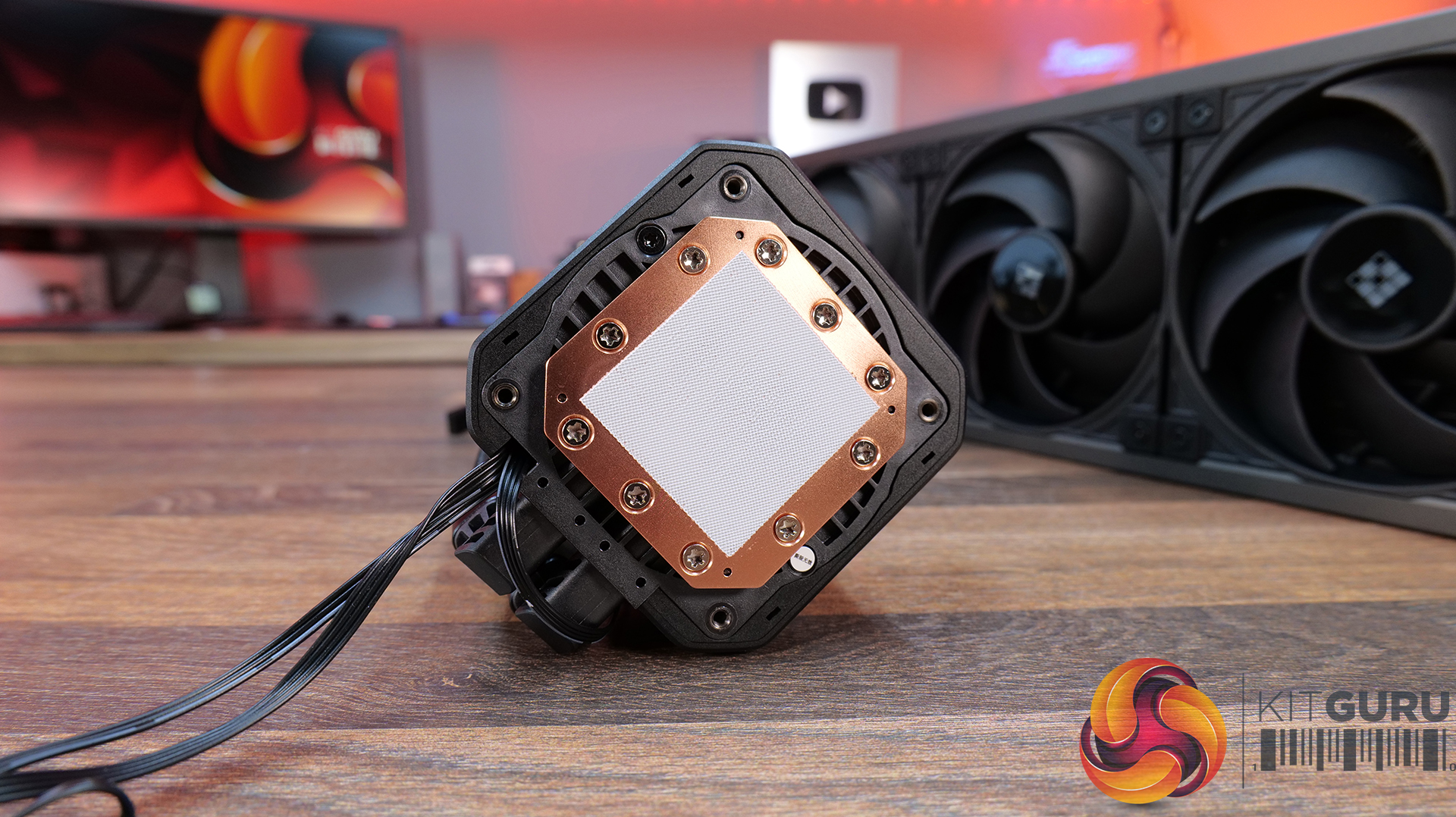
High-performance PWM pump with wide speed control range — Equipped with a high-performance pump with a speed range of 2500–3400 RPM, designed for efficient thermal transfer while maintaining quiet operation.
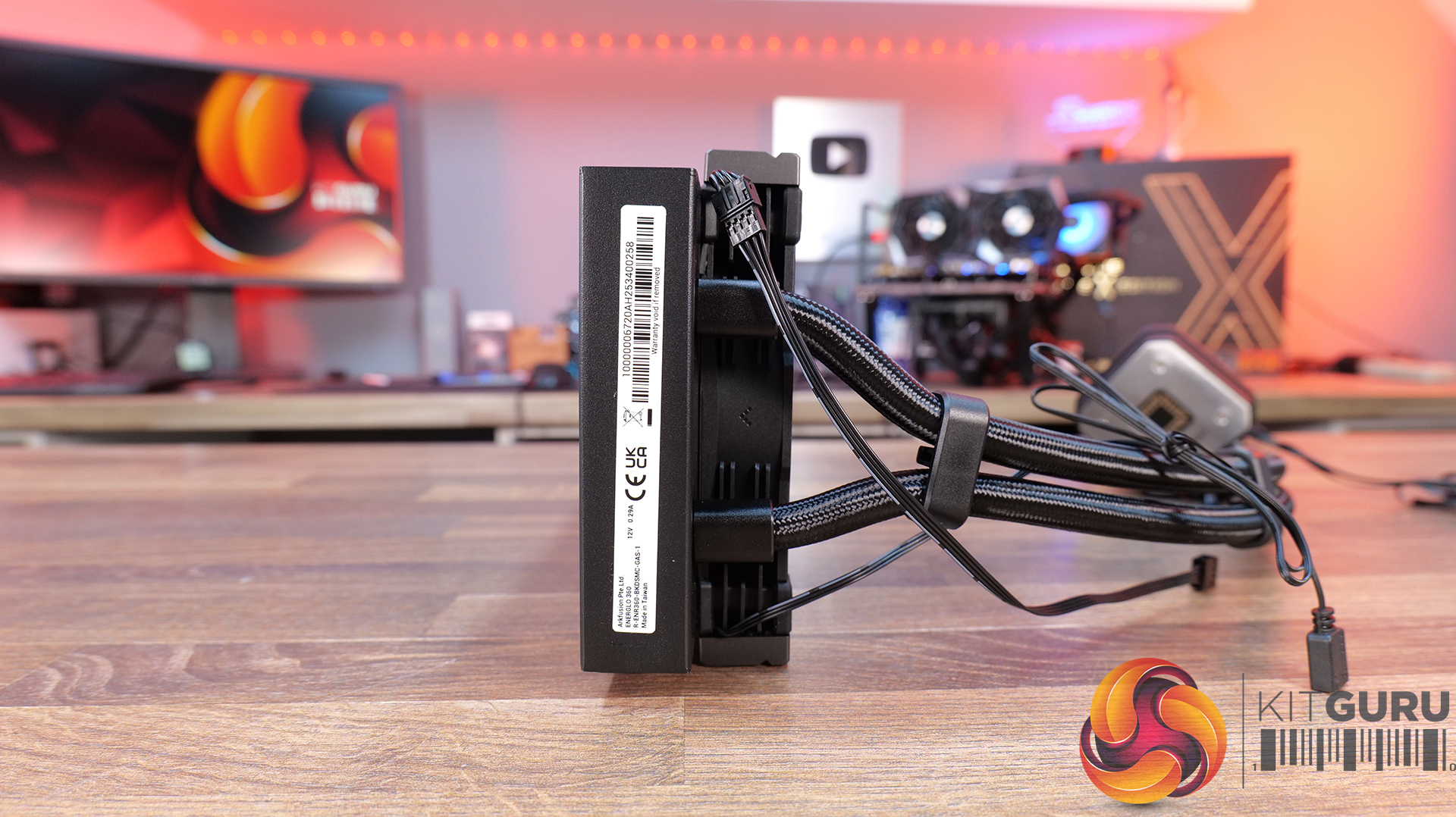
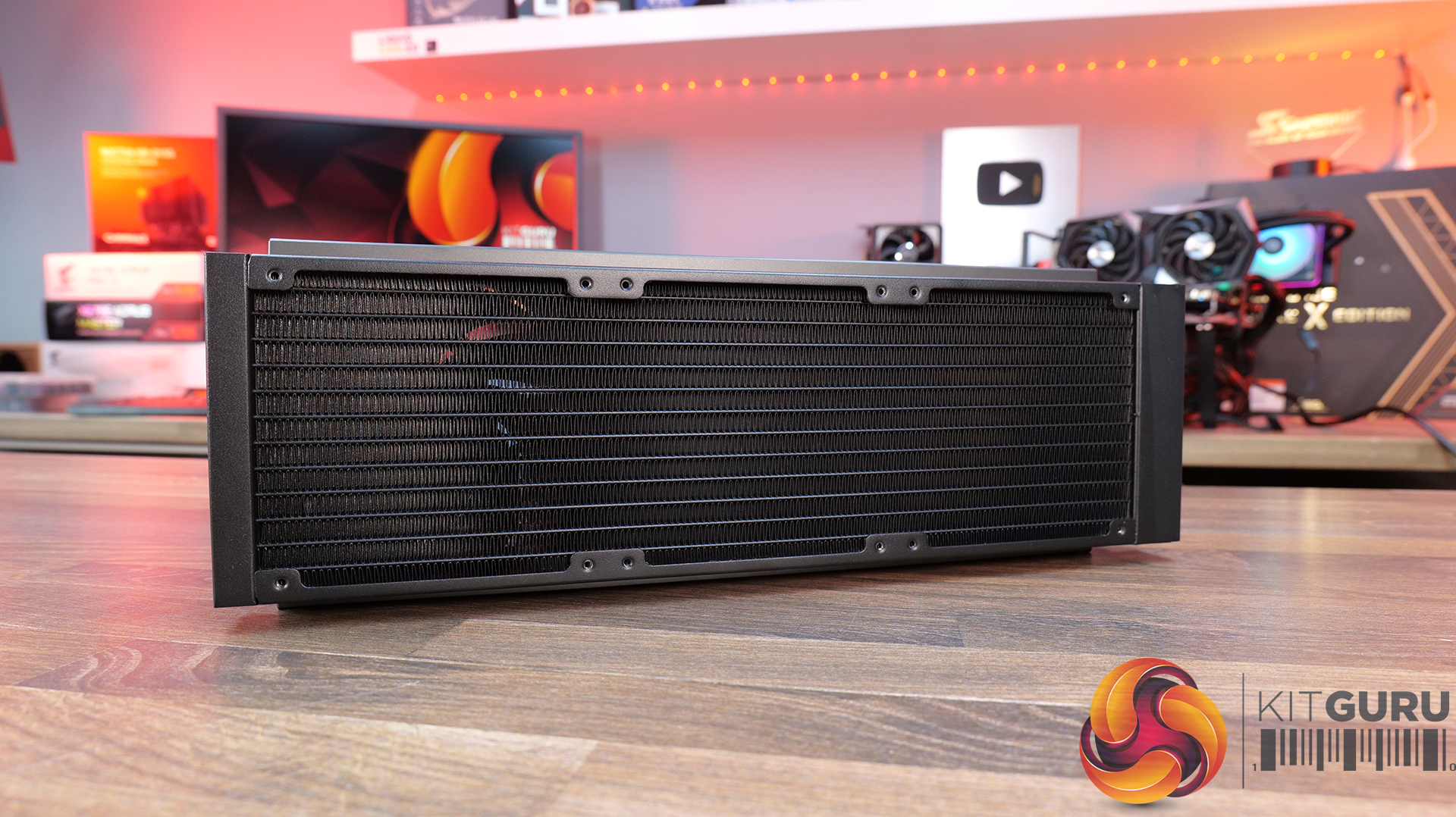
360mm triple-fan cooling array with high airflow performance — Includes three 120mm PWM fans delivering up to 73.41 CFM airflow with strong static pressure, optimised for high-efficiency cooling at high-demand workloads.
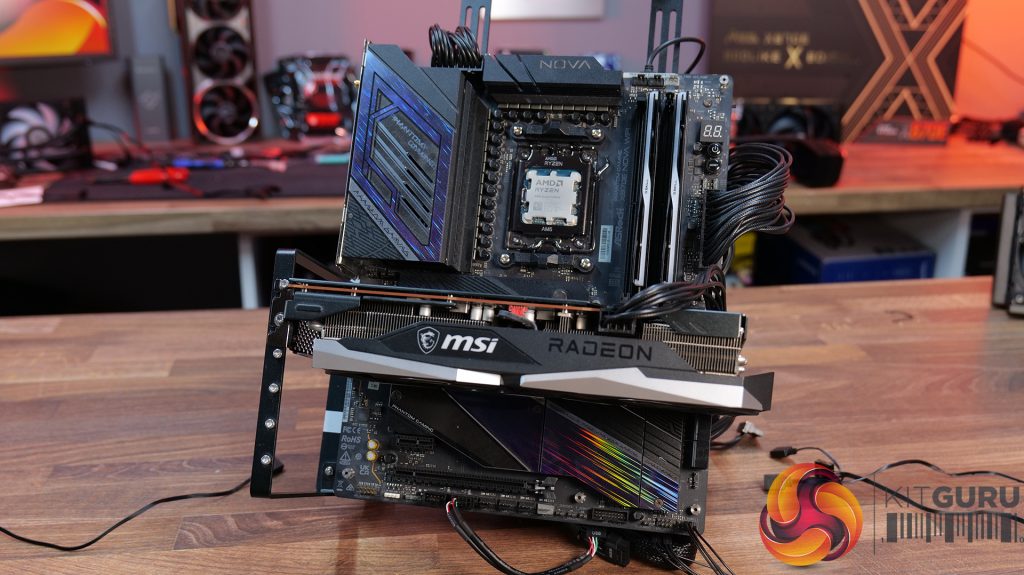
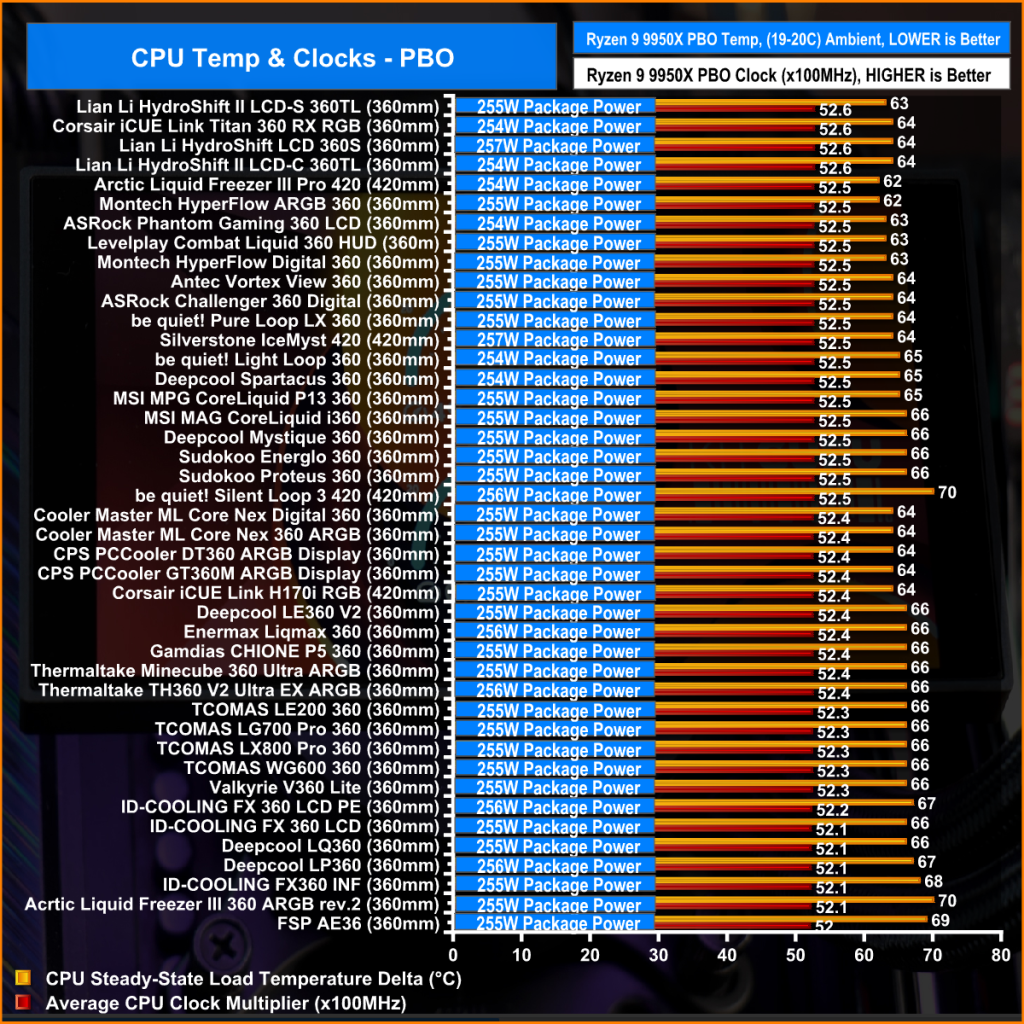
We are primarily focusing on the performance of each cooler at 100% fan speed and also when locked to 40dBA noise output. We will focus on cooling performance using a manual overclock with all-core frequency and VCORE locked to 5.2GHz/1.3V (AMD) and 5.5GHz/1.3V (Intel) and Precision Boost Overdrive performance.
The test data is logged using HWINFO and the final 10 minutes of the data is calculated to find the average CPU temperature and CPU clock multiplier (AMD PBO Test) and then plotted in the charts.
For testing, we use a 30-minute looped run of Cinebench R23 and record the steady-state CPU temperature at the end of the test. This ensures that the CPU has had ample time to warm up and reach a steady state under all of the coolers.
The ambient is maintained at 19-21 degrees Celsius. Where there is variation beyond this temperature range, we add extra repeated tests to ensure consistency. However, this is well controlled now with A/C.
We also test each cooler with at least two fresh installs (typically three) to mitigate the likelihood of poor mounting spoiling results.
Ambient temperature and humidity are controlled via a mini split air conditioning system inside the test room. Ambient temperature is maintained between 19-20°C; temperature delta figures are shown in the charts (ambient temperature is deducted from the measured component temperature).
Test Results:
Acoustics
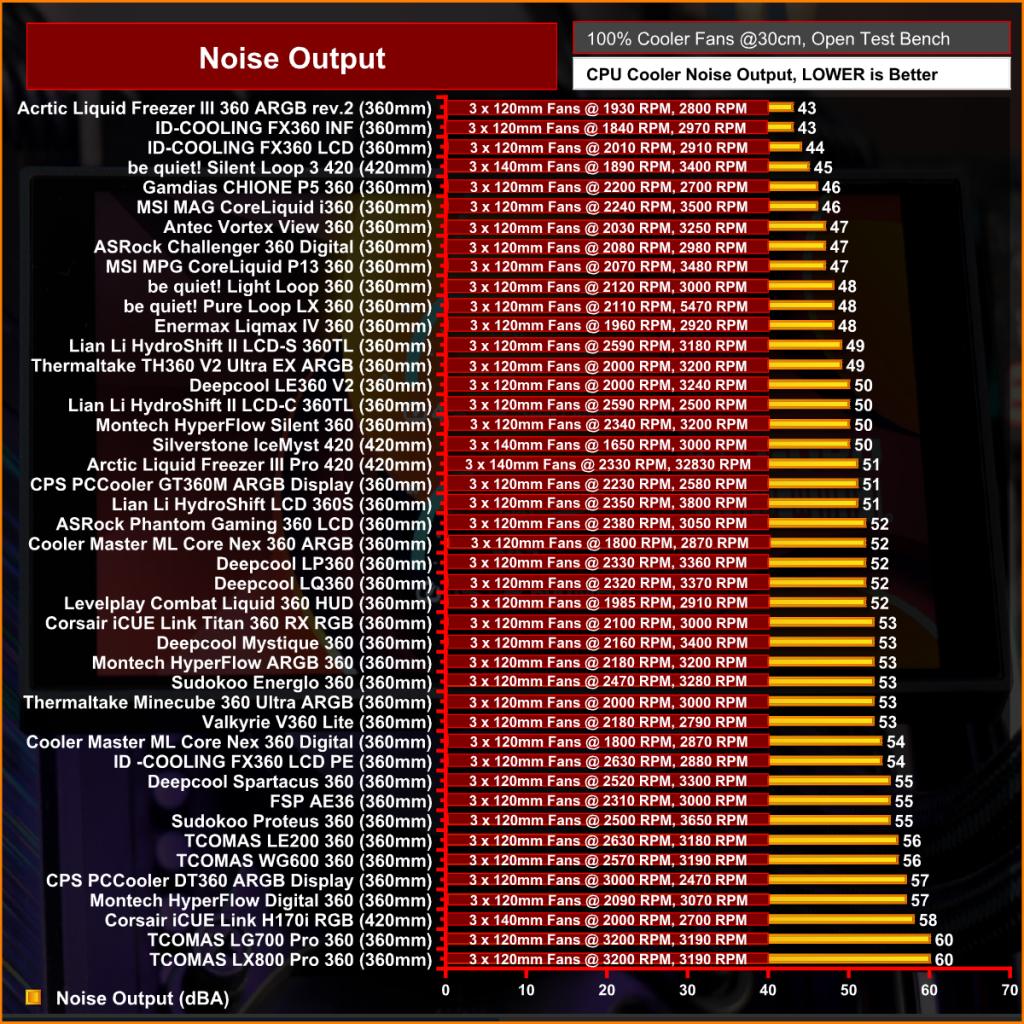
We will start by looking at noise output which gives us a good indication of thermal performance based on noise.
When looking at noise output with the fans and pump operating at max speed, there’s quite a wide spread between the coolers on test. The quietest is the ASRock Challenger 360 Digital at 47dBA, which puts it among the quieter coolers in our database overall. The Enermax Liqmax IV 360 also performs well at 48dBA, while the CPS PCCOOLER GT360M ARGB Display sits in the middle at 51dBA.
At the louder end of the chart are the ASRock Phantom Gaming 360 LCD and Cooler Master MasterLiquid Core Nex 360 ARGB both at 52dBA, which is noticeable but still quite typical for 360mm liquid coolers running flat out. The Sudokoo Energlo 360 comes in slightly higher at 53dBA, while the loudest cooler of this group is the DeepCool Spartacus 360 at 55dBA. That’s definitely getting loud enough to be quite distracting.
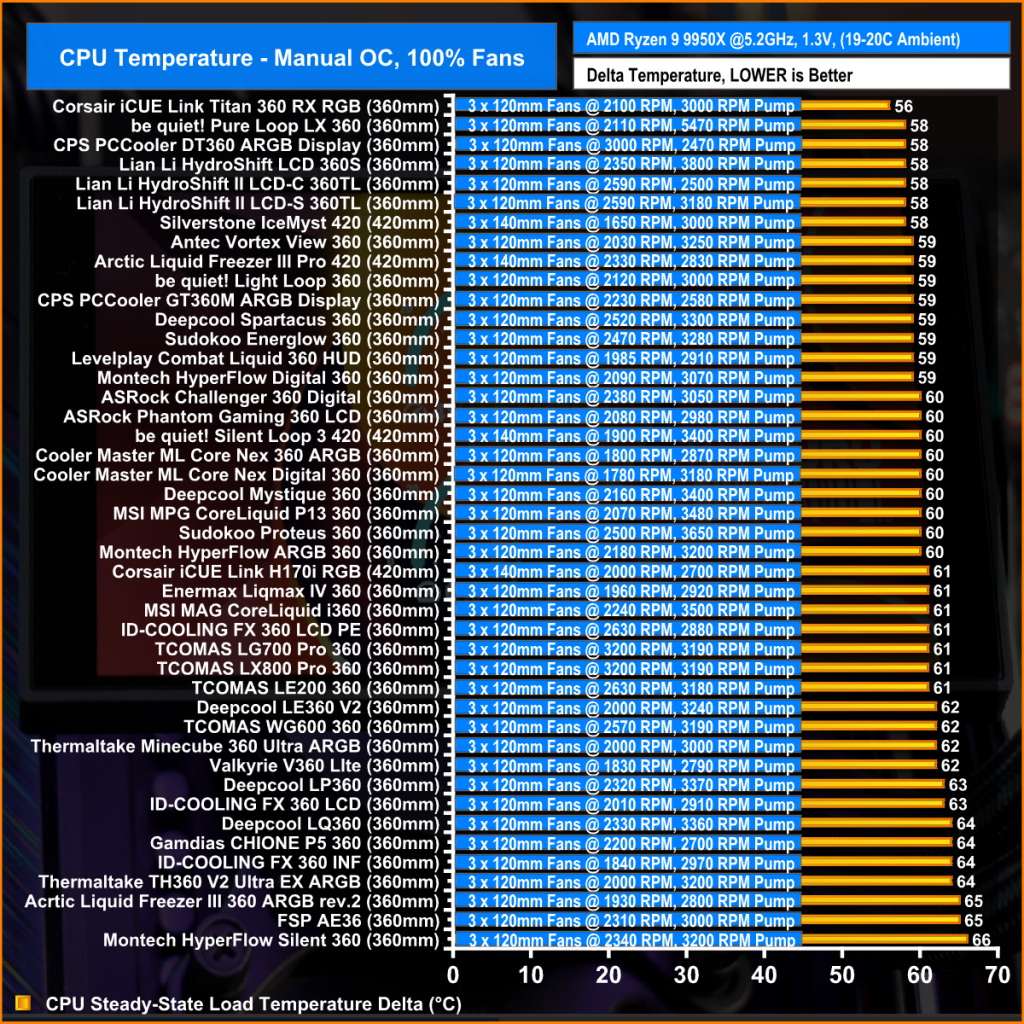
Thermal Performance: AMD Ryzen 9 9950X
With fans and pumps still running at max speed, thermal performance from the coolers on test is competitive, with only 2°C separating the best and worst results in this test. Leading the pack are the CPS PCCOOLER GT360M ARGB Display, DeepCool Spartacus 360 and Sudokoo Energlo 360, all at 59°C CPU over ambient under steady-state load, which places them among the top performing AIOs in our chart overall.
Just behind are the ASRock Challenger 360 Digital and Phantom Gaming 360 LCD, alongside the Cooler Master ML Core Nex 360 ARGB, with all three producing a 60°C delta result. While not chart-topping, the difference in real-world terms is small and well within the range you would expect from good 360mm liquid coolers. The Enermax Liqmax IV 360 Display trails slightly at 61°C, though again the margin is minimal.
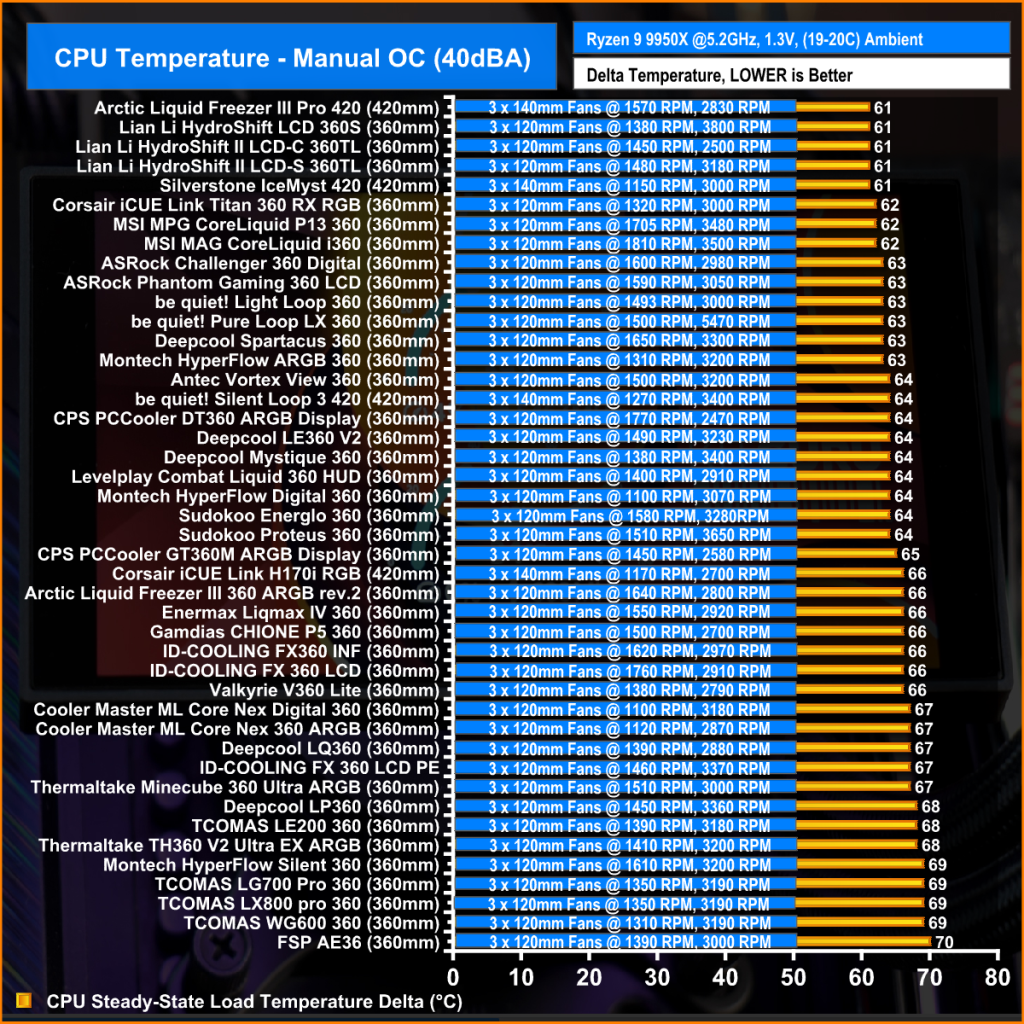
At a noise-normalised level of 40dBA, the thermal results provide a clearer indication of efficiency once acoustics are taken into account. At the top we see the ASRock Challenger 360 Digital and Phantom Gaming 360 LCD, both with a 63°C delta, placing them in the top end of the chart. Just behind them is the Sudokoo Energlo 360 at 64°C over ambient, followed by the CPS PCCOOLER GT360M ARGB Display and the DeepCool Spartacus 360 at 65°C. suggesting similar efficiency once acoustics are equalised.
Further back is the Enermax Liqmax IV 360 at 66°C over ambient, while the Cooler Master MasterLiquid Core Nex 360 ARGB trails slightly further at 67°C. These results indicate both models lose efficiency when limited to a 40dBA noise target, relying more heavily on higher fan speeds to maintain thermal performance.
Switching to AMD PBO testing, the results reflect a more real-world scenario where we see how effectively coolers can maintain boost clocks under sustained load. The strongest results come from the ASRock Phantom Gaming 360 LCD, which posts a 52.5x clock multiplier and 63°C delta, placing it among the top-performing units in the PBO test. The ASRock Challenger 360 Digital follows with the same clock multiplier but just 1°C higher delta so basically producing the same CPU performance.
Just below is the Deepcool Spartacus with the same 52.5x clock multiplier at 65°C and the Sudokoo Energlo at 66°C delta, again with a 52.5 x multiplier. Further back with a clock multiplier of 52.4x are the Cooler Master ML Coer Nex Digital at 64°C delta, the CPS PCCOOLER GT360M at 64°C and the Enermax trails at 66 °C over ambient. While these results place them behind the best coolers, the clock multipliers are narrow enough that, under AMD PBO conditions, all of the tested 360mm AIOs deliver similar sustained boost behaviour.
KitGuru says: In terms of real-world performance, all of these coolers are quite closely matched. However, in terms of best value for money, I'd go with the ASRock Challenger 360 Digital as it combines good thermals, low max fan speed noise and a decent-looking screen at a reasonable price.
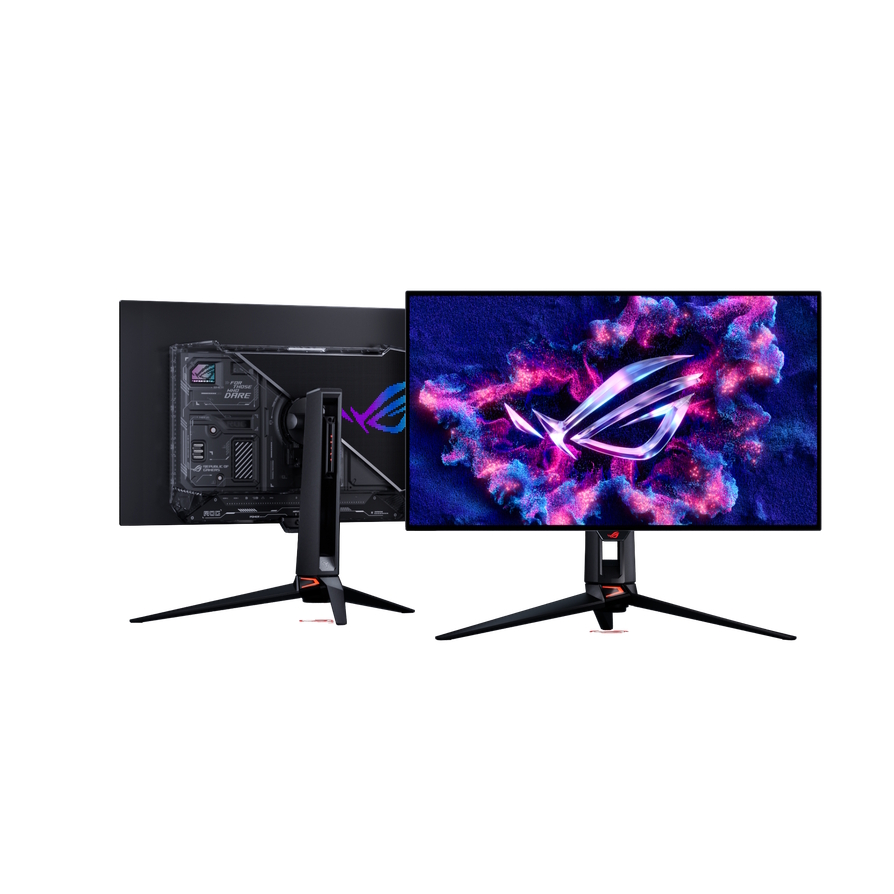
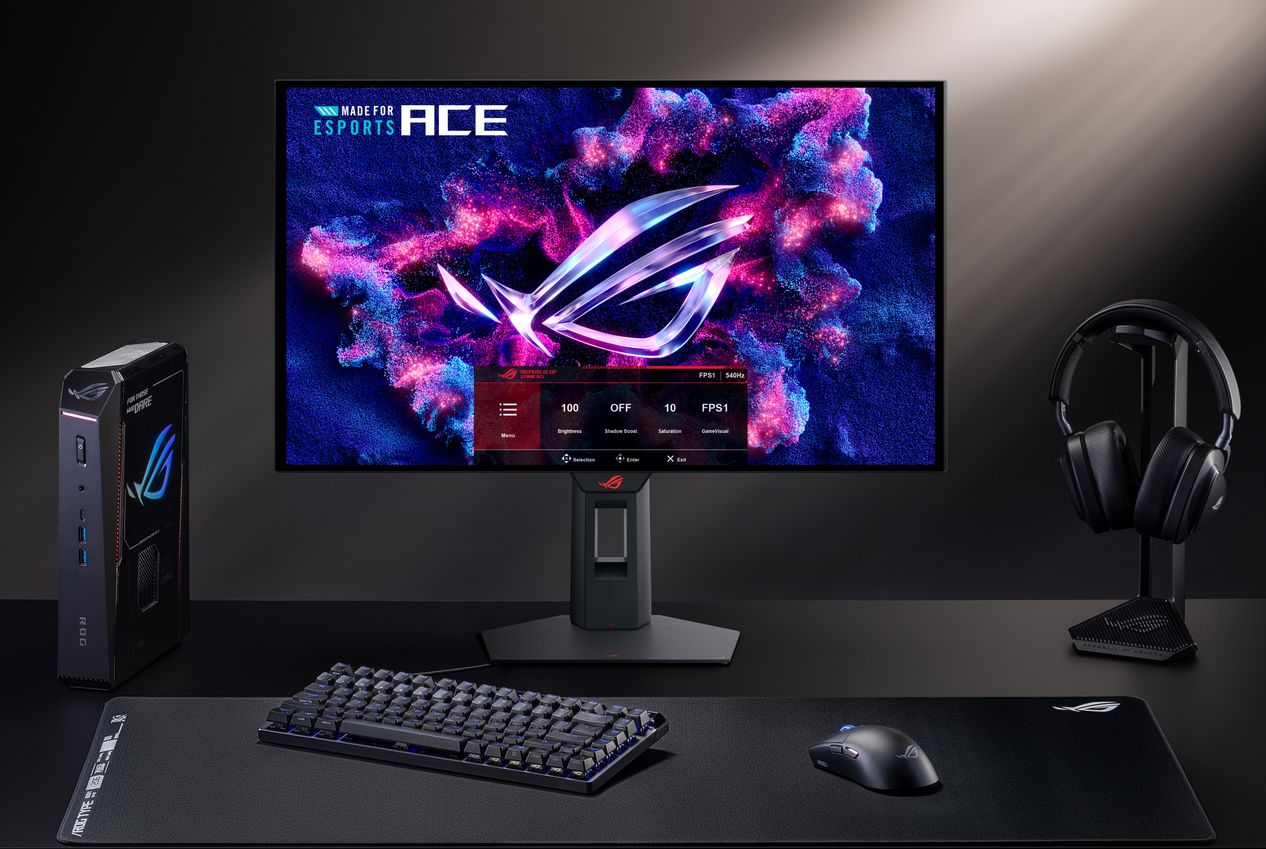
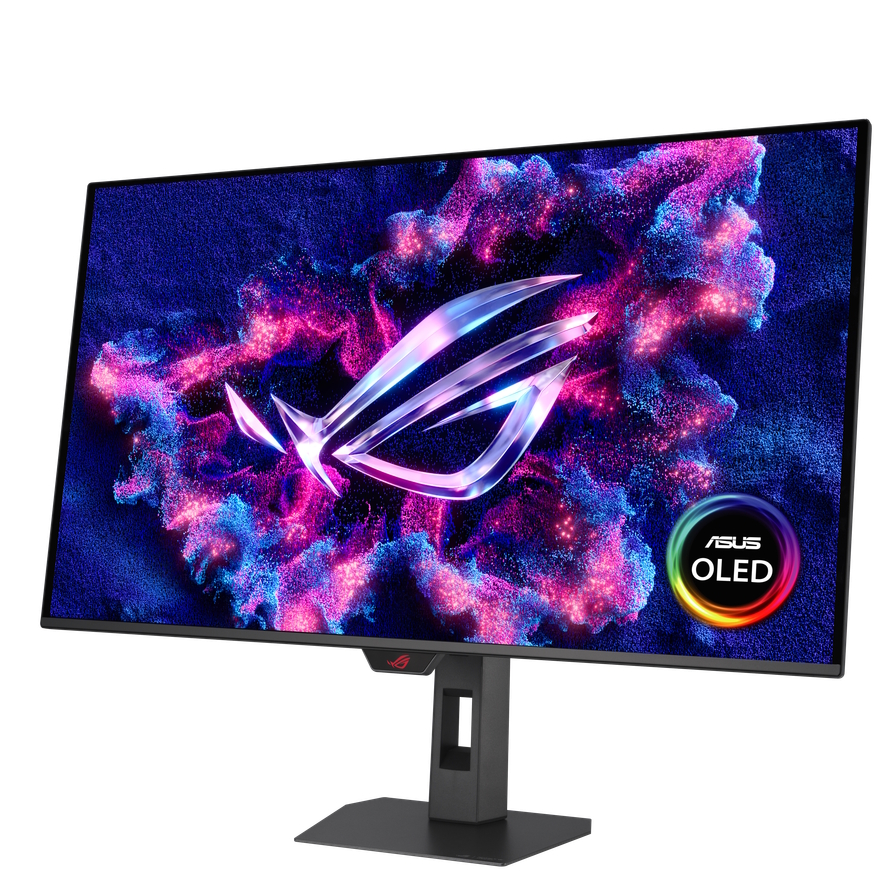
Asus has announced its latest monitor lineup at Computex 2026, including what it claims is the world's first 24.5-inch OLED esports monitor, the ROG Strix OLED XG259QWPG Ace.
The ROG Strix OLED XG259QWPG Ace features an FHD TrueBlack Glossy Tandem WOLED panel with a 540Hz refresh rate and a 0.2ms response time. Due to its new-gen panel, it delivers a higher peak brightness and a longer lifespan compared to older WOLED models.
For high-resolution gaming, Asus introduced the 31.5-inch ROG Swift OLED PG32UCWM, featuring a 4K Tandem RGB OLED panel with an RGB Stripe Pixel layout and Dual Mode function, allowing users to switch between 4K/240Hz and 1080p/480Hz.
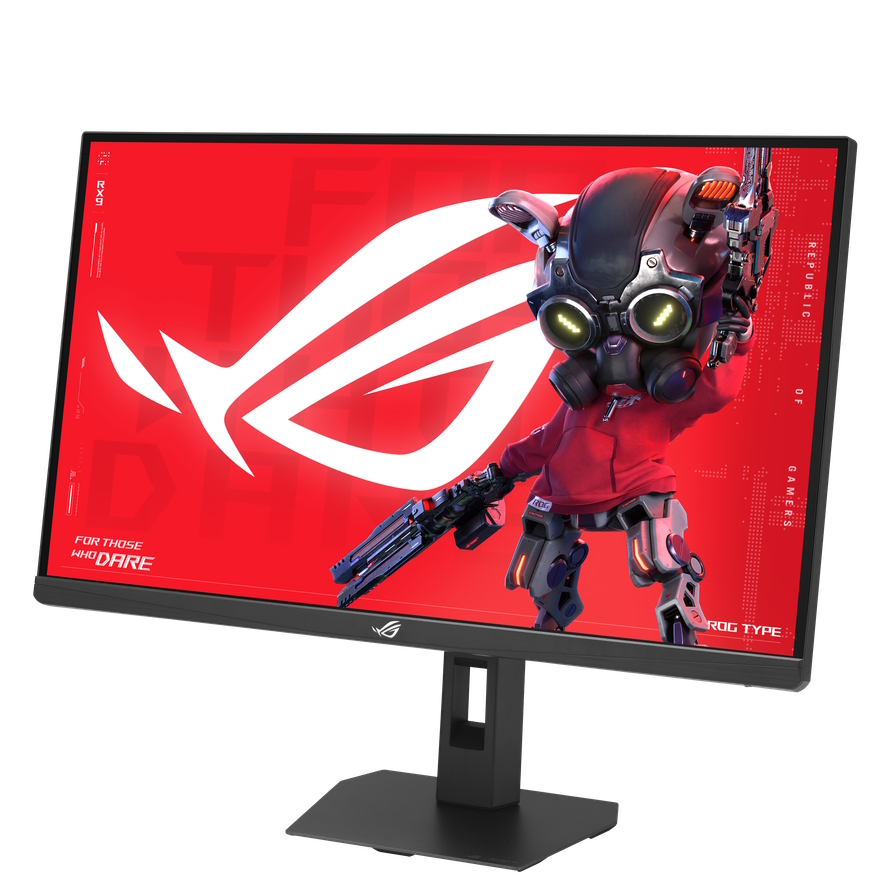
Additionally, Asus also introduced the ROG Strix OLED XG32UQWMS, which is another 4K ‘dual mode' Tandem OLED display, and the ROG Strix 5K XG27JCEG, which offers an even higher 5K resolution at an 80Hz refresh rate. The Strix 5K has Dual Mode functionality too, so it can also run at QHD/320Hz.
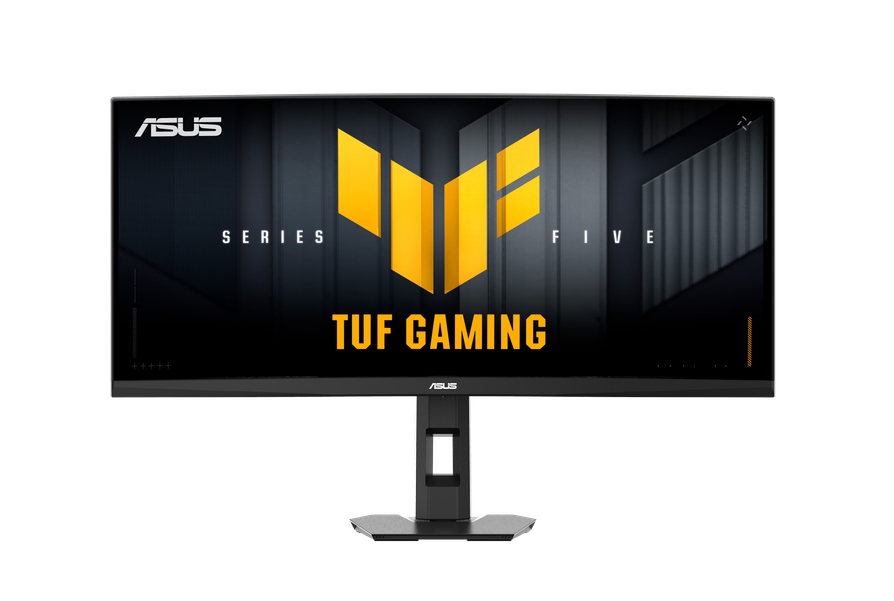
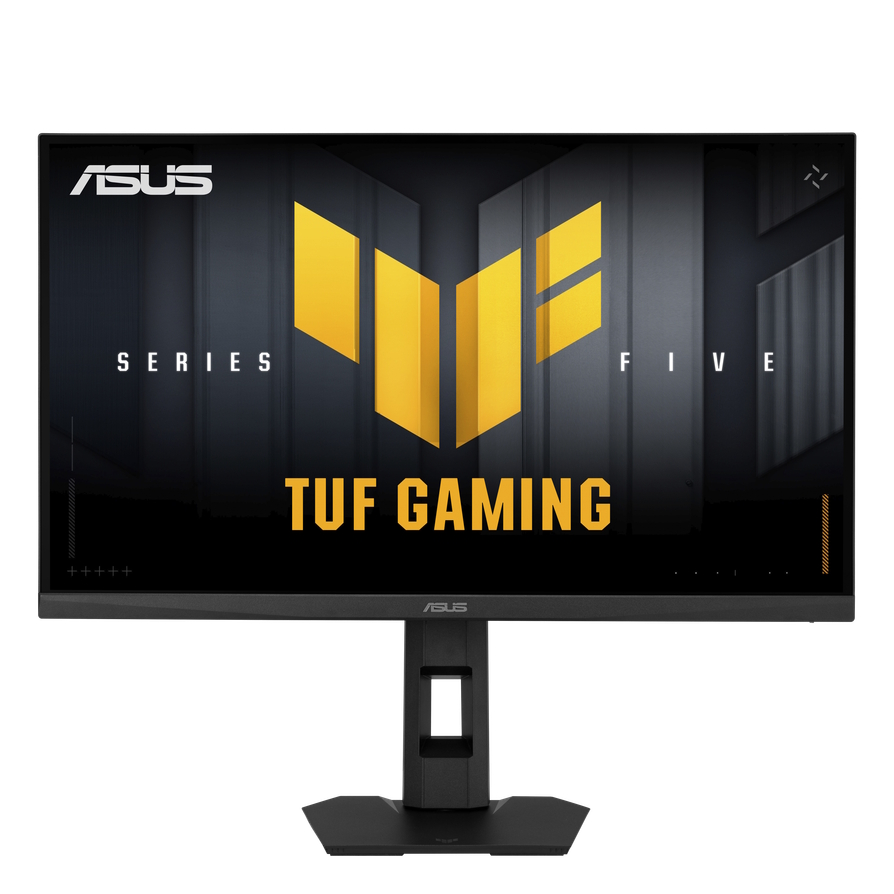
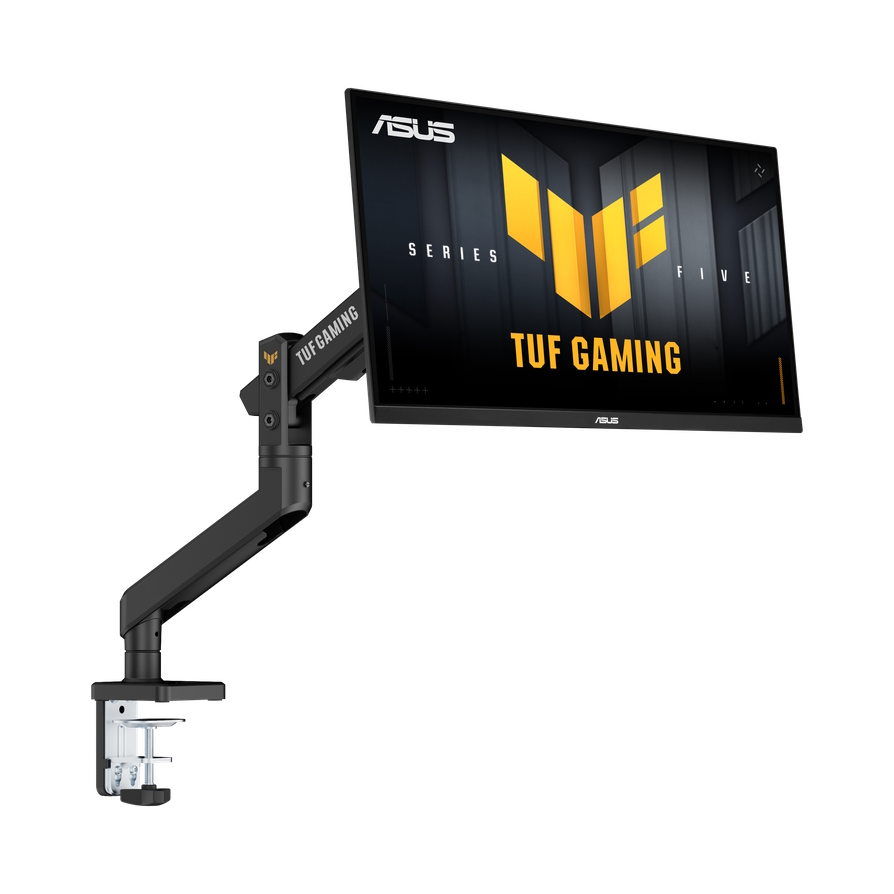
For the mid-range gaming segment, Asus updated the TUF Gaming Series 5 with the 34-inch VG34WQML5F and the 27-inch VG27AQML5F. The former uses a curved Fast VA monitor featuring a 0.5ms response time and Dual Mode, allowing users to switch between WQHD (3440x1440) at 240Hz and HD at 480Hz. Meanwhile, the VG27AQML5F has a QHD IPS panel with a 320Hz refresh rate and a 0.3ms GTG response time.
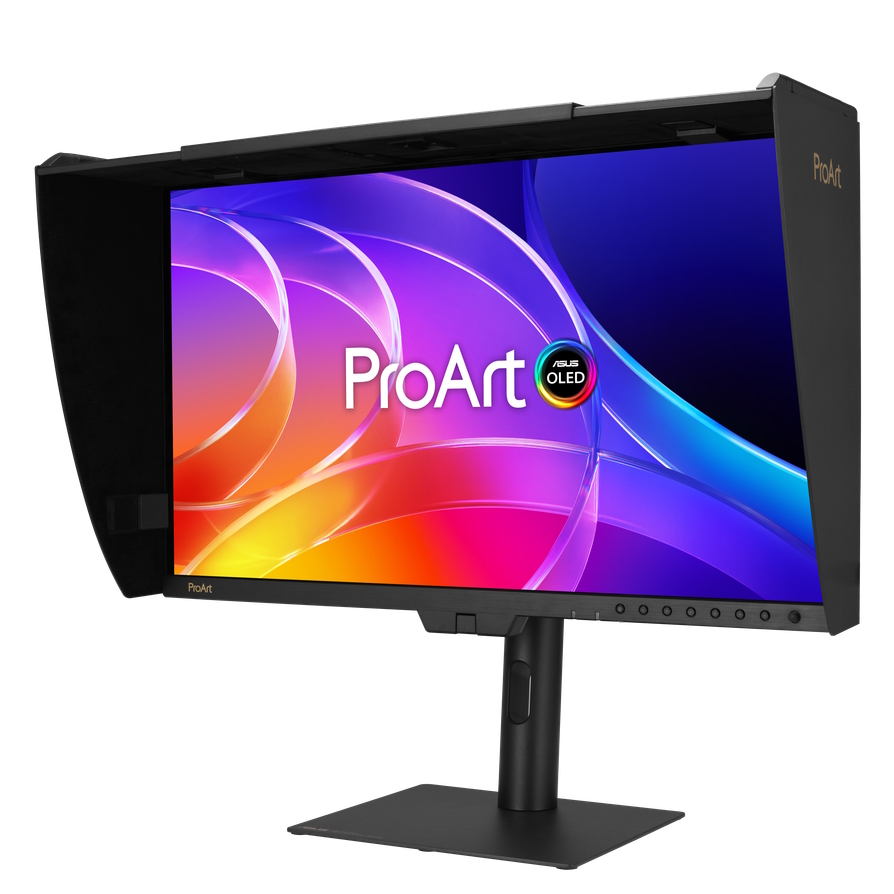
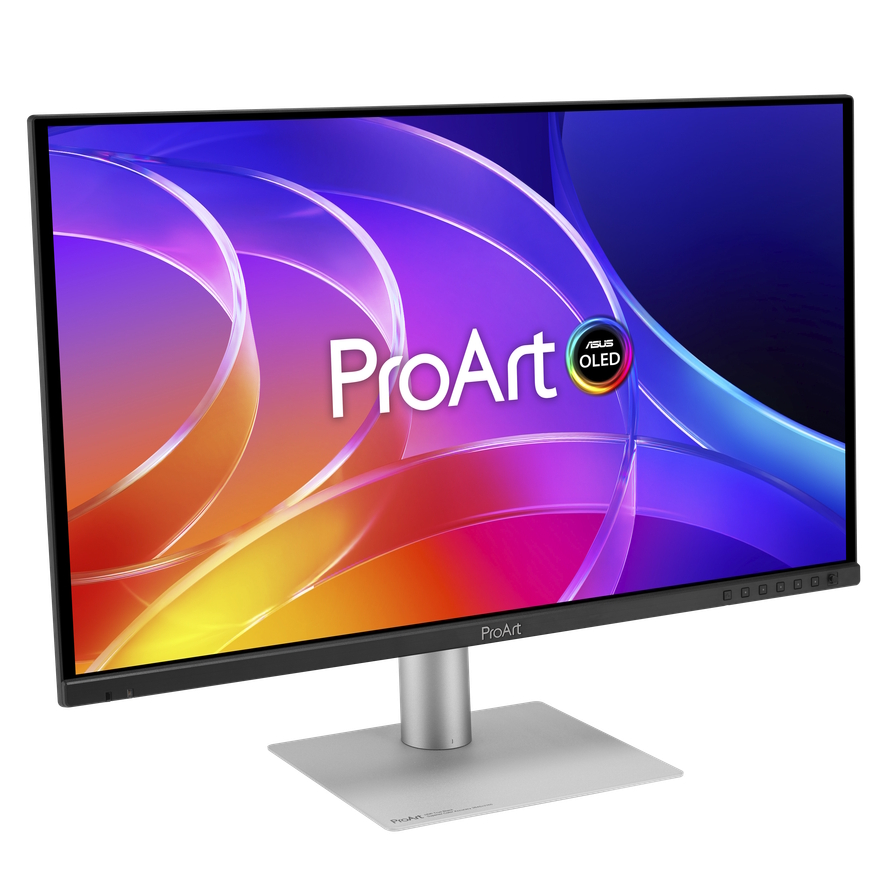
The professional line is led by the ProArt Display OLED PA32USD, a 31.5-inch 4K QD-OLED featuring a 240Hz refresh rate, 1000-nit peak brightness, and dual 12G-SDI inputs. The 26.5-inch PA279CDV and 31.5-inch PA329CDV also use 4K QD-OLED panels.
KitGuru says: Are you going with Asus for your next monitor?
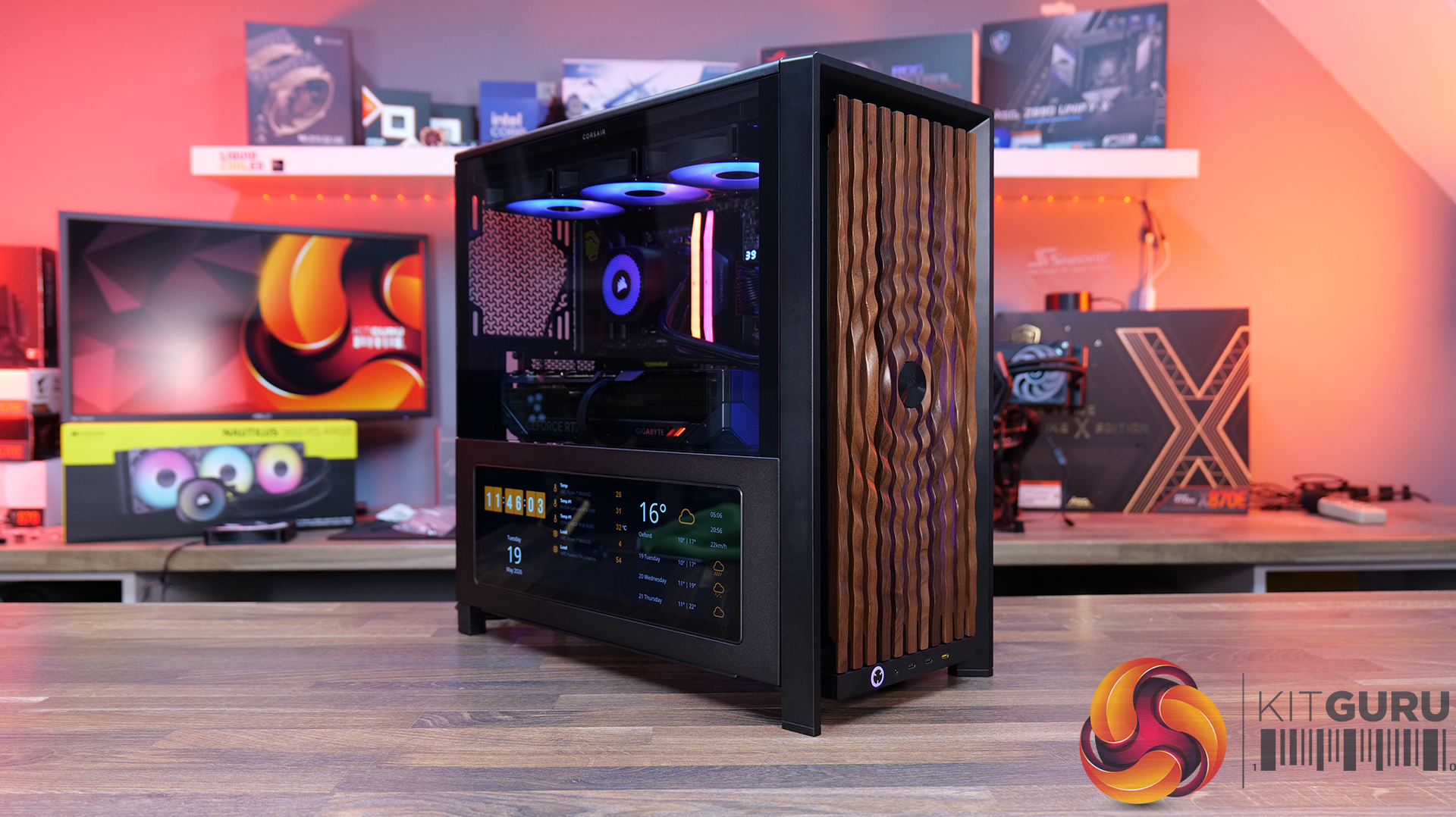
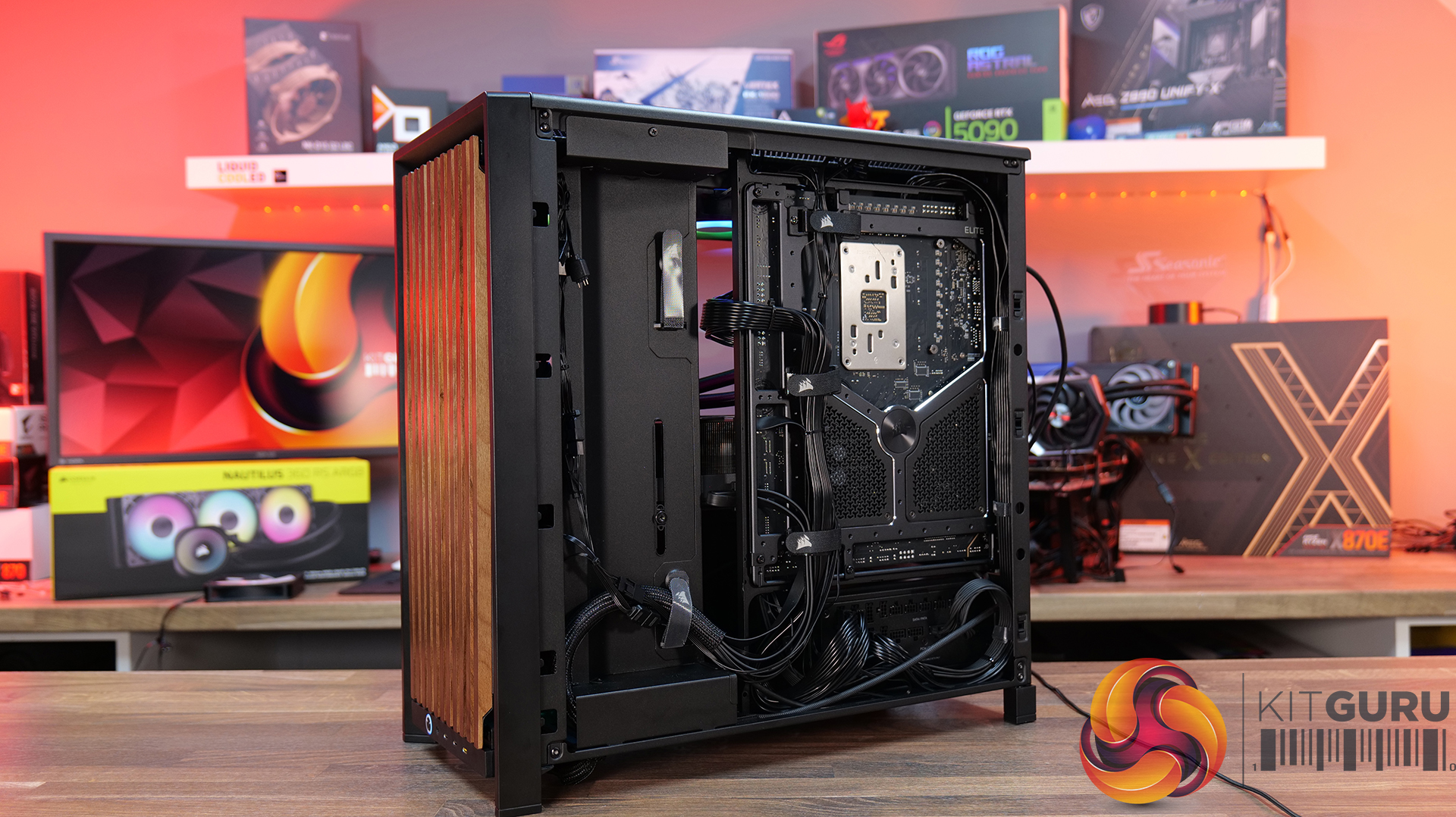
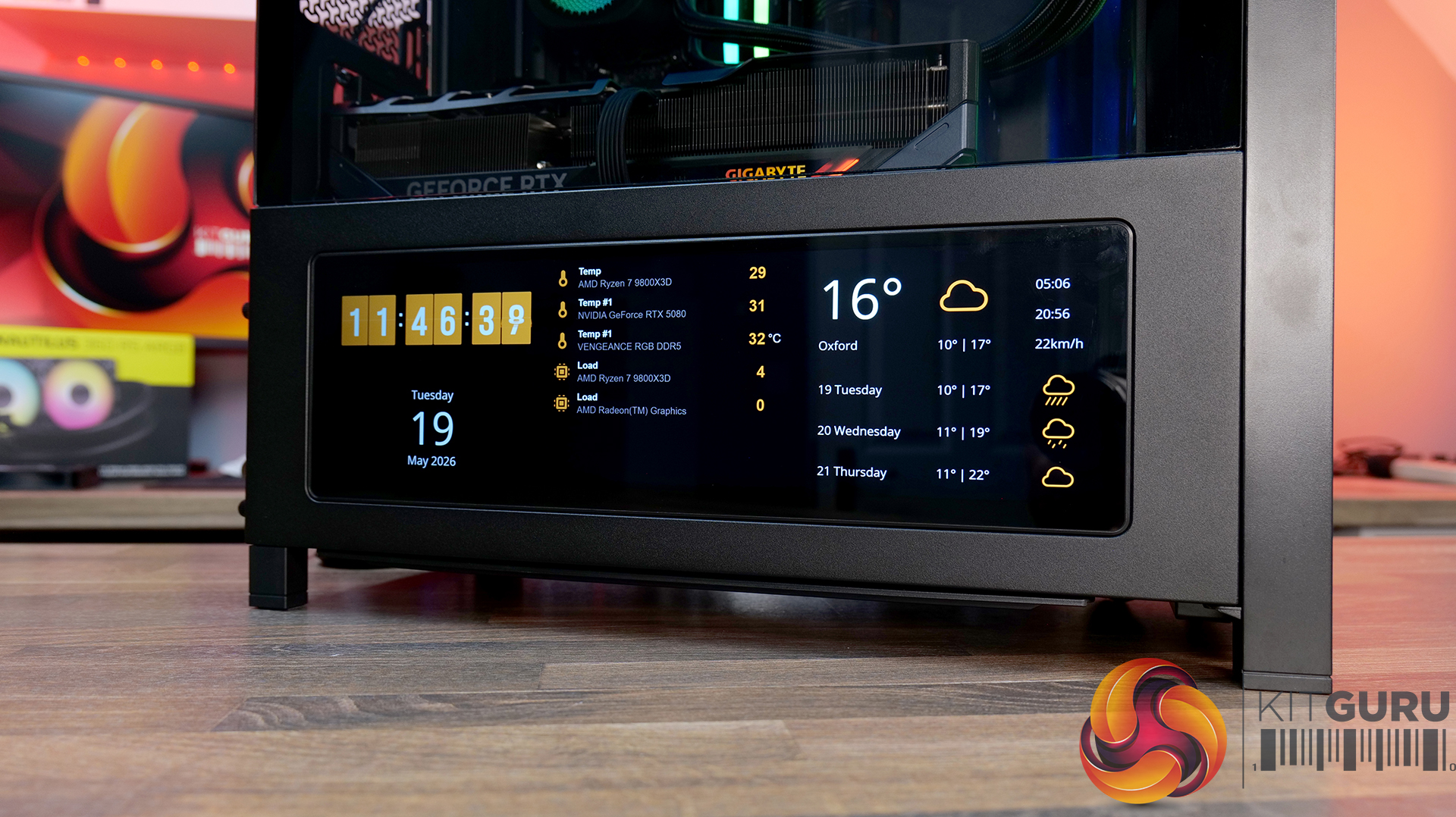
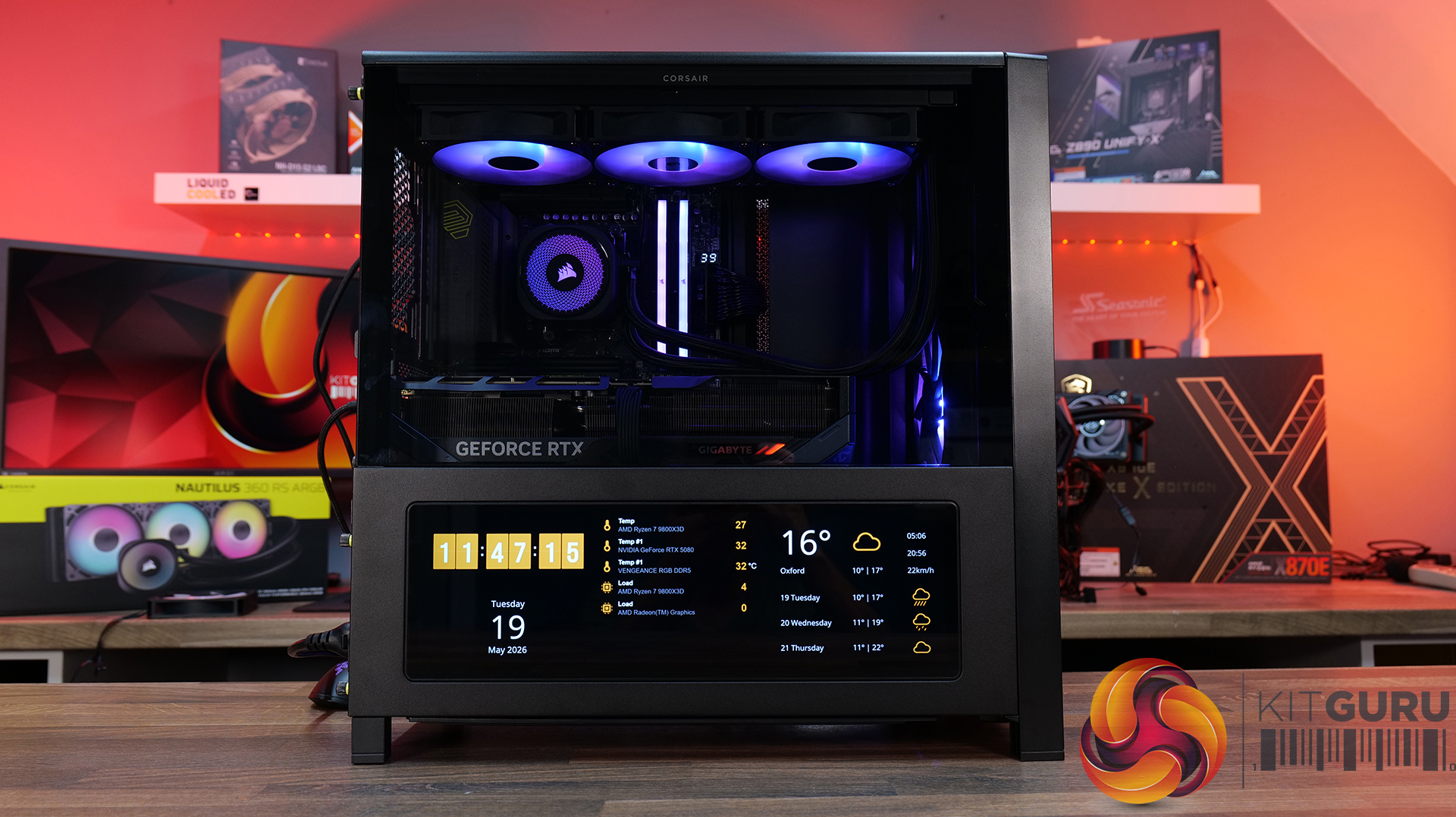
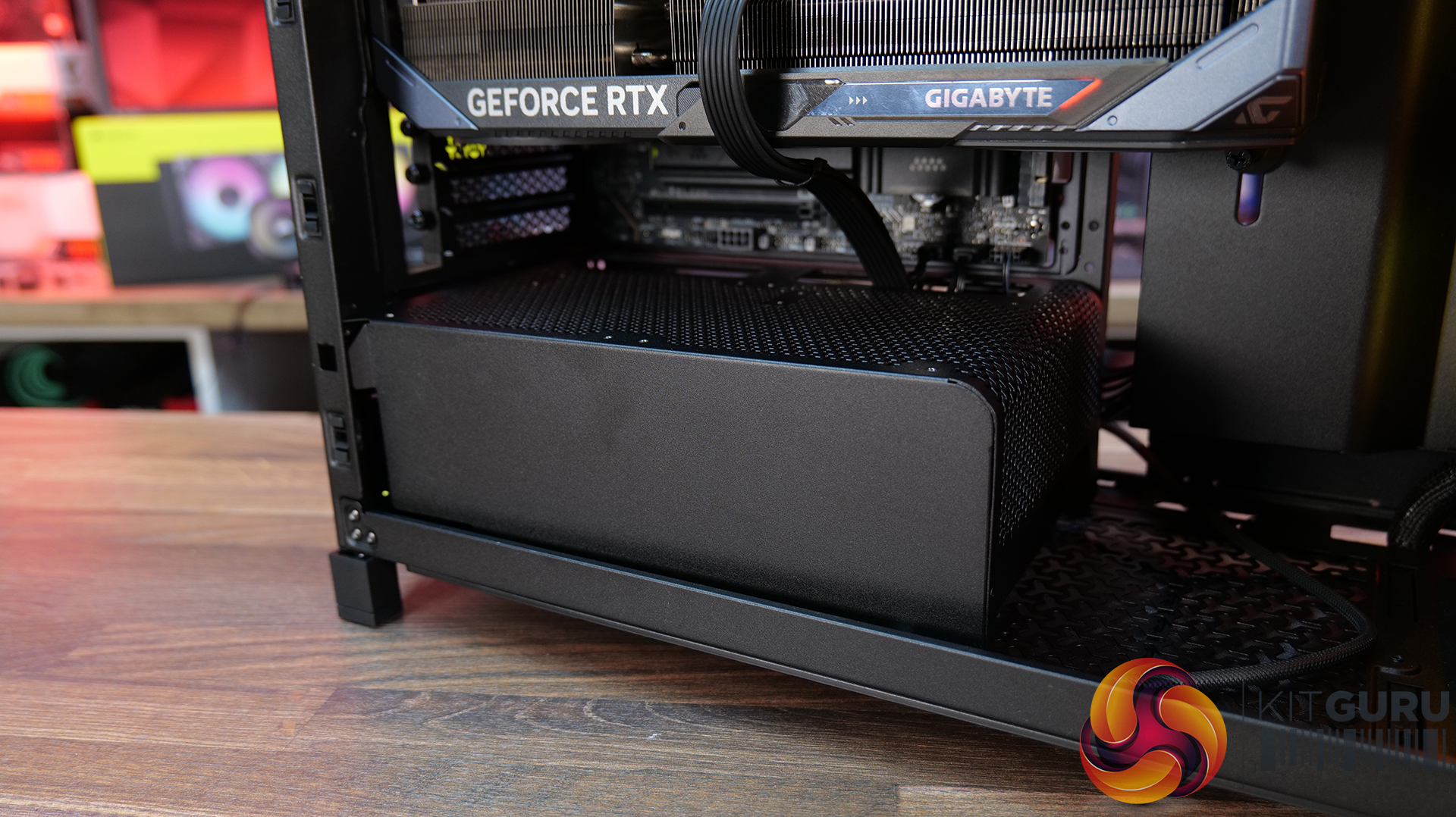
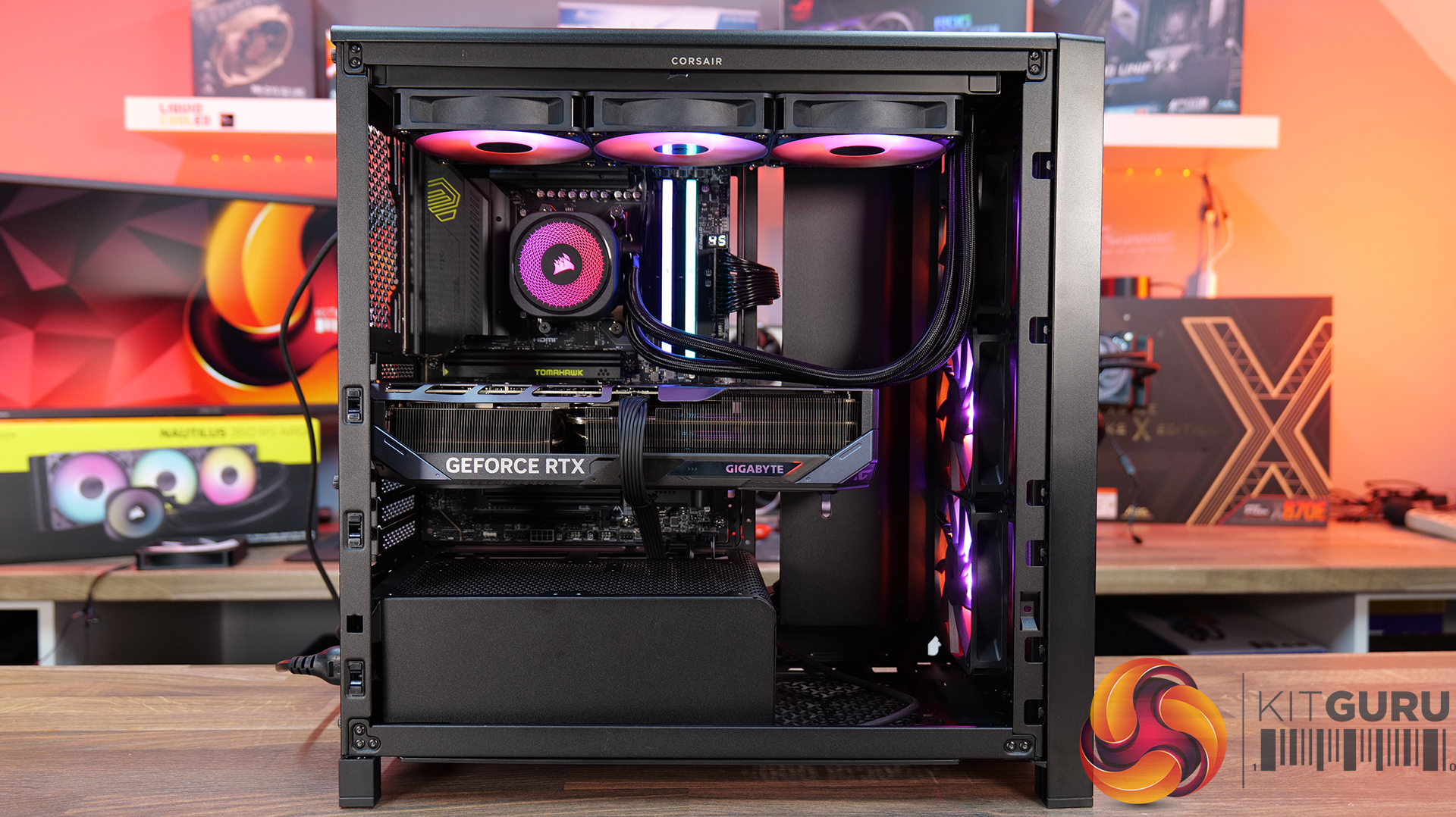
Today we’re looking at the new accessory ecosystem for the Corsair Frame 4000 case series. I reviewed theFrame 4000Dabout a year ago when Corsair first introduced its modular chassis design, now the company is expanding that idea with a range of upgrade parts and customisation options. New accessories include alternative front and side panels, replacement motherboard trays, a redesigned power supply shroud, plus an updated front I/O panel with improved USB connectivity. Corsair is clearly pushing the Frame platform as something you can maybe evolve rather than replace outright… but how useful are these upgrades, and are any of them worth buying? Let’s find out.
Timestamps:
00:00 Start
00:56 Accessories Overview
01:52 Alternative Motherboard Trays
03:33 Front Panel Options
08:18 Side Panel Options
13:43 Alternative Power Supply Shroud
14:27 Front I/O Panel (ELITE)
15:53 James' Thoughts
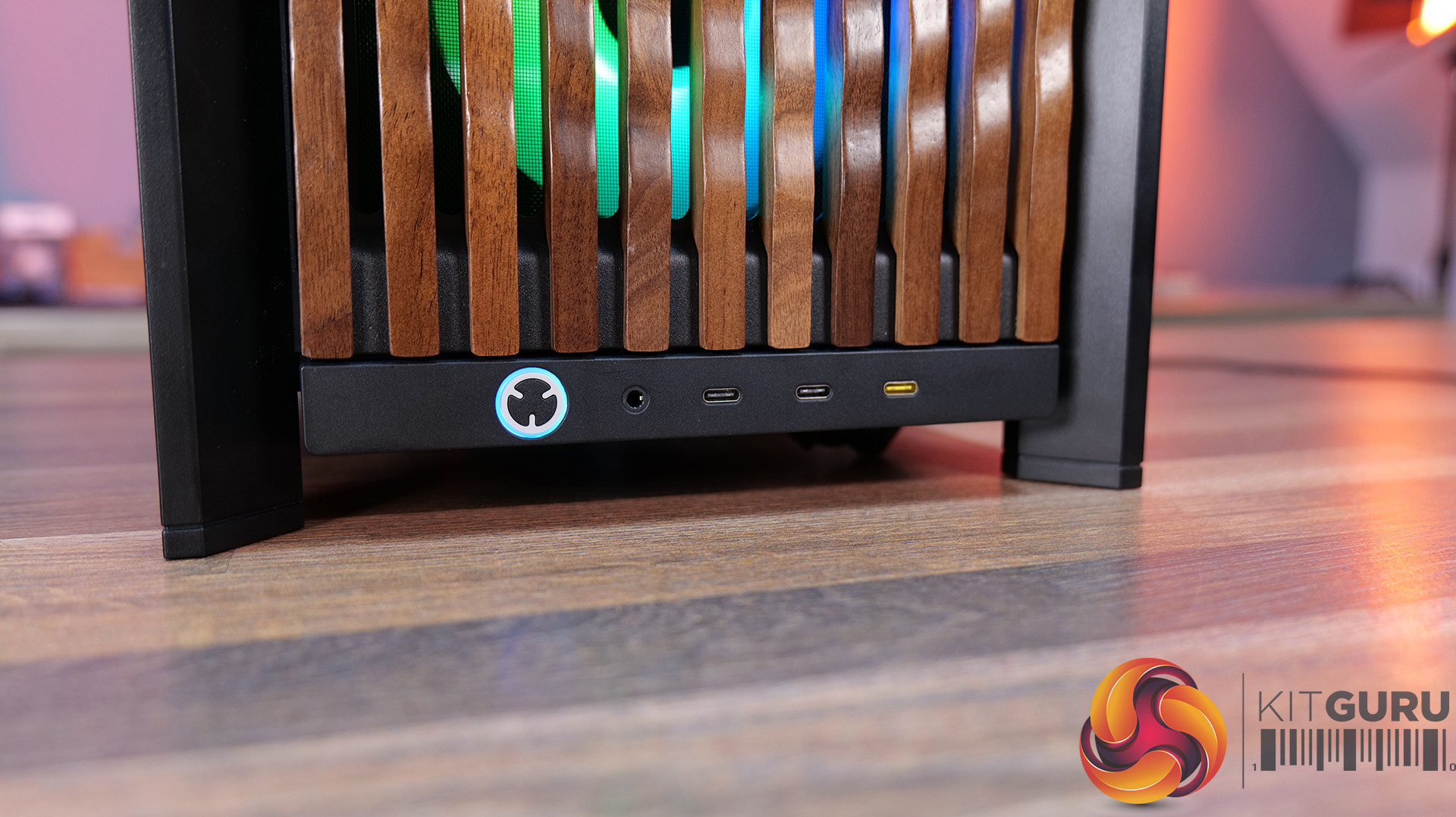
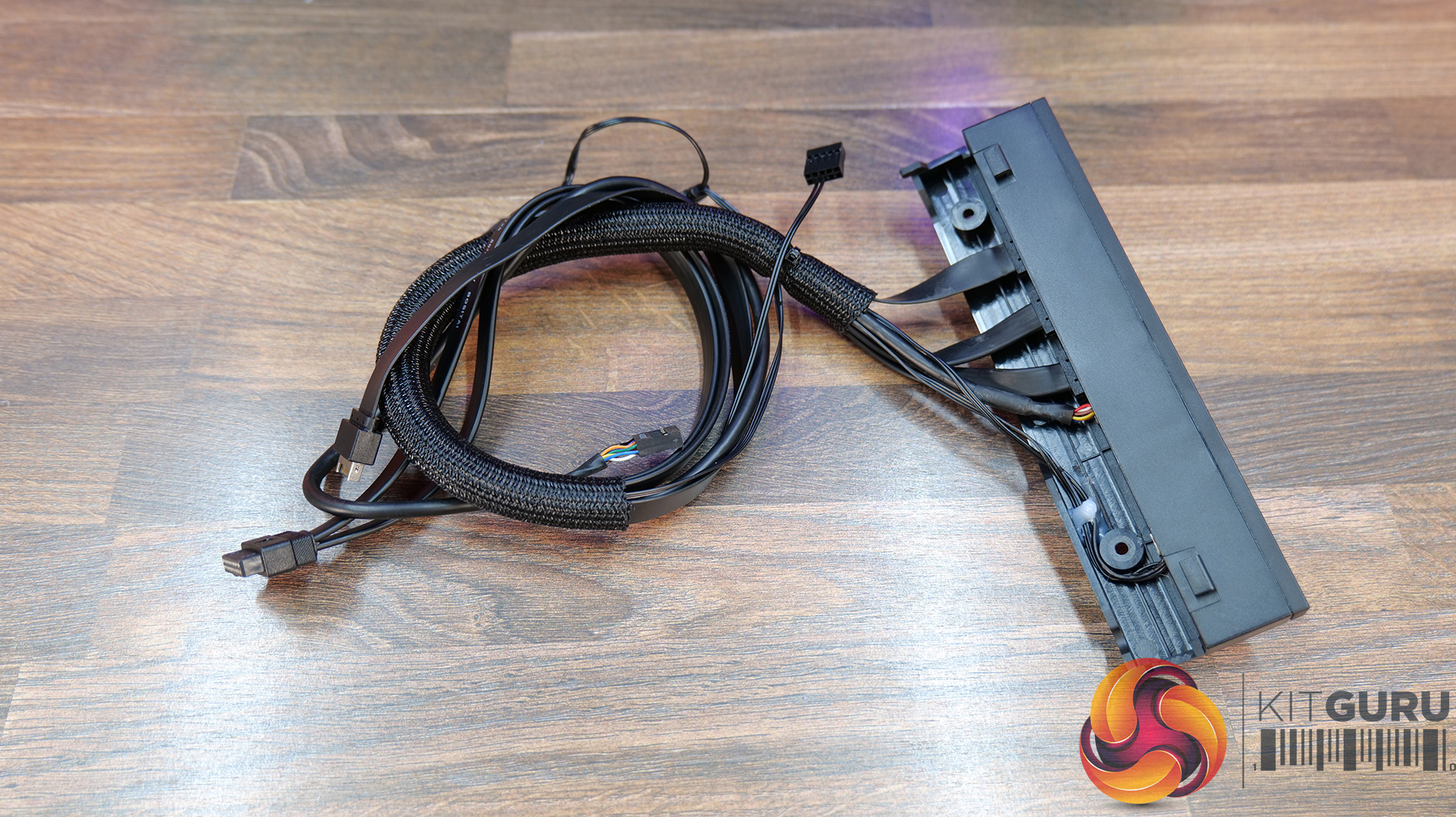
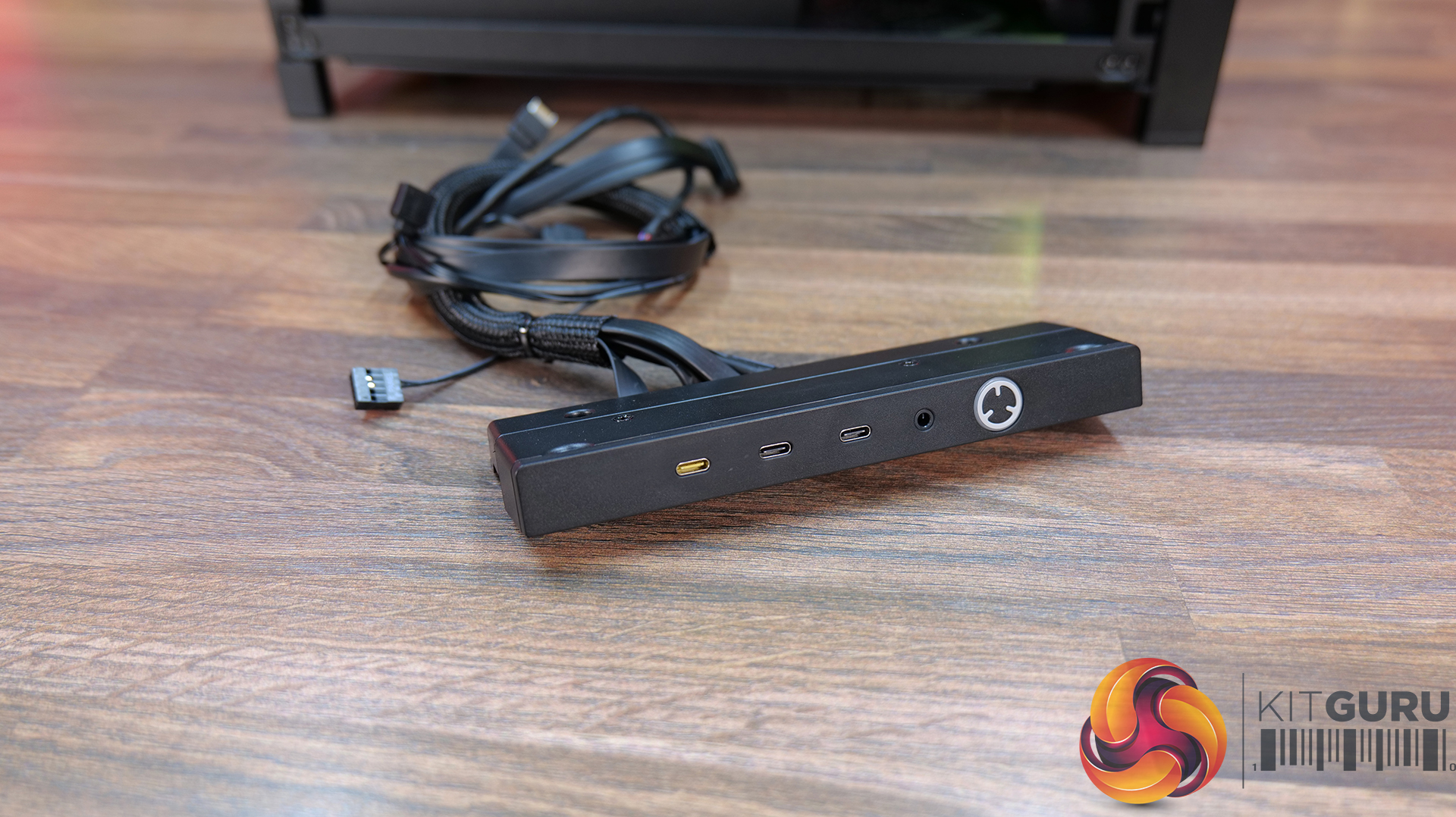
Elite Front Panel I/O: Comes with 3 x USB Type C Ports (1x USB 3.2 Gen 2×2 Type-C 20Gb/s port and 2x USB 3.2 Gen 1 Type-C 5Gb/s ports) and a swappable MX-Style Green mechanical power button. The standard Front I/O comes with 1 x USB Type-C port and 2 x USB Type-A ports.
Motherboard Tray Options:
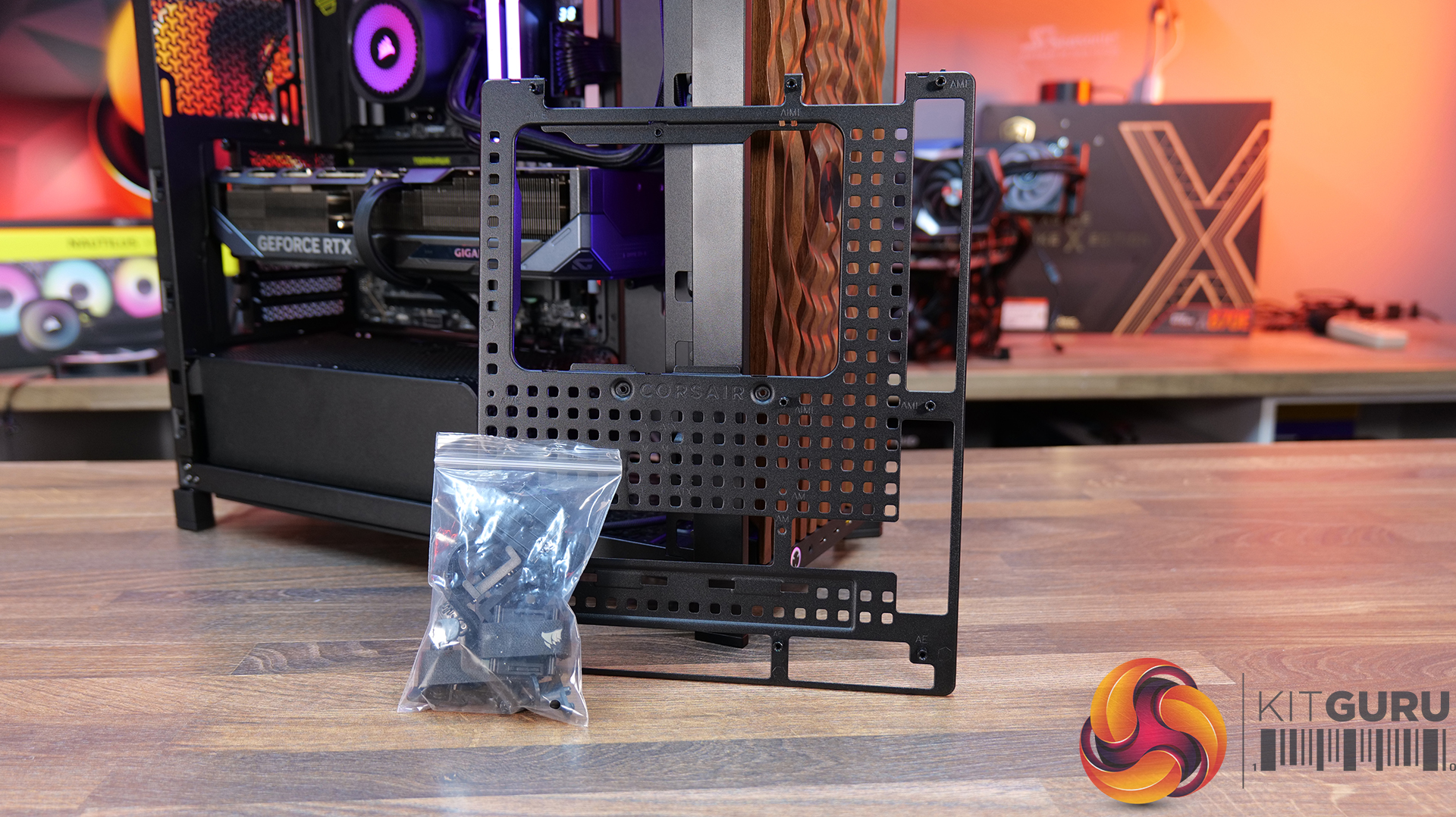
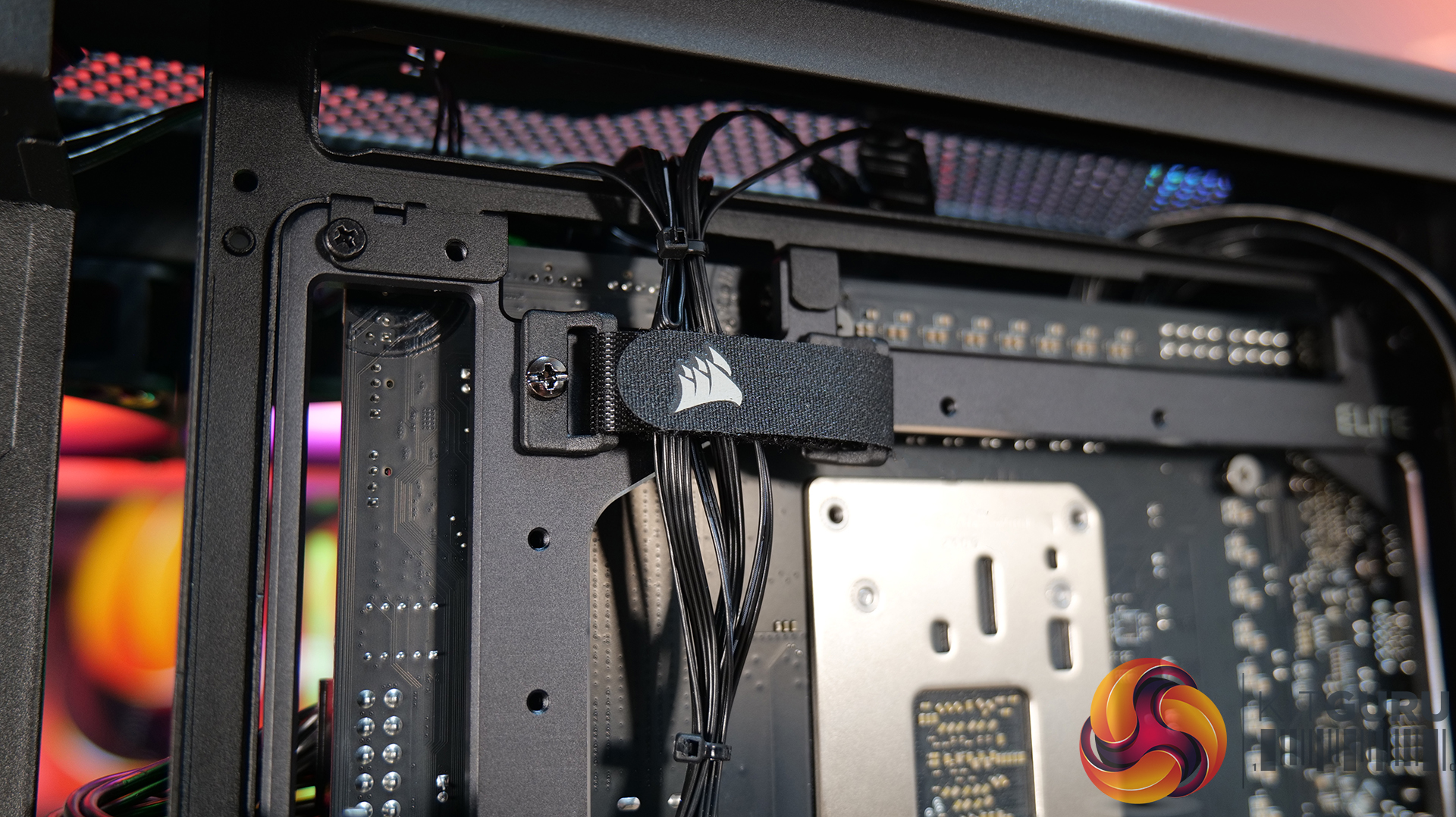
RapidRoute 2.0 Motherboard Tray – A Pegboard motherboard tray designed to make cable management easy, allowing the user to move and rotate the ratcheting cable ties for customised cable management.
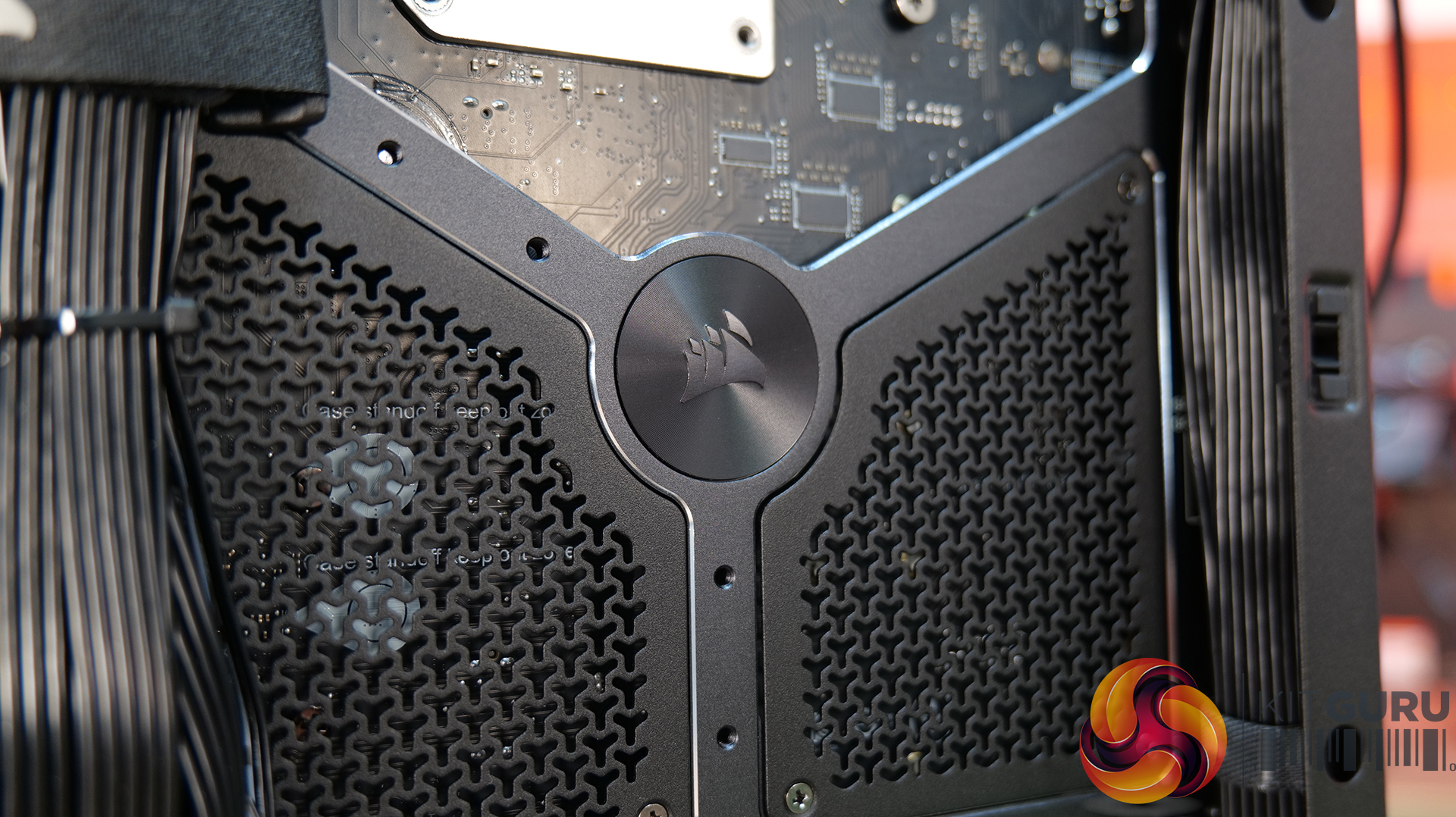
ELITE Motherboard Tray – Meteorite Aluminium – Premium motherboard tray made from a single piece of aluminium, high rigidity and light weight with diamond cut edges – Supports E-ATX, ATX, Micro ATX, including reverse connector boards.
Front Panel options:
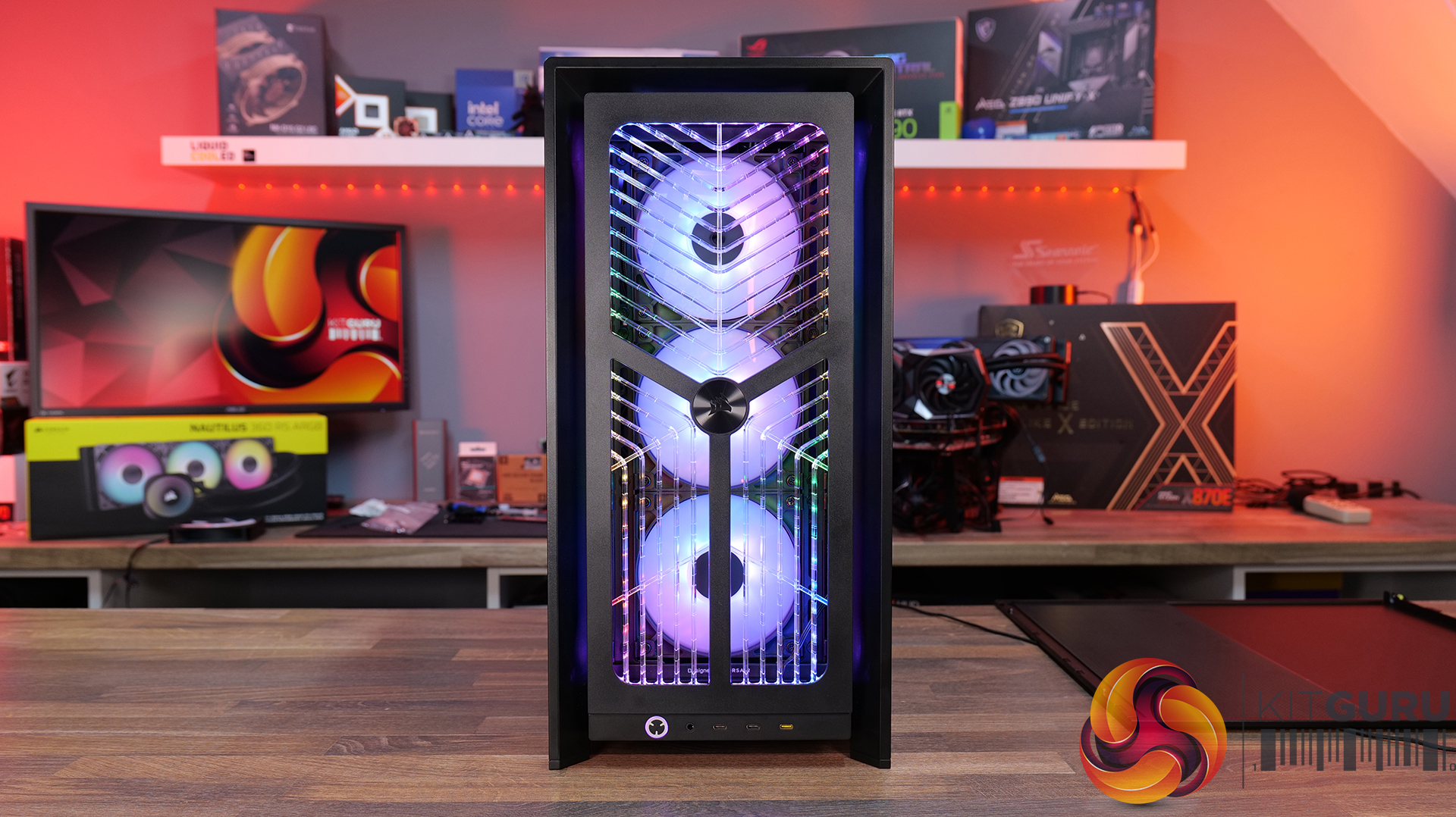
RGB FLOW Front Panel – High air flow front panel with built-in RGB lighting -completely different look from the stock 3D-Y design.
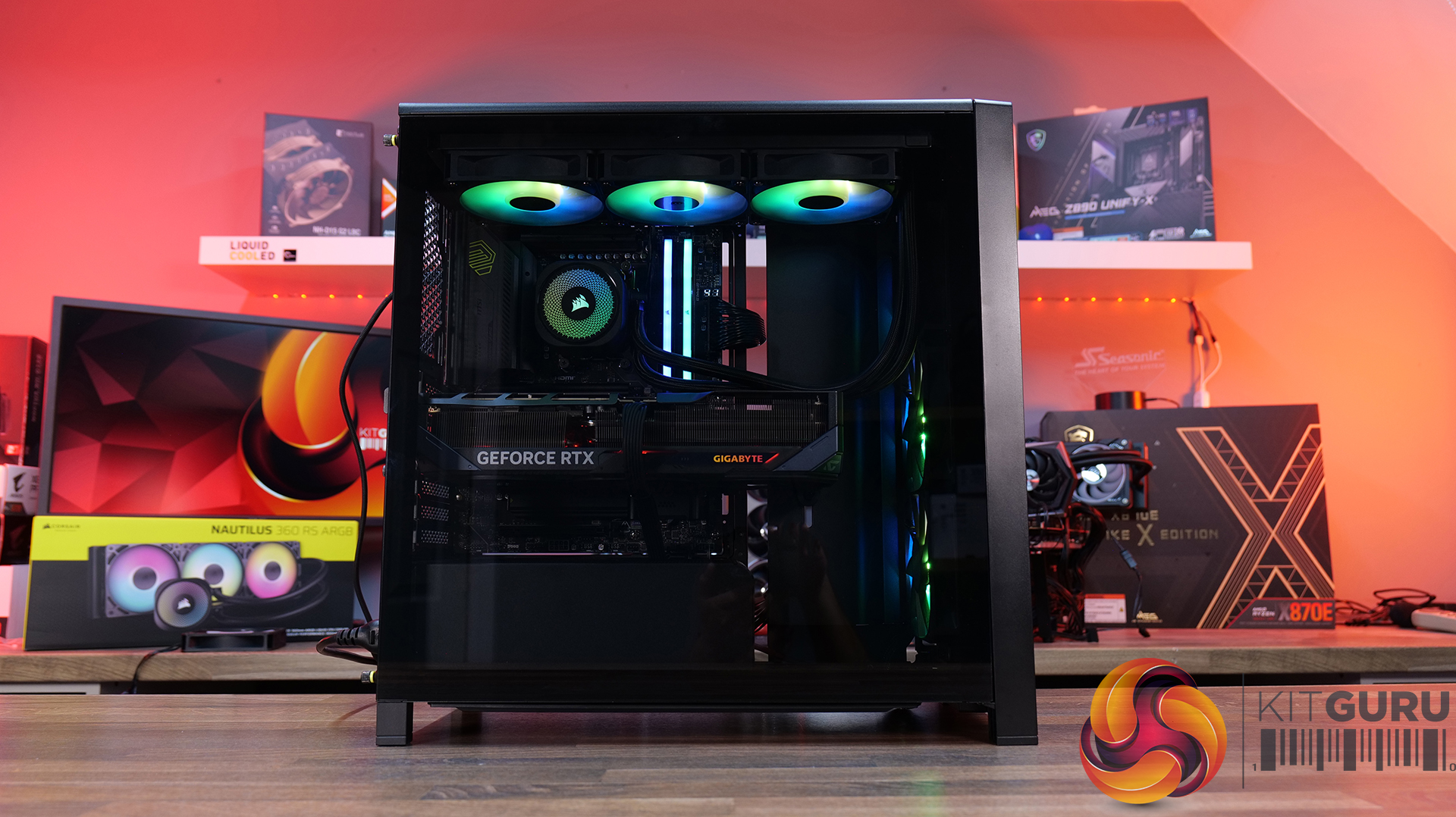
Flat Glass Front Panel – Solid glass for showing off front fans.
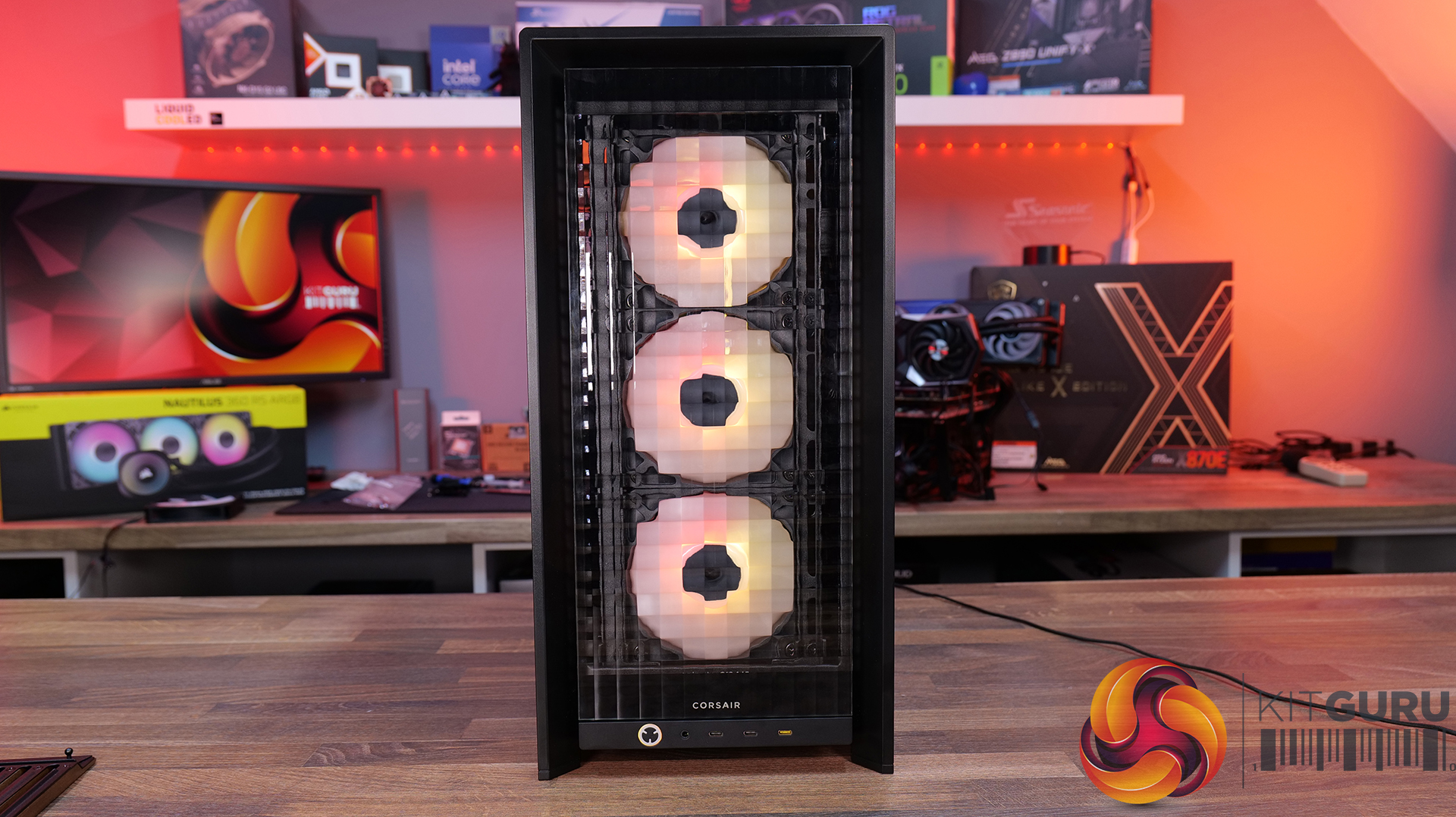
Pixel Glass Front Panel – A full glass panel that allows unobstructed RGB lighting and creates a pixelated visual.
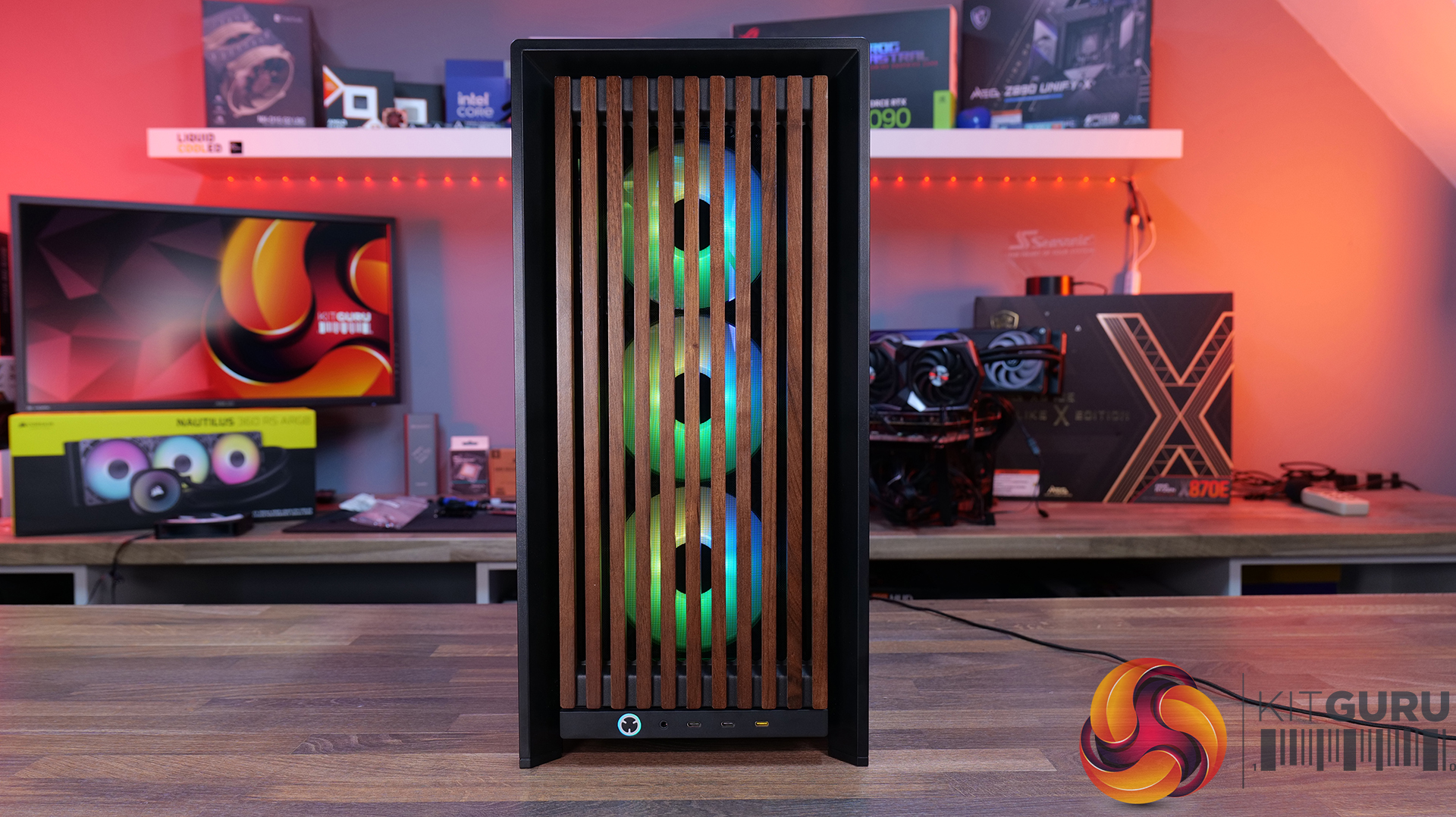
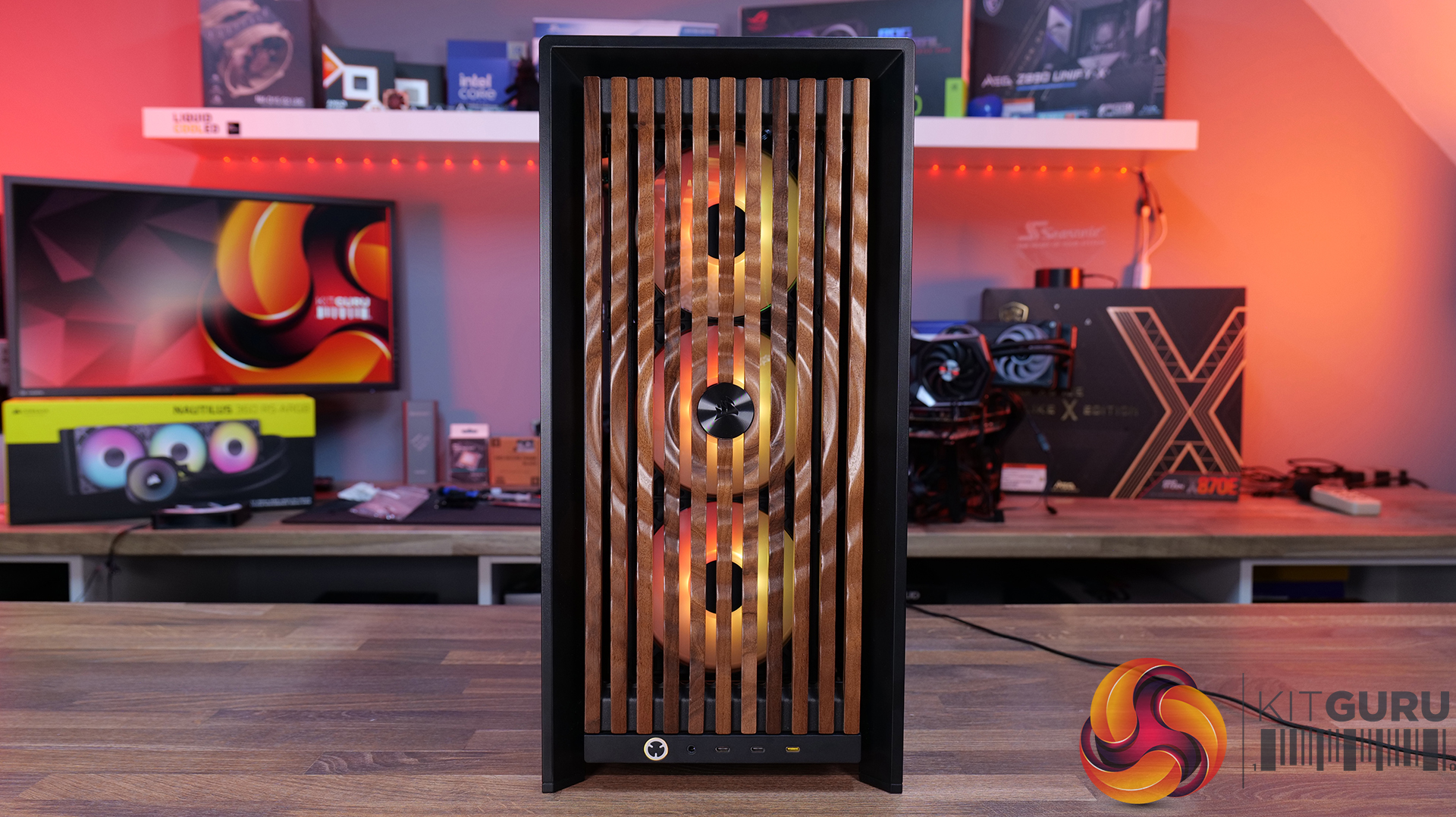
Wood Front Panel – Made using real FSC certified wooden slats for a natural look, but still retaining great airflow – available in black/walnut or white/oak.
ELITE Wood Front Panel – again made from fsc certified wooden slats with a wavy parametric design and a central Corsair logo – also available in black/walnut or white/oak.
Side Panels Options:
Full Glass Side Panel – ideal if you want to show off your whole system; you can even run it with the PSU shroud completely removed for a more retro look and to show off your power supply.
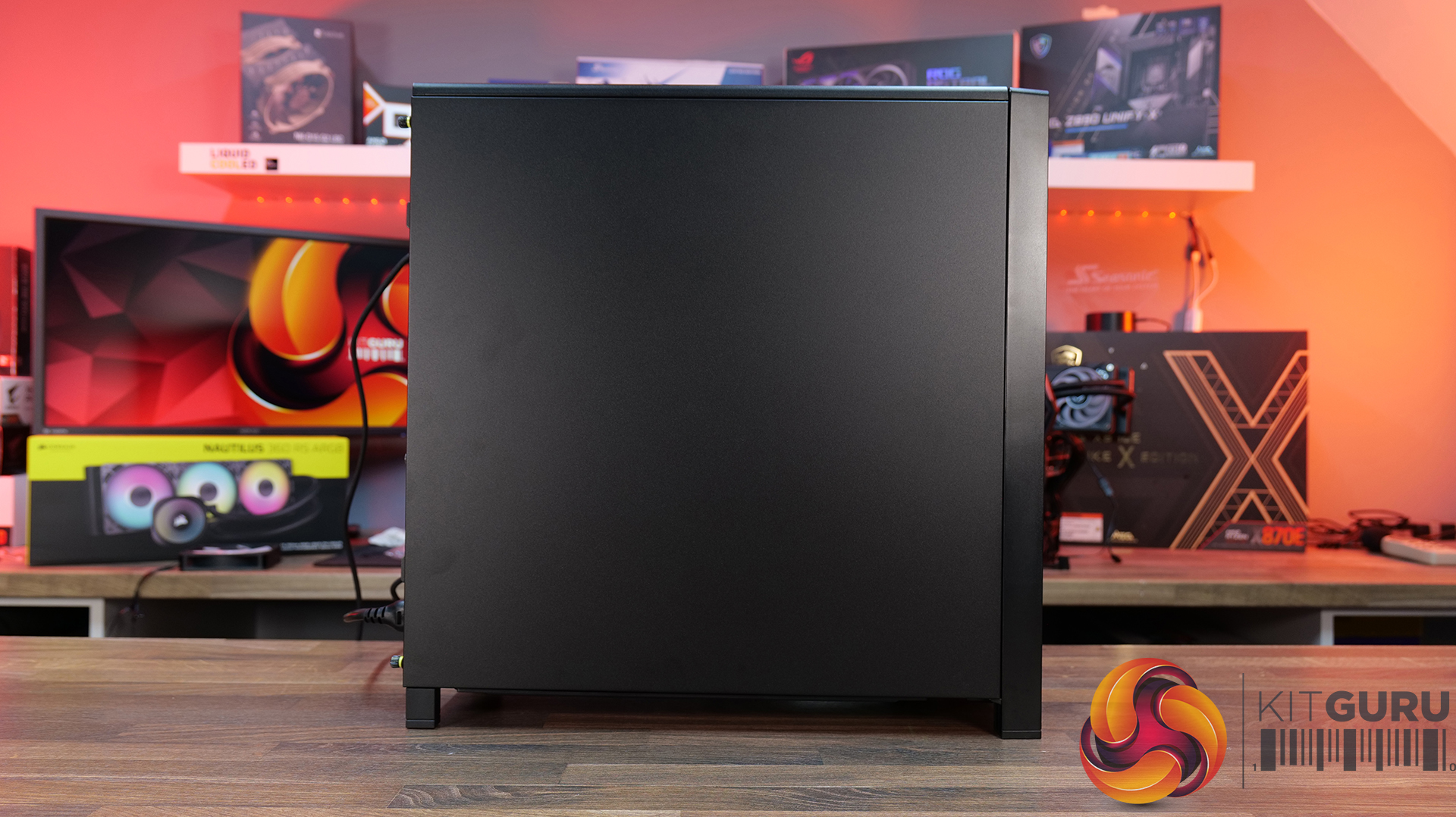
Flat steel Side Panel – if you don’t want to see inside at all.
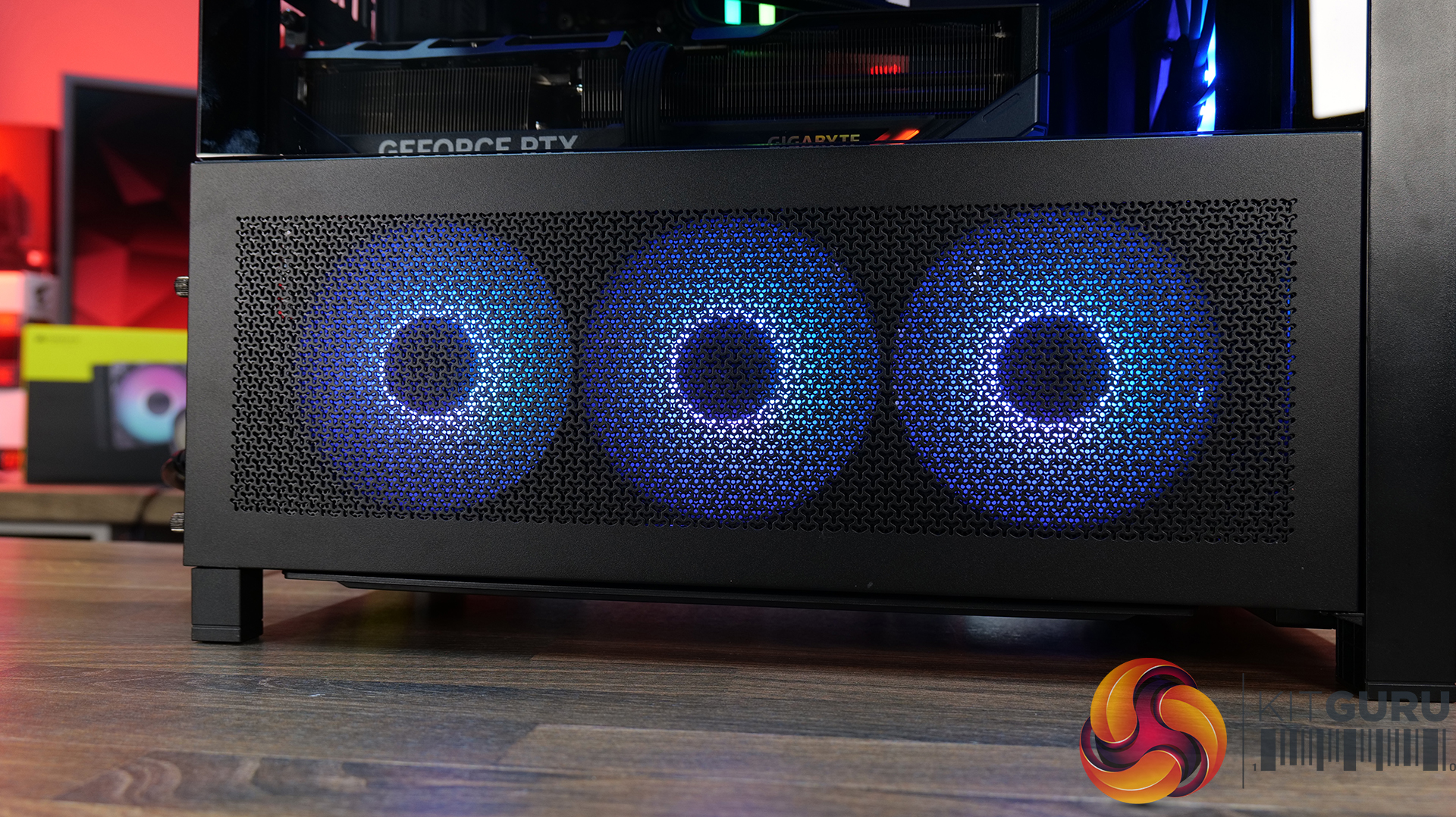
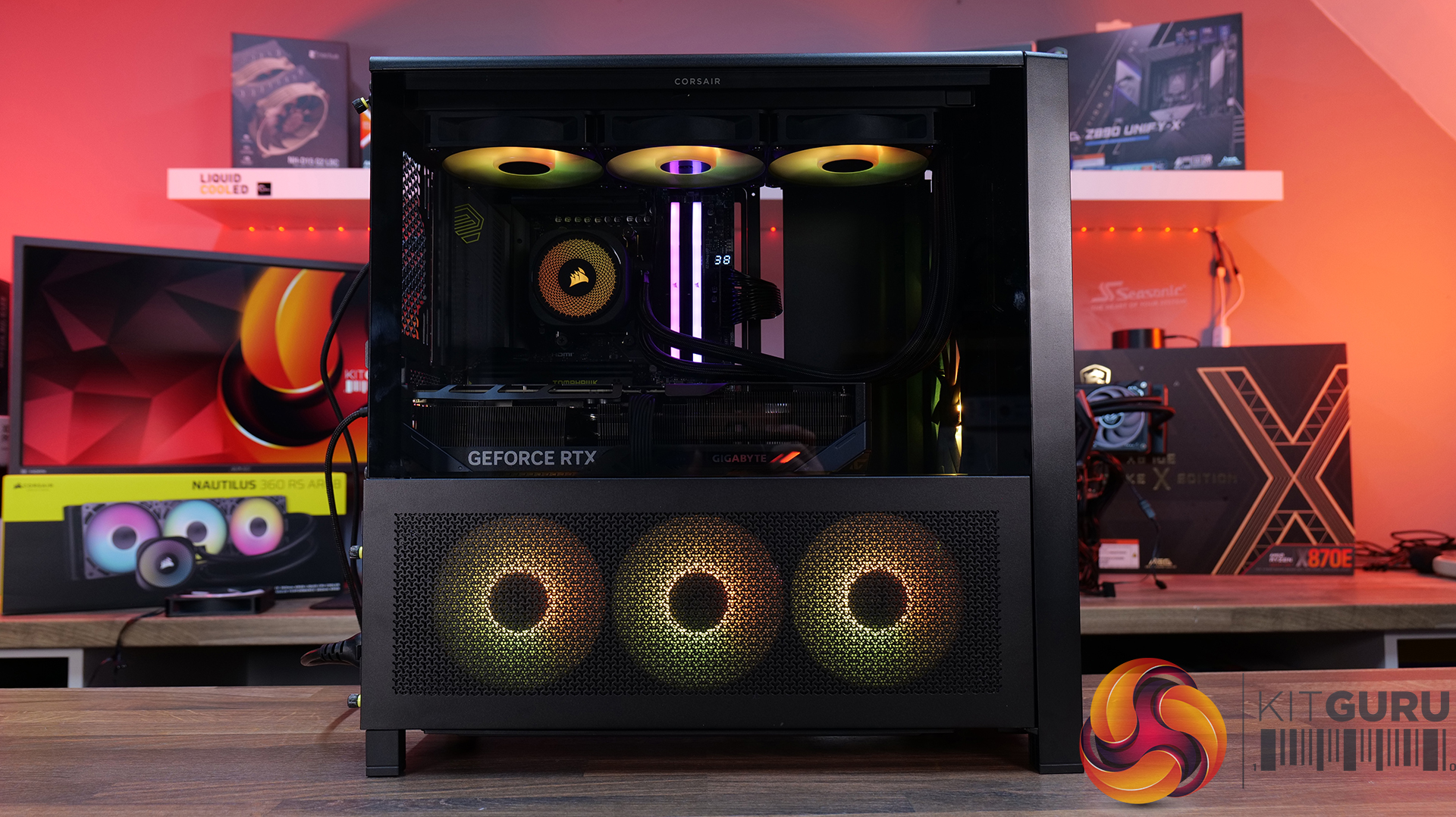
Cold Air Intake Kit – 2/3 glass and a fan bracket for 3 x 120mm fans.
LCD Mounting Kit – 2/3 glass and a slot to fit the Xenon Edge 14.5” LCD touchscreen – plus all cables for internal connectivity.
PSU Shroud:
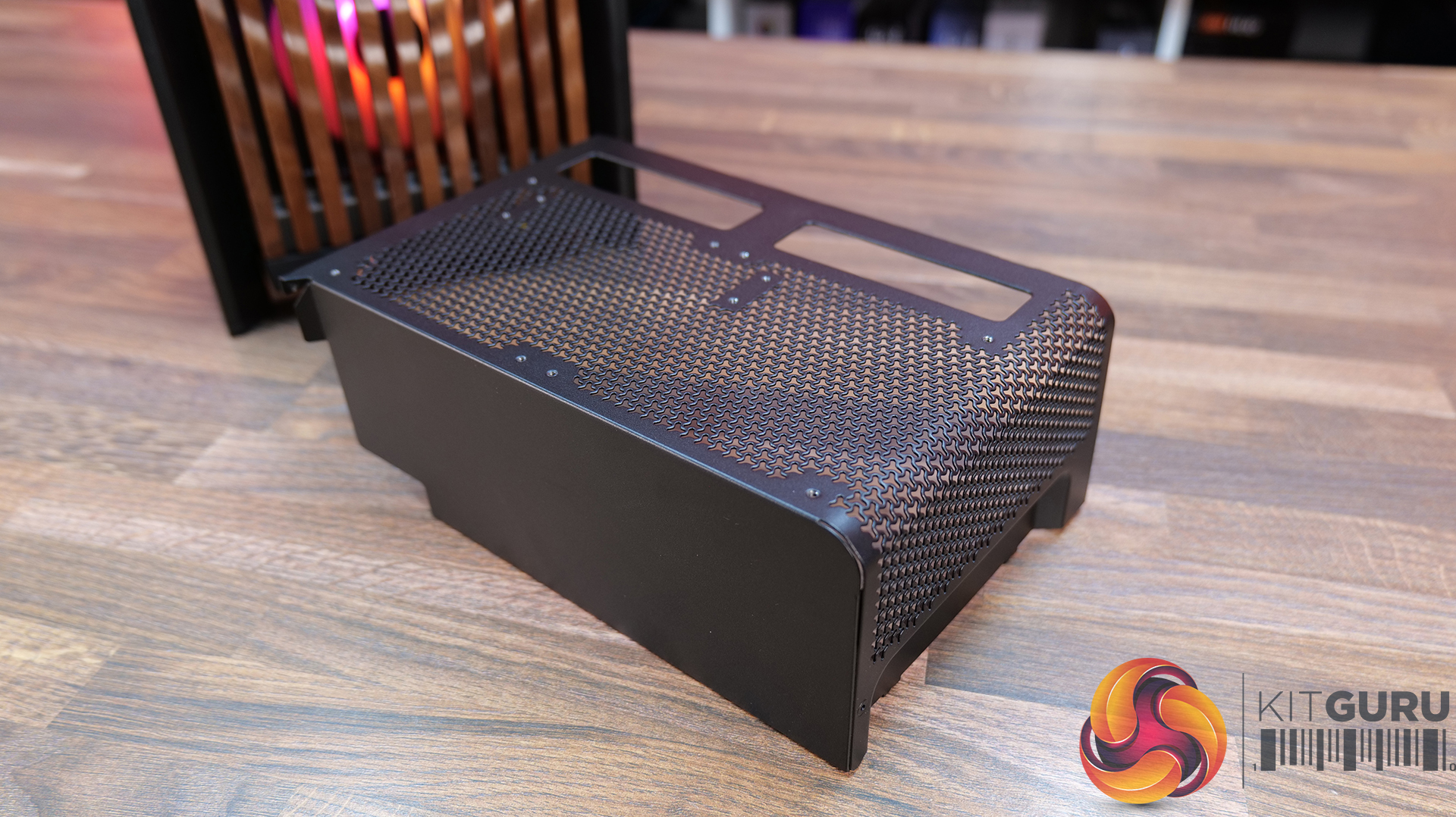
Compact PSU Shroud – ideal for pairing with the tempered glass front panels to show off your build. Mesh design with 2 x 120mm fan mounts on top. The standard 4000D/X case comes with a full-length power supply shroud.
KitGuru says: There's a decent range of accessories to fit most users' budgets, but if you want the full high-end, premium look with the Xenon Edge display its going to work out quite expensive. But if your taste of PC cases is all about aesthetics, it might be a price worth paying?
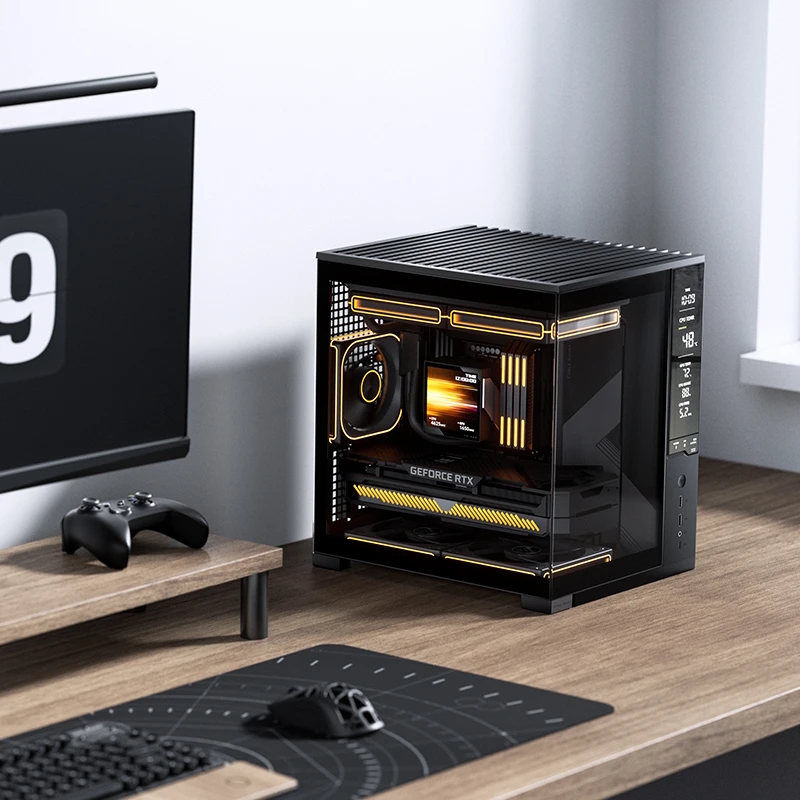
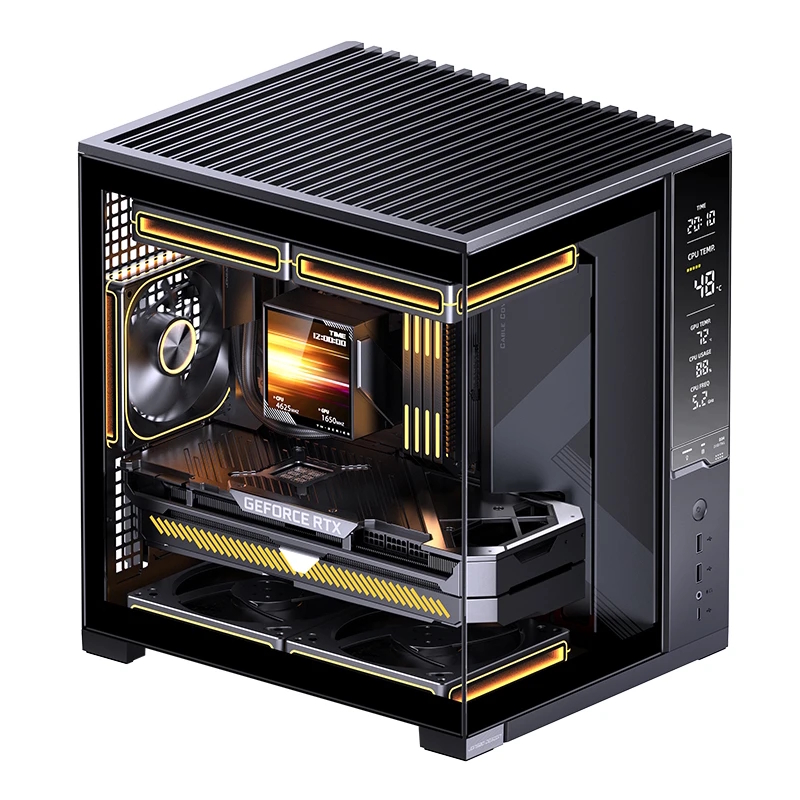
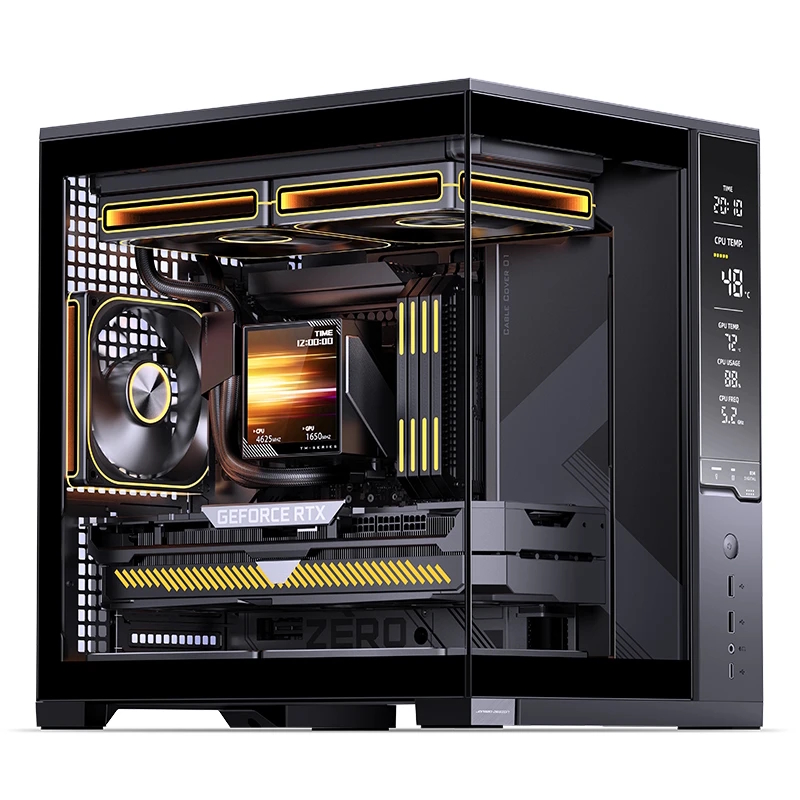
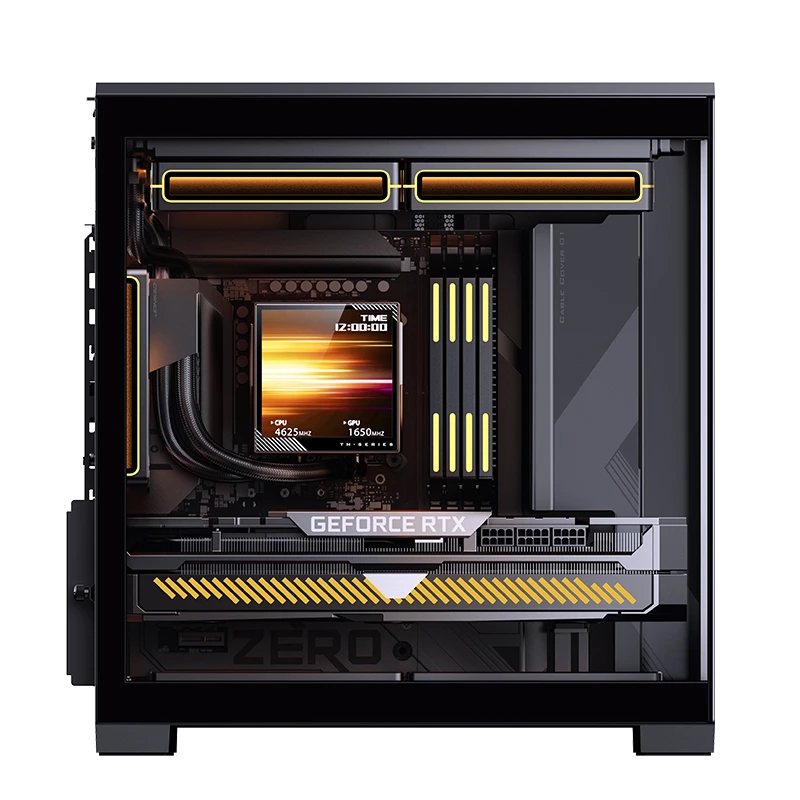
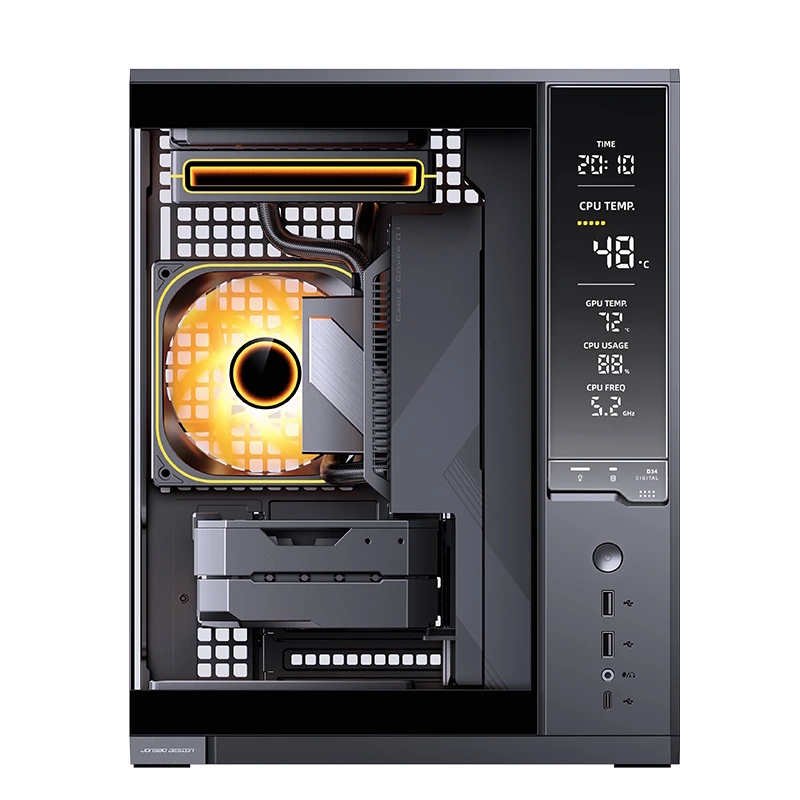
Jonsbo has introduced the D34, a new compact desktop case designed for Mini-ITX and Micro-ATX systems. Like many modern PC cases, this one does natively support back-connector motherboards, allowing users to keep cables hidden at the back of the case.
The Jonsbo D34 prioritises ventilation via metal-mesh sections on the top and side panels. The case also features an integrated monitoring display built into the front panel, using a nickel-plated, semi-transparent reflective coating that shows real-time system status information and component temperatures.
Despite the small footprint, you can fit plenty of hardware into the case, including graphics cards up to 333mm long, ATX power supplies up to 180mm long, and CPU air coolers up to 165mm in height. A height-adjustable graphics card support bracket is included to support heavier GPUs. Internal storage support consists of two 3.5-inch drive bays and a single 2.5-inch mount, although you can convert one of the 3.5″ bays to hold two 2.5″ drives.
Cooling support allows for up to five fans. The top and bottom sections each support dual 120mm or 140mm fans, while the rear panel accommodates a single 120mm exhaust fan. Liquid cooling compatibility includes top-mounted radiators in 120mm, 140mm, 240mm, and 280mm sizes. Front I/O connectivity includes one USB 3.2 Gen2 Type-C port, two USB 3.2 Gen1 Type-A ports, and split audio and microphone jacks.
KitGuru says: Integrated displays appear to be the next frontier for PC cases. Do you like this new trend?
When it comes to specs on a budget, the GIGABYTE M27Q2 is hard to beat, delivering over 200 Hz refresh rate for just under $180. One of the Best Budget QHD IPS Gaming Monitors Drops from $249 to Just $179: Introducing the GIGABYTE M27Q2, a Solid IPS Monitor That Can Hit 210 Hz Refresh Rate GIGABYTE is already one of the most dominant hardware makers and is equally solid when it comes to the peripherals. Apart from dominating the graphics card and motherboard segments, the company offers some decent options in its peripheral catalog. From gaming mice to gaming monitors, […]
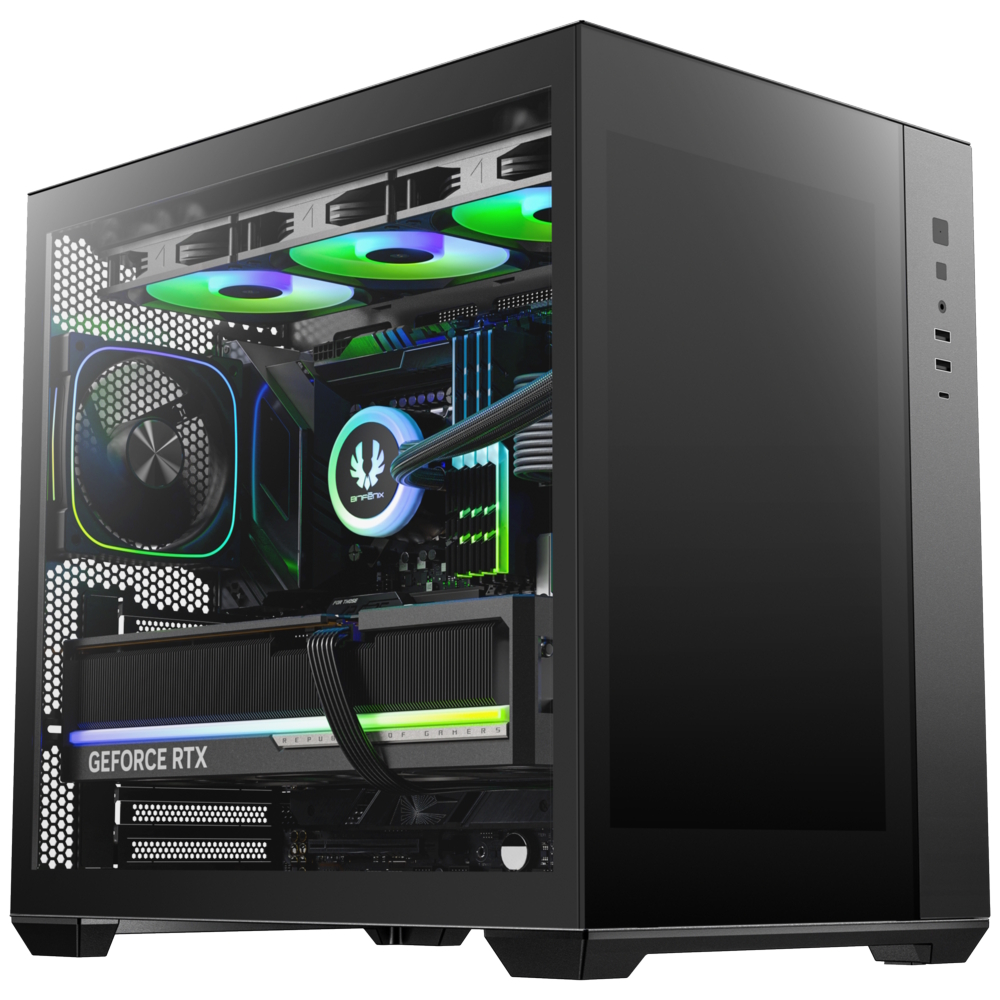
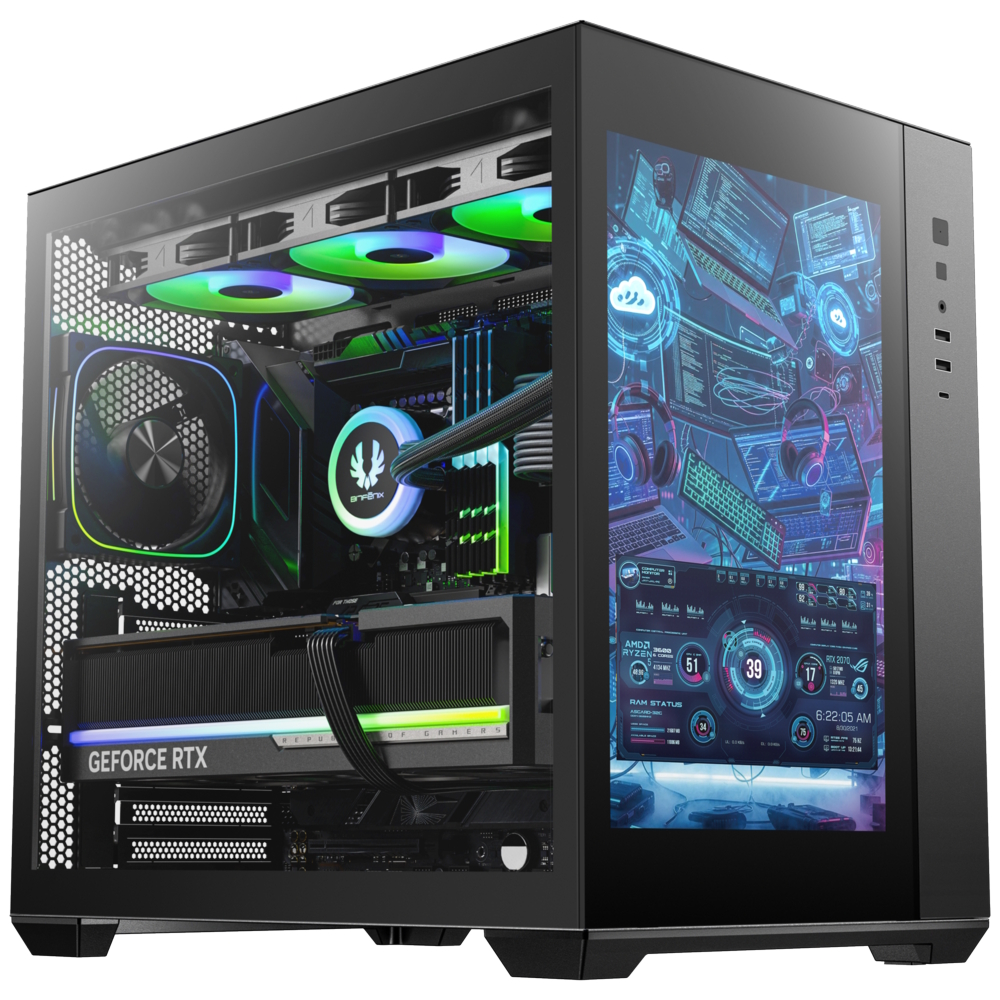
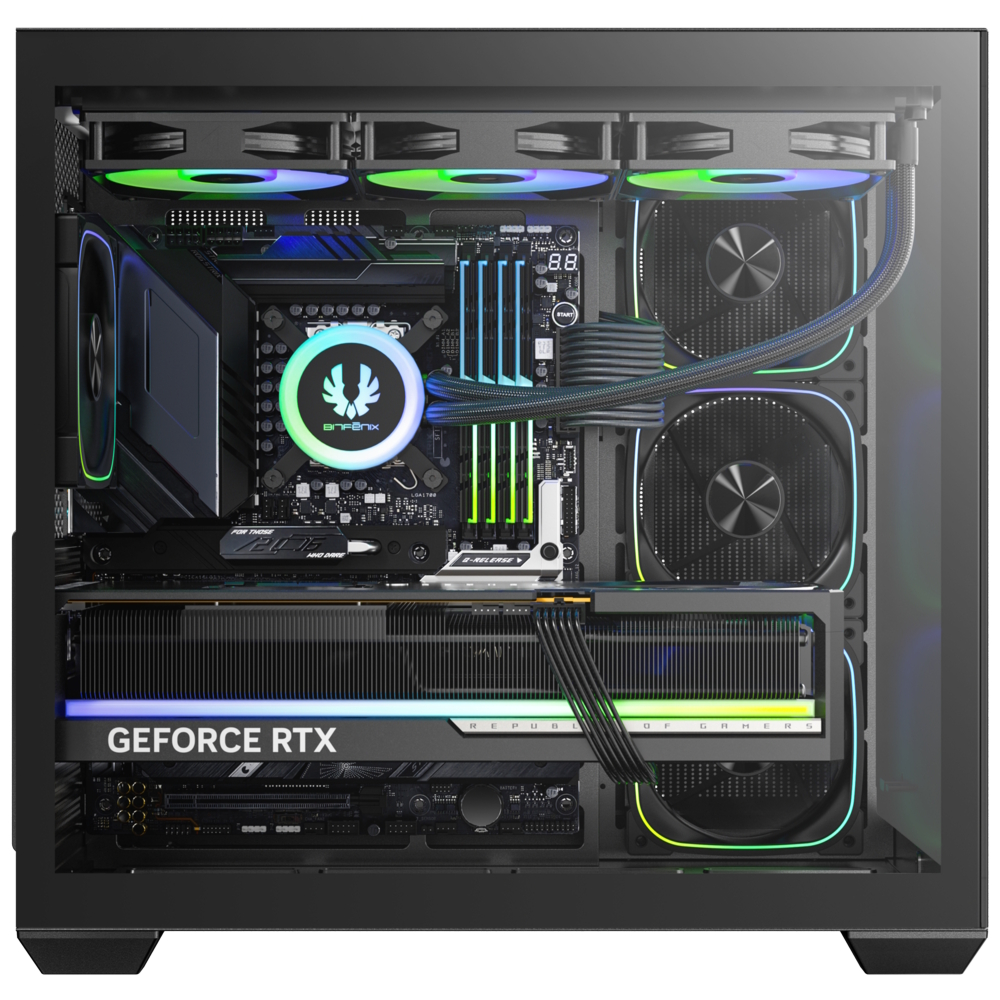
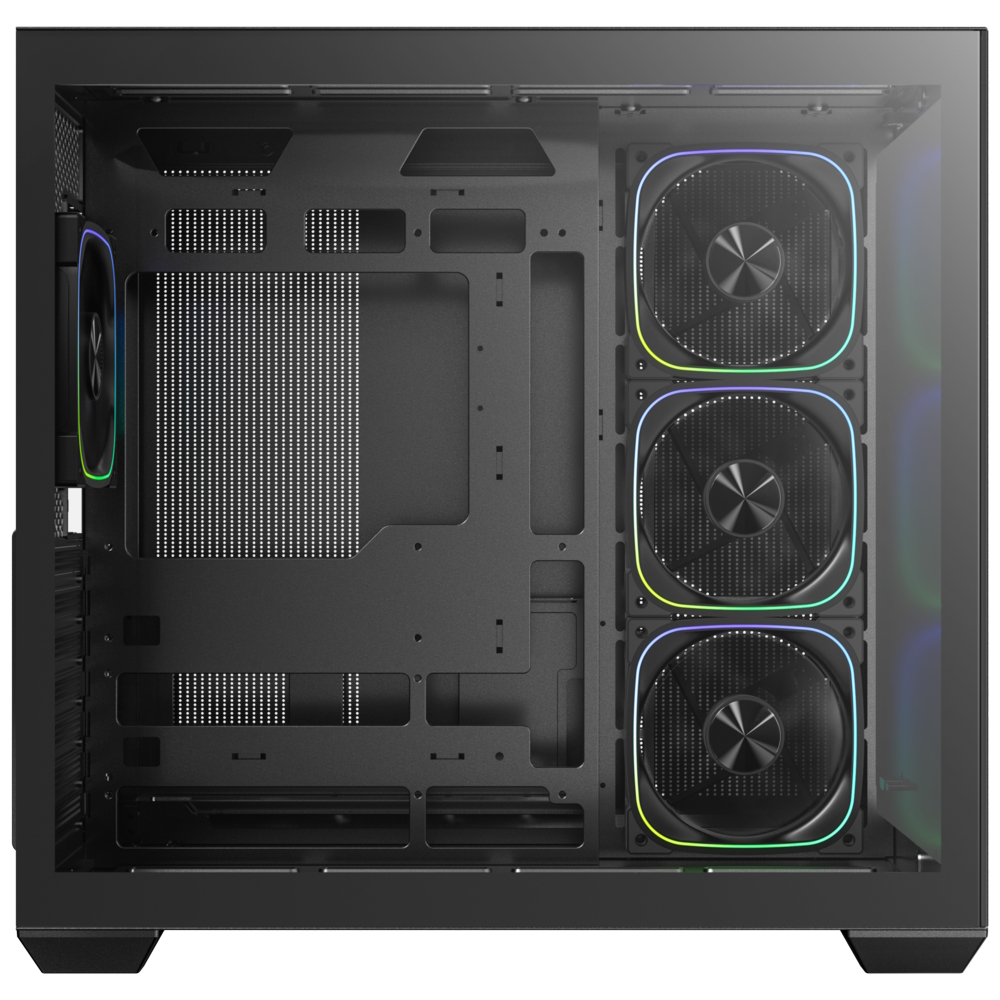
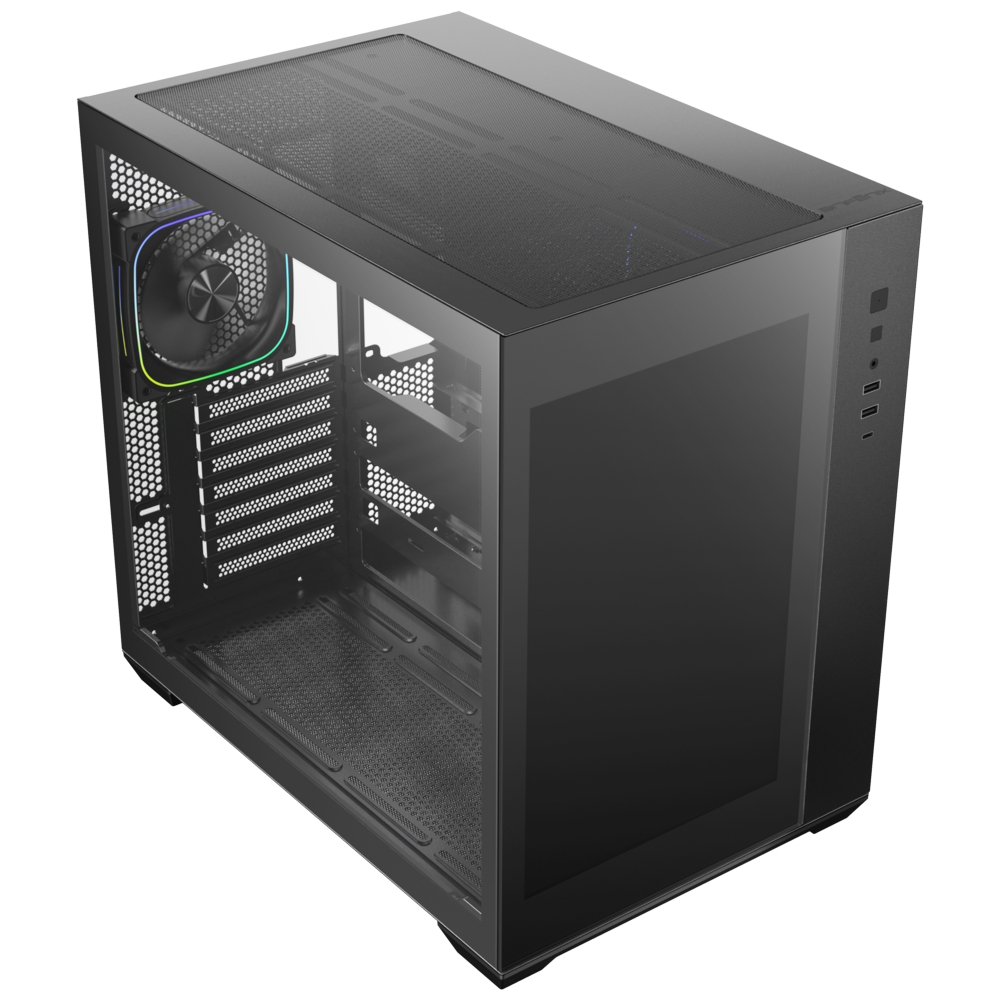
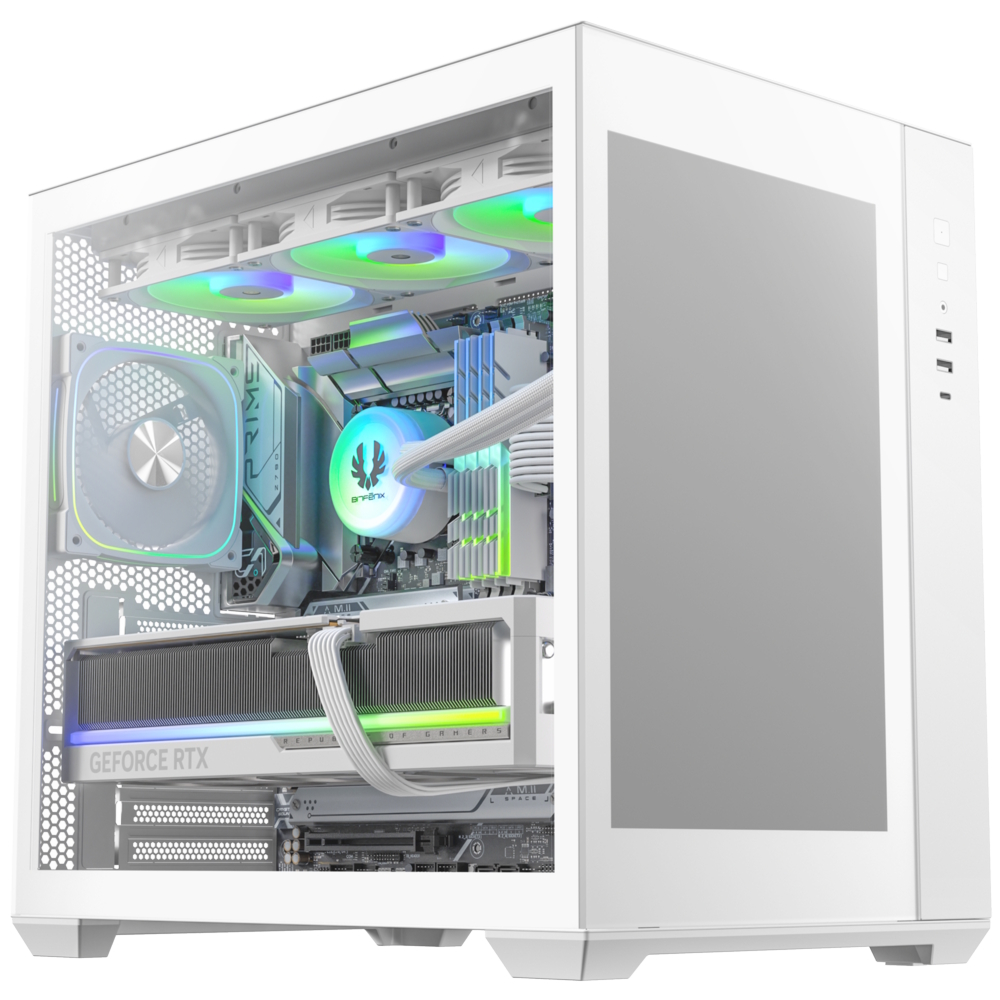
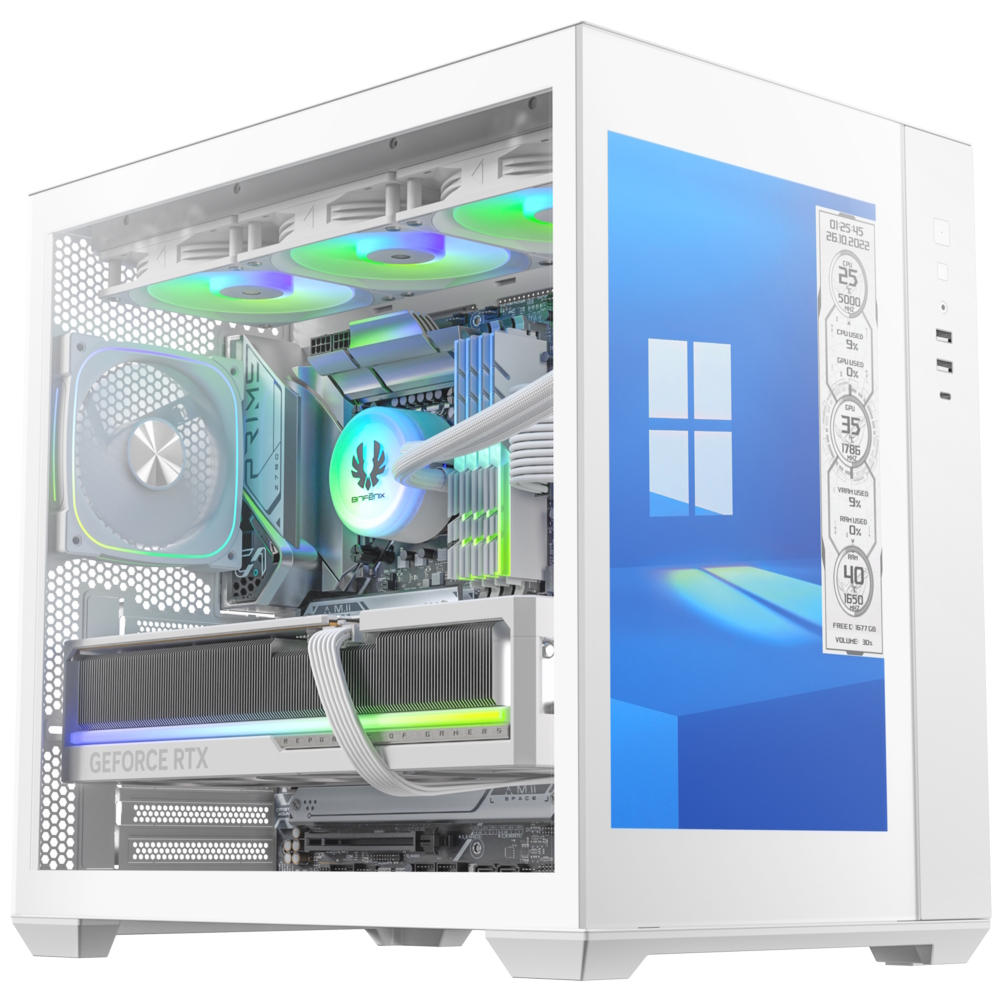
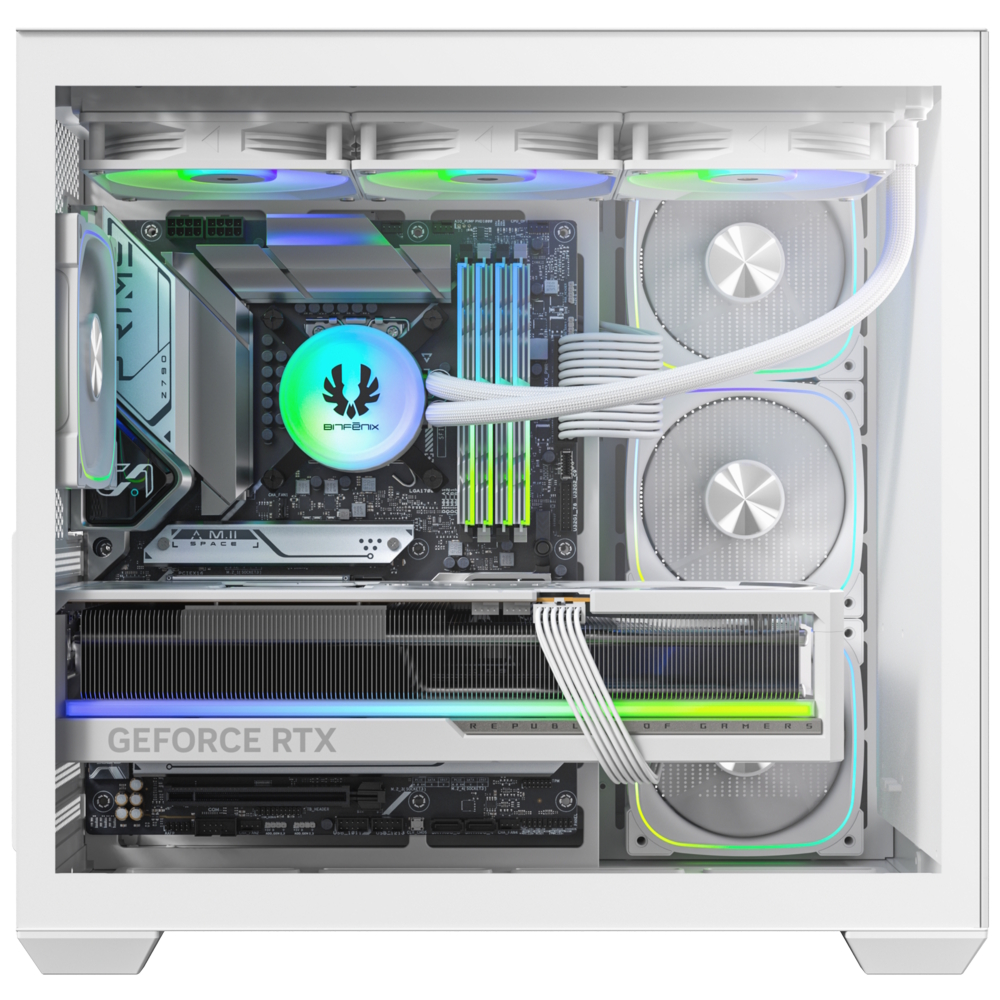
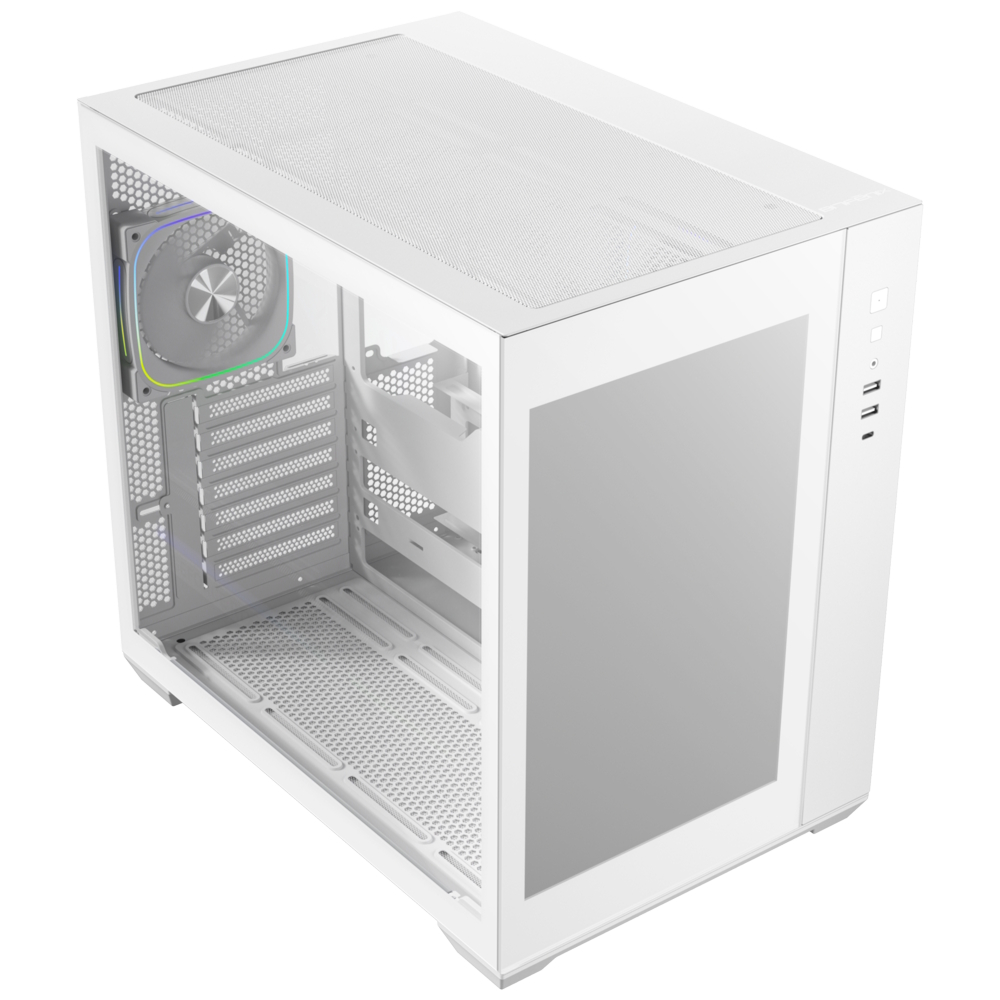
BitFenix has unveiled its latest case, the ALD, a dual-chamber model that integrates a 14-inch IPS display in the front panel. With its size and 1920 x 1200 resolution, this display can even work as a monitor.
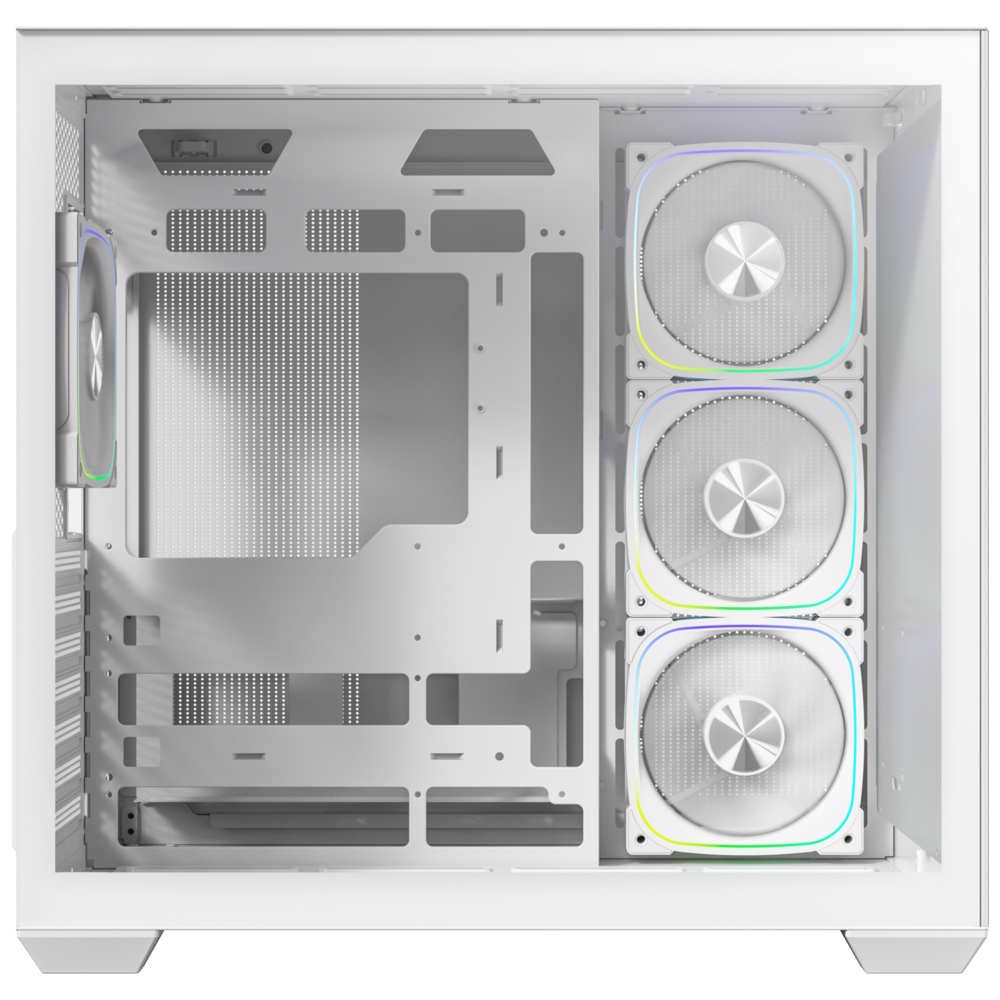
ALD's(via Vortez) large-format panel serves as a secondary desktop, allowing users to display real-time system diagnostics, custom animated dashboards, or multimedia content directly on the front of their PC. Beyond its standout screen, the ALD features compatibility with back-Connect) motherboards, which move cable headers to the rear to create a clutter-free interior. The dual-chamber layout further assists in thermal efficiency and aesthetics by isolating the PSU and storage behind the motherboard tray, leaving 99mm of cable management depth.
The case comes pre-equipped with a balanced fan configuration: three 120mm ARGB reverse-fans on the side/motherboard panel and one 120mm ARGB fan at the rear for exhaust. Additionally, the ALD supports up to 360mm radiators on both the top and motherboard panels simultaneously. Hardware clearances are equally generous, supporting graphics cards up to 400mm in length and CPU tower coolers up to 175mm in height.
Available in both black and white finishes, the ALD features modern I/O connectivity, including a USB-C 3.1 port, two USB-A 3.0 ports, and a legacy USB-A 2.0 port. Storage support includes one 3.5-inch drive and two 2.5-inch SSDs.
KitGuru says: With a massive 14-inch screen built right into the front, do you see this replacing a secondary monitor?
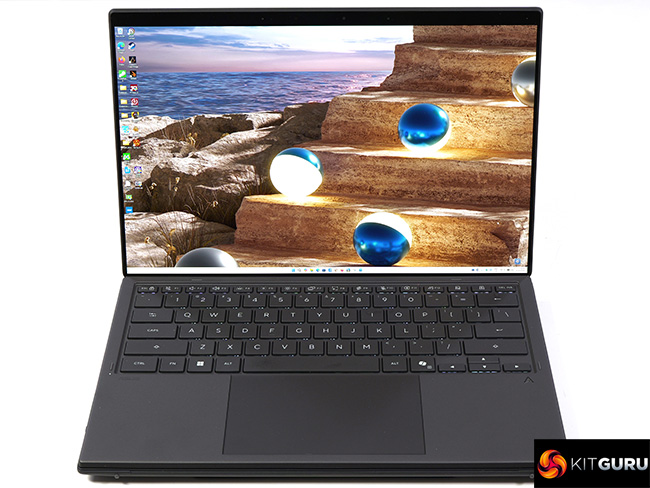
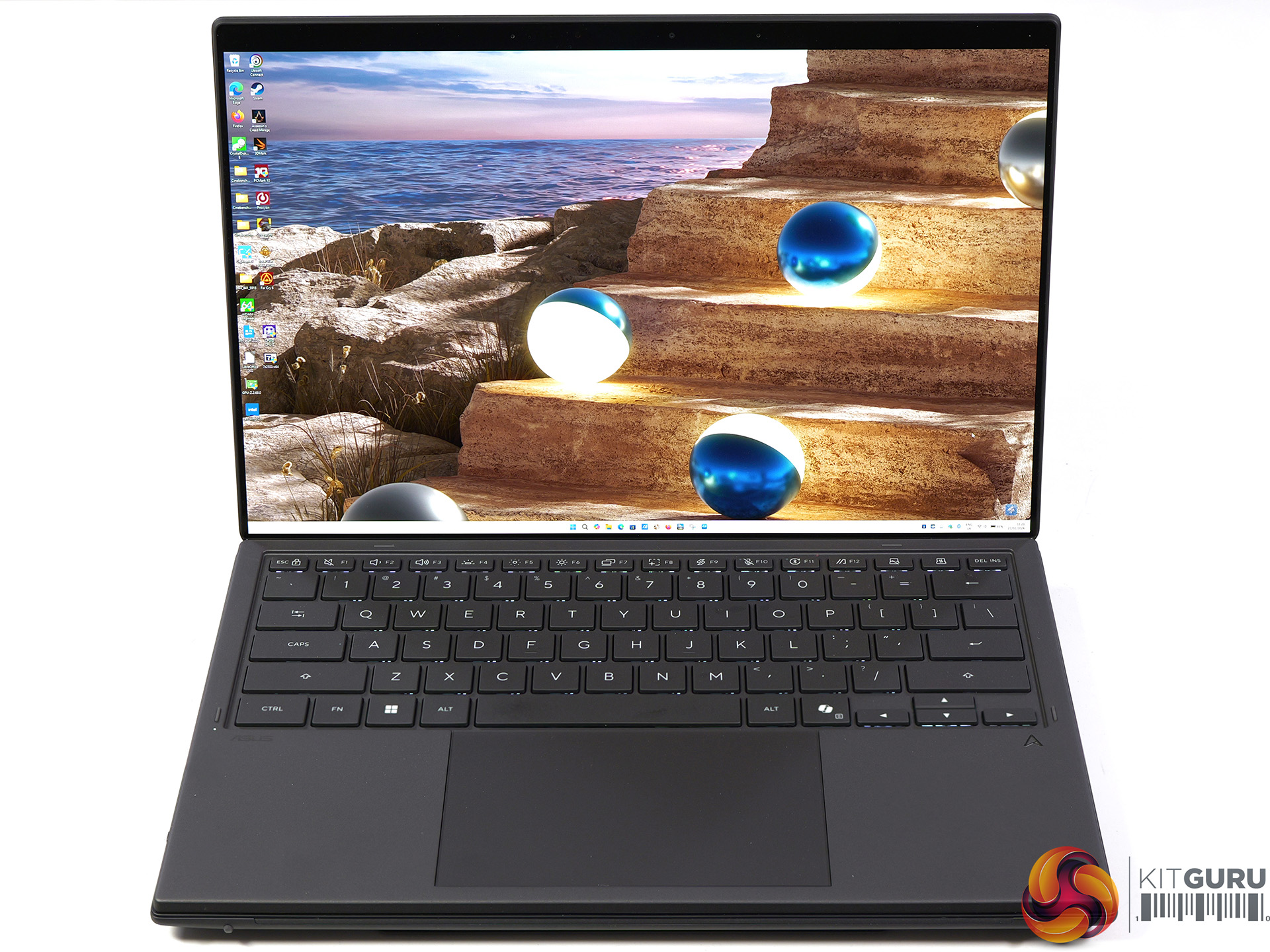
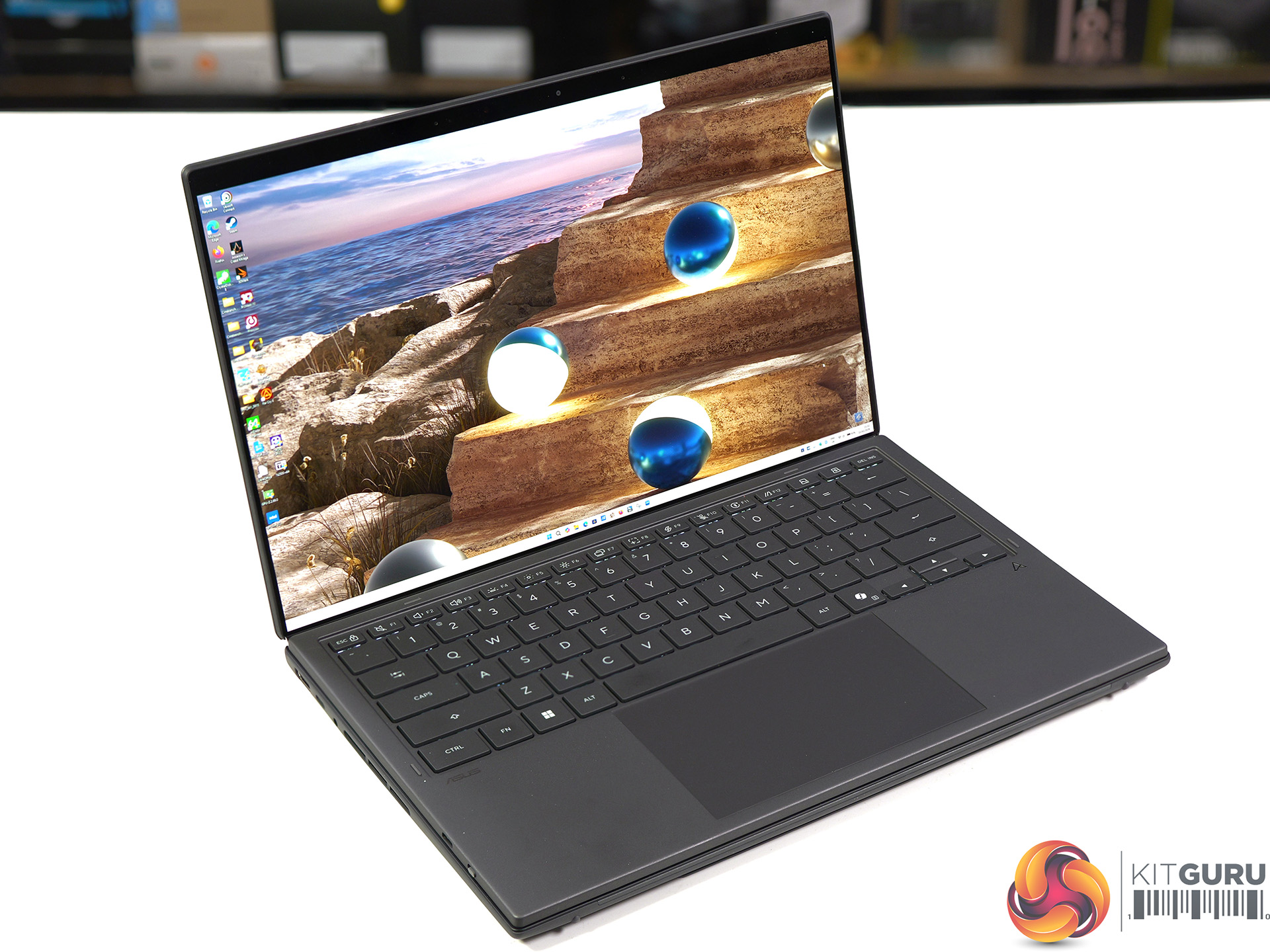
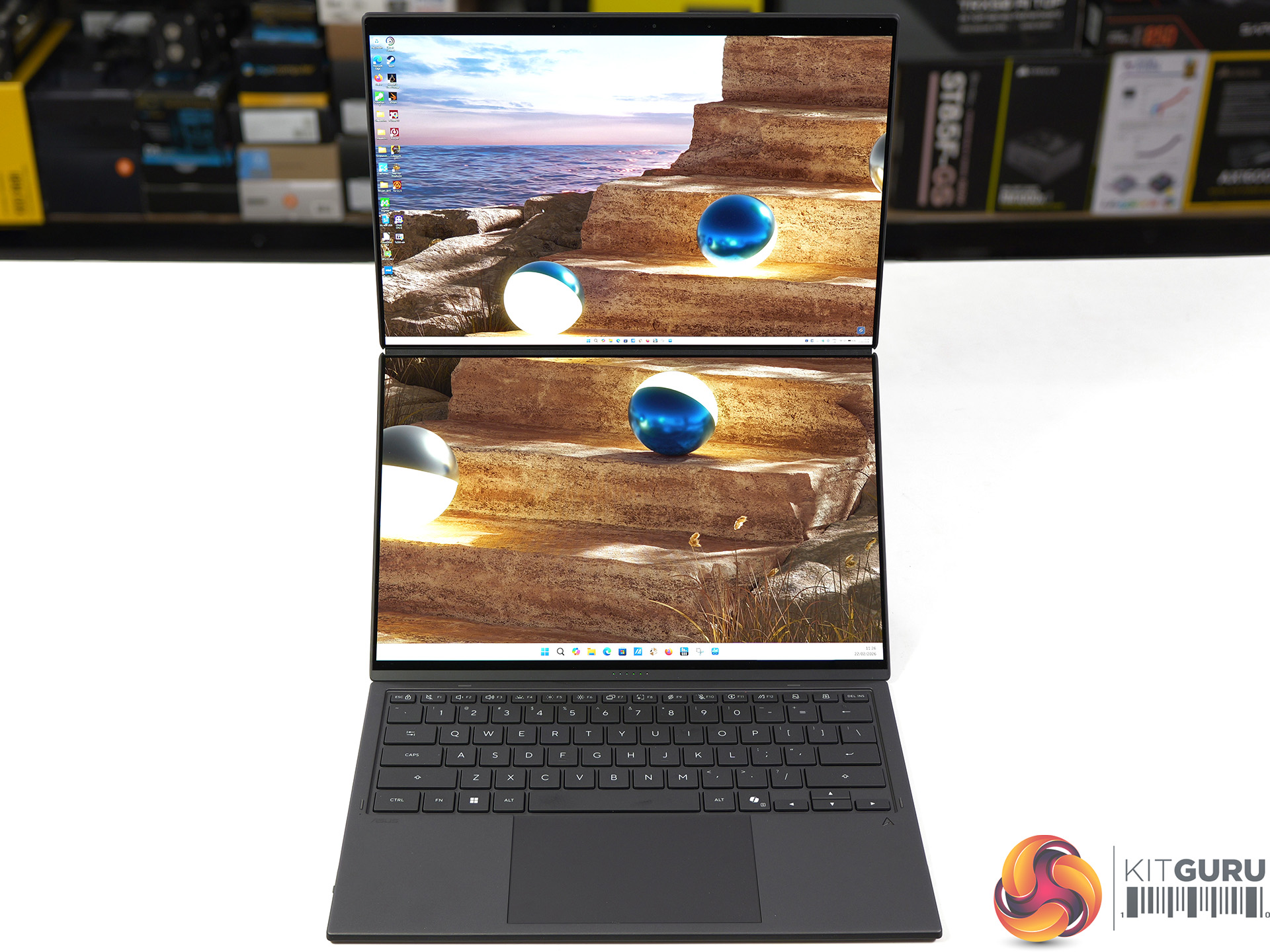
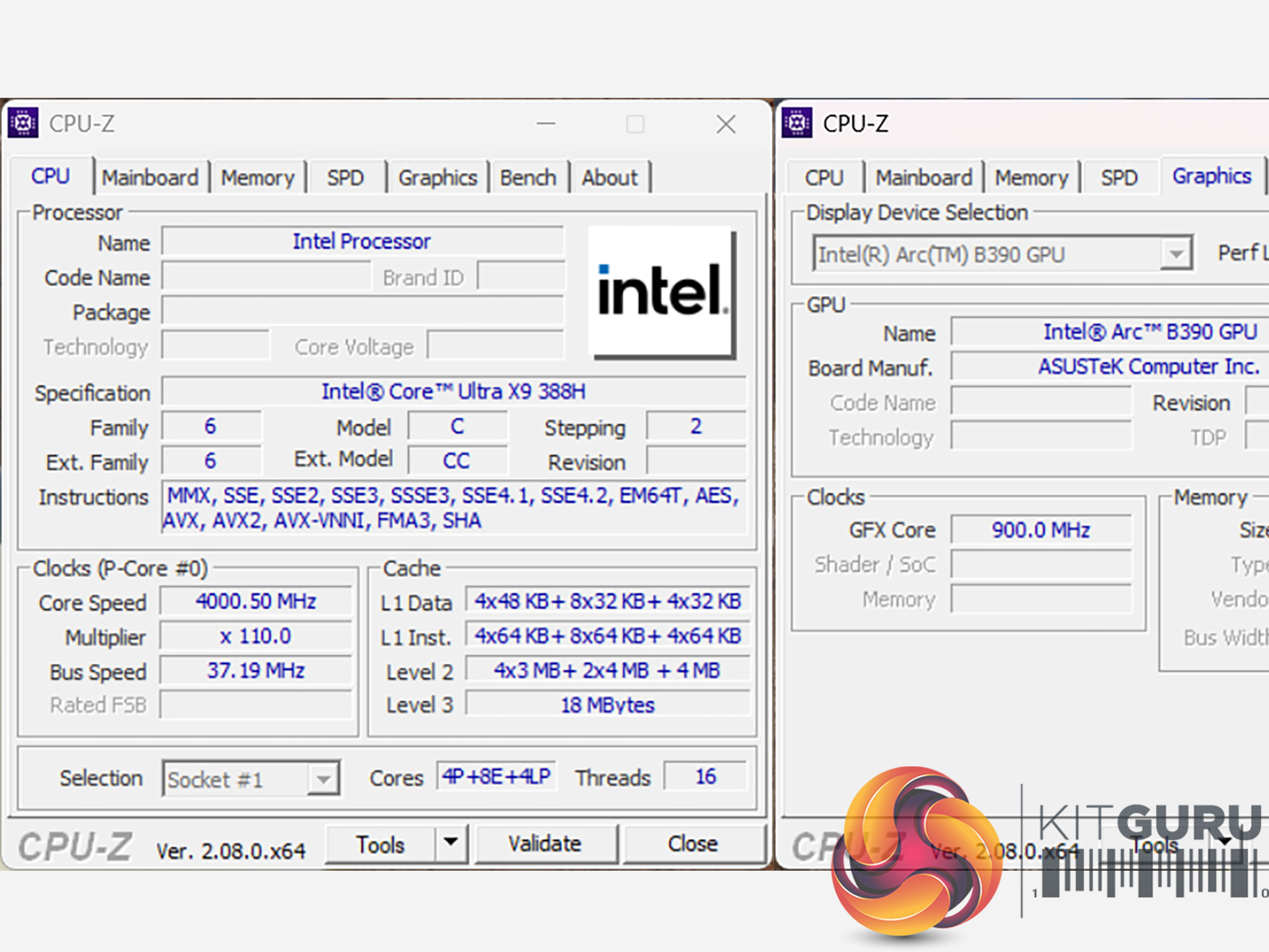
We first saw the new Intel Panther Lake laptop chip in action at their event in Arizona last October, and today we can review the finished result. This 2026 Asus Zenbook Duo packs the most grunty Panther Lake of them all, the Core Ultra X9 388H. The hardware includes 16 CPU cores and 12 Xe3 graphics cores but the headline feature is the Duo part of the name which refers to the dual 14-inch OLED screens. As you will see, it is pretty nifty.
Timestamps:
00:00 Intro
01:11 Meet the Duo!
02:02 Duo-screen basics and functionality
05:16 The quirks of the design
06:16 Core spec
07:25 CPU benchmark results
10:40 System test results
10:10 Game benchmarks
15:07 We’ve not taken it apart…
15:44 Dual batteries – does that explain benchmark curiosities?
17:04 Leo’s pros and cons
Features
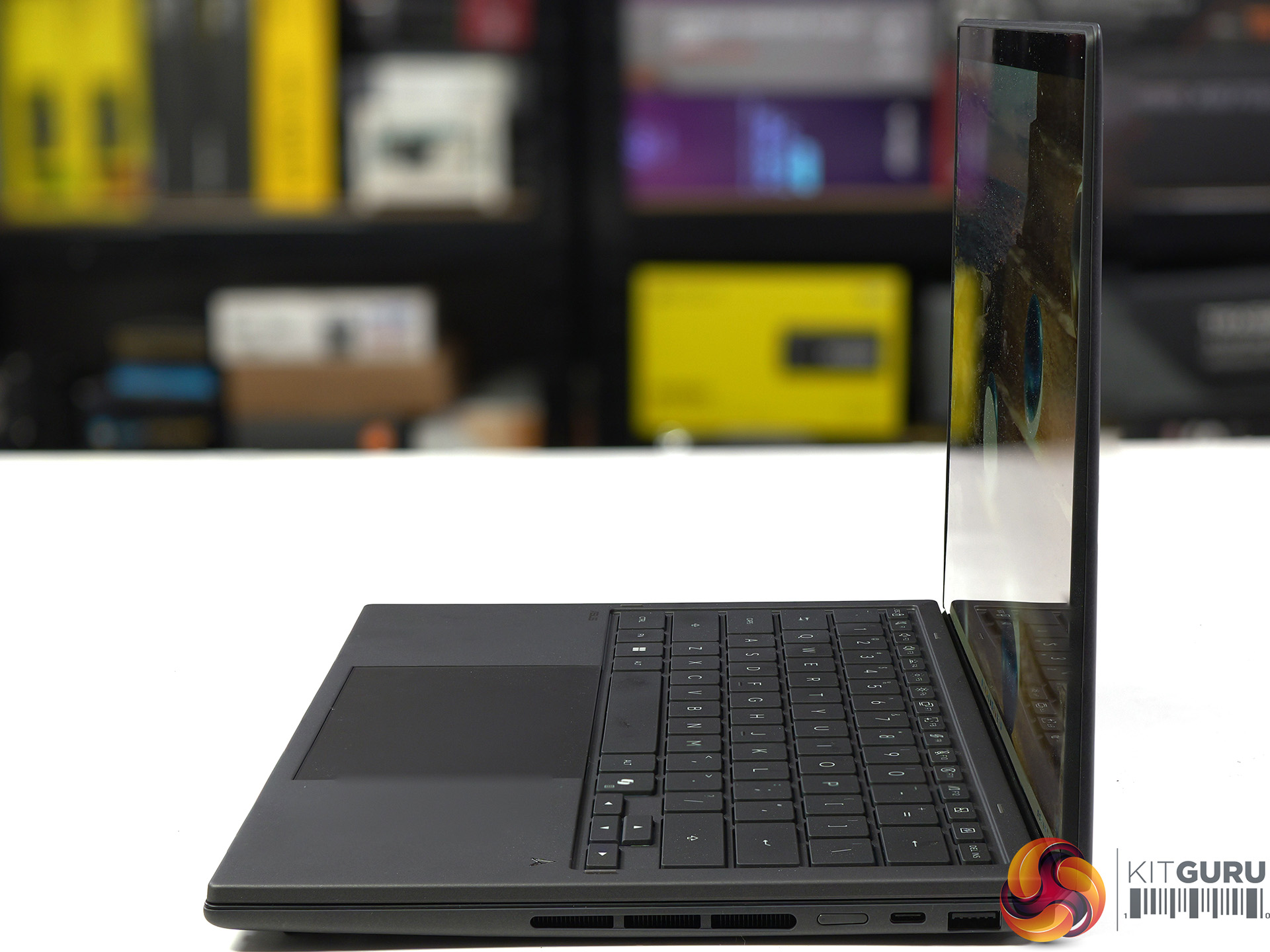
The most compact Zenbook Duo ever with new hideaway hinge design and nearly 20-inches expansive view.
Perfect for mobile multitasker to enjoy professional-grade viewing: Dual 14-inch 3K 144Hz Asus Lumina Pro OLEDs, 1000 nits touchscreen display. Anti-reflection clarity outdoors.
Lightweight mobile studio provides peak performance of up to Intel Core Ultra X9 Series 3 with discrete-level GPU acceleration, unlocking exceptional power for AI, rendering, and gaming on the go.
Dual-screen laptop with 18+ hour battery life.
From Ceraluminum chassis, hinge, kickstand to the screens, setting the gold standard for durability in portable computing.
Versatile modes with intuitive smart gesture control. Asus Pen 3.0 support.
Camera: FHD camera with IR (Windows Hello support)
Audio: Built-in array microphone with Cortana support
Network: Wi-Fi 7 and Bluetooth 5.4
Battery: 99Wh, 4S1P, 4-cell Li-ion
Power supply: 100W USB Type-C
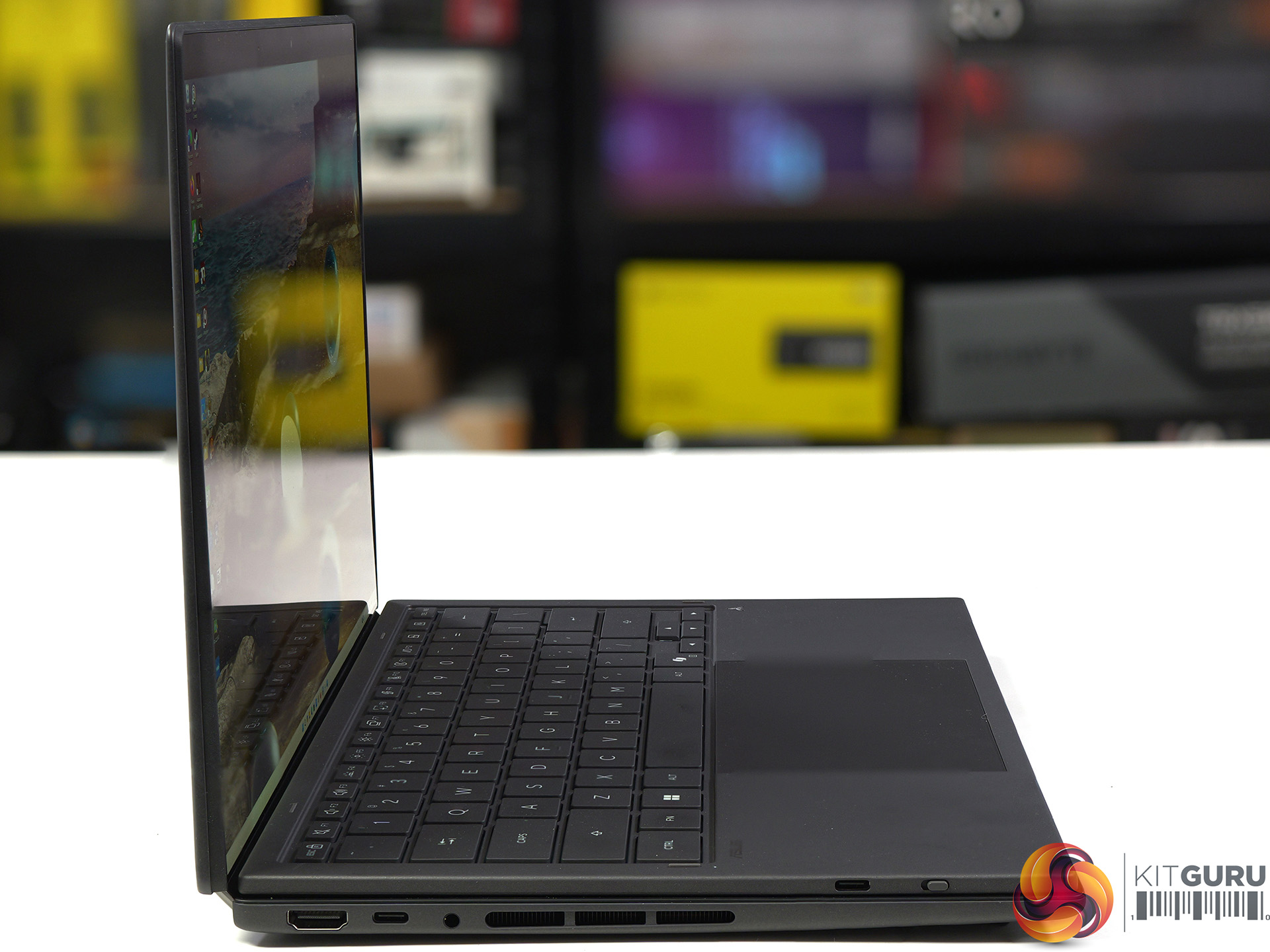
Dimensions: 31 cm (W) x 21 cm (D) x 2.3 cm (H)
Weight: 1.68 kg (plus 0.48 kg charger and mains cable)
Operating system: Windows 11 Home
Testing and Performance
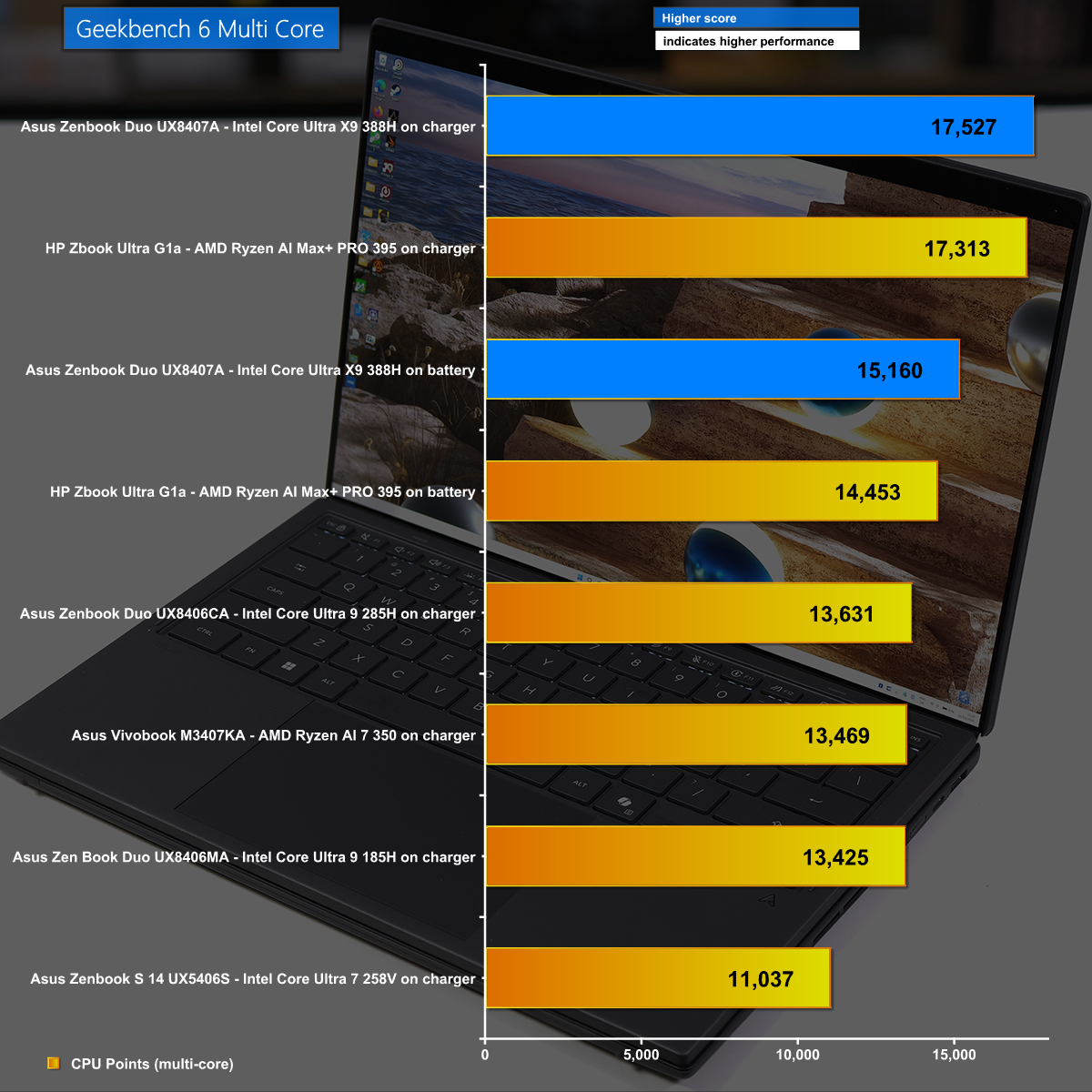
Geekbench 6 Multi Core
in Geekbench 6 Multi Core we see the Asus Zenbook Duo performing well, with the Intel Core Ultra X9 388H some 30% ahead of the previous Core Ultra 9 285H.
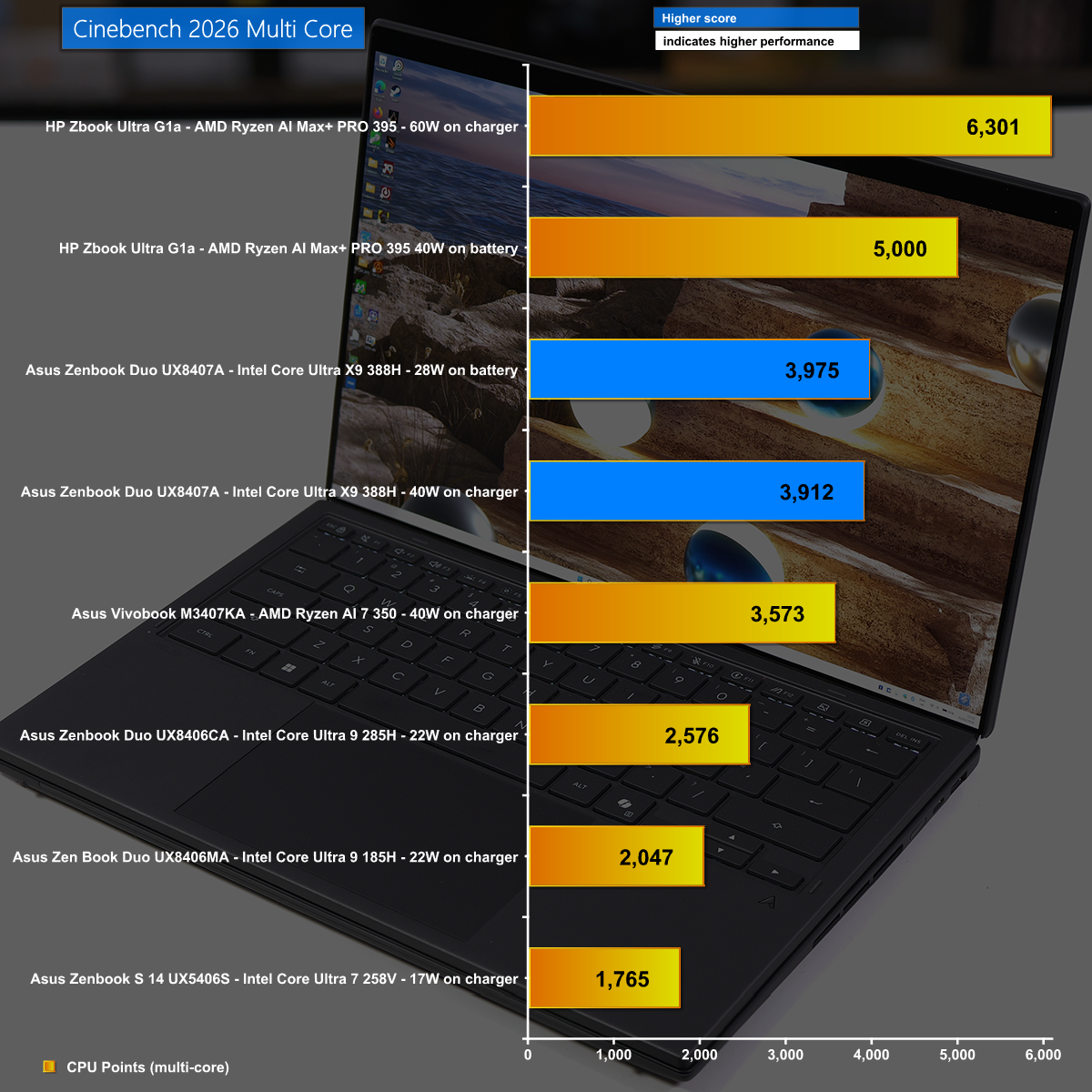
Cinebennch 2026 Multi Core
It is a slightly different story in Cinebench 2026 Multi Core where we again see the new Intel Panther Lake wreck the previous Lunar Lake, however the top honours go to AMD with the mighty Strix Halo in the HP Zbook Ultra G1a.
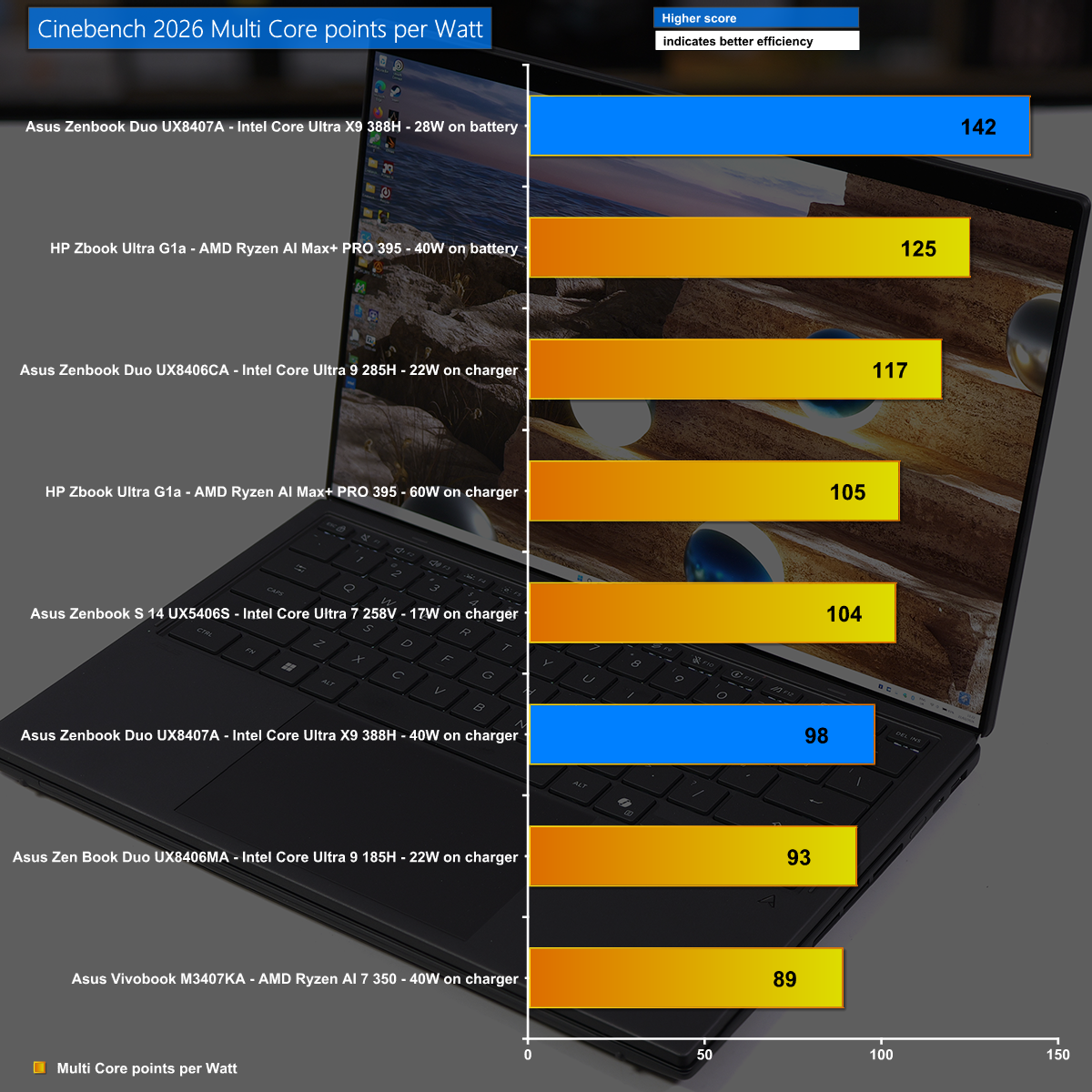
Cinebench 2026 Multi Core points per Watt
Our Cinebench 2026 power efficiency calculation shows the amazing efficiency of Intel's new Core Ultra X9 388H which has good performance and very low power draw.
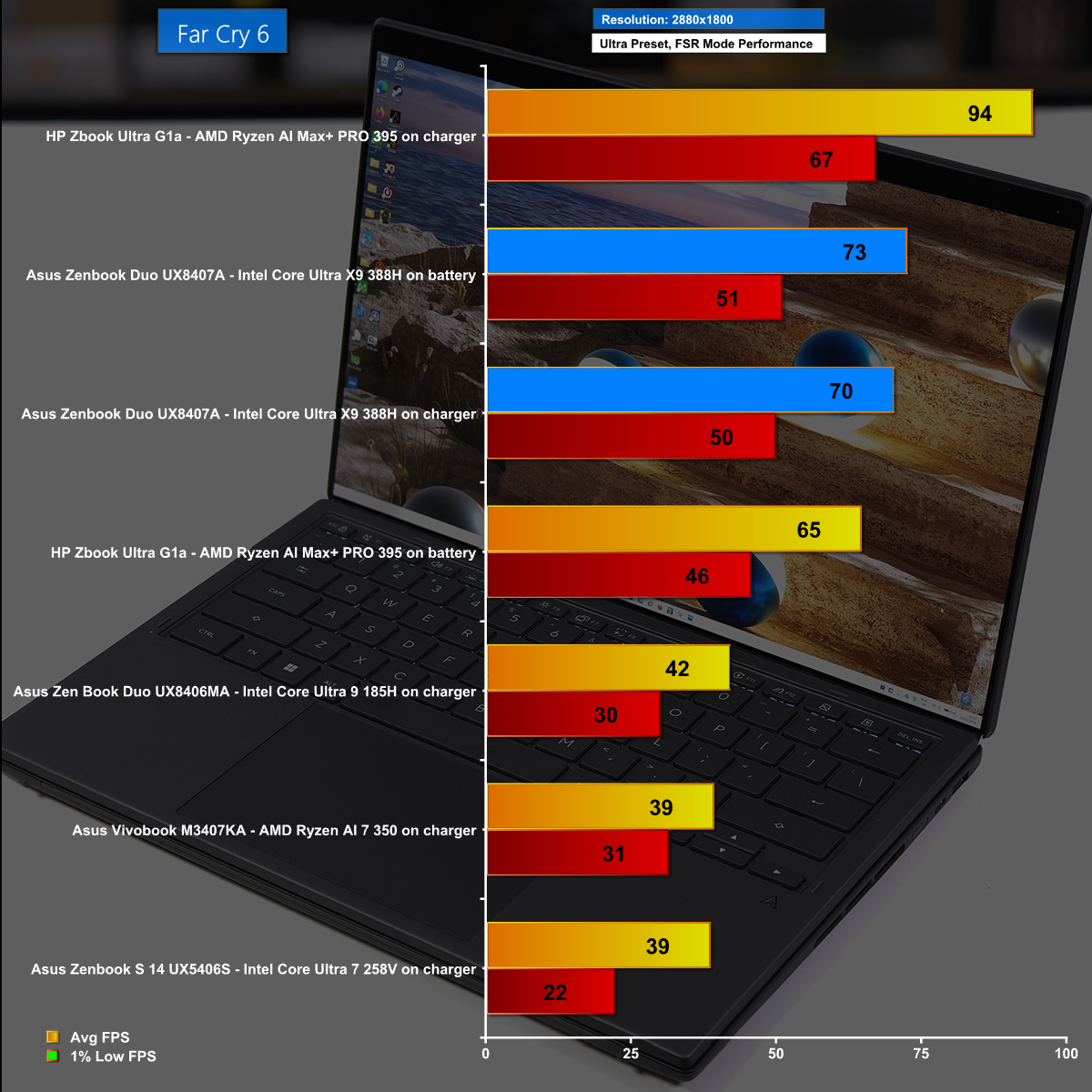
Far Cry 6 at 2,880×1,800 with FSR Performance Mode
In Far Cry 6 at the massive resolution of 2,880×1,800 running on the Ultra preset we used the FSR Performance Mode and saw average frame rates north of 70fps. This is remarkable performance from Intel's latest iGPU and it looks great on the Asus OLED screen.
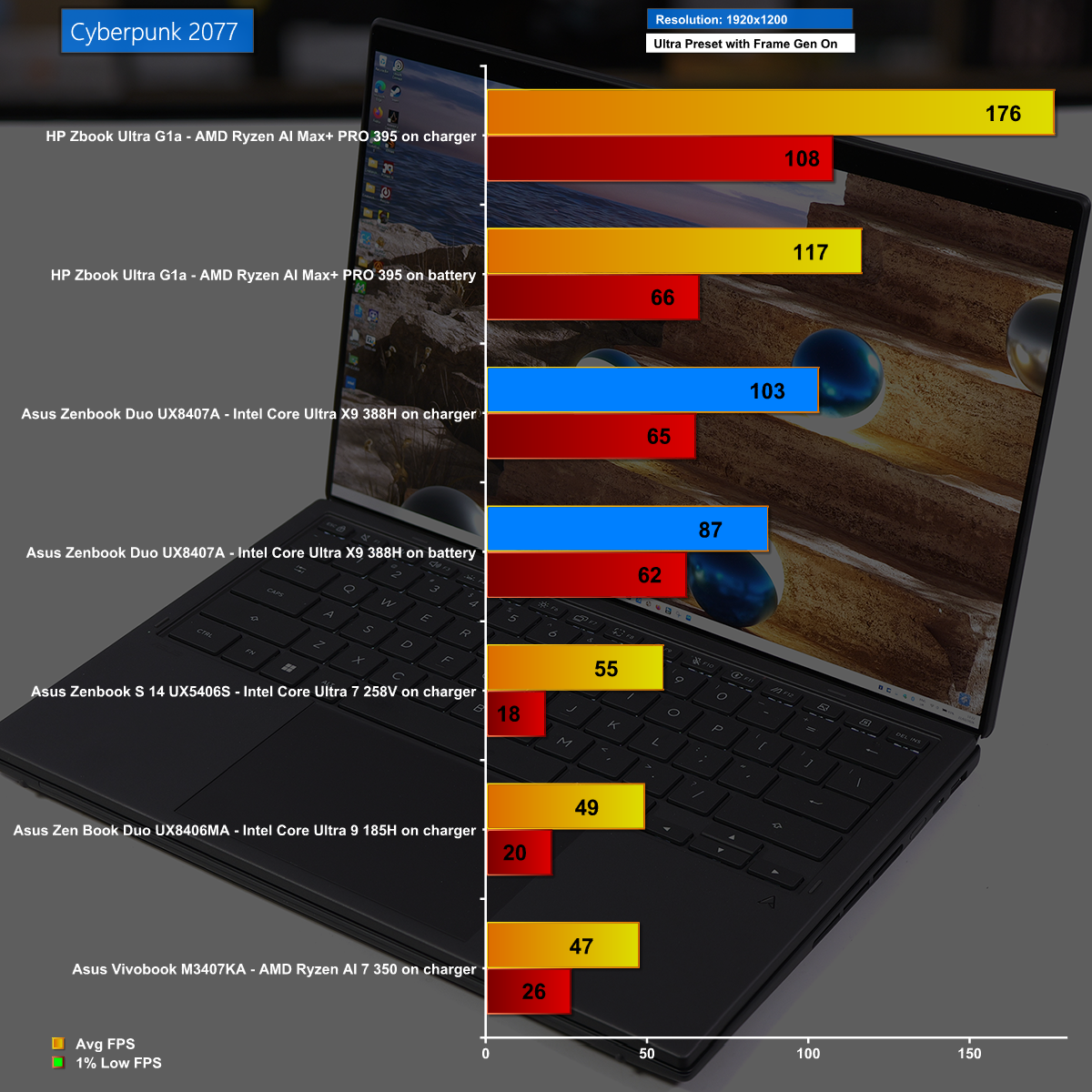
Cyberpunk 2077 at 1,920×1,200 with Frame Gen Enabled
Cyberpunk 2077 is a stiff test with the Ultra preset, but running at 1,920×1,200 with Frame Gen Enabled we saw excellent frame rates from the Asus Zenbook Duo. Having said that, the HP Zbook Ultra G1a smashed it out of the park.
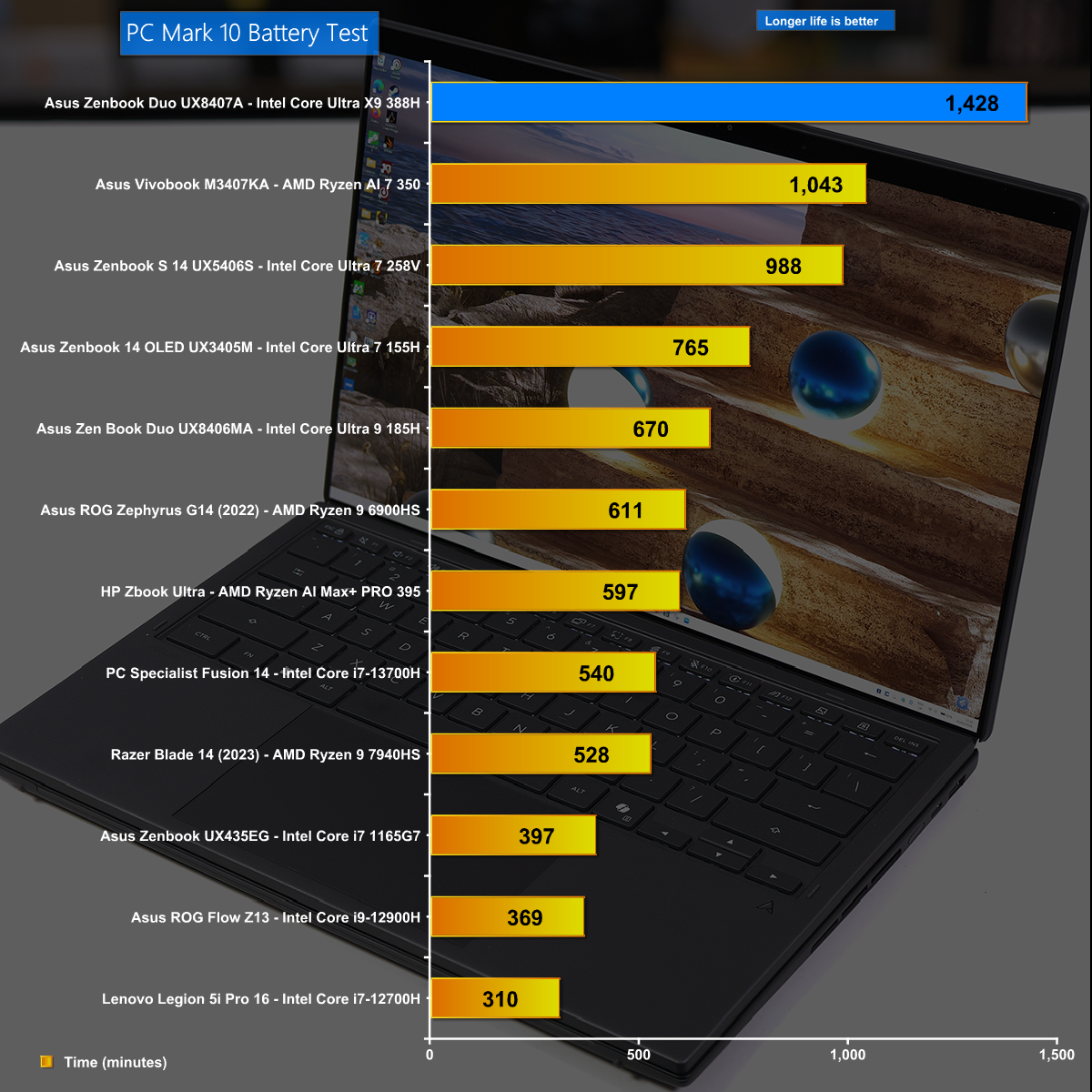
Battery Life
Battery life is a critical aspect of a laptop and the new Zenbook Duo does monumentally well, running for just under 24 hours. This is a superb testament to both Asus and Intel.
Closing Thoughts
The changes made by Asus to the 2026 version of Zenbook Duo are very good and we love the way the dual OLED screens almost merge into one display. As an added bonus the 2026 laptop is notably more compact than previous versions, and this approach to packing two full sized 14-inch displays into a fairly regular laptop demonstrates some impressive engineering by Asus.
The new Intel Core Ultra X9 388H is an impressive piece of silicon and our first impressions mark the Intel 18A process as a success. The CPU part of the chip has decent performance and requires very little power. In addition the 12x Xe3 graphics core delivers sufficient performance for daily use as well as serious gaming sessions.
You can buy the Asus Zenbook Duo UX8407A for £2,499.99 HERE
Pros:
The dual 14-inch OLED screens are superb.
Battery life is monumental.
Intel 12x Xe3 graphics are impressive.
Intel Panther Lake CPU is good.
Cons:
Zenbook Duo is somewhat chunky and slightly heavy.
Price is high.
Ports and connectors are rather close together.
KitGuru says: The latest version of Asus Zenbook Duo comes with Intel Core Ultra X9 and delivers a superb experience.

 Login
Login






 Ultra X9 Series 3 with discrete-level GPU acceleration, unlocking exceptional power for AI, rendering, and gaming on the go.