Login
LoginCorsair Frame 5000D Wood RS Case Review
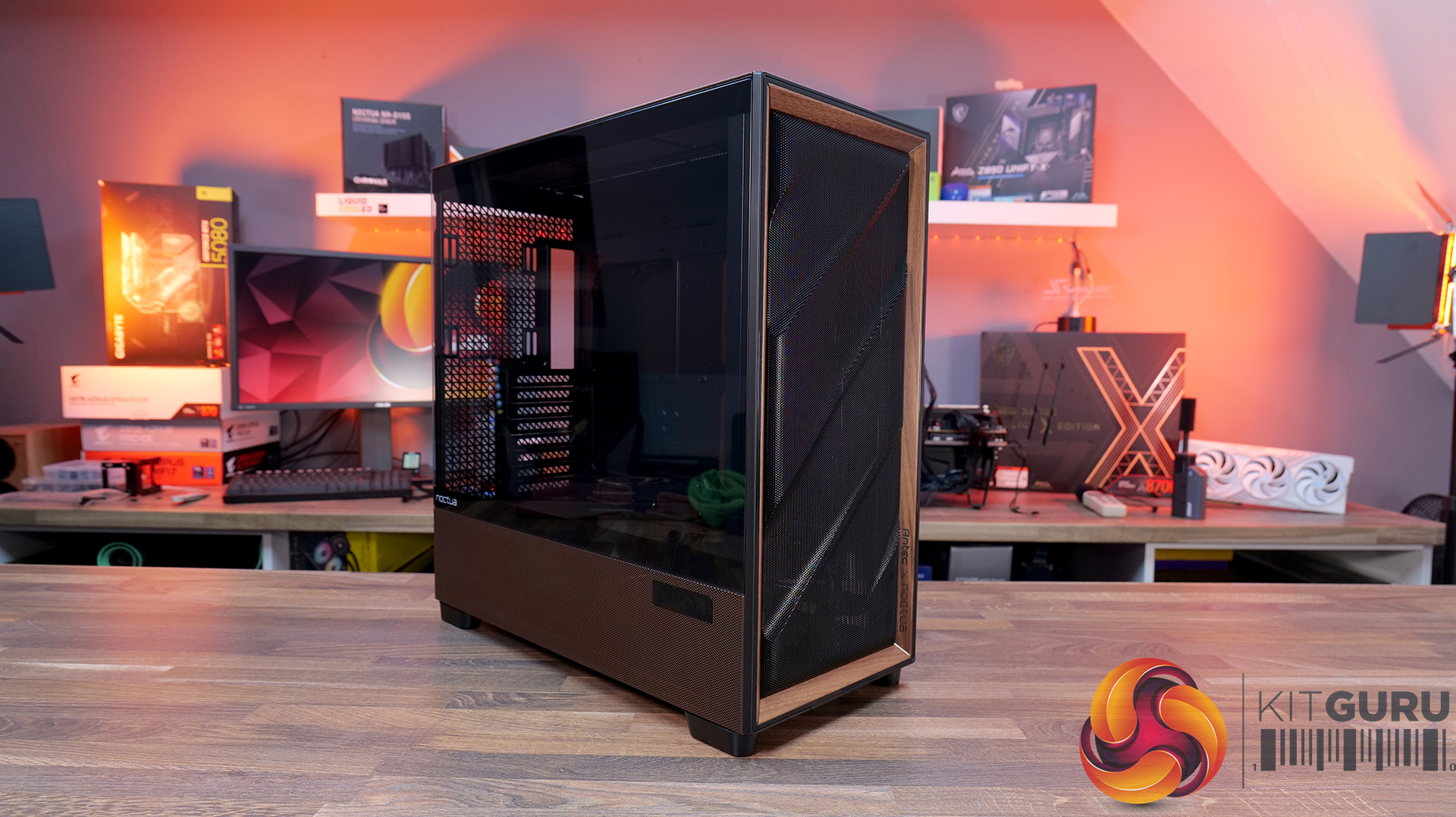
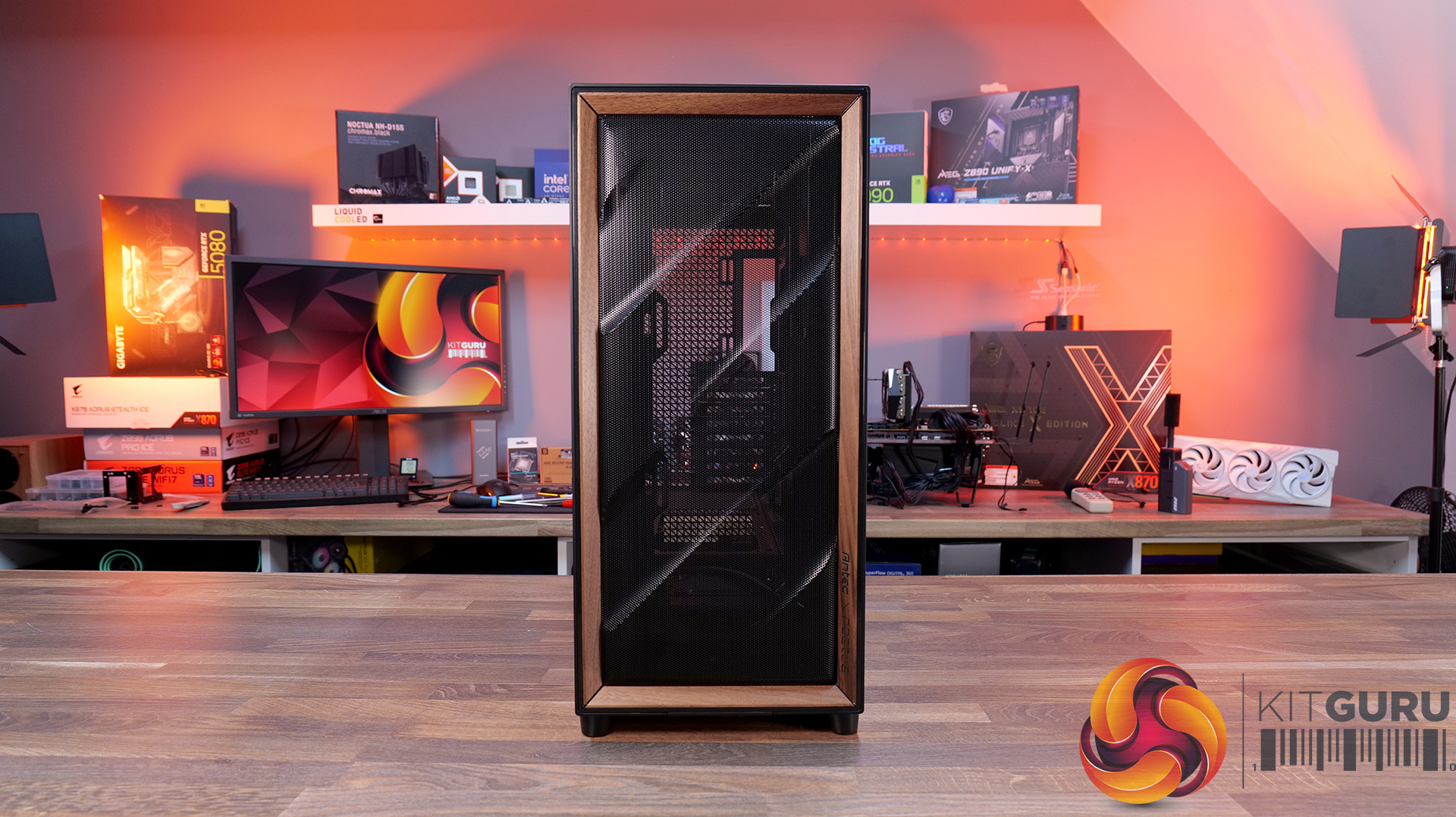
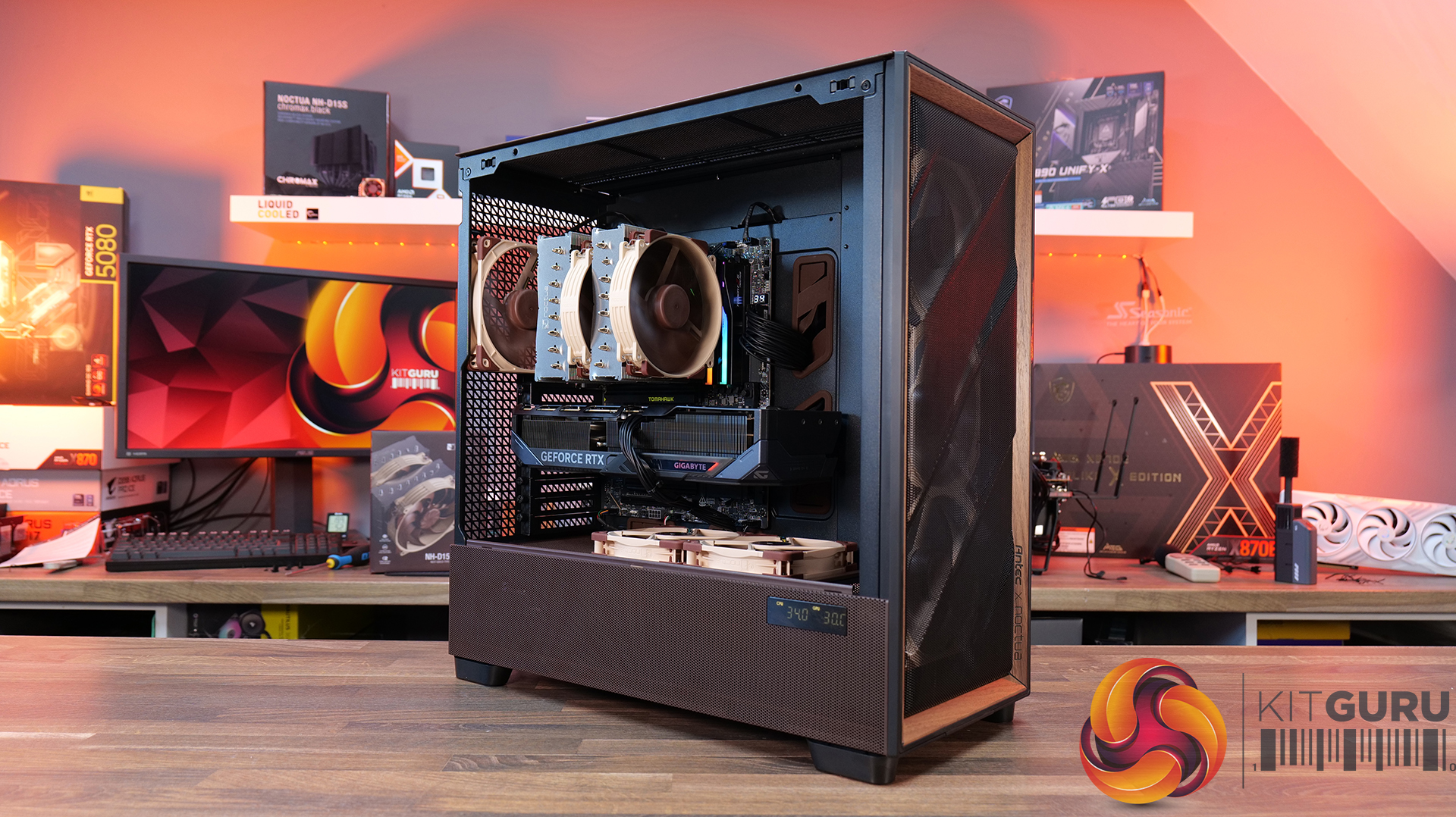
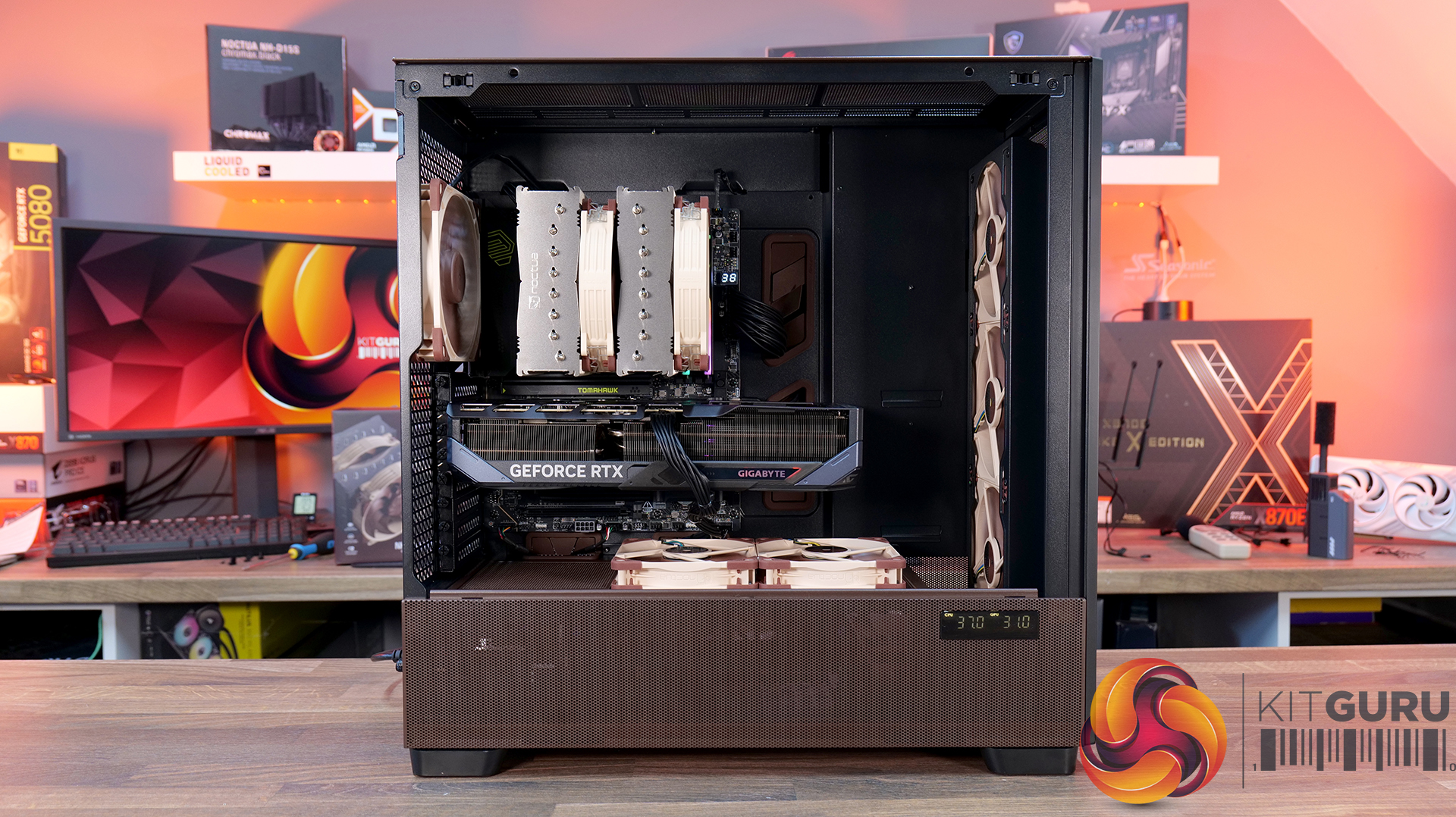
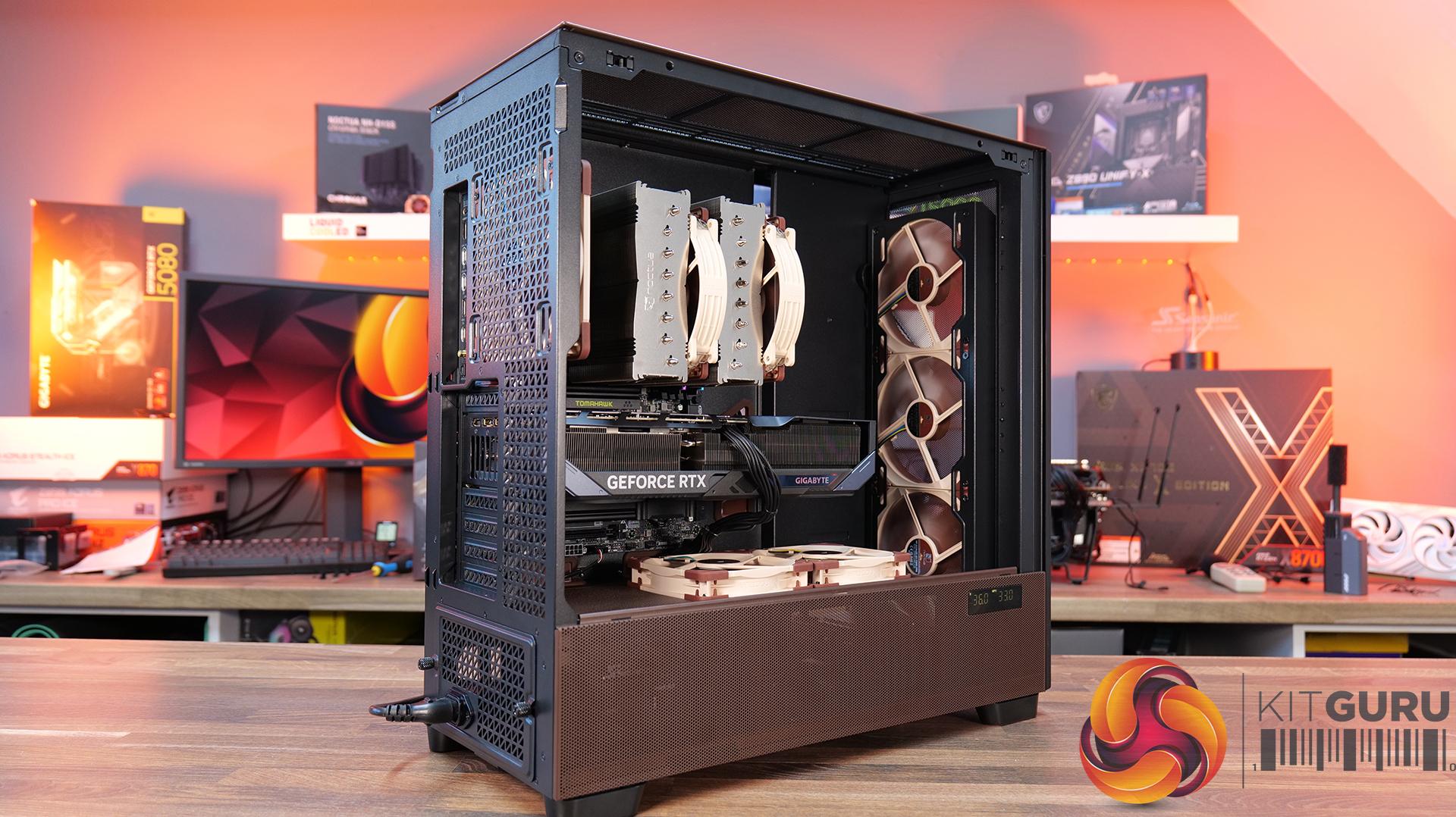
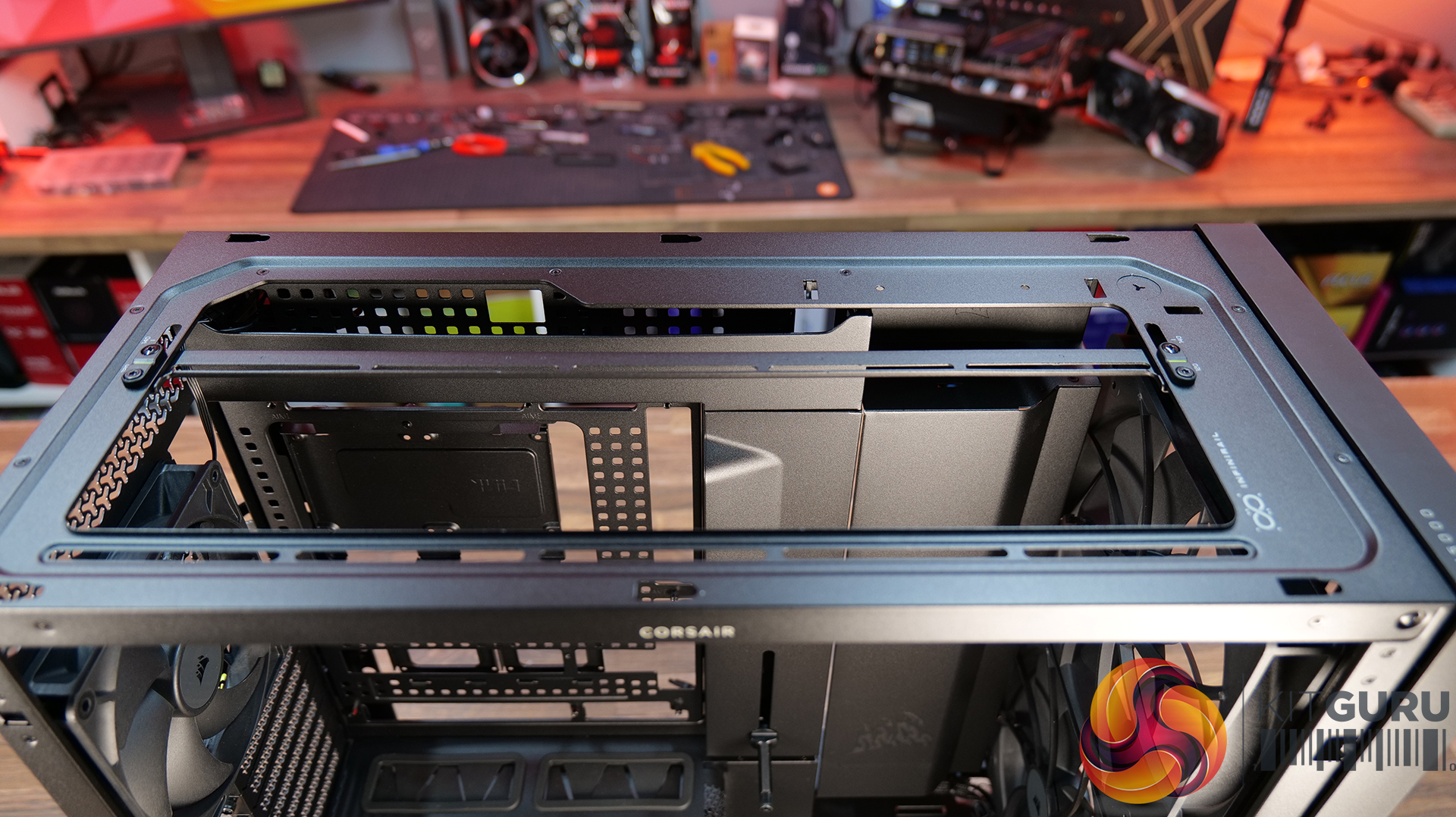
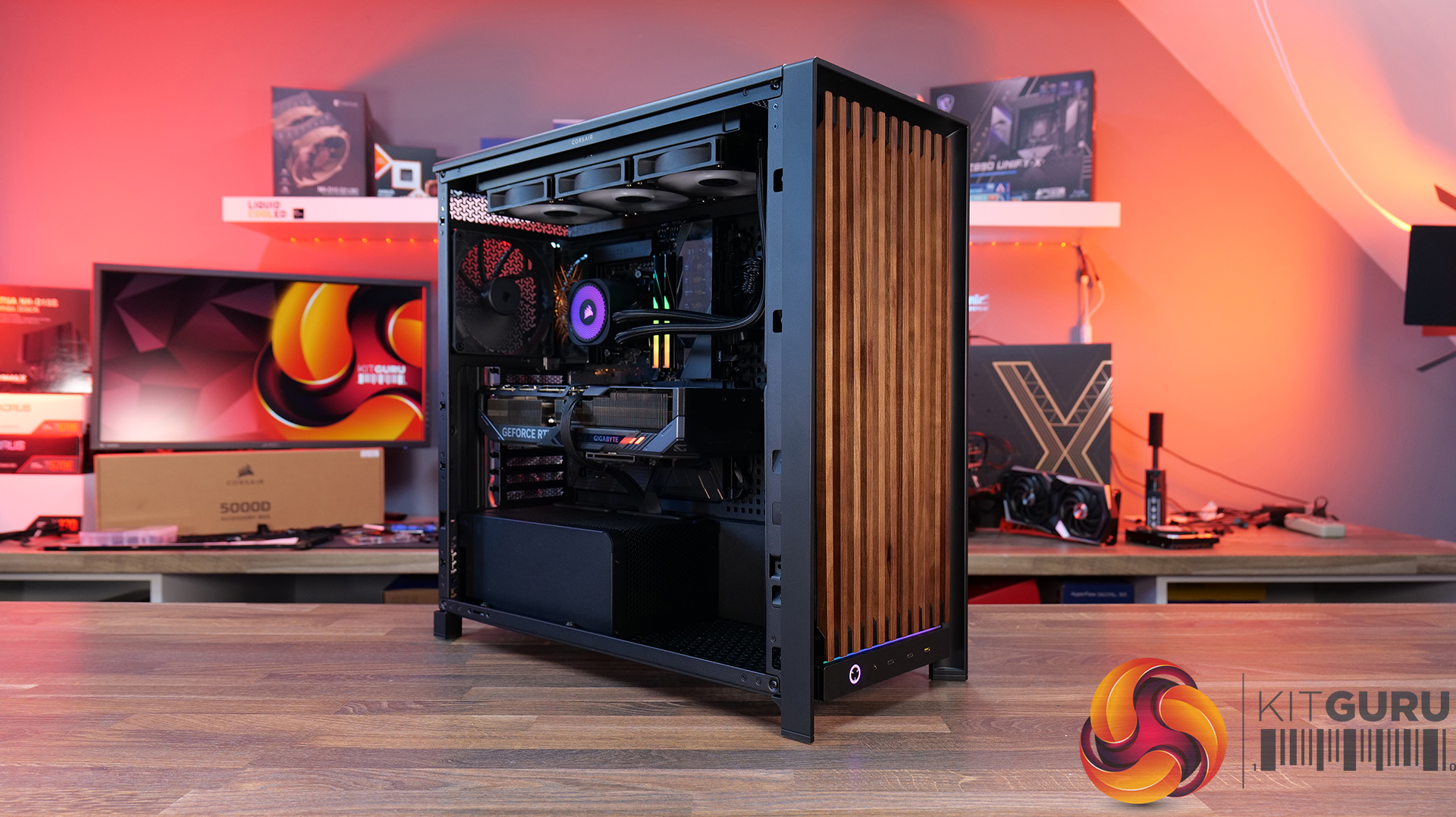
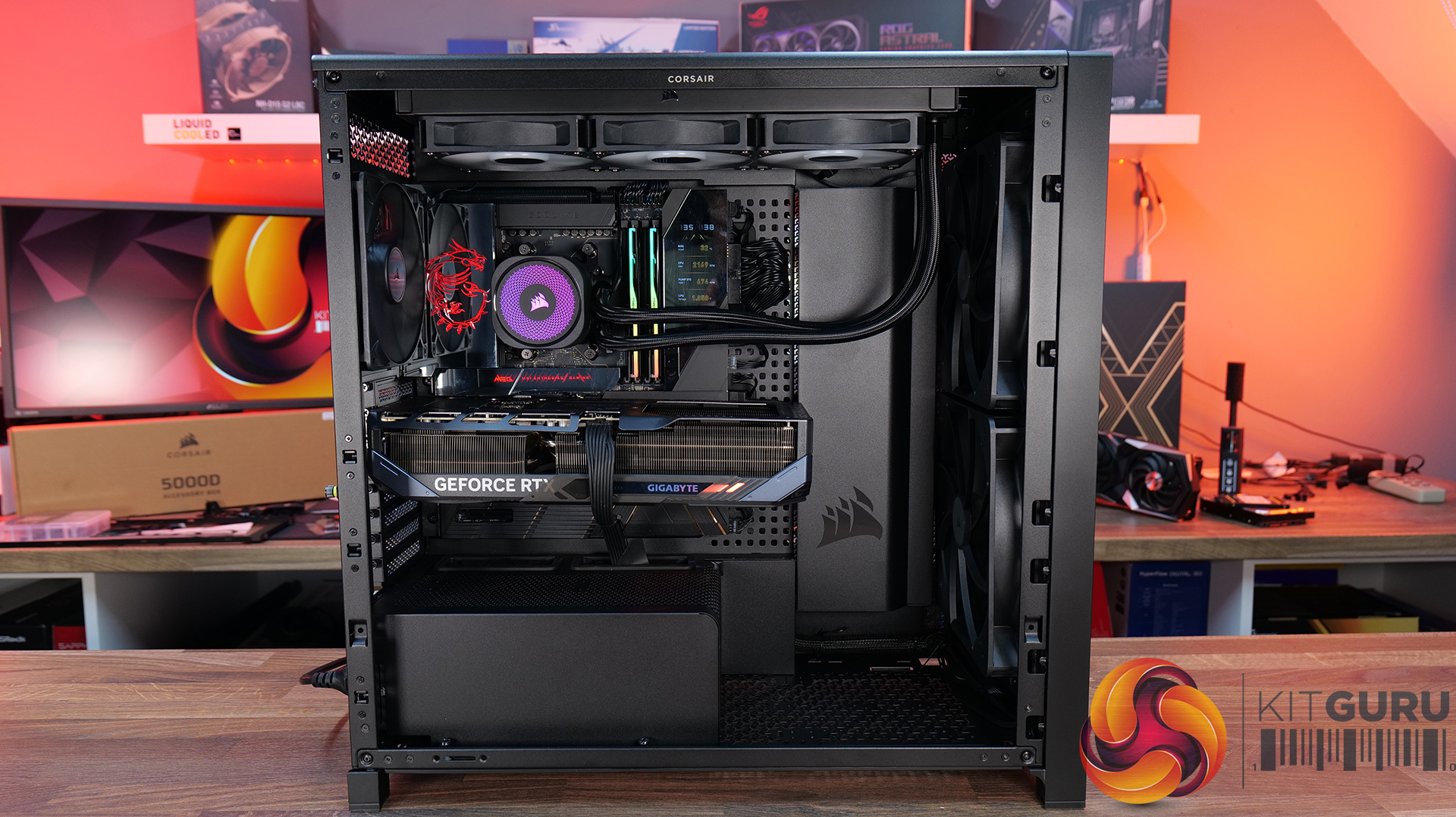
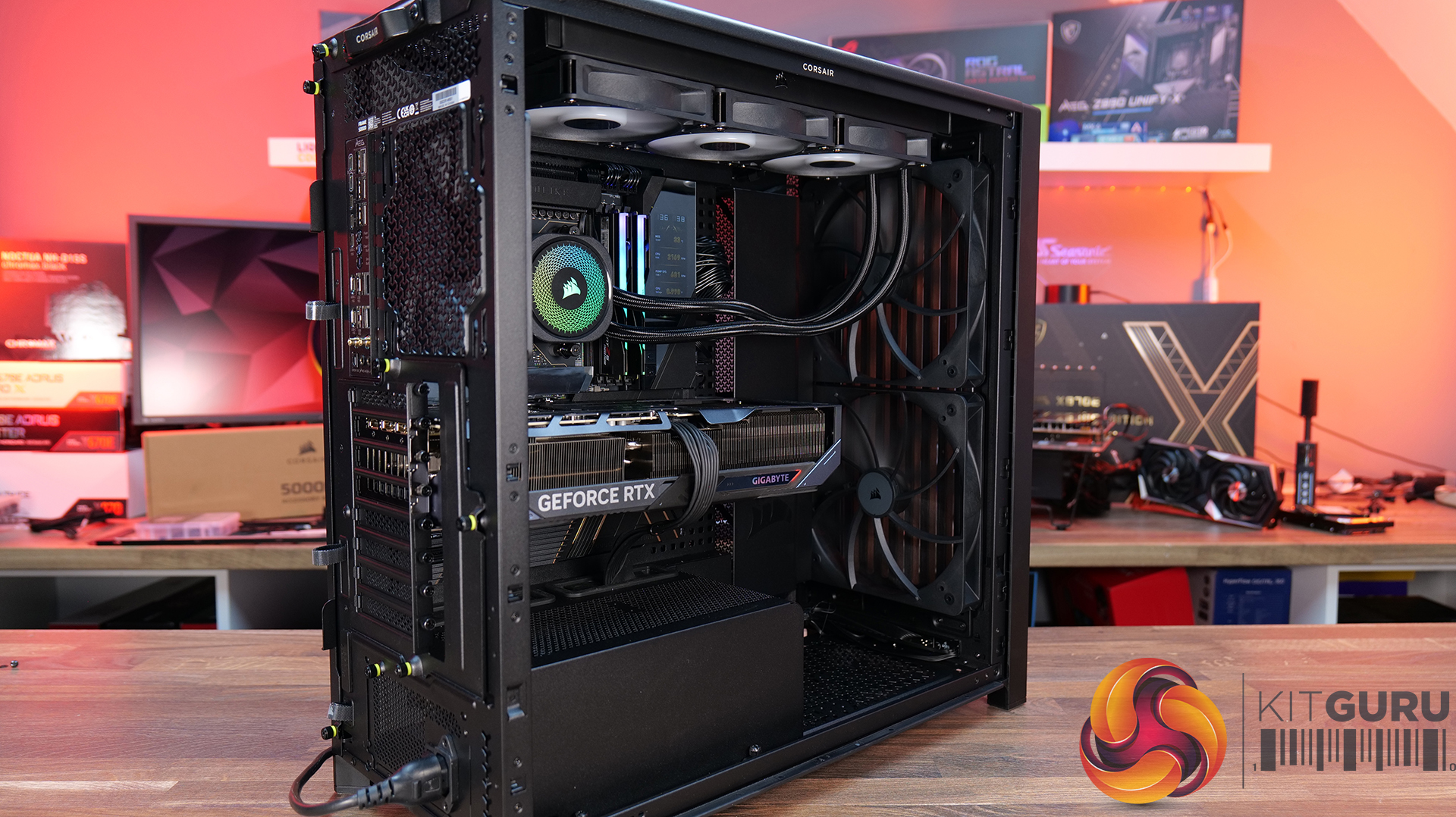
Today we're taking a look at the new Corsair Frame 5000D Wood RS PC case. At first glance it might just look like the regular Frame 5000D with a fancy wooden front, but Corsair has actually made a few interesting changes under the hood. Along with the solid wood front panel, you get a pair of huge 200mm intake fans, a full-length tempered glass side panel, a more compact PSU shroud, and an updated front I/O layout with three USB Type-C ports. So, is this just a cosmetic refresh, or has Corsair really improved one of its flagship cases? Let's find out.
Timestamps:
00:00 Introduction
00:50 Pricing and Info
03:00 Front I/O
03:25 Features / Removing panels
04:35 Hardware / Cooling Support
06:01 Inside the Case / Options
07:21 Air Cooler Support
07:38 GPU Support
08:07 Motherboard Support
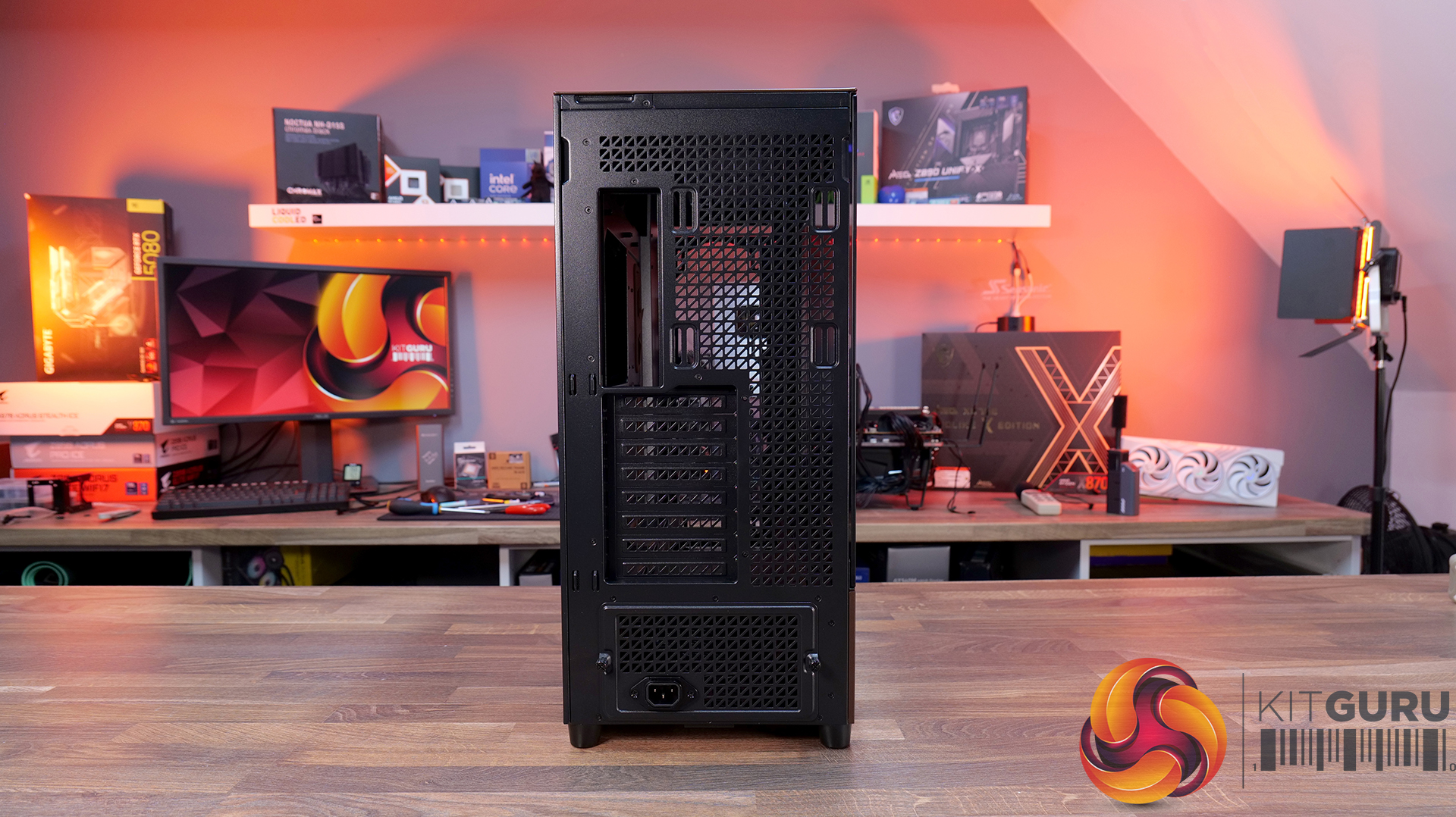
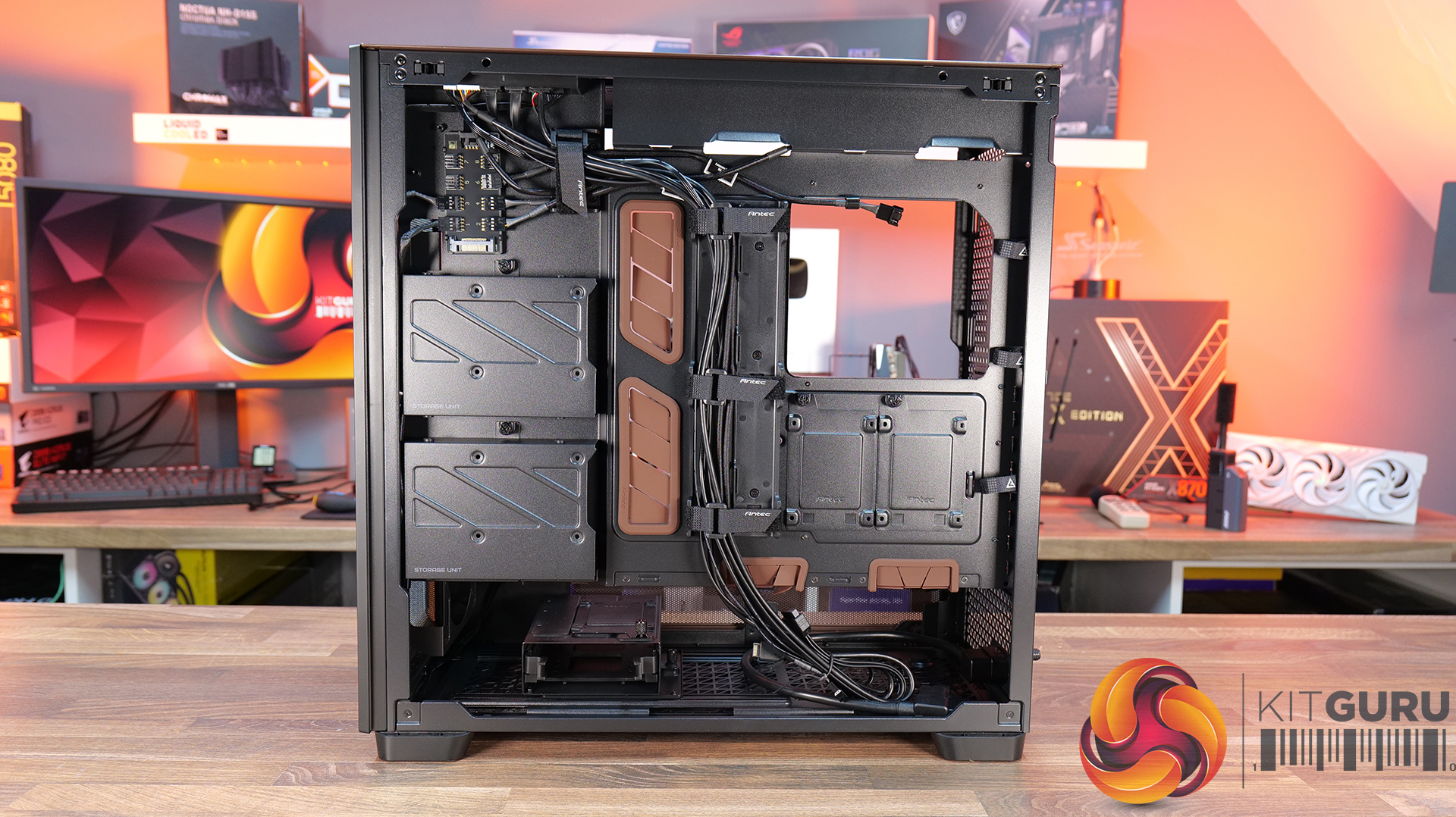
09:09 Back of Case
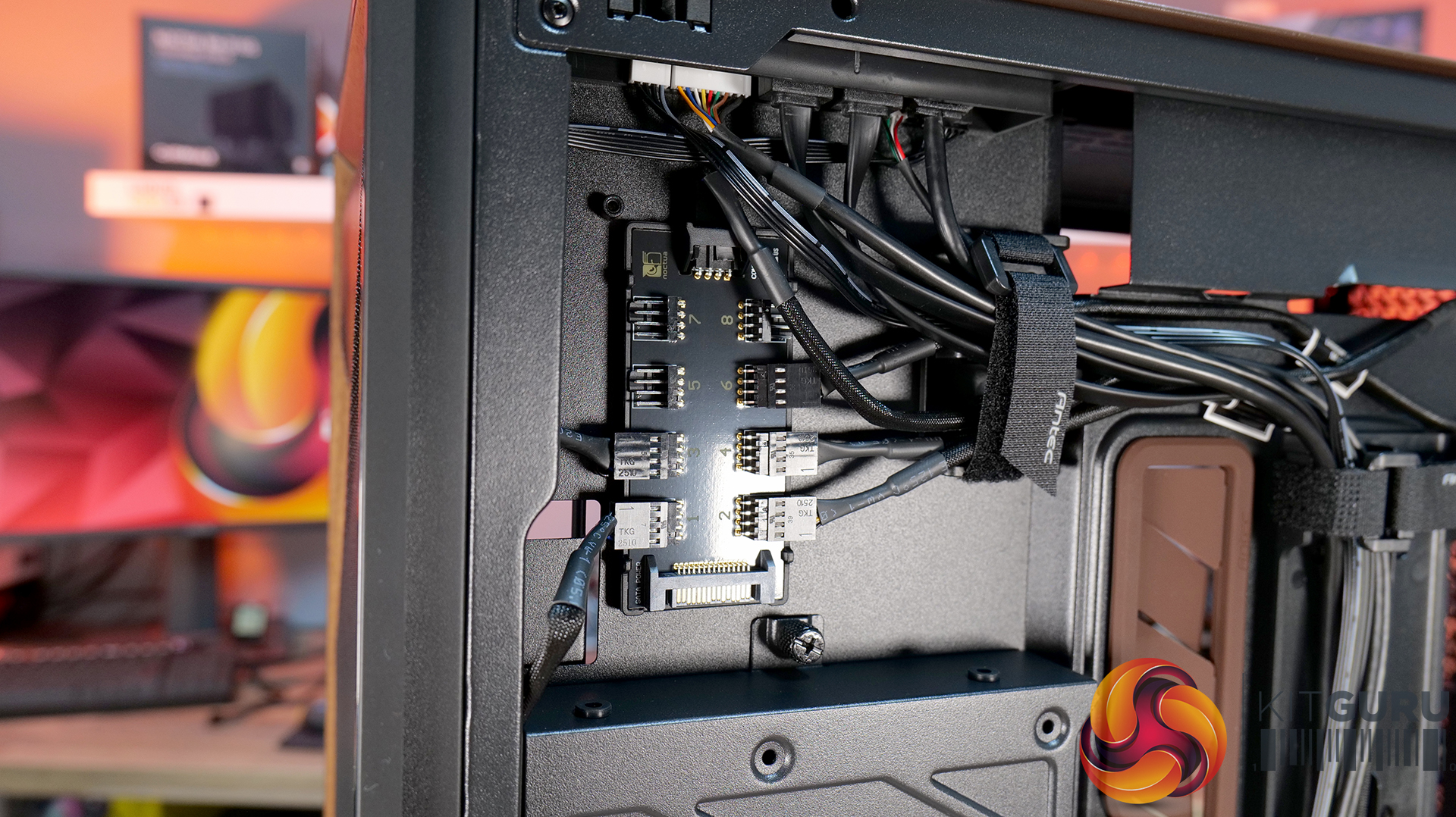
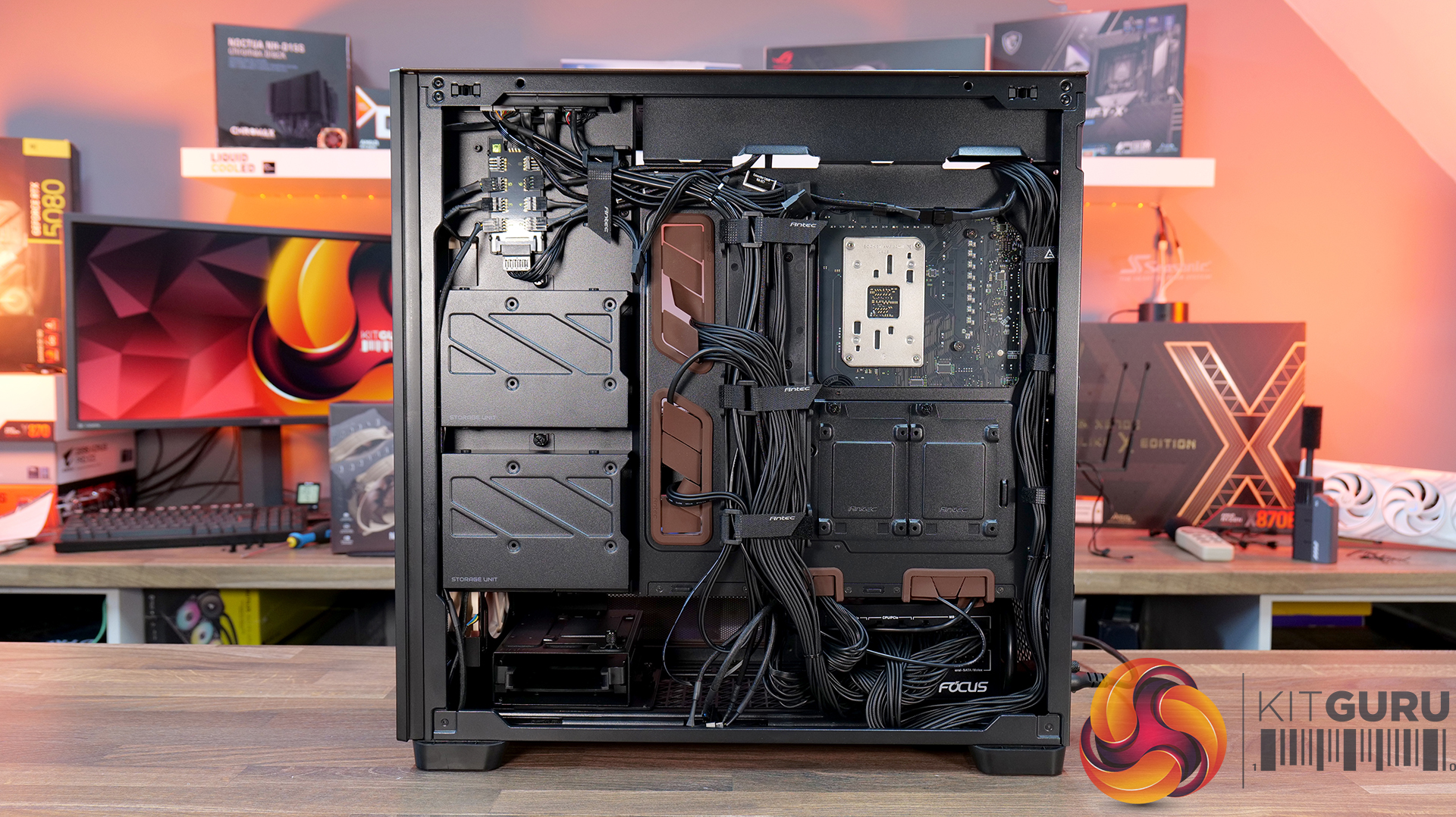
10:17 Cable Routing / Drives
13:00 Floor of Case
13:38 Accessories
15:10 Testing Methodology
15:40 Thermal and Noise Performance
17:05 Closing Thoughts
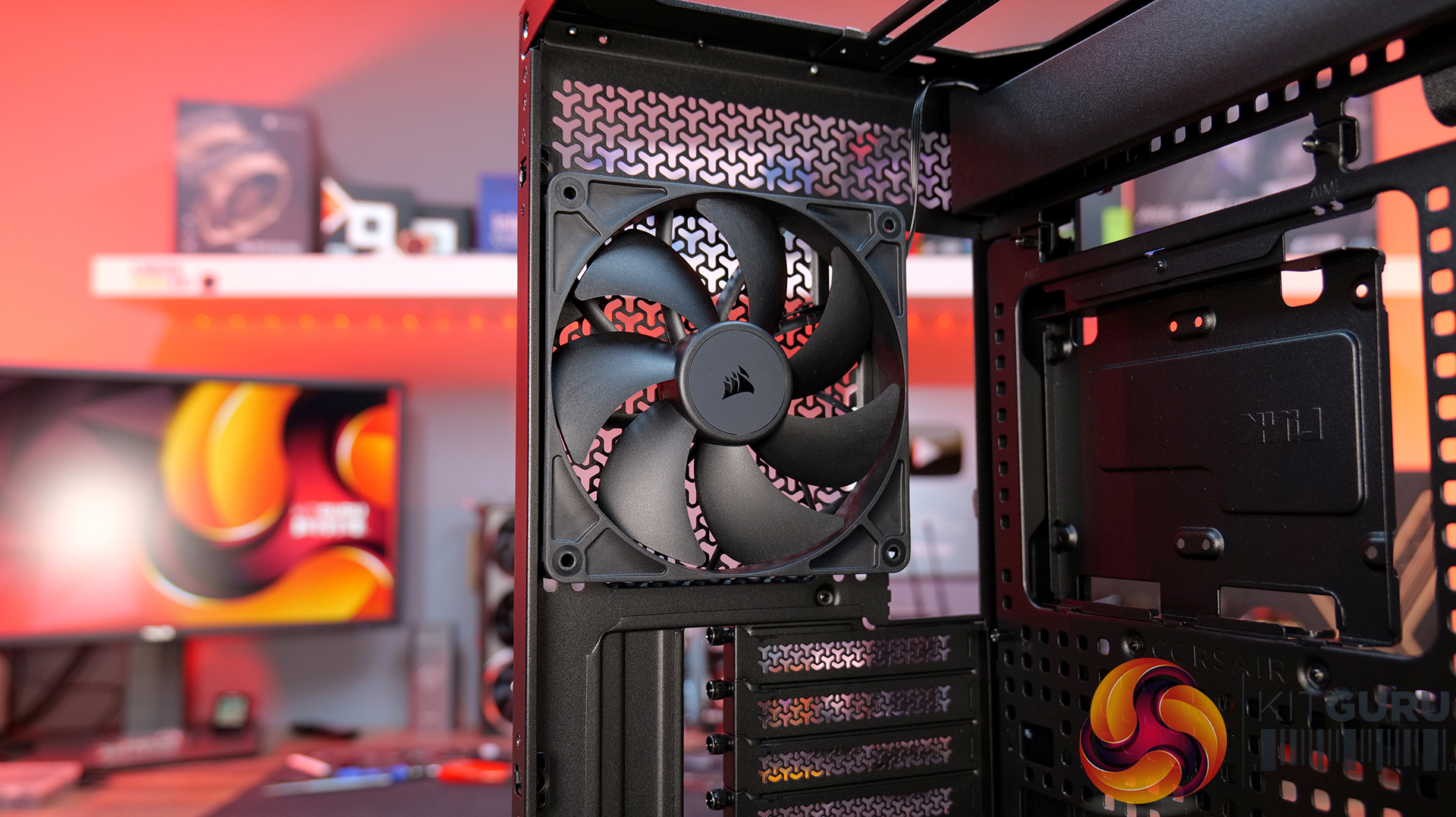
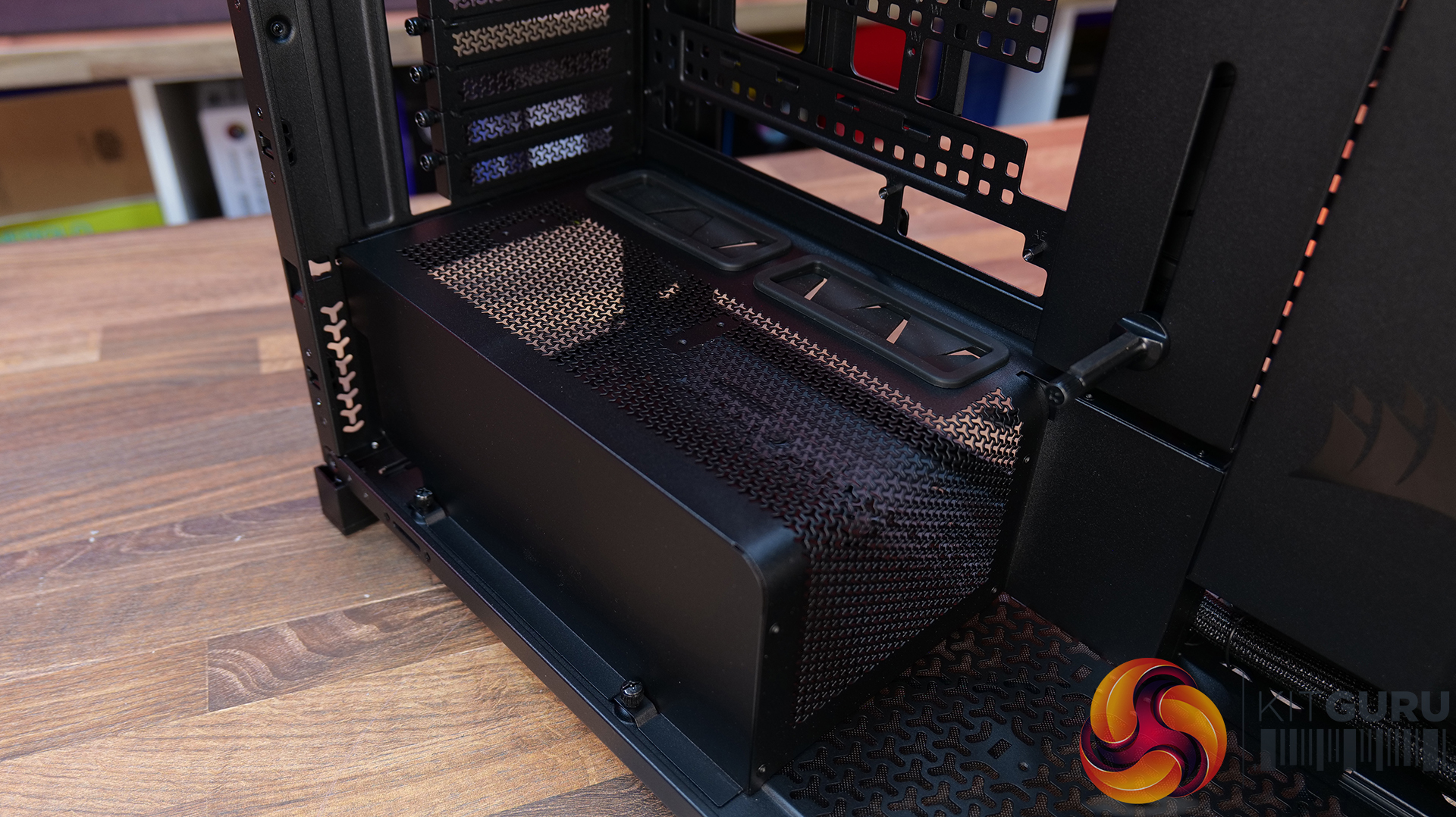
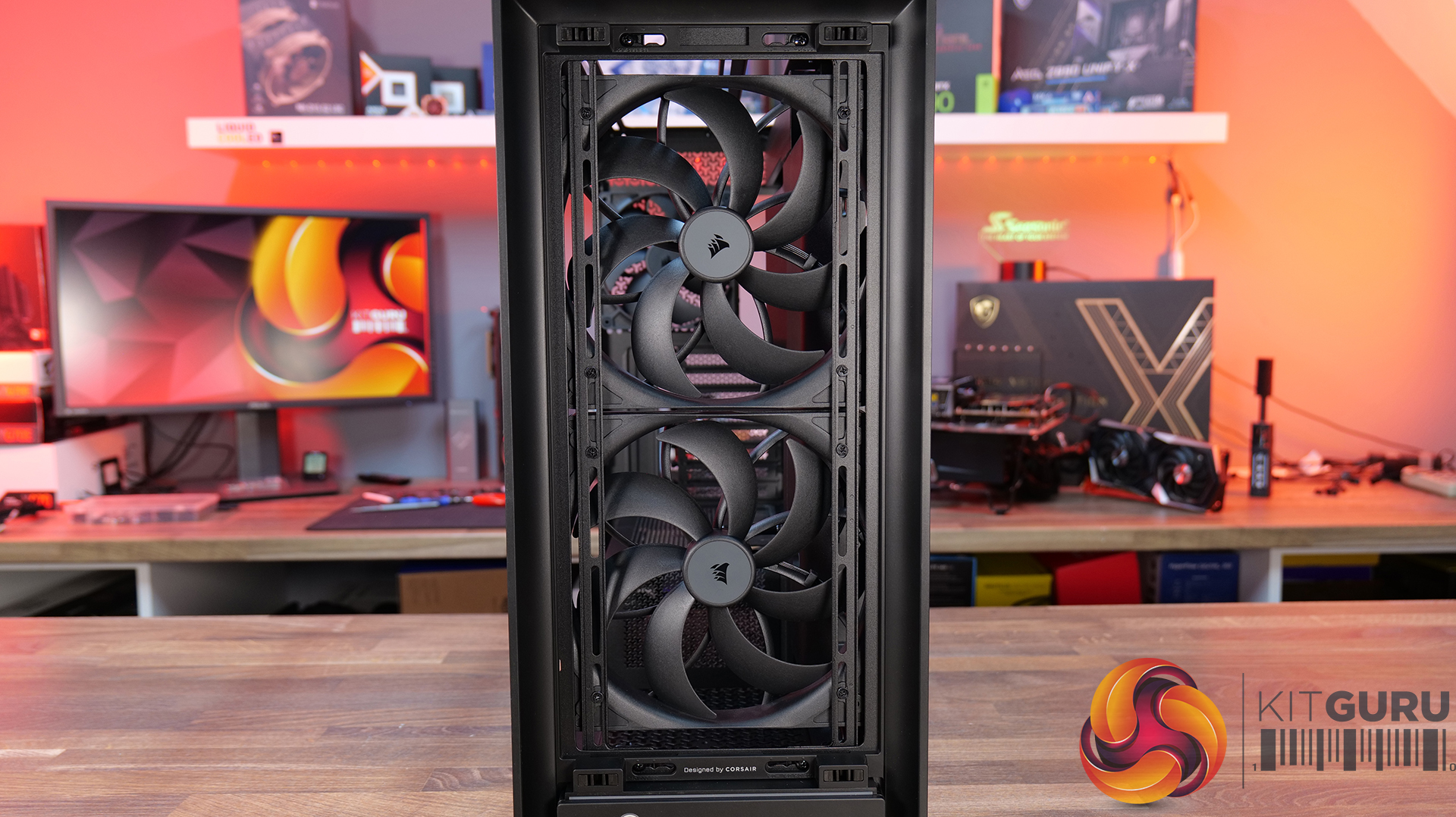
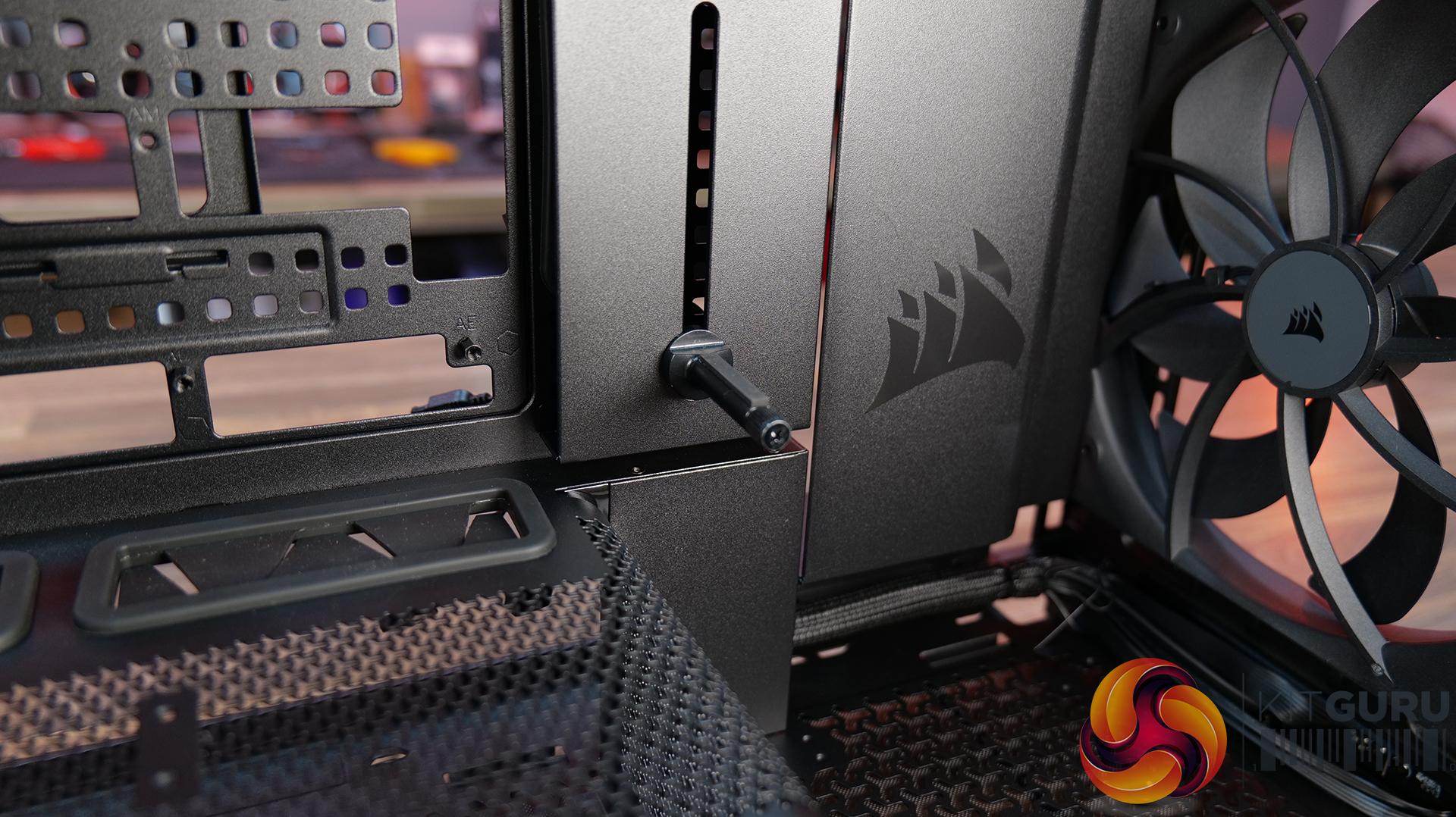
Features:
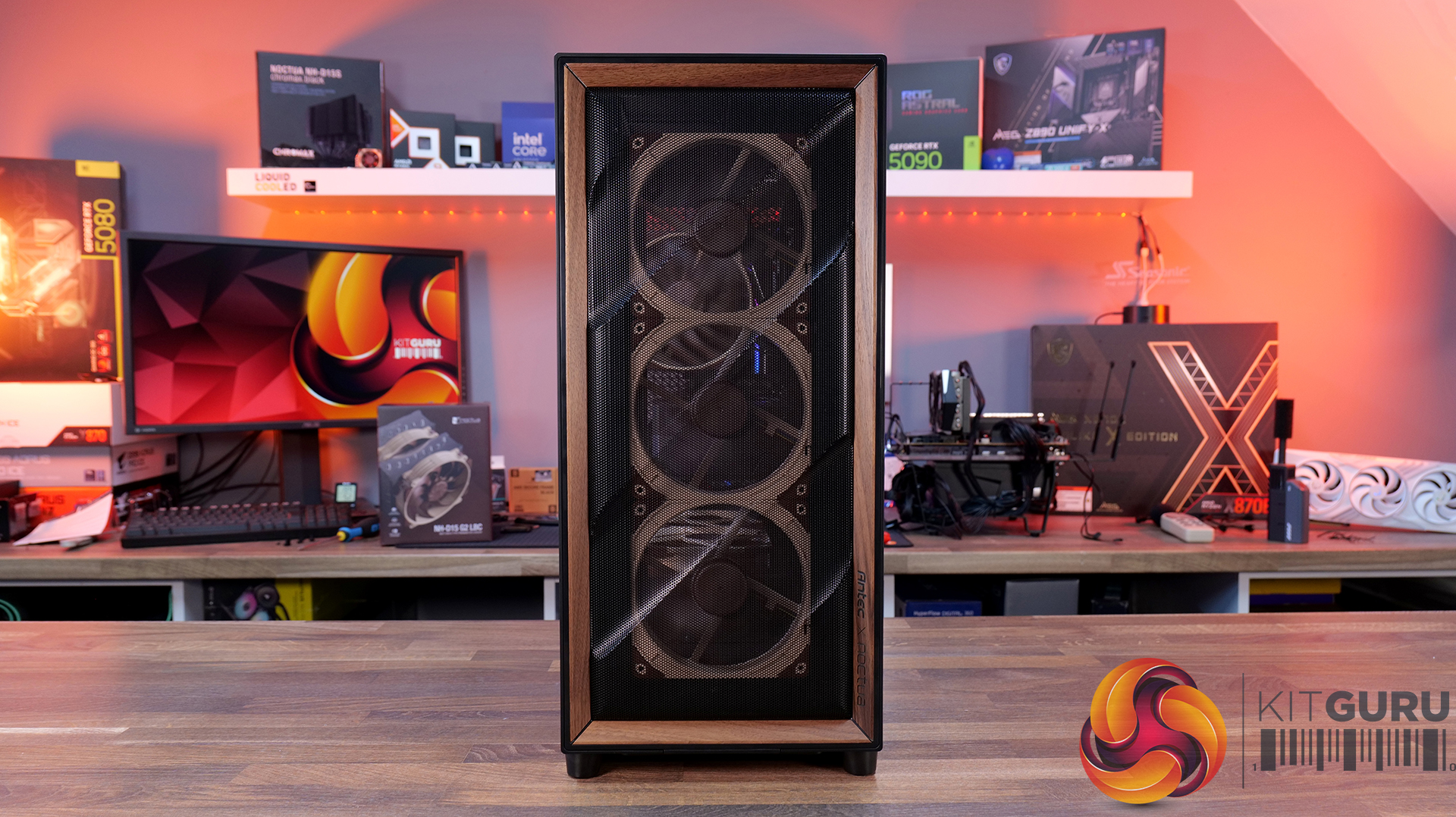
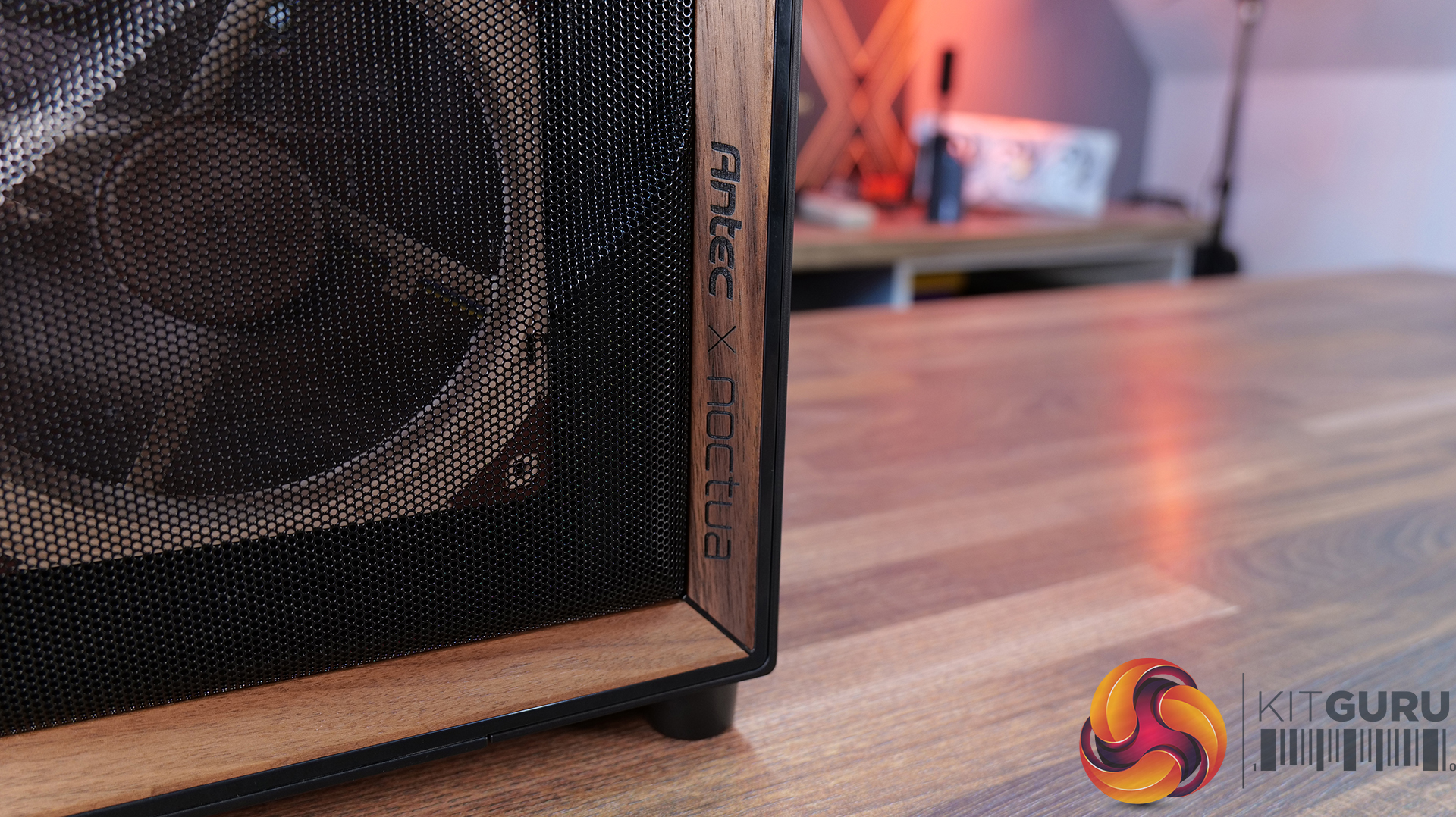
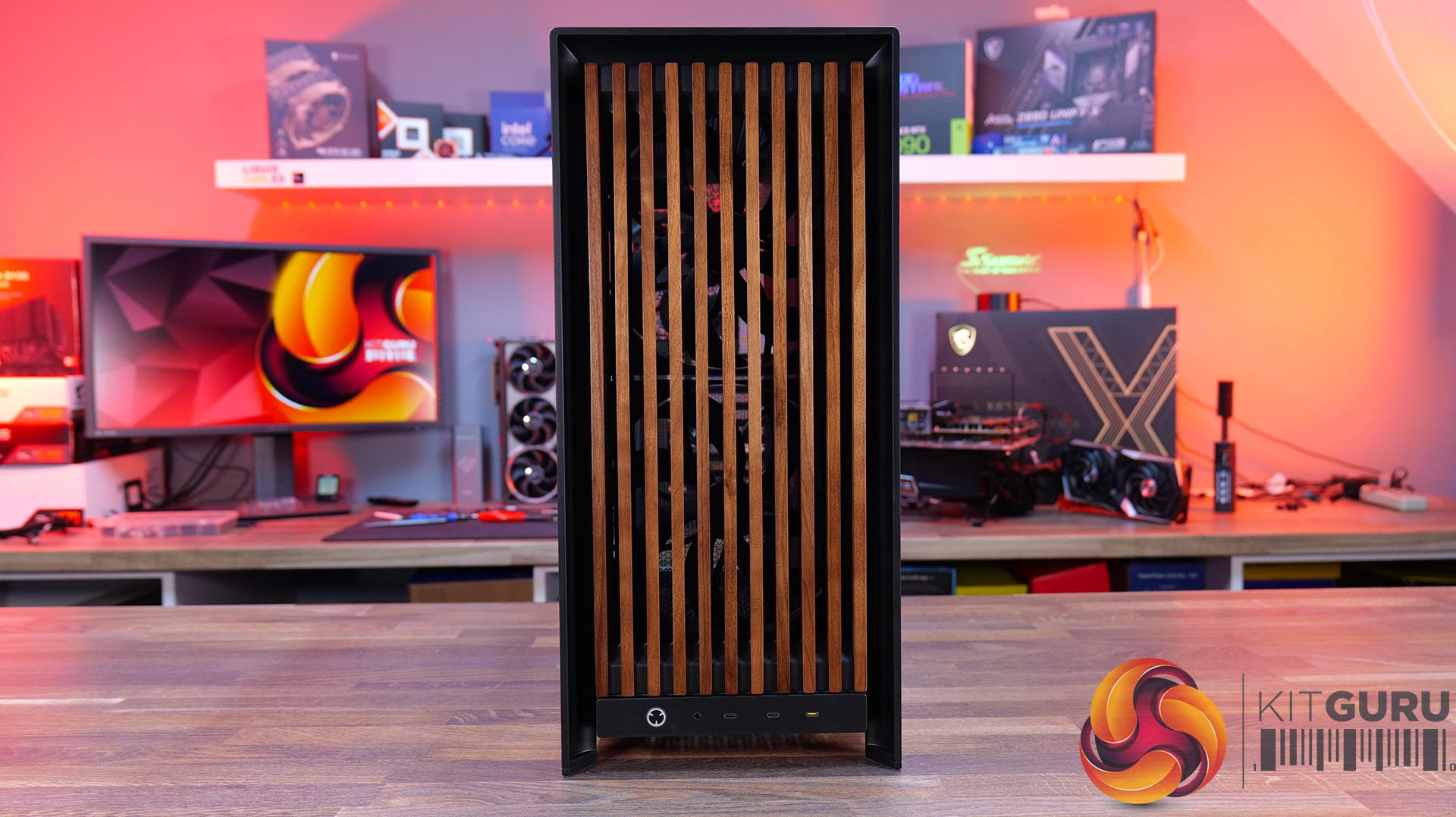
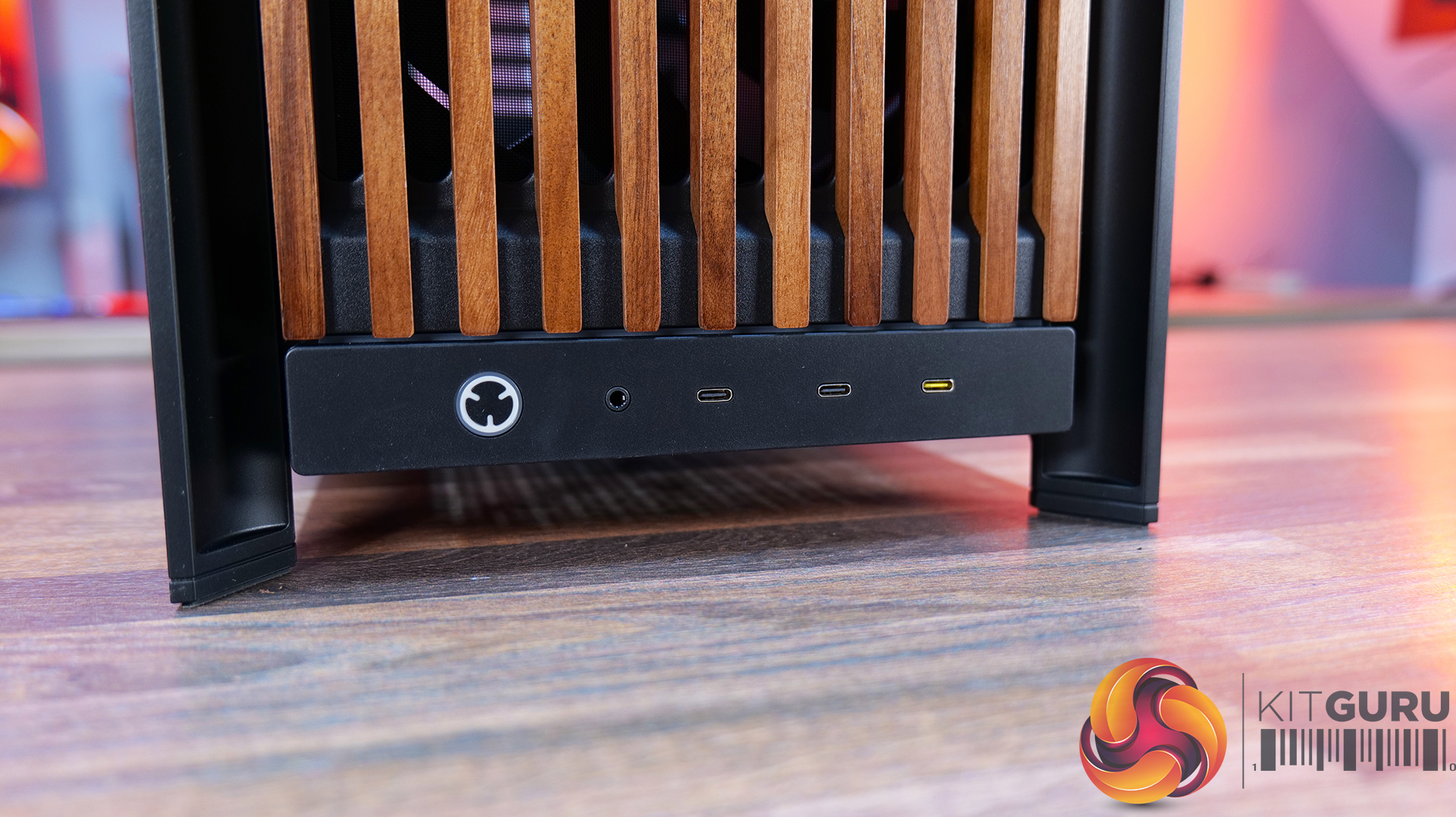
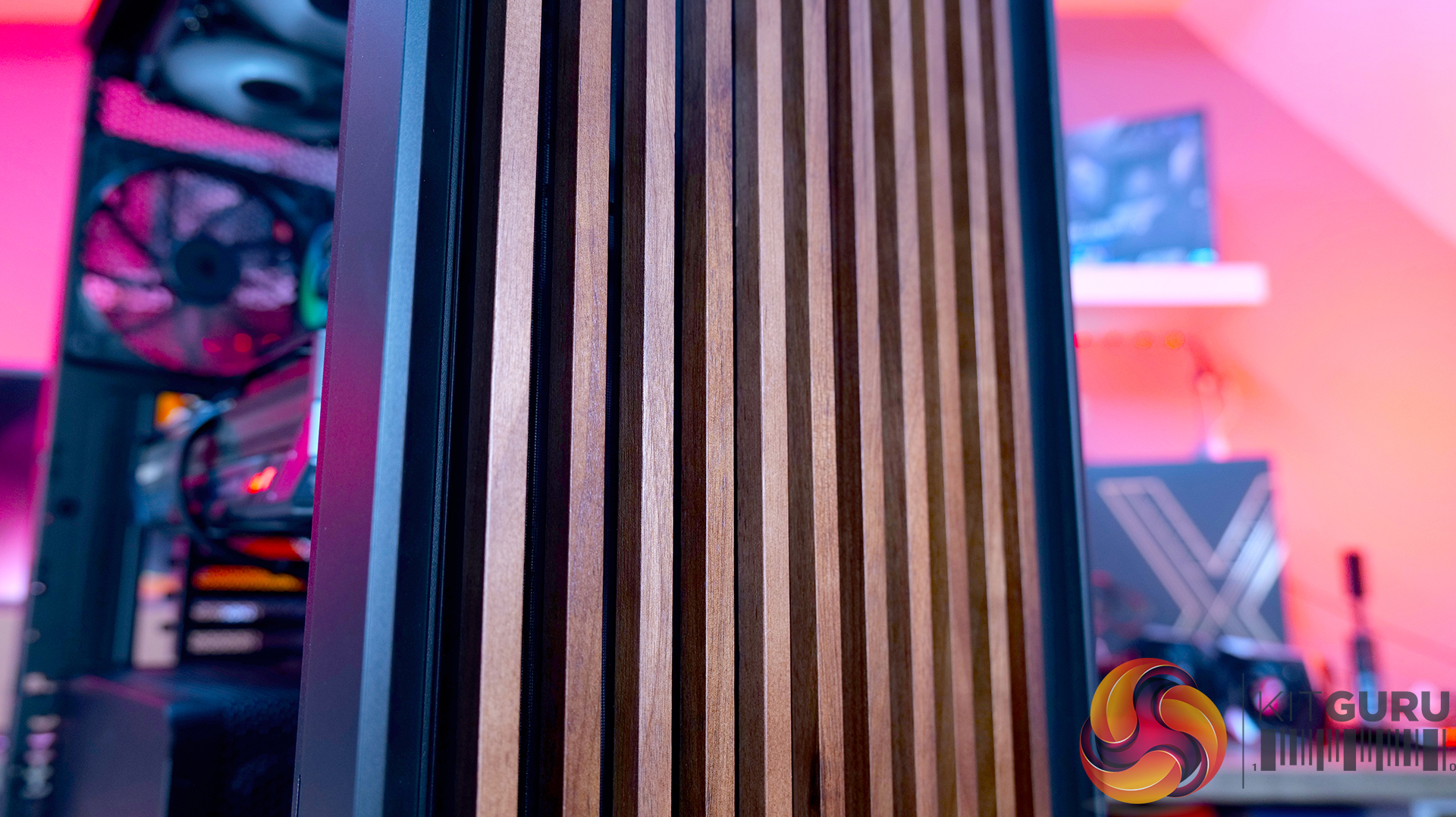
- Real Wood, not Wood-effect – The standout feature of the Frame 5000D Wood RS is the new FSC-certified solid wood front panel. It gives the FRAME 5000D a much warmer, more premium look while still allowing plenty of airflow through the front of the chassis.
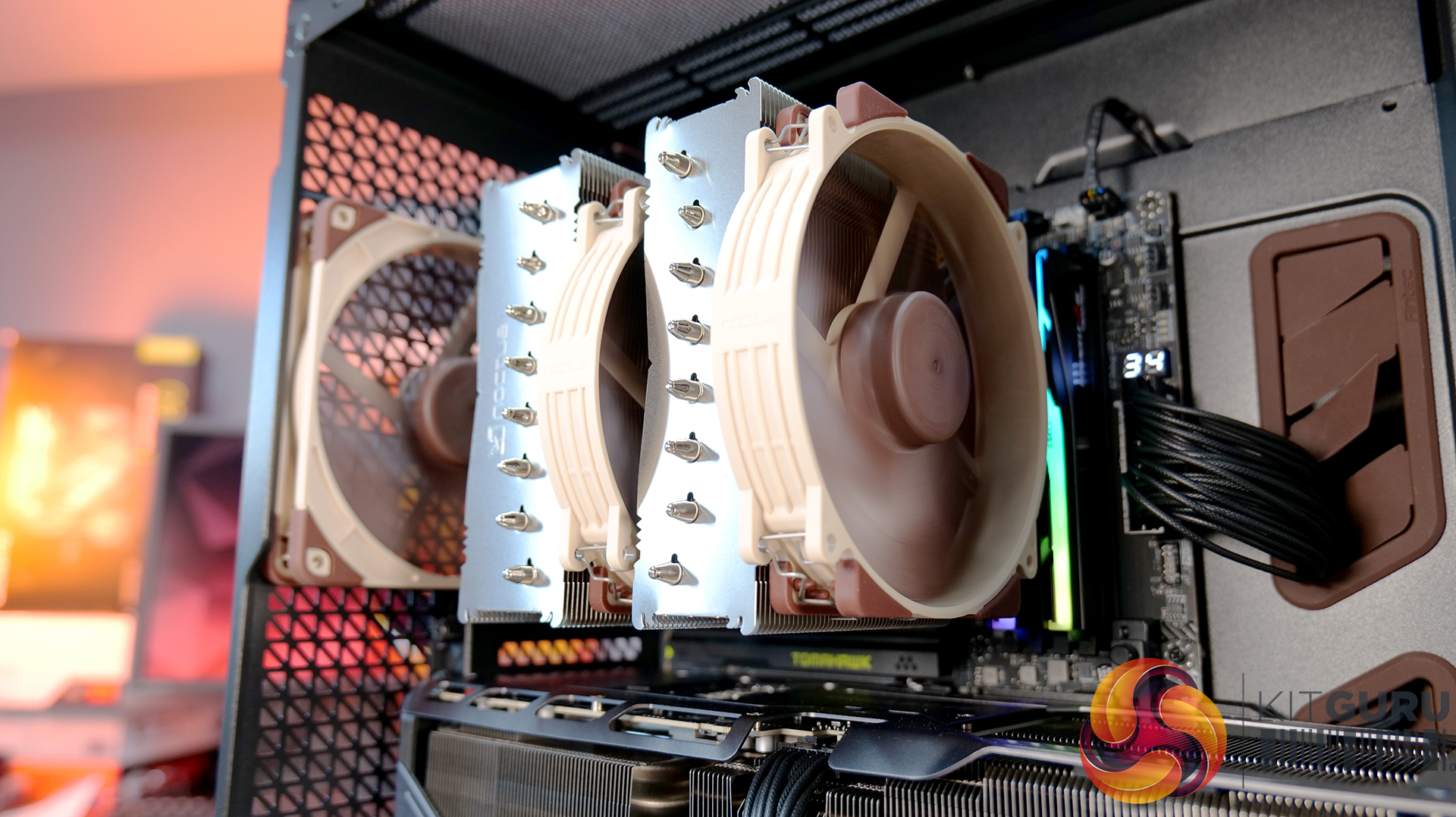
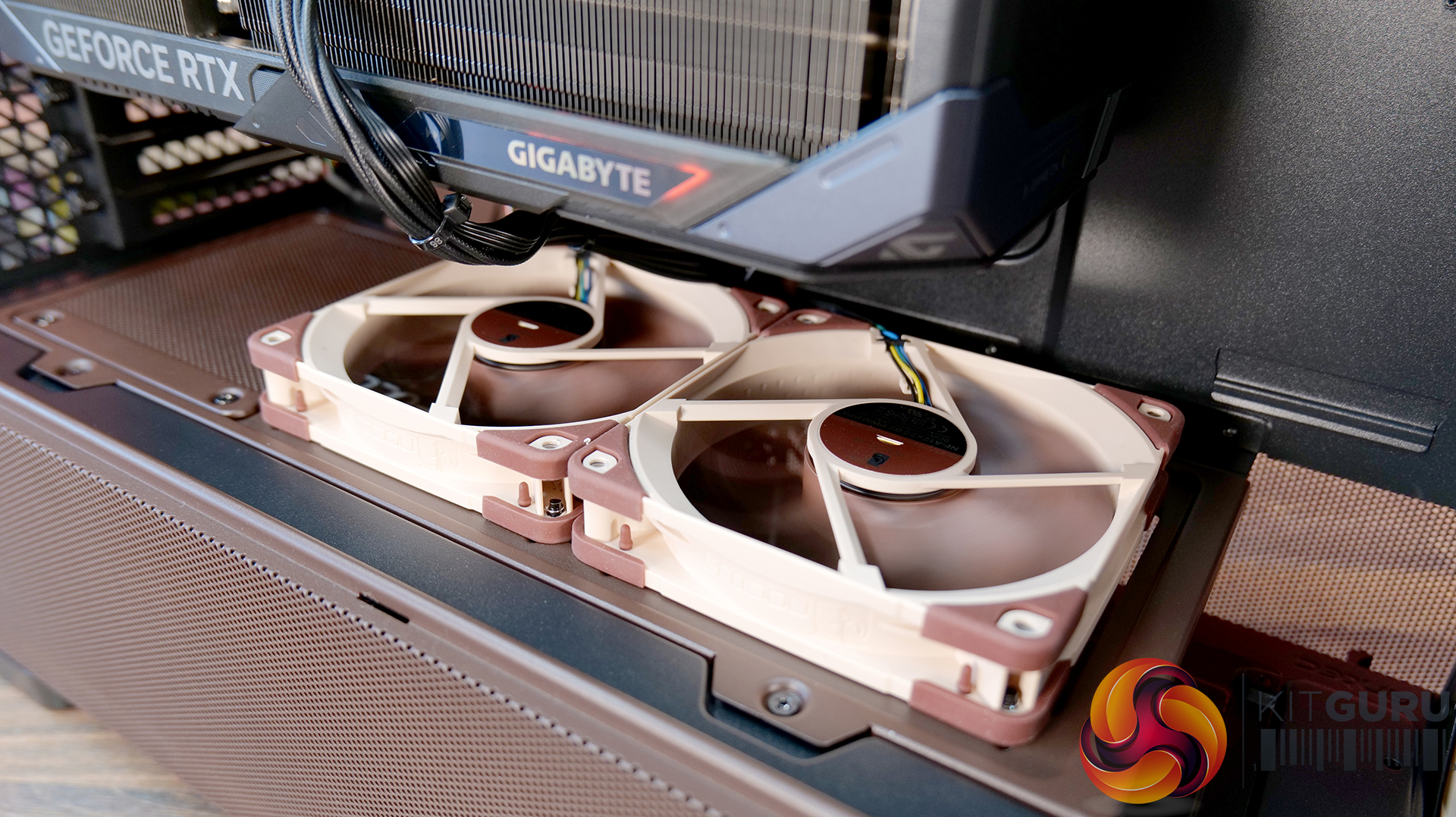
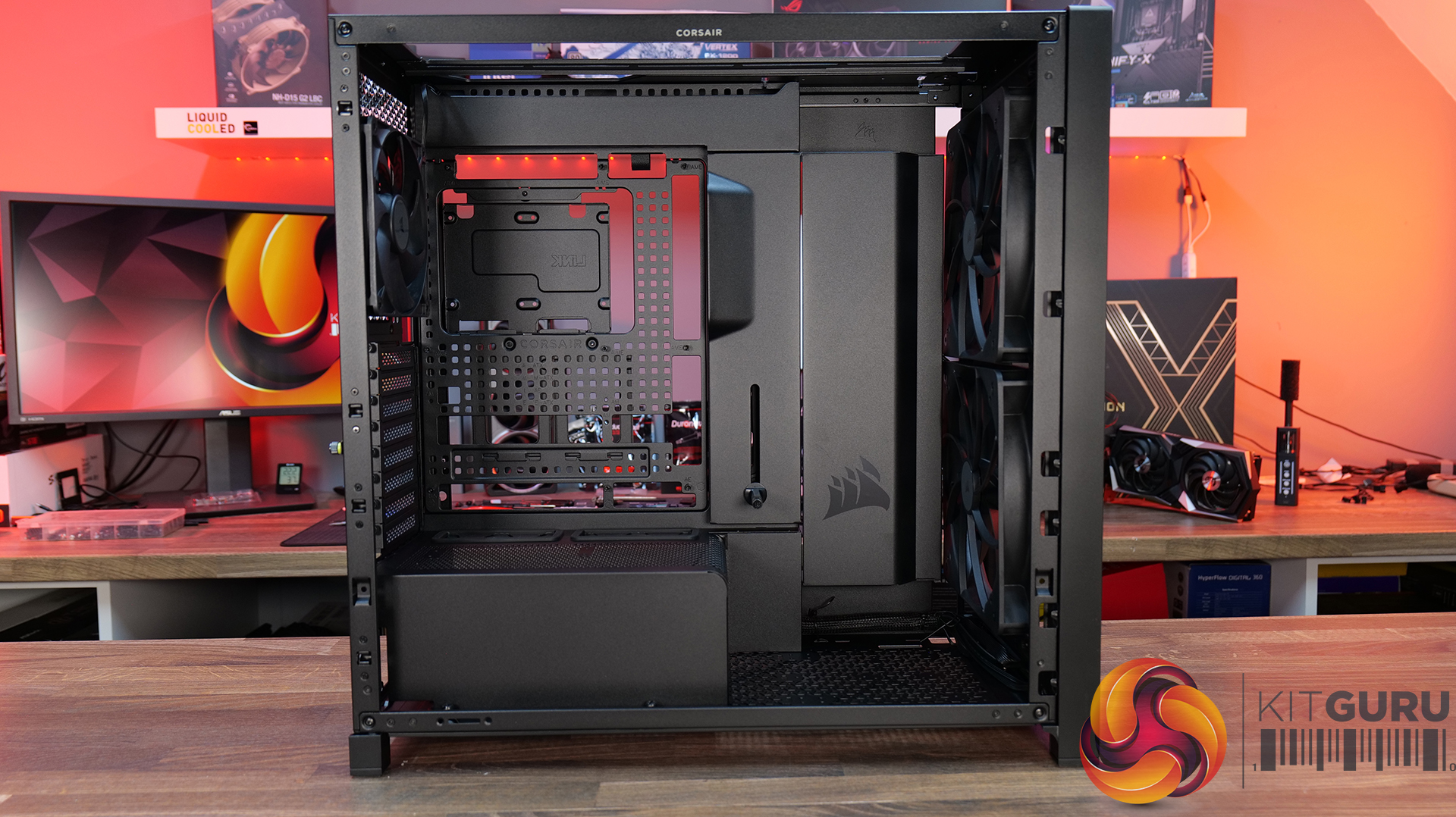
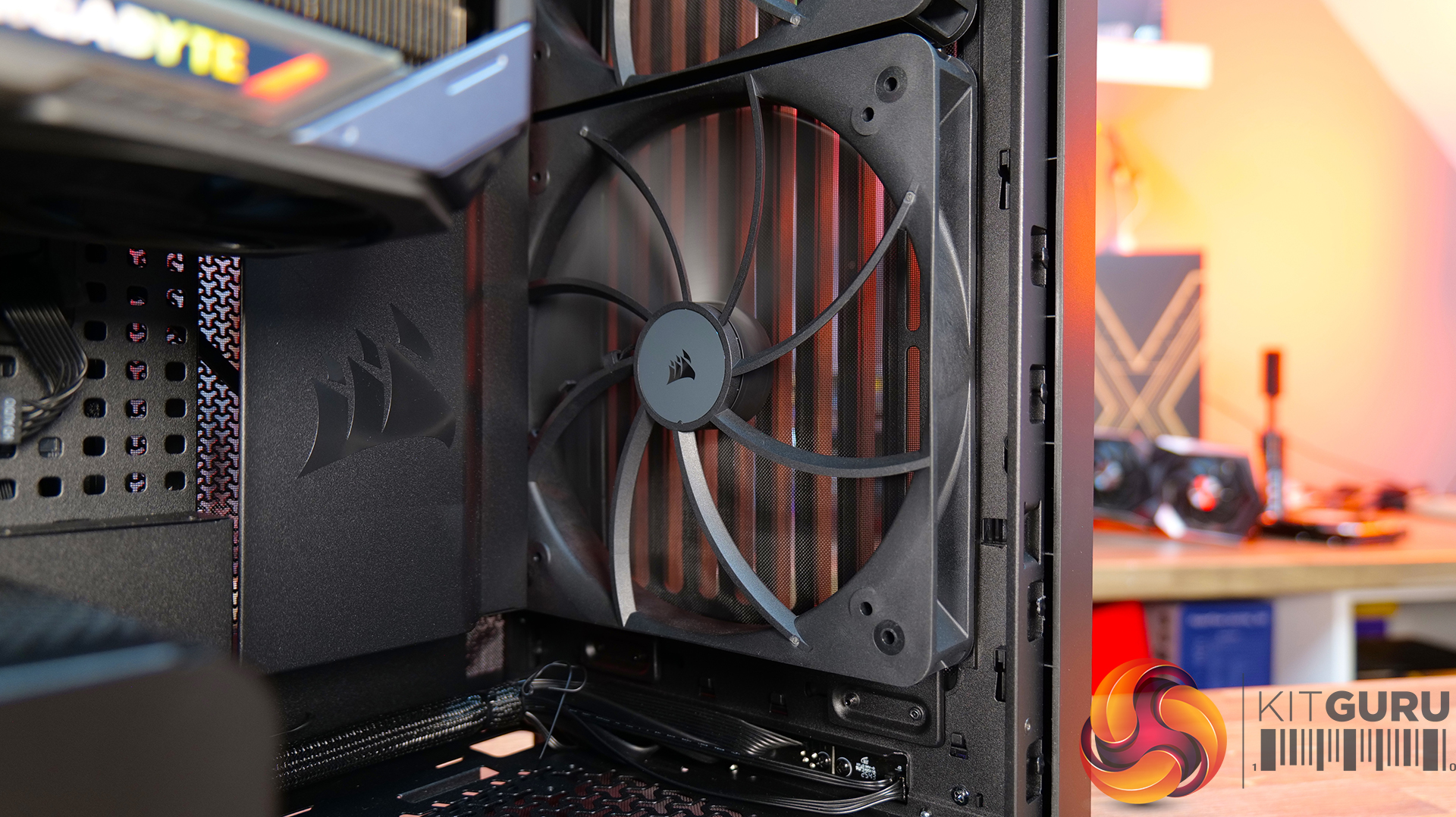
- Big Fans, Low Noise – The original 140mm intake fans are swapped for a pair of massive 200mm RS200 fans that can shift plenty of air at lower RPM, keeping cooling performance high and noise low.
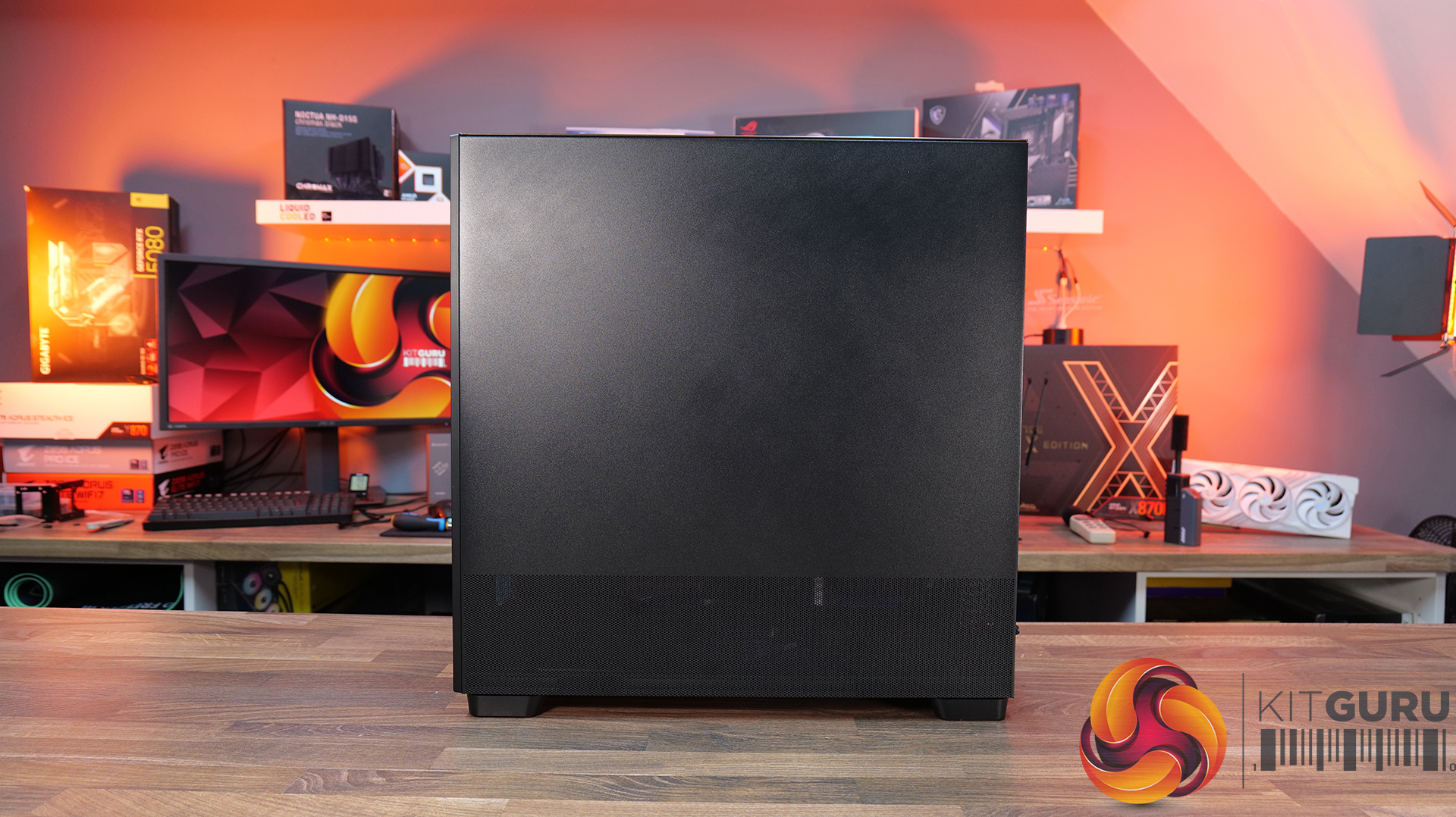
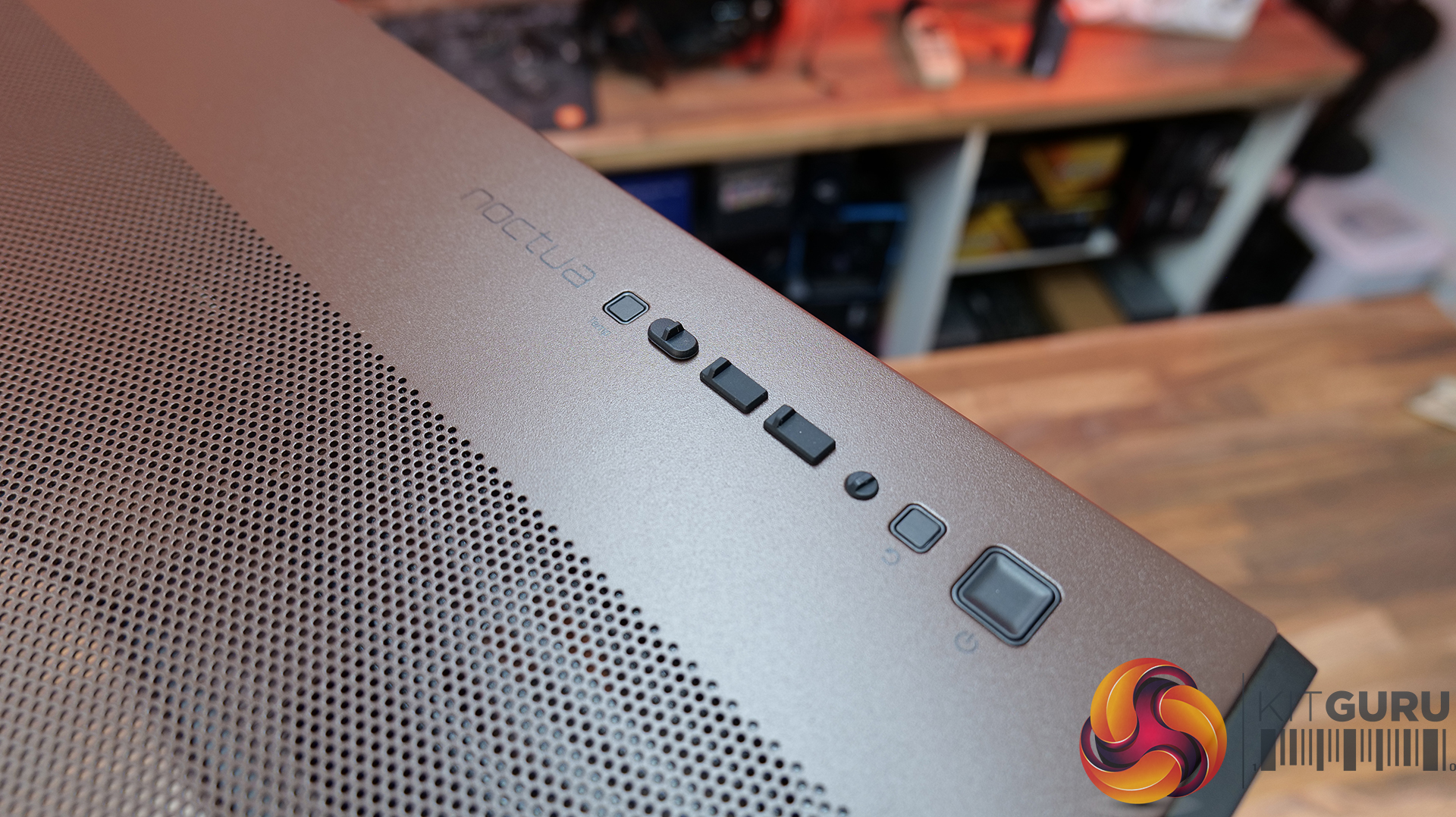
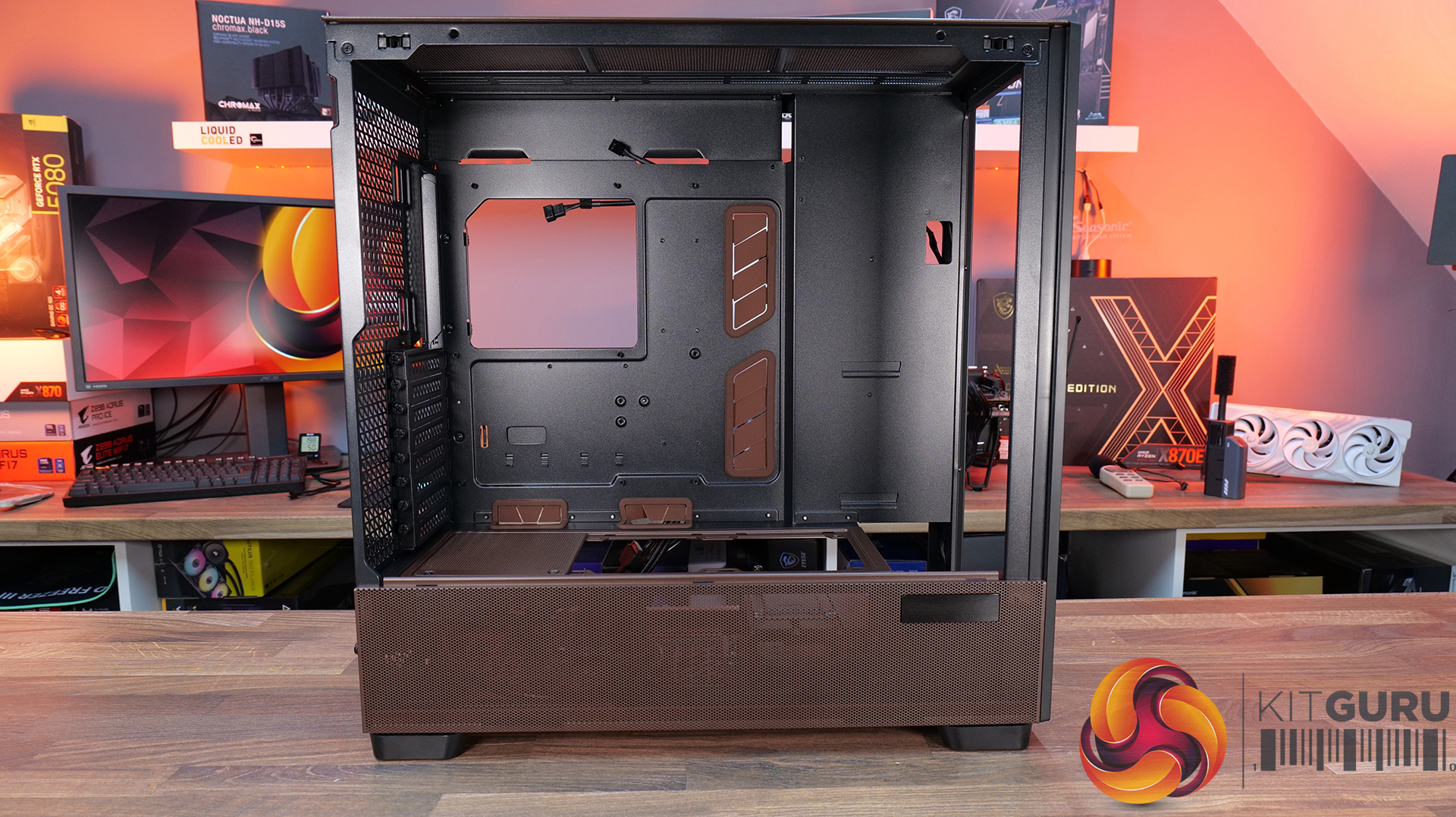
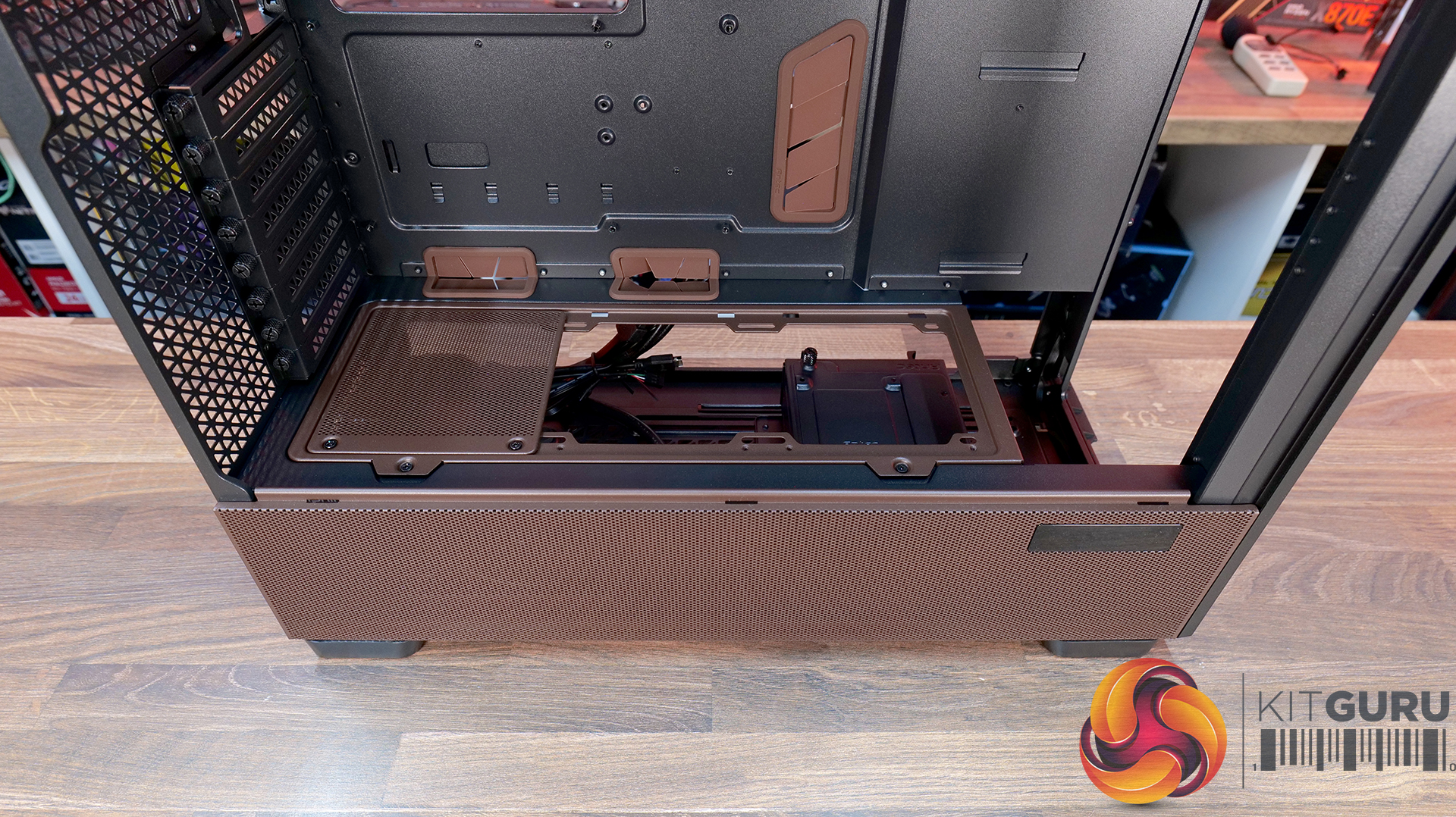
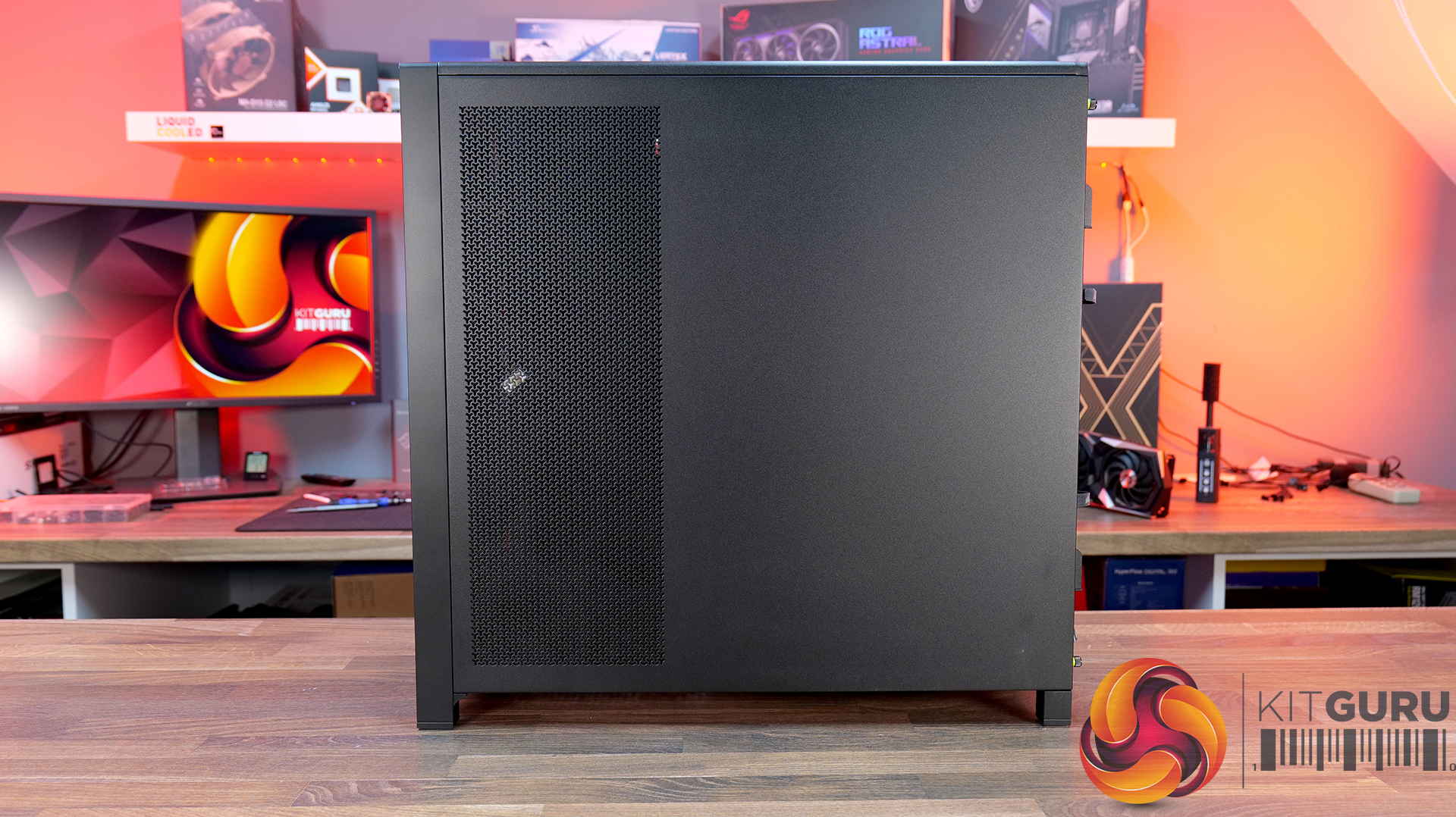
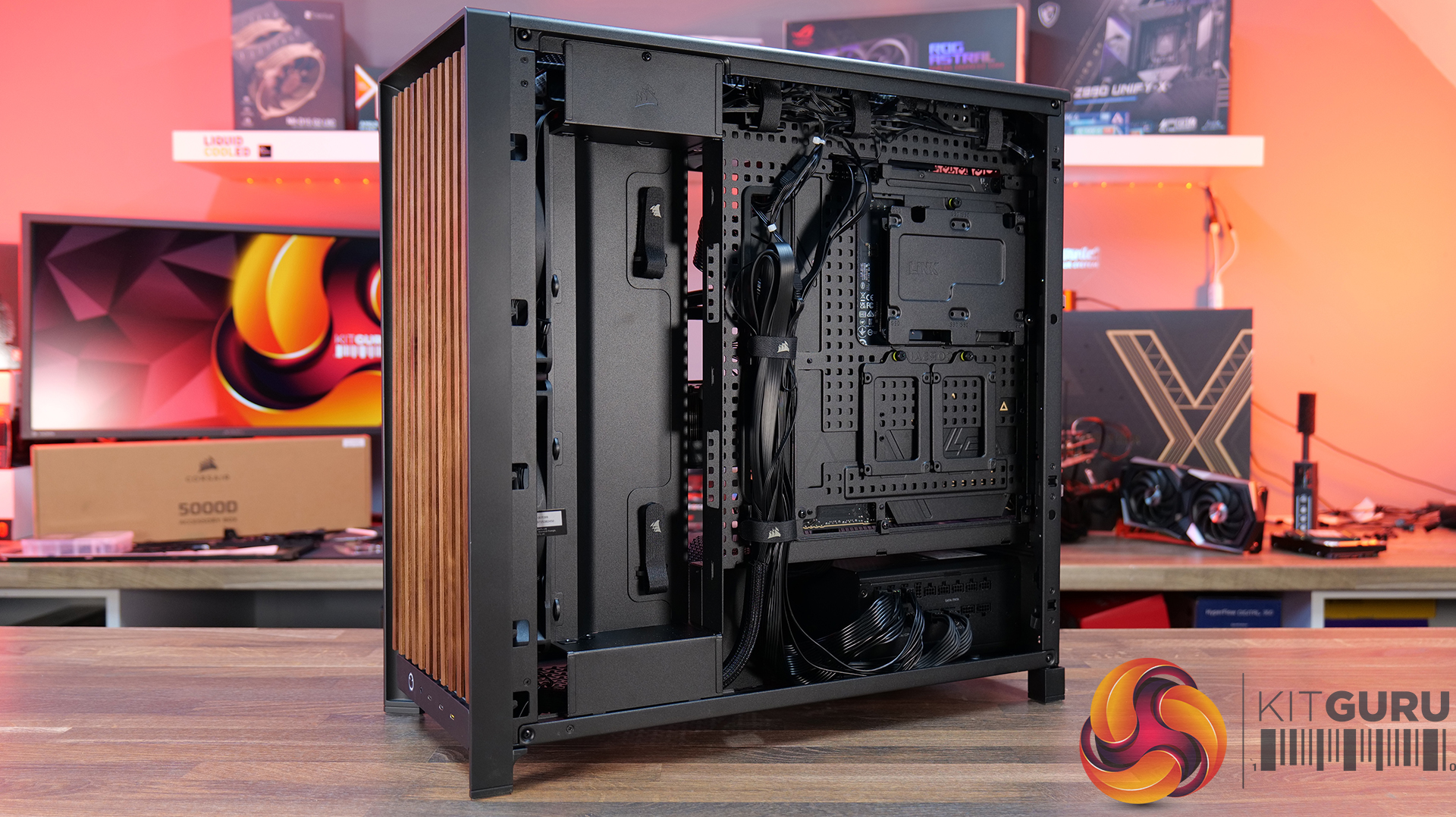
- Cleaner Layout Inside and Out – A full-length tempered glass side panel, a more compact PSU shroud and updated front I/O with all USB Type-C connectivity all help modernise the Frame 5000D, giving you a better view of your hardware and a more up-to-date feature set.
Specifications:
- Case Type: Full Tower
- Dimensions (LxWxH): 542 x 250 x 556mm
- Materials: Steel, Glass, Wood, Plastic
- Motherboard Support: Mini-ITX, Micro-ATX, ATX, E-ATX
- Reverse-connector motherboard support: Yes
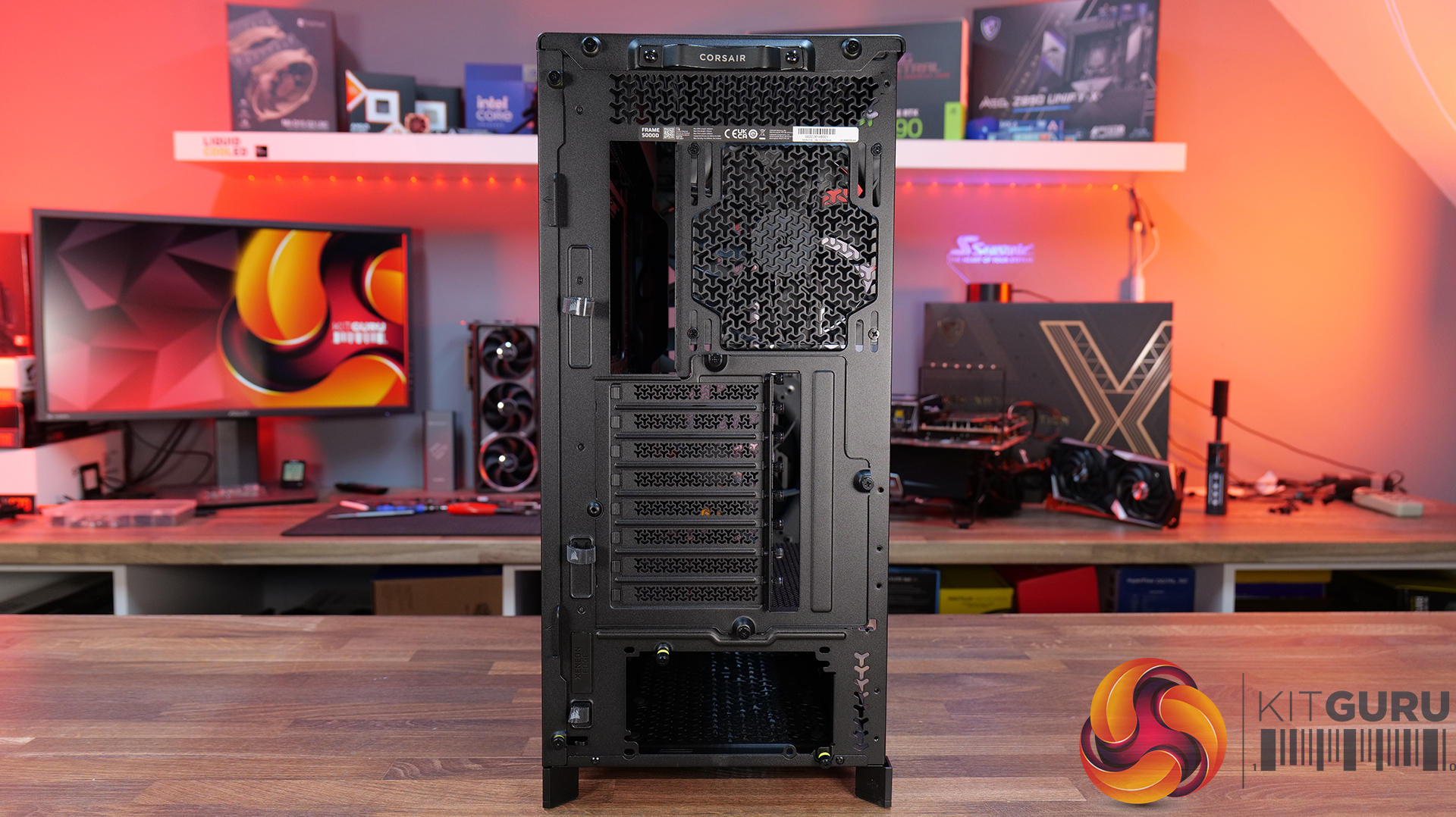
- Expansion Slots: 8 x Horizontal / 3 x vertical
- Storage bays: 3.5” x 1, 2.5” x 4
- Max GPU Length: 425mm (w/fans)
- Max CPU Cooler Height: 175mm
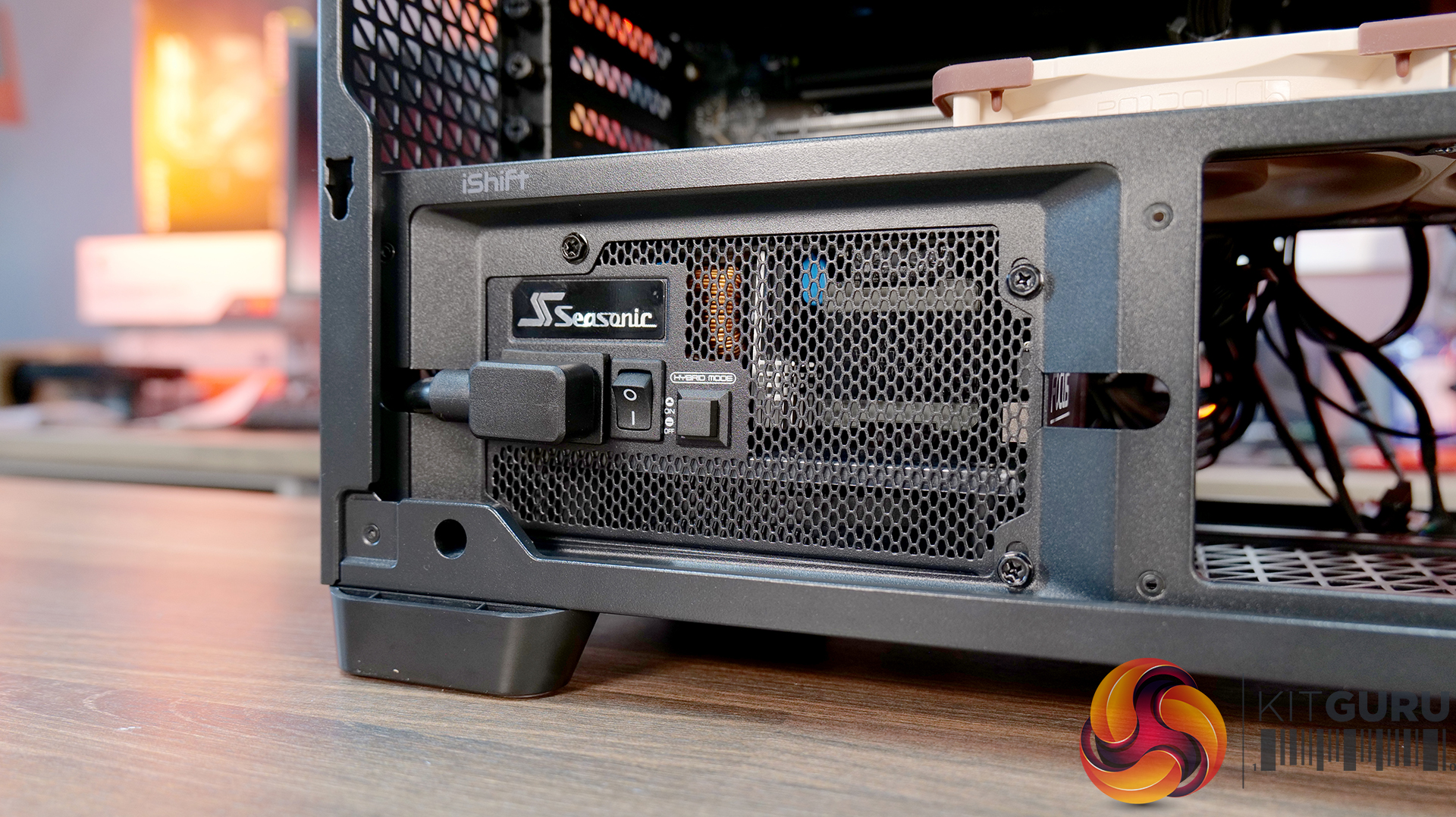
- PSU Type: ATX
- Cable Routing Space:
- Supplied Fans: 2X RS200, 1x RS140 pre-installed
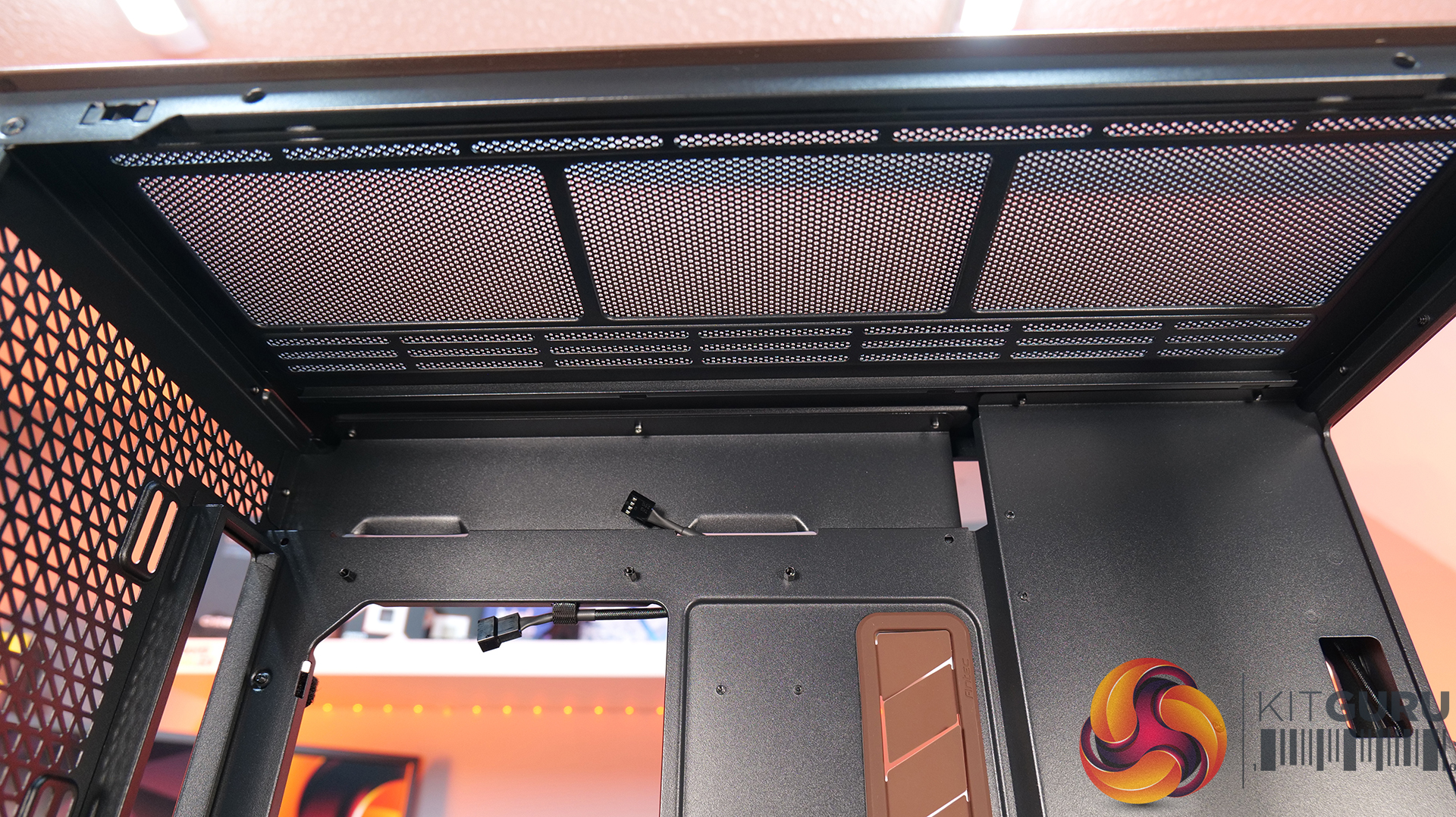
- Fan Support: 3 x 120mm,3 x 140mm (Top), 2 x 200mm, 3 x 120mm, 3 x 140mm (Front), 3 x 120mm, 3 x 140mm (R/H Side), 1 x 120mm, 1 x 140mm (Rear), 1 x 120mm (Bottom)
- Radiator Support: 420mm 360mm 280mm 240mm (Top), 420mm 360mm 280mm 240mm (Front), 420mm 360mm 280mm 240mm (R/H Side), 140mm 120mm (Rear)
- Dust Filters: Front, bottom, right side
- Font I/O: 2x USB 3.2 Gen1 Type-C (5Gb/s), 1x USB 3.2 Gen2x2 Type-C (20Gb/s), PWR Button, Combo Mic/Headphone Jack
- LCD Screen: N/A
Thermal Performance Testing
To simulate thermal demand, we run the Cinebench R23 multi-thread benchmark and 3DMark Speed Way stress test simultaneously in a loop for 30 minutes to load the system fully. This gives the CPU and GPU enough time to reach constant steady-state temperature. With this data, we can compare how the system handles the thermal demand and measure peak noise levels.
Thermal performance is measured with the case in various configurations, such as the default, with the tempered glass left-hand side panel removed and with the front panel removed to see how these configurations affect the CPU and GPU temperature. During testing, only stock case fans are used unless otherwise specified. All water pumps are set to maximum RPM and fans are set to a custom RPM curve by the Motherboard software/BIOS.
All temperature measurements are presented as Deltas – meaning the ambient temperature has been deducted from the CPU temperature, giving us a Delta. Data shown in the charts represents the average component temperature over the length of the test as measured by HWiNFO, and then the last 15 minutes of the data are calculated to get the average. The ambient temperature during thermal tests is between 19-20⁰C.
Test System Specification:
- CPU – AMD Ryzen 7 9800X3D
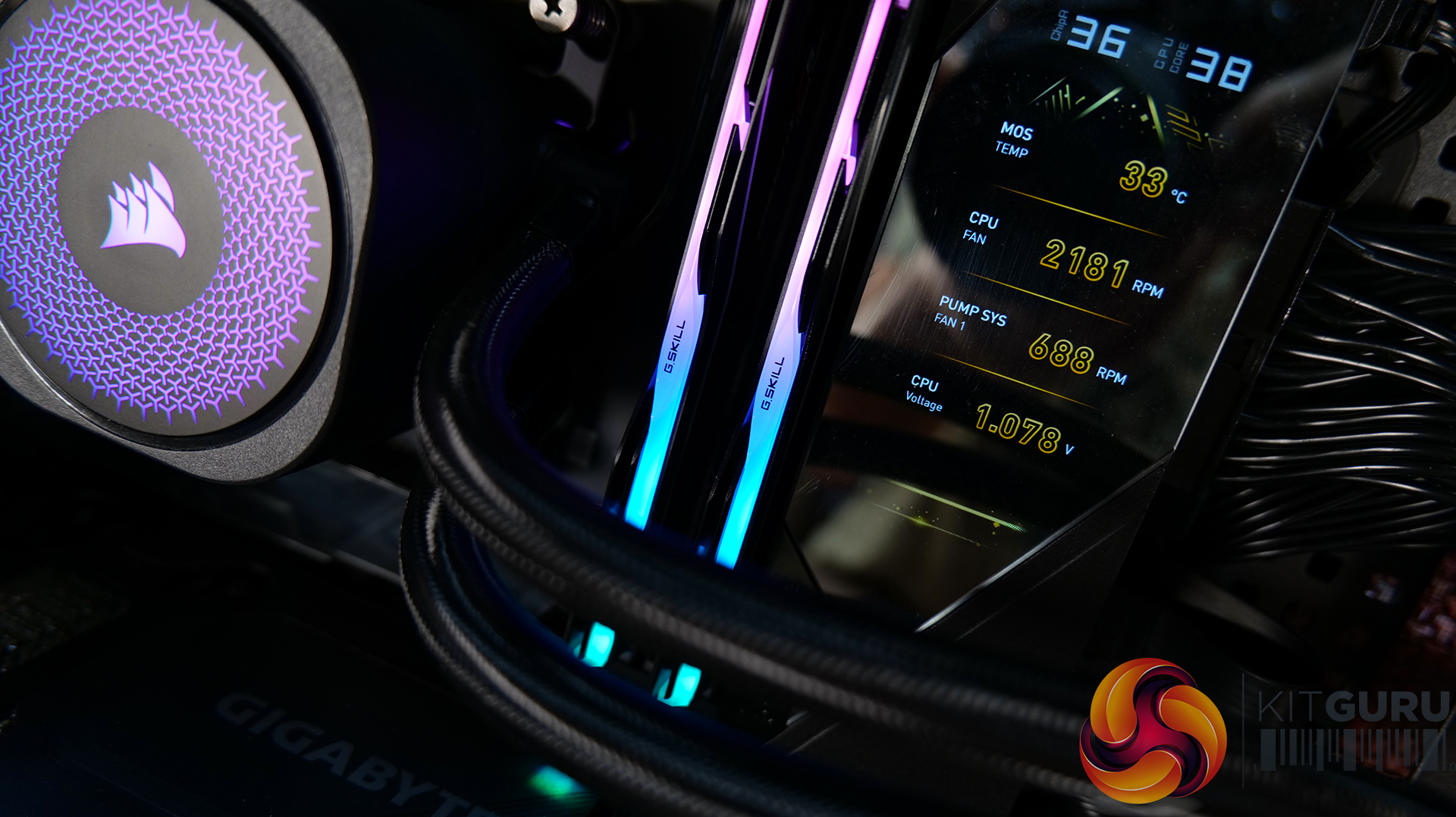
- Motherboard – MSI MEG X870 Godlike X
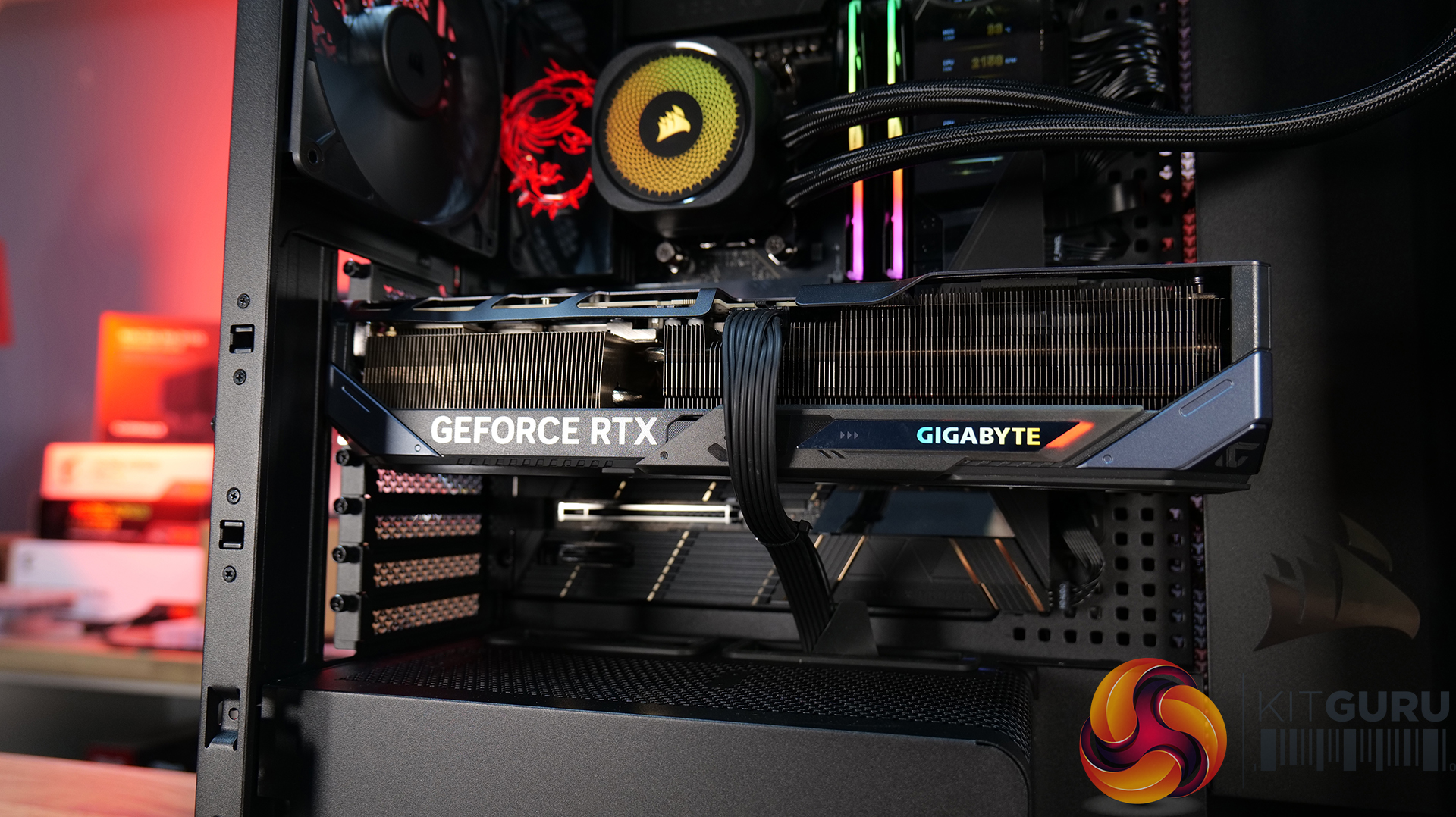
- Graphics Card – Gigabyte RTX 5080 Gaming OC
- Memory – 32GB (2 x 16GB modules) G.SKILL Trident Z5 Neo RGB DDR5-6000
- Storage – 1TB Corsair MP600 Elite PCIE Gen4 NVMe M.2 SSD
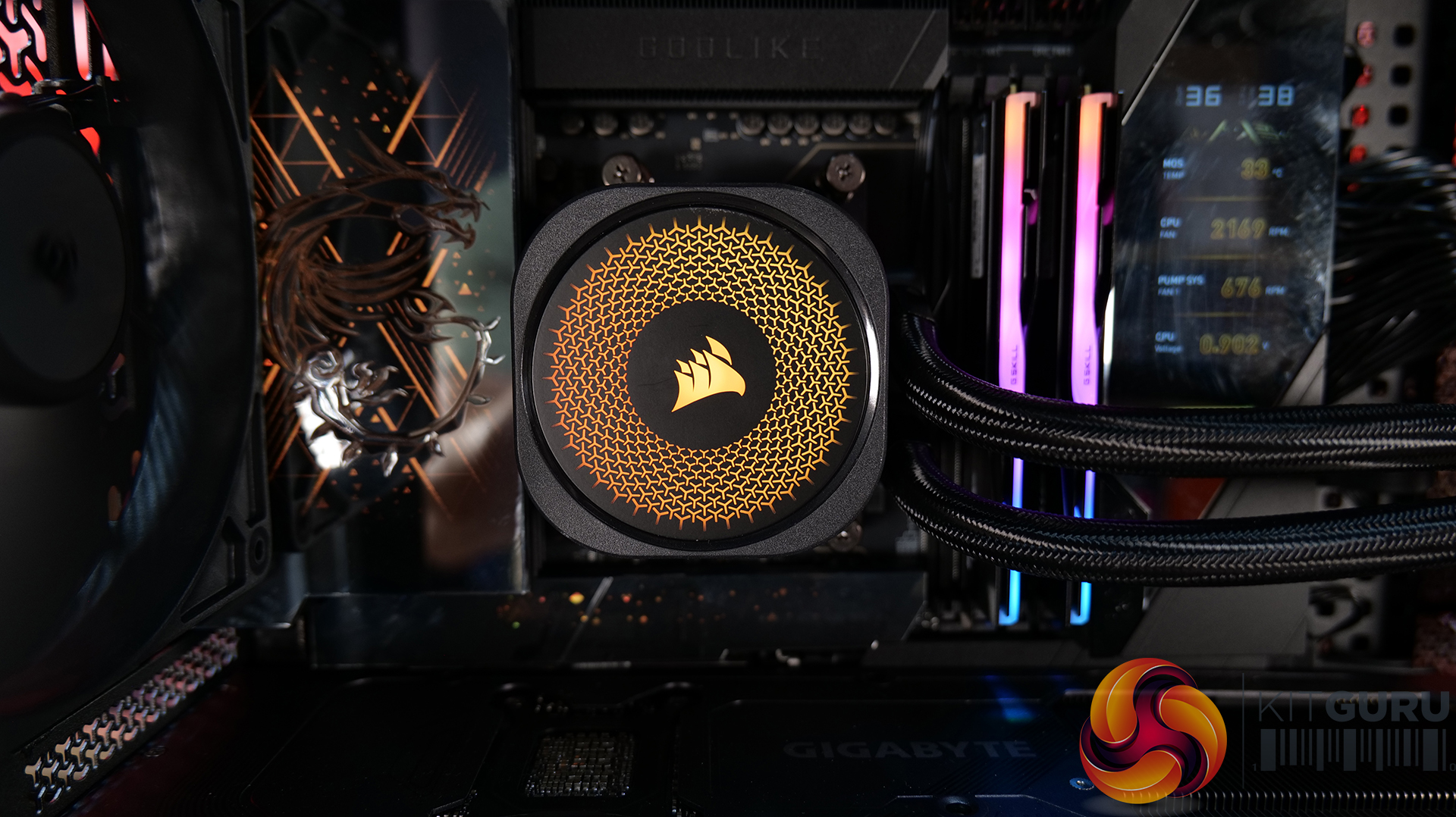
- CPU Cooler – Corsair Nautilus 360 RS ARGB AIO
- Power Supply – Corsair RM1200x Shift
- Case fans – Stock + Noctua A14x25 G2 for thermal testing
- Chassis – Corsair Frame 5000D Wood RS
- Operating System – Windows 11 24H2
Thermal Performance Overview
We test case thermals using a 360mm AIO as exhaust at the top and with the case in several different fan configurations. The default configuration shown in the charts is with the top 360mm AIO cooler, 2 x 200mm front intake fans and a single 140mm rear exhaust fan and with all case panels installed.
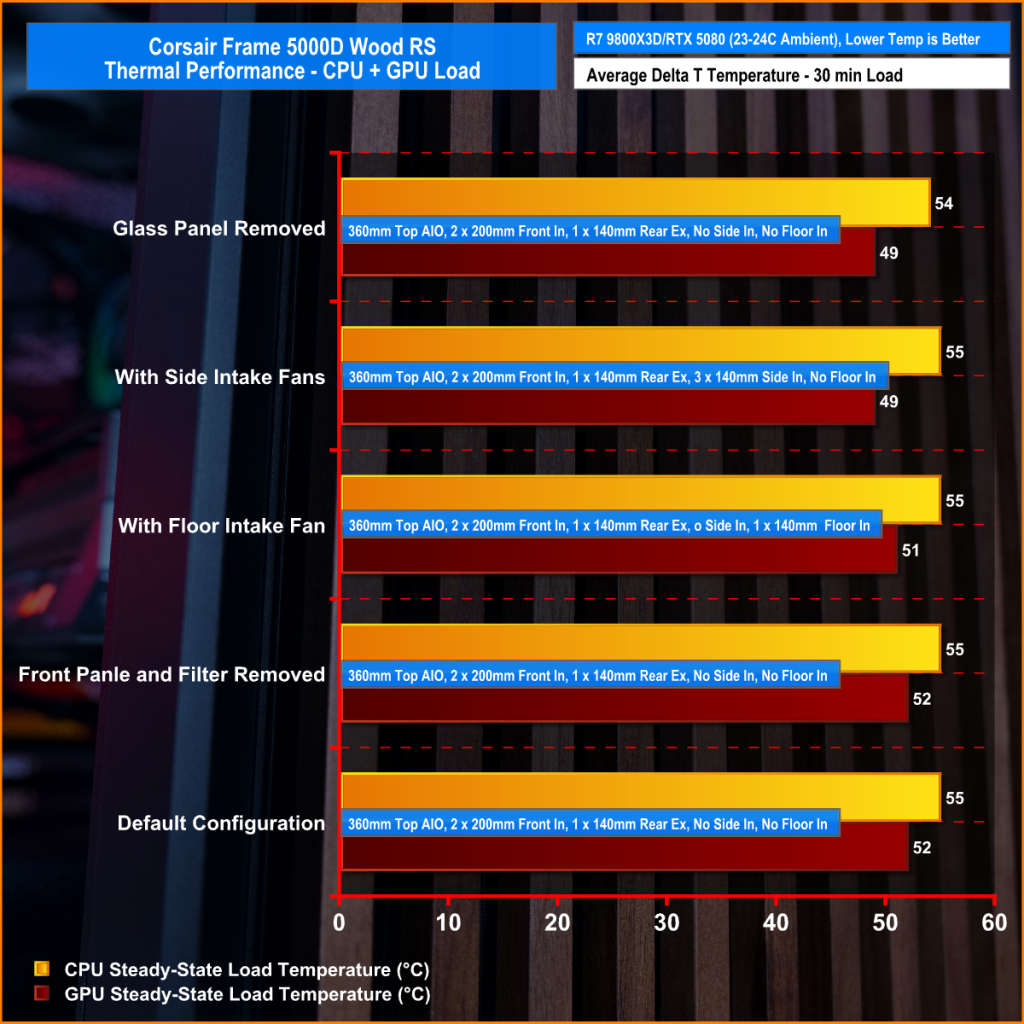
Thermal performance is about as good as you could expect for from a case like this. In the default configuration we see the CPU steady-state average at 55°C over ambient while the GPU is at 52°C . Adding extra side or floor intake fans doesn’t really change temperatures, just one or two degrees C drop on the GPU, suggesting the stock airflow is already well optimised.
Removing the tempered glass side panel makes almost no difference at all, shaving just a single degree off the CPU while leaving GPU temperatures unchanged. In other words, Corsair's pair of 200mm front intake fans are doing exactly what they're supposed to, delivering plenty of airflow straight out of the box without the need for additional fans or a change of configuration.
Noise Output
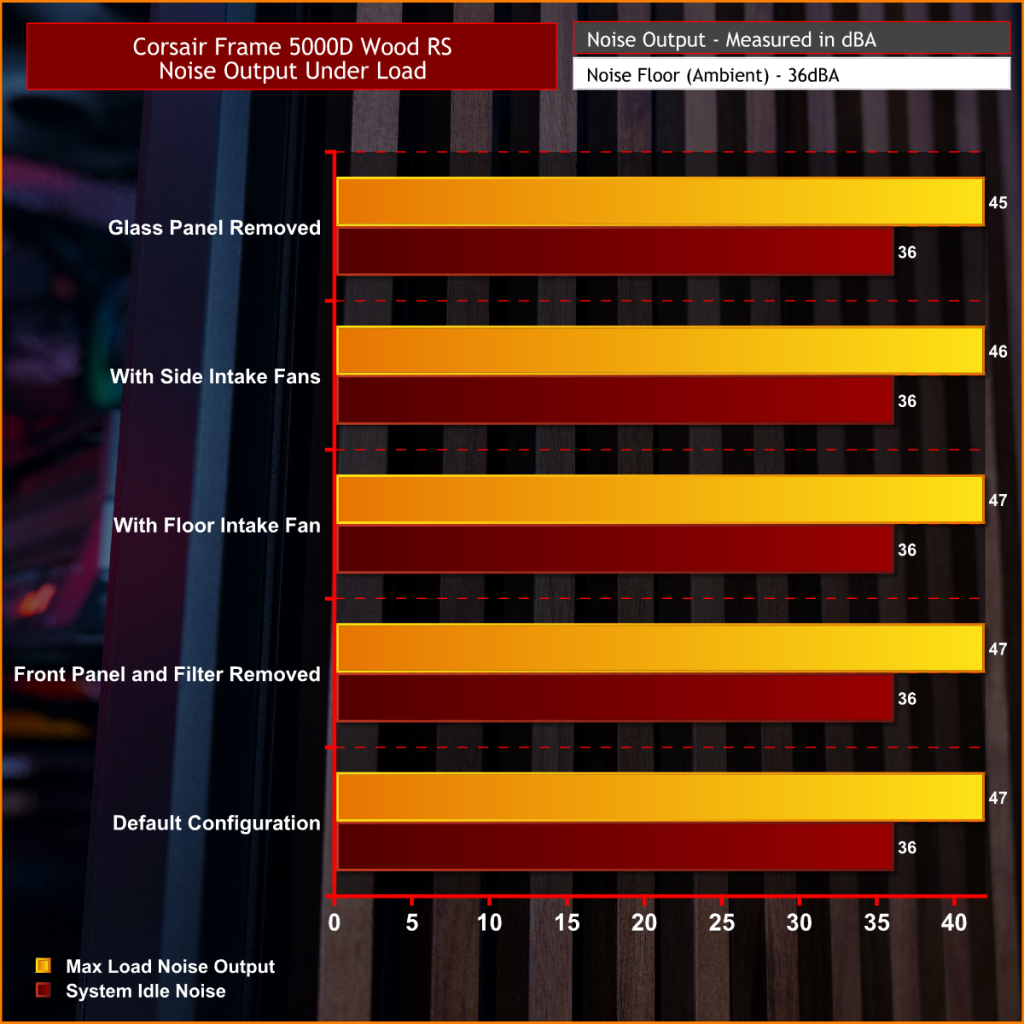
Noise follows a similar path to thermal performance; in this test, the case fans are fixed at low RPM, so they are virtually silent. The only noise comes from the CPU cooler and GPU fans. Since there isn't a massive change in temperature with the case in either configuration, the noise output stays pretty consistent.
Across all configurations, the idle noise is essentially identical; the only drop in load noise occurs with the glass side removed, as the CPU and GPU temperatures are at their lowest, but the drop in noise is just 1dBA, which is hardly noticeable in real-world situations. So, in terms of thermal performance, if you keep the case fan speed to a sensible level, noise is very well optimised out of the box.
Closing Thoughts
The Frame 5000D Wood RS is a worthy refresh of the original Corsair Frame 5000D. The addition of a real wood front panel gives it a much more premium look without sacrificing airflow, making it stand out from the mesh and tempered glass cases currently on the market. It feels like a more mature design, and the option of Black/Walnut or White/Oak should appeal to anyone looking to build a PC with either a black or white theme.
Performance is equally impressive. The pair of 200mm front intake fans provide excellent airflow while running at relatively low speeds, resulting in excellent cooling performance without generating excessive noise. Our testing showed little to be gained from removing panels or adding extra intake fans, which tells you Corsair has done a solid job of optimising the stock airflow configuration straight out of the box.
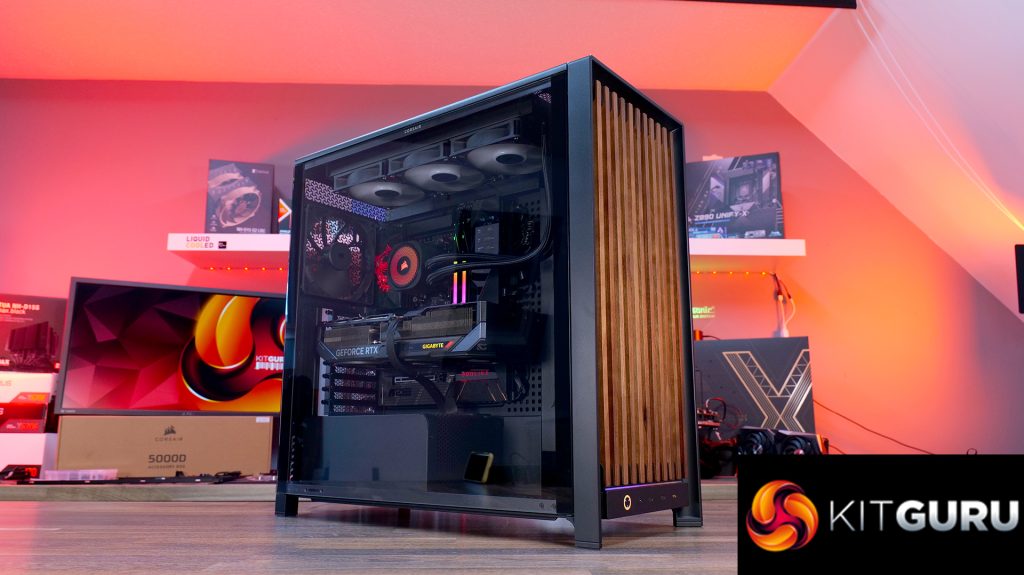
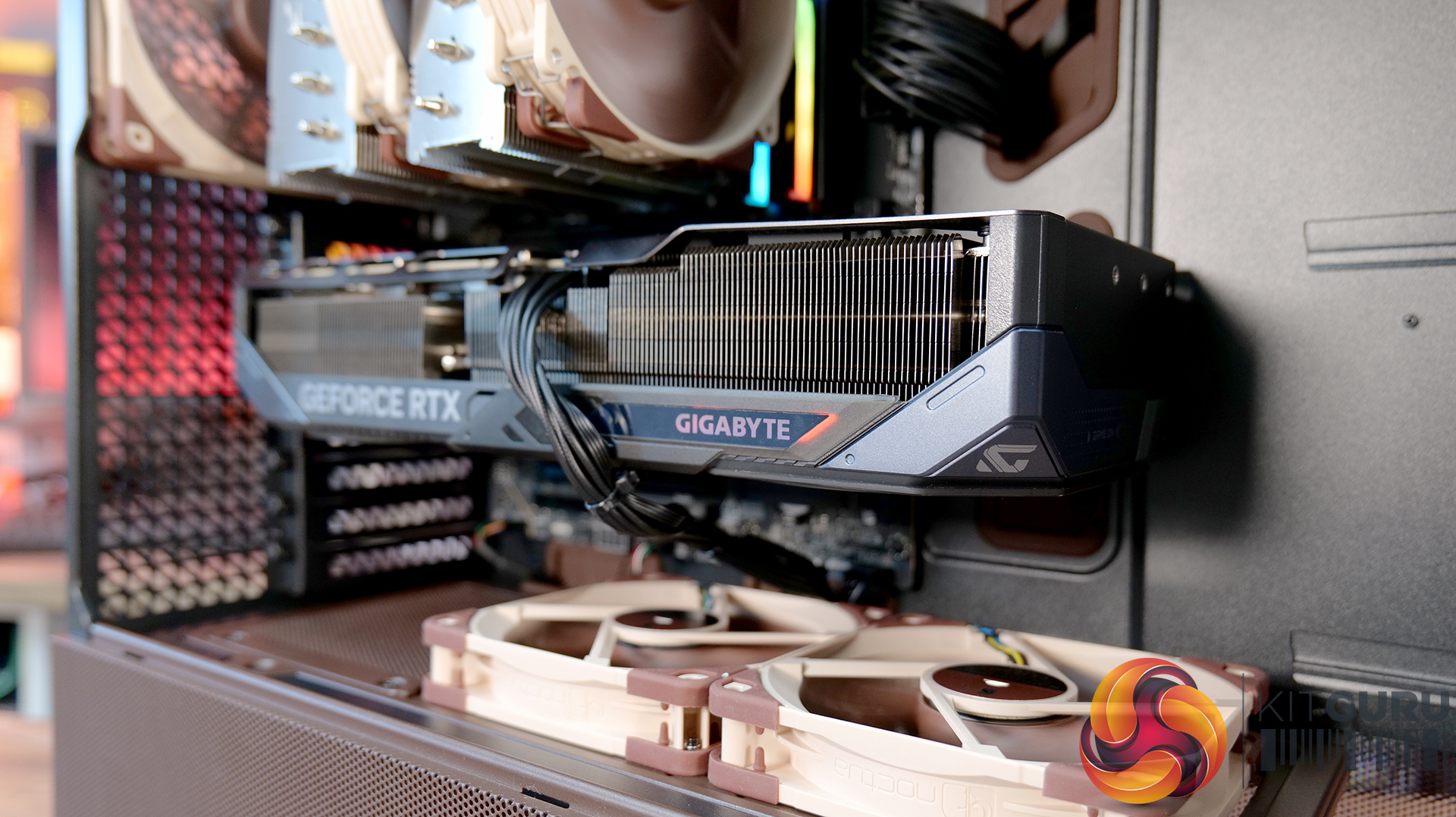
That said, the build experience isn't quite as polished as the cooling performance. Installing the motherboard proved more awkward than expected, with the motherboard backplate making it difficult to line everything up. Graphics card installation also felt unnecessarily fiddly, as the opening around the PCIe slots doesn't leave much room to manoeuvre cards into position, particularly if your motherboard has chunky rear-mounted heatsinks around the M.2 area. Neither issue is a deal-breaker, but they're the sort of frustrations you don't expect from a case at this price point.
Overall though, the positives outweigh the negatives. The Frame 5000D Wood RS looks great, it delivers excellent thermal performance and quiet operation, and retains all the flexibility of Corsair's modular Frame ecosystem. The installation quirks knock points off what is otherwise a very capable chassis. So if the mature aesthetics, airflow and upgradeability are your thing, this should be on your parts list for your next build, unless you need something smaller, the Frame 4000D Wood is your perfect alternative.
The Corsair Frame 5000D Wood RS is available to purchase now from Scan priced at £159.95 HERE.
Pros:
- Big front fans keep the system cool and quiet with great airflow.
- Wood front gives a more premium look.
- Lots of space for hardware and cooling.
Cons:
- Motherboards with backplates can be difficult to install.
- Graphics cards can be tight to get into the PCIe slot.
- Quite large for a basic gaming system.
KitGuru says: Corsair has made some worthy changes to the Frame 5000D, which means it still offers great airflow and cooling but now with premium looks too!