Reading view

There are new articles available, click to refresh the page.

NerdioCon 2026: Manager 8.0 Brings AVD Hybrid to Nutanix, Adds Global Pools

Last week, we had the opportunity to attend NerdioCon, held May 4–6, 2026, at the La Quinta Resort & Club in Palm Springs. The conference focused on Nerdio’s products and other cloud technologies, specifically Microsoft Azure, Azure Virtual Desktop (AVD), and Intune. It had keynotes, technical labs, and networking for IT leaders and MSPs. The opening day focused on Managed Service Providers (MSPs), so we attended the conference on days two and three.

General Conference Morning Session

The general conference kicked off on Tuesday, May 5th, with keynote speeches. Joseph Land, Nerdio president and co-founder, welcomed participants to the fifth annual conference. Following the opening remarks, Land introduced Rachel Bondi, Corporate Vice President, Small and Medium Enterprises and Channel at Microsoft Asia.

Bondi began by describing a “Frontier Firm” as a cutting-edge organization that redesigns its operating model to be “human-led and agent-operated,” by putting AI at the core of its strategy to boost productivity, innovation, and agility.

She said these companies go beyond simple AI adoption by deploying AI agents to handle, automate, and optimize business processes across various functions. She then outlined the path to becoming a frontier firm by integrating artificial intelligence. Bondi detailed a strategic framework for success built on enriching employee experiences, automating business processes, and leveraging a unified data strategy to drive innovation with AI.

She delivered real-world examples, which were appreciated, that included SoftBank and Chow Tai Fook. She underscored that true transformation requires leadership-led change management and a commitment to responsible AI governance. She concluded her presentation by celebrating the synergy between Microsoft and Nerdio and positioning their partnership as a vital catalyst for helping businesses navigate the emerging AI landscape securely and efficiently.

Tami Pesic, Head of Strategic Partnerships at Huntress, and Rob Rae, Corporate Vice President of Community for PAX8, joined Bondi on stage for a roundtable discussion.

The ensuing discussion centered on the inevitable shift toward artificial intelligence and its impact on managed service providers. They highlighted the current gap between rapid AI adoption and lagging data governance, and urged businesses to prioritize security as they explore new AI technologies. The speakers emphasized that success requires a cultural mindset shift, encouraging leaders to empower corporate “tinkerers” within their teams and move past historical resistance to change. Ultimately, their dialogue served as a call to action for companies to become “customer zero” by using and testing AI internally so they can guide their clients through the significant economic and operational transition that the AI era will require.

Vadim Vladimirskiy, CEO and co-founder of Nerdio, joined Joseph Lands, Scott Manchester, Chief Product & Technology Officer at Nerdio, and Christiaan Brinkhoff, Senior Director, Product Management at Nerdio, on stage to discuss The Great Cloud Migration.

It was interesting to see these Nerdio leaders on stage addressing the IT audience and discussing the “great migration” from legacy virtual desktop infrastructure to modern Windows cloud solutions. They framed the current landscape as a “generational disruption” where organizations must navigate rising costs and complexity by adopting more flexible, cloud-native tools.

Key technical announcements during the keynotes included the launch of Nerdio Manager for Enterprise 8.0, featuring Intune Policy Studio for streamlined endpoint management and Global Pools to overcome Azure regional capacity limits.

Nerdio Manager for Enterprise 8.0 represents a significant shift toward hybrid cloud management and DevOps integration. The feature we found most interesting was the public preview of Azure Virtual Desktop (AVD) Hybrid on Nutanix Cloud Platform (NCP). This feature extends the control plane to manage on-premises hyperconverged infrastructure. Organizations can orchestrate desktop delivery across local Nutanix AHV and Azure cloud environments from a single interface, enabling a more flexible, “at your own pace” migration strategy. Additionally, the introduction of Global Pools enables admins to deliver desktops across multiple Azure regions and subscriptions from a single, unified pool, effectively addressing capacity constraints and high-availability challenges for global deployments.

The update emphasizes modern automation and AI-driven operations. It has an advanced Terraform-based installer, allowing IT teams to treat their EUC environment as code and align deployment with existing infrastructure-as-code (IaC) workflows. For endpoint management, the Intune Policy Studio provides a centralized hub for creating, versioning, and rolling back Intune policies, with full change-history auditing. Finally, the reintroduction of Nerdio Copilot brings AI-powered assistance directly into the console to help with troubleshooting and should simplify administrative tasks.

The group also introduced Nerdio Compass as a strategic management and optimization platform for Managed Service Providers, designed to streamline the delivery and profitability of Microsoft Cloud services, particularly Azure and Windows 365. It is an extension of the Nerdio Manager that focuses on “the business of the cloud,” providing visibility into margins and automated cost-modeling tools. By simplifying the complexities of Azure pricing and configuration, Compass enables MSPs to move away from manual tracking costs toward a scalable, data-driven approach to managing client environments.

After the keynotes, we attended some sessions and spoke with vendors on the showroom floor, including 10ZiG, Numecent, Recast, and Omnissa.

The sessions we attended were well done, and we especially enjoyed our chats with vendors. We hope to follow up with them for future articles.

First Day, Afternoon Session

The afternoon keynote session featured talks by Tristan Scott, Microsoft’s Partner Group Product Manager for Windows Cloud, Tarkan Maner, President and Chief Commercial Officer at Nutanix, and Scott Manchester.

Tristan took the stage and focused on the evolution of the EUC world and how Windows has transitioned from a physical tether to a persistent, cloud-delivered service. He stated that, with over 1 billion Windows 11 users, the operating system is no longer where we work; it is also where AI works. Based on the latest strategic shifts from Microsoft, Nutanix, and Nerdio, the “beige box” is officially dead. In its place is an agentic, elastic, and cloud-smart future.

He went on to state that the most critical hurdle for IT leaders is understanding that Windows 365 isn’t just another line item in a software subscription. It isn’t an app like Word or Teams; it’s a fundamental re-architecture of the personal computer. By hosting a full, persistent Windows PC in Azure and streaming it to any device, from an iPad to the newly announced Windows 365 Link (a purpose-built, secure thin client), Microsoft is effectively moving the “unit of work” to the cloud.

Tristan Scott drove this home by stating, “Windows 365 is not an app… It is a full Windows PC. All of your apps, files, and settings hosted in Azure are streamed down to your device.”

For the strategist, this move from “managing infrastructure” to “managing endpoints” is underpinned by three pillars:

  • Security: With no local data, there is zero local risk. Even if the hardware is lost, the data remains protected by a cloud firewall.
  • Elasticity: Organizations are no longer locked into hardware specs for three-year cycles. vCPUs, RAM, and GPU power can be scaled instantly as needs change.
  • Simplicity: With Intune integration, Cloud PCs are managed just like physical laptops, eliminating the legacy complexity of traditional VDI.

Of course, AI is changing everything, and we are entering the age of “Windows 365 for Agents.” He feels that the Cloud PC provides the ultimate “UI Bridge.” As Microsoft is now deploying autonomous agents that don’t just process data, they can “read” the screen, click buttons, and type just like a human.

Next on stage was Tarkan Maner, President and CCO of Nutanix.

We hadn’t heard Tarkan speak before and found him to be a forceful and engaging speaker. He discussed the “Great Migration”, a period of unprecedented volatility in the hypervisor market, sparked largely by the Broadcom acquisition of VMware. Tarkan estimated that approximately 200 million vCPUs (or cores) are currently “up for grabs” as enterprises reassess their vendor loyalties.

A broken supply chain exacerbates this, he said, noting that lead times for physical servers are now stretching to 360 days or more. The old “Cloud First” mantra has matured into “Cloud Smart.”

Enterprises are now demanding hybrid flexibility. Solutions like Azure Virtual Desktop (AVD) Hybrid via Azure Arc are said to serve as the essential “stepping stone” for regulated industries. This architecture allows companies to keep session hosts on-premises, behind a firewall, for data gravity reasons, while still leveraging the Azure management plane. It provides the cloud’s elasticity without forcing an overnight total migration.

Tarkan got philosophical when he stated that “Simple is hard. Making things simple is very hard. People assume simple is simple. Simple is not simple. Simple is not easy.”

The goal of modern IT isn’t just “feeds and speeds”; it is delivering specific business outcomes. A simple doctor interface requires a sophisticated, orchestrated backend that hides the complexity of GPUs and security protocols. If technology gets in the way of the patient’s care, the infrastructure has failed.

Second Day Morning Session

After a cocktail reception the night before, we were primed for the second-day keynotes.

The first keynote featured Lior Bela, Business Director, Microsoft Intune.

It was no surprise that Bela’s keynote was Intune-specific. He said that many organizations are obsessed with the “penthouse” of AI productivity while building on a foundation of “legacy sand.” He feels that the industry is shifting toward “Identity 2.0,” in which the definition of a user has expanded beyond humans to include autonomous AI agents. Because these agents operate on a task-based model rather than during human office hours, Zero Trust must now evolve to monitor “agent identity at execution time,” treating code with the same, stricter, or even higher guardrails as those applied to high-level administrators.

In what can only be called a “scorched earth” move against competitors, Microsoft is radically changing its security suite by rolling out advanced Intune features as part of standard E3 and E5 licenses. This shift will effectively remove the cost barrier to tools like Remote Help, Cloud PKI, and Advanced Analytics. By making these “premium” features the new baseline, Microsoft is signaling that security is a fundamental requirement for the modern enterprise.

This is the new standard, Endpoint Privilege Management (EPM), which enables “least privilege” security by allowing users to perform specific elevated tasks without granting full admin rights. He highlighted that for organizations in 2026, failing to use these now-standard tools is increasingly viewed not just as being behind the curve, but as operational negligence.

The next keynote featured Huntress’s Tami and Jeremy. They had a great rapport.

During their interactions, they stated that the cybersecurity landscape has reached a “Tipping Point” where AI-generated phishing boasts a 52% success rate, rendering traditional human detection nearly obsolete. They said attackers are leveraging Large Language Models to discover zero-day vulnerabilities and deploy sophisticated malware such as “ClickFix,” which mimics legitimate system prompts with near-perfect accuracy. This surge of automated “AI slop” is currently overwhelming legacy defense systems and bug bounty programs, signaling that the human perimeter alone is no longer sufficient.

To combat these threats, the industry is pivoting toward the “Agentic SOC,” exemplified by systems like Huntress’s “Athena.” By deploying specialized AI agents to orchestrate playbooks, organizations can achieve instant signal pickup and total consistency without the “alert fatigue” that plagues human analysts. Of course, this approach will not replace people; instead, it uses machine learning to filter noise, routing only the most complex, indeterminate signals to humans for expert intuition.

Finally, they talked about how employee security training, which we can attest to sucks, how they shifted from boring, mandatory lectures that we have all attended to gamified Security Awareness Training (SAT). They did this through simulations, some created by world-class animators, which are driving a 94% behavioral change rate by letting users “play” the role of the attacker.

Looking back, their presentation had the same qualities as the SAT training: fun and interactive.

Final Thoughts

hadn’tn’t spent much time in Palm Springs and were unsure about its location for a conference, but we were pleasantly surprised by how well it worked and, more importantly, impressed by the breadth and depth of the information shared at NerdioCon.

NerdioCon 2026 highlighted a “generational disruption” in the IT landscape as organizations shift from legacy infrastructure toward an “agentic, elastic, and cloud-smart” future. The keynotes from Microsoft, Nerdio, Nutanix, and Huntress emphasized the transition to a “human-led and agent-operated” model, in which AI agents and cloud-native solutions such as Windows 365 and Azure Virtual Desktop (AVD) redefine the modern workstation as a persistent, cloud-delivered service rather than a physical device.

Our technical highlights included the launch of Nerdio Manager for Enterprise 8.0, featuring Intune Policy Studio and Global Pools, and the strategic introduction of Nerdio Compass to help MSPs manage cloud profitability. Security remained a central theme, with speakers advocating for “Identity 2.0” to govern AI agents, the inclusion of advanced features in Intune to combat “operational negligence,” and the rise of the “Agentic SOC” to counter increasingly sophisticated AI-generated cyber threats.

Ultimately, the conference did a good job of positioning the synergy between Microsoft and Nerdio as a vital catalyst for navigating this rapid economic and operational transition toward a hybrid, AI-integrated enterprise.

The post NerdioCon 2026: Manager 8.0 Brings AVD Hybrid to Nutanix, Adds Global Pools appeared first on StorageReview.com.
Dell Pro Max 16 Plus with Qualcomm AIC100 Review: Excellent Workstation, Experimental Accelerator

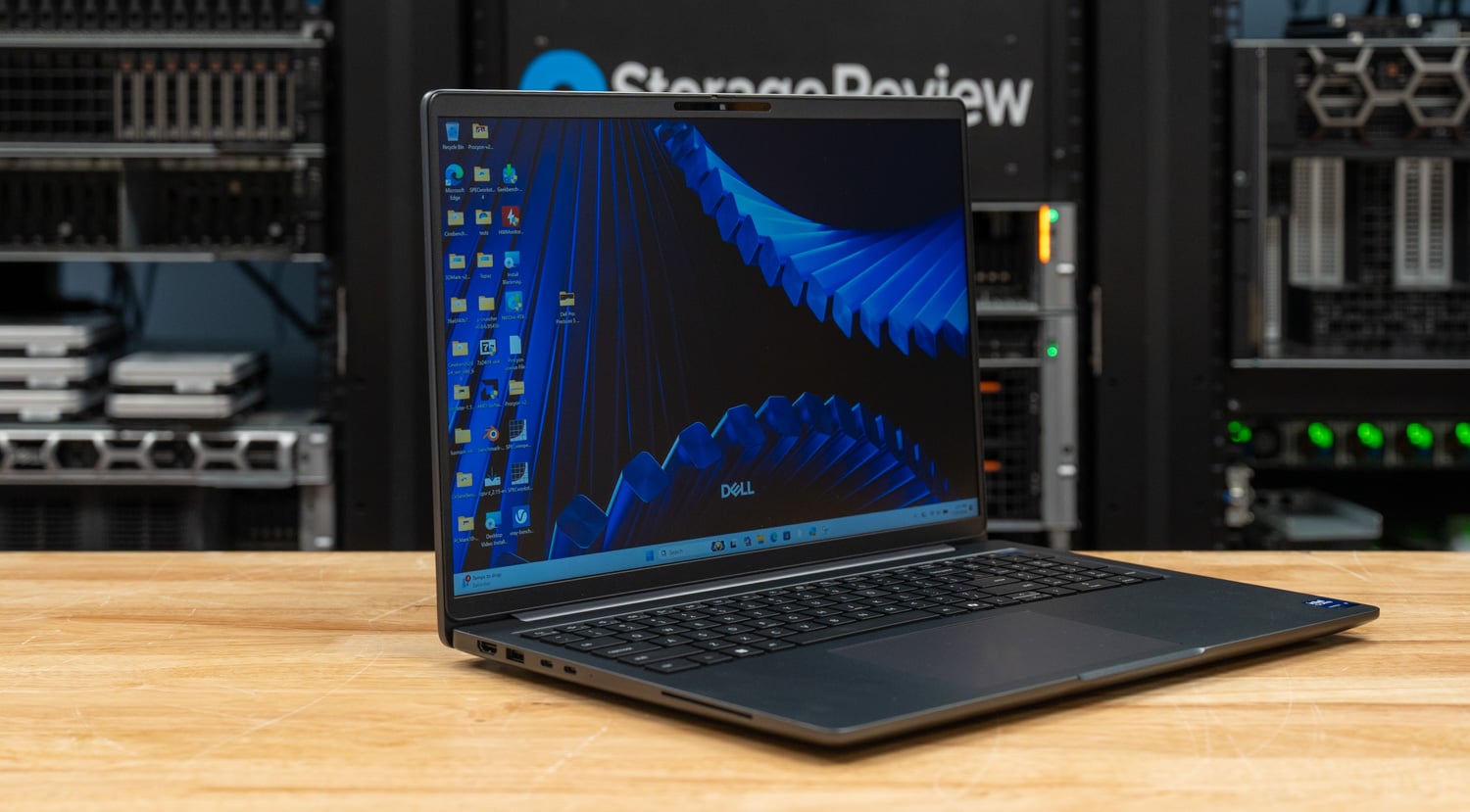
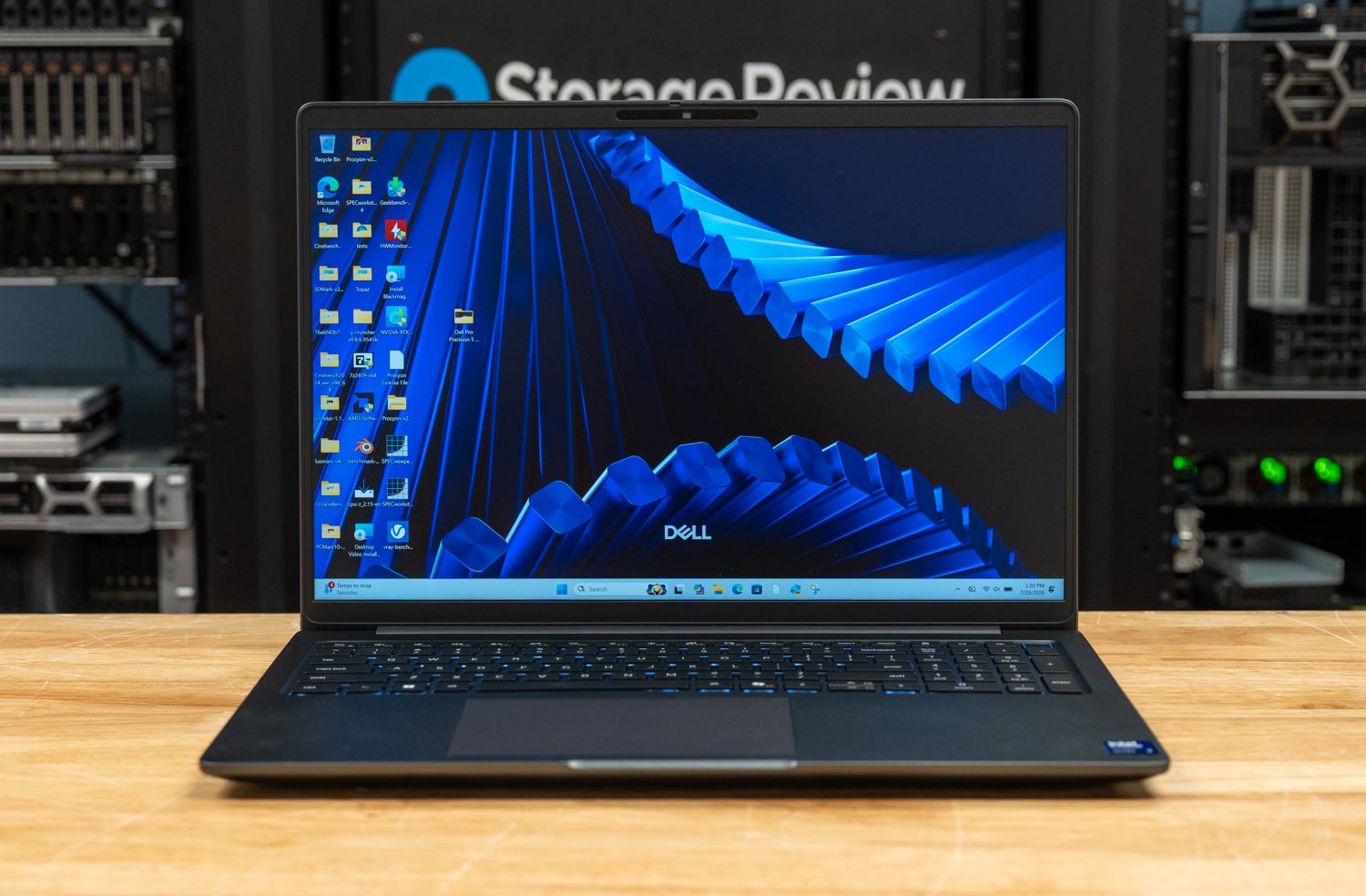
There are two stories in the Dell Pro Max 16 Plus, and they pull in opposite directions. One is a top-tier mobile workstation: Intel’s 24-core Core Ultra 9 285HX, up to 256GB of CAMM2 memory, three M.2 slots, NVIDIA RTX PRO Blackwell graphics up to the 5000-series with 24GB of GDDR7, MIL-STD-810H build, and a chassis that Dell has clearly poured engineering into.

The other is the SKU under review, which trades the GPU for a Qualcomm AIC100 PC Inference Card, a dual-SoC module built around 2019-era Cloud AI 100 silicon, and a software stack that turns most modern inference workloads into a painful exploration. This is a cautionary tale about what happens when a flagship chassis gets paired with the wrong accelerator, and why customers need to understand the software stack behind an AI solution before they sign the purchase order. Before we get to why, let’s look at the laptop as a whole.

The Pro Max 16 Plus sits at the top of Dell’s Pro Max workstation lineup, delivering more raw power than both the entry-level Pro Max 16 and the slimmer Pro Max 16 Premium. At its core is Intel’s scalable Core Ultra 9 285HX, a 55-watt, 24-core chip with a 5.5GHz turbo boost. All CPU configurations support Intel vPro Enterprise, reinforcing the laptop’s enterprise-grade credentials. Pricing starts at $2,779.

Graphics options span integrated Intel graphics through NVIDIA’s Blackwell-based RTX PRO 1000, scaling all the way up to the RTX PRO 5000 we reviewed previously, which features an impressive 24GB of GDDR7 memory. Storage and memory configurations are equally generous: up to 12TB across three M.2 Gen5 slots, and up to 128GB of DDR5-6400 memory delivered via Dell’s CAMM2 module.

Display choices range from a basic 1920 x 1200 IPS panel to the vivid 3840 x 2400 OLED touchscreen. A mid-tier 1920 x 1200 option sits between the two, adding 500 nits of brightness, a 120Hz variable refresh rate, and full DCI-P3 coverage. With over 100 ISV certifications, creative professionals can expect their applications to run smoothly.

Security features are enterprise-ready, including a fingerprint reader, Smart Card support, NFC, an 8MP IR camera for facial recognition, and Dell’s Control Vault 3. A standard three-year warranty rounds out the package, underscoring the laptop’s role as a serious tool for serious work.

Dell Pro Max 16 Plus Specifications

Specification Dell Pro Max 16 Plus
Platform
Processor Intel Core Ultra 5 245HX
Intel Core Ultra 7 265HX
Intel Core Ultra 9 285HX
Operating System Windows 11 Pro
Ubuntu Linux 24.04 LTS
Memory 16GB-128GB CSoDIMM or CAMM2, 1 slot
Graphics and AI Acceleration
Graphics Card Intel Integrated Graphics
NVIDIA RTX PRO 1000 8GB
NVIDIA RTX PRO 2000 8GB
NVIDIA RTX PRO 3000 12GB
NVIDIA RTX PRO 4000 16GB
NVIDIA RTX PRO 5000 24GB
Qualcomm AI Cloud 100 64GB (2x 32GB)
Storage and Display
Storage Up to 3x M.2 SSD, 4TB each
Available RAID 0/1/5
Display 16-inch 16:10
1920×1200, 300-nit, 45% NTSC, 60Hz, non-touch
1920×1200, 500-nit, 100% DCI-P3, 120Hz VRR, non-touch
3840×2400, 500-nit, OLED, touch
Connectivity and Power
Camera 8MP IR
Wireless Networking Intel Wi-Fi 7 BE200, with or without Bluetooth 5.4
Available mobile broadband
Battery 6-cell 96Whr
Power Adapter 165W or 280W
Security and Physical
Security Features IR webcam
Fingerprint reader
Smart Card reader
NFC
Control Vault 3
Dimensions and Weight 1.22 by 10.18 by 14.17 inches
Starting weight: 5.63 pounds
Warranty Standard three years, next business day onsite repair

Build and Design

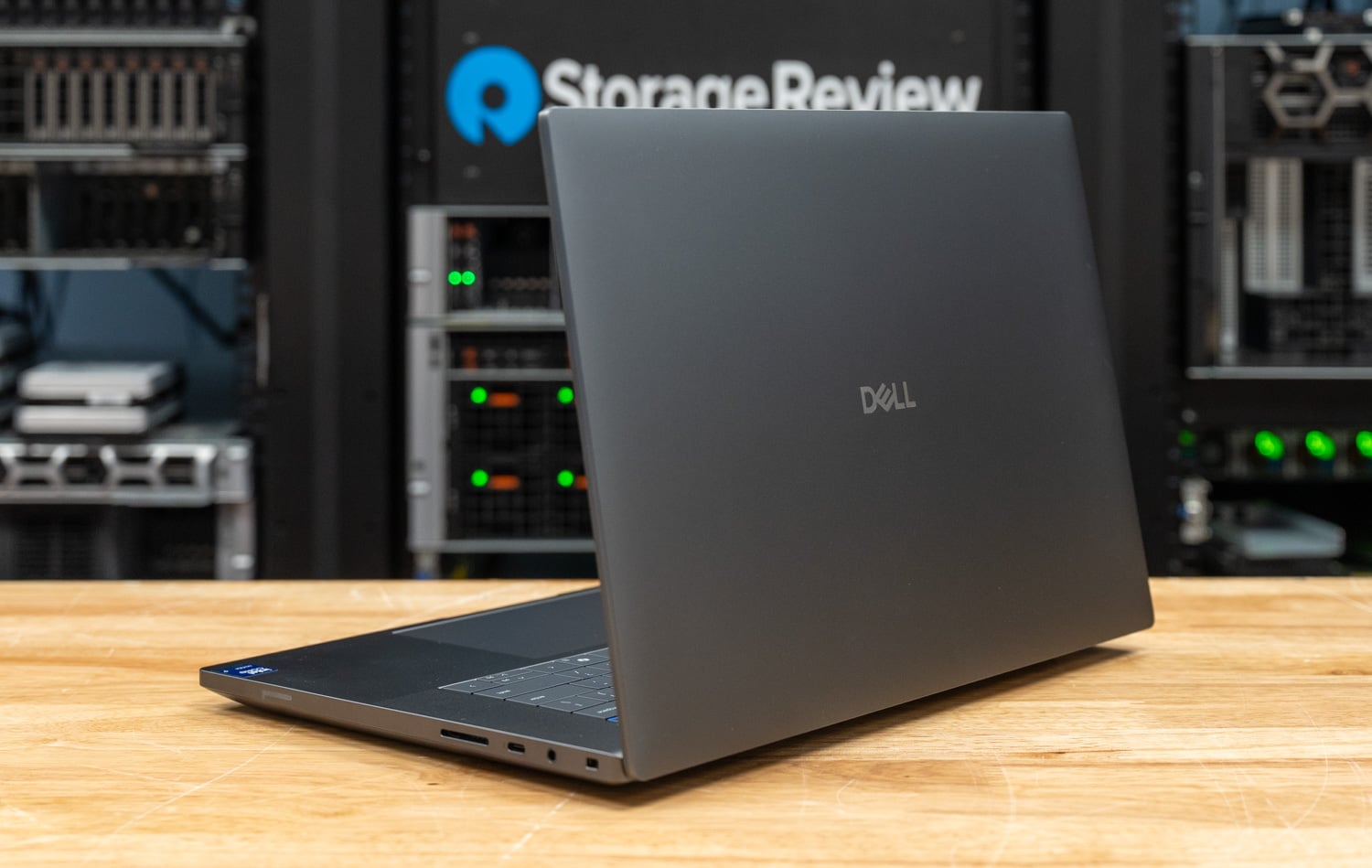
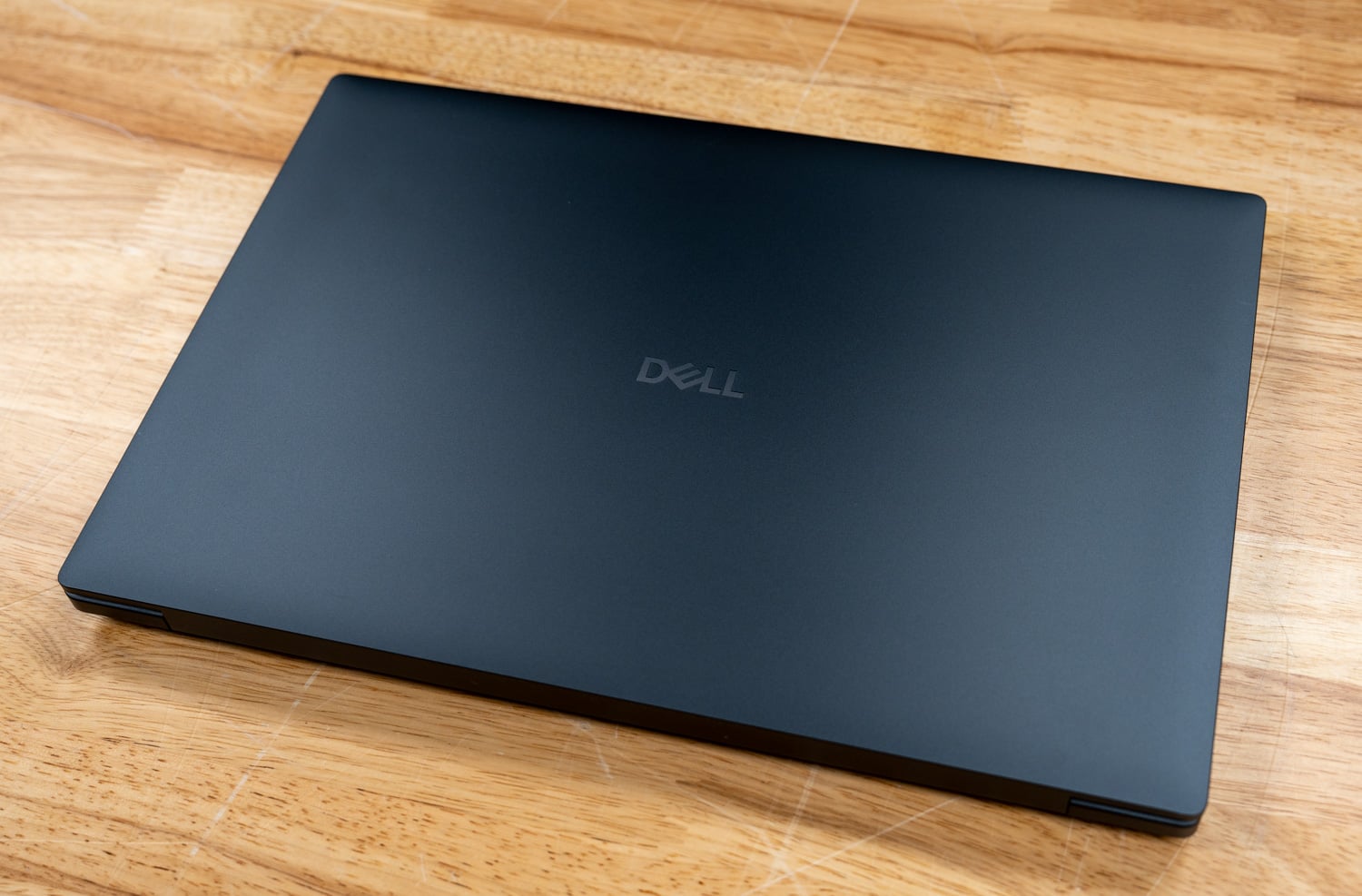
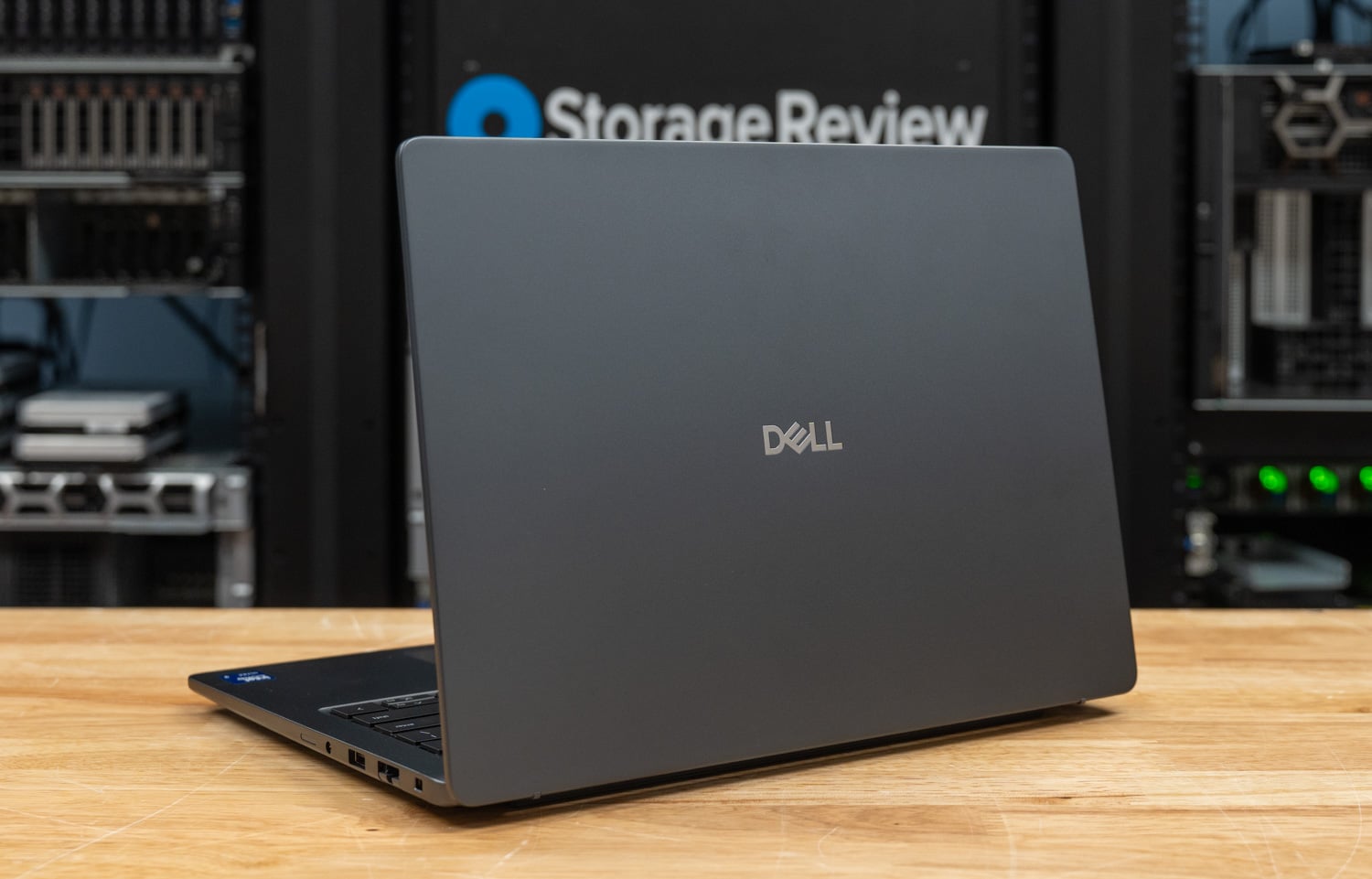
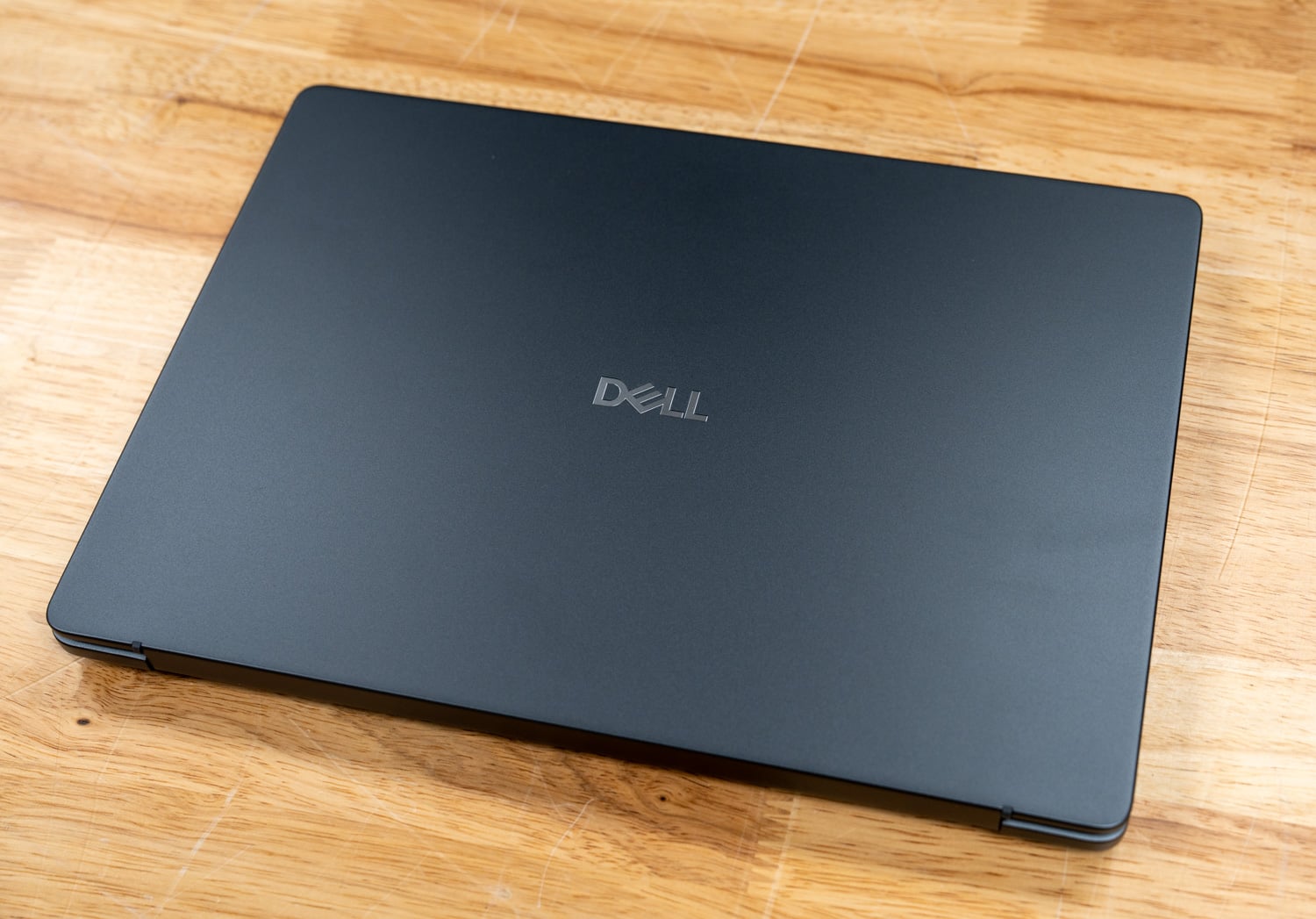
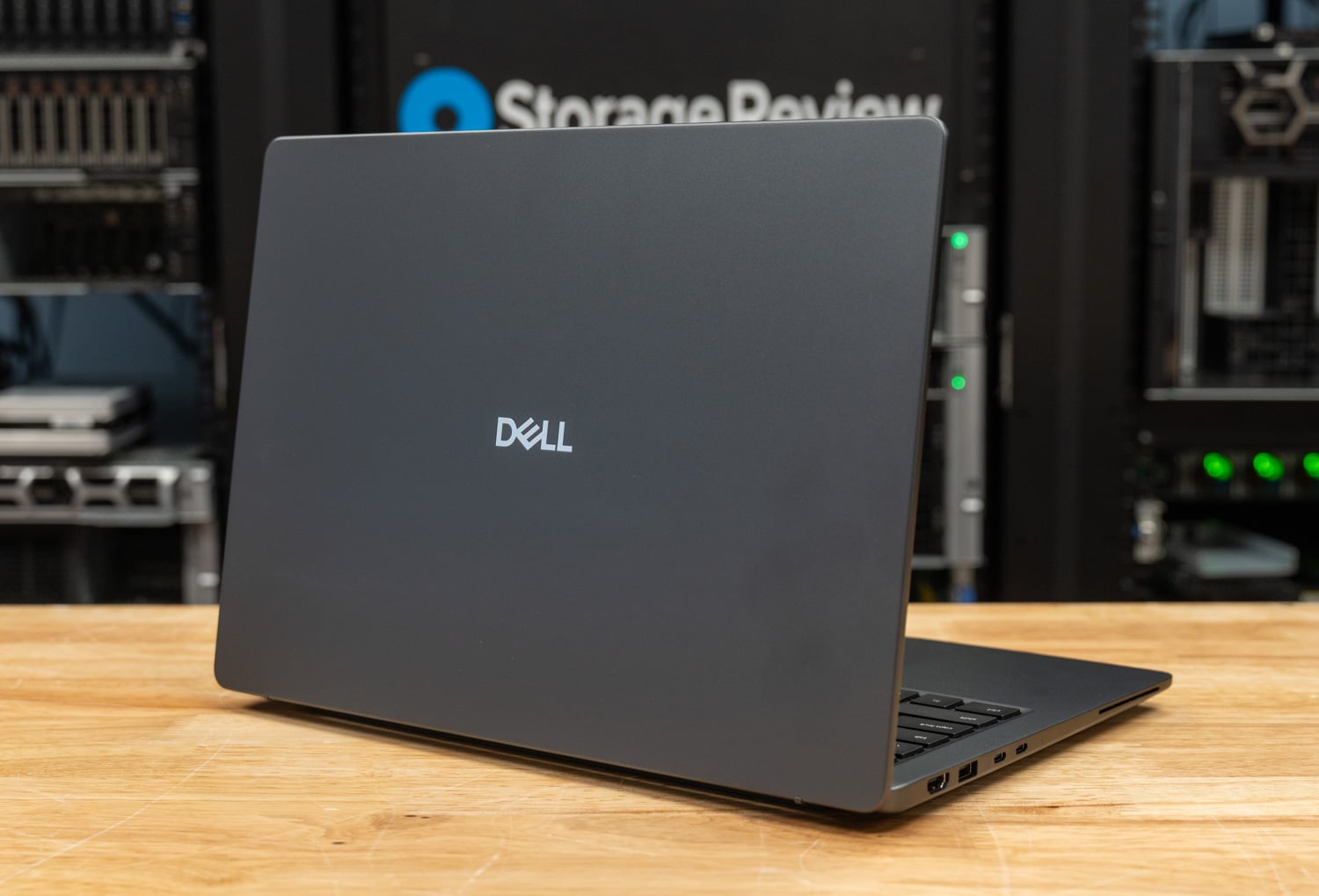
Like the previous unit we reviewed, the Pro Max 16 Plus is unapologetically rugged, holding a MIL-STD-810H certification for durability in demanding environments. Dell’s material mix leans heavily into sustainability, incorporating post-consumer recycled plastic, recycled magnesium and cobalt, and bio-based plastics. In hand, the chassis feels exceptionally rigid, with no detectable flex. In short, it’s built like a tank.

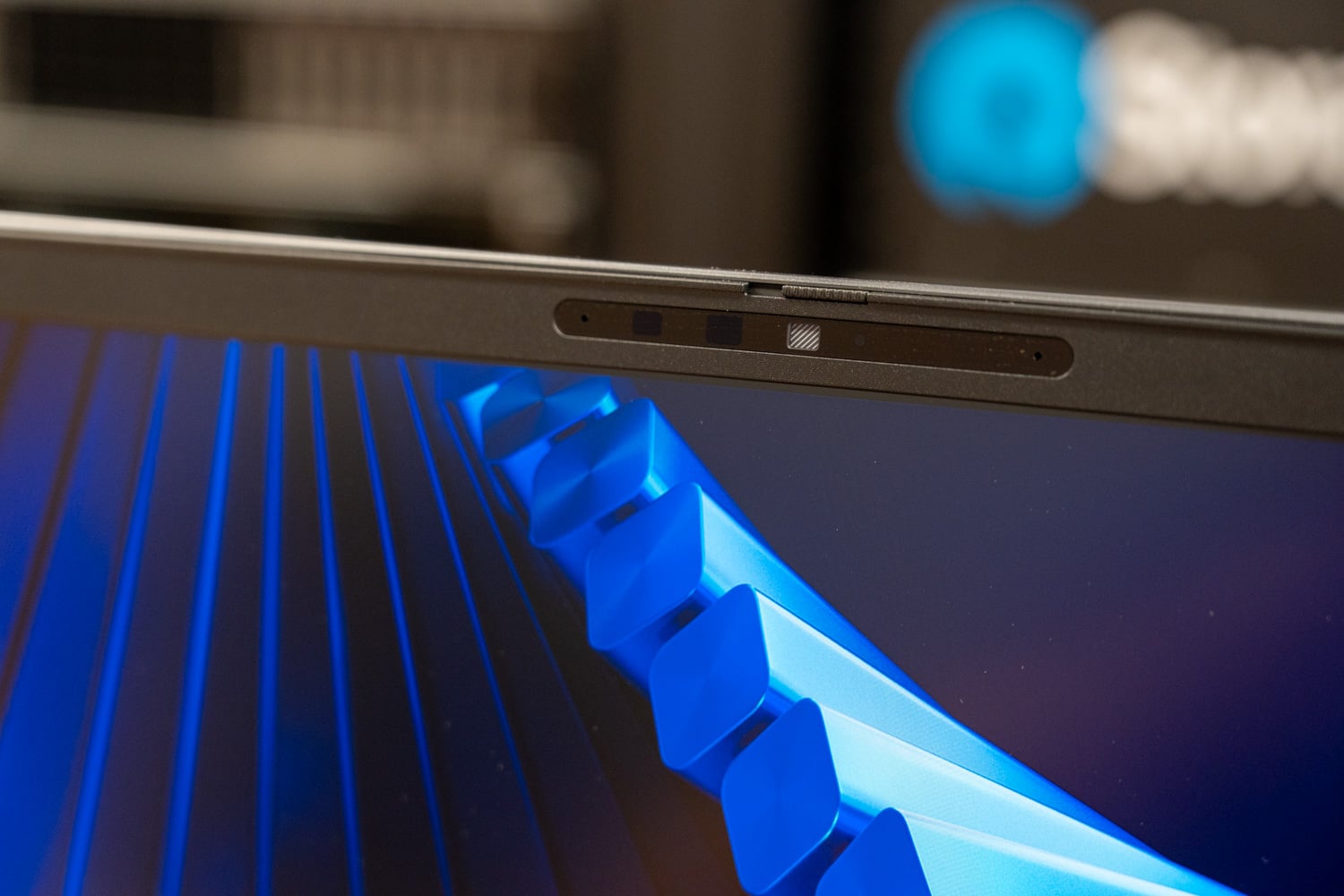
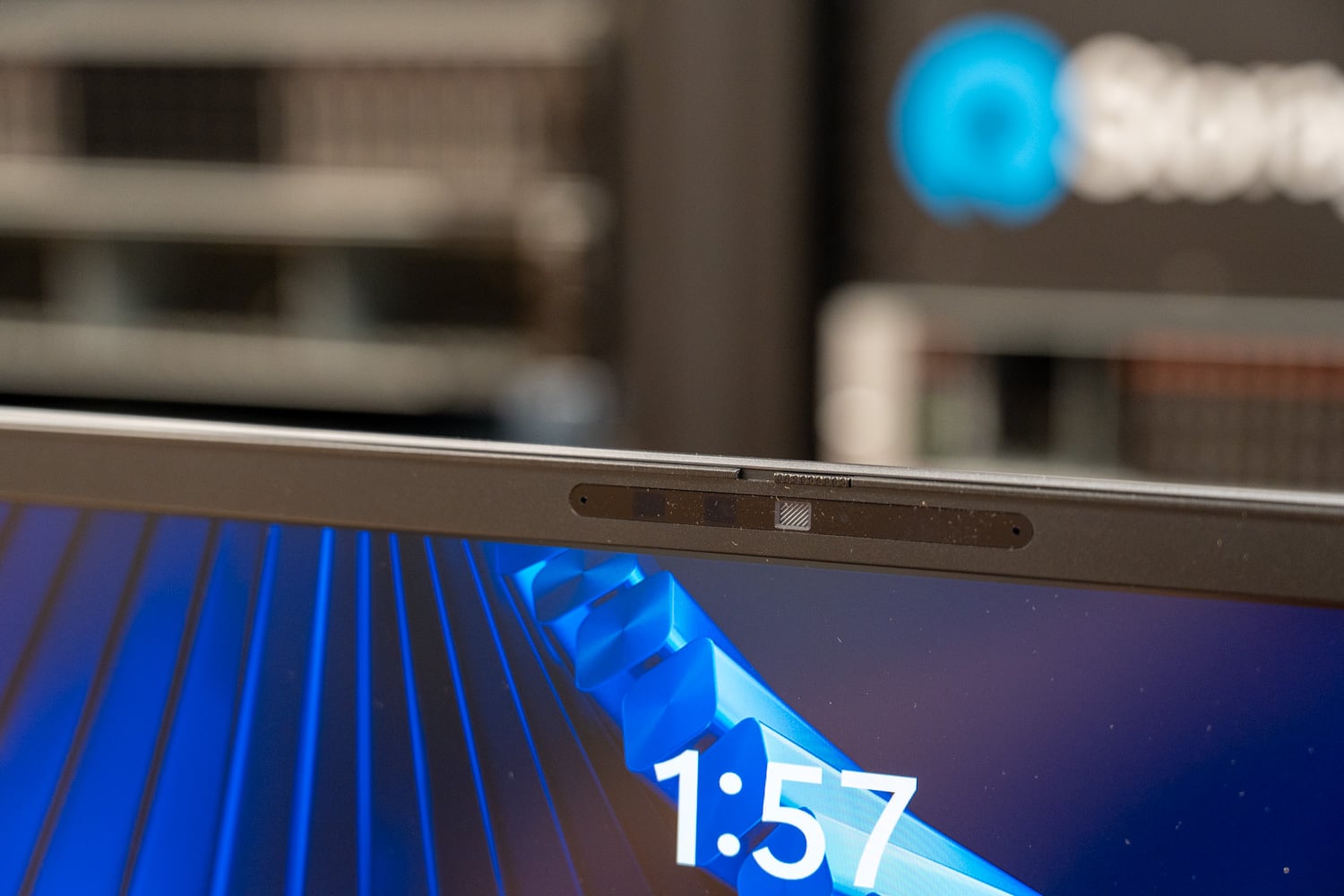
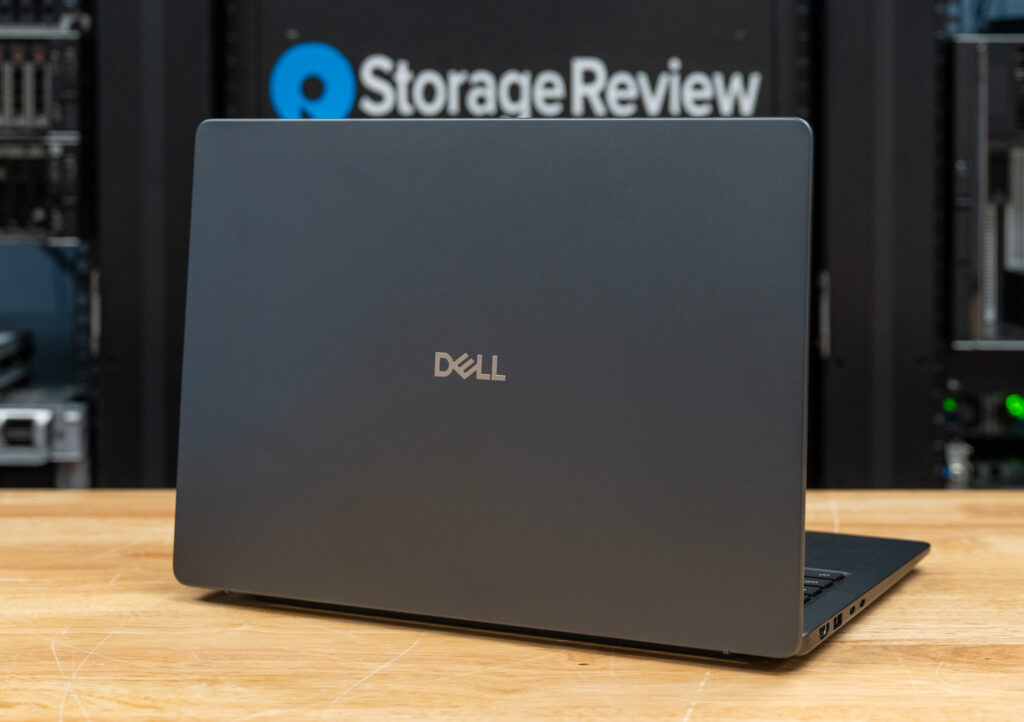
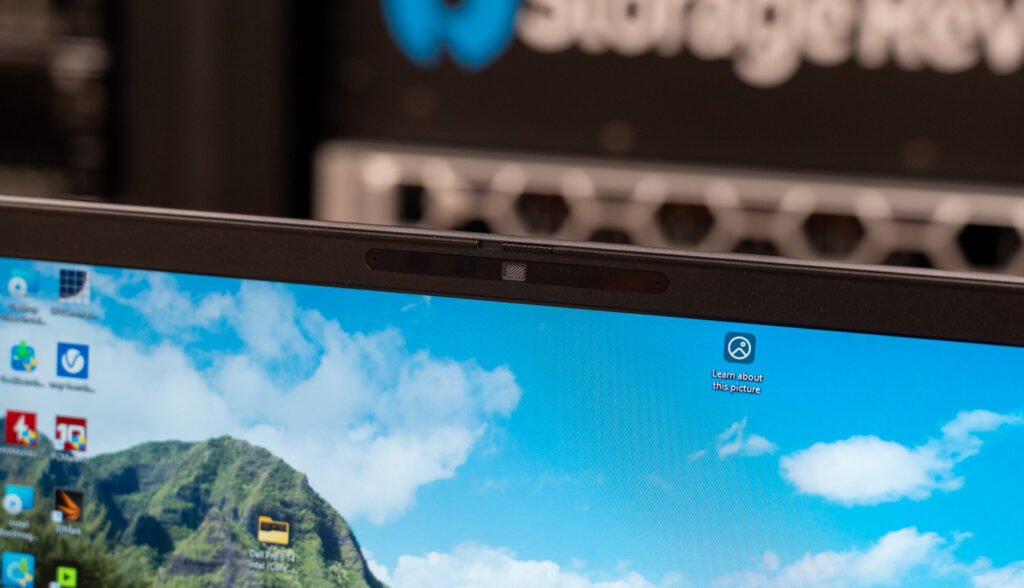
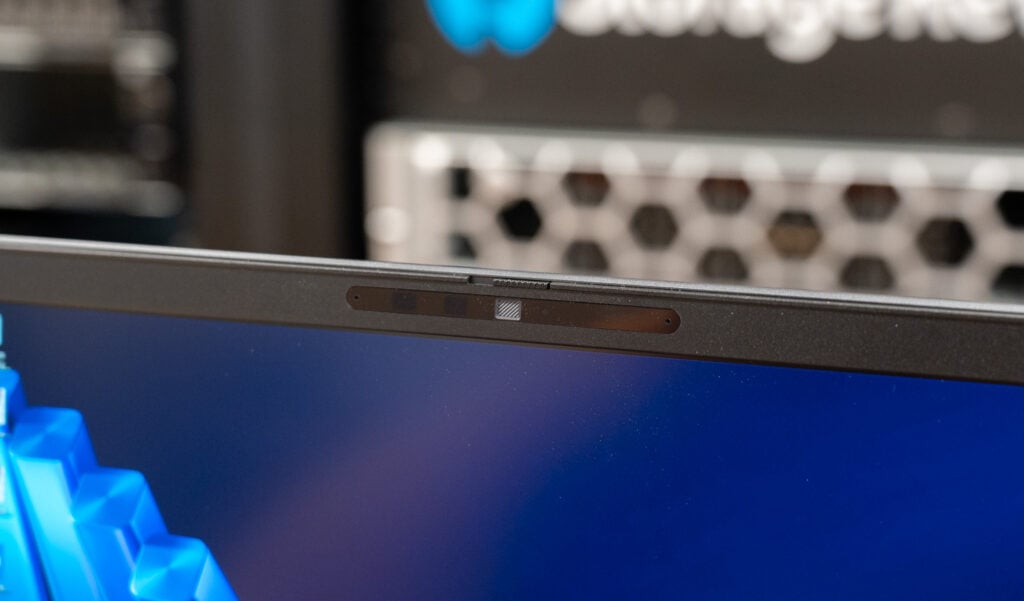
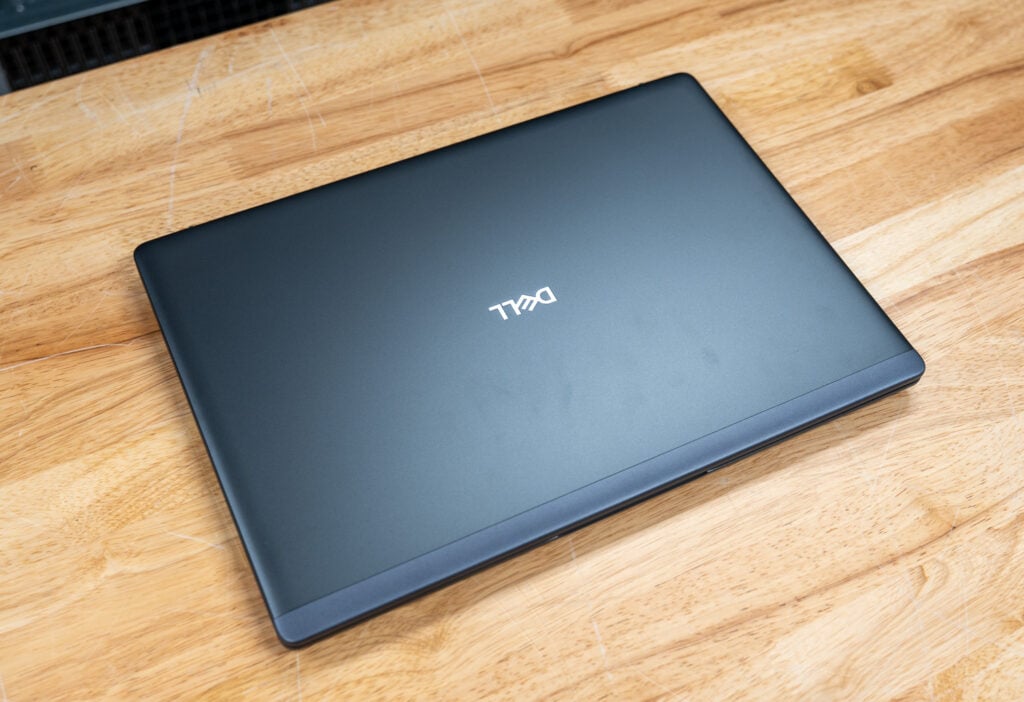
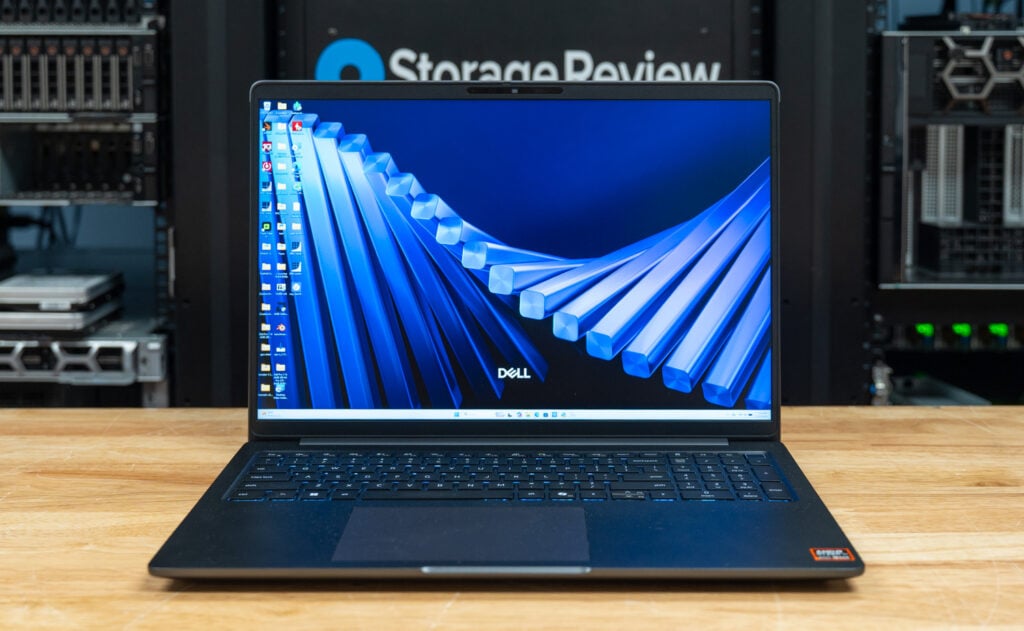
This is a substantial machine. At 1.22 inches thick (including its feet) and starting at 5.63 pounds, it isn’t built for frequent travel, though its 10.18 x 14.17-inch footprint is reasonably compact for a 16-inch, 16:10 display. The webcam sits at the top of the lid, complete with a sliding privacy shutter; our review unit ships with the IR version for facial recognition.

Aesthetically, Dell’s design language is understated to a fault. The gray-black exterior and subtle branding emphasize that this is a product of function over form. The Pro Max Premium line offers more visual flair at the cost of performance and expansion.

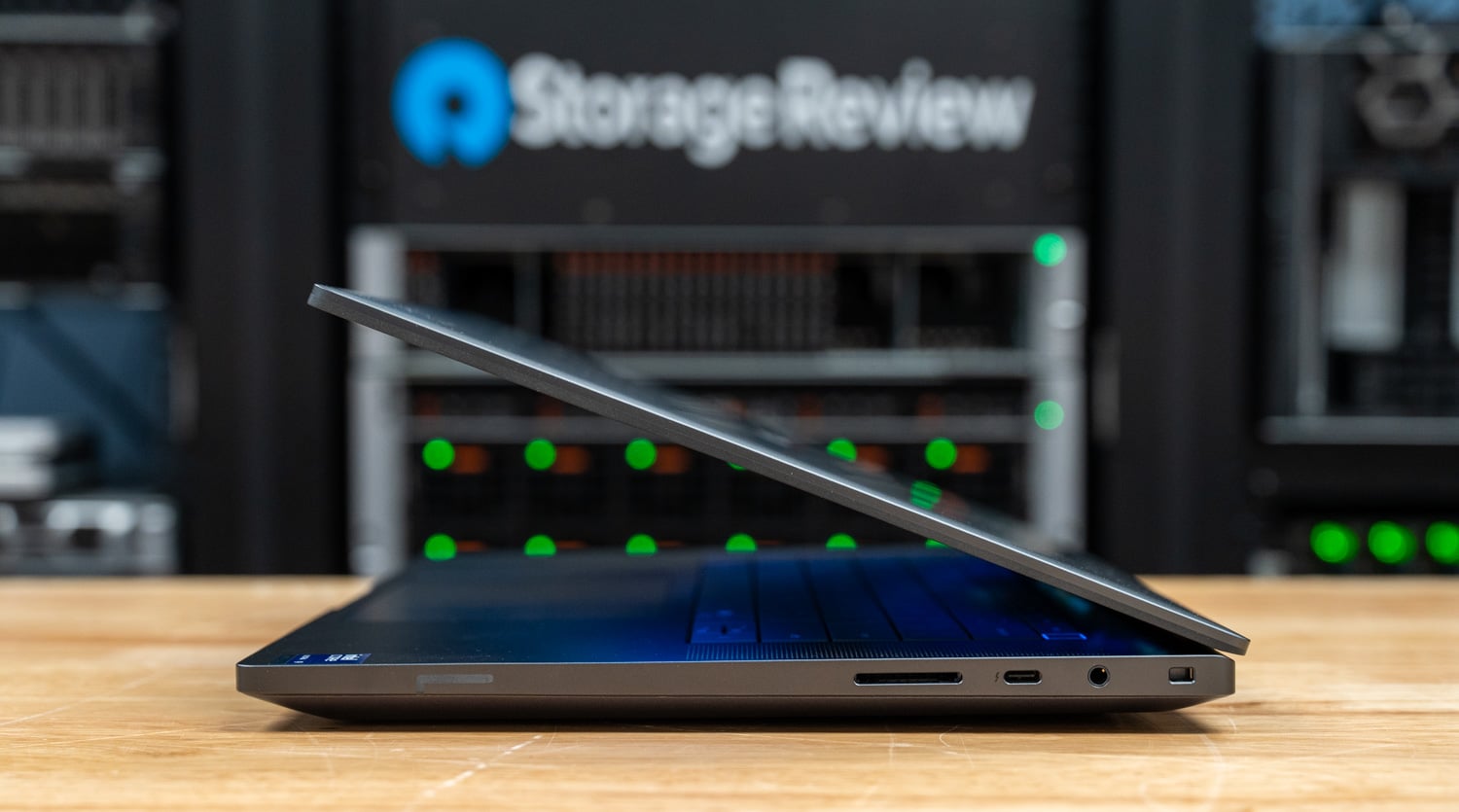
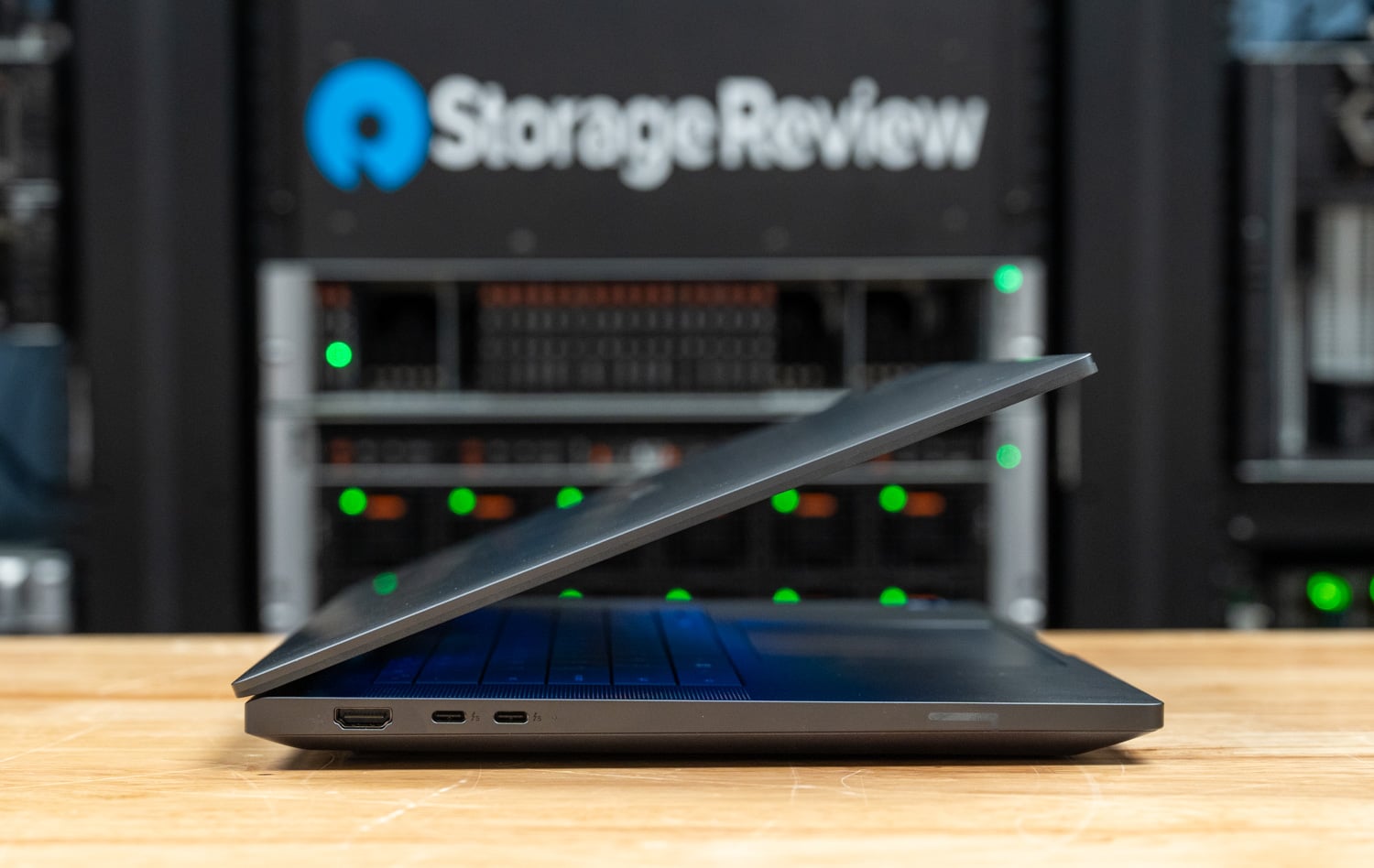
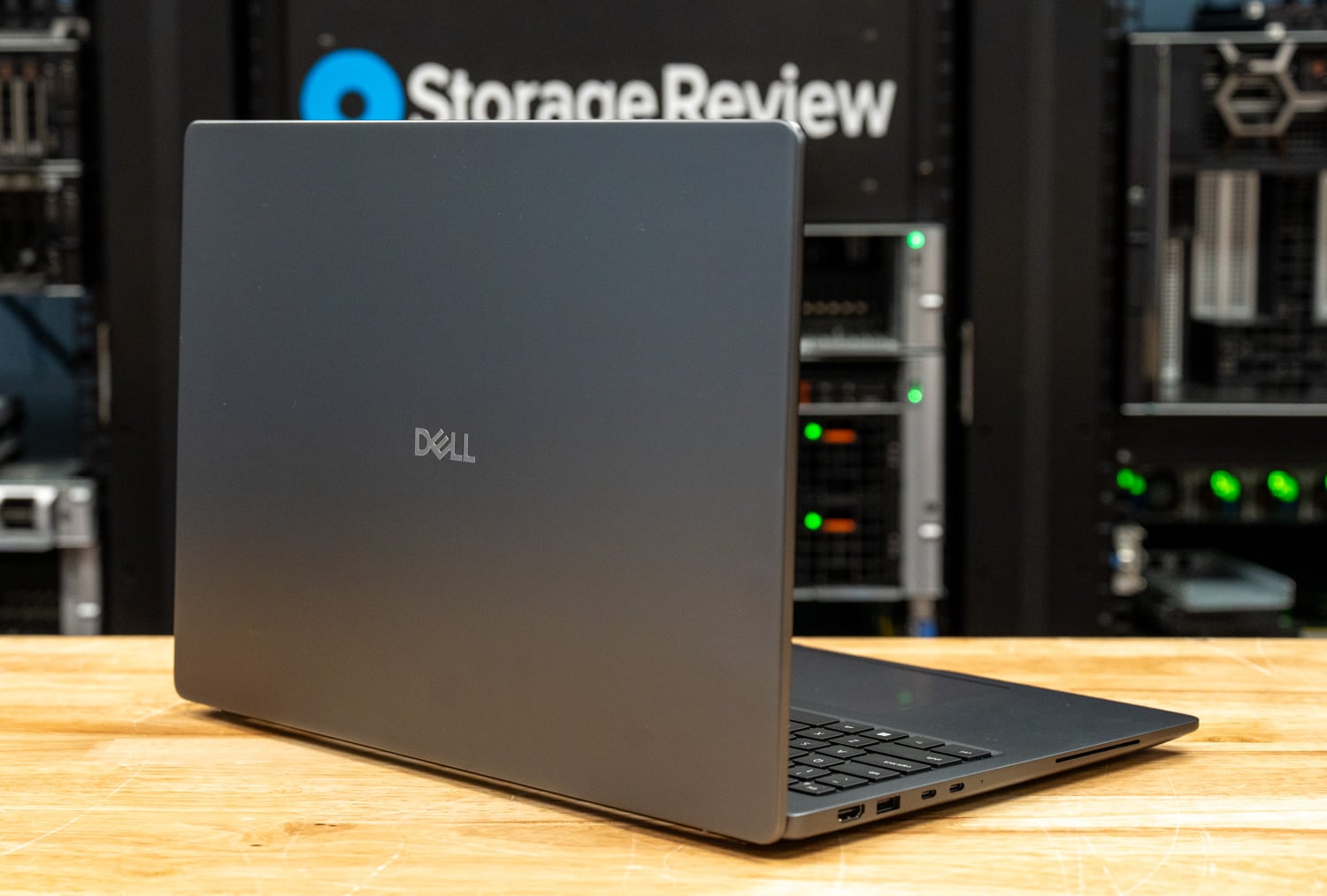
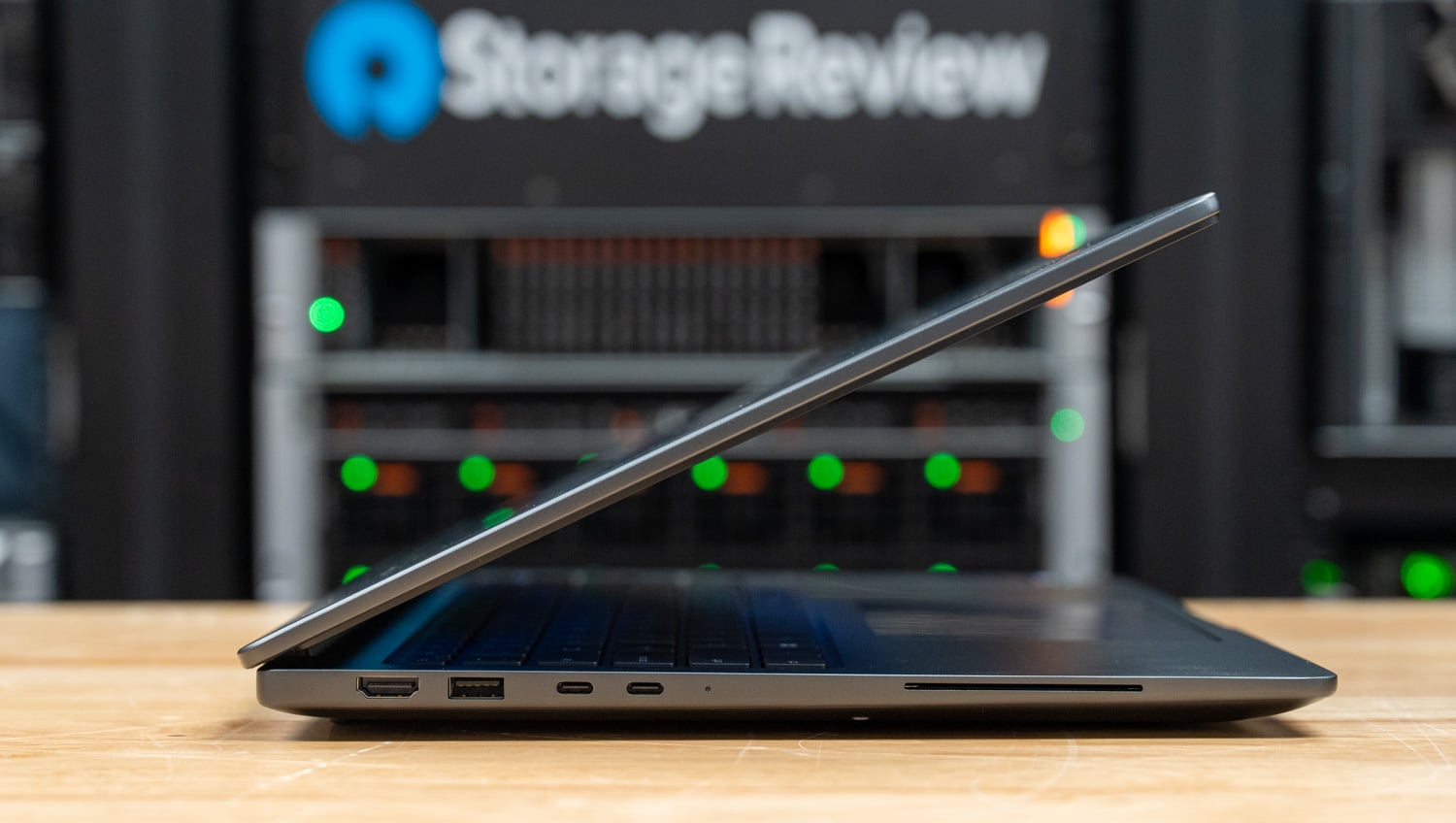
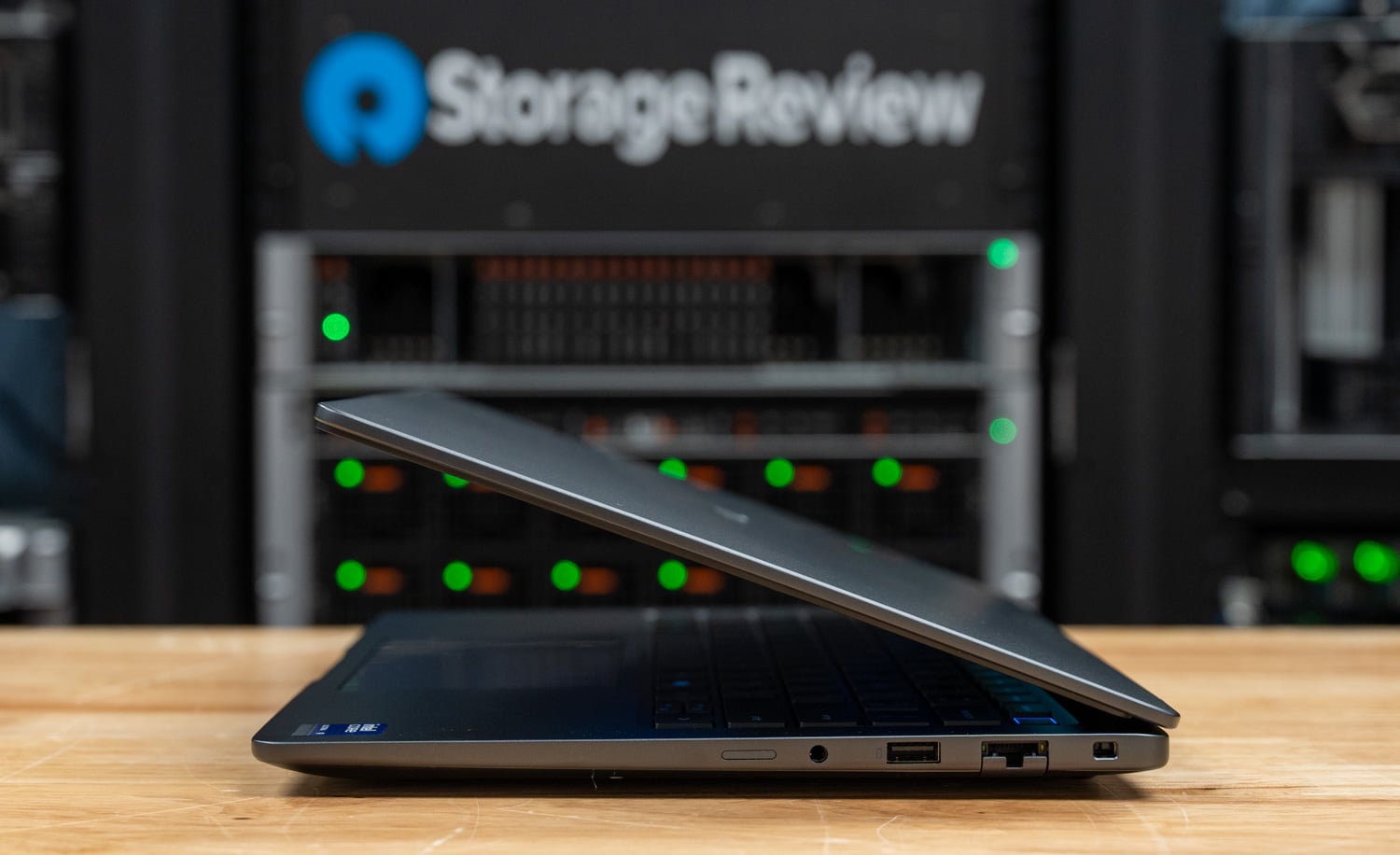
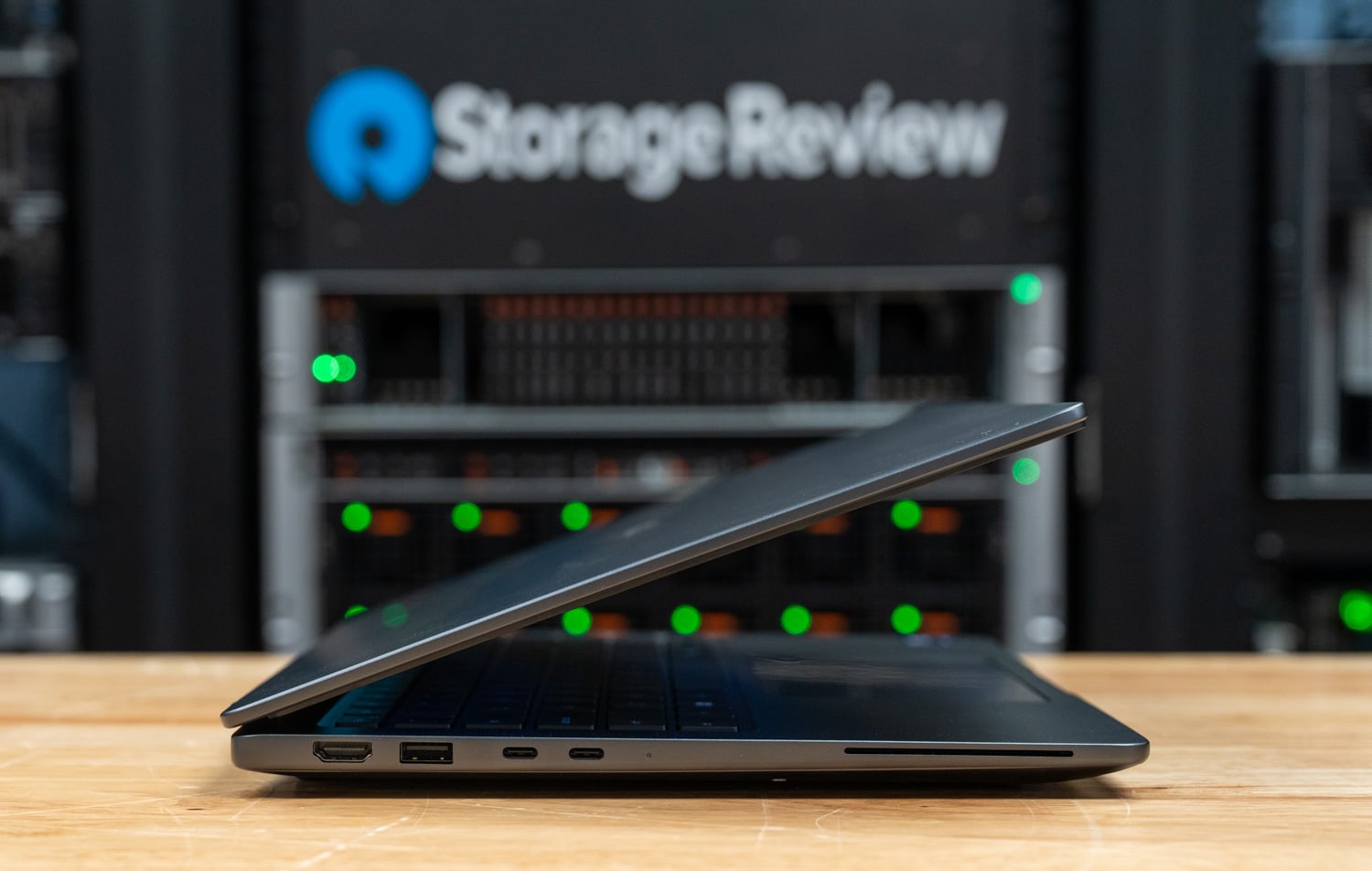
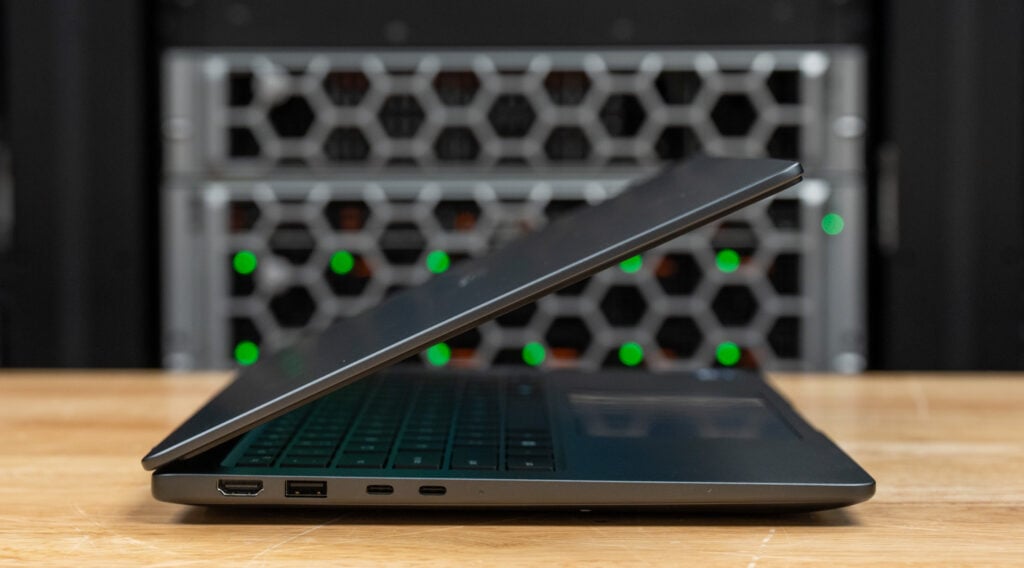
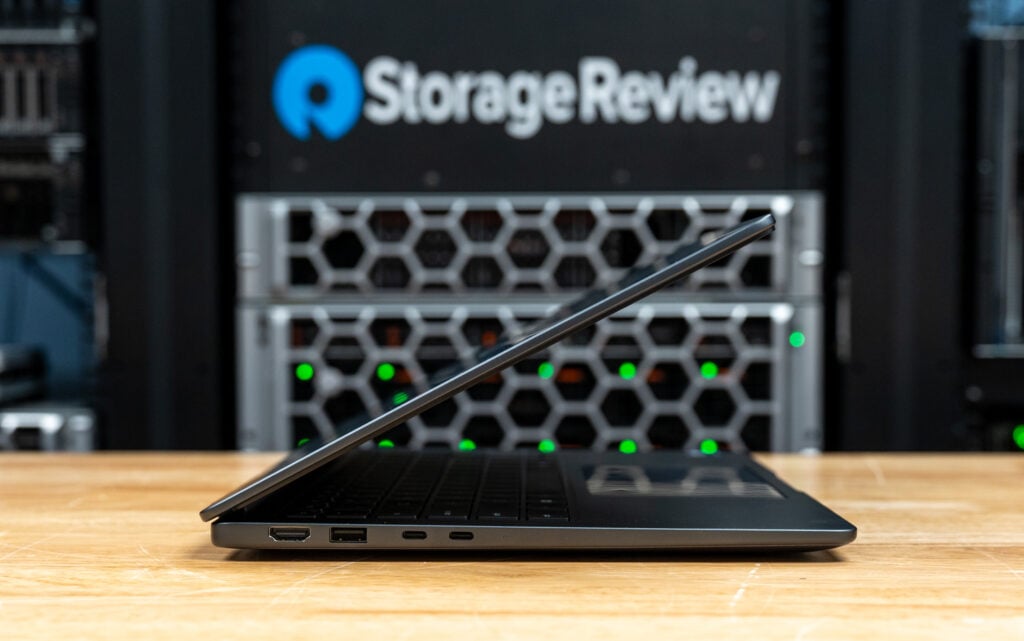
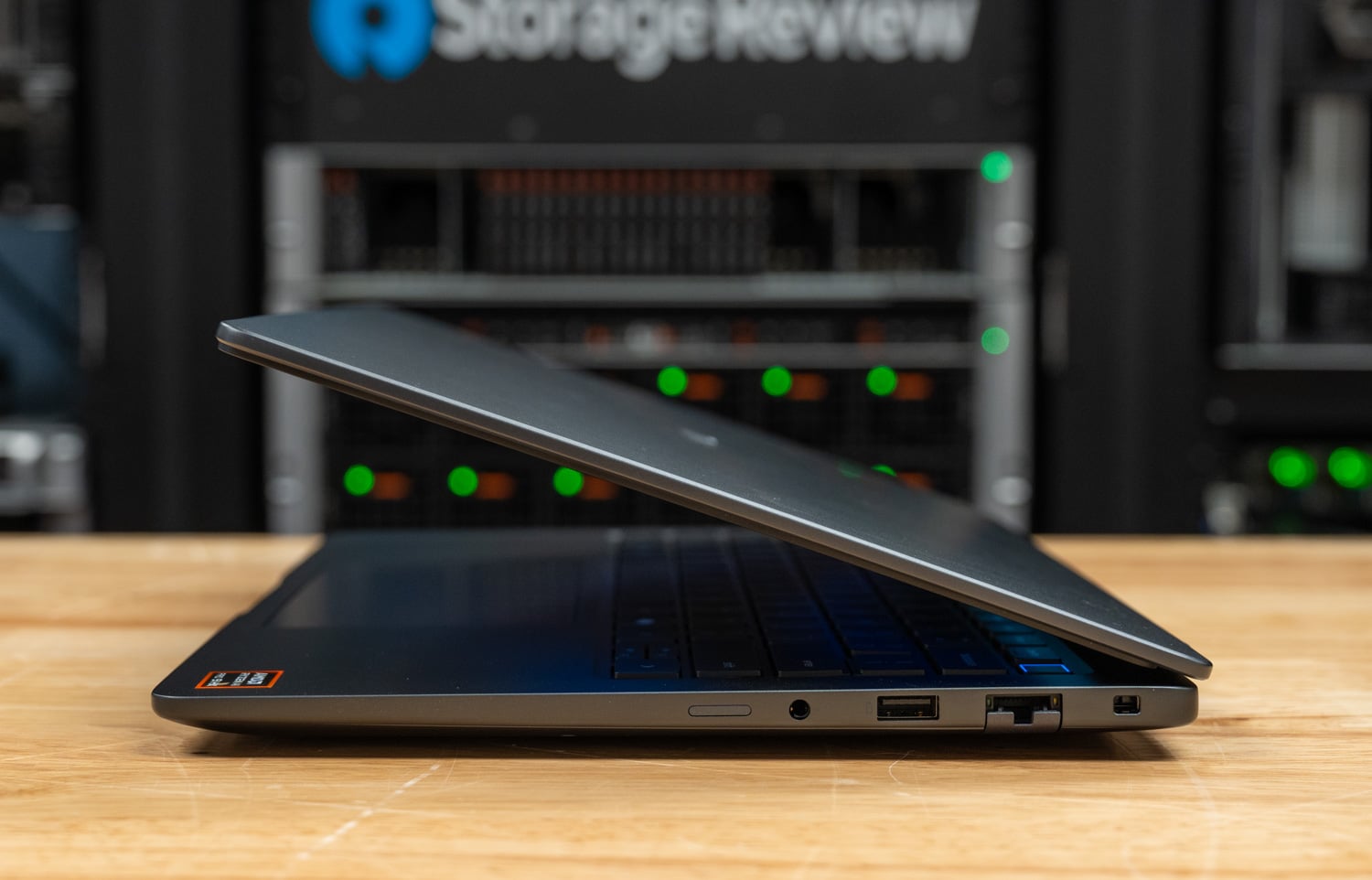
The comprehensive port selection starts on the left edge:

  • 2.5Gbps RJ45 Ethernet
  • HDMI 2.1 output
  • Two Thunderbolt 5 (USB-C) ports
  • SD card reader
  • Optional SmartCard slot

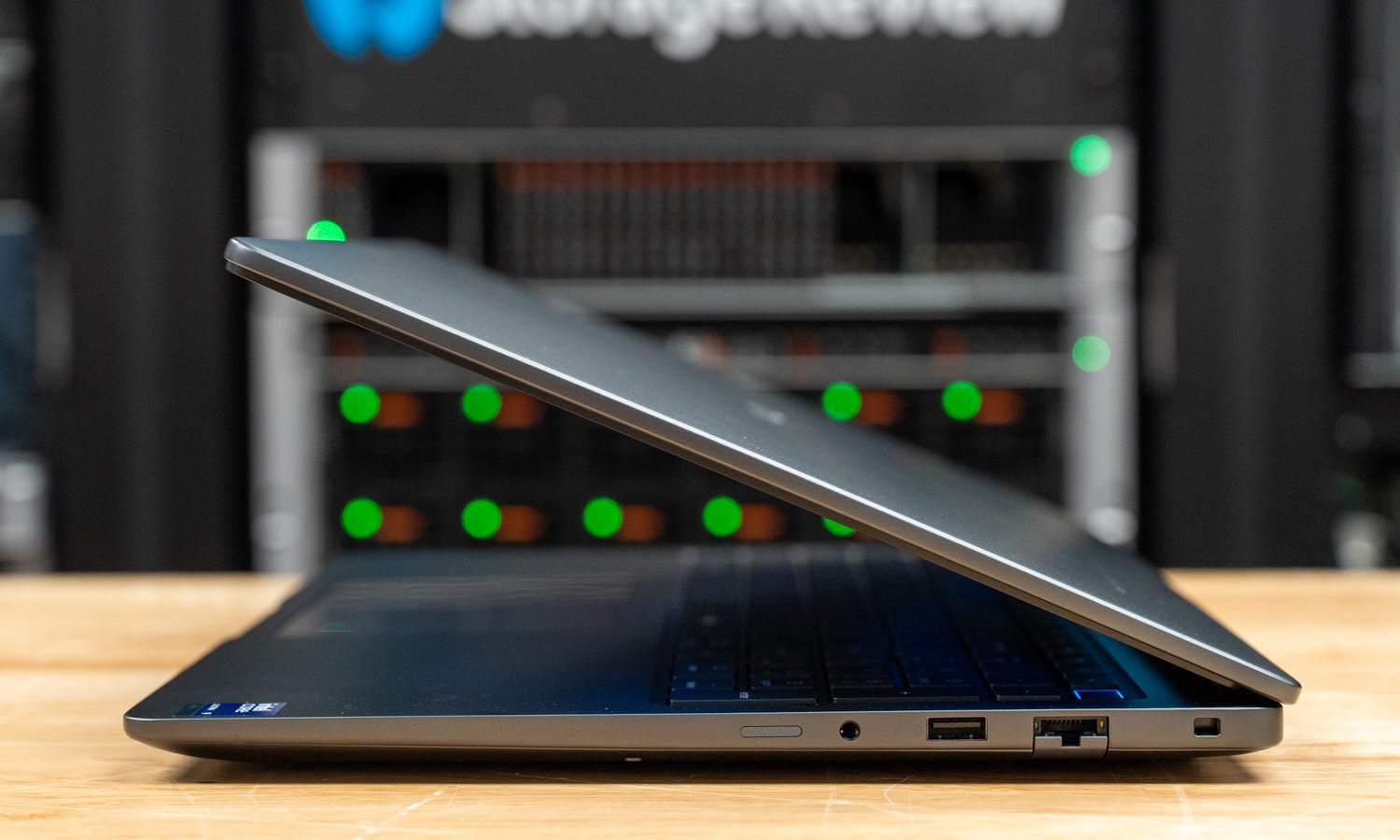
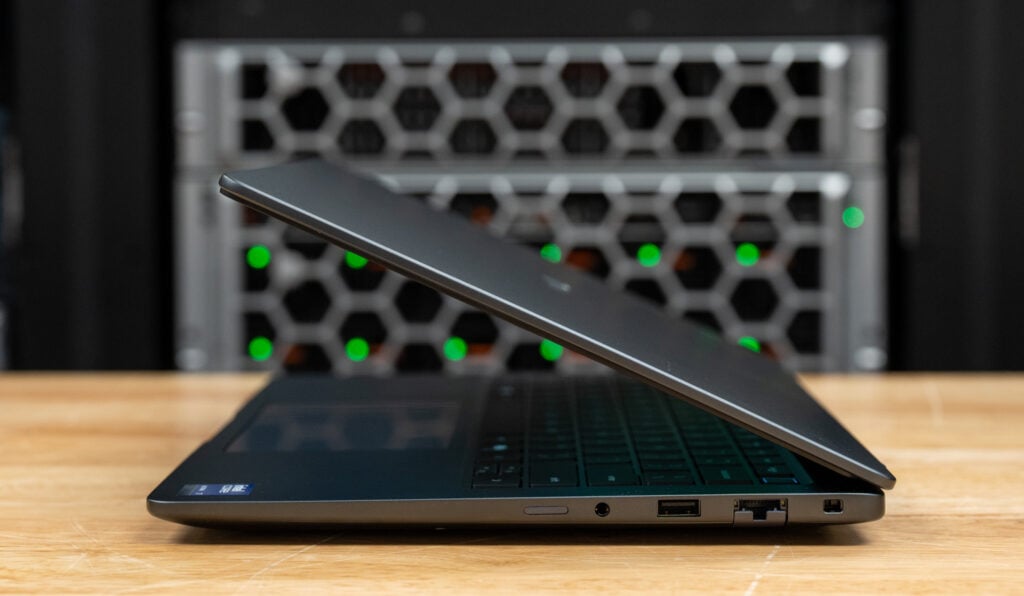
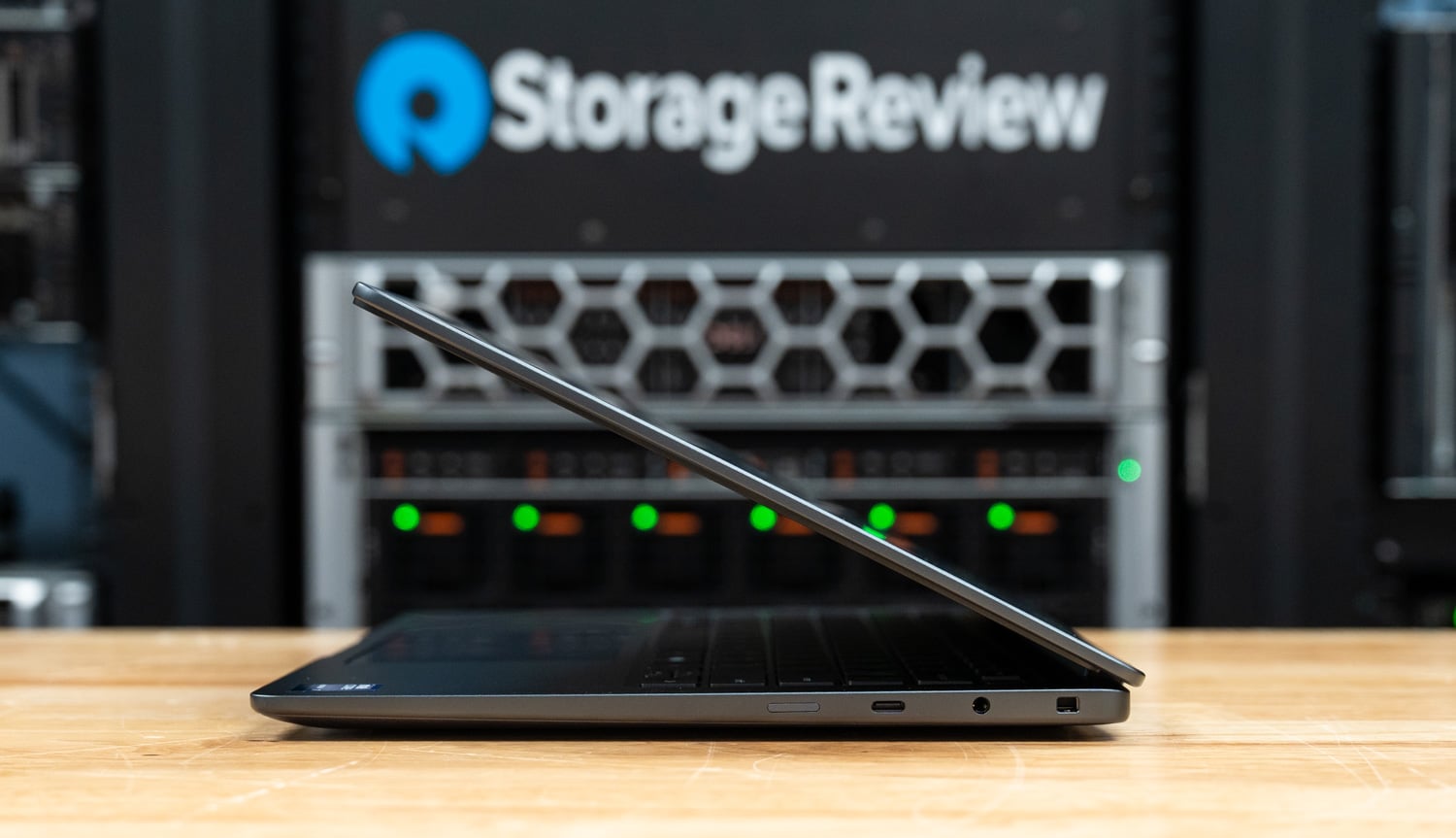
On the right:

  • 3.5mm audio jack
  • Thunderbolt 4 (USB-C)
  • Two USB 3.2 Gen1 Type-A ports
  • Lock slot

There are no ports on the rear edge. Wireless connectivity is handled by Intel’s BE200 module, supporting Wi-Fi 7 and Bluetooth 5.4. Bluetooth can be omitted in custom configurations, and 5G mobile broadband is also available.

Screen and Input Devices

Our review unit features Dell’s 16-inch 1920×1200 display with a 120Hz VRR panel that looks excellent in daily use. Colors are vibrant, and with 100% DCI-P3 coverage, it’s well-suited for color-sensitive workflows once calibrated. The 500-nit brightness also helps the display remain comfortable to use in brighter office or studio environments.

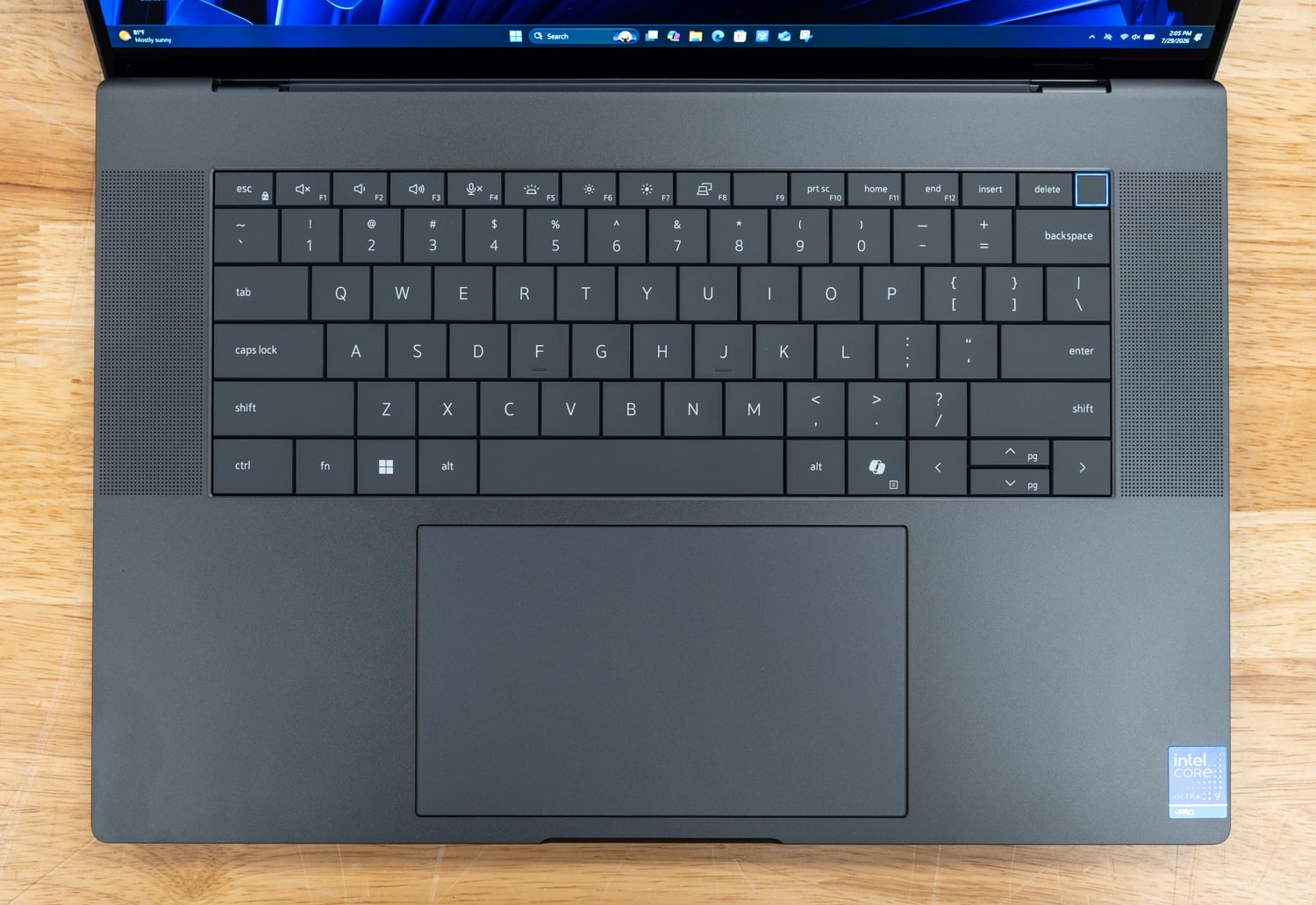
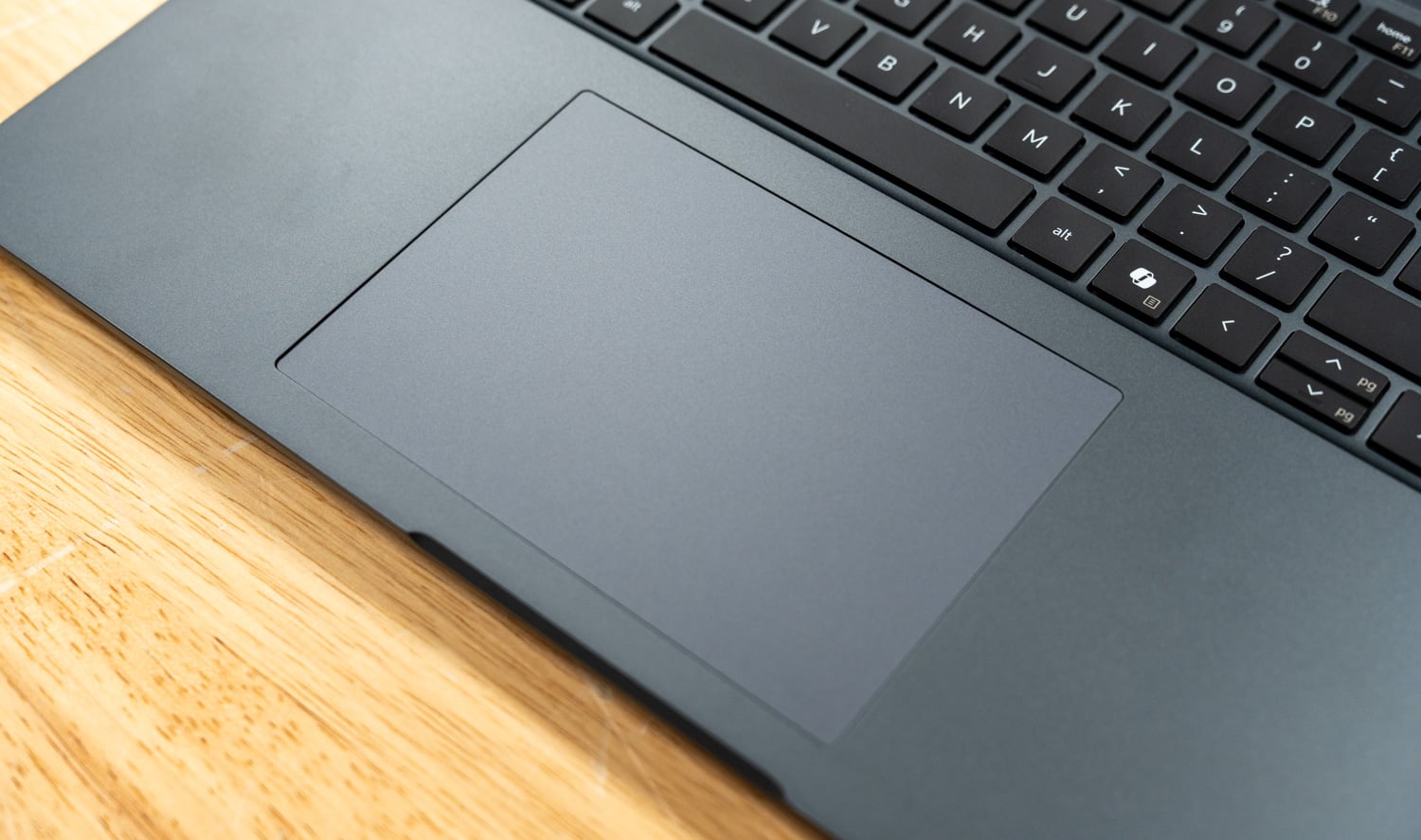
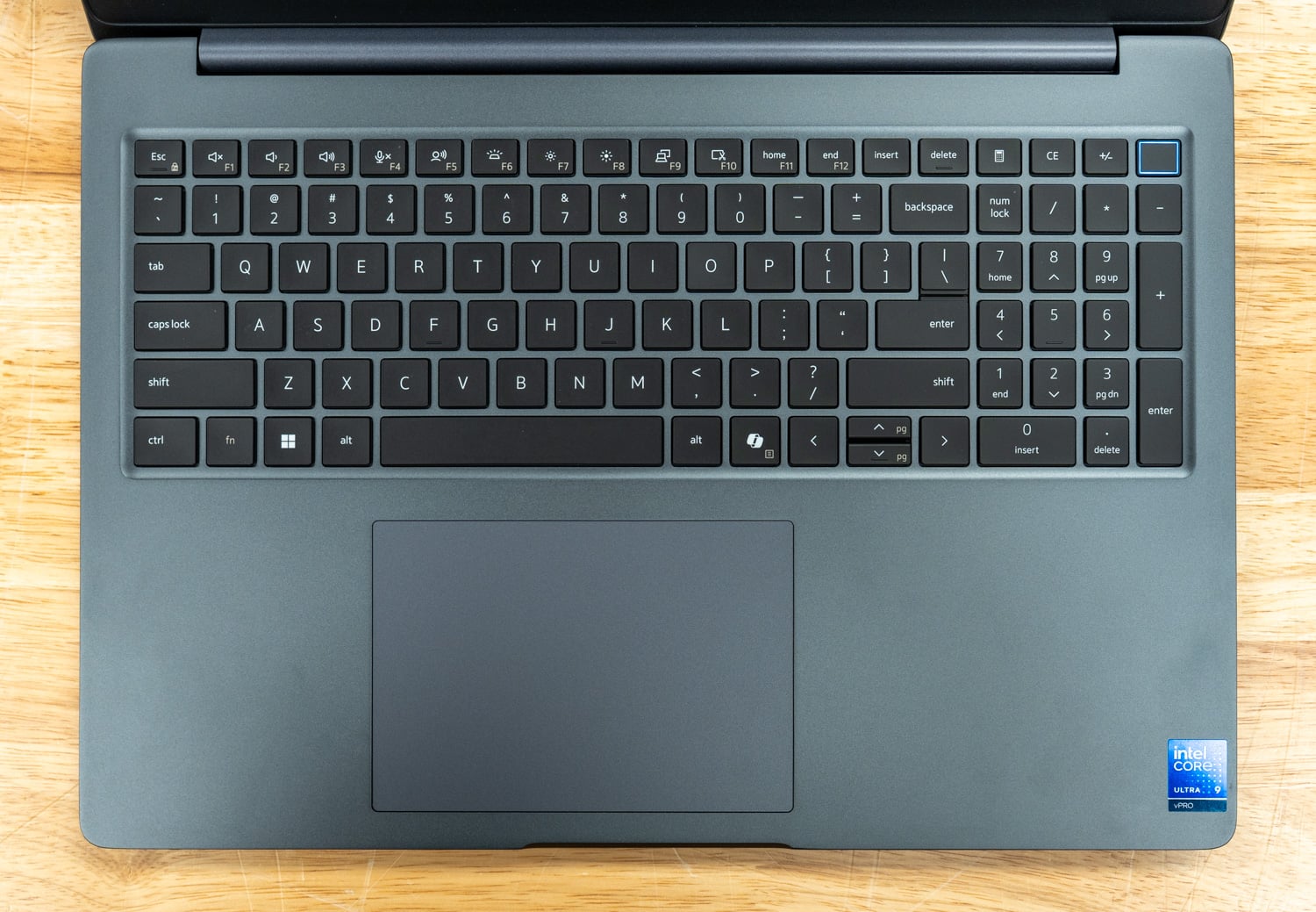
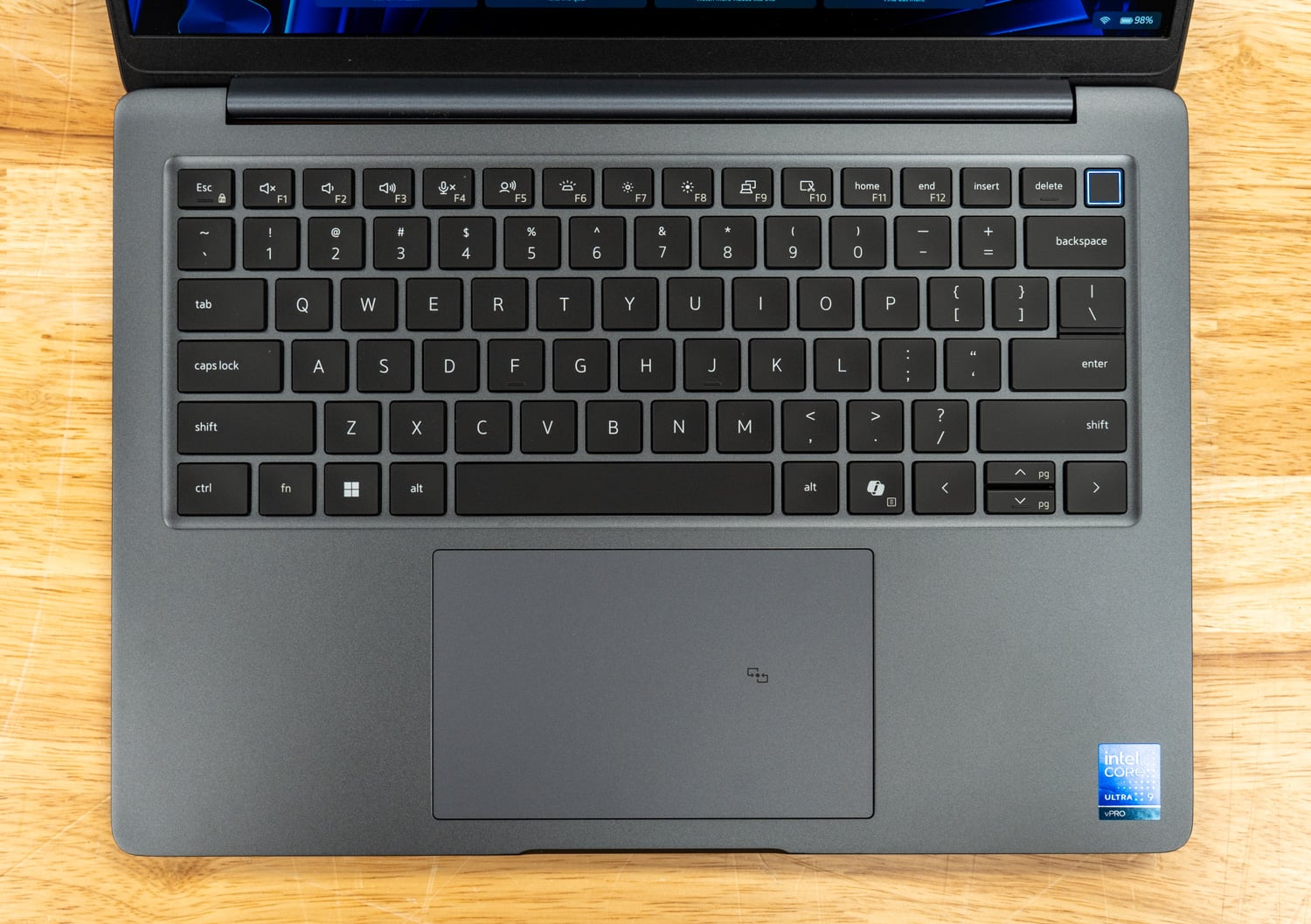
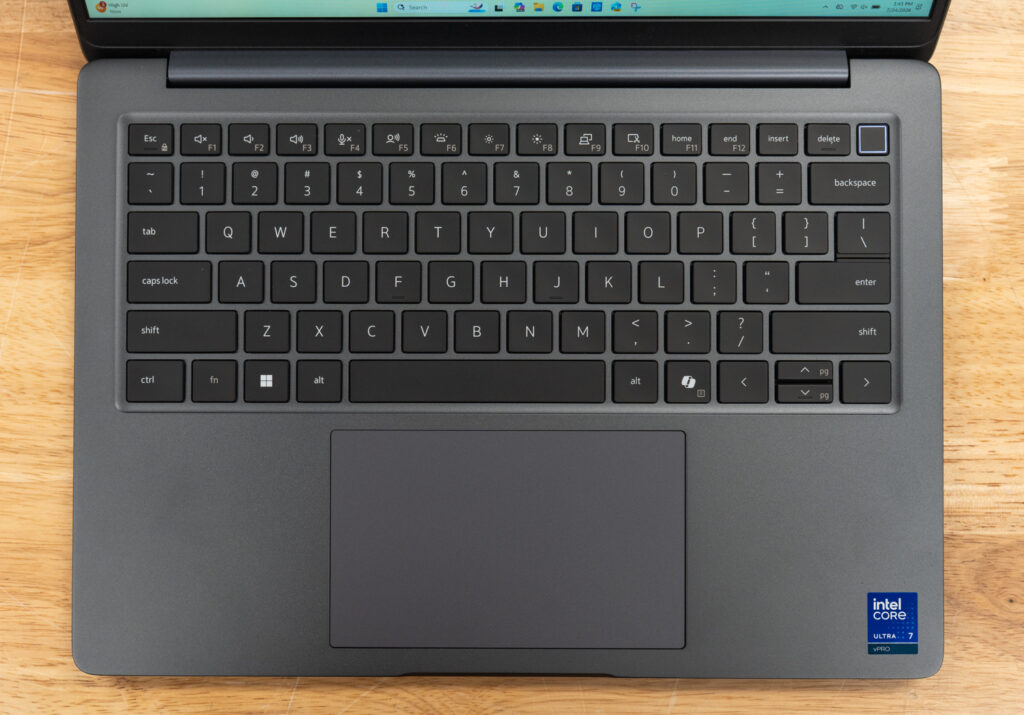
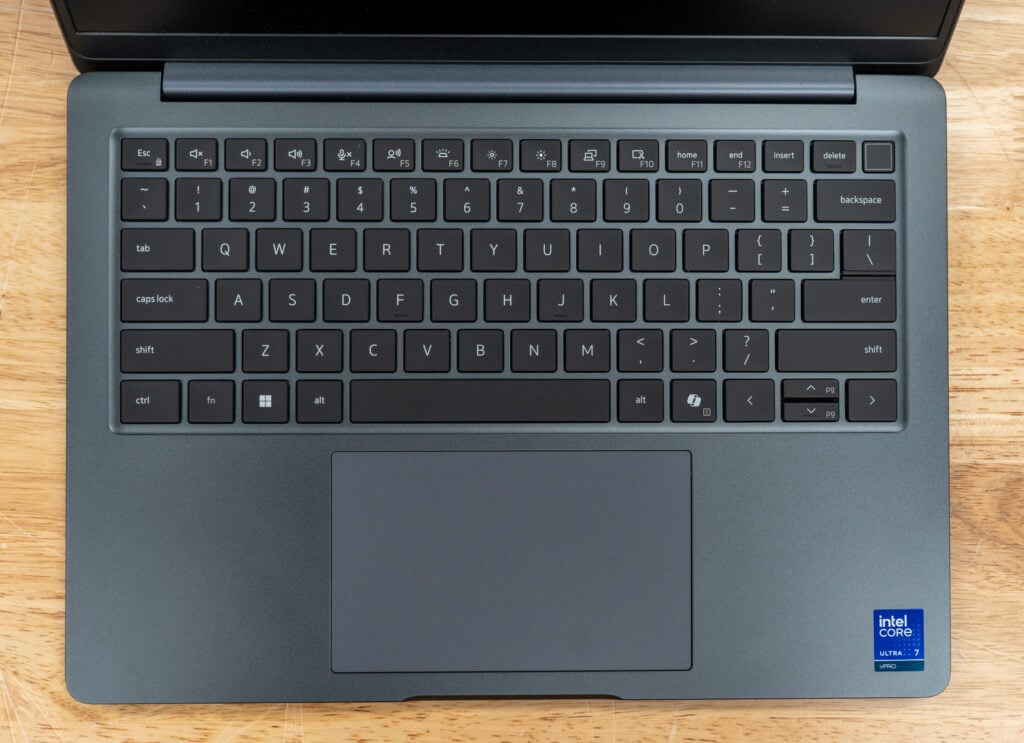
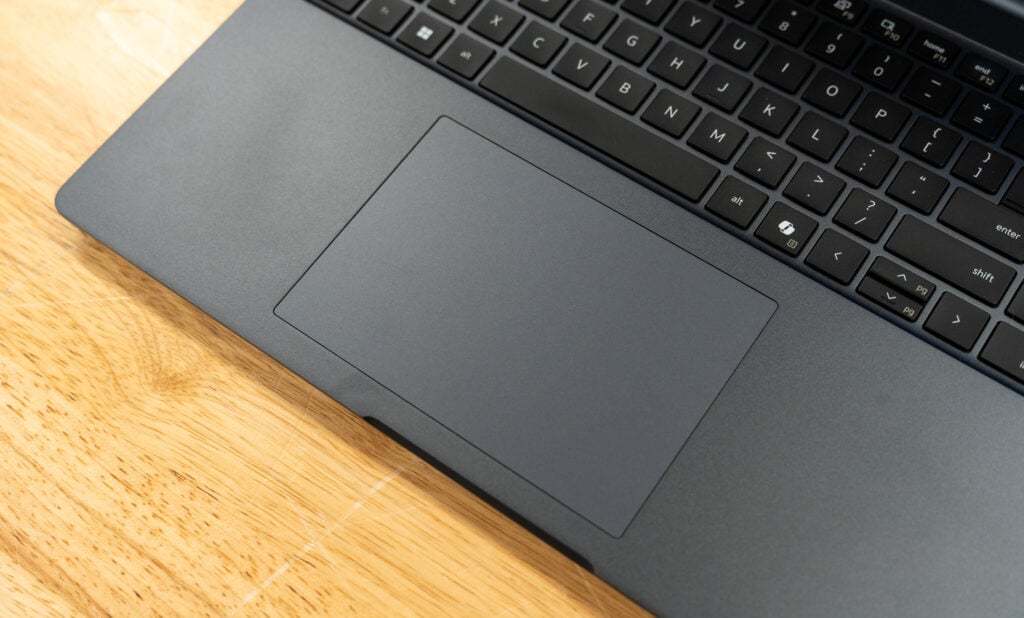
Dell’s keyboard is well-suited for long typing sessions, with full-size keys that deliver a light, responsive feel and crisp tactile feedback. White backlighting keeps it visible in dim environments. The layout is largely conventional, but the uneven sizing of the arrow keys can cause occasional mispresses, and the placement of the Home and End keys is a particular drawback; they share space with F11 and F12, so enabling Fn-Lock (Fn + Esc) to prioritize the function row forces a Fn + F11 or F12 press to access them. Dedicated Page Up and Page Down keys would have been welcome; instead, they’re secondary functions of the up and down arrows, which are already the most awkward keys in the cluster. The power button, located at the top right, doubles as a fingerprint sensor.

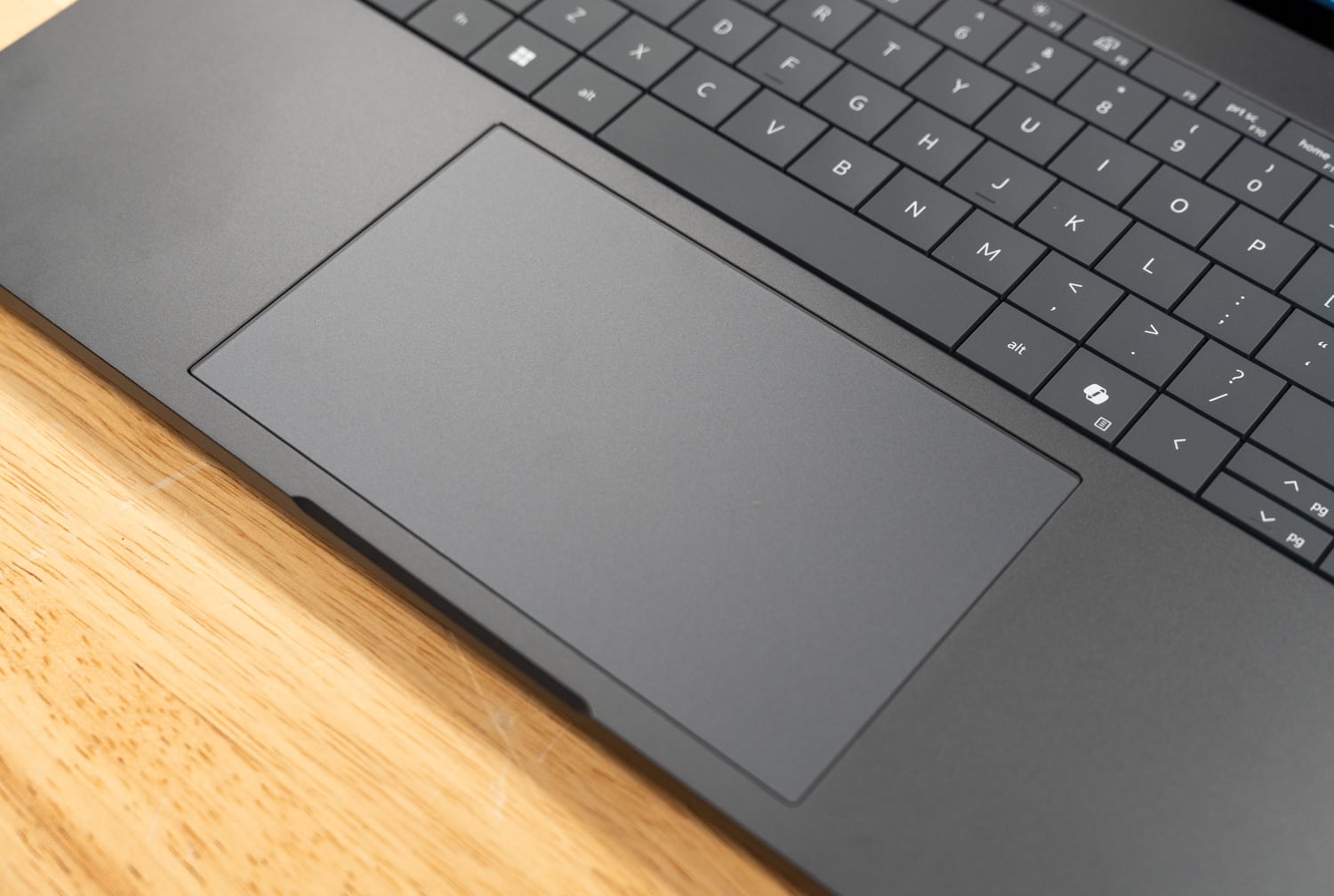
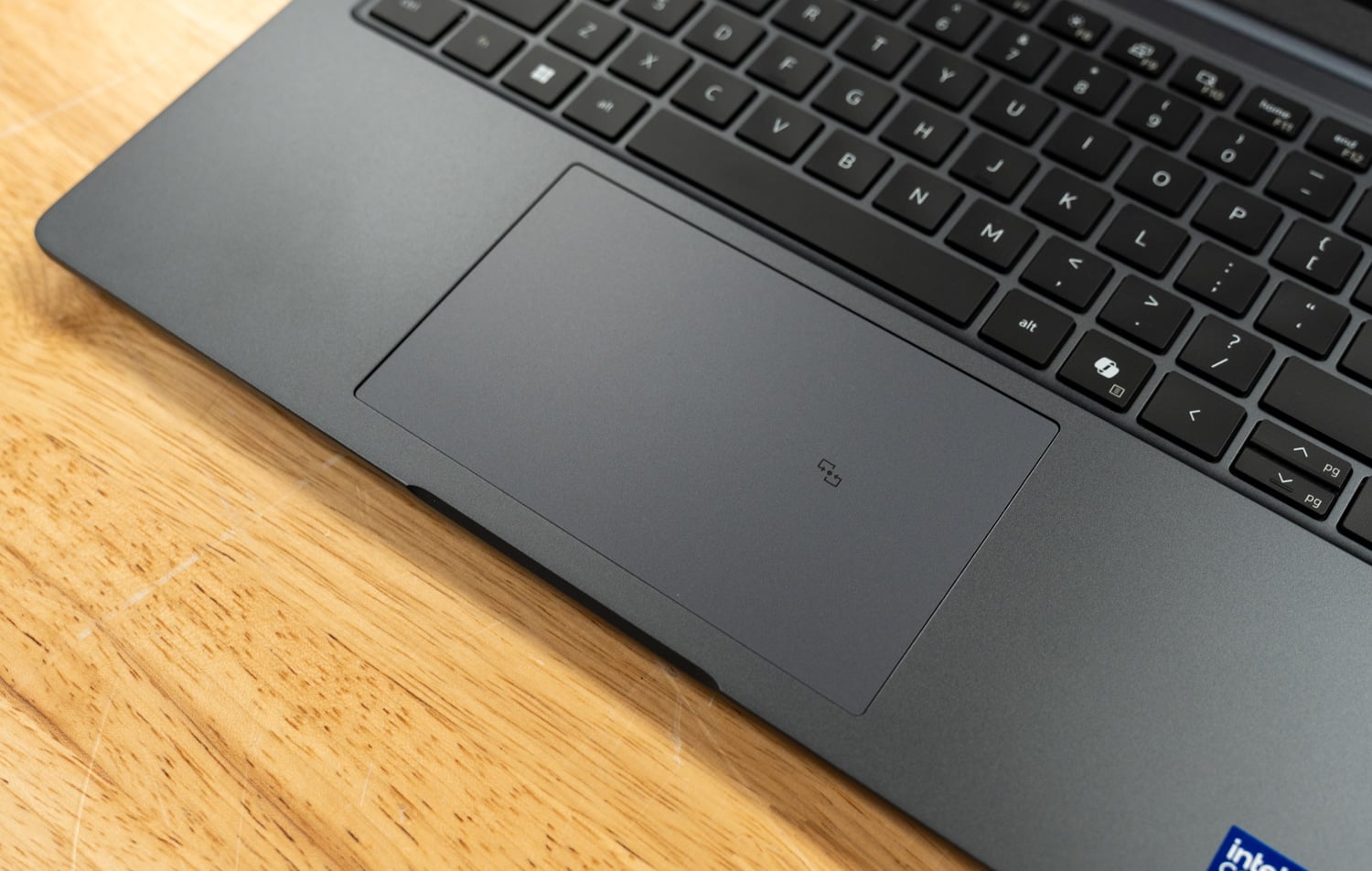
The generously sized touchpad complements the 16-inch form factor. Its smooth anti-glare surface tracks accurately, and palm rejection performed flawlessly throughout testing.

Upgradeability

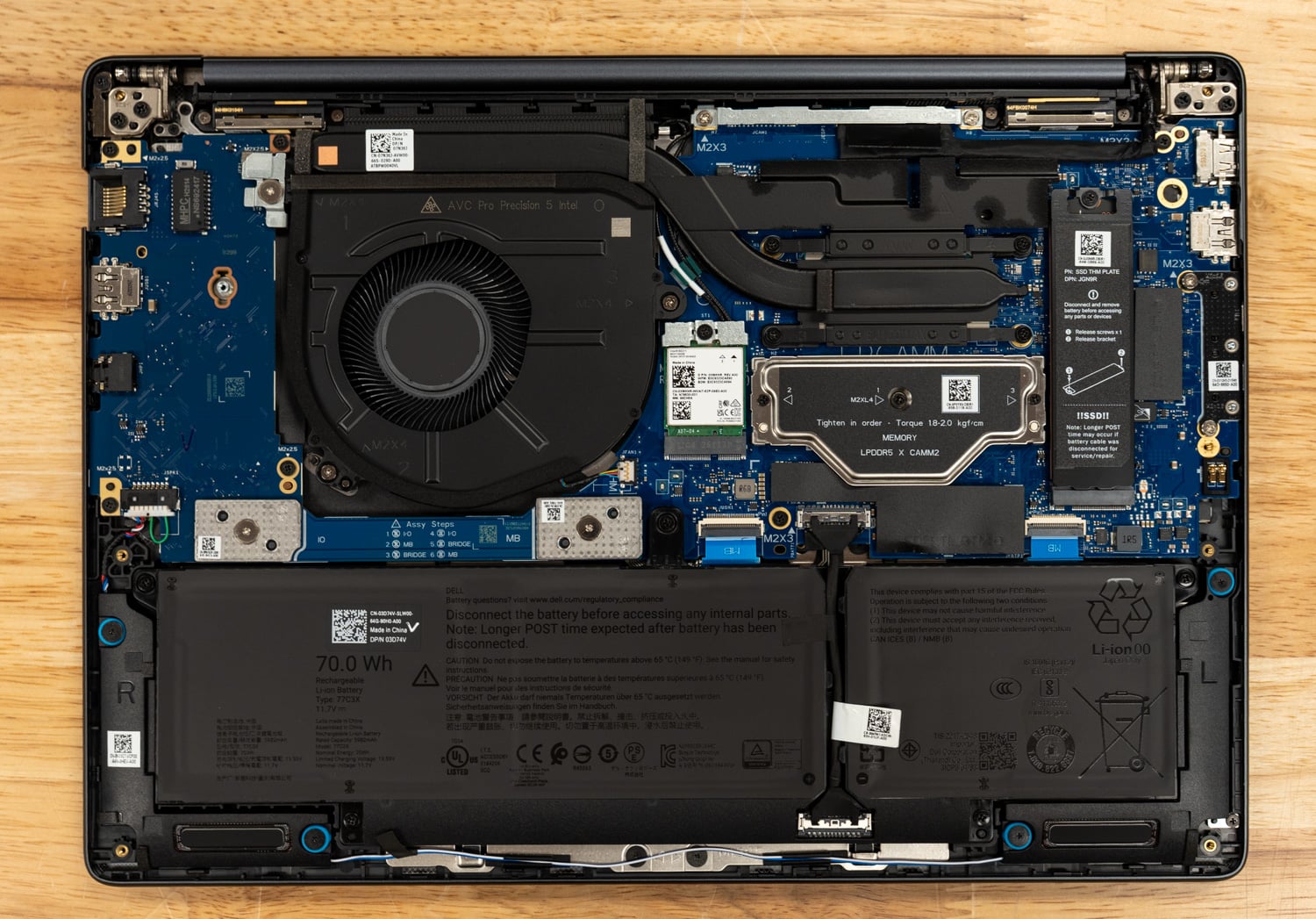
The Pro Max 16 Plus is built with expansion in mind, offering substantial upgrade potential. It features three M.2 Gen5 slots for storage, a CAMM2 slot for memory upgrades, and several modular components, including replaceable USB-C ports.

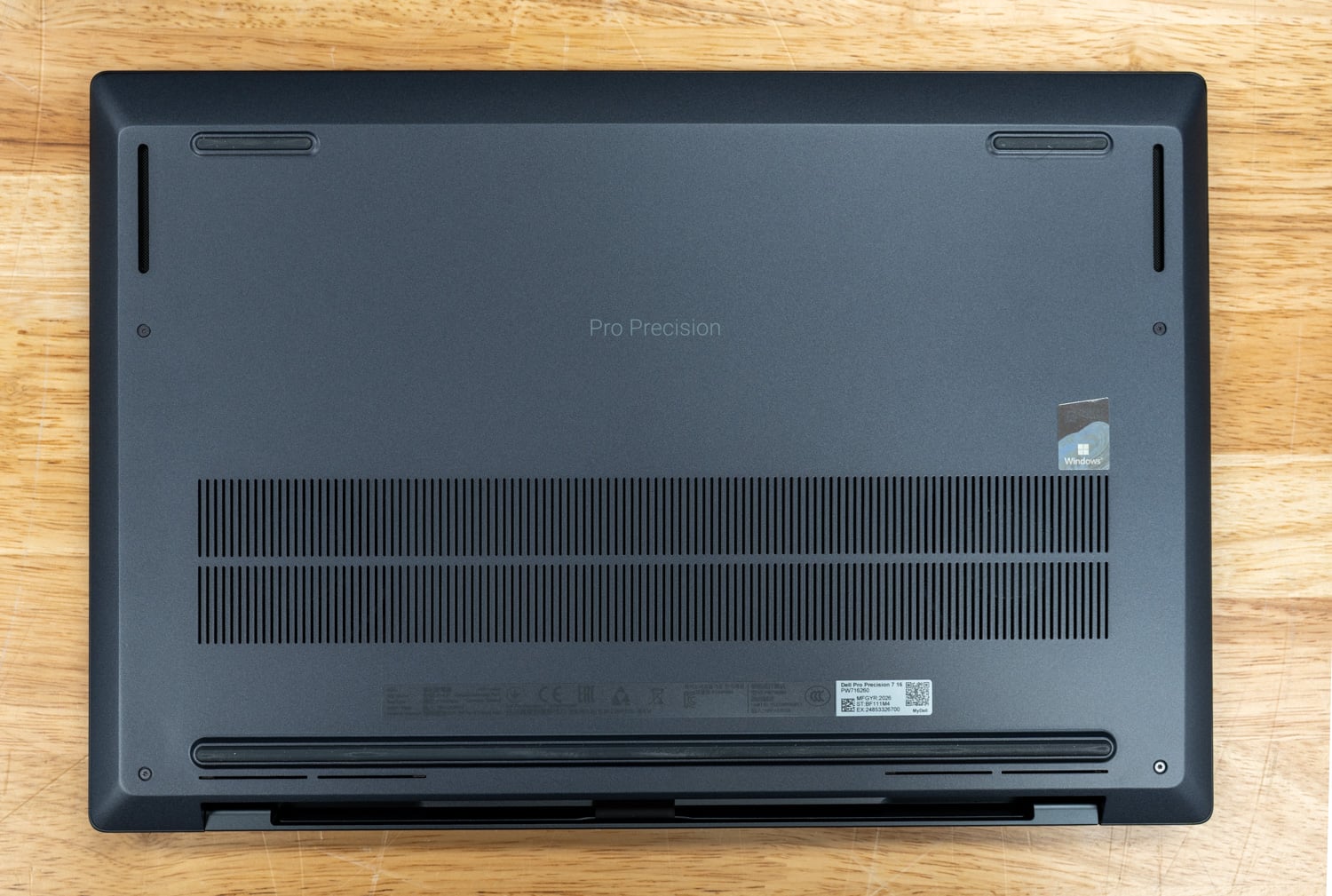
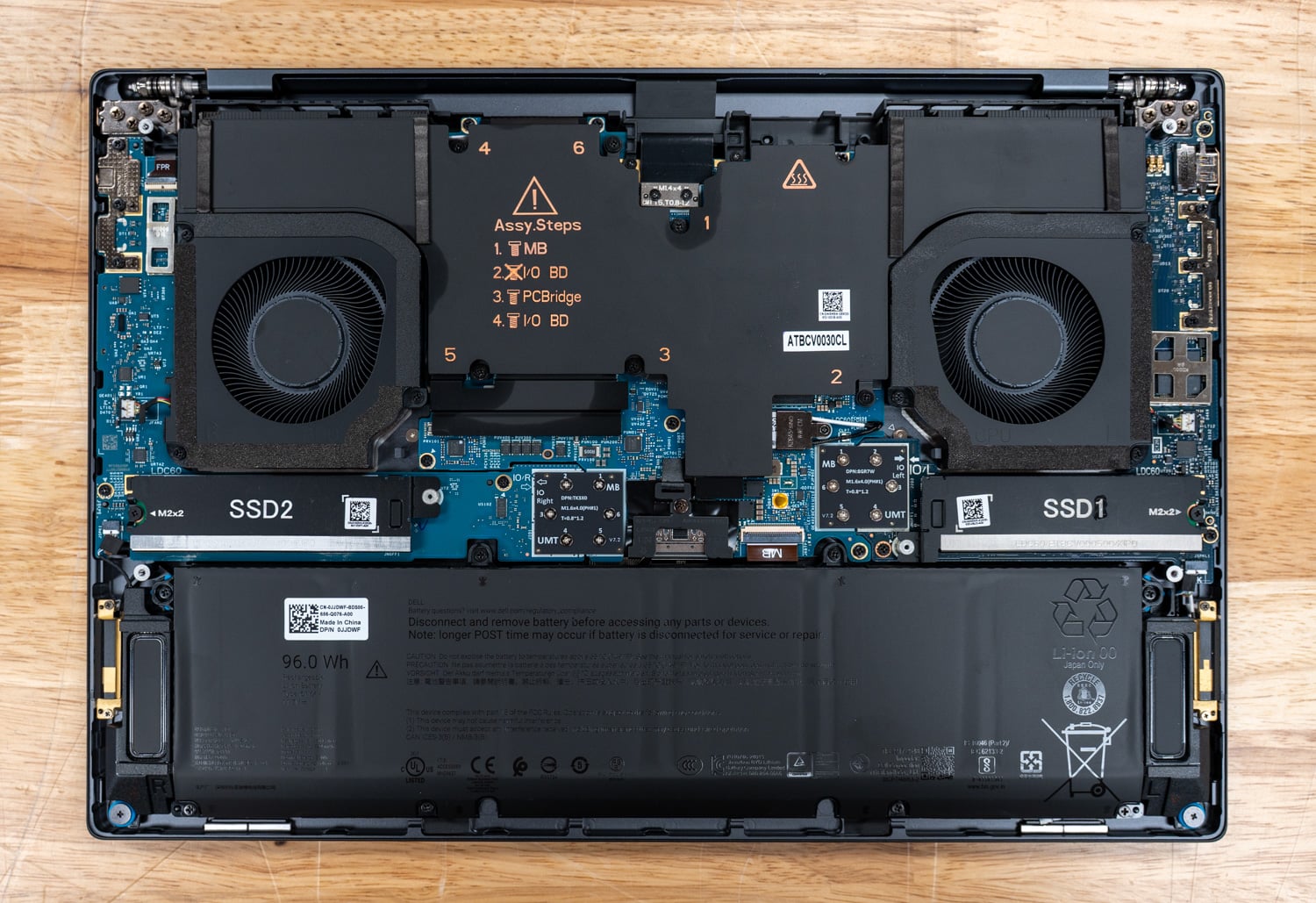
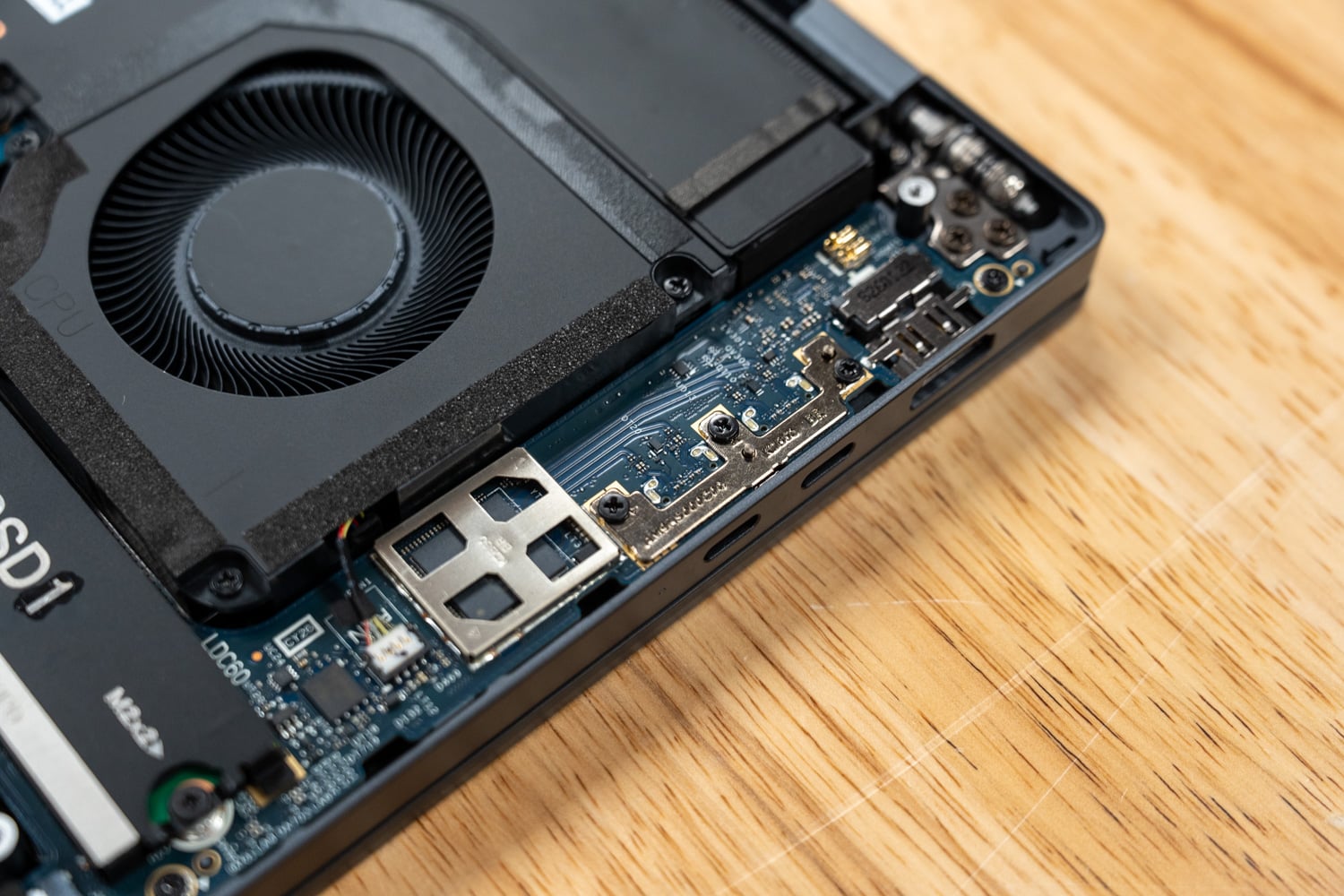
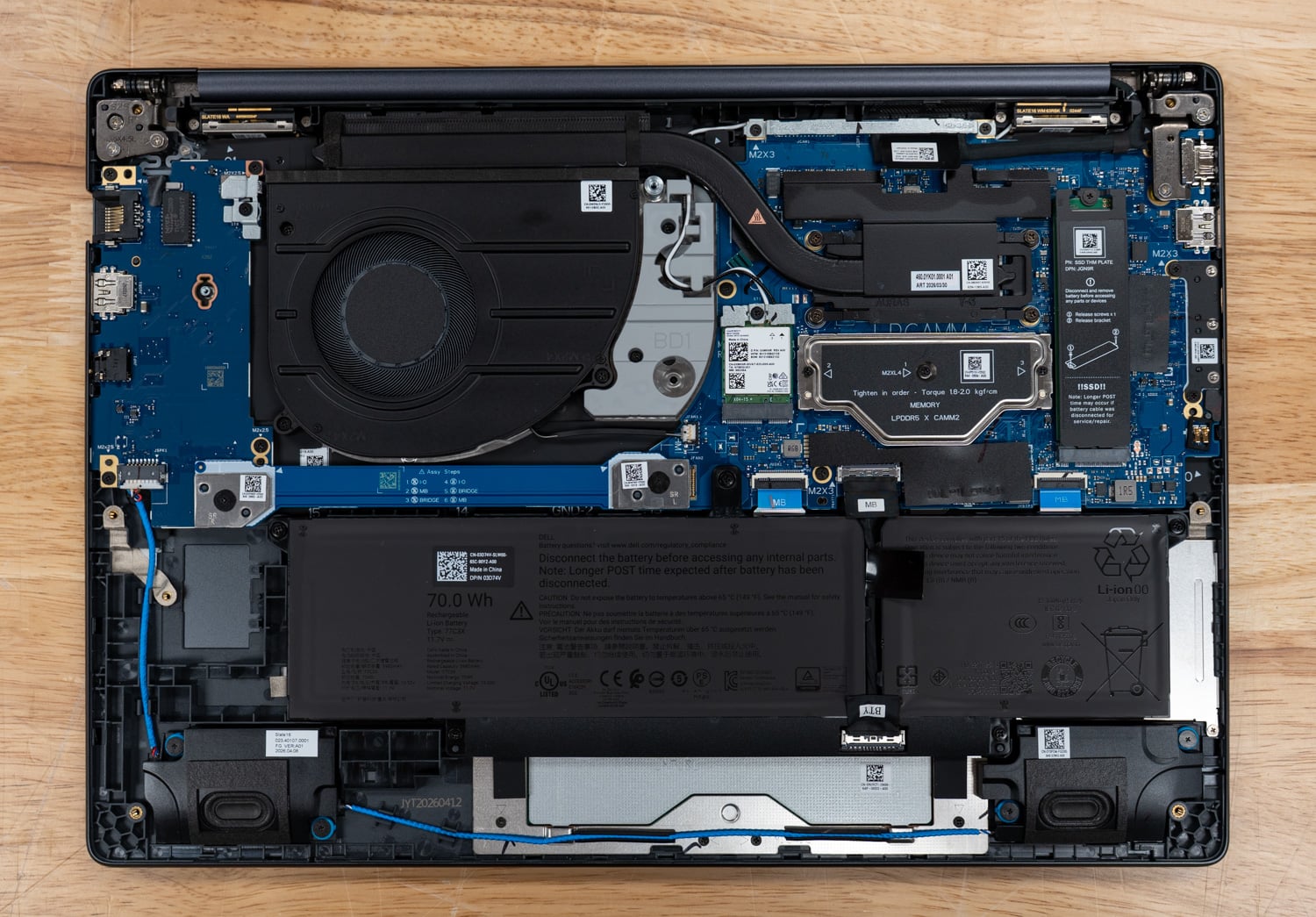
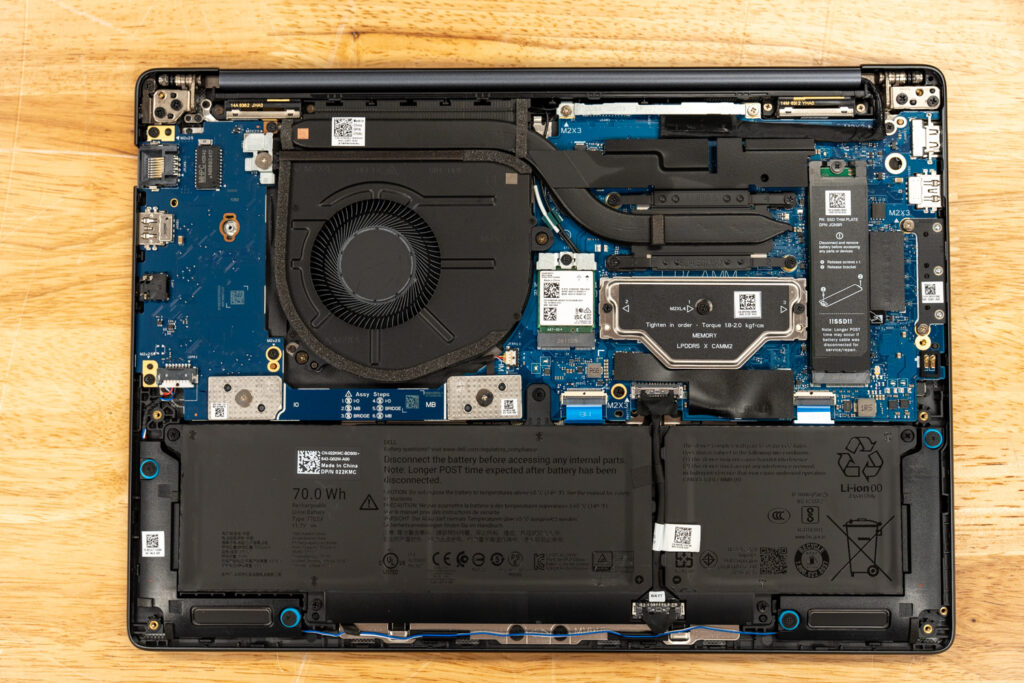
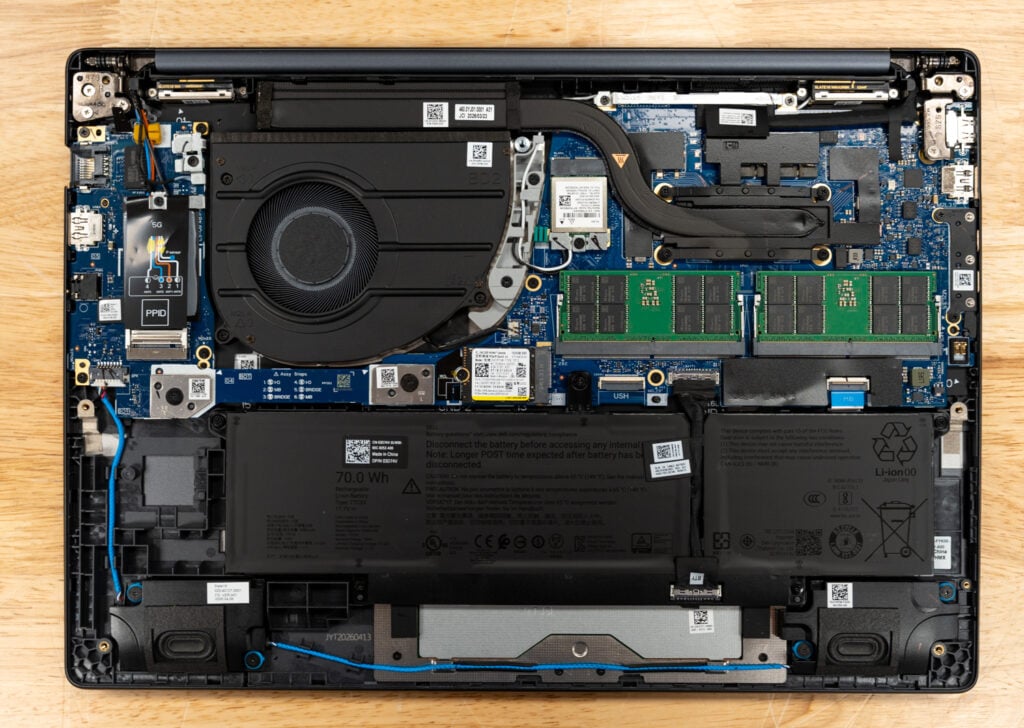
Accessing the internals is straightforward: remove the perimeter screws and lift the bottom panel from back to front. Inside, you’re greeted by a robust three-fan cooling system and a sizable 96Whr battery. The CAMM2 memory module sits at the bottom right, positioned beneath a dedicated heatsink and flanked by the M.2 slots. It’s difficult to tell from the photo, but the M.2 slot on the left is actually a stacked slot that houses two drives in the same footprint. The M.2 wireless card, also user-replaceable, sits just above the battery.

The Star of the Show: Qualcomm AIC100

The Dell SKU under review ships with the Qualcomm AI 100 NPU, a single module that houses two Qualcomm Cloud AI 100 SoCs side by side. Each SoC contributes 16 AI cores for a combined 32 across the module, and each carries its own 32GB of LPDDR4x, presented to the host as two individual NPUs.

Dell and Qualcomm advertise roughly 450 TOPS of INT8 throughput and the ability to run models in the 100-billion-parameter range, with Dell publicly demonstrating Llama 4 Scout (109B parameters, MoE) running locally on the laptop. The two SoCs communicate with the host through the Linux QAIC accelerator driver, with firmware blobs upstreamed into linux-firmware.

So far, so reasonable. The numbers, in isolation, are big. The problem is the silicon underneath those numbers.

Qualcomm announced the Cloud AI 100 in April 2019, sampled it in late 2020, and began shipping it commercially in the first half of 2021. The chip is built on a 7nm node and uses four 64-bit LPDDR4X controllers running at 2100 MHz (LPDDR4X-4200), delivering 136 GB/s of memory bandwidth per SoC, per Qualcomm’s own Cloud AI architecture documentation.

It was originally designed with the PCIe form factor in mind. Stuffing two of these chips onto a custom module and dropping it into a 2025 laptop does not change the underlying trade-offs. This is 2019-era silicon with 2019-era memory technology, refreshed and renamed but architecturally the same family. By the time it landed in the Dell Pro Max 16 Plus, the rest of the industry had moved through HBM2e, HBM3, HBM3e, and LPDDR5X, and is now heading toward GDDR7 and HBM4 on serious AI accelerators.

But the deeper issue matters more than memory bandwidth. There are many brilliant chip designs and engineering teams in the industry that understand the AI inference problem at a very deep level, and the Cloud AI 100 architecture itself may well be competent. The trouble is that the software engineers who actually make a product live or die have already invested heavily in another ecosystem: CUDA. Unless there is a strong incentive to switch, developers stick with the toolchain that already has great support, documentation, and community help. NVIDIA captured the developer base early and built an enormous community around it. AMD spent years lagging on this front, but the recent ROCm revs are genuinely excellent, and the gap is closing. Solutions like Modular’s Mojo and MAX even let you target NVIDIA or AMD with the same code, and sometimes beat the native runtimes. Every other accelerator, though, struggles with public adoption due to a lack of software backing.

Public adoption is the operative phrase. Large organizations like Google can pour billions into XLA and JAX to make TPUs sing. Well-funded private startups and AI labs can write custom kernels for their own narrow set of models and not care that nobody else can replicate the stack they aren’t building for infinite public use cases; they’re building for the problems they face. For a public consumer, or even most enterprises, an accelerator without a thriving public developer ecosystem is functionally useless. You will burn weeks trying to get your model onto it, and the moment Hugging Face ships a new architecture, you will be staring at a recompile job (or an unsupported-model error) while everyone on CUDA and ROCm has day-zero support.

So let me say it plainly: the AIC100 in this laptop is dead in the water. No individual should buy it. No organization should buy it unless it has the engineering resources and the explicit intent to spin up inference from scratch for its specific workload, and has accepted that it is signing up to maintain that stack itself.

The Software and Tooling Reality

To understand why that recommendation is as harsh as it is, you have to look at what shipping inference on this card actually involves.

The user-facing pieces are split into two SDKs and one wrapper library. The Qualcomm Cloud AI Platform SDK ships the kernel driver (the upstream accel/qaic driver in mainline Linux), the device firmware, the on-card runtime, and low-level APIs. The Apps SDK sits on top and provides the qaic-exec compiler, the qaic-runner inference CLI, ONNX Runtime integration via a QAIC execution provider, Python bindings, and a fork of vLLM. The Qualcomm efficient-transformers library, also called QEfficient, is a Hugging Face Transformers wrapper that reimplements popular LLM architectures with the static shapes, KV cache layouts, and graph transformations required by the AIC100. Qualcomm AI Hub is a separate model catalog and compile-as-a-service product aimed more at Snapdragon-class devices than the AIC100, though it shares branding.

The compile path is rigid. You take a PyTorch model, export it using torch.export or ONNX, and feed it to qaic-exec with flags such as -convert-to-fp16, -mxfp6-matmul, a batch size, a context length, and a target SoC count. The compiler does ahead-of-time scheduling and memory placement, then emits a QPC, a Qualcomm Program Container, a sealed binary that pins memory layout, KV cache shape, batch size, prefill sequence length, and context length. There is no JIT. Per Qualcomm’s own LLM documentation, the ahead-of-time AI 100 compiler pre-allocates device resources based on prompt length, generation length, KV cache, and batch size, and the Cloud AI 100 supports only static input shapes. Any change to those compile-time parameters triggers another full compile, which can take many minutes for small models and hours for large ones.

The list of supported architectures is very short. The QEfficient library and the Zentree-hosted prebuilt QPC catalog that Dell points customers to largely cover older models, and only a handful are worth using in 2026.

Newer FP8-native checkpoints require requantization. If a model ships natively in MXFP4, as the popular GPT-OSS models do, you are looking at a conversion-and-recompile pipeline rather than dropping the weights in. None of this is impossible to work around if you are willing to do the work, but it is a constant tax.

Then there is the concurrency problem, which is where the laptop falls apart, even for developers focused on out-of-the-box performance. The Dell-provided container images, which Dell instructs users to pull and run with vLLM, are based on QPCs that Zentree pre-compiled with specific shapes, and the shipped containers only run at concurrency 1. Regardless of input or output sequence shape, you get a single fixed throughput for a given model. Multiple parallel requests do not run concurrently; they are queued and processed in sequence by vLLM. You cannot dynamically batch. You cannot use continuous batching the way vLLM or SGLang gives you for free on Team Red or Green GPUs. To get any concurrency above 1, you have to recompile the QPC with a larger batch size.

Dell’s examples pitch this laptop to developers, and the most popular AI use case for developers today is vibe coding with tools like Claude Code, OpenCode, and the like. A single request to these tools can fan out into multiple parallel LLM calls; out of the box, these NPUs will queue those requests and process them sequentially rather than in parallel, so something that might take seconds on an NVIDIA Spark will take minutes on this setup.

Performance

The system Dell provided for testing has the following configuration:

  • Intel Core Ultra 9 285HX CPU
  • Qualcomm AIC100 PC Inference Card
  • 128GB 6400MTs CAMM2 DDR5
  • 4TB SSD

Before any numbers, a methodology note. As described above, the AIC100 runs ahead-of-time-compiled QPCs with a frozen batch size, sequence length, and KV-cache layout. Dell ships this laptop with a curated set of pre-compiled QPCs hosted on Zentree and a vLLM container image that pulls them down on first launch. That set of pre-cooked QPCs, served through Dell’s reference container at concurrency 1, is what an end user actually receives when they unbox the machine and follow Dell’s documentation, and that is the configuration we benchmarked.

We have the tooling to do otherwise. We could pull qaic-exec, take a checkpoint, run it through torch.export, requantize, recompile a QPC with a larger batch size, and feed it back through vLLM. We could write custom kernels against the QAIC accelerator driver if we wanted to. We chose not to, since the overwhelming majority of buyers in this laptop’s target market, developers, AI-curious engineers, and enterprise pilot teams, will not do that work. They will pull the container, run it, and judge the product on what comes out. So that is what we measured.

Every bar represents a Qualcomm-compiled QPC running with MXFP6 weights and an MXINT8 KV cache, the precision Dell’s shipped artifacts use across the board. Llama 3.2 1B is the only model on the chart that exceeds 100 TPS, reaching 128 TPS. Llama 3.2 3B follows at 56 TPS, Qwen3 4B at 45 TPS, Qwen3-Coder 30B-A3B at 35 TPS, Mistral 7B at 33 TPS, and Llama 3.1 8B at 30 TPS. GPT-OSS 20B sits at 28.9, 28.5, and 28.4 TPS across the 256/256, 1k/4k, and 4k/1k profiles, confirming what Qualcomm’s documentation promises about the AOT compiler: once a QPC is built for a shape, the decode rate is fixed and prompt length does not move the per-token cost. Phi-4 closes out the chart at 14 TPS.

Although larger models than the ones above will fit on this card, we did not benchmark them. Doing so, for example, with the Llama 4 Scout model, Dell demos publicly, requires dropping precision further to INT4, and in practice, a less-quantized, smaller model will outperform a heavily quantized, larger one across many workloads.

The shipped vLLM container also runs every QPC at batch_size=1, and we confirmed in practice that issuing two simultaneous requests does not double throughput. The second request simply waits in the software queue until the first finishes. There is no continuous batching, in-flight batching, or speculative decoding available in the shipped stack. For coding agents like Claude Code or OpenCode that fan out multiple parallel LLM calls from a single user turn, this single-stream cap turns what should be a few seconds of response time into a multi-minute wall-clock wait. Raising the batch dimension requires recompiling the QPC on the host, which puts us back at the trapdoor we already declined to step through.

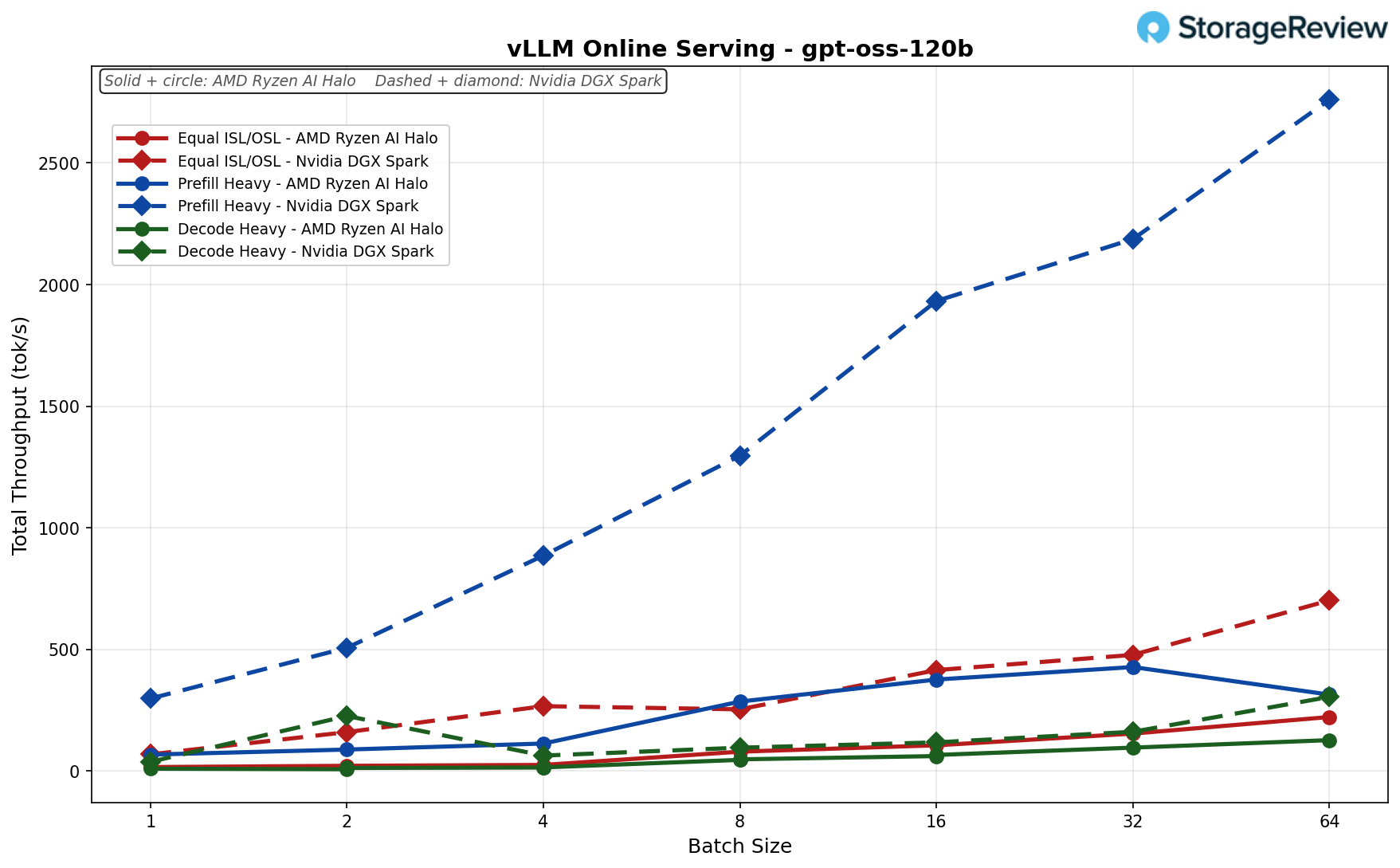
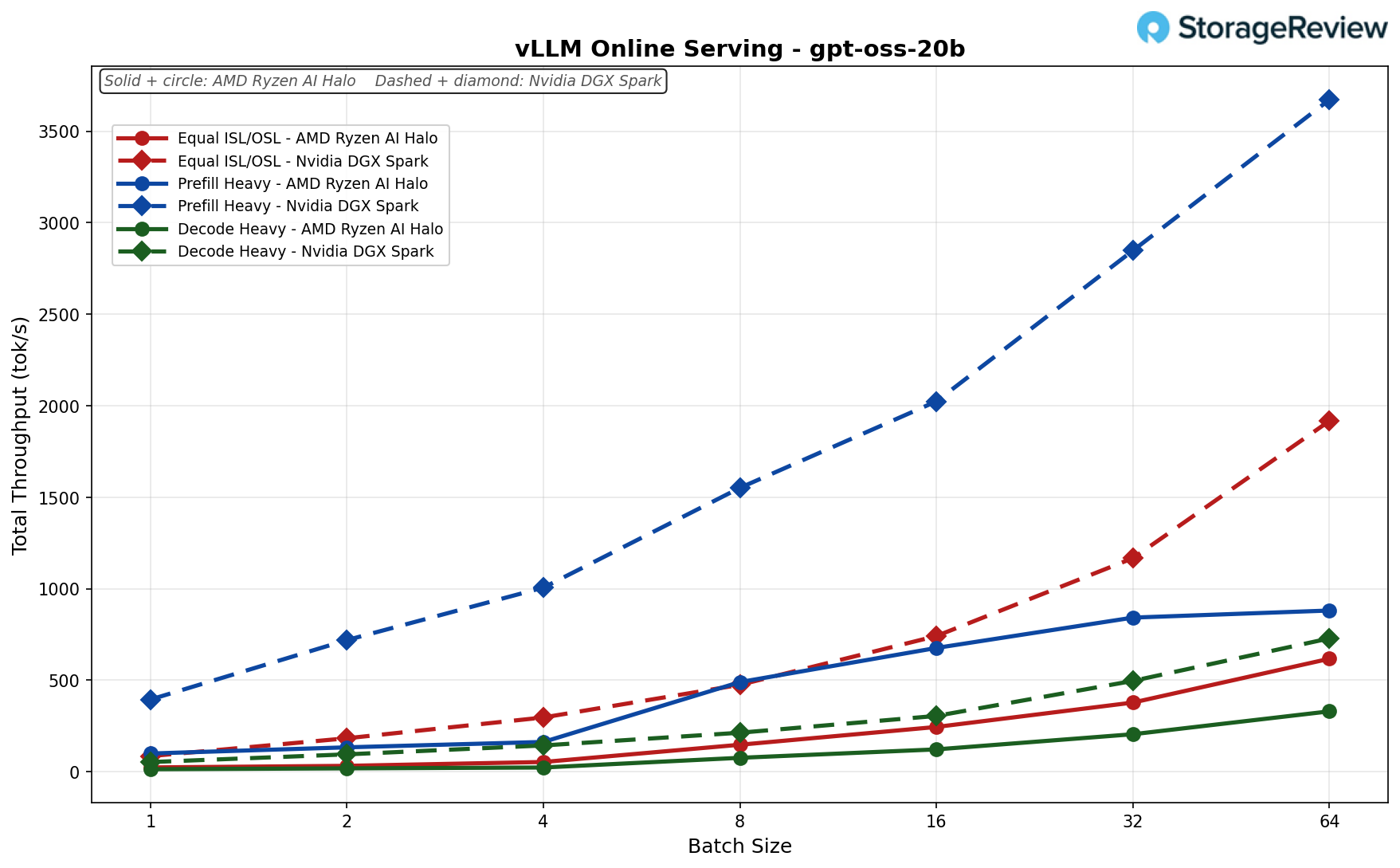
Let’s compare this to the NVIDIA Spark. With 256/256 Input and Output Sequence Length, the Spark can run the 120B model faster than Dell’s Qualcomm AIC 100 can run the 20B model. And this is not even the best numbers the Spark can offer, since these results were collected using the Marlin Kernel on launch software revisions.

The takeaway is narrow. For a single user, a single conversation, and a model small enough that 136 GB/s of LPDDR4X per SoC is not the binding constraint (Llama 3.2 1B and, arguably, Llama 3.2 3B), the AIC100 in this laptop is usable. For anything larger, in the configuration the customer actually receives, the combination of single-stream decode and a static-shape compile pipeline that punishes any shape Qualcomm did not pre-bake leaves this accelerator behind the integrated NPU and integrated GPU on the same Intel Core Ultra HX it sits next to, let alone the discrete NVIDIA SKUs the same chassis can be ordered with.

If we just compare the raw specs for a second, the NVIDIA Spark offers 273GB/s, and we tested the maximum achievable floating-point flops (MAMF) at FP8 (E4M3) at 200TFLOPs on a single chip. The QAIC is advertised to offer 272GB/s across 2 chips and 435 TFLOPS of INT8. So, in theory, these should perform similarly, but the Qualcomm one lags behind due to the software.

Who is this for, and should you buy it

For anyone trying to do serious AI work today, the answer is no. Do not buy this configuration.

Dell’s US store lists the AIC100 SKUs of the Pro Max 16 Plus at $14,871.56 for the top configuration (Core Ultra 9 285HX, 128GB RAM, 4TB SSD), $9,661.56 for a mid configuration (Core Ultra 7 265HX, 64GB, 1TB), and $8,831.56 for the entry AIC100 SKU. All ship Ubuntu Linux only, Windows support coming soon. As tested, the machine lands in the $14,000-$15,000 range.

For reference, NVIDIA’s DGX Spark currently sells for $4,699. For that money, you get a GB10 Grace Blackwell Superchip, 128GB of unified LPDDR5X memory, a 4TB NVMe, a Blackwell GPU, and roughly 1 petaflop of FP4 AI compute, all backed by the full CUDA software stack, TensorRT-LLM, NIM, and the entire NVIDIA ecosystem. A single DGX Spark will outperform the AIC100 in this laptop for almost every realistic AI workload, and it will do so with software that any AI engineer hired this year already knows how to use. For the price of our review unit, you could buy three DGX Sparks, kit each one out with a monitor, peripherals, and a desk, and still have money left over. If small AI isn’t your jam, a Dell Pro Max Tower T2 workstation with Intel 285K, 128GB of DDR5 RAM, and an NVIDIA RTX Pro 6000 GPU is also right around $15,000, depending on the SSD size you pair with it.

It is hard to escape the feeling that Dell has put what amounts to e-waste into an otherwise excellent chassis. The Pro Max 16 Plus with an RTX PRO 5000 is a fantastic mobile workstation. The same machine, with an AIC100, is a messy science experiment under a Dell warranty.

Conclusion

If you are a tinkerer reading this a few years from now and you have stumbled across one of these laptops on a clearance shelf for two or three hundred dollars, by all means, pick it up. The system is repairable and upgradable, the keyboard is good, and getting the AIC100 modules to do something interesting as a weekend project is exactly the kind of low-stakes fun this hardware deserves.

If you are anyone trying to do serious AI work today, configure your Pro Max 16 Plus with literally any other accelerator. An NVIDIA RTX PRO mobile GPU, even the entry-level RTX PRO 1000, will serve you better than the AIC100 modules. The Intel Core Ultra HX’s integrated NPU will serve you better in many practical scenarios because it at least plugs into Windows ML, OpenVINO, and the existing PC AI stack.

One suggestion worth offering to Dell: the Pro Max 16 Plus is an excellent chassis, and the Pro Max line is one of the strongest mobile workstation platforms on the market. The AIC100 SKU, as shipped, does not meet that standard by any stretch. An experimental or developer-preview product line, clearly labeled as such, would give Dell a way to ship novel accelerators to customers who want to play with them, without putting the broader Pro Max name behind a stack that is not ready. The Pro Max brand is worth protecting, and there is a clean way to do that while still finding a home for experimental hardware.

The post Dell Pro Max 16 Plus with Qualcomm AIC100 Review: Excellent Workstation, Experimental Accelerator appeared first on StorageReview.com.
Lenovo Refreshes ThinkPad and ThinkStation Lineup With AI-Focused Business Laptops and Workstations

Thinkstation P4 Thinkstation P4

Lenovo is expanding its business PC portfolio with new ThinkPad laptops and a ThinkStation desktop workstation aimed at organizations that need a mix of mobility, performance, manageability, and long-term serviceability. The lineup includes ultraportable systems for traveling professionals, scalable laptops for enterprise fleets, and a high-performance workstation designed for creators, engineers, and technical teams running demanding workloads.

Thinkstation P4

The new ThinkPad X13, ThinkPad L14, and ThinkPad L16 focus on AI-ready performance with Intel and AMD processor options, while also placing greater emphasis on repairability and recycled materials in key components. Lenovo is also introducing the ThinkStation P4, a 30-liter desktop workstation featuring AMD Ryzen PRO 9000 Series processors, NVIDIA RTX PRO 6000 Blackwell graphics, liquid cooling, enterprise security features, and independent software vendor certifications for professional applications from companies including Autodesk, Adobe, and Siemens.

Lenovo ThinkStation P4

Lenovo’s ThinkStation P4 is a new entry tower workstation designed for professionals who need desktop-class performance without moving into the highest-end workstation tier. Built around AMD Ryzen PRO 9000 Series processors, the system supports up to 16 cores and clock speeds of up to 5.5 GHz, providing the compute headroom needed for modeling, rendering, simulation, engineering, design, and other data-heavy workflows. Lenovo is also pairing the platform with advanced thermal design and available liquid cooling for higher-power CPU configurations, helping the workstation sustain performance under demanding workloads.

The ThinkStation P4 can be configured with up to an NVIDIA RTX PRO 6000 Blackwell Workstation Edition GPU featuring 96GB of GDDR7 ECC VRAM, providing professional users with substantial graphics and AI compute capabilities. The system supports up to 256GB of DDR5 memory, up to six total storage drives, PCIe Gen 5 expansion, and a broad mix of front and rear ports.

Thinkstation P4 front

Lenovo’s ThinkStation P4 is an entry tower workstation built for professional users who need strong desktop performance for modeling, rendering, simulation, engineering, design, and data-heavy workloads. The system is powered by AMD Ryzen PRO 9000 Series processors, with configurations reaching up to the AMD Ryzen 9 PRO 9965X3D, up to 16 cores, and up to 5.5 GHz. Lenovo is also emphasizing sustained performance through advanced thermal design, with liquid cooling available for higher-power CPU options up to 170W.

The ThinkStation P4 can be configured with up to NVIDIA RTX PRO 6000 Blackwell Workstation Edition graphics, including 96GB GDDR7 ECC VRAM, and supports up to 4000 TOPS of GPU AI performance. The workstation also includes up to 256GB of DDR5 memory, up to six total drives, PCIe Gen 5 support, Windows and Linux operating system options, ThinkShield security features, and ISV certifications from professional software developers, including AVID, Altair, Autodesk, ANSYS, Bentley, Dassault, Nemetschek, PTC, and Siemens.

Label Value
Overview
Workstation Type Entry tower workstation
Positioning Workstation Performance, Elevated
Performance
Processor Up to AMD Ryzen 9 PRO 9965X3D
up to 16 cores, up to 5.5GHz
Chipset AMD PRO 675
Graphics Up to NVIDIA RTX PRO 6000 Blackwell Workstation Edition
96GB GDDR7 ECC VRAM
AI GPU: up to 4000 TOPS
Total Memory Up to 256GB DDR5, up to 6400MT/s
Memory DIMM Capacity 16GB / 32GB ECC UDIMM
8GB / 16GB / 32GB / 48GB Non-ECC UDIMM
64GB Non-ECC CUDIMM
4 DIMM Slots
Storage Type Capacity M.2 PCIe NVMe SSD up to 4TB
3.5″ SATA HDD up to 12TB
Total Storage Up to 6 total drives
Max M.2 = 3 (12TB)
Max 3.5″ = 3 (36TB)
RAID 0/1/5
Power Supply 500W, 750W, 1100W (92% efficient)
Design
Dimensions (WxDxH) 180 x 401.5 x 415mm
7.09 x 15.81 x 16.34in
Weight Starting at: 8.75kg (19.29lbs)
Connectivity
Front Ports (1) Audio Combo Jack
(1) Microphone Jack
(1) USB-C® 3.2 Gen 2 (20Gbps)
(2) USB-A 3.2 Gen 2 (10Gbps)
(2) USB-A 3.2 Gen 1 (5Gbps)
(1) 3-in-1 Media Card Reader
Rear Ports (4) USB-A 3.2 Gen 1 (5Gbps)
(1) DisplayPort 2.0
(1) DisplayPort 1.4
(1) HDMI® 2.1
(1) RJ-45 2.5 Gigabit Ethernet
(1) Line out (3.5mm)
(1) DP/HDMI/Type-C/VGA
(1) Serial
(1) LPT
WLAN + Bluetooth® Foxconn MT7925 Wi-Fi 7 2*2be + Bluetoooth 5.4 PCIe 2230 module
Ethernet Realtek RTL8125BP-CG, 2.5GbE, supports Wake-on-LAN
Optional Ethernet Adapters
Expansion Slots (1) PCIe 5.0 x16
(1) PCIe 4.0 x4
(2) PCIe 4.0 x1
Software
Operating System Windows 11 Pro
Ubuntu Linux
Red Hat Enterprise Linux
Windows Preloads Lenovo Commercial Vantage
ISV Certifications Including AVID, Altair, Autodesk, ANSYS, Bentley, Dassault, Nemetschek, PTC, Siemens
Security
ThinkShield Discrete TPM 2.0
Kensington Security Slot
Chassis Intrusion Switch
E-Lock
Sustainability
Material 95% PCC ABS
95% PCC ABS wired USB keyboard/mouse top/bottom cover
90% PCC recycled plastic EPE cushion
30% OBP used in bag
16% recycled SGCC
FSC-certified paper in packaging
Certifications ENERGY STAR® 9.0
EPEAT®Gold
TCO Certified 10
RoHS Compliant

Lenovo ThinkPad L14 Gen 7

The ThinkPad L14 Gen 7 is Lenovo’s 14-inch business laptop for organizations that need a more portable system without sacrificing fleet manageability, repairability, and enterprise security. Available with AMD Ryzen AI PRO 400 Series processors or Intel Core Ultra 7 Series 3 processors, the L14 Gen 7 supports on-device AI features through NPUs rated at up to 50 TOPS, while also offering up to 64GB of DDR5 memory and up to 2TB of PCIe storage for heavier office, collaboration, and multitasking workloads.

Lenovo ThinkPad L14

The device keeps the L Series focus on practical enterprise deployment, with Wi-Fi 7, support for 4G LTE, a broad port selection, optional NFC, smart card, and NanoSIM support, a 5MP + IR camera option, and a 14-inch WUXGA display lineup that reaches up to 500 nits on the low-power non-touch panel. Lenovo is also emphasizing serviceability and durability, including customer-replaceable battery and storage, spill resistance, MIL-STD-810H testing, and ThinkShield security features that span biometric, camera, platform, and physical lock protections.

Lenovo ThinkPad L16 Gen 3

The ThinkPad L16 Gen 3 takes the same enterprise-centered L Series formula and fits it into a larger 16-inch chassis, aimed at hybrid workers who spend more time at a desk but still need a laptop that can move between offices, meetings, and home workspaces. Lenovo is offering AMD Ryzen AI PRO 400 Series and Intel Core Ultra 7 Series 3 processors, with up to 64GB of DDR5 memory, up to 2TB of PCIe storage, and NPUs rated up to 50 TOPS for local AI workloads and Copilot+ PC features.

Lenovo ThinkPad L16

The larger model centers on a 16-inch WUXGA IPS display with touch and non-touch options, 400-nit brightness, Wi-Fi 7, 4G LTE support, USB-C docking support, and the same broad port mix as the smaller L14. Lenovo also includes a 5MP + IR camera option, dual speakers, dual microphones, a spill-resistant keyboard, TrackPoint controls, and enterprise security features such as a power-on touch fingerprint reader, IR camera support, a webcam privacy shutter, a discrete TPM 2.0, and a Kensington Nano Lock Slot.

Metric/Field ThinkPad L14 Gen 7 AMD ThinkPad L14 Gen 7 Intel ThinkPad L16 Gen 3 AMD ThinkPad L16 Gen 3 Intel
Performance
Processor Up to AMD Ryzen AI PRO 400 Series processors Up to Intel Core Ultra 7 Series 3 processor Up to AMD Ryzen AI PRO 400 Series processors Up to Intel Core Ultra 7 Series 3 processor
NPU 50 TOPS Up to 50 TOPS 50 TOPS Up to 50 TOPS
Graphics AMD Radeon graphics Intel Graphics AMD Radeon graphics Integrated Intel Graphics
Memory Up to 64GB DDR5, 5600MT/s, dual SODIMM Up to 64GB DDR5, 5600MT/s, dual SODIMM Up to 64GB DDR5, 5600MT/s, dual SODIMM Up to 64GB DDR5, 5600MT/s, dual SODIMM
Storage Up to 2TB PCIe Gen4x4 SSD (2280) Up to 2TB PCIe Gen4x4 SSD (2280) Up to 2TB PCIe Gen4x4 SSD (2280) Up to 2TB PCIe Gen4x4 SSD (2280)
Display and Design
Display 14″ WUXGA IPS non-touch, 400nits, 45% NTSC, AG, DBEF5
14″ WUXGA IPS touch, LBL, 400nits, 45% NTSC, AG, DBEF5
14″ WUXGA IPS non-touch, low power, LBL, 500nits, 100% sRGB, AG
14″ WUXGA IPS non-touch, 400nits, 45% NTSC, AG, DBEF5
14″ WUXGA IPS touch, LBL, 400nits, 45% NTSC, AG, DBEF5
14″ WUXGA IPS non-touch, low power, LBL, 500nits, 100% sRGB, AG
16″ WUXGA IPS non-touch, LBL, 400nits, 45% NTSC, AG
16″ WUXGA IPS touch, LBL, 400nits, 45% NTSC, AG
16″ WUXGA IPS non-touch, LBL, 400nits, 45% NTSC, AG
16″ WUXGA IPS touch, LBL, 400nits, 45% NTSC, AG
Screen-to-Body Ratio 85.5% Screen-to-Body Ratio 85.5% Screen-to-Body Ratio 87% Screen-to-Body Ratio 87% Screen-to-Body Ratio
Dimensions 313.7 x 226 x 11.32 (front) / 17.01 (rear) mm
12.35 x 8.90 x 0.45 (front) / 0.67 (rear) in
Starting at 313.6 x 221.7 x 21.95 (rear) / 15.88 (front) / 11.3 (max) mm
12.34 x 8.72 x 0.86 (rear) / 0.62 (front) / 0.44 (max) in
Starting at 357.9 x 247.9 x 23.8 (rear) / 18.2 (front) / 11.45 (max) mm
14.09 x 9.75 x 0.93 (rear) / 0.71 (front) / 0.45 (max) in
357.6 x 253.6 x 10.96/19.57 (front/rear) mm
14.08 x 9.98 x 0.43(front)/0.77(rear) in
Weight 1.39kg/3.06lbs 1.39kg/3.06lbs 1.78kg/3.93lbs 1.78kg/3.93lbs
Connectivity and Collaboration
Input/Output Ports 2x Thunderbolt 4 40Gbps, with Power Delivery 3.0 and DisplayPort 2.1
1x USB-A (Hi-Speed USB / USB 2.0)
2x USB-A (USB 5Gbps / USB 3.2 Gen 1), one Always On
1x HDMI 2.1
1x RJ45
1x Audio
1x Smartcard reader
1x NanoSIM
2x Thunderbolt 4 40Gbps, with Power Delivery 3.0 and DisplayPort 2.1
1x USB-A (Hi-Speed USB / USB 2.0)
2x USB-A (USB 5Gbps / USB 3.2 Gen 1), one Always On
1x HDMI 2.1
1x RJ45
1x Audio
1x Smartcard reader
1x NanoSIM
2x Thunderbolt 4 40Gbps, with Power Delivery 3.0 and DisplayPort 2.1
1x USB-A (Hi-Speed USB / USB 2.0)
2x USB-A (USB 5Gbps / USB 3.2 Gen 1), one Always On
1x HDMI 2.1
1x RJ45
1x Audio
1x Smartcard reader
1x NanoSIM
2x Thunderbolt 4 40Gbps, with Power Delivery 3.0 and DisplayPort 2.1
1x USB-A (Hi-Speed USB / USB 2.0)
2x USB-A (USB 5Gbps / USB 3.2 Gen 1), one Always On
1x HDMI 2.1
1x RJ45
1x Audio
1x Smartcard reader
1x NanoSIM
Wireless Wi-Fi 7 (5 Gig)
Bluetooth 5.4
Support for 4G LTE CAT12 and CAT6 WWAN
WWAN-ready on CAT6 only
Intel Wi-Fi 7 (5 Gig)
Up to Bluetooth 5.4
Support for 4G LTE CAT12 and CAT6 WWAN
WWAN-ready on CAT6 only
Wi-Fi 7 (5 Gig)
Up to Bluetooth 5.4
Support for 4G LTE CAT12 and CAT6 WWAN
WWAN-ready on CAT6 only
Intel Wi-Fi 7 (5 Gig)
Up to Bluetooth 5.4
Support for 4G LTE CAT12 and CAT6 WWAN
WWAN-ready on CAT6 only
Camera HD RGB, 5MP+IR with webcam privacy shutter HD RGB, 5MP+IR with webcam privacy shutter HD RGB, 5MP+IR with webcam privacy shutter HD RGB, 5MP+IR with webcam privacy shutter
Power, Software, and Security
Operating System Windows 11 Pro
Linux Ubuntu
Windows 11 Pro
Linux Ubuntu
Windows 11 Pro
Linux Ubuntu
Windows 11 Pro
Linux Ubuntu
Battery 57Whr / 46.5Whr 57Whr / 46.5Whr 57Whr / 46.5Whr 57Whr / 46.5Whr
AC Adaptor Up to Type-C 65W (supports RapidCharge) Up to Type-C 65W (supports RapidCharge) Up to Type-C 65W (supports RapidCharge) Up to Type-C 65W (supports RapidCharge)
Security ThinkShield
Power-On Touch Fingerprint Reader
IR camera
Smartcard reader
Webcam privacy shutter
Discrete Trusted Platform Module (dTPM) 2.0
Kensington Nano Lock Slot
ThinkShield
Intel vPro security
Power-On Touch Fingerprint Reader
IR camera
Smartcard reader
Webcam privacy shutter
Discrete Trusted Platform Module (dTPM) 2.0
Kensington Nano Lock Slot
ThinkShield
Power-On Touch Fingerprint Reader
IR camera
Smartcard reader
Webcam privacy shutter
Discrete Trusted Platform Module (dTPM) 2.0
Kensington Nano Lock Slot
ThinkShield
Intel vPro security
Power-On Touch Fingerprint Reader
IR camera
Smartcard reader
Webcam privacy shutter
Discrete Trusted Platform Module (dTPM) 2.0
Kensington Nano Lock Slot

Lenovo ThinkPad X13 Gen 7

The ThinkPad X13 Gen 7 is Lenovo’s lightweight 13-inch business ultraportable for professionals who need a full enterprise laptop in a travel-first design. The AMD model starts at 953g, while the Intel model starts at 930g, keeping both under 1kg and the chassis less than 18mm thick. Both versions include a 13-inch WUXGA IPS display with 400-nit brightness, 100% sRGB coverage, and an 87.8% screen-to-body ratio, giving the system a larger working area than its compact footprint might suggest.

Lenovo ThinkPad X13

Lenovo is offering the X13 Gen 7 with AMD Ryzen AI PRO 400 Series processors or Intel Core Ultra 7 Series 3 processors, with both platforms supporting up to 50 TOPS of NPU performance for on-device AI features. The systems also share up to 64GB of LPDDR5x memory, up to 1TB PCIe Gen5 storage, Wi-Fi 7, up to 5G connectivity, NFC as an independent option, a 5MP RGB or 5MP + IR camera, user-facing Dolby Atmos audio, and five customer replaceable unit components, including the battery, RTC battery, SSD, WWAN, and D cover.

Metric/Field ThinkPad X13 Gen 7 AMD ThinkPad X13 Gen 7 Intel
Performance
Processor Up to AMD Ryzen AI PRO 400 Series processors Up to the Intel Core Ultra 7 Series 3 processor
NPU Up to 50 TOPS Up to 50 TOPS
Graphics AMD RDNA 3.5 Graphics Integrated Intel Iris Xe graphics
Memory Up to 64GB; LPDDR5x; 8533 MT/s; soldered-down UP to 64GB; LPDDR5x; 8533 MT/s; soldered-down
Storage Up to 1TB Performance PCIe Gen5 (2280) Up to 1TB Performance PCI Gen5 (2280)
Display and Design
Display 13″ WUXGA (FHD+) IPS AG 400nits, 100% sRGB, LBL
13″ WUXGA (FHD+) IPS On-cell Touch, AG, 400nits, 100% sRGB, LBL
87.8% screen-to-body ratio
13” WUXGA (FHD+) IPS AG 400nits, 100% sRGB, LBL
13” WUXGA (FHD+) IPS On-cell Touch, AG, 400nits, 100% sRGB, LBL
87.8% screen-to-body ratio
Dimensions (W X D X H) 299.3 × 207 × 17.75 mm (16mm MKT Z)/11.78 x 8.15 x 0.70 in
(0.63 in MKT Z)
299.3 × 207 × 17.75 mm (16mm MKT Z) / 11.78 x 8.15 x 0.70 in
(0.63 in MKT Z)
Weight Starting at 953g / 2.10 lbs Starting at 930g / 2.05 lbs
Keyboard 1.5mm bottom-load backlight
White LEDs w/tactile markings
TouchPad (115mm x 74.3mm)
TrackPoint QuickMenu
1.5mm bottom-load backlight
White LEDs w/tactile markings
TouchPad (115mm x 74.3mm)
TrackPoint QuickMenu
Colors Eclipse Black Eclipse Black
Connectivity and Collaboration
Input/Output Ports 1x USB-A 3.2 Gen 1
2x TBT4
HDMI 2.1
1x 3.5mm audio
1x USB-A 3.2 Gen 1
2x TBT4
HDMI 2.1
1x 3.5mm audio
Wireless Wi-Fi 7
5G LTE Sub-6 GHz, Cat6 WW & Cat4 PRC w/ eSIM
Intel Wi-Fi 7
5G LTE Sub-6 GHz, Cat6 WW & Cat4 PRC w/ eSIM
NFC Yes (independently optional) Yes (independently optional)
Docking Thunderbolt
USB-C
Thunderbolt
USB-C
Camera USB 5MP RGB, 5MP + IR
Physical camera shutter
USB 5MP RGB, 5MP + IR
Physical camera shutter
Audio User-facing Dolby Atmos
Lenovo Clear Voice
2x speakers
2x mics
User-facing Dolby Atmos
Lenovo Clear Voice
2x speakers
2x mics
Power, Software, and Security
Operating System Up to Windows 11 Pro
Linux
Up to Windows 11 Pro
Linux
Battery 100% recycled cobalt battery (CRU-able)
54.7 Wh Li-ion polymer
41Wh Li-ion polymer
100% recycled cobalt battery (CRU-able)
54.7 Wh Li-ion polymer
41Wh Li-ion polymer
AC Adaptor 65W standard 65W standard
Preloaded Apps Lenovo Commercial Vantage
Lenovo View
TrackPoint Quick Menu
Lenovo Commercial Vantage
Lenovo View
Intel Unison
Intel Connectivity Performance Suite
TrackPoint Quick Menu
Security Fingerprint reader in the power button
IR camera
SCR (independently optional)
Camera shutter
Privacy Guard
TPC 2.0
Kensington Nano Lock
Fingerprint reader in the power button
IR camera
SCR (independently optional)
Camera shutter
Privacy Guard
TPC 2.0
Kensington Nano Lock


Lenovo Workstations

The post Lenovo Refreshes ThinkPad and ThinkStation Lineup With AI-Focused Business Laptops and Workstations appeared first on StorageReview.com.
ORICO X50 Review: Thunderbolt 5 Speed in a Portable SSD Enclosure

The ORICO X50 is a Thunderbolt 5 portable SSD line for those who want external storage with much more bandwidth than a standard USB drive. ORICO is offering it in a few different forms, including a diskless version and preconfigured 512GB, 1TB, 2TB, and 4TB models, so it can work either as a ready-to-use portable SSD or as an enclosure for a user-supplied drive. That gives it a fairly diverse audience, from video editors and photographers moving large project files to workstation users who need fast storage, high-speed external backups, or a portable drive that can keep up with heavier file workloads. The size is still compact enough for bag carry at 110 × 60 × 18.7mm, but this is very much a performance-focused external SSD.

Orico X50

ORICO rates it for up to 6000 MB/s read and 5800 MB/s write speeds, with actual speeds depending on the Thunderbolt 5 host, the included 80 Gbps cable, and a fast enough NVMe SSD inside. On older Thunderbolt 4, Thunderbolt 3, or USB4 systems, it still works, but the available bandwidth is limited by that host connection. ORICO also equips the enclosure with a fanless four-layer passive cooling setup, a CNC aluminum shell, and support for M.2 NVMe 2280 SSDs, which gives the X50 a more serious role than the average portable SSD. For large media transfers, active project storage, heavier backup jobs, and external work files that stay in regular use, the X50 is built for a much more intensive workload than a standard USB portable drive.

Backed by a limited 3-year warranty, the ORICO X50 goes for roughly $199.99 (affiliatelinnk) for the diskless model.

ORICO X50 – Specifications

Label Value
Overview
Product Name ORICO X50
Product Type Thunderbolt 5 Portable SSD
Product Model ORICO-X50
Color Silver
Material Aluminum Alloy
Size 110*60*18.7mm
Interface and Performance
Input Interface Thunderbolt 5
Theoretical Transfer Rate 6000MB/s Read
5800MB/s Write
Data Cable C To C 0.5M 80G Data Cable
Capacity Options
Diskless No built-in SSD
Built-in Capacity Options 512GB, 1TB, 2TB, 4TB
Compatibility and Box Contents
Support system Window / Mac / Linux
Packing list Data cable x1
instruction manual x1
thermal conductive silicone x2
screwdriver *1

ORICO X50 – Design and Build

The X50 has a slightly larger enclosure than most slim portable SSDs. At 110mm long, 60mm wide, and 18.7mm thick, it is still portable, but it is thicker than the slim card-style drives that are designed to slip easily into a pocket. ORICO uses an aluminum alloy body with rounded corners, a silver finish, and a top panel covered with a dark perforated surface, which promotes thermal control. It feels very sturdy when handled.

Orico X50 2

The port layout includes a single front-mounted Thunderbolt 5 port, with a small LED status light next to it for quick activity visibility. Besides that, the enclosure is kept clean and minimal, with branding along the side.

Orico X50 bottom

ORICO has also built the X50 with a ribbed underside, thermal conductive silicone pads, and a cooling film. That is important for an SSD of this class because the interface speed is high enough that thermal limits can become a real, sustained performance limitation. It also comes bundled with a screwdriver for those who want to mount their own drive.

With the top panel off, the X50 is very easy to work with, which is important for a diskless enclosure like this. The SSD (the Samsung in our case) is mounted on a compact internal board and secured with a single screw, as usual, while the underside of the cover has a thermal pad that presses down onto the drive once everything is closed.

Overall, it’s a very unique design, and it certainly looks more like a premium enclosure than a mass-market portable SSD. The trade-off is that it’s a bit bigger than some external SSDs, but that is normal for a device designed to handle far more bandwidth and heat than a basic portable USB drive.

ORICO X50 – Performance

For testing, we used a Dell Pro Max 14 and installed a 2TB Samsung 990 Pro SSD.

Blackmagic Diskspeed Test

The Blackmagic Disk Speed Test benchmarks a drive’s read and write speeds to estimate its performance, especially for video editing tasks. It helps users ensure their storage is fast enough for high-resolution content, such as 4K or 8K video. The Blackmagic results show clear, real-world performance.

In this run, the ORICO X50 posted 3,824.6 MB/s write and 2,568.1 MB/s read speeds, which put it well beyond the range of a typical USB portable SSD and into territory much more relevant for heavier professional usage.

ORICO X50 Blackmagic DiskSpeed Test

The read speed is below the quoted theoretical ceiling, but it is still very fast for an external drive, and the write speed, in particular, is impressive.

IOMeter

We also ran the ORICO X50 through IOMeter to better understand its behavior under both sequential and random workloads. For this round, we tested the drive at 1 queue for lighter access patterns and at 2 queue to see how it scales once the workload becomes more demanding.

At 1 queue, the X50 posted 1550.1 MB/s read and 1513.0 MB/s write in the sequential 2 MB test. Random 2MB performance came in at 1803.4 MB/s read and 1394.0 MB/s write, while 4K random performance reached 3522 IOPS read and 12344 IOPS write. That is a strong opening result, with especially good large-block random read speed for an external drive.

IOMeter (1 queue) ORICO X50
Seq 2MB Read 1,550.1 MB/s
Seq 2MB Write 1,513.0 MB/s
Random 2MB Read 1,803.4 MB/s
Random 2MB Write 1,394.0 MB/s
Random 4K Read 3,522 IOPS
Random 4K Write 12,344 IOPS

Moving up to 2 queue, the X50 scales sharply in sequential work, climbing to 5934.9MB/s read and 5354.8MB/s write. Random 2MB reads also jump to 5464.5 MB/s, while writes jump to 1577.2 MB/s. In 4K random activity, reads reach 15,908 IOPS and writes reach 87,279 IOPS. The read scaling here is very strong, and the sequential numbers are very close to ORICO’s rated ceiling, which is a good sign for the enclosure and host combination used in this test.

IOMeter (2 queue) ORICO X50
Seq 2MB Read 5,934.9MB/s
Seq 2MB Write 5,354.8MB/s
Random 2MB Read 5,464.5MB/s
Random 2MB Write 1,577.2MB/s
Random 4K Read 15,908IOPS
Random 4K Write 87,279IOPS

PCMark 10

PCMark 10’s Data Drive Benchmark goes beyond simple peak transfer rates and examines how a drive performs across a broader range of storage activity. Instead of focusing only on large sequential reads and writes, it is meant to reflect workloads closer to day-to-day use, including more varied file access patterns than a raw throughput test. That makes it a helpful benchmark for external SSDs such as the X50, as it gives a better idea of how a drive may perform when used for active project files, application data, game storage, and general file movement, not just large copy jobs.

In this run, the ORICO X50 posted a PCMark 10 Data Drive Benchmark score of 3,503, with a bandwidth of 514.94 MB/s and an average access time of 44ms. That is a strong result for an external drive.

It is not going to match a flagship internal Gen5 SSD result, but for an external drive, this is still a strong PCMark 10 score and shows that the X50 is great for heavier everyday work like active project storage, large file transfers, media editing, application files, and game libraries, not just cold storage.

Conclusion

The ORICO X50 is a high-speed external SSD for people who have more demanding storage needs than a typical USB portable drive can handle. Between the Thunderbolt 5 connection, the option to buy it diskless so you can use your own drive, and the larger aluminum enclosure, this is much more than a small carry-around SSD for casual file transfers. The X50 is still easy enough to carry around, but the thicker enclosure and thermal-focused design make it feel closer to a high-speed external work drive than a basic portable SSD.

Paired with a 2TB Samsung 990 Pro, Blackmagic posted an impressive 3,824.6 MB/s write speed, and IOMeter showed better performance as workload depth increased, with sequential read throughput climbing to 5,934.9 MB/s. PCMark 10 also showed how the X50 performs outside large sequential transfers, yielding a score of 3,503. Looking at the overall results, the X50 is definitely best used as active external storage for project files, large media transfers, and heavier day-to-day file work rather than as a simple backup drive. That said, exact performance will still depend on the SSD and the host system’s specs.

Priced at $199.99, the diskless X50 is easy to justify for anyone who already has a fast NVMe drive on hand, since the enclosure itself is not priced out of line for early Thunderbolt 5 hardware. The 1TB model at roughly $329.99 is harder to judge next to ordinary USB portable SSDs. However, the performance results here do a lot to justify that premium, especially when the drive delivers almost 6GB/s in read transfer speeds, which standard USB options cannot match.

The post ORICO X50 Review: Thunderbolt 5 Speed in a Portable SSD Enclosure appeared first on StorageReview.com.
KIOXIA Launches BG8 Client SSDs For Mainstream PC OEMs

KIOXIA BG8 KIOXIA BG8

KIOXIA has introduced the BG8 Series, a new client SSD line aimed at PC OEMs that brings the PCIe Gen5 interface into more mainstream systems. The lineup is designed for a broad range of everyday computing hardware, including slim laptops, consumer and commercial notebooks, and desktop PCs.

KIOXIA BG8

KIOXIA BG8 Features and Performance

KIOXIA’s BG8 Series features 8th-generation BiCS FLASH TLC 3D flash memory, which improves both speed and power efficiency over the previous generation. KIOXIA indicates performance gains of up to 47% in sequential read, 67% in sequential write, 44% in random read, and 30% in random write, with that comparison tied specifically to its earlier generation based on BiCS FLASH generation 5 memory.

For raw throughput, the company says the BG8 Series can reach sequential read speeds of up to 10,300MB/s and sequential write speeds of up to 10,000MB/s. Random performance is rated at up to 1.4 million read IOPS and 1.3 million write IOPS, figures that place the drive in the high end of client storage performance, even though the product itself is meant for mainstream PC designs. KIOXIA says this combination enables OEMs to build faster, more responsive PCs across a wider range of workloads.

The BG8 is a DRAM-less SSD, so instead of onboard DRAM, it uses Host Memory Buffer support, which allows the drive to tap the host system’s memory to help balance speed, power use, and cost. DRAM-less SSDs have often involved compromises, especially under heavier workloads. KIOXIA is essentially using the BG8 to enable faster PCIe Gen5 speeds while maintaining the cost and power efficiency that matter for mainstream PC designs.

KIOXIA BG8 Form Factors, Capacities, and Compliance

KIOXIA will ship the drives in multiple M.2 form factors, including Type 2230, Type 2242, and Type 2280, giving OEMs the flexibility to use the same family across compact and standard layouts. That range is particularly useful for thin-and-light laptops and other systems where board space and mounting constraints vary from one product design to another.

In terms of standards support, the new SSD is compliant with PCIe Gen5 in a Gen5 x4 configuration and NVMe 2.0d. KIOXIA is also offering Self-Encrypting Drive support based on Trusted Computing Group Opal version 2.02, although the document notes that availability of SED models may vary by region.

Capacity options listed for the BG8 Series are 512GB, 1TB, and 2TB.

KIOXIA BG8 Availability

The BG8 Series is currently sampling to select PC OEM customers. Systems using the new SSD are expected to begin shipping in the 2nd quarter of 2026, which means the first commercial appearances should come through finished PCs rather than retail-branded standalone drives.

KIOXIA Client SSDs

The post KIOXIA Launches BG8 Client SSDs For Mainstream PC OEMs appeared first on StorageReview.com.
HP ZGX Nano G1n AI Station Review: A Secure, Sustainable Desk-Side AI Node

The DGX Spark platform is familiar territory for us at this point. We’ve reviewed the Dell, ASUS, Acer, and Gigabyte takes on NVIDIA’s GB10 Grace Blackwell reference design, and the core ingredients are consistent across all of them: 1,000 TOPS of FP4 compute, 128GB of unified LPDDR5x memory, and dual 200GbE networking in a 150mm chassis. HP’s ZGX Nano G1n AI Station builds on that foundation, but the way HP has built around it sets this unit apart from the rest of the Spark field.

HP ZGX Nano G1n front bezel

The most visible differences are in materials and construction. HP wraps the ZGX Nano in a chassis built from up to 75% recycled aluminum and 20% recycled steel, with packaging that carries up to 93% recycled content. The internal layout splits the chassis into upper and lower halves, making it easier to access components like the SSD and coin-cell battery than on several of the Spark units we’ve tested. Thermally, HP rates the system at 22 dBA idle and 27.6 dBA under intensive workloads, quiet for a system dissipating approximately 780 BTU/hr at peak.

Security is where HP pushes furthest past the reference platform. The ZGX Nano ships with TPM 2.0 operating in FIPS 140-2 certified mode, meets Common Criteria EAL4+, and includes BIOS-level secure boot and PXE controls. Storage is factory-installed as a self-encrypting OPAL NVMe drive. Taken together, HP is positioning this unit not only as a developer desk-side AI node but also as a system that can operate within regulated environments where supply chain certifications, encryption at rest, and tamper resistance matter for procurement.

Specification HP ZGX Nano G1n AI Station
Overview
Product Name HP ZGX Nano G1n AI Station
Form Factor Mini
Operating System NVIDIA DGX OS 7 / Ubuntu 24.04
NOTE: This product does not support Microsoft Windows.
Hardware
Processor NVIDIA GB10 Grace Blackwell Superchip
Blackwell Architecture GPU
20-core Arm CPU (10x Cortex-X925 + 10x Cortex-A725)
Blackwell CUDA Cores
5th Gen Tensor Cores
4th Gen RT Cores
1x NVENC
1x NVDEC
Memory 128GB LPDDR5x, unified, 16 channels, soldered
Memory Bandwidth 273 GB/s
Storage (Internal I/O) 1x M.2 PCIe Gen5 x4
Options: 2TB or 4TB PCIe Gen4 x4 NVMe (2242, SED OPAL TLC)
Networking & I/O
Rear I/O Ports 1x USB-C power (240W)
3x USB-C 20Gbps (DisplayPort 1.4a, 30W total)
1x HDMI 2.1a
1x 10GbE RJ-45
2x QSFP 200GbE (ConnectX-7)
Network Controllers Realtek RTL8127-CG 10GbE
NVIDIA ConnectX-7 200GbE
WLAN & Bluetooth AzureWave AW-EM637
Wi-Fi 7 + Bluetooth 5.4
Performance
AI Compute Up to 1,000 TOPS (FP4)
Model Capacity Up to 200B parameters
Physical & Power
Dimensions (H x W x D) 2.01″ (no feet) / 2.1″ (with feet)
5.9″ x 5.9″
Weight Starting at 1.25kg (2.76 lbs)
Power Supply 240W USB-C external adapter, 89% efficiency, active PFC

Build and Design

The HP ZGX Nano G1n takes a noticeably different approach to the DGX Spark design compared with the other systems we have looked at so far (see our Dell/ASUS/Acer/Gigabyte reviews). Instead of the more common build, where the internals feel tucked into a top cover, HP splits the chassis into upper and lower halves, making the internal layout easier to understand once inside. What first appears more complicated turns out to be fairly practical, with straightforward access to parts like the coin-cell battery and SSD after removing just a handful of screws. That more considered internal structure also carries over to the outer build, where HP places greater emphasis on how the system is constructed and the materials used throughout.

That said, HP wraps it in a sleek black case with a 150mm-square footprint and relies heavily on recycled materials. Specifically, the build uses up to 75% recycled aluminum, 20% recycled steel, and significant amounts of post-consumer recycled plastics. Even the packaging reflects this commitment. Corrugated materials contain up to 93% recycled content, and plastic packaging incorporates at least 30% recycled content.

Thermally, the system relies on forced-air cooling. This is a notable engineering choice given the density of the NVIDIA GB10 Grace Blackwell Superchip. Despite its compact footprint, HP specifies a full thermal envelope. Under maximum load, the system dissipates up to approximately 780 BTU/hr, depending on configuration. Peak system power draw reaches approximately 228W. Furthermore, HP advertises relatively low noise levels, rated at 22 dBA at idle and 27.6 dBA under intensive workloads.

HP ZGX Nano G1n bottom

Physically, the unit measures 5.9 x 5.9 x 2.01 inches without feet, firmly placing it in ultra-compact territory. HP explicitly states that the unit is not rack-mountable, reinforcing its role as a desk-side AI node rather than traditional data center infrastructure. Serviceability is minimal by design. Users need a #1 Phillips screwdriver to access internal components, and most components, including memory, are non-user-replaceable.

HP ZGX Nano G1n internal fan section

Internally, the ZGX Nano uses NVIDIA’s reference board design, as do many other OEMs building on the DGX Spark platform. The LPDDR5x memory is soldered directly to the board and runs at up to 8533 MHz. Overall, the platform prioritizes efficiency and density over modularity.

Security and Upgradability

HP locks down the ZGX Nano G1n by design. It features an integrated TPM 2.0 module that operates in FIPS 140-2-certified mode, meets Trusted Computing Group specifications, and is Common Criteria EAL4+ certified. BIOS-level protections include secure boot controls, PXE-based remote boot capabilities, and the ability to disable boot from removable media entirely.

HP ZGX Nano G1n with bottom cover off

From a hardware standpoint, HP is explicit: this system is not upgradeable. The 128GB of LPDDR5x unified memory sits soldered directly to the board. Additionally, buyers must select storage at the time of purchase. While the single M.2 slot supports PCIe Gen5 x4 electrically, factory configurations ship with PCIe Gen4 x4 NVMe SSDs. These come in 2TB or 4TB capacities and are all self-encrypting OPAL drives.

HP notes that spare parts will remain available for up to five years after production ends. Nevertheless, this is fundamentally an appliance-style system rather than a modular workstation.

I/O and Expansion

The front of the unit is minimalist, featuring only a power button and a status LED. On the back, the system offers a dense array of high-performance connectivity options. HP delivers power via a standard NVIDIA-recommended 240W USB-C adapter and warns that third-party adapters may cause degraded performance or instability.

HP ZGX Nano G1n rear ports and connectivity

Three USB 3.2 Type-C ports provide USB connectivity, each operating at 20 Gbps and supporting DisplayPort 1.4a Alt Mode. A dedicated HDMI 2.1a port provides additional display output. For networking, the system includes both a Realtek RTL8127-CG 10GbE controller and an NVIDIA ConnectX-7 controller, providing dual 200GbE QSFP112 ports, each with 200 Gbps throughput.

The networking stack supports a wide range of enterprise features. These include PXE boot, Wake-on-LAN, VLAN tagging (802.1Q), time synchronization (802.1as/1588), and full-duplex operation across all supported speeds. Additionally, a Wi-Fi 7 (802.11be) 2×2 module with Bluetooth 5.4 provides wireless connectivity and supports MU-MIMO, WPA3 security, and operation across the 2.4GHz, 5GHz, and 6GHz bands.

Graphics and Audio

The integrated NVIDIA Blackwell GPU in the GB10 Superchip handles all graphics tasks. The system supports up to 8K output at 60Hz via USB-C DisplayPort 1.4a and 8K at 30Hz via HDMI 2.1a. HP recommends using direct cable connections for 8K output, as adapters or docks may cause instability or degrade signal quality.

Audio runs over HDMI, with no dedicated analog audio outputs. This aligns with the system’s positioning as a compute node rather than a traditional multimedia workstation.

Thermals Testing

CPU Temperature

During CPU thermal testing, the HP ZGX Nano G1n reached a peak temperature of 77.3°C during the workload’s more intense bursts. This places HP below the hottest systems in the comparison stack during peak transitions, as other units climbed into the 90°C range. As the workload transitioned into Equal ISL/OSL and then Decode Heavy, CPU temperatures stabilized rather than continuing to rise sharply.

At the lower end, the CPU recorded a minimum temperature of 36.4°C during light-load conditions. This means the HP has effective heat dissipation when the system is not under heavier computational stress. Overall, the ZGX demonstrated controlled burst CPU thermal behavior with stable sustained-load performance.


GPU Temperature

GPU thermals followed a similar pattern. During periods of heavy acceleration, the GPU reached a maximum temperature of 69°C. This positions HP on the cooler side of the comparables during peak burst conditions, with several other systems (like the Dell, ASUS, and Founders Edition) running noticeably warmer at the top end. As activity shifted into Equal ISL/OSL and Decode Heavy phases, GPU temperatures leveled off and remained stable.

The GPU recorded a minimum temperature of 34°C during lighter phases, indicating solid idle thermal capabilities.

NVMe Temperature

During the Equal phase, the NVMe drive reached roughly 42°C, showing only a gradual rise from its resting baseline. As the workload shifted to Prefill Heavy, the storage temperature rose noticeably, ranging from 42°C to 47°C. In Decode Heavy, the drive operated in its warmest range, 47°C to 54°C, where it peaked, yet remained noticeably below most other Spark systems.

NIC Temperature

During the Equal phase, NIC temperature ranged from 39°C to 52°C, showing a steady climb, indicating moderate thermal buildup as network activity ramps up early in the run.

In Prefill Heavy, NIC thermals increased, ranging from 48°C to 64°C, because this phase places much more sustained pressure on the networking subsystem. During Decode Heavy, NIC temperature was in its warmest range, 52°C to 68°C, where the peak was reached. Nonetheless, thermal behavior remained stable throughout the test.

GPU Power Consumption

During the Equal phase, GPU power consumption ranged from 2.86W to just over 40W, placing the HP ZGX Nano G1n in the middle of the pack.

In Prefill Heavy, GPU power started at roughly 37W, dipped to as low as 35W, and spiked to as high as 69W, making this the most power-intensive phase of the run.

During Decode Heavy, GPU power consumption settled into a lower, more stable range of 35W to 46W, indicating that power demand eased as the workload shifted away from the more aggressive burst behavior.

Thermal Summary

Under load, the ZGX Nano G1n operates within a tightly controlled thermal envelope. Maximum system power consumption is approximately 228W, and heat dissipation is approximately 780 BTU/hr. By contrast, idle power draw remains low at approximately 36–38W, which indicates efficient power scaling when the system is not active. The forced-air cooling solution maintains stable operation within HP’s specified range of 5°C to 30°C.

HP ZGX Nano AI Performance Testing

To evaluate the HP ZGX Nano with GB10, we tested Spark units using the vLLM Online Serving benchmark, the most widely adopted high-throughput inference and serving engine for large language models. The vLLM online serving benchmark simulates real-world production workloads by sending concurrent requests to a running vLLM server and measuring key metrics, including total token throughput (tokens per second), time to first token, and time per output token, across varying load conditions.

Our testing spanned a range of models, including dense architectures and micro-scaling data types, and evaluated performance across three workload scenarios: Equal ISL/OSL, Prefill Heavy, and Decode Heavy. These scenarios represent distinct real-world serving patterns, from balanced input and output loads to compute-intensive prompt processing and memory-bandwidth-bound token generation.

In addition to the HP ZGX Nano with GB10, we benchmarked other OEM systems from Dell, ASUSAcer, and Gigabyte. This allowed us to place HP’s results within the broader competitive landscape and understand where it leads, keeps pace with the pack, or trails across different models and workloads.

GPT-OSS-120B

With GPT-OSS-120B, the HP ZGX Nano G1n posts its strongest results in Prefill Heavy, where throughput climbs from 304.5 tok/s at batch 1 to 2773.3 tok/s at batch 64. Equal ISL/OSL also scales steadily, rising from 69.6 tok/s to 722.9 tok/s across the sweep. Decode Heavy is much lighter by comparison, starting at 183.7 tok/s in batch 1, dipping slightly in batch 2, then recovering to 262.9 tok/s by batch 64.


GPT-OSS-20B

With GPT-OSS-20B, HP’s highest numbers come from Prefill Heavy, but the scaling is less linear than with the other models. Prefill starts at 1626.6 tok/s at batch 1, climbs to 1980.3 tok/s at batch 2, drops sharply to 1120.3 tok/s at batch 4, then recovers to 4345.1 tok/s by batch 64. Equal ISL/OSL scales more smoothly from 92.6 tok/s to 1550.6 tok/s, and Decode Heavy rises from 94.4 tok/s to 670.4 tok/s.

Qwen3 Coder 30B A3B FP8

For Qwen3 Coder 30B A3B (FP8), HP again excels in Prefill Heavy, with throughput increasing from 432.2 tok/s at batch size 1 to 2069.4 tok/s at batch size 64. Equal ISL/OSL rises from 104.2 tok/s to 1274.4 tok/s, while Decode Heavy improves from 55.9 tok/s to 480.4 tok/s. This is among HP’s stronger overall results.

Qwen3 Coder 30B A3B Base

On Qwen3 Coder 30B A3B (Base), HP delivers steady growth across all three phases, although the topline remains in the Prefill Heavy phase. That phase increases from 258.6 tok/s at batch 1 to 1629.4 tok/s at batch 64. Equal ISL/OSL scales from 60.3 tok/s to 690.3 tok/s, while Decode Heavy rises from 33.0 tok/s to 331.8 tok/s.

Llama 3.1 8B Instruct FP4

With Llama-3.1-8B-Instruct (FP4), HP shows a clear step up in throughput. Equal ISL/OSL climbs from 76.4 tok/s at batch 1 to 2774.1 tok/s at batch 64, making it the strongest of HP’s three phases on this model. Prefill Heavy also scales aggressively, rising from 316.8 tok/s to 2397.1 tok/s at batch 32 before slipping to 2270.4 tok/s at batch 64. Decode Heavy increases from 40.7 tok/s to 547.6 tok/s across the sweep.

Llama 3.1 8B Instruct (Base)

On Llama-3.1-8B-Instruct (Base), the HP ZGX Nano G1n scales cleanly across all three phases. In Equal ISL/OSL, throughput rises from 28.2 tok/s at batch 1 to 1298.6 tok/s at batch 64. In Prefill Heavy, HP increases from 123.2 tok/s to 1759.5 tok/s, with gains remaining strong throughout the sweep before tapering slightly at the top end. Decode Heavy is much lighter by comparison, rising from 15.5 tok/s at batch 1 to 366.4 tok/s at batch 64.

GPU Direct Storage

How GPU Direct Storage Works

Traditionally, when a GPU processes data from an NVMe drive, the data must first pass through the CPU and system memory before reaching the GPU. This process creates bottlenecks because the CPU acts as a middleman, adding latency and consuming system resources. GPU Direct Storage eliminates this inefficiency by allowing the GPU to access data directly from the storage device over the PCIe bus. This direct path reduces data movement overhead, enabling faster, more efficient transfers.

AI workloads, especially those involving deep learning, are highly data-intensive. Training large neural networks requires processing terabytes of data, and any delay in data transfer leads to underutilized GPUs and longer training times. Accordingly, GPU Direct Storage addresses this challenge by delivering data to the GPU as quickly as possible, minimizing idle time and maximizing computational efficiency.

In addition, GDS benefits workloads that stream large datasets, such as video processing, natural language processing, and real-time inference. By reducing CPU reliance, GDS accelerates data movement and frees CPU resources for other tasks, further enhancing overall system performance.

GDSIO Read Throughput 16K

Looking at GDSIO Read Throughput 16K, the HP ZGX Nano G1n starts at 0.70GiB/s with 1 thread, placing it among the stronger low-thread performers in the group. It dips to 0.41GiB/s at 2 threads, then climbs back to 0.86GiB/s at 4 threads, showing the same small early-thread inconsistency seen in a few of these systems. From there, scaling becomes much more consistent. Throughput rises to 1.6GiB/s at 8 threads and 2.2GiB/s at 16 threads, then continues upward to 3.0GiB/s at 32 threads. At the higher queue depths, the HP keeps gaining ground, reaching 3.9GiB/s at 64 threads and peaking at 4.6GiB/s at 128 threads.

GDSIO Read Average Latency 16K

Looking at GDSIO Read Average Latency (16K), the HP ZGX Nano G1n starts at approximately 0.02ms with 1 thread and remains low through 2 threads (0.08ms) and 4 threads (0.07ms). Latency edges up slightly at 8 threads (0.08ms) and 16 threads (0.11ms), then increases more noticeably at 32 threads (0.16ms) and 64 threads (0.25ms). At 128 threads, latency reaches 0.42ms, still a bit below the highest results in the group while tracking the system’s steady throughput scaling across the test.

GDSIO Write Throughput 16K

Looking at GDSIO Write Throughput 16K, the HP ZGX Nano G1n starts at 0.84GiB/s on 1 thread, rises to 1.4GiB/s on 2 threads, and reaches 2.2GiB/s on 4 threads. Performance continues to scale strongly at 8 threads (3.0 GiB/s) and reaches 3.3GiB/s at 16 threads, where it effectively levels off. From there, throughput remains nearly flat at 3.3GiB/s with 32 and 64 threads, then eases slightly to 3.2GiB/s with 128 threads, indicating the platform reaches its write ceiling relatively early and sustains that level consistently through the rest of the sweep.

GDSIO Write Average Latency 16K

Looking at GDSIO Write Average Latency (16K), the HP ZGX Nano G1n starts at approximately 0.02ms with 1 thread and remains very low through 2 threads (0.02ms) and 4 threads (0.03ms). Latency rises modestly at 8 threads (0.04ms) and 16 threads (0.07ms), then jumps at 32 threads (0.15ms) and 64 threads (0.30ms). At 128 threads, latency reaches 0.61ms, still fairly well controlled overall, though the upward trend aligns with the point where write throughput has already flattened at higher thread counts.

GDSIO Read Throughput 1M

Looking at GDSIO Read Throughput 1M, the HP ZGX Nano G1n starts at 3.2GiB/s on 1 thread and rises to 4.1GiB/s on 2 threads. Performance continues to climb at 4 threads (5.2GiB/s) and 8 threads (5.5GiB/s), after which the platform effectively reaches its ceiling. Throughput then holds essentially flat at 5.5GiB/s for 16, 32, and 64 threads, before easing slightly to 5.3 GiB/s at 128 threads, indicating a strong early ramp followed by a very stable high-thread plateau.

GDSIO Read Average Latency 1M

Looking at GDSIO Read Average Latency (1M), the HP ZGX Nano G1n starts at approximately 0.31ms with 1 thread and remains relatively low at 2 threads (0.47ms) and 4 threads (0.76ms). Latency increases with concurrency, rising to 1.4ms at 8 threads, 2.9ms at 16 threads, and 5.9ms at 32 threads. The trend continues at 64 threads (12.8ms) and reaches 27.2ms at 128 threads, tracking the higher queue depths even though throughput had already flattened much earlier in the sweep.

GDSIO Write Throughput 1M

Looking at GDSIO Write Throughput 1M, the HP ZGX Nano G1n starts at 3.1GiB/s with 1 thread and rises to 3.5GiB/s with 2 threads, then holds that level at 4, 8, and 16 threads. Performance dips slightly to 3.3GiB/s at 32 threads before returning to 3.5GiB/s at 64 threads. At 128 threads, throughput increases to 3.7GiB/s, indicating a mostly flat write profile across the sweep with only minor variation and a small uptick at the highest thread count.

GDSIO Write Average Latency 1M

Looking at GDSIO Write Average Latency (1M), the HP ZGX Nano G1n starts at approximately 0.31ms with 1 thread, rising to 0.57ms with 2 threads and 1.1ms with 4 threads. Latency continues to climb as concurrency increases, reaching 2.2ms with 8 threads, 4.4ms with 16 threads, and 9.4ms with 32 threads. The upward trend continues at 64 threads (17.7ms) and reaches 37.3ms at 128 threads, reflecting steadily increasing queue pressure even though write throughput itself remains fairly flat through most of the sweep.

Conclusion

HP’s ZGX Nano G1n carries the DGX Spark platform’s expected performance profile and adds engineering choices that set it apart from the other Spark systems in the field. In our testing, CPU temperatures peaked at 77.3°C and GPU temperatures at 69°C, both on the cooler side of the Spark units we’ve benchmarked. vLLM performance was strongest in Prefill Heavy workloads across all six models we tested, with scaling that held cleanly through higher batch sizes. GPU Direct Storage read throughput reached 4.6 GiB/s at 16K and 5.5 GiB/s at 1M block sizes, and write throughput plateaued early but held that level consistently across the remaining thread counts.

HP ZGX Nano G1n stacked

Where the ZGX Nano G1n separates itself from the rest of the Spark field is in the work HP did around the reference design. The recycled-materials content, the upper/lower-chassis split that improves internal serviceability, and the acoustic envelope that holds at 27.6 dBA under load all reflect deliberate engineering choices beyond what the GB10 platform itself requires. The security stack follows the same pattern. TPM 2.0 in FIPS 140-2 mode, Common Criteria EAL4+, and SED OPAL storage push this unit past a developer appliance and toward a system that can clear procurement in regulated environments.

Like other Sparks, this is not a general-purpose workstation, and HP does not position it as one. For developers, small teams, and organizations that need local AI compute with credible sustainability and security stories behind the purchase, the ZGX Nano G1n is a clear differentiated option within the Spark lineup. For shops where those criteria do not apply, the underlying platform is the constant across all five OEM systems we’ve reviewed, and the decision comes down to ecosystem, support, and price.

Product Page – HP ZGX Nano G1n AI

The post HP ZGX Nano G1n AI Station Review: A Secure, Sustainable Desk-Side AI Node appeared first on StorageReview.com.
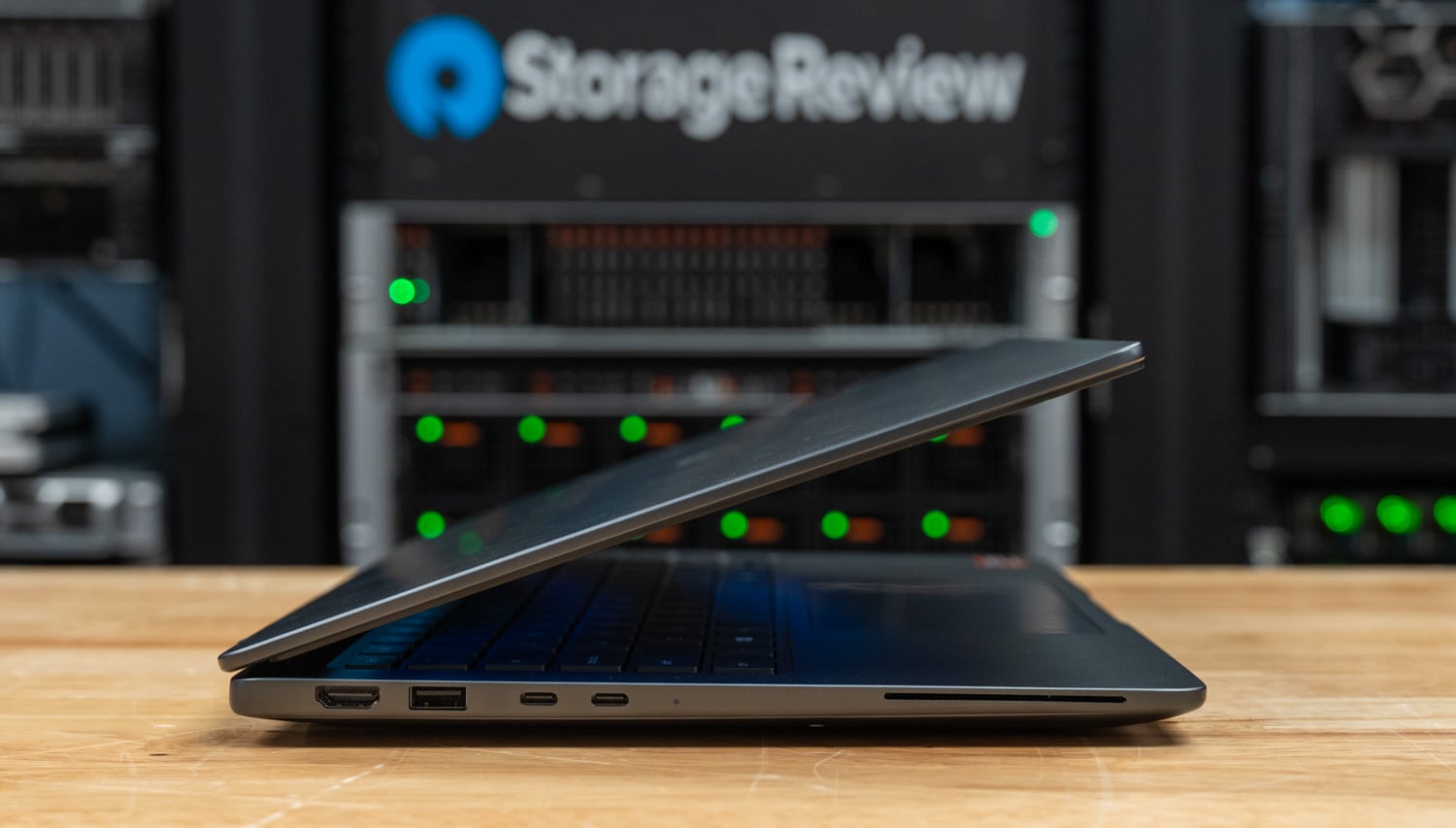
LaCie 8big Pro5 Review: 256TB of HAMR-Powered Thunderbolt 5 DAS

LaCie has been a fixture in our lab for well over a decade. From the 8big Rack Thunderbolt 2 we covered in 2014 through the many generations of 5big, 6big, 8big, and Rugged devices that have followed, the formula has been consistent: premium Neil Poulton-designed enclosures, Seagate drives inside, Mac-centric polish, a solid warranty, and a clear focus on creative professionals. The new LaCie 8big Pro5 carries that pedigree forward in build quality, design, and purpose, and arrives at a notable inflection point for high-capacity direct-attached storage.

With eight 32TB HAMR-based Seagate IronWolf Pro drives on board, the 8big Pro5 tops out at 256TB of raw capacity. As far as turnkey desktop DAS products go, nothing else on the market ships at that capacity today. Competing 8-bay Thunderbolt enclosures from OWC, Sabrent, and others cap out at around 192 TB with the previous-generation PMR drives. While it is technically possible to roll your own by pairing a bare enclosure with eight 32TB IronWolf Pros, that DIY route leaves you stitching together the warranties across vendors. Seagate backs the complete LaCie kit end-to-end, including the drives, which is an advantage at this capacity point and for the value of the workloads involved.

Heat-assisted magnetic recording has been more than two decades in the making, and it has finally moved from hyperscale sampling to a product that a creative professional can put on a desk. For teams working with multi-stream 4K and 8K RAW footage, large photogrammetry or virtual production asset libraries, or AI-assisted content pipelines that consume storage faster than any prior generation, the jump from 24TB-era PMR drives to 32TB HAMR in the same eight bays is a meaningful change. We walked through the technical foundations of HAMR with Seagate’s Colin Presly on Podcast #124: The Path to 50TB HDDs with Frickin Lasers. The roadmap Colin laid out then is now shipping as product, with Mozaic 3+ drives at 30TB and up, Mozaic 4+ pushing to 44TB, and a longer arc toward 100TB drives as platter density continues to climb.

Around that storage core, LaCie delivers the rest of the package you would expect. The 8big Pro5 connects via Thunderbolt 5, which Seagate quotes at up to 80Gbps bidirectional for data, with additional headroom when combined with display traffic. In practice, the ceiling for a hard-drive array is set by the drives themselves. The IronWolf Pro 32TB is rated for up to 285 MB/s sustained, so eight drives in parallel have a theoretical maximum of about 2.2 GB/s before caching effects are taken into account.

The host port delivers up to 140W of power to a connected laptop, with two downstream Thunderbolt 5 ports rated at 30W each and a USB 20Gbps port rated at 15W for daisy-chained peripherals and displays. The LaCie 8big Pro5 ships preconfigured as a single RAID 5 array for 224TB of usable capacity, with RAID 0, 1, 6, 10, 50, and 60 available through LaCie RAID Manager. Build quality, thermals, and design are vintage LaCie, which we will cover in detail throughout the rest of this review. Pricing starts at $5,979 for the 32TB base configuration, with SKUs available up to 64TB, 128TB, 192TB, and 256TB.

LaCie 8big Pro5 – Build and Design

At the front of the LaCie 8big Pro5, the unit features a clean, minimal industrial design that aligns with its professional focus. It measures 11.69 inches in length, 9.13 inches in width, and 8.46 inches in height, giving it a compact yet substantial footprint for an eight-bay system.

Our review unit shipped fully populated with eight of Seagate’s new IronWolf Pro 32TB drives, for a total raw capacity of 256TB. With all drives installed, the system weighs just over 29 pounds, underscoring both its density and solid construction.

The enclosure itself is crafted from a single-piece aluminum chassis finished in metallic gray, giving it a premium, durable feel. Up front, each drive bay is tool-less, allowing quick, easy access to swap or service drives. Each tray is paired with an individual status LED, providing clear, at-a-glance visibility into drive activity and health without requiring interaction with the software.

At the rear, the LaCie 8big Pro5 maintains the same clean, functional design, with heavy perforations across the back panel to support airflow in a fully populated chassis. Power is handled via a standard C19 input and a physical power switch, confirming that the power supply is fully integrated into the unit rather than relying on an external brick.

Connectivity centers on four USB-C ports, each clearly labeled for its role. The leftmost port serves as the primary host connection, operating over Thunderbolt 5 with up to 80Gbps bandwidth and delivering up to 140W of power, making it well-suited for powering and connecting a laptop with a single cable.

Next to it are two additional Thunderbolt 5 downstream ports. These ports enable expansion beyond the enclosure, supporting external storage devices or displays while also delivering up to 30W of power to connected peripherals. This makes the unit function as both a high-capacity storage array and a compact docking hub.

The final USB-C port supports a 20 Gbps connection, intended primarily for additional storage expansion. It also provides up to 15W of power, which is sufficient for bus-powered drives and similar accessories.

To round things out, there is a Kensington lock slot for physically securing the device, a practical addition for shared workspaces or studio environments where the unit may not always be in a controlled rack or locked room.

From a wider rear view, the airflow design becomes much more apparent. The majority of the back panel is perforated, allowing the system to move a significant amount of air across all eight drives. Cooling is handled by a three-fan setup, with two larger fans serving the primary drive bay area and a smaller fan dedicated to the lower section housing the controller and power components. This separation helps ensure consistent airflow across both the storage and internal electronics. This is especially important in a fully populated 256TB configuration where thermal buildup can become a limiting factor over sustained workloads.

You can also see the subtle branding here, with “LaCie – design by Neil Poulton” centered along the upper portion of the rear panel, reinforcing the industrial design heritage that has been a hallmark of LaCie systems for years.

Up top, LaCie adds a simple yet practical touch with the integrated handle cutouts. Machined directly into the aluminum, these recessed grips provide a secure way to lift and move the unit without compromising the clean design language.

Given that the system weighs just over 29 pounds when fully populated, a built-in grip like this makes a noticeable difference during deployment or repositioning. It is a small detail, but one that reflects an understanding that this is not a lightweight desktop accessory and will occasionally need to be handled with a bit more care.

LaCie 8big Pro5 – LaCie RAID Manager software

To manage the 8big Pro5’s storage configuration, LaCie requires its RAID Manager software. This utility is available for Windows and macOS and is necessary to configure the array in RAID modes or switch the unit to JBOD, depending on your deployment needs.

Through RAID Manager, users can choose from a full range of RAID levels, including RAID 0, RAID 1, RAID 5, RAID 6, RAID 10, RAID 50, and RAID 60. This flexibility allows the unit to be tailored for everything from maximum performance to high levels of redundancy and fault tolerance. As shown here, a RAID 5 configuration using all eight 32TB drives yields 224TB of usable capacity and provides single-drive fault tolerance through parity.

In addition to RAID configuration, the software also allows you to format the array in either APFS for macOS environments or NTFS for Windows deployments, making it easy to integrate into mixed or platform-specific workflows. The interface itself is straightforward, providing visibility into drive status, serial numbers, and overall array health, while also confirming valid configurations before deployment.

LaCie 8big Pro5 – Performance

For Windows testing, we leveraged a Dell Pro Max 14 with the following configuration:

  • Intel Core Ultra 9 285H
  • NVIDIA RTX PRO 2000 8GB GDDR7
  • 64GB LPDDR5X-8400
  • 1TB SSD

For macOS testing, we used an M4 MacBook Air.

To evaluate the performance of the 8big Pro5, we began testing in a Windows environment with ExFat, configuring the array in RAID 5. This setup reflects a common balance of capacity, performance, and redundancy for general-purpose use. In this configuration, we ran a series of benchmarks, including IOMeter for synthetic workload analysis, Blackmagic Disk Speed Test for media-focused throughput, and PCMark 10 Disk Benchmark to capture more real-world application behavior.

After completing Windows testing, we switched to a macOS environment using RAID 5 and ExFAT. This allowed us to measure the performance of the same configuration across Windows and Mac environments. In this configuration, we reran Blackmagic Disk Speed Test to compare results in a macOS-native workflow and added ATTO Disk Benchmark to analyze performance across varying transfer sizes.

Blackmagic Disk Speed Test

The Blackmagic Disk Speed Test benchmarks a drive’s read and write speeds to estimate its performance, especially for video editing tasks. It helps users ensure their storage is fast enough for high-resolution content, such as 4K or 8K video.

The Blackmagic results show clear, real-world performance gains across RAID configurations. In RAID 5 in Windows, the 8big Pro5 delivers 1,418.4 MB/s read and 2,061.5 MB/s write speeds, offering a strong balance of performance and data protection. When moved to macOS, read performance remains nearly identical at 1,414.9 MB/s, while write speeds are 1,751.3 MB/s, reflecting some platform differences rather than a limitation of the array itself.

Looking at the Blackmagic workload breakdown, RAID 5 still proves more than capable for high-resolution media workflows. At these speeds, the array comfortably supports formats up through 8K, including 8K DCI and even 12K playback in several codecs, with consistent results across ProRes 422 HQ and H.265. This reinforces that RAID 5 is not just a safe option, but a practical one for professional video editing where both performance and redundancy matter.

In practice, RAID 5 delivers more than enough performance for demanding video workflows while maintaining data protection.

Blackmagic (higher is better) LaCie 8big Pro5 – Windows Raid 5 ExFat LaCie 8big Pro5 – macOS Raid 5 ExFat
Read 1,418.4 MB/s 1,414.9 MB/s
Write 2,061.5 MB/s 1,751.3 MB/s

PCmark 10 Storage

PCMark 10 Storage Benchmarks evaluate real-world storage performance using application-based traces. They test the system and data drives, measuring bandwidth, access times, and consistency under load. These benchmarks offer practical insights beyond synthetic tests, enabling users to compare modern storage solutions effectively.

The PCMark 10 result of 717 gives a useful look at how the 8big Pro5 behaves under real-world workloads rather than pure synthetic throughput. This benchmark incorporates traces from everyday applications, which tend to be more sensitive to latency and mixed I/O patterns than large sequential transfers.

PCmark 10 Storage (higher is better) LaCie 8big Pro5 – Windows Raid 5 ExFat
Overall Score 717

IOMeter

We also ran the LaCie 8big Pro5 array through IOMeter. This lets us dig deeper into workloads, including random and sequential performance. We tested the 8big with a single queue to simulate lighter use and with four queue to see how the DAS handles heavier, more demanding scenarios.

At 1 queue, sequential performance is 1,752.2 MB/s read and 1,851.5 MB/s write, showing strong throughput even under a lighter load. Random 2MB performance lands at 233.8 MB/s read, and 654.1 MB/s write, while small-block 4K operations reach 297 IOPS read and 5,482 IOPS write.

IOMeter (1  queue) LaCie 8big Pro5 – Windows Raid 5 Raw
Seq 2MB Read 1,752.2 MB/s
Seq 2MB Write 1,851.5 MB/s
Random 2MB Read 233.8 MB/s
Random 2MB Write 654.1 MB/s
Random 4K Read 297 IOPS
Random 4K Write 5,482 IOPS

Scaling to 4 queue, sequential reads increase to 1,949.1 MB/s, while writes remain steady at 1,873.6 MB/s, indicating the array is already near its write ceiling. Random 2MB performance improves more noticeably, with reads rising to 391.1 MB/s and writes to 980.5 MB/s. For 4K workloads, reads scale to 1,103 IOPS, while writes settle at 4,458 IOPS.

IOMeter (4 queue) LaCie 8big Pro5 – Windows Raid 5 Raw
Seq 2MB Read 1,949.1 MB/s
Seq 2MB Write 1,873.6 MB/s
Random 2MB Read 391.1 MB/s
Random 2MB Write 980.5 MB/s
Random 4K Read 1,103 IOPS
Random 4K Write 4,458 IOPS

ATTO Disk Benchmark Summary (LaCie 8big Pro5 – macOS RAID 5, ExFat)

The ATTO results provide a clear picture of how the 8big Pro5 behaves in macOS when pushed to maximum throughput across a wide range of transfer sizes in a RAID 5 configuration.

At lower transfer sizes, performance ramps up gradually, as expected for an HDD-based array. Small-block operations (under 16KB) remain relatively modest, but once you move to larger transfer sizes, the system scales more effectively.

From around 64KB onward, throughput stabilizes and becomes a far more representative measure of real-world performance. Peak read speeds reach approximately 3.4 GB/s, while write performance settles slightly lower in the 2.7-3.1 GB/s range across larger block sizes.

Overall, the results show strong sequential performance, with the array delivering high read throughput and slightly lower, but still consistent, write speeds under sustained workloads.

Conclusion

The LaCie 8big Pro5 marks a meaningful leap forward for the line. At 256TB raw over Thunderbolt 5, with eight HAMR-based IronWolf Pro drives housed in a well-designed Neil Poulton enclosure, it is the first turnkey desktop DAS to deliver both a massive capacity jump and next-generation interface bandwidth to creative pros in a single box. The 8big formula is all here: premium build, thoughtful thermals, quiet operation, mature RAID management through LaCie RAID Manager, and a clear focus on the video, photo, and 3D asset workflows that have consistently outpaced the storage they rely on.

Performance lands where a well-tuned eight-bay array should. In RAID 5, the array comfortably handles multi-stream 4K and 8K editing with room to spare. Small-block random performance is modest, as expected for any HDD-based array, but that is not the workload profile this product is built for. For bulk sequential transfers, active project storage, and long-form media ingest, the array delivers the throughput that modern creative workflows need. The Thunderbolt 5 host port with 140W of power delivery, plus the two downstream TB5 ports and the 20Gbps USB-C, also make the unit a legitimate one-cable docking solution for a laptop-based edit bay, not just a storage target.

Pricing starts at $5,979 for the 32TB base configuration and scales up through 64TB, 128TB, 192TB, and 256TB tiers. That is a meaningful investment, but a 5-year warranty that covers both the enclosure and the drives end-to-end, Rescue Data Recovery Services, and the operational simplicity of a single-box deployment distinguish it from a DIY build using bare IronWolf Pros and a third-party enclosure. For creative professionals, production teams, and studios working at 4K, 8K, and beyond, and for anyone whose project data has outgrown what previous-generation PMR arrays could deliver in the same footprint, the 8big Pro5 is the most capable turnkey desktop DAS available today and earns the shortlist spot for high-end workflows that need both the capacity and the interface to match.

Product Page – LaCie 8big Pro5

The post LaCie 8big Pro5 Review: 256TB of HAMR-Powered Thunderbolt 5 DAS appeared first on StorageReview.com.
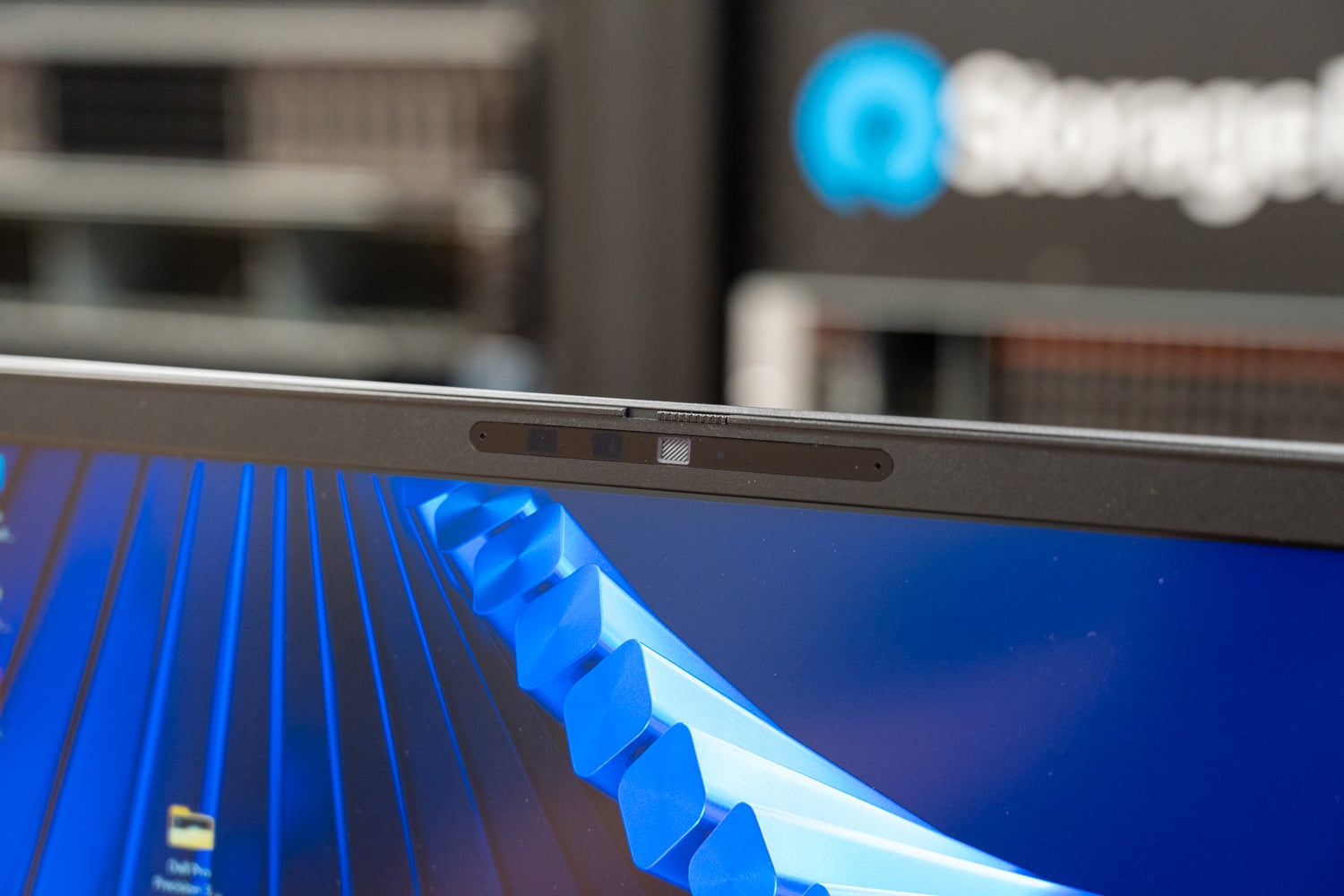
Seagate FireCuda X Vault Review: 20TB of Single-Cable Storage for Massive Game Libraries

Seagate’s FireCuda X Vault is the gaming-flavored half of a two-drive launch that brings bus-powered USB-C to 3.5-inch external hard drives for the first time. Available in 8TB and 20TB capacities starting at $269.99, it runs on a single USB-C cable for both data and power, provided the host port can supply at least 15W. That’s the same category-first hook Seagate is pitching with the new One Touch Desktop HDD, but the FireCuda X Vault trades the One Touch’s clean-desk minimalism for customizable RGB with Windows Dynamic Lighting support, Xbox on PC certification, and a one-month Xbox Game Pass Ultimate trial.

Seagate FireCuda X Vault front

The pitch here is overflow storage for buyers who’ve outgrown smaller drives and want a clean way to add serious capacity to a gaming PC or streaming rig. Large game libraries, captured gameplay, archived installs, and media collections are the target workloads. It’s worth being upfront about what it isn’t: the 5400 RPM drive inside won’t deliver SSD-like load times, so this isn’t the place to install the games you actually play. The better pairing is an internal NVMe for active titles and the FireCuda X Vault for everything else. Despite the Xbox branding on the box, the drive is PC-only and is not compatible with Xbox Series X/S. And because 15W USB-C delivery isn’t universal on older systems, it’s worth confirming your port can feed it before committing.

Seagate bundles Toolkit with the FireCuda X Vault, adding a decent set of storage management features beyond basic file transfers. Incremental backup copies only files that are new or changed after the first run, which helps reduce backup time for repeat jobs, and it supports both scheduled backups and manual runs. The software also includes folder mirroring for keeping selected directories synced, password protection on supported setups, and direct import from USB devices or memory cards.

Seagate FireCuda X Vault side

The FireCuda X Vault 8TB model is estimated to hold roughly 110 to 145 games, based on installations ranging from 80GB to 150GB, along with about 800 hours of 1080p video or around 120 hours of 4K footage. The 20TB version increases that to around 275-360 games, about 2,000 hours of 1080p video, or roughly 300 hours of 4K video.

Backed by a 2-year warranty, Seagate includes the drive, a 0.5-meter USB-C cable, Toolkit software, a quick start guide, and two years of Rescue Data Recovery Services. Seagate also adds a one-month Xbox Game Pass Ultimate offer for new users and a two-month Adobe Creative Cloud Pro subscription, which makes sense given its gaming and content-creation use cases.

Seagate FireCuda X Vault Specifications

Specification/Feature Seagate FireCuda X Vault
Overview
Product Name Seagate FireCuda X Vault
Product Type Bus-powered USB-C external hard drive
Form Factor 3.5-inch USB-C desktop drive
Target Audience PC Gamers, Streamers, and Content Hoarders
Capacities offered 8TB, 20TB
Connectivity and Compatibility
Connection USB-C
Power Bus-powered, single-cable USB-C desktop storage, no external power required
USB-C power requirement USB-C port must supply equal to or greater than 15W for drive operation
Operating System Compatibility Compatible with most Windows and macOS systems
Time Machine Reformatting required for use with Time Machine
Toolkit software compatibility Toolkit software not compatible with ChromeOS
Xbox on PC Designed for Xbox on PC
Software and Features
Toolkit included Yes
Toolkit features Incremental Backup: Keeps data protected while minimizing backup time by saving only new or changed files
Scheduled or “Backup Now” Options: Supports both hands-off automation and manual control
Mirroring (RealTime Sync): Maintains an always-updated copy of active folders on the drive
Seagate Secure (Password Protection): Helps prevent unauthorized access if the drive is lost or shared
Import from USB / Memory Cards: Simplifies photo and video offloads directly to the drive
RGB: Allows for various RGB illumination customization options
RGB lighting Customizable RGB lighting with Windows Dynamic Lighting support
Rescue Data Recovery Services Included
Capacity Estimates
8TB ~800 hours (≈10 GB/hr) 1080p HD Video
~120 hours (≈60–70 GB/hr) 4K Video
~110-145 (≈80-150GB Each) Games
20TB ~2,000 hours 1080p HD Video
~300 hours 4K Video
~275-360 (≈80-150GB Each) Games
In the Box and Bundles
What’s in the box Firecuda X Vault Main Unit
1.64-foot (0.5m) USB-C cable
Toolkit software
Quick start guide
Warranty 2-year limited warranty (may vary in region)
Data recovery coverage 2-year Rescue data recovery services (may vary in region)
Bundled offers Free month of Xbox Game Pass Ultimate included in box (for new users)
Complimentary 2-month subscription to Adobe Creative Cloud Pro (All Apps)

Seagate FireCuda X Vault Design and Build

The FireCuda X Vault has a very distinct desktop look. The front features vertical ribbing wrapped by the outer shell, with a distinct opening at the top where the LED emits light. It provides immediate power feedback via this LED, glowing white when the drive is getting enough power and red when the USB-C source is not supplying enough.

There are no ports or controls on the front panel. One side carries only the FireCuda X branding, while the rear has only a single USB-C port. The design is pretty basic, and the LED light may make it a bit much for some work environments; however, for gaming or home use, the drive will fit in well.

The outer shell is mostly plastic, and the base uses a high-friction material that helps keep the drive in place on a desk. It runs on bus power and passive cooling.

For everyday use, the single-cable design keeps setup simple, and the shape leaves enough open space around the ribbed sections, so placing two units one above the other does not appear to create an obvious airflow problem. However, the weak point is the RGB lighting. The top light bar fits the overall style, but the diffusion is uneven, so the glow looks patchy rather than smooth.

Seagate FireCuda X Vault Performance

To evaluate the performance of the Seagate FireCuda X Vault, we compared it against the Seagate One Touch Desktop HDD across a variety of benchmarks.

Here’s the high-performance test rig we used for benchmarking:

  • CPU: AMD Ryzen 7 9850X3D
  • Motherboard: Asus ROG Crosshair X870E Hero
  • RAM: G.SKILL Trident Z5 Royal Series DDR5-6000 (2x16GB)
  • GPU: NVIDIA GeForce RTX 4090
  • OS: Windows 11 Pro

The drive inside our 8TB Seagate FireCuda X Vault self-reported as the Seagate SkyHawk (ST8000VX009) at 5400 RPM.

Blackmagic Diskspeed Test

First up is the Blackmagic test, where we evaluated the Seagate FireCuda X Vault against the One Touch Desktop HDD.

The Blackmagic Disk Speed Test benchmarks a drive’s read and write speeds to estimate its performance, especially for video editing tasks. It helps users ensure their storage is fast enough for high-resolution content, such as 4K or 8K video.

In this run, the FireCuda X Vault reached 222.4MB/s read and 158.9MB/s write. The read performance stands out here, coming in noticeably ahead of the One Touch’s 211.9MB/s, and landing fairly close to Seagate’s quoted maximums for its internal FireCuda drives. Write performance tells a different story, where the One Touch leads at 211.2MB/s, putting the FireCuda’s 158.9MB/s more in line with typical HDD behavior.

Blackmagic (higher is better) Seagate FireCuda X Vault 8TB Seagate One Touch Desktop HDD 8TB
Read 222.4 MB/s 210.9 MB/s
Write 158.9 MB/s 152.0 MB/s

IOMeter

In the 1-queue IOMeter test, the FireCuda X Vault demonstrated strong sequential performance, reaching 224.03 MB/s read and 223.37 MB/s write, outperforming the One Touch Desktop HDD, which came in at 211.26 MB/s read and 211.48 MB/s write. This reinforces the FireCuda’s advantage in sustained, large-block transfers.

Random 2MB performance was much closer between the two drives. The FireCuda posted 117.17MB/s read and 149.59MB/s write, while the One Touch slightly edged ahead in write performance at 150.06MB/s and trailed slightly in reads at 113.83MB/s. These small differences are within the margin expected for mechanical drives.

Small-block performance remained predictably low across both drives. The FireCuda delivered 429 IOPS in random 4K writes and 126 IOPS in reads, nearly identical to the One Touch at 424 IOPS in writes and 129 IOPS in reads. At this level, neither drive is designed for latency-sensitive workloads, and their performance is effectively comparable.

IOMeter Test Seagate FireCuda X Vault 8TB Seagate One Touch Desktop HDD 8TB
Seq 2MB Write 223.37 MB/s 211.48 MB/s
Seq 2MB Read 224.03 MB/s 211.26 MB/s
Random 2MB Write 149.59 MB/s 150.06 MB/s
Random 2MB Read 117.17 MB/s 113.83 MB/s
Random 4K Write 429 IOPS 424 IOPS
Random 4K Read 126 IOPS 129 IOPS

PCMark 10

PCMark 10 Storage Benchmarks evaluate real-world storage performance using application-based traces. They test the system and data drives, measuring bandwidth, access times, and consistency under load. These benchmarks offer practical insights beyond synthetic tests, enabling users to compare modern storage solutions effectively.

In PCMark 10’s Data Drive Benchmark, both drives performed nearly identically, with the Seagate One Touch Desktop HDD scoring 750 and the Seagate FireCuda X Vault close behind at 746. This minimal difference indicates that, in trace-based workloads, there is no meaningful performance gap between the two.

As expected for high-capacity HDDs, both drives are better suited for bulk storage tasks such as backups, media libraries, and large file transfers rather than latency-sensitive workloads. Overall, this result shows that real-world responsiveness between the two is effectively on par in this test.

PCMark 10 Storage (higher is better) Seagate FireCuda X Vault 8TB Seagate One Touch Desktop HDD 8TB
Overall Score 746 750

Conclusion

The FireCuda X Vault’s appeal comes down to the same category-first hook as its One Touch sibling: a 3.5-inch desktop HDD that runs off a single USB-C cable with no power brick in the mix. For gamers and streamers who want to add significant capacity to a PC or laptop setup without another power supply on the floor, that’s a quality-of-life improvement over every desktop external HDD that came before it.

Performance lands where it should, for a 5400-RPM hard drive. Sequential read and write throughput sits in the 220 MB/s range; random workloads are modest; and small-block IOPS behave like the mechanical storage they are. Those numbers are fine for bulk transfers and archival use, but they confirm this isn’t a drive for running modern games directly. Pair it with an internal NVMe for active titles and use the FireCuda X Vault for everything that doesn’t need fast access.

Starting at $269.99 for 8TB, the pricing is competitive with other high-capacity external HDDs and considerably less than that of equivalent external SSDs. The RGB execution could be cleaner, the USB-C cable is short, and buyers should verify their host port can deliver 15W before committing. Those caveats aside, the FireCuda X Vault earns its spot on the shortlist for PC gamers, streamers, and media collectors who need ample local storage with minimal cable clutter.

Product Page – Seagate FireCuda X Vault

The post Seagate FireCuda X Vault Review: 20TB of Single-Cable Storage for Massive Game Libraries appeared first on StorageReview.com.
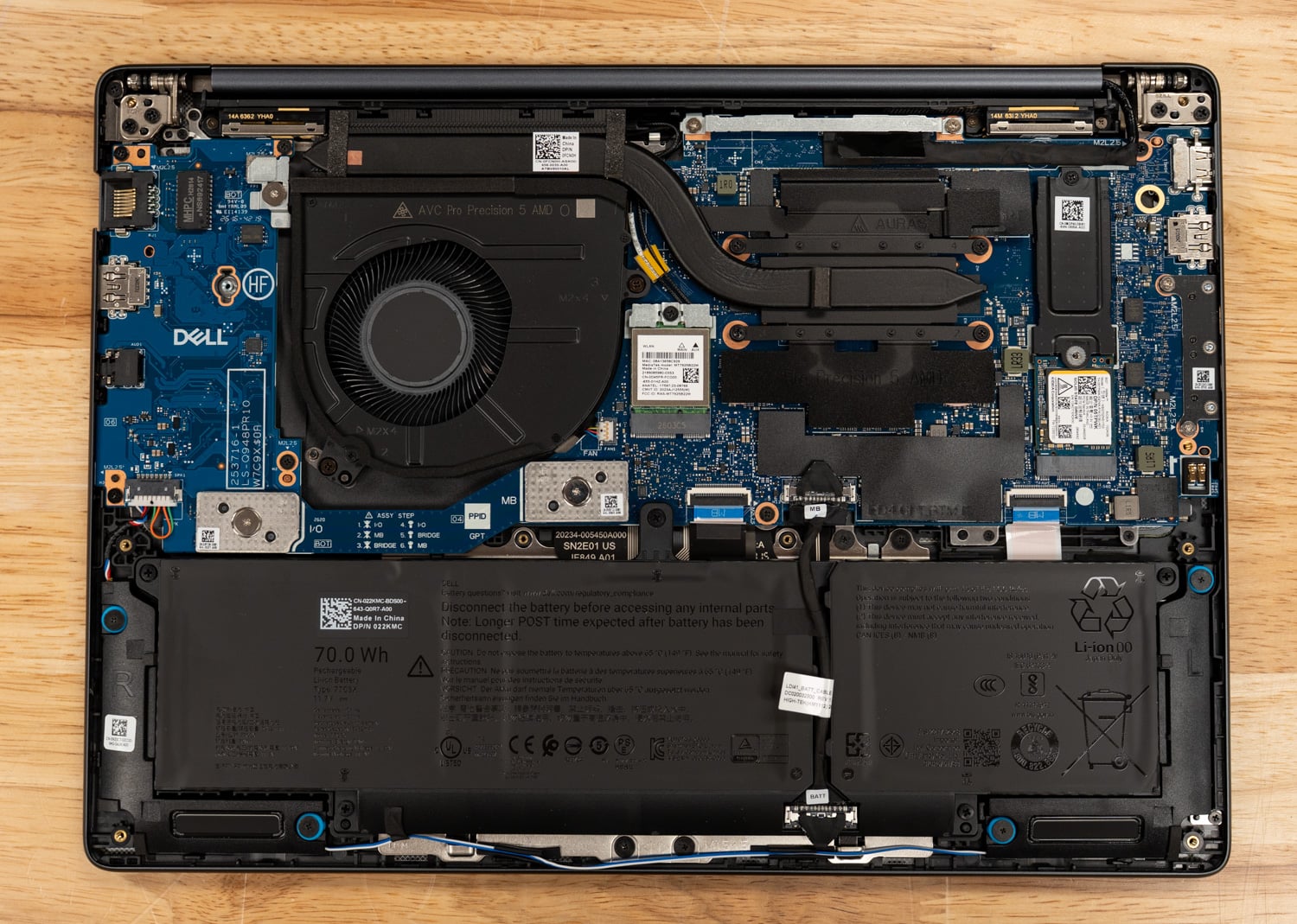
Seagate One Touch Desktop HDD Review: 24TB Without the Power Brick

Seagate’s new One Touch Desktop HDD sidesteps one of the staples of the desktop external drive category: the power brick. The refreshed lineup runs 8TB, 20TB, and 24TB in a 3.5-inch chassis, but instead of a DC input and wall adapter, it draws everything it needs over a single USB-C cable. Seagate bills it as the industry’s only bus-powered USB-C desktop HDD, which is a meaningful shift in a segment where cable count and desk clutter have long been accepted costs of doing business. Pricing starts at $259.99 for 8TB and tops out at $619.99 for 24TB.

Beyond the cable story, the One Touch Desktop HDD is straightforward mechanical storage aimed at backup and archive workloads. It slots between the complexity of a NAS and the cost of high-capacity SSDs, working well as a companion to a smaller internal NVMe or as a bulk offload destination for photos, video, and project files. The bus-powered design also opens up use cases that traditional desktop drives can’t cover, such as pulling footage off a laptop in the field with no outlet nearby. Pair that with Windows and Mac support, Seagate’s Toolkit for backup and mirroring, and two years of Rescue Data Recovery Services, and the pitch comes down to storage headroom, data safety, and a cleaner desk at a competitive cost per terabyte.

Design & Features

The One Touch Desktop HDD features a refined, premium aesthetic, combining aluminum and plastic for a solid, high-quality feel. Rubber feet on the bottom also help stabilize the device and prevent unwanted movement during operation. To keep things clean and minimal, Seagate has also avoided adding unnecessary lighting elements.

Seagate One Touch bottom view

For connectivity, the drive uses a single USB-C cable and does not require a separate power adapter, provided the host port can supply at least 15W. While this requirement may be a limitation for older systems, it ultimately simplifies setup for modern devices. A small front-facing status light is the only visual indicator, blinking red if insufficient power is detected.

Seagate One Touch USB-C view

Getting started is pretty straightforward; simply plug in the cable and wait for the volume to mount. You can optionally install the Seagate Toolkit software, but it works out of the box with both Windows and macOS. Time Machine users will need to reformat before initial use, though.

Inside the box, Seagate includes a (0.5m) USB-C cable, Toolkit software, a quick-start guide, and a 2-year limited warranty. In addition, users receive 2-year Rescue Data Recovery Services, which include one in-lab recovery attempt, with recovered data returned on an encrypted device if the attempt is successful. The turnaround time for the recovery service is about 30 days, which provides peace of mind for anyone relying on the drive for long-term storage.

For creatives, Seagate provides a complimentary 2-month trial subscription to Adobe Creative Cloud Pro (All Apps). This inclusion gives users access to tools they might otherwise pay for separately, making the overall package more compelling.

Feature 8TB 20TB 24TB
Specifications
Connector USB-C
Interface USB 3.2 Gen 1 (up to 5Gb/s)
Power Bus-powered via USB-C (≥15W required)
Compatibility Windows & macOS (Time Machine requires reformat; ChromeOS not supported for Toolkit)
In the Box & Software
What’s in the Box One Touch HDD, 1.64ft USB-C cable, Toolkit software, Quick Start Guide
Included Software Seagate Toolkit, 2-month Adobe Creative Cloud Pro (All Apps) trial
Support & Pricing
Warranty 2-year limited (may vary by region)
Rescue Data Recovery 2-year included (may vary by region)
MSRP $259.99 $519.99 $619.99

Toolkit Software

Seagate Toolkit is a bundled utility that enhances the One Touch Desktop HDD’s functionality without complicating the user experience. After the initial backup, its incremental backup feature saves only modified files, helping keep backup times and system load manageable. At the same time, the Mirroring (RealTime Sync) feature continuously maintains updated copies of selected folders in the background. Additionally, Seagate Secure provides password protection for supported drives, while the Import function automatically transfers files from connected USB devices or memory cards, making it especially useful for frequent media offloads.

Moreover, Toolkit supports both scheduled and manual backups. Users who prefer automation can rely on scheduled backups, while those who want more control can trigger backups manually. Either way, it delivers essential data protection features without requiring third-party software.

Capacity in Context

To better understand available capacities, Seagate provides real-world storage estimates for common file types. Although actual results will vary depending on codec, compression, and workflow, these figures still offer a helpful baseline for planning:

Capacity 1080p HD Video (approx.) 4K Video (approx.) RAW Photos (approx.)
8TB ~800 hours ~120 hours ~200,000
20TB ~2,000 hours ~300 hours ~500,000
24TB ~2,400 hours ~360 hours ~600,000

Performance

To evaluate the performance of the Seagate One Touch Desktop HDD, we compared it against the Seagate FireCuda X Vault across a variety of benchmarks.

Here’s the high-performance test rig we used for benchmarking:

  • CPU: AMD Ryzen 7 9850X3D
  • Motherboard: Asus ROG Crosshair X870E Hero
  • RAM: G.SKILL Trident Z5 Royal Series DDR5-6000 (2x16GB)
  • GPU: NVIDIA GeForce RTX 4090
  • OS: Windows 11 Pro

The drive inside our 8TB Seagate One Touch HDD self-reported as the Seagate SkyHawk (ST8000VX009) at 5400 RPM.

Blackmagic Disk Speed Test

The BlackMagic Disk Speed Test benchmarks a drive’s read and write speeds to estimate its performance, especially for video editing tasks. It helps users ensure their storage is fast enough to handle high-resolution content, such as 4K or 8K video.

In Blackmagic, the Seagate FireCuda X Vault posted the stronger read speed at 222.4 MB/s, edging out the Seagate One Touch Desktop HDD at 210.9 MB/s. Write performance also showed a similar edge, with the One Touch measuring 152.0 MB/s compared to 158.9 MB/s from the FireCuda X Vault. Overall, both drives landed in expected territory for high-capacity external hard drives, though the FireCuda showed slightly better read and write speed.

Blackmagic (higher is better) Seagate One Touch Desktop HDD 8TB Seagate FireCuda X Vault 8TB
Read 210.9 MB/s 222.4 MB/s
Write 152.0 MB/s 158.9 MB/s

IOMeter

In the 1-queue IOMeter run, the FireCuda X Vault led in sequential throughput, reaching 224.03 MB/s read and 223.37 MB/s write, compared to 211.26 MB/s read and 211.48 MB/s write from the One Touch Desktop HDD. Random 2MB performance was much closer. The One Touch slightly led in random 2MB writes at 150.06MB/s versus 149.59MB/s, while the FireCuda posted the better random 2MB read at 117.17MB/s versus 113.83MB/s.

Small-block performance remained low on both drives, as expected for HDD-based storage, with the FireCuda reaching 429 IOPS in random 4K writes versus 424 IOPS on the One Touch, while the One Touch narrowly led in random 4K reads at 129 IOPS versus 126 IOPS on the FireCuda. Overall, the FireCuda showed a modest advantage in sequential performance, while the two drives were very close in lighter random workloads.

IOMeter Test Seagate One Touch Desktop HDD 8TB Seagate FireCuda X Vault 8TB
Seq 2MB Write 211.48 MB/s 223.37 MB/s
Seq 2MB Read 211.26 MB/s 224.03 MB/s
Random 2MB Write 150.06 MB/s 149.59 MB/s
Random 2MB Read 113.83 MB/s 117.17 MB/s
Random 4K Write 424 IOPS 429 IOPS
Random 4K Read 129 IOPS 126 IOPS

PCMark 10 Storage

PCMark 10 Storage Benchmarks evaluate real-world storage performance using application-based traces. They test the system and data drives, measuring bandwidth, access times, and consistency under load. These benchmarks offer practical insights beyond synthetic tests, enabling users to compare modern storage solutions effectively.

In PCMark 10’s Quick System Drive Benchmark, both drives delivered nearly identical performance, with the Seagate One Touch Desktop HDD scoring 750 and the Seagate FireCuda X Vault coming in at 746. This narrow gap suggests that, in trace-based workloads, the two drives perform very similarly, with no meaningful advantage for either.

As expected for high-capacity HDDs, both are best suited for bulk storage tasks such as backups, media libraries, and large file transfers rather than latency-sensitive workloads. Overall, this result shows that real-world responsiveness between the two is effectively on par in this test.

PCMark 10 Storage (higher is better) Seagate One Touch Desktop HDD 8TB Seagate FireCuda X Vault 8TB
Overall Score 750 746

Conclusion

The Seagate One Touch Desktop HDD is a category-first product in a commoditized space. Bus-powered USB-C on a 3.5-inch desktop drive genuinely changes how the drive fits on a desk or travels in a bag, and it’s the feature most likely to sway buyers who’ve grown tired of juggling bulky power bricks. Cross-platform support, Toolkit for backup and mirroring, and two years of Rescue Data Recovery Services round out a package that covers the basics without asking for much from the user.

Performance lands where it should for 5400 RPM mechanical storage. Sequential throughput sits in the low 200s MB/s, random workloads are modest, and small-block IOPS are firmly in HDD territory. That rules it out for anything latency sensitive or for active video editing off the drive, but those aren’t the workloads this product targets. For backup, archive, media libraries, and bulk offload, it does the job.

At $259.99 for 8TB and $619.99 for 24TB, pricing is competitive against other high-capacity external HDDs, and the single-cable design is a real differentiator rather than a marketing one. For users who want maximum capacity with minimum desk footprint and cable clutter, the One Touch Desktop HDD earns its spot on the shortlist.

Product page – Seagate One Touch Desktop HDD

The post Seagate One Touch Desktop HDD Review: 24TB Without the Power Brick appeared first on StorageReview.com.
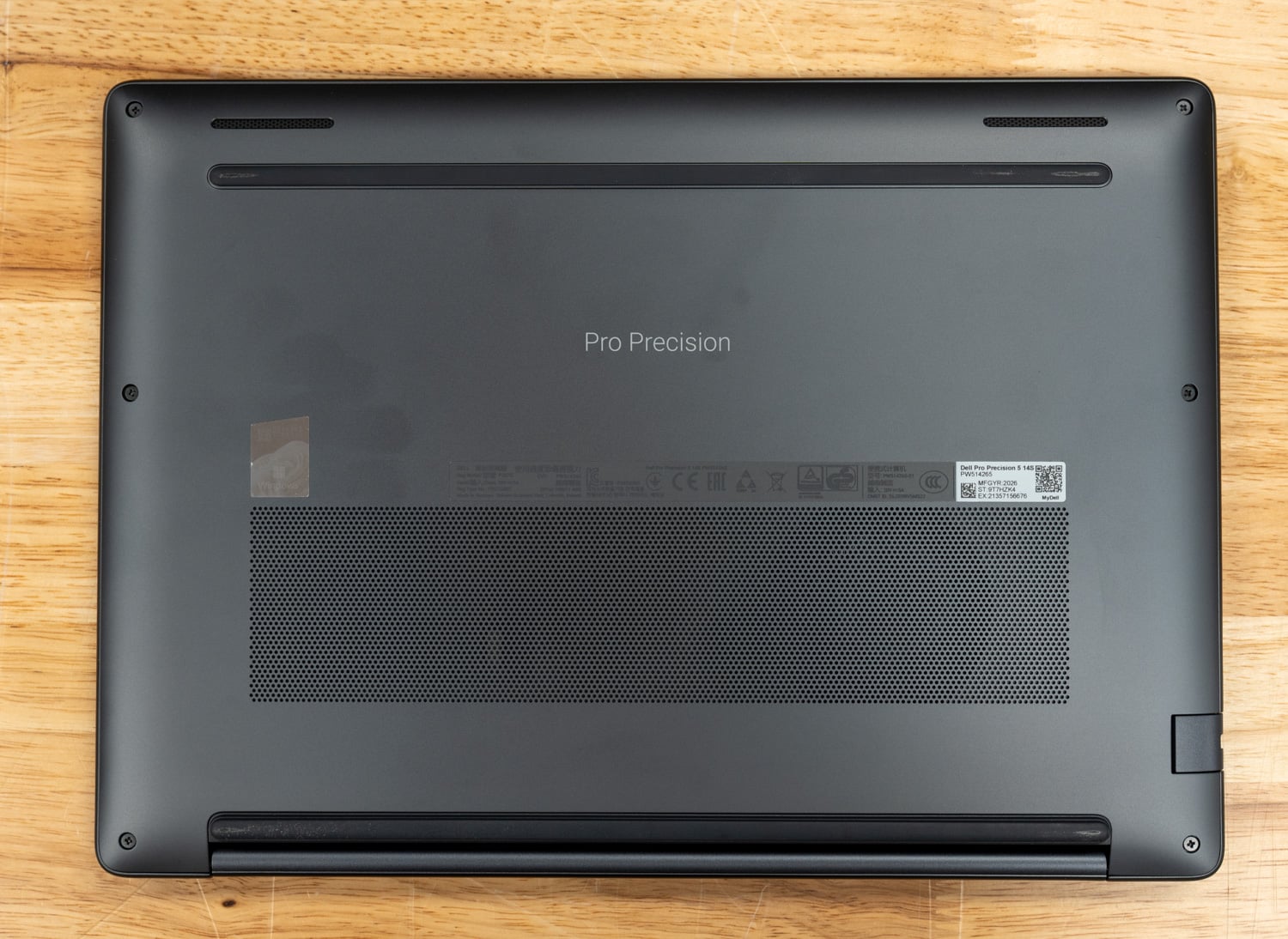
KIOXIA EG7 Series SSDs Bring QLC Storage to Mainstream PCs

KIOXIA EG7 Series KIOXIA EG7 Series

KIOXIA America has unveiled the EG7 Series, a new family of client SSDs that brings its BiCS FLASH generation 8 QLC with CMOS directly Bonded to Array (CBA) technology to this segment for the first time. KIOXIA says the new series is designed to help PC manufacturers bring high-performance, power-efficient storage to a wider range of systems at a more accessible price point. Capacity options will include 512GB, 1TB, and 2TB models.

KIOXIA EG7 Series

KIOXIA EG7 Series Performance and Main Features

The EG7 Series uses 4-bit-per-cell (quadruple-level cell) NAND flash. QLC storage is typically used in lower-cost systems, though it has long faced skepticism about whether it can keep pace with TLC-based drives in everyday performance. KIOXIA is positioning the EG7 Series as a response to that skepticism, saying the new SSDs can deliver TLC-level performance while lowering the total cost of ownership for PC makers building mainstream and more price-conscious systems.

For performance, the drives offer up to 1,000 KIOPS for random reads and writes. Sequential read speeds reach up to 7,000MB/s, while sequential write speeds go as high as 6,200MB/s. This places the EG7 Series in the range of modern PCIe Gen4 client SSDs.

KIOXIA EG7 Bit Density graphic

The EG7 Series also supports the NVMe 2.0d specification, which KIOXIA says will provide PC OEMs with added flexibility in device management and overall system design.

KIOXIA EG7 Series Form Factors, Design, and Security

KIOXIA is offering the drives in several M.2 form factors: Type 2230, Type 2242, and Type 2280. That range allows the EG7 Series to fit in compact devices with tight board space, as well as in more conventional notebook and desktop configurations. The smaller 2230 and 2242 formats are important because thin-and-light systems and compact PCs often use shorter SSD layouts.

Metric 512GB 1024GB 2048GB
Sequential Read 6,400 MB/s 7,000 MB/s
Sequential Write 5,000 MB/s 6,000 MB/s 6,200 MB/s
Random Read 550,000 IOPS 850,000 IOPS 1,000,000 IOPS
Random Write 850,000 IOPS 950,000 IOPS 1,000,000 IOPS

The EG7 Series also uses a DRAM-less design. Rather than relying on onboard DRAM, the drives use Host Memory Buffer (HMB) technology, which taps into a portion of system memory to help manage SSD functions. This design is common in more budget-conscious storage products, and can help lower the total cost of ownership and reduce power use without sacrificing responsive performance.

The drives support TCG Opal version 2.02 self-encrypting drive functionality, which is important for business systems that require hardware-based security.

Storage vendors are pushing higher-density flash into a wider range of devices as manufacturers seek more capacity without adding significant system costs. So, the EG7 Series gives OEMs another option for mainstream PCs that need to balance performance, power efficiency, and affordability.

KIOXIA EG7 Series Availability

The EG7 Series is currently sampling with select PC OEM customers. Systems with the new SSDs are expected to begin shipping in the second quarter of 2026.

KIOXIA

The post KIOXIA EG7 Series SSDs Bring QLC Storage to Mainstream PCs appeared first on StorageReview.com.
AMD Ryzen 9 9950X3D2 Dual Edition Review: 3D V-Cache on Both CCDs

AMD Ryzen 9950X3D2 in the cpu socket AMD Ryzen 9950X3D2 in the cpu socket

AMD is once again pushing the boundaries of the high-performance desktop market with the Ryzen 9 9950X3D2 Dual Edition, which launches at an MSRP of $899. When we reviewed the Ryzen 9 9950X3D in March 2025, it made a compelling case as the first 16-core X3D processor, with thermal and TDP constraints no longer forcing a meaningful trade-off between gaming and productivity. It brought 3D V-Cache to a 16-core design, including full overclocking support, and raised the TDP ceiling to deliver sustained performance that earlier X3D chips couldn’t match. The 9950X3D2 builds on that foundation, extending 3D V-Cache across both CCDs for the first time and increasing the total L3 cache from 128MB to 192MB. AMD provided us with a sample for evaluation against the full 9000-series X3D stack.

AMD Ryzen 9950X3D2 in its box

AMD Ryzen 9 9950X3D2: Solving the Asymmetry Problem

The core problem the 9950X3D2 solves is one the 9950X3D never fully escaped. Because the 9950X3D applied 3D V-Cache to only one of its two CCDs, threads migrating between dies during normal Windows load balancing would periodically lose access to the cache-rich CCD, causing unpredictable latency spikes. AMD’s chipset drivers helped manage this, but the asymmetry remained. The 9950X3D2 eliminates it. Each CCD combines 32MB of traditional 2D L3 cache with a 64MB 3D V-Cache stack, giving both CCDs an identical 96MB L3 pool and all 16 cores symmetrical, low-latency access to a combined 192MB total. For workloads sensitive to memory latency, particularly high-FPS gaming, this is a meaningful architectural improvement rather than a simple spec bump.

The underlying 2nd Gen 3D V-Cache design is the same as the under-die architecture introduced with the 9800X3D and carried through to the 9950X3D, with cache placed beneath the compute cores to keep the primary heat source close to the cooling solution. What changes with the 9950X3D2 is scope: that design now covers both CCDs, and the TDP rises from 170W to 200W to support the additional sustained throughput. Total on-chip cache reaches 208 MB across L2 and L3, up from 144 MB on the 9950X3D.

AMD Ryzen 9 9950X3D2 Specifications

Specifications AMD Ryzen 9 9950X3D2 AMD Ryzen 9 9950X3D AMD Ryzen 9 9900X3D AMD Ryzen 7 9850X3D AMD Ryzen 7 9800X3D
Cores/Threads 16/32 16/32 12/24 8/16 8/16
Platform AM5 AM5 AM5 AM5 AM5
Max Boost / Base Clock 5.6 / 4.3GHz 5.7 / 4.3GHz 5.5 / 4.4GHz 5.6 / 4.7GHz 5.2 / 4.7GHz
L2 Cache 16MB 16MB 12MB 8MB 8MB
L3 Cache 192MB 128MB 128MB 96MB 96MB
Total Cache 208MB 144MB 140MB 104MB 104MB
Architecture Zen 5 Zen 5 Zen 5 Zen 5 Zen 5
PCIe Gen5 Gen5 Gen5 Gen5 Gen5
DRAM DDR5 DDR5 DDR5 DDR5 DDR5
TDP / Default Socket Power (PPT) 200W / 270W 170W / 230W 120W / 230W 120W / 162W 120W /162W
Graphics Radeon Radeon Radeon Radeon Radeon
AMD Recommended Cooler Liquid cooler Liquid cooler Liquid cooler Liquid cooler Liquid cooler

Platform and Compatibility

The 9950X3D2 slots into the AM5 ecosystem without requiring a platform change. Like the 9950X3D, it supports existing A620, B650/B650E, X670/X670E, X870/X870E, B840, and B850-class motherboards with a BIOS update, making it a straightforward upgrade for users already invested in the platform. The higher 200W TDP does demand more from the cooling side, however. While the 9950X3D can be managed with a capable 240mm AIO, AMD recommends a 360mm liquid cooler for the 9950X3D2 to maintain sustained boost performance under heavy workloads.

AMD Ryzen 9950X3D2 in the cpu socket

AMD Ryzen 9 9950X3D2 Performance

To evaluate overall performance, we compared the AMD Ryzen 9 9950X3D2 against the AMD Ryzen 9 9950X3D, Ryzen 7 9850X3D, and Ryzen 7 9800X3D. While all four processors feature AMD’s 3D V-Cache design, the two Ryzen 9 models sit in a higher-performance tier, sharing a 16-core, 32-thread configuration. The Ryzen 7 chips, with 8 cores and 16 threads, sit a step below, with performance differences becoming more apparent in heavily threaded workloads while remaining relatively close in lighter tasks. All testing was conducted at stock settings (no overclocking) to ensure a consistent baseline across the stack.

AMD Ryzen 9 9950X3D2 CPU-Z

AMD Consumer Test Platform

To keep the testing environment as consistent as possible, all CPUs have been tested across X870E-based motherboards at stock settings. The only changes above stock settings have been the same DDR5 memory and EXPO configuration. Here’s a full rundown of our testing rig in this review:

  • Motherboard:  ASRock X870E Taichi (provided by AMD)
  • Memory: G.SKILL Trident Z5 Royal Series DDR5-6000 (2x16GB), running on EXPO 1
  • Cooling: NZXT Kraken Elite 360
  • Operating System: Windows 11 Pro

3DMark CPU Profile

The 3DMark CPU Profile measures CPU performance across different workloads by testing 1, 2, 4, 8, 16, and max threads. It highlights how the CPU handles single-threaded tasks, gaming workloads, and multithreaded applications such as 3D rendering. The benchmark minimizes GPU impact, offering a clear view of the CPU’s performance in various scenarios.

In the 3DMark CPU Profile benchmark, the Ryzen 9 chips most clearly separate themselves as thread counts increase. The 9950X3D2 tops the chart with 17,672 points in the Max Threads test, about 6% ahead of the 9950X3D, while the 9950X3D still holds a sizable lead over the Ryzen 7 9850X3D and 9800X3D by roughly 63% and 67%, respectively. That gap narrows quickly under lighter workloads, when all four chips are much closer together, but the ranking still favors the two Ryzen 9 processors overall.

3DMark CPU Profile (higher is better) AMD Ryzen 9 9950X3D2 AMD Ryzen 9 9950X3D AMD Ryzen 7 9850X3D AMD Ryzen 7 9800X3D
Max Threads 17,672 16,690 10,261 10,018
16 Threads 16,956 15,983 10,285 10,034
8 Threads 9,141 9,070 8,611 8,269
4 Threads 4,980 4,846 4,867 4,646
2 Threads 2,508 2,521 2,487 2,394
1 Threads 1,274 1,264 1,267 1,213

y-cruncher

y-cruncher is a popular benchmarking and stress-testing application that launched in 2009. This test is multithreaded and scalable, computing Pi and other constants up to the trillions of digits. Faster is better in this test.

In y-cruncher, both Ryzen 9 chips show a clear advantage in this long-running computational workload. The 9950X3D2 completes the 1-billion-digit test in 12.605 seconds, roughly 31% faster than the 9950X3D, which itself is about 12% faster than the 9850X3D and 31% faster than the 9800X3D. As the workload grows, the lead widens further, with the 9950X3D2 completing the 5 billion run about 41% faster than the 9950X3D, reinforcing its stronger sustained compute performance.

y-cruncher (lower time is better) AMD Ryzen 9 9950X3D2 AMD Ryzen 9 9950X3D AMD Ryzen 7 9850X3D AMD Ryzen 7 9800X3D
1 Billion 12.605 s 16.450 s 18.503 s 21.487 s
2 Billion 34.925 s 48.047 s 52.589 s 64.273 s
5 Billion 77.370 s 109.343 s 115.581 s 143.891 s

y-cruncher BBP

This y-cruncher benchmark uses the Bailey-Borwein-Plouffe (BBP) formulas to compute a large number of hexadecimal digits of Pi, measuring the CPU’s total computation time, utilization, and multi-core efficiency.

Looking at the y-cruncher BBP test, the Ryzen 9 9950X3D2 again sets the pace, completing the 100 BBP run in 47.07 seconds, about 7% faster than the 9950X3D. The non-D2 9950X3D still maintains a major lead over both Ryzen 7 chips, finishing that same workload about 66% faster than the 9850X3D and 66% faster than the 9800X3D. Across the full sweep, the order stays consistent, with the two Ryzen 9 processors comfortably ahead.

y-cruncher BBP (lower time is better) AMD Ryzen 9 9950X3D2 AMD Ryzen 9 9950X3D AMD Ryzen 7 9850X3D AMD Ryzen 7 9800X3D
1 BBP 0.384 s 0.426 s 0.669 s 0.671 s
10 BBP 4.173 s 4.538 s 7.501 s 7.497 s
100 BBP 47.070 s 50.291 s 83.719 s 83.345 s

Maxon Cinebench

Cinebench is a widely used benchmarking tool that measures the performance of CPUs and GPUs by rendering with Maxon Cinema 4D. It provides a score that allows you to compare the performance of different systems and components. We ran R23 and R24, both popular Cinebench versions, so you can compare the results with those on popular online leaderboards.

In Cinebench, the separation between the Ryzen 9 and Ryzen 7 parts is immediately clear in multi-core performance, while single-core results remain much tighter across the stack. In Cinebench R23, the Ryzen 9 9950X3D2 leads with a score of 42,555, about 6% ahead of the 9950X3D, while both Ryzen 9 chips nearly double the performance of the Ryzen 7 models, holding roughly an 87–99% advantage in multi-core workloads. Cinebench R24 shows the same trend, with the 9950X3D2 reaching 2,508, about 12% ahead of the 9950X3D and again maintaining a significant 80%+ lead over the Ryzen 7 parts.

Single-core results tell a different story. In R23, all three newer chips cluster closely, with the 9950X3D2 holding only about a 2% lead over the 9950X3D and effectively tying the 9850X3D. R24 tightens even further, where the 9950X3D2 and 9850X3D are nearly identical, and the 9950X3D trails slightly. This consistency highlights that lightly threaded performance is broadly similar across the lineup, with only small gains at the top end.

Cinebench R23

Cinebench R23 (higher is better) AMD Ryzen 9 9950X3D2 AMD Ryzen 9 9950X3D AMD Ryzen 7 9850X3D AMD Ryzen 7 9800X3D
Multi-Core 42,555 39,993 21,382 22,718
Single-Core 2,248 2,200 2,216 2,089

Cinebench R24

Cinebench R24 (higher is better) AMD Ryzen 9 9950X3D2 AMD Ryzen 9 9950X3D AMD Ryzen 7 9850X3D AMD Ryzen 7 9800X3D
Multi-Core 2,508 2,246 1,366 1,338
Single-Core 143 134 142 130

7-Zip Compression

The 7-Zip Compression Benchmark evaluates CPU performance during compression and decompression, measuring GIPS (Giga Instructions Per Second) and CPU usage. Higher GIPS and efficient CPU usage indicate superior performance.

In 7-Zip, the 9950X3D2 achieves the highest overall score, with a total rating of 233.09 GIPS, about 9% ahead of the 9950X3D. The non-D2 9950X3D still holds a commanding advantage over the Ryzen 7 chips, outperforming the 9850X3D by roughly 64% and the 9800X3D by about 69% in total rating. Compression and decompression follow the same general pattern, with the two Ryzen 9 processors well out in front.

7-Zip Compression AMD Ryzen 9 9950X3D2 AMD Ryzen 9 9950X3D AMD Ryzen 7 9850X3D AMD Ryzen 7 9800X3D
Compressing
Current CPU Usage 2,736% 2,737% 1,394% 1,387%
Current Rating/Usage 7.132 GIPS 6.565 GIPS 8.864 GIPS 8.488 GIPS
Current Rating 195.145 GIPS 179.648 GIPS 123.563 GIPS 117.745 GIPS
Resulting CPU Usage 2,717% 2,727% 1,390% 1,393%
Resulting Rating/Usage 7.186 GIPS 6.531 GIPS 8.852 GIPS 8.466 GIPS
Resulting Rating 195.272 GIPS 178.094 GIPS 123.073 GIPS 117.895 GIPS
Decompressing
Current CPU Usage 3,148% 3,034% 1,564% 1,570%
Current Rating/Usage 8.674 GIPS 8.207 GIPS 8.821 GIPS 8.365 GIPS
Current Rating 273.103 GIPS 248.987 GIPS 137.919 GIPS 135.527 GIPS
Resulting CPU Usage 3,134% 3,036% 1,567% 1,564%
Resulting Rating/Usage 8.643 GIPS 8.242 GIPS 8.820 GIPS 8.663 GIPS
Resulting Rating 270.917 GIPS 250.233 GIPS 138.223 GIPS 135.448 GIPS
Total Rating
Total CPU Usage 2,926% 2,882% 1,479% 1,478%
Total Rating/Usage 7.915 GIPS 7.387 GIPS 8.836 GIPS 8.564 GIPS
Total Rating 233.094 GIPS 214.163 GIPS 130.648 GIPS 126.671 GIPS

UL Procyon

UL Procyon AI Inference is designed to gauge a workstation’s performance in professional applications. It should be noted that this test does not leverage multiple CPU capabilities. Specifically, this tool benchmarks the workstation’s ability to handle AI-driven tasks and workflows, providing a detailed assessment of its efficiency and speed in processing complex AI algorithms and applications.

UL Procyon shows a tighter spread, but the overall hierarchy still favors the Ryzen 9 chips. The 9950X3D2 posts the top overall AI Computer Vision score at 271, about 23% ahead of the 9950X3D, while the 9950X3D itself remains 5% ahead of the 9850X3D and 17% ahead of the 9800X3D. Model-level results are more mixed, particularly in lighter tasks like MobileNet V3. Still, the two Ryzen 9 parts pull further apart in heavier inference workloads such as YOLO V3 and REAL-ESRGAN.

UL Procyon (higher score & lower ms is better) AMD Ryzen 9 9950X3D2 AMD Ryzen 9 9950X3D AMD Ryzen 7 9850X3D AMD Ryzen 7 9800X3D
Overall AI Computer Vision Score 271 220 209 188
MobileNet V3 0.97 ms 0.94 ms 0.70 ms 0.61 ms
ResNet 50 3.76 ms 5.33 ms 5.95 ms 7.01 ms
Inception V4 13.90 ms 17.12 ms 19.34 ms 22.28 ms
DeepLab V3 19.26 ms 21.70 ms 20.40 ms 23.98 ms
YOLO V3 24.93 ms 35.27 ms 48.17 ms 56.07 ms
REAL-ESRGAN 1,593.81 ms 2,037.51 ms 2,348.97 ms 2,728.62 ms

PCMark10

PCMark 10 evaluates CPU performance by simulating real-world office productivity tasks like word processing, web browsing, video conferencing, and spreadsheet calculations. The benchmark combines workloads that reflect the demands of modern workplaces, providing a comprehensive assessment of how a CPU handles day-to-day applications.

PCMark 10 compresses the gap more than any of the heavier compute-focused tests. Interestingly, the non-D2 Ryzen 9 9950X3D actually posts the highest overall score at 10,849, edging out the 9950X3D2 by about 1.8%. Even so, both Ryzen 9 chips remain ahead of the Ryzen 7 9850X3D and 9800X3D, showing that everyday productivity performance is broadly strong across the stack with only small differences at the top.

PCMark10 (higher is better) AMD Ryzen 9 9950X3D2 AMD Ryzen 9 9950X3D AMD Ryzen 7 9850X3D AMD Ryzen 7 9800X3D
Overall Score 10,650 10,849 10,461 10,250

SPECworkstation 4.4.0

SPECworkstation 4 specializes in benchmarks designed to test all key aspects of workstation performance. It uses over 30 workloads to test CPU, graphics, I/O, and memory bandwidth. The workloads fall into broader categories, including Media and Entertainment, Financial Services, Product Development, Energy, Life Sciences, and General Operations. We will list each broad-category result instead of the individual workloads. The results are averages of all individual workloads in each category.

In SPECworkstation 4.4.0, the 9950X3D2 leads most categories, but the non-D2 9950X3D remains firmly in second and well ahead of the Ryzen 7 parts in most professional workloads. In AI & Machine Learning, the 9950X3D2 scores 3.96, about 20% ahead of the 9950X3D, while the 9950X3D still leads the 9850X3D by roughly 12%. Some categories tighten considerably, such as Media & Entertainment and Life Sciences, but the overall pattern still puts the two Ryzen 9 chips ahead.

SPECworkstation 4.4.0 (higher is better) AMD Ryzen 9 9950X3D2 AMD Ryzen 9 9950X3D AMD Ryzen 7 9850X3D AMD Ryzen 7 9800X3D
AI & Machine Learning 3.96 3.30 2.95 2.92
Energy 3.22 2.66 2.20 2.13
Financial Services 2.63 2.48 1.42 1.42
Life Sciences 2.62 2.71 2.11 2.15
Media & Entertainment 3.39 3.34 2.56 2.57
Product Design 2.75 2.43 2.14 2.08
Productivity & Development 1.39 1.28 1.14 1.12

Conclusion

The AMD Ryzen 9 9950X3D2 is not just an iteration; it is the point where AMD fully resolves the trade-offs that defined earlier X3D designs. By eliminating the asymmetric cache layout and extending 3D V-Cache across both CCDs, AMD has transformed what was once a situational advantage into a consistent, system-wide benefit. Every core now has equal access to a massive 192MB L3 pool, removing scheduling penalties and delivering the predictability high-end workloads demand.

The 9950X3D2 led in nearly every benchmark. Whether in heavily threaded compute like y-cruncher, rendering in Cinebench, or compression in 7-Zip, the 9950X3D2 repeatedly edges ahead of the 9950X3D. The gains span across nearly every category, reinforcing that this refinement meaningfully improves sustained performance rather than chasing peak numbers.

AMD Ryzen 9950X3D2 in cpu tray

At the platform level, it also represents the ceiling of what AM5 can currently deliver. With drop-in compatibility, it gives existing users a clear upgrade path to the most balanced high-end desktop CPU AMD has produced to date. The higher 200W TDP and cooling requirements are the only real trade-offs, but they are proportional to the level of performance it offers.

Ultimately, the 9950X3D2 earns its place not by redefining the category, but by perfecting it. It takes the hybrid identity of X3D processors, part gaming chip, part workstation CPU, and removes the friction between those roles. For users who want top-tier gaming performance without sacrificing multithreaded capability, or vice versa, this is the first X3D processor to truly deliver on both fronts.

AMD Ryzen 9 9950X3D2 – Product Page

The post AMD Ryzen 9 9950X3D2 Dual Edition Review: 3D V-Cache on Both CCDs appeared first on StorageReview.com.
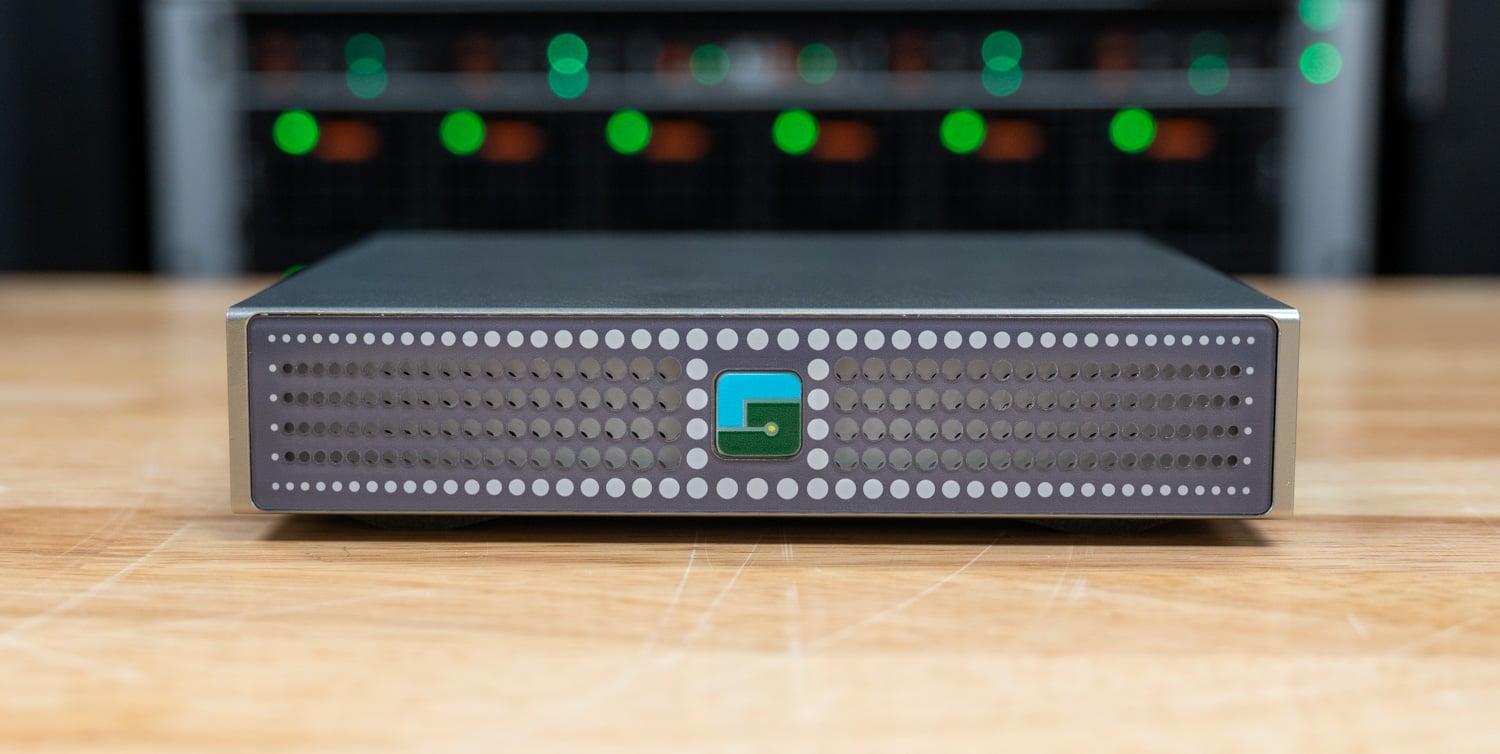
Dell Expands Commercial Lineup With New Pro Notebooks, Desktop, Monitors And Peripherals

Dell-Pro 7 13 Dell-Pro 7 13

Dell has introduced a broad refresh of its commercial portfolio, covering notebooks, desktops, monitors, and peripherals, with the update centered on the new Dell Pro family across Premium, Pro 7, Pro 5, and Pro 3 tiers. The announcement covers Intel and AMD notebook options, a new Pro 5 Micro desktop, expanded Pro P monitor offerings with built-in conferencing and hub features, and new accessories focused on security and daily office use. This gives the launch a broader scope than a typical PC refresh.

Dell Pro 3 14/16 (Intel)

First up is the Dell Pro 3 14/16, a business laptop line available in 14-inch (P314260) and 16-inch (P316260) models. The Intel version uses Series 3 Intel Core Ultra and Series 3 Intel Core configurations, paired with integrated Intel Graphics, support for Windows 11 Pro, Windows 11 Home, selected Windows 11 Pro Education configurations, and Ubuntu Linux 24.04. Memory goes up to 64GB of DDR5 at 5600 MT/s, and storage reaches 2 TB of SSD, which gives the system enough capacity for standard office workloads, heavier multitasking, and users working across large numbers of browser tabs and business apps at once.

Dell Pro 3 14

Screen options are one of the main differences between the two sizes: The 14-inch model includes multiple 1920×1200 panels, including a 400-nit non-touch option, a 400-nit touch display with 100% sRGB and ComfortView Plus, and a 500-nit non-touch panel with 1-120Hz VRR, 100% sRGB, ComfortView Plus, Super Low Power, and a lightweight design. The 16-inch version keeps 1920×1200 resolution and offers non-touch and touch options in a larger format. Battery options range from 45 Wh to 70 Wh, and ExpressCharge and ExpressCharge Boost capabilities across the lineup. Regarding weight, the 14-inch model begins at 2.89 lb / 1.31 kg, while the 16-inch version starts at 4.21 lb / 1.91 kg.

Port selection surpasses many current thin business notebooks, offering both sizes with 2 x Type-C Thunderbolt 4/USB4 ports, 2 x Type-A USB 3.2 Gen1 ports, HDMI 2.1, RJ45 Ethernet, a headset port, an optional external nano SIM tray, and a Kensington Wedge-Shaped Lock Slot. Wireless options include Wi-Fi 7 BE211 or Wi-Fi 6E AX211, with optional 5G and 4G LTE on supported Series 3 Intel Core Ultra configurations. Dell also includes Intel vPro Manageability with Intel AMT, TPM 2.0 FIPS-140-3 Certified / TCG Certified, Quantum-resistant BIOS, a chassis intrusion switch, camera shutter, and optional fingerprint reader and IR camera features for environments where deployment, device control, and login security are key.

Features Dell Pro 3 14 Dell Pro 3 16
Specifications
Model Number P314260 P316260
Processor Options Series 3 Intel Core Ultra – CoPilot+ PC
Series 3 Intel Core – AI PC
Availability coming soon
Series 3 Intel Core Ultra – CoPilot+ PC
Series 3 Intel Core – AI PC
Availability coming soon
Graphics Intel Graphics Intel® Graphics
Memory 16 GB DDR5, 5600 MT/s, single or dual-channel
32 GB DDR5, 5600 MT/s, single or dual-channel
64 GB DDR5, 5600 MT/s, dual-channel
16 GB DDR5, 5600 MT/s, single or dual-channel
32 GB DDR5, 5600 MT/s, single or dual-channel
64 GB DDR5, 5600 MT/s, dual-channel
Storage 256 GB SSD, TLC
512 GB SSD, TLC, SED
512 GB SSD, TLC
512 GB SSD
1 TB SSD, TLC
1 TB SSD
2 TB SSD
256 GB SSD, TLC
512 GB SSD, TLC, SED Ready
512 GB SSD, TLC
512 GB SSD
1 TB SSD, TLC
1 TB SSD
2 TB SSD
Display 14″ WUXGA (1920×1200), Non-Touch, 60Hz, 400 nits, 62.5% sRGB, Anti-Glare
14″ WUXGA (1920×1200), Touch, 60Hz, 400 nits, 100% sRGB, Anti-Glare, ComfortView Plus (Low Blue Light)
14″ WUXGA (1920×1200), Non-Touch, 1-120Hz (VRR), 500 nits, 100% sRGB, Anti-Glare, ComfortView Plus (Low Blue Light), Super Low Power, Lightweight
16″ WUXGA (1920×1200), Non-Touch, 60Hz, 400 nits, 62.5% sRGB, Anti-Glare
16″ WUXGA (1920×1200), Touch, 60 Hz, 400 nits, 62.5% sRGB, Anti-Glare
Wireless / Mobile Broadband Intel Wi-Fi 7 BE211, 2×2, Bluetooth 6.0 wireless card
Intel Wi-Fi 6E AX211, 2×2, Bluetooth 5.3 Wireless Card
5G – MediaTek T700 (DW5933e), eSIM capable
4G LTE – Qualcomm Snapdragon X12 Global LTE-Advanced (DW5826e), eSIM capable
Intel Wi-Fi 7 BE211, 2×2, Bluetooth® 6.0 wireless card
Intel Wi-Fi 6E AX211, 2×2, Bluetooth® 5.3 Wireless Card
5G – MediaTek T700 (DW5933e), eSIM capable
4G LTE – Qualcomm Snapdragon X12 Global LTE-Advanced (DW5826e), eSIM capable
Ports and Slots 2 x Type-C Thunderbolt 4/USB4 (40 Gbps) port with Power Delivery and DisplayPort 2.1
1 x Type-A USB 3.2 Gen1 (5 Gbps)
1 x Type-A USB 3.2 Gen1 (5 Gbps) with PowerShare
1 x RJ45 Ethernet port (1 Gbps)
1 x HDMI 2.1 port
2 x Type-C Thunderbolt 4/USB4 (40 Gbps) port with Power Delivery and DisplayPort 2.1
1 x Type-A USB 3.2 Gen1 (5 Gbps)
1 x Type-A USB 3.2 Gen1 (5 Gbps) with PowerShare
1 x RJ45 Ethernet port (1 Gbps)
1 x HDMI 2.1 port
Battery 3-cell, 45 Wh, ExpressCharge, ExpressCharge Boost Capable
3-cell, 57 Wh, ExpressCharge, ExpressCharge Boost Capable
3-cell, 70 Wh, ExpressCharge, ExpressCharge Boost Capable
3-cell, 45 Wh, ExpressCharge, ExpressCharge Boost Capable
3-cell, 57 Wh, ExpressCharge, ExpressCharge Boost Capable
3-cell, 70 Wh, ExpressCharge, ExpressCharge Boost Capable
Security TPM 2.0 FIPS-140-3 Certified / TCG Certified
Quantum-resistant BIOS
Chassis intrusion switch
Camera Shutter
Optional Fingerprint Reader (in Power Button) (Windows Hello compliant)
Optional FHD IR Camera (Windows Hello compliant)
TPM 2.0 FIPS-140-3 Certified / TCG Certified
Quantum-resistant BIOS
Chassis intrusion switch
Camera Shutter
Optional Fingerprint Reader (in Power Button) (Windows Hello compliant)
Optional FHD IR Camera (Windows Hello compliant)
Starting Weight starting from 2.89 lb / 1.31 kg starting from 4.21 lb / 1.91 kg

Dell Pro 3 14/16 (AMD)

Dell Pro 3 14/16 (AMD) comes in 14-inch (P314265) and 16-inch (P316265) versions. These systems use AMD Series 400 processors with Ryzen AI NPU across both sizes. These systems offer Ryzen AI 7 PRO 450, Ryzen AI 7 450, and Ryzen AI 5 PRO 435 options, paired with Radeon 860M or Radeon 840M graphics, depending on configuration, and support Windows 11 Pro, Windows 11 Home, and Ubuntu Linux 24.04 LTS. Memory runs up to 64GB of DDR5 at 5600 MT/s, and storage goes up to 2 TB of SSD storage, which gives it enough headroom for general business use, heavy multitasking, and users who keep many apps and tabs open throughout the day.

The two sizes share most of the same platform, but the 14-inch version has a wider display range and a lower starting weight. Dell offers 1920×1200 panels across its lineup, including a 14-inch 500-nit variable-refresh display with 20-120Hz VRR, 100% sRGB, ComfortView Plus, and Super Low Power. The 16-inch model provides non-touch and touch 1920×1200 options at 400 nits. Battery options range from 45 Wh to 70 Wh, including long-cycle variants. Weight-wise, the 14-inch system starts at 2.95 lbs, and the 16-inch model at 4.21 lbs.

Dell has also kept the business features intact rather than stripping the system back to the bare minimum. Both sizes include two Thunderbolt 4 ports, two USB-A ports, HDMI 2.1, RJ45 Ethernet, a headset port, an optional nano SIM tray for WWAN models, and support for Wi-Fi 6E, Wi-Fi 7, and optional 4G LTE. On the management side, the AMD PRO configurations support AMD DASH and AIM-T for out-of-band remote management, and the security list includes TPM 2.0, Quantum-resistant BIOS, chassis intrusion detection, a camera shutter, plus optional fingerprint reader and IR camera support.

Features Dell Pro 3 14 Dell Pro 3 16
Specifications
Model Number P314265 P316265
Processor Options AMD Series 400 Processors with Ryzen AI NPU – CoPilot+ PC
AMD Ryzen AI 7 PRO 450 (8 cores, 16 threads)
AMD Ryzen AI 7 450 (8 cores, 16 threads)
AMD Ryzen AI 5 PRO 435 (6 cores, 12 threads)
AMD Series 400 Processors with Ryzen AI NPU – CoPilot+ PC
AMD Ryzen AI 7 PRO 450 (8 cores, 16 threads)
AMD Ryzen AI 7 450 (8 cores, 16 threads)
AMD Ryzen AI 5 PRO 435 (6 cores, 12 threads)
Graphics AMD Radeon 860M with AMD Ryzen AI 7 450 / PRO 450
AMD Radeon 840M with AMD Ryzen AI 5 PRO 435
AMD Radeon 860M with AMD Ryzen AI 7 450 / PRO 450
AMD Radeon 840M with AMD Ryzen AI 5 PRO 435
Memory 16GB DDR5, 5600 MT/s, single or dual-channel
32GB DDR5, 5600 MT/s, single or dual-channel
64GB DDR5, 5600 MT/s, dual-channel
16GB DDR5, 5600 MT/s, single or dual-channel
32GB DDR5, 5600 MT/s, single or dual-channel
64GB DDR5, 5600 MT/s, dual-channel
Storage Options 256 GB SSD, TLC
512 GB SSD, TLC, SED
512 GB SSD, TLC
512 GB SSD
1 TB SSD, TLC
1 TB SSD
2 TB SSD
256 GB SSD, TLC
512 GB SSD, TLC, SED
512 GB SSD, TLC
512 GB SSD
1 TB SSD, TLC
1 TB SSD
2 TB SSD
Display 14″ WUXGA (1920×1200), Non-Touch, 60Hz, 400 nits, 62.5% sRGB, Anti-Glare
14″ WUXGA (1920×1200), Touch, 60Hz, 400 nits, 100% sRGB, Anti-Glare, ComfortView Plus (Low Blue Light)
14″ WUXGA (1920×1200), Non-Touch, 20-120Hz (VRR), 500 nits, 100% sRGB, Anti-Glare, ComfortView Plus (Low Blue Light), Super Low Power, Lightweight
16″ WUXGA (1920×1200), Non-Touch, 60Hz, 400 nits, 62.5% sRGB, Anti-Glare
16″ WUXGA (1920×1200), Touch, 60 Hz, 400 nits, 62.5% sRGB, Anti-Glare
Connectivity Options MediaTek Wi-Fi 6E MT7922, 2×2, 802.11ax, Bluetooth 5.2 wireless card
MediaTek Wi-Fi 7 MT7925, 2×2, 802.11be, Bluetooth 5.4 wireless card
4G LTE – Qualcomm Snapdragon X12 Global LTE-Advanced (DW5826e), eSIM capable
MediaTek Wi-Fi 6E MT7922, 2×2, 802.11ax, Bluetooth 5.2 wireless card
MediaTek Wi-Fi 7 MT7925, 2×2, 802.11be, Bluetooth 5.4 wireless card
4G LTE – Qualcomm Snapdragon X12 Global LTE-Advanced (DW5826e), eSIM capable
Ports and Slots 2x Thunderbolt 4 (40 Gbps) port with DisplayPort 2.1 / USB Type-C / USB4 / Power Delivery
1x USB 3.2 Gen 1 (5 Gbps) Type-A port
1x USB 3.2 Gen 1 (5 Gbps) Type-A port with PowerShare
1x HDMI 2.1 port
1 x RJ45 Ethernet port (1 Gbps)
2x Thunderbolt 4 (40 Gbps) port with DisplayPort 2.1 / USB Type-C / USB4 / Power Delivery
1x USB 3.2 Gen 1 (5 Gbps) Type-A port
1x USB 3.2 Gen 1 (5 Gbps) Type-A port with PowerShare
1x HDMI 2.1 port
1 x RJ45 Ethernet port (1 Gbps)
Battery 3-cell, 45 Wh, ExpressCharge, ExpressCharge Boost Capable
3-cell, 45 Wh, Long Life Cycle, ExpressCharge, ExpressCharge Boost Capable
3-cell, 57 Wh, ExpressCharge, ExpressCharge Boost Capable
3-cell, 57 Wh, Long Life Cycle, ExpressCharge, ExpressCharge Boost Capable
3-cell, 70 Wh, ExpressCharge, ExpressCharge Boost Capable
3-cell, 70 Wh, Long Life Cycle, ExpressCharge, ExpressCharge Boost Capable
3-cell, 45 Wh, ExpressCharge, ExpressCharge Boost Capable
3-cell, 45 Wh, Long Life Cycle, ExpressCharge, ExpressCharge Boost Capable
3-cell, 57Wh, ExpressCharge, ExpressCharge Boost Capable
3-cell, 57Wh, Long Life Cycle, ExpressCharge, ExpressCharge Boost Capable
3-cell, 70 Wh, ExpressCharge, ExpressCharge Boost Capable
3-cell, 70 Wh, Long Life Cycle, ExpressCharge, ExpressCharge Boost Capable
Security TPM 2.0 FIPS-140-3 Certified / TCG Certified
Quantum-resistant BIOS
Chassis intrusion switch
Camera Shutter
Optional Fingerprint Reader (in Power Button) (Windows Hello compliant)
FHD IR Camera (Windows Hello compliant)
TPM 2.0 FIPS-140-3 Certified / TCG Certified
Quantum-resistant BIOS
Chassis intrusion switch
Camera Shutter
Optional Fingerprint Reader (in Power Button) (Windows Hello compliant)
FHD IR Camera (Windows Hello compliant)
Dimensions and Weights Width: 12.42 in. (315.5 mm)
Depth: 8.90 in. (226.0 mm)
Height (front) starting from: 0.44 in (11.3 mm)
Height (rear) starting from: 0.61 in (15.47 mm)
Height (max) starting from: 0.77 in (19.45mm)
Weight starting from: 2.95 lbs (1.33 kg)
Width: 14.12 in.(358.6mm)
Depth: 9.98 in. (253.4mm)
Height (front) starting from: 0.44 in.(11.16mm)
Height (rear) starting from: 0.61 in. (15.41mm)
Height (max) starting from: 0.82 in (20.85mm)
Weight starting from: 4.21 lbs (1.912 kg)

Dell Pro 5 14/16 Laptop (AMD)

Dell’s AMD version of the Pro 5 14/16 is a business notebook line built around Ryzen AI PRO 400 Series processors, topping out at Ryzen AI 9 HX 470 with Radeon 890M graphics. Memory scales to 64GB of DDR5-5600, and storage goes to 2TB. Display choices range from standard WUXGA panels to higher-spec 120Hz VRR, WQXGA, and OLED options. That gives Dell a nice range of configurations for both standard office use and more demanding day-to-day workloads.

Dell Pro 5 14

Lower- and mid-tier models suit general business roles, web-heavy work, communications, and hybrid staff who need solid battery life and full business connectivity. Higher-end Ryzen AI and Radeon 890M versions are better suited to heavier multitasking, large spreadsheets, frequent video meetings, and light creative workloads. Optional 4G or 5G, Wi-Fi 7, RJ45, HDMI 2.1, USB-A, and dual USB-C ports also keep it flexible for travel, docked use, and mixed office setups.

Dell also gives the AMD model the enterprise features most larger deployments look for, including TPM 2.0, chassis intrusion detection, optional fingerprint and smart card authentication, optional IR camera support, and AMD DASH and AIM-T manageability. The chassis is built with service life in mind, featuring modular parts and customer-replaceable batteries. For organizations buying in volume, that adds up to a laptop family that is easier to maintain over time.

Features Dell Pro 5 14/16 (AMD)
Dell Pro 5 14/16 Laptop (AMD)
Model Numbers P514265
P516265
Processor Options AMD Ryzen AI 9 HX 470 (12 cores, 24 threads)
AMD Ryzen AI 9 PRO 465 (10 cores, 20 threads)
AMD Ryzen AI 7 PRO 450 (8 cores, 16 threads)
AMD Ryzen AI 7 450 (8 cores, 16 threads)
AMD Ryzen AI 5 PRO 435 (6 cores, 12 threads)
Graphics AMD Radeon 890M
AMD Radeon 860M
AMD Radeon 840M
Memory 16GB DDR5, 5600 MT/s, single or dual-channel
32GB DDR5, 5600 MT/s, single or dual-channel
64GB DDR5, 5600 MT/s, dual-channel
Storage 256 GB SSD, TLC
512 GB SSD, TLC, SED
512 GB SSD, TLC
512 GB SSD
1 TB SSD, TLC
1 TB SSD
2 TB SSD
Display Options 14-inch and 16-inch options
Up to WQXGA (2560×1600), 48-120 Hz (VRR), 500 nits, 100% sRGB
Up to WUXGA OLED (1920×1200), 60 Hz, 500 nits, DCI-P3 90% on 14-inch
Optional touch, low power, super low power, and Intelligent Privacy options
Wireless and WWAN MediaTek Wi-Fi 7 MT7925, 2×2, Bluetooth 5.4
MediaTek Wi-Fi 6E MT7922, 2×2, Bluetooth 5.2
Optional 5G Mediatek T700, eSIM capable
Optional 4G LTE Qualcomm Snapdragon X12 Global LTE-Advanced, eSIM capable
Ports 2x Thunderbolt 4 (40 Gbps) with DisplayPort 2.1 / USB-C / USB4 / Power Delivery
1 USB 3.2 Gen 1 port
1 USB 3.2 Gen 1 port with PowerShare
1 HDMI 2.1 port
1 RJ45 Ethernet port (1 Gbps)
1 global headset jack
Optional nano-SIM card slot
Optional smart card reader slot
Camera and Audio FHD RGB HDR camera, 1080p at 30 fps
FHD RGB HDR + IR camera, 1080p at 30 fps
8MP RGB HDR + IR camera, 1440p at 30 fps
2 x 2W speakers
2 x noise-canceling microphones
Battery and Adapter 3-cell 45 Wh, 57 Wh, or 70 Wh options
ExpressCharge and ExpressCharge Boost Capable
65W USB-C GaN Slim Adapter
65W USB-C Adapter
100W USB-C Adapter
Size and Weight 14-inch: starting at 2.96 lb (1.34 kg)
16-inch: starting at 4.02 lb (1.82 kg)

Dell Pro 5 14/16 Laptop (Intel)

The Intel version of the Pro 5 14/16 covers much of the same ground, but with a broader range of performance across the lineup. Dell pairs it with Intel Core Ultra Series 3 processors, integrated Intel graphics, and, on higher-end configurations, LPCAMM2 memory at up to 8533 MT/s and PCIe Gen 5 SSDs. It is still a mainstream business notebook, but it gives buyers more room for faster memory and storage than a base fleet system typically offers.

Entry and mid-tier versions work well for everyday office use, shared deployments, communications, and remote or hybrid staff. Systems configured with higher-end Core Ultra chips, faster memory, and faster storage are a better fit for users with denser multitasking loads, larger spreadsheets, and heavier browser and collaboration workflows. Optional Wi-Fi 7, 4G or 5G broadband, and a port selection that still includes RJ45 and HDMI help keep it useful across office, travel, and hot-desk environments.

Dell rounds out the Intel model with the features IT teams usually want at the shortlist stage, including Intel vPro with AMT, TPM 2.0, chassis intrusion detection, optional fingerprint and smart card authentication, and camera options up to an 8MP RGB HDR + IR unit. The result is a business laptop family that works for standard fleet rollouts while still offering enough higher-end options for users who need more headroom.

Features Dell Pro 5 14/16 (Intel)
Dell Pro 5 14/16 Laptop (Intel)
Model Numbers P514260
P516260
Processor Options Intel Core Ultra Series 3 processor family
Scalable options, including prior generations on select configurations
Graphics Intel Graphics, 2Xe processor with 6 cores
Intel Graphics, 4Xe processor with 8 cores
Intel Graphics, 4Xeprocessor with 12/16 cores
Intel Arc B370 GPU, 10Xe with 12 cores Intel Core Ultra 5 338H
Intel Arc B390 GPU, 12Xe with 16 cores Intel Core Ultra X7 368H
Memory 8 GB DDR5, 5600 MT/s, single-channel
16 GB DDR5, 5600 MT/s, single or dual-channel
32 GB DDR5, 5600 MT/s, single or dual-channel
64 GB DDR5, 5600 MT/s, dual-channel
16 GB LPCAMM2, 8533 MT/s, dual-channel
32 GB LPCAMM2, 8533 MT/s, dual-channel
64 GB LPCAMM2, 8533 MT/s, dual-channel
Storage 256 GB SSD, TLC
512 GB SSD, TLC, SED Ready
512 GB SSD, TLC, Gen 5
512 GB SSD, TLC
512 GB SSD
1 TB Performance SSD, Gen5, SED Ready
1 TB SSD, TLC
1 TB SSD
2 TB Performance SSD, Gen5, SED Ready
2TB SSD
Display Options 14-inch and 16-inch options
Up to WQXGA (2560×1600), 48-120 Hz (VRR), 500 nits, 100% sRGB
Up to WUXGA OLED (1920×1200), 60 Hz, 300 nits, DCI-P3 90% on 14-inch
Optional touch, low power, super low power, and Intelligent Privacy options
Wireless and WWAN Intel Wi-Fi 7 BE211, 2×2, Bluetooth 6.0
Intel Wi-Fi 6E AX211, 2×2, Bluetooth 5.3
Optional 5G Mediatek T700, eSIM capable
Optional 4G LTE Qualcomm Snapdragon X12 Global LTE-Advanced, eSIM capable
Ports 2 Thunderbolt 4 (40 Gbps) with DisplayPort 2.1 / USB-C / USB4 / Power Delivery
1 Type-A USB 3.2 Gen1 port (5Gbps)
1 Type-A USB 3.2 Gen1 port (5Gbps) with PowerShare
1 HDMI 2.1 port
1 RJ45 Ethernet port (1 Gbps)
1 global headset port
Optional external nano SIM card tray
An optional contact smart card reader
1 wedge-shaped lock slot
Camera and Audio FHD RGB HDR camera, 1080p at 30 fps
FHD RGB HDR + IR camera, 1080p at 30 fps
8MP RGB HDR + IR camera, 1440p at 30 fps
2 x 2W speakers, Cirrus Logic codec
2 x noise-canceling microphones
Battery and Adapter 3-cell 45 Wh, 57 Wh, or 70 Wh options
ExpressCharge and ExpressCharge Boost Capable
65W USB-C GaN Slim Adapter
65W USB-C Adapter
100W USB-C Adapter
Size and Weight 14-inch: starting at 2.96 lb (1.34 kg)
16-inch: starting at 4.02 lb (1.82 kg)

Dell Pro 7 13/14 Laptops and 2-in-1s (Intel)

Dell’s Intel-based Pro 7 family is the slimmer, more premium side of this business lineup, with 13-inch and 14-inch clamshells plus matching 2-in-1 models. Across the range, Dell is pairing thin aluminum-heavy designs with Series 3 Intel Core Ultra processors, LPDDR5x memory at up to 8533 MT/s, and optional Gen5 SSDs. The result is a set of systems built for buyers who want a lighter commercial notebook without sacrificing modern business features, current AI PC hardware, or higher-end display options.

The clamshell models look best suited to executives, hybrid staff, frequent travelers, and office users who want a thinner laptop with a more refined chassis than a mainstream fleet machine. The 2-in-1 versions broaden that to users who will actually use touch, pen input, and tablet mode for note-taking, presentations, markup, fieldwork, or client-facing meetings. Dell is also giving the family a strong display stack, including brighter 500-nit panels, OLED options, VRR on select screens, optional privacy displays, and up to 8MP HDR camera options for conferencing.

This line also reads like a more premium deployment option for larger organizations, not just a style-first machine. Intel vPro manageability with AMT is available. The systems support optional WWAN, and Dell includes its usual suite of commercial security features, such as TPM 2.0, a quantum-resistant BIOS, chassis intrusion detection, a camera shutter, and optional fingerprint or smart card readers. Modular USB-C ports and customer-replaceable batteries also give IT teams a better service story than many thin-and-light systems in this class.

Features Dell Pro 7 13/14 Laptops and 2-in-1s (Intel)
Specifications
Models Dell Pro 7 13
Dell Pro 7 13 2-in-1
Dell Pro 7 14
Dell Pro 7 14 2-in-1
Processor Series 3 Intel Core Ultra
Up to Intel Core Ultra 7 366H vPro
Graphics Intel Graphics
Up to 4Xe on higher-end processor options
Memory 16 GB / 32 GB / 64 GB LPDDR5x, 8533 MT/s, dual-channel
Storage Up to 2 TB SSD
Optional Gen5 Performance SSD, SED Ready
Display 13.3-inch and 14-inch options
Up to WQXGA
Up to 120 Hz VRR
OLED on select 14-inch models
Touch and active pen support on 2-in-1 models
Wireless / WWAN Intel Wi-Fi 7 BE211, Bluetooth 6.0
Intel Wi-Fi 6E AX211, Bluetooth 5.3
Optional 5G or 4G LTE
Camera Up to 8MP HDR camera options
Manageability Intel vPro Manageability with Intel Active Management Technology (Intel AMT)
Security / Business Features TPM 2.0
Chassis intrusion detection
Optional fingerprint reader
Optional smart card support
Optional privacy display

Dell Pro 7 13/14 Laptops and 2-in-1s (AMD)

Dell’s AMD version of the Pro 7 family follows the same premium 13-inch and 14-inch formula, but swaps in Ryzen AI PRO 400 Series processors with Ryzen AI NPU support. At the top end, this line reaches Ryzen AI 9 HX 470, with integrated Radeon 890M graphics and up to 55 TOPS of NPU performance. Memory again goes to 64GB of LPDDR5X-8533, storage reaches 2TB with Gen5 options, and the overall package is still built around thin commercial designs rather than bulkier performance notebooks.

The AMD versions make a lot of sense for buyers who want stronger integrated graphics than a basic business laptop typically offers, along with current on-device AI support and the same high-end display options as the Intel models. Standard clamshell versions are ideal for mobile professionals, managers, and general productivity users who want a lighter, premium system. At the same time, the 2-in-1 variants are a better match for pen input, flexible viewing modes, presentations, markup, and hands-on work away from a desk. Optional Wi-Fi 7, 5G or 4G broadband, and a third USB-C port are also included on select configurations.

Dell is also keeping the AMD Pro 7 models in the commercial space rather than treating them as consumer hardware in a nicer shell. Remote management support includes AMD DASH and AIM-T, and the security stack includes TPM 2.0, quantum-resistant BIOS, chassis intrusion detection, camera shutter, and optional fingerprint, smart card, and NFC or CSC features. Overall, these are great for organizations that want a thinner premium system but still care about repair, fleet management, and longer service life.

Features Dell Pro 7 13/14 Laptops and 2-in-1s (AMD)
Specifications
Models Dell Pro 7 13
Dell Pro 7 13 2-in-1
Dell Pro 7 14
Dell Pro 7 14 2-in-1
Processor AMD Ryzen AI PRO 400 Series
Up to AMD Ryzen AI 9 HX 470
Graphics AMD Radeon integrated graphics
Up to Radeon 890M
NPU / AI Ryzen AI NPU
Up to 55 TOPS
Memory 16 GB / 32 GB / 64 GB LPDDR5X, 8533 MT/s, dual-channel
Storage Up to 2 TB SSD
Optional Gen5 SSD on select configurations
Display 13.3-inch and 14-inch options
Up to WQXGA
Up to 120 Hz VRR
OLED on select 14-inch models
Touch and active pen support on 2-in-1 models
Wireless / WWAN Wi-Fi 7
Optional 5G or 4G LTE
Camera Up to 8MP HDR camera options
Manageability AMD DASH and AIM-T

Dell Pro 5 Micro

Dell Pro 5 Micro is an ultracompact desktop with a 1.2L chassis built around Intel Core Ultra Series 3 processors. Options include Intel Core Ultra 7 366H vPro and Intel Core Ultra 5 335 vPro, with integrated Intel Graphics and support for Windows 11 Home, Windows 11 Pro, and Ubuntu Linux 24.04 LTS. Memory supports up to 64 GB DDR5, with speeds up to 7200 MT/s on supported configurations, and storage includes up to two M.2 Gen4 SSDs.

Dell Pro 5 Micro

The small chassis is designed for desks with limited space, with optional stands and mounts for under-desk, wall, monitor-arm, and all-in-one setups. Dell also includes a built-in USB-C port with up to 100W Power In, allowing the system to connect to a USB-C hub monitor while being powered over the same cable. Multi-display support goes further than most micro desktops in this class, with up to 5 displays when paired with the optional 2-port DisplayPort video expansion module.

Ports and management are set up for business deployments rather than stripped down for size. The system includes front USB-C and USB-A, rear HDMI 2.1, DisplayPort 1.4a, RJ-45, multiple USB-A ports, and a configurable rear module that can add options such as DisplayPort 2.1, HDMI 2.1, USB-C, serial, or 1 GbE Optical Fiber. Dell also offers Intel vPro options, Wi-Fi 7, tool-less chassis access, and a range of stand and mounting options, which make it easier to fit the system into fixed desk setups, shared workspaces, and monitored IT fleets.

Features Dell Pro 5 Micro
Specifications
Product Dell Pro 5 Micro
Model ID PCM1260
Processor Options Intel Core Ultra 7 366H vPro (50 TOPS, 16 cores, up to 4.80 GHz)
Intel Core Ultra 5 335 vPro (47 TOPS, 8 cores, up to 4.60 GHz)
Chipset Intel Q870
Graphics Integrated Graphics
Intel Graphics
Memory Up to 64 GB DDR5
5600 MT/s, 6400 MT/s, and up to 7200 MT/s on supported configurations
Storage 256 GB SSD, TLC
512 GB SSD
512 GB SSD, TLC
512 GB SSD, SED Ready
1 TB SSD
1 TB Performance SSD, SED Ready
Up to two M.2 2230/2280 slots for solid-state drive
Wireless Options Intel Wi-Fi 7 BE211, 2×2, 802.11be, MU-MIMO, Bluetooth 6.0 wireless card
Intel Wi-Fi 7 BE213, 2×2, 802.11be, MU-MIMO, Bluetooth 6.0 wireless card
MediaTek Wi-Fi 6E MT7922, 2×2, 802.11ax, MU-MIMO, Bluetooth 5.3 wireless card
Ports Front: USB 3.2 Gen 2 (10 Gbps) Type-C port
Front: USB 3.2 Gen 1 (5 Gbps) Type-A port
Rear: RJ-45 Ethernet Port (1 Gbps)
Rear: 2 x USB 2.0 Type-A Ports (480 Mbps) with SmartPower On
Rear: 2 x USB 3.2 Gen1 (5 Gbps) Type-A Port
Rear: HDMI 2.1, up to 4096 x 2160 @60Hz
Rear: DisplayPort 1.4a, up to 5120 x 3200 @60Hz
Rear: USB Full-Featured Type-C Port with up to 100W Power In, DP Alt Mode up to 5120 x 3200 @60Hz
Optional Module Choose 1:
HDMI 2.1 (FRL), up to 5120 x 3200 @60Hz
DisplayPort 2.1 (UHBR20), up to 7680 x 4320 @60Hz
VGA, up to 1920 x 1200 @60 Hz
2 x USB 3.2 Gen 2 (10 Gbps) Type-A Ports
USB Type-C with DisplayPort Alt mode (DP 1.4a HBR3), up to 5120 x 3200 @60 Hz
PS/2 and Serial Ports
Serial Port
2 x DisplayPort (DP 1.4a HBR2) Video Expansion Module, each up to 4096 x 2304 @60Hz
1 GbE Optical Fiber
Dimensions and Weight Height: 7.17 in. (182.00 mm)
Width: 1.42 in. (36.00 mm)
Depth: 7.01 in. (178.00 mm)
Weight (minimum): 2.42 lbs (1.10 Kg)
Weight (maximum): 2.92 lbs (1.32 Kg)

Dell Pro 14 Premium

Dell Pro 14 Premium is a 14-inch business notebook, model PA14260, built around Intel Core Ultra Series 3 processors in a magnesium chassis. Dell offers Core Ultra 5 335 vPro, Core Ultra 7 365 vPro, Core Ultra 5 336H vPro, and Core Ultra 7 366H vPro options, with integrated Intel Graphics, up to 64GB of LPDDR5x memory at 8533 MT/s, and SSDs up to 2TB. Operating system support includes Windows 11 Pro, Windows 11 Home, and Ubuntu Linux 24.04.

Display and mobility are central to this system. There are several 14-inch panels, including WUXGA non-touch options at 400 nits and 500 nits, a WQXGA touch panel, and a WQXGA Tandem OLED touch option with 100% DCI-P3. Weight starts at 2.54 lbs, chassis height starts at 16.78 mm. The system includes battery options up to 60 Wh, along with an 8MP HDR plus IR camera, quad speakers, and an optional Collaboration Touchpad.

Ports and management stay focused on business deployment. There are two Thunderbolt 4/USB4 Type-C ports, one USB 3.2 Gen1 Type-A port, HDMI 2.1, a headset port, optional 5G connectivity, Intel vPro manageability with Intel AMT, TPM 2.0, Quantum-resistant BIOS, a chassis intrusion switch, and optional fingerprint reader configurations. The system also uses modular components such as the USB-C port, mainboard, and customer-replaceable battery, and Dell includes recycled materials across the chassis, battery, adapter, and packaging.

Features Dell Pro 14 Premium
Specifications
Product Dell Pro 14 Premium
Model Number PA14260
Chassis Ultralight Magnesium (All covers)
Processor Options Series 3 Intel Core Ultra – CoPilot+ PC
Intel Core Ultra 5 335 vPro (8 cores)
Intel Core Ultra 7 365 vPro (8 cores)
Intel Core Ultra 5 336H vPro (12 cores)
Intel Core Ultra 7 366H vPro (16 cores)
Graphics Intel Graphics
Memory 16 GB LPDDR5x, 8533 MT/s, dual-channel
32 GB LPDDR5x, 8533 MT/s, dual-channel
64 GB LPDDR5x, 8533 MT/s, dual-channel
Storage Options 256 GB SSD, TLC
512 GB SSD, TLC
512 GB SSD, TLC, SED
1 TB SSD, TLC
2TB SSD, TLC
Display Options 14” WUXGA non-touch, 16:10, 400 nits, 45% NTSC, AG, no pen support, no cover glass
14” WUXGA non-touch,16:10, 500 nits, SLP, LBL,100% sRGB, AG, no pen support, no cover glass
14” WQXGA touch 400nits, 16:10, 400 nits, LBL, SLP, 100% sRGB, AG, no pen support, no cover glass
14” WQXGA Tandem OLED touch with Gorilla cover glass,16:10, 400 nits, LBL, DCI-P3 100%, AR/AS no pen support
Connectivity Intel Wi-Fi 7 BE211, 2×2, Bluetooth 6.0 wireless card
5G – Qualcomm Snapdragon X72 Global 5G Modem (DW5934e), eSIM, WW
5G – Qualcomm Snapdragon X72 Global 5G Modem (DW5934e), Non-eSIM, China only
Camera / Audio 8MP MIPI+ IR camera,1440p at 30 fps, Presence Detection, Temporal Noise Reduction, Camera Shutter
2 x 2W Speakers, Cirrus Logic codec, and smart amp
2 x Noise-Canceling Microphones
Ports and Slots 2 x Type-C Thunderbolt 4 / USB4 (40 Gbps) port with Power Delivery and DisplayPort 2.1 (USB Type-C )
1 x Type-A USB 3.2 Gen1 (5 Gbps)
1x HDMI 2.1 port
1 x Global headset port
1 x Optional external nano SIM card tray (WWAN only)
1 x Optional Touch Fingerprint Reader in Power Button
1 x Wedge Shaped Lock Slot
Battery 2-cell, 40 Wh, Long Life Cycle, ExpressCharge, and ExpressCharge Boost Capable
3-cell, 60 Wh, ExpressCharge and ExpressCharge Boost Capable
3-cell, 60 Wh, Long Life Cycle, ExpressCharge, and ExpressCharge Boost Capable
Manageability / Security Intel vPro Manageability with Intel Active Management Technology (Intel AMT)
Dell SafeConnect
IR Camera (Windows Hello compliant)
TPM 2.0 FIPS-140-3 Certified / TCG Certified
Quantum-resistant BIOS
Chassis intrusion switch
Camera Shutter
Optional Fingerprint Reader (in Power Button) (Windows Hello compliant)
Fingerprint Reader (in Power Button) (Windows Hello compliant) with ControlVault 3+
Dimensions and Weight Width: 12.25 in. / 311.2 mm
Depth: 8.53 in. / 216.7 mm
Height (front) starting from: 0.66 in. / 16.78mm to 0.78 in. / 19.85mm
Weight: starting from 2.54 lbs. (1.15 kg)

Dell Pro P 34 USB-C Hub Webcam Monitor

Dell Pro P 34 USB-C Hub Webcam Monitor, model P3426WEV, is a 34.1-inch curved WQHD display with a 3440 x 1440 resolution, an IPS panel, a 21:9 aspect ratio, and a refresh rate up to 100 Hz. The 99% sRGB coverage, 1,500:1 contrast ratio, 350 cd/m2 brightness, and a 3800R curve make it ideal for wide-screen multitasking rather than basic office display use.

 Dell Pro P 34 USB-C Hub Webcam Monitor

The primary hardware feature is the built-in camera. Dell offers a 4 Megapixel RGB camera at 30 fps, along with Windows Hello support and features like KVM, Picture-in-Picture, and Picture-by-Picture, making the display more versatile for users switching between meetings and dual-PC setups workflows. The stand also supports height, tilt, swivel, and slant adjustments, and the monitor is TÜV Rheinland 4-Star certified for eye comfort with hardware-based low-blue-light technology.

As a hub display, it covers the basics most desk setups need on a single screen. The port layout includes HDMI, DisplayPort 1.4, USB-C upstream with DisplayPort 1.4 Alt Mode and up to 90 W power delivery, USB-B upstream, multiple USB-A ports, front USB-C with up to 15 W, and RJ45 Ethernet at 1GbE. Dell offers support for Dell Display and Peripheral Manager, a 3-year warranty, Advanced Exchange Service, and Premium Panel Exchange.

Features Dell Pro P 34 USB-C Hub Webcam Monitor
Specifications
Model Dell Pro P 34 USB-C Hub Webcam Monitor – P3426WEV
Screen Size / Panel 86.7 cm (34.1″)
In-Plane Switching (IPS) Technology
3800R Curvature
Resolution / Refresh Rate 3440 x 1440
Up to 100 Hz
Color / Image sRGB 99% (CIE 1931) (typical)
1.07 billion colors
10-bit (8-bit+FRC)
1,500:1 (typical)
350 cd/m2 (typical)
Response Time 8 ms (gray to gray normal mode)
5 ms (gray to gray fast mode)
Camera / Features 4 Megapixel RGB camera at 30 fps
Windows Hello
Picture by Picture (PbP) / Picture in Picture (PiP) / USB Keyboard Video Mouse (USB KVM)
Connectivity 1 x HDMI port/s (HDCP 1.4)
1 x DisplayPort 1.4 (HDCP 1.4) port/s
1 x USB-C 5Gbps upstream port/s (DisplayPort 1.4 Alt Mode, Power Delivery up to 90 W)
1 x USB Type-B 5Gbps upstream port/s
2 x USB Type-A 5Gbps downstream port/s
1 x USB Type-A 5Gbps downstream port/s with Battery Charging 1.2
1 x USB-C 5Gbps downstream port/s, Power Delivery up to 15 W
1 x RJ45 Ethernet port/s, 1GbE
Eye Comfort TÜV RHEINLAND EYE COMFORT CERTIFICATION 4-Star
Hardware Solution Category II
Ficker Free Yes
Ergonomics Stand Height Range 150 mm
Tilt Angle -5° to 21°
Swivel Angle -30° to 30°
Slant Adjust -4° to +4°
Warranty 3 year
3-Year Advanced Exchange Service and Premium Panel Exchange

Dell Pro P 34 USB-C Hub Conferencing Monitor

Dell Pro P 34 USB-C Hub Conferencing Monitor, model P3426WEB, uses the same 34.1-inch curved WQHD IPS panel as the webcam version, with 3440 x 1440 resolution, up to 100 Hz refresh rate, 99% sRGB, 1,500:1 contrast ratio, and 350 cd/m2 brightness. It is another wide-screen work display, but this one adds more of the meeting hardware directly into the monitor.

Dell includes a 4-megapixel RGB camera at 30 fps, dual 5 W speakers, microphone support, Windows Hello, and front-facing call controls. This hub conferencing monitor also offers Microsoft Teams touch controls, AI auto framing, and AI noise cancellation, so it is designed more for regular video calls than the standard webcam-focused model.

The hub setup is otherwise similar, with HDMI, DisplayPort 1.4, USB-C upstream with up to 90 W power delivery, USB-B upstream, multiple USB-A ports, front USB-C with up to 15 W, and RJ45 Ethernet. Dell also offers KVM, Picture-in-Picture, Picture-by-Picture, TÜV Rheinland 4-Star eye comfort certification, and the same 3-year warranty with Advanced Exchange Service and Premium Panel Exchange.

Features Dell Pro P 34 USB-C Hub Conferencing Monitor
Specifications
Model Dell Pro P 34 USB-C Hub Conferencing Monitor – P3426WEB
Screen Size / Panel 86.7 cm (34.1″)
In-Plane Switching (IPS) Technology
3800R Curvature
Resolution / Refresh Rate 3440 x 1440
Up to 100 Hz
Color / Image sRGB 99% (CIE 1931) (typical)
1.07 billion colors
10-bit (8-bit+FRC)
1,500:1 (typical)
350 cd/m2 (typical)
Response Time 8 ms (gray to gray normal mode)
5 ms (gray to gray fast mode)
Conference Hardware 4 Megapixel RGB camera at 30 fps
2 x 5 W speakers
Microphone Yes
Windows Hello
Connectivity 1 x HDMI port/s (HDCP 1.4)
1 x DisplayPort 1.4 (HDCP 1.4) port/s
1 x USB-C 5Gbps upstream port/s (DisplayPort 1.4 Alt Mode, Power Delivery up to 90 W)
1 x USB Type-B 5Gbps upstream port/s
2 x USB Type-A 5Gbps downstream port/s
1 x USB Type-A 5Gbps downstream port/s with Battery Charging 1.2
1 x USB-C 5Gbps downstream port/s, Power Delivery up to 15 W
1 x RJ45 Ethernet port/s, 1GbE
Eye Comfort TÜV RHEINLAND EYE COMFORT CERTIFICATION 4-Star
Hardware Solution Category II
Ficker Free Yes
Ergonomics Stand Height Range 150 mm
Tilt Angle -5° to 21°
Swivel Angle -30° to 30°
Slant Adjust -4° to +4°
Warranty 3 year
3-Year Advanced Exchange Service and Premium Panel Exchange

Dell Pro P 27 USB-C Hub Monitor

The last of the new displays is the Dell Pro P 27 USB-C Hub Monitor (model P2726HE), a 27-inch FHD display with a 1920 x 1080 resolution, IPS panel, and refresh rate of up to 120 Hz. Dell claims 99% sRGB and 99% BT.709 coverage, a 1,500:1 contrast ratio, and 300 cd/m² brightness, positioning it as a standard productivity monitor with a slightly greater emphasis on smoother motion and connectivity than typical entry-level office screens.

This model is more conventional than the two 34-inch displays. It does not include a built-in camera or speaker system, but it does have a more flexible stand. Dell includes height, tilt, swivel, and pivot adjustments, plus TÜV Rheinland 4-Star eye comfort certification and low-blue-light hardware. The 120Hz refresh rate is also higher than on many 27-inch business monitors in this class.

Its main selling point is the USB-C hub functionality. The USB-C upstream port delivers up to 100 W of power delivery. There’s a DisplayPort-out for daisy-chaining, an RJ45 port with PXE boot, MAC address pass-through, and Wake-on-LAN support, plus two quick-access USB-C downstream ports that provide up to 15 W of charging. Dell also includes a 3-year warranty, Advanced Exchange Service, and Premium Panel Exchange coverage.

Features Dell Pro P 27 USB-C Hub Monitor
Specifications
Model Dell Pro P 27 USB-C Hub Monitor – P2726HE
Screen Size / Panel 686.0 mm (27″)
In-Plane Switching (IPS) Technology
Resolution / Refresh Rate 1920 x 1080
Up to 120 Hz
Color / Image sRGB 99% (CIE 1931) (typical)
BT.709 99% (CIE 1931) (typical)
16.70 million colors
8-bit (6-bit+FRC)
1,500:1 (typical)
300 cd/m2 (typical)
Response Time 8 ms (gray to gray normal mode)
5 ms (gray to gray fast mode)
Connectivity 1 HDMI port/s (HDCP 1.4)
1 DisplayPort 1.4 (HDCP 1.4) port/s
1 DisplayPort Out 1.4 port/s
1 USB-C 5Gbps upstream port/s (DisplayPort 1.4 Alt Mode, Power Delivery up to 100W (for Dell compatible notebook))
2 USB Type-A 5Gbps downstream port/s
2 USB-C 5Gbps downstream port/s (Power Delivery up to 15 W)
1 RJ45 Ethernet port/s, 1GbE
Networking / Management RJ45 that comes with PXE boot, MAC Address pass-thru, and Wake on LAN features
Dell Display and Peripheral Manager (DDPM)
Eye Comfort 4-Star
Hardware Solution Category II
Ficker Free Yes
Ergonomics Stand Height Range 150 mm
Tilt Angle -5° to 21°
Swivel Angle -45° to 45°
Pivot Angle -90° to + 90°
Warranty 3 year
3-Year Advanced Exchange Service and Premium Panel Exchange

Availability

The Dell Pro P 34 USB-C Hub Conferencing Monitor at $779.99, the Dell Pro P 34 USB-C Hub Webcam Monitor at $729.99, the Dell Pro P 27 USB-C Hub Monitor at $379.99, and the Dell Pro 5 Wired Fingerprint ESS Mouse at $44.99 are all available now.

The next wave starts on March 31, 2026, with the Dell Pro 14 Premium and Dell Pro 5 Micro.

Dell Pro 3 14/16 is scheduled for May 2026. The Dell Pro 5 14/16, Dell Pro 7 13/14, and Dell Pro 7 13/14 2-in-1 will also be available in May. Dell notes that pricing, availability, and configurations can vary by retailer and country.

The post Dell Expands Commercial Lineup With New Pro Notebooks, Desktop, Monitors And Peripherals appeared first on StorageReview.com.
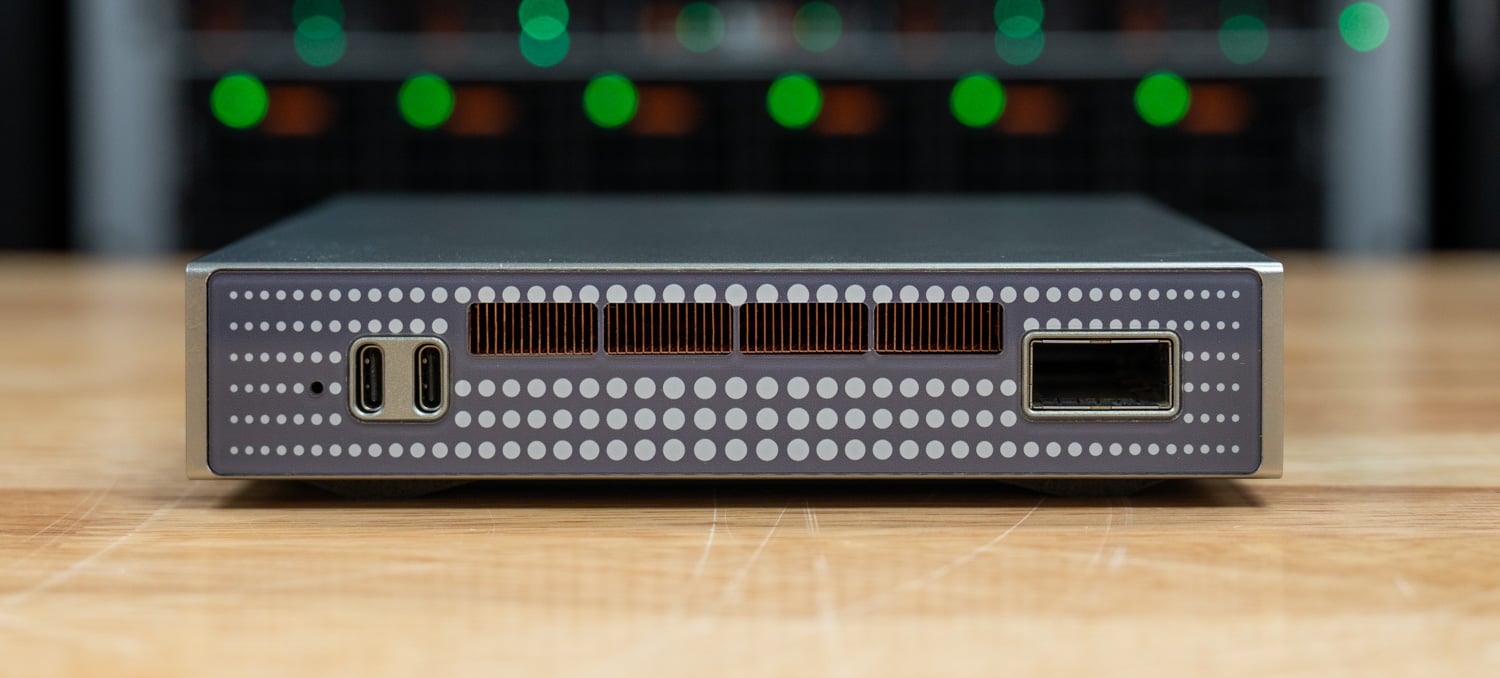
HP Expands Z Workstation Lineup With New Systems for AI, Mobile Work, and Hybrid IT

HP Z8 Fury G6i angle right HP Z8 Fury G6i angle right

HP introduced a new round of Z workstations and AI systems at HP Imagine 2026, expanding its high-performance computing lineup for engineers, architects, designers, AI developers, and other professional users working with heavier local compute demands. The update covers desktop and mobile workstations, GPU-sharing tools, and new systems intended to support hybrid AI infrastructure across cloud and edge environments.

The announcement includes an upgraded HP Z8 Fury G6i desktop workstation, new ZBook mobile systems, updates to HP Z Boost, and additional focus on the ZGX Nano and ZGX Fury as part of HP’s Advanced Compute Solutions portfolio. These new releases center on giving organizations more flexibility in where demanding workloads run, while addressing performance, security, manageability, and cost.

HP ZGX Nano G1n front view

Desktop and Mobile Systems Expand the Core Workstation Portfolio

At the top of the desktop lineup, the HP Z8 Fury G6i is built for AI development, simulation, and visual effects workloads, with support for up to four NVIDIA RTX PRO 6000 Blackwell Max-Q Workstation Edition GPUs and next-generation Intel workstation processors. The system is also positioned as a host platform for HP Z Boost, enabling GPU resources to be shared among users.

HP Fury

HP also introduced the HP Max Side Panel for Z8 Fury and Z4 workstations, a chassis expander that increases internal volume by 15%. The add-on is designed to enable the installation of larger graphics cards tool-free while maintaining thermal performance and serviceability.

On the mobile side, new versions of the HP ZBook X G2i, HP ZBook 8 G2i, and ZBook 8 G2a extend workstation-class performance to users who need to work away from a desk. These systems include AMD and Intel options, integrated or discrete graphics, scalable memory, and a lighter form factor intended to preserve battery life while supporting more demanding applications.

HP Zbook 8 G2a open facing left

HP positions the ZBook X as its most powerful 16-inch mainstream mobile workstation, with 3000-level graphics and up to 128GB of RAM. That hardware is designed to reduce rendering bottlenecks and speed up photorealistic rendering and real-time project reviews for architects, engineers, and designers. In an Autodesk Inventor example, the ZBook 8 G2i delivered rendering speeds up to 3.3 times faster for a mobile engineer. The ZBook 8 line also includes a new GaN adapter that is up to 40% smaller and 50% lighter.

Z Boost Adds Shared GPU Power for AI and Rendering Workflows

HP Z Boost, first introduced for AI workloads, is also being extended to rendering workloads. The platform turns workstations into shared, on-demand GPU resources, allowing users to tap into additional graphics power without moving files off their local systems. According to the announcement, customers using Z Boost for AI have enabled hundreds of additional training runs through shared GPU access. At the same time, early rendering deployments showed up to 5.7 times faster rendering in applications including Catia and Siemens NX. In that configuration, HP’s mobile ZBook systems connect as client devices, while desktop Z systems provide the host GPU resources.

Several of the new systems are set to launch on HP.com in the coming months. The HP ZBook 8 G2i and G2a, the HP Z4 G6i Desktop, and the HP Z8 Fury G6i are expected to become available starting in April, while the HP ZBook X G2i is slated for Spring 2026. Pricing has not yet been announced.

ZGX Fury Extends HP’s Push Into Local AI Infrastructure

HP has also unveiled the ZGX Fury, a deskside AI system built for data-center-class AI development and inference in on-premises environments. The system is intended for organizations seeking production-grade compute outside the cloud, as AI inference moves closer to where data is created due to latency, privacy, cost, and data gravity concerns. As cloud infrastructure continues to play a role in AI at scale, the growing use of agentic AI is increasing token consumption and overall compute demand, leading to higher costs and added latency for some real-world workloads.

Powered by NVIDIA’s GB300 Grace Blackwell Ultra Desktop Superchip and 748GB of coherent memory, the ZGX Fury supports trillion-parameter inference and fine-tuning for models with more than 100 billion parameters. The platform is built to support large teams while avoiding the specialized infrastructure, cooling requirements, and facility demands associated with traditional data center deployments. It also allows teams to move from development to production on the same machine, giving users a single system for developing, validating, and deploying AI workloads locally with more direct control over data and workflows.

The broader software stack includes the HP ZGX Toolkit, a free, open-source collection of AI tools preconfigured for rapid startup and free of licensing fees, as well as hardware-level protections, isolated pipelines, and sovereign deployment options for sensitive data. The system also supports autonomous AI agents via NVIDIA OpenShell. This open-source runtime governs agent operations and inference routing while allowing agents to run in isolated sandboxes with privacy and security controls. HP is also collaborating on NVIDIA NemoClaw, an open-source stack for running OpenClaw always-on assistants with a single command, as part of the NVIDIA Agent Toolkit, which combines the OpenShell runtime with open-source models such as NVIDIA Nemotron.

The post HP Expands Z Workstation Lineup With New Systems for AI, Mobile Work, and Hybrid IT appeared first on StorageReview.com.
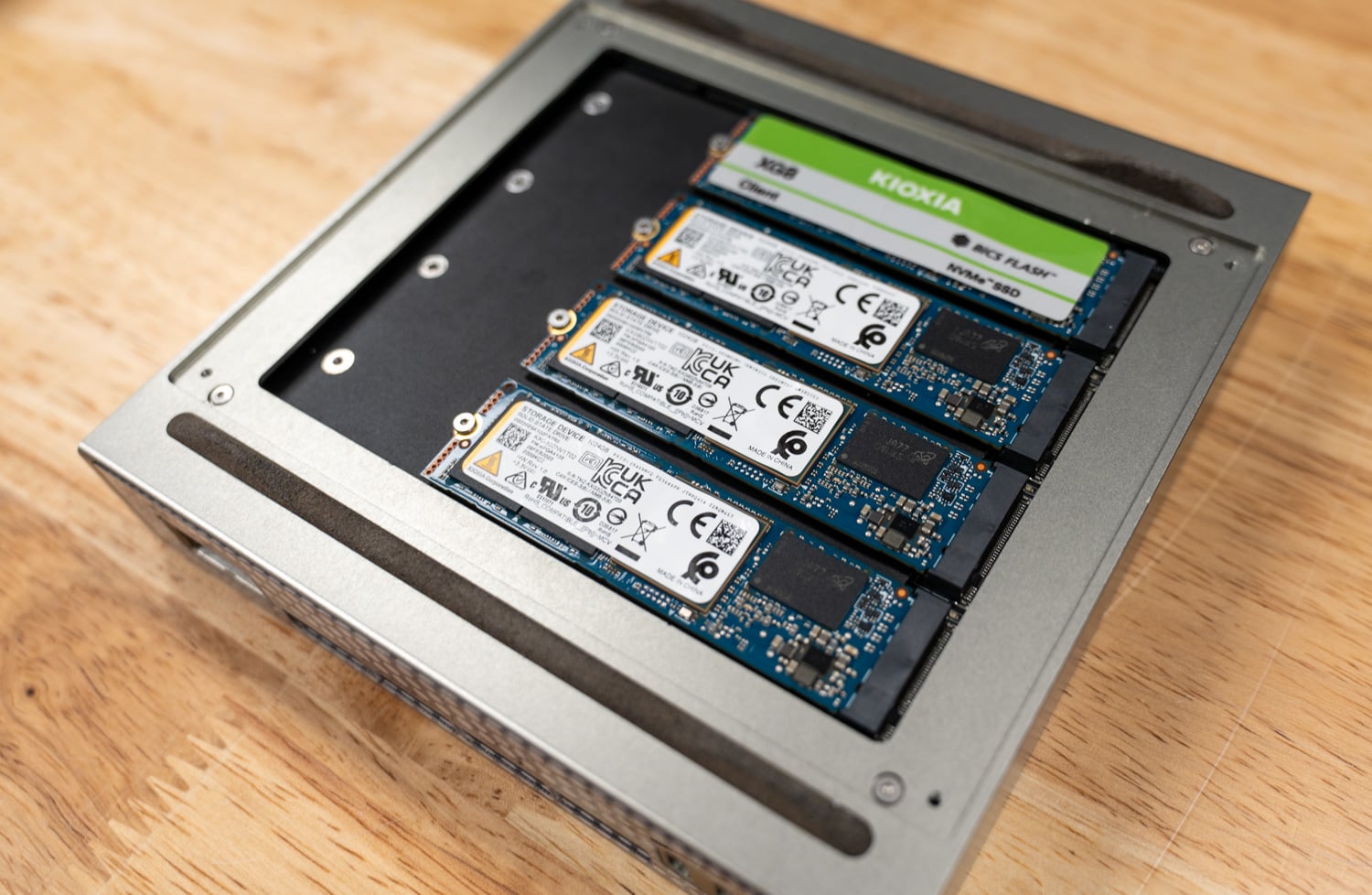
Dell UltraSharp U5226KW Review: A Massive 52-Inch 6K Display for Your Entire Workflow

Dell’s UltraSharp U5226KW is built around a simple premise: replace your entire multi-monitor setup with one massive 52-inch 6K display. Spanning 6144 × 2560 across a single uninterrupted panel, it offers the kind of workspace normally reserved for dual 4K screens, but without bezels, gaps, or the constant window juggling that comes with them.

Dell UltraSharp U5226KW hero

As a 52-inch 6K display, it sits in a niche segment of the professional monitor market. At around $2,900, it is aimed at users who can actually take advantage of that scale, whether that’s dense multi-window workflows, large datasets, or timeline-heavy content creation.

Beyond the panel itself, the U5226KW serves as a full docking hub, making the display the center of your entire setup. A single Thunderbolt 4 connection handles display output, up to 140W power delivery, networking via 2.5GbE, and KVM control, effectively consolidating your desk into one cable.

The real question is how that combination of docking functionality, size, and pixel density holds up in day-to-day work. So, let’s take a closer look.

Screen Layout and Multi-Window Flexibility

Dell provides a range of screen partitioning options that allow the panel to function like several displays at once. Horizontal splits, vertical slices, large primary windows with smaller secondary panels, and various multi-window layouts are supported.

On a workstation or desktop operating system, these regions simply appear as custom resolutions, which works well for arranging multiple applications. External devices with fixed resolution options (such as consoles) are less flexible because they rely on specific aspect ratios.

The panel supports 1.07 billion colors, 99% coverage of the DCI-P3 and Display P3 color spaces, and full sRGB and BT.709. In use, this means smoother gradients with minimal visible banding. Dell also factory calibrates the display to a Delta E below 1.5, which is accurate enough for most professional workflows out of the box.

On the physical side, this is a large and heavy display, measuring just over 48 inches wide and weighing more than 40.2 pounds with the stand attached, so desk space and mounting matter. The stand allows for 3.54 inches of height adjustment, along with tilt and swivel, providing flexibility in positioning. There is no pivot support, which lines up with the size and ultrawide format. For those planning to mount it, the display supports multiple VESA patterns, including 100 × 100, 200 × 100, and 200 × 200, so it will work with heavier-duty arms or wall mounts.

Dell’s UltraSharp 52 Thunderbolt Hub Monitor (U5226KW) Specifications

Specifcations Dell UltraSharp 52 Thunderbolt Hub Monitor
General
Number of Screens 1
Screen Size Class 52″
Viewable Screen Size 51.5″
Screen Mode 6K
Panel Technology In-Plane Switching (IPS) Black Technology
Curved Screen Yes
Curvature 4200R
HDCP Supported Yes
Mount Type Panel Mount
Display Specifications
Maximum Resolution 6144 x 2560 at 120Hz
Standard Refresh Rate 120 Hz
Aspect Ratio 21:9
Pixel Pitch 0.19644 mm x 0.19644 mm
Pixel Per Inch (PPI) 129
Horizontal Viewing Angle 178°
Vertical Viewing Angle 178°
Native Contrast Ratio 2,000:1
Brightness 400 cd/m²
Color Supported 1.07 Billion Colors
Color Gamut 99% DCI-P3 (CIE 1976) 100% sRGB (CIE 1931) 100% BT.709 (CIE 1931) 99% Display P3
Calibration Accuracy E < 1.5
Response Time Details 5 ms GTG (Fast) 8 ms GTG
HDMI Feature Support Variable Refresh Rate (VRR)
Surface Treatment Anti-glare Low Reflectance
Glass Hardness 3H
Flicker Free Yes
Ergonomics
Maximum Adjustable Height 3.54″
Tilt Angle -5° to 10°
Swivel Angle -20° to 20°
Slant Angle -2°/2°
Pivot No
Audio
Speakers Yes
Number of Speakers 2
Speaker Output Power 2 x 9 W
Microphone No
Connectivity
Connectivity
  • 2 HDMI port/s (HDCP 2.2) (Supports up to 6144 x 2560, 120 Hz, VRR, as specified in HDMI 2.1 (FRL))
  • 2 DisplayPort 1.4 (HDCP 2.2) port/s
  • 4 USB Type-A 10Gbps downstream port/s
  • 3 USB-C 10Gbps upstream port/s
  • 1 Thunderbolt 4 40Gbps upstream port/s (DisplayPort 1.4 Alt Mode, Power Delivery up to 140 W EPR)
  • 1 RJ45 Ethernet port/s, 2.5GbE
  • 1 USB Type-A 10Gbps downstream port/s with Battery Charging
  • 2 USB-C 10Gbps downstream port/s, Power Delivery up to 27 W
Power
Input Voltage Range 100V AC to 240V AC
Voltage Current 5.50 A
Operating Power Consumption 63.60 W
Standby Power Consumption 0.5 W
Off-Mode Power Consumption 0.3 W
Maximum Power Consumption 430 W
Physical Characteristics
Width 48.16″
Height 20.83″
Depth 4.41″

Panel Technology and Image Performance

Dell uses IPS Black panel technology here, where a typical IPS panel has a 1000:1 contrast ratio, and IPS Black brings that closer to 2000:1. The difference shows up most in darker content, with blacks appearing deeper instead of slightly gray. For work in darker interfaces, video timelines, or dense dashboards, this helps keep elements more distinct and easier to separate.

With a rated brightness of 400 cd/m², the panel is better suited to productivity than HDR use, and in practice, it holds up well in bright environments. Under the strong overhead lighting in our lab, the display remained bright enough to be comfortable for extended sessions.

Dell UltraSharp U5226KW backAn ambient light sensor mounted along the top edge monitors room lighting and can automatically adjust both brightness and color temperature. In a controlled office environment where lighting rarely changes (like ours most of the time), the feature doesn’t have much impact on day-to-day use. However, in home offices where sunlight and ambient light vary throughout the day, the adjustments help keep brightness levels and color temperature balanced as conditions change.

The panel also uses a matte anti-glare surface, which significantly reduces reflections from overhead lights or windows. Combined with the large surface area of the display, the matte coating helps maintain readability across the entire panel.

For setups that require more control, Dell Display and Peripheral Manager allows profiles to be created and stored directly on the monitor, making it easier to keep color consistent across multiple displays in the same workspace.

Living With a 52-Inch Monitor

After using a display this large for a week or so, it introduced different ergonomic considerations compared to traditional 27- or 34-inch productivity monitors. At native scaling and closer viewing distances, the full width of the panel can require noticeable head movement when scanning across applications. Some users may prefer to position the display farther back on the desk and increase OS scaling to keep everything within a more relaxed field of view. That setup can make the screen easier to view since your eyes and neck do not have to move as much, but increasing scaling also means icons and text become larger. This reduces some of the extra workspace provided by 6K resolution.

Dell UltraSharp U5226KW stand

The panel uses a 21:9 aspect ratio with a 4200R curve, and at this size, I found that the curve helps bring the edges of the screen in a bit so you are not constantly looking side to side as much. With pixel density at around 129 PPI, it is very similar to a 27-inch 4K display, so text and UI elements look sharp when running at native scaling.

Motion, Eye Comfort, and Long-Session Usability

Large productivity monitors often operate at 60 Hz, but the U5226KW runs at 120 Hz, which improves cursor tracking and scrolling across a screen this wide. The difference becomes more noticeable when navigating large spreadsheets, timelines, or long documents that stretch across the full width of the display. The U5226KW also includes HDMI 2.1 with Variable Refresh Rate (VRR) support. While gaming is not really what this display is built for, VRR helps keep motion smooth by matching the screen’s refresh rate to your system’s output when frame rates vary.

The U5226KW carries two separate TÜV Rheinland certifications: a 5-star eye comfort rating and a Category I hardware low-blue-light certification, and it is the first monitor to achieve the latter. The Category I certification means blue light emissions are reduced to no more than 20% of typical output, and unlike software filters, there is no noticeable shift in color balance during use. With flicker-free backlighting, the display held up well during long work periods without causing strain.

Design, Build, and Hub Connectivity

The U5226KW operates as a full docking hub for modern workstations and laptops. A Thunderbolt 4 upstream connection provides 40 Gbps bandwidth, DisplayPort 1.4 Alt Mode support, and up to 140W of power delivery using the Extended Power Range (EPR) specification. That power level is more than enough for mobile workstations and high-performance laptops that draw over 100W under sustained workloads.

Dell Monitor U5226KW I/O and ports

Video inputs include two HDMI 2.1 ports and two DisplayPort 1.4 inputs, allowing multiple systems to remain connected simultaneously. The monitor also integrates a 2.5GbE Ethernet port with enterprise management features including PXE boot, MAC address pass-through, and Wake-on-LAN, allowing the display to integrate directly into managed IT environments.

The USB configuration is extensive as well, with several 10 Gbps USB-A and USB-C ports available both upstream and downstream, along with 27 W USB-C charging outputs and BC1.2 support on one USB-A port for higher-current charging.

For multi-system environments, Picture-by-Picture supports multiple input sources on the display simultaneously, with the monitor’s five available inputs (two HDMI, two DisplayPort, and one Thunderbolt 4) allowing several systems to remain connected at once. The monitor also includes an Auto USB KVM function with Ethernet switching, allowing one keyboard and mouse to control multiple connected systems while maintaining network connectivity through the monitor.

Integrated audio consists of dual 9 W speakers. In professional environments, monitor speakers are often secondary to external audio systems or headsets. The output level here is higher than that of most integrated display speakers and works well enough for conferencing, training materials, or temporary setups.

The monitor’s size becomes noticeable when accessing the on-screen display controls. Reaching around the side of a 52-inch panel takes a little more effort compared to finding the edge of a smaller monitor. The interface itself follows the same layout Dell uses across its UltraSharp lineup, but the experience changes slightly because of the screen’s sheer width.

Conclusion

Ultimately, your experience with the U5226KW depends on how well your workflow can leverage a single, massive canvas. The 52-inch 6K display can cleanly replace a dual-monitor setup, but it does require some adjustment. Sitting closer gives you access to the full workspace, while pulling the display back improves comfort at the cost of usable density.

Once dialed in, the benefits become clear. The ability to organize everything on one continuous screen removes the friction of multi-monitor layouts, especially for PC workflows where window management and screen partitioning are flexible.

Image quality is strong, brightness holds up well in bright environments, and the matte finish keeps reflections under control across the full panel. The integrated hub adds real value, turning the display into a single-cable connection point for power, networking, and peripherals.

At $2,900, this is not a general-purpose upgrade. It makes the most sense for users who can fully utilize the space, whether that is multi-window productivity, large datasets, or timeline-based work. In the right setup, the U5226KW does something few displays can: it replaces not just multiple monitors, but the complexity that comes with them.

Product Page – Dell UltraSharp 52 Thunderbolt Hub Monitor

The post Dell UltraSharp U5226KW Review: A Massive 52-Inch 6K Display for Your Entire Workflow appeared first on StorageReview.com.
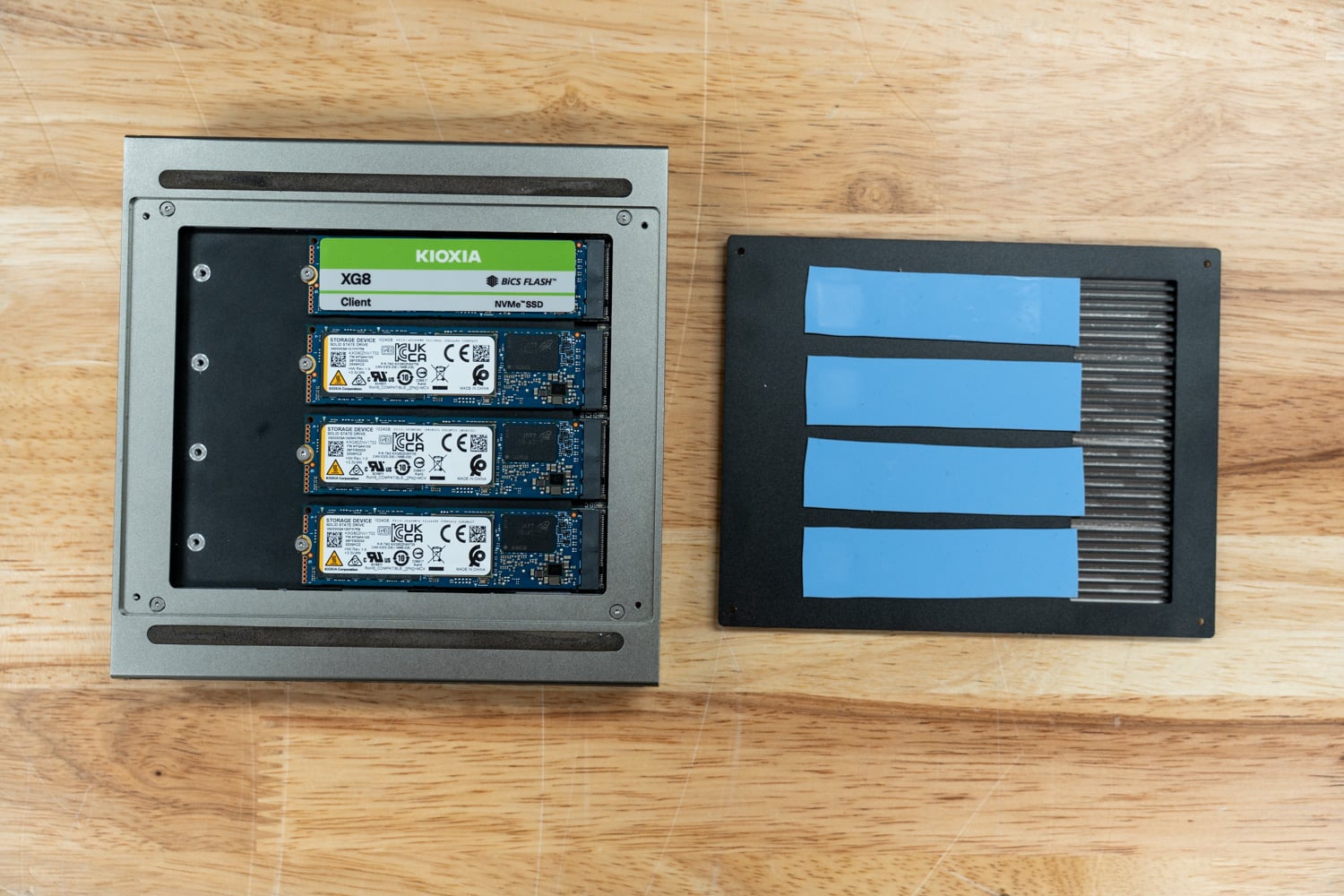
Dell Precision 7875 Review: Threadripper PRO 9995WX Meets Dual RTX PRO 6000 Blackwell GPUs

Following our most recent review of the Dell Precision 7875 tower workstation, which explored its 96-core AMD Threadripper PRO foundation, expansive memory and storage support, and dual professional GPUs, this updated review focuses on the latest iteration of the platform. This version takes full advantage of NVIDIA RTX PRO 6000 Blackwell Max-Q Workstation GPUs and Threadripper PRO 9000WX Series CPUs to push professional visualization, AI, and compute workloads even further. While the core architecture and performance DNA of the Precision 7875 remain consistent with our previous test, this configuration’s substantial GPU and CPU upgrades bring a new level of performance density for graphics-intensive tasks and advanced AI workflows.

Dell Precision 7875 Front

The Precision 7875 is engineered for the upper echelon of professional workflows, targeting larger corporations, engineering firms, and AI labs that require top-of-the-line processing power. By leveraging the AMD Ryzen Threadripper Pro platform, this workstation is a workhorse, designed for 3D rendering, local AI processing, and heavy data-intensive simulations. Our specific configuration features the flagship AMD Threadripper PRO 9995WX, a 96-core titan that pushes the boundaries of multithreaded performance. Combined with NVIDIA’s cutting-edge RTX PRO 6000 Blackwell GPUs, the 7875 provides the graphical and computational headroom needed to handle today’s most demanding creative and scientific tasks.

Specification Dell Precision 7875
Processor Options (AMD Ryzen Threadripper PRO 9000WX Series)
Flagship Model 9995WX: 96 cores, 192 threads, 2.5GHz to 5.4GHz, 384MB L3 cache, 350W TDP
High-Core Options 9985WX: 64 cores, 128 threads, 3.2GHz to 5.4GHz, 256MB L3 cache, 350W TDP
9975WX: 32 cores, 64 threads, 4.0GHz to 5.4GHz, 128MB L3 cache, 350W TDP
Performance Options 9965WX: 24 cores, 48 threads, 4.2GHz to 5.4GHz, 128MB L3 cache, 350W TDP
9955WX: 16 cores, 32 threads, 4.5GHz to 5.4GHz, 64MB L3 cache, 350W TDP
9945WX: 12 cores, 24 threads, 4.7GHz to 5.4GHz, 350W TDP
Memory & Storage
System Memory 8 DIMM slots; Up to 2 TB DDR5 4800 MT/s to 5200 MT/s ECC RDIMM
Total Storage Capacity Up to 56 TB
Internal NVMe Slots Two M.2 2230/2280 slots (PCIe NVMe Gen4)
Front FlexBays Two externally facing M.2 PCIe NVMe Gen4 storage flex bays (swappable)
SATA Support Two 2.5-inch/3.5-inch SATA 3.0 bays; One SATA slot for Optical Drive
Graphics (NVIDIA RTX PRO Blackwell Series)
GPU Architecture NVIDIA Blackwell (5th Gen Tensor Cores, 4th Gen RT Cores)
Max-Q Specs (RTX PRO 6000) 96 GB GDDR7 with ECC; 1792 GB/s bandwidth; 300W TBP; 24,064 CUDA cores
Multi-GPU Scalability Supports up to two dual-width, full-height graphics cards (300W each)
I/O & Networking
Front Ports 2x USB 3.2 Gen 1 (5Gb/s) Type-A
1x USB 3.2 Gen 2 (10Gb/s) Type-C with PowerShare
1x USB 3.2 Gen 2 (10Gb/s) Type-C
Universal audio jack; SD card reader
Rear Ports 3x USB 3.2 Gen 2 (10Gb/s) Type-C
3x USB 3.2 Gen 1 (5Gb/s) Type-A (2 standard, 1 with Smart Power On)
Audio line-out; Serial and PS/2 ports (optional)
Networking 1x RJ45 1GbE; 1x RJ45 10GbE (Onboard)
Optional Wi-Fi 6E (Intel AX1675)
Certifications & Software
ISV Certifications Tested and certified for professional apps (3ds Max, Catia, Maya, Solidworks, etc.)
Dell Optimizer for Precision AI-based software for system optimization, battery, audio, and network tuning
Sustainability & Efficiency ENERGY STAR certified; EPEAT registered; 41% post-consumer recycled plastic
Physical Specifications
Dimensions (H x W x D) 17.42 in x 6.79 in x 18.30 in (442.7 mm x 172.6 mm x 465 mm)
Weight Min: 40.39 lb (18.34 kg) / Max: 56.34 lb (25.57 kg)
Power Supply 1000W or 1350W Platinum internal PSU

Design and Build

The Precision 7875 chassis architecture features an advanced thermal design with a “honeycomb” front grill that delivers outstanding airflow, essential for cooling high-wattage 350W processors and massive GPUs. Independent Software Vendor (ISV) certifications and the inclusion of Error Correcting Code (ECC) memory further bolster reliability. Furthermore, to prevent system-halting crashes, Dell uses its Reliable Memory Technology (RMT) Pro software to identify and isolate memory errors before they cause problems.

Dell Precision 7875 Font panel

Physically, the tower feels incredibly rigid and professional, prioritizing airflow and internal accessibility. To preserve the integrity of the internal components, Dell engineered the cooling solution to maintain system stability even during 24/7 rendering or simulation cycles. Predictably, these certifications and thermal solutions make the entire system feel bulletproof.

Security and Upgradability

In high-stakes professional environments, physical and digital security remain just as critical as raw horsepower. For those handling sensitive data that cannot remain in the office overnight, Dell offers front-accessible “FlexBays.” These lockable, removable storage bays allow users to easily extract their M.2 NVMe or SATA drives. Additionally, a dedicated TPM 2.0 security chip (ControlVault) reinforces digital security by processing and storing end-user credentials. Meanwhile, SafeBIOS and off-host BIOS/firmware verification ensure no one has tampered with the system before it boots. The chassis includes a lock and an integrated intrusion-detection sensor that alerts administrators if someone opens the side panel without authorization. For additional data protection, the system supports self-encrypting drives (SEDs) and various enterprise encryption software suites, such as Dell Encryption Enterprise.

Dell Precision 7875 with side panel off

The 7875 also stands out as a champion of long-term upgradability, designed to scale with your workloads over several years. The motherboard features eight DIMM slots that users can populate with up to 2TB of DDR5 ECC memory, enough to handle massive datasets that would choke a standard desktop. Storage expansion is equally impressive, with support for up to 56TB of total capacity. You achieve this through a combination of internal M.2 2280 PCIe Gen4 slots, standard 3.5-inch or 2.5-inch SATA bays, and the aforementioned externally facing storage FlexBays.

Dell Precision 7875 Front flexbays

I/O and Expansion

The port selection and internal expansion capabilities of the Precision 7875 are clearly tailored for high-level production environments. On the front panel, you have immediate access to a 3.5mm audio jack, two USB 3.2 Gen 1 (5 Gb/s) Type-A ports, one USB 3.2 Gen 2 (10 Gb/s) Type-C port, and a second USB 3.2 Gen 2 Type-C port with PowerShare for charging your mobile devices. Conveniently, the front also houses an SD card slot for quick media offloads.

Dell Precision 7875 front flexbays with covers

However, the rear of the machine is where the workstation truly flexes its muscle. It features three additional USB 3.2 Gen 2 Type-C ports and three USB 3.2 Gen 1 Type-A ports, one of which supports “Smart Power On.” Dual RJ45 ports handle networking—one standard 1GbE and one high-speed 10GbE for moving massive project files over a local network. For those working with legacy industrial equipment, optional serial and PS2 ports are also available.

Dell Precision 7875 rear

Internal expansion is where the 7875 stands apart from its competition, offering six full-height PCIe slots. This includes a top-tier Gen5 PCIe x16 slot and a Gen4 PCIe x16 slot for dual-GPU configurations. Additionally, there is a Gen5 PCIe x8 slot, two Gen4 PCIe x8 slots, and one Gen4 x8 slot wired for x4 electrical performance. This massive array of lanes allows you to populate the system with high-end graphics cards, dedicated RAID controllers, or high-speed fiber-optic networking cards without hitting a bandwidth bottleneck.

Dell Precision 7875 inside PCie slots

Fan Tray

The Precision 7875 uses a modular dual-fan tray assembly secured behind a metal mesh guard. The entire unit pulls free from the chassis without tools, making it straightforward to service or swap out without disturbing surrounding components. This design reflects Dell’s broader philosophy of keeping critical cooling infrastructure accessible during maintenance, which is particularly important in 24/7 workstation deployments where downtime must remain minimal.

Dell Precision 7875 fan tray

CPU Cooler

Handling thermals for the 350W AMD Ryzen Threadripper PRO processor is a substantial tower-style heatsink with copper heatpipes running from the base up through tightly packed aluminum fins. The cooler sits directly over the socket, with the heat pipes drawing heat away from the die and dispersing it across the fin stack, working in tandem with the fan tray airflow moving through the chassis. With all eight DDR5 DIMM slots populated, the internal layout is dense, but Dell’s component placement keeps the airflow path clear and the heatsink fully unobstructed.

Dell Precision 7875 CPU cooler

Integrated Sensors

Under the hood, the tower features a suite of sensors to manage health and security. Specifically, thermal sensors work with the advanced cooling design to dynamically adjust fan speeds based on workload. Regarding physical security, an integrated chassis intrusion sensor alerts you if the side panel opens, while additional locking mechanisms monitor the status of the removable storage bays. These sensors ensure the system remains both physically secure and thermally stable during high-intensity operations.

Graphics and Audio

Elite graphics options drive the visual power of the 7875. Our review unit sports Dual NVIDIA RTX PRO 6000 Blackwell Max-Q cards, featuring a massive 96GB of GDDR7 memory. Because the 7875 lacks integrated graphics, a discrete graphics card is required for any display output. Consequently, these cards provide the massive bandwidth necessary for real-time 3D ray tracing and massive AI datasets.

Dell Precision 7875 GPU 12 vhpwr cables

On the other hand, audio performance is surprisingly robust for a workstation, featuring a Realtek ALC3246 controller and an internal speaker. This ensures that basic system alerts or communication remain somewhat audible, though most users should probably use the universal audio jack for high-fidelity or louder sound.

ISV Certifications

NVIDIA’s RTX professional GPUs benefit from exclusive software certifications for the world’s leading creative, engineering, scientific, and 3D design tools, providing highly optimized, tested, and stable experiences across workflows such as animation, CAD, simulation, rendering, and high-resolution video editing. That co-validation between GPU manufacturers and software developers shows up in the details: crashes, glitches, and redraw bugs are far less common with certified hardware.

Dell’s ISV certification portal lets you verify compatibility directly. The Precision 7875 supports over 2,800 applications and version combinations, depending on the GPU and OS. For Autodesk and Adobe workflows, certified drivers mean stable, validated performance without the glitches and instability that uncertified hardware can introduce. For SOLIDWORKS users, certification goes further. RealView Graphics and Order Independent Transparency are only enabled on certified professional graphics cards, features you paid for in the software, unlocked by the GPU certification. The Precision 7875 delivers all of it.

Review Unit Specifications

Our Dell Precision 7875 Tower review unit arrived with the following high-end specifications:

  • CPU: AMD Threadripper PRO 9995WX (96 cores, 192 threads, up to 5.4GHz)
  • GPU: Dual NVIDIA RTX PRO 6000 Blackwell Max-Q (96GB GDDR7 memory)
  • RAM: 512GB DDR5 ECC (8x64GB) 8-channel, 5200MHz
  • Storage: RAID 0 with 2 x 4TB Performance 2280 Class 40 SSDs
  • Wireless: Qualcomm WCN6856-DBS (Wi-Fi 6E + Bluetooth 5.3)

Dell Precision 7857 with Dell UltraSharp 52 monitor

Procyon AI Computer Vision

The Procyon AI Computer Vision Benchmark measures AI inference performance across CPUs, GPUs, and dedicated accelerators using a range of state-of-the-art neural networks. It evaluates tasks such as image classification, object detection, segmentation, and super-resolution using models that include MobileNet V3, Inception V4, YOLO V3, DeepLab V3, Real ESRGAN, and ResNet 50. Tests are run on multiple inference engines, including NVIDIA TensorRT, Intel OpenVINO, Qualcomm SNPE, Microsoft Windows ML, and Apple Core ML, providing a broad view of hardware and software efficiency. Results are reported for float- and integer-optimized models, providing a consistent, practical measure of machine vision performance for professional workloads.

The Dell Precision 7875 demonstrates a massive disparity between CPU-only inference and GPU-accelerated performance. While the AMD Threadripper PRO 9995WX is a powerhouse, the GPU-accelerated results show a roughly 10x increase in overall score (1,619 vs. 157).

For professionals working in machine learning, the sub-1ms inference times on MobileNet V3 and ResNet 50 in the accelerated test indicate that this system is capable of real-time video analysis and object detection without dropping frames. The CPU results, while slower, show that the 9995WX is still capable of handling fallback inference tasks, particularly in heavier models like DeepLab V3, where it maintains respectable latency.

CPU Results Dell Precision 7875 (AMD 9995WX 96C)(512GB RAM | 2x NVIDIA RTX PRO 6000)
CPU Results
AI Computer Vision Overall Score 157
MobileNet V3 5.74 ms
ResNet 50 6.52 ms
Inception V4 20.42 ms
DeepLab V3 47.75 ms
YOLO V3 21.97 ms
REAL-ESRGAN 1288.54 ms
GPU Results
AI Computer Vision Overall Score 1,619
MobileNet V3 0.45 ms
ResNet 50 0.82 ms
Inception V4 2.16 ms
DeepLab V3 6.60 ms
YOLO V3 3.48 ms
REAL-ESRGAN 47.33 ms

Blender 4.5

Blender is an open-source 3D modeling application. This benchmark was run using the Blender Benchmark utility. The score is measured in samples per minute, with higher values indicating better performance.

The Precision 7875 achieved a Blender CPU score of 1039.121 samples per minute in the Monster test, 744.601 samples per minute in Junkshop, and 574.705 samples per minute in Classroom.

Blender CPU (samples per minute; higher is better)  Dell Precision 7875 (AMD 9995WX 96C)(512GB RAM | 2x  NVIDIA RTX PRO 6000)
Monster 1039.121
Junkshop 744.601
Classroom 574.705

However, the GPU scores confirm where the true speed lies. Scoring 7259.413 on the Monster test, the dual NVIDIA 6000 PRO setup offers nearly 7x the CPU’s throughput. For 3D artists, this means near-instant feedback in the viewport and significantly shorter wait times for final frame exports, even in complex scenes such as the “Classroom” benchmark.

Blender GPU (samples per minute; higher is better)  Dell Precision 7875 (AMD 9995WX 96C)(512GB RAM | 2x NVIDIA RTX PRO 6000 )
Monster 7259.413
Junkshop 3943.343
Classroom 3665.272

PCMark 10

PCMark 10 is an industry-standard benchmark that measures overall system performance in modern office environments. It features updated workloads for Windows 10 or 11 and evaluates everyday tasks such as productivity, web browsing, video conferencing, and content creation. The benchmark is easy to run, delivers multi-level scoring (from high-level overall scores to detailed workload scores), and includes dedicated battery-life and storage tests. While UL Solutions now recommends Procyon for newer application-based testing, PCMark 10 remains a reliable and widely used tool for assessing overall PC performance.

With an overall score of 11,433, the Precision 7875 effectively maxes out the PCMark 10 general productivity score. This benchmark is often constrained by burst speed rather than core count, meaning the high score reflects excellent single-core IPC (Instructions Per Clock) and system responsiveness.

For the user, this confirms that despite being tuned for heavy server-grade workloads, the workstation will not feel sluggish during “daily driver” tasks. Web browsing, video conferencing, and application startup times will be instantaneous, ensuring that the overhead of a workstation-class OS and drivers does not impact general usability.

PCMark10  (higher is better)  Dell Precision 7875 (AMD 9995WX 96C)(512GB RAM | 2x NVIDIA RTX PRO 6000)
Overall Score 11,433

Blackmagic RAW Speed Test

The Blackmagic RAW Speed Test is a performance benchmarking tool that measures a system’s ability to handle video playback and editing with the Blackmagic RAW codec. It evaluates how well a system can decode and play back high-resolution video files, providing frame rates for both CPU- and GPU-based processing.

This is a critical benchmark for video editors. The CPU result of 158 FPS at 8K is the headline feature here. Most workstations rely entirely on the GPU for 8K playback, but the 96-core Threadripper PRO has enough raw horsepower to decode 8K streams in software in real-time.

This provides a massive safety net for editors: if GPU VRAM fills up during complex color grading or when using fusion effects, the CPU can take over playback without stuttering. The GPU score of 276 FPS ensures that, even with heavy noise reduction and multiple nodes applied, 8K footage will scrub significantly more smoothly than standard 24fps or 60fps timelines require.

Blackmagic RAW (Higher FPS is better)  Dell Precision 7875 (AMD 9995WX 96C)(512GB RAM | 2x NVIDIA RTX PRO 6000)
8K CPU 158
8K GPU 276

Blackmagic Disk Speed Test

The Blackmagic Disk Speed Test evaluates storage performance by measuring read and write speeds, providing insights into a system’s ability to handle data-intensive tasks, such as video editing and large file transfers.

The system is equipped with high-speed storage, PCIe Gen 4 NVMe, or a RAID 0 configuration, delivering symmetrical Read/Write speeds over 9,000 MB/s.

In a production environment, this completely eliminates the storage bottleneck. You can stream multiple angles of uncompressed 8K RAW footage simultaneously (multicam editing) without dropping frames. It also means that the massive scratch files generated by applications like Adobe After Effects or Nuke will be written to and read from almost instantly, keeping RAM free for active computations.

DiskSpeedTest (higher is better)  Dell Precision 7875 (AMD 9995WX 96C)(512GB RAM | 2x NVIDIA RTX PRO 6000)
Read 9,111.4 MB/s
Write 9,292.0 MB/s

3DMark CPU

The 3DMark CPU Profile evaluates processor performance across six threading levels: 1, 2, 4, 8, 16, and max threads. Each test runs the same boid-based simulation workload to assess how well the CPU scales under different thread counts, with minimal GPU involvement. The benchmark helps identify single-threaded efficiency and multithreaded potential for tasks such as gaming, content creation, and rendering. Scores on 8 threads often align with modern DirectX 12 gaming performance, while 1–4-thread results reflect older or esports scenarios.

The 3DMark CPU Profile perfectly illustrates the AMD Threadripper PRO 9995WX’s scaling capabilities. The jump from 1,237 (1 thread) to 27,670 (Max threads) demonstrates near-linear scaling, which is rare in consumer hardware.

The strong 16-thread score (15,378) also suggests that the system maintains high clock speeds even under moderate load, which is ideal for gaming development workflows or running virtual machines.

3DMark CPU (higher is better)  Dell Precision 7875 (AMD 9995WX 96C)(512GB RAM | 2x NVIDIA RTX PRO 6000)
Max Threads 27,670
16 Threads 15,378
8 Threads 8,477
4 Threads 4,701
2 Threads 2,378
1 Threads 1,237

3DMark Storage

The 3DMark Storage Benchmark tests your SSD’s gaming performance by measuring tasks like loading games, saving progress, installing game files, and recording gameplay. It evaluates how well your storage performs in real-world gaming and supports the latest storage technologies, providing accurate performance insights.

In the 3DMark Storage benchmark, the Dell Precision 7875 delivered a solid overall score of 3,221, reflecting strong storage responsiveness across common gaming-style workloads such as game loading, installs, and save operations.

3DMark Storage (higher is better)  Dell Precision 7875 (AMD 9995WX 96C)(512GB RAM | 2x NVIDIA RTX PRO 6000)
Overall Score 3,221

LuxMark

LuxMark is a GPU benchmark that uses LuxRender, an open-source ray-tracing renderer, to evaluate a system’s performance on highly detailed 3D scenes. This benchmark is relevant for assessing the graphical rendering capabilities of servers and workstations, especially for visual effects and architectural visualization applications, where accurate light simulation is crucial.

In LuxMark, the Dell Precision 7875 demonstrates strong GPU rendering capability thanks to its dual RTX PRO 6000 GPUs. The system achieved 41,981 in the Food scene and 101,808 in the Hall scene, highlighting its ability to efficiently handle complex ray-traced workloads. These results reflect the workstation’s suitability for demanding rendering tasks such as visualization, simulation, and content creation, where GPU acceleration is critical.

LuxMark (higher is better)  Dell Precision 7875 (AMD 9995WX 96C)(512GB RAM | 2x NVIDIA RTX PRO 6000)
Food 41,981
Hall 101,808

Geekbench 6

Geekbench 6 is a cross-platform benchmark that measures overall system performance.

Geekbench 6 highlights the balanced compute capabilities of the Dell Precision 7875 across both CPU and GPU workloads. The system posted a single-core score of 3,240 and a multi-core score of 28,618, reflecting strong single-thread responsiveness alongside the massive parallel compute available from the 96-core AMD 9995WX processor. On the graphics side, the dual RTX PRO 6000 GPUs delivered impressive results, achieving 330,765 in OpenCL and 309,146 in Vulkan, demonstrating substantial GPU compute throughput for workloads such as rendering, simulation, and AI-accelerated tasks.

GeekBench (higher is better)  Dell Precision 7875 (AMD 9995WX 96C)(512GB RAM | 2x NVIDIA RTX PRO 6000)
CPU Single Core 3,240
CPU Multi-Core 28,618
GPU OpenCl 330,765
GPU Vulkan 309,146

y-cruncher

y-cruncher is a multithreaded and scalable program that can compute Pi and other mathematical constants to trillions of digits. Since its launch in 2009, it has become a popular benchmarking and stress-testing application for overclockers and hardware enthusiasts.

In the y-cruncher benchmark, the Dell Precision 7875 showcases the raw computational strength of the 96-core AMD 9995WX processor under heavy multithreaded workloads. The system completes the 250-million-digit test in 2.369 seconds and the 100-billion-digit test in 844.503 seconds, maintaining consistent progress as the workload size increases.

y-Cruncher (lower duration is better)  Dell Precision 7875 (AMD 9995WX 96C)(512GB RAM | 2x NVIDIA RTX PRO 6000)
250 Million 2.369 s
500 Million 4.281 s
1 Billion 7.617 s
2.5 Billion 15.188 s
5 Billion 29.795 s
10 Billion 61.572 s
25 Billion 169.289 s
50 Billion 371.039 s
100 Billion 844.503 s

7-Zip Compression

The 7-Zip Compression Benchmark evaluates CPU performance during compression and decompression, measuring GIPS (Giga Instructions Per Second) and CPU usage. Higher GIPS and efficient CPU usage indicate superior performance.

In the 7-Zip Compression Benchmark, the Dell Precision 7875 demonstrates strong multithreaded CPU performance driven by the 96-core AMD 9995WX. During compression, the system reached a resulting rating of 49.108 GIPS, while decompression climbed slightly higher to 51.181 GIPS. Combined, the platform achieved a total rating of 50.145 GIPS, reflecting the workstation’s ability to efficiently handle heavily threaded workloads, including large archive operations, data processing, and other CPU-intensive tasks.

7-Zip Compression Benchmark (higher is better)  Dell Precision 7875 (AMD 9995WX 96C)(512GB RAM | 2x NVIDIA RTX PRO 6000)
Compression
Current CPU Usage 6,445%
Current Rating/Usage 6.949 GIPS
Current Rating 48.392 GIPS
Resulting CPU Usage 701%
Resulting Rating/Usage 7.010 GIPS
Resulting Rating 49.108 GIPS
Decompression
Current CPU Usage 728%
Current Rating/Usage 6.801 GIPS
Current Rating 49.526 GIPS
Resulting CPU Usage 749%
Resulting Rating/Usage 6.832 GIPS
Resulting Rating 51.181 GIPS
Total Rating
Total CPU Usage 725%
Total Rating/Usage 6.921 GIPS
Total Rating 50.145 GIPS

Topaz Video AI

Topaz Video AI is a professional application for enhancing and restoring video using advanced AI models. It supports tasks such as upscaling footage to 4K or 8K, sharpening blurry content, reducing noise, improving facial details, colorizing black-and-white footage, and interpolating frames for smoother motion. The suite includes an onboard benchmark that measures system performance across its various video-enhancing algorithms, providing a clear view of how well hardware platforms handle demanding AI video-processing workloads.

In the Topaz Video AI benchmark, the Dell Precision 7875 shows strong performance across a wide range of AI-driven video enhancement models, leveraging its dual RTX PRO 6000 GPUs to accelerate demanding workloads. Models such as Iris (52.63 fps) and Nyx Fast (50.42 fps) demonstrate excellent throughput for real-time or near–real-time enhancement tasks. In comparison, heavier upscale operations like Artemis 4X (6.53 fps) and Proteus 4X (6.40 fps) maintain solid performance given the computational intensity of high-resolution AI upscaling.

The system also performs well in specialized workloads, including Gaia (14.71 fps at 1X) for high-quality enhancement and Nyx (22.90 fps) for strong denoise performance. In slow-motion generation tests, results remain consistently strong: 4X Apollo reached 37.51 fps, CHFast peaked at 38.86 fps, and the more demanding 16X Aion test achieved 37.29 fps.

Test / Model 1X 2X 4X
Benchmark results
Artemis 46.87 fps 22.99 fps 06.53 fps
Iris 52.63 fps 20.24 fps 06.53 fps
Proteus 48.19 fps 23.67 fps 06.40 fps
Proteus Natural 13.16 fps
Gaia 14.71 fps 10.36 fps 06.04 fps
Nyx 22.90 fps 18.81 fps
Nyx Fast 50.42 fps
Nyx XL 03.66 fps
Rhea 05.71 fps
RXL 05.84 fps
Hyperion HDR 28.57 fps
Slomo Test Result
Slow Motion Benchmarks
4X Slowmo – Apollo 37.51 fps
4X Slowmo – APFast 34.78 fps
4X Slowmo – Chronos 33.00 fps
4X Slowmo – CHFast 38.86 fps
16X Slowmo – Aion 37.29 fps

V-Ray

The V-Ray Benchmark measures rendering performance on CPUs, NVIDIA GPUs, or both, using the advanced V-Ray 6 engines. It uses quick tests and a simple scoring system to help users evaluate and compare their systems’ rendering capabilities. It’s an essential tool for professionals seeking efficient performance insights.

In the V-Ray benchmark, the Dell Precision 7875 achieved a score of 30,356, demonstrating strong rendering throughput in ray-traced workloads.

V-Ray (higher is better)  Dell Precision 7875 (AMD 9995WX 96C)(512GB RAM | 2x  NVIDIA RTX PRO 6000)
Score 30,356

Dell Precision 7875 vLLM Performance Testing

To evaluate the Dell Precision 7875, we tested configurations using the vLLM Online Serving benchmark, one of the most widely adopted high-throughput inference and serving engine for large language models. The vLLM online serving benchmark simulates real-world production workloads by sending concurrent requests to a running vLLM server and measuring key metrics, including total token throughput (tokens per second), time to first token, and time per output token, under varying load conditions.

Our testing spanned a range of models, from dense architectures to micro-scaling data types. The tests evaluated performance across three workload scenarios: Equal ISL/OSL, Prefill Heavy, and Decode Heavy. These scenarios represent distinct real-world serving patterns, from balanced input and output loads to compute-intensive prompt processing and memory-bandwidth-bound token generation.

Dell Precision 7875 with 2 NVIDIA RTX PRO 6000 GPU's

To understand how the Dell Precision 7875 scales with additional GPU resources, we benchmarked single-GPU (1x NVIDIA RTX PRO 6000 Blackwell) and dual-GPU (2x NVIDIA RTX PRO 6000 Blackwell) configurations, quantifying the throughput gains and latency improvements achievable by moving from a single accelerator to a dual-GPU setup

GPT-OSS-120B

Equal ISL/OSL (256/256): The 1x started at 284 tok/s vs the 2x at 355. Through batch 32, the gap widened, 2,744 vs 4,409. At batch 256, the 1x peaked at 8,190 tok/s, while the 2x hit 11,848 tok/s, a 45% advantage for the dual-GPU setup.

Prefill Heavy (1024/256): The 1x opened at 1,384 vs 1,781 for the 2x. Both climbed through batch 32, with the 1x at 7,359 and the 2x at 11,995. But then the 1x stalled and actually dropped at batch 64 to 5,483, eventually peaking at 5,941 tok/s at batch 256. The 2x kept climbing to 18,954 tok/s, more than 3x higher.

Decode Heavy (256/1024): The 1x started at 198 vs 261 for the 2x. By batch 32, the 1x was at 1,259 vs 2,161. The 1x plateaued hard after batch 64, finishing at 1,569 tok/s at batch 256. The 2x reached 5,275 tok/s, more than 3x the single GPU result.

GPT-OSS-20B

Equal ISL/OSL (256/256): The 1x started at 373 tok/s vs 425 for the 2x. By batch 32, the gap was already notable, 5,856 vs 8,514. Both peaked at batch 256, with the 1x at 19,228 tok/s and the 2x at 22,034 tok/s, giving the dual GPU about a 15% advantage.

Prefill Heavy (1024/256): The 1x opened at 1,938 tok/s vs 2,351 for the 2x. At batch 32, the gap widened considerably, 13,904 vs 20,120. Both peaked at batch 256 with the 1x at 22,019 tok/s and the 2x at 31,982 tok/s, a 45% lead for the 2x.

Decode Heavy (256/1024): The 1x started at 275 tok/s vs 340 for the 2x. At batch 32, the 2x pulled ahead more clearly, 4,204 vs 2,602. Both peaked at batch 256 with the 1x at 6,638 tok/s and the 2x at 9,985 tok/s, roughly 50% higher for the dual GPU.

Qwen3 Coder 30B

Equal ISL/OSL (256/256): Both started nearly at zero, 20 vs 19 tok/s at batch 1. By batch 32, the 2x pulled ahead, 4,600 vs 3,830. Both peaked at batch 256, with the 1x at 12,027 tok/s and the 2x at 13,577 tok/s, giving the dual GPU about a 13% advantage.

Prefill Heavy (1024/256): This one tells an interesting story. The 1x opened at 1,091 tok/s vs 1,177 for the 2x. At batch 32, the 1x hit its peak of 7,438 tok/s, then dropped off, finishing at just 6,080 at batch 256. The 2x had no such drop, climbing steadily to its peak of 13,661 tok/s at batch 128. That’s nearly double the 1x peak.

Decode Heavy (256/1024): The 1x started at 146 tok/s vs 157 for the 2x. At batch 32, the gap grew, 2,107 vs 1,412. The 1x peaked at 1,841 tok/s at batch 128, then flattened. The 2x setup kept climbing to 3,464 tok/s at batch size 256, nearly twice the single-GPU result.

Mistral Small 24B

Equal ISL/OSL (256/256): Both starting even, 16 vs 17 tok/s. By batch 32, the 2x was already well ahead, 2,833 vs 1,605. Both peaked at batch 256, with the 1x at 5,357 tok/s and the 2x at 8,261 tok/s, a 54% advantage for the dual-GPU.

Prefill Heavy (1024/256): The 1x opened at 250 tok/s vs 471 for the 2x. The 1x peaked early at 2,339 tok/s in batch 16, then plateaued, finishing at 2,146 in batch 256. The 2x peaked at 6,627 tok/s in batch 64, then dropped to 4,522 tok/s in batch 256. Both configs hit their ceilings and fell back, but the 2x peaked nearly 3x higher.

Decode Heavy (256/1024): The 1x started at just 32 tok/s vs 61 for the 2x. At batch 32, the gap was clear: 1,192 vs 553. The 1x peaked at just 687 tok/s at batch 64 and flatlined. The 2x peaked at 1,831 tok/s in batch 128 before a slight dip, still nearly 2.7x the single-GPU result.

Llama 3.1 8B

Equal ISL/OSL (256/256): The two configs were locked together at 19 tok/s apiece at batch 1. The 2x started separating through the mid-range, hitting 6,234 at batch 32 vs 4,205 for the 1x. Both kept climbing all the way to batch 256, with the 1x peaking at 11,346 tok/s and the 2x at 13,789 tok/s, a 21% edge for the dual GPU.

Prefill Heavy (1024/256): The 2x came out stronger at batch 1, 1,182 vs 721 tok/s. By batch 32, the gap was significant, 10,177 vs 6,079, which was actually the 1x GPU’s ceiling. The 1x fell back from there to 5,049 at batch 256. The 2x held its gains and peaked at 11,639 tok/s at batch 128, nearly double what the single GPU managed.

Decode Heavy (256/1024): The 2x carried a consistent 2x lead throughout the entire run. At batch 32, it was 2,227 vs 1,259, and both peaked at batch 128 with the 1x at 1,598 tok/s and the 2x at 3,225 tok/s. The 1x flattened after that, while the 2x finished at 2,985 at batch 256, still nearly double.

Llama 3.1 8B (FP4)

Equal ISL/OSL (256/256): The 2x had a stronger footing at batch 1, 345 vs 239 tok/s. Through the mid-range at batch 32, the 2x led, 7,873 vs 6,568. Then something interesting happens, the 1x kept climbing aggressively and overtook the 2x, finishing at 20,791 tok/s at batch 256 vs 17,621 for the dual GPU. The single GPU actually wins this test at high batch sizes.

Prefill Heavy (1024/256): The 2x held a consistent lead throughout. It came in at 1,499 vs 1,010 at batch 1, widened to 15,798 vs 11,478 at batch 32, and while the 1x peaked at 14,138 tok/s at batch 128, the 2x kept scaling to 19,941 tok/s at batch 256, a 41% advantage at peak.

Decode Heavy (256/1024): The 2x maintained roughly a 1.5-1.7x lead across the whole range, 3,426 vs 2,215 at batch 32. The 1x peaked at 3,347 tok/s at batch 128 before tailing off, while the 2x climbed to 5,589 tok/s at batch 256, its best result of the run.

Llama 3.1 8B (FP8)

Equal ISL/OSL (256/256): The 2x had the stronger opening at 427 vs 302 tok/s and led through the mid-range, 8,341 vs 7,178 at batch 32. As with the FP4 results, the 1x overtook the 2x at the high end, finishing at 17,349 tok/s vs 16,833 tok/s for the dual-GPU at batch 256. Again, the single-GPU setup edges out the 2x setup when the batch size gets large enough.

Prefill Heavy (1024/256): The 2x pulled ahead early at 1,803 vs 1,233 tok/s and maintained a consistent lead throughout. At batch 32, it was 15,552 vs 11,067, and while the 1x peaked at 12,906 tok/s at batch 128 before leveling off, the 2x kept climbing to its peak of 18,822 tok/s at batch 256, a 46% advantage.

Decode Heavy (256/1024): The 2x data starts at batch 2 rather than batch 1 here. From batch 32 onward, the gap was steady, 3,558 vs 2,316. The 1x peaked at 3,224 tok/s at batch 128, then tailed off to 3,084. The 2x climbed all the way to 5,429 tok/s at batch 256, nearly 1.7x the single GPU result.

Conclusion

The Dell Precision 7875 with the AMD Threadripper PRO 9995WX and dual NVIDIA RTX PRO 6000 Blackwell GPUs represents the current high-water mark for a self-contained workstation. The chassis reflects that ambition at every level, from the tool-less fan tray and front-accessible FlexBays to the lockable storage bays. This is a machine built for environments where uptime, security, and serviceability matter as much as raw performance.

The internal layout reinforces that philosophy. Six full-height PCIe slots, eight DIMM slots supporting up to 2TB of ECC memory, and storage expansion up to 56TB give the platform genuine long-term headroom. Dell’s ISV certifications and Reliable Memory Technology software add another layer of confidence for studios and labs running mission-critical workloads around the clock. It does not feel like a desktop stretched to meet professional demands. It was designed from the start to carry them.

Dell Precision 7875 internal view with airflow baffle installed.

On the GPU configuration question, the answer depends entirely on what you are running. For smaller models, a single RTX PRO 6000 is not just sufficient; it can actually outperform a dual-GPU setup at high batch sizes and certain stages of the workload, where the overhead of splitting the model across two cards outweighs the added capacity. The calculus shifts dramatically with larger models. A single GPU stalls and flattens under memory pressure, while the dual-GPU setup continues to scale. The 192GB of combined GDDR7 becomes the deciding factor, and the performance gap widens considerably on prefill-heavy and decode-heavy workloads. For teams running production inference on frontier-class open-weight models, the second card is not a luxury. It is the capability tier.

The Precision 7875 is not a machine you buy speculatively. It targets professionals with specific, demanding workloads, and for those users, it delivers.

Product Page – Dell Precision 7875

The post Dell Precision 7875 Review: Threadripper PRO 9995WX Meets Dual RTX PRO 6000 Blackwell GPUs appeared first on StorageReview.com.
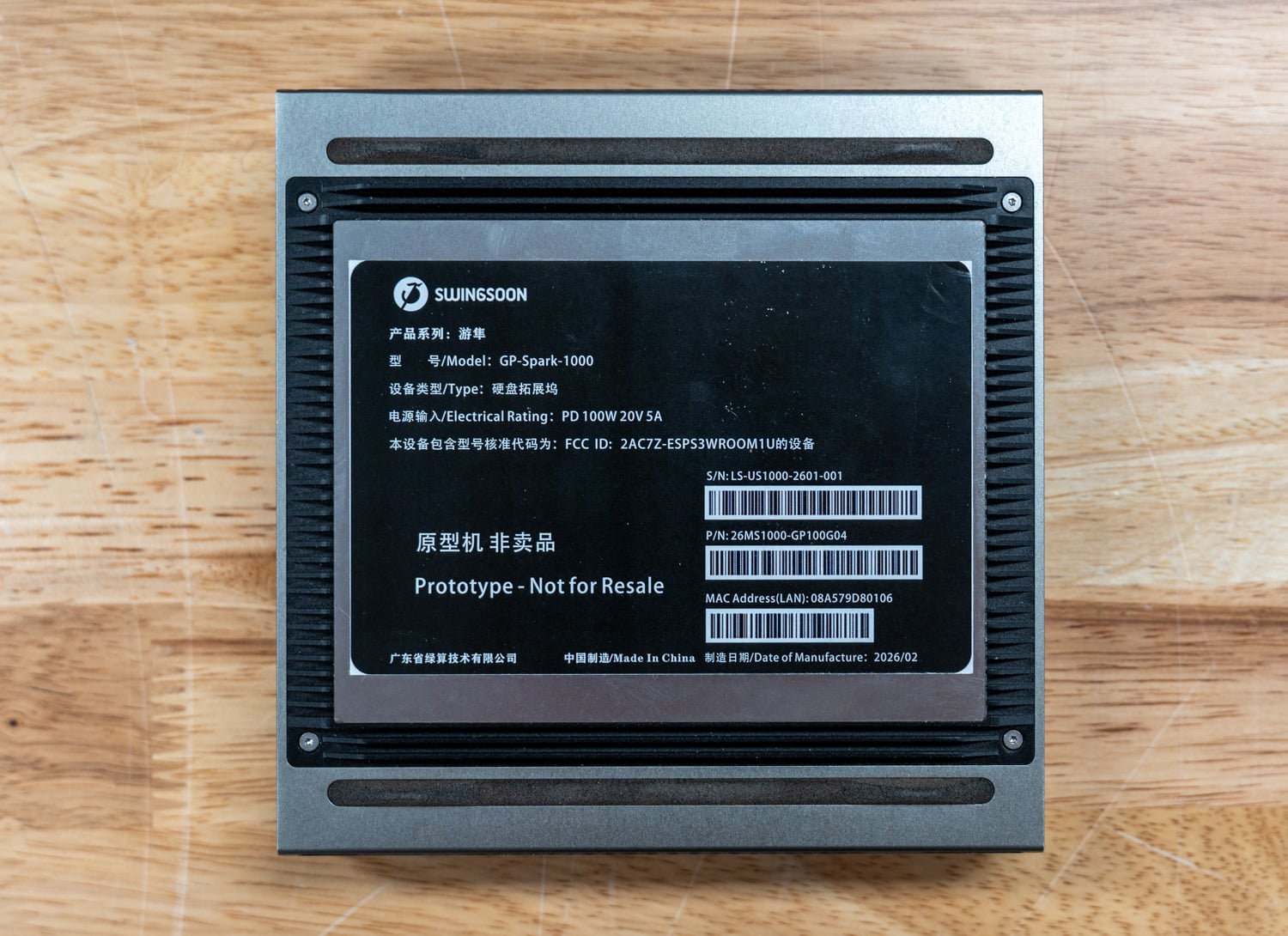
Dell Expands Professional Workstation Portfolio with New Precision and Pro Max Systems

Dell Pro Precision tower family lineup Dell Pro Precision tower family lineup

Dell Technologies has introduced a broad refresh of its professional workstation lineup, spanning large tower systems, mobile workstations, and AI-focused developer systems. The announcement includes several additions across the Dell Pro Precision family, as well as two systems in the Pro Max line, covering workloads ranging from engineering and design to AI development and high-performance computing.

Across the lineup, Dell is emphasizing hardware configurations designed for demanding professional applications, including high-core-count CPUs, NVIDIA RTX PRO Blackwell graphics options, large memory capacities, and fast PCIe storage. Many systems also include features intended for enterprise deployment, such as ISV certification, device management tools, and security features built into firmware and system management layers.

The release covers eight systems in total. At the top of the stack are two large tower workstations designed for expansion and high-end workloads, followed by an AI-focused desk-side development system. The remainder of the lineup consists of mobile workstations in 16-inch and 14-inch form factors across two different performance tiers.

Dell Pro Precision 9 Series T6

First up is the Dell Pro Precision 9 Series T6 workstation, designed as a high-capacity tower for large-scale engineering, simulation, and AI workloads. The system supports Intel Xeon 600 processors for workstations, with configurations offering up to 86 CPU cores, enabling parallel workloads such as complex modeling, rendering, and large-dataset analysis. This is the most scalable tower workstation in Dell’s lineup.

Dell Pro Precision 9 T6

Graphics capabilities center on NVIDIA RTX Pro 6000 Blackwell GPUs, with configurations that support multiple GPU layouts based on power requirements. The system can accommodate up to two 600-watt GPUs, five 300-watt GPUs, or seven 50-watt GPUs for specialized workloads. Memory capacity scales up to 4TB of DDR5 ECC memory distributed across 16 DIMM slots, providing headroom for applications that rely on large in-memory datasets.

For expansion, the tower supports up to 15 PCIe slots across PCIe Gen4 and Gen5 standards, allowing additional GPUs, networking hardware, or specialized accelerator cards to be installed. Storage capacity can reach up to 316TB through configurations of M.2, E3.S, SATA, and SAS drives, while optional Wi-Fi 7 connectivity and a 2400W power supply round out the system’s infrastructure for demanding workstation environments.

Specification Dell Pro Precision 9 T6-PW9T6260
Overview
Model Number Dell Pro Precision 9 T6-PW9T6260
System Type T6 Tower design
Chipset Intel W890
Case Color Dark Cres
Dell Standard Black
Processor
Supported Processors Intel Xeon 698X (336 MB cache, 86 cores, up to 4.8 GHz, 350 W)
Intel Xeon 696X (336 MB cache, 64 cores, up to 4.8 GHz, 350 W)
Intel Xeon 678X (192 MB cache, 48 cores, up to 4.9 GHz, 300 W)
Intel Xeon 676X (144 MB cache, 32 cores, up to 4.9 GHz, 275 W)
Intel Xeon 674X (144 MB cache, 28 cores, up to 4.9 GHz, 270 W)
Intel Xeon 658X (144 MB cache, 24 cores, up to 4.9 GHz, 250 W)
Intel Xeon 656 (72 MB cache, 20 cores, up to 4.8 GHz, 210 W)
Intel Xeon 654 (72 MB cache, 18 cores, up to 4.8 GHz, 200 W)
Operating System
Operating Systems Windows 11 Pro
Ubuntu Linux 24.04 LTS
Memory
Memory Type RDIMM
Memory Speed Up to 6400 MT/s
Memory Capacity 16 GB
32 GB
64 GB
96 GB
128 GB
192 GB
256 GB
384 GB
512 GB
768 GB
1024 GB
1152 GB
1536 GB
2048 GB
3072 GB
4096 GB
Maximum Memory 4096 GB (4 TB)
Graphics
NVIDIA GPUs NVIDIA A800 Active, 40 GB HBM2
NVIDIA RTX PRO 6000 Blackwell Workstation Edition, 96 GB GDDR7, 600 W
NVIDIA RTX PRO 6000 Blackwell Max-Q Workstation Edition, 96 GB GDDR7, 300 W
NVIDIA RTX PRO 5000 Blackwell, 48 GB GDDR7
NVIDIA RTX PRO 4500 Blackwell, 32 GB GDDR7
NVIDIA RTX PRO 4000 Blackwell, 24 GB GDDR7
NVIDIA RTX PRO 2000 Blackwell, 16 GB GDDR7
NVIDIA RTX A1000, 8 GB GDDR6
NVIDIA RTX A400, 4 GB GDDR6
NVIDIA GeForce GTX 5090, 32 GB GDDR7
NVIDIA GeForce GTX 5080, 16 GB GDDR7
NVIDIA GeForce GTX 5070, 12 GB GDDR7
NVIDIA GeForce GTX 5060, 8 GB GDDR7
AMD GPUs AMD Radeon™ PRO W7400 Professional Graphics, 8 GB GDDR6
Storage
SSD Options 512 GB SSD, TLC, SED
1 TB SSD, TLC, SED
2 TB SSD, TLC, SED
4 TB SSD, TLC, SED
3.5-inch HDD Options 4 TB, 7200 RPM, SATA Enterprise HDD
8 TB, 7200 RPM, SATA Enterprise HDD
12 TB, 7200 RPM, SATA Enterprise HDD
16 TB, 7200 RPM, SATA Enterprise HDD
20 TB, 7200 RPM, SATA Enterprise HDD
24 TB, 7200 RPM, SATA Enterprise HDD
2.5-inch HDD Options 1.2 TB, 10000 RPM, SAS Enterprise HDD
2.4 TB, 10000 RPM, SAS Enterprise HDD
Internal Storage Slots 2 SATA 3.5-inch HDD
3 M.2 2230/2280 Gen5 PCIe NVMe SSD
1 M.2 2230/2280 Gen4 PCIe NVMe SSD
External Storage Slots Up to 12 NVMe drives + optional slim ODD
Up to 8 externally facing SATA/SAS 3.5″ HDD Flexbay
Expansion
PCIe Slots 1 full height Gen5 PCIe x8 slot – Slot1 (open ended)
1 full height Gen5 PCIe x16 slot – Slot2
1 full height Gen4 PCIe x8 slot (x4 electrical) – Slot3 (open ended)
1 full height Gen4 PCIe x8 slot – Slot4 (open ended)
1 full height Gen5 PCIe x16 slot – Slot5
1 full height Gen4 PCIe x8 slot (x4 electrical) – Slot6 (open ended)
Ports
Front Ports 1 Global headset audio jack
2 USB 3.2 Gen 2 (10 Gbps) ports
1 USB 3.2 Gen 2×2 (20 Gbps) Type-C port with PowerShare
1 USB 3.2 Gen 2 (10 Gbps) Type-C port
1 SD-card 7.0+ slot (Optional)
Rear Ports 1 line-out port
2 PS2 ports
1 Serial port
1 RJ45 Ethernet port, 10GbE
1 RJ45 Ethernet port, 1GbE
2 USB 3.2 Gen 2 (10 Gbps) ports
2 USB 3.2 Gen 2 (10 Gbps) ports with SmartPower
2 USB 3.2 Gen 2 (10 Gbps) Type-C port
1 USB 3.2 Gen 2×2 (20 Gbps) Type-C port
Networking
Ethernet 1 RJ-45 Ethernet port, 10GbE
1 RJ-45 Ethernet port, 1GbE
Wireless MediaTek Wi-Fi 7 MT7925, 2×2, 802.11be, MU-MIMO, Bluetooth® 5.4 wireless card
Audio
Audio Controller Realtek Audio Controller, ALC3246
Internal Speaker
Front Global headset audio jack
Rear Single 3.5 mm line-out
Power
Power Supply 2400 W PSU
1200 W @100~114Vac
1500 W @115~199Vac
2400 W @200~240Vac
Dimensions
Height 449.80 mm (17.70 in.)
Width 294.10 mm (11.57 in.)
Depth 617.50 mm (24.31 in.)
Weight (minimum) 31.00 kg (68.34 lb)
Weight (maximum) 52.90 kg (116.62 lb)

Dell Pro Precision 9 Series T4

The Dell Pro Precision 9 Series T4 is another expandable tower workstation, offering a more compact configuration than the larger T6. It uses Intel Xeon 600 processors for workstations and supports up to 86 cores, allowing for high-performance computing for engineering workloads, simulations, and complex data processing tasks.

Dell Pro Precision 9 T4

GPU options include NVIDIA RTX Pro 6000 Blackwell graphics cards, with configurations supporting a single 600-watt GPU, dual 300-watt GPUs, or up to four smaller 50-watt GPUs. Memory capacity also reaches up to 4TB of DDR5 ECC memory across 16 DIMM slots, allowing large workloads to run locally without frequent reliance on disk storage.

For storage and expansion capabilities, the workstation supports up to nine storage slots with combinations of M.2, E3.S, and SATA drives, enabling configurations up to 124TB. Six PCIe slots across PCIe Gen4 and Gen5 provide additional room for expansion cards, while power supplies of up to 2400W support configurations built for demanding compute tasks.

Specification Dell Pro Precision 9 T4
Overview
Model Number Dell Pro Precision 9 T4
Chassis T4 Tower design
Chipset Intel W890
Case Color Dark Cres
Dell Standard Black
Processor
Supported Processors Intel Xeon 698X (336 MB cache, 86 cores, up to 4.8 GHz, 350 W)
Intel Xeon 696X (336 MB cache, 64 cores, up to 4.8 GHz, 350 W)
Intel Xeon 678X (192 MB cache, 48 cores, up to 4.9 GHz, 300 W)
Intel Xeon 676X (144 MB cache, 32 cores, up to 4.9 GHz, 275 W)
Intel Xeon 674X (144 MB cache, 28 cores, up to 4.9 GHz, 270 W)
Intel Xeon 658X (144 MB cache, 24 cores, up to 4.9 GHz, 250 W)
Intel Xeon 656 (72 MB cache, 20 cores, up to 4.8 GHz, 210 W)
Intel Xeon 654 (72 MB cache, 18 cores, up to 4.8 GHz, 200 W)
Intel Xeon 638 (72 MB cache, 16 cores, up to 4.8 GHz, 180 W)
Intel Xeon 636 (48 MB cache, 12 cores, up to 4.7 GHz, 170 W)
Intel Xeon 634 (48 MB cache, 12 cores, up to 4.7 GHz, 150 W)
Operating System
Operating Systems Windows 11 Pro
Ubuntu Linux 24.04 LTS
Memory
Memory Type RDIMM
Memory Speed 6400 MT/s
Maximum Memory 4096 GB (4 TB)
DIMM Slots 16 DIMM slots
Graphics
NVIDIA GPUs NVIDIA A800 Active, 40 GB HBM2
NVIDIA RTX PRO 6000 Blackwell Workstation Edition, 96 GB GDDR7, 600 W
NVIDIA RTX PRO 6000 Blackwell Max-Q Workstation Edition, 96 GB GDDR7, 300 W
NVIDIA RTX PRO 5000 Blackwell, 48 GB GDDR7
NVIDIA RTX PRO 4500 Blackwell, 32 GB GDDR7
NVIDIA RTX PRO 4000 Blackwell, 24 GB GDDR7
NVIDIA RTX PRO 2000 Blackwell, 16 GB GDDR7
NVIDIA RTX A1000, 8 GB GDDR6
NVIDIA RTX A400, 4 GB GDDR6
NVIDIA GeForce GTX 5090, 32 GB GDDR7
NVIDIA GeForce GTX 5080, 16 GB GDDR7
NVIDIA GeForce GTX 5070, 12 GB GDDR7
NVIDIA GeForce GTX 5060, 8 GB GDDR7
AMD GPUs AMD Radeon™ PRO W7400 Professional Graphics, 8 GB GDDR6
Storage
SSD Options 512 GB SSD, TLC, SED-Ready
1 TB SSD, TLC, SED-Ready
2 TB SSD, TLC, SED-Ready
4 TB SSD, TLC, SED-Ready
HDD Options 4 TB, 7200 RPM, 3.5-inch, SATA, Enterprise HDD
8 TB, 7200 RPM, 3.5-inch, SATA, Enterprise HDD
12 TB, 7200 RPM, 3.5-inch, SATA, Enterprise HDD
16 TB, 7200 RPM, 3.5-inch, SATA, Enterprise HDD
20 TB, 7200 RPM, 3.5-inch, SATA, Enterprise HDD
24 TB, 7200 RPM, 3.5-inch, SATA, Enterprise HDD
Expansion Slots
PCIe Slots 1 full height Gen5 PCIe x8 slot – Slot1 (open ended)
1 full height Gen5 PCIe x16 slot – Slot2
1 full height Gen4 PCIe x8 slot (x4 electrical) – Slot3 (open ended)
1 full height Gen4 PCIe x8 slot – Slot4 (open ended)
1 full height Gen5 PCIe x16 slot – Slot5
1 full height Gen4 PCIe x8 slot (x4 electrical) – Slot6 (open ended)
Internal Storage Slots 2 SATA 3.5-inch HDD
3 M.2 2230/2280 Gen5 PCIe NVMe SSD
1 M.2 2230/2280 Gen4 PCIe NVMe SSD
External Storage Slots Up to 4 NVMe drives + optional slim ODD
Up to 2 externally facing SATA 3.5-inch HDD Flexbay
Ports
Front Ports 1 Global headset audio jack
2 USB 3.2 Gen 2 (10 Gbps) ports
1 USB 3.2 Gen 2×2 (20 Gbps) Type-C® port with PowerShare
1 USB 3.2 Gen 2 (10 Gbps) Type-C® port
1 SD-card 7.0+ slot (Optional)
Rear Ports 1 line-out port
2 PS2 ports
1 Serial port
1 RJ45 Ethernet port, 10GbE
1 RJ45 Ethernet port, 1GbE
2 USB 3.2 Gen 2 (10 Gbps) ports
2 USB 3.2 Gen 2 (10 Gbps) ports with SmartPower
2 USB 3.2 Gen 2 (10 Gbps) Type-C port
1 USB 3.2 Gen 2×2 (20 Gbps) Type-C port
Networking
Ethernet 1 RJ-45 Ethernet port, 10GbE
1 RJ-45 Ethernet port, 1GbE
Wireless MediaTek Wi-Fi 7 MT7925, 2×2, 802.11be, MU-MIMO, Bluetooth® 5.4 wireless card
Audio
Audio Controller Realtek Audio Controller, ALC3246
Internal Audio Speaker
Front Audio Global headset audio jack
Rear Audio Single 3.5 mm line-out
Power
Power Supply Options 1500 W PSU
1000 W @100~114Vac
1200 W @115~179Vac
1500 W @180~240Vac2400 W PSU
1200 W @100~114Vac
1500 W @115~199Vac
2400 W @200~240Vac
Dimensions
Height 449.80 mm (17.70 in.)
Width 203.70 mm (8.01 in.)
Depth 617.50 mm (24.31 in.)
Weight (minimum) 24.10 kg (53.13 lb)
Weight (maximum) 33.60 kg (74.10 lb)

Dell Pro Max with GB300

The Dell Pro Max with GB300 targets AI development workflows with a desk-side system built around the NVIDIA Grace Blackwell Ultra GB300 superchip. This architecture combines a Grace CPU with a 72-core Arm-based design and advanced AI acceleration, enabling the system to process intensive machine-learning workloads locally.

Dell Pro Max with GB300

Performance capabilities are designed for large-scale AI experimentation. The system delivers up to 20,000 TFLOPS of FP4 computing power and includes 748GB of coherent memory, as well as support for up to 16TB of NVMe storage. These specifications enable developers to run local inference, train models, and experiment with large datasets without relying exclusively on remote compute infrastructure.

The workstation also supports collaborative workflows through features such as MIG Personal Cloud, which allows up to seven users to access the system with isolated memory environments. Systems can also be connected via ConnectX-8 networking hardware to expand performance and scale workloads. The platform runs Ubuntu with NVIDIA AI development tools preinstalled, providing a preconfigured software stack designed for AI development and data science.

Specification Dell Pro Max with GB300
Overview
Model Dell Pro Max with GB300
System Type Desk-side AI development workstation
Architecture NVIDIA Grace Blackwell Ultra GB300 Superchip platform
Case Color Magnetite
Processor
CPU NVIDIA Grace 72 Core Neoverse V2
Operating System
Operating System Ubuntu Linux with NVIDIA AI Developer Tools
Memory
System Memory 496 GB LPDDR5X, 6400 MT/s, SOCAMM
AI Coherent Memory Up to 748 GB coherent memory
Graphics / AI Acceleration
Integrated GPU NVIDIA DGX B300, 252 GB HBM3e (onboard)
Discrete GPU NVIDIA RTX PRO 2000 Blackwell, 16 GB GDDR7 (PCIe card)
AI Compute Performance Up to 20,000 TFLOPS FP4 computing power
Storage
Primary Storage 16 TB (4 × 4 TB) SSD, Gen4, SED Ready
Maximum NVMe Storage Up to 16 TB NVMe storage
Ports
Top Ports 2 USB 3.2 Gen 2 (10 Gbps) ports
2 USB 3.2 Gen 2 (10 Gbps) Type-C ports
Rear Ports 2 QSFP112 (400 Gbps) ports
4 USB 3.2 Gen 2 (10 Gbps) ports
1 RJ-45 Ethernet port, 1 GbE
1 RJ-45 Ethernet port, 10 GbE
1 line-out port
1 line-in port
1 audio input/microphone port
Display Outputs 4 mDP ports
Networking
Ethernet 1 RJ-45 Ethernet port (1 Gbps)
1 RJ-45 Ethernet port (10 Gbps)
High-Speed Interconnect 2 QSFP112 (400 Gbps) ports (ConnectX-8 Smart NIC)
Audio
Audio Controller Realtek high-performance Audio chip ALC4080
Security
Security Slot 1 Kensington security-cable slot
Trusted Platform Module TPM 2.0 discrete
FIPS 140-2 certification
FIPS 140-3 certification
TCG Certification for TPM
Power
Power Supply 1600 W Titanium internal power supply unit (C19 inlet)
Dimensions
Height 569 mm (22.40 in.)
Width 231.60 mm (9.12 in.)
Depth 610.50 mm (24.04 in.)
Weight (maximum) 38.67 kg (85.25 lb)

Dell Pro Max 16

The Dell Pro Max 16 extends Dell’s workstation lineup into a mobile system built for intensive workloads. It incorporates AMD Ryzen AI PRO series processors, with configurations reaching the Ryzen AI 9 HX PRO 475 processor alongside NVIDIA RTX PRO Blackwell graphics options. The Dell Pro Max 16 focuses on a mobile workstation platform built around AMD Ryzen AI Pro processors and discrete NVIDIA RTX Pro graphics, while the Dell Pro Max with GB300 targets AI development workloads with NVIDIA GB300 infrastructure designed for large-scale AI model training and inference.

Dell Pro Max 16

Memory and storage configurations are designed for on-the-go workstation applications. The system supports LPDDR5x memory running at up to 8000MT/s and offers storage capacities up to 4TB. These specifications enable workloads such as design, rendering, and engineering applications to run on a portable system without relying heavily on external compute resources.

The laptop features a 16-inch display with a 16:10 aspect ratio and options reaching QHD+ resolution. Connectivity includes Wi-Fi 7 and Bluetooth 5.4, while a 96 Whr six-cell battery supports extended mobile use. ISV certification and MIL-STD testing are included to help ensure compatibility with professional applications and durability under everyday use conditions.

Specification Dell Pro Max 16 MC16255
Overview
Model Number Dell Pro Max 16 MC16255
System Type 16-inch mobile workstation laptop
Platform Copilot+ AI PC
Case Color Magnetite
Processor
Supported Processors AMD Ryzen AI 5 PRO 340 with PRO technologies (6 cores, 12 threads, up to 4.8 GHz Max Boost Clock) up to 50 TOPS NPU
AMD Ryzen AI 7 PRO 350 with PRO technologies (8 cores, 16 threads, up to 5.0 GHz Max Boost Clock) up to 50 TOPS NPU
AMD Ryzen AI 9 HX PRO 370 with PRO technologies (12 cores, 24 threads, up to 5.1 GHz Max Boost Clock) up to 50 TOPS NPU
AMD Ryzen AI 5 PRO 440 with PRO technologies (6 cores, 12 threads, up to 4.8 GHz Max Boost Clock) up to 50 TOPS NPU
AMD Ryzen AI 7 PRO 450 with PRO technologies (8 cores, 16 threads, up to 5.1 GHz Max Boost Clock) up to 50 TOPS NPU
AMD Ryzen AI 9 HX PRO 475 with PRO technologies (12 cores, 24 threads, up to 5.2 GHz Max Boost Clock) up to 60 TOPS NPU
Operating System
Operating Systems Windows 11 Home
Windows 11 Pro
Ubuntu Linux 24.04 LTS, 64-bit
Memory
Memory Type LPDDR5x
Memory Speed 8000 MT/s
Memory Options 16 GB LPDDR5x dual-channel (onboard)
32 GB LPDDR5x dual-channel (onboard)
64 GB LPDDR5x dual-channel (onboard)
Graphics
Integrated Graphics AMD Radeon 840M Graphics
AMD Radeon 860M Graphics
AMD Radeon 890M Graphics
Discrete Graphics NVIDIA RTX PRO 500 Blackwell, 6 GB GDDR7
NVIDIA RTX PRO 1000 Blackwell, 8 GB GDDR7
Storage
Storage Options 256 GB SSD, Gen4
512 GB SSD, Gen4
1 TB Performance SSD, Gen4, SED Ready
2 TB Performance SSD, Gen4, SED Ready
Display
Display Options 16-inch FHD+ (1900 × 1200), 16:10, 60 Hz, WVA, Anti-Glare, 400 nits
16-inch FHD+ Touch (1900 × 1200), 16:10, 60 Hz, WVA, Anti-Glare, 400 nits
16-inch QHD+ (2560 × 1600), 120 Hz, WVA, Anti-Glare, 300–400 nits, 100% sRGB, ComfortView Plus
Ports
USB / Thunderbolt 2 Thunderbolt 4 ports (40 Gbps) with Power Delivery and DisplayPort
Additional Ports USB 3.2 Gen 1 (5 Gbps) with PowerShare
USB 3.2 Gen 1 (5 Gbps)
HDMI 2.1
RJ45 (1 Gbps) Ethernet
Global headset port
Slots MicroSD card slot
Smart-card reader slot (optional)
Wedge-shaped lock slot
Camera
Camera Options 1080p FHD RGB HDR camera, dual-array microphones, TNR
1080p FHD RGB HDR + IR camera, dual-array microphones, TNR
Audio
Audio Controller Realtek ALC1708
Speakers Stereo speakers, 2 W × 2 (4 W total)
Networking
Wireless MediaTek Wi-Fi 7 MT7925, 2×2, 802.11be, MU-MIMO, Bluetooth 5.4
Battery
Battery Options 4-cell, 64 Wh Lithium Ion Polymer, ExpressCharge
6-cell, 96 Wh Lithium Ion Polymer, ExpressCharge
Dimensions
Height (rear) 0.72 in (18.36 mm)
Height (peak) 0.97 in (24.70 mm)
Height (front) 0.54 in (13.78 mm)
Width 14.09 in (358 mm)
Depth 10.08 in (256 mm)
Starting Weight 4.64 lb (2.1 kg)

Dell Pro Precision 7 Series 16

The Dell Pro Precision 7 Series 16 mobile workstation targets creators and professionals who work with large-scale design and engineering applications. It uses Intel Core Ultra Series 3 processors with integrated neural processing units capable of up to 50 TOPS, alongside NVIDIA RTX PRO Blackwell graphics options.

Dell Pro Precision 7 Series 16

Memory configurations up to 64GB of LPDDR5x operate at 8533 MT/s, while storage capacity extends to 8TB via PCIe Gen5 drives. High-speed connectivity includes Thunderbolt 4 and Thunderbolt 5 ports along with HDMI 2.1, enabling fast data transfer and compatibility with external displays and devices.

The system includes several features focused on user experience. Display options include a 16-inch panel with up to 4K Tandem OLED resolution, a 120Hz variable refresh rate, and support for 100% DCI-P3 color accuracy. Additional hardware includes an 8MP camera with presence detection and ambient light sensing, as well as a redesigned keyboard and haptic touchpad for professional workflows.

Specification Dell Pro Precision 7 Series 16 Laptop, PW716260
Overview
Model Number Dell Pro Precision 7 Series 16 Laptop, PW716260
System Type 16-inch mobile workstation laptop
Chassis Materials Aluminum and magnesium
Case Color Magnetite
Processor
Supported Processors Series 3 Intel Core Ultra 9 386H vPro (50 TOPS NPU, 16 cores, 16 threads, up to 4.9 GHz, 50W)
Series 3 Intel Core Ultra X7 368H vPro (50 TOPS NPU, 16 cores, 16 threads, up to 5.0 GHz, 50W)
Series 3 Intel Core Ultra 7 366H vPro (50 TOPS NPU, 16 cores, 16 threads, up to 4.8 GHz, 50W)
Series 3 Intel Core Ultra 7 356H (50 TOPS NPU, 16 cores, 16 threads, up to 4.7 GHz, 50W)
Operating System
Operating Systems Windows 11 Pro
Windows 11 Home
Ubuntu Linux 24.04, 64-bit
Memory
Memory Type LPDDR5X
Memory Speed 8533 MT/s
Memory Options 16 GB (onboard), LPDDR5X, dual-channel
32 GB (onboard), LPDDR5X, dual-channel
64 GB (onboard), LPDDR5X, dual-channel
Graphics
Integrated Graphics Intel Graphics
Intel Arc B390
Intel Arc Pro B390
Discrete Graphics NVIDIA RTX PRO 1000 Blackwell, 8 GB GDDR7
NVIDIA RTX PRO 2000 Blackwell, 8 GB GDDR7
NVIDIA RTX PRO 3000 Blackwell, 12 GB GDDR7
Storage
Storage Options 512 GB SSD, TLC, Gen4
1 TB SSD, TLC, Gen4
512 GB SSD, TLC, Gen5, SED Ready
1 TB SSD, TLC, Gen5, SED Ready
2 TB SSD, TLC, Gen5, SED Ready
4 TB SSD, TLC, Gen5, SED Ready
Maximum Storage Up to 8 TB PCIe Gen 5 storage
Display
FHD+ Display Option 16-inch Non-Touch FHD+
120Hz Variable Refresh Rate
100% DCI-P3
Anti-Glare
500 nits
8MP + IR Camera
4K OLED Display Option 16-inch Touch 4K UHD+ Tandem OLED
120Hz Variable Refresh Rate
500 nits
100% DCI-P3
VESA DisplayHDR True Black 1000
Anti-Reflection
8MP + IR Camera
Ports
USB / Thunderbolt 2 Thunderbolt 5 ports (80/120 Gbps) with Power Delivery and DisplayPort 2.1
1 Thunderbolt 4 port (40 Gbps) with Power Delivery and DisplayPort 2.1
Additional Ports HDMI 2.1
Universal headset port
Slots SD card slot
Wedge-shaped lock slot
Camera
Camera 8 MP RGB + IR camera with dual-array microphones
Audio
Speakers Stereo woofer 2.5 W × 2 and stereo tweeter 2.5 W × 2 (10 W total peak)
Audio Technology Cirrus Logic audio with Dolby Atmos
Networking
Wireless Intel Wi-Fi 7 BE211, 2×2, 802.11be, MIMO, Bluetooth 6.0
Battery
Battery 6-cell 96 Wh lithium-ion battery
ExpressCharge
Long Life Cycle battery option
Power Adapter
Power Adapter Options 100 W USB-C AC adapter (for systems with integrated graphics)
165 W USB-C AC adapter
Input
Keyboard Zero-Lattice spill-resistant keyboard with mini-LED backlighting
Touchpad Haptic touchpad
Dimensions
Starting Weight 2.17 kg (4.78 lb)
Width 353.80 mm (13.93 in.)
Depth 240.28 mm (9.46 in.)
Height (OLED model) Rear: 20.24 mm (0.80 in.)
Peak: 21.05 mm (0.83 in.)
Front: 20.24 mm (0.80 in.)
Height (FHD model) Rear: 20.85 mm (0.82 in.)
Peak: 22 mm (0.87 in.)
Front: 20.85 mm (0.82 in.)

Dell Pro Precision 7 Series 14

The Dell Pro Precision 7 Series 14 provides a smaller mobile workstation alternative built around Intel Core Ultra Series 3 processors and NVIDIA RTX PRO Blackwell graphics. The system is designed for creators and professionals who need workstation performance in a more compact form factor.

Dell Pro Precision 7 Series 14

Hardware configurations include up to 64GB of LPDDR5x memory running at 8533MT/s and up to 4TB of storage. Graphics options include NVIDIA RTX PRO 2000 Blackwell GPUs, allowing the system to run professional applications such as design tools, visualization software, and engineering platforms.

Mobility plays a significant role in the design. The system weighs approximately 3.51 pounds and supports Wi-Fi 7 and Bluetooth 6.0 connectivity. Battery capacity reaches 72Whr, while features such as an OLED display option, haptic touchpad, and 8MP camera with presence detection support collaboration and mobile productivity.

Specification Dell Pro Precision 7 Series 14 Laptop, PW714260
Overview
Model Number Dell Pro Precision 7 Series 14 Laptop, PW714260
System Type 14-inch mobile workstation laptop
Chassis Aluminum and magnesium
Case Color Magnetite
Processor
Supported Processors Series 3 Intel Core Ultra 9 386H vPro (50 TOPS NPU, 16 cores, 16 threads, up to 4.9 GHz, 45W)
Series 3 Intel Core Ultra X7 368H vPro (50 TOPS NPU, 16 cores, 16 threads, up to 5.0 GHz, 45W)
Series 3 Intel Core Ultra 7 366H vPro (50 TOPS NPU, 16 cores, 16 threads, up to 4.8 GHz, 45W)
Series 3 Intel Core Ultra 7 356H (50 TOPS NPU, 16 cores, 16 threads, up to 4.7 GHz, 45W)
Operating System
Operating Systems Windows 11 Pro
Windows 11 Home
Ubuntu Linux 24.04, 64-bit
Memory
Memory Type LPDDR5X
Memory Speed 8533 MT/s
Memory Options 16 GB (onboard), LPDDR5X, dual-channel
32 GB (onboard), LPDDR5X, dual-channel
64 GB (onboard), LPDDR5X, dual-channel
Graphics
Integrated Graphics Intel Graphics
Intel Arc B390
Intel Arc Pro B390
Discrete Graphics NVIDIA RTX PRO 1000 Blackwell, 8 GB GDDR7
NVIDIA RTX PRO 2000 Blackwell, 8 GB GDDR7
Storage
Storage Options 256 GB SSD, TLC, Gen4
512 GB SSD, TLC, Gen4
1 TB SSD, TLC, Gen4
512 GB SSD, TLC, Gen5, SED Ready
1 TB SSD, TLC, Gen5, SED Ready
2 TB SSD, TLC, Gen5, SED Ready
4 TB SSD, TLC, Gen5, SED Ready
Display
FHD+ Display Option 14-inch Non-Touch FHD+
60Hz Variable Refresh Rate
100% sRGB
Anti-Glare
400 nits
8MP + IR Camera
QHD+ OLED Display Option 14-inch Touch QHD+ Tandem OLED
60Hz Variable Refresh Rate
100% DCI-P3
Anti-Reflection
400 nits
VESA DisplayHDR True Black 500
8MP + IR Camera
Ports
USB / Thunderbolt 2 Thunderbolt 5 ports (80/120 Gbps) with Power Delivery and DisplayPort 2.1
2 Thunderbolt 4 ports (40 Gbps) with Power Delivery and DisplayPort 2.1
Additional Ports Global headset port
Slots MicroSD-card slot
Wedge-shaped lock slot
Camera
Camera 8 MP RGB + IR Camera, dual-array microphones
Audio
Speakers Stereo woofer 2.5 W x 2 and stereo tweeter 2.5 W x 2 (10 W total peak)
Audio Technology Cirrus Logic audio with Dolby Atmos
Networking
Wireless Intel Wi-Fi 7 BE211, 2×2, 802.11be, MIMO, Bluetooth 6.0 wireless card
Battery
Battery 4-cell, 72 Wh Lithium Ion battery, ExpressCharge
4-cell, 72 Wh Lithium Ion Polymer battery, ExpressCharge, Long Life Cycle
Power Adapter
Power Adapter Options 100 W AC adapter, USB Type-C (for systems with integrated graphics)
130 W AC adapter, USB Type-C
Input
Keyboard Zero-Lattice spill-resistant keyboard with mini-LED backlighting
Touchpad Haptic touchpad
Dimensions
Starting Weight 1.59 kg (3.51 lb)
Width 310.60 mm (12.23 in.)
Depth 212.45 mm (8.36 in.)
Height (OLED model) Rear: 18.91 mm (0.74 in.)
Peak: 19.72 mm (0.78 in.)
Front: 18.91 mm (0.74 in.)
Height (FHD model) Rear: 19.32 mm (0.76 in.)
Peak: 20.12 mm (0.79 in.)
Front: 19.32 mm (0.76 in.)

Dell Pro Precision 5 Series 16

The Dell Pro Precision 5 Series 16 mobile workstation is positioned as an entry point for professional users who require workstation-class hardware. The system uses Intel Core Ultra Series 3 processors with integrated NPUs delivering up to 50 TOPS for AI workloads. It supports NVIDIA RTX PRO Blackwell graphics cards up to the RTX PRO 2000.

Dell Pro Precision 5 Series 16

Memory configurations use LPDDR5x at 8533 MT/s and support up to 64GB, while storage capacities reach up to 4 TB with PCIe Gen5 drives. These specifications enable the system to run common design and engineering applications while maintaining mobility.

The device features a 16-inch display with a 16:10 aspect ratio and resolution options reaching QHD+. A full-size keyboard, large clickpad, and 8MP infrared camera are included for collaboration and everyday work. Connectivity includes Wi-Fi 7 and Bluetooth 6.0, while a 96Wh battery supports extended mobile use.

Specification Dell Pro Precision 5 Series 16 Laptop, PW516261
Overview
Model Number Dell Pro Precision 5 Series 16 Laptop, PW516261
System Type 16-inch mobile workstation laptop
Case Color Magnetite
Processor
Supported Processors Series 3 Intel Core Ultra 5 Processor 336H (18 MB cache, 12 cores, up to 4.60 GHz), up to 50 TOPS NPU
Series 3 Intel Core Ultra 7 Processor 366H (18 MB cache, 16 cores, up to 4.80 GHz), up to 50 TOPS NPU
Series 3 Intel Core Ultra 9 Processor 386H (18 MB cache, 16 cores, up to 4.90 GHz), up to 50 TOPS NPU
Operating System
Operating Systems Windows 11 Home
Windows 11 Pro
Ubuntu Linux 22.04 LTS, 64-bit
Memory
Memory Type LPCAMM LPDDR5x
Memory Speed 8533 MT/s
Memory Options 16 GB: 1 x 16 GB, LPCAMM LPDDR5x, 8533 MT/s, dual-channel
32 GB: 1 x 32 GB, LPCAMM LPDDR5x, 8533 MT/s, dual-channel
64 GB: 1 x 64 GB, LPCAMM LPDDR5x, 8533 MT/s, dual-channel
Graphics
Integrated Graphics Intel Graphics
Discrete Graphics NVIDIA RTX PRO 500 Blackwell Generation graphics, 6 GB GDDR7
NVIDIA RTX PRO 1000 Blackwell Generation graphics, 8 GB GDDR7
NVIDIA RTX PRO 2000 Blackwell Generation graphics, 8 GB GDDR7
Storage
Storage Options 256 GB, M.2 2230, Gen4 PCIe NVMe SSD
512 GB, M.2 2230, Gen4 PCIe NVMe SSD
1 TB, M.2 2230, Gen4 PCIe NVMe SSD
1 TB, M.2 2280, Gen5 PCIe NVMe SSD, Self-Encrypting
2 TB, M.2 2280, Gen5 PCIe NVMe SSD, Self-Encrypting
Display
FHD+ Display Option 16-inch, Touch, 16:10
1920 x 1200, 60 Hz
WVA, Anti-Glare
400 nit, 45% NTSC
No Pen Support
QHD+ Display Option 16-inch, Non-Touch, 16:10
2560 x 1600, 120 Hz
WVA, Anti-Glare
400 nit
100% sRGB
ComfortView Plus
Ports
USB / Thunderbolt 2 Thunderbolt 4 (40 Gbps) ports with Power Delivery and DisplayPort
Additional Ports USB 3.2 Gen 1 (5 Gbps) port with PowerShare
USB 3.2 Gen 1 (5 Gbps) port
HDMI 2.1 port
RJ45 (1 Gbps) Ethernet port
Global headset port
Slots MicroSD-card slot
Nano-SIM card slot (optional)
Smart-card reader slot (optional)
Wedge-shaped lock slot
Camera
Camera Options 1080p at 30 fps widescreen FHD RGB HDR camera, dual-array microphones, TNR
8 MP HDR + IR camera, dual-array microphones, TNR, ambient light sensor
Audio
Audio Controller Realtek ALC1718B
Speakers Stereo speakers, 2 W × 2 (4 W total)
Networking
Wireless LAN Intel Wi-Fi 6E AX211, 2×2, 802.11ax, MU-MIMO, Bluetooth 5.3
Intel Wi-Fi 7 BE211, 2×2, 802.11be, MU-MIMO, Bluetooth 6.0
Mobile Broadband 5G – Mediatek T700 (DW5933e), eSIM capable
Battery
Battery Options 4-cell, 64 Wh Lithium Ion Polymer, ExpressCharge capable
6-cell, 96 Wh Lithium Ion Polymer, ExpressCharge capable
Power Adapter
Power Adapter Options 100 W AC adapter, USB Type-C
130 W AC adapter, USB Type-C
Dimensions
Height (rear) 0.72 in (18.36 mm)
Height (peak) 0.97 in (24.7 mm)
Height (front) 0.54 in (13.78 mm)
Width 14.09 in (358 mm)
Depth 10.08 in (256 mm)
Starting Weight 2.16 kg (4.77 lb)

Dell Pro Precision 5 Series 14

The Dell Pro Precision 5 Series 14 rounds out the lineup as a compact mobile workstation intended for lighter design workloads and everyday professional tasks. The system uses Intel Core Ultra Series 3 processors with an integrated NPU capable of up to 50 TOPS, enabling local AI features and modern productivity tools.

Dell Pro Precision 5 Series 14

Graphics configurations include optional NVIDIA RTX PRO 500 Blackwell-generation GPUs with up to 64GB of memory, running at 8533 MT/s. Storage options extend up to 2TB using PCIe Gen5 drives, offering space for project files and professional software installations.

The laptop weighs approximately 3.98 pounds and includes connectivity options such as Wi-Fi 7 and Bluetooth 6.0. Display options include a 14-inch panel with a 16:10 aspect ratio and up to QHD+ resolution. At the same time, the system also supports an optional 8MP infrared camera and a redesigned chassis with an aluminum top cover.

Specification Dell Pro Precision 5 Series 14 Laptop, PW514261
Overview
Model Number Dell Pro Precision 5 Series 14 Laptop, PW514261
System Type 14-inch mobile workstation laptop
Case Color Magnetite
Processor
Supported Processors Series 3 Intel Core Ultra 5 Processor 336H (18 MB cache, 12 cores, up to 4.60 GHz), up to 50 TOPS NPU
Series 3 Intel Core Ultra 7 Processor 366H (18 MB cache, 16 cores, up to 4.80 GHz), up to 50 TOPS NPU
Series 3 Intel Core Ultra 9 Processor 386H (18 MB cache, 16 cores, up to 4.90 GHz), up to 50 TOPS NPU
Operating System
Operating Systems Windows 11 Home
Windows 11 Pro
Ubuntu Linux 24.04 LTS, 64-bit
Memory
Memory Type LPCAMM LPDDR5x
Memory Speed 8533 MT/s
Memory Options 16 GB: 1 x 16 GB, LPCAMM LPDDR5x, 8533 MT/s, dual-channel
32 GB: 1 x 32 GB, LPCAMM LPDDR5x, 8533 MT/s, dual-channel
64 GB: 1 x 64 GB, LPCAMM LPDDR5x, 8533 MT/s, dual-channel
Graphics
Integrated Graphics Intel Graphics
Discrete Graphics NVIDIA RTX PRO 500 Blackwell Generation graphics, 6 GB GDDR7
Storage
Storage Options 256 GB, M.2 2230, Gen4 PCIe NVMe SSD
512 GB, M.2 2230, Gen4 PCIe NVMe SSD
1 TB, M.2 2230, Gen4 PCIe NVMe SSD
1 TB, M.2 2280, Gen5 PCIe NVMe SSD, Self-Encrypting
2 TB, M.2 2280, Gen5 PCIe NVMe SSD, Self-Encrypting
Display
FHD+ Display Option 14-inch, Non-Touch, 16:10
1920 x 1200, 60 Hz
WVA, Anti-Glare
400 nits
45% NTSC
FHD+ Touch Display Option 14-inch, Touch, 16:10
1920 x 1200, 60 Hz
WVA, Anti-Glare
400 nits
100% sRGB
No Pen Support
QHD+ Display Option 14-inch, Non-Touch, 16:10
2560 x 1600, 90 Hz
WVA, Anti-Glare
400 nits
100% sRGB
ComfortView Plus
Ports
USB / Thunderbolt 2 Thunderbolt 4 (40 Gbps) ports with Power Delivery and DisplayPort
Additional Ports USB 3.2 Gen 1 (5 Gbps) port with PowerShare
USB 3.2 Gen 1 (5 Gbps) port
HDMI 2.1 port
RJ45 (1 Gbps) Ethernet port
Universal headset port
Slots Wedge-shaped lock slot
Smart-card reader slot (optional)
Camera
Camera Options 1080p at 30 fps widescreen FHD RGB HDR camera, dual-array microphones, TNR
8 MP HDR + IR camera, dual-array microphones, TNR, ambient light sensor
Audio
Audio Controller Realtek ALC1718B
Speakers Stereo speakers, 2 W × 2 (4 W total)
Networking
Wireless LAN Intel Wi-Fi 6E AX211, 2×2, 802.11ax, MU-MIMO, Bluetooth 5.3
Intel Wi-Fi 7 BE211, 2×2, 802.11be, MU-MIMO, Bluetooth 6.0
Battery
Battery 4-cell, 72 Wh Lithium Ion Polymer battery, ExpressCharge capable, Long Life Cycle
Power Adapter
Power Adapter Options 65 W AC adapter, USB Type-C
100 W AC adapter, USB Type-C
Dimensions
Height (rear) 0.72 in (18.33 mm)
Height (peak) 0.93 in (23.65 mm)
Height (front) 0.55 in (13.97 mm)
Width 12.32 in (313 mm)
Depth 8.95 in (227.30 mm)
Starting Weight 3.98 lb (1.81 kg)

Availabilty

Dell plans to release the new Pro Precision and Pro Max systems in phases beginning in March 2026, with additional workstation models arriving later in the spring.

  • March 24, 2026
    • Dell Pro Max 16 (AMD Ryzen AI Pro)
  • March 31, 2026
    • Dell Pro Precision 7 Series 14 mobile workstation (Intel integrated graphics)
    • Dell Pro Precision 7 Series 16 mobile workstation (Intel integrated graphics)
  • May 2026
    • Dell Pro Precision 9 Series T2
    • Dell Pro Precision 9 Series T4
    • Dell Pro Precision 9 Series T6
    • Dell Pro Precision 5 Series 14 mobile workstation
    • Dell Pro Precision 5 Series 16 mobile workstation
    • Additional Dell Pro Precision 7 Series 14 and 16 mobile workstation configurations
  • Dell Pro Max with GB300
    • Shipped to select customers in March 2026
    • Broader availability planned in the coming months

The post Dell Expands Professional Workstation Portfolio with New Precision and Pro Max Systems appeared first on StorageReview.com.
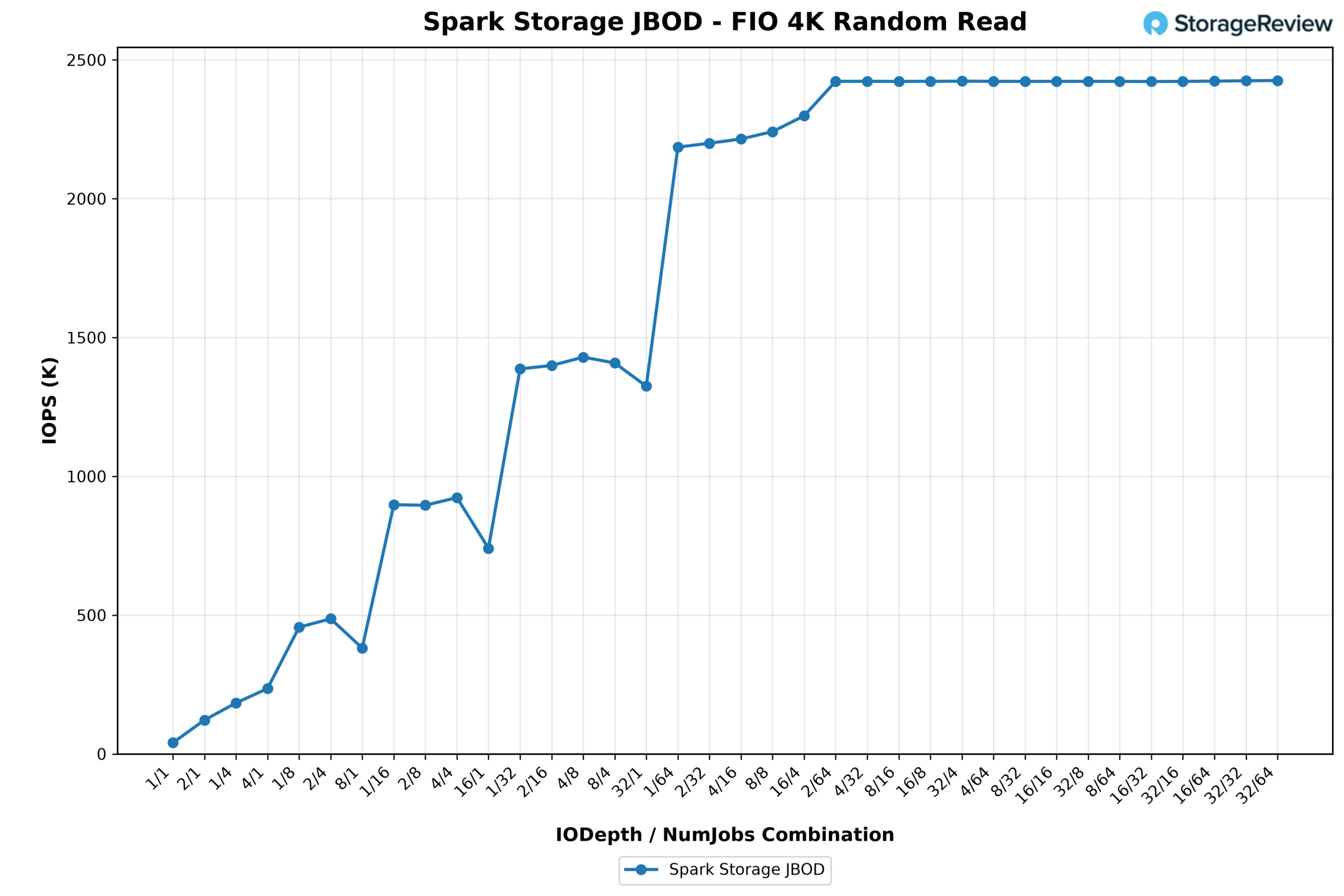
Corsair MP700 MICRO 4TB Review: PCIe Gen5 Performance in a Compact 2242 SSD

The Corsair MP700 MICRO 4TB SSD delivers next-generation storage bandwidth in a more compact form factor. Built around the compact M.2 2242 form factor using a PCIe Gen5 x4 interface, this drive is designed for thin and light laptops as well as small-form-factor workstations that need serious storage throughput on a much shorter PCB. With a hefty 4TB capacity, it also addresses a common limitation in this segment, where higher capacities in 2242 SSDs are still relatively rare.

Corsair MP700 Micro box

The MP700 MICRO supports the NVMe 2.0 interface over PCIe Gen5 x4 and is rated for up to 10,000 MB/s read and 8,500 MB/s write speeds. For systems with only a single 2242 slot, 4TB lets you keep everything internal instead of managing external drives, while still leaving room for large game libraries or creative projects.

The storage is based on 3D TLC NAND, which remains the preferred choice for performance-oriented consumer and workstation SSDs due to its balance of endurance and cost-efficiency compared to QLC. The drive also supports S.M.A.R.T. monitoring for health and diagnostics. The drive also supports DEVSLP and low-power NVMe PS4 idle states below 3 mW, which is important for mobile systems where idle power consumption affects battery life.

Corsair MP700 MICRO Features and Market Positioning

With a listed price of $1,034.99, the MP700 MICRO 4TB is in the premium tier of this segment, with costs driven mainly by its Gen5 interface and 4TB capacity in a 2242 form factor. Corsair backs the drive with a 5-year warranty, which is normal for most other high-end NVMe SSDs.

Corsair MP700 Micro bottom

In terms of positioning, the MP700 MICRO 4TB targets a very specific segment of buyers. There are not many 2242 drives offering Gen5 speeds, and even fewer that go all the way to 4TB. This makes it less of a general upgrade option and more of a specific solution for compact systems where space is fixed, but performance is important.

What makes the MP700 MICRO particularly interesting is how it fits into the class of compact AI workstations and Spark systems, including those we recently reviewed. These platforms rely exclusively on the shorter M.2 2242 form factor, which imposes tighter limits on storage options than traditional 2280 deployments. Because of that constraint, finding a drive that combines high capacity with modern Gen5 bandwidth in this size becomes much more challenging.

Corsair MP700 MICRO Specifications

Specification Detail
Overview
Storage Form Factor M.2 2242
SSD Package Contents MP700 MICRO M.2 SSD
SSD Compatibility M.2 2242 Interface Connector Windows
11, Windows 10, Mac OS X
Interface & Features
Interface PCIe Gen 5 x 4
NAND Technology 3D TLC
SSD Smart Support Yes
DEVSLP PS4: <3mW
Environmental
SSD Operating Temperature 0°C to +65°C
Storage Temperature -40°C to +85°C
Storage Humidity 93% RH (40° C)
Durability
Vibration 20Hz~80Hz/1.52mm,
80Hz~2000Hz/20G
SSD Shock 1,500 G
Physical
Weight 0.024kg

Corsair MP700 MICRO Performance

Peak Synthetic Performance

The FIO test is a flexible and powerful benchmarking tool for measuring the performance of storage devices, including SSDs and HDDs. It evaluates metrics such as bandwidth, IOPS, and latency under different workloads, like sequential and random read/write operations. This test helps to assess the peak performance of storage systems, making it useful for comparing different devices or configurations. We measured the peak burst performance for this test, limiting the workload to a 10GB footprint on both SSDs.

In the FIO synthetic benchmarks, the Corsair MP700 MICRO shows a performance profile that demonstrates the constraints of its compact 2242 design. Its sequential read speed reaches 9,169 MB/s with an average latency of 0.91ms, placing it below most full-size Gen5 drives that exceed 13,000 MB/s, though it remains competitive with high-end Gen4 drives such as the WD SN850X and Samsung 990 Pro. Sequential writes reach 7,948 MB/s with 1.06ms latency, again trailing larger Gen5 models but remaining competitive with high-end Gen4 drives.

For random performance, the Corsair MP700 MICRO posts 1.277M IOPS in 4K reads and 1.540M IOPS in 4K writes, which places it slightly ahead of drives like the Crucial P510 and Samsung 990 Pro in some cases but below the stronger Gen5 performers that push past the 2M IOPS mark. While the MP700 MICRO does not compete with the fastest desktop-class Gen5 SSDs, it still delivers decent performance for a drive built around the much smaller M.2 2242 form factor.

FIO Test (higher MB/s/IOPS is better) Sequential 128K Read (1T/64Q) Sequential 128K Write (1T/64Q) Random 4K Read (16T/32Q) Random 4K Write (16T/32Q)
SanDisk SN8100 15,000 MB/s (0.56ms avg latency) 14,100 MB/s (0.59ms avg latency) 2.312M IOPS (0.22ms avg latency) 2.144M IOPS (0.24ms avg latency)
Kingston FURY Renegade G5 14,600 MB/s (0.57ms avg latency) 14,100 MB/s (0.59ms avg latency) 2.028M IOPS (0.25ms avg latency) 2.028M IOPS (0.25ms avg latency)
Samsung 9100 Pro 14,600 MB/s (0.57ms avg latency) 13,300 MB/s (0.63ms avg latency) 2.734M IOPS (0.18ms avg latency) 2.734M IOPS (0.19ms avg latency)
SK hynix Platinum P51 14,500 MB/s (0.58ms avg latency) 13,500 MB/s (0.62ms avg latency) 2.369M IOPS (0.22ms avg latency) 2.669M IOPS (0.19ms avg latency)
Crucial T705 14,400 MB/s (0.58ms avg latency) 12,300 MB/s (0.68ms avg latency) 1.585M IOPS (0.32ms avg latency) 2.703M IOPS (0.19ms avg latency)
TEAMGROUP GE Pro 2TB 13,900 MB/s (0.60ms avg latency) 12,800 MB/s (0.65ms avg latency) 2.585M IOPS (0.23ms avg latency) 1.818M IOPS (0.28ms avg latency)
Lexar Professional NM1090 PRO 13,800MB/s (0.61ms avg latency) 13,600 MB/s (0.62ms avg latency) 2.251M IOPS (0.23ms avg latency) 1.818M IOPS (0.28ms avg latency)
TEAMGROUP GC Pro 2TB 13,600 MB/s (0.62ms avg latency) 12,700 MB/s (0.66ms avg latency) 2.110M IOPS (0.24ms avg latency) 1.686M IOPS (0.28ms avg latency)
PNY CS2150 10,400MB/s (0.80ms avg latency) 8,801MB/s (0.95ms avg latency) 1.379M IOPS (0.371ms avg latency) 1.623M IOPS (0.32ms avg latency)
Corsair MP700 MICRO 4TB 9,169 MB/s (0.91ms avg latency) 7,948 MB/s (1.06ms avg latency) 1.277M IOPS (0.40ms avg latency) 1.540M IOPS (0.33ms avg latency)
Crucial P510 8,835 MB/s (0.90 ms avg latency) 9,961 MB/s (0.80 ms avg latency) 1.163M IOPS (0.44ms avg latency) 1.196M IOPS (0.51ms avg latency)
Micron 3610 2TB 6,839 MB/s (1.23ms avg latency) 9,673 MB/s (0.87ms avg latency) 1.523M IOPS (0.34ms avg latency) 1.871M IOPS (0.27ms avg latency)
Samsung 990 Pro 7,483 MB/s (1.12ms avg latency) 7,197 MB/s (1.16ms avg latency) 1.400M IOPS (0.36ms avg latency) 1.403M IOPS (0.36ms avg latency)
Crucial P310 2TB 7,197 MB/s (1.16ms avg latency) 6,376 MB/s (1.31ms avg latency) 1.163M IOPS (0.44ms avg latency) 1.196M IOPS (0.43ms avg latency)
WD SN850X 2TB 6,632 MB/s (0.76ms avg latency) 7,235 MB/s (0.92ms avg latency) 1.2M IOPS (0.43ms avg latency) 825K IOPS (0.62ms avg latency)
Micron 2600 2TB 5,702 MB/s (1.47ms avg latency) 6,612 MB/s (1.27ms avg latency) 1.11M IOPS (0.46ms avg latency) 1.36M IOPS (0.38ms avg latency)

Average LLM Load Time

The Average LLM Load Time test evaluated the load times of three different LLMs: DeepSeek R1 7B, Meta Llama 3.2 11B, and DeepSeek R1 32B. Each model was tested 10 times, and the average load time was calculated. This test measures the drive’s ability to load large language models (LLMs) into memory quickly. LLM load times are critical for AI-related tasks, especially for real-time inference and processing large datasets. Faster loading enables the model to process data more quickly, thereby improving AI responsiveness and reducing wait times.

When it comes to loading Large Language Models into memory, the Corsair MP700 MICRO 4TB places near the bottom of the chart despite its Gen5 interface. Since LLM loading is almost entirely read-bound, the drive’s more modest sequential throughput compared to full-size Gen5 SSDs shows up quickly in this test. The MP700 MICRO posts 3.47 seconds for the DeepSeek R1 7B model, 5.21 seconds for the Meta Llama 3.2 11B Vision model, and 5.39 seconds for the larger DeepSeek R1 32B model.

Across the board, those results trail most of the Gen5 drives in the comparison, with many of them loading the 7B model closer to the mid-2-second range and completing the 32B model in roughly 4 to 4.8 seconds. While the MP700 MICRO still edges out the Micron 3610 in every model test, it cannot compete with the fastest desktop-class Gen5 drives for AI model loading.

Average LLM Load Time (lower is better) DeepSeek R1 7B Meta Llama 3.2 11B Vision DeepSeek R1 32B
SK hynix Platinum P51 2.5481s 3.5809s 4.1790s
SanDisk SN8100 2.5702s 3.5856s 4.2870s
Samsung 9100 Pro 4TB 2.6173s 3.6017s 4.3735s
PNY CS2150 2.8107s 3.6820s 4.8962s
Crucial T705 2TB 2.8758s 3.6312s 5.1080s
Samsung 990 Pro 2TB 2.8758s 3.6312s 5.1080s
Crucial P510 1TB 2.8817s 3.6631s 5.0594s
TEAMGROUP GE Pro 2TB 2.9092s 3.9136s 4.8974s
TEAMGROUP GC Pro 2TB 2.9379s 3.9267s 4.8188s
WD SN850X 2TB 3.0082s 3.6543s 5.4844s
Kingston FURY Renegade G5 3.1843s 4.8009s 4.6523s
Crucial P310 2TB 3.1889s 3.7083s 5.4844s
Lexar Professional NM1090 PRO 3.2135s 4.9504s 7.2108s
Micron 2600 2TB 3.3178s 3.9174s 5.9060s
Corsair MP700 MICRO 4TB 3.4694s 5.2106s 5.3990s
Micron 3610 2TB 3.5348s 5.3853s 5.5731s

GPU Direct Storage

One of the tests we conducted on this testbench was the Magnum IO GPU Direct Storage (GDS) test. GDS is a feature developed by NVIDIA that allows GPUs to bypass the CPU when accessing data stored on NVMe drives or other high-speed storage devices. Instead of routing data through the CPU and system memory, GDS enables direct communication between the GPU and the storage device, significantly reducing latency and improving data throughput.

How GPU Direct Storage Works

Traditionally, when a GPU processes data stored on an NVMe drive, the data must first travel through the CPU and system memory before reaching the GPU. This process introduces bottlenecks because the CPU acts as a middleman, adding latency and consuming valuable system resources. GPU Direct Storage eliminates this inefficiency by enabling the GPU to access data directly from the storage device via the PCIe bus. This direct path reduces data-movement overhead, enabling faster, more efficient data transfers.

AI workloads, especially those involving deep learning, are highly data-intensive. Training large neural networks requires processing terabytes of data, and any delay in data transfer can lead to underutilized GPUs and longer training times. GPU Direct Storage addresses this challenge by ensuring that data is delivered to the GPU as quickly as possible, minimizing idle time and maximizing computational efficiency.

In addition, GDS is particularly beneficial for workloads that involve streaming large datasets, such as video processing, natural language processing, or real-time inference. By reducing the reliance on the CPU, GDS accelerates data movement and frees up CPU resources for other tasks, further enhancing overall system performance.

For comparison in these tests, we are using several Spark systems that we recently reviewed, each equipped with a different NVMe SSD configuration. These platforms provide a useful cross-section of both Gen4 and Gen5 storage implementations, allowing us to see how the Corsair MP700 MICRO behaves relative to drives in real-world GPU compute environments:

GDSIO Read Throughput 1M

In the 1MB sequential read test using GPU Direct Storage, the Corsair MP700 MICRO shows solid scaling early on, then levels off as thread counts increase. With a single thread, the drive delivers 3.93 GiB/s, quickly climbing to 5.23 GiB/s with two threads and peaking at about 6.19 GiB/s with four threads. Past that point, throughput stabilizes in the 5.7-6.1 GiB/s range up to 128 threads.

GDSIO Read Latency 1M

Latency trends follow the expected pattern as queue depth increases. On a single thread, average latency is about 248µs, which gradually increases to roughly 381µs with two threads and 636µs with four threads as additional parallel requests are introduced. As concurrency increases, latency rises more noticeably, reaching about 1,315µs at 8 threads, 2,535µs at 16 threads, and eventually climbing to roughly 27,807µs at 128 threads.

GDSIO Write Throughput 1M

In the 1MB sequential write test using GPU Direct Storage, the Corsair MP700 MICRO ramps up quickly, then settles into a stable throughput range as concurrency increases. With a single thread, the drive posts 6.04GiB/s, climbing to 7.09GiB/s at two threads and 7.21GiB/s at four threads. Performance continues to inch upward as thread counts increase, peaking at about 7.37GiB/s around the 16 to 32 thread range before flattening out. Beyond that point, throughput holds steady through 64 threads before dropping slightly to 6.48 GiB/s at 128 threads. Compared with the other drives in the chart, the MP700 MICRO trails the full-size Samsung Gen5 drive that exceeds 12GiB/s, though it maintains a lead over the Gen4 Phison-based models throughout most of the test.

GDSIO Write Latency 1M

Latency increases as thread counts rise due to the greater queue depth on the drive during the GDS workload. At one thread, the MP700 MICRO records an average latency of about 162µs, increasing to roughly 276µs at two threads and 542µs at four threads. As concurrency grows, latency scales upward to about 1,075µs at eight threads, 2,120µs at sixteen threads, and 4,240µs at thirty-two threads. Higher thread counts increase latency, reaching roughly 8,500 µs at 64 threads and about 19,749 µs at 128 threads. Even with this increase, the MP700 MICRO still has lower latency than the slower Gen4 configuration shown in the chart. It tracks relatively close to the higher-performing Samsung drive across most of the test range.

GDSIO Read Throughput 16K

In the 16K read test using GPU Direct Storage, the Corsair MP700 MICRO shows steady scaling as thread counts increase, gradually building throughput. Starting at 0.27GiB/s with a single thread, performance climbs to 0.58GiB/s at two threads and 1.04GiB/s at four threads. The drive continues to scale efficiently with higher queue depths, reaching 1.94GiB/s at eight threads and 2.56GiB/s at sixteen threads. Throughput continues rising to 3.77GiB/s at thirty-two threads and 5.31GiB/s at sixty-four threads, eventually topping out around 5.92GiB/s at 128 threads. Compared to the other drives in the chart, the MP700 MICRO performs particularly well at moderate thread counts, leading the group through much of the midrange before the Samsung Gen5 drive overtakes it at the highest thread count.

GDSIO Read Latency 16K

Latency for the 16K read workload starts relatively low and increases gradually as concurrency builds. At one thread, the Corsair MP700 MICRO records an average latency of about 55.5µs, improving slightly to around 52.6µs with two threads before rising to 59.0µs at four threads and 62.9µs at eight threads. As the queue depth increases further, latency grows more noticeably, reaching about 95.2µs at sixteen threads and 129.6µs at thirty-two threads. Higher thread counts continue this upward trend, with latency measuring roughly 184.0 µs at 64 threads and 330.0 µs at 128 threads. Even as the thread count increases, latency remains relatively controlled through the midrange of the test, only climbing more sharply once the workload reaches the highest thread counts.

GDSIO Write Throughput 16K

In the 16K write workload using GPU Direct Storage, the MP700 MICRO scales aggressively as thread counts increase, quickly climbing into its steady-state performance range. Starting at 1.03GiB/s with a single thread, throughput rises to 1.56GiB/s at two threads and 2.70GiB/s at four threads. Performance continues ramping with higher thread counts, reaching 4.97GiB/s at eight threads and peaking around 7.33GiB/s at sixteen threads. Beyond that point, the drive effectively plateaus, maintaining roughly 7.31 to 7.32GiB/s through 32, 64, and 128 threads. Compared with the other drives in the chart, the MP700 MICRO reaches its maximum throughput much earlier and maintains that level for the rest of the test, maintaining its lead throughout.

GDSIO Write Latency 16K

Latency begins very low in the 16K write test and stays that way as the leader. At a single thread, the Corsair MP700 MICRO records an average latency of about 14.7µs, rising to 19.6µs at two threads and 22.8µs at four threads. Even as throughput scales rapidly, latency remains relatively controlled by moderate queue depths, measuring 24.8 µs at eight threads and 33.3 µs at sixteen threads. As the number of threads increases, latency rises to 66.8µs at 32 threads, 133.3µs at 64 threads, and eventually about 267.2µs at 128 threads.

Conclusion

Overall, the Corsair MP700 MICRO 4TB delivers strong performance in a compact M.2 2242 form factor, offering a high-capacity option for systems that need serious storage throughput in a very limited physical footprint. Systems such as the Spark-class AI workstations rely entirely on that shorter module length, which narrows the range of drives that can be installed. In that environment, a drive that combines PCIe Gen5 bandwidth with 4TB of TLC NAND provides a nice upgrade path for local storage capacity and throughput. Other compact platforms, including high-end laptops that rely on a single 2242 slot, benefit from sufficient internal capacity for large datasets, AI models, and project files while still maintaining the high transfer speeds expected of modern NVMe storage.

Corsair MP700 MICRO phison controller

Compared with the OEM Phison Gen4 drives used in the Dell Pro Max with GB10 and the ASUS Ascent GX10, the Corsair drive delivers stronger overall performance across several workloads, including GPU Direct Storage tests, where throughput scales quickly and remains steady at higher thread counts. Read-heavy scenarios still favor the Samsung Gen5 drive (which was used inside the Acer Veriton GN100), particularly in tests such as LLM model loading and peak sequential throughput. Ultimately, the Corsair drive primarily serves as an upgrade over Gen4 configurations, but it falls behind the faster Samsung Gen5 implementation.

The value of the MP700 MICRO becomes most apparent when the form-factor constraint is taken into account. Delivering PCIe Gen5 speeds alongside a full 4TB capacity within a 2242 module is still relatively uncommon. That combination gives compact compute platforms significantly more local storage headroom than many alternatives in this size class. Systems built around the Spark ecosystem, compact AI workstations, and thin mobile platforms all benefit from that added capacity and bandwidth when working with large datasets or model files. Priced at $1,034.99 on Corsair’s website and backed by a 5-year warranty, the MP700 MICRO is a premium option for users who require both high capacity and modern interface performance in a 2242 storage slot.

Product Page – Corsair MP700 MICRO 4TB

The post Corsair MP700 MICRO 4TB Review: PCIe Gen5 Performance in a Compact 2242 SSD appeared first on StorageReview.com.
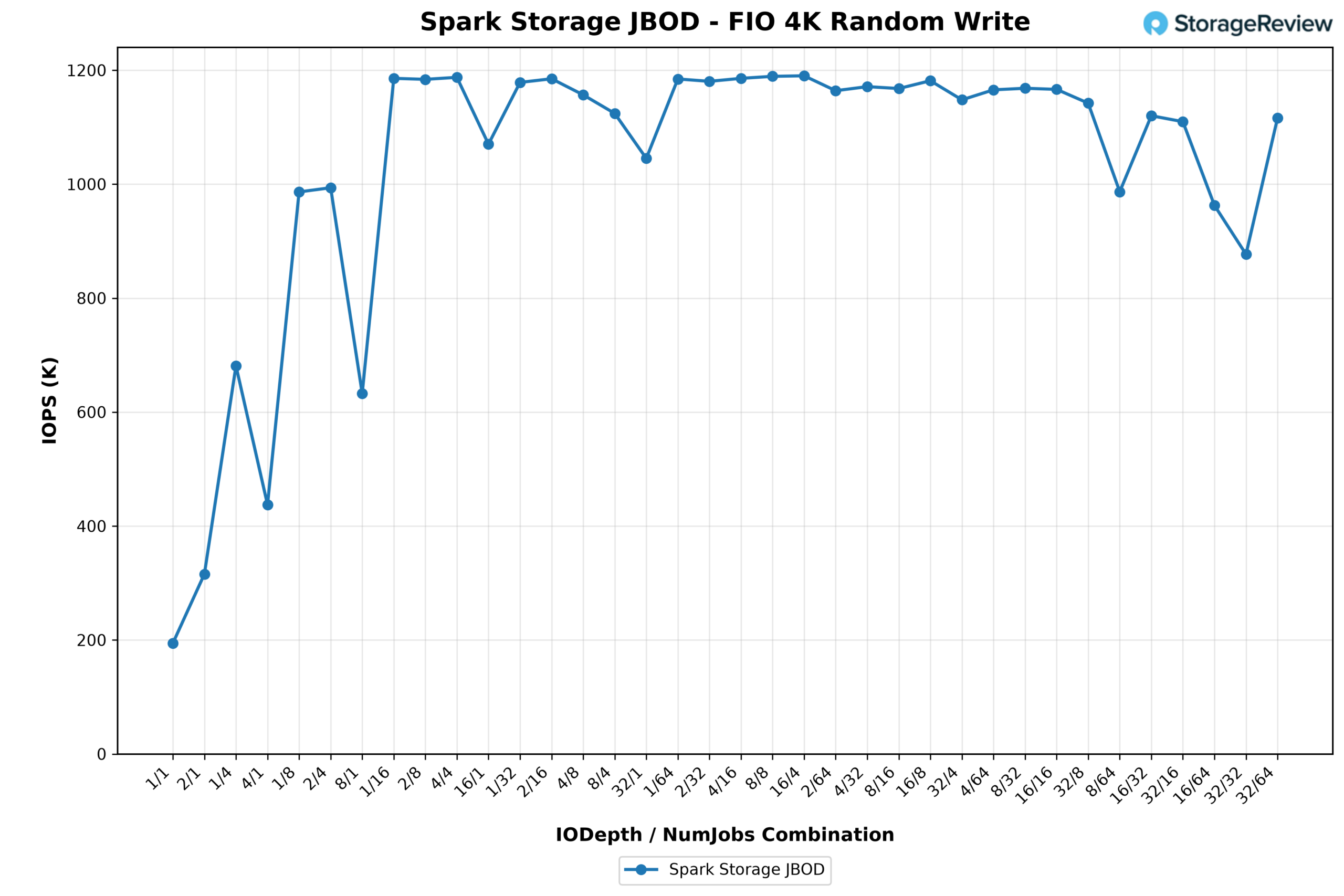
❌