It's not a surprise seeing the Zen 5 X3D CPU continuing its domination in the market, but the AM4 is still alive due to two processors. Mindfactory Monthly Stats Reveal Ryzen 9800X3D is Still the Most Popular Chip, but the Revival of Ryzen 7 5800X3D Has Pushed AM4's Popularity Significantly The latest sales stats for the popular German retailer Mindfactory are out. Once again, we see the AMD Ryzen 7 9800X3D at the top as usual, but it isn't followed by another Zen 5 X3D or non-X3D SKU as the best seller. This is because users are simply opting for […]
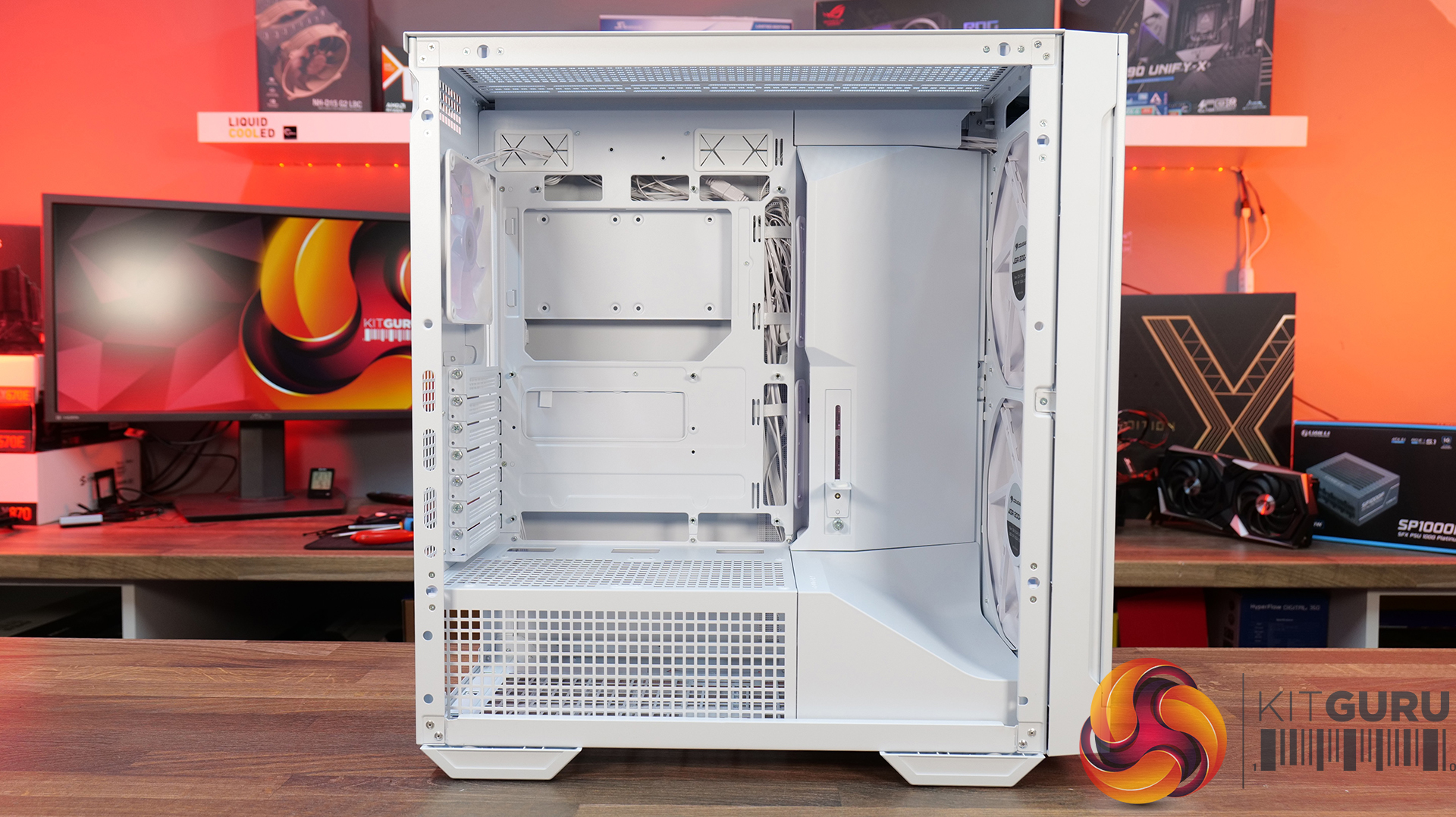
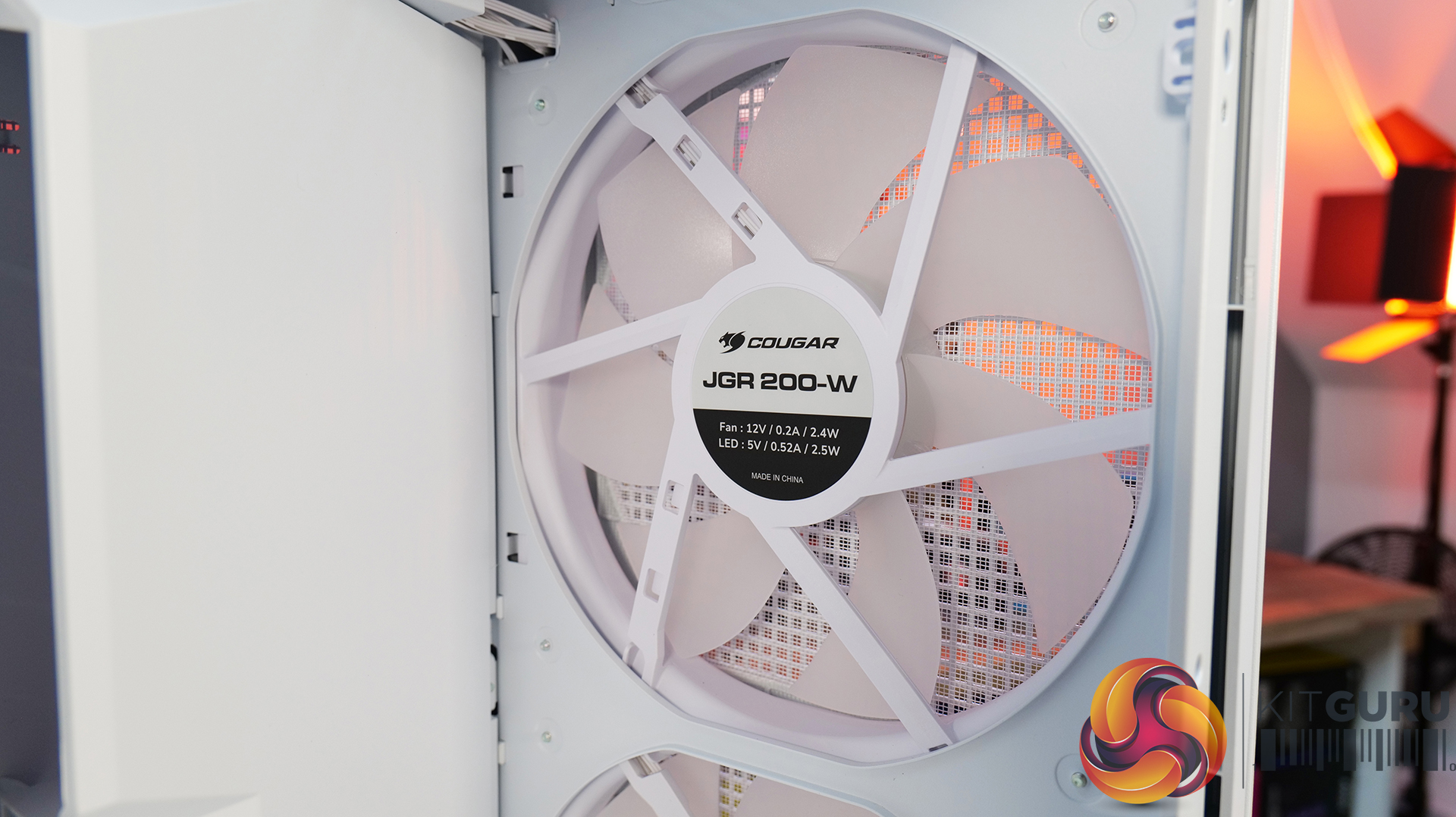
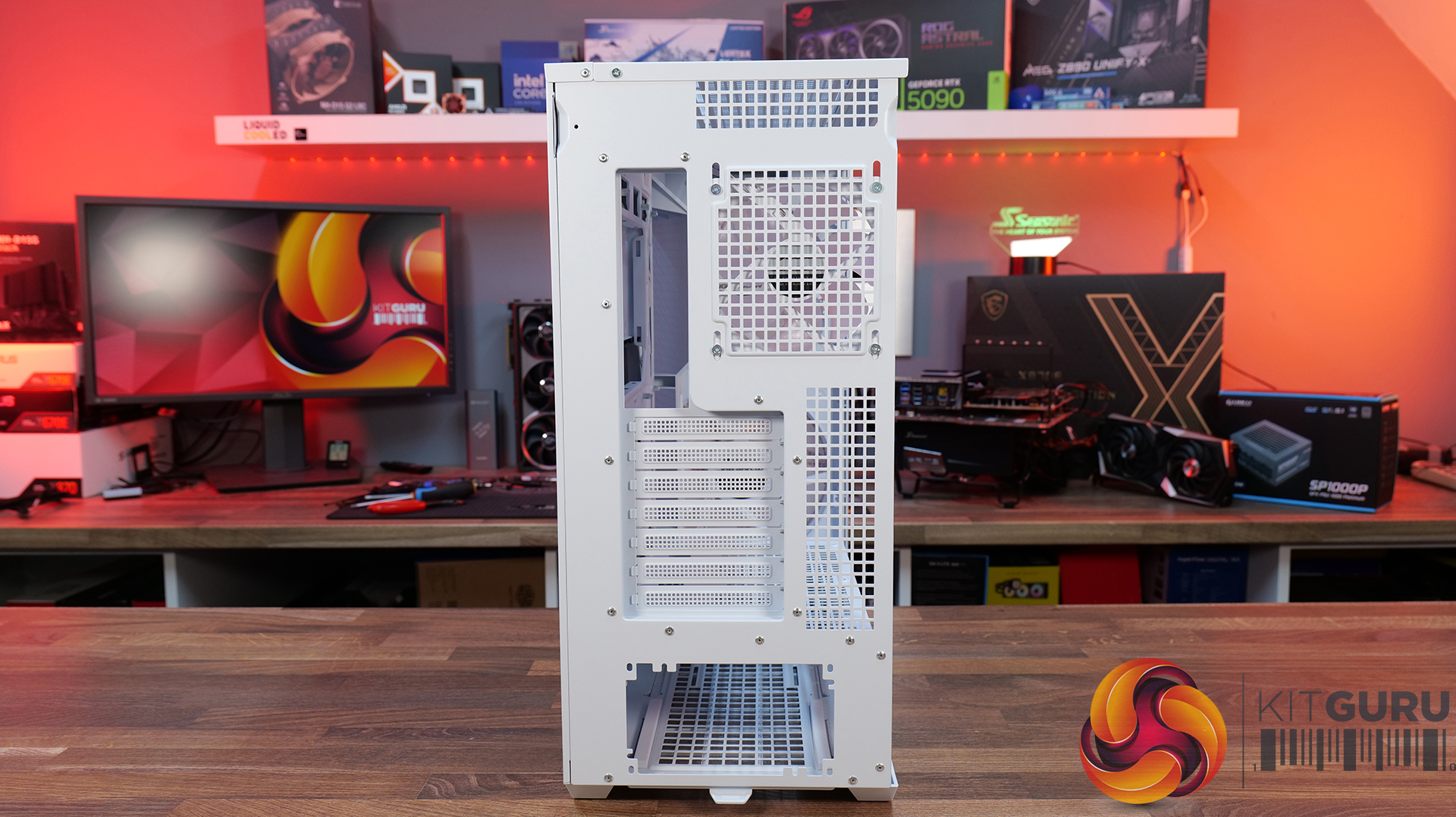
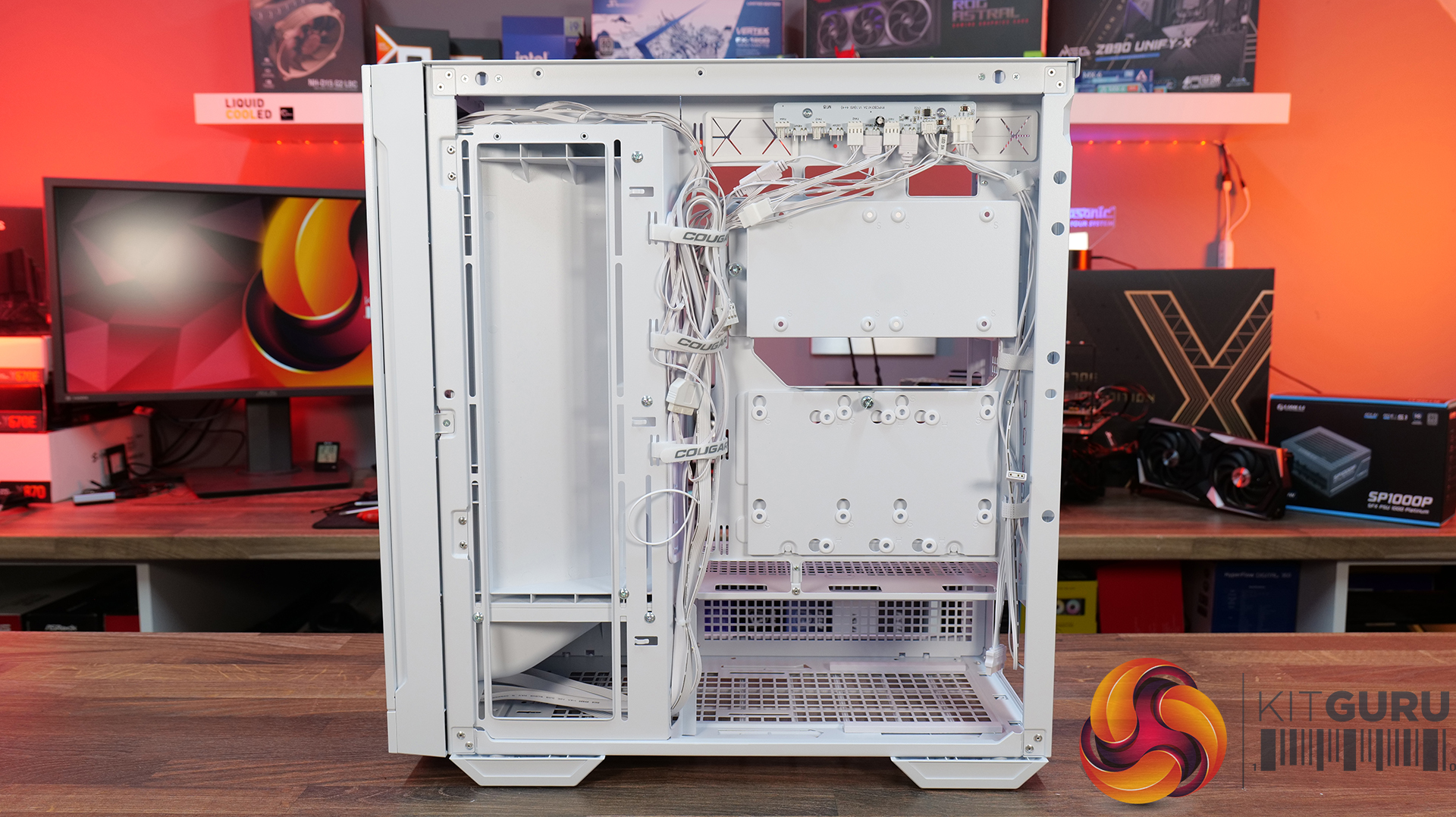
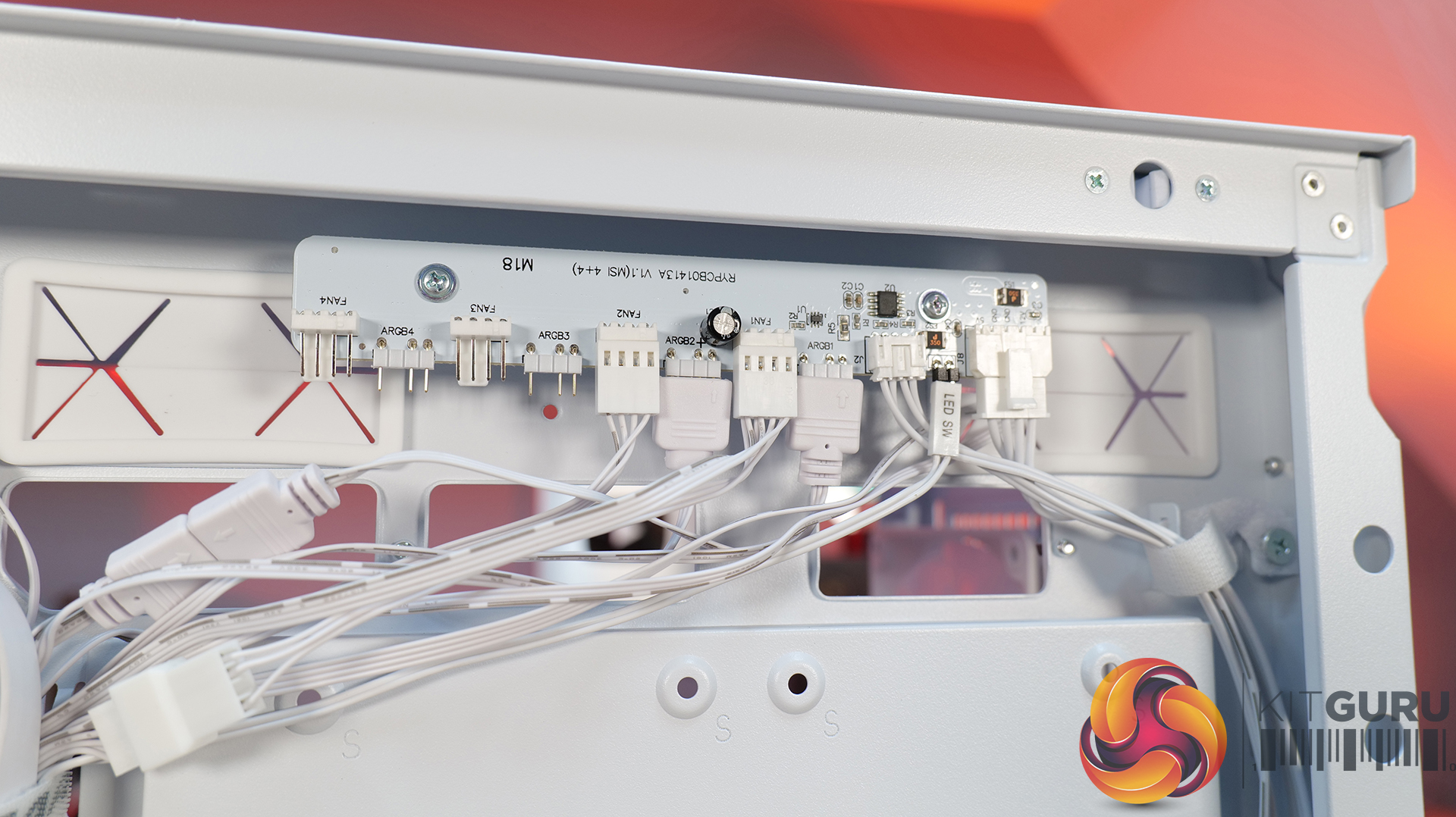
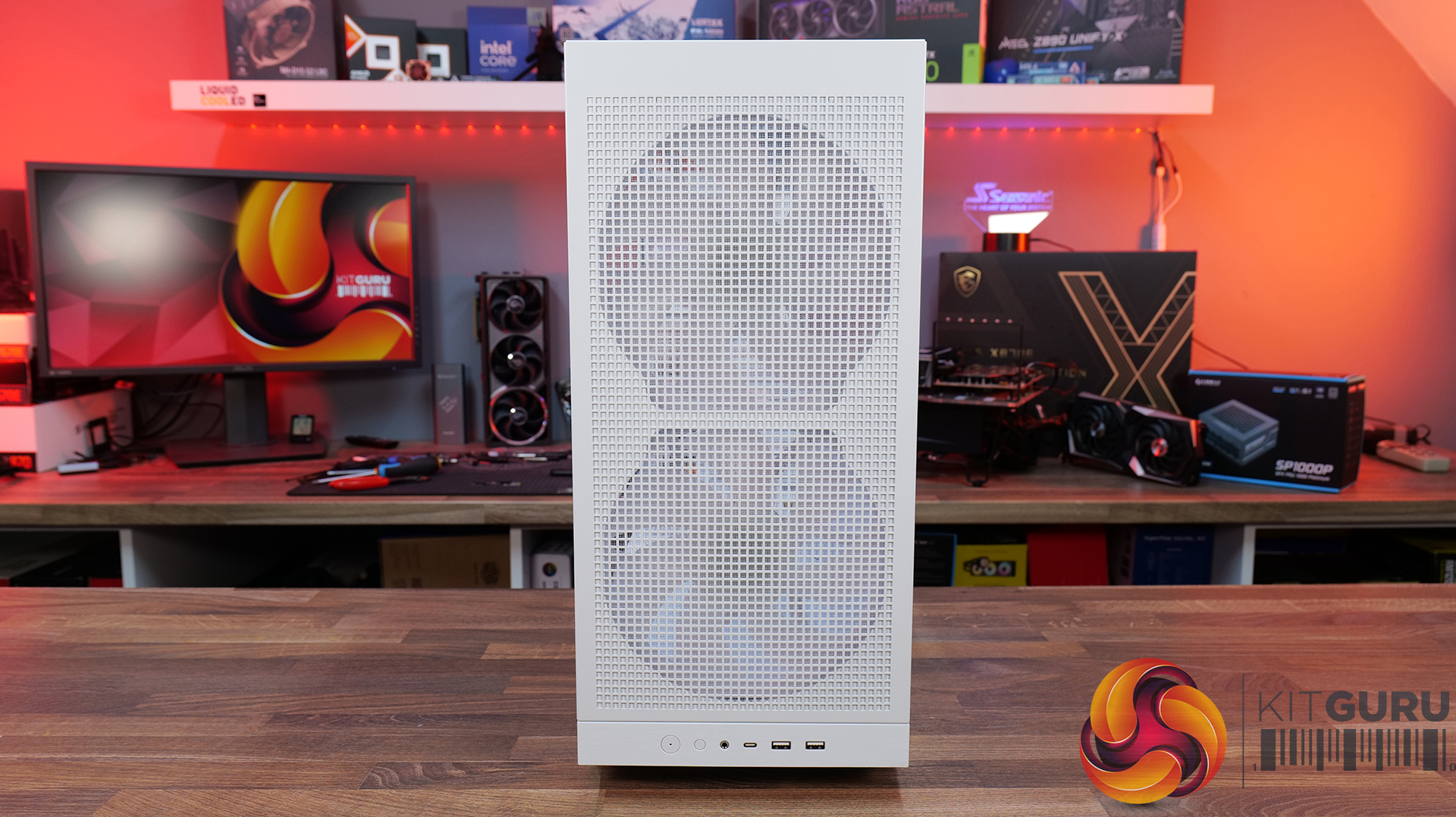
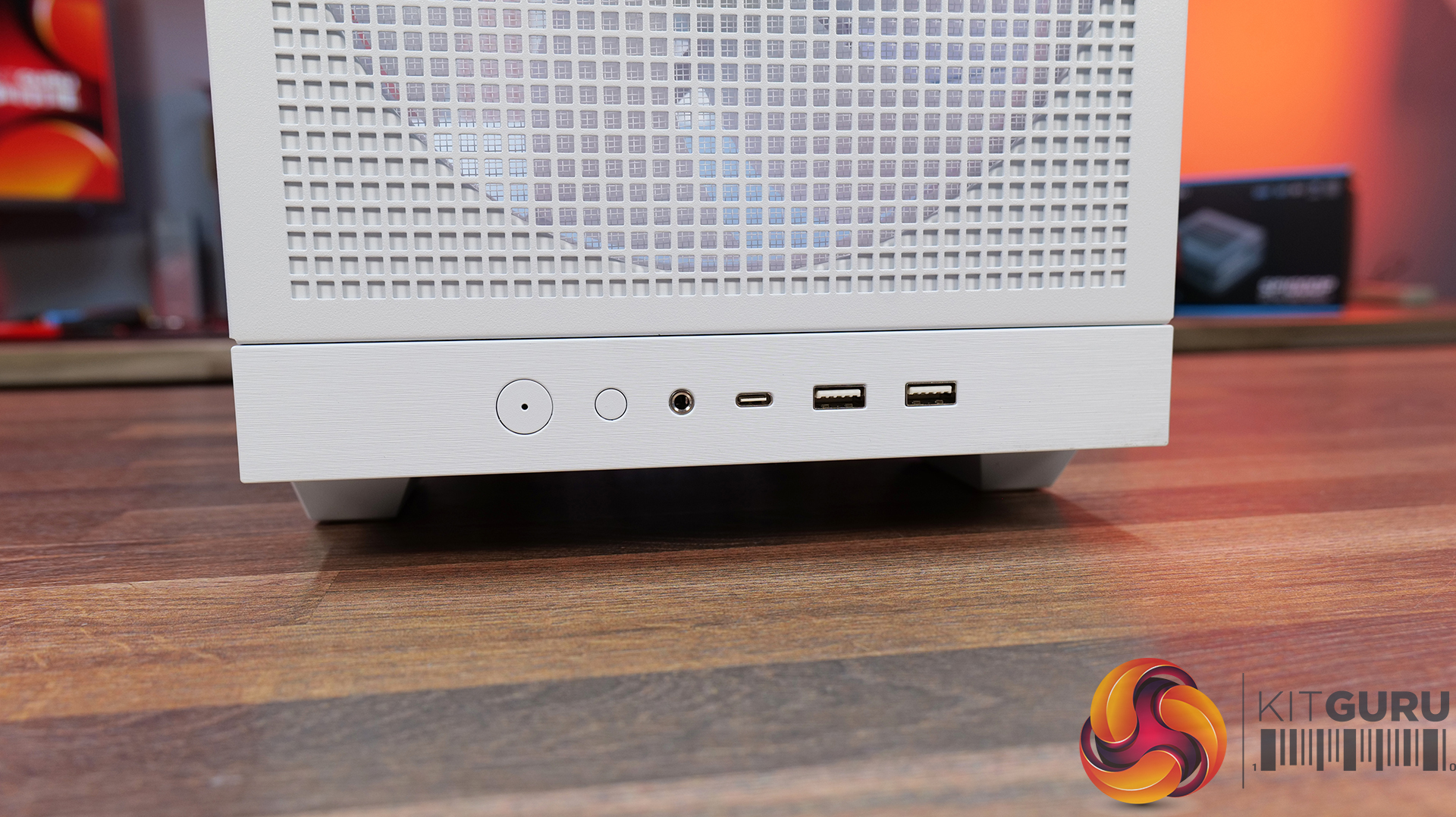
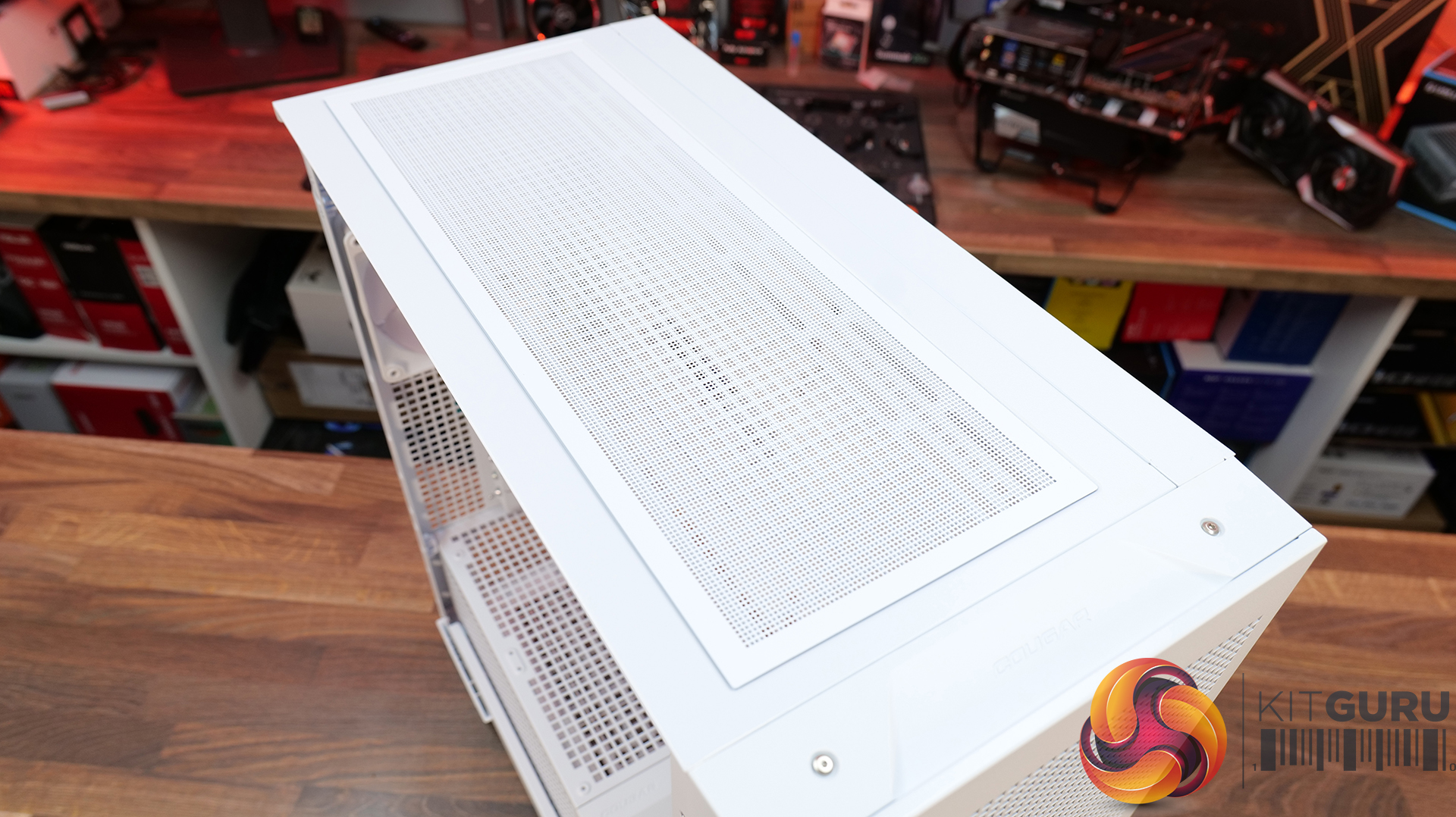
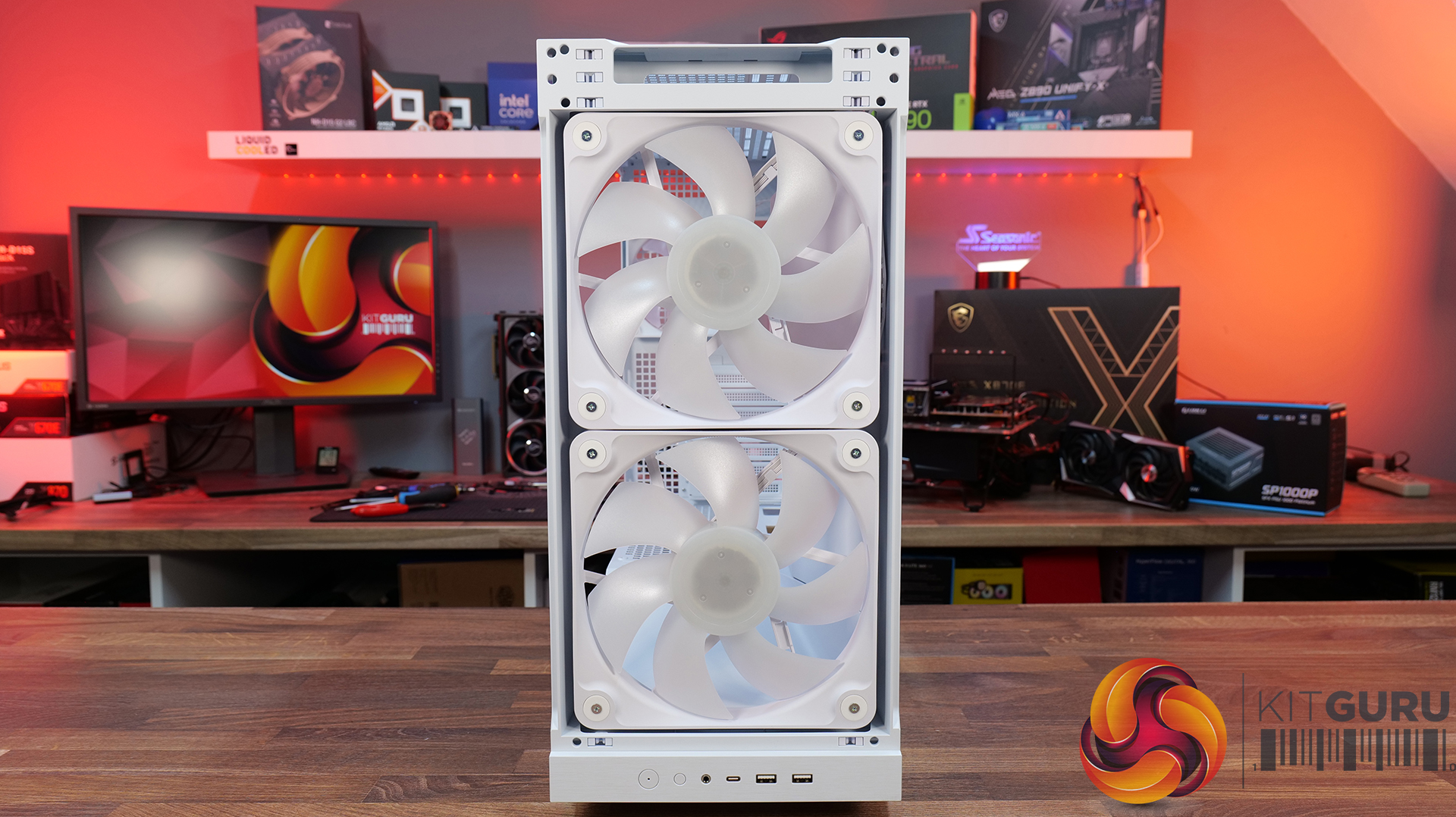
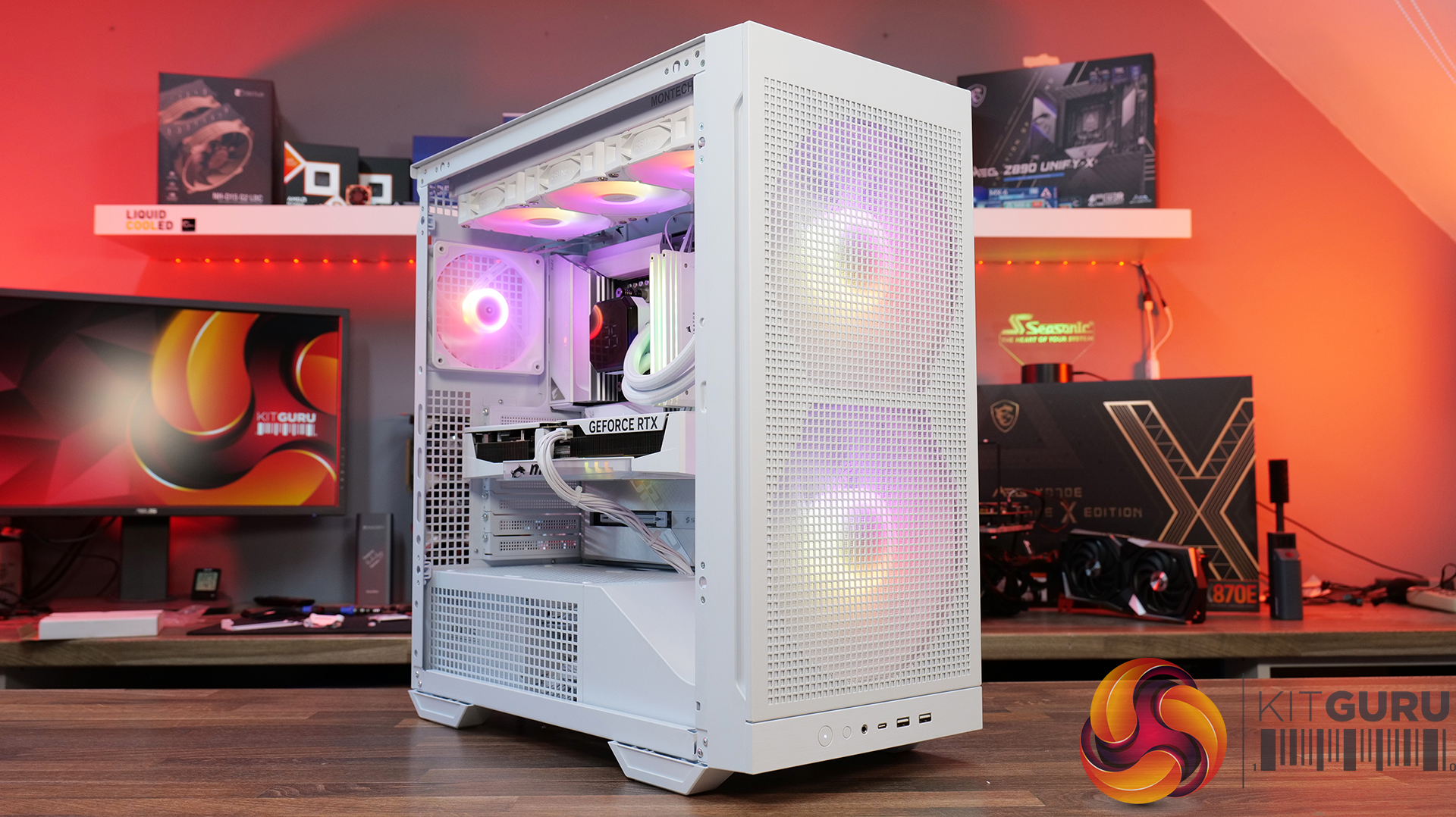
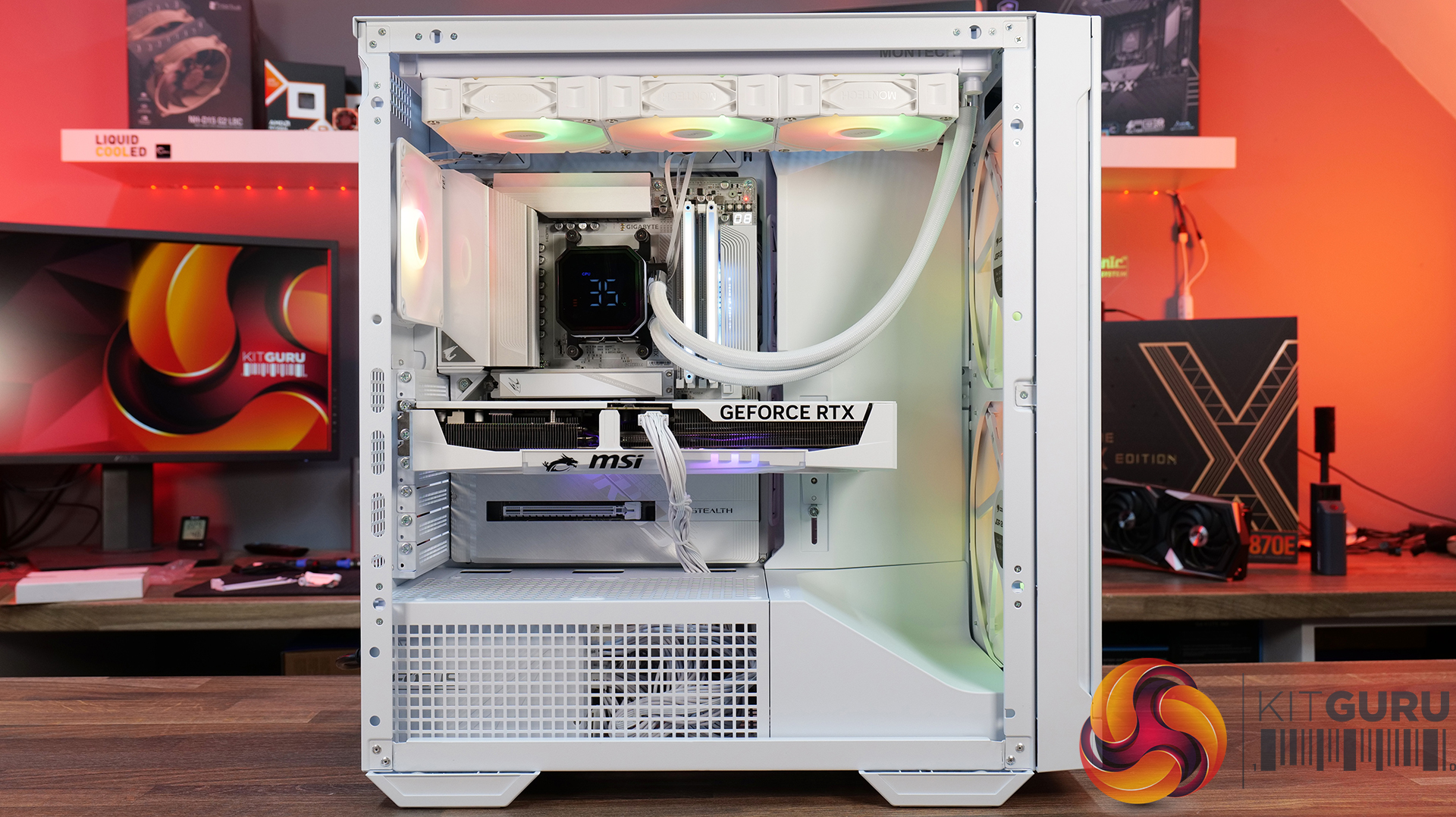
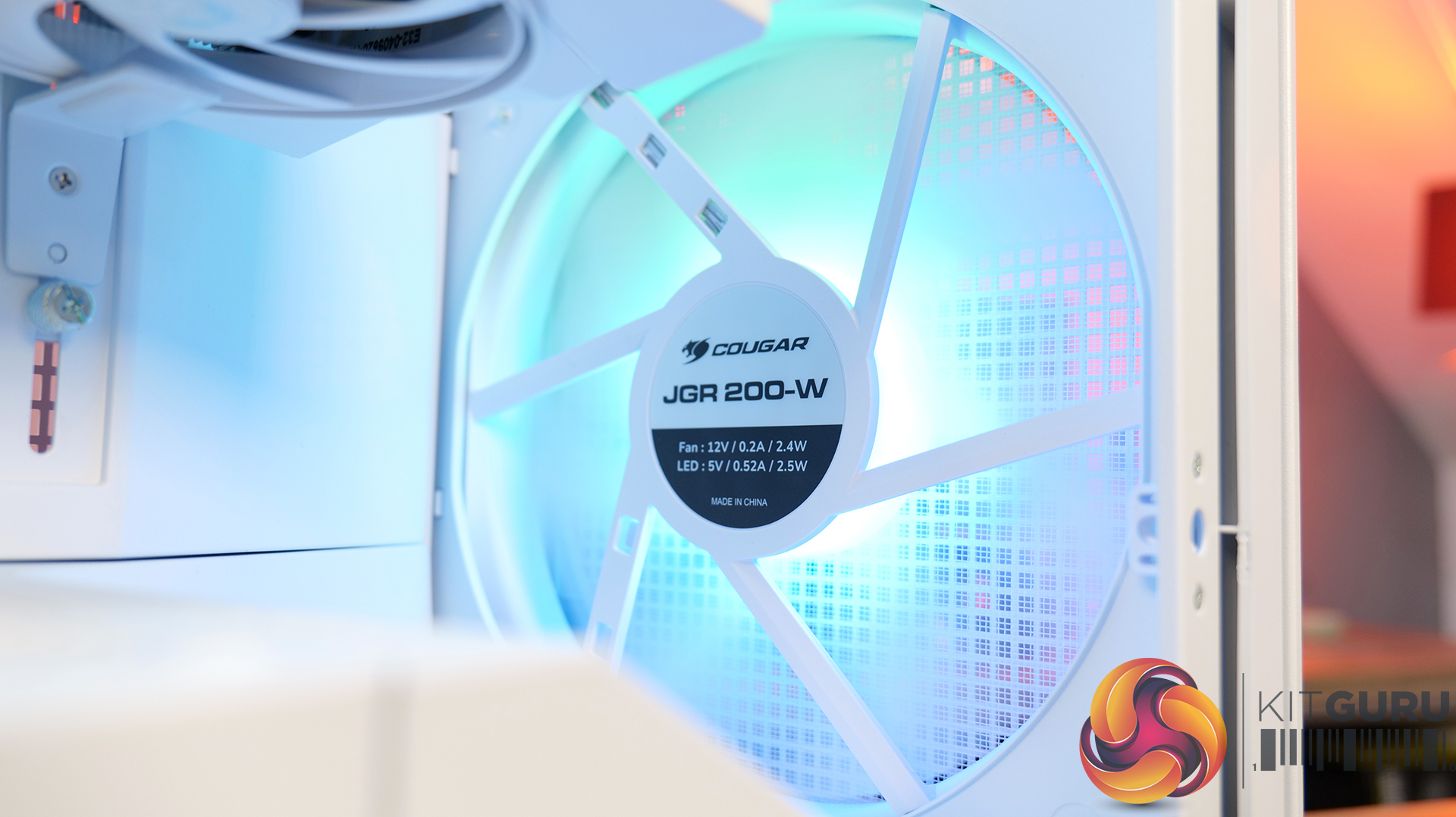
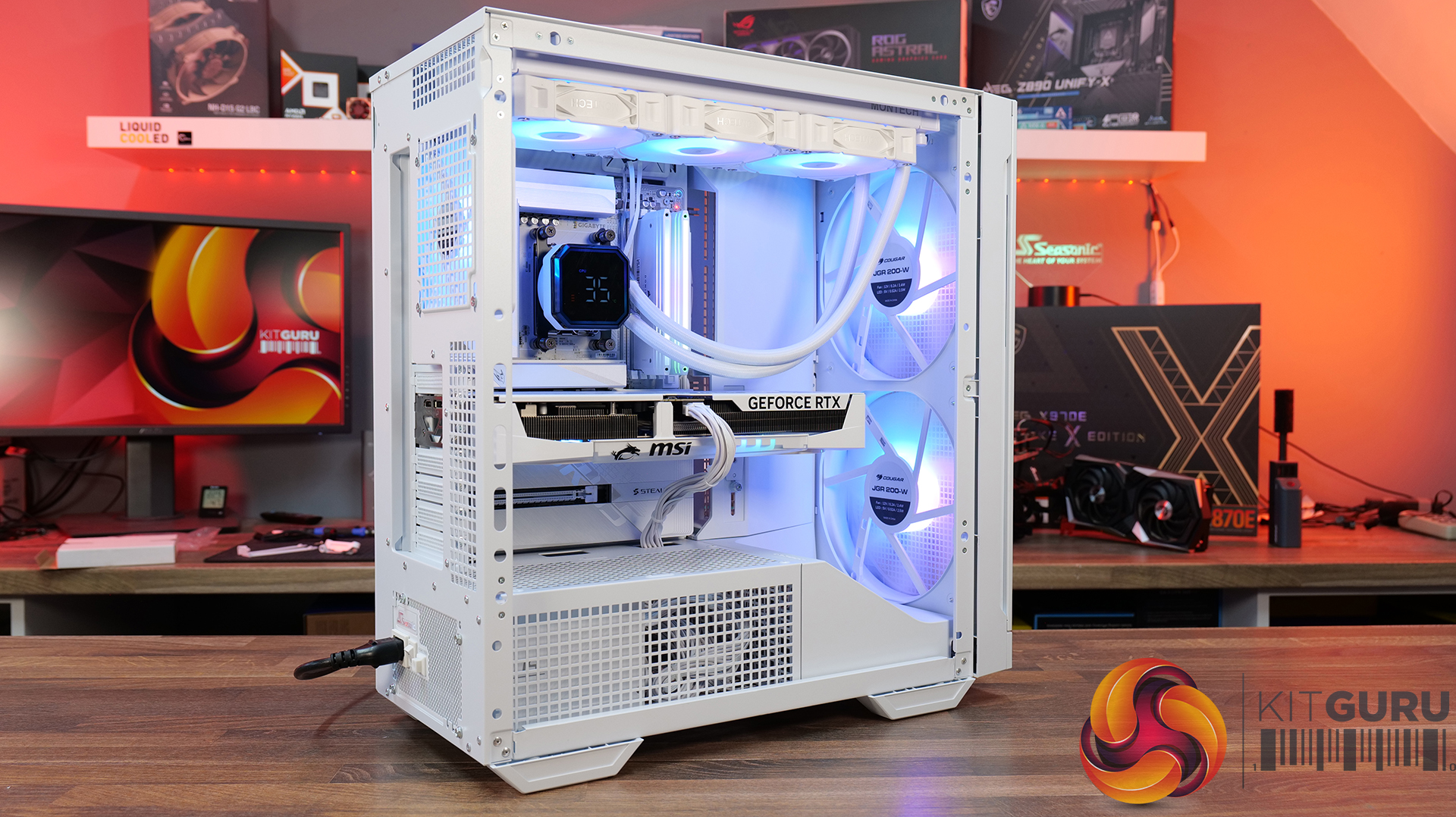
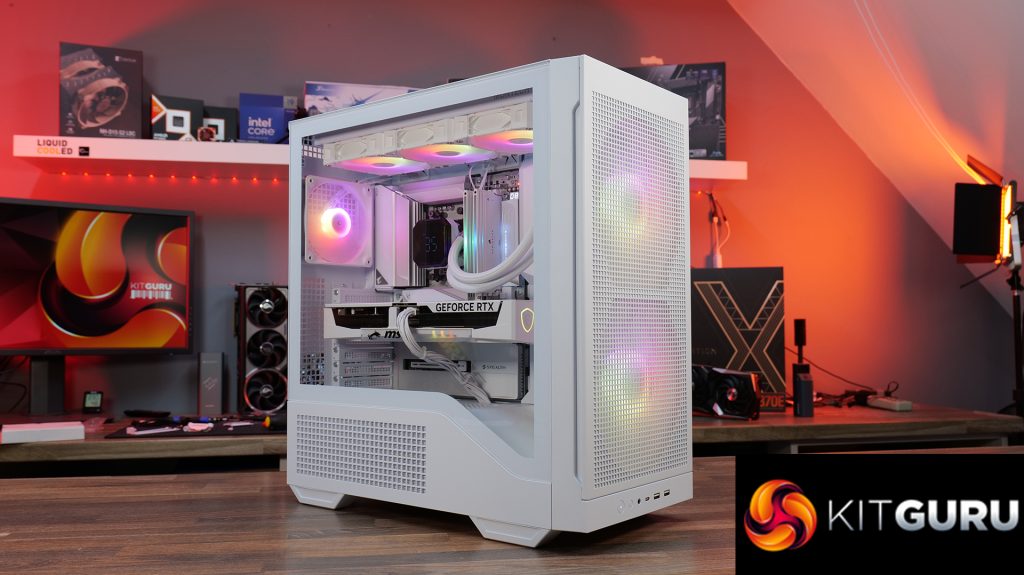
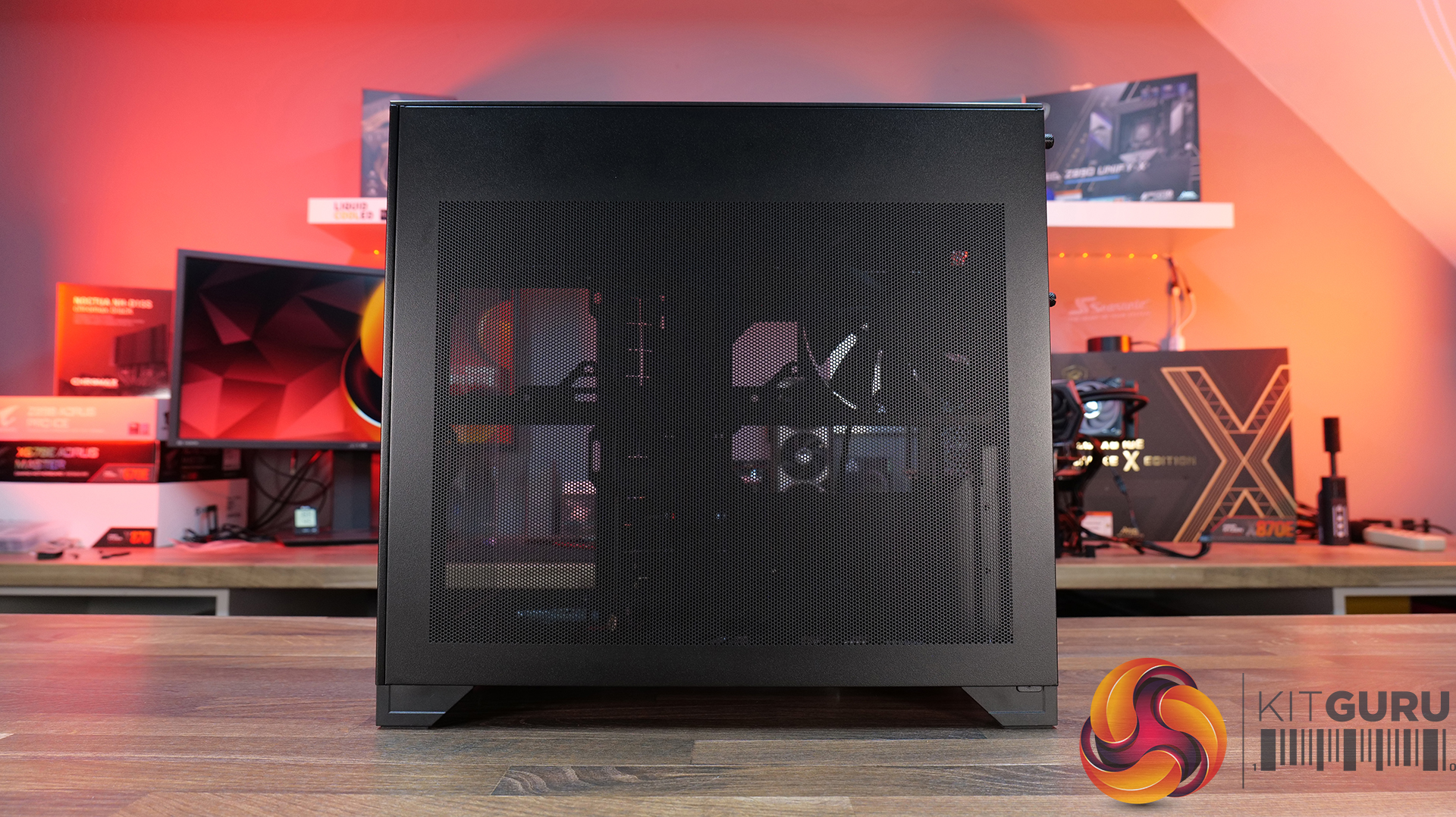
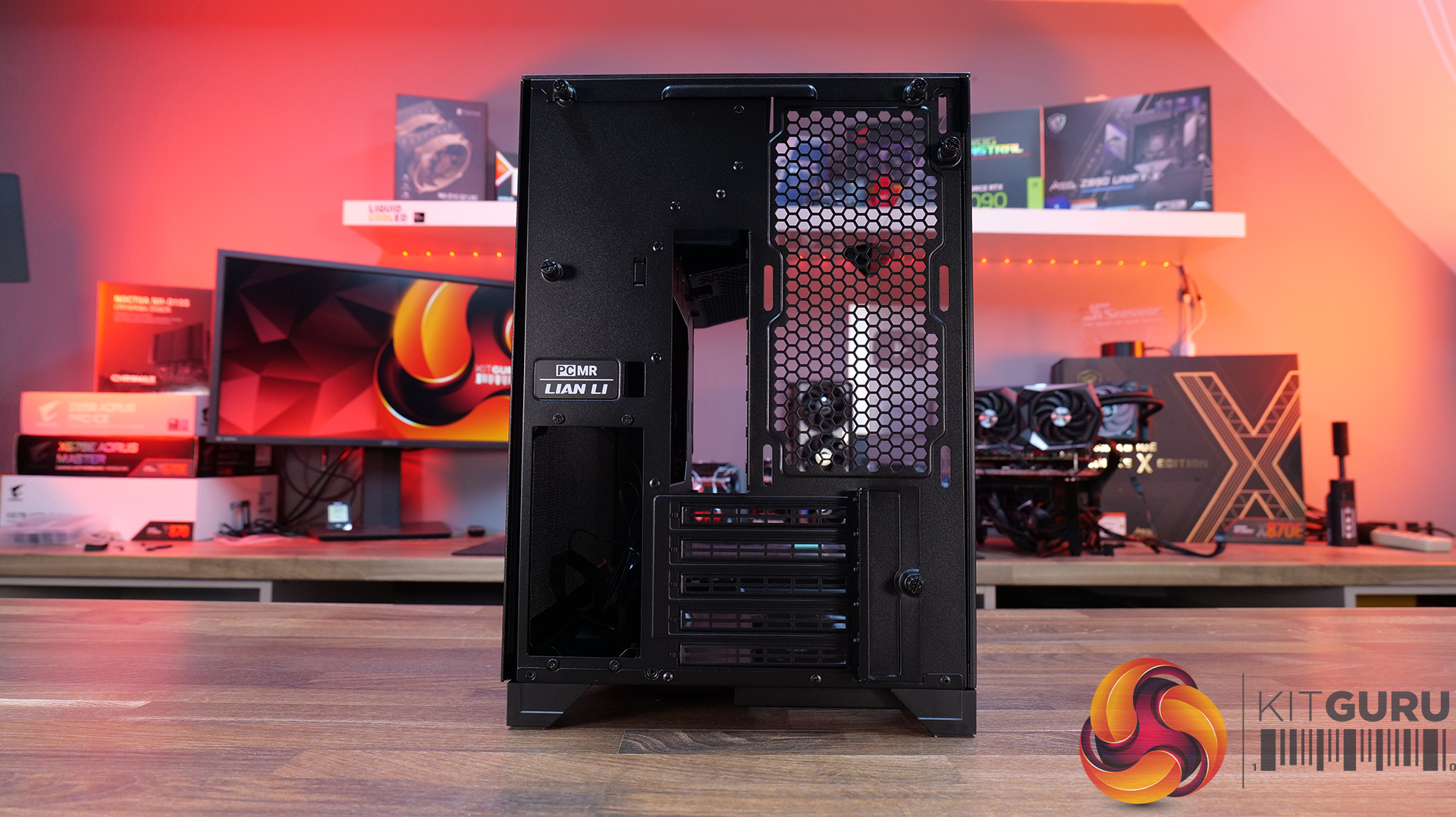
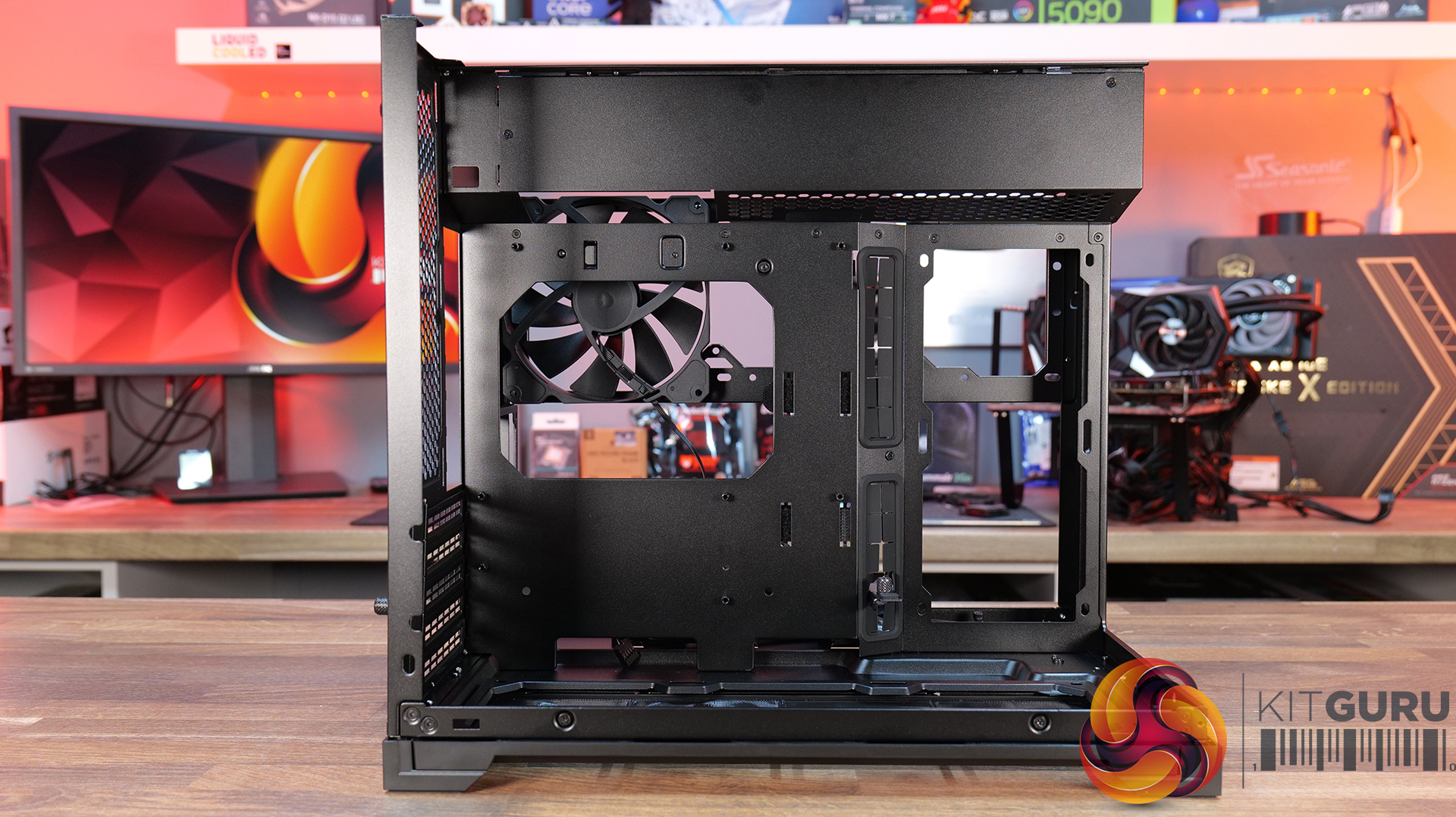
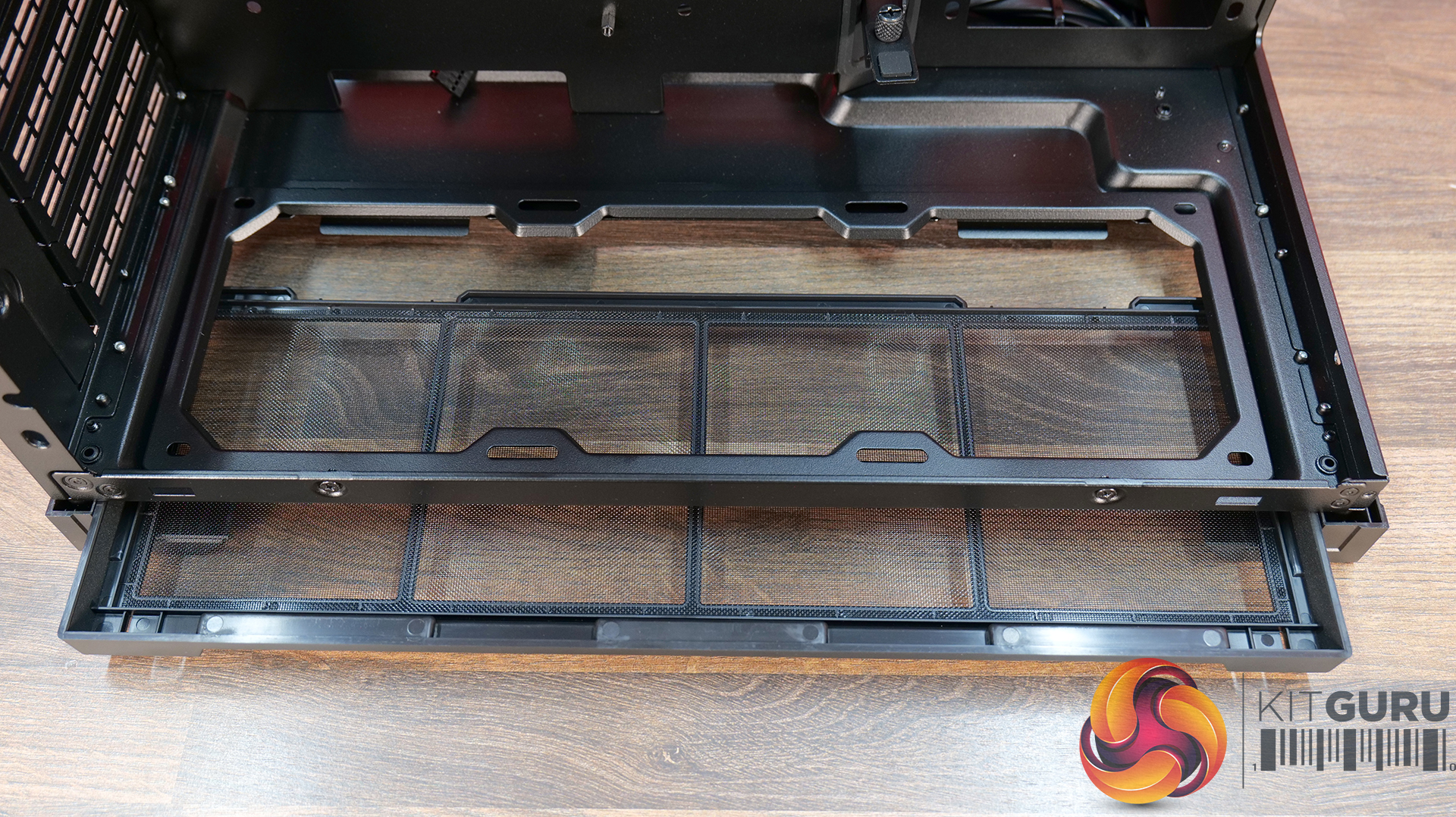
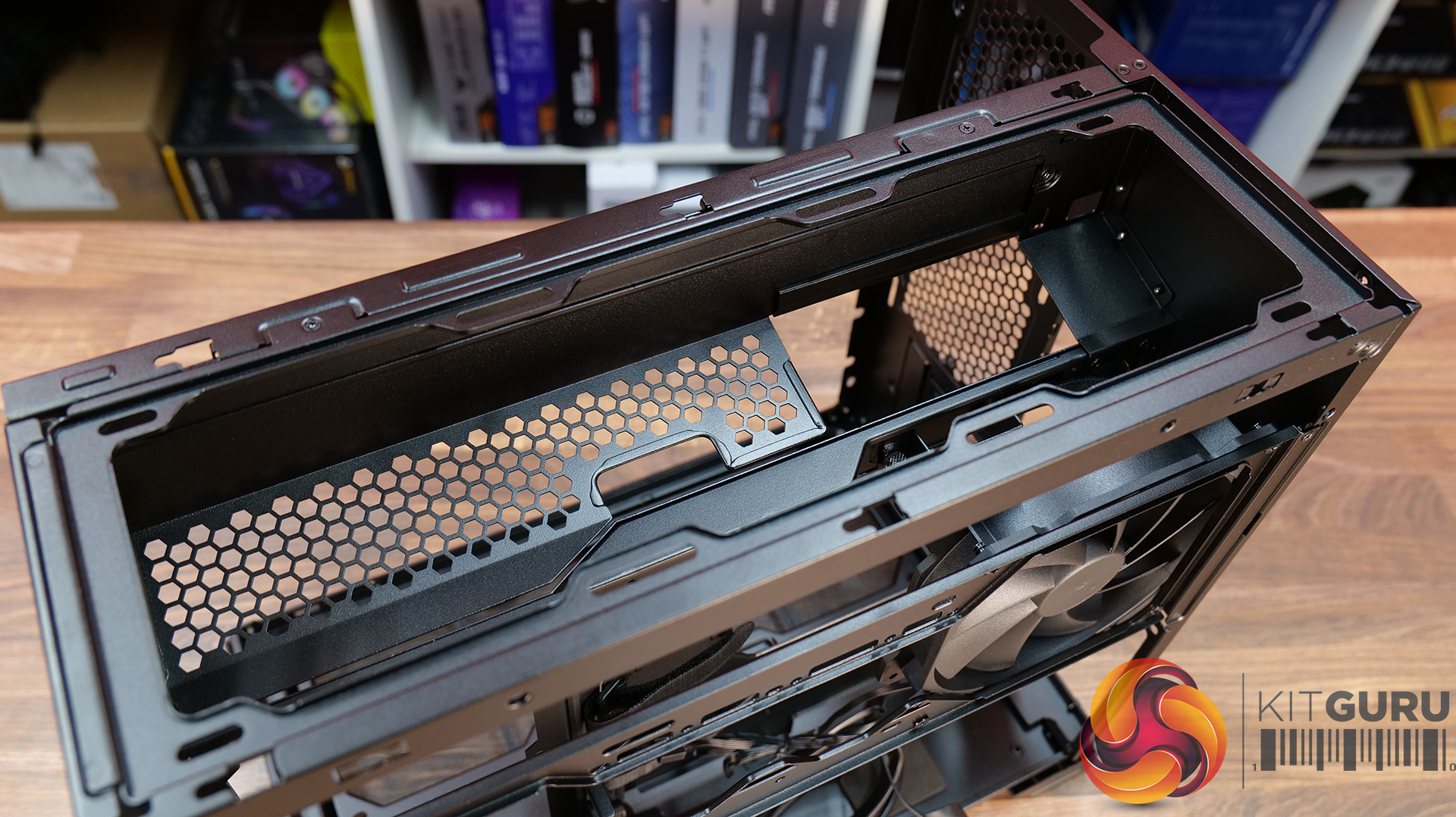
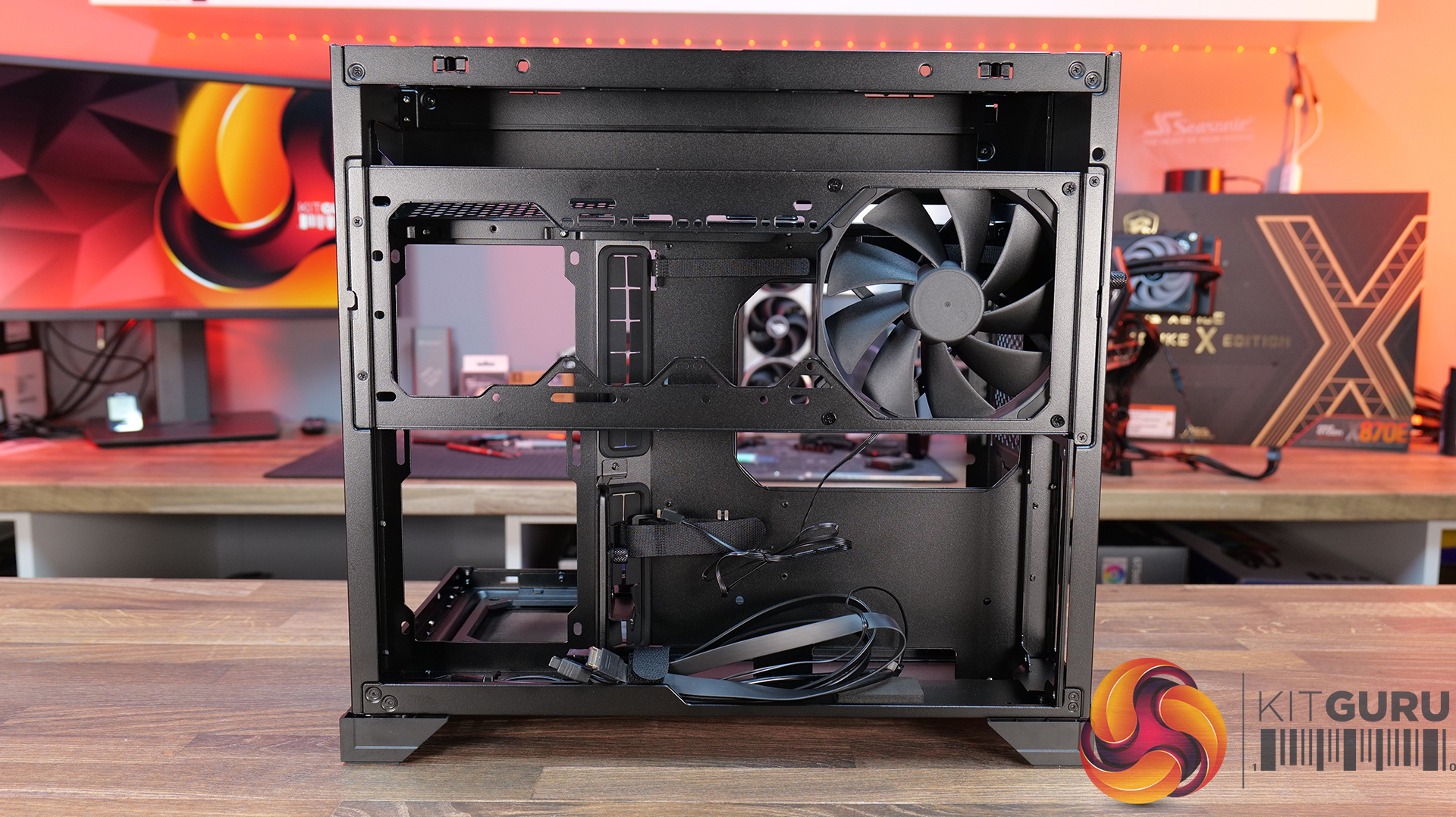
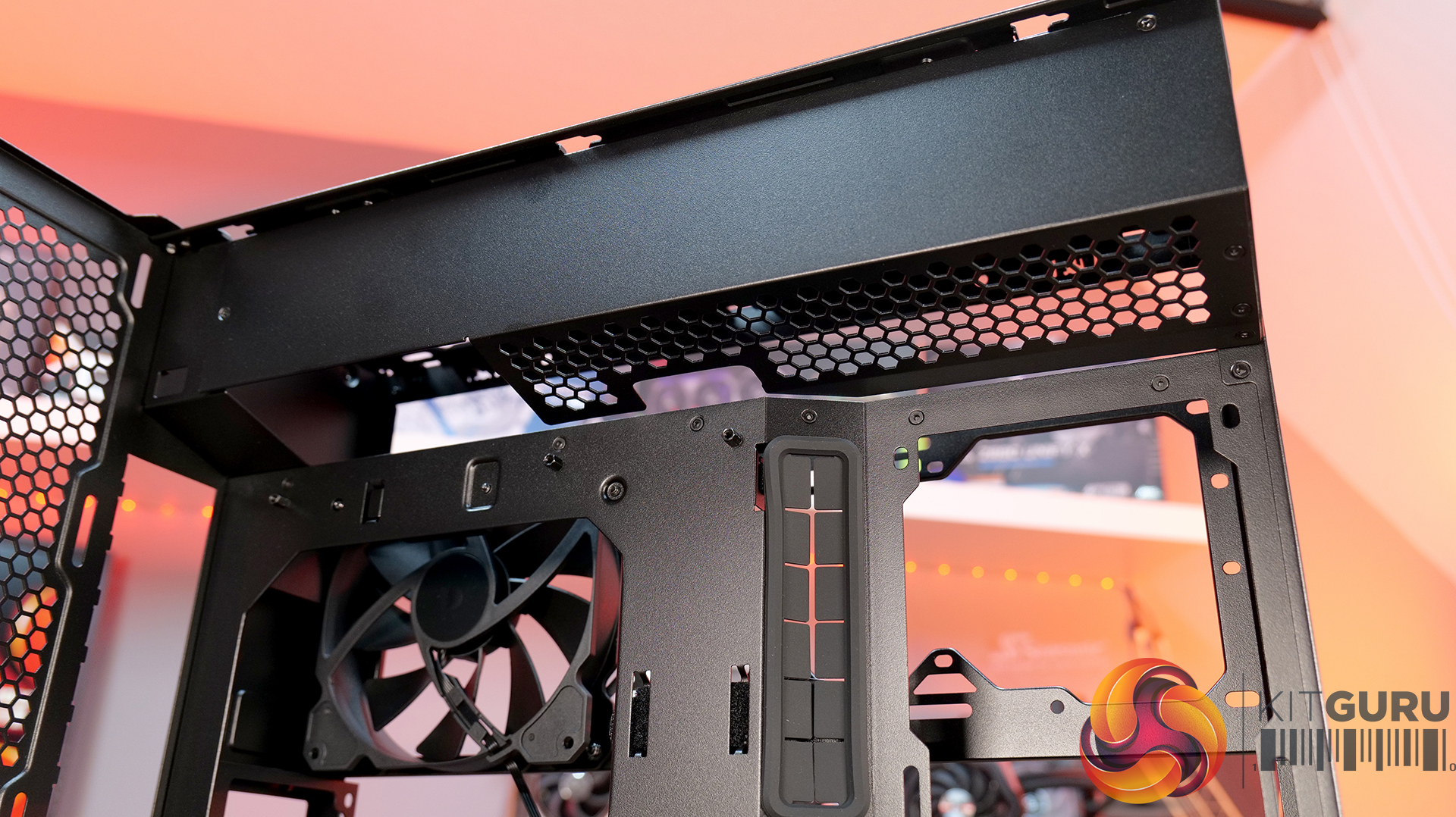
Today we're taking a look at the Cougar MX600 Max RGB, an airflow-focused mid-tower PC case designed for high-performance gaming systems. It comes equipped with two 200mm ARGB PWM front fans, supports graphics cards up to 400mm long, 360mm radiators in the top panel, and offers extensive compatibility for modern hardware. Cougar has also included features like a dual-curve airflow ramp, a modular front I/O panel and a detachable top cover to make building and maintenance easier. In this review, we'll find out if those features combine to make the MX600 Max RGB a case that's worth buying…
Timestamps:
00:00 Intro
00:55 Key details, pricing
01:49 Removing side panels
03:44 Front of the case
05:16 Internals – fan/rad support
07:09 Motherboard support
08:55 Cable management features + rear
10:04 Right-hand side area
13:13 Accessories + extras
14:00 Thermals + noise
16:31 Smoke visualisation
16:59 Closing thoughts
Features:
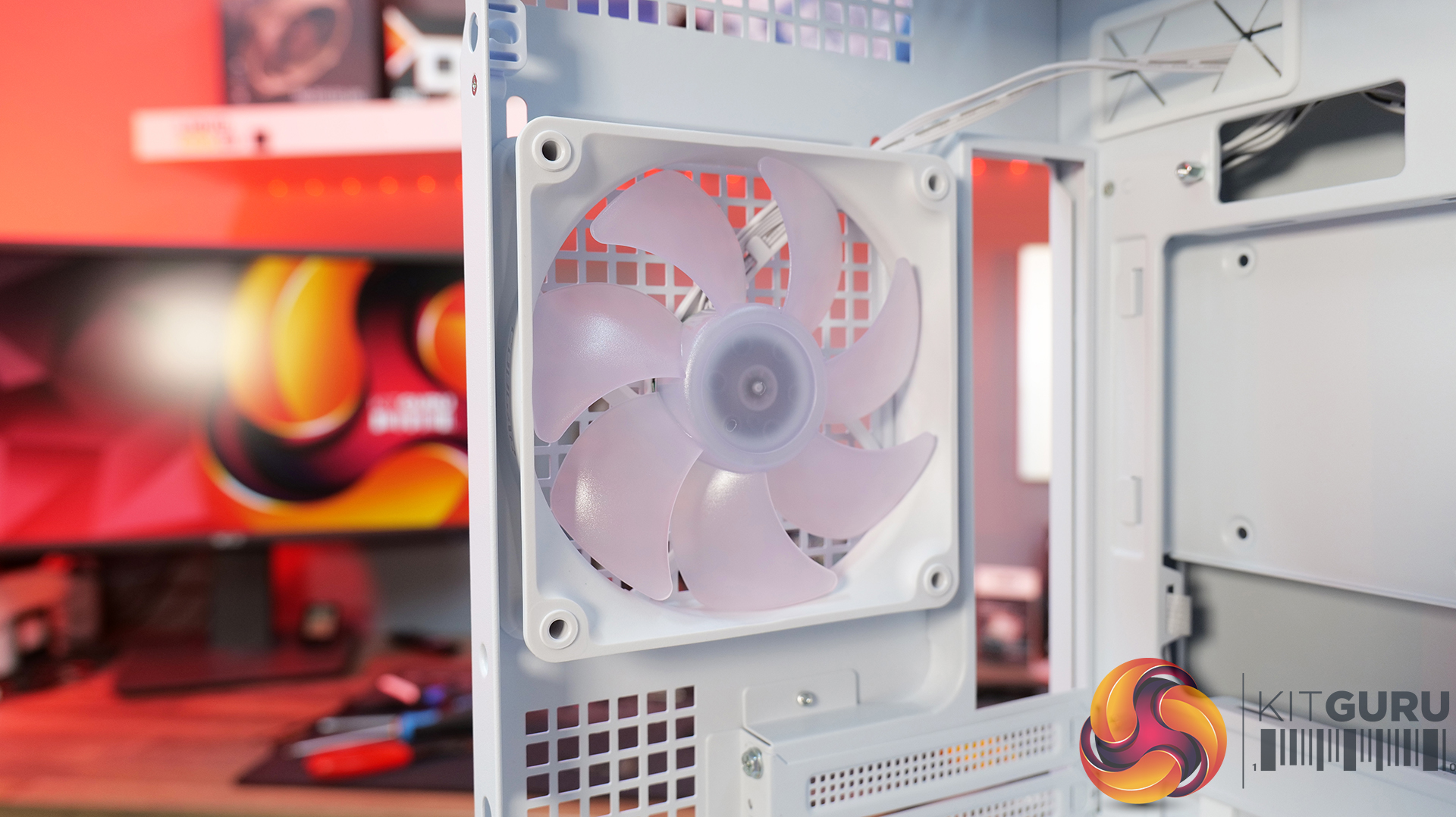
Airflow-First Design – The MX600 Max comes equipped with two huge 200mm ARGB PWM front fans and a 120mm ARGB PWM rear fan. Combined with Cougar's dual-curve airflow ramp and heavily ventilated front panel, designed to deliver airflow directly to the system's critical areas.
Excellent Hardware Compatibility – The MX600 Max supports graphics cards up to 400mm long, 360mm radiators in the roof, CPU coolers up to 170mm tall and Mini-ITX, Micro-ATX and ATX motherboards, giving you plenty of flexibility for a high-end build.
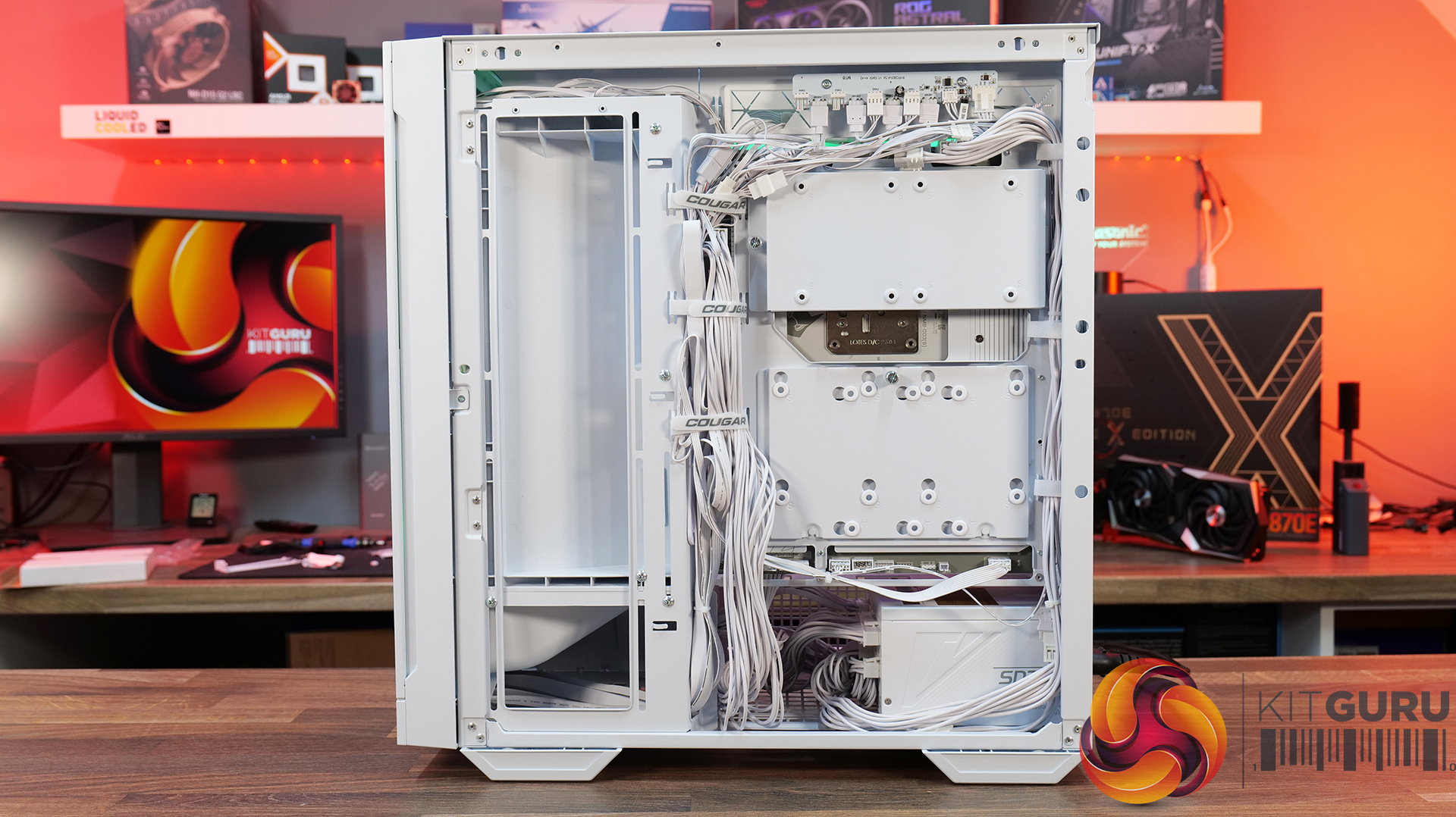
Designed to Make Building Easier – The fully detachable top cover simplifies radiator and fan installation while the modular front I/O panel can be mounted at the top or bottom of the case to suit your setup. Removable dust filters also make system maintenance much easier.
Front I/O: USB 3.2 Gen 2×2 Type-C x 1, USB 3.0 Type-A x 2, 4 Pole Headset Audio Jack x 1, RGB Button
LCD Screen: N/A
Thermal Performance Testing
To simulate thermal demand, we run the Cinebench R23 multi-thread benchmark and 3DMark Speed Way stress test simultaneously in a loop for 30 minutes to load the system fully. This gives the CPU and GPU enough time to reach constant steady-state temperature. With this data, we can compare how the system handles the thermal demand and measure peak noise levels.
Thermal performance is measured with the case in various configurations, such as the default, with the tempered glass left-hand side panel removed and with the front panel removed to see how these configurations affect the CPU and GPU temperature. During testing, only stock case fans are used unless otherwise specified. All water pumps are set to maximum RPM and fans are set to a custom RPM curve by the Motherboard software/BIOS.
All temperature measurements are presented as Deltas – meaning the ambient temperature has been deducted from the CPU temperature, giving us a Delta. Data shown in the charts represents the average component temperature over the length of the test as measured by HWiNFO, and then the last 15 minutes of the data are calculated to get the average. The ambient temperature during thermal tests is between 19-20⁰C.
We test case thermals using a 360mm AIO as exhaust at the top and with the case in several different fan configurations. The default configuration shown in the charts is with the top 360mm AIO cooler, 2 x 200m front intake fans, a single 120mm rear exhaust fan and with all case panels installed.
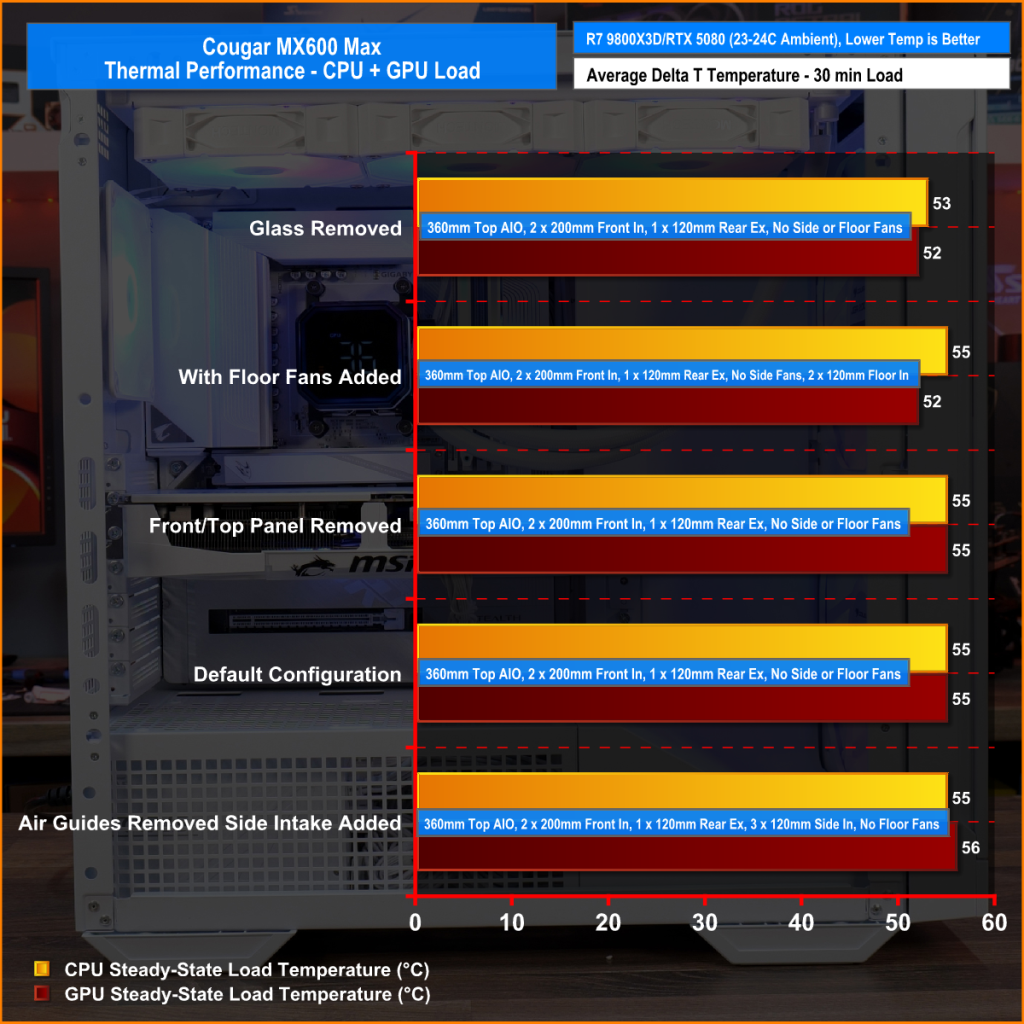
Thermal performance from the Cougar MX600 Max is very impressive overall. In its default configuration the case keeps both the CPU and GPU temperature under control at 55°C over ambient, showing that the pre-installed airflow setup is well optimised.
Removing the front and top panels and dust filters, produces no meaningful improvement, which tells us those panels cause very little restriction to airflow. The biggest improvement however, comes from fitting optional floor intake fans which reduce GPU temperature by 3°C compared to the default setup, while maintaining the same CPU temperature. This setup is ideal for optimising GPU performance.
Noise Output
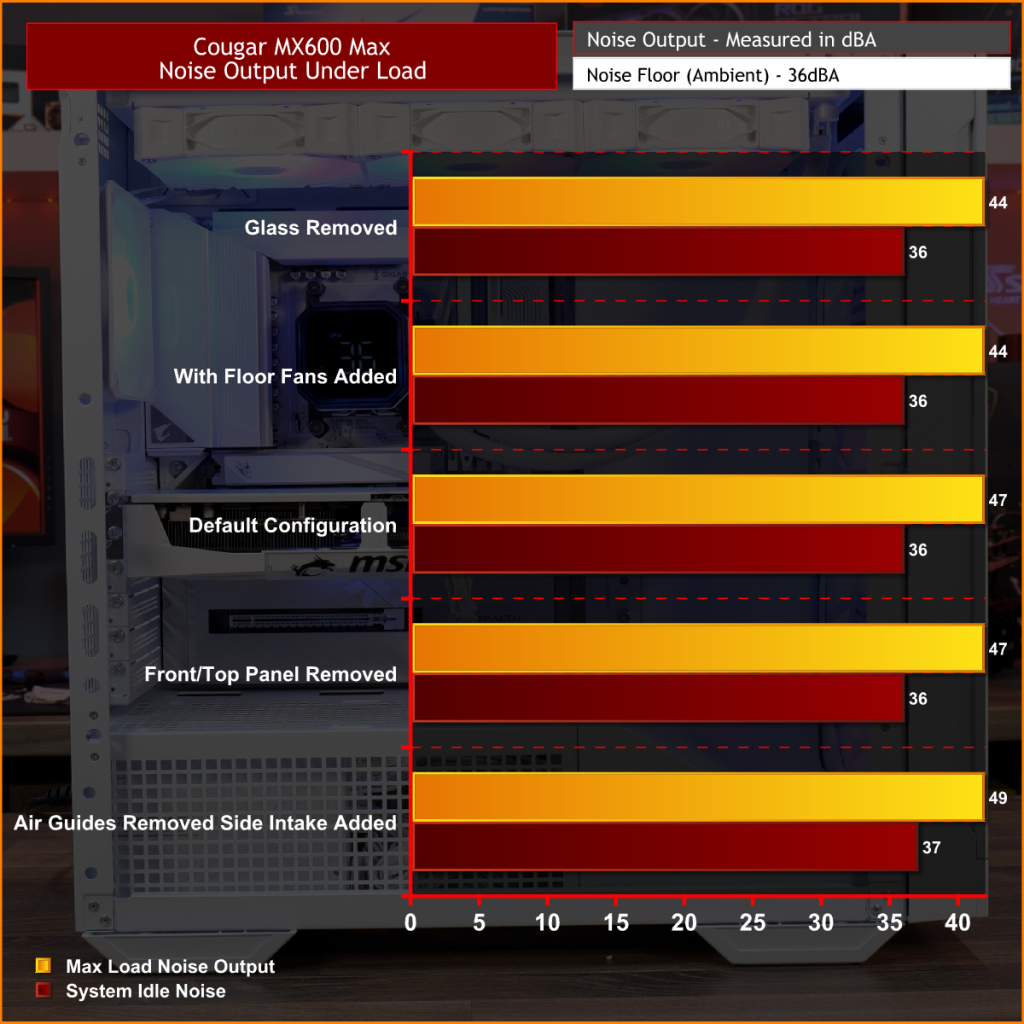
Noise performance from the Cougar MX600 Max is also quite impressive. In its default configuration, the system reaches 47dBA under full load, which is a reasonable result given the large 200mm front intake fans and included cooling setup. Interestingly, removing the tempered glass side panel and adding floor intake drops noise output by 3dBA to 44dBA, showing that the extra GPU cooling also reduces GPU fan speed and noise.
Removing the front panel, along with the front and top dust filter makes no difference to noise levels compared with the default setup, which shows that Cougar has done a good job optimising airflow through the chassis. The only configuration that increases noise is removing the front air scoop and adding side intake fans, which raises noise output to 49 dBA while offering no real thermal advantage.
Closing Thoughts
The Cougar MX600 Max is a very easy case to recommend. It does exactly what its design to do, offering high airflow and extensive hardware compatibility without overcomplicating the design. The pair of pre-installed 200mm PWM ARGB intake fans, combined with the mesh front panel, provide excellent cooling performance straight out of the box. There's very little to be gained from removing panels or filters, which indicates that Cougar has optimised the airflow well. If you're looking to optimise GPU cooling, fitting PSU shroud intake fans can knock a few degrees from GPU temperatures, but the gains are relatively small as the default cooling setup is already effective.
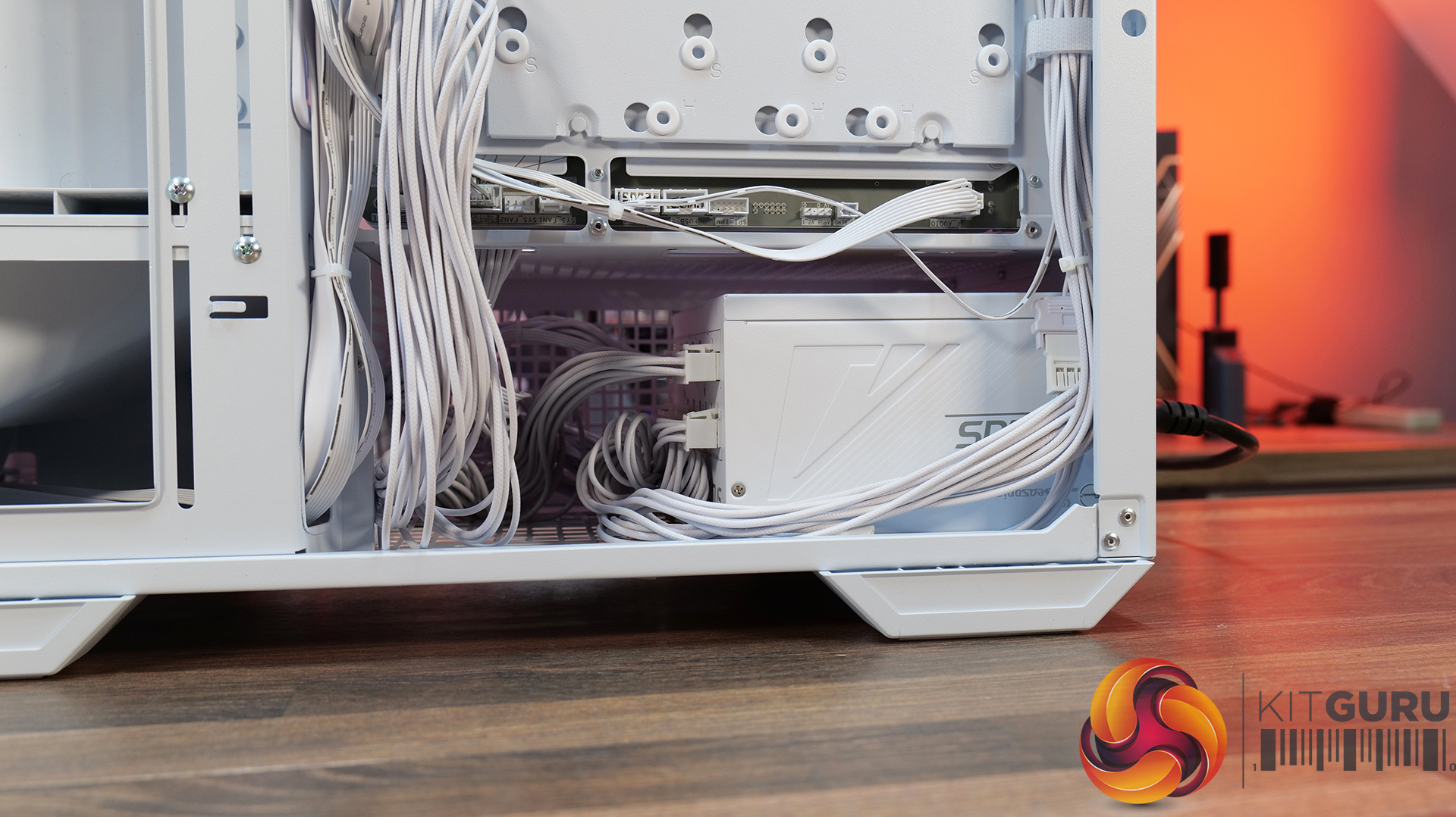
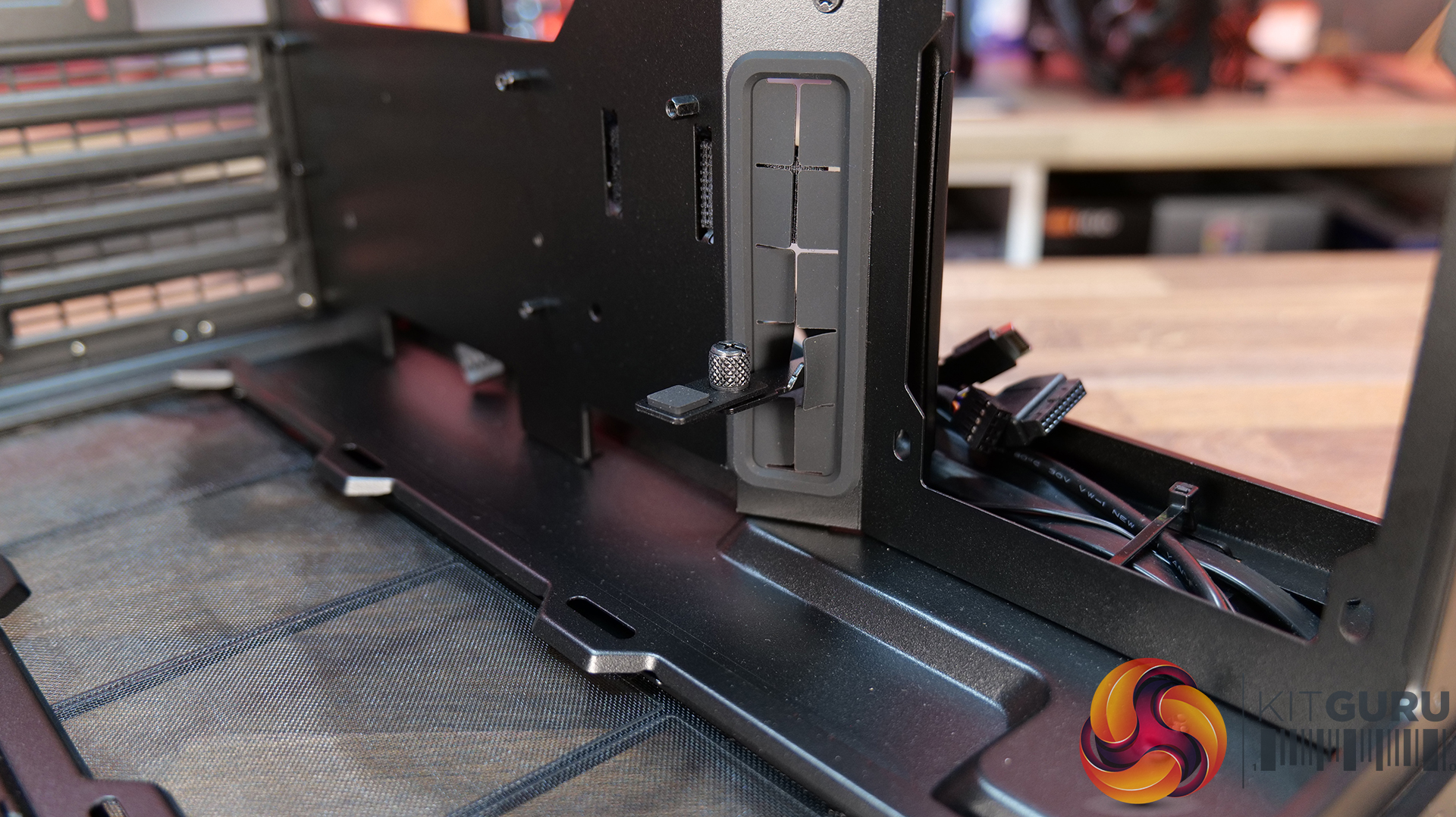
Hardware compatibility is another strong point. It supports graphics cards up to 400mm long, 360mm radiators in the roof, tall air coolers, back-connect motherboards and loads of 2.5” storage, so there's very little this case won't accommodate. Building inside the MX600 Max is straightforward too; there's loads of space to work, generous cable-routing cut-outs, plenty of clearance behind the motherboard tray and integrated Velcro straps helping to keep cables managed and looking tidy. The overall build quality is solid throughout which gives the MX600 Max a premium feel despite its competitive pricing.
There are only a couple of minor negative points to consider before buying. The first is the size of the chassis, it is a mid-tower, but feels bulky compared with some ATX cases that offer similar hardware support. It may not be ideal in terms of size to run it on a desktop space. The second is radiator support at the front of the case. Cougar has prioritised the large 200mm intake fans, which means there's no option to install a front-mounted radiator. For most users this won't matter, particularly given the excellent top-mounted 360mm radiator support, but it does reduce options for custom cooling.
Overall, the Cougar MX600 Max is an excellent airflow-focused chassis that gets the basics right. It combines solid thermal performance, sensible acoustics, good hardware compatibility, an easy building experience and great build quality with a sensible MSRP. Unless you specifically need front radiator support or a more compact chassis, the MX600 Max is easy to recommend and deserves to be considered alongside some of the best airflow cases in its price bracket.
Pros:
Lots of space to work with.
Great thermals and low noise.
Included fan/rgb hub.
Good price.
Cons:
A little large for a mid tower.
No front radiator support.
KitGuru says: Unless you specifically need front radiator support or more compact dimensions, the Cougar MX600 Max is a serious contender if you're looking for a well-built, high-airflow chassis.
The 3D V-Cache design of the Ryzen 7 9800X3D delivers unrivaled gaming performance but also acts as a thermal blanket, which explains why this CPU runs hotter than most, despite adequate cooling installed. However, a YouTuber went the extra mile by developing a 3D-printed chimney several inches tall to drop those temperatures by an impressive 19°C. The only catch is that it’s impossible to fit this cooler in any consumer computer chassis. The “stack” effect causes the warm air inside the chimney to have a lower density than the surrounding air, creating a pressure difference that leads to lower temperatures The […]
An amazing deal for PC builders that saves nearly 200 bucks, thanks to the bundle deal by Newegg. AMD Ryzen 7 9800X3D, GIGABYTE X870E Motherboard, and 32 GB RAM with a Free 240mm AIO drops to just $1099 on Newegg Memory prices are rising continuously, and with another hike looming, it has become incredibly difficult to upgrade memory or build a PC from scratch. At the same time, some vendors are bundling several components together to provide a noticeable discount that makes it easier for users to build a PC from scratch. There is one such amazing bundle deal currently […]
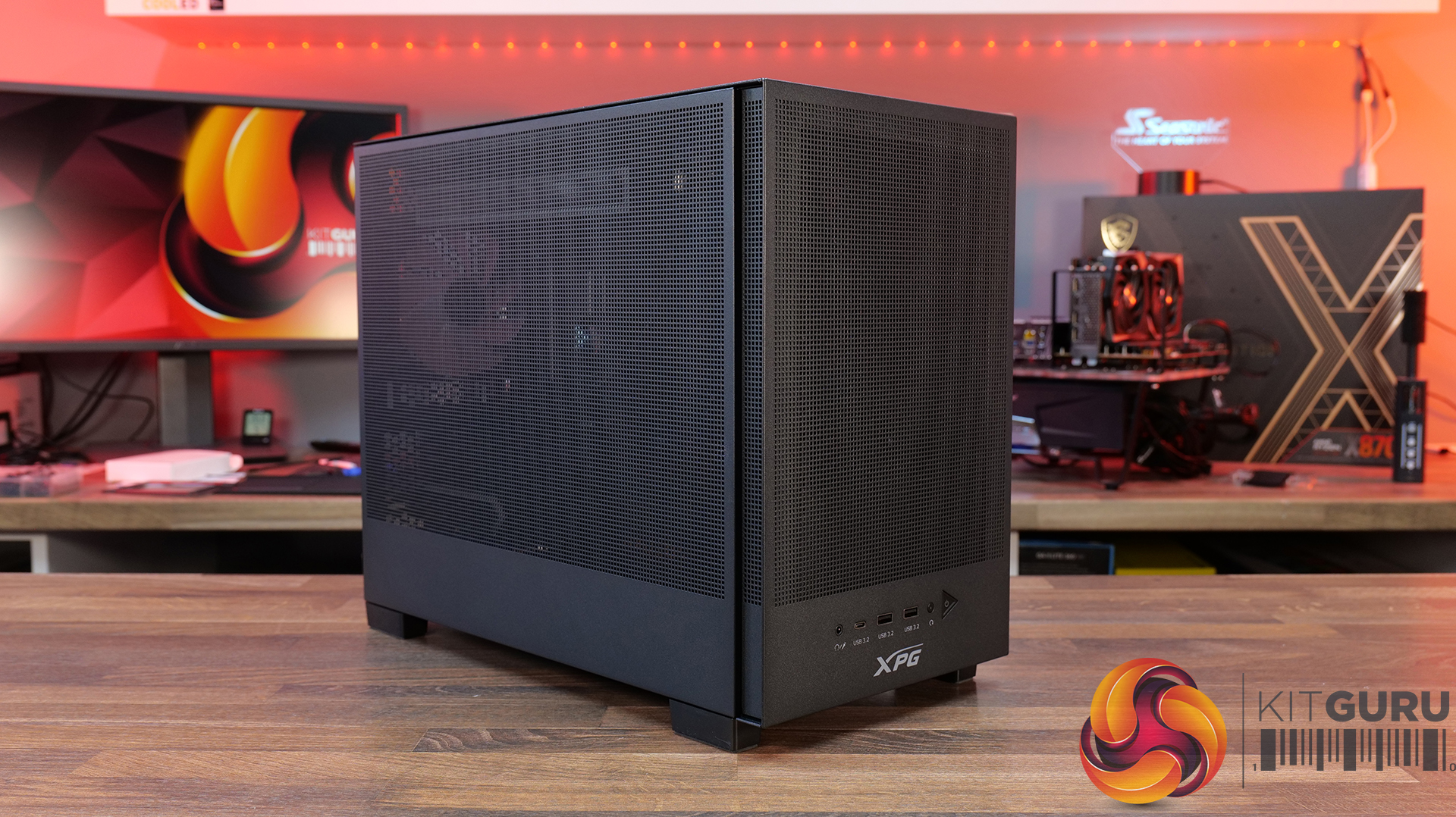
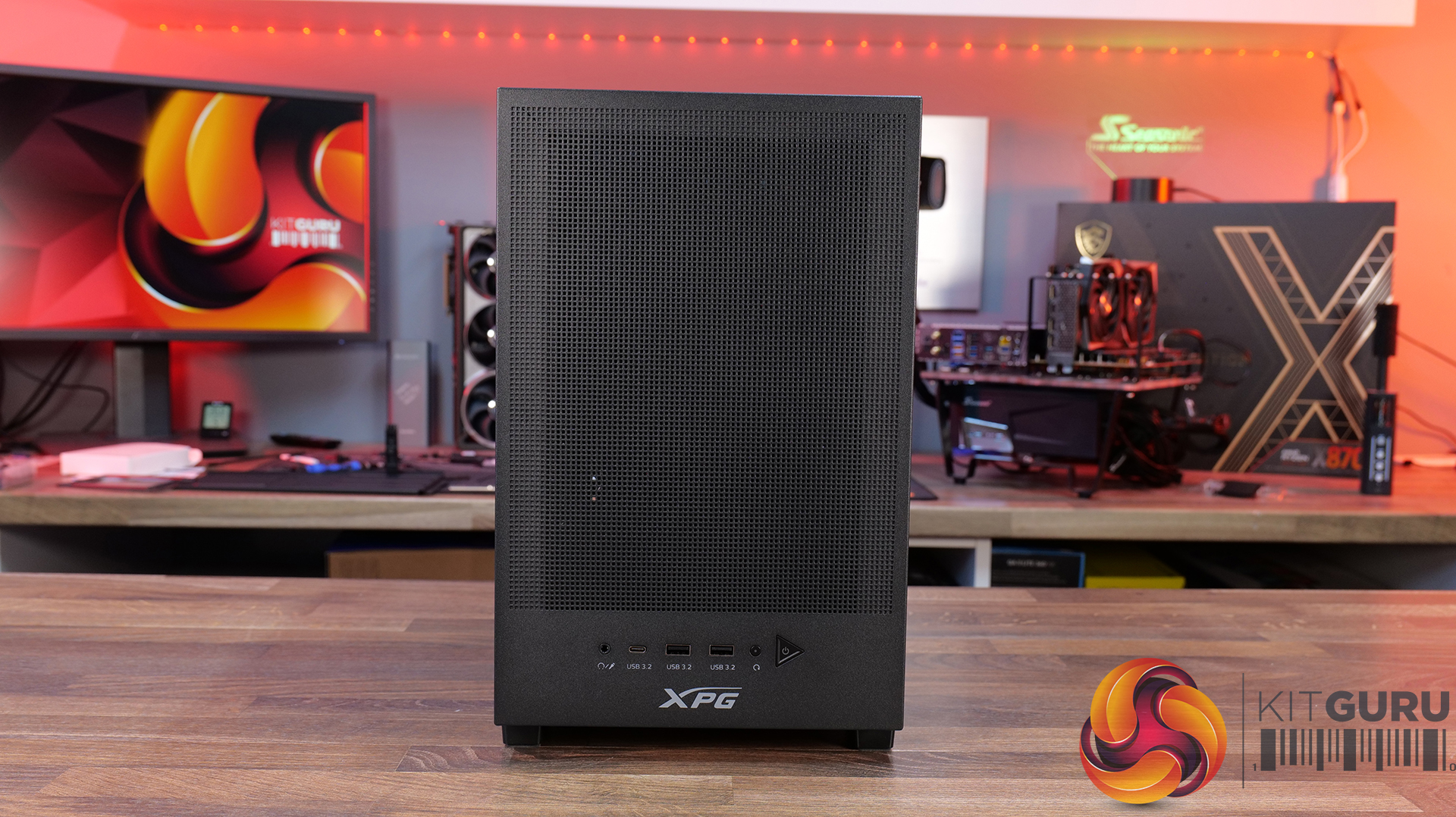
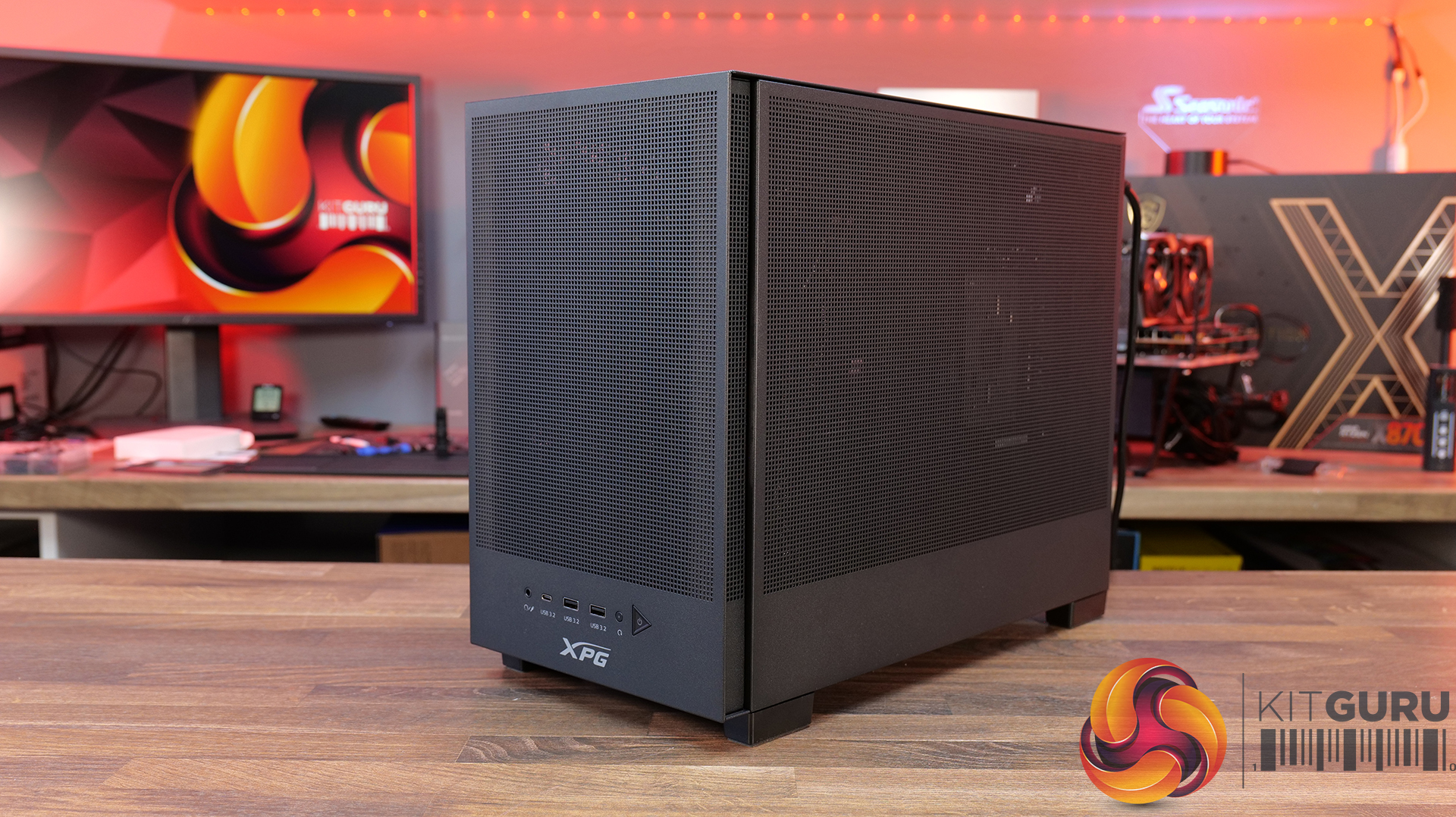
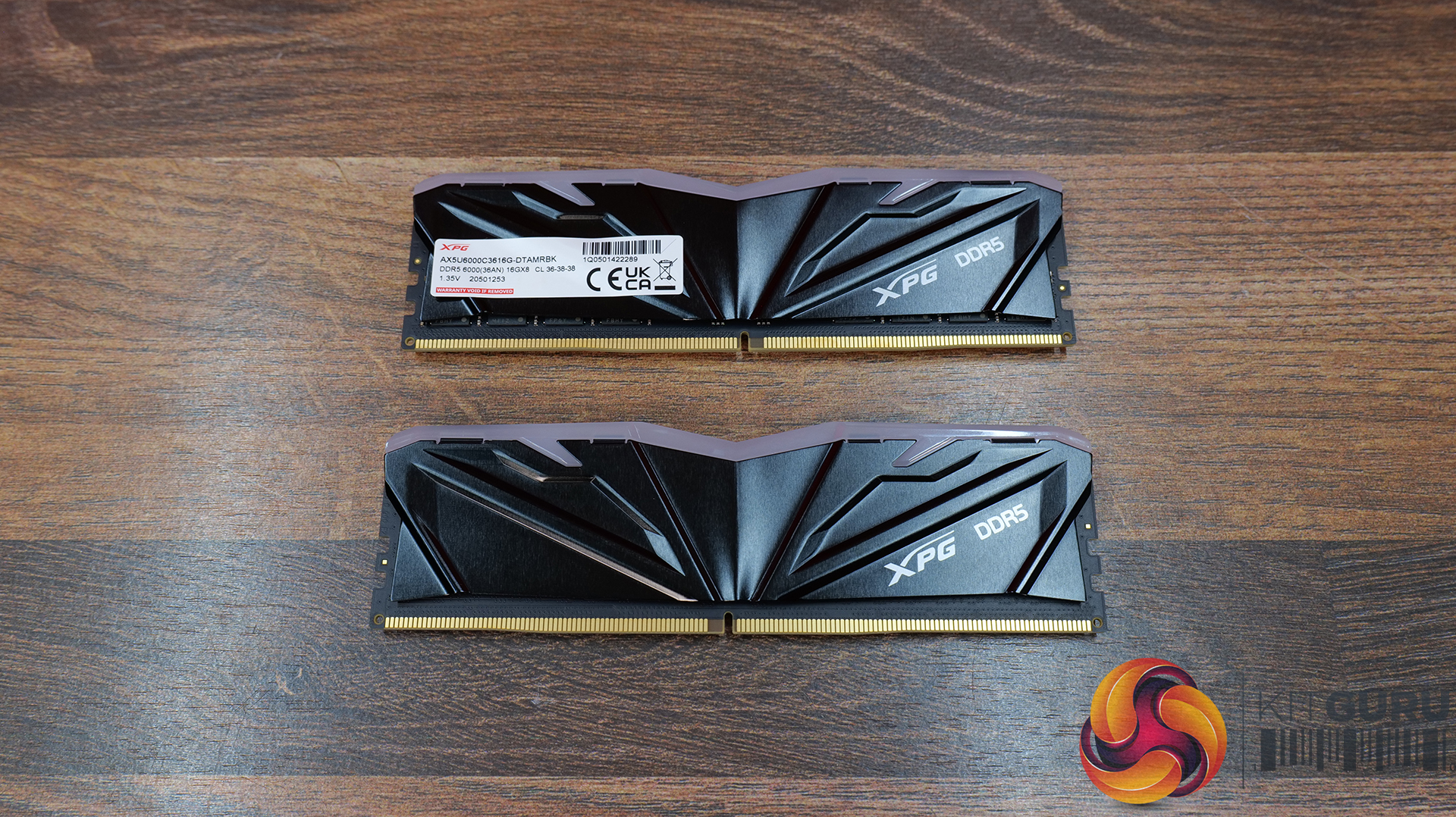
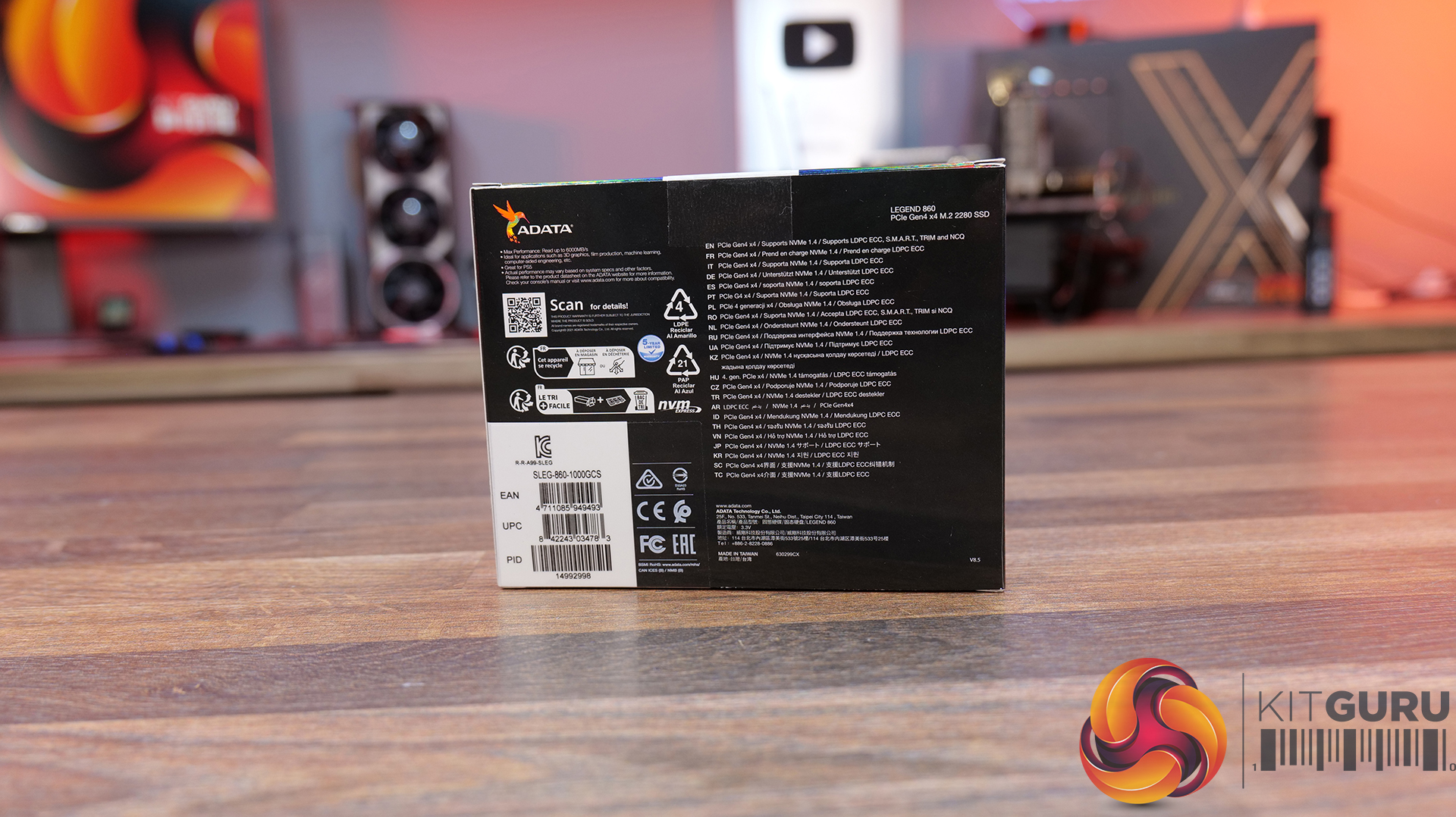
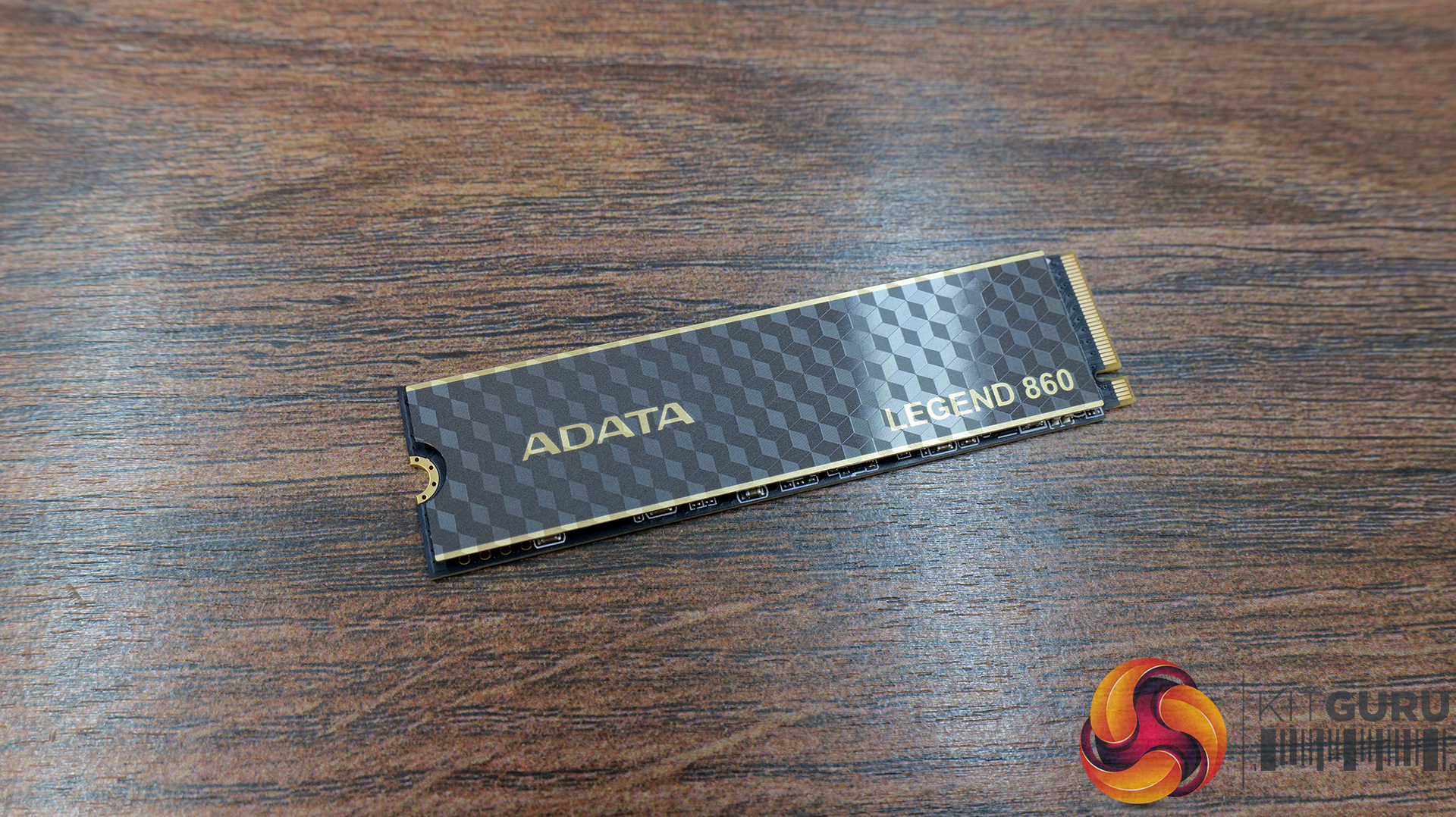
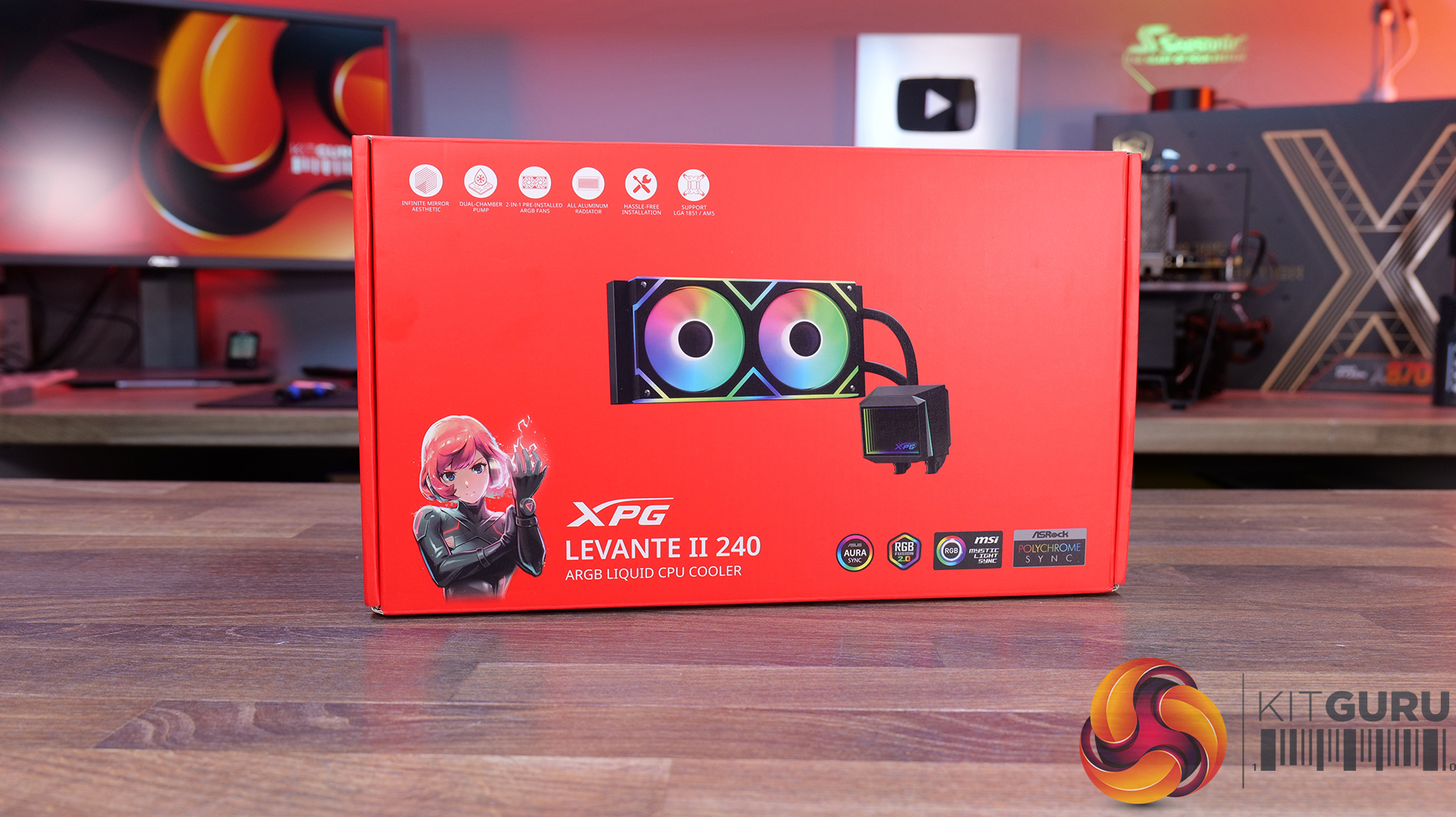
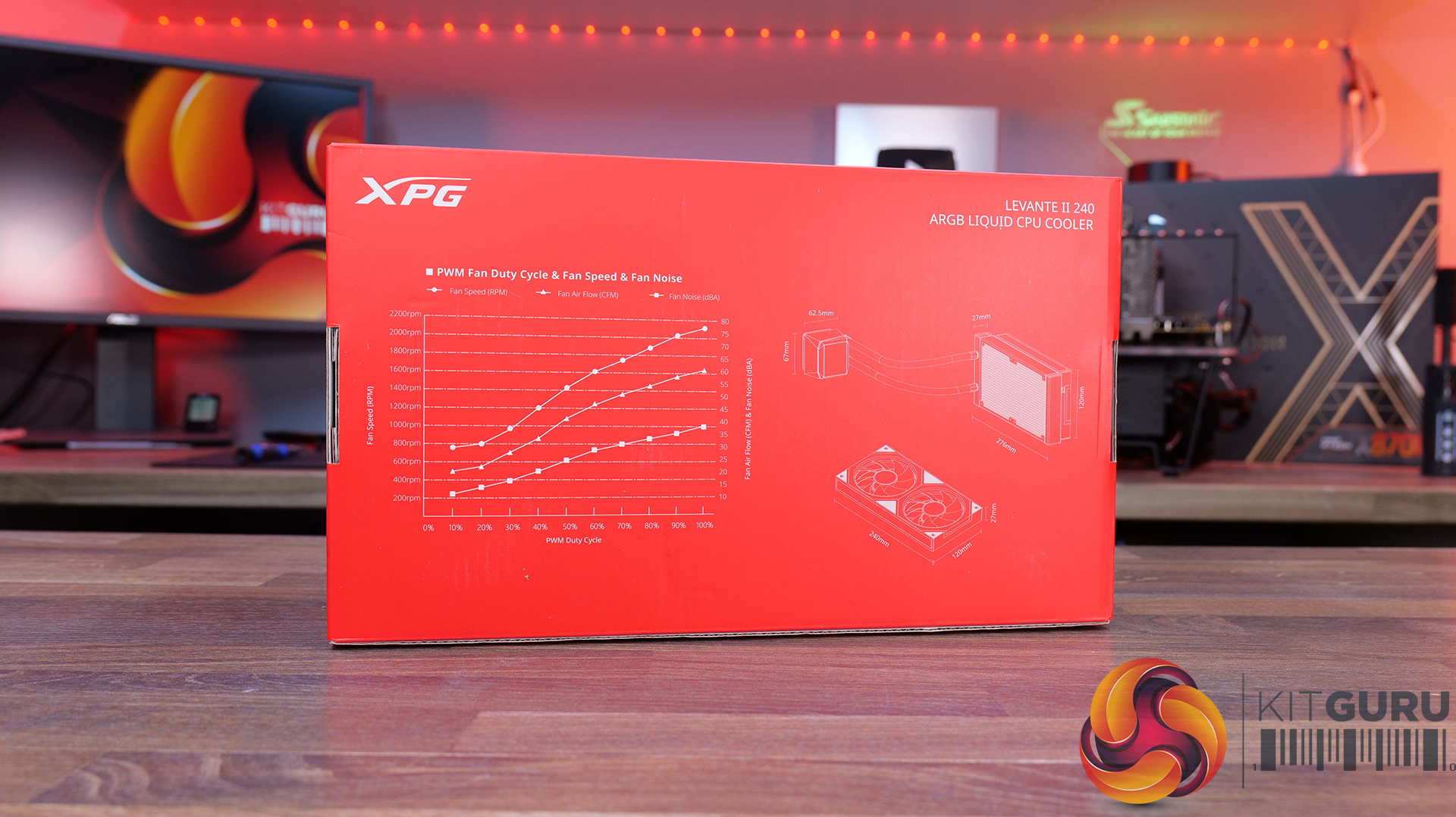
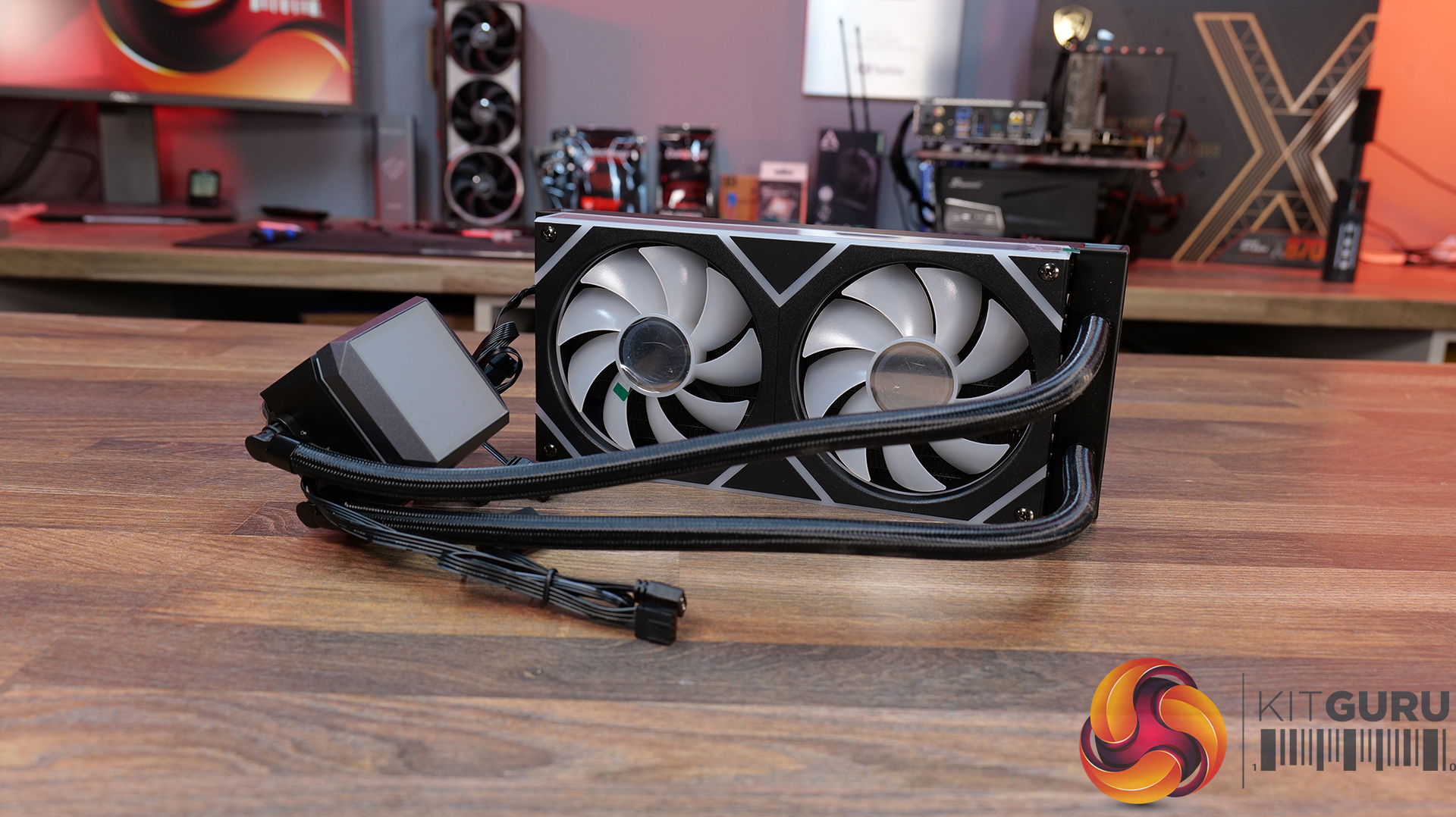
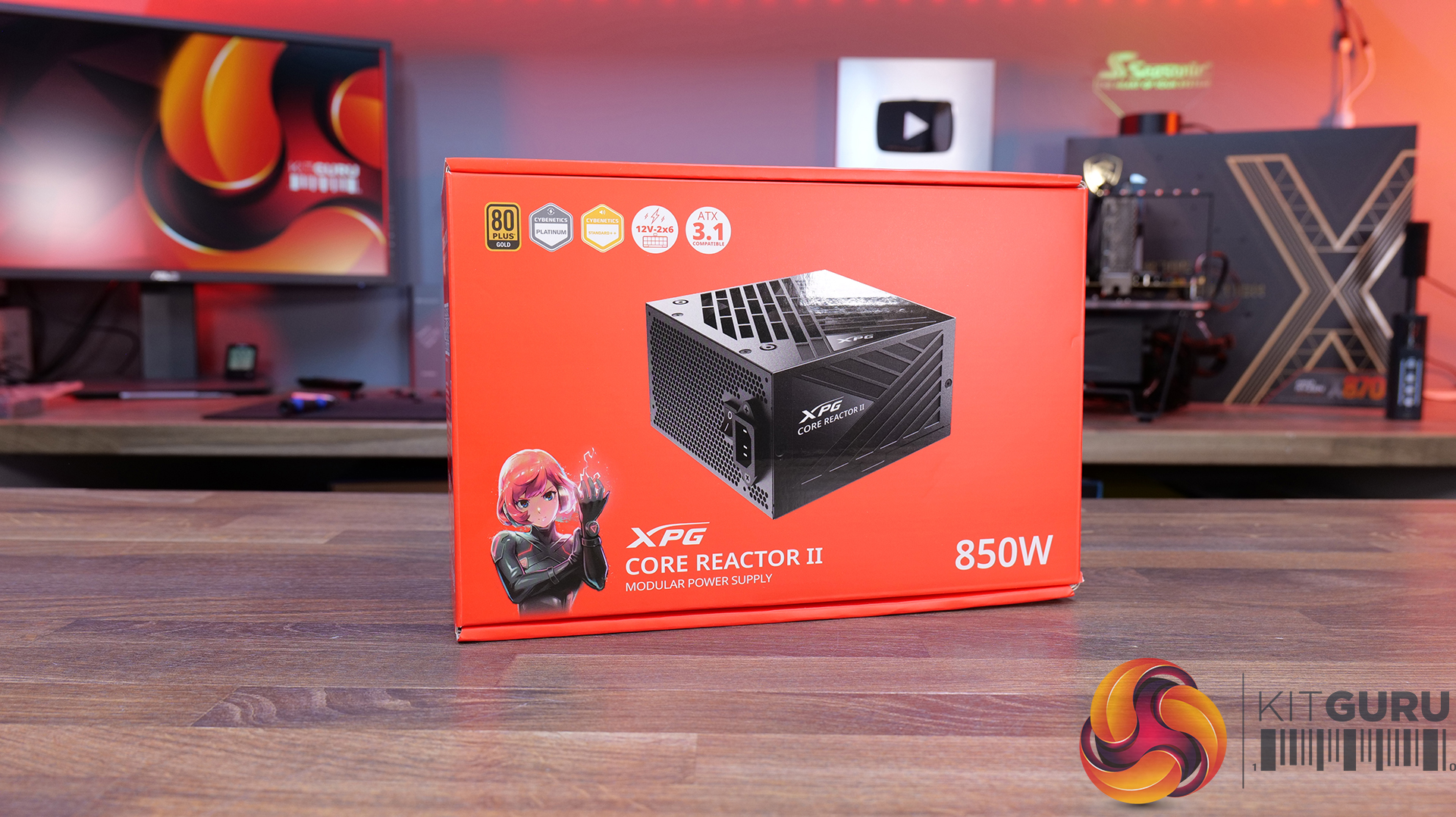
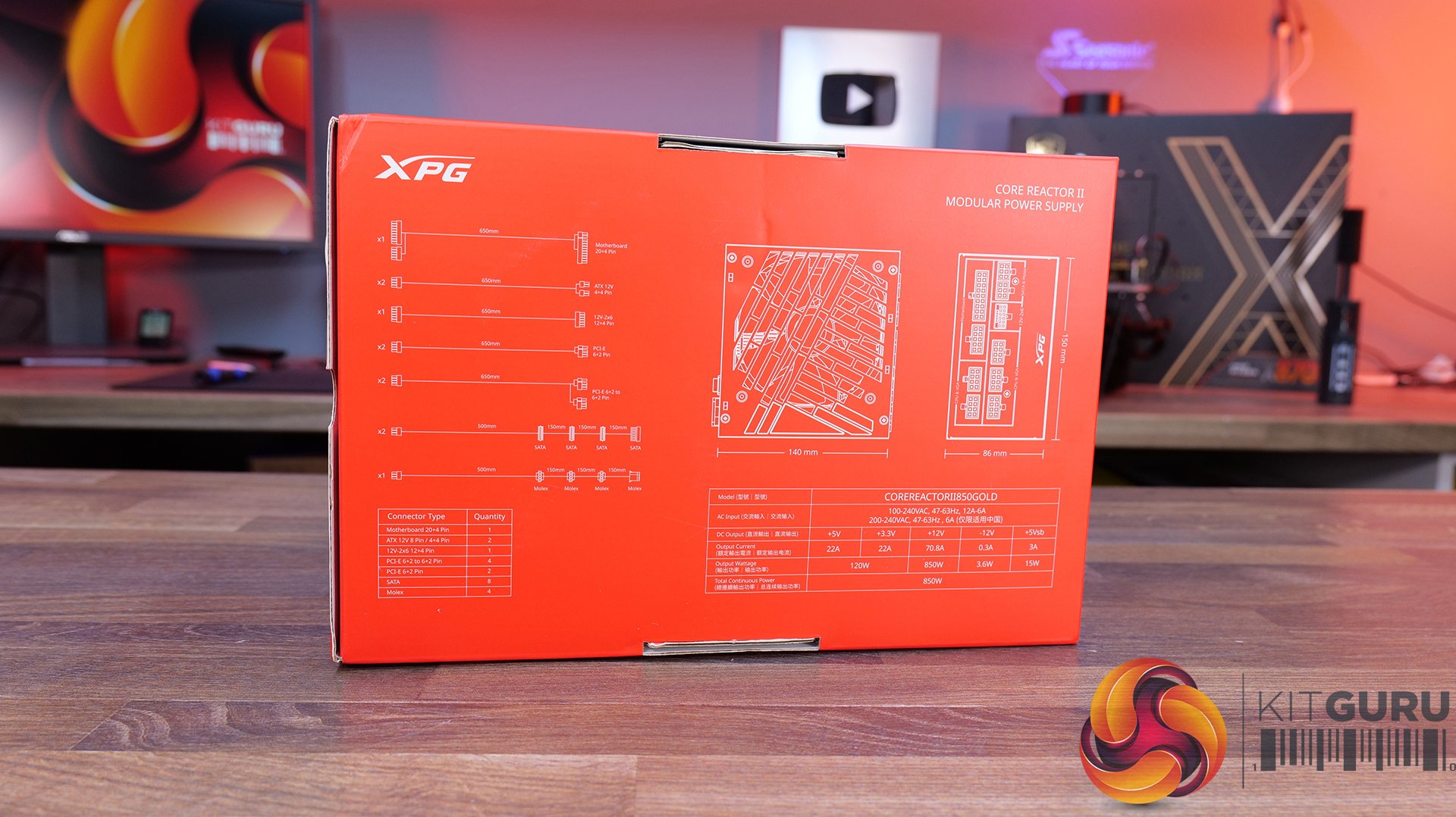
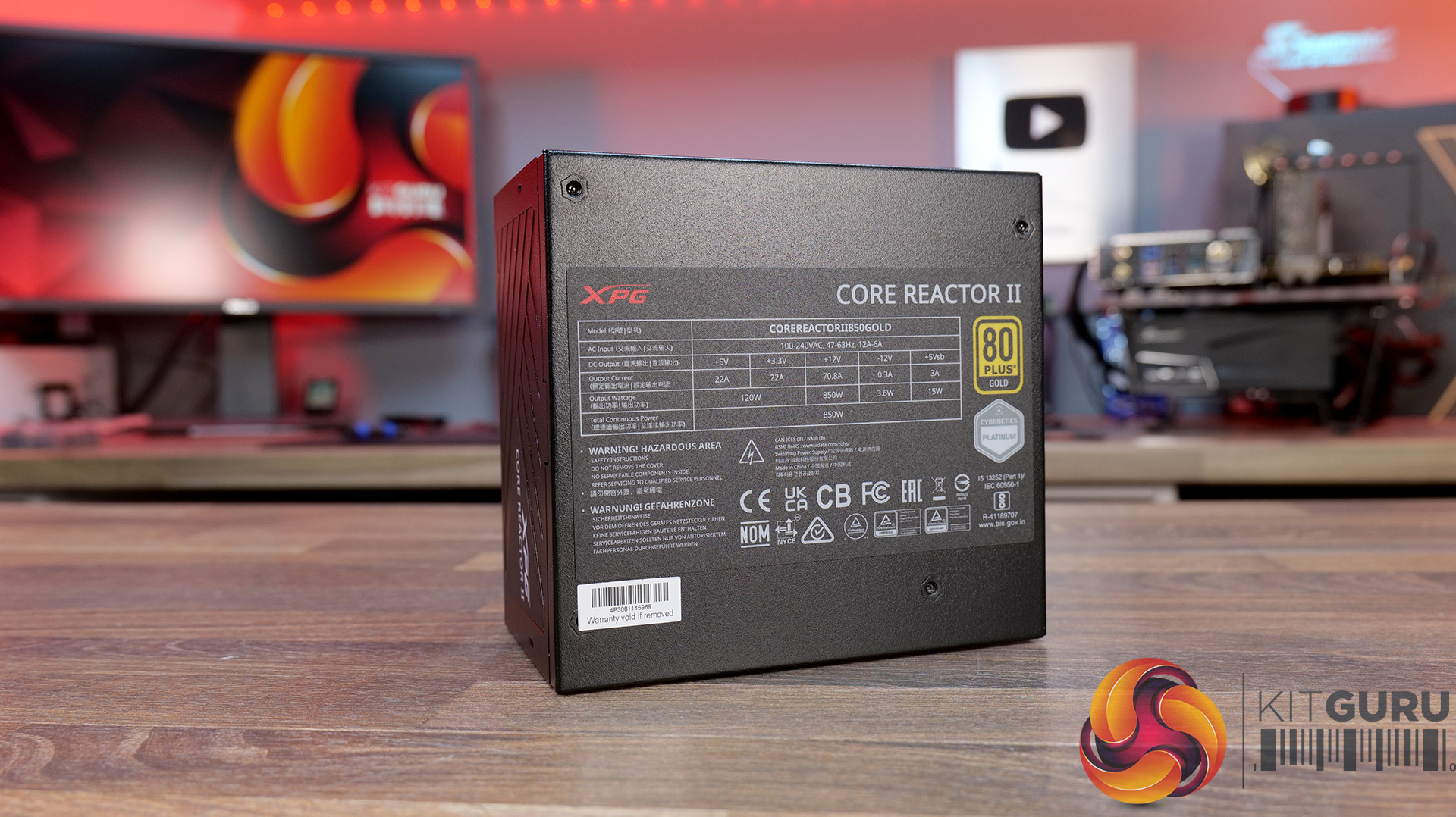
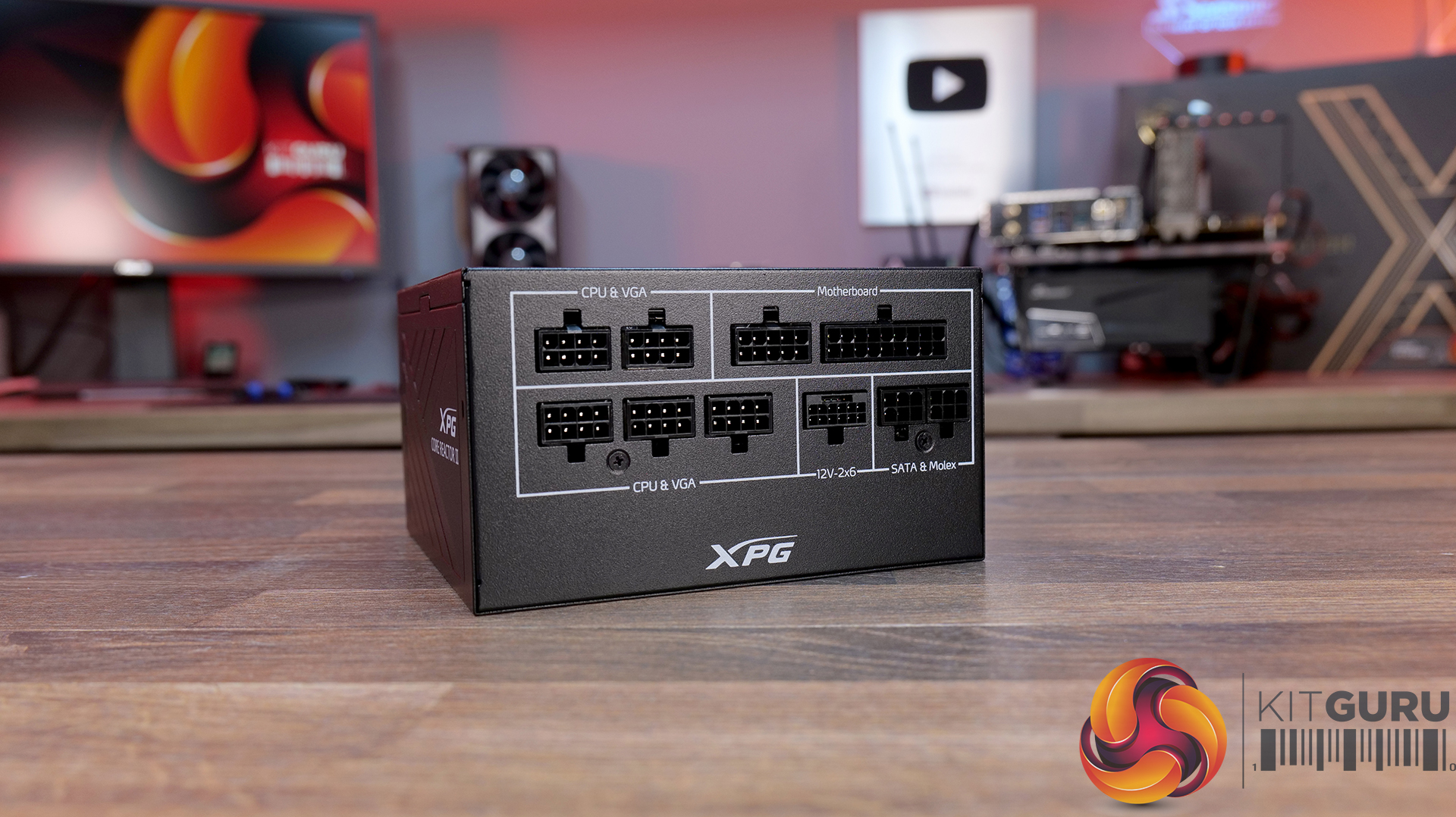
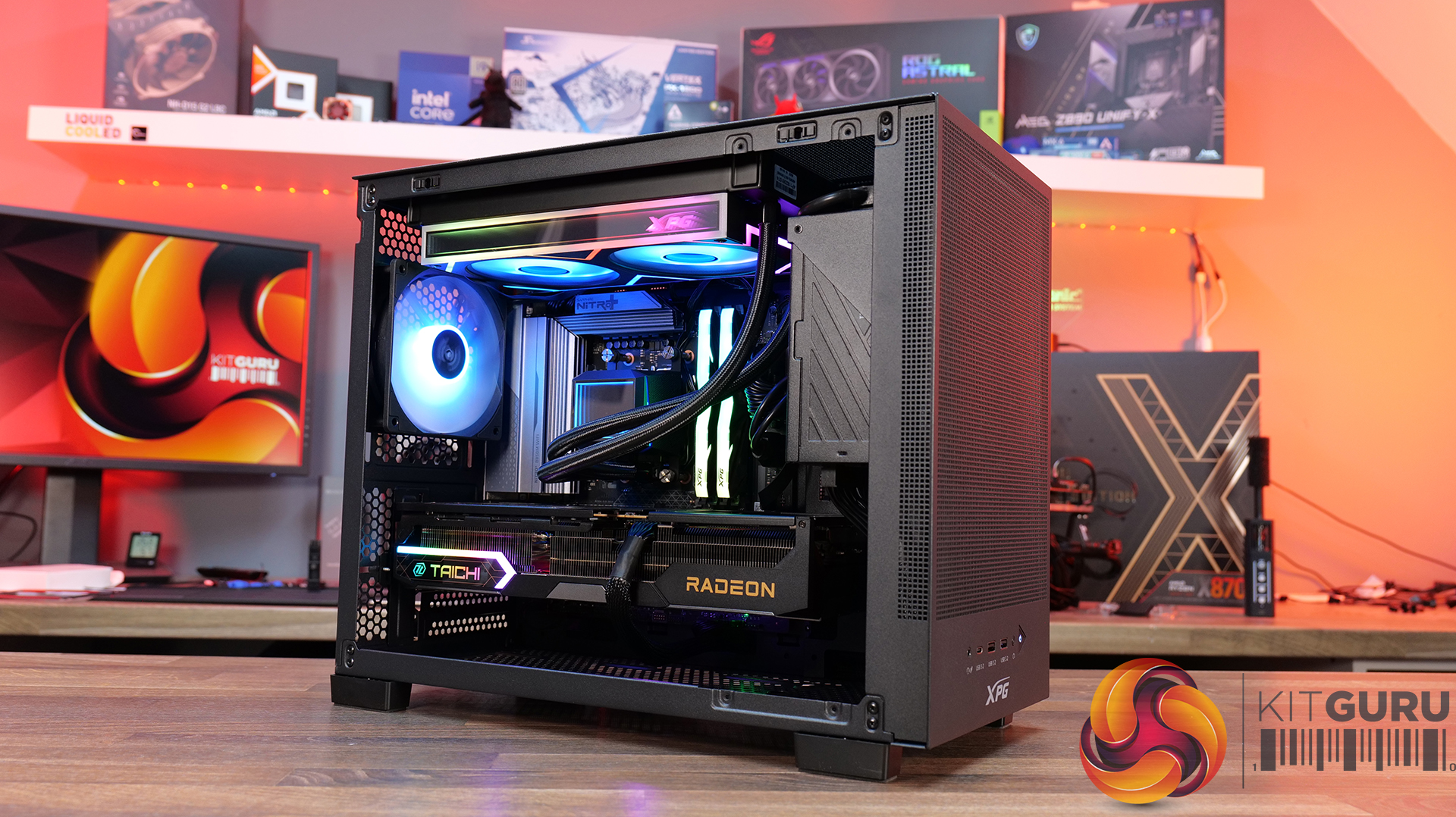
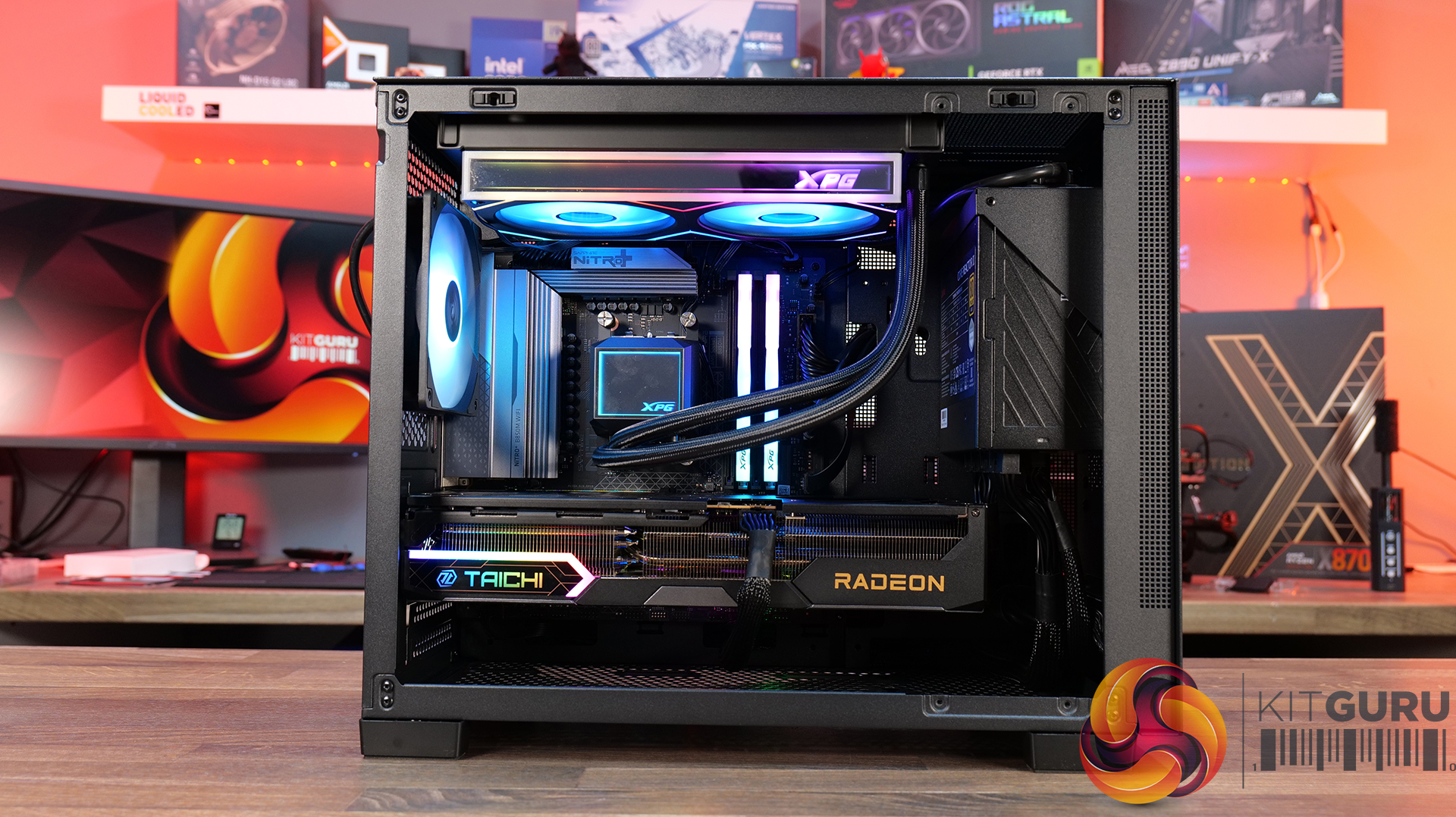
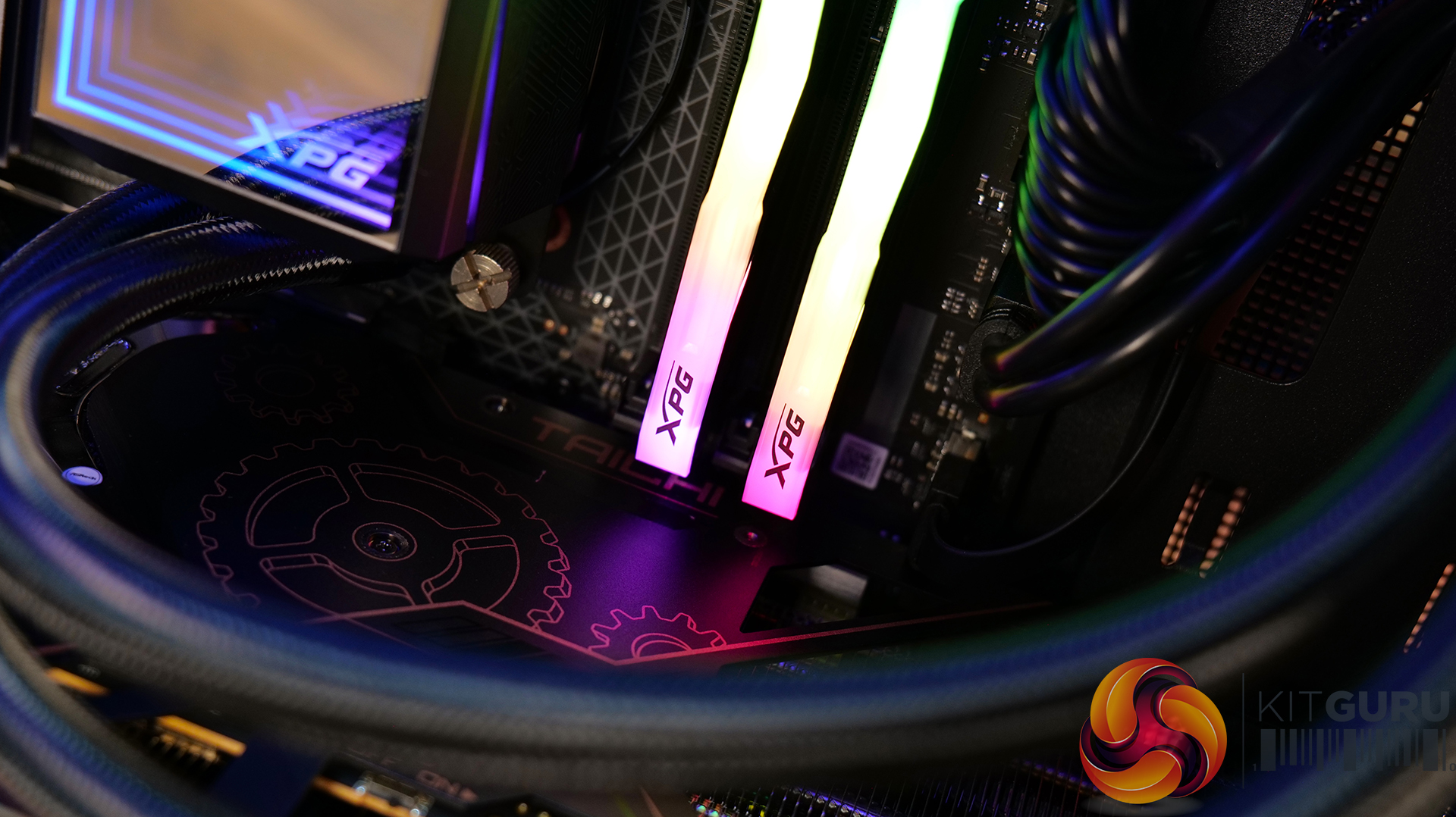
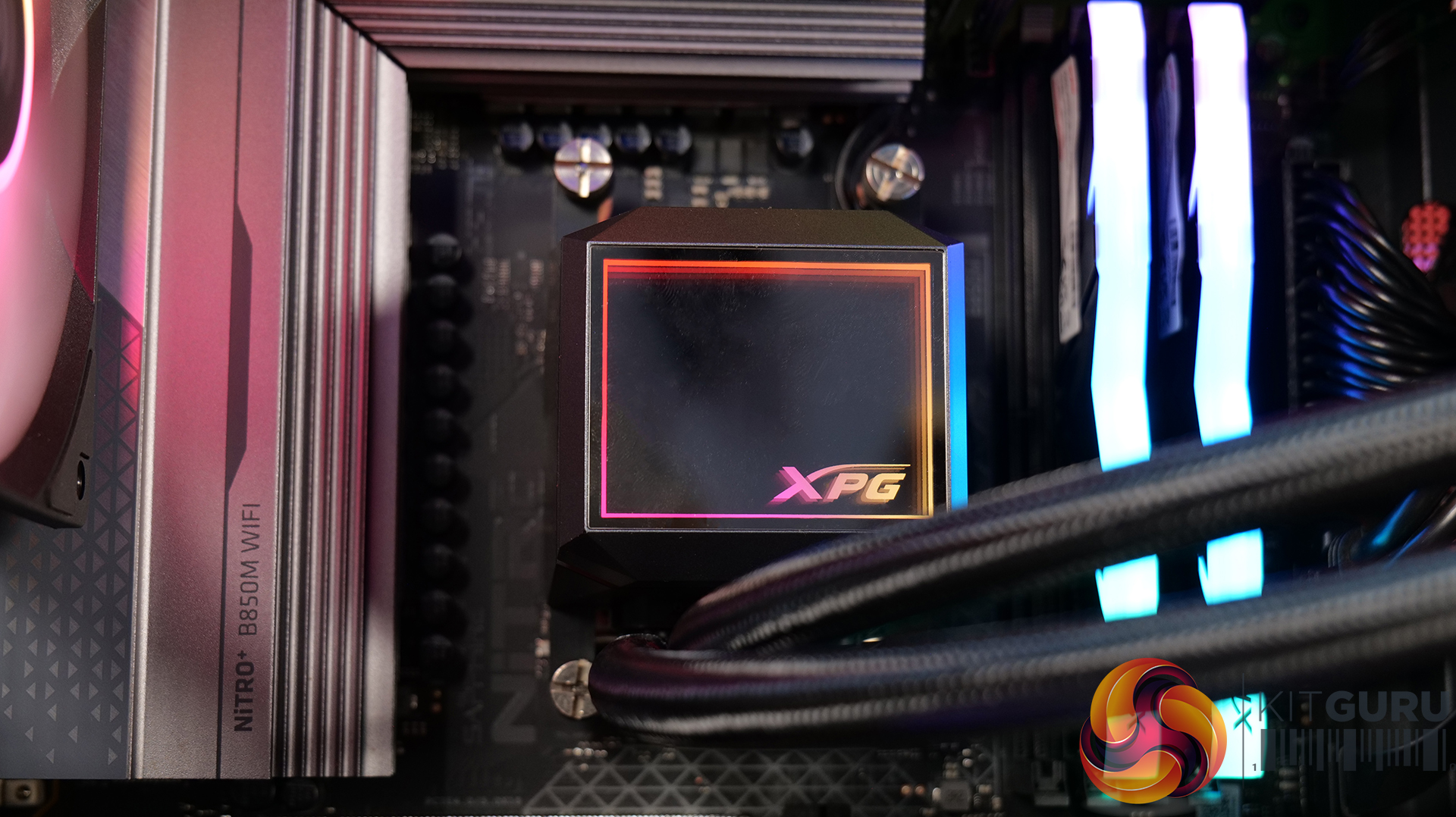
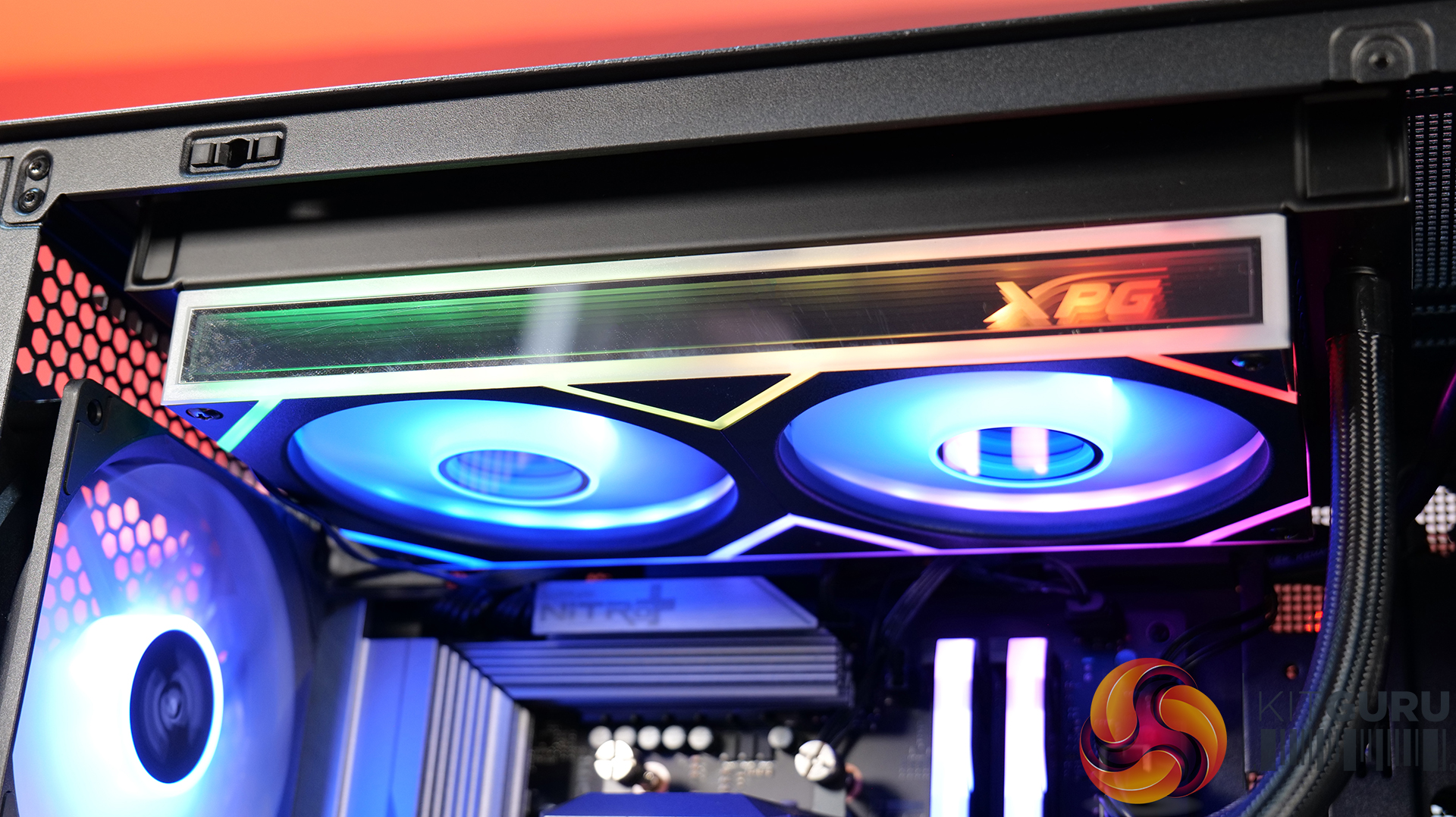
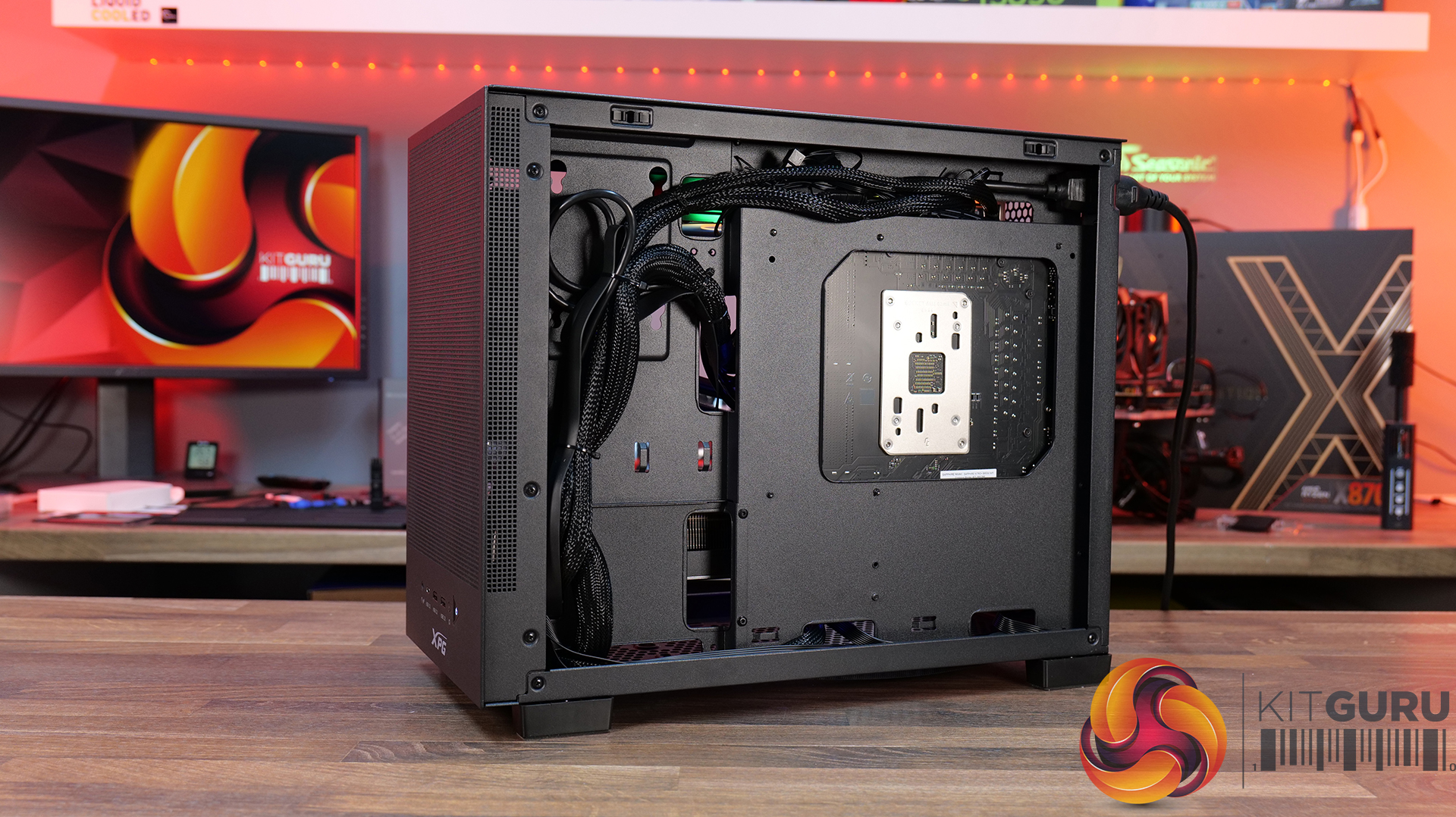
Since our lastADATA XPG featured build, there's been a lot of new hardware launched with an uptick in case vendors turning to the Micro ATX form factor again. Adata has a new Micro ATX chassis, the Valor Air and Mesh. For this featured build, we've picked up the Valor Mesh accompanied by some other Adata XPG hardware, including 32GB XPG ARMAX DDR5, an Adata Legend 860 M.2 SSD, Levante II 240mm AIO and the Core Reactor II power supply.
Compact Mesh-Front Airflow Design – The XPG VALOR Mesh Nano prioritises cooling with fully ventilated panels, allowing unrestricted airflow to high-performance components while maintaining a clean and understated aesthetic.
Small Form Factor, Big Hardware Support – Despite its compact footprint, the VALOR Mesh Nano supports high-end hardware, offering compatibility with large graphics cards, multiple cooling configurations and modern small form factor builds without feeling restrictive.
Builder-Friendly Interior Layout – Thoughtful cable management options and an uncluttered internal design make the VALOR Mesh Nano straightforward to build, helping first-timers and enthusiasts alike achieve a tidy, professional-looking system.
Specifications
Dimensions: 357 x 220 x 436mm
Available Colours: Black or White
Chassis Material: SPCC steel construction
Form Factor: Mid-tower design
Motherboard Support: Micro-ATX and Mini-ITX
Expansion Slots: 5
Storage Support: 2x 2.5-inch drives and 1x 3.5-inch drive
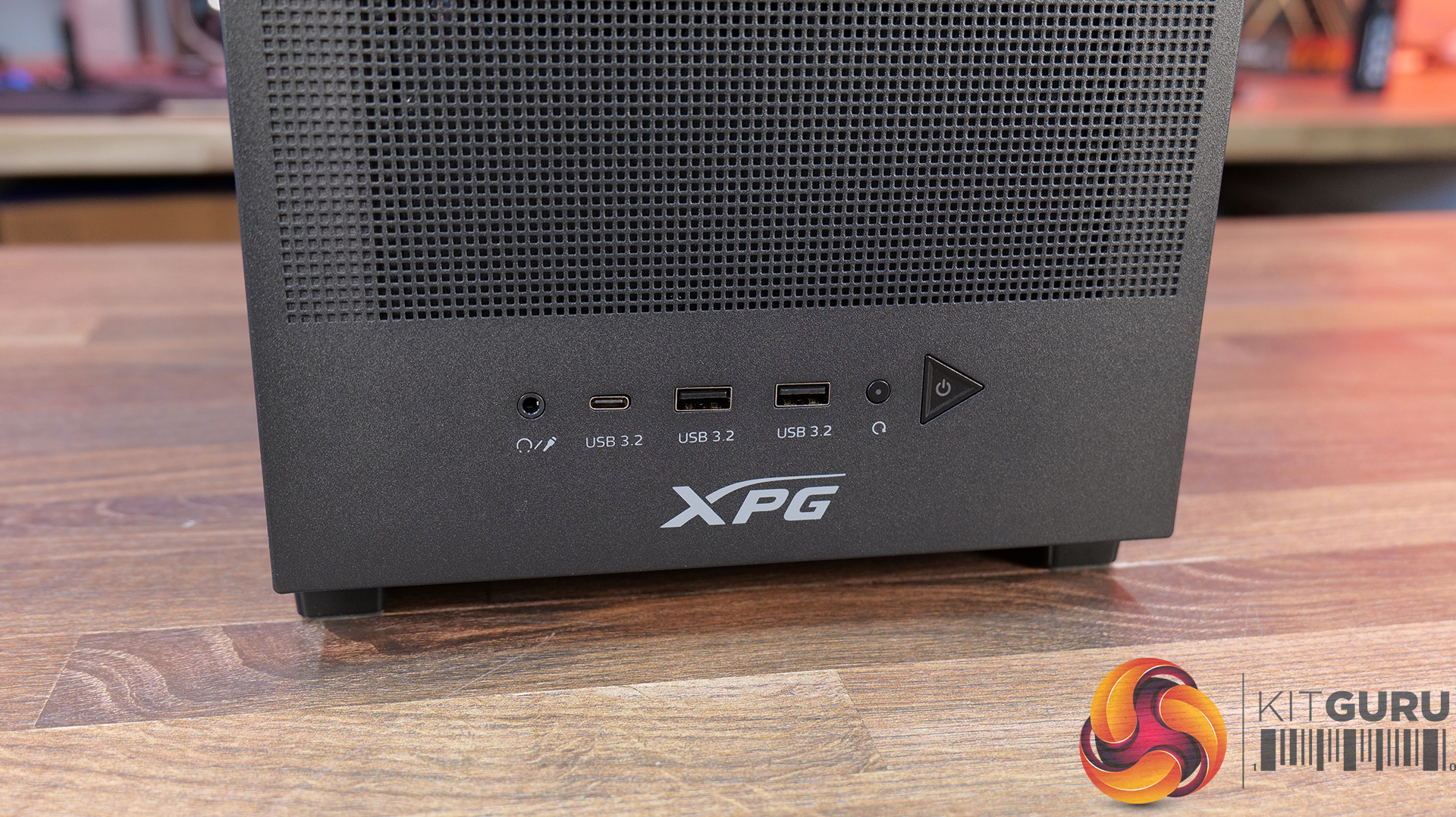
Front I/O: 1x USB 3.2 Type-C, 2x USB 3.2 Type-A, hybrid audio jack, power button and reset button
Included Cooling: 1x 120mm ARGB fan pre-installed
Fan Support: Up to 3x 120mm or 2x 140mm top fans, 1x 120mm rear fan and 2x 120mm bottom fans
Radiator Support: Up to 360mm or 240mm at the top, plus a 120mm rear radiator
Component Clearance: Supports GPUs up to 370mm, CPU air coolers up to 170mm tall and power supplies up to 170mm long
Weight:15kg
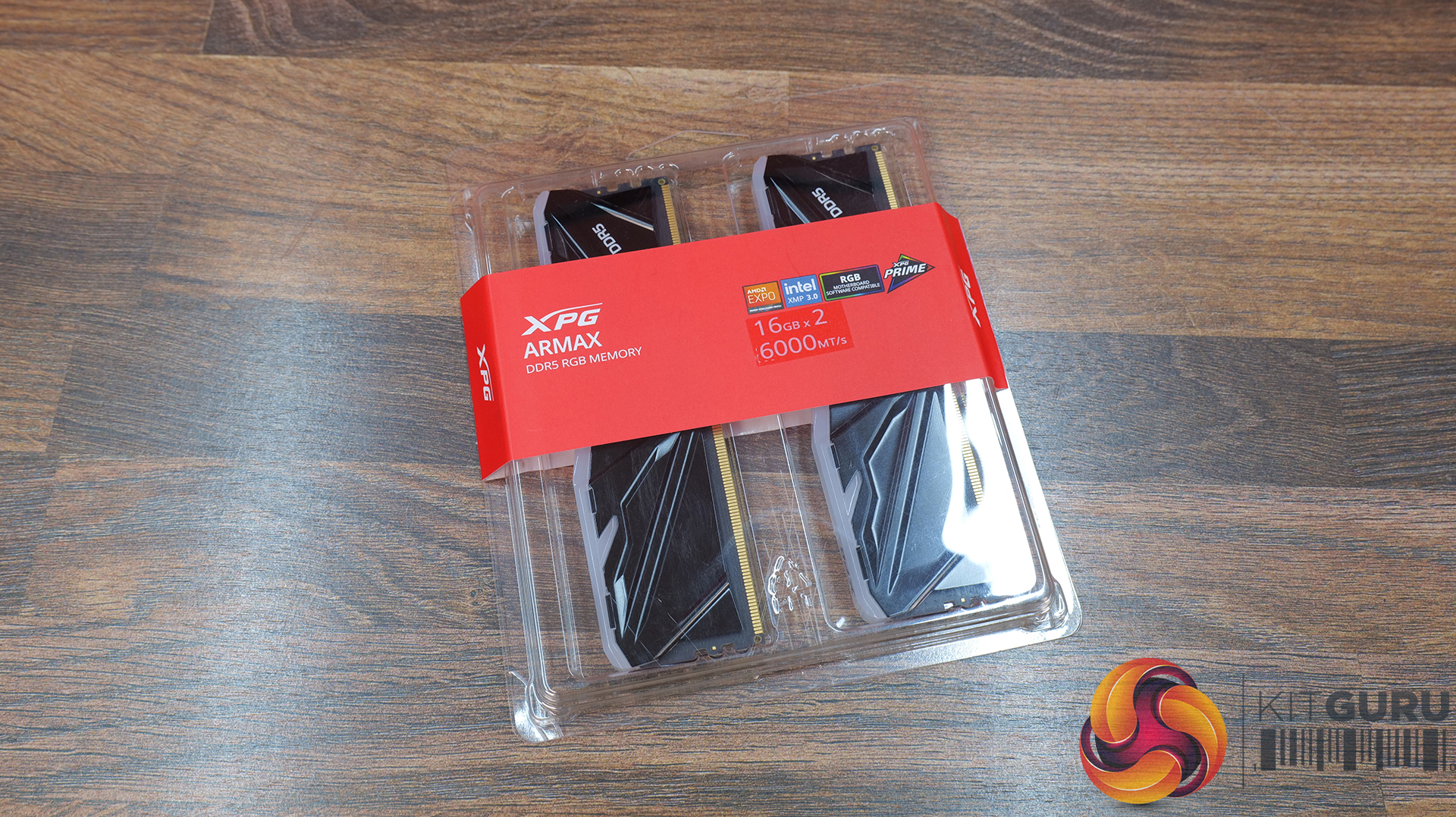
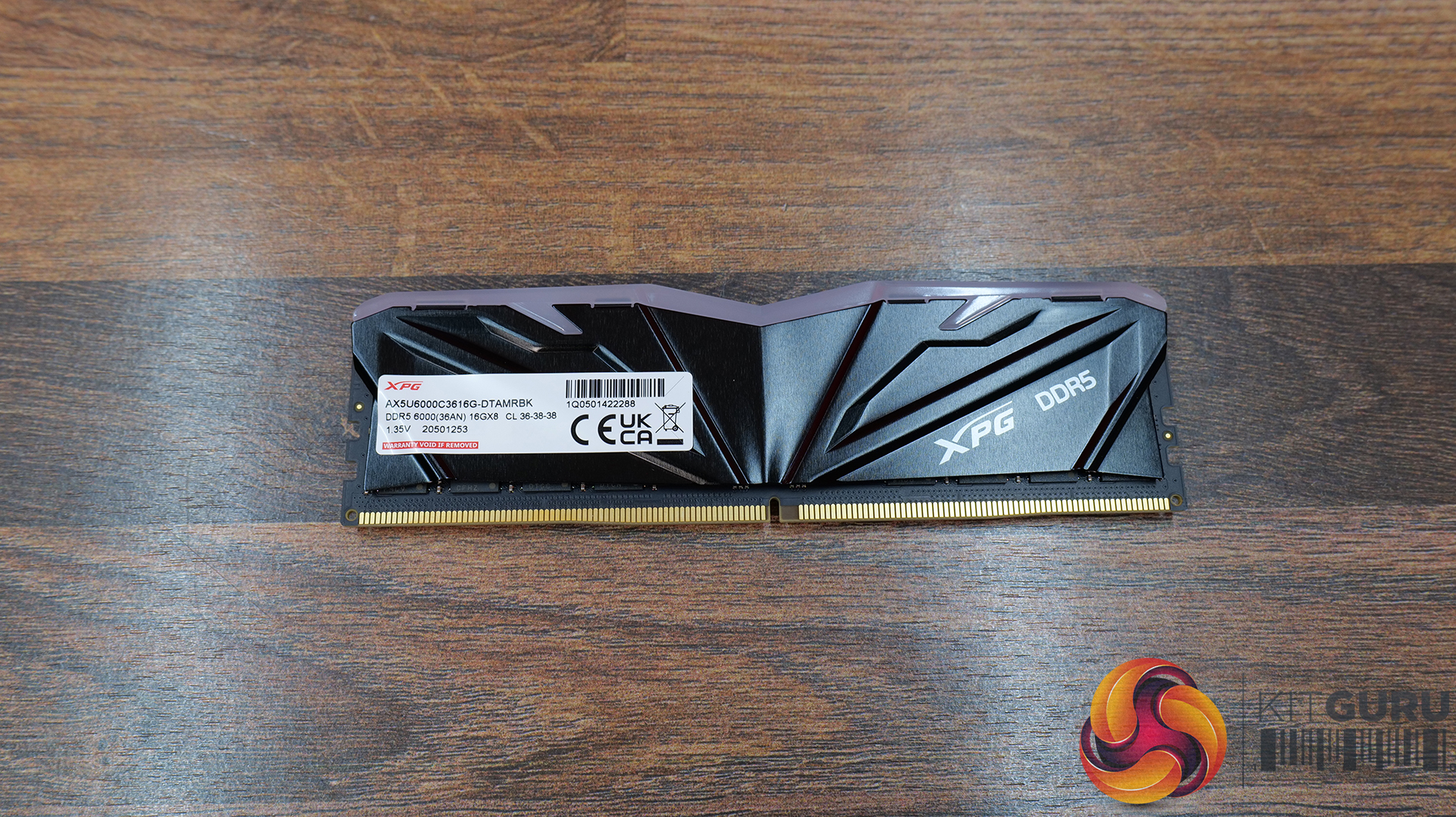
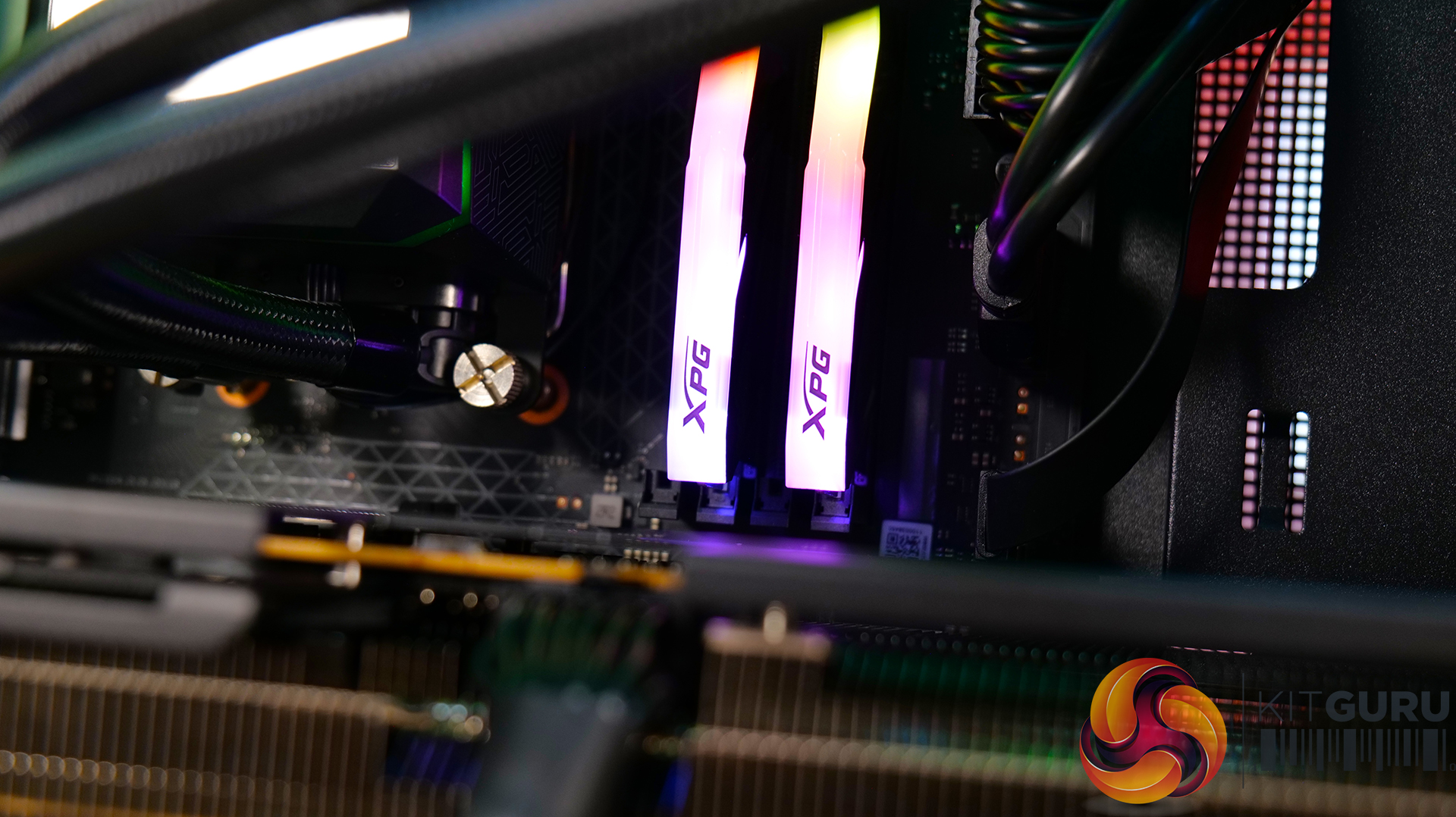
RAM: 32GB XPG ARMAX DDR5-6000 – Available from OcUK Priced at £449.99 HERE.
DDR5-6000 Sweet Spot Performance – Operating at DDR5-6000 MT/s, the ARMAX kit hits the current performance sweet spot for modern AMD gaming systems, delivering a boost over standard DDR5 specs.
Low-Profile, Cooler-Friendly Design – At just 39.5mm tall, the XRMAX heatspreader is designed to avoid conflicts with large tower coolers, making it particularly well-suited to compact and small form factor builds.
Simple One-Click Overclocking Support – Intel XMP 3.0 and AMD EXPO compatibility allow users to enable the overclocked memory profile directly within the BIOS, taking the hassle out of memory tuning.
Specifications
Memory Type: DDR5
Form Factor: U-DIMM
Colour: Black
Capacities Available: 16GB / 32GB
Tested Speeds: 5600 / 6000 MT/s
Tested CAS Latencies: CL36
Tested Operating Voltage: 1.1V – 1.4V
SPD Speed: 4800 MT/s
SPD CAS Latency: 36-38-38
SPD Voltage: 1.1V
Operating Temperature: 0°C – 85°C
Dimensions (L x W x H):35 x 39.49 x 8.5mm
Weight:16g / 46.74g (depending on kit)
Warranty: Limited lifetime warranty
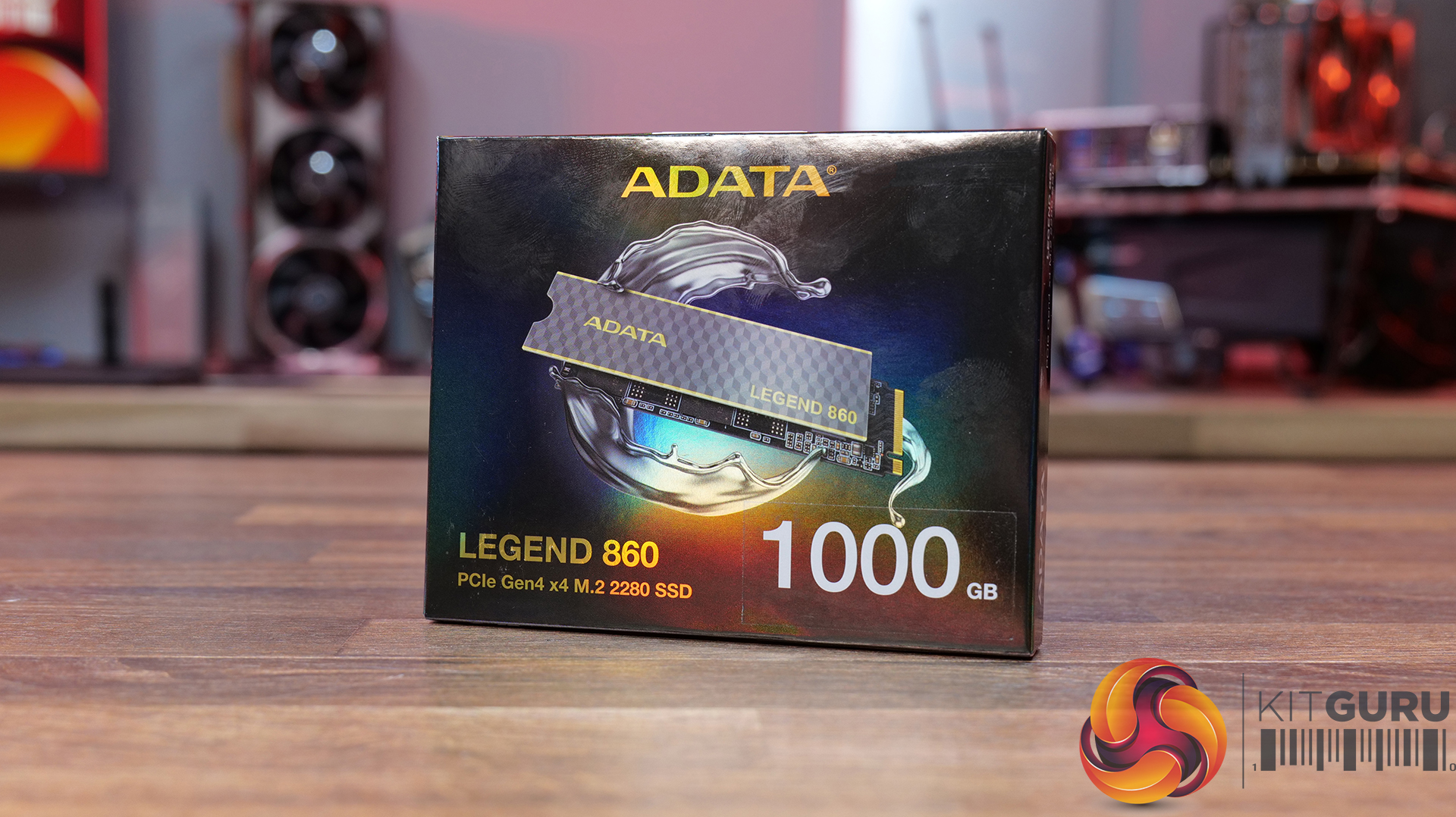
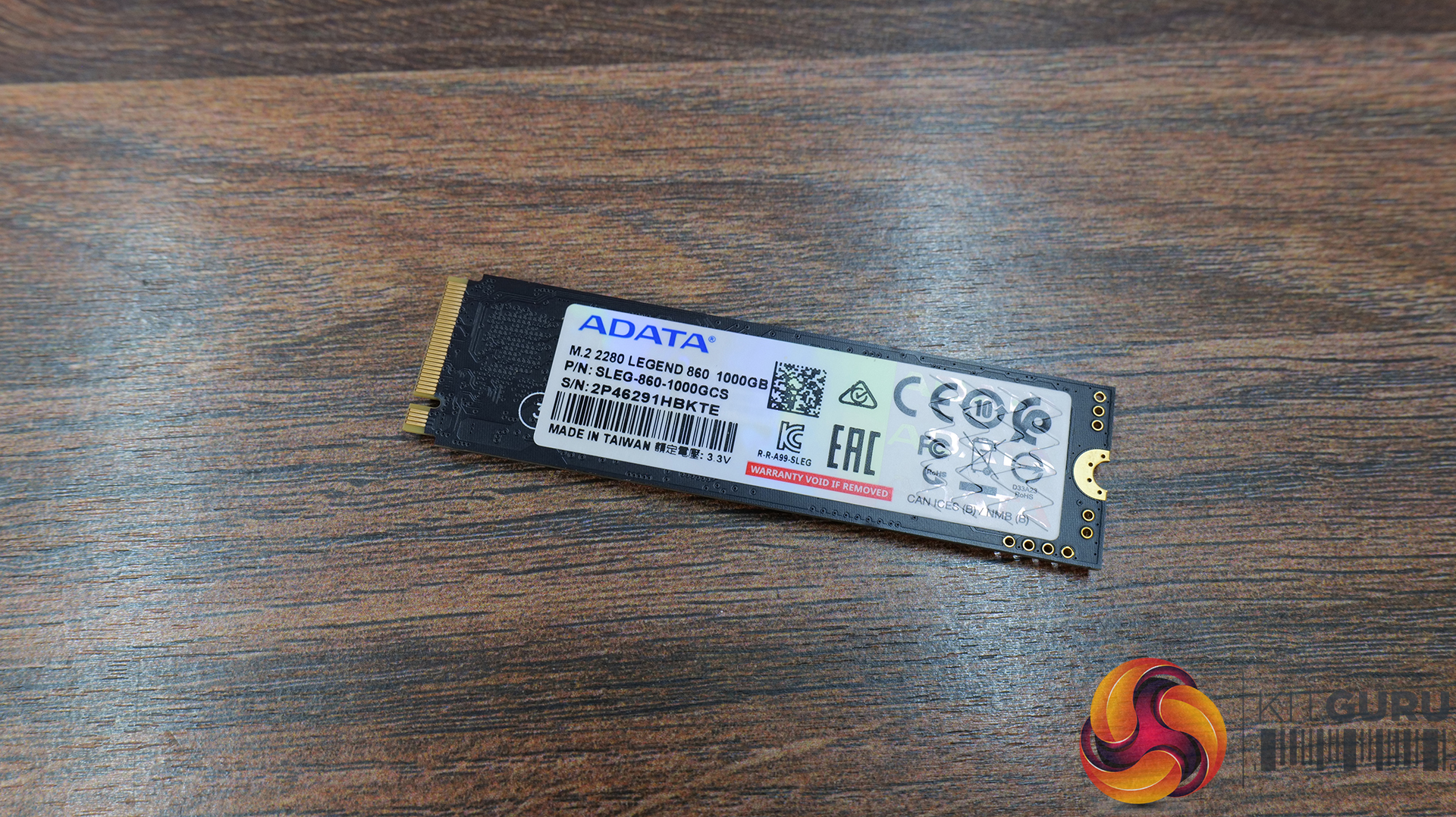
Storage: 1TB ADATA Legend 860 PCIe Gen4 x4 M.2 SSD – Available From OcUK Priced at £124.99 HERE.
PCIe Gen4 x4 Performance with up to 6,000MB/s Speeds – The LEGEND 860 features a PCIe 4.0 interface for sequential read speeds of up to 6,000MB/s and write speeds of up to 5,000MB/s, a noticeable uplift over older Gen3 and SAT SSDs for all workloads.
High-Capacity, Platform-Ready Storage Solution – Available in capacities up to 2TB, designed for gaming and creative systems, with high compatibility across the latest Intel and AMD platforms plus support for PS5 storage expansion.
Built for Reliability with Advanced Data Technologies – Equipped with SLC caching, Host Memory Buffer (HMB), and LDPC error correction to improve data integrity, responsiveness, and sustained performance under demanding workloads, backed by a 5-year warranty.
Specifications
Capacity: 500GB / 1TB / 2TB
Form Factor:2 2280
NAND Flash: 3D NAND
Interface: PCIe Gen4 x4
Sequential Read Speed (Max): Up to 6,000MB/s (PC/Laptop)
Sequential Write Speed (Max): Up to 5,000MB/s
Dimensions: 80 x 22 x 3.13mm (with heatsink) or 80 x 22 x 2.15mm (without heatsink)
Weight:5g (with heatsink) or 6.5g (without heatsink)
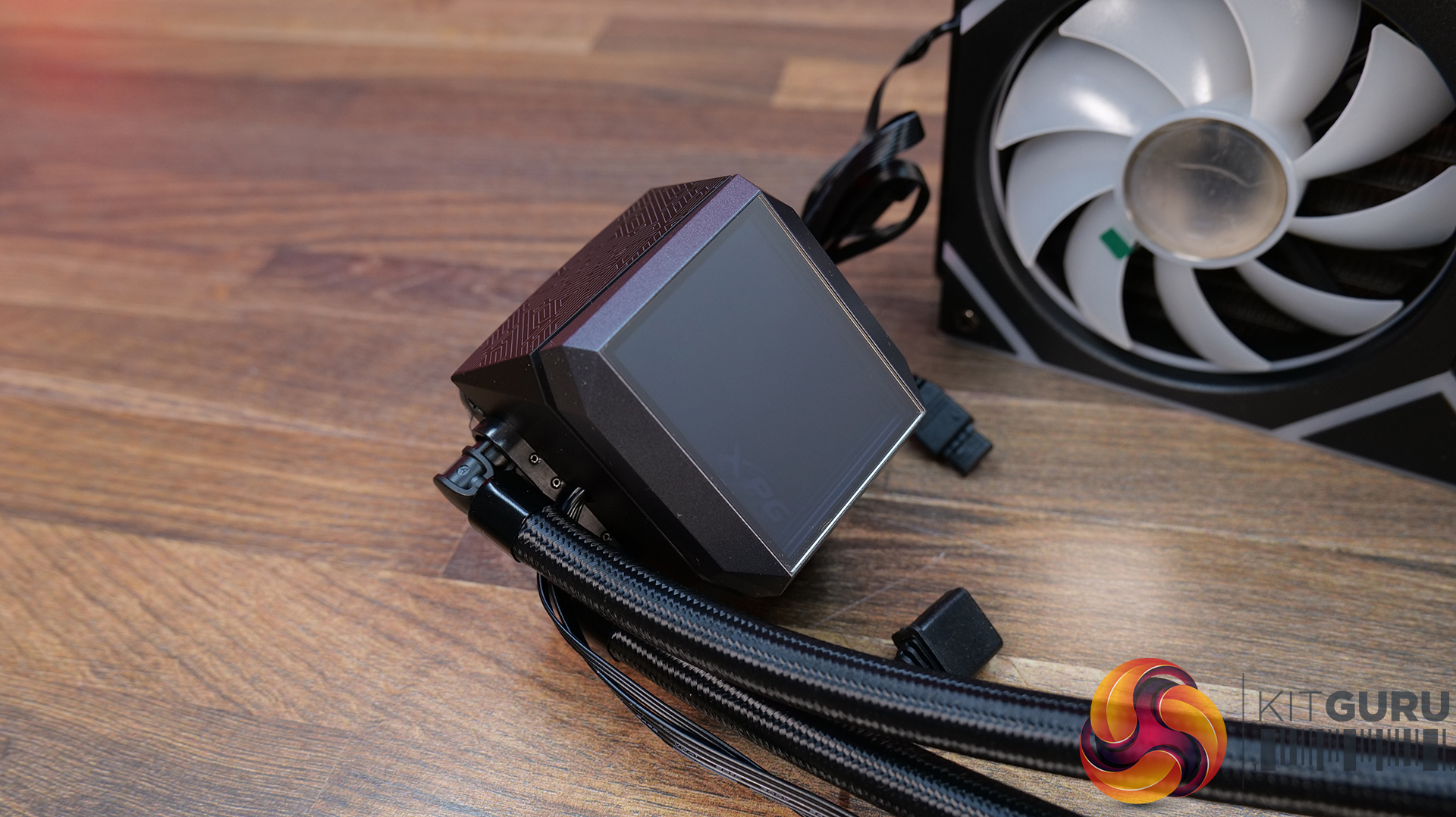
Efficient 240mm AIO Cooling with Asetek Engineering – Built around a 240mm aluminium radiator paired with a copper cold plate and Asetek 7th Gen pump design, delivering strong thermal performance with efficient heat transfer and reliable CPU cooling.
High-Airflow Dual 120mm ARGB Fans – Equipped with dual-ring 120mm PWM ARGB fans operating up to 2000 RPM, 61.5 CFM of airflow and strong static pressure for effective heat dissipation.
Infinity Mirror ARGB Pump Design And Wide Platform Support – The pump features an infinity mirror aesthetic with addressable RGB lighting, while broad compatibility across modern Intel and AMD sockets ensures compatibility with a wide range of gaming systems.
ATX 3.1 & PCIe 5.0 Ready Platform – Built to ATX 3.1 standards with native support for modern GPU power delivery, including 12VHPWR / 12V-2×6 connectivity, ensuring stable operation with next-gen graphics cards and transient load spikes.
80 PLUS Gold Efficiency with High-End Electrical Design – Delivers 80 PLUS Gold efficiency alongside strong power regulation, high power factor (>0.99), and full DC-to-DC conversion architecture for consistent and efficient output across rails.
Fully-Featured Protection Suite & Long-Term Reliability – Features comprehensive protections including OCP, OVP, OPP, UVP, SCP, OTP, NLO and SIP, plus a high-quality FDB cooling fan and 100,000-hour MTBF for long-term system stability.
The Ryzen lineup of X3D desktop processors should be your next purchase if your primary goal is to get the most out of your framerate. As it so happens, the older-generation Ryzen 7 7800X3D has dropped down to $339.99 on Amazon after a 24 percent discount, making it the lowest price we have seen to date. However, if you would much rather have AMD’s latest and greatest, the Ryzen 7 9800X3D is available for $422.29 after a 12 percent price reduction. The Ryzen 7 7800X3D is armed with a ton of L3 cache to deliver unrivaled framerates in games Thanks […]
The new feature reportedly reduces the latency significantly on the standard memory, eliminating any need for EXPO ULL. MSI Rolls Out High-Efficiency Mode With Four Presets to Reduce Memory Latency Without Needing AMD EXPO ULL AMD's new EXPO ULL (Ultra Low Latency) is the company's latest and enhanced EXPO memory profile that can optimize DDR5 memory timings for lower latency. This next level of optimization helps directly in memory-oriented workloads and in gaming, where applications can take advantage of tighter timings. The feature affects the sub-timings to minimize the latency on EXPO ULL memory modules, resulting in a performance boost […]
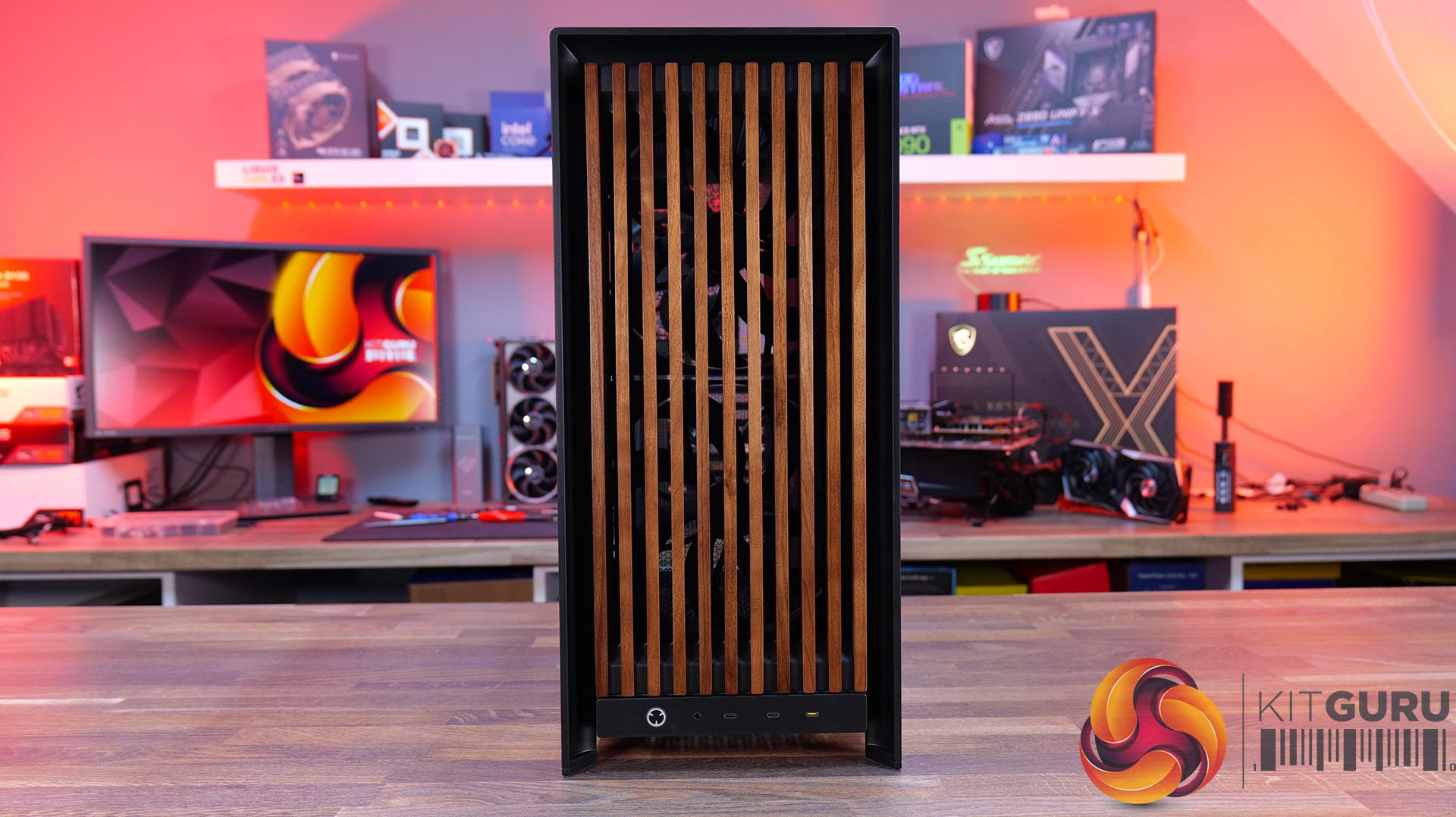
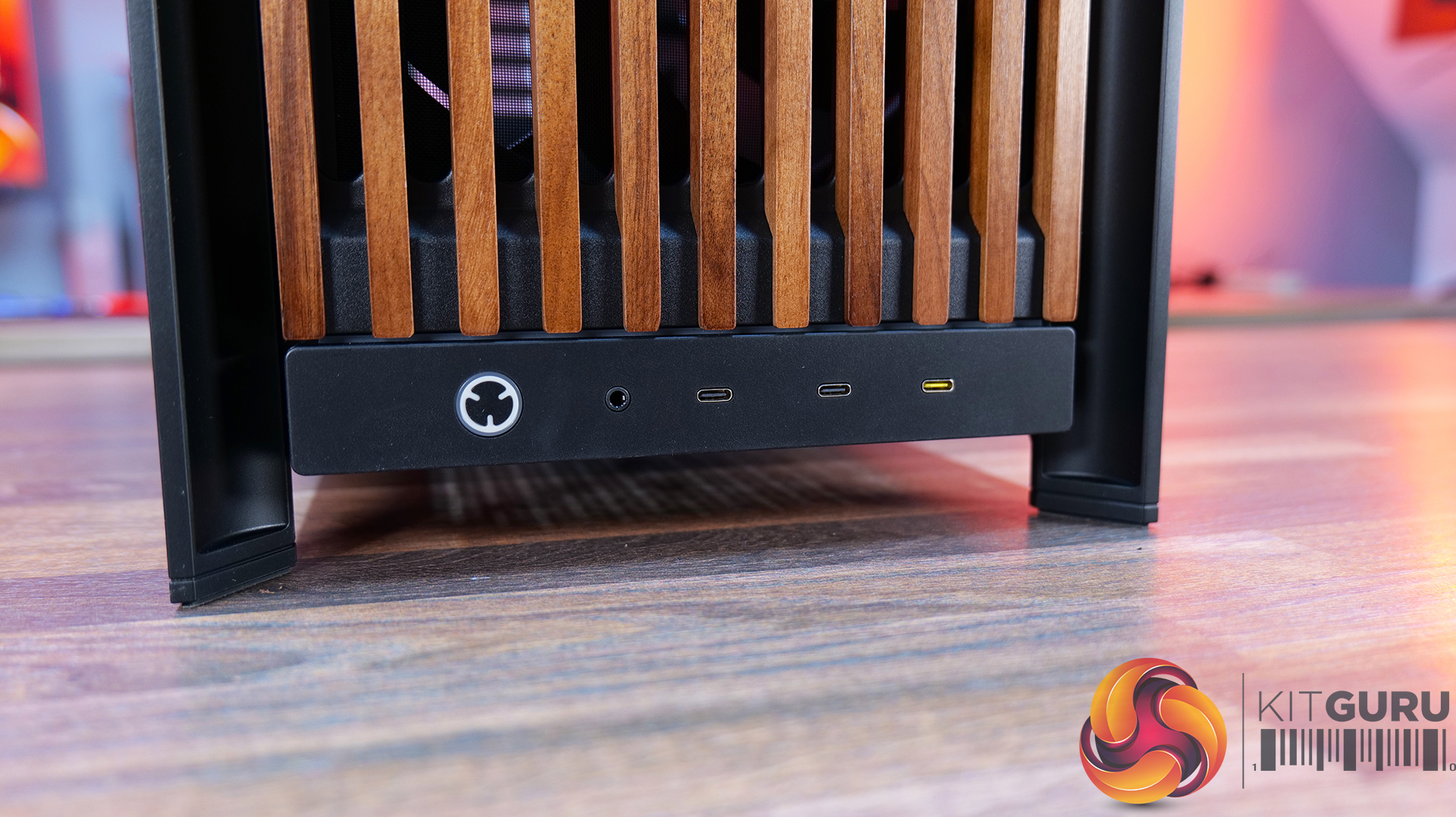
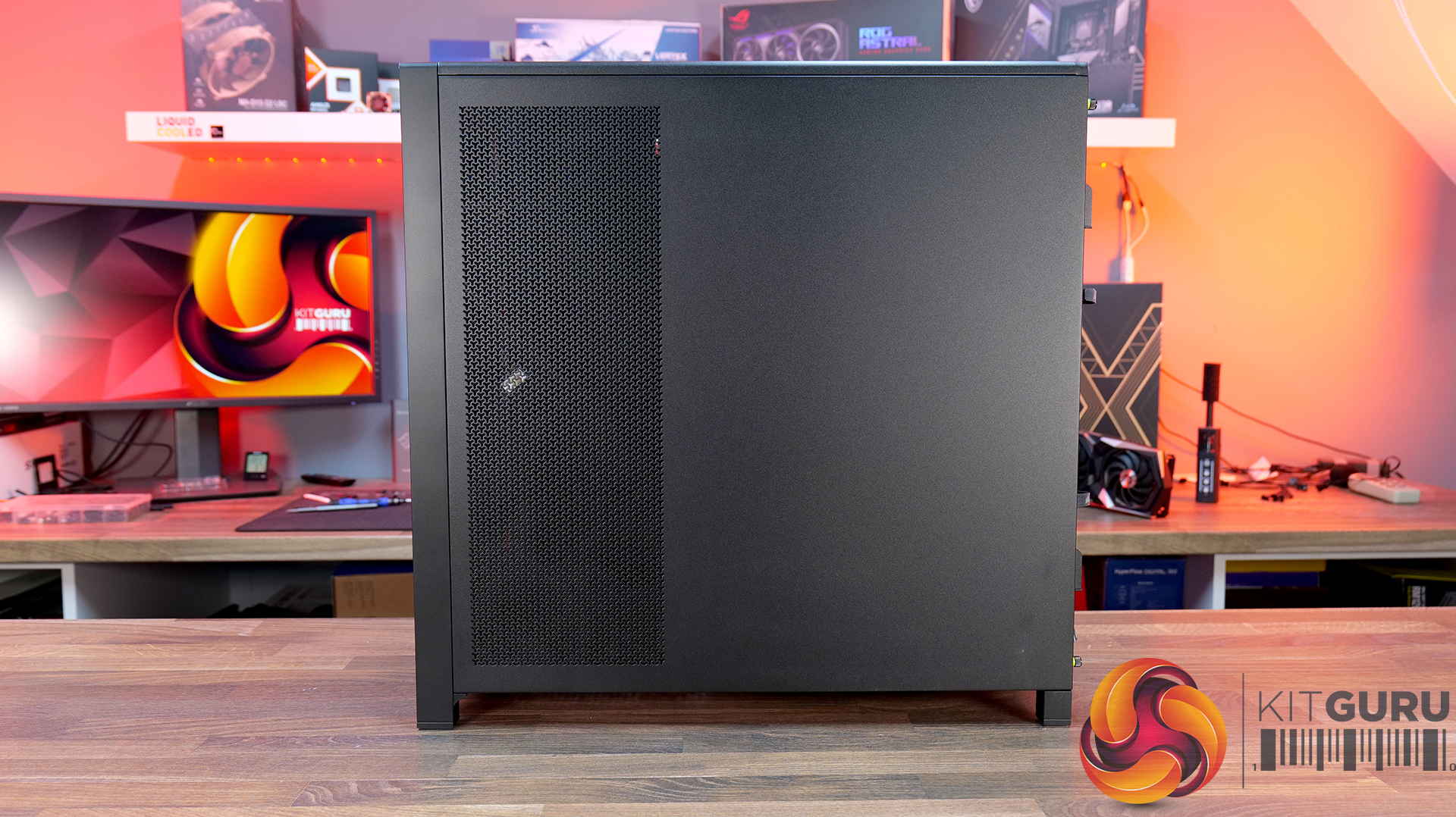
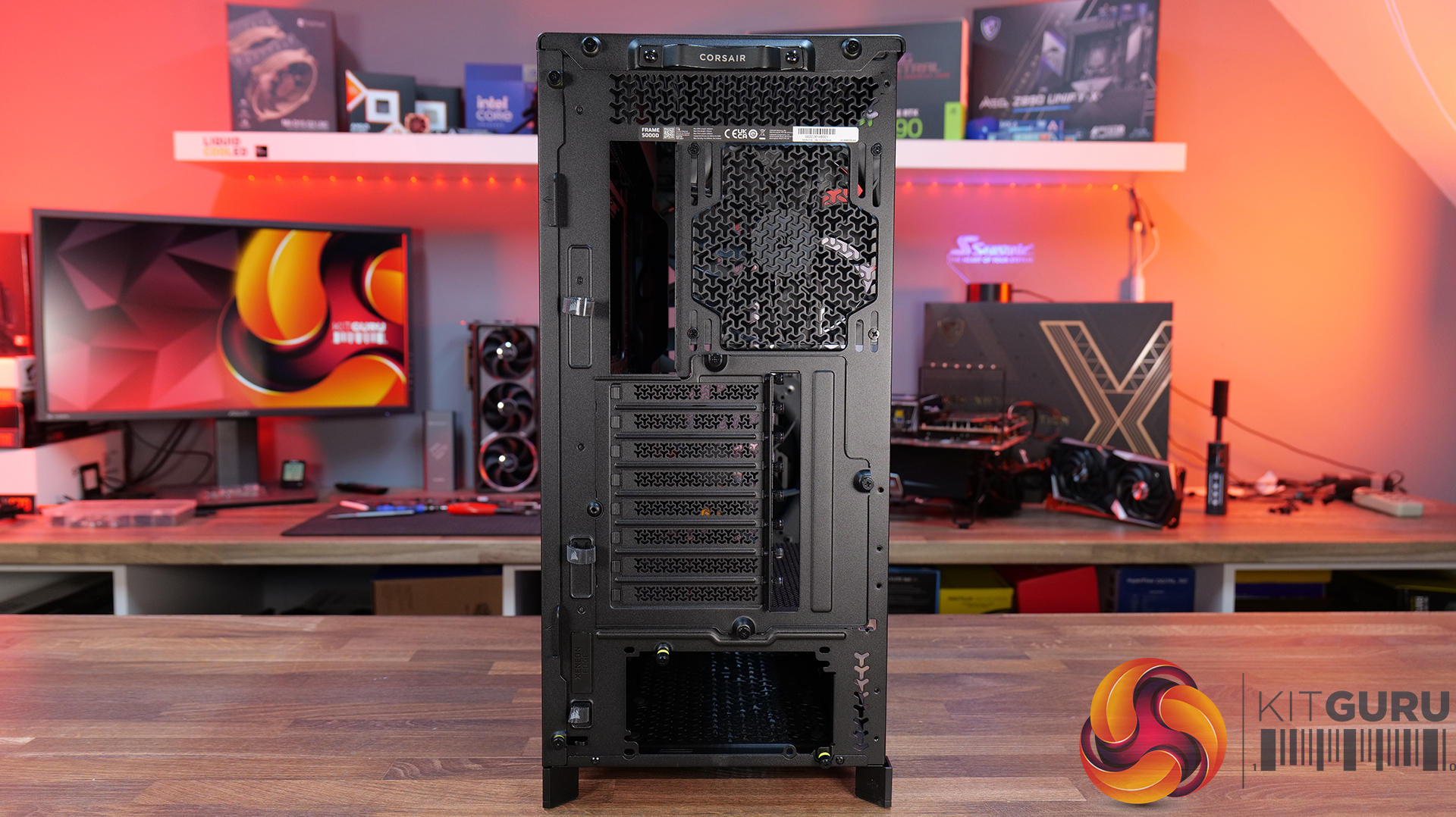
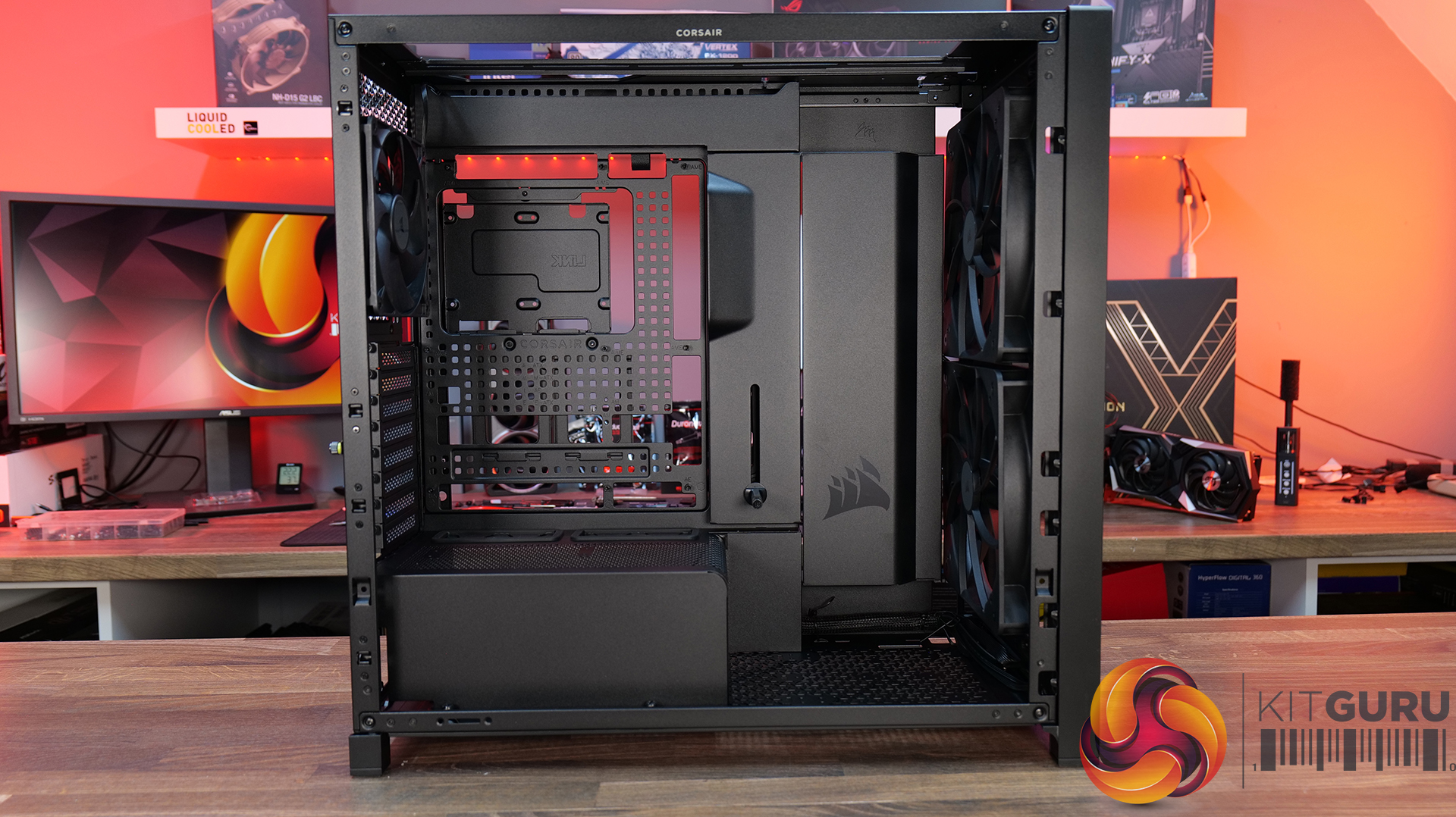
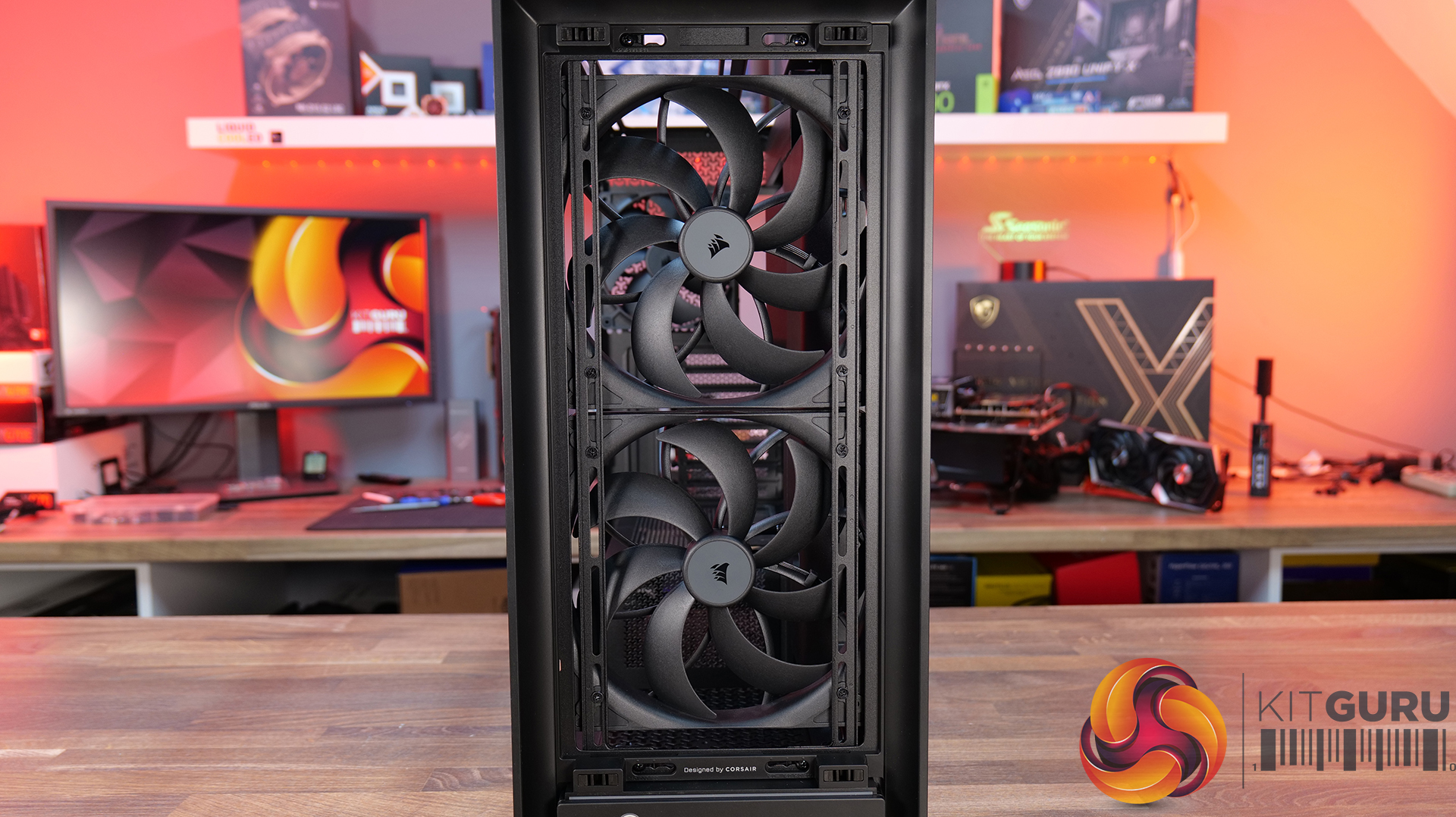
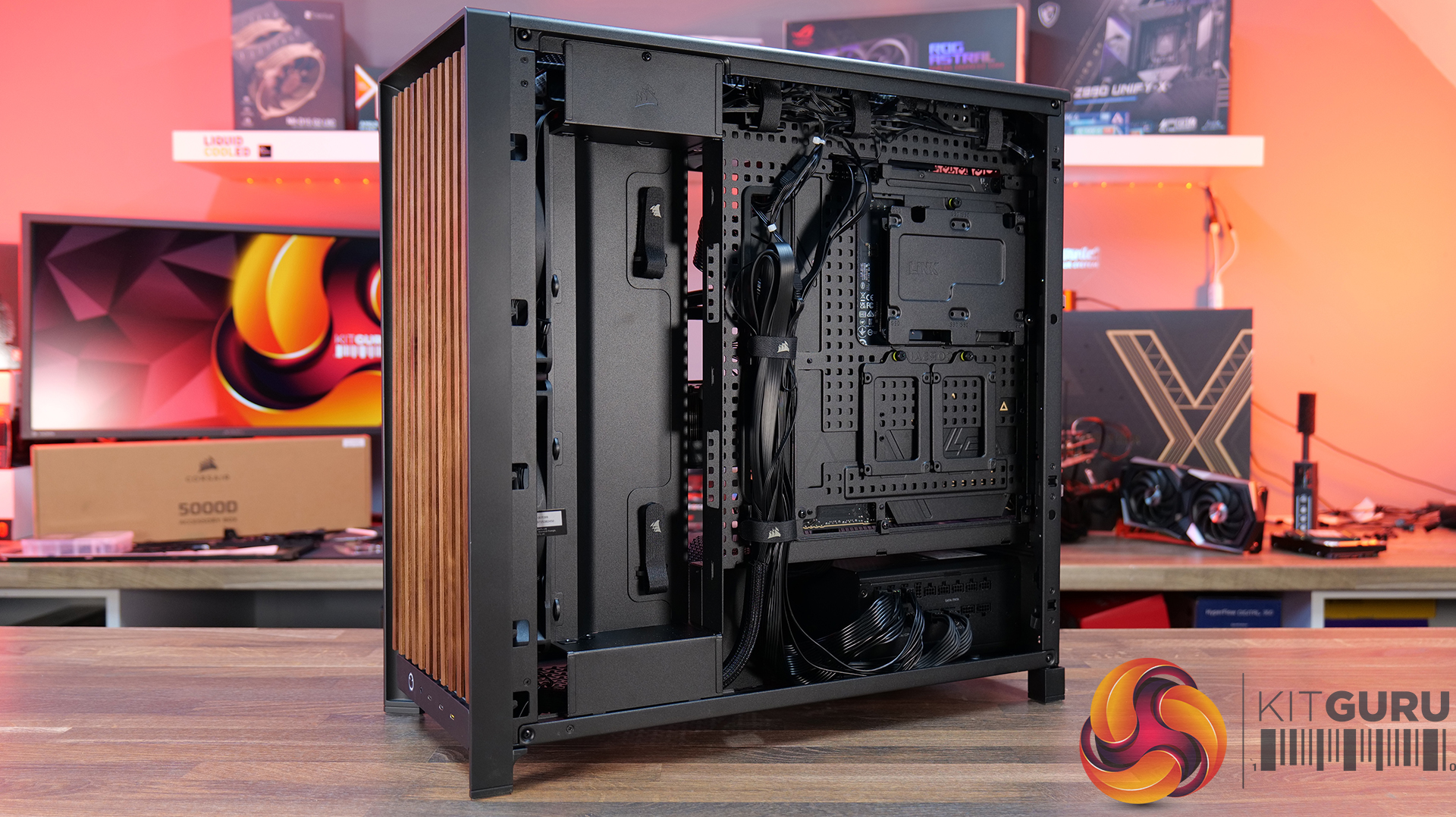
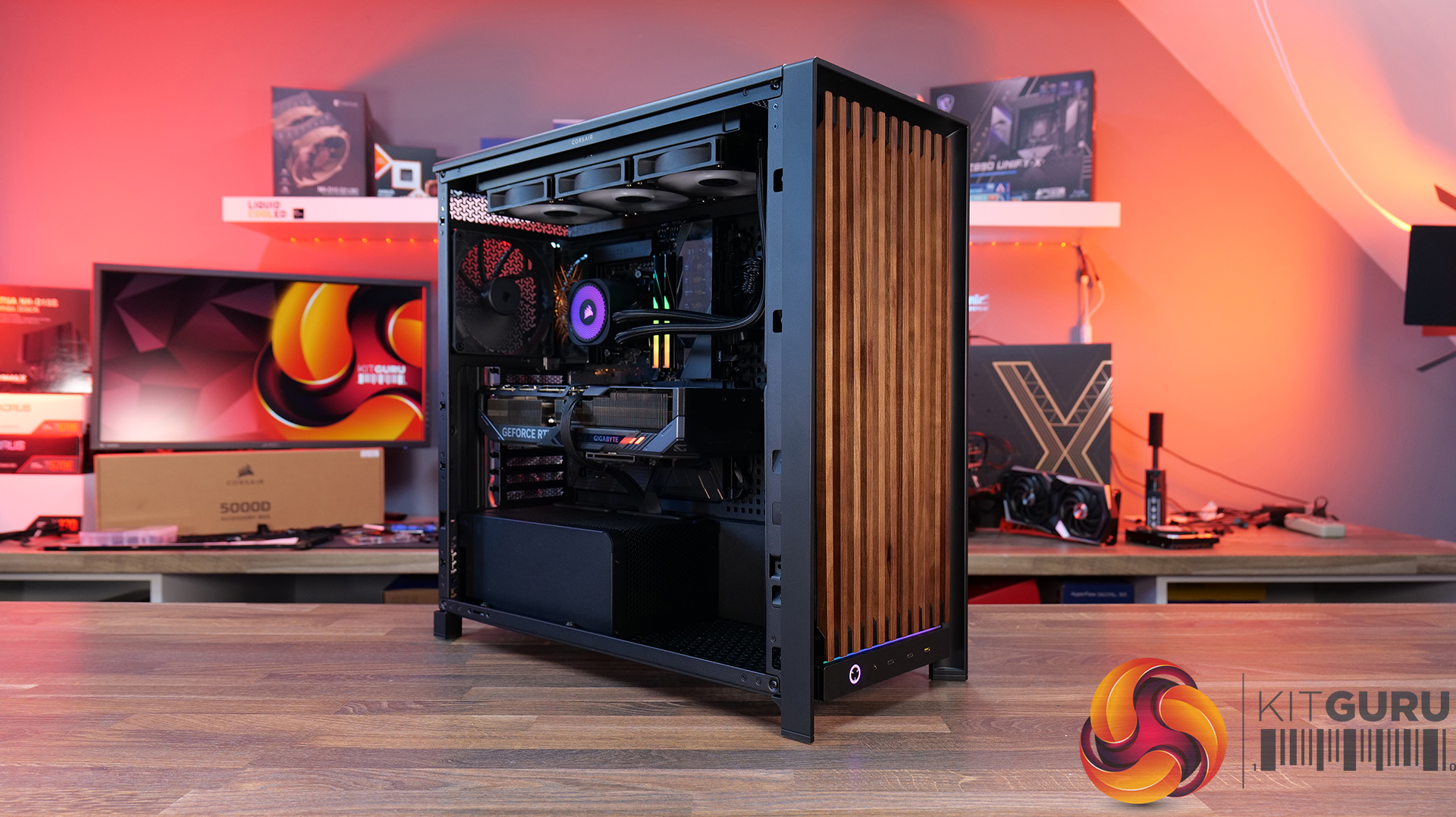
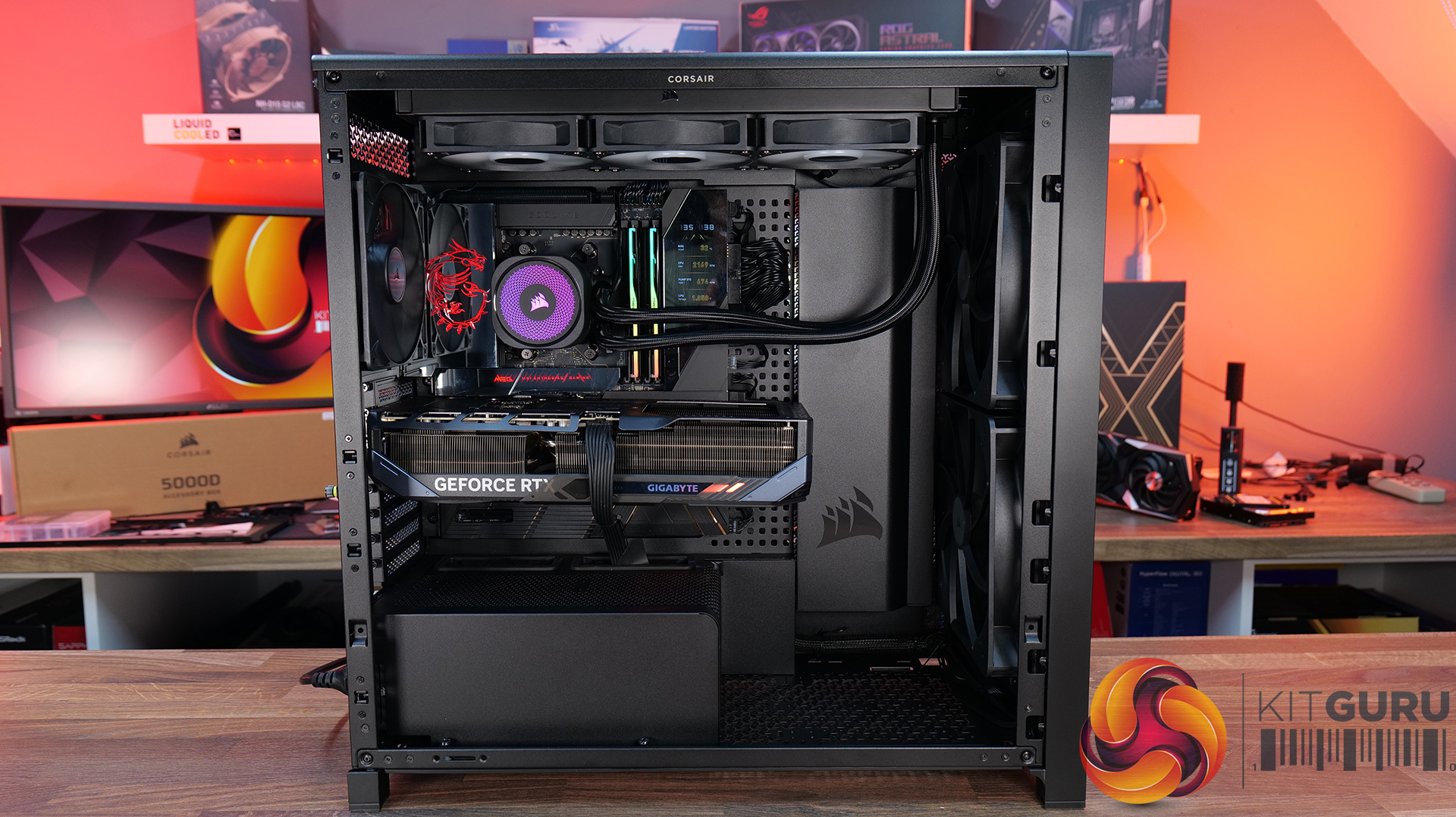
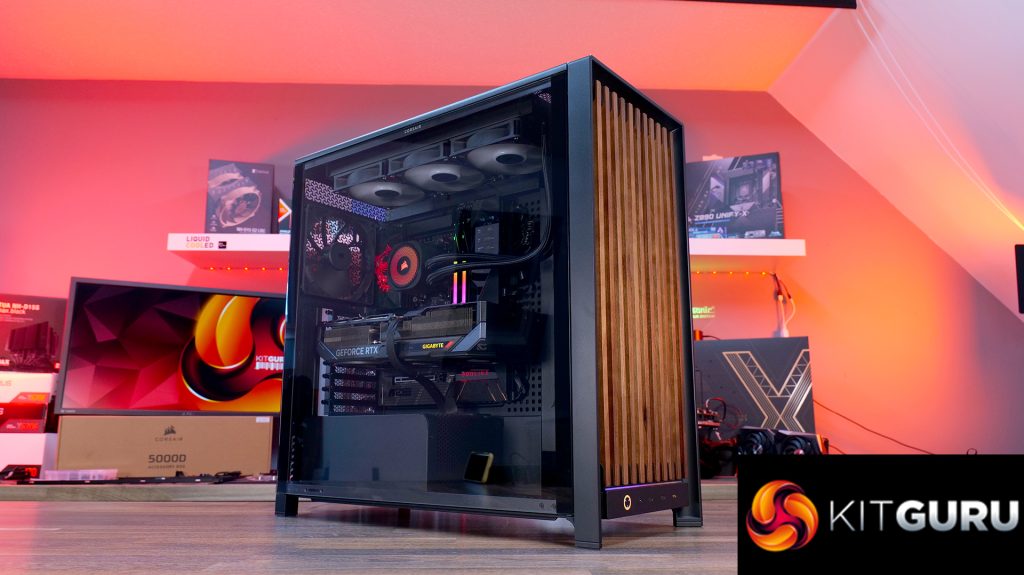
Today we're taking a look at the new Corsair Frame 5000D Wood RS PC case. At first glance it might just look like theregular Frame 5000Dwith a fancy wooden front, but Corsair has actually made a few interesting changes under the hood. Along with the solid wood front panel, you get a pair of huge 200mm intake fans, a full-length tempered glass side panel, a more compact PSU shroud, and an updated front I/O layout with three USB Type-C ports. So, is this just a cosmetic refresh, or has Corsair really improved one of its flagship cases? Let's find out.
Timestamps:
00:00 Introduction
00:50 Pricing and Info
03:00 Front I/O
03:25 Features / Removing panels
04:35 Hardware / Cooling Support
06:01 Inside the Case / Options
07:21 Air Cooler Support
07:38 GPU Support
08:07 Motherboard Support
09:09 Back of Case
10:17 Cable Routing / Drives
13:00 Floor of Case
13:38 Accessories
15:10 Testing Methodology
15:40 Thermal and Noise Performance
17:05 Closing Thoughts
Features:
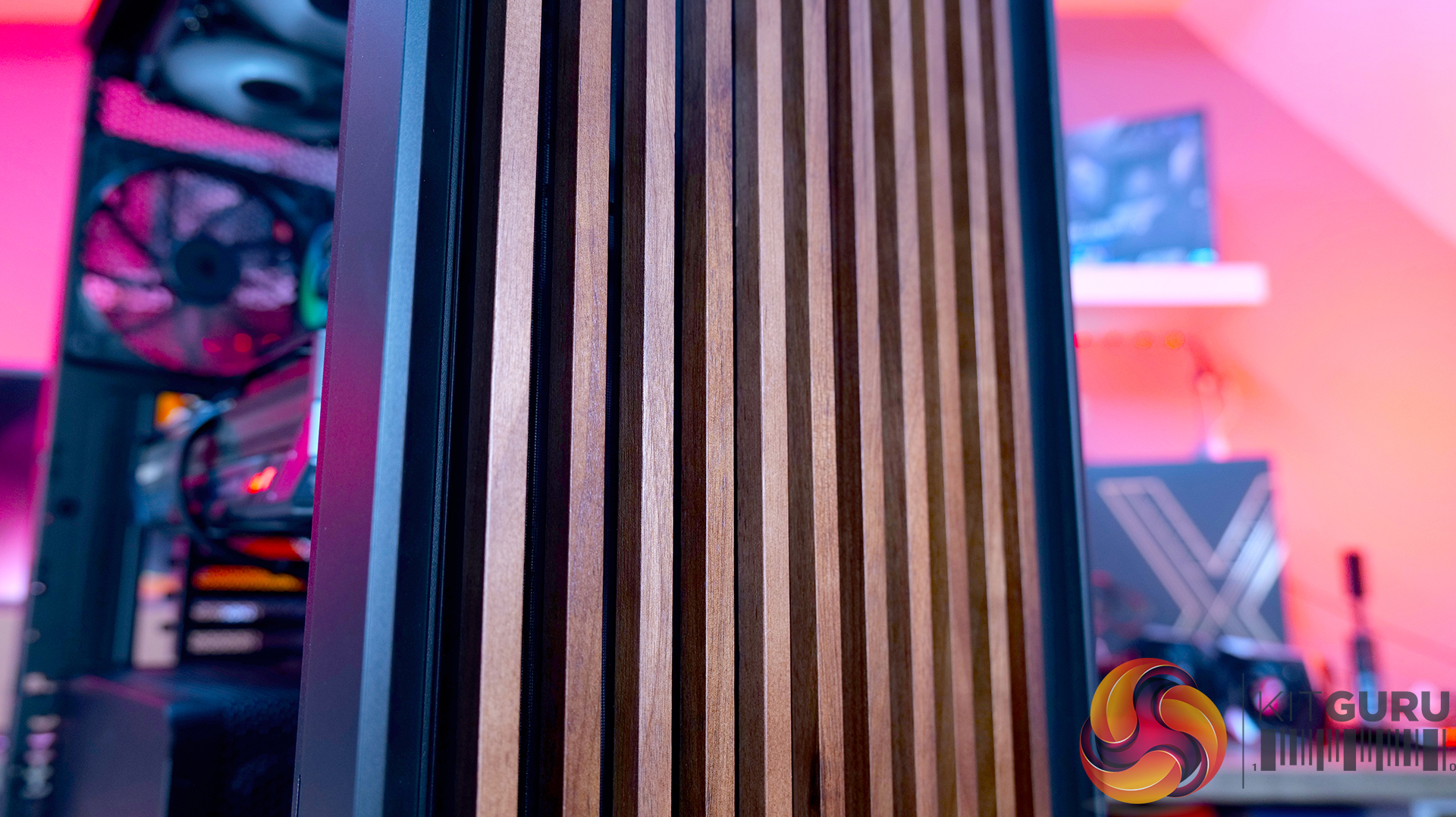
Real Wood, not Wood-effect – The standout feature of the Frame 5000D Wood RS is the new FSC-certified solid wood front panel. It gives the FRAME 5000D a much warmer, more premium look while still allowing plenty of airflow through the front of the chassis.
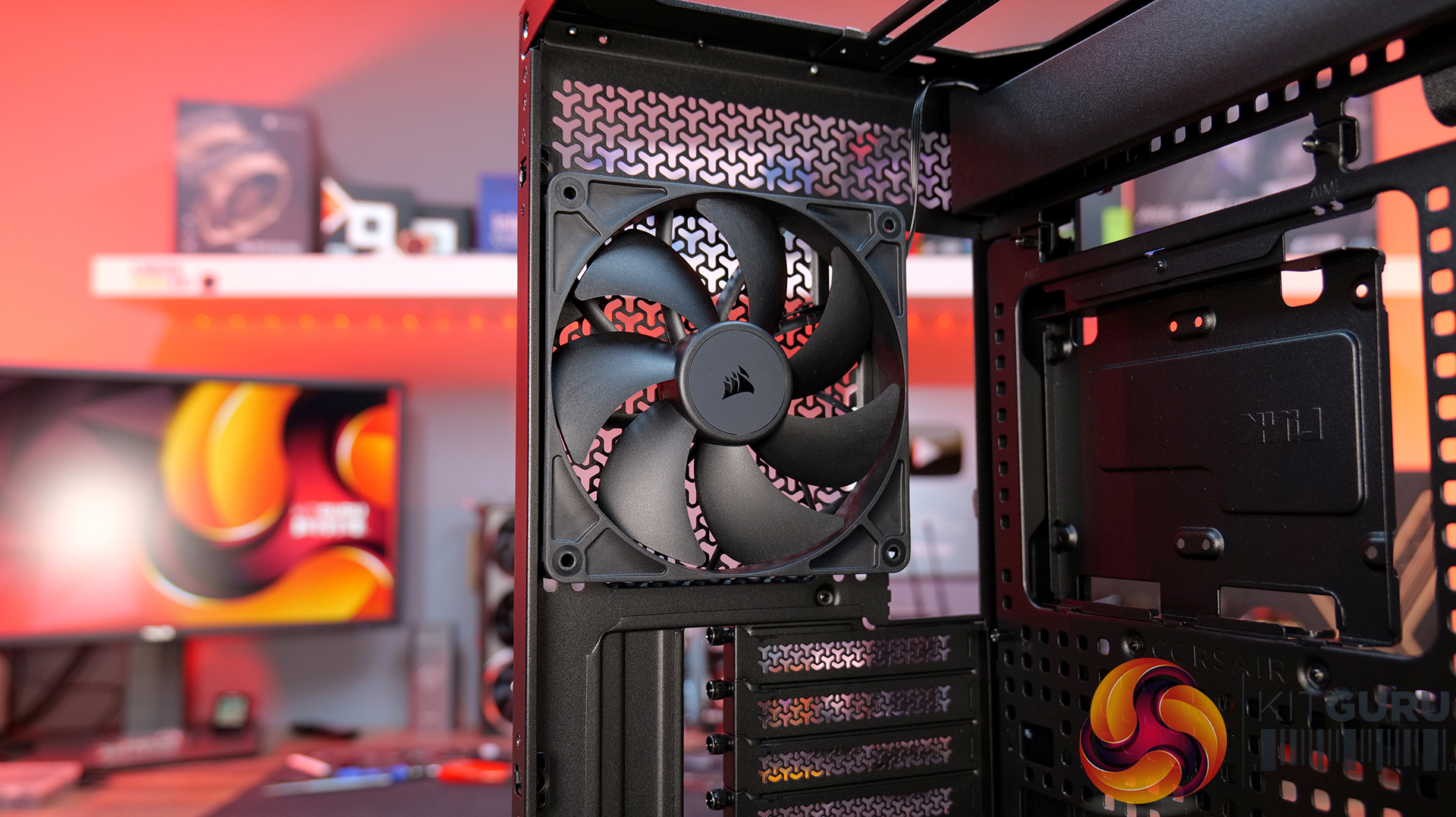
Big Fans, Low Noise – The original 140mm intake fans are swapped for a pair of massive 200mm RS200 fans that can shift plenty of air at lower RPM, keeping cooling performance high and noise low.
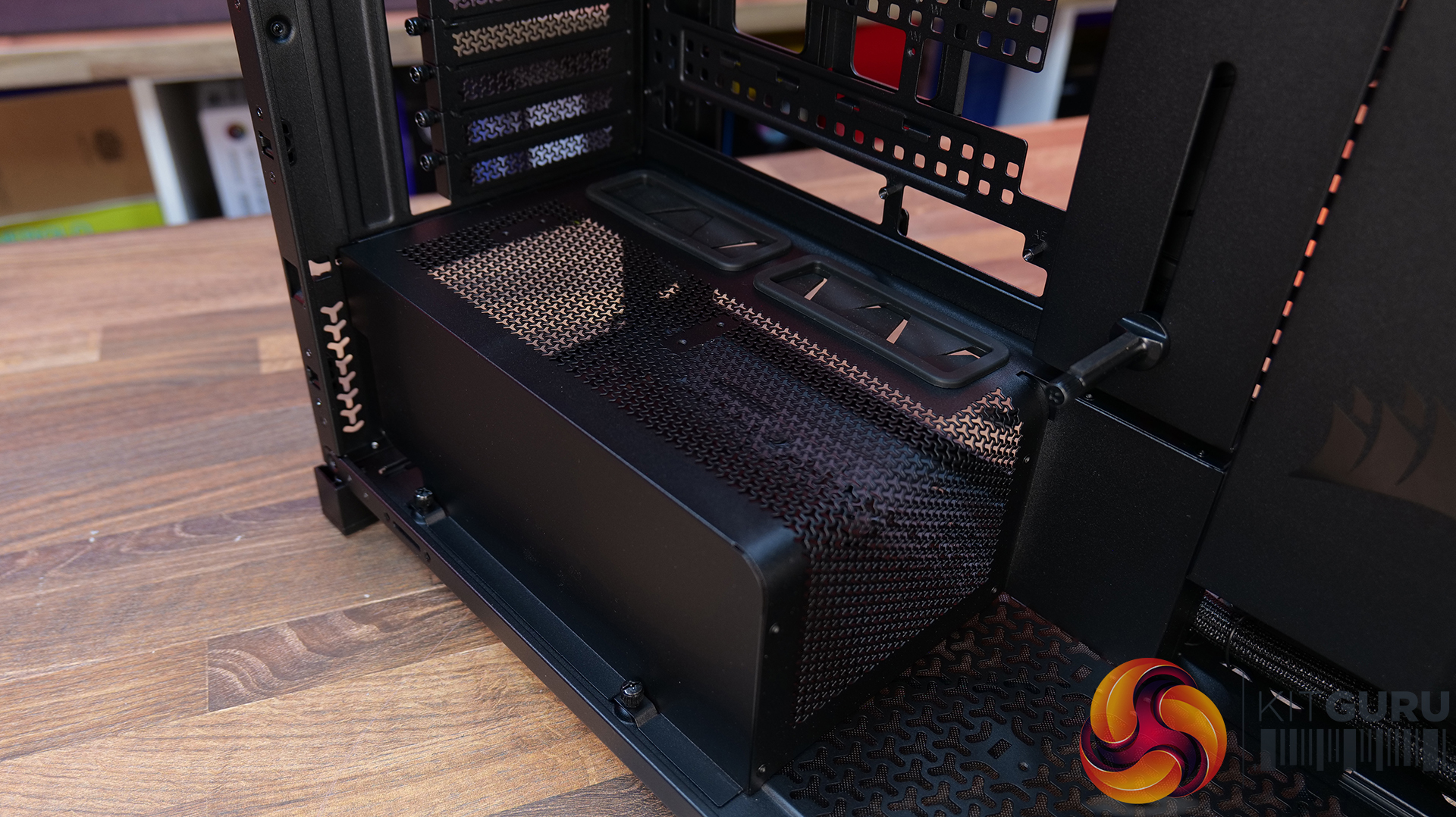
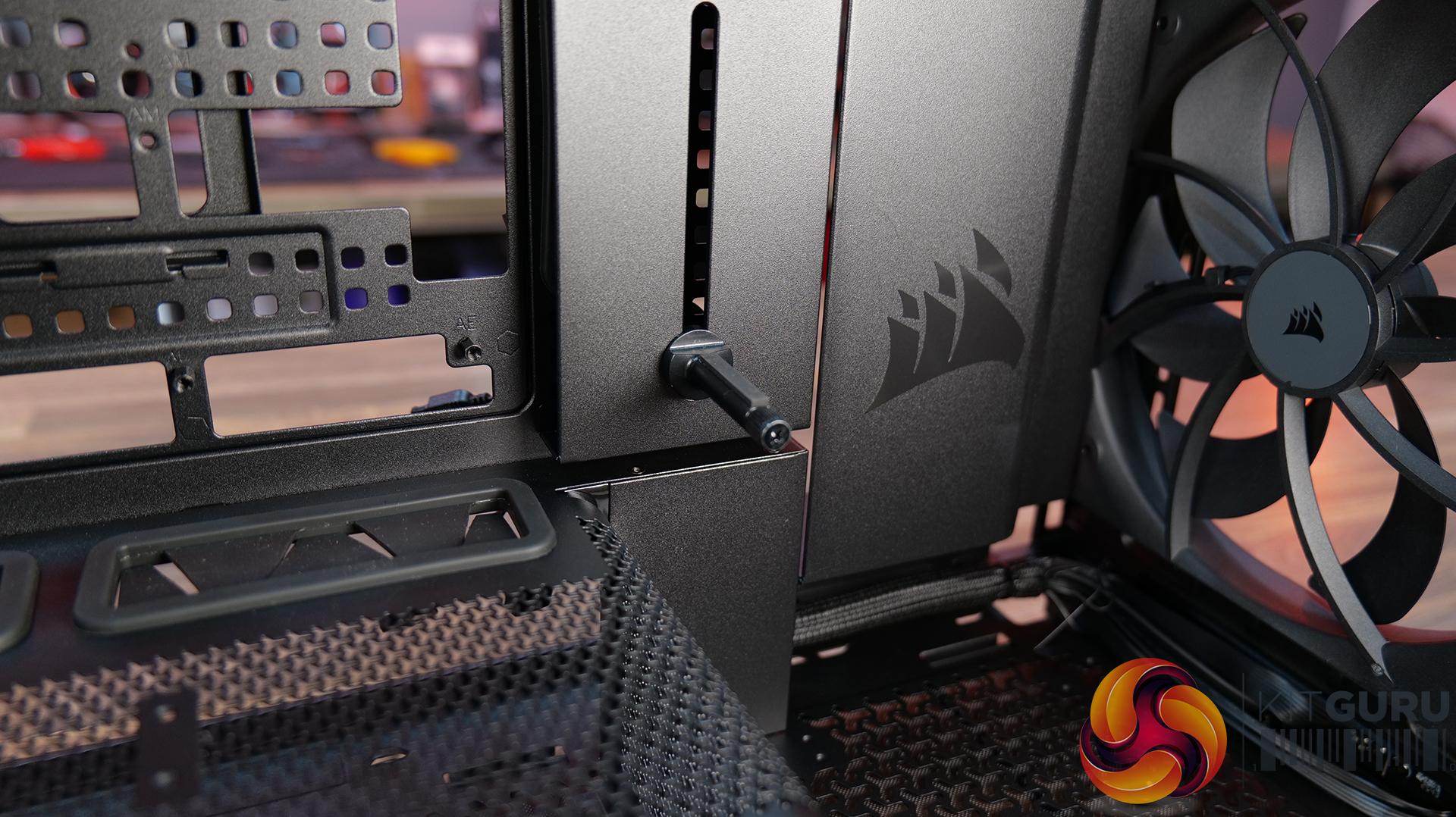
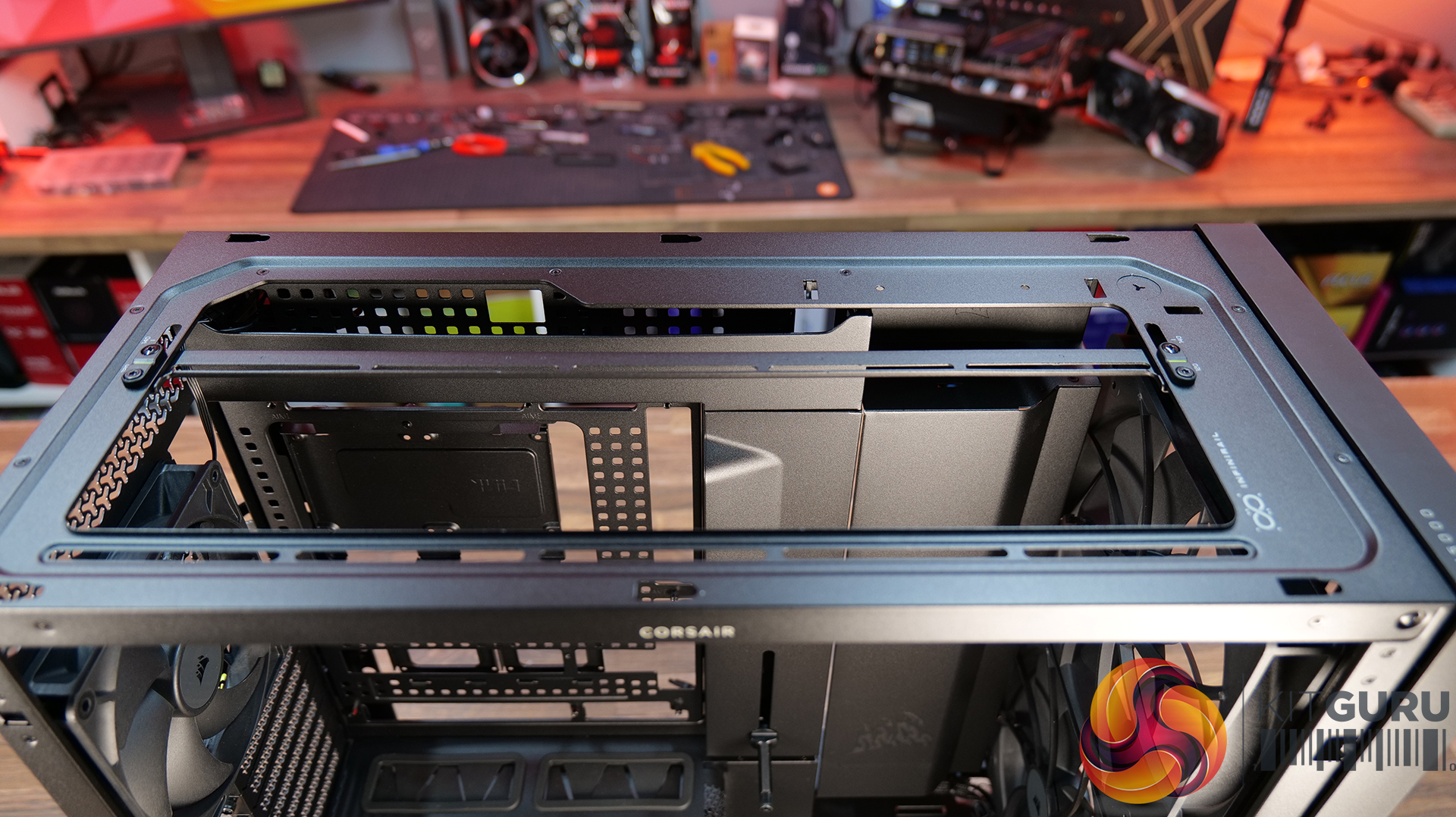
Cleaner Layout Inside and Out – A full-length tempered glass side panel, a more compact PSU shroud and updated front I/O with all USB Type-C connectivity all help modernise the Frame 5000D, giving you a better view of your hardware and a more up-to-date feature set.
Fan Support: 3 x 120mm,3 x 140mm(Top), 2 x 200mm, 3 x 120mm, 3 x 140mm (Front), 3 x 120mm, 3 x 140mm (R/H Side), 1 x 120mm, 1 x 140mm (Rear), 1 x 120mm (Bottom)
Font I/O: 2x USB 3.2 Gen1 Type-C (5Gb/s), 1x USB 3.2 Gen2x2 Type-C (20Gb/s), PWR Button, Combo Mic/Headphone Jack
LCD Screen: N/A
Thermal Performance Testing
To simulate thermal demand, we run the Cinebench R23 multi-thread benchmark and 3DMark Speed Way stress test simultaneously in a loop for 30 minutes to load the system fully. This gives the CPU and GPU enough time to reach constant steady-state temperature. With this data, we can compare how the system handles the thermal demand and measure peak noise levels.
Thermal performance is measured with the case in various configurations, such as the default, with the tempered glass left-hand side panel removed and with the front panel removed to see how these configurations affect the CPU and GPU temperature. During testing, only stock case fans are used unless otherwise specified. All water pumps are set to maximum RPM and fans are set to a custom RPM curve by the Motherboard software/BIOS.
All temperature measurements are presented as Deltas – meaning the ambient temperature has been deducted from the CPU temperature, giving us a Delta. Data shown in the charts represents the average component temperature over the length of the test as measured by HWiNFO, and then the last 15 minutes of the data are calculated to get the average. The ambient temperature during thermal tests is between 19-20⁰C.
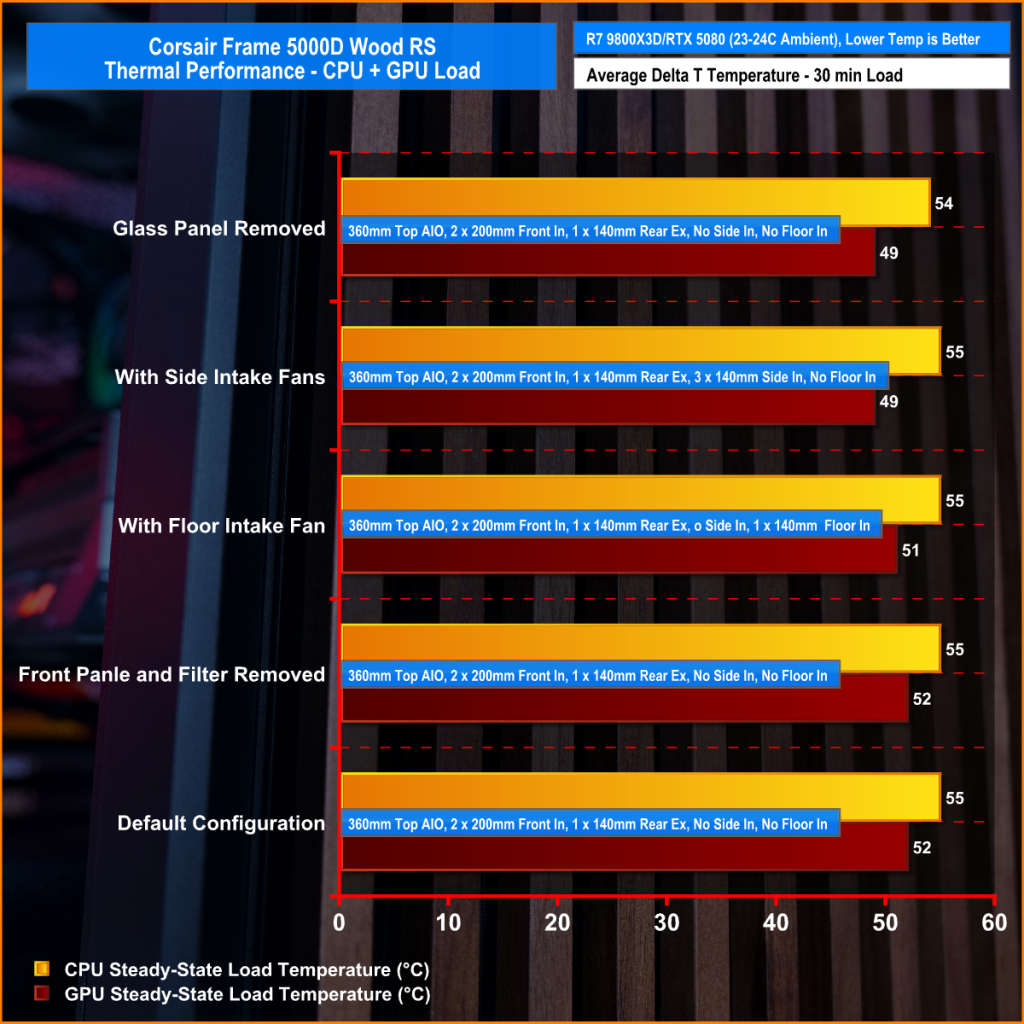
We test case thermals using a 360mm AIO as exhaust at the top and with the case in several different fan configurations. The default configuration shown in the charts is with the top 360mm AIO cooler, 2 x 200mm front intake fans and a single 140mm rear exhaust fan and with all case panels installed.
Thermal performance is about as good as you could expect for from a case like this. In the default configuration we see the CPU steady-state average at 55°C over ambient while the GPU is at 52°C . Adding extra side or floor intake fans doesn’t really change temperatures, just one or two degrees C drop on the GPU, suggesting the stock airflow is already well optimised.
Removing the tempered glass side panel makes almost no difference at all, shaving just a single degree off the CPU while leaving GPU temperatures unchanged. In other words, Corsair's pair of 200mm front intake fans are doing exactly what they're supposed to, delivering plenty of airflow straight out of the box without the need for additional fans or a change of configuration.
Noise Output
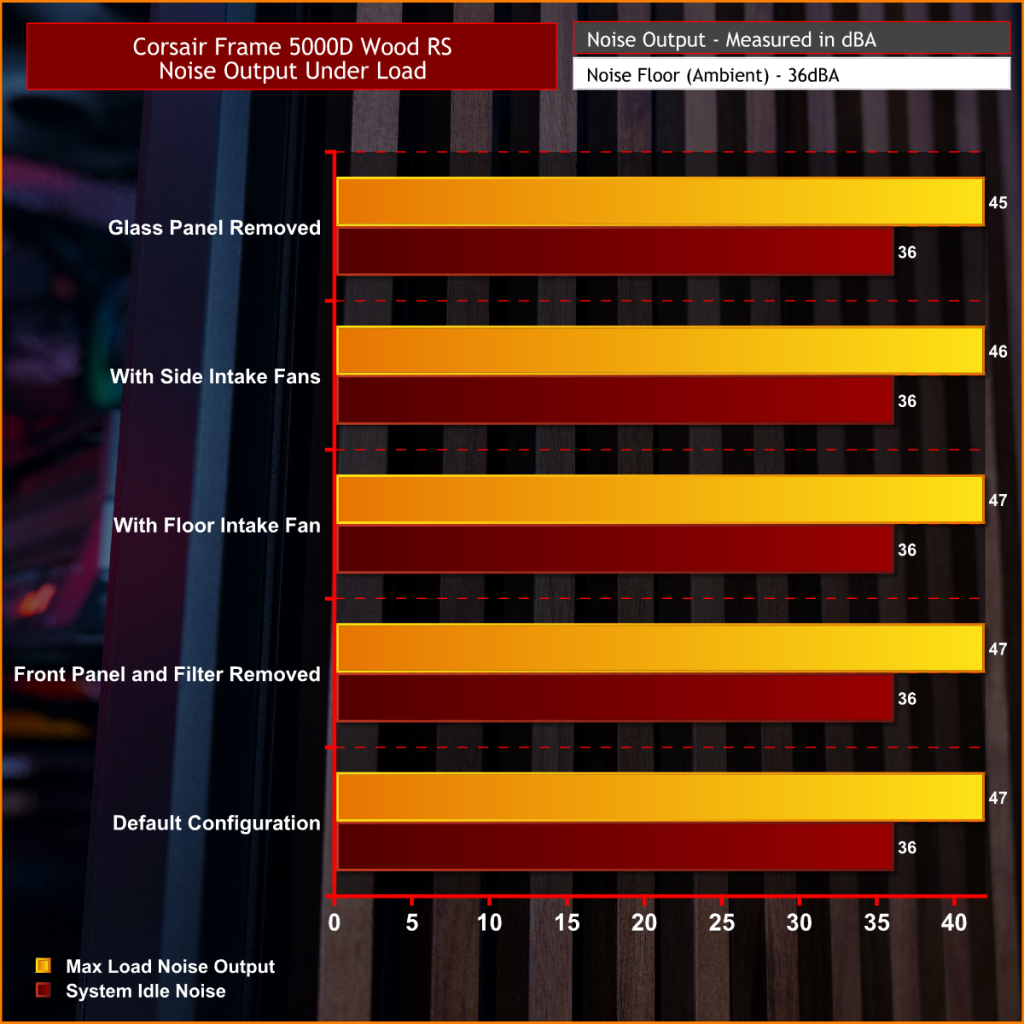
Noise follows a similar path to thermal performance; in this test, the case fans are fixed at low RPM, so they are virtually silent. The only noise comes from the CPU cooler and GPU fans. Since there isn't a massive change in temperature with the case in either configuration, the noise output stays pretty consistent.
Across all configurations, the idle noise is essentially identical; the only drop in load noise occurs with the glass side removed, as the CPU and GPU temperatures are at their lowest, but the drop in noise is just 1dBA, which is hardly noticeable in real-world situations. So, in terms of thermal performance, if you keep the case fan speed to a sensible level, noise is very well optimised out of the box.
Closing Thoughts
The Frame 5000D Wood RS is a worthy refresh of the original Corsair Frame 5000D. The addition of a real wood front panel gives it a much more premium look without sacrificing airflow, making it stand out from the mesh and tempered glass cases currently on the market. It feels like a more mature design, and the option of Black/Walnut or White/Oak should appeal to anyone looking to build a PC with either a black or white theme.
Performance is equally impressive. The pair of 200mm front intake fans provide excellent airflow while running at relatively low speeds, resulting in excellent cooling performance without generating excessive noise. Our testing showed little to be gained from removing panels or adding extra intake fans, which tells you Corsair has done a solid job of optimising the stock airflow configuration straight out of the box.
That said, the build experience isn't quite as polished as the cooling performance. Installing the motherboard proved more awkward than expected, with the motherboard backplate making it difficult to line everything up. Graphics card installation also felt unnecessarily fiddly, as the opening around the PCIe slots doesn't leave much room to manoeuvre cards into position, particularly if your motherboard has chunky rear-mounted heatsinks around the M.2 area. Neither issue is a deal-breaker, but they're the sort of frustrations you don't expect from a case at this price point.
Overall though, the positives outweigh the negatives. The Frame 5000D Wood RS looks great, it delivers excellent thermal performance and quiet operation, and retains all the flexibility of Corsair's modular Frame ecosystem. The installation quirks knock points off what is otherwise a very capable chassis. So if the mature aesthetics, airflow and upgradeability are your thing, this should be on your parts list for your next build, unless you need something smaller, the Frame 4000D Wood is your perfect alternative.
The Corsair Frame 5000D Wood RS is available to purchase now from Scan priced at £159.95 HERE.
Pros:
Big front fans keep the system cool and quiet with great airflow.
Wood front gives a more premium look.
Lots of space for hardware and cooling.
Cons:
Motherboards with backplates can be difficult to install.
Graphics cards can be tight to get into the PCIe slot.
Quite large for a basic gaming system.
KitGuru says: Corsair has made some worthy changes to the Frame 5000D, which means it still offers great airflow and cooling but now with premium looks too!
AMD's AM5 platform has been a solid entry, featuring some of the best chips on the market and a wide variety of entry-level and high-end options to select from. Despite the AM5 launch, AMD was still focusing on releasing the more mainstream and budget-tier solutions for the older AM4 socket, which still holds the majority share, but the company has recently started to launch affordable CPU options in its AM5 segment. The Ryzen 5 7600X was one such example. But with recent component price hikes, it has become even more vital to support older lineups. The commitment to AM4 remains […]
AMD's Ryzen 7 7800X3D 3D V-Cache CPU is now available at a fantastic price of just $299, which makes it cheaper than the upcoming Ryzen 7 7700X3D. Microcenter Offers Ryzen 7 7800X3D At An Absolutely Fantastic $299 Price While AMD's Upcoming Ryzen 7 7700X3D 3D V-Cache CPU Would Cost $329 Tomorrow, AMD will finally launch its brand-new Ryzen 7 7700X3D 3D V-Cache CPU for the AM5 platform. This chip promises to offer the same 3D V-Cache goodness to gamers for a lower price point than what the 7800X3D retails for. But it looks like Microcenter is spoiling the fun of […]
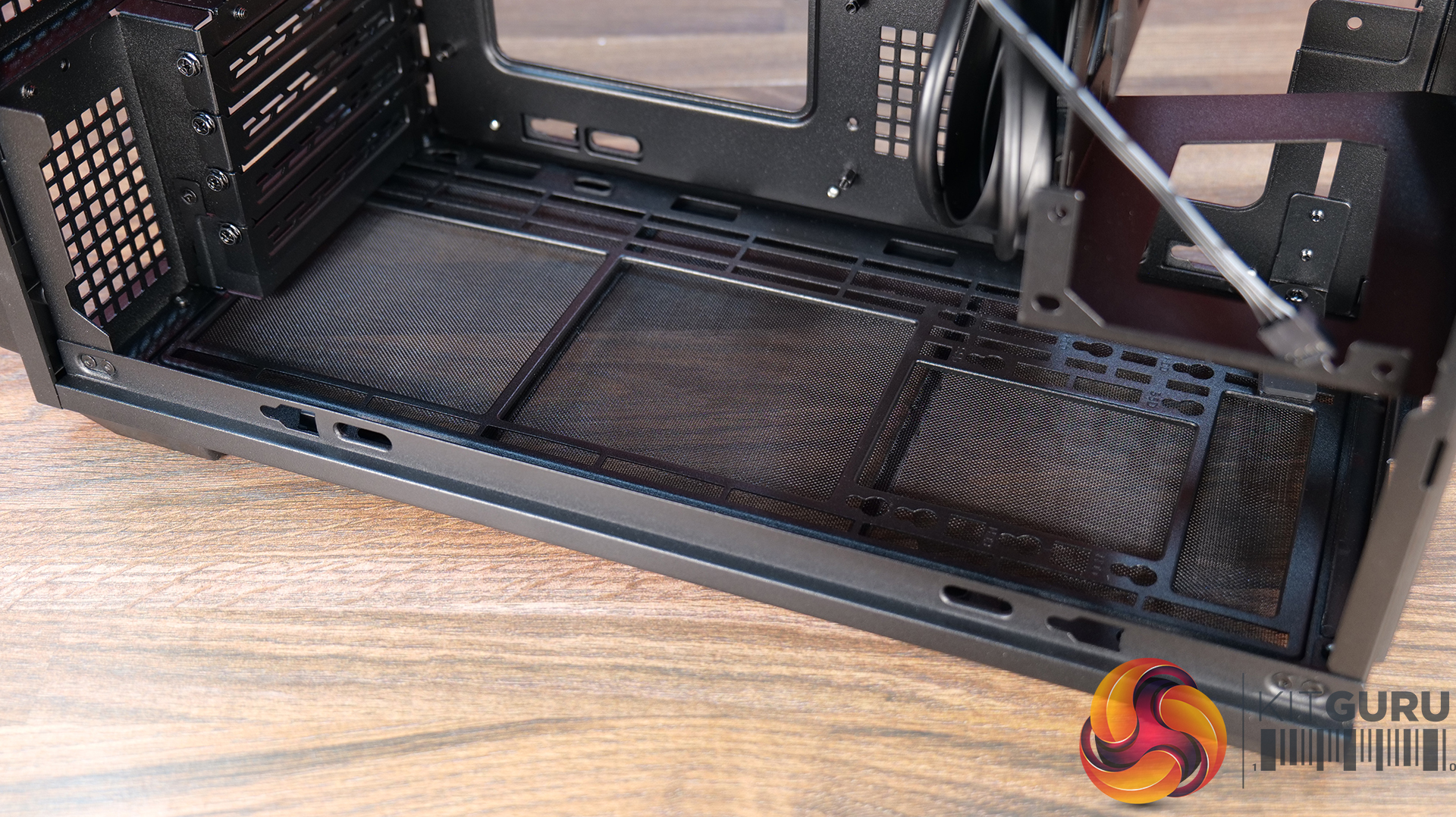
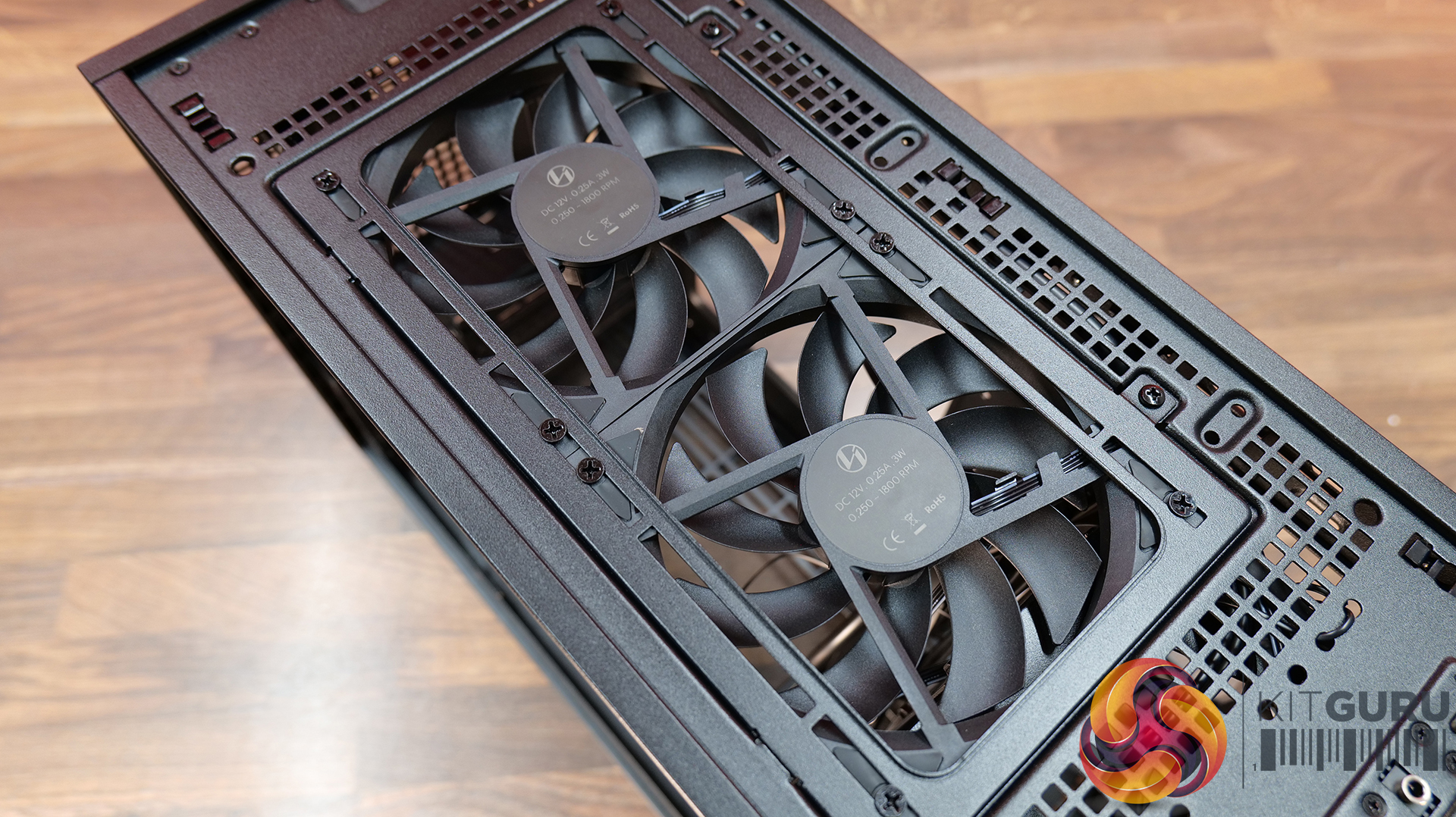
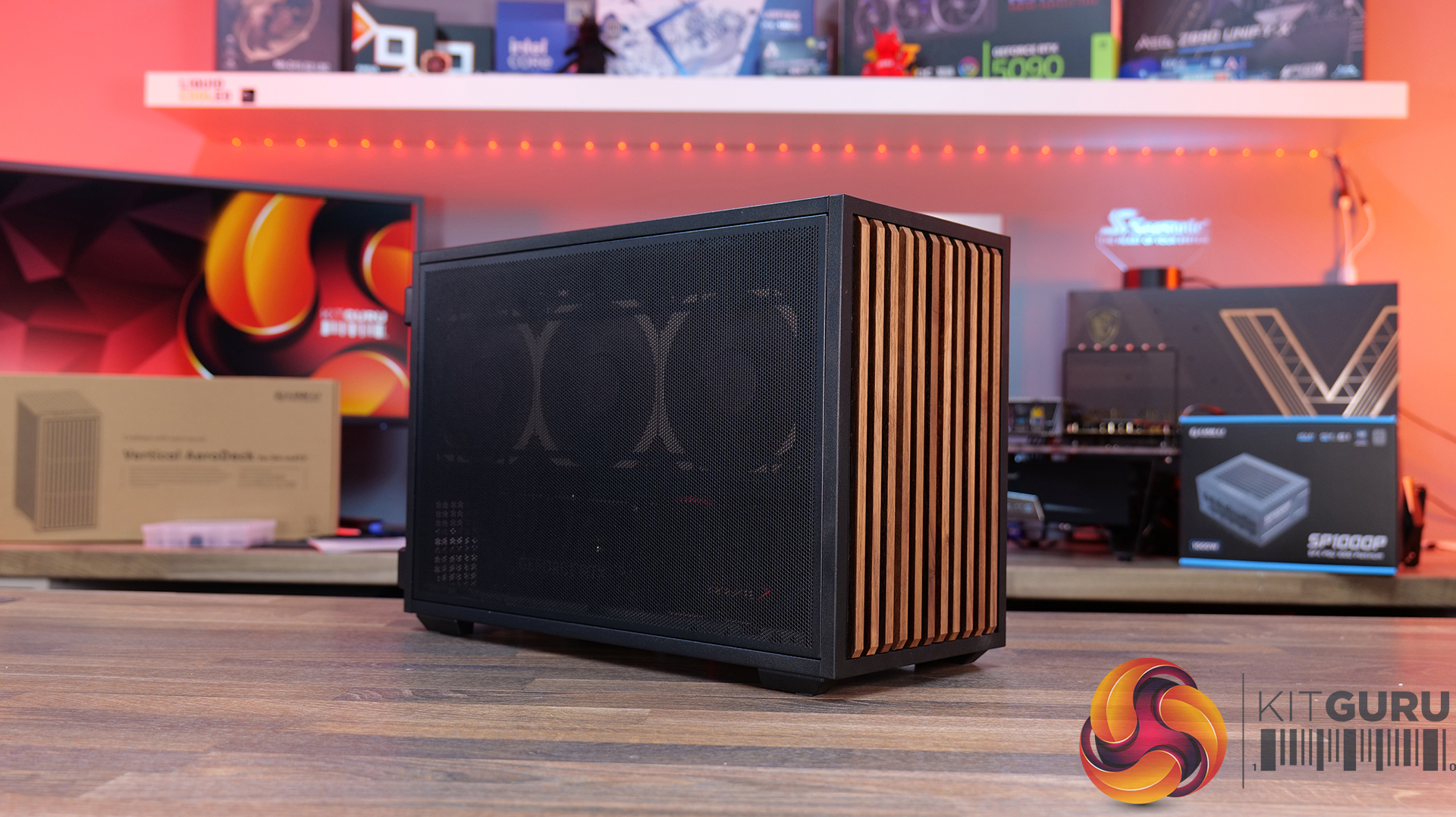
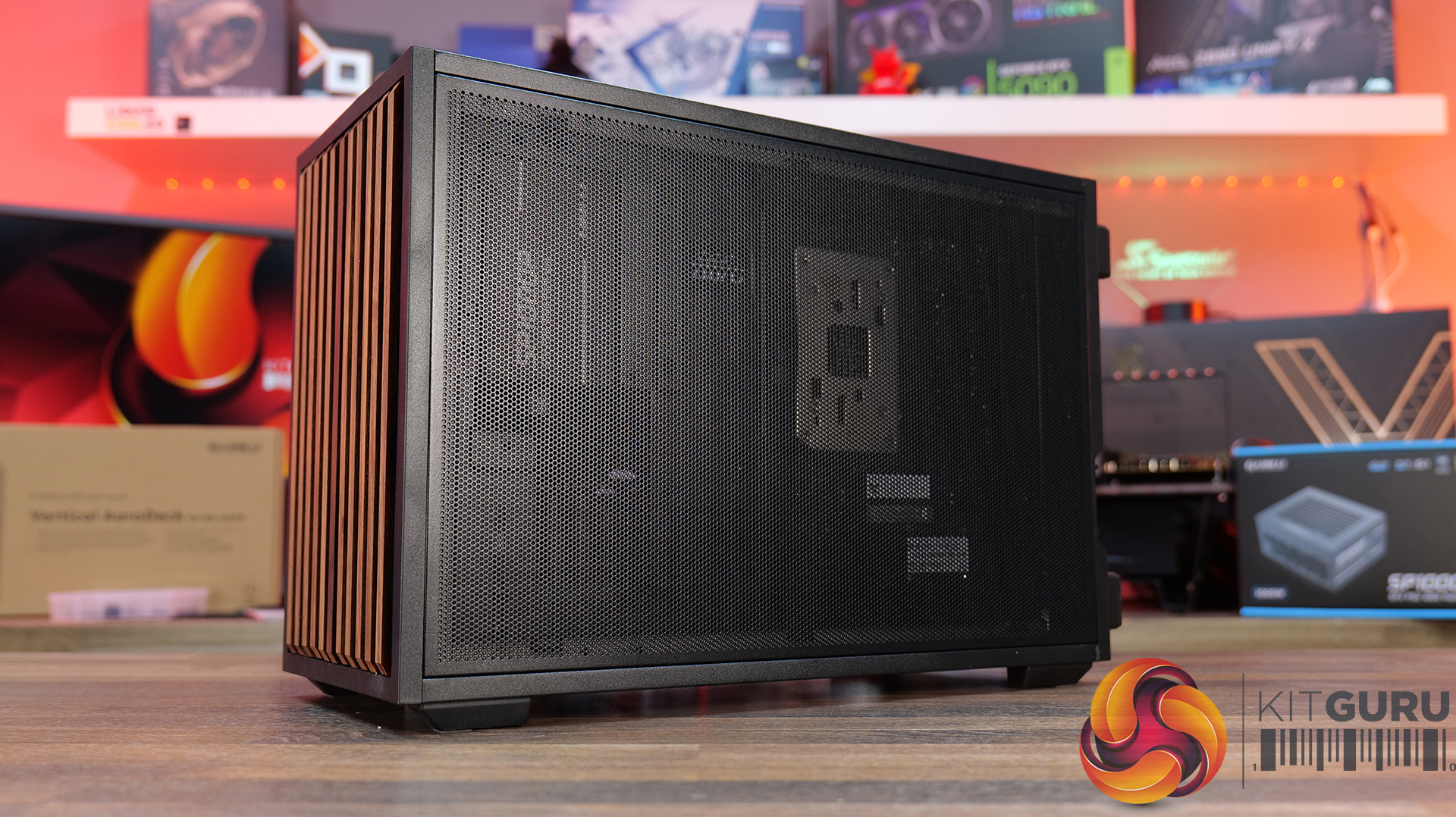
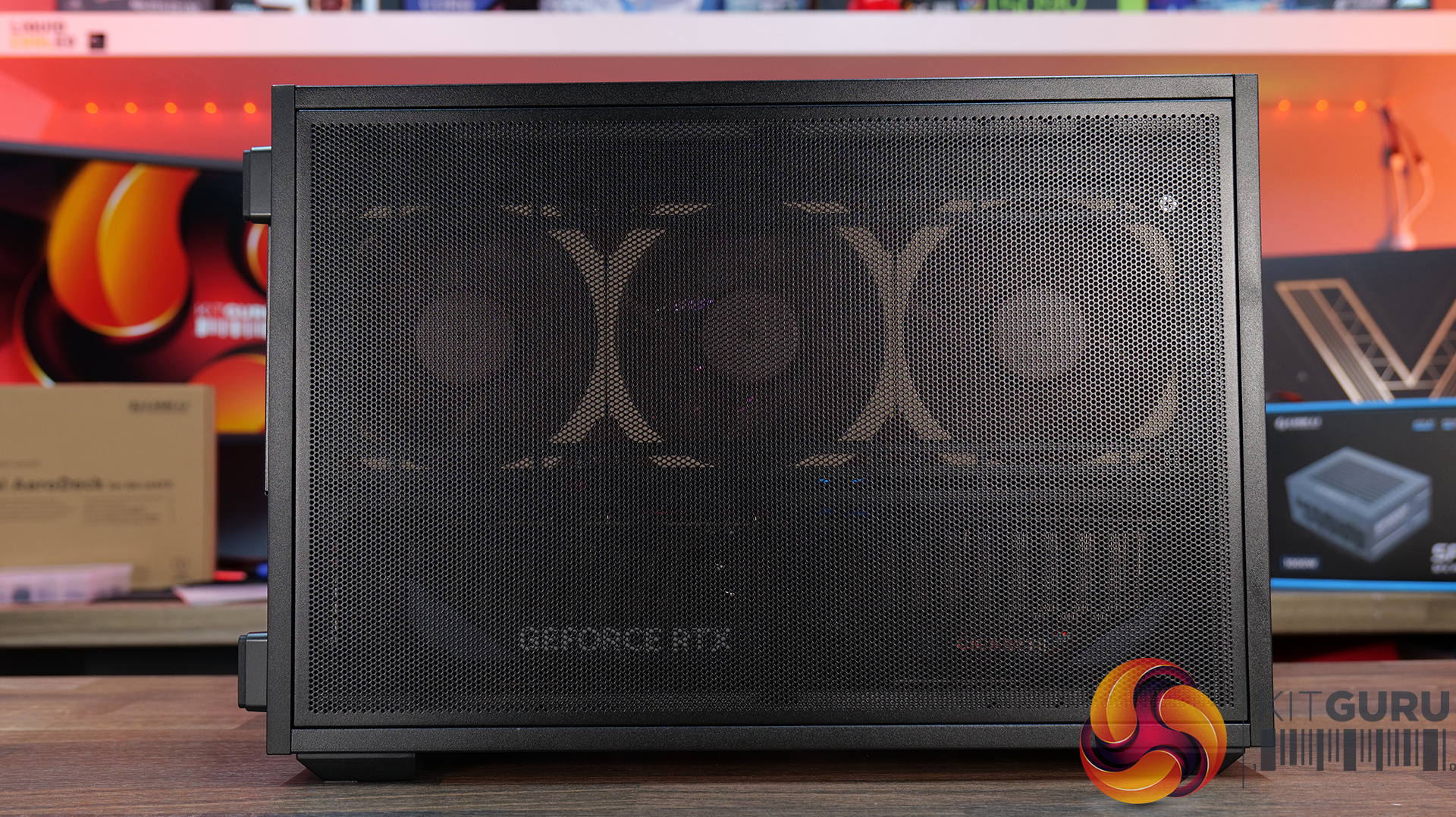
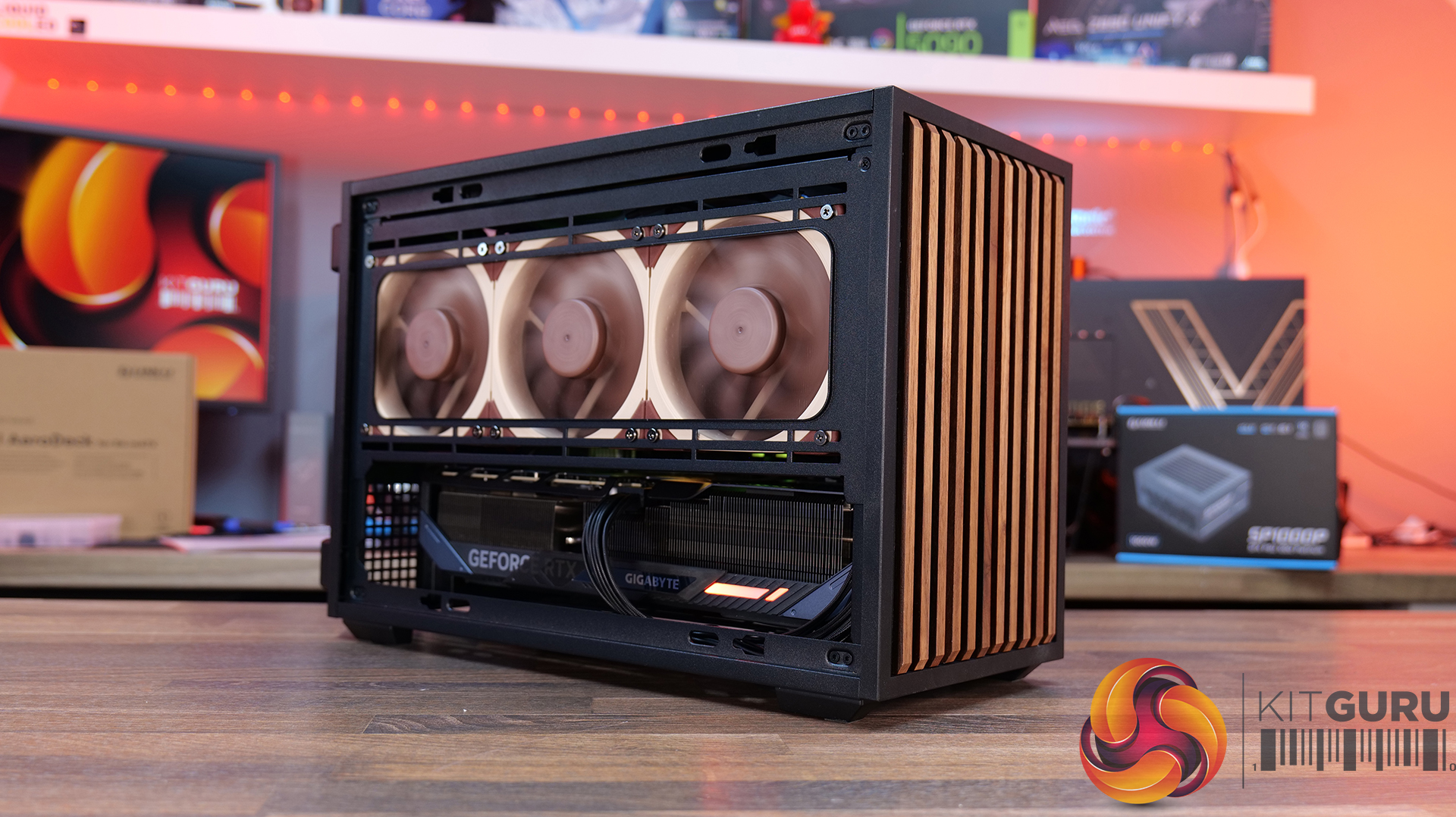
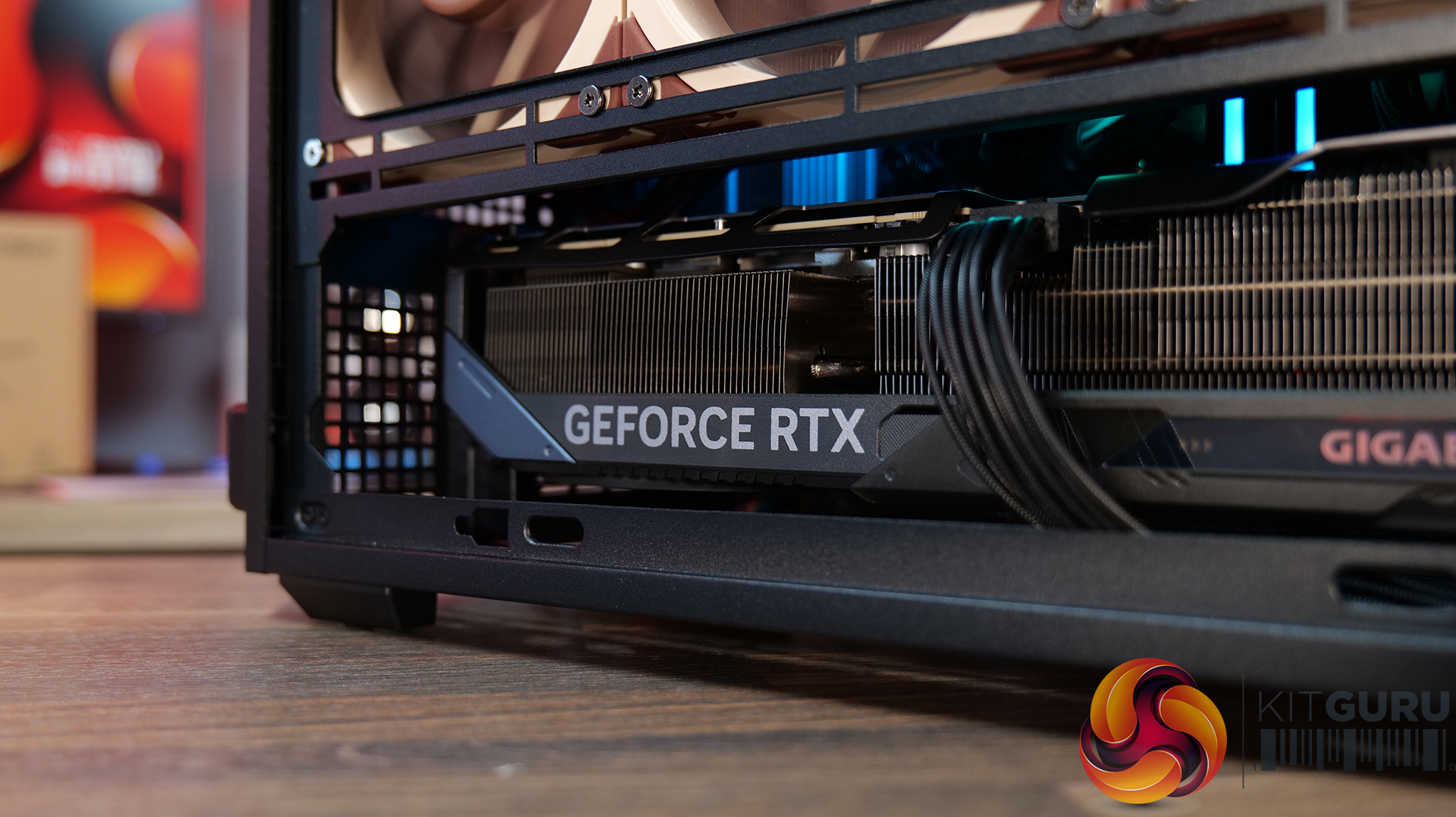
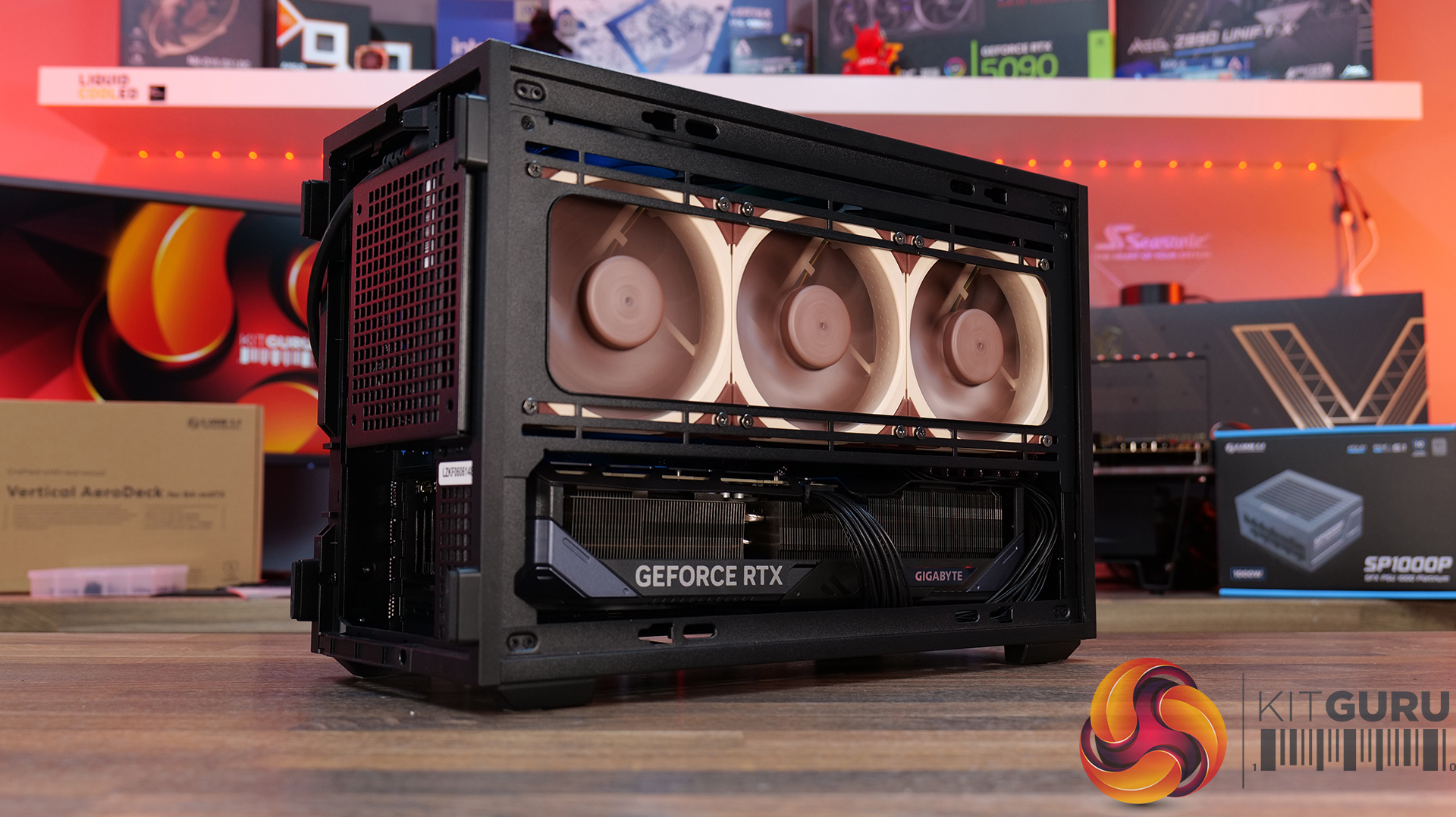
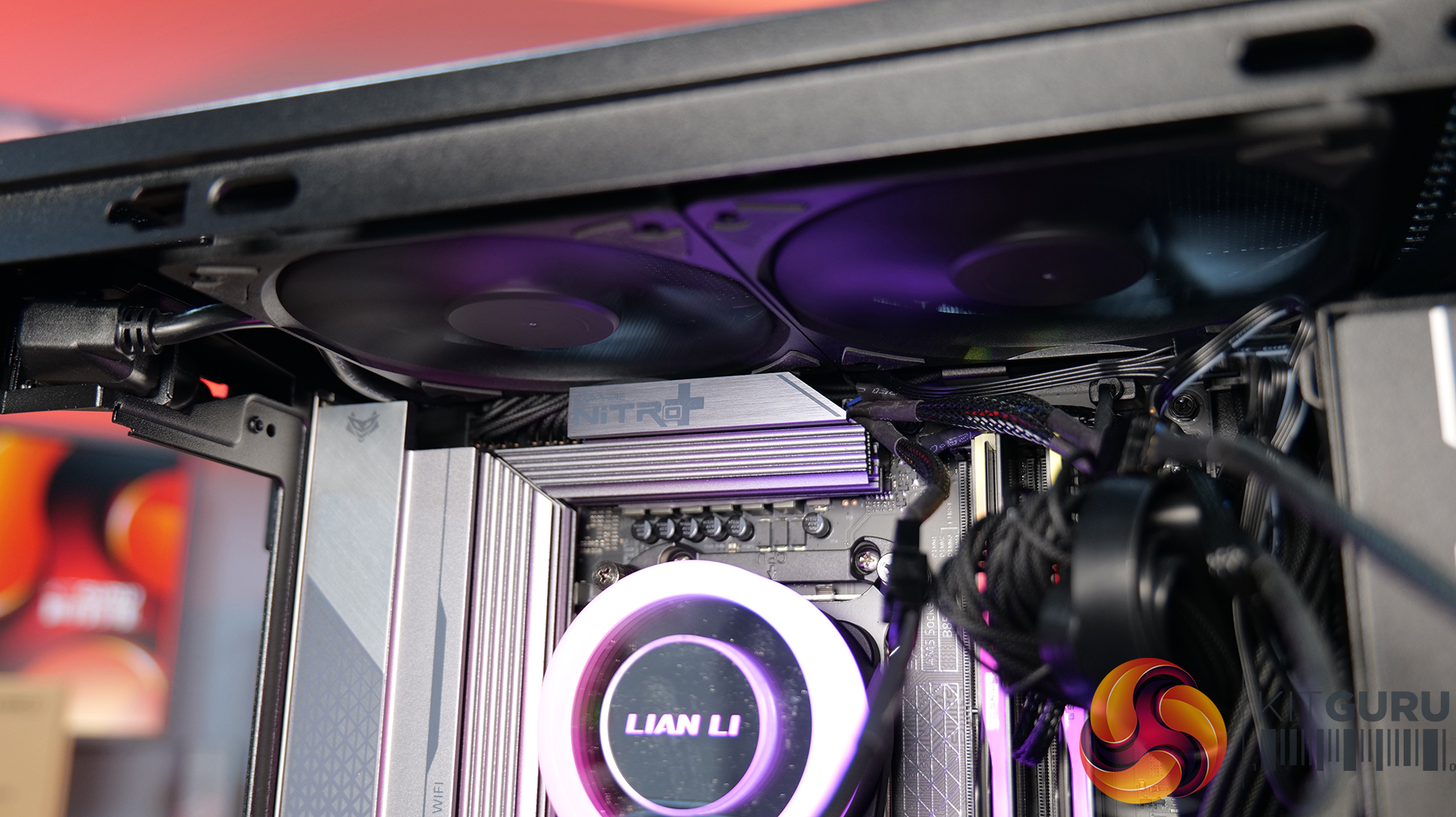
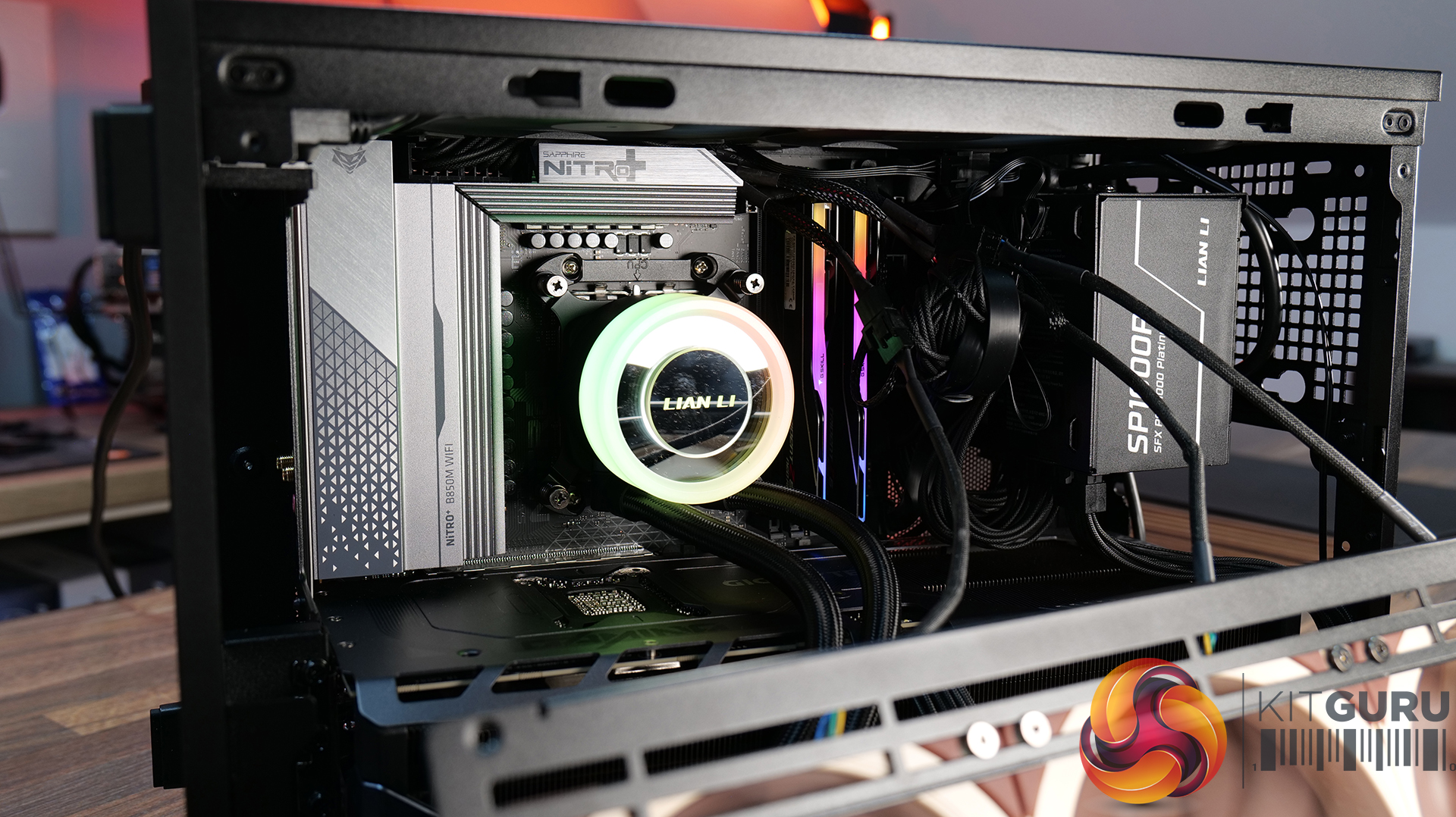
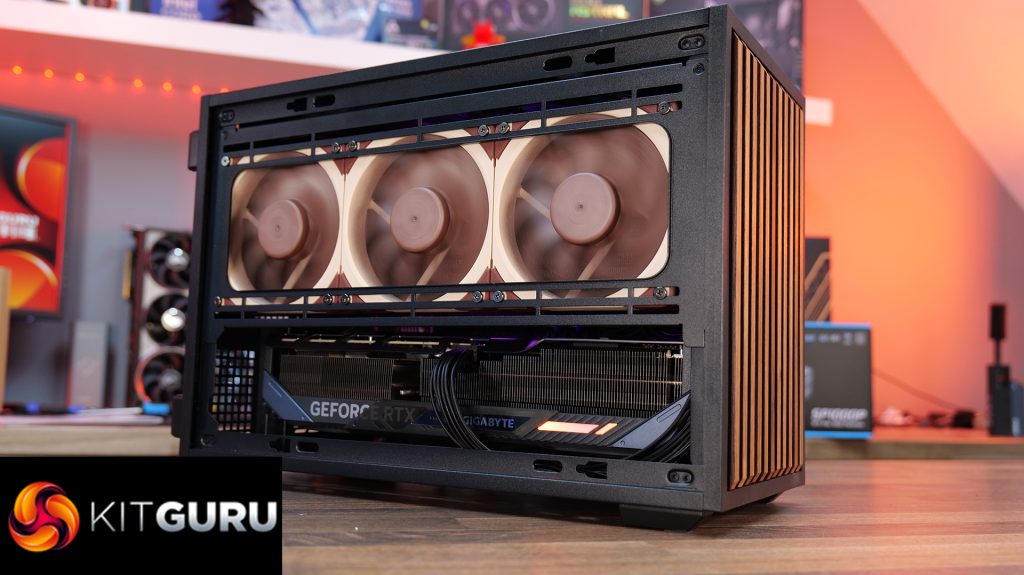
Today we're looking at the Lian Li B4 mATX – a compact, 21.3-litre Micro-ATX case developed in collaboration with DAN Cases. Despite its small footprint, it supports Micro-ATX motherboards, graphics cards up to 358mm long, both ATX and SFX power supplies, and even a 360mm AIO. It also offers the choice of a mesh or real wood front panel, along with the option to run the case horizontally or vertically to better suit your setup. Lian Li is aiming to deliver the hardware compatibility of a much larger chassis in a compact SFF design. In this review, we'll find out if the B4 mATX can deliver on that promise, or not. Let's get into it.
Timestamps:
00:00 Introduction
00:58 Versions / Prices / Extras
01:51 Physical Dimensions / Front I/O
02:26 Removing panels
03:42 Cooling Support
06:25 GPU Anti Sag Bracket / GPU Support
07:25 Motherboard and CPU Air Cooler Support
08:22 Storage Compatibility
08:54 Back of the case
09:53 Left hand side of case
10:38 James thoughts on the layout
11:38 Accessories
12:22 Vertical AeroDeck
13:18 Thermal and Acoustic Performance Testing
15:11 Smoke Test
15:48 Thoughts on Installation
18:38 Closing Thoughts
Features:
Compact 21.3-litre Micro-ATX design with support for Micro-ATX motherboards, graphics cards up to 358mm long, plus the option to position the case horizontally or vertically.
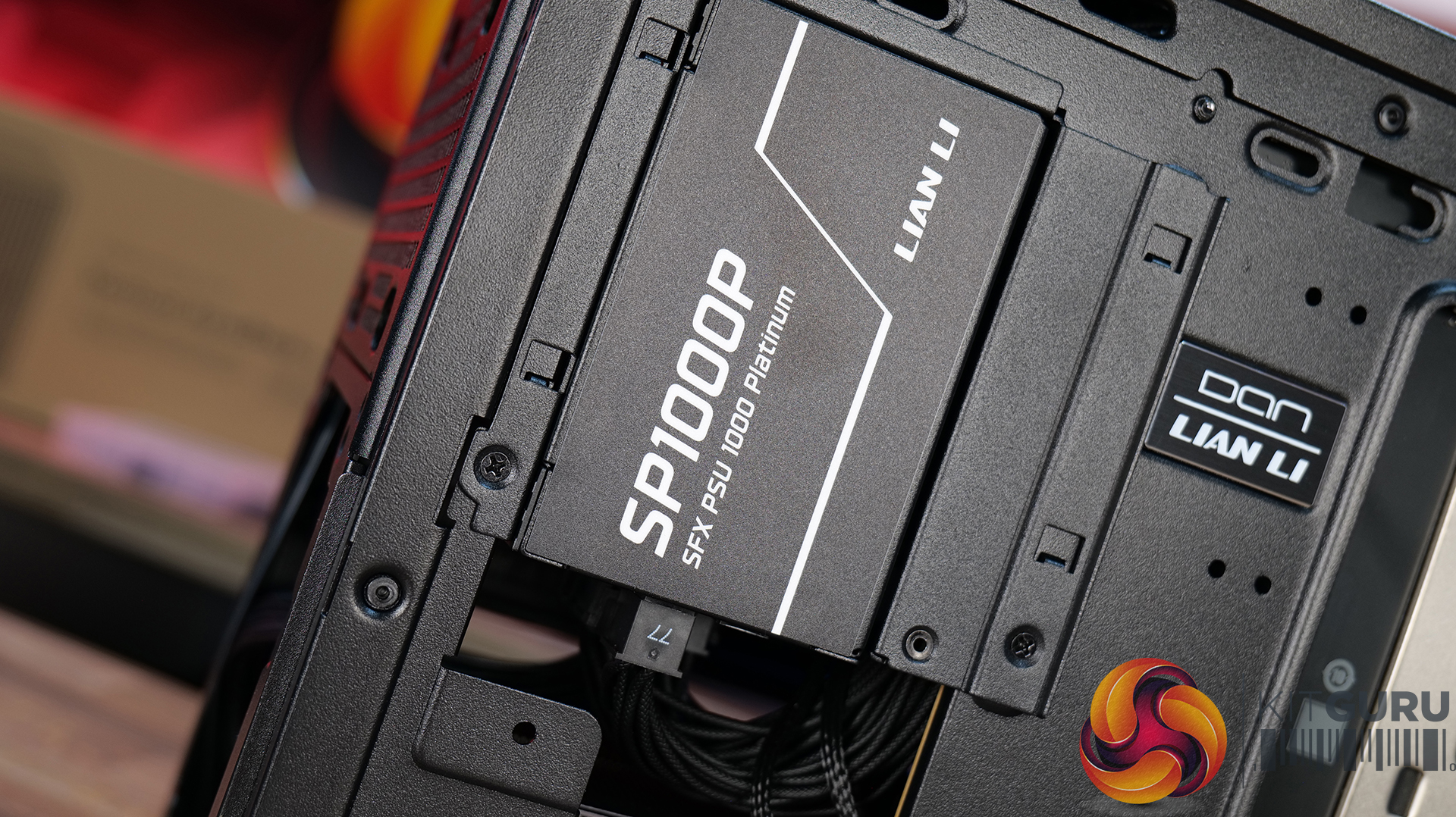
Strong hardware compatibility including support for ATX or SFX power supplies, up to a 360mm side-mounted AIO with an SFX PSU, and CPU air coolers up to 162mm tall.
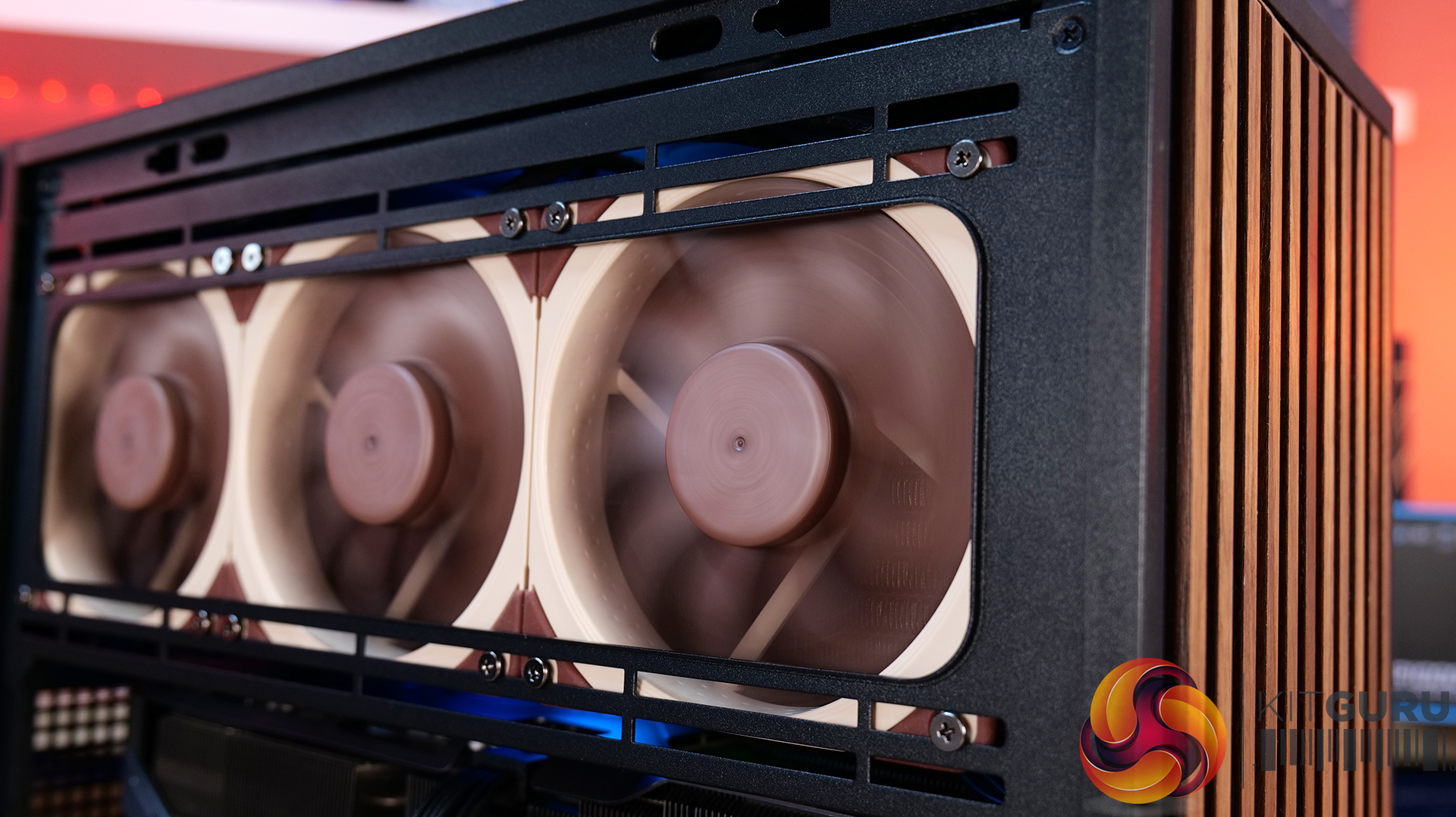
Choice of mesh or real wood front panels combined with modular brackets, pre-installed slim fans and flexible cooling layouts designed to maximise performance in a compact chassis.
Specifications:
Case Type: Micro ATX
Dimensions (LxWxH): 420mm x 191mm x 288mm
Materials: Steel, Wood (Walnut / Beech), Plastic
Motherboard Support: Micro-ATX, Mini-ITX
Reverse Connector motherboard support: No
Expansion Slots: 4
Storage bays: Front 2.5” SSD x 1, Bottom 3.5” HDD x 1 or 2.5” SSD x 1
Max GPU Length: 358mm
Max CPU Cooler Height: 162mm (168mm without side fan bracket)
PSU Type: ATX/SFX
Cable Routing Space: N/A
Supplied Fans: 120 x 120 x 15mm (x2)
Fan Support: 120mm x 2(Top), 120mm x 1 (Front, With SFX PSU Only), 120mm x 3 / 140mm x 2 (L/H Side With SFX PSU), 120mm x 2 / 140mm x 2 (L/H Side With ATX PSU), 120mm x 1 (Rear), 120 mm x 3 / 140mm x 2 (Bottom)
Font I/O: USB 3.0 Type A x 2, Power Button x 1, Audio x 1, USB 3.2 Type C x 1
Thermal Performance Testing
To simulate thermal demand, we run the Cinebench R23 multi-thread benchmark and 3DMark Speed Way stress test simultaneously in a loop for 30 minutes to load the system fully. This gives the CPU and GPU enough time to reach constant steady-state temperature. With this data, we can compare how the system handles the thermal demand and measure peak noise levels.
Thermal performance is measured with the case in various configurations, such as the default, with the tempered glass left-hand side panel removed and with the front panel removed to see how these configurations affect the CPU and GPU temperature. During testing, only stock case fans are used unless otherwise specified. All water pumps are set to maximum RPM and fans are set to a custom RPM curve by the Motherboard software/BIOS.
All temperature measurements are presented as Deltas – meaning the ambient temperature has been deducted from the CPU temperature, giving us a Delta. Data shown in the charts represents the average component temperature over the length of the test as measured by HWiNFO, and then the last 15 minutes of the data are calculated to get the average. The ambient temperature during thermal tests is between 19-20⁰C.
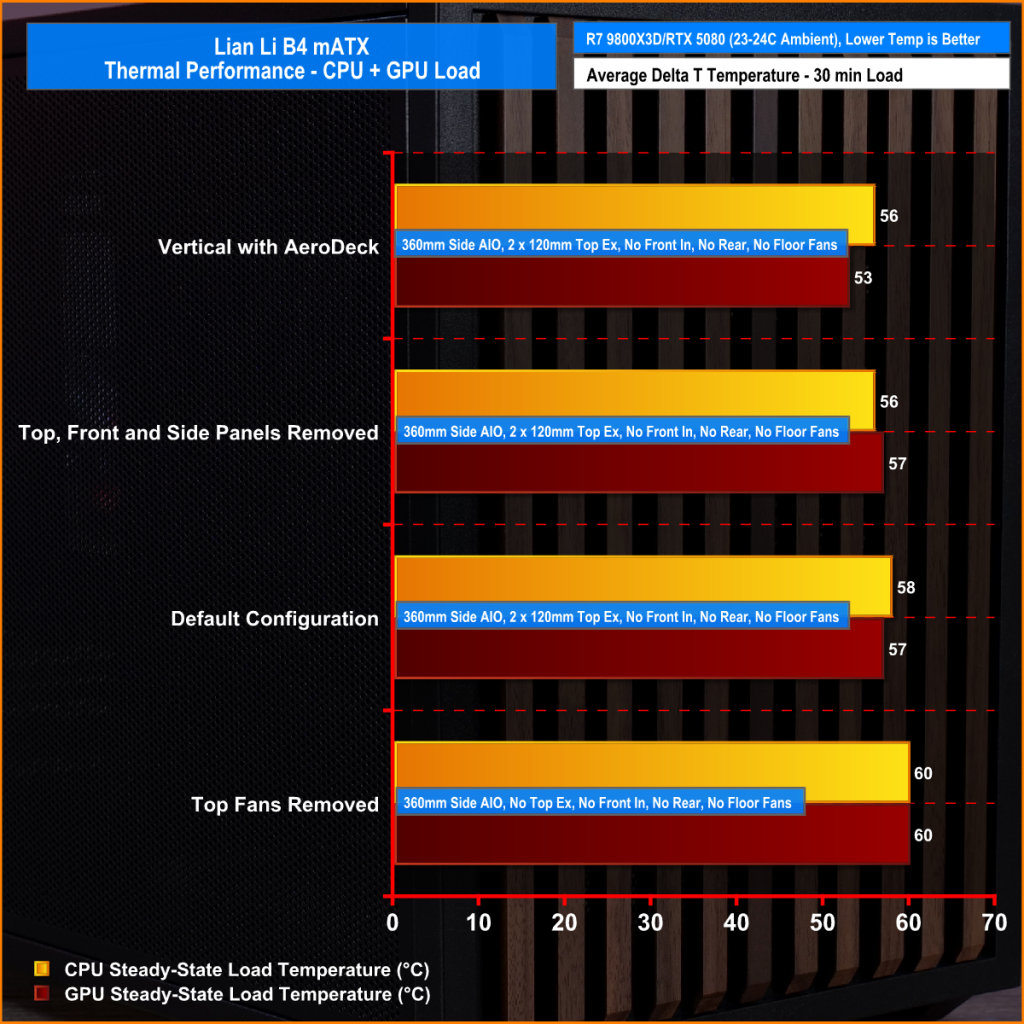
We test case thermals using a 360mm AIO as Intake at the side and with the case in several different fan configurations. The default configuration shown in the charts is with the side-mounted 360mm AIO cooler and 2 x 120 mm x 15 mm top exhaust fans and with all case panels installed.
Thermal performance good overall, with the B4 mATX delivering consistent CPU and GPU temperatures across all four test configurations. The default AIO setup performs well, but removing the top fans results in a increase to both CPU and GPU temperatures, so those exhaust fans play an important role in the case's airflow design.
Running the case vertically with the optional AeroDeck produces the best GPU temperature while matching the lowest CPU result, so the additional cost could be a worthwhile improvement to graphics cooling. most interestingly, removing the top, front and side panels offers no benefit over the AeroDeck configuration, indicating that the B4 mATX's airflow is well optimised in its standard configuration.
Noise Output
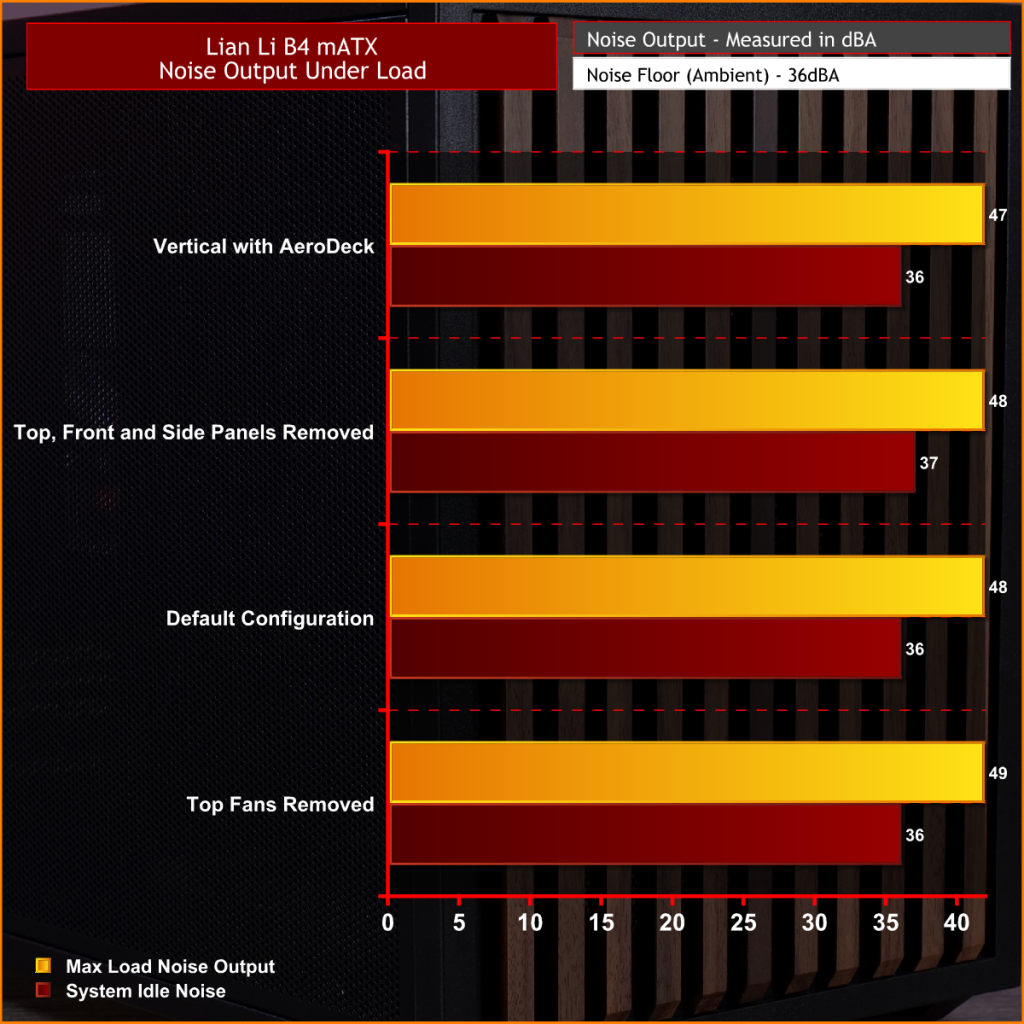
Acoustically, the B4 mATX offers a balance between cooling performance and noise, with only slight variation between the different test configurations. The default setup produces the same idle noise level as both the AeroDeck and top fan removed configurations, while load noise remains close across test configurations.
The vertical AeroDeck configuration is slightly quieter under load due to the lower GPU temperature and fan speed, but the differences are small enough that they're unlikely to be too noticeable in day-to-day use.
Closing Thoughts
Considering its compact dimensions, Lian Li has packed an impressive amount of hardware support into the B4 mATX including large 4 slot graphics cards, ATX power supplies and up to a 360mm AIO, making it more versatile than some small form factor chassis in this price bracket. There’s a good balance between compact dimensions and practicality, giving enthusiasts flexibility without forcing them into buying expensive SFX power supplies or low-profile cooling solutions.
Thermal performance is respectable too. While the B4 mATX isn't class-leading in terms of cooling, it does an adequate job for a chassis of this size and should have no trouble handling high-performance gaming hardware when configured correctly. Combined with the excellent build quality we've come to expect from Lian Li, the chassis feels well engineered, with premium materials and a solid build for the MSRP asking price.
That said, the B4 mATX isn't without compromise. As with many compact cases, component compatibility depends heavily on the exact hardware combination you choose. Installing larger graphics cards, radiators or longer power supplies can have a knock-on effect elsewhere in the build, so planning your component selection is essential. Cable management is also more challenging than it should be, with limited routing space making it difficult to achieve a clean build, while some cables can easily get in the way of the top fans if you're not careful during assembly too.
There are also a couple of smaller details that could have been better executed. The included GPU anti-sag bracket is a useful feature, but its compatibility with some graphics cards is limited. None of these issues are deal breakers, it’s still a very capable compact chassis.
Overall though, the Lian Li B4 mATX delivers a solid combination of build quality, hardware compatibility and sensible pricing, making it an easy case to recommend for anyone wanting to build a powerful mATX gaming system without taking up too much desk space.
The Lian Li B4 mATX is available to purchase now from Scan priced at £73.99 HERE.
Pros:
Can support high-end hardware depending on configuration.
For a compact case, cooling support is good.
Build quality is excellent.
Cons:
GPU anti-sag arm is incompatible with some graphics cards.
Hardware compromises depending on configurations.
Cable routing is awkward and some cables can get trapped in fans.
KitGuru says: For a small case, the B4 mATX packs in some good features but there are some hardware compromises depending on what setup you run though this is to be expected from such a compact mATX case.
It doesn't happen that easily, but if it does, you are one of the luckiest members of the PC Master Race. Redditor Orders Ryzen 7 7800X3D for an Upgrade, Retailer Sends Him Ryzen 7 9800X3D Instead It has been a while since we have published surprising hardware stories, but since these are occasional, we don't get to hear about them much. Many reports we published previously show how some users get extremely lucky in securing a free piece of hardware or a much better one than they ordered. This is exactly what happened to u/jackinets, who was confused between the […]
Team Red has unveiled limited edition products for Valorant fans and eSports enthusiasts at BW2026. AMD Unveils VCTCN 2026 Collector's Edition, Including 9800X3D, RX 9070 XT, a Gaming Laptop and a Desktop PC at Bilibili World 2026 AMD has officially introduced a new collection of limited-edition gaming hardware at the Bilibili 2026 event, which is currently being held in Shanghai. The new hardware set is inspired by the Valorant Champions Tour China, aka VCTCN 2026. This was announced during the AMD Carnival Hour presentation at the event, where AMD collaborated with TJ Sports to reveal several game-themed hardware products for […]
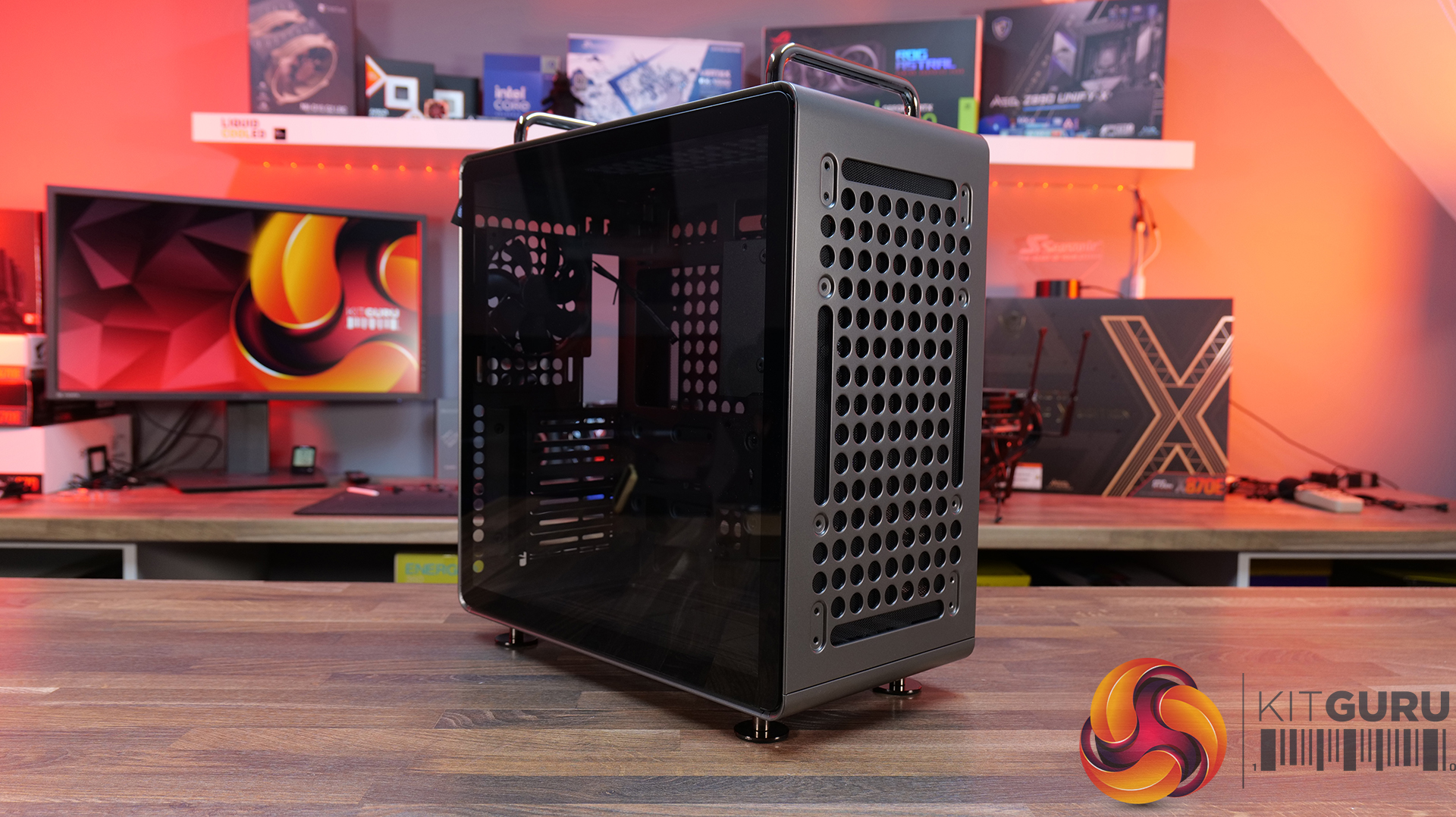
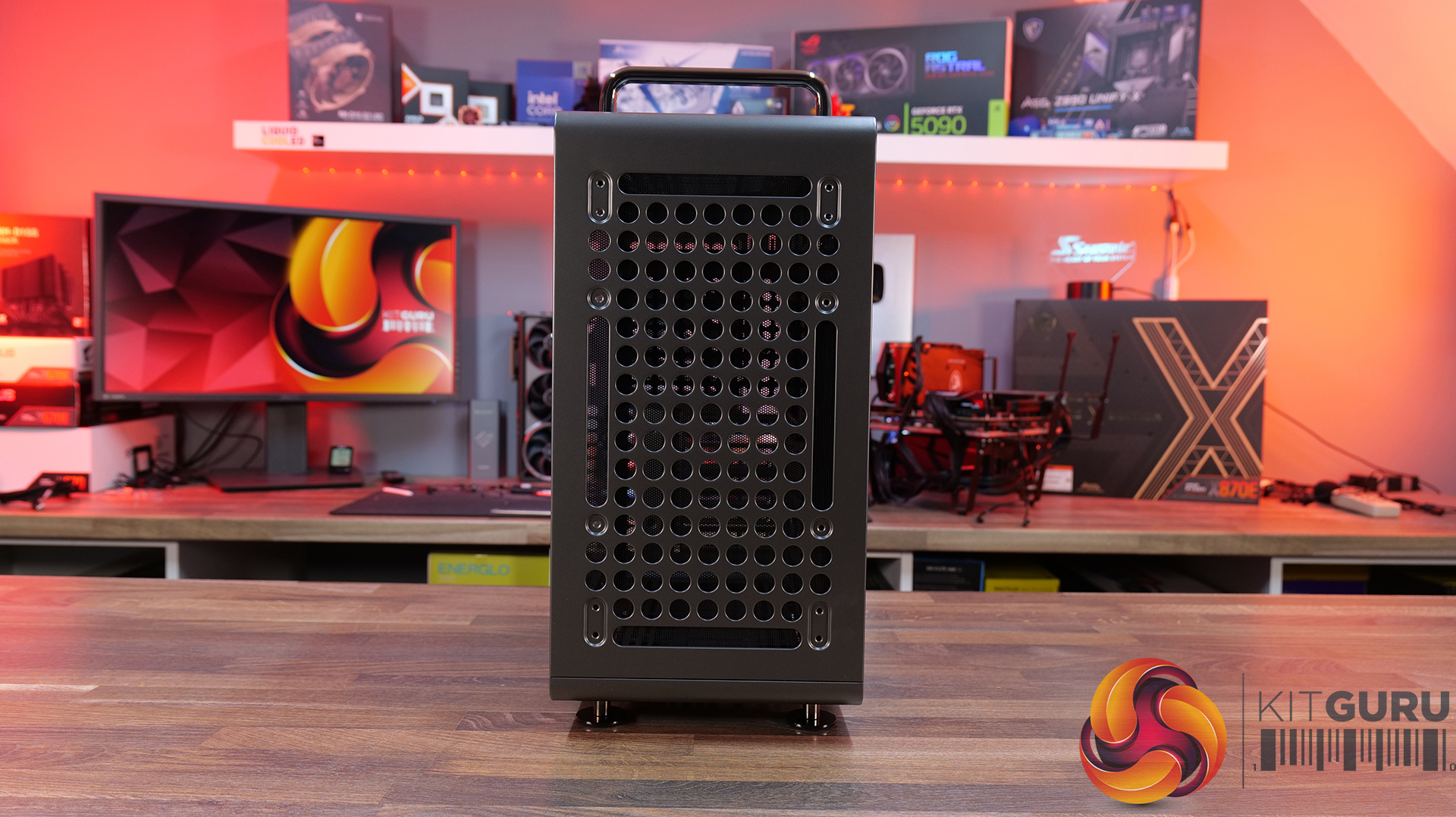
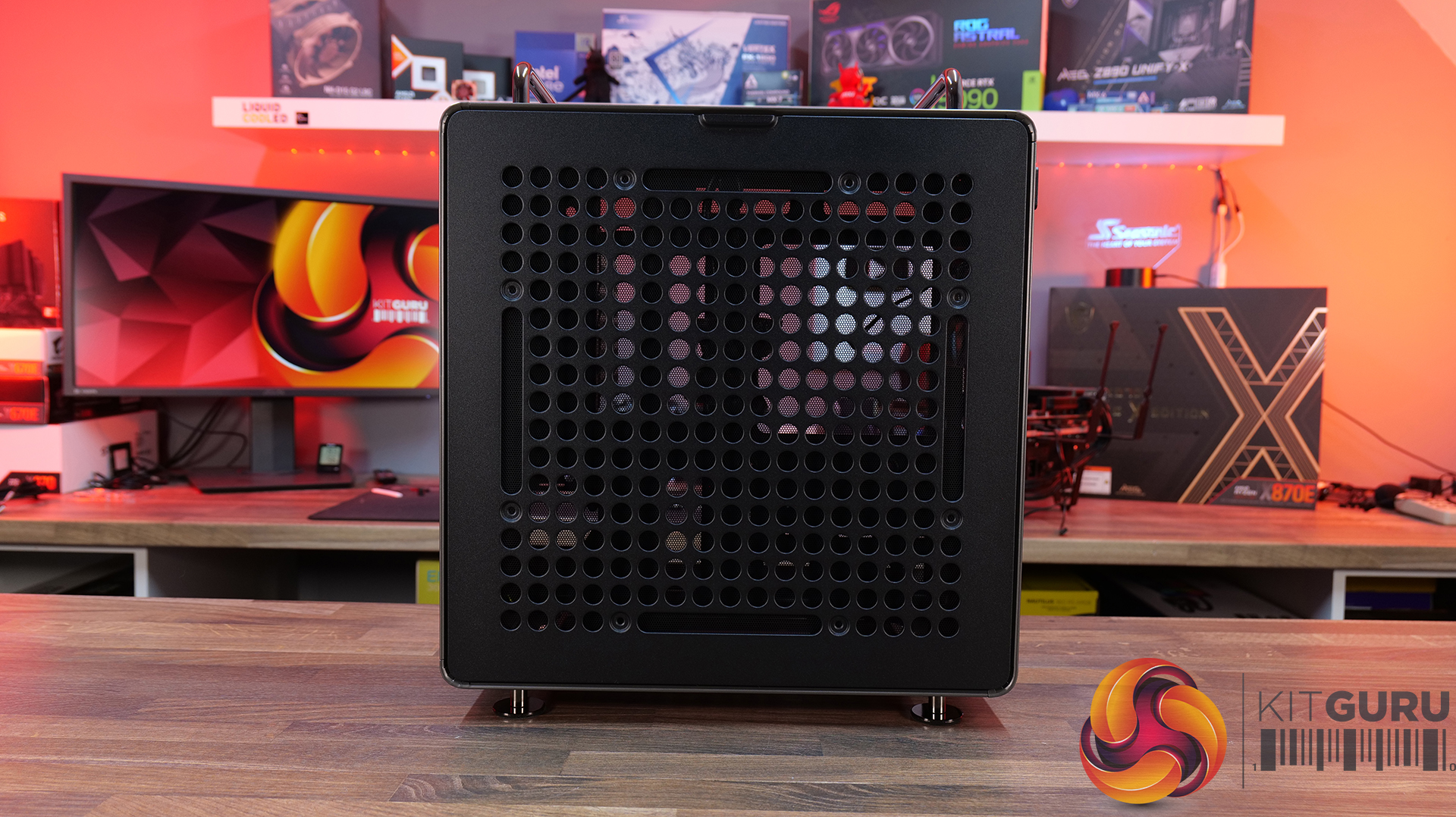
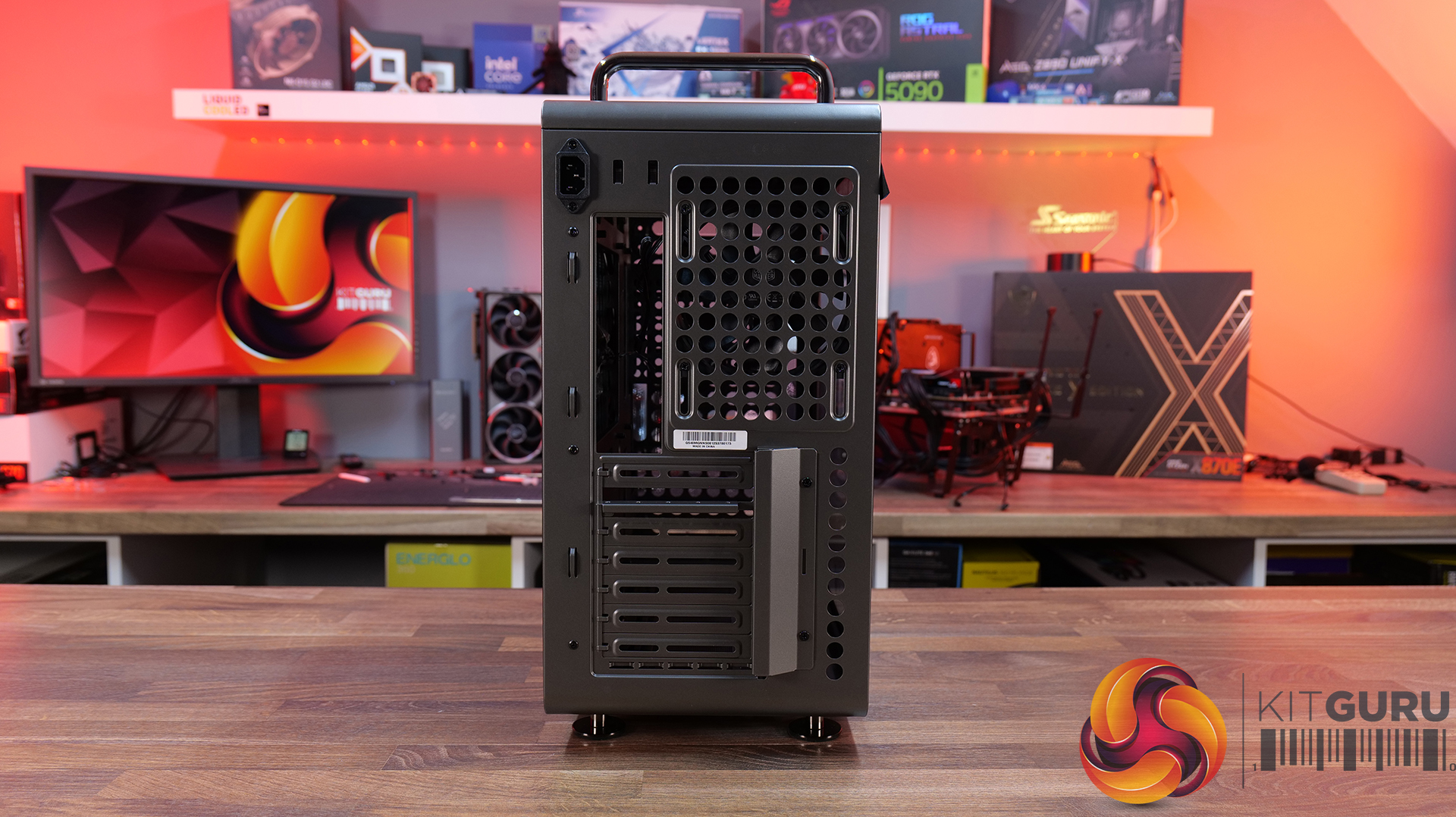
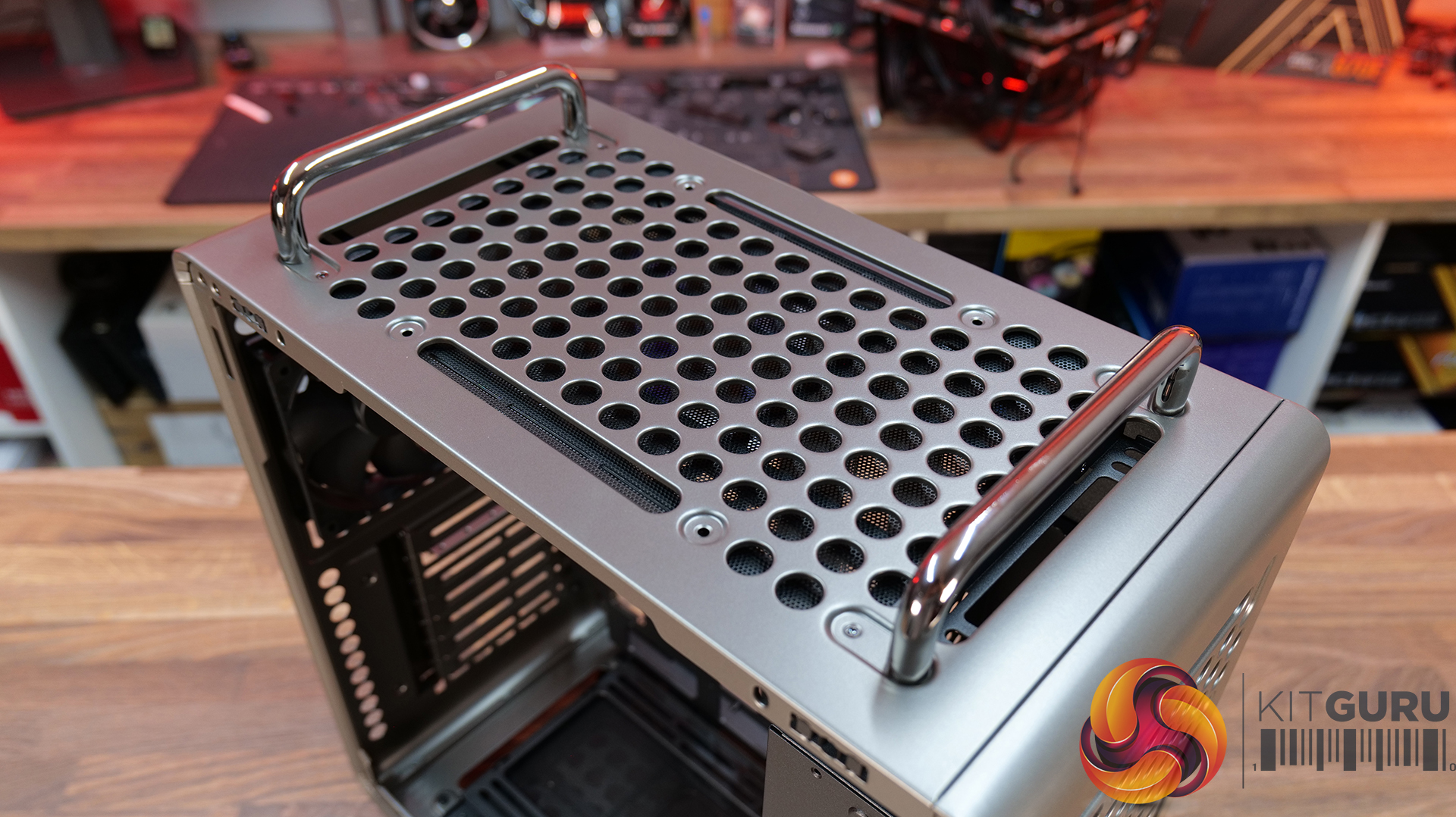
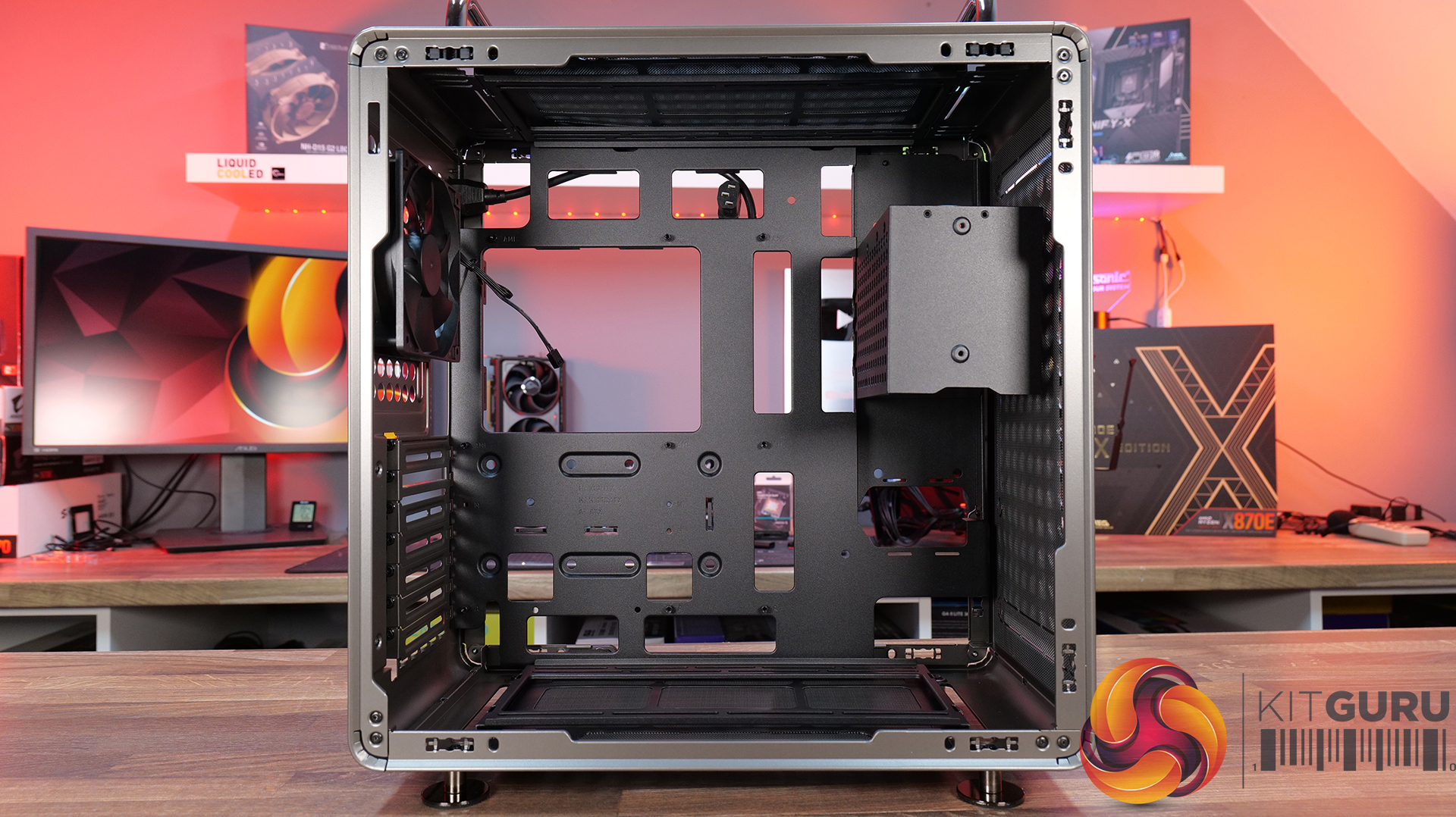
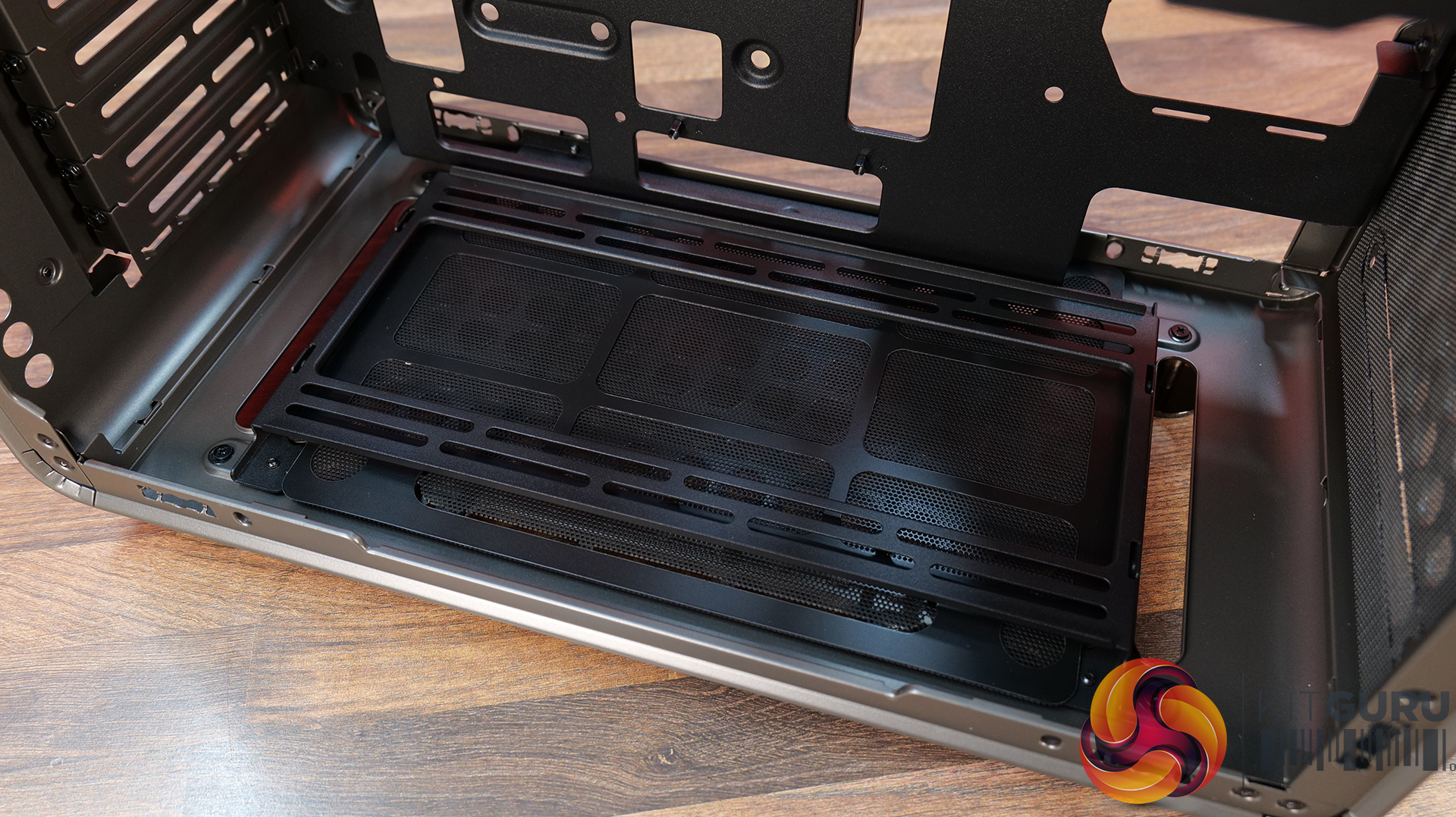
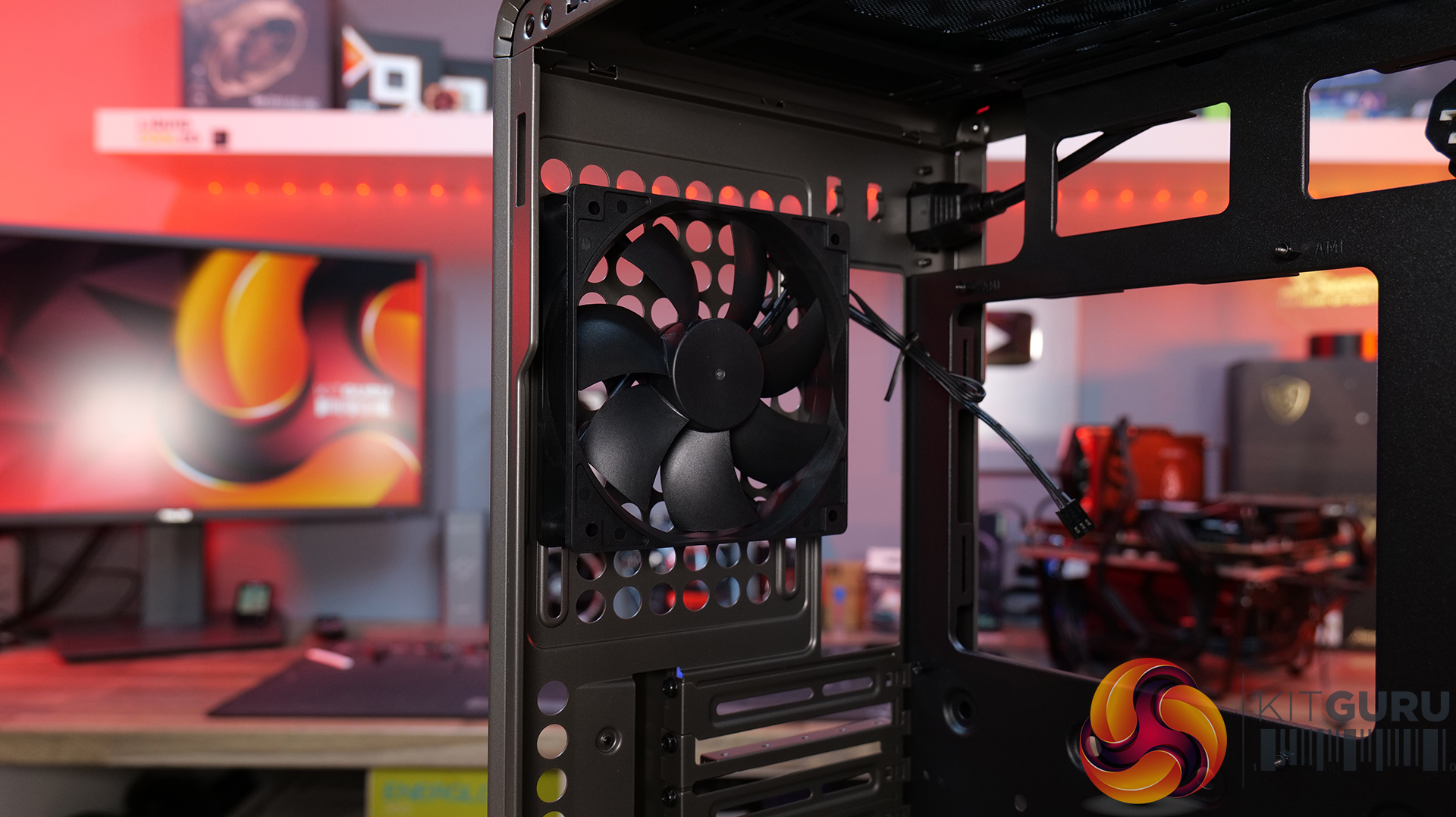
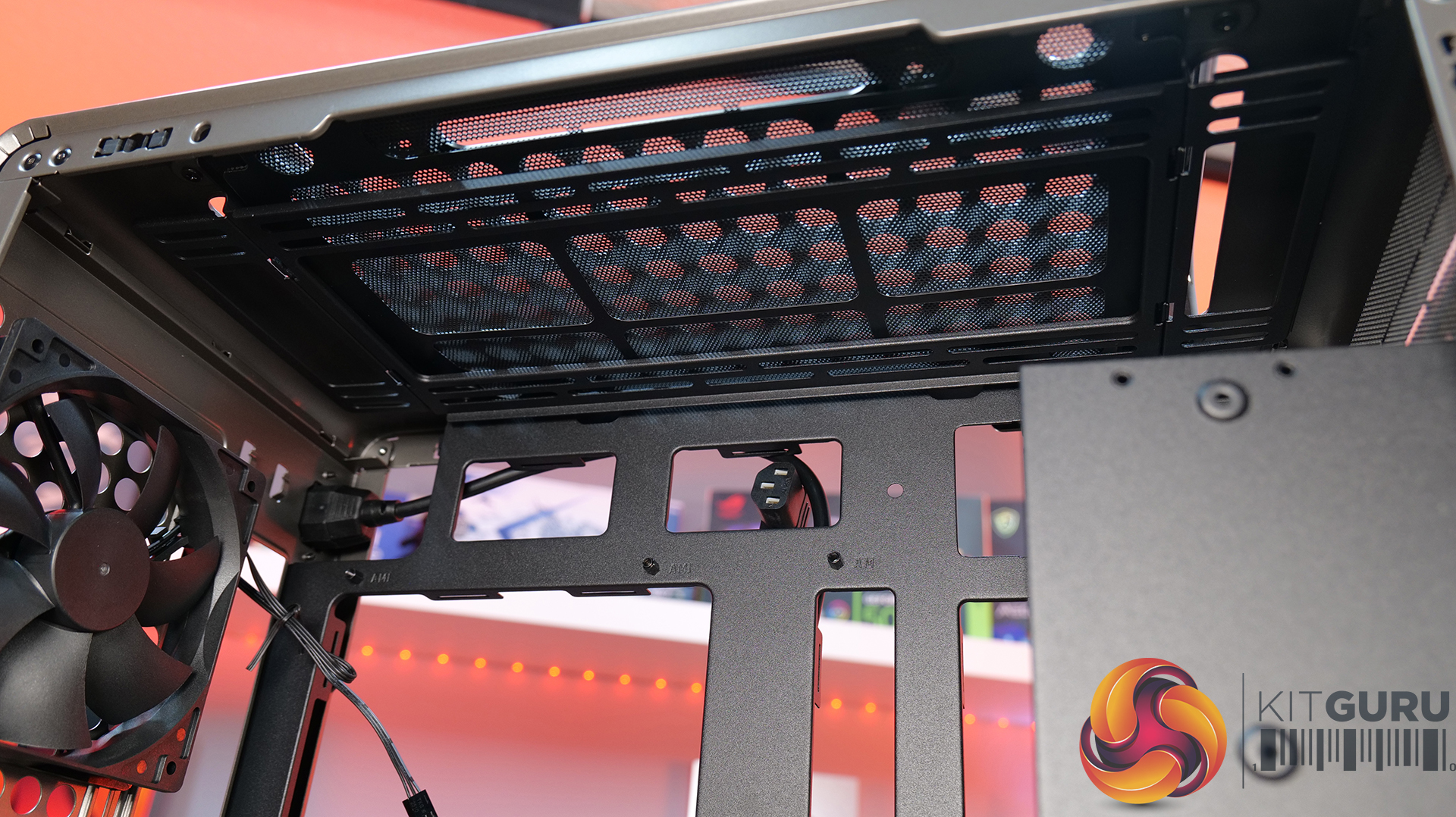
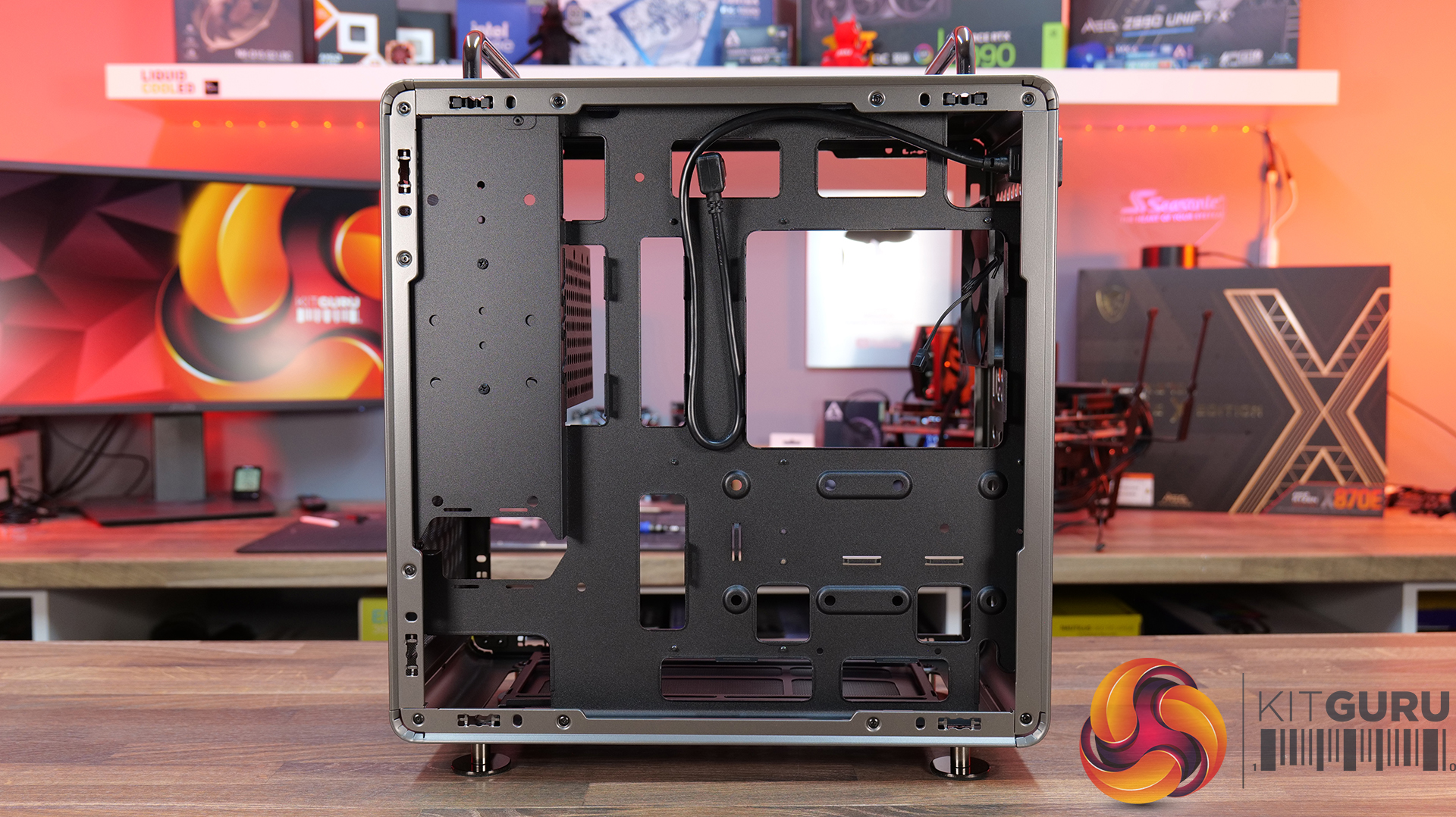
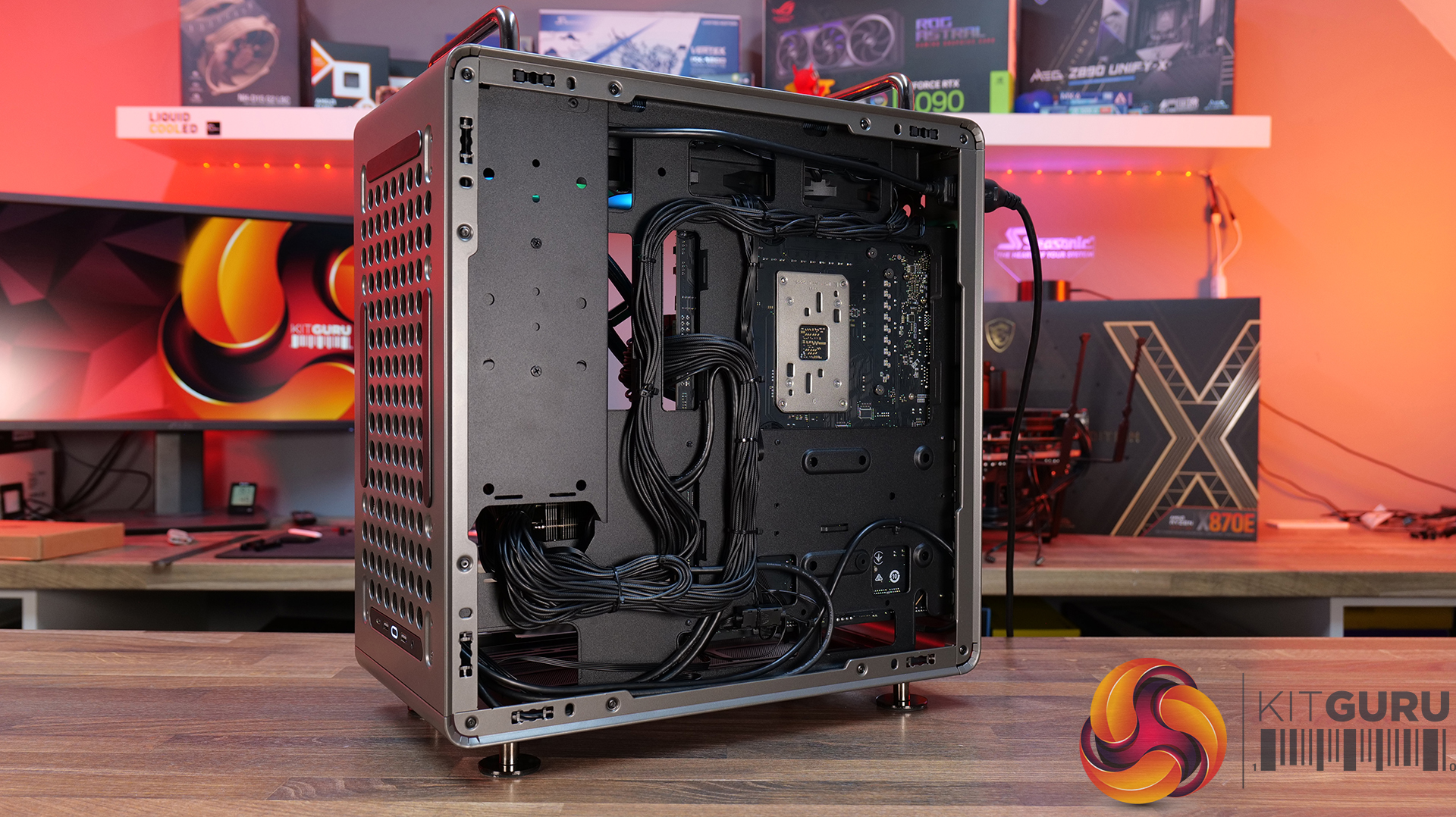
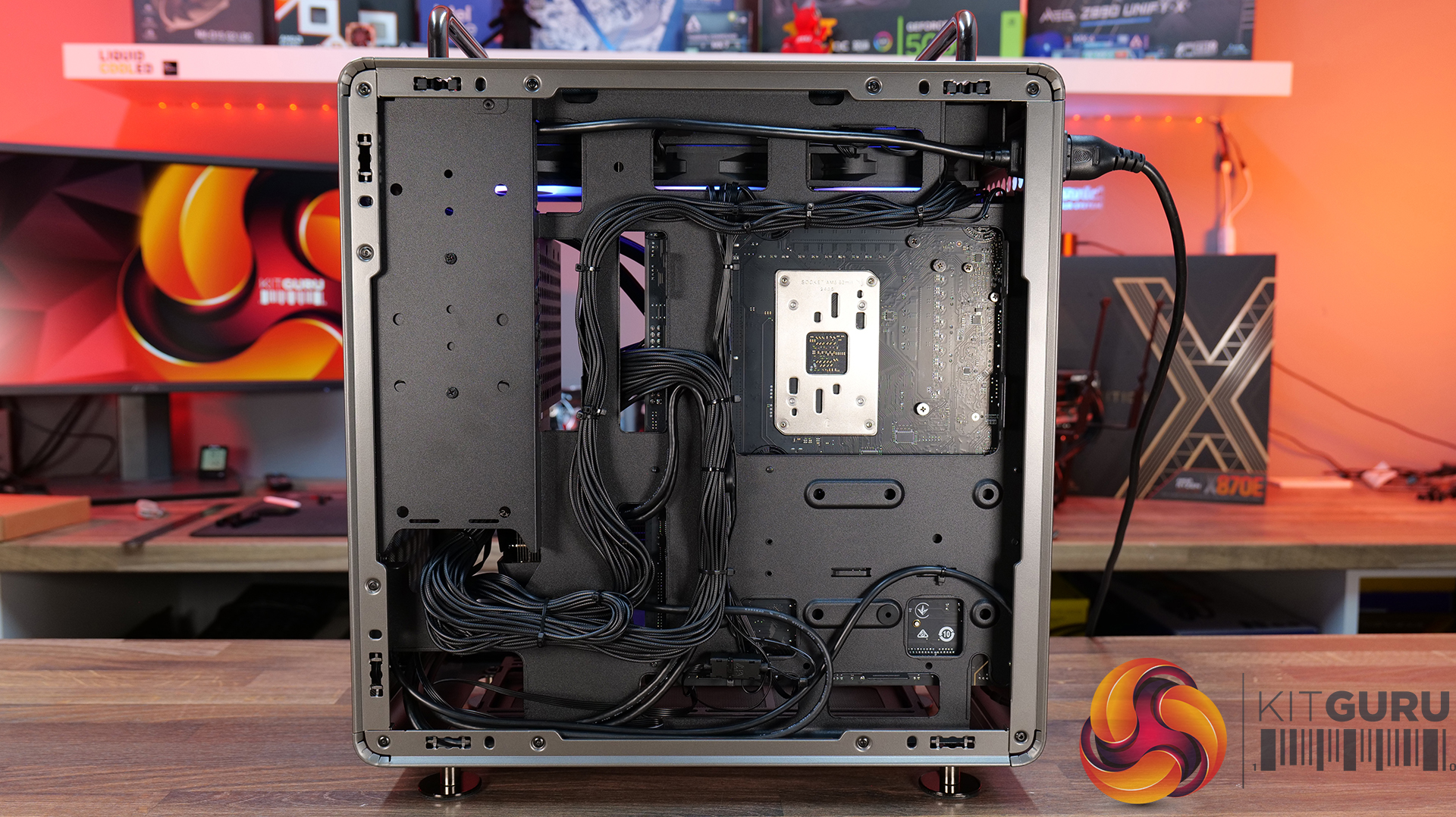
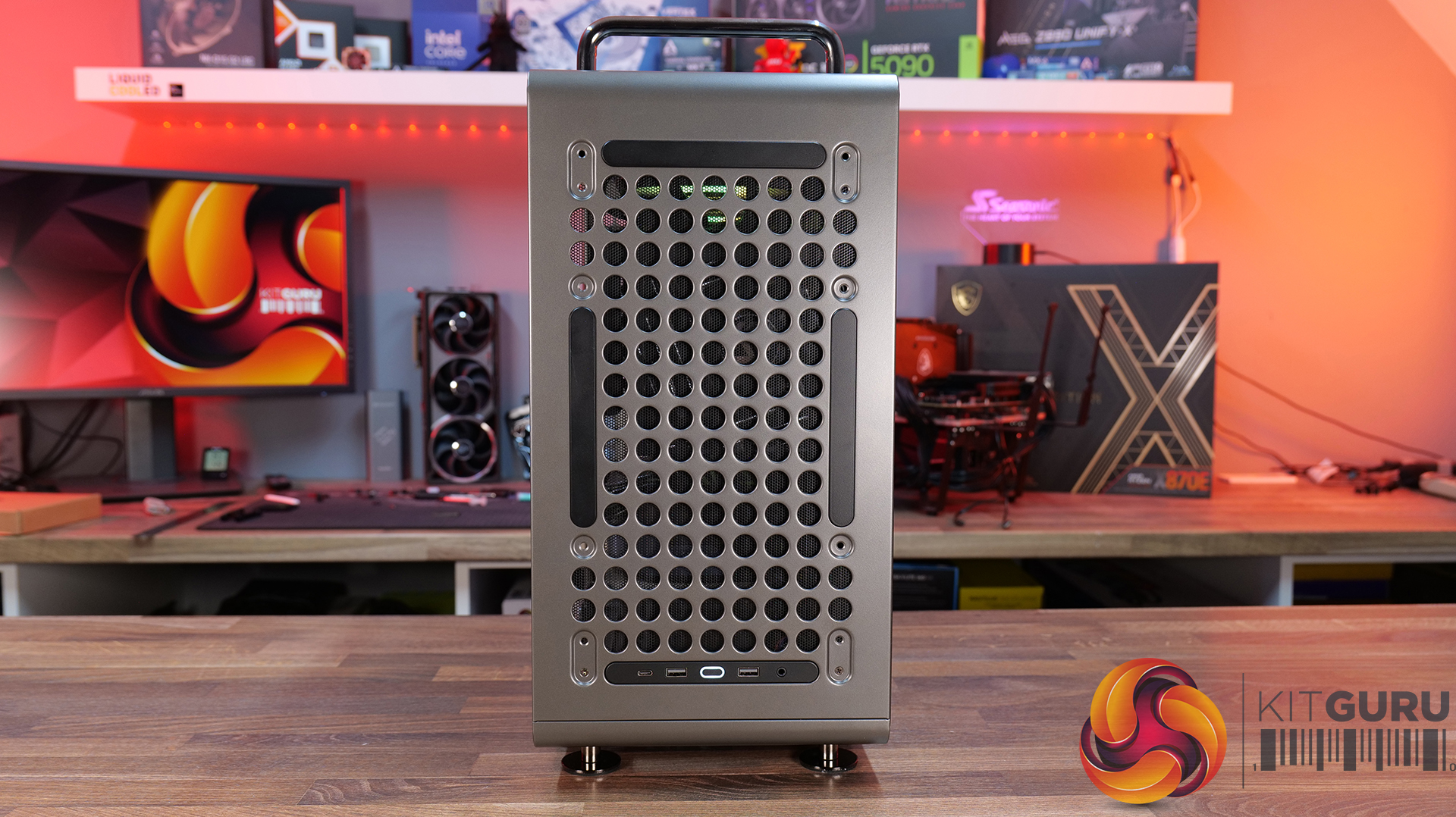
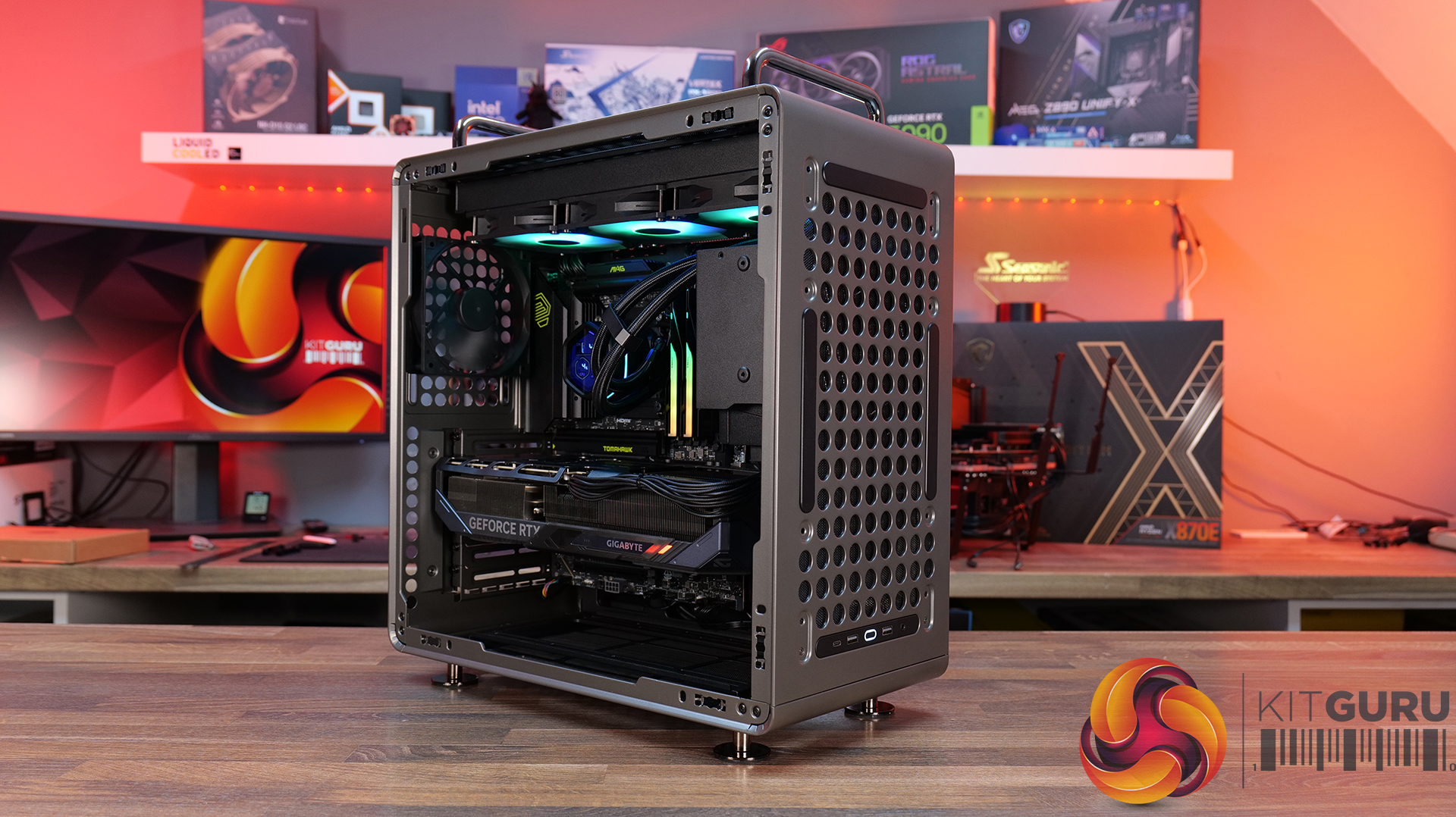
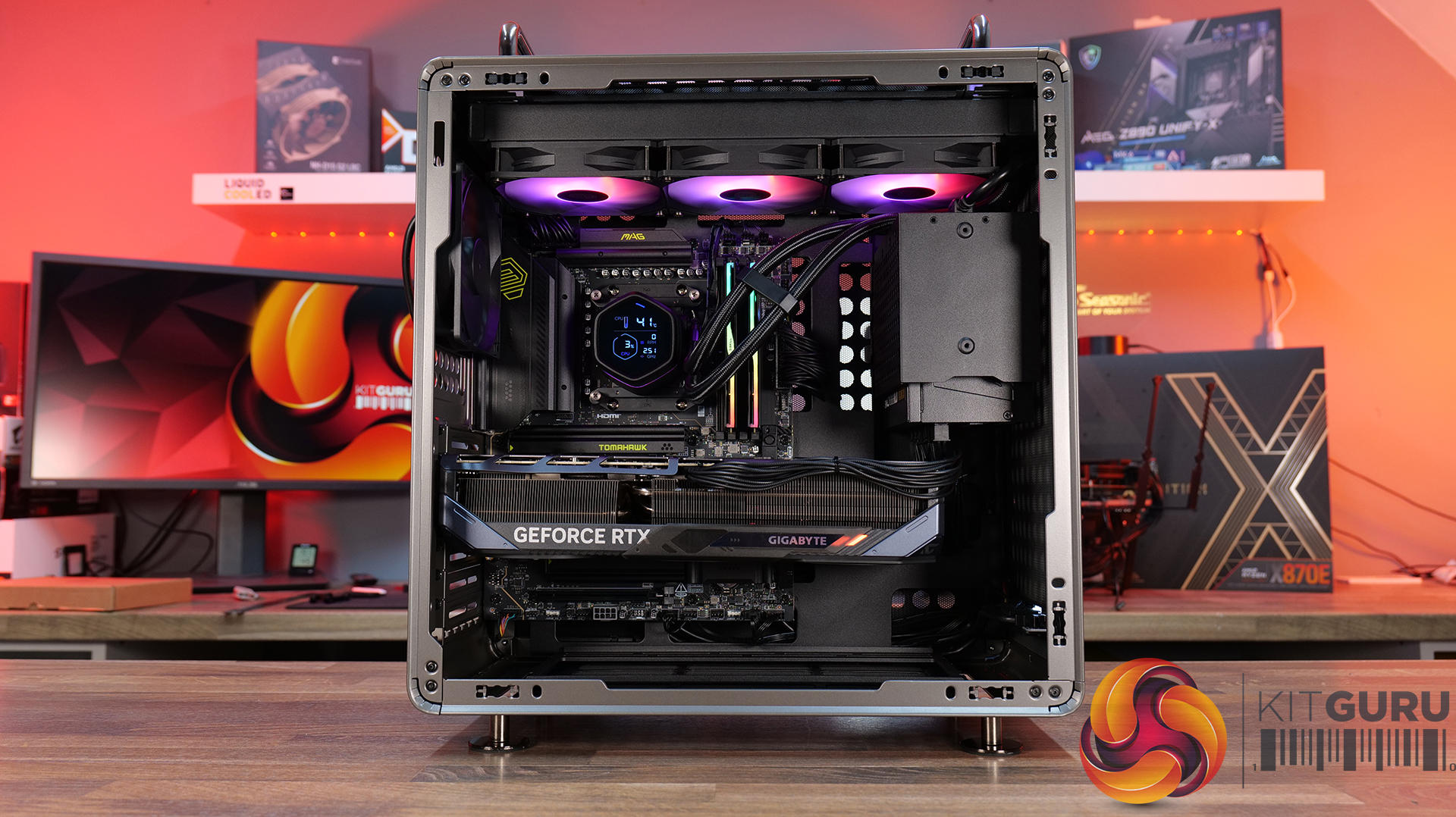
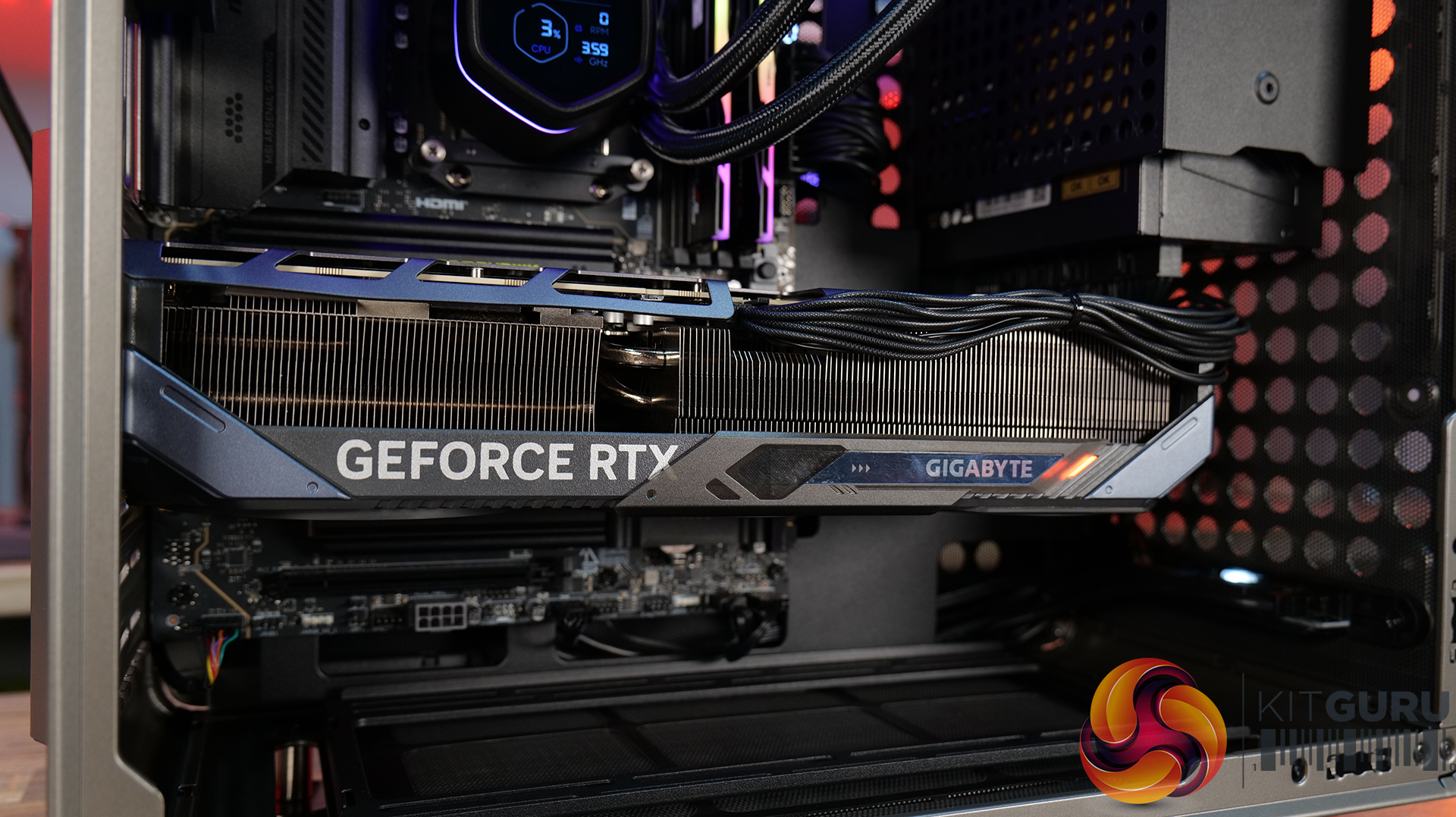
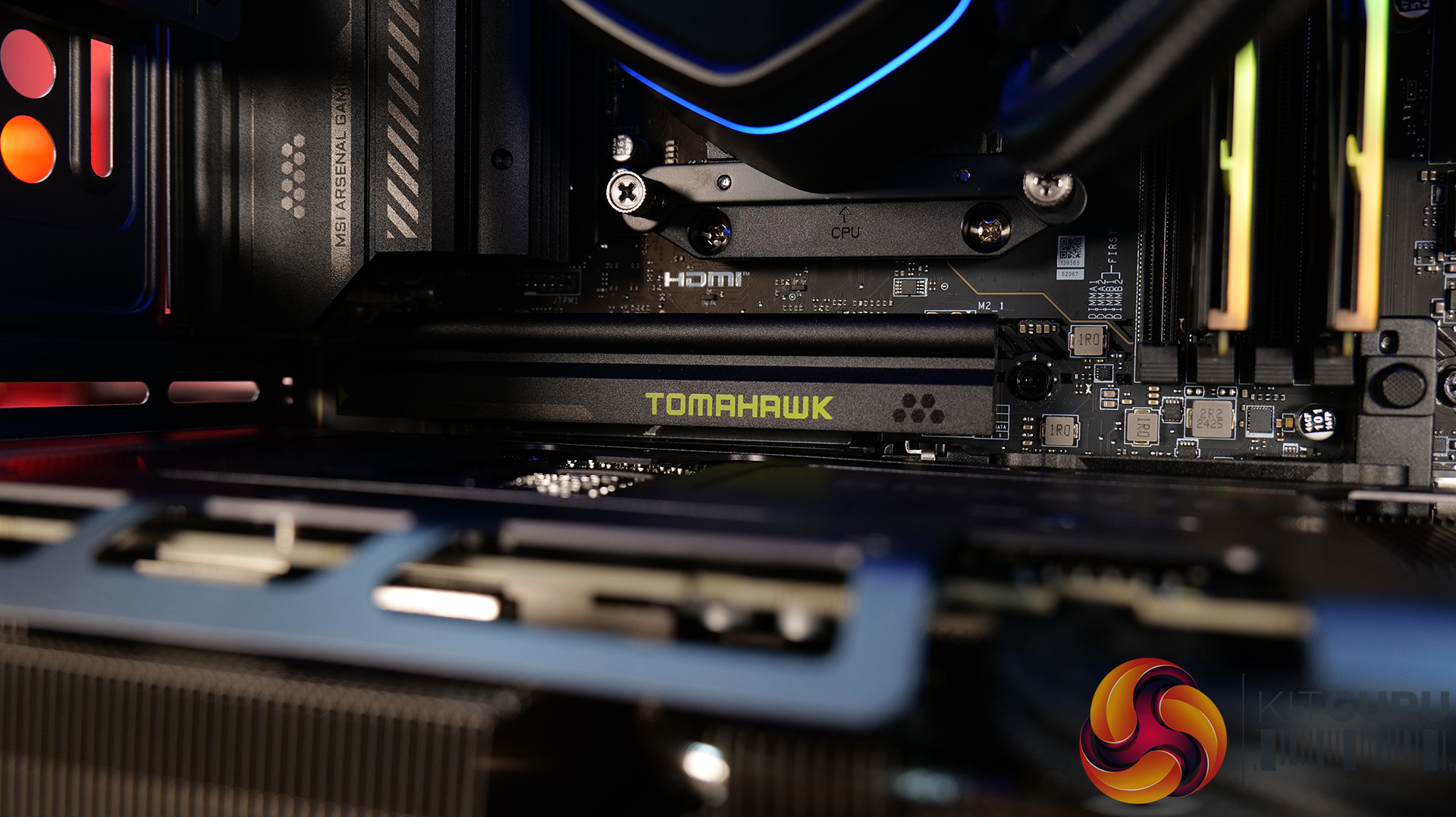
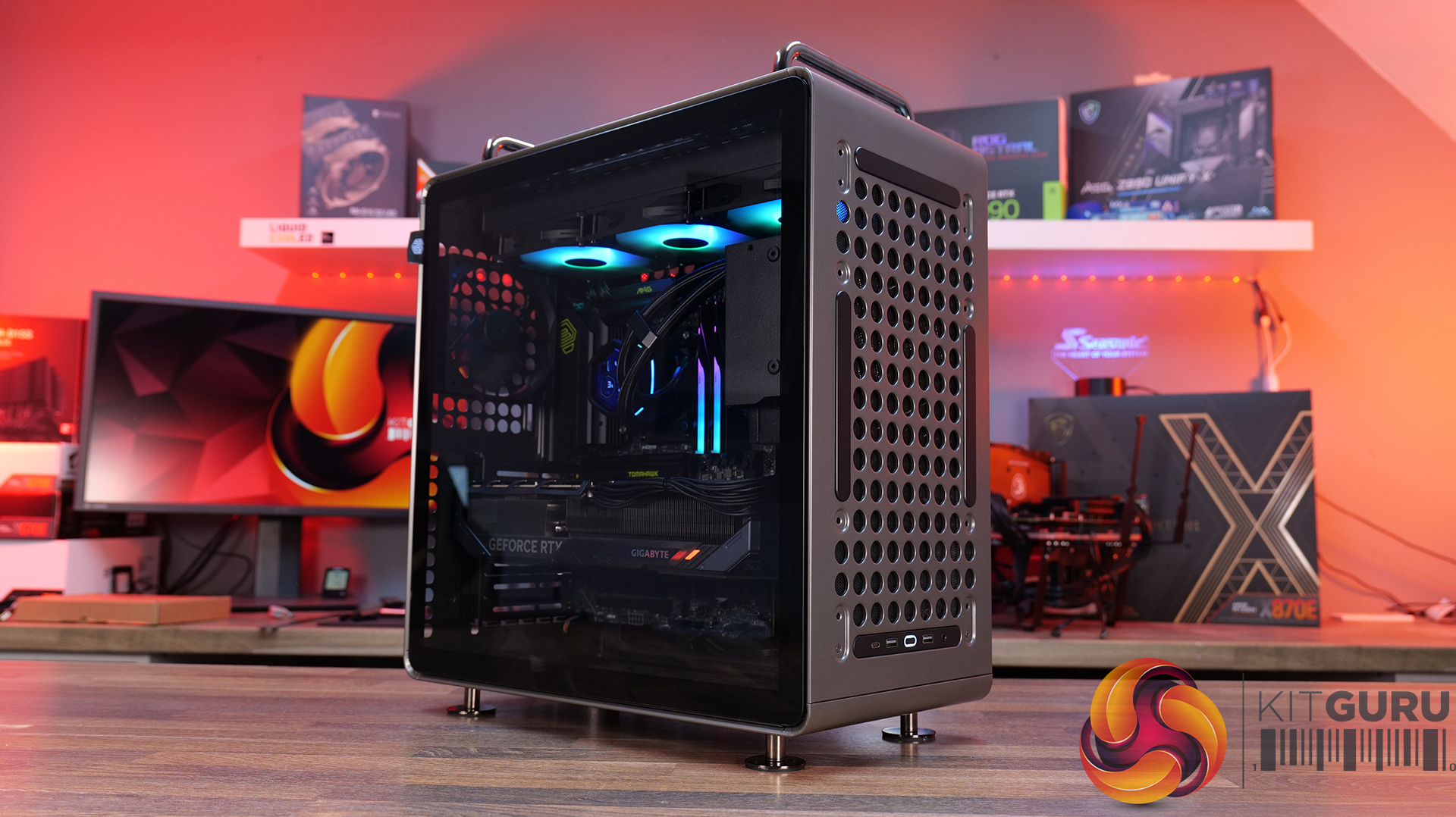
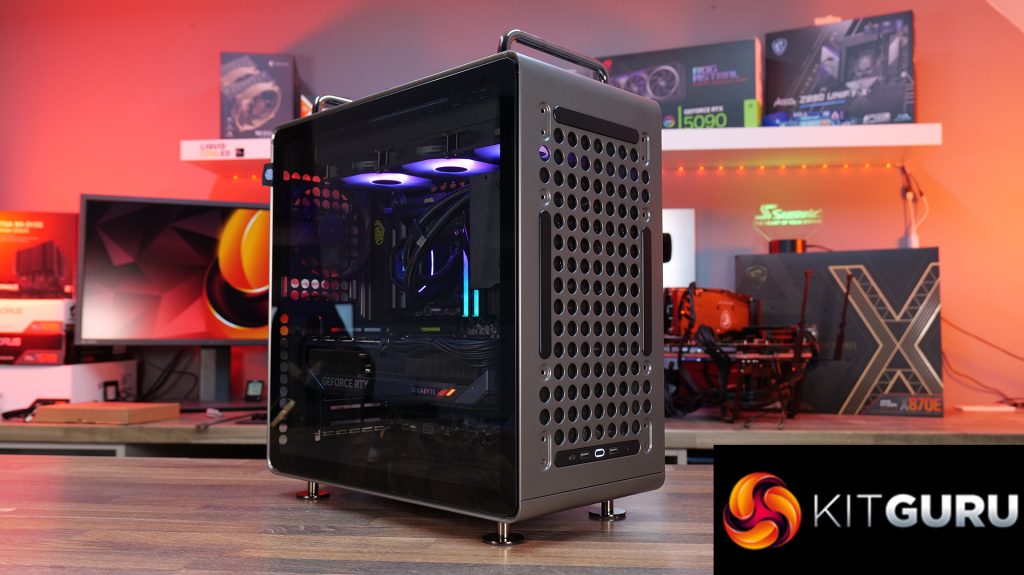
Today we're looking at the Cooler Master QUBE 540 — an ATX case that's all about flexibility and customisation. Despite its unique layout, it supports graphics cards up to 415mm long, 360mm radiators, and even E-ATX motherboards, featuring a modular design that lets you switch orientations, relocate the I/O panel and handles, and even configure the internal layout to suit your build. Cooler Master is positioning the QUBE 540 as a case for creators, gamers and DIY builders. In this review, we’ll find out if all that flexibility translates into a genuinely great PC case, or not. Let's get into it.
Timestamps:
00:47 Details / Pricing / Hardware Support
02:44 Front I/O
02:59 Removing Panels / Dust Filters
05:04 Radiator / Cooling Support
07:43 Hardware (Mobo/GPU/Storage) Support
09:05 Rear of the case
09:49 Right hand side / Cable Management
11:27 Bottom of the case
12:20 Accessories > Customisation
13:47 Thermal and Noise Testing
15:55 Smoke test
16:34 Installation thoughts
18:58 Closing Thoughts
Features:
Highly Modular Design – The QUBE 540 can be configured in multiple ways, including horizontal or vertical orientation, with repositionable handles and I/O panel locations to suit different build setups.
Built for DIY Customisation – The case is designed around flexibility, with extensive fan and radiator support, removable panels and adaptable internal layouts that allow builders to tailor the system to their own requirements.
Exceptional Hardware Compatibility – There’s Support for motherboards up to E-ATX, graphics cards up to 415mm long and multiple 360mm radiator mounting positions, so there's plenty of room for high-performance hardware.
Specifications:
Case Type: Mid Tower
Dimensions (LxWxH):5 x 225 x 492.1mm
Volume: 64L
Materials: Steel, Glass
Motherboard Support: Mini-ITX, Micro-ATX, ATX, E-ATX (Up to 280mm wide)
Reverse Connector motherboard support: No
Expansion Slots: 7
Storage bays: 3.5” x 1, 2.5” x 2
Max GPU Length: Up to 415mm (without front fan)
Max CPU Cooler Height: Up to 172mm
PSU Type: ATX/SFX Up to 200mm
Cable Routing Space: 27mm clearance behind the motherboard tray
Supplied Fans: 1 x 120mm Rear
Fan Support: Up to 3 x 120mm or 2 x 140mm (without I/O panel) (Top), Up to 3 x 120mm or 2 x 140mm (without I/O panel) (Front), 1 x 120mm (Rear), Up to 3 x 120mm or 2 x 140mm (Bottom)
Font I/O: 2 x USB 3.2 Gen 1 Type-A, 1 x USB 3.2 Gen 2×2 Type-C, 1 x 3.5mm headset combo jack
LCD Screen: N/A
Thermal Performance Testing
To simulate thermal demand, we run the Cinebench R23 multi-thread benchmark and 3DMark Speed Way stress test simultaneously in a loop for 30 minutes to load the system fully. This gives the CPU and GPU enough time to reach constant steady-state temperature. With this data, we can compare how the system handles the thermal demand and measure peak noise levels.
Thermal performance is measured with the case in various configurations, such as the default, with the tempered glass left-hand side panel removed and with the front panel removed to see how these configurations affect the CPU and GPU temperature. During testing, only stock case fans are used unless otherwise specified. All water pumps are set to maximum RPM and fans are set to a custom RPM curve by the Motherboard software/BIOS.
All temperature measurements are presented as Deltas – meaning the ambient temperature has been deducted from the CPU temperature, giving us a Delta. Data shown in the charts represents the average component temperature over the length of the test as measured by HWiNFO, and then the last 15 minutes of the data are calculated to get the average. The ambient temperature during thermal tests is between 19-20⁰C.
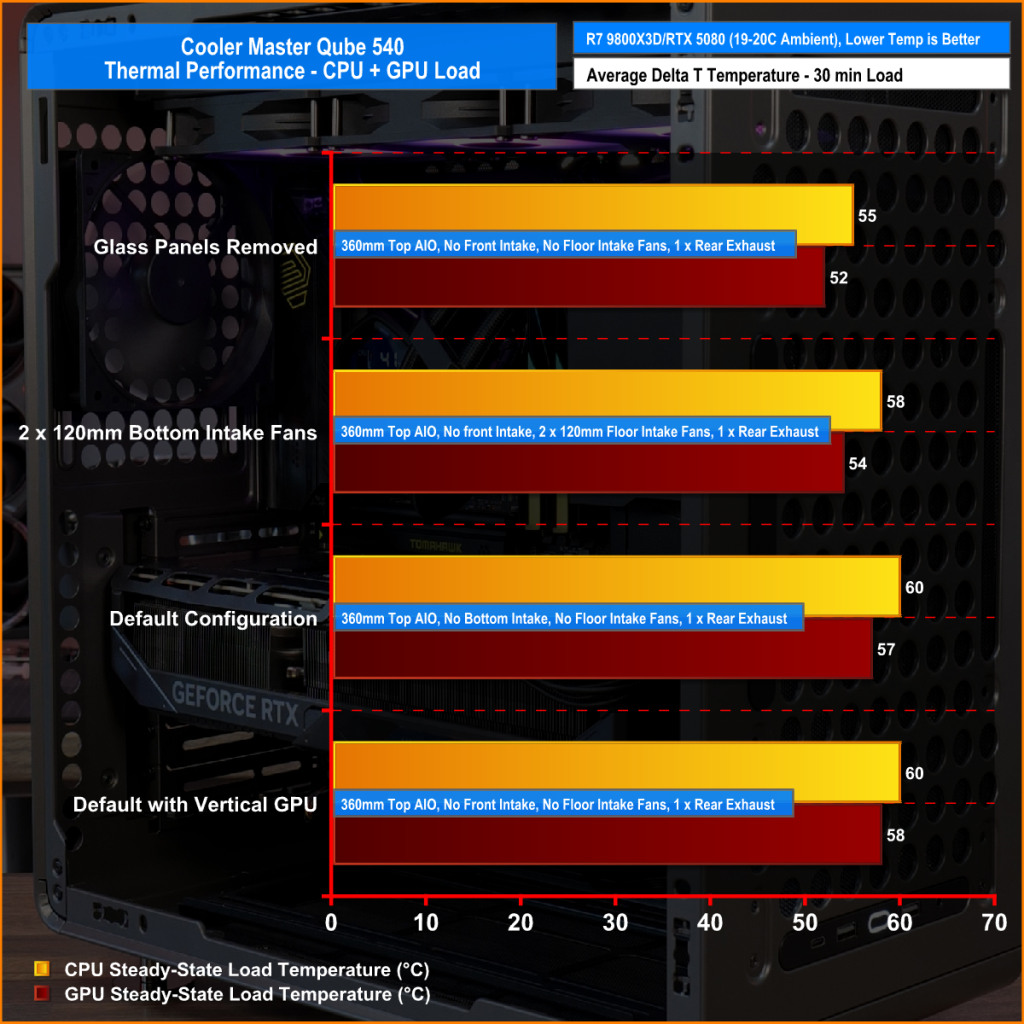
We test case thermals using a 360mm AIO as exhaust at the top and with the case in several different fan configurations. The default configuration shown in the charts is with the top 360mm AIO cooler, a single 120mm rear exhaust fan and with all case panels installed.
The QUBE 540 delivers respectable results overall, although airflow is restricted compared to a fully high-ariflow configuration. Removing the glass side panel from our test system records the lowest temperatures of 55°C over ambient on the CPU and 52°C on the GPU while running the case in its default configuration sees temperatures rise slightly to 60°C over ambient for the CPU and 57°C for the GPU, which is still a solid result.
Adding a pair of 120mm bottom intake fans shaved 2 – 3°C from both CPU and GPU temperatures, suggesting there is some benefit in adding bottom fans, though the gains are quite small. Switching to a vertical GPU has no impact on CPU thermals, while GPU temperature increases by just 1°C
Noise Output
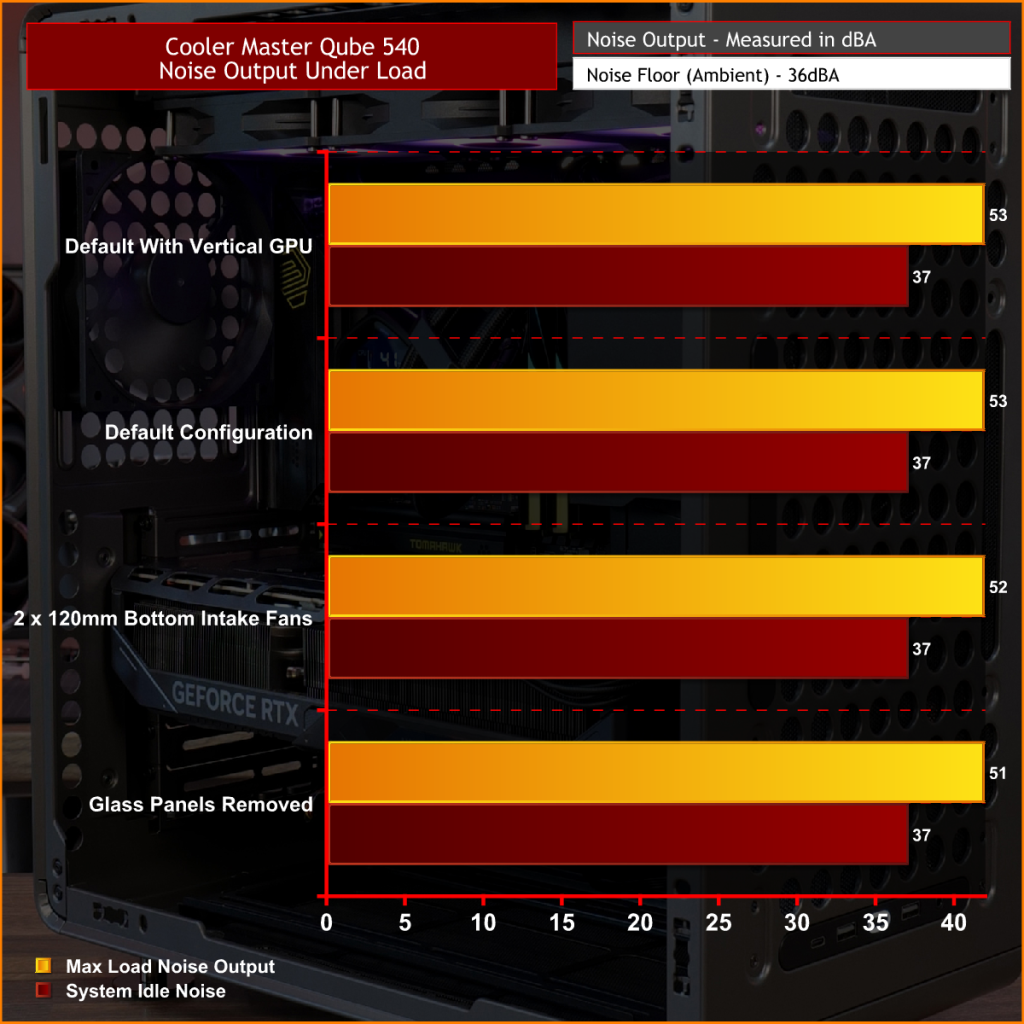
At idle, noise output remains unchanged at 37dBA regardless of fan layout or GPU orientation. Under full load, the default configuration and vertical GPU setup both record 53dBA max noise, while adding a pair of 120mm bottom intake fans reduces noise output to 52dBA. Removing the glass panels yields the lowest recorded figure of 51 dBA due to cooler temperatures and lower fan speed, though the difference is small enough that it would be difficult to notice in normal use.
Overall, the results suggest that the QUBE 540 has a good balance between cooling performance and acoustics.
The Cooler Master QUBE 540 is a refreshing addition to the PC case market that currently feels overcrowded by high-airflow mesh-fronted towers or glass-covered dual-chamber “fish tank” designs. Rather than challenging either of those styles, Cooler Master has created something that feels genuinely different. The QUBE 540 combines a compact ATX footprint with an industrial-inspired look with an emphasis on flexibility, resulting in a chassis that stands out from the crowd while still appealing to mainstream enthusiasts.
The biggest selling point is customisation. Few cases on the market offer this level of configurability, with internal layout options, horizontal or vertical orientations, repositionable I/O panels, and support for a range of 3D-printable accessories. It encourages customisation, allowing builders to tailor the case to their exact needs. Whether you're looking to optimise airflow, create a unique showcase system or simply just build something different, the QUBE 540 provides options that most mainstream cases in this price range do not.
Hardware compatibility is impressive too. Despite its unorthodox layout, the QUBE 540 supports large E-ATX motherboards, graphics cards up to 415mm long, 360mm radiators and multiple fan layouts, making it suitable for high-end gaming or workstation builds. Thermal performance is decent too, it can keep temperatures well under control across most configurations. It's not a class-leading airflow case, but cooling is more than adequate for modern high-performance hardware.
There are some compromises, however. Front intake options are somewhat limited compared to traditional high airflow designs, and the PSU location creates a few restrictions when it comes to internal layout, GPU installation and airflow optimisation. Even so, these are minor drawbacks. Cooler Master deserves credit for bringing something genuinely interesting to a market saturated by the usual high airflow and dual-chamber designs. For users who value flexibility, customisation and a distinctive look over outright thermal performance, the QUBE 540 is an easy case to recommend.
The Cooler Master QUBE 540 is available to purchase now from Amazon UK Priced at £82.92 HERE.
Pros:
A refreshing change from the usual all-mesh or glass-front cases.
Loads of configuration and customisation options.
Good hardware support, even with the slightly unorthodox layout.
Very easy to swap layouts and orientation.
Cons:
Front fan intake is limited.
There are some compromises depending on the PSU position.
KitGuru says: Even though the QUBE 540 is a relatively simple design, the ease of changing layouts and orientations, great hardware support and the massive customisation and distinctive looks make it a refreshing change for PC builders.
Once again, AMD back at boasting about its CPU market share on one of the major retailers in US. AMD Says "15 out of 15" CPUs in the Best Selling Amazon Processors are AMD CPUs As Intel's Best Chips Continue to Decline in Rankings After having boasted about the CPU share reaching 45% on the Steam Hardware Survey, AMD is back again. AMD's Senior Director of Marketing has posted a tweet saying, "15 out of 15 incredible CPU lineup @AMD", while sharing a screenshot that shows all the top 15 best-selling CPUs on Amazon US are from AMD. It's nothing […]
The latest Steam Hardware Survey is out, and it has been one of the rare times to see AMD coming close to a 50% share for its CPUs. AMD Witnesses Gradual CPU Share Increase, Approaching 45% for the First Time As Per May 2026 Steam Hardware Survey Ryzen magic is working for Team Red, and it's not surprising to see AMD as a major chip maker in the mainstream segment. Since the rise of Ryzen CPUs in 2017, AMD has continuously grabbed more and more shares in the client CPU segment, to the point where we see the top 10 […]
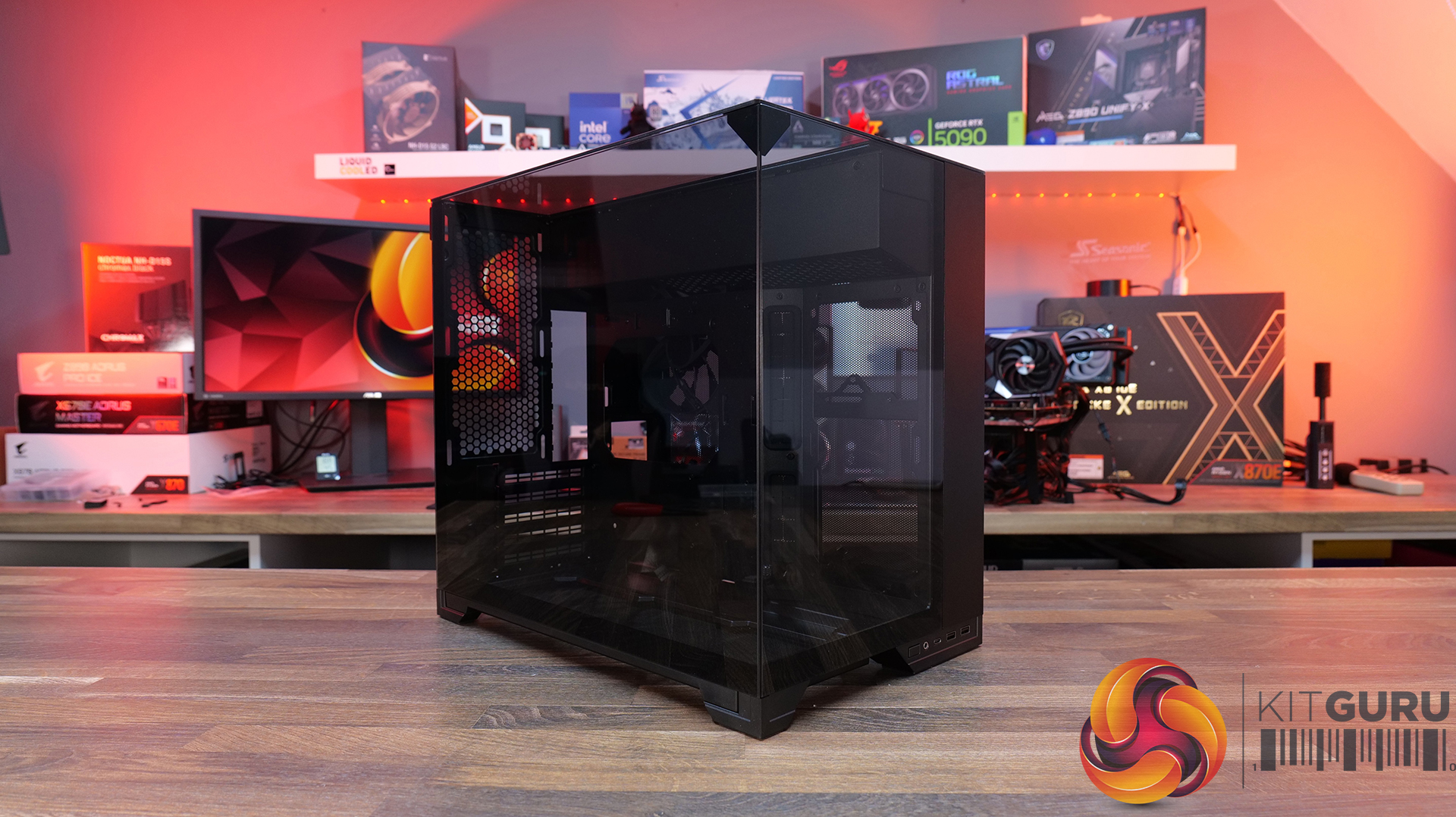
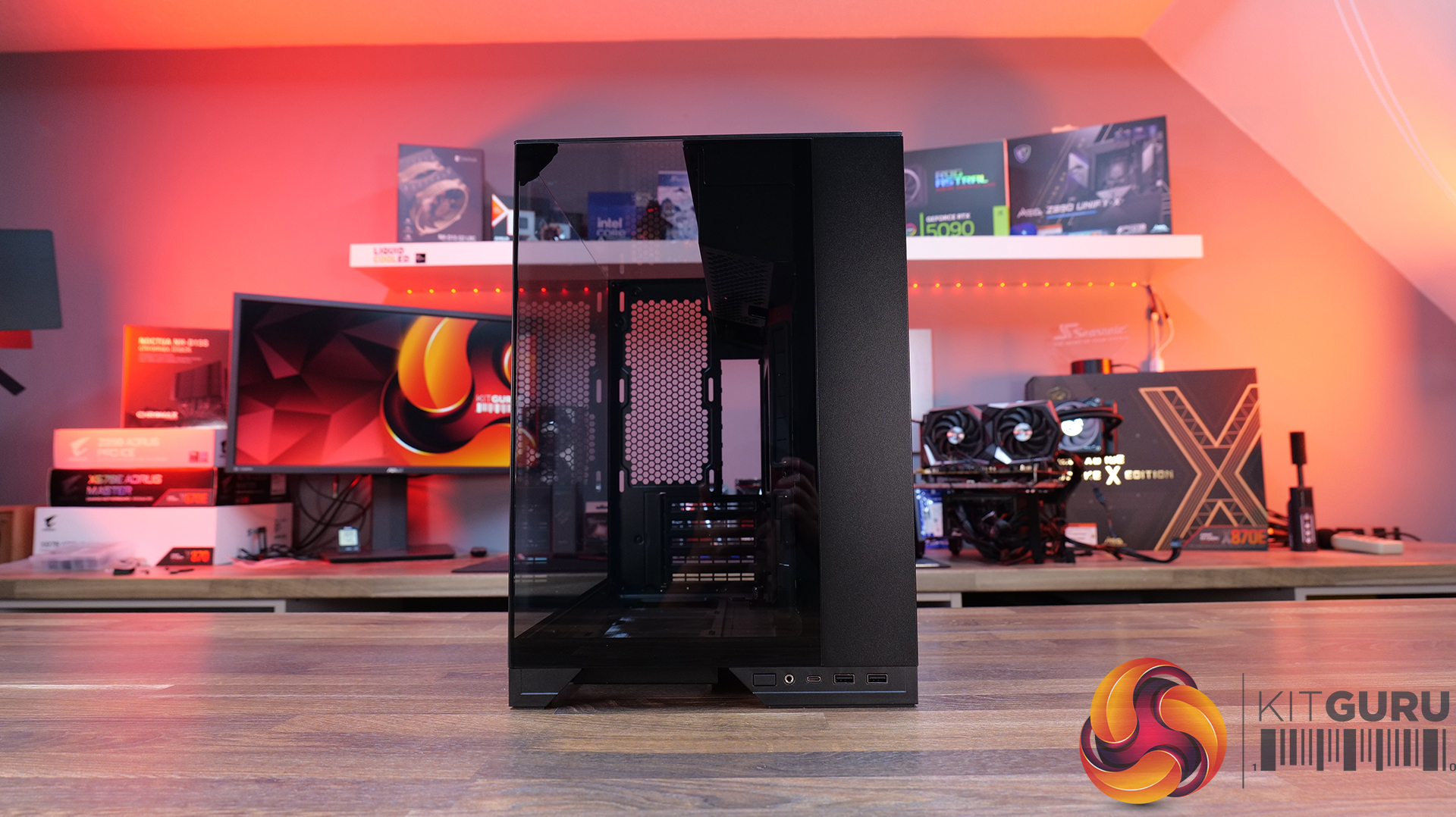
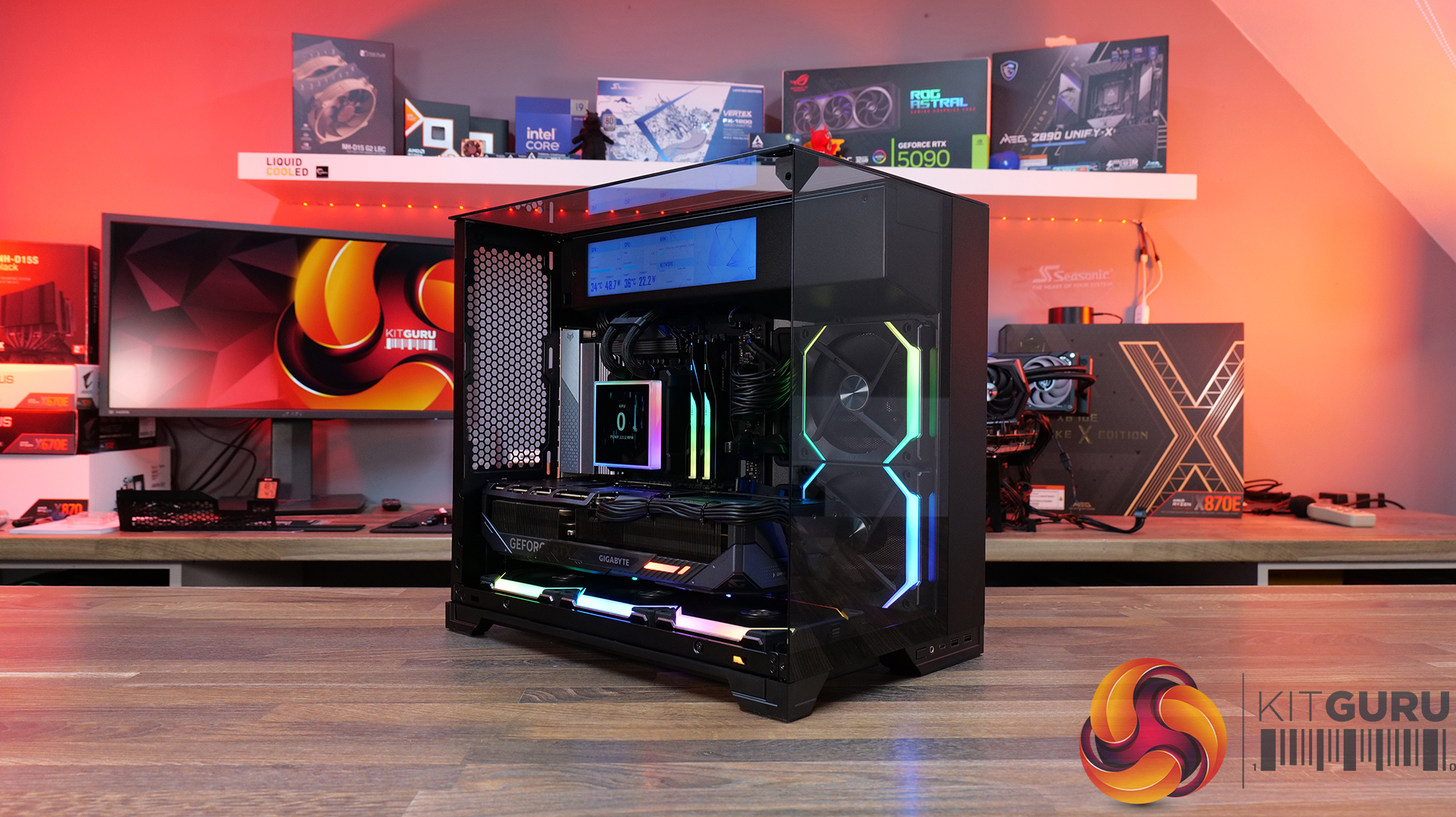
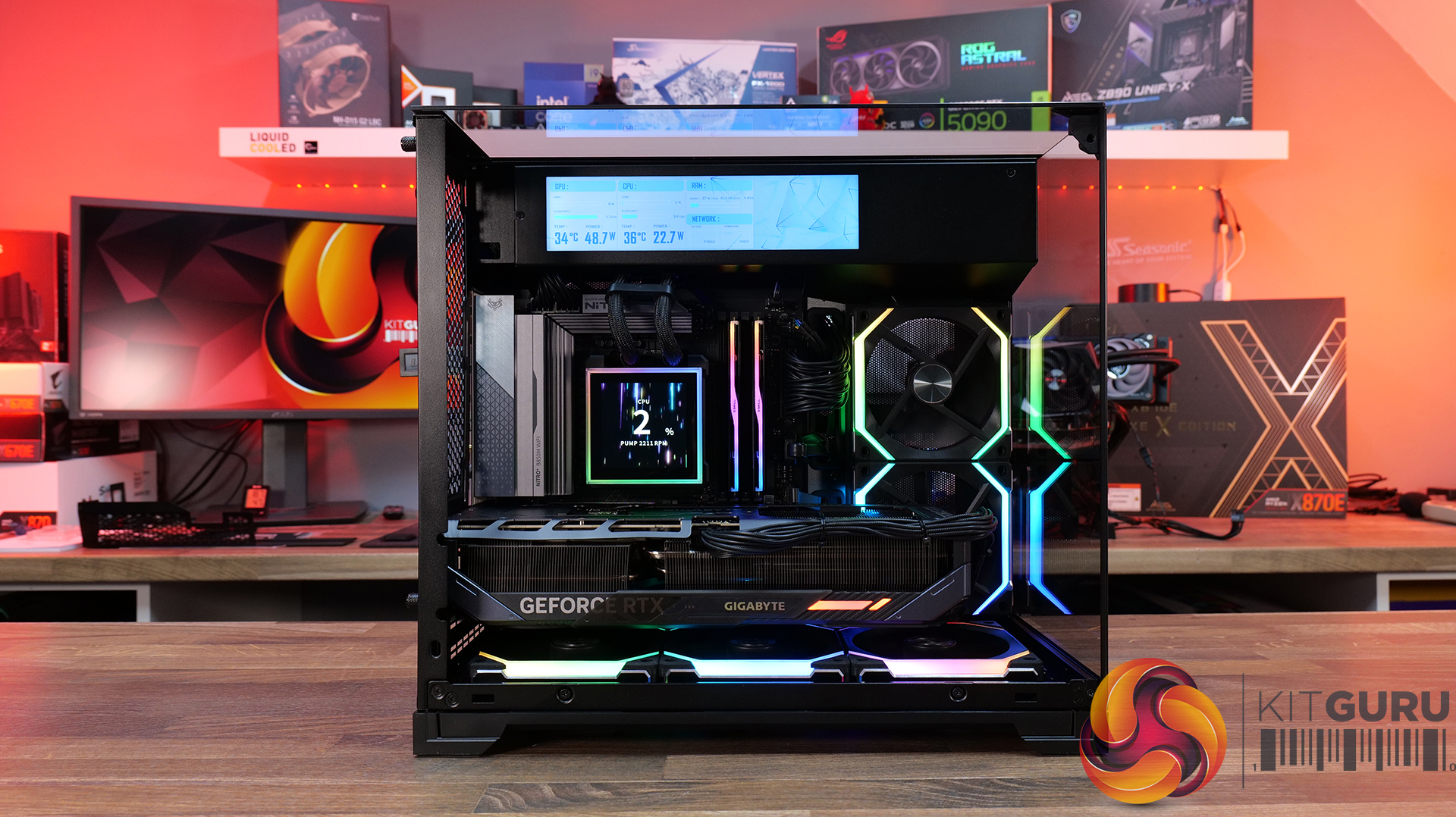
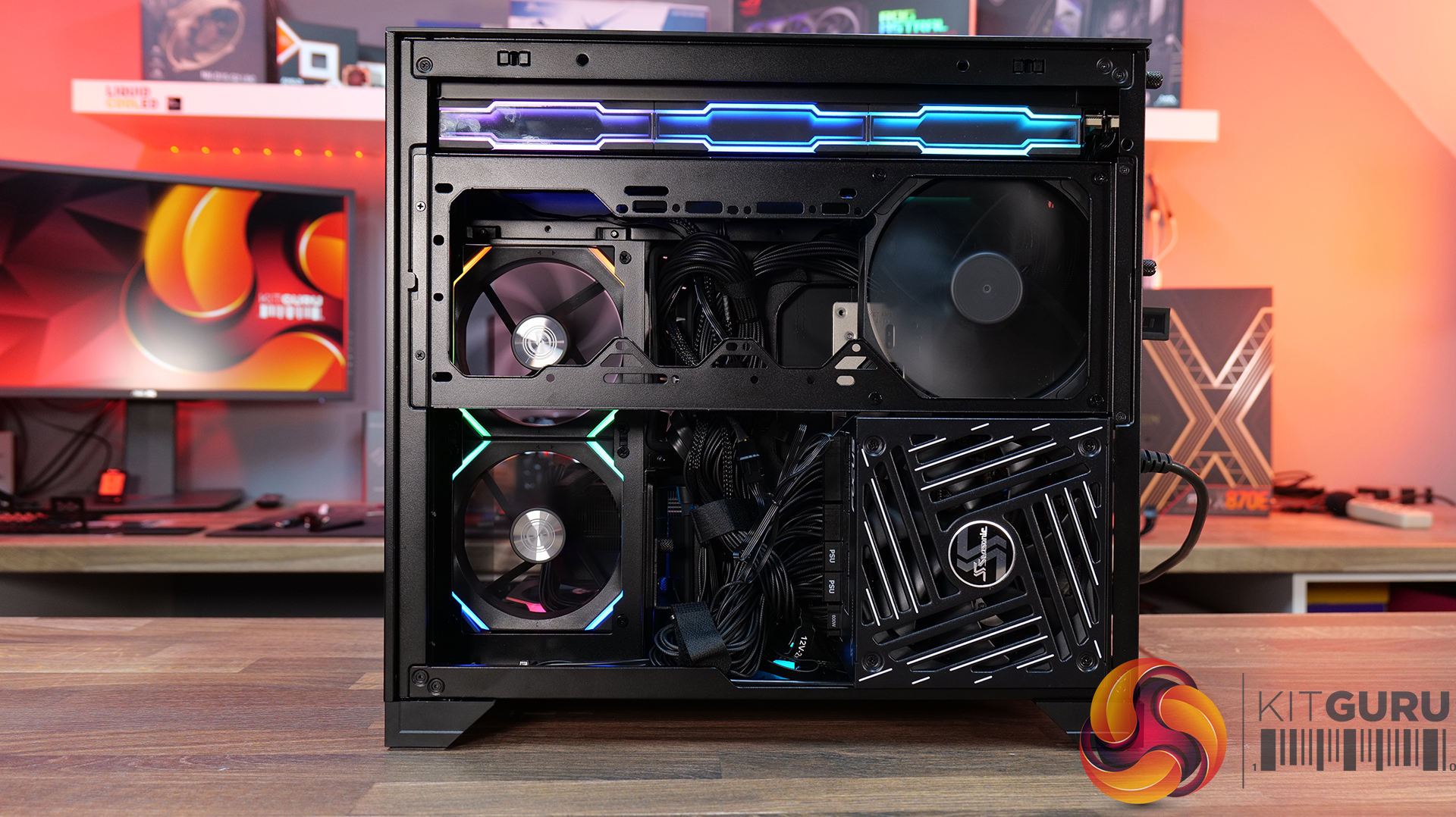
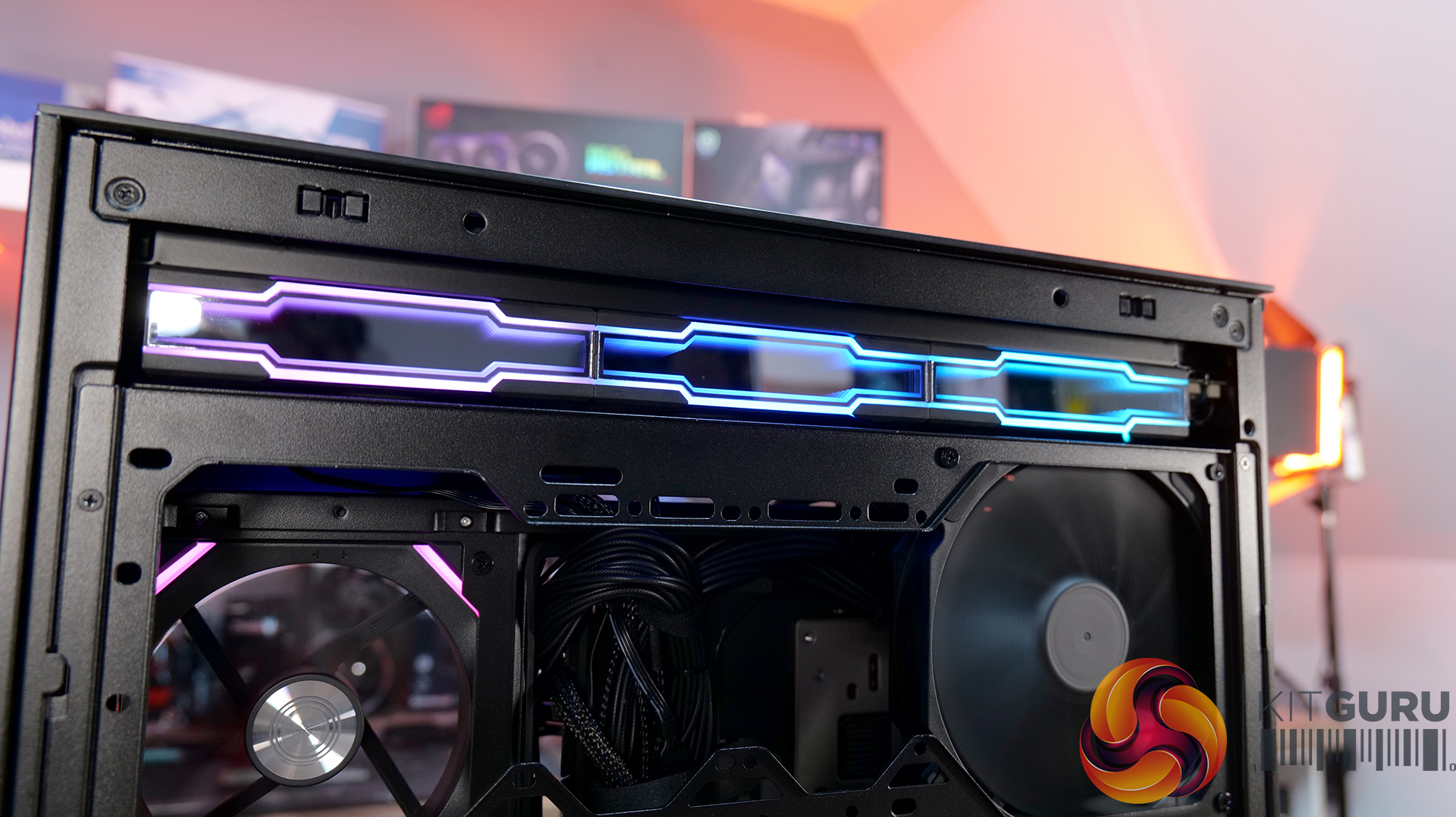
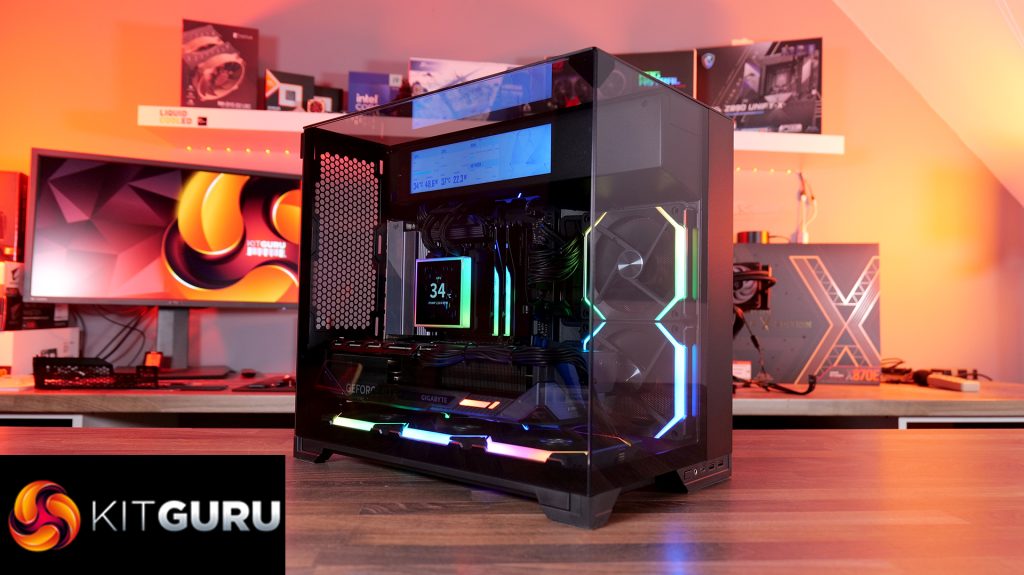
Today, we’re looking at the new Lian Li O11 Vision-M PC case. It’s a compact dual-chamber chassis built around a full glass design, with a clean-looking showcase style. You get support for micro-ATX and mini-ITX motherboards, graphics cards up to 410mm, 360mm radiators, and air coolers up to 162mm tall, plus a hidden top radiator compartment to keep things looking tidy without compromising cooling. On paper, it looks like the perfect blend of compact size, strong hardware support, and the signature O11 aesthetic… but does it actually deliver? Let’s find out.
Timestamps:
00:00 Start
00:57 Pricing / colours
01:41 Overview / Dimensions / Materials
02:31 Front I/O
02:53 Panel removal / filters
04:34 Motherboard and GPU support
05:19 Bottom tray / filter system
05:41 Cooling Fan / Radiator Support
07:20 Vented Shroud and LCD Screen
08:09 Cable Management
09:00 Rear of the case
09:32 Side Compartment / PSU
10:54 Drive install / cable shroud options
11:54 Top radiator bracket
12:56 GPU Bracket / no reverse MB support
13:59 Bottom of the case / accessories
15:00 3D Printable parts
15:37 Thermal and Noise Performance
17:15 Smoke Test & Thoughts
18:05 Installation / Closing Thoughts
Features:
Ventilated Top Glass – Integrated mesh cut-out vent aligned with the top radiator for top heat exhaust flow and minimal heat buildup from internal system components.
Modular Divider – A removable divider panel gives the user the choice of a clean, separate dual-chamber look or a more open layout. With the divider panel installed, accessories such as an LCD screen can be easily mounted.
Hidden AIO Compartment – Designed to hide the AIO radiator and route tubing out of the way, hidden from view in the main chamber for an ultra clean look.
Compact but high-end hardware support – Including mATX or Mini ITX motherboards, up to 410mm long graphics cards, 162mm tall air coolers and up to 360mm radiator support.
To simulate thermal demand, we run the Cinebench R23 multi-thread benchmark and 3DMark Speed Way stress test simultaneously in a loop for 30 minutes to load the system fully. This gives the CPU and GPU enough time to reach constant steady-state temperature. With this data, we can compare how the system handles the thermal demand and measure peak noise levels.
Thermal performance is measured with the case in various configurations, such as the default, with the tempered glass left-hand side panel removed and with the front panel removed to see how these configurations affect the CPU and GPU temperature. During testing, only stock case fans are used unless otherwise specified. All water pumps are set to maximum RPM and fans are set to a custom RPM curve by the Motherboard software/BIOS.
All temperature measurements are presented as Deltas – meaning the ambient temperature has been deducted from the CPU temperature, giving us a Delta. Data shown in the charts represents the average component temperature over the length of the test as measured by HWiNFO, and then the last 15 minutes of the data are calculated to get the average. The ambient temperature during thermal tests is between 19-20⁰C.
Case fans – Lian Li UNIFAN SL120 V2 (forward and reverse)
Chassis – Lian Li O11 Vision M
Operating System – Windows 11 24H2
Thermal Performance Overview
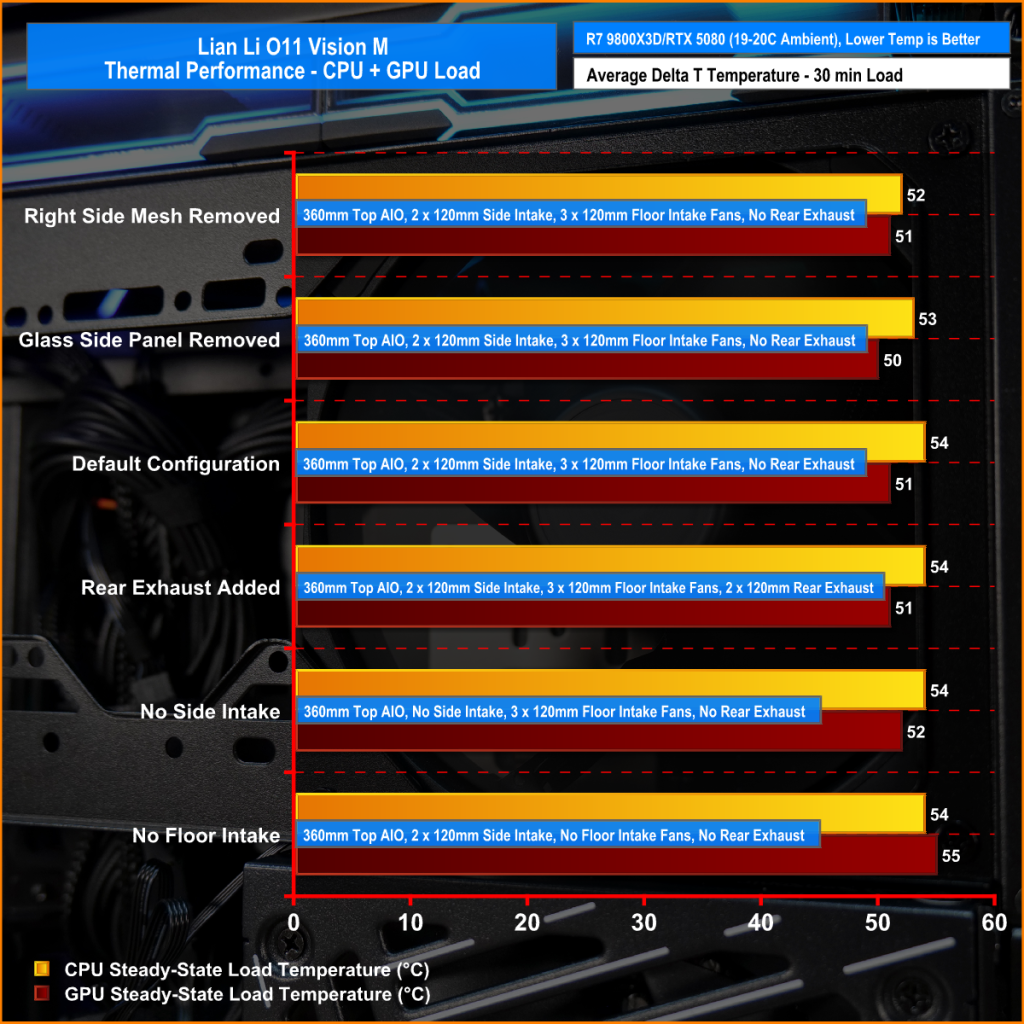
We test case thermals using a 360mm AIO as exhaust at the top and with the case in several different fan configurations. The default configuration shown in the charts is with the top 360mm AIO cooler, 2 x 120mm side intake, 3 x 120mm bottom intake fans and with all case panels installed.
The O11 Vision-M performs well considering the dual-chamber layout and the number of glass panels it has. In the default configuration, CPU and GPU temperatures measure 54°C and 51°C over ambient respectively. Removing the glass side panel or right-side mesh makes little difference to overall results, suggesting that the stock airflow setup is already very well optimised. The hidden AIO placement keeps heat away from the radiator and CPU temperatures benefit from it.
Bottom intake fans are relatively important for GPU cooling. Removing the floor intake pushes GPU temperatures up to 55°C above ambient, while every other configuration stays very consistent around the 50–52°C mark. So for a compact dual-chamber case with this much glass, thermal performance is genuinely solid.
Noise Output
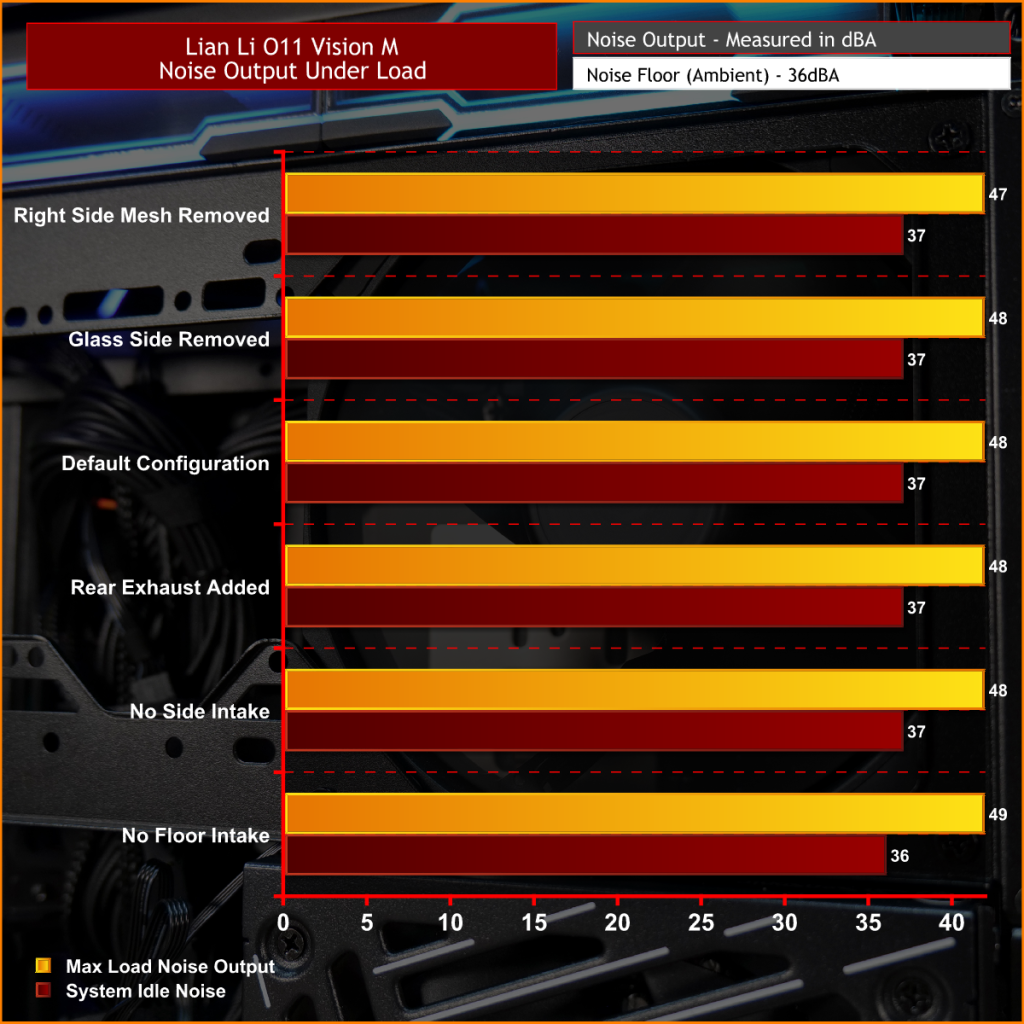
Noise performance is consistent across the board too, with the O11 Vision-M sat at 48dBA under full load in most configurations, while idle noise mostly stays fixed at 37dBA. Removing the right-side mesh panel drops load noise slightly to 47dBA, while removing the floor intake fans pushes it up to 49dBA, likely due to the GPU fans working harder to compensate for reduced airflow and slightly raised temperature.
The case has very balanced airflow regardless of configuration changes, and no major spikes in noise. Overall, for a compact dual chamber with multiple glass panels, the O11 Vision-M delivers solid acoustic performance without sacrificing cooling.
Closing Thoughts
Taken as a whole, the Lian Li O11 Vision-M is a very well-designed compact dual-chamber chassis that does a good job of balancing aesthetics, cooling performance and hardware compatibility. Despite the reduced footprint compared with larger O11 variants, there’s still support crammed in for high-end hardware, including 410mm graphics cards, 360mm radiators or AIOs, up to 13 fans and large CPU air coolers. Plus, thermal performance remains consistently strong even with the use of multiple glass panels.
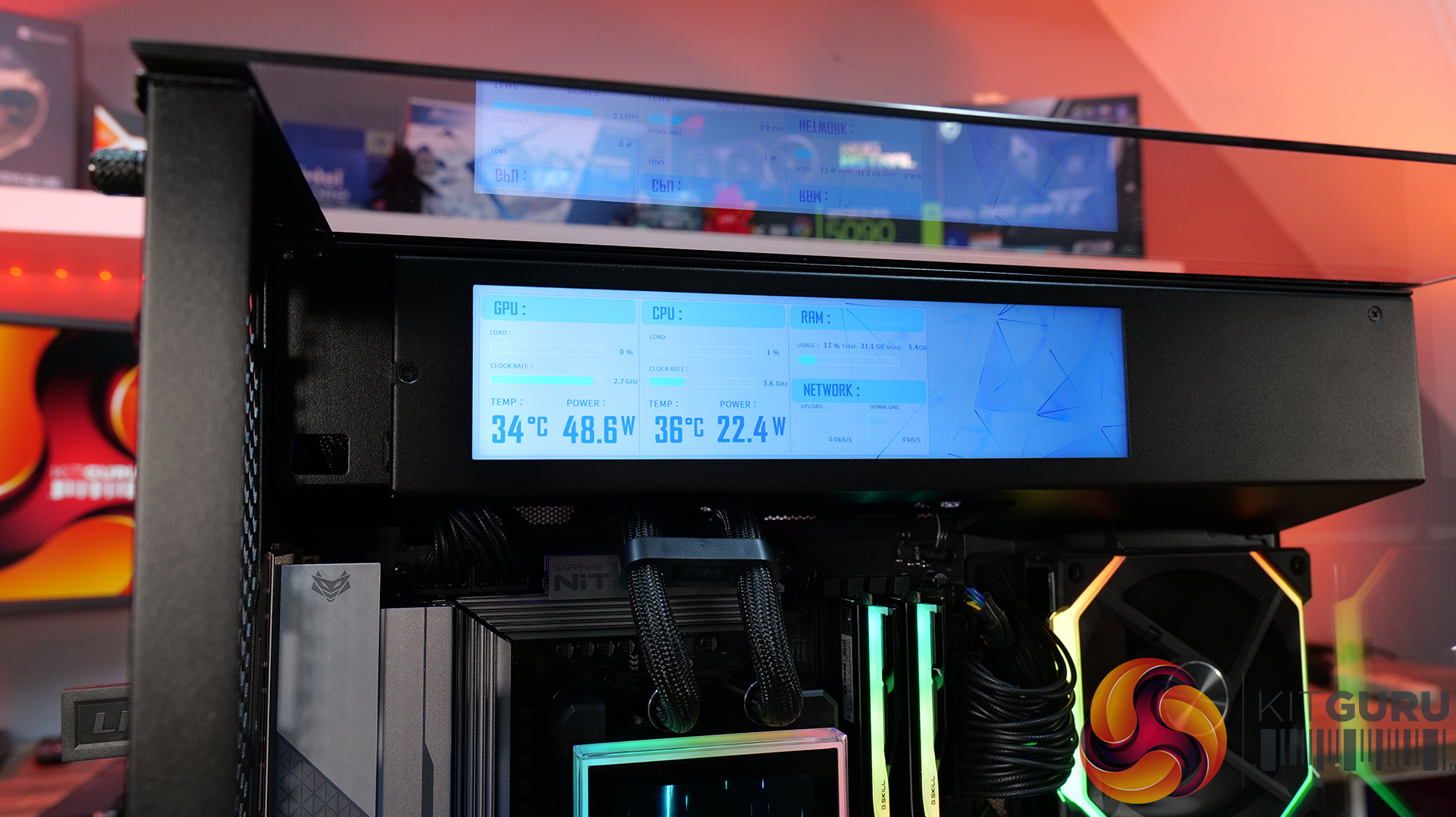
The standout feature is the hidden top radiator compartment. Not only does it help maintain a clean showcase-style appearance that the O11 Vision series is known for, but it also works well from a cooling perspective without restricting airflow. The digital version looks impressive, with the integrated 9.2-inch LCD screen feeling more refined and useful than the gimmicky implementations we sometimes see from competitors. This screen fits in with the design of the case perfectly.
However there are a few compromises, such as clearance around the top radiator mount being very tight, so not every 360mm AIO will fit without issue. Checking dimensions before buying is essential. The smaller internal layout also means there’s a more specific hardware installation order required during the build process, which increases build time a little compared to similar dual-chamber cases with more space.
At $70 MSRP for the standard version, the O11 Vision-M offers good value considering the excellent build quality, cooling performance and hardware support it provides. Even the $130 digital version feels reasonably priced given the quality of the integrated display. While it’s technically compatible with Mini-ITX systems, due to its dimensions, it feels more like a compact Micro-ATX case than a true ITX chassis. Even so, if you want a compact case with strong airflow, premium aesthetics and high-end hardware support, the O11 Vision-M is an easy one to recommend.
The Lian Li O11 Vision-M has a £69.99 (black) MSRP for the regular model and $129.99 for the digital version with a 9.2″ LCD.
Pros:
The hidden AIO compartment gives a clean look.
Good cooling options for a small dual-chamber glass case.
Screen integration on the digital version is excellent.
Cons:
Tight tolerance for top AIO support makes installation fiddly and means that some AIOs will be incompatible.
Not small enough to be considered for ITX builds.
The installation process takes a little more time than in some similar cases.
KitGuru says: This is one of the best mATX cases we have seen for a long time. It's packed with high-end cooling options as well as that hidden radiator compartment which gives a clean look to the build. Plus, it's competitively priced too.
If you have been waiting for a great CPU deal, now is the time to act and buy the world's fastest gaming processor for $45 less. Newegg Sheds $45 From AMD Ryzen 7 9850X3D, Resulting in Price Drop $499 to just $454, Allowing Gamers to Save and Build the Fastest Gaming Build AMD did a wonderful job with the AMD Ryzen 7 9850X3D, delivering even better gaming performance than the 9800X3D could. Even though the performance difference isn't huge, the 9850X3D has successfully dethroned the 9800X3D as the best gaming processor. The CPU launched earlier this year at a price […]
Another X3D processor rolls out, but it's for the commercial workstation and desktops. AMD has also rolled out several new PRO Ryzen 9000 series processors. AMD Debuts Ryzen 9 PRO 9965X3D and Ryzen 7 PRO 9755X3D Processors Along With Four More Non-X3D PRO Ryzen 9000 Chips We first saw a glimpse of the AMD Ryzen 9 PRO 9965X3D in an NBD shipment manifest several months ago and then in a benchmark last week. AMD has now officially launched the processor alongside many more PRO series Ryzen 9000 processors. AMD confirmed the launch of new Ryzen PRO 9000 series processors in […]

 Login
Login