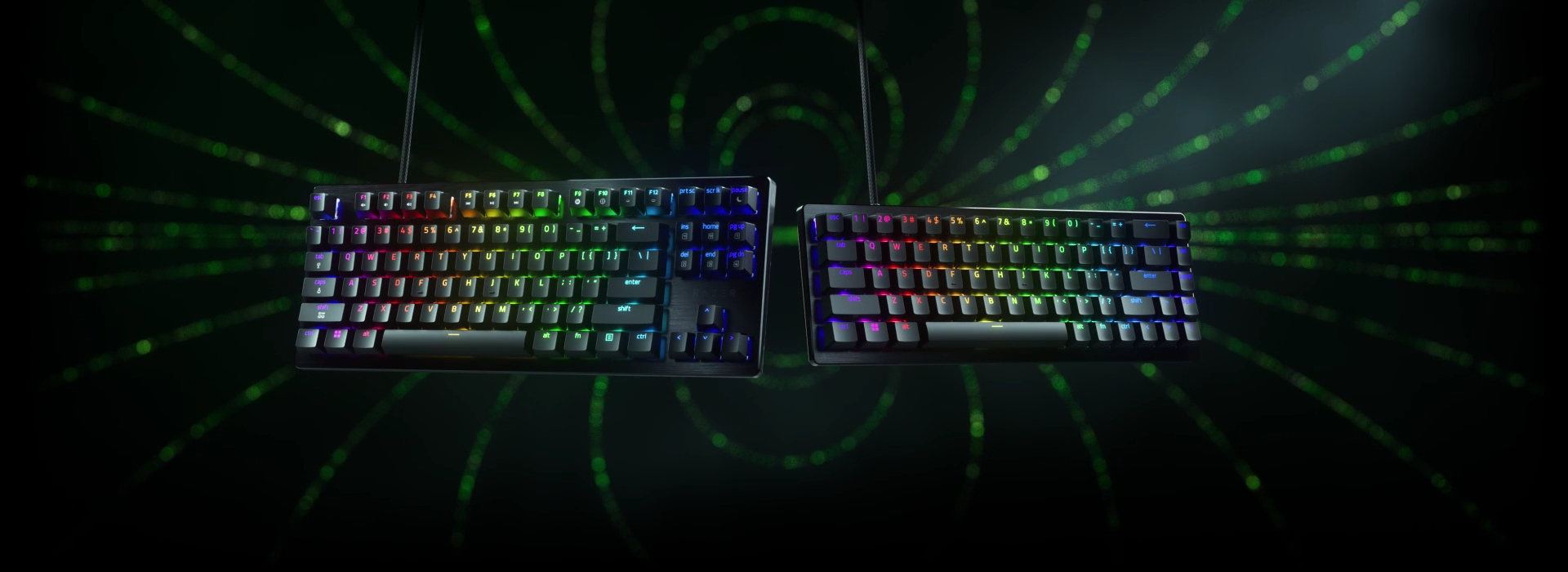
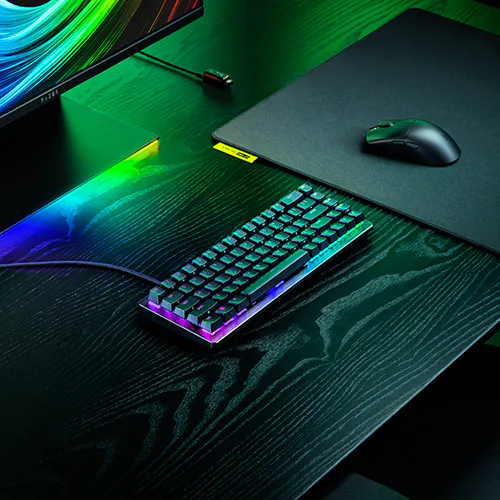
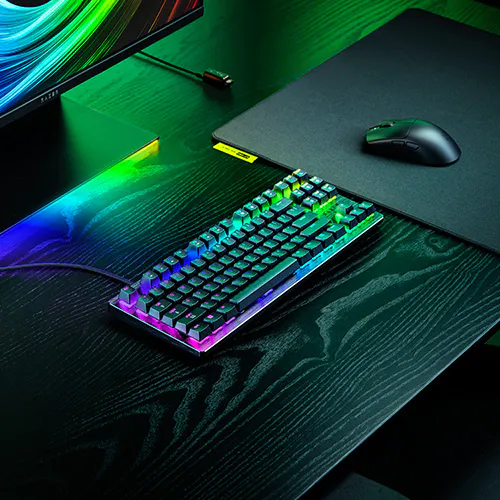
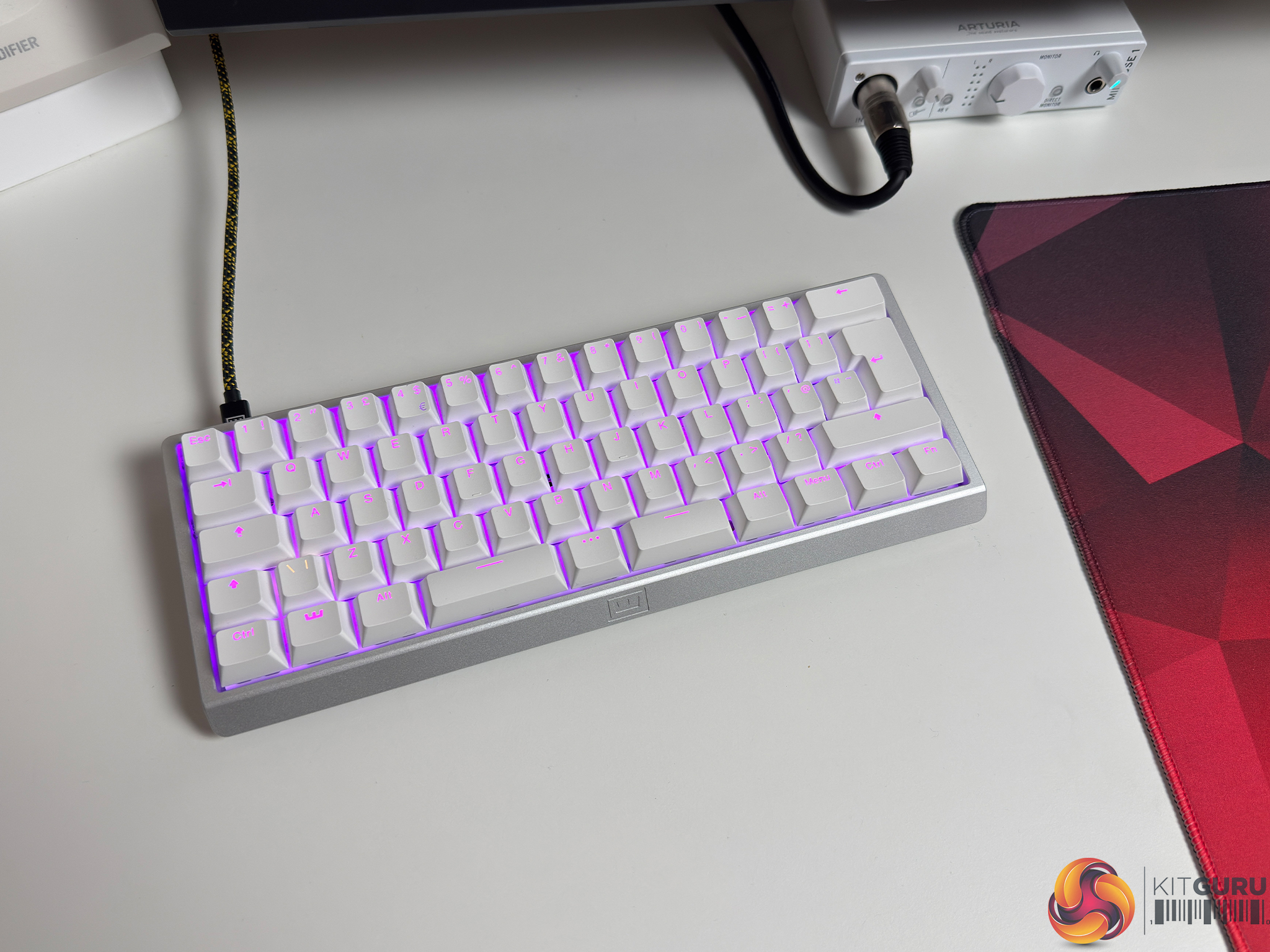
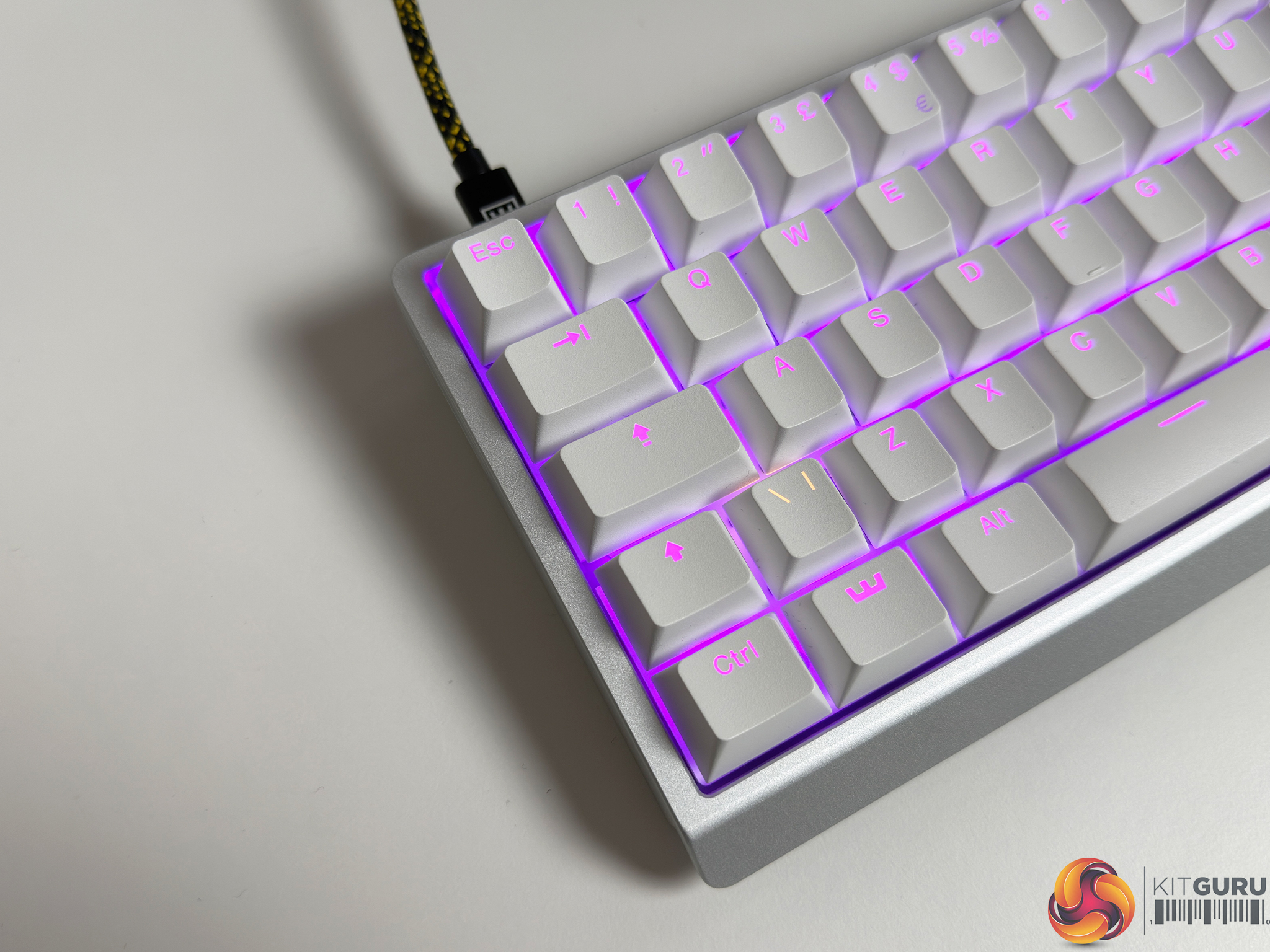
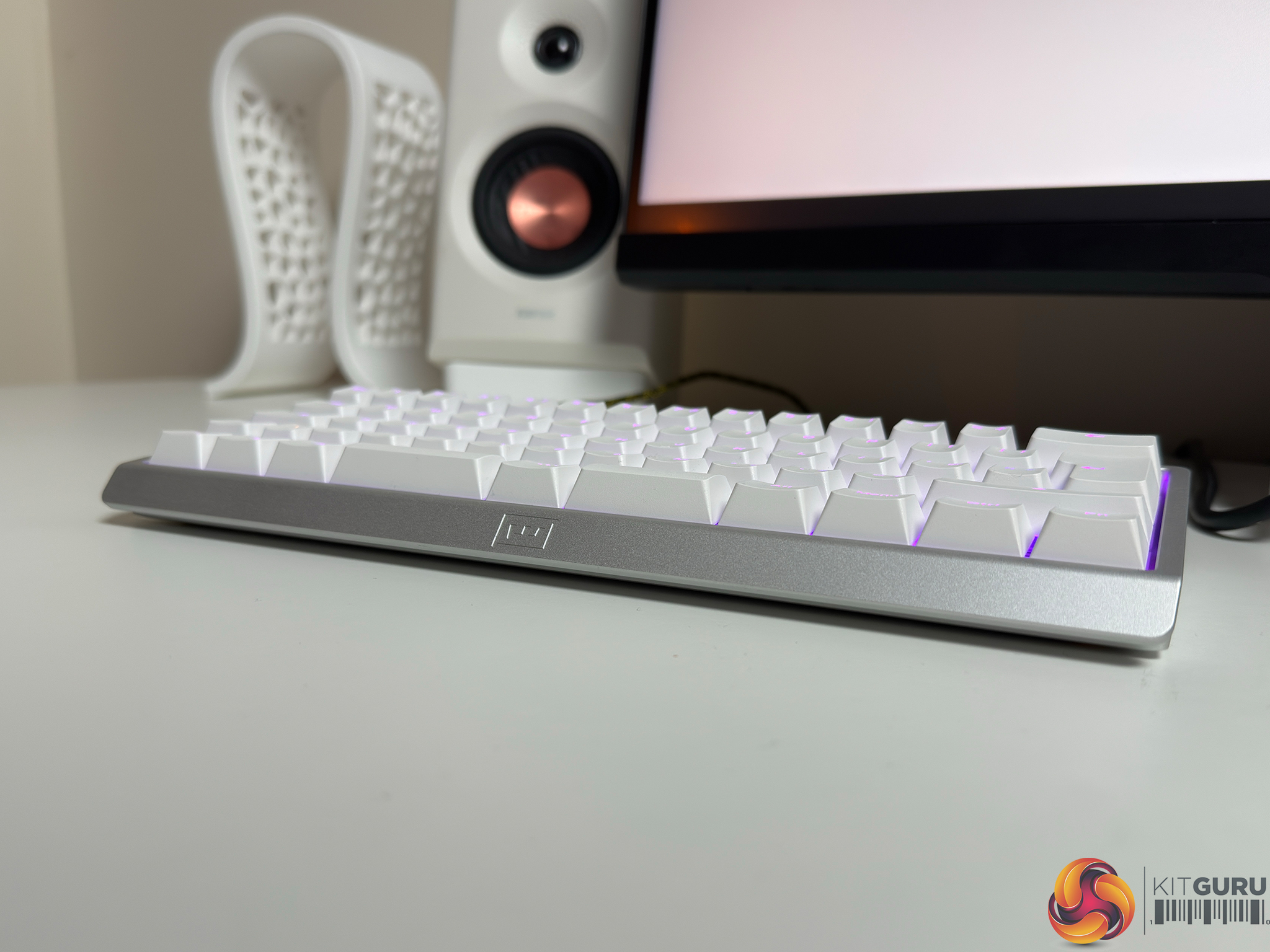
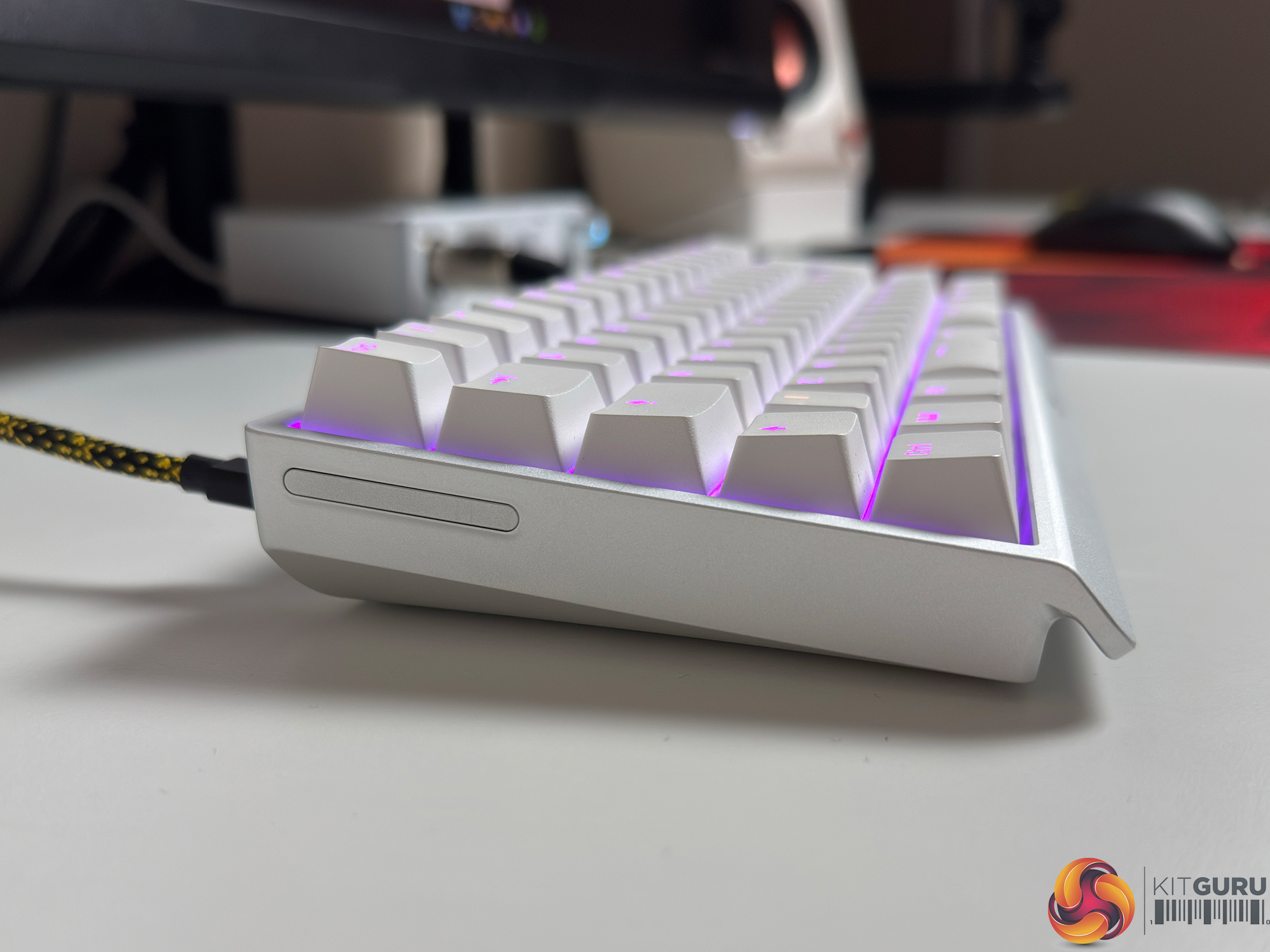
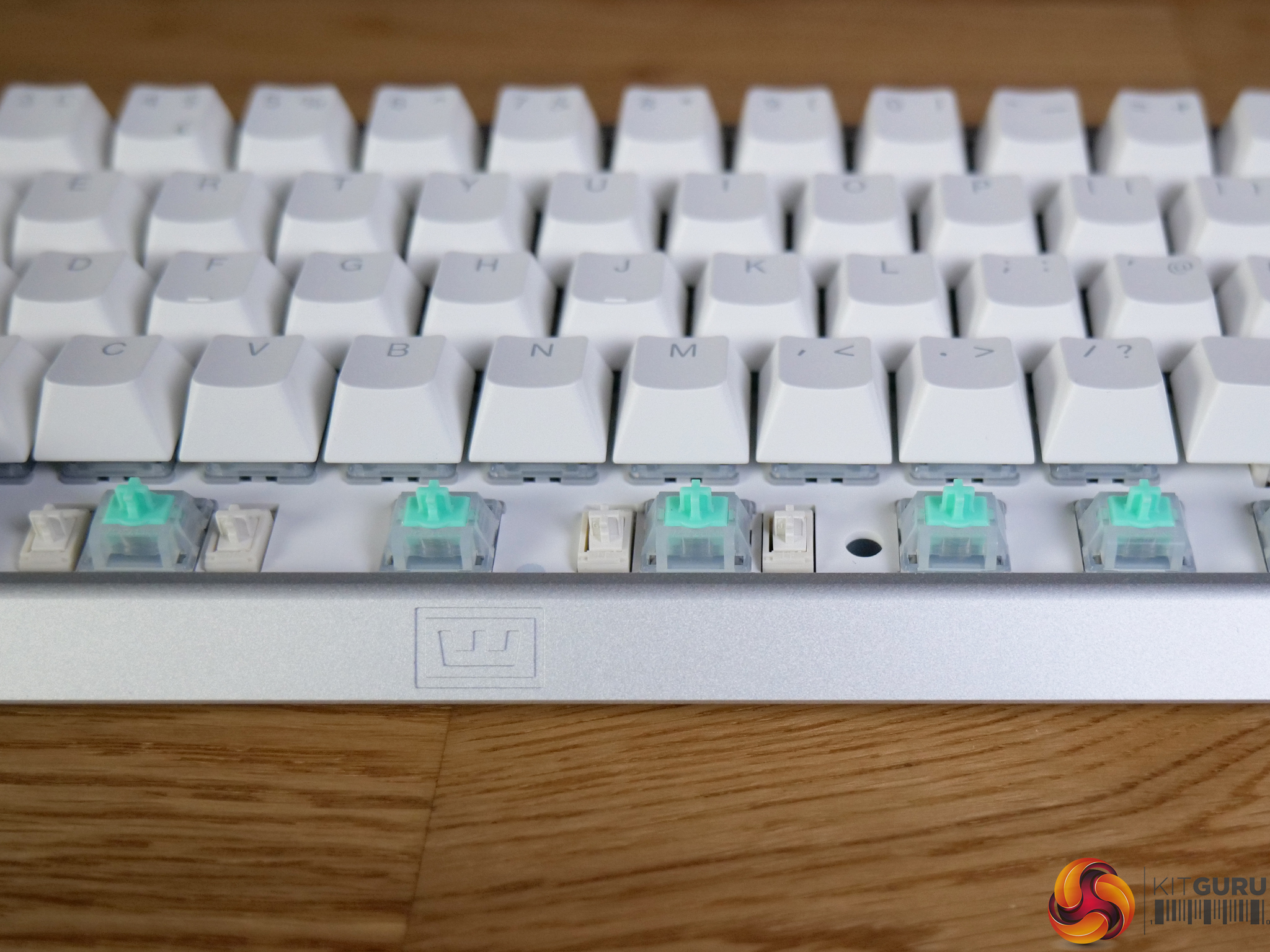
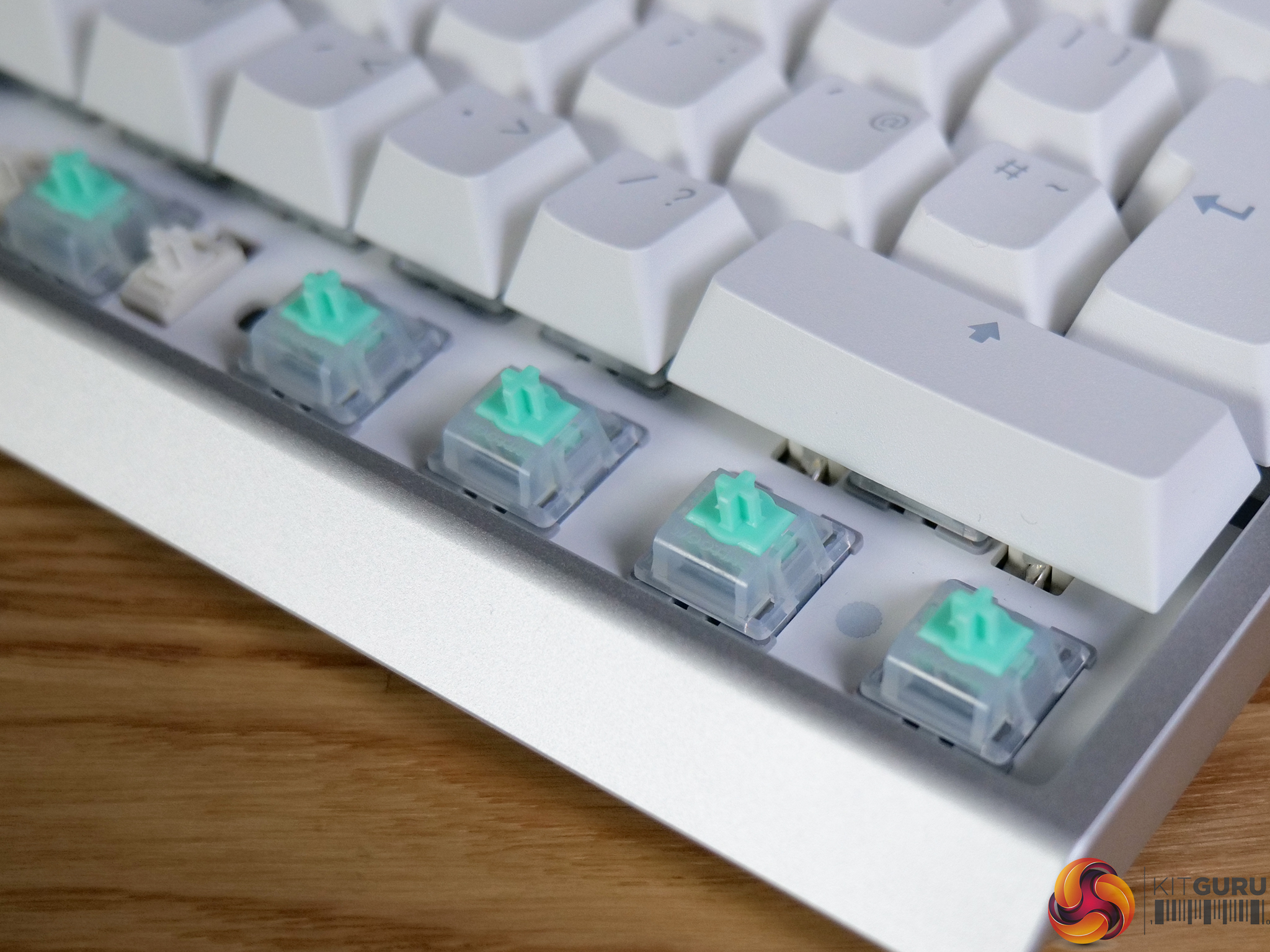
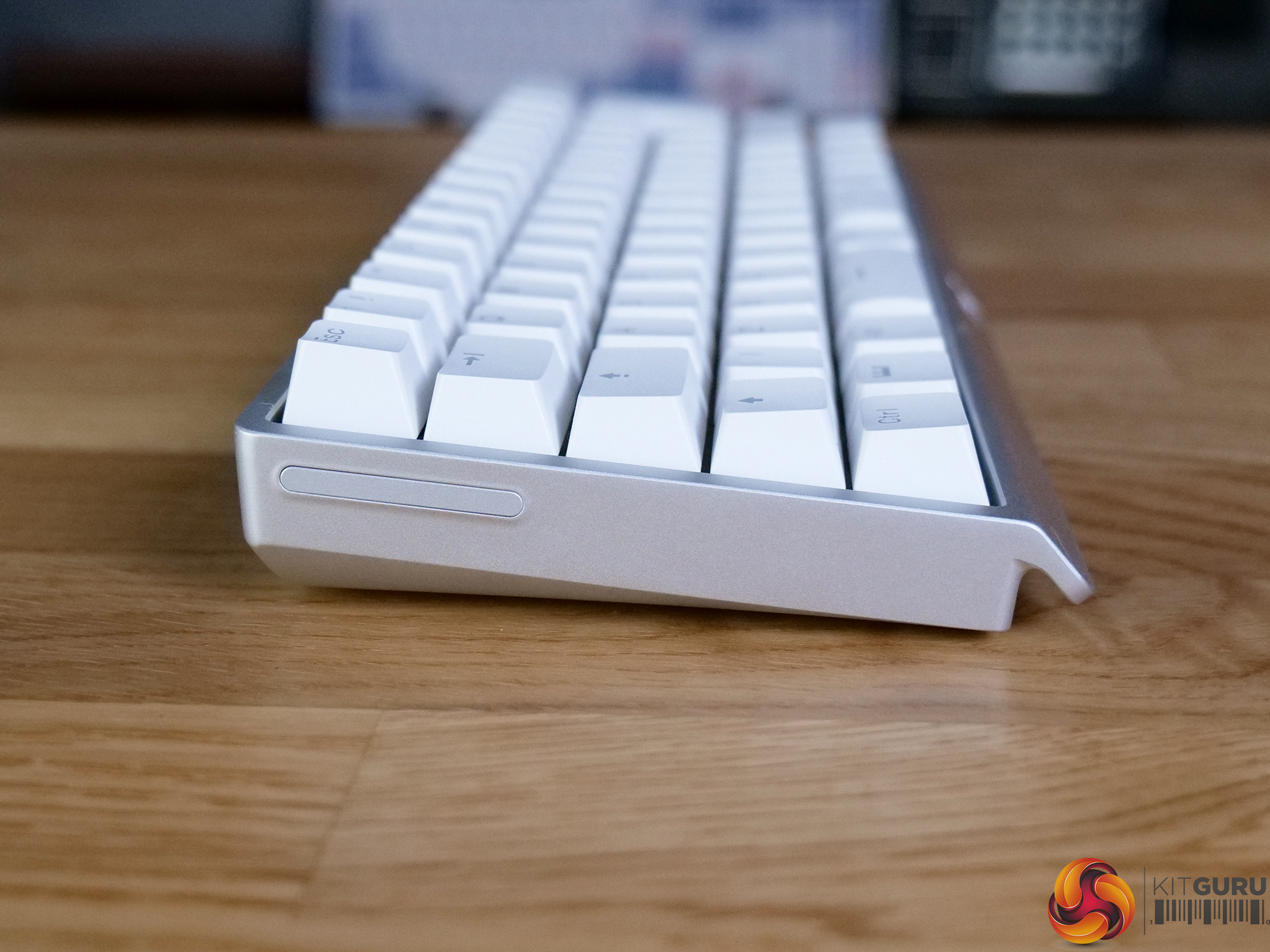
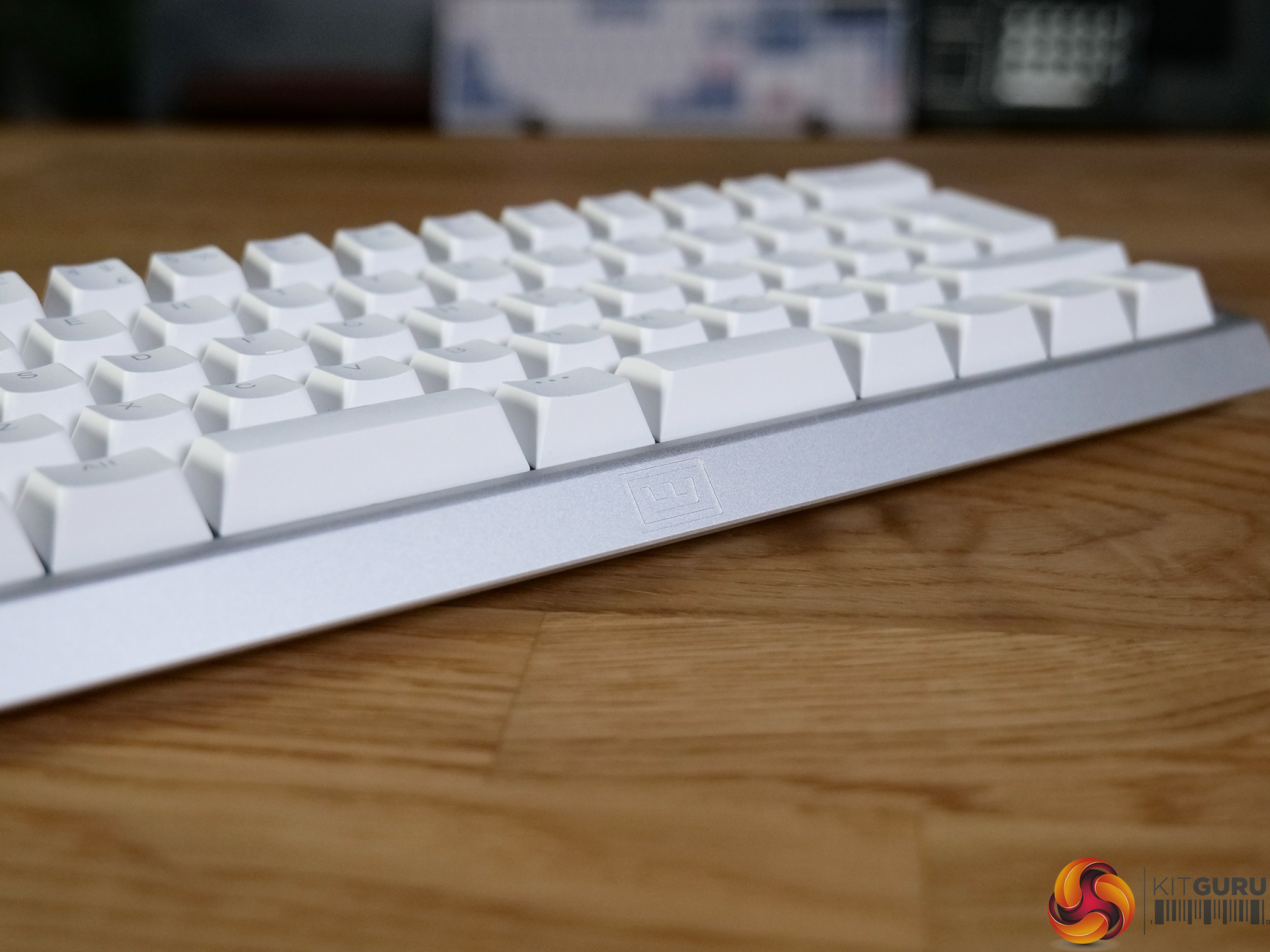
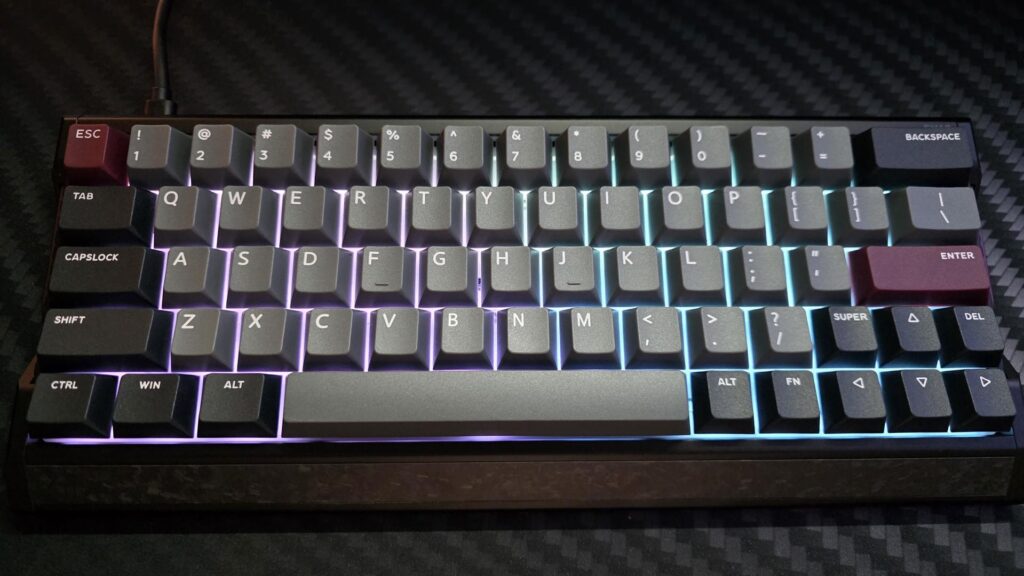
Razer has announced the Huntsman V3 HE Magnetic 8KHz line, expanding its gaming keyboard range with more options featuring Hall Effect magnetic switches and true 8000Hz polling. Available in Tenkeyless and Mini 65% form factors, the keyboards introduce new input controls alongside browser-based customisation.
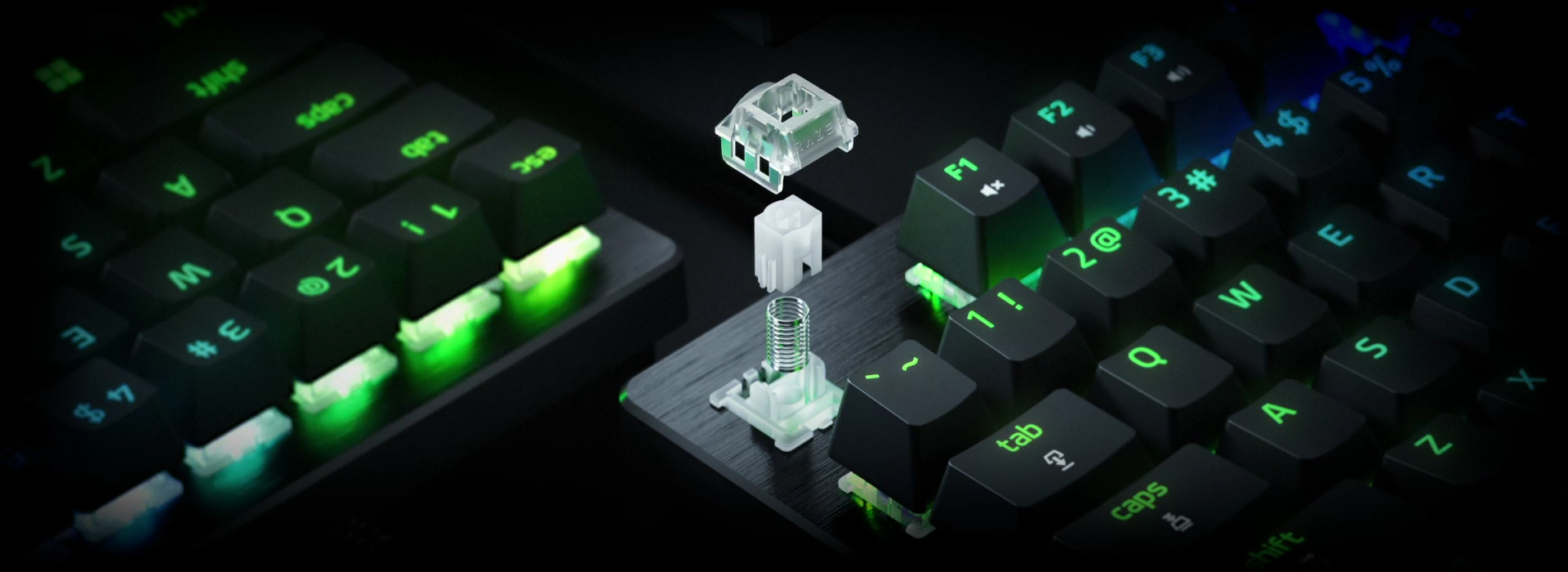
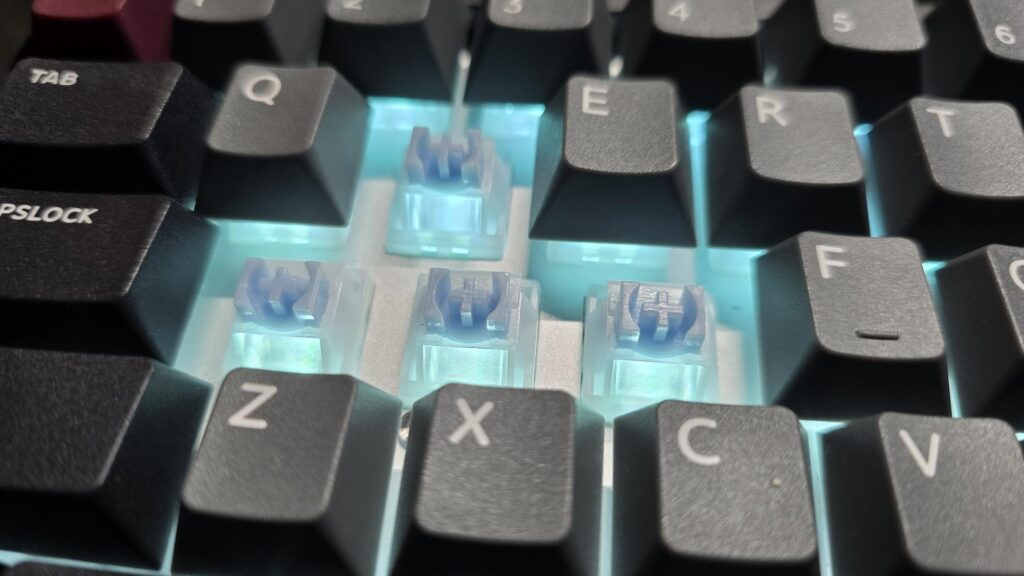
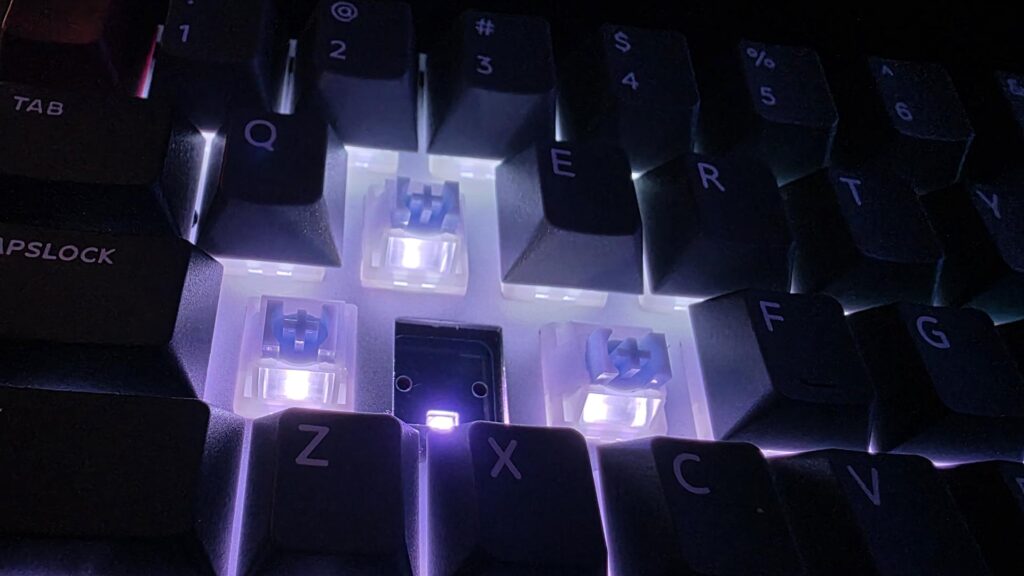
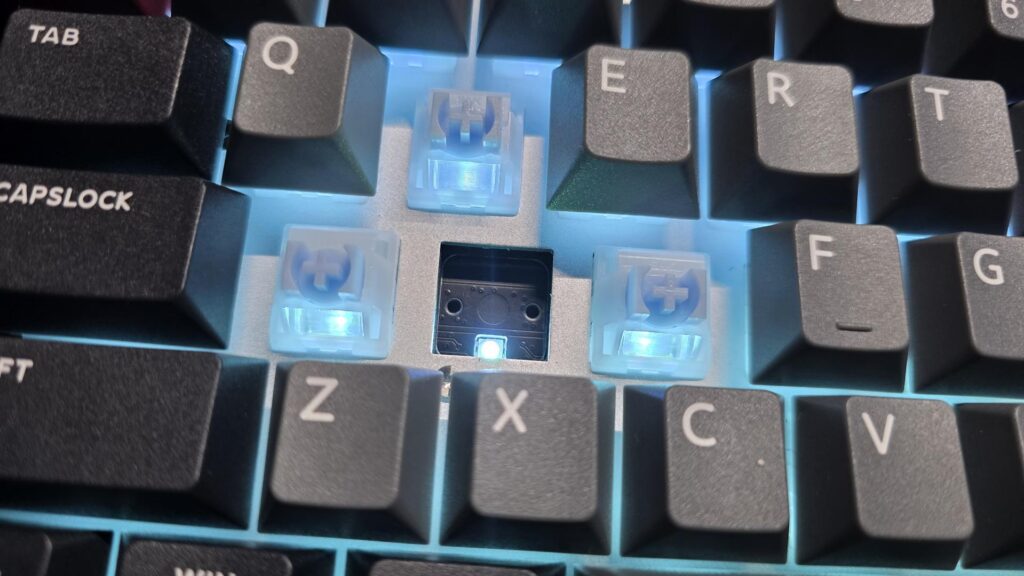
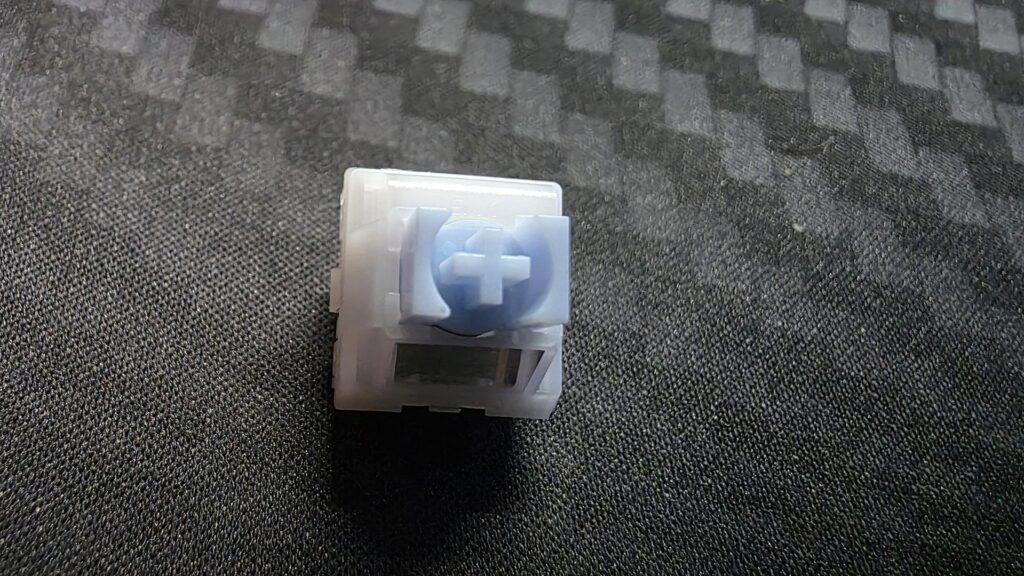
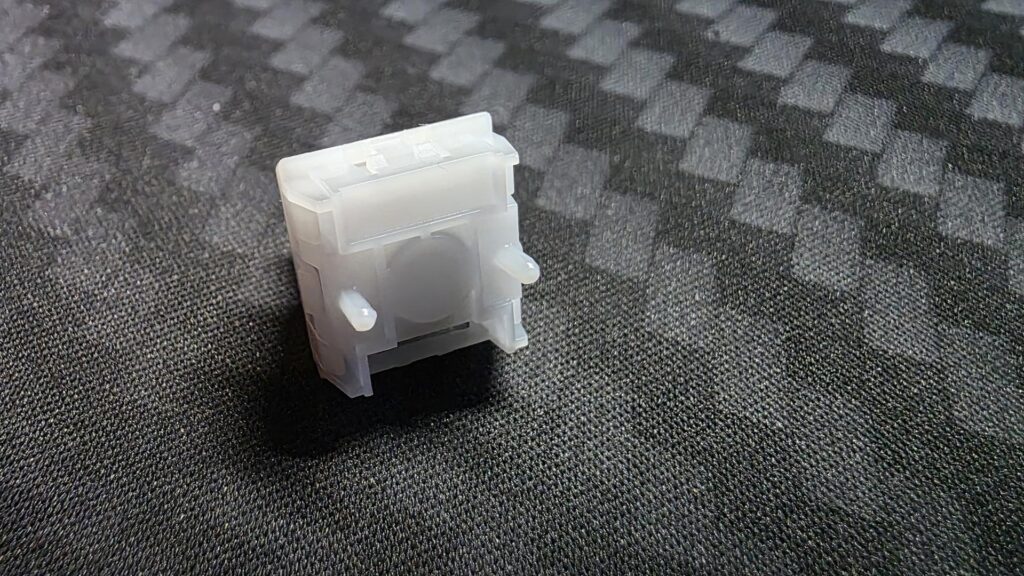
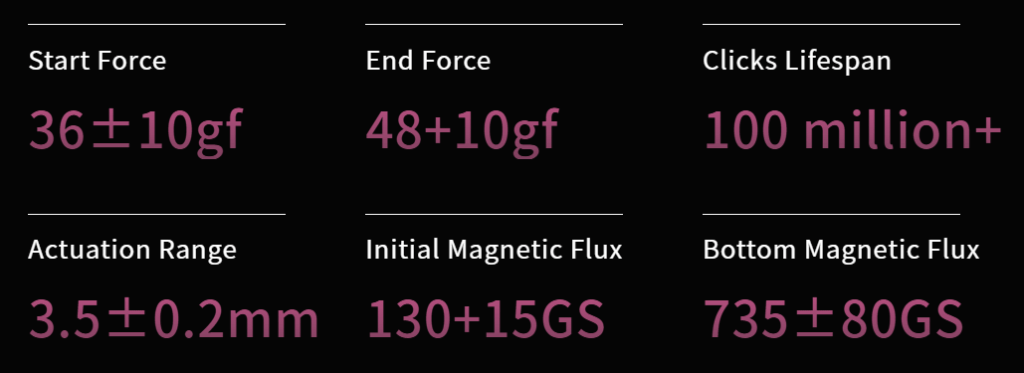
Razer equips the Huntsman V3 HE Magnetic 8KHz series with Hall Effect magnetic switches, allowing users to adjust key actuation points between 0.1mm and 4.0mm. The switches support Rapid Trigger Mode for dynamic key resets during rapid inputs, alongside a rated 100-million-keystroke life span. With a true 8,000Hz polling rate, Razer claims an average latency of 0.60ms at a 0.1mm actuation setting.
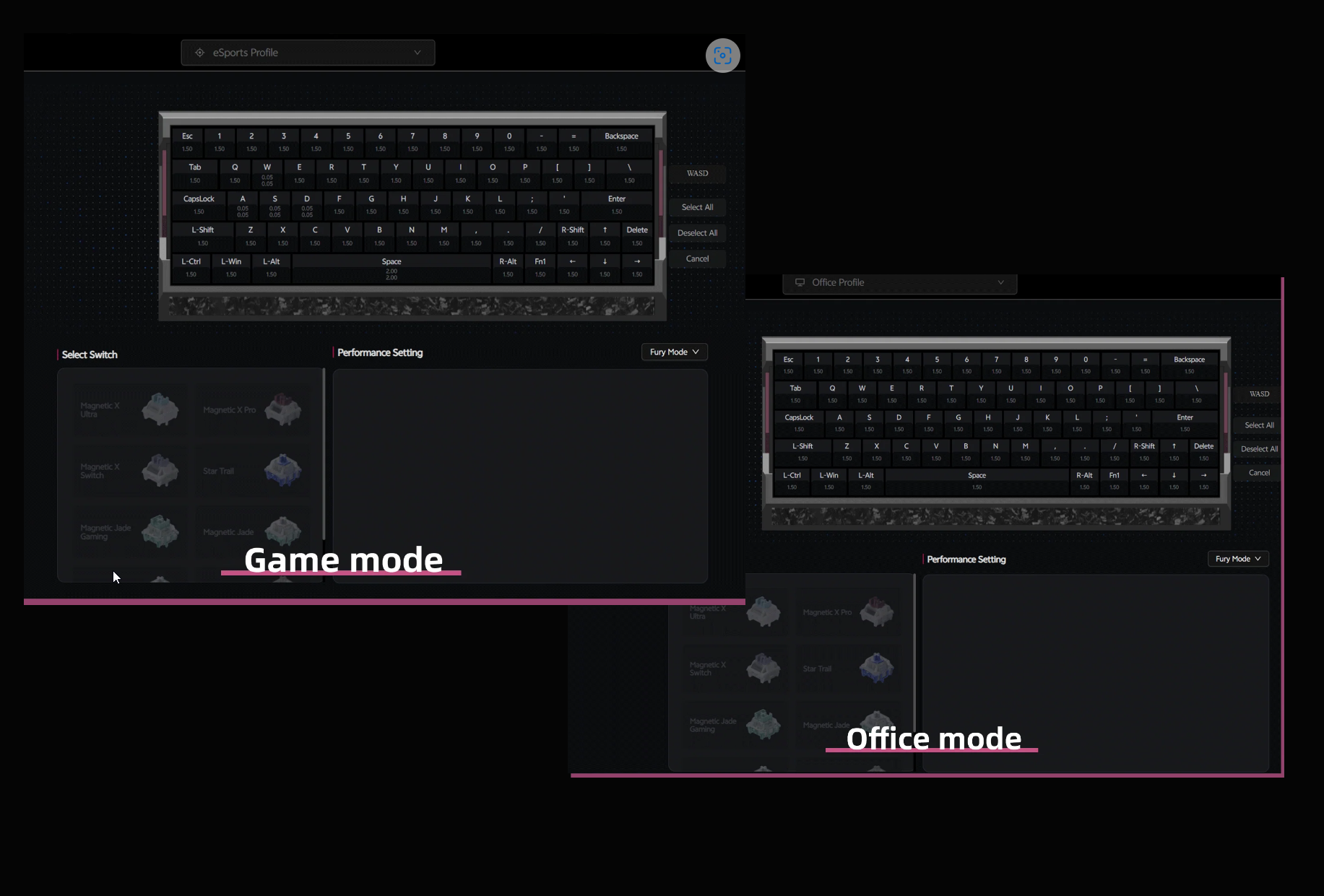
On the software side, the keyboards support advanced input features such as Razer Snap Flex, which assigns separate press and release commands to a single key. Dynamic Keystroke maps up to four actions to one key press depending on actuation depth, while Dual-Keypress Priority prevents unintended directional movement. Customisation can be done via Razer Synapse software, onboard memory, or Synapse Web, a browser-based utility that requires no local software installation.
Both models are now available, with the 65% model starting at £119.99/$119.99/€129.99 and the Tenkeyless at £139.99/$139.99/€149.99.
KitGuru says: Razer's inclusion of browser-based Synapse Web control alongside 8000Hz polling and adjustable HE magnetic switches brings welcome flexibility to setups. Of the two models, which one would you prefer?
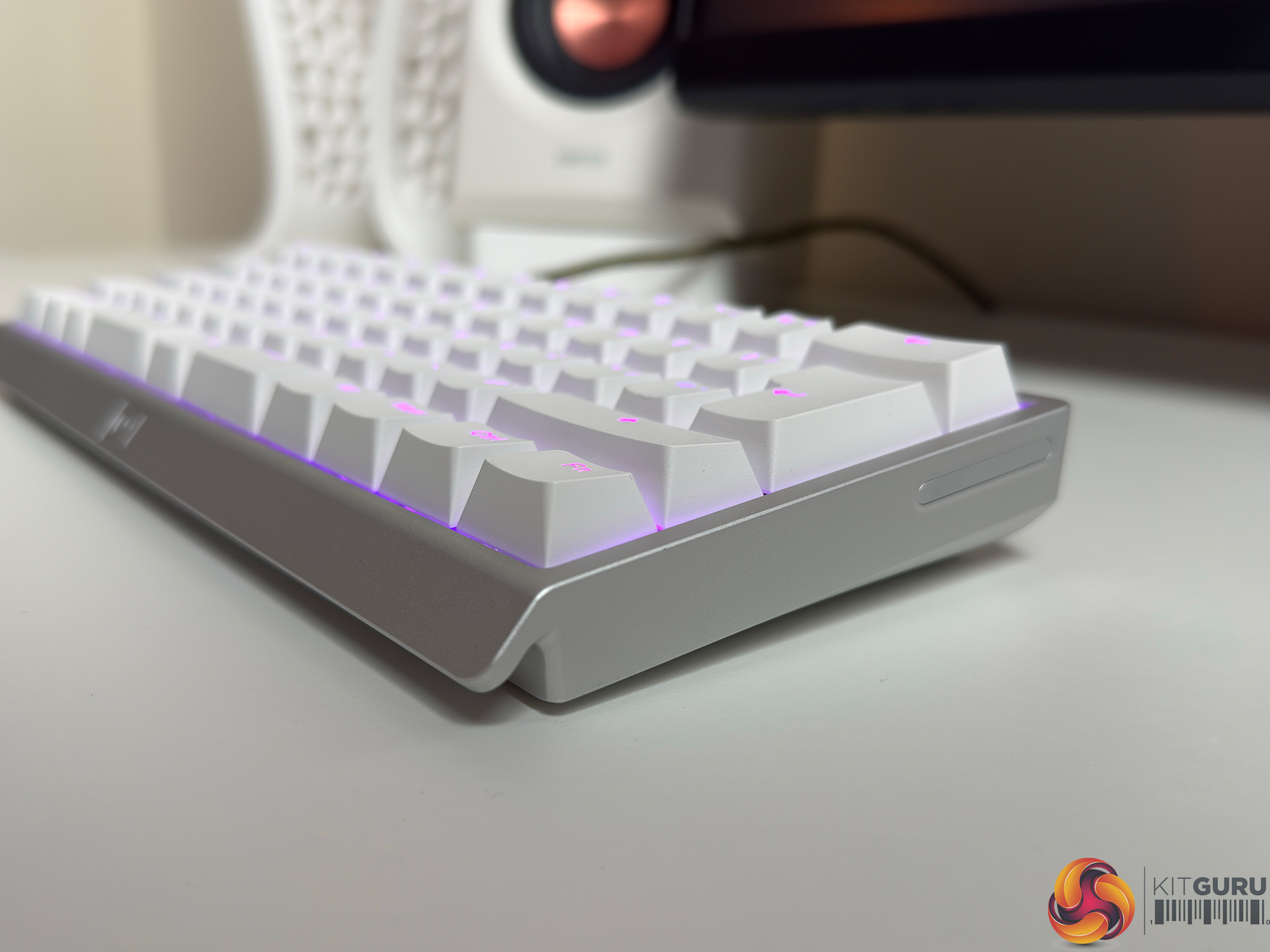
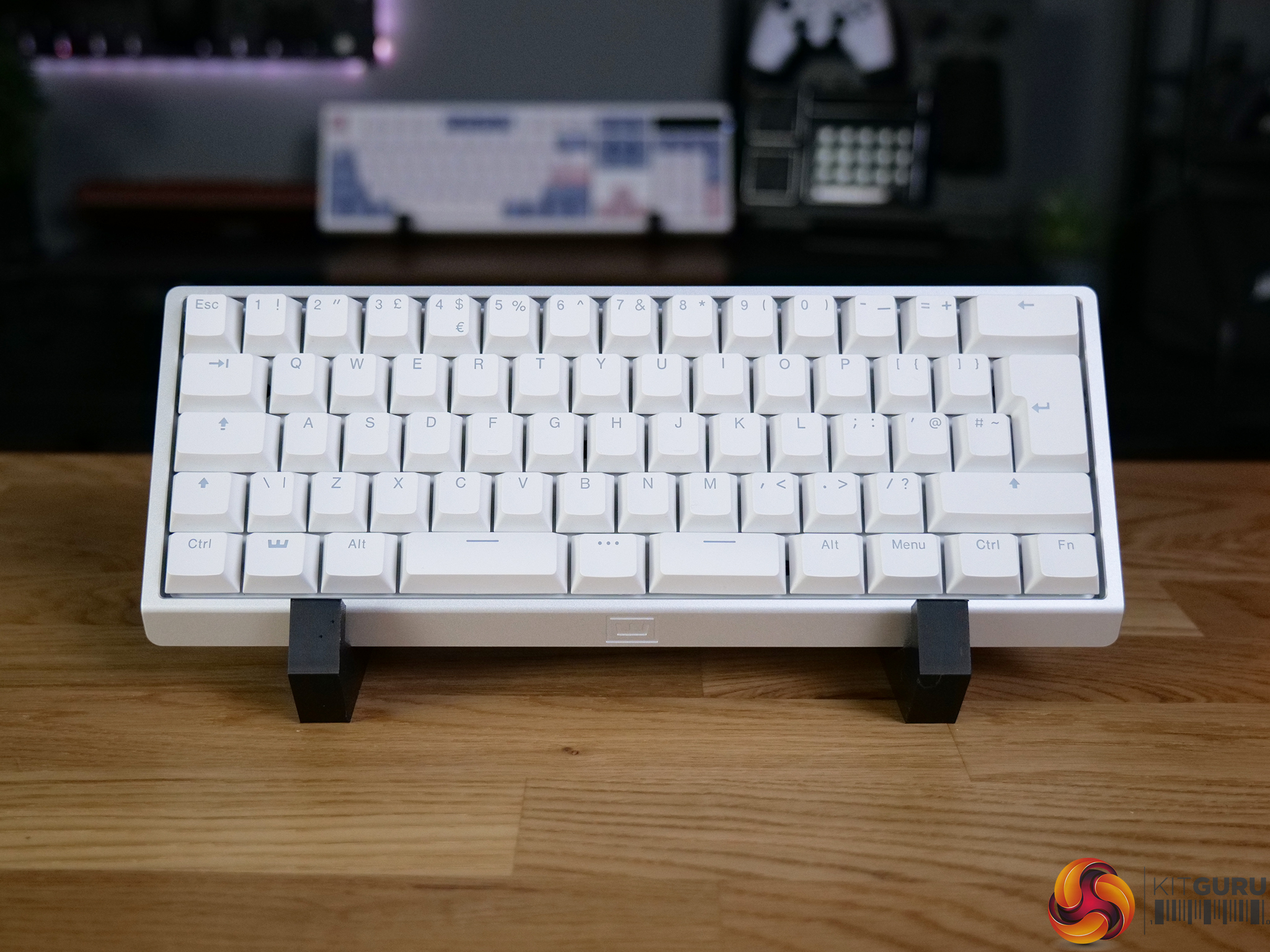
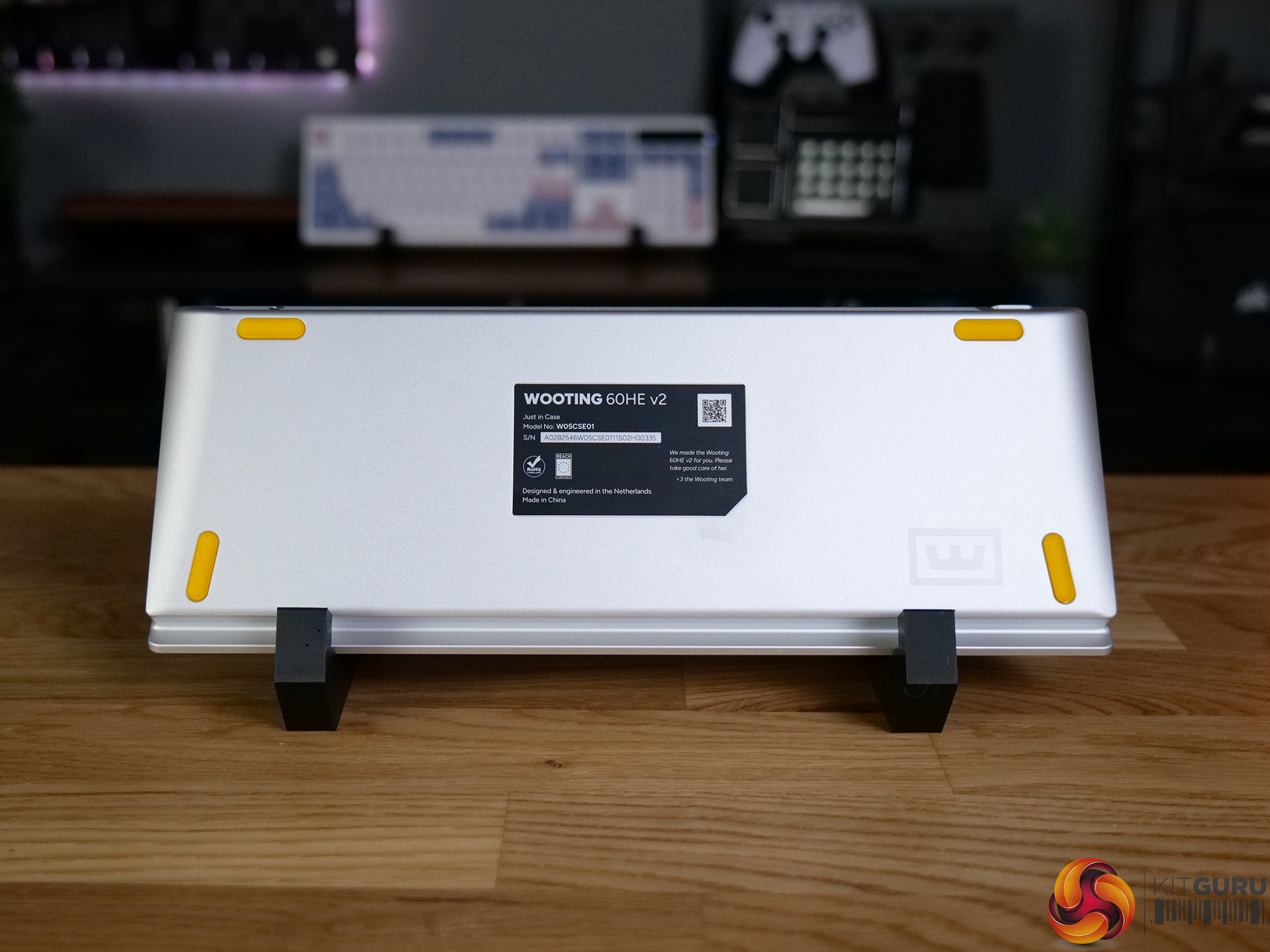
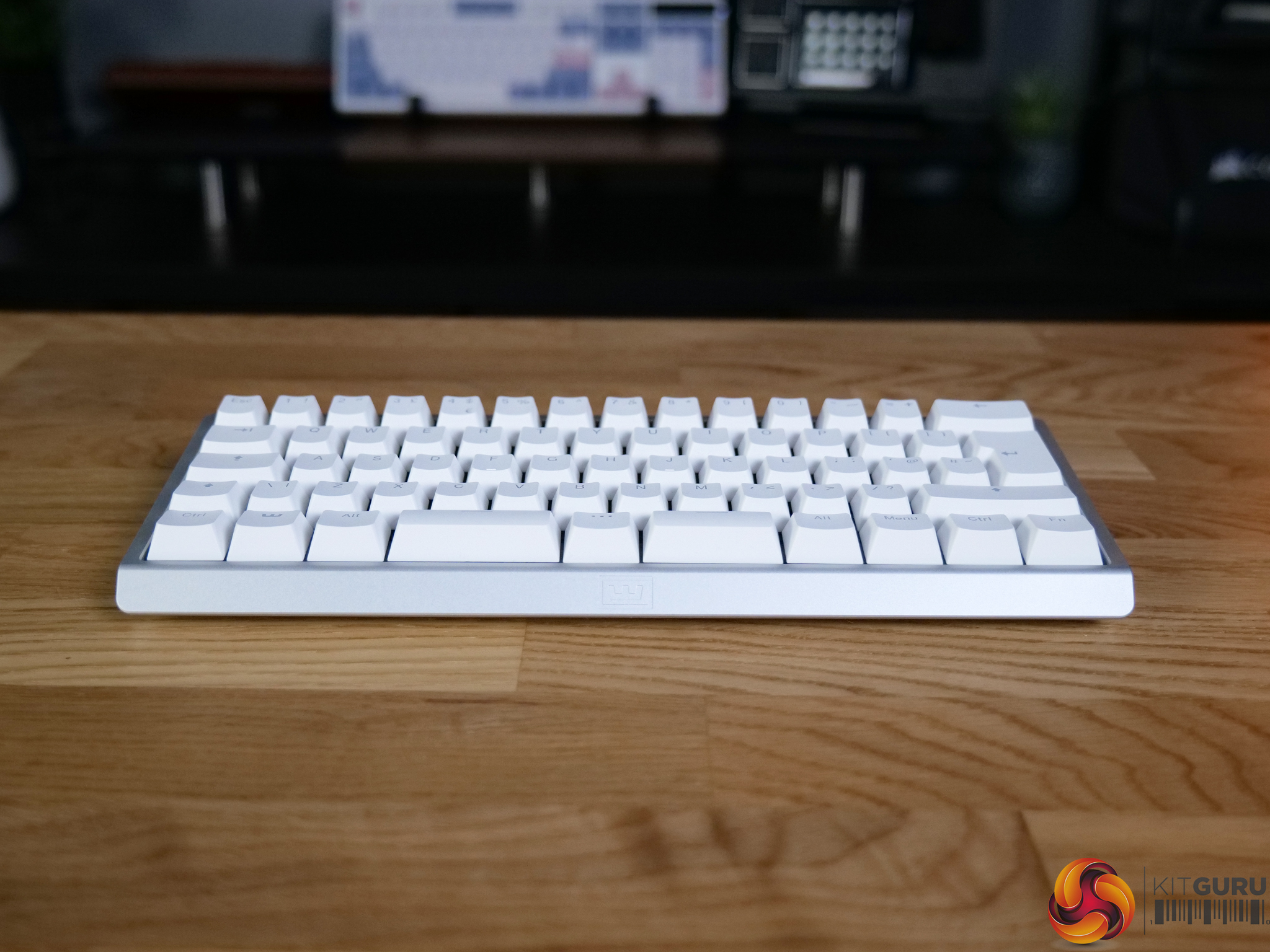
The Wooting 60HE V2 is one of the most talked-about hall effect keyboards on the market, and for good reason. Built around magnetic switches and packed with features like rapid trigger, adjustable actuation and SOCD, it’s aimed squarely at competitive gamers. But with a price tag to match its reputation, does it actually deliver where it matters?
Timestamps:
00:00 Intro
01:20 Key info + pricing
02:24 Design
04:33 Let’s talk gaming features
07:10 Internals + DIY elements
08:25 Soundtest
09:39 Wootility web software
11:48 Closing thoughts
Specifications
Switches – Lekker Tikken Medium
Keycaps – PBT, ABS and Dye-sub options available
Case – ABS or Aluminium
Stabilisers – Screw-in stabiliser
Switch Plate – FR4
Sandwich Pad – HD Poron Sandwich & Silicone Friction Fit Pad
PCBA – GH60 (60%)
Cable – 2 meter USB-C to C nylon braided cable
Dimensions – 305 x 115 mm | 12.0 x 4.5 inch – 28.6mm (H) front height with OEM keycap
Weight
Aluminium version: 945 grams
ABS version: 606 grams
You can buy the 60HE V2 directly from Wooting starting at £155 HERE.
Pros:
Exceptional gaming performance.
Deep customisation options.
Premium build quality.
Excellent software (Wootility).
Strong community support.
Cons:
Expensive.
Does take some time to dial it in fully.
SOCD banned in some games.
KitGuru says: The 60HE V2 is the best gaming keyboard we've tested. It delivers excellent performance and stellar build quality.
After bringing the EV63 as the flagship Hall Effect 60% keyboard that brings an unparalleled gaming experience, IQUNIX is back with its EV63 "Ghost in the Shell" edition, which it showcased at the Computex event recently. The EV63 Ghost in the Shell is based on the standard EV63 but brings some noticeable changes to both the appearance and hardware, bringing a special experience to the desk that enthusiasts would love. I was lucky to get the EV6 Ghost in the Shell edition keyboard, which essentially retains the same core hardware foundation as the standard EV63 while introducing a unique visual […]
The IQUNIX EV63 Hall EffectKeyboard is a compact 60% gaming keyboard designed for users who want fast inputs, adjustable actuation, and a premium chassis in a desk-friendly footprint. With Hall-Effect switches, 8K polling, web-based software, and a heavy aluminum build, the EV63 is clearly targeting competitive gamers who want more than a standard mechanical keyboard.
Hall-Effect keyboards are increasing in popularity due to their adjustable actuation and rapid-trigger options, so let’s see if the EV63 from IQUNIX is a worthwhile purchase for your hard-earned money!
Specifications
Closer Look
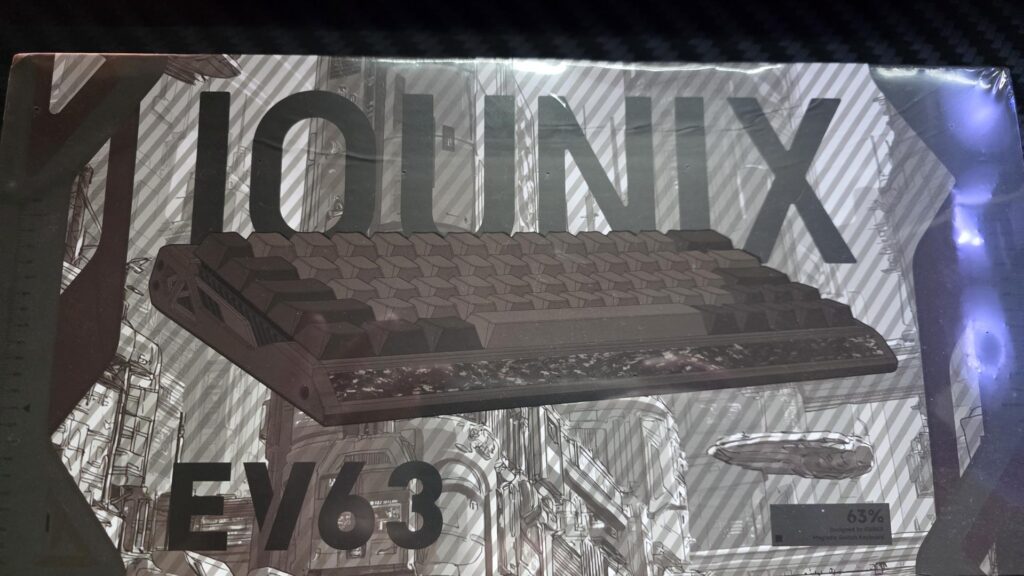
The box has a nice design to it. There is a render of the EV63 keyboard on the front with a space-like background going on.
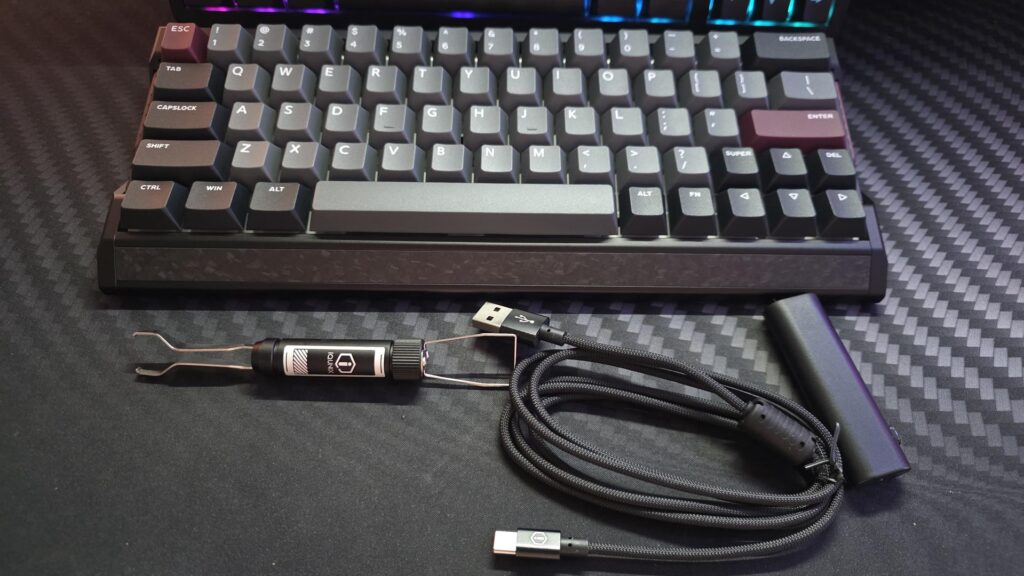
Included items in the box
Keyboard
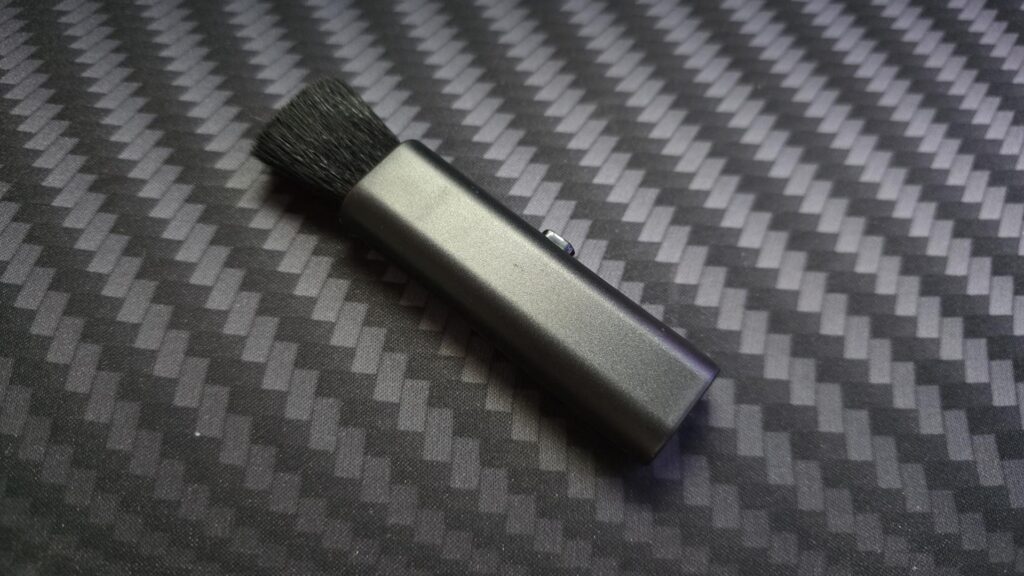
Dust brush
User manual
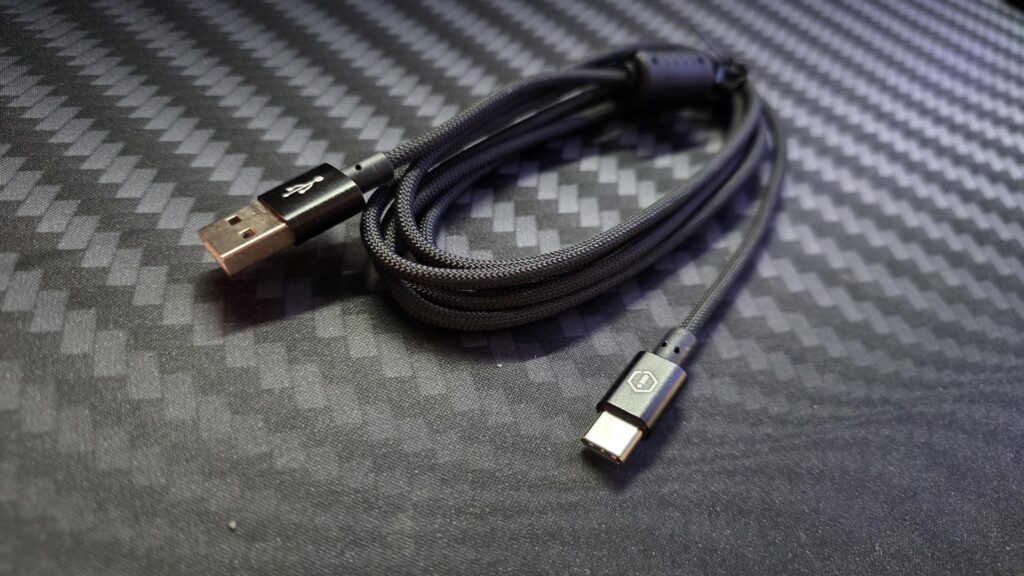
Paracord USB-C to USB-A cable, 1.5m
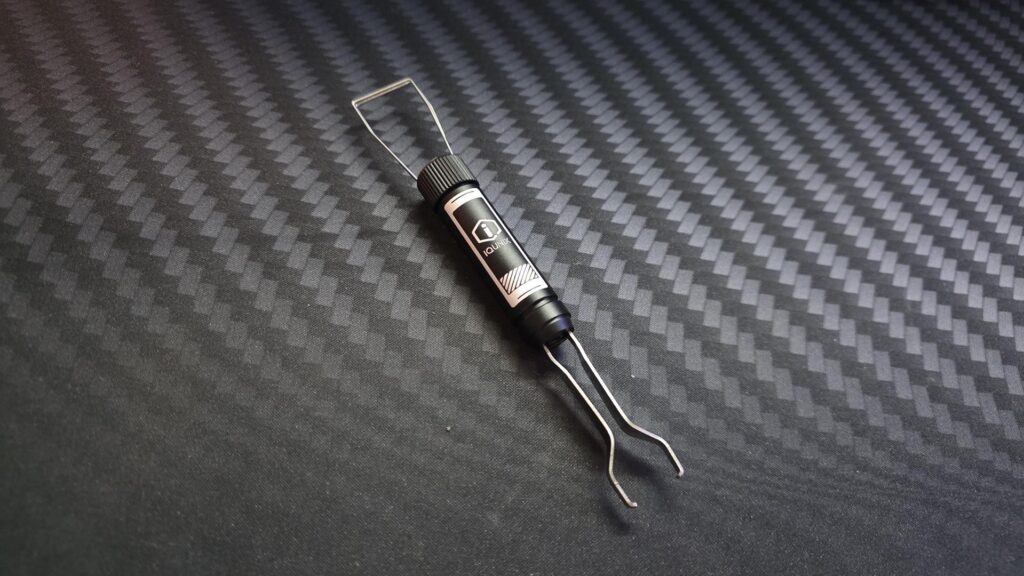
Keycap and switch puller
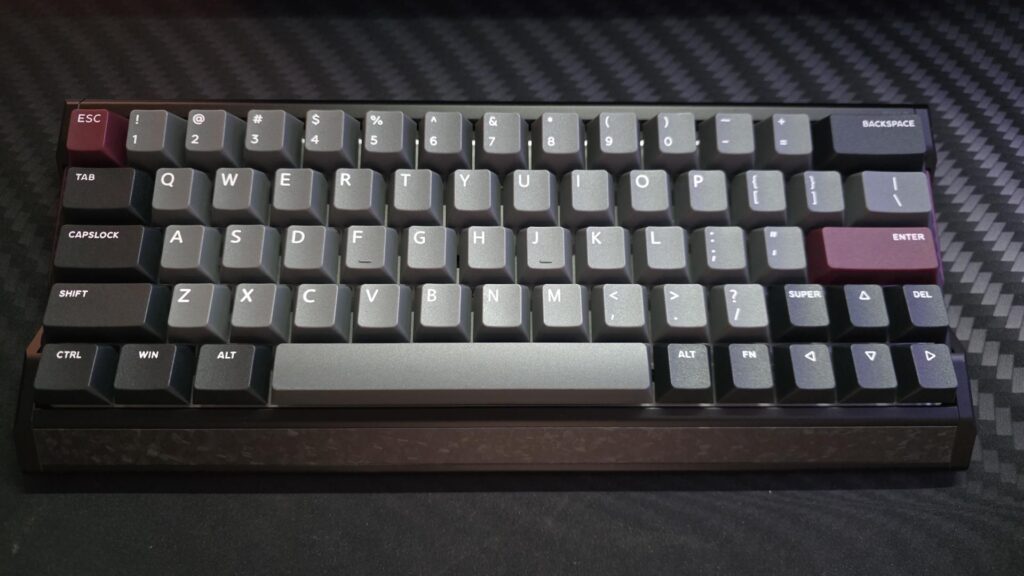
The EV63 is a 60%, so the layout is a bit different than the norm. There is no right CTRL button, and the delete button is next to the up arrow on the bottom of the keyboard instead of towards the top. There is also no shift key on the right side, which isn’t an issue per se, just something to take note of.
We have the Violet model of the EV63, which comes with PBT double-shot keycaps. In all our testing over the years, we have never run into any issues with similar keycaps, so these should last for quite some time, even with extensive gaming.
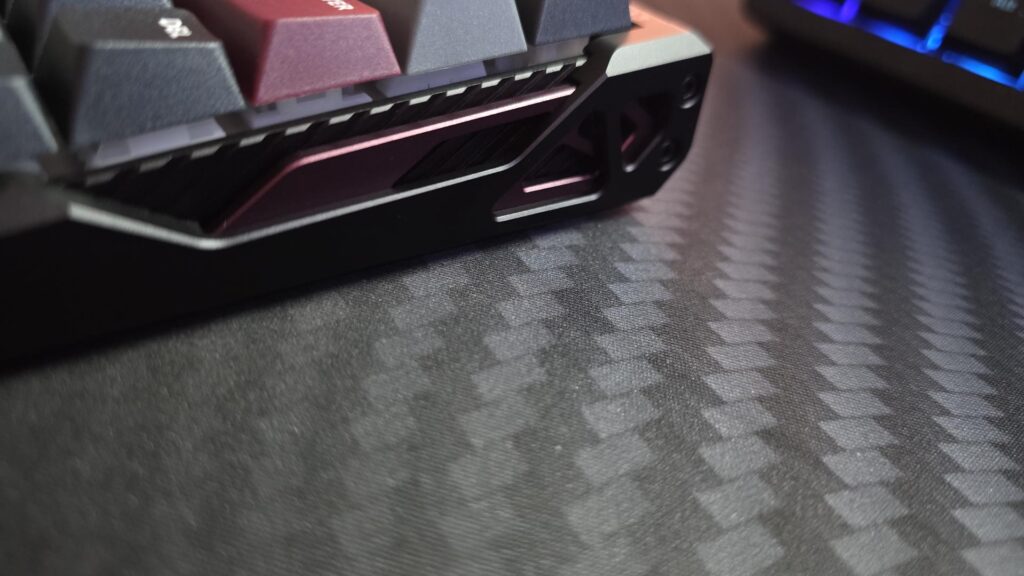
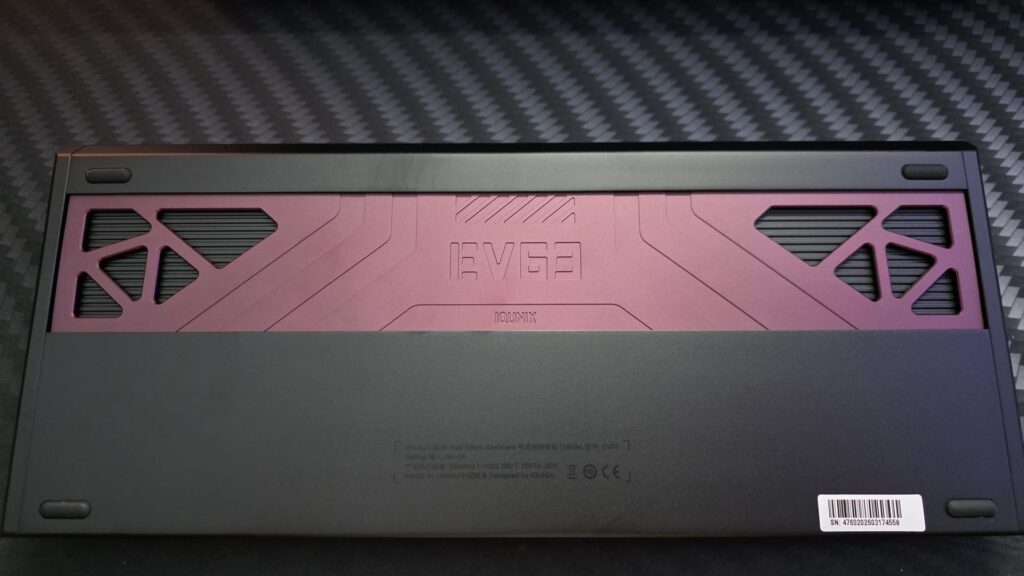
The EV63 keyboard utilizes geometric designs throughout to add an aesthetically pleasing appeal to itself. While most won’t sit there and stare at their keyboard all day, it will make you take a second glance should you see it sitting on a desk, as the design really does draw the eyes in.
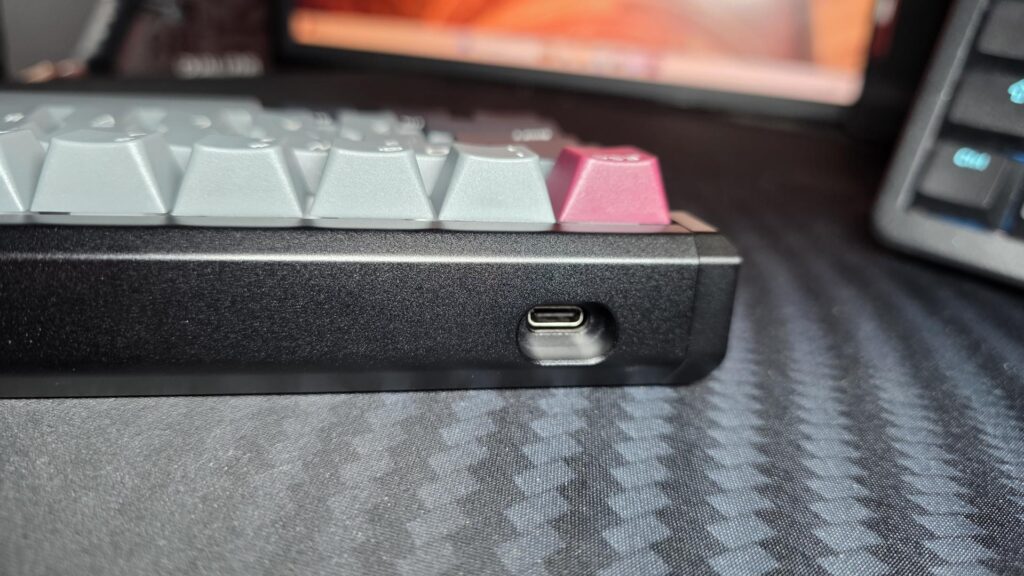
There is a single USB-C port that will be used to connect the EV62 to your PC or laptop. The EV63 can only be used in wired mode, so there are no wireless or Bluetooth options available. The reason for this is likely to make sure that the rest of the specifications live up to their desired functions.
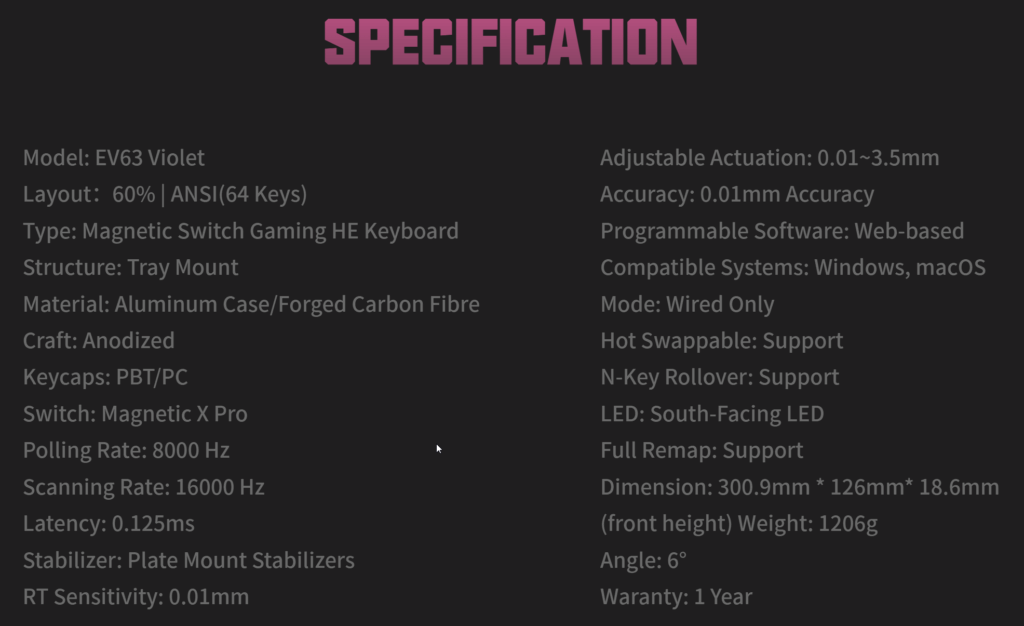
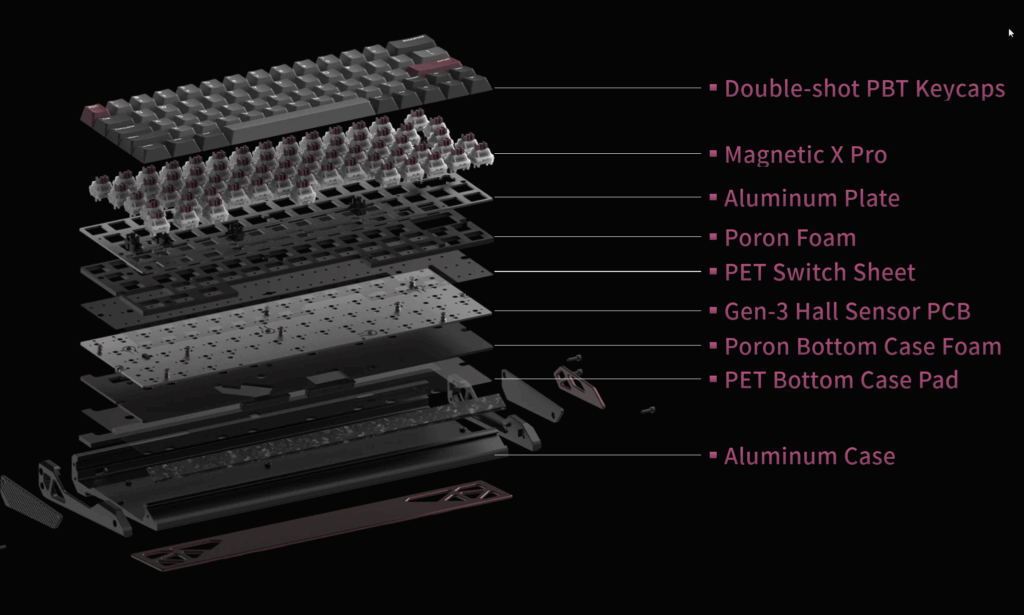
The EV62 boasts a 0.01mm Rapid Trigger function, 0.125ms Latency with 8K Polling and 16KHz scanning. The Gen-3 Rail-to-Rail Hall Sensor expands voltage tolerance by 400%, which greatly enhances the signal resolution and keystroke stability.
The RGB adds a subtle glow under the keycaps of the EV63. The keycaps easily pull off, but it is best to use the included keycap puller to do so, as while they are quite strong, they can break or bend slightly if pulled wrong.
The switches themselves can also be taken out using the included switch puller. It is quite easy, but again, best to do it properly and make sure you pull straight upwards when taking them out. To reinsert them, you just pop them back into place and push down firmly.
IQUNIX has gone with a custom-made in-house Magnetic X Pro Switch. It is said to have increased the bottom-out magnetic flux by 30%, allowing the switch to offer a stronger signal, precision, and consistency over other magnetic switches.
The Magnetic X Pro switches feel very smooth, as expected from a Hall Effect board. There is no traditional mechanical contact point, so the typing experience is more linear and consistent. For gaming, this works very well, but for typing, some users such as myself may still prefer the more defined feel of a traditional mechanical switch. You also have to factor in the layout of the EV63 when it comes to conventional uses; if you are used to typing on a standard keyboard, it will take some time to get used to the EV63.
The software is fairly easy to use and will allow users to set the EV63 to their desired settings. The software side is where the EV63 separates itself from standard mechanical keyboards. Being able to adjust actuation, remap keys, and use gaming-focused features such as SOCD and DKS gives the board a level of flexibility that competitive players will appreciate.
Testing and Usage
Feature
Claimed spec
Polling rate
8000Hz
Scanning rate
16000Hz
Latency
0.125ms
Rapid Trigger sensitivity
0.01mm
Adjustable actuation
0.01–3.1mm / also listed elsewhere as 0.01–3.5mm
Accuracy
0.01mm
When it comes to gaming, the EV63 is amazing, and the responsiveness is second to none. One of the biggest advantages it offers is that users can customize their actuation to their desired settings, offering a better overall experience, even for competitive gamers.
For a Hall Effect gaming keyboard, the EV63 has a surprisingly refined sound profile. The internal foam and solid chassis help prevent the board from sounding thin or hollow, while the larger keys feel well-controlled out of the box.
Final Words
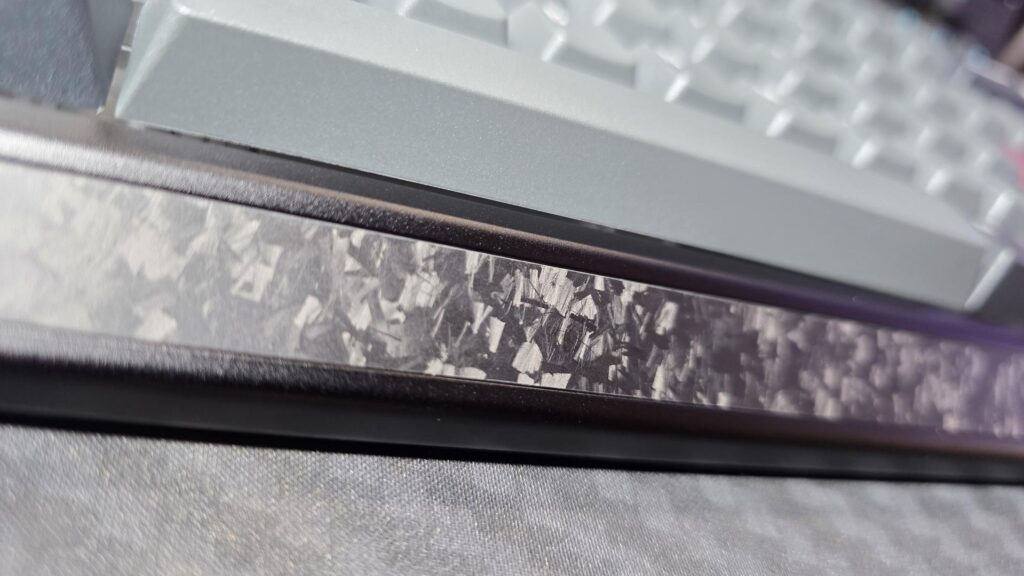
The EV63 is priced in premium Hall Effect territory, but it also feels more premium than many gaming-first boards thanks to its aluminum/carbon-style build, compact design, and strong feature set. The main question is whether you value the design and materials as much as the performance. It is currently available for $169.00 USD directly from IQUNIX.
It is a premium keyboard that comes with a premium price tag. However, if you are a serious gamer that is in the market for something compact, that offers amazing performance and plenty of customization, this could well be worth a look. The Hall Effect switches, 8K polling rate, and rapid trigger sensitivity are going to give gamers, especially FPS gamers, the upper hand over their soon-to-be fallen enemies.
While the EV63 Hall Effect Keyboard may not be for everyone, those who are in need of something like this will appreciate all it has to offer. It comes with a 1-year warranty, which does feel a bit short, especially given the craftsmanship of the keyboard. In the future, it would be nice to see a bit longer warranty when asking such a price for what seems to be a great keyboard.
A large section of the PC gaming community loves modularity, and modular keyboards are not uncommon. Most modular keyboards offer customizations to the switch level, allowing you to swap the stock switches with different ones. RGB customizations are common even on non-modular keyboards, and that's something quite usual on most RGB keyboards. Epomaker took a different approach to modularity, and apart from swappable switches and RGB customizations, you are also seeing a swappable layout on its new RT98 keyboard. The RT98 is advertised as a keyboard that "Breaks the Mold" as it offers an unusual modularity that is unique and […]
You will hardly find major differences from one magnetic keyboard to another when it comes to the core features, considering you are comparing products in the same price range. Most magnetic keyboards usually cost between $120-$200, making them less affordable than traditional mechanical keyboards, but they have a significant upper hand when it comes to performance. Having tested some magnetic keyboards from various vendors, I thought about trying the IQUNIX EV63, which has been marketed as an "entry-level" magnetic switch keyboard. Despite the entry-level tag, it costs a whopping $189, but seeing the faces of professional players on the official […]

 Login
Login