NVIDIA is back with another big giveaway, and this time it wants you to submit an NBA 2K27 Poster for a chance to win a custom RTX 5090 GPU. NVIDIA Announces NBA 2K27 Poster Challenge, Allowing Four Lucky Gamers to Win a Custom-Themed GeForce RTX 5090 GPU NVIDIA has announced its latest giveaway based on the latest NBA title. The company usually runs such giveaways several times a year, and this time it is offering NBA 2K27 players a chance to win the flagship Blackwell GeForce RTX 50 series card. However, unlike most giveaways, NVIDIA will select four winners this […]
Stumbling upon an excellent gaming PC deal during the DRAM shortage is a distant dream, but there are moments when buyers truly strike gold, and the strangest thing about these occasions is that they happen when you least expect them to. A customer heading into a Costco outlet was shopping for toilet paper when he came across a powerhouse of a gaming PC, the MSI Aegis ZS2, which came with an RTX 5080 and other impressive hardware to futureproof you for several years. Best of all, the purchase cost him $2,100. Despite the higher price tag, the customer requested manager give him […]
A new update has dropped, suggesting significant price hikes for the NVIDIA RTX 50 series GPUs. Major NVIDIA AIBs Set to Increase RTX 50 Series Prices as "Insufficient" Supply Forces Vendors to Cut Down Supply This Month Starting this month, we published two reports from ChannelGate, highlighting the new price hikes NVIDIA's board partners have implemented. This includes major and popular brands like ASUS and GALAX, as well as included MSI, GIGABYTE, and Inno3D, all of which have increased the prices for most GeForce RTX 50 series models. Now we have another update, which suggests that some higher-end GPUs might […]
This might be the 3rd or the 4th price hike this year, if we recall correctly, and three SKUs will be affected. NVIDIA Board Partners Implement New Price Hikes as Memory Becomes More Expensive; RTX 5080, RTX 5070 Ti, and RTX 5070 are the New Affected GPUs Starting this month, we have new price adjustments from a few NVIDIA board partners. The report from Channel Gate suggests that two of NVIDIA's board partners have decided to raise the prices of some of the GeForce RTX 50 series GPUs. This might be the 3rd or 4th time we are hearing about […]
A customer got scammed by a shady Amazon seller as he received a different item than what he ordered. User Orders $1400 RTX 5080 From Amazon, Receives a Vacuum Mug With Phamplet With a Fake Amazon Email Address for Refund Amazon scams do happen occasionally, and in some cases, it's because of ordering from a third-party seller. It's crucial to check whether a product is "sold" and "fulfilled" by Amazon, as this reduces the chances of any scams. Nonetheless, there are third-party sellers who have been doing shady business, buying fake ratings while misleading customers. Looks like the Reddit user […]
NVIDIA's DLSS 5 marks a major shift for the company's AI-powered graphics technologies, using Neural Rendering to enhance lighting, materials, skin, hair, and other visual elements in real time. NVIDIA is positioning it as a “significant step” toward more photorealistic game graphics, while still giving developers and artists control over how the effect is applied. Although DLSS 5 isn't officially available in games yet, PC gaming enthusiasts have already managed to get an early and unofficial version working. An experimental runtime library shipped with the early access PC build of NBA 2K27, and members of the RenoDX Discord server quickly […]
The latest Game Ready Driver appears to provide noticeable performance uplifts in synthetic benchmarks. GeForce Game Ready Diver 616.56 Reportedly Brings Major Compute Improvements; CUDA and OpenCL Workloads Apparently Benefitting the Most NVIDIA released its latest Game Ready Driver 616.56 two days ago, and with it, the company introduced noticeable performance improvements, which is often not the case with every driver update. As per the testing and benchmark results shared by the X user @opinali, the latest driver delivers substantial improvements across several compute and rendering workloads. The most significant of all is the 3DMark DirectX Raytracing path-tracing test that […]
The latest version of mVolt has exposed hidden Blackwell controls, allowing overclockers to push their GPUs beyond their default limits. New mVolt+ v0.36 Controls Allow Enthusiasts to Push RTX 5080 to 680W and RTX 5090 to 700W Without Shunt Modding At the default limits, the RTX 5080 and RTX 5090 were already melting, but now a tool called mVolt+ is pushing those GPUs beyond the default TDPs. With TDPs going beyond the default limits, we don't know if the GPUs will operate safely for a longer period, but this is exactly what the enthusiasts were looking for. The latest mVolt+ […]
An ultra-premium GPU like the ASUS Astral RTX 5080 isn’t a purchase for the faint of heart because, at $1994.45 on online retailers like Amazon, the graphics card crosses the price of high-end gaming laptops. However, one customer shows proof that he purchased the same card for less than $700, but the transaction was made on AliExpress. If you thought he acquired the deal of a lifetime, you’re about to read some glaring red flags. The Astral RTX 5080 is likely to have a modified firmware, or it just won’t ship out to the customer at all The images shown by […]
ASUS has reportedly raised the prices of several NVIDIA GeForce RTX 50 series graphics cards, adding more pressure to the GPU market. Some AMD Radeon cards have also become more expensive.
The latest increases are mainly being reported in China and come after earlier price rises linked to higher memory costs. With GPU memory prices continuing to climb, graphics cards are once again getting harder on the wallet.
RTX 5070 Ti and RTX 5080 see big increases
The GeForce RTX 5070 Ti is one of the clearest examples of the latest price jump.
A 16GB RTX 5070 Ti was reportedly selling for around 7,200 yuan in November 2025, which was roughly £790 at the time. The price later increased to around 8,000 yuan, then reached 9,299 yuan, or about £1,020.
It has now reportedly climbed to around 10,700 yuan, which is approximately £1,175. That means the card is now around 49% more expensive than it was in November.
ASUS RTX 5080 models have also seen major increases. The TUF Gaming RTX 5080 originally launched at around £950 in the UK based on its $1,199 US launch price, but some current listings have reached roughly £1,250.
The ROG Strix RTX 5080 OC has seen an even bigger jump. It launched at $1,499, equivalent to around £1,000, while some listings are now reaching $2,099, or approximately £1,580.
That puts the high-end ASUS model well above the original price of NVIDIA’s RTX 5090 Founders Edition.
More RTX 50 series and Radeon cards affected
The price increases are not limited to the RTX 50 series including RTX 5070 Ti and RTX 5080.
The RTX 5090D V2 is reportedly getting a 4,500-yuan increase, which works out to around £495. RTX 5080 and RTX 5070 Ti models are seeing increases of between 1,500 and 1,700 yuan, or roughly £165 to £187.
The 16GB RTX 5070 and RTX 5060 Ti are reportedly increasing by around 1,000 yuan, equal to about £110. The 8GB RTX 5060 Ti is going up by around 650 to 700 yuan, or approximately £71 to £77.
The RTX 5060 and RTX 5050 are also affected, with reported increases of roughly £66 to £75.
AMD graphics cards are not escaping the latest price pressure either. ASUS has reportedly increased the Radeon RX 9070 XT by around 1,150 yuan, which is about £126. The 8GB Radeon RX 9060 XT is reportedly getting a 500 to 650 yuan increase, equal to around £55 to £71.
These are reported Chinese market price changes, so UK retail prices will not necessarily move by the same amount. Retailers can also have different prices depending on stock and supply.
Still, the latest changes are another bad sign for PC gamers. GPU prices had already risen in recent months, and another round of increases could make the RTX 50 series even less attractive for buyers looking for a good upgrade.
The recently showcased RTX 50 INFINITY graphics cards have been launched officially, including new 70 and 80-class SKUs. GIGABYTE Announces Availability of AORUS RTX 5080, RTX 5070 Ti, and RTX 5070 INFINITY Cards GIGABYTE has officially announced the availability of its AORUS GeForce RTX 5080, RTX 5070 Ti, and RTX 5070 INFINITY cards, expanding the lineup after releasing the flagship RTX 5090 INFINITY card nearly three months ago. The lineup was first showcased at Computex 2026, and GIGABYTE has brought the same design philosophy to the newer cards as seen on the RTX 5090 INFINITY. The GIGABYTE INFINITY cards utilize […]
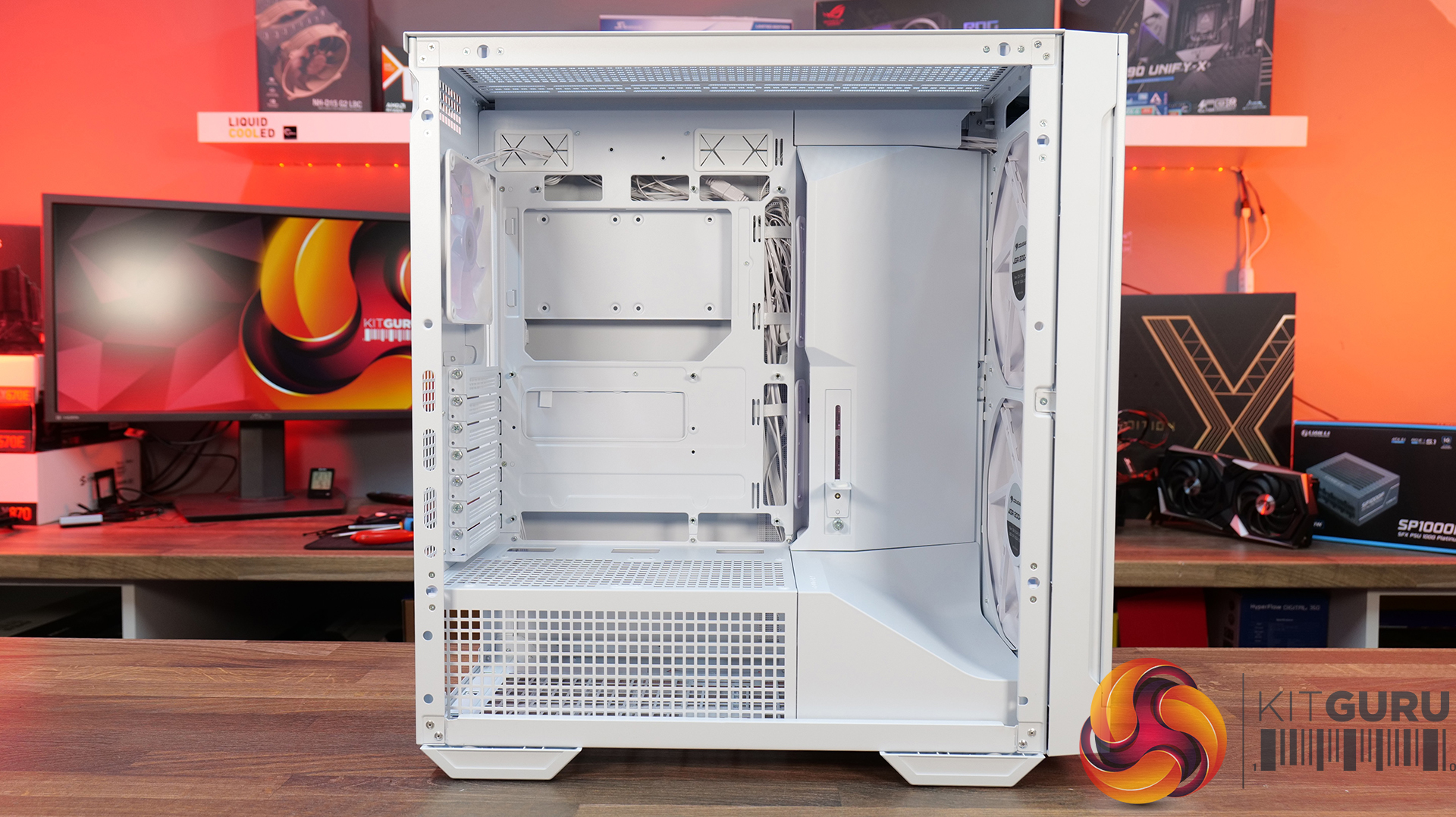
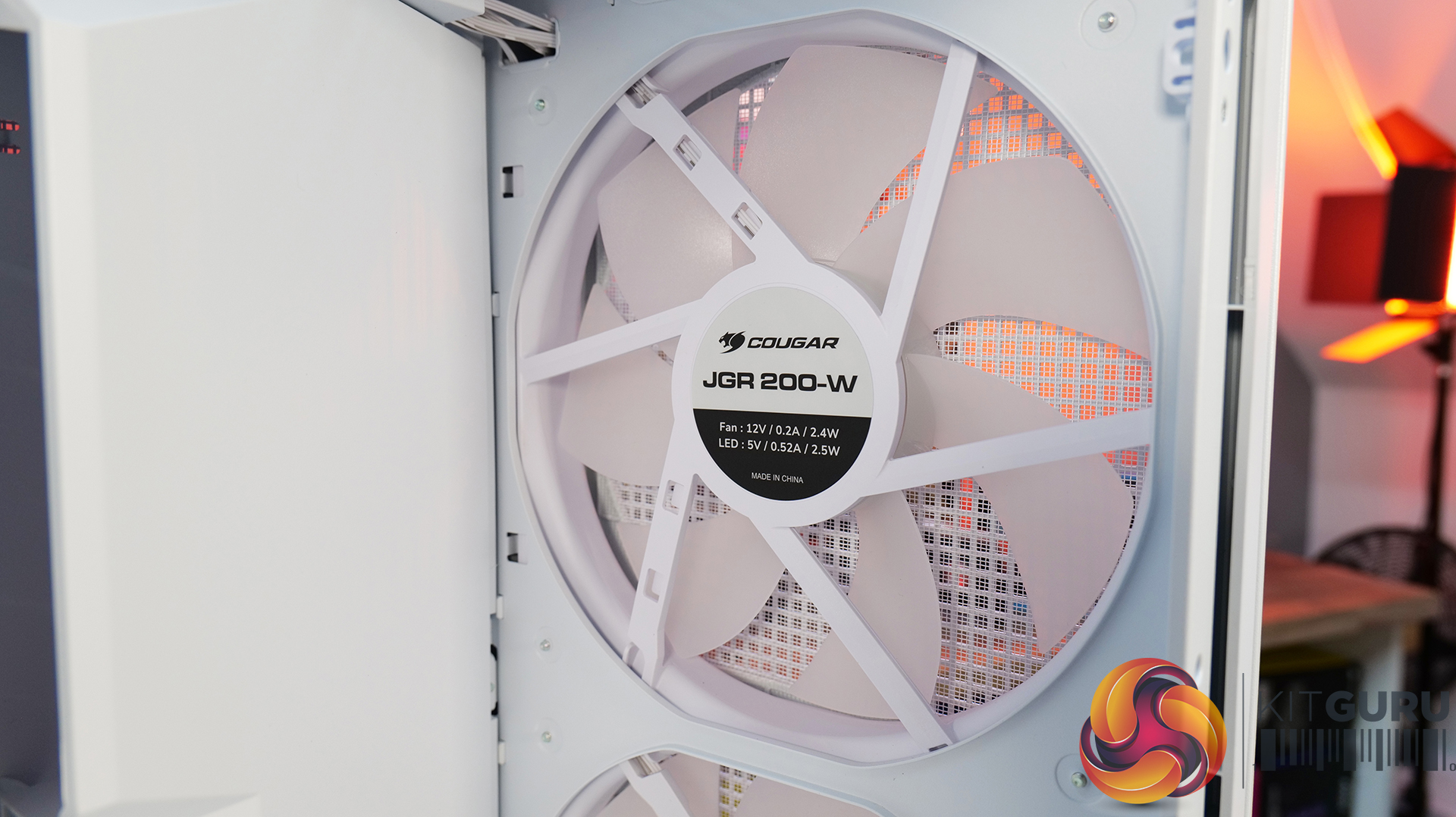
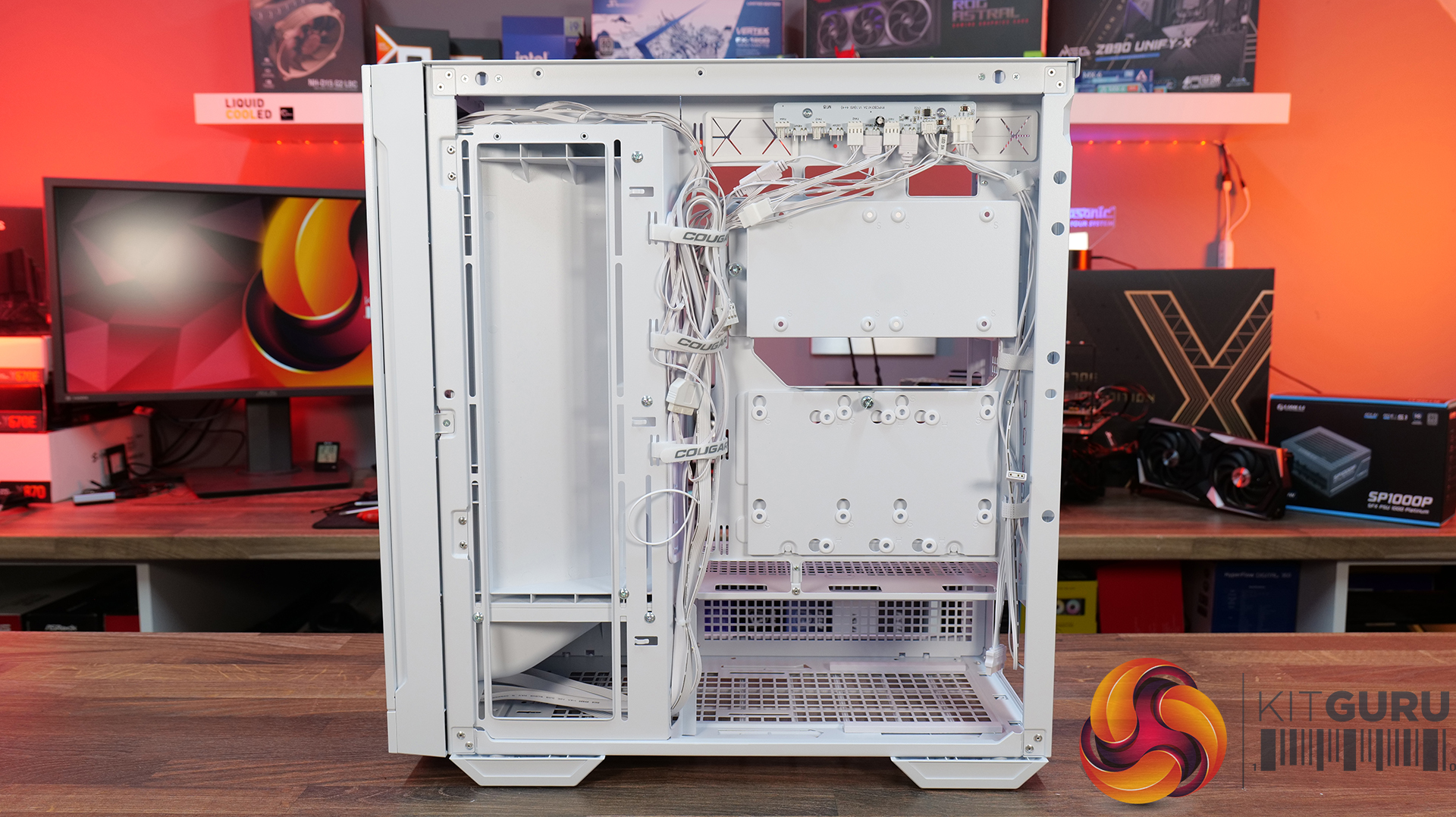
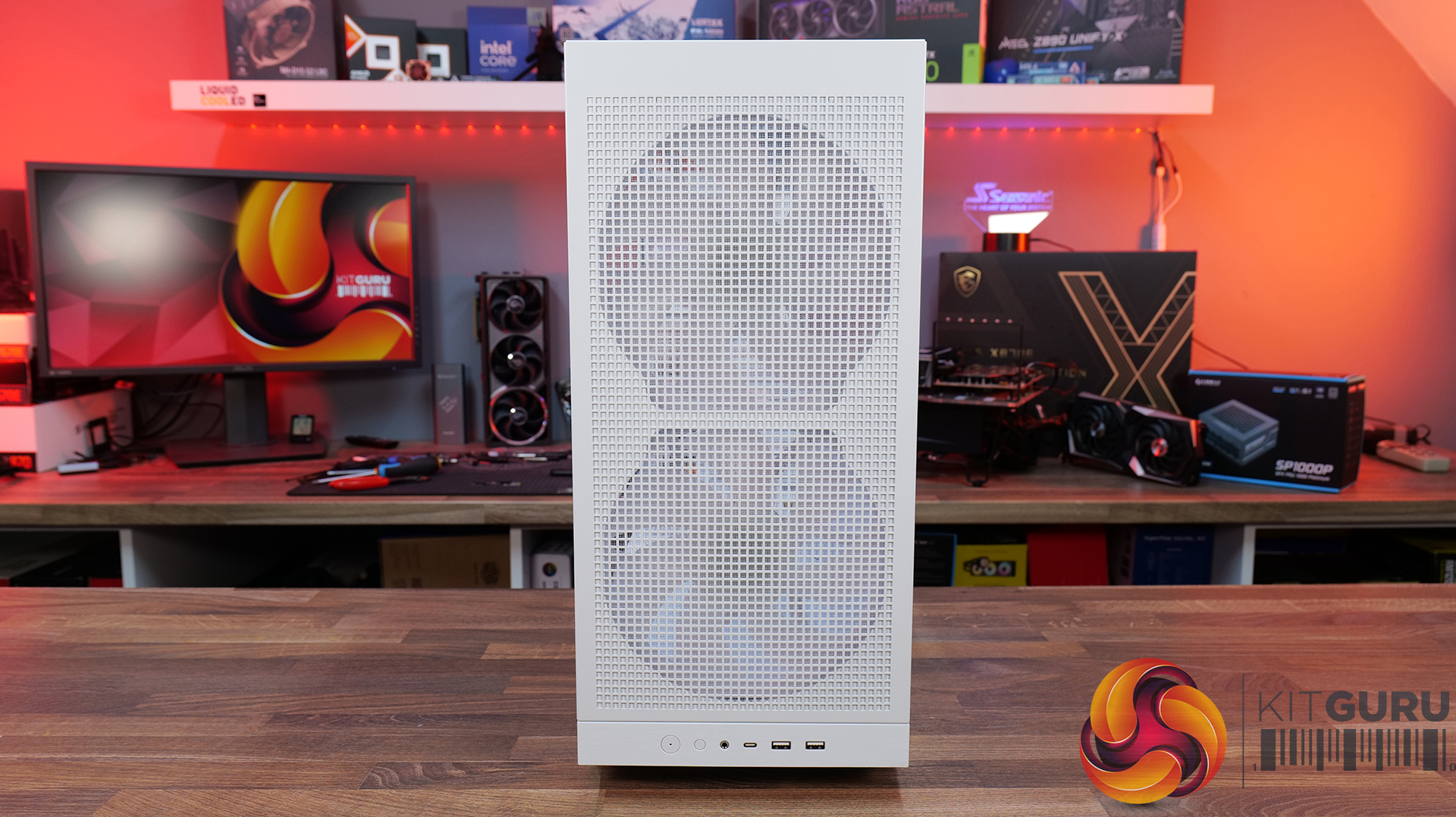
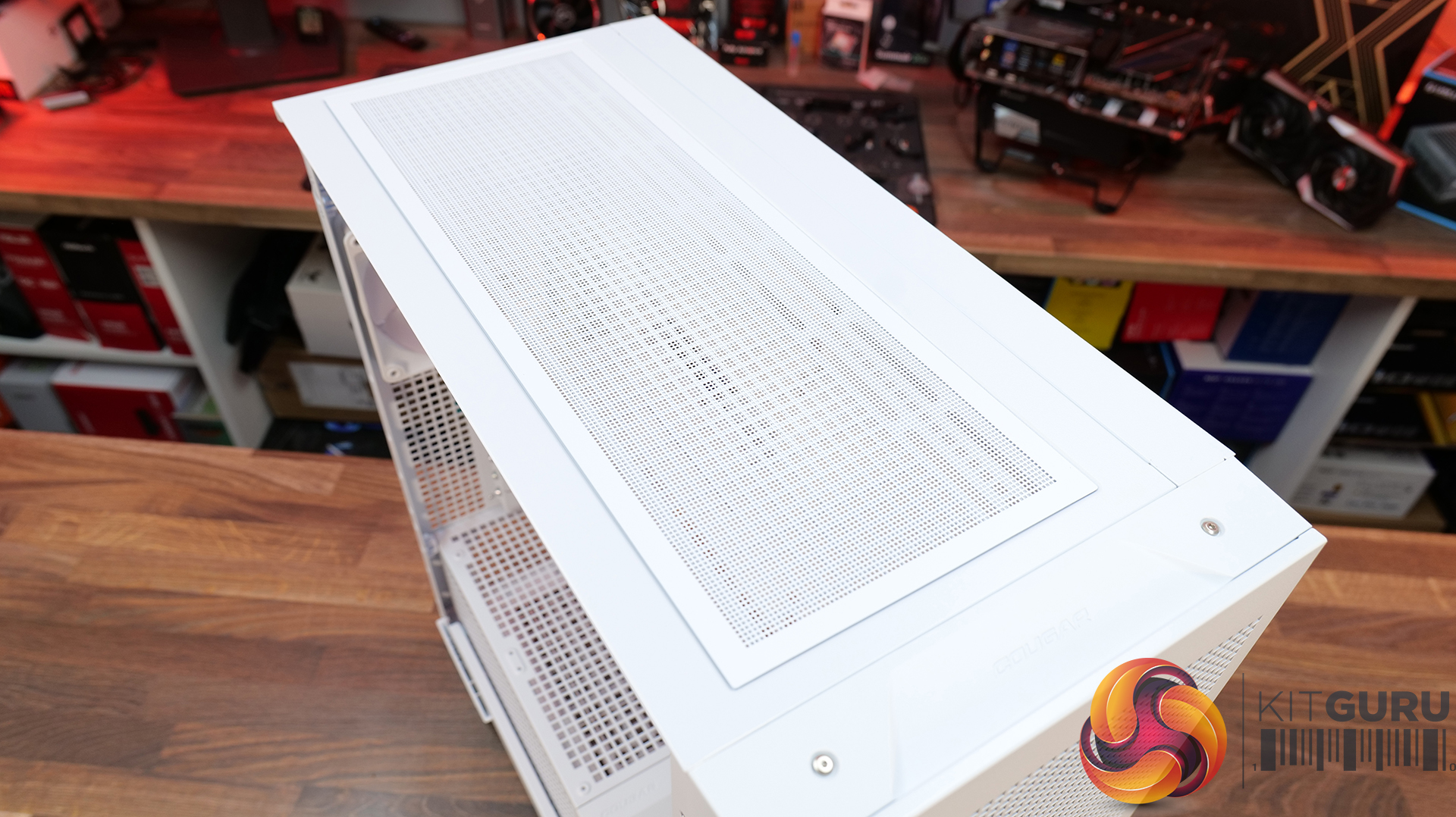
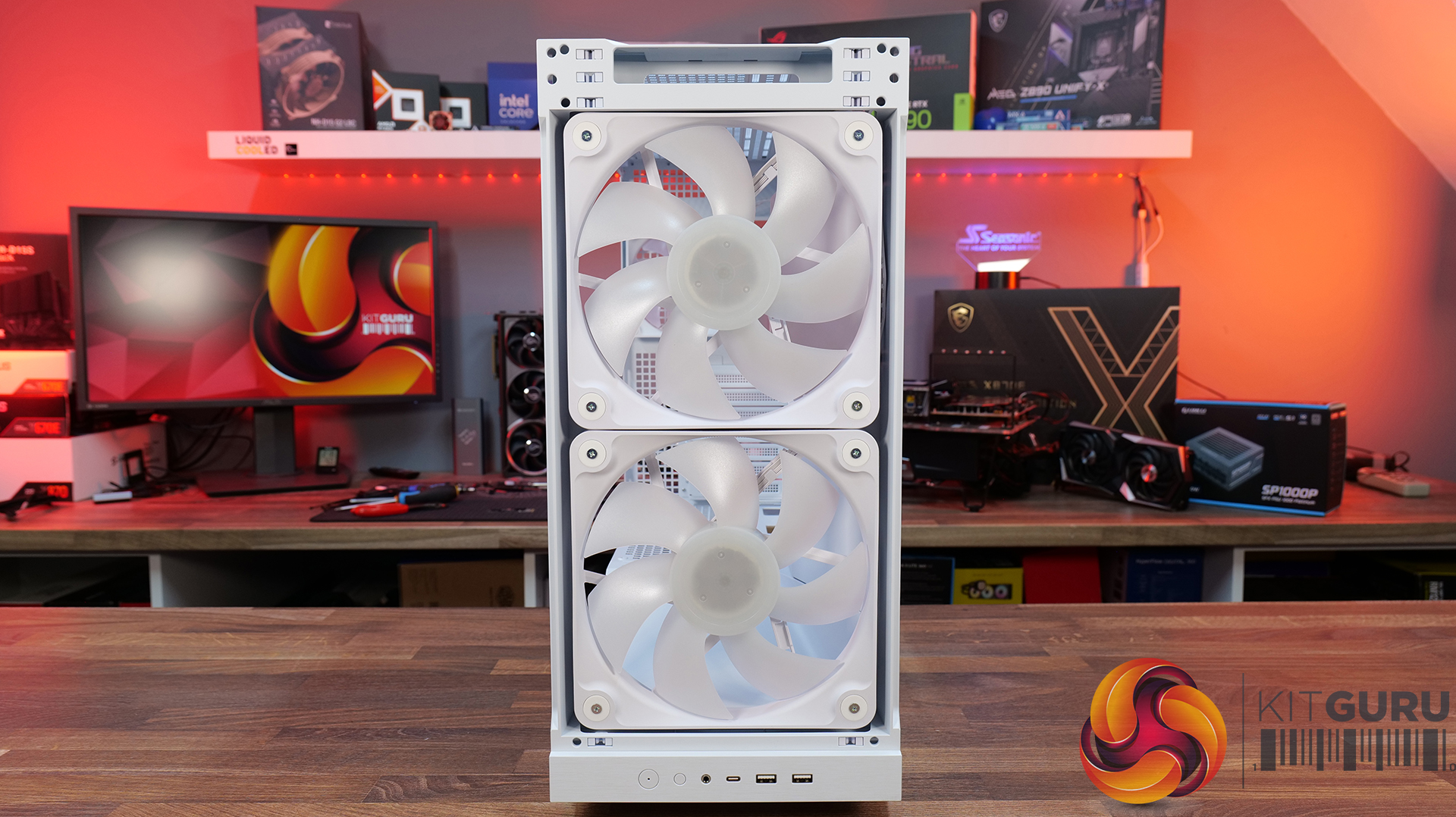
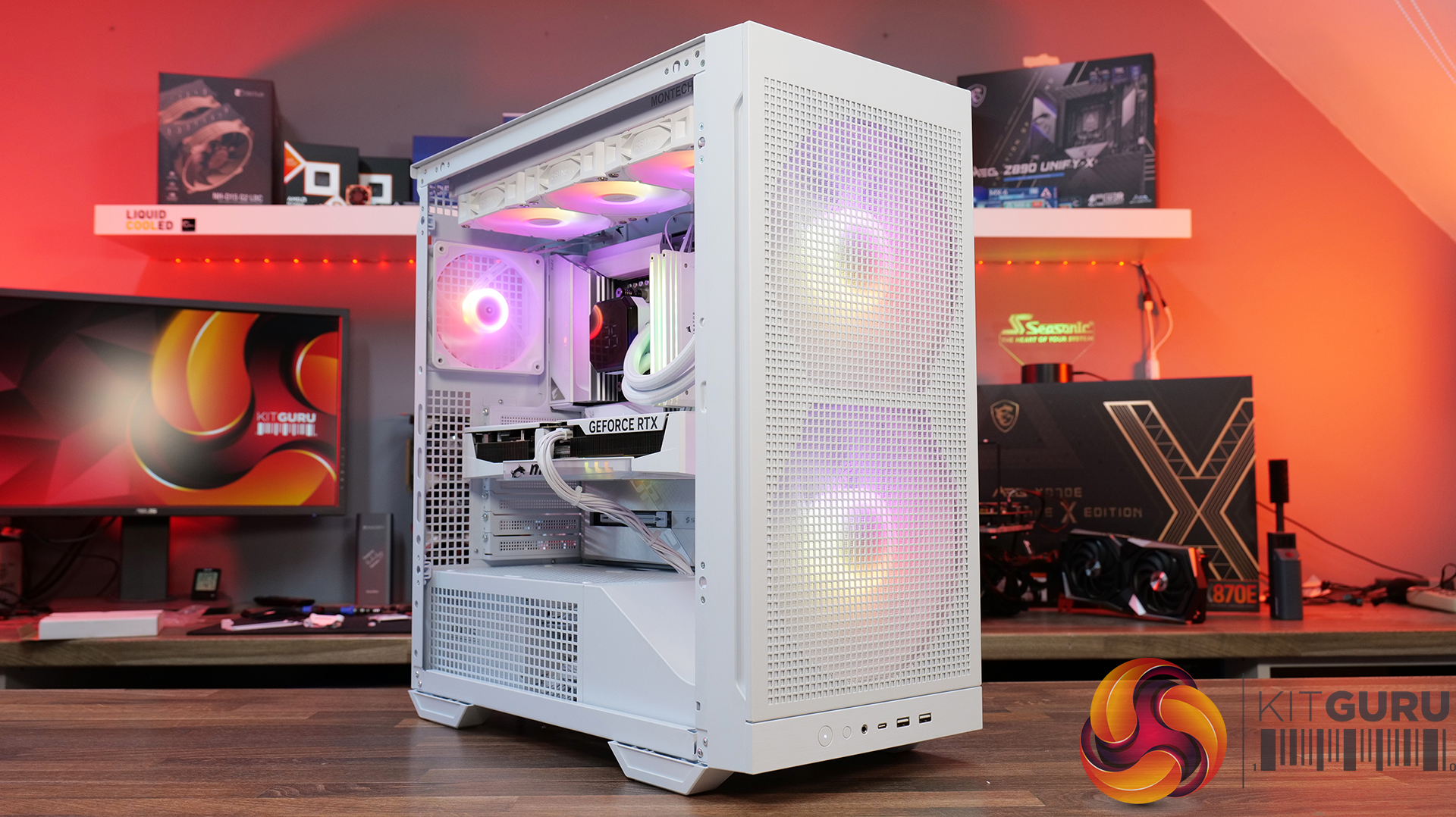
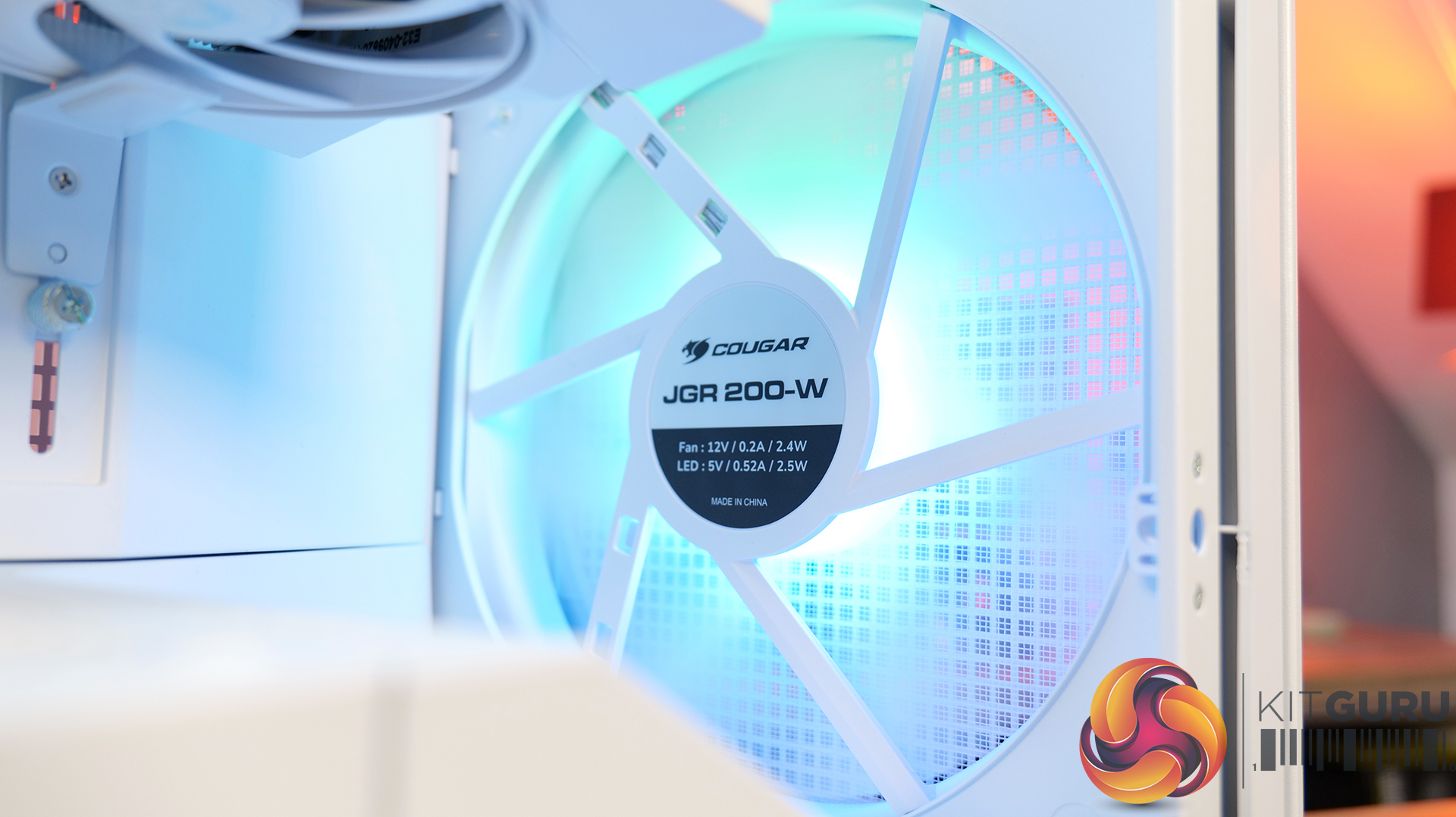
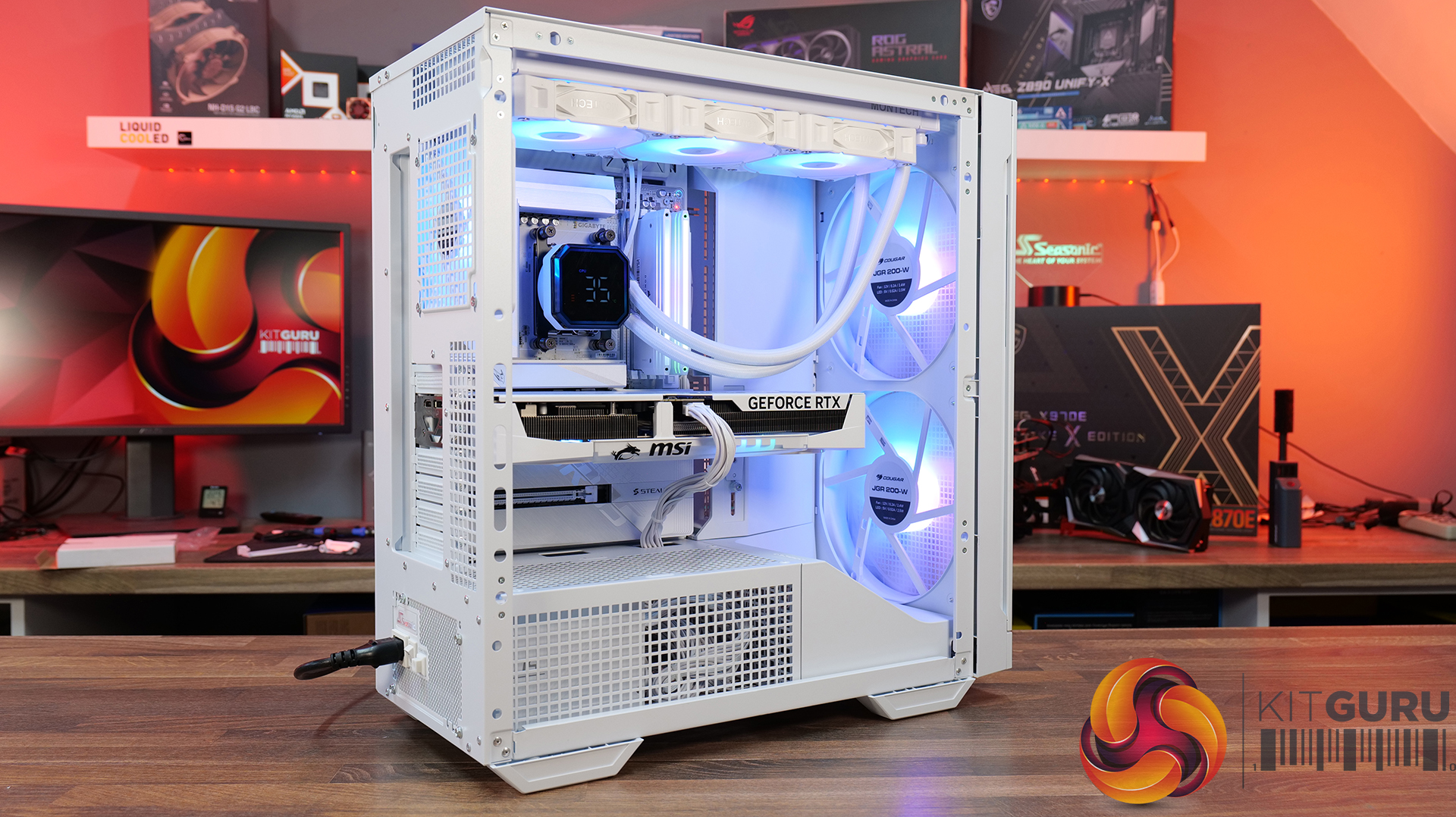
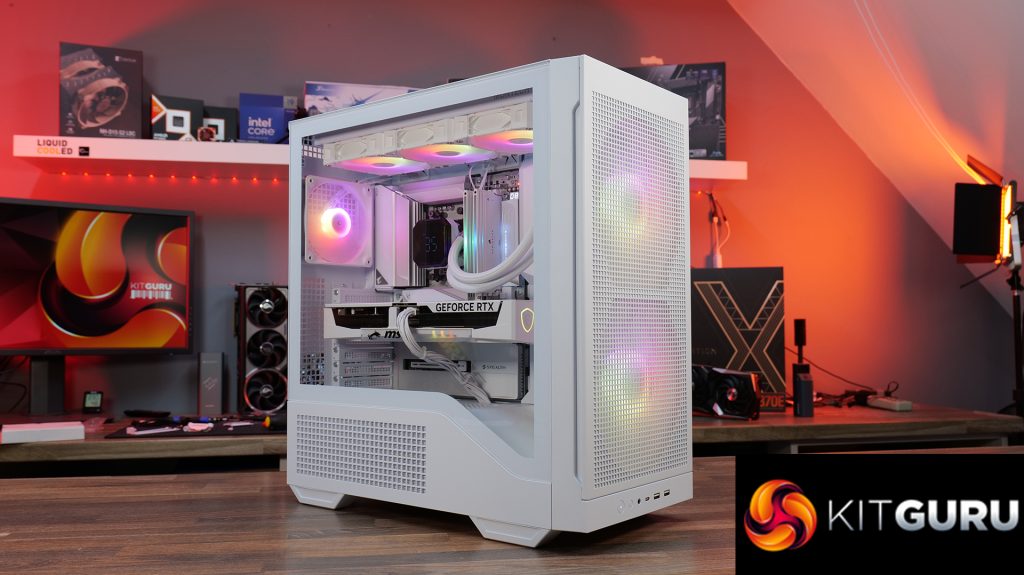
Today we're taking a look at the Cougar MX600 Max RGB, an airflow-focused mid-tower PC case designed for high-performance gaming systems. It comes equipped with two 200mm ARGB PWM front fans, supports graphics cards up to 400mm long, 360mm radiators in the top panel, and offers extensive compatibility for modern hardware. Cougar has also included features like a dual-curve airflow ramp, a modular front I/O panel and a detachable top cover to make building and maintenance easier. In this review, we'll find out if those features combine to make the MX600 Max RGB a case that's worth buying…
Timestamps:
00:00 Intro
00:55 Key details, pricing
01:49 Removing side panels
03:44 Front of the case
05:16 Internals – fan/rad support
07:09 Motherboard support
08:55 Cable management features + rear
10:04 Right-hand side area
13:13 Accessories + extras
14:00 Thermals + noise
16:31 Smoke visualisation
16:59 Closing thoughts
Features:
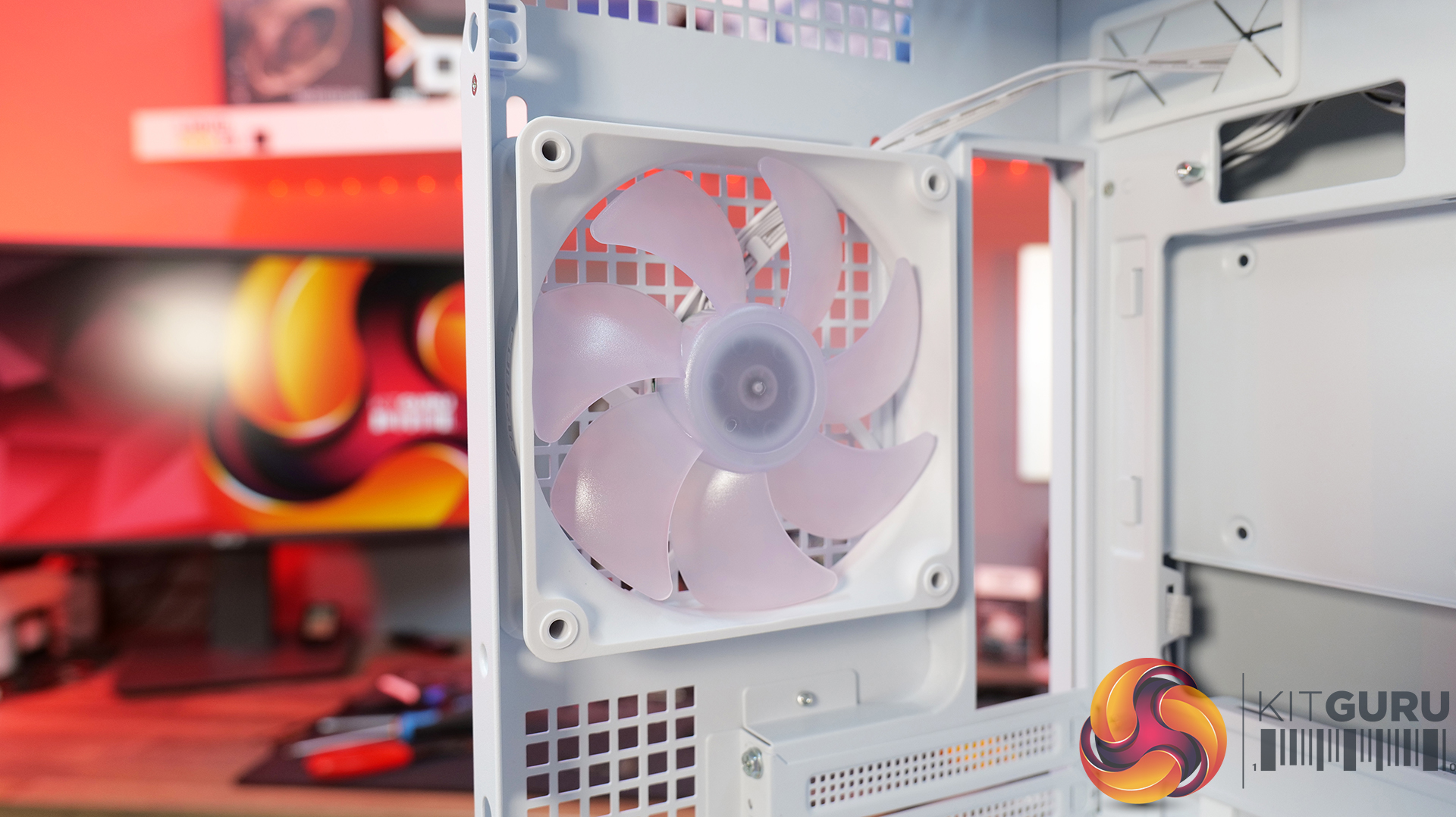
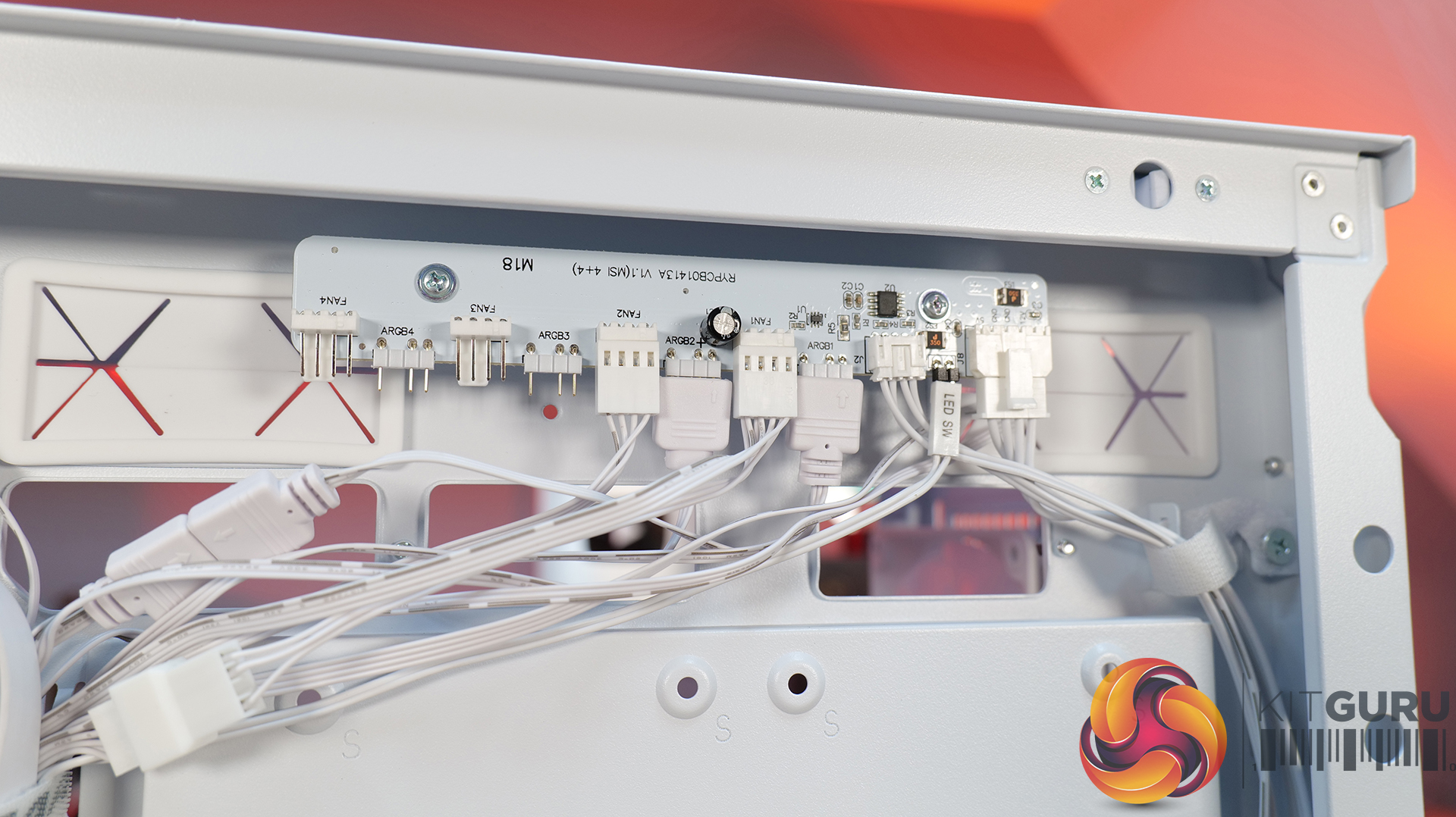
Airflow-First Design – The MX600 Max comes equipped with two huge 200mm ARGB PWM front fans and a 120mm ARGB PWM rear fan. Combined with Cougar's dual-curve airflow ramp and heavily ventilated front panel, designed to deliver airflow directly to the system's critical areas.
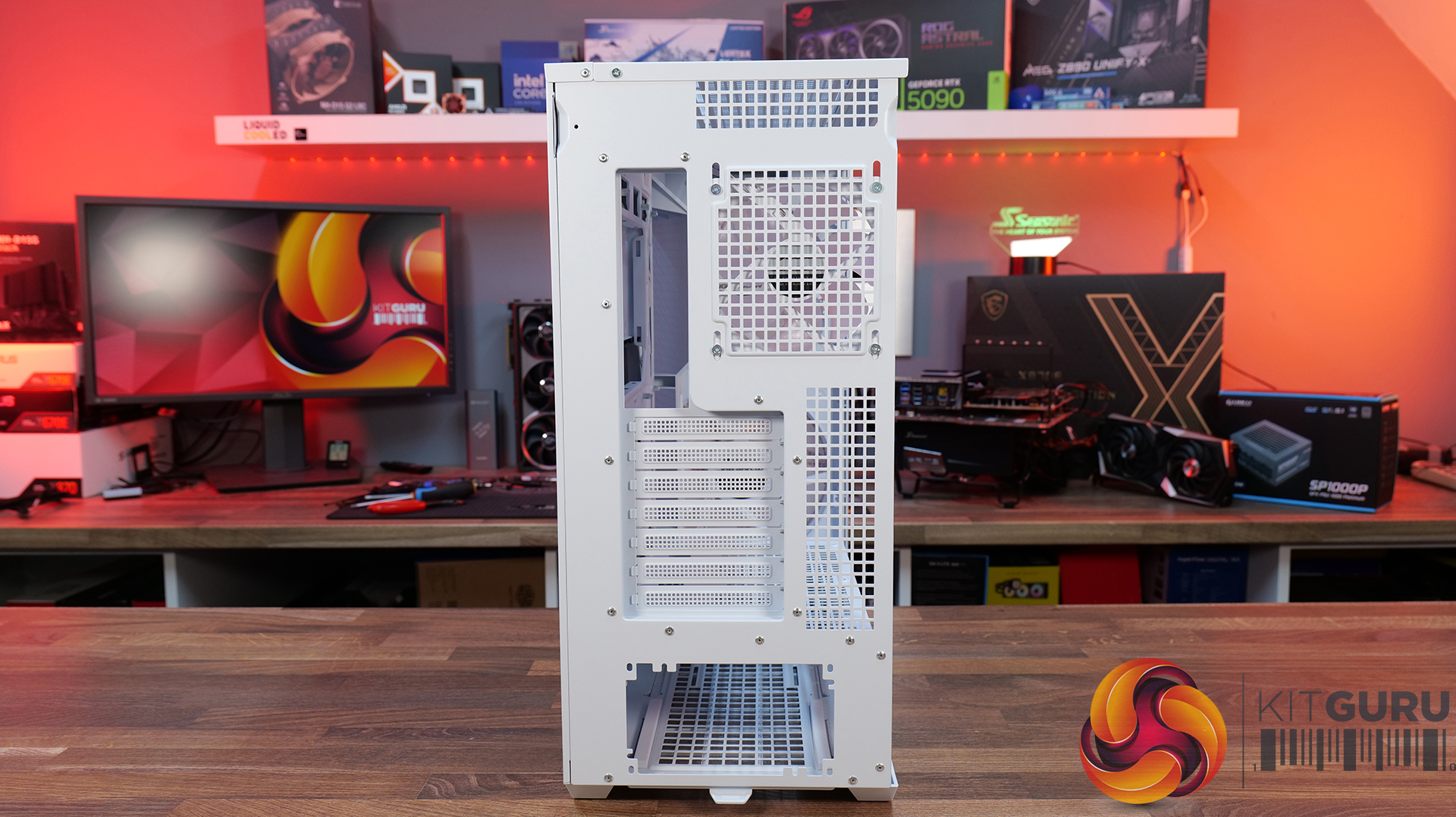
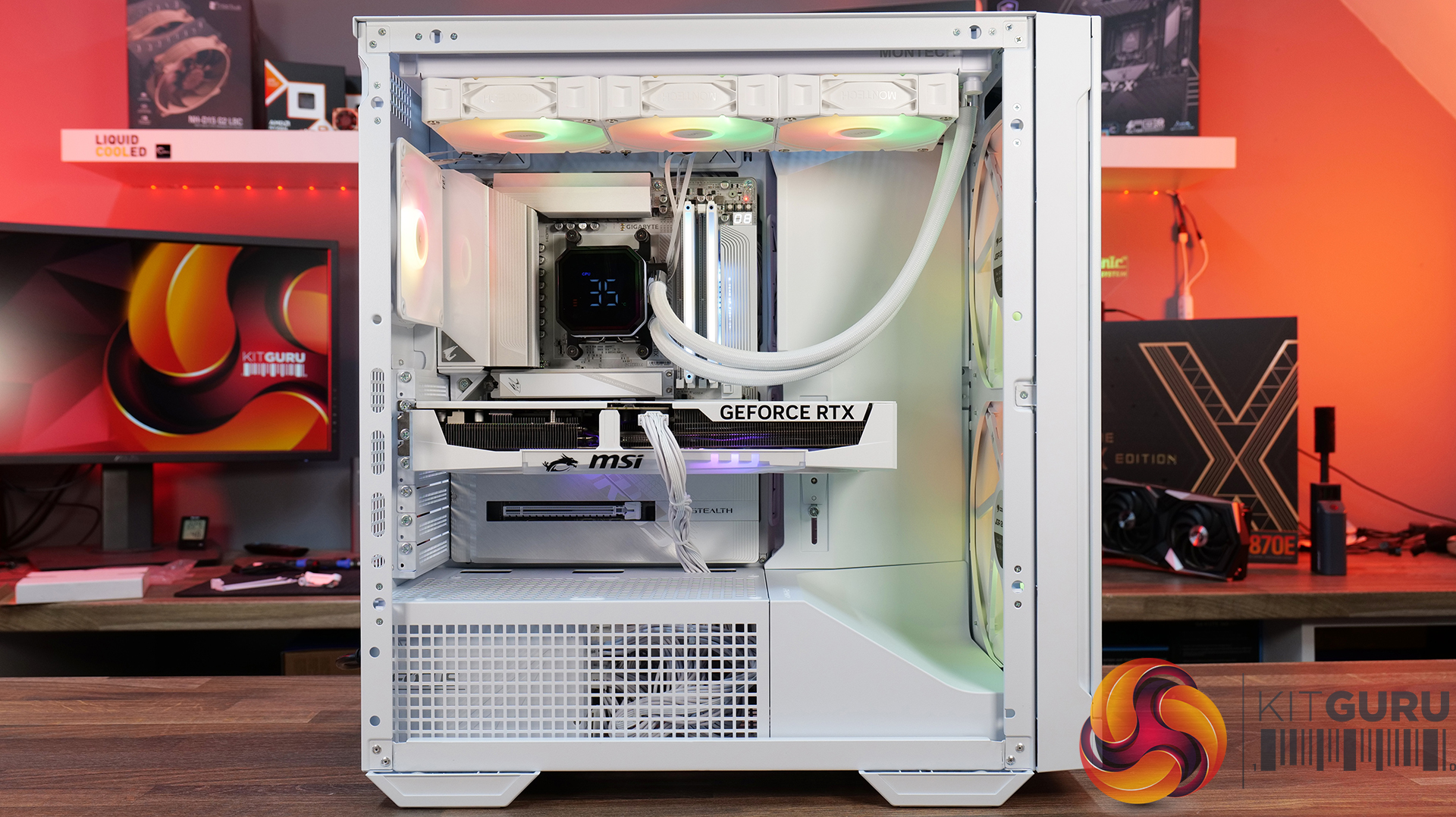
Excellent Hardware Compatibility – The MX600 Max supports graphics cards up to 400mm long, 360mm radiators in the roof, CPU coolers up to 170mm tall and Mini-ITX, Micro-ATX and ATX motherboards, giving you plenty of flexibility for a high-end build.
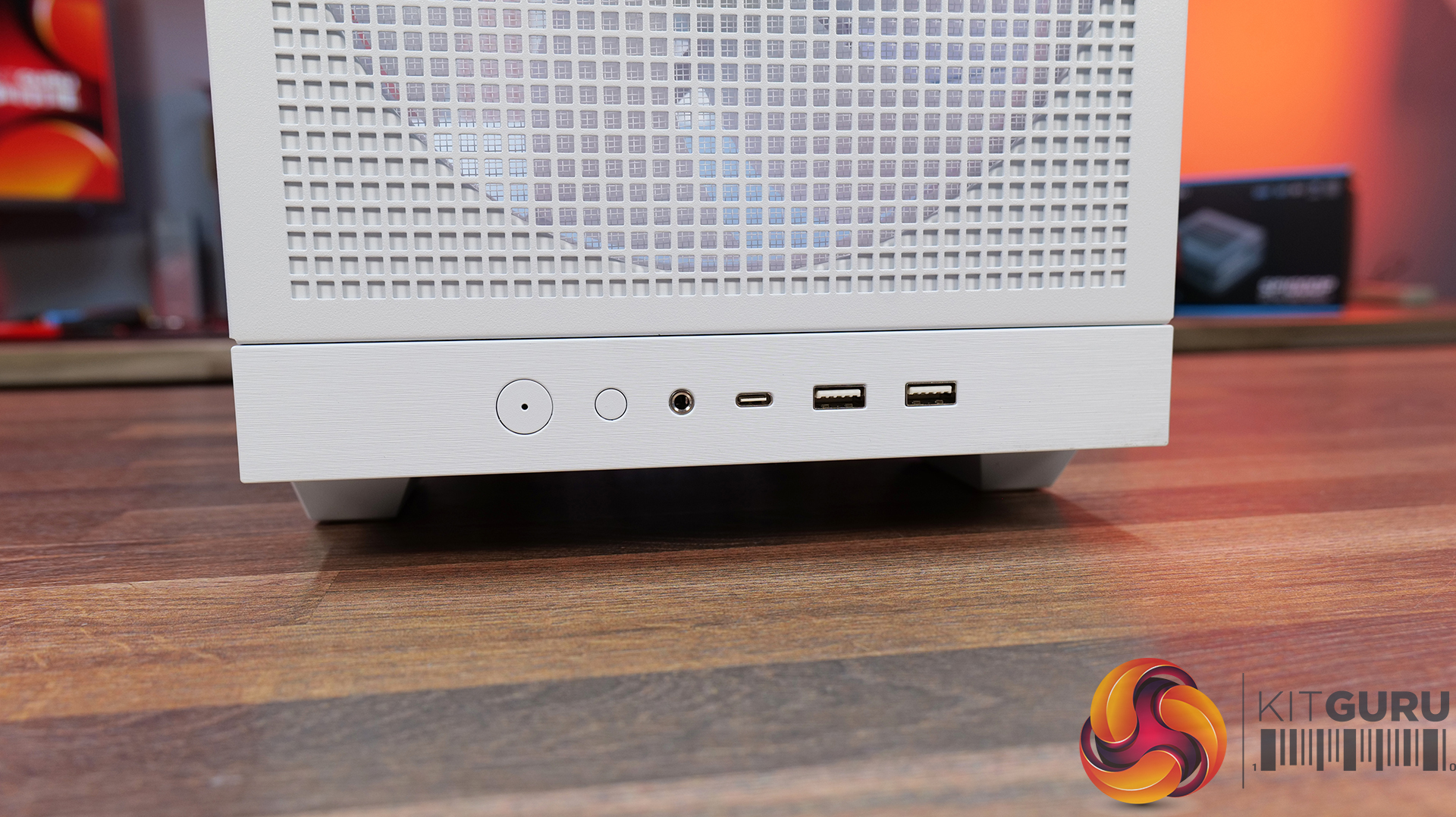
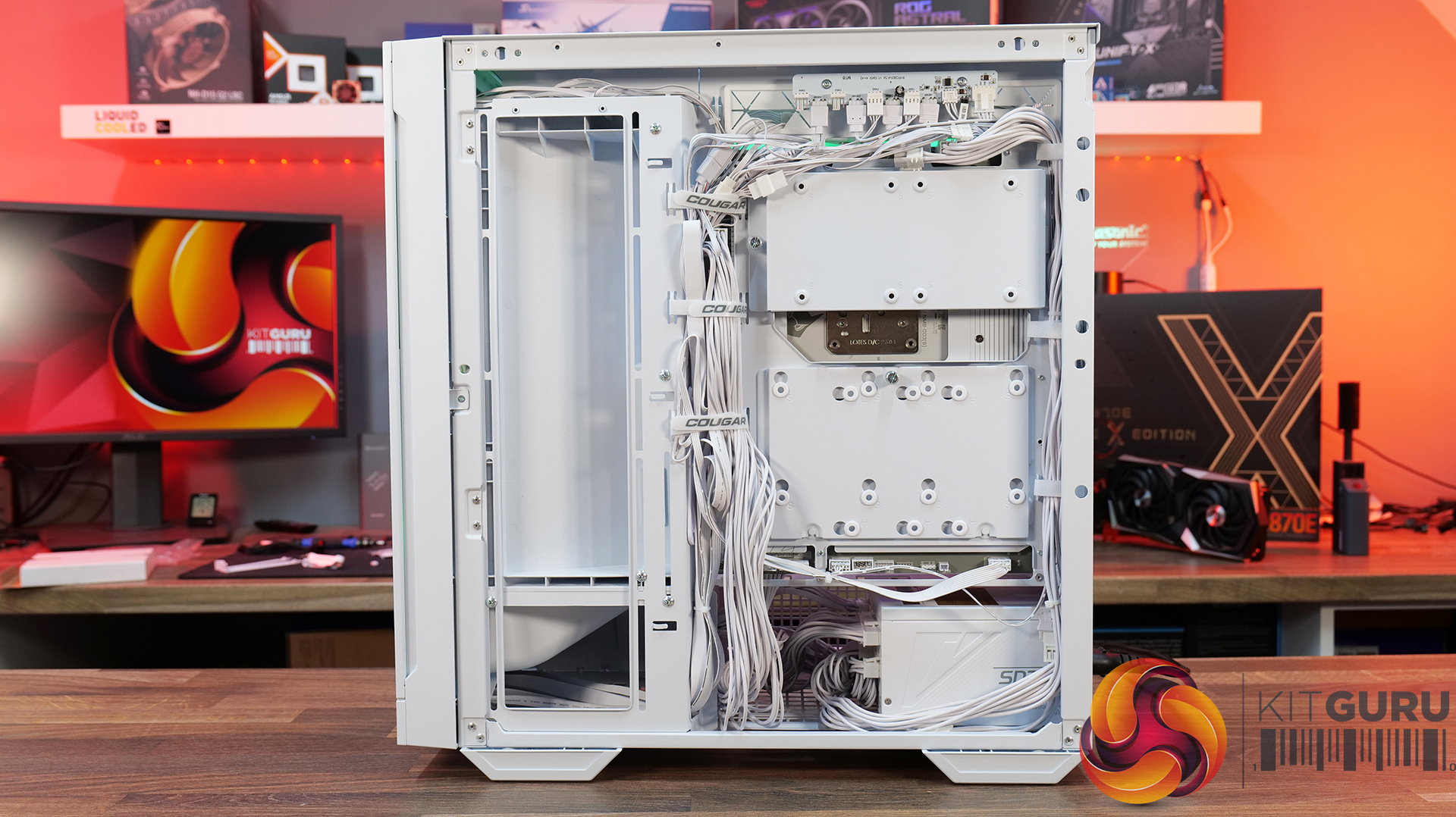
Designed to Make Building Easier – The fully detachable top cover simplifies radiator and fan installation while the modular front I/O panel can be mounted at the top or bottom of the case to suit your setup. Removable dust filters also make system maintenance much easier.
Front I/O: USB 3.2 Gen 2×2 Type-C x 1, USB 3.0 Type-A x 2, 4 Pole Headset Audio Jack x 1, RGB Button
LCD Screen: N/A
Thermal Performance Testing
To simulate thermal demand, we run the Cinebench R23 multi-thread benchmark and 3DMark Speed Way stress test simultaneously in a loop for 30 minutes to load the system fully. This gives the CPU and GPU enough time to reach constant steady-state temperature. With this data, we can compare how the system handles the thermal demand and measure peak noise levels.
Thermal performance is measured with the case in various configurations, such as the default, with the tempered glass left-hand side panel removed and with the front panel removed to see how these configurations affect the CPU and GPU temperature. During testing, only stock case fans are used unless otherwise specified. All water pumps are set to maximum RPM and fans are set to a custom RPM curve by the Motherboard software/BIOS.
All temperature measurements are presented as Deltas – meaning the ambient temperature has been deducted from the CPU temperature, giving us a Delta. Data shown in the charts represents the average component temperature over the length of the test as measured by HWiNFO, and then the last 15 minutes of the data are calculated to get the average. The ambient temperature during thermal tests is between 19-20⁰C.
We test case thermals using a 360mm AIO as exhaust at the top and with the case in several different fan configurations. The default configuration shown in the charts is with the top 360mm AIO cooler, 2 x 200m front intake fans, a single 120mm rear exhaust fan and with all case panels installed.
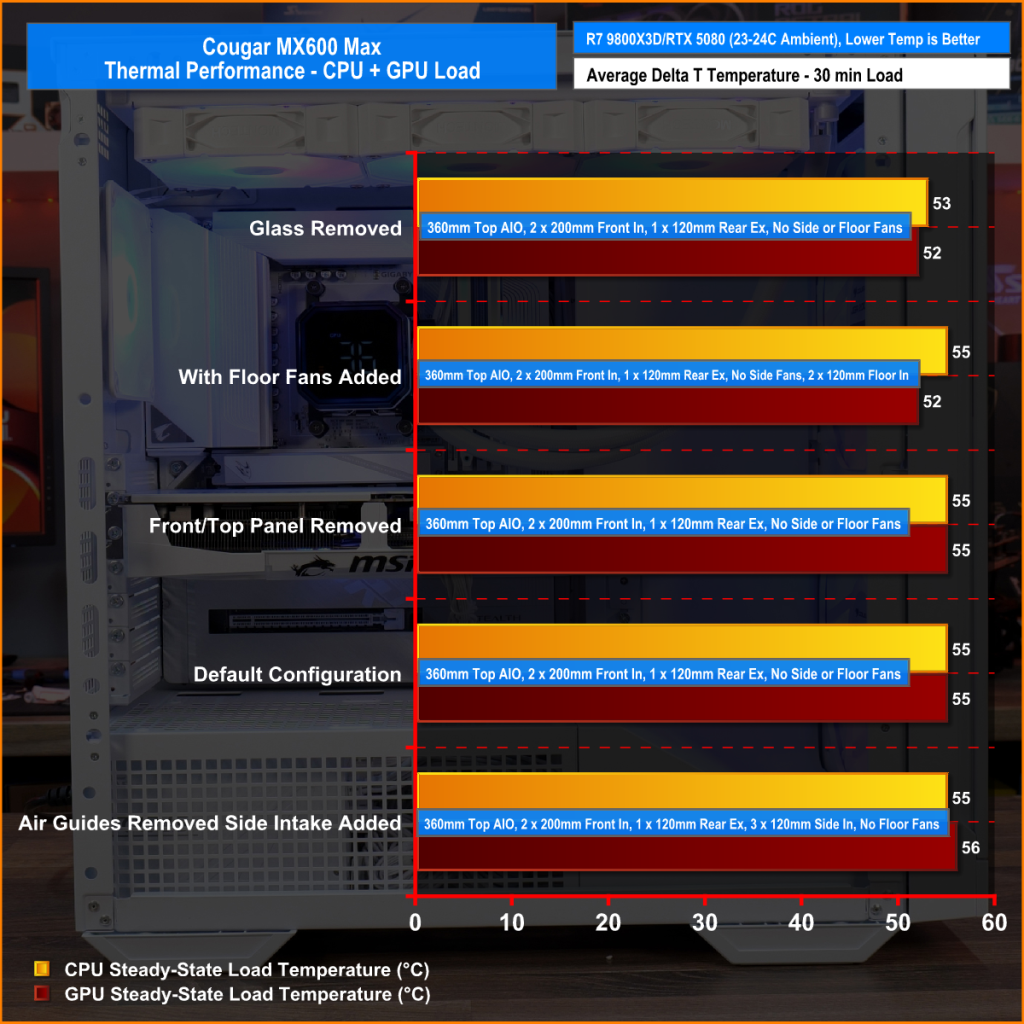
Thermal performance from the Cougar MX600 Max is very impressive overall. In its default configuration the case keeps both the CPU and GPU temperature under control at 55°C over ambient, showing that the pre-installed airflow setup is well optimised.
Removing the front and top panels and dust filters, produces no meaningful improvement, which tells us those panels cause very little restriction to airflow. The biggest improvement however, comes from fitting optional floor intake fans which reduce GPU temperature by 3°C compared to the default setup, while maintaining the same CPU temperature. This setup is ideal for optimising GPU performance.
Noise Output
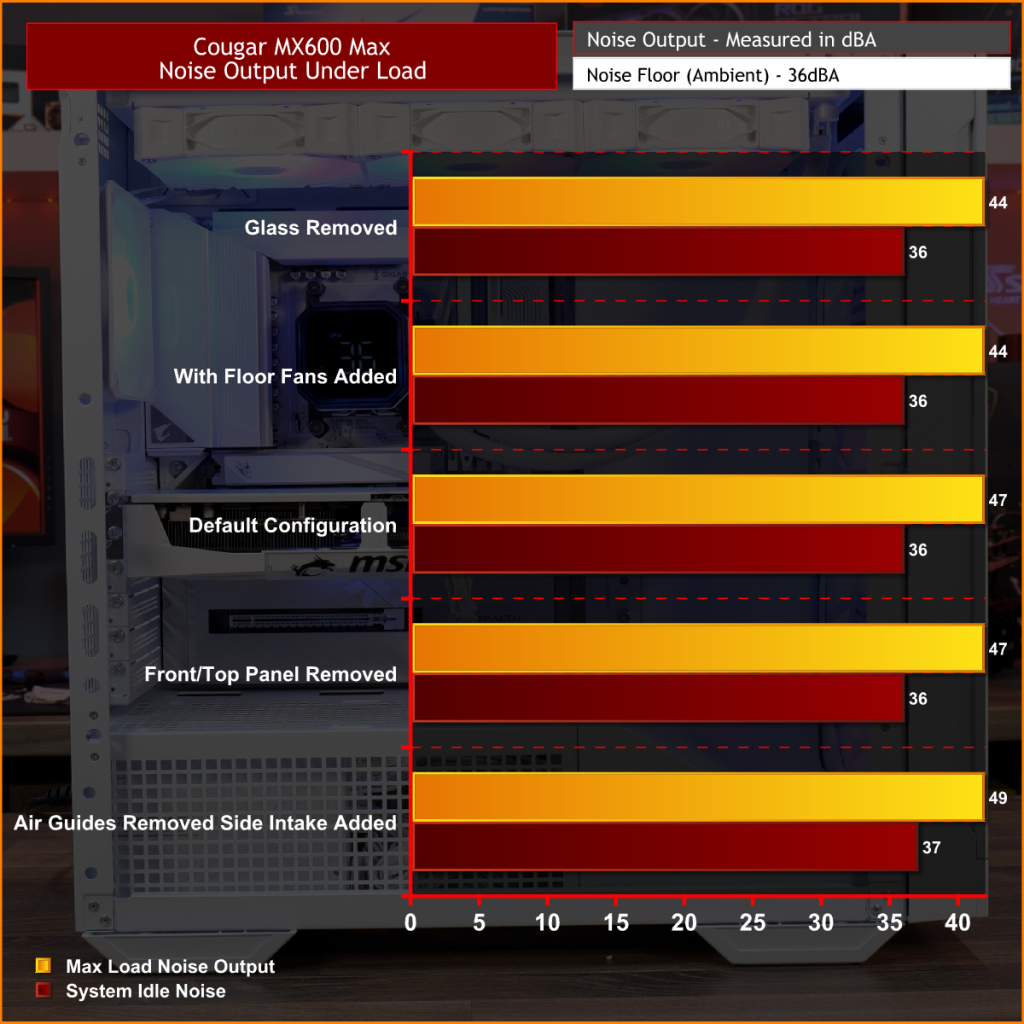
Noise performance from the Cougar MX600 Max is also quite impressive. In its default configuration, the system reaches 47dBA under full load, which is a reasonable result given the large 200mm front intake fans and included cooling setup. Interestingly, removing the tempered glass side panel and adding floor intake drops noise output by 3dBA to 44dBA, showing that the extra GPU cooling also reduces GPU fan speed and noise.
Removing the front panel, along with the front and top dust filter makes no difference to noise levels compared with the default setup, which shows that Cougar has done a good job optimising airflow through the chassis. The only configuration that increases noise is removing the front air scoop and adding side intake fans, which raises noise output to 49 dBA while offering no real thermal advantage.
Closing Thoughts
The Cougar MX600 Max is a very easy case to recommend. It does exactly what its design to do, offering high airflow and extensive hardware compatibility without overcomplicating the design. The pair of pre-installed 200mm PWM ARGB intake fans, combined with the mesh front panel, provide excellent cooling performance straight out of the box. There's very little to be gained from removing panels or filters, which indicates that Cougar has optimised the airflow well. If you're looking to optimise GPU cooling, fitting PSU shroud intake fans can knock a few degrees from GPU temperatures, but the gains are relatively small as the default cooling setup is already effective.
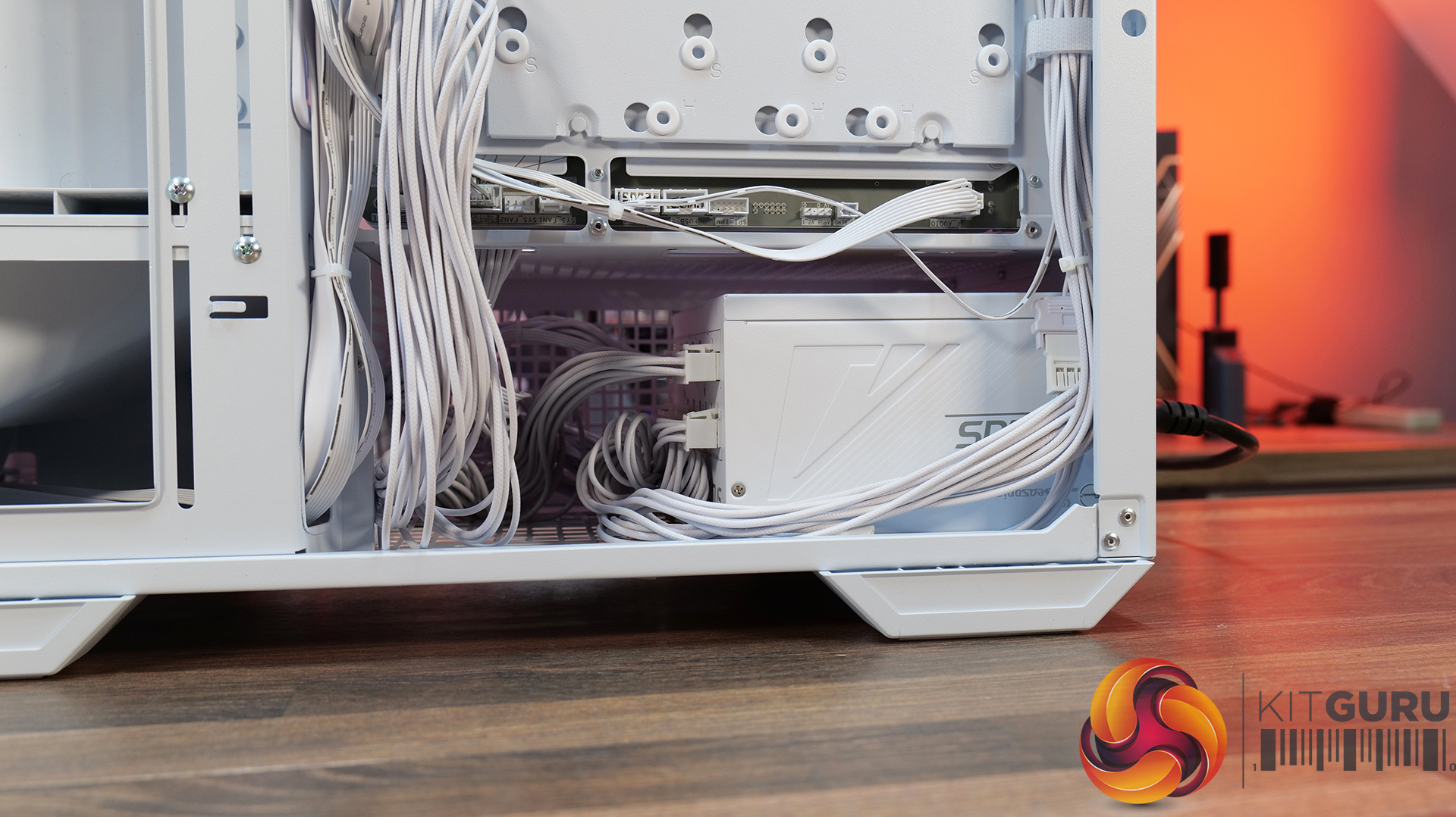
Hardware compatibility is another strong point. It supports graphics cards up to 400mm long, 360mm radiators in the roof, tall air coolers, back-connect motherboards and loads of 2.5” storage, so there's very little this case won't accommodate. Building inside the MX600 Max is straightforward too; there's loads of space to work, generous cable-routing cut-outs, plenty of clearance behind the motherboard tray and integrated Velcro straps helping to keep cables managed and looking tidy. The overall build quality is solid throughout which gives the MX600 Max a premium feel despite its competitive pricing.
There are only a couple of minor negative points to consider before buying. The first is the size of the chassis, it is a mid-tower, but feels bulky compared with some ATX cases that offer similar hardware support. It may not be ideal in terms of size to run it on a desktop space. The second is radiator support at the front of the case. Cougar has prioritised the large 200mm intake fans, which means there's no option to install a front-mounted radiator. For most users this won't matter, particularly given the excellent top-mounted 360mm radiator support, but it does reduce options for custom cooling.
Overall, the Cougar MX600 Max is an excellent airflow-focused chassis that gets the basics right. It combines solid thermal performance, sensible acoustics, good hardware compatibility, an easy building experience and great build quality with a sensible MSRP. Unless you specifically need front radiator support or a more compact chassis, the MX600 Max is easy to recommend and deserves to be considered alongside some of the best airflow cases in its price bracket.
Pros:
Lots of space to work with.
Great thermals and low noise.
Included fan/rgb hub.
Good price.
Cons:
A little large for a mid tower.
No front radiator support.
KitGuru says: Unless you specifically need front radiator support or more compact dimensions, the Cougar MX600 Max is a serious contender if you're looking for a well-built, high-airflow chassis.
Another lucky customer got his hands on an expensive high-end PC for several hundred dollars less. Redditor Snags $2,800 Gaming PC for Just $2,000 at Costco; Rig Features Ryzen 9 9900X, RTX 5080, 32 GB RAM, and 2 TB Storage Snagging a PC build for cheaper is an amazing feeling, particularly at a time when PC parts sell for all-time high prices. We have seen previously how some users were able to pick up powerful mid-range gaming PCs for nearly half the price, and this time it was u/Antrodemus who stumbled upon this amazing deal at Costco. Costco is one […]
GPU prices in China have increased massively due to recent adjustments to GDDR6 and GDDR7 memory, affecting AMD & NVIDIA graphics cards. China Sees Big Surge In GPU Prices Overnight, Affecting Both AMD & NVIDIA Graphics Cards GPU makers such as NVIDIA, AMD, and Intel have been trying to absorb memory price increases for a while now, but they have gotten out of hand due to persistent shortages, which have raised the DRAM costs for GDDR6 and GDDR7 products 10-fold, resulting in a significant increase in graphics card prices. And it's not just memory prices; other components that go into […]
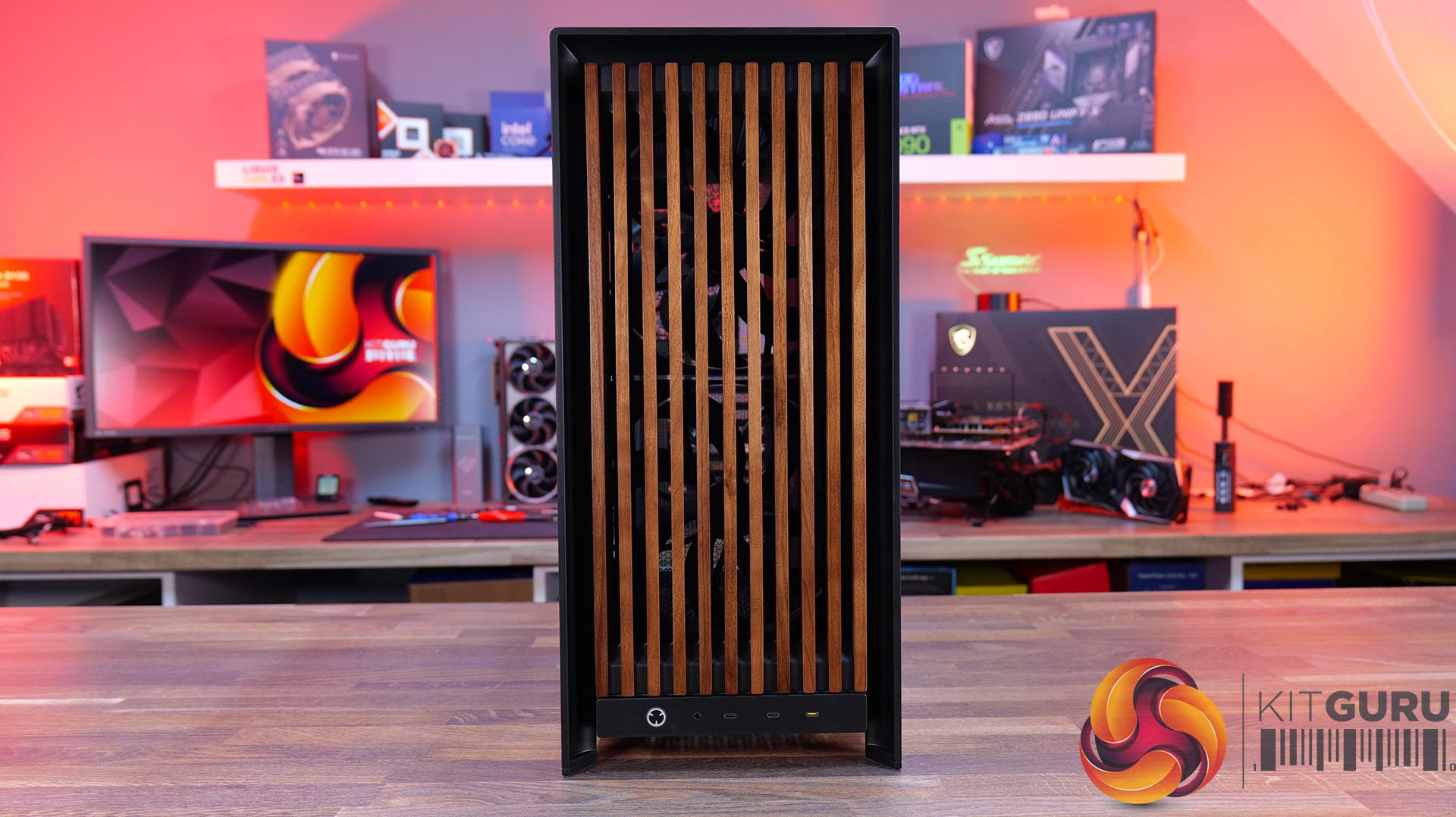
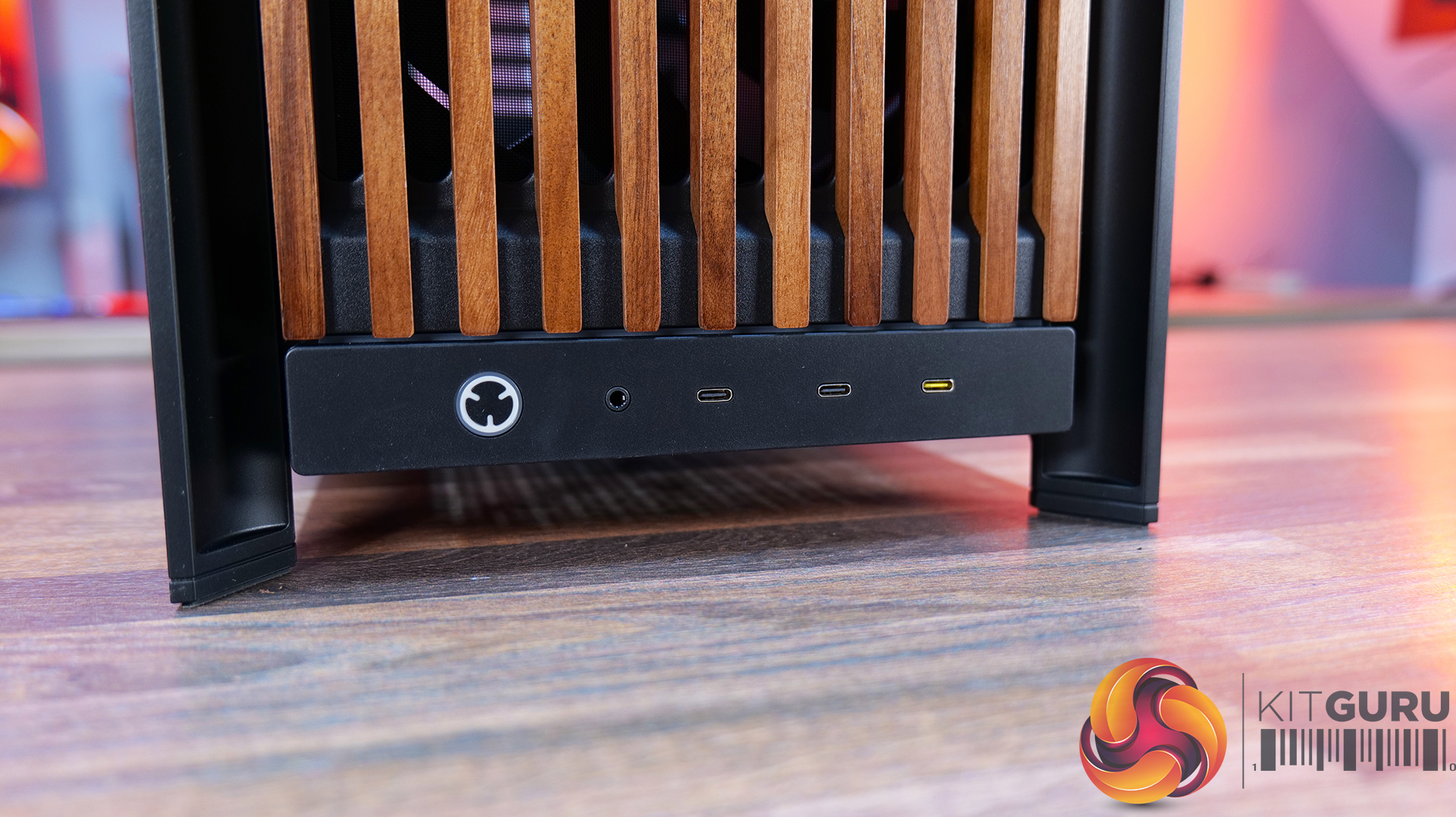
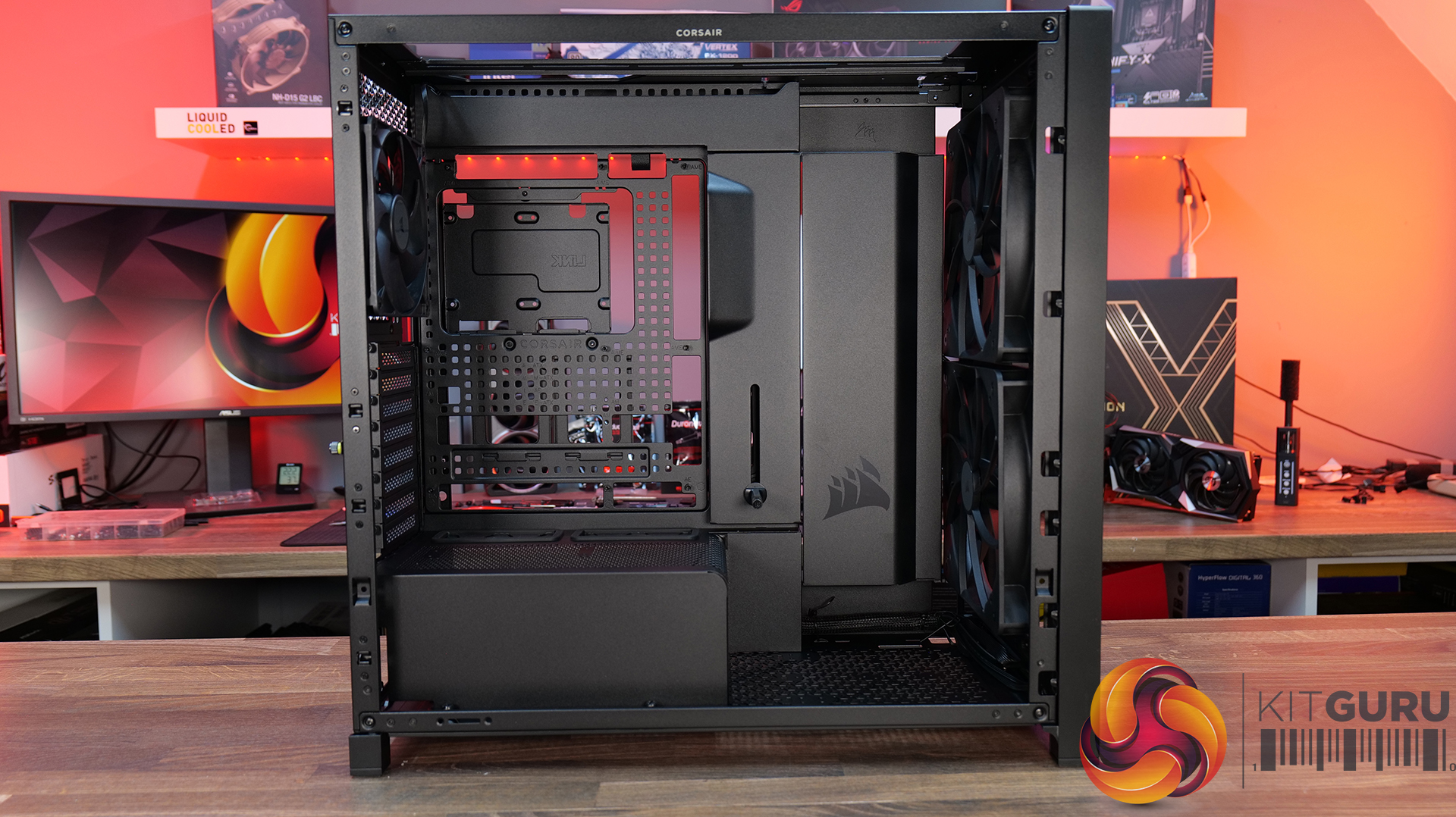
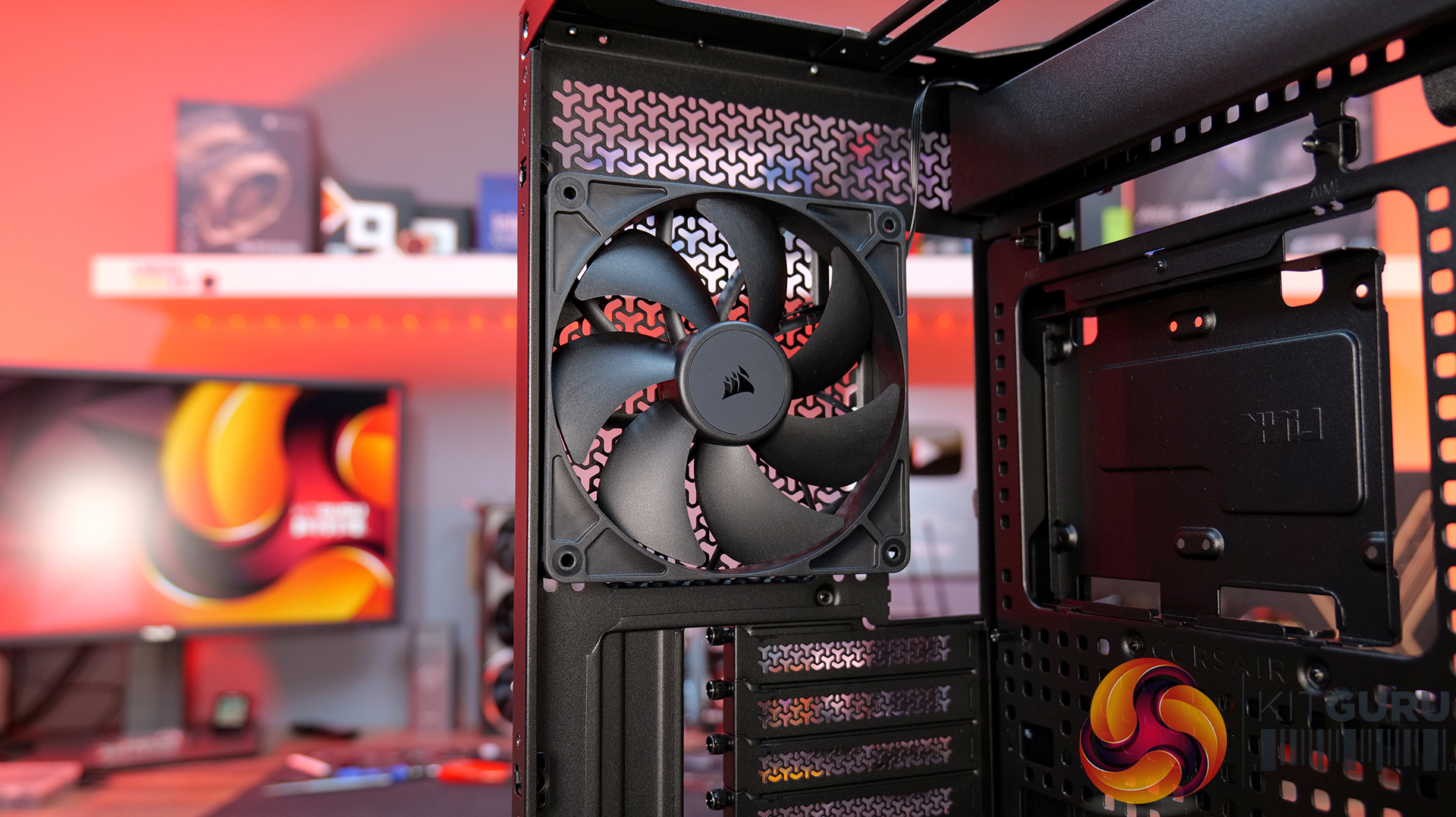
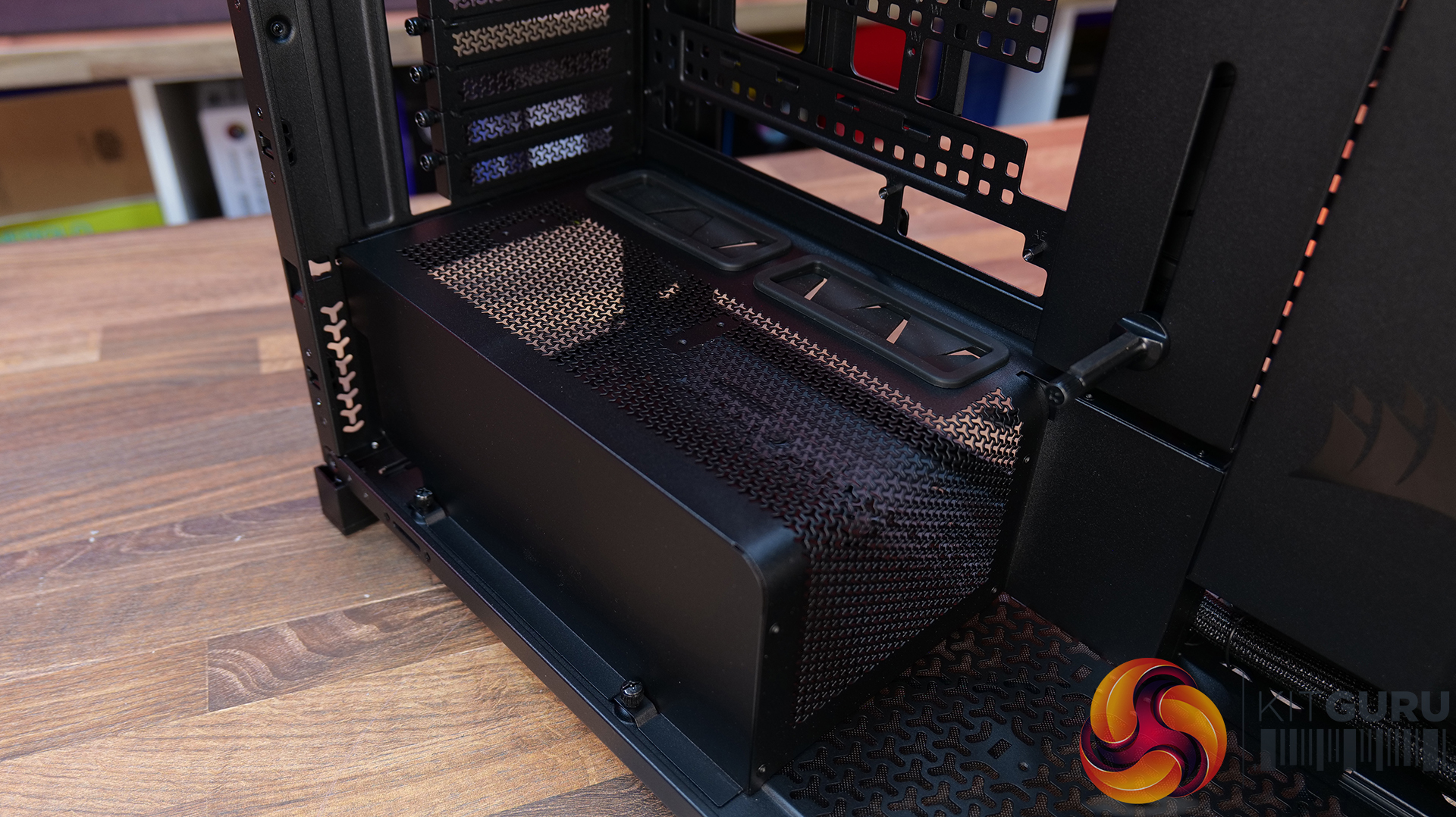
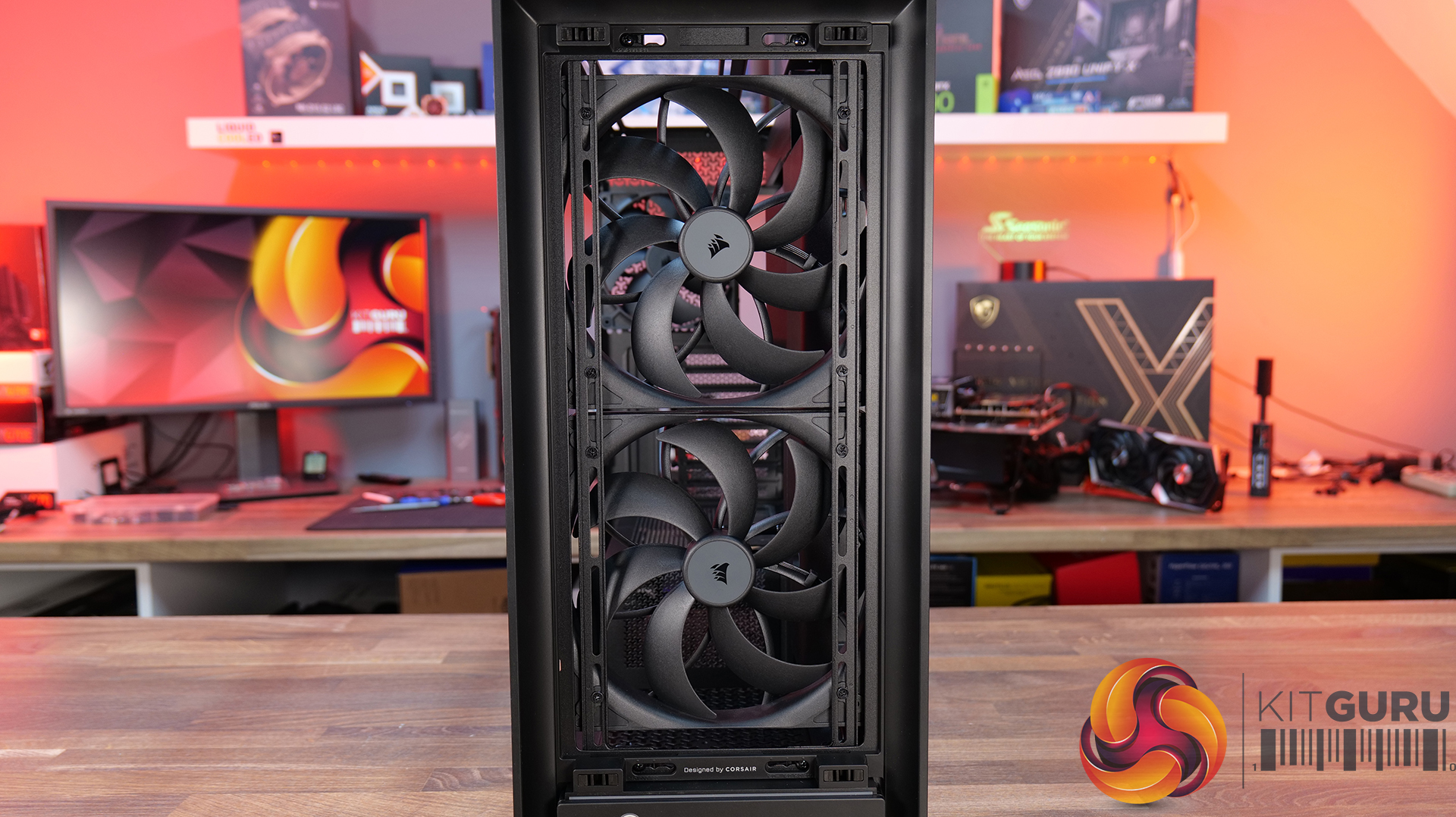
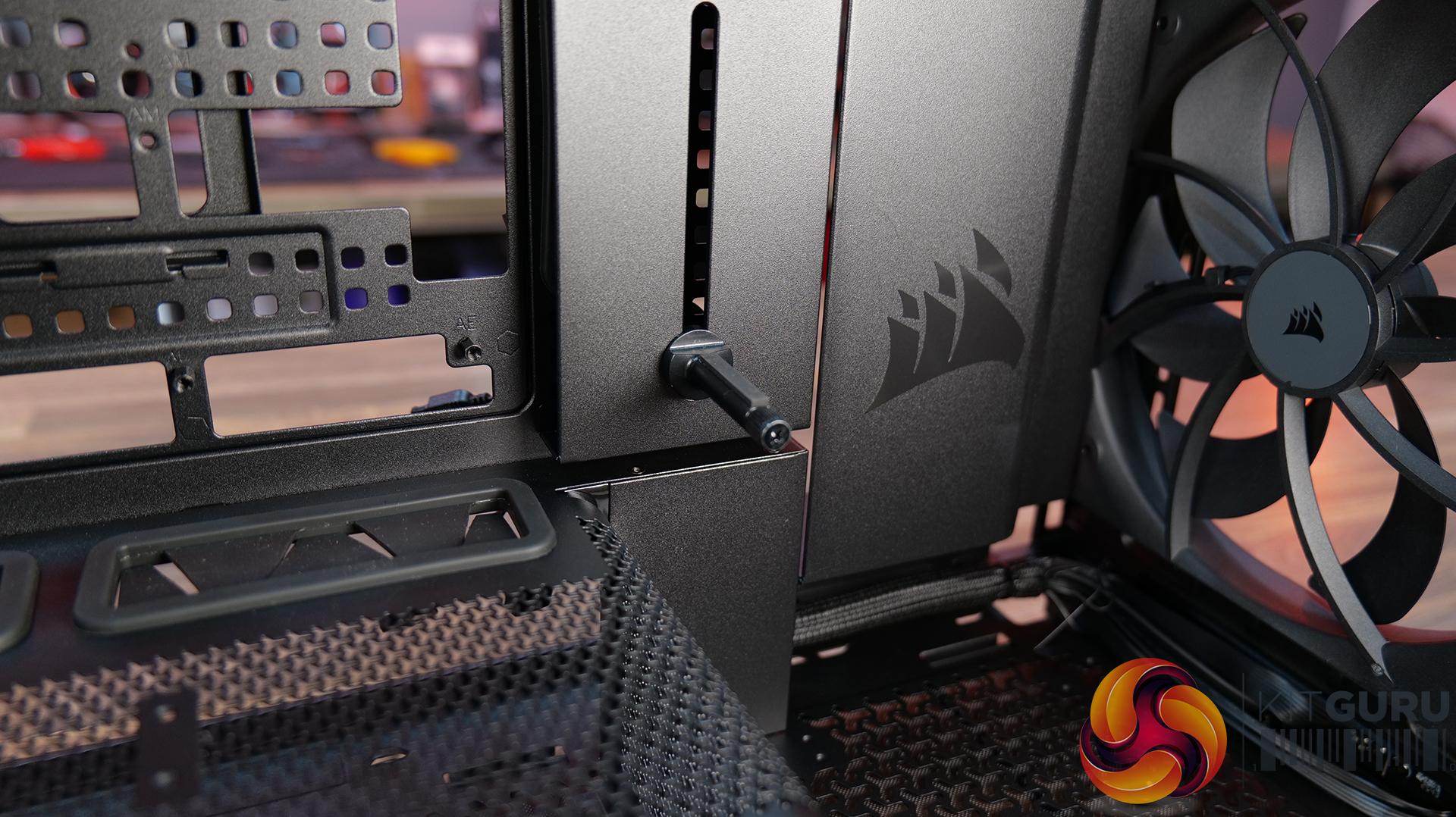
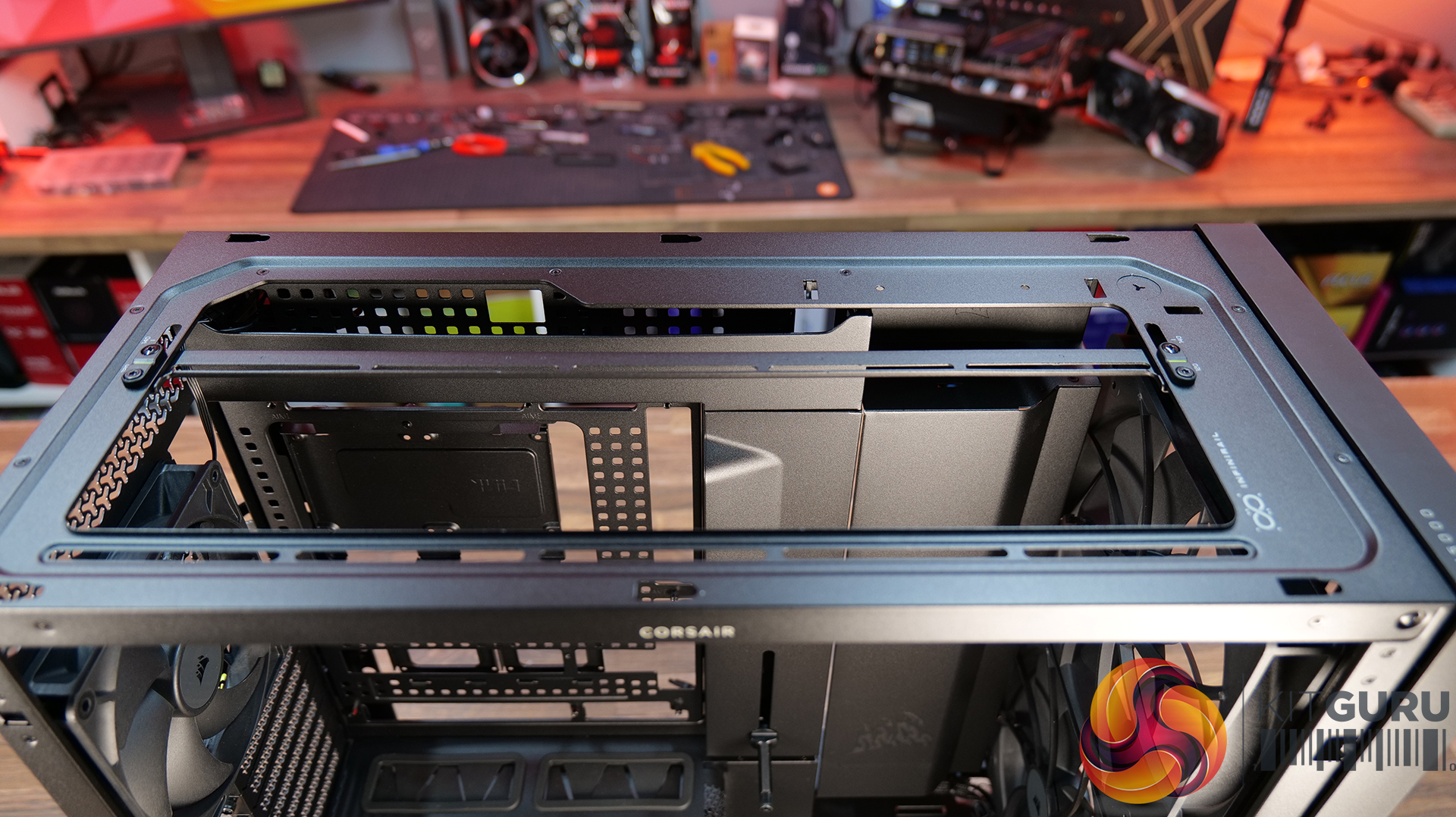
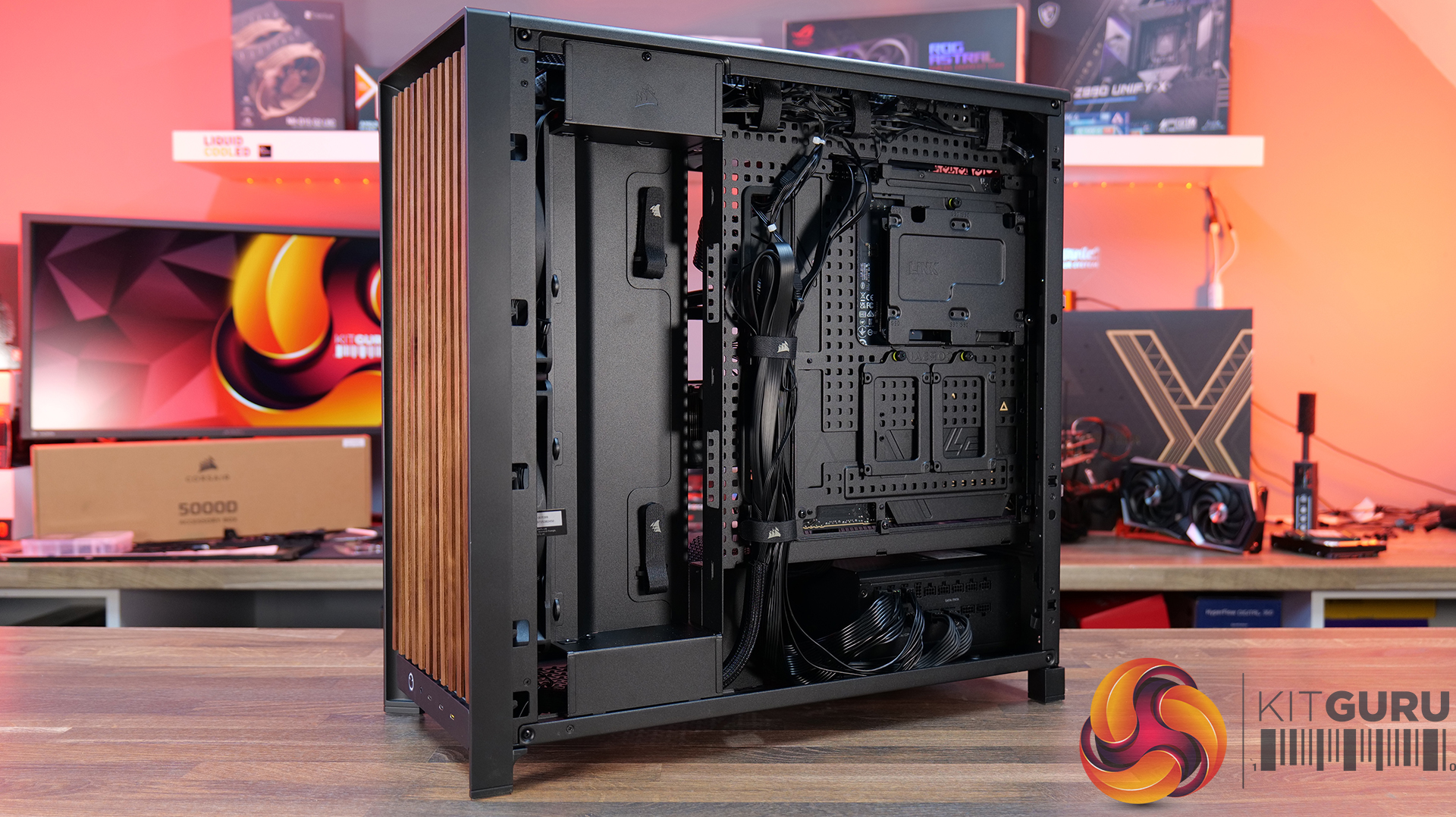
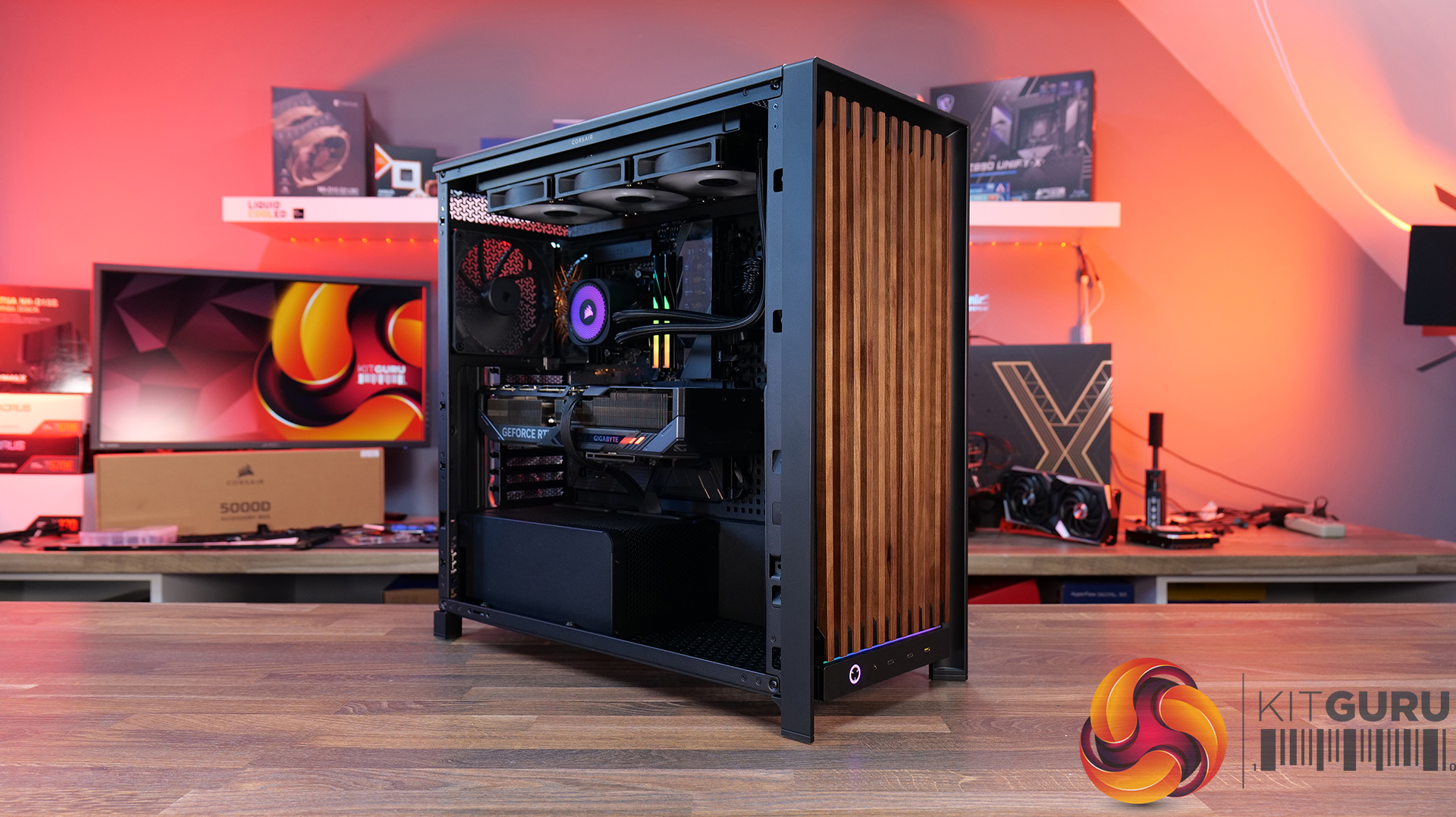
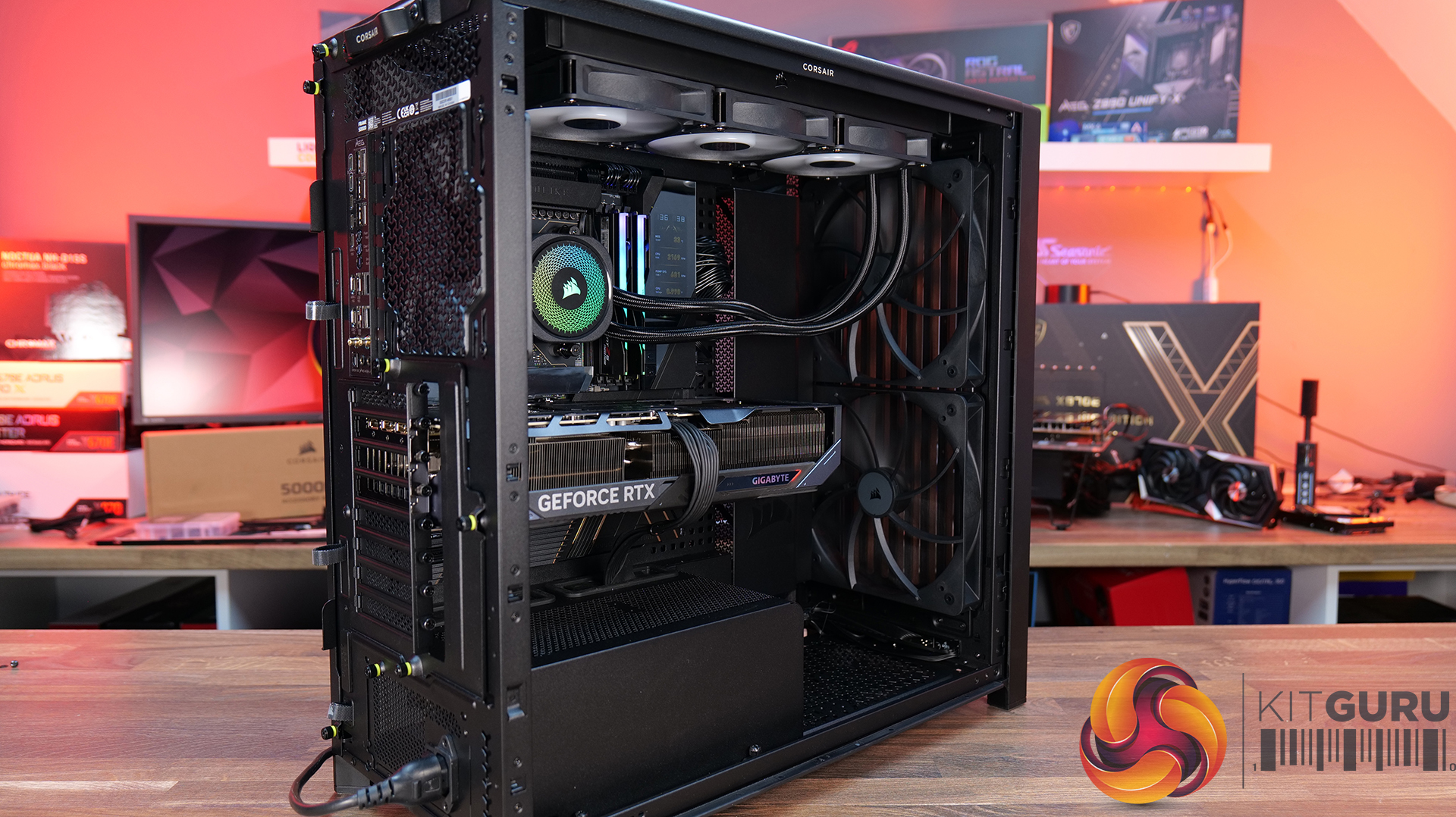
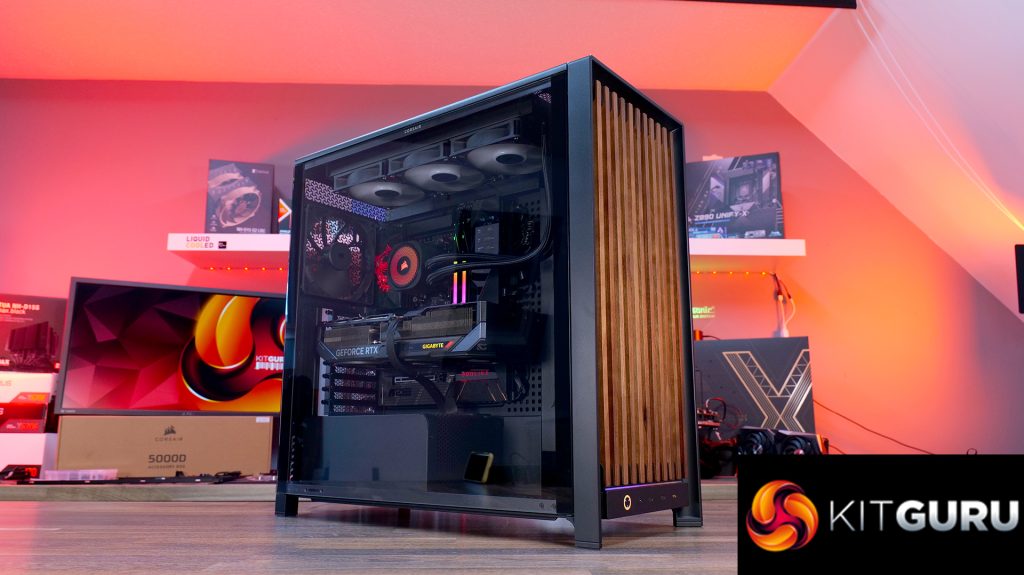
Today we're taking a look at the new Corsair Frame 5000D Wood RS PC case. At first glance it might just look like theregular Frame 5000Dwith a fancy wooden front, but Corsair has actually made a few interesting changes under the hood. Along with the solid wood front panel, you get a pair of huge 200mm intake fans, a full-length tempered glass side panel, a more compact PSU shroud, and an updated front I/O layout with three USB Type-C ports. So, is this just a cosmetic refresh, or has Corsair really improved one of its flagship cases? Let's find out.
Timestamps:
00:00 Introduction
00:50 Pricing and Info
03:00 Front I/O
03:25 Features / Removing panels
04:35 Hardware / Cooling Support
06:01 Inside the Case / Options
07:21 Air Cooler Support
07:38 GPU Support
08:07 Motherboard Support
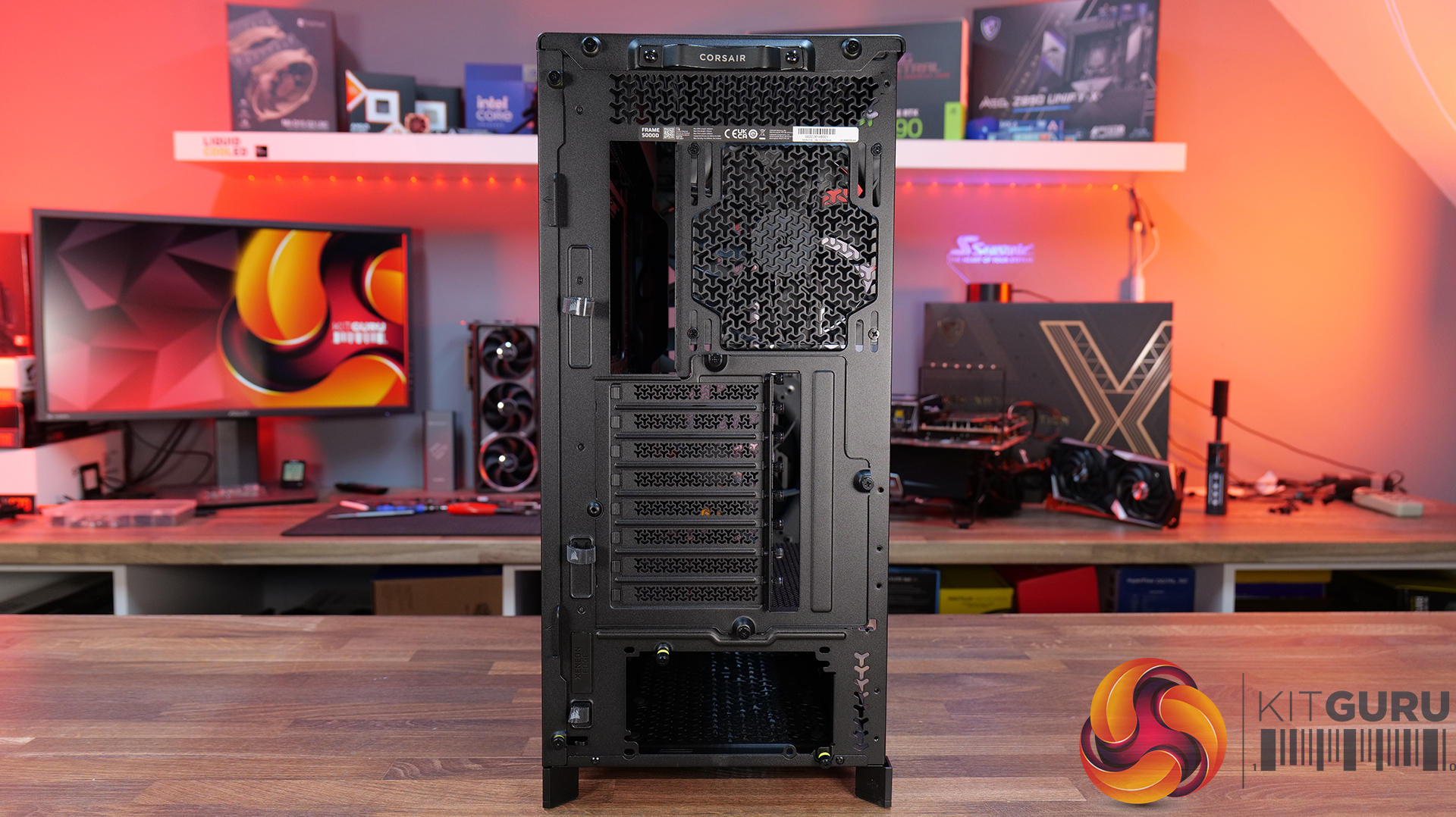
09:09 Back of Case
10:17 Cable Routing / Drives
13:00 Floor of Case
13:38 Accessories
15:10 Testing Methodology
15:40 Thermal and Noise Performance
17:05 Closing Thoughts
Features:
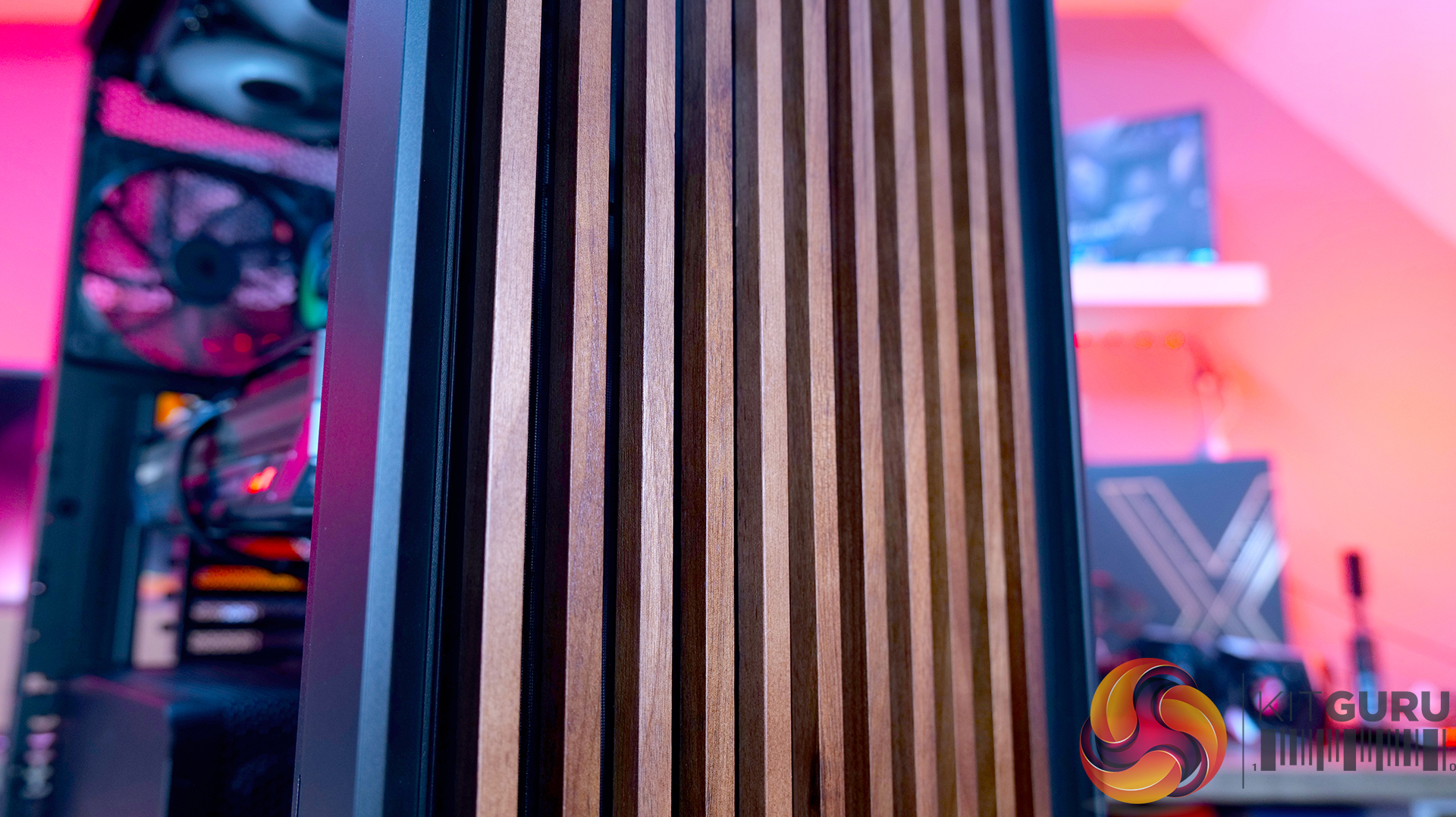
Real Wood, not Wood-effect – The standout feature of the Frame 5000D Wood RS is the new FSC-certified solid wood front panel. It gives the FRAME 5000D a much warmer, more premium look while still allowing plenty of airflow through the front of the chassis.
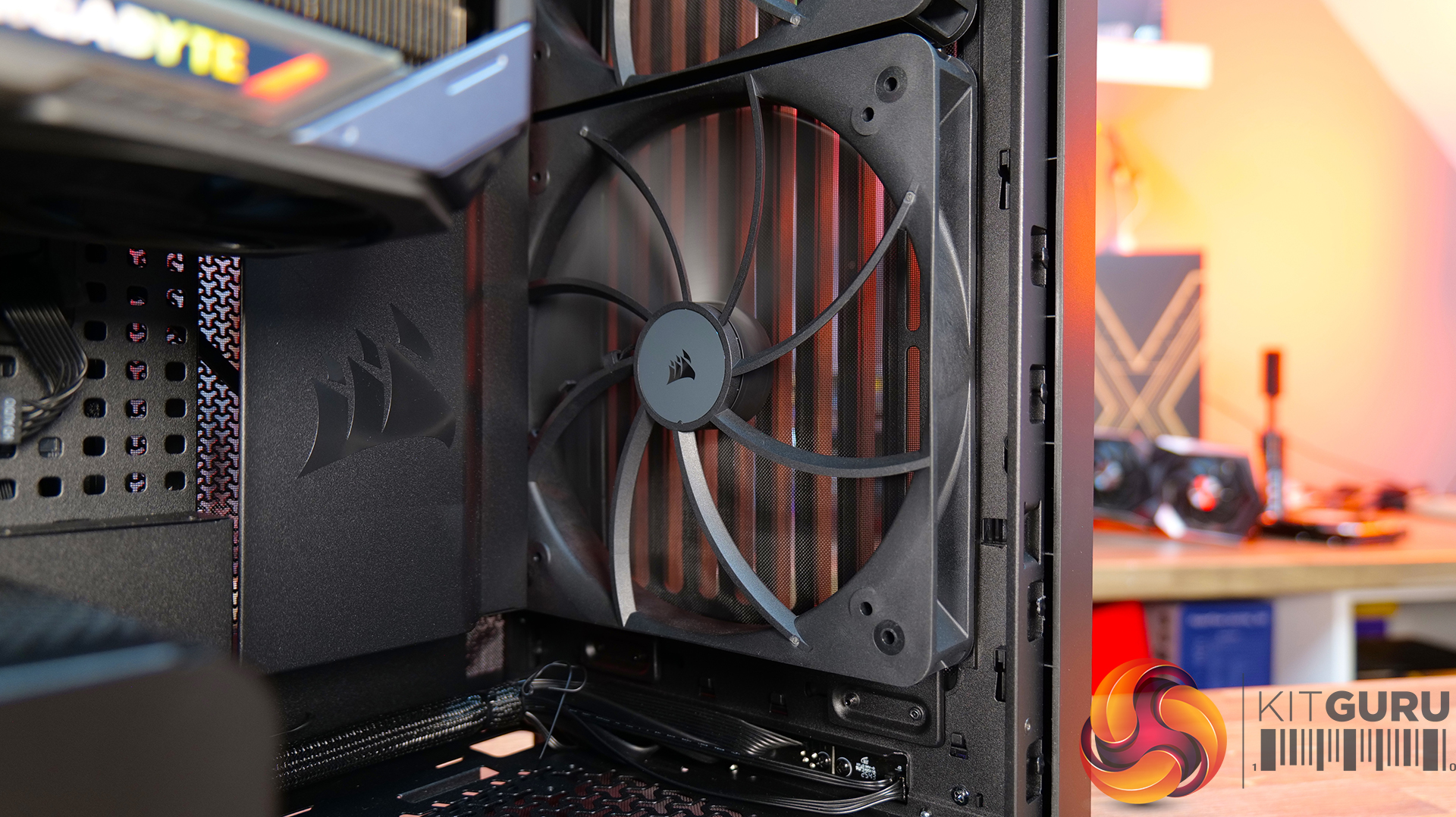
Big Fans, Low Noise – The original 140mm intake fans are swapped for a pair of massive 200mm RS200 fans that can shift plenty of air at lower RPM, keeping cooling performance high and noise low.
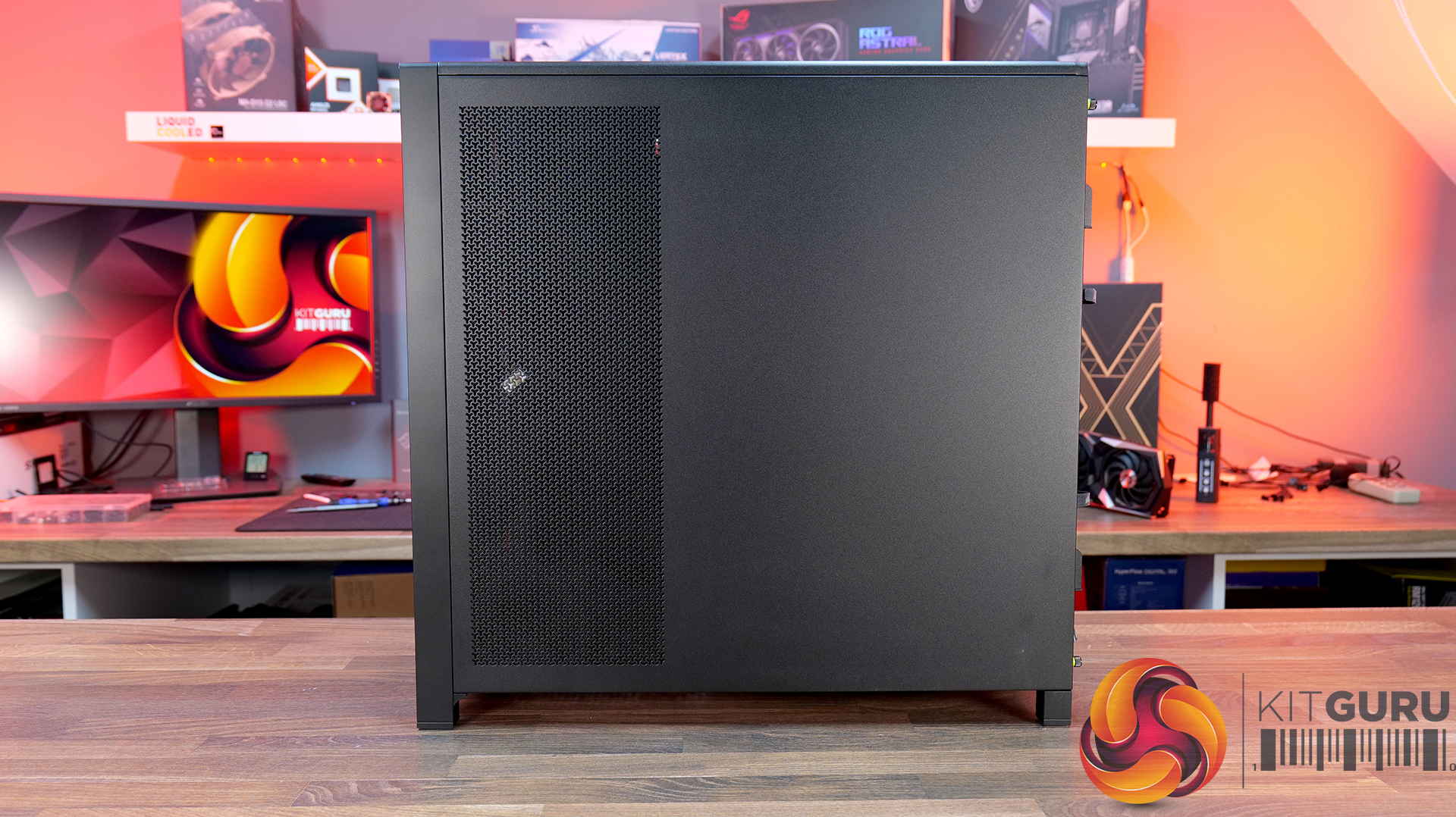
Cleaner Layout Inside and Out – A full-length tempered glass side panel, a more compact PSU shroud and updated front I/O with all USB Type-C connectivity all help modernise the Frame 5000D, giving you a better view of your hardware and a more up-to-date feature set.
Fan Support: 3 x 120mm,3 x 140mm(Top), 2 x 200mm, 3 x 120mm, 3 x 140mm (Front), 3 x 120mm, 3 x 140mm (R/H Side), 1 x 120mm, 1 x 140mm (Rear), 1 x 120mm (Bottom)
Font I/O: 2x USB 3.2 Gen1 Type-C (5Gb/s), 1x USB 3.2 Gen2x2 Type-C (20Gb/s), PWR Button, Combo Mic/Headphone Jack
LCD Screen: N/A
Thermal Performance Testing
To simulate thermal demand, we run the Cinebench R23 multi-thread benchmark and 3DMark Speed Way stress test simultaneously in a loop for 30 minutes to load the system fully. This gives the CPU and GPU enough time to reach constant steady-state temperature. With this data, we can compare how the system handles the thermal demand and measure peak noise levels.
Thermal performance is measured with the case in various configurations, such as the default, with the tempered glass left-hand side panel removed and with the front panel removed to see how these configurations affect the CPU and GPU temperature. During testing, only stock case fans are used unless otherwise specified. All water pumps are set to maximum RPM and fans are set to a custom RPM curve by the Motherboard software/BIOS.
All temperature measurements are presented as Deltas – meaning the ambient temperature has been deducted from the CPU temperature, giving us a Delta. Data shown in the charts represents the average component temperature over the length of the test as measured by HWiNFO, and then the last 15 minutes of the data are calculated to get the average. The ambient temperature during thermal tests is between 19-20⁰C.
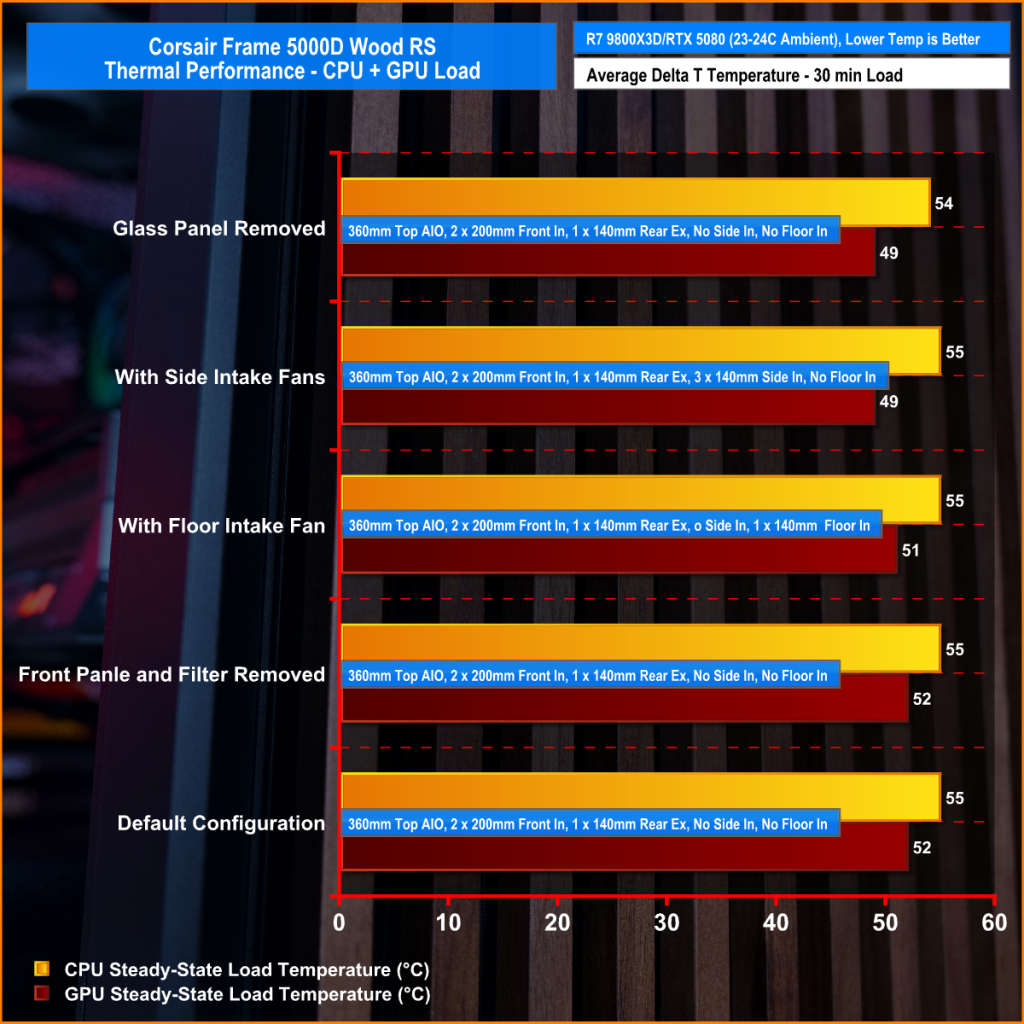
We test case thermals using a 360mm AIO as exhaust at the top and with the case in several different fan configurations. The default configuration shown in the charts is with the top 360mm AIO cooler, 2 x 200mm front intake fans and a single 140mm rear exhaust fan and with all case panels installed.
Thermal performance is about as good as you could expect for from a case like this. In the default configuration we see the CPU steady-state average at 55°C over ambient while the GPU is at 52°C . Adding extra side or floor intake fans doesn’t really change temperatures, just one or two degrees C drop on the GPU, suggesting the stock airflow is already well optimised.
Removing the tempered glass side panel makes almost no difference at all, shaving just a single degree off the CPU while leaving GPU temperatures unchanged. In other words, Corsair's pair of 200mm front intake fans are doing exactly what they're supposed to, delivering plenty of airflow straight out of the box without the need for additional fans or a change of configuration.
Noise Output
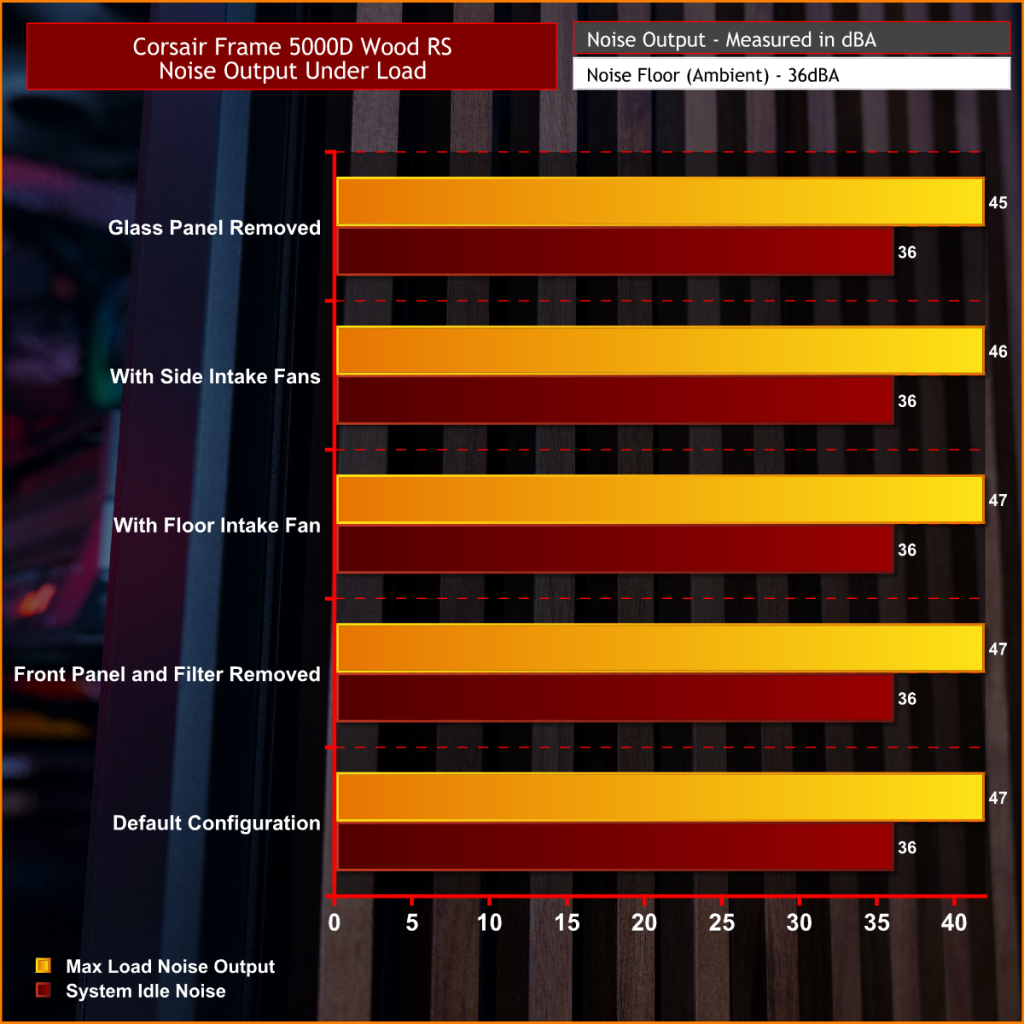
Noise follows a similar path to thermal performance; in this test, the case fans are fixed at low RPM, so they are virtually silent. The only noise comes from the CPU cooler and GPU fans. Since there isn't a massive change in temperature with the case in either configuration, the noise output stays pretty consistent.
Across all configurations, the idle noise is essentially identical; the only drop in load noise occurs with the glass side removed, as the CPU and GPU temperatures are at their lowest, but the drop in noise is just 1dBA, which is hardly noticeable in real-world situations. So, in terms of thermal performance, if you keep the case fan speed to a sensible level, noise is very well optimised out of the box.
Closing Thoughts
The Frame 5000D Wood RS is a worthy refresh of the original Corsair Frame 5000D. The addition of a real wood front panel gives it a much more premium look without sacrificing airflow, making it stand out from the mesh and tempered glass cases currently on the market. It feels like a more mature design, and the option of Black/Walnut or White/Oak should appeal to anyone looking to build a PC with either a black or white theme.
Performance is equally impressive. The pair of 200mm front intake fans provide excellent airflow while running at relatively low speeds, resulting in excellent cooling performance without generating excessive noise. Our testing showed little to be gained from removing panels or adding extra intake fans, which tells you Corsair has done a solid job of optimising the stock airflow configuration straight out of the box.
That said, the build experience isn't quite as polished as the cooling performance. Installing the motherboard proved more awkward than expected, with the motherboard backplate making it difficult to line everything up. Graphics card installation also felt unnecessarily fiddly, as the opening around the PCIe slots doesn't leave much room to manoeuvre cards into position, particularly if your motherboard has chunky rear-mounted heatsinks around the M.2 area. Neither issue is a deal-breaker, but they're the sort of frustrations you don't expect from a case at this price point.
Overall though, the positives outweigh the negatives. The Frame 5000D Wood RS looks great, it delivers excellent thermal performance and quiet operation, and retains all the flexibility of Corsair's modular Frame ecosystem. The installation quirks knock points off what is otherwise a very capable chassis. So if the mature aesthetics, airflow and upgradeability are your thing, this should be on your parts list for your next build, unless you need something smaller, the Frame 4000D Wood is your perfect alternative.
The Corsair Frame 5000D Wood RS is available to purchase now from Scan priced at £159.95 HERE.
Pros:
Big front fans keep the system cool and quiet with great airflow.
Wood front gives a more premium look.
Lots of space for hardware and cooling.
Cons:
Motherboards with backplates can be difficult to install.
Graphics cards can be tight to get into the PCIe slot.
Quite large for a basic gaming system.
KitGuru says: Corsair has made some worthy changes to the Frame 5000D, which means it still offers great airflow and cooling but now with premium looks too!
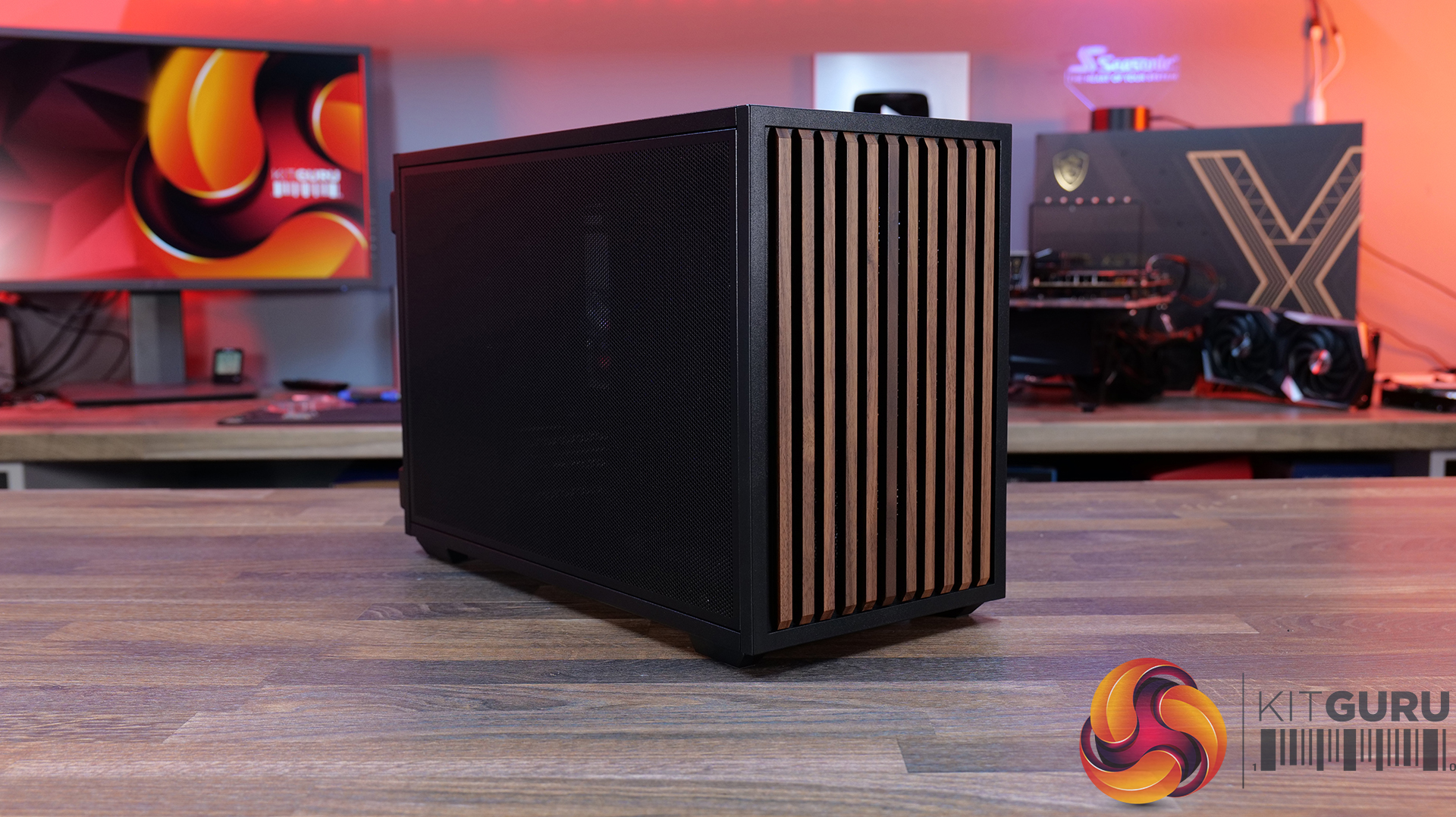
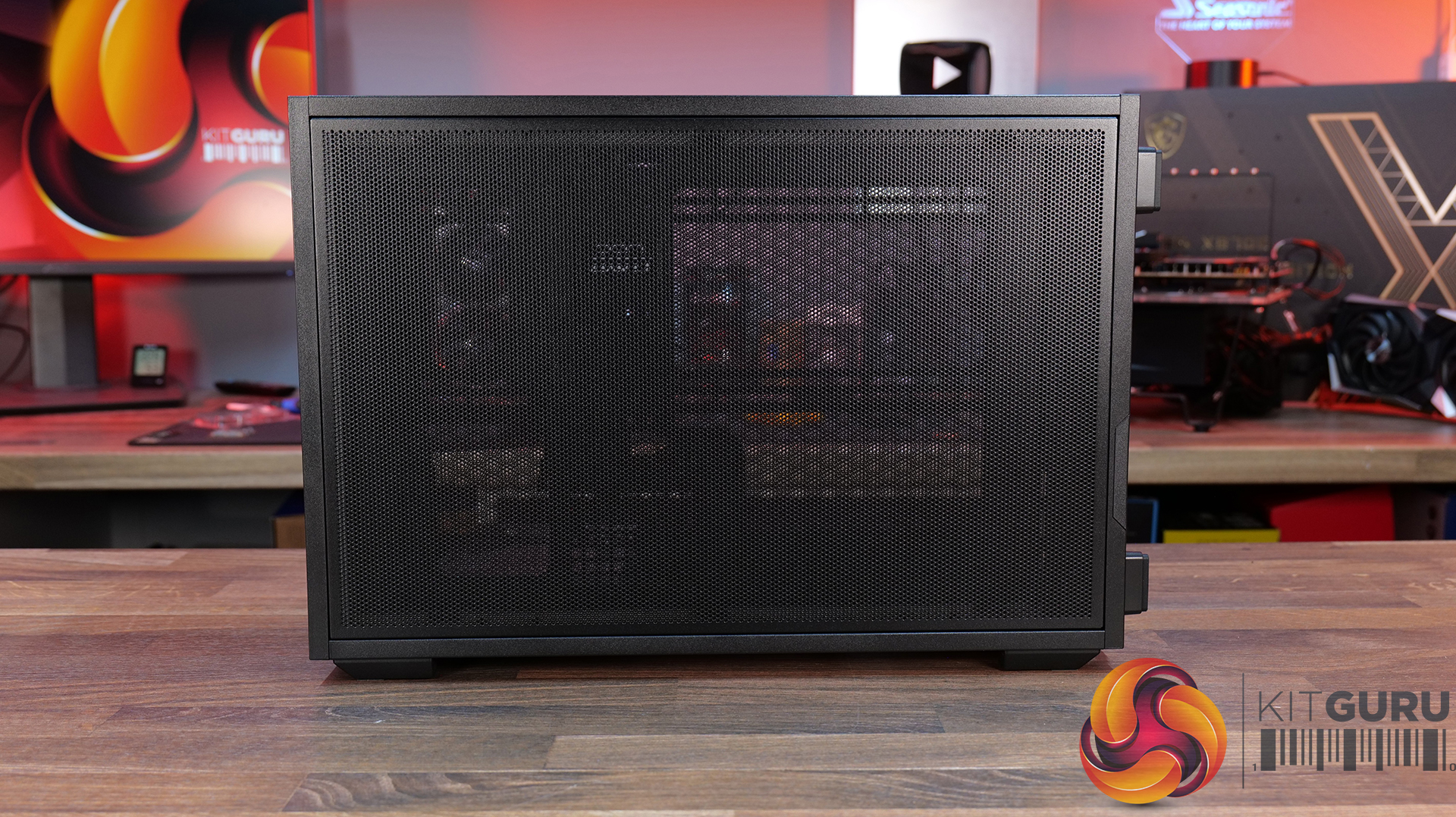
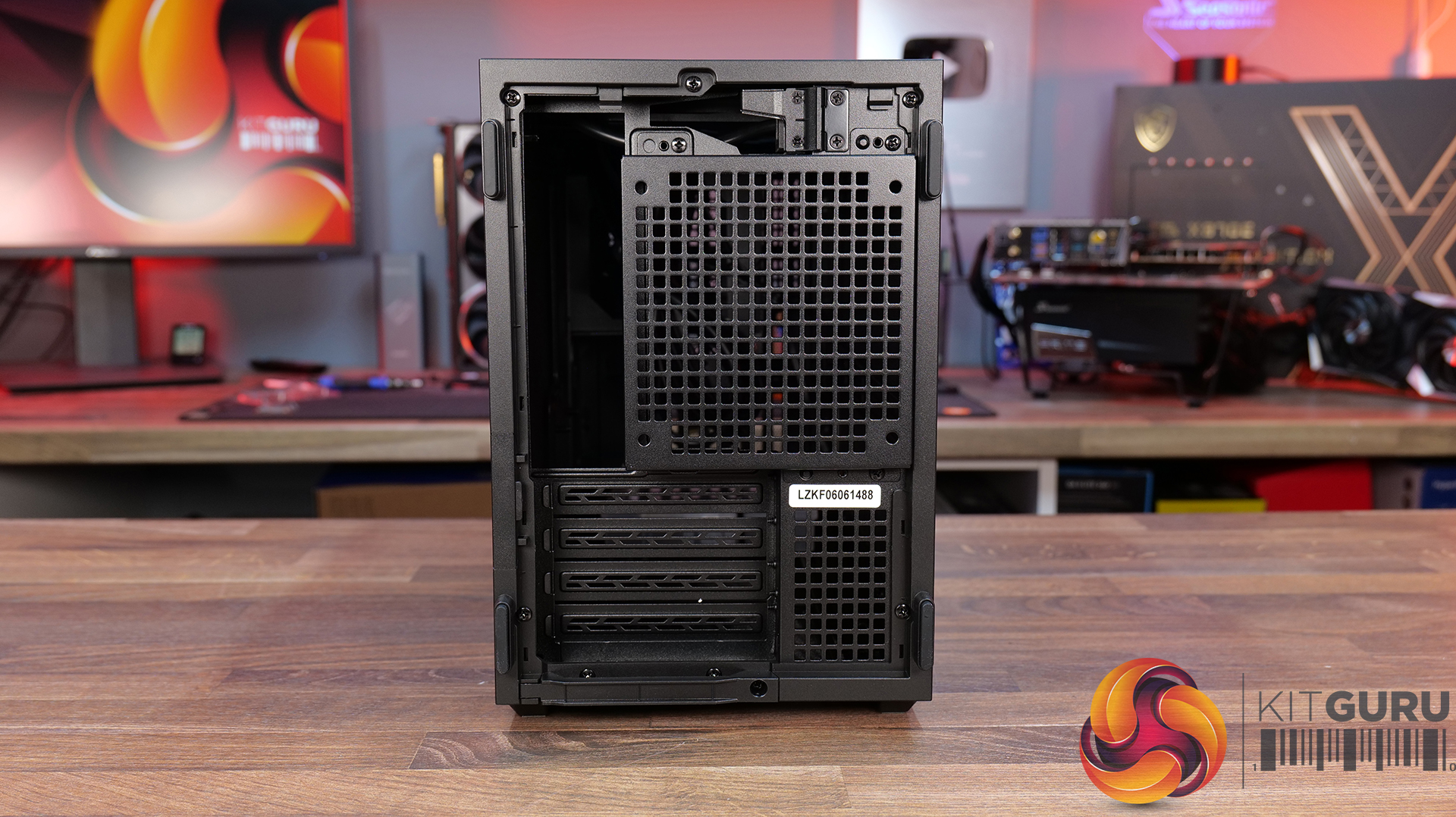
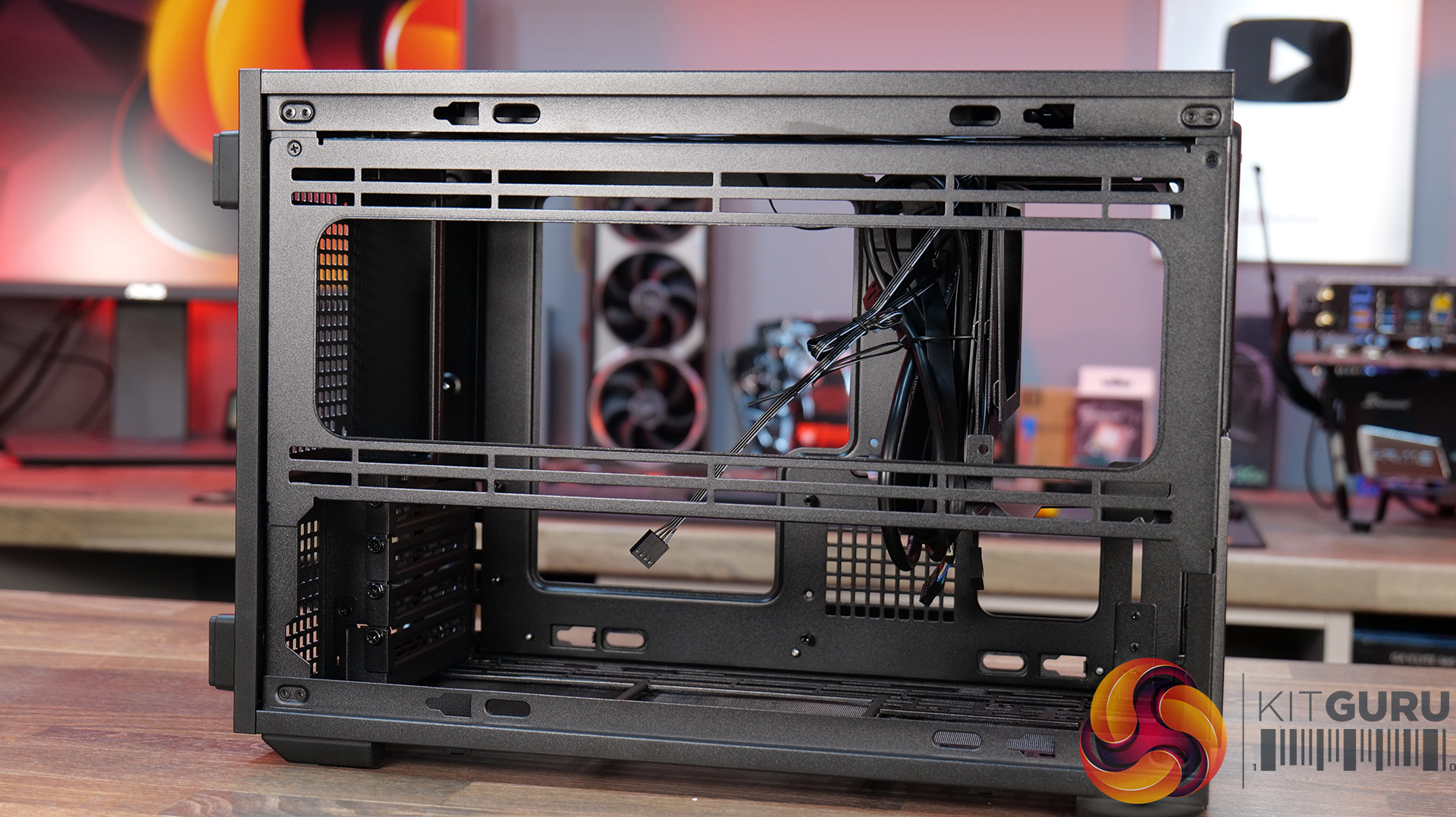
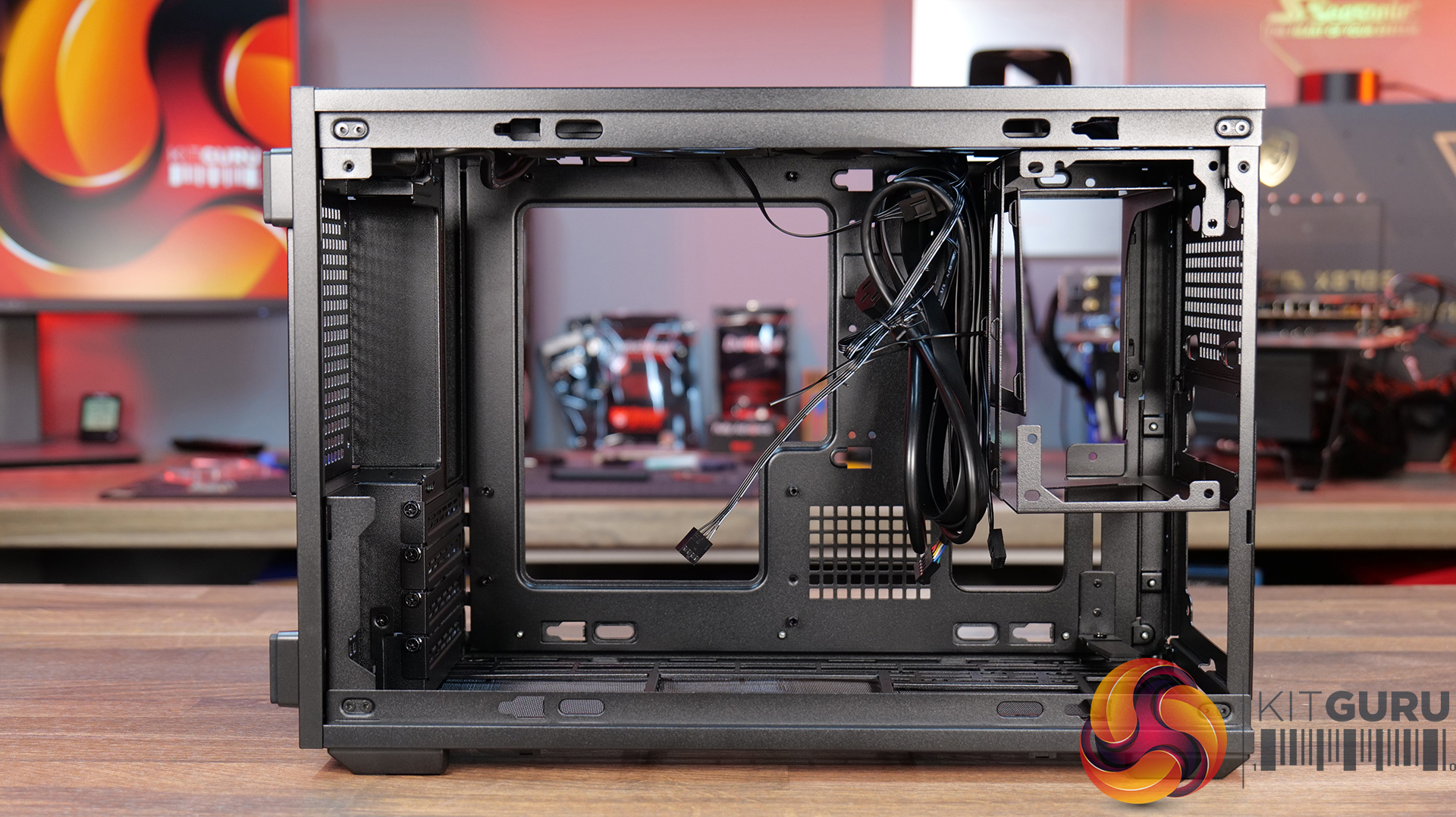
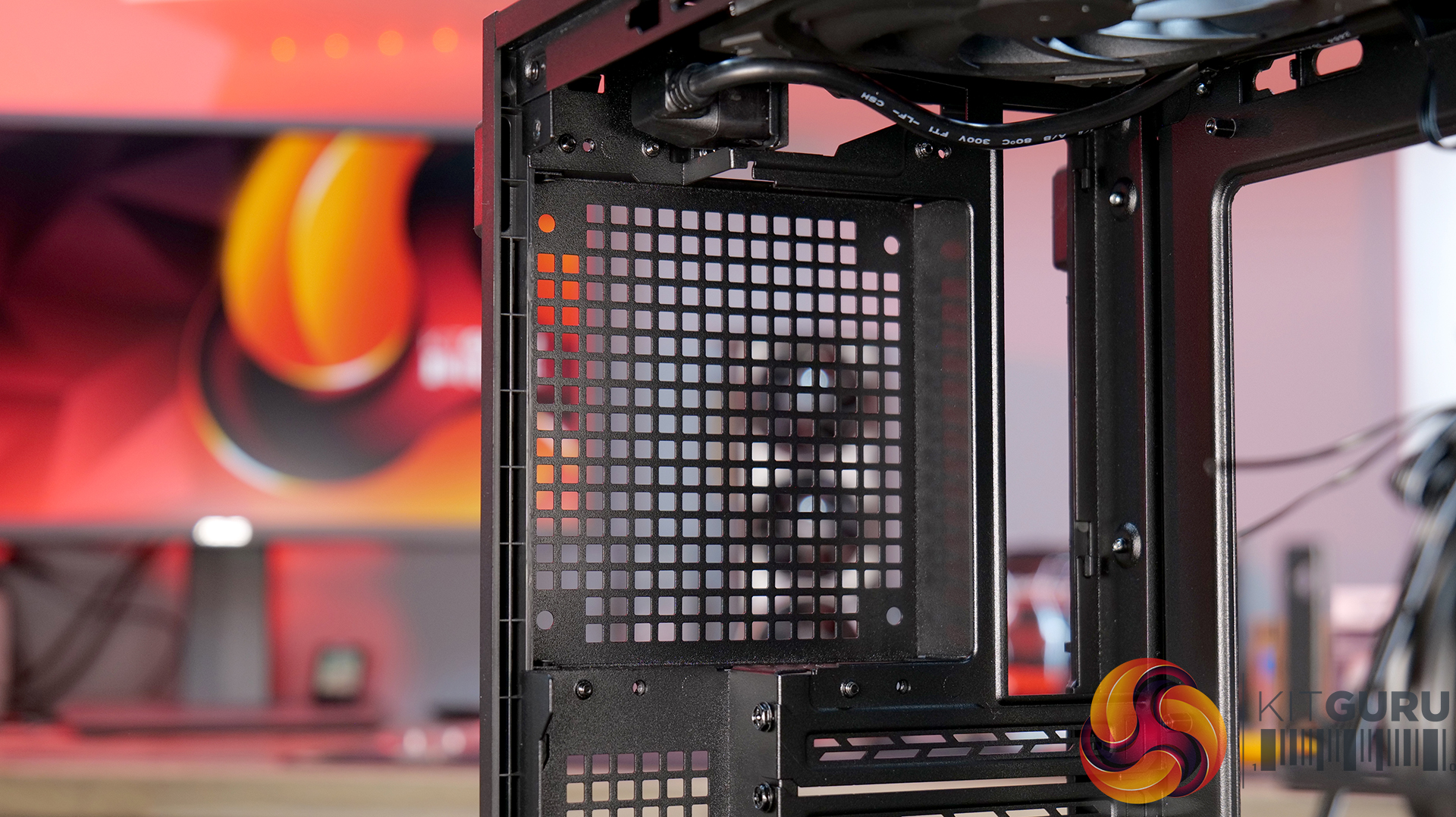
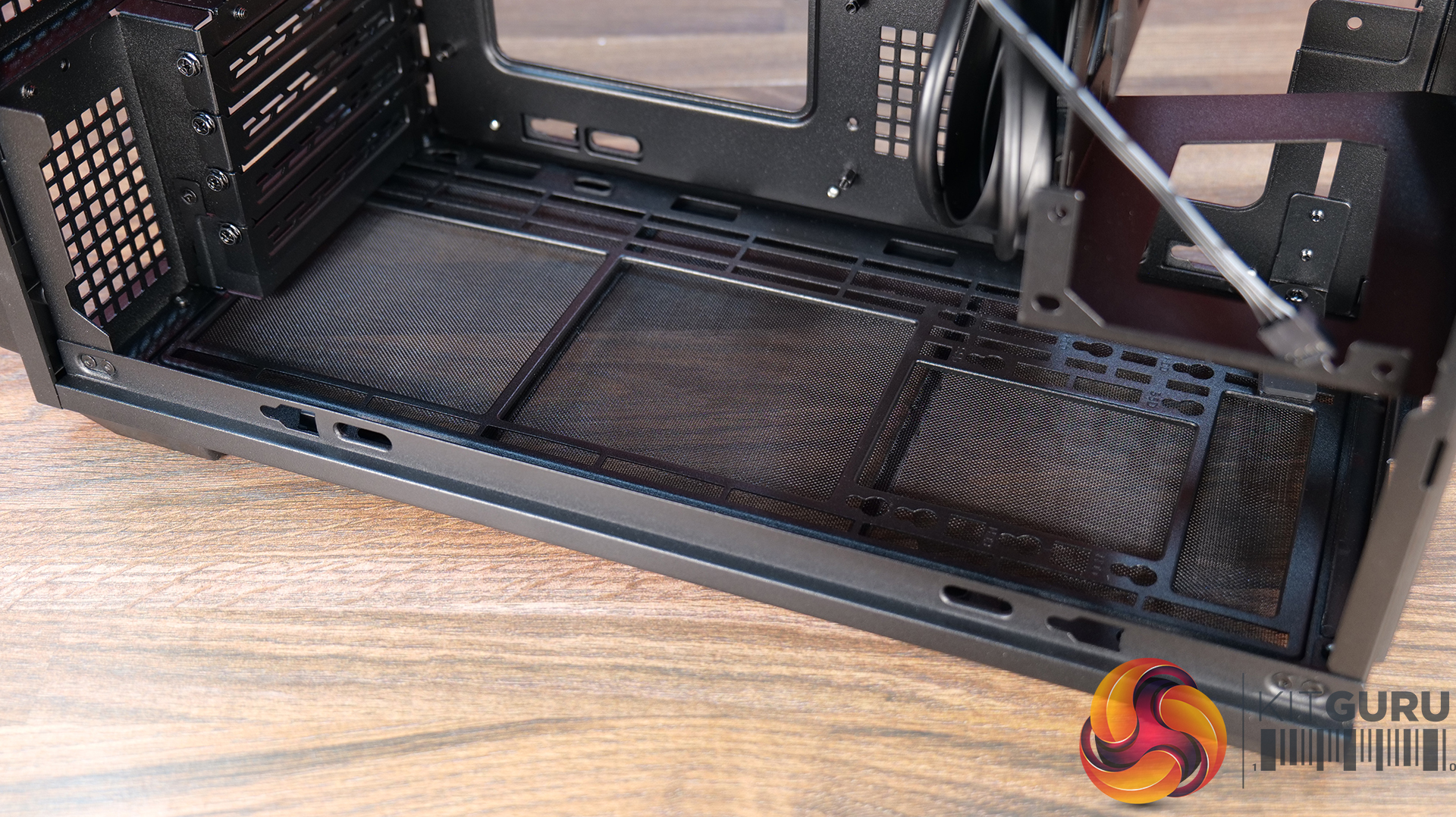
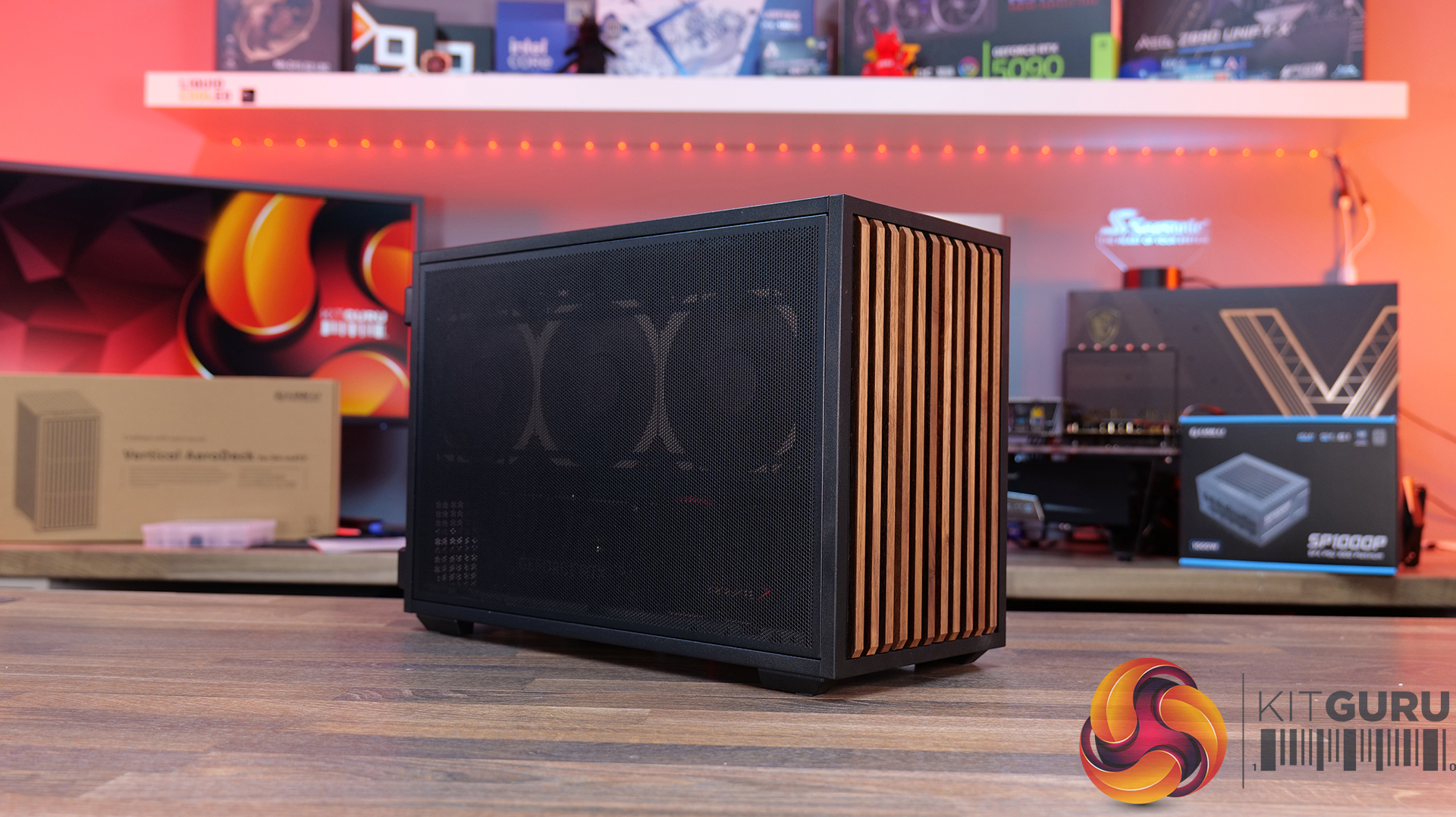
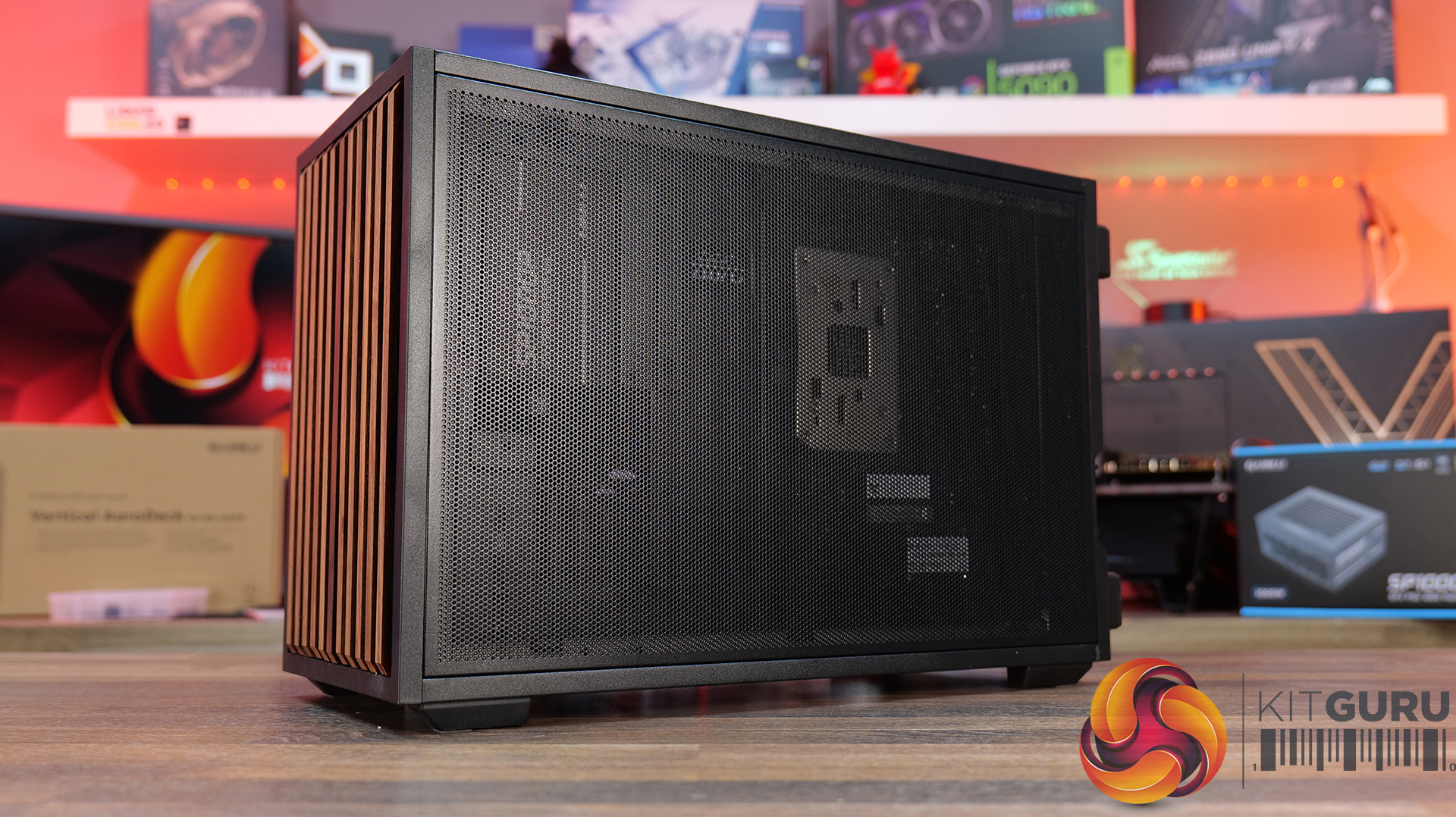
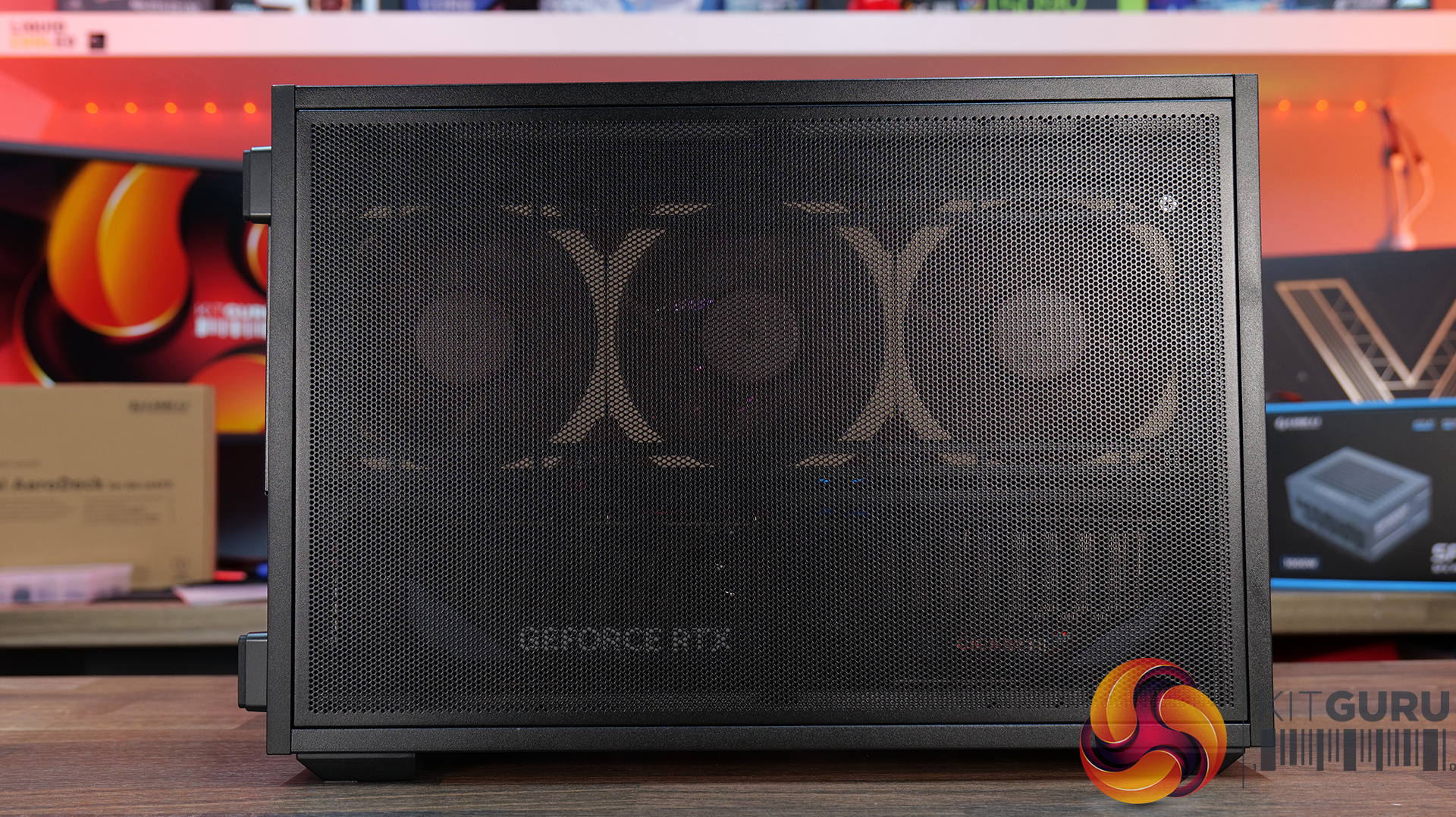
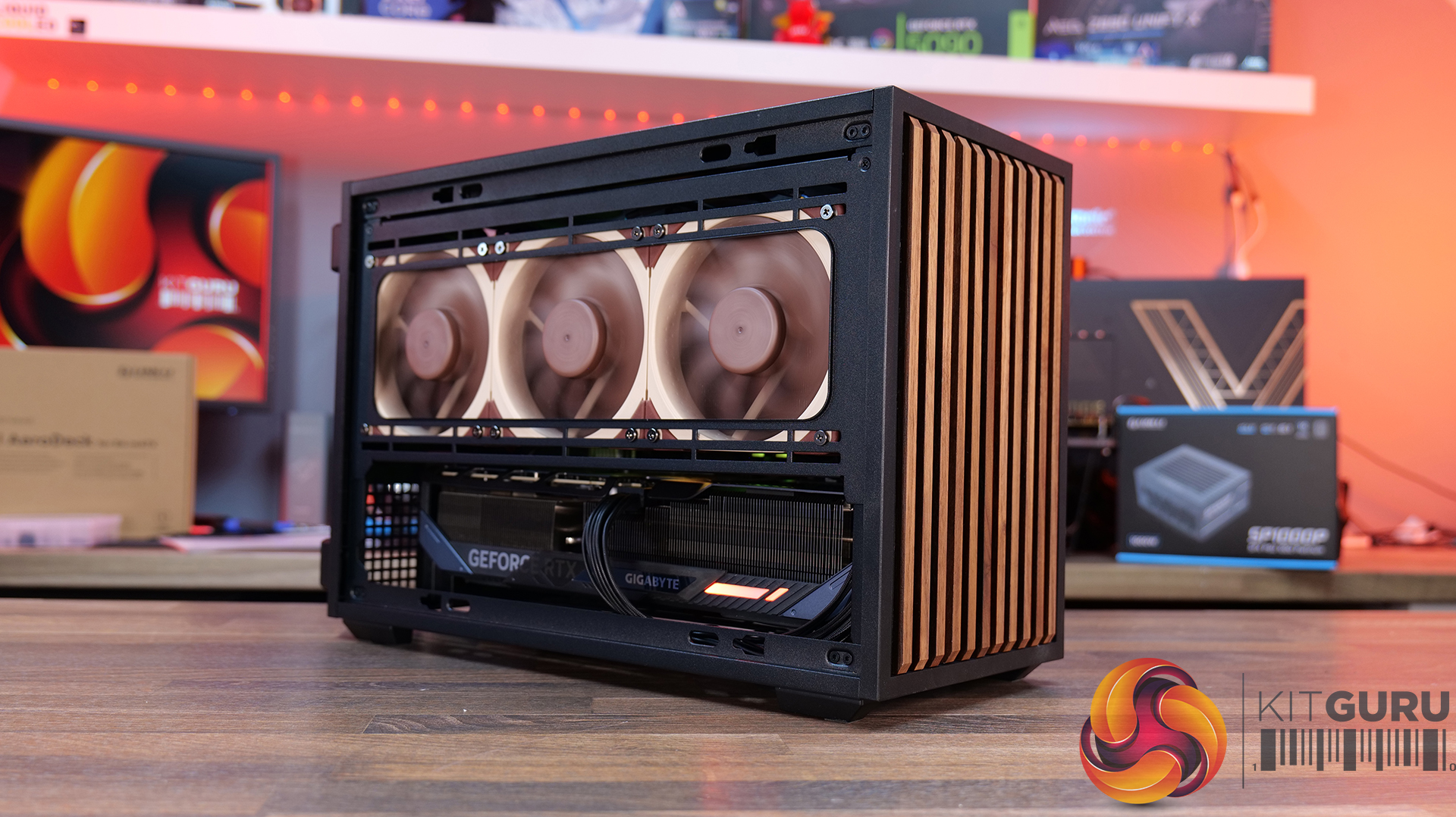
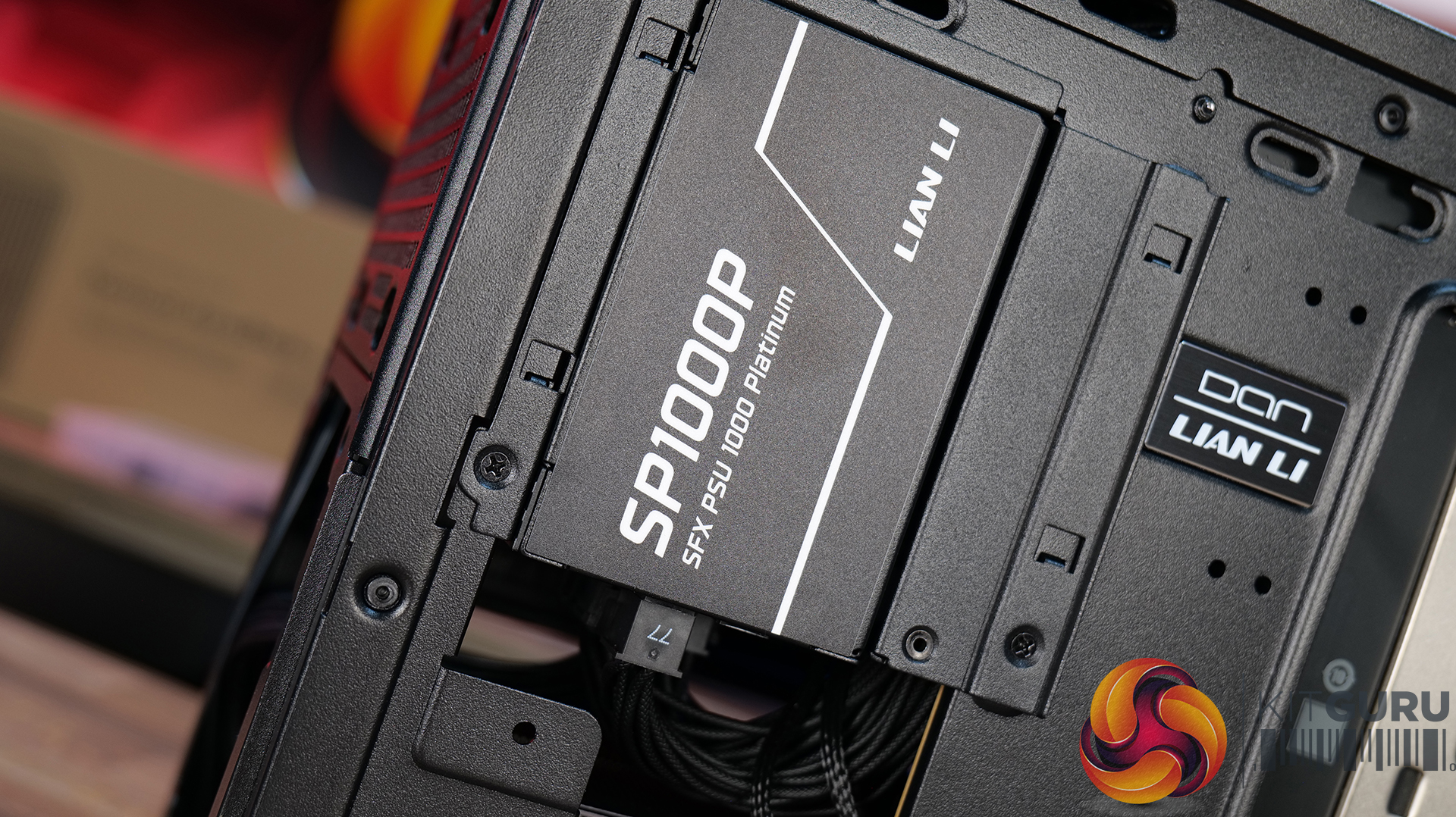
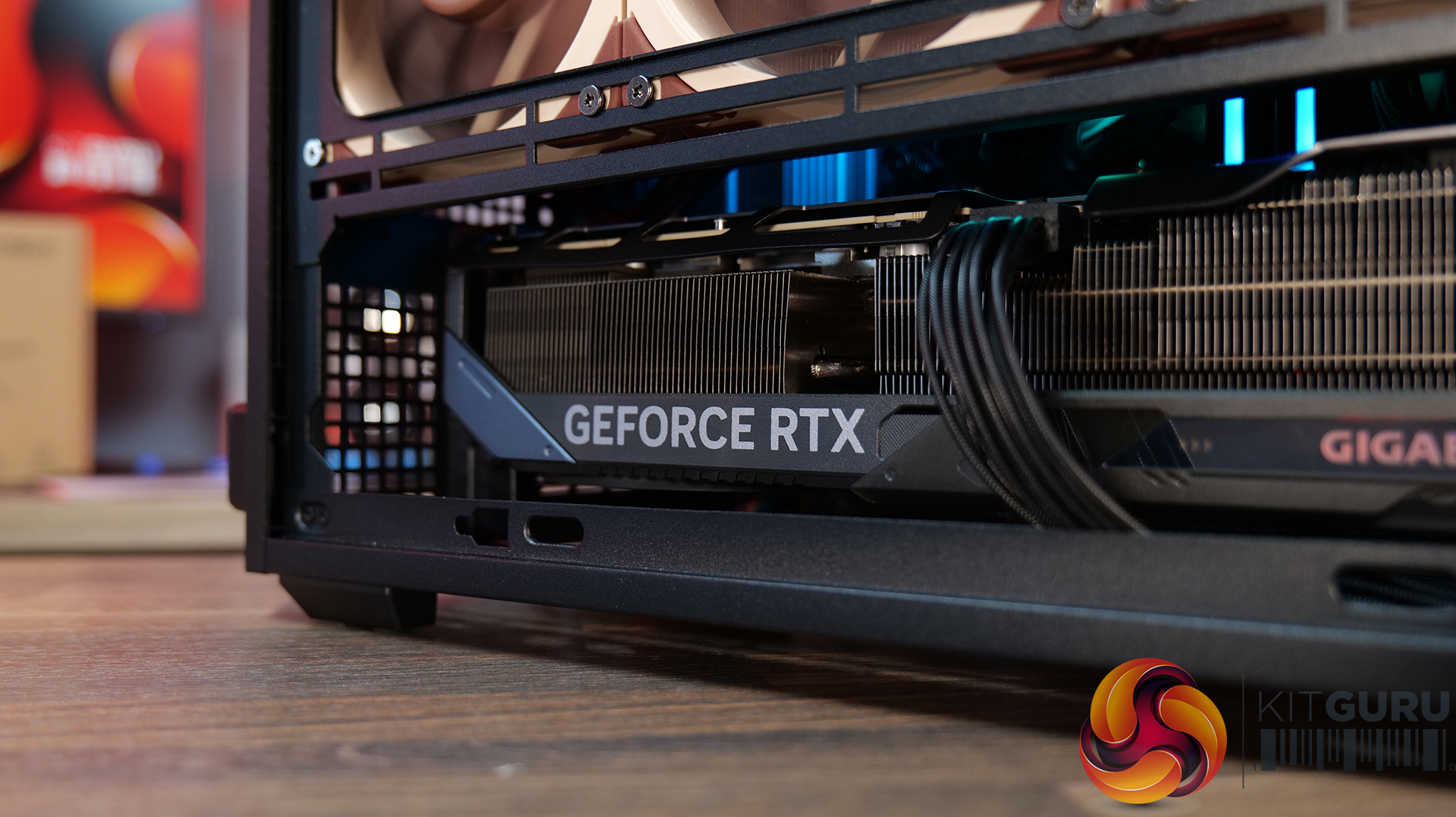
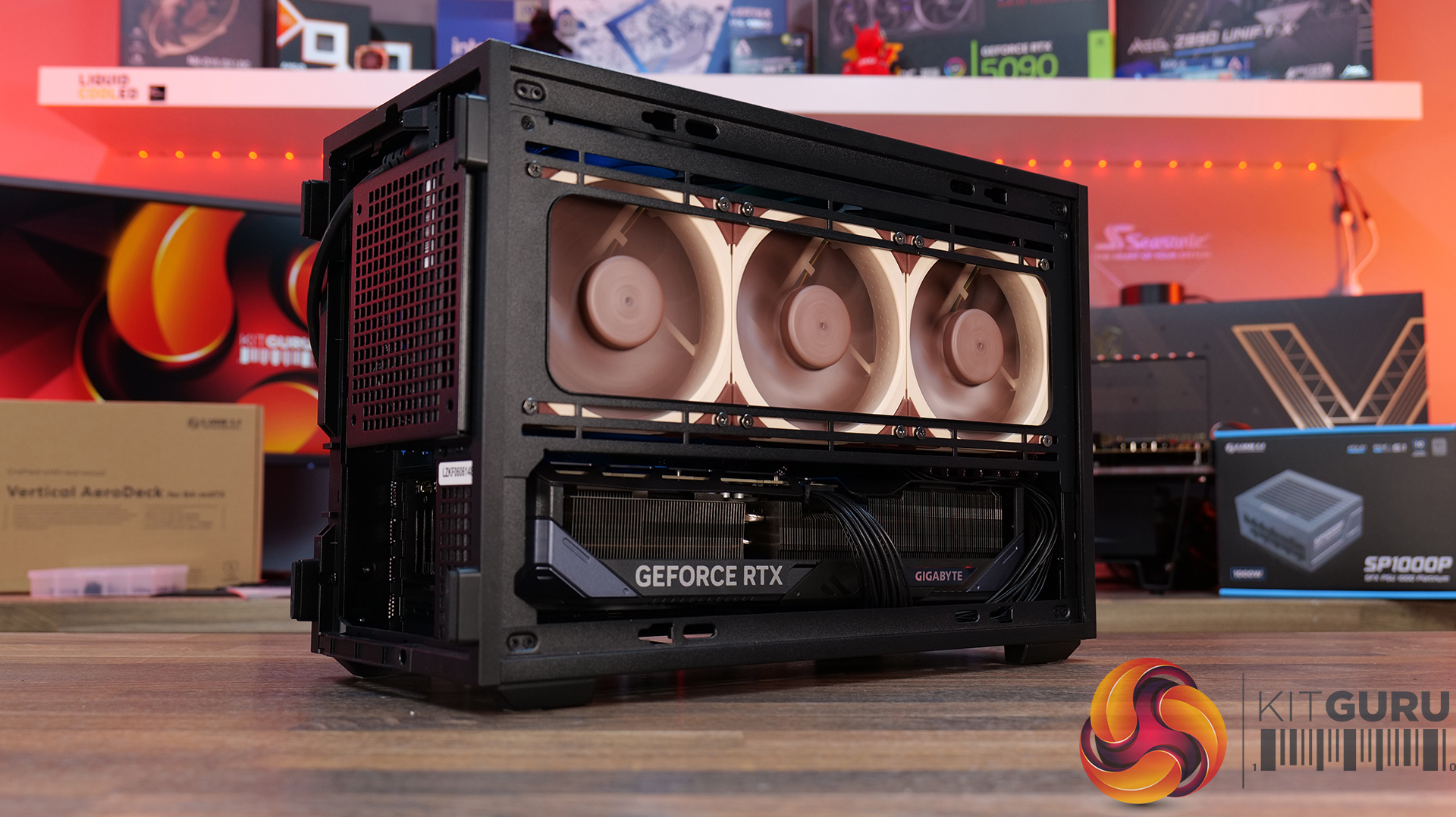
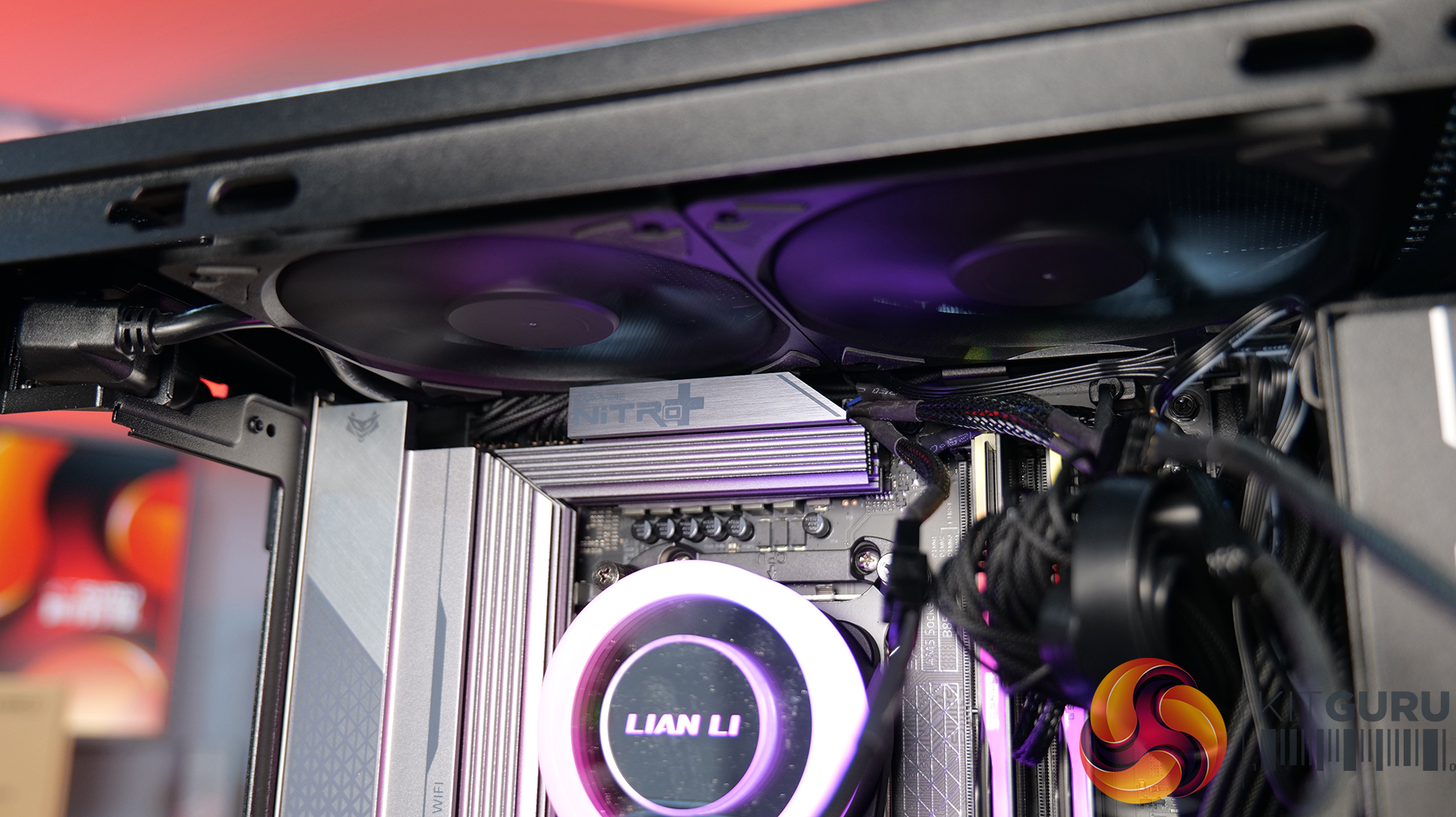
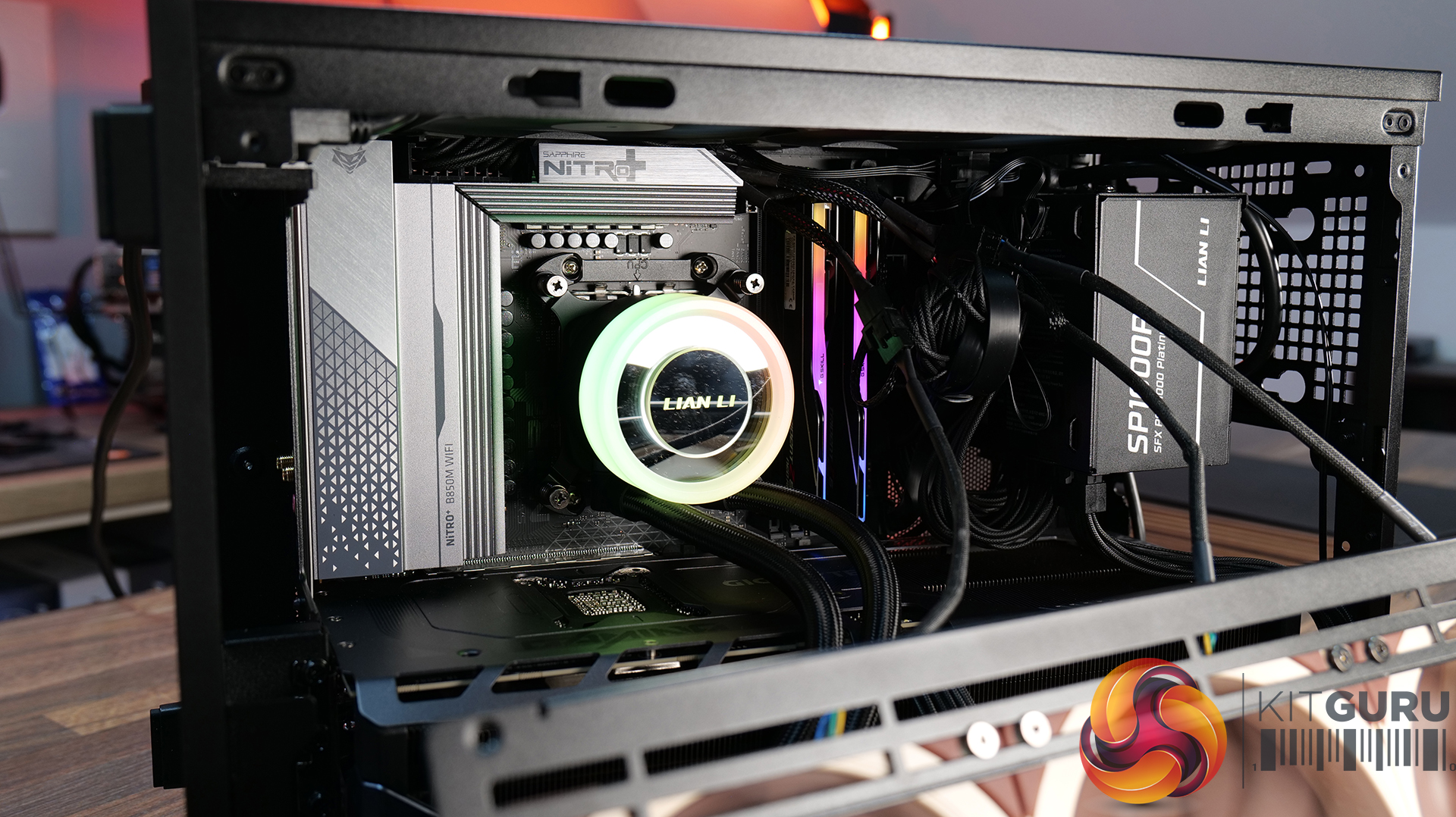
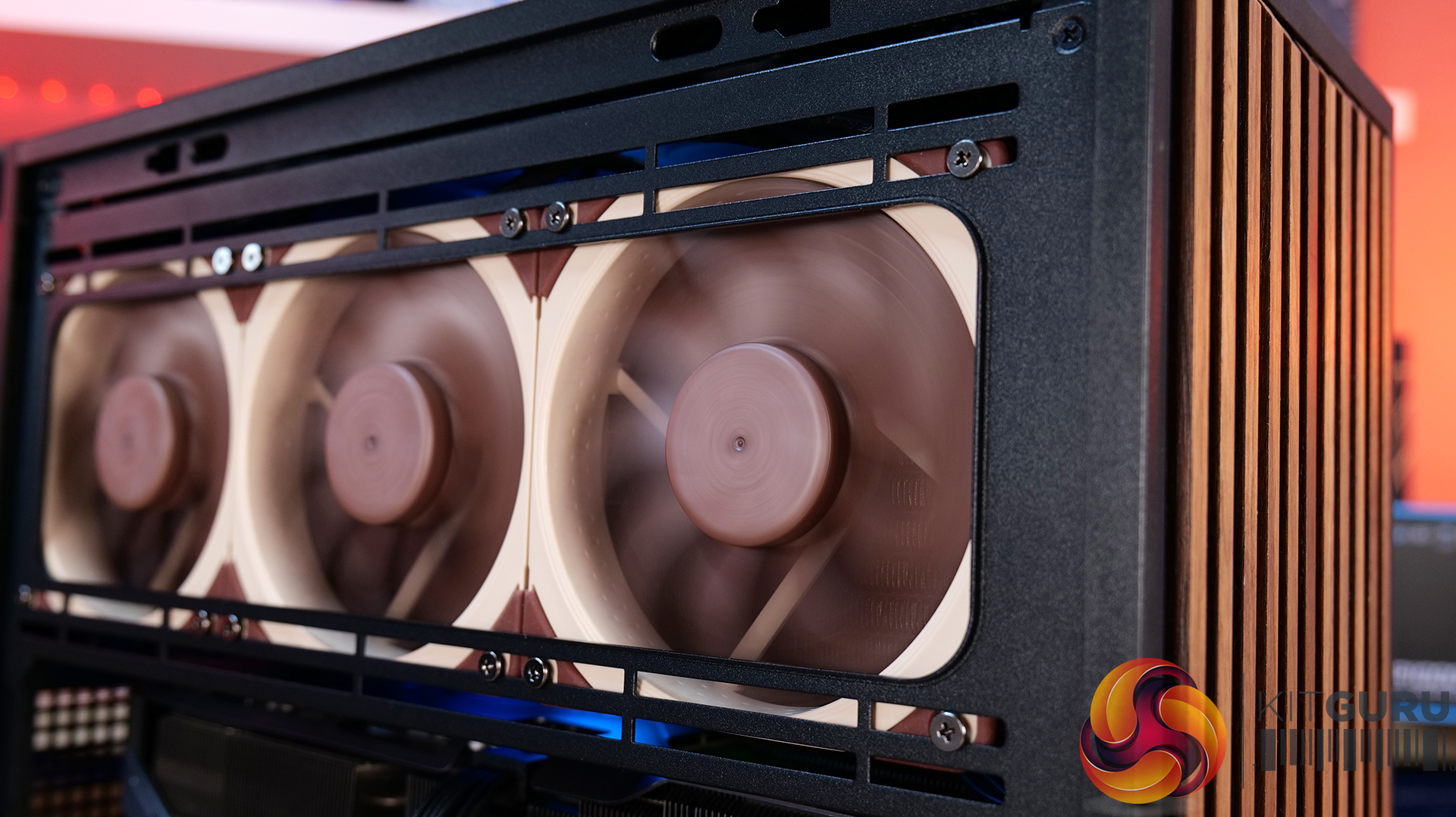
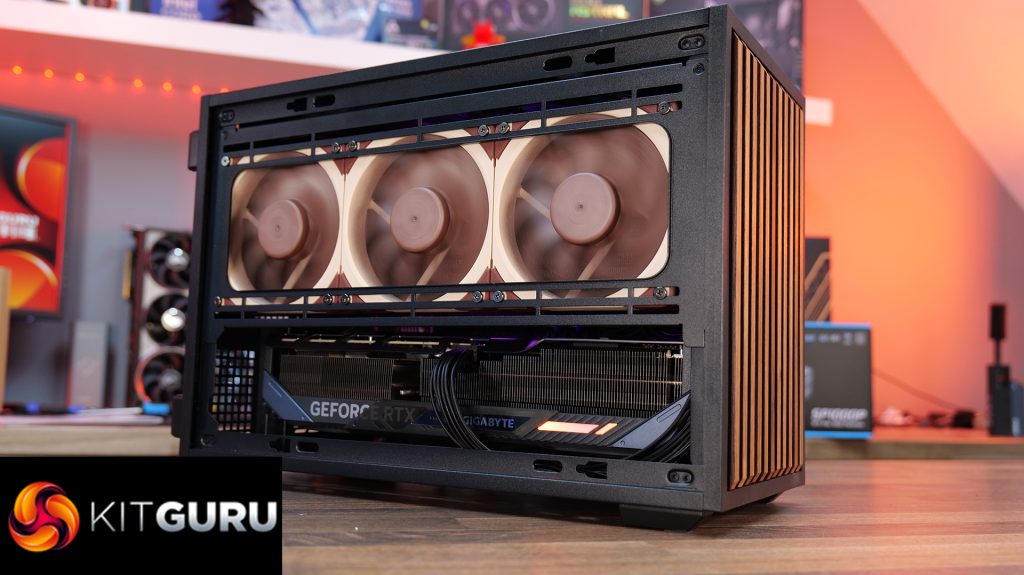
Today we're looking at the Lian Li B4 mATX – a compact, 21.3-litre Micro-ATX case developed in collaboration with DAN Cases. Despite its small footprint, it supports Micro-ATX motherboards, graphics cards up to 358mm long, both ATX and SFX power supplies, and even a 360mm AIO. It also offers the choice of a mesh or real wood front panel, along with the option to run the case horizontally or vertically to better suit your setup. Lian Li is aiming to deliver the hardware compatibility of a much larger chassis in a compact SFF design. In this review, we'll find out if the B4 mATX can deliver on that promise, or not. Let's get into it.
Timestamps:
00:00 Introduction
00:58 Versions / Prices / Extras
01:51 Physical Dimensions / Front I/O
02:26 Removing panels
03:42 Cooling Support
06:25 GPU Anti Sag Bracket / GPU Support
07:25 Motherboard and CPU Air Cooler Support
08:22 Storage Compatibility
08:54 Back of the case
09:53 Left hand side of case
10:38 James thoughts on the layout
11:38 Accessories
12:22 Vertical AeroDeck
13:18 Thermal and Acoustic Performance Testing
15:11 Smoke Test
15:48 Thoughts on Installation
18:38 Closing Thoughts
Features:
Compact 21.3-litre Micro-ATX design with support for Micro-ATX motherboards, graphics cards up to 358mm long, plus the option to position the case horizontally or vertically.
Strong hardware compatibility including support for ATX or SFX power supplies, up to a 360mm side-mounted AIO with an SFX PSU, and CPU air coolers up to 162mm tall.
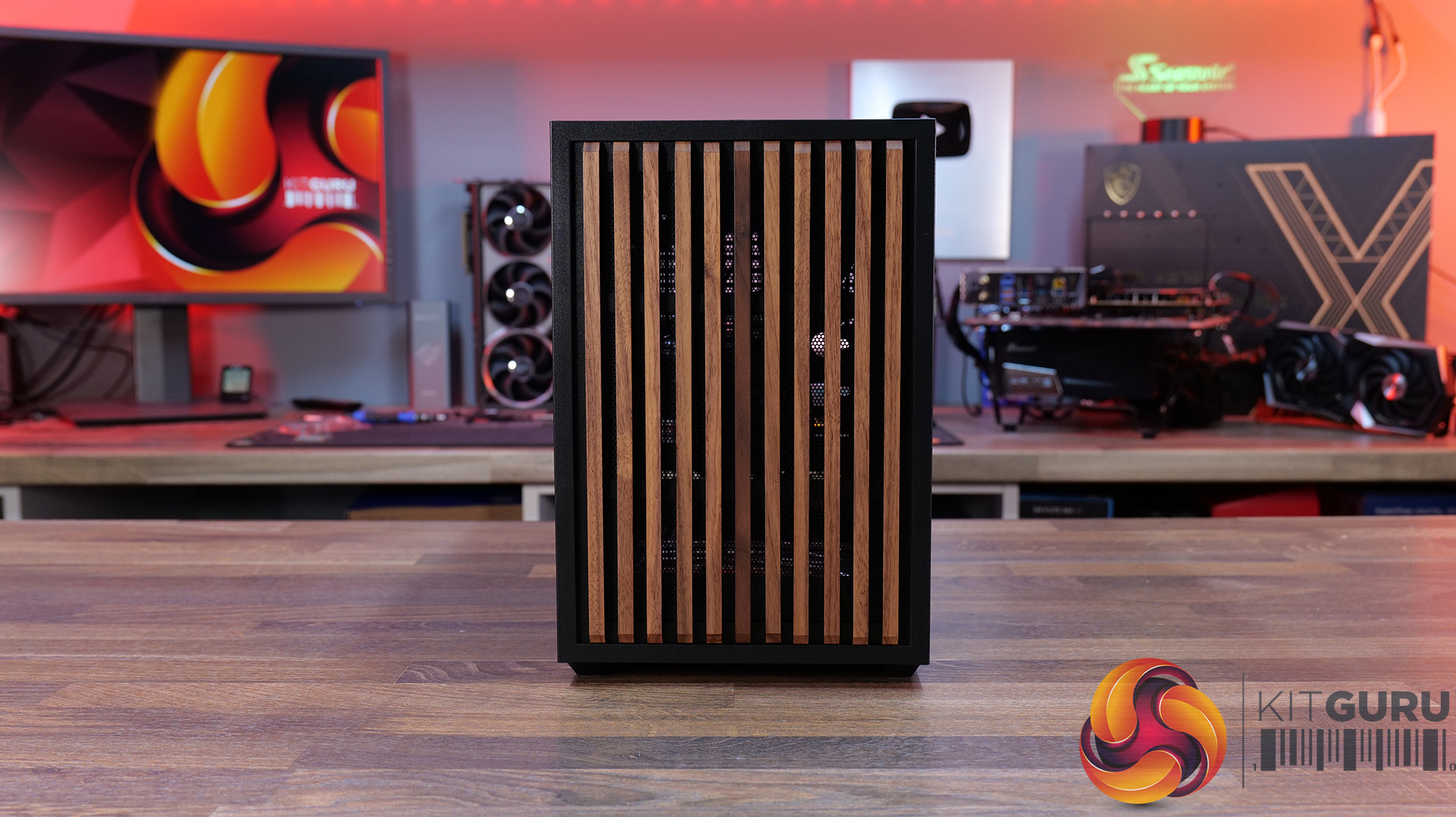
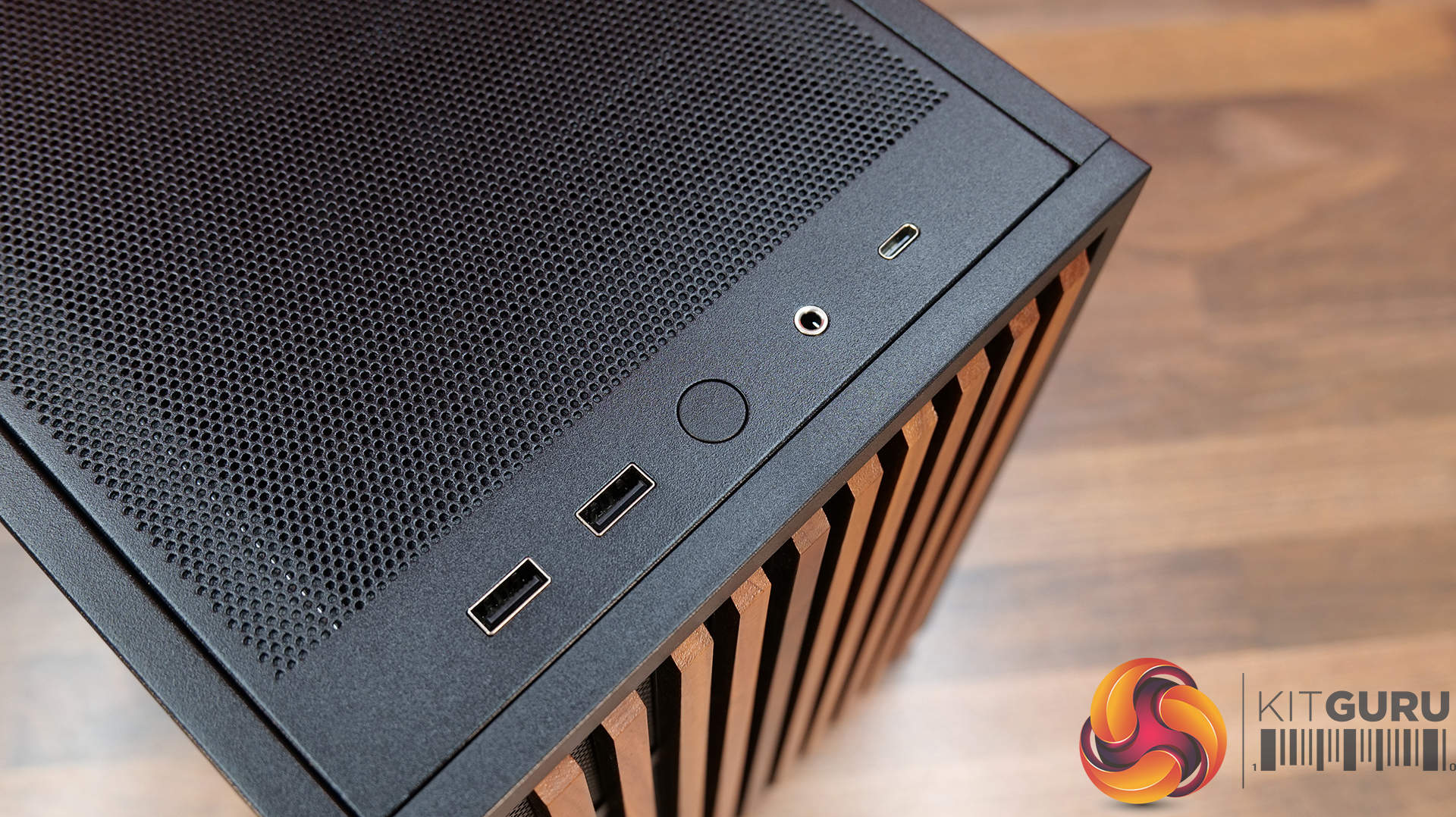
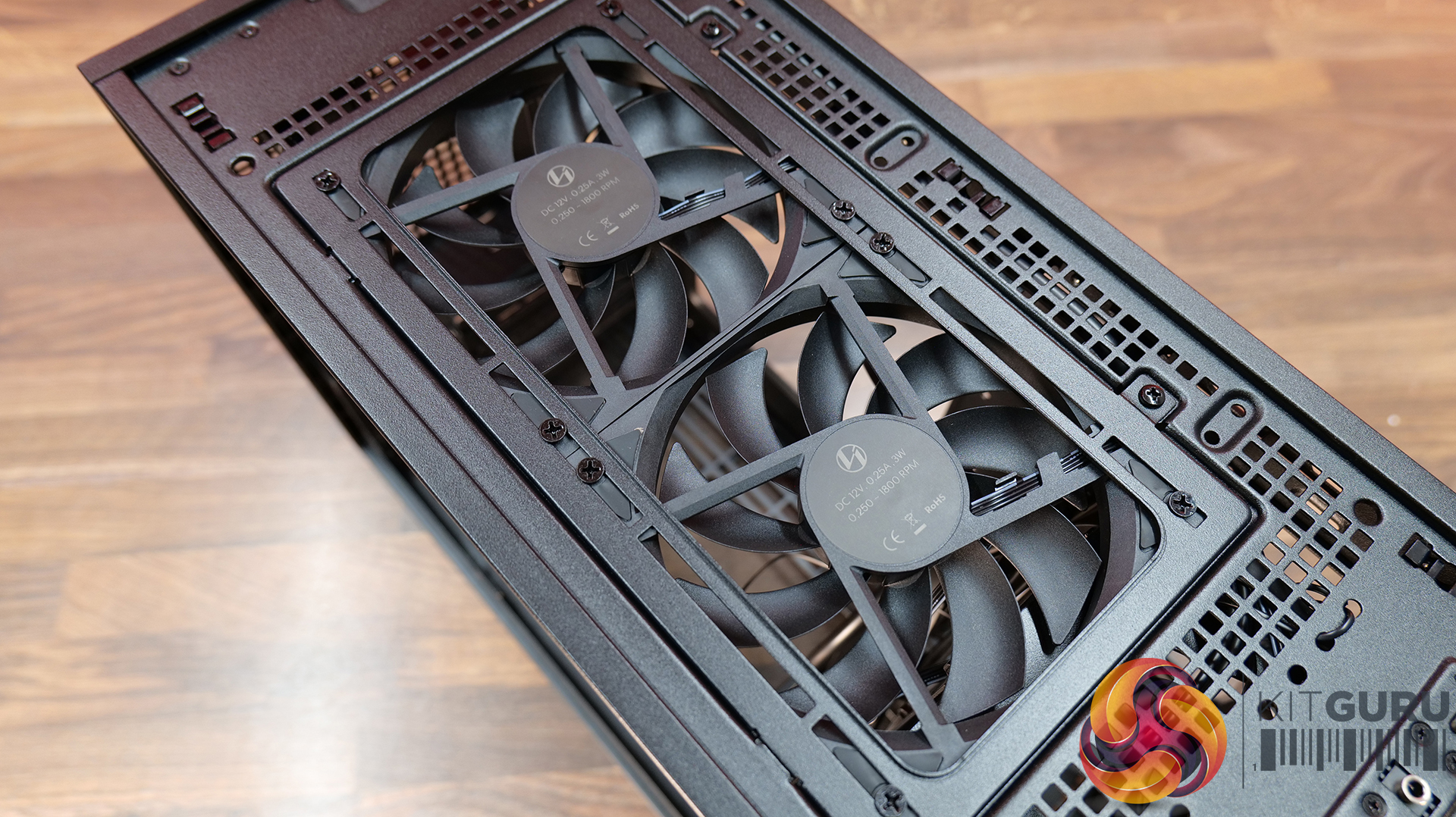
Choice of mesh or real wood front panels combined with modular brackets, pre-installed slim fans and flexible cooling layouts designed to maximise performance in a compact chassis.
Specifications:
Case Type: Micro ATX
Dimensions (LxWxH): 420mm x 191mm x 288mm
Materials: Steel, Wood (Walnut / Beech), Plastic
Motherboard Support: Micro-ATX, Mini-ITX
Reverse Connector motherboard support: No
Expansion Slots: 4
Storage bays: Front 2.5” SSD x 1, Bottom 3.5” HDD x 1 or 2.5” SSD x 1
Max GPU Length: 358mm
Max CPU Cooler Height: 162mm (168mm without side fan bracket)
PSU Type: ATX/SFX
Cable Routing Space: N/A
Supplied Fans: 120 x 120 x 15mm (x2)
Fan Support: 120mm x 2(Top), 120mm x 1 (Front, With SFX PSU Only), 120mm x 3 / 140mm x 2 (L/H Side With SFX PSU), 120mm x 2 / 140mm x 2 (L/H Side With ATX PSU), 120mm x 1 (Rear), 120 mm x 3 / 140mm x 2 (Bottom)
Font I/O: USB 3.0 Type A x 2, Power Button x 1, Audio x 1, USB 3.2 Type C x 1
Thermal Performance Testing
To simulate thermal demand, we run the Cinebench R23 multi-thread benchmark and 3DMark Speed Way stress test simultaneously in a loop for 30 minutes to load the system fully. This gives the CPU and GPU enough time to reach constant steady-state temperature. With this data, we can compare how the system handles the thermal demand and measure peak noise levels.
Thermal performance is measured with the case in various configurations, such as the default, with the tempered glass left-hand side panel removed and with the front panel removed to see how these configurations affect the CPU and GPU temperature. During testing, only stock case fans are used unless otherwise specified. All water pumps are set to maximum RPM and fans are set to a custom RPM curve by the Motherboard software/BIOS.
All temperature measurements are presented as Deltas – meaning the ambient temperature has been deducted from the CPU temperature, giving us a Delta. Data shown in the charts represents the average component temperature over the length of the test as measured by HWiNFO, and then the last 15 minutes of the data are calculated to get the average. The ambient temperature during thermal tests is between 19-20⁰C.
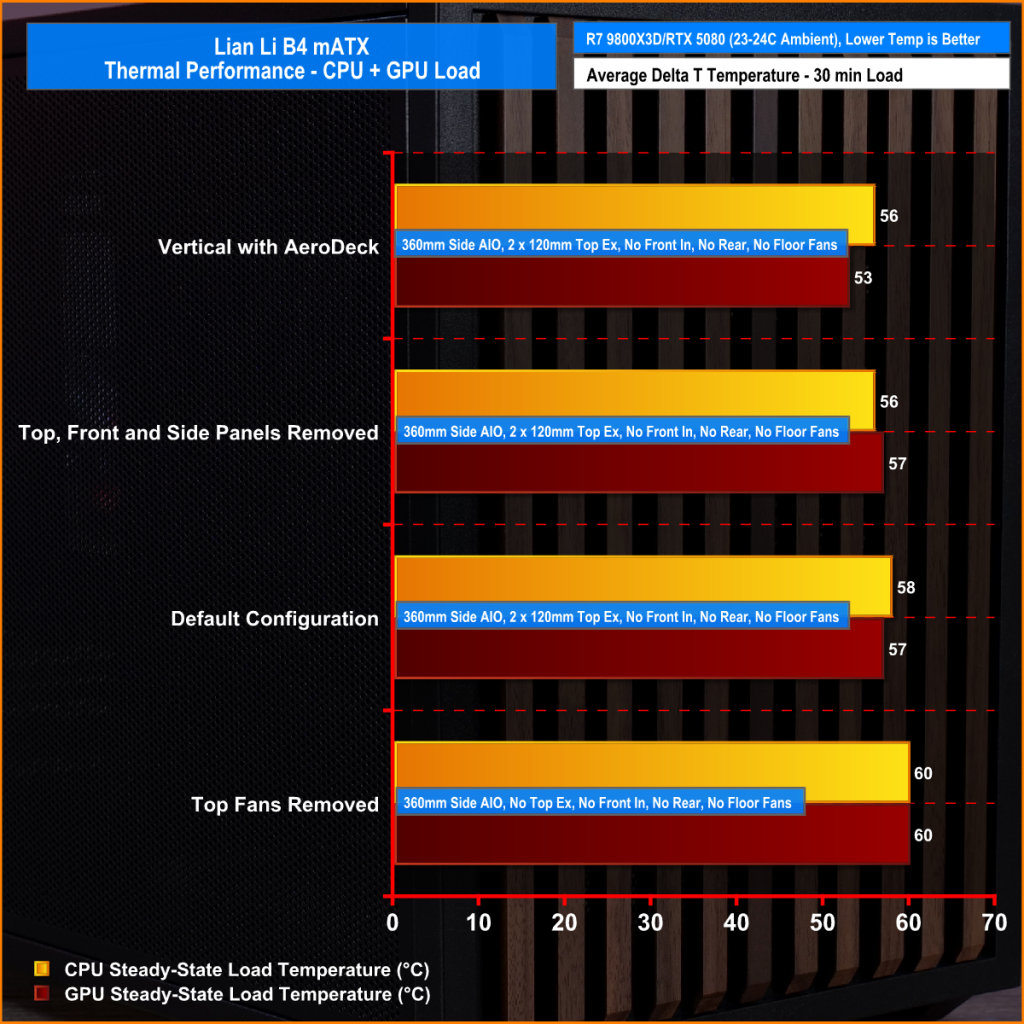
We test case thermals using a 360mm AIO as Intake at the side and with the case in several different fan configurations. The default configuration shown in the charts is with the side-mounted 360mm AIO cooler and 2 x 120 mm x 15 mm top exhaust fans and with all case panels installed.
Thermal performance good overall, with the B4 mATX delivering consistent CPU and GPU temperatures across all four test configurations. The default AIO setup performs well, but removing the top fans results in a increase to both CPU and GPU temperatures, so those exhaust fans play an important role in the case's airflow design.
Running the case vertically with the optional AeroDeck produces the best GPU temperature while matching the lowest CPU result, so the additional cost could be a worthwhile improvement to graphics cooling. most interestingly, removing the top, front and side panels offers no benefit over the AeroDeck configuration, indicating that the B4 mATX's airflow is well optimised in its standard configuration.
Noise Output
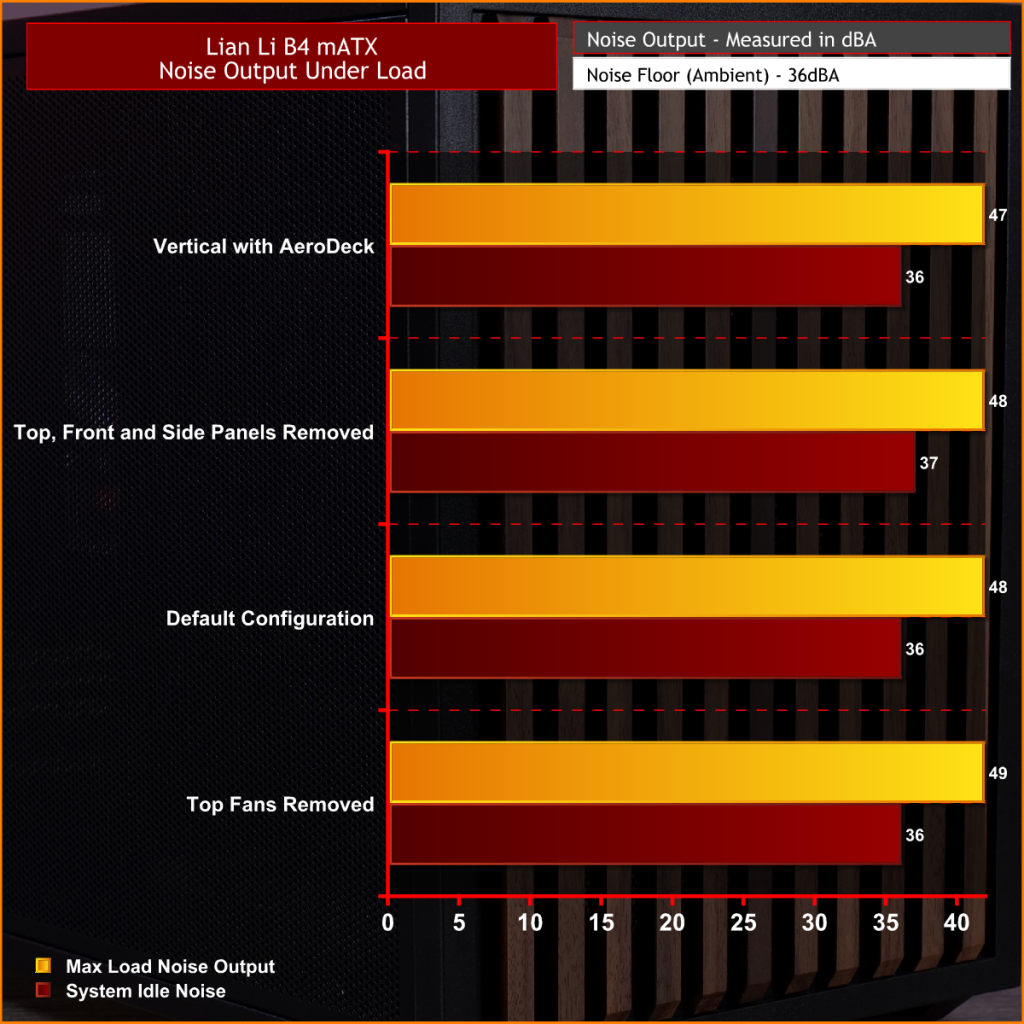
Acoustically, the B4 mATX offers a balance between cooling performance and noise, with only slight variation between the different test configurations. The default setup produces the same idle noise level as both the AeroDeck and top fan removed configurations, while load noise remains close across test configurations.
The vertical AeroDeck configuration is slightly quieter under load due to the lower GPU temperature and fan speed, but the differences are small enough that they're unlikely to be too noticeable in day-to-day use.
Closing Thoughts
Considering its compact dimensions, Lian Li has packed an impressive amount of hardware support into the B4 mATX including large 4 slot graphics cards, ATX power supplies and up to a 360mm AIO, making it more versatile than some small form factor chassis in this price bracket. There’s a good balance between compact dimensions and practicality, giving enthusiasts flexibility without forcing them into buying expensive SFX power supplies or low-profile cooling solutions.
Thermal performance is respectable too. While the B4 mATX isn't class-leading in terms of cooling, it does an adequate job for a chassis of this size and should have no trouble handling high-performance gaming hardware when configured correctly. Combined with the excellent build quality we've come to expect from Lian Li, the chassis feels well engineered, with premium materials and a solid build for the MSRP asking price.
That said, the B4 mATX isn't without compromise. As with many compact cases, component compatibility depends heavily on the exact hardware combination you choose. Installing larger graphics cards, radiators or longer power supplies can have a knock-on effect elsewhere in the build, so planning your component selection is essential. Cable management is also more challenging than it should be, with limited routing space making it difficult to achieve a clean build, while some cables can easily get in the way of the top fans if you're not careful during assembly too.
There are also a couple of smaller details that could have been better executed. The included GPU anti-sag bracket is a useful feature, but its compatibility with some graphics cards is limited. None of these issues are deal breakers, it’s still a very capable compact chassis.
Overall though, the Lian Li B4 mATX delivers a solid combination of build quality, hardware compatibility and sensible pricing, making it an easy case to recommend for anyone wanting to build a powerful mATX gaming system without taking up too much desk space.
The Lian Li B4 mATX is available to purchase now from Scan priced at £73.99 HERE.
Pros:
Can support high-end hardware depending on configuration.
For a compact case, cooling support is good.
Build quality is excellent.
Cons:
GPU anti-sag arm is incompatible with some graphics cards.
Hardware compromises depending on configurations.
Cable routing is awkward and some cables can get trapped in fans.
KitGuru says: For a small case, the B4 mATX packs in some good features but there are some hardware compromises depending on what setup you run though this is to be expected from such a compact mATX case.
Several new GeForce RTX 5080 cards were showcased at the Bilibili World event in China, featuring distinguished aesthetics. NVIDIA Collaborates With AIBs to Bring Game-Themed RTX 5080 Graphics Cards at BW2026 The Bilibili World 2026 event has officially commenced at the Shanghai National Exhibition, which will run till July 12. This is where many vendors will showcase their new products, and we will get a good glimpse of new launches. NVIDIA being one of the major companies, has decided to launch new RTX 5080 cards at the event. It collaborated with several AIBs to release new GeForce RTX 5080 GPUs […]
AMD has been winning in Germany for a long time, but NVIDIA is back with the most sales as of June 2026. NVIDIA Ships 8% More GPUs Through Mindfactory, Taking Back the Lead, But AMD RX 9070 XT and RX 9060 XT are Still the Most Popular GPUs NVIDIA is back at the top this month, and it's because of the RTX 50 series. While the RTX 50 and RX 9000 series debuted in the same time frame, the majority of buyers preferred RDNA 4 GPUs in Germany, especially if we talk about the popular retailer, Mindfactory. The trend can […]
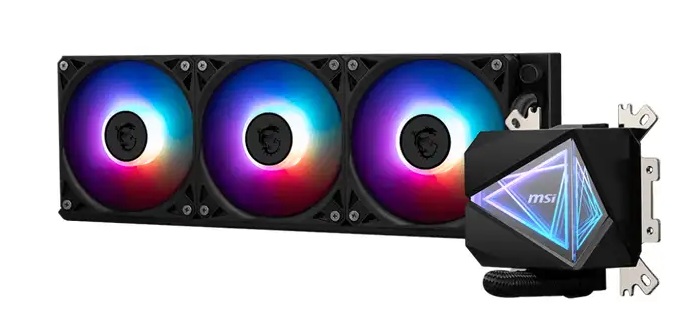
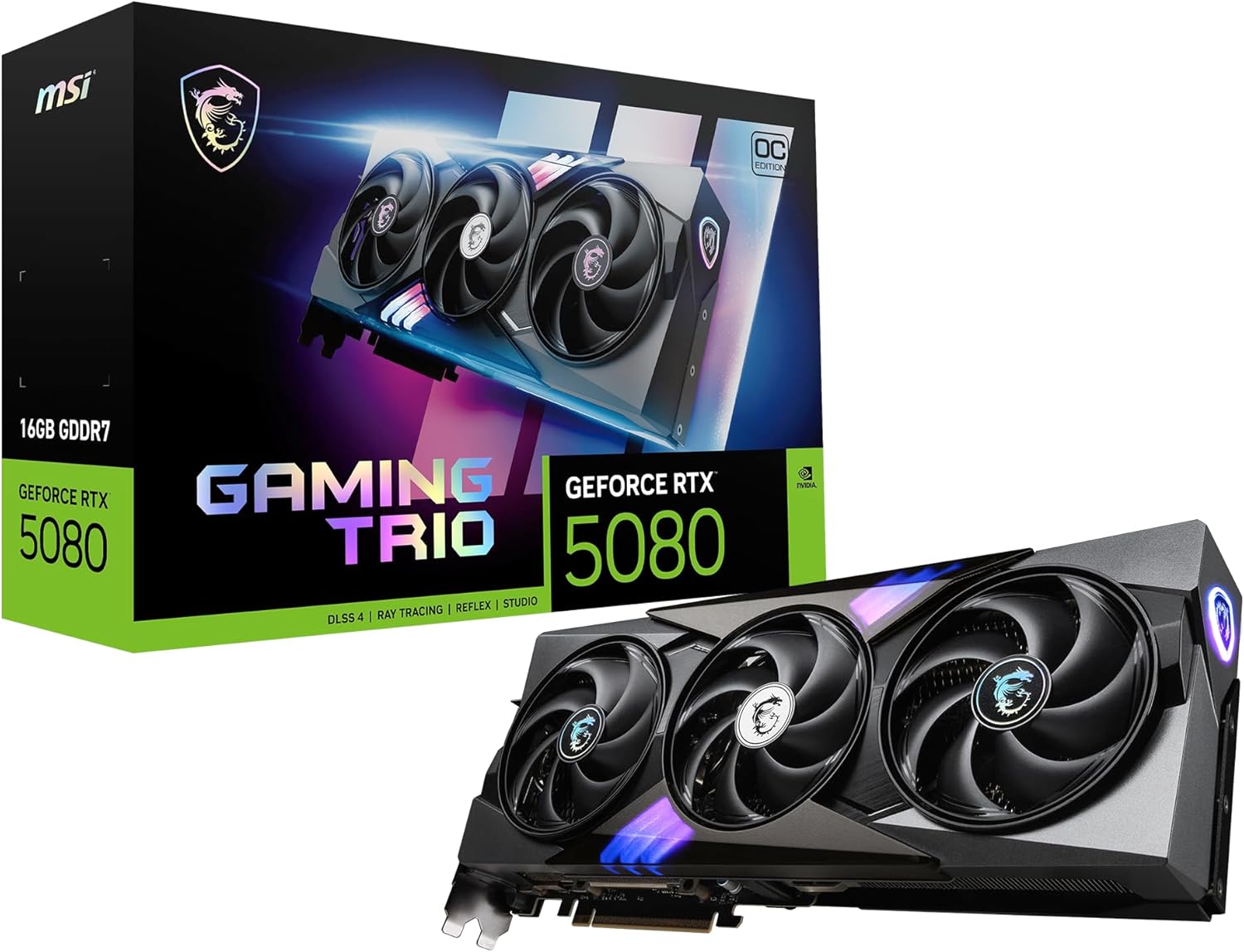
MSI has rolled out a massive range of Prime Day discounts on Amazon UK this year. If you are in need of a new gaming monitor, motherboard, cooler, case, router, or even a new graphics card, MSI has a number of discounts available for the next few days.
If you need a new mouse, keyboard or headset, then the good news is MSI has those too. The VERSA Pro W wireless mouse is now £74.49, while the VERSA 300 Elite W drops to £39.99. Budget options include the Forge GM300 at £9.99. On the audio side, the Maestro 300 headset is reduced to £29.99. MSI’s keyboard range is also included, with the Forge GK320 Red available for £24.99 and the Vigor GK30 at £29.99. Mouse pads such as the Agility GD21 and Agility GD70 are priced at £7.99 and £21.99 respectively.
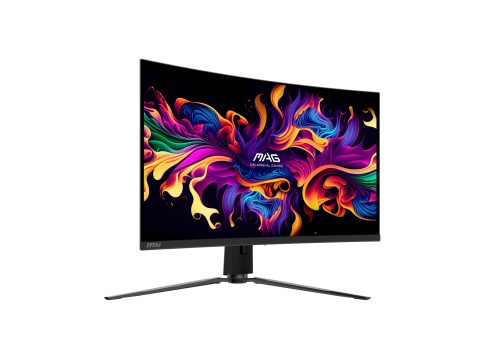
Finally, there are a number of MSI gaming monitors on sale for Prime Day too. At the 4K end of the lineup, the MSI MAG 321CUP QD‑OLED is now £549. MSI’s higher‑refresh alternative, the MPG 321CURX QD‑OLED, is also discounted to £699 and includes eligibility for a £40 MSI Code Drop Steam voucher. For ultrawide buyers, the MAG 341CQP QD‑OLED is down to £499 and qualifies for a £25 Steam code.
In the 1440p category, the MAG 272QP QD‑OLED X50 is priced at £474, billed as a Prime Day Exclusive deal. The MPG 271QR QD‑OLED X50 sits at £599, offering a blisteringly fast 500Hz refresh rate, plus a £40 Steam code when you register the product purchase with MSI. The most affordable OLED deal is the MAG 273QP QD‑OLED X24, now £299, delivering a 240Hz refresh rate and eligibility for a £25 Steam code.
KitGuru Says: Are you planning on picking anything up during the Prime Day sales this week?

 Login
Login