Gigabyte has introduced its new X870E AERO X3D DARK WOOD motherboard, bringing a fresh and stylish look to high-performance PCs. This new model follows the earlier WOOD edition but now comes with a darker and more premium finish that stands out right away.
The main highlight of this motherboard is its unique dark wood design. It gives a warm and clean look, which feels very different from the usual gaming boards. The mix of wood texture, dark metal tones, and small design touches makes it look more like part of your room instead of just a PC component.
Along with the design, the board also brings strong performance. It supports the latest AMD Ryzen 9000, 8000, and 7000 series processors using the AM5 socket. It also supports DDR5 memory with speeds up to 9000 MT/s, which helps in faster performance during gaming and heavy tasks.
For power delivery, the motherboard uses a 16+2+2 VRM setup. This helps keep the system stable even under heavy load. There are also two PCIe 5.0 slots for graphics cards and four M.2 slots for fast storage, including PCIe 5.0 and 4.0 support.
Cooling has also been improved. The board includes a full thermal setup with heat pipes, M.2 guards, and a thermal plate. This helps keep temperatures low and improves stability during long usage.
X870E AERO X3D DARK WOOD motherboard connectivity
In terms of connectivity, users get dual 5GbE LAN, WiFi 7, and USB4 Type-C ports. These features ensure fast internet, quick data transfer, and modern connectivity options.
Gigabyte has also added simple user-friendly features like tool-free M.2 installation, easy WiFi setup, and built-in drivers for quick start. These small changes make the building process easier, especially for new users.
Overall, the X870E AERO X3D DARK WOOD is not just about performance but also about style. It shows that a motherboard can look good while still offering top-level power and features. This makes it a strong option for users who want both design and performance in their PC build.
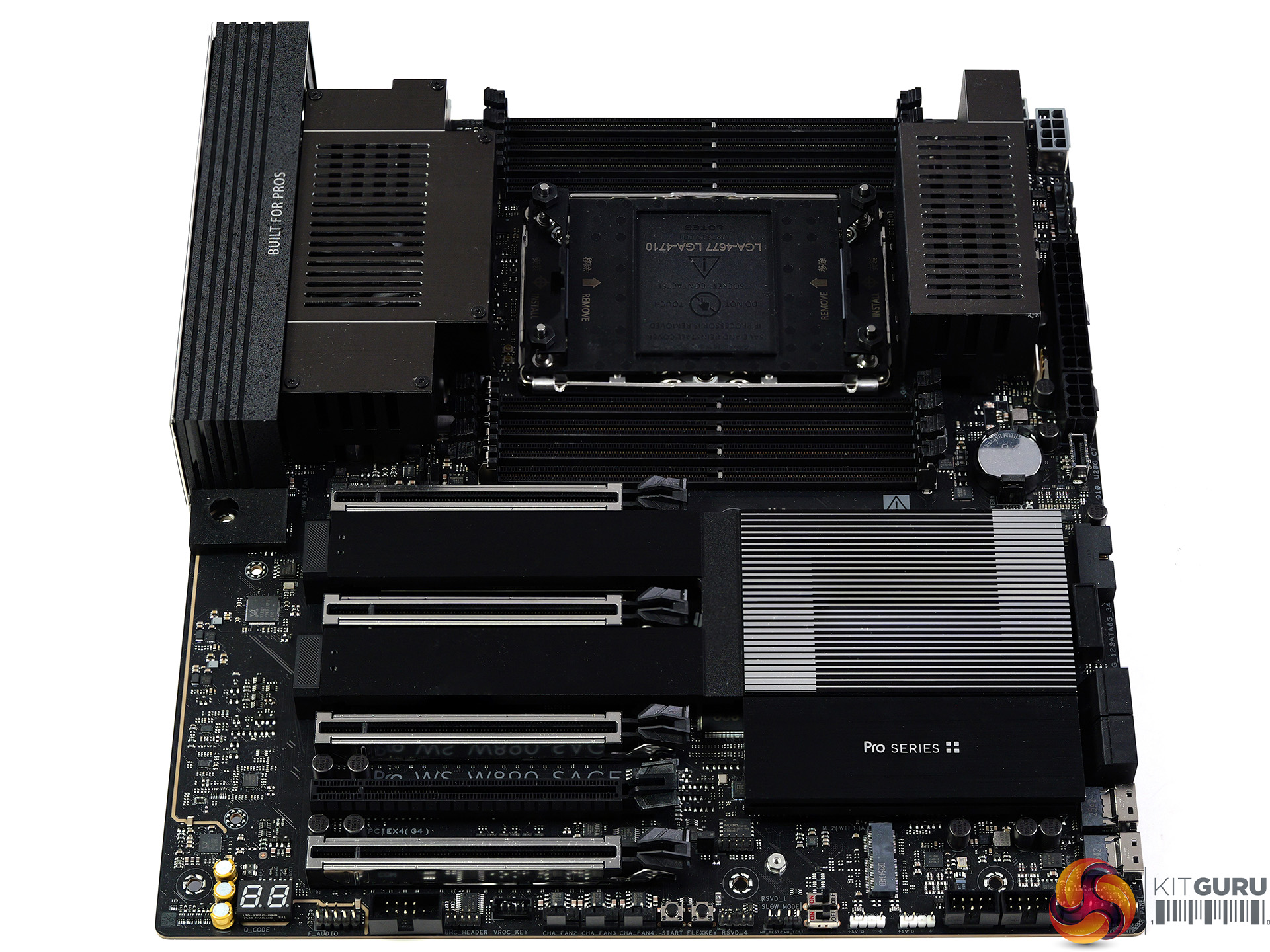
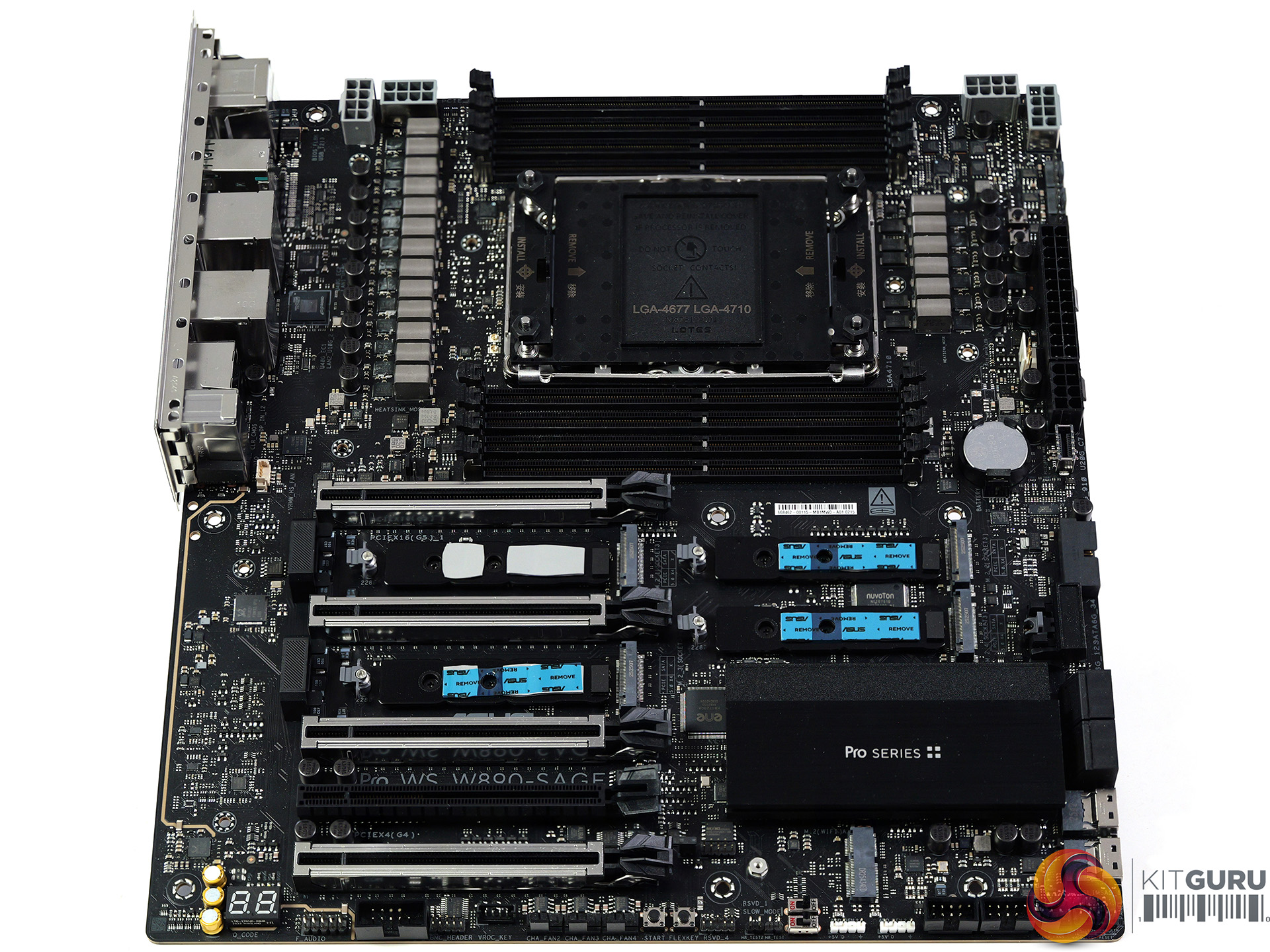
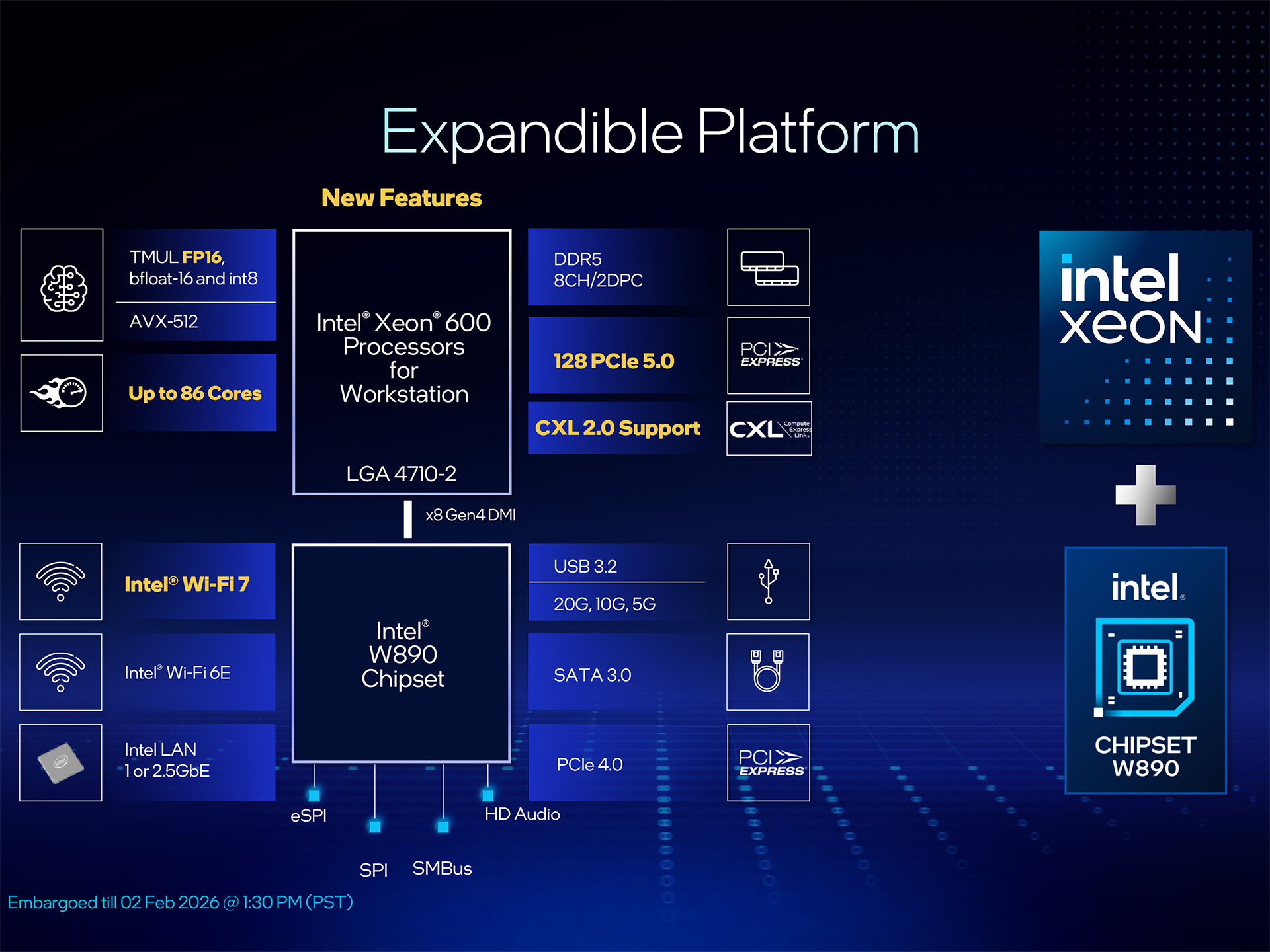
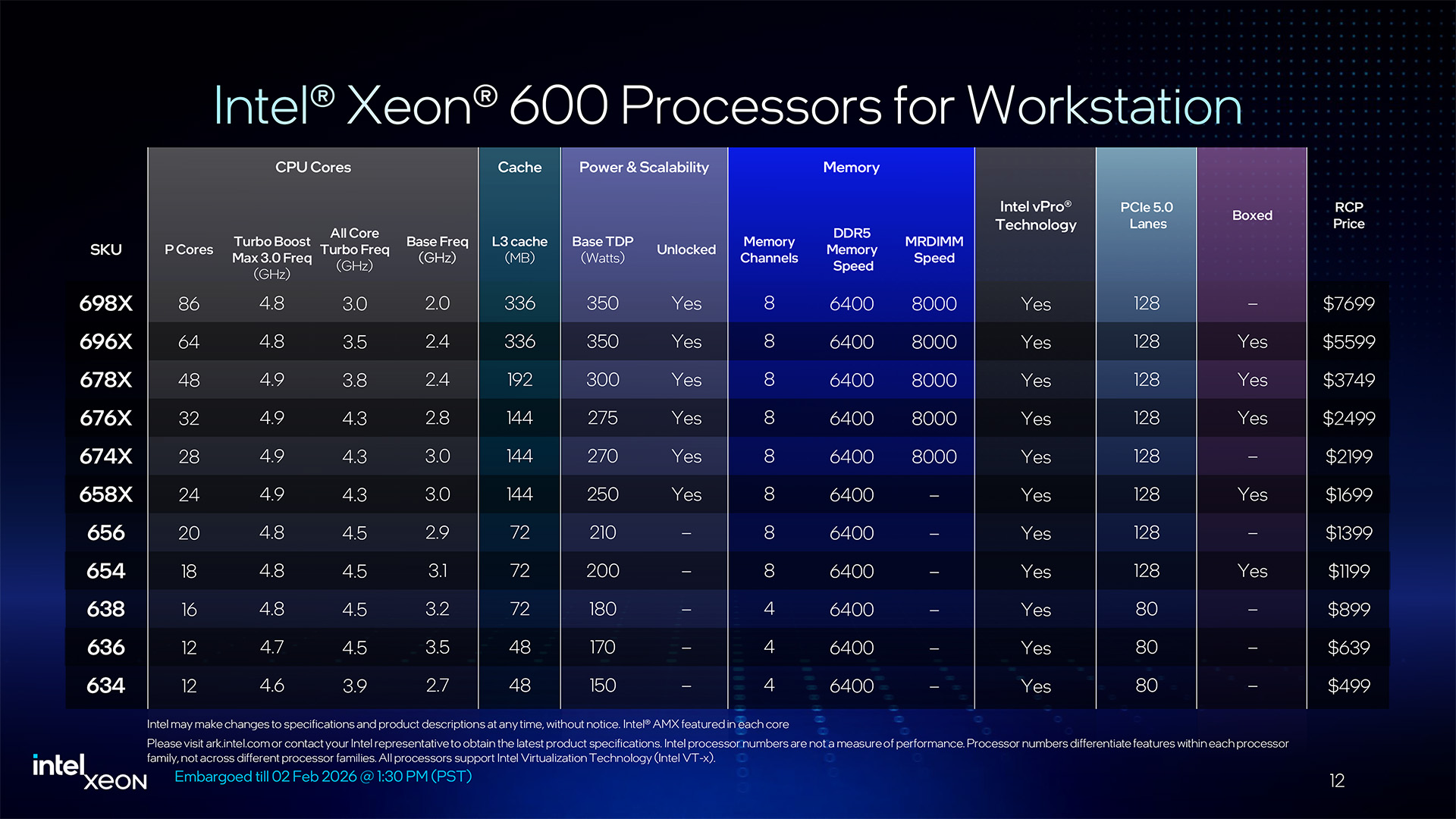
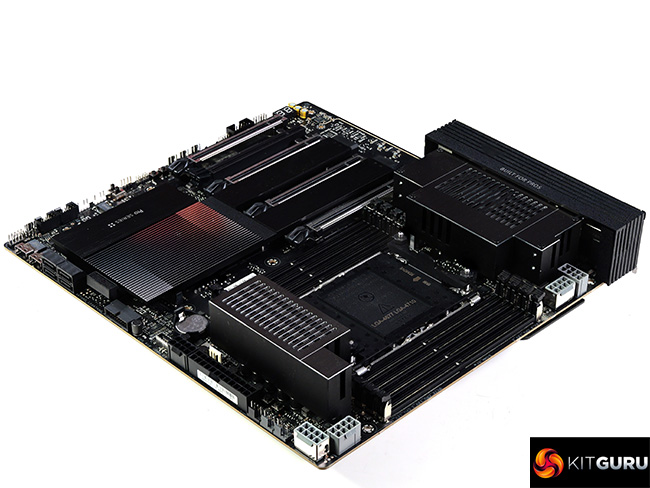
Intel has launched their range of Xeon 600 Workstation processors along with a new W890 chipset so it's time for a review to see how the new technology performs. We put the ASUS Pro WS W890-SAGE through its paces with an Engineering Sample of the 64-core Xeon 696X and discovered a few unexpected results.
Timestamps
00:00 Intro
00:46 Hardware
01:45 Xeon Platform details
04:50 ASUS Pro WS W890-SAGE
07:55 Heatsinks removed
08:34 VRMs
09:12 Accessories
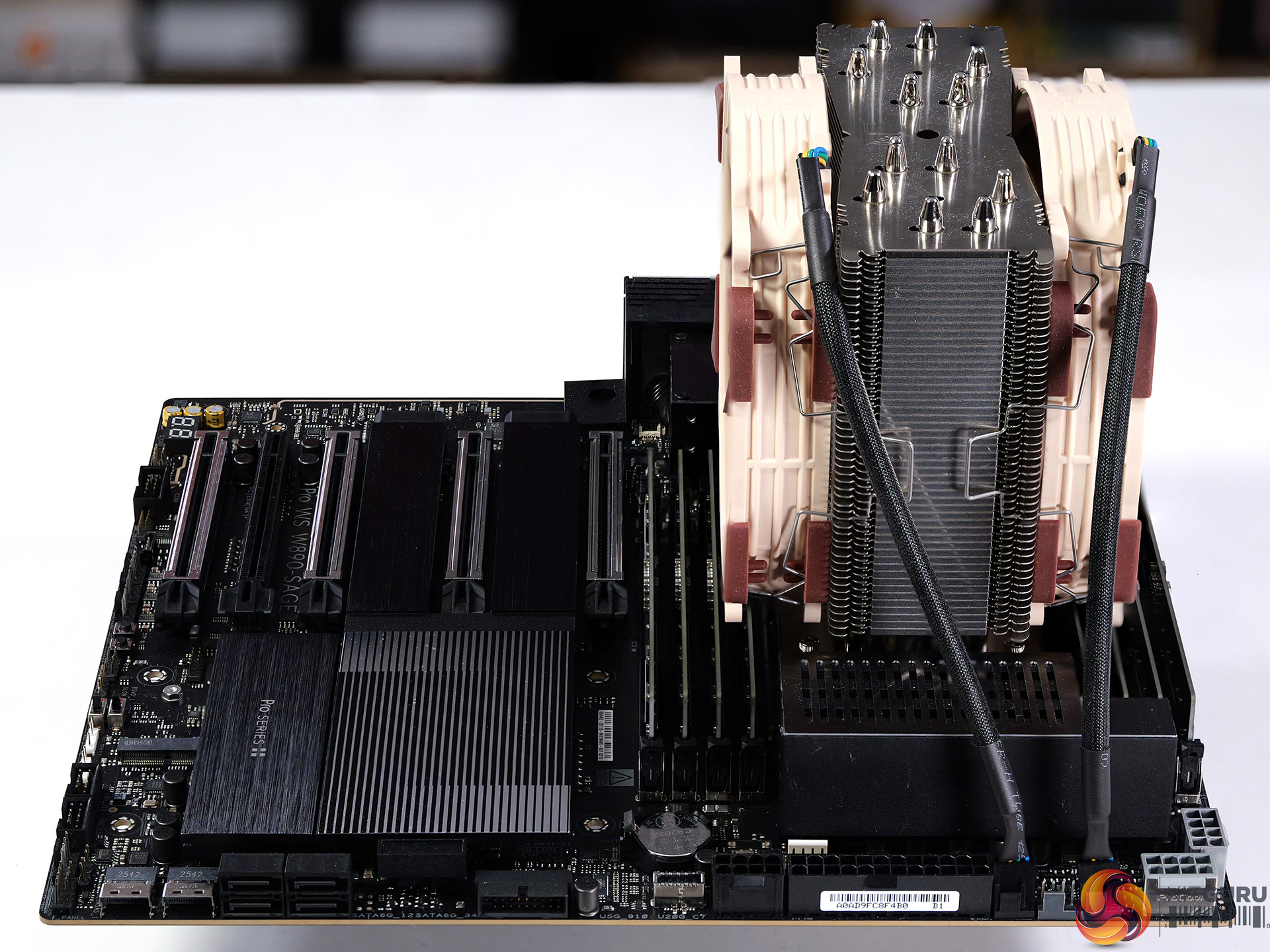
10:30 Cooling the processor / Other hardware
11:57 BIOS Setup
12:12 Stress Test / Cinebench
13:26 AMD Test Platform
14:00 Cinebench 2026/2024 Multi Core
14:44 Blender ClassRoom Render
15:31 Geekbench 6.6 Multi Core
15:55 HandBrake Conversion
17:07 7-Zip V26
17:33 Conclusion
Main features:
Ready for Advanced AI PC: Designed for the future of AI computing, with the power and connectivity needed for demanding AI applications
Intel LGA4710-2 Socket Supports up to 86-Core CPUs: Ready for Intel® Xeon® 600 Processors for Workstation.
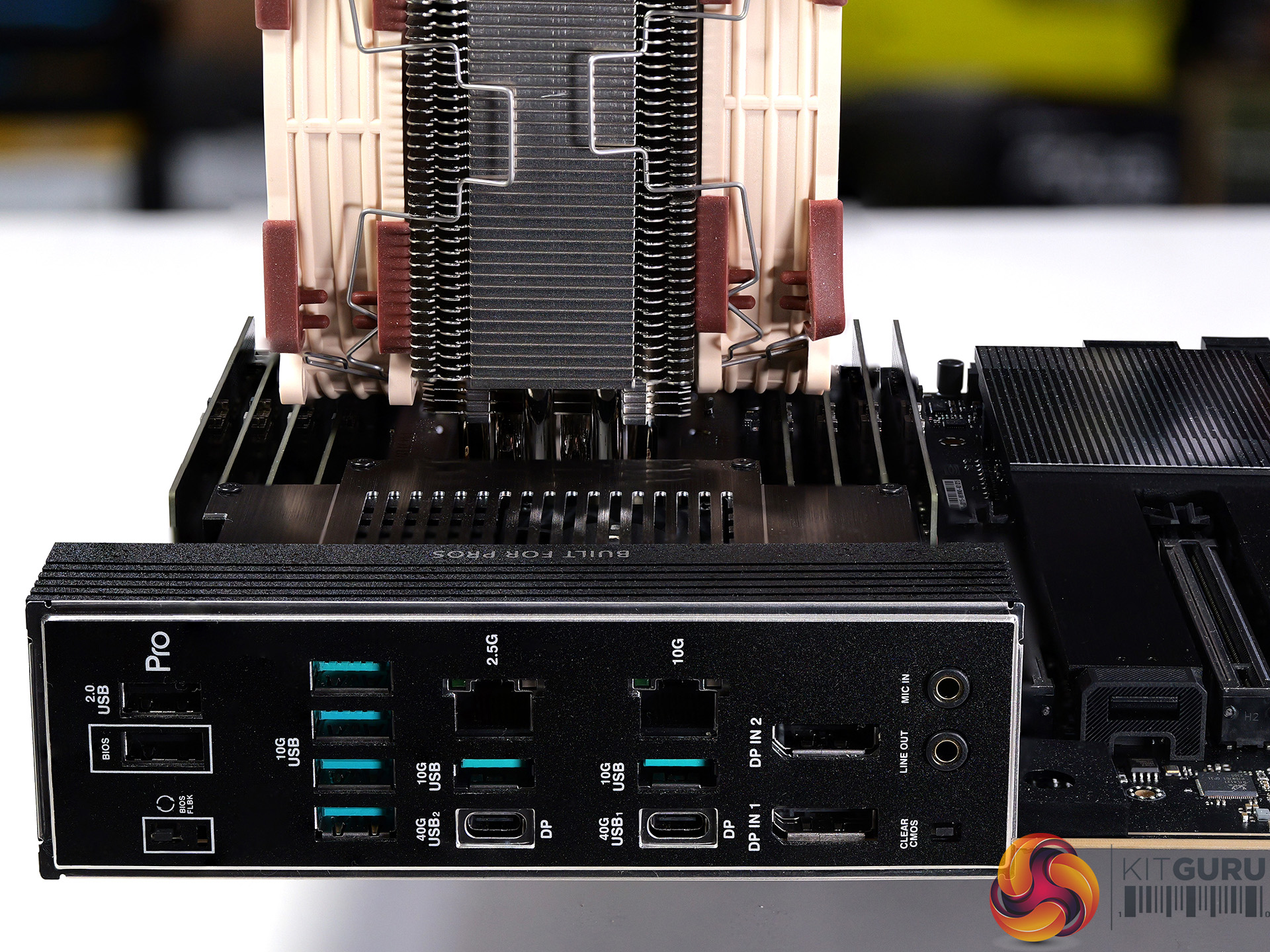
Ultrafast Connectivity: Four PCIe 5.0 x16 slots, 10Gb and 2.5Gb LAN ports, four M.2 slots, two rear USB4 40Gbps Type-C®, and SlimSAS NVMe support.
CPU and Memory Overclocking: Support for up to 4TB ECC R-DIMM DDR5 memory modules (2DPC).
Robust Power and Thermal Design: 12+2+2+1+2 power stages for the CPU and ready for dual-PSU operation, massive VRM, chipset and M.2 heatsinks with an active fan, M.2 backplate and thermal pad.
Ready for Server-Grade IPMI Remote Management: hardware and software support for ASUS IPMI expansion card, plus ASUS Control Center Express software for real-time monitoring and management
Trusted Stability: Validated for extensive compatibility with the latest technologies, an expansive QVL list, and tested for 24/7 operation.
Specification:
CPU support: Intel Socket LGA4710-2 for Xeon 600 Series workstation processors
Storage: 4x M.2 PCIe 5.0 x4 (CPU), 2x SlimSAS PCIe 4.0 x4 (chipset, or up to 4 SATA via adapter), 4x SATA 6Gb/s (chipset)
USB (rear): 2x USB4 Type-C (40Gbps), 6x USB 10Gbps Type-A, 2x USB 2.0 Type-A
USB (front): 1x USB 20Gbps Type-C, 1x USB 5Gbps header (2x Type-A), 2x USB 2.0 headers (4x Type-A)
Audio: Realtek ALC1220P 7.1 HD audio codec
Networking: 1x Realtek 10GbE, 1x Intel 2.5GbE, ASUS LANGuard
Wireless: M.2 Key-E slot (CNVi/PCIe; Wi-Fi module sold separately)
Fan headers: 8x PWM fan headers
RGB headers: 2x ARGB headers
BIOS: 64MB flash BIOS
Form factor: CEB (12 x 11 inch / 30.5 x 28 cm)
Performance and Testing
Intel test system
Processor: Intel Xeon 696X
Memory: 128GB Kingston Fury Renegade Pro DDR5-5600 C36 RDIMM
CPU Cooler: Noctua NH-U14S DX-4677 with NF-A14x25r G2 PWM fans
AMD test system
Processors: AMD Ryzen Threadripper 9970X and 9980X
Memory: 128GB G.Skill T5 Neo DDR5-6400 C32 RDIMM
CPU Cooler: Noctua NH-U14S TR5-SP6 with NF-A14x25r G2 PWM fans
Common components
Graphics card: MSI GeForce 4090 Ventus 3X 24GB
Power supply: Antec Signature 2200W
SSD: 4TB Kingston Fury Renegade M.2 NVMe
OS: Windows 11
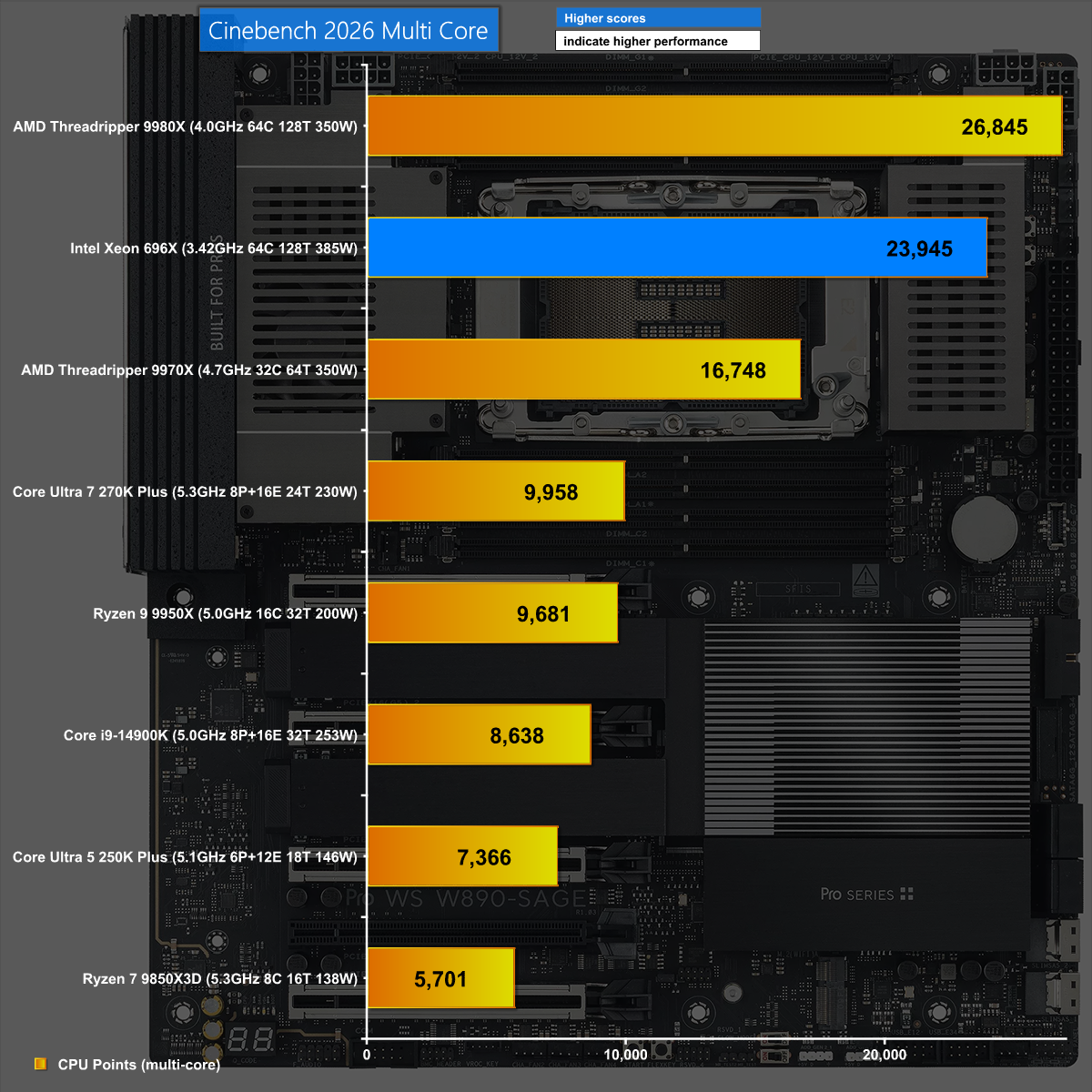
Cinebench 2026
In Cinebench 2026, the combination of Xeon 696X and ASUS Pro WS W890-SAGE does a good job but is beaten by the more effective AMD Threadripper.
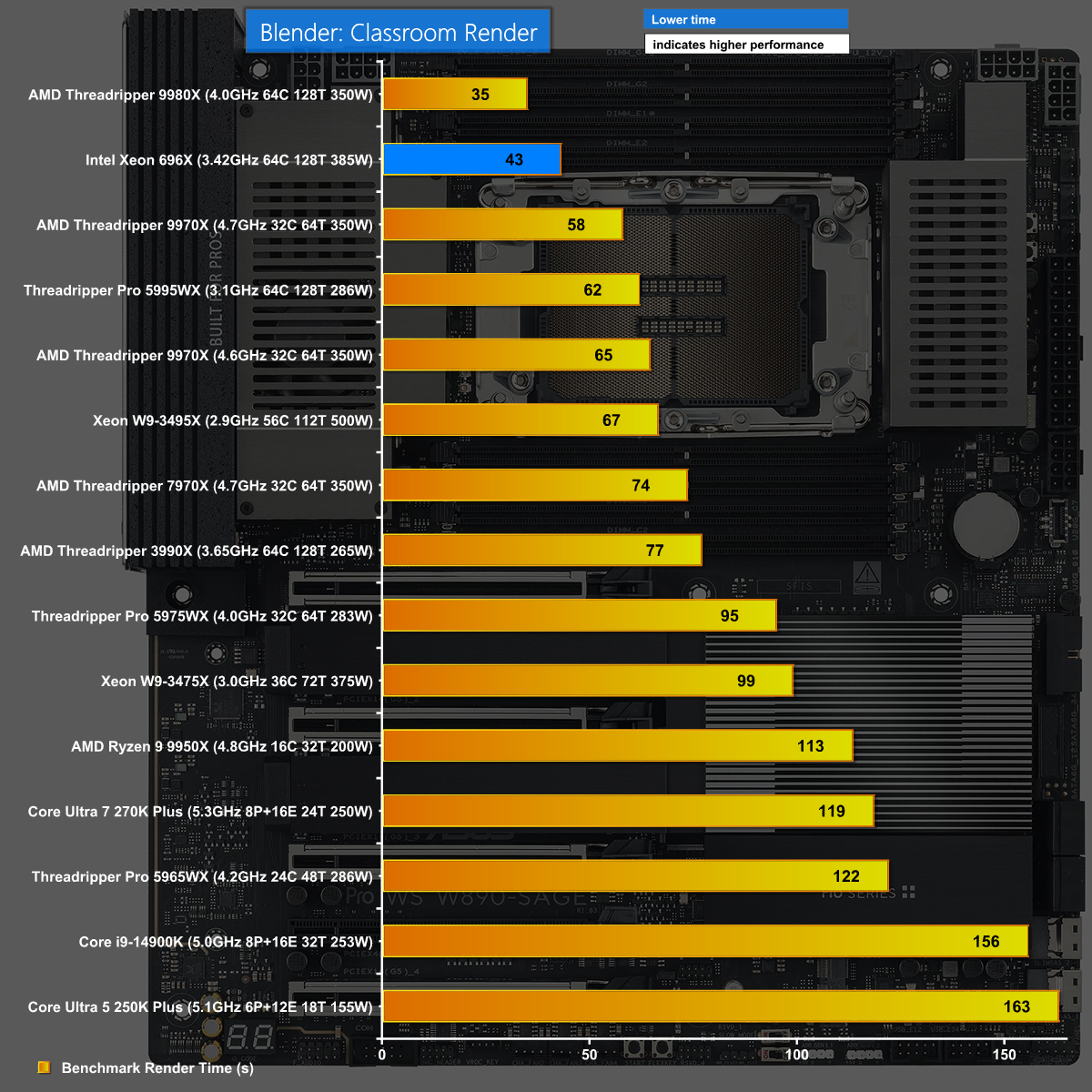
Blender 5.1 Classroom
It is a similar story in Blender 5.1 when we run the Classroom render. The new Xeon and ASUS W890 SAGE do well but Threadripper 9980X does even better.
7-Zip v26 Decompressing
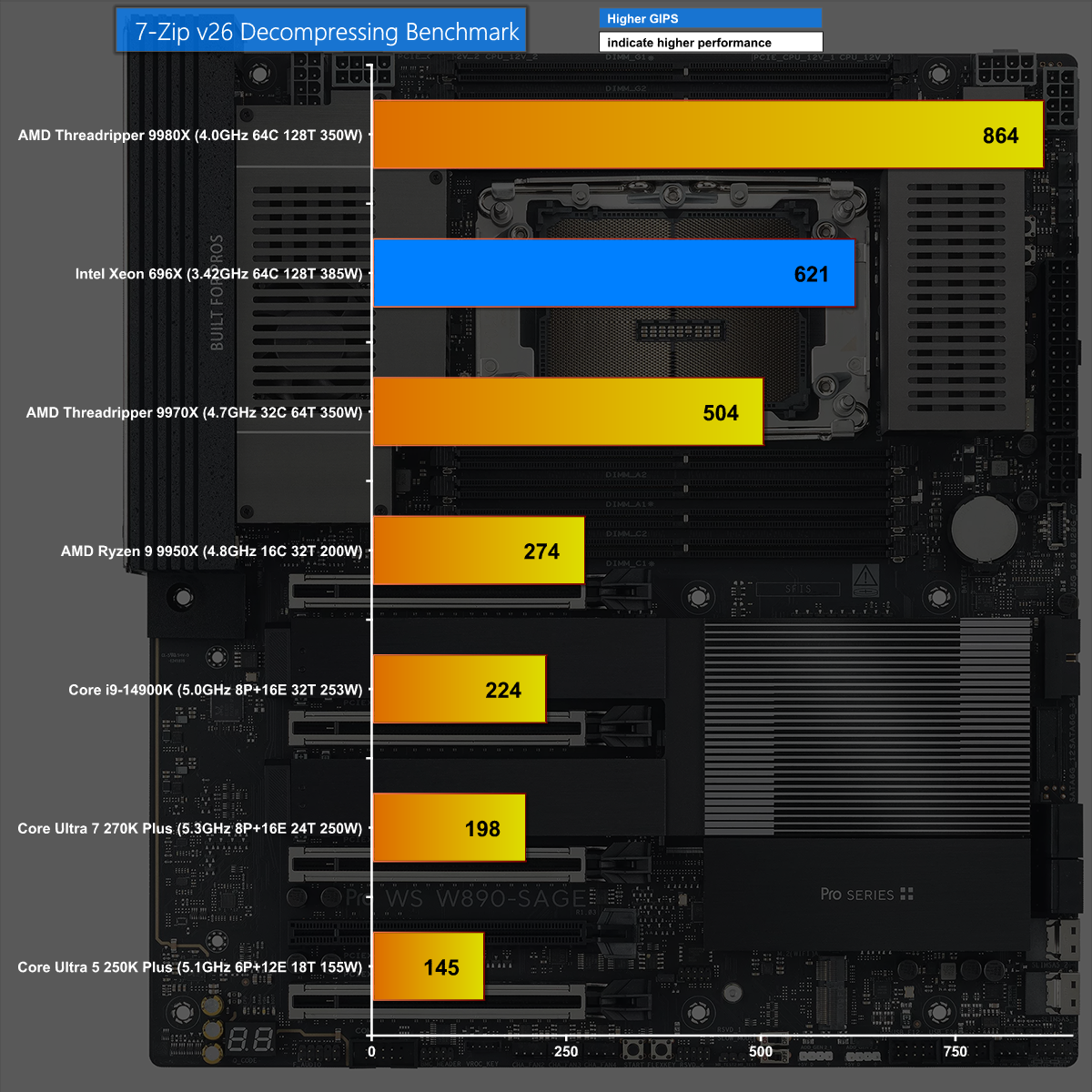
We see the same results in 7-Zip v26 Decompressing where the new Xeon performs well however it is comprehensively beaten by Threadripper 9980X.
Closing Thoughts
Intel has made a significant jump from Xeon Sapphire Rapids to the new Xeon 600. This brings a related move from the W790 chipset to W890 and a new family of supporting motherboards, including this ASUS Pro WS W890-SAGE, which clearly builds on the previous ASUS Pro WS W790-ACE.
The hardware in this motherboard comprehensively supports the new Xeons and provides a solid foundation for your new workstation. In these times of monumentally expensive memory, SSDs and graphics cards it makes a welcome change to describe an £800 motherboard as a component that is good value for money.
We expect the ASUS Pro WS W890-SAGE will sell for £800 inc VAT.
Pros:
The ASUS Pro WS W890-SAGE has a solid VRM and builds on the previous W790 ACE.
Good support for multiple graphics cards and PCIe 5.0 devices
Decent range of USB ports including USB4
Cons:
You have to pay extra for IPMI and WiFi.
Thunderbolt is not included.
We have to reserve judgement on Xeon 600 until we see a full retail CPU.
KitGuru says: The ASUS Pro WS W890-SAGE works well with the new Xeon 600 and is a significant improvement over the previous generation.
The Big Spring Sale brings some relief to buyers looking to set up a partial or entire gaming PC to immerse themselves in high framerates. Thankfully, for a limited time, you have the chance to not only grab this Ryzen 7 9800X3D and motherboard combo but also add an additional $40 in savings to your wallet because the CORSAIR Vengeance 32GB DDR5 6,000MHz RAM kit is listed for $369.99. The entire bundle can be had for $983.89, leaving only the GPU as the core component for your next gaming PC. For under $1,000, you’re getting a solid pairing of powerful […]
Gigabyte has announced the availability of its new Z890 Plus series motherboards, led by the Z890 AORUS ELITE DUO X. These new boards are designed for the latest Intel Core Ultra 200S Plus processors and bring better speed, higher memory support, and simple performance tools for users.
One of the main highlights of the new series is support for CQDIMM memory. This allows users to install up to 256 GB of memory using two 128 GB modules without losing speed. To make this possible, Gigabyte has added its D5 DUO X technology. This helps improve signal quality and keeps the system stable even at high memory speeds.
Gigabyte has also introduced a new feature called Ultra Turbo Mode. This option is available in the BIOS and lets users boost performance with just one click. The company claims it can improve CPU performance by up to 40 percent and increase DDR5 memory speed up to 10266 MT/s. There are different modes available, including a default boost for gaming, a turbo mode for better FPS, and an extreme mode for maximum performance.
The Z890 Plus series also focuses on build quality and ease of use. A stronger base plate helps protect the motherboard during installation. There is also a DriverBIOS feature that comes with a pre-installed WiFi driver, so users can connect to the internet quickly on first boot. The Rear EZ Button makes it easier to manage the system without needing to access the front panel.
Gigabyte is also working with major memory brands like ADATA, Team Group, and V-color to ensure full compatibility with the new boards. The Z890 Plus series includes different models such as ELITE, EAGLE, and FORCE, giving users more choices based on their needs and budget.
Z890 AORUS ELITE DUO X availability
The new Z890 AORUS ELITE DUO X motherboards are now available, and users can check with local sellers for pricing and stock.
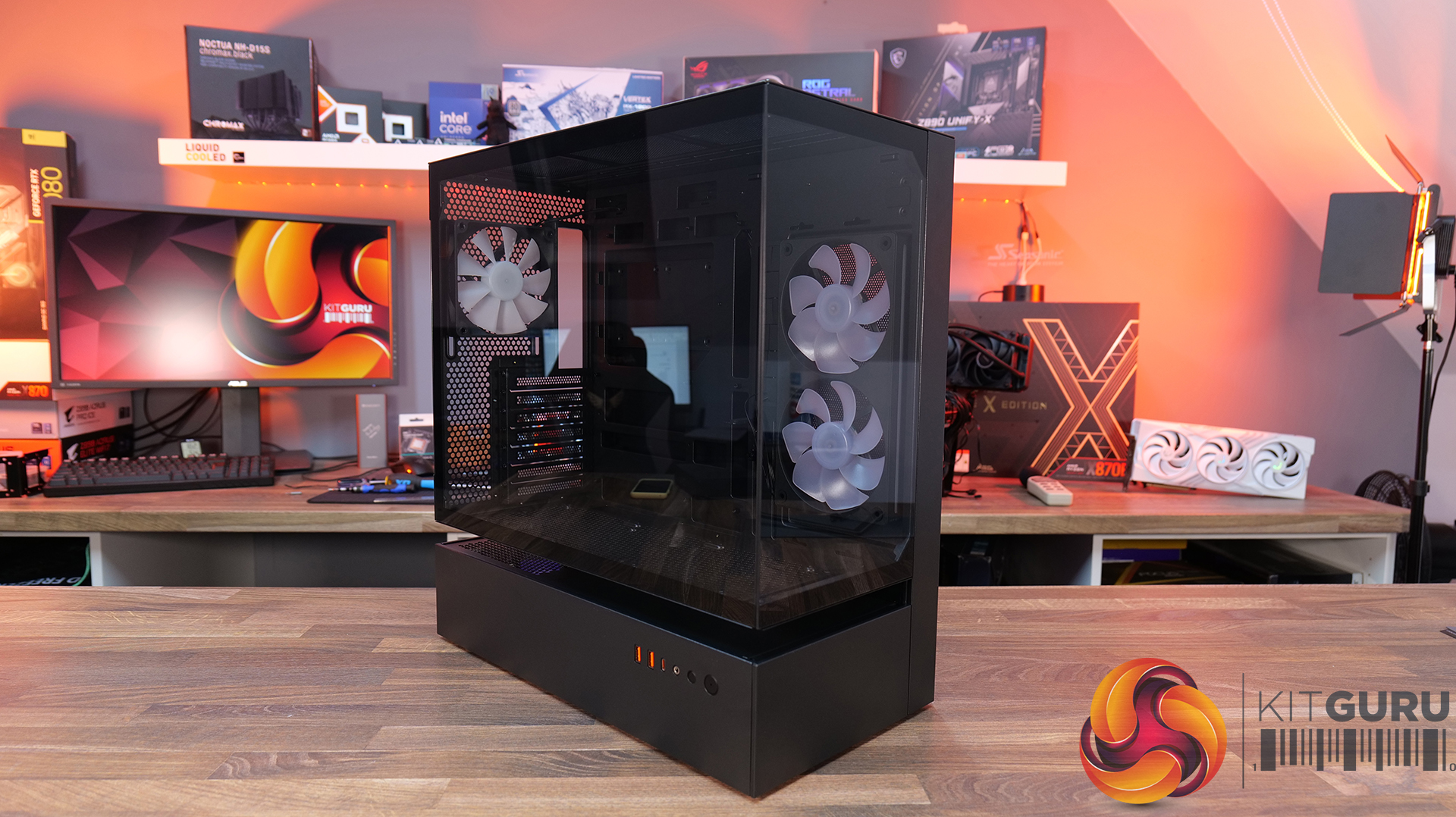
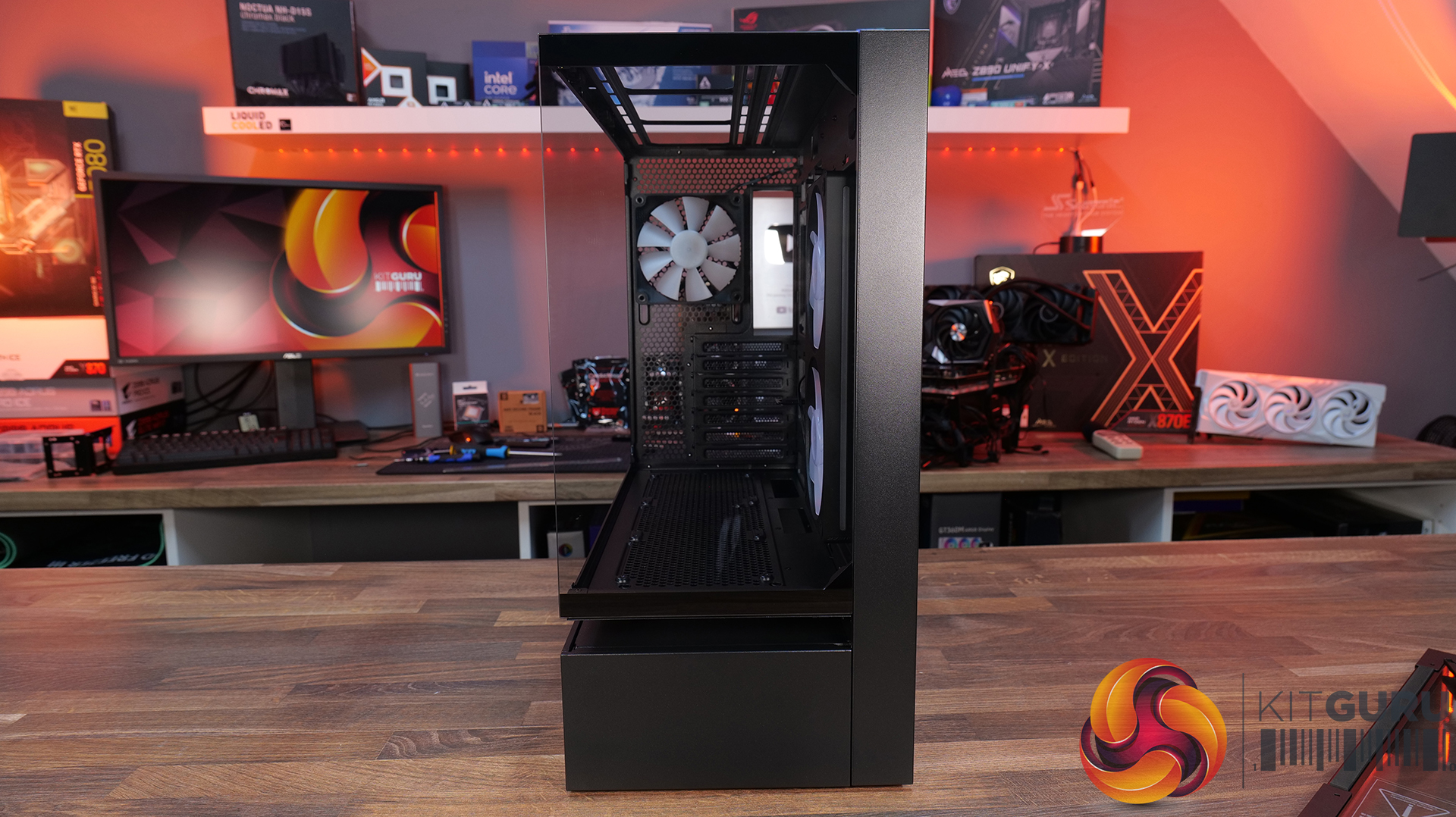
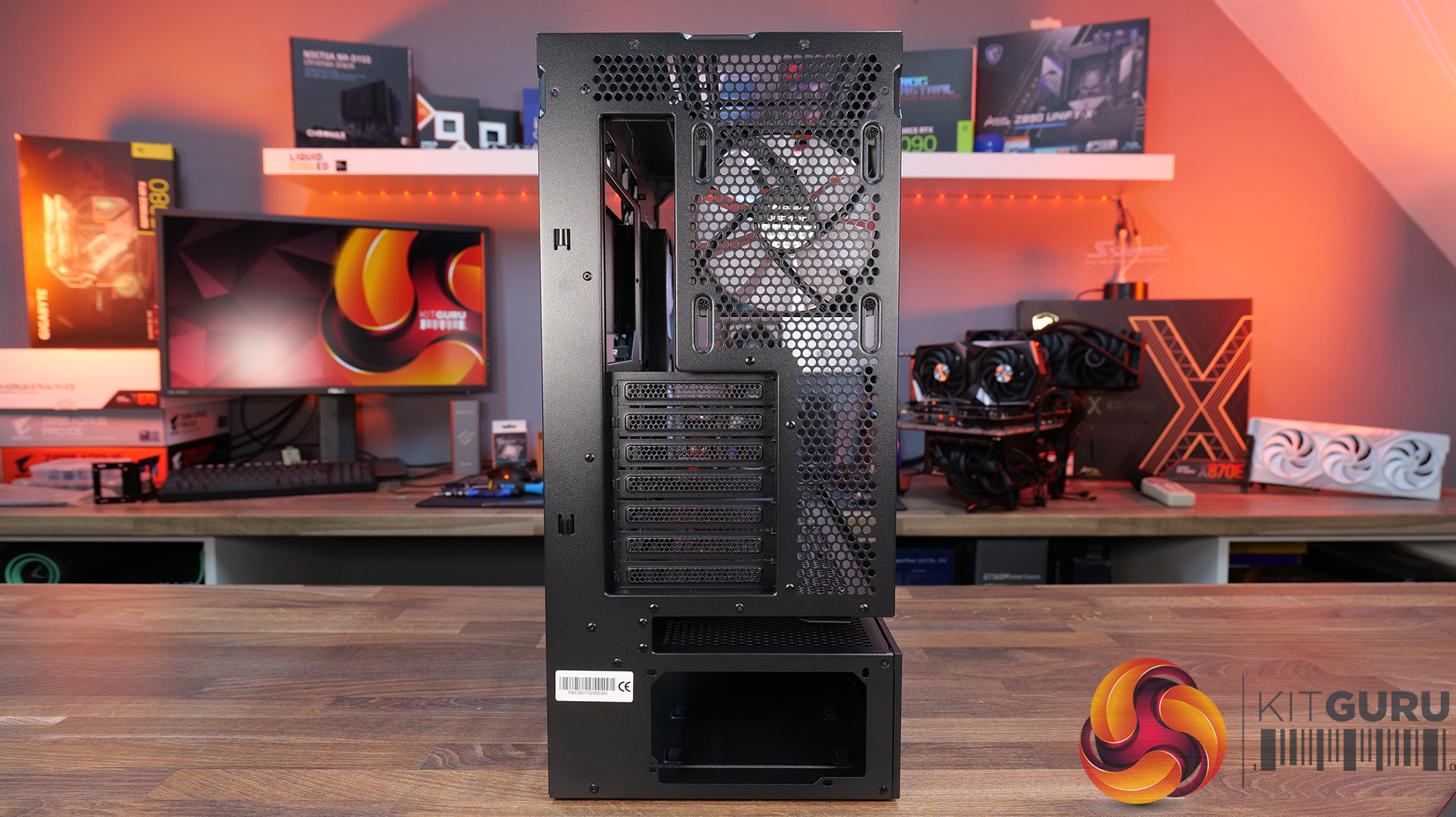
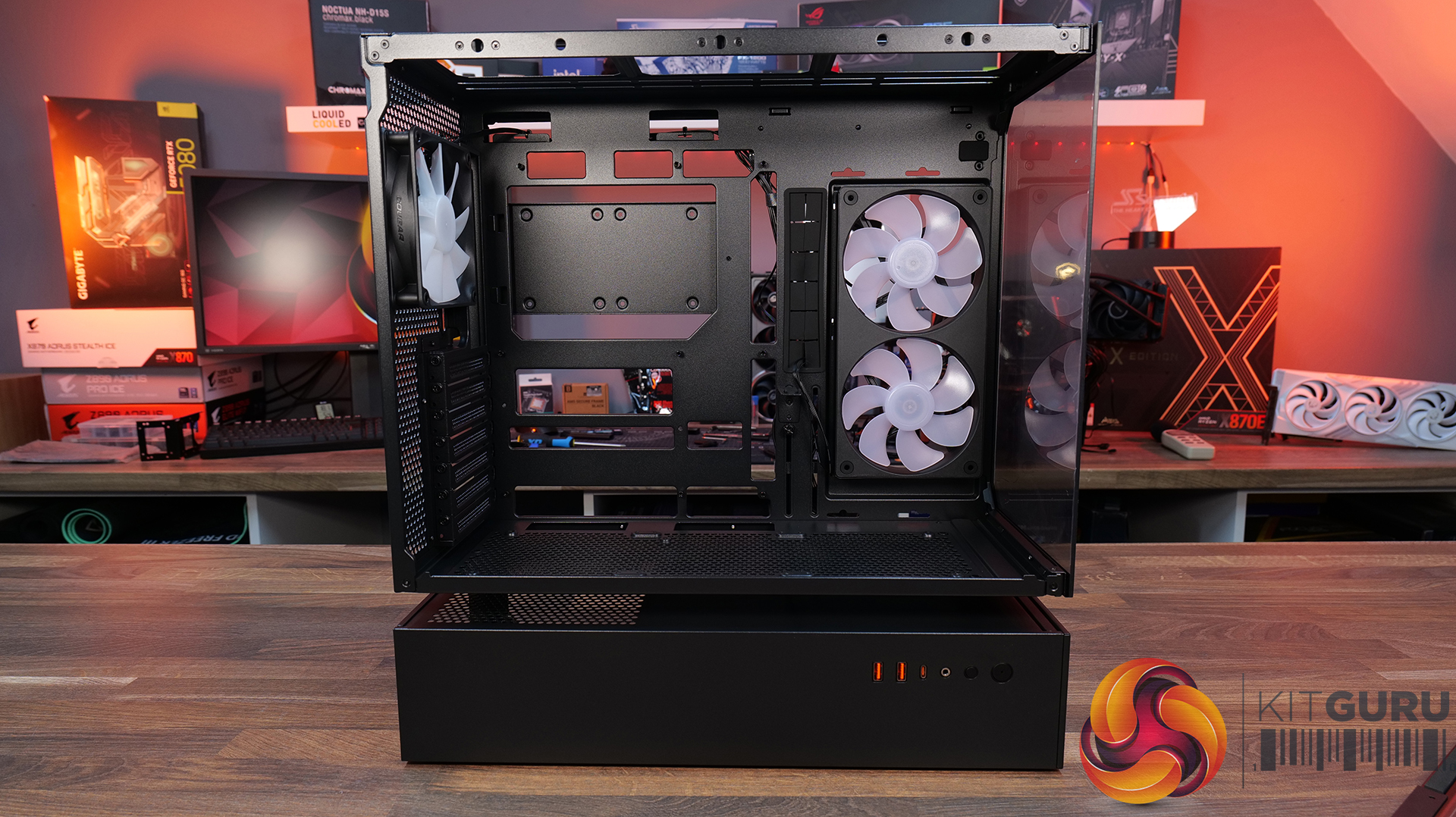
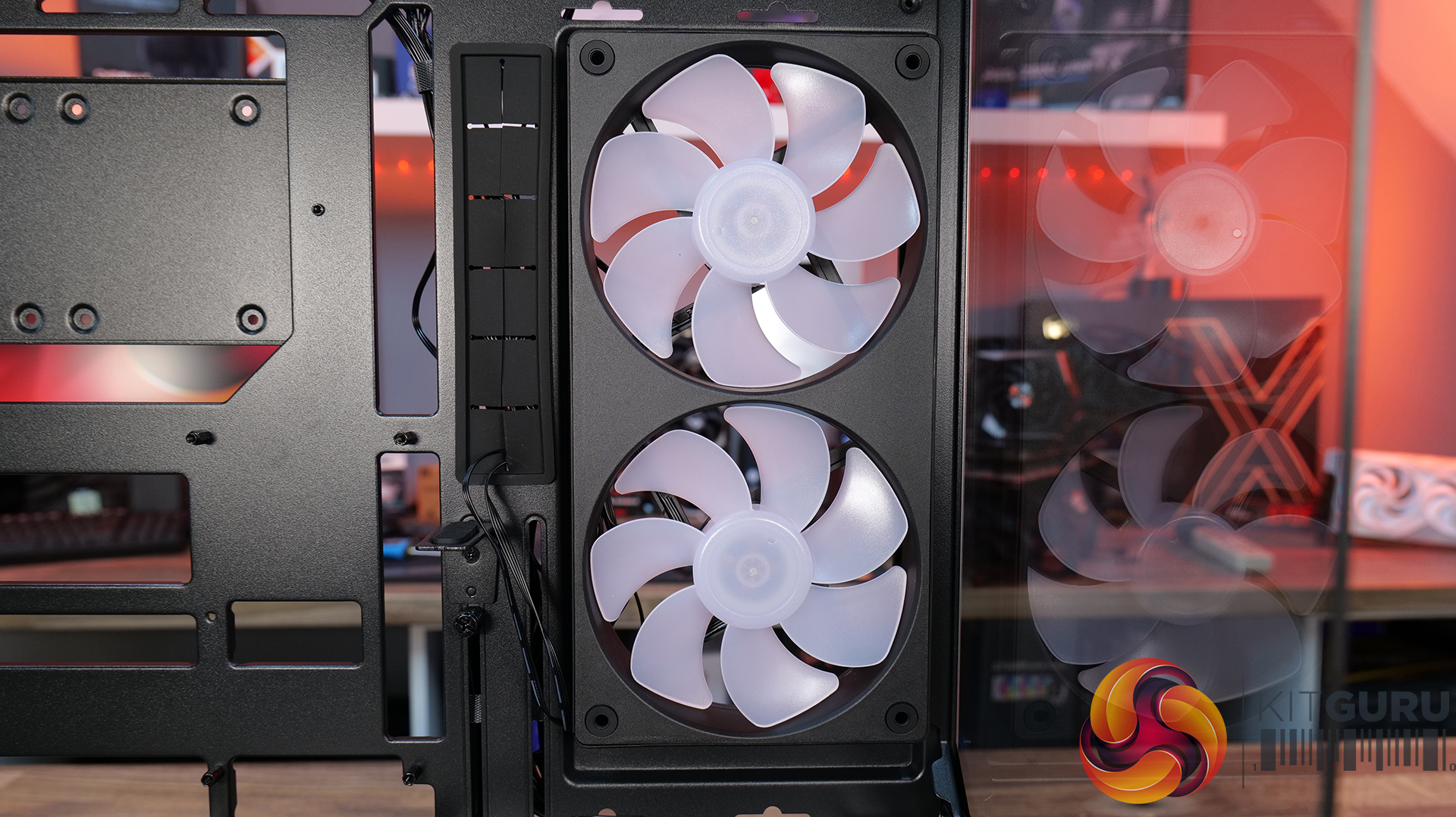
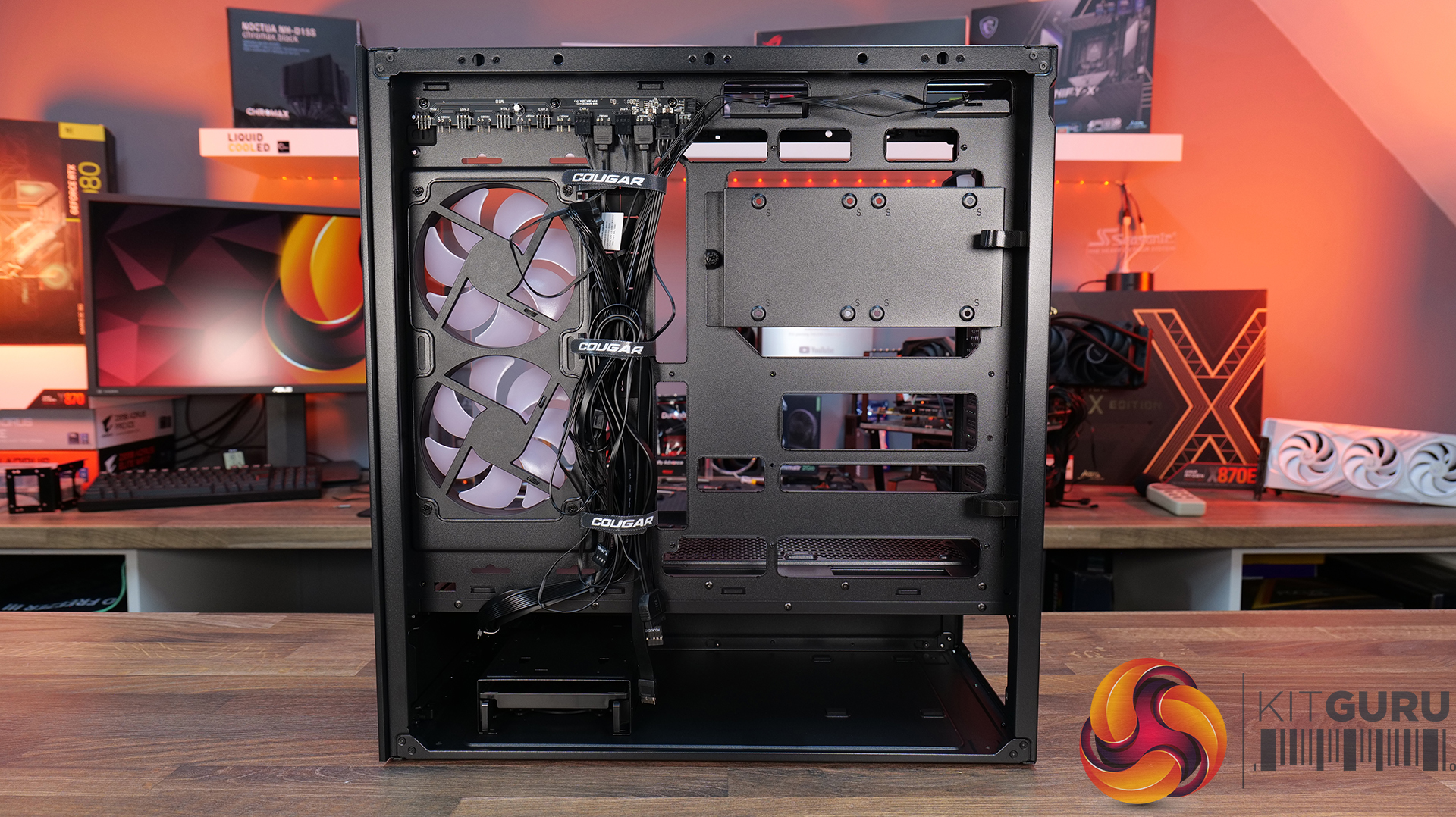
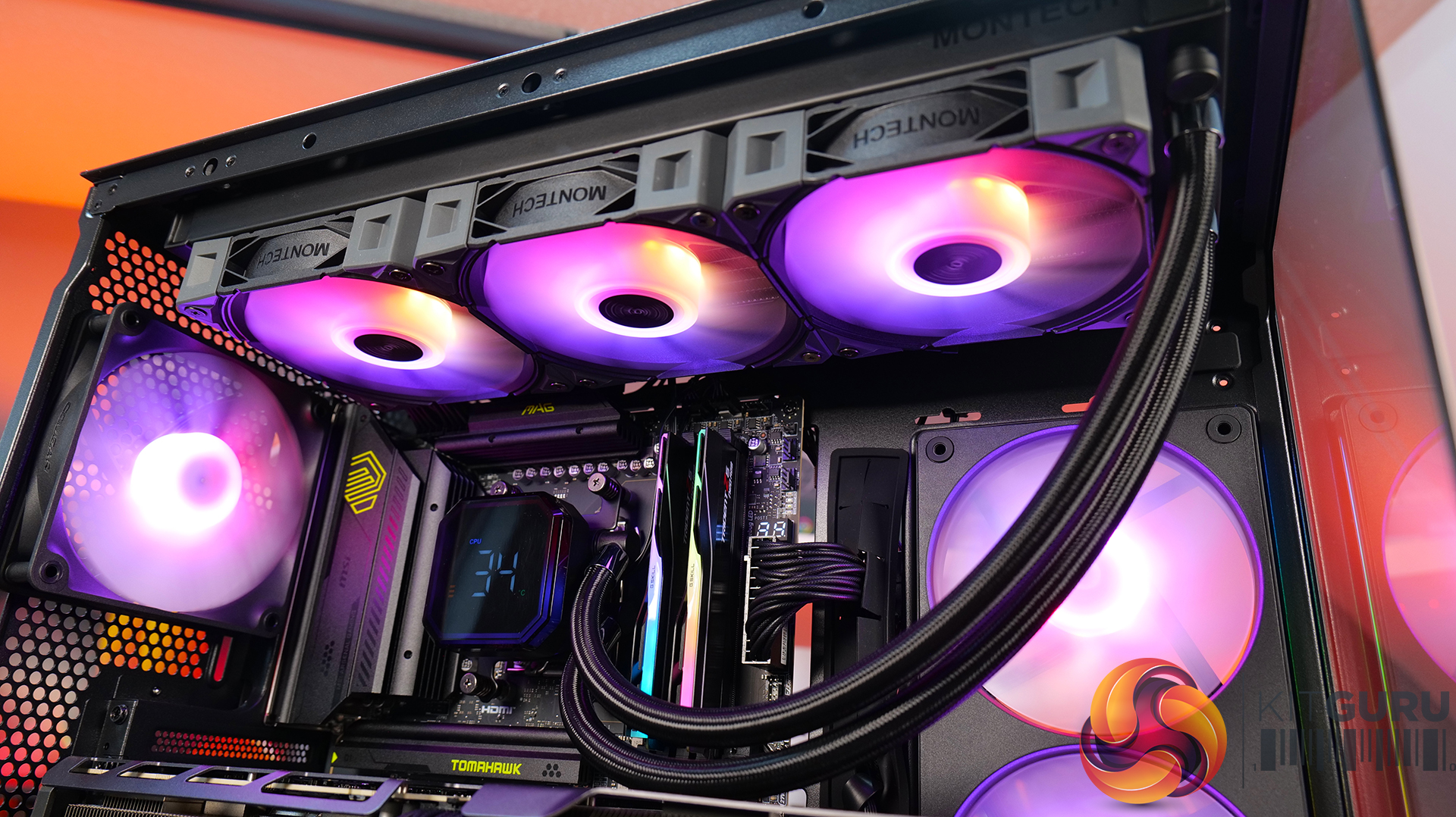
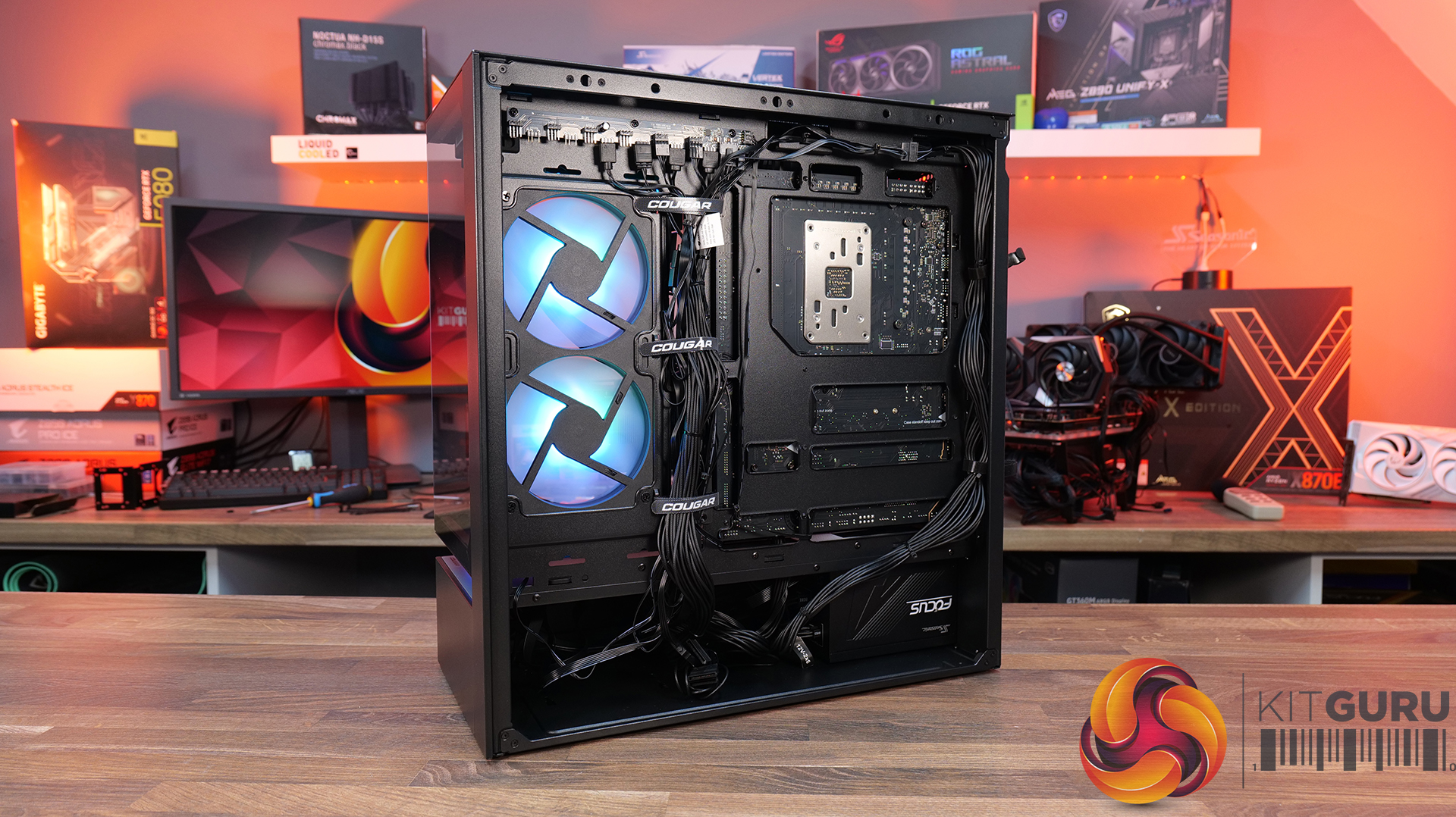
Today we’re taking a look at the Cougar CFV235 mid-tower chassis. It features Cougar’s Central Floating Ventilation design, support for up to EATX motherboards, including back connect, and comes with pre-installed ARGB PWM fans straight out of the box. On paper, there’s plenty of cooling potential too with support for up to nine fans and 360mm radiators, along with clearance for graphics cards up to 430mm long. As always, we’ll be checking out build quality, ease of installation, thermal performance, and overall value to see if the CFV235 is worth considering for your next build.
Timestamps:
00:00 Intro
00:45 Pricing + key info
02:38 Getting inside
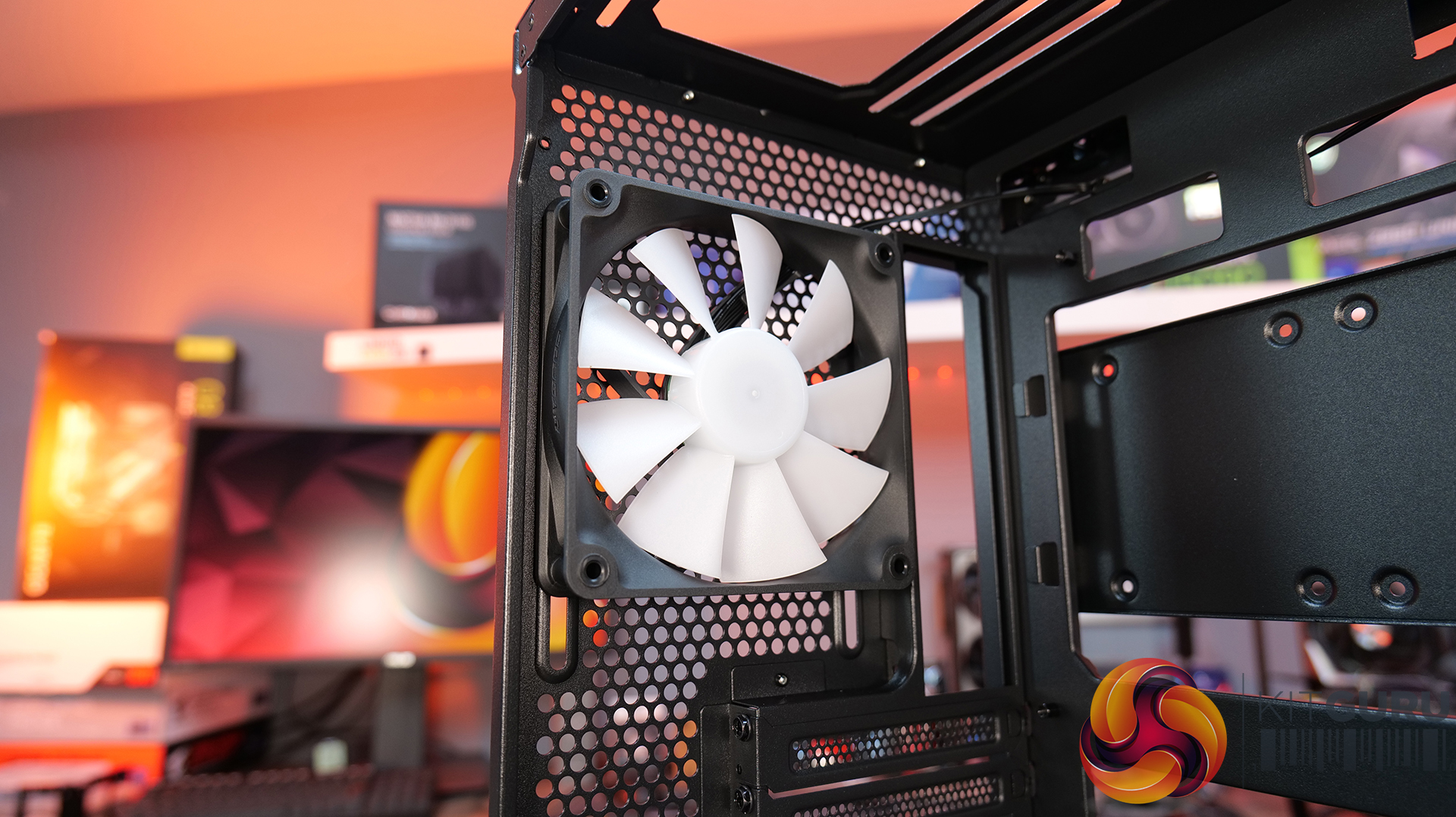
04:10 Cooling support, pre-installed fans
05:55 CPU and GPU compatibility
06:52 Looking at the rear
07:18 Area behind the mobo tray
09:32 Storage support
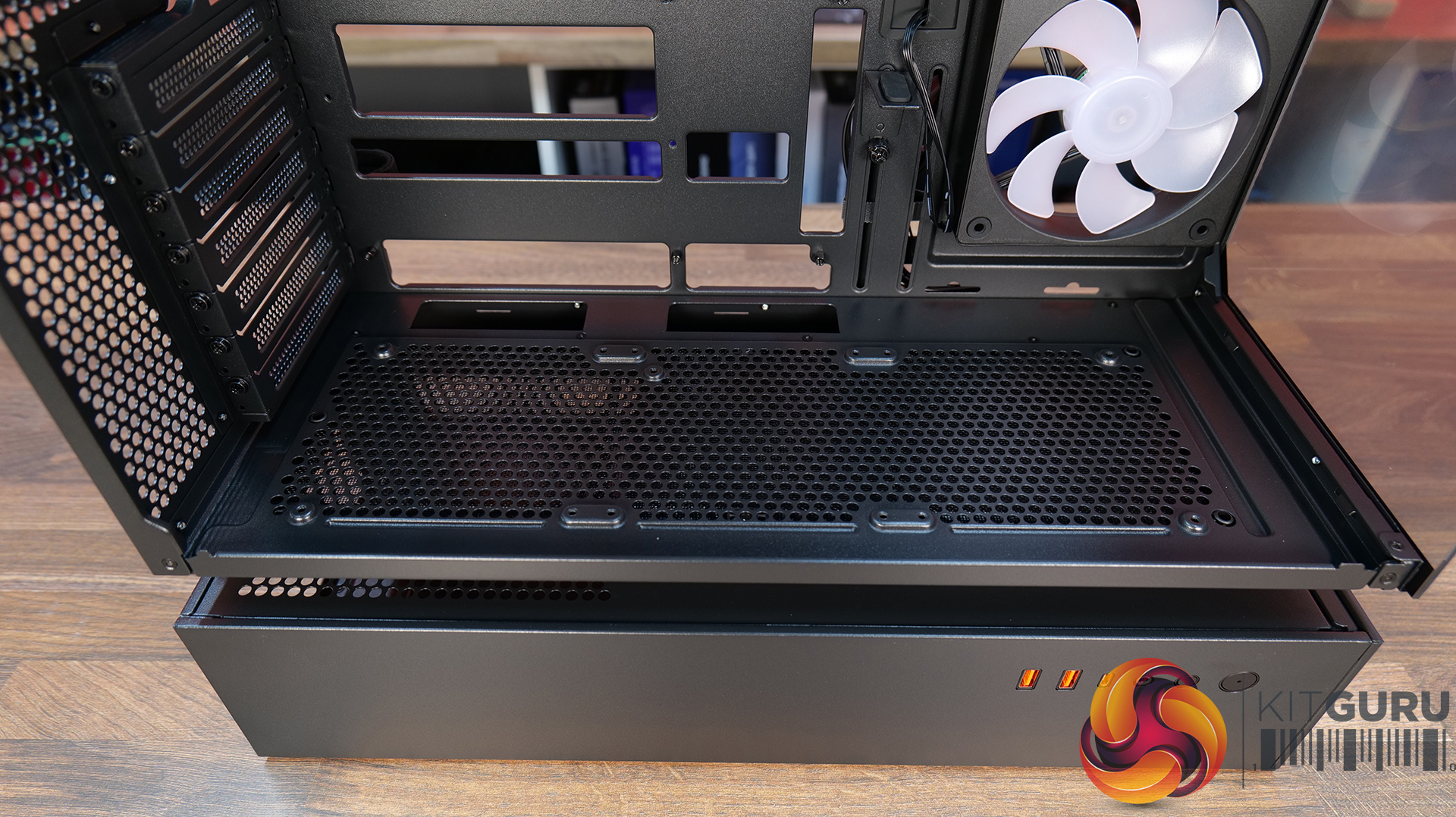
10:21 Floor of the case
11:17 Accessories
12:14 Thermal tests + noise
13:49 James’ experience so far
15:19 Closing thoughts
Features:
Central Floating Ventilation (CFV) structure: A unique floating chamber design that creates separation between the PSU cabin and main chamber to enhance airflow and gives the case its distinctive look.
Pre-installed Unity 240 ARGB PWM reverse-blade fan & Aurora RGB lighting: Included is a Cougar Unity 240 single-frame ARGB fan and an integrated Aurora RGB lighting strip for enhanced cooling and aesthetics.
Versatile hardware support: CFV235 is compatible with motherboards up to E-ATX size, including back connect, 360mm radiators, 175mm tall air coolers and supports GPUs up to 430 mm in length.
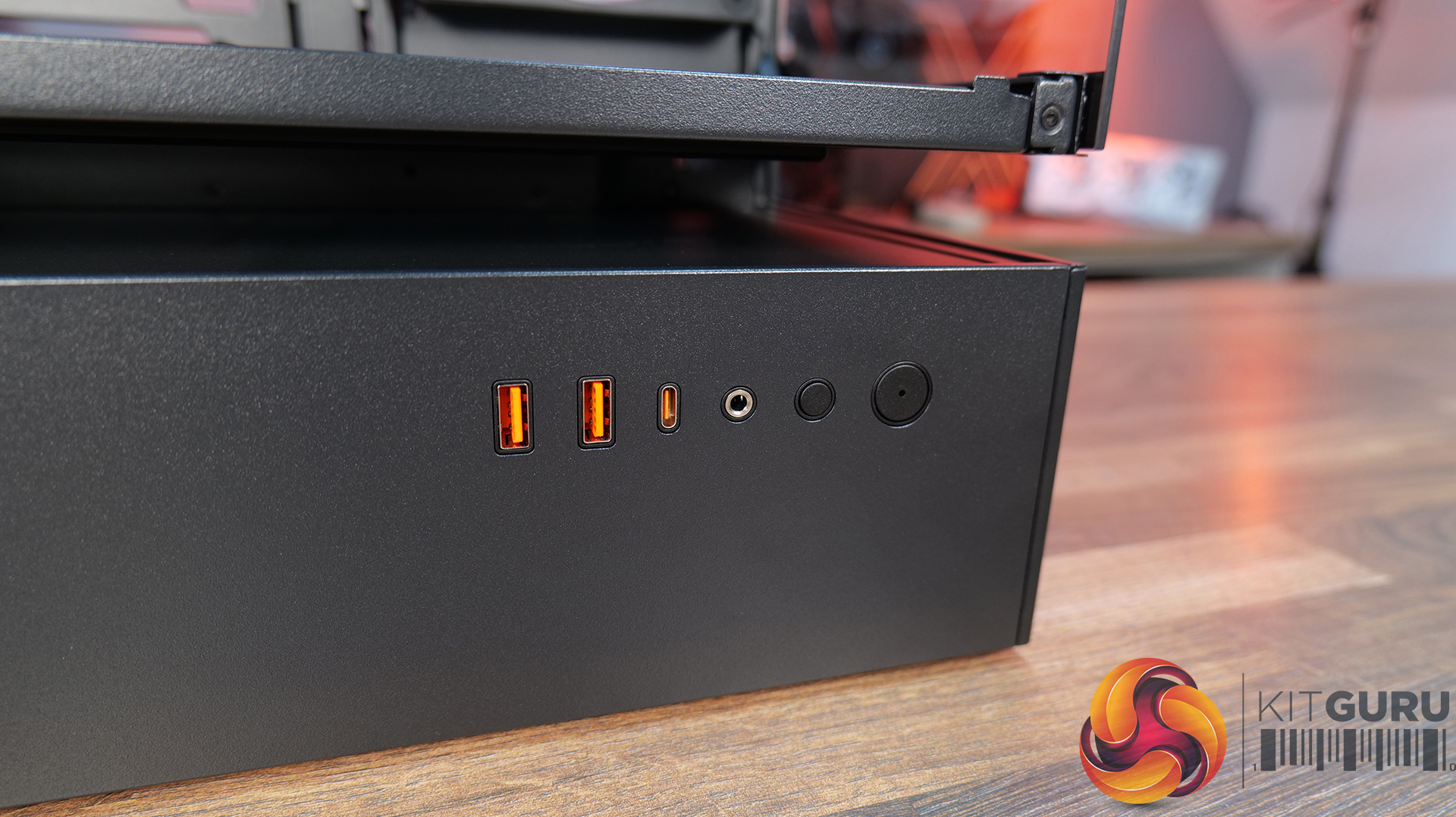
Front I/O: USB 3.2 Gen 2×2 Type-C ×1, USB 3.0 Type-A ×2, 4-Pole Headset Audio Jack ×1, RGB Button
LCD Screen: N/A
Thermal Performance Testing
To simulate thermal demand, we run the Cinebench R23 multi-thread benchmark and 3DMark Speed Way stress test simultaneously in a loop for 30 minutes to load the system fully. This gives the CPU and GPU enough time to reach constant steady-state temperature. With this data, we can compare how the system handles the thermal demand and measure peak noise levels.
Thermal performance is measured with the case in various configurations, such as the default, with the tempered glass left-hand side panel removed and with the front panel removed to see how these configurations affect the CPU and GPU temperature. During testing, only stock case fans are used unless otherwise specified. All water pumps are set to maximum RPM and fans are set to a custom RPM curve by the Motherboard software/BIOS.
All temperature measurements are presented as Deltas – meaning the ambient temperature has been deducted from the CPU temperature, giving us a Delta. Data shown in the charts represents the average component temperature over the length of the test as measured by HWiNFO, and then the last 15 minutes of the data are calculated to get the average. The ambient temperature during thermal tests is between 19-20⁰C.
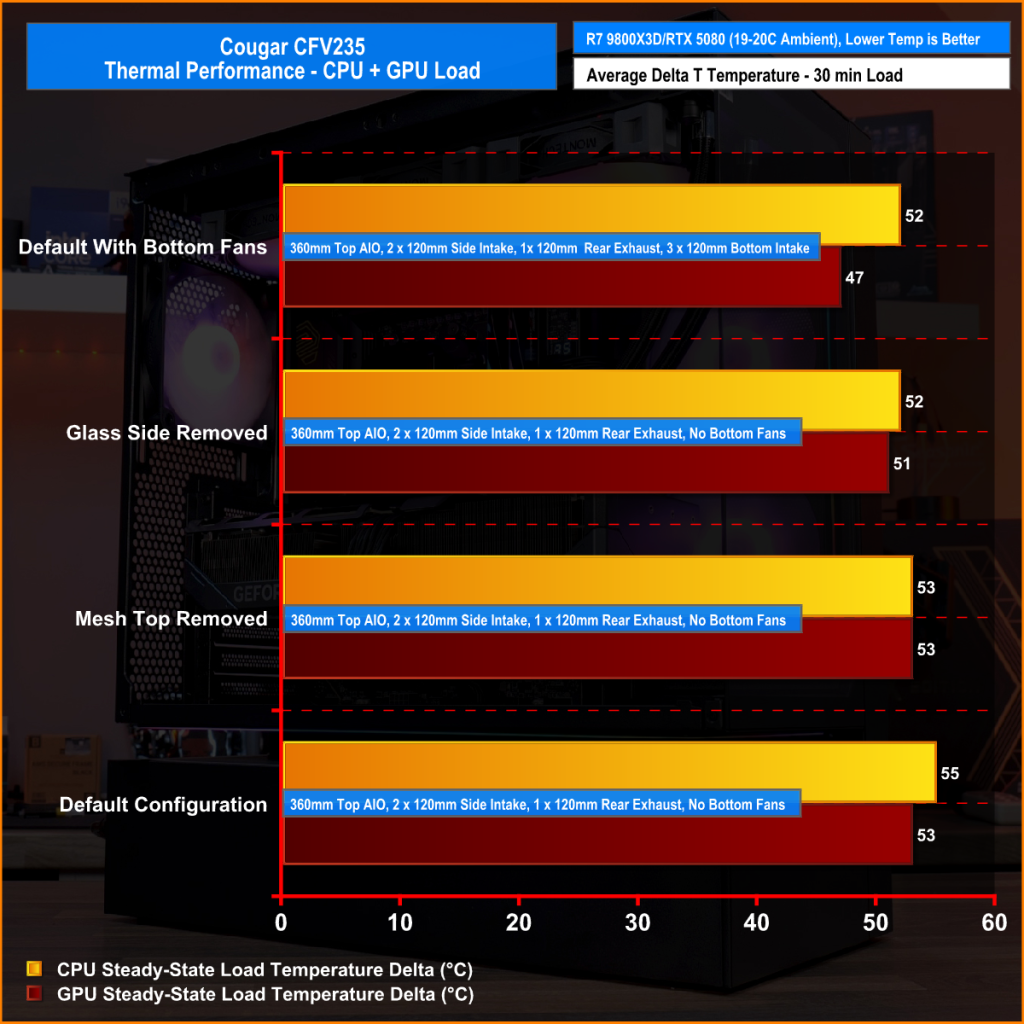
We tested the case thermals with a 360mm AIO as the exhaust at the top and in several different configurations. The default configuration shown in the charts is with the 360mm AIO at the top, Cougar Unity 240 intake side fan, 1 x 120mm rear exhaust and with all panels installed.
In our thermal testing the Cougar CFV235 delivered fairly consistent thermal results across different configurations. With the default setup, the system recorded 53°C over ambient on the CPU and 49°C on the GPU. Taking off the mesh top panel produced similar behaviour, with the CPU reaching 53°C and the GPU 49°C. So the mesh isn’t too restrictive.
Removing the glass side panel had little effect on CPU or GPU thermals at 52°C and 48°C, respectively. But adding bottom intake fans reduced GPU temperature further to 46°C over ambient, while CPU temperature remained the same at 52°C. Overall, the results suggest the case’s stock airflow configuration is reasonably well balanced, but there are minor GPU thermal gains to be had from adding bottom intake airflow.
Noise Output
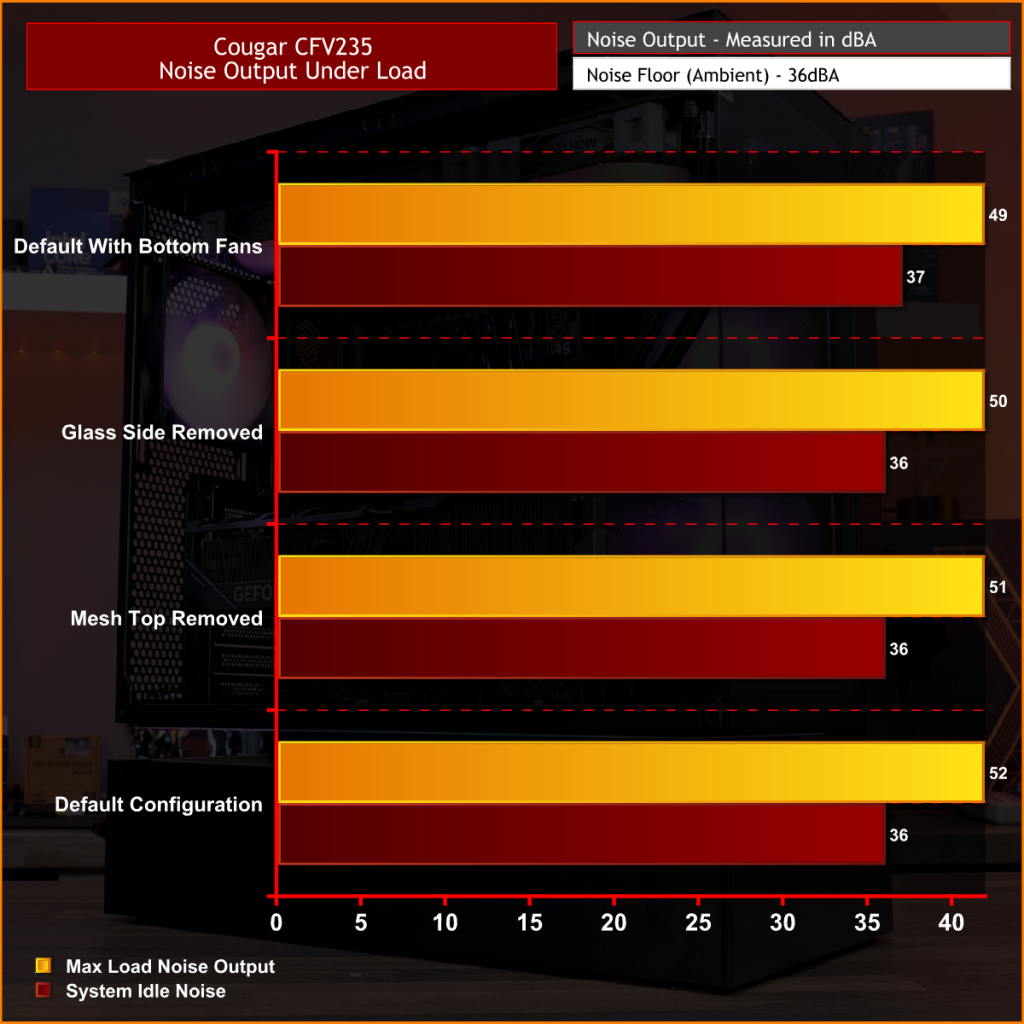
As with thermals, the noise testing shows only a minor difference between configurations under load. In the default configuration, the maximum load noise measures 52 dBA, which drops to 49 dBA when bottom intake fans are installed – showing the cooler GPU temperature helped reduce fan speed.
At idle, the system remained consistent across all configurations at around 36–37 dBA. Overall, our testing would suggest the additional bottom fans help reduce system noise slightly under load, while panel removal has a minor impact on acoustics.
Closing Thoughts
First impressions of the Cougar CFV235 are good thanks to its distinctive design. Cougar’s Central Floating Ventilation layout gives the chassis a unique look that stands out from more conventional mid-tower designs, while the overall construction feels surprisingly solid and well put together. Panel fitment is good, materials feel sturdy, and the case generally gives the impression of a well-built product.
Thermal performance is decent rather than class-leading. The stock configuration delivers stable temperatures in our testing, but it doesn’t quite extract the maximum possible cooling potential straight out of the box. That said, adding bottom intake fans provides a small but noticeable improvement in GPU temperature and noise, suggesting the airflow design benefits from a little extra intake to help feed the GPU and main chamber. Based on that, it does seem odd that Cougar doesn’t include bottom intake fans as the default.
There are a couple of minor usability issues worth mentioning, such as the lack of removable radiator brackets, meaning that it's difficult to connect cables at the top of the motherboard with an AIO installed. This is a feature I like to see at this price point. Additionally, the side cable cut-out grommet can be easily dislodged during cable routing, which may prove to be a little frustrating during the build process.
Even with those small drawbacks, the CFV235 still offers a well-rounded package with strong build quality, extensive hardware compatibility, including back-connect motherboards, big graphics cards, plenty of cooling potential, and a distinctive aesthetic that all work in its favour. Thermal performance is also perfectly respectable once airflow is optimised with bottom intake fans. For builders looking for something a little different visually without sacrificing practicality or build quality, the Cougar CFV235 is a solid option.
UK availability is scarce but we found it listed on Amazon HERE.
Pros:
Unique look with the free-floating top chamber.
No adverse chassis flex due to the 1.5mm thick steel frame.
Good hardware support, with up to EATX motherboards, including back connect, and big graphics cards.
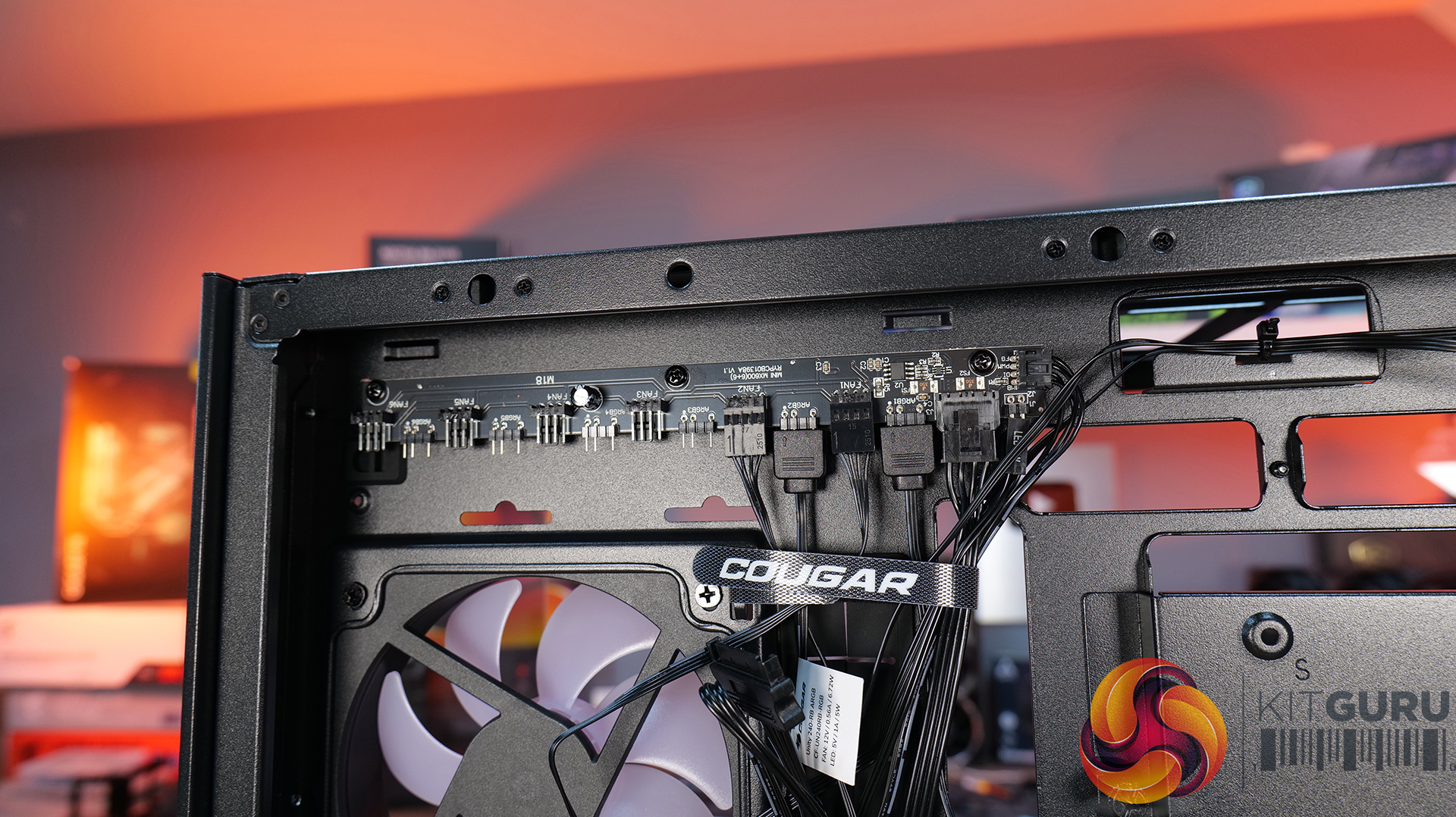
Included six-port PWM ARGB hub.
Cons:
Thermal performance is a little limited out of the box.
Non-removable top radiator bracket.
Side cable grommet is easily dislodged.
KitGuru says: If you want a case that has a distinctive look but doesn't sacrifice build quality or practicality, the Cougar CFV235 is worth a look.
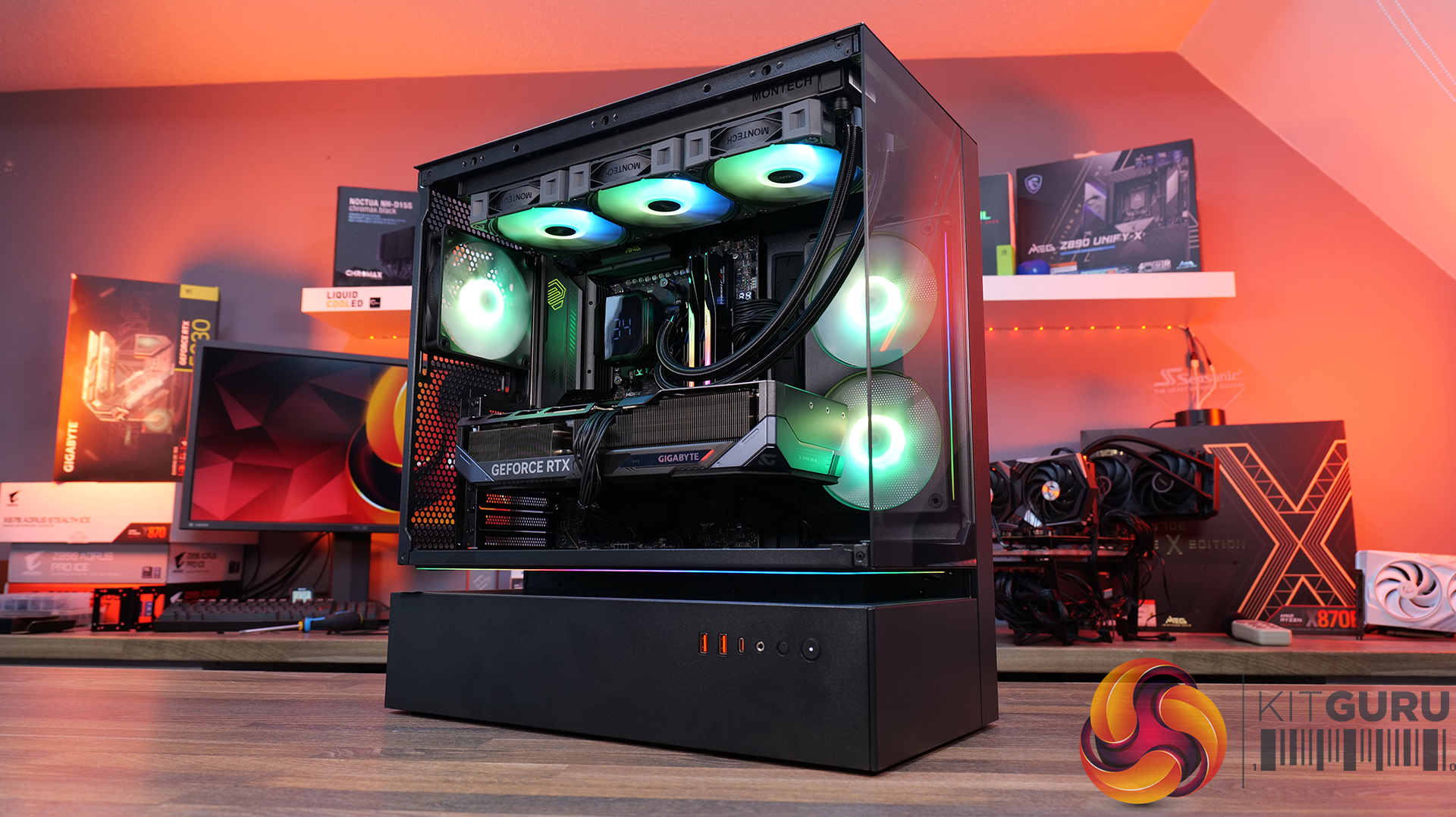
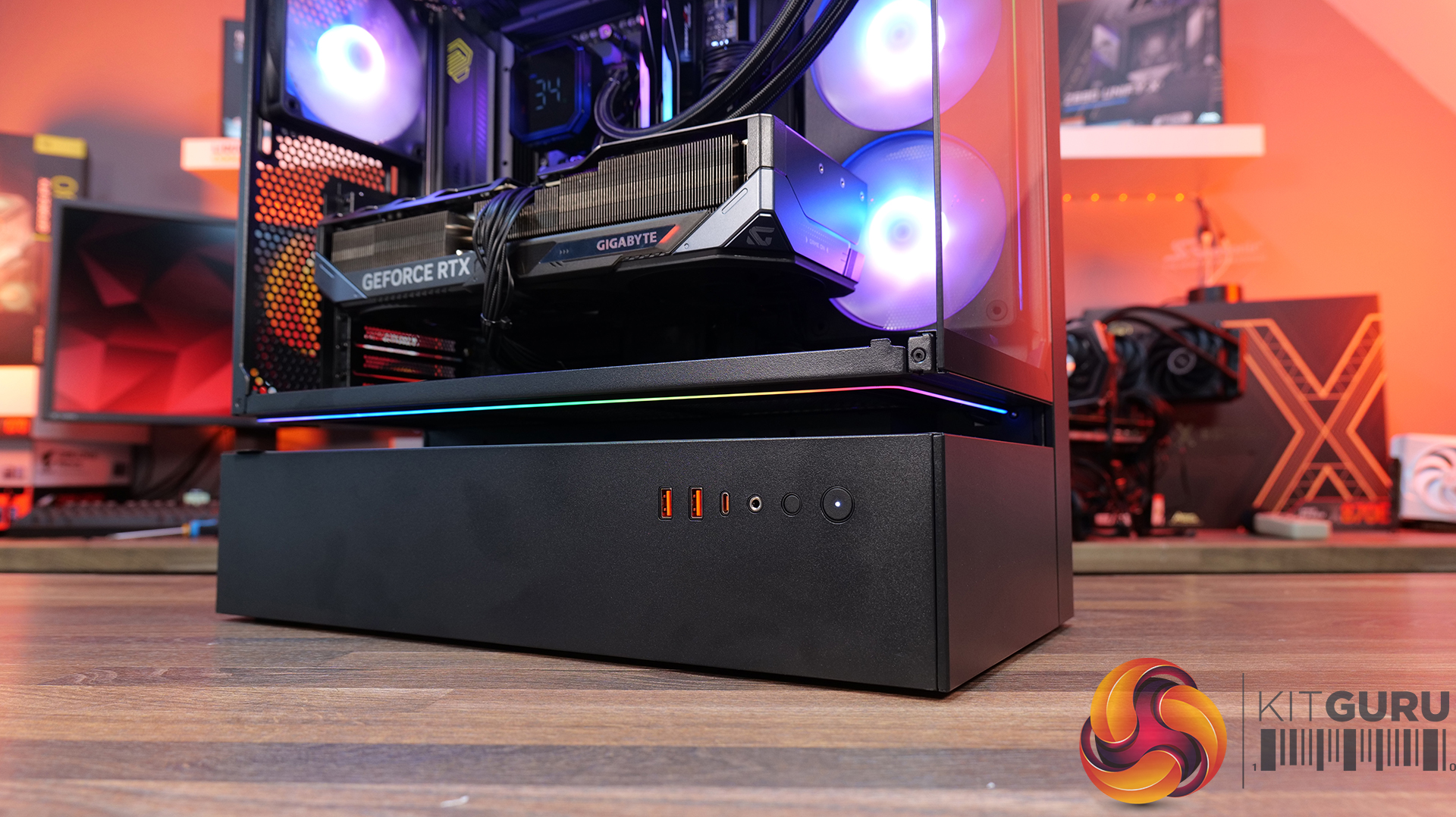
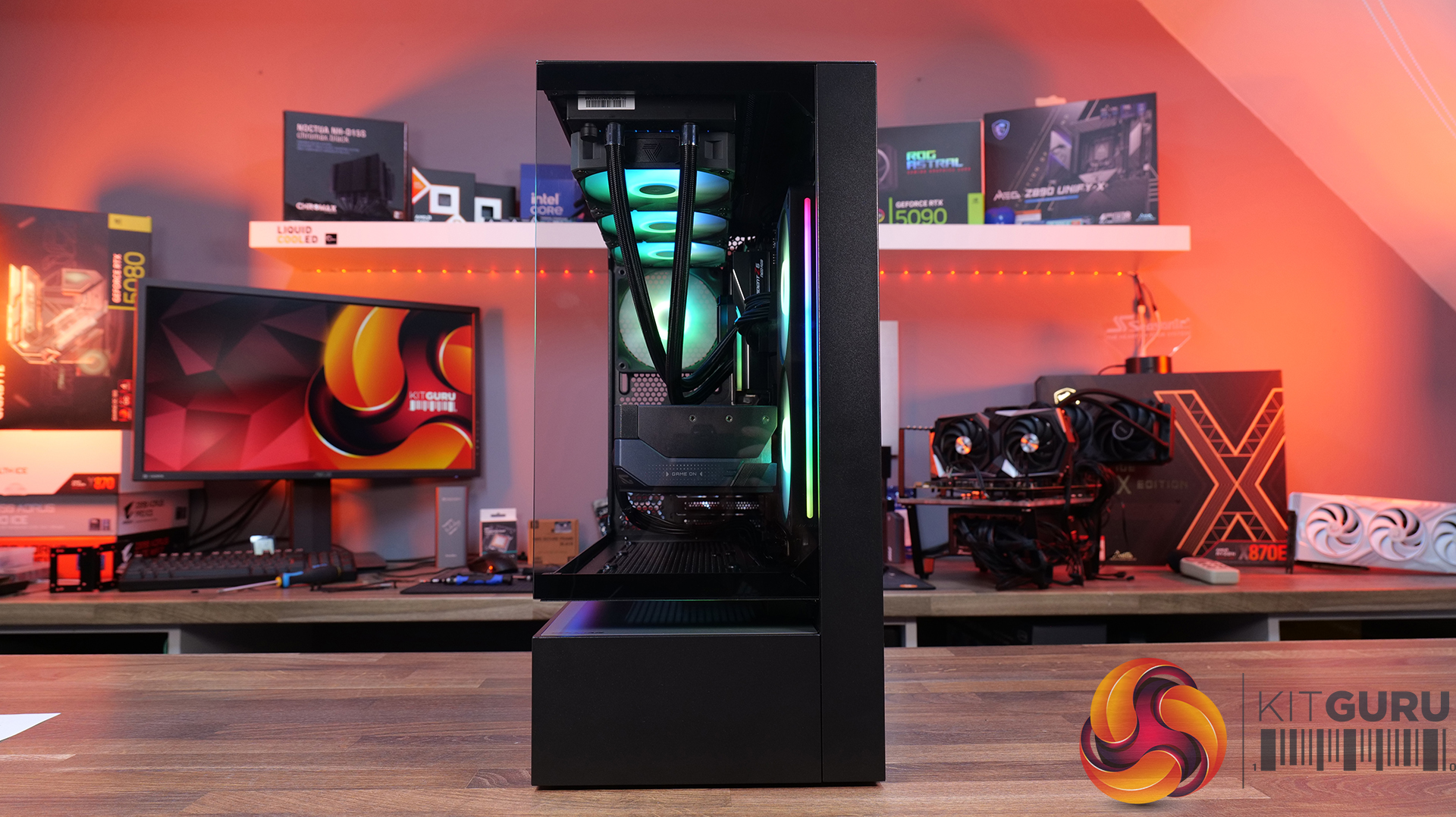
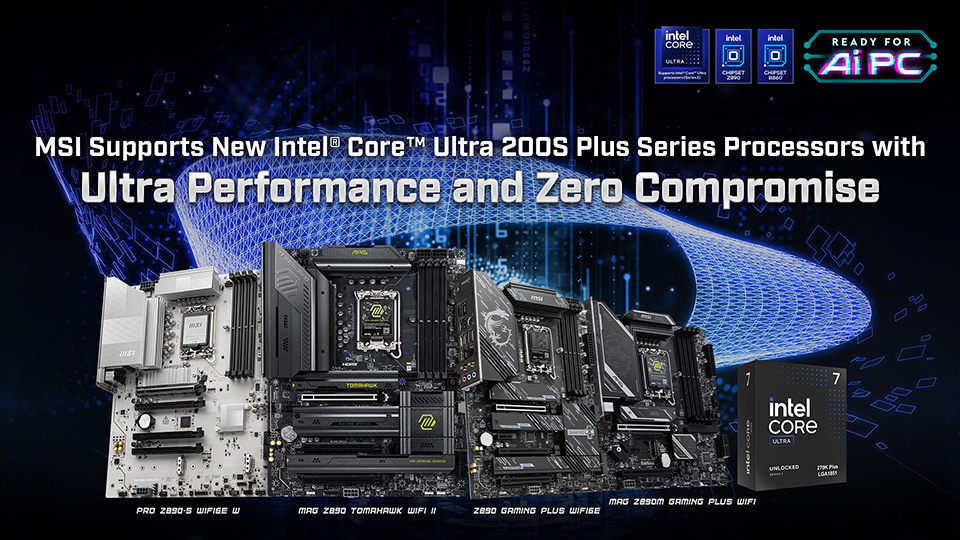
MSI has updated its Intel-based 800-series motherboard portfolio ahead of the launch of the Intel Core Ultra 200S Plus series, a mid-generation refresh that focuses on efficiency gains, increased core counts, and improved memory compatibility.
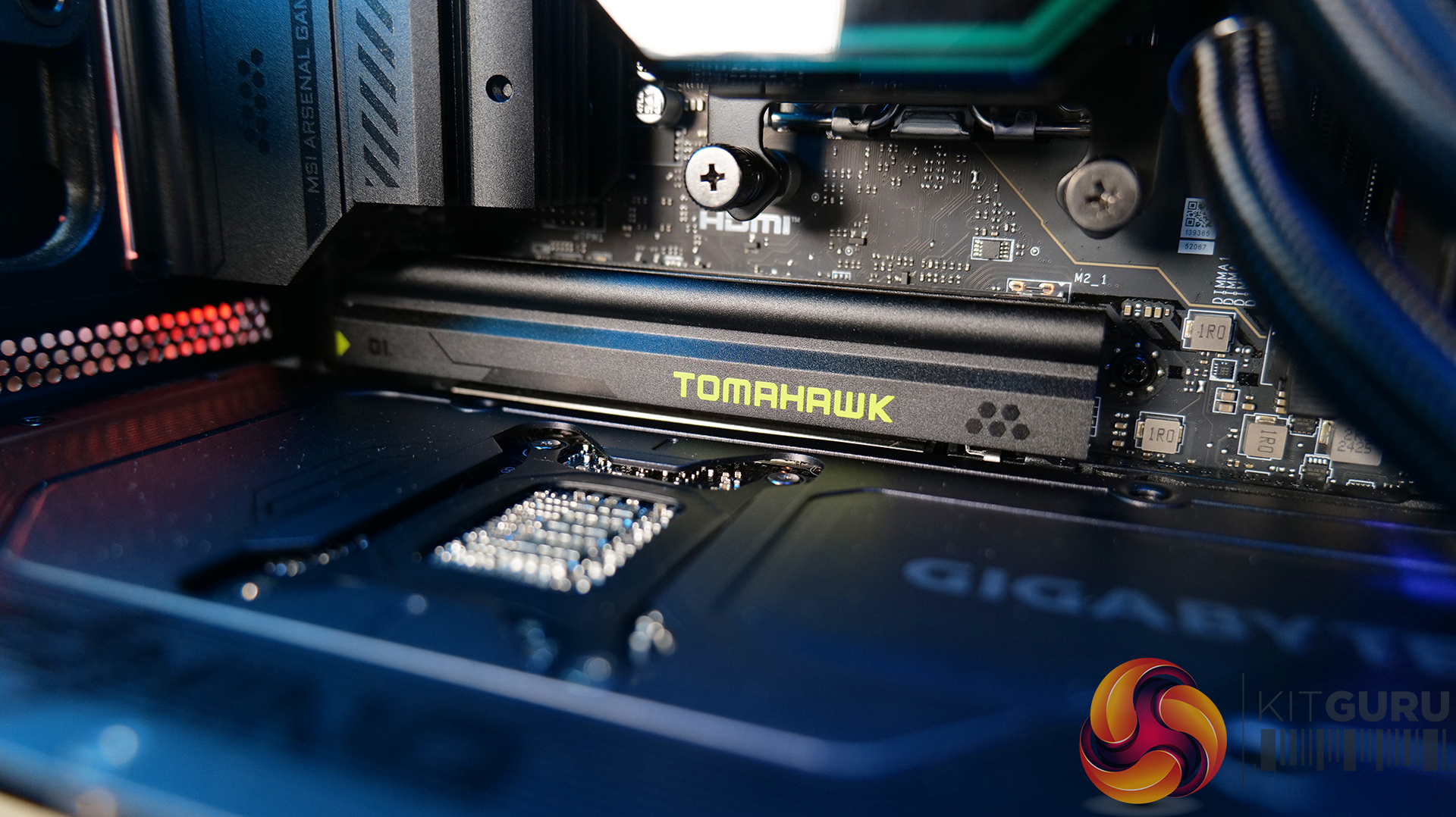
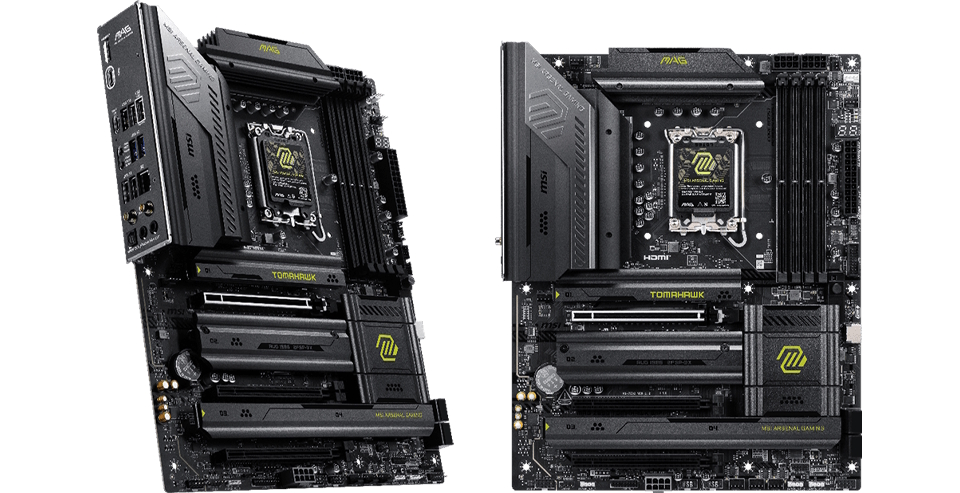
Leading MSI's updated lineup is the MAG Z890 TOMAHAWK WIFI II. Designed with a new black-and-green aesthetic, the board features a 16-phase Duet Rail Power System to handle the Ultra 7's sustained 5.5 GHz clocks. Connectivity is a major focus, with MSI integrating Thunderbolt 4, 5G LAN, and Wi-Fi 7. The board also serves as a showcase for MSI's EZ DIY innovations, including EZ PCIe Release, which allows one-click GPU removal, and EZ M.2 Shield Frozr II and EZ M.2 Clip II, which enable tool-free installation of PCIe drives. For those moving to the latest networking standards, the EZ Antenna design replaces traditional screw-on Wi-Fi antennas with a plug-and-play snap-on mechanism.
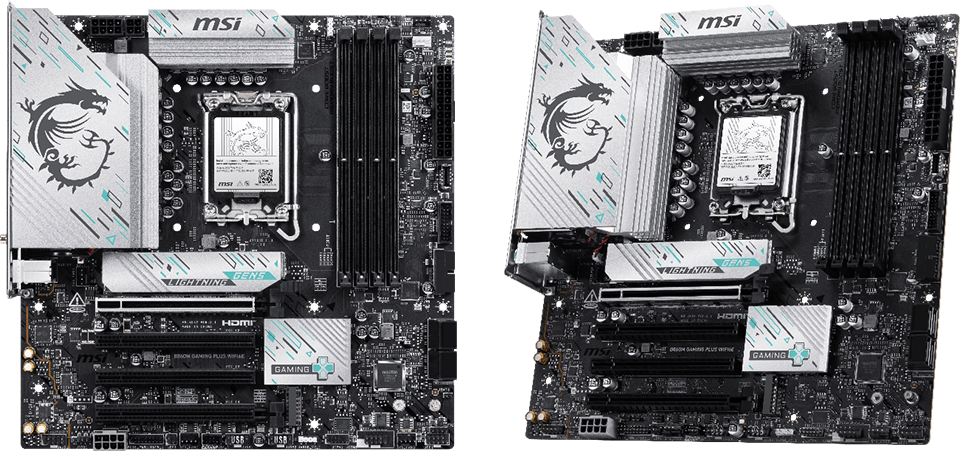
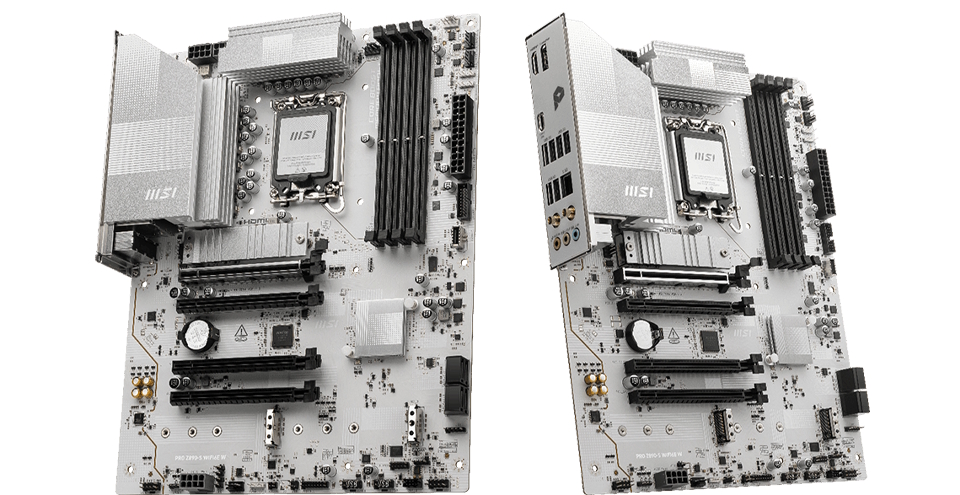
On the lower end, MSI also unveiled the B860M GAMING PLUS WIFI 6E and the PRO Z890-S WIFI 6E W. The B860M GAMING PLUS WIFI 6E is an mATX board featuring a 12-phase power system and silver-and-blue accents, bringing features like Killer 5G LAN and Wi-Fi 6E to the mid-range market. Meanwhile, the PRO Z890-S WIFI 6E W is tailored for professional workstations, opting for a simpler all-white PCB and a 12-phase Duet Rail system. It maintains the Z890 chipset benefits while prioritising a clean aesthetic and high-speed USB 20 Gbps connectivity. Existing MSI Z890 owners can rest easy, as the new processors are fully compatible with current 800-series boards via a BIOS update.
KitGuru says: If you were to build or upgrade a system and use one of the new Intel Core Ultra 200S Plus CPUs, which new MSI motherboard would you choose?
Today Intel expanded its desktop CPU lineup with new Core Ultra 5 and Core Ultra 7 Plus processors. These new chips are supported on all existing 800-series chipset motherboards, but some models may require an update first. Today, ASRock is confirming its broad support for these new chips across its full 800-series motherboard lineup.
ASRock’s complete 800 series motherboard lineup, including Z890, B860, and H810 chipset models, all are fully compatible with the latest Intel Core Ultra 200S Plus processors, enabling users to easily upgrade.
In the table below you can see the full list of ASRock 800-series motherboards along with the optimised BIOS version that you'll want to install if running a new Core Ultra 200S Plus CPU:
Model
Bootable BIOS version
Optimized BIOS version
Z890 Taichi AQUA
3.23
Z890 Taichi OCF
3.17
3.22
Z890 Taichi
3.15
3.24
Z890 Taichi Lite
3.15
3.24
Z890 Nova WiFi
3.15
3.24
Z890 LiveMixer WiFi
3.12
3.21
Z890 Steel Legend WiFi
3.15
3.24
Z890 Lightning WiFi
3.15
3.24
Z890 Riptide WiFi
3.12
3.21
Z890 Pro RS
3.15
3.24
Z890 Pro RS WiFi
3.15
3.24
Z890 Pro RS WiFi White
3.15
3.24
Z890 Pro-A
3.15
3.24
Z890 Pro-A WiFi
3.15
3.24
Z890M Riptide WiFi
3.15
3.24
Z890I Nova WiFi
3.14
3.20
B860 LiveMixer WiFi
2.11
3.21
B860 Steel Legend WiFi
2.11
3.21
B860 Lightning WiFi
2.11
3.21
B860 Challenger WiFi
1.10
3.21
B860 Challenger WiFi White
1.10
3.21
B860 Rock WiFi 7
1.10
3.21
B860 Pro RS
1.27
3.22
B860 Pro RS WiFi
1.27
3.22
B860 Pro-A
1.27
3.22
B860 Pro-A WiFi
1.27
3.22
B860M Steel Legend WiFi
2.06
3.21
B860M Lightning WiFi
2.06
3.21
B860M LiveMixer WiFi
2.04
3.21
B860M Rock WiFi
1.08
3.22
B860M Pro RS
1.25
3.21
B860M Pro RS WiFi
1.25
3.21
B860M Pro-A
1.25
3.21
B860M Pro-A WiFi
1.25
3.21
B860M Pro-A/TPM
1.21
1.22
B860I Lightning WiFi
2.03
3.21
B860I WiFi
3.12
3.22
B860M-X Gen5
2.12
3.22
B860M-X Gen5 WiFi
B860M-X
2.13
3.22
B860M-X WiFi
B860M-H2
2.11
3.22
B860M-HDVP
1.23
1.31
H810M-X Gen5
1.04
3.21
H810M-X Gen5 WiFi
1.04
3.21
H810M-P Gen5
1.03
3.21
H810M-X
2.11
3.21
H810M-X WiFi
2.11
3.21
H810M-HDVP
1.21
1.31
KitGuru Says: Are you thinking about upgrading to a new Intel CPU this year?
MSI is joining forces with developer Pearl Abyss, offering gamers a free copy of the highly anticipated open-world action-adventure, Crimson Desert. Until April 6th, 2026, those who purchase select MSI X870E or B850 motherboards will be eligible to claim a Steam code for the game, which is slated for its global release on March 19th, 2026. This promotion provides an excellent opportunity for those building new AM5 systems to secure a major AAA title while upgrading to the latest silicon architecture.
The campaign focuses on MSI's latest motherboard lineup. That includes high-end models like the MEG X870E Ace, which features an upgraded 64MB BIOS ROM and the MSI OC Engine. These boards support cutting-edge connectivity, including Wi-Fi 7, USB4, and multi-gigabit LAN. Furthermore, the EZ DIY design includes tool-free M.2 Shield Frozr heatsinks and simplified expansion slots for effortless hardware upgrades.
To participate in the campaign, buyers must follow a specific redemption window and provide proof of purchase through the official MSI member center. It is important to note that MSI typically requires a 14-day waiting period after the purchase date before a claim can be initiated to account for standard return windows. The purchase period runs from March 6th to April 6th, with the redemption window opening on March 20th and closing on May 4th, or until the supply of codes is exhausted. Once claimed, the game code will remain valid for activation until March 20th, 2027.
For those who don't know the game, Crimson Desert was originally conceived as a prequel to Black Desert Online. However, it evolved into a standalone single-player epic powered by the proprietary BlackSpace Engine. Players take on the role of Kliff, a mercenary of the Greymanes, as he navigates the beautiful yet brutal wilderness and bustling cities of Pywel. The gameplay is characterised by a seamless open world filled with ancient ruins and a complex, skill-driven combat system that encourages the strategic use of weapons and environment-based abilities.
KitGuru says: Are you planning on upgrading your system soon? If Crimson Desert looks like a game you would like, this opportunity might be worthy of your consideration.
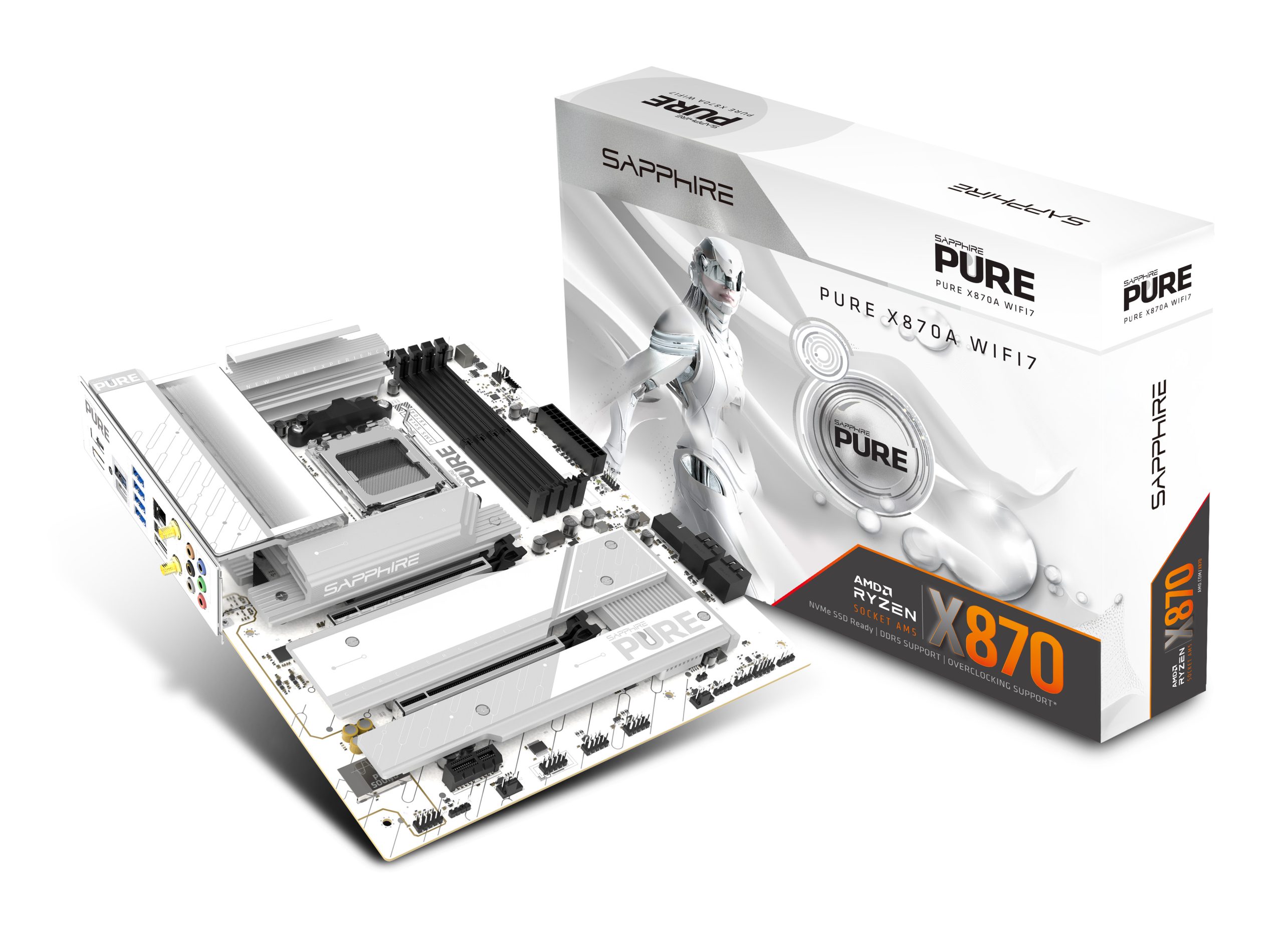
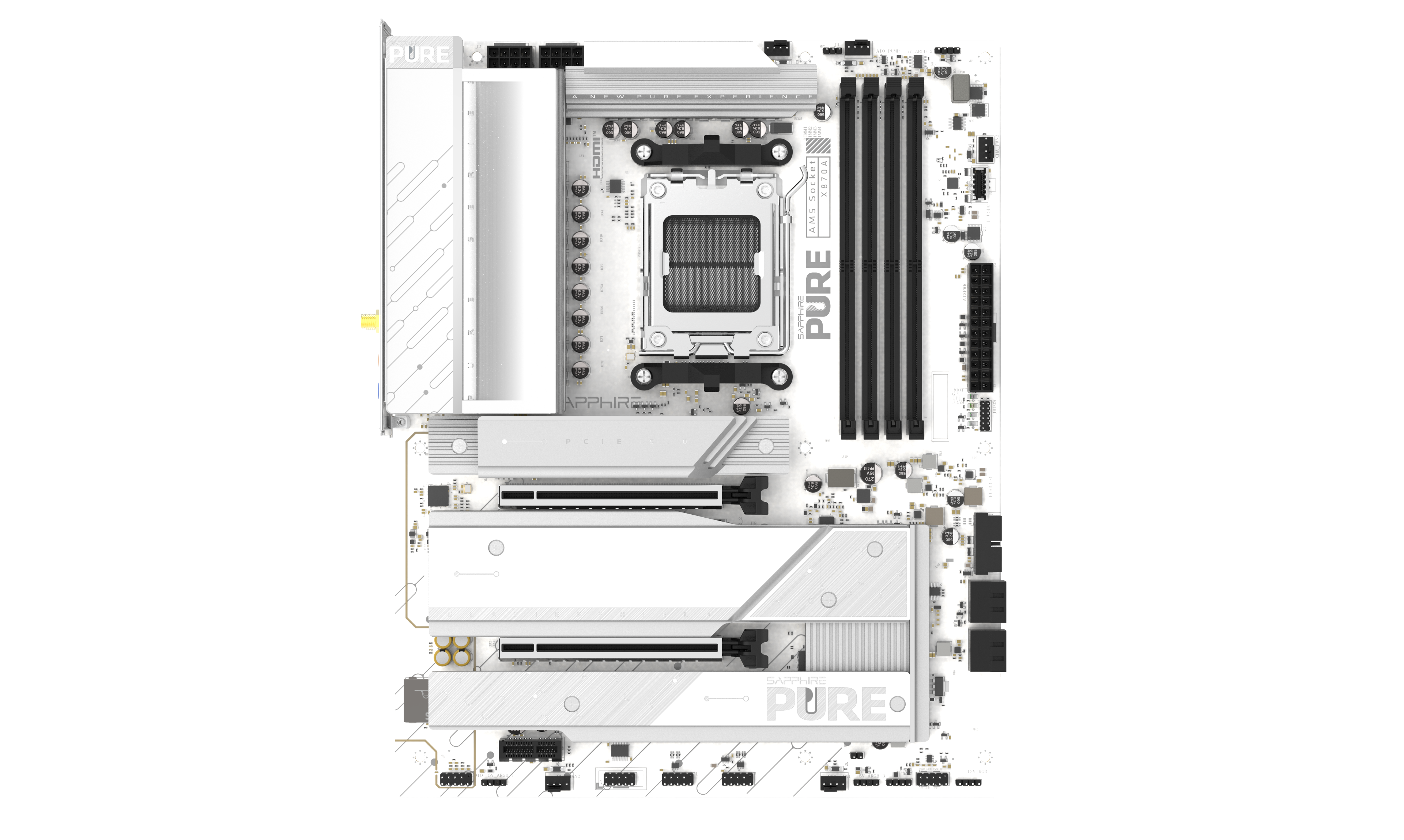
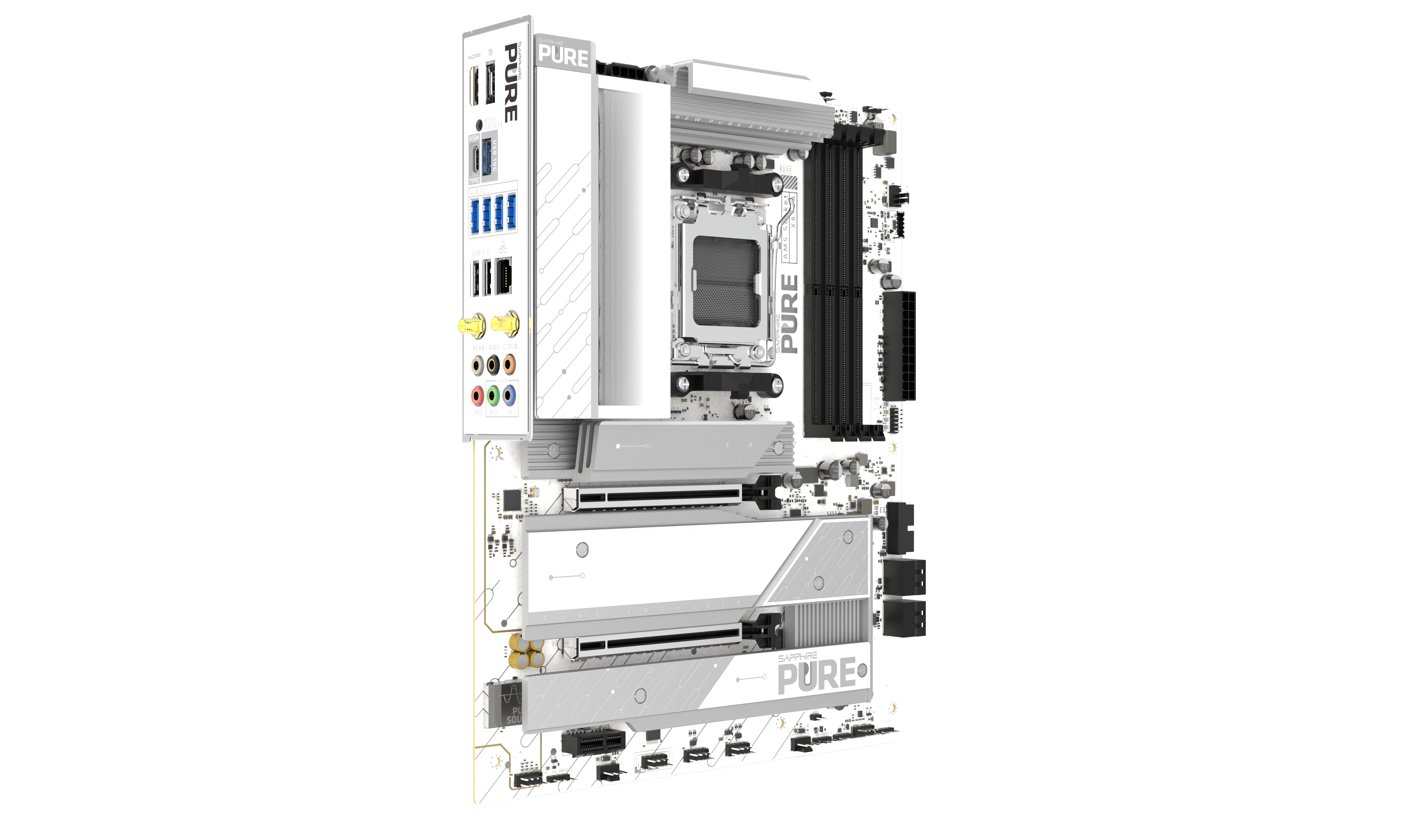
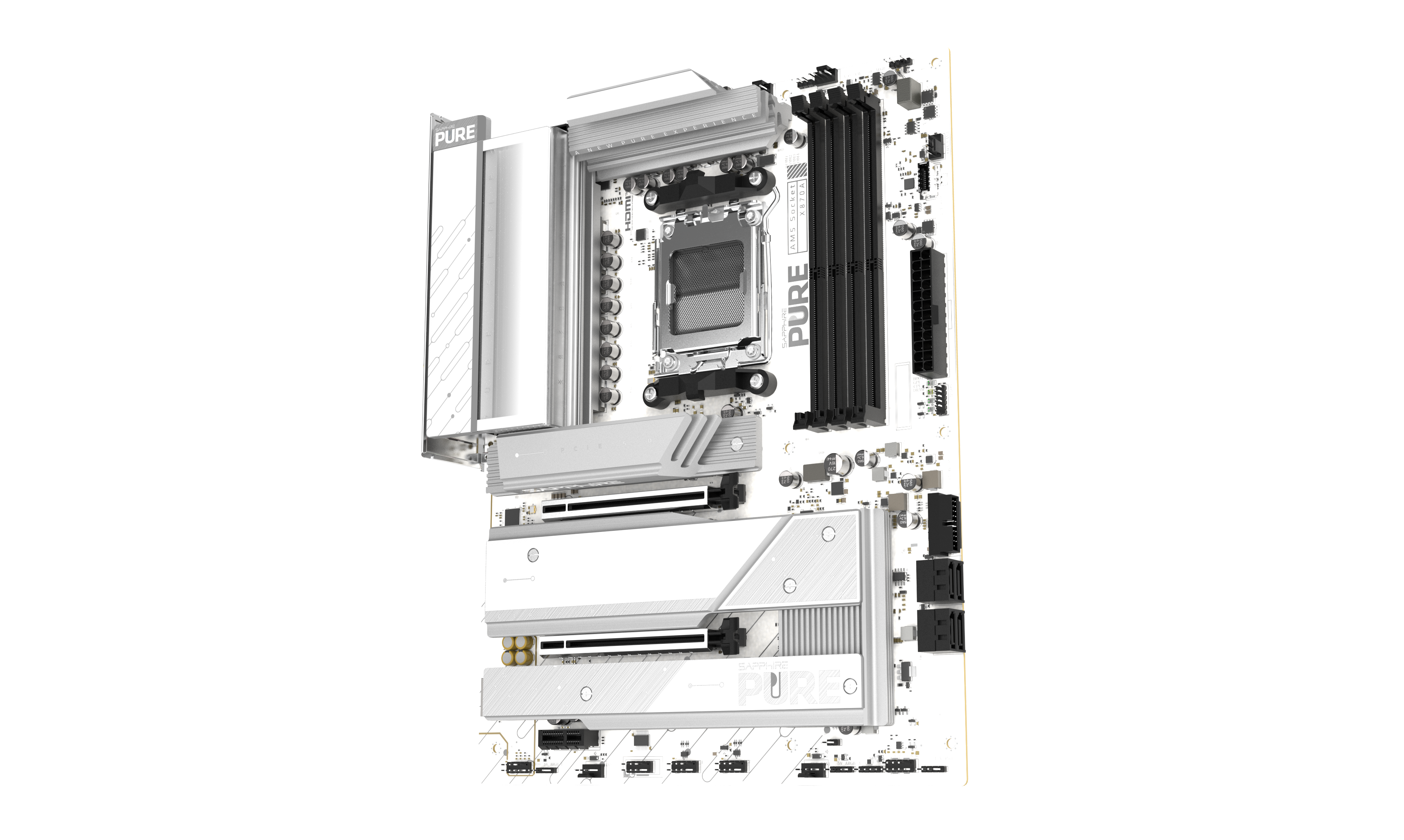
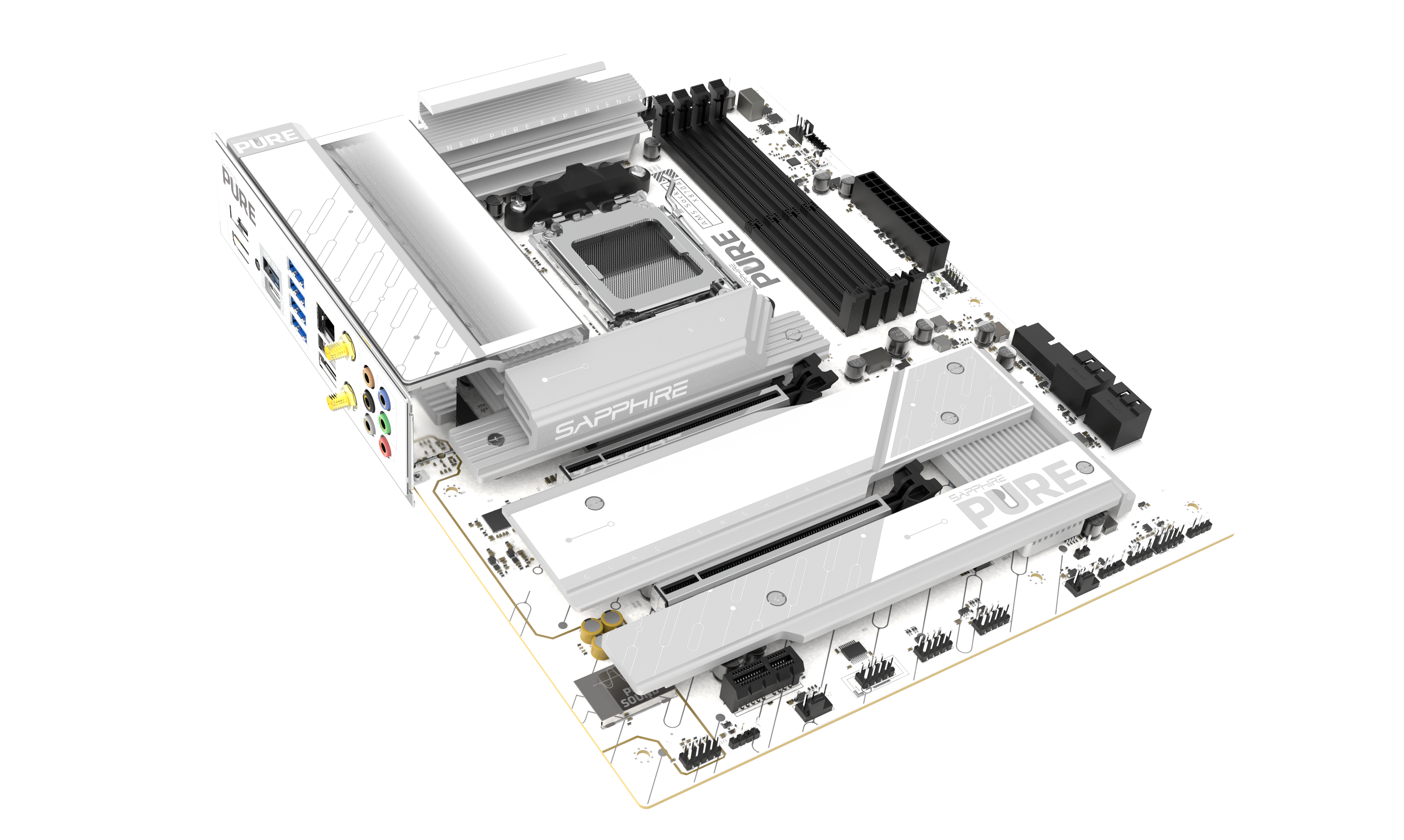
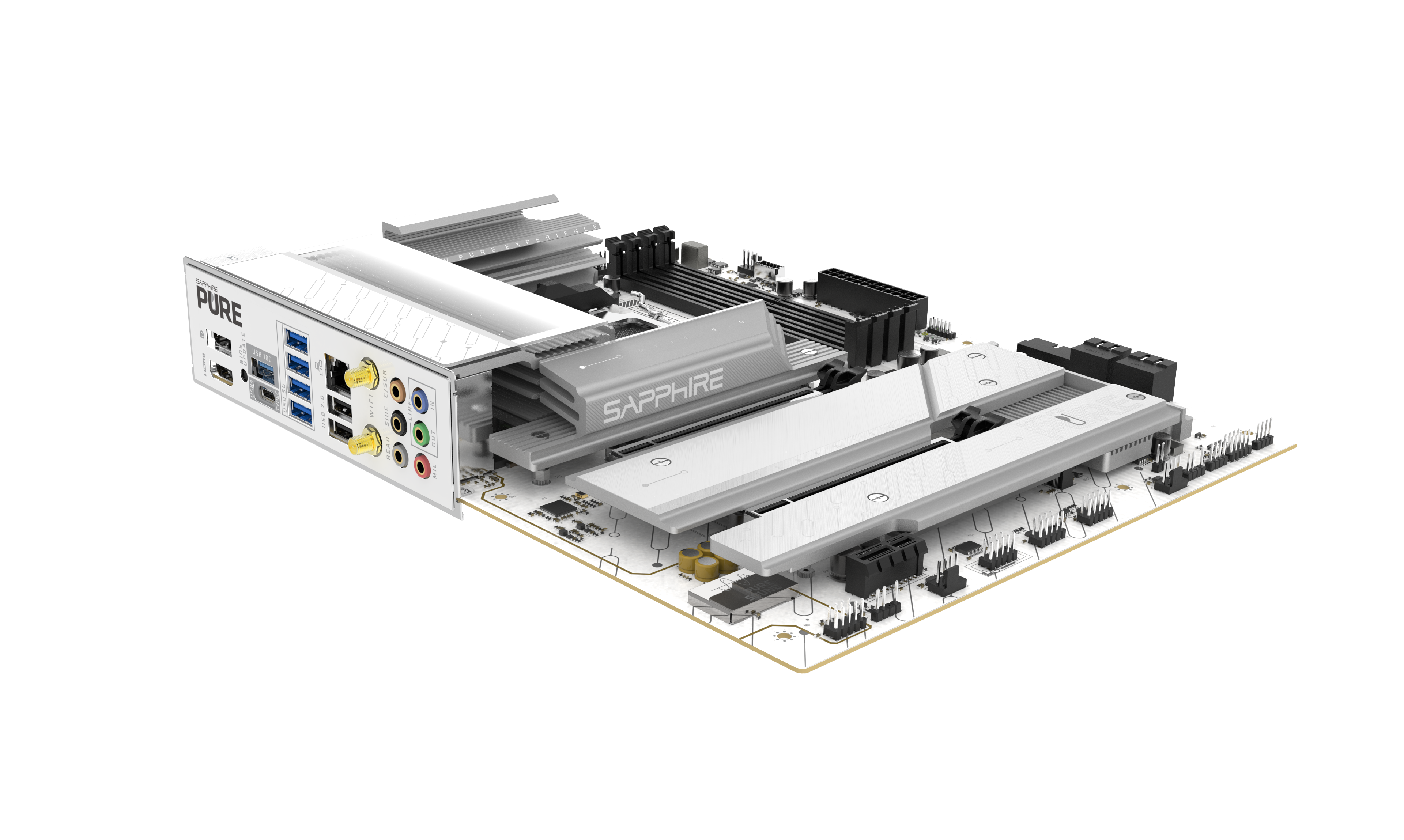
Today Sapphire is launching its latest all-white AM5 motherboard, the Pure X870A WiFi 7. Sporting a minimalist design and the full X870 chipset, the motherboard is poised as a high-end option for custom gaming PCs with the latest Ryzen CPUs.
The Pure X870A WiFi 7 supports DDR5 memory up to 8400MHz (OC) and uses a 16+2+1 phase VRM to maintain stable power delivery under heavy workloads or overclocking. Dedicated heatsinks for the VRM, M.2 slots, and chipset help sustain performance during extended gaming sessions.
Connectivity is built around PCIe 5.0 for both graphics cards and NVMe storage, alongside WiFi 7, Bluetooth 5.4, and Realtek 5Gb Ethernet for high‑speed networking. USB4 Type‑C provides 40Gbps bandwidth, DisplayPort Alt Mode, and 15W Power Delivery, giving the board flexibility for modern peripherals and multi‑display setups.
Sapphire’s BIOS offers an updated interface for monitoring and fine‑tuning system behaviour, while the TriXX‑M software extends those controls into Windows for cooling adjustments, lighting customisation, performance monitoring, and diagnostics.
The SAPPHIRE PURE X870A WIFI 7 will be available soon for around $249. We have one in-house to feature in an upcoming build, so stay tuned for that.

 Login
Login